Repository: Orama-Interactive/Pixelorama
Branch: master
Commit: fba01c159708
Files: 1068
Total size: 9.6 MB
Directory structure:
gitextract_pkegz811/
├── .gdlintrc
├── .gitattributes
├── .github/
│ ├── FUNDING.yml
│ ├── ISSUE_TEMPLATE/
│ │ ├── bug_report.md
│ │ └── config.yml
│ ├── dependabot.yml
│ └── workflows/
│ ├── dev-clickable-builds.yml
│ ├── dev-desktop-builds.yml
│ ├── dev-web.yml
│ ├── release.yml
│ └── static-checks.yml
├── .gitignore
├── CHANGELOG.md
├── CONTRIBUTING.md
├── LICENSE
├── Misc/
│ ├── .gdignore
│ ├── Clickable/
│ │ ├── .gdignore
│ │ ├── README.md
│ │ ├── build-ubports.sh
│ │ ├── click/
│ │ │ ├── manifest.json
│ │ │ ├── pixelorama.apparmor
│ │ │ └── pixelorama.desktop
│ │ └── clickable.json
│ └── Linux/
│ ├── com.orama_interactive.Pixelorama.appdata.xml
│ ├── com.orama_interactive.Pixelorama.desktop
│ └── com.orama_interactive.Pixelorama.xml
├── README.md
├── Translations/
│ ├── README.md
│ ├── Translations.pot
│ ├── af_ZA.po
│ ├── ar_SA.po
│ ├── be_BY.po
│ ├── bg_BG.po
│ ├── ca_ES.po
│ ├── cs_CZ.po
│ ├── cy_GB.po
│ ├── da_DK.po
│ ├── de_DE.po
│ ├── el_GR.po
│ ├── en.po
│ ├── en_PT.po
│ ├── en_US.po
│ ├── eo_UY.po
│ ├── es_ES.po
│ ├── et_EE.po
│ ├── fa_IR.po
│ ├── fi_FI.po
│ ├── fil_PH.po
│ ├── fr_FR.po
│ ├── ga_IE.po
│ ├── grc.po
│ ├── he_IL.po
│ ├── hi_IN.po
│ ├── hr_HR.po
│ ├── hu_HU.po
│ ├── id_ID.po
│ ├── is_IS.po
│ ├── it_IT.po
│ ├── ja_JP.po
│ ├── kk_KZ.po
│ ├── ko_KR.po
│ ├── la_LA.po
│ ├── lt_LT.po
│ ├── lv_LV.po
│ ├── mi_NZ.po
│ ├── mk_MK.po
│ ├── ml_IN.po
│ ├── mr_IN.po
│ ├── ms_MY.po
│ ├── nb_NO.po
│ ├── nl_NL.po
│ ├── no_NO.po
│ ├── pl_PL.po
│ ├── pt_BR.po
│ ├── pt_PT.po
│ ├── ro_RO.po
│ ├── ru_RU.po
│ ├── si_LK.po
│ ├── sk_SK.po
│ ├── sl_SI.po
│ ├── sq_AL.po
│ ├── sr_SP.po
│ ├── sv_SE.po
│ ├── sw_KE.po
│ ├── ta_IN.po
│ ├── th_TH.po
│ ├── tlh_AA.po
│ ├── tr_TR.po
│ ├── uk_UA.po
│ ├── vi_VN.po
│ ├── zh_CN.po
│ └── zh_TW.po
├── addons/
│ ├── README.md
│ ├── SmartSlicer/
│ │ └── Classes/
│ │ ├── RegionUnpacker.gd
│ │ └── RegionUnpacker.gd.uid
│ ├── aimg_io/
│ │ ├── COPYING.txt
│ │ ├── apng_crc32.tres
│ │ ├── apng_exporter.gd
│ │ ├── apng_exporter.gd.uid
│ │ ├── apng_import_plugin.gd
│ │ ├── apng_import_plugin.gd.uid
│ │ ├── apng_importer.gd
│ │ ├── apng_importer.gd.uid
│ │ ├── apng_stream.gd
│ │ ├── apng_stream.gd.uid
│ │ ├── base_exporter.gd
│ │ ├── base_exporter.gd.uid
│ │ ├── crc32.gd
│ │ ├── crc32.gd.uid
│ │ ├── editor_plugin.gd
│ │ ├── editor_plugin.gd.uid
│ │ ├── frame.gd
│ │ ├── frame.gd.uid
│ │ └── plugin.cfg
│ ├── applinks/
│ │ ├── applinks.gd
│ │ ├── applinks.gd.uid
│ │ ├── bin/
│ │ │ ├── debug/
│ │ │ │ └── applinks-debug.aar
│ │ │ └── release/
│ │ │ └── applinks-release.aar
│ │ ├── export_plugin.gd
│ │ ├── export_plugin.gd.uid
│ │ └── plugin.cfg
│ ├── dockable_container/
│ │ ├── LICENSE
│ │ ├── dockable_container.gd
│ │ ├── dockable_container.gd.uid
│ │ ├── dockable_panel.gd
│ │ ├── dockable_panel.gd.uid
│ │ ├── dockable_panel_reference_control.gd
│ │ ├── dockable_panel_reference_control.gd.uid
│ │ ├── drag_n_drop_panel.gd
│ │ ├── drag_n_drop_panel.gd.uid
│ │ ├── floating_window.gd
│ │ ├── floating_window.gd.uid
│ │ ├── icon.svg.import
│ │ ├── inspector_plugin/
│ │ │ ├── editor_inspector_plugin.gd
│ │ │ ├── editor_inspector_plugin.gd.uid
│ │ │ ├── layout_editor_property.gd
│ │ │ └── layout_editor_property.gd.uid
│ │ ├── layout.gd
│ │ ├── layout.gd.uid
│ │ ├── layout_node.gd
│ │ ├── layout_node.gd.uid
│ │ ├── layout_panel.gd
│ │ ├── layout_panel.gd.uid
│ │ ├── layout_split.gd
│ │ ├── layout_split.gd.uid
│ │ ├── plugin.cfg
│ │ ├── plugin.gd
│ │ ├── plugin.gd.uid
│ │ ├── samples/
│ │ │ ├── TestScene.gd
│ │ │ ├── TestScene.gd.uid
│ │ │ └── TestScene.tscn
│ │ ├── split_handle.gd
│ │ └── split_handle.gd.uid
│ ├── gdgifexporter/
│ │ ├── LICENSE
│ │ ├── converter.gd
│ │ ├── converter.gd.uid
│ │ ├── exporter.gd
│ │ ├── exporter.gd.uid
│ │ ├── gif-lzw/
│ │ │ ├── LICENSE
│ │ │ ├── lsbbitpacker.gd
│ │ │ ├── lsbbitpacker.gd.uid
│ │ │ ├── lzw.gd
│ │ │ └── lzw.gd.uid
│ │ ├── gifdatatypes.gd
│ │ ├── gifdatatypes.gd.uid
│ │ ├── importer.gd
│ │ ├── importer.gd.uid
│ │ ├── little_endian.gd
│ │ ├── little_endian.gd.uid
│ │ ├── lookup_color.gdshader
│ │ ├── lookup_color.gdshader.uid
│ │ ├── lookup_similar.gdshader
│ │ ├── lookup_similar.gdshader.uid
│ │ └── quantization/
│ │ ├── median_cut.gd
│ │ ├── median_cut.gd.uid
│ │ ├── uniform.gd
│ │ └── uniform.gd.uid
│ └── keychain/
│ ├── Keychain.gd
│ ├── Keychain.gd.uid
│ ├── ShortcutEdit.gd
│ ├── ShortcutEdit.gd.uid
│ ├── ShortcutEdit.tscn
│ ├── ShortcutProfile.gd
│ ├── ShortcutProfile.gd.uid
│ ├── ShortcutSelectorDialog.gd
│ ├── ShortcutSelectorDialog.gd.uid
│ ├── ShortcutSelectorDialog.tscn
│ ├── assets/
│ │ ├── add.svg.import
│ │ ├── arrows/
│ │ │ ├── bottom_left.png.import
│ │ │ ├── bottom_right.png.import
│ │ │ ├── down.png.import
│ │ │ ├── left.png.import
│ │ │ ├── right.png.import
│ │ │ ├── top_left.png.import
│ │ │ ├── top_right.png.import
│ │ │ └── up.png.import
│ │ ├── close.svg.import
│ │ ├── edit.svg.import
│ │ ├── folder.svg.import
│ │ ├── joy_axis.svg.import
│ │ ├── joy_button.svg.import
│ │ ├── keyboard.svg.import
│ │ ├── keyboard_physical.svg.import
│ │ ├── mouse.svg.import
│ │ ├── search.svg.import
│ │ └── shortcut.svg.import
│ ├── plugin.cfg
│ ├── plugin.gd
│ ├── plugin.gd.uid
│ ├── profiles/
│ │ └── default.tres
│ └── translations/
│ ├── README.md
│ ├── Translations.pot
│ └── el_GR.po
├── assets/
│ ├── dither-matrices/
│ │ ├── bayer16.png.import
│ │ ├── bayer2.png.import
│ │ ├── bayer4.png.import
│ │ └── bayer8.png.import
│ ├── fonts/
│ │ ├── Roboto-License.txt
│ │ └── Roboto-Regular.ttf.import
│ ├── graphics/
│ │ ├── circle_9x9.png.import
│ │ ├── circle_filled_9x9.png.import
│ │ ├── cursor.png.import
│ │ ├── dotted_line.png.import
│ │ ├── gizmos/
│ │ │ ├── directional_light.svg.import
│ │ │ ├── omni_light.svg.import
│ │ │ └── spot_light.svg.import
│ │ ├── icons/
│ │ │ ├── android_icons/
│ │ │ │ ├── android_adaptive_background.png.import
│ │ │ │ ├── android_adaptive_foreground.png.import
│ │ │ │ ├── android_adaptive_monochrome.png.import
│ │ │ │ └── android_main_icon.png.import
│ │ │ ├── icon.icns
│ │ │ ├── icon.png.import
│ │ │ └── icon_16x16.png.import
│ │ ├── layers/
│ │ │ ├── clipping_mask.png.import
│ │ │ ├── clone.png.import
│ │ │ ├── delete.png.import
│ │ │ ├── fx.png.import
│ │ │ ├── group_collapsed.png.import
│ │ │ ├── group_expanded.png.import
│ │ │ ├── group_new.png.import
│ │ │ ├── layer_active_effect.png.import
│ │ │ ├── layer_invisible.png.import
│ │ │ ├── layer_visible.png.import
│ │ │ ├── linked_layer.png.import
│ │ │ ├── lock.png.import
│ │ │ ├── merge_down.png.import
│ │ │ ├── move_down.png.import
│ │ │ ├── move_up.png.import
│ │ │ ├── new.png.import
│ │ │ ├── type_icons/
│ │ │ │ ├── layer_3d.png.import
│ │ │ │ ├── layer_group.png.import
│ │ │ │ ├── layer_pixel.png.import
│ │ │ │ ├── layer_sound.png.import
│ │ │ │ └── layer_tilemap.png.import
│ │ │ ├── unlinked_layer.png.import
│ │ │ └── unlock.png.import
│ │ ├── misc/
│ │ │ ├── alpha_lock_off.png.import
│ │ │ ├── alpha_lock_on.png.import
│ │ │ ├── animate.png.import
│ │ │ ├── check.png.import
│ │ │ ├── check_plain.png.import
│ │ │ ├── checkbox_unpressed.png.import
│ │ │ ├── close.png.import
│ │ │ ├── close.svg.import
│ │ │ ├── color_switch.png.import
│ │ │ ├── dynamics.png.import
│ │ │ ├── external_link.svg.import
│ │ │ ├── heart.svg.import
│ │ │ ├── horizontal_mirror_off.png.import
│ │ │ ├── horizontal_mirror_on.png.import
│ │ │ ├── icon_reload.png.import
│ │ │ ├── landscape.png.import
│ │ │ ├── lock_aspect.png.import
│ │ │ ├── lock_aspect_2.png.import
│ │ │ ├── lock_aspect_guides.png.import
│ │ │ ├── locked_size.png.import
│ │ │ ├── mirror_x.svg.import
│ │ │ ├── mirror_y.svg.import
│ │ │ ├── move_down_arrow.svg.import
│ │ │ ├── move_up_arrow.svg.import
│ │ │ ├── musical_note.png.import
│ │ │ ├── options.png.import
│ │ │ ├── pixel_perfect_off.png.import
│ │ │ ├── pixel_perfect_on.png.import
│ │ │ ├── portrait.png.import
│ │ │ ├── radio_unpressed.png.import
│ │ │ ├── save.svg.import
│ │ │ ├── search.svg.import
│ │ │ ├── settings.svg.import
│ │ │ ├── uncheck.png.import
│ │ │ ├── unlocked_size.png.import
│ │ │ ├── value_arrow.svg.import
│ │ │ ├── value_arrow_hover.svg.import
│ │ │ ├── value_arrow_press.svg.import
│ │ │ ├── value_arrow_right.svg.import
│ │ │ ├── value_arrow_up.svg.import
│ │ │ ├── value_slider.png.import
│ │ │ ├── vertical_mirror_off.png.import
│ │ │ ├── vertical_mirror_on.png.import
│ │ │ ├── x_minus_y_mirror_off.png.import
│ │ │ ├── x_minus_y_mirror_on.png.import
│ │ │ ├── xy_mirror_off.png.import
│ │ │ ├── xy_mirror_on.png.import
│ │ │ └── z_index_indicator.png.import
│ │ ├── palette/
│ │ │ ├── add.png.import
│ │ │ ├── edit.png.import
│ │ │ └── sort.png.import
│ │ ├── pixel_image.png.import
│ │ ├── quick_access_panel/
│ │ │ ├── copy.svg.import
│ │ │ ├── cut.svg.import
│ │ │ ├── paste.svg.import
│ │ │ ├── redo.svg.import
│ │ │ ├── remove.svg.import
│ │ │ ├── save.svg.import
│ │ │ └── undo.svg.import
│ │ ├── recorder/
│ │ │ ├── start.png.import
│ │ │ └── stop.png.import
│ │ ├── reference_images/
│ │ │ ├── move.png.import
│ │ │ ├── rotate.png.import
│ │ │ ├── scale.png.import
│ │ │ └── select.png.import
│ │ ├── splash.png.import
│ │ ├── splash_screen/
│ │ │ ├── artworks/
│ │ │ │ ├── bearsaidno.png.import
│ │ │ │ └── roroto.png.import
│ │ │ ├── discord.png.import
│ │ │ ├── github_32px.png.import
│ │ │ ├── orama_64x64.png.import
│ │ │ ├── patreon_mark_white.png.import
│ │ │ └── version.png.import
│ │ ├── tiles_panel/
│ │ │ ├── tiles_auto.png.import
│ │ │ ├── tiles_draw.png.import
│ │ │ ├── tiles_manual.png.import
│ │ │ └── tiles_stack.png.import
│ │ ├── timeline/
│ │ │ ├── copy_frame.png.import
│ │ │ ├── expandable.png.import
│ │ │ ├── go_to_first_frame.png.import
│ │ │ ├── go_to_last_frame.png.import
│ │ │ ├── loop.png.import
│ │ │ ├── loop_none.png.import
│ │ │ ├── loop_pingpong.png.import
│ │ │ ├── move_arrow.png.import
│ │ │ ├── new_frame.png.import
│ │ │ ├── next_frame.png.import
│ │ │ ├── onion_skinning.png.import
│ │ │ ├── onion_skinning_off.png.import
│ │ │ ├── pause.png.import
│ │ │ ├── play.png.import
│ │ │ ├── play_backwards.png.import
│ │ │ ├── previous_frame.png.import
│ │ │ └── remove_frame.png.import
│ │ └── tools/
│ │ ├── 3dshapeedit.png.import
│ │ ├── bucket.png.import
│ │ ├── colorpicker.png.import
│ │ ├── colorselect.png.import
│ │ ├── crop.png.import
│ │ ├── cursors/
│ │ │ ├── 3dshapeedit.png.import
│ │ │ ├── bucket.png.import
│ │ │ ├── colorpicker.png.import
│ │ │ ├── colorselect.png.import
│ │ │ ├── crop.png.import
│ │ │ ├── curvetool.png.import
│ │ │ ├── ellipseselect.png.import
│ │ │ ├── ellipsetool.png.import
│ │ │ ├── eraser.png.import
│ │ │ ├── isometricboxtool.png.import
│ │ │ ├── lasso.png.import
│ │ │ ├── linetool.png.import
│ │ │ ├── magicwand.png.import
│ │ │ ├── move.png.import
│ │ │ ├── paintselect.png.import
│ │ │ ├── pan.png.import
│ │ │ ├── pencil.png.import
│ │ │ ├── polygonselect.png.import
│ │ │ ├── rectangletool.png.import
│ │ │ ├── rectselect.png.import
│ │ │ ├── shading.png.import
│ │ │ ├── text.png.import
│ │ │ └── zoom.png.import
│ │ ├── curvetool.png.import
│ │ ├── ellipseselect.png.import
│ │ ├── ellipsetool.png.import
│ │ ├── eraser.png.import
│ │ ├── isometricboxtool.png.import
│ │ ├── lasso.png.import
│ │ ├── linetool.png.import
│ │ ├── magicwand.png.import
│ │ ├── move.png.import
│ │ ├── paintselect.png.import
│ │ ├── pan.png.import
│ │ ├── pencil.png.import
│ │ ├── polygonselect.png.import
│ │ ├── rectangletool.png.import
│ │ ├── rectselect.png.import
│ │ ├── shading.png.import
│ │ ├── text.png.import
│ │ ├── text_options/
│ │ │ ├── allign_center.png.import
│ │ │ ├── allign_fill.png.import
│ │ │ ├── allign_left.png.import
│ │ │ ├── allign_right.png.import
│ │ │ ├── antialiasing_grayscale.png.import
│ │ │ ├── antialiasing_lcd.png.import
│ │ │ ├── antialiasing_off.png.import
│ │ │ ├── bold.png.import
│ │ │ └── italic.png.import
│ │ ├── tool_background.png.import
│ │ ├── tool_background_right.png.import
│ │ └── zoom.png.import
│ ├── layouts/
│ │ ├── Default.tres
│ │ └── Tallscreen.tres
│ ├── premult_alpha_canvas_item_mat.tres
│ └── themes/
│ ├── blue/
│ │ └── theme.tres
│ ├── caramel/
│ │ └── theme.tres
│ ├── dark/
│ │ └── theme.tres
│ ├── gray/
│ │ └── theme.tres
│ ├── light/
│ │ └── theme.tres
│ ├── purple/
│ │ └── theme.tres
│ └── rose/
│ └── theme.tres
├── crowdin.yml
├── export_presets.cfg
├── installer/
│ ├── .gdignore
│ ├── FileAssociation.nsh
│ ├── LICENSE
│ ├── assets/
│ │ └── .gdignore
│ ├── installer.pot
│ ├── pixelorama.nsi
│ ├── po/
│ │ ├── af-ZA.po
│ │ ├── ar-SA.po
│ │ ├── be-BY.po
│ │ ├── bg-BG.po
│ │ ├── ca-ES.po
│ │ ├── cs-CZ.po
│ │ ├── cy-GB.po
│ │ ├── da-DK.po
│ │ ├── de-DE.po
│ │ ├── el-GR.po
│ │ ├── en-PT.po
│ │ ├── eo-UY.po
│ │ ├── es-ES.po
│ │ ├── et-EE.po
│ │ ├── fa-IR.po
│ │ ├── fi-FI.po
│ │ ├── fil-PH.po
│ │ ├── fr-FR.po
│ │ ├── ga-IE.po
│ │ ├── grc.po
│ │ ├── he-IL.po
│ │ ├── hi-IN.po
│ │ ├── hr-HR.po
│ │ ├── hu-HU.po
│ │ ├── id-ID.po
│ │ ├── is-IS.po
│ │ ├── it-IT.po
│ │ ├── ja-JP.po
│ │ ├── kk-KZ.po
│ │ ├── ko-KR.po
│ │ ├── la-LA.po
│ │ ├── lt-LT.po
│ │ ├── lv-LV.po
│ │ ├── mi-NZ.po
│ │ ├── mk-MK.po
│ │ ├── ml-IN.po
│ │ ├── mr-IN.po
│ │ ├── ms-MY.po
│ │ ├── nb-NO.po
│ │ ├── nl-NL.po
│ │ ├── no-NO.po
│ │ ├── pl-PL.po
│ │ ├── pt-BR.po
│ │ ├── pt-PT.po
│ │ ├── ro-RO.po
│ │ ├── ru-RU.po
│ │ ├── si-LK.po
│ │ ├── sk-SK.po
│ │ ├── sl-SI.po
│ │ ├── sq-AL.po
│ │ ├── sr-SP.po
│ │ ├── sv-SE.po
│ │ ├── sw-KE.po
│ │ ├── ta-IN.po
│ │ ├── th-TH.po
│ │ ├── tlh-AA.po
│ │ ├── tr-TR.po
│ │ ├── uk-UA.po
│ │ ├── vi-VN.po
│ │ ├── zh-CN.po
│ │ └── zh-TW.po
│ └── utils/
│ ├── LICENSE
│ ├── nsi2pot.py
│ ├── po2nsi.py
│ └── polib.py
├── pixelorama_data/
│ ├── .gdignore
│ └── Palettes/
│ ├── Default.json
│ └── Pixelorama.json
├── project.godot
└── src/
├── Autoload/
│ ├── DrawingAlgos.gd
│ ├── DrawingAlgos.gd.uid
│ ├── Export.gd
│ ├── Export.gd.uid
│ ├── ExtensionsApi.gd
│ ├── ExtensionsApi.gd.uid
│ ├── Global.gd
│ ├── Global.gd.uid
│ ├── HTML5FileExchange.gd
│ ├── HTML5FileExchange.gd.uid
│ ├── Import.gd
│ ├── Import.gd.uid
│ ├── OpenSave.gd
│ ├── OpenSave.gd.uid
│ ├── Palettes.gd
│ ├── Palettes.gd.uid
│ ├── Themes.gd
│ ├── Themes.gd.uid
│ ├── Tools.gd
│ └── Tools.gd.uid
├── Classes/
│ ├── AnimationExporters/
│ │ ├── GIFAnimationExporter.gd
│ │ └── GIFAnimationExporter.gd.uid
│ ├── AnimationTag.gd
│ ├── AnimationTag.gd.uid
│ ├── Cel3DObject.gd
│ ├── Cel3DObject.gd.uid
│ ├── Cels/
│ │ ├── AudioCel.gd
│ │ ├── AudioCel.gd.uid
│ │ ├── BaseCel.gd
│ │ ├── BaseCel.gd.uid
│ │ ├── Cel3D.gd
│ │ ├── Cel3D.gd.uid
│ │ ├── CelTileMap.gd
│ │ ├── CelTileMap.gd.uid
│ │ ├── GroupCel.gd
│ │ ├── GroupCel.gd.uid
│ │ ├── PixelCel.gd
│ │ └── PixelCel.gd.uid
│ ├── Drawers.gd
│ ├── Drawers.gd.uid
│ ├── Frame.gd
│ ├── Frame.gd.uid
│ ├── ImageEffect.gd
│ ├── ImageEffect.gd.uid
│ ├── ImageExtended.gd
│ ├── ImageExtended.gd.uid
│ ├── LayerEffect.gd
│ ├── LayerEffect.gd.uid
│ ├── Layers/
│ │ ├── AudioLayer.gd
│ │ ├── AudioLayer.gd.uid
│ │ ├── BaseLayer.gd
│ │ ├── BaseLayer.gd.uid
│ │ ├── GroupLayer.gd
│ │ ├── GroupLayer.gd.uid
│ │ ├── Layer3D.gd
│ │ ├── Layer3D.gd.uid
│ │ ├── LayerTileMap.gd
│ │ ├── LayerTileMap.gd.uid
│ │ ├── PixelLayer.gd
│ │ └── PixelLayer.gd.uid
│ ├── ObjParse.gd
│ ├── ObjParse.gd.uid
│ ├── Project.gd
│ ├── Project.gd.uid
│ ├── ResourceProject.gd
│ ├── ResourceProject.gd.uid
│ ├── SelectionMap.gd
│ ├── SelectionMap.gd.uid
│ ├── ShaderImageEffect.gd
│ ├── ShaderImageEffect.gd.uid
│ ├── ShaderLoader.gd
│ ├── ShaderLoader.gd.uid
│ ├── SoftwareParsers/
│ │ ├── AsepriteParser.gd
│ │ ├── AsepriteParser.gd.uid
│ │ ├── KritaParser.gd
│ │ ├── KritaParser.gd.uid
│ │ ├── PhotoshopParser.gd
│ │ └── PhotoshopParser.gd.uid
│ ├── SteamManager.gd
│ ├── SteamManager.gd.uid
│ ├── TileSetCustom.gd
│ ├── TileSetCustom.gd.uid
│ ├── Tiles.gd
│ └── Tiles.gd.uid
├── HandleExtensions.gd
├── HandleExtensions.gd.uid
├── Main.gd
├── Main.gd.uid
├── Main.tscn
├── Palette/
│ ├── CreatePaletteDialog.gd
│ ├── CreatePaletteDialog.gd.uid
│ ├── CreatePaletteDialog.tscn
│ ├── EditPaletteDialog.gd
│ ├── EditPaletteDialog.gd.uid
│ ├── EditPaletteDialog.tscn
│ ├── Palette.gd
│ ├── Palette.gd.uid
│ ├── PaletteGrid.gd
│ ├── PaletteGrid.gd.uid
│ ├── PalettePanel.gd
│ ├── PalettePanel.gd.uid
│ ├── PalettePanel.tscn
│ ├── PaletteSwatch.gd
│ └── PaletteSwatch.gd.uid
├── Preferences/
│ ├── ExtensionsPreferences.gd
│ ├── ExtensionsPreferences.gd.uid
│ ├── GridPreferences.gd
│ ├── GridPreferences.gd.uid
│ ├── PreferencesDialog.gd
│ ├── PreferencesDialog.gd.uid
│ ├── PreferencesDialog.tscn
│ ├── RestoreDefaultButton.gd
│ ├── RestoreDefaultButton.gd.uid
│ ├── ThemeColorPreview.tscn
│ ├── ThemesPreferences.gd
│ └── ThemesPreferences.gd.uid
├── Shaders/
│ ├── AutoInvertColors.gdshader
│ ├── AutoInvertColors.gdshader.uid
│ ├── BlendLayers.gdshader
│ ├── BlendLayers.gdshader.uid
│ ├── CanvasCommon.gdshaderinc
│ ├── CanvasCommon.gdshaderinc.uid
│ ├── ColorReplace.gdshader
│ ├── ColorReplace.gdshader.uid
│ ├── ColorSelect.gdshader
│ ├── ColorSelect.gdshader.uid
│ ├── DummyPreMulAlpha.gdshader
│ ├── DummyPreMulAlpha.gdshader.uid
│ ├── Effects/
│ │ ├── BrightnessContrast.gdshader
│ │ ├── BrightnessContrast.gdshader.uid
│ │ ├── ColorCurves.gdshader
│ │ ├── ColorCurves.gdshader.uid
│ │ ├── ConvolutionMatrix.gdshader
│ │ ├── ConvolutionMatrix.gdshader.uid
│ │ ├── Desaturate.gdshader
│ │ ├── Desaturate.gdshader.uid
│ │ ├── DropShadow.gdshader
│ │ ├── DropShadow.gdshader.uid
│ │ ├── GaussianBlur.gdshader
│ │ ├── GaussianBlur.gdshader.uid
│ │ ├── Gradient.gdshader
│ │ ├── Gradient.gdshader.uid
│ │ ├── GradientMap.gdshader
│ │ ├── GradientMap.gdshader.uid
│ │ ├── HSV.gdshader
│ │ ├── HSV.gdshader.uid
│ │ ├── IndexMap.gdshader
│ │ ├── IndexMap.gdshader.uid
│ │ ├── Invert.gdshader
│ │ ├── Invert.gdshader.uid
│ │ ├── OffsetPixels.gdshader
│ │ ├── OffsetPixels.gdshader.uid
│ │ ├── OutlineInline.gdshader
│ │ ├── OutlineInline.gdshader.uid
│ │ ├── Palettize.gdshader
│ │ ├── Palettize.gdshader.uid
│ │ ├── Pixelize.gdshader
│ │ ├── Pixelize.gdshader.uid
│ │ ├── Posterize.gdshader
│ │ ├── Posterize.gdshader.uid
│ │ └── Rotation/
│ │ ├── CommonRotation.gdshaderinc
│ │ ├── CommonRotation.gdshaderinc.uid
│ │ ├── NearestNeighbour.gdshader
│ │ ├── NearestNeighbour.gdshader.uid
│ │ ├── OmniScale.gdshader
│ │ ├── OmniScale.gdshader.uid
│ │ ├── SmearRotxel.gdshader
│ │ ├── SmearRotxel.gdshader.uid
│ │ ├── cleanEdge.gdshader
│ │ └── cleanEdge.gdshader.uid
│ ├── FindPaletteColorIndex.gdshaderinc
│ ├── FindPaletteColorIndex.gdshaderinc.uid
│ ├── Greyscale.gdshader
│ ├── Greyscale.gdshader.uid
│ ├── IndexedToRGB.gdshader
│ ├── IndexedToRGB.gdshader.uid
│ ├── MarchingAntsOutline.gdshader
│ ├── MarchingAntsOutline.gdshader.uid
│ ├── PatternFill.gdshader
│ ├── PatternFill.gdshader.uid
│ ├── ReferenceImageShader.gdshader
│ ├── ReferenceImageShader.gdshader.uid
│ ├── SetIndices.gdshader
│ ├── SetIndices.gdshader.uid
│ ├── TransparentChecker.gdshader
│ ├── TransparentChecker.gdshader.uid
│ ├── UITransparency.gdshader
│ └── UITransparency.gdshader.uid
├── Tools/
│ ├── 3DTools/
│ │ ├── 3DShapeEdit.gd
│ │ ├── 3DShapeEdit.gd.uid
│ │ └── 3DShapeEdit.tscn
│ ├── BaseDraw.gd
│ ├── BaseDraw.gd.uid
│ ├── BaseDraw.tscn
│ ├── BaseSelectionTool.gd
│ ├── BaseSelectionTool.gd.uid
│ ├── BaseSelectionTool.tscn
│ ├── BaseShapeDrawer.gd
│ ├── BaseShapeDrawer.gd.uid
│ ├── BaseShapeDrawer.tscn
│ ├── BaseTool.gd
│ ├── BaseTool.gd.uid
│ ├── BaseTool.tscn
│ ├── DesignTools/
│ │ ├── Bucket.gd
│ │ ├── Bucket.gd.uid
│ │ ├── Bucket.tscn
│ │ ├── CurveTool.gd
│ │ ├── CurveTool.gd.uid
│ │ ├── CurveTool.tscn
│ │ ├── EllipseTool.gd
│ │ ├── EllipseTool.gd.uid
│ │ ├── EllipseTool.tscn
│ │ ├── Eraser.gd
│ │ ├── Eraser.gd.uid
│ │ ├── Eraser.tscn
│ │ ├── IsometricBoxTool.gd
│ │ ├── IsometricBoxTool.gd.uid
│ │ ├── IsometricBoxTool.tscn
│ │ ├── LineTool.gd
│ │ ├── LineTool.gd.uid
│ │ ├── LineTool.tscn
│ │ ├── Pencil.gd
│ │ ├── Pencil.gd.uid
│ │ ├── Pencil.tscn
│ │ ├── RectangleTool.gd
│ │ ├── RectangleTool.gd.uid
│ │ ├── RectangleTool.tscn
│ │ ├── Shading.gd
│ │ ├── Shading.gd.uid
│ │ └── Shading.tscn
│ ├── SelectionTools/
│ │ ├── ColorSelect.gd
│ │ ├── ColorSelect.gd.uid
│ │ ├── ColorSelect.tscn
│ │ ├── EllipseSelect.gd
│ │ ├── EllipseSelect.gd.uid
│ │ ├── EllipseSelect.tscn
│ │ ├── Lasso.gd
│ │ ├── Lasso.gd.uid
│ │ ├── Lasso.tscn
│ │ ├── MagicWand.gd
│ │ ├── MagicWand.gd.uid
│ │ ├── MagicWand.tscn
│ │ ├── PaintSelect.gd
│ │ ├── PaintSelect.gd.uid
│ │ ├── PaintSelect.tscn
│ │ ├── PolygonSelect.gd
│ │ ├── PolygonSelect.gd.uid
│ │ ├── PolygonSelect.tscn
│ │ ├── RectSelect.gd
│ │ ├── RectSelect.gd.uid
│ │ └── RectSelect.tscn
│ └── UtilityTools/
│ ├── ColorPicker.gd
│ ├── ColorPicker.gd.uid
│ ├── ColorPicker.tscn
│ ├── CropTool.gd
│ ├── CropTool.gd.uid
│ ├── CropTool.tscn
│ ├── Move.gd
│ ├── Move.gd.uid
│ ├── Move.tscn
│ ├── Pan.gd
│ ├── Pan.gd.uid
│ ├── Pan.tscn
│ ├── Text.gd
│ ├── Text.gd.uid
│ ├── Text.tscn
│ ├── Zoom.gd
│ ├── Zoom.gd.uid
│ └── Zoom.tscn
└── UI/
├── Buttons/
│ ├── BrushButton.gd
│ ├── BrushButton.gd.uid
│ ├── BrushButton.tscn
│ ├── BrushesPopup.gd
│ ├── BrushesPopup.gd.uid
│ ├── BrushesPopup.tscn
│ ├── PatternButton.gd
│ ├── PatternButton.gd.uid
│ ├── PatternButton.tscn
│ ├── PatternsPopup.gd
│ ├── PatternsPopup.gd.uid
│ └── PatternsPopup.tscn
├── Canvas/
│ ├── Canvas.gd
│ ├── Canvas.gd.uid
│ ├── Canvas.tscn
│ ├── CanvasCamera.gd
│ ├── CanvasCamera.gd.uid
│ ├── CanvasPreview.gd
│ ├── CanvasPreview.gd.uid
│ ├── CanvasPreview.tscn
│ ├── CropRect.gd
│ ├── CropRect.gd.uid
│ ├── CurrentFrameDrawer.gd
│ ├── CurrentFrameDrawer.gd.uid
│ ├── Gizmos3D.gd
│ ├── Gizmos3D.gd.uid
│ ├── Grid.gd
│ ├── Grid.gd.uid
│ ├── Indicators.gd
│ ├── Indicators.gd.uid
│ ├── Measurements.gd
│ ├── Measurements.gd.uid
│ ├── MouseGuide.gd
│ ├── MouseGuide.gd.uid
│ ├── MouseGuideContainer.tscn
│ ├── OnionSkinning.gd
│ ├── OnionSkinning.gd.uid
│ ├── PixelGrid.gd
│ ├── PixelGrid.gd.uid
│ ├── Previews.gd
│ ├── Previews.gd.uid
│ ├── ReferenceImages.gd
│ ├── ReferenceImages.gd.uid
│ ├── Rulers/
│ │ ├── Guide.gd
│ │ ├── Guide.gd.uid
│ │ ├── HorizontalRuler.gd
│ │ ├── HorizontalRuler.gd.uid
│ │ ├── SymmetryGuide.gd
│ │ ├── SymmetryGuide.gd.uid
│ │ ├── VerticalRuler.gd
│ │ └── VerticalRuler.gd.uid
│ ├── Selection.gd
│ ├── Selection.gd.uid
│ ├── TileMode.gd
│ ├── TileMode.gd.uid
│ ├── TileModeIndices.gd
│ ├── TileModeIndices.gd.uid
│ ├── TransformationHandles.gd
│ ├── TransformationHandles.gd.uid
│ ├── color_index.gd
│ └── color_index.gd.uid
├── CanvasPreviewContainer/
│ ├── CanvasPreviewContainer.gd
│ ├── CanvasPreviewContainer.gd.uid
│ └── CanvasPreviewContainer.tscn
├── ColorPickers/
│ ├── ColorPicker.gd
│ ├── ColorPicker.gd.uid
│ └── ColorPicker.tscn
├── Dialogs/
│ ├── AboutDialog.gd
│ ├── AboutDialog.gd.uid
│ ├── AboutDialog.tscn
│ ├── BackupRestoreDialog.gd
│ ├── BackupRestoreDialog.gd.uid
│ ├── BackupRestoreDialog.tscn
│ ├── CreateNewImage.gd
│ ├── CreateNewImage.gd.uid
│ ├── CreateNewImage.tscn
│ ├── ExportDialog.gd
│ ├── ExportDialog.gd.uid
│ ├── ExportDialog.tscn
│ ├── HelperScripts/
│ │ ├── RowColumnLines.gd
│ │ ├── RowColumnLines.gd.uid
│ │ ├── SmartSlicePreview.gd
│ │ └── SmartSlicePreview.gd.uid
│ ├── ImageEffects/
│ │ ├── BrightnessContrastDialog.gd
│ │ ├── BrightnessContrastDialog.gd.uid
│ │ ├── BrightnessContrastDialog.tscn
│ │ ├── ColorCurvesDialog.gd
│ │ ├── ColorCurvesDialog.gd.uid
│ │ ├── ColorCurvesDialog.tscn
│ │ ├── DesaturateDialog.gd
│ │ ├── DesaturateDialog.gd.uid
│ │ ├── DesaturateDialog.tscn
│ │ ├── DropShadowDialog.gd
│ │ ├── DropShadowDialog.gd.uid
│ │ ├── DropShadowDialog.tscn
│ │ ├── FlipImageDialog.gd
│ │ ├── FlipImageDialog.gd.uid
│ │ ├── FlipImageDialog.tscn
│ │ ├── GaussianBlur.gd
│ │ ├── GaussianBlur.gd.uid
│ │ ├── GaussianBlur.tscn
│ │ ├── GradientDialog.gd
│ │ ├── GradientDialog.gd.uid
│ │ ├── GradientDialog.tscn
│ │ ├── GradientMapDialog.gd
│ │ ├── GradientMapDialog.gd.uid
│ │ ├── GradientMapDialog.tscn
│ │ ├── HSVDialog.gd
│ │ ├── HSVDialog.gd.uid
│ │ ├── HSVDialog.tscn
│ │ ├── ImageEffectParent.tscn
│ │ ├── InvertColorsDialog.gd
│ │ ├── InvertColorsDialog.gd.uid
│ │ ├── InvertColorsDialog.tscn
│ │ ├── OffsetScaleImage.gd
│ │ ├── OffsetScaleImage.gd.uid
│ │ ├── OffsetScaleImage.tscn
│ │ ├── OutlineDialog.gd
│ │ ├── OutlineDialog.gd.uid
│ │ ├── OutlineDialog.tscn
│ │ ├── PalettizeDialog.gd
│ │ ├── PalettizeDialog.gd.uid
│ │ ├── PalettizeDialog.tscn
│ │ ├── PixelizeDialog.gd
│ │ ├── PixelizeDialog.gd.uid
│ │ ├── PixelizeDialog.tscn
│ │ ├── Posterize.gd
│ │ ├── Posterize.gd.uid
│ │ ├── Posterize.tscn
│ │ ├── ResizeCanvas.gd
│ │ ├── ResizeCanvas.gd.uid
│ │ ├── ResizeCanvas.tscn
│ │ ├── RotateImage.gd
│ │ ├── RotateImage.gd.uid
│ │ ├── RotateImage.tscn
│ │ ├── ScaleImage.gd
│ │ ├── ScaleImage.gd.uid
│ │ ├── ScaleImage.tscn
│ │ ├── ShaderEffect.gd
│ │ ├── ShaderEffect.gd.uid
│ │ └── ShaderEffect.tscn
│ ├── ImportPreviewDialog.gd
│ ├── ImportPreviewDialog.gd.uid
│ ├── ImportPreviewDialog.tscn
│ ├── ImportTagDialog.gd
│ ├── ImportTagDialog.gd.uid
│ ├── ImportTagDialog.tscn
│ ├── ModifySelection.gd
│ ├── ModifySelection.gd.uid
│ ├── ModifySelection.tscn
│ ├── OpenSprite.tscn
│ ├── ProjectProperties.gd
│ ├── ProjectProperties.gd.uid
│ ├── ProjectProperties.tscn
│ ├── SaveSprite.tscn
│ ├── SaveSpriteHTML5.tscn
│ ├── SplashDialog.gd
│ ├── SplashDialog.gd.uid
│ ├── SplashDialog.tscn
│ ├── TileModeOffsetsDialog.gd
│ ├── TileModeOffsetsDialog.gd.uid
│ ├── TileModeOffsetsDialog.tscn
│ ├── WindowOpacityDialog.gd
│ ├── WindowOpacityDialog.gd.uid
│ └── WindowOpacityDialog.tscn
├── ExtensionExplorer/
│ ├── Entry/
│ │ ├── ExtensionEntry.gd
│ │ ├── ExtensionEntry.gd.uid
│ │ └── ExtensionEntry.tscn
│ ├── ExtensionExplorer.gd
│ ├── ExtensionExplorer.gd.uid
│ ├── ExtensionExplorer.tscn
│ └── Subscripts/
│ ├── CustomRepositoryLinks.gd
│ ├── CustomRepositoryLinks.gd.uid
│ ├── SearchManager.gd
│ └── SearchManager.gd.uid
├── GlobalToolOptions/
│ ├── DynamicsPanel.gd
│ ├── DynamicsPanel.gd.uid
│ ├── GlobalToolOptions.gd
│ ├── GlobalToolOptions.gd.uid
│ └── GlobalToolOptions.tscn
├── Nodes/
│ ├── AnimatePanel.gd
│ ├── AnimatePanel.gd.uid
│ ├── AnimatePanel.tscn
│ ├── CollapsibleContainer.gd
│ ├── CollapsibleContainer.gd.uid
│ ├── CurveEditor/
│ │ ├── CurveControlPoint.gd
│ │ ├── CurveControlPoint.gd.uid
│ │ ├── CurveEdit.gd
│ │ ├── CurveEdit.gd.uid
│ │ ├── CurveTangentPoint.gd
│ │ └── CurveTangentPoint.gd.uid
│ ├── GradientEdit.gd
│ ├── GradientEdit.gd.uid
│ ├── GradientEdit.tscn
│ ├── MaxMinEdit.gd
│ ├── MaxMinEdit.gd.uid
│ ├── MaxMinEdit.tscn
│ ├── NoiseGenerator.gd
│ ├── NoiseGenerator.gd.uid
│ ├── NoiseGenerator.tscn
│ ├── NoiseGeneratorDialog.tscn
│ ├── NotificationLabel.gd
│ ├── NotificationLabel.gd.uid
│ ├── Sliders/
│ │ ├── BasisSliders.gd
│ │ ├── BasisSliders.gd.uid
│ │ ├── BasisSliders.tscn
│ │ ├── ValueSlider.gd
│ │ ├── ValueSlider.gd.uid
│ │ ├── ValueSlider.tscn
│ │ ├── ValueSliderV2.gd
│ │ ├── ValueSliderV2.gd.uid
│ │ ├── ValueSliderV2.tscn
│ │ ├── ValueSliderV3.gd
│ │ ├── ValueSliderV3.gd.uid
│ │ └── ValueSliderV3.tscn
│ ├── TextToolEdit.gd
│ ├── TextToolEdit.gd.uid
│ ├── TransparentChecker.gd
│ ├── TransparentChecker.gd.uid
│ └── TransparentChecker.tscn
├── PerspectiveEditor/
│ ├── LineButton.tscn
│ ├── PerspectiveEditor.gd
│ ├── PerspectiveEditor.gd.uid
│ ├── PerspectiveEditor.tscn
│ ├── PerspectiveLine.gd
│ ├── PerspectiveLine.gd.uid
│ ├── PerspectiveLine.tscn
│ ├── PointCollapseContainer.gd
│ ├── PointCollapseContainer.gd.uid
│ ├── VanishingPoint.gd
│ ├── VanishingPoint.gd.uid
│ └── VanishingPoint.tscn
├── Recorder/
│ ├── Recorder.gd
│ ├── Recorder.gd.uid
│ └── Recorder.tscn
├── ReferenceImages/
│ ├── ReferenceEdit.gd
│ ├── ReferenceEdit.gd.uid
│ ├── ReferenceImage.gd
│ ├── ReferenceImage.gd.uid
│ ├── ReferenceImageButton.gd
│ ├── ReferenceImageButton.gd.uid
│ ├── ReferenceImageButton.tscn
│ ├── ReferencesPanel.gd
│ ├── ReferencesPanel.gd.uid
│ └── ReferencesPanel.tscn
├── Tabs.gd
├── Tabs.gd.uid
├── TilesPanel.gd
├── TilesPanel.gd.uid
├── TilesPanel.tscn
├── Timeline/
│ ├── AnimationTagUI.gd
│ ├── AnimationTagUI.gd.uid
│ ├── AnimationTagUI.tscn
│ ├── AnimationTimeline.gd
│ ├── AnimationTimeline.gd.uid
│ ├── AnimationTimeline.tscn
│ ├── CelButton.gd
│ ├── CelButton.gd.uid
│ ├── CelButton.tscn
│ ├── CelProperties.gd
│ ├── CelProperties.gd.uid
│ ├── CelProperties.tscn
│ ├── FrameButton.gd
│ ├── FrameButton.gd.uid
│ ├── FrameButton.tscn
│ ├── FrameProperties.gd
│ ├── FrameProperties.gd.uid
│ ├── FrameProperties.tscn
│ ├── FrameScrollContainer.gd
│ ├── FrameScrollContainer.gd.uid
│ ├── LayerButton.gd
│ ├── LayerButton.gd.uid
│ ├── LayerButton.tscn
│ ├── LayerEffects/
│ │ ├── LayerEffectButton.gd
│ │ ├── LayerEffectButton.gd.uid
│ │ ├── LayerEffectsSettings.gd
│ │ ├── LayerEffectsSettings.gd.uid
│ │ └── LayerEffectsSettings.tscn
│ ├── LayerMainButton.gd
│ ├── LayerMainButton.gd.uid
│ ├── LayerProperties.gd
│ ├── LayerProperties.gd.uid
│ ├── LayerProperties.tscn
│ ├── NewTileMapLayerDialog.gd
│ ├── NewTileMapLayerDialog.gd.uid
│ ├── NewTileMapLayerDialog.tscn
│ ├── TagProperties.gd
│ ├── TagProperties.gd.uid
│ └── TagProperties.tscn
├── ToolsPanel/
│ ├── ToolButton.tscn
│ ├── ToolButtons.gd
│ ├── ToolButtons.gd.uid
│ └── Tools.tscn
├── TopMenuContainer/
│ ├── TopMenuContainer.gd
│ ├── TopMenuContainer.gd.uid
│ ├── TopMenuContainer.tscn
│ ├── quick_access_buttons.gd
│ ├── quick_access_buttons.gd.uid
│ ├── undo_history_dialog.gd
│ └── undo_history_dialog.gd.uid
├── UI.gd
├── UI.gd.uid
├── UI.tscn
├── ViewportContainer.gd
└── ViewportContainer.gd.uid
================================================
FILE CONTENTS
================================================
================================================
FILE: .gdlintrc
================================================
disable:
- no-elif-return
- no-else-return
- max-returns
- max-public-methods
max-file-lines: 2000
================================================
FILE: .gitattributes
================================================
# Auto detect text files and perform LF normalization
* text=auto
================================================
FILE: .github/FUNDING.yml
================================================
patreon: OramaInteractive
custom: https://www.paypal.me/OverloadedOrama
ko_fi: overloadedorama
================================================
FILE: .github/ISSUE_TEMPLATE/bug_report.md
================================================
---
name: Bug report
about: Report a bug in Pixelorama
title: ''
labels: bug
assignees: ''
---
**Pixelorama version:**
**Where did you download Pixelorama from?**
**OS/device including version:**
**Issue description:**
**Steps to reproduce:**
================================================
FILE: .github/ISSUE_TEMPLATE/config.yml
================================================
contact_links:
- name: Feature proposals
url: https://github.com/Orama-Interactive/Pixelorama/discussions/new
about: Share ideas for new features in Discussions, under the "Ideas" category.
- name: Ask a Question
url: https://github.com/Orama-Interactive/Pixelorama/discussions/new
about: Ask the community for help in Discussions, under the "Q&A" category.
- name: Documentation repository
url: https://github.com/Orama-Interactive/Pixelorama-Docs
about: Please report issues with documentation on the Pixelorama documentation repository, not here.
================================================
FILE: .github/dependabot.yml
================================================
version: 2
updates:
- package-ecosystem: "github-actions"
directory: "/"
schedule:
interval: "daily"
================================================
FILE: .github/workflows/dev-clickable-builds.yml
================================================
name: "dev-clickable-builds"
on:
push:
branches: [ master ]
env:
GODOT_VERSION: 3.5
EXPORT_NAME: Pixelorama
jobs:
build_pck:
name: Create Pixelorama pack data
runs-on: ubuntu-latest
container:
image: docker://barichello/godot-ci:3.5
steps:
- name: Clone source
uses: actions/checkout@v6
with:
submodules: true
- name: Linux Build 🔧
run: godot -v --export-pack "Clickable (Package Only)" ./Misc/Clickable/Pixelorama.pck
- name: Copy Pixelorama data files
run: |
cp -R ./pixelorama_data ./Misc/Clickable
- name: Upload data files for click package
uses: actions/upload-artifact@v7
with:
name: pixelorama_click_data
path: Misc/Clickable/
retention-days: 14
build_click:
name: Create click package
needs: build_pck
runs-on: ubuntu-latest
strategy:
matrix:
architectures:
- armhf
- arm64
steps:
- name: Clone source
uses: actions/checkout@v6
- name: Install clickable dependencies
run: |
sudo add-apt-repository ppa:bhdouglass/clickable
sudo apt update
sudo apt install -y containerd docker.io runc clickable
sudo systemctl unmask docker.service
sudo systemctl start docker.service
- name: Remove existing click folder
run: rm -r ./Misc/Clickable
- name: Download click data
uses: actions/download-artifact@v8
with:
name: pixelorama_click_data
path: ./Misc/Clickable
- name: Run Clickable
run: |
cd Misc/Clickable
chmod +x build-ubports.sh
clickable build
env:
CLICKABLE_ARCH: ${{ matrix.architectures }}
- name: Upload click package artifact
uses: actions/upload-artifact@v7
with:
name: pixelorama_click_packages
path: Misc/Clickable/build/**.click
================================================
FILE: .github/workflows/dev-desktop-builds.yml
================================================
name: Development desktop builds
on:
push:
branches: [ master ]
pull_request:
branches: [ master ]
paths-ignore:
- "Translations/*"
- "installer/*.pot"
- "installer/po/*"
concurrency:
group: ci-${{github.actor}}-${{github.head_ref || github.run_number}}-${{github.ref}}-devdesktop
cancel-in-progress: true
env:
GODOT_VERSION: 4.6.1
EXPORT_NAME: Pixelorama
jobs:
export-windows:
name: Windows Export 🗔
runs-on: ubuntu-latest
container:
image: docker://barichello/godot-ci:4.6.1
steps:
- name: Checkout 🛎️
uses: actions/checkout@v6
with:
submodules: true
- name: Setup 💻
run: |
mkdir -v -p build/${EXPORT_NAME}-Windows-64bit ~/.local/share/godot/export_templates
mv /root/.local/share/godot/export_templates/${GODOT_VERSION}.stable ~/.local/share/godot/export_templates/${GODOT_VERSION}.stable
- name: Import resources once 📦
continue-on-error: true
run: godot --headless -v --import
- name: Windows Build 🔧
run: godot --headless -v --export-release "Windows Desktop 64-bit" ./build/${EXPORT_NAME}-Windows-64bit/$EXPORT_NAME.exe
- name: Copy pixelorama_data folder 📁
run: |
cp -R ./pixelorama_data ./build/${EXPORT_NAME}-Windows-64bit
rm ./build/${EXPORT_NAME}-Windows-64bit/pixelorama_data/.gdignore
- name: Upload Artifact 🚀
uses: actions/upload-artifact@v7
with:
name: ${{env.EXPORT_NAME}}-Windows-64bit
path: ./build/${{env.EXPORT_NAME}}-Windows-64bit/
retention-days: 14
export-linux:
name: Linux Export 🐧
runs-on: ubuntu-latest
container:
image: docker://barichello/godot-ci:4.6.1
steps:
- name: Checkout 🛎️
uses: actions/checkout@v6
with:
submodules: true
- name: Setup 💻
run: |
mkdir -v -p build/${EXPORT_NAME}-Linux-64bit build/${EXPORT_NAME}-Linux-ARM64 ~/.local/share/godot/export_templates
mv /root/.local/share/godot/export_templates/${GODOT_VERSION}.stable ~/.local/share/godot/export_templates/${GODOT_VERSION}.stable
- name: Import resources once 📦
continue-on-error: true
run: godot --headless -v --import
- name: Linux Build 🔧
run: |
godot --headless -v --export-release "Linux 64-bit" ./build/${EXPORT_NAME}-Linux-64bit/$EXPORT_NAME.x86_64
godot --headless -v --export-release "Linux ARM64" ./build/${EXPORT_NAME}-Linux-ARM64/${EXPORT_NAME}.arm64
- name: Give execute permission ☑️
run: |
chmod +x ./build/${EXPORT_NAME}-Linux-64bit/$EXPORT_NAME.x86_64
chmod +x ./build/${EXPORT_NAME}-Linux-ARM64/${EXPORT_NAME}.arm64
- name: Copy pixelorama_data folder 📁
run: |
rm ./pixelorama_data/.gdignore
cp -R ./pixelorama_data ./build/${EXPORT_NAME}-Linux-64bit
cp -R ./pixelorama_data ./build/${EXPORT_NAME}-Linux-ARM64
- name: Create tar.gz archive 🗜️
run: |
cd build
tar zcvf ${EXPORT_NAME}-Linux-64bit.tar.gz ${EXPORT_NAME}-Linux-64bit
tar zcvf ${EXPORT_NAME}-Linux-ARM64.tar.gz ${EXPORT_NAME}-Linux-ARM64
- name: Upload Linux x86_64 Artifact 🚀
uses: actions/upload-artifact@v7
with:
name: ${{env.EXPORT_NAME}}-Linux-64bit
path: ./build/${{env.EXPORT_NAME}}-Linux-64bit.tar.gz
retention-days: 14
archive: false
- name: Upload Linux ARM64 Artifact 🚀
uses: actions/upload-artifact@v7
with:
name: ${{env.EXPORT_NAME}}-Linux-ARM64
path: ./build/${{env.EXPORT_NAME}}-Linux-ARM64.tar.gz
retention-days: 14
archive: false
export-mac:
name: Mac Export 🍎
runs-on: macos-latest
steps:
- name: Checkout 🛎️
uses: actions/checkout@v6
with:
submodules: true
- name: Setup environment 🔧
run: |
export GODOT_VERSION=${GODOT_VERSION}
export EXPORT_NAME=${EXPORT_NAME}
- name: Download and extract export templates 💾
run: |
mkdir -v -p "/Users/runner/Library/Application Support/Godot/export_templates/${GODOT_VERSION}.stable"
wget https://github.com/godotengine/godot-builds/releases/download/${GODOT_VERSION}-stable/Godot_v${GODOT_VERSION}-stable_export_templates.tpz
unzip -a Godot_v${GODOT_VERSION}-stable_export_templates.tpz
mv ./templates/* "/Users/runner/Library/Application Support/Godot/export_templates/${GODOT_VERSION}.stable"
- name: Download Godot headless binary 🤖
run: |
wget https://github.com/godotengine/godot/releases/download/${GODOT_VERSION}-stable/Godot_v${GODOT_VERSION}-stable_macos.universal.zip
unzip -a Godot_v${GODOT_VERSION}-stable_macos.universal.zip
- name: Setup 💻
run: mkdir -v -p ./build/mac
- name: Import resources once 📦
continue-on-error: true
run: ./Godot.app/Contents/MacOS/Godot --headless -v --import
- name: Mac Build 🔧
run: |
chown runner ./Godot.app/Contents/MacOS/Godot
chmod +x ./Godot.app/Contents/MacOS/Godot
./Godot.app/Contents/MacOS/Godot --headless -v --export-release "macOS" ./build/mac/${EXPORT_NAME}.zip
- name: Make application executable 🔧
run: |
unzip -a ./build/mac/${EXPORT_NAME}.zip -d ./build/mac
chmod +x ./build/mac/${EXPORT_NAME}.app/Contents/MacOS/${EXPORT_NAME}
rm ./build/mac/${EXPORT_NAME}.zip
- name: Fix application icon 🖼
run: sips -s format icns ./build/mac/${EXPORT_NAME}.app/Contents/Resources/icon.icns --out ./build/mac/${EXPORT_NAME}.app/Contents/Resources/icon.icns
- name: Copy pixelorama_data folder 📁
run: |
cp -R ./pixelorama_data ./build/mac/${EXPORT_NAME}.app/Contents/Resources
rm ./build/mac/${EXPORT_NAME}.app/Contents/Resources/pixelorama_data/.gdignore
- name: Ad-hoc signing ✍️
run: codesign -s - --force --deep ./build/mac/${EXPORT_NAME}.app
- name: Create DMG archive 🔧
run: hdiutil create -srcfolder ./build/mac -fs HFS+ -volname ${EXPORT_NAME} ./build/mac/${EXPORT_NAME}.dmg
- name: Upload Artifact 🚀
uses: actions/upload-artifact@v7
with:
name: ${{env.EXPORT_NAME}}-Mac
path: ./build/mac/${{env.EXPORT_NAME}}.dmg
retention-days: 14
archive: false
================================================
FILE: .github/workflows/dev-web.yml
================================================
name: Development Web build
on:
push:
branches: [ master ]
concurrency:
group: ci-${{github.actor}}-${{github.head_ref || github.run_number}}-${{github.ref}}-devweb
cancel-in-progress: true
env:
GODOT_VERSION: 4.6.1
EXPORT_NAME: Pixelorama
jobs:
export-web:
name: Web Export 🌐
runs-on: ubuntu-latest
container:
image: docker://barichello/godot-ci:4.6.1
steps:
- name: Checkout 🛎️
uses: actions/checkout@v6
with:
submodules: true
- name: Setup 💻
run: |
mkdir -v -p build/web ~/.local/share/godot/export_templates
mv /root/.local/share/godot/export_templates/${GODOT_VERSION}.stable ~/.local/share/godot/export_templates/${GODOT_VERSION}.stable
- name: Import resources once 📦
continue-on-error: true
run: godot --headless -v --import
- name: Web Build 🔧
run: godot --headless -v --export-release "Web" ./build/web/index.html
- name: Install rsync 📚
run: |
apt-get update && apt-get install -y rsync
- name: Deploy 🚀
uses: JamesIves/github-pages-deploy-action@v4
with:
token: ${{ secrets.GITHUB_TOKEN }}
single-commit: true
folder: build/web # The folder the action should deploy.
target-folder: early_access
================================================
FILE: .github/workflows/release.yml
================================================
name: Stable release builds
on:
push:
branches: [ release ]
env:
GODOT_VERSION: 4.6.1
EXPORT_NAME: Pixelorama
TAG: v1.1.8
BUTLER_API_KEY: ${{ secrets.BUTLER_API_KEY }}
jobs:
export-windows:
name: Windows Export 🗔
runs-on: ubuntu-latest
container:
image: docker://barichello/godot-ci:4.6.1
steps:
- name: Checkout 🛎️
uses: actions/checkout@v6
with:
submodules: true
- name: Setup 💻
run: |
mkdir -v -p build/${EXPORT_NAME}-Windows-64bit build/${EXPORT_NAME}-Windows-32bit ~/.local/share/godot/export_templates
mv /root/.local/share/godot/export_templates/${GODOT_VERSION}.stable ~/.local/share/godot/export_templates/${GODOT_VERSION}.stable
- name: Import resources once 📦
continue-on-error: true
run: godot --headless -v --import
- name: Windows Build 🔧
run: |
godot --headless -v --export-release "Windows Desktop 64-bit" ./build/${EXPORT_NAME}-Windows-64bit/${EXPORT_NAME}.exe
godot --headless -v --export-release "Windows Desktop 32-bit" ./build/${EXPORT_NAME}-Windows-32bit/${EXPORT_NAME}.exe
- name: Copy pixelorama_data folder 📁
run: |
rm ./pixelorama_data/.gdignore
cp -R ./pixelorama_data ./build/${EXPORT_NAME}-Windows-64bit
cp -R ./pixelorama_data ./build/${EXPORT_NAME}-Windows-32bit
cp -R ./pixelorama_data ./build
- name: Zip 🗜️
working-directory: ./build
run: |
zip -r ${EXPORT_NAME}-Windows-64bit.zip ${EXPORT_NAME}-Windows-64bit
zip -r ${EXPORT_NAME}-Windows-32bit.zip ${EXPORT_NAME}-Windows-32bit
- name: Build installer 🔧
run: |
apt-get update && apt-get install -y python3 && apt-get install -y nsis
python3 ./installer/utils/po2nsi.py -i ./installer/pixelorama.nsi -o ./installer/pixelorama_loc.nsi -p ./installer/po -l "English" -v
makensis ./installer/pixelorama_loc.nsi
mkdir ./build/installer
mv ./installer/${EXPORT_NAME}_${TAG}_setup.exe ./build
- name: Upload Release Assets to itch.io 🎮
run: |
butler push ./build/${EXPORT_NAME}-Windows-64bit ${{ secrets.ITCHIO_USERNAME }}/${{ secrets.ITCHIO_GAME }}:windows-64 --userversion ${TAG}
butler push ./build/${EXPORT_NAME}-Windows-32bit ${{ secrets.ITCHIO_USERNAME }}/${{ secrets.ITCHIO_GAME }}:windows-32 --userversion ${TAG}
butler push ./build/${EXPORT_NAME}_${TAG}_setup.exe ${{ secrets.ITCHIO_USERNAME }}/${{ secrets.ITCHIO_GAME }}:windows-installer --userversion ${TAG}
- name: Upload Release Asset 🚀
uses: svenstaro/upload-release-action@v2
with:
repo_token: ${{ secrets.GITHUB_TOKEN }}
file: ./build/*
tag: ${{env.TAG}}
overwrite: true
file_glob: true
export-linux:
name: Linux Export 🐧
runs-on: ubuntu-latest
container:
image: docker://barichello/godot-ci:4.6.1
steps:
- name: Checkout 🛎️
uses: actions/checkout@v6
with:
submodules: true
- name: Setup 💻
run: |
mkdir -v -p build/${EXPORT_NAME}-Linux-64bit build/${EXPORT_NAME}-Linux-32bit build/${EXPORT_NAME}-Linux-ARM64 build/${EXPORT_NAME}-Linux-ARM32 ~/.local/share/godot/export_templates
mv /root/.local/share/godot/export_templates/${GODOT_VERSION}.stable ~/.local/share/godot/export_templates/${GODOT_VERSION}.stable
- name: Import resources once 📦
continue-on-error: true
run: godot --headless -v --import
- name: Linux Build 🔧
run: |
godot --headless -v --export-release "Linux 64-bit" ./build/${EXPORT_NAME}-Linux-64bit/${EXPORT_NAME}.x86_64
godot --headless -v --export-release "Linux 32-bit" ./build/${EXPORT_NAME}-Linux-32bit/${EXPORT_NAME}.x86_32
godot --headless -v --export-release "Linux ARM64" ./build/${EXPORT_NAME}-Linux-ARM64/${EXPORT_NAME}.arm64
godot --headless -v --export-release "Linux ARM32" ./build/${EXPORT_NAME}-Linux-ARM32/${EXPORT_NAME}.arm32
- name: Give execute permission ☑️
run: |
chmod +x ./build/${EXPORT_NAME}-Linux-64bit/${EXPORT_NAME}.x86_64
chmod +x ./build/${EXPORT_NAME}-Linux-32bit/${EXPORT_NAME}.x86_32
chmod +x ./build/${EXPORT_NAME}-Linux-ARM64/${EXPORT_NAME}.arm64
chmod +x ./build/${EXPORT_NAME}-Linux-ARM32/${EXPORT_NAME}.arm32
- name: Copy pixelorama_data folder 📁
run: |
rm ./pixelorama_data/.gdignore
cp -R ./pixelorama_data ./build/${EXPORT_NAME}-Linux-64bit
cp -R ./pixelorama_data ./build/${EXPORT_NAME}-Linux-32bit
cp -R ./pixelorama_data ./build/${EXPORT_NAME}-Linux-ARM64
cp -R ./pixelorama_data ./build/${EXPORT_NAME}-Linux-ARM32
- name: Create tar.gz archive 🗜️
run: |
cd build
tar zcvf ${EXPORT_NAME}-Linux-64bit.tar.gz ${EXPORT_NAME}-Linux-64bit
tar zcvf ${EXPORT_NAME}-Linux-32bit.tar.gz ${EXPORT_NAME}-Linux-32bit
tar zcvf ${EXPORT_NAME}-Linux-ARM64.tar.gz ${EXPORT_NAME}-Linux-ARM64
tar zcvf ${EXPORT_NAME}-Linux-ARM32.tar.gz ${EXPORT_NAME}-Linux-ARM32
- name: Upload Release Assets to itch.io 🎮
run: |
butler push ./build/${{env.EXPORT_NAME}}-Linux-64bit.tar.gz ${{ secrets.ITCHIO_USERNAME }}/${{ secrets.ITCHIO_GAME }}:linux-x86_64 --userversion ${{env.TAG}}
butler push ./build/${{env.EXPORT_NAME}}-Linux-32bit.tar.gz ${{ secrets.ITCHIO_USERNAME }}/${{ secrets.ITCHIO_GAME }}:linux-x86_32 --userversion ${{env.TAG}}
butler push ./build/${{env.EXPORT_NAME}}-Linux-ARM64.tar.gz ${{ secrets.ITCHIO_USERNAME }}/${{ secrets.ITCHIO_GAME }}:linux-arm64 --userversion ${{env.TAG}}
butler push ./build/${{env.EXPORT_NAME}}-Linux-ARM32.tar.gz ${{ secrets.ITCHIO_USERNAME }}/${{ secrets.ITCHIO_GAME }}:linux-arm32 --userversion ${{env.TAG}}
- name: Upload Release Asset 🚀
uses: svenstaro/upload-release-action@v2
with:
repo_token: ${{ secrets.GITHUB_TOKEN }}
file: ./build/${{env.EXPORT_NAME}}-Linux-*.tar.gz
tag: ${{env.TAG}}
overwrite: true
file_glob: true
export-mac:
name: Mac Export 🍎
runs-on: macos-latest
steps:
- name: Checkout 🛎️
uses: actions/checkout@v6
with:
submodules: true
- name: Setup environment 🔧
run: |
export GODOT_VERSION=${GODOT_VERSION}
export EXPORT_NAME=Pixelorama
- name: Download and extract export templates 💾
run: |
mkdir -v -p "/Users/runner/Library/Application Support/Godot/export_templates/${GODOT_VERSION}.stable"
wget https://github.com/godotengine/godot-builds/releases/download/${GODOT_VERSION}-stable/Godot_v${GODOT_VERSION}-stable_export_templates.tpz
unzip -a Godot_v${GODOT_VERSION}-stable_export_templates.tpz
mv ./templates/* "/Users/runner/Library/Application Support/Godot/export_templates/${GODOT_VERSION}.stable"
- name: Download Godot headless binary 🤖
run: |
wget https://github.com/godotengine/godot/releases/download/${GODOT_VERSION}-stable/Godot_v${GODOT_VERSION}-stable_macos.universal.zip
unzip -a Godot_v${GODOT_VERSION}-stable_macos.universal.zip
- name: Setup 💻
run: mkdir -v -p ./build/mac
- name: Import resources once 📦
continue-on-error: true
run: ./Godot.app/Contents/MacOS/Godot --headless -v --import
- name: Mac Build 🔧
run: |
chown runner ./Godot.app/Contents/MacOS/Godot
chmod +x ./Godot.app/Contents/MacOS/Godot
./Godot.app/Contents/MacOS/Godot --headless -v --export-release "macOS" ./build/mac/${EXPORT_NAME}.zip
- name: Make application executable 🔧
run: |
unzip -a ./build/mac/${EXPORT_NAME}.zip -d ./build/mac
chmod +x ./build/mac/${EXPORT_NAME}.app/Contents/MacOS/${EXPORT_NAME}
rm ./build/mac/${EXPORT_NAME}.zip
- name: Fix application icon 🖼
run: sips -s format icns ./build/mac/${EXPORT_NAME}.app/Contents/Resources/icon.icns --out ./build/mac/${EXPORT_NAME}.app/Contents/Resources/icon.icns
- name: Copy pixelorama_data folder 📁
run: |
cp -R ./pixelorama_data ./build/mac/${EXPORT_NAME}.app/Contents/Resources
rm ./build/mac/${EXPORT_NAME}.app/Contents/Resources/pixelorama_data/.gdignore
- name: Ad-hoc signing ✍️
run: codesign -s - --force --deep ./build/mac/${EXPORT_NAME}.app
- name: Create DMG archive 🔧
run: hdiutil create -srcfolder ./build/mac -fs HFS+ -volname ${EXPORT_NAME} ./build/mac/${EXPORT_NAME}-Mac.dmg
- name: Upload Release Assets to itch.io 🎮
run: |
curl -L -o butler.zip https://broth.itch.zone/butler/darwin-amd64/LATEST/archive/default
unzip butler.zip
chmod +x butler
./butler push ./build/mac/${{env.EXPORT_NAME}}-Mac.dmg ${{ secrets.ITCHIO_USERNAME }}/${{ secrets.ITCHIO_GAME }}:mac --userversion ${{env.TAG}}
- name: Upload Release Asset 🚀
uses: svenstaro/upload-release-action@v2
with:
repo_token: ${{ secrets.GITHUB_TOKEN }}
file: ./build/mac/${{env.EXPORT_NAME}}-Mac.dmg
tag: ${{env.TAG}}
overwrite: true
export-web:
name: Web Export 🌐
runs-on: ubuntu-latest
container:
image: docker://barichello/godot-ci:4.6.1
steps:
- name: Checkout 🛎️
uses: actions/checkout@v6
with:
submodules: true
- name: Setup 💻
run: |
mkdir -v -p build/web ~/.local/share/godot/export_templates
mv /root/.local/share/godot/export_templates/${GODOT_VERSION}.stable ~/.local/share/godot/export_templates/${GODOT_VERSION}.stable
- name: Import resources once 📦
continue-on-error: true
run: godot --headless -v --import
- name: Web Build 🔧
run: godot --headless -v --export-release "Web" ./build/web/index.html
- name: Install rsync 📚
run: |
apt-get update && apt-get install -y rsync
- name: Upload Release Assets to itch.io 🎮
run: |
butler push ./build/web ${{ secrets.ITCHIO_USERNAME }}/${{ secrets.ITCHIO_GAME }}:web --userversion ${{env.TAG}}
- name: Deploy 🚀
uses: JamesIves/github-pages-deploy-action@v4
with:
token: ${{ secrets.GITHUB_TOKEN }}
single-commit: true
folder: build/web # The folder the action should deploy.
================================================
FILE: .github/workflows/static-checks.yml
================================================
name: Static Checks 📊
on:
push:
branches-ignore:
- gh-pages
- l10n_master
pull_request:
paths:
- "addons/**"
- "src/**"
concurrency:
group: ci-${{github.actor}}-${{github.head_ref || github.run_number}}-${{github.ref}}-static
cancel-in-progress: true
jobs:
static-checks:
runs-on: ubuntu-latest
steps:
- name: Checkout
uses: actions/checkout@v6
- uses: Scony/godot-gdscript-toolkit@master
- name: Formatting checks
run: gdformat --diff .
- name: Linting checks
run: gdlint .
- name: Spell checks via codespell
uses: codespell-project/actions-codespell@v2
with:
skip: ./addons,./Translations,./installer,./src/UI/Dialogs/AboutDialog.gd,./src/Classes/SoftwareParsers/PhotoshopParser.gd
ignore_words_list: chello,doubleclick,Manuel,SectionIn
================================================
FILE: .gitignore
================================================
# Godot-specific ignores
.import/
.godot/
override.cfg
# Imported translations (automatically generated from CSV files)
*.translation
# Mono-specific ignores
.mono/
data_*/
mono_crash.*.json
# System/tool-specific ignores
.directory
*~
# Visual Studio Code ignores
.vscode/
# macOS ignores
.DS_Store
# Android ignores
android/
addons/godotsteam
================================================
FILE: CHANGELOG.md
================================================
# Changelog
All notable changes to this project will be documented in this file.
The format is based on [Keep a Changelog](https://keepachangelog.com/en/1.0.0/). All the dates are in YYYY-MM-DD format.
## [v1.1.9] - Unreleased
This update has been brought to you by the contributions of:
Fayez Akhtar ([@Variable-ind](https://github.com/Variable-ind)), [@Bartkk0](https://github.com/Bartkk0), Akane Angèle ([@AkaneAngele](https://github.com/AkaneAngele)), [@AlRado](https://github.com/AlRado), Vance Palacio ([@vanceism7](https://github.com/vanceism7)), Olof Knight ([@InsaneAwesomeTony](https://github.com/InsaneAwesomeTony)), [@magley](https://github.com/magley)
Built using Godot 4.6.1
### Added
- It is now finally possible to split layers when exporting spritesheets! [#1456](https://github.com/Orama-Interactive/Pixelorama/pull/1456)
- Implemented the ability to export tilesets as images or Godot `TileSet` resources from the Project Properties window.
- A search bar has been added in the Preferences.
- You can now load and save exr image files on desktop platforms.
- Added a "Collapse main menu" preference that unites the menu bar into a single "Main menu" button. This preference is turned on by default on mobiles, but turned off by default on other platforms.
- On mobile, quick access buttons for save, undo, redo, copy, cut, paste, delete as well as Shift, Control and Alt have been added on the top bar next to the menu.
- On the web version, a confirmation message when the user attempts to close the tab and has unsaved changes has been added.
- A max velocity setting for mice is now exposed in the dynamics panel. [#1430](https://github.com/Orama-Interactive/Pixelorama/pull/1430)
- Added new image size presets when creating a new project. [#1455](https://github.com/Orama-Interactive/Pixelorama/pull/1455)
- Added a shortcut for canvas rotation. [#1449](https://github.com/Orama-Interactive/Pixelorama/pull/1449)
- It is now possible to set a shortcut for the Grayscale View menu option. [#1443](https://github.com/Orama-Interactive/Pixelorama/pull/1443)
### Changed
- The export dialog's file browser has changed. Now, users select the entire path of the exported file from there, instead of just the folder, and the file name text field has been removed.
- The mimetype of pxo files has been changed to `application/x-pixelorama`.
- The export file directory & name are stored inside pxo files.
- Undo/redo now works for layer properties. [#1413](https://github.com/Orama-Interactive/Pixelorama/pull/#1413)
- The brush size found in the dynamics panel is now relative to the brush size in the tool properties. [#1430](https://github.com/Orama-Interactive/Pixelorama/pull/1430)
- Marking folders as favorites in the file manager windows is now saved between sessions. Recent folders are also being saved. [#1434](https://github.com/Orama-Interactive/Pixelorama/pull/1434)
- The Android version no longer requires storage permissions, as now we are using the Storage Access Framework — thanks to the update to Godot 4.6.
### Fixed
- Fixed major slowdown when pasting an image into a tilemap cel, or when deleting the entire cel.
- Brush size no longer changes in odd increments if share tool options is enabled.
- On mobile, the UI is no longer getting cut on fullscreen by camera notches and curved sides.
- Fixed right tool not selected by stylus when invert button is pressed. [#1426](https://github.com/Orama-Interactive/Pixelorama/pull/1426)
- Fixed various visual bugs during undo/redo. [#1432](https://github.com/Orama-Interactive/Pixelorama/pull/1432)
- Fixed toggling the "Display Layer Effects" option not updating the effects of the unselected layers. [#1457](https://github.com/Orama-Interactive/Pixelorama/pull/1457)
- In dynamics, fixed tools having a non-zero velocity even when it just started drawing. This previously caused unpredictability when modifying alpha through velocity. [#1430](https://github.com/Orama-Interactive/Pixelorama/pull/1430)
- Fixed horizontal/vertical/diagonal mirror button shortcuts not being unique.
- Fixed animation tags not being visible if the last project gets loaded on startup.
- Fixed the "add extension" file dialog ignoring the "Use native file dialogs" preference.
- Fixed precision loss in perspective lines. [#1450](https://github.com/Orama-Interactive/Pixelorama/pull/1450)
## [v1.1.8] - 2025-12-31
This update has been brought to you by the contributions of:
Fayez Akhtar ([@Variable-ind](https://github.com/Variable-ind)), [@Bartkk0](https://github.com/Bartkk0)
Built using Godot 4.5.1
### Added
- Added support for multi frame/cel swapping! [#1393](https://github.com/Orama-Interactive/Pixelorama/pull/#1393)
- You can now search & rename tilesets in the project properties dialog. [#1383](https://github.com/Orama-Interactive/Pixelorama/pull/#1383)
- Various improvements to the import image dialog have been made when importing an image as a spritesheet, such as a preset system and the ability to include or exclude empty tiles. [#1385](https://github.com/Orama-Interactive/Pixelorama/pull/#1385)
- The recorder panel now has more options, such as the ability to use FFMPEG to export the recording as a gif file, and the ability to set a custom rectangular area of the screen to record. [#1387](https://github.com/Orama-Interactive/Pixelorama/pull/#1387)
### Changed
- Gif files are now being exported frame by frame, which saves memory space and users can now see the current progress of the export. [#1396](https://github.com/Orama-Interactive/Pixelorama/pull/#1396)
- The `override.cfg` file, which is used to store settings such as single-window mode, window transparency and audio driver is now stored in the same place as the `config.ini` file, instead of the same folder as the Pixelorama executable.
- When double clicking on a layer button to rename it, the entire text is now automatically selected. [#1411](https://github.com/Orama-Interactive/Pixelorama/pull/#1411)
### Fixed
- The "apply all" toggle when importing multiple images is now faster. [#1390](https://github.com/Orama-Interactive/Pixelorama/pull/#1390)
- Fixed a visual bug with clipping masks. [#1389](https://github.com/Orama-Interactive/Pixelorama/pull/#1389)
- Clear the saved processed images from memory when closing the export dialog, so that they don't waste space in memory. [#1397](https://github.com/Orama-Interactive/Pixelorama/pull/#1397)
- Fixed selection animated borders setting not being applied on startup.
- Non-valid names for projects are no longer allowed in the project properties. [#1383](https://github.com/Orama-Interactive/Pixelorama/pull/#1383)
- Fixed guides being appended twice when loading Krita & Photoshop projects, leading to crashes when hovering over the canvas rulers.
## [v1.1.7] - 2025-11-29
This update has been brought to you by the contributions of:
Fayez Akhtar ([@Variable-ind](https://github.com/Variable-ind))
Built using Godot 4.5.1
### Added
- Importing GIF files is now possible without needing FFMPEG!
- Holding Control + Shift and moving the mouse right or left now changes the brush size. This shortcut can be changed from the Preferences.
- The shortcuts category in the Preferences now have search bars to filter by name, or by shortcut.
- Added mouse motion shortcuts to quickly change the color hue, saturation, value and alpha. By default, these shortcuts are empty, but they can be changed from the Preferences.
- Added a button in the palette panel that unlocks the palette grid, making the swatches automatically resize based on the available free space of the panel, instead of having a fixed width and height.
- A single tool mode has been added as a preference that makes the right mouse button activate the same tool as the left mouse button, instead of being independent.
- Selecting "Paste from clipboard" while having a Lospec Palette URI copied will now automatically download that palette.
- Removing all backups is now possible from the Preferences, under the Reset category.
### Changed
- The default UI scale factor now depends on the monitor properties, instead of always being set to 1.0.
- In the shortcut category of the Preferences, the Default shortcut profile is no longer selectable, and the Custom profile is now the default one. If you want to restore the default shortcuts, you can press the new "Reset" button.
- The distance between panels in the interface has been increased from 8 pixels to 12, making it a bit easier to grab the split handler in order to resize the panels.
- Palette swatches get selected on mouse button *release* and not *press*, making them more consistent with the rest of the buttons in the interface.
- Scrolling on the palette panel is now smoother and works like the rest of the scrollable areas on the interface.
### Fixed
- Fixed crash when drawing and there is no active palette.
- Fixed a crash that sometimes happened when loading multiple projects at once. [#1379](https://github.com/Orama-Interactive/Pixelorama/issues/1379)
- Fix crash when opening Pixelorama with a project which had a group layer saved as current layer. [#1378](https://github.com/Orama-Interactive/Pixelorama/pull/#1378)
- Fixed crash when adding a new palette when there is none.
- Fixed crash when drag and dropping something that is not a palette swatch (such as a cel button) into a swatch.
- Fixed crash when trying to import a zip file that is not an extension. [#1375](https://github.com/Orama-Interactive/Pixelorama/pull/#1375)
- The timeline now scrolls to the active cel when switching projects. [#1377](https://github.com/Orama-Interactive/Pixelorama/issues/1377)
- Exporting videos should no longer skip the last frame.
- Fixed subwindow dialogs being too big compared to the main window size, if the UI is scaled.
- Fixed error code 1 when saving a backup, if the current session backup directory is removed while Pixelorama is running. Now, it always checks if the directory exists and re-creates it, if it is deleted.
## [v1.1.6] - 2025-10-31
This update has been brought to you by the contributions of:
Fayez Akhtar ([@Variable-ind](https://github.com/Variable-ind))
Built using Godot 4.5.1
### Added
- Made a new website for Pixelorama! You can visit it on: https://www.pixelorama.org/
- Added buttons that enable diagonal symmetry!
- If Pixelorama crashed in the previous session, a window will appear the next time it is launched to let the user know that they can restore data, if there are any projects that can be restored.
- Two new color picker shapes, OK HS Rectangle and OK HL Rectangle.
- Users can now drag and drop font files to load them. Fonts can be used by the text tool, text meshes in 3D layers and the user interface itself.
- Added an Undo History dialog.
- The convolution matrix layer effect now has a kernel normalization factor.
- Added Arabic translation and made improvements to the UI so that it works better for Right-To-Left languages.
- Pixelorama can now load Lospec palettes if started with "lospec-palette://" plus the palette's name as a CLI argument. In theory, this allows Pixelorama to open when clicking on the "Open In App" button on a palette on Lospec's website, but for now **it does not work automatically**, as it requires different setup for different operating systems.
- A preview.png file is now saved inside pxo files. This can help file managers to generate thumbnails for pxo files. **Note that this doesn't mean that you will automatically see thumbnails for pxo files — it's up to file managers to implement this.**
### Changed
- **Extensions made for previous versions of Pixelorama will fail to load on this version.** Make sure to re-download the extensions you want.
- The timeline now scrolls when adding/moving layers, when the current cel is changing from shortcuts or from the timeline buttons, and when cels, frames and layers are being dragged.
- The layer effect settings dialog now scrolls automatically when dragging layer effects to re-order them.
- When moving frames using the arrow buttons in the timeline, all moved cels are now being selected. [#1358](https://github.com/Orama-Interactive/Pixelorama/pull/1358)
- The "Offset/Zoom" effect has been renamed to "Offset & Scale". [#1362](https://github.com/Orama-Interactive/Pixelorama/pull/1362)
- On Linux, the native screen color picker of the operating system is now used.
- The canvas can now be moved by arrow keys if there is a selection tool selected, but there is not an active selection. If there is, the selection itself gets moved, just like before.
### Fixed
- The canvas no longer jitters when it is zoomed out a lot and smooth zoom is enabled.
- The screen color picker now works properly on Linux, users can pick colors outside of Pixelorama's window.
- Optimized the "Mirror Image" effect when a selection is active. Now it should no longer lag on big canvases.
- Fixed a crash when a user selects a 3D object, then does an undo or redo [#1353](https://github.com/Orama-Interactive/Pixelorama/pull/1353)
- Fixed tilemap cells being erased in manual mode if there are cells outside of the canvas boundaries.
- Invisible layers are no longer included when exporting images in headless mode, such as from the command line. [#1368](https://github.com/Orama-Interactive/Pixelorama/issues/1368)
- Fixed transparent checkers not following canvas movement vertically, if "Follow canvas movement" was enabled, and "Follow canvas zoom level" was disabled from the Preferences.
- The color picker's RGB values can no longer go higher than 255. [#349](https://github.com/Orama-Interactive/Pixelorama/issues/349)
- Fixed the restore to default button in the Preferences not hiding after being clicked next to text fields and color buttons.
- Fixed the "Open last project" button in the splash screen not hiding in the Web version.
## [v1.1.5] - 2025-09-06
This update has been brought to you by the contributions of:
Fayez Akhtar ([@Variable-ind](https://github.com/Variable-ind))
Built using Godot 4.4.1
### Added
- Project palettes have been implemented, with undo/redo support! [#1335](https://github.com/Orama-Interactive/Pixelorama/pull/1335)
- Implemented loading Krita (`.kra`) files with animation support. Only projects using RGBA with 8-bit color depth are supported at the moment.
- Loading animations from Photoshop (`.psd`) files is now possible.
- Loading palettes from Aseprite (`.ase`/`.aseprite`) files is now possible.
- Implemented loading Piskel (`.piskel`) files with animation support.
- Added a zoom parameter to the offset shader. [#1330](https://github.com/Orama-Interactive/Pixelorama/pull/1330)
- The currently selected frame & layer are now remembered inside `.pxo` files.
- Added an option to transform content in Modify selection. [#1309](https://github.com/Orama-Interactive/Pixelorama/pull/1309)
- Relative paths are now supported in the CLI. [#1326](https://github.com/Orama-Interactive/Pixelorama/pull/1326)
### Changed
- Bumped extensions API version to 7.
- When clicking on the remove layer button, now all selected layers get removed. This is consistent with how frames get deleted, and is what users would expect.
- During animation playback on frames of a tag, if the user changes to a frame of a different tag, then the frames of that tag are being played. [#1311](https://github.com/Orama-Interactive/Pixelorama/pull/1311)
- Using the move tool on a tilemap layer while draw tiles mode is active now clears the selection, if there is any. [#1340](https://github.com/Orama-Interactive/Pixelorama/pull/1340)
- Current frame & layer are used as default values when importing an image as a new frame, new layer or to replace a cel.
### Fixed
- The bucket tool's flood fill has been further optimized. [#1306](https://github.com/Orama-Interactive/Pixelorama/pull/1306)
- Creating rectangular selections now snap to the grid correctly, if snapping is enabled. [#1338](https://github.com/Orama-Interactive/Pixelorama/pull/1338)
- Pasted selections now get snapped to grid. [#1340](https://github.com/Orama-Interactive/Pixelorama/pull/1340)
- Pasting a selection on a tilemap layer while draw tiles mode is active now updates the tileset. [#1340](https://github.com/Orama-Interactive/Pixelorama/pull/1340)
- Backups no longer appear in the recent project list. [#1341](https://github.com/Orama-Interactive/Pixelorama/pull/1341)
- The names of the projects are no longer being translated in tabs. [#1334](https://github.com/Orama-Interactive/Pixelorama/issues/1334)
- Fixed the drop shadow dialog not having a selected option by default for the affect option button.
## [v1.1.4] - 2025-08-13
This update has been brought to you by the contributions of:
Fayez Akhtar ([@Variable-ind](https://github.com/Variable-ind))
Built using Godot 4.4.1
### Added
- Implemented the ability to set shortcuts for toggling layer visibility and lock from the preferences. There are no default shortcuts for these at the moment.
### Fixed
- Fixed selection tools selecting pixels in wrong positions. [#1318](https://github.com/Orama-Interactive/Pixelorama/pull/1318)
## [v1.1.3] - 2025-08-06
This update has been brought to you by the contributions of:
Fayez Akhtar ([@Variable-ind](https://github.com/Variable-ind))
Built using Godot 4.4.1
### Added
- Implemented limited support of Photoshop (`.psd`) file importing. [#1308](https://github.com/Orama-Interactive/Pixelorama/pull/1308)
- Added ability to edit individual tiles in tilemap layers even in place only mode. [#1253](https://github.com/Orama-Interactive/Pixelorama/pull/1253)
- Added support for batch removal of unused tiles in tilemap layers. [#1253](https://github.com/Orama-Interactive/Pixelorama/pull/1253)
- Added a way to re-apply the last image effect from the Effects menu. [#1310](https://github.com/Orama-Interactive/Pixelorama/pull/1310)
- Clicking a palette swatch with the left/right color now directly adds the color to that swatch. [#1300](https://github.com/Orama-Interactive/Pixelorama/pull/1300)
- You can now remove colors from palette swatches by holding Control while clicking on them. [#1300](https://github.com/Orama-Interactive/Pixelorama/pull/1300)
- A new "Auto add colors" option has been added. When enabled, new colors drawn on canvas will automatically get added to the palette, if space is available. [#1300](https://github.com/Orama-Interactive/Pixelorama/pull/1300)
- An "ignore in onion skinning" layer property has been added.
### Changed
- The tilemap layer system has been refactored behind the scenes. **This has changed how isometric tiles are being handled, so make sure to keep backups of your old projects if they contain isometric tiles.** [#1253](https://github.com/Orama-Interactive/Pixelorama/pull/1253)
- Isometric tilemap layers now use a pixelated grid that is more accurate. [#1252](https://github.com/Orama-Interactive/Pixelorama/pull/1252)
- The backup system has been re-written, now multiple old sessions are being stored, regardless if Pixelorama crashes or not. [#1299](https://github.com/Orama-Interactive/Pixelorama/pull/1299)
- Made the movement of frame tags more intuitive. [#1281](https://github.com/Orama-Interactive/Pixelorama/pull/1281)
### Fixed
- Fixed transformations making semi-transparent pixels darker due to alpha pre-multiplication.
- Resizing selections while holding Shift now works properly from all corners.
- Fixed resizing tilemap selection when the tilemap cel grid has an offset.
- Fixed loading APNGs.
- Significantly improved performance of the bucket tool, when a selection is active. [#1304](https://github.com/Orama-Interactive/Pixelorama/pull/1304)
- Made the offset pixels effect only accept integer values for the offset.
- The FX icon in the layer button is now being properly hidden if all effects have been applied.
- Fixed crash when increasing the width of a palette.
- Fixed crash when creating a convolution matrix layer effect.
## [v1.1.2] - 2025-06-26
This update has been brought to you by the contributions of:
Fayez Akhtar ([@Variable-ind](https://github.com/Variable-ind)), [@VernalUmbrella](https://github.com/VernalUmbrella), [@zibetnu](https://github.com/zibetnu)
Built using Godot 4.4.1
### Added
- The selection transformation system has been completely remade, finally allowing support for easy rotation and skewing! [#1245](https://github.com/Orama-Interactive/Pixelorama/pull/1245)
- A new isometric box tool! [#1246](https://github.com/Orama-Interactive/Pixelorama/pull/1246)
- Added bucket tool fill mode where regions from the merging of all layers are filled. [#1258](https://github.com/Orama-Interactive/Pixelorama/pull/1258)
- Using the move tool on a layer group now moves the content of all of its children.
- You can now hide all other layers when holding Alt and clicking on the visibility button of a layer.
- Users can now change the alpha of the transformation preview from the preferences.
- Added the ability to double-click on the canvas preview to get at the same point on the main canvas. [#1244](https://github.com/Orama-Interactive/Pixelorama/pull/1244)
### Fixed
- Transformed content no longer gets lost when pressing Control + an arrow key. [#1245](https://github.com/Orama-Interactive/Pixelorama/pull/1245)
- Transformed content no longer gets lost when cloning layers & frames.
- Pressing Enter or Cancel when changing the value of a slider in the options of a selection tool when there is an active transformation, no longer confirms/cancels the transformation.
- Fixed a bug where some child layer of group layers were not rendered. [#1268](https://github.com/Orama-Interactive/Pixelorama/pull/1268)
- Group layers with blend modes other than passthrough received a performance boost. [#1269](https://github.com/Orama-Interactive/Pixelorama/pull/1269)
- Fixed a bug where pasting images from the clipboard sometimes did not work, due to them being in different formats than the project image. [#1245](https://github.com/Orama-Interactive/Pixelorama/pull/1245)
- Fixed a bug where changing a palette color in a copied palette also changed the color in the original palette as well. [#1274](https://github.com/Orama-Interactive/Pixelorama/issues/1274)
- Closing the app with Zen Mode no longer hides all panels when opening the app again. [#1238](https://github.com/Orama-Interactive/Pixelorama/issues/1238)
- Fixed broken tool shortcuts on some keyboard layouts. [#1283](https://github.com/Orama-Interactive/Pixelorama/pull/1283)
- The override.cfg file is now being saved to the correct directory. [#1285](https://github.com/Orama-Interactive/Pixelorama/pull/1285)
- Panels can no longer be moved if the Moveable Panels option is turned off. [#1242](https://github.com/Orama-Interactive/Pixelorama/pull/1242)
- Using the bucket tool now confirms the active transformation. [#1245](https://github.com/Orama-Interactive/Pixelorama/pull/1245)
- The canvas rotation now affects the direction of the arrow keys. [#1245](https://github.com/Orama-Interactive/Pixelorama/pull/1245)
- The pixel grid gets immediately redrawn when its visibility is toggled. [#1240](https://github.com/Orama-Interactive/Pixelorama/pull/1240)
## [v1.1.1] - 2025-05-06
This update has been brought to you by the contributions of:
Fayez Akhtar ([@Variable-ind](https://github.com/Variable-ind))
Built using Godot 4.4.1
### Added
- Implemented isometric & hexagonal tile shapes for tilemap layers! [#1213](https://github.com/Orama-Interactive/Pixelorama/pull/1213)
- Implemented a hexagonal grid type, with support for both pointy-top and flat-top orientations.
- It is now possible to flatten all selected layers into one layer.
- Hexagonal pointy-top and flat-top presets have been added in the tile mode offsets dialog.
- Added a single bezier mode in curve tool, that works similarly to Aseprite's curve tool. [#1216](https://github.com/Orama-Interactive/Pixelorama/pull/1216)
- OpenRaster (`.ora`) and Aseprite (`.ase`/`.aseprite`) files are now being displayed as options in the "Open" dialog.
- Added shortcuts for going to the previous/next frame of the same tag. By default, they are mapped to Control + < and Control + > respectively.
- Holding the "automatically change layer" shortcut (Control + Alt by default) now displays a rectangle around the selected cel, or around the cel whose non-transparent pixels are being hovered by the cursor.
- Users can now color code their cels in the timeline.
- A button for reporting extensions has been added to the extension explorer. [#1214](https://github.com/Orama-Interactive/Pixelorama/pull/1214)
### Changed
- Resizing the canvas, cropping to content and centering frames now moves the offset of each tilemap layer instead of affecting its tileset. [#1213](https://github.com/Orama-Interactive/Pixelorama/pull/1213)
- Scaling the project also scales the size of the tiles by the same amount that the project was scaled. For example, scaling a 64x64 project to 128x64 would scale 16x16 tiles to 32x16. [#1213](https://github.com/Orama-Interactive/Pixelorama/pull/1213)
- Switched "tags by column" and "tags by rows" in the export dialog, when exporting spritesheets.
- The minimum window size has been decreased to (300, 200). [#1221](https://github.com/Orama-Interactive/Pixelorama/discussions/1221)
- The pencil/eraser/shading brush flip/rotation UI is now consistent with the tiles panel flip/rotation UI, and it also supports the same shortcuts.
- The shortcut groups in the Preferences have been re-organized. The Buttons group has been removed, instead the shortcuts are grouped according to their respective panels, such as Timeline, Global Tool Options and Palettes.
- Cels with a non-zero z-index display a "z" in the timeline.
- The reference image rotation incerement step was changed to 0.01. [#1210](https://github.com/Orama-Interactive/Pixelorama/pull/#1210)
- When opening the new tag dialog, the name field automatically grabs focus.
### Fixed
- Value sliders and rulers are no longer displaying integers as floats.
- Fixed a crash when using the lasso and polygon select tools outside of the canvas.
- Using the bucket tool on draw tiles mode on an empty tilemap no longer crashes the app. [#1213](https://github.com/Orama-Interactive/Pixelorama/pull/1213)
- Fixed a crash when switching between tilemap layers with different tilesets, while having selected tiles the positions of which do not exist on the new tilemap's tileset. [#1213](https://github.com/Orama-Interactive/Pixelorama/pull/1213)
- Duplicating tilesets in the project properties no longer crashes the app when a previously deleted tileset is still selected. [#1213](https://github.com/Orama-Interactive/Pixelorama/pull/1213)
- Fixed the import tag option not pasting the frame content, and not working for tilemap and audio layers.
- Z-indexed cels are now being rendered with their proper order in the canvas. [#1220](https://github.com/Orama-Interactive/Pixelorama/issues/1220)
- The "change layer automatically" shortcut (Control + Alt by default) no longer works when a selection tool is active, thus preventing the shortcut conflict with the "transform copy selected content" shortcut.
- Prevent switching project tabs and saving, if a native save file dialog is already open. This prevents rare cases of saving two open projects with the same name, thus leading to data loss.
- The native save file dialog now always has a default name for the saved .pxo file.
- Fixed horizontal scrolling on the timeline on macOS. [#1219](https://github.com/Orama-Interactive/Pixelorama/pull/1219)
- Fixed selection resizing not working from the tool options. [#1212](https://github.com/Orama-Interactive/Pixelorama/issues/1212)
- The tile indices that appear when holding Control and a tilemap layer is selected, now scale based on the grid cell size. [#1213](https://github.com/Orama-Interactive/Pixelorama/pull/1213)
- Applying layer effects to passthrough group layer immediately updates the canvas.
- The "select pixels" from the cel menu now works properly with undo.
- Fixed a "section not found" error in the Preferences when launching Pixelorama for the first time. [#1211](https://github.com/Orama-Interactive/Pixelorama/pull/#1211)
- Fixed the pencil density slider value not updating when switching between tools.
- Fixed the color picker acting weirdly when the alpha of the color is set to 0.
- Rulers now update whenever the canvas panel resizes.
- Fixed a regression in v1.1 where mouse button shortcuts (such as the mouse thumb buttons) were not activating tools.
- Empty audio layers now only show the audio icon in the frame where the audio is supposed to start playing.
- Fixed issue where the wrong font would be chosen for the interface in certain circumstances. [#1217](https://github.com/Orama-Interactive/Pixelorama/pull/#1217)
- Fixed canvas preview's camera not being fit to frame when Pixelorama first launches and the canvas preview is visible.
### Removed
- The "All" grid type option has been removed, as it is no longer needed since we can now display multiple grids at once.
## [v1.1] - 2025-03-28
This update has been brought to you by the contributions of:
Fayez Akhtar ([@Variable-ind](https://github.com/Variable-ind)), Spencer Beckwith ([@spencerjbeckwith](https://github.com/spencerjbeckwith)), [@myyc](https://github.com/myyc), João Vitor ([@dev-joaovitor](https://github.com/dev-joaovitor))
Built using Godot 4.4
### Added
- Tilemap layers have arrived! Tilemap layers allow artists to create tiles, and easily preview and dynamically modify them within Pixelorama. [#1146](https://github.com/Orama-Interactive/Pixelorama/pull/1146)
- Indexed mode has finally been implemented! [#1136](https://github.com/Orama-Interactive/Pixelorama/pull/1136)
- Audio layers have been added, allowing artists to easily synchronize their animations with audio. [#1149](https://github.com/Orama-Interactive/Pixelorama/pull/1149)
- Added a new text tool. Destructive only for now, meaning that once the text is confirmed, it cannot be changed later. [#1134](https://github.com/Orama-Interactive/Pixelorama/pull/1134)
- A "Paste from Clipboard" option has been added to the Edit menu, allowing images from the operating system's clipboard to be pasted into Pixelorama. Note that copying images from Pixelorama into the OS' clipboard has not been implemented at the moment.
- A color curves image and layer effect has been added.
- A gradient layer effect has been added, alongside its already existing image effect equivalent, allowing for non-destructive gradient generation.
- It is now possible to load custom Godot shaders as image and layer effects.
- Importing OpenRaster (`.ora`) and Aseprite (`.ase`/`.aseprite`) files is now possible. Exporting to these file formats is not yet supported.
- Loading custom dithering patterns as images is now possible. This is not exposed somewhere in the UI yet, users have to go to Pixelorama's data folder (the same place where its settings, backups etc are kept), and create a "dither_matrices" folder and add the images there.
- A new Reset layout option has been added to the Layouts submenu, that can be used to reset default layouts to their original state.
- Implemented support for multiple grids. [#1122](https://github.com/Orama-Interactive/Pixelorama/pull/1122)
- Overhauled the gradient edit widget's UI and added options such as reverse and evenly distribute points, and gradient presets.
- Users can now color code their layers in the timeline.
- A new "Select cel area" option has been added to the Selection menu that makes a rectangular selection around the content of the active cel, and it is mapped to Control + T by default.
- Added a "Select pixels" option in the right click popup menu button of cel buttons
- Added a shortcut to swap tools, Shift + X by default. [#1173](https://github.com/Orama-Interactive/Pixelorama/pull/1173)
- Added V as the default shortcut for the crop tool.
- A "Show Reference Images" option has been added to the View menu, allowing quick and easy reference image toggling.
- Hiding the notification labels is now possible from the Preferences.
- StartupWMClass has been added to Pixelorama's Linux .desktop file. [#1170](https://github.com/Orama-Interactive/Pixelorama/pull/1170)
### Changed
- The Manage Layouts dialog has been replaced by new items in the Layouts submenu, that are responsible for adding and deleting layouts.
- The default shortcuts of the Move tool and the Pan tool have been changed to M and A respectively.
- The "Image" menu has been renamed to "Project". This name should be more accurate, since this menu has options that affect the entire project.
- Simplified the change layer automatically shortcut to just Control + Alt.
- The image and layer effects have been organized into subcategories.
- Layer buttons in the timeline now have a small icon on their right side that denotes their type, such as pixel layers, group layers, 3D layers, tilemap layers and audio layers.
- Layer buttons in the timeline also have an icon if the layers contain at least one layer effect.
- The import dialog is always being opened when opening images from File > Open.
- The extension crash preventing system has been revised. [#1177](https://github.com/Orama-Interactive/Pixelorama/pull/1177)
- The minimum cel size is now smaller, and it can get even smaller by decreasing the font size from the Preferences.
- System font names are now sorted by alphabetical order.
- The red, green, blue and alpha buttons in invert and desaturate layer effects have been made into "RGBA" buttons instead of checkboxes, just like they are in their image effect counterparts.
- "Tile Mode" under the Selection menu has been renamed to "Wrap Strokes". This does not affect the "Tile Mode" option in the View menu. [#1150](https://github.com/Orama-Interactive/Pixelorama/pull/1150)
- Improved the look of 3D object gizmos. [#1194](https://github.com/Orama-Interactive/Pixelorama/pull/1194)
- Re-organized the licenses in the About dialog. There are now three license categories, the Pixelorama license, the Godot licenses and the third-party licenses.
### Fixed
- The text is no longer blurry and hard to read of menus and dialog windows, if the display scale is set to anything but 100%. This was fixed due to the update to Godot 4.4. [#1065](https://github.com/Orama-Interactive/Pixelorama/issues/1065)
- Saving pxo files should no longer freeze the application on GNOME, when using native file dialogs. This was fixed due to the update to Godot 4.4. [#1115](https://github.com/Orama-Interactive/Pixelorama/issues/1115)
- Fixed crash when Pixelorama starts without a palette.
- Undo/redo now works again when the cursor is hovering over the timeline.
- The first frame is no longer exported twice when using ping-pong loop.
- Fixed pencil/eraser/shading previews turning white for a brief moment when changing image brushes, and when switching between tools.
- Fixed the preview on the left tool not being visible, if the right tool had a preview. [#1157](https://github.com/Orama-Interactive/Pixelorama/issues/1157)
- Dialogs that are children of other dialogs now always appear on top, to avoid issues where they could hide behind their parents and causing confusion that made Pixelorama seem unresponsive.
- Palette swatches now get deleted when the user removes all palettes.
- The CLI's output option now works with filepaths instead of just filenames. [#1145](https://github.com/Orama-Interactive/Pixelorama/pull/1145)
- Fixed a crash when importing a model in a 3D layer. [952498a](https://github.com/Orama-Interactive/Pixelorama/commit/952498a2b8a72f0c7cdca87e763fc18ea12d8b5f)
- Loading obj files as custom models in 3D layers that are not paired with .mtl files now works. [#1165](https://github.com/Orama-Interactive/Pixelorama/issues/1165)
- Fixed a UI bug where the minimum size of the panels was not calculated correctly. [a28b526](https://github.com/Orama-Interactive/Pixelorama/commit/a28b526645d2cc085b0d3eca9d0756aee8a6f978)
- Dockable panels are now properly sorted when toggling movable panels. [d7ba7fe](https://github.com/Orama-Interactive/Pixelorama/commit/d7ba7fe6fc4f2efb587234634020bf567474dba9)
- Changing the name of pxo files when saving them in the Web version now works as intended. [faae464](https://github.com/Orama-Interactive/Pixelorama/commit/faae4648f0751b72cff0ff174c74cac2c499b994)
- Pixelorama's window no longer spawns at the position of a monitor that has been disconnected. [#1189](https://github.com/Orama-Interactive/Pixelorama/pull/1189)
- Fixed the resize canvas dialog's offset not resetting to zero on dialog popup. [f273918](https://github.com/Orama-Interactive/Pixelorama/commit/f273918368f568f860a8d08d28f5c9d9346461a4)
- Fixed group layer blending when they contain invisible layers. [#1166](https://github.com/Orama-Interactive/Pixelorama/issues/1166)
- Fixed color picker changing hue when modifying the saturation and value inside the color picker shape. [3f2245c](https://github.com/Orama-Interactive/Pixelorama/commit/3f2245cd9bc81b1a244ae394927aa074650a5d70)
- Fixed the Palettize effect and palette exporting to images storing slightly wrong color values. [77f6bcf](https://github.com/Orama-Interactive/Pixelorama/commit/77f6bcf07bd80bc042e478bb883d05900cebe436)
- Fixed some issues with the Palettize effect where the output would be different if the palette size changed and empty swatches were added, even if the colors themselves stayed the same. Initially fixed by [bd7d3b1](https://github.com/Orama-Interactive/Pixelorama/commit/bd7d3b19cc98804e9b99754153c4d553d2048ee3), but [1dcb696](https://github.com/Orama-Interactive/Pixelorama/commit/1dcb696c35121f8208bde699f87bb75deff99d13) is the proper fix.
- The lasso and polygon select tools now select all expected pixels without gaps, when the selection goes out of the canvas bounds.
- Fixed bug where the child windows of floating windows appear behind them.
- Fixed layouts overwriting the position info of panels, which were added by extensions. [#1172](https://github.com/Orama-Interactive/Pixelorama/pull/1172)
- Image export with split layers no longer ignores layer effects. [#1193](https://github.com/Orama-Interactive/Pixelorama/issues/1193)
- Fixed recorder label not updating when project is changed. [#1139](https://github.com/Orama-Interactive/Pixelorama/pull/1139)
- The vertical scrollbar in the timeline is no longer visible when it's not needed.
- Fixed a bug where the mouse cursor does not reset to default when hovering over a selection gizmo, and the selection gets cleared. [ead7593](https://github.com/Orama-Interactive/Pixelorama/commit/ead7593e7e4013238b9e935ee24d8cea0ad49b38)
- Fixed a curve tool preview bug where the preview was changing when the cursor was moving, but the end point was staying the same. [d0fef33](https://github.com/Orama-Interactive/Pixelorama/commit/d0fef332315a856d3ef0384eddee89c6c61eb6e0)
## [v1.0.5] - 2024-11-18
This update has been brought to you by the contributions of:
Fayez Akhtar ([@Variable-ind](https://github.com/Variable-ind))
Built using Godot 4.3
### Added
- Add density to the square & circle brushes. 100% density means that the brush gets completely drawn. Anything less leaves gaps inside the brush, acting like a spray tool.
- Selection expanding, shrinking and borders have been added as options in the Select menu.
- Mouse buttons can now be used as menu shortcuts. [#1070](https://github.com/Orama-Interactive/Pixelorama/issues/1070)
- Added confirm and cancel buttons in the selection tool options to confirm/cancel an active transformation.
- OKHSL Lightness sorting in palettes has been implemented. [#1126](https://github.com/Orama-Interactive/Pixelorama/pull/1126)
### Changed
- The brush size no longer changes by Control + Mouse Wheel when resizing the timeline cels or the palette swatches.
- Improved the UI of the Tile Mode Offsets dialog and added an "Isometric" preset button.
- The Recorder panel now automatically records for the current project. This also allows for multiple projects to be recorded at the same time.
### Fixed
- Opening the Tile Mode Offsets dialog no longer crashes the application.
- Panels no longer get scrolled when using the mouse wheel over a slider.
- Fixed layer effect slider values being rounded to the nearest integer.
- Fixed memory leak where the project remained referenced by a drawing tool, even when its tab was closed.
- Fixed memory leak where the first project remained forever references in memory by the Recorder panel.
- Slightly optimize circle brushes by only calling the ellipse algorithms once while drawing.
### Removed
- The Recorder panel has been removed from the Web version. It wasn't functional anyway in a way that was useful, and it's unsure if we can find a way to make it work.
## [v1.0.4] - 2024-10-25
This update has been brought to you by the contributions of:
Fayez Akhtar ([@Variable-ind](https://github.com/Variable-ind)), Mariano Semelman ([@msemelman](https://github.com/msemelman))
Built using Godot 4.3
### Added
- It is now possible to make panels into floating windows. This allows for any panel in the user interface to be its own window, and if single window mode is disabled, you can move these windows anywhere you want. This is especially useful for multi-monitor setups.
- Added a new "color replace" mode to the Shading tool, that uses the colors of the palette to apply shading. [#1107](https://github.com/Orama-Interactive/Pixelorama/pull/1107)
- Added a new Erase blend mode. [#1117](https://github.com/Orama-Interactive/Pixelorama/pull/1117)
- It is now possible to change the font, depth and line spacing of 3D text.
- Implemented the ability to change the font of the interface from the preferences.
- Clipping to selection during export is now possible. [#1113](https://github.com/Orama-Interactive/Pixelorama/pull/1113)
- Added a preference to share options between tools. [#1120](https://github.com/Orama-Interactive/Pixelorama/pull/1120)
- Added an option to quickly center the canvas in the View menu. Mapped to Shift + C by default. [#1123](https://github.com/Orama-Interactive/Pixelorama/pull/1123)
- Added hotkeys to switch between tabs. Control+Tab to go to the next project tab, and Control+Shift+Tab to go to the previous. [#1109](https://github.com/Orama-Interactive/Pixelorama/pull/1109)
- Added menus next to each of the two mirroring buttons in the Global Tool Options, that allow users to automatically move the symmetry guides to the center of the canvas, or the view center.
- A new Reset category has been added to the Preferences that lets users easily restore certain options.
### Changed
- Bumped extensions API version to 5.
- The screen no longer remains on when idle, avoiding unnecessary power consumption. [#1125](https://github.com/Orama-Interactive/Pixelorama/pull/1125)
- The export dialog's resize slider now allows for values greater than 1000.
- Made some UI improvements to the rotate/flip image brush options. [#1105](https://github.com/Orama-Interactive/Pixelorama/pull/1105)
- The bucket tool now picks colors from the top-most layer, like the rest of the drawing tools.
### Fixed
- The move tool preview is now properly aligned to the pixel grid.
- Camera zoom is now being preserved when switching between projects.
- Projects are no longer being saved with the wrong name in the Web version.
- Fixed 3D Shape Edit tool option values not updating when switching between 3D objects.
- Using the bucket tool while moving the cursor and also holding the color picker shortcut (Alt by default), now picks colors instead of actually using the tool.
- Tool previews are now being properly cleared when switching to other tools before finishing the action being performed by the previous tool.
- Fixed icons not being set to the correct color when launching Pixelorama with the dark theme.
- Fixed some text in the About dialog not having the text color of the theme.
- Fixed the backup confirmation dialog closing when clicking outside of it when single window mode is disabled.
- The dynamics dialog is now set to its correct size when something is made visible or invisible. [#1104](https://github.com/Orama-Interactive/Pixelorama/pull/1104)
- The color picker values no longer change when using RAW mode. [#1108](https://github.com/Orama-Interactive/Pixelorama/pull/1108)
- Fixed some icon stretch and expand modes in the UI. [#1103](https://github.com/Orama-Interactive/Pixelorama/pull/1103)
## [v1.0.3] - 2024-09-13
This update has been brought to you by the contributions of:
Fayez Akhtar ([@Variable-ind](https://github.com/Variable-ind)), [alikin12](https://github.com/alikin12), Vaibhav Kubre ([@kubre](https://github.com/kubre)), Donte ([@donte5405](https://github.com/donte5405))
Built using Godot 4.3
### Added
- Added new global layer buttons that change visibility, lock or expand all layers on the first level. [#1085](https://github.com/Orama-Interactive/Pixelorama/pull/1085)
- Added a new Gaussian blur image and layer effect.
- A new Index Map layer effect has been added. [#1093](https://github.com/Orama-Interactive/Pixelorama/pull/1093)
- Is it now possible to adjust the opacity of onion skinning. [#1091](https://github.com/Orama-Interactive/Pixelorama/pull/1091)
- Added option to trim the empty area of the exported images. [#1088](https://github.com/Orama-Interactive/Pixelorama/pull/1088)
- A quality slider has been added to the export dialog, when exporting jpg files.
### Changed
- The layer opacity and frame buttons are now fixed on top, always visible regardless of the vertical scroll position. [#1095](https://github.com/Orama-Interactive/Pixelorama/pull/1095)
- The default blend mode of layer groups is now pass-through.
- The color picker popup when editing gradients is now moveable.
### Fixed
- Fixed an issue where the '\n` escape character got inserted inside the palette name, causing the palette to fail to be saved.
- The export dialog has been optimized by caching all of the blended frames. Changing export options, besides the layers, no longer cause slowness by re-blending all of the frames.
- Optimized the lasso and polygon select tools, as well as the fill options of the pencil and curve tools. The time they take to complete now depends on the size of the selection, rather than checking all of the pixels of the entire canvas.
- Fixed a crash when re-arranging palette swatches while holding Shift.
- Fixed a crash when using the move tool snapped to the grid.
- Fixed wrong preview in the gradient dialog when editing the gradient and dithering is enabled.
- Fixed a visual bug with the preview of the resize canvas dialog.
- Fixed wrong stretch mode in the cel button previews. [#1097](https://github.com/Orama-Interactive/Pixelorama/pull/1097)
## [v1.0.2] - 2024-08-21
This update has been brought to you by the contributions of:
[kleonc](https://github.com/kleonc), [Hamster5295](https://github.com/Hamster5295), [alikin12](https://github.com/alikin12)
Built using Godot 4.3
### Added
- Group layer blending is now supported. To prevent a layer group from blending, you can set its blend mode to "Pass through". [#1077](https://github.com/Orama-Interactive/Pixelorama/pull/1077)
- Added Control+Shift+Alt as a shortcut that automatically selects a layer directly from the canvas when using tools.
- Added tolerance to the bucket tool's "similar area" mode and to the magic wand tool.
- It is now possible to move all selected cels between different frames, but they all have to be on the same layer.
- Added a convolution matrix layer effect, still work in progress.
- Native file dialogs now have a checkbox that lets you save blended images inside .pxo files.
- It is now possible to change the maximum undo steps from the Preferences.
- Cel properties of group and 3D cels can now be edited.
### Changed
- Renamed the "similarity" slider of the select by color tool and the bucket tool's "similar colors" mode to "tolerance", and made it work the inverse way to make it consistent with other art software.
- It is now possible to change the blend modes of multiple selected layers from the timeline's option button.
### Fixed
- The Web version no longer requires SharedArrayBuffer, so compatibility with certain browsers should be better now.
- Scaling with cleanEdge and OmniScale is now working again. [#1074](https://github.com/Orama-Interactive/Pixelorama/issues/1074)
- Layer effects are now being applied when exporting single layers.
- Exporting group layers now takes blending modes and layer effects into account.
- Fixed crashes when attempting to export specific layers or tags that have been deleted.
- Fixed crashes when importing brushes and palettes.
- Fixed an issue with the bucket tool filling with the wrong color.
- Fixed an issue when merging two layers, where if the bottom layer had layer/cel transparency, the transparency would be applied in the content destructively.
- Fixed an issue where color sliders wouldn't be visible during startup, if the color options button was expanded.
- Fixed bug where some buttons on the interface were not affected by the custom icon color on startup.
- Fixed an issue when loading a project, selecting a project brush and then switching tools. [#1078](https://github.com/Orama-Interactive/Pixelorama/pull/1078)
- Fixed wrong rendering of the isometric grid. [#1069](https://github.com/Orama-Interactive/Pixelorama/pull/1069)
## [v1.0.1] - 2024-08-05
This update has been brought to you by the contributions of:
Fayez Akhtar ([@Variable-ind](https://github.com/Variable-ind)), [Kiisu_Master](https://github.com/Kiisu-Master).
Built using Godot 4.2.2
### Added
- Added an image effect that lets you adjust color properties of the image, such as brightness and contrast.
- It is now possible to toggle low processor usage mode in the Preferences (called "Update continuously"). [#1056](https://github.com/Orama-Interactive/Pixelorama/pull/1056)
### Changed
- It is no longer possible to click outside of a dialog to close it.
- Animation tag importing can now open from the frame button right-click menu. [#1041](https://github.com/Orama-Interactive/Pixelorama/pull/1041)
- The previews of the elliptical selection and the shape tools are now being mirrored, if a mirroring mode is enabled. This makes them consistent with the rectangle, lasso, paint and polygon selection tools.
### Fixed
- The previews of the shape and selection tools no longer make Pixelorama to be so slow.
- The performance of the shape tool drawing has been improved.
- Fixed an issue where if you increased a palette's width but also decreased its height, some colors would be lost, and re-ordering colors immediately after resizing would result in even more data loss. [#684](https://github.com/Orama-Interactive/Pixelorama/issues/684)
- Dialogs no longer close when Pixelorama's main window loses focus and regains it.
- When single window mode is disabled, popup dialogs are no longer unclickable. [#1054](https://github.com/Orama-Interactive/Pixelorama/issues/1054)
- Popups no longer appear in places outside the main window, if single window mode is disabled.
- The zoom tool modes now actually reflect their behavior.
- Fixed a bug where the opacity of multiple selected layers got automatically changed to be the same as the last selected layer's opacity.
- Fixed an issue with some Windows versions where the dialogs could not be re-opened. [#1061](https://github.com/Orama-Interactive/Pixelorama/issues/1061)
- The performance of the spritesheet smart slice has been improved. [#1046](https://github.com/Orama-Interactive/Pixelorama/pull/1046)
- Fixed issue with image effects changing the color of non-opaque pixels unintentionally.
- The clipping mask preview when using the move tool and the offset image effect now works correctly. [#1057](https://github.com/Orama-Interactive/Pixelorama/pull/1057)
- Fixed a crash that sometimes happened when selecting an imported model in a 3D cel.
## [v1.0] - 2024-07-29
This update has been brought to you by the contributions of:
Fayez Akhtar ([@Variable-ind](https://github.com/Variable-ind)), Clara Hobbs ([Ratfink](https://github.com/Ratfink)), [TheLsbt](https://github.com/TheLsbt), [RorotoSic](https://github.com/RorotoSic), Ivan Kruger ([haythamnikolaidis](https://github.com/haythamnikolaidis)), [Kiisu_Master](https://github.com/Kiisu-Master), [Anaminus](https://github.com/Anaminus).
Built using Godot 4.2.2
### Added
- Multiple layer blend modes are finally here! Note that group blending is not currently supported. [#911](https://github.com/Orama-Interactive/Pixelorama/pull/911)
- Non-destructive layer effects have been implemented. [#940](https://github.com/Orama-Interactive/Pixelorama/pull/940)
- A new curve tool has been implemented. It contains a "fill shape" tool option, allowing it to be used as a polygon tool as well. [#1019](https://github.com/Orama-Interactive/Pixelorama/pull/1019)
- [Pixelorama is now available on Steam!](https://store.steampowered.com/app/2779170). Consider purchasing on Steam as a way to support the development of the project, and getting benefits such as automatic updates and even Steam Achievements!
- An extension explorer has been integrated into Pixelorama, allowing for easy extension downloading from the internet. [#910](https://github.com/Orama-Interactive/Pixelorama/pull/910)
- Export to video formats. FFMPEG is required to be installed in the device in order for video exporting to work. [#980](https://github.com/Orama-Interactive/Pixelorama/pull/980)
- Importing video formats and gif files is also possible, but FFMPEG is again required for this.
- Basic clipping mask functionality has been implemented. Enabling clipping mask on a layer will use the layer directly below it as the mask. Note that right now group layers cannot be used as masks.
- Alpha lock has been added as a global tool option. When enabled, users can only draw on non-transparent pixels.
- Export to webp and jpeg file formats. Webp is currently only for static images and does not support animations.
- A basic Command Line Interface has been implemented, to help with automating mass project file exporting. [#579](https://github.com/Orama-Interactive/Pixelorama/discussions/579)
- A 64-bit ARM build is now also available along with the 32-bit ARM build.
- Dragging and dropping multiple frames or layers to re-arrange them is now (finally!) supported, instead of only moving the last layer/frame selected.
- Users can now create new tags from the frame right-click menu, by clicking on "New Tag".
- It is now possible to edit a tag's properties by clicking on its name from the timeline, and to move and resize it by dragging its edges.
- Users can now resize the timeline's cel size from the timeline settings, which used to be onion skinning settings.
- Exporting the project's data to a separate JSON file is now possible from the export dialog.
- Native file dialogs are now supported and can be enabled from the Preferences!
- Dialog popups can now be native OS windows instead of embedded within Pixelorama's main window. This can be changed from the Preferences.
- Added some missing shortcuts for buttons. [#900](https://github.com/Orama-Interactive/Pixelorama/pull/900)
- Palette colors can now be sorted.
- Added new Pixelize and Palettize effects. Pixelize makes the image pixelated, and Palettize maps the color of the input to the nearest color in the selected palette. Useful for limiting color in pixel art and for artistic effects. Can also act as a workaround for the current lack of a proper indexed mode.
- Exporting each layer as a different file is now possible.
- The bucket tool now supports filling while the mouse is moving and the button is still being held.
- A new boot splash image is being shown when Pixelorama is loading, instead of a gray color.
- The brush increment/decrement shortcuts can now be changed. [#900](https://github.com/Orama-Interactive/Pixelorama/pull/900)
- Changing layers is now possible with keyboard shortcuts (Control + Up/Down arrow keys by default).
- A "Crop to Selection" option has been added to the Image menu, that crops the image based on the active selection.
- A stabilizer for smoother drawing has been implemented.
- Users can now add custom data in the form of text in their projects, layers, frames, tags and cels.
- Image brushes can now be flipped and rotated with 90 degree steps in the tool options. [#988](https://github.com/Orama-Interactive/Pixelorama/pull/988)
- Added support for inverted tablet pens. [#966](https://github.com/Orama-Interactive/Pixelorama/pull/966)
- Added new dialogs for cel, layer and project properties. Cel and layer which can be accessed by right-clicking cel and the layer buttons in the timeline respectively, while project properties can be found under the Image menu.
- A new z-index property has been added to the cel properties, allowing for independent, per-frame layer ordering.
- Dragging and dropping images directly from a Web browser into Pixelorama is now possible! Note that this may not work with all browsers.
- Pasting tags from other projects is now possible. [#946](https://github.com/Orama-Interactive/Pixelorama/pull/946)
- A new "Pixelorama" palette has been added to the default palettes.
- Control + Shift + T has been added as a default shortcut that opens the last project.
- Imported `.gpl` palettes now take into account their "Columns" field. [#1025](https://github.com/Orama-Interactive/Pixelorama/pull/1025)
- "Snap to" settings from the View menu are now being remembered between sessions.
- The step of the zoom and rotation canvas sliders can now be snapped, to 100 and 45 respectively.
- It is now possible to change the color space of gradients from sRGB, which is the default, to Linear sRGB and Oklab.
- 3D layers now support torus shapes. [#900](https://github.com/Orama-Interactive/Pixelorama/pull/900)
- Image effect animation now supports the tweening transition method of spring. [#900](https://github.com/Orama-Interactive/Pixelorama/pull/900)
- Added a new Rose theme.
### Changed
- The file format of pxo files has been changed. Pxo files are now zip files in disguise. [#952](https://github.com/Orama-Interactive/Pixelorama/pull/952)
- Similarly, the file format of Pixelorama's palette files has been changed from .tres back to .json as they used to be in the past. This change had to happen due to [security concerns regarding Godot's resource files](https://github.com/godotengine/godot-proposals/issues/4925). [#967](https://github.com/Orama-Interactive/Pixelorama/pull/967)
- Changes made to the User Interface layouts are now automatically being saved. To restore a default layout, users can go to Window > Manage Layouts > Add and select from one of the default layouts.
- Pixelorama's icon has changed.
- The config file has been renamed from "cache.ini" to "config.ini". This effectively means that preferences edited in v0.x will not be automatically be carried over to v1.0.
- The colors of the themes has been limited and grouped to allow for easier theming, using this [new stand-alone tool](https://github.com/Orama-Interactive/PixeloramaThemeCreator).
- The color picker is now always visible in the user interface as its own panel, instead of being a popup. The previous color buttons have been re-purposed to allow for setting whether the color being selected is for the left or the right tool.
- The color pickers has been vastly improved, thanks to the update to Godot 4. Users can now use the OKHSL color mode, and choose between four different picker shapes: HSV Rectangle (default), HSV Wheel, VHS Circle and OKHSL Circle.
- The opacity slider in the timeline now affects layer opacity and not cel opacity. Cel opacity has been moved to the cel properties dialog.
- Bucket tool's "similar colors" mode now changes the same color in all selected cels, acting as a color replace for multiple cels.
- The timeline's UI has been changed to better indicate which cels are selected and improves on how child layers of groups are being shown.
- The onion skinning settings has been changed into general timeline settings.
- Cel-specific effects have been moved from the Image menu into the new Effects menu.
- Linked cels no longer have a colored outline, they now have a rectangle behind their preview which makes linked cels look like they are chained together.
- "Crop Image" has been renamed to "Crop to Content".
- Imported images automatically become new projects without opening the import dialog, if there is only one project open, and that project is empty.
- Window opacity is disabled by default to improve performance, but it can be enabled in the Preferences.
- Reference images have received some nice improvements, including undo/redo and easy transformations directly on the canvas. [#961](https://github.com/Orama-Interactive/Pixelorama/pull/961)
- The add/remove swatch color buttons have been moved to the same horizontal container as the palette select and add/edit palette buttons, allowing for Inkscape-like horizontal placement of the palette panel, without any wasted space.
- Cel buttons now hide their transparent background when their corresponding cels are empty, instead of just dimming them.
- Every shader-based image effect is automatically working without the need to change renderers, and they all work now on the Web version. This comes at the cost of less compatibility, as the desktop version now requires OpenGL 3.3 minimum instead of 2.1, and the Web version requires WebGL 2 instead of WebGL 1. [#900](https://github.com/Orama-Interactive/Pixelorama/pull/900)
- The dynamics popup only show the relevant properties to which dynamics are currently toggled on.
- When attempting to enable an extension, a confirmation dialog appears, as an extra security step.
- The aspect ratio button in the Scale Image dialog is toggled on by default.
- Negative values in shading tool options are now allowed. [#1015](https://github.com/Orama-Interactive/Pixelorama/issues/1015)
- If "Include frame tags in the file name" is enabled in the export window, the tag name is included even when exporting a single file.
- When deleting an extension, a confirmation window now appears that lets users either to delete the palette permanently, move it to trash, or cancel. [#919](https://github.com/Orama-Interactive/Pixelorama/pull/919)
- "Developers" and "Contributors" have been merged into "Authors" in the About dialog. "Donate" has also been removed from there, and a new "Support Pixelorama's Development" option has been added to the Help menu.
### Fixed
- There should be less crashes overall. 0.x versions crashed randomly on some devices, probably due to how Godot 3 handled memory management for images, but 1.0 no longer seems to cause these crashes.
- Performance when drawing and doing operations such as bucket area fill should be better now. [#900](https://github.com/Orama-Interactive/Pixelorama/pull/900)
- Selections now scale properly when they are not transforming any image content. [#774](https://github.com/Orama-Interactive/Pixelorama/issues/774)
- The aspect ratio is now being kept correctly in image effect dialog previews.
- Dividing by zero in value sliders and spinboxes no longer crashes the program.
- Default palettes are now available for clean installs on macOS. [#1008](https://github.com/Orama-Interactive/Pixelorama/pull/1008)
- When drawing, the focus of other GUI elements of the application now gets released. This prevents behaviors such as switching the focus of GUI elements with, for example, the arrow keys while moving the canvas or an active selection with the arrow keys.
- The canvas no longer remains in the drag state when the mouse it outside of it. Meaning, if the middle mouse button or space is being pressed to drag the canvas, and the mouse gets out of the canvas while the button is still pressed and then it is released, when the mouse re-enters the canvas, it is no longer being dragged.
- Pixelorama no longer quits when saving from the File menu, if the user attempted to save on exit before and cancelled the save file dialog.
- The delete layer button is now immediately disabled when locking a layer, thus preventing the user from being able to delete a locked layer.
- Button shortcuts, such as X for switch colors, no longer get activated when they shouldn't, like when pressing Control + X. [#1014](https://github.com/Orama-Interactive/Pixelorama/issues/1014)
- System language should now pick locales more reliably. [#372](https://github.com/Orama-Interactive/Pixelorama/issues/372)
- Fixed a bug where the exported files had the wrong tag name, if "Include frame tags in the file name" was enabled.
- The text of the rulers is now being properly clipped. [#1023](https://github.com/Orama-Interactive/Pixelorama/pull/1023)
### Removed
- BubbleGum16, Complementary, Monochromatic, Shades and Triad palettes have been removed from the default palettes.
- The frame tag button has been removed from the timeline.
- It is no longer possible to change the renderer from the Preferences, as GLES3 is now the only option.
## [v0.11.4] - 2024-04-17
This update has been brought to you by the contributions of:
Fayez Akhtar ([@Variable-ind](https://github.com/Variable-ind))
Built using Godot 3.5.2
### Added
- Exporting palettes to png files is now possible.
- Progressive Web App (PWA) has been enabled for the Web version.
### Changed
- When quitting, multiple save confirmation dialogs now appear, each for every project that has changes.
- Loop through frames when clicking on go to previous/next frame buttons on the timeline.
- High res display is now enabled on macOS. [#936](https://github.com/Orama-Interactive/Pixelorama/issues/936)
- Make cloned frames only select a cel if its corresponding original cel was selected as well. [#941](https://github.com/Orama-Interactive/Pixelorama/pull/941)
- All of the timeline buttons now have the same size (24x24).
### Fixed
- Memory usage has been greatly optimized when doing operations such as drawing, image effects, selecting, transforming, etc, as the images stored in memory are now compressed. [#883](https://github.com/Orama-Interactive/Pixelorama/issues/883)
- Fixed memory leak when applying image effects. [7235617db7c21837edc7ba7b95f2e7eeb1140691](https://github.com/Orama-Interactive/Pixelorama/commit/7235617db7c21837edc7ba7b95f2e7eeb1140691)
- Fixed memory leak when previewing layouts in the Manage Layouts dialog. [b2f511c45be61cd26f01e134bf7a6a55109f46ad](https://github.com/Orama-Interactive/Pixelorama/commit/b2f511c45be61cd26f01e134bf7a6a55109f46ad)
- Attempting to load an invalid pxo file no longer crashes the application. [3f6e1385e06cd7801fe12fbf90a9649557ea8f2e](https://github.com/Orama-Interactive/Pixelorama/commit/3f6e1385e06cd7801fe12fbf90a9649557ea8f2e)
- Tool shortcuts can now work with Control. [#935](https://github.com/Orama-Interactive/Pixelorama/issues/935)
- Optimize canvas drawing by only updating it when the image(s) have changed. [ac6a4db43d9296ebc03e639d8199dd3878a25d86](https://github.com/Orama-Interactive/Pixelorama/commit/ac6a4db43d9296ebc03e639d8199dd3878a25d86)
- Fix bug where using shortcuts to switch between frames also moved the selection, causing deletions.
- Pxo files can now be loaded from the Open menu option in the Web version. [3dcc51705a999145e53a8e6d4de217dc03b0f147](https://github.com/Orama-Interactive/Pixelorama/commit/3dcc51705a999145e53a8e6d4de217dc03b0f147)
- The same frames are no longer being exported multiple times when "Selected frames" is selected, and multiple cels of the same frames are currently selected on the timeline. [#1001](https://github.com/Orama-Interactive/Pixelorama/issues/1001)
- Fixed crash due to division by zero when locking two or three ValueSliders, and one of them has the value of 0 and the user attempts to change it. [3b8c63c4a6a3325707ef624942ea50834634e45c](https://github.com/Orama-Interactive/Pixelorama/commit/3b8c63c4a6a3325707ef624942ea50834634e45c)
- Fixed exporting selected layers not including the non-selected frames. [324e21776de853e6ea24703d5724a491547371ab](https://github.com/Orama-Interactive/Pixelorama/commit/324e21776de853e6ea24703d5724a491547371ab)
- Fix bug where images with width or height 1 are being completely cleared by image effects. [fcfc606861d247856db5473b702628ebd71df43f](https://github.com/Orama-Interactive/Pixelorama/commit/fcfc606861d247856db5473b702628ebd71df43f)
- Made the color picker not select fully transparent pixels that are not black. [#999](https://github.com/Orama-Interactive/Pixelorama/issues/999)
- Brushes are no longer being drawn outside the selection, if the selection is outside the canvas. [5f43a3e2829a7119d18d0762796222f20170f410](https://github.com/Orama-Interactive/Pixelorama/commit/5f43a3e2829a7119d18d0762796222f20170f410)
- Bucket "similar color" and "whole selection" modes and image effects no longer affect pixels outside the selection area, if the selection is outside the canvas. [436406a527f0db67c5e2b58a90b43597b3168600](https://github.com/Orama-Interactive/Pixelorama/commit/436406a527f0db67c5e2b58a90b43597b3168600)
- The ellipse tool no longer produces gaps with large sizes. [4f3a7a305a264e0d2fe86c201af76eca4b2fea0a](https://github.com/Orama-Interactive/Pixelorama/commit/4f3a7a305a264e0d2fe86c201af76eca4b2fea0a)
- Fix "visible layers" option on the export dialog producing wrong results. [346d1f071a8c6b1defb1072d39aea9c642f1ef59](https://github.com/Orama-Interactive/Pixelorama/commit/346d1f071a8c6b1defb1072d39aea9c642f1ef59)
- Random brushes now work again. [1317e40ffa5e9f01a9d214221bb5133db20a1de9](https://github.com/Orama-Interactive/Pixelorama/commit/1317e40ffa5e9f01a9d214221bb5133db20a1de9)
- Fixed issue where the override.cfg file would be created at the wrong location, if Pixelorama is launched through a shortcut. [0c6566de761a683a0e8a781131024a1dedb9734f](https://github.com/Orama-Interactive/Pixelorama/commit/0c6566de761a683a0e8a781131024a1dedb9734f)
- The gizmo in the rotation image effect dialog is now accurately following the mouse.
- Fixed the size label not being updated on the Export dialog's spritesheet tab when the direction changes. [9a5eb9720d2328f914f8efc3b9aa605dadca99b0](https://github.com/Orama-Interactive/Pixelorama/commit/9a5eb9720d2328f914f8efc3b9aa605dadca99b0)
- The "Export dimensions" label in the export dialog no longer shows fractions as the final image's size.
## [v0.11.3] - 2023-10-30
This update has been brought to you by the contributions of:
Fayez Akhtar ([@Variable-ind](https://github.com/Variable-ind))
Built using Godot 3.5.2
### Changed
- When deleting a palette, a confirmation window now appears that lets users either to delete the palette permanently, move it to trash, or cancel. [#914](https://github.com/Orama-Interactive/Pixelorama/pull/914)
### Fixed
- Fixed undo/redo history not working when the tool changes. [#916](https://github.com/Orama-Interactive/Pixelorama/pull/916)
- Pixelorama no longer closes when the project fails to be saved if "Save & Exit" is selected. [#920](https://github.com/Orama-Interactive/Pixelorama/pull/920)
## [v0.11.2] - 2023-08-31
This update has been brought to you by the contributions of:
[@Lsbt1](https://github.com/Lsbt1), Fayez Akhtar ([@Variable-ind](https://github.com/Variable-ind))
Built using Godot 3.5.2
### Added
- An option for reference images to only appear as silhouettes. [#898](https://github.com/Orama-Interactive/Pixelorama/pull/898)
- Snapping to the center of the rectangular grid is now possible. [#905](https://github.com/Orama-Interactive/Pixelorama/pull/905)
### Fixed
- Fixed a critical bug causing data loss when moving around the tabs of opened projects and then saving them. [#901](https://github.com/Orama-Interactive/Pixelorama/pull/901)
- Loading corrupt pxo files no longer crashes the program. [#904](https://github.com/Orama-Interactive/Pixelorama/pull/904)
### Removed
- Pxo files saved with versions prior to v0.8 can no longer get loaded starting version 0.11.2. If you have old files that you need to load, load them in an earlier version first (from v0.8 to v0.11.1) and save them again. [#904](https://github.com/Orama-Interactive/Pixelorama/pull/904)
## [v0.11.1] - 2023-08-12
This update has been brought to you by the contributions of:
Fayez Akhtar ([@Variable-ind](https://github.com/Variable-ind)), [@20kdc](https://github.com/20kdc), Matteo Piovanelli ([@MatteoPiovanelli-Laser](https://github.com/MatteoPiovanelli-Laser))
Built using Godot 3.5.2
### Added
- A new offset image effect to easily move the image around, with animation support.
- Implemented a "smart slicer" system that lets the software automatically slice a spritesheet in separate frames on image import, without the user having to specify horizontal and vertical frames. [#893](https://github.com/Orama-Interactive/Pixelorama/pull/893)
- Added optional integer zooming for the canvas, which can be enabled from the Preferences. Disabled by default. [#894](https://github.com/Orama-Interactive/Pixelorama/pull/894)
- Fast way to clone frames of a tag. [#861](https://github.com/Orama-Interactive/Pixelorama/pull/861)
- Added a reverse frames option on the right click menu of the frame buttons, to easily reverse the order of the selected frames.
- A new Timeline category in the Preferences with options such as the colors of onion skinning's color mode, and whether a layer should be selected when a layer button (such as lock, visibility etc) gets pressed.
- It is now possible to disable saving frames that have a tag to a different folder, as well as specifying a separator character in the file names.
- Palette file types now exist as filters in the Open file dialog.
- .bmp and .tga file types now exist in the Open dialog of the Web version.
### Changed
- The image effect animation system introduced in v0.11 has been overhauled with a better user interface, and with tweening options. [#879](https://github.com/Orama-Interactive/Pixelorama/pull/879)
- Images stored in RAM for the undo/redo system when draw tools are used are now compressed. This reduces RAM usage. [#890](https://github.com/Orama-Interactive/Pixelorama/pull/890)
- The cel opacity slider now affects all of the selected cels. [#865](https://github.com/Orama-Interactive/Pixelorama/pull/865)
- The right click menu of the frame buttons now works for all selected frames, besides "move left" and "move right".
- The canvas is automatically enlarged when importing an image of a larger size to the project.
- Error codes are now being explained in the error messages. [#891](https://github.com/Orama-Interactive/Pixelorama/pull/891)
- Newly cloned frames are now automatically selected. [#861](https://github.com/Orama-Interactive/Pixelorama/pull/861)
- "Centralize Image" has been moved from the Image menu to the frame button right click menu. [#884](https://github.com/Orama-Interactive/Pixelorama/pull/884)
- The project's name is no longer saved inside .pxo files. Loaded projects now get their name directly from the file name.
- Clicking on a layer button (such as lock, visibility etc) no longer selects the layer by default. This behavior can now be changed in the Preferences.
- The image menu has been re-arranged. [#878](https://github.com/Orama-Interactive/Pixelorama/pull/878)
- The "OK" button of the save and export dialogs are now named "Save" and "Export" respectively. [#876](https://github.com/Orama-Interactive/Pixelorama/pull/876)
### Fixed
- Generating palettes from the current project no longer crashes when group and 3D layers exist.
- Fixed wrong saturation and value values. They were divided by 360, while they should have been divided by 100. [#879](https://github.com/Orama-Interactive/Pixelorama/pull/879)
- Fixed image effect animations appearing when changing the affected option, even if that image effect had no animatable properties. [#879](https://github.com/Orama-Interactive/Pixelorama/pull/879)
## [v0.11] - 2023-06-13
This update has been brought to you by the contributions of:
[@mrtripie](https://github.com/mrtripie), Martin Novák ([@novhack](https://github.com/novhack)), Fayez Akhtar ([@Variable-ind](https://github.com/Variable-ind)), [@20kdc](https://github.com/20kdc), Arron Washington ([@radicaled](https://github.com/radicaled)), Christos Tsoychlakis ([@ChrisTs8920](https://github.com/ChrisTs8920))
Built using Godot 3.5.2.
### Added
- Layer groups in the timeline, for better organization. [#698](https://github.com/Orama-Interactive/Pixelorama/pull/698)
- Support for reference images has been implemented. [#771](https://github.com/Orama-Interactive/Pixelorama/pull/771)
- Specific layer exporting is now possible as part of the export dialog overhaul. [#781](https://github.com/Orama-Interactive/Pixelorama/pull/781)
- 3D layers have now been implemented, which allows for non-destructive usage of 3D geometry inside Pixelorama. The 3D objects get automatically rasterized (pixelated) depending on the size of the canvas. [#840](https://github.com/Orama-Interactive/Pixelorama/pull/840)
- A perspective editor has been added, that aims to help artists use perspective in their work. [#806](https://github.com/Orama-Interactive/Pixelorama/pull/806)
- Dynamics are finally here! You can now use tablet pen pressure and/or mouse/pen velocity to affect the size and the alpha of the brush. More options will come in the future!
- A new crop tool has been added. It can resize the canvas without resizing the content. [#830](https://github.com/Orama-Interactive/Pixelorama/pull/830)
- The pencil tool now has a spacing option. [#813](https://github.com/Orama-Interactive/Pixelorama/pull/813)
- Exporting and loading APNG files is now possible. [#772](https://github.com/Orama-Interactive/Pixelorama/pull/772) and [#797](https://github.com/Orama-Interactive/Pixelorama/pull/797)
- Implemented [cleanEdge](http://torcado.com/cleanEdge/) as a new rotation and scaling algorithm. [#794](https://github.com/Orama-Interactive/Pixelorama/pull/794)
- [GLES 3 only] Implemented [OmniScale](https://github.com/nobuyukinyuu/godot-omniscale) as a new rotation and scaling algorithm. [08e00d3](https://github.com/Orama-Interactive/Pixelorama/commit/08e00d3c31dd134be037b672b7ac1d192400ac4d)
- Added a new Posterize image effect, with optional dithering. It's used to automatically reduce colors of an image.
- A new select by drawing tool has been added. [#792](https://github.com/Orama-Interactive/Pixelorama/pull/792)
- Some image effect properties can now be animated for multiple cels. [#836](https://github.com/Orama-Interactive/Pixelorama/pull/836)
- It is now possible to change the selection creation behavior (replace, add, subtract or intersect) from the tool settings. [#798](https://github.com/Orama-Interactive/Pixelorama/pull/798)
- Your art progress inside Pixelorama can now be recorded and saved as screenshots, for you to combine into a video. Useful for art timelapses. [#823](https://github.com/Orama-Interactive/Pixelorama/pull/823)
- Control + Mouse wheel can now be used to adjust the brush size and shape thickness. Unfortunately, this shortcut cannot be edited at the moment, but it will be in the future (most likely once we port to Godot 4.x). [#776](https://github.com/Orama-Interactive/Pixelorama/discussions/776)
- Snapping to the grid and guides has been implemented.
- Changing the renderer from GLES2 to GLES3 and vice versa is now possible in the preferences.
- Selections now have their own tile mode option, that works within the boundaries of the selection. [#834](https://github.com/Orama-Interactive/Pixelorama/pull/834)
- A way to easily preview an animation that has frames drawn in the form of a spritesheet/atlas has been added in the canvas preview. [#835](https://github.com/Orama-Interactive/Pixelorama/pull/835)
- The average color between the two selected colors is now shown in the color pickers, and can be easily picked. [#822](https://github.com/Orama-Interactive/Pixelorama/pull/822)
- A list of the recently used project sizes now appears on the new project dialog. [#819](https://github.com/Orama-Interactive/Pixelorama/pull/819)
- [Windows only] Changing the tablet driver is now possible in the preferences.
### Changed
- The palette panel is now more reactive; it automatically resizes in order to show/hide swatches based on its size. It is also now possible to scroll palettes with the mouse wheel, and resize the swatches with Control + mouse wheel. [#761](https://github.com/Orama-Interactive/Pixelorama/pull/761)
- The UI of the animation timeline has been improved. [#769](https://github.com/Orama-Interactive/Pixelorama/pull/769)
- The entire export dialog UI has been overhauled. [#781](https://github.com/Orama-Interactive/Pixelorama/pull/781)
- Linked cels have been refactored, which allows for having multiple linked sets of cels in the same layer. [#764](https://github.com/Orama-Interactive/Pixelorama/pull/764)
- Most Slider + SpinBox combinations have been replaced by a custom slider, made by [@mrtripie](https://github.com/mrtripie).
- Gradient generation is now more powerful; there is now support for multi-color gradients and they can be repeated. Step gradients have been removed in favor of linear gradients with constant interpolation.
- The color picker now picks any visible color on the canvas, regardless of layer. A toggle has also been added in the tool options to let the user change back to the previous behavior of only picking a color on the selected layer. [#816](https://github.com/Orama-Interactive/Pixelorama/pull/816)
- A single popup appears when exporting multiple files that already exist, instead of showing one popup for each file to overwrite. [#585](https://github.com/Orama-Interactive/Pixelorama/discussions/585)
- Most dialogs received some UI changes, such as making their elements expand vertically, and making their Cancel and OK buttons a little bigger.
- The look of the brushes popup has been improved. [#815](https://github.com/Orama-Interactive/Pixelorama/pull/815)
- The cel buttons on the timeline are now dimmed if the cel is empty/transparent.
- The manage layout dialog now has a preview for the selected layout. [#787](https://github.com/Orama-Interactive/Pixelorama/pull/787)
- Layer adding behavior has been changed. [#767](https://github.com/Orama-Interactive/Pixelorama/pull/767)
- The canvas rulers can now display floating point numbers. [#800](https://github.com/Orama-Interactive/Pixelorama/pull/800)
- The tile mask, used in tile mode, is now being set automatically. [#833](https://github.com/Orama-Interactive/Pixelorama/pull/833)
- When having multiple cels selected and onion skinning is enabled, using the Move tool now also has an immediate visible effect on the onion skinning preview. [#862](https://github.com/Orama-Interactive/Pixelorama/pull/862)
- Onion skinning settings are now being saved and are remembered between sessions. [#857](https://github.com/Orama-Interactive/Pixelorama/pull/857)
- Contributors and donors in the About dialog are now sorted in alphabetical order.
### Fixed
- The timeline has been refactored behind the scenes, and its performance has been massively improved for projects with a lot of frames and layers. [#698](https://github.com/Orama-Interactive/Pixelorama/pull/698)
- If Pixelorama crashes during saving of a .pxo file and a file of the same name already exists in that directory, it no longer gets replaced with an empty 0 byte file. [#763](https://github.com/Orama-Interactive/Pixelorama/issues/763)
- [macOS] Fixed issue where tool shortcuts changed tools. [#784](https://github.com/Orama-Interactive/Pixelorama/pull/784)
- The movement preview now works as intended for all selected cels [#811](https://github.com/Orama-Interactive/Pixelorama/pull/811) for the move tool, [5cb0edd](https://github.com/Orama-Interactive/Pixelorama/commit/5cb0eddae5983b29a378a34ad4919116f911a403) for the selected content.
- The UI scale no longer is 0.75 by default. This fixes blurry fonts on small monitors.
- Opening the rotate image dialog twice on large canvases no longer results in a crash. [ad61ddc](https://github.com/Orama-Interactive/Pixelorama/commit/ad61ddc2c0c251e8e20da3369c072e48380c0cd3)
- Pasted content should no longer get placed in sub-pixel positions. [403539b](https://github.com/Orama-Interactive/Pixelorama/commit/403539bb4794d81289214c4eda5226e70b9af19a)
- The notifications always appear on the bottom left of the main canvas and are no longer dependent on the position of the timeline.
- The recent files option in the File menu is now disabled in the Web version, instead of save.
- Drawing with image brushes no longer results in pixels outside the selection, if it exists. [30d279c](https://github.com/Orama-Interactive/Pixelorama/commit/30d279c4948b5712dac87bf6575932ca30d1c4dc)
- Using the selection gizmos when an overlay window is directly on top of them is no longer possible.
- Fix bug where the tool changes from a draw tool to a non-draw tool, while having an image brush selected. The bug was that the indicator was appearing as a white square, until the user moved their mouse.
- Fix bug where clicking on previous/next frame when only one frame exists makes the cel unselected. [6b58768](https://github.com/Orama-Interactive/Pixelorama/commit/6b587688f12dcc027c2f43832f179e4dca73a702)
- Mirror symmetry axes are now properly centered by default. [#843](https://github.com/Orama-Interactive/Pixelorama/pull/843)
- The "File(s) exported" notification now only appears on successful export.
- Fix selection handles and shape tool previews not working properly when mirror view is enabled. [#860](https://github.com/Orama-Interactive/Pixelorama/pull/860)
- Undoing after pasting now shows the previous selection as normal.
- The right tool gets activated only if the right mouse button (or whatever input action is assigned) is first pressed. [cc332c6](https://github.com/Orama-Interactive/Pixelorama/commit/cc332c6cbf3f9265a95a4bdc4998c9ca6c4f750a)
- No more errors in the debugger or the terminal appear when attempting to undo/redo while drawing. [af2b1fe](https://github.com/Orama-Interactive/Pixelorama/commit/af2b1feb1f63144ebce00520ea2f8ee832dc49bd)
## [v0.10.3] - 2022-09-26
This update has been brought to you by the contributions of:
Fayez Akhtar ([@Variable-ind](https://github.com/Variable-ind))
Built using Godot 3.5.
### Added
- The UI now automatically gets scaled, based on the dpi and resolution of the monitor. Resolves [#643](https://github.com/Orama-Interactive/Pixelorama/issues/643).
- A "Divide into equal parts" button has been added in Gradient Map. This is meant for easy gradient bisecting, which is helpful for converting Linear/Cubic interpolated gradients into Constant. This will eventually be used in gradient generation as well, once multi-color gradient generation support gets implemented.
- A new fill area option has been added to the bucket tool options, "Whole Selection". This fills the entire selection with a color or pattern, regardless of the colors of the pixels.
- The UI can now be scaled down to 0.5 and 0.75.
- Palette swatches now get highlighted if their color is selected from the color buttons. [#730](https://github.com/Orama-Interactive/Pixelorama/pull/730)
- Project tabs can now be closed with the middle mouse button.
- Non-keyboard shortcut bindings for tools are now allowed. You can, for example, map your tools to a mouse or gamepad button.
- The background color of the canvas is now configurable, as requested in [#586](https://github.com/Orama-Interactive/Pixelorama/discussions/586).
### Changed
- Circle brushes now scale properly and support even-numbered diameters.
- Copy, cut & delete now affect the entire cel if there is no selection.
- The paste placement behavior has been changed. Paste now places the pasted content in the middle of the canvas view, instead of its original position. A new option in the Edit menu has been added, "Paste in Place", that preserves the previous behavior.
- If a layer is locked or invisible, the cursor changes into forbidden when the user is hovering the mouse over the canvas.
- The left & right tool options now have a header with the name of the currently selected tool, and a color indicator on the top.
- The preferences dialog has been polished. Headers have been added for each segment, and all of the elements are now vertically aligned with each other.
- hiDPI is now enabled - solves [#159](https://github.com/Orama-Interactive/Pixelorama/issues/159).
- The recent projects menu now makes the most recent project appear on top, and if you open a project already in the recent projects list, it would then be moved to the most recent spot on the list. [#755](https://github.com/Orama-Interactive/Pixelorama/pull/755)
- The import dialog now remembers the last option. [#754](https://github.com/Orama-Interactive/Pixelorama/pull/754)
- In the bucket tool options, "Same color area" and "Same color pixels" have been renamed to "Similar area" and "Similar colors" respectively.
- The splash and preference dialogs can now be resized to a smaller size than the default.
### Fixed
- Deleting content from locked/invisible layers is no longer possible.
- Selection can no longer be moved if there is a dialog open.
- Tool and menu shortcuts no longer get activated if a dialog is open. [#709](https://github.com/Orama-Interactive/Pixelorama/issues/709).
- Onion skinning now works properly with mirror view. Addresses part of [#717](https://github.com/Orama-Interactive/Pixelorama/issues/717).
- Fix invalid pattern image error when using the bucket tool to replace colors.
- Fixed issue with the bucket tool where if the selected color is the same as the pixel's color in mouse position, the operation stops even if there are other cels selected.
- The "Close" button in the preferences no longer remains stuck in the previous language, if the language changes and the previous one was not English.
## [v0.10.2] - 2022-08-18
This update has been brought to you by the contributions of:
Fayez Akhtar ([@Variable-ind](https://github.com/Variable-ind)), [@GrantMoyer](https://github.com/GrantMoyer)
Built using Godot 3.5.
### Added
- A gradient map image effect. Addresses the second half of [#595](https://github.com/Orama-Interactive/Pixelorama/discussions/595).
- A new rotation type, Rotxel with smear. Thanks to [azagaya](https://github.com/azagaya) for the shader code.
- The pivot in the rotate image dialog can now be changed by the user. [#720](https://github.com/Orama-Interactive/Pixelorama/pull/720)
- New offset options in tile mode that allow for non-rectangular tiling. [#707](https://github.com/Orama-Interactive/Pixelorama/pull/707)
- A basic API for Extensions. Has not been documented yet and is still experimental.
- A similarity option in the Select by Color tool. [#710](https://github.com/Orama-Interactive/Pixelorama/pull/710)
- The left and right tool colors in the background of the tool buttons and the indicators on the canvas can now be changed from the Preferences.
- Added Danish translations.
### Changed
- Copying now works between multiple Pixelorama instances, and the clipboard is even being remembered when the app closes. Note that you cannot copy image data to another software, and you cannot paste image data from another software into Pixelorama. [#693](https://github.com/Orama-Interactive/Pixelorama/pull/693)
- Importing multiple images at once from File, Open is now possible.
- On image effect dialogs, the preview will show all of the selected cels instead of only one cel. [#722](https://github.com/Orama-Interactive/Pixelorama/pull/722)
- The indicator for the right tool is now enabled and orange by default.
- On quit, the "Save & Exit" button is now focused by default.
- The icon for onion skinning options has changed. [#711](https://github.com/Orama-Interactive/Pixelorama/pull/711)
- Extensions are now being automatically reloaded if the user installs an already-existing extension, without the need to restart Pixelorama.
### Fixed
- Fixed a macOS crash on startup. [90d2473](https://github.com/Orama-Interactive/Pixelorama/commit/90d2473f5256425146a8c10f539b7737aa37fd23)
- Even-numbered thickness sizes on the rectangle and ellipse shape tools now work as expected. The thickness of the shapes no longer goes up by 2 pixels. [23f591a](https://github.com/Orama-Interactive/Pixelorama/commit/23f591a8626c12fd7e6344ab59f8e33b8d20cb99)
- [[Keychain](https://github.com/Orama-Interactive/Keychain)] Fixed issue with menu events being triggered by actions that are not exact matches. This means that, for example, "Control + Shift + S" will no longer activate both "Save" and "Save as", but only "Save as". [09c9583](https://github.com/Orama-Interactive/Keychain/commit/09c95835ef034effa949732cf9cf9bd315ed08a8)
- Massively improved the performance of the selection system, most notably the Rectangle Selection and Select by Color tools, and selection content deletion. [#710](https://github.com/Orama-Interactive/Pixelorama/pull/710)
- Performance when drawing big lines on big canvases has been increased, thanks to the update to Godot 3.5. Most likely due to [godotengine/godot#62826](https://github.com/godotengine/godot/pull/62826)
- Fixed issue with save file dialog taking the name of the first file it sees. [5d65e82](https://github.com/Orama-Interactive/Pixelorama/commit/5d65e820708ed7586fdb7f0ac4633f7b468ec73d)
- Fixed grid-based snapped movement when the offset of the grid was larger than the grid size. [#712](https://github.com/Orama-Interactive/Pixelorama/pull/712)
- Fixed the symmetry points being on the wrong location on project initialization. [f432def](https://github.com/Orama-Interactive/Pixelorama/commit/f432defd1f92fde0677a5d10fde87e5219e47065)
- The quick color picker shortcut of the shape tools is now mapped to the correct action. [55935bc](https://github.com/Orama-Interactive/Pixelorama/commit/55935bcfd2597b9fc6be94c40542934e5f99aefc)
- The canvas preview play button now respects frame tags.
- Implemented a crash protection measure when loading extensions. [#715](https://github.com/Orama-Interactive/Pixelorama/pull/715)
- Fixed a crash when importing a spritesheet as a new layer, undoing and then exporting. [dcebf89](https://github.com/Orama-Interactive/Pixelorama/commit/dcebf894bf14b7de371f4661ec80c5f158087a23)
- Window transparency now only affects the transparency of the Main Canvas's TabContainer. [#734](https://github.com/Orama-Interactive/Pixelorama/pull/734)
## [v0.10.1] - 2022-06-06
This update has been brought to you by the contributions of:
Fayez Akhtar ([@Variable-ind](https://github.com/Variable-ind)), Matteo Piovanelli ([@MatteoPiovanelli-Laser](https://github.com/MatteoPiovanelli-Laser)), [@AlphinAlbukhari](https://github.com/AlphinAlbukhari), Martin Novák ([@novhack](https://github.com/novhack))
### Added
- The [Keychain plugin](https://github.com/Orama-Interactive/Keychain) has been implemented. Keychain makes Pixelorama's shortcut system fully configurable, and it provides the ability to the users to set custom shortcuts of every input type for all input actions. The plugin is developed by us and it's free to use for your own Godot projects as well! [#700](https://github.com/Orama-Interactive/Pixelorama/pull/700)
- The cursor can now be moved with the numpad arrow keys and gamepad's left stick and d-pad, the canvas can be moved with gamepad's right stick and it is also possible to map the activate left and right tool actions to keyboard and gamepad buttons, to allow drawing from these devices, making Pixelorama a lot more accessible. Made possible by the Keychain plugin.
- A lot more gradient options have been added. Apart from the Linear Step gradient, there are now Linear, Radial, Radial Step, Linear Dithering and Radial Dithering gradient types. They are all shader-based, so they are a lot faster than the previous method. [#677](https://github.com/Orama-Interactive/Pixelorama/pull/677)
- A drop shadow image effect has been added. [#674](https://github.com/Orama-Interactive/Pixelorama/pull/674)
- A new rotation method has been added. It is shader-based, therefore faster than the other methods. [#683](https://github.com/Orama-Interactive/Pixelorama/pull/683)
- All menu items now have changeable shortcuts. Made possible by the Keychain plugin.
- The dimensions of the exported file(s) are now visible in the export dialog. [#686](https://github.com/Orama-Interactive/Pixelorama/pull/686)
### Changed
- The outline effect is now generated using shaders, except in the Web platform. This makes outline generation more faster and gives better results.
- In the backup confirmation dialog, "Delete" has been changed to "Discard all" and a Cancel button has been added.
- Grid, pixel grid, rulers and guides view menu settings are now being remembered when Pixelorama closes and opens again.
- The export window is now more clear if the directory path, the file name or both are invalid. [#669](https://github.com/Orama-Interactive/Pixelorama/pull/669)
- Timeline scroll behavior has been tweaked. [#682](https://github.com/Orama-Interactive/Pixelorama/pull/682)
- Image brush size is now using percentage suffix (%) instead of pixels (px). [#671](https://github.com/Orama-Interactive/Pixelorama/pull/671)
- The brushes popup tab alignment and position has changed depending on where it's asked to popup. [#671](https://github.com/Orama-Interactive/Pixelorama/pull/671)
- It is now possible to delete content from all selected cels.
### Fixed
- The flood fill algorithm (bucket tool's "same color area" mode) is now a lot faster. [#667](https://github.com/Orama-Interactive/Pixelorama/pull/667) and [#672](https://github.com/Orama-Interactive/Pixelorama/pull/672)
- Based on the above, the magic wand tool is also a lot faster.
- Shader-based image effects are now a lot faster if there is no selection.
- GIF exporting is now faster. [#696](https://github.com/Orama-Interactive/Pixelorama/pull/696)
- Fixed issue with the bucket tool's "same color pixels" method not working in all selected cels.
- Fixed broken 90-degree rotation. [#676](https://github.com/Orama-Interactive/Pixelorama/pull/676)
- Fixed export bug where the path is being changed if there's a folder with the same name as the file.
- Fixed visual bug caused by window opacity. [#680](https://github.com/Orama-Interactive/Pixelorama/pull/680)
- It is no longer possible to delete content from cels belonging to invisible or locked cels.
- Scale image aspect ratio is now updating correctly when the dialog is about to appear.
- Going into fullscreen mode and then exiting it no longer makes the window opacity not working properly. Note that window opacity still does not work when in fullscreen mode.
## [v0.10] - 2022-04-15
This update has been brought to you by the contributions of:
Fayez Akhtar ([@Variable-ind](https://github.com/Variable-ind)), Martin Novák ([@novhack](https://github.com/novhack)), Lili Zoey ([@sayaks](https://github.com/sayaks)), [@ArthyChaux](https://github.com/ArthyChaux)
### Added
- A new Window menu has been added that has the new UI system options, as well as Zen mode and Fullscreen mode that were previously under the View menu.
- A similarity option has been added to the "same color pixels" mode of the bucket tool. [#649](https://github.com/Orama-Interactive/Pixelorama/pull/649)
- Added an experimental Extensions system that will let the users make their own extensions that add new functionality to Pixelorama. Keep in mind that this is still experimental and backwards compatibility is NOT guaranteed - use at your own risk.
- A grayscale mode for the canvas has been added to the View menu. [#646](https://github.com/Orama-Interactive/Pixelorama/pull/646)
- Bulk importing images has been made easier by adding an "Apply to all" checkbox that uses the same import options for all images that are to be imported. [#624](https://github.com/Orama-Interactive/Pixelorama/pull/624)
- Extra cursor options have been added to the Preferences that let the user use the native mouse cursors of the OS and toggle the cross cursor on or off for the canvas, and the "Indicators" tab has been renamed to "Cursors".
- Frame duration now appears as a hint tooltip of the frame buttons.
- Added Portuguese translation.
### Changed
- The UI system has changed completely. Users can re-arrange all of the panels and place them wherever they want, resize them or hide them from view. It is also possible to save and load custom UI layouts. [#640](https://github.com/Orama-Interactive/Pixelorama/pull/640)
- The secondary canvas is hidden from view by default, but it can become visible by going to the Window > Panels.
- The mirroring and pixel perfect options are now global tool options and affect both left and right tools.
- Various timeline improvements, like deleting and cloning multiple selected frames and when creating new frames, tags that are in front of them are being pushed. If the currently selected frames are inside a tag, creating new frames makes the tag bigger. [#648](https://github.com/Orama-Interactive/Pixelorama/pull/648)
- The custom mouse cursor now scales with the UI. [#642](https://github.com/Orama-Interactive/Pixelorama/issues/642)
- Importing an image will replace the previous project, if that project is empty.
- Clicking on a layer toggle button (lock, visible & cel linking) now selects that layer.
- Resize Canvas will always display the current size of the project.
- Imported images can now be immediately exported, and for imported png images "Overwrite" is being displayed instead of "Export", until the user uses "Export as...".
- The toolbar and the animation timeline now have a scrollbar.
- Cut no longer works in invisible/locked layers.
- You can now move guides with the pan tool. [#647](https://github.com/Orama-Interactive/Pixelorama/pull/647)
- "Flip" has been renamed to "Mirror Image".
- The documentation keyboard shortcut has been changed from F12 to F1.
### Fixed
- Drawing with big brush sizes has been optimized. [#657](https://github.com/Orama-Interactive/Pixelorama/pull/657) - which was based on [#554](https://github.com/Orama-Interactive/Pixelorama/pull/554)
- The "same color pixels" mode of the bucket tool has become a lot faster because it now uses a shader. [#649](https://github.com/Orama-Interactive/Pixelorama/pull/649) - which was based on [#613](https://github.com/Orama-Interactive/Pixelorama/pull/613)
- Fixed crash when importing non-palette .tres files.
- Deferred mode for the color pickers of gradients has been enabled, so that the gradient preview color only changes on mouse release. Addressed a part of [#645](https://github.com/Orama-Interactive/Pixelorama/issues/645).
- "From Current Palette" preset option is now disabled when creating a new palette, if there is no current palette, which fixes [#659](https://github.com/Orama-Interactive/Pixelorama/issues/659)
- Aspect ratio in scale image no longer sets width and height to have the same value, but it works as expected like it does in the create new image dialog.
- macOS shortcuts have been fixed, only Command is needed again instead of Command + Control.
- Fixed a bug where the selection got stuck to the canvas boundaries when they were 1px away from them.
- The export status of a project no longer resets when saving it as a pxo.
- Fixed a rare issue where the splash screen never appears and the program is unresponsive.
- Canvas texture updating has been slightly optimized. [#661](https://github.com/Orama-Interactive/Pixelorama/pull/661)
### Removed
- The Panel Layout menu option with Widescreen and Tallscreen panel layouts have been removed in favor of the new UI system.
## [v0.9.2] - 2022-01-21
This update has been brought to you by the contributions of:
Fayez Akhtar ([@Variable-ind](https://github.com/Variable-ind)), Darshan Phaldesai ([@luiq54](https://github.com/luiq54)), [@mrtripie](https://github.com/mrtripie)
### Added
- Added an option in the preferences that toggles confirmation while quitting. This has no effect if there are unsaved changes in any of the projects, the confirmation will always appear in that case.
### Changed
- The spritesheet importing as layer workflow has been improved. [#623](https://github.com/Orama-Interactive/Pixelorama/pull/623)
- The duration of a frame also gets copied when that frame is being cloned.
- The user can no longer delete the content of a cel that belongs to a locked or invisible layer.
- Window transparency has been re-enabled in macOS.
- Guides are a little easier to select and drag now.
- The monochromatic palette has been changed.
### Fixed
- Massively improved memory management by fixing a memory leak. Previously, every time the user made a change, memory kept going up and never coming down. Now, data that can never be recovered, like undo data that have been rewritten in history, are also removed from memory. [4832690](https://github.com/Orama-Interactive/Pixelorama/commit/48326900d9d9f0b32fd435e56fd5a39bbf13fa36)
- Fixed application being unresponsive if the user draws outside of the canvas, or on a locked or invisible layer.
- Fixed issue with some of the image effects unintentionally affecting the colors of the image. [#625](https://github.com/Orama-Interactive/Pixelorama/pull/625)
- The mirroring guides now automatically get centered when opening a project. [#626](https://github.com/Orama-Interactive/Pixelorama/issues/626)
- While quitting, the confirmation dialog now detects if there are unsaved changes in any of the projects.
- While drawing with the pencil tool, the transparency of the colors will not blend if overwrite is set to false until the mouse button is released.
- The user can no longer draw in cels that belong to locked/invisible layers.
## [v0.9.1] - 2021-12-20
This update has been brought to you by the contributions of:
Laurenz Reinthaler ([@Schweini07](https://github.com/Schweini07)), Fayez Akhtar ([@Variable-ind](https://github.com/Variable-ind)), Marquis Kurt ([@alicerunsonfedora](https://github.com/alicerunsonfedora)), Xenofon Konitsas ([@huskeee](https://github.com/huskeee)), Silent Orb ([@silentorb](https://github.com/silentorb)), Jeremy Behreandt ([@behreajj](https://github.com/behreajj)), [@mrtripie](https://github.com/mrtripie), [@JumpJetAvocado](https://github.com/JumpJetAvocado)
### Added
- Pixelorama is now available on the [Open Store](https://open-store.io/app/pixelorama.orama-interactive) for Ubuntu Touch. [#517](https://github.com/Orama-Interactive/Pixelorama/pull/517)
- A new ARM32 build for the Raspberry Pi 4 is now available! [#598](https://github.com/Orama-Interactive/Pixelorama/pull/598)
- It is now possible to hold Control to quickly change a tool's mode. [#429](https://github.com/Orama-Interactive/Pixelorama/discussions/429)
- Holding Alt while having a draw tool selected now works as a color picker. [#125](https://github.com/Orama-Interactive/Pixelorama/issues/125)
- Added an opacity option in the Eraser's tool options, which lets the user change the strength of the tool.
- You can now rotate the canvas non-destructively. [#558](https://github.com/Orama-Interactive/Pixelorama/pull/558)
- A timer has been added in the HSV and Rotation image effect dialogs that let the user change the delay between the preview refresh, in order to prevent performance issues. [#531](https://github.com/Orama-Interactive/Pixelorama/pull/531)
- The zoom tool behavior has been enhanced, clicking and dragging to the left now zooms out, and clicking and dragging to the right zooms in. [#540](https://github.com/Orama-Interactive/Pixelorama/discussions/540)
- New left and right arrows on the splash screen to switch between the different artworks. [#538](https://github.com/Orama-Interactive/Pixelorama/pull/538)
- New setting in the Preferences that lets the user change the idle FPS. [#543](https://github.com/Orama-Interactive/Pixelorama/pull/543)
- Added a README file for the macOS version that provides more information regarding the Gatekeeper. [#545](https://github.com/Orama-Interactive/Pixelorama/pull/545)
- Added an "Open Logs Folder" option in the Help menu. [#546](https://github.com/Orama-Interactive/Pixelorama/pull/546)
- Options to place the onion skinning previews above or below the canvas are now available. [#600](https://github.com/Orama-Interactive/Pixelorama/pull/600)
- Added a clipboard pattern button. This lets the users fill patterns taken from the application's clipboard (copying selected content).
### Changed
- Flipping the image's selected content now works as expected. The selection gets flipped with the content as well.
- Cache Save/Open Sprite Dialog's directory, and keep dialogs synced. [#559](https://github.com/Orama-Interactive/Pixelorama/pull/559)
- The color pickers now display the previous color and allow selecting it back - because of the update to Godot 3.4.
- The desaturation effect now uses luminance. [#557](https://github.com/Orama-Interactive/Pixelorama/pull/557)
- A random color now appears when creating a new animation tag, along with other various improvements and fixes. [#560](https://github.com/Orama-Interactive/Pixelorama/pull/560)
- The guides now become transparent when they out of canvas bounds, along with other various improvements and fixes. [#561](https://github.com/Orama-Interactive/Pixelorama/pull/561)
- Moved window opacity settings to a dedicated dialog with a slider and a spinbox.
- The fill color of a projects now only gets applied to the cels of the bottom-most layer.
- The step of the UI scale slider has been changed to 0.25 from 0.1.
- "New Brush" in the Edit menu is now disabled when there is no active selection.
- The application now pauses when it loses focus instead of limiting its FPS. Of course, this behavior remains toggleable by the user.
- The undo/redo notification text for selection has been renamed to "Select" from "Rectangle Select".
### Fixed
- The "Pixelorama.app is damaged" error in macOS should no longer appear. macOS builds are now ad-hoc signed. [#602](https://github.com/Orama-Interactive/Pixelorama/pull/602)
- Removing a project tab that is on the left of the currently active tab will no longer result in a crash when attempting to save.
- Merging layers with less than 100% opacity no longer crashes the application. [#541](https://github.com/Orama-Interactive/Pixelorama/issues/541)
- Fixed crash when drawing and switching tools using shortcuts. [#618](https://github.com/Orama-Interactive/Pixelorama/issues/618)
- Fixed issue with copying and pasting content between projects of different sizes.
- Project data no longer remain in memory after the user has removed their tab.
- Fixed issues with guides and notifications not working properly when the UI is scaled.
- A bug was fixed where when the user has another application as their focus and reenters Pixelorama with the mouse but not focusing it and then exiting with the mouse, the target FPS would be set to the standard. [#543](https://github.com/Orama-Interactive/Pixelorama/pull/543)
- Fixed issue with the backup confirmation dialog extending horizontally infinitely, which made the buttons disappear. Its text has also been changed.
- Fixed unexpected behavior which occurred while undoing in the middle of drawing. [#603](https://github.com/Orama-Interactive/Pixelorama/pull/603)
- Pressing X on the backup confirmation dialog should start the backup autosave timer.
- The "Brush color from" tool option no longer appears in the Eraser and Shading tool's options.
- Fixed Alt-Tab causing the cursor to get stuck. [#552](https://github.com/Orama-Interactive/Pixelorama/issues/552)
- Some optimizations have been made, which should result in Pixelorama opening a bit faster, and input event handling is also using less CPU usage.
- Fixed project not having the correct size if the default image size has been changed in the Preferences.
- Fix issue where the timeline would be unresponsive if zen mode was toggled off and on.
## [v0.9] - 2021-09-18
This update has been brought to you by the contributions of:
Kawan Weege ([@DragonOfWar](https://github.com/DragonOfWar)), Martin Novák ([@novhack](https://github.com/novhack)), Fayez Akhtar ([@Variable-ind](https://github.com/Variable-ind)), Darshan Phaldesai ([@luiq54](https://github.com/luiq54)), Xenofon Konitsas ([@huskeee](https://github.com/huskeee)), Igor Santarek ([@jegor377](https://github.com/jegor377)), Álex Román Núñez ([@EIREXE](https://github.com/EIREXE)), [@mrtripie](https://github.com/mrtripie)
### Added
- A total of 9 new tools!
- New selection tools, including elliptical, magic wand, select by color, lasso (freehand selection) and polygonal selection tools.
- A new move tool, that lets you move the content of the current cel, or the content of the selection, if there is any.
- New rectangle and ellipse shape tools. [#456](https://github.com/Orama-Interactive/Pixelorama/pull/456)
- A new line tool.
- An installer for Windows will be available for v0.9 and future versions! [#486](https://github.com/Orama-Interactive/Pixelorama/pull/486)
- You can now select multiple cels in the timeline and edit them all at once!
- Frame numbers in the timeline above the cels are now clickable buttons that can be dragged and dropped to re-arrange the frames. Right clicking on these buttons brings up a frame-related menu with options that used to be on the cel right click menu.
- You can now right click a cel to delete its contents.
- Layer dragging and dropping is now also possible.
- A new "fill inside" option has been added in the Pencil tool options. [#489](https://github.com/Orama-Interactive/Pixelorama/pull/489), based off [#459](https://github.com/Orama-Interactive/Pixelorama/pull/459)
- You can now name the project name on the "create new project" dialog. [#490](https://github.com/Orama-Interactive/Pixelorama/pull/490)
- A tool button size option has been added in the Preferences. This lets you choose between small or big tool button sizes.
- Added a "Licenses" tab in the About menu, which displays Pixelorama's license as well as the software it depends on, such as Godot.
- Added Norwegian Bokmål and Ukrainian translations.
### Changed
- The selection system has been completely changed and has become a lot more powerful. See [#129](https://github.com/Orama-Interactive/Pixelorama/issues/129#issuecomment-756799706) for more details.
- The palette system has been completely replaced with a new one. See [#447](https://github.com/Orama-Interactive/Pixelorama/pull/447) for more details.
- UI icons have been changed to single-color "symbolic" textures. This removes the need for multiple graphics for each theme type as these new textures can change their modulation on runtime.
- Image color inverting, desaturation and HSV adjusting are now shader based. This improves the performance of these image effects and prevents crashes on large images. [#475](https://github.com/Orama-Interactive/Pixelorama/pull/475)
- The lighten/darken tool has been renamed to Shading tool.
- Brushes now work with the Shading tool.
- You now have to double click a layer button to rename a layer. Clicking it once just selects the layer.
- Pixelorama's icon has been changed - proposed by creepertron95.
- The color picker tool now works on the surrounding tiles when tile mode is enabled. [#506](https://github.com/Orama-Interactive/Pixelorama/issues/506)
- The toolbar on the left can now be resized by the user.
- The frame delay minimum value is now 0.01 instead of 0.
- Cloning frames now create linked cels on layers where the cel linking button is enabled.
- Window transparency has been temporarily disabled in macOS due to [#491](https://github.com/Orama-Interactive/Pixelorama/issues/491).
- The close button on tabs is always being displayed, which lets the user close projects other than the current one.
### Fixed
- Issues such as not being able to create guides at random times, which are a result of PoolVectorArray locking issues, may have finally been solved. [#331](https://github.com/Orama-Interactive/Pixelorama/issues/331)
- Cropping large images no longer crash the application.
- Zen mode now hides the animation timeline again. [#478](https://github.com/Orama-Interactive/Pixelorama/pull/478)
- Pixelorama should no longer crash when loading a project and the symmetry axes fail to load. They will still fail to load, but the app will no longer crash. [e8b36bbc61154641ce9eec1f0a845a0061d3585d](https://github.com/Orama-Interactive/Pixelorama/commit/e8b36bbc61154641ce9eec1f0a845a0061d3585d)
- Fixed gif exporting stuck on 0% on large projects. [#488](https://github.com/Orama-Interactive/Pixelorama/pull/488)
- Cropping images should now work as expected. Before, there were times when it did not crop the image at the correct size.
- Fixed a rare division by zero crash when changing the display scale under Preferences.
- Changed pixel grid shortcut on macOS because it conflicted with a system hotkey. [#494](https://github.com/Orama-Interactive/Pixelorama/pull/494)
- The shading tool now has correct Hue, Saturation and Value changes, as well as some other tweaks, like limiting the darkening hue to 240 instead of 270. [#519](https://github.com/Orama-Interactive/Pixelorama/pull/519) and [#522](https://github.com/Orama-Interactive/Pixelorama/pull/522)
- The disabled buttons on the light theme are no longer invisible. [#518](https://github.com/Orama-Interactive/Pixelorama/issues/518)
- Fix the canvas preview having incorrect zoom when switching between projects.
## [v0.8.3] - 2021-05-04
This update has been brought to you by the contributions of:
Laurenz Reinthaler (Schweini07), kleonc, Fayez Akhtar (Variable), THWLF, Gamespleasure, ballerburg9005, kevinms
### Added
- A new pan tool, used to move around the canvas. ([#399](https://github.com/Orama-Interactive/Pixelorama/pull/399))
- Dragging and dropping individual cels in the timeline to change their position is now possible.
- You can now resize cels in the timeline by holding `Control` and scrolling with the mouse wheel.
- Added a new "Performance" tab in the Preferences that exposes options related to the application's FPS to the user.
- You can now change the transparency of the application's window, allowing for easier tracing/rotoscoping. (Does not work on the Web version) ([#444](https://github.com/Orama-Interactive/Pixelorama/pull/444))
- Added a new pixel grid, which is a grid of size 1px and it appears after a certain zoom level. ([#427](https://github.com/Orama-Interactive/Pixelorama/pull/427))
- Added offset options to the grid. ([#434](https://github.com/Orama-Interactive/Pixelorama/pull/434))
- The isometric grid has been refactored to work better and to offer more changeable options, such as the width and height of the cell bounds. ([#430](https://github.com/Orama-Interactive/Pixelorama/pull/430))
- Pixelorama macOS binaries are now universal, which means that they should work with both x86_64 and ARM64 Mac devices. - Thanks to Godot 3.3
- Added portrait and landscape buttons in the new image dialog.
- Full support for auto Tallscreen/Widescreen has been implemented. ([#458](https://github.com/Orama-Interactive/Pixelorama/pull/458))
- Added a new Centralize Image option in the Image menu, which places the visible pixels of the image in the center of the canvas. ([#441](https://github.com/Orama-Interactive/Pixelorama/pull/441))
- Implemented the options to import a spritesheet as a new layer and to import an image and have it replace an already existing frame. ([#453](https://github.com/Orama-Interactive/Pixelorama/pull/453))
- More templates have been added when creating a new sprite. ([#450](https://github.com/Orama-Interactive/Pixelorama/pull/450))
- Added a keyboard shortcut for clear selection, `Control-D`. ([#457](https://github.com/Orama-Interactive/Pixelorama/pull/457))
- Added an option in the Preferences for interface dimming on dialog popup. If this is enabled, the application background gets darker when a dialog window pops up.
### Changed
- Undo and redo now work when their respective keyboard shortcuts are being held. ([#405](https://github.com/Orama-Interactive/Pixelorama/pull/405))
- CPU usage has been significantly been lowered when Pixelorama is idle. ([#394](https://github.com/Orama-Interactive/Pixelorama/pull/394))
- The FPS of the project animation is now stored in the pxo file. This effectively means that every project can have its own FPS.
- You can no longer draw on hidden layers.
- You can now toggle if you want the grid to be drawn over the tile mode or just the original part of the canvas. ([#434](https://github.com/Orama-Interactive/Pixelorama/pull/434))
- Frame tags can now be set for frames larger than 100. ([#408](https://github.com/Orama-Interactive/Pixelorama/pull/408))
- The "lock aspect ratio" button in the create new image dialog has been changed to a texture button.
- Improved the "Scale Image" dialog. It now automatically sets the size to the current project's size, has a button to lock aspect ratio, and resizing based on percentage.
- Having no active selection no longer treats all the pixels of the canvas as selected. This is also a performance boost, especially for larger images, as Pixelorama no longer has to loop through all of the pixels to select them.
- Tile mode rects are now cached for a little speedup. ([#443](https://github.com/Orama-Interactive/Pixelorama/pull/443))
- The zoom tool now works on the second canvas too.
### Fixed
- Fixed issue with pixels being selected outside of the canvas boundaries, when the selection rectangle was outside the canvas and its size got reduced.
- Major performance increase when drawing large images.
- Fixed layer button textures not being updated properly when changing theme. ([#404](https://github.com/Orama-Interactive/Pixelorama/issues/404))
- Keyboard shortcut conflicts between tool shortcuts and other shortcuts that use the "Control" key, like menu shortcuts, have been resolved. ([#407](https://github.com/Orama-Interactive/Pixelorama/pull/407))
- The opacity of a cel and the tile mode opacity are now multiplicative. ([#414](https://github.com/Orama-Interactive/Pixelorama/pull/414))
- Fixed an issue where adding a new layer did not select it, rather it was selecting the above layer of the previously selected layer. ([#424](https://github.com/Orama-Interactive/Pixelorama/pull/424))
- Fixed issue that occurred when the application window regained focus and the tool was immediately activated. ([35f97eb](https://github.com/Orama-Interactive/Pixelorama/commit/35f97ebe6f90bd2a5994b294231738ef4a6b998c))
- Fixed cel opacity not always being updated on the UI. ([#420](https://github.com/Orama-Interactive/Pixelorama/pull/420))
- Loading empty backed up projects no longer result in a crash. ([#445](https://github.com/Orama-Interactive/Pixelorama/issues/445))
- Fixed potential index out of bounds error when loading backup files. ([#446](https://github.com/Orama-Interactive/Pixelorama/pull/446))
- Mirroring view should now work on all tools.
- Fixed hue and saturation getting reset when dragging value slider to zero. ([#473](https://github.com/Orama-Interactive/Pixelorama/pull/473))
- Image effects will not longer get applied to locked and/or hidden layers.
- Fixed memory leaks when opening and closing Pixelorama. ([#387](https://github.com/Orama-Interactive/Pixelorama/issues/387))
- The color picker now displays "HSV" and "Raw" next to the respective CheckButtons - thanks to Godot 3.3.
## [v0.8.2] - 2020-12-12
This update has been brought to you by the contributions of:
PinyaColada, Rémi Verschelde (akien-mga), dasimonde, gschwind, AbhinavKDev, Laurenz Reinthaler (Schweini07)
### Added
- The lighten/darken tool now has a hue shifting mode. It lets users configure the shift in hue, saturation and value of the new shaded pixels. ([#189](https://github.com/Orama-Interactive/Pixelorama/issues/189))
- Added a "frame properties" option on the popup menu that appears when right-clicking on a cel. This lets the user choose a custom frame delay for that specific frame. ([#357](https://github.com/Orama-Interactive/Pixelorama/pull/357))
- You can now select if you want rotation to apply in the selection, the current cel, the entire frame, all frames or even all projects (tabs)!
- You can now change the transparency of the Tile Mode in the Preferences. ([#368](https://github.com/Orama-Interactive/Pixelorama/pull/368))
- Added a "Recent Projects" option in the File menu, to contain the most recently opened projects. ([#370](https://github.com/Orama-Interactive/Pixelorama/pull/370))
- HiDPI support - Pixelorama's UI can now be scaled in the Preferences. ([#140](https://github.com/Orama-Interactive/Pixelorama/issues/140))
- More options have been added to Tile mode; Tile only in X Axis, Y Axis or both Axis. ([#378](https://github.com/Orama-Interactive/Pixelorama/pull/378))
- Added a "Mirror View" option in the View menu, which is used to flip the canvas horizontally and non-destructively. ([#227](https://github.com/Orama-Interactive/Pixelorama/issues/227))
- macOS: It is now possible to pan and zoom the canvas from a touchpad. ([#391](https://github.com/Orama-Interactive/Pixelorama/pull/391))
- Added Turkish and Japanese translations.
### Changed
- `~` is now used as a random brush prefix instead of `%`. ([#362](https://github.com/Orama-Interactive/Pixelorama/pull/362))
- The default path of the dialogs for opening and saving is now the user's desktop folder.
- When there are errors in opening and saving files, the errors appear in the form of a popup dialog, instead of a notification or an OS alert.
- The CJK font (for Chinese & Korean) was changed to DroidSansFallback from NotoSansCJKtc. This results in a much smaller exported `.pck` (over 10MB less!)
- Onion skinned previous and next frames are now being drawn on top of the current frame. This fixes issues where onion skinning would not work with an opaque background.
- In onion skinning, you can now set the past and future steps to 0. ([#380](https://github.com/Orama-Interactive/Pixelorama/pull/380))
- Tile mode is now project-specific. ([#388](https://github.com/Orama-Interactive/Pixelorama/pull/388))
- macOS: Shortcuts with the Control keyboard button have now been changed to use "Command" instead. ([#393](https://github.com/Orama-Interactive/Pixelorama/pull/393))
### Fixed
- Made .pxo saving safer. In case of a crash while parsing JSON data, the old .pxo file, if it exists, will no longer be overwritten and corrupted.
- Fixed issue where the user could grab and could not let go of the focus of guides even when they were invisible.
- Fixed issues where fully transparent color could not be picked. One of these cases was [#364](https://github.com/Orama-Interactive/Pixelorama/issues/364).
- Fixed "Export" option in the File menu not working properly and not remembering the directory path and file name when switching between projects (tabs).
- When opening a .pxo project which has guides, they will no longer be added to the project at the first tab too.
- Symmetry guides now adjust their position when the image is being resized. ([#379](https://github.com/Orama-Interactive/Pixelorama/issues/379))
- Fixed various issues with the transparent background checker size. ([#377](https://github.com/Orama-Interactive/Pixelorama/issues/377))
- Fixed Chinese and Korean characters not being displayed properly in the Splash dialog and the About dialog.
- Fixed crash when importing an incorrectly formatted GIMP Color Palette file. ([#363](https://github.com/Orama-Interactive/Pixelorama/issues/363))
- Using the lighten/darken tool on pixels with an alpha value of 0 no longer has an effect on them.
- Fixed freeze when switching to a project of a larger size and using an image effect, with the affected parts being set to something different that "Current cel".
## [v0.8.1] - 2020-10-14
This update has been brought to you by the contributions of:
Laurenz Reinthaler (Schweini07), PinyaColada
### Added
- Buttons for moving the current frame left or right. ([#344](https://github.com/Orama-Interactive/Pixelorama/pull/344))
- Creating palettes from sprites has been enhanced - you can now choose if you want to get colors from the selection, current cel, entire frame or all frames, and if you want the colors to have an alpha component.
- A new "Cut" option in the Edit menu or by pressing `Ctrl-X`. It cuts (deletes & copies) the selection, and you can later paste it. ([#345](https://github.com/Orama-Interactive/Pixelorama/pull/345))
- Added a warning dialog when clicking the remove palette button, to prevent accidental palette deletions.
- A new purple theme.
### Changed
- Guides now move with a step of 0.5 pixels. That makes it possible to have guides (and symmetry guides) to be in the middle of pixels.
- Changed how Dark, Gray, Caramel and Light themes look. All theme elements now have the same spacing and margins.
### Fixed
- Most likely fixed an issue that occurred when the user attempted to export the project, which failed due to a locking error (error code 23). (Part of [#331](https://github.com/Orama-Interactive/Pixelorama/issues/3391))
- Fixed crash where Pixelorama could not load a cached sub-resource. ([#339](https://github.com/Orama-Interactive/Pixelorama/issues/339))
- When moving tabs, the projects now move along with their respective tabs.
- Fixed crash where the animation was playing in the mini canvas preview and then the user switched to a project with less frames.
- Fixed issue with the selection rectangle, where if it was being moved while using paste or delete, it went back to its original position. ([#346](https://github.com/Orama-Interactive/Pixelorama/pull/346))
## [v0.8] - 2020-09-23
This update has been brought to you by the contributions of:
Darshan Phaldesai (luiq54), Igor Santarek (jegor377), rob-a-bolton, Kinwailo, Michael Alexsander (YeldhamDev), Hugo Locurcio (Calinou), Martin Novák (novhack), Xenofon Konitsas (huskeee), Matthew Paul (matthewpaul-us)
### Added
- The Web (HTML5) is now a supported platform of Pixelorama! It is now possible to save .png and .pxo files, as well as load image and palette files in the Web version. Made possible thanks to https://github.com/Pukkah/HTML5-File-Exchange-for-Godot
- Windows, Linux, macOS and Web builds are now automatically generated every time a commit is pushed to master by GitHub Actions.
- Project tabs! You can now have multiple projects open at the same time, and access each one with tabs.
- Gradient generation. A new option under the "Image" menu that lets you generate a RGB gradient.
- The dialog windows of most image effects have been improved. You can now select if you want the effect to apply in the selection, the current cel, the entire frame, all frames or even all projects (tabs)!
- Added previews in all image effect dialog windows with a checkerboard background. Also placed checkerboard backgrounds in the cel buttons of the timeline, and the Export window. ([#206](https://github.com/Orama-Interactive/Pixelorama/issues/206))
- A new isometric grid!
- Ability to remove the current palette. ([#239](https://github.com/Orama-Interactive/Pixelorama/pull/239))
- You can now drag & drop files into the program while it's running to open them. You can open .pxo files, image files and palette (json, gpl and pal) files this way.
- You can now draw on the tiling mode previews! ([#65](https://github.com/Orama-Interactive/Pixelorama/issues/65))
- Added Resize Canvas option to Image menu.
- Added Symmetry Guides. They let you change the axis of symmetry for mirroring. ([#133](https://github.com/Orama-Interactive/Pixelorama/issues/133))
- Palettes can now be created from the colors of the selected sprite.
- You can now preview how the frames of the spritesheet you are importing will look.
- You can now import image files as layers. Their size will be cropped to the project's size.
- You can import image files as brushes, patterns and palettes.
- Buttons have been added in Preferences to restore each setting to its default state.
- Created a NSIS installer for Windows. ([#303](https://github.com/Orama-Interactive/Pixelorama/pull/303))
- Added Scale3X algorithm as an option to scale sprites ([#290](https://github.com/Orama-Interactive/Pixelorama/pull/290))
- Added "Copy", "Paste" and "Delete" options in the Edit menu. ([#281](https://github.com/Orama-Interactive/Pixelorama/pull/281))
- Selection region and size are now being shown when making a selection on the top, next to the position label. ([#281](https://github.com/Orama-Interactive/Pixelorama/pull/281))
- Added color overwrite option for the Pencil tool. ([#282](https://github.com/Orama-Interactive/Pixelorama/pull/282))
- Flip, desaturation and invert colors now have dialogs with previews and extra options. You can now choose individual color channels to invert, including alpha.
- A play button has been added for playing the animation exclusively on the small canvas preview area. A zoom slider for the preview area has been added, too.
- Added color previews next to the themes in Preferences.
- Added options for the checkerboard background to follow camera movement and zoom level. ([#311](https://github.com/Orama-Interactive/Pixelorama/pull/311))
- Added support for importing PAL palette files. ([#315](https://github.com/Orama-Interactive/Pixelorama/pull/315))
- Added Hungarian, Korean and Romanian translations.
### Changed
- The GDNative gif exporter addon has been replaced with a GDScript equivalent. This makes gif exporting possible in all currently supported platforms, and it also adds support for transparency. ([#295](https://github.com/Orama-Interactive/Pixelorama/pull/295))
- Drawing is no longer limited by the canvas boundaries. This means that, if you have a brush largen than 1px, you can draw on the edges of the canvas. All pixels that are being drawn outside of the canvas will still have no effect.
- The guides are now the same for all frames.
- Imported frames are now being cropped to the project's size. It is no longer possible to have multiple sizes for each frame at all in the same project.
- Pixel perfect is no longer enabled when the brush size is bigger than 1px.
- The .pxo file structure has been changed. It's now consisted of a JSON-structured metadata part, where all the data that can be stored as text are, and a binary part, that contain all the actual image data for each cel and project brush.
- You can now choose if you want your .pxo to use ZSTD compression or not.
- To make a straight line, you now have to hold Shift while dragging (moving and pressing) your mouse. Releasing your mouse button makes the line. ([#281](https://github.com/Orama-Interactive/Pixelorama/pull/281))
- When making a straight line, a preview of how the line's pixels will look is now being shown. ([#260](https://github.com/Orama-Interactive/Pixelorama/pull/260))
- Drawing lines with Ctrl are now constrained at 1:1 and 1:2 ([#201](https://github.com/Orama-Interactive/Pixelorama/issues/201))
- Pixelorama now remembers the selected colors, tools and their options when it's closed and re-opened. ([#281](https://github.com/Orama-Interactive/Pixelorama/pull/281))
- The "pixelorama" folder, which contains data like Brushes, Patterns and Palettes has been renamed to "pixelorama_data" for all non-XDG directory paths.
- Mac builds will now have the execute permission by default, and they will be in `.dmg` form. ([#319](https://github.com/Orama-Interactive/Pixelorama/pull/319))
- Linux builds will also have the execute permission by default, and will be compressed as `tar.gz` instead of `.zip`.
- Drawing brushes with mirror also mirrors the images of the brushes themselves. ([#281](https://github.com/Orama-Interactive/Pixelorama/pull/281))
- When making a new palette or importing one and its name already exists, Pixelorama will add a number to its name. For example, "Palette_Name" would become "Palette_Name (2)", "Palette_Name (3)", etc.
- Re-organized preferences dialog.
- The "create new image" dialog now remembers the last created canvas size. The default image settings are being used only when Pixelorama first launches. ([#178](https://github.com/Orama-Interactive/Pixelorama/issues/178))
- Language and theme checkboxes are now radio buttons.
- The Blue theme has more similar margins and separations with the rest of the themes.
- Fullscreen can be toggled on and off from the View menu.
- Multi-threaded rendering has been enabled. ([#294](https://github.com/Orama-Interactive/Pixelorama/pull/294))
- Use the Dummy audio driver since Pixelorama doesn't play any sounds. ([#312](https://github.com/Orama-Interactive/Pixelorama/pull/312))
### Fixed
- Exporting large images and drawing with large image brushes is now a lot faster. (Because of Godot 3.2.2)
- Pixel perfect strokes no longer leave gaps when the mouse is moving fast. ([#281](https://github.com/Orama-Interactive/Pixelorama/pull/281))
- Fixed failed imports of gpl palettes by adding support for the newer variant of gpl files. ([#250](https://github.com/Orama-Interactive/Pixelorama/pull/250))
- Fixed alpha blending and lighting/darkening issues when drawing pixels with mirroring.
- Fixed issue where if you moved a frame to the start (move left), it was invisible.
- Fixed a rare issue with Undo/Redo not working while motion-drawing and making lines.
- Grid and guides are now longer being displayed on previews. ([#205](https://github.com/Orama-Interactive/Pixelorama/issues/205))
- Fixed a rare problem where the custom mouse cursor's image was failing to load.
- Importing corrupted image files and non-palette json files no longer crash the app.
- Drawing brushes no longer have clipping issues. ([#281](https://github.com/Orama-Interactive/Pixelorama/pull/281))
- When undoing a removal of a brush, the brush index is no longer incorrect. ([#281](https://github.com/Orama-Interactive/Pixelorama/pull/281))
- Fix out-of-bounds error when color picking outside the image. ([#291](https://github.com/Orama-Interactive/Pixelorama/pull/291))
- When a color is being selected from a palette, the outline of the color's button no longer disappears when drawing. ([#329](https://github.com/Orama-Interactive/Pixelorama/pull/329))
### Removed
- The "Import" option from the file menu has been removed, users can now import image files from "Open".
## [v0.7] - 2020-05-16
This update has been brought to you by the contributions of:
Martin Novák (novhack), Darshan Phaldesai (luiq54), Schweini07, Marco Galli (Gaarco), Matheus Pesegoginski (MatheusPese),
sapient-cogbag, Kinwailo, Igor Santarek (jegor377), Dávid Gábor BODOR (dragonfi), John Jerome Romero (Wishdream)
### Added
- Cels are now in the timeline. Each cel refers to a specific layer AND a frame. Frames are a collection of cels for every layer.
- Cel linking is now possible. This way, layers can be "shared" in multiple frames.
- You can now group multiple frames with tags.
- You can now export your projects to `.gif` files.
- A new rotation method has been added, "Upscale, Rotate and Downscale". It's similar to Rotsprite.
- An HSV Adjust dialog has been added in the Images menu.
- Pattern filling is now possible. The bucket tool can now use Patterns to fill areas, instead of a single color.
- An autosave feature that keeps backups of unsaved projects have been added. In the case of a software crash, the users can restore their work with this system.
- Users can now change keyboard shortcut bindings for tools, in the Preferences.
- Pixel Perfect mode has been added for pencil, eraser and lighten/darken tools.
- Importing `.pngs` as palettes is now possible.
- A confirmation message now appears when the user quits Pixelorama, if there are unsaved changes.
- The last edited project gets loaded at startup (toggleable in the Preferences), along with a new option in the File menu that also does this.
- Templates and a lock aspect ratio option have been added to the "Create new image" dialog.
- Locking layers is now possible. When a layer is locked, no changes can be made to it. Layers are unlocked by default.
- Ability to get color for palette buttons, when editing a palette, from the currently selected left and right colors.
- Esperanto, Indonesian & Czech translation.
- When the image is unsaved and the user tries to make a new one, a new warning dialog will appear to ask for confirmation.
- A new zoom tool has been added, and you can also zoom in with the `+` key, and zoom out with `-`.
- You can now move the canvas with the `Arrow keys`. `Shift + Arrows` make it move with medium speed, and `Ctrl + Shift + Arrows` makes it move with high speed.
- The left and right tool icon options (found in Preferences) are now saved and restored on startup.
### Changed
- The UI - and especially the timeline - has been revamped!
- The export dialog has also been revamped.
- An asterisk is added to the window title if there are unsaved changes.
- A VSplitContainer has been added between the canvas and the timeline.
- The texture of the transparent checker background is now no longer affected by the zoom value. The users can now also change the texture's colors and the size.
- Notification text is now black on the gold and light themes.
- Layer's LineEdit now saves the changes when it loses focus, or when the user presses ESC (or Enter).
- LineEdits lose focus when the user presses Enter.
- When cloning a frame, the clone will appear next to the original.
- Scale image and crop image now affect all frames.
- Layer visibility is taken into account when exporting the drawing as a `.png` file. This means that invisible layers will not be included in the final `.png` file.
- The Godot theme has changed and been renamed to Blue. The Gold theme has also been renamed to Caramel.
- When a dialog is opened, the UI in the background gets darker.
- Visual change, added border outlines to all window dialogs.
- Animation now loops by default.
- Onion skinning settings have been moved to a popup window, and 2 new buttons were added. One that toggles onion skinning, and one that opens the settings window.
- The default window size is now 1280x720, and the minimum window size is 1024x576.
- `.pxo` files now use ZSTD compression to result in smaller file sizes.
- Palettes/Brushes get loaded/saved in appropriate locations as specified by the XDG basedir standard, for easier usage of standard Linux/BSD packaging methods and for better per-user usability.
- The splash screen has been revamped and is no longer purple, it now gets affected by the chosen theme.
- The brush selection popup now closes when a brush is selected.
- Pixelorama's version number now appears on the window title.
- Images now get zoomed properly (fit to canvas frame) when they are first created or loaded.
### Fixed
- Chinese characters not being rendered in notifications (the labels that appear when undoing/redoing) and at the splash screen for Platinum & Gold Sponsor Placeholder labels
- Fixed issue when moving frames, the current frame was being shown but the frame next to it was actually the one being drawn on.
- Fixed issue with LineEdits not letting go of focus when the user clicked somewhere else. (Issue #167)
- When the palette, outline and rotate image dialogs are open, the user can't zoom in the canvas anymore.
- Fixed bug where the user could drag the selection and the guides when the canvas had no focus.
- The zoom label on the top bar now shows the correct zoom value when smooth zoom is enabled.
- Fixed issue with Space triggering the event of the last pressed button. This caused unwanted behavior when using Space to move the canvas around. Resolved by changing the focus mode of the buttons to None.
### Removed
- It's no longer possible for frames to have different amounts of layers. All frames have the same amount.
- The guides no longer work with undo/redo.
## [v0.6.2] - 2020-02-17
### Added
- Image layer rotation! Choose between 2 rotation algorithms, Rotxel and Nearest Neighbour - Thanks to azagaya!
- Crowdin integration for contributing translations!
- Spanish translation - thanks to azagaya & Lilly And!
- Chinese Simplified translation - thanks to Chenxu Wang!
- Latvian translation - thanks to Agnis Aldiņš (NeZvers)!
- Translators can now be seen in the About window.
- It is now possible to remove custom brushes with the middle mouse button.
- Added HSV mode to the color picker. (Added automatically because of the Godot 3.2 update)
- Lanczos scaling interpolation. (Added because of the Godot 3.2 update)
- You can now drag and drop (or right click and open with) image and .pxo files in Pixelorama.
- You can now hide the animation timeline - Thanks to YeldhamDev!
### Changed
- Major changes to alpha blending behavior. The alpha values now get added/blended together instead of just replacing the pixel with the new value.
- Replaced some OS alerts with a custom made error dialog.
- Made the zooming smoother, is toggleable in Preferences whether to keep the new zooming or the old one.
- The camera now zooms at the mouse's position.
- Made the "X" button on the custom brushes a little smaller.
- The color picker will now have a small white triangle on the top left of the color preview if at least one of its RGB values are above 1 in Raw mode. (Added automatically because of the Godot 3.2 update)
- You can now toggle the visibility of hidden items on and off in the file dialogs. (Added automatically because of the Godot 3.2 update)
- The language buttons in the preferences have their localized names in their hint tooltips. For example, if you hover over the "English" button while the language is Greek, the hint tooltip will be "Αγγλικά", which is the Greek word for English.
- Translation updates.
- The presets in the ColorPickers are now hidden - Thanks to YeldhamDev!
- When opening a project (.pxo file), the save path is being set to the opened project's path - Thanks to YeldhamDev!
### Fixed
- Delay the splash screen popup so it shows properly centered - Thanks to YeldhamDev!
- Possibly fixed crashes with motion drawing and undo/redoing.
- Fixed bug (which also caused crashes sometimes) when generating an outline inside the image and it was going outside the canvas' borders.
- Fixed crash when importing images that were failing to load. They still fail to load, but Pixelorama does not crash.
- Possibly fixed a rare crash where the cursor image was failing to load. It is now being loaded only once.
- Fixed ruler markings cutting off before they should - Thanks to YeldhamDev!
- Fixed bug where resizing the image on export and moving selection content were not working on Godot 3.2 - Issues #161 and #162
## [v0.6.1] - 2020-01-13
### Added
- Italian translation - thanks to Gaarco!
- In addition to the middle mouse button, you can now use `Space` to pan around the canvas.
- The ability to choose for which color the color picker does its job, the left or the right. (Issue #115)
- Default image settings are now in the Preferences - thanks to Gaarco!
- Added option to hide tool icons next to the cursor - thanks to haonkrub (Issue #122)
### Changed
- When saving a .pxo file, the file path (along with the file name) gets remembered by the Export PNG file dialog path. (Issue #114)
- LightenDarken tool no longer affects transparent pixels.
- More translatable strings, updates to Greek & Brazilian Portuguese (thanks to YeldhamDev) translations.
- The dark theme button is now pressed by default if the user hasn't saved a theme preference in the config file.
- Added a VSplitContainer for the tools and their options, and another one for Palettes and Layers.
- Made minor changes to the UI of tool options, including a ScrollContainer for them.
- Added a ScrollContainer for the palette buttons on the Edit Palette popup.
- Made Palette .json files more readable, and placed "comments" on top of the color data.
- The grid options are now being updated realtime when they're being changed from the preferences, and they are also being saved in the config cache file.
### Fixed
- Fixed crash that occurred when trying to delete contents of a selection, that were outside the canvas.
- Fixed .gpl palettes not being imported correctly - Issue #112
- Fixed crash that occurred when pressing the play buttons on the timeline, on Godot 3.2 - Issue #111
- Fixed bug where, if you had a random brush selected and then selected the pencil tool, "brush color from" did not appear.
- Fixed crash on Godot 3.2.beta6 when pressing the Edit Palette button.
- The canvas updates automatically when onion skinning settings change.
- Fixed a rare crash with straight lines. It was possible that the variable `is_making_line` could be true, even if the line itself has been freed from memory.
- Fixed issue where undo/redo was not working properly for straight lines that went outside the canvas.
## [v0.6] - 2020-01-06
### Added
- Palettes. You can choose default ones or make your own! (Thanks to greusser/CheetoHead - issue #27)
- Multiple theme support (Dark, Gray, Light, Godot, Gold) to better match your style (Thanks to Erevoid)!
- Image menu with new features (Outlines, Color invert, desaturation) for more editing power.
- Added a new splash screen window dialog that appears when Pixelorama loads. Patrons with the rank of Visionaries and above can participate in splash screen artwork contests for every version! Click here for more info: https://www.patreon.com/OramaInteractive
- Added a better circle and filled circle brushes. They use Bresenham's circle algorithm for scaling.
- Added random brushes! Every time you draw, expect to see something different! To create random brushes, place the images you want your brush to have in the same folder, and put the symbol "%" in front of their filename. Examples, "%icon1.png", "%grass_green.png"
- Pixelorama goes worldwide with even more translations! (German, French, Polish, Brazilian Portuguese, Russian, Traditional Chinese)
- Added a layer opacity slider, that lets you change the alpha values of layers.
- Importing spritesheets is now possible.
- Exporting matrix spritesheets is now possible. You can choose how many rows OR columns your spritesheet will be.
- Straight lines now have constrained angles if you press `Ctrl`. With a step of 15 angles.
- Straight line angles are now being shown on the top bar.
- Guide color can now be changed in Preferences.
- Added sliders next to the spinboxes of brush size, brush color interpolation and LightenDarken's amount.
- Color switch has `X` as its shortcut.
- Frames can now be removed with middle click.
- Selection content can be deleted with the "Delete" button.
- Added "View Splash Screen", "Issue Tracker" and "Changelog" as Help menu options
### Changed
- Straight line improvements - it activates by pressing shift after last draw (Thanks to SbNanduri)
- Changed Preferences window's layout.
- Changed export dialog's options to be more clean and easier to understand.
- Switched from a single .csv to gettext for handling translations.
- The About dialog window got an overhaul. It now shows the names of the Development team, Contributors & Donors.
- Changed default cursor shape for the rulers so the users can see that they are interactive.
- Made the layer and timeline buttons have hover textures. (Thanks to Erevoid)
- Brush color interpolation and LightenDarknen's amount now range from 0-100, instead of 0-1.
- Redo has both `Ctrl-Y` and `Shift-Ctrl-Z` as its shortcuts. (Thanks to Schweini07)
- Removed split screen button, you can now drag the second canvas from the right.
- Changed positions of color switch & color default buttons.
- Importing brushes from the Brushes folder now looks inside its subfolders too, but not the subfolders of the subfolders.
- The Brushes folder now gets created if it doesn't exist (tested on Windows)
- Enabled switching between menus in menu bar on hover (Thanks to YeldhamDev)
- The "View" menu remains visible when toggling items (Thanks to YeldhamDev)
- The UI darkens when exiting the application (Thanks to Calinou)
- The bucket tool's "paint all pixels with the same color" now gets limited to the selection, if there is any.
- If the alpha on the color picker is at 0 and any of the other RGB values change, alpha becomes 1. (Issue #54)
### Fixed
- UndoRedo leak (issue #34) (Thanks to qarmin)
- Enabled low processor usage and reduced the amount of times "update()" gets called on Canvas and the rulers, to improve CPU usage. (Thanks to Calinou & Martin1991zab)
- Fixed alpha in custom brushes, because their alpha was being blended along with its RGB values. (Issue #51)
- Fixed "Parent node is busy setting up children, move_child() failed" when the Quit dialog popup was being called. (Issue #90, thanks to Sslaxx)
- Fixed issues with bucket tool and mirroring.
- Fixed issue with invisible layers becomes visible when a layer was added/removed/moved or changed frame.
- Switched to '2D' framebuffer allocation, which results in slightly increased performance and decreased CPU/GPU usage. (Thanks to Calinou)
================================================
FILE: CONTRIBUTING.md
================================================
# How to contribute efficiently
## Table of contents:
* [Reporting bugs or proposing features](#reporting-bugs-or-proposing-features)
* [Contributing pull requests](#contributing-pull-requests)
* [Contributing translations](#contributing-translations)
* [Communicating with developers](#communicating-with-developers)
**Please read the first section before reporting a bug!**
## Reporting bugs or proposing features
Please, open just one issue for each bug you'd like to report, or a feature you'd like to request. Don't open many issues for the same bug or feature request, and don't use the same issue to report more than one bugs, or to request more than one feature. It's best to open different issues for each bug/feature request.
Also, make sure to search the [issue tracker](https://github.com/Orama-Interactive/Pixelorama/issues) before opening a new issue, in case an issue like that exists. If you're unsure, feel free to open an issue. If it's a duplicate, we'll handle it.
When reporting a bug, make sure to provide enough details, such as information about your Operating System (OS), Pixelorama version, Godot version (if you're using the source project) and clear steps to reproduce the issue. Feel free to include screenshots that might help, too.
## Contributing pull requests
If you are new to contributing to open source projects, make sure to read [this guide](https://opensource.guide/how-to-contribute/) before contributing. If you are new to git, [this guide](https://akrabat.com/the-beginners-guide-to-contributing-to-a-github-project/) will help you.
Please create different pull requests for each feature you'd like to implement, or each bug you'd like to fix. Make sure your pull request only handles one specific topic, and not multiple. If you want to make multiple changes, make a pull request for each of them. For this reason, it's recommended you create new branches in your forked repository, instead of using your fork's master branch.
This [Git style guide](https://github.com/agis-/git-style-guide) has some good practices to have in mind.
Keep in mind that not all PRs will be merged. Some may need discussion, or others may be downright closed. To avoid that, it's best to create an [issue](https://github.com/Orama-Interactive/Pixelorama/issues) in the form of a proposal about the PR you are thinking to open, before actually opening it. That way, people can discuss and share their opinions and thoughts about the matter. This is especially necessary when the PR is meant to change how an already existing feature works, as some people may disagree with the change, or want to offer alternative ideas.
If you want to add new features or fix bugs, please check the following guidelines:
### Git
- Make sure your branch is up to date with the master branch. If it's not, please rebase it, if it's possible.
- Do **NOT** use the `l10n_master`, `release` or `gh-pages` branches for development. Do not base your work from them, and do not open Pull Requests targeted at them.
- Avoid including unneeded files in your commits. This is true mostly for `Main.tscn` and other scenes, as Godot likes to change them by itself. If you haven't made changes to scenes, please **do NOT** include them in your commits.
- Please take a look at the differences of your changes and the main branch, and ensure you're not accidentally reverting something. This can often happen when your work is based on an older commit of the main repository's master branch.
- If your PR is closing an issue, make sure to let us know by referencing the issue's numerical ID.
- If you're making visual changes, it's a good idea to include screenshots in your PR. It's an easy way to let others know of the changes you made.
### Code
- Ensure that your code follows the recommended [GDScript style guide](https://docs.godotengine.org/en/stable/getting_started/scripting/gdscript/gdscript_styleguide.html). Before pushing your commits, we recommend downloading [gdtoolkit](https://github.com/Scony/godot-gdscript-toolkit), navigating to the `src` folder, then running `gdformat .` to automatically format your code and `gdlint .` to give you tips on how to improve the code's style.
- [Static typing](https://docs.godotengine.org/en/stable/getting_started/scripting/gdscript/static_typing.html) is used in the code, so please make sure the code in your PRs also uses it.
- Please enable **Editor Settings > Text Editor > Behavior > Trim Trailing Whitespace On Save** (visible with Advanced Settings). It's usually considered good practice to avoid trailing whitespace in files, and to make sure all files end with a single blank line. This makes for cleaner VCS diffs.
- When you're creating a new script, if you have "Template" checked, Godot will place some comments and methods for you. If you're not using them, please remove them.
### Organization
- New scripts and/or scenes should go under the `src/` directory and use `PascalCase` for file and folder names. [Read this guide for more information](https://www.gdquest.com/docs/guidelines/best-practices/godot-gdscript/).
- New images or other assets should go under the `assets/` directory and use `snake_case` for file and folder names.
- If you're adding new UI elements with text, please include the new strings in the `Translations.pot` file. Do not include them in the other `*.po` files. Please make sure to group similar elements together (like element names and their tooltips) by placing them close to each other.
- If you're making changes to UI elements that are `PackedScene`s, please directly edit them in their own scene files (open their scenes in the editor) instead of in `Main.tscn` or any parent scenes.
- If you're making changes to popup (and as an extension, dialog) nodes as different scenes, please don't forget to turn off their visibility.
- If you're adding new interactive UI elements such as buttons, don't forget to change their mouse default cursor shape to pointing arrow. Hint tooltips that explain the element's usage to the user are welcome too, just make sure to also include them in `Translations.pot`.
- If you want to add an error dialog, use the existing `ErrorDialog`, change its text and pop it up, instead of making a new one.
## Contributing translations
Pixelorama uses [Crowdin](https://crowdin.com/project/pixelorama) to host the translations. In order to contribute, you need to login with your Crowdin account, select the language(s) you'd like to provide translations for, select `Translations.pot`, and start translating!
If you need help with the context of some strings, or want to translate in a language that is not available, feel free to contact me (Overloaded). All languages are welcome to be translated!
## Communicating with developers
To communicate with developers (e.g. to discuss a feature you want to implement or a bug you want to fix), the following channels can be used:
- [GitHub Issues](https://github.com/Orama-Interactive/Pixelorama/issues) or [GitHub Discussions](https://github.com/Orama-Interactive/Pixelorama/discussions): If there is an
existing issue or discussion about a topic you want to discuss, just add a comment to it -
all developers watch the repository and will get an email notification. You
can also create a new issue/discussion.
- [Our Discord Server](https://discord.gg/GTMtr8s): All developers and most contributors are there, so it's the best way for direct chat
about Pixelorama. You can use the channel `#pixelorama-dev` to stay up to date with Pixelorama's developments real-time,
or talk about the developments and request new features. If you seek support, please use the `#pixelorama-help` channel instead. Please avoid DMing developers and contributors, unless they tell you otherwise.
================================================
FILE: LICENSE
================================================
MIT License
Copyright (c) 2019-present Orama Interactive and contributors
Permission is hereby granted, free of charge, to any person obtaining a copy
of this software and associated documentation files (the "Software"), to deal
in the Software without restriction, including without limitation the rights
to use, copy, modify, merge, publish, distribute, sublicense, and/or sell
copies of the Software, and to permit persons to whom the Software is
furnished to do so, subject to the following conditions:
The above copyright notice and this permission notice shall be included in all
copies or substantial portions of the Software.
THE SOFTWARE IS PROVIDED "AS IS", WITHOUT WARRANTY OF ANY KIND, EXPRESS OR
IMPLIED, INCLUDING BUT NOT LIMITED TO THE WARRANTIES OF MERCHANTABILITY,
FITNESS FOR A PARTICULAR PURPOSE AND NONINFRINGEMENT. IN NO EVENT SHALL THE
AUTHORS OR COPYRIGHT HOLDERS BE LIABLE FOR ANY CLAIM, DAMAGES OR OTHER
LIABILITY, WHETHER IN AN ACTION OF CONTRACT, TORT OR OTHERWISE, ARISING FROM,
OUT OF OR IN CONNECTION WITH THE SOFTWARE OR THE USE OR OTHER DEALINGS IN THE
SOFTWARE.
================================================
FILE: Misc/.gdignore
================================================
================================================
FILE: Misc/Clickable/.gdignore
================================================
================================================
FILE: Misc/Clickable/README.md
================================================
# Building Ubuntu Touch click packages
# Ubuntu Touch Click Packages
The following subdirectory contains the necessary development files to create a click package of the app for [Ubuntu Touch](https://ubuntu-touch.io). Special thanks to @abmyii and the UBPorts team for making this possible.
## Build instructions
1. Start by exporting the pack file with the preset "Clickable (package only)".
2. Copy the resulting .pck file from the `dist/linux` directory (or wherever you specified the Linux export) into the `Misc/Clickable` directory and rename it to `Pixelorama.pck`.
3. Copy the `pixelorama_data` directory from the root into `Misc/Clickable`.
4. In the terminal, run the following:
```
$ cd Misc/Clickable
$ clickable build
```
The resulting click file should be present in the `build` directory inside of `Misc/Clickable`, which can be installed on an Ubuntu Touch device by copying the file over.
### Multiple architectures
Note: To build for different architectures, pass in the `CLICKABLE_ARCH `environment variable.
For example, to build for armhf and arm64:
```
$ CLICKABLE_ARCH=armhf clickable build
$ CLICKABLE_ARCH=arm64 clickable build
```
> Note: It is recommended that you provide packages for at least the `armhf` and `arm64` architectures.
### Important gotcha: File loading and saving
Due to AppArmor policy restrictions, you are not able to save to anywhere outside of the user data directory.
================================================
FILE: Misc/Clickable/build-ubports.sh
================================================
#!/bin/bash
BUILD_DIR=$PWD
CACHE_DIR=$PWD/../.godot-ubports
# The latest build can always be obtained from this URL
URL_LATEST=https://gitlab.com/abmyii/ubports-godot/-/jobs/artifacts/ut-port-stable/download?job=xenial_${ARCH}_binary
# Determine the ID of the latest successful pipeline
function getNewestVersion() {
wget -qO - https://gitlab.com/api/v4/projects/23065313/pipelines?status=success | tr ',' '\n' | grep id | head -n 1 | cut -d ':' -f 2 > newest
}
# Download a build
function download() {
# Accept job ID as single argument
if [ $# = 1 ]; then
# Check if the most recently downloaded build for this architecture is from the same pipeline
if [ -f $1.* ]; then
echo "Already downloaded artifacts from from job $1. Using cached files."
else
# Download requested build and update version indicator
wget https://gitlab.com/api/v4/projects/23065313/jobs/$1/artifacts -O temp.zip
DOWNLOADED=`unzip -Z -1 temp.zip`
DOWNLOADED=${DOWNLOADED##*.}
rm -f *.$DOWNLOADED
touch "$1.$DOWNLOADED"
echo "Downloaded build for $DOWNLOADED from job $JOB."
unzip -o temp.zip
rm temp.zip
fi
# If no argument given, download latest build
else
echo "Removing references to other builds..."
rm -f *.${ARCH}
echo "Downloading latest build..."
wget $URL_LATEST -O temp.zip
unzip -o temp.zip
rm temp.zip
fi
}
# Store everything in a separate cache directory
mkdir -p "$CACHE_DIR"
cd "$CACHE_DIR"
# If single argument given, download from that pipeline
if [ $# = 1 ]; then
wget -qO - https://gitlab.com/api/v4/projects/23065313/pipelines/$1/jobs | tr ',' '\n' | grep -E -e "^\W+id" | sed -e 's/[^0-9]//g' | while read JOB; do
echo "Downloading artifacts from job $JOB in pipeline $1..."
download $JOB
done
# If nothing has been downloaded before, download newest build
elif [ ! -f "local-version.${ARCH}" ]; then
echo "No local copy found."
getNewestVersion
download
mv newest local-version.${ARCH}
# Otherwise, check if there's a newer version available
else
getNewestVersion
diff newest local-version.${ARCH} > /dev/null
if [ $? = 0 ]; then
echo "No newer version to download. Using cached build."
rm newest
else
echo "Newer version available."
download
mv newest local-version.${ARCH}
fi
fi
# Copy Godot executable to build directory
cd "$BUILD_DIR"
cp "$CACHE_DIR"/godot.ubports.${ARCH} godot
================================================
FILE: Misc/Clickable/click/manifest.json
================================================
{
"architecture": "@CLICK_ARCH@",
"description": "A free & open-source 2D sprite editor!",
"framework": "ubuntu-sdk-16.04.5",
"hooks": {
"pixelorama": {
"apparmor": "pixelorama.apparmor",
"desktop": "pixelorama.desktop"
}
},
"maintainer": "Orama Interactive ",
"name": "pixelorama.orama-interactive",
"title": "Pixelorama",
"version": "0.10.3-stable"
}
================================================
FILE: Misc/Clickable/click/pixelorama.apparmor
================================================
{
"policy_groups": [
"audio",
"keep-display-on",
"content_exchange",
"content_exchange_source"
],
"policy_version": 16.04
}
================================================
FILE: Misc/Clickable/click/pixelorama.desktop
================================================
[Desktop Entry]
Name=Pixelorama
Comment=A free & open-source 2D sprite editor, made with the Godot Engine!
Exec=godot --main-pack Pixelorama.pck --maximized
Icon=icon.png
Terminal=false
Type=Application
X-Ubuntu-Touch=true
================================================
FILE: Misc/Clickable/clickable.json
================================================
{
"clickable_minimum_required": "6.17.1",
"kill": "pixelorama",
"builder": "custom",
"build": "${ROOT}/build-ubports.sh",
"build_dir": "${ROOT}/build",
"dependencies_host": [
"wget",
"libgles2"
],
"dependencies_target": [
"libvpx3",
"libsdl2-2.0-0",
"libasound2",
"libglib2.0-0",
"libpng16-16",
"libfreetype6"
],
"install_data": {
"${BUILD_DIR}/godot": "${INSTALL_DIR}",
"${ROOT}/click/*": "${INSTALL_DIR}",
"${ROOT}/pixelorama_data/*": "${INSTALL_DIR}/pixelorama_data",
"${ROOT}/*.pck": "${INSTALL_DIR}"
},
"install_lib": [
"/usr/lib/${ARCH_TRIPLET}/libvpx.so.3*",
"/usr/lib/${ARCH_TRIPLET}/libsndio.so.6.1",
"/usr/lib/${ARCH_TRIPLET}/libvorbis.so.0*",
"/usr/lib/${ARCH_TRIPLET}/libSDL2-2.0.so*"
]
}
================================================
FILE: Misc/Linux/com.orama_interactive.Pixelorama.appdata.xml
================================================
com.orama_interactive.Pixelorama.desktop
Pixelorama
2D sprite editor with animation support
Unleash your creativity with Pixelorama, a powerful and accessible open-source pixel art multitool. Whether you want to create sprites, tiles, animations, or just express yourself in the language of pixel art, this software will realize your pixel-perfect dreams with a vast toolbox of features.
CC0-1.0
MIT
Orama Interactive
https://pixelorama.org/
https://github.com/Orama-Interactive/Pixelorama/issues
https://pixelorama.org/faq
https://pixelorama.org/Introduction
https://patreon.com/OramaInteractive
https://crowdin.com/project/pixelorama
https://github.com/Orama-Interactive/Pixelorama/
https://pixelorama.org/development_and_contributing
https://shared.akamai.steamstatic.com/store_item_assets/steam/apps/2779170/ss_354ea5cfde19549cd19fbfe3d68fc1d66b67763e.1920x1080.jpg
A screenshot of Pixelorama's User Interface
https://shared.akamai.steamstatic.com/store_item_assets/steam/apps/2779170/ss_16d45d0b76064a8a7dee7ad2af8a584408040e09.1920x1080.jpg
A screenshot of Pixelorama's User Interface
https://shared.akamai.steamstatic.com/store_item_assets/steam/apps/2779170/ss_54395040c25b243cb82a3bd68778e19e04b43ade.1920x1080.jpg
A screenshot of Pixelorama's User Interface
https://shared.akamai.steamstatic.com/store_item_assets/steam/apps/2779170/ss_f8a47ca28701813feff16da54982e2e1e7a435bb.1920x1080.jpg
A screenshot of Pixelorama's User Interface
https://shared.akamai.steamstatic.com/store_item_assets/steam/apps/2779170/ss_082edd5ebe50d8d68018905b1cd00dbefae812bb.1920x1080.jpg
A screenshot of Pixelorama's User Interface
hugo.locurcio@hugo.pro
================================================
FILE: Misc/Linux/com.orama_interactive.Pixelorama.desktop
================================================
[Desktop Entry]
Name=Pixelorama
GenericName=2D sprite editor
GenericName[el]=Επεξεργαστής δισδιάστατων εικόνων
GenericName[fr]=Éditeur de sprites 2D
GenericName[ru]=2Д редактор спрайтов
GenericName[pt_BR]=Editor de sprites 2D
GenericName[uk]=2Д редактор спрайтів
GenericName[zh_CN]=2D 精灵编辑器
Comment=Create and edit static or animated 2D sprites
Comment[el]=Δημιουργήστε και επεξεργαστείτε στατικές ή κινούμενες δισδιάστατες εικόνες
Comment[fr]=Créez et modifiez des sprites 2D statiques ou animées
Comment[ru]=Создавайте и редактируйте статичные и анимированные 2Д спрайты
Comment[pt_BR]=Crie e edite sprites 2D estáticos ou animados
Comment[uk]=Створюйте та редагуйте статичні та анімовані 2Д спрайти
Comment[zh_CN]=创建并编辑 2D 精灵图片或动画
Exec=pixelorama %u
Icon=pixelorama
StartupWMClass=Pixelorama
Terminal=false
Type=Application
Categories=Graphics;2DGraphics;RasterGraphics;
Keywords=pixel;retro;animation;art;image;2d;sprite;graphics;drawing;editor;
Keywords[el]=pixel;retro;animation;art;image;2d;sprite;graphics;drawing;editor;πίξελ;ρετρό;κίνηση;τέχνη;εικόνα;2δ;γραφικά;ζωγραφιά;ζωγραφική;επεξεργαστής;σχέδιο;
Keywords[ru]=pixel;retro;animation;art;image;2d;sprite;graphics;drawing;editor;пиксель;ретро;анимация;арт;изображение;2д;спрайт;графика;рисование;редактор;
Keywords[uk]=pixel;retro;animation;art;image;2d;sprite;graphics;drawing;editor;піксель;ретро;анімація;арт;зображення;2д;спрайт;графіка;малювання;редактор;
MimeType=application/x-pixelorama;image/png;image/bmp;image/vnd.radiance;image/jpeg;image/svg+xml;image/x-tga;image/webp;x-scheme-handler/lospec-palette;
================================================
FILE: Misc/Linux/com.orama_interactive.Pixelorama.xml
================================================
Pixelorama Project
================================================
FILE: README.md
================================================
Pixelorama - pixelate your dreams!
Unleash your creativity with Pixelorama, a powerful and accessible open-source pixel art multitool. Whether you want to create sprites, tiles, animations, or just express yourself in the language of pixel art, this software will realize your pixel-perfect dreams with a vast toolbox of features.









[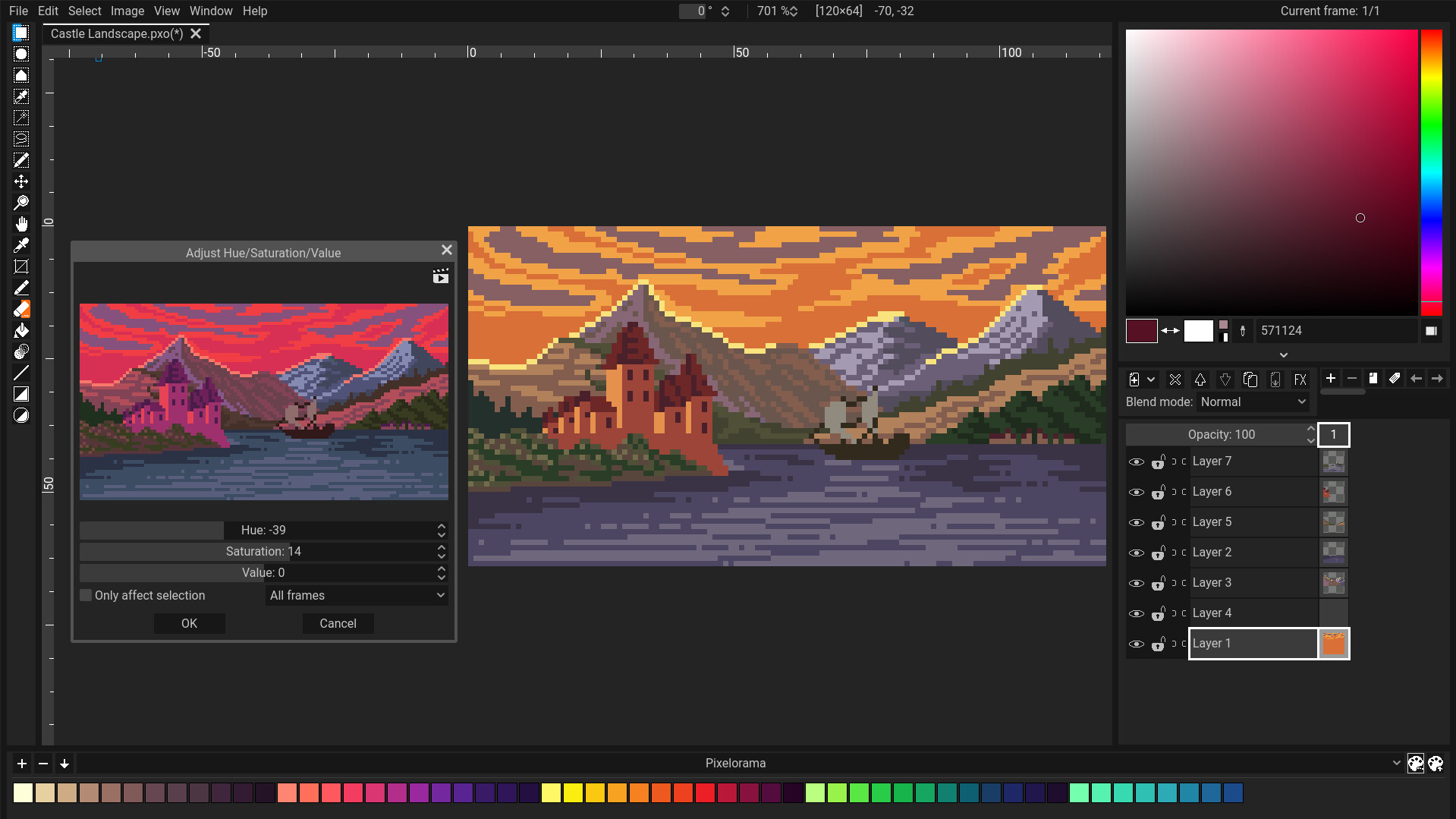](https://youtu.be/--ZcztkvWUQ)
Join our Discord community server where we can discuss about Pixelorama and all our other projects! https://discord.gg/GTMtr8s
If you like, consider helping us by sponsoring this project! It would enable us to focus more on Pixelorama, and make more projects in the future!
[](https://patreon.com/OramaInteractive)
## Download
Stable versions:
- [Steam (Windows & Linux)](https://store.steampowered.com/app/2779170?utm_source=github)
- [Itch.io (Windows, Linux, Mac & Web)](https://orama-interactive.itch.io/pixelorama)
- [GitHub Releases (Windows, Linux & Mac)](https://github.com/Orama-Interactive/Pixelorama/releases)
- [GitHub Pages (Web)](https://orama-interactive.github.io/Pixelorama/)
- [Flathub (Linux)](https://flathub.org/apps/details/com.orama_interactive.Pixelorama)
- [Snap Store (Linux)](https://snapcraft.io/pixelorama)
- WinGet (Windows) - `winget install pixelorama`
You can also find early access builds in the [GitHub Actions page](https://github.com/Orama-Interactive/Pixelorama/actions). There's also a [Web version available](https://orama-interactive.github.io/Pixelorama/early_access/).
Keep in mind that these versions will have bugs and are unstable. Unless you're interested in testing the main branch of Pixelorama, it's recommended that you stick to a stable version.
## Documentation
You can find online Documentation for Pixelorama here: https://orama-interactive.github.io/Pixelorama-Docs
It's still a work in progress so there are some pages missing. If you want to contribute, you can do so in [Pixelorama-Docs' GitHub Repository](https://github.com/Orama-Interactive/Pixelorama-Docs).
## Cloning Instructions
Pixelorama uses Godot 4.6.1, so you will need to have it in order to run the project. Older versions will not work.
As of right now, most of the code is written using GDScript, so the Mono version of Godot is not required, but Pixelorama should also work with it.
## Features:
- **Wide Range of Tools:** Customize your workflow by dynamically mapping tools to the left and right mouse buttons, making your creation process faster and more intuitive.
- **Advanced Animation Support:** Create animations with a timeline composed of layers and frames, including features like onion skinning, audio synchronization, frame tags, and the ability to draw while the animation is playing.
- **Pixel Art Focused:** Perfect pixel lines, indexed mode, and rotation and scaling algorithms tailored specifically to pixel art, like [cleanEdge](http://torcado.com/cleanEdge/), OmniScale, and rotxel.
- **Seamless Tilemap Creation:** Use Pixelorama's tilemap layers to create rectangular, isometric or hexagonal tiles for your games.
- **Powerful Layer System:** Utilize clipping masks and non-destructive visual effects like outlines, gradient maps, drop shadows, and more. Perfect for experimenting with styles and compositions, as changes can be applied without altering your original artwork.
- **Palette Management:** Bring color into your canvas by choosing from pre-made palettes, importing your own, or creating custom ones inside the software to suit your unique style.
- **Visual Effects:** Multiple image effects for fine-tuning your artwork.
- **Advanced Canvas Options:** Utilize guides, rectangular and isometric grids, and tile mode to ensure seamless and precise pattern creation.
- **Automatic Backups:** Stay safe with auto-saved backups to recover your work in case of unexpected software crashes.
- **Highly Customizable UI:** Tailor the interface to your needs for maximum efficiency and a smooth workflow.
- **Export & Import:** Support for various formats such as PNG, animated PNG, spritesheets, GIFs and even videos.
- **3D Layer Support:** Break the barrier between dimensions by bringing 3D models and shapes into your 2D canvas for unlimited creative possibilities.
- **Command Line Automation:** Automate file exports using the command line interface for bulk exporting and streamlining workflows.
- **Project Metadata:** Attach custom user data to layers, frames, and cels, making it easy to integrate with game development and other creative processes.
- **Extension Support:** Benefit from free, community-made extensions, such as tools that convert your 2D pixels into 3D voxels.
- **Fully Open-Source:** Pixelorama is open-source, licensed under the MIT license, guaranteeing free updates forever!
- **Multi-Language Support:** With localization support across various languages, Pixelorama is accessible to users around the world. See our [Crowdin page](https://crowdin.com/project/pixelorama) for more details.
## Special thanks to
- All [Godot](https://github.com/godotengine/godot) contributors! Without Godot, Pixelorama would not exist.
- https://github.com/gilzoide/godot-dockable-container - the plugin Pixelorama's UI system uses for dockable containers.
- https://github.com/Orama-Interactive/Keychain - the plugin Pixelorama's shortcut system uses for extensive customizability.
- https://github.com/jegor377/godot-gdgifexporter - the gif exporter Pixelorama uses.
- https://github.com/Pukkah/HTML5-File-Exchange-for-Godot - responsible for file exchange in Pixelorama's HTML5 (Web) version.
- https://github.com/aBARICHELLO/godot-ci - for creating a Godot Docker image that lets us export Pixelorama automatically using GitHub Actions.
- The entire Pixelorama community! Contributors, donors, translators, users, you all have a special place in our hearts! <3
================================================
FILE: Translations/README.md
================================================
### Contributing Translations
If you wish to contribute a translation, make sure to use [Pixelorama's Crowdin page](https://crowdin.com/project/pixelorama). Crowdin is a web-based translation platform, where people can contribute translations together and with ease. Please use Crowdin and do not directly open pull requests to Pixelorama's GitHub repository.
Link: [https://crowdin.com/project/pixelorama](https://crowdin.com/project/pixelorama)
================================================
FILE: Translations/Translations.pot
================================================
msgid ""
msgstr ""
msgid "OK"
msgstr ""
msgid "Cancel"
msgstr ""
msgid "Open"
msgstr ""
msgid "Save"
msgstr ""
msgid "Please Confirm..."
msgstr ""
msgid "File Name:"
msgstr ""
msgid "Project Name:"
msgstr ""
msgid "Image Size"
msgstr ""
msgid "Canvas Size"
msgstr ""
msgid "Frame Size"
msgstr ""
msgid "Size:"
msgstr ""
msgid "Width:"
msgstr ""
msgid "Height:"
msgstr ""
msgid "Center"
msgstr ""
msgid "File"
msgstr ""
msgid "Edit"
msgstr ""
msgid "Select"
msgstr ""
msgid "View"
msgstr ""
msgid "Window"
msgstr ""
msgid "Image"
msgstr ""
#. Noun, refers to a Pixelorama project.
msgid "Project"
msgstr ""
msgid "Effects"
msgstr ""
msgid "Help"
msgstr ""
msgid "New"
msgstr ""
msgid "New..."
msgstr ""
msgid "Open..."
msgstr ""
msgid "Save..."
msgstr ""
msgid "Save as..."
msgstr ""
#. Checkbox found in the Save project dialog. If enabled, the final blended images are being stored also in the pxo, for each frame.
msgid "Include blended images"
msgstr ""
#. Hint tooltip of the "Include blended images" checkbox found in the Save project dialog.
msgid "If enabled, the final blended images are also being stored in the pxo, for each frame.\n"
"This makes the pxo file larger and is useful for importing by third-party software\n"
"or CLI exporting. Loading pxo files in Pixelorama does not need this option to be enabled."
msgstr ""
msgid "Import"
msgstr ""
msgid "Export"
msgstr ""
msgid "Overwrite"
msgstr ""
msgid "Export..."
msgstr ""
msgid "Export as..."
msgstr ""
msgid "Export PNG..."
msgstr ""
msgid "Export PNG as..."
msgstr ""
msgid "Quit"
msgstr ""
msgid "Undo"
msgstr ""
msgid "Redo"
msgstr ""
#. An option found under the Edit menu. Brings up a dialog which contains the undo history, allowing users to quickly jump between undo steps.
msgid "Undo History"
msgstr ""
#. Refers to the initial state of the undo/redo stack, which is basically an empty canvas on a new project, or the state of a loaded project at the time it was loaded, before any changes applied to it.
msgid "Initial state"
msgstr ""
msgid "Copy"
msgstr ""
msgid "Cut"
msgstr ""
msgid "Paste"
msgstr ""
msgid "Paste in Place"
msgstr ""
#. Found under the Edit menu. When selected, the image from the clipboard, if it exists, gets pasted into Pixelorama.
msgid "Paste from Clipboard"
msgstr ""
msgid "Delete"
msgstr ""
msgid "Delete Permanently"
msgstr ""
#. Found when requesting to delete a palette or an extension. Refers to when you move something to recycle bin.
msgid "Move to Trash"
msgstr ""
msgid "New Brush"
msgstr ""
msgid "Scale Image"
msgstr ""
msgid "Pixels"
msgstr ""
msgid "Percentage"
msgstr ""
#. Found in the create new image dialog. Allows users to change the color mode of the new project, such as RGBA or indexed mode.
msgid "Color mode:"
msgstr ""
#. Found in the image menu. A submenu that allows users to change the color mode of the project, such as RGBA or indexed mode.
msgid "Color Mode"
msgstr ""
#. Found in the image menu, under the "Color Mode" submenu. Refers to the indexed color mode. See this wikipedia page for more information: https://en.wikipedia.org/wiki/Indexed_color
msgid "Indexed"
msgstr ""
#. Found in the image menu. Sets the size of the project to be the same as the size of the active selection.
msgid "Crop to Selection"
msgstr ""
#. Found in the image menu. Automatically trims out all the transparent pixels, making the image smaller.
msgid "Crop to Content"
msgstr ""
msgid "Resize Canvas"
msgstr ""
msgid "Offset Image"
msgstr ""
msgid "Offset:"
msgstr ""
#. Found in the Offset Image dialog. It's a checkbox that, if enabled, wraps around the image if pixels go out of canvas bounds.
msgid "Wrap around:"
msgstr ""
#. Found in the menu that appears when you right click a frame button. Center is a verb, it is used to place the content of the frame to the center of the canvas.
msgid "Center Frames"
msgstr ""
msgid "Rotate Image"
msgstr ""
msgid "Pivot x:"
msgstr ""
msgid "Pivot y:"
msgstr ""
msgid "Smear options:"
msgstr ""
msgid "Tolerance:"
msgstr ""
msgid "Initial angle:"
msgstr ""
#. Found under the Select menu, It's a checkbox that, if enabled, wraps around brush strokes if some part of them goes out of selection bounds.
msgid "Wrap Strokes"
msgstr ""
msgid "Clear"
msgstr ""
msgid "Invert"
msgstr ""
#. Found under the Select menu. When selected, the area of non-transparent pixels in the cel is being selected.
msgid "Select cel area"
msgstr ""
msgid "Modify"
msgstr ""
#. Found under the Select menu, in the Modify submenu. When selected, it shows a window that lets users expand the active selection.
msgid "Expand"
msgstr ""
#. Title of a window that lets users expand the active selection.
msgid "Expand Selection"
msgstr ""
#. Found under the Select menu, in the Modify submenu. When selected, it shows a window that lets users shrink the active selection.
msgid "Shrink"
msgstr ""
#. Title of a window that lets users shrink the active selection.
msgid "Shrink Selection"
msgstr ""
#. Found under the Select menu, in the Modify submenu. When selected, it shows a window that lets users create a border of the active selection.
msgid "Border"
msgstr ""
#. Title of a window that lets users create a border of the active selection.
msgid "Border Selection"
msgstr ""
#. Refers to a diamond-like shape.
msgid "Diamond"
msgstr ""
msgid "Circle"
msgstr ""
msgid "Square"
msgstr ""
msgid "Grayscale View"
msgstr ""
msgid "Mirror Image"
msgstr ""
msgid "Flip Horizontal"
msgstr ""
msgid "Flip Vertical"
msgstr ""
msgid "Preferences"
msgstr ""
#. A submenu of the Effects menu. Contains effects that generate new pixels, such as outline, drop shadow and gradient.
msgid "Procedural"
msgstr ""
#. Refers to effects that blur the image.
msgid "Blur"
msgstr ""
#. A submenu of the Effects menu. Contains effects that have been loaded by the user.
msgid "Loaded"
msgstr ""
#. An option in the View menu. When selected, the canvas is being placed on the center of the screen.
msgid "Center Canvas"
msgstr ""
msgid "Tile Mode"
msgstr ""
msgid "Tile Mode Offsets"
msgstr ""
#. Found under "Tile Mode Offsets". Basis is a linear algebra term. https://en.wikipedia.org/wiki/Basis_(linear_algebra)
msgid "X-basis:"
msgstr ""
#. Found under "Tile Mode Offsets". Basis is a linear algebra term. https://en.wikipedia.org/wiki/Basis_(linear_algebra)
msgid "Y-basis:"
msgstr ""
#. Found under "Tile Mode Offsets". It's a button that when pressed, enables masking for tile mode. Masking essentially limits drawing to the visible pixels of the image, thus preventing from drawing on transparent pixels.
msgid "Masking:"
msgstr ""
#. Verb, resets something.
msgid "Reset"
msgstr ""
#. Verb, resets something.
msgid "Reset %s"
msgstr ""
msgid "Use Current Frame"
msgstr ""
msgid "Reset Mask"
msgstr ""
msgid "Window Opacity"
msgstr ""
msgid "Window opacity does not work on fullscreen mode."
msgstr ""
msgid "Panel Layout"
msgstr ""
msgid "Panels"
msgstr ""
msgid "Layouts"
msgstr ""
msgid "Moveable Panels"
msgstr ""
#. Button found in the three vertical dots menu of any panel, when Moveable Panels is enabled in the Window menu. It "detaches" the panel, making it a floating window.
msgid "Make Floating"
msgstr ""
msgid "Manage Layouts"
msgstr ""
#. Noun, a preview of something
msgid "Preview"
msgstr ""
msgid "Add"
msgstr ""
msgid "Add Layout"
msgstr ""
#. Verb, deletes something.
msgid "Delete %s"
msgstr ""
msgid "Copy from"
msgstr ""
msgid "Rename"
msgstr ""
msgid "Rename Layout"
msgstr ""
#. Refers to the current layout of the user interface.
msgid "Current layout"
msgstr ""
msgid "Are you sure you want to delete this layout?"
msgstr ""
msgid "Widescreen"
msgstr ""
msgid "Tallscreen"
msgstr ""
msgid "Mirror View"
msgstr ""
msgid "Show Grid"
msgstr ""
msgid "Show Pixel Grid"
msgstr ""
msgid "Show Rulers"
msgstr ""
msgid "Show Guides"
msgstr ""
#. Found under the View menu.
msgid "Show Mouse Guides"
msgstr ""
#. Found under the View menu.
msgid "Show Reference Images"
msgstr ""
#. Found under the View menu. When enabled, non-destructive layer effects will be visible on the canvas.
msgid "Display Layer Effects"
msgstr ""
#. Found under the View menu.
msgid "Snap To"
msgstr ""
#. Found under the View menu.
msgid "Snap to Rectangular Grid Boundary"
msgstr ""
#. Found under the View menu.
msgid "Snap to Rectangular Grid Center"
msgstr ""
#. Found under the View menu.
msgid "Snap to Guides"
msgstr ""
#. Found under the View menu.
msgid "Snap to Perspective Guides"
msgstr ""
msgid "Show Animation Timeline"
msgstr ""
msgid "Zen Mode"
msgstr ""
msgid "Fullscreen Mode"
msgstr ""
msgid "Fill with color:"
msgstr ""
msgid "Open a File"
msgstr ""
msgid "Open File(s)"
msgstr ""
msgid "Import Options"
msgstr ""
msgid "Import as:"
msgstr ""
#. Found in the preview image dialog, which appears when importing an image file.
msgid "Apply to all"
msgstr ""
msgid "Recent projects"
msgstr ""
msgid "New project"
msgstr ""
#. Found in the preview image dialog, which appears when importing an image file.
msgid "Spritesheet (new project)"
msgstr ""
#. Found in the preview image dialog, which appears when importing an image file.
msgid "Spritesheet (new layer)"
msgstr ""
msgid "New frame"
msgstr ""
#. Found in the preview image dialog, which appears when importing an image file.
msgid "Replace cel"
msgstr ""
msgid "New layer"
msgstr ""
msgid "New reference image"
msgstr ""
msgid "New palette"
msgstr ""
msgid "New brush"
msgstr ""
msgid "New pattern"
msgstr ""
msgid "Horizontal frames:"
msgstr ""
msgid "Vertical frames:"
msgstr ""
#. Found in the preview image dialog, which appears when importing an image file. This option appears when the image is being imported as a spritesheet. If it's enabled, the software will slice it into frames automatically.
msgid "Smart Slice"
msgstr ""
#. A value that is a threshold
msgid "Threshold:"
msgstr ""
#. Found in the preview image dialog, which appears when importing an image file. This option appears when the image is being imported as a spritesheet, if "smart slice" is enabled. Hint tooltip of the "Threshold" value slider.
msgid "Images that have any one side smaller than this value will cross the threshold"
msgstr ""
#. Found in the preview image dialog, which appears when importing an image file. This option appears when the image is being imported as a spritesheet, if "smart slice" is enabled. Merge is an adjective, it refers to the distance where images get merged.
msgid "Merge distance:"
msgstr ""
#. Found in the preview image dialog, which appears when importing an image file. This option appears when the image is being imported as a spritesheet, if "smart slice" is enabled. Hint tooltip of the "Merge distance" value slider.
msgid "Images which crossed the threshold will get merged into a larger image, if they are within this distance"
msgstr ""
#. A button that, when pressed, refreshes something. Used to apply certain settings again after they changed. Currently it's only used in the preview image dialog, which appears when importing an image file. This option appears when the image is being imported as a spritesheet, if "smart slice" is enabled.
msgid "Refresh"
msgstr ""
msgid "Start frame:"
msgstr ""
msgid "End frame:"
msgstr ""
msgid "At frame:"
msgstr ""
msgid "At layer:"
msgstr ""
msgid "Brush type:"
msgstr ""
msgid "File brush"
msgstr ""
msgid "Project brush"
msgstr ""
msgid "Random brush"
msgstr ""
msgid "Save Sprite as .pxo"
msgstr ""
msgid "Export Sprite as .png"
msgstr ""
msgid "Export Sprite"
msgstr ""
msgid "File Exists, Overwrite?"
msgstr ""
msgid "The following files already exist. Do you wish to overwrite them?\n"
"%s"
msgstr ""
msgid "Directory path is not valid!"
msgstr ""
msgid "File name is not valid!"
msgstr ""
msgid "Directory path and file name are not valid!"
msgstr ""
msgid "Exporting in progress..."
msgstr ""
msgid "Can't load file '%s'."
msgstr ""
msgid "Can't load file '%s'.\n"
"Error code: %s"
msgstr ""
msgid "Can't load file '%s'.\n"
"This is not a valid palette file."
msgstr ""
msgid "Frame"
msgstr ""
msgid "Frames:"
msgstr ""
msgid "All Frames"
msgstr ""
msgid "Spritesheet"
msgstr ""
msgid "Animation"
msgstr ""
msgid "Preview:"
msgstr ""
msgid "Frame:"
msgstr ""
msgid "Orientation:"
msgstr ""
msgid "Browse"
msgstr ""
msgid "Resize:"
msgstr ""
#. Found in the export dialog, when exporting a jpeg file. Refers to the quality of the exported file.
msgid "Quality:"
msgstr ""
msgid "Cancel Export"
msgstr ""
msgid "Alert!"
msgstr ""
msgid "Select Current Folder"
msgstr ""
msgid "Open a Directory"
msgstr ""
msgid "Background:"
msgstr ""
#. Found in the export dialog
msgid "Selected frames"
msgstr ""
msgid "Layers:"
msgstr ""
#. Found in the export dialog
msgid "Visible layers"
msgstr ""
#. Found in the export dialog
msgid "Selected layers"
msgstr ""
#. A type of layer. A pixel layer is the most common type of layer, which stores image data in pixels.
msgid "Pixel layer:"
msgstr ""
#. A type of layer. A group layer stores other layers as its children, similar to how a folder holds files.
msgid "Group layer:"
msgstr ""
#. A type of layer. A 3D layer contains data of 3D objects that are rasterized automatically by Pixelorama.
msgid "3D layer:"
msgstr ""
msgid "Direction:"
msgstr ""
msgid "Forward"
msgstr ""
msgid "Backwards"
msgstr ""
msgid "Ping-Pong"
msgstr ""
msgid "Columns"
msgstr ""
msgid "Columns:"
msgstr ""
msgid "Rows"
msgstr ""
msgid "Rows:"
msgstr ""
#. Found in the export dialog, in the Spritesheet tab. An orientation option that splits the spritesheet by animation tags. Each tag creates a new column.
msgid "Tags by column"
msgstr ""
#. Found in the export dialog, in the Spritesheet tab. An orientation option that splits the spritesheet by animation tags. Each tag creates a new row.
msgid "Tags by row"
msgstr ""
#. Found in the export dialog. It is a label that says the dimensions (widthxheight) of the exported image(s).
msgid "Export dimensions:"
msgstr ""
msgid "Save a File"
msgstr ""
msgid "Go to previous folder."
msgstr ""
msgid "Go to next folder."
msgstr ""
msgid "Go to parent folder."
msgstr ""
msgid "Path:"
msgstr ""
msgid "Refresh files."
msgstr ""
msgid "Toggle the visibility of hidden files."
msgstr ""
msgid "Directories & Files:"
msgstr ""
msgid "Create Folder"
msgstr ""
msgid "File:"
msgstr ""
#. Found in "Open" and "Save" file dialogs. Searches all file types.
msgid "All Files"
msgstr ""
#. Found in the "Open" file dialog. Searches all file types supported by Pixelorama.
msgid "All Recognized"
msgstr ""
#. Found in "Open" and "Save" file dialogs. Searches Pixelorama Project files only (.pxo).
msgid "Pixelorama Project"
msgstr ""
#. Found in the "Open" file dialog. Searches PNG files only. (Note that PNG is a file type and should remain untranslated)
msgid "PNG Image"
msgstr ""
#. Found in the "Open" file dialog. Searches BMP files only. (Note that BMP is a file type and should remain untranslated)
msgid "BMP Image"
msgstr ""
#. Found in the "Open" file dialog. Searches "Radiance HDR" files only. (Note that "Radiance HDR" is a file type and is better untranslated)
msgid "Radiance HDR Image"
msgstr ""
#. Found in the "Open" file dialog. Searches JPEG files only. (Note that JPEG is a file type and should remain untranslated)
msgid "JPEG Image"
msgstr ""
#. Found in the "Open" file dialog. Searches SVG files only. (Note that SVG is a file type and should remain untranslated)
msgid "SVG Image"
msgstr ""
#. Found in the "Open" file dialog. Searches TGA files only. (Note that TGA is a file type and should remain untranslated)
msgid "TGA Image"
msgstr ""
#. Found in the "Open" file dialog. Searches WebP files only. (Note that WebP is a file type and should remain untranslated)
msgid "WebP Image"
msgstr ""
#. Found in "Open" and "Save" file dialogs. Searches OpenRaster project files only (.ora). OpenRaster should remain untranslated. https://www.openraster.org/
msgid "OpenRaster Project"
msgstr ""
#. Found in "Open" and "Save" file dialogs. Searches Aseprite project files only (.ase and .aseprite). Note that Aseprite is a software and should remain untranslated.
msgid "Aseprite Project"
msgstr ""
#. Found in "Open" and "Save" file dialogs. Searches Krita project files only (.kra). Note that Krita is a software and should remain untranslated.
msgid "Krita Project"
msgstr ""
#. Found in "Open" and "Save" file dialogs. Searches Piskel project files only (.piskel). Note that Piskel is a software and should remain untranslated.
msgid "Piskel Project"
msgstr ""
#. Found in "Open" and "Save" file dialogs. Searches Photoshop project files only (.psd). Note that Photoshop is a software and should remain untranslated.
msgid "Photoshop Project"
msgstr ""
#. Found in the "Open" file dialog. Searches Pixelorama palette files only (.json).
msgid "Pixelorama palette"
msgstr ""
#. Found in the "Open" file dialog. Searches GIMP palette files only (.gpl). Note that GIMP is a software and should remain untranslated.
msgid "GIMP palette"
msgstr ""
#. Found in the export dialog. It is a button that when pressed, shows more options.
msgid "Advanced options"
msgstr ""
msgid "Interpolation:"
msgstr ""
msgid "Nearest"
msgstr ""
msgid "Bilinear"
msgstr ""
msgid "Cubic"
msgstr ""
msgid "Trilinear"
msgstr ""
msgid "Constant"
msgstr ""
#. Refers to https://en.wikipedia.org/wiki/Color_space
msgid "Color space"
msgstr ""
#. A type of color space.
msgid "Linear sRGB"
msgstr ""
msgid "General"
msgstr ""
msgid "Startup"
msgstr ""
msgid "Language"
msgstr ""
msgid "Interface"
msgstr ""
msgid "Themes"
msgstr ""
msgid "Canvas"
msgstr ""
#. Refers to the animation timeline.
msgid "Timeline"
msgstr ""
msgid "Selection"
msgstr ""
msgid "Shortcuts"
msgstr ""
msgid "Backup"
msgstr ""
msgid "Performance"
msgstr ""
#. Found in the preferences. Refers to device drivers, such as video drivers and tablet drivers.
msgid "Drivers"
msgstr ""
msgid "Extensions"
msgstr ""
msgid "Cursors"
msgstr ""
msgid "Indicators"
msgstr ""
#. Found in the preferences. Used for options that require restart when they are changed.
msgid "Pixelorama must be restarted for changes to take effect."
msgstr ""
msgid "On"
msgstr ""
msgid "Restore default value"
msgstr ""
#. Found in the preferences, under Canvas.
msgid "Smooth Zoom"
msgstr ""
#. Found in the preferences, under Canvas. Hint tooltip of "Smooth Zoom".
msgid "Adds a smoother transition when zooming in or out"
msgstr ""
#. Found in the preferences, under Canvas.
msgid "Integer Zoom"
msgstr ""
#. Found in the preferences, under Canvas. Hint tooltip of "Integer Zoom".
msgid "Restricts the value to be an integer multiple of 100%"
msgstr ""
msgid "Tablet pressure sensitivity:"
msgstr ""
msgid "None"
msgstr ""
msgid "Affect Brush's Alpha"
msgstr ""
msgid "Color:"
msgstr ""
msgid "Guide color:"
msgstr ""
msgid "System Language"
msgstr ""
msgid "Display scale:"
msgstr ""
#. Refers to the font of a text.
msgid "Font:"
msgstr ""
#. Found in the preferences, under the interface section. Allows users to set the size of the font, ie the text.
msgid "Font size:"
msgstr ""
#. Found in the preferences, under the interface section. Allows users to change the orientation of the screen in mobile devices.
msgid "Screen orientation:"
msgstr ""
msgid "Dim interface on dialog popup"
msgstr ""
#. Found in the preferences, under the interface section. If enabled, the notification labels appear in the canvas when performing an action, such as when undoing/redoing.
msgid "Show notification labels"
msgstr ""
#. Found in the preferences, under the interface section. When this setting is enabled, the native file dialogs of the operating system are being used, instead of Pixelorama's custom ones.
msgid "Use native file dialogs"
msgstr ""
#. Found in the preferences, tooltip of the "Use native file dialogs" option.
msgid "When this setting is enabled, the native file dialogs of the operating system are being used, instead of Pixelorama's custom ones."
msgstr ""
#. Found in the preferences, under the interface section. When this setting is enabled, Pixelorama's subwindows will be embedded in the main window, otherwise each dialog will be its own separate window.
msgid "Single window mode"
msgstr ""
#. Found in the preferences, under the interface section. When this setting is enabled, the main menu will be collapsed in a single button, rather than a menu bar. Useful for devices with smaller screens, such as phones.
msgid "Collapse main menu"
msgstr ""
#. Found in the preferences, tooltip of the "Single window mode" option.
msgid "When this setting is enabled, Pixelorama's subwindows will be embedded in the main window, otherwise each dialog will be its own separate window."
msgstr ""
msgid "Dark"
msgstr ""
msgid "Gray"
msgstr ""
msgid "Blue"
msgstr ""
msgid "Caramel"
msgstr ""
msgid "Light"
msgstr ""
msgid "Purple"
msgstr ""
#. A theme. Rose refers to the color rose.
msgid "Rose"
msgstr ""
msgid "Theme"
msgstr ""
msgid "Buttons"
msgstr ""
msgid "Icon color from:"
msgstr ""
msgid "Icon color:"
msgstr ""
msgid "Background"
msgstr ""
msgid "Background color from:"
msgstr ""
msgid "Background color:"
msgstr ""
#. Found in the preferences, under the Tools category. If enabled, the right mouse button is always mapped to the same tool as the left button.
msgid "Single tool mode"
msgstr ""
#. Found in the preferences, under the Tools category. Tooltip of the "Single tool mode" preference.
msgid "If this is enabled, the right mouse button will always activate the same tool as the left mouse button."
msgstr ""
#. Found in the preferences, under the Tools category.
msgid "Share options between left and right tools"
msgstr ""
#. Found in the preferences, under the Tools category. Tooltip of the "Share options between the left and the right tools" preference.
msgid "If this is enabled, options will be synced between the left and the right tool.\n"
"For example, both tools will share the same brush size, and changing it on one tool will instantly change on the other."
msgstr ""
msgid "Left tool color:"
msgstr ""
msgid "Right tool color:"
msgstr ""
msgid "Tool button size:"
msgstr ""
msgid "Small"
msgstr ""
msgid "Big"
msgstr ""
msgid "Only affect selection"
msgstr ""
msgid "Selected cels"
msgstr ""
msgid "Current cel"
msgstr ""
msgid "Current frame"
msgstr ""
msgid "All frames"
msgstr ""
msgid "All projects"
msgstr ""
msgid "Invert Colors"
msgstr ""
msgid "Modify Red Channel"
msgstr ""
msgid "Modify Green Channel"
msgstr ""
msgid "Modify Blue Channel"
msgstr ""
msgid "Modify Alpha Channel"
msgstr ""
#. An image effect. See Pixelorama's documentation page for more information: https://www.oramainteractive.com/Pixelorama-Docs/user_manual/image_effects
msgid "Desaturation"
msgstr ""
#. An image effect. See Pixelorama's documentation page for more information: https://www.oramainteractive.com/Pixelorama-Docs/user_manual/image_effects
msgid "Outline"
msgstr ""
#. An image effect. See Pixelorama's documentation page for more information: https://www.oramainteractive.com/Pixelorama-Docs/user_manual/image_effects
msgid "Drop Shadow"
msgstr ""
msgid "Offset X:"
msgstr ""
msgid "Offset Y:"
msgstr ""
msgid "Shadow color:"
msgstr ""
#. An image effect. https://en.wikipedia.org/wiki/Gaussian_blur
msgid "Gaussian Blur"
msgstr ""
#. The type of the Gaussian blur, an image effect.
msgid "Blur type:"
msgstr ""
#. The applied amount of Gaussian blur, an image effect.
msgid "Blur amount:"
msgstr ""
#. The applied radius of Gaussian blur, an image effect.
msgid "Blur radius:"
msgstr ""
#. The applied direction of Gaussian blur, an image effect.
msgid "Blur direction:"
msgstr ""
msgid "Gradient"
msgstr ""
msgid "Gradient Map"
msgstr ""
msgid "Interpolation"
msgstr ""
#. Verb, refers to the action of reversing something.
msgid "Reverse"
msgstr ""
#. An option found in gradient edit widgets. When selected, all points of a gradient are being evenly distributed across the gradient.
msgid "Evenly distribute points"
msgstr ""
#. An option found in gradient edit widgets. When selected, the gradient is being split into equal parts.
msgid "Divide into equal parts"
msgstr ""
msgid "Parts:"
msgstr ""
msgid "Add point at the end"
msgstr ""
msgid "If this is enabled, the last point gets added at the end of the gradient.\n"
"Disable this if you wish to convert the gradient to have constant interpolation, so that the last color will be taken into account."
msgstr ""
#. A tooltip of a button found in gradient edit widgets. When the button is pressed, the gradient is saved to presets.
msgid "Save to presets"
msgstr ""
msgid "Shape:"
msgstr ""
msgid "Linear"
msgstr ""
msgid "Radial"
msgstr ""
#. Found in the Gradient dialog, under the image menu. Specifies if the gradient will repeat or not.
msgid "Repeat:"
msgstr ""
#. Found in the Gradient dialog, under the image menu. Specifies if the gradient will repeat or not.
msgid "Repeat"
msgstr ""
#. Found in the Gradient dialog, under the image menu. It is one of the repeat options.
msgid "Mirror"
msgstr ""
#. Found in the Gradient dialog, under the image menu. It is one of the repeat options. If Truncate is selected, the gradient gets cut at the edges.
msgid "Truncate"
msgstr ""
msgid "Transition size:"
msgstr ""
msgid "Center:"
msgstr ""
msgid "Dithering pattern:"
msgstr ""
msgid "Type:"
msgstr ""
msgid "Angle:"
msgstr ""
#. An image effect. Adjusts the hue, saturation and value of the colors of an image. See Pixelorama's documentation page for more information: https://www.oramainteractive.com/Pixelorama-Docs/user_manual/image_effects
msgid "Adjust Hue/Saturation/Value"
msgstr ""
#. HSV stands for Hue, Saturation & Value.
msgid "Adjust HSV"
msgstr ""
#. Refers to the hue of the colors of an image.
msgid "Hue:"
msgstr ""
#. Refers to the saturation of the colors of an image.
msgid "Saturation:"
msgstr ""
#. Refers to the value (as in HSV) of the colors of an image.
msgid "Value:"
msgstr ""
#. An image effect. Adjusts the brightness and contrast of the colors of an image.
msgid "Adjust Brightness/Contrast"
msgstr ""
#. Refers to the brightness of the colors of an image.
msgid "Brightness:"
msgstr ""
#. Refers to the contrast of the colors of an image.
msgid "Contrast:"
msgstr ""
#. Refers to the red value of the colors of an image.
msgid "Red value:"
msgstr ""
#. Refers to the green value of the colors of an image.
msgid "Green value:"
msgstr ""
#. Refers to the blue value of the colors of an image.
msgid "Blue value:"
msgstr ""
#. Refers to a color that tints an image.
msgid "Tint color:"
msgstr ""
#. Refers to the factor (how much) a color tints an image.
msgid "Tint effect factor:"
msgstr ""
#. An image effect that adjusts the colors of the image by using curves.
msgid "Color Curves"
msgstr ""
#. Refers to a color channel, such as the red, green, blue or alpha channels.
msgid "Channel:"
msgstr ""
msgid "Red"
msgstr ""
msgid "Green"
msgstr ""
#. Refers to the value (as in HSV) of the colors of an image.
msgid "Value"
msgstr ""
msgid "Presets"
msgstr ""
msgid "Apply"
msgstr ""
msgid "Diagonal"
msgstr ""
msgid "Place inside image"
msgstr ""
msgid "Thickness:"
msgstr ""
msgid "Colors:"
msgstr ""
msgid "Steps:"
msgstr ""
#. An image effect. It maps the color of the input to the nearest color in the selected palette. Useful for limiting color in pixel art and for artistic effects. See Pixelorama's documentation page for more information: https://www.oramainteractive.com/Pixelorama-Docs/user_manual/image_effects
msgid "Palettize"
msgstr ""
#. An image effect. It makes the input image pixelated. See Pixelorama's documentation page for more information: https://www.oramainteractive.com/Pixelorama-Docs/user_manual/image_effects
msgid "Pixelize"
msgstr ""
#. An image effect. For more details about what it does, you can refer to GIMP's documentation https://docs.gimp.org/2.8/en/gimp-tool-posterize.html
msgid "Posterize"
msgstr ""
#. An option for the posterize image effect. For more details about what it does, you can refer to GIMP's documentation https://docs.gimp.org/2.8/en/gimp-tool-posterize.html
msgid "Posterize levels:"
msgstr ""
#. An option for the posterize image effect.
msgid "Dither intensity:"
msgstr ""
msgid "View Splash Screen"
msgstr ""
msgid "Online Docs"
msgstr ""
msgid "Issue Tracker"
msgstr ""
#. Found under the Help menu. When selected, it opens a window with a list of backups of projects opened in previous sessions.
msgid "Restore Backup"
msgstr ""
#. Found in the Restore Backup dialog.
msgid "Past sessions"
msgstr ""
#. Found in the Restore Backup dialog.
msgid "Double click to load an entire session, or a specific project."
msgstr ""
#. Found in the Restore Backup dialog.
msgid "Sessions"
msgstr ""
#. Found in the Restore Backup dialog.
msgid "Projects"
msgstr ""
#. Found in the Restore Backup dialog.
msgid "(Current Session)"
msgstr ""
#. Found under the Help menu. When selected, it opens the folder where the application's data are being saved.
msgid "Open Editor Data Folder"
msgstr ""
msgid "Changelog"
msgstr ""
msgid "About Pixelorama"
msgstr ""
#. Found under the Help menu. When clicked, it opens the URL of Orama Interactive's patreon page.
msgid "Support Pixelorama's Development"
msgstr ""
msgid "Pixelorama - Pixelate your dreams!"
msgstr ""
msgid "Developed by Orama Interactive"
msgstr ""
msgid "©2019-present by Orama Interactive and contributors"
msgstr ""
msgid "Website"
msgstr ""
#. Found in the About dialog. A button that, when you click it, it opens the URL of Pixelorama's source code.
msgid "Source Code"
msgstr ""
msgid "Donate"
msgstr ""
msgid "Developers"
msgstr ""
msgid "Contributors"
msgstr ""
msgid "Donors"
msgstr ""
msgid "Translators"
msgstr ""
#. Refers to software licenses. https://en.wikipedia.org/wiki/Software_license
msgid "Licenses"
msgstr ""
#. Refers to a software license. https://en.wikipedia.org/wiki/Software_license
msgid "License"
msgstr ""
#. Refers to the licenses of the software that are used by the Godot Engine. https://en.wikipedia.org/wiki/Software_license
msgid "Godot Licenses"
msgstr ""
#. Refers to software licenses that are not a part of Pixelorama or Godot. https://en.wikipedia.org/wiki/Software_license
msgid "Third-party Licenses"
msgstr ""
msgid "English"
msgstr ""
msgid "Greek"
msgstr ""
msgid "French"
msgstr ""
msgid "German"
msgstr ""
msgid "Polish"
msgstr ""
msgid "Portuguese"
msgstr ""
msgid "Brazilian Portuguese"
msgstr ""
msgid "Russian"
msgstr ""
msgid "Chinese Simplified"
msgstr ""
msgid "Chinese Traditional"
msgstr ""
msgid "Italian"
msgstr ""
msgid "Latvian"
msgstr ""
msgid "Spanish"
msgstr ""
msgid "Catalan"
msgstr ""
msgid "Esperanto"
msgstr ""
msgid "Indonesian"
msgstr ""
msgid "Czech"
msgstr ""
msgid "Arabic"
msgstr ""
msgid "Turkish"
msgstr ""
msgid "Norwegian Bokmål"
msgstr ""
msgid "Korean"
msgstr ""
msgid "Hungarian"
msgstr ""
msgid "Romanian"
msgstr ""
msgid "Japanese"
msgstr ""
msgid "Ukrainian"
msgstr ""
msgid "Danish"
msgstr ""
msgid "Swedish"
msgstr ""
msgid "Serbian (Cyrillic)"
msgstr ""
msgid "Dutch"
msgstr ""
msgid "Belarusian"
msgstr ""
msgid "Thai"
msgstr ""
#. Found in the About dialog.
msgid "Lead Developer"
msgstr ""
#. Found in the About dialog.
msgid "UI Designer"
msgstr ""
#. Found in the About dialog. Refers to the people who have contributed code to the project.
msgid "Authors"
msgstr ""
msgid "Art by: %s"
msgstr ""
msgid "untitled"
msgstr ""
msgid "imported"
msgstr ""
msgid "copy"
msgstr ""
msgid "Are you sure you want to exit Pixelorama?"
msgstr ""
msgid "Unsaved Image"
msgstr ""
msgid "You have unsaved changes. If you proceed, the progress you have made will be lost."
msgstr ""
msgid "Save before exiting?"
msgstr ""
msgid "Project %s has unsaved progress. How do you wish to proceed?"
msgstr ""
msgid "Save & Exit"
msgstr ""
msgid "Exit without saving"
msgstr ""
msgid "Rectangular Selection\n\n"
"%s for left mouse button\n"
"%s for right mouse button"
msgstr ""
msgid "Elliptical Selection\n\n"
"%s for left mouse button\n"
"%s for right mouse button"
msgstr ""
msgid "Polygonal Selection\n\n"
"%s for left mouse button\n"
"%s for right mouse button\n\n"
"Double-click to connect the last point to the starting point"
msgstr ""
msgid "Select By Color\n\n"
"%s for left mouse button\n"
"%s for right mouse button"
msgstr ""
msgid "Magic Wand\n\n"
"%s for left mouse button\n"
"%s for right mouse button"
msgstr ""
msgid "Lasso / Free Select Tool\n\n"
"%s for left mouse button\n"
"%s for right mouse button"
msgstr ""
msgid "Select by Drawing\n\n"
"%s for left mouse button\n"
"%s for right mouse button"
msgstr ""
msgid "Move\n\n"
"%s for left mouse button\n"
"%s for right mouse button"
msgstr ""
msgid "Zoom\n\n"
"%s for left mouse button\n"
"%s for right mouse button"
msgstr ""
msgid "Pan\n\n"
"%s for left mouse button\n"
"%s for right mouse button"
msgstr ""
msgid "Color Picker\n\n"
"%s for left mouse button\n"
"%s for right mouse button\n\n"
"Select a color from a pixel of the sprite"
msgstr ""
msgid "Crop\n\n"
"%s for left mouse button\n"
"%s for right mouse button\n\n"
"Resize the canvas"
msgstr ""
msgid "Pencil\n\n"
"%s for left mouse button\n"
"%s for right mouse button\n\n"
"Hold %s to make a line"
msgstr ""
msgid "Eraser\n\n"
"%s for left mouse button\n"
"%s for right mouse button\n\n"
"Hold %s to make a line"
msgstr ""
msgid "Bucket\n\n"
"%s for left mouse button\n"
"%s for right mouse button"
msgstr ""
msgid "Shading Tool\n\n"
"%s for left mouse button\n"
"%s for right mouse button"
msgstr ""
msgid "Line Tool\n\n"
"%s for left mouse button\n"
"%s for right mouse button\n\n"
"Hold %s to snap the angle of the line\n"
"Hold %s to center the shape on the click origin\n"
"Hold %s to displace the shape's origin"
msgstr ""
msgid "Curve Tool\n\n"
"%s for left mouse button\n"
"%s for right mouse button\n\n"
"Draws bezier curves\n"
"Press %s/%s to add new points\n"
"Double-click to finish drawing the curve\n"
"Press and drag to control the curvature\n"
"Press %s to remove the last added point"
msgstr ""
msgid "Rectangle Tool\n\n"
"%s for left mouse button\n"
"%s for right mouse button\n\n"
"Hold %s to create a 1:1 shape\n"
"Hold %s to center the shape on the click origin\n"
"Hold %s to displace the shape's origin"
msgstr ""
msgid "Ellipse Tool\n\n"
"%s for left mouse button\n"
"%s for right mouse button\n\n"
"Hold %s to create a 1:1 shape\n"
"Hold %s to center the shape on the click origin\n"
"Hold %s to displace the shape's origin"
msgstr ""
msgid "Isometric Box Tool\n\n"
"%s for left mouse button\n"
"%s for right mouse button\n\n"
"Draws an isometric box\n"
"Press %s/%s to add a basis point\n"
"Hold %s to snap the angle of the basis point\n"
"Hold %s to displace the shape's origin\n"
"Press %s to edit the last added basis"
msgstr ""
msgid "Text\n\n"
"%s for left mouse button\n"
"%s for right mouse button"
msgstr ""
msgid "Rectangle"
msgstr ""
msgid "Ellipse"
msgstr ""
msgid "Choose a color for the left tool"
msgstr ""
msgid "Choose a color for the right tool"
msgstr ""
#. Tooltip of the switch colors button found in the color picker panel.
msgid "Switch left and right colors."
msgstr ""
#. Tooltip of the average color button, found in the color picker panel. Shows the average color between the two selected.
msgid "Average Color:"
msgstr ""
msgid "Reset the colors to their default state (black for left, white for right)"
msgstr ""
#. Tooltip of the screen color picker button found in the color picker panel.
msgid "Pick a color from the application window."
msgstr ""
#. Tooltip of the color text field found in the color picker panel that lets users change the color by hex code or english name ("red" cannot be translated).
msgid "Enter a hex code (\"#ff0000\") or named color (\"red\")."
msgstr ""
#. Tooltip of the button found in the color picker panel that lets users change the shape of the color picker.
msgid "Select a picker shape."
msgstr ""
#. Refers to color-related options such as sliders that set color channel values like R, G, B and A.
msgid "Color options"
msgstr ""
#. Tooltip of the button with three dots found under color options in the color picker panel that lets users change the mode of the color picker/sliders.
msgid "Select a picker mode."
msgstr ""
#. Checkbox found in the menu of the button with three dots found under color options in the color picker panel.
msgid "Colorized Sliders"
msgstr ""
#. Shows saved colors in certain color picker menus.
msgid "Swatches"
msgstr ""
#. Found under color options in the color picker panel.
msgid "Recent Colors"
msgstr ""
msgid "Left tool"
msgstr ""
msgid "Right tool"
msgstr ""
msgid "Left pixel indicator"
msgstr ""
msgid "Show left mouse pixel indicator or brush on the canvas when drawing"
msgstr ""
msgid "Right pixel indicator"
msgstr ""
msgid "Show right mouse pixel indicator or brush on the canvas when drawing"
msgstr ""
msgid "Show left tool icon"
msgstr ""
msgid "Displays an icon of the selected left tool next to the cursor on the canvas"
msgstr ""
msgid "Show right tool icon"
msgstr ""
msgid "Displays an icon of the selected right tool next to the cursor on the canvas"
msgstr ""
msgid "Use native mouse cursors"
msgstr ""
msgid "Use cross cursor for the canvas"
msgstr ""
msgid "Guides"
msgstr ""
msgid "Guides color:"
msgstr ""
msgid "A color of ruler guides displayed on the canvas"
msgstr ""
#. Found in the Preferences, in the Canvas category. Refers to grid and guide snapping.
msgid "Snapping"
msgstr ""
#. Found in the Preferences, in the Canvas category. Refers to grid and guide snapping.
msgid "Snapping distance:"
msgstr ""
#. Found in the Preferences, in the Canvas category. Refers to grid and guide snapping. Hint tooltip of the snapping distance slider.
msgid "This is the distance in screen pixels where guide and grid snapping gets activated."
msgstr ""
msgid "Grid"
msgstr ""
msgid "Grid type:"
msgstr ""
msgid "Sets the type of the grid between rectangular, isometric or both"
msgstr ""
msgid "Rectangular"
msgstr ""
msgid "Isometric"
msgstr ""
#. Refers to a hexagonal type of grid.
msgid "Hexagonal"
msgstr ""
#. Refers to a hexagonal type of grid, with pointy-top orientation.
msgid "Hexagonal (pointy-top)"
msgstr ""
#. Refers to a hexagonal type of grid, with flat-top orientation.
msgid "Hexagonal (flat-top)"
msgstr ""
msgid "All"
msgstr ""
#. Found in the Preferences, in the Canvas category. Refers to the number of visible grids.
msgid "Grids visible:"
msgstr ""
#. Found in the Preferences, in the Canvas category. Refers to the grid that is being edited.
msgid "Editing grid:"
msgstr ""
#. Found in the Preferences, in the Canvas category.
msgid "Grid size:"
msgstr ""
#. Found in the Preferences, in the Canvas category.
msgid "Grid offset:"
msgstr ""
#. Found in the Preferences, in the Canvas category. Hint tooltip of the grid offset value sliders.
msgid "Sets grid's offset from the canvas origin (top left corner of the image)"
msgstr ""
msgid "Draw over Tile Mode:"
msgstr ""
msgid "If disabled, the grid will be drawn only over the original image"
msgstr ""
msgid "Grid color:"
msgstr ""
msgid "A color of the grid"
msgstr ""
msgid "Pixel Grid"
msgstr ""
msgid "Show at zoom:"
msgstr ""
msgid "Sets the minimal zoom at which pixel grid will be shown"
msgstr ""
msgid "Pixel grid color:"
msgstr ""
msgid "A color of the pixel grid"
msgstr ""
msgid "Transparency"
msgstr ""
msgid "Checker size:"
msgstr ""
msgid "Size of the transparent checker background"
msgstr ""
msgid "Checker color 1:"
msgstr ""
msgid "First color of the transparent checker background"
msgstr ""
msgid "Checker color 2:"
msgstr ""
msgid "Second color of the transparent checker background"
msgstr ""
msgid "Follow Canvas Movement"
msgstr ""
msgid "The transparent checker follow the movement of canvas"
msgstr ""
msgid "Follow Canvas Zoom Level"
msgstr ""
msgid "The transparent checker follow the zoom level of canvas"
msgstr ""
#. Found in the Preferences, under Timeline. If this is enabled, clicking on the layer buttons (such as lock, invisible etc) will automatically select that layer.
msgid "Select layer when clicking on one of its buttons:"
msgstr ""
#. Found in the Preferences, under Timeline. Changes the color of the past (previous) frames in onion skinning, if color mode is enabled.
msgid "Onion skinning past color:"
msgstr ""
#. Found in the Preferences, under Timeline. Changes the color of the past (previous) frames in onion skinning, if color mode is enabled.
msgid "Onion skinning future color:"
msgstr ""
msgid "Animated selection borders"
msgstr ""
msgid "Border color 1:"
msgstr ""
msgid "Border color 2:"
msgstr ""
#. Found in the Preferences, under the Selection category. Changes the transparency (alpha value) of the current active transformation preview.
msgid "Transformation preview alpha:"
msgstr ""
msgid "Only custom preset can be modified"
msgstr ""
msgid "Set application FPS limit:"
msgstr ""
msgid "Sets the limit of the application's frames per second. The lower the number, the lower the CPU usage, but the application gets slower, choppier and unresponsive. 0 means that there is no limit."
msgstr ""
#. Found in the Preferences, under the Performance section. Changes the value of the maximum undo steps projects can use.
msgid "Max undo steps:"
msgstr ""
#. An option found in the preferences, under the Performance section.
msgid "Pause application when it loses focus"
msgstr ""
#. Found in the preferences, hint of the "Pause application when it loses focus" option.
msgid "If this is toggled on, when the application's window loses focus, it gets paused. This helps lower CPU usage when idle. The application gets unpaused when the mouse enters the application's window."
msgstr ""
#. An option found in the preferences, under the Performance section. Refers to the screen being updated (redrawn) continuously.
msgid "Update continuously"
msgstr ""
#. Found in the preferences, hint of the "Update continuously" option.
msgid "If this is toggled on, the application will redraw the screen continuously, even while it's not used. Turning this off helps lower CPU and GPU usage when idle."
msgstr ""
#. An option found in the preferences, under the Performance section.
msgid "Enable window transparency"
msgstr ""
#. Found in the preferences, hint of the "Enable window transparency" option.
msgid "If enabled, the application window can become transparent. This affects performance, so keep it off if you don't need it."
msgstr ""
#. An option found in the preferences, under the Performance section. A dummy driver is basically a driver that doesn't do anything. When this option is enabled, audio does not play, but it can help save some performance.
msgid "Use dummy audio driver"
msgstr ""
#. Found in the Preferences, under Drivers. Specifies the renderer/video driver being used.
msgid "Renderer:"
msgstr ""
#. Found in the Preferences, under Drivers. Hint tooltip of the renderer option.
msgid "Specifies the renderer/video driver being used. GLES2 is better for older and low-end devices, but GLES3 may offer more features."
msgstr ""
#. Found in the Preferences, under Drivers. Specifies the tablet driver being used on Windows.
msgid "Tablet driver:"
msgstr ""
#. Found in the Preferences, under Drivers. Hint tooltip of the tablet driver option.
msgid "Specifies the tablet driver being used on Windows. If you have Windows Ink enabled, select winink."
msgstr ""
#. Found in the Preferences, under Extensions.
msgid "Add Extension"
msgstr ""
msgid "Enable"
msgstr ""
msgid "Disable"
msgstr ""
msgid "Uninstall"
msgstr ""
msgid "Open Folder"
msgstr ""
#. Found in the Preferences, under Extensions. It is a button that, when clicked, opens up the extension explorer which allows users to download extensions from the Internet.
#: src/Preferences/PreferencesDialog.tscn
#: src/UI/ExtensionExplorer/ExtensionExplorer.tscn
msgid "Explore Online"
msgstr ""
#. Found in the Preferences, under Extensions, in the "Explore Online" popup. Title of the tab that shows the extension explorer, where you can download extensions.
#: src/UI/ExtensionExplorer/ExtensionExplorer.tscn
msgid "Extension Explorer"
msgstr ""
#. Found in the Preferences, under Extensions, in the "Explore Online" popup. Text field to search for extensions.
#: src/UI/ExtensionExplorer/ExtensionExplorer.tscn
msgid "Search..."
msgstr ""
#. Found in the Preferences, under Extensions, in the "Explore Online" popup. Refers to the tags used to filter extensions in the explorer.
#: src/UI/ExtensionExplorer/ExtensionExplorer.tscn
msgid "Tags:"
msgstr ""
#. Found in the Preferences, under Extensions, in the "Explore Online" popup.
#: src/UI/ExtensionExplorer/ExtensionExplorer.tscn
msgid "Report issue with an extension"
msgstr ""
#. Found in the Preferences, under Extensions, in the "Explore Online" popup. Button to download an extension.
#: src/UI/ExtensionExplorer/ExtensionExplorer.tscn
msgid "Download"
msgstr ""
#. Found in the Preferences, under Extensions, in the "Explore Online" popup, under Options. It's the section where you can add links to more extension repositories.
#: src/UI/ExtensionExplorer/ExtensionExplorer.tscn
msgid "Repository links:"
msgstr ""
#. Found in the Preferences, under Extensions, in the "Explore Online" popup.
#: src/UI/ExtensionExplorer/ExtensionExplorer.tscn
msgid ""
"Fetching data from remote repository.\n"
"Please wait."
msgstr ""
#. Found in the Preferences, under Extensions, in the "Explore Online" popup. Flatpak is a utility for software deployment and package management for Linux, so this word should not be translated.
#: src/UI/ExtensionExplorer/ExtensionExplorer.tscn
msgid ""
"Unable to get info from remote repository.\n"
"\n"
"- Make sure you are connected to the internet.\n"
"- If you are using the Flatpak version of Pixelorama, you need to grant it permission to connect to the internet. To do that, you can run the following command on your terminal:"
msgstr ""
#. Found in the Preferences, under Extensions, in the "Explore Online" popup. Flatpak is a utility for software deployment and package management for Linux and Flatseal is an application that manages permissions for Flatpak apps, so these words should not be translated.
#: src/UI/ExtensionExplorer/ExtensionExplorer.tscn
msgid "Alternatively, you can download Flatseal and set permissions for Flatpak apps there."
msgstr ""
#. Found in the Preferences, under Extensions, in the "Explore Online" popup.
#: src/UI/ExtensionExplorer/ExtensionExplorer.tscn
msgid "Unable to get info from remote repository."
msgstr ""
#. Found in the Preferences, under Extensions, in the "Explore Online" popup, under Options. Placeholder text for adding a link to an extensions repository. "Will be automatically removed" refers to the text field itself, if no link is entered.
msgid "Paste repository link, given by the repository owner. If left empty, it will automatically be removed."
msgstr ""
#. Found in the Preferences, under Extensions. This is the text of a confirmation dialog that appears when the user attempts to enable an extension.
msgid "Are you sure you want to enable this extension? Make sure to only enable extensions from sources that you trust."
msgstr ""
#. Found in the Preferences, under Extensions. This is the text of a confirmation dialog that appears when the user attempts to delete an extension.
msgid "Are you sure you want to delete this extension?"
msgstr ""
#. Hint tooltip of a button in the Global Tool Settings. "Dynamics" let users affect certain brush parameters, such as their size and alpha, based on the pressure of the tablet pen, the velocity of the mouse or the pen, and more in the future.
msgid "Dynamics"
msgstr ""
#. Found in the Dynamics options menu. A stabilizer is a feature that, when enabled, helps artists create smooth lines as they draw.
msgid "Stabilizer"
msgstr ""
#. Found in the Dynamics options menu. Pressure refers to tablet pen pressure.
msgid "Pressure"
msgstr ""
#. Found in the Dynamics options menu. Velocity refers to mouse or tablet pen velocity, meaning how fast it moves.
msgid "Velocity"
msgstr ""
#. Refers to the alpha channel of the colors, in the RGBA color model. The alpha channel is responsible for the transparency of the color.
msgid "Alpha"
msgstr ""
#. Refers to the size of a value, for example the size of a brush.
msgid "Size"
msgstr ""
#. Found in the Dynamics options menu. Sets the limits of the brush property values, such as the minimum and maximum values of alpha and size.
msgid "Value limits"
msgstr ""
#. Found in the Dynamics options menu. Sets the thresholds of the dynamic properties, such as the minimum and maximum values of pressure and velocity.
msgid "Thresholds"
msgstr ""
#. Noun, the start of something.
msgid "Start"
msgstr ""
#. Noun, the end of something.
msgid "End"
msgstr ""
msgid "Brush:"
msgstr ""
msgid "Select a brush"
msgstr ""
#. Found when selecting a brush. It's a section that shows the default Pixelorama brushes.
msgid "Default Brushes"
msgstr ""
#. Found when selecting a brush. One of the default brushes that come with Pixelorama.
msgid "Pixel brush"
msgstr ""
#. Found when selecting a brush. One of the default brushes that come with Pixelorama.
msgid "Circle brush"
msgstr ""
#. Found when selecting a brush. One of the default brushes that come with Pixelorama.
msgid "Filled circle brush"
msgstr ""
#. Found when selecting a brush. It's a section that shows brushes the user has imported for the current project specifically.
msgid "Project Brushes"
msgstr ""
#. Found when selecting a brush. It's a section that shows a few brushes that come with Pixelorama and brushes the user has imported from files (not project-specific).
msgid "File Brushes"
msgstr ""
#. Found when selecting a brush. One of the file brushes that come with Pixelorama.
msgid "Snow"
msgstr ""
#. Found when selecting a brush. It's a section that shows file brushes that are randomized.
msgid "Random File Brushes"
msgstr ""
#. Found when selecting a brush. One of the random brushes that come with Pixelorama.
msgid "Grass"
msgstr ""
#. Found when selecting a brush. One of the random brushes that come with Pixelorama.
msgid "Star"
msgstr ""
msgid "Custom brush"
msgstr ""
msgid "Brush size:"
msgstr ""
#. Found in the pencil tool options, when you select a brush that isn't a default brush. It's a dropdown that shows rotation options for the brush.
msgid "Rotation options"
msgstr ""
#. Found under "Rotation options" in the pencil tool options, when you select a brush that isn't a default brush. Property to flip the brush in the X or Y axis.
msgid "Flip:"
msgstr ""
#. Found under "Rotation options" in the pencil tool options, when you select a brush that isn't a default brush. Property to rotate the brush.
msgid "Rotate:"
msgstr ""
msgid "Overwrite color"
msgstr ""
msgid "Overwrites color instead of blending it. This option is only relevant with colors that are not fully opaque"
msgstr ""
msgid "Pixel Perfect"
msgstr ""
msgid "Pixel Perfect\n"
"Makes lines smooth by removing the extra pixels on the edges"
msgstr ""
#. A button found in the global tool options. When enabled, the alpha value of the pixels being drawn is locked, meaning that the user can only draw on non-transparent pixels.
msgid "Lock alpha"
msgstr ""
msgid "Fill inside"
msgstr ""
#. Found in the tool options of the Pencil tool, and refers to the spacing between brush strokes.
msgid "Spacing"
msgstr ""
#. Found in the tool options of the Pencil tool if "Spacing" is enabled, and refers to the horizontal gap between brush strokes.
msgid "Gap X:"
msgstr ""
#. Found in the tool options of the Pencil tool if "Spacing" is enabled, and refers to the vertical gap between brush strokes.
msgid "Gap Y:"
msgstr ""
msgid "Fill Shape"
msgstr ""
msgid "Fills the drawn shape with color, instead of drawing a hollow shape"
msgstr ""
#. Found in the tool options of the Pencil, Eraser and Shading tools. It is a percentage of how dense the brush is. 100% density means that the brush gets completely drawn, anything less leaves gaps inside the brush, acting like a spray tool.
msgid "Density:"
msgstr ""
#. Found in the pencil tool options, when you select a brush that isn't a default brush. Property to change the strength of the selected color in the selected brush (0: Color from the brush itself, 100: the currently selected color).
msgid "Brush color from:"
msgstr ""
msgid "0: Color from the brush itself, 100: the currently selected color"
msgstr ""
#. Found in the bucket tool options.
msgid "Fill area:"
msgstr ""
#. Found in the bucket tool options, one of the fill area options.
msgid "Similar area"
msgstr ""
#. Found in the bucket tool options, one of the fill area options.
msgid "Similar colors"
msgstr ""
#. Found in the bucket tool options, one of the fill area options.
msgid "Whole selection"
msgstr ""
#. A checkbox found in the bucket tool options. When enabled, the bucket tool will treat all visible layers as if they were merged into a single image when determining what area to fill.
msgid "Fill regions from the merging of all layers"
msgstr ""
msgid "Fill with:"
msgstr ""
#. Found in the bucket tool options, one of the fill with options.
msgid "Selected color"
msgstr ""
#. Found in the bucket tool options, one of the fill with options.
msgid "Pattern"
msgstr ""
msgid "Offset"
msgstr ""
msgid "Simple Shading"
msgstr ""
msgid "Hue Shifting"
msgstr ""
msgid "Lighten"
msgstr ""
msgid "Darken"
msgstr ""
msgid "Amount:"
msgstr ""
msgid "Lighten/Darken amount"
msgstr ""
#. Found in the shading tool options. Mode to apply shading by replacing drawing's colors with the colors that are next to them in the selected palette.
msgid "Color Replace"
msgstr ""
msgid "Please select a color from the palette."
msgstr ""
#. Found in the shading tool options, in "Color Replace" mode. Parameter that specifies how many colors to the right of the selected color in the palette should be included for the shading.
msgid "Colors right:"
msgstr ""
msgid "Pick for:"
msgstr ""
msgid "Left Color"
msgstr ""
msgid "Right Color"
msgstr ""
#. Found in the color picker tool options. Specifies what mode should be used for picking a color.
msgid "Pick mode:"
msgstr ""
#. Found in the color picker tool options, as a pick mode. Picks the top color from the canvas in the selected pixel.
msgid "Top Color"
msgstr ""
#. Found in the color picker tool options, as a pick mode. Picks the color from the currently selected layer in the selected pixel.
msgid "Current Layer"
msgstr ""
msgid "Mode:"
msgstr ""
msgid "Zoom in"
msgstr ""
msgid "Zoom out"
msgstr ""
#. Refers to a mode of the curve tool. Single mode mimics the Aseprite curve tool behavior.
msgid "Single"
msgstr ""
#. Refers to a mode of the curve tool. Chained mode mimics the Krita curve tool behavior.
msgid "Chained"
msgstr ""
#. Tooltip of the curve tool's "mode" option button.
msgid "Chained: Makes a chain of multiple bezier curves, similar to Krita's curve tool.\n"
"Single: Makes a single bezier curve, similar to Aseprite's curve tool."
msgstr ""
msgid "Options"
msgstr ""
msgid "Options:"
msgstr ""
msgid "Fit to frame"
msgstr ""
msgid "100% Zoom"
msgstr ""
#. One of the modes of a selection tool. Found in the tool options, when a selection tool is active.
msgid "Replace selection"
msgstr ""
#. One of the modes of a selection tool. Found in the tool options, when a selection tool is active.
msgid "Add to selection"
msgstr ""
#. One of the modes of a selection tool. Found in the tool options, when a selection tool is active.
msgid "Subtract from selection"
msgstr ""
#. One of the modes of a selection tool. Found in the tool options, when a selection tool is active.
msgid "Intersection of selections"
msgstr ""
#. Refers to the style of something, such as the style of a text, meaning whether it's regular, bold, italic, etc.
msgid "Style:"
msgstr ""
#. Refers to the text. Regular means that the text is not bold or italic.
msgid "Regular"
msgstr ""
#. Refers to text that is bold.
msgid "Bold"
msgstr ""
#. Refers to text that is italic.
msgid "Italic"
msgstr ""
#. Refers to text that is bold and italic.
msgid "Bold Italic"
msgstr ""
#. https://en.wikipedia.org/wiki/Anti-aliasing
msgid "Antialiasing"
msgstr ""
msgid "Grayscale"
msgstr ""
#. Refers to the color of a shape's edge.
msgid "Edge Color"
msgstr ""
#. Refers to the color of a tool.
msgid "Tool color"
msgstr ""
msgid "Adjusted average"
msgstr ""
msgid "Blend at interface"
msgstr ""
#. Refers to the left face of a box shape.
msgid "Left Face"
msgstr ""
#. Refers to the right face of a box shape.
msgid "Right Face"
msgstr ""
msgid "Mirroring"
msgstr ""
msgid "Horizontal"
msgstr ""
#. Found in the global tool options, tooltip of the horizontal mirror button.
msgid "Enable horizontal mirrored drawing"
msgstr ""
msgid "Vertical"
msgstr ""
#. Found in the global tool options, tooltip of the vertical mirror button.
msgid "Enable vertical mirrored drawing"
msgstr ""
#. Found in the global tool options, tooltip of one of the diagonal mirror buttons.
msgid "Enable diagonal (↗) mirrored drawing"
msgstr ""
#. Found in the global tool options, tooltip of one of the diagonal mirror buttons.
msgid "Enable diagonal (↘) mirrored drawing"
msgstr ""
#. Found in the global tool options, in the menu that appears next to each mirror button. It affects the position of a symmetry guide.
msgid "Move to canvas center"
msgstr ""
#. Found in the global tool options, in the menu that appears next to each mirror button. It affects the position of a symmetry guide.
msgid "Move to view center"
msgstr ""
msgid "Current frame:"
msgstr ""
msgid "Animation mode:"
msgstr ""
msgid "Current frame as spritesheet"
msgstr ""
msgid "Jump to the first frame"
msgstr ""
msgid "Go to the previous frame"
msgstr ""
msgid "Play the animation backwards"
msgstr ""
msgid "Play the animation forward"
msgstr ""
msgid "Go to the next frame"
msgstr ""
msgid "Jump to the last frame"
msgstr ""
msgid "Timeline settings"
msgstr ""
msgid "Enable/disable Onion Skinning"
msgstr ""
msgid "How many frames per second should the animation preview be?\n"
"The more FPS, the faster the animation plays."
msgstr ""
msgid "No loop"
msgstr ""
msgid "Cycle loop"
msgstr ""
msgid "Ping-pong loop"
msgstr ""
msgid "Onion Skinning:"
msgstr ""
msgid "Past Frames"
msgstr ""
msgid "Future Frames"
msgstr ""
msgid "Manage frame tags"
msgstr ""
msgid "Frame Tag Properties"
msgstr ""
msgid "Add a new frame tag"
msgstr ""
msgid "Name:"
msgstr ""
msgid "From:"
msgstr ""
msgid "To:"
msgstr ""
msgid "Animation plays only on frames of the same tag"
msgstr ""
msgid "Tag %s (Frame %s)"
msgstr ""
msgid "Tag %s (Frames %s-%s)"
msgstr ""
msgid "If it's selected, the animation plays only on the frames that have the same tag.\n"
"If it's not, the animation will play for all frames, ignoring tags."
msgstr ""
#. Found in the timeline, inside the timeline settings. It's a slider that sets the size of the cel buttons in the timeline.
msgid "Cel size:"
msgstr ""
#. Found in the timeline, inside the timeline settings. If this is enabled, the past and future frames will have appear tinted.
msgid "Color mode"
msgstr ""
msgid "Show past frames:"
msgstr ""
msgid "Show future frames:"
msgstr ""
msgid "Above canvas"
msgstr ""
msgid "Below canvas"
msgstr ""
msgid "If you want a layer to ignore onion skinning simply add the \"_io\" suffix in its name."
msgstr ""
msgid "Add a new frame"
msgstr ""
msgid "Remove Frame"
msgstr ""
msgid "Clone Frame"
msgstr ""
msgid "Move Left"
msgstr ""
msgid "Move Right"
msgstr ""
msgid "Add Frame Tag"
msgstr ""
#. An option found in the right click menu of a cel. If selected, all non-transparent pixels of that cel get selected.
msgid "Select pixels"
msgstr ""
#. An option found in the right click menu of a cel. If selected, all selected cels get linked together.
msgid "Link cels to"
msgstr ""
#. An option found in the right click menu of a cel. If selected, all selected cels get unlinked.
msgid "Unlink cels"
msgstr ""
#. An option found in the right click menu of an audio cel. If selected, the audio of the audio layer will start playing from this frame.
msgid "Play audio here"
msgstr ""
msgid "Properties"
msgstr ""
msgid "Project Properties"
msgstr ""
msgid "Frame properties"
msgstr ""
msgid "Layer properties"
msgstr ""
msgid "Cel properties"
msgstr ""
msgid "Tag properties"
msgstr ""
#. Found on the popup menu that appears when a user right-clicks on a frame button. When clicked, a new frame tag is added.
msgid "New Tag"
msgstr ""
#. Found on the popup menu that appears when a user right-clicks on a frame button. When clicked, it allows users to paste/import tags from other opened projects.
msgid "Import Tag"
msgstr ""
#. Found on the popup menu that appears when a user right-clicks on a frame button. When clicked, the order of the selected frames is being reversed.
msgid "Reverse Frames"
msgstr ""
msgid "Layer"
msgstr ""
msgid "Group"
msgstr ""
#. A tilemap is a type of layer, which is divided by grid cells, the size of which is determined by the tileset it uses. Each grid cell is mapped to a tile in the tileset. Tilemaps can be used to create game levels and layouts.
msgid "Tilemap"
msgstr ""
msgid "Audio"
msgstr ""
msgid "Layers"
msgstr ""
#. Found in the layer menu which appears when right clicking on a layer button in the timeline. When enabled, the layer becomes a clipping mask.
msgid "Clipping mask"
msgstr ""
#. Found in the layer menu which appears when right clicking on a layer button in the timeline. When clicked, the selected layers are being flattened into a single layer.
msgid "Flatten"
msgstr ""
#. Found in the layer menu which appears when right clicking on a layer button in the timeline. When clicked, the selected visible layers are being flattened into a single layer.
msgid "Flatten visible"
msgstr ""
#. Hint tooltip of the create new layer button, found on the left side of the timeline.
#: src/UI/Timeline/AnimationTimeline.tscn
msgid "Create a new layer"
msgstr ""
#. One of the options of the create new layer button.
#: src/UI/Timeline/AnimationTimeline.tscn
msgid "Add Pixel Layer"
msgstr ""
#. One of the options of the create new layer button.
#: src/UI/Timeline/AnimationTimeline.tscn
msgid "Add Group Layer"
msgstr ""
#. One of the options of the create new layer button.
#: src/UI/Timeline/AnimationTimeline.tscn
msgid "Add 3D Layer"
msgstr ""
#. One of the options of the create new layer button.
#: src/UI/Timeline/AnimationTimeline.tscn
msgid "Add Tilemap Layer"
msgstr ""
#. One of the options of the create new layer button.
#: src/UI/Timeline/AnimationTimeline.tscn
msgid "Add Audio Layer"
msgstr ""
#: src/UI/Timeline/AnimationTimeline.tscn
msgid "Remove current layer"
msgstr ""
#: src/UI/Timeline/AnimationTimeline.tscn
msgid "Move up the current layer"
msgstr ""
#: src/UI/Timeline/AnimationTimeline.tscn
msgid "Move down the current layer"
msgstr ""
#: src/UI/Timeline/AnimationTimeline.tscn
msgid "Clone current layer"
msgstr ""
#: src/UI/Timeline/AnimationTimeline.tscn
msgid "Merge current layer with the one below"
msgstr ""
#. Found in the layer's section of the timeline. Refers to layer blend modes, for more info refer to: https://en.wikipedia.org/wiki/Blend_modes
msgid "Blend mode:"
msgstr ""
#. Found in the layer's section of the timeline, as a blend mode option, only available for group layers. If enabled, group blending is disabled and the group simply acts as a way to organize layers instead of affecting blending.
msgid "Pass through"
msgstr ""
#. Adjective, refers to something usual/regular, such as the normal blend mode.
msgid "Normal"
msgstr ""
#. Found in the layer's section of the timeline, as a blend mode option. Uses the opacity of pixels in this layer to erase pixels from the layers under it.
msgid "Erase"
msgstr ""
#. Found in the layer's section of the timeline, as a blend mode option. For more info refer to: https://en.wikipedia.org/wiki/Blend_modes
msgid "Multiply"
msgstr ""
# .Found in the layer's section of the timeline, as a blend mode option. For more info refer to: https://en.wikipedia.org/wiki/Blend_modes
msgid "Color burn"
msgstr ""
#. Found in the layer's section of the timeline, as a blend mode option. For more info refer to: https://en.wikipedia.org/wiki/Blend_modes
msgid "Linear burn"
msgstr ""
#. Found in the layer's section of the timeline, as a blend mode option. For more info refer to: https://en.wikipedia.org/wiki/Blend_modes
msgid "Screen"
msgstr ""
#. Found in the layer's section of the timeline, as a blend mode option. For more info refer to: https://en.wikipedia.org/wiki/Blend_modes
msgid "Color dodge"
msgstr ""
#. Found in the layer's section of the timeline, as category of blend modes. For more info refer to: https://en.wikipedia.org/wiki/Blend_modes
msgid "Contrast"
msgstr ""
#. Found in the layer's section of the timeline, as a blend mode option. For more info refer to: https://en.wikipedia.org/wiki/Blend_modes
msgid "Overlay"
msgstr ""
#. Found in the layer's section of the timeline, as a blend mode option. For more info refer to: https://en.wikipedia.org/wiki/Blend_modes
msgid "Soft light"
msgstr ""
#. Found in the layer's section of the timeline, as a blend mode option. For more info refer to: https://en.wikipedia.org/wiki/Blend_modes
msgid "Hard light"
msgstr ""
#. Found in the layer's section of the timeline, as a category of blend modes. For more info refer to: https://en.wikipedia.org/wiki/Blend_modes
msgid "Inversion"
msgstr ""
#. Found in the layer's section of the timeline, as a blend mode option. For more info refer to: https://en.wikipedia.org/wiki/Blend_modes
msgid "Difference"
msgstr ""
#. Found in the layer's section of the timeline, as a blend mode option. For more info refer to: https://en.wikipedia.org/wiki/Blend_modes
msgid "Exclusion"
msgstr ""
#. Found in the layer's section of the timeline, as a blend mode option. For more info refer to: https://en.wikipedia.org/wiki/Blend_modes
msgid "Subtract"
msgstr ""
#. Found in the layer's section of the timeline, as a blend mode option. For more info refer to: https://en.wikipedia.org/wiki/Blend_modes
msgid "Divide"
msgstr ""
#. Found in the layer's section of the timeline, as a category of blend modes. For more info refer to: https://en.wikipedia.org/wiki/Blend_modes
msgid "Component"
msgstr ""
#. Found in the layer's section of the timeline, as a blend mode option. For more info refer to: https://en.wikipedia.org/wiki/Blend_modes
msgid "Hue"
msgstr ""
#. Found in the layer's section of the timeline, as a blend mode option. For more info refer to: https://en.wikipedia.org/wiki/Blend_modes
msgid "Saturation"
msgstr ""
#. Found in the layer's section of the timeline, as a blend mode option. For more info refer to: https://en.wikipedia.org/wiki/Blend_modes
msgid "Color"
msgstr ""
#. Found in the layer's section of the timeline, as a blend mode option. For more info refer to: https://en.wikipedia.org/wiki/Blend_modes
msgid "Luminosity"
msgstr ""
msgid "Opacity:"
msgstr ""
msgid "Tile mode opacity:"
msgstr ""
msgid "Toggle layer's visibility"
msgstr ""
msgid "Lock/unlock layer"
msgstr ""
msgid "Frame: %s, Layer: %s"
msgstr ""
msgid "Enable/disable automatic linking of new cels when creating new frames\n\n"
"Linked cels share content across multiple frames"
msgstr ""
msgid "Expand/collapse group"
msgstr ""
#. Refers to the audio file of an audio layer.
msgid "Audio file:"
msgstr ""
msgid "Load file"
msgstr ""
#. An option in the audio layer properties, allows users to play the audio starting from a specific frame.
msgid "Play at frame:"
msgstr ""
msgid "Palette"
msgstr ""
msgid "Palettes"
msgstr ""
msgid "Add a new palette"
msgstr ""
msgid "Edit currently selected palette"
msgstr ""
msgid "Choose a palette"
msgstr ""
msgid "Undo: Draw"
msgstr ""
msgid "Redo: Draw"
msgstr ""
msgid "Undo: Select"
msgstr ""
msgid "Redo: Select"
msgstr ""
msgid "Undo: Scale"
msgstr ""
msgid "Redo: Scale"
msgstr ""
msgid "Undo: Add Layer"
msgstr ""
msgid "Redo: Add Layer"
msgstr ""
msgid "Undo: Remove Layer"
msgstr ""
msgid "Redo: Remove Layer"
msgstr ""
msgid "Undo: Merge Layer"
msgstr ""
msgid "Redo: Merge Layer"
msgstr ""
msgid "Undo: Change Layer Order"
msgstr ""
msgid "Redo: Change Layer Order"
msgstr ""
msgid "Undo: Add Frame"
msgstr ""
msgid "Redo: Add Frame"
msgstr ""
msgid "Undo: Remove Frame"
msgstr ""
msgid "Redo: Remove Frame"
msgstr ""
msgid "Undo: Change Frame Order"
msgstr ""
msgid "Redo: Change Frame Order"
msgstr ""
msgid "Undo: Delete Custom Brush"
msgstr ""
msgid "Redo: Delete Custom Brush"
msgstr ""
msgid "Undo: Modify Frame Tag"
msgstr ""
msgid "Redo: Modify Frame Tag"
msgstr ""
msgid "Undo: Delete Frame Tag"
msgstr ""
msgid "Redo: Delete Frame Tag"
msgstr ""
msgid "Undo: Change frame duration"
msgstr ""
msgid "Redo: Change frame duration"
msgstr ""
msgid "Undo: Rename Layer"
msgstr ""
msgid "Redo: Rename Layer"
msgstr ""
msgid "Undo: Change Layer Opacity"
msgstr ""
msgid "Redo: Change Layer Opacity"
msgstr ""
#. Appears as a notification when the "Ignore in onion skinning" checkbox is toggled on or off the properties of a layer, and the user undos.
msgid "Undo: Change Layer Onion Skinning Ignore Status"
msgstr ""
#. Appears as a notification when the "Ignore in onion skinning" checkbox is toggled on or off the properties of a layer, and the user undos and then redos.
msgid "Redo: Change Layer Onion Skinning Ignore Status"
msgstr ""
#. Appears as a notification when the user data field of a layer is changed, and the user undos.
msgid "Undo: Change Layer User Data"
msgstr ""
#. Appears as a notification when the user data field of a layer is changed, and the user undos and then redos.
msgid "Redo: Change Layer User Data"
msgstr ""
msgid "Undo: Change Layer Color"
msgstr ""
msgid "Redo: Change Layer Color"
msgstr ""
msgid "Undo: Change Layer Visibility"
msgstr ""
msgid "Redo: Change Layer Visibility"
msgstr ""
#. Appears as a notification when a layer gets locked or unlocked, and the user undos.
msgid "Undo: Change Layer Locked Status"
msgstr ""
#. Appears as a notification when a layer gets locked or unlocked, and the user undos and then redos.
msgid "Redo: Change Layer Locked Status"
msgstr ""
msgid "Move Guide"
msgstr ""
msgid "File saved"
msgstr ""
#. A notification label that appears when the backup of the currently opened project gets saved.
msgid "Backup saved"
msgstr ""
msgid "File failed to open. Error code %s"
msgstr ""
msgid "File failed to save. Error code %s"
msgstr ""
#. Appears when the user attempts to export a project as a video, but the process fails. FFMPEG is the external software used to export videos.
msgid "Video failed to export. Ensure that FFMPEG is installed correctly."
msgstr ""
msgid "File(s) exported"
msgstr ""
msgid "New Empty Palette"
msgstr ""
msgid "Import Palette"
msgstr ""
msgid "Create Palette From Current Sprite"
msgstr ""
msgid "Palette Name:"
msgstr ""
msgid "Color Name:"
msgstr ""
msgid "Use current left & right colors"
msgstr ""
msgid "Create a new empty palette?"
msgstr ""
msgid "Error"
msgstr ""
msgid "Error: Palette must have a valid name."
msgstr ""
msgid "Invalid Palette file!"
msgstr ""
msgid "Edit Palette"
msgstr ""
msgid "Create colors with alpha component"
msgstr ""
msgid "Get colors only from selection"
msgstr ""
msgid "Get colors from"
msgstr ""
msgid "Patrons:"
msgstr ""
msgid "Want your name or your company to be shown on the splash screen?"
msgstr ""
msgid "Become a Platinum Sponsor"
msgstr ""
msgid "Become a Gold Sponsor"
msgstr ""
msgid "Become a Patron"
msgstr ""
msgid "Don't show again"
msgstr ""
msgid "Image Options"
msgstr ""
msgid "Default width:"
msgstr ""
msgid "A default width of a new image"
msgstr ""
msgid "Default height:"
msgstr ""
msgid "A default height of a new image"
msgstr ""
msgid "Default fill color:"
msgstr ""
msgid "A default background color of a new image"
msgstr ""
#. Found in the preferences, under the Reset category.
msgid "Reset all options available in the Preferences"
msgstr ""
#. Found in the preferences, under the Reset category.
msgid "Reset timeline options"
msgstr ""
#. Found in the preferences, under the Reset category.
msgid "Reset all tool options"
msgstr ""
#. Found in the preferences, under the Reset category.
msgid "Remove all extensions"
msgstr ""
#. Found in the preferences, under the Reset category.
msgid "Remove all backups"
msgstr ""
#. Found in the preferences, under the Reset category.
msgid "Clear the recently opened file list"
msgstr ""
msgid "Lock aspect ratio"
msgstr ""
msgid "Portrait"
msgstr ""
msgid "Landscape"
msgstr ""
msgid "Templates:"
msgstr ""
msgid "Preset"
msgstr ""
msgid "Preset:"
msgstr ""
msgid "Default"
msgstr ""
msgid "Custom"
msgstr ""
msgid "Rectangular Selection"
msgstr ""
msgid "Elliptical Selection"
msgstr ""
msgid "Polygonal Selection"
msgstr ""
msgid "Select By Color"
msgstr ""
msgid "Magic Wand"
msgstr ""
msgid "Lasso / Free Select Tool"
msgstr ""
msgid "Select by Drawing"
msgstr ""
msgid "Move"
msgstr ""
msgid "Zoom"
msgstr ""
msgid "Pan"
msgstr ""
msgid "Color Picker"
msgstr ""
msgid "Pencil"
msgstr ""
msgid "Eraser"
msgstr ""
msgid "Bucket"
msgstr ""
msgid "Shading Tool"
msgstr ""
msgid "Line Tool"
msgstr ""
msgid "Curve Tool"
msgstr ""
msgid "Rectangle Tool"
msgstr ""
msgid "Ellipse Tool"
msgstr ""
msgid "Isometric Box Tool"
msgstr ""
msgid "Switch Colors"
msgstr ""
msgid "Set the shortcut"
msgstr ""
msgid "Press a key or a key combination to set the shortcut"
msgstr ""
msgid "Already assigned"
msgstr ""
msgid "Left Tool:"
msgstr ""
msgid "A tool assigned to the left mouse button"
msgstr ""
msgid "Right Tool:"
msgstr ""
msgid "A tool assigned to the right mouse button"
msgstr ""
msgid "Cannot find last project file."
msgstr ""
msgid "Cannot find project file."
msgstr ""
msgid "You haven't saved or opened any project in Pixelorama yet!"
msgstr ""
msgid "Open Last Project"
msgstr ""
msgid "Open last project..."
msgstr ""
msgid "Open last project on startup"
msgstr ""
msgid "Opens last opened project on startup"
msgstr ""
msgid "Quit confirmation"
msgstr ""
#. Found in the preferences, under the startup section. Path is a noun and it refers to the location in the device where FFMPEG is located at. FFMPEG is a software name and it should not be translated. See https://en.wikipedia.org/wiki/Path_(computing)
msgid "FFMPEG path"
msgstr ""
msgid "Enable autosave"
msgstr ""
msgid "Autosave interval:"
msgstr ""
msgid "minute(s)"
msgstr ""
#. A setting found in the export dialog. When enabled, a JSON file containing the project's data is also being exported. JSON refers to this https://en.wikipedia.org/wiki/JSON
msgid "Export JSON data"
msgstr ""
#. A setting found in the export dialog. When enabled, each layer is being exported as a different file, or as different frames if the target format is gif/apng/video.
msgid "Split layers"
msgstr ""
#. Found in the export dialog.
msgid "Include frame tags in the file name"
msgstr ""
#. Found in the export dialog.
msgid "Create new folder for each frame tag"
msgstr ""
#. Found in the export dialog, as a hint tooltip of the "Create new folder for each frame tag" button
msgid "Creates multiple files but every file is stored in different folder that corresponds to its frame tag"
msgstr ""
#. Found in the export dialog. Refers to text characters that acts as separators between text. For example, the "_" in "name_0001".
msgid "Separator character(s):"
msgstr ""
#. Found in the export dialog, as a hint tooltip of the separator character(s) text field.
msgid "The character(s) that separate the file name and the frame number"
msgstr ""
#. Found in the export dialog. It is an option that removes the transparent area around non-transparent pixels of the exported images.
msgid "Trim images"
msgstr ""
#. Found in the export dialog. Tooltip of the "trim images" option.
msgid "Trims the exported images to their visible portion, considering each pixel with a non-zero alpha channel as visible."
msgstr ""
#. Found in the export dialog. It is an option that allows users to only export the portions of the images that are within the selected area.
msgid "Clip image content to selection"
msgstr ""
#. Found in the export dialog. Tooltip of the "clip image content to selection" option.
msgid "Only export content that is within the bounds of a selected area."
msgstr ""
#. Found in the export dialog. It is an option that only appears in the spritesheet tab, and it allows users to export each layer as a separate file, if "split layers" is enabled.
msgid "Layers as separate files"
msgstr ""
msgid "Close"
msgstr ""
msgid "Discard All"
msgstr ""
msgid "Pixelorama did not close properly last time. Would you like to restore a previous session?"
msgstr ""
msgid "Backup reloaded"
msgstr ""
msgid "Remove currently selected palette"
msgstr ""
msgid "Are you sure you want to remove this palette? (Cannot be undone)"
msgstr ""
msgid "You can't remove more palettes!"
msgstr ""
msgid "Cannot remove the palette, because it doesn't exist!"
msgstr ""
msgid "and"
msgstr ""
msgid "Move the selected frame to the left."
msgstr ""
msgid "Move the selected frame to the right."
msgstr ""
#. Refers to the duration of the frame. Found in the frame properties.
msgid "Frame duration:"
msgstr ""
#. Refers to custom user defined data for projects, frames, cels, tags and layers, found in their respective properties.
msgid "User data:"
msgstr ""
msgid "Duration"
msgstr ""
msgid "Tiled In Both Axis"
msgstr ""
msgid "Tiled In X Axis"
msgstr ""
msgid "Tiled In Y Axis"
msgstr ""
msgid "Create a new palette"
msgstr ""
#. Title of a window where the user can create a new project palette. Project palettes are palettes that are stored inside the project files, and are only being used by that project.
msgid "Create a new project palette"
msgstr ""
msgid "Comment:"
msgstr ""
msgid "Empty"
msgstr ""
msgid "From Current Palette"
msgstr ""
msgid "From Current Sprite"
msgstr ""
msgid "From Current Selection"
msgstr ""
msgid "Add a new color"
msgstr ""
msgid "Remove a selected color"
msgstr ""
#. Tooltip of the Sort button found in the palette panel.
msgid "Sort palette"
msgstr ""
#. An option of the Sort palette button found in the palette panel. When selected, the colors of the palette get reversed.
msgid "Reverse colors"
msgstr ""
#. An option of the Sort palette button found in the palette panel. When selected, the colors of the palette are being sorted based on their hue.
msgid "Sort by hue"
msgstr ""
#. An option of the Sort palette button found in the palette panel. When selected, the colors of the palette are being sorted based on their saturation.
msgid "Sort by saturation"
msgstr ""
#. An option of the Sort palette button found in the palette panel. When selected, the colors of the palette are being sorted based on their value.
msgid "Sort by value"
msgstr ""
#. An option of the Sort palette button found in the palette panel. When selected, the colors of the palette are being sorted based on their OKHSL Lightness.
msgid "Sort by lightness"
msgstr ""
#. An option of the Sort palette button found in the palette panel. When selected, the colors of the palette are being sorted based on their red channel value.
msgid "Sort by red"
msgstr ""
#. An option of the Sort palette button found in the palette panel. When selected, the colors of the palette are being sorted based on their green channel value.
msgid "Sort by green"
msgstr ""
#. An option of the Sort palette button found in the palette panel. When selected, the colors of the palette are being sorted based on their blue channel value.
msgid "Sort by blue"
msgstr ""
#. An option of the Sort palette button found in the palette panel. When selected, the colors of the palette are being sorted based on their alpha channel value.
msgid "Sort by alpha"
msgstr ""
msgid "Palette with the same name and path already exists!"
msgstr ""
msgid "Palette name is required!"
msgstr ""
msgid "Reducing palette size will reset positions of colors.\n"
"Colors that don't fit in new palette size will be lost!"
msgstr ""
msgid "Position:"
msgstr ""
msgid "Tools"
msgstr ""
msgid "Main Canvas"
msgstr ""
msgid "Second Canvas"
msgstr ""
msgid "Animation Timeline"
msgstr ""
msgid "Canvas Preview"
msgstr ""
msgid "Color Pickers"
msgstr ""
msgid "Global Tool Options"
msgstr ""
msgid "Left Tool Options"
msgstr ""
msgid "Right Tool Options"
msgstr ""
msgid "Reference Images"
msgstr ""
msgid "Perspective Editor"
msgstr ""
#. A UI panel. It is used to record the software in order to show the progress of art, usually in form of time lapses.
msgid "Recorder"
msgstr ""
#. Tiles are images of a specific shape, usually rectangular, that are laid out in a grid. They are used in tile-based video games. https://en.wikipedia.org/wiki/Tile-based_video_game
msgid "Tiles"
msgstr ""
msgid "Crop"
msgstr ""
msgid "Resize the canvas"
msgstr ""
msgid "Margins"
msgstr ""
msgid "Position + Size"
msgstr ""
msgid "Locked Aspect Ratio"
msgstr ""
msgid "Margins:"
msgstr ""
msgid "Aspect Ratio:"
msgstr ""
msgid "Top:"
msgstr ""
msgid "Bottom:"
msgstr ""
msgid "Left:"
msgstr ""
msgid "Right:"
msgstr ""
msgid "Locked size\n\n"
"When enabled using the tool on the canvas will only move the cropping rectangle.\n\n"
"When disabled using the tool on the canvas will draw the rectangle."
msgstr ""
#. A tool used in 3D layers, that edits 3D objects.
msgid "3D Shape Edit"
msgstr ""
#. Used in 3D layers. A type of 3D object.
msgid "Box"
msgstr ""
#. Used in 3D layers. A type of 3D object.
msgid "Sphere"
msgstr ""
#. Used in 3D layers. A type of 3D object.
msgid "Capsule"
msgstr ""
#. Used in 3D layers. A type of 3D object.
msgid "Cylinder"
msgstr ""
#. Used in 3D layers. A type of 3D object.
msgid "Prism"
msgstr ""
#. Used in 3D layers. A type of 3D object.
msgid "Torus"
msgstr ""
#. Used in 3D layers. A type of 3D object.
msgid "Plane"
msgstr ""
msgid "Text"
msgstr ""
#. Used in 3D layers. A type of light.
msgid "Directional light"
msgstr ""
#. Used in 3D layers. A type of light.
msgid "Spotlight"
msgstr ""
#. Used in 3D layers. A type of light.
msgid "Point light"
msgstr ""
#. Used in 3D layers. A type of 3D object.
msgid "Custom model"
msgstr ""
msgid "Selected object:"
msgstr ""
msgid "Add new object"
msgstr ""
msgid "Remove object"
msgstr ""
msgid "Camera"
msgstr ""
#. Found in the tool options of the 3D Shape Edit tool. Refers to camera projection mode.
msgid "Projection:"
msgstr ""
#. Found in the tool options of the 3D Shape Edit tool. One of the modes of camera projection.
msgid "Perspective"
msgstr ""
#. Found in the tool options of the 3D Shape Edit tool. One of the modes of camera projection.
msgid "Orthogonal"
msgstr ""
#. Found in the tool options of the 3D Shape Edit tool. One of the modes of camera projection.
msgid "Frustum"
msgstr ""
msgid "Rotation:"
msgstr ""
msgid "Scale:"
msgstr ""
#. Found in the tool options of the 3D Shape Edit tool.
msgid "Environment"
msgstr ""
#. Found in the tool options of the 3D Shape Edit tool, under the Environment category.
msgid "Ambient color:"
msgstr ""
#. Found in the tool options of the 3D Shape Edit tool, under the Environment category.
msgid "Ambient color energy:"
msgstr ""
#. An option that toggles the visibility of something on or off. Found in the format of "Visible: on/off"
msgid "Visible:"
msgstr ""
#. Refers to the transformation options of an object, such as its position, rotation and scale. For technical details, see https://docs.godotengine.org/en/stable/tutorials/math/matrices_and_transforms.html
msgid "Transform"
msgstr ""
#. Found in the tool options of the 3D Shape Edit tool. A category with mesh-related options.
msgid "Mesh"
msgstr ""
#. Found in the tool options of the 3D Shape Edit tool, under the Mesh category if a Prism is selected. Refers to the displacement of the upper edge along the X axis.
msgid "Left to right:"
msgstr ""
#. Radius of a circle/spherical object.
msgid "Radius:"
msgstr ""
#. Found in the tool options of the 3D Shape Edit tool, under the Mesh category if a spherical object is selected.
msgid "Radial segments:"
msgstr ""
#. Found in the tool options of the 3D Shape Edit tool, under the Mesh category if a spherical object is selected. Refers to the number of segments along the height of the sphere.
msgid "Rings:"
msgstr ""
#. Found in the tool options of the 3D Shape Edit tool, under the Mesh category if a Sphere is selected. If true, a hemisphere is created rather than a full sphere.
msgid "Is hemisphere:"
msgstr ""
#. Found in the tool options of the 3D Shape Edit tool, under the Mesh category if a Cylinder is selected.
msgid "Top radius:"
msgstr ""
#. Found in the tool options of the 3D Shape Edit tool, under the Mesh category if a Cylinder is selected.
msgid "Bottom radius:"
msgstr ""
msgid "Text:"
msgstr ""
#. Refers to the depth of something, such as the depth of a 3D object.
msgid "Depth:"
msgstr ""
#. Found in the tool options of the 3D Shape Edit tool, under the Mesh category if a Text object is selected. Refers to the size of one pixel's width on the text to scale it in 3D.
msgid "Pixel size:"
msgstr ""
#. Found in the tool options of the 3D Shape Edit tool, under the Mesh category if a Text object is selected. Step (in pixels) used to approximate Bézier curves.
msgid "Curve step:"
msgstr ""
msgid "Horizontal alignment:"
msgstr ""
msgid "Vertical alignment:"
msgstr ""
msgid "Left"
msgstr ""
msgid "Right"
msgstr ""
#. Refers to the vertical space between lines in a text.
msgid "Line spacing:"
msgstr ""
#. Found in the tool options of the 3D Shape Edit tool, under the Light category if a light is selected. Refers to the energy of the light. The more energy, the brighter it shines.
msgid "Energy:"
msgstr ""
#. Found in the tool options of the 3D Shape Edit tool, under the Light category if a light is selected. If true, the light's effect is reversed, darkening areas and casting bright shadows.
msgid "Negative:"
msgstr ""
msgid "Shadow:"
msgstr ""
#. Refers to the range of something, like the range of a spotlight.
msgid "Range:"
msgstr ""
#. Found under certain image effects that support properties that can be animated.
msgid "Animatable Properties"
msgstr ""
#. Found under certain image effects that support properties that can be animated. Refers to the frame that is currently being previewed.
msgid "Preview frame:"
msgstr ""
#. Found under certain image effects that support properties that can be animated. It is a checkbox that toggles whether a property should be animated or not.
msgid "Animate"
msgstr ""
#. Found under certain image effects that support properties that can be animated. Refers to the initial value of the property.
msgid "Initial value:"
msgstr ""
#. Found under certain image effects that support properties that can be animated. Refers to the final value of the property.
msgid "Final value:"
msgstr ""
#. Found under certain image effects that support properties that can be animated. Refers to the easing function that should be used to animate the property. https://easings.net/
msgid "Ease type:"
msgstr ""
#. Found under certain image effects that support properties that can be animated. A type of easing function.
msgid "Starts slowly and speeds up towards the end"
msgstr ""
#. Found under certain image effects that support properties that can be animated. A type of easing function.
msgid "Starts quickly and slows down towards the end"
msgstr ""
#. Found under certain image effects that support properties that can be animated. A type of easing function.
msgid "Slowest at both ends, fast at middle"
msgstr ""
#. Found under certain image effects that support properties that can be animated. A type of easing function.
msgid "Fast at both ends, slow at middle"
msgstr ""
#. Found under certain image effects that support properties that can be animated. A type of interpolation.
msgid "Quadratic (power of 2)"
msgstr ""
#. Found under certain image effects that support properties that can be animated. A type of interpolation.
msgid "Cubic (power of 3)"
msgstr ""
#. Found under certain image effects that support properties that can be animated. A type of interpolation.
msgid "Quartic (power of 4)"
msgstr ""
#. Found under certain image effects that support properties that can be animated. A type of interpolation.
msgid "Quintic (power of 5)"
msgstr ""
#. Found under certain image effects that support properties that can be animated. A type of interpolation.
msgid "Exponential (power of x)"
msgstr ""
#. Found under certain image effects that support properties that can be animated. A type of interpolation.
msgid "Square root"
msgstr ""
#. Found under certain image effects that support properties that can be animated. A type of interpolation.
msgid "Sine"
msgstr ""
#. Found under certain image effects that support properties that can be animated. A type of interpolation.
msgid "Wiggling around the edges"
msgstr ""
#. Found under certain image effects that support properties that can be animated. A type of interpolation.
msgid "Bouncing at the end"
msgstr ""
#. Found under certain image effects that support properties that can be animated. A type of interpolation.
msgid "Backing out at ends"
msgstr ""
#. Found under certain image effects that support properties that can be animated. A type of interpolation.
msgid "Spring towards the end"
msgstr ""
#. Used to turn images into a singular color
msgid "Monochrome"
msgstr ""
#. Found in the Reference Images panel when no reference image has been imported.
msgid "When opening an image, it may be imported as a reference."
msgstr ""
#. Found in the Reference Images panel after a reference image has been imported.
msgid "Select an image below to change its properties.\n"
"Note that you cannot draw while a reference image is selected."
msgstr ""
#. Removes the selected reference image.
msgid "Remove"
msgstr ""
#. A tooltip to tell users to hold the Shift key while clicking the remove button
msgid "Hold Shift while pressing to instantly remove."
msgstr ""
#. Shown in the confirmation dialog for removing a reference image.
msgid "Are you sure you want to remove this reference image? It will not be deleted from your file system."
msgstr ""
#. Moves the reference image up in the list
msgid "Move the selected reference image to the right"
msgstr ""
#. Moves the reference image down in the list
msgid "Move the selected reference image to the left"
msgstr ""
#. Select a reference on the canvas
msgid "Selects a reference image on the canvas"
msgstr ""
#. Moves the reference on the canvas
msgid "Move the selected reference image"
msgstr ""
#. Rotates the reference on the canvas
msgid "Rotate the selected reference image"
msgstr ""
#. Rotates the reference on the canvas
msgid "Scale the selected reference image"
msgstr ""
#. Button to select no reference images in the Reference Images panel.
msgid "none"
msgstr ""
#. Resets the Transform of the selected reference image on the canvas.
msgid "Reset Transform"
msgstr ""
#. Position of the selected reference image on the canvas.
msgid "Position"
msgstr ""
#. Scale of the selected reference image on the canvas.
msgid "Scale"
msgstr ""
#. Rotation of the selected reference image on the canvas.
msgid "Rotation"
msgstr ""
#. Toggle filter of the selected reference image on the canvas.
msgid "Filter"
msgstr ""
#. Opacity of the selected reference image on the canvas.
msgid "Opacity"
msgstr ""
#. Color clamping of the selected reference image on the canvas.
msgid "Color Clamping"
msgstr ""
#. Used in checkbuttons (like on/off switches) that enable/disable something.
msgid "Enabled"
msgstr ""
#. Refers to non-destructive effects (such as outline, drop shadow etc) that are applied to layers. Found in the title of the layer effects dialog.
msgid "Layer effects"
msgstr ""
#. A button that, when pressed, shows a list of effects to add. Found in the the layer effects dialog.
msgid "Add effect"
msgstr ""
#. Text from a confirmation dialog that appears when the user is attempting to drag and drop an image directly from the browser into Pixelorama.
msgid "Do you want to download the image from %s?"
msgstr ""
#. A tileset is a collection of tiles.
#: src/Classes/TileSetCustom.gd
#: src/UI/Dialogs/ImportPreviewDialog.gd
msgid "Tileset"
msgstr ""
#. A tileset is a collection of tiles.
#: src/UI/Timeline/NewTileMapLayerDialog.tscn
#: src/UI/Timeline/LayerProperties.tscn
msgid "Tileset:"
msgstr ""
#. A tileset is a collection of tiles.
#: src/UI/Dialogs/ProjectProperties.tscn
msgid "Tilesets"
msgstr ""
#: src/UI/Timeline/NewTileMapLayerDialog.tscn
msgid "New tileset"
msgstr ""
#: src/UI/Timeline/NewTileMapLayerDialog.tscn
msgid "Tileset name:"
msgstr ""
#: src/UI/Timeline/NewTileMapLayerDialog.tscn
#: src/UI/Timeline/LayerProperties.tscn
msgid "Tile size:"
msgstr ""
#. The shape of each tile in a tileset (rectangular, isometric, hexagonal).
#: src/UI/Timeline/NewTileMapLayerDialog.tscn
#: src/UI/Timeline/LayerProperties.tscn
msgid "Tile shape:"
msgstr ""
#. The layout that the tiles appear in, in a non-rectangular grid.
#: src/UI/Timeline/LayerProperties.tscn
msgid "Tile layout:"
msgstr ""
#. The offset axis (horizontal or vertical) of non-rectangular tiles.
#: src/UI/Timeline/NewTileMapLayerDialog.tscn
#: src/UI/Timeline/LayerProperties.tscn
msgid "Tile offset axis:"
msgstr ""
#. Tooltip of the "tile offset axis" option.
#: src/UI/Timeline/NewTileMapLayerDialog.tscn
#: src/UI/Timeline/LayerProperties.tscn
msgid "For all half-offset shapes (Isometric & Hexagonal), determines the offset axis."
msgstr ""
#. A tile layout option.
#: src/UI/Timeline/LayerProperties.tscn
msgid "Stacked"
msgstr ""
#. A tile layout option.
#: src/UI/Timeline/LayerProperties.tscn
msgid "Stacked offset"
msgstr ""
#. A tile layout option.
#: src/UI/Timeline/LayerProperties.tscn
msgid "Stairs right"
msgstr ""
#. A tile layout option.
#: src/UI/Timeline/LayerProperties.tscn
msgid "Stairs down"
msgstr ""
#. A tile layout option.
#: src/UI/Timeline/LayerProperties.tscn
msgid "Diamond right"
msgstr ""
#. A tile layout option.
#: src/UI/Timeline/LayerProperties.tscn
msgid "Diamond down"
msgstr ""
#. A button that toggles place-only mode on for a tilemap layer. This mode is used to only place tiles in a tilemap, without the ability to modify them.
#: src/UI/Timeline/LayerProperties.tscn
msgid "Place-only mode:"
msgstr ""
#. A confirmation dialog that appears when attempting to enable place-only mode in a tilemap layer.
#: src/UI/Timeline/LayerProperties.tscn
msgid "Enabling place-only mode is a permanent action. Once activated, you will only be able to place tiles, and you won't be able to modify existing tiles anymore on this layer."
msgstr ""
#: src/UI/TilesPanel.gd
msgid "Select a tile to place it on the canvas."
msgstr ""
#: src/UI/TilesPanel.gd
msgid "Modify tiles on the canvas."
msgstr ""
#: src/UI/TilesPanel.tscn
msgid "Draw tiles"
msgstr ""
#: src/UI/TilesPanel.tscn
msgid "Rotate tile left (counterclockwise)"
msgstr ""
#: src/UI/TilesPanel.tscn
msgid "Rotate tile right (clockwise)"
msgstr ""
#: src/UI/TilesPanel.tscn
msgid "Flip tile horizontally"
msgstr ""
#: src/UI/TilesPanel.tscn
msgid "Flip tile vertically"
msgstr ""
#. Refers to manual mode, one of the three modes of tilemap layer pixel drawing.
#: src/UI/TilesPanel.tscn
msgid "Manual"
msgstr ""
#. Refers to auto (automatic) mode, one of the three modes of tilemap layer pixel drawing.
#: src/UI/TilesPanel.tscn
msgid "Auto"
msgstr ""
#. Refers to stack mode, one of the three modes of tilemap layer pixel drawing.
#: src/UI/TilesPanel.tscn
msgid "Stack"
msgstr ""
#: src/UI/TilesPanel.tscn
msgid "Tile button size:"
msgstr ""
#: src/UI/TilesPanel.tscn
msgid "Show empty tile:"
msgstr ""
#: src/UI/TilesPanel.tscn
msgid "Tile properties"
msgstr ""
#: src/UI/TilesPanel.tscn
msgid "Probability:"
msgstr ""
================================================
FILE: Translations/af_ZA.po
================================================
msgid ""
msgstr ""
"Plural-Forms: nplurals=2; plural=(n != 1);\n"
"X-Crowdin-Project: pixelorama\n"
"X-Crowdin-Project-ID: 385497\n"
"X-Crowdin-Language: af\n"
"X-Crowdin-File: /master/Translations/Translations.pot\n"
"X-Crowdin-File-ID: 5\n"
"Project-Id-Version: pixelorama\n"
"Content-Type: text/plain; charset=UTF-8\n"
"Language-Team: Afrikaans\n"
"Language: af_ZA\n"
"PO-Revision-Date: 2025-11-04 16:55\n"
msgid "OK"
msgstr "Goed"
msgid "Cancel"
msgstr "Kanselleer"
msgid "Open"
msgstr "Mask oop"
msgid "Save"
msgstr "Stoor"
msgid "Please Confirm..."
msgstr "Bevestig asseblief..."
msgid "File Name:"
msgstr "Lêernaam:"
msgid "Project Name:"
msgstr "Projek Naam:"
msgid "Image Size"
msgstr "Beeld grootte"
msgid "Canvas Size"
msgstr "Seilgrootte"
msgid "Frame Size"
msgstr "Raam grootte"
msgid "Size:"
msgstr "Grootte:"
msgid "Width:"
msgstr "Breedte:"
msgid "Height:"
msgstr "Hoogte:"
msgid "Center"
msgstr "Middel"
msgid "File"
msgstr "Lêer"
msgid "Edit"
msgstr ""
msgid "Select"
msgstr ""
msgid "View"
msgstr ""
msgid "Window"
msgstr ""
msgid "Image"
msgstr ""
#. Noun, refers to a Pixelorama project.
msgid "Project"
msgstr ""
msgid "Effects"
msgstr ""
msgid "Help"
msgstr ""
msgid "New"
msgstr ""
msgid "New..."
msgstr ""
msgid "Open..."
msgstr ""
msgid "Save..."
msgstr ""
msgid "Save as..."
msgstr ""
#. Checkbox found in the Save project dialog. If enabled, the final blended images are being stored also in the pxo, for each frame.
msgid "Include blended images"
msgstr ""
#. Hint tooltip of the "Include blended images" checkbox found in the Save project dialog.
msgid "If enabled, the final blended images are also being stored in the pxo, for each frame.\n"
"This makes the pxo file larger and is useful for importing by third-party software\n"
"or CLI exporting. Loading pxo files in Pixelorama does not need this option to be enabled."
msgstr ""
msgid "Import"
msgstr ""
msgid "Export"
msgstr ""
msgid "Overwrite"
msgstr ""
msgid "Export..."
msgstr ""
msgid "Export as..."
msgstr ""
msgid "Export PNG..."
msgstr ""
msgid "Export PNG as..."
msgstr ""
msgid "Quit"
msgstr ""
msgid "Undo"
msgstr ""
msgid "Redo"
msgstr ""
#. An option found under the Edit menu. Brings up a dialog which contains the undo history, allowing users to quickly jump between undo steps.
msgid "Undo History"
msgstr ""
#. Refers to the initial state of the undo/redo stack, which is basically an empty canvas on a new project, or the state of a loaded project at the time it was loaded, before any changes applied to it.
msgid "Initial state"
msgstr ""
msgid "Copy"
msgstr ""
msgid "Cut"
msgstr ""
msgid "Paste"
msgstr ""
msgid "Paste in Place"
msgstr ""
#. Found under the Edit menu. When selected, the image from the clipboard, if it exists, gets pasted into Pixelorama.
msgid "Paste from Clipboard"
msgstr ""
msgid "Delete"
msgstr ""
msgid "Delete Permanently"
msgstr ""
#. Found when requesting to delete a palette or an extension. Refers to when you move something to recycle bin.
msgid "Move to Trash"
msgstr ""
msgid "New Brush"
msgstr ""
msgid "Scale Image"
msgstr ""
msgid "Pixels"
msgstr ""
msgid "Percentage"
msgstr ""
#. Found in the create new image dialog. Allows users to change the color mode of the new project, such as RGBA or indexed mode.
msgid "Color mode:"
msgstr ""
#. Found in the image menu. A submenu that allows users to change the color mode of the project, such as RGBA or indexed mode.
msgid "Color Mode"
msgstr ""
#. Found in the image menu, under the "Color Mode" submenu. Refers to the indexed color mode. See this wikipedia page for more information: https://en.wikipedia.org/wiki/Indexed_color
msgid "Indexed"
msgstr ""
#. Found in the image menu. Sets the size of the project to be the same as the size of the active selection.
msgid "Crop to Selection"
msgstr ""
#. Found in the image menu. Automatically trims out all the transparent pixels, making the image smaller.
msgid "Crop to Content"
msgstr ""
msgid "Resize Canvas"
msgstr ""
msgid "Offset Image"
msgstr ""
msgid "Offset:"
msgstr ""
#. Found in the Offset Image dialog. It's a checkbox that, if enabled, wraps around the image if pixels go out of canvas bounds.
msgid "Wrap around:"
msgstr ""
#. Found in the menu that appears when you right click a frame button. Center is a verb, it is used to place the content of the frame to the center of the canvas.
msgid "Center Frames"
msgstr ""
msgid "Rotate Image"
msgstr ""
msgid "Pivot x:"
msgstr ""
msgid "Pivot y:"
msgstr ""
msgid "Smear options:"
msgstr ""
msgid "Tolerance:"
msgstr ""
msgid "Initial angle:"
msgstr ""
#. Found under the Select menu, It's a checkbox that, if enabled, wraps around brush strokes if some part of them goes out of selection bounds.
msgid "Wrap Strokes"
msgstr ""
msgid "Clear"
msgstr ""
msgid "Invert"
msgstr ""
#. Found under the Select menu. When selected, the area of non-transparent pixels in the cel is being selected.
msgid "Select cel area"
msgstr ""
msgid "Modify"
msgstr ""
#. Found under the Select menu, in the Modify submenu. When selected, it shows a window that lets users expand the active selection.
msgid "Expand"
msgstr ""
#. Title of a window that lets users expand the active selection.
msgid "Expand Selection"
msgstr ""
#. Found under the Select menu, in the Modify submenu. When selected, it shows a window that lets users shrink the active selection.
msgid "Shrink"
msgstr ""
#. Title of a window that lets users shrink the active selection.
msgid "Shrink Selection"
msgstr ""
#. Found under the Select menu, in the Modify submenu. When selected, it shows a window that lets users create a border of the active selection.
msgid "Border"
msgstr ""
#. Title of a window that lets users create a border of the active selection.
msgid "Border Selection"
msgstr ""
#. Refers to a diamond-like shape.
msgid "Diamond"
msgstr ""
msgid "Circle"
msgstr ""
msgid "Square"
msgstr ""
msgid "Grayscale View"
msgstr ""
msgid "Mirror Image"
msgstr ""
msgid "Flip Horizontal"
msgstr ""
msgid "Flip Vertical"
msgstr ""
msgid "Preferences"
msgstr ""
#. A submenu of the Effects menu. Contains effects that generate new pixels, such as outline, drop shadow and gradient.
msgid "Procedural"
msgstr ""
#. Refers to effects that blur the image.
msgid "Blur"
msgstr ""
#. A submenu of the Effects menu. Contains effects that have been loaded by the user.
msgid "Loaded"
msgstr ""
#. An option in the View menu. When selected, the canvas is being placed on the center of the screen.
msgid "Center Canvas"
msgstr ""
msgid "Tile Mode"
msgstr ""
msgid "Tile Mode Offsets"
msgstr ""
#. Found under "Tile Mode Offsets". Basis is a linear algebra term. https://en.wikipedia.org/wiki/Basis_(linear_algebra)
msgid "X-basis:"
msgstr ""
#. Found under "Tile Mode Offsets". Basis is a linear algebra term. https://en.wikipedia.org/wiki/Basis_(linear_algebra)
msgid "Y-basis:"
msgstr ""
#. Found under "Tile Mode Offsets". It's a button that when pressed, enables masking for tile mode. Masking essentially limits drawing to the visible pixels of the image, thus preventing from drawing on transparent pixels.
msgid "Masking:"
msgstr ""
#. Verb, resets something.
msgid "Reset"
msgstr ""
#. Verb, resets something.
msgid "Reset %s"
msgstr ""
msgid "Use Current Frame"
msgstr ""
msgid "Reset Mask"
msgstr ""
msgid "Window Opacity"
msgstr ""
msgid "Window opacity does not work on fullscreen mode."
msgstr ""
msgid "Panel Layout"
msgstr ""
msgid "Panels"
msgstr ""
msgid "Layouts"
msgstr ""
msgid "Moveable Panels"
msgstr ""
#. Button found in the three vertical dots menu of any panel, when Moveable Panels is enabled in the Window menu. It "detaches" the panel, making it a floating window.
msgid "Make Floating"
msgstr ""
msgid "Manage Layouts"
msgstr ""
#. Noun, a preview of something
msgid "Preview"
msgstr ""
msgid "Add"
msgstr ""
msgid "Add Layout"
msgstr ""
#. Verb, deletes something.
msgid "Delete %s"
msgstr ""
msgid "Copy from"
msgstr ""
msgid "Rename"
msgstr ""
msgid "Rename Layout"
msgstr ""
#. Refers to the current layout of the user interface.
msgid "Current layout"
msgstr ""
msgid "Are you sure you want to delete this layout?"
msgstr ""
msgid "Widescreen"
msgstr ""
msgid "Tallscreen"
msgstr ""
msgid "Mirror View"
msgstr ""
msgid "Show Grid"
msgstr ""
msgid "Show Pixel Grid"
msgstr ""
msgid "Show Rulers"
msgstr ""
msgid "Show Guides"
msgstr ""
#. Found under the View menu.
msgid "Show Mouse Guides"
msgstr ""
#. Found under the View menu.
msgid "Show Reference Images"
msgstr ""
#. Found under the View menu. When enabled, non-destructive layer effects will be visible on the canvas.
msgid "Display Layer Effects"
msgstr ""
#. Found under the View menu.
msgid "Snap To"
msgstr ""
#. Found under the View menu.
msgid "Snap to Rectangular Grid Boundary"
msgstr ""
#. Found under the View menu.
msgid "Snap to Rectangular Grid Center"
msgstr ""
#. Found under the View menu.
msgid "Snap to Guides"
msgstr ""
#. Found under the View menu.
msgid "Snap to Perspective Guides"
msgstr ""
msgid "Show Animation Timeline"
msgstr ""
msgid "Zen Mode"
msgstr ""
msgid "Fullscreen Mode"
msgstr ""
msgid "Fill with color:"
msgstr ""
msgid "Open a File"
msgstr ""
msgid "Open File(s)"
msgstr ""
msgid "Import Options"
msgstr ""
msgid "Import as:"
msgstr ""
#. Found in the preview image dialog, which appears when importing an image file.
msgid "Apply to all"
msgstr ""
msgid "Recent projects"
msgstr ""
msgid "New project"
msgstr ""
#. Found in the preview image dialog, which appears when importing an image file.
msgid "Spritesheet (new project)"
msgstr ""
#. Found in the preview image dialog, which appears when importing an image file.
msgid "Spritesheet (new layer)"
msgstr ""
msgid "New frame"
msgstr ""
#. Found in the preview image dialog, which appears when importing an image file.
msgid "Replace cel"
msgstr ""
msgid "New layer"
msgstr ""
msgid "New reference image"
msgstr ""
msgid "New palette"
msgstr ""
msgid "New brush"
msgstr ""
msgid "New pattern"
msgstr ""
msgid "Horizontal frames:"
msgstr ""
msgid "Vertical frames:"
msgstr ""
#. Found in the preview image dialog, which appears when importing an image file. This option appears when the image is being imported as a spritesheet. If it's enabled, the software will slice it into frames automatically.
msgid "Smart Slice"
msgstr ""
#. A value that is a threshold
msgid "Threshold:"
msgstr ""
#. Found in the preview image dialog, which appears when importing an image file. This option appears when the image is being imported as a spritesheet, if "smart slice" is enabled. Hint tooltip of the "Threshold" value slider.
msgid "Images that have any one side smaller than this value will cross the threshold"
msgstr ""
#. Found in the preview image dialog, which appears when importing an image file. This option appears when the image is being imported as a spritesheet, if "smart slice" is enabled. Merge is an adjective, it refers to the distance where images get merged.
msgid "Merge distance:"
msgstr ""
#. Found in the preview image dialog, which appears when importing an image file. This option appears when the image is being imported as a spritesheet, if "smart slice" is enabled. Hint tooltip of the "Merge distance" value slider.
msgid "Images which crossed the threshold will get merged into a larger image, if they are within this distance"
msgstr ""
#. A button that, when pressed, refreshes something. Used to apply certain settings again after they changed. Currently it's only used in the preview image dialog, which appears when importing an image file. This option appears when the image is being imported as a spritesheet, if "smart slice" is enabled.
msgid "Refresh"
msgstr ""
msgid "Start frame:"
msgstr ""
msgid "End frame:"
msgstr ""
msgid "At frame:"
msgstr ""
msgid "At layer:"
msgstr ""
msgid "Brush type:"
msgstr ""
msgid "File brush"
msgstr ""
msgid "Project brush"
msgstr ""
msgid "Random brush"
msgstr ""
msgid "Save Sprite as .pxo"
msgstr ""
msgid "Export Sprite as .png"
msgstr ""
msgid "Export Sprite"
msgstr ""
msgid "File Exists, Overwrite?"
msgstr ""
msgid "The following files already exist. Do you wish to overwrite them?\n"
"%s"
msgstr ""
msgid "Directory path is not valid!"
msgstr ""
msgid "File name is not valid!"
msgstr ""
msgid "Directory path and file name are not valid!"
msgstr ""
msgid "Exporting in progress..."
msgstr ""
msgid "Can't load file '%s'."
msgstr ""
msgid "Can't load file '%s'.\n"
"Error code: %s"
msgstr ""
msgid "Can't load file '%s'.\n"
"This is not a valid palette file."
msgstr ""
msgid "Frame"
msgstr ""
msgid "Frames:"
msgstr ""
msgid "All Frames"
msgstr ""
msgid "Spritesheet"
msgstr ""
msgid "Animation"
msgstr ""
msgid "Preview:"
msgstr ""
msgid "Frame:"
msgstr ""
msgid "Orientation:"
msgstr ""
msgid "Browse"
msgstr ""
msgid "Resize:"
msgstr ""
#. Found in the export dialog, when exporting a jpeg file. Refers to the quality of the exported file.
msgid "Quality:"
msgstr ""
msgid "Cancel Export"
msgstr ""
msgid "Alert!"
msgstr ""
msgid "Select Current Folder"
msgstr ""
msgid "Open a Directory"
msgstr ""
msgid "Background:"
msgstr ""
#. Found in the export dialog
msgid "Selected frames"
msgstr ""
msgid "Layers:"
msgstr ""
#. Found in the export dialog
msgid "Visible layers"
msgstr ""
#. Found in the export dialog
msgid "Selected layers"
msgstr ""
#. A type of layer. A pixel layer is the most common type of layer, which stores image data in pixels.
msgid "Pixel layer:"
msgstr ""
#. A type of layer. A group layer stores other layers as its children, similar to how a folder holds files.
msgid "Group layer:"
msgstr ""
#. A type of layer. A 3D layer contains data of 3D objects that are rasterized automatically by Pixelorama.
msgid "3D layer:"
msgstr ""
msgid "Direction:"
msgstr ""
msgid "Forward"
msgstr ""
msgid "Backwards"
msgstr ""
msgid "Ping-Pong"
msgstr ""
msgid "Columns"
msgstr ""
msgid "Columns:"
msgstr ""
msgid "Rows"
msgstr ""
msgid "Rows:"
msgstr ""
#. Found in the export dialog, in the Spritesheet tab. An orientation option that splits the spritesheet by animation tags. Each tag creates a new column.
msgid "Tags by column"
msgstr ""
#. Found in the export dialog, in the Spritesheet tab. An orientation option that splits the spritesheet by animation tags. Each tag creates a new row.
msgid "Tags by row"
msgstr ""
#. Found in the export dialog. It is a label that says the dimensions (widthxheight) of the exported image(s).
msgid "Export dimensions:"
msgstr ""
msgid "Save a File"
msgstr ""
msgid "Go to previous folder."
msgstr ""
msgid "Go to next folder."
msgstr ""
msgid "Go to parent folder."
msgstr ""
msgid "Path:"
msgstr ""
msgid "Refresh files."
msgstr ""
msgid "Toggle the visibility of hidden files."
msgstr ""
msgid "Directories & Files:"
msgstr ""
msgid "Create Folder"
msgstr ""
msgid "File:"
msgstr ""
#. Found in "Open" and "Save" file dialogs. Searches all file types.
msgid "All Files"
msgstr ""
#. Found in the "Open" file dialog. Searches all file types supported by Pixelorama.
msgid "All Recognized"
msgstr ""
#. Found in "Open" and "Save" file dialogs. Searches Pixelorama Project files only (.pxo).
msgid "Pixelorama Project"
msgstr ""
#. Found in the "Open" file dialog. Searches PNG files only. (Note that PNG is a file type and should remain untranslated)
msgid "PNG Image"
msgstr ""
#. Found in the "Open" file dialog. Searches BMP files only. (Note that BMP is a file type and should remain untranslated)
msgid "BMP Image"
msgstr ""
#. Found in the "Open" file dialog. Searches "Radiance HDR" files only. (Note that "Radiance HDR" is a file type and is better untranslated)
msgid "Radiance HDR Image"
msgstr ""
#. Found in the "Open" file dialog. Searches JPEG files only. (Note that JPEG is a file type and should remain untranslated)
msgid "JPEG Image"
msgstr ""
#. Found in the "Open" file dialog. Searches SVG files only. (Note that SVG is a file type and should remain untranslated)
msgid "SVG Image"
msgstr ""
#. Found in the "Open" file dialog. Searches TGA files only. (Note that TGA is a file type and should remain untranslated)
msgid "TGA Image"
msgstr ""
#. Found in the "Open" file dialog. Searches WebP files only. (Note that WebP is a file type and should remain untranslated)
msgid "WebP Image"
msgstr ""
#. Found in "Open" and "Save" file dialogs. Searches OpenRaster project files only (.ora). OpenRaster should remain untranslated. https://www.openraster.org/
msgid "OpenRaster Project"
msgstr ""
#. Found in "Open" and "Save" file dialogs. Searches Aseprite project files only (.ase and .aseprite). Note that Aseprite is a software and should remain untranslated.
msgid "Aseprite Project"
msgstr ""
#. Found in "Open" and "Save" file dialogs. Searches Krita project files only (.kra). Note that Krita is a software and should remain untranslated.
msgid "Krita Project"
msgstr ""
#. Found in "Open" and "Save" file dialogs. Searches Piskel project files only (.piskel). Note that Piskel is a software and should remain untranslated.
msgid "Piskel Project"
msgstr ""
#. Found in "Open" and "Save" file dialogs. Searches Photoshop project files only (.psd). Note that Photoshop is a software and should remain untranslated.
msgid "Photoshop Project"
msgstr ""
#. Found in the "Open" file dialog. Searches Pixelorama palette files only (.json).
msgid "Pixelorama palette"
msgstr ""
#. Found in the "Open" file dialog. Searches GIMP palette files only (.gpl). Note that GIMP is a software and should remain untranslated.
msgid "GIMP palette"
msgstr ""
#. Found in the export dialog. It is a button that when pressed, shows more options.
msgid "Advanced options"
msgstr ""
msgid "Interpolation:"
msgstr ""
msgid "Nearest"
msgstr ""
msgid "Bilinear"
msgstr ""
msgid "Cubic"
msgstr ""
msgid "Trilinear"
msgstr ""
msgid "Constant"
msgstr ""
#. Refers to https://en.wikipedia.org/wiki/Color_space
msgid "Color space"
msgstr ""
#. A type of color space.
msgid "Linear sRGB"
msgstr ""
msgid "General"
msgstr ""
msgid "Startup"
msgstr ""
msgid "Language"
msgstr ""
msgid "Interface"
msgstr ""
msgid "Themes"
msgstr ""
msgid "Canvas"
msgstr ""
#. Refers to the animation timeline.
msgid "Timeline"
msgstr ""
msgid "Selection"
msgstr ""
msgid "Shortcuts"
msgstr ""
msgid "Backup"
msgstr ""
msgid "Performance"
msgstr ""
#. Found in the preferences. Refers to device drivers, such as video drivers and tablet drivers.
msgid "Drivers"
msgstr ""
msgid "Extensions"
msgstr ""
msgid "Cursors"
msgstr ""
msgid "Indicators"
msgstr ""
#. Found in the preferences. Used for options that require restart when they are changed.
msgid "Pixelorama must be restarted for changes to take effect."
msgstr ""
msgid "On"
msgstr ""
msgid "Restore default value"
msgstr ""
#. Found in the preferences, under Canvas.
msgid "Smooth Zoom"
msgstr ""
#. Found in the preferences, under Canvas. Hint tooltip of "Smooth Zoom".
msgid "Adds a smoother transition when zooming in or out"
msgstr ""
#. Found in the preferences, under Canvas.
msgid "Integer Zoom"
msgstr ""
#. Found in the preferences, under Canvas. Hint tooltip of "Integer Zoom".
msgid "Restricts the value to be an integer multiple of 100%"
msgstr ""
msgid "Tablet pressure sensitivity:"
msgstr ""
msgid "None"
msgstr ""
msgid "Affect Brush's Alpha"
msgstr ""
msgid "Color:"
msgstr ""
msgid "Guide color:"
msgstr ""
msgid "System Language"
msgstr ""
msgid "Display scale:"
msgstr ""
#. Refers to the font of a text.
msgid "Font:"
msgstr ""
#. Found in the preferences, under the interface section. Allows users to set the size of the font, ie the text.
msgid "Font size:"
msgstr ""
#. Found in the preferences, under the interface section. Allows users to change the orientation of the screen in mobile devices.
msgid "Screen orientation:"
msgstr ""
msgid "Dim interface on dialog popup"
msgstr ""
#. Found in the preferences, under the interface section. If enabled, the notification labels appear in the canvas when performing an action, such as when undoing/redoing.
msgid "Show notification labels"
msgstr ""
#. Found in the preferences, under the interface section. When this setting is enabled, the native file dialogs of the operating system are being used, instead of Pixelorama's custom ones.
msgid "Use native file dialogs"
msgstr ""
#. Found in the preferences, tooltip of the "Use native file dialogs" option.
msgid "When this setting is enabled, the native file dialogs of the operating system are being used, instead of Pixelorama's custom ones."
msgstr ""
#. Found in the preferences, under the interface section. When this setting is enabled, Pixelorama's subwindows will be embedded in the main window, otherwise each dialog will be its own separate window.
msgid "Single window mode"
msgstr ""
#. Found in the preferences, tooltip of the "Single window mode" option.
msgid "When this setting is enabled, Pixelorama's subwindows will be embedded in the main window, otherwise each dialog will be its own separate window."
msgstr ""
msgid "Dark"
msgstr ""
msgid "Gray"
msgstr ""
msgid "Blue"
msgstr ""
msgid "Caramel"
msgstr ""
msgid "Light"
msgstr ""
msgid "Purple"
msgstr ""
#. A theme. Rose refers to the color rose.
msgid "Rose"
msgstr ""
msgid "Theme"
msgstr ""
msgid "Buttons"
msgstr ""
msgid "Icon color from:"
msgstr ""
msgid "Icon color:"
msgstr ""
msgid "Background"
msgstr ""
msgid "Background color from:"
msgstr ""
msgid "Background color:"
msgstr ""
#. Found in the preferences, under the Tools category. If enabled, the right mouse button is always mapped to the same tool as the left button.
msgid "Single tool mode"
msgstr ""
#. Found in the preferences, under the Tools category. Tooltip of the "Single tool mode" preference.
msgid "If this is enabled, the right mouse button will always activate the same tool as the left mouse button."
msgstr ""
#. Found in the preferences, under the Tools category.
msgid "Share options between the left and the right tools"
msgstr ""
#. Found in the preferences, under the Tools category. Tooltip of the "Share options between the left and the right tools" preference.
msgid "If this is enabled, options will be synced between the left and the right tool.\n"
"For example, both tools will share the same brush size, and changing it on one tool will instantly change on the other."
msgstr ""
msgid "Left tool color:"
msgstr ""
msgid "Right tool color:"
msgstr ""
msgid "Tool button size:"
msgstr ""
msgid "Small"
msgstr ""
msgid "Big"
msgstr ""
msgid "Only affect selection"
msgstr ""
msgid "Selected cels"
msgstr ""
msgid "Current cel"
msgstr ""
msgid "Current frame"
msgstr ""
msgid "All frames"
msgstr ""
msgid "All projects"
msgstr ""
msgid "Invert Colors"
msgstr ""
msgid "Modify Red Channel"
msgstr ""
msgid "Modify Green Channel"
msgstr ""
msgid "Modify Blue Channel"
msgstr ""
msgid "Modify Alpha Channel"
msgstr ""
#. An image effect. See Pixelorama's documentation page for more information: https://www.oramainteractive.com/Pixelorama-Docs/user_manual/image_effects
msgid "Desaturation"
msgstr ""
#. An image effect. See Pixelorama's documentation page for more information: https://www.oramainteractive.com/Pixelorama-Docs/user_manual/image_effects
msgid "Outline"
msgstr ""
#. An image effect. See Pixelorama's documentation page for more information: https://www.oramainteractive.com/Pixelorama-Docs/user_manual/image_effects
msgid "Drop Shadow"
msgstr ""
msgid "Offset X:"
msgstr ""
msgid "Offset Y:"
msgstr ""
msgid "Shadow color:"
msgstr ""
#. An image effect. https://en.wikipedia.org/wiki/Gaussian_blur
msgid "Gaussian Blur"
msgstr ""
#. The type of the Gaussian blur, an image effect.
msgid "Blur type:"
msgstr ""
#. The applied amount of Gaussian blur, an image effect.
msgid "Blur amount:"
msgstr ""
#. The applied radius of Gaussian blur, an image effect.
msgid "Blur radius:"
msgstr ""
#. The applied direction of Gaussian blur, an image effect.
msgid "Blur direction:"
msgstr ""
msgid "Gradient"
msgstr ""
msgid "Gradient Map"
msgstr ""
msgid "Interpolation"
msgstr ""
#. Verb, refers to the action of reversing something.
msgid "Reverse"
msgstr ""
#. An option found in gradient edit widgets. When selected, all points of a gradient are being evenly distributed across the gradient.
msgid "Evenly distribute points"
msgstr ""
#. An option found in gradient edit widgets. When selected, the gradient is being split into equal parts.
msgid "Divide into equal parts"
msgstr ""
msgid "Parts:"
msgstr ""
msgid "Add point at the end"
msgstr ""
msgid "If this is enabled, the last point gets added at the end of the gradient.\n"
"Disable this if you wish to convert the gradient to have constant interpolation, so that the last color will be taken into account."
msgstr ""
#. A tooltip of a button found in gradient edit widgets. When the button is pressed, the gradient is saved to presets.
msgid "Save to presets"
msgstr ""
msgid "Shape:"
msgstr ""
msgid "Linear"
msgstr ""
msgid "Radial"
msgstr ""
#. Found in the Gradient dialog, under the image menu. Specifies if the gradient will repeat or not.
msgid "Repeat:"
msgstr ""
#. Found in the Gradient dialog, under the image menu. Specifies if the gradient will repeat or not.
msgid "Repeat"
msgstr ""
#. Found in the Gradient dialog, under the image menu. It is one of the repeat options.
msgid "Mirror"
msgstr ""
#. Found in the Gradient dialog, under the image menu. It is one of the repeat options. If Truncate is selected, the gradient gets cut at the edges.
msgid "Truncate"
msgstr ""
msgid "Transition size:"
msgstr ""
msgid "Center:"
msgstr ""
msgid "Dithering pattern:"
msgstr ""
msgid "Type:"
msgstr ""
msgid "Angle:"
msgstr ""
#. An image effect. Adjusts the hue, saturation and value of the colors of an image. See Pixelorama's documentation page for more information: https://www.oramainteractive.com/Pixelorama-Docs/user_manual/image_effects
msgid "Adjust Hue/Saturation/Value"
msgstr ""
#. HSV stands for Hue, Saturation & Value.
msgid "Adjust HSV"
msgstr ""
#. Refers to the hue of the colors of an image.
msgid "Hue:"
msgstr ""
#. Refers to the saturation of the colors of an image.
msgid "Saturation:"
msgstr ""
#. Refers to the value (as in HSV) of the colors of an image.
msgid "Value:"
msgstr ""
#. An image effect. Adjusts the brightness and contrast of the colors of an image.
msgid "Adjust Brightness/Contrast"
msgstr ""
#. Refers to the brightness of the colors of an image.
msgid "Brightness:"
msgstr ""
#. Refers to the contrast of the colors of an image.
msgid "Contrast:"
msgstr ""
#. Refers to the red value of the colors of an image.
msgid "Red value:"
msgstr ""
#. Refers to the green value of the colors of an image.
msgid "Green value:"
msgstr ""
#. Refers to the blue value of the colors of an image.
msgid "Blue value:"
msgstr ""
#. Refers to a color that tints an image.
msgid "Tint color:"
msgstr ""
#. Refers to the factor (how much) a color tints an image.
msgid "Tint effect factor:"
msgstr ""
#. An image effect that adjusts the colors of the image by using curves.
msgid "Color Curves"
msgstr ""
#. Refers to a color channel, such as the red, green, blue or alpha channels.
msgid "Channel:"
msgstr ""
msgid "Red"
msgstr ""
msgid "Green"
msgstr ""
#. Refers to the value (as in HSV) of the colors of an image.
msgid "Value"
msgstr ""
msgid "Presets"
msgstr ""
msgid "Apply"
msgstr ""
msgid "Diagonal"
msgstr ""
msgid "Place inside image"
msgstr ""
msgid "Thickness:"
msgstr ""
msgid "Colors:"
msgstr ""
msgid "Steps:"
msgstr ""
#. An image effect. It maps the color of the input to the nearest color in the selected palette. Useful for limiting color in pixel art and for artistic effects. See Pixelorama's documentation page for more information: https://www.oramainteractive.com/Pixelorama-Docs/user_manual/image_effects
msgid "Palettize"
msgstr ""
#. An image effect. It makes the input image pixelated. See Pixelorama's documentation page for more information: https://www.oramainteractive.com/Pixelorama-Docs/user_manual/image_effects
msgid "Pixelize"
msgstr ""
#. An image effect. For more details about what it does, you can refer to GIMP's documentation https://docs.gimp.org/2.8/en/gimp-tool-posterize.html
msgid "Posterize"
msgstr ""
#. An option for the posterize image effect. For more details about what it does, you can refer to GIMP's documentation https://docs.gimp.org/2.8/en/gimp-tool-posterize.html
msgid "Posterize levels:"
msgstr ""
#. An option for the posterize image effect.
msgid "Dither intensity:"
msgstr ""
msgid "View Splash Screen"
msgstr ""
msgid "Online Docs"
msgstr ""
msgid "Issue Tracker"
msgstr ""
#. Found under the Help menu. When selected, it opens a window with a list of backups of projects opened in previous sessions.
msgid "Restore Backup"
msgstr ""
#. Found in the Restore Backup dialog.
msgid "Past sessions"
msgstr ""
#. Found in the Restore Backup dialog.
msgid "Double click to load an entire session, or a specific project."
msgstr ""
#. Found in the Restore Backup dialog.
msgid "Sessions"
msgstr ""
#. Found in the Restore Backup dialog.
msgid "Projects"
msgstr ""
#. Found in the Restore Backup dialog.
msgid "(Current Session)"
msgstr ""
#. Found under the Help menu. When selected, it opens the folder where the application's data are being saved.
msgid "Open Editor Data Folder"
msgstr ""
msgid "Changelog"
msgstr ""
msgid "About Pixelorama"
msgstr ""
#. Found under the Help menu. When clicked, it opens the URL of Orama Interactive's patreon page.
msgid "Support Pixelorama's Development"
msgstr ""
msgid "Pixelorama - Pixelate your dreams!"
msgstr ""
msgid "Developed by Orama Interactive"
msgstr ""
msgid "©2019-present by Orama Interactive and contributors"
msgstr ""
msgid "Website"
msgstr ""
#. Found in the About dialog. A button that, when you click it, it opens the URL of Pixelorama's source code.
msgid "Source Code"
msgstr ""
msgid "Donate"
msgstr ""
msgid "Developers"
msgstr ""
msgid "Contributors"
msgstr ""
msgid "Donors"
msgstr ""
msgid "Translators"
msgstr ""
#. Refers to software licenses. https://en.wikipedia.org/wiki/Software_license
msgid "Licenses"
msgstr ""
#. Refers to a software license. https://en.wikipedia.org/wiki/Software_license
msgid "License"
msgstr ""
#. Refers to the licenses of the software that are used by the Godot Engine. https://en.wikipedia.org/wiki/Software_license
msgid "Godot Licenses"
msgstr ""
#. Refers to software licenses that are not a part of Pixelorama or Godot. https://en.wikipedia.org/wiki/Software_license
msgid "Third-party Licenses"
msgstr ""
msgid "English"
msgstr ""
msgid "Greek"
msgstr ""
msgid "French"
msgstr ""
msgid "German"
msgstr ""
msgid "Polish"
msgstr ""
msgid "Portuguese"
msgstr ""
msgid "Brazilian Portuguese"
msgstr ""
msgid "Russian"
msgstr ""
msgid "Chinese Simplified"
msgstr ""
msgid "Chinese Traditional"
msgstr ""
msgid "Italian"
msgstr ""
msgid "Latvian"
msgstr ""
msgid "Spanish"
msgstr ""
msgid "Catalan"
msgstr ""
msgid "Esperanto"
msgstr ""
msgid "Indonesian"
msgstr ""
msgid "Czech"
msgstr ""
msgid "Arabic"
msgstr ""
msgid "Turkish"
msgstr ""
msgid "Norwegian Bokmål"
msgstr ""
msgid "Korean"
msgstr ""
msgid "Hungarian"
msgstr ""
msgid "Romanian"
msgstr ""
msgid "Japanese"
msgstr ""
msgid "Ukrainian"
msgstr ""
msgid "Danish"
msgstr ""
msgid "Swedish"
msgstr ""
msgid "Serbian (Cyrillic)"
msgstr ""
msgid "Dutch"
msgstr ""
msgid "Belarusian"
msgstr ""
#. Found in the About dialog.
msgid "Lead Developer"
msgstr ""
#. Found in the About dialog.
msgid "UI Designer"
msgstr ""
#. Found in the About dialog. Refers to the people who have contributed code to the project.
msgid "Authors"
msgstr ""
msgid "Art by: %s"
msgstr ""
msgid "untitled"
msgstr ""
msgid "imported"
msgstr ""
msgid "copy"
msgstr ""
msgid "Are you sure you want to exit Pixelorama?"
msgstr ""
msgid "Unsaved Image"
msgstr ""
msgid "You have unsaved changes. If you proceed, the progress you have made will be lost."
msgstr ""
msgid "Save before exiting?"
msgstr ""
msgid "Project %s has unsaved progress. How do you wish to proceed?"
msgstr ""
msgid "Save & Exit"
msgstr ""
msgid "Exit without saving"
msgstr ""
msgid "Rectangular Selection\n\n"
"%s for left mouse button\n"
"%s for right mouse button"
msgstr ""
msgid "Elliptical Selection\n\n"
"%s for left mouse button\n"
"%s for right mouse button"
msgstr ""
msgid "Polygonal Selection\n\n"
"%s for left mouse button\n"
"%s for right mouse button\n\n"
"Double-click to connect the last point to the starting point"
msgstr ""
msgid "Select By Color\n\n"
"%s for left mouse button\n"
"%s for right mouse button"
msgstr ""
msgid "Magic Wand\n\n"
"%s for left mouse button\n"
"%s for right mouse button"
msgstr ""
msgid "Lasso / Free Select Tool\n\n"
"%s for left mouse button\n"
"%s for right mouse button"
msgstr ""
msgid "Select by Drawing\n\n"
"%s for left mouse button\n"
"%s for right mouse button"
msgstr ""
msgid "Move\n\n"
"%s for left mouse button\n"
"%s for right mouse button"
msgstr ""
msgid "Zoom\n\n"
"%s for left mouse button\n"
"%s for right mouse button"
msgstr ""
msgid "Pan\n\n"
"%s for left mouse button\n"
"%s for right mouse button"
msgstr ""
msgid "Color Picker\n\n"
"%s for left mouse button\n"
"%s for right mouse button\n\n"
"Select a color from a pixel of the sprite"
msgstr ""
msgid "Crop\n\n"
"%s for left mouse button\n"
"%s for right mouse button\n\n"
"Resize the canvas"
msgstr ""
msgid "Pencil\n\n"
"%s for left mouse button\n"
"%s for right mouse button\n\n"
"Hold %s to make a line"
msgstr ""
msgid "Eraser\n\n"
"%s for left mouse button\n"
"%s for right mouse button\n\n"
"Hold %s to make a line"
msgstr ""
msgid "Bucket\n\n"
"%s for left mouse button\n"
"%s for right mouse button"
msgstr ""
msgid "Shading Tool\n\n"
"%s for left mouse button\n"
"%s for right mouse button"
msgstr ""
msgid "Line Tool\n\n"
"%s for left mouse button\n"
"%s for right mouse button\n\n"
"Hold %s to snap the angle of the line\n"
"Hold %s to center the shape on the click origin\n"
"Hold %s to displace the shape's origin"
msgstr ""
msgid "Curve Tool\n\n"
"%s for left mouse button\n"
"%s for right mouse button\n\n"
"Draws bezier curves\n"
"Press %s/%s to add new points\n"
"Double-click to finish drawing the curve\n"
"Press and drag to control the curvature\n"
"Press %s to remove the last added point"
msgstr ""
msgid "Rectangle Tool\n\n"
"%s for left mouse button\n"
"%s for right mouse button\n\n"
"Hold %s to create a 1:1 shape\n"
"Hold %s to center the shape on the click origin\n"
"Hold %s to displace the shape's origin"
msgstr ""
msgid "Ellipse Tool\n\n"
"%s for left mouse button\n"
"%s for right mouse button\n\n"
"Hold %s to create a 1:1 shape\n"
"Hold %s to center the shape on the click origin\n"
"Hold %s to displace the shape's origin"
msgstr ""
msgid "Isometric Box Tool\n\n"
"%s for left mouse button\n"
"%s for right mouse button\n\n"
"Draws an isometric box\n"
"Press %s/%s to add a basis point\n"
"Hold %s to snap the angle of the basis point\n"
"Hold %s to displace the shape's origin\n"
"Press %s to edit the last added basis"
msgstr ""
msgid "Text\n\n"
"%s for left mouse button\n"
"%s for right mouse button"
msgstr ""
msgid "Rectangle"
msgstr ""
msgid "Ellipse"
msgstr ""
msgid "Choose a color for the left tool"
msgstr ""
msgid "Choose a color for the right tool"
msgstr ""
#. Tooltip of the switch colors button found in the color picker panel.
msgid "Switch left and right colors."
msgstr ""
#. Tooltip of the average color button, found in the color picker panel. Shows the average color between the two selected.
msgid "Average Color:"
msgstr ""
msgid "Reset the colors to their default state (black for left, white for right)"
msgstr ""
#. Tooltip of the screen color picker button found in the color picker panel.
msgid "Pick a color from the application window."
msgstr ""
#. Tooltip of the color text field found in the color picker panel that lets users change the color by hex code or english name ("red" cannot be translated).
msgid "Enter a hex code (\"#ff0000\") or named color (\"red\")."
msgstr ""
#. Tooltip of the button found in the color picker panel that lets users change the shape of the color picker.
msgid "Select a picker shape."
msgstr ""
#. Refers to color-related options such as sliders that set color channel values like R, G, B and A.
msgid "Color options"
msgstr ""
#. Tooltip of the button with three dots found under color options in the color picker panel that lets users change the mode of the color picker/sliders.
msgid "Select a picker mode."
msgstr ""
#. Checkbox found in the menu of the button with three dots found under color options in the color picker panel.
msgid "Colorized Sliders"
msgstr ""
#. Shows saved colors in certain color picker menus.
msgid "Swatches"
msgstr ""
#. Found under color options in the color picker panel.
msgid "Recent Colors"
msgstr ""
msgid "Left tool"
msgstr ""
msgid "Right tool"
msgstr ""
msgid "Left pixel indicator"
msgstr ""
msgid "Show left mouse pixel indicator or brush on the canvas when drawing"
msgstr ""
msgid "Right pixel indicator"
msgstr ""
msgid "Show right mouse pixel indicator or brush on the canvas when drawing"
msgstr ""
msgid "Show left tool icon"
msgstr ""
msgid "Displays an icon of the selected left tool next to the cursor on the canvas"
msgstr ""
msgid "Show right tool icon"
msgstr ""
msgid "Displays an icon of the selected right tool next to the cursor on the canvas"
msgstr ""
msgid "Use native mouse cursors"
msgstr ""
msgid "Use cross cursor for the canvas"
msgstr ""
msgid "Guides"
msgstr ""
msgid "Guides color:"
msgstr ""
msgid "A color of ruler guides displayed on the canvas"
msgstr ""
#. Found in the Preferences, in the Canvas category. Refers to grid and guide snapping.
msgid "Snapping"
msgstr ""
#. Found in the Preferences, in the Canvas category. Refers to grid and guide snapping.
msgid "Snapping distance:"
msgstr ""
#. Found in the Preferences, in the Canvas category. Refers to grid and guide snapping. Hint tooltip of the snapping distance slider.
msgid "This is the distance in screen pixels where guide and grid snapping gets activated."
msgstr ""
msgid "Grid"
msgstr ""
msgid "Grid type:"
msgstr ""
msgid "Sets the type of the grid between rectangular, isometric or both"
msgstr ""
msgid "Rectangular"
msgstr ""
msgid "Isometric"
msgstr ""
#. Refers to a hexagonal type of grid.
msgid "Hexagonal"
msgstr ""
#. Refers to a hexagonal type of grid, with pointy-top orientation.
msgid "Hexagonal (pointy-top)"
msgstr ""
#. Refers to a hexagonal type of grid, with flat-top orientation.
msgid "Hexagonal (flat-top)"
msgstr ""
msgid "All"
msgstr ""
#. Found in the Preferences, in the Canvas category. Refers to the number of visible grids.
msgid "Grids visible:"
msgstr ""
#. Found in the Preferences, in the Canvas category. Refers to the grid that is being edited.
msgid "Editing grid:"
msgstr ""
#. Found in the Preferences, in the Canvas category.
msgid "Grid size:"
msgstr ""
#. Found in the Preferences, in the Canvas category.
msgid "Grid offset:"
msgstr ""
#. Found in the Preferences, in the Canvas category. Hint tooltip of the grid offset value sliders.
msgid "Sets grid's offset from the canvas origin (top left corner of the image)"
msgstr ""
msgid "Draw over Tile Mode:"
msgstr ""
msgid "If disabled, the grid will be drawn only over the original image"
msgstr ""
msgid "Grid color:"
msgstr ""
msgid "A color of the grid"
msgstr ""
msgid "Pixel Grid"
msgstr ""
msgid "Show at zoom:"
msgstr ""
msgid "Sets the minimal zoom at which pixel grid will be shown"
msgstr ""
msgid "Pixel grid color:"
msgstr ""
msgid "A color of the pixel grid"
msgstr ""
msgid "Transparency"
msgstr ""
msgid "Checker size:"
msgstr ""
msgid "Size of the transparent checker background"
msgstr ""
msgid "Checker color 1:"
msgstr ""
msgid "First color of the transparent checker background"
msgstr ""
msgid "Checker color 2:"
msgstr ""
msgid "Second color of the transparent checker background"
msgstr ""
msgid "Follow Canvas Movement"
msgstr ""
msgid "The transparent checker follow the movement of canvas"
msgstr ""
msgid "Follow Canvas Zoom Level"
msgstr ""
msgid "The transparent checker follow the zoom level of canvas"
msgstr ""
#. Found in the Preferences, under Timeline. If this is enabled, clicking on the layer buttons (such as lock, invisible etc) will automatically select that layer.
msgid "Select layer when clicking on one of its buttons:"
msgstr ""
#. Found in the Preferences, under Timeline. Changes the color of the past (previous) frames in onion skinning, if color mode is enabled.
msgid "Onion skinning past color:"
msgstr ""
#. Found in the Preferences, under Timeline. Changes the color of the past (previous) frames in onion skinning, if color mode is enabled.
msgid "Onion skinning future color:"
msgstr ""
msgid "Animated selection borders"
msgstr ""
msgid "Border color 1:"
msgstr ""
msgid "Border color 2:"
msgstr ""
#. Found in the Preferences, under the Selection category. Changes the transparency (alpha value) of the current active transformation preview.
msgid "Transformation preview alpha:"
msgstr ""
msgid "Only custom preset can be modified"
msgstr ""
msgid "Set application FPS limit:"
msgstr ""
msgid "Sets the limit of the application's frames per second. The lower the number, the lower the CPU usage, but the application gets slower, choppier and unresponsive. 0 means that there is no limit."
msgstr ""
#. Found in the Preferences, under the Performance section. Changes the value of the maximum undo steps projects can use.
msgid "Max undo steps:"
msgstr ""
#. An option found in the preferences, under the Performance section.
msgid "Pause application when it loses focus"
msgstr ""
#. Found in the preferences, hint of the "Pause application when it loses focus" option.
msgid "If this is toggled on, when the application's window loses focus, it gets paused. This helps lower CPU usage when idle. The application gets unpaused when the mouse enters the application's window."
msgstr ""
#. An option found in the preferences, under the Performance section. Refers to the screen being updated (redrawn) continuously.
msgid "Update continuously"
msgstr ""
#. Found in the preferences, hint of the "Update continuously" option.
msgid "If this is toggled on, the application will redraw the screen continuously, even while it's not used. Turning this off helps lower CPU and GPU usage when idle."
msgstr ""
#. An option found in the preferences, under the Performance section.
msgid "Enable window transparency"
msgstr ""
#. Found in the preferences, hint of the "Enable window transparency" option.
msgid "If enabled, the application window can become transparent. This affects performance, so keep it off if you don't need it."
msgstr ""
#. An option found in the preferences, under the Performance section. A dummy driver is basically a driver that doesn't do anything. When this option is enabled, audio does not play, but it can help save some performance.
msgid "Use dummy audio driver"
msgstr ""
#. Found in the Preferences, under Drivers. Specifies the renderer/video driver being used.
msgid "Renderer:"
msgstr ""
#. Found in the Preferences, under Drivers. Hint tooltip of the renderer option.
msgid "Specifies the renderer/video driver being used. GLES2 is better for older and low-end devices, but GLES3 may offer more features."
msgstr ""
#. Found in the Preferences, under Drivers. Specifies the tablet driver being used on Windows.
msgid "Tablet driver:"
msgstr ""
#. Found in the Preferences, under Drivers. Hint tooltip of the tablet driver option.
msgid "Specifies the tablet driver being used on Windows. If you have Windows Ink enabled, select winink."
msgstr ""
#. Found in the Preferences, under Extensions.
msgid "Add Extension"
msgstr ""
msgid "Enable"
msgstr ""
msgid "Disable"
msgstr ""
msgid "Uninstall"
msgstr ""
msgid "Open Folder"
msgstr ""
#. Found in the Preferences, under Extensions. It is a button that, when clicked, opens up the extension explorer which allows users to download extensions from the Internet.
#: src/Preferences/PreferencesDialog.tscn
#: src/UI/ExtensionExplorer/ExtensionExplorer.tscn
msgid "Explore Online"
msgstr ""
#. Found in the Preferences, under Extensions, in the "Explore Online" popup. Title of the tab that shows the extension explorer, where you can download extensions.
#: src/UI/ExtensionExplorer/ExtensionExplorer.tscn
msgid "Extension Explorer"
msgstr ""
#. Found in the Preferences, under Extensions, in the "Explore Online" popup. Text field to search for extensions.
#: src/UI/ExtensionExplorer/ExtensionExplorer.tscn
msgid "Search..."
msgstr ""
#. Found in the Preferences, under Extensions, in the "Explore Online" popup. Refers to the tags used to filter extensions in the explorer.
#: src/UI/ExtensionExplorer/ExtensionExplorer.tscn
msgid "Tags:"
msgstr ""
#. Found in the Preferences, under Extensions, in the "Explore Online" popup.
#: src/UI/ExtensionExplorer/ExtensionExplorer.tscn
msgid "Report issue with an extension"
msgstr ""
#. Found in the Preferences, under Extensions, in the "Explore Online" popup. Button to download an extension.
#: src/UI/ExtensionExplorer/ExtensionExplorer.tscn
msgid "Download"
msgstr ""
#. Found in the Preferences, under Extensions, in the "Explore Online" popup, under Options. It's the section where you can add links to more extension repositories.
#: src/UI/ExtensionExplorer/ExtensionExplorer.tscn
msgid "Repository links:"
msgstr ""
#. Found in the Preferences, under Extensions, in the "Explore Online" popup.
#: src/UI/ExtensionExplorer/ExtensionExplorer.tscn
msgid "Fetching data from remote repository.\n"
"Please wait."
msgstr ""
#. Found in the Preferences, under Extensions, in the "Explore Online" popup. Flatpak is a utility for software deployment and package management for Linux, so this word should not be translated.
#: src/UI/ExtensionExplorer/ExtensionExplorer.tscn
msgid "Unable to get info from remote repository.\n\n"
"- Make sure you are connected to the internet.\n"
"- If you are using the Flatpak version of Pixelorama, you need to grant it permission to connect to the internet. To do that, you can run the following command on your terminal:"
msgstr ""
#. Found in the Preferences, under Extensions, in the "Explore Online" popup. Flatpak is a utility for software deployment and package management for Linux and Flatseal is an application that manages permissions for Flatpak apps, so these words should not be translated.
#: src/UI/ExtensionExplorer/ExtensionExplorer.tscn
msgid "Alternatively, you can download Flatseal and set permissions for Flatpak apps there."
msgstr ""
#. Found in the Preferences, under Extensions, in the "Explore Online" popup.
#: src/UI/ExtensionExplorer/ExtensionExplorer.tscn
msgid "Unable to get info from remote repository."
msgstr ""
#. Found in the Preferences, under Extensions, in the "Explore Online" popup, under Options. Placeholder text for adding a link to an extensions repository. "Will be automatically removed" refers to the text field itself, if no link is entered.
msgid "Paste repository link, given by the repository owner. If left empty, it will automatically be removed."
msgstr ""
#. Found in the Preferences, under Extensions. This is the text of a confirmation dialog that appears when the user attempts to enable an extension.
msgid "Are you sure you want to enable this extension? Make sure to only enable extensions from sources that you trust."
msgstr ""
#. Found in the Preferences, under Extensions. This is the text of a confirmation dialog that appears when the user attempts to delete an extension.
msgid "Are you sure you want to delete this extension?"
msgstr ""
#. Hint tooltip of a button in the Global Tool Settings. "Dynamics" let users affect certain brush parameters, such as their size and alpha, based on the pressure of the tablet pen, the velocity of the mouse or the pen, and more in the future.
msgid "Dynamics"
msgstr ""
#. Found in the Dynamics options menu. A stabilizer is a feature that, when enabled, helps artists create smooth lines as they draw.
msgid "Stabilizer"
msgstr ""
#. Found in the Dynamics options menu. Pressure refers to tablet pen pressure.
msgid "Pressure"
msgstr ""
#. Found in the Dynamics options menu. Velocity refers to mouse or tablet pen velocity, meaning how fast it moves.
msgid "Velocity"
msgstr ""
#. Refers to the alpha channel of the colors, in the RGBA color model. The alpha channel is responsible for the transparency of the color.
msgid "Alpha"
msgstr ""
#. Refers to the size of a value, for example the size of a brush.
msgid "Size"
msgstr ""
#. Found in the Dynamics options menu. Sets the limits of the brush property values, such as the minimum and maximum values of alpha and size.
msgid "Value limits"
msgstr ""
#. Found in the Dynamics options menu. Sets the thresholds of the dynamic properties, such as the minimum and maximum values of pressure and velocity.
msgid "Thresholds"
msgstr ""
#. Noun, the start of something.
msgid "Start"
msgstr ""
#. Noun, the end of something.
msgid "End"
msgstr ""
msgid "Brush:"
msgstr ""
msgid "Select a brush"
msgstr ""
#. Found when selecting a brush. It's a section that shows the default Pixelorama brushes.
msgid "Default Brushes"
msgstr ""
#. Found when selecting a brush. One of the default brushes that come with Pixelorama.
msgid "Pixel brush"
msgstr ""
#. Found when selecting a brush. One of the default brushes that come with Pixelorama.
msgid "Circle brush"
msgstr ""
#. Found when selecting a brush. One of the default brushes that come with Pixelorama.
msgid "Filled circle brush"
msgstr ""
#. Found when selecting a brush. It's a section that shows brushes the user has imported for the current project specifically.
msgid "Project Brushes"
msgstr ""
#. Found when selecting a brush. It's a section that shows a few brushes that come with Pixelorama and brushes the user has imported from files (not project-specific).
msgid "File Brushes"
msgstr ""
#. Found when selecting a brush. One of the file brushes that come with Pixelorama.
msgid "Snow"
msgstr ""
#. Found when selecting a brush. It's a section that shows file brushes that are randomized.
msgid "Random File Brushes"
msgstr ""
#. Found when selecting a brush. One of the random brushes that come with Pixelorama.
msgid "Grass"
msgstr ""
#. Found when selecting a brush. One of the random brushes that come with Pixelorama.
msgid "Star"
msgstr ""
msgid "Custom brush"
msgstr ""
msgid "Brush size:"
msgstr ""
#. Found in the pencil tool options, when you select a brush that isn't a default brush. It's a dropdown that shows rotation options for the brush.
msgid "Rotation options"
msgstr ""
#. Found under "Rotation options" in the pencil tool options, when you select a brush that isn't a default brush. Property to flip the brush in the X or Y axis.
msgid "Flip:"
msgstr ""
#. Found under "Rotation options" in the pencil tool options, when you select a brush that isn't a default brush. Property to rotate the brush.
msgid "Rotate:"
msgstr ""
msgid "Overwrite color"
msgstr ""
msgid "Overwrites color instead of blending it. This option is only relevant with colors that are not fully opaque"
msgstr ""
msgid "Pixel Perfect"
msgstr ""
msgid "Pixel Perfect\n"
"Makes lines smooth by removing the extra pixels on the edges"
msgstr ""
#. A button found in the global tool options. When enabled, the alpha value of the pixels being drawn is locked, meaning that the user can only draw on non-transparent pixels.
msgid "Lock alpha"
msgstr ""
msgid "Fill inside"
msgstr ""
#. Found in the tool options of the Pencil tool, and refers to the spacing between brush strokes.
msgid "Spacing"
msgstr ""
#. Found in the tool options of the Pencil tool if "Spacing" is enabled, and refers to the horizontal gap between brush strokes.
msgid "Gap X:"
msgstr ""
#. Found in the tool options of the Pencil tool if "Spacing" is enabled, and refers to the vertical gap between brush strokes.
msgid "Gap Y:"
msgstr ""
msgid "Fill Shape"
msgstr ""
msgid "Fills the drawn shape with color, instead of drawing a hollow shape"
msgstr ""
#. Found in the tool options of the Pencil, Eraser and Shading tools. It is a percentage of how dense the brush is. 100% density means that the brush gets completely drawn, anything less leaves gaps inside the brush, acting like a spray tool.
msgid "Density:"
msgstr ""
#. Found in the pencil tool options, when you select a brush that isn't a default brush. Property to change the strength of the selected color in the selected brush (0: Color from the brush itself, 100: the currently selected color).
msgid "Brush color from:"
msgstr ""
msgid "0: Color from the brush itself, 100: the currently selected color"
msgstr ""
#. Found in the bucket tool options.
msgid "Fill area:"
msgstr ""
#. Found in the bucket tool options, one of the fill area options.
msgid "Similar area"
msgstr ""
#. Found in the bucket tool options, one of the fill area options.
msgid "Similar colors"
msgstr ""
#. Found in the bucket tool options, one of the fill area options.
msgid "Whole selection"
msgstr ""
#. A checkbox found in the bucket tool options. When enabled, the bucket tool will treat all visible layers as if they were merged into a single image when determining what area to fill.
msgid "Fill regions from the merging of all layers"
msgstr ""
msgid "Fill with:"
msgstr ""
#. Found in the bucket tool options, one of the fill with options.
msgid "Selected color"
msgstr ""
#. Found in the bucket tool options, one of the fill with options.
msgid "Pattern"
msgstr ""
msgid "Offset"
msgstr ""
msgid "Simple Shading"
msgstr ""
msgid "Hue Shifting"
msgstr ""
msgid "Lighten"
msgstr ""
msgid "Darken"
msgstr ""
msgid "Amount:"
msgstr ""
msgid "Lighten/Darken amount"
msgstr ""
#. Found in the shading tool options. Mode to apply shading by replacing drawing's colors with the colors that are next to them in the selected palette.
msgid "Color Replace"
msgstr ""
msgid "Please select a color from the palette."
msgstr ""
#. Found in the shading tool options, in "Color Replace" mode. Parameter that specifies how many colors to the right of the selected color in the palette should be included for the shading.
msgid "Colors right:"
msgstr ""
msgid "Pick for:"
msgstr ""
msgid "Left Color"
msgstr ""
msgid "Right Color"
msgstr ""
#. Found in the color picker tool options. Specifies what mode should be used for picking a color.
msgid "Pick mode:"
msgstr ""
#. Found in the color picker tool options, as a pick mode. Picks the top color from the canvas in the selected pixel.
msgid "Top Color"
msgstr ""
#. Found in the color picker tool options, as a pick mode. Picks the color from the currently selected layer in the selected pixel.
msgid "Current Layer"
msgstr ""
msgid "Mode:"
msgstr ""
msgid "Zoom in"
msgstr ""
msgid "Zoom out"
msgstr ""
#. Refers to a mode of the curve tool. Single mode mimics the Aseprite curve tool behavior.
msgid "Single"
msgstr ""
#. Refers to a mode of the curve tool. Chained mode mimics the Krita curve tool behavior.
msgid "Chained"
msgstr ""
#. Tooltip of the curve tool's "mode" option button.
msgid "Chained: Makes a chain of multiple bezier curves, similar to Krita's curve tool.\n"
"Single: Makes a single bezier curve, similar to Aseprite's curve tool."
msgstr ""
msgid "Options"
msgstr ""
msgid "Options:"
msgstr ""
msgid "Fit to frame"
msgstr ""
msgid "100% Zoom"
msgstr ""
#. One of the modes of a selection tool. Found in the tool options, when a selection tool is active.
msgid "Replace selection"
msgstr ""
#. One of the modes of a selection tool. Found in the tool options, when a selection tool is active.
msgid "Add to selection"
msgstr ""
#. One of the modes of a selection tool. Found in the tool options, when a selection tool is active.
msgid "Subtract from selection"
msgstr ""
#. One of the modes of a selection tool. Found in the tool options, when a selection tool is active.
msgid "Intersection of selections"
msgstr ""
#. Refers to the style of something, such as the style of a text, meaning whether it's regular, bold, italic, etc.
msgid "Style:"
msgstr ""
#. Refers to the text. Regular means that the text is not bold or italic.
msgid "Regular"
msgstr ""
#. Refers to text that is bold.
msgid "Bold"
msgstr ""
#. Refers to text that is italic.
msgid "Italic"
msgstr ""
#. Refers to text that is bold and italic.
msgid "Bold Italic"
msgstr ""
#. https://en.wikipedia.org/wiki/Anti-aliasing
msgid "Antialiasing"
msgstr ""
msgid "Grayscale"
msgstr ""
#. Refers to the color of a shape's edge.
msgid "Edge Color"
msgstr ""
#. Refers to the color of a tool.
msgid "Tool color"
msgstr ""
msgid "Adjusted average"
msgstr ""
msgid "Blend at interface"
msgstr ""
#. Refers to the left face of a box shape.
msgid "Left Face"
msgstr ""
#. Refers to the right face of a box shape.
msgid "Right Face"
msgstr ""
msgid "Mirroring"
msgstr ""
msgid "Horizontal"
msgstr ""
#. Found in the global tool options, tooltip of the horizontal mirror button.
msgid "Enable horizontal mirrored drawing"
msgstr ""
msgid "Vertical"
msgstr ""
#. Found in the global tool options, tooltip of the vertical mirror button.
msgid "Enable vertical mirrored drawing"
msgstr ""
#. Found in the global tool options, tooltip of one of the diagonal mirror buttons.
msgid "Enable diagonal (↗) mirrored drawing"
msgstr ""
#. Found in the global tool options, tooltip of one of the diagonal mirror buttons.
msgid "Enable diagonal (↘) mirrored drawing"
msgstr ""
#. Found in the global tool options, in the menu that appears next to each mirror button. It affects the position of a symmetry guide.
msgid "Move to canvas center"
msgstr ""
#. Found in the global tool options, in the menu that appears next to each mirror button. It affects the position of a symmetry guide.
msgid "Move to view center"
msgstr ""
msgid "Current frame:"
msgstr ""
msgid "Animation mode:"
msgstr ""
msgid "Current frame as spritesheet"
msgstr ""
msgid "Jump to the first frame"
msgstr ""
msgid "Go to the previous frame"
msgstr ""
msgid "Play the animation backwards"
msgstr ""
msgid "Play the animation forward"
msgstr ""
msgid "Go to the next frame"
msgstr ""
msgid "Jump to the last frame"
msgstr ""
msgid "Timeline settings"
msgstr ""
msgid "Enable/disable Onion Skinning"
msgstr ""
msgid "How many frames per second should the animation preview be?\n"
"The more FPS, the faster the animation plays."
msgstr ""
msgid "No loop"
msgstr ""
msgid "Cycle loop"
msgstr ""
msgid "Ping-pong loop"
msgstr ""
msgid "Onion Skinning:"
msgstr ""
msgid "Past Frames"
msgstr ""
msgid "Future Frames"
msgstr ""
msgid "Manage frame tags"
msgstr ""
msgid "Frame Tag Properties"
msgstr ""
msgid "Add a new frame tag"
msgstr ""
msgid "Name:"
msgstr ""
msgid "From:"
msgstr ""
msgid "To:"
msgstr ""
msgid "Animation plays only on frames of the same tag"
msgstr ""
msgid "Tag %s (Frame %s)"
msgstr ""
msgid "Tag %s (Frames %s-%s)"
msgstr ""
msgid "If it's selected, the animation plays only on the frames that have the same tag.\n"
"If it's not, the animation will play for all frames, ignoring tags."
msgstr ""
#. Found in the timeline, inside the timeline settings. It's a slider that sets the size of the cel buttons in the timeline.
msgid "Cel size:"
msgstr ""
#. Found in the timeline, inside the timeline settings. If this is enabled, the past and future frames will have appear tinted.
msgid "Color mode"
msgstr ""
msgid "Show past frames:"
msgstr ""
msgid "Show future frames:"
msgstr ""
msgid "Above canvas"
msgstr ""
msgid "Below canvas"
msgstr ""
msgid "If you want a layer to ignore onion skinning simply add the \"_io\" suffix in its name."
msgstr ""
msgid "Add a new frame"
msgstr ""
msgid "Remove Frame"
msgstr ""
msgid "Clone Frame"
msgstr ""
msgid "Move Left"
msgstr ""
msgid "Move Right"
msgstr ""
msgid "Add Frame Tag"
msgstr ""
#. An option found in the right click menu of a cel. If selected, all non-transparent pixels of that cel get selected.
msgid "Select pixels"
msgstr ""
#. An option found in the right click menu of a cel. If selected, all selected cels get linked together.
msgid "Link cels to"
msgstr ""
#. An option found in the right click menu of a cel. If selected, all selected cels get unlinked.
msgid "Unlink cels"
msgstr ""
#. An option found in the right click menu of an audio cel. If selected, the audio of the audio layer will start playing from this frame.
msgid "Play audio here"
msgstr ""
msgid "Properties"
msgstr ""
msgid "Project Properties"
msgstr ""
msgid "Frame properties"
msgstr ""
msgid "Layer properties"
msgstr ""
msgid "Cel properties"
msgstr ""
msgid "Tag properties"
msgstr ""
#. Found on the popup menu that appears when a user right-clicks on a frame button. When clicked, a new frame tag is added.
msgid "New Tag"
msgstr ""
#. Found on the popup menu that appears when a user right-clicks on a frame button. When clicked, it allows users to paste/import tags from other opened projects.
msgid "Import Tag"
msgstr ""
#. Found on the popup menu that appears when a user right-clicks on a frame button. When clicked, the order of the selected frames is being reversed.
msgid "Reverse Frames"
msgstr ""
msgid "Layer"
msgstr ""
msgid "Group"
msgstr ""
#. A tilemap is a type of layer, which is divided by grid cells, the size of which is determined by the tileset it uses. Each grid cell is mapped to a tile in the tileset. Tilemaps can be used to create game levels and layouts.
msgid "Tilemap"
msgstr ""
msgid "Audio"
msgstr ""
msgid "Layers"
msgstr ""
#. Found in the layer menu which appears when right clicking on a layer button in the timeline. When enabled, the layer becomes a clipping mask.
msgid "Clipping mask"
msgstr ""
#. Found in the layer menu which appears when right clicking on a layer button in the timeline. When clicked, the selected layers are being flattened into a single layer.
msgid "Flatten"
msgstr ""
#. Found in the layer menu which appears when right clicking on a layer button in the timeline. When clicked, the selected visible layers are being flattened into a single layer.
msgid "Flatten visible"
msgstr ""
#. Hint tooltip of the create new layer button, found on the left side of the timeline.
#: src/UI/Timeline/AnimationTimeline.tscn
msgid "Create a new layer"
msgstr ""
#. One of the options of the create new layer button.
#: src/UI/Timeline/AnimationTimeline.tscn
msgid "Add Pixel Layer"
msgstr ""
#. One of the options of the create new layer button.
#: src/UI/Timeline/AnimationTimeline.tscn
msgid "Add Group Layer"
msgstr ""
#. One of the options of the create new layer button.
#: src/UI/Timeline/AnimationTimeline.tscn
msgid "Add 3D Layer"
msgstr ""
#. One of the options of the create new layer button.
#: src/UI/Timeline/AnimationTimeline.tscn
msgid "Add Tilemap Layer"
msgstr ""
#. One of the options of the create new layer button.
#: src/UI/Timeline/AnimationTimeline.tscn
msgid "Add Audio Layer"
msgstr ""
#: src/UI/Timeline/AnimationTimeline.tscn
msgid "Remove current layer"
msgstr ""
#: src/UI/Timeline/AnimationTimeline.tscn
msgid "Move up the current layer"
msgstr ""
#: src/UI/Timeline/AnimationTimeline.tscn
msgid "Move down the current layer"
msgstr ""
#: src/UI/Timeline/AnimationTimeline.tscn
msgid "Clone current layer"
msgstr ""
#: src/UI/Timeline/AnimationTimeline.tscn
msgid "Merge current layer with the one below"
msgstr ""
#. Found in the layer's section of the timeline. Refers to layer blend modes, for more info refer to: https://en.wikipedia.org/wiki/Blend_modes
msgid "Blend mode:"
msgstr ""
#. Found in the layer's section of the timeline, as a blend mode option, only available for group layers. If enabled, group blending is disabled and the group simply acts as a way to organize layers instead of affecting blending.
msgid "Pass through"
msgstr ""
#. Adjective, refers to something usual/regular, such as the normal blend mode.
msgid "Normal"
msgstr ""
#. Found in the layer's section of the timeline, as a blend mode option. Uses the opacity of pixels in this layer to erase pixels from the layers under it.
msgid "Erase"
msgstr ""
#. Found in the layer's section of the timeline, as a blend mode option. For more info refer to: https://en.wikipedia.org/wiki/Blend_modes
msgid "Multiply"
msgstr ""
# .Found in the layer's section of the timeline, as a blend mode option. For more info refer to: https://en.wikipedia.org/wiki/Blend_modes
msgid "Color burn"
msgstr ""
#. Found in the layer's section of the timeline, as a blend mode option. For more info refer to: https://en.wikipedia.org/wiki/Blend_modes
msgid "Linear burn"
msgstr ""
#. Found in the layer's section of the timeline, as a blend mode option. For more info refer to: https://en.wikipedia.org/wiki/Blend_modes
msgid "Screen"
msgstr ""
#. Found in the layer's section of the timeline, as a blend mode option. For more info refer to: https://en.wikipedia.org/wiki/Blend_modes
msgid "Color dodge"
msgstr ""
#. Found in the layer's section of the timeline, as category of blend modes. For more info refer to: https://en.wikipedia.org/wiki/Blend_modes
msgid "Contrast"
msgstr ""
#. Found in the layer's section of the timeline, as a blend mode option. For more info refer to: https://en.wikipedia.org/wiki/Blend_modes
msgid "Overlay"
msgstr ""
#. Found in the layer's section of the timeline, as a blend mode option. For more info refer to: https://en.wikipedia.org/wiki/Blend_modes
msgid "Soft light"
msgstr ""
#. Found in the layer's section of the timeline, as a blend mode option. For more info refer to: https://en.wikipedia.org/wiki/Blend_modes
msgid "Hard light"
msgstr ""
#. Found in the layer's section of the timeline, as a category of blend modes. For more info refer to: https://en.wikipedia.org/wiki/Blend_modes
msgid "Inversion"
msgstr ""
#. Found in the layer's section of the timeline, as a blend mode option. For more info refer to: https://en.wikipedia.org/wiki/Blend_modes
msgid "Difference"
msgstr ""
#. Found in the layer's section of the timeline, as a blend mode option. For more info refer to: https://en.wikipedia.org/wiki/Blend_modes
msgid "Exclusion"
msgstr ""
#. Found in the layer's section of the timeline, as a blend mode option. For more info refer to: https://en.wikipedia.org/wiki/Blend_modes
msgid "Subtract"
msgstr ""
#. Found in the layer's section of the timeline, as a blend mode option. For more info refer to: https://en.wikipedia.org/wiki/Blend_modes
msgid "Divide"
msgstr ""
#. Found in the layer's section of the timeline, as a category of blend modes. For more info refer to: https://en.wikipedia.org/wiki/Blend_modes
msgid "Component"
msgstr ""
#. Found in the layer's section of the timeline, as a blend mode option. For more info refer to: https://en.wikipedia.org/wiki/Blend_modes
msgid "Hue"
msgstr ""
#. Found in the layer's section of the timeline, as a blend mode option. For more info refer to: https://en.wikipedia.org/wiki/Blend_modes
msgid "Saturation"
msgstr ""
#. Found in the layer's section of the timeline, as a blend mode option. For more info refer to: https://en.wikipedia.org/wiki/Blend_modes
msgid "Color"
msgstr ""
#. Found in the layer's section of the timeline, as a blend mode option. For more info refer to: https://en.wikipedia.org/wiki/Blend_modes
msgid "Luminosity"
msgstr ""
msgid "Opacity:"
msgstr ""
msgid "Tile mode opacity:"
msgstr ""
msgid "Toggle layer's visibility"
msgstr ""
msgid "Lock/unlock layer"
msgstr ""
msgid "Frame: %s, Layer: %s"
msgstr ""
msgid "Enable/disable automatic linking of new cels when creating new frames\n\n"
"Linked cels share content across multiple frames"
msgstr ""
msgid "Expand/collapse group"
msgstr ""
#. Refers to the audio file of an audio layer.
msgid "Audio file:"
msgstr ""
msgid "Load file"
msgstr ""
#. An option in the audio layer properties, allows users to play the audio starting from a specific frame.
msgid "Play at frame:"
msgstr ""
msgid "Palette"
msgstr ""
msgid "Palettes"
msgstr ""
msgid "Add a new palette"
msgstr ""
msgid "Edit currently selected palette"
msgstr ""
msgid "Choose a palette"
msgstr ""
msgid "Undo: Draw"
msgstr ""
msgid "Redo: Draw"
msgstr ""
msgid "Undo: Select"
msgstr ""
msgid "Redo: Select"
msgstr ""
msgid "Undo: Scale"
msgstr ""
msgid "Redo: Scale"
msgstr ""
msgid "Undo: Add Layer"
msgstr ""
msgid "Redo: Add Layer"
msgstr ""
msgid "Undo: Remove Layer"
msgstr ""
msgid "Redo: Remove Layer"
msgstr ""
msgid "Undo: Merge Layer"
msgstr ""
msgid "Redo: Merge Layer"
msgstr ""
msgid "Undo: Change Layer Order"
msgstr ""
msgid "Redo: Change Layer Order"
msgstr ""
msgid "Undo: Add Frame"
msgstr ""
msgid "Redo: Add Frame"
msgstr ""
msgid "Undo: Remove Frame"
msgstr ""
msgid "Redo: Remove Frame"
msgstr ""
msgid "Undo: Change Frame Order"
msgstr ""
msgid "Redo: Change Frame Order"
msgstr ""
msgid "Undo: Delete Custom Brush"
msgstr ""
msgid "Redo: Delete Custom Brush"
msgstr ""
msgid "Undo: Modify Frame Tag"
msgstr ""
msgid "Redo: Modify Frame Tag"
msgstr ""
msgid "Undo: Delete Frame Tag"
msgstr ""
msgid "Redo: Delete Frame Tag"
msgstr ""
msgid "Undo: Change frame duration"
msgstr ""
msgid "Redo: Change frame duration"
msgstr ""
msgid "Move Guide"
msgstr ""
msgid "File saved"
msgstr ""
#. A notification label that appears when the backup of the currently opened project gets saved.
msgid "Backup saved"
msgstr ""
msgid "File failed to open. Error code %s"
msgstr ""
msgid "File failed to save. Error code %s"
msgstr ""
#. Appears when the user attempts to export a project as a video, but the process fails. FFMPEG is the external software used to export videos.
msgid "Video failed to export. Ensure that FFMPEG is installed correctly."
msgstr ""
msgid "File(s) exported"
msgstr ""
msgid "New Empty Palette"
msgstr ""
msgid "Import Palette"
msgstr ""
msgid "Create Palette From Current Sprite"
msgstr ""
msgid "Palette Name:"
msgstr ""
msgid "Color Name:"
msgstr ""
msgid "Use current left & right colors"
msgstr ""
msgid "Create a new empty palette?"
msgstr ""
msgid "Error"
msgstr ""
msgid "Error: Palette must have a valid name."
msgstr ""
msgid "Invalid Palette file!"
msgstr ""
msgid "Edit Palette"
msgstr ""
msgid "Create colors with alpha component"
msgstr ""
msgid "Get colors only from selection"
msgstr ""
msgid "Get colors from"
msgstr ""
msgid "Patrons:"
msgstr ""
msgid "Want your name or your company to be shown on the splash screen?"
msgstr ""
msgid "Become a Platinum Sponsor"
msgstr ""
msgid "Become a Gold Sponsor"
msgstr ""
msgid "Become a Patron"
msgstr ""
msgid "Don't show again"
msgstr ""
msgid "Image Options"
msgstr ""
msgid "Default width:"
msgstr ""
msgid "A default width of a new image"
msgstr ""
msgid "Default height:"
msgstr ""
msgid "A default height of a new image"
msgstr ""
msgid "Default fill color:"
msgstr ""
msgid "A default background color of a new image"
msgstr ""
#. Found in the preferences, under the Reset category.
msgid "Reset all options available in the Preferences"
msgstr ""
#. Found in the preferences, under the Reset category.
msgid "Reset timeline options"
msgstr ""
#. Found in the preferences, under the Reset category.
msgid "Reset all tool options"
msgstr ""
#. Found in the preferences, under the Reset category.
msgid "Remove all extensions"
msgstr ""
#. Found in the preferences, under the Reset category.
msgid "Remove all backups"
msgstr ""
#. Found in the preferences, under the Reset category.
msgid "Clear the recently opened file list"
msgstr ""
msgid "Lock aspect ratio"
msgstr ""
msgid "Portrait"
msgstr ""
msgid "Landscape"
msgstr ""
msgid "Templates:"
msgstr ""
msgid "Preset"
msgstr ""
msgid "Preset:"
msgstr ""
msgid "Default"
msgstr ""
msgid "Custom"
msgstr ""
msgid "Rectangular Selection"
msgstr ""
msgid "Elliptical Selection"
msgstr ""
msgid "Polygonal Selection"
msgstr ""
msgid "Select By Color"
msgstr ""
msgid "Magic Wand"
msgstr ""
msgid "Lasso / Free Select Tool"
msgstr ""
msgid "Select by Drawing"
msgstr ""
msgid "Move"
msgstr ""
msgid "Zoom"
msgstr ""
msgid "Pan"
msgstr ""
msgid "Color Picker"
msgstr ""
msgid "Pencil"
msgstr ""
msgid "Eraser"
msgstr ""
msgid "Bucket"
msgstr ""
msgid "Shading Tool"
msgstr ""
msgid "Line Tool"
msgstr ""
msgid "Curve Tool"
msgstr ""
msgid "Rectangle Tool"
msgstr ""
msgid "Ellipse Tool"
msgstr ""
msgid "Isometric Box Tool"
msgstr ""
msgid "Switch Colors"
msgstr ""
msgid "Set the shortcut"
msgstr ""
msgid "Press a key or a key combination to set the shortcut"
msgstr ""
msgid "Already assigned"
msgstr ""
msgid "Left Tool:"
msgstr ""
msgid "A tool assigned to the left mouse button"
msgstr ""
msgid "Right Tool:"
msgstr ""
msgid "A tool assigned to the right mouse button"
msgstr ""
msgid "Cannot find last project file."
msgstr ""
msgid "Cannot find project file."
msgstr ""
msgid "You haven't saved or opened any project in Pixelorama yet!"
msgstr ""
msgid "Open Last Project"
msgstr ""
msgid "Open last project..."
msgstr ""
msgid "Open last project on startup"
msgstr ""
msgid "Opens last opened project on startup"
msgstr ""
msgid "Quit confirmation"
msgstr ""
#. Found in the preferences, under the startup section. Path is a noun and it refers to the location in the device where FFMPEG is located at. FFMPEG is a software name and it should not be translated. See https://en.wikipedia.org/wiki/Path_(computing)
msgid "FFMPEG path"
msgstr ""
msgid "Enable autosave"
msgstr ""
msgid "Autosave interval:"
msgstr ""
msgid "minute(s)"
msgstr ""
#. A setting found in the export dialog. When enabled, a JSON file containing the project's data is also being exported. JSON refers to this https://en.wikipedia.org/wiki/JSON
msgid "Export JSON data"
msgstr ""
#. A setting found in the export dialog. When enabled, each layer is being exported as a different file, or as different frames if the target format is gif/apng/video.
msgid "Split layers"
msgstr ""
#. Found in the export dialog.
msgid "Include frame tags in the file name"
msgstr ""
#. Found in the export dialog.
msgid "Create new folder for each frame tag"
msgstr ""
#. Found in the export dialog, as a hint tooltip of the "Create new folder for each frame tag" button
msgid "Creates multiple files but every file is stored in different folder that corresponds to its frame tag"
msgstr ""
#. Found in the export dialog. Refers to text characters that acts as separators between text. For example, the "_" in "name_0001".
msgid "Separator character(s):"
msgstr ""
#. Found in the export dialog, as a hint tooltip of the separator character(s) text field.
msgid "The character(s) that separate the file name and the frame number"
msgstr ""
#. Found in the export dialog. It is an option that removes the transparent area around non-transparent pixels of the exported images.
msgid "Trim images"
msgstr ""
#. Found in the export dialog. Tooltip of the "trim images" option.
msgid "Trims the exported images to their visible portion, considering each pixel with a non-zero alpha channel as visible."
msgstr ""
#. Found in the export dialog. It is an option that allows users to only export the portions of the images that are within the selected area.
msgid "Clip image content to selection"
msgstr ""
#. Found in the export dialog. Tooltip of the "clip image content to selection" option.
msgid "Only export content that is within the bounds of a selected area."
msgstr ""
msgid "Close"
msgstr ""
msgid "Discard All"
msgstr ""
msgid "Pixelorama did not close properly last time. Would you like to restore a previous session?"
msgstr ""
msgid "Backup reloaded"
msgstr ""
msgid "Remove currently selected palette"
msgstr ""
msgid "Are you sure you want to remove this palette? (Cannot be undone)"
msgstr ""
msgid "You can't remove more palettes!"
msgstr ""
msgid "Cannot remove the palette, because it doesn't exist!"
msgstr ""
msgid "and"
msgstr ""
msgid "Move the selected frame to the left."
msgstr ""
msgid "Move the selected frame to the right."
msgstr ""
#. Refers to the duration of the frame. Found in the frame properties.
msgid "Frame duration:"
msgstr ""
#. Refers to custom user defined data for projects, frames, cels, tags and layers, found in their respective properties.
msgid "User data:"
msgstr ""
msgid "Duration"
msgstr ""
msgid "Tiled In Both Axis"
msgstr ""
msgid "Tiled In X Axis"
msgstr ""
msgid "Tiled In Y Axis"
msgstr ""
msgid "Create a new palette"
msgstr ""
#. Title of a window where the user can create a new project palette. Project palettes are palettes that are stored inside the project files, and are only being used by that project.
msgid "Create a new project palette"
msgstr ""
msgid "Comment:"
msgstr ""
msgid "Empty"
msgstr ""
msgid "From Current Palette"
msgstr ""
msgid "From Current Sprite"
msgstr ""
msgid "From Current Selection"
msgstr ""
msgid "Add a new color"
msgstr ""
msgid "Remove a selected color"
msgstr ""
#. Tooltip of the Sort button found in the palette panel.
msgid "Sort palette"
msgstr ""
#. An option of the Sort palette button found in the palette panel. When selected, the colors of the palette get reversed.
msgid "Reverse colors"
msgstr ""
#. An option of the Sort palette button found in the palette panel. When selected, the colors of the palette are being sorted based on their hue.
msgid "Sort by hue"
msgstr ""
#. An option of the Sort palette button found in the palette panel. When selected, the colors of the palette are being sorted based on their saturation.
msgid "Sort by saturation"
msgstr ""
#. An option of the Sort palette button found in the palette panel. When selected, the colors of the palette are being sorted based on their value.
msgid "Sort by value"
msgstr ""
#. An option of the Sort palette button found in the palette panel. When selected, the colors of the palette are being sorted based on their OKHSL Lightness.
msgid "Sort by lightness"
msgstr ""
#. An option of the Sort palette button found in the palette panel. When selected, the colors of the palette are being sorted based on their red channel value.
msgid "Sort by red"
msgstr ""
#. An option of the Sort palette button found in the palette panel. When selected, the colors of the palette are being sorted based on their green channel value.
msgid "Sort by green"
msgstr ""
#. An option of the Sort palette button found in the palette panel. When selected, the colors of the palette are being sorted based on their blue channel value.
msgid "Sort by blue"
msgstr ""
#. An option of the Sort palette button found in the palette panel. When selected, the colors of the palette are being sorted based on their alpha channel value.
msgid "Sort by alpha"
msgstr ""
msgid "Palette with the same name and path already exists!"
msgstr ""
msgid "Palette name is required!"
msgstr ""
msgid "Reducing palette size will reset positions of colors.\n"
"Colors that don't fit in new palette size will be lost!"
msgstr ""
msgid "Position:"
msgstr ""
msgid "Tools"
msgstr ""
msgid "Main Canvas"
msgstr ""
msgid "Second Canvas"
msgstr ""
msgid "Animation Timeline"
msgstr ""
msgid "Canvas Preview"
msgstr ""
msgid "Color Pickers"
msgstr ""
msgid "Global Tool Options"
msgstr ""
msgid "Left Tool Options"
msgstr ""
msgid "Right Tool Options"
msgstr ""
msgid "Reference Images"
msgstr ""
msgid "Perspective Editor"
msgstr ""
#. A UI panel. It is used to record the software in order to show the progress of art, usually in form of time lapses.
msgid "Recorder"
msgstr ""
#. Tiles are images of a specific shape, usually rectangular, that are laid out in a grid. They are used in tile-based video games. https://en.wikipedia.org/wiki/Tile-based_video_game
msgid "Tiles"
msgstr ""
msgid "Crop"
msgstr ""
msgid "Resize the canvas"
msgstr ""
msgid "Margins"
msgstr ""
msgid "Position + Size"
msgstr ""
msgid "Locked Aspect Ratio"
msgstr ""
msgid "Margins:"
msgstr ""
msgid "Aspect Ratio:"
msgstr ""
msgid "Top:"
msgstr ""
msgid "Bottom:"
msgstr ""
msgid "Left:"
msgstr ""
msgid "Right:"
msgstr ""
msgid "Locked size\n\n"
"When enabled using the tool on the canvas will only move the cropping rectangle.\n\n"
"When disabled using the tool on the canvas will draw the rectangle."
msgstr ""
#. A tool used in 3D layers, that edits 3D objects.
msgid "3D Shape Edit"
msgstr ""
#. Used in 3D layers. A type of 3D object.
msgid "Box"
msgstr ""
#. Used in 3D layers. A type of 3D object.
msgid "Sphere"
msgstr ""
#. Used in 3D layers. A type of 3D object.
msgid "Capsule"
msgstr ""
#. Used in 3D layers. A type of 3D object.
msgid "Cylinder"
msgstr ""
#. Used in 3D layers. A type of 3D object.
msgid "Prism"
msgstr ""
#. Used in 3D layers. A type of 3D object.
msgid "Torus"
msgstr ""
#. Used in 3D layers. A type of 3D object.
msgid "Plane"
msgstr ""
msgid "Text"
msgstr ""
#. Used in 3D layers. A type of light.
msgid "Directional light"
msgstr ""
#. Used in 3D layers. A type of light.
msgid "Spotlight"
msgstr ""
#. Used in 3D layers. A type of light.
msgid "Point light"
msgstr ""
#. Used in 3D layers. A type of 3D object.
msgid "Custom model"
msgstr ""
msgid "Selected object:"
msgstr ""
msgid "Add new object"
msgstr ""
msgid "Remove object"
msgstr ""
msgid "Camera"
msgstr ""
#. Found in the tool options of the 3D Shape Edit tool. Refers to camera projection mode.
msgid "Projection:"
msgstr ""
#. Found in the tool options of the 3D Shape Edit tool. One of the modes of camera projection.
msgid "Perspective"
msgstr ""
#. Found in the tool options of the 3D Shape Edit tool. One of the modes of camera projection.
msgid "Orthogonal"
msgstr ""
#. Found in the tool options of the 3D Shape Edit tool. One of the modes of camera projection.
msgid "Frustum"
msgstr ""
msgid "Rotation:"
msgstr ""
msgid "Scale:"
msgstr ""
#. Found in the tool options of the 3D Shape Edit tool.
msgid "Environment"
msgstr ""
#. Found in the tool options of the 3D Shape Edit tool, under the Environment category.
msgid "Ambient color:"
msgstr ""
#. Found in the tool options of the 3D Shape Edit tool, under the Environment category.
msgid "Ambient color energy:"
msgstr ""
#. An option that toggles the visibility of something on or off. Found in the format of "Visible: on/off"
msgid "Visible:"
msgstr ""
#. Refers to the transformation options of an object, such as its position, rotation and scale. For technical details, see https://docs.godotengine.org/en/stable/tutorials/math/matrices_and_transforms.html
msgid "Transform"
msgstr ""
#. Found in the tool options of the 3D Shape Edit tool. A category with mesh-related options.
msgid "Mesh"
msgstr ""
#. Found in the tool options of the 3D Shape Edit tool, under the Mesh category if a Prism is selected. Refers to the displacement of the upper edge along the X axis.
msgid "Left to right:"
msgstr ""
#. Radius of a circle/spherical object.
msgid "Radius:"
msgstr ""
#. Found in the tool options of the 3D Shape Edit tool, under the Mesh category if a spherical object is selected.
msgid "Radial segments:"
msgstr ""
#. Found in the tool options of the 3D Shape Edit tool, under the Mesh category if a spherical object is selected. Refers to the number of segments along the height of the sphere.
msgid "Rings:"
msgstr ""
#. Found in the tool options of the 3D Shape Edit tool, under the Mesh category if a Sphere is selected. If true, a hemisphere is created rather than a full sphere.
msgid "Is hemisphere:"
msgstr ""
#. Found in the tool options of the 3D Shape Edit tool, under the Mesh category if a Cylinder is selected.
msgid "Top radius:"
msgstr ""
#. Found in the tool options of the 3D Shape Edit tool, under the Mesh category if a Cylinder is selected.
msgid "Bottom radius:"
msgstr ""
msgid "Text:"
msgstr ""
#. Refers to the depth of something, such as the depth of a 3D object.
msgid "Depth:"
msgstr ""
#. Found in the tool options of the 3D Shape Edit tool, under the Mesh category if a Text object is selected. Refers to the size of one pixel's width on the text to scale it in 3D.
msgid "Pixel size:"
msgstr ""
#. Found in the tool options of the 3D Shape Edit tool, under the Mesh category if a Text object is selected. Step (in pixels) used to approximate Bézier curves.
msgid "Curve step:"
msgstr ""
msgid "Horizontal alignment:"
msgstr ""
msgid "Vertical alignment:"
msgstr ""
msgid "Left"
msgstr ""
msgid "Right"
msgstr ""
#. Refers to the vertical space between lines in a text.
msgid "Line spacing:"
msgstr ""
#. Found in the tool options of the 3D Shape Edit tool, under the Light category if a light is selected. Refers to the energy of the light. The more energy, the brighter it shines.
msgid "Energy:"
msgstr ""
#. Found in the tool options of the 3D Shape Edit tool, under the Light category if a light is selected. If true, the light's effect is reversed, darkening areas and casting bright shadows.
msgid "Negative:"
msgstr ""
msgid "Shadow:"
msgstr ""
#. Refers to the range of something, like the range of a spotlight.
msgid "Range:"
msgstr ""
#. Found under certain image effects that support properties that can be animated.
msgid "Animatable Properties"
msgstr ""
#. Found under certain image effects that support properties that can be animated. Refers to the frame that is currently being previewed.
msgid "Preview frame:"
msgstr ""
#. Found under certain image effects that support properties that can be animated. It is a checkbox that toggles whether a property should be animated or not.
msgid "Animate"
msgstr ""
#. Found under certain image effects that support properties that can be animated. Refers to the initial value of the property.
msgid "Initial value:"
msgstr ""
#. Found under certain image effects that support properties that can be animated. Refers to the final value of the property.
msgid "Final value:"
msgstr ""
#. Found under certain image effects that support properties that can be animated. Refers to the easing function that should be used to animate the property. https://easings.net/
msgid "Ease type:"
msgstr ""
#. Found under certain image effects that support properties that can be animated. A type of easing function.
msgid "Starts slowly and speeds up towards the end"
msgstr ""
#. Found under certain image effects that support properties that can be animated. A type of easing function.
msgid "Starts quickly and slows down towards the end"
msgstr ""
#. Found under certain image effects that support properties that can be animated. A type of easing function.
msgid "Slowest at both ends, fast at middle"
msgstr ""
#. Found under certain image effects that support properties that can be animated. A type of easing function.
msgid "Fast at both ends, slow at middle"
msgstr ""
#. Found under certain image effects that support properties that can be animated. A type of interpolation.
msgid "Quadratic (power of 2)"
msgstr ""
#. Found under certain image effects that support properties that can be animated. A type of interpolation.
msgid "Cubic (power of 3)"
msgstr ""
#. Found under certain image effects that support properties that can be animated. A type of interpolation.
msgid "Quartic (power of 4)"
msgstr ""
#. Found under certain image effects that support properties that can be animated. A type of interpolation.
msgid "Quintic (power of 5)"
msgstr ""
#. Found under certain image effects that support properties that can be animated. A type of interpolation.
msgid "Exponential (power of x)"
msgstr ""
#. Found under certain image effects that support properties that can be animated. A type of interpolation.
msgid "Square root"
msgstr ""
#. Found under certain image effects that support properties that can be animated. A type of interpolation.
msgid "Sine"
msgstr ""
#. Found under certain image effects that support properties that can be animated. A type of interpolation.
msgid "Wiggling around the edges"
msgstr ""
#. Found under certain image effects that support properties that can be animated. A type of interpolation.
msgid "Bouncing at the end"
msgstr ""
#. Found under certain image effects that support properties that can be animated. A type of interpolation.
msgid "Backing out at ends"
msgstr ""
#. Found under certain image effects that support properties that can be animated. A type of interpolation.
msgid "Spring towards the end"
msgstr ""
#. Used to turn images into a singular color
msgid "Monochrome"
msgstr ""
#. Found in the Reference Images panel when no reference image has been imported.
msgid "When opening an image, it may be imported as a reference."
msgstr ""
#. Found in the Reference Images panel after a reference image has been imported.
msgid "Select an image below to change its properties.\n"
"Note that you cannot draw while a reference image is selected."
msgstr ""
#. Removes the selected reference image.
msgid "Remove"
msgstr ""
#. A tooltip to tell users to hold the Shift key while clicking the remove button
msgid "Hold Shift while pressing to instantly remove."
msgstr ""
#. Shown in the confirmation dialog for removing a reference image.
msgid "Are you sure you want to remove this reference image? It will not be deleted from your file system."
msgstr ""
#. Moves the reference image up in the list
msgid "Move the selected reference image to the right"
msgstr ""
#. Moves the reference image down in the list
msgid "Move the selected reference image to the left"
msgstr ""
#. Select a reference on the canvas
msgid "Selects a reference image on the canvas"
msgstr ""
#. Moves the reference on the canvas
msgid "Move the selected reference image"
msgstr ""
#. Rotates the reference on the canvas
msgid "Rotate the selected reference image"
msgstr ""
#. Rotates the reference on the canvas
msgid "Scale the selected reference image"
msgstr ""
#. Button to select no reference images in the Reference Images panel.
msgid "none"
msgstr ""
#. Resets the Transform of the selected reference image on the canvas.
msgid "Reset Transform"
msgstr ""
#. Position of the selected reference image on the canvas.
msgid "Position"
msgstr ""
#. Scale of the selected reference image on the canvas.
msgid "Scale"
msgstr ""
#. Rotation of the selected reference image on the canvas.
msgid "Rotation"
msgstr ""
#. Toggle filter of the selected reference image on the canvas.
msgid "Filter"
msgstr ""
#. Opacity of the selected reference image on the canvas.
msgid "Opacity"
msgstr ""
#. Color clamping of the selected reference image on the canvas.
msgid "Color Clamping"
msgstr ""
#. Used in checkbuttons (like on/off switches) that enable/disable something.
msgid "Enabled"
msgstr ""
#. Refers to non-destructive effects (such as outline, drop shadow etc) that are applied to layers. Found in the title of the layer effects dialog.
msgid "Layer effects"
msgstr ""
#. A button that, when pressed, shows a list of effects to add. Found in the the layer effects dialog.
msgid "Add effect"
msgstr ""
#. Text from a confirmation dialog that appears when the user is attempting to drag and drop an image directly from the browser into Pixelorama.
msgid "Do you want to download the image from %s?"
msgstr ""
#. A tileset is a collection of tiles.
#: src/Classes/TileSetCustom.gd
#: src/UI/Dialogs/ImportPreviewDialog.gd
msgid "Tileset"
msgstr ""
#. A tileset is a collection of tiles.
#: src/UI/Timeline/NewTileMapLayerDialog.tscn
#: src/UI/Timeline/LayerProperties.tscn
msgid "Tileset:"
msgstr ""
#. A tileset is a collection of tiles.
#: src/UI/Dialogs/ProjectProperties.tscn
msgid "Tilesets"
msgstr ""
#: src/UI/Timeline/NewTileMapLayerDialog.tscn
msgid "New tileset"
msgstr ""
#: src/UI/Timeline/NewTileMapLayerDialog.tscn
msgid "Tileset name:"
msgstr ""
#: src/UI/Timeline/NewTileMapLayerDialog.tscn
#: src/UI/Timeline/LayerProperties.tscn
msgid "Tile size:"
msgstr ""
#. The shape of each tile in a tileset (rectangular, isometric, hexagonal).
#: src/UI/Timeline/NewTileMapLayerDialog.tscn
#: src/UI/Timeline/LayerProperties.tscn
msgid "Tile shape:"
msgstr ""
#. The layout that the tiles appear in, in a non-rectangular grid.
#: src/UI/Timeline/LayerProperties.tscn
msgid "Tile layout:"
msgstr ""
#. The offset axis (horizontal or vertical) of non-rectangular tiles.
#: src/UI/Timeline/NewTileMapLayerDialog.tscn
#: src/UI/Timeline/LayerProperties.tscn
msgid "Tile offset axis:"
msgstr ""
#. Tooltip of the "tile offset axis" option.
#: src/UI/Timeline/NewTileMapLayerDialog.tscn
#: src/UI/Timeline/LayerProperties.tscn
msgid "For all half-offset shapes (Isometric & Hexagonal), determines the offset axis."
msgstr ""
#. A tile layout option.
#: src/UI/Timeline/LayerProperties.tscn
msgid "Stacked"
msgstr ""
#. A tile layout option.
#: src/UI/Timeline/LayerProperties.tscn
msgid "Stacked offset"
msgstr ""
#. A tile layout option.
#: src/UI/Timeline/LayerProperties.tscn
msgid "Stairs right"
msgstr ""
#. A tile layout option.
#: src/UI/Timeline/LayerProperties.tscn
msgid "Stairs down"
msgstr ""
#. A tile layout option.
#: src/UI/Timeline/LayerProperties.tscn
msgid "Diamond right"
msgstr ""
#. A tile layout option.
#: src/UI/Timeline/LayerProperties.tscn
msgid "Diamond down"
msgstr ""
#. A button that toggles place-only mode on for a tilemap layer. This mode is used to only place tiles in a tilemap, without the ability to modify them.
#: src/UI/Timeline/LayerProperties.tscn
msgid "Place-only mode:"
msgstr ""
#. A confirmation dialog that appears when attempting to enable place-only mode in a tilemap layer.
#: src/UI/Timeline/LayerProperties.tscn
msgid "Enabling place-only mode is a permanent action. Once activated, you will only be able to place tiles, and you won't be able to modify existing tiles anymore on this layer."
msgstr ""
#: src/UI/TilesPanel.gd
msgid "Select a tile to place it on the canvas."
msgstr ""
#: src/UI/TilesPanel.gd
msgid "Modify tiles on the canvas."
msgstr ""
#: src/UI/TilesPanel.tscn
msgid "Draw tiles"
msgstr ""
#: src/UI/TilesPanel.tscn
msgid "Rotate tile left (counterclockwise)"
msgstr ""
#: src/UI/TilesPanel.tscn
msgid "Rotate tile right (clockwise)"
msgstr ""
#: src/UI/TilesPanel.tscn
msgid "Flip tile horizontally"
msgstr ""
#: src/UI/TilesPanel.tscn
msgid "Flip tile vertically"
msgstr ""
#. Refers to manual mode, one of the three modes of tilemap layer pixel drawing.
#: src/UI/TilesPanel.tscn
msgid "Manual"
msgstr ""
#. Refers to auto (automatic) mode, one of the three modes of tilemap layer pixel drawing.
#: src/UI/TilesPanel.tscn
msgid "Auto"
msgstr ""
#. Refers to stack mode, one of the three modes of tilemap layer pixel drawing.
#: src/UI/TilesPanel.tscn
msgid "Stack"
msgstr ""
#: src/UI/TilesPanel.tscn
msgid "Tile button size:"
msgstr ""
#: src/UI/TilesPanel.tscn
msgid "Show empty tile:"
msgstr ""
#: src/UI/TilesPanel.tscn
msgid "Tile properties"
msgstr ""
#: src/UI/TilesPanel.tscn
msgid "Probability:"
msgstr ""
================================================
FILE: Translations/ar_SA.po
================================================
msgid ""
msgstr ""
"Plural-Forms: nplurals=6; plural=(n==0 ? 0 : n==1 ? 1 : n==2 ? 2 : n%100>=3 && n%100<=10 ? 3 : n%100>=11 && n%100<=99 ? 4 : 5);\n"
"X-Crowdin-Project: pixelorama\n"
"X-Crowdin-Project-ID: 385497\n"
"X-Crowdin-Language: ar\n"
"X-Crowdin-File: /master/Translations/Translations.pot\n"
"X-Crowdin-File-ID: 5\n"
"Project-Id-Version: pixelorama\n"
"Content-Type: text/plain; charset=UTF-8\n"
"Language-Team: Arabic\n"
"Language: ar_SA\n"
"PO-Revision-Date: 2025-11-04 16:55\n"
msgid "OK"
msgstr "حسنا"
msgid "Cancel"
msgstr "إلغاء"
msgid "Open"
msgstr "فتح"
msgid "Save"
msgstr "حفظ"
msgid "Please Confirm..."
msgstr "الرجاء التأكيد..."
msgid "File Name:"
msgstr "اسم الملف:"
msgid "Project Name:"
msgstr "اسم المشروع:"
msgid "Image Size"
msgstr "حجم الصورة"
msgid "Canvas Size"
msgstr "حجم الكانفاس"
msgid "Frame Size"
msgstr "حجم الإطار"
msgid "Size:"
msgstr "الحجم:"
msgid "Width:"
msgstr "العرض:"
msgid "Height:"
msgstr "الطول:"
msgid "Center"
msgstr "في المنتصف"
msgid "File"
msgstr "الملف"
msgid "Edit"
msgstr "تعديل"
msgid "Select"
msgstr "تحديد"
msgid "View"
msgstr "عرض"
msgid "Window"
msgstr "النافذة"
msgid "Image"
msgstr "الصورة"
#. Noun, refers to a Pixelorama project.
msgid "Project"
msgstr "مشروع"
msgid "Effects"
msgstr "التأثيرات"
msgid "Help"
msgstr "مساعدة"
msgid "New"
msgstr "جديد"
msgid "New..."
msgstr "جديد..."
msgid "Open..."
msgstr "فتح..."
msgid "Save..."
msgstr "حفظ..."
msgid "Save as..."
msgstr "حفظ باسم..."
#. Checkbox found in the Save project dialog. If enabled, the final blended images are being stored also in the pxo, for each frame.
msgid "Include blended images"
msgstr "تضمين الصور المختلطة"
#. Hint tooltip of the "Include blended images" checkbox found in the Save project dialog.
msgid "If enabled, the final blended images are also being stored in the pxo, for each frame.\n"
"This makes the pxo file larger and is useful for importing by third-party software\n"
"or CLI exporting. Loading pxo files in Pixelorama does not need this option to be enabled."
msgstr "في حالة تفعيلها، يتم تخزين الصور النهائية الممزوجة أيضًا في مِلَفّ pxo، لكل إطار.\n"
"هذا يجعل مِلَفّ pxo أكبر حجمًا وهو مفيد للاستيراد بواسطة برنامَج طرف ثالث \n"
"أو تصدير CLI. لا يحتاج تحميل ملفات pxo في Pixelorama إلى تمكين هذا الخِيار."
msgid "Import"
msgstr "استيراد"
msgid "Export"
msgstr "تصدير"
msgid "Overwrite"
msgstr "إستبدال"
msgid "Export..."
msgstr "تصدير..."
msgid "Export as..."
msgstr "تصدير باسم..."
msgid "Export PNG..."
msgstr "تصدير PNG..."
msgid "Export PNG as..."
msgstr "تصدير PNG باسم..."
msgid "Quit"
msgstr "خروج"
msgid "Undo"
msgstr "التراجع"
msgid "Redo"
msgstr "إعادة"
#. An option found under the Edit menu. Brings up a dialog which contains the undo history, allowing users to quickly jump between undo steps.
msgid "Undo History"
msgstr ""
#. Refers to the initial state of the undo/redo stack, which is basically an empty canvas on a new project, or the state of a loaded project at the time it was loaded, before any changes applied to it.
msgid "Initial state"
msgstr ""
msgid "Copy"
msgstr "نسخ"
msgid "Cut"
msgstr "قص"
msgid "Paste"
msgstr "لصق"
msgid "Paste in Place"
msgstr "لصق في المكان"
#. Found under the Edit menu. When selected, the image from the clipboard, if it exists, gets pasted into Pixelorama.
msgid "Paste from Clipboard"
msgstr "لصق من الحافظة"
msgid "Delete"
msgstr "حذف"
msgid "Delete Permanently"
msgstr "حذف بشكل نهائي"
#. Found when requesting to delete a palette or an extension. Refers to when you move something to recycle bin.
msgid "Move to Trash"
msgstr "نقل إلى سلة المهملات"
msgid "New Brush"
msgstr "فرشاة جديدة"
msgid "Scale Image"
msgstr "تغيير مقياس الصورة"
msgid "Pixels"
msgstr "النقاط"
msgid "Percentage"
msgstr "نسبة"
#. Found in the create new image dialog. Allows users to change the color mode of the new project, such as RGBA or indexed mode.
msgid "Color mode:"
msgstr "وضع اللون:"
#. Found in the image menu. A submenu that allows users to change the color mode of the project, such as RGBA or indexed mode.
msgid "Color Mode"
msgstr "وضع اللون"
#. Found in the image menu, under the "Color Mode" submenu. Refers to the indexed color mode. See this wikipedia page for more information: https://en.wikipedia.org/wiki/Indexed_color
msgid "Indexed"
msgstr "مفهرس"
#. Found in the image menu. Sets the size of the project to be the same as the size of the active selection.
msgid "Crop to Selection"
msgstr "اقتصاص إلى التحديد"
#. Found in the image menu. Automatically trims out all the transparent pixels, making the image smaller.
msgid "Crop to Content"
msgstr "اقتصاص إلى المحتوى"
msgid "Resize Canvas"
msgstr "تغيير حجم الكانفاس"
msgid "Offset Image"
msgstr "إزاحة الصورة"
msgid "Offset:"
msgstr "إزاحة:"
#. Found in the Offset Image dialog. It's a checkbox that, if enabled, wraps around the image if pixels go out of canvas bounds.
msgid "Wrap around:"
msgstr "لف حول:"
#. Found in the menu that appears when you right click a frame button. Center is a verb, it is used to place the content of the frame to the center of the canvas.
msgid "Center Frames"
msgstr "توسيط الإطار"
msgid "Rotate Image"
msgstr "تدوير الصورة"
msgid "Pivot x:"
msgstr "المحور x:"
msgid "Pivot y:"
msgstr "المحور y:"
msgid "Smear options:"
msgstr "خيارات التمويه:"
msgid "Tolerance:"
msgstr "التفاوت:"
msgid "Initial angle:"
msgstr "الزاوية الأولية:"
#. Found under the Select menu, It's a checkbox that, if enabled, wraps around brush strokes if some part of them goes out of selection bounds.
msgid "Wrap Strokes"
msgstr "تغليف الفرشاة"
msgid "Clear"
msgstr "مسح"
msgid "Invert"
msgstr "عكس"
#. Found under the Select menu. When selected, the area of non-transparent pixels in the cel is being selected.
msgid "Select cel area"
msgstr "تحديد منطقة الخلية"
msgid "Modify"
msgstr "تعديل"
#. Found under the Select menu, in the Modify submenu. When selected, it shows a window that lets users expand the active selection.
msgid "Expand"
msgstr "توسيع"
#. Title of a window that lets users expand the active selection.
msgid "Expand Selection"
msgstr "توسيع التحديد"
#. Found under the Select menu, in the Modify submenu. When selected, it shows a window that lets users shrink the active selection.
msgid "Shrink"
msgstr "تصغير"
#. Title of a window that lets users shrink the active selection.
msgid "Shrink Selection"
msgstr "تصغير التحديد"
#. Found under the Select menu, in the Modify submenu. When selected, it shows a window that lets users create a border of the active selection.
msgid "Border"
msgstr "إطار"
#. Title of a window that lets users create a border of the active selection.
msgid "Border Selection"
msgstr "تحديد الإطار"
#. Refers to a diamond-like shape.
msgid "Diamond"
msgstr "معيني"
msgid "Circle"
msgstr "دائري"
msgid "Square"
msgstr "مربع"
msgid "Grayscale View"
msgstr "العرض الرمادي"
msgid "Mirror Image"
msgstr "عكس الصورة"
msgid "Flip Horizontal"
msgstr "التدوير بشكل أفقي"
msgid "Flip Vertical"
msgstr "التدوير بشكل عمودي"
msgid "Preferences"
msgstr "خيارات"
#. A submenu of the Effects menu. Contains effects that generate new pixels, such as outline, drop shadow and gradient.
msgid "Procedural"
msgstr "إجراءات"
#. Refers to effects that blur the image.
msgid "Blur"
msgstr "ضبابي"
#. A submenu of the Effects menu. Contains effects that have been loaded by the user.
msgid "Loaded"
msgstr "تم التحميل"
#. An option in the View menu. When selected, the canvas is being placed on the center of the screen.
msgid "Center Canvas"
msgstr "توسيط اللوحة"
msgid "Tile Mode"
msgstr "وضع البلاط"
msgid "Tile Mode Offsets"
msgstr "إزاحات وضع التكرار"
#. Found under "Tile Mode Offsets". Basis is a linear algebra term. https://en.wikipedia.org/wiki/Basis_(linear_algebra)
msgid "X-basis:"
msgstr "الأساس X:"
#. Found under "Tile Mode Offsets". Basis is a linear algebra term. https://en.wikipedia.org/wiki/Basis_(linear_algebra)
msgid "Y-basis:"
msgstr "الأساس Y:"
#. Found under "Tile Mode Offsets". It's a button that when pressed, enables masking for tile mode. Masking essentially limits drawing to the visible pixels of the image, thus preventing from drawing on transparent pixels.
msgid "Masking:"
msgstr "الإخفاء:"
#. Verb, resets something.
msgid "Reset"
msgstr "إعادة تعيين"
#. Verb, resets something.
msgid "Reset %s"
msgstr "إعادة تعيين %s"
msgid "Use Current Frame"
msgstr "إستخدام الإطار الحالي"
msgid "Reset Mask"
msgstr "إعادة تعيين الإخفاء"
msgid "Window Opacity"
msgstr "شفافية النافذة"
msgid "Window opacity does not work on fullscreen mode."
msgstr "لا تعمل شفافية النافذة في وضع ملء الشاشة."
msgid "Panel Layout"
msgstr "تخطيط اللوحة"
msgid "Panels"
msgstr "لوحات"
msgid "Layouts"
msgstr "المخططات"
msgid "Moveable Panels"
msgstr "نوافذ متحركة"
#. Button found in the three vertical dots menu of any panel, when Moveable Panels is enabled in the Window menu. It "detaches" the panel, making it a floating window.
msgid "Make Floating"
msgstr "اجعلها عائمة"
msgid "Manage Layouts"
msgstr "إدارة المخططات"
#. Noun, a preview of something
msgid "Preview"
msgstr "معاينة"
msgid "Add"
msgstr "إضافة"
msgid "Add Layout"
msgstr "إضافة تخطيط"
#. Verb, deletes something.
msgid "Delete %s"
msgstr "حذف %s"
msgid "Copy from"
msgstr "نسخ من"
msgid "Rename"
msgstr "إعادة تسمية"
msgid "Rename Layout"
msgstr "تسمية التخطيط"
#. Refers to the current layout of the user interface.
msgid "Current layout"
msgstr "التخطيط الحالي"
msgid "Are you sure you want to delete this layout?"
msgstr "هل تريد فعلا القيام بحذف هذا التخطيط؟"
msgid "Widescreen"
msgstr "شاشة عريضة"
msgid "Tallscreen"
msgstr "شاشة طويلة"
msgid "Mirror View"
msgstr "عرض المرآة"
msgid "Show Grid"
msgstr "إظهار الشبكة"
msgid "Show Pixel Grid"
msgstr "إظهار شبكة بكسل"
msgid "Show Rulers"
msgstr "إظهار المسطرة"
msgid "Show Guides"
msgstr "إظهار الإرشادات"
#. Found under the View menu.
msgid "Show Mouse Guides"
msgstr "إظهار أدلة الفأرة"
#. Found under the View menu.
msgid "Show Reference Images"
msgstr "إظهار الصور المرجعية"
#. Found under the View menu. When enabled, non-destructive layer effects will be visible on the canvas.
msgid "Display Layer Effects"
msgstr "عرض تأثيرات الطبقة"
#. Found under the View menu.
msgid "Snap To"
msgstr "حصر إلي"
#. Found under the View menu.
msgid "Snap to Rectangular Grid Boundary"
msgstr "محاذاة إلى حدود الشبكة المستطيلة"
#. Found under the View menu.
msgid "Snap to Rectangular Grid Center"
msgstr "محاذاة إلى مركز الشبكة المستطيلة"
#. Found under the View menu.
msgid "Snap to Guides"
msgstr "محاذاة إلى الأدلة"
#. Found under the View menu.
msgid "Snap to Perspective Guides"
msgstr "محاذاة إلى أدلة المنظور"
msgid "Show Animation Timeline"
msgstr "إظهار الخيط الزمني للرسوم المتحركة"
msgid "Zen Mode"
msgstr "وضع التأمل"
msgid "Fullscreen Mode"
msgstr "وضع ملء الشاشة"
msgid "Fill with color:"
msgstr "الملئ باللون:"
msgid "Open a File"
msgstr "فتح ملف"
msgid "Open File(s)"
msgstr "فتح ملفات"
msgid "Import Options"
msgstr "خيارات الإستيراد"
msgid "Import as:"
msgstr "إستيراد كـ:"
#. Found in the preview image dialog, which appears when importing an image file.
msgid "Apply to all"
msgstr "تطبيق على الكل"
msgid "Recent projects"
msgstr "المشاريع الأخيرة"
msgid "New project"
msgstr "مشروع جديد"
#. Found in the preview image dialog, which appears when importing an image file.
msgid "Spritesheet (new project)"
msgstr "مصفوفة الكائنات (مشروع جديد)"
#. Found in the preview image dialog, which appears when importing an image file.
msgid "Spritesheet (new layer)"
msgstr "جدول الرُّسُوم (طبقة جديدة)"
msgid "New frame"
msgstr "إطار جديد"
#. Found in the preview image dialog, which appears when importing an image file.
msgid "Replace cel"
msgstr "إستبدال العنصر"
msgid "New layer"
msgstr "طبقة جديدة"
msgid "New reference image"
msgstr "صورة مرجعية جديدة"
msgid "New palette"
msgstr "لوحة جديدة"
msgid "New brush"
msgstr "فرشاة جديدة"
msgid "New pattern"
msgstr "نمط جديد"
msgid "Horizontal frames:"
msgstr "الأطر الأفقية:"
msgid "Vertical frames:"
msgstr "الأطر العمودية:"
#. Found in the preview image dialog, which appears when importing an image file. This option appears when the image is being imported as a spritesheet. If it's enabled, the software will slice it into frames automatically.
msgid "Smart Slice"
msgstr "تقطيع ذكي"
#. A value that is a threshold
msgid "Threshold:"
msgstr "الحد الأدنى:"
#. Found in the preview image dialog, which appears when importing an image file. This option appears when the image is being imported as a spritesheet, if "smart slice" is enabled. Hint tooltip of the "Threshold" value slider.
msgid "Images that have any one side smaller than this value will cross the threshold"
msgstr "الصور التي لديها جانب واحد أصغر من هذه القيمة ستعبر الحد الأدنى"
#. Found in the preview image dialog, which appears when importing an image file. This option appears when the image is being imported as a spritesheet, if "smart slice" is enabled. Merge is an adjective, it refers to the distance where images get merged.
msgid "Merge distance:"
msgstr "مسافة الدمج:"
#. Found in the preview image dialog, which appears when importing an image file. This option appears when the image is being imported as a spritesheet, if "smart slice" is enabled. Hint tooltip of the "Merge distance" value slider.
msgid "Images which crossed the threshold will get merged into a larger image, if they are within this distance"
msgstr "الصور التي تتجاوز الحد الأدنى ستدمج في صورة أكبر، إذا كانت داخل هذه المسافة"
#. A button that, when pressed, refreshes something. Used to apply certain settings again after they changed. Currently it's only used in the preview image dialog, which appears when importing an image file. This option appears when the image is being imported as a spritesheet, if "smart slice" is enabled.
msgid "Refresh"
msgstr "تحديث"
msgid "Start frame:"
msgstr "إطار البداية:"
msgid "End frame:"
msgstr "إطار النهاية:"
msgid "At frame:"
msgstr "عند الإطار:"
msgid "At layer:"
msgstr "عند الطبقة:"
msgid "Brush type:"
msgstr "نوع الفرشاة:"
msgid "File brush"
msgstr "إستعمال صورة كفرشاة"
msgid "Project brush"
msgstr "إستعمال فرشاة شخصية"
msgid "Random brush"
msgstr "فرشاة عشوائية"
msgid "Save Sprite as .pxo"
msgstr "حفظ سبريت ك.pxo"
msgid "Export Sprite as .png"
msgstr "تصدير سبريت ك.png"
msgid "Export Sprite"
msgstr "تصدير سبريت"
msgid "File Exists, Overwrite?"
msgstr "الملف موجود، هل تريد إستبداله؟"
msgid "The following files already exist. Do you wish to overwrite them?\n"
"%s"
msgstr "الملفات التالية موجودة بالفعل. هل ترغب في الكتابة فوقها؟\n"
"%s"
msgid "Directory path is not valid!"
msgstr "مسار المجلد غير صالح!"
msgid "File name is not valid!"
msgstr "إسم الملف غير صالح!"
msgid "Directory path and file name are not valid!"
msgstr "مسار المجلد أو اسم الملف غير صالح!"
msgid "Exporting in progress..."
msgstr "جاري التصدير..."
msgid "Can't load file '%s'."
msgstr "لا يمكن تحميل الملف '%s'."
msgid "Can't load file '%s'.\n"
"Error code: %s"
msgstr "لا يمكن تحميل الملف '%s'.\n"
"رمز الخطأ: %s"
msgid "Can't load file '%s'.\n"
"This is not a valid palette file."
msgstr "لا يمكن تحميل الملف '%s'.\n"
"هذا ملف غير صالح للوحة الألوان."
msgid "Frame"
msgstr "الإطار"
msgid "Frames:"
msgstr "إطارات:"
msgid "All Frames"
msgstr "كل الإطارات"
msgid "Spritesheet"
msgstr "ورقة السبريت"
msgid "Animation"
msgstr "الرسوم المتحركة"
msgid "Preview:"
msgstr "معاينة:"
msgid "Frame:"
msgstr "الإطار:"
msgid "Orientation:"
msgstr "الإتجاه:"
msgid "Browse"
msgstr "تصفّح"
msgid "Resize:"
msgstr "تغيير الحجم:"
#. Found in the export dialog, when exporting a jpeg file. Refers to the quality of the exported file.
msgid "Quality:"
msgstr "الجودة:"
msgid "Cancel Export"
msgstr "إلغاء التصدير"
msgid "Alert!"
msgstr "تنبيه!"
msgid "Select Current Folder"
msgstr "اختر المجلد الحالي"
msgid "Open a Directory"
msgstr "فتح الدليل"
msgid "Background:"
msgstr "الخلفيّة:"
#. Found in the export dialog
msgid "Selected frames"
msgstr "الإطارات المختارة"
msgid "Layers:"
msgstr "الطبقات:"
#. Found in the export dialog
msgid "Visible layers"
msgstr "الطبقات الظاهرة"
#. Found in the export dialog
msgid "Selected layers"
msgstr "الإطارات المختارة"
#. A type of layer. A pixel layer is the most common type of layer, which stores image data in pixels.
msgid "Pixel layer:"
msgstr "طبقة البكسل:"
#. A type of layer. A group layer stores other layers as its children, similar to how a folder holds files.
msgid "Group layer:"
msgstr "جامع الطبقات:"
#. A type of layer. A 3D layer contains data of 3D objects that are rasterized automatically by Pixelorama.
msgid "3D layer:"
msgstr "طبقة ثلاثية الأبعاد:"
msgid "Direction:"
msgstr "الاتجاه:"
msgid "Forward"
msgstr "إلى الأمام"
msgid "Backwards"
msgstr "إلى الوراء"
msgid "Ping-Pong"
msgstr "بينغ بونغ"
msgid "Columns"
msgstr "الخانات"
msgid "Columns:"
msgstr "الخانات:"
msgid "Rows"
msgstr "الصفوف"
msgid "Rows:"
msgstr "الصفوف:"
#. Found in the export dialog, in the Spritesheet tab. An orientation option that splits the spritesheet by animation tags. Each tag creates a new column.
msgid "Tags by column"
msgstr "العلامات حسب العمود"
#. Found in the export dialog, in the Spritesheet tab. An orientation option that splits the spritesheet by animation tags. Each tag creates a new row.
msgid "Tags by row"
msgstr "العلامات حسب الصف"
#. Found in the export dialog. It is a label that says the dimensions (widthxheight) of the exported image(s).
msgid "Export dimensions:"
msgstr "أبعاد التصدير:"
msgid "Save a File"
msgstr "حفظ ملف"
msgid "Go to previous folder."
msgstr "الانتقال إلى المجلد السابق."
msgid "Go to next folder."
msgstr "الانتقال إلى المجلد التالي."
msgid "Go to parent folder."
msgstr "انتقل إلى المجلد الرئيس."
msgid "Path:"
msgstr "المسار:"
msgid "Refresh files."
msgstr "تحديث الملفات."
msgid "Toggle the visibility of hidden files."
msgstr "تفعيل رؤية الملفات المخفية."
msgid "Directories & Files:"
msgstr "المجلدات والملفات:"
msgid "Create Folder"
msgstr "إنشاء مجلد"
msgid "File:"
msgstr "الملف:"
#. Found in "Open" and "Save" file dialogs. Searches all file types.
msgid "All Files"
msgstr "جميع الملفات"
#. Found in the "Open" file dialog. Searches all file types supported by Pixelorama.
msgid "All Recognized"
msgstr "جميع المتعرف عليها"
#. Found in "Open" and "Save" file dialogs. Searches Pixelorama Project files only (.pxo).
msgid "Pixelorama Project"
msgstr "مشروع Pixelorama"
#. Found in the "Open" file dialog. Searches PNG files only. (Note that PNG is a file type and should remain untranslated)
msgid "PNG Image"
msgstr "صورة PNG"
#. Found in the "Open" file dialog. Searches BMP files only. (Note that BMP is a file type and should remain untranslated)
msgid "BMP Image"
msgstr "صورة BMP"
#. Found in the "Open" file dialog. Searches "Radiance HDR" files only. (Note that "Radiance HDR" is a file type and is better untranslated)
msgid "Radiance HDR Image"
msgstr "صورة بمدى HDR"
#. Found in the "Open" file dialog. Searches JPEG files only. (Note that JPEG is a file type and should remain untranslated)
msgid "JPEG Image"
msgstr "صورة JPEG"
#. Found in the "Open" file dialog. Searches SVG files only. (Note that SVG is a file type and should remain untranslated)
msgid "SVG Image"
msgstr "صورة SVG"
#. Found in the "Open" file dialog. Searches TGA files only. (Note that TGA is a file type and should remain untranslated)
msgid "TGA Image"
msgstr "صورة TGA"
#. Found in the "Open" file dialog. Searches WebP files only. (Note that WebP is a file type and should remain untranslated)
msgid "WebP Image"
msgstr "صورة WebP"
#. Found in "Open" and "Save" file dialogs. Searches OpenRaster project files only (.ora). OpenRaster should remain untranslated. https://www.openraster.org/
msgid "OpenRaster Project"
msgstr "مشروع OpenRaster"
#. Found in "Open" and "Save" file dialogs. Searches Aseprite project files only (.ase and .aseprite). Note that Aseprite is a software and should remain untranslated.
msgid "Aseprite Project"
msgstr "مشروع Aseprite"
#. Found in "Open" and "Save" file dialogs. Searches Krita project files only (.kra). Note that Krita is a software and should remain untranslated.
msgid "Krita Project"
msgstr ""
#. Found in "Open" and "Save" file dialogs. Searches Piskel project files only (.piskel). Note that Piskel is a software and should remain untranslated.
msgid "Piskel Project"
msgstr ""
#. Found in "Open" and "Save" file dialogs. Searches Photoshop project files only (.psd). Note that Photoshop is a software and should remain untranslated.
msgid "Photoshop Project"
msgstr ""
#. Found in the "Open" file dialog. Searches Pixelorama palette files only (.json).
msgid "Pixelorama palette"
msgstr "لوحة ألوان Pixelorama"
#. Found in the "Open" file dialog. Searches GIMP palette files only (.gpl). Note that GIMP is a software and should remain untranslated.
msgid "GIMP palette"
msgstr "لوحة ألوان GIMP"
#. Found in the export dialog. It is a button that when pressed, shows more options.
msgid "Advanced options"
msgstr "الخيارات المتقدمة"
msgid "Interpolation:"
msgstr "الفلتر:"
msgid "Nearest"
msgstr "الأقرب"
msgid "Bilinear"
msgstr "ثنائي"
msgid "Cubic"
msgstr "مكعبي"
msgid "Trilinear"
msgstr "ثلاثي"
msgid "Constant"
msgstr "ثابت"
#. Refers to https://en.wikipedia.org/wiki/Color_space
msgid "Color space"
msgstr "نطاق الألوان"
#. A type of color space.
msgid "Linear sRGB"
msgstr "خطي sRGB"
msgid "General"
msgstr "عام"
msgid "Startup"
msgstr "بَدْء التشغيل"
msgid "Language"
msgstr "اللغة"
msgid "Interface"
msgstr "الواجهة"
msgid "Themes"
msgstr "السمات"
msgid "Canvas"
msgstr ""
#. Refers to the animation timeline.
msgid "Timeline"
msgstr "الجدول الزمني"
msgid "Selection"
msgstr "تحديد"
msgid "Shortcuts"
msgstr "اختصارات"
msgid "Backup"
msgstr "نسخ إحتياطي"
msgid "Performance"
msgstr "الأداء"
#. Found in the preferences. Refers to device drivers, such as video drivers and tablet drivers.
msgid "Drivers"
msgstr "معرف الأنظمة"
msgid "Extensions"
msgstr "الإضافات"
msgid "Cursors"
msgstr "مؤشرات الفأرة"
msgid "Indicators"
msgstr "المؤشرات"
#. Found in the preferences. Used for options that require restart when they are changed.
msgid "Pixelorama must be restarted for changes to take effect."
msgstr "يجب إعادة تشغيل Pixelorama لتفعيل التغييرات."
msgid "On"
msgstr "مفعل"
msgid "Restore default value"
msgstr "إستعادة القيمة الإفتراضية"
#. Found in the preferences, under Canvas.
msgid "Smooth Zoom"
msgstr "التكبير السلس"
#. Found in the preferences, under Canvas. Hint tooltip of "Smooth Zoom".
msgid "Adds a smoother transition when zooming in or out"
msgstr "يضيف انتقالًا أكثر سلاسة عند التكبير أو التصغير"
#. Found in the preferences, under Canvas.
msgid "Integer Zoom"
msgstr "تكبير بعدد صحيح"
#. Found in the preferences, under Canvas. Hint tooltip of "Integer Zoom".
msgid "Restricts the value to be an integer multiple of 100%"
msgstr "تقييد القيمة لتكون مضاعفا صحيحا بنسبة 100%"
msgid "Tablet pressure sensitivity:"
msgstr "حساسية ضغط الجهاز اللوحي:"
msgid "None"
msgstr "لا شيء"
msgid "Affect Brush's Alpha"
msgstr "تأثير الشفافية للفرشاة"
msgid "Color:"
msgstr "اللون:"
msgid "Guide color:"
msgstr "دليل الألوان:"
msgid "System Language"
msgstr "لغة النظام"
msgid "Display scale:"
msgstr "مقياس العرض:"
#. Refers to the font of a text.
msgid "Font:"
msgstr "الخط:"
#. Found in the preferences, under the interface section. Allows users to set the size of the font, ie the text.
msgid "Font size:"
msgstr "حجم الخط:"
#. Found in the preferences, under the interface section. Allows users to change the orientation of the screen in mobile devices.
msgid "Screen orientation:"
msgstr ""
msgid "Dim interface on dialog popup"
msgstr "تعتيم الواجهة عند ظهور النافذة المنبثقة"
#. Found in the preferences, under the interface section. If enabled, the notification labels appear in the canvas when performing an action, such as when undoing/redoing.
msgid "Show notification labels"
msgstr "إظهار مسمّيات الإشعارات"
#. Found in the preferences, under the interface section. When this setting is enabled, the native file dialogs of the operating system are being used, instead of Pixelorama's custom ones.
msgid "Use native file dialogs"
msgstr "استخدام نوافذ نظام التشغيل الأصلية"
#. Found in the preferences, tooltip of the "Use native file dialogs" option.
msgid "When this setting is enabled, the native file dialogs of the operating system are being used, instead of Pixelorama's custom ones."
msgstr "عند تفعيل هذا الإعداد، يتم استخدام نوافذ اختيار الملفات الأصلية لنظام التشغيل بدلاً من النوافذ المخصصة في Pixelorama."
#. Found in the preferences, under the interface section. When this setting is enabled, Pixelorama's subwindows will be embedded in the main window, otherwise each dialog will be its own separate window.
msgid "Single window mode"
msgstr "وضع النافذة الفردية"
#. Found in the preferences, tooltip of the "Single window mode" option.
msgid "When this setting is enabled, Pixelorama's subwindows will be embedded in the main window, otherwise each dialog will be its own separate window."
msgstr "عند تفعيل هذا الإعداد، ستُضمَّ النوافذ الفرعية لـ Pixelorama\n"
"داخل النافذة الرئيسية، وإلا فسيكون لكل حوار نافذته المنفصلة."
msgid "Dark"
msgstr "غامق"
msgid "Gray"
msgstr "رمادي"
msgid "Blue"
msgstr "أزرق"
msgid "Caramel"
msgstr "كراميل"
msgid "Light"
msgstr "فاتح"
msgid "Purple"
msgstr "بنفسجي"
#. A theme. Rose refers to the color rose.
msgid "Rose"
msgstr "وردي"
msgid "Theme"
msgstr "المظهر"
msgid "Buttons"
msgstr "الأزرار"
msgid "Icon color from:"
msgstr "لون الأيقونة من:"
msgid "Icon color:"
msgstr "لون الأيقونة:"
msgid "Background"
msgstr "الخلفية"
msgid "Background color from:"
msgstr "لون الخلفية من:"
msgid "Background color:"
msgstr "لون الخلفية"
#. Found in the preferences, under the Tools category. If enabled, the right mouse button is always mapped to the same tool as the left button.
msgid "Single tool mode"
msgstr ""
#. Found in the preferences, under the Tools category. Tooltip of the "Single tool mode" preference.
msgid "If this is enabled, the right mouse button will always activate the same tool as the left mouse button."
msgstr ""
#. Found in the preferences, under the Tools category.
msgid "Share options between the left and the right tools"
msgstr "مشاركة الخيارات بين الأداة اليسرى والأداة اليمنى"
#. Found in the preferences, under the Tools category. Tooltip of the "Share options between the left and the right tools" preference.
msgid "If this is enabled, options will be synced between the left and the right tool.\n"
"For example, both tools will share the same brush size, and changing it on one tool will instantly change on the other."
msgstr "إذا تم تفعيل هذا الخِيار، فسيتم مزامنة الخيارات بين الأداة اليسرى والأداة اليمنى.\n"
"على سبيل المثال، سيشتركان في نفس حجم الفرشاة، وتغيير الحجم في أداة واحدة سيؤدي فورًا إلى تغييره في الأخرى."
msgid "Left tool color:"
msgstr "لون الأداة اليسري:"
msgid "Right tool color:"
msgstr "لون الأداة اليمنى:"
msgid "Tool button size:"
msgstr "حجم زر الأداة:"
msgid "Small"
msgstr "صغير"
msgid "Big"
msgstr "كبير"
msgid "Only affect selection"
msgstr "التأثير على المحدد فقط"
msgid "Selected cels"
msgstr "القطع المحددة"
msgid "Current cel"
msgstr "القطعة الحالية"
msgid "Current frame"
msgstr "الإطار الحالي"
msgid "All frames"
msgstr "كل الإطارات"
msgid "All projects"
msgstr "كل المشاريع"
msgid "Invert Colors"
msgstr "عكس الألوان"
msgid "Modify Red Channel"
msgstr "تعديل القناة الحمراء"
msgid "Modify Green Channel"
msgstr "تعديل القناة الخضراء"
msgid "Modify Blue Channel"
msgstr "تعديل القناة الزرقاء"
msgid "Modify Alpha Channel"
msgstr "تعديل قناة الشفافية"
#. An image effect. See Pixelorama's documentation page for more information: https://www.oramainteractive.com/Pixelorama-Docs/user_manual/image_effects
msgid "Desaturation"
msgstr "تقليل التشبع"
#. An image effect. See Pixelorama's documentation page for more information: https://www.oramainteractive.com/Pixelorama-Docs/user_manual/image_effects
msgid "Outline"
msgstr "تحديد خارجي"
#. An image effect. See Pixelorama's documentation page for more information: https://www.oramainteractive.com/Pixelorama-Docs/user_manual/image_effects
msgid "Drop Shadow"
msgstr "ظل خلفي"
msgid "Offset X:"
msgstr "إزاحة X:"
msgid "Offset Y:"
msgstr "إزاحة Y:"
msgid "Shadow color:"
msgstr "لون الظل:"
#. An image effect. https://en.wikipedia.org/wiki/Gaussian_blur
msgid "Gaussian Blur"
msgstr "تضليل غاوسي"
#. The type of the Gaussian blur, an image effect.
msgid "Blur type:"
msgstr "نوع التمويه:"
#. The applied amount of Gaussian blur, an image effect.
msgid "Blur amount:"
msgstr "كَمَيَّة التضليل:"
#. The applied radius of Gaussian blur, an image effect.
msgid "Blur radius:"
msgstr "نطاق التضليل:"
#. The applied direction of Gaussian blur, an image effect.
msgid "Blur direction:"
msgstr "إتجاه التضليل:"
msgid "Gradient"
msgstr "تدرج اللون"
msgid "Gradient Map"
msgstr "خريطة التدرج اللون"
msgid "Interpolation"
msgstr "الاستكمال"
#. Verb, refers to the action of reversing something.
msgid "Reverse"
msgstr "عكسي"
#. An option found in gradient edit widgets. When selected, all points of a gradient are being evenly distributed across the gradient.
msgid "Evenly distribute points"
msgstr "توزيع النِّقَاط بالتساوي"
#. An option found in gradient edit widgets. When selected, the gradient is being split into equal parts.
msgid "Divide into equal parts"
msgstr "تقسيم إلى أجزاء متساوية"
msgid "Parts:"
msgstr "الأجزاء:"
msgid "Add point at the end"
msgstr "إضافة نقطة في النهاية"
msgid "If this is enabled, the last point gets added at the end of the gradient.\n"
"Disable this if you wish to convert the gradient to have constant interpolation, so that the last color will be taken into account."
msgstr ""
#. A tooltip of a button found in gradient edit widgets. When the button is pressed, the gradient is saved to presets.
msgid "Save to presets"
msgstr "حفظ إلى إعدادات مسبقة"
msgid "Shape:"
msgstr "الشكل:"
msgid "Linear"
msgstr "خطي"
msgid "Radial"
msgstr "شعاعي"
#. Found in the Gradient dialog, under the image menu. Specifies if the gradient will repeat or not.
msgid "Repeat:"
msgstr "التكرار:"
#. Found in the Gradient dialog, under the image menu. Specifies if the gradient will repeat or not.
msgid "Repeat"
msgstr "تكرار"
#. Found in the Gradient dialog, under the image menu. It is one of the repeat options.
msgid "Mirror"
msgstr "انعكاس"
#. Found in the Gradient dialog, under the image menu. It is one of the repeat options. If Truncate is selected, the gradient gets cut at the edges.
msgid "Truncate"
msgstr "اقتطاع"
msgid "Transition size:"
msgstr "حجم الانتقال:"
msgid "Center:"
msgstr "المركز:"
msgid "Dithering pattern:"
msgstr "نمط التدرج:"
msgid "Type:"
msgstr "النوع:"
msgid "Angle:"
msgstr "الزاوية:"
#. An image effect. Adjusts the hue, saturation and value of the colors of an image. See Pixelorama's documentation page for more information: https://www.oramainteractive.com/Pixelorama-Docs/user_manual/image_effects
msgid "Adjust Hue/Saturation/Value"
msgstr "ضبط اللون / التشبع / القيمة"
#. HSV stands for Hue, Saturation & Value.
msgid "Adjust HSV"
msgstr "ضبط HSV"
#. Refers to the hue of the colors of an image.
msgid "Hue:"
msgstr "تدرج اللون:"
#. Refers to the saturation of the colors of an image.
msgid "Saturation:"
msgstr "التشبع:"
#. Refers to the value (as in HSV) of the colors of an image.
msgid "Value:"
msgstr "القيمة:"
#. An image effect. Adjusts the brightness and contrast of the colors of an image.
msgid "Adjust Brightness/Contrast"
msgstr "ضبط السطوع/التباين"
#. Refers to the brightness of the colors of an image.
msgid "Brightness:"
msgstr "السطوع:"
#. Refers to the contrast of the colors of an image.
msgid "Contrast:"
msgstr "التباين:"
#. Refers to the red value of the colors of an image.
msgid "Red value:"
msgstr "قيمة الأحمر:"
#. Refers to the green value of the colors of an image.
msgid "Green value:"
msgstr "قيمة الأخضر:"
#. Refers to the blue value of the colors of an image.
msgid "Blue value:"
msgstr "قيمة الأزرق:"
#. Refers to a color that tints an image.
msgid "Tint color:"
msgstr "لون الصبغة:"
#. Refers to the factor (how much) a color tints an image.
msgid "Tint effect factor:"
msgstr "عامل تأثير الصبغة:"
#. An image effect that adjusts the colors of the image by using curves.
msgid "Color Curves"
msgstr "منحنيات اللون"
#. Refers to a color channel, such as the red, green, blue or alpha channels.
msgid "Channel:"
msgstr "قناة:"
msgid "Red"
msgstr "أحمر"
msgid "Green"
msgstr "أخضر"
#. Refers to the value (as in HSV) of the colors of an image.
msgid "Value"
msgstr "القيمة"
msgid "Presets"
msgstr "الإعدادات المسبقة"
msgid "Apply"
msgstr "تطبيق"
msgid "Diagonal"
msgstr "مائل"
msgid "Place inside image"
msgstr "وضع داخل الصورة"
msgid "Thickness:"
msgstr "السماكة:"
msgid "Colors:"
msgstr "الألوان:"
msgid "Steps:"
msgstr "الخطوات:"
#. An image effect. It maps the color of the input to the nearest color in the selected palette. Useful for limiting color in pixel art and for artistic effects. See Pixelorama's documentation page for more information: https://www.oramainteractive.com/Pixelorama-Docs/user_manual/image_effects
msgid "Palettize"
msgstr "تحديد لوحة الألوان"
#. An image effect. It makes the input image pixelated. See Pixelorama's documentation page for more information: https://www.oramainteractive.com/Pixelorama-Docs/user_manual/image_effects
msgid "Pixelize"
msgstr "التضليل إلى بكسلات"
#. An image effect. For more details about what it does, you can refer to GIMP's documentation https://docs.gimp.org/2.8/en/gimp-tool-posterize.html
msgid "Posterize"
msgstr "تقليل الألوان"
#. An option for the posterize image effect. For more details about what it does, you can refer to GIMP's documentation https://docs.gimp.org/2.8/en/gimp-tool-posterize.html
msgid "Posterize levels:"
msgstr "مستويات التقليل اللوني:"
#. An option for the posterize image effect.
msgid "Dither intensity:"
msgstr "كثافة التظليل منقط:"
msgid "View Splash Screen"
msgstr "عرض شاشة البداية"
msgid "Online Docs"
msgstr "التعليمات عبر الانترنت"
msgid "Issue Tracker"
msgstr "متعقب المشاكل"
#. Found under the Help menu. When selected, it opens a window with a list of backups of projects opened in previous sessions.
msgid "Restore Backup"
msgstr "استعادة نسخة احتياطية"
#. Found in the Restore Backup dialog.
msgid "Past sessions"
msgstr "الجلسات السابقة"
#. Found in the Restore Backup dialog.
msgid "Double click to load an entire session, or a specific project."
msgstr "انقر مزدوجا لتحميل جَلسة كاملة أو مشروع معين."
#. Found in the Restore Backup dialog.
msgid "Sessions"
msgstr "الجلسات"
#. Found in the Restore Backup dialog.
msgid "Projects"
msgstr "المشاريع"
#. Found in the Restore Backup dialog.
msgid "(Current Session)"
msgstr "(الجَلسة الحالية)"
#. Found under the Help menu. When selected, it opens the folder where the application's data are being saved.
msgid "Open Editor Data Folder"
msgstr "فتح مجلد بيانات المحرر"
msgid "Changelog"
msgstr "سِجل التغييرات"
msgid "About Pixelorama"
msgstr "حول Pixelorama"
#. Found under the Help menu. When clicked, it opens the URL of Orama Interactive's patreon page.
msgid "Support Pixelorama's Development"
msgstr "دعم تطوير بيكسلوراما"
msgid "Pixelorama - Pixelate your dreams!"
msgstr "بيكسلوراما - بيكسل أحلامك!"
msgid "Developed by Orama Interactive"
msgstr "تم تطويره بواسطة Orama Interactive"
msgid "©2019-present by Orama Interactive and contributors"
msgstr "حقوق الطبع والنشر ©2019 مملوكة الي أوراما انتراكتيف والمساهمين"
msgid "Website"
msgstr "الموقع"
#. Found in the About dialog. A button that, when you click it, it opens the URL of Pixelorama's source code.
msgid "Source Code"
msgstr "مصدر أكواد المشروع"
msgid "Donate"
msgstr "تبرّع"
msgid "Developers"
msgstr "المبرمجون"
msgid "Contributors"
msgstr "المُساهمون"
msgid "Donors"
msgstr "المتبرعون"
msgid "Translators"
msgstr "المترجمون"
#. Refers to software licenses. https://en.wikipedia.org/wiki/Software_license
msgid "Licenses"
msgstr "التراخيص"
#. Refers to a software license. https://en.wikipedia.org/wiki/Software_license
msgid "License"
msgstr "الترخيص"
#. Refers to the licenses of the software that are used by the Godot Engine. https://en.wikipedia.org/wiki/Software_license
msgid "Godot Licenses"
msgstr "تراخيص Godot"
#. Refers to software licenses that are not a part of Pixelorama or Godot. https://en.wikipedia.org/wiki/Software_license
msgid "Third-party Licenses"
msgstr "تراخيص الطرف الثالث"
msgid "English"
msgstr "الإنجليزية"
msgid "Greek"
msgstr "اليونانية"
msgid "French"
msgstr "الفرنسية"
msgid "German"
msgstr "الألمانية"
msgid "Polish"
msgstr "اليولندية"
msgid "Portuguese"
msgstr "البرتغالية"
msgid "Brazilian Portuguese"
msgstr "البرتغالية البرازلية"
msgid "Russian"
msgstr "الروسية"
msgid "Chinese Simplified"
msgstr "الصينية المبسّطة"
msgid "Chinese Traditional"
msgstr "الصينية التقليدية"
msgid "Italian"
msgstr "الإيطالية"
msgid "Latvian"
msgstr "اللاتفية"
msgid "Spanish"
msgstr "الإسبانية"
msgid "Catalan"
msgstr "الكاتالونية"
msgid "Esperanto"
msgstr "إسبرانتو"
msgid "Indonesian"
msgstr "الإندونيسية"
msgid "Czech"
msgstr "التشيكية"
msgid "Arabic"
msgstr "العربيّة"
msgid "Turkish"
msgstr "التركية"
msgid "Norwegian Bokmål"
msgstr "النرويجية"
msgid "Korean"
msgstr "الكورية"
msgid "Hungarian"
msgstr "الهنغارية"
msgid "Romanian"
msgstr "الرومانية"
msgid "Japanese"
msgstr "اليابانية"
msgid "Ukrainian"
msgstr "الأوكرانية"
msgid "Danish"
msgstr "الدنماركية"
msgid "Swedish"
msgstr "السويدية"
msgid "Serbian (Cyrillic)"
msgstr "الصربية (السيريلية)"
msgid "Dutch"
msgstr "الهولندية"
msgid "Belarusian"
msgstr "البيلاروسية"
#. Found in the About dialog.
msgid "Lead Developer"
msgstr "المطور الرائد"
#. Found in the About dialog.
msgid "UI Designer"
msgstr "مصمم UI"
#. Found in the About dialog. Refers to the people who have contributed code to the project.
msgid "Authors"
msgstr "الناشرون"
msgid "Art by: %s"
msgstr "الفن بواسطة: %s"
msgid "untitled"
msgstr "غير معنون"
msgid "imported"
msgstr "مستورد"
msgid "copy"
msgstr "نسخ"
msgid "Are you sure you want to exit Pixelorama?"
msgstr "هل أنت متأكد من أنك تريد الخروج من Pixelorama؟"
msgid "Unsaved Image"
msgstr "صورة غير محفوظة"
msgid "You have unsaved changes. If you proceed, the progress you have made will be lost."
msgstr "لديك تغييرات غير محفوظة. إذا قمت بالمتابعة، سيتم فقدان التقدم الذي حققته."
msgid "Save before exiting?"
msgstr "حفظ قبل الخروج؟"
msgid "Project %s has unsaved progress. How do you wish to proceed?"
msgstr "لم تقم بحفظ التغييرات. كيف ترغب في المتابعة؟"
msgid "Save & Exit"
msgstr "حفظ وخروج"
msgid "Exit without saving"
msgstr "الخروج دون حفظ"
msgid "Rectangular Selection\n\n"
"%s for left mouse button\n"
"%s for right mouse button"
msgstr "التحديد المستطيلى\n\n"
"%s لزر الفأرة الأيسر\n"
"%s لزر الفأرة الأيمن"
msgid "Elliptical Selection\n\n"
"%s for left mouse button\n"
"%s for right mouse button"
msgstr "التحديد الدائرى\n\n"
"%s لزر الفأرة الأيسر\n"
"%s لزر الفأرة الأيمن"
msgid "Polygonal Selection\n\n"
"%s for left mouse button\n"
"%s for right mouse button\n\n"
"Double-click to connect the last point to the starting point"
msgstr "التحديد المتعدد الأضلاع\n\n"
"%s لزر الفأرة الأيسر\n"
"%s لزر الفأرة الأيمن\n\n"
"انقر نقراً مزدوجاً لربط النقطة الأخيرة بنقطة البداية"
msgid "Select By Color\n\n"
"%s for left mouse button\n"
"%s for right mouse button"
msgstr "التحديد حسب اللون\n\n"
"%s لزر الفأرة الأيسر\n"
"%s لزر الفأرة الأيمن"
msgid "Magic Wand\n\n"
"%s for left mouse button\n"
"%s for right mouse button"
msgstr "عصا سحرية\n\n"
"%s لزر الفأرة الأيسر\n"
"%s لزر الفأرة الأيمن"
msgid "Lasso / Free Select Tool\n\n"
"%s for left mouse button\n"
"%s for right mouse button"
msgstr "التحديد الحر\n\n"
"%s لزر الفأرة الأيسر\n"
"%s لزر الفأرة الأيمن"
msgid "Select by Drawing\n\n"
"%s for left mouse button\n"
"%s for right mouse button"
msgstr "التحديد بالرسم\n\n"
"%s لزر الفأرة الأيسر\n"
"%s لزر الفأرة الأيمن"
msgid "Move\n\n"
"%s for left mouse button\n"
"%s for right mouse button"
msgstr "التحريك\n\n"
"%s لزر الفأرة الأيسر\n"
"%s لزر الفأرة الأيمن"
msgid "Zoom\n\n"
"%s for left mouse button\n"
"%s for right mouse button"
msgstr "تكبير\n\n"
"%s لزر الماوس الأيسر\n"
"%s لزر الماوس الأيمن"
msgid "Pan\n\n"
"%s for left mouse button\n"
"%s for right mouse button"
msgstr "التمرير\n\n"
"%s لزر الفأرة الأيسر\n"
"%s لزر الفأرة الأيمن"
msgid "Color Picker\n\n"
"%s for left mouse button\n"
"%s for right mouse button\n\n"
"Select a color from a pixel of the sprite"
msgstr "اختيار اللون\n\n"
"%s لزر الفأرة الأيسر\n"
"%s لزر الفأرة الأيمن\n\n"
"اختر لونًا من بكسل في الصورة"
msgid "Crop\n\n"
"%s for left mouse button\n"
"%s for right mouse button\n\n"
"Resize the canvas"
msgstr "اقتطاع\n\n"
"%s لزر الفأرة الأيسر\n"
"%s لزر الفأرة الأيمن\n\n"
"تغيير حجم اللوحة"
msgid "Pencil\n\n"
"%s for left mouse button\n"
"%s for right mouse button\n\n"
"Hold %s to make a line"
msgstr "القلم\n\n"
"%s لزر الماوس الأيسر\n"
"%s لزر الماوس الأيمن\n\n"
"اضغط %s لإنشاء سطر"
msgid "Eraser\n\n"
"%s for left mouse button\n"
"%s for right mouse button\n\n"
"Hold %s to make a line"
msgstr "الممحاة\n\n"
"%s لزر الماوس الأيسر\n"
"%s لزر الماوس الأيمن\n\n"
"اضغط على %s لإنشاء سطر"
msgid "Bucket\n\n"
"%s for left mouse button\n"
"%s for right mouse button"
msgstr "دلو\n\n"
"%s لزر الماوس الأيسر\n"
"%s لزر الماوس الأيمن"
msgid "Shading Tool\n\n"
"%s for left mouse button\n"
"%s for right mouse button"
msgstr "أداة التظليل\n\n"
"%s لزر الفأرة الأيسر\n"
"%s لزر الفأرة الأيمن"
msgid "Line Tool\n\n"
"%s for left mouse button\n"
"%s for right mouse button\n\n"
"Hold %s to snap the angle of the line\n"
"Hold %s to center the shape on the click origin\n"
"Hold %s to displace the shape's origin"
msgstr "أداة الخط\n\n"
"%s لزر الفأرة اليسرى\n"
"%s لزر الفأرة الأيمن\n\n"
"اضغط %s لضبط زاوية الخط\n"
"اضغط %s لمركزة الشكل على نقطة النقر الأصلية\n"
"اضغط %s لإزاحة نقطة أصل الشكل"
msgid "Curve Tool\n\n"
"%s for left mouse button\n"
"%s for right mouse button\n\n"
"Draws bezier curves\n"
"Press %s/%s to add new points\n"
"Double-click to finish drawing the curve\n"
"Press and drag to control the curvature\n"
"Press %s to remove the last added point"
msgstr "أداة المنحني\n\n"
"%s لزر الفأرة الأيسر\n"
"%s لزر الفأرة الأيمن\n\n"
"يرسم المنحنيات\n"
"اضغط %s/%s لإضافة نقاط جديدة\n"
"انقر نقرا مزدوجا لإنهاء رسم المنحني\n"
"اضغط واسحب للتحكم في المنحني\n"
"اضغط %s لإزالة آخر نقطة مضافة"
msgid "Rectangle Tool\n\n"
"%s for left mouse button\n"
"%s for right mouse button\n\n"
"Hold %s to create a 1:1 shape\n"
"Hold %s to center the shape on the click origin\n"
"Hold %s to displace the shape's origin"
msgstr ""
msgid "Ellipse Tool\n\n"
"%s for left mouse button\n"
"%s for right mouse button\n\n"
"Hold %s to create a 1:1 shape\n"
"Hold %s to center the shape on the click origin\n"
"Hold %s to displace the shape's origin"
msgstr ""
msgid "Isometric Box Tool\n\n"
"%s for left mouse button\n"
"%s for right mouse button\n\n"
"Draws an isometric box\n"
"Press %s/%s to add a basis point\n"
"Hold %s to snap the angle of the basis point\n"
"Hold %s to displace the shape's origin\n"
"Press %s to edit the last added basis"
msgstr ""
msgid "Text\n\n"
"%s for left mouse button\n"
"%s for right mouse button"
msgstr ""
msgid "Rectangle"
msgstr "مستطيل"
msgid "Ellipse"
msgstr "بيضاوي"
msgid "Choose a color for the left tool"
msgstr "اختر لون الأداة اليسرى"
msgid "Choose a color for the right tool"
msgstr "اختر لون الأداة اليمنى"
#. Tooltip of the switch colors button found in the color picker panel.
msgid "Switch left and right colors."
msgstr "تبديل بين اللون الأيسر و الأيمن."
#. Tooltip of the average color button, found in the color picker panel. Shows the average color between the two selected.
msgid "Average Color:"
msgstr ""
msgid "Reset the colors to their default state (black for left, white for right)"
msgstr "إعادة تعيين الألوان إلى حالتها الافتراضية (أسود لليسار، أبيض لليمين)"
#. Tooltip of the screen color picker button found in the color picker panel.
msgid "Pick a color from the application window."
msgstr ""
#. Tooltip of the color text field found in the color picker panel that lets users change the color by hex code or english name ("red" cannot be translated).
msgid "Enter a hex code (\"#ff0000\") or named color (\"red\")."
msgstr ""
#. Tooltip of the button found in the color picker panel that lets users change the shape of the color picker.
msgid "Select a picker shape."
msgstr ""
#. Refers to color-related options such as sliders that set color channel values like R, G, B and A.
msgid "Color options"
msgstr "إعدادات الألوان"
#. Tooltip of the button with three dots found under color options in the color picker panel that lets users change the mode of the color picker/sliders.
msgid "Select a picker mode."
msgstr ""
#. Checkbox found in the menu of the button with three dots found under color options in the color picker panel.
msgid "Colorized Sliders"
msgstr ""
#. Shows saved colors in certain color picker menus.
msgid "Swatches"
msgstr ""
#. Found under color options in the color picker panel.
msgid "Recent Colors"
msgstr ""
msgid "Left tool"
msgstr "الأداة اليسرى"
msgid "Right tool"
msgstr "الأداة اليمنى"
msgid "Left pixel indicator"
msgstr "مؤشر البكسل الأيسر"
msgid "Show left mouse pixel indicator or brush on the canvas when drawing"
msgstr "إظهار مؤشر الماوس الأيسر بكسل أو الفرشاة على الكانفا عند الرسم"
msgid "Right pixel indicator"
msgstr "مؤشر البكسل الأيمن"
msgid "Show right mouse pixel indicator or brush on the canvas when drawing"
msgstr ""
msgid "Show left tool icon"
msgstr "إظهار أيقونة الأداة اليسرى"
msgid "Displays an icon of the selected left tool next to the cursor on the canvas"
msgstr ""
msgid "Show right tool icon"
msgstr "إظهار أيقونة الأداة اليمنى"
msgid "Displays an icon of the selected right tool next to the cursor on the canvas"
msgstr ""
msgid "Use native mouse cursors"
msgstr "استخدام مؤشرات فأرة نظام التشغيل"
msgid "Use cross cursor for the canvas"
msgstr ""
msgid "Guides"
msgstr "خطوط الإرشاد"
msgid "Guides color:"
msgstr "لون خطوط الإرشاد:"
msgid "A color of ruler guides displayed on the canvas"
msgstr ""
#. Found in the Preferences, in the Canvas category. Refers to grid and guide snapping.
msgid "Snapping"
msgstr "الاجتذاب"
#. Found in the Preferences, in the Canvas category. Refers to grid and guide snapping.
msgid "Snapping distance:"
msgstr ""
#. Found in the Preferences, in the Canvas category. Refers to grid and guide snapping. Hint tooltip of the snapping distance slider.
msgid "This is the distance in screen pixels where guide and grid snapping gets activated."
msgstr ""
msgid "Grid"
msgstr "الشبكة"
msgid "Grid type:"
msgstr "نوع الشبكة:"
msgid "Sets the type of the grid between rectangular, isometric or both"
msgstr ""
msgid "Rectangular"
msgstr "مستطيلة"
msgid "Isometric"
msgstr ""
#. Refers to a hexagonal type of grid.
msgid "Hexagonal"
msgstr ""
#. Refers to a hexagonal type of grid, with pointy-top orientation.
msgid "Hexagonal (pointy-top)"
msgstr ""
#. Refers to a hexagonal type of grid, with flat-top orientation.
msgid "Hexagonal (flat-top)"
msgstr ""
msgid "All"
msgstr "الكل"
#. Found in the Preferences, in the Canvas category. Refers to the number of visible grids.
msgid "Grids visible:"
msgstr ""
#. Found in the Preferences, in the Canvas category. Refers to the grid that is being edited.
msgid "Editing grid:"
msgstr ""
#. Found in the Preferences, in the Canvas category.
msgid "Grid size:"
msgstr ""
#. Found in the Preferences, in the Canvas category.
msgid "Grid offset:"
msgstr ""
#. Found in the Preferences, in the Canvas category. Hint tooltip of the grid offset value sliders.
msgid "Sets grid's offset from the canvas origin (top left corner of the image)"
msgstr ""
msgid "Draw over Tile Mode:"
msgstr ""
msgid "If disabled, the grid will be drawn only over the original image"
msgstr ""
msgid "Grid color:"
msgstr ""
msgid "A color of the grid"
msgstr ""
msgid "Pixel Grid"
msgstr ""
msgid "Show at zoom:"
msgstr ""
msgid "Sets the minimal zoom at which pixel grid will be shown"
msgstr ""
msgid "Pixel grid color:"
msgstr ""
msgid "A color of the pixel grid"
msgstr ""
msgid "Transparency"
msgstr "الشفافية"
msgid "Checker size:"
msgstr ""
msgid "Size of the transparent checker background"
msgstr ""
msgid "Checker color 1:"
msgstr ""
msgid "First color of the transparent checker background"
msgstr ""
msgid "Checker color 2:"
msgstr ""
msgid "Second color of the transparent checker background"
msgstr ""
msgid "Follow Canvas Movement"
msgstr ""
msgid "The transparent checker follow the movement of canvas"
msgstr ""
msgid "Follow Canvas Zoom Level"
msgstr ""
msgid "The transparent checker follow the zoom level of canvas"
msgstr ""
#. Found in the Preferences, under Timeline. If this is enabled, clicking on the layer buttons (such as lock, invisible etc) will automatically select that layer.
msgid "Select layer when clicking on one of its buttons:"
msgstr ""
#. Found in the Preferences, under Timeline. Changes the color of the past (previous) frames in onion skinning, if color mode is enabled.
msgid "Onion skinning past color:"
msgstr ""
#. Found in the Preferences, under Timeline. Changes the color of the past (previous) frames in onion skinning, if color mode is enabled.
msgid "Onion skinning future color:"
msgstr ""
msgid "Animated selection borders"
msgstr ""
msgid "Border color 1:"
msgstr "لون الحدود 1:"
msgid "Border color 2:"
msgstr "لون الحدود 2:"
#. Found in the Preferences, under the Selection category. Changes the transparency (alpha value) of the current active transformation preview.
msgid "Transformation preview alpha:"
msgstr ""
msgid "Only custom preset can be modified"
msgstr ""
msgid "Set application FPS limit:"
msgstr ""
msgid "Sets the limit of the application's frames per second. The lower the number, the lower the CPU usage, but the application gets slower, choppier and unresponsive. 0 means that there is no limit."
msgstr ""
#. Found in the Preferences, under the Performance section. Changes the value of the maximum undo steps projects can use.
msgid "Max undo steps:"
msgstr ""
#. An option found in the preferences, under the Performance section.
msgid "Pause application when it loses focus"
msgstr "إيقاف مؤقت للتطبيق عند تغيير النوافذ"
#. Found in the preferences, hint of the "Pause application when it loses focus" option.
msgid "If this is toggled on, when the application's window loses focus, it gets paused. This helps lower CPU usage when idle. The application gets unpaused when the mouse enters the application's window."
msgstr ""
#. An option found in the preferences, under the Performance section. Refers to the screen being updated (redrawn) continuously.
msgid "Update continuously"
msgstr ""
#. Found in the preferences, hint of the "Update continuously" option.
msgid "If this is toggled on, the application will redraw the screen continuously, even while it's not used. Turning this off helps lower CPU and GPU usage when idle."
msgstr ""
#. An option found in the preferences, under the Performance section.
msgid "Enable window transparency"
msgstr "تمكين شفافية النافذة"
#. Found in the preferences, hint of the "Enable window transparency" option.
msgid "If enabled, the application window can become transparent. This affects performance, so keep it off if you don't need it."
msgstr ""
#. An option found in the preferences, under the Performance section. A dummy driver is basically a driver that doesn't do anything. When this option is enabled, audio does not play, but it can help save some performance.
msgid "Use dummy audio driver"
msgstr ""
#. Found in the Preferences, under Drivers. Specifies the renderer/video driver being used.
msgid "Renderer:"
msgstr ""
#. Found in the Preferences, under Drivers. Hint tooltip of the renderer option.
msgid "Specifies the renderer/video driver being used. GLES2 is better for older and low-end devices, but GLES3 may offer more features."
msgstr ""
#. Found in the Preferences, under Drivers. Specifies the tablet driver being used on Windows.
msgid "Tablet driver:"
msgstr "مشغل الجهاز اللوحي:"
#. Found in the Preferences, under Drivers. Hint tooltip of the tablet driver option.
msgid "Specifies the tablet driver being used on Windows. If you have Windows Ink enabled, select winink."
msgstr ""
#. Found in the Preferences, under Extensions.
msgid "Add Extension"
msgstr "إضافة ملحق"
msgid "Enable"
msgstr "تفعيل"
msgid "Disable"
msgstr "تعطيل"
msgid "Uninstall"
msgstr "إلغاء التثبيت"
msgid "Open Folder"
msgstr "فتح المجلد"
#. Found in the Preferences, under Extensions. It is a button that, when clicked, opens up the extension explorer which allows users to download extensions from the Internet.
#: src/Preferences/PreferencesDialog.tscn
#: src/UI/ExtensionExplorer/ExtensionExplorer.tscn
msgid "Explore Online"
msgstr ""
#. Found in the Preferences, under Extensions, in the "Explore Online" popup. Title of the tab that shows the extension explorer, where you can download extensions.
#: src/UI/ExtensionExplorer/ExtensionExplorer.tscn
msgid "Extension Explorer"
msgstr ""
#. Found in the Preferences, under Extensions, in the "Explore Online" popup. Text field to search for extensions.
#: src/UI/ExtensionExplorer/ExtensionExplorer.tscn
msgid "Search..."
msgstr ""
#. Found in the Preferences, under Extensions, in the "Explore Online" popup. Refers to the tags used to filter extensions in the explorer.
#: src/UI/ExtensionExplorer/ExtensionExplorer.tscn
msgid "Tags:"
msgstr ""
#. Found in the Preferences, under Extensions, in the "Explore Online" popup.
#: src/UI/ExtensionExplorer/ExtensionExplorer.tscn
msgid "Report issue with an extension"
msgstr ""
#. Found in the Preferences, under Extensions, in the "Explore Online" popup. Button to download an extension.
#: src/UI/ExtensionExplorer/ExtensionExplorer.tscn
msgid "Download"
msgstr ""
#. Found in the Preferences, under Extensions, in the "Explore Online" popup, under Options. It's the section where you can add links to more extension repositories.
#: src/UI/ExtensionExplorer/ExtensionExplorer.tscn
msgid "Repository links:"
msgstr ""
#. Found in the Preferences, under Extensions, in the "Explore Online" popup.
#: src/UI/ExtensionExplorer/ExtensionExplorer.tscn
msgid "Fetching data from remote repository.\n"
"Please wait."
msgstr ""
#. Found in the Preferences, under Extensions, in the "Explore Online" popup. Flatpak is a utility for software deployment and package management for Linux, so this word should not be translated.
#: src/UI/ExtensionExplorer/ExtensionExplorer.tscn
msgid "Unable to get info from remote repository.\n\n"
"- Make sure you are connected to the internet.\n"
"- If you are using the Flatpak version of Pixelorama, you need to grant it permission to connect to the internet. To do that, you can run the following command on your terminal:"
msgstr ""
#. Found in the Preferences, under Extensions, in the "Explore Online" popup. Flatpak is a utility for software deployment and package management for Linux and Flatseal is an application that manages permissions for Flatpak apps, so these words should not be translated.
#: src/UI/ExtensionExplorer/ExtensionExplorer.tscn
msgid "Alternatively, you can download Flatseal and set permissions for Flatpak apps there."
msgstr ""
#. Found in the Preferences, under Extensions, in the "Explore Online" popup.
#: src/UI/ExtensionExplorer/ExtensionExplorer.tscn
msgid "Unable to get info from remote repository."
msgstr ""
#. Found in the Preferences, under Extensions, in the "Explore Online" popup, under Options. Placeholder text for adding a link to an extensions repository. "Will be automatically removed" refers to the text field itself, if no link is entered.
msgid "Paste repository link, given by the repository owner. If left empty, it will automatically be removed."
msgstr ""
#. Found in the Preferences, under Extensions. This is the text of a confirmation dialog that appears when the user attempts to enable an extension.
msgid "Are you sure you want to enable this extension? Make sure to only enable extensions from sources that you trust."
msgstr ""
#. Found in the Preferences, under Extensions. This is the text of a confirmation dialog that appears when the user attempts to delete an extension.
msgid "Are you sure you want to delete this extension?"
msgstr ""
#. Hint tooltip of a button in the Global Tool Settings. "Dynamics" let users affect certain brush parameters, such as their size and alpha, based on the pressure of the tablet pen, the velocity of the mouse or the pen, and more in the future.
msgid "Dynamics"
msgstr ""
#. Found in the Dynamics options menu. A stabilizer is a feature that, when enabled, helps artists create smooth lines as they draw.
msgid "Stabilizer"
msgstr ""
#. Found in the Dynamics options menu. Pressure refers to tablet pen pressure.
msgid "Pressure"
msgstr "الضغط"
#. Found in the Dynamics options menu. Velocity refers to mouse or tablet pen velocity, meaning how fast it moves.
msgid "Velocity"
msgstr ""
#. Refers to the alpha channel of the colors, in the RGBA color model. The alpha channel is responsible for the transparency of the color.
msgid "Alpha"
msgstr "الشفافية"
#. Refers to the size of a value, for example the size of a brush.
msgid "Size"
msgstr "الحجم"
#. Found in the Dynamics options menu. Sets the limits of the brush property values, such as the minimum and maximum values of alpha and size.
msgid "Value limits"
msgstr "حدود القيمة"
#. Found in the Dynamics options menu. Sets the thresholds of the dynamic properties, such as the minimum and maximum values of pressure and velocity.
msgid "Thresholds"
msgstr ""
#. Noun, the start of something.
msgid "Start"
msgstr "البداية"
#. Noun, the end of something.
msgid "End"
msgstr "النهاية"
msgid "Brush:"
msgstr "الفرشاة:"
msgid "Select a brush"
msgstr ""
#. Found when selecting a brush. It's a section that shows the default Pixelorama brushes.
msgid "Default Brushes"
msgstr ""
#. Found when selecting a brush. One of the default brushes that come with Pixelorama.
msgid "Pixel brush"
msgstr "الفرشاة"
#. Found when selecting a brush. One of the default brushes that come with Pixelorama.
msgid "Circle brush"
msgstr "فرشاة الدائرة"
#. Found when selecting a brush. One of the default brushes that come with Pixelorama.
msgid "Filled circle brush"
msgstr ""
#. Found when selecting a brush. It's a section that shows brushes the user has imported for the current project specifically.
msgid "Project Brushes"
msgstr ""
#. Found when selecting a brush. It's a section that shows a few brushes that come with Pixelorama and brushes the user has imported from files (not project-specific).
msgid "File Brushes"
msgstr ""
#. Found when selecting a brush. One of the file brushes that come with Pixelorama.
msgid "Snow"
msgstr ""
#. Found when selecting a brush. It's a section that shows file brushes that are randomized.
msgid "Random File Brushes"
msgstr ""
#. Found when selecting a brush. One of the random brushes that come with Pixelorama.
msgid "Grass"
msgstr ""
#. Found when selecting a brush. One of the random brushes that come with Pixelorama.
msgid "Star"
msgstr ""
msgid "Custom brush"
msgstr "فرشاة مخصصة"
msgid "Brush size:"
msgstr "حجم الفرشاة:"
#. Found in the pencil tool options, when you select a brush that isn't a default brush. It's a dropdown that shows rotation options for the brush.
msgid "Rotation options"
msgstr ""
#. Found under "Rotation options" in the pencil tool options, when you select a brush that isn't a default brush. Property to flip the brush in the X or Y axis.
msgid "Flip:"
msgstr ""
#. Found under "Rotation options" in the pencil tool options, when you select a brush that isn't a default brush. Property to rotate the brush.
msgid "Rotate:"
msgstr ""
msgid "Overwrite color"
msgstr "إستبدال اللون"
msgid "Overwrites color instead of blending it. This option is only relevant with colors that are not fully opaque"
msgstr ""
msgid "Pixel Perfect"
msgstr ""
msgid "Pixel Perfect\n"
"Makes lines smooth by removing the extra pixels on the edges"
msgstr ""
#. A button found in the global tool options. When enabled, the alpha value of the pixels being drawn is locked, meaning that the user can only draw on non-transparent pixels.
msgid "Lock alpha"
msgstr "قفل الشفافية"
msgid "Fill inside"
msgstr "ملء داخلي"
#. Found in the tool options of the Pencil tool, and refers to the spacing between brush strokes.
msgid "Spacing"
msgstr "التباعد"
#. Found in the tool options of the Pencil tool if "Spacing" is enabled, and refers to the horizontal gap between brush strokes.
msgid "Gap X:"
msgstr ""
#. Found in the tool options of the Pencil tool if "Spacing" is enabled, and refers to the vertical gap between brush strokes.
msgid "Gap Y:"
msgstr ""
msgid "Fill Shape"
msgstr "ملء الشكل"
msgid "Fills the drawn shape with color, instead of drawing a hollow shape"
msgstr ""
#. Found in the tool options of the Pencil, Eraser and Shading tools. It is a percentage of how dense the brush is. 100% density means that the brush gets completely drawn, anything less leaves gaps inside the brush, acting like a spray tool.
msgid "Density:"
msgstr ""
#. Found in the pencil tool options, when you select a brush that isn't a default brush. Property to change the strength of the selected color in the selected brush (0: Color from the brush itself, 100: the currently selected color).
msgid "Brush color from:"
msgstr ""
msgid "0: Color from the brush itself, 100: the currently selected color"
msgstr ""
#. Found in the bucket tool options.
msgid "Fill area:"
msgstr "ملء المساحة:"
#. Found in the bucket tool options, one of the fill area options.
msgid "Similar area"
msgstr ""
#. Found in the bucket tool options, one of the fill area options.
msgid "Similar colors"
msgstr "الألوان المماثلة"
#. Found in the bucket tool options, one of the fill area options.
msgid "Whole selection"
msgstr "جميع المحدد"
#. A checkbox found in the bucket tool options. When enabled, the bucket tool will treat all visible layers as if they were merged into a single image when determining what area to fill.
msgid "Fill regions from the merging of all layers"
msgstr ""
msgid "Fill with:"
msgstr "املأ بـ:"
#. Found in the bucket tool options, one of the fill with options.
msgid "Selected color"
msgstr "اللون المحدد"
#. Found in the bucket tool options, one of the fill with options.
msgid "Pattern"
msgstr ""
msgid "Offset"
msgstr ""
msgid "Simple Shading"
msgstr ""
msgid "Hue Shifting"
msgstr ""
msgid "Lighten"
msgstr "تفتيح"
msgid "Darken"
msgstr "تعتيم"
msgid "Amount:"
msgstr "الكمية:"
msgid "Lighten/Darken amount"
msgstr ""
#. Found in the shading tool options. Mode to apply shading by replacing drawing's colors with the colors that are next to them in the selected palette.
msgid "Color Replace"
msgstr ""
msgid "Please select a color from the palette."
msgstr ""
#. Found in the shading tool options, in "Color Replace" mode. Parameter that specifies how many colors to the right of the selected color in the palette should be included for the shading.
msgid "Colors right:"
msgstr ""
msgid "Pick for:"
msgstr ""
msgid "Left Color"
msgstr "اللون الأيسر"
msgid "Right Color"
msgstr "اللون الأيمن"
#. Found in the color picker tool options. Specifies what mode should be used for picking a color.
msgid "Pick mode:"
msgstr ""
#. Found in the color picker tool options, as a pick mode. Picks the top color from the canvas in the selected pixel.
msgid "Top Color"
msgstr ""
#. Found in the color picker tool options, as a pick mode. Picks the color from the currently selected layer in the selected pixel.
msgid "Current Layer"
msgstr ""
msgid "Mode:"
msgstr "النمط:"
msgid "Zoom in"
msgstr "تكبير"
msgid "Zoom out"
msgstr "تصغير"
#. Refers to a mode of the curve tool. Single mode mimics the Aseprite curve tool behavior.
msgid "Single"
msgstr ""
#. Refers to a mode of the curve tool. Chained mode mimics the Krita curve tool behavior.
msgid "Chained"
msgstr ""
#. Tooltip of the curve tool's "mode" option button.
msgid "Chained: Makes a chain of multiple bezier curves, similar to Krita's curve tool.\n"
"Single: Makes a single bezier curve, similar to Aseprite's curve tool."
msgstr ""
msgid "Options"
msgstr "الخيارات"
msgid "Options:"
msgstr "الخيارات:"
msgid "Fit to frame"
msgstr ""
msgid "100% Zoom"
msgstr ""
#. One of the modes of a selection tool. Found in the tool options, when a selection tool is active.
msgid "Replace selection"
msgstr ""
#. One of the modes of a selection tool. Found in the tool options, when a selection tool is active.
msgid "Add to selection"
msgstr ""
#. One of the modes of a selection tool. Found in the tool options, when a selection tool is active.
msgid "Subtract from selection"
msgstr ""
#. One of the modes of a selection tool. Found in the tool options, when a selection tool is active.
msgid "Intersection of selections"
msgstr ""
#. Refers to the style of something, such as the style of a text, meaning whether it's regular, bold, italic, etc.
msgid "Style:"
msgstr ""
#. Refers to the text. Regular means that the text is not bold or italic.
msgid "Regular"
msgstr ""
#. Refers to text that is bold.
msgid "Bold"
msgstr ""
#. Refers to text that is italic.
msgid "Italic"
msgstr ""
#. Refers to text that is bold and italic.
msgid "Bold Italic"
msgstr ""
#. https://en.wikipedia.org/wiki/Anti-aliasing
msgid "Antialiasing"
msgstr ""
msgid "Grayscale"
msgstr ""
#. Refers to the color of a shape's edge.
msgid "Edge Color"
msgstr ""
#. Refers to the color of a tool.
msgid "Tool color"
msgstr ""
msgid "Adjusted average"
msgstr ""
msgid "Blend at interface"
msgstr ""
#. Refers to the left face of a box shape.
msgid "Left Face"
msgstr ""
#. Refers to the right face of a box shape.
msgid "Right Face"
msgstr ""
msgid "Mirroring"
msgstr ""
msgid "Horizontal"
msgstr "أفقي"
#. Found in the global tool options, tooltip of the horizontal mirror button.
msgid "Enable horizontal mirrored drawing"
msgstr ""
msgid "Vertical"
msgstr "رأسي"
#. Found in the global tool options, tooltip of the vertical mirror button.
msgid "Enable vertical mirrored drawing"
msgstr ""
#. Found in the global tool options, tooltip of one of the diagonal mirror buttons.
msgid "Enable diagonal (↗) mirrored drawing"
msgstr ""
#. Found in the global tool options, tooltip of one of the diagonal mirror buttons.
msgid "Enable diagonal (↘) mirrored drawing"
msgstr ""
#. Found in the global tool options, in the menu that appears next to each mirror button. It affects the position of a symmetry guide.
msgid "Move to canvas center"
msgstr ""
#. Found in the global tool options, in the menu that appears next to each mirror button. It affects the position of a symmetry guide.
msgid "Move to view center"
msgstr ""
msgid "Current frame:"
msgstr "الإطار الحالي:"
msgid "Animation mode:"
msgstr "وضع الرسوم المتحركة:"
msgid "Current frame as spritesheet"
msgstr ""
msgid "Jump to the first frame"
msgstr ""
msgid "Go to the previous frame"
msgstr ""
msgid "Play the animation backwards"
msgstr ""
msgid "Play the animation forward"
msgstr ""
msgid "Go to the next frame"
msgstr ""
msgid "Jump to the last frame"
msgstr ""
msgid "Timeline settings"
msgstr ""
msgid "Enable/disable Onion Skinning"
msgstr ""
msgid "How many frames per second should the animation preview be?\n"
"The more FPS, the faster the animation plays."
msgstr ""
msgid "No loop"
msgstr ""
msgid "Cycle loop"
msgstr ""
msgid "Ping-pong loop"
msgstr ""
msgid "Onion Skinning:"
msgstr ""
msgid "Past Frames"
msgstr "الإطارات السابقة"
msgid "Future Frames"
msgstr "الإطارات المقبلة"
msgid "Manage frame tags"
msgstr ""
msgid "Frame Tag Properties"
msgstr ""
msgid "Add a new frame tag"
msgstr ""
msgid "Name:"
msgstr "الاسم:"
msgid "From:"
msgstr "من:"
msgid "To:"
msgstr " إلى:"
msgid "Animation plays only on frames of the same tag"
msgstr ""
msgid "Tag %s (Frame %s)"
msgstr ""
msgid "Tag %s (Frames %s-%s)"
msgstr ""
msgid "If it's selected, the animation plays only on the frames that have the same tag.\n"
"If it's not, the animation will play for all frames, ignoring tags."
msgstr ""
#. Found in the timeline, inside the timeline settings. It's a slider that sets the size of the cel buttons in the timeline.
msgid "Cel size:"
msgstr ""
#. Found in the timeline, inside the timeline settings. If this is enabled, the past and future frames will have appear tinted.
msgid "Color mode"
msgstr ""
msgid "Show past frames:"
msgstr ""
msgid "Show future frames:"
msgstr ""
msgid "Above canvas"
msgstr ""
msgid "Below canvas"
msgstr ""
msgid "If you want a layer to ignore onion skinning simply add the \"_io\" suffix in its name."
msgstr ""
msgid "Add a new frame"
msgstr "إضافة إطار جديد"
msgid "Remove Frame"
msgstr "إزالة الإطار"
msgid "Clone Frame"
msgstr ""
msgid "Move Left"
msgstr "تحريك لليسار"
msgid "Move Right"
msgstr "تحريك لليمين"
msgid "Add Frame Tag"
msgstr ""
#. An option found in the right click menu of a cel. If selected, all non-transparent pixels of that cel get selected.
msgid "Select pixels"
msgstr ""
#. An option found in the right click menu of a cel. If selected, all selected cels get linked together.
msgid "Link cels to"
msgstr ""
#. An option found in the right click menu of a cel. If selected, all selected cels get unlinked.
msgid "Unlink cels"
msgstr ""
#. An option found in the right click menu of an audio cel. If selected, the audio of the audio layer will start playing from this frame.
msgid "Play audio here"
msgstr ""
msgid "Properties"
msgstr "الخصائص"
msgid "Project Properties"
msgstr ""
msgid "Frame properties"
msgstr ""
msgid "Layer properties"
msgstr ""
msgid "Cel properties"
msgstr ""
msgid "Tag properties"
msgstr ""
#. Found on the popup menu that appears when a user right-clicks on a frame button. When clicked, a new frame tag is added.
msgid "New Tag"
msgstr ""
#. Found on the popup menu that appears when a user right-clicks on a frame button. When clicked, it allows users to paste/import tags from other opened projects.
msgid "Import Tag"
msgstr ""
#. Found on the popup menu that appears when a user right-clicks on a frame button. When clicked, the order of the selected frames is being reversed.
msgid "Reverse Frames"
msgstr ""
msgid "Layer"
msgstr "الطبقة"
msgid "Group"
msgstr "المجموعة"
#. A tilemap is a type of layer, which is divided by grid cells, the size of which is determined by the tileset it uses. Each grid cell is mapped to a tile in the tileset. Tilemaps can be used to create game levels and layouts.
msgid "Tilemap"
msgstr ""
msgid "Audio"
msgstr ""
msgid "Layers"
msgstr "الطبقات"
#. Found in the layer menu which appears when right clicking on a layer button in the timeline. When enabled, the layer becomes a clipping mask.
msgid "Clipping mask"
msgstr ""
#. Found in the layer menu which appears when right clicking on a layer button in the timeline. When clicked, the selected layers are being flattened into a single layer.
msgid "Flatten"
msgstr ""
#. Found in the layer menu which appears when right clicking on a layer button in the timeline. When clicked, the selected visible layers are being flattened into a single layer.
msgid "Flatten visible"
msgstr ""
#. Hint tooltip of the create new layer button, found on the left side of the timeline.
#: src/UI/Timeline/AnimationTimeline.tscn
msgid "Create a new layer"
msgstr "إنشاء طبقة جديدة"
#. One of the options of the create new layer button.
#: src/UI/Timeline/AnimationTimeline.tscn
msgid "Add Pixel Layer"
msgstr ""
#. One of the options of the create new layer button.
#: src/UI/Timeline/AnimationTimeline.tscn
msgid "Add Group Layer"
msgstr ""
#. One of the options of the create new layer button.
#: src/UI/Timeline/AnimationTimeline.tscn
msgid "Add 3D Layer"
msgstr ""
#. One of the options of the create new layer button.
#: src/UI/Timeline/AnimationTimeline.tscn
msgid "Add Tilemap Layer"
msgstr ""
#. One of the options of the create new layer button.
#: src/UI/Timeline/AnimationTimeline.tscn
msgid "Add Audio Layer"
msgstr ""
#: src/UI/Timeline/AnimationTimeline.tscn
msgid "Remove current layer"
msgstr ""
#: src/UI/Timeline/AnimationTimeline.tscn
msgid "Move up the current layer"
msgstr ""
#: src/UI/Timeline/AnimationTimeline.tscn
msgid "Move down the current layer"
msgstr ""
#: src/UI/Timeline/AnimationTimeline.tscn
msgid "Clone current layer"
msgstr "إستنساخ الطبقة الحالية"
#: src/UI/Timeline/AnimationTimeline.tscn
msgid "Merge current layer with the one below"
msgstr ""
#. Found in the layer's section of the timeline. Refers to layer blend modes, for more info refer to: https://en.wikipedia.org/wiki/Blend_modes
msgid "Blend mode:"
msgstr "وضع المزج:"
#. Found in the layer's section of the timeline, as a blend mode option, only available for group layers. If enabled, group blending is disabled and the group simply acts as a way to organize layers instead of affecting blending.
msgid "Pass through"
msgstr ""
#. Adjective, refers to something usual/regular, such as the normal blend mode.
msgid "Normal"
msgstr "عادي"
#. Found in the layer's section of the timeline, as a blend mode option. Uses the opacity of pixels in this layer to erase pixels from the layers under it.
msgid "Erase"
msgstr ""
#. Found in the layer's section of the timeline, as a blend mode option. For more info refer to: https://en.wikipedia.org/wiki/Blend_modes
msgid "Multiply"
msgstr "مضاعفة"
# .Found in the layer's section of the timeline, as a blend mode option. For more info refer to: https://en.wikipedia.org/wiki/Blend_modes
msgid "Color burn"
msgstr "إحراق اللون"
#. Found in the layer's section of the timeline, as a blend mode option. For more info refer to: https://en.wikipedia.org/wiki/Blend_modes
msgid "Linear burn"
msgstr ""
#. Found in the layer's section of the timeline, as a blend mode option. For more info refer to: https://en.wikipedia.org/wiki/Blend_modes
msgid "Screen"
msgstr "الشاشة"
#. Found in the layer's section of the timeline, as a blend mode option. For more info refer to: https://en.wikipedia.org/wiki/Blend_modes
msgid "Color dodge"
msgstr "مراوغة اللون"
#. Found in the layer's section of the timeline, as category of blend modes. For more info refer to: https://en.wikipedia.org/wiki/Blend_modes
msgid "Contrast"
msgstr "التباين"
#. Found in the layer's section of the timeline, as a blend mode option. For more info refer to: https://en.wikipedia.org/wiki/Blend_modes
msgid "Overlay"
msgstr ""
#. Found in the layer's section of the timeline, as a blend mode option. For more info refer to: https://en.wikipedia.org/wiki/Blend_modes
msgid "Soft light"
msgstr ""
#. Found in the layer's section of the timeline, as a blend mode option. For more info refer to: https://en.wikipedia.org/wiki/Blend_modes
msgid "Hard light"
msgstr ""
#. Found in the layer's section of the timeline, as a category of blend modes. For more info refer to: https://en.wikipedia.org/wiki/Blend_modes
msgid "Inversion"
msgstr ""
#. Found in the layer's section of the timeline, as a blend mode option. For more info refer to: https://en.wikipedia.org/wiki/Blend_modes
msgid "Difference"
msgstr "الفارق"
#. Found in the layer's section of the timeline, as a blend mode option. For more info refer to: https://en.wikipedia.org/wiki/Blend_modes
msgid "Exclusion"
msgstr "إقصاء"
#. Found in the layer's section of the timeline, as a blend mode option. For more info refer to: https://en.wikipedia.org/wiki/Blend_modes
msgid "Subtract"
msgstr "الطرح"
#. Found in the layer's section of the timeline, as a blend mode option. For more info refer to: https://en.wikipedia.org/wiki/Blend_modes
msgid "Divide"
msgstr "القسمة"
#. Found in the layer's section of the timeline, as a category of blend modes. For more info refer to: https://en.wikipedia.org/wiki/Blend_modes
msgid "Component"
msgstr "العنصر"
#. Found in the layer's section of the timeline, as a blend mode option. For more info refer to: https://en.wikipedia.org/wiki/Blend_modes
msgid "Hue"
msgstr ""
#. Found in the layer's section of the timeline, as a blend mode option. For more info refer to: https://en.wikipedia.org/wiki/Blend_modes
msgid "Saturation"
msgstr ""
#. Found in the layer's section of the timeline, as a blend mode option. For more info refer to: https://en.wikipedia.org/wiki/Blend_modes
msgid "Color"
msgstr "اللون"
#. Found in the layer's section of the timeline, as a blend mode option. For more info refer to: https://en.wikipedia.org/wiki/Blend_modes
msgid "Luminosity"
msgstr ""
msgid "Opacity:"
msgstr "الشفافية:"
msgid "Tile mode opacity:"
msgstr ""
msgid "Toggle layer's visibility"
msgstr ""
msgid "Lock/unlock layer"
msgstr ""
msgid "Frame: %s, Layer: %s"
msgstr ""
msgid "Enable/disable automatic linking of new cels when creating new frames\n\n"
"Linked cels share content across multiple frames"
msgstr ""
msgid "Expand/collapse group"
msgstr ""
#. Refers to the audio file of an audio layer.
msgid "Audio file:"
msgstr ""
msgid "Load file"
msgstr ""
#. An option in the audio layer properties, allows users to play the audio starting from a specific frame.
msgid "Play at frame:"
msgstr ""
msgid "Palette"
msgstr ""
msgid "Palettes"
msgstr ""
msgid "Add a new palette"
msgstr ""
msgid "Edit currently selected palette"
msgstr ""
msgid "Choose a palette"
msgstr ""
msgid "Undo: Draw"
msgstr ""
msgid "Redo: Draw"
msgstr ""
msgid "Undo: Select"
msgstr ""
msgid "Redo: Select"
msgstr ""
msgid "Undo: Scale"
msgstr ""
msgid "Redo: Scale"
msgstr ""
msgid "Undo: Add Layer"
msgstr ""
msgid "Redo: Add Layer"
msgstr ""
msgid "Undo: Remove Layer"
msgstr ""
msgid "Redo: Remove Layer"
msgstr ""
msgid "Undo: Merge Layer"
msgstr ""
msgid "Redo: Merge Layer"
msgstr ""
msgid "Undo: Change Layer Order"
msgstr ""
msgid "Redo: Change Layer Order"
msgstr ""
msgid "Undo: Add Frame"
msgstr ""
msgid "Redo: Add Frame"
msgstr ""
msgid "Undo: Remove Frame"
msgstr ""
msgid "Redo: Remove Frame"
msgstr ""
msgid "Undo: Change Frame Order"
msgstr ""
msgid "Redo: Change Frame Order"
msgstr ""
msgid "Undo: Delete Custom Brush"
msgstr ""
msgid "Redo: Delete Custom Brush"
msgstr ""
msgid "Undo: Modify Frame Tag"
msgstr ""
msgid "Redo: Modify Frame Tag"
msgstr ""
msgid "Undo: Delete Frame Tag"
msgstr ""
msgid "Redo: Delete Frame Tag"
msgstr ""
msgid "Undo: Change frame duration"
msgstr ""
msgid "Redo: Change frame duration"
msgstr ""
msgid "Move Guide"
msgstr ""
msgid "File saved"
msgstr "تم حفظ الملف"
#. A notification label that appears when the backup of the currently opened project gets saved.
msgid "Backup saved"
msgstr ""
msgid "File failed to open. Error code %s"
msgstr ""
msgid "File failed to save. Error code %s"
msgstr ""
#. Appears when the user attempts to export a project as a video, but the process fails. FFMPEG is the external software used to export videos.
msgid "Video failed to export. Ensure that FFMPEG is installed correctly."
msgstr ""
msgid "File(s) exported"
msgstr "تم تصدير الملف/الملفات"
msgid "New Empty Palette"
msgstr ""
msgid "Import Palette"
msgstr ""
msgid "Create Palette From Current Sprite"
msgstr ""
msgid "Palette Name:"
msgstr ""
msgid "Color Name:"
msgstr "اسم اللون:"
msgid "Use current left & right colors"
msgstr ""
msgid "Create a new empty palette?"
msgstr ""
msgid "Error"
msgstr "خطأ"
msgid "Error: Palette must have a valid name."
msgstr ""
msgid "Invalid Palette file!"
msgstr ""
msgid "Edit Palette"
msgstr ""
msgid "Create colors with alpha component"
msgstr ""
msgid "Get colors only from selection"
msgstr ""
msgid "Get colors from"
msgstr "الحصول على الألوان من"
msgid "Patrons:"
msgstr "الرعاة:"
msgid "Want your name or your company to be shown on the splash screen?"
msgstr ""
msgid "Become a Platinum Sponsor"
msgstr "كن راعياً بلاتيني"
msgid "Become a Gold Sponsor"
msgstr "كن راعياً ذهبياً"
msgid "Become a Patron"
msgstr "كن راعيًا لنا"
msgid "Don't show again"
msgstr "عدم العرض مرة أخرى"
msgid "Image Options"
msgstr "خيارات الصورة"
msgid "Default width:"
msgstr "العرض الافتراضي:"
msgid "A default width of a new image"
msgstr "العرض الافتراضي للصور الجديدة"
msgid "Default height:"
msgstr "الارتفاع الافتراضي:"
msgid "A default height of a new image"
msgstr "الارتفاع الافتراضي للصور الجديدة"
msgid "Default fill color:"
msgstr "لون الملء الافتراضي:"
msgid "A default background color of a new image"
msgstr "لون الخلفية الافتراضي للصور الجديدة"
#. Found in the preferences, under the Reset category.
msgid "Reset all options available in the Preferences"
msgstr ""
#. Found in the preferences, under the Reset category.
msgid "Reset timeline options"
msgstr ""
#. Found in the preferences, under the Reset category.
msgid "Reset all tool options"
msgstr ""
#. Found in the preferences, under the Reset category.
msgid "Remove all extensions"
msgstr ""
#. Found in the preferences, under the Reset category.
msgid "Remove all backups"
msgstr ""
#. Found in the preferences, under the Reset category.
msgid "Clear the recently opened file list"
msgstr ""
msgid "Lock aspect ratio"
msgstr ""
msgid "Portrait"
msgstr ""
msgid "Landscape"
msgstr ""
msgid "Templates:"
msgstr ""
msgid "Preset"
msgstr ""
msgid "Preset:"
msgstr ""
msgid "Default"
msgstr "الافتراضي"
msgid "Custom"
msgstr ""
msgid "Rectangular Selection"
msgstr ""
msgid "Elliptical Selection"
msgstr ""
msgid "Polygonal Selection"
msgstr ""
msgid "Select By Color"
msgstr ""
msgid "Magic Wand"
msgstr ""
msgid "Lasso / Free Select Tool"
msgstr ""
msgid "Select by Drawing"
msgstr ""
msgid "Move"
msgstr "تحريك"
msgid "Zoom"
msgstr "تكبير"
msgid "Pan"
msgstr "تحريك جانبي"
msgid "Color Picker"
msgstr ""
msgid "Pencil"
msgstr "قلم"
msgid "Eraser"
msgstr "ممحاة"
msgid "Bucket"
msgstr ""
msgid "Shading Tool"
msgstr "أداة التظليل"
msgid "Line Tool"
msgstr "أداة الخط"
msgid "Curve Tool"
msgstr ""
msgid "Rectangle Tool"
msgstr "أداة المستطيل"
msgid "Ellipse Tool"
msgstr "أداة الدوائر"
msgid "Isometric Box Tool"
msgstr ""
msgid "Switch Colors"
msgstr "تبديل الألوان"
msgid "Set the shortcut"
msgstr "تعيين الاختصار"
msgid "Press a key or a key combination to set the shortcut"
msgstr "اضغط على مفتاح أو مجموعة مفاتيح لتعيين الاختصار"
msgid "Already assigned"
msgstr ""
msgid "Left Tool:"
msgstr "الأداة اليسرى:"
msgid "A tool assigned to the left mouse button"
msgstr ""
msgid "Right Tool:"
msgstr "الأداة اليمنى:"
msgid "A tool assigned to the right mouse button"
msgstr ""
msgid "Cannot find last project file."
msgstr ""
msgid "Cannot find project file."
msgstr "لا يمكن العثور على ملف المشروع."
msgid "You haven't saved or opened any project in Pixelorama yet!"
msgstr ""
msgid "Open Last Project"
msgstr "فتح آخر مشروع"
msgid "Open last project..."
msgstr "فتح آخر مشروع..."
msgid "Open last project on startup"
msgstr "فتح آخر مشروع عند بدء التشغيل"
msgid "Opens last opened project on startup"
msgstr ""
msgid "Quit confirmation"
msgstr "تأكيد الخروج"
#. Found in the preferences, under the startup section. Path is a noun and it refers to the location in the device where FFMPEG is located at. FFMPEG is a software name and it should not be translated. See https://en.wikipedia.org/wiki/Path_(computing)
msgid "FFMPEG path"
msgstr ""
msgid "Enable autosave"
msgstr "تفعيل الحفظ التلقائي"
msgid "Autosave interval:"
msgstr "الفاصل للحفظ التلقائي:"
msgid "minute(s)"
msgstr "دقيقة(دقائق)"
#. A setting found in the export dialog. When enabled, a JSON file containing the project's data is also being exported. JSON refers to this https://en.wikipedia.org/wiki/JSON
msgid "Export JSON data"
msgstr ""
#. A setting found in the export dialog. When enabled, each layer is being exported as a different file, or as different frames if the target format is gif/apng/video.
msgid "Split layers"
msgstr "تقسيم الطبقات"
#. Found in the export dialog.
msgid "Include frame tags in the file name"
msgstr ""
#. Found in the export dialog.
msgid "Create new folder for each frame tag"
msgstr ""
#. Found in the export dialog, as a hint tooltip of the "Create new folder for each frame tag" button
msgid "Creates multiple files but every file is stored in different folder that corresponds to its frame tag"
msgstr ""
#. Found in the export dialog. Refers to text characters that acts as separators between text. For example, the "_" in "name_0001".
msgid "Separator character(s):"
msgstr ""
#. Found in the export dialog, as a hint tooltip of the separator character(s) text field.
msgid "The character(s) that separate the file name and the frame number"
msgstr ""
#. Found in the export dialog. It is an option that removes the transparent area around non-transparent pixels of the exported images.
msgid "Trim images"
msgstr ""
#. Found in the export dialog. Tooltip of the "trim images" option.
msgid "Trims the exported images to their visible portion, considering each pixel with a non-zero alpha channel as visible."
msgstr ""
#. Found in the export dialog. It is an option that allows users to only export the portions of the images that are within the selected area.
msgid "Clip image content to selection"
msgstr ""
#. Found in the export dialog. Tooltip of the "clip image content to selection" option.
msgid "Only export content that is within the bounds of a selected area."
msgstr ""
msgid "Close"
msgstr "إغلاق"
msgid "Discard All"
msgstr "تجاهل الكل"
msgid "Pixelorama did not close properly last time. Would you like to restore a previous session?"
msgstr ""
msgid "Backup reloaded"
msgstr ""
msgid "Remove currently selected palette"
msgstr ""
msgid "Are you sure you want to remove this palette? (Cannot be undone)"
msgstr ""
msgid "You can't remove more palettes!"
msgstr ""
msgid "Cannot remove the palette, because it doesn't exist!"
msgstr ""
msgid "and"
msgstr "و"
msgid "Move the selected frame to the left."
msgstr ""
msgid "Move the selected frame to the right."
msgstr ""
#. Refers to the duration of the frame. Found in the frame properties.
msgid "Frame duration:"
msgstr ""
#. Refers to custom user defined data for projects, frames, cels, tags and layers, found in their respective properties.
msgid "User data:"
msgstr ""
msgid "Duration"
msgstr "المدة"
msgid "Tiled In Both Axis"
msgstr ""
msgid "Tiled In X Axis"
msgstr ""
msgid "Tiled In Y Axis"
msgstr ""
msgid "Create a new palette"
msgstr ""
#. Title of a window where the user can create a new project palette. Project palettes are palettes that are stored inside the project files, and are only being used by that project.
msgid "Create a new project palette"
msgstr ""
msgid "Comment:"
msgstr "تعليق:"
msgid "Empty"
msgstr "فارغ"
msgid "From Current Palette"
msgstr ""
msgid "From Current Sprite"
msgstr ""
msgid "From Current Selection"
msgstr ""
msgid "Add a new color"
msgstr "إضافة لون جديد"
msgid "Remove a selected color"
msgstr ""
#. Tooltip of the Sort button found in the palette panel.
msgid "Sort palette"
msgstr ""
#. An option of the Sort palette button found in the palette panel. When selected, the colors of the palette get reversed.
msgid "Reverse colors"
msgstr ""
#. An option of the Sort palette button found in the palette panel. When selected, the colors of the palette are being sorted based on their hue.
msgid "Sort by hue"
msgstr ""
#. An option of the Sort palette button found in the palette panel. When selected, the colors of the palette are being sorted based on their saturation.
msgid "Sort by saturation"
msgstr ""
#. An option of the Sort palette button found in the palette panel. When selected, the colors of the palette are being sorted based on their value.
msgid "Sort by value"
msgstr ""
#. An option of the Sort palette button found in the palette panel. When selected, the colors of the palette are being sorted based on their OKHSL Lightness.
msgid "Sort by lightness"
msgstr ""
#. An option of the Sort palette button found in the palette panel. When selected, the colors of the palette are being sorted based on their red channel value.
msgid "Sort by red"
msgstr ""
#. An option of the Sort palette button found in the palette panel. When selected, the colors of the palette are being sorted based on their green channel value.
msgid "Sort by green"
msgstr ""
#. An option of the Sort palette button found in the palette panel. When selected, the colors of the palette are being sorted based on their blue channel value.
msgid "Sort by blue"
msgstr ""
#. An option of the Sort palette button found in the palette panel. When selected, the colors of the palette are being sorted based on their alpha channel value.
msgid "Sort by alpha"
msgstr ""
msgid "Palette with the same name and path already exists!"
msgstr ""
msgid "Palette name is required!"
msgstr ""
msgid "Reducing palette size will reset positions of colors.\n"
"Colors that don't fit in new palette size will be lost!"
msgstr ""
msgid "Position:"
msgstr "الموقع:"
msgid "Tools"
msgstr "الأدوات"
msgid "Main Canvas"
msgstr ""
msgid "Second Canvas"
msgstr ""
msgid "Animation Timeline"
msgstr ""
msgid "Canvas Preview"
msgstr ""
msgid "Color Pickers"
msgstr ""
msgid "Global Tool Options"
msgstr ""
msgid "Left Tool Options"
msgstr "خيارات الأداة اليسرى"
msgid "Right Tool Options"
msgstr "خيارات الأداة اليمنى"
msgid "Reference Images"
msgstr ""
msgid "Perspective Editor"
msgstr ""
#. A UI panel. It is used to record the software in order to show the progress of art, usually in form of time lapses.
msgid "Recorder"
msgstr ""
#. Tiles are images of a specific shape, usually rectangular, that are laid out in a grid. They are used in tile-based video games. https://en.wikipedia.org/wiki/Tile-based_video_game
msgid "Tiles"
msgstr ""
msgid "Crop"
msgstr "قص"
msgid "Resize the canvas"
msgstr ""
msgid "Margins"
msgstr ""
msgid "Position + Size"
msgstr ""
msgid "Locked Aspect Ratio"
msgstr ""
msgid "Margins:"
msgstr ""
msgid "Aspect Ratio:"
msgstr ""
msgid "Top:"
msgstr "أعلى:"
msgid "Bottom:"
msgstr "أسفل:"
msgid "Left:"
msgstr "يسار:"
msgid "Right:"
msgstr "يمين:"
msgid "Locked size\n\n"
"When enabled using the tool on the canvas will only move the cropping rectangle.\n\n"
"When disabled using the tool on the canvas will draw the rectangle."
msgstr ""
#. A tool used in 3D layers, that edits 3D objects.
msgid "3D Shape Edit"
msgstr "تحرير الشكل ثلاثي الأبعاد"
#. Used in 3D layers. A type of 3D object.
msgid "Box"
msgstr "صندوق"
#. Used in 3D layers. A type of 3D object.
msgid "Sphere"
msgstr "كرة"
#. Used in 3D layers. A type of 3D object.
msgid "Capsule"
msgstr "كبسولة"
#. Used in 3D layers. A type of 3D object.
msgid "Cylinder"
msgstr "إسطوانة"
#. Used in 3D layers. A type of 3D object.
msgid "Prism"
msgstr ""
#. Used in 3D layers. A type of 3D object.
msgid "Torus"
msgstr ""
#. Used in 3D layers. A type of 3D object.
msgid "Plane"
msgstr "مسطح"
msgid "Text"
msgstr "نص"
#. Used in 3D layers. A type of light.
msgid "Directional light"
msgstr ""
#. Used in 3D layers. A type of light.
msgid "Spotlight"
msgstr ""
#. Used in 3D layers. A type of light.
msgid "Point light"
msgstr ""
#. Used in 3D layers. A type of 3D object.
msgid "Custom model"
msgstr ""
msgid "Selected object:"
msgstr "الكائن المحدد:"
msgid "Add new object"
msgstr "إضافة كائن جديد"
msgid "Remove object"
msgstr "حذف الكائن"
msgid "Camera"
msgstr "الكاميرا"
#. Found in the tool options of the 3D Shape Edit tool. Refers to camera projection mode.
msgid "Projection:"
msgstr ""
#. Found in the tool options of the 3D Shape Edit tool. One of the modes of camera projection.
msgid "Perspective"
msgstr ""
#. Found in the tool options of the 3D Shape Edit tool. One of the modes of camera projection.
msgid "Orthogonal"
msgstr ""
#. Found in the tool options of the 3D Shape Edit tool. One of the modes of camera projection.
msgid "Frustum"
msgstr ""
msgid "Rotation:"
msgstr ""
msgid "Scale:"
msgstr ""
#. Found in the tool options of the 3D Shape Edit tool.
msgid "Environment"
msgstr "البيئة"
#. Found in the tool options of the 3D Shape Edit tool, under the Environment category.
msgid "Ambient color:"
msgstr ""
#. Found in the tool options of the 3D Shape Edit tool, under the Environment category.
msgid "Ambient color energy:"
msgstr ""
#. An option that toggles the visibility of something on or off. Found in the format of "Visible: on/off"
msgid "Visible:"
msgstr "مرئي:"
#. Refers to the transformation options of an object, such as its position, rotation and scale. For technical details, see https://docs.godotengine.org/en/stable/tutorials/math/matrices_and_transforms.html
msgid "Transform"
msgstr ""
#. Found in the tool options of the 3D Shape Edit tool. A category with mesh-related options.
msgid "Mesh"
msgstr ""
#. Found in the tool options of the 3D Shape Edit tool, under the Mesh category if a Prism is selected. Refers to the displacement of the upper edge along the X axis.
msgid "Left to right:"
msgstr ""
#. Radius of a circle/spherical object.
msgid "Radius:"
msgstr ""
#. Found in the tool options of the 3D Shape Edit tool, under the Mesh category if a spherical object is selected.
msgid "Radial segments:"
msgstr ""
#. Found in the tool options of the 3D Shape Edit tool, under the Mesh category if a spherical object is selected. Refers to the number of segments along the height of the sphere.
msgid "Rings:"
msgstr ""
#. Found in the tool options of the 3D Shape Edit tool, under the Mesh category if a Sphere is selected. If true, a hemisphere is created rather than a full sphere.
msgid "Is hemisphere:"
msgstr ""
#. Found in the tool options of the 3D Shape Edit tool, under the Mesh category if a Cylinder is selected.
msgid "Top radius:"
msgstr ""
#. Found in the tool options of the 3D Shape Edit tool, under the Mesh category if a Cylinder is selected.
msgid "Bottom radius:"
msgstr ""
msgid "Text:"
msgstr "النص:"
#. Refers to the depth of something, such as the depth of a 3D object.
msgid "Depth:"
msgstr ""
#. Found in the tool options of the 3D Shape Edit tool, under the Mesh category if a Text object is selected. Refers to the size of one pixel's width on the text to scale it in 3D.
msgid "Pixel size:"
msgstr ""
#. Found in the tool options of the 3D Shape Edit tool, under the Mesh category if a Text object is selected. Step (in pixels) used to approximate Bézier curves.
msgid "Curve step:"
msgstr ""
msgid "Horizontal alignment:"
msgstr ""
msgid "Vertical alignment:"
msgstr ""
msgid "Left"
msgstr "يسار"
msgid "Right"
msgstr "يمين"
#. Refers to the vertical space between lines in a text.
msgid "Line spacing:"
msgstr ""
#. Found in the tool options of the 3D Shape Edit tool, under the Light category if a light is selected. Refers to the energy of the light. The more energy, the brighter it shines.
msgid "Energy:"
msgstr "الطاقة:"
#. Found in the tool options of the 3D Shape Edit tool, under the Light category if a light is selected. If true, the light's effect is reversed, darkening areas and casting bright shadows.
msgid "Negative:"
msgstr ""
msgid "Shadow:"
msgstr "الظل:"
#. Refers to the range of something, like the range of a spotlight.
msgid "Range:"
msgstr "المدى:"
#. Found under certain image effects that support properties that can be animated.
msgid "Animatable Properties"
msgstr ""
#. Found under certain image effects that support properties that can be animated. Refers to the frame that is currently being previewed.
msgid "Preview frame:"
msgstr ""
#. Found under certain image effects that support properties that can be animated. It is a checkbox that toggles whether a property should be animated or not.
msgid "Animate"
msgstr "تحريك"
#. Found under certain image effects that support properties that can be animated. Refers to the initial value of the property.
msgid "Initial value:"
msgstr "القيمة الأولية:"
#. Found under certain image effects that support properties that can be animated. Refers to the final value of the property.
msgid "Final value:"
msgstr ""
#. Found under certain image effects that support properties that can be animated. Refers to the easing function that should be used to animate the property. https://easings.net/
msgid "Ease type:"
msgstr ""
#. Found under certain image effects that support properties that can be animated. A type of easing function.
msgid "Starts slowly and speeds up towards the end"
msgstr ""
#. Found under certain image effects that support properties that can be animated. A type of easing function.
msgid "Starts quickly and slows down towards the end"
msgstr ""
#. Found under certain image effects that support properties that can be animated. A type of easing function.
msgid "Slowest at both ends, fast at middle"
msgstr ""
#. Found under certain image effects that support properties that can be animated. A type of easing function.
msgid "Fast at both ends, slow at middle"
msgstr ""
#. Found under certain image effects that support properties that can be animated. A type of interpolation.
msgid "Quadratic (power of 2)"
msgstr ""
#. Found under certain image effects that support properties that can be animated. A type of interpolation.
msgid "Cubic (power of 3)"
msgstr ""
#. Found under certain image effects that support properties that can be animated. A type of interpolation.
msgid "Quartic (power of 4)"
msgstr ""
#. Found under certain image effects that support properties that can be animated. A type of interpolation.
msgid "Quintic (power of 5)"
msgstr ""
#. Found under certain image effects that support properties that can be animated. A type of interpolation.
msgid "Exponential (power of x)"
msgstr ""
#. Found under certain image effects that support properties that can be animated. A type of interpolation.
msgid "Square root"
msgstr ""
#. Found under certain image effects that support properties that can be animated. A type of interpolation.
msgid "Sine"
msgstr ""
#. Found under certain image effects that support properties that can be animated. A type of interpolation.
msgid "Wiggling around the edges"
msgstr ""
#. Found under certain image effects that support properties that can be animated. A type of interpolation.
msgid "Bouncing at the end"
msgstr ""
#. Found under certain image effects that support properties that can be animated. A type of interpolation.
msgid "Backing out at ends"
msgstr ""
#. Found under certain image effects that support properties that can be animated. A type of interpolation.
msgid "Spring towards the end"
msgstr ""
#. Used to turn images into a singular color
msgid "Monochrome"
msgstr ""
#. Found in the Reference Images panel when no reference image has been imported.
msgid "When opening an image, it may be imported as a reference."
msgstr ""
#. Found in the Reference Images panel after a reference image has been imported.
msgid "Select an image below to change its properties.\n"
"Note that you cannot draw while a reference image is selected."
msgstr ""
#. Removes the selected reference image.
msgid "Remove"
msgstr ""
#. A tooltip to tell users to hold the Shift key while clicking the remove button
msgid "Hold Shift while pressing to instantly remove."
msgstr ""
#. Shown in the confirmation dialog for removing a reference image.
msgid "Are you sure you want to remove this reference image? It will not be deleted from your file system."
msgstr ""
#. Moves the reference image up in the list
msgid "Move the selected reference image to the right"
msgstr ""
#. Moves the reference image down in the list
msgid "Move the selected reference image to the left"
msgstr ""
#. Select a reference on the canvas
msgid "Selects a reference image on the canvas"
msgstr ""
#. Moves the reference on the canvas
msgid "Move the selected reference image"
msgstr ""
#. Rotates the reference on the canvas
msgid "Rotate the selected reference image"
msgstr ""
#. Rotates the reference on the canvas
msgid "Scale the selected reference image"
msgstr ""
#. Button to select no reference images in the Reference Images panel.
msgid "none"
msgstr ""
#. Resets the Transform of the selected reference image on the canvas.
msgid "Reset Transform"
msgstr ""
#. Position of the selected reference image on the canvas.
msgid "Position"
msgstr ""
#. Scale of the selected reference image on the canvas.
msgid "Scale"
msgstr ""
#. Rotation of the selected reference image on the canvas.
msgid "Rotation"
msgstr ""
#. Toggle filter of the selected reference image on the canvas.
msgid "Filter"
msgstr ""
#. Opacity of the selected reference image on the canvas.
msgid "Opacity"
msgstr ""
#. Color clamping of the selected reference image on the canvas.
msgid "Color Clamping"
msgstr ""
#. Used in checkbuttons (like on/off switches) that enable/disable something.
msgid "Enabled"
msgstr "مفعل"
#. Refers to non-destructive effects (such as outline, drop shadow etc) that are applied to layers. Found in the title of the layer effects dialog.
msgid "Layer effects"
msgstr "تأثيرات الطبقة"
#. A button that, when pressed, shows a list of effects to add. Found in the the layer effects dialog.
msgid "Add effect"
msgstr "إضافة تأثير"
#. Text from a confirmation dialog that appears when the user is attempting to drag and drop an image directly from the browser into Pixelorama.
msgid "Do you want to download the image from %s?"
msgstr ""
#. A tileset is a collection of tiles.
#: src/Classes/TileSetCustom.gd
#: src/UI/Dialogs/ImportPreviewDialog.gd
msgid "Tileset"
msgstr ""
#. A tileset is a collection of tiles.
#: src/UI/Timeline/NewTileMapLayerDialog.tscn
#: src/UI/Timeline/LayerProperties.tscn
msgid "Tileset:"
msgstr ""
#. A tileset is a collection of tiles.
#: src/UI/Dialogs/ProjectProperties.tscn
msgid "Tilesets"
msgstr ""
#: src/UI/Timeline/NewTileMapLayerDialog.tscn
msgid "New tileset"
msgstr ""
#: src/UI/Timeline/NewTileMapLayerDialog.tscn
msgid "Tileset name:"
msgstr ""
#: src/UI/Timeline/NewTileMapLayerDialog.tscn
#: src/UI/Timeline/LayerProperties.tscn
msgid "Tile size:"
msgstr ""
#. The shape of each tile in a tileset (rectangular, isometric, hexagonal).
#: src/UI/Timeline/NewTileMapLayerDialog.tscn
#: src/UI/Timeline/LayerProperties.tscn
msgid "Tile shape:"
msgstr ""
#. The layout that the tiles appear in, in a non-rectangular grid.
#: src/UI/Timeline/LayerProperties.tscn
msgid "Tile layout:"
msgstr ""
#. The offset axis (horizontal or vertical) of non-rectangular tiles.
#: src/UI/Timeline/NewTileMapLayerDialog.tscn
#: src/UI/Timeline/LayerProperties.tscn
msgid "Tile offset axis:"
msgstr ""
#. Tooltip of the "tile offset axis" option.
#: src/UI/Timeline/NewTileMapLayerDialog.tscn
#: src/UI/Timeline/LayerProperties.tscn
msgid "For all half-offset shapes (Isometric & Hexagonal), determines the offset axis."
msgstr ""
#. A tile layout option.
#: src/UI/Timeline/LayerProperties.tscn
msgid "Stacked"
msgstr ""
#. A tile layout option.
#: src/UI/Timeline/LayerProperties.tscn
msgid "Stacked offset"
msgstr ""
#. A tile layout option.
#: src/UI/Timeline/LayerProperties.tscn
msgid "Stairs right"
msgstr ""
#. A tile layout option.
#: src/UI/Timeline/LayerProperties.tscn
msgid "Stairs down"
msgstr ""
#. A tile layout option.
#: src/UI/Timeline/LayerProperties.tscn
msgid "Diamond right"
msgstr ""
#. A tile layout option.
#: src/UI/Timeline/LayerProperties.tscn
msgid "Diamond down"
msgstr ""
#. A button that toggles place-only mode on for a tilemap layer. This mode is used to only place tiles in a tilemap, without the ability to modify them.
#: src/UI/Timeline/LayerProperties.tscn
msgid "Place-only mode:"
msgstr ""
#. A confirmation dialog that appears when attempting to enable place-only mode in a tilemap layer.
#: src/UI/Timeline/LayerProperties.tscn
msgid "Enabling place-only mode is a permanent action. Once activated, you will only be able to place tiles, and you won't be able to modify existing tiles anymore on this layer."
msgstr ""
#: src/UI/TilesPanel.gd
msgid "Select a tile to place it on the canvas."
msgstr ""
#: src/UI/TilesPanel.gd
msgid "Modify tiles on the canvas."
msgstr ""
#: src/UI/TilesPanel.tscn
msgid "Draw tiles"
msgstr ""
#: src/UI/TilesPanel.tscn
msgid "Rotate tile left (counterclockwise)"
msgstr ""
#: src/UI/TilesPanel.tscn
msgid "Rotate tile right (clockwise)"
msgstr ""
#: src/UI/TilesPanel.tscn
msgid "Flip tile horizontally"
msgstr ""
#: src/UI/TilesPanel.tscn
msgid "Flip tile vertically"
msgstr ""
#. Refers to manual mode, one of the three modes of tilemap layer pixel drawing.
#: src/UI/TilesPanel.tscn
msgid "Manual"
msgstr ""
#. Refers to auto (automatic) mode, one of the three modes of tilemap layer pixel drawing.
#: src/UI/TilesPanel.tscn
msgid "Auto"
msgstr "تلقائي"
#. Refers to stack mode, one of the three modes of tilemap layer pixel drawing.
#: src/UI/TilesPanel.tscn
msgid "Stack"
msgstr ""
#: src/UI/TilesPanel.tscn
msgid "Tile button size:"
msgstr ""
#: src/UI/TilesPanel.tscn
msgid "Show empty tile:"
msgstr ""
#: src/UI/TilesPanel.tscn
msgid "Tile properties"
msgstr ""
#: src/UI/TilesPanel.tscn
msgid "Probability:"
msgstr ""
================================================
FILE: Translations/be_BY.po
================================================
msgid ""
msgstr ""
"Plural-Forms: nplurals=4; plural=(n%10==1 && n%100!=11 ? 0 : n%10>=2 && n%10<=4 && (n%100<12 || n%100>14) ? 1 : n%10==0 || n%10>=5 && n%10<=9 || n%100>=11 && n%100<=14 ? 2 : 3);\n"
"X-Crowdin-Project: pixelorama\n"
"X-Crowdin-Project-ID: 385497\n"
"X-Crowdin-Language: be\n"
"X-Crowdin-File: /master/Translations/Translations.pot\n"
"X-Crowdin-File-ID: 5\n"
"Project-Id-Version: pixelorama\n"
"Content-Type: text/plain; charset=UTF-8\n"
"Language-Team: Belarusian\n"
"Language: be_BY\n"
"PO-Revision-Date: 2025-11-04 16:55\n"
msgid "OK"
msgstr "OK"
msgid "Cancel"
msgstr "Скасаваць"
msgid "Open"
msgstr "Адкрыць"
msgid "Save"
msgstr "Захаваць"
msgid "Please Confirm..."
msgstr "Пацвердзіце..."
msgid "File Name:"
msgstr "Імя файла:"
msgid "Project Name:"
msgstr "Імя праекта:"
msgid "Image Size"
msgstr "Памер выявы"
msgid "Canvas Size"
msgstr "Памер палатна"
msgid "Frame Size"
msgstr "Памер кадра"
msgid "Size:"
msgstr "Памер:"
msgid "Width:"
msgstr "Шырыня:"
msgid "Height:"
msgstr "Высата:"
msgid "Center"
msgstr "Па цэнтру"
msgid "File"
msgstr "Файл"
msgid "Edit"
msgstr "Рэдагаваць"
msgid "Select"
msgstr "Вылучэнне"
msgid "View"
msgstr "Прагляд"
msgid "Window"
msgstr "Акно"
msgid "Image"
msgstr "Выява"
#. Noun, refers to a Pixelorama project.
msgid "Project"
msgstr ""
msgid "Effects"
msgstr "Эфекты"
msgid "Help"
msgstr "Даведка"
msgid "New"
msgstr "Новы"
msgid "New..."
msgstr "Новы..."
msgid "Open..."
msgstr "Адкрыць..."
msgid "Save..."
msgstr "Захаваць..."
msgid "Save as..."
msgstr "Захаваць як..."
#. Checkbox found in the Save project dialog. If enabled, the final blended images are being stored also in the pxo, for each frame.
msgid "Include blended images"
msgstr ""
#. Hint tooltip of the "Include blended images" checkbox found in the Save project dialog.
msgid "If enabled, the final blended images are also being stored in the pxo, for each frame.\n"
"This makes the pxo file larger and is useful for importing by third-party software\n"
"or CLI exporting. Loading pxo files in Pixelorama does not need this option to be enabled."
msgstr ""
msgid "Import"
msgstr "Імпарт"
msgid "Export"
msgstr "Экспарт"
msgid "Overwrite"
msgstr "Перазапіс"
msgid "Export..."
msgstr "Экспарт..."
msgid "Export as..."
msgstr "Экспарт як..."
msgid "Export PNG..."
msgstr "Экспарт PNG..."
msgid "Export PNG as..."
msgstr "Экспарт PNG як..."
msgid "Quit"
msgstr "Выхад"
msgid "Undo"
msgstr "Адмяніць"
msgid "Redo"
msgstr "Вярнуць"
#. An option found under the Edit menu. Brings up a dialog which contains the undo history, allowing users to quickly jump between undo steps.
msgid "Undo History"
msgstr ""
#. Refers to the initial state of the undo/redo stack, which is basically an empty canvas on a new project, or the state of a loaded project at the time it was loaded, before any changes applied to it.
msgid "Initial state"
msgstr ""
msgid "Copy"
msgstr "Капіяваць"
msgid "Cut"
msgstr "Выразаць"
msgid "Paste"
msgstr "Уставіць"
msgid "Paste in Place"
msgstr "Уставіць на месцы"
#. Found under the Edit menu. When selected, the image from the clipboard, if it exists, gets pasted into Pixelorama.
msgid "Paste from Clipboard"
msgstr ""
msgid "Delete"
msgstr "Выдаліць"
msgid "Delete Permanently"
msgstr ""
#. Found when requesting to delete a palette or an extension. Refers to when you move something to recycle bin.
msgid "Move to Trash"
msgstr ""
msgid "New Brush"
msgstr "Новы пэндзаль"
msgid "Scale Image"
msgstr "Масштаб выявы"
msgid "Pixels"
msgstr "Пікселі"
msgid "Percentage"
msgstr "Працэнт"
#. Found in the create new image dialog. Allows users to change the color mode of the new project, such as RGBA or indexed mode.
msgid "Color mode:"
msgstr ""
#. Found in the image menu. A submenu that allows users to change the color mode of the project, such as RGBA or indexed mode.
msgid "Color Mode"
msgstr ""
#. Found in the image menu, under the "Color Mode" submenu. Refers to the indexed color mode. See this wikipedia page for more information: https://en.wikipedia.org/wiki/Indexed_color
msgid "Indexed"
msgstr ""
#. Found in the image menu. Sets the size of the project to be the same as the size of the active selection.
msgid "Crop to Selection"
msgstr ""
#. Found in the image menu. Automatically trims out all the transparent pixels, making the image smaller.
msgid "Crop to Content"
msgstr ""
msgid "Resize Canvas"
msgstr "Змяніць памер палатна"
msgid "Offset Image"
msgstr ""
msgid "Offset:"
msgstr ""
#. Found in the Offset Image dialog. It's a checkbox that, if enabled, wraps around the image if pixels go out of canvas bounds.
msgid "Wrap around:"
msgstr ""
#. Found in the menu that appears when you right click a frame button. Center is a verb, it is used to place the content of the frame to the center of the canvas.
msgid "Center Frames"
msgstr ""
msgid "Rotate Image"
msgstr "Паварот выявы"
msgid "Pivot x:"
msgstr "X цэнтра:"
msgid "Pivot y:"
msgstr "Y цэнтра:"
msgid "Smear options:"
msgstr "Налады мазка:"
msgid "Tolerance:"
msgstr ""
msgid "Initial angle:"
msgstr "Пачатковы вугал:"
#. Found under the Select menu, It's a checkbox that, if enabled, wraps around brush strokes if some part of them goes out of selection bounds.
msgid "Wrap Strokes"
msgstr ""
msgid "Clear"
msgstr "Скінуць"
msgid "Invert"
msgstr "Інвертаваць"
#. Found under the Select menu. When selected, the area of non-transparent pixels in the cel is being selected.
msgid "Select cel area"
msgstr ""
msgid "Modify"
msgstr ""
#. Found under the Select menu, in the Modify submenu. When selected, it shows a window that lets users expand the active selection.
msgid "Expand"
msgstr ""
#. Title of a window that lets users expand the active selection.
msgid "Expand Selection"
msgstr ""
#. Found under the Select menu, in the Modify submenu. When selected, it shows a window that lets users shrink the active selection.
msgid "Shrink"
msgstr ""
#. Title of a window that lets users shrink the active selection.
msgid "Shrink Selection"
msgstr ""
#. Found under the Select menu, in the Modify submenu. When selected, it shows a window that lets users create a border of the active selection.
msgid "Border"
msgstr ""
#. Title of a window that lets users create a border of the active selection.
msgid "Border Selection"
msgstr ""
#. Refers to a diamond-like shape.
msgid "Diamond"
msgstr ""
msgid "Circle"
msgstr ""
msgid "Square"
msgstr ""
msgid "Grayscale View"
msgstr ""
msgid "Mirror Image"
msgstr "Адлюстраванне"
msgid "Flip Horizontal"
msgstr "Адлюстраваць па гарызанталі"
msgid "Flip Vertical"
msgstr "Адлюстраваць па вертыкалі"
msgid "Preferences"
msgstr "Налады"
#. A submenu of the Effects menu. Contains effects that generate new pixels, such as outline, drop shadow and gradient.
msgid "Procedural"
msgstr ""
#. Refers to effects that blur the image.
msgid "Blur"
msgstr ""
#. A submenu of the Effects menu. Contains effects that have been loaded by the user.
msgid "Loaded"
msgstr ""
#. An option in the View menu. When selected, the canvas is being placed on the center of the screen.
msgid "Center Canvas"
msgstr ""
msgid "Tile Mode"
msgstr "Бясшоўны рэжым"
msgid "Tile Mode Offsets"
msgstr "Зрух бясшоўнага рэжыму"
#. Found under "Tile Mode Offsets". Basis is a linear algebra term. https://en.wikipedia.org/wiki/Basis_(linear_algebra)
msgid "X-basis:"
msgstr ""
#. Found under "Tile Mode Offsets". Basis is a linear algebra term. https://en.wikipedia.org/wiki/Basis_(linear_algebra)
msgid "Y-basis:"
msgstr ""
#. Found under "Tile Mode Offsets". It's a button that when pressed, enables masking for tile mode. Masking essentially limits drawing to the visible pixels of the image, thus preventing from drawing on transparent pixels.
msgid "Masking:"
msgstr ""
#. Verb, resets something.
msgid "Reset"
msgstr "Скід"
#. Verb, resets something.
msgid "Reset %s"
msgstr ""
msgid "Use Current Frame"
msgstr "З бягучага кадра"
msgid "Reset Mask"
msgstr "Скінуць маску"
msgid "Window Opacity"
msgstr "Непразорасць акна"
msgid "Window opacity does not work on fullscreen mode."
msgstr "Непразорасць акна не ўлічваецца ў паўнаэкранным рэжыме."
msgid "Panel Layout"
msgstr "Макет панэляў"
msgid "Panels"
msgstr "Панэлі"
msgid "Layouts"
msgstr "Макеты"
msgid "Moveable Panels"
msgstr "Рухомыя панэлі"
#. Button found in the three vertical dots menu of any panel, when Moveable Panels is enabled in the Window menu. It "detaches" the panel, making it a floating window.
msgid "Make Floating"
msgstr ""
msgid "Manage Layouts"
msgstr "Кіраванне макетамі"
#. Noun, a preview of something
msgid "Preview"
msgstr "Папярэдні перагляд"
msgid "Add"
msgstr "Дадаць"
msgid "Add Layout"
msgstr "Дадаць макет"
#. Verb, deletes something.
msgid "Delete %s"
msgstr ""
msgid "Copy from"
msgstr ""
msgid "Rename"
msgstr ""
msgid "Rename Layout"
msgstr ""
#. Refers to the current layout of the user interface.
msgid "Current layout"
msgstr ""
msgid "Are you sure you want to delete this layout?"
msgstr "Вы сапраўды хочаце выдаліць гэты макет?"
msgid "Widescreen"
msgstr "Шырокаэкранны"
msgid "Tallscreen"
msgstr "Высокаэкранны"
msgid "Mirror View"
msgstr "Люстраны від"
msgid "Show Grid"
msgstr "Паказваць сетку"
msgid "Show Pixel Grid"
msgstr "Паказваць піксельную сетку"
msgid "Show Rulers"
msgstr "Паказваць лінейкі"
msgid "Show Guides"
msgstr "Паказваць кіроўныя"
#. Found under the View menu.
msgid "Show Mouse Guides"
msgstr "Паказваць кіроўныя мышы"
#. Found under the View menu.
msgid "Show Reference Images"
msgstr ""
#. Found under the View menu. When enabled, non-destructive layer effects will be visible on the canvas.
msgid "Display Layer Effects"
msgstr ""
#. Found under the View menu.
msgid "Snap To"
msgstr "Прыцяжвацца да"
#. Found under the View menu.
msgid "Snap to Rectangular Grid Boundary"
msgstr ""
#. Found under the View menu.
msgid "Snap to Rectangular Grid Center"
msgstr ""
#. Found under the View menu.
msgid "Snap to Guides"
msgstr "Прыцяжэнне да кіроўных"
#. Found under the View menu.
msgid "Snap to Perspective Guides"
msgstr "Прыцяжэнне да кіроўных перспектывы"
msgid "Show Animation Timeline"
msgstr ""
msgid "Zen Mode"
msgstr "Дзэн-рэжым"
msgid "Fullscreen Mode"
msgstr "Паўнаэкранны рэжым"
msgid "Fill with color:"
msgstr "Заліць колерам:"
msgid "Open a File"
msgstr "Адкрыць файл"
msgid "Open File(s)"
msgstr "Адкрыць файл(ы)"
msgid "Import Options"
msgstr "Параметры імпарту"
msgid "Import as:"
msgstr "Імпарт як:"
#. Found in the preview image dialog, which appears when importing an image file.
msgid "Apply to all"
msgstr "Прымяніць да ўсіх"
msgid "Recent projects"
msgstr "Нядаўнія праекты"
msgid "New project"
msgstr "Новы праект"
#. Found in the preview image dialog, which appears when importing an image file.
msgid "Spritesheet (new project)"
msgstr ""
#. Found in the preview image dialog, which appears when importing an image file.
msgid "Spritesheet (new layer)"
msgstr ""
msgid "New frame"
msgstr "Новы кадр"
#. Found in the preview image dialog, which appears when importing an image file.
msgid "Replace cel"
msgstr "Замяніць кель"
msgid "New layer"
msgstr "Новы слой"
msgid "New reference image"
msgstr ""
msgid "New palette"
msgstr "Новая палітра"
msgid "New brush"
msgstr "Новы пэндзаль"
msgid "New pattern"
msgstr ""
msgid "Horizontal frames:"
msgstr "Кадры па гарызанталі:"
msgid "Vertical frames:"
msgstr "Кадры па вертыкалі:"
#. Found in the preview image dialog, which appears when importing an image file. This option appears when the image is being imported as a spritesheet. If it's enabled, the software will slice it into frames automatically.
msgid "Smart Slice"
msgstr ""
#. A value that is a threshold
msgid "Threshold:"
msgstr ""
#. Found in the preview image dialog, which appears when importing an image file. This option appears when the image is being imported as a spritesheet, if "smart slice" is enabled. Hint tooltip of the "Threshold" value slider.
msgid "Images that have any one side smaller than this value will cross the threshold"
msgstr ""
#. Found in the preview image dialog, which appears when importing an image file. This option appears when the image is being imported as a spritesheet, if "smart slice" is enabled. Merge is an adjective, it refers to the distance where images get merged.
msgid "Merge distance:"
msgstr ""
#. Found in the preview image dialog, which appears when importing an image file. This option appears when the image is being imported as a spritesheet, if "smart slice" is enabled. Hint tooltip of the "Merge distance" value slider.
msgid "Images which crossed the threshold will get merged into a larger image, if they are within this distance"
msgstr ""
#. A button that, when pressed, refreshes something. Used to apply certain settings again after they changed. Currently it's only used in the preview image dialog, which appears when importing an image file. This option appears when the image is being imported as a spritesheet, if "smart slice" is enabled.
msgid "Refresh"
msgstr ""
msgid "Start frame:"
msgstr "Пачатковы кадр:"
msgid "End frame:"
msgstr ""
msgid "At frame:"
msgstr "На кадры:"
msgid "At layer:"
msgstr "На слоі:"
msgid "Brush type:"
msgstr "Тып пэндзля:"
msgid "File brush"
msgstr "Пэндзаль файла"
msgid "Project brush"
msgstr "Пэндзаль праекта"
msgid "Random brush"
msgstr "Выпадковы пэндзаль"
msgid "Save Sprite as .pxo"
msgstr ""
msgid "Export Sprite as .png"
msgstr ""
msgid "Export Sprite"
msgstr ""
msgid "File Exists, Overwrite?"
msgstr "Файл існуе. Перазапісаць?"
msgid "The following files already exist. Do you wish to overwrite them?\n"
"%s"
msgstr "Наступныя файлы ўжо існуюць. Перапісаць іх?\n"
"%s"
msgid "Directory path is not valid!"
msgstr "Шлях да каталога няправільны!"
msgid "File name is not valid!"
msgstr "Імя файла няправільнае!"
msgid "Directory path and file name are not valid!"
msgstr "Шлях да каталога і імя файла няправільныя!"
msgid "Exporting in progress..."
msgstr ""
msgid "Can't load file '%s'."
msgstr ""
msgid "Can't load file '%s'.\n"
"Error code: %s"
msgstr ""
msgid "Can't load file '%s'.\n"
"This is not a valid palette file."
msgstr ""
msgid "Frame"
msgstr "Кадр"
msgid "Frames:"
msgstr "Кадры:"
msgid "All Frames"
msgstr "Усе кадры"
msgid "Spritesheet"
msgstr ""
msgid "Animation"
msgstr "Анімацыя"
msgid "Preview:"
msgstr "Папярэдні перагляд:"
msgid "Frame:"
msgstr "Кадр:"
msgid "Orientation:"
msgstr "Арыентацыя:"
msgid "Browse"
msgstr "Агляд"
msgid "Resize:"
msgstr "Змена памеру:"
#. Found in the export dialog, when exporting a jpeg file. Refers to the quality of the exported file.
msgid "Quality:"
msgstr ""
msgid "Cancel Export"
msgstr "Скасаваць экспарт"
msgid "Alert!"
msgstr ""
msgid "Select Current Folder"
msgstr "Выбраць бягучую папку"
msgid "Open a Directory"
msgstr "Адкрыць каталог"
msgid "Background:"
msgstr "Фон:"
#. Found in the export dialog
msgid "Selected frames"
msgstr "Выбраныя кадры"
msgid "Layers:"
msgstr "Шары:"
#. Found in the export dialog
msgid "Visible layers"
msgstr "Бачныя шары"
#. Found in the export dialog
msgid "Selected layers"
msgstr "Выбраныя шары"
#. A type of layer. A pixel layer is the most common type of layer, which stores image data in pixels.
msgid "Pixel layer:"
msgstr "Шар пікселяў:"
#. A type of layer. A group layer stores other layers as its children, similar to how a folder holds files.
msgid "Group layer:"
msgstr "Групавы шар:"
#. A type of layer. A 3D layer contains data of 3D objects that are rasterized automatically by Pixelorama.
msgid "3D layer:"
msgstr "3D-слой:"
msgid "Direction:"
msgstr "Напрамак:"
msgid "Forward"
msgstr "Уперад"
msgid "Backwards"
msgstr "Назад"
msgid "Ping-Pong"
msgstr "Папераменны"
msgid "Columns"
msgstr "Слупкі"
msgid "Columns:"
msgstr "Слупкі:"
msgid "Rows"
msgstr "Радкі"
msgid "Rows:"
msgstr "Радкі:"
#. Found in the export dialog, in the Spritesheet tab. An orientation option that splits the spritesheet by animation tags. Each tag creates a new column.
msgid "Tags by column"
msgstr ""
#. Found in the export dialog, in the Spritesheet tab. An orientation option that splits the spritesheet by animation tags. Each tag creates a new row.
msgid "Tags by row"
msgstr ""
#. Found in the export dialog. It is a label that says the dimensions (widthxheight) of the exported image(s).
msgid "Export dimensions:"
msgstr "Памеры экспарту:"
msgid "Save a File"
msgstr ""
msgid "Go to previous folder."
msgstr ""
msgid "Go to next folder."
msgstr ""
msgid "Go to parent folder."
msgstr ""
msgid "Path:"
msgstr "Шлях:"
msgid "Refresh files."
msgstr ""
msgid "Toggle the visibility of hidden files."
msgstr ""
msgid "Directories & Files:"
msgstr "Дырэкторыі і файлы:"
msgid "Create Folder"
msgstr "Стварыць папку"
msgid "File:"
msgstr "Файл:"
#. Found in "Open" and "Save" file dialogs. Searches all file types.
msgid "All Files"
msgstr ""
#. Found in the "Open" file dialog. Searches all file types supported by Pixelorama.
msgid "All Recognized"
msgstr ""
#. Found in "Open" and "Save" file dialogs. Searches Pixelorama Project files only (.pxo).
msgid "Pixelorama Project"
msgstr ""
#. Found in the "Open" file dialog. Searches PNG files only. (Note that PNG is a file type and should remain untranslated)
msgid "PNG Image"
msgstr ""
#. Found in the "Open" file dialog. Searches BMP files only. (Note that BMP is a file type and should remain untranslated)
msgid "BMP Image"
msgstr ""
#. Found in the "Open" file dialog. Searches "Radiance HDR" files only. (Note that "Radiance HDR" is a file type and is better untranslated)
msgid "Radiance HDR Image"
msgstr ""
#. Found in the "Open" file dialog. Searches JPEG files only. (Note that JPEG is a file type and should remain untranslated)
msgid "JPEG Image"
msgstr ""
#. Found in the "Open" file dialog. Searches SVG files only. (Note that SVG is a file type and should remain untranslated)
msgid "SVG Image"
msgstr ""
#. Found in the "Open" file dialog. Searches TGA files only. (Note that TGA is a file type and should remain untranslated)
msgid "TGA Image"
msgstr ""
#. Found in the "Open" file dialog. Searches WebP files only. (Note that WebP is a file type and should remain untranslated)
msgid "WebP Image"
msgstr ""
#. Found in "Open" and "Save" file dialogs. Searches OpenRaster project files only (.ora). OpenRaster should remain untranslated. https://www.openraster.org/
msgid "OpenRaster Project"
msgstr ""
#. Found in "Open" and "Save" file dialogs. Searches Aseprite project files only (.ase and .aseprite). Note that Aseprite is a software and should remain untranslated.
msgid "Aseprite Project"
msgstr ""
#. Found in "Open" and "Save" file dialogs. Searches Krita project files only (.kra). Note that Krita is a software and should remain untranslated.
msgid "Krita Project"
msgstr ""
#. Found in "Open" and "Save" file dialogs. Searches Piskel project files only (.piskel). Note that Piskel is a software and should remain untranslated.
msgid "Piskel Project"
msgstr ""
#. Found in "Open" and "Save" file dialogs. Searches Photoshop project files only (.psd). Note that Photoshop is a software and should remain untranslated.
msgid "Photoshop Project"
msgstr ""
#. Found in the "Open" file dialog. Searches Pixelorama palette files only (.json).
msgid "Pixelorama palette"
msgstr ""
#. Found in the "Open" file dialog. Searches GIMP palette files only (.gpl). Note that GIMP is a software and should remain untranslated.
msgid "GIMP palette"
msgstr ""
#. Found in the export dialog. It is a button that when pressed, shows more options.
msgid "Advanced options"
msgstr ""
msgid "Interpolation:"
msgstr "Інтэрпаляцыя:"
msgid "Nearest"
msgstr "Найбліжэйшая"
msgid "Bilinear"
msgstr "Білінейная"
msgid "Cubic"
msgstr "Кубічныя"
msgid "Trilinear"
msgstr "Трылінейная"
msgid "Constant"
msgstr "Канстанта"
#. Refers to https://en.wikipedia.org/wiki/Color_space
msgid "Color space"
msgstr ""
#. A type of color space.
msgid "Linear sRGB"
msgstr ""
msgid "General"
msgstr "Агульнае"
msgid "Startup"
msgstr "Запуск"
msgid "Language"
msgstr "Мова"
msgid "Interface"
msgstr "Інтэрфейс"
msgid "Themes"
msgstr "Тэмы"
msgid "Canvas"
msgstr "Палатно"
#. Refers to the animation timeline.
msgid "Timeline"
msgstr ""
msgid "Selection"
msgstr "Вылучэнне"
msgid "Shortcuts"
msgstr "Спалучэнні клавіш"
msgid "Backup"
msgstr "Рэзервовае капіраванне"
msgid "Performance"
msgstr "Хуткадзеянне"
#. Found in the preferences. Refers to device drivers, such as video drivers and tablet drivers.
msgid "Drivers"
msgstr "Драйверы"
msgid "Extensions"
msgstr "Пашырэнні"
msgid "Cursors"
msgstr "Курсоры"
msgid "Indicators"
msgstr "Індыкатары"
#. Found in the preferences. Used for options that require restart when they are changed.
msgid "Pixelorama must be restarted for changes to take effect."
msgstr "Для таго, каб дастасаваць змены, патрэбна перазагрузіць Pixelorama."
msgid "On"
msgstr "Укл."
msgid "Restore default value"
msgstr "Павярнуць стандартнае"
#. Found in the preferences, under Canvas.
msgid "Smooth Zoom"
msgstr "Плаўны маштаб"
#. Found in the preferences, under Canvas. Hint tooltip of "Smooth Zoom".
msgid "Adds a smoother transition when zooming in or out"
msgstr "Дадае плаўны пераход падчас змены маштабу"
#. Found in the preferences, under Canvas.
msgid "Integer Zoom"
msgstr ""
#. Found in the preferences, under Canvas. Hint tooltip of "Integer Zoom".
msgid "Restricts the value to be an integer multiple of 100%"
msgstr ""
msgid "Tablet pressure sensitivity:"
msgstr ""
msgid "None"
msgstr "Адсутнічае"
msgid "Affect Brush's Alpha"
msgstr ""
msgid "Color:"
msgstr "Колер:"
msgid "Guide color:"
msgstr "Колер кіроўнай:"
msgid "System Language"
msgstr "Мова сістэмы"
msgid "Display scale:"
msgstr "Экранны маштаб:"
#. Refers to the font of a text.
msgid "Font:"
msgstr ""
#. Found in the preferences, under the interface section. Allows users to set the size of the font, ie the text.
msgid "Font size:"
msgstr ""
#. Found in the preferences, under the interface section. Allows users to change the orientation of the screen in mobile devices.
msgid "Screen orientation:"
msgstr ""
msgid "Dim interface on dialog popup"
msgstr ""
#. Found in the preferences, under the interface section. If enabled, the notification labels appear in the canvas when performing an action, such as when undoing/redoing.
msgid "Show notification labels"
msgstr ""
#. Found in the preferences, under the interface section. When this setting is enabled, the native file dialogs of the operating system are being used, instead of Pixelorama's custom ones.
msgid "Use native file dialogs"
msgstr ""
#. Found in the preferences, tooltip of the "Use native file dialogs" option.
msgid "When this setting is enabled, the native file dialogs of the operating system are being used, instead of Pixelorama's custom ones."
msgstr ""
#. Found in the preferences, under the interface section. When this setting is enabled, Pixelorama's subwindows will be embedded in the main window, otherwise each dialog will be its own separate window.
msgid "Single window mode"
msgstr ""
#. Found in the preferences, tooltip of the "Single window mode" option.
msgid "When this setting is enabled, Pixelorama's subwindows will be embedded in the main window, otherwise each dialog will be its own separate window."
msgstr ""
msgid "Dark"
msgstr "Цёмная"
msgid "Gray"
msgstr "Серая"
msgid "Blue"
msgstr "Сіняя"
msgid "Caramel"
msgstr "Карамельная"
msgid "Light"
msgstr "Светлая"
msgid "Purple"
msgstr "Фіялетавая"
#. A theme. Rose refers to the color rose.
msgid "Rose"
msgstr ""
msgid "Theme"
msgstr "Тэма"
msgid "Buttons"
msgstr "Кнопкі"
msgid "Icon color from:"
msgstr "Колер значка з:"
msgid "Icon color:"
msgstr "Колер значка:"
msgid "Background"
msgstr "Фон"
msgid "Background color from:"
msgstr "Колер фона з:"
msgid "Background color:"
msgstr "Колер фона:"
#. Found in the preferences, under the Tools category. If enabled, the right mouse button is always mapped to the same tool as the left button.
msgid "Single tool mode"
msgstr ""
#. Found in the preferences, under the Tools category. Tooltip of the "Single tool mode" preference.
msgid "If this is enabled, the right mouse button will always activate the same tool as the left mouse button."
msgstr ""
#. Found in the preferences, under the Tools category.
msgid "Share options between the left and the right tools"
msgstr ""
#. Found in the preferences, under the Tools category. Tooltip of the "Share options between the left and the right tools" preference.
msgid "If this is enabled, options will be synced between the left and the right tool.\n"
"For example, both tools will share the same brush size, and changing it on one tool will instantly change on the other."
msgstr ""
msgid "Left tool color:"
msgstr "Колер левага інструмента:"
msgid "Right tool color:"
msgstr "Колер правага інструмента:"
msgid "Tool button size:"
msgstr "Памер кнопак інструментаў:"
msgid "Small"
msgstr "Маленькія"
msgid "Big"
msgstr "Вялікія"
msgid "Only affect selection"
msgstr "Закрануць толькі вылучэнне"
msgid "Selected cels"
msgstr "Выбраныя келі"
msgid "Current cel"
msgstr "Бягучы кель"
msgid "Current frame"
msgstr "Бягучы кадр"
msgid "All frames"
msgstr "Усе кадры"
msgid "All projects"
msgstr "Усе праекты"
msgid "Invert Colors"
msgstr "Інвертаваць колеры"
msgid "Modify Red Channel"
msgstr "Мяняць чырвоны канал"
msgid "Modify Green Channel"
msgstr "Мяняць зялёны канал"
msgid "Modify Blue Channel"
msgstr "Мяняць сіні канал"
msgid "Modify Alpha Channel"
msgstr "Мяняць альфа-канал"
#. An image effect. See Pixelorama's documentation page for more information: https://www.oramainteractive.com/Pixelorama-Docs/user_manual/image_effects
msgid "Desaturation"
msgstr ""
#. An image effect. See Pixelorama's documentation page for more information: https://www.oramainteractive.com/Pixelorama-Docs/user_manual/image_effects
msgid "Outline"
msgstr ""
#. An image effect. See Pixelorama's documentation page for more information: https://www.oramainteractive.com/Pixelorama-Docs/user_manual/image_effects
msgid "Drop Shadow"
msgstr "Цень"
msgid "Offset X:"
msgstr "Зрух па X:"
msgid "Offset Y:"
msgstr "Зрух па Y:"
msgid "Shadow color:"
msgstr "Колер цені:"
#. An image effect. https://en.wikipedia.org/wiki/Gaussian_blur
msgid "Gaussian Blur"
msgstr ""
#. The type of the Gaussian blur, an image effect.
msgid "Blur type:"
msgstr ""
#. The applied amount of Gaussian blur, an image effect.
msgid "Blur amount:"
msgstr ""
#. The applied radius of Gaussian blur, an image effect.
msgid "Blur radius:"
msgstr ""
#. The applied direction of Gaussian blur, an image effect.
msgid "Blur direction:"
msgstr ""
msgid "Gradient"
msgstr "Градыент"
msgid "Gradient Map"
msgstr ""
msgid "Interpolation"
msgstr ""
#. Verb, refers to the action of reversing something.
msgid "Reverse"
msgstr ""
#. An option found in gradient edit widgets. When selected, all points of a gradient are being evenly distributed across the gradient.
msgid "Evenly distribute points"
msgstr ""
#. An option found in gradient edit widgets. When selected, the gradient is being split into equal parts.
msgid "Divide into equal parts"
msgstr "Падзяліць на роўныя часткі"
msgid "Parts:"
msgstr "Часткі:"
msgid "Add point at the end"
msgstr "Дадаць кропку ў канцы"
msgid "If this is enabled, the last point gets added at the end of the gradient.\n"
"Disable this if you wish to convert the gradient to have constant interpolation, so that the last color will be taken into account."
msgstr "Калі выбраны гэты пункт, у канец градыента дадаецца апошняя кропка. Адключыце гэты пункт, калі вы хочаце, каб у градыента была канстантная інтэрпаляцыя і апошні колер браўся да ўвагі."
#. A tooltip of a button found in gradient edit widgets. When the button is pressed, the gradient is saved to presets.
msgid "Save to presets"
msgstr ""
msgid "Shape:"
msgstr "Форма:"
msgid "Linear"
msgstr "Лінейны"
msgid "Radial"
msgstr "Радыяльны"
#. Found in the Gradient dialog, under the image menu. Specifies if the gradient will repeat or not.
msgid "Repeat:"
msgstr "Паўтор:"
#. Found in the Gradient dialog, under the image menu. Specifies if the gradient will repeat or not.
msgid "Repeat"
msgstr "Паўтараць"
#. Found in the Gradient dialog, under the image menu. It is one of the repeat options.
msgid "Mirror"
msgstr "Адлюстраванне"
#. Found in the Gradient dialog, under the image menu. It is one of the repeat options. If Truncate is selected, the gradient gets cut at the edges.
msgid "Truncate"
msgstr "Абразанне"
msgid "Transition size:"
msgstr "Памер пераходу:"
msgid "Center:"
msgstr "Цэнтр:"
msgid "Dithering pattern:"
msgstr ""
msgid "Type:"
msgstr "Тып:"
msgid "Angle:"
msgstr "Кут:"
#. An image effect. Adjusts the hue, saturation and value of the colors of an image. See Pixelorama's documentation page for more information: https://www.oramainteractive.com/Pixelorama-Docs/user_manual/image_effects
msgid "Adjust Hue/Saturation/Value"
msgstr ""
#. HSV stands for Hue, Saturation & Value.
msgid "Adjust HSV"
msgstr ""
#. Refers to the hue of the colors of an image.
msgid "Hue:"
msgstr ""
#. Refers to the saturation of the colors of an image.
msgid "Saturation:"
msgstr ""
#. Refers to the value (as in HSV) of the colors of an image.
msgid "Value:"
msgstr ""
#. An image effect. Adjusts the brightness and contrast of the colors of an image.
msgid "Adjust Brightness/Contrast"
msgstr ""
#. Refers to the brightness of the colors of an image.
msgid "Brightness:"
msgstr ""
#. Refers to the contrast of the colors of an image.
msgid "Contrast:"
msgstr ""
#. Refers to the red value of the colors of an image.
msgid "Red value:"
msgstr ""
#. Refers to the green value of the colors of an image.
msgid "Green value:"
msgstr ""
#. Refers to the blue value of the colors of an image.
msgid "Blue value:"
msgstr ""
#. Refers to a color that tints an image.
msgid "Tint color:"
msgstr ""
#. Refers to the factor (how much) a color tints an image.
msgid "Tint effect factor:"
msgstr ""
#. An image effect that adjusts the colors of the image by using curves.
msgid "Color Curves"
msgstr ""
#. Refers to a color channel, such as the red, green, blue or alpha channels.
msgid "Channel:"
msgstr ""
msgid "Red"
msgstr ""
msgid "Green"
msgstr ""
#. Refers to the value (as in HSV) of the colors of an image.
msgid "Value"
msgstr ""
msgid "Presets"
msgstr ""
msgid "Apply"
msgstr "Прымяніць"
msgid "Diagonal"
msgstr ""
msgid "Place inside image"
msgstr ""
msgid "Thickness:"
msgstr ""
msgid "Colors:"
msgstr "Колеры:"
msgid "Steps:"
msgstr "Крокі:"
#. An image effect. It maps the color of the input to the nearest color in the selected palette. Useful for limiting color in pixel art and for artistic effects. See Pixelorama's documentation page for more information: https://www.oramainteractive.com/Pixelorama-Docs/user_manual/image_effects
msgid "Palettize"
msgstr ""
#. An image effect. It makes the input image pixelated. See Pixelorama's documentation page for more information: https://www.oramainteractive.com/Pixelorama-Docs/user_manual/image_effects
msgid "Pixelize"
msgstr ""
#. An image effect. For more details about what it does, you can refer to GIMP's documentation https://docs.gimp.org/2.8/en/gimp-tool-posterize.html
msgid "Posterize"
msgstr "Пастэрызацыя"
#. An option for the posterize image effect. For more details about what it does, you can refer to GIMP's documentation https://docs.gimp.org/2.8/en/gimp-tool-posterize.html
msgid "Posterize levels:"
msgstr "Узроўні пастэрызацыі:"
#. An option for the posterize image effect.
msgid "Dither intensity:"
msgstr ""
msgid "View Splash Screen"
msgstr "Паказваць загрузачны экран"
msgid "Online Docs"
msgstr "Анлайн-дакументацыя"
msgid "Issue Tracker"
msgstr ""
#. Found under the Help menu. When selected, it opens a window with a list of backups of projects opened in previous sessions.
msgid "Restore Backup"
msgstr ""
#. Found in the Restore Backup dialog.
msgid "Past sessions"
msgstr ""
#. Found in the Restore Backup dialog.
msgid "Double click to load an entire session, or a specific project."
msgstr ""
#. Found in the Restore Backup dialog.
msgid "Sessions"
msgstr ""
#. Found in the Restore Backup dialog.
msgid "Projects"
msgstr ""
#. Found in the Restore Backup dialog.
msgid "(Current Session)"
msgstr ""
#. Found under the Help menu. When selected, it opens the folder where the application's data are being saved.
msgid "Open Editor Data Folder"
msgstr ""
msgid "Changelog"
msgstr "Спіс змен"
msgid "About Pixelorama"
msgstr "Пра праграму Pixelorama"
#. Found under the Help menu. When clicked, it opens the URL of Orama Interactive's patreon page.
msgid "Support Pixelorama's Development"
msgstr ""
msgid "Pixelorama - Pixelate your dreams!"
msgstr "Pixelorama — Pixelate your dreams!"
msgid "Developed by Orama Interactive"
msgstr "Распрацавалі Orama Interactive"
msgid "©2019-present by Orama Interactive and contributors"
msgstr "©2019—наш час, Orama Interactive і іншыя аўтары"
msgid "Website"
msgstr "Сайт"
#. Found in the About dialog. A button that, when you click it, it opens the URL of Pixelorama's source code.
msgid "Source Code"
msgstr ""
msgid "Donate"
msgstr "Падтрымаць грашыма"
msgid "Developers"
msgstr "Распрацоўшчыкі"
msgid "Contributors"
msgstr "Удзельнікі"
msgid "Donors"
msgstr "Спонсары"
msgid "Translators"
msgstr "Перакладчыкі"
#. Refers to software licenses. https://en.wikipedia.org/wiki/Software_license
msgid "Licenses"
msgstr "Ліцэнзіі"
#. Refers to a software license. https://en.wikipedia.org/wiki/Software_license
msgid "License"
msgstr ""
#. Refers to the licenses of the software that are used by the Godot Engine. https://en.wikipedia.org/wiki/Software_license
msgid "Godot Licenses"
msgstr ""
#. Refers to software licenses that are not a part of Pixelorama or Godot. https://en.wikipedia.org/wiki/Software_license
msgid "Third-party Licenses"
msgstr ""
msgid "English"
msgstr "Англійская"
msgid "Greek"
msgstr "Грэцкая"
msgid "French"
msgstr "Французская"
msgid "German"
msgstr "Нямецкая"
msgid "Polish"
msgstr "Польская"
msgid "Portuguese"
msgstr "Партугальская"
msgid "Brazilian Portuguese"
msgstr "Бразільская партугальская"
msgid "Russian"
msgstr "Руская"
msgid "Chinese Simplified"
msgstr "Кітайская спрошчанымі іерогліфамі"
msgid "Chinese Traditional"
msgstr "Кітайская традыцыйнымі іерогліфамі"
msgid "Italian"
msgstr "Італьянская"
msgid "Latvian"
msgstr "Латышская"
msgid "Spanish"
msgstr "Іспанская"
msgid "Catalan"
msgstr "Каталонская"
msgid "Esperanto"
msgstr "Эсперанта"
msgid "Indonesian"
msgstr "Інданэзійская"
msgid "Czech"
msgstr "Чэшская"
msgid "Arabic"
msgstr "Арабская"
msgid "Turkish"
msgstr "Турэцкая"
msgid "Norwegian Bokmål"
msgstr "Нарвежская, букмол"
msgid "Korean"
msgstr "Карэйская"
msgid "Hungarian"
msgstr "Венгерская"
msgid "Romanian"
msgstr "Румынская"
msgid "Japanese"
msgstr "Японская"
msgid "Ukrainian"
msgstr "Украінская"
msgid "Danish"
msgstr "Дацкая"
msgid "Swedish"
msgstr "Шведская"
msgid "Serbian (Cyrillic)"
msgstr "Сербская кірыліцай"
msgid "Dutch"
msgstr "Нідэрландская"
msgid "Belarusian"
msgstr "Беларуская"
#. Found in the About dialog.
msgid "Lead Developer"
msgstr ""
#. Found in the About dialog.
msgid "UI Designer"
msgstr "Дызайнер інтэрфейсу"
#. Found in the About dialog. Refers to the people who have contributed code to the project.
msgid "Authors"
msgstr ""
msgid "Art by: %s"
msgstr "Мастак: %s"
msgid "untitled"
msgstr "без назвы"
msgid "imported"
msgstr "імпарт"
msgid "copy"
msgstr "копія"
msgid "Are you sure you want to exit Pixelorama?"
msgstr "Вы сапраўды хочаце выйсці з Pixelorama?"
msgid "Unsaved Image"
msgstr "Незахаваная выява"
msgid "You have unsaved changes. If you proceed, the progress you have made will be lost."
msgstr "У вас ёсць незахаваныя змены. Калі працягнуць, яны будуць загубленыя."
msgid "Save before exiting?"
msgstr "Захаваць перад выхадам?"
msgid "Project %s has unsaved progress. How do you wish to proceed?"
msgstr ""
msgid "Save & Exit"
msgstr "Захаваць і выйсці"
msgid "Exit without saving"
msgstr "Выйсці без захавання"
msgid "Rectangular Selection\n\n"
"%s for left mouse button\n"
"%s for right mouse button"
msgstr "Прамакутнае вылучэнне\n\n"
"%s для левай кнопкі мышы\n"
"%s для правай кнопкі мышы"
msgid "Elliptical Selection\n\n"
"%s for left mouse button\n"
"%s for right mouse button"
msgstr "Эліптычнае вылучэнне\n\n"
"%s для левай кнопкі мышы\n"
"%s для правай кнопкі мышы"
msgid "Polygonal Selection\n\n"
"%s for left mouse button\n"
"%s for right mouse button\n\n"
"Double-click to connect the last point to the starting point"
msgstr "Многавугольнае вылучэнне\n\n"
"%s для левай кнопкі мышы\n"
"%s для правай кнопкі мышы\n\n"
"Двайное націсканне злучае апошнюю кропку з пачатковай"
msgid "Select By Color\n\n"
"%s for left mouse button\n"
"%s for right mouse button"
msgstr ""
msgid "Magic Wand\n\n"
"%s for left mouse button\n"
"%s for right mouse button"
msgstr ""
msgid "Lasso / Free Select Tool\n\n"
"%s for left mouse button\n"
"%s for right mouse button"
msgstr ""
msgid "Select by Drawing\n\n"
"%s for left mouse button\n"
"%s for right mouse button"
msgstr ""
msgid "Move\n\n"
"%s for left mouse button\n"
"%s for right mouse button"
msgstr ""
msgid "Zoom\n\n"
"%s for left mouse button\n"
"%s for right mouse button"
msgstr ""
msgid "Pan\n\n"
"%s for left mouse button\n"
"%s for right mouse button"
msgstr ""
msgid "Color Picker\n\n"
"%s for left mouse button\n"
"%s for right mouse button\n\n"
"Select a color from a pixel of the sprite"
msgstr ""
msgid "Crop\n\n"
"%s for left mouse button\n"
"%s for right mouse button\n\n"
"Resize the canvas"
msgstr ""
msgid "Pencil\n\n"
"%s for left mouse button\n"
"%s for right mouse button\n\n"
"Hold %s to make a line"
msgstr "Аловак\n\n"
"%s для левай кнопкі мышы\n"
"%s для правай кнопкі мышы\n\n"
"Утрымлівайце %s, каб намаляваць лінію"
msgid "Eraser\n\n"
"%s for left mouse button\n"
"%s for right mouse button\n\n"
"Hold %s to make a line"
msgstr ""
msgid "Bucket\n\n"
"%s for left mouse button\n"
"%s for right mouse button"
msgstr ""
msgid "Shading Tool\n\n"
"%s for left mouse button\n"
"%s for right mouse button"
msgstr ""
msgid "Line Tool\n\n"
"%s for left mouse button\n"
"%s for right mouse button\n\n"
"Hold %s to snap the angle of the line\n"
"Hold %s to center the shape on the click origin\n"
"Hold %s to displace the shape's origin"
msgstr ""
msgid "Curve Tool\n\n"
"%s for left mouse button\n"
"%s for right mouse button\n\n"
"Draws bezier curves\n"
"Press %s/%s to add new points\n"
"Double-click to finish drawing the curve\n"
"Press and drag to control the curvature\n"
"Press %s to remove the last added point"
msgstr ""
msgid "Rectangle Tool\n\n"
"%s for left mouse button\n"
"%s for right mouse button\n\n"
"Hold %s to create a 1:1 shape\n"
"Hold %s to center the shape on the click origin\n"
"Hold %s to displace the shape's origin"
msgstr ""
msgid "Ellipse Tool\n\n"
"%s for left mouse button\n"
"%s for right mouse button\n\n"
"Hold %s to create a 1:1 shape\n"
"Hold %s to center the shape on the click origin\n"
"Hold %s to displace the shape's origin"
msgstr ""
msgid "Isometric Box Tool\n\n"
"%s for left mouse button\n"
"%s for right mouse button\n\n"
"Draws an isometric box\n"
"Press %s/%s to add a basis point\n"
"Hold %s to snap the angle of the basis point\n"
"Hold %s to displace the shape's origin\n"
"Press %s to edit the last added basis"
msgstr ""
msgid "Text\n\n"
"%s for left mouse button\n"
"%s for right mouse button"
msgstr ""
msgid "Rectangle"
msgstr ""
msgid "Ellipse"
msgstr ""
msgid "Choose a color for the left tool"
msgstr ""
msgid "Choose a color for the right tool"
msgstr ""
#. Tooltip of the switch colors button found in the color picker panel.
msgid "Switch left and right colors."
msgstr ""
#. Tooltip of the average color button, found in the color picker panel. Shows the average color between the two selected.
msgid "Average Color:"
msgstr ""
msgid "Reset the colors to their default state (black for left, white for right)"
msgstr ""
#. Tooltip of the screen color picker button found in the color picker panel.
msgid "Pick a color from the application window."
msgstr ""
#. Tooltip of the color text field found in the color picker panel that lets users change the color by hex code or english name ("red" cannot be translated).
msgid "Enter a hex code (\"#ff0000\") or named color (\"red\")."
msgstr ""
#. Tooltip of the button found in the color picker panel that lets users change the shape of the color picker.
msgid "Select a picker shape."
msgstr ""
#. Refers to color-related options such as sliders that set color channel values like R, G, B and A.
msgid "Color options"
msgstr ""
#. Tooltip of the button with three dots found under color options in the color picker panel that lets users change the mode of the color picker/sliders.
msgid "Select a picker mode."
msgstr ""
#. Checkbox found in the menu of the button with three dots found under color options in the color picker panel.
msgid "Colorized Sliders"
msgstr ""
#. Shows saved colors in certain color picker menus.
msgid "Swatches"
msgstr ""
#. Found under color options in the color picker panel.
msgid "Recent Colors"
msgstr ""
msgid "Left tool"
msgstr ""
msgid "Right tool"
msgstr ""
msgid "Left pixel indicator"
msgstr ""
msgid "Show left mouse pixel indicator or brush on the canvas when drawing"
msgstr ""
msgid "Right pixel indicator"
msgstr ""
msgid "Show right mouse pixel indicator or brush on the canvas when drawing"
msgstr ""
msgid "Show left tool icon"
msgstr ""
msgid "Displays an icon of the selected left tool next to the cursor on the canvas"
msgstr ""
msgid "Show right tool icon"
msgstr ""
msgid "Displays an icon of the selected right tool next to the cursor on the canvas"
msgstr ""
msgid "Use native mouse cursors"
msgstr ""
msgid "Use cross cursor for the canvas"
msgstr ""
msgid "Guides"
msgstr "Кіроўныя"
msgid "Guides color:"
msgstr "Колер кіроўных:"
msgid "A color of ruler guides displayed on the canvas"
msgstr "Колер кіроўных лінеек на палатне"
#. Found in the Preferences, in the Canvas category. Refers to grid and guide snapping.
msgid "Snapping"
msgstr "Прыцяжэнне"
#. Found in the Preferences, in the Canvas category. Refers to grid and guide snapping.
msgid "Snapping distance:"
msgstr "Адлегласць прыцяжэння:"
#. Found in the Preferences, in the Canvas category. Refers to grid and guide snapping. Hint tooltip of the snapping distance slider.
msgid "This is the distance in screen pixels where guide and grid snapping gets activated."
msgstr ""
msgid "Grid"
msgstr "Сетка"
msgid "Grid type:"
msgstr "Тып сеткі:"
msgid "Sets the type of the grid between rectangular, isometric or both"
msgstr ""
msgid "Rectangular"
msgstr ""
msgid "Isometric"
msgstr ""
#. Refers to a hexagonal type of grid.
msgid "Hexagonal"
msgstr ""
#. Refers to a hexagonal type of grid, with pointy-top orientation.
msgid "Hexagonal (pointy-top)"
msgstr ""
#. Refers to a hexagonal type of grid, with flat-top orientation.
msgid "Hexagonal (flat-top)"
msgstr ""
msgid "All"
msgstr "Усе"
#. Found in the Preferences, in the Canvas category. Refers to the number of visible grids.
msgid "Grids visible:"
msgstr ""
#. Found in the Preferences, in the Canvas category. Refers to the grid that is being edited.
msgid "Editing grid:"
msgstr ""
#. Found in the Preferences, in the Canvas category.
msgid "Grid size:"
msgstr ""
#. Found in the Preferences, in the Canvas category.
msgid "Grid offset:"
msgstr ""
#. Found in the Preferences, in the Canvas category. Hint tooltip of the grid offset value sliders.
msgid "Sets grid's offset from the canvas origin (top left corner of the image)"
msgstr ""
msgid "Draw over Tile Mode:"
msgstr "Маляваць паверх бясшоўнага рэжыму:"
msgid "If disabled, the grid will be drawn only over the original image"
msgstr ""
msgid "Grid color:"
msgstr ""
msgid "A color of the grid"
msgstr ""
msgid "Pixel Grid"
msgstr ""
msgid "Show at zoom:"
msgstr "Паказваць на маштабе:"
msgid "Sets the minimal zoom at which pixel grid will be shown"
msgstr "Указвае мінімальны маштаб, на якім бачна піксельную сетку"
msgid "Pixel grid color:"
msgstr ""
msgid "A color of the pixel grid"
msgstr ""
msgid "Transparency"
msgstr ""
msgid "Checker size:"
msgstr ""
msgid "Size of the transparent checker background"
msgstr ""
msgid "Checker color 1:"
msgstr ""
msgid "First color of the transparent checker background"
msgstr ""
msgid "Checker color 2:"
msgstr ""
msgid "Second color of the transparent checker background"
msgstr ""
msgid "Follow Canvas Movement"
msgstr ""
msgid "The transparent checker follow the movement of canvas"
msgstr ""
msgid "Follow Canvas Zoom Level"
msgstr ""
msgid "The transparent checker follow the zoom level of canvas"
msgstr ""
#. Found in the Preferences, under Timeline. If this is enabled, clicking on the layer buttons (such as lock, invisible etc) will automatically select that layer.
msgid "Select layer when clicking on one of its buttons:"
msgstr ""
#. Found in the Preferences, under Timeline. Changes the color of the past (previous) frames in onion skinning, if color mode is enabled.
msgid "Onion skinning past color:"
msgstr ""
#. Found in the Preferences, under Timeline. Changes the color of the past (previous) frames in onion skinning, if color mode is enabled.
msgid "Onion skinning future color:"
msgstr ""
msgid "Animated selection borders"
msgstr "Анімацыя меж вылучэння"
msgid "Border color 1:"
msgstr ""
msgid "Border color 2:"
msgstr ""
#. Found in the Preferences, under the Selection category. Changes the transparency (alpha value) of the current active transformation preview.
msgid "Transformation preview alpha:"
msgstr ""
msgid "Only custom preset can be modified"
msgstr ""
msgid "Set application FPS limit:"
msgstr ""
msgid "Sets the limit of the application's frames per second. The lower the number, the lower the CPU usage, but the application gets slower, choppier and unresponsive. 0 means that there is no limit."
msgstr ""
#. Found in the Preferences, under the Performance section. Changes the value of the maximum undo steps projects can use.
msgid "Max undo steps:"
msgstr ""
#. An option found in the preferences, under the Performance section.
msgid "Pause application when it loses focus"
msgstr ""
#. Found in the preferences, hint of the "Pause application when it loses focus" option.
msgid "If this is toggled on, when the application's window loses focus, it gets paused. This helps lower CPU usage when idle. The application gets unpaused when the mouse enters the application's window."
msgstr ""
#. An option found in the preferences, under the Performance section. Refers to the screen being updated (redrawn) continuously.
msgid "Update continuously"
msgstr ""
#. Found in the preferences, hint of the "Update continuously" option.
msgid "If this is toggled on, the application will redraw the screen continuously, even while it's not used. Turning this off helps lower CPU and GPU usage when idle."
msgstr ""
#. An option found in the preferences, under the Performance section.
msgid "Enable window transparency"
msgstr ""
#. Found in the preferences, hint of the "Enable window transparency" option.
msgid "If enabled, the application window can become transparent. This affects performance, so keep it off if you don't need it."
msgstr ""
#. An option found in the preferences, under the Performance section. A dummy driver is basically a driver that doesn't do anything. When this option is enabled, audio does not play, but it can help save some performance.
msgid "Use dummy audio driver"
msgstr ""
#. Found in the Preferences, under Drivers. Specifies the renderer/video driver being used.
msgid "Renderer:"
msgstr ""
#. Found in the Preferences, under Drivers. Hint tooltip of the renderer option.
msgid "Specifies the renderer/video driver being used. GLES2 is better for older and low-end devices, but GLES3 may offer more features."
msgstr ""
#. Found in the Preferences, under Drivers. Specifies the tablet driver being used on Windows.
msgid "Tablet driver:"
msgstr ""
#. Found in the Preferences, under Drivers. Hint tooltip of the tablet driver option.
msgid "Specifies the tablet driver being used on Windows. If you have Windows Ink enabled, select winink."
msgstr ""
#. Found in the Preferences, under Extensions.
msgid "Add Extension"
msgstr ""
msgid "Enable"
msgstr ""
msgid "Disable"
msgstr ""
msgid "Uninstall"
msgstr ""
msgid "Open Folder"
msgstr "Адкрыць папку"
#. Found in the Preferences, under Extensions. It is a button that, when clicked, opens up the extension explorer which allows users to download extensions from the Internet.
#: src/Preferences/PreferencesDialog.tscn
#: src/UI/ExtensionExplorer/ExtensionExplorer.tscn
msgid "Explore Online"
msgstr ""
#. Found in the Preferences, under Extensions, in the "Explore Online" popup. Title of the tab that shows the extension explorer, where you can download extensions.
#: src/UI/ExtensionExplorer/ExtensionExplorer.tscn
msgid "Extension Explorer"
msgstr ""
#. Found in the Preferences, under Extensions, in the "Explore Online" popup. Text field to search for extensions.
#: src/UI/ExtensionExplorer/ExtensionExplorer.tscn
msgid "Search..."
msgstr ""
#. Found in the Preferences, under Extensions, in the "Explore Online" popup. Refers to the tags used to filter extensions in the explorer.
#: src/UI/ExtensionExplorer/ExtensionExplorer.tscn
msgid "Tags:"
msgstr ""
#. Found in the Preferences, under Extensions, in the "Explore Online" popup.
#: src/UI/ExtensionExplorer/ExtensionExplorer.tscn
msgid "Report issue with an extension"
msgstr ""
#. Found in the Preferences, under Extensions, in the "Explore Online" popup. Button to download an extension.
#: src/UI/ExtensionExplorer/ExtensionExplorer.tscn
msgid "Download"
msgstr ""
#. Found in the Preferences, under Extensions, in the "Explore Online" popup, under Options. It's the section where you can add links to more extension repositories.
#: src/UI/ExtensionExplorer/ExtensionExplorer.tscn
msgid "Repository links:"
msgstr ""
#. Found in the Preferences, under Extensions, in the "Explore Online" popup.
#: src/UI/ExtensionExplorer/ExtensionExplorer.tscn
msgid "Fetching data from remote repository.\n"
"Please wait."
msgstr ""
#. Found in the Preferences, under Extensions, in the "Explore Online" popup. Flatpak is a utility for software deployment and package management for Linux, so this word should not be translated.
#: src/UI/ExtensionExplorer/ExtensionExplorer.tscn
msgid "Unable to get info from remote repository.\n\n"
"- Make sure you are connected to the internet.\n"
"- If you are using the Flatpak version of Pixelorama, you need to grant it permission to connect to the internet. To do that, you can run the following command on your terminal:"
msgstr ""
#. Found in the Preferences, under Extensions, in the "Explore Online" popup. Flatpak is a utility for software deployment and package management for Linux and Flatseal is an application that manages permissions for Flatpak apps, so these words should not be translated.
#: src/UI/ExtensionExplorer/ExtensionExplorer.tscn
msgid "Alternatively, you can download Flatseal and set permissions for Flatpak apps there."
msgstr ""
#. Found in the Preferences, under Extensions, in the "Explore Online" popup.
#: src/UI/ExtensionExplorer/ExtensionExplorer.tscn
msgid "Unable to get info from remote repository."
msgstr ""
#. Found in the Preferences, under Extensions, in the "Explore Online" popup, under Options. Placeholder text for adding a link to an extensions repository. "Will be automatically removed" refers to the text field itself, if no link is entered.
msgid "Paste repository link, given by the repository owner. If left empty, it will automatically be removed."
msgstr ""
#. Found in the Preferences, under Extensions. This is the text of a confirmation dialog that appears when the user attempts to enable an extension.
msgid "Are you sure you want to enable this extension? Make sure to only enable extensions from sources that you trust."
msgstr ""
#. Found in the Preferences, under Extensions. This is the text of a confirmation dialog that appears when the user attempts to delete an extension.
msgid "Are you sure you want to delete this extension?"
msgstr ""
#. Hint tooltip of a button in the Global Tool Settings. "Dynamics" let users affect certain brush parameters, such as their size and alpha, based on the pressure of the tablet pen, the velocity of the mouse or the pen, and more in the future.
msgid "Dynamics"
msgstr ""
#. Found in the Dynamics options menu. A stabilizer is a feature that, when enabled, helps artists create smooth lines as they draw.
msgid "Stabilizer"
msgstr ""
#. Found in the Dynamics options menu. Pressure refers to tablet pen pressure.
msgid "Pressure"
msgstr ""
#. Found in the Dynamics options menu. Velocity refers to mouse or tablet pen velocity, meaning how fast it moves.
msgid "Velocity"
msgstr ""
#. Refers to the alpha channel of the colors, in the RGBA color model. The alpha channel is responsible for the transparency of the color.
msgid "Alpha"
msgstr ""
#. Refers to the size of a value, for example the size of a brush.
msgid "Size"
msgstr ""
#. Found in the Dynamics options menu. Sets the limits of the brush property values, such as the minimum and maximum values of alpha and size.
msgid "Value limits"
msgstr ""
#. Found in the Dynamics options menu. Sets the thresholds of the dynamic properties, such as the minimum and maximum values of pressure and velocity.
msgid "Thresholds"
msgstr ""
#. Noun, the start of something.
msgid "Start"
msgstr ""
#. Noun, the end of something.
msgid "End"
msgstr ""
msgid "Brush:"
msgstr ""
msgid "Select a brush"
msgstr ""
#. Found when selecting a brush. It's a section that shows the default Pixelorama brushes.
msgid "Default Brushes"
msgstr ""
#. Found when selecting a brush. One of the default brushes that come with Pixelorama.
msgid "Pixel brush"
msgstr ""
#. Found when selecting a brush. One of the default brushes that come with Pixelorama.
msgid "Circle brush"
msgstr ""
#. Found when selecting a brush. One of the default brushes that come with Pixelorama.
msgid "Filled circle brush"
msgstr ""
#. Found when selecting a brush. It's a section that shows brushes the user has imported for the current project specifically.
msgid "Project Brushes"
msgstr ""
#. Found when selecting a brush. It's a section that shows a few brushes that come with Pixelorama and brushes the user has imported from files (not project-specific).
msgid "File Brushes"
msgstr ""
#. Found when selecting a brush. One of the file brushes that come with Pixelorama.
msgid "Snow"
msgstr ""
#. Found when selecting a brush. It's a section that shows file brushes that are randomized.
msgid "Random File Brushes"
msgstr ""
#. Found when selecting a brush. One of the random brushes that come with Pixelorama.
msgid "Grass"
msgstr ""
#. Found when selecting a brush. One of the random brushes that come with Pixelorama.
msgid "Star"
msgstr ""
msgid "Custom brush"
msgstr ""
msgid "Brush size:"
msgstr ""
#. Found in the pencil tool options, when you select a brush that isn't a default brush. It's a dropdown that shows rotation options for the brush.
msgid "Rotation options"
msgstr ""
#. Found under "Rotation options" in the pencil tool options, when you select a brush that isn't a default brush. Property to flip the brush in the X or Y axis.
msgid "Flip:"
msgstr ""
#. Found under "Rotation options" in the pencil tool options, when you select a brush that isn't a default brush. Property to rotate the brush.
msgid "Rotate:"
msgstr ""
msgid "Overwrite color"
msgstr "Перазапіс колеру"
msgid "Overwrites color instead of blending it. This option is only relevant with colors that are not fully opaque"
msgstr ""
msgid "Pixel Perfect"
msgstr ""
msgid "Pixel Perfect\n"
"Makes lines smooth by removing the extra pixels on the edges"
msgstr ""
#. A button found in the global tool options. When enabled, the alpha value of the pixels being drawn is locked, meaning that the user can only draw on non-transparent pixels.
msgid "Lock alpha"
msgstr ""
msgid "Fill inside"
msgstr ""
#. Found in the tool options of the Pencil tool, and refers to the spacing between brush strokes.
msgid "Spacing"
msgstr "Інтэрвал"
#. Found in the tool options of the Pencil tool if "Spacing" is enabled, and refers to the horizontal gap between brush strokes.
msgid "Gap X:"
msgstr "Пропуск X:"
#. Found in the tool options of the Pencil tool if "Spacing" is enabled, and refers to the vertical gap between brush strokes.
msgid "Gap Y:"
msgstr "Пропуск Y:"
msgid "Fill Shape"
msgstr ""
msgid "Fills the drawn shape with color, instead of drawing a hollow shape"
msgstr ""
#. Found in the tool options of the Pencil, Eraser and Shading tools. It is a percentage of how dense the brush is. 100% density means that the brush gets completely drawn, anything less leaves gaps inside the brush, acting like a spray tool.
msgid "Density:"
msgstr ""
#. Found in the pencil tool options, when you select a brush that isn't a default brush. Property to change the strength of the selected color in the selected brush (0: Color from the brush itself, 100: the currently selected color).
msgid "Brush color from:"
msgstr ""
msgid "0: Color from the brush itself, 100: the currently selected color"
msgstr ""
#. Found in the bucket tool options.
msgid "Fill area:"
msgstr ""
#. Found in the bucket tool options, one of the fill area options.
msgid "Similar area"
msgstr ""
#. Found in the bucket tool options, one of the fill area options.
msgid "Similar colors"
msgstr ""
#. Found in the bucket tool options, one of the fill area options.
msgid "Whole selection"
msgstr "Усё вылучэнне"
#. A checkbox found in the bucket tool options. When enabled, the bucket tool will treat all visible layers as if they were merged into a single image when determining what area to fill.
msgid "Fill regions from the merging of all layers"
msgstr ""
msgid "Fill with:"
msgstr ""
#. Found in the bucket tool options, one of the fill with options.
msgid "Selected color"
msgstr ""
#. Found in the bucket tool options, one of the fill with options.
msgid "Pattern"
msgstr ""
msgid "Offset"
msgstr ""
msgid "Simple Shading"
msgstr ""
msgid "Hue Shifting"
msgstr ""
msgid "Lighten"
msgstr ""
msgid "Darken"
msgstr ""
msgid "Amount:"
msgstr ""
msgid "Lighten/Darken amount"
msgstr ""
#. Found in the shading tool options. Mode to apply shading by replacing drawing's colors with the colors that are next to them in the selected palette.
msgid "Color Replace"
msgstr ""
msgid "Please select a color from the palette."
msgstr ""
#. Found in the shading tool options, in "Color Replace" mode. Parameter that specifies how many colors to the right of the selected color in the palette should be included for the shading.
msgid "Colors right:"
msgstr ""
msgid "Pick for:"
msgstr ""
msgid "Left Color"
msgstr ""
msgid "Right Color"
msgstr ""
#. Found in the color picker tool options. Specifies what mode should be used for picking a color.
msgid "Pick mode:"
msgstr ""
#. Found in the color picker tool options, as a pick mode. Picks the top color from the canvas in the selected pixel.
msgid "Top Color"
msgstr ""
#. Found in the color picker tool options, as a pick mode. Picks the color from the currently selected layer in the selected pixel.
msgid "Current Layer"
msgstr ""
msgid "Mode:"
msgstr "Рэжым:"
msgid "Zoom in"
msgstr "Павялічыць"
msgid "Zoom out"
msgstr "Зменшыць"
#. Refers to a mode of the curve tool. Single mode mimics the Aseprite curve tool behavior.
msgid "Single"
msgstr ""
#. Refers to a mode of the curve tool. Chained mode mimics the Krita curve tool behavior.
msgid "Chained"
msgstr ""
#. Tooltip of the curve tool's "mode" option button.
msgid "Chained: Makes a chain of multiple bezier curves, similar to Krita's curve tool.\n"
"Single: Makes a single bezier curve, similar to Aseprite's curve tool."
msgstr ""
msgid "Options"
msgstr ""
msgid "Options:"
msgstr ""
msgid "Fit to frame"
msgstr ""
msgid "100% Zoom"
msgstr "Маштаб 100%"
#. One of the modes of a selection tool. Found in the tool options, when a selection tool is active.
msgid "Replace selection"
msgstr "Замяніць вылучэнне"
#. One of the modes of a selection tool. Found in the tool options, when a selection tool is active.
msgid "Add to selection"
msgstr "Дадаць да вылучэння"
#. One of the modes of a selection tool. Found in the tool options, when a selection tool is active.
msgid "Subtract from selection"
msgstr "Адняць ад вылучэння"
#. One of the modes of a selection tool. Found in the tool options, when a selection tool is active.
msgid "Intersection of selections"
msgstr "Перасячэнне вылучэнняў"
#. Refers to the style of something, such as the style of a text, meaning whether it's regular, bold, italic, etc.
msgid "Style:"
msgstr ""
#. Refers to the text. Regular means that the text is not bold or italic.
msgid "Regular"
msgstr ""
#. Refers to text that is bold.
msgid "Bold"
msgstr ""
#. Refers to text that is italic.
msgid "Italic"
msgstr ""
#. Refers to text that is bold and italic.
msgid "Bold Italic"
msgstr ""
#. https://en.wikipedia.org/wiki/Anti-aliasing
msgid "Antialiasing"
msgstr ""
msgid "Grayscale"
msgstr ""
#. Refers to the color of a shape's edge.
msgid "Edge Color"
msgstr ""
#. Refers to the color of a tool.
msgid "Tool color"
msgstr ""
msgid "Adjusted average"
msgstr ""
msgid "Blend at interface"
msgstr ""
#. Refers to the left face of a box shape.
msgid "Left Face"
msgstr ""
#. Refers to the right face of a box shape.
msgid "Right Face"
msgstr ""
msgid "Mirroring"
msgstr ""
msgid "Horizontal"
msgstr ""
#. Found in the global tool options, tooltip of the horizontal mirror button.
msgid "Enable horizontal mirrored drawing"
msgstr ""
msgid "Vertical"
msgstr ""
#. Found in the global tool options, tooltip of the vertical mirror button.
msgid "Enable vertical mirrored drawing"
msgstr ""
#. Found in the global tool options, tooltip of one of the diagonal mirror buttons.
msgid "Enable diagonal (↗) mirrored drawing"
msgstr ""
#. Found in the global tool options, tooltip of one of the diagonal mirror buttons.
msgid "Enable diagonal (↘) mirrored drawing"
msgstr ""
#. Found in the global tool options, in the menu that appears next to each mirror button. It affects the position of a symmetry guide.
msgid "Move to canvas center"
msgstr ""
#. Found in the global tool options, in the menu that appears next to each mirror button. It affects the position of a symmetry guide.
msgid "Move to view center"
msgstr ""
msgid "Current frame:"
msgstr ""
msgid "Animation mode:"
msgstr ""
msgid "Current frame as spritesheet"
msgstr ""
msgid "Jump to the first frame"
msgstr ""
msgid "Go to the previous frame"
msgstr ""
msgid "Play the animation backwards"
msgstr ""
msgid "Play the animation forward"
msgstr ""
msgid "Go to the next frame"
msgstr ""
msgid "Jump to the last frame"
msgstr ""
msgid "Timeline settings"
msgstr ""
msgid "Enable/disable Onion Skinning"
msgstr ""
msgid "How many frames per second should the animation preview be?\n"
"The more FPS, the faster the animation plays."
msgstr ""
msgid "No loop"
msgstr ""
msgid "Cycle loop"
msgstr ""
msgid "Ping-pong loop"
msgstr ""
msgid "Onion Skinning:"
msgstr ""
msgid "Past Frames"
msgstr ""
msgid "Future Frames"
msgstr ""
msgid "Manage frame tags"
msgstr ""
msgid "Frame Tag Properties"
msgstr ""
msgid "Add a new frame tag"
msgstr ""
msgid "Name:"
msgstr ""
msgid "From:"
msgstr ""
msgid "To:"
msgstr ""
msgid "Animation plays only on frames of the same tag"
msgstr ""
msgid "Tag %s (Frame %s)"
msgstr ""
msgid "Tag %s (Frames %s-%s)"
msgstr ""
msgid "If it's selected, the animation plays only on the frames that have the same tag.\n"
"If it's not, the animation will play for all frames, ignoring tags."
msgstr ""
#. Found in the timeline, inside the timeline settings. It's a slider that sets the size of the cel buttons in the timeline.
msgid "Cel size:"
msgstr ""
#. Found in the timeline, inside the timeline settings. If this is enabled, the past and future frames will have appear tinted.
msgid "Color mode"
msgstr ""
msgid "Show past frames:"
msgstr ""
msgid "Show future frames:"
msgstr ""
msgid "Above canvas"
msgstr ""
msgid "Below canvas"
msgstr ""
msgid "If you want a layer to ignore onion skinning simply add the \"_io\" suffix in its name."
msgstr ""
msgid "Add a new frame"
msgstr ""
msgid "Remove Frame"
msgstr ""
msgid "Clone Frame"
msgstr ""
msgid "Move Left"
msgstr ""
msgid "Move Right"
msgstr ""
msgid "Add Frame Tag"
msgstr ""
#. An option found in the right click menu of a cel. If selected, all non-transparent pixels of that cel get selected.
msgid "Select pixels"
msgstr ""
#. An option found in the right click menu of a cel. If selected, all selected cels get linked together.
msgid "Link cels to"
msgstr ""
#. An option found in the right click menu of a cel. If selected, all selected cels get unlinked.
msgid "Unlink cels"
msgstr ""
#. An option found in the right click menu of an audio cel. If selected, the audio of the audio layer will start playing from this frame.
msgid "Play audio here"
msgstr ""
msgid "Properties"
msgstr ""
msgid "Project Properties"
msgstr ""
msgid "Frame properties"
msgstr ""
msgid "Layer properties"
msgstr ""
msgid "Cel properties"
msgstr ""
msgid "Tag properties"
msgstr ""
#. Found on the popup menu that appears when a user right-clicks on a frame button. When clicked, a new frame tag is added.
msgid "New Tag"
msgstr ""
#. Found on the popup menu that appears when a user right-clicks on a frame button. When clicked, it allows users to paste/import tags from other opened projects.
msgid "Import Tag"
msgstr ""
#. Found on the popup menu that appears when a user right-clicks on a frame button. When clicked, the order of the selected frames is being reversed.
msgid "Reverse Frames"
msgstr ""
msgid "Layer"
msgstr ""
msgid "Group"
msgstr ""
#. A tilemap is a type of layer, which is divided by grid cells, the size of which is determined by the tileset it uses. Each grid cell is mapped to a tile in the tileset. Tilemaps can be used to create game levels and layouts.
msgid "Tilemap"
msgstr ""
msgid "Audio"
msgstr ""
msgid "Layers"
msgstr ""
#. Found in the layer menu which appears when right clicking on a layer button in the timeline. When enabled, the layer becomes a clipping mask.
msgid "Clipping mask"
msgstr ""
#. Found in the layer menu which appears when right clicking on a layer button in the timeline. When clicked, the selected layers are being flattened into a single layer.
msgid "Flatten"
msgstr ""
#. Found in the layer menu which appears when right clicking on a layer button in the timeline. When clicked, the selected visible layers are being flattened into a single layer.
msgid "Flatten visible"
msgstr ""
#. Hint tooltip of the create new layer button, found on the left side of the timeline.
#: src/UI/Timeline/AnimationTimeline.tscn
msgid "Create a new layer"
msgstr ""
#. One of the options of the create new layer button.
#: src/UI/Timeline/AnimationTimeline.tscn
msgid "Add Pixel Layer"
msgstr ""
#. One of the options of the create new layer button.
#: src/UI/Timeline/AnimationTimeline.tscn
msgid "Add Group Layer"
msgstr ""
#. One of the options of the create new layer button.
#: src/UI/Timeline/AnimationTimeline.tscn
msgid "Add 3D Layer"
msgstr ""
#. One of the options of the create new layer button.
#: src/UI/Timeline/AnimationTimeline.tscn
msgid "Add Tilemap Layer"
msgstr ""
#. One of the options of the create new layer button.
#: src/UI/Timeline/AnimationTimeline.tscn
msgid "Add Audio Layer"
msgstr ""
#: src/UI/Timeline/AnimationTimeline.tscn
msgid "Remove current layer"
msgstr ""
#: src/UI/Timeline/AnimationTimeline.tscn
msgid "Move up the current layer"
msgstr ""
#: src/UI/Timeline/AnimationTimeline.tscn
msgid "Move down the current layer"
msgstr ""
#: src/UI/Timeline/AnimationTimeline.tscn
msgid "Clone current layer"
msgstr ""
#: src/UI/Timeline/AnimationTimeline.tscn
msgid "Merge current layer with the one below"
msgstr ""
#. Found in the layer's section of the timeline. Refers to layer blend modes, for more info refer to: https://en.wikipedia.org/wiki/Blend_modes
msgid "Blend mode:"
msgstr ""
#. Found in the layer's section of the timeline, as a blend mode option, only available for group layers. If enabled, group blending is disabled and the group simply acts as a way to organize layers instead of affecting blending.
msgid "Pass through"
msgstr ""
#. Adjective, refers to something usual/regular, such as the normal blend mode.
msgid "Normal"
msgstr ""
#. Found in the layer's section of the timeline, as a blend mode option. Uses the opacity of pixels in this layer to erase pixels from the layers under it.
msgid "Erase"
msgstr ""
#. Found in the layer's section of the timeline, as a blend mode option. For more info refer to: https://en.wikipedia.org/wiki/Blend_modes
msgid "Multiply"
msgstr ""
# .Found in the layer's section of the timeline, as a blend mode option. For more info refer to: https://en.wikipedia.org/wiki/Blend_modes
msgid "Color burn"
msgstr ""
#. Found in the layer's section of the timeline, as a blend mode option. For more info refer to: https://en.wikipedia.org/wiki/Blend_modes
msgid "Linear burn"
msgstr ""
#. Found in the layer's section of the timeline, as a blend mode option. For more info refer to: https://en.wikipedia.org/wiki/Blend_modes
msgid "Screen"
msgstr ""
#. Found in the layer's section of the timeline, as a blend mode option. For more info refer to: https://en.wikipedia.org/wiki/Blend_modes
msgid "Color dodge"
msgstr ""
#. Found in the layer's section of the timeline, as category of blend modes. For more info refer to: https://en.wikipedia.org/wiki/Blend_modes
msgid "Contrast"
msgstr ""
#. Found in the layer's section of the timeline, as a blend mode option. For more info refer to: https://en.wikipedia.org/wiki/Blend_modes
msgid "Overlay"
msgstr ""
#. Found in the layer's section of the timeline, as a blend mode option. For more info refer to: https://en.wikipedia.org/wiki/Blend_modes
msgid "Soft light"
msgstr ""
#. Found in the layer's section of the timeline, as a blend mode option. For more info refer to: https://en.wikipedia.org/wiki/Blend_modes
msgid "Hard light"
msgstr ""
#. Found in the layer's section of the timeline, as a category of blend modes. For more info refer to: https://en.wikipedia.org/wiki/Blend_modes
msgid "Inversion"
msgstr ""
#. Found in the layer's section of the timeline, as a blend mode option. For more info refer to: https://en.wikipedia.org/wiki/Blend_modes
msgid "Difference"
msgstr ""
#. Found in the layer's section of the timeline, as a blend mode option. For more info refer to: https://en.wikipedia.org/wiki/Blend_modes
msgid "Exclusion"
msgstr ""
#. Found in the layer's section of the timeline, as a blend mode option. For more info refer to: https://en.wikipedia.org/wiki/Blend_modes
msgid "Subtract"
msgstr ""
#. Found in the layer's section of the timeline, as a blend mode option. For more info refer to: https://en.wikipedia.org/wiki/Blend_modes
msgid "Divide"
msgstr ""
#. Found in the layer's section of the timeline, as a category of blend modes. For more info refer to: https://en.wikipedia.org/wiki/Blend_modes
msgid "Component"
msgstr ""
#. Found in the layer's section of the timeline, as a blend mode option. For more info refer to: https://en.wikipedia.org/wiki/Blend_modes
msgid "Hue"
msgstr ""
#. Found in the layer's section of the timeline, as a blend mode option. For more info refer to: https://en.wikipedia.org/wiki/Blend_modes
msgid "Saturation"
msgstr ""
#. Found in the layer's section of the timeline, as a blend mode option. For more info refer to: https://en.wikipedia.org/wiki/Blend_modes
msgid "Color"
msgstr ""
#. Found in the layer's section of the timeline, as a blend mode option. For more info refer to: https://en.wikipedia.org/wiki/Blend_modes
msgid "Luminosity"
msgstr ""
msgid "Opacity:"
msgstr ""
msgid "Tile mode opacity:"
msgstr "Непразрыстасць бясшоўнага рэжыму:"
msgid "Toggle layer's visibility"
msgstr ""
msgid "Lock/unlock layer"
msgstr ""
msgid "Frame: %s, Layer: %s"
msgstr "Кадр: %s, Слой: %s"
msgid "Enable/disable automatic linking of new cels when creating new frames\n\n"
"Linked cels share content across multiple frames"
msgstr ""
msgid "Expand/collapse group"
msgstr ""
#. Refers to the audio file of an audio layer.
msgid "Audio file:"
msgstr ""
msgid "Load file"
msgstr ""
#. An option in the audio layer properties, allows users to play the audio starting from a specific frame.
msgid "Play at frame:"
msgstr ""
msgid "Palette"
msgstr ""
msgid "Palettes"
msgstr ""
msgid "Add a new palette"
msgstr ""
msgid "Edit currently selected palette"
msgstr "Рэдагаваць выбраную палітру"
msgid "Choose a palette"
msgstr ""
msgid "Undo: Draw"
msgstr ""
msgid "Redo: Draw"
msgstr ""
msgid "Undo: Select"
msgstr ""
msgid "Redo: Select"
msgstr ""
msgid "Undo: Scale"
msgstr ""
msgid "Redo: Scale"
msgstr ""
msgid "Undo: Add Layer"
msgstr ""
msgid "Redo: Add Layer"
msgstr ""
msgid "Undo: Remove Layer"
msgstr ""
msgid "Redo: Remove Layer"
msgstr ""
msgid "Undo: Merge Layer"
msgstr ""
msgid "Redo: Merge Layer"
msgstr ""
msgid "Undo: Change Layer Order"
msgstr ""
msgid "Redo: Change Layer Order"
msgstr ""
msgid "Undo: Add Frame"
msgstr ""
msgid "Redo: Add Frame"
msgstr ""
msgid "Undo: Remove Frame"
msgstr ""
msgid "Redo: Remove Frame"
msgstr ""
msgid "Undo: Change Frame Order"
msgstr ""
msgid "Redo: Change Frame Order"
msgstr ""
msgid "Undo: Delete Custom Brush"
msgstr ""
msgid "Redo: Delete Custom Brush"
msgstr ""
msgid "Undo: Modify Frame Tag"
msgstr ""
msgid "Redo: Modify Frame Tag"
msgstr ""
msgid "Undo: Delete Frame Tag"
msgstr ""
msgid "Redo: Delete Frame Tag"
msgstr ""
msgid "Undo: Change frame duration"
msgstr ""
msgid "Redo: Change frame duration"
msgstr ""
msgid "Move Guide"
msgstr "Перасунуць кіроўную"
msgid "File saved"
msgstr "Файл захаваны"
#. A notification label that appears when the backup of the currently opened project gets saved.
msgid "Backup saved"
msgstr ""
msgid "File failed to open. Error code %s"
msgstr ""
msgid "File failed to save. Error code %s"
msgstr "Не атрымалася захаваць файл. Код памылкі %s"
#. Appears when the user attempts to export a project as a video, but the process fails. FFMPEG is the external software used to export videos.
msgid "Video failed to export. Ensure that FFMPEG is installed correctly."
msgstr ""
msgid "File(s) exported"
msgstr ""
msgid "New Empty Palette"
msgstr ""
msgid "Import Palette"
msgstr ""
msgid "Create Palette From Current Sprite"
msgstr ""
msgid "Palette Name:"
msgstr ""
msgid "Color Name:"
msgstr ""
msgid "Use current left & right colors"
msgstr ""
msgid "Create a new empty palette?"
msgstr ""
msgid "Error"
msgstr ""
msgid "Error: Palette must have a valid name."
msgstr ""
msgid "Invalid Palette file!"
msgstr ""
msgid "Edit Palette"
msgstr "Рэдагаваць палітру"
msgid "Create colors with alpha component"
msgstr ""
msgid "Get colors only from selection"
msgstr "Браць колеры толькі з вылучэння"
msgid "Get colors from"
msgstr ""
msgid "Patrons:"
msgstr ""
msgid "Want your name or your company to be shown on the splash screen?"
msgstr ""
msgid "Become a Platinum Sponsor"
msgstr ""
msgid "Become a Gold Sponsor"
msgstr ""
msgid "Become a Patron"
msgstr ""
msgid "Don't show again"
msgstr ""
msgid "Image Options"
msgstr ""
msgid "Default width:"
msgstr ""
msgid "A default width of a new image"
msgstr ""
msgid "Default height:"
msgstr ""
msgid "A default height of a new image"
msgstr ""
msgid "Default fill color:"
msgstr ""
msgid "A default background color of a new image"
msgstr ""
#. Found in the preferences, under the Reset category.
msgid "Reset all options available in the Preferences"
msgstr ""
#. Found in the preferences, under the Reset category.
msgid "Reset timeline options"
msgstr ""
#. Found in the preferences, under the Reset category.
msgid "Reset all tool options"
msgstr ""
#. Found in the preferences, under the Reset category.
msgid "Remove all extensions"
msgstr ""
#. Found in the preferences, under the Reset category.
msgid "Remove all backups"
msgstr ""
#. Found in the preferences, under the Reset category.
msgid "Clear the recently opened file list"
msgstr ""
msgid "Lock aspect ratio"
msgstr ""
msgid "Portrait"
msgstr ""
msgid "Landscape"
msgstr ""
msgid "Templates:"
msgstr ""
msgid "Preset"
msgstr ""
msgid "Preset:"
msgstr ""
msgid "Default"
msgstr ""
msgid "Custom"
msgstr ""
msgid "Rectangular Selection"
msgstr "Прамакутнае вылучэнне"
msgid "Elliptical Selection"
msgstr "Эліптычнае вылучэнне"
msgid "Polygonal Selection"
msgstr "Многавугольнае вылучэнне"
msgid "Select By Color"
msgstr ""
msgid "Magic Wand"
msgstr ""
msgid "Lasso / Free Select Tool"
msgstr ""
msgid "Select by Drawing"
msgstr ""
msgid "Move"
msgstr ""
msgid "Zoom"
msgstr "Маштаб"
msgid "Pan"
msgstr ""
msgid "Color Picker"
msgstr ""
msgid "Pencil"
msgstr ""
msgid "Eraser"
msgstr ""
msgid "Bucket"
msgstr ""
msgid "Shading Tool"
msgstr ""
msgid "Line Tool"
msgstr ""
msgid "Curve Tool"
msgstr ""
msgid "Rectangle Tool"
msgstr ""
msgid "Ellipse Tool"
msgstr ""
msgid "Isometric Box Tool"
msgstr ""
msgid "Switch Colors"
msgstr ""
msgid "Set the shortcut"
msgstr ""
msgid "Press a key or a key combination to set the shortcut"
msgstr ""
msgid "Already assigned"
msgstr ""
msgid "Left Tool:"
msgstr ""
msgid "A tool assigned to the left mouse button"
msgstr ""
msgid "Right Tool:"
msgstr ""
msgid "A tool assigned to the right mouse button"
msgstr ""
msgid "Cannot find last project file."
msgstr ""
msgid "Cannot find project file."
msgstr ""
msgid "You haven't saved or opened any project in Pixelorama yet!"
msgstr ""
msgid "Open Last Project"
msgstr ""
msgid "Open last project..."
msgstr ""
msgid "Open last project on startup"
msgstr ""
msgid "Opens last opened project on startup"
msgstr ""
msgid "Quit confirmation"
msgstr "Пацвярджэнне выхаду"
#. Found in the preferences, under the startup section. Path is a noun and it refers to the location in the device where FFMPEG is located at. FFMPEG is a software name and it should not be translated. See https://en.wikipedia.org/wiki/Path_(computing)
msgid "FFMPEG path"
msgstr ""
msgid "Enable autosave"
msgstr "Дазволіць аўтазахаванне"
msgid "Autosave interval:"
msgstr "Інтэрвал аўтазахавання:"
msgid "minute(s)"
msgstr ""
#. A setting found in the export dialog. When enabled, a JSON file containing the project's data is also being exported. JSON refers to this https://en.wikipedia.org/wiki/JSON
msgid "Export JSON data"
msgstr ""
#. A setting found in the export dialog. When enabled, each layer is being exported as a different file, or as different frames if the target format is gif/apng/video.
msgid "Split layers"
msgstr ""
#. Found in the export dialog.
msgid "Include frame tags in the file name"
msgstr ""
#. Found in the export dialog.
msgid "Create new folder for each frame tag"
msgstr "Ствараць па папцы для кожнага цэтліка кадраў"
#. Found in the export dialog, as a hint tooltip of the "Create new folder for each frame tag" button
msgid "Creates multiple files but every file is stored in different folder that corresponds to its frame tag"
msgstr "Стварае шмат файлаў, але кожны з іх запісваецца ў папку згодна з яго цэтлікам кадра"
#. Found in the export dialog. Refers to text characters that acts as separators between text. For example, the "_" in "name_0001".
msgid "Separator character(s):"
msgstr ""
#. Found in the export dialog, as a hint tooltip of the separator character(s) text field.
msgid "The character(s) that separate the file name and the frame number"
msgstr ""
#. Found in the export dialog. It is an option that removes the transparent area around non-transparent pixels of the exported images.
msgid "Trim images"
msgstr ""
#. Found in the export dialog. Tooltip of the "trim images" option.
msgid "Trims the exported images to their visible portion, considering each pixel with a non-zero alpha channel as visible."
msgstr ""
#. Found in the export dialog. It is an option that allows users to only export the portions of the images that are within the selected area.
msgid "Clip image content to selection"
msgstr ""
#. Found in the export dialog. Tooltip of the "clip image content to selection" option.
msgid "Only export content that is within the bounds of a selected area."
msgstr ""
msgid "Close"
msgstr ""
msgid "Discard All"
msgstr ""
msgid "Pixelorama did not close properly last time. Would you like to restore a previous session?"
msgstr ""
msgid "Backup reloaded"
msgstr ""
msgid "Remove currently selected palette"
msgstr ""
msgid "Are you sure you want to remove this palette? (Cannot be undone)"
msgstr ""
msgid "You can't remove more palettes!"
msgstr ""
msgid "Cannot remove the palette, because it doesn't exist!"
msgstr ""
msgid "and"
msgstr ""
msgid "Move the selected frame to the left."
msgstr ""
msgid "Move the selected frame to the right."
msgstr ""
#. Refers to the duration of the frame. Found in the frame properties.
msgid "Frame duration:"
msgstr ""
#. Refers to custom user defined data for projects, frames, cels, tags and layers, found in their respective properties.
msgid "User data:"
msgstr ""
msgid "Duration"
msgstr ""
msgid "Tiled In Both Axis"
msgstr "Паўтор па абодвух восях"
msgid "Tiled In X Axis"
msgstr "Паўтор па восі X"
msgid "Tiled In Y Axis"
msgstr "Паўтор па восі Y"
msgid "Create a new palette"
msgstr ""
#. Title of a window where the user can create a new project palette. Project palettes are palettes that are stored inside the project files, and are only being used by that project.
msgid "Create a new project palette"
msgstr ""
msgid "Comment:"
msgstr ""
msgid "Empty"
msgstr ""
msgid "From Current Palette"
msgstr ""
msgid "From Current Sprite"
msgstr ""
msgid "From Current Selection"
msgstr "З бягучага вылучэння"
msgid "Add a new color"
msgstr ""
msgid "Remove a selected color"
msgstr ""
#. Tooltip of the Sort button found in the palette panel.
msgid "Sort palette"
msgstr ""
#. An option of the Sort palette button found in the palette panel. When selected, the colors of the palette get reversed.
msgid "Reverse colors"
msgstr ""
#. An option of the Sort palette button found in the palette panel. When selected, the colors of the palette are being sorted based on their hue.
msgid "Sort by hue"
msgstr ""
#. An option of the Sort palette button found in the palette panel. When selected, the colors of the palette are being sorted based on their saturation.
msgid "Sort by saturation"
msgstr ""
#. An option of the Sort palette button found in the palette panel. When selected, the colors of the palette are being sorted based on their value.
msgid "Sort by value"
msgstr ""
#. An option of the Sort palette button found in the palette panel. When selected, the colors of the palette are being sorted based on their OKHSL Lightness.
msgid "Sort by lightness"
msgstr ""
#. An option of the Sort palette button found in the palette panel. When selected, the colors of the palette are being sorted based on their red channel value.
msgid "Sort by red"
msgstr ""
#. An option of the Sort palette button found in the palette panel. When selected, the colors of the palette are being sorted based on their green channel value.
msgid "Sort by green"
msgstr ""
#. An option of the Sort palette button found in the palette panel. When selected, the colors of the palette are being sorted based on their blue channel value.
msgid "Sort by blue"
msgstr ""
#. An option of the Sort palette button found in the palette panel. When selected, the colors of the palette are being sorted based on their alpha channel value.
msgid "Sort by alpha"
msgstr ""
msgid "Palette with the same name and path already exists!"
msgstr ""
msgid "Palette name is required!"
msgstr ""
msgid "Reducing palette size will reset positions of colors.\n"
"Colors that don't fit in new palette size will be lost!"
msgstr ""
msgid "Position:"
msgstr ""
msgid "Tools"
msgstr ""
msgid "Main Canvas"
msgstr ""
msgid "Second Canvas"
msgstr ""
msgid "Animation Timeline"
msgstr ""
msgid "Canvas Preview"
msgstr ""
msgid "Color Pickers"
msgstr ""
msgid "Global Tool Options"
msgstr ""
msgid "Left Tool Options"
msgstr ""
msgid "Right Tool Options"
msgstr ""
msgid "Reference Images"
msgstr ""
msgid "Perspective Editor"
msgstr ""
#. A UI panel. It is used to record the software in order to show the progress of art, usually in form of time lapses.
msgid "Recorder"
msgstr ""
#. Tiles are images of a specific shape, usually rectangular, that are laid out in a grid. They are used in tile-based video games. https://en.wikipedia.org/wiki/Tile-based_video_game
msgid "Tiles"
msgstr ""
msgid "Crop"
msgstr ""
msgid "Resize the canvas"
msgstr ""
msgid "Margins"
msgstr ""
msgid "Position + Size"
msgstr ""
msgid "Locked Aspect Ratio"
msgstr ""
msgid "Margins:"
msgstr ""
msgid "Aspect Ratio:"
msgstr ""
msgid "Top:"
msgstr ""
msgid "Bottom:"
msgstr ""
msgid "Left:"
msgstr ""
msgid "Right:"
msgstr ""
msgid "Locked size\n\n"
"When enabled using the tool on the canvas will only move the cropping rectangle.\n\n"
"When disabled using the tool on the canvas will draw the rectangle."
msgstr ""
#. A tool used in 3D layers, that edits 3D objects.
msgid "3D Shape Edit"
msgstr ""
#. Used in 3D layers. A type of 3D object.
msgid "Box"
msgstr ""
#. Used in 3D layers. A type of 3D object.
msgid "Sphere"
msgstr ""
#. Used in 3D layers. A type of 3D object.
msgid "Capsule"
msgstr ""
#. Used in 3D layers. A type of 3D object.
msgid "Cylinder"
msgstr ""
#. Used in 3D layers. A type of 3D object.
msgid "Prism"
msgstr ""
#. Used in 3D layers. A type of 3D object.
msgid "Torus"
msgstr ""
#. Used in 3D layers. A type of 3D object.
msgid "Plane"
msgstr ""
msgid "Text"
msgstr ""
#. Used in 3D layers. A type of light.
msgid "Directional light"
msgstr ""
#. Used in 3D layers. A type of light.
msgid "Spotlight"
msgstr ""
#. Used in 3D layers. A type of light.
msgid "Point light"
msgstr ""
#. Used in 3D layers. A type of 3D object.
msgid "Custom model"
msgstr ""
msgid "Selected object:"
msgstr ""
msgid "Add new object"
msgstr ""
msgid "Remove object"
msgstr ""
msgid "Camera"
msgstr ""
#. Found in the tool options of the 3D Shape Edit tool. Refers to camera projection mode.
msgid "Projection:"
msgstr ""
#. Found in the tool options of the 3D Shape Edit tool. One of the modes of camera projection.
msgid "Perspective"
msgstr ""
#. Found in the tool options of the 3D Shape Edit tool. One of the modes of camera projection.
msgid "Orthogonal"
msgstr ""
#. Found in the tool options of the 3D Shape Edit tool. One of the modes of camera projection.
msgid "Frustum"
msgstr ""
msgid "Rotation:"
msgstr ""
msgid "Scale:"
msgstr ""
#. Found in the tool options of the 3D Shape Edit tool.
msgid "Environment"
msgstr ""
#. Found in the tool options of the 3D Shape Edit tool, under the Environment category.
msgid "Ambient color:"
msgstr ""
#. Found in the tool options of the 3D Shape Edit tool, under the Environment category.
msgid "Ambient color energy:"
msgstr ""
#. An option that toggles the visibility of something on or off. Found in the format of "Visible: on/off"
msgid "Visible:"
msgstr ""
#. Refers to the transformation options of an object, such as its position, rotation and scale. For technical details, see https://docs.godotengine.org/en/stable/tutorials/math/matrices_and_transforms.html
msgid "Transform"
msgstr ""
#. Found in the tool options of the 3D Shape Edit tool. A category with mesh-related options.
msgid "Mesh"
msgstr ""
#. Found in the tool options of the 3D Shape Edit tool, under the Mesh category if a Prism is selected. Refers to the displacement of the upper edge along the X axis.
msgid "Left to right:"
msgstr ""
#. Radius of a circle/spherical object.
msgid "Radius:"
msgstr "Радыус:"
#. Found in the tool options of the 3D Shape Edit tool, under the Mesh category if a spherical object is selected.
msgid "Radial segments:"
msgstr ""
#. Found in the tool options of the 3D Shape Edit tool, under the Mesh category if a spherical object is selected. Refers to the number of segments along the height of the sphere.
msgid "Rings:"
msgstr ""
#. Found in the tool options of the 3D Shape Edit tool, under the Mesh category if a Sphere is selected. If true, a hemisphere is created rather than a full sphere.
msgid "Is hemisphere:"
msgstr ""
#. Found in the tool options of the 3D Shape Edit tool, under the Mesh category if a Cylinder is selected.
msgid "Top radius:"
msgstr ""
#. Found in the tool options of the 3D Shape Edit tool, under the Mesh category if a Cylinder is selected.
msgid "Bottom radius:"
msgstr ""
msgid "Text:"
msgstr ""
#. Refers to the depth of something, such as the depth of a 3D object.
msgid "Depth:"
msgstr ""
#. Found in the tool options of the 3D Shape Edit tool, under the Mesh category if a Text object is selected. Refers to the size of one pixel's width on the text to scale it in 3D.
msgid "Pixel size:"
msgstr ""
#. Found in the tool options of the 3D Shape Edit tool, under the Mesh category if a Text object is selected. Step (in pixels) used to approximate Bézier curves.
msgid "Curve step:"
msgstr ""
msgid "Horizontal alignment:"
msgstr ""
msgid "Vertical alignment:"
msgstr ""
msgid "Left"
msgstr ""
msgid "Right"
msgstr ""
#. Refers to the vertical space between lines in a text.
msgid "Line spacing:"
msgstr ""
#. Found in the tool options of the 3D Shape Edit tool, under the Light category if a light is selected. Refers to the energy of the light. The more energy, the brighter it shines.
msgid "Energy:"
msgstr ""
#. Found in the tool options of the 3D Shape Edit tool, under the Light category if a light is selected. If true, the light's effect is reversed, darkening areas and casting bright shadows.
msgid "Negative:"
msgstr ""
msgid "Shadow:"
msgstr ""
#. Refers to the range of something, like the range of a spotlight.
msgid "Range:"
msgstr ""
#. Found under certain image effects that support properties that can be animated.
msgid "Animatable Properties"
msgstr ""
#. Found under certain image effects that support properties that can be animated. Refers to the frame that is currently being previewed.
msgid "Preview frame:"
msgstr ""
#. Found under certain image effects that support properties that can be animated. It is a checkbox that toggles whether a property should be animated or not.
msgid "Animate"
msgstr ""
#. Found under certain image effects that support properties that can be animated. Refers to the initial value of the property.
msgid "Initial value:"
msgstr ""
#. Found under certain image effects that support properties that can be animated. Refers to the final value of the property.
msgid "Final value:"
msgstr ""
#. Found under certain image effects that support properties that can be animated. Refers to the easing function that should be used to animate the property. https://easings.net/
msgid "Ease type:"
msgstr ""
#. Found under certain image effects that support properties that can be animated. A type of easing function.
msgid "Starts slowly and speeds up towards the end"
msgstr ""
#. Found under certain image effects that support properties that can be animated. A type of easing function.
msgid "Starts quickly and slows down towards the end"
msgstr ""
#. Found under certain image effects that support properties that can be animated. A type of easing function.
msgid "Slowest at both ends, fast at middle"
msgstr ""
#. Found under certain image effects that support properties that can be animated. A type of easing function.
msgid "Fast at both ends, slow at middle"
msgstr ""
#. Found under certain image effects that support properties that can be animated. A type of interpolation.
msgid "Quadratic (power of 2)"
msgstr ""
#. Found under certain image effects that support properties that can be animated. A type of interpolation.
msgid "Cubic (power of 3)"
msgstr ""
#. Found under certain image effects that support properties that can be animated. A type of interpolation.
msgid "Quartic (power of 4)"
msgstr ""
#. Found under certain image effects that support properties that can be animated. A type of interpolation.
msgid "Quintic (power of 5)"
msgstr ""
#. Found under certain image effects that support properties that can be animated. A type of interpolation.
msgid "Exponential (power of x)"
msgstr ""
#. Found under certain image effects that support properties that can be animated. A type of interpolation.
msgid "Square root"
msgstr ""
#. Found under certain image effects that support properties that can be animated. A type of interpolation.
msgid "Sine"
msgstr ""
#. Found under certain image effects that support properties that can be animated. A type of interpolation.
msgid "Wiggling around the edges"
msgstr ""
#. Found under certain image effects that support properties that can be animated. A type of interpolation.
msgid "Bouncing at the end"
msgstr ""
#. Found under certain image effects that support properties that can be animated. A type of interpolation.
msgid "Backing out at ends"
msgstr ""
#. Found under certain image effects that support properties that can be animated. A type of interpolation.
msgid "Spring towards the end"
msgstr ""
#. Used to turn images into a singular color
msgid "Monochrome"
msgstr ""
#. Found in the Reference Images panel when no reference image has been imported.
msgid "When opening an image, it may be imported as a reference."
msgstr ""
#. Found in the Reference Images panel after a reference image has been imported.
msgid "Select an image below to change its properties.\n"
"Note that you cannot draw while a reference image is selected."
msgstr ""
#. Removes the selected reference image.
msgid "Remove"
msgstr ""
#. A tooltip to tell users to hold the Shift key while clicking the remove button
msgid "Hold Shift while pressing to instantly remove."
msgstr ""
#. Shown in the confirmation dialog for removing a reference image.
msgid "Are you sure you want to remove this reference image? It will not be deleted from your file system."
msgstr ""
#. Moves the reference image up in the list
msgid "Move the selected reference image to the right"
msgstr ""
#. Moves the reference image down in the list
msgid "Move the selected reference image to the left"
msgstr ""
#. Select a reference on the canvas
msgid "Selects a reference image on the canvas"
msgstr ""
#. Moves the reference on the canvas
msgid "Move the selected reference image"
msgstr ""
#. Rotates the reference on the canvas
msgid "Rotate the selected reference image"
msgstr ""
#. Rotates the reference on the canvas
msgid "Scale the selected reference image"
msgstr ""
#. Button to select no reference images in the Reference Images panel.
msgid "none"
msgstr ""
#. Resets the Transform of the selected reference image on the canvas.
msgid "Reset Transform"
msgstr ""
#. Position of the selected reference image on the canvas.
msgid "Position"
msgstr ""
#. Scale of the selected reference image on the canvas.
msgid "Scale"
msgstr ""
#. Rotation of the selected reference image on the canvas.
msgid "Rotation"
msgstr ""
#. Toggle filter of the selected reference image on the canvas.
msgid "Filter"
msgstr ""
#. Opacity of the selected reference image on the canvas.
msgid "Opacity"
msgstr ""
#. Color clamping of the selected reference image on the canvas.
msgid "Color Clamping"
msgstr ""
#. Used in checkbuttons (like on/off switches) that enable/disable something.
msgid "Enabled"
msgstr ""
#. Refers to non-destructive effects (such as outline, drop shadow etc) that are applied to layers. Found in the title of the layer effects dialog.
msgid "Layer effects"
msgstr ""
#. A button that, when pressed, shows a list of effects to add. Found in the the layer effects dialog.
msgid "Add effect"
msgstr ""
#. Text from a confirmation dialog that appears when the user is attempting to drag and drop an image directly from the browser into Pixelorama.
msgid "Do you want to download the image from %s?"
msgstr ""
#. A tileset is a collection of tiles.
#: src/Classes/TileSetCustom.gd
#: src/UI/Dialogs/ImportPreviewDialog.gd
msgid "Tileset"
msgstr ""
#. A tileset is a collection of tiles.
#: src/UI/Timeline/NewTileMapLayerDialog.tscn
#: src/UI/Timeline/LayerProperties.tscn
msgid "Tileset:"
msgstr ""
#. A tileset is a collection of tiles.
#: src/UI/Dialogs/ProjectProperties.tscn
msgid "Tilesets"
msgstr ""
#: src/UI/Timeline/NewTileMapLayerDialog.tscn
msgid "New tileset"
msgstr ""
#: src/UI/Timeline/NewTileMapLayerDialog.tscn
msgid "Tileset name:"
msgstr ""
#: src/UI/Timeline/NewTileMapLayerDialog.tscn
#: src/UI/Timeline/LayerProperties.tscn
msgid "Tile size:"
msgstr ""
#. The shape of each tile in a tileset (rectangular, isometric, hexagonal).
#: src/UI/Timeline/NewTileMapLayerDialog.tscn
#: src/UI/Timeline/LayerProperties.tscn
msgid "Tile shape:"
msgstr ""
#. The layout that the tiles appear in, in a non-rectangular grid.
#: src/UI/Timeline/LayerProperties.tscn
msgid "Tile layout:"
msgstr ""
#. The offset axis (horizontal or vertical) of non-rectangular tiles.
#: src/UI/Timeline/NewTileMapLayerDialog.tscn
#: src/UI/Timeline/LayerProperties.tscn
msgid "Tile offset axis:"
msgstr ""
#. Tooltip of the "tile offset axis" option.
#: src/UI/Timeline/NewTileMapLayerDialog.tscn
#: src/UI/Timeline/LayerProperties.tscn
msgid "For all half-offset shapes (Isometric & Hexagonal), determines the offset axis."
msgstr ""
#. A tile layout option.
#: src/UI/Timeline/LayerProperties.tscn
msgid "Stacked"
msgstr ""
#. A tile layout option.
#: src/UI/Timeline/LayerProperties.tscn
msgid "Stacked offset"
msgstr ""
#. A tile layout option.
#: src/UI/Timeline/LayerProperties.tscn
msgid "Stairs right"
msgstr ""
#. A tile layout option.
#: src/UI/Timeline/LayerProperties.tscn
msgid "Stairs down"
msgstr ""
#. A tile layout option.
#: src/UI/Timeline/LayerProperties.tscn
msgid "Diamond right"
msgstr ""
#. A tile layout option.
#: src/UI/Timeline/LayerProperties.tscn
msgid "Diamond down"
msgstr ""
#. A button that toggles place-only mode on for a tilemap layer. This mode is used to only place tiles in a tilemap, without the ability to modify them.
#: src/UI/Timeline/LayerProperties.tscn
msgid "Place-only mode:"
msgstr ""
#. A confirmation dialog that appears when attempting to enable place-only mode in a tilemap layer.
#: src/UI/Timeline/LayerProperties.tscn
msgid "Enabling place-only mode is a permanent action. Once activated, you will only be able to place tiles, and you won't be able to modify existing tiles anymore on this layer."
msgstr ""
#: src/UI/TilesPanel.gd
msgid "Select a tile to place it on the canvas."
msgstr ""
#: src/UI/TilesPanel.gd
msgid "Modify tiles on the canvas."
msgstr ""
#: src/UI/TilesPanel.tscn
msgid "Draw tiles"
msgstr ""
#: src/UI/TilesPanel.tscn
msgid "Rotate tile left (counterclockwise)"
msgstr ""
#: src/UI/TilesPanel.tscn
msgid "Rotate tile right (clockwise)"
msgstr ""
#: src/UI/TilesPanel.tscn
msgid "Flip tile horizontally"
msgstr ""
#: src/UI/TilesPanel.tscn
msgid "Flip tile vertically"
msgstr ""
#. Refers to manual mode, one of the three modes of tilemap layer pixel drawing.
#: src/UI/TilesPanel.tscn
msgid "Manual"
msgstr ""
#. Refers to auto (automatic) mode, one of the three modes of tilemap layer pixel drawing.
#: src/UI/TilesPanel.tscn
msgid "Auto"
msgstr "Аўта"
#. Refers to stack mode, one of the three modes of tilemap layer pixel drawing.
#: src/UI/TilesPanel.tscn
msgid "Stack"
msgstr ""
#: src/UI/TilesPanel.tscn
msgid "Tile button size:"
msgstr ""
#: src/UI/TilesPanel.tscn
msgid "Show empty tile:"
msgstr ""
#: src/UI/TilesPanel.tscn
msgid "Tile properties"
msgstr ""
#: src/UI/TilesPanel.tscn
msgid "Probability:"
msgstr ""
================================================
FILE: Translations/bg_BG.po
================================================
msgid ""
msgstr ""
"Plural-Forms: nplurals=2; plural=(n != 1);\n"
"X-Crowdin-Project: pixelorama\n"
"X-Crowdin-Project-ID: 385497\n"
"X-Crowdin-Language: bg\n"
"X-Crowdin-File: /master/Translations/Translations.pot\n"
"X-Crowdin-File-ID: 5\n"
"Project-Id-Version: pixelorama\n"
"Content-Type: text/plain; charset=UTF-8\n"
"Language-Team: Bulgarian\n"
"Language: bg_BG\n"
"PO-Revision-Date: 2025-11-04 16:55\n"
msgid "OK"
msgstr ""
msgid "Cancel"
msgstr ""
msgid "Open"
msgstr ""
msgid "Save"
msgstr ""
msgid "Please Confirm..."
msgstr ""
msgid "File Name:"
msgstr ""
msgid "Project Name:"
msgstr ""
msgid "Image Size"
msgstr ""
msgid "Canvas Size"
msgstr ""
msgid "Frame Size"
msgstr ""
msgid "Size:"
msgstr ""
msgid "Width:"
msgstr ""
msgid "Height:"
msgstr ""
msgid "Center"
msgstr ""
msgid "File"
msgstr ""
msgid "Edit"
msgstr ""
msgid "Select"
msgstr ""
msgid "View"
msgstr ""
msgid "Window"
msgstr ""
msgid "Image"
msgstr ""
#. Noun, refers to a Pixelorama project.
msgid "Project"
msgstr ""
msgid "Effects"
msgstr ""
msgid "Help"
msgstr ""
msgid "New"
msgstr ""
msgid "New..."
msgstr ""
msgid "Open..."
msgstr ""
msgid "Save..."
msgstr ""
msgid "Save as..."
msgstr ""
#. Checkbox found in the Save project dialog. If enabled, the final blended images are being stored also in the pxo, for each frame.
msgid "Include blended images"
msgstr ""
#. Hint tooltip of the "Include blended images" checkbox found in the Save project dialog.
msgid "If enabled, the final blended images are also being stored in the pxo, for each frame.\n"
"This makes the pxo file larger and is useful for importing by third-party software\n"
"or CLI exporting. Loading pxo files in Pixelorama does not need this option to be enabled."
msgstr ""
msgid "Import"
msgstr ""
msgid "Export"
msgstr ""
msgid "Overwrite"
msgstr ""
msgid "Export..."
msgstr ""
msgid "Export as..."
msgstr ""
msgid "Export PNG..."
msgstr ""
msgid "Export PNG as..."
msgstr ""
msgid "Quit"
msgstr ""
msgid "Undo"
msgstr ""
msgid "Redo"
msgstr ""
#. An option found under the Edit menu. Brings up a dialog which contains the undo history, allowing users to quickly jump between undo steps.
msgid "Undo History"
msgstr ""
#. Refers to the initial state of the undo/redo stack, which is basically an empty canvas on a new project, or the state of a loaded project at the time it was loaded, before any changes applied to it.
msgid "Initial state"
msgstr ""
msgid "Copy"
msgstr ""
msgid "Cut"
msgstr ""
msgid "Paste"
msgstr ""
msgid "Paste in Place"
msgstr ""
#. Found under the Edit menu. When selected, the image from the clipboard, if it exists, gets pasted into Pixelorama.
msgid "Paste from Clipboard"
msgstr ""
msgid "Delete"
msgstr ""
msgid "Delete Permanently"
msgstr ""
#. Found when requesting to delete a palette or an extension. Refers to when you move something to recycle bin.
msgid "Move to Trash"
msgstr ""
msgid "New Brush"
msgstr ""
msgid "Scale Image"
msgstr ""
msgid "Pixels"
msgstr ""
msgid "Percentage"
msgstr ""
#. Found in the create new image dialog. Allows users to change the color mode of the new project, such as RGBA or indexed mode.
msgid "Color mode:"
msgstr ""
#. Found in the image menu. A submenu that allows users to change the color mode of the project, such as RGBA or indexed mode.
msgid "Color Mode"
msgstr ""
#. Found in the image menu, under the "Color Mode" submenu. Refers to the indexed color mode. See this wikipedia page for more information: https://en.wikipedia.org/wiki/Indexed_color
msgid "Indexed"
msgstr ""
#. Found in the image menu. Sets the size of the project to be the same as the size of the active selection.
msgid "Crop to Selection"
msgstr ""
#. Found in the image menu. Automatically trims out all the transparent pixels, making the image smaller.
msgid "Crop to Content"
msgstr ""
msgid "Resize Canvas"
msgstr ""
msgid "Offset Image"
msgstr ""
msgid "Offset:"
msgstr ""
#. Found in the Offset Image dialog. It's a checkbox that, if enabled, wraps around the image if pixels go out of canvas bounds.
msgid "Wrap around:"
msgstr ""
#. Found in the menu that appears when you right click a frame button. Center is a verb, it is used to place the content of the frame to the center of the canvas.
msgid "Center Frames"
msgstr ""
msgid "Rotate Image"
msgstr ""
msgid "Pivot x:"
msgstr ""
msgid "Pivot y:"
msgstr ""
msgid "Smear options:"
msgstr ""
msgid "Tolerance:"
msgstr ""
msgid "Initial angle:"
msgstr ""
#. Found under the Select menu, It's a checkbox that, if enabled, wraps around brush strokes if some part of them goes out of selection bounds.
msgid "Wrap Strokes"
msgstr ""
msgid "Clear"
msgstr ""
msgid "Invert"
msgstr ""
#. Found under the Select menu. When selected, the area of non-transparent pixels in the cel is being selected.
msgid "Select cel area"
msgstr ""
msgid "Modify"
msgstr ""
#. Found under the Select menu, in the Modify submenu. When selected, it shows a window that lets users expand the active selection.
msgid "Expand"
msgstr ""
#. Title of a window that lets users expand the active selection.
msgid "Expand Selection"
msgstr ""
#. Found under the Select menu, in the Modify submenu. When selected, it shows a window that lets users shrink the active selection.
msgid "Shrink"
msgstr ""
#. Title of a window that lets users shrink the active selection.
msgid "Shrink Selection"
msgstr ""
#. Found under the Select menu, in the Modify submenu. When selected, it shows a window that lets users create a border of the active selection.
msgid "Border"
msgstr ""
#. Title of a window that lets users create a border of the active selection.
msgid "Border Selection"
msgstr ""
#. Refers to a diamond-like shape.
msgid "Diamond"
msgstr ""
msgid "Circle"
msgstr ""
msgid "Square"
msgstr ""
msgid "Grayscale View"
msgstr ""
msgid "Mirror Image"
msgstr ""
msgid "Flip Horizontal"
msgstr ""
msgid "Flip Vertical"
msgstr ""
msgid "Preferences"
msgstr ""
#. A submenu of the Effects menu. Contains effects that generate new pixels, such as outline, drop shadow and gradient.
msgid "Procedural"
msgstr ""
#. Refers to effects that blur the image.
msgid "Blur"
msgstr ""
#. A submenu of the Effects menu. Contains effects that have been loaded by the user.
msgid "Loaded"
msgstr ""
#. An option in the View menu. When selected, the canvas is being placed on the center of the screen.
msgid "Center Canvas"
msgstr ""
msgid "Tile Mode"
msgstr ""
msgid "Tile Mode Offsets"
msgstr ""
#. Found under "Tile Mode Offsets". Basis is a linear algebra term. https://en.wikipedia.org/wiki/Basis_(linear_algebra)
msgid "X-basis:"
msgstr ""
#. Found under "Tile Mode Offsets". Basis is a linear algebra term. https://en.wikipedia.org/wiki/Basis_(linear_algebra)
msgid "Y-basis:"
msgstr ""
#. Found under "Tile Mode Offsets". It's a button that when pressed, enables masking for tile mode. Masking essentially limits drawing to the visible pixels of the image, thus preventing from drawing on transparent pixels.
msgid "Masking:"
msgstr ""
#. Verb, resets something.
msgid "Reset"
msgstr ""
#. Verb, resets something.
msgid "Reset %s"
msgstr ""
msgid "Use Current Frame"
msgstr ""
msgid "Reset Mask"
msgstr ""
msgid "Window Opacity"
msgstr ""
msgid "Window opacity does not work on fullscreen mode."
msgstr ""
msgid "Panel Layout"
msgstr ""
msgid "Panels"
msgstr ""
msgid "Layouts"
msgstr ""
msgid "Moveable Panels"
msgstr ""
#. Button found in the three vertical dots menu of any panel, when Moveable Panels is enabled in the Window menu. It "detaches" the panel, making it a floating window.
msgid "Make Floating"
msgstr ""
msgid "Manage Layouts"
msgstr ""
#. Noun, a preview of something
msgid "Preview"
msgstr ""
msgid "Add"
msgstr ""
msgid "Add Layout"
msgstr ""
#. Verb, deletes something.
msgid "Delete %s"
msgstr ""
msgid "Copy from"
msgstr ""
msgid "Rename"
msgstr ""
msgid "Rename Layout"
msgstr ""
#. Refers to the current layout of the user interface.
msgid "Current layout"
msgstr ""
msgid "Are you sure you want to delete this layout?"
msgstr ""
msgid "Widescreen"
msgstr ""
msgid "Tallscreen"
msgstr ""
msgid "Mirror View"
msgstr ""
msgid "Show Grid"
msgstr ""
msgid "Show Pixel Grid"
msgstr ""
msgid "Show Rulers"
msgstr ""
msgid "Show Guides"
msgstr ""
#. Found under the View menu.
msgid "Show Mouse Guides"
msgstr ""
#. Found under the View menu.
msgid "Show Reference Images"
msgstr ""
#. Found under the View menu. When enabled, non-destructive layer effects will be visible on the canvas.
msgid "Display Layer Effects"
msgstr ""
#. Found under the View menu.
msgid "Snap To"
msgstr ""
#. Found under the View menu.
msgid "Snap to Rectangular Grid Boundary"
msgstr ""
#. Found under the View menu.
msgid "Snap to Rectangular Grid Center"
msgstr ""
#. Found under the View menu.
msgid "Snap to Guides"
msgstr ""
#. Found under the View menu.
msgid "Snap to Perspective Guides"
msgstr ""
msgid "Show Animation Timeline"
msgstr ""
msgid "Zen Mode"
msgstr ""
msgid "Fullscreen Mode"
msgstr ""
msgid "Fill with color:"
msgstr ""
msgid "Open a File"
msgstr ""
msgid "Open File(s)"
msgstr ""
msgid "Import Options"
msgstr ""
msgid "Import as:"
msgstr ""
#. Found in the preview image dialog, which appears when importing an image file.
msgid "Apply to all"
msgstr ""
msgid "Recent projects"
msgstr ""
msgid "New project"
msgstr ""
#. Found in the preview image dialog, which appears when importing an image file.
msgid "Spritesheet (new project)"
msgstr ""
#. Found in the preview image dialog, which appears when importing an image file.
msgid "Spritesheet (new layer)"
msgstr ""
msgid "New frame"
msgstr ""
#. Found in the preview image dialog, which appears when importing an image file.
msgid "Replace cel"
msgstr ""
msgid "New layer"
msgstr ""
msgid "New reference image"
msgstr ""
msgid "New palette"
msgstr ""
msgid "New brush"
msgstr ""
msgid "New pattern"
msgstr ""
msgid "Horizontal frames:"
msgstr ""
msgid "Vertical frames:"
msgstr ""
#. Found in the preview image dialog, which appears when importing an image file. This option appears when the image is being imported as a spritesheet. If it's enabled, the software will slice it into frames automatically.
msgid "Smart Slice"
msgstr ""
#. A value that is a threshold
msgid "Threshold:"
msgstr ""
#. Found in the preview image dialog, which appears when importing an image file. This option appears when the image is being imported as a spritesheet, if "smart slice" is enabled. Hint tooltip of the "Threshold" value slider.
msgid "Images that have any one side smaller than this value will cross the threshold"
msgstr ""
#. Found in the preview image dialog, which appears when importing an image file. This option appears when the image is being imported as a spritesheet, if "smart slice" is enabled. Merge is an adjective, it refers to the distance where images get merged.
msgid "Merge distance:"
msgstr ""
#. Found in the preview image dialog, which appears when importing an image file. This option appears when the image is being imported as a spritesheet, if "smart slice" is enabled. Hint tooltip of the "Merge distance" value slider.
msgid "Images which crossed the threshold will get merged into a larger image, if they are within this distance"
msgstr ""
#. A button that, when pressed, refreshes something. Used to apply certain settings again after they changed. Currently it's only used in the preview image dialog, which appears when importing an image file. This option appears when the image is being imported as a spritesheet, if "smart slice" is enabled.
msgid "Refresh"
msgstr ""
msgid "Start frame:"
msgstr ""
msgid "End frame:"
msgstr ""
msgid "At frame:"
msgstr ""
msgid "At layer:"
msgstr ""
msgid "Brush type:"
msgstr ""
msgid "File brush"
msgstr ""
msgid "Project brush"
msgstr ""
msgid "Random brush"
msgstr ""
msgid "Save Sprite as .pxo"
msgstr ""
msgid "Export Sprite as .png"
msgstr ""
msgid "Export Sprite"
msgstr ""
msgid "File Exists, Overwrite?"
msgstr ""
msgid "The following files already exist. Do you wish to overwrite them?\n"
"%s"
msgstr ""
msgid "Directory path is not valid!"
msgstr ""
msgid "File name is not valid!"
msgstr ""
msgid "Directory path and file name are not valid!"
msgstr ""
msgid "Exporting in progress..."
msgstr ""
msgid "Can't load file '%s'."
msgstr ""
msgid "Can't load file '%s'.\n"
"Error code: %s"
msgstr ""
msgid "Can't load file '%s'.\n"
"This is not a valid palette file."
msgstr ""
msgid "Frame"
msgstr ""
msgid "Frames:"
msgstr ""
msgid "All Frames"
msgstr ""
msgid "Spritesheet"
msgstr ""
msgid "Animation"
msgstr ""
msgid "Preview:"
msgstr ""
msgid "Frame:"
msgstr ""
msgid "Orientation:"
msgstr ""
msgid "Browse"
msgstr ""
msgid "Resize:"
msgstr ""
#. Found in the export dialog, when exporting a jpeg file. Refers to the quality of the exported file.
msgid "Quality:"
msgstr ""
msgid "Cancel Export"
msgstr ""
msgid "Alert!"
msgstr ""
msgid "Select Current Folder"
msgstr ""
msgid "Open a Directory"
msgstr ""
msgid "Background:"
msgstr ""
#. Found in the export dialog
msgid "Selected frames"
msgstr ""
msgid "Layers:"
msgstr ""
#. Found in the export dialog
msgid "Visible layers"
msgstr ""
#. Found in the export dialog
msgid "Selected layers"
msgstr ""
#. A type of layer. A pixel layer is the most common type of layer, which stores image data in pixels.
msgid "Pixel layer:"
msgstr ""
#. A type of layer. A group layer stores other layers as its children, similar to how a folder holds files.
msgid "Group layer:"
msgstr ""
#. A type of layer. A 3D layer contains data of 3D objects that are rasterized automatically by Pixelorama.
msgid "3D layer:"
msgstr ""
msgid "Direction:"
msgstr ""
msgid "Forward"
msgstr ""
msgid "Backwards"
msgstr ""
msgid "Ping-Pong"
msgstr ""
msgid "Columns"
msgstr ""
msgid "Columns:"
msgstr ""
msgid "Rows"
msgstr ""
msgid "Rows:"
msgstr ""
#. Found in the export dialog, in the Spritesheet tab. An orientation option that splits the spritesheet by animation tags. Each tag creates a new column.
msgid "Tags by column"
msgstr ""
#. Found in the export dialog, in the Spritesheet tab. An orientation option that splits the spritesheet by animation tags. Each tag creates a new row.
msgid "Tags by row"
msgstr ""
#. Found in the export dialog. It is a label that says the dimensions (widthxheight) of the exported image(s).
msgid "Export dimensions:"
msgstr ""
msgid "Save a File"
msgstr ""
msgid "Go to previous folder."
msgstr ""
msgid "Go to next folder."
msgstr ""
msgid "Go to parent folder."
msgstr ""
msgid "Path:"
msgstr ""
msgid "Refresh files."
msgstr ""
msgid "Toggle the visibility of hidden files."
msgstr ""
msgid "Directories & Files:"
msgstr ""
msgid "Create Folder"
msgstr ""
msgid "File:"
msgstr ""
#. Found in "Open" and "Save" file dialogs. Searches all file types.
msgid "All Files"
msgstr ""
#. Found in the "Open" file dialog. Searches all file types supported by Pixelorama.
msgid "All Recognized"
msgstr ""
#. Found in "Open" and "Save" file dialogs. Searches Pixelorama Project files only (.pxo).
msgid "Pixelorama Project"
msgstr ""
#. Found in the "Open" file dialog. Searches PNG files only. (Note that PNG is a file type and should remain untranslated)
msgid "PNG Image"
msgstr ""
#. Found in the "Open" file dialog. Searches BMP files only. (Note that BMP is a file type and should remain untranslated)
msgid "BMP Image"
msgstr ""
#. Found in the "Open" file dialog. Searches "Radiance HDR" files only. (Note that "Radiance HDR" is a file type and is better untranslated)
msgid "Radiance HDR Image"
msgstr ""
#. Found in the "Open" file dialog. Searches JPEG files only. (Note that JPEG is a file type and should remain untranslated)
msgid "JPEG Image"
msgstr ""
#. Found in the "Open" file dialog. Searches SVG files only. (Note that SVG is a file type and should remain untranslated)
msgid "SVG Image"
msgstr ""
#. Found in the "Open" file dialog. Searches TGA files only. (Note that TGA is a file type and should remain untranslated)
msgid "TGA Image"
msgstr ""
#. Found in the "Open" file dialog. Searches WebP files only. (Note that WebP is a file type and should remain untranslated)
msgid "WebP Image"
msgstr ""
#. Found in "Open" and "Save" file dialogs. Searches OpenRaster project files only (.ora). OpenRaster should remain untranslated. https://www.openraster.org/
msgid "OpenRaster Project"
msgstr ""
#. Found in "Open" and "Save" file dialogs. Searches Aseprite project files only (.ase and .aseprite). Note that Aseprite is a software and should remain untranslated.
msgid "Aseprite Project"
msgstr ""
#. Found in "Open" and "Save" file dialogs. Searches Krita project files only (.kra). Note that Krita is a software and should remain untranslated.
msgid "Krita Project"
msgstr ""
#. Found in "Open" and "Save" file dialogs. Searches Piskel project files only (.piskel). Note that Piskel is a software and should remain untranslated.
msgid "Piskel Project"
msgstr ""
#. Found in "Open" and "Save" file dialogs. Searches Photoshop project files only (.psd). Note that Photoshop is a software and should remain untranslated.
msgid "Photoshop Project"
msgstr ""
#. Found in the "Open" file dialog. Searches Pixelorama palette files only (.json).
msgid "Pixelorama palette"
msgstr ""
#. Found in the "Open" file dialog. Searches GIMP palette files only (.gpl). Note that GIMP is a software and should remain untranslated.
msgid "GIMP palette"
msgstr ""
#. Found in the export dialog. It is a button that when pressed, shows more options.
msgid "Advanced options"
msgstr ""
msgid "Interpolation:"
msgstr ""
msgid "Nearest"
msgstr ""
msgid "Bilinear"
msgstr ""
msgid "Cubic"
msgstr ""
msgid "Trilinear"
msgstr ""
msgid "Constant"
msgstr ""
#. Refers to https://en.wikipedia.org/wiki/Color_space
msgid "Color space"
msgstr ""
#. A type of color space.
msgid "Linear sRGB"
msgstr ""
msgid "General"
msgstr ""
msgid "Startup"
msgstr ""
msgid "Language"
msgstr ""
msgid "Interface"
msgstr ""
msgid "Themes"
msgstr ""
msgid "Canvas"
msgstr ""
#. Refers to the animation timeline.
msgid "Timeline"
msgstr ""
msgid "Selection"
msgstr ""
msgid "Shortcuts"
msgstr ""
msgid "Backup"
msgstr ""
msgid "Performance"
msgstr ""
#. Found in the preferences. Refers to device drivers, such as video drivers and tablet drivers.
msgid "Drivers"
msgstr ""
msgid "Extensions"
msgstr ""
msgid "Cursors"
msgstr ""
msgid "Indicators"
msgstr ""
#. Found in the preferences. Used for options that require restart when they are changed.
msgid "Pixelorama must be restarted for changes to take effect."
msgstr ""
msgid "On"
msgstr ""
msgid "Restore default value"
msgstr ""
#. Found in the preferences, under Canvas.
msgid "Smooth Zoom"
msgstr ""
#. Found in the preferences, under Canvas. Hint tooltip of "Smooth Zoom".
msgid "Adds a smoother transition when zooming in or out"
msgstr ""
#. Found in the preferences, under Canvas.
msgid "Integer Zoom"
msgstr ""
#. Found in the preferences, under Canvas. Hint tooltip of "Integer Zoom".
msgid "Restricts the value to be an integer multiple of 100%"
msgstr ""
msgid "Tablet pressure sensitivity:"
msgstr ""
msgid "None"
msgstr ""
msgid "Affect Brush's Alpha"
msgstr ""
msgid "Color:"
msgstr ""
msgid "Guide color:"
msgstr ""
msgid "System Language"
msgstr ""
msgid "Display scale:"
msgstr ""
#. Refers to the font of a text.
msgid "Font:"
msgstr ""
#. Found in the preferences, under the interface section. Allows users to set the size of the font, ie the text.
msgid "Font size:"
msgstr ""
#. Found in the preferences, under the interface section. Allows users to change the orientation of the screen in mobile devices.
msgid "Screen orientation:"
msgstr ""
msgid "Dim interface on dialog popup"
msgstr ""
#. Found in the preferences, under the interface section. If enabled, the notification labels appear in the canvas when performing an action, such as when undoing/redoing.
msgid "Show notification labels"
msgstr ""
#. Found in the preferences, under the interface section. When this setting is enabled, the native file dialogs of the operating system are being used, instead of Pixelorama's custom ones.
msgid "Use native file dialogs"
msgstr ""
#. Found in the preferences, tooltip of the "Use native file dialogs" option.
msgid "When this setting is enabled, the native file dialogs of the operating system are being used, instead of Pixelorama's custom ones."
msgstr ""
#. Found in the preferences, under the interface section. When this setting is enabled, Pixelorama's subwindows will be embedded in the main window, otherwise each dialog will be its own separate window.
msgid "Single window mode"
msgstr ""
#. Found in the preferences, tooltip of the "Single window mode" option.
msgid "When this setting is enabled, Pixelorama's subwindows will be embedded in the main window, otherwise each dialog will be its own separate window."
msgstr ""
msgid "Dark"
msgstr ""
msgid "Gray"
msgstr ""
msgid "Blue"
msgstr ""
msgid "Caramel"
msgstr ""
msgid "Light"
msgstr ""
msgid "Purple"
msgstr ""
#. A theme. Rose refers to the color rose.
msgid "Rose"
msgstr ""
msgid "Theme"
msgstr ""
msgid "Buttons"
msgstr ""
msgid "Icon color from:"
msgstr ""
msgid "Icon color:"
msgstr ""
msgid "Background"
msgstr ""
msgid "Background color from:"
msgstr ""
msgid "Background color:"
msgstr ""
#. Found in the preferences, under the Tools category. If enabled, the right mouse button is always mapped to the same tool as the left button.
msgid "Single tool mode"
msgstr ""
#. Found in the preferences, under the Tools category. Tooltip of the "Single tool mode" preference.
msgid "If this is enabled, the right mouse button will always activate the same tool as the left mouse button."
msgstr ""
#. Found in the preferences, under the Tools category.
msgid "Share options between the left and the right tools"
msgstr ""
#. Found in the preferences, under the Tools category. Tooltip of the "Share options between the left and the right tools" preference.
msgid "If this is enabled, options will be synced between the left and the right tool.\n"
"For example, both tools will share the same brush size, and changing it on one tool will instantly change on the other."
msgstr ""
msgid "Left tool color:"
msgstr ""
msgid "Right tool color:"
msgstr ""
msgid "Tool button size:"
msgstr ""
msgid "Small"
msgstr ""
msgid "Big"
msgstr ""
msgid "Only affect selection"
msgstr ""
msgid "Selected cels"
msgstr ""
msgid "Current cel"
msgstr ""
msgid "Current frame"
msgstr ""
msgid "All frames"
msgstr ""
msgid "All projects"
msgstr ""
msgid "Invert Colors"
msgstr ""
msgid "Modify Red Channel"
msgstr ""
msgid "Modify Green Channel"
msgstr ""
msgid "Modify Blue Channel"
msgstr ""
msgid "Modify Alpha Channel"
msgstr ""
#. An image effect. See Pixelorama's documentation page for more information: https://www.oramainteractive.com/Pixelorama-Docs/user_manual/image_effects
msgid "Desaturation"
msgstr ""
#. An image effect. See Pixelorama's documentation page for more information: https://www.oramainteractive.com/Pixelorama-Docs/user_manual/image_effects
msgid "Outline"
msgstr ""
#. An image effect. See Pixelorama's documentation page for more information: https://www.oramainteractive.com/Pixelorama-Docs/user_manual/image_effects
msgid "Drop Shadow"
msgstr ""
msgid "Offset X:"
msgstr ""
msgid "Offset Y:"
msgstr ""
msgid "Shadow color:"
msgstr ""
#. An image effect. https://en.wikipedia.org/wiki/Gaussian_blur
msgid "Gaussian Blur"
msgstr ""
#. The type of the Gaussian blur, an image effect.
msgid "Blur type:"
msgstr ""
#. The applied amount of Gaussian blur, an image effect.
msgid "Blur amount:"
msgstr ""
#. The applied radius of Gaussian blur, an image effect.
msgid "Blur radius:"
msgstr ""
#. The applied direction of Gaussian blur, an image effect.
msgid "Blur direction:"
msgstr ""
msgid "Gradient"
msgstr ""
msgid "Gradient Map"
msgstr ""
msgid "Interpolation"
msgstr ""
#. Verb, refers to the action of reversing something.
msgid "Reverse"
msgstr ""
#. An option found in gradient edit widgets. When selected, all points of a gradient are being evenly distributed across the gradient.
msgid "Evenly distribute points"
msgstr ""
#. An option found in gradient edit widgets. When selected, the gradient is being split into equal parts.
msgid "Divide into equal parts"
msgstr ""
msgid "Parts:"
msgstr ""
msgid "Add point at the end"
msgstr ""
msgid "If this is enabled, the last point gets added at the end of the gradient.\n"
"Disable this if you wish to convert the gradient to have constant interpolation, so that the last color will be taken into account."
msgstr ""
#. A tooltip of a button found in gradient edit widgets. When the button is pressed, the gradient is saved to presets.
msgid "Save to presets"
msgstr ""
msgid "Shape:"
msgstr ""
msgid "Linear"
msgstr ""
msgid "Radial"
msgstr ""
#. Found in the Gradient dialog, under the image menu. Specifies if the gradient will repeat or not.
msgid "Repeat:"
msgstr ""
#. Found in the Gradient dialog, under the image menu. Specifies if the gradient will repeat or not.
msgid "Repeat"
msgstr ""
#. Found in the Gradient dialog, under the image menu. It is one of the repeat options.
msgid "Mirror"
msgstr ""
#. Found in the Gradient dialog, under the image menu. It is one of the repeat options. If Truncate is selected, the gradient gets cut at the edges.
msgid "Truncate"
msgstr ""
msgid "Transition size:"
msgstr ""
msgid "Center:"
msgstr ""
msgid "Dithering pattern:"
msgstr ""
msgid "Type:"
msgstr ""
msgid "Angle:"
msgstr ""
#. An image effect. Adjusts the hue, saturation and value of the colors of an image. See Pixelorama's documentation page for more information: https://www.oramainteractive.com/Pixelorama-Docs/user_manual/image_effects
msgid "Adjust Hue/Saturation/Value"
msgstr ""
#. HSV stands for Hue, Saturation & Value.
msgid "Adjust HSV"
msgstr ""
#. Refers to the hue of the colors of an image.
msgid "Hue:"
msgstr ""
#. Refers to the saturation of the colors of an image.
msgid "Saturation:"
msgstr ""
#. Refers to the value (as in HSV) of the colors of an image.
msgid "Value:"
msgstr ""
#. An image effect. Adjusts the brightness and contrast of the colors of an image.
msgid "Adjust Brightness/Contrast"
msgstr ""
#. Refers to the brightness of the colors of an image.
msgid "Brightness:"
msgstr ""
#. Refers to the contrast of the colors of an image.
msgid "Contrast:"
msgstr ""
#. Refers to the red value of the colors of an image.
msgid "Red value:"
msgstr ""
#. Refers to the green value of the colors of an image.
msgid "Green value:"
msgstr ""
#. Refers to the blue value of the colors of an image.
msgid "Blue value:"
msgstr ""
#. Refers to a color that tints an image.
msgid "Tint color:"
msgstr ""
#. Refers to the factor (how much) a color tints an image.
msgid "Tint effect factor:"
msgstr ""
#. An image effect that adjusts the colors of the image by using curves.
msgid "Color Curves"
msgstr ""
#. Refers to a color channel, such as the red, green, blue or alpha channels.
msgid "Channel:"
msgstr ""
msgid "Red"
msgstr ""
msgid "Green"
msgstr ""
#. Refers to the value (as in HSV) of the colors of an image.
msgid "Value"
msgstr ""
msgid "Presets"
msgstr ""
msgid "Apply"
msgstr ""
msgid "Diagonal"
msgstr ""
msgid "Place inside image"
msgstr ""
msgid "Thickness:"
msgstr ""
msgid "Colors:"
msgstr ""
msgid "Steps:"
msgstr ""
#. An image effect. It maps the color of the input to the nearest color in the selected palette. Useful for limiting color in pixel art and for artistic effects. See Pixelorama's documentation page for more information: https://www.oramainteractive.com/Pixelorama-Docs/user_manual/image_effects
msgid "Palettize"
msgstr ""
#. An image effect. It makes the input image pixelated. See Pixelorama's documentation page for more information: https://www.oramainteractive.com/Pixelorama-Docs/user_manual/image_effects
msgid "Pixelize"
msgstr ""
#. An image effect. For more details about what it does, you can refer to GIMP's documentation https://docs.gimp.org/2.8/en/gimp-tool-posterize.html
msgid "Posterize"
msgstr ""
#. An option for the posterize image effect. For more details about what it does, you can refer to GIMP's documentation https://docs.gimp.org/2.8/en/gimp-tool-posterize.html
msgid "Posterize levels:"
msgstr ""
#. An option for the posterize image effect.
msgid "Dither intensity:"
msgstr ""
msgid "View Splash Screen"
msgstr ""
msgid "Online Docs"
msgstr ""
msgid "Issue Tracker"
msgstr ""
#. Found under the Help menu. When selected, it opens a window with a list of backups of projects opened in previous sessions.
msgid "Restore Backup"
msgstr ""
#. Found in the Restore Backup dialog.
msgid "Past sessions"
msgstr ""
#. Found in the Restore Backup dialog.
msgid "Double click to load an entire session, or a specific project."
msgstr ""
#. Found in the Restore Backup dialog.
msgid "Sessions"
msgstr ""
#. Found in the Restore Backup dialog.
msgid "Projects"
msgstr ""
#. Found in the Restore Backup dialog.
msgid "(Current Session)"
msgstr ""
#. Found under the Help menu. When selected, it opens the folder where the application's data are being saved.
msgid "Open Editor Data Folder"
msgstr ""
msgid "Changelog"
msgstr ""
msgid "About Pixelorama"
msgstr ""
#. Found under the Help menu. When clicked, it opens the URL of Orama Interactive's patreon page.
msgid "Support Pixelorama's Development"
msgstr ""
msgid "Pixelorama - Pixelate your dreams!"
msgstr ""
msgid "Developed by Orama Interactive"
msgstr ""
msgid "©2019-present by Orama Interactive and contributors"
msgstr ""
msgid "Website"
msgstr ""
#. Found in the About dialog. A button that, when you click it, it opens the URL of Pixelorama's source code.
msgid "Source Code"
msgstr ""
msgid "Donate"
msgstr ""
msgid "Developers"
msgstr ""
msgid "Contributors"
msgstr ""
msgid "Donors"
msgstr ""
msgid "Translators"
msgstr ""
#. Refers to software licenses. https://en.wikipedia.org/wiki/Software_license
msgid "Licenses"
msgstr ""
#. Refers to a software license. https://en.wikipedia.org/wiki/Software_license
msgid "License"
msgstr ""
#. Refers to the licenses of the software that are used by the Godot Engine. https://en.wikipedia.org/wiki/Software_license
msgid "Godot Licenses"
msgstr ""
#. Refers to software licenses that are not a part of Pixelorama or Godot. https://en.wikipedia.org/wiki/Software_license
msgid "Third-party Licenses"
msgstr ""
msgid "English"
msgstr ""
msgid "Greek"
msgstr ""
msgid "French"
msgstr ""
msgid "German"
msgstr ""
msgid "Polish"
msgstr ""
msgid "Portuguese"
msgstr ""
msgid "Brazilian Portuguese"
msgstr ""
msgid "Russian"
msgstr ""
msgid "Chinese Simplified"
msgstr ""
msgid "Chinese Traditional"
msgstr ""
msgid "Italian"
msgstr ""
msgid "Latvian"
msgstr ""
msgid "Spanish"
msgstr ""
msgid "Catalan"
msgstr ""
msgid "Esperanto"
msgstr ""
msgid "Indonesian"
msgstr ""
msgid "Czech"
msgstr ""
msgid "Arabic"
msgstr ""
msgid "Turkish"
msgstr ""
msgid "Norwegian Bokmål"
msgstr ""
msgid "Korean"
msgstr ""
msgid "Hungarian"
msgstr ""
msgid "Romanian"
msgstr ""
msgid "Japanese"
msgstr ""
msgid "Ukrainian"
msgstr ""
msgid "Danish"
msgstr ""
msgid "Swedish"
msgstr ""
msgid "Serbian (Cyrillic)"
msgstr ""
msgid "Dutch"
msgstr ""
msgid "Belarusian"
msgstr ""
#. Found in the About dialog.
msgid "Lead Developer"
msgstr ""
#. Found in the About dialog.
msgid "UI Designer"
msgstr ""
#. Found in the About dialog. Refers to the people who have contributed code to the project.
msgid "Authors"
msgstr ""
msgid "Art by: %s"
msgstr ""
msgid "untitled"
msgstr ""
msgid "imported"
msgstr ""
msgid "copy"
msgstr ""
msgid "Are you sure you want to exit Pixelorama?"
msgstr ""
msgid "Unsaved Image"
msgstr ""
msgid "You have unsaved changes. If you proceed, the progress you have made will be lost."
msgstr ""
msgid "Save before exiting?"
msgstr ""
msgid "Project %s has unsaved progress. How do you wish to proceed?"
msgstr ""
msgid "Save & Exit"
msgstr ""
msgid "Exit without saving"
msgstr ""
msgid "Rectangular Selection\n\n"
"%s for left mouse button\n"
"%s for right mouse button"
msgstr ""
msgid "Elliptical Selection\n\n"
"%s for left mouse button\n"
"%s for right mouse button"
msgstr ""
msgid "Polygonal Selection\n\n"
"%s for left mouse button\n"
"%s for right mouse button\n\n"
"Double-click to connect the last point to the starting point"
msgstr ""
msgid "Select By Color\n\n"
"%s for left mouse button\n"
"%s for right mouse button"
msgstr ""
msgid "Magic Wand\n\n"
"%s for left mouse button\n"
"%s for right mouse button"
msgstr ""
msgid "Lasso / Free Select Tool\n\n"
"%s for left mouse button\n"
"%s for right mouse button"
msgstr ""
msgid "Select by Drawing\n\n"
"%s for left mouse button\n"
"%s for right mouse button"
msgstr ""
msgid "Move\n\n"
"%s for left mouse button\n"
"%s for right mouse button"
msgstr ""
msgid "Zoom\n\n"
"%s for left mouse button\n"
"%s for right mouse button"
msgstr ""
msgid "Pan\n\n"
"%s for left mouse button\n"
"%s for right mouse button"
msgstr ""
msgid "Color Picker\n\n"
"%s for left mouse button\n"
"%s for right mouse button\n\n"
"Select a color from a pixel of the sprite"
msgstr ""
msgid "Crop\n\n"
"%s for left mouse button\n"
"%s for right mouse button\n\n"
"Resize the canvas"
msgstr ""
msgid "Pencil\n\n"
"%s for left mouse button\n"
"%s for right mouse button\n\n"
"Hold %s to make a line"
msgstr ""
msgid "Eraser\n\n"
"%s for left mouse button\n"
"%s for right mouse button\n\n"
"Hold %s to make a line"
msgstr ""
msgid "Bucket\n\n"
"%s for left mouse button\n"
"%s for right mouse button"
msgstr ""
msgid "Shading Tool\n\n"
"%s for left mouse button\n"
"%s for right mouse button"
msgstr ""
msgid "Line Tool\n\n"
"%s for left mouse button\n"
"%s for right mouse button\n\n"
"Hold %s to snap the angle of the line\n"
"Hold %s to center the shape on the click origin\n"
"Hold %s to displace the shape's origin"
msgstr ""
msgid "Curve Tool\n\n"
"%s for left mouse button\n"
"%s for right mouse button\n\n"
"Draws bezier curves\n"
"Press %s/%s to add new points\n"
"Double-click to finish drawing the curve\n"
"Press and drag to control the curvature\n"
"Press %s to remove the last added point"
msgstr ""
msgid "Rectangle Tool\n\n"
"%s for left mouse button\n"
"%s for right mouse button\n\n"
"Hold %s to create a 1:1 shape\n"
"Hold %s to center the shape on the click origin\n"
"Hold %s to displace the shape's origin"
msgstr ""
msgid "Ellipse Tool\n\n"
"%s for left mouse button\n"
"%s for right mouse button\n\n"
"Hold %s to create a 1:1 shape\n"
"Hold %s to center the shape on the click origin\n"
"Hold %s to displace the shape's origin"
msgstr ""
msgid "Isometric Box Tool\n\n"
"%s for left mouse button\n"
"%s for right mouse button\n\n"
"Draws an isometric box\n"
"Press %s/%s to add a basis point\n"
"Hold %s to snap the angle of the basis point\n"
"Hold %s to displace the shape's origin\n"
"Press %s to edit the last added basis"
msgstr ""
msgid "Text\n\n"
"%s for left mouse button\n"
"%s for right mouse button"
msgstr ""
msgid "Rectangle"
msgstr ""
msgid "Ellipse"
msgstr ""
msgid "Choose a color for the left tool"
msgstr ""
msgid "Choose a color for the right tool"
msgstr ""
#. Tooltip of the switch colors button found in the color picker panel.
msgid "Switch left and right colors."
msgstr ""
#. Tooltip of the average color button, found in the color picker panel. Shows the average color between the two selected.
msgid "Average Color:"
msgstr ""
msgid "Reset the colors to their default state (black for left, white for right)"
msgstr ""
#. Tooltip of the screen color picker button found in the color picker panel.
msgid "Pick a color from the application window."
msgstr ""
#. Tooltip of the color text field found in the color picker panel that lets users change the color by hex code or english name ("red" cannot be translated).
msgid "Enter a hex code (\"#ff0000\") or named color (\"red\")."
msgstr ""
#. Tooltip of the button found in the color picker panel that lets users change the shape of the color picker.
msgid "Select a picker shape."
msgstr ""
#. Refers to color-related options such as sliders that set color channel values like R, G, B and A.
msgid "Color options"
msgstr ""
#. Tooltip of the button with three dots found under color options in the color picker panel that lets users change the mode of the color picker/sliders.
msgid "Select a picker mode."
msgstr ""
#. Checkbox found in the menu of the button with three dots found under color options in the color picker panel.
msgid "Colorized Sliders"
msgstr ""
#. Shows saved colors in certain color picker menus.
msgid "Swatches"
msgstr ""
#. Found under color options in the color picker panel.
msgid "Recent Colors"
msgstr ""
msgid "Left tool"
msgstr ""
msgid "Right tool"
msgstr ""
msgid "Left pixel indicator"
msgstr ""
msgid "Show left mouse pixel indicator or brush on the canvas when drawing"
msgstr ""
msgid "Right pixel indicator"
msgstr ""
msgid "Show right mouse pixel indicator or brush on the canvas when drawing"
msgstr ""
msgid "Show left tool icon"
msgstr ""
msgid "Displays an icon of the selected left tool next to the cursor on the canvas"
msgstr ""
msgid "Show right tool icon"
msgstr ""
msgid "Displays an icon of the selected right tool next to the cursor on the canvas"
msgstr ""
msgid "Use native mouse cursors"
msgstr ""
msgid "Use cross cursor for the canvas"
msgstr ""
msgid "Guides"
msgstr ""
msgid "Guides color:"
msgstr ""
msgid "A color of ruler guides displayed on the canvas"
msgstr ""
#. Found in the Preferences, in the Canvas category. Refers to grid and guide snapping.
msgid "Snapping"
msgstr ""
#. Found in the Preferences, in the Canvas category. Refers to grid and guide snapping.
msgid "Snapping distance:"
msgstr ""
#. Found in the Preferences, in the Canvas category. Refers to grid and guide snapping. Hint tooltip of the snapping distance slider.
msgid "This is the distance in screen pixels where guide and grid snapping gets activated."
msgstr ""
msgid "Grid"
msgstr ""
msgid "Grid type:"
msgstr ""
msgid "Sets the type of the grid between rectangular, isometric or both"
msgstr ""
msgid "Rectangular"
msgstr ""
msgid "Isometric"
msgstr ""
#. Refers to a hexagonal type of grid.
msgid "Hexagonal"
msgstr ""
#. Refers to a hexagonal type of grid, with pointy-top orientation.
msgid "Hexagonal (pointy-top)"
msgstr ""
#. Refers to a hexagonal type of grid, with flat-top orientation.
msgid "Hexagonal (flat-top)"
msgstr ""
msgid "All"
msgstr ""
#. Found in the Preferences, in the Canvas category. Refers to the number of visible grids.
msgid "Grids visible:"
msgstr ""
#. Found in the Preferences, in the Canvas category. Refers to the grid that is being edited.
msgid "Editing grid:"
msgstr ""
#. Found in the Preferences, in the Canvas category.
msgid "Grid size:"
msgstr ""
#. Found in the Preferences, in the Canvas category.
msgid "Grid offset:"
msgstr ""
#. Found in the Preferences, in the Canvas category. Hint tooltip of the grid offset value sliders.
msgid "Sets grid's offset from the canvas origin (top left corner of the image)"
msgstr ""
msgid "Draw over Tile Mode:"
msgstr ""
msgid "If disabled, the grid will be drawn only over the original image"
msgstr ""
msgid "Grid color:"
msgstr ""
msgid "A color of the grid"
msgstr ""
msgid "Pixel Grid"
msgstr ""
msgid "Show at zoom:"
msgstr ""
msgid "Sets the minimal zoom at which pixel grid will be shown"
msgstr ""
msgid "Pixel grid color:"
msgstr ""
msgid "A color of the pixel grid"
msgstr ""
msgid "Transparency"
msgstr ""
msgid "Checker size:"
msgstr ""
msgid "Size of the transparent checker background"
msgstr ""
msgid "Checker color 1:"
msgstr ""
msgid "First color of the transparent checker background"
msgstr ""
msgid "Checker color 2:"
msgstr ""
msgid "Second color of the transparent checker background"
msgstr ""
msgid "Follow Canvas Movement"
msgstr ""
msgid "The transparent checker follow the movement of canvas"
msgstr ""
msgid "Follow Canvas Zoom Level"
msgstr ""
msgid "The transparent checker follow the zoom level of canvas"
msgstr ""
#. Found in the Preferences, under Timeline. If this is enabled, clicking on the layer buttons (such as lock, invisible etc) will automatically select that layer.
msgid "Select layer when clicking on one of its buttons:"
msgstr ""
#. Found in the Preferences, under Timeline. Changes the color of the past (previous) frames in onion skinning, if color mode is enabled.
msgid "Onion skinning past color:"
msgstr ""
#. Found in the Preferences, under Timeline. Changes the color of the past (previous) frames in onion skinning, if color mode is enabled.
msgid "Onion skinning future color:"
msgstr ""
msgid "Animated selection borders"
msgstr ""
msgid "Border color 1:"
msgstr ""
msgid "Border color 2:"
msgstr ""
#. Found in the Preferences, under the Selection category. Changes the transparency (alpha value) of the current active transformation preview.
msgid "Transformation preview alpha:"
msgstr ""
msgid "Only custom preset can be modified"
msgstr ""
msgid "Set application FPS limit:"
msgstr ""
msgid "Sets the limit of the application's frames per second. The lower the number, the lower the CPU usage, but the application gets slower, choppier and unresponsive. 0 means that there is no limit."
msgstr ""
#. Found in the Preferences, under the Performance section. Changes the value of the maximum undo steps projects can use.
msgid "Max undo steps:"
msgstr ""
#. An option found in the preferences, under the Performance section.
msgid "Pause application when it loses focus"
msgstr ""
#. Found in the preferences, hint of the "Pause application when it loses focus" option.
msgid "If this is toggled on, when the application's window loses focus, it gets paused. This helps lower CPU usage when idle. The application gets unpaused when the mouse enters the application's window."
msgstr ""
#. An option found in the preferences, under the Performance section. Refers to the screen being updated (redrawn) continuously.
msgid "Update continuously"
msgstr ""
#. Found in the preferences, hint of the "Update continuously" option.
msgid "If this is toggled on, the application will redraw the screen continuously, even while it's not used. Turning this off helps lower CPU and GPU usage when idle."
msgstr ""
#. An option found in the preferences, under the Performance section.
msgid "Enable window transparency"
msgstr ""
#. Found in the preferences, hint of the "Enable window transparency" option.
msgid "If enabled, the application window can become transparent. This affects performance, so keep it off if you don't need it."
msgstr ""
#. An option found in the preferences, under the Performance section. A dummy driver is basically a driver that doesn't do anything. When this option is enabled, audio does not play, but it can help save some performance.
msgid "Use dummy audio driver"
msgstr ""
#. Found in the Preferences, under Drivers. Specifies the renderer/video driver being used.
msgid "Renderer:"
msgstr ""
#. Found in the Preferences, under Drivers. Hint tooltip of the renderer option.
msgid "Specifies the renderer/video driver being used. GLES2 is better for older and low-end devices, but GLES3 may offer more features."
msgstr ""
#. Found in the Preferences, under Drivers. Specifies the tablet driver being used on Windows.
msgid "Tablet driver:"
msgstr ""
#. Found in the Preferences, under Drivers. Hint tooltip of the tablet driver option.
msgid "Specifies the tablet driver being used on Windows. If you have Windows Ink enabled, select winink."
msgstr ""
#. Found in the Preferences, under Extensions.
msgid "Add Extension"
msgstr ""
msgid "Enable"
msgstr ""
msgid "Disable"
msgstr ""
msgid "Uninstall"
msgstr ""
msgid "Open Folder"
msgstr ""
#. Found in the Preferences, under Extensions. It is a button that, when clicked, opens up the extension explorer which allows users to download extensions from the Internet.
#: src/Preferences/PreferencesDialog.tscn
#: src/UI/ExtensionExplorer/ExtensionExplorer.tscn
msgid "Explore Online"
msgstr ""
#. Found in the Preferences, under Extensions, in the "Explore Online" popup. Title of the tab that shows the extension explorer, where you can download extensions.
#: src/UI/ExtensionExplorer/ExtensionExplorer.tscn
msgid "Extension Explorer"
msgstr ""
#. Found in the Preferences, under Extensions, in the "Explore Online" popup. Text field to search for extensions.
#: src/UI/ExtensionExplorer/ExtensionExplorer.tscn
msgid "Search..."
msgstr ""
#. Found in the Preferences, under Extensions, in the "Explore Online" popup. Refers to the tags used to filter extensions in the explorer.
#: src/UI/ExtensionExplorer/ExtensionExplorer.tscn
msgid "Tags:"
msgstr ""
#. Found in the Preferences, under Extensions, in the "Explore Online" popup.
#: src/UI/ExtensionExplorer/ExtensionExplorer.tscn
msgid "Report issue with an extension"
msgstr ""
#. Found in the Preferences, under Extensions, in the "Explore Online" popup. Button to download an extension.
#: src/UI/ExtensionExplorer/ExtensionExplorer.tscn
msgid "Download"
msgstr ""
#. Found in the Preferences, under Extensions, in the "Explore Online" popup, under Options. It's the section where you can add links to more extension repositories.
#: src/UI/ExtensionExplorer/ExtensionExplorer.tscn
msgid "Repository links:"
msgstr ""
#. Found in the Preferences, under Extensions, in the "Explore Online" popup.
#: src/UI/ExtensionExplorer/ExtensionExplorer.tscn
msgid "Fetching data from remote repository.\n"
"Please wait."
msgstr ""
#. Found in the Preferences, under Extensions, in the "Explore Online" popup. Flatpak is a utility for software deployment and package management for Linux, so this word should not be translated.
#: src/UI/ExtensionExplorer/ExtensionExplorer.tscn
msgid "Unable to get info from remote repository.\n\n"
"- Make sure you are connected to the internet.\n"
"- If you are using the Flatpak version of Pixelorama, you need to grant it permission to connect to the internet. To do that, you can run the following command on your terminal:"
msgstr ""
#. Found in the Preferences, under Extensions, in the "Explore Online" popup. Flatpak is a utility for software deployment and package management for Linux and Flatseal is an application that manages permissions for Flatpak apps, so these words should not be translated.
#: src/UI/ExtensionExplorer/ExtensionExplorer.tscn
msgid "Alternatively, you can download Flatseal and set permissions for Flatpak apps there."
msgstr ""
#. Found in the Preferences, under Extensions, in the "Explore Online" popup.
#: src/UI/ExtensionExplorer/ExtensionExplorer.tscn
msgid "Unable to get info from remote repository."
msgstr ""
#. Found in the Preferences, under Extensions, in the "Explore Online" popup, under Options. Placeholder text for adding a link to an extensions repository. "Will be automatically removed" refers to the text field itself, if no link is entered.
msgid "Paste repository link, given by the repository owner. If left empty, it will automatically be removed."
msgstr ""
#. Found in the Preferences, under Extensions. This is the text of a confirmation dialog that appears when the user attempts to enable an extension.
msgid "Are you sure you want to enable this extension? Make sure to only enable extensions from sources that you trust."
msgstr ""
#. Found in the Preferences, under Extensions. This is the text of a confirmation dialog that appears when the user attempts to delete an extension.
msgid "Are you sure you want to delete this extension?"
msgstr ""
#. Hint tooltip of a button in the Global Tool Settings. "Dynamics" let users affect certain brush parameters, such as their size and alpha, based on the pressure of the tablet pen, the velocity of the mouse or the pen, and more in the future.
msgid "Dynamics"
msgstr ""
#. Found in the Dynamics options menu. A stabilizer is a feature that, when enabled, helps artists create smooth lines as they draw.
msgid "Stabilizer"
msgstr ""
#. Found in the Dynamics options menu. Pressure refers to tablet pen pressure.
msgid "Pressure"
msgstr ""
#. Found in the Dynamics options menu. Velocity refers to mouse or tablet pen velocity, meaning how fast it moves.
msgid "Velocity"
msgstr ""
#. Refers to the alpha channel of the colors, in the RGBA color model. The alpha channel is responsible for the transparency of the color.
msgid "Alpha"
msgstr ""
#. Refers to the size of a value, for example the size of a brush.
msgid "Size"
msgstr ""
#. Found in the Dynamics options menu. Sets the limits of the brush property values, such as the minimum and maximum values of alpha and size.
msgid "Value limits"
msgstr ""
#. Found in the Dynamics options menu. Sets the thresholds of the dynamic properties, such as the minimum and maximum values of pressure and velocity.
msgid "Thresholds"
msgstr ""
#. Noun, the start of something.
msgid "Start"
msgstr ""
#. Noun, the end of something.
msgid "End"
msgstr ""
msgid "Brush:"
msgstr ""
msgid "Select a brush"
msgstr ""
#. Found when selecting a brush. It's a section that shows the default Pixelorama brushes.
msgid "Default Brushes"
msgstr ""
#. Found when selecting a brush. One of the default brushes that come with Pixelorama.
msgid "Pixel brush"
msgstr ""
#. Found when selecting a brush. One of the default brushes that come with Pixelorama.
msgid "Circle brush"
msgstr ""
#. Found when selecting a brush. One of the default brushes that come with Pixelorama.
msgid "Filled circle brush"
msgstr ""
#. Found when selecting a brush. It's a section that shows brushes the user has imported for the current project specifically.
msgid "Project Brushes"
msgstr ""
#. Found when selecting a brush. It's a section that shows a few brushes that come with Pixelorama and brushes the user has imported from files (not project-specific).
msgid "File Brushes"
msgstr ""
#. Found when selecting a brush. One of the file brushes that come with Pixelorama.
msgid "Snow"
msgstr ""
#. Found when selecting a brush. It's a section that shows file brushes that are randomized.
msgid "Random File Brushes"
msgstr ""
#. Found when selecting a brush. One of the random brushes that come with Pixelorama.
msgid "Grass"
msgstr ""
#. Found when selecting a brush. One of the random brushes that come with Pixelorama.
msgid "Star"
msgstr ""
msgid "Custom brush"
msgstr ""
msgid "Brush size:"
msgstr ""
#. Found in the pencil tool options, when you select a brush that isn't a default brush. It's a dropdown that shows rotation options for the brush.
msgid "Rotation options"
msgstr ""
#. Found under "Rotation options" in the pencil tool options, when you select a brush that isn't a default brush. Property to flip the brush in the X or Y axis.
msgid "Flip:"
msgstr ""
#. Found under "Rotation options" in the pencil tool options, when you select a brush that isn't a default brush. Property to rotate the brush.
msgid "Rotate:"
msgstr ""
msgid "Overwrite color"
msgstr ""
msgid "Overwrites color instead of blending it. This option is only relevant with colors that are not fully opaque"
msgstr ""
msgid "Pixel Perfect"
msgstr ""
msgid "Pixel Perfect\n"
"Makes lines smooth by removing the extra pixels on the edges"
msgstr ""
#. A button found in the global tool options. When enabled, the alpha value of the pixels being drawn is locked, meaning that the user can only draw on non-transparent pixels.
msgid "Lock alpha"
msgstr ""
msgid "Fill inside"
msgstr ""
#. Found in the tool options of the Pencil tool, and refers to the spacing between brush strokes.
msgid "Spacing"
msgstr ""
#. Found in the tool options of the Pencil tool if "Spacing" is enabled, and refers to the horizontal gap between brush strokes.
msgid "Gap X:"
msgstr ""
#. Found in the tool options of the Pencil tool if "Spacing" is enabled, and refers to the vertical gap between brush strokes.
msgid "Gap Y:"
msgstr ""
msgid "Fill Shape"
msgstr ""
msgid "Fills the drawn shape with color, instead of drawing a hollow shape"
msgstr ""
#. Found in the tool options of the Pencil, Eraser and Shading tools. It is a percentage of how dense the brush is. 100% density means that the brush gets completely drawn, anything less leaves gaps inside the brush, acting like a spray tool.
msgid "Density:"
msgstr ""
#. Found in the pencil tool options, when you select a brush that isn't a default brush. Property to change the strength of the selected color in the selected brush (0: Color from the brush itself, 100: the currently selected color).
msgid "Brush color from:"
msgstr ""
msgid "0: Color from the brush itself, 100: the currently selected color"
msgstr ""
#. Found in the bucket tool options.
msgid "Fill area:"
msgstr ""
#. Found in the bucket tool options, one of the fill area options.
msgid "Similar area"
msgstr ""
#. Found in the bucket tool options, one of the fill area options.
msgid "Similar colors"
msgstr ""
#. Found in the bucket tool options, one of the fill area options.
msgid "Whole selection"
msgstr ""
#. A checkbox found in the bucket tool options. When enabled, the bucket tool will treat all visible layers as if they were merged into a single image when determining what area to fill.
msgid "Fill regions from the merging of all layers"
msgstr ""
msgid "Fill with:"
msgstr ""
#. Found in the bucket tool options, one of the fill with options.
msgid "Selected color"
msgstr ""
#. Found in the bucket tool options, one of the fill with options.
msgid "Pattern"
msgstr ""
msgid "Offset"
msgstr ""
msgid "Simple Shading"
msgstr ""
msgid "Hue Shifting"
msgstr ""
msgid "Lighten"
msgstr ""
msgid "Darken"
msgstr ""
msgid "Amount:"
msgstr ""
msgid "Lighten/Darken amount"
msgstr ""
#. Found in the shading tool options. Mode to apply shading by replacing drawing's colors with the colors that are next to them in the selected palette.
msgid "Color Replace"
msgstr ""
msgid "Please select a color from the palette."
msgstr ""
#. Found in the shading tool options, in "Color Replace" mode. Parameter that specifies how many colors to the right of the selected color in the palette should be included for the shading.
msgid "Colors right:"
msgstr ""
msgid "Pick for:"
msgstr ""
msgid "Left Color"
msgstr ""
msgid "Right Color"
msgstr ""
#. Found in the color picker tool options. Specifies what mode should be used for picking a color.
msgid "Pick mode:"
msgstr ""
#. Found in the color picker tool options, as a pick mode. Picks the top color from the canvas in the selected pixel.
msgid "Top Color"
msgstr ""
#. Found in the color picker tool options, as a pick mode. Picks the color from the currently selected layer in the selected pixel.
msgid "Current Layer"
msgstr ""
msgid "Mode:"
msgstr ""
msgid "Zoom in"
msgstr ""
msgid "Zoom out"
msgstr ""
#. Refers to a mode of the curve tool. Single mode mimics the Aseprite curve tool behavior.
msgid "Single"
msgstr ""
#. Refers to a mode of the curve tool. Chained mode mimics the Krita curve tool behavior.
msgid "Chained"
msgstr ""
#. Tooltip of the curve tool's "mode" option button.
msgid "Chained: Makes a chain of multiple bezier curves, similar to Krita's curve tool.\n"
"Single: Makes a single bezier curve, similar to Aseprite's curve tool."
msgstr ""
msgid "Options"
msgstr ""
msgid "Options:"
msgstr ""
msgid "Fit to frame"
msgstr ""
msgid "100% Zoom"
msgstr ""
#. One of the modes of a selection tool. Found in the tool options, when a selection tool is active.
msgid "Replace selection"
msgstr ""
#. One of the modes of a selection tool. Found in the tool options, when a selection tool is active.
msgid "Add to selection"
msgstr ""
#. One of the modes of a selection tool. Found in the tool options, when a selection tool is active.
msgid "Subtract from selection"
msgstr ""
#. One of the modes of a selection tool. Found in the tool options, when a selection tool is active.
msgid "Intersection of selections"
msgstr ""
#. Refers to the style of something, such as the style of a text, meaning whether it's regular, bold, italic, etc.
msgid "Style:"
msgstr ""
#. Refers to the text. Regular means that the text is not bold or italic.
msgid "Regular"
msgstr ""
#. Refers to text that is bold.
msgid "Bold"
msgstr ""
#. Refers to text that is italic.
msgid "Italic"
msgstr ""
#. Refers to text that is bold and italic.
msgid "Bold Italic"
msgstr ""
#. https://en.wikipedia.org/wiki/Anti-aliasing
msgid "Antialiasing"
msgstr ""
msgid "Grayscale"
msgstr ""
#. Refers to the color of a shape's edge.
msgid "Edge Color"
msgstr ""
#. Refers to the color of a tool.
msgid "Tool color"
msgstr ""
msgid "Adjusted average"
msgstr ""
msgid "Blend at interface"
msgstr ""
#. Refers to the left face of a box shape.
msgid "Left Face"
msgstr ""
#. Refers to the right face of a box shape.
msgid "Right Face"
msgstr ""
msgid "Mirroring"
msgstr ""
msgid "Horizontal"
msgstr ""
#. Found in the global tool options, tooltip of the horizontal mirror button.
msgid "Enable horizontal mirrored drawing"
msgstr ""
msgid "Vertical"
msgstr ""
#. Found in the global tool options, tooltip of the vertical mirror button.
msgid "Enable vertical mirrored drawing"
msgstr ""
#. Found in the global tool options, tooltip of one of the diagonal mirror buttons.
msgid "Enable diagonal (↗) mirrored drawing"
msgstr ""
#. Found in the global tool options, tooltip of one of the diagonal mirror buttons.
msgid "Enable diagonal (↘) mirrored drawing"
msgstr ""
#. Found in the global tool options, in the menu that appears next to each mirror button. It affects the position of a symmetry guide.
msgid "Move to canvas center"
msgstr ""
#. Found in the global tool options, in the menu that appears next to each mirror button. It affects the position of a symmetry guide.
msgid "Move to view center"
msgstr ""
msgid "Current frame:"
msgstr ""
msgid "Animation mode:"
msgstr ""
msgid "Current frame as spritesheet"
msgstr ""
msgid "Jump to the first frame"
msgstr ""
msgid "Go to the previous frame"
msgstr ""
msgid "Play the animation backwards"
msgstr ""
msgid "Play the animation forward"
msgstr ""
msgid "Go to the next frame"
msgstr ""
msgid "Jump to the last frame"
msgstr ""
msgid "Timeline settings"
msgstr ""
msgid "Enable/disable Onion Skinning"
msgstr ""
msgid "How many frames per second should the animation preview be?\n"
"The more FPS, the faster the animation plays."
msgstr ""
msgid "No loop"
msgstr ""
msgid "Cycle loop"
msgstr ""
msgid "Ping-pong loop"
msgstr ""
msgid "Onion Skinning:"
msgstr ""
msgid "Past Frames"
msgstr ""
msgid "Future Frames"
msgstr ""
msgid "Manage frame tags"
msgstr ""
msgid "Frame Tag Properties"
msgstr ""
msgid "Add a new frame tag"
msgstr ""
msgid "Name:"
msgstr ""
msgid "From:"
msgstr ""
msgid "To:"
msgstr ""
msgid "Animation plays only on frames of the same tag"
msgstr ""
msgid "Tag %s (Frame %s)"
msgstr ""
msgid "Tag %s (Frames %s-%s)"
msgstr ""
msgid "If it's selected, the animation plays only on the frames that have the same tag.\n"
"If it's not, the animation will play for all frames, ignoring tags."
msgstr ""
#. Found in the timeline, inside the timeline settings. It's a slider that sets the size of the cel buttons in the timeline.
msgid "Cel size:"
msgstr ""
#. Found in the timeline, inside the timeline settings. If this is enabled, the past and future frames will have appear tinted.
msgid "Color mode"
msgstr ""
msgid "Show past frames:"
msgstr ""
msgid "Show future frames:"
msgstr ""
msgid "Above canvas"
msgstr ""
msgid "Below canvas"
msgstr ""
msgid "If you want a layer to ignore onion skinning simply add the \"_io\" suffix in its name."
msgstr ""
msgid "Add a new frame"
msgstr ""
msgid "Remove Frame"
msgstr ""
msgid "Clone Frame"
msgstr ""
msgid "Move Left"
msgstr ""
msgid "Move Right"
msgstr ""
msgid "Add Frame Tag"
msgstr ""
#. An option found in the right click menu of a cel. If selected, all non-transparent pixels of that cel get selected.
msgid "Select pixels"
msgstr ""
#. An option found in the right click menu of a cel. If selected, all selected cels get linked together.
msgid "Link cels to"
msgstr ""
#. An option found in the right click menu of a cel. If selected, all selected cels get unlinked.
msgid "Unlink cels"
msgstr ""
#. An option found in the right click menu of an audio cel. If selected, the audio of the audio layer will start playing from this frame.
msgid "Play audio here"
msgstr ""
msgid "Properties"
msgstr ""
msgid "Project Properties"
msgstr ""
msgid "Frame properties"
msgstr ""
msgid "Layer properties"
msgstr ""
msgid "Cel properties"
msgstr ""
msgid "Tag properties"
msgstr ""
#. Found on the popup menu that appears when a user right-clicks on a frame button. When clicked, a new frame tag is added.
msgid "New Tag"
msgstr ""
#. Found on the popup menu that appears when a user right-clicks on a frame button. When clicked, it allows users to paste/import tags from other opened projects.
msgid "Import Tag"
msgstr ""
#. Found on the popup menu that appears when a user right-clicks on a frame button. When clicked, the order of the selected frames is being reversed.
msgid "Reverse Frames"
msgstr ""
msgid "Layer"
msgstr ""
msgid "Group"
msgstr ""
#. A tilemap is a type of layer, which is divided by grid cells, the size of which is determined by the tileset it uses. Each grid cell is mapped to a tile in the tileset. Tilemaps can be used to create game levels and layouts.
msgid "Tilemap"
msgstr ""
msgid "Audio"
msgstr ""
msgid "Layers"
msgstr ""
#. Found in the layer menu which appears when right clicking on a layer button in the timeline. When enabled, the layer becomes a clipping mask.
msgid "Clipping mask"
msgstr ""
#. Found in the layer menu which appears when right clicking on a layer button in the timeline. When clicked, the selected layers are being flattened into a single layer.
msgid "Flatten"
msgstr ""
#. Found in the layer menu which appears when right clicking on a layer button in the timeline. When clicked, the selected visible layers are being flattened into a single layer.
msgid "Flatten visible"
msgstr ""
#. Hint tooltip of the create new layer button, found on the left side of the timeline.
#: src/UI/Timeline/AnimationTimeline.tscn
msgid "Create a new layer"
msgstr ""
#. One of the options of the create new layer button.
#: src/UI/Timeline/AnimationTimeline.tscn
msgid "Add Pixel Layer"
msgstr ""
#. One of the options of the create new layer button.
#: src/UI/Timeline/AnimationTimeline.tscn
msgid "Add Group Layer"
msgstr ""
#. One of the options of the create new layer button.
#: src/UI/Timeline/AnimationTimeline.tscn
msgid "Add 3D Layer"
msgstr ""
#. One of the options of the create new layer button.
#: src/UI/Timeline/AnimationTimeline.tscn
msgid "Add Tilemap Layer"
msgstr ""
#. One of the options of the create new layer button.
#: src/UI/Timeline/AnimationTimeline.tscn
msgid "Add Audio Layer"
msgstr ""
#: src/UI/Timeline/AnimationTimeline.tscn
msgid "Remove current layer"
msgstr ""
#: src/UI/Timeline/AnimationTimeline.tscn
msgid "Move up the current layer"
msgstr ""
#: src/UI/Timeline/AnimationTimeline.tscn
msgid "Move down the current layer"
msgstr ""
#: src/UI/Timeline/AnimationTimeline.tscn
msgid "Clone current layer"
msgstr ""
#: src/UI/Timeline/AnimationTimeline.tscn
msgid "Merge current layer with the one below"
msgstr ""
#. Found in the layer's section of the timeline. Refers to layer blend modes, for more info refer to: https://en.wikipedia.org/wiki/Blend_modes
msgid "Blend mode:"
msgstr ""
#. Found in the layer's section of the timeline, as a blend mode option, only available for group layers. If enabled, group blending is disabled and the group simply acts as a way to organize layers instead of affecting blending.
msgid "Pass through"
msgstr ""
#. Adjective, refers to something usual/regular, such as the normal blend mode.
msgid "Normal"
msgstr ""
#. Found in the layer's section of the timeline, as a blend mode option. Uses the opacity of pixels in this layer to erase pixels from the layers under it.
msgid "Erase"
msgstr ""
#. Found in the layer's section of the timeline, as a blend mode option. For more info refer to: https://en.wikipedia.org/wiki/Blend_modes
msgid "Multiply"
msgstr ""
# .Found in the layer's section of the timeline, as a blend mode option. For more info refer to: https://en.wikipedia.org/wiki/Blend_modes
msgid "Color burn"
msgstr ""
#. Found in the layer's section of the timeline, as a blend mode option. For more info refer to: https://en.wikipedia.org/wiki/Blend_modes
msgid "Linear burn"
msgstr ""
#. Found in the layer's section of the timeline, as a blend mode option. For more info refer to: https://en.wikipedia.org/wiki/Blend_modes
msgid "Screen"
msgstr ""
#. Found in the layer's section of the timeline, as a blend mode option. For more info refer to: https://en.wikipedia.org/wiki/Blend_modes
msgid "Color dodge"
msgstr ""
#. Found in the layer's section of the timeline, as category of blend modes. For more info refer to: https://en.wikipedia.org/wiki/Blend_modes
msgid "Contrast"
msgstr ""
#. Found in the layer's section of the timeline, as a blend mode option. For more info refer to: https://en.wikipedia.org/wiki/Blend_modes
msgid "Overlay"
msgstr ""
#. Found in the layer's section of the timeline, as a blend mode option. For more info refer to: https://en.wikipedia.org/wiki/Blend_modes
msgid "Soft light"
msgstr ""
#. Found in the layer's section of the timeline, as a blend mode option. For more info refer to: https://en.wikipedia.org/wiki/Blend_modes
msgid "Hard light"
msgstr ""
#. Found in the layer's section of the timeline, as a category of blend modes. For more info refer to: https://en.wikipedia.org/wiki/Blend_modes
msgid "Inversion"
msgstr ""
#. Found in the layer's section of the timeline, as a blend mode option. For more info refer to: https://en.wikipedia.org/wiki/Blend_modes
msgid "Difference"
msgstr ""
#. Found in the layer's section of the timeline, as a blend mode option. For more info refer to: https://en.wikipedia.org/wiki/Blend_modes
msgid "Exclusion"
msgstr ""
#. Found in the layer's section of the timeline, as a blend mode option. For more info refer to: https://en.wikipedia.org/wiki/Blend_modes
msgid "Subtract"
msgstr ""
#. Found in the layer's section of the timeline, as a blend mode option. For more info refer to: https://en.wikipedia.org/wiki/Blend_modes
msgid "Divide"
msgstr ""
#. Found in the layer's section of the timeline, as a category of blend modes. For more info refer to: https://en.wikipedia.org/wiki/Blend_modes
msgid "Component"
msgstr ""
#. Found in the layer's section of the timeline, as a blend mode option. For more info refer to: https://en.wikipedia.org/wiki/Blend_modes
msgid "Hue"
msgstr ""
#. Found in the layer's section of the timeline, as a blend mode option. For more info refer to: https://en.wikipedia.org/wiki/Blend_modes
msgid "Saturation"
msgstr ""
#. Found in the layer's section of the timeline, as a blend mode option. For more info refer to: https://en.wikipedia.org/wiki/Blend_modes
msgid "Color"
msgstr ""
#. Found in the layer's section of the timeline, as a blend mode option. For more info refer to: https://en.wikipedia.org/wiki/Blend_modes
msgid "Luminosity"
msgstr ""
msgid "Opacity:"
msgstr ""
msgid "Tile mode opacity:"
msgstr ""
msgid "Toggle layer's visibility"
msgstr ""
msgid "Lock/unlock layer"
msgstr ""
msgid "Frame: %s, Layer: %s"
msgstr ""
msgid "Enable/disable automatic linking of new cels when creating new frames\n\n"
"Linked cels share content across multiple frames"
msgstr ""
msgid "Expand/collapse group"
msgstr ""
#. Refers to the audio file of an audio layer.
msgid "Audio file:"
msgstr ""
msgid "Load file"
msgstr ""
#. An option in the audio layer properties, allows users to play the audio starting from a specific frame.
msgid "Play at frame:"
msgstr ""
msgid "Palette"
msgstr ""
msgid "Palettes"
msgstr ""
msgid "Add a new palette"
msgstr ""
msgid "Edit currently selected palette"
msgstr ""
msgid "Choose a palette"
msgstr ""
msgid "Undo: Draw"
msgstr ""
msgid "Redo: Draw"
msgstr ""
msgid "Undo: Select"
msgstr ""
msgid "Redo: Select"
msgstr ""
msgid "Undo: Scale"
msgstr ""
msgid "Redo: Scale"
msgstr ""
msgid "Undo: Add Layer"
msgstr ""
msgid "Redo: Add Layer"
msgstr ""
msgid "Undo: Remove Layer"
msgstr ""
msgid "Redo: Remove Layer"
msgstr ""
msgid "Undo: Merge Layer"
msgstr ""
msgid "Redo: Merge Layer"
msgstr ""
msgid "Undo: Change Layer Order"
msgstr ""
msgid "Redo: Change Layer Order"
msgstr ""
msgid "Undo: Add Frame"
msgstr ""
msgid "Redo: Add Frame"
msgstr ""
msgid "Undo: Remove Frame"
msgstr ""
msgid "Redo: Remove Frame"
msgstr ""
msgid "Undo: Change Frame Order"
msgstr ""
msgid "Redo: Change Frame Order"
msgstr ""
msgid "Undo: Delete Custom Brush"
msgstr ""
msgid "Redo: Delete Custom Brush"
msgstr ""
msgid "Undo: Modify Frame Tag"
msgstr ""
msgid "Redo: Modify Frame Tag"
msgstr ""
msgid "Undo: Delete Frame Tag"
msgstr ""
msgid "Redo: Delete Frame Tag"
msgstr ""
msgid "Undo: Change frame duration"
msgstr ""
msgid "Redo: Change frame duration"
msgstr ""
msgid "Move Guide"
msgstr ""
msgid "File saved"
msgstr ""
#. A notification label that appears when the backup of the currently opened project gets saved.
msgid "Backup saved"
msgstr ""
msgid "File failed to open. Error code %s"
msgstr ""
msgid "File failed to save. Error code %s"
msgstr ""
#. Appears when the user attempts to export a project as a video, but the process fails. FFMPEG is the external software used to export videos.
msgid "Video failed to export. Ensure that FFMPEG is installed correctly."
msgstr ""
msgid "File(s) exported"
msgstr ""
msgid "New Empty Palette"
msgstr ""
msgid "Import Palette"
msgstr ""
msgid "Create Palette From Current Sprite"
msgstr ""
msgid "Palette Name:"
msgstr ""
msgid "Color Name:"
msgstr ""
msgid "Use current left & right colors"
msgstr ""
msgid "Create a new empty palette?"
msgstr ""
msgid "Error"
msgstr ""
msgid "Error: Palette must have a valid name."
msgstr ""
msgid "Invalid Palette file!"
msgstr ""
msgid "Edit Palette"
msgstr ""
msgid "Create colors with alpha component"
msgstr ""
msgid "Get colors only from selection"
msgstr ""
msgid "Get colors from"
msgstr ""
msgid "Patrons:"
msgstr ""
msgid "Want your name or your company to be shown on the splash screen?"
msgstr ""
msgid "Become a Platinum Sponsor"
msgstr ""
msgid "Become a Gold Sponsor"
msgstr ""
msgid "Become a Patron"
msgstr ""
msgid "Don't show again"
msgstr ""
msgid "Image Options"
msgstr ""
msgid "Default width:"
msgstr ""
msgid "A default width of a new image"
msgstr ""
msgid "Default height:"
msgstr ""
msgid "A default height of a new image"
msgstr ""
msgid "Default fill color:"
msgstr ""
msgid "A default background color of a new image"
msgstr ""
#. Found in the preferences, under the Reset category.
msgid "Reset all options available in the Preferences"
msgstr ""
#. Found in the preferences, under the Reset category.
msgid "Reset timeline options"
msgstr ""
#. Found in the preferences, under the Reset category.
msgid "Reset all tool options"
msgstr ""
#. Found in the preferences, under the Reset category.
msgid "Remove all extensions"
msgstr ""
#. Found in the preferences, under the Reset category.
msgid "Remove all backups"
msgstr ""
#. Found in the preferences, under the Reset category.
msgid "Clear the recently opened file list"
msgstr ""
msgid "Lock aspect ratio"
msgstr ""
msgid "Portrait"
msgstr ""
msgid "Landscape"
msgstr ""
msgid "Templates:"
msgstr ""
msgid "Preset"
msgstr ""
msgid "Preset:"
msgstr ""
msgid "Default"
msgstr ""
msgid "Custom"
msgstr ""
msgid "Rectangular Selection"
msgstr ""
msgid "Elliptical Selection"
msgstr ""
msgid "Polygonal Selection"
msgstr ""
msgid "Select By Color"
msgstr ""
msgid "Magic Wand"
msgstr ""
msgid "Lasso / Free Select Tool"
msgstr ""
msgid "Select by Drawing"
msgstr ""
msgid "Move"
msgstr ""
msgid "Zoom"
msgstr ""
msgid "Pan"
msgstr ""
msgid "Color Picker"
msgstr ""
msgid "Pencil"
msgstr ""
msgid "Eraser"
msgstr ""
msgid "Bucket"
msgstr ""
msgid "Shading Tool"
msgstr ""
msgid "Line Tool"
msgstr ""
msgid "Curve Tool"
msgstr ""
msgid "Rectangle Tool"
msgstr ""
msgid "Ellipse Tool"
msgstr ""
msgid "Isometric Box Tool"
msgstr ""
msgid "Switch Colors"
msgstr ""
msgid "Set the shortcut"
msgstr ""
msgid "Press a key or a key combination to set the shortcut"
msgstr ""
msgid "Already assigned"
msgstr ""
msgid "Left Tool:"
msgstr ""
msgid "A tool assigned to the left mouse button"
msgstr ""
msgid "Right Tool:"
msgstr ""
msgid "A tool assigned to the right mouse button"
msgstr ""
msgid "Cannot find last project file."
msgstr ""
msgid "Cannot find project file."
msgstr ""
msgid "You haven't saved or opened any project in Pixelorama yet!"
msgstr ""
msgid "Open Last Project"
msgstr ""
msgid "Open last project..."
msgstr ""
msgid "Open last project on startup"
msgstr ""
msgid "Opens last opened project on startup"
msgstr ""
msgid "Quit confirmation"
msgstr ""
#. Found in the preferences, under the startup section. Path is a noun and it refers to the location in the device where FFMPEG is located at. FFMPEG is a software name and it should not be translated. See https://en.wikipedia.org/wiki/Path_(computing)
msgid "FFMPEG path"
msgstr ""
msgid "Enable autosave"
msgstr ""
msgid "Autosave interval:"
msgstr ""
msgid "minute(s)"
msgstr ""
#. A setting found in the export dialog. When enabled, a JSON file containing the project's data is also being exported. JSON refers to this https://en.wikipedia.org/wiki/JSON
msgid "Export JSON data"
msgstr ""
#. A setting found in the export dialog. When enabled, each layer is being exported as a different file, or as different frames if the target format is gif/apng/video.
msgid "Split layers"
msgstr ""
#. Found in the export dialog.
msgid "Include frame tags in the file name"
msgstr ""
#. Found in the export dialog.
msgid "Create new folder for each frame tag"
msgstr ""
#. Found in the export dialog, as a hint tooltip of the "Create new folder for each frame tag" button
msgid "Creates multiple files but every file is stored in different folder that corresponds to its frame tag"
msgstr ""
#. Found in the export dialog. Refers to text characters that acts as separators between text. For example, the "_" in "name_0001".
msgid "Separator character(s):"
msgstr ""
#. Found in the export dialog, as a hint tooltip of the separator character(s) text field.
msgid "The character(s) that separate the file name and the frame number"
msgstr ""
#. Found in the export dialog. It is an option that removes the transparent area around non-transparent pixels of the exported images.
msgid "Trim images"
msgstr ""
#. Found in the export dialog. Tooltip of the "trim images" option.
msgid "Trims the exported images to their visible portion, considering each pixel with a non-zero alpha channel as visible."
msgstr ""
#. Found in the export dialog. It is an option that allows users to only export the portions of the images that are within the selected area.
msgid "Clip image content to selection"
msgstr ""
#. Found in the export dialog. Tooltip of the "clip image content to selection" option.
msgid "Only export content that is within the bounds of a selected area."
msgstr ""
msgid "Close"
msgstr ""
msgid "Discard All"
msgstr ""
msgid "Pixelorama did not close properly last time. Would you like to restore a previous session?"
msgstr ""
msgid "Backup reloaded"
msgstr ""
msgid "Remove currently selected palette"
msgstr ""
msgid "Are you sure you want to remove this palette? (Cannot be undone)"
msgstr ""
msgid "You can't remove more palettes!"
msgstr ""
msgid "Cannot remove the palette, because it doesn't exist!"
msgstr ""
msgid "and"
msgstr ""
msgid "Move the selected frame to the left."
msgstr ""
msgid "Move the selected frame to the right."
msgstr ""
#. Refers to the duration of the frame. Found in the frame properties.
msgid "Frame duration:"
msgstr ""
#. Refers to custom user defined data for projects, frames, cels, tags and layers, found in their respective properties.
msgid "User data:"
msgstr ""
msgid "Duration"
msgstr ""
msgid "Tiled In Both Axis"
msgstr ""
msgid "Tiled In X Axis"
msgstr ""
msgid "Tiled In Y Axis"
msgstr ""
msgid "Create a new palette"
msgstr ""
#. Title of a window where the user can create a new project palette. Project palettes are palettes that are stored inside the project files, and are only being used by that project.
msgid "Create a new project palette"
msgstr ""
msgid "Comment:"
msgstr ""
msgid "Empty"
msgstr ""
msgid "From Current Palette"
msgstr ""
msgid "From Current Sprite"
msgstr ""
msgid "From Current Selection"
msgstr ""
msgid "Add a new color"
msgstr ""
msgid "Remove a selected color"
msgstr ""
#. Tooltip of the Sort button found in the palette panel.
msgid "Sort palette"
msgstr ""
#. An option of the Sort palette button found in the palette panel. When selected, the colors of the palette get reversed.
msgid "Reverse colors"
msgstr ""
#. An option of the Sort palette button found in the palette panel. When selected, the colors of the palette are being sorted based on their hue.
msgid "Sort by hue"
msgstr ""
#. An option of the Sort palette button found in the palette panel. When selected, the colors of the palette are being sorted based on their saturation.
msgid "Sort by saturation"
msgstr ""
#. An option of the Sort palette button found in the palette panel. When selected, the colors of the palette are being sorted based on their value.
msgid "Sort by value"
msgstr ""
#. An option of the Sort palette button found in the palette panel. When selected, the colors of the palette are being sorted based on their OKHSL Lightness.
msgid "Sort by lightness"
msgstr ""
#. An option of the Sort palette button found in the palette panel. When selected, the colors of the palette are being sorted based on their red channel value.
msgid "Sort by red"
msgstr ""
#. An option of the Sort palette button found in the palette panel. When selected, the colors of the palette are being sorted based on their green channel value.
msgid "Sort by green"
msgstr ""
#. An option of the Sort palette button found in the palette panel. When selected, the colors of the palette are being sorted based on their blue channel value.
msgid "Sort by blue"
msgstr ""
#. An option of the Sort palette button found in the palette panel. When selected, the colors of the palette are being sorted based on their alpha channel value.
msgid "Sort by alpha"
msgstr ""
msgid "Palette with the same name and path already exists!"
msgstr ""
msgid "Palette name is required!"
msgstr ""
msgid "Reducing palette size will reset positions of colors.\n"
"Colors that don't fit in new palette size will be lost!"
msgstr ""
msgid "Position:"
msgstr ""
msgid "Tools"
msgstr ""
msgid "Main Canvas"
msgstr ""
msgid "Second Canvas"
msgstr ""
msgid "Animation Timeline"
msgstr ""
msgid "Canvas Preview"
msgstr ""
msgid "Color Pickers"
msgstr ""
msgid "Global Tool Options"
msgstr ""
msgid "Left Tool Options"
msgstr ""
msgid "Right Tool Options"
msgstr ""
msgid "Reference Images"
msgstr ""
msgid "Perspective Editor"
msgstr ""
#. A UI panel. It is used to record the software in order to show the progress of art, usually in form of time lapses.
msgid "Recorder"
msgstr ""
#. Tiles are images of a specific shape, usually rectangular, that are laid out in a grid. They are used in tile-based video games. https://en.wikipedia.org/wiki/Tile-based_video_game
msgid "Tiles"
msgstr ""
msgid "Crop"
msgstr ""
msgid "Resize the canvas"
msgstr ""
msgid "Margins"
msgstr ""
msgid "Position + Size"
msgstr ""
msgid "Locked Aspect Ratio"
msgstr ""
msgid "Margins:"
msgstr ""
msgid "Aspect Ratio:"
msgstr ""
msgid "Top:"
msgstr ""
msgid "Bottom:"
msgstr ""
msgid "Left:"
msgstr ""
msgid "Right:"
msgstr ""
msgid "Locked size\n\n"
"When enabled using the tool on the canvas will only move the cropping rectangle.\n\n"
"When disabled using the tool on the canvas will draw the rectangle."
msgstr ""
#. A tool used in 3D layers, that edits 3D objects.
msgid "3D Shape Edit"
msgstr ""
#. Used in 3D layers. A type of 3D object.
msgid "Box"
msgstr ""
#. Used in 3D layers. A type of 3D object.
msgid "Sphere"
msgstr ""
#. Used in 3D layers. A type of 3D object.
msgid "Capsule"
msgstr ""
#. Used in 3D layers. A type of 3D object.
msgid "Cylinder"
msgstr ""
#. Used in 3D layers. A type of 3D object.
msgid "Prism"
msgstr ""
#. Used in 3D layers. A type of 3D object.
msgid "Torus"
msgstr ""
#. Used in 3D layers. A type of 3D object.
msgid "Plane"
msgstr ""
msgid "Text"
msgstr ""
#. Used in 3D layers. A type of light.
msgid "Directional light"
msgstr ""
#. Used in 3D layers. A type of light.
msgid "Spotlight"
msgstr ""
#. Used in 3D layers. A type of light.
msgid "Point light"
msgstr ""
#. Used in 3D layers. A type of 3D object.
msgid "Custom model"
msgstr ""
msgid "Selected object:"
msgstr ""
msgid "Add new object"
msgstr ""
msgid "Remove object"
msgstr ""
msgid "Camera"
msgstr ""
#. Found in the tool options of the 3D Shape Edit tool. Refers to camera projection mode.
msgid "Projection:"
msgstr ""
#. Found in the tool options of the 3D Shape Edit tool. One of the modes of camera projection.
msgid "Perspective"
msgstr ""
#. Found in the tool options of the 3D Shape Edit tool. One of the modes of camera projection.
msgid "Orthogonal"
msgstr ""
#. Found in the tool options of the 3D Shape Edit tool. One of the modes of camera projection.
msgid "Frustum"
msgstr ""
msgid "Rotation:"
msgstr ""
msgid "Scale:"
msgstr ""
#. Found in the tool options of the 3D Shape Edit tool.
msgid "Environment"
msgstr ""
#. Found in the tool options of the 3D Shape Edit tool, under the Environment category.
msgid "Ambient color:"
msgstr ""
#. Found in the tool options of the 3D Shape Edit tool, under the Environment category.
msgid "Ambient color energy:"
msgstr ""
#. An option that toggles the visibility of something on or off. Found in the format of "Visible: on/off"
msgid "Visible:"
msgstr ""
#. Refers to the transformation options of an object, such as its position, rotation and scale. For technical details, see https://docs.godotengine.org/en/stable/tutorials/math/matrices_and_transforms.html
msgid "Transform"
msgstr ""
#. Found in the tool options of the 3D Shape Edit tool. A category with mesh-related options.
msgid "Mesh"
msgstr ""
#. Found in the tool options of the 3D Shape Edit tool, under the Mesh category if a Prism is selected. Refers to the displacement of the upper edge along the X axis.
msgid "Left to right:"
msgstr ""
#. Radius of a circle/spherical object.
msgid "Radius:"
msgstr ""
#. Found in the tool options of the 3D Shape Edit tool, under the Mesh category if a spherical object is selected.
msgid "Radial segments:"
msgstr ""
#. Found in the tool options of the 3D Shape Edit tool, under the Mesh category if a spherical object is selected. Refers to the number of segments along the height of the sphere.
msgid "Rings:"
msgstr ""
#. Found in the tool options of the 3D Shape Edit tool, under the Mesh category if a Sphere is selected. If true, a hemisphere is created rather than a full sphere.
msgid "Is hemisphere:"
msgstr ""
#. Found in the tool options of the 3D Shape Edit tool, under the Mesh category if a Cylinder is selected.
msgid "Top radius:"
msgstr ""
#. Found in the tool options of the 3D Shape Edit tool, under the Mesh category if a Cylinder is selected.
msgid "Bottom radius:"
msgstr ""
msgid "Text:"
msgstr ""
#. Refers to the depth of something, such as the depth of a 3D object.
msgid "Depth:"
msgstr ""
#. Found in the tool options of the 3D Shape Edit tool, under the Mesh category if a Text object is selected. Refers to the size of one pixel's width on the text to scale it in 3D.
msgid "Pixel size:"
msgstr ""
#. Found in the tool options of the 3D Shape Edit tool, under the Mesh category if a Text object is selected. Step (in pixels) used to approximate Bézier curves.
msgid "Curve step:"
msgstr ""
msgid "Horizontal alignment:"
msgstr ""
msgid "Vertical alignment:"
msgstr ""
msgid "Left"
msgstr ""
msgid "Right"
msgstr ""
#. Refers to the vertical space between lines in a text.
msgid "Line spacing:"
msgstr ""
#. Found in the tool options of the 3D Shape Edit tool, under the Light category if a light is selected. Refers to the energy of the light. The more energy, the brighter it shines.
msgid "Energy:"
msgstr ""
#. Found in the tool options of the 3D Shape Edit tool, under the Light category if a light is selected. If true, the light's effect is reversed, darkening areas and casting bright shadows.
msgid "Negative:"
msgstr ""
msgid "Shadow:"
msgstr ""
#. Refers to the range of something, like the range of a spotlight.
msgid "Range:"
msgstr ""
#. Found under certain image effects that support properties that can be animated.
msgid "Animatable Properties"
msgstr ""
#. Found under certain image effects that support properties that can be animated. Refers to the frame that is currently being previewed.
msgid "Preview frame:"
msgstr ""
#. Found under certain image effects that support properties that can be animated. It is a checkbox that toggles whether a property should be animated or not.
msgid "Animate"
msgstr ""
#. Found under certain image effects that support properties that can be animated. Refers to the initial value of the property.
msgid "Initial value:"
msgstr ""
#. Found under certain image effects that support properties that can be animated. Refers to the final value of the property.
msgid "Final value:"
msgstr ""
#. Found under certain image effects that support properties that can be animated. Refers to the easing function that should be used to animate the property. https://easings.net/
msgid "Ease type:"
msgstr ""
#. Found under certain image effects that support properties that can be animated. A type of easing function.
msgid "Starts slowly and speeds up towards the end"
msgstr ""
#. Found under certain image effects that support properties that can be animated. A type of easing function.
msgid "Starts quickly and slows down towards the end"
msgstr ""
#. Found under certain image effects that support properties that can be animated. A type of easing function.
msgid "Slowest at both ends, fast at middle"
msgstr ""
#. Found under certain image effects that support properties that can be animated. A type of easing function.
msgid "Fast at both ends, slow at middle"
msgstr ""
#. Found under certain image effects that support properties that can be animated. A type of interpolation.
msgid "Quadratic (power of 2)"
msgstr ""
#. Found under certain image effects that support properties that can be animated. A type of interpolation.
msgid "Cubic (power of 3)"
msgstr ""
#. Found under certain image effects that support properties that can be animated. A type of interpolation.
msgid "Quartic (power of 4)"
msgstr ""
#. Found under certain image effects that support properties that can be animated. A type of interpolation.
msgid "Quintic (power of 5)"
msgstr ""
#. Found under certain image effects that support properties that can be animated. A type of interpolation.
msgid "Exponential (power of x)"
msgstr ""
#. Found under certain image effects that support properties that can be animated. A type of interpolation.
msgid "Square root"
msgstr ""
#. Found under certain image effects that support properties that can be animated. A type of interpolation.
msgid "Sine"
msgstr ""
#. Found under certain image effects that support properties that can be animated. A type of interpolation.
msgid "Wiggling around the edges"
msgstr ""
#. Found under certain image effects that support properties that can be animated. A type of interpolation.
msgid "Bouncing at the end"
msgstr ""
#. Found under certain image effects that support properties that can be animated. A type of interpolation.
msgid "Backing out at ends"
msgstr ""
#. Found under certain image effects that support properties that can be animated. A type of interpolation.
msgid "Spring towards the end"
msgstr ""
#. Used to turn images into a singular color
msgid "Monochrome"
msgstr ""
#. Found in the Reference Images panel when no reference image has been imported.
msgid "When opening an image, it may be imported as a reference."
msgstr ""
#. Found in the Reference Images panel after a reference image has been imported.
msgid "Select an image below to change its properties.\n"
"Note that you cannot draw while a reference image is selected."
msgstr ""
#. Removes the selected reference image.
msgid "Remove"
msgstr ""
#. A tooltip to tell users to hold the Shift key while clicking the remove button
msgid "Hold Shift while pressing to instantly remove."
msgstr ""
#. Shown in the confirmation dialog for removing a reference image.
msgid "Are you sure you want to remove this reference image? It will not be deleted from your file system."
msgstr ""
#. Moves the reference image up in the list
msgid "Move the selected reference image to the right"
msgstr ""
#. Moves the reference image down in the list
msgid "Move the selected reference image to the left"
msgstr ""
#. Select a reference on the canvas
msgid "Selects a reference image on the canvas"
msgstr ""
#. Moves the reference on the canvas
msgid "Move the selected reference image"
msgstr ""
#. Rotates the reference on the canvas
msgid "Rotate the selected reference image"
msgstr ""
#. Rotates the reference on the canvas
msgid "Scale the selected reference image"
msgstr ""
#. Button to select no reference images in the Reference Images panel.
msgid "none"
msgstr ""
#. Resets the Transform of the selected reference image on the canvas.
msgid "Reset Transform"
msgstr ""
#. Position of the selected reference image on the canvas.
msgid "Position"
msgstr ""
#. Scale of the selected reference image on the canvas.
msgid "Scale"
msgstr ""
#. Rotation of the selected reference image on the canvas.
msgid "Rotation"
msgstr ""
#. Toggle filter of the selected reference image on the canvas.
msgid "Filter"
msgstr ""
#. Opacity of the selected reference image on the canvas.
msgid "Opacity"
msgstr ""
#. Color clamping of the selected reference image on the canvas.
msgid "Color Clamping"
msgstr ""
#. Used in checkbuttons (like on/off switches) that enable/disable something.
msgid "Enabled"
msgstr ""
#. Refers to non-destructive effects (such as outline, drop shadow etc) that are applied to layers. Found in the title of the layer effects dialog.
msgid "Layer effects"
msgstr ""
#. A button that, when pressed, shows a list of effects to add. Found in the the layer effects dialog.
msgid "Add effect"
msgstr ""
#. Text from a confirmation dialog that appears when the user is attempting to drag and drop an image directly from the browser into Pixelorama.
msgid "Do you want to download the image from %s?"
msgstr ""
#. A tileset is a collection of tiles.
#: src/Classes/TileSetCustom.gd
#: src/UI/Dialogs/ImportPreviewDialog.gd
msgid "Tileset"
msgstr ""
#. A tileset is a collection of tiles.
#: src/UI/Timeline/NewTileMapLayerDialog.tscn
#: src/UI/Timeline/LayerProperties.tscn
msgid "Tileset:"
msgstr ""
#. A tileset is a collection of tiles.
#: src/UI/Dialogs/ProjectProperties.tscn
msgid "Tilesets"
msgstr ""
#: src/UI/Timeline/NewTileMapLayerDialog.tscn
msgid "New tileset"
msgstr ""
#: src/UI/Timeline/NewTileMapLayerDialog.tscn
msgid "Tileset name:"
msgstr ""
#: src/UI/Timeline/NewTileMapLayerDialog.tscn
#: src/UI/Timeline/LayerProperties.tscn
msgid "Tile size:"
msgstr ""
#. The shape of each tile in a tileset (rectangular, isometric, hexagonal).
#: src/UI/Timeline/NewTileMapLayerDialog.tscn
#: src/UI/Timeline/LayerProperties.tscn
msgid "Tile shape:"
msgstr ""
#. The layout that the tiles appear in, in a non-rectangular grid.
#: src/UI/Timeline/LayerProperties.tscn
msgid "Tile layout:"
msgstr ""
#. The offset axis (horizontal or vertical) of non-rectangular tiles.
#: src/UI/Timeline/NewTileMapLayerDialog.tscn
#: src/UI/Timeline/LayerProperties.tscn
msgid "Tile offset axis:"
msgstr ""
#. Tooltip of the "tile offset axis" option.
#: src/UI/Timeline/NewTileMapLayerDialog.tscn
#: src/UI/Timeline/LayerProperties.tscn
msgid "For all half-offset shapes (Isometric & Hexagonal), determines the offset axis."
msgstr ""
#. A tile layout option.
#: src/UI/Timeline/LayerProperties.tscn
msgid "Stacked"
msgstr ""
#. A tile layout option.
#: src/UI/Timeline/LayerProperties.tscn
msgid "Stacked offset"
msgstr ""
#. A tile layout option.
#: src/UI/Timeline/LayerProperties.tscn
msgid "Stairs right"
msgstr ""
#. A tile layout option.
#: src/UI/Timeline/LayerProperties.tscn
msgid "Stairs down"
msgstr ""
#. A tile layout option.
#: src/UI/Timeline/LayerProperties.tscn
msgid "Diamond right"
msgstr ""
#. A tile layout option.
#: src/UI/Timeline/LayerProperties.tscn
msgid "Diamond down"
msgstr ""
#. A button that toggles place-only mode on for a tilemap layer. This mode is used to only place tiles in a tilemap, without the ability to modify them.
#: src/UI/Timeline/LayerProperties.tscn
msgid "Place-only mode:"
msgstr ""
#. A confirmation dialog that appears when attempting to enable place-only mode in a tilemap layer.
#: src/UI/Timeline/LayerProperties.tscn
msgid "Enabling place-only mode is a permanent action. Once activated, you will only be able to place tiles, and you won't be able to modify existing tiles anymore on this layer."
msgstr ""
#: src/UI/TilesPanel.gd
msgid "Select a tile to place it on the canvas."
msgstr ""
#: src/UI/TilesPanel.gd
msgid "Modify tiles on the canvas."
msgstr ""
#: src/UI/TilesPanel.tscn
msgid "Draw tiles"
msgstr ""
#: src/UI/TilesPanel.tscn
msgid "Rotate tile left (counterclockwise)"
msgstr ""
#: src/UI/TilesPanel.tscn
msgid "Rotate tile right (clockwise)"
msgstr ""
#: src/UI/TilesPanel.tscn
msgid "Flip tile horizontally"
msgstr ""
#: src/UI/TilesPanel.tscn
msgid "Flip tile vertically"
msgstr ""
#. Refers to manual mode, one of the three modes of tilemap layer pixel drawing.
#: src/UI/TilesPanel.tscn
msgid "Manual"
msgstr ""
#. Refers to auto (automatic) mode, one of the three modes of tilemap layer pixel drawing.
#: src/UI/TilesPanel.tscn
msgid "Auto"
msgstr ""
#. Refers to stack mode, one of the three modes of tilemap layer pixel drawing.
#: src/UI/TilesPanel.tscn
msgid "Stack"
msgstr ""
#: src/UI/TilesPanel.tscn
msgid "Tile button size:"
msgstr ""
#: src/UI/TilesPanel.tscn
msgid "Show empty tile:"
msgstr ""
#: src/UI/TilesPanel.tscn
msgid "Tile properties"
msgstr ""
#: src/UI/TilesPanel.tscn
msgid "Probability:"
msgstr ""
================================================
FILE: Translations/ca_ES.po
================================================
msgid ""
msgstr ""
"Plural-Forms: nplurals=2; plural=(n != 1);\n"
"X-Crowdin-Project: pixelorama\n"
"X-Crowdin-Project-ID: 385497\n"
"X-Crowdin-Language: ca\n"
"X-Crowdin-File: /master/Translations/Translations.pot\n"
"X-Crowdin-File-ID: 5\n"
"Project-Id-Version: pixelorama\n"
"Content-Type: text/plain; charset=UTF-8\n"
"Language-Team: Catalan\n"
"Language: ca_ES\n"
"PO-Revision-Date: 2025-11-04 16:55\n"
msgid "OK"
msgstr "D'acord"
msgid "Cancel"
msgstr "Cancel·lar"
msgid "Open"
msgstr "Obrir"
msgid "Save"
msgstr "Desar"
msgid "Please Confirm..."
msgstr "Si us plau, confirmeu..."
msgid "File Name:"
msgstr "Nom del fitxer:"
msgid "Project Name:"
msgstr "Nom del Projecte:"
msgid "Image Size"
msgstr "Mida de l'imatge"
msgid "Canvas Size"
msgstr "Mida del llenç"
msgid "Frame Size"
msgstr "Mida del marc"
msgid "Size:"
msgstr "Mida:"
msgid "Width:"
msgstr "Amplada:"
msgid "Height:"
msgstr "Alçada:"
msgid "Center"
msgstr "Centre"
msgid "File"
msgstr "Fitxer"
msgid "Edit"
msgstr "Editar"
msgid "Select"
msgstr "Selecciona"
msgid "View"
msgstr "Veure"
msgid "Window"
msgstr "Finestra"
msgid "Image"
msgstr "Imatge"
#. Noun, refers to a Pixelorama project.
msgid "Project"
msgstr "Projecte"
msgid "Effects"
msgstr "Efectes"
msgid "Help"
msgstr "Ajuda"
msgid "New"
msgstr "Nou"
msgid "New..."
msgstr "Nou..."
msgid "Open..."
msgstr "Obrir..."
msgid "Save..."
msgstr "Desar..."
msgid "Save as..."
msgstr "Desa com a..."
#. Checkbox found in the Save project dialog. If enabled, the final blended images are being stored also in the pxo, for each frame.
msgid "Include blended images"
msgstr "Incloure imatges barrejades"
#. Hint tooltip of the "Include blended images" checkbox found in the Save project dialog.
msgid "If enabled, the final blended images are also being stored in the pxo, for each frame.\n"
"This makes the pxo file larger and is useful for importing by third-party software\n"
"or CLI exporting. Loading pxo files in Pixelorama does not need this option to be enabled."
msgstr "Si activa, la imatge final barrejada serà guardada també en el PXO, per a cada fotograma.\n"
"Això fa la imatge més gran i és útil per importar a programari de tercers o exportar per terminal. \n"
"Llegir fitxers PXO a Pixelorama no necessita aquesta opció activada."
msgid "Import"
msgstr "Importar"
msgid "Export"
msgstr "Exportar"
msgid "Overwrite"
msgstr "Sobreescriure"
msgid "Export..."
msgstr "Exportar..."
msgid "Export as..."
msgstr "Exportar com a..."
msgid "Export PNG..."
msgstr "Exportar PNG..."
msgid "Export PNG as..."
msgstr "Exportar PNG com a..."
msgid "Quit"
msgstr "Sortir"
msgid "Undo"
msgstr "Desfer"
msgid "Redo"
msgstr "Refer"
#. An option found under the Edit menu. Brings up a dialog which contains the undo history, allowing users to quickly jump between undo steps.
msgid "Undo History"
msgstr ""
#. Refers to the initial state of the undo/redo stack, which is basically an empty canvas on a new project, or the state of a loaded project at the time it was loaded, before any changes applied to it.
msgid "Initial state"
msgstr ""
msgid "Copy"
msgstr "Copiar"
msgid "Cut"
msgstr "Retalla"
msgid "Paste"
msgstr "Enganxar"
msgid "Paste in Place"
msgstr "Enganxar al lloc"
#. Found under the Edit menu. When selected, the image from the clipboard, if it exists, gets pasted into Pixelorama.
msgid "Paste from Clipboard"
msgstr "Enganxar des del porta-retalls"
msgid "Delete"
msgstr "Eliminar"
msgid "Delete Permanently"
msgstr "Eliminar permanentment"
#. Found when requesting to delete a palette or an extension. Refers to when you move something to recycle bin.
msgid "Move to Trash"
msgstr "Moure a la paperera"
msgid "New Brush"
msgstr "Nou pinzell"
msgid "Scale Image"
msgstr "Escalar l'imatge"
msgid "Pixels"
msgstr "Píxels"
msgid "Percentage"
msgstr "Percentatge"
#. Found in the create new image dialog. Allows users to change the color mode of the new project, such as RGBA or indexed mode.
msgid "Color mode:"
msgstr "Mode del color:"
#. Found in the image menu. A submenu that allows users to change the color mode of the project, such as RGBA or indexed mode.
msgid "Color Mode"
msgstr "Mode de color"
#. Found in the image menu, under the "Color Mode" submenu. Refers to the indexed color mode. See this wikipedia page for more information: https://en.wikipedia.org/wiki/Indexed_color
msgid "Indexed"
msgstr "Indexat"
#. Found in the image menu. Sets the size of the project to be the same as the size of the active selection.
msgid "Crop to Selection"
msgstr "Retalla per la selecció"
#. Found in the image menu. Automatically trims out all the transparent pixels, making the image smaller.
msgid "Crop to Content"
msgstr "Retalla segons el contingut"
msgid "Resize Canvas"
msgstr "Redimensionar llenç"
msgid "Offset Image"
msgstr "Desplaçar imatge"
msgid "Offset:"
msgstr "Desplaçament:"
#. Found in the Offset Image dialog. It's a checkbox that, if enabled, wraps around the image if pixels go out of canvas bounds.
msgid "Wrap around:"
msgstr ""
#. Found in the menu that appears when you right click a frame button. Center is a verb, it is used to place the content of the frame to the center of the canvas.
msgid "Center Frames"
msgstr ""
msgid "Rotate Image"
msgstr "Rotar l'imatge"
msgid "Pivot x:"
msgstr ""
msgid "Pivot y:"
msgstr ""
msgid "Smear options:"
msgstr ""
msgid "Tolerance:"
msgstr ""
msgid "Initial angle:"
msgstr ""
#. Found under the Select menu, It's a checkbox that, if enabled, wraps around brush strokes if some part of them goes out of selection bounds.
msgid "Wrap Strokes"
msgstr ""
msgid "Clear"
msgstr "Neteja"
msgid "Invert"
msgstr "Invertir"
#. Found under the Select menu. When selected, the area of non-transparent pixels in the cel is being selected.
msgid "Select cel area"
msgstr ""
msgid "Modify"
msgstr ""
#. Found under the Select menu, in the Modify submenu. When selected, it shows a window that lets users expand the active selection.
msgid "Expand"
msgstr ""
#. Title of a window that lets users expand the active selection.
msgid "Expand Selection"
msgstr ""
#. Found under the Select menu, in the Modify submenu. When selected, it shows a window that lets users shrink the active selection.
msgid "Shrink"
msgstr ""
#. Title of a window that lets users shrink the active selection.
msgid "Shrink Selection"
msgstr ""
#. Found under the Select menu, in the Modify submenu. When selected, it shows a window that lets users create a border of the active selection.
msgid "Border"
msgstr ""
#. Title of a window that lets users create a border of the active selection.
msgid "Border Selection"
msgstr ""
#. Refers to a diamond-like shape.
msgid "Diamond"
msgstr ""
msgid "Circle"
msgstr ""
msgid "Square"
msgstr ""
msgid "Grayscale View"
msgstr ""
msgid "Mirror Image"
msgstr "Inverteix la imatge"
msgid "Flip Horizontal"
msgstr "Voltejar horitzontalment"
msgid "Flip Vertical"
msgstr "Voltejar verticalment"
msgid "Preferences"
msgstr "Preferències"
#. A submenu of the Effects menu. Contains effects that generate new pixels, such as outline, drop shadow and gradient.
msgid "Procedural"
msgstr ""
#. Refers to effects that blur the image.
msgid "Blur"
msgstr ""
#. A submenu of the Effects menu. Contains effects that have been loaded by the user.
msgid "Loaded"
msgstr ""
#. An option in the View menu. When selected, the canvas is being placed on the center of the screen.
msgid "Center Canvas"
msgstr ""
msgid "Tile Mode"
msgstr "Mode Tile"
msgid "Tile Mode Offsets"
msgstr ""
#. Found under "Tile Mode Offsets". Basis is a linear algebra term. https://en.wikipedia.org/wiki/Basis_(linear_algebra)
msgid "X-basis:"
msgstr ""
#. Found under "Tile Mode Offsets". Basis is a linear algebra term. https://en.wikipedia.org/wiki/Basis_(linear_algebra)
msgid "Y-basis:"
msgstr ""
#. Found under "Tile Mode Offsets". It's a button that when pressed, enables masking for tile mode. Masking essentially limits drawing to the visible pixels of the image, thus preventing from drawing on transparent pixels.
msgid "Masking:"
msgstr ""
#. Verb, resets something.
msgid "Reset"
msgstr ""
#. Verb, resets something.
msgid "Reset %s"
msgstr ""
msgid "Use Current Frame"
msgstr ""
msgid "Reset Mask"
msgstr ""
msgid "Window Opacity"
msgstr "Opacitat de la finestra"
msgid "Window opacity does not work on fullscreen mode."
msgstr ""
msgid "Panel Layout"
msgstr "Disposició dels panells"
msgid "Panels"
msgstr "Panells"
msgid "Layouts"
msgstr "Disposicions"
msgid "Moveable Panels"
msgstr "Panells mòbils"
#. Button found in the three vertical dots menu of any panel, when Moveable Panels is enabled in the Window menu. It "detaches" the panel, making it a floating window.
msgid "Make Floating"
msgstr ""
msgid "Manage Layouts"
msgstr "Administra les disposicions"
#. Noun, a preview of something
msgid "Preview"
msgstr ""
msgid "Add"
msgstr "Afegeix"
msgid "Add Layout"
msgstr "Afegeix disposició"
#. Verb, deletes something.
msgid "Delete %s"
msgstr "Eliminar %s"
msgid "Copy from"
msgstr ""
msgid "Rename"
msgstr ""
msgid "Rename Layout"
msgstr ""
#. Refers to the current layout of the user interface.
msgid "Current layout"
msgstr ""
msgid "Are you sure you want to delete this layout?"
msgstr "Segur que vols esborrar aquesta disposició?"
msgid "Widescreen"
msgstr "Pantalla horitzontal"
msgid "Tallscreen"
msgstr "Pantalla Vertical"
msgid "Mirror View"
msgstr "Vista Mirall"
msgid "Show Grid"
msgstr "Mostrar la quadrícula"
msgid "Show Pixel Grid"
msgstr "Mostrar quadrícula de Píxels"
msgid "Show Rulers"
msgstr "Mostrar regles"
msgid "Show Guides"
msgstr "Mostrar guies"
#. Found under the View menu.
msgid "Show Mouse Guides"
msgstr ""
#. Found under the View menu.
msgid "Show Reference Images"
msgstr ""
#. Found under the View menu. When enabled, non-destructive layer effects will be visible on the canvas.
msgid "Display Layer Effects"
msgstr ""
#. Found under the View menu.
msgid "Snap To"
msgstr ""
#. Found under the View menu.
msgid "Snap to Rectangular Grid Boundary"
msgstr ""
#. Found under the View menu.
msgid "Snap to Rectangular Grid Center"
msgstr ""
#. Found under the View menu.
msgid "Snap to Guides"
msgstr ""
#. Found under the View menu.
msgid "Snap to Perspective Guides"
msgstr ""
msgid "Show Animation Timeline"
msgstr "Mostrar línia de temps de l'animació"
msgid "Zen Mode"
msgstr "Mode Zen"
msgid "Fullscreen Mode"
msgstr "Pantalla completa"
msgid "Fill with color:"
msgstr "Omple amb color:"
msgid "Open a File"
msgstr "Obrir un fitxer"
msgid "Open File(s)"
msgstr "Obrir fitxer(s)"
msgid "Import Options"
msgstr "Opcions d'importació"
msgid "Import as:"
msgstr "Importar com a:"
#. Found in the preview image dialog, which appears when importing an image file.
msgid "Apply to all"
msgstr "Aplica a tots"
msgid "Recent projects"
msgstr "Darrers projectes"
msgid "New project"
msgstr ""
#. Found in the preview image dialog, which appears when importing an image file.
msgid "Spritesheet (new project)"
msgstr ""
#. Found in the preview image dialog, which appears when importing an image file.
msgid "Spritesheet (new layer)"
msgstr "Full de sprites (nova capa)"
msgid "New frame"
msgstr "Nou fotograma"
#. Found in the preview image dialog, which appears when importing an image file.
msgid "Replace cel"
msgstr ""
msgid "New layer"
msgstr "Nova capa"
msgid "New reference image"
msgstr ""
msgid "New palette"
msgstr "Nova paleta"
msgid "New brush"
msgstr "Nou pinzell"
msgid "New pattern"
msgstr "Nou patró"
msgid "Horizontal frames:"
msgstr "Fotogrames horitzontals:"
msgid "Vertical frames:"
msgstr "Fotogrames verticales:"
#. Found in the preview image dialog, which appears when importing an image file. This option appears when the image is being imported as a spritesheet. If it's enabled, the software will slice it into frames automatically.
msgid "Smart Slice"
msgstr ""
#. A value that is a threshold
msgid "Threshold:"
msgstr ""
#. Found in the preview image dialog, which appears when importing an image file. This option appears when the image is being imported as a spritesheet, if "smart slice" is enabled. Hint tooltip of the "Threshold" value slider.
msgid "Images that have any one side smaller than this value will cross the threshold"
msgstr ""
#. Found in the preview image dialog, which appears when importing an image file. This option appears when the image is being imported as a spritesheet, if "smart slice" is enabled. Merge is an adjective, it refers to the distance where images get merged.
msgid "Merge distance:"
msgstr ""
#. Found in the preview image dialog, which appears when importing an image file. This option appears when the image is being imported as a spritesheet, if "smart slice" is enabled. Hint tooltip of the "Merge distance" value slider.
msgid "Images which crossed the threshold will get merged into a larger image, if they are within this distance"
msgstr ""
#. A button that, when pressed, refreshes something. Used to apply certain settings again after they changed. Currently it's only used in the preview image dialog, which appears when importing an image file. This option appears when the image is being imported as a spritesheet, if "smart slice" is enabled.
msgid "Refresh"
msgstr ""
msgid "Start frame:"
msgstr "Fotograma d'inici:"
msgid "End frame:"
msgstr ""
msgid "At frame:"
msgstr "Al fotograma:"
msgid "At layer:"
msgstr "A la capa:"
msgid "Brush type:"
msgstr "Tipus de pinzell:"
msgid "File brush"
msgstr "Pinzell del fitxer"
msgid "Project brush"
msgstr "Pinzell del projecte"
msgid "Random brush"
msgstr "Pinzell aleatori"
msgid "Save Sprite as .pxo"
msgstr "Desar Sprite com a .pxo"
msgid "Export Sprite as .png"
msgstr "Exportar Sprite com a .png"
msgid "Export Sprite"
msgstr "Exportar Sprite"
msgid "File Exists, Overwrite?"
msgstr "El fitxer existeix, sobrescriure?"
msgid "The following files already exist. Do you wish to overwrite them?\n"
"%s"
msgstr ""
msgid "Directory path is not valid!"
msgstr ""
msgid "File name is not valid!"
msgstr ""
msgid "Directory path and file name are not valid!"
msgstr ""
msgid "Exporting in progress..."
msgstr "S'està exportant..."
msgid "Can't load file '%s'."
msgstr "No es pot carregar l'arxiu '%s'."
msgid "Can't load file '%s'.\n"
"Error code: %s"
msgstr "No es pot carregar el fitxer '%s'.\n"
"Codi d'error: %s"
msgid "Can't load file '%s'.\n"
"This is not a valid palette file."
msgstr "No es pot carregar l'arxiu '%s'.\n"
"Aquest no és un arxiu de paleta vàlid."
msgid "Frame"
msgstr "Fotograma"
msgid "Frames:"
msgstr "Fotogrames:"
msgid "All Frames"
msgstr "Tots els fotogrames"
msgid "Spritesheet"
msgstr "Full de sprites"
msgid "Animation"
msgstr "Animació"
msgid "Preview:"
msgstr "Previsualització:"
msgid "Frame:"
msgstr "Fotograma:"
msgid "Orientation:"
msgstr "Orientació:"
msgid "Browse"
msgstr "Navegar"
msgid "Resize:"
msgstr "Redimensionar:"
#. Found in the export dialog, when exporting a jpeg file. Refers to the quality of the exported file.
msgid "Quality:"
msgstr ""
msgid "Cancel Export"
msgstr "Cancel·lar exportació"
msgid "Alert!"
msgstr "Alerta!"
msgid "Select Current Folder"
msgstr "Seleccionar carpeta actual"
msgid "Open a Directory"
msgstr "Obrir directori"
msgid "Background:"
msgstr "Fons:"
#. Found in the export dialog
msgid "Selected frames"
msgstr ""
msgid "Layers:"
msgstr ""
#. Found in the export dialog
msgid "Visible layers"
msgstr ""
#. Found in the export dialog
msgid "Selected layers"
msgstr ""
#. A type of layer. A pixel layer is the most common type of layer, which stores image data in pixels.
msgid "Pixel layer:"
msgstr ""
#. A type of layer. A group layer stores other layers as its children, similar to how a folder holds files.
msgid "Group layer:"
msgstr ""
#. A type of layer. A 3D layer contains data of 3D objects that are rasterized automatically by Pixelorama.
msgid "3D layer:"
msgstr ""
msgid "Direction:"
msgstr "Direcció:"
msgid "Forward"
msgstr "Cap endavant"
msgid "Backwards"
msgstr "Cap endarrere"
msgid "Ping-Pong"
msgstr "Ping-Pong"
msgid "Columns"
msgstr "Columnes"
msgid "Columns:"
msgstr "Columnes:"
msgid "Rows"
msgstr "Files"
msgid "Rows:"
msgstr "Files:"
#. Found in the export dialog, in the Spritesheet tab. An orientation option that splits the spritesheet by animation tags. Each tag creates a new column.
msgid "Tags by column"
msgstr ""
#. Found in the export dialog, in the Spritesheet tab. An orientation option that splits the spritesheet by animation tags. Each tag creates a new row.
msgid "Tags by row"
msgstr ""
#. Found in the export dialog. It is a label that says the dimensions (widthxheight) of the exported image(s).
msgid "Export dimensions:"
msgstr ""
msgid "Save a File"
msgstr ""
msgid "Go to previous folder."
msgstr ""
msgid "Go to next folder."
msgstr ""
msgid "Go to parent folder."
msgstr ""
msgid "Path:"
msgstr "Ruta:"
msgid "Refresh files."
msgstr ""
msgid "Toggle the visibility of hidden files."
msgstr ""
msgid "Directories & Files:"
msgstr "Directoris i fitxers:"
msgid "Create Folder"
msgstr "Crear una carpeta"
msgid "File:"
msgstr "Fitxer:"
#. Found in "Open" and "Save" file dialogs. Searches all file types.
msgid "All Files"
msgstr ""
#. Found in the "Open" file dialog. Searches all file types supported by Pixelorama.
msgid "All Recognized"
msgstr ""
#. Found in "Open" and "Save" file dialogs. Searches Pixelorama Project files only (.pxo).
msgid "Pixelorama Project"
msgstr ""
#. Found in the "Open" file dialog. Searches PNG files only. (Note that PNG is a file type and should remain untranslated)
msgid "PNG Image"
msgstr ""
#. Found in the "Open" file dialog. Searches BMP files only. (Note that BMP is a file type and should remain untranslated)
msgid "BMP Image"
msgstr ""
#. Found in the "Open" file dialog. Searches "Radiance HDR" files only. (Note that "Radiance HDR" is a file type and is better untranslated)
msgid "Radiance HDR Image"
msgstr ""
#. Found in the "Open" file dialog. Searches JPEG files only. (Note that JPEG is a file type and should remain untranslated)
msgid "JPEG Image"
msgstr ""
#. Found in the "Open" file dialog. Searches SVG files only. (Note that SVG is a file type and should remain untranslated)
msgid "SVG Image"
msgstr ""
#. Found in the "Open" file dialog. Searches TGA files only. (Note that TGA is a file type and should remain untranslated)
msgid "TGA Image"
msgstr ""
#. Found in the "Open" file dialog. Searches WebP files only. (Note that WebP is a file type and should remain untranslated)
msgid "WebP Image"
msgstr ""
#. Found in "Open" and "Save" file dialogs. Searches OpenRaster project files only (.ora). OpenRaster should remain untranslated. https://www.openraster.org/
msgid "OpenRaster Project"
msgstr ""
#. Found in "Open" and "Save" file dialogs. Searches Aseprite project files only (.ase and .aseprite). Note that Aseprite is a software and should remain untranslated.
msgid "Aseprite Project"
msgstr ""
#. Found in "Open" and "Save" file dialogs. Searches Krita project files only (.kra). Note that Krita is a software and should remain untranslated.
msgid "Krita Project"
msgstr ""
#. Found in "Open" and "Save" file dialogs. Searches Piskel project files only (.piskel). Note that Piskel is a software and should remain untranslated.
msgid "Piskel Project"
msgstr ""
#. Found in "Open" and "Save" file dialogs. Searches Photoshop project files only (.psd). Note that Photoshop is a software and should remain untranslated.
msgid "Photoshop Project"
msgstr ""
#. Found in the "Open" file dialog. Searches Pixelorama palette files only (.json).
msgid "Pixelorama palette"
msgstr ""
#. Found in the "Open" file dialog. Searches GIMP palette files only (.gpl). Note that GIMP is a software and should remain untranslated.
msgid "GIMP palette"
msgstr ""
#. Found in the export dialog. It is a button that when pressed, shows more options.
msgid "Advanced options"
msgstr ""
msgid "Interpolation:"
msgstr "Interpolació:"
msgid "Nearest"
msgstr "Més proper"
msgid "Bilinear"
msgstr "Bilineal"
msgid "Cubic"
msgstr "Cubic"
msgid "Trilinear"
msgstr "Trilineal"
msgid "Constant"
msgstr ""
#. Refers to https://en.wikipedia.org/wiki/Color_space
msgid "Color space"
msgstr ""
#. A type of color space.
msgid "Linear sRGB"
msgstr ""
msgid "General"
msgstr "General"
msgid "Startup"
msgstr "Inici"
msgid "Language"
msgstr "Llenguatge"
msgid "Interface"
msgstr "Interfície"
msgid "Themes"
msgstr "Temes"
msgid "Canvas"
msgstr "Llenç"
#. Refers to the animation timeline.
msgid "Timeline"
msgstr ""
msgid "Selection"
msgstr "Selecció"
msgid "Shortcuts"
msgstr "Accesos directos"
msgid "Backup"
msgstr "Còpia de seguretat"
msgid "Performance"
msgstr "Rendiment"
#. Found in the preferences. Refers to device drivers, such as video drivers and tablet drivers.
msgid "Drivers"
msgstr ""
msgid "Extensions"
msgstr "Extensions"
msgid "Cursors"
msgstr "Cursors"
msgid "Indicators"
msgstr "Indicadors"
#. Found in the preferences. Used for options that require restart when they are changed.
msgid "Pixelorama must be restarted for changes to take effect."
msgstr ""
msgid "On"
msgstr "Encès"
msgid "Restore default value"
msgstr "Restaura els valors per defecte"
#. Found in the preferences, under Canvas.
msgid "Smooth Zoom"
msgstr "Zoom suavitzat"
#. Found in the preferences, under Canvas. Hint tooltip of "Smooth Zoom".
msgid "Adds a smoother transition when zooming in or out"
msgstr "Afegeix una transició suau quan es fa zoom"
#. Found in the preferences, under Canvas.
msgid "Integer Zoom"
msgstr ""
#. Found in the preferences, under Canvas. Hint tooltip of "Integer Zoom".
msgid "Restricts the value to be an integer multiple of 100%"
msgstr ""
msgid "Tablet pressure sensitivity:"
msgstr "Sensibilitat de la pressió de la tableta:"
msgid "None"
msgstr "Cap"
msgid "Affect Brush's Alpha"
msgstr "Afectar l'opacitat de l'pinzell"
msgid "Color:"
msgstr "Color:"
msgid "Guide color:"
msgstr "Color de la guia:"
msgid "System Language"
msgstr "Idioma del sistema"
msgid "Display scale:"
msgstr ""
#. Refers to the font of a text.
msgid "Font:"
msgstr ""
#. Found in the preferences, under the interface section. Allows users to set the size of the font, ie the text.
msgid "Font size:"
msgstr ""
#. Found in the preferences, under the interface section. Allows users to change the orientation of the screen in mobile devices.
msgid "Screen orientation:"
msgstr ""
msgid "Dim interface on dialog popup"
msgstr "Atenua la interfície amb finestres emergents"
#. Found in the preferences, under the interface section. If enabled, the notification labels appear in the canvas when performing an action, such as when undoing/redoing.
msgid "Show notification labels"
msgstr ""
#. Found in the preferences, under the interface section. When this setting is enabled, the native file dialogs of the operating system are being used, instead of Pixelorama's custom ones.
msgid "Use native file dialogs"
msgstr ""
#. Found in the preferences, tooltip of the "Use native file dialogs" option.
msgid "When this setting is enabled, the native file dialogs of the operating system are being used, instead of Pixelorama's custom ones."
msgstr ""
#. Found in the preferences, under the interface section. When this setting is enabled, Pixelorama's subwindows will be embedded in the main window, otherwise each dialog will be its own separate window.
msgid "Single window mode"
msgstr ""
#. Found in the preferences, tooltip of the "Single window mode" option.
msgid "When this setting is enabled, Pixelorama's subwindows will be embedded in the main window, otherwise each dialog will be its own separate window."
msgstr ""
msgid "Dark"
msgstr "Fosc"
msgid "Gray"
msgstr "Gris"
msgid "Blue"
msgstr "Blau"
msgid "Caramel"
msgstr "Caramel"
msgid "Light"
msgstr "Llum"
msgid "Purple"
msgstr "Porpra"
#. A theme. Rose refers to the color rose.
msgid "Rose"
msgstr ""
msgid "Theme"
msgstr "Tema"
msgid "Buttons"
msgstr ""
msgid "Icon color from:"
msgstr "Color d'icona de:"
msgid "Icon color:"
msgstr "Color d'icona:"
msgid "Background"
msgstr ""
msgid "Background color from:"
msgstr ""
msgid "Background color:"
msgstr ""
#. Found in the preferences, under the Tools category. If enabled, the right mouse button is always mapped to the same tool as the left button.
msgid "Single tool mode"
msgstr ""
#. Found in the preferences, under the Tools category. Tooltip of the "Single tool mode" preference.
msgid "If this is enabled, the right mouse button will always activate the same tool as the left mouse button."
msgstr ""
#. Found in the preferences, under the Tools category.
msgid "Share options between the left and the right tools"
msgstr ""
#. Found in the preferences, under the Tools category. Tooltip of the "Share options between the left and the right tools" preference.
msgid "If this is enabled, options will be synced between the left and the right tool.\n"
"For example, both tools will share the same brush size, and changing it on one tool will instantly change on the other."
msgstr ""
msgid "Left tool color:"
msgstr ""
msgid "Right tool color:"
msgstr ""
msgid "Tool button size:"
msgstr "Mida dels botons d'eines:"
msgid "Small"
msgstr "Petita"
msgid "Big"
msgstr "Grossa"
msgid "Only affect selection"
msgstr "Canvia només la selecció"
msgid "Selected cels"
msgstr "Cels seleccionats"
msgid "Current cel"
msgstr "Cel actual"
msgid "Current frame"
msgstr "Fotograma actual"
msgid "All frames"
msgstr "Tots els fotogrames"
msgid "All projects"
msgstr "Totes els projectes"
msgid "Invert Colors"
msgstr "Invertir colors"
msgid "Modify Red Channel"
msgstr "Modifica el canal vermell"
msgid "Modify Green Channel"
msgstr "Modifica el canal verd"
msgid "Modify Blue Channel"
msgstr "Modifica el canal blau"
msgid "Modify Alpha Channel"
msgstr "Modifica el canal alfa"
#. An image effect. See Pixelorama's documentation page for more information: https://www.oramainteractive.com/Pixelorama-Docs/user_manual/image_effects
msgid "Desaturation"
msgstr "Desaturació"
#. An image effect. See Pixelorama's documentation page for more information: https://www.oramainteractive.com/Pixelorama-Docs/user_manual/image_effects
msgid "Outline"
msgstr "Contorn"
#. An image effect. See Pixelorama's documentation page for more information: https://www.oramainteractive.com/Pixelorama-Docs/user_manual/image_effects
msgid "Drop Shadow"
msgstr ""
msgid "Offset X:"
msgstr ""
msgid "Offset Y:"
msgstr ""
msgid "Shadow color:"
msgstr ""
#. An image effect. https://en.wikipedia.org/wiki/Gaussian_blur
msgid "Gaussian Blur"
msgstr ""
#. The type of the Gaussian blur, an image effect.
msgid "Blur type:"
msgstr ""
#. The applied amount of Gaussian blur, an image effect.
msgid "Blur amount:"
msgstr ""
#. The applied radius of Gaussian blur, an image effect.
msgid "Blur radius:"
msgstr ""
#. The applied direction of Gaussian blur, an image effect.
msgid "Blur direction:"
msgstr ""
msgid "Gradient"
msgstr "Degradat"
msgid "Gradient Map"
msgstr ""
msgid "Interpolation"
msgstr ""
#. Verb, refers to the action of reversing something.
msgid "Reverse"
msgstr ""
#. An option found in gradient edit widgets. When selected, all points of a gradient are being evenly distributed across the gradient.
msgid "Evenly distribute points"
msgstr ""
#. An option found in gradient edit widgets. When selected, the gradient is being split into equal parts.
msgid "Divide into equal parts"
msgstr ""
msgid "Parts:"
msgstr ""
msgid "Add point at the end"
msgstr ""
msgid "If this is enabled, the last point gets added at the end of the gradient.\n"
"Disable this if you wish to convert the gradient to have constant interpolation, so that the last color will be taken into account."
msgstr ""
#. A tooltip of a button found in gradient edit widgets. When the button is pressed, the gradient is saved to presets.
msgid "Save to presets"
msgstr ""
msgid "Shape:"
msgstr ""
msgid "Linear"
msgstr ""
msgid "Radial"
msgstr ""
#. Found in the Gradient dialog, under the image menu. Specifies if the gradient will repeat or not.
msgid "Repeat:"
msgstr ""
#. Found in the Gradient dialog, under the image menu. Specifies if the gradient will repeat or not.
msgid "Repeat"
msgstr ""
#. Found in the Gradient dialog, under the image menu. It is one of the repeat options.
msgid "Mirror"
msgstr ""
#. Found in the Gradient dialog, under the image menu. It is one of the repeat options. If Truncate is selected, the gradient gets cut at the edges.
msgid "Truncate"
msgstr ""
msgid "Transition size:"
msgstr ""
msgid "Center:"
msgstr ""
msgid "Dithering pattern:"
msgstr ""
msgid "Type:"
msgstr "Tipus:"
msgid "Angle:"
msgstr "Angle:"
#. An image effect. Adjusts the hue, saturation and value of the colors of an image. See Pixelorama's documentation page for more information: https://www.oramainteractive.com/Pixelorama-Docs/user_manual/image_effects
msgid "Adjust Hue/Saturation/Value"
msgstr "Ajusta la Tonalitat/Saturació/Lluminositat"
#. HSV stands for Hue, Saturation & Value.
msgid "Adjust HSV"
msgstr "Ajusta l'HSV"
#. Refers to the hue of the colors of an image.
msgid "Hue:"
msgstr "Tonalitat:"
#. Refers to the saturation of the colors of an image.
msgid "Saturation:"
msgstr "Saturació:"
#. Refers to the value (as in HSV) of the colors of an image.
msgid "Value:"
msgstr "Lluminositat:"
#. An image effect. Adjusts the brightness and contrast of the colors of an image.
msgid "Adjust Brightness/Contrast"
msgstr ""
#. Refers to the brightness of the colors of an image.
msgid "Brightness:"
msgstr ""
#. Refers to the contrast of the colors of an image.
msgid "Contrast:"
msgstr ""
#. Refers to the red value of the colors of an image.
msgid "Red value:"
msgstr ""
#. Refers to the green value of the colors of an image.
msgid "Green value:"
msgstr ""
#. Refers to the blue value of the colors of an image.
msgid "Blue value:"
msgstr ""
#. Refers to a color that tints an image.
msgid "Tint color:"
msgstr ""
#. Refers to the factor (how much) a color tints an image.
msgid "Tint effect factor:"
msgstr ""
#. An image effect that adjusts the colors of the image by using curves.
msgid "Color Curves"
msgstr ""
#. Refers to a color channel, such as the red, green, blue or alpha channels.
msgid "Channel:"
msgstr ""
msgid "Red"
msgstr ""
msgid "Green"
msgstr ""
#. Refers to the value (as in HSV) of the colors of an image.
msgid "Value"
msgstr ""
msgid "Presets"
msgstr ""
msgid "Apply"
msgstr "Aplicar"
msgid "Diagonal"
msgstr "Diagonal"
msgid "Place inside image"
msgstr "Col·loca dins l'imatge"
msgid "Thickness:"
msgstr "Gruix:"
msgid "Colors:"
msgstr "Colors:"
msgid "Steps:"
msgstr "Passos:"
#. An image effect. It maps the color of the input to the nearest color in the selected palette. Useful for limiting color in pixel art and for artistic effects. See Pixelorama's documentation page for more information: https://www.oramainteractive.com/Pixelorama-Docs/user_manual/image_effects
msgid "Palettize"
msgstr ""
#. An image effect. It makes the input image pixelated. See Pixelorama's documentation page for more information: https://www.oramainteractive.com/Pixelorama-Docs/user_manual/image_effects
msgid "Pixelize"
msgstr ""
#. An image effect. For more details about what it does, you can refer to GIMP's documentation https://docs.gimp.org/2.8/en/gimp-tool-posterize.html
msgid "Posterize"
msgstr ""
#. An option for the posterize image effect. For more details about what it does, you can refer to GIMP's documentation https://docs.gimp.org/2.8/en/gimp-tool-posterize.html
msgid "Posterize levels:"
msgstr ""
#. An option for the posterize image effect.
msgid "Dither intensity:"
msgstr ""
msgid "View Splash Screen"
msgstr "Mostrar pantalla de benvinguda"
msgid "Online Docs"
msgstr "Documentació en línia"
msgid "Issue Tracker"
msgstr "Rastrejador d'incidències"
#. Found under the Help menu. When selected, it opens a window with a list of backups of projects opened in previous sessions.
msgid "Restore Backup"
msgstr ""
#. Found in the Restore Backup dialog.
msgid "Past sessions"
msgstr ""
#. Found in the Restore Backup dialog.
msgid "Double click to load an entire session, or a specific project."
msgstr ""
#. Found in the Restore Backup dialog.
msgid "Sessions"
msgstr ""
#. Found in the Restore Backup dialog.
msgid "Projects"
msgstr ""
#. Found in the Restore Backup dialog.
msgid "(Current Session)"
msgstr ""
#. Found under the Help menu. When selected, it opens the folder where the application's data are being saved.
msgid "Open Editor Data Folder"
msgstr ""
msgid "Changelog"
msgstr "Registre de canvis"
msgid "About Pixelorama"
msgstr "Sobre Pixelorama"
#. Found under the Help menu. When clicked, it opens the URL of Orama Interactive's patreon page.
msgid "Support Pixelorama's Development"
msgstr ""
msgid "Pixelorama - Pixelate your dreams!"
msgstr "Pixelorama - Pixela els teus somnis!"
msgid "Developed by Orama Interactive"
msgstr "Desenvolupat per Orama Interactive"
msgid "©2019-present by Orama Interactive and contributors"
msgstr "©2019-present per Orama Interactive i col·laboradors"
msgid "Website"
msgstr "Lloc web"
#. Found in the About dialog. A button that, when you click it, it opens the URL of Pixelorama's source code.
msgid "Source Code"
msgstr ""
msgid "Donate"
msgstr "Feu una donació"
msgid "Developers"
msgstr "Desenvolupadors"
msgid "Contributors"
msgstr "Col·laboradors"
msgid "Donors"
msgstr "Donadors"
msgid "Translators"
msgstr "Traductors"
#. Refers to software licenses. https://en.wikipedia.org/wiki/Software_license
msgid "Licenses"
msgstr "Llicències"
#. Refers to a software license. https://en.wikipedia.org/wiki/Software_license
msgid "License"
msgstr ""
#. Refers to the licenses of the software that are used by the Godot Engine. https://en.wikipedia.org/wiki/Software_license
msgid "Godot Licenses"
msgstr ""
#. Refers to software licenses that are not a part of Pixelorama or Godot. https://en.wikipedia.org/wiki/Software_license
msgid "Third-party Licenses"
msgstr ""
msgid "English"
msgstr "Anglès"
msgid "Greek"
msgstr "Grec"
msgid "French"
msgstr "Francès"
msgid "German"
msgstr "Alemany"
msgid "Polish"
msgstr "Polonès"
msgid "Portuguese"
msgstr "Portuguès"
msgid "Brazilian Portuguese"
msgstr "Portuguès de Brasil"
msgid "Russian"
msgstr "Rus"
msgid "Chinese Simplified"
msgstr "Xinès Simplificat"
msgid "Chinese Traditional"
msgstr "Xinès Tradicional"
msgid "Italian"
msgstr "Italià"
msgid "Latvian"
msgstr "Letó"
msgid "Spanish"
msgstr "Espanyol (Castellá)"
msgid "Catalan"
msgstr "Català"
msgid "Esperanto"
msgstr "Esperanto"
msgid "Indonesian"
msgstr "Indonesi"
msgid "Czech"
msgstr "Txec"
msgid "Arabic"
msgstr "Àrab"
msgid "Turkish"
msgstr "Turc"
msgid "Norwegian Bokmål"
msgstr "Noruec Bokmål"
msgid "Korean"
msgstr "Coreà"
msgid "Hungarian"
msgstr "Hongarès"
msgid "Romanian"
msgstr "Romanès"
msgid "Japanese"
msgstr "Japonès"
msgid "Ukrainian"
msgstr "Ucraïnès"
msgid "Danish"
msgstr "Danès"
msgid "Swedish"
msgstr "Suec"
msgid "Serbian (Cyrillic)"
msgstr "Serbi (ciríl·lic)"
msgid "Dutch"
msgstr "Neerlandès"
msgid "Belarusian"
msgstr ""
#. Found in the About dialog.
msgid "Lead Developer"
msgstr ""
#. Found in the About dialog.
msgid "UI Designer"
msgstr "Dissenyador de UI"
#. Found in the About dialog. Refers to the people who have contributed code to the project.
msgid "Authors"
msgstr ""
msgid "Art by: %s"
msgstr "Fet per: %s"
msgid "untitled"
msgstr "sense títol"
msgid "imported"
msgstr "importat"
msgid "copy"
msgstr "copiar"
msgid "Are you sure you want to exit Pixelorama?"
msgstr "Esteu segur que voleu tancar Pixelorama?"
msgid "Unsaved Image"
msgstr "Imatge no desada"
msgid "You have unsaved changes. If you proceed, the progress you have made will be lost."
msgstr "Tens canvis sense desar. Si vols contiunar, el progrés es perderá."
msgid "Save before exiting?"
msgstr "Desar abans de sortir?"
msgid "Project %s has unsaved progress. How do you wish to proceed?"
msgstr ""
msgid "Save & Exit"
msgstr "Desar i sortir"
msgid "Exit without saving"
msgstr "Sortir sense desar"
msgid "Rectangular Selection\n\n"
"%s for left mouse button\n"
"%s for right mouse button"
msgstr "Selecció Rectangular\n\n"
"%s pel click esquerre del ratolí\n"
"%s pel click dret del ratolí"
msgid "Elliptical Selection\n\n"
"%s for left mouse button\n"
"%s for right mouse button"
msgstr "Selecció El·líptica\n\n"
"%s pel click esquerre del ratolí\n"
"%s pel click dret del ratolí"
msgid "Polygonal Selection\n\n"
"%s for left mouse button\n"
"%s for right mouse button\n\n"
"Double-click to connect the last point to the starting point"
msgstr "Selecció poligonal\n\n"
"%s pel botó esquerre del ratolí\n"
"%s pel botó dret del ratolí\n\n"
"Doble clic per connectar el darrer punt al punt d'inici"
msgid "Select By Color\n\n"
"%s for left mouse button\n"
"%s for right mouse button"
msgstr "Selecció per Color\n\n"
"%s pel click esquerre del ratolí\n"
"%s pel click dret del ratolí"
msgid "Magic Wand\n\n"
"%s for left mouse button\n"
"%s for right mouse button"
msgstr "Vareta Màgica\n\n"
"%s pel click esquerre del ratolí\n"
"%s pel click dret del ratolí"
msgid "Lasso / Free Select Tool\n\n"
"%s for left mouse button\n"
"%s for right mouse button"
msgstr "Llaç / Eina de Selecció Lliure\n\n"
"%s pel click esquerre del ratolí\n"
"%s pel click dret del ratolí"
msgid "Select by Drawing\n\n"
"%s for left mouse button\n"
"%s for right mouse button"
msgstr ""
msgid "Move\n\n"
"%s for left mouse button\n"
"%s for right mouse button"
msgstr "Moure\n\n"
"%s pel click esquerre del ratolí\n"
"%s pel click dret del ratolí"
msgid "Zoom\n\n"
"%s for left mouse button\n"
"%s for right mouse button"
msgstr "Zoom\n\n"
"%s pel click esquerre del ratolí\n"
"%s pel click dret del ratolí"
msgid "Pan\n\n"
"%s for left mouse button\n"
"%s for right mouse button"
msgstr "Desplaçar-se per la pantalla\n\n"
"%s pel botó esquerre del ratolí\n"
"%s pel botó dret del ratolí"
msgid "Color Picker\n\n"
"%s for left mouse button\n"
"%s for right mouse button\n\n"
"Select a color from a pixel of the sprite"
msgstr "Selector de colors\n\n"
"%s pel botó esquerre del ratolí\n"
"%s pel botó dret del ratolí\n\n"
"Selecciona el color d'un pixel de l'sprite"
msgid "Crop\n\n"
"%s for left mouse button\n"
"%s for right mouse button\n\n"
"Resize the canvas"
msgstr ""
msgid "Pencil\n\n"
"%s for left mouse button\n"
"%s for right mouse button\n\n"
"Hold %s to make a line"
msgstr "Llapis\n\n"
"%s pel botó esquerre del ratolí\n"
"%s pel botó dret del ratolí\n\n"
"Manten %s para fer una línia"
msgid "Eraser\n\n"
"%s for left mouse button\n"
"%s for right mouse button\n\n"
"Hold %s to make a line"
msgstr "Goma de esborrar\n\n"
"%s pel botó esquerre del ratolí\n"
"%s pel botó dret del ratolí\n\n"
"Manten %s para fer una línia"
msgid "Bucket\n\n"
"%s for left mouse button\n"
"%s for right mouse button"
msgstr "Cubeta\n\n"
"%s pel botó esquerre del ratolí\n"
"%s pel botó dret del ratolí"
msgid "Shading Tool\n\n"
"%s for left mouse button\n"
"%s for right mouse button"
msgstr "Eina d'ombreig\n\n"
"%s pel botó esquerre del ratolí\n"
"%s pel botó dret del ratolí"
msgid "Line Tool\n\n"
"%s for left mouse button\n"
"%s for right mouse button\n\n"
"Hold %s to snap the angle of the line\n"
"Hold %s to center the shape on the click origin\n"
"Hold %s to displace the shape's origin"
msgstr "Eina de línia\n\n"
"%s pel botó esquerre del ratolí\n"
"%s pel botó dret del ratolí\n\n"
"Mantén %s per encaixar l'angle de la línia\n"
"Mantén %s per centrar la forma en el clic d'origen\n"
"Mantén %s per desplaçar l'origen de la forma"
msgid "Curve Tool\n\n"
"%s for left mouse button\n"
"%s for right mouse button\n\n"
"Draws bezier curves\n"
"Press %s/%s to add new points\n"
"Double-click to finish drawing the curve\n"
"Press and drag to control the curvature\n"
"Press %s to remove the last added point"
msgstr ""
msgid "Rectangle Tool\n\n"
"%s for left mouse button\n"
"%s for right mouse button\n\n"
"Hold %s to create a 1:1 shape\n"
"Hold %s to center the shape on the click origin\n"
"Hold %s to displace the shape's origin"
msgstr "Eina de rectangle\n\n"
"%s pel botó esquerre del ratolí\n"
"%s pel botó dret del ratolí\n\n"
"Mantén %s per crear una forma 1:1\n"
"Mantén %s per centrar la forma al clic d'origen\n"
"Mantén %s per desplaçar l'origen de la forma"
msgid "Ellipse Tool\n\n"
"%s for left mouse button\n"
"%s for right mouse button\n\n"
"Hold %s to create a 1:1 shape\n"
"Hold %s to center the shape on the click origin\n"
"Hold %s to displace the shape's origin"
msgstr "Eina d'el·lipsi\n\n"
"%s pel botó esquerre del ratolí\n"
"%s pel botó dret del ratolí\n\n"
"Mantén %s per crear una forma 1:1\n"
"Mantén %s per centrar la forma al clic d'origen\n"
"Mantén %s per desplaçar l'origen de la forma"
msgid "Isometric Box Tool\n\n"
"%s for left mouse button\n"
"%s for right mouse button\n\n"
"Draws an isometric box\n"
"Press %s/%s to add a basis point\n"
"Hold %s to snap the angle of the basis point\n"
"Hold %s to displace the shape's origin\n"
"Press %s to edit the last added basis"
msgstr ""
msgid "Text\n\n"
"%s for left mouse button\n"
"%s for right mouse button"
msgstr ""
msgid "Rectangle"
msgstr "Rectangle"
msgid "Ellipse"
msgstr "El·lipse"
msgid "Choose a color for the left tool"
msgstr "Triar un color per l'eina esquerra"
msgid "Choose a color for the right tool"
msgstr "Triar un color per l'eina dreta"
#. Tooltip of the switch colors button found in the color picker panel.
msgid "Switch left and right colors."
msgstr ""
#. Tooltip of the average color button, found in the color picker panel. Shows the average color between the two selected.
msgid "Average Color:"
msgstr ""
msgid "Reset the colors to their default state (black for left, white for right)"
msgstr "Restaura els colors al seu estat per defecte (negre per l'esquerre, blanc pel dret)"
#. Tooltip of the screen color picker button found in the color picker panel.
msgid "Pick a color from the application window."
msgstr ""
#. Tooltip of the color text field found in the color picker panel that lets users change the color by hex code or english name ("red" cannot be translated).
msgid "Enter a hex code (\"#ff0000\") or named color (\"red\")."
msgstr ""
#. Tooltip of the button found in the color picker panel that lets users change the shape of the color picker.
msgid "Select a picker shape."
msgstr ""
#. Refers to color-related options such as sliders that set color channel values like R, G, B and A.
msgid "Color options"
msgstr ""
#. Tooltip of the button with three dots found under color options in the color picker panel that lets users change the mode of the color picker/sliders.
msgid "Select a picker mode."
msgstr ""
#. Checkbox found in the menu of the button with three dots found under color options in the color picker panel.
msgid "Colorized Sliders"
msgstr ""
#. Shows saved colors in certain color picker menus.
msgid "Swatches"
msgstr ""
#. Found under color options in the color picker panel.
msgid "Recent Colors"
msgstr ""
msgid "Left tool"
msgstr "Eina esquerra"
msgid "Right tool"
msgstr "Eina dreta"
msgid "Left pixel indicator"
msgstr "Indicador de píxel esquerre"
msgid "Show left mouse pixel indicator or brush on the canvas when drawing"
msgstr "Mostra l'indicador del botó esquerre o del pinzell al llenç mentre dibuixes"
msgid "Right pixel indicator"
msgstr "Indicador de píxel dret"
msgid "Show right mouse pixel indicator or brush on the canvas when drawing"
msgstr "Mostra l'indicador del botó dret o del pinzell al llenç mentre dibuixes"
msgid "Show left tool icon"
msgstr "Mostrar icona de la eina esquerra"
msgid "Displays an icon of the selected left tool next to the cursor on the canvas"
msgstr "Mostra una icona de l'eina seleccionada a l'esquerra del cursor al llenç"
msgid "Show right tool icon"
msgstr "Mostrar icona de la eina dreta"
msgid "Displays an icon of the selected right tool next to the cursor on the canvas"
msgstr "Mostra una icona de l'eina seleccionada a la dreta del cursor al llenç"
msgid "Use native mouse cursors"
msgstr "Fes servir els cursors nadius pel ratolí"
msgid "Use cross cursor for the canvas"
msgstr "Fes servir un cursor en forma de creu al llenç"
msgid "Guides"
msgstr "Guies"
msgid "Guides color:"
msgstr "Color de la guia:"
msgid "A color of ruler guides displayed on the canvas"
msgstr "Un color de les guies de regla que es mostren al llenç"
#. Found in the Preferences, in the Canvas category. Refers to grid and guide snapping.
msgid "Snapping"
msgstr ""
#. Found in the Preferences, in the Canvas category. Refers to grid and guide snapping.
msgid "Snapping distance:"
msgstr ""
#. Found in the Preferences, in the Canvas category. Refers to grid and guide snapping. Hint tooltip of the snapping distance slider.
msgid "This is the distance in screen pixels where guide and grid snapping gets activated."
msgstr ""
msgid "Grid"
msgstr "Graella"
msgid "Grid type:"
msgstr "Tipus de graella:"
msgid "Sets the type of the grid between rectangular, isometric or both"
msgstr "Estableix el tipus de la graella entre rectangular, isomètrica o ambdues"
msgid "Rectangular"
msgstr "Rectangular"
msgid "Isometric"
msgstr "Isomètrica"
#. Refers to a hexagonal type of grid.
msgid "Hexagonal"
msgstr ""
#. Refers to a hexagonal type of grid, with pointy-top orientation.
msgid "Hexagonal (pointy-top)"
msgstr ""
#. Refers to a hexagonal type of grid, with flat-top orientation.
msgid "Hexagonal (flat-top)"
msgstr ""
msgid "All"
msgstr "Totes"
#. Found in the Preferences, in the Canvas category. Refers to the number of visible grids.
msgid "Grids visible:"
msgstr ""
#. Found in the Preferences, in the Canvas category. Refers to the grid that is being edited.
msgid "Editing grid:"
msgstr ""
#. Found in the Preferences, in the Canvas category.
msgid "Grid size:"
msgstr ""
#. Found in the Preferences, in the Canvas category.
msgid "Grid offset:"
msgstr ""
#. Found in the Preferences, in the Canvas category. Hint tooltip of the grid offset value sliders.
msgid "Sets grid's offset from the canvas origin (top left corner of the image)"
msgstr ""
msgid "Draw over Tile Mode:"
msgstr "Mode dibuix amb caselles:"
msgid "If disabled, the grid will be drawn only over the original image"
msgstr "Si està desactivat, la graella només es dibuixarà per sobre de la imatge original"
msgid "Grid color:"
msgstr "Color de la quadrícula:"
msgid "A color of the grid"
msgstr "Un color de la quadrícula"
msgid "Pixel Grid"
msgstr "Graella de píxels"
msgid "Show at zoom:"
msgstr "Mostra al zoom:"
msgid "Sets the minimal zoom at which pixel grid will be shown"
msgstr "Estableix el nivell mínim de zoom a partir del qual es mostra la graella de píxels"
msgid "Pixel grid color:"
msgstr "Color de la graella de píxels:"
msgid "A color of the pixel grid"
msgstr "Un color de la graella de píxels"
msgid "Transparency"
msgstr "Transparència"
msgid "Checker size:"
msgstr "Mida del patró de quadres:"
msgid "Size of the transparent checker background"
msgstr "Mida del patró de quadres transparent del fons"
msgid "Checker color 1:"
msgstr "Color de quadre 1:"
msgid "First color of the transparent checker background"
msgstr "Primer color del patró de quadres transparent"
msgid "Checker color 2:"
msgstr "Color de quadre 2:"
msgid "Second color of the transparent checker background"
msgstr "Segon color del patró de quadres transparent"
msgid "Follow Canvas Movement"
msgstr "Moviment de seguiment del llenç"
msgid "The transparent checker follow the movement of canvas"
msgstr "El patró de quadres transparent segueix el moviment del llenç"
msgid "Follow Canvas Zoom Level"
msgstr "Segueix el nivell de zoom del llenç"
msgid "The transparent checker follow the zoom level of canvas"
msgstr "El patró de quadres transparent segueix el nivell de zoom del llenç"
#. Found in the Preferences, under Timeline. If this is enabled, clicking on the layer buttons (such as lock, invisible etc) will automatically select that layer.
msgid "Select layer when clicking on one of its buttons:"
msgstr ""
#. Found in the Preferences, under Timeline. Changes the color of the past (previous) frames in onion skinning, if color mode is enabled.
msgid "Onion skinning past color:"
msgstr ""
#. Found in the Preferences, under Timeline. Changes the color of the past (previous) frames in onion skinning, if color mode is enabled.
msgid "Onion skinning future color:"
msgstr ""
msgid "Animated selection borders"
msgstr "Vores de selecció animades"
msgid "Border color 1:"
msgstr "Color de la vora 1:"
msgid "Border color 2:"
msgstr "Color de la vora 2:"
#. Found in the Preferences, under the Selection category. Changes the transparency (alpha value) of the current active transformation preview.
msgid "Transformation preview alpha:"
msgstr ""
msgid "Only custom preset can be modified"
msgstr "Només es poden modificar els presets personalitzats"
msgid "Set application FPS limit:"
msgstr "Estableix el límit d'FPS de l'aplicació:"
msgid "Sets the limit of the application's frames per second. The lower the number, the lower the CPU usage, but the application gets slower, choppier and unresponsive. 0 means that there is no limit."
msgstr "Estableix el límit de fotogrames per segon de l'aplicació. Com més baix, menys càrrega rep la CPU, però l'aplicació s'alenteix i pot no respondre correctament. 0 vol dir que no hi ha cap límit."
#. Found in the Preferences, under the Performance section. Changes the value of the maximum undo steps projects can use.
msgid "Max undo steps:"
msgstr ""
#. An option found in the preferences, under the Performance section.
msgid "Pause application when it loses focus"
msgstr "Pausa l'aplicació en perdre el focus"
#. Found in the preferences, hint of the "Pause application when it loses focus" option.
msgid "If this is toggled on, when the application's window loses focus, it gets paused. This helps lower CPU usage when idle. The application gets unpaused when the mouse enters the application's window."
msgstr "Si això està activat quan l'aplicació perd el focus, es posa en pausa. Això ajuda a reduir l'ús de la CPU mentre no estàs actiu. L'aplicació es resumeix quan el ratolí entra a la finestra de l'aplicació."
#. An option found in the preferences, under the Performance section. Refers to the screen being updated (redrawn) continuously.
msgid "Update continuously"
msgstr ""
#. Found in the preferences, hint of the "Update continuously" option.
msgid "If this is toggled on, the application will redraw the screen continuously, even while it's not used. Turning this off helps lower CPU and GPU usage when idle."
msgstr ""
#. An option found in the preferences, under the Performance section.
msgid "Enable window transparency"
msgstr ""
#. Found in the preferences, hint of the "Enable window transparency" option.
msgid "If enabled, the application window can become transparent. This affects performance, so keep it off if you don't need it."
msgstr ""
#. An option found in the preferences, under the Performance section. A dummy driver is basically a driver that doesn't do anything. When this option is enabled, audio does not play, but it can help save some performance.
msgid "Use dummy audio driver"
msgstr ""
#. Found in the Preferences, under Drivers. Specifies the renderer/video driver being used.
msgid "Renderer:"
msgstr ""
#. Found in the Preferences, under Drivers. Hint tooltip of the renderer option.
msgid "Specifies the renderer/video driver being used. GLES2 is better for older and low-end devices, but GLES3 may offer more features."
msgstr ""
#. Found in the Preferences, under Drivers. Specifies the tablet driver being used on Windows.
msgid "Tablet driver:"
msgstr ""
#. Found in the Preferences, under Drivers. Hint tooltip of the tablet driver option.
msgid "Specifies the tablet driver being used on Windows. If you have Windows Ink enabled, select winink."
msgstr ""
#. Found in the Preferences, under Extensions.
msgid "Add Extension"
msgstr "Afegeix una extensió"
msgid "Enable"
msgstr "Activa"
msgid "Disable"
msgstr "Desactiva"
msgid "Uninstall"
msgstr "Desinstal·la"
msgid "Open Folder"
msgstr "Obre la carpeta"
#. Found in the Preferences, under Extensions. It is a button that, when clicked, opens up the extension explorer which allows users to download extensions from the Internet.
#: src/Preferences/PreferencesDialog.tscn
#: src/UI/ExtensionExplorer/ExtensionExplorer.tscn
msgid "Explore Online"
msgstr ""
#. Found in the Preferences, under Extensions, in the "Explore Online" popup. Title of the tab that shows the extension explorer, where you can download extensions.
#: src/UI/ExtensionExplorer/ExtensionExplorer.tscn
msgid "Extension Explorer"
msgstr ""
#. Found in the Preferences, under Extensions, in the "Explore Online" popup. Text field to search for extensions.
#: src/UI/ExtensionExplorer/ExtensionExplorer.tscn
msgid "Search..."
msgstr ""
#. Found in the Preferences, under Extensions, in the "Explore Online" popup. Refers to the tags used to filter extensions in the explorer.
#: src/UI/ExtensionExplorer/ExtensionExplorer.tscn
msgid "Tags:"
msgstr ""
#. Found in the Preferences, under Extensions, in the "Explore Online" popup.
#: src/UI/ExtensionExplorer/ExtensionExplorer.tscn
msgid "Report issue with an extension"
msgstr ""
#. Found in the Preferences, under Extensions, in the "Explore Online" popup. Button to download an extension.
#: src/UI/ExtensionExplorer/ExtensionExplorer.tscn
msgid "Download"
msgstr ""
#. Found in the Preferences, under Extensions, in the "Explore Online" popup, under Options. It's the section where you can add links to more extension repositories.
#: src/UI/ExtensionExplorer/ExtensionExplorer.tscn
msgid "Repository links:"
msgstr ""
#. Found in the Preferences, under Extensions, in the "Explore Online" popup.
#: src/UI/ExtensionExplorer/ExtensionExplorer.tscn
msgid "Fetching data from remote repository.\n"
"Please wait."
msgstr ""
#. Found in the Preferences, under Extensions, in the "Explore Online" popup. Flatpak is a utility for software deployment and package management for Linux, so this word should not be translated.
#: src/UI/ExtensionExplorer/ExtensionExplorer.tscn
msgid "Unable to get info from remote repository.\n\n"
"- Make sure you are connected to the internet.\n"
"- If you are using the Flatpak version of Pixelorama, you need to grant it permission to connect to the internet. To do that, you can run the following command on your terminal:"
msgstr ""
#. Found in the Preferences, under Extensions, in the "Explore Online" popup. Flatpak is a utility for software deployment and package management for Linux and Flatseal is an application that manages permissions for Flatpak apps, so these words should not be translated.
#: src/UI/ExtensionExplorer/ExtensionExplorer.tscn
msgid "Alternatively, you can download Flatseal and set permissions for Flatpak apps there."
msgstr ""
#. Found in the Preferences, under Extensions, in the "Explore Online" popup.
#: src/UI/ExtensionExplorer/ExtensionExplorer.tscn
msgid "Unable to get info from remote repository."
msgstr ""
#. Found in the Preferences, under Extensions, in the "Explore Online" popup, under Options. Placeholder text for adding a link to an extensions repository. "Will be automatically removed" refers to the text field itself, if no link is entered.
msgid "Paste repository link, given by the repository owner. If left empty, it will automatically be removed."
msgstr ""
#. Found in the Preferences, under Extensions. This is the text of a confirmation dialog that appears when the user attempts to enable an extension.
msgid "Are you sure you want to enable this extension? Make sure to only enable extensions from sources that you trust."
msgstr ""
#. Found in the Preferences, under Extensions. This is the text of a confirmation dialog that appears when the user attempts to delete an extension.
msgid "Are you sure you want to delete this extension?"
msgstr ""
#. Hint tooltip of a button in the Global Tool Settings. "Dynamics" let users affect certain brush parameters, such as their size and alpha, based on the pressure of the tablet pen, the velocity of the mouse or the pen, and more in the future.
msgid "Dynamics"
msgstr ""
#. Found in the Dynamics options menu. A stabilizer is a feature that, when enabled, helps artists create smooth lines as they draw.
msgid "Stabilizer"
msgstr ""
#. Found in the Dynamics options menu. Pressure refers to tablet pen pressure.
msgid "Pressure"
msgstr ""
#. Found in the Dynamics options menu. Velocity refers to mouse or tablet pen velocity, meaning how fast it moves.
msgid "Velocity"
msgstr ""
#. Refers to the alpha channel of the colors, in the RGBA color model. The alpha channel is responsible for the transparency of the color.
msgid "Alpha"
msgstr ""
#. Refers to the size of a value, for example the size of a brush.
msgid "Size"
msgstr ""
#. Found in the Dynamics options menu. Sets the limits of the brush property values, such as the minimum and maximum values of alpha and size.
msgid "Value limits"
msgstr ""
#. Found in the Dynamics options menu. Sets the thresholds of the dynamic properties, such as the minimum and maximum values of pressure and velocity.
msgid "Thresholds"
msgstr ""
#. Noun, the start of something.
msgid "Start"
msgstr ""
#. Noun, the end of something.
msgid "End"
msgstr ""
msgid "Brush:"
msgstr "Pinzell:"
msgid "Select a brush"
msgstr "Triar un pinzell"
#. Found when selecting a brush. It's a section that shows the default Pixelorama brushes.
msgid "Default Brushes"
msgstr ""
#. Found when selecting a brush. One of the default brushes that come with Pixelorama.
msgid "Pixel brush"
msgstr "Pinzell de píxels"
#. Found when selecting a brush. One of the default brushes that come with Pixelorama.
msgid "Circle brush"
msgstr "Pinzell de cercles"
#. Found when selecting a brush. One of the default brushes that come with Pixelorama.
msgid "Filled circle brush"
msgstr "Pinzell de cercle omplert"
#. Found when selecting a brush. It's a section that shows brushes the user has imported for the current project specifically.
msgid "Project Brushes"
msgstr ""
#. Found when selecting a brush. It's a section that shows a few brushes that come with Pixelorama and brushes the user has imported from files (not project-specific).
msgid "File Brushes"
msgstr ""
#. Found when selecting a brush. One of the file brushes that come with Pixelorama.
msgid "Snow"
msgstr ""
#. Found when selecting a brush. It's a section that shows file brushes that are randomized.
msgid "Random File Brushes"
msgstr ""
#. Found when selecting a brush. One of the random brushes that come with Pixelorama.
msgid "Grass"
msgstr ""
#. Found when selecting a brush. One of the random brushes that come with Pixelorama.
msgid "Star"
msgstr ""
msgid "Custom brush"
msgstr "Pinzell personalitzat"
msgid "Brush size:"
msgstr "Mida del pinzell:"
#. Found in the pencil tool options, when you select a brush that isn't a default brush. It's a dropdown that shows rotation options for the brush.
msgid "Rotation options"
msgstr ""
#. Found under "Rotation options" in the pencil tool options, when you select a brush that isn't a default brush. Property to flip the brush in the X or Y axis.
msgid "Flip:"
msgstr ""
#. Found under "Rotation options" in the pencil tool options, when you select a brush that isn't a default brush. Property to rotate the brush.
msgid "Rotate:"
msgstr ""
msgid "Overwrite color"
msgstr ""
msgid "Overwrites color instead of blending it. This option is only relevant with colors that are not fully opaque"
msgstr "Sobreescriu el color en comptes de barrejar-lo. Aquesta opció només és rellevant amb colors que no són completament opacs"
msgid "Pixel Perfect"
msgstr "Pixel Perfect"
msgid "Pixel Perfect\n"
"Makes lines smooth by removing the extra pixels on the edges"
msgstr "Píxels Perfectes\n"
"Suavitza les línies esborrant píxels addicionals de les vores"
#. A button found in the global tool options. When enabled, the alpha value of the pixels being drawn is locked, meaning that the user can only draw on non-transparent pixels.
msgid "Lock alpha"
msgstr ""
msgid "Fill inside"
msgstr "Omple l'interior"
#. Found in the tool options of the Pencil tool, and refers to the spacing between brush strokes.
msgid "Spacing"
msgstr ""
#. Found in the tool options of the Pencil tool if "Spacing" is enabled, and refers to the horizontal gap between brush strokes.
msgid "Gap X:"
msgstr ""
#. Found in the tool options of the Pencil tool if "Spacing" is enabled, and refers to the vertical gap between brush strokes.
msgid "Gap Y:"
msgstr ""
msgid "Fill Shape"
msgstr "Omple la forma"
msgid "Fills the drawn shape with color, instead of drawing a hollow shape"
msgstr "Omple la forma dibuixada amb un color, en comptes de dibuixar una forma buida"
#. Found in the tool options of the Pencil, Eraser and Shading tools. It is a percentage of how dense the brush is. 100% density means that the brush gets completely drawn, anything less leaves gaps inside the brush, acting like a spray tool.
msgid "Density:"
msgstr ""
#. Found in the pencil tool options, when you select a brush that isn't a default brush. Property to change the strength of the selected color in the selected brush (0: Color from the brush itself, 100: the currently selected color).
msgid "Brush color from:"
msgstr ""
msgid "0: Color from the brush itself, 100: the currently selected color"
msgstr "0: Color del mateix pinzell, 100: El color seleccionat"
#. Found in the bucket tool options.
msgid "Fill area:"
msgstr ""
#. Found in the bucket tool options, one of the fill area options.
msgid "Similar area"
msgstr ""
#. Found in the bucket tool options, one of the fill area options.
msgid "Similar colors"
msgstr ""
#. Found in the bucket tool options, one of the fill area options.
msgid "Whole selection"
msgstr ""
#. A checkbox found in the bucket tool options. When enabled, the bucket tool will treat all visible layers as if they were merged into a single image when determining what area to fill.
msgid "Fill regions from the merging of all layers"
msgstr ""
msgid "Fill with:"
msgstr "Omplir amb:"
#. Found in the bucket tool options, one of the fill with options.
msgid "Selected color"
msgstr ""
#. Found in the bucket tool options, one of the fill with options.
msgid "Pattern"
msgstr "Patró"
msgid "Offset"
msgstr "Desfasament"
msgid "Simple Shading"
msgstr "Ombreig simple"
msgid "Hue Shifting"
msgstr "Canvi de to"
msgid "Lighten"
msgstr "Aclareix"
msgid "Darken"
msgstr "Enfosqueix"
msgid "Amount:"
msgstr "Quantitat:"
msgid "Lighten/Darken amount"
msgstr "Quantitat de claror/foscor"
#. Found in the shading tool options. Mode to apply shading by replacing drawing's colors with the colors that are next to them in the selected palette.
msgid "Color Replace"
msgstr ""
msgid "Please select a color from the palette."
msgstr ""
#. Found in the shading tool options, in "Color Replace" mode. Parameter that specifies how many colors to the right of the selected color in the palette should be included for the shading.
msgid "Colors right:"
msgstr ""
msgid "Pick for:"
msgstr "Escull per:"
msgid "Left Color"
msgstr "Color esquerre"
msgid "Right Color"
msgstr "Color dret"
#. Found in the color picker tool options. Specifies what mode should be used for picking a color.
msgid "Pick mode:"
msgstr ""
#. Found in the color picker tool options, as a pick mode. Picks the top color from the canvas in the selected pixel.
msgid "Top Color"
msgstr ""
#. Found in the color picker tool options, as a pick mode. Picks the color from the currently selected layer in the selected pixel.
msgid "Current Layer"
msgstr ""
msgid "Mode:"
msgstr "Mode:"
msgid "Zoom in"
msgstr "Amplia"
msgid "Zoom out"
msgstr "Allunya"
#. Refers to a mode of the curve tool. Single mode mimics the Aseprite curve tool behavior.
msgid "Single"
msgstr ""
#. Refers to a mode of the curve tool. Chained mode mimics the Krita curve tool behavior.
msgid "Chained"
msgstr ""
#. Tooltip of the curve tool's "mode" option button.
msgid "Chained: Makes a chain of multiple bezier curves, similar to Krita's curve tool.\n"
"Single: Makes a single bezier curve, similar to Aseprite's curve tool."
msgstr ""
msgid "Options"
msgstr ""
msgid "Options:"
msgstr "Opcions:"
msgid "Fit to frame"
msgstr "Ajustar al fotograma"
msgid "100% Zoom"
msgstr "100% de Zoom"
#. One of the modes of a selection tool. Found in the tool options, when a selection tool is active.
msgid "Replace selection"
msgstr ""
#. One of the modes of a selection tool. Found in the tool options, when a selection tool is active.
msgid "Add to selection"
msgstr ""
#. One of the modes of a selection tool. Found in the tool options, when a selection tool is active.
msgid "Subtract from selection"
msgstr ""
#. One of the modes of a selection tool. Found in the tool options, when a selection tool is active.
msgid "Intersection of selections"
msgstr ""
#. Refers to the style of something, such as the style of a text, meaning whether it's regular, bold, italic, etc.
msgid "Style:"
msgstr ""
#. Refers to the text. Regular means that the text is not bold or italic.
msgid "Regular"
msgstr ""
#. Refers to text that is bold.
msgid "Bold"
msgstr ""
#. Refers to text that is italic.
msgid "Italic"
msgstr ""
#. Refers to text that is bold and italic.
msgid "Bold Italic"
msgstr ""
#. https://en.wikipedia.org/wiki/Anti-aliasing
msgid "Antialiasing"
msgstr ""
msgid "Grayscale"
msgstr ""
#. Refers to the color of a shape's edge.
msgid "Edge Color"
msgstr ""
#. Refers to the color of a tool.
msgid "Tool color"
msgstr ""
msgid "Adjusted average"
msgstr ""
msgid "Blend at interface"
msgstr ""
#. Refers to the left face of a box shape.
msgid "Left Face"
msgstr ""
#. Refers to the right face of a box shape.
msgid "Right Face"
msgstr ""
msgid "Mirroring"
msgstr "Reflex"
msgid "Horizontal"
msgstr "Horitzontal"
#. Found in the global tool options, tooltip of the horizontal mirror button.
msgid "Enable horizontal mirrored drawing"
msgstr "Activa el dibuix emmirallat horitzontalment"
msgid "Vertical"
msgstr "Vertical"
#. Found in the global tool options, tooltip of the vertical mirror button.
msgid "Enable vertical mirrored drawing"
msgstr "Activa el dibuix emmirallat verticalment"
#. Found in the global tool options, tooltip of one of the diagonal mirror buttons.
msgid "Enable diagonal (↗) mirrored drawing"
msgstr ""
#. Found in the global tool options, tooltip of one of the diagonal mirror buttons.
msgid "Enable diagonal (↘) mirrored drawing"
msgstr ""
#. Found in the global tool options, in the menu that appears next to each mirror button. It affects the position of a symmetry guide.
msgid "Move to canvas center"
msgstr ""
#. Found in the global tool options, in the menu that appears next to each mirror button. It affects the position of a symmetry guide.
msgid "Move to view center"
msgstr ""
msgid "Current frame:"
msgstr "Fotograma actual:"
msgid "Animation mode:"
msgstr ""
msgid "Current frame as spritesheet"
msgstr ""
msgid "Jump to the first frame"
msgstr ""
msgid "Go to the previous frame"
msgstr ""
msgid "Play the animation backwards"
msgstr ""
msgid "Play the animation forward"
msgstr ""
msgid "Go to the next frame"
msgstr ""
msgid "Jump to the last frame"
msgstr ""
msgid "Timeline settings"
msgstr ""
msgid "Enable/disable Onion Skinning"
msgstr "Activa/desactiva l'Onion Skinning"
msgid "How many frames per second should the animation preview be?\n"
"The more FPS, the faster the animation plays."
msgstr "Quants fotogrames per segon ha de ser la vista prèvia de l'animació?\n"
"Com més FPS, més ràpida es reprodueix l’animació."
msgid "No loop"
msgstr "Sense bucle"
msgid "Cycle loop"
msgstr "Bucle de cicle"
msgid "Ping-pong loop"
msgstr "Bucle Ping-Pong"
msgid "Onion Skinning:"
msgstr "Onion Skinning:"
msgid "Past Frames"
msgstr "Fotogrames passats"
msgid "Future Frames"
msgstr "Fotogrames futurs"
msgid "Manage frame tags"
msgstr "Gestiona etiquetes de fotogrames"
msgid "Frame Tag Properties"
msgstr "Propietats de l'etiqueta del fotograma"
msgid "Add a new frame tag"
msgstr "Afegeix una nova etiqueta de fotograma"
msgid "Name:"
msgstr "Nom:"
msgid "From:"
msgstr "De:"
msgid "To:"
msgstr "A:"
msgid "Animation plays only on frames of the same tag"
msgstr "L'animació es reprodueix només en els fotogrames amb la mateixa etiqueta"
msgid "Tag %s (Frame %s)"
msgstr "Etiqueta %s (Fotograma %s)"
msgid "Tag %s (Frames %s-%s)"
msgstr "Etiqueta %s (Fotogrames %s-%s)"
msgid "If it's selected, the animation plays only on the frames that have the same tag.\n"
"If it's not, the animation will play for all frames, ignoring tags."
msgstr "Si està seleccionat, l'animació només es reprodueix en els fotogrames amb la mateixa etiqueta. Si no, l'animació es reproduirà en tots els fotogrames, ignorant etiquetes."
#. Found in the timeline, inside the timeline settings. It's a slider that sets the size of the cel buttons in the timeline.
msgid "Cel size:"
msgstr ""
#. Found in the timeline, inside the timeline settings. If this is enabled, the past and future frames will have appear tinted.
msgid "Color mode"
msgstr ""
msgid "Show past frames:"
msgstr "Mostra els fotogrames passats:"
msgid "Show future frames:"
msgstr "Mostra els fotogrames futurs:"
msgid "Above canvas"
msgstr "Damunt el llenç"
msgid "Below canvas"
msgstr "Sota el llenç"
msgid "If you want a layer to ignore onion skinning simply add the \"_io\" suffix in its name."
msgstr "Si vols que una capa ignori l'onion skinning, simplement afegeix el sufix \"_io\" al seu nom."
msgid "Add a new frame"
msgstr "Afegir un nou fotograma"
msgid "Remove Frame"
msgstr "Eliminar Fotograma"
msgid "Clone Frame"
msgstr "Clonar Fotograma"
msgid "Move Left"
msgstr "Moure a l'Esquerra"
msgid "Move Right"
msgstr "Moure a la Dreta"
msgid "Add Frame Tag"
msgstr ""
#. An option found in the right click menu of a cel. If selected, all non-transparent pixels of that cel get selected.
msgid "Select pixels"
msgstr ""
#. An option found in the right click menu of a cel. If selected, all selected cels get linked together.
msgid "Link cels to"
msgstr ""
#. An option found in the right click menu of a cel. If selected, all selected cels get unlinked.
msgid "Unlink cels"
msgstr ""
#. An option found in the right click menu of an audio cel. If selected, the audio of the audio layer will start playing from this frame.
msgid "Play audio here"
msgstr ""
msgid "Properties"
msgstr ""
msgid "Project Properties"
msgstr ""
msgid "Frame properties"
msgstr "Propietats del fotograma"
msgid "Layer properties"
msgstr ""
msgid "Cel properties"
msgstr ""
msgid "Tag properties"
msgstr ""
#. Found on the popup menu that appears when a user right-clicks on a frame button. When clicked, a new frame tag is added.
msgid "New Tag"
msgstr ""
#. Found on the popup menu that appears when a user right-clicks on a frame button. When clicked, it allows users to paste/import tags from other opened projects.
msgid "Import Tag"
msgstr ""
#. Found on the popup menu that appears when a user right-clicks on a frame button. When clicked, the order of the selected frames is being reversed.
msgid "Reverse Frames"
msgstr ""
msgid "Layer"
msgstr "Capa"
msgid "Group"
msgstr ""
#. A tilemap is a type of layer, which is divided by grid cells, the size of which is determined by the tileset it uses. Each grid cell is mapped to a tile in the tileset. Tilemaps can be used to create game levels and layouts.
msgid "Tilemap"
msgstr ""
msgid "Audio"
msgstr ""
msgid "Layers"
msgstr "Capes"
#. Found in the layer menu which appears when right clicking on a layer button in the timeline. When enabled, the layer becomes a clipping mask.
msgid "Clipping mask"
msgstr ""
#. Found in the layer menu which appears when right clicking on a layer button in the timeline. When clicked, the selected layers are being flattened into a single layer.
msgid "Flatten"
msgstr ""
#. Found in the layer menu which appears when right clicking on a layer button in the timeline. When clicked, the selected visible layers are being flattened into a single layer.
msgid "Flatten visible"
msgstr ""
#. Hint tooltip of the create new layer button, found on the left side of the timeline.
#: src/UI/Timeline/AnimationTimeline.tscn
msgid "Create a new layer"
msgstr "Crear una nova capa"
#. One of the options of the create new layer button.
#: src/UI/Timeline/AnimationTimeline.tscn
msgid "Add Pixel Layer"
msgstr ""
#. One of the options of the create new layer button.
#: src/UI/Timeline/AnimationTimeline.tscn
msgid "Add Group Layer"
msgstr ""
#. One of the options of the create new layer button.
#: src/UI/Timeline/AnimationTimeline.tscn
msgid "Add 3D Layer"
msgstr ""
#. One of the options of the create new layer button.
#: src/UI/Timeline/AnimationTimeline.tscn
msgid "Add Tilemap Layer"
msgstr ""
#. One of the options of the create new layer button.
#: src/UI/Timeline/AnimationTimeline.tscn
msgid "Add Audio Layer"
msgstr ""
#: src/UI/Timeline/AnimationTimeline.tscn
msgid "Remove current layer"
msgstr "Esborrar la capa actual"
#: src/UI/Timeline/AnimationTimeline.tscn
msgid "Move up the current layer"
msgstr "Moure la capa cap amunt"
#: src/UI/Timeline/AnimationTimeline.tscn
msgid "Move down the current layer"
msgstr "Moure la capa cap avall"
#: src/UI/Timeline/AnimationTimeline.tscn
msgid "Clone current layer"
msgstr "Clonar la capa actual"
#: src/UI/Timeline/AnimationTimeline.tscn
msgid "Merge current layer with the one below"
msgstr ""
#. Found in the layer's section of the timeline. Refers to layer blend modes, for more info refer to: https://en.wikipedia.org/wiki/Blend_modes
msgid "Blend mode:"
msgstr ""
#. Found in the layer's section of the timeline, as a blend mode option, only available for group layers. If enabled, group blending is disabled and the group simply acts as a way to organize layers instead of affecting blending.
msgid "Pass through"
msgstr ""
#. Adjective, refers to something usual/regular, such as the normal blend mode.
msgid "Normal"
msgstr ""
#. Found in the layer's section of the timeline, as a blend mode option. Uses the opacity of pixels in this layer to erase pixels from the layers under it.
msgid "Erase"
msgstr ""
#. Found in the layer's section of the timeline, as a blend mode option. For more info refer to: https://en.wikipedia.org/wiki/Blend_modes
msgid "Multiply"
msgstr ""
# .Found in the layer's section of the timeline, as a blend mode option. For more info refer to: https://en.wikipedia.org/wiki/Blend_modes
msgid "Color burn"
msgstr ""
#. Found in the layer's section of the timeline, as a blend mode option. For more info refer to: https://en.wikipedia.org/wiki/Blend_modes
msgid "Linear burn"
msgstr ""
#. Found in the layer's section of the timeline, as a blend mode option. For more info refer to: https://en.wikipedia.org/wiki/Blend_modes
msgid "Screen"
msgstr ""
#. Found in the layer's section of the timeline, as a blend mode option. For more info refer to: https://en.wikipedia.org/wiki/Blend_modes
msgid "Color dodge"
msgstr ""
#. Found in the layer's section of the timeline, as category of blend modes. For more info refer to: https://en.wikipedia.org/wiki/Blend_modes
msgid "Contrast"
msgstr ""
#. Found in the layer's section of the timeline, as a blend mode option. For more info refer to: https://en.wikipedia.org/wiki/Blend_modes
msgid "Overlay"
msgstr ""
#. Found in the layer's section of the timeline, as a blend mode option. For more info refer to: https://en.wikipedia.org/wiki/Blend_modes
msgid "Soft light"
msgstr ""
#. Found in the layer's section of the timeline, as a blend mode option. For more info refer to: https://en.wikipedia.org/wiki/Blend_modes
msgid "Hard light"
msgstr ""
#. Found in the layer's section of the timeline, as a category of blend modes. For more info refer to: https://en.wikipedia.org/wiki/Blend_modes
msgid "Inversion"
msgstr ""
#. Found in the layer's section of the timeline, as a blend mode option. For more info refer to: https://en.wikipedia.org/wiki/Blend_modes
msgid "Difference"
msgstr ""
#. Found in the layer's section of the timeline, as a blend mode option. For more info refer to: https://en.wikipedia.org/wiki/Blend_modes
msgid "Exclusion"
msgstr ""
#. Found in the layer's section of the timeline, as a blend mode option. For more info refer to: https://en.wikipedia.org/wiki/Blend_modes
msgid "Subtract"
msgstr ""
#. Found in the layer's section of the timeline, as a blend mode option. For more info refer to: https://en.wikipedia.org/wiki/Blend_modes
msgid "Divide"
msgstr ""
#. Found in the layer's section of the timeline, as a category of blend modes. For more info refer to: https://en.wikipedia.org/wiki/Blend_modes
msgid "Component"
msgstr ""
#. Found in the layer's section of the timeline, as a blend mode option. For more info refer to: https://en.wikipedia.org/wiki/Blend_modes
msgid "Hue"
msgstr ""
#. Found in the layer's section of the timeline, as a blend mode option. For more info refer to: https://en.wikipedia.org/wiki/Blend_modes
msgid "Saturation"
msgstr ""
#. Found in the layer's section of the timeline, as a blend mode option. For more info refer to: https://en.wikipedia.org/wiki/Blend_modes
msgid "Color"
msgstr ""
#. Found in the layer's section of the timeline, as a blend mode option. For more info refer to: https://en.wikipedia.org/wiki/Blend_modes
msgid "Luminosity"
msgstr ""
msgid "Opacity:"
msgstr "Opacitat:"
msgid "Tile mode opacity:"
msgstr ""
msgid "Toggle layer's visibility"
msgstr "Activa/desactiva la visibilitat de la capa"
msgid "Lock/unlock layer"
msgstr ""
msgid "Frame: %s, Layer: %s"
msgstr ""
msgid "Enable/disable automatic linking of new cels when creating new frames\n\n"
"Linked cels share content across multiple frames"
msgstr ""
msgid "Expand/collapse group"
msgstr ""
#. Refers to the audio file of an audio layer.
msgid "Audio file:"
msgstr ""
msgid "Load file"
msgstr ""
#. An option in the audio layer properties, allows users to play the audio starting from a specific frame.
msgid "Play at frame:"
msgstr ""
msgid "Palette"
msgstr "Paleta"
msgid "Palettes"
msgstr "Paletes"
msgid "Add a new palette"
msgstr "Afegir una nova paleta"
msgid "Edit currently selected palette"
msgstr "Editar la paleta seleccionada"
msgid "Choose a palette"
msgstr "Triar una paleta"
msgid "Undo: Draw"
msgstr "Desfer: Dibuixar"
msgid "Redo: Draw"
msgstr "Refer: Dibuixar"
msgid "Undo: Select"
msgstr ""
msgid "Redo: Select"
msgstr ""
msgid "Undo: Scale"
msgstr ""
msgid "Redo: Scale"
msgstr ""
msgid "Undo: Add Layer"
msgstr ""
msgid "Redo: Add Layer"
msgstr "Refer: Afegir Capa"
msgid "Undo: Remove Layer"
msgstr "Desfer: Eliminar Capa"
msgid "Redo: Remove Layer"
msgstr ""
msgid "Undo: Merge Layer"
msgstr ""
msgid "Redo: Merge Layer"
msgstr ""
msgid "Undo: Change Layer Order"
msgstr ""
msgid "Redo: Change Layer Order"
msgstr ""
msgid "Undo: Add Frame"
msgstr ""
msgid "Redo: Add Frame"
msgstr ""
msgid "Undo: Remove Frame"
msgstr ""
msgid "Redo: Remove Frame"
msgstr ""
msgid "Undo: Change Frame Order"
msgstr ""
msgid "Redo: Change Frame Order"
msgstr ""
msgid "Undo: Delete Custom Brush"
msgstr ""
msgid "Redo: Delete Custom Brush"
msgstr ""
msgid "Undo: Modify Frame Tag"
msgstr ""
msgid "Redo: Modify Frame Tag"
msgstr ""
msgid "Undo: Delete Frame Tag"
msgstr ""
msgid "Redo: Delete Frame Tag"
msgstr ""
msgid "Undo: Change frame duration"
msgstr ""
msgid "Redo: Change frame duration"
msgstr ""
msgid "Move Guide"
msgstr ""
msgid "File saved"
msgstr "Fitxer desat"
#. A notification label that appears when the backup of the currently opened project gets saved.
msgid "Backup saved"
msgstr ""
msgid "File failed to open. Error code %s"
msgstr ""
msgid "File failed to save. Error code %s"
msgstr ""
#. Appears when the user attempts to export a project as a video, but the process fails. FFMPEG is the external software used to export videos.
msgid "Video failed to export. Ensure that FFMPEG is installed correctly."
msgstr ""
msgid "File(s) exported"
msgstr ""
msgid "New Empty Palette"
msgstr "Nova Paleta Buida"
msgid "Import Palette"
msgstr "Importar Paleta"
msgid "Create Palette From Current Sprite"
msgstr ""
msgid "Palette Name:"
msgstr "Nom de la Paleta:"
msgid "Color Name:"
msgstr "Nom del color:"
msgid "Use current left & right colors"
msgstr ""
msgid "Create a new empty palette?"
msgstr "Crear una nova paleta buida?"
msgid "Error"
msgstr ""
msgid "Error: Palette must have a valid name."
msgstr ""
msgid "Invalid Palette file!"
msgstr ""
msgid "Edit Palette"
msgstr "Editar Paleta"
msgid "Create colors with alpha component"
msgstr ""
msgid "Get colors only from selection"
msgstr ""
msgid "Get colors from"
msgstr ""
msgid "Patrons:"
msgstr "Patróns:"
msgid "Want your name or your company to be shown on the splash screen?"
msgstr ""
msgid "Become a Platinum Sponsor"
msgstr ""
msgid "Become a Gold Sponsor"
msgstr ""
msgid "Become a Patron"
msgstr ""
msgid "Don't show again"
msgstr ""
msgid "Image Options"
msgstr ""
msgid "Default width:"
msgstr ""
msgid "A default width of a new image"
msgstr ""
msgid "Default height:"
msgstr ""
msgid "A default height of a new image"
msgstr ""
msgid "Default fill color:"
msgstr ""
msgid "A default background color of a new image"
msgstr ""
#. Found in the preferences, under the Reset category.
msgid "Reset all options available in the Preferences"
msgstr ""
#. Found in the preferences, under the Reset category.
msgid "Reset timeline options"
msgstr ""
#. Found in the preferences, under the Reset category.
msgid "Reset all tool options"
msgstr ""
#. Found in the preferences, under the Reset category.
msgid "Remove all extensions"
msgstr ""
#. Found in the preferences, under the Reset category.
msgid "Remove all backups"
msgstr ""
#. Found in the preferences, under the Reset category.
msgid "Clear the recently opened file list"
msgstr ""
msgid "Lock aspect ratio"
msgstr ""
msgid "Portrait"
msgstr ""
msgid "Landscape"
msgstr ""
msgid "Templates:"
msgstr ""
msgid "Preset"
msgstr ""
msgid "Preset:"
msgstr ""
msgid "Default"
msgstr "Per defecte"
msgid "Custom"
msgstr "Personalitzat"
msgid "Rectangular Selection"
msgstr "Selecció de Rectangle"
msgid "Elliptical Selection"
msgstr ""
msgid "Polygonal Selection"
msgstr ""
msgid "Select By Color"
msgstr ""
msgid "Magic Wand"
msgstr ""
msgid "Lasso / Free Select Tool"
msgstr ""
msgid "Select by Drawing"
msgstr ""
msgid "Move"
msgstr ""
msgid "Zoom"
msgstr "Ampliar"
msgid "Pan"
msgstr ""
msgid "Color Picker"
msgstr "Selector de Colors"
msgid "Pencil"
msgstr "Llapis"
msgid "Eraser"
msgstr "Goma d'esborrar"
msgid "Bucket"
msgstr "Cubeta"
msgid "Shading Tool"
msgstr ""
msgid "Line Tool"
msgstr ""
msgid "Curve Tool"
msgstr ""
msgid "Rectangle Tool"
msgstr ""
msgid "Ellipse Tool"
msgstr ""
msgid "Isometric Box Tool"
msgstr ""
msgid "Switch Colors"
msgstr "Intercanviar Colors"
msgid "Set the shortcut"
msgstr "Establir tecla d'accés directe"
msgid "Press a key or a key combination to set the shortcut"
msgstr ""
msgid "Already assigned"
msgstr ""
msgid "Left Tool:"
msgstr "Eina Esquerra:"
msgid "A tool assigned to the left mouse button"
msgstr ""
msgid "Right Tool:"
msgstr "Eina Dreta:"
msgid "A tool assigned to the right mouse button"
msgstr ""
msgid "Cannot find last project file."
msgstr "No es pot trobar el fitxer del projecte més recent."
msgid "Cannot find project file."
msgstr ""
msgid "You haven't saved or opened any project in Pixelorama yet!"
msgstr ""
msgid "Open Last Project"
msgstr "Obrir Projecte més recent"
msgid "Open last project..."
msgstr "Obrir Projecte més recent..."
msgid "Open last project on startup"
msgstr ""
msgid "Opens last opened project on startup"
msgstr ""
msgid "Quit confirmation"
msgstr ""
#. Found in the preferences, under the startup section. Path is a noun and it refers to the location in the device where FFMPEG is located at. FFMPEG is a software name and it should not be translated. See https://en.wikipedia.org/wiki/Path_(computing)
msgid "FFMPEG path"
msgstr ""
msgid "Enable autosave"
msgstr "Habilitar desat automàtic"
msgid "Autosave interval:"
msgstr "Interval de desat automàtic:"
msgid "minute(s)"
msgstr "minut(s)"
#. A setting found in the export dialog. When enabled, a JSON file containing the project's data is also being exported. JSON refers to this https://en.wikipedia.org/wiki/JSON
msgid "Export JSON data"
msgstr ""
#. A setting found in the export dialog. When enabled, each layer is being exported as a different file, or as different frames if the target format is gif/apng/video.
msgid "Split layers"
msgstr ""
#. Found in the export dialog.
msgid "Include frame tags in the file name"
msgstr ""
#. Found in the export dialog.
msgid "Create new folder for each frame tag"
msgstr ""
#. Found in the export dialog, as a hint tooltip of the "Create new folder for each frame tag" button
msgid "Creates multiple files but every file is stored in different folder that corresponds to its frame tag"
msgstr ""
#. Found in the export dialog. Refers to text characters that acts as separators between text. For example, the "_" in "name_0001".
msgid "Separator character(s):"
msgstr ""
#. Found in the export dialog, as a hint tooltip of the separator character(s) text field.
msgid "The character(s) that separate the file name and the frame number"
msgstr ""
#. Found in the export dialog. It is an option that removes the transparent area around non-transparent pixels of the exported images.
msgid "Trim images"
msgstr ""
#. Found in the export dialog. Tooltip of the "trim images" option.
msgid "Trims the exported images to their visible portion, considering each pixel with a non-zero alpha channel as visible."
msgstr ""
#. Found in the export dialog. It is an option that allows users to only export the portions of the images that are within the selected area.
msgid "Clip image content to selection"
msgstr ""
#. Found in the export dialog. Tooltip of the "clip image content to selection" option.
msgid "Only export content that is within the bounds of a selected area."
msgstr ""
msgid "Close"
msgstr "Tancar"
msgid "Discard All"
msgstr ""
msgid "Pixelorama did not close properly last time. Would you like to restore a previous session?"
msgstr ""
msgid "Backup reloaded"
msgstr ""
msgid "Remove currently selected palette"
msgstr ""
msgid "Are you sure you want to remove this palette? (Cannot be undone)"
msgstr ""
msgid "You can't remove more palettes!"
msgstr "No es pot eliminar més paletes!"
msgid "Cannot remove the palette, because it doesn't exist!"
msgstr "No es pot eliminar la paleta, perquè no existeix!"
msgid "and"
msgstr ""
msgid "Move the selected frame to the left."
msgstr ""
msgid "Move the selected frame to the right."
msgstr ""
#. Refers to the duration of the frame. Found in the frame properties.
msgid "Frame duration:"
msgstr ""
#. Refers to custom user defined data for projects, frames, cels, tags and layers, found in their respective properties.
msgid "User data:"
msgstr ""
msgid "Duration"
msgstr ""
msgid "Tiled In Both Axis"
msgstr ""
msgid "Tiled In X Axis"
msgstr ""
msgid "Tiled In Y Axis"
msgstr ""
msgid "Create a new palette"
msgstr ""
#. Title of a window where the user can create a new project palette. Project palettes are palettes that are stored inside the project files, and are only being used by that project.
msgid "Create a new project palette"
msgstr ""
msgid "Comment:"
msgstr ""
msgid "Empty"
msgstr ""
msgid "From Current Palette"
msgstr ""
msgid "From Current Sprite"
msgstr ""
msgid "From Current Selection"
msgstr ""
msgid "Add a new color"
msgstr ""
msgid "Remove a selected color"
msgstr ""
#. Tooltip of the Sort button found in the palette panel.
msgid "Sort palette"
msgstr ""
#. An option of the Sort palette button found in the palette panel. When selected, the colors of the palette get reversed.
msgid "Reverse colors"
msgstr ""
#. An option of the Sort palette button found in the palette panel. When selected, the colors of the palette are being sorted based on their hue.
msgid "Sort by hue"
msgstr ""
#. An option of the Sort palette button found in the palette panel. When selected, the colors of the palette are being sorted based on their saturation.
msgid "Sort by saturation"
msgstr ""
#. An option of the Sort palette button found in the palette panel. When selected, the colors of the palette are being sorted based on their value.
msgid "Sort by value"
msgstr ""
#. An option of the Sort palette button found in the palette panel. When selected, the colors of the palette are being sorted based on their OKHSL Lightness.
msgid "Sort by lightness"
msgstr ""
#. An option of the Sort palette button found in the palette panel. When selected, the colors of the palette are being sorted based on their red channel value.
msgid "Sort by red"
msgstr ""
#. An option of the Sort palette button found in the palette panel. When selected, the colors of the palette are being sorted based on their green channel value.
msgid "Sort by green"
msgstr ""
#. An option of the Sort palette button found in the palette panel. When selected, the colors of the palette are being sorted based on their blue channel value.
msgid "Sort by blue"
msgstr ""
#. An option of the Sort palette button found in the palette panel. When selected, the colors of the palette are being sorted based on their alpha channel value.
msgid "Sort by alpha"
msgstr ""
msgid "Palette with the same name and path already exists!"
msgstr ""
msgid "Palette name is required!"
msgstr ""
msgid "Reducing palette size will reset positions of colors.\n"
"Colors that don't fit in new palette size will be lost!"
msgstr ""
msgid "Position:"
msgstr ""
msgid "Tools"
msgstr ""
msgid "Main Canvas"
msgstr ""
msgid "Second Canvas"
msgstr ""
msgid "Animation Timeline"
msgstr ""
msgid "Canvas Preview"
msgstr ""
msgid "Color Pickers"
msgstr ""
msgid "Global Tool Options"
msgstr ""
msgid "Left Tool Options"
msgstr ""
msgid "Right Tool Options"
msgstr ""
msgid "Reference Images"
msgstr ""
msgid "Perspective Editor"
msgstr ""
#. A UI panel. It is used to record the software in order to show the progress of art, usually in form of time lapses.
msgid "Recorder"
msgstr ""
#. Tiles are images of a specific shape, usually rectangular, that are laid out in a grid. They are used in tile-based video games. https://en.wikipedia.org/wiki/Tile-based_video_game
msgid "Tiles"
msgstr ""
msgid "Crop"
msgstr ""
msgid "Resize the canvas"
msgstr ""
msgid "Margins"
msgstr ""
msgid "Position + Size"
msgstr ""
msgid "Locked Aspect Ratio"
msgstr ""
msgid "Margins:"
msgstr ""
msgid "Aspect Ratio:"
msgstr ""
msgid "Top:"
msgstr ""
msgid "Bottom:"
msgstr ""
msgid "Left:"
msgstr ""
msgid "Right:"
msgstr ""
msgid "Locked size\n\n"
"When enabled using the tool on the canvas will only move the cropping rectangle.\n\n"
"When disabled using the tool on the canvas will draw the rectangle."
msgstr ""
#. A tool used in 3D layers, that edits 3D objects.
msgid "3D Shape Edit"
msgstr ""
#. Used in 3D layers. A type of 3D object.
msgid "Box"
msgstr ""
#. Used in 3D layers. A type of 3D object.
msgid "Sphere"
msgstr ""
#. Used in 3D layers. A type of 3D object.
msgid "Capsule"
msgstr ""
#. Used in 3D layers. A type of 3D object.
msgid "Cylinder"
msgstr ""
#. Used in 3D layers. A type of 3D object.
msgid "Prism"
msgstr ""
#. Used in 3D layers. A type of 3D object.
msgid "Torus"
msgstr ""
#. Used in 3D layers. A type of 3D object.
msgid "Plane"
msgstr ""
msgid "Text"
msgstr ""
#. Used in 3D layers. A type of light.
msgid "Directional light"
msgstr ""
#. Used in 3D layers. A type of light.
msgid "Spotlight"
msgstr ""
#. Used in 3D layers. A type of light.
msgid "Point light"
msgstr ""
#. Used in 3D layers. A type of 3D object.
msgid "Custom model"
msgstr ""
msgid "Selected object:"
msgstr ""
msgid "Add new object"
msgstr ""
msgid "Remove object"
msgstr ""
msgid "Camera"
msgstr ""
#. Found in the tool options of the 3D Shape Edit tool. Refers to camera projection mode.
msgid "Projection:"
msgstr ""
#. Found in the tool options of the 3D Shape Edit tool. One of the modes of camera projection.
msgid "Perspective"
msgstr ""
#. Found in the tool options of the 3D Shape Edit tool. One of the modes of camera projection.
msgid "Orthogonal"
msgstr ""
#. Found in the tool options of the 3D Shape Edit tool. One of the modes of camera projection.
msgid "Frustum"
msgstr ""
msgid "Rotation:"
msgstr ""
msgid "Scale:"
msgstr ""
#. Found in the tool options of the 3D Shape Edit tool.
msgid "Environment"
msgstr ""
#. Found in the tool options of the 3D Shape Edit tool, under the Environment category.
msgid "Ambient color:"
msgstr ""
#. Found in the tool options of the 3D Shape Edit tool, under the Environment category.
msgid "Ambient color energy:"
msgstr ""
#. An option that toggles the visibility of something on or off. Found in the format of "Visible: on/off"
msgid "Visible:"
msgstr ""
#. Refers to the transformation options of an object, such as its position, rotation and scale. For technical details, see https://docs.godotengine.org/en/stable/tutorials/math/matrices_and_transforms.html
msgid "Transform"
msgstr ""
#. Found in the tool options of the 3D Shape Edit tool. A category with mesh-related options.
msgid "Mesh"
msgstr ""
#. Found in the tool options of the 3D Shape Edit tool, under the Mesh category if a Prism is selected. Refers to the displacement of the upper edge along the X axis.
msgid "Left to right:"
msgstr ""
#. Radius of a circle/spherical object.
msgid "Radius:"
msgstr ""
#. Found in the tool options of the 3D Shape Edit tool, under the Mesh category if a spherical object is selected.
msgid "Radial segments:"
msgstr ""
#. Found in the tool options of the 3D Shape Edit tool, under the Mesh category if a spherical object is selected. Refers to the number of segments along the height of the sphere.
msgid "Rings:"
msgstr ""
#. Found in the tool options of the 3D Shape Edit tool, under the Mesh category if a Sphere is selected. If true, a hemisphere is created rather than a full sphere.
msgid "Is hemisphere:"
msgstr ""
#. Found in the tool options of the 3D Shape Edit tool, under the Mesh category if a Cylinder is selected.
msgid "Top radius:"
msgstr ""
#. Found in the tool options of the 3D Shape Edit tool, under the Mesh category if a Cylinder is selected.
msgid "Bottom radius:"
msgstr ""
msgid "Text:"
msgstr ""
#. Refers to the depth of something, such as the depth of a 3D object.
msgid "Depth:"
msgstr ""
#. Found in the tool options of the 3D Shape Edit tool, under the Mesh category if a Text object is selected. Refers to the size of one pixel's width on the text to scale it in 3D.
msgid "Pixel size:"
msgstr ""
#. Found in the tool options of the 3D Shape Edit tool, under the Mesh category if a Text object is selected. Step (in pixels) used to approximate Bézier curves.
msgid "Curve step:"
msgstr ""
msgid "Horizontal alignment:"
msgstr ""
msgid "Vertical alignment:"
msgstr ""
msgid "Left"
msgstr ""
msgid "Right"
msgstr ""
#. Refers to the vertical space between lines in a text.
msgid "Line spacing:"
msgstr ""
#. Found in the tool options of the 3D Shape Edit tool, under the Light category if a light is selected. Refers to the energy of the light. The more energy, the brighter it shines.
msgid "Energy:"
msgstr ""
#. Found in the tool options of the 3D Shape Edit tool, under the Light category if a light is selected. If true, the light's effect is reversed, darkening areas and casting bright shadows.
msgid "Negative:"
msgstr ""
msgid "Shadow:"
msgstr ""
#. Refers to the range of something, like the range of a spotlight.
msgid "Range:"
msgstr ""
#. Found under certain image effects that support properties that can be animated.
msgid "Animatable Properties"
msgstr ""
#. Found under certain image effects that support properties that can be animated. Refers to the frame that is currently being previewed.
msgid "Preview frame:"
msgstr ""
#. Found under certain image effects that support properties that can be animated. It is a checkbox that toggles whether a property should be animated or not.
msgid "Animate"
msgstr ""
#. Found under certain image effects that support properties that can be animated. Refers to the initial value of the property.
msgid "Initial value:"
msgstr ""
#. Found under certain image effects that support properties that can be animated. Refers to the final value of the property.
msgid "Final value:"
msgstr ""
#. Found under certain image effects that support properties that can be animated. Refers to the easing function that should be used to animate the property. https://easings.net/
msgid "Ease type:"
msgstr ""
#. Found under certain image effects that support properties that can be animated. A type of easing function.
msgid "Starts slowly and speeds up towards the end"
msgstr ""
#. Found under certain image effects that support properties that can be animated. A type of easing function.
msgid "Starts quickly and slows down towards the end"
msgstr ""
#. Found under certain image effects that support properties that can be animated. A type of easing function.
msgid "Slowest at both ends, fast at middle"
msgstr ""
#. Found under certain image effects that support properties that can be animated. A type of easing function.
msgid "Fast at both ends, slow at middle"
msgstr ""
#. Found under certain image effects that support properties that can be animated. A type of interpolation.
msgid "Quadratic (power of 2)"
msgstr ""
#. Found under certain image effects that support properties that can be animated. A type of interpolation.
msgid "Cubic (power of 3)"
msgstr ""
#. Found under certain image effects that support properties that can be animated. A type of interpolation.
msgid "Quartic (power of 4)"
msgstr ""
#. Found under certain image effects that support properties that can be animated. A type of interpolation.
msgid "Quintic (power of 5)"
msgstr ""
#. Found under certain image effects that support properties that can be animated. A type of interpolation.
msgid "Exponential (power of x)"
msgstr ""
#. Found under certain image effects that support properties that can be animated. A type of interpolation.
msgid "Square root"
msgstr ""
#. Found under certain image effects that support properties that can be animated. A type of interpolation.
msgid "Sine"
msgstr ""
#. Found under certain image effects that support properties that can be animated. A type of interpolation.
msgid "Wiggling around the edges"
msgstr ""
#. Found under certain image effects that support properties that can be animated. A type of interpolation.
msgid "Bouncing at the end"
msgstr ""
#. Found under certain image effects that support properties that can be animated. A type of interpolation.
msgid "Backing out at ends"
msgstr ""
#. Found under certain image effects that support properties that can be animated. A type of interpolation.
msgid "Spring towards the end"
msgstr ""
#. Used to turn images into a singular color
msgid "Monochrome"
msgstr ""
#. Found in the Reference Images panel when no reference image has been imported.
msgid "When opening an image, it may be imported as a reference."
msgstr ""
#. Found in the Reference Images panel after a reference image has been imported.
msgid "Select an image below to change its properties.\n"
"Note that you cannot draw while a reference image is selected."
msgstr ""
#. Removes the selected reference image.
msgid "Remove"
msgstr ""
#. A tooltip to tell users to hold the Shift key while clicking the remove button
msgid "Hold Shift while pressing to instantly remove."
msgstr ""
#. Shown in the confirmation dialog for removing a reference image.
msgid "Are you sure you want to remove this reference image? It will not be deleted from your file system."
msgstr ""
#. Moves the reference image up in the list
msgid "Move the selected reference image to the right"
msgstr ""
#. Moves the reference image down in the list
msgid "Move the selected reference image to the left"
msgstr ""
#. Select a reference on the canvas
msgid "Selects a reference image on the canvas"
msgstr ""
#. Moves the reference on the canvas
msgid "Move the selected reference image"
msgstr ""
#. Rotates the reference on the canvas
msgid "Rotate the selected reference image"
msgstr ""
#. Rotates the reference on the canvas
msgid "Scale the selected reference image"
msgstr ""
#. Button to select no reference images in the Reference Images panel.
msgid "none"
msgstr ""
#. Resets the Transform of the selected reference image on the canvas.
msgid "Reset Transform"
msgstr ""
#. Position of the selected reference image on the canvas.
msgid "Position"
msgstr ""
#. Scale of the selected reference image on the canvas.
msgid "Scale"
msgstr ""
#. Rotation of the selected reference image on the canvas.
msgid "Rotation"
msgstr ""
#. Toggle filter of the selected reference image on the canvas.
msgid "Filter"
msgstr ""
#. Opacity of the selected reference image on the canvas.
msgid "Opacity"
msgstr ""
#. Color clamping of the selected reference image on the canvas.
msgid "Color Clamping"
msgstr ""
#. Used in checkbuttons (like on/off switches) that enable/disable something.
msgid "Enabled"
msgstr ""
#. Refers to non-destructive effects (such as outline, drop shadow etc) that are applied to layers. Found in the title of the layer effects dialog.
msgid "Layer effects"
msgstr ""
#. A button that, when pressed, shows a list of effects to add. Found in the the layer effects dialog.
msgid "Add effect"
msgstr ""
#. Text from a confirmation dialog that appears when the user is attempting to drag and drop an image directly from the browser into Pixelorama.
msgid "Do you want to download the image from %s?"
msgstr ""
#. A tileset is a collection of tiles.
#: src/Classes/TileSetCustom.gd
#: src/UI/Dialogs/ImportPreviewDialog.gd
msgid "Tileset"
msgstr ""
#. A tileset is a collection of tiles.
#: src/UI/Timeline/NewTileMapLayerDialog.tscn
#: src/UI/Timeline/LayerProperties.tscn
msgid "Tileset:"
msgstr ""
#. A tileset is a collection of tiles.
#: src/UI/Dialogs/ProjectProperties.tscn
msgid "Tilesets"
msgstr ""
#: src/UI/Timeline/NewTileMapLayerDialog.tscn
msgid "New tileset"
msgstr ""
#: src/UI/Timeline/NewTileMapLayerDialog.tscn
msgid "Tileset name:"
msgstr ""
#: src/UI/Timeline/NewTileMapLayerDialog.tscn
#: src/UI/Timeline/LayerProperties.tscn
msgid "Tile size:"
msgstr ""
#. The shape of each tile in a tileset (rectangular, isometric, hexagonal).
#: src/UI/Timeline/NewTileMapLayerDialog.tscn
#: src/UI/Timeline/LayerProperties.tscn
msgid "Tile shape:"
msgstr ""
#. The layout that the tiles appear in, in a non-rectangular grid.
#: src/UI/Timeline/LayerProperties.tscn
msgid "Tile layout:"
msgstr ""
#. The offset axis (horizontal or vertical) of non-rectangular tiles.
#: src/UI/Timeline/NewTileMapLayerDialog.tscn
#: src/UI/Timeline/LayerProperties.tscn
msgid "Tile offset axis:"
msgstr ""
#. Tooltip of the "tile offset axis" option.
#: src/UI/Timeline/NewTileMapLayerDialog.tscn
#: src/UI/Timeline/LayerProperties.tscn
msgid "For all half-offset shapes (Isometric & Hexagonal), determines the offset axis."
msgstr ""
#. A tile layout option.
#: src/UI/Timeline/LayerProperties.tscn
msgid "Stacked"
msgstr ""
#. A tile layout option.
#: src/UI/Timeline/LayerProperties.tscn
msgid "Stacked offset"
msgstr ""
#. A tile layout option.
#: src/UI/Timeline/LayerProperties.tscn
msgid "Stairs right"
msgstr ""
#. A tile layout option.
#: src/UI/Timeline/LayerProperties.tscn
msgid "Stairs down"
msgstr ""
#. A tile layout option.
#: src/UI/Timeline/LayerProperties.tscn
msgid "Diamond right"
msgstr ""
#. A tile layout option.
#: src/UI/Timeline/LayerProperties.tscn
msgid "Diamond down"
msgstr ""
#. A button that toggles place-only mode on for a tilemap layer. This mode is used to only place tiles in a tilemap, without the ability to modify them.
#: src/UI/Timeline/LayerProperties.tscn
msgid "Place-only mode:"
msgstr ""
#. A confirmation dialog that appears when attempting to enable place-only mode in a tilemap layer.
#: src/UI/Timeline/LayerProperties.tscn
msgid "Enabling place-only mode is a permanent action. Once activated, you will only be able to place tiles, and you won't be able to modify existing tiles anymore on this layer."
msgstr ""
#: src/UI/TilesPanel.gd
msgid "Select a tile to place it on the canvas."
msgstr ""
#: src/UI/TilesPanel.gd
msgid "Modify tiles on the canvas."
msgstr ""
#: src/UI/TilesPanel.tscn
msgid "Draw tiles"
msgstr ""
#: src/UI/TilesPanel.tscn
msgid "Rotate tile left (counterclockwise)"
msgstr ""
#: src/UI/TilesPanel.tscn
msgid "Rotate tile right (clockwise)"
msgstr ""
#: src/UI/TilesPanel.tscn
msgid "Flip tile horizontally"
msgstr ""
#: src/UI/TilesPanel.tscn
msgid "Flip tile vertically"
msgstr ""
#. Refers to manual mode, one of the three modes of tilemap layer pixel drawing.
#: src/UI/TilesPanel.tscn
msgid "Manual"
msgstr ""
#. Refers to auto (automatic) mode, one of the three modes of tilemap layer pixel drawing.
#: src/UI/TilesPanel.tscn
msgid "Auto"
msgstr "Auto"
#. Refers to stack mode, one of the three modes of tilemap layer pixel drawing.
#: src/UI/TilesPanel.tscn
msgid "Stack"
msgstr ""
#: src/UI/TilesPanel.tscn
msgid "Tile button size:"
msgstr ""
#: src/UI/TilesPanel.tscn
msgid "Show empty tile:"
msgstr ""
#: src/UI/TilesPanel.tscn
msgid "Tile properties"
msgstr ""
#: src/UI/TilesPanel.tscn
msgid "Probability:"
msgstr ""
================================================
FILE: Translations/cs_CZ.po
================================================
msgid ""
msgstr ""
"Plural-Forms: nplurals=4; plural=(n==1) ? 0 : (n>=2 && n<=4) ? 1 : 3;\n"
"X-Crowdin-Project: pixelorama\n"
"X-Crowdin-Project-ID: 385497\n"
"X-Crowdin-Language: cs\n"
"X-Crowdin-File: /master/Translations/Translations.pot\n"
"X-Crowdin-File-ID: 5\n"
"Project-Id-Version: pixelorama\n"
"Content-Type: text/plain; charset=UTF-8\n"
"Language-Team: Czech\n"
"Language: cs_CZ\n"
"PO-Revision-Date: 2025-11-04 16:55\n"
msgid "OK"
msgstr "OK"
msgid "Cancel"
msgstr "Zrušit"
msgid "Open"
msgstr "Otevřít"
msgid "Save"
msgstr "Uložit"
msgid "Please Confirm..."
msgstr "Potvrďte prosím..."
msgid "File Name:"
msgstr "Název souboru:"
msgid "Project Name:"
msgstr "Název projektu:"
msgid "Image Size"
msgstr "Velikost obrázku"
msgid "Canvas Size"
msgstr "Velikost plátna"
msgid "Frame Size"
msgstr "Velikost snímku"
msgid "Size:"
msgstr "Velikost:"
msgid "Width:"
msgstr "Šířka:"
msgid "Height:"
msgstr "Výška:"
msgid "Center"
msgstr "Na střed"
msgid "File"
msgstr "Soubor"
msgid "Edit"
msgstr "Upravit"
msgid "Select"
msgstr "Výběr"
msgid "View"
msgstr "Zobrazení"
msgid "Window"
msgstr "Okno"
msgid "Image"
msgstr "Obrázek"
#. Noun, refers to a Pixelorama project.
msgid "Project"
msgstr "Projekt"
msgid "Effects"
msgstr "Efekty"
msgid "Help"
msgstr "Nápověda"
msgid "New"
msgstr "Nový"
msgid "New..."
msgstr "Nový..."
msgid "Open..."
msgstr "Otevřít..."
msgid "Save..."
msgstr "Uložit..."
msgid "Save as..."
msgstr "Uložit jako..."
#. Checkbox found in the Save project dialog. If enabled, the final blended images are being stored also in the pxo, for each frame.
msgid "Include blended images"
msgstr "Zahrnout prolnuté obrázky"
#. Hint tooltip of the "Include blended images" checkbox found in the Save project dialog.
msgid "If enabled, the final blended images are also being stored in the pxo, for each frame.\n"
"This makes the pxo file larger and is useful for importing by third-party software\n"
"or CLI exporting. Loading pxo files in Pixelorama does not need this option to be enabled."
msgstr ""
msgid "Import"
msgstr "Importovat"
msgid "Export"
msgstr "Exportovat"
msgid "Overwrite"
msgstr "Přepsat"
msgid "Export..."
msgstr "Exportovat..."
msgid "Export as..."
msgstr "Exportovat jako..."
msgid "Export PNG..."
msgstr "Exportovat PNG..."
msgid "Export PNG as..."
msgstr "Exportovat PNG jako..."
msgid "Quit"
msgstr "Ukončit"
msgid "Undo"
msgstr "Zpět"
msgid "Redo"
msgstr "Znovu"
#. An option found under the Edit menu. Brings up a dialog which contains the undo history, allowing users to quickly jump between undo steps.
msgid "Undo History"
msgstr ""
#. Refers to the initial state of the undo/redo stack, which is basically an empty canvas on a new project, or the state of a loaded project at the time it was loaded, before any changes applied to it.
msgid "Initial state"
msgstr ""
msgid "Copy"
msgstr "Kopírovat"
msgid "Cut"
msgstr "Vyjmout"
msgid "Paste"
msgstr "Vložit"
msgid "Paste in Place"
msgstr "Vložit na místě"
#. Found under the Edit menu. When selected, the image from the clipboard, if it exists, gets pasted into Pixelorama.
msgid "Paste from Clipboard"
msgstr "Vložit ze schránky"
msgid "Delete"
msgstr "Smazat"
msgid "Delete Permanently"
msgstr "Trvale odstranit"
#. Found when requesting to delete a palette or an extension. Refers to when you move something to recycle bin.
msgid "Move to Trash"
msgstr "Přesunout do koše"
msgid "New Brush"
msgstr "Nový štětec"
msgid "Scale Image"
msgstr "Škálovat obrázek"
msgid "Pixels"
msgstr "Pixely"
msgid "Percentage"
msgstr "Procenta"
#. Found in the create new image dialog. Allows users to change the color mode of the new project, such as RGBA or indexed mode.
msgid "Color mode:"
msgstr "Barevný režim:"
#. Found in the image menu. A submenu that allows users to change the color mode of the project, such as RGBA or indexed mode.
msgid "Color Mode"
msgstr "Barevný režim"
#. Found in the image menu, under the "Color Mode" submenu. Refers to the indexed color mode. See this wikipedia page for more information: https://en.wikipedia.org/wiki/Indexed_color
msgid "Indexed"
msgstr "Indexovaný"
#. Found in the image menu. Sets the size of the project to be the same as the size of the active selection.
msgid "Crop to Selection"
msgstr "Oříznout na výběr"
#. Found in the image menu. Automatically trims out all the transparent pixels, making the image smaller.
msgid "Crop to Content"
msgstr "Oříznout na obsah"
msgid "Resize Canvas"
msgstr "Upravit velikost plátna"
msgid "Offset Image"
msgstr "Odsadit obrázek"
msgid "Offset:"
msgstr "Odsazení:"
#. Found in the Offset Image dialog. It's a checkbox that, if enabled, wraps around the image if pixels go out of canvas bounds.
msgid "Wrap around:"
msgstr "Obtékat:"
#. Found in the menu that appears when you right click a frame button. Center is a verb, it is used to place the content of the frame to the center of the canvas.
msgid "Center Frames"
msgstr "Vystředit snímky"
msgid "Rotate Image"
msgstr "Otočit obrázek"
msgid "Pivot x:"
msgstr "Osa X:"
msgid "Pivot y:"
msgstr "Osa Y:"
msgid "Smear options:"
msgstr "Nastavení rozmazání:"
msgid "Tolerance:"
msgstr "Tolerance:"
msgid "Initial angle:"
msgstr "Počáteční úhel:"
#. Found under the Select menu, It's a checkbox that, if enabled, wraps around brush strokes if some part of them goes out of selection bounds.
msgid "Wrap Strokes"
msgstr ""
msgid "Clear"
msgstr "Zrušit"
msgid "Invert"
msgstr "Invertovat"
#. Found under the Select menu. When selected, the area of non-transparent pixels in the cel is being selected.
msgid "Select cel area"
msgstr ""
msgid "Modify"
msgstr "Upravit"
#. Found under the Select menu, in the Modify submenu. When selected, it shows a window that lets users expand the active selection.
msgid "Expand"
msgstr "Rozšířit"
#. Title of a window that lets users expand the active selection.
msgid "Expand Selection"
msgstr "Rozšířit výběr"
#. Found under the Select menu, in the Modify submenu. When selected, it shows a window that lets users shrink the active selection.
msgid "Shrink"
msgstr "Zmenšit"
#. Title of a window that lets users shrink the active selection.
msgid "Shrink Selection"
msgstr ""
#. Found under the Select menu, in the Modify submenu. When selected, it shows a window that lets users create a border of the active selection.
msgid "Border"
msgstr ""
#. Title of a window that lets users create a border of the active selection.
msgid "Border Selection"
msgstr ""
#. Refers to a diamond-like shape.
msgid "Diamond"
msgstr "Diamant"
msgid "Circle"
msgstr "Kruh"
msgid "Square"
msgstr "Čtverec"
msgid "Grayscale View"
msgstr "Pohled s odstíny šedi"
msgid "Mirror Image"
msgstr "Překlopit obrázek"
msgid "Flip Horizontal"
msgstr "Převrátit vodorovně"
msgid "Flip Vertical"
msgstr "Převrátit svisle"
msgid "Preferences"
msgstr "Nastavení"
#. A submenu of the Effects menu. Contains effects that generate new pixels, such as outline, drop shadow and gradient.
msgid "Procedural"
msgstr "Procedurální"
#. Refers to effects that blur the image.
msgid "Blur"
msgstr "Rozmazání"
#. A submenu of the Effects menu. Contains effects that have been loaded by the user.
msgid "Loaded"
msgstr "Načtené"
#. An option in the View menu. When selected, the canvas is being placed on the center of the screen.
msgid "Center Canvas"
msgstr "Vycentrovat plátno"
msgid "Tile Mode"
msgstr "Dlaždicový režim"
msgid "Tile Mode Offsets"
msgstr "Odsazení dlaždicového režimu"
#. Found under "Tile Mode Offsets". Basis is a linear algebra term. https://en.wikipedia.org/wiki/Basis_(linear_algebra)
msgid "X-basis:"
msgstr "X-báze:"
#. Found under "Tile Mode Offsets". Basis is a linear algebra term. https://en.wikipedia.org/wiki/Basis_(linear_algebra)
msgid "Y-basis:"
msgstr "Y-báze:"
#. Found under "Tile Mode Offsets". It's a button that when pressed, enables masking for tile mode. Masking essentially limits drawing to the visible pixels of the image, thus preventing from drawing on transparent pixels.
msgid "Masking:"
msgstr "Maskování:"
#. Verb, resets something.
msgid "Reset"
msgstr "Obnovit"
#. Verb, resets something.
msgid "Reset %s"
msgstr "Obnovit %s"
msgid "Use Current Frame"
msgstr ""
msgid "Reset Mask"
msgstr "Obnovit masku"
msgid "Window Opacity"
msgstr "Průhlednost okna"
msgid "Window opacity does not work on fullscreen mode."
msgstr ""
msgid "Panel Layout"
msgstr "Rozložení panelů"
msgid "Panels"
msgstr "Panely"
msgid "Layouts"
msgstr "Rozložení"
msgid "Moveable Panels"
msgstr "Přesunutelné panely"
#. Button found in the three vertical dots menu of any panel, when Moveable Panels is enabled in the Window menu. It "detaches" the panel, making it a floating window.
msgid "Make Floating"
msgstr "Nastavit jako plovoucí"
msgid "Manage Layouts"
msgstr "Správa rozložení"
#. Noun, a preview of something
msgid "Preview"
msgstr "Náhled"
msgid "Add"
msgstr "Přidat"
msgid "Add Layout"
msgstr "Přidat rozložení"
#. Verb, deletes something.
msgid "Delete %s"
msgstr "Smazat %s"
msgid "Copy from"
msgstr "Kopírovat z"
msgid "Rename"
msgstr "Přejmenovat"
msgid "Rename Layout"
msgstr "Přejmenovat rozložení"
#. Refers to the current layout of the user interface.
msgid "Current layout"
msgstr "Aktuální rozložení"
msgid "Are you sure you want to delete this layout?"
msgstr "Jste si jisti, že chcete odstranit toto rozložení?"
msgid "Widescreen"
msgstr "Širokoúhlá obrazovka"
msgid "Tallscreen"
msgstr "Vysoká obrazovka"
msgid "Mirror View"
msgstr "Zrcadlové zobrazení"
msgid "Show Grid"
msgstr "Zobrazit mřížku"
msgid "Show Pixel Grid"
msgstr "Zobrazit pixelovou mřížku"
msgid "Show Rulers"
msgstr "Zobrazit pravítka"
msgid "Show Guides"
msgstr "Zobrazit vodítka"
#. Found under the View menu.
msgid "Show Mouse Guides"
msgstr "Zobrazít vodítka kurzoru"
#. Found under the View menu.
msgid "Show Reference Images"
msgstr ""
#. Found under the View menu. When enabled, non-destructive layer effects will be visible on the canvas.
msgid "Display Layer Effects"
msgstr "Zobrazit efekty vrstev"
#. Found under the View menu.
msgid "Snap To"
msgstr "Přichytávat k"
#. Found under the View menu.
msgid "Snap to Rectangular Grid Boundary"
msgstr "Přichytávat k okrajům obdélníkové mřížky"
#. Found under the View menu.
msgid "Snap to Rectangular Grid Center"
msgstr "Přichytávat ke středům obdélníkové mřížky"
#. Found under the View menu.
msgid "Snap to Guides"
msgstr "Přichytávat k vodítkům"
#. Found under the View menu.
msgid "Snap to Perspective Guides"
msgstr "Přichytávat k perspektivním vodítkům"
msgid "Show Animation Timeline"
msgstr "Zobrazit animační panel"
msgid "Zen Mode"
msgstr "Zen režim"
msgid "Fullscreen Mode"
msgstr "Celá obrazovka"
msgid "Fill with color:"
msgstr "Vyplnit barvou:"
msgid "Open a File"
msgstr "Otevřít soubor"
msgid "Open File(s)"
msgstr "Otevřít soubor(y)"
msgid "Import Options"
msgstr "Nastavení importu"
msgid "Import as:"
msgstr "Importovat jako:"
#. Found in the preview image dialog, which appears when importing an image file.
msgid "Apply to all"
msgstr "Aplikovat na vše"
msgid "Recent projects"
msgstr "Nedávné projekty"
msgid "New project"
msgstr "Nový projekt"
#. Found in the preview image dialog, which appears when importing an image file.
msgid "Spritesheet (new project)"
msgstr "Spritesheet (nový projekt)"
#. Found in the preview image dialog, which appears when importing an image file.
msgid "Spritesheet (new layer)"
msgstr "Spritesheet (nová vrstva)"
msgid "New frame"
msgstr "Nový snímek"
#. Found in the preview image dialog, which appears when importing an image file.
msgid "Replace cel"
msgstr "Nahradit buňku"
msgid "New layer"
msgstr "Nová vrstva"
msgid "New reference image"
msgstr "Nový referenční obrázek"
msgid "New palette"
msgstr "Nová paleta"
msgid "New brush"
msgstr "Nový štětec"
msgid "New pattern"
msgstr "Nový vzor"
msgid "Horizontal frames:"
msgstr "Vodorovné snímky:"
msgid "Vertical frames:"
msgstr "Svislé snímky:"
#. Found in the preview image dialog, which appears when importing an image file. This option appears when the image is being imported as a spritesheet. If it's enabled, the software will slice it into frames automatically.
msgid "Smart Slice"
msgstr "Chytré rozřezání"
#. A value that is a threshold
msgid "Threshold:"
msgstr "Práh:"
#. Found in the preview image dialog, which appears when importing an image file. This option appears when the image is being imported as a spritesheet, if "smart slice" is enabled. Hint tooltip of the "Threshold" value slider.
msgid "Images that have any one side smaller than this value will cross the threshold"
msgstr ""
#. Found in the preview image dialog, which appears when importing an image file. This option appears when the image is being imported as a spritesheet, if "smart slice" is enabled. Merge is an adjective, it refers to the distance where images get merged.
msgid "Merge distance:"
msgstr ""
#. Found in the preview image dialog, which appears when importing an image file. This option appears when the image is being imported as a spritesheet, if "smart slice" is enabled. Hint tooltip of the "Merge distance" value slider.
msgid "Images which crossed the threshold will get merged into a larger image, if they are within this distance"
msgstr ""
#. A button that, when pressed, refreshes something. Used to apply certain settings again after they changed. Currently it's only used in the preview image dialog, which appears when importing an image file. This option appears when the image is being imported as a spritesheet, if "smart slice" is enabled.
msgid "Refresh"
msgstr "Obnovit"
msgid "Start frame:"
msgstr "Počáteční snímek:"
msgid "End frame:"
msgstr "Koncový snímek:"
msgid "At frame:"
msgstr "Na snímku:"
msgid "At layer:"
msgstr "Na vrstvě:"
msgid "Brush type:"
msgstr "Druh štětce:"
msgid "File brush"
msgstr "Štětec ze souboru"
msgid "Project brush"
msgstr "Štětec z projektu"
msgid "Random brush"
msgstr "Náhodný štětec"
msgid "Save Sprite as .pxo"
msgstr "Uložit obrázek jako .pxo"
msgid "Export Sprite as .png"
msgstr "Exportovat obrázek jako .png"
msgid "Export Sprite"
msgstr "Exportovat obrázek"
msgid "File Exists, Overwrite?"
msgstr "Soubor existuje, přepsat?"
msgid "The following files already exist. Do you wish to overwrite them?\n"
"%s"
msgstr "Následující soubory již existují. Přejete si je přepsat?\n"
"%s"
msgid "Directory path is not valid!"
msgstr "Cesta ke složce není platná!"
msgid "File name is not valid!"
msgstr "Název souboru není platný!"
msgid "Directory path and file name are not valid!"
msgstr "Cesta ke složce a název souboru nejsou platné!"
msgid "Exporting in progress..."
msgstr "Probíhá export..."
msgid "Can't load file '%s'."
msgstr "Nelze načíst soubor '%s'."
msgid "Can't load file '%s'.\n"
"Error code: %s"
msgstr "Nelze načíst soubor '%s'.\n"
"Kód chyby: %s"
msgid "Can't load file '%s'.\n"
"This is not a valid palette file."
msgstr "Nelze načíst soubor '%s'.\n"
"Nejedná se o platný soubor palety."
msgid "Frame"
msgstr "Snímek"
msgid "Frames:"
msgstr "Snímky:"
msgid "All Frames"
msgstr "Všechny snímky"
msgid "Spritesheet"
msgstr "Spritesheet"
msgid "Animation"
msgstr "Animace"
msgid "Preview:"
msgstr "Náhled:"
msgid "Frame:"
msgstr "Snímek:"
msgid "Orientation:"
msgstr "Orientace:"
msgid "Browse"
msgstr "Procházet"
msgid "Resize:"
msgstr "Změnit velikost:"
#. Found in the export dialog, when exporting a jpeg file. Refers to the quality of the exported file.
msgid "Quality:"
msgstr "Kvalita:"
msgid "Cancel Export"
msgstr "Zrušit export"
msgid "Alert!"
msgstr "Upozornění!"
msgid "Select Current Folder"
msgstr "Vybrat aktuální složku"
msgid "Open a Directory"
msgstr "Otevřít složku"
msgid "Background:"
msgstr "Pozadí:"
#. Found in the export dialog
msgid "Selected frames"
msgstr "Vybrané snímky"
msgid "Layers:"
msgstr "Vrstvy:"
#. Found in the export dialog
msgid "Visible layers"
msgstr "Viditelné vrstvy"
#. Found in the export dialog
msgid "Selected layers"
msgstr "Vybrané vrstvy"
#. A type of layer. A pixel layer is the most common type of layer, which stores image data in pixels.
msgid "Pixel layer:"
msgstr "Pixelová vrstva:"
#. A type of layer. A group layer stores other layers as its children, similar to how a folder holds files.
msgid "Group layer:"
msgstr "Skupinová vrstva:"
#. A type of layer. A 3D layer contains data of 3D objects that are rasterized automatically by Pixelorama.
msgid "3D layer:"
msgstr "3D vrstva:"
msgid "Direction:"
msgstr "Směr:"
msgid "Forward"
msgstr "Vpřed"
msgid "Backwards"
msgstr "Pozpátku"
msgid "Ping-Pong"
msgstr "Ping-Pong"
msgid "Columns"
msgstr "Sloupce"
msgid "Columns:"
msgstr "Sloupce:"
msgid "Rows"
msgstr "Řádky"
msgid "Rows:"
msgstr "Řádky:"
#. Found in the export dialog, in the Spritesheet tab. An orientation option that splits the spritesheet by animation tags. Each tag creates a new column.
msgid "Tags by column"
msgstr "Štítky podle sloupce"
#. Found in the export dialog, in the Spritesheet tab. An orientation option that splits the spritesheet by animation tags. Each tag creates a new row.
msgid "Tags by row"
msgstr "Štítky podle řádku"
#. Found in the export dialog. It is a label that says the dimensions (widthxheight) of the exported image(s).
msgid "Export dimensions:"
msgstr "Rozměry exportu:"
msgid "Save a File"
msgstr "Uložit soubor"
msgid "Go to previous folder."
msgstr "Přejít na předchozí složku."
msgid "Go to next folder."
msgstr "Přejít na následující složku."
msgid "Go to parent folder."
msgstr "Přejít na nadřazenou složku."
msgid "Path:"
msgstr "Cesta:"
msgid "Refresh files."
msgstr "Obnovit soubory."
msgid "Toggle the visibility of hidden files."
msgstr "Přepnout viditelnost skrytých souborů."
msgid "Directories & Files:"
msgstr "Složky a soubory:"
msgid "Create Folder"
msgstr "Vytvořit složku"
msgid "File:"
msgstr "Soubor:"
#. Found in "Open" and "Save" file dialogs. Searches all file types.
msgid "All Files"
msgstr "Všechny soubory"
#. Found in the "Open" file dialog. Searches all file types supported by Pixelorama.
msgid "All Recognized"
msgstr "Všechny podporované"
#. Found in "Open" and "Save" file dialogs. Searches Pixelorama Project files only (.pxo).
msgid "Pixelorama Project"
msgstr "Pixelorama projekt"
#. Found in the "Open" file dialog. Searches PNG files only. (Note that PNG is a file type and should remain untranslated)
msgid "PNG Image"
msgstr "PNG obrázek"
#. Found in the "Open" file dialog. Searches BMP files only. (Note that BMP is a file type and should remain untranslated)
msgid "BMP Image"
msgstr "BMP obrázek"
#. Found in the "Open" file dialog. Searches "Radiance HDR" files only. (Note that "Radiance HDR" is a file type and is better untranslated)
msgid "Radiance HDR Image"
msgstr "Radiance HDR obrázek"
#. Found in the "Open" file dialog. Searches JPEG files only. (Note that JPEG is a file type and should remain untranslated)
msgid "JPEG Image"
msgstr "JPEG obrázek"
#. Found in the "Open" file dialog. Searches SVG files only. (Note that SVG is a file type and should remain untranslated)
msgid "SVG Image"
msgstr "SVG obrázek"
#. Found in the "Open" file dialog. Searches TGA files only. (Note that TGA is a file type and should remain untranslated)
msgid "TGA Image"
msgstr "TGA obrázek"
#. Found in the "Open" file dialog. Searches WebP files only. (Note that WebP is a file type and should remain untranslated)
msgid "WebP Image"
msgstr "WebP obrázek"
#. Found in "Open" and "Save" file dialogs. Searches OpenRaster project files only (.ora). OpenRaster should remain untranslated. https://www.openraster.org/
msgid "OpenRaster Project"
msgstr ""
#. Found in "Open" and "Save" file dialogs. Searches Aseprite project files only (.ase and .aseprite). Note that Aseprite is a software and should remain untranslated.
msgid "Aseprite Project"
msgstr ""
#. Found in "Open" and "Save" file dialogs. Searches Krita project files only (.kra). Note that Krita is a software and should remain untranslated.
msgid "Krita Project"
msgstr ""
#. Found in "Open" and "Save" file dialogs. Searches Piskel project files only (.piskel). Note that Piskel is a software and should remain untranslated.
msgid "Piskel Project"
msgstr ""
#. Found in "Open" and "Save" file dialogs. Searches Photoshop project files only (.psd). Note that Photoshop is a software and should remain untranslated.
msgid "Photoshop Project"
msgstr ""
#. Found in the "Open" file dialog. Searches Pixelorama palette files only (.json).
msgid "Pixelorama palette"
msgstr "Pixelorama paleta"
#. Found in the "Open" file dialog. Searches GIMP palette files only (.gpl). Note that GIMP is a software and should remain untranslated.
msgid "GIMP palette"
msgstr "GIMP paleta"
#. Found in the export dialog. It is a button that when pressed, shows more options.
msgid "Advanced options"
msgstr "Pokročilé možnosti"
msgid "Interpolation:"
msgstr "Interpolace:"
msgid "Nearest"
msgstr "Nejbližší"
msgid "Bilinear"
msgstr "Bilineární"
msgid "Cubic"
msgstr "Kubická"
msgid "Trilinear"
msgstr "Trilineární"
msgid "Constant"
msgstr "Konstantní"
#. Refers to https://en.wikipedia.org/wiki/Color_space
msgid "Color space"
msgstr "Barevný prostor"
#. A type of color space.
msgid "Linear sRGB"
msgstr "Lineární sRGB"
msgid "General"
msgstr "Obecné"
msgid "Startup"
msgstr "Po spuštění"
msgid "Language"
msgstr "Jazyk"
msgid "Interface"
msgstr "Rozhraní"
msgid "Themes"
msgstr "Motivy"
msgid "Canvas"
msgstr "Plátno"
#. Refers to the animation timeline.
msgid "Timeline"
msgstr "Časová osa"
msgid "Selection"
msgstr "Výběr"
msgid "Shortcuts"
msgstr "Zkratky"
msgid "Backup"
msgstr "Zálohování"
msgid "Performance"
msgstr "Výkon"
#. Found in the preferences. Refers to device drivers, such as video drivers and tablet drivers.
msgid "Drivers"
msgstr "Ovladače"
msgid "Extensions"
msgstr "Rozšíření"
msgid "Cursors"
msgstr "Kurzory"
msgid "Indicators"
msgstr "Indikátory"
#. Found in the preferences. Used for options that require restart when they are changed.
msgid "Pixelorama must be restarted for changes to take effect."
msgstr "Pixelorama musí být restartována, aby se mohly projevit změny."
msgid "On"
msgstr "Zapnuto"
msgid "Restore default value"
msgstr "Obnovit výchozí hodnotu"
#. Found in the preferences, under Canvas.
msgid "Smooth Zoom"
msgstr "Vyhlazení přiblížení/oddálení"
#. Found in the preferences, under Canvas. Hint tooltip of "Smooth Zoom".
msgid "Adds a smoother transition when zooming in or out"
msgstr "Hladší přechod při přiblížení nebo přiblížení"
#. Found in the preferences, under Canvas.
msgid "Integer Zoom"
msgstr "Celočíselné přiblížení/oddálení"
#. Found in the preferences, under Canvas. Hint tooltip of "Integer Zoom".
msgid "Restricts the value to be an integer multiple of 100%"
msgstr "Omezí hodnoty na celočíselný násobek 100%"
msgid "Tablet pressure sensitivity:"
msgstr "Citlivost tlaku na tabletu:"
msgid "None"
msgstr "Žádný"
msgid "Affect Brush's Alpha"
msgstr "Ovlivnit alfa vrstvu štětce"
msgid "Color:"
msgstr "Barva:"
msgid "Guide color:"
msgstr "Barva vodítka:"
msgid "System Language"
msgstr "Systémový jazyk"
msgid "Display scale:"
msgstr "Škála zobrazení:"
#. Refers to the font of a text.
msgid "Font:"
msgstr "Font:"
#. Found in the preferences, under the interface section. Allows users to set the size of the font, ie the text.
msgid "Font size:"
msgstr "Velikost písma:"
#. Found in the preferences, under the interface section. Allows users to change the orientation of the screen in mobile devices.
msgid "Screen orientation:"
msgstr ""
msgid "Dim interface on dialog popup"
msgstr "Ztmavit rozhraní při vyskakovacím okně"
#. Found in the preferences, under the interface section. If enabled, the notification labels appear in the canvas when performing an action, such as when undoing/redoing.
msgid "Show notification labels"
msgstr ""
#. Found in the preferences, under the interface section. When this setting is enabled, the native file dialogs of the operating system are being used, instead of Pixelorama's custom ones.
msgid "Use native file dialogs"
msgstr "Použít systémový dialog pro výběr souboru"
#. Found in the preferences, tooltip of the "Use native file dialogs" option.
msgid "When this setting is enabled, the native file dialogs of the operating system are being used, instead of Pixelorama's custom ones."
msgstr "Pokud je toto nastavení povoleno, je použit systémový dialog pro výběr souboru, namísto interního dialogu Pixeloramy."
#. Found in the preferences, under the interface section. When this setting is enabled, Pixelorama's subwindows will be embedded in the main window, otherwise each dialog will be its own separate window.
msgid "Single window mode"
msgstr "Režim jednoho okna"
#. Found in the preferences, tooltip of the "Single window mode" option.
msgid "When this setting is enabled, Pixelorama's subwindows will be embedded in the main window, otherwise each dialog will be its own separate window."
msgstr "Pokud je toto nastavení zapnuto, tak jsou dialogy Pixeloramy zobrazeny v rámci hlavního okna, v opačném případě jsou všechny dialogy zobrazeny jako samostatná okna."
msgid "Dark"
msgstr "Tmavý"
msgid "Gray"
msgstr "Šedý"
msgid "Blue"
msgstr "Modrá"
msgid "Caramel"
msgstr "Karamel"
msgid "Light"
msgstr "Světlý"
msgid "Purple"
msgstr "Fialová"
#. A theme. Rose refers to the color rose.
msgid "Rose"
msgstr "Růže"
msgid "Theme"
msgstr "Motiv"
msgid "Buttons"
msgstr "Tlačítka"
msgid "Icon color from:"
msgstr "Barvy ikon z:"
msgid "Icon color:"
msgstr "Barva ikon:"
msgid "Background"
msgstr "Pozadí"
msgid "Background color from:"
msgstr "Barva pozadí z:"
msgid "Background color:"
msgstr "Barva pozadí:"
#. Found in the preferences, under the Tools category. If enabled, the right mouse button is always mapped to the same tool as the left button.
msgid "Single tool mode"
msgstr ""
#. Found in the preferences, under the Tools category. Tooltip of the "Single tool mode" preference.
msgid "If this is enabled, the right mouse button will always activate the same tool as the left mouse button."
msgstr ""
#. Found in the preferences, under the Tools category.
msgid "Share options between the left and the right tools"
msgstr ""
#. Found in the preferences, under the Tools category. Tooltip of the "Share options between the left and the right tools" preference.
msgid "If this is enabled, options will be synced between the left and the right tool.\n"
"For example, both tools will share the same brush size, and changing it on one tool will instantly change on the other."
msgstr ""
msgid "Left tool color:"
msgstr "Barva levého nástroje:"
msgid "Right tool color:"
msgstr "Barva pravého nástroje:"
msgid "Tool button size:"
msgstr "Velkost tlačítek nástrojů:"
msgid "Small"
msgstr "Malá"
msgid "Big"
msgstr "Velká"
msgid "Only affect selection"
msgstr "Ovlivnit pouze výběr"
msgid "Selected cels"
msgstr "Vybrané buňky"
msgid "Current cel"
msgstr "Současná buňka"
msgid "Current frame"
msgstr "Současný snímek"
msgid "All frames"
msgstr "Všechny snímky"
msgid "All projects"
msgstr "Všechny projekty"
msgid "Invert Colors"
msgstr "Invertovat barvy"
msgid "Modify Red Channel"
msgstr "Upravit červený kanál"
msgid "Modify Green Channel"
msgstr "Upravit zelený kanál"
msgid "Modify Blue Channel"
msgstr "Upravit modrý kanál"
msgid "Modify Alpha Channel"
msgstr "Upravit alfa kanál"
#. An image effect. See Pixelorama's documentation page for more information: https://www.oramainteractive.com/Pixelorama-Docs/user_manual/image_effects
msgid "Desaturation"
msgstr "Odstíny šedi"
#. An image effect. See Pixelorama's documentation page for more information: https://www.oramainteractive.com/Pixelorama-Docs/user_manual/image_effects
msgid "Outline"
msgstr "Obrys"
#. An image effect. See Pixelorama's documentation page for more information: https://www.oramainteractive.com/Pixelorama-Docs/user_manual/image_effects
msgid "Drop Shadow"
msgstr "Vrhnout stín"
msgid "Offset X:"
msgstr "Odsazení X:"
msgid "Offset Y:"
msgstr "Odsazení Y:"
msgid "Shadow color:"
msgstr "Barva stínu:"
#. An image effect. https://en.wikipedia.org/wiki/Gaussian_blur
msgid "Gaussian Blur"
msgstr "Gaussovké rozmazání"
#. The type of the Gaussian blur, an image effect.
msgid "Blur type:"
msgstr "Druh rozmazání:"
#. The applied amount of Gaussian blur, an image effect.
msgid "Blur amount:"
msgstr "Množství rozmazání:"
#. The applied radius of Gaussian blur, an image effect.
msgid "Blur radius:"
msgstr "Poloměr rozmazání:"
#. The applied direction of Gaussian blur, an image effect.
msgid "Blur direction:"
msgstr "Směr rozmazání:"
msgid "Gradient"
msgstr "Gradient"
msgid "Gradient Map"
msgstr "Gradientová mapa"
msgid "Interpolation"
msgstr "Interpolace"
#. Verb, refers to the action of reversing something.
msgid "Reverse"
msgstr "Obrátit"
#. An option found in gradient edit widgets. When selected, all points of a gradient are being evenly distributed across the gradient.
msgid "Evenly distribute points"
msgstr ""
#. An option found in gradient edit widgets. When selected, the gradient is being split into equal parts.
msgid "Divide into equal parts"
msgstr "Rozdělit na stejné díly"
msgid "Parts:"
msgstr "Části:"
msgid "Add point at the end"
msgstr ""
msgid "If this is enabled, the last point gets added at the end of the gradient.\n"
"Disable this if you wish to convert the gradient to have constant interpolation, so that the last color will be taken into account."
msgstr ""
#. A tooltip of a button found in gradient edit widgets. When the button is pressed, the gradient is saved to presets.
msgid "Save to presets"
msgstr ""
msgid "Shape:"
msgstr "Tvar:"
msgid "Linear"
msgstr "Lineární"
msgid "Radial"
msgstr "Kruhový"
#. Found in the Gradient dialog, under the image menu. Specifies if the gradient will repeat or not.
msgid "Repeat:"
msgstr "Opakovat:"
#. Found in the Gradient dialog, under the image menu. Specifies if the gradient will repeat or not.
msgid "Repeat"
msgstr "Opakovat"
#. Found in the Gradient dialog, under the image menu. It is one of the repeat options.
msgid "Mirror"
msgstr "Zrcadlit"
#. Found in the Gradient dialog, under the image menu. It is one of the repeat options. If Truncate is selected, the gradient gets cut at the edges.
msgid "Truncate"
msgstr "Zkrátit"
msgid "Transition size:"
msgstr ""
msgid "Center:"
msgstr "Střed:"
msgid "Dithering pattern:"
msgstr "Ditheringová šablona:"
msgid "Type:"
msgstr "Typ:"
msgid "Angle:"
msgstr "Úhel:"
#. An image effect. Adjusts the hue, saturation and value of the colors of an image. See Pixelorama's documentation page for more information: https://www.oramainteractive.com/Pixelorama-Docs/user_manual/image_effects
msgid "Adjust Hue/Saturation/Value"
msgstr "Upravit odstín, sytost a hodnotu"
#. HSV stands for Hue, Saturation & Value.
msgid "Adjust HSV"
msgstr "Upravit odstín, sytost a hodnotu"
#. Refers to the hue of the colors of an image.
msgid "Hue:"
msgstr "Odstín:"
#. Refers to the saturation of the colors of an image.
msgid "Saturation:"
msgstr "Sytost:"
#. Refers to the value (as in HSV) of the colors of an image.
msgid "Value:"
msgstr "Hodnota:"
#. An image effect. Adjusts the brightness and contrast of the colors of an image.
msgid "Adjust Brightness/Contrast"
msgstr "Upravit jas a kontrast"
#. Refers to the brightness of the colors of an image.
msgid "Brightness:"
msgstr "Jas:"
#. Refers to the contrast of the colors of an image.
msgid "Contrast:"
msgstr "Kontrast:"
#. Refers to the red value of the colors of an image.
msgid "Red value:"
msgstr "Hodnota červené:"
#. Refers to the green value of the colors of an image.
msgid "Green value:"
msgstr "Hodnota zelené:"
#. Refers to the blue value of the colors of an image.
msgid "Blue value:"
msgstr "Hodnota modré:"
#. Refers to a color that tints an image.
msgid "Tint color:"
msgstr "Barva tónu:"
#. Refers to the factor (how much) a color tints an image.
msgid "Tint effect factor:"
msgstr "Faktor tónového efektu:"
#. An image effect that adjusts the colors of the image by using curves.
msgid "Color Curves"
msgstr "Barevné křivky"
#. Refers to a color channel, such as the red, green, blue or alpha channels.
msgid "Channel:"
msgstr "Kanál:"
msgid "Red"
msgstr "Červená"
msgid "Green"
msgstr "Zelená"
#. Refers to the value (as in HSV) of the colors of an image.
msgid "Value"
msgstr "Hodnota"
msgid "Presets"
msgstr "Předvolby"
msgid "Apply"
msgstr "Použít"
msgid "Diagonal"
msgstr "Úhlopříčně"
msgid "Place inside image"
msgstr "Umístit uvnitř obrázku"
msgid "Thickness:"
msgstr "Tloušťka:"
msgid "Colors:"
msgstr "Barvy:"
msgid "Steps:"
msgstr "Kroky:"
#. An image effect. It maps the color of the input to the nearest color in the selected palette. Useful for limiting color in pixel art and for artistic effects. See Pixelorama's documentation page for more information: https://www.oramainteractive.com/Pixelorama-Docs/user_manual/image_effects
msgid "Palettize"
msgstr "Paletizovat"
#. An image effect. It makes the input image pixelated. See Pixelorama's documentation page for more information: https://www.oramainteractive.com/Pixelorama-Docs/user_manual/image_effects
msgid "Pixelize"
msgstr "Pixelizace"
#. An image effect. For more details about what it does, you can refer to GIMP's documentation https://docs.gimp.org/2.8/en/gimp-tool-posterize.html
msgid "Posterize"
msgstr "Posterizace"
#. An option for the posterize image effect. For more details about what it does, you can refer to GIMP's documentation https://docs.gimp.org/2.8/en/gimp-tool-posterize.html
msgid "Posterize levels:"
msgstr "Úroveň posterizace:"
#. An option for the posterize image effect.
msgid "Dither intensity:"
msgstr "Intenzita ditheringu:"
msgid "View Splash Screen"
msgstr "Zobrazit úvodní okno"
msgid "Online Docs"
msgstr "Online dokumentace"
msgid "Issue Tracker"
msgstr "Nahlásit potíže"
#. Found under the Help menu. When selected, it opens a window with a list of backups of projects opened in previous sessions.
msgid "Restore Backup"
msgstr ""
#. Found in the Restore Backup dialog.
msgid "Past sessions"
msgstr ""
#. Found in the Restore Backup dialog.
msgid "Double click to load an entire session, or a specific project."
msgstr ""
#. Found in the Restore Backup dialog.
msgid "Sessions"
msgstr ""
#. Found in the Restore Backup dialog.
msgid "Projects"
msgstr ""
#. Found in the Restore Backup dialog.
msgid "(Current Session)"
msgstr ""
#. Found under the Help menu. When selected, it opens the folder where the application's data are being saved.
msgid "Open Editor Data Folder"
msgstr "Otevřít datovou složku editoru"
msgid "Changelog"
msgstr "Seznam změn"
msgid "About Pixelorama"
msgstr "O Pixeloramě"
#. Found under the Help menu. When clicked, it opens the URL of Orama Interactive's patreon page.
msgid "Support Pixelorama's Development"
msgstr "Podpořit vývoj Pixeloramy"
msgid "Pixelorama - Pixelate your dreams!"
msgstr "Pixelorama - Zpixelujte své sny!"
msgid "Developed by Orama Interactive"
msgstr "Vyvinuto Orama Interactive"
msgid "©2019-present by Orama Interactive and contributors"
msgstr "©2019-současnost Orama Interactive a přispěvatelé"
msgid "Website"
msgstr "Webové stránky"
#. Found in the About dialog. A button that, when you click it, it opens the URL of Pixelorama's source code.
msgid "Source Code"
msgstr "Zdrojový kód"
msgid "Donate"
msgstr "Podpořit"
msgid "Developers"
msgstr "Vývojáři"
msgid "Contributors"
msgstr "Přispěvatelé"
msgid "Donors"
msgstr "Dárci"
msgid "Translators"
msgstr "Překladatelé"
#. Refers to software licenses. https://en.wikipedia.org/wiki/Software_license
msgid "Licenses"
msgstr "Licence"
#. Refers to a software license. https://en.wikipedia.org/wiki/Software_license
msgid "License"
msgstr "Licence"
#. Refers to the licenses of the software that are used by the Godot Engine. https://en.wikipedia.org/wiki/Software_license
msgid "Godot Licenses"
msgstr "Godot licence"
#. Refers to software licenses that are not a part of Pixelorama or Godot. https://en.wikipedia.org/wiki/Software_license
msgid "Third-party Licenses"
msgstr "Licence třetích stran"
msgid "English"
msgstr "Angličtina"
msgid "Greek"
msgstr "Řečtina"
msgid "French"
msgstr "Francouzština"
msgid "German"
msgstr "Němčina"
msgid "Polish"
msgstr "Polština"
msgid "Portuguese"
msgstr "Portugalština"
msgid "Brazilian Portuguese"
msgstr "Brazilská portugalština"
msgid "Russian"
msgstr "Ruština"
msgid "Chinese Simplified"
msgstr "Čínština (zjednodušená)"
msgid "Chinese Traditional"
msgstr "Čínština (tradiční)"
msgid "Italian"
msgstr "Italština"
msgid "Latvian"
msgstr "Lotyština"
msgid "Spanish"
msgstr "Španělština"
msgid "Catalan"
msgstr "Katalánština"
msgid "Esperanto"
msgstr "Esperanto"
msgid "Indonesian"
msgstr "Indonéština"
msgid "Czech"
msgstr "Čeština"
msgid "Arabic"
msgstr "Arabština"
msgid "Turkish"
msgstr "Turečtina"
msgid "Norwegian Bokmål"
msgstr "Norština Bokmål"
msgid "Korean"
msgstr "Korejština"
msgid "Hungarian"
msgstr "Maďarština"
msgid "Romanian"
msgstr "Rumunština"
msgid "Japanese"
msgstr "Japonština"
msgid "Ukrainian"
msgstr "Ukrajinština"
msgid "Danish"
msgstr "Dánština"
msgid "Swedish"
msgstr "Švědština"
msgid "Serbian (Cyrillic)"
msgstr "Srbština (Cyrilice)"
msgid "Dutch"
msgstr "Nizozemština"
msgid "Belarusian"
msgstr "Běloruština"
#. Found in the About dialog.
msgid "Lead Developer"
msgstr "Hlavní vývojář"
#. Found in the About dialog.
msgid "UI Designer"
msgstr "Návrhář UI"
#. Found in the About dialog. Refers to the people who have contributed code to the project.
msgid "Authors"
msgstr "Autoři"
msgid "Art by: %s"
msgstr "Obrázek od: %s"
msgid "untitled"
msgstr "bez názvu"
msgid "imported"
msgstr "importováno"
msgid "copy"
msgstr "kopie"
msgid "Are you sure you want to exit Pixelorama?"
msgstr "Opravdu chcete ukončit Pixeloramu?"
msgid "Unsaved Image"
msgstr "Neuložený obrázek"
msgid "You have unsaved changes. If you proceed, the progress you have made will be lost."
msgstr "Máte neuložené změny. Pokud budete pokračovat, pokrok, kterého jste dosáhli, bude ztracen."
msgid "Save before exiting?"
msgstr "Uložit před ukončením?"
msgid "Project %s has unsaved progress. How do you wish to proceed?"
msgstr "Projekt %s obsahuje neuložené změny. Jak si přejete pokračovat?"
msgid "Save & Exit"
msgstr "Uložit a ukončit"
msgid "Exit without saving"
msgstr "Ukončit bez uložení"
msgid "Rectangular Selection\n\n"
"%s for left mouse button\n"
"%s for right mouse button"
msgstr "Obdelníkový výber\n\n"
"%s pro levé tlačítko myši\n"
"%s pro pravé tlačítko myši"
msgid "Elliptical Selection\n\n"
"%s for left mouse button\n"
"%s for right mouse button"
msgstr "Elipsový výběr\n\n"
"%s pro levé tlačítko myši\n"
"%s pro pravé tlačítko myši"
msgid "Polygonal Selection\n\n"
"%s for left mouse button\n"
"%s for right mouse button\n\n"
"Double-click to connect the last point to the starting point"
msgstr "Polygonální výběr\n\n"
"%s pro levé tlačítko myši\n"
"%s pro pravé tlačítko myši\n\n"
"Dvojklik připojí poslední vložený bod k počátečnímu bodu"
msgid "Select By Color\n\n"
"%s for left mouse button\n"
"%s for right mouse button"
msgstr "Výběr podle barvy\n\n"
"%s pro levé tlačítko myši\n"
"%s pro pravé tlačítko myši"
msgid "Magic Wand\n\n"
"%s for left mouse button\n"
"%s for right mouse button"
msgstr "Kouzelná hůlka\n\n"
"%s pro levé tlačítko myši\n"
"%s pro pravé tlačítko myši"
msgid "Lasso / Free Select Tool\n\n"
"%s for left mouse button\n"
"%s for right mouse button"
msgstr "Laso/volný výběr\n\n"
"%s pro levé tlačítko myši\n"
"%s pro pravé tlačítko myši"
msgid "Select by Drawing\n\n"
"%s for left mouse button\n"
"%s for right mouse button"
msgstr "Výběr kreslením\n\n"
"%s pro levé tlačítko myši\n"
"%s pro pravé tlačítko myši"
msgid "Move\n\n"
"%s for left mouse button\n"
"%s for right mouse button"
msgstr "Přesun obrázku\n\n"
"%s pro levé tlačítko myši\n"
"%s pro pravé tlačítko myši"
msgid "Zoom\n\n"
"%s for left mouse button\n"
"%s for right mouse button"
msgstr "Přiblížit/oddálit\n\n"
"%s pro levé tlačítko myši\n"
"%s pro pravé tlačítko myši"
msgid "Pan\n\n"
"%s for left mouse button\n"
"%s for right mouse button"
msgstr "Posun plátna\n\n"
"%s pro levé tlačítko myši\n"
"%s pro pravé tlačítko myši"
msgid "Color Picker\n\n"
"%s for left mouse button\n"
"%s for right mouse button\n\n"
"Select a color from a pixel of the sprite"
msgstr "Výběr barvy\n\n"
"%s pro levé tlačítko myši\n"
"%s pro pravé tlačítko myši\n\n"
"Vyberte barvu z pixelu obrázku"
msgid "Crop\n\n"
"%s for left mouse button\n"
"%s for right mouse button\n\n"
"Resize the canvas"
msgstr ""
msgid "Pencil\n\n"
"%s for left mouse button\n"
"%s for right mouse button\n\n"
"Hold %s to make a line"
msgstr "Tužka\n\n"
"%s pro levé tlačítko myši\n"
"%s pro pravé tlačítko myši\n\n"
"Podrž %s pro vytvoření čáry"
msgid "Eraser\n\n"
"%s for left mouse button\n"
"%s for right mouse button\n\n"
"Hold %s to make a line"
msgstr "Guma\n\n"
"%s pro levé tlačítko myši\n"
"%s pro pravé tlačítko myši\n\n"
"Podrž %s pro vytvoření čáry"
msgid "Bucket\n\n"
"%s for left mouse button\n"
"%s for right mouse button"
msgstr "Kbelík\n\n"
"%s pro levé tlačítko myši\n"
"%s pro pravé tlačítko myši"
msgid "Shading Tool\n\n"
"%s for left mouse button\n"
"%s for right mouse button"
msgstr "Stínování\n\n"
"%s pro levé tlačítko myši\n"
"%s pro pravé tlačítko myši"
msgid "Line Tool\n\n"
"%s for left mouse button\n"
"%s for right mouse button\n\n"
"Hold %s to snap the angle of the line\n"
"Hold %s to center the shape on the click origin\n"
"Hold %s to displace the shape's origin"
msgstr "Čára\n\n"
"%s pro levé tlačítko myši\n"
"%s pro pravé tlačítko myši\n\n"
"Podrž %s pro zaokrouhlení úhlu čáry\n"
"Podrž %s pro vycentrování tvaru na místo kliku\n"
"Podrž %s pro přesunutí počátku tvaru"
msgid "Curve Tool\n\n"
"%s for left mouse button\n"
"%s for right mouse button\n\n"
"Draws bezier curves\n"
"Press %s/%s to add new points\n"
"Double-click to finish drawing the curve\n"
"Press and drag to control the curvature\n"
"Press %s to remove the last added point"
msgstr ""
msgid "Rectangle Tool\n\n"
"%s for left mouse button\n"
"%s for right mouse button\n\n"
"Hold %s to create a 1:1 shape\n"
"Hold %s to center the shape on the click origin\n"
"Hold %s to displace the shape's origin"
msgstr "Obdélník\n\n"
"%s pro levé tlačítko myši\n"
"%s pro pravé tlačítko myši\n\n"
"Podrž %s pro vytvoření 1:1 tvaru\n"
"Podrž %s pro vycentrování tvaru na místo kliku\n"
"Podrž %s pro přesunutí počátku tvaru"
msgid "Ellipse Tool\n\n"
"%s for left mouse button\n"
"%s for right mouse button\n\n"
"Hold %s to create a 1:1 shape\n"
"Hold %s to center the shape on the click origin\n"
"Hold %s to displace the shape's origin"
msgstr "Elipsa\n\n"
"%s pro levé tlačítko myši\n"
"%s pro pravé tlačítko myši\n\n"
"Podrž %s pro vytvoření 1:1 tvaru\n"
"Podrž %s pro vycentrování tvaru na místo kliku\n"
"Podrž %s pro přesunutí počátku tvaru"
msgid "Isometric Box Tool\n\n"
"%s for left mouse button\n"
"%s for right mouse button\n\n"
"Draws an isometric box\n"
"Press %s/%s to add a basis point\n"
"Hold %s to snap the angle of the basis point\n"
"Hold %s to displace the shape's origin\n"
"Press %s to edit the last added basis"
msgstr ""
msgid "Text\n\n"
"%s for left mouse button\n"
"%s for right mouse button"
msgstr ""
msgid "Rectangle"
msgstr "Obdélník"
msgid "Ellipse"
msgstr "Elipsa"
msgid "Choose a color for the left tool"
msgstr "Vyberte barvu pro levý nástroj"
msgid "Choose a color for the right tool"
msgstr "Vyberte barvu pro pravý nástroj"
#. Tooltip of the switch colors button found in the color picker panel.
msgid "Switch left and right colors."
msgstr "Prohodit levou a pravou barvu."
#. Tooltip of the average color button, found in the color picker panel. Shows the average color between the two selected.
msgid "Average Color:"
msgstr "Průměrná barva:"
msgid "Reset the colors to their default state (black for left, white for right)"
msgstr "Obnovit výchozí barvy (černá vlevo, bílá vpravo)"
#. Tooltip of the screen color picker button found in the color picker panel.
msgid "Pick a color from the application window."
msgstr ""
#. Tooltip of the color text field found in the color picker panel that lets users change the color by hex code or english name ("red" cannot be translated).
msgid "Enter a hex code (\"#ff0000\") or named color (\"red\")."
msgstr "Vložte hex kód (\"#ff0000\") nebo název barvy (\"red\")."
#. Tooltip of the button found in the color picker panel that lets users change the shape of the color picker.
msgid "Select a picker shape."
msgstr "Volba tvaru výběru barvy."
#. Refers to color-related options such as sliders that set color channel values like R, G, B and A.
msgid "Color options"
msgstr "Možnosti barev"
#. Tooltip of the button with three dots found under color options in the color picker panel that lets users change the mode of the color picker/sliders.
msgid "Select a picker mode."
msgstr "Výběr módu výběru barvy."
#. Checkbox found in the menu of the button with three dots found under color options in the color picker panel.
msgid "Colorized Sliders"
msgstr "Barevné posuvníky"
#. Shows saved colors in certain color picker menus.
msgid "Swatches"
msgstr "Vzorky"
#. Found under color options in the color picker panel.
msgid "Recent Colors"
msgstr "Nedávné barvy"
msgid "Left tool"
msgstr "Levý nástroj"
msgid "Right tool"
msgstr "Pravý nástroj"
msgid "Left pixel indicator"
msgstr "Indikátor levého pixelu"
msgid "Show left mouse pixel indicator or brush on the canvas when drawing"
msgstr "Zobrazit ukazatel pixelu nebo štětce pro levé tlačítko myši při kreslení"
msgid "Right pixel indicator"
msgstr "Indikátor pravého pixelu"
msgid "Show right mouse pixel indicator or brush on the canvas when drawing"
msgstr "Zobrazit ukazatel pixelu nebo štětce pro pravé tlačítko myši při kreslení"
msgid "Show left tool icon"
msgstr "Zobrazit ikonu levého nástroje"
msgid "Displays an icon of the selected left tool next to the cursor on the canvas"
msgstr "Zobrazí ikonu vybraného levého nástroje vedle kurzoru na plátně"
msgid "Show right tool icon"
msgstr "Zobrazit ikonu pravého nástroje"
msgid "Displays an icon of the selected right tool next to the cursor on the canvas"
msgstr "Zobrazí ikonu vybraného pravého nástroje vedle kurzoru na plátně"
msgid "Use native mouse cursors"
msgstr "Použít nativní kurzory myši"
msgid "Use cross cursor for the canvas"
msgstr "Použít v plátnu kurzor kříže"
msgid "Guides"
msgstr "Vodítka"
msgid "Guides color:"
msgstr "Barva vodítek:"
msgid "A color of ruler guides displayed on the canvas"
msgstr "Barva vodítkových čar zobrazených přes plátno"
#. Found in the Preferences, in the Canvas category. Refers to grid and guide snapping.
msgid "Snapping"
msgstr "Přichytávání"
#. Found in the Preferences, in the Canvas category. Refers to grid and guide snapping.
msgid "Snapping distance:"
msgstr "Vzdálenost přichytávání:"
#. Found in the Preferences, in the Canvas category. Refers to grid and guide snapping. Hint tooltip of the snapping distance slider.
msgid "This is the distance in screen pixels where guide and grid snapping gets activated."
msgstr "Vzdálenost v pixelech obrazovky, kdy je aktivována funkce přichytávání k vodítkům, nebo mřížce."
msgid "Grid"
msgstr "Mřížka"
msgid "Grid type:"
msgstr "Druh mřížky:"
msgid "Sets the type of the grid between rectangular, isometric or both"
msgstr "Druh pomocné mřížky zobrazené přes plátno"
msgid "Rectangular"
msgstr "Obdélníková"
msgid "Isometric"
msgstr "Isometrická"
#. Refers to a hexagonal type of grid.
msgid "Hexagonal"
msgstr ""
#. Refers to a hexagonal type of grid, with pointy-top orientation.
msgid "Hexagonal (pointy-top)"
msgstr ""
#. Refers to a hexagonal type of grid, with flat-top orientation.
msgid "Hexagonal (flat-top)"
msgstr ""
msgid "All"
msgstr "Vše"
#. Found in the Preferences, in the Canvas category. Refers to the number of visible grids.
msgid "Grids visible:"
msgstr ""
#. Found in the Preferences, in the Canvas category. Refers to the grid that is being edited.
msgid "Editing grid:"
msgstr ""
#. Found in the Preferences, in the Canvas category.
msgid "Grid size:"
msgstr ""
#. Found in the Preferences, in the Canvas category.
msgid "Grid offset:"
msgstr "Odsazení mřížky:"
#. Found in the Preferences, in the Canvas category. Hint tooltip of the grid offset value sliders.
msgid "Sets grid's offset from the canvas origin (top left corner of the image)"
msgstr ""
msgid "Draw over Tile Mode:"
msgstr "Vykreslit přes dlaždicový režim:"
msgid "If disabled, the grid will be drawn only over the original image"
msgstr "Pokud vypnuto, tak bude mřížka vykreslena pouze přes původní obrázek"
msgid "Grid color:"
msgstr "Barva mřížky:"
msgid "A color of the grid"
msgstr "Barva mřížky"
msgid "Pixel Grid"
msgstr "Pixelová mřížka"
msgid "Show at zoom:"
msgstr "Zobrazit při přiblížení:"
msgid "Sets the minimal zoom at which pixel grid will be shown"
msgstr "Minimální přiblížení pro zobrazení pixelové mřížky"
msgid "Pixel grid color:"
msgstr "Barva pixelové mřížky:"
msgid "A color of the pixel grid"
msgstr "Barva, kterou se vykreslí čáry pixelové mřížky"
msgid "Transparency"
msgstr "Průhlednost"
msgid "Checker size:"
msgstr "Rozměry šachovnice:"
msgid "Size of the transparent checker background"
msgstr "Rozměry průhledného šachovnicového pozadí"
msgid "Checker color 1:"
msgstr "Barva šachovnice 1:"
msgid "First color of the transparent checker background"
msgstr "První barva průhledného šachovnicového pozadí"
msgid "Checker color 2:"
msgstr "Barva šachovnice 2:"
msgid "Second color of the transparent checker background"
msgstr "Druhá barva průhledného šachovnicového pozadí"
msgid "Follow Canvas Movement"
msgstr "Sledovat pohyb plátna"
msgid "The transparent checker follow the movement of canvas"
msgstr "Průhledná šachovnice následuje pohyb plátna"
msgid "Follow Canvas Zoom Level"
msgstr "Sledovat přiblížení plátna"
msgid "The transparent checker follow the zoom level of canvas"
msgstr "Průhledná šachovnice následuje úroveň přiblížení plátna"
#. Found in the Preferences, under Timeline. If this is enabled, clicking on the layer buttons (such as lock, invisible etc) will automatically select that layer.
msgid "Select layer when clicking on one of its buttons:"
msgstr "Vybrat vrstvu, pokud je kliknuto na některé z jejích tlačítek:"
#. Found in the Preferences, under Timeline. Changes the color of the past (previous) frames in onion skinning, if color mode is enabled.
msgid "Onion skinning past color:"
msgstr "Onion skinning předchozí barva:"
#. Found in the Preferences, under Timeline. Changes the color of the past (previous) frames in onion skinning, if color mode is enabled.
msgid "Onion skinning future color:"
msgstr "Onion skinning následující barva:"
msgid "Animated selection borders"
msgstr "Animovat okraje rámečku"
msgid "Border color 1:"
msgstr "První barva rámečku:"
msgid "Border color 2:"
msgstr "Druhá barva rámečku:"
#. Found in the Preferences, under the Selection category. Changes the transparency (alpha value) of the current active transformation preview.
msgid "Transformation preview alpha:"
msgstr ""
msgid "Only custom preset can be modified"
msgstr "Lze upravit pouze vlastní předvolbu"
msgid "Set application FPS limit:"
msgstr "Limit snímků za vteřinu:"
msgid "Sets the limit of the application's frames per second. The lower the number, the lower the CPU usage, but the application gets slower, choppier and unresponsive. 0 means that there is no limit."
msgstr "Nastaví limit snímků za vteřinu aplikace. Čím nižší číslo, tím menší bude zatížení procesoru,\n"
"ale může dojít ke snížení odezvy a zasekávání aplikace. 0 značí žádný limit."
#. Found in the Preferences, under the Performance section. Changes the value of the maximum undo steps projects can use.
msgid "Max undo steps:"
msgstr "Maximální počet kroků zpět:"
#. An option found in the preferences, under the Performance section.
msgid "Pause application when it loses focus"
msgstr "Pozastavit aplikaci, když je okno v pozadí"
#. Found in the preferences, hint of the "Pause application when it loses focus" option.
msgid "If this is toggled on, when the application's window loses focus, it gets paused. This helps lower CPU usage when idle. The application gets unpaused when the mouse enters the application's window."
msgstr "Pokud je tato možnost vybrána, tak je aplikace pozastavena, když je okno aplikace v pozadí. Dojde tak ke snížení využití procesoru při nečinnosti. Aplikace se automaticky obnoví, když kurzor myši vstoupí zpět do okna aplikace."
#. An option found in the preferences, under the Performance section. Refers to the screen being updated (redrawn) continuously.
msgid "Update continuously"
msgstr "Neustálé obnovování okna"
#. Found in the preferences, hint of the "Update continuously" option.
msgid "If this is toggled on, the application will redraw the screen continuously, even while it's not used. Turning this off helps lower CPU and GPU usage when idle."
msgstr "Pokud je tato možnost zapnuta, bude okno aplikace neustále překreslováno, i pokud není používána. Vypnutí pomůže snížit využití procesoru a grafické karty při nečinnosti."
#. An option found in the preferences, under the Performance section.
msgid "Enable window transparency"
msgstr "Povolit průhlednost hlavního okna"
#. Found in the preferences, hint of the "Enable window transparency" option.
msgid "If enabled, the application window can become transparent. This affects performance, so keep it off if you don't need it."
msgstr "Pokud povoleno, tak se může aplikační okno stát průhledným. Ovlivňuje výkon, takže ponechte vypnuto, pokud funkci nepotřebujete."
#. An option found in the preferences, under the Performance section. A dummy driver is basically a driver that doesn't do anything. When this option is enabled, audio does not play, but it can help save some performance.
msgid "Use dummy audio driver"
msgstr "Použít atrapu zvukového ovladače"
#. Found in the Preferences, under Drivers. Specifies the renderer/video driver being used.
msgid "Renderer:"
msgstr "Renderer:"
#. Found in the Preferences, under Drivers. Hint tooltip of the renderer option.
msgid "Specifies the renderer/video driver being used. GLES2 is better for older and low-end devices, but GLES3 may offer more features."
msgstr "Specifikuje grafický ovladač pro vykreslení aplikace. GLES2 je vhodnější pro starší a pomalejší zařízení, ale neumožňuje použití některých funkcí dostupných pouze s GLES3."
#. Found in the Preferences, under Drivers. Specifies the tablet driver being used on Windows.
msgid "Tablet driver:"
msgstr "Ovladač tabletu:"
#. Found in the Preferences, under Drivers. Hint tooltip of the tablet driver option.
msgid "Specifies the tablet driver being used on Windows. If you have Windows Ink enabled, select winink."
msgstr "Specifikuje ovladač tabletu používaného ve Windows. Pokud máte povolen Windows Ink, vyberte winink."
#. Found in the Preferences, under Extensions.
msgid "Add Extension"
msgstr "Přidat rozšíření"
msgid "Enable"
msgstr "Povolit"
msgid "Disable"
msgstr "Zakázat"
msgid "Uninstall"
msgstr "Odstranit"
msgid "Open Folder"
msgstr "Otevřít složku"
#. Found in the Preferences, under Extensions. It is a button that, when clicked, opens up the extension explorer which allows users to download extensions from the Internet.
#: src/Preferences/PreferencesDialog.tscn
#: src/UI/ExtensionExplorer/ExtensionExplorer.tscn
msgid "Explore Online"
msgstr "Vyhledat online"
#. Found in the Preferences, under Extensions, in the "Explore Online" popup. Title of the tab that shows the extension explorer, where you can download extensions.
#: src/UI/ExtensionExplorer/ExtensionExplorer.tscn
msgid "Extension Explorer"
msgstr ""
#. Found in the Preferences, under Extensions, in the "Explore Online" popup. Text field to search for extensions.
#: src/UI/ExtensionExplorer/ExtensionExplorer.tscn
msgid "Search..."
msgstr "Hledat..."
#. Found in the Preferences, under Extensions, in the "Explore Online" popup. Refers to the tags used to filter extensions in the explorer.
#: src/UI/ExtensionExplorer/ExtensionExplorer.tscn
msgid "Tags:"
msgstr "Štítky:"
#. Found in the Preferences, under Extensions, in the "Explore Online" popup.
#: src/UI/ExtensionExplorer/ExtensionExplorer.tscn
msgid "Report issue with an extension"
msgstr ""
#. Found in the Preferences, under Extensions, in the "Explore Online" popup. Button to download an extension.
#: src/UI/ExtensionExplorer/ExtensionExplorer.tscn
msgid "Download"
msgstr "Stáhnout"
#. Found in the Preferences, under Extensions, in the "Explore Online" popup, under Options. It's the section where you can add links to more extension repositories.
#: src/UI/ExtensionExplorer/ExtensionExplorer.tscn
msgid "Repository links:"
msgstr ""
#. Found in the Preferences, under Extensions, in the "Explore Online" popup.
#: src/UI/ExtensionExplorer/ExtensionExplorer.tscn
msgid "Fetching data from remote repository.\n"
"Please wait."
msgstr ""
#. Found in the Preferences, under Extensions, in the "Explore Online" popup. Flatpak is a utility for software deployment and package management for Linux, so this word should not be translated.
#: src/UI/ExtensionExplorer/ExtensionExplorer.tscn
msgid "Unable to get info from remote repository.\n\n"
"- Make sure you are connected to the internet.\n"
"- If you are using the Flatpak version of Pixelorama, you need to grant it permission to connect to the internet. To do that, you can run the following command on your terminal:"
msgstr ""
#. Found in the Preferences, under Extensions, in the "Explore Online" popup. Flatpak is a utility for software deployment and package management for Linux and Flatseal is an application that manages permissions for Flatpak apps, so these words should not be translated.
#: src/UI/ExtensionExplorer/ExtensionExplorer.tscn
msgid "Alternatively, you can download Flatseal and set permissions for Flatpak apps there."
msgstr ""
#. Found in the Preferences, under Extensions, in the "Explore Online" popup.
#: src/UI/ExtensionExplorer/ExtensionExplorer.tscn
msgid "Unable to get info from remote repository."
msgstr ""
#. Found in the Preferences, under Extensions, in the "Explore Online" popup, under Options. Placeholder text for adding a link to an extensions repository. "Will be automatically removed" refers to the text field itself, if no link is entered.
msgid "Paste repository link, given by the repository owner. If left empty, it will automatically be removed."
msgstr ""
#. Found in the Preferences, under Extensions. This is the text of a confirmation dialog that appears when the user attempts to enable an extension.
msgid "Are you sure you want to enable this extension? Make sure to only enable extensions from sources that you trust."
msgstr "Jste si jisti, že chcete povolit toto rozšíření? Ujistěte se, že povolujete pouze rozšíření z duvěrýhodných zdrojů."
#. Found in the Preferences, under Extensions. This is the text of a confirmation dialog that appears when the user attempts to delete an extension.
msgid "Are you sure you want to delete this extension?"
msgstr "Jste si jisti, že chcete odstranit toto rozšíření?"
#. Hint tooltip of a button in the Global Tool Settings. "Dynamics" let users affect certain brush parameters, such as their size and alpha, based on the pressure of the tablet pen, the velocity of the mouse or the pen, and more in the future.
msgid "Dynamics"
msgstr "Dynamika vstupu"
#. Found in the Dynamics options menu. A stabilizer is a feature that, when enabled, helps artists create smooth lines as they draw.
msgid "Stabilizer"
msgstr "Stabilizátor"
#. Found in the Dynamics options menu. Pressure refers to tablet pen pressure.
msgid "Pressure"
msgstr "Tlak"
#. Found in the Dynamics options menu. Velocity refers to mouse or tablet pen velocity, meaning how fast it moves.
msgid "Velocity"
msgstr "Rychlost"
#. Refers to the alpha channel of the colors, in the RGBA color model. The alpha channel is responsible for the transparency of the color.
msgid "Alpha"
msgstr "Alfa"
#. Refers to the size of a value, for example the size of a brush.
msgid "Size"
msgstr "Velikost"
#. Found in the Dynamics options menu. Sets the limits of the brush property values, such as the minimum and maximum values of alpha and size.
msgid "Value limits"
msgstr "Limity hodnot"
#. Found in the Dynamics options menu. Sets the thresholds of the dynamic properties, such as the minimum and maximum values of pressure and velocity.
msgid "Thresholds"
msgstr "Prahové hodnoty"
#. Noun, the start of something.
msgid "Start"
msgstr "Začátek"
#. Noun, the end of something.
msgid "End"
msgstr "Konec"
msgid "Brush:"
msgstr "Štětec:"
msgid "Select a brush"
msgstr "Vybrat štětec"
#. Found when selecting a brush. It's a section that shows the default Pixelorama brushes.
msgid "Default Brushes"
msgstr "Výchozí štětce"
#. Found when selecting a brush. One of the default brushes that come with Pixelorama.
msgid "Pixel brush"
msgstr "Pixelový štětec"
#. Found when selecting a brush. One of the default brushes that come with Pixelorama.
msgid "Circle brush"
msgstr "Kruhový štětec"
#. Found when selecting a brush. One of the default brushes that come with Pixelorama.
msgid "Filled circle brush"
msgstr "Vyplněný kruhový štětec"
#. Found when selecting a brush. It's a section that shows brushes the user has imported for the current project specifically.
msgid "Project Brushes"
msgstr "Štětce z projektu"
#. Found when selecting a brush. It's a section that shows a few brushes that come with Pixelorama and brushes the user has imported from files (not project-specific).
msgid "File Brushes"
msgstr "Štětce ze souboru"
#. Found when selecting a brush. One of the file brushes that come with Pixelorama.
msgid "Snow"
msgstr "Sníh"
#. Found when selecting a brush. It's a section that shows file brushes that are randomized.
msgid "Random File Brushes"
msgstr "Náhodné štětce ze souboru"
#. Found when selecting a brush. One of the random brushes that come with Pixelorama.
msgid "Grass"
msgstr "Tráva"
#. Found when selecting a brush. One of the random brushes that come with Pixelorama.
msgid "Star"
msgstr "Hvězda"
msgid "Custom brush"
msgstr "Vlastní štětec"
msgid "Brush size:"
msgstr "Velikost štětce:"
#. Found in the pencil tool options, when you select a brush that isn't a default brush. It's a dropdown that shows rotation options for the brush.
msgid "Rotation options"
msgstr "Nastavení otočení"
#. Found under "Rotation options" in the pencil tool options, when you select a brush that isn't a default brush. Property to flip the brush in the X or Y axis.
msgid "Flip:"
msgstr "Převrátit:"
#. Found under "Rotation options" in the pencil tool options, when you select a brush that isn't a default brush. Property to rotate the brush.
msgid "Rotate:"
msgstr "Otočit:"
msgid "Overwrite color"
msgstr "Přepsat barvu"
msgid "Overwrites color instead of blending it. This option is only relevant with colors that are not fully opaque"
msgstr "Přepíše barvu namísto smíchání. Tato možnost je relevantní pouze pro barvy, které jsou průhledné."
msgid "Pixel Perfect"
msgstr "Pixel perfekt"
msgid "Pixel Perfect\n"
"Makes lines smooth by removing the extra pixels on the edges"
msgstr "Pixel perfekt\n"
"Vyhlazuje čáry odstraněním nadbytečných pixelů na okrajích"
#. A button found in the global tool options. When enabled, the alpha value of the pixels being drawn is locked, meaning that the user can only draw on non-transparent pixels.
msgid "Lock alpha"
msgstr "Zamknout alfa kanál"
msgid "Fill inside"
msgstr "Vyplnit uvnitř"
#. Found in the tool options of the Pencil tool, and refers to the spacing between brush strokes.
msgid "Spacing"
msgstr "Rozestup"
#. Found in the tool options of the Pencil tool if "Spacing" is enabled, and refers to the horizontal gap between brush strokes.
msgid "Gap X:"
msgstr "Mezera X:"
#. Found in the tool options of the Pencil tool if "Spacing" is enabled, and refers to the vertical gap between brush strokes.
msgid "Gap Y:"
msgstr "Mezera Y:"
msgid "Fill Shape"
msgstr "Vyplnit tvar"
msgid "Fills the drawn shape with color, instead of drawing a hollow shape"
msgstr "Vyplní nakreslený tvar barvou, jinak zůstane tvar dutý"
#. Found in the tool options of the Pencil, Eraser and Shading tools. It is a percentage of how dense the brush is. 100% density means that the brush gets completely drawn, anything less leaves gaps inside the brush, acting like a spray tool.
msgid "Density:"
msgstr "Hustota:"
#. Found in the pencil tool options, when you select a brush that isn't a default brush. Property to change the strength of the selected color in the selected brush (0: Color from the brush itself, 100: the currently selected color).
msgid "Brush color from:"
msgstr ""
msgid "0: Color from the brush itself, 100: the currently selected color"
msgstr "0: Barva ze štětce, 100: aktuálně vybraná barva"
#. Found in the bucket tool options.
msgid "Fill area:"
msgstr "Vyplnit oblast:"
#. Found in the bucket tool options, one of the fill area options.
msgid "Similar area"
msgstr "Podobná oblast"
#. Found in the bucket tool options, one of the fill area options.
msgid "Similar colors"
msgstr "Podobná barva"
#. Found in the bucket tool options, one of the fill area options.
msgid "Whole selection"
msgstr "Celý výběr"
#. A checkbox found in the bucket tool options. When enabled, the bucket tool will treat all visible layers as if they were merged into a single image when determining what area to fill.
msgid "Fill regions from the merging of all layers"
msgstr ""
msgid "Fill with:"
msgstr "Vyplnit pomocí:"
#. Found in the bucket tool options, one of the fill with options.
msgid "Selected color"
msgstr "Vybraná barva"
#. Found in the bucket tool options, one of the fill with options.
msgid "Pattern"
msgstr "Šablona"
msgid "Offset"
msgstr "Odsazení"
msgid "Simple Shading"
msgstr "Jednoduché stínování"
msgid "Hue Shifting"
msgstr "Posun odstínu"
msgid "Lighten"
msgstr "Zesvětlení"
msgid "Darken"
msgstr "Ztmavení"
msgid "Amount:"
msgstr "Množství:"
msgid "Lighten/Darken amount"
msgstr "Intenzita zesvětlení/ztmavení"
#. Found in the shading tool options. Mode to apply shading by replacing drawing's colors with the colors that are next to them in the selected palette.
msgid "Color Replace"
msgstr "Nahrazení barev"
msgid "Please select a color from the palette."
msgstr ""
#. Found in the shading tool options, in "Color Replace" mode. Parameter that specifies how many colors to the right of the selected color in the palette should be included for the shading.
msgid "Colors right:"
msgstr "Barvy vpravo:"
msgid "Pick for:"
msgstr "Vybrat pro:"
msgid "Left Color"
msgstr "Levá barva"
msgid "Right Color"
msgstr "Pravá barva"
#. Found in the color picker tool options. Specifies what mode should be used for picking a color.
msgid "Pick mode:"
msgstr "Režim výběru:"
#. Found in the color picker tool options, as a pick mode. Picks the top color from the canvas in the selected pixel.
msgid "Top Color"
msgstr "Horní barva"
#. Found in the color picker tool options, as a pick mode. Picks the color from the currently selected layer in the selected pixel.
msgid "Current Layer"
msgstr "Současná vrstva"
msgid "Mode:"
msgstr "Režim:"
msgid "Zoom in"
msgstr "Přiblížit"
msgid "Zoom out"
msgstr "Oddálit"
#. Refers to a mode of the curve tool. Single mode mimics the Aseprite curve tool behavior.
msgid "Single"
msgstr ""
#. Refers to a mode of the curve tool. Chained mode mimics the Krita curve tool behavior.
msgid "Chained"
msgstr ""
#. Tooltip of the curve tool's "mode" option button.
msgid "Chained: Makes a chain of multiple bezier curves, similar to Krita's curve tool.\n"
"Single: Makes a single bezier curve, similar to Aseprite's curve tool."
msgstr ""
msgid "Options"
msgstr "Možnosti"
msgid "Options:"
msgstr "Možnosti:"
msgid "Fit to frame"
msgstr "Přizpůsobit snímku"
msgid "100% Zoom"
msgstr "100% přiblížení"
#. One of the modes of a selection tool. Found in the tool options, when a selection tool is active.
msgid "Replace selection"
msgstr "Nahradit výběr"
#. One of the modes of a selection tool. Found in the tool options, when a selection tool is active.
msgid "Add to selection"
msgstr "Přidat k výběru"
#. One of the modes of a selection tool. Found in the tool options, when a selection tool is active.
msgid "Subtract from selection"
msgstr "Odebrat z výběru"
#. One of the modes of a selection tool. Found in the tool options, when a selection tool is active.
msgid "Intersection of selections"
msgstr "Průnik výběrů"
#. Refers to the style of something, such as the style of a text, meaning whether it's regular, bold, italic, etc.
msgid "Style:"
msgstr "Styl:"
#. Refers to the text. Regular means that the text is not bold or italic.
msgid "Regular"
msgstr "Běžný"
#. Refers to text that is bold.
msgid "Bold"
msgstr "Tučně"
#. Refers to text that is italic.
msgid "Italic"
msgstr "Kurzíva"
#. Refers to text that is bold and italic.
msgid "Bold Italic"
msgstr "Tučná kurzíva"
#. https://en.wikipedia.org/wiki/Anti-aliasing
msgid "Antialiasing"
msgstr "Vyhlazení"
msgid "Grayscale"
msgstr "Odstíny šedi"
#. Refers to the color of a shape's edge.
msgid "Edge Color"
msgstr ""
#. Refers to the color of a tool.
msgid "Tool color"
msgstr ""
msgid "Adjusted average"
msgstr ""
msgid "Blend at interface"
msgstr ""
#. Refers to the left face of a box shape.
msgid "Left Face"
msgstr ""
#. Refers to the right face of a box shape.
msgid "Right Face"
msgstr ""
msgid "Mirroring"
msgstr "Zrcadlení"
msgid "Horizontal"
msgstr "Vodorovně"
#. Found in the global tool options, tooltip of the horizontal mirror button.
msgid "Enable horizontal mirrored drawing"
msgstr "Povolit kreslení ve vodorovném zrcadlení"
msgid "Vertical"
msgstr "Svisle"
#. Found in the global tool options, tooltip of the vertical mirror button.
msgid "Enable vertical mirrored drawing"
msgstr "Povolit kreslení ve svislém zrcadlení"
#. Found in the global tool options, tooltip of one of the diagonal mirror buttons.
msgid "Enable diagonal (↗) mirrored drawing"
msgstr ""
#. Found in the global tool options, tooltip of one of the diagonal mirror buttons.
msgid "Enable diagonal (↘) mirrored drawing"
msgstr ""
#. Found in the global tool options, in the menu that appears next to each mirror button. It affects the position of a symmetry guide.
msgid "Move to canvas center"
msgstr ""
#. Found in the global tool options, in the menu that appears next to each mirror button. It affects the position of a symmetry guide.
msgid "Move to view center"
msgstr ""
msgid "Current frame:"
msgstr "Aktuální snímek:"
msgid "Animation mode:"
msgstr "Režim animace:"
msgid "Current frame as spritesheet"
msgstr "Aktuální snímek jako spritesheet"
msgid "Jump to the first frame"
msgstr "Přeskočit na první snímek"
msgid "Go to the previous frame"
msgstr "Přejít na předchozí snímek"
msgid "Play the animation backwards"
msgstr "Přehrát animaci pozpátku"
msgid "Play the animation forward"
msgstr "Přehrát animaci vpřed"
msgid "Go to the next frame"
msgstr "Přejít na další snímek"
msgid "Jump to the last frame"
msgstr "Přeskočit na poslední snímek"
msgid "Timeline settings"
msgstr "Nastavení časové osy"
msgid "Enable/disable Onion Skinning"
msgstr "Povolit/zakázat onion skinning"
msgid "How many frames per second should the animation preview be?\n"
"The more FPS, the faster the animation plays."
msgstr "Kolik snímků za vteřinu by měl mít náhled animace?\n"
"Čím více FPS, tím rychleji je animace přehrávána."
msgid "No loop"
msgstr "Bez smyčky"
msgid "Cycle loop"
msgstr "Cyklická smyčka"
msgid "Ping-pong loop"
msgstr "Ping pong smyčka"
msgid "Onion Skinning:"
msgstr "Onion skinning:"
msgid "Past Frames"
msgstr "Předchozí snímky"
msgid "Future Frames"
msgstr "Budoucí snímky"
msgid "Manage frame tags"
msgstr "Spravovat snímkové štítky"
msgid "Frame Tag Properties"
msgstr "Vlastnosti snímkového štítku"
msgid "Add a new frame tag"
msgstr "Přidat nový snímkový štítek"
msgid "Name:"
msgstr "Název:"
msgid "From:"
msgstr "Od:"
msgid "To:"
msgstr "Do:"
msgid "Animation plays only on frames of the same tag"
msgstr "Animace se přehrává pouze na snímcích se stejným štítkem"
msgid "Tag %s (Frame %s)"
msgstr "Štítek %s (Snímek %s)"
msgid "Tag %s (Frames %s-%s)"
msgstr "Štítek %s (Snímky %s-%s)"
msgid "If it's selected, the animation plays only on the frames that have the same tag.\n"
"If it's not, the animation will play for all frames, ignoring tags."
msgstr "Pokud je vybráno, animace se přehrává pouze na snímcích, které mají stejný štítek.\n"
"Pokud ne, animace bude přehrávána pro všechny snímky a ignoruje štítky."
#. Found in the timeline, inside the timeline settings. It's a slider that sets the size of the cel buttons in the timeline.
msgid "Cel size:"
msgstr "Velikost buňky:"
#. Found in the timeline, inside the timeline settings. If this is enabled, the past and future frames will have appear tinted.
msgid "Color mode"
msgstr "Barevný režim"
msgid "Show past frames:"
msgstr "Zobrazit předchozí snímky:"
msgid "Show future frames:"
msgstr "Zobrazit následující snímky:"
msgid "Above canvas"
msgstr "Nad plátnem"
msgid "Below canvas"
msgstr "Pod plátnem"
msgid "If you want a layer to ignore onion skinning simply add the \"_io\" suffix in its name."
msgstr "Pokud chcete, aby byla vrstva ignorována v onion skinningu, tak přidejte \"_io\" koncovku do jména vrstvy."
msgid "Add a new frame"
msgstr "Přidat nový snímek"
msgid "Remove Frame"
msgstr "Odebrat snímek"
msgid "Clone Frame"
msgstr "Naklonovat snímek"
msgid "Move Left"
msgstr "Přesunout doleva"
msgid "Move Right"
msgstr "Přesunout doprava"
msgid "Add Frame Tag"
msgstr ""
#. An option found in the right click menu of a cel. If selected, all non-transparent pixels of that cel get selected.
msgid "Select pixels"
msgstr "Vybrat pixely"
#. An option found in the right click menu of a cel. If selected, all selected cels get linked together.
msgid "Link cels to"
msgstr "Propojit buňky s"
#. An option found in the right click menu of a cel. If selected, all selected cels get unlinked.
msgid "Unlink cels"
msgstr "Rozpojit buňky"
#. An option found in the right click menu of an audio cel. If selected, the audio of the audio layer will start playing from this frame.
msgid "Play audio here"
msgstr "Přehrát zde zvuk"
msgid "Properties"
msgstr "Nastavení"
msgid "Project Properties"
msgstr "Nastavení projektu"
msgid "Frame properties"
msgstr "Vlastnosti snímku"
msgid "Layer properties"
msgstr "Vlastnosti vrstvy"
msgid "Cel properties"
msgstr "Vlastnosti buňky"
msgid "Tag properties"
msgstr "Vlastnosti štítku"
#. Found on the popup menu that appears when a user right-clicks on a frame button. When clicked, a new frame tag is added.
msgid "New Tag"
msgstr "Nový štítek"
#. Found on the popup menu that appears when a user right-clicks on a frame button. When clicked, it allows users to paste/import tags from other opened projects.
msgid "Import Tag"
msgstr "Importovat štítek"
#. Found on the popup menu that appears when a user right-clicks on a frame button. When clicked, the order of the selected frames is being reversed.
msgid "Reverse Frames"
msgstr "Převrátit snímky"
msgid "Layer"
msgstr "Vrstva"
msgid "Group"
msgstr "Skupina"
#. A tilemap is a type of layer, which is divided by grid cells, the size of which is determined by the tileset it uses. Each grid cell is mapped to a tile in the tileset. Tilemaps can be used to create game levels and layouts.
msgid "Tilemap"
msgstr "Mapa dlaždic"
msgid "Audio"
msgstr "Zvuk"
msgid "Layers"
msgstr "Vrstvy"
#. Found in the layer menu which appears when right clicking on a layer button in the timeline. When enabled, the layer becomes a clipping mask.
msgid "Clipping mask"
msgstr "Ořezová maska"
#. Found in the layer menu which appears when right clicking on a layer button in the timeline. When clicked, the selected layers are being flattened into a single layer.
msgid "Flatten"
msgstr ""
#. Found in the layer menu which appears when right clicking on a layer button in the timeline. When clicked, the selected visible layers are being flattened into a single layer.
msgid "Flatten visible"
msgstr ""
#. Hint tooltip of the create new layer button, found on the left side of the timeline.
#: src/UI/Timeline/AnimationTimeline.tscn
msgid "Create a new layer"
msgstr "Vytvořit novou vrstvu"
#. One of the options of the create new layer button.
#: src/UI/Timeline/AnimationTimeline.tscn
msgid "Add Pixel Layer"
msgstr "Přidat pixelovou vrstvu"
#. One of the options of the create new layer button.
#: src/UI/Timeline/AnimationTimeline.tscn
msgid "Add Group Layer"
msgstr "Přidat skupinovou vrstvu"
#. One of the options of the create new layer button.
#: src/UI/Timeline/AnimationTimeline.tscn
msgid "Add 3D Layer"
msgstr "Přidat 3D vrstvu"
#. One of the options of the create new layer button.
#: src/UI/Timeline/AnimationTimeline.tscn
msgid "Add Tilemap Layer"
msgstr "Přidat vrstvu s mapou dlaždic"
#. One of the options of the create new layer button.
#: src/UI/Timeline/AnimationTimeline.tscn
msgid "Add Audio Layer"
msgstr "Přidat zvukovou vrstvu"
#: src/UI/Timeline/AnimationTimeline.tscn
msgid "Remove current layer"
msgstr "Odstranit aktuální vrstvu"
#: src/UI/Timeline/AnimationTimeline.tscn
msgid "Move up the current layer"
msgstr "Přesunout aktuální vrstvu nahoru"
#: src/UI/Timeline/AnimationTimeline.tscn
msgid "Move down the current layer"
msgstr "Přesunout aktuální vrstvu dolů"
#: src/UI/Timeline/AnimationTimeline.tscn
msgid "Clone current layer"
msgstr "Naklonovat aktuální vrstvu"
#: src/UI/Timeline/AnimationTimeline.tscn
msgid "Merge current layer with the one below"
msgstr "Sloučit aktuální vrstvu s vrstvou níže"
#. Found in the layer's section of the timeline. Refers to layer blend modes, for more info refer to: https://en.wikipedia.org/wiki/Blend_modes
msgid "Blend mode:"
msgstr "Režim prolnutí:"
#. Found in the layer's section of the timeline, as a blend mode option, only available for group layers. If enabled, group blending is disabled and the group simply acts as a way to organize layers instead of affecting blending.
msgid "Pass through"
msgstr ""
#. Adjective, refers to something usual/regular, such as the normal blend mode.
msgid "Normal"
msgstr "Normální"
#. Found in the layer's section of the timeline, as a blend mode option. Uses the opacity of pixels in this layer to erase pixels from the layers under it.
msgid "Erase"
msgstr ""
#. Found in the layer's section of the timeline, as a blend mode option. For more info refer to: https://en.wikipedia.org/wiki/Blend_modes
msgid "Multiply"
msgstr "Násobit"
# .Found in the layer's section of the timeline, as a blend mode option. For more info refer to: https://en.wikipedia.org/wiki/Blend_modes
msgid "Color burn"
msgstr "Barevné projasnění"
#. Found in the layer's section of the timeline, as a blend mode option. For more info refer to: https://en.wikipedia.org/wiki/Blend_modes
msgid "Linear burn"
msgstr "Lineární projasnění"
#. Found in the layer's section of the timeline, as a blend mode option. For more info refer to: https://en.wikipedia.org/wiki/Blend_modes
msgid "Screen"
msgstr "Obrazovka"
#. Found in the layer's section of the timeline, as a blend mode option. For more info refer to: https://en.wikipedia.org/wiki/Blend_modes
msgid "Color dodge"
msgstr "Zastření barev"
#. Found in the layer's section of the timeline, as category of blend modes. For more info refer to: https://en.wikipedia.org/wiki/Blend_modes
msgid "Contrast"
msgstr "Kontrast"
#. Found in the layer's section of the timeline, as a blend mode option. For more info refer to: https://en.wikipedia.org/wiki/Blend_modes
msgid "Overlay"
msgstr "Překrytí"
#. Found in the layer's section of the timeline, as a blend mode option. For more info refer to: https://en.wikipedia.org/wiki/Blend_modes
msgid "Soft light"
msgstr "Měkké světlo"
#. Found in the layer's section of the timeline, as a blend mode option. For more info refer to: https://en.wikipedia.org/wiki/Blend_modes
msgid "Hard light"
msgstr "Tvrdé světlo"
#. Found in the layer's section of the timeline, as a category of blend modes. For more info refer to: https://en.wikipedia.org/wiki/Blend_modes
msgid "Inversion"
msgstr "Inverze"
#. Found in the layer's section of the timeline, as a blend mode option. For more info refer to: https://en.wikipedia.org/wiki/Blend_modes
msgid "Difference"
msgstr "Rozdíl"
#. Found in the layer's section of the timeline, as a blend mode option. For more info refer to: https://en.wikipedia.org/wiki/Blend_modes
msgid "Exclusion"
msgstr "Vyloučení"
#. Found in the layer's section of the timeline, as a blend mode option. For more info refer to: https://en.wikipedia.org/wiki/Blend_modes
msgid "Subtract"
msgstr "Odečíst"
#. Found in the layer's section of the timeline, as a blend mode option. For more info refer to: https://en.wikipedia.org/wiki/Blend_modes
msgid "Divide"
msgstr "Dělení"
#. Found in the layer's section of the timeline, as a category of blend modes. For more info refer to: https://en.wikipedia.org/wiki/Blend_modes
msgid "Component"
msgstr "Komponent"
#. Found in the layer's section of the timeline, as a blend mode option. For more info refer to: https://en.wikipedia.org/wiki/Blend_modes
msgid "Hue"
msgstr "Odstín"
#. Found in the layer's section of the timeline, as a blend mode option. For more info refer to: https://en.wikipedia.org/wiki/Blend_modes
msgid "Saturation"
msgstr "Sytost"
#. Found in the layer's section of the timeline, as a blend mode option. For more info refer to: https://en.wikipedia.org/wiki/Blend_modes
msgid "Color"
msgstr "Barva"
#. Found in the layer's section of the timeline, as a blend mode option. For more info refer to: https://en.wikipedia.org/wiki/Blend_modes
msgid "Luminosity"
msgstr "Světelnost"
msgid "Opacity:"
msgstr "Průhlednost:"
msgid "Tile mode opacity:"
msgstr "Průhlednost dlaždicového režimu:"
msgid "Toggle layer's visibility"
msgstr "Přepnout viditelnost vrstvy"
msgid "Lock/unlock layer"
msgstr "Zamknout/odemknout vrstvu"
msgid "Frame: %s, Layer: %s"
msgstr "Snímek: %s, Vrstva: %s"
msgid "Enable/disable automatic linking of new cels when creating new frames\n\n"
"Linked cels share content across multiple frames"
msgstr "Povolit/zakázat automatické propojení nových buněk při vytváření nových snímků\n\n"
"Propojené buňky sdílejí obsah přes vícero snímků"
msgid "Expand/collapse group"
msgstr "Rozbalit/sbalit skupinu"
#. Refers to the audio file of an audio layer.
msgid "Audio file:"
msgstr "Zvukový soubor:"
msgid "Load file"
msgstr "Načíst soubor"
#. An option in the audio layer properties, allows users to play the audio starting from a specific frame.
msgid "Play at frame:"
msgstr ""
msgid "Palette"
msgstr "Paleta"
msgid "Palettes"
msgstr "Palety"
msgid "Add a new palette"
msgstr "Přidat novou paletu"
msgid "Edit currently selected palette"
msgstr "Upravit aktuálně vybranou paletu"
msgid "Choose a palette"
msgstr "Vyberte paletu"
msgid "Undo: Draw"
msgstr "Zpět: Nakreslit"
msgid "Redo: Draw"
msgstr "Znovu: Nakreslit"
msgid "Undo: Select"
msgstr "Zpět: Výběr"
msgid "Redo: Select"
msgstr "Znovu: Výběr"
msgid "Undo: Scale"
msgstr "Zpět: Škálování"
msgid "Redo: Scale"
msgstr "Znovu: Škálování"
msgid "Undo: Add Layer"
msgstr "Zpět: Přidat vrstvu"
msgid "Redo: Add Layer"
msgstr "Znovu: Přidat vrstvu"
msgid "Undo: Remove Layer"
msgstr "Zpět: Odebrat vrstvu"
msgid "Redo: Remove Layer"
msgstr "Znovu: Odebrat vrstvu"
msgid "Undo: Merge Layer"
msgstr "Zpět: Sloučit vrstvu"
msgid "Redo: Merge Layer"
msgstr "Znovu: Sloučit vrstvu"
msgid "Undo: Change Layer Order"
msgstr "Zpět: Změnit pořadí vrstev"
msgid "Redo: Change Layer Order"
msgstr "Znovu: Změnit pořadí vrstev"
msgid "Undo: Add Frame"
msgstr "Zpět: Přidat snímek"
msgid "Redo: Add Frame"
msgstr "Znovu: Přidat snímek"
msgid "Undo: Remove Frame"
msgstr "Zpět: Odebrat snímek"
msgid "Redo: Remove Frame"
msgstr "Znovu: Odebrat snímek"
msgid "Undo: Change Frame Order"
msgstr "Zpět: Změnit pořadí snímků"
msgid "Redo: Change Frame Order"
msgstr "Znovu: Změnit pořadí snímků"
msgid "Undo: Delete Custom Brush"
msgstr "Zpět: Smazat vlastní štětec"
msgid "Redo: Delete Custom Brush"
msgstr "Znovu: Smazat vlastní štětec"
msgid "Undo: Modify Frame Tag"
msgstr "Zpět: Upravit snímkový štítek"
msgid "Redo: Modify Frame Tag"
msgstr "Znovu: Upravit snímkový štítek"
msgid "Undo: Delete Frame Tag"
msgstr "Zpět: Odstranit snímkový štítek"
msgid "Redo: Delete Frame Tag"
msgstr "Vpřed: Odstranit snímkový štítek"
msgid "Undo: Change frame duration"
msgstr "Zpět: Upravit délku snímku"
msgid "Redo: Change frame duration"
msgstr "Znovu: Upravit délku snímku"
msgid "Move Guide"
msgstr "Přesunout vodítko"
msgid "File saved"
msgstr "Soubor uložen"
#. A notification label that appears when the backup of the currently opened project gets saved.
msgid "Backup saved"
msgstr ""
msgid "File failed to open. Error code %s"
msgstr "Otevření souboru se nezdařilo. Chybový kód %s"
msgid "File failed to save. Error code %s"
msgstr "Soubor se nepodařilo uložit. Kód chyby %s"
#. Appears when the user attempts to export a project as a video, but the process fails. FFMPEG is the external software used to export videos.
msgid "Video failed to export. Ensure that FFMPEG is installed correctly."
msgstr "Export videa selhal. Ujistěte se, že je FFMPEG správně nainstalován."
msgid "File(s) exported"
msgstr "Soubor(y) exportován(y)"
msgid "New Empty Palette"
msgstr "Nová prázdná paleta"
msgid "Import Palette"
msgstr "Importovat paletu"
msgid "Create Palette From Current Sprite"
msgstr "Vytvořit paletu z aktuálního spritu"
msgid "Palette Name:"
msgstr "Název palety:"
msgid "Color Name:"
msgstr "Název barvy:"
msgid "Use current left & right colors"
msgstr "Použít aktuální barvy vlevo a vpravo"
msgid "Create a new empty palette?"
msgstr "Vytvořit novou prázdnou paletu?"
msgid "Error"
msgstr "Chyba"
msgid "Error: Palette must have a valid name."
msgstr "Chyba: Paleta musí mít platný název."
msgid "Invalid Palette file!"
msgstr "Neplatný soubor palety!"
msgid "Edit Palette"
msgstr "Upravit paletu"
msgid "Create colors with alpha component"
msgstr "Vytvořit barvy s alfa komponentou"
msgid "Get colors only from selection"
msgstr "Získat barvy pouze z výběru"
msgid "Get colors from"
msgstr "Získat barvy z"
msgid "Patrons:"
msgstr "Patroni:"
msgid "Want your name or your company to be shown on the splash screen?"
msgstr "Chcete, aby vaše jméno nebo firma, byly zobrazeny na úvodní obrazovce?"
msgid "Become a Platinum Sponsor"
msgstr "Staňte se platinovým sponzorem"
msgid "Become a Gold Sponsor"
msgstr "Staňte se zlatým sponzorem"
msgid "Become a Patron"
msgstr "Staňte se patronem"
msgid "Don't show again"
msgstr "Příště již nezobrazovat"
msgid "Image Options"
msgstr "Možnosti obrázku"
msgid "Default width:"
msgstr "Výchozí šířka:"
msgid "A default width of a new image"
msgstr "Výchozí šířka nového obrázku"
msgid "Default height:"
msgstr "Výchozí výška:"
msgid "A default height of a new image"
msgstr "Výchozí výška nového obrázku"
msgid "Default fill color:"
msgstr "Výchozí barva výplně:"
msgid "A default background color of a new image"
msgstr "Výchozí barva pozadí nového obrázku"
#. Found in the preferences, under the Reset category.
msgid "Reset all options available in the Preferences"
msgstr ""
#. Found in the preferences, under the Reset category.
msgid "Reset timeline options"
msgstr ""
#. Found in the preferences, under the Reset category.
msgid "Reset all tool options"
msgstr ""
#. Found in the preferences, under the Reset category.
msgid "Remove all extensions"
msgstr ""
#. Found in the preferences, under the Reset category.
msgid "Remove all backups"
msgstr ""
#. Found in the preferences, under the Reset category.
msgid "Clear the recently opened file list"
msgstr ""
msgid "Lock aspect ratio"
msgstr "Uzamknout poměr stran"
msgid "Portrait"
msgstr "Na výšku"
msgid "Landscape"
msgstr "Na šířku"
msgid "Templates:"
msgstr "Šablony:"
msgid "Preset"
msgstr "Předvolba"
msgid "Preset:"
msgstr "Předvolba:"
msgid "Default"
msgstr "Výchozí"
msgid "Custom"
msgstr "Vlastní"
msgid "Rectangular Selection"
msgstr "Obdélníkový výběr"
msgid "Elliptical Selection"
msgstr "Eliptický výber"
msgid "Polygonal Selection"
msgstr "Polygonální výběr"
msgid "Select By Color"
msgstr "Výběr podle barvy"
msgid "Magic Wand"
msgstr "Kouzelná hůlka"
msgid "Lasso / Free Select Tool"
msgstr "Laso/volný výběr"
msgid "Select by Drawing"
msgstr ""
msgid "Move"
msgstr "Přesun obrázku"
msgid "Zoom"
msgstr "Přiblížení/oddálení"
msgid "Pan"
msgstr "Posun plátna"
msgid "Color Picker"
msgstr "Výběr barvy"
msgid "Pencil"
msgstr "Tužka"
msgid "Eraser"
msgstr "Guma"
msgid "Bucket"
msgstr "Kbelík"
msgid "Shading Tool"
msgstr "Stínování"
msgid "Line Tool"
msgstr "Čára"
msgid "Curve Tool"
msgstr "Křivka"
msgid "Rectangle Tool"
msgstr "Obdélník"
msgid "Ellipse Tool"
msgstr "Elipsa"
msgid "Isometric Box Tool"
msgstr ""
msgid "Switch Colors"
msgstr "Prohodit barvy"
msgid "Set the shortcut"
msgstr "Nastavit zkratku"
msgid "Press a key or a key combination to set the shortcut"
msgstr "Stiskněte klávesu nebo kombinaci kláves pro nastavení zkratky"
msgid "Already assigned"
msgstr "Již přiřazeno"
msgid "Left Tool:"
msgstr "Levý nástroj:"
msgid "A tool assigned to the left mouse button"
msgstr "Nástroj přiřazený k levému tlačítku myši"
msgid "Right Tool:"
msgstr "Pravý nástroj:"
msgid "A tool assigned to the right mouse button"
msgstr "Nástroj přiřazený k pravému tlačítku myši"
msgid "Cannot find last project file."
msgstr "Nelze nalézt soubor posledního projektu."
msgid "Cannot find project file."
msgstr "Soubor projektu nebyl nalezen."
msgid "You haven't saved or opened any project in Pixelorama yet!"
msgstr "Zatím jste neuložili ani neotevřeli žádný projekt v Pixeloramě!"
msgid "Open Last Project"
msgstr "Otevřít poslední projekt"
msgid "Open last project..."
msgstr "Otevřít poslední projekt..."
msgid "Open last project on startup"
msgstr "Po spuštění otevřít poslední projekt"
msgid "Opens last opened project on startup"
msgstr "Otevřít po spuštění naposledy otevřený projekt"
msgid "Quit confirmation"
msgstr "Potvrzení ukončení"
#. Found in the preferences, under the startup section. Path is a noun and it refers to the location in the device where FFMPEG is located at. FFMPEG is a software name and it should not be translated. See https://en.wikipedia.org/wiki/Path_(computing)
msgid "FFMPEG path"
msgstr "Cesta k FFMPEG"
msgid "Enable autosave"
msgstr "Povolit automatické ukládání"
msgid "Autosave interval:"
msgstr "Interval automatického ukládání:"
msgid "minute(s)"
msgstr "minuta(y)"
#. A setting found in the export dialog. When enabled, a JSON file containing the project's data is also being exported. JSON refers to this https://en.wikipedia.org/wiki/JSON
msgid "Export JSON data"
msgstr "Exportovat JSON data"
#. A setting found in the export dialog. When enabled, each layer is being exported as a different file, or as different frames if the target format is gif/apng/video.
msgid "Split layers"
msgstr "Rozdělit vrstvy"
#. Found in the export dialog.
msgid "Include frame tags in the file name"
msgstr "Zahrnout snímkové štítky do názvu souboru"
#. Found in the export dialog.
msgid "Create new folder for each frame tag"
msgstr "Vytvořit novou složku pro každý snímkový štítek"
#. Found in the export dialog, as a hint tooltip of the "Create new folder for each frame tag" button
msgid "Creates multiple files but every file is stored in different folder that corresponds to its frame tag"
msgstr ""
#. Found in the export dialog. Refers to text characters that acts as separators between text. For example, the "_" in "name_0001".
msgid "Separator character(s):"
msgstr "Oddělovací znak(y):"
#. Found in the export dialog, as a hint tooltip of the separator character(s) text field.
msgid "The character(s) that separate the file name and the frame number"
msgstr ""
#. Found in the export dialog. It is an option that removes the transparent area around non-transparent pixels of the exported images.
msgid "Trim images"
msgstr ""
#. Found in the export dialog. Tooltip of the "trim images" option.
msgid "Trims the exported images to their visible portion, considering each pixel with a non-zero alpha channel as visible."
msgstr ""
#. Found in the export dialog. It is an option that allows users to only export the portions of the images that are within the selected area.
msgid "Clip image content to selection"
msgstr "Oříznout obsah obrázku na výběr"
#. Found in the export dialog. Tooltip of the "clip image content to selection" option.
msgid "Only export content that is within the bounds of a selected area."
msgstr "Exportovat pouze obsah, který je v rámci označené oblasti."
msgid "Close"
msgstr "Zavřít"
msgid "Discard All"
msgstr "Zahodit vše"
msgid "Pixelorama did not close properly last time. Would you like to restore a previous session?"
msgstr ""
msgid "Backup reloaded"
msgstr "Záloha znovu načtena"
msgid "Remove currently selected palette"
msgstr "Odstranit aktuálně vybranou paletu"
msgid "Are you sure you want to remove this palette? (Cannot be undone)"
msgstr "Jste si jisti, že chcete odstranit tuto paletu? (Nevratná změna)"
msgid "You can't remove more palettes!"
msgstr "Nelze odstranit více palet!"
msgid "Cannot remove the palette, because it doesn't exist!"
msgstr "Nelze odstranit paletu, protože neexistuje!"
msgid "and"
msgstr "a"
msgid "Move the selected frame to the left."
msgstr "Přesunout vybraný snímek doleva."
msgid "Move the selected frame to the right."
msgstr "Přesunout vybraný snímek doprava."
#. Refers to the duration of the frame. Found in the frame properties.
msgid "Frame duration:"
msgstr ""
#. Refers to custom user defined data for projects, frames, cels, tags and layers, found in their respective properties.
msgid "User data:"
msgstr "Uživatelská data:"
msgid "Duration"
msgstr "Trvání"
msgid "Tiled In Both Axis"
msgstr "Obě osy"
msgid "Tiled In X Axis"
msgstr "Osa X"
msgid "Tiled In Y Axis"
msgstr "Osa Y"
msgid "Create a new palette"
msgstr "Vytvořit novou paletu"
#. Title of a window where the user can create a new project palette. Project palettes are palettes that are stored inside the project files, and are only being used by that project.
msgid "Create a new project palette"
msgstr ""
msgid "Comment:"
msgstr "Komentář:"
msgid "Empty"
msgstr "Prázdná"
msgid "From Current Palette"
msgstr "Z aktuální palety"
msgid "From Current Sprite"
msgstr "Z aktuálního obrázku"
msgid "From Current Selection"
msgstr "Z aktuálního výběru"
msgid "Add a new color"
msgstr "Přidat novou barvu"
msgid "Remove a selected color"
msgstr "Odstranit vybranou barvu"
#. Tooltip of the Sort button found in the palette panel.
msgid "Sort palette"
msgstr "Seřadit paletu"
#. An option of the Sort palette button found in the palette panel. When selected, the colors of the palette get reversed.
msgid "Reverse colors"
msgstr "Převrátit barvy"
#. An option of the Sort palette button found in the palette panel. When selected, the colors of the palette are being sorted based on their hue.
msgid "Sort by hue"
msgstr "Seřadit podle odstínu"
#. An option of the Sort palette button found in the palette panel. When selected, the colors of the palette are being sorted based on their saturation.
msgid "Sort by saturation"
msgstr "Seřadit podle saturace"
#. An option of the Sort palette button found in the palette panel. When selected, the colors of the palette are being sorted based on their value.
msgid "Sort by value"
msgstr "Seřadit podle hodnoty"
#. An option of the Sort palette button found in the palette panel. When selected, the colors of the palette are being sorted based on their OKHSL Lightness.
msgid "Sort by lightness"
msgstr "Řadit podle světlosti"
#. An option of the Sort palette button found in the palette panel. When selected, the colors of the palette are being sorted based on their red channel value.
msgid "Sort by red"
msgstr "Seřadit podle červené"
#. An option of the Sort palette button found in the palette panel. When selected, the colors of the palette are being sorted based on their green channel value.
msgid "Sort by green"
msgstr "Seřadit podle zelené"
#. An option of the Sort palette button found in the palette panel. When selected, the colors of the palette are being sorted based on their blue channel value.
msgid "Sort by blue"
msgstr "Seřadit podle modré"
#. An option of the Sort palette button found in the palette panel. When selected, the colors of the palette are being sorted based on their alpha channel value.
msgid "Sort by alpha"
msgstr "Seřadit podle alfa kanálu"
msgid "Palette with the same name and path already exists!"
msgstr "Paleta s totožným jménem již existuje!"
msgid "Palette name is required!"
msgstr "Název palety je povinný!"
msgid "Reducing palette size will reset positions of colors.\n"
"Colors that don't fit in new palette size will be lost!"
msgstr "Snížení velikosti palety vyresetuje pozice barev.\n"
"Barvy, které se nevejdou do nové velikosti, budou ztraceny!"
msgid "Position:"
msgstr "Pozice:"
msgid "Tools"
msgstr "Nástroje"
msgid "Main Canvas"
msgstr "Hlavní plátno"
msgid "Second Canvas"
msgstr "Druhé plátno"
msgid "Animation Timeline"
msgstr "Animační panel"
msgid "Canvas Preview"
msgstr "Náhled plátna"
msgid "Color Pickers"
msgstr "Výběry barvy"
msgid "Global Tool Options"
msgstr "Globální možnosti nástrojů"
msgid "Left Tool Options"
msgstr "Možnosti levého nástroje"
msgid "Right Tool Options"
msgstr "Možnosti pravého nástroje"
msgid "Reference Images"
msgstr "Referenční obrázky"
msgid "Perspective Editor"
msgstr "Perspektivní vodítka"
#. A UI panel. It is used to record the software in order to show the progress of art, usually in form of time lapses.
msgid "Recorder"
msgstr "Nahrávání"
#. Tiles are images of a specific shape, usually rectangular, that are laid out in a grid. They are used in tile-based video games. https://en.wikipedia.org/wiki/Tile-based_video_game
msgid "Tiles"
msgstr "Dlaždice"
msgid "Crop"
msgstr "Oříznutí"
msgid "Resize the canvas"
msgstr "Změnit velikost plátna"
msgid "Margins"
msgstr "Okraje"
msgid "Position + Size"
msgstr "Pozice a velikost"
msgid "Locked Aspect Ratio"
msgstr "Uzamčený poměr stran"
msgid "Margins:"
msgstr "Okraje:"
msgid "Aspect Ratio:"
msgstr "Poměr stran:"
msgid "Top:"
msgstr "Nahoře:"
msgid "Bottom:"
msgstr "Dole:"
msgid "Left:"
msgstr "Vlevo:"
msgid "Right:"
msgstr "Vpravo:"
msgid "Locked size\n\n"
"When enabled using the tool on the canvas will only move the cropping rectangle.\n\n"
"When disabled using the tool on the canvas will draw the rectangle."
msgstr "Uzamčená velikost\n\n"
"Pokud je povoleno, použití nástroje na plátně přesune ořezávací obdélník.\n\n"
"Pokud je zakázáno, použití nástroje na plátně, nakreslí obdélník."
#. A tool used in 3D layers, that edits 3D objects.
msgid "3D Shape Edit"
msgstr "Úprava 3D tvarů"
#. Used in 3D layers. A type of 3D object.
msgid "Box"
msgstr "Krychle"
#. Used in 3D layers. A type of 3D object.
msgid "Sphere"
msgstr "Koule"
#. Used in 3D layers. A type of 3D object.
msgid "Capsule"
msgstr "Kapsle"
#. Used in 3D layers. A type of 3D object.
msgid "Cylinder"
msgstr "Válec"
#. Used in 3D layers. A type of 3D object.
msgid "Prism"
msgstr "Hranol"
#. Used in 3D layers. A type of 3D object.
msgid "Torus"
msgstr "Torus"
#. Used in 3D layers. A type of 3D object.
msgid "Plane"
msgstr "Rovina"
msgid "Text"
msgstr "Text"
#. Used in 3D layers. A type of light.
msgid "Directional light"
msgstr "Směrové světlo"
#. Used in 3D layers. A type of light.
msgid "Spotlight"
msgstr "Bodový reflektor"
#. Used in 3D layers. A type of light.
msgid "Point light"
msgstr "Bodové světlo"
#. Used in 3D layers. A type of 3D object.
msgid "Custom model"
msgstr "Vlastní model"
msgid "Selected object:"
msgstr "Vybraný objekt:"
msgid "Add new object"
msgstr "Přidat nový objekt"
msgid "Remove object"
msgstr "Odstranit objekt"
msgid "Camera"
msgstr "Kamera"
#. Found in the tool options of the 3D Shape Edit tool. Refers to camera projection mode.
msgid "Projection:"
msgstr "Projekce:"
#. Found in the tool options of the 3D Shape Edit tool. One of the modes of camera projection.
msgid "Perspective"
msgstr "Perspektivní"
#. Found in the tool options of the 3D Shape Edit tool. One of the modes of camera projection.
msgid "Orthogonal"
msgstr "Ortogonální"
#. Found in the tool options of the 3D Shape Edit tool. One of the modes of camera projection.
msgid "Frustum"
msgstr "Frustum"
msgid "Rotation:"
msgstr "Otočení:"
msgid "Scale:"
msgstr "Škála:"
#. Found in the tool options of the 3D Shape Edit tool.
msgid "Environment"
msgstr "Prostředí"
#. Found in the tool options of the 3D Shape Edit tool, under the Environment category.
msgid "Ambient color:"
msgstr "Barva okolního prostředí:"
#. Found in the tool options of the 3D Shape Edit tool, under the Environment category.
msgid "Ambient color energy:"
msgstr "Energie barvy okolního prostředí:"
#. An option that toggles the visibility of something on or off. Found in the format of "Visible: on/off"
msgid "Visible:"
msgstr "Zobrazeno:"
#. Refers to the transformation options of an object, such as its position, rotation and scale. For technical details, see https://docs.godotengine.org/en/stable/tutorials/math/matrices_and_transforms.html
msgid "Transform"
msgstr "Transformace"
#. Found in the tool options of the 3D Shape Edit tool. A category with mesh-related options.
msgid "Mesh"
msgstr "Mesh"
#. Found in the tool options of the 3D Shape Edit tool, under the Mesh category if a Prism is selected. Refers to the displacement of the upper edge along the X axis.
msgid "Left to right:"
msgstr "Zleva doprava:"
#. Radius of a circle/spherical object.
msgid "Radius:"
msgstr "Poloměr:"
#. Found in the tool options of the 3D Shape Edit tool, under the Mesh category if a spherical object is selected.
msgid "Radial segments:"
msgstr "Vertikální segmenty:"
#. Found in the tool options of the 3D Shape Edit tool, under the Mesh category if a spherical object is selected. Refers to the number of segments along the height of the sphere.
msgid "Rings:"
msgstr "Horizontální segmenty:"
#. Found in the tool options of the 3D Shape Edit tool, under the Mesh category if a Sphere is selected. If true, a hemisphere is created rather than a full sphere.
msgid "Is hemisphere:"
msgstr "Je polokoule:"
#. Found in the tool options of the 3D Shape Edit tool, under the Mesh category if a Cylinder is selected.
msgid "Top radius:"
msgstr "Horní poloměr:"
#. Found in the tool options of the 3D Shape Edit tool, under the Mesh category if a Cylinder is selected.
msgid "Bottom radius:"
msgstr "Dolní poloměr:"
msgid "Text:"
msgstr "Text:"
#. Refers to the depth of something, such as the depth of a 3D object.
msgid "Depth:"
msgstr "Hloubka:"
#. Found in the tool options of the 3D Shape Edit tool, under the Mesh category if a Text object is selected. Refers to the size of one pixel's width on the text to scale it in 3D.
msgid "Pixel size:"
msgstr "Velikost pixelu:"
#. Found in the tool options of the 3D Shape Edit tool, under the Mesh category if a Text object is selected. Step (in pixels) used to approximate Bézier curves.
msgid "Curve step:"
msgstr "Krok křivky:"
msgid "Horizontal alignment:"
msgstr "Vodorovné zarovnání:"
msgid "Vertical alignment:"
msgstr "Svislé zarovnání:"
msgid "Left"
msgstr "Vlevo"
msgid "Right"
msgstr "Vpravo"
#. Refers to the vertical space between lines in a text.
msgid "Line spacing:"
msgstr "Velikost odřádkování:"
#. Found in the tool options of the 3D Shape Edit tool, under the Light category if a light is selected. Refers to the energy of the light. The more energy, the brighter it shines.
msgid "Energy:"
msgstr "Energie:"
#. Found in the tool options of the 3D Shape Edit tool, under the Light category if a light is selected. If true, the light's effect is reversed, darkening areas and casting bright shadows.
msgid "Negative:"
msgstr "Negativ:"
msgid "Shadow:"
msgstr "Stín:"
#. Refers to the range of something, like the range of a spotlight.
msgid "Range:"
msgstr "Dosah:"
#. Found under certain image effects that support properties that can be animated.
msgid "Animatable Properties"
msgstr ""
#. Found under certain image effects that support properties that can be animated. Refers to the frame that is currently being previewed.
msgid "Preview frame:"
msgstr "Náhled snímku:"
#. Found under certain image effects that support properties that can be animated. It is a checkbox that toggles whether a property should be animated or not.
msgid "Animate"
msgstr "Animovat"
#. Found under certain image effects that support properties that can be animated. Refers to the initial value of the property.
msgid "Initial value:"
msgstr "Počáteční hodnota:"
#. Found under certain image effects that support properties that can be animated. Refers to the final value of the property.
msgid "Final value:"
msgstr "Konečná hodnota:"
#. Found under certain image effects that support properties that can be animated. Refers to the easing function that should be used to animate the property. https://easings.net/
msgid "Ease type:"
msgstr ""
#. Found under certain image effects that support properties that can be animated. A type of easing function.
msgid "Starts slowly and speeds up towards the end"
msgstr "Začíná pomalu a zrychluje ke konci"
#. Found under certain image effects that support properties that can be animated. A type of easing function.
msgid "Starts quickly and slows down towards the end"
msgstr "Začíná rychle a zpomaluje ke konci"
#. Found under certain image effects that support properties that can be animated. A type of easing function.
msgid "Slowest at both ends, fast at middle"
msgstr "Nejpomalejší na obou koncích, nejrychlejší uprostřed"
#. Found under certain image effects that support properties that can be animated. A type of easing function.
msgid "Fast at both ends, slow at middle"
msgstr "Nejrychlejší na obou koncích, nejpomalejší uprostřed"
#. Found under certain image effects that support properties that can be animated. A type of interpolation.
msgid "Quadratic (power of 2)"
msgstr "Kvadratický (mocnina 2)"
#. Found under certain image effects that support properties that can be animated. A type of interpolation.
msgid "Cubic (power of 3)"
msgstr "Kubický (mocnina 3)"
#. Found under certain image effects that support properties that can be animated. A type of interpolation.
msgid "Quartic (power of 4)"
msgstr "Kvartický (mocnina 4)"
#. Found under certain image effects that support properties that can be animated. A type of interpolation.
msgid "Quintic (power of 5)"
msgstr "Kvintický (mocnina 5)"
#. Found under certain image effects that support properties that can be animated. A type of interpolation.
msgid "Exponential (power of x)"
msgstr "Exponenciální (mocnina X)"
#. Found under certain image effects that support properties that can be animated. A type of interpolation.
msgid "Square root"
msgstr "Druhá odmocnina"
#. Found under certain image effects that support properties that can be animated. A type of interpolation.
msgid "Sine"
msgstr "Sinusioda"
#. Found under certain image effects that support properties that can be animated. A type of interpolation.
msgid "Wiggling around the edges"
msgstr "Vrtění se kolem konců"
#. Found under certain image effects that support properties that can be animated. A type of interpolation.
msgid "Bouncing at the end"
msgstr "Odrazení na konci"
#. Found under certain image effects that support properties that can be animated. A type of interpolation.
msgid "Backing out at ends"
msgstr "Vycouvání na koncích"
#. Found under certain image effects that support properties that can be animated. A type of interpolation.
msgid "Spring towards the end"
msgstr "Odpružení ke konci"
#. Used to turn images into a singular color
msgid "Monochrome"
msgstr "Černobíle"
#. Found in the Reference Images panel when no reference image has been imported.
msgid "When opening an image, it may be imported as a reference."
msgstr "Když je do aplikace vložen obrázek, je možné ho importovat jako referenční obrázek."
#. Found in the Reference Images panel after a reference image has been imported.
msgid "Select an image below to change its properties.\n"
"Note that you cannot draw while a reference image is selected."
msgstr "Vyberte níže referenční obrázek pro změnu jeho vlastností.\n"
"Dokud je obrázek označen, tak není možné kreslit."
#. Removes the selected reference image.
msgid "Remove"
msgstr "Odebrat"
#. A tooltip to tell users to hold the Shift key while clicking the remove button
msgid "Hold Shift while pressing to instantly remove."
msgstr "Podržením klávesy Shift a klikem okamžite odstraníte."
#. Shown in the confirmation dialog for removing a reference image.
msgid "Are you sure you want to remove this reference image? It will not be deleted from your file system."
msgstr "Jste si jisti, že chcete odebrat referenční obrázek? Nebude smazán ze souborového systému."
#. Moves the reference image up in the list
msgid "Move the selected reference image to the right"
msgstr "Přesunout vybraný referenční obrázek doprava"
#. Moves the reference image down in the list
msgid "Move the selected reference image to the left"
msgstr "Přesunout vybraný referenční obrázek doleva"
#. Select a reference on the canvas
msgid "Selects a reference image on the canvas"
msgstr "Výběr referenčního obrázku na plátně"
#. Moves the reference on the canvas
msgid "Move the selected reference image"
msgstr "Přesun referenčního obrázku na plátně"
#. Rotates the reference on the canvas
msgid "Rotate the selected reference image"
msgstr "Otočení referenčního obrázku na plátně"
#. Rotates the reference on the canvas
msgid "Scale the selected reference image"
msgstr "Škálování referenčního obrázku na plátně"
#. Button to select no reference images in the Reference Images panel.
msgid "none"
msgstr "Žádný"
#. Resets the Transform of the selected reference image on the canvas.
msgid "Reset Transform"
msgstr "Obnovit transformaci"
#. Position of the selected reference image on the canvas.
msgid "Position"
msgstr "Pozice"
#. Scale of the selected reference image on the canvas.
msgid "Scale"
msgstr "Škála"
#. Rotation of the selected reference image on the canvas.
msgid "Rotation"
msgstr "Otočení"
#. Toggle filter of the selected reference image on the canvas.
msgid "Filter"
msgstr "Filtr"
#. Opacity of the selected reference image on the canvas.
msgid "Opacity"
msgstr "Neprůhlednost"
#. Color clamping of the selected reference image on the canvas.
msgid "Color Clamping"
msgstr "Limitování barvy"
#. Used in checkbuttons (like on/off switches) that enable/disable something.
msgid "Enabled"
msgstr "Povoleno"
#. Refers to non-destructive effects (such as outline, drop shadow etc) that are applied to layers. Found in the title of the layer effects dialog.
msgid "Layer effects"
msgstr "Efekty vrstvy"
#. A button that, when pressed, shows a list of effects to add. Found in the the layer effects dialog.
msgid "Add effect"
msgstr "Přidat efekt"
#. Text from a confirmation dialog that appears when the user is attempting to drag and drop an image directly from the browser into Pixelorama.
msgid "Do you want to download the image from %s?"
msgstr "Chcete stáhnout obrázek z %s?"
#. A tileset is a collection of tiles.
#: src/Classes/TileSetCustom.gd
#: src/UI/Dialogs/ImportPreviewDialog.gd
msgid "Tileset"
msgstr "Sada dlaždic"
#. A tileset is a collection of tiles.
#: src/UI/Timeline/NewTileMapLayerDialog.tscn
#: src/UI/Timeline/LayerProperties.tscn
msgid "Tileset:"
msgstr "Sada dlaždic:"
#. A tileset is a collection of tiles.
#: src/UI/Dialogs/ProjectProperties.tscn
msgid "Tilesets"
msgstr "Sady dlaždic"
#: src/UI/Timeline/NewTileMapLayerDialog.tscn
msgid "New tileset"
msgstr "Nová sada dlaždic"
#: src/UI/Timeline/NewTileMapLayerDialog.tscn
msgid "Tileset name:"
msgstr "Název sady dlaždic:"
#: src/UI/Timeline/NewTileMapLayerDialog.tscn
#: src/UI/Timeline/LayerProperties.tscn
msgid "Tile size:"
msgstr "Velikost dlaždice:"
#. The shape of each tile in a tileset (rectangular, isometric, hexagonal).
#: src/UI/Timeline/NewTileMapLayerDialog.tscn
#: src/UI/Timeline/LayerProperties.tscn
msgid "Tile shape:"
msgstr ""
#. The layout that the tiles appear in, in a non-rectangular grid.
#: src/UI/Timeline/LayerProperties.tscn
msgid "Tile layout:"
msgstr ""
#. The offset axis (horizontal or vertical) of non-rectangular tiles.
#: src/UI/Timeline/NewTileMapLayerDialog.tscn
#: src/UI/Timeline/LayerProperties.tscn
msgid "Tile offset axis:"
msgstr ""
#. Tooltip of the "tile offset axis" option.
#: src/UI/Timeline/NewTileMapLayerDialog.tscn
#: src/UI/Timeline/LayerProperties.tscn
msgid "For all half-offset shapes (Isometric & Hexagonal), determines the offset axis."
msgstr ""
#. A tile layout option.
#: src/UI/Timeline/LayerProperties.tscn
msgid "Stacked"
msgstr ""
#. A tile layout option.
#: src/UI/Timeline/LayerProperties.tscn
msgid "Stacked offset"
msgstr ""
#. A tile layout option.
#: src/UI/Timeline/LayerProperties.tscn
msgid "Stairs right"
msgstr ""
#. A tile layout option.
#: src/UI/Timeline/LayerProperties.tscn
msgid "Stairs down"
msgstr ""
#. A tile layout option.
#: src/UI/Timeline/LayerProperties.tscn
msgid "Diamond right"
msgstr ""
#. A tile layout option.
#: src/UI/Timeline/LayerProperties.tscn
msgid "Diamond down"
msgstr ""
#. A button that toggles place-only mode on for a tilemap layer. This mode is used to only place tiles in a tilemap, without the ability to modify them.
#: src/UI/Timeline/LayerProperties.tscn
msgid "Place-only mode:"
msgstr ""
#. A confirmation dialog that appears when attempting to enable place-only mode in a tilemap layer.
#: src/UI/Timeline/LayerProperties.tscn
msgid "Enabling place-only mode is a permanent action. Once activated, you will only be able to place tiles, and you won't be able to modify existing tiles anymore on this layer."
msgstr ""
#: src/UI/TilesPanel.gd
msgid "Select a tile to place it on the canvas."
msgstr "Vyberte dlaždici k umístění na plátno."
#: src/UI/TilesPanel.gd
msgid "Modify tiles on the canvas."
msgstr "Úprava dlaždic na plátně."
#: src/UI/TilesPanel.tscn
msgid "Draw tiles"
msgstr "Kreslit dlaždice"
#: src/UI/TilesPanel.tscn
msgid "Rotate tile left (counterclockwise)"
msgstr "Otočit dlaždici doleva (proti směru hodinových ručiček)"
#: src/UI/TilesPanel.tscn
msgid "Rotate tile right (clockwise)"
msgstr "Otočit dlaždici vpravo (ve směru hodinových ručiček)"
#: src/UI/TilesPanel.tscn
msgid "Flip tile horizontally"
msgstr "Převrátit dlaždici vodorovně"
#: src/UI/TilesPanel.tscn
msgid "Flip tile vertically"
msgstr "Převrátit dlaždici svisle"
#. Refers to manual mode, one of the three modes of tilemap layer pixel drawing.
#: src/UI/TilesPanel.tscn
msgid "Manual"
msgstr "Ruční"
#. Refers to auto (automatic) mode, one of the three modes of tilemap layer pixel drawing.
#: src/UI/TilesPanel.tscn
msgid "Auto"
msgstr "Automaticky"
#. Refers to stack mode, one of the three modes of tilemap layer pixel drawing.
#: src/UI/TilesPanel.tscn
msgid "Stack"
msgstr "Vrstvit"
#: src/UI/TilesPanel.tscn
msgid "Tile button size:"
msgstr "Velikost tlačítka dlaždice:"
#: src/UI/TilesPanel.tscn
msgid "Show empty tile:"
msgstr "Zobrazit prázdnou dlaždici:"
#: src/UI/TilesPanel.tscn
msgid "Tile properties"
msgstr "Nastavení dlaždice"
#: src/UI/TilesPanel.tscn
msgid "Probability:"
msgstr "Pravděpodobnost:"
================================================
FILE: Translations/cy_GB.po
================================================
msgid ""
msgstr ""
"Plural-Forms: nplurals=6; plural=(n == 0) ? 0 : ((n == 1) ? 1 : ((n == 2) ? 2 : ((n == 3) ? 3 : ((n == 6) ? 4 : 5))));\n"
"X-Crowdin-Project: pixelorama\n"
"X-Crowdin-Project-ID: 385497\n"
"X-Crowdin-Language: cy\n"
"X-Crowdin-File: /master/Translations/Translations.pot\n"
"X-Crowdin-File-ID: 5\n"
"Project-Id-Version: pixelorama\n"
"Content-Type: text/plain; charset=UTF-8\n"
"Language-Team: Welsh\n"
"Language: cy_GB\n"
"PO-Revision-Date: 2025-11-04 16:56\n"
msgid "OK"
msgstr ""
msgid "Cancel"
msgstr ""
msgid "Open"
msgstr ""
msgid "Save"
msgstr ""
msgid "Please Confirm..."
msgstr ""
msgid "File Name:"
msgstr ""
msgid "Project Name:"
msgstr ""
msgid "Image Size"
msgstr ""
msgid "Canvas Size"
msgstr ""
msgid "Frame Size"
msgstr ""
msgid "Size:"
msgstr ""
msgid "Width:"
msgstr ""
msgid "Height:"
msgstr ""
msgid "Center"
msgstr ""
msgid "File"
msgstr ""
msgid "Edit"
msgstr ""
msgid "Select"
msgstr ""
msgid "View"
msgstr ""
msgid "Window"
msgstr ""
msgid "Image"
msgstr ""
#. Noun, refers to a Pixelorama project.
msgid "Project"
msgstr ""
msgid "Effects"
msgstr ""
msgid "Help"
msgstr ""
msgid "New"
msgstr ""
msgid "New..."
msgstr ""
msgid "Open..."
msgstr ""
msgid "Save..."
msgstr ""
msgid "Save as..."
msgstr ""
#. Checkbox found in the Save project dialog. If enabled, the final blended images are being stored also in the pxo, for each frame.
msgid "Include blended images"
msgstr ""
#. Hint tooltip of the "Include blended images" checkbox found in the Save project dialog.
msgid "If enabled, the final blended images are also being stored in the pxo, for each frame.\n"
"This makes the pxo file larger and is useful for importing by third-party software\n"
"or CLI exporting. Loading pxo files in Pixelorama does not need this option to be enabled."
msgstr ""
msgid "Import"
msgstr ""
msgid "Export"
msgstr ""
msgid "Overwrite"
msgstr ""
msgid "Export..."
msgstr ""
msgid "Export as..."
msgstr ""
msgid "Export PNG..."
msgstr ""
msgid "Export PNG as..."
msgstr ""
msgid "Quit"
msgstr ""
msgid "Undo"
msgstr ""
msgid "Redo"
msgstr ""
#. An option found under the Edit menu. Brings up a dialog which contains the undo history, allowing users to quickly jump between undo steps.
msgid "Undo History"
msgstr ""
#. Refers to the initial state of the undo/redo stack, which is basically an empty canvas on a new project, or the state of a loaded project at the time it was loaded, before any changes applied to it.
msgid "Initial state"
msgstr ""
msgid "Copy"
msgstr ""
msgid "Cut"
msgstr ""
msgid "Paste"
msgstr ""
msgid "Paste in Place"
msgstr ""
#. Found under the Edit menu. When selected, the image from the clipboard, if it exists, gets pasted into Pixelorama.
msgid "Paste from Clipboard"
msgstr ""
msgid "Delete"
msgstr ""
msgid "Delete Permanently"
msgstr ""
#. Found when requesting to delete a palette or an extension. Refers to when you move something to recycle bin.
msgid "Move to Trash"
msgstr ""
msgid "New Brush"
msgstr ""
msgid "Scale Image"
msgstr ""
msgid "Pixels"
msgstr ""
msgid "Percentage"
msgstr ""
#. Found in the create new image dialog. Allows users to change the color mode of the new project, such as RGBA or indexed mode.
msgid "Color mode:"
msgstr ""
#. Found in the image menu. A submenu that allows users to change the color mode of the project, such as RGBA or indexed mode.
msgid "Color Mode"
msgstr ""
#. Found in the image menu, under the "Color Mode" submenu. Refers to the indexed color mode. See this wikipedia page for more information: https://en.wikipedia.org/wiki/Indexed_color
msgid "Indexed"
msgstr ""
#. Found in the image menu. Sets the size of the project to be the same as the size of the active selection.
msgid "Crop to Selection"
msgstr ""
#. Found in the image menu. Automatically trims out all the transparent pixels, making the image smaller.
msgid "Crop to Content"
msgstr ""
msgid "Resize Canvas"
msgstr ""
msgid "Offset Image"
msgstr ""
msgid "Offset:"
msgstr ""
#. Found in the Offset Image dialog. It's a checkbox that, if enabled, wraps around the image if pixels go out of canvas bounds.
msgid "Wrap around:"
msgstr ""
#. Found in the menu that appears when you right click a frame button. Center is a verb, it is used to place the content of the frame to the center of the canvas.
msgid "Center Frames"
msgstr ""
msgid "Rotate Image"
msgstr ""
msgid "Pivot x:"
msgstr ""
msgid "Pivot y:"
msgstr ""
msgid "Smear options:"
msgstr ""
msgid "Tolerance:"
msgstr ""
msgid "Initial angle:"
msgstr ""
#. Found under the Select menu, It's a checkbox that, if enabled, wraps around brush strokes if some part of them goes out of selection bounds.
msgid "Wrap Strokes"
msgstr ""
msgid "Clear"
msgstr ""
msgid "Invert"
msgstr ""
#. Found under the Select menu. When selected, the area of non-transparent pixels in the cel is being selected.
msgid "Select cel area"
msgstr ""
msgid "Modify"
msgstr ""
#. Found under the Select menu, in the Modify submenu. When selected, it shows a window that lets users expand the active selection.
msgid "Expand"
msgstr ""
#. Title of a window that lets users expand the active selection.
msgid "Expand Selection"
msgstr ""
#. Found under the Select menu, in the Modify submenu. When selected, it shows a window that lets users shrink the active selection.
msgid "Shrink"
msgstr ""
#. Title of a window that lets users shrink the active selection.
msgid "Shrink Selection"
msgstr ""
#. Found under the Select menu, in the Modify submenu. When selected, it shows a window that lets users create a border of the active selection.
msgid "Border"
msgstr ""
#. Title of a window that lets users create a border of the active selection.
msgid "Border Selection"
msgstr ""
#. Refers to a diamond-like shape.
msgid "Diamond"
msgstr ""
msgid "Circle"
msgstr ""
msgid "Square"
msgstr ""
msgid "Grayscale View"
msgstr ""
msgid "Mirror Image"
msgstr ""
msgid "Flip Horizontal"
msgstr ""
msgid "Flip Vertical"
msgstr ""
msgid "Preferences"
msgstr ""
#. A submenu of the Effects menu. Contains effects that generate new pixels, such as outline, drop shadow and gradient.
msgid "Procedural"
msgstr ""
#. Refers to effects that blur the image.
msgid "Blur"
msgstr ""
#. A submenu of the Effects menu. Contains effects that have been loaded by the user.
msgid "Loaded"
msgstr ""
#. An option in the View menu. When selected, the canvas is being placed on the center of the screen.
msgid "Center Canvas"
msgstr ""
msgid "Tile Mode"
msgstr ""
msgid "Tile Mode Offsets"
msgstr ""
#. Found under "Tile Mode Offsets". Basis is a linear algebra term. https://en.wikipedia.org/wiki/Basis_(linear_algebra)
msgid "X-basis:"
msgstr ""
#. Found under "Tile Mode Offsets". Basis is a linear algebra term. https://en.wikipedia.org/wiki/Basis_(linear_algebra)
msgid "Y-basis:"
msgstr ""
#. Found under "Tile Mode Offsets". It's a button that when pressed, enables masking for tile mode. Masking essentially limits drawing to the visible pixels of the image, thus preventing from drawing on transparent pixels.
msgid "Masking:"
msgstr ""
#. Verb, resets something.
msgid "Reset"
msgstr ""
#. Verb, resets something.
msgid "Reset %s"
msgstr ""
msgid "Use Current Frame"
msgstr ""
msgid "Reset Mask"
msgstr ""
msgid "Window Opacity"
msgstr ""
msgid "Window opacity does not work on fullscreen mode."
msgstr ""
msgid "Panel Layout"
msgstr ""
msgid "Panels"
msgstr ""
msgid "Layouts"
msgstr ""
msgid "Moveable Panels"
msgstr ""
#. Button found in the three vertical dots menu of any panel, when Moveable Panels is enabled in the Window menu. It "detaches" the panel, making it a floating window.
msgid "Make Floating"
msgstr ""
msgid "Manage Layouts"
msgstr ""
#. Noun, a preview of something
msgid "Preview"
msgstr ""
msgid "Add"
msgstr ""
msgid "Add Layout"
msgstr ""
#. Verb, deletes something.
msgid "Delete %s"
msgstr ""
msgid "Copy from"
msgstr ""
msgid "Rename"
msgstr ""
msgid "Rename Layout"
msgstr ""
#. Refers to the current layout of the user interface.
msgid "Current layout"
msgstr ""
msgid "Are you sure you want to delete this layout?"
msgstr ""
msgid "Widescreen"
msgstr ""
msgid "Tallscreen"
msgstr ""
msgid "Mirror View"
msgstr ""
msgid "Show Grid"
msgstr ""
msgid "Show Pixel Grid"
msgstr ""
msgid "Show Rulers"
msgstr ""
msgid "Show Guides"
msgstr ""
#. Found under the View menu.
msgid "Show Mouse Guides"
msgstr ""
#. Found under the View menu.
msgid "Show Reference Images"
msgstr ""
#. Found under the View menu. When enabled, non-destructive layer effects will be visible on the canvas.
msgid "Display Layer Effects"
msgstr ""
#. Found under the View menu.
msgid "Snap To"
msgstr ""
#. Found under the View menu.
msgid "Snap to Rectangular Grid Boundary"
msgstr ""
#. Found under the View menu.
msgid "Snap to Rectangular Grid Center"
msgstr ""
#. Found under the View menu.
msgid "Snap to Guides"
msgstr ""
#. Found under the View menu.
msgid "Snap to Perspective Guides"
msgstr ""
msgid "Show Animation Timeline"
msgstr ""
msgid "Zen Mode"
msgstr ""
msgid "Fullscreen Mode"
msgstr ""
msgid "Fill with color:"
msgstr ""
msgid "Open a File"
msgstr ""
msgid "Open File(s)"
msgstr ""
msgid "Import Options"
msgstr ""
msgid "Import as:"
msgstr ""
#. Found in the preview image dialog, which appears when importing an image file.
msgid "Apply to all"
msgstr ""
msgid "Recent projects"
msgstr ""
msgid "New project"
msgstr ""
#. Found in the preview image dialog, which appears when importing an image file.
msgid "Spritesheet (new project)"
msgstr ""
#. Found in the preview image dialog, which appears when importing an image file.
msgid "Spritesheet (new layer)"
msgstr ""
msgid "New frame"
msgstr ""
#. Found in the preview image dialog, which appears when importing an image file.
msgid "Replace cel"
msgstr ""
msgid "New layer"
msgstr ""
msgid "New reference image"
msgstr ""
msgid "New palette"
msgstr ""
msgid "New brush"
msgstr ""
msgid "New pattern"
msgstr ""
msgid "Horizontal frames:"
msgstr ""
msgid "Vertical frames:"
msgstr ""
#. Found in the preview image dialog, which appears when importing an image file. This option appears when the image is being imported as a spritesheet. If it's enabled, the software will slice it into frames automatically.
msgid "Smart Slice"
msgstr ""
#. A value that is a threshold
msgid "Threshold:"
msgstr ""
#. Found in the preview image dialog, which appears when importing an image file. This option appears when the image is being imported as a spritesheet, if "smart slice" is enabled. Hint tooltip of the "Threshold" value slider.
msgid "Images that have any one side smaller than this value will cross the threshold"
msgstr ""
#. Found in the preview image dialog, which appears when importing an image file. This option appears when the image is being imported as a spritesheet, if "smart slice" is enabled. Merge is an adjective, it refers to the distance where images get merged.
msgid "Merge distance:"
msgstr ""
#. Found in the preview image dialog, which appears when importing an image file. This option appears when the image is being imported as a spritesheet, if "smart slice" is enabled. Hint tooltip of the "Merge distance" value slider.
msgid "Images which crossed the threshold will get merged into a larger image, if they are within this distance"
msgstr ""
#. A button that, when pressed, refreshes something. Used to apply certain settings again after they changed. Currently it's only used in the preview image dialog, which appears when importing an image file. This option appears when the image is being imported as a spritesheet, if "smart slice" is enabled.
msgid "Refresh"
msgstr ""
msgid "Start frame:"
msgstr ""
msgid "End frame:"
msgstr ""
msgid "At frame:"
msgstr ""
msgid "At layer:"
msgstr ""
msgid "Brush type:"
msgstr ""
msgid "File brush"
msgstr ""
msgid "Project brush"
msgstr ""
msgid "Random brush"
msgstr ""
msgid "Save Sprite as .pxo"
msgstr ""
msgid "Export Sprite as .png"
msgstr ""
msgid "Export Sprite"
msgstr ""
msgid "File Exists, Overwrite?"
msgstr ""
msgid "The following files already exist. Do you wish to overwrite them?\n"
"%s"
msgstr ""
msgid "Directory path is not valid!"
msgstr ""
msgid "File name is not valid!"
msgstr ""
msgid "Directory path and file name are not valid!"
msgstr ""
msgid "Exporting in progress..."
msgstr ""
msgid "Can't load file '%s'."
msgstr ""
msgid "Can't load file '%s'.\n"
"Error code: %s"
msgstr ""
msgid "Can't load file '%s'.\n"
"This is not a valid palette file."
msgstr ""
msgid "Frame"
msgstr ""
msgid "Frames:"
msgstr ""
msgid "All Frames"
msgstr ""
msgid "Spritesheet"
msgstr ""
msgid "Animation"
msgstr ""
msgid "Preview:"
msgstr ""
msgid "Frame:"
msgstr ""
msgid "Orientation:"
msgstr ""
msgid "Browse"
msgstr ""
msgid "Resize:"
msgstr ""
#. Found in the export dialog, when exporting a jpeg file. Refers to the quality of the exported file.
msgid "Quality:"
msgstr ""
msgid "Cancel Export"
msgstr ""
msgid "Alert!"
msgstr ""
msgid "Select Current Folder"
msgstr ""
msgid "Open a Directory"
msgstr ""
msgid "Background:"
msgstr ""
#. Found in the export dialog
msgid "Selected frames"
msgstr ""
msgid "Layers:"
msgstr ""
#. Found in the export dialog
msgid "Visible layers"
msgstr ""
#. Found in the export dialog
msgid "Selected layers"
msgstr ""
#. A type of layer. A pixel layer is the most common type of layer, which stores image data in pixels.
msgid "Pixel layer:"
msgstr ""
#. A type of layer. A group layer stores other layers as its children, similar to how a folder holds files.
msgid "Group layer:"
msgstr ""
#. A type of layer. A 3D layer contains data of 3D objects that are rasterized automatically by Pixelorama.
msgid "3D layer:"
msgstr ""
msgid "Direction:"
msgstr ""
msgid "Forward"
msgstr ""
msgid "Backwards"
msgstr ""
msgid "Ping-Pong"
msgstr ""
msgid "Columns"
msgstr ""
msgid "Columns:"
msgstr ""
msgid "Rows"
msgstr ""
msgid "Rows:"
msgstr ""
#. Found in the export dialog, in the Spritesheet tab. An orientation option that splits the spritesheet by animation tags. Each tag creates a new column.
msgid "Tags by column"
msgstr ""
#. Found in the export dialog, in the Spritesheet tab. An orientation option that splits the spritesheet by animation tags. Each tag creates a new row.
msgid "Tags by row"
msgstr ""
#. Found in the export dialog. It is a label that says the dimensions (widthxheight) of the exported image(s).
msgid "Export dimensions:"
msgstr ""
msgid "Save a File"
msgstr ""
msgid "Go to previous folder."
msgstr ""
msgid "Go to next folder."
msgstr ""
msgid "Go to parent folder."
msgstr ""
msgid "Path:"
msgstr ""
msgid "Refresh files."
msgstr ""
msgid "Toggle the visibility of hidden files."
msgstr ""
msgid "Directories & Files:"
msgstr ""
msgid "Create Folder"
msgstr ""
msgid "File:"
msgstr ""
#. Found in "Open" and "Save" file dialogs. Searches all file types.
msgid "All Files"
msgstr ""
#. Found in the "Open" file dialog. Searches all file types supported by Pixelorama.
msgid "All Recognized"
msgstr ""
#. Found in "Open" and "Save" file dialogs. Searches Pixelorama Project files only (.pxo).
msgid "Pixelorama Project"
msgstr ""
#. Found in the "Open" file dialog. Searches PNG files only. (Note that PNG is a file type and should remain untranslated)
msgid "PNG Image"
msgstr ""
#. Found in the "Open" file dialog. Searches BMP files only. (Note that BMP is a file type and should remain untranslated)
msgid "BMP Image"
msgstr ""
#. Found in the "Open" file dialog. Searches "Radiance HDR" files only. (Note that "Radiance HDR" is a file type and is better untranslated)
msgid "Radiance HDR Image"
msgstr ""
#. Found in the "Open" file dialog. Searches JPEG files only. (Note that JPEG is a file type and should remain untranslated)
msgid "JPEG Image"
msgstr ""
#. Found in the "Open" file dialog. Searches SVG files only. (Note that SVG is a file type and should remain untranslated)
msgid "SVG Image"
msgstr ""
#. Found in the "Open" file dialog. Searches TGA files only. (Note that TGA is a file type and should remain untranslated)
msgid "TGA Image"
msgstr ""
#. Found in the "Open" file dialog. Searches WebP files only. (Note that WebP is a file type and should remain untranslated)
msgid "WebP Image"
msgstr ""
#. Found in "Open" and "Save" file dialogs. Searches OpenRaster project files only (.ora). OpenRaster should remain untranslated. https://www.openraster.org/
msgid "OpenRaster Project"
msgstr ""
#. Found in "Open" and "Save" file dialogs. Searches Aseprite project files only (.ase and .aseprite). Note that Aseprite is a software and should remain untranslated.
msgid "Aseprite Project"
msgstr ""
#. Found in "Open" and "Save" file dialogs. Searches Krita project files only (.kra). Note that Krita is a software and should remain untranslated.
msgid "Krita Project"
msgstr ""
#. Found in "Open" and "Save" file dialogs. Searches Piskel project files only (.piskel). Note that Piskel is a software and should remain untranslated.
msgid "Piskel Project"
msgstr ""
#. Found in "Open" and "Save" file dialogs. Searches Photoshop project files only (.psd). Note that Photoshop is a software and should remain untranslated.
msgid "Photoshop Project"
msgstr ""
#. Found in the "Open" file dialog. Searches Pixelorama palette files only (.json).
msgid "Pixelorama palette"
msgstr ""
#. Found in the "Open" file dialog. Searches GIMP palette files only (.gpl). Note that GIMP is a software and should remain untranslated.
msgid "GIMP palette"
msgstr ""
#. Found in the export dialog. It is a button that when pressed, shows more options.
msgid "Advanced options"
msgstr ""
msgid "Interpolation:"
msgstr ""
msgid "Nearest"
msgstr ""
msgid "Bilinear"
msgstr ""
msgid "Cubic"
msgstr ""
msgid "Trilinear"
msgstr ""
msgid "Constant"
msgstr ""
#. Refers to https://en.wikipedia.org/wiki/Color_space
msgid "Color space"
msgstr ""
#. A type of color space.
msgid "Linear sRGB"
msgstr ""
msgid "General"
msgstr ""
msgid "Startup"
msgstr ""
msgid "Language"
msgstr ""
msgid "Interface"
msgstr ""
msgid "Themes"
msgstr ""
msgid "Canvas"
msgstr ""
#. Refers to the animation timeline.
msgid "Timeline"
msgstr ""
msgid "Selection"
msgstr ""
msgid "Shortcuts"
msgstr ""
msgid "Backup"
msgstr ""
msgid "Performance"
msgstr ""
#. Found in the preferences. Refers to device drivers, such as video drivers and tablet drivers.
msgid "Drivers"
msgstr ""
msgid "Extensions"
msgstr ""
msgid "Cursors"
msgstr ""
msgid "Indicators"
msgstr ""
#. Found in the preferences. Used for options that require restart when they are changed.
msgid "Pixelorama must be restarted for changes to take effect."
msgstr ""
msgid "On"
msgstr ""
msgid "Restore default value"
msgstr ""
#. Found in the preferences, under Canvas.
msgid "Smooth Zoom"
msgstr ""
#. Found in the preferences, under Canvas. Hint tooltip of "Smooth Zoom".
msgid "Adds a smoother transition when zooming in or out"
msgstr ""
#. Found in the preferences, under Canvas.
msgid "Integer Zoom"
msgstr ""
#. Found in the preferences, under Canvas. Hint tooltip of "Integer Zoom".
msgid "Restricts the value to be an integer multiple of 100%"
msgstr ""
msgid "Tablet pressure sensitivity:"
msgstr ""
msgid "None"
msgstr ""
msgid "Affect Brush's Alpha"
msgstr ""
msgid "Color:"
msgstr ""
msgid "Guide color:"
msgstr ""
msgid "System Language"
msgstr ""
msgid "Display scale:"
msgstr ""
#. Refers to the font of a text.
msgid "Font:"
msgstr ""
#. Found in the preferences, under the interface section. Allows users to set the size of the font, ie the text.
msgid "Font size:"
msgstr ""
#. Found in the preferences, under the interface section. Allows users to change the orientation of the screen in mobile devices.
msgid "Screen orientation:"
msgstr ""
msgid "Dim interface on dialog popup"
msgstr ""
#. Found in the preferences, under the interface section. If enabled, the notification labels appear in the canvas when performing an action, such as when undoing/redoing.
msgid "Show notification labels"
msgstr ""
#. Found in the preferences, under the interface section. When this setting is enabled, the native file dialogs of the operating system are being used, instead of Pixelorama's custom ones.
msgid "Use native file dialogs"
msgstr ""
#. Found in the preferences, tooltip of the "Use native file dialogs" option.
msgid "When this setting is enabled, the native file dialogs of the operating system are being used, instead of Pixelorama's custom ones."
msgstr ""
#. Found in the preferences, under the interface section. When this setting is enabled, Pixelorama's subwindows will be embedded in the main window, otherwise each dialog will be its own separate window.
msgid "Single window mode"
msgstr ""
#. Found in the preferences, tooltip of the "Single window mode" option.
msgid "When this setting is enabled, Pixelorama's subwindows will be embedded in the main window, otherwise each dialog will be its own separate window."
msgstr ""
msgid "Dark"
msgstr ""
msgid "Gray"
msgstr ""
msgid "Blue"
msgstr ""
msgid "Caramel"
msgstr ""
msgid "Light"
msgstr ""
msgid "Purple"
msgstr ""
#. A theme. Rose refers to the color rose.
msgid "Rose"
msgstr ""
msgid "Theme"
msgstr ""
msgid "Buttons"
msgstr ""
msgid "Icon color from:"
msgstr ""
msgid "Icon color:"
msgstr ""
msgid "Background"
msgstr ""
msgid "Background color from:"
msgstr ""
msgid "Background color:"
msgstr ""
#. Found in the preferences, under the Tools category. If enabled, the right mouse button is always mapped to the same tool as the left button.
msgid "Single tool mode"
msgstr ""
#. Found in the preferences, under the Tools category. Tooltip of the "Single tool mode" preference.
msgid "If this is enabled, the right mouse button will always activate the same tool as the left mouse button."
msgstr ""
#. Found in the preferences, under the Tools category.
msgid "Share options between the left and the right tools"
msgstr ""
#. Found in the preferences, under the Tools category. Tooltip of the "Share options between the left and the right tools" preference.
msgid "If this is enabled, options will be synced between the left and the right tool.\n"
"For example, both tools will share the same brush size, and changing it on one tool will instantly change on the other."
msgstr ""
msgid "Left tool color:"
msgstr ""
msgid "Right tool color:"
msgstr ""
msgid "Tool button size:"
msgstr ""
msgid "Small"
msgstr ""
msgid "Big"
msgstr ""
msgid "Only affect selection"
msgstr ""
msgid "Selected cels"
msgstr ""
msgid "Current cel"
msgstr ""
msgid "Current frame"
msgstr ""
msgid "All frames"
msgstr ""
msgid "All projects"
msgstr ""
msgid "Invert Colors"
msgstr ""
msgid "Modify Red Channel"
msgstr ""
msgid "Modify Green Channel"
msgstr ""
msgid "Modify Blue Channel"
msgstr ""
msgid "Modify Alpha Channel"
msgstr ""
#. An image effect. See Pixelorama's documentation page for more information: https://www.oramainteractive.com/Pixelorama-Docs/user_manual/image_effects
msgid "Desaturation"
msgstr ""
#. An image effect. See Pixelorama's documentation page for more information: https://www.oramainteractive.com/Pixelorama-Docs/user_manual/image_effects
msgid "Outline"
msgstr ""
#. An image effect. See Pixelorama's documentation page for more information: https://www.oramainteractive.com/Pixelorama-Docs/user_manual/image_effects
msgid "Drop Shadow"
msgstr ""
msgid "Offset X:"
msgstr ""
msgid "Offset Y:"
msgstr ""
msgid "Shadow color:"
msgstr ""
#. An image effect. https://en.wikipedia.org/wiki/Gaussian_blur
msgid "Gaussian Blur"
msgstr ""
#. The type of the Gaussian blur, an image effect.
msgid "Blur type:"
msgstr ""
#. The applied amount of Gaussian blur, an image effect.
msgid "Blur amount:"
msgstr ""
#. The applied radius of Gaussian blur, an image effect.
msgid "Blur radius:"
msgstr ""
#. The applied direction of Gaussian blur, an image effect.
msgid "Blur direction:"
msgstr ""
msgid "Gradient"
msgstr ""
msgid "Gradient Map"
msgstr ""
msgid "Interpolation"
msgstr ""
#. Verb, refers to the action of reversing something.
msgid "Reverse"
msgstr ""
#. An option found in gradient edit widgets. When selected, all points of a gradient are being evenly distributed across the gradient.
msgid "Evenly distribute points"
msgstr ""
#. An option found in gradient edit widgets. When selected, the gradient is being split into equal parts.
msgid "Divide into equal parts"
msgstr ""
msgid "Parts:"
msgstr ""
msgid "Add point at the end"
msgstr ""
msgid "If this is enabled, the last point gets added at the end of the gradient.\n"
"Disable this if you wish to convert the gradient to have constant interpolation, so that the last color will be taken into account."
msgstr ""
#. A tooltip of a button found in gradient edit widgets. When the button is pressed, the gradient is saved to presets.
msgid "Save to presets"
msgstr ""
msgid "Shape:"
msgstr ""
msgid "Linear"
msgstr ""
msgid "Radial"
msgstr ""
#. Found in the Gradient dialog, under the image menu. Specifies if the gradient will repeat or not.
msgid "Repeat:"
msgstr ""
#. Found in the Gradient dialog, under the image menu. Specifies if the gradient will repeat or not.
msgid "Repeat"
msgstr ""
#. Found in the Gradient dialog, under the image menu. It is one of the repeat options.
msgid "Mirror"
msgstr ""
#. Found in the Gradient dialog, under the image menu. It is one of the repeat options. If Truncate is selected, the gradient gets cut at the edges.
msgid "Truncate"
msgstr ""
msgid "Transition size:"
msgstr ""
msgid "Center:"
msgstr ""
msgid "Dithering pattern:"
msgstr ""
msgid "Type:"
msgstr ""
msgid "Angle:"
msgstr ""
#. An image effect. Adjusts the hue, saturation and value of the colors of an image. See Pixelorama's documentation page for more information: https://www.oramainteractive.com/Pixelorama-Docs/user_manual/image_effects
msgid "Adjust Hue/Saturation/Value"
msgstr ""
#. HSV stands for Hue, Saturation & Value.
msgid "Adjust HSV"
msgstr ""
#. Refers to the hue of the colors of an image.
msgid "Hue:"
msgstr ""
#. Refers to the saturation of the colors of an image.
msgid "Saturation:"
msgstr ""
#. Refers to the value (as in HSV) of the colors of an image.
msgid "Value:"
msgstr ""
#. An image effect. Adjusts the brightness and contrast of the colors of an image.
msgid "Adjust Brightness/Contrast"
msgstr ""
#. Refers to the brightness of the colors of an image.
msgid "Brightness:"
msgstr ""
#. Refers to the contrast of the colors of an image.
msgid "Contrast:"
msgstr ""
#. Refers to the red value of the colors of an image.
msgid "Red value:"
msgstr ""
#. Refers to the green value of the colors of an image.
msgid "Green value:"
msgstr ""
#. Refers to the blue value of the colors of an image.
msgid "Blue value:"
msgstr ""
#. Refers to a color that tints an image.
msgid "Tint color:"
msgstr ""
#. Refers to the factor (how much) a color tints an image.
msgid "Tint effect factor:"
msgstr ""
#. An image effect that adjusts the colors of the image by using curves.
msgid "Color Curves"
msgstr ""
#. Refers to a color channel, such as the red, green, blue or alpha channels.
msgid "Channel:"
msgstr ""
msgid "Red"
msgstr ""
msgid "Green"
msgstr ""
#. Refers to the value (as in HSV) of the colors of an image.
msgid "Value"
msgstr ""
msgid "Presets"
msgstr ""
msgid "Apply"
msgstr ""
msgid "Diagonal"
msgstr ""
msgid "Place inside image"
msgstr ""
msgid "Thickness:"
msgstr ""
msgid "Colors:"
msgstr ""
msgid "Steps:"
msgstr ""
#. An image effect. It maps the color of the input to the nearest color in the selected palette. Useful for limiting color in pixel art and for artistic effects. See Pixelorama's documentation page for more information: https://www.oramainteractive.com/Pixelorama-Docs/user_manual/image_effects
msgid "Palettize"
msgstr ""
#. An image effect. It makes the input image pixelated. See Pixelorama's documentation page for more information: https://www.oramainteractive.com/Pixelorama-Docs/user_manual/image_effects
msgid "Pixelize"
msgstr ""
#. An image effect. For more details about what it does, you can refer to GIMP's documentation https://docs.gimp.org/2.8/en/gimp-tool-posterize.html
msgid "Posterize"
msgstr ""
#. An option for the posterize image effect. For more details about what it does, you can refer to GIMP's documentation https://docs.gimp.org/2.8/en/gimp-tool-posterize.html
msgid "Posterize levels:"
msgstr ""
#. An option for the posterize image effect.
msgid "Dither intensity:"
msgstr ""
msgid "View Splash Screen"
msgstr ""
msgid "Online Docs"
msgstr ""
msgid "Issue Tracker"
msgstr ""
#. Found under the Help menu. When selected, it opens a window with a list of backups of projects opened in previous sessions.
msgid "Restore Backup"
msgstr ""
#. Found in the Restore Backup dialog.
msgid "Past sessions"
msgstr ""
#. Found in the Restore Backup dialog.
msgid "Double click to load an entire session, or a specific project."
msgstr ""
#. Found in the Restore Backup dialog.
msgid "Sessions"
msgstr ""
#. Found in the Restore Backup dialog.
msgid "Projects"
msgstr ""
#. Found in the Restore Backup dialog.
msgid "(Current Session)"
msgstr ""
#. Found under the Help menu. When selected, it opens the folder where the application's data are being saved.
msgid "Open Editor Data Folder"
msgstr ""
msgid "Changelog"
msgstr ""
msgid "About Pixelorama"
msgstr ""
#. Found under the Help menu. When clicked, it opens the URL of Orama Interactive's patreon page.
msgid "Support Pixelorama's Development"
msgstr ""
msgid "Pixelorama - Pixelate your dreams!"
msgstr ""
msgid "Developed by Orama Interactive"
msgstr ""
msgid "©2019-present by Orama Interactive and contributors"
msgstr ""
msgid "Website"
msgstr ""
#. Found in the About dialog. A button that, when you click it, it opens the URL of Pixelorama's source code.
msgid "Source Code"
msgstr ""
msgid "Donate"
msgstr ""
msgid "Developers"
msgstr ""
msgid "Contributors"
msgstr ""
msgid "Donors"
msgstr ""
msgid "Translators"
msgstr ""
#. Refers to software licenses. https://en.wikipedia.org/wiki/Software_license
msgid "Licenses"
msgstr ""
#. Refers to a software license. https://en.wikipedia.org/wiki/Software_license
msgid "License"
msgstr ""
#. Refers to the licenses of the software that are used by the Godot Engine. https://en.wikipedia.org/wiki/Software_license
msgid "Godot Licenses"
msgstr ""
#. Refers to software licenses that are not a part of Pixelorama or Godot. https://en.wikipedia.org/wiki/Software_license
msgid "Third-party Licenses"
msgstr ""
msgid "English"
msgstr ""
msgid "Greek"
msgstr ""
msgid "French"
msgstr ""
msgid "German"
msgstr ""
msgid "Polish"
msgstr ""
msgid "Portuguese"
msgstr ""
msgid "Brazilian Portuguese"
msgstr ""
msgid "Russian"
msgstr ""
msgid "Chinese Simplified"
msgstr ""
msgid "Chinese Traditional"
msgstr ""
msgid "Italian"
msgstr ""
msgid "Latvian"
msgstr ""
msgid "Spanish"
msgstr ""
msgid "Catalan"
msgstr ""
msgid "Esperanto"
msgstr ""
msgid "Indonesian"
msgstr ""
msgid "Czech"
msgstr ""
msgid "Arabic"
msgstr ""
msgid "Turkish"
msgstr ""
msgid "Norwegian Bokmål"
msgstr ""
msgid "Korean"
msgstr ""
msgid "Hungarian"
msgstr ""
msgid "Romanian"
msgstr ""
msgid "Japanese"
msgstr ""
msgid "Ukrainian"
msgstr ""
msgid "Danish"
msgstr ""
msgid "Swedish"
msgstr ""
msgid "Serbian (Cyrillic)"
msgstr ""
msgid "Dutch"
msgstr ""
msgid "Belarusian"
msgstr ""
#. Found in the About dialog.
msgid "Lead Developer"
msgstr ""
#. Found in the About dialog.
msgid "UI Designer"
msgstr ""
#. Found in the About dialog. Refers to the people who have contributed code to the project.
msgid "Authors"
msgstr ""
msgid "Art by: %s"
msgstr ""
msgid "untitled"
msgstr ""
msgid "imported"
msgstr ""
msgid "copy"
msgstr ""
msgid "Are you sure you want to exit Pixelorama?"
msgstr ""
msgid "Unsaved Image"
msgstr ""
msgid "You have unsaved changes. If you proceed, the progress you have made will be lost."
msgstr ""
msgid "Save before exiting?"
msgstr ""
msgid "Project %s has unsaved progress. How do you wish to proceed?"
msgstr ""
msgid "Save & Exit"
msgstr ""
msgid "Exit without saving"
msgstr ""
msgid "Rectangular Selection\n\n"
"%s for left mouse button\n"
"%s for right mouse button"
msgstr ""
msgid "Elliptical Selection\n\n"
"%s for left mouse button\n"
"%s for right mouse button"
msgstr ""
msgid "Polygonal Selection\n\n"
"%s for left mouse button\n"
"%s for right mouse button\n\n"
"Double-click to connect the last point to the starting point"
msgstr ""
msgid "Select By Color\n\n"
"%s for left mouse button\n"
"%s for right mouse button"
msgstr ""
msgid "Magic Wand\n\n"
"%s for left mouse button\n"
"%s for right mouse button"
msgstr ""
msgid "Lasso / Free Select Tool\n\n"
"%s for left mouse button\n"
"%s for right mouse button"
msgstr ""
msgid "Select by Drawing\n\n"
"%s for left mouse button\n"
"%s for right mouse button"
msgstr ""
msgid "Move\n\n"
"%s for left mouse button\n"
"%s for right mouse button"
msgstr ""
msgid "Zoom\n\n"
"%s for left mouse button\n"
"%s for right mouse button"
msgstr ""
msgid "Pan\n\n"
"%s for left mouse button\n"
"%s for right mouse button"
msgstr ""
msgid "Color Picker\n\n"
"%s for left mouse button\n"
"%s for right mouse button\n\n"
"Select a color from a pixel of the sprite"
msgstr ""
msgid "Crop\n\n"
"%s for left mouse button\n"
"%s for right mouse button\n\n"
"Resize the canvas"
msgstr ""
msgid "Pencil\n\n"
"%s for left mouse button\n"
"%s for right mouse button\n\n"
"Hold %s to make a line"
msgstr ""
msgid "Eraser\n\n"
"%s for left mouse button\n"
"%s for right mouse button\n\n"
"Hold %s to make a line"
msgstr ""
msgid "Bucket\n\n"
"%s for left mouse button\n"
"%s for right mouse button"
msgstr ""
msgid "Shading Tool\n\n"
"%s for left mouse button\n"
"%s for right mouse button"
msgstr ""
msgid "Line Tool\n\n"
"%s for left mouse button\n"
"%s for right mouse button\n\n"
"Hold %s to snap the angle of the line\n"
"Hold %s to center the shape on the click origin\n"
"Hold %s to displace the shape's origin"
msgstr ""
msgid "Curve Tool\n\n"
"%s for left mouse button\n"
"%s for right mouse button\n\n"
"Draws bezier curves\n"
"Press %s/%s to add new points\n"
"Double-click to finish drawing the curve\n"
"Press and drag to control the curvature\n"
"Press %s to remove the last added point"
msgstr ""
msgid "Rectangle Tool\n\n"
"%s for left mouse button\n"
"%s for right mouse button\n\n"
"Hold %s to create a 1:1 shape\n"
"Hold %s to center the shape on the click origin\n"
"Hold %s to displace the shape's origin"
msgstr ""
msgid "Ellipse Tool\n\n"
"%s for left mouse button\n"
"%s for right mouse button\n\n"
"Hold %s to create a 1:1 shape\n"
"Hold %s to center the shape on the click origin\n"
"Hold %s to displace the shape's origin"
msgstr ""
msgid "Isometric Box Tool\n\n"
"%s for left mouse button\n"
"%s for right mouse button\n\n"
"Draws an isometric box\n"
"Press %s/%s to add a basis point\n"
"Hold %s to snap the angle of the basis point\n"
"Hold %s to displace the shape's origin\n"
"Press %s to edit the last added basis"
msgstr ""
msgid "Text\n\n"
"%s for left mouse button\n"
"%s for right mouse button"
msgstr ""
msgid "Rectangle"
msgstr ""
msgid "Ellipse"
msgstr ""
msgid "Choose a color for the left tool"
msgstr ""
msgid "Choose a color for the right tool"
msgstr ""
#. Tooltip of the switch colors button found in the color picker panel.
msgid "Switch left and right colors."
msgstr ""
#. Tooltip of the average color button, found in the color picker panel. Shows the average color between the two selected.
msgid "Average Color:"
msgstr ""
msgid "Reset the colors to their default state (black for left, white for right)"
msgstr ""
#. Tooltip of the screen color picker button found in the color picker panel.
msgid "Pick a color from the application window."
msgstr ""
#. Tooltip of the color text field found in the color picker panel that lets users change the color by hex code or english name ("red" cannot be translated).
msgid "Enter a hex code (\"#ff0000\") or named color (\"red\")."
msgstr ""
#. Tooltip of the button found in the color picker panel that lets users change the shape of the color picker.
msgid "Select a picker shape."
msgstr ""
#. Refers to color-related options such as sliders that set color channel values like R, G, B and A.
msgid "Color options"
msgstr ""
#. Tooltip of the button with three dots found under color options in the color picker panel that lets users change the mode of the color picker/sliders.
msgid "Select a picker mode."
msgstr ""
#. Checkbox found in the menu of the button with three dots found under color options in the color picker panel.
msgid "Colorized Sliders"
msgstr ""
#. Shows saved colors in certain color picker menus.
msgid "Swatches"
msgstr ""
#. Found under color options in the color picker panel.
msgid "Recent Colors"
msgstr ""
msgid "Left tool"
msgstr ""
msgid "Right tool"
msgstr ""
msgid "Left pixel indicator"
msgstr ""
msgid "Show left mouse pixel indicator or brush on the canvas when drawing"
msgstr ""
msgid "Right pixel indicator"
msgstr ""
msgid "Show right mouse pixel indicator or brush on the canvas when drawing"
msgstr ""
msgid "Show left tool icon"
msgstr ""
msgid "Displays an icon of the selected left tool next to the cursor on the canvas"
msgstr ""
msgid "Show right tool icon"
msgstr ""
msgid "Displays an icon of the selected right tool next to the cursor on the canvas"
msgstr ""
msgid "Use native mouse cursors"
msgstr ""
msgid "Use cross cursor for the canvas"
msgstr ""
msgid "Guides"
msgstr ""
msgid "Guides color:"
msgstr ""
msgid "A color of ruler guides displayed on the canvas"
msgstr ""
#. Found in the Preferences, in the Canvas category. Refers to grid and guide snapping.
msgid "Snapping"
msgstr ""
#. Found in the Preferences, in the Canvas category. Refers to grid and guide snapping.
msgid "Snapping distance:"
msgstr ""
#. Found in the Preferences, in the Canvas category. Refers to grid and guide snapping. Hint tooltip of the snapping distance slider.
msgid "This is the distance in screen pixels where guide and grid snapping gets activated."
msgstr ""
msgid "Grid"
msgstr ""
msgid "Grid type:"
msgstr ""
msgid "Sets the type of the grid between rectangular, isometric or both"
msgstr ""
msgid "Rectangular"
msgstr ""
msgid "Isometric"
msgstr ""
#. Refers to a hexagonal type of grid.
msgid "Hexagonal"
msgstr ""
#. Refers to a hexagonal type of grid, with pointy-top orientation.
msgid "Hexagonal (pointy-top)"
msgstr ""
#. Refers to a hexagonal type of grid, with flat-top orientation.
msgid "Hexagonal (flat-top)"
msgstr ""
msgid "All"
msgstr ""
#. Found in the Preferences, in the Canvas category. Refers to the number of visible grids.
msgid "Grids visible:"
msgstr ""
#. Found in the Preferences, in the Canvas category. Refers to the grid that is being edited.
msgid "Editing grid:"
msgstr ""
#. Found in the Preferences, in the Canvas category.
msgid "Grid size:"
msgstr ""
#. Found in the Preferences, in the Canvas category.
msgid "Grid offset:"
msgstr ""
#. Found in the Preferences, in the Canvas category. Hint tooltip of the grid offset value sliders.
msgid "Sets grid's offset from the canvas origin (top left corner of the image)"
msgstr ""
msgid "Draw over Tile Mode:"
msgstr ""
msgid "If disabled, the grid will be drawn only over the original image"
msgstr ""
msgid "Grid color:"
msgstr ""
msgid "A color of the grid"
msgstr ""
msgid "Pixel Grid"
msgstr ""
msgid "Show at zoom:"
msgstr ""
msgid "Sets the minimal zoom at which pixel grid will be shown"
msgstr ""
msgid "Pixel grid color:"
msgstr ""
msgid "A color of the pixel grid"
msgstr ""
msgid "Transparency"
msgstr ""
msgid "Checker size:"
msgstr ""
msgid "Size of the transparent checker background"
msgstr ""
msgid "Checker color 1:"
msgstr ""
msgid "First color of the transparent checker background"
msgstr ""
msgid "Checker color 2:"
msgstr ""
msgid "Second color of the transparent checker background"
msgstr ""
msgid "Follow Canvas Movement"
msgstr ""
msgid "The transparent checker follow the movement of canvas"
msgstr ""
msgid "Follow Canvas Zoom Level"
msgstr ""
msgid "The transparent checker follow the zoom level of canvas"
msgstr ""
#. Found in the Preferences, under Timeline. If this is enabled, clicking on the layer buttons (such as lock, invisible etc) will automatically select that layer.
msgid "Select layer when clicking on one of its buttons:"
msgstr ""
#. Found in the Preferences, under Timeline. Changes the color of the past (previous) frames in onion skinning, if color mode is enabled.
msgid "Onion skinning past color:"
msgstr ""
#. Found in the Preferences, under Timeline. Changes the color of the past (previous) frames in onion skinning, if color mode is enabled.
msgid "Onion skinning future color:"
msgstr ""
msgid "Animated selection borders"
msgstr ""
msgid "Border color 1:"
msgstr ""
msgid "Border color 2:"
msgstr ""
#. Found in the Preferences, under the Selection category. Changes the transparency (alpha value) of the current active transformation preview.
msgid "Transformation preview alpha:"
msgstr ""
msgid "Only custom preset can be modified"
msgstr ""
msgid "Set application FPS limit:"
msgstr ""
msgid "Sets the limit of the application's frames per second. The lower the number, the lower the CPU usage, but the application gets slower, choppier and unresponsive. 0 means that there is no limit."
msgstr ""
#. Found in the Preferences, under the Performance section. Changes the value of the maximum undo steps projects can use.
msgid "Max undo steps:"
msgstr ""
#. An option found in the preferences, under the Performance section.
msgid "Pause application when it loses focus"
msgstr ""
#. Found in the preferences, hint of the "Pause application when it loses focus" option.
msgid "If this is toggled on, when the application's window loses focus, it gets paused. This helps lower CPU usage when idle. The application gets unpaused when the mouse enters the application's window."
msgstr ""
#. An option found in the preferences, under the Performance section. Refers to the screen being updated (redrawn) continuously.
msgid "Update continuously"
msgstr ""
#. Found in the preferences, hint of the "Update continuously" option.
msgid "If this is toggled on, the application will redraw the screen continuously, even while it's not used. Turning this off helps lower CPU and GPU usage when idle."
msgstr ""
#. An option found in the preferences, under the Performance section.
msgid "Enable window transparency"
msgstr ""
#. Found in the preferences, hint of the "Enable window transparency" option.
msgid "If enabled, the application window can become transparent. This affects performance, so keep it off if you don't need it."
msgstr ""
#. An option found in the preferences, under the Performance section. A dummy driver is basically a driver that doesn't do anything. When this option is enabled, audio does not play, but it can help save some performance.
msgid "Use dummy audio driver"
msgstr ""
#. Found in the Preferences, under Drivers. Specifies the renderer/video driver being used.
msgid "Renderer:"
msgstr ""
#. Found in the Preferences, under Drivers. Hint tooltip of the renderer option.
msgid "Specifies the renderer/video driver being used. GLES2 is better for older and low-end devices, but GLES3 may offer more features."
msgstr ""
#. Found in the Preferences, under Drivers. Specifies the tablet driver being used on Windows.
msgid "Tablet driver:"
msgstr ""
#. Found in the Preferences, under Drivers. Hint tooltip of the tablet driver option.
msgid "Specifies the tablet driver being used on Windows. If you have Windows Ink enabled, select winink."
msgstr ""
#. Found in the Preferences, under Extensions.
msgid "Add Extension"
msgstr ""
msgid "Enable"
msgstr ""
msgid "Disable"
msgstr ""
msgid "Uninstall"
msgstr ""
msgid "Open Folder"
msgstr ""
#. Found in the Preferences, under Extensions. It is a button that, when clicked, opens up the extension explorer which allows users to download extensions from the Internet.
#: src/Preferences/PreferencesDialog.tscn
#: src/UI/ExtensionExplorer/ExtensionExplorer.tscn
msgid "Explore Online"
msgstr ""
#. Found in the Preferences, under Extensions, in the "Explore Online" popup. Title of the tab that shows the extension explorer, where you can download extensions.
#: src/UI/ExtensionExplorer/ExtensionExplorer.tscn
msgid "Extension Explorer"
msgstr ""
#. Found in the Preferences, under Extensions, in the "Explore Online" popup. Text field to search for extensions.
#: src/UI/ExtensionExplorer/ExtensionExplorer.tscn
msgid "Search..."
msgstr ""
#. Found in the Preferences, under Extensions, in the "Explore Online" popup. Refers to the tags used to filter extensions in the explorer.
#: src/UI/ExtensionExplorer/ExtensionExplorer.tscn
msgid "Tags:"
msgstr ""
#. Found in the Preferences, under Extensions, in the "Explore Online" popup.
#: src/UI/ExtensionExplorer/ExtensionExplorer.tscn
msgid "Report issue with an extension"
msgstr ""
#. Found in the Preferences, under Extensions, in the "Explore Online" popup. Button to download an extension.
#: src/UI/ExtensionExplorer/ExtensionExplorer.tscn
msgid "Download"
msgstr ""
#. Found in the Preferences, under Extensions, in the "Explore Online" popup, under Options. It's the section where you can add links to more extension repositories.
#: src/UI/ExtensionExplorer/ExtensionExplorer.tscn
msgid "Repository links:"
msgstr ""
#. Found in the Preferences, under Extensions, in the "Explore Online" popup.
#: src/UI/ExtensionExplorer/ExtensionExplorer.tscn
msgid "Fetching data from remote repository.\n"
"Please wait."
msgstr ""
#. Found in the Preferences, under Extensions, in the "Explore Online" popup. Flatpak is a utility for software deployment and package management for Linux, so this word should not be translated.
#: src/UI/ExtensionExplorer/ExtensionExplorer.tscn
msgid "Unable to get info from remote repository.\n\n"
"- Make sure you are connected to the internet.\n"
"- If you are using the Flatpak version of Pixelorama, you need to grant it permission to connect to the internet. To do that, you can run the following command on your terminal:"
msgstr ""
#. Found in the Preferences, under Extensions, in the "Explore Online" popup. Flatpak is a utility for software deployment and package management for Linux and Flatseal is an application that manages permissions for Flatpak apps, so these words should not be translated.
#: src/UI/ExtensionExplorer/ExtensionExplorer.tscn
msgid "Alternatively, you can download Flatseal and set permissions for Flatpak apps there."
msgstr ""
#. Found in the Preferences, under Extensions, in the "Explore Online" popup.
#: src/UI/ExtensionExplorer/ExtensionExplorer.tscn
msgid "Unable to get info from remote repository."
msgstr ""
#. Found in the Preferences, under Extensions, in the "Explore Online" popup, under Options. Placeholder text for adding a link to an extensions repository. "Will be automatically removed" refers to the text field itself, if no link is entered.
msgid "Paste repository link, given by the repository owner. If left empty, it will automatically be removed."
msgstr ""
#. Found in the Preferences, under Extensions. This is the text of a confirmation dialog that appears when the user attempts to enable an extension.
msgid "Are you sure you want to enable this extension? Make sure to only enable extensions from sources that you trust."
msgstr ""
#. Found in the Preferences, under Extensions. This is the text of a confirmation dialog that appears when the user attempts to delete an extension.
msgid "Are you sure you want to delete this extension?"
msgstr ""
#. Hint tooltip of a button in the Global Tool Settings. "Dynamics" let users affect certain brush parameters, such as their size and alpha, based on the pressure of the tablet pen, the velocity of the mouse or the pen, and more in the future.
msgid "Dynamics"
msgstr ""
#. Found in the Dynamics options menu. A stabilizer is a feature that, when enabled, helps artists create smooth lines as they draw.
msgid "Stabilizer"
msgstr ""
#. Found in the Dynamics options menu. Pressure refers to tablet pen pressure.
msgid "Pressure"
msgstr ""
#. Found in the Dynamics options menu. Velocity refers to mouse or tablet pen velocity, meaning how fast it moves.
msgid "Velocity"
msgstr ""
#. Refers to the alpha channel of the colors, in the RGBA color model. The alpha channel is responsible for the transparency of the color.
msgid "Alpha"
msgstr ""
#. Refers to the size of a value, for example the size of a brush.
msgid "Size"
msgstr ""
#. Found in the Dynamics options menu. Sets the limits of the brush property values, such as the minimum and maximum values of alpha and size.
msgid "Value limits"
msgstr ""
#. Found in the Dynamics options menu. Sets the thresholds of the dynamic properties, such as the minimum and maximum values of pressure and velocity.
msgid "Thresholds"
msgstr ""
#. Noun, the start of something.
msgid "Start"
msgstr ""
#. Noun, the end of something.
msgid "End"
msgstr ""
msgid "Brush:"
msgstr ""
msgid "Select a brush"
msgstr ""
#. Found when selecting a brush. It's a section that shows the default Pixelorama brushes.
msgid "Default Brushes"
msgstr ""
#. Found when selecting a brush. One of the default brushes that come with Pixelorama.
msgid "Pixel brush"
msgstr ""
#. Found when selecting a brush. One of the default brushes that come with Pixelorama.
msgid "Circle brush"
msgstr ""
#. Found when selecting a brush. One of the default brushes that come with Pixelorama.
msgid "Filled circle brush"
msgstr ""
#. Found when selecting a brush. It's a section that shows brushes the user has imported for the current project specifically.
msgid "Project Brushes"
msgstr ""
#. Found when selecting a brush. It's a section that shows a few brushes that come with Pixelorama and brushes the user has imported from files (not project-specific).
msgid "File Brushes"
msgstr ""
#. Found when selecting a brush. One of the file brushes that come with Pixelorama.
msgid "Snow"
msgstr ""
#. Found when selecting a brush. It's a section that shows file brushes that are randomized.
msgid "Random File Brushes"
msgstr ""
#. Found when selecting a brush. One of the random brushes that come with Pixelorama.
msgid "Grass"
msgstr ""
#. Found when selecting a brush. One of the random brushes that come with Pixelorama.
msgid "Star"
msgstr ""
msgid "Custom brush"
msgstr ""
msgid "Brush size:"
msgstr ""
#. Found in the pencil tool options, when you select a brush that isn't a default brush. It's a dropdown that shows rotation options for the brush.
msgid "Rotation options"
msgstr ""
#. Found under "Rotation options" in the pencil tool options, when you select a brush that isn't a default brush. Property to flip the brush in the X or Y axis.
msgid "Flip:"
msgstr ""
#. Found under "Rotation options" in the pencil tool options, when you select a brush that isn't a default brush. Property to rotate the brush.
msgid "Rotate:"
msgstr ""
msgid "Overwrite color"
msgstr ""
msgid "Overwrites color instead of blending it. This option is only relevant with colors that are not fully opaque"
msgstr ""
msgid "Pixel Perfect"
msgstr ""
msgid "Pixel Perfect\n"
"Makes lines smooth by removing the extra pixels on the edges"
msgstr ""
#. A button found in the global tool options. When enabled, the alpha value of the pixels being drawn is locked, meaning that the user can only draw on non-transparent pixels.
msgid "Lock alpha"
msgstr ""
msgid "Fill inside"
msgstr ""
#. Found in the tool options of the Pencil tool, and refers to the spacing between brush strokes.
msgid "Spacing"
msgstr ""
#. Found in the tool options of the Pencil tool if "Spacing" is enabled, and refers to the horizontal gap between brush strokes.
msgid "Gap X:"
msgstr ""
#. Found in the tool options of the Pencil tool if "Spacing" is enabled, and refers to the vertical gap between brush strokes.
msgid "Gap Y:"
msgstr ""
msgid "Fill Shape"
msgstr ""
msgid "Fills the drawn shape with color, instead of drawing a hollow shape"
msgstr ""
#. Found in the tool options of the Pencil, Eraser and Shading tools. It is a percentage of how dense the brush is. 100% density means that the brush gets completely drawn, anything less leaves gaps inside the brush, acting like a spray tool.
msgid "Density:"
msgstr ""
#. Found in the pencil tool options, when you select a brush that isn't a default brush. Property to change the strength of the selected color in the selected brush (0: Color from the brush itself, 100: the currently selected color).
msgid "Brush color from:"
msgstr ""
msgid "0: Color from the brush itself, 100: the currently selected color"
msgstr ""
#. Found in the bucket tool options.
msgid "Fill area:"
msgstr ""
#. Found in the bucket tool options, one of the fill area options.
msgid "Similar area"
msgstr ""
#. Found in the bucket tool options, one of the fill area options.
msgid "Similar colors"
msgstr ""
#. Found in the bucket tool options, one of the fill area options.
msgid "Whole selection"
msgstr ""
#. A checkbox found in the bucket tool options. When enabled, the bucket tool will treat all visible layers as if they were merged into a single image when determining what area to fill.
msgid "Fill regions from the merging of all layers"
msgstr ""
msgid "Fill with:"
msgstr ""
#. Found in the bucket tool options, one of the fill with options.
msgid "Selected color"
msgstr ""
#. Found in the bucket tool options, one of the fill with options.
msgid "Pattern"
msgstr ""
msgid "Offset"
msgstr ""
msgid "Simple Shading"
msgstr ""
msgid "Hue Shifting"
msgstr ""
msgid "Lighten"
msgstr ""
msgid "Darken"
msgstr ""
msgid "Amount:"
msgstr ""
msgid "Lighten/Darken amount"
msgstr ""
#. Found in the shading tool options. Mode to apply shading by replacing drawing's colors with the colors that are next to them in the selected palette.
msgid "Color Replace"
msgstr ""
msgid "Please select a color from the palette."
msgstr ""
#. Found in the shading tool options, in "Color Replace" mode. Parameter that specifies how many colors to the right of the selected color in the palette should be included for the shading.
msgid "Colors right:"
msgstr ""
msgid "Pick for:"
msgstr ""
msgid "Left Color"
msgstr ""
msgid "Right Color"
msgstr ""
#. Found in the color picker tool options. Specifies what mode should be used for picking a color.
msgid "Pick mode:"
msgstr ""
#. Found in the color picker tool options, as a pick mode. Picks the top color from the canvas in the selected pixel.
msgid "Top Color"
msgstr ""
#. Found in the color picker tool options, as a pick mode. Picks the color from the currently selected layer in the selected pixel.
msgid "Current Layer"
msgstr ""
msgid "Mode:"
msgstr ""
msgid "Zoom in"
msgstr ""
msgid "Zoom out"
msgstr ""
#. Refers to a mode of the curve tool. Single mode mimics the Aseprite curve tool behavior.
msgid "Single"
msgstr ""
#. Refers to a mode of the curve tool. Chained mode mimics the Krita curve tool behavior.
msgid "Chained"
msgstr ""
#. Tooltip of the curve tool's "mode" option button.
msgid "Chained: Makes a chain of multiple bezier curves, similar to Krita's curve tool.\n"
"Single: Makes a single bezier curve, similar to Aseprite's curve tool."
msgstr ""
msgid "Options"
msgstr ""
msgid "Options:"
msgstr ""
msgid "Fit to frame"
msgstr ""
msgid "100% Zoom"
msgstr ""
#. One of the modes of a selection tool. Found in the tool options, when a selection tool is active.
msgid "Replace selection"
msgstr ""
#. One of the modes of a selection tool. Found in the tool options, when a selection tool is active.
msgid "Add to selection"
msgstr ""
#. One of the modes of a selection tool. Found in the tool options, when a selection tool is active.
msgid "Subtract from selection"
msgstr ""
#. One of the modes of a selection tool. Found in the tool options, when a selection tool is active.
msgid "Intersection of selections"
msgstr ""
#. Refers to the style of something, such as the style of a text, meaning whether it's regular, bold, italic, etc.
msgid "Style:"
msgstr ""
#. Refers to the text. Regular means that the text is not bold or italic.
msgid "Regular"
msgstr ""
#. Refers to text that is bold.
msgid "Bold"
msgstr ""
#. Refers to text that is italic.
msgid "Italic"
msgstr ""
#. Refers to text that is bold and italic.
msgid "Bold Italic"
msgstr ""
#. https://en.wikipedia.org/wiki/Anti-aliasing
msgid "Antialiasing"
msgstr ""
msgid "Grayscale"
msgstr ""
#. Refers to the color of a shape's edge.
msgid "Edge Color"
msgstr ""
#. Refers to the color of a tool.
msgid "Tool color"
msgstr ""
msgid "Adjusted average"
msgstr ""
msgid "Blend at interface"
msgstr ""
#. Refers to the left face of a box shape.
msgid "Left Face"
msgstr ""
#. Refers to the right face of a box shape.
msgid "Right Face"
msgstr ""
msgid "Mirroring"
msgstr ""
msgid "Horizontal"
msgstr ""
#. Found in the global tool options, tooltip of the horizontal mirror button.
msgid "Enable horizontal mirrored drawing"
msgstr ""
msgid "Vertical"
msgstr ""
#. Found in the global tool options, tooltip of the vertical mirror button.
msgid "Enable vertical mirrored drawing"
msgstr ""
#. Found in the global tool options, tooltip of one of the diagonal mirror buttons.
msgid "Enable diagonal (↗) mirrored drawing"
msgstr ""
#. Found in the global tool options, tooltip of one of the diagonal mirror buttons.
msgid "Enable diagonal (↘) mirrored drawing"
msgstr ""
#. Found in the global tool options, in the menu that appears next to each mirror button. It affects the position of a symmetry guide.
msgid "Move to canvas center"
msgstr ""
#. Found in the global tool options, in the menu that appears next to each mirror button. It affects the position of a symmetry guide.
msgid "Move to view center"
msgstr ""
msgid "Current frame:"
msgstr ""
msgid "Animation mode:"
msgstr ""
msgid "Current frame as spritesheet"
msgstr ""
msgid "Jump to the first frame"
msgstr ""
msgid "Go to the previous frame"
msgstr ""
msgid "Play the animation backwards"
msgstr ""
msgid "Play the animation forward"
msgstr ""
msgid "Go to the next frame"
msgstr ""
msgid "Jump to the last frame"
msgstr ""
msgid "Timeline settings"
msgstr ""
msgid "Enable/disable Onion Skinning"
msgstr ""
msgid "How many frames per second should the animation preview be?\n"
"The more FPS, the faster the animation plays."
msgstr ""
msgid "No loop"
msgstr ""
msgid "Cycle loop"
msgstr ""
msgid "Ping-pong loop"
msgstr ""
msgid "Onion Skinning:"
msgstr ""
msgid "Past Frames"
msgstr ""
msgid "Future Frames"
msgstr ""
msgid "Manage frame tags"
msgstr ""
msgid "Frame Tag Properties"
msgstr ""
msgid "Add a new frame tag"
msgstr ""
msgid "Name:"
msgstr ""
msgid "From:"
msgstr ""
msgid "To:"
msgstr ""
msgid "Animation plays only on frames of the same tag"
msgstr ""
msgid "Tag %s (Frame %s)"
msgstr ""
msgid "Tag %s (Frames %s-%s)"
msgstr ""
msgid "If it's selected, the animation plays only on the frames that have the same tag.\n"
"If it's not, the animation will play for all frames, ignoring tags."
msgstr ""
#. Found in the timeline, inside the timeline settings. It's a slider that sets the size of the cel buttons in the timeline.
msgid "Cel size:"
msgstr ""
#. Found in the timeline, inside the timeline settings. If this is enabled, the past and future frames will have appear tinted.
msgid "Color mode"
msgstr ""
msgid "Show past frames:"
msgstr ""
msgid "Show future frames:"
msgstr ""
msgid "Above canvas"
msgstr ""
msgid "Below canvas"
msgstr ""
msgid "If you want a layer to ignore onion skinning simply add the \"_io\" suffix in its name."
msgstr ""
msgid "Add a new frame"
msgstr ""
msgid "Remove Frame"
msgstr ""
msgid "Clone Frame"
msgstr ""
msgid "Move Left"
msgstr ""
msgid "Move Right"
msgstr ""
msgid "Add Frame Tag"
msgstr ""
#. An option found in the right click menu of a cel. If selected, all non-transparent pixels of that cel get selected.
msgid "Select pixels"
msgstr ""
#. An option found in the right click menu of a cel. If selected, all selected cels get linked together.
msgid "Link cels to"
msgstr ""
#. An option found in the right click menu of a cel. If selected, all selected cels get unlinked.
msgid "Unlink cels"
msgstr ""
#. An option found in the right click menu of an audio cel. If selected, the audio of the audio layer will start playing from this frame.
msgid "Play audio here"
msgstr ""
msgid "Properties"
msgstr ""
msgid "Project Properties"
msgstr ""
msgid "Frame properties"
msgstr ""
msgid "Layer properties"
msgstr ""
msgid "Cel properties"
msgstr ""
msgid "Tag properties"
msgstr ""
#. Found on the popup menu that appears when a user right-clicks on a frame button. When clicked, a new frame tag is added.
msgid "New Tag"
msgstr ""
#. Found on the popup menu that appears when a user right-clicks on a frame button. When clicked, it allows users to paste/import tags from other opened projects.
msgid "Import Tag"
msgstr ""
#. Found on the popup menu that appears when a user right-clicks on a frame button. When clicked, the order of the selected frames is being reversed.
msgid "Reverse Frames"
msgstr ""
msgid "Layer"
msgstr ""
msgid "Group"
msgstr ""
#. A tilemap is a type of layer, which is divided by grid cells, the size of which is determined by the tileset it uses. Each grid cell is mapped to a tile in the tileset. Tilemaps can be used to create game levels and layouts.
msgid "Tilemap"
msgstr ""
msgid "Audio"
msgstr ""
msgid "Layers"
msgstr ""
#. Found in the layer menu which appears when right clicking on a layer button in the timeline. When enabled, the layer becomes a clipping mask.
msgid "Clipping mask"
msgstr ""
#. Found in the layer menu which appears when right clicking on a layer button in the timeline. When clicked, the selected layers are being flattened into a single layer.
msgid "Flatten"
msgstr ""
#. Found in the layer menu which appears when right clicking on a layer button in the timeline. When clicked, the selected visible layers are being flattened into a single layer.
msgid "Flatten visible"
msgstr ""
#. Hint tooltip of the create new layer button, found on the left side of the timeline.
#: src/UI/Timeline/AnimationTimeline.tscn
msgid "Create a new layer"
msgstr ""
#. One of the options of the create new layer button.
#: src/UI/Timeline/AnimationTimeline.tscn
msgid "Add Pixel Layer"
msgstr ""
#. One of the options of the create new layer button.
#: src/UI/Timeline/AnimationTimeline.tscn
msgid "Add Group Layer"
msgstr ""
#. One of the options of the create new layer button.
#: src/UI/Timeline/AnimationTimeline.tscn
msgid "Add 3D Layer"
msgstr ""
#. One of the options of the create new layer button.
#: src/UI/Timeline/AnimationTimeline.tscn
msgid "Add Tilemap Layer"
msgstr ""
#. One of the options of the create new layer button.
#: src/UI/Timeline/AnimationTimeline.tscn
msgid "Add Audio Layer"
msgstr ""
#: src/UI/Timeline/AnimationTimeline.tscn
msgid "Remove current layer"
msgstr ""
#: src/UI/Timeline/AnimationTimeline.tscn
msgid "Move up the current layer"
msgstr ""
#: src/UI/Timeline/AnimationTimeline.tscn
msgid "Move down the current layer"
msgstr ""
#: src/UI/Timeline/AnimationTimeline.tscn
msgid "Clone current layer"
msgstr ""
#: src/UI/Timeline/AnimationTimeline.tscn
msgid "Merge current layer with the one below"
msgstr ""
#. Found in the layer's section of the timeline. Refers to layer blend modes, for more info refer to: https://en.wikipedia.org/wiki/Blend_modes
msgid "Blend mode:"
msgstr ""
#. Found in the layer's section of the timeline, as a blend mode option, only available for group layers. If enabled, group blending is disabled and the group simply acts as a way to organize layers instead of affecting blending.
msgid "Pass through"
msgstr ""
#. Adjective, refers to something usual/regular, such as the normal blend mode.
msgid "Normal"
msgstr ""
#. Found in the layer's section of the timeline, as a blend mode option. Uses the opacity of pixels in this layer to erase pixels from the layers under it.
msgid "Erase"
msgstr ""
#. Found in the layer's section of the timeline, as a blend mode option. For more info refer to: https://en.wikipedia.org/wiki/Blend_modes
msgid "Multiply"
msgstr ""
# .Found in the layer's section of the timeline, as a blend mode option. For more info refer to: https://en.wikipedia.org/wiki/Blend_modes
msgid "Color burn"
msgstr ""
#. Found in the layer's section of the timeline, as a blend mode option. For more info refer to: https://en.wikipedia.org/wiki/Blend_modes
msgid "Linear burn"
msgstr ""
#. Found in the layer's section of the timeline, as a blend mode option. For more info refer to: https://en.wikipedia.org/wiki/Blend_modes
msgid "Screen"
msgstr ""
#. Found in the layer's section of the timeline, as a blend mode option. For more info refer to: https://en.wikipedia.org/wiki/Blend_modes
msgid "Color dodge"
msgstr ""
#. Found in the layer's section of the timeline, as category of blend modes. For more info refer to: https://en.wikipedia.org/wiki/Blend_modes
msgid "Contrast"
msgstr ""
#. Found in the layer's section of the timeline, as a blend mode option. For more info refer to: https://en.wikipedia.org/wiki/Blend_modes
msgid "Overlay"
msgstr ""
#. Found in the layer's section of the timeline, as a blend mode option. For more info refer to: https://en.wikipedia.org/wiki/Blend_modes
msgid "Soft light"
msgstr ""
#. Found in the layer's section of the timeline, as a blend mode option. For more info refer to: https://en.wikipedia.org/wiki/Blend_modes
msgid "Hard light"
msgstr ""
#. Found in the layer's section of the timeline, as a category of blend modes. For more info refer to: https://en.wikipedia.org/wiki/Blend_modes
msgid "Inversion"
msgstr ""
#. Found in the layer's section of the timeline, as a blend mode option. For more info refer to: https://en.wikipedia.org/wiki/Blend_modes
msgid "Difference"
msgstr ""
#. Found in the layer's section of the timeline, as a blend mode option. For more info refer to: https://en.wikipedia.org/wiki/Blend_modes
msgid "Exclusion"
msgstr ""
#. Found in the layer's section of the timeline, as a blend mode option. For more info refer to: https://en.wikipedia.org/wiki/Blend_modes
msgid "Subtract"
msgstr ""
#. Found in the layer's section of the timeline, as a blend mode option. For more info refer to: https://en.wikipedia.org/wiki/Blend_modes
msgid "Divide"
msgstr ""
#. Found in the layer's section of the timeline, as a category of blend modes. For more info refer to: https://en.wikipedia.org/wiki/Blend_modes
msgid "Component"
msgstr ""
#. Found in the layer's section of the timeline, as a blend mode option. For more info refer to: https://en.wikipedia.org/wiki/Blend_modes
msgid "Hue"
msgstr ""
#. Found in the layer's section of the timeline, as a blend mode option. For more info refer to: https://en.wikipedia.org/wiki/Blend_modes
msgid "Saturation"
msgstr ""
#. Found in the layer's section of the timeline, as a blend mode option. For more info refer to: https://en.wikipedia.org/wiki/Blend_modes
msgid "Color"
msgstr ""
#. Found in the layer's section of the timeline, as a blend mode option. For more info refer to: https://en.wikipedia.org/wiki/Blend_modes
msgid "Luminosity"
msgstr ""
msgid "Opacity:"
msgstr ""
msgid "Tile mode opacity:"
msgstr ""
msgid "Toggle layer's visibility"
msgstr ""
msgid "Lock/unlock layer"
msgstr ""
msgid "Frame: %s, Layer: %s"
msgstr ""
msgid "Enable/disable automatic linking of new cels when creating new frames\n\n"
"Linked cels share content across multiple frames"
msgstr ""
msgid "Expand/collapse group"
msgstr ""
#. Refers to the audio file of an audio layer.
msgid "Audio file:"
msgstr ""
msgid "Load file"
msgstr ""
#. An option in the audio layer properties, allows users to play the audio starting from a specific frame.
msgid "Play at frame:"
msgstr ""
msgid "Palette"
msgstr ""
msgid "Palettes"
msgstr ""
msgid "Add a new palette"
msgstr ""
msgid "Edit currently selected palette"
msgstr ""
msgid "Choose a palette"
msgstr ""
msgid "Undo: Draw"
msgstr ""
msgid "Redo: Draw"
msgstr ""
msgid "Undo: Select"
msgstr ""
msgid "Redo: Select"
msgstr ""
msgid "Undo: Scale"
msgstr ""
msgid "Redo: Scale"
msgstr ""
msgid "Undo: Add Layer"
msgstr ""
msgid "Redo: Add Layer"
msgstr ""
msgid "Undo: Remove Layer"
msgstr ""
msgid "Redo: Remove Layer"
msgstr ""
msgid "Undo: Merge Layer"
msgstr ""
msgid "Redo: Merge Layer"
msgstr ""
msgid "Undo: Change Layer Order"
msgstr ""
msgid "Redo: Change Layer Order"
msgstr ""
msgid "Undo: Add Frame"
msgstr ""
msgid "Redo: Add Frame"
msgstr ""
msgid "Undo: Remove Frame"
msgstr ""
msgid "Redo: Remove Frame"
msgstr ""
msgid "Undo: Change Frame Order"
msgstr ""
msgid "Redo: Change Frame Order"
msgstr ""
msgid "Undo: Delete Custom Brush"
msgstr ""
msgid "Redo: Delete Custom Brush"
msgstr ""
msgid "Undo: Modify Frame Tag"
msgstr ""
msgid "Redo: Modify Frame Tag"
msgstr ""
msgid "Undo: Delete Frame Tag"
msgstr ""
msgid "Redo: Delete Frame Tag"
msgstr ""
msgid "Undo: Change frame duration"
msgstr ""
msgid "Redo: Change frame duration"
msgstr ""
msgid "Move Guide"
msgstr ""
msgid "File saved"
msgstr ""
#. A notification label that appears when the backup of the currently opened project gets saved.
msgid "Backup saved"
msgstr ""
msgid "File failed to open. Error code %s"
msgstr ""
msgid "File failed to save. Error code %s"
msgstr ""
#. Appears when the user attempts to export a project as a video, but the process fails. FFMPEG is the external software used to export videos.
msgid "Video failed to export. Ensure that FFMPEG is installed correctly."
msgstr ""
msgid "File(s) exported"
msgstr ""
msgid "New Empty Palette"
msgstr ""
msgid "Import Palette"
msgstr ""
msgid "Create Palette From Current Sprite"
msgstr ""
msgid "Palette Name:"
msgstr ""
msgid "Color Name:"
msgstr ""
msgid "Use current left & right colors"
msgstr ""
msgid "Create a new empty palette?"
msgstr ""
msgid "Error"
msgstr ""
msgid "Error: Palette must have a valid name."
msgstr ""
msgid "Invalid Palette file!"
msgstr ""
msgid "Edit Palette"
msgstr ""
msgid "Create colors with alpha component"
msgstr ""
msgid "Get colors only from selection"
msgstr ""
msgid "Get colors from"
msgstr ""
msgid "Patrons:"
msgstr ""
msgid "Want your name or your company to be shown on the splash screen?"
msgstr ""
msgid "Become a Platinum Sponsor"
msgstr ""
msgid "Become a Gold Sponsor"
msgstr ""
msgid "Become a Patron"
msgstr ""
msgid "Don't show again"
msgstr ""
msgid "Image Options"
msgstr ""
msgid "Default width:"
msgstr ""
msgid "A default width of a new image"
msgstr ""
msgid "Default height:"
msgstr ""
msgid "A default height of a new image"
msgstr ""
msgid "Default fill color:"
msgstr ""
msgid "A default background color of a new image"
msgstr ""
#. Found in the preferences, under the Reset category.
msgid "Reset all options available in the Preferences"
msgstr ""
#. Found in the preferences, under the Reset category.
msgid "Reset timeline options"
msgstr ""
#. Found in the preferences, under the Reset category.
msgid "Reset all tool options"
msgstr ""
#. Found in the preferences, under the Reset category.
msgid "Remove all extensions"
msgstr ""
#. Found in the preferences, under the Reset category.
msgid "Remove all backups"
msgstr ""
#. Found in the preferences, under the Reset category.
msgid "Clear the recently opened file list"
msgstr ""
msgid "Lock aspect ratio"
msgstr ""
msgid "Portrait"
msgstr ""
msgid "Landscape"
msgstr ""
msgid "Templates:"
msgstr ""
msgid "Preset"
msgstr ""
msgid "Preset:"
msgstr ""
msgid "Default"
msgstr ""
msgid "Custom"
msgstr ""
msgid "Rectangular Selection"
msgstr ""
msgid "Elliptical Selection"
msgstr ""
msgid "Polygonal Selection"
msgstr ""
msgid "Select By Color"
msgstr ""
msgid "Magic Wand"
msgstr ""
msgid "Lasso / Free Select Tool"
msgstr ""
msgid "Select by Drawing"
msgstr ""
msgid "Move"
msgstr ""
msgid "Zoom"
msgstr ""
msgid "Pan"
msgstr ""
msgid "Color Picker"
msgstr ""
msgid "Pencil"
msgstr ""
msgid "Eraser"
msgstr ""
msgid "Bucket"
msgstr ""
msgid "Shading Tool"
msgstr ""
msgid "Line Tool"
msgstr ""
msgid "Curve Tool"
msgstr ""
msgid "Rectangle Tool"
msgstr ""
msgid "Ellipse Tool"
msgstr ""
msgid "Isometric Box Tool"
msgstr ""
msgid "Switch Colors"
msgstr ""
msgid "Set the shortcut"
msgstr ""
msgid "Press a key or a key combination to set the shortcut"
msgstr ""
msgid "Already assigned"
msgstr ""
msgid "Left Tool:"
msgstr ""
msgid "A tool assigned to the left mouse button"
msgstr ""
msgid "Right Tool:"
msgstr ""
msgid "A tool assigned to the right mouse button"
msgstr ""
msgid "Cannot find last project file."
msgstr ""
msgid "Cannot find project file."
msgstr ""
msgid "You haven't saved or opened any project in Pixelorama yet!"
msgstr ""
msgid "Open Last Project"
msgstr ""
msgid "Open last project..."
msgstr ""
msgid "Open last project on startup"
msgstr ""
msgid "Opens last opened project on startup"
msgstr ""
msgid "Quit confirmation"
msgstr ""
#. Found in the preferences, under the startup section. Path is a noun and it refers to the location in the device where FFMPEG is located at. FFMPEG is a software name and it should not be translated. See https://en.wikipedia.org/wiki/Path_(computing)
msgid "FFMPEG path"
msgstr ""
msgid "Enable autosave"
msgstr ""
msgid "Autosave interval:"
msgstr ""
msgid "minute(s)"
msgstr ""
#. A setting found in the export dialog. When enabled, a JSON file containing the project's data is also being exported. JSON refers to this https://en.wikipedia.org/wiki/JSON
msgid "Export JSON data"
msgstr ""
#. A setting found in the export dialog. When enabled, each layer is being exported as a different file, or as different frames if the target format is gif/apng/video.
msgid "Split layers"
msgstr ""
#. Found in the export dialog.
msgid "Include frame tags in the file name"
msgstr ""
#. Found in the export dialog.
msgid "Create new folder for each frame tag"
msgstr ""
#. Found in the export dialog, as a hint tooltip of the "Create new folder for each frame tag" button
msgid "Creates multiple files but every file is stored in different folder that corresponds to its frame tag"
msgstr ""
#. Found in the export dialog. Refers to text characters that acts as separators between text. For example, the "_" in "name_0001".
msgid "Separator character(s):"
msgstr ""
#. Found in the export dialog, as a hint tooltip of the separator character(s) text field.
msgid "The character(s) that separate the file name and the frame number"
msgstr ""
#. Found in the export dialog. It is an option that removes the transparent area around non-transparent pixels of the exported images.
msgid "Trim images"
msgstr ""
#. Found in the export dialog. Tooltip of the "trim images" option.
msgid "Trims the exported images to their visible portion, considering each pixel with a non-zero alpha channel as visible."
msgstr ""
#. Found in the export dialog. It is an option that allows users to only export the portions of the images that are within the selected area.
msgid "Clip image content to selection"
msgstr ""
#. Found in the export dialog. Tooltip of the "clip image content to selection" option.
msgid "Only export content that is within the bounds of a selected area."
msgstr ""
msgid "Close"
msgstr ""
msgid "Discard All"
msgstr ""
msgid "Pixelorama did not close properly last time. Would you like to restore a previous session?"
msgstr ""
msgid "Backup reloaded"
msgstr ""
msgid "Remove currently selected palette"
msgstr ""
msgid "Are you sure you want to remove this palette? (Cannot be undone)"
msgstr ""
msgid "You can't remove more palettes!"
msgstr ""
msgid "Cannot remove the palette, because it doesn't exist!"
msgstr ""
msgid "and"
msgstr ""
msgid "Move the selected frame to the left."
msgstr ""
msgid "Move the selected frame to the right."
msgstr ""
#. Refers to the duration of the frame. Found in the frame properties.
msgid "Frame duration:"
msgstr ""
#. Refers to custom user defined data for projects, frames, cels, tags and layers, found in their respective properties.
msgid "User data:"
msgstr ""
msgid "Duration"
msgstr ""
msgid "Tiled In Both Axis"
msgstr ""
msgid "Tiled In X Axis"
msgstr ""
msgid "Tiled In Y Axis"
msgstr ""
msgid "Create a new palette"
msgstr ""
#. Title of a window where the user can create a new project palette. Project palettes are palettes that are stored inside the project files, and are only being used by that project.
msgid "Create a new project palette"
msgstr ""
msgid "Comment:"
msgstr ""
msgid "Empty"
msgstr ""
msgid "From Current Palette"
msgstr ""
msgid "From Current Sprite"
msgstr ""
msgid "From Current Selection"
msgstr ""
msgid "Add a new color"
msgstr ""
msgid "Remove a selected color"
msgstr ""
#. Tooltip of the Sort button found in the palette panel.
msgid "Sort palette"
msgstr ""
#. An option of the Sort palette button found in the palette panel. When selected, the colors of the palette get reversed.
msgid "Reverse colors"
msgstr ""
#. An option of the Sort palette button found in the palette panel. When selected, the colors of the palette are being sorted based on their hue.
msgid "Sort by hue"
msgstr ""
#. An option of the Sort palette button found in the palette panel. When selected, the colors of the palette are being sorted based on their saturation.
msgid "Sort by saturation"
msgstr ""
#. An option of the Sort palette button found in the palette panel. When selected, the colors of the palette are being sorted based on their value.
msgid "Sort by value"
msgstr ""
#. An option of the Sort palette button found in the palette panel. When selected, the colors of the palette are being sorted based on their OKHSL Lightness.
msgid "Sort by lightness"
msgstr ""
#. An option of the Sort palette button found in the palette panel. When selected, the colors of the palette are being sorted based on their red channel value.
msgid "Sort by red"
msgstr ""
#. An option of the Sort palette button found in the palette panel. When selected, the colors of the palette are being sorted based on their green channel value.
msgid "Sort by green"
msgstr ""
#. An option of the Sort palette button found in the palette panel. When selected, the colors of the palette are being sorted based on their blue channel value.
msgid "Sort by blue"
msgstr ""
#. An option of the Sort palette button found in the palette panel. When selected, the colors of the palette are being sorted based on their alpha channel value.
msgid "Sort by alpha"
msgstr ""
msgid "Palette with the same name and path already exists!"
msgstr ""
msgid "Palette name is required!"
msgstr ""
msgid "Reducing palette size will reset positions of colors.\n"
"Colors that don't fit in new palette size will be lost!"
msgstr ""
msgid "Position:"
msgstr ""
msgid "Tools"
msgstr ""
msgid "Main Canvas"
msgstr ""
msgid "Second Canvas"
msgstr ""
msgid "Animation Timeline"
msgstr ""
msgid "Canvas Preview"
msgstr ""
msgid "Color Pickers"
msgstr ""
msgid "Global Tool Options"
msgstr ""
msgid "Left Tool Options"
msgstr ""
msgid "Right Tool Options"
msgstr ""
msgid "Reference Images"
msgstr ""
msgid "Perspective Editor"
msgstr ""
#. A UI panel. It is used to record the software in order to show the progress of art, usually in form of time lapses.
msgid "Recorder"
msgstr ""
#. Tiles are images of a specific shape, usually rectangular, that are laid out in a grid. They are used in tile-based video games. https://en.wikipedia.org/wiki/Tile-based_video_game
msgid "Tiles"
msgstr ""
msgid "Crop"
msgstr ""
msgid "Resize the canvas"
msgstr ""
msgid "Margins"
msgstr ""
msgid "Position + Size"
msgstr ""
msgid "Locked Aspect Ratio"
msgstr ""
msgid "Margins:"
msgstr ""
msgid "Aspect Ratio:"
msgstr ""
msgid "Top:"
msgstr ""
msgid "Bottom:"
msgstr ""
msgid "Left:"
msgstr ""
msgid "Right:"
msgstr ""
msgid "Locked size\n\n"
"When enabled using the tool on the canvas will only move the cropping rectangle.\n\n"
"When disabled using the tool on the canvas will draw the rectangle."
msgstr ""
#. A tool used in 3D layers, that edits 3D objects.
msgid "3D Shape Edit"
msgstr ""
#. Used in 3D layers. A type of 3D object.
msgid "Box"
msgstr ""
#. Used in 3D layers. A type of 3D object.
msgid "Sphere"
msgstr ""
#. Used in 3D layers. A type of 3D object.
msgid "Capsule"
msgstr ""
#. Used in 3D layers. A type of 3D object.
msgid "Cylinder"
msgstr ""
#. Used in 3D layers. A type of 3D object.
msgid "Prism"
msgstr ""
#. Used in 3D layers. A type of 3D object.
msgid "Torus"
msgstr ""
#. Used in 3D layers. A type of 3D object.
msgid "Plane"
msgstr ""
msgid "Text"
msgstr ""
#. Used in 3D layers. A type of light.
msgid "Directional light"
msgstr ""
#. Used in 3D layers. A type of light.
msgid "Spotlight"
msgstr ""
#. Used in 3D layers. A type of light.
msgid "Point light"
msgstr ""
#. Used in 3D layers. A type of 3D object.
msgid "Custom model"
msgstr ""
msgid "Selected object:"
msgstr ""
msgid "Add new object"
msgstr ""
msgid "Remove object"
msgstr ""
msgid "Camera"
msgstr ""
#. Found in the tool options of the 3D Shape Edit tool. Refers to camera projection mode.
msgid "Projection:"
msgstr ""
#. Found in the tool options of the 3D Shape Edit tool. One of the modes of camera projection.
msgid "Perspective"
msgstr ""
#. Found in the tool options of the 3D Shape Edit tool. One of the modes of camera projection.
msgid "Orthogonal"
msgstr ""
#. Found in the tool options of the 3D Shape Edit tool. One of the modes of camera projection.
msgid "Frustum"
msgstr ""
msgid "Rotation:"
msgstr ""
msgid "Scale:"
msgstr ""
#. Found in the tool options of the 3D Shape Edit tool.
msgid "Environment"
msgstr ""
#. Found in the tool options of the 3D Shape Edit tool, under the Environment category.
msgid "Ambient color:"
msgstr ""
#. Found in the tool options of the 3D Shape Edit tool, under the Environment category.
msgid "Ambient color energy:"
msgstr ""
#. An option that toggles the visibility of something on or off. Found in the format of "Visible: on/off"
msgid "Visible:"
msgstr ""
#. Refers to the transformation options of an object, such as its position, rotation and scale. For technical details, see https://docs.godotengine.org/en/stable/tutorials/math/matrices_and_transforms.html
msgid "Transform"
msgstr ""
#. Found in the tool options of the 3D Shape Edit tool. A category with mesh-related options.
msgid "Mesh"
msgstr ""
#. Found in the tool options of the 3D Shape Edit tool, under the Mesh category if a Prism is selected. Refers to the displacement of the upper edge along the X axis.
msgid "Left to right:"
msgstr ""
#. Radius of a circle/spherical object.
msgid "Radius:"
msgstr ""
#. Found in the tool options of the 3D Shape Edit tool, under the Mesh category if a spherical object is selected.
msgid "Radial segments:"
msgstr ""
#. Found in the tool options of the 3D Shape Edit tool, under the Mesh category if a spherical object is selected. Refers to the number of segments along the height of the sphere.
msgid "Rings:"
msgstr ""
#. Found in the tool options of the 3D Shape Edit tool, under the Mesh category if a Sphere is selected. If true, a hemisphere is created rather than a full sphere.
msgid "Is hemisphere:"
msgstr ""
#. Found in the tool options of the 3D Shape Edit tool, under the Mesh category if a Cylinder is selected.
msgid "Top radius:"
msgstr ""
#. Found in the tool options of the 3D Shape Edit tool, under the Mesh category if a Cylinder is selected.
msgid "Bottom radius:"
msgstr ""
msgid "Text:"
msgstr ""
#. Refers to the depth of something, such as the depth of a 3D object.
msgid "Depth:"
msgstr ""
#. Found in the tool options of the 3D Shape Edit tool, under the Mesh category if a Text object is selected. Refers to the size of one pixel's width on the text to scale it in 3D.
msgid "Pixel size:"
msgstr ""
#. Found in the tool options of the 3D Shape Edit tool, under the Mesh category if a Text object is selected. Step (in pixels) used to approximate Bézier curves.
msgid "Curve step:"
msgstr ""
msgid "Horizontal alignment:"
msgstr ""
msgid "Vertical alignment:"
msgstr ""
msgid "Left"
msgstr ""
msgid "Right"
msgstr ""
#. Refers to the vertical space between lines in a text.
msgid "Line spacing:"
msgstr ""
#. Found in the tool options of the 3D Shape Edit tool, under the Light category if a light is selected. Refers to the energy of the light. The more energy, the brighter it shines.
msgid "Energy:"
msgstr ""
#. Found in the tool options of the 3D Shape Edit tool, under the Light category if a light is selected. If true, the light's effect is reversed, darkening areas and casting bright shadows.
msgid "Negative:"
msgstr ""
msgid "Shadow:"
msgstr ""
#. Refers to the range of something, like the range of a spotlight.
msgid "Range:"
msgstr ""
#. Found under certain image effects that support properties that can be animated.
msgid "Animatable Properties"
msgstr ""
#. Found under certain image effects that support properties that can be animated. Refers to the frame that is currently being previewed.
msgid "Preview frame:"
msgstr ""
#. Found under certain image effects that support properties that can be animated. It is a checkbox that toggles whether a property should be animated or not.
msgid "Animate"
msgstr ""
#. Found under certain image effects that support properties that can be animated. Refers to the initial value of the property.
msgid "Initial value:"
msgstr ""
#. Found under certain image effects that support properties that can be animated. Refers to the final value of the property.
msgid "Final value:"
msgstr ""
#. Found under certain image effects that support properties that can be animated. Refers to the easing function that should be used to animate the property. https://easings.net/
msgid "Ease type:"
msgstr ""
#. Found under certain image effects that support properties that can be animated. A type of easing function.
msgid "Starts slowly and speeds up towards the end"
msgstr ""
#. Found under certain image effects that support properties that can be animated. A type of easing function.
msgid "Starts quickly and slows down towards the end"
msgstr ""
#. Found under certain image effects that support properties that can be animated. A type of easing function.
msgid "Slowest at both ends, fast at middle"
msgstr ""
#. Found under certain image effects that support properties that can be animated. A type of easing function.
msgid "Fast at both ends, slow at middle"
msgstr ""
#. Found under certain image effects that support properties that can be animated. A type of interpolation.
msgid "Quadratic (power of 2)"
msgstr ""
#. Found under certain image effects that support properties that can be animated. A type of interpolation.
msgid "Cubic (power of 3)"
msgstr ""
#. Found under certain image effects that support properties that can be animated. A type of interpolation.
msgid "Quartic (power of 4)"
msgstr ""
#. Found under certain image effects that support properties that can be animated. A type of interpolation.
msgid "Quintic (power of 5)"
msgstr ""
#. Found under certain image effects that support properties that can be animated. A type of interpolation.
msgid "Exponential (power of x)"
msgstr ""
#. Found under certain image effects that support properties that can be animated. A type of interpolation.
msgid "Square root"
msgstr ""
#. Found under certain image effects that support properties that can be animated. A type of interpolation.
msgid "Sine"
msgstr ""
#. Found under certain image effects that support properties that can be animated. A type of interpolation.
msgid "Wiggling around the edges"
msgstr ""
#. Found under certain image effects that support properties that can be animated. A type of interpolation.
msgid "Bouncing at the end"
msgstr ""
#. Found under certain image effects that support properties that can be animated. A type of interpolation.
msgid "Backing out at ends"
msgstr ""
#. Found under certain image effects that support properties that can be animated. A type of interpolation.
msgid "Spring towards the end"
msgstr ""
#. Used to turn images into a singular color
msgid "Monochrome"
msgstr ""
#. Found in the Reference Images panel when no reference image has been imported.
msgid "When opening an image, it may be imported as a reference."
msgstr ""
#. Found in the Reference Images panel after a reference image has been imported.
msgid "Select an image below to change its properties.\n"
"Note that you cannot draw while a reference image is selected."
msgstr ""
#. Removes the selected reference image.
msgid "Remove"
msgstr ""
#. A tooltip to tell users to hold the Shift key while clicking the remove button
msgid "Hold Shift while pressing to instantly remove."
msgstr ""
#. Shown in the confirmation dialog for removing a reference image.
msgid "Are you sure you want to remove this reference image? It will not be deleted from your file system."
msgstr ""
#. Moves the reference image up in the list
msgid "Move the selected reference image to the right"
msgstr ""
#. Moves the reference image down in the list
msgid "Move the selected reference image to the left"
msgstr ""
#. Select a reference on the canvas
msgid "Selects a reference image on the canvas"
msgstr ""
#. Moves the reference on the canvas
msgid "Move the selected reference image"
msgstr ""
#. Rotates the reference on the canvas
msgid "Rotate the selected reference image"
msgstr ""
#. Rotates the reference on the canvas
msgid "Scale the selected reference image"
msgstr ""
#. Button to select no reference images in the Reference Images panel.
msgid "none"
msgstr ""
#. Resets the Transform of the selected reference image on the canvas.
msgid "Reset Transform"
msgstr ""
#. Position of the selected reference image on the canvas.
msgid "Position"
msgstr ""
#. Scale of the selected reference image on the canvas.
msgid "Scale"
msgstr ""
#. Rotation of the selected reference image on the canvas.
msgid "Rotation"
msgstr ""
#. Toggle filter of the selected reference image on the canvas.
msgid "Filter"
msgstr ""
#. Opacity of the selected reference image on the canvas.
msgid "Opacity"
msgstr ""
#. Color clamping of the selected reference image on the canvas.
msgid "Color Clamping"
msgstr ""
#. Used in checkbuttons (like on/off switches) that enable/disable something.
msgid "Enabled"
msgstr ""
#. Refers to non-destructive effects (such as outline, drop shadow etc) that are applied to layers. Found in the title of the layer effects dialog.
msgid "Layer effects"
msgstr ""
#. A button that, when pressed, shows a list of effects to add. Found in the the layer effects dialog.
msgid "Add effect"
msgstr ""
#. Text from a confirmation dialog that appears when the user is attempting to drag and drop an image directly from the browser into Pixelorama.
msgid "Do you want to download the image from %s?"
msgstr ""
#. A tileset is a collection of tiles.
#: src/Classes/TileSetCustom.gd
#: src/UI/Dialogs/ImportPreviewDialog.gd
msgid "Tileset"
msgstr ""
#. A tileset is a collection of tiles.
#: src/UI/Timeline/NewTileMapLayerDialog.tscn
#: src/UI/Timeline/LayerProperties.tscn
msgid "Tileset:"
msgstr ""
#. A tileset is a collection of tiles.
#: src/UI/Dialogs/ProjectProperties.tscn
msgid "Tilesets"
msgstr ""
#: src/UI/Timeline/NewTileMapLayerDialog.tscn
msgid "New tileset"
msgstr ""
#: src/UI/Timeline/NewTileMapLayerDialog.tscn
msgid "Tileset name:"
msgstr ""
#: src/UI/Timeline/NewTileMapLayerDialog.tscn
#: src/UI/Timeline/LayerProperties.tscn
msgid "Tile size:"
msgstr ""
#. The shape of each tile in a tileset (rectangular, isometric, hexagonal).
#: src/UI/Timeline/NewTileMapLayerDialog.tscn
#: src/UI/Timeline/LayerProperties.tscn
msgid "Tile shape:"
msgstr ""
#. The layout that the tiles appear in, in a non-rectangular grid.
#: src/UI/Timeline/LayerProperties.tscn
msgid "Tile layout:"
msgstr ""
#. The offset axis (horizontal or vertical) of non-rectangular tiles.
#: src/UI/Timeline/NewTileMapLayerDialog.tscn
#: src/UI/Timeline/LayerProperties.tscn
msgid "Tile offset axis:"
msgstr ""
#. Tooltip of the "tile offset axis" option.
#: src/UI/Timeline/NewTileMapLayerDialog.tscn
#: src/UI/Timeline/LayerProperties.tscn
msgid "For all half-offset shapes (Isometric & Hexagonal), determines the offset axis."
msgstr ""
#. A tile layout option.
#: src/UI/Timeline/LayerProperties.tscn
msgid "Stacked"
msgstr ""
#. A tile layout option.
#: src/UI/Timeline/LayerProperties.tscn
msgid "Stacked offset"
msgstr ""
#. A tile layout option.
#: src/UI/Timeline/LayerProperties.tscn
msgid "Stairs right"
msgstr ""
#. A tile layout option.
#: src/UI/Timeline/LayerProperties.tscn
msgid "Stairs down"
msgstr ""
#. A tile layout option.
#: src/UI/Timeline/LayerProperties.tscn
msgid "Diamond right"
msgstr ""
#. A tile layout option.
#: src/UI/Timeline/LayerProperties.tscn
msgid "Diamond down"
msgstr ""
#. A button that toggles place-only mode on for a tilemap layer. This mode is used to only place tiles in a tilemap, without the ability to modify them.
#: src/UI/Timeline/LayerProperties.tscn
msgid "Place-only mode:"
msgstr ""
#. A confirmation dialog that appears when attempting to enable place-only mode in a tilemap layer.
#: src/UI/Timeline/LayerProperties.tscn
msgid "Enabling place-only mode is a permanent action. Once activated, you will only be able to place tiles, and you won't be able to modify existing tiles anymore on this layer."
msgstr ""
#: src/UI/TilesPanel.gd
msgid "Select a tile to place it on the canvas."
msgstr ""
#: src/UI/TilesPanel.gd
msgid "Modify tiles on the canvas."
msgstr ""
#: src/UI/TilesPanel.tscn
msgid "Draw tiles"
msgstr ""
#: src/UI/TilesPanel.tscn
msgid "Rotate tile left (counterclockwise)"
msgstr ""
#: src/UI/TilesPanel.tscn
msgid "Rotate tile right (clockwise)"
msgstr ""
#: src/UI/TilesPanel.tscn
msgid "Flip tile horizontally"
msgstr ""
#: src/UI/TilesPanel.tscn
msgid "Flip tile vertically"
msgstr ""
#. Refers to manual mode, one of the three modes of tilemap layer pixel drawing.
#: src/UI/TilesPanel.tscn
msgid "Manual"
msgstr ""
#. Refers to auto (automatic) mode, one of the three modes of tilemap layer pixel drawing.
#: src/UI/TilesPanel.tscn
msgid "Auto"
msgstr ""
#. Refers to stack mode, one of the three modes of tilemap layer pixel drawing.
#: src/UI/TilesPanel.tscn
msgid "Stack"
msgstr ""
#: src/UI/TilesPanel.tscn
msgid "Tile button size:"
msgstr ""
#: src/UI/TilesPanel.tscn
msgid "Show empty tile:"
msgstr ""
#: src/UI/TilesPanel.tscn
msgid "Tile properties"
msgstr ""
#: src/UI/TilesPanel.tscn
msgid "Probability:"
msgstr ""
================================================
FILE: Translations/da_DK.po
================================================
msgid ""
msgstr ""
"Plural-Forms: nplurals=2; plural=(n != 1);\n"
"X-Crowdin-Project: pixelorama\n"
"X-Crowdin-Project-ID: 385497\n"
"X-Crowdin-Language: da\n"
"X-Crowdin-File: /master/Translations/Translations.pot\n"
"X-Crowdin-File-ID: 5\n"
"Project-Id-Version: pixelorama\n"
"Content-Type: text/plain; charset=UTF-8\n"
"Language-Team: Danish\n"
"Language: da_DK\n"
"PO-Revision-Date: 2025-11-04 16:55\n"
msgid "OK"
msgstr "OK"
msgid "Cancel"
msgstr "Annullér"
msgid "Open"
msgstr "Åbn"
msgid "Save"
msgstr "Gem"
msgid "Please Confirm..."
msgstr "Bekræft venligst..."
msgid "File Name:"
msgstr "Filnavn:"
msgid "Project Name:"
msgstr "Projektnavn:"
msgid "Image Size"
msgstr "Billedstørrelse"
msgid "Canvas Size"
msgstr "Lærredstørrelse"
msgid "Frame Size"
msgstr "Rammestørrelse"
msgid "Size:"
msgstr "Størrelse:"
msgid "Width:"
msgstr "Bredde:"
msgid "Height:"
msgstr "Højde:"
msgid "Center"
msgstr "Centrér"
msgid "File"
msgstr "Fil"
msgid "Edit"
msgstr "Redigér"
msgid "Select"
msgstr "Markér"
msgid "View"
msgstr "Vis"
msgid "Window"
msgstr "Vindue"
msgid "Image"
msgstr "Billede"
#. Noun, refers to a Pixelorama project.
msgid "Project"
msgstr ""
msgid "Effects"
msgstr "Effekter"
msgid "Help"
msgstr "Hjælp"
msgid "New"
msgstr "Ny"
msgid "New..."
msgstr "Ny..."
msgid "Open..."
msgstr "Åbn..."
msgid "Save..."
msgstr "Gem..."
msgid "Save as..."
msgstr "Gem som..."
#. Checkbox found in the Save project dialog. If enabled, the final blended images are being stored also in the pxo, for each frame.
msgid "Include blended images"
msgstr ""
#. Hint tooltip of the "Include blended images" checkbox found in the Save project dialog.
msgid "If enabled, the final blended images are also being stored in the pxo, for each frame.\n"
"This makes the pxo file larger and is useful for importing by third-party software\n"
"or CLI exporting. Loading pxo files in Pixelorama does not need this option to be enabled."
msgstr ""
msgid "Import"
msgstr "Importér"
msgid "Export"
msgstr "Eksportér"
msgid "Overwrite"
msgstr "Overskriv"
msgid "Export..."
msgstr "Eksportér..."
msgid "Export as..."
msgstr "Eksportér som..."
msgid "Export PNG..."
msgstr "Eksportér PNG..."
msgid "Export PNG as..."
msgstr "Eksportér PNG som..."
msgid "Quit"
msgstr "Afslut"
msgid "Undo"
msgstr "Fortryd"
msgid "Redo"
msgstr "Gentag"
#. An option found under the Edit menu. Brings up a dialog which contains the undo history, allowing users to quickly jump between undo steps.
msgid "Undo History"
msgstr ""
#. Refers to the initial state of the undo/redo stack, which is basically an empty canvas on a new project, or the state of a loaded project at the time it was loaded, before any changes applied to it.
msgid "Initial state"
msgstr ""
msgid "Copy"
msgstr "Kopiér"
msgid "Cut"
msgstr "Klip"
msgid "Paste"
msgstr "Indsæt"
msgid "Paste in Place"
msgstr "Indsæt på plads"
#. Found under the Edit menu. When selected, the image from the clipboard, if it exists, gets pasted into Pixelorama.
msgid "Paste from Clipboard"
msgstr ""
msgid "Delete"
msgstr "Slet"
msgid "Delete Permanently"
msgstr "Slet Permanent"
#. Found when requesting to delete a palette or an extension. Refers to when you move something to recycle bin.
msgid "Move to Trash"
msgstr "Flyt til Papirkurv"
msgid "New Brush"
msgstr "Ny Pensel"
msgid "Scale Image"
msgstr "Skalér Billede"
msgid "Pixels"
msgstr "Pixels"
msgid "Percentage"
msgstr "Procentdel"
#. Found in the create new image dialog. Allows users to change the color mode of the new project, such as RGBA or indexed mode.
msgid "Color mode:"
msgstr "Farvetilstand:"
#. Found in the image menu. A submenu that allows users to change the color mode of the project, such as RGBA or indexed mode.
msgid "Color Mode"
msgstr "Farvetilstand"
#. Found in the image menu, under the "Color Mode" submenu. Refers to the indexed color mode. See this wikipedia page for more information: https://en.wikipedia.org/wiki/Indexed_color
msgid "Indexed"
msgstr "Indekseret"
#. Found in the image menu. Sets the size of the project to be the same as the size of the active selection.
msgid "Crop to Selection"
msgstr "Beskær til markering"
#. Found in the image menu. Automatically trims out all the transparent pixels, making the image smaller.
msgid "Crop to Content"
msgstr "Beskær til indhold"
msgid "Resize Canvas"
msgstr "Ændr størrelse på Lærred"
msgid "Offset Image"
msgstr "Offset billede"
msgid "Offset:"
msgstr "Offset:"
#. Found in the Offset Image dialog. It's a checkbox that, if enabled, wraps around the image if pixels go out of canvas bounds.
msgid "Wrap around:"
msgstr "Vikle om:"
#. Found in the menu that appears when you right click a frame button. Center is a verb, it is used to place the content of the frame to the center of the canvas.
msgid "Center Frames"
msgstr "Centerrammer"
msgid "Rotate Image"
msgstr "Rotér Billede"
msgid "Pivot x:"
msgstr "Pivot x:"
msgid "Pivot y:"
msgstr "Pivot y:"
msgid "Smear options:"
msgstr "Muligheder for smøring:"
msgid "Tolerance:"
msgstr "Tolerance:"
msgid "Initial angle:"
msgstr "Indledende vinkel:"
#. Found under the Select menu, It's a checkbox that, if enabled, wraps around brush strokes if some part of them goes out of selection bounds.
msgid "Wrap Strokes"
msgstr "Ombryd streger"
msgid "Clear"
msgstr "Ryd"
msgid "Invert"
msgstr "Invertér"
#. Found under the Select menu. When selected, the area of non-transparent pixels in the cel is being selected.
msgid "Select cel area"
msgstr ""
msgid "Modify"
msgstr "Rediger"
#. Found under the Select menu, in the Modify submenu. When selected, it shows a window that lets users expand the active selection.
msgid "Expand"
msgstr "Udvid"
#. Title of a window that lets users expand the active selection.
msgid "Expand Selection"
msgstr "Udvid markering"
#. Found under the Select menu, in the Modify submenu. When selected, it shows a window that lets users shrink the active selection.
msgid "Shrink"
msgstr ""
#. Title of a window that lets users shrink the active selection.
msgid "Shrink Selection"
msgstr ""
#. Found under the Select menu, in the Modify submenu. When selected, it shows a window that lets users create a border of the active selection.
msgid "Border"
msgstr ""
#. Title of a window that lets users create a border of the active selection.
msgid "Border Selection"
msgstr ""
#. Refers to a diamond-like shape.
msgid "Diamond"
msgstr ""
msgid "Circle"
msgstr ""
msgid "Square"
msgstr ""
msgid "Grayscale View"
msgstr "Gråtonevisning"
msgid "Mirror Image"
msgstr "Spejlbillede"
msgid "Flip Horizontal"
msgstr "Spejlvend Horisontalt"
msgid "Flip Vertical"
msgstr "Spejlvend vertikalt"
msgid "Preferences"
msgstr "Præferencer"
#. A submenu of the Effects menu. Contains effects that generate new pixels, such as outline, drop shadow and gradient.
msgid "Procedural"
msgstr ""
#. Refers to effects that blur the image.
msgid "Blur"
msgstr ""
#. A submenu of the Effects menu. Contains effects that have been loaded by the user.
msgid "Loaded"
msgstr ""
#. An option in the View menu. When selected, the canvas is being placed on the center of the screen.
msgid "Center Canvas"
msgstr ""
msgid "Tile Mode"
msgstr "Felt-tilstand"
msgid "Tile Mode Offsets"
msgstr "Tile Mode Offsets"
#. Found under "Tile Mode Offsets". Basis is a linear algebra term. https://en.wikipedia.org/wiki/Basis_(linear_algebra)
msgid "X-basis:"
msgstr ""
#. Found under "Tile Mode Offsets". Basis is a linear algebra term. https://en.wikipedia.org/wiki/Basis_(linear_algebra)
msgid "Y-basis:"
msgstr ""
#. Found under "Tile Mode Offsets". It's a button that when pressed, enables masking for tile mode. Masking essentially limits drawing to the visible pixels of the image, thus preventing from drawing on transparent pixels.
msgid "Masking:"
msgstr ""
#. Verb, resets something.
msgid "Reset"
msgstr "Nulstil"
#. Verb, resets something.
msgid "Reset %s"
msgstr ""
msgid "Use Current Frame"
msgstr "Brug aktuel ramme"
msgid "Reset Mask"
msgstr "Nulstil maske"
msgid "Window Opacity"
msgstr "Vindue Opacitet"
msgid "Window opacity does not work on fullscreen mode."
msgstr "Vinduesopacitet virker ikke i fuldskærmstilstand."
msgid "Panel Layout"
msgstr "Sidelayout"
msgid "Panels"
msgstr "Paneler"
msgid "Layouts"
msgstr "Layouts"
msgid "Moveable Panels"
msgstr "Flytbare Paneler"
#. Button found in the three vertical dots menu of any panel, when Moveable Panels is enabled in the Window menu. It "detaches" the panel, making it a floating window.
msgid "Make Floating"
msgstr ""
msgid "Manage Layouts"
msgstr "Håndtér Layouts"
#. Noun, a preview of something
msgid "Preview"
msgstr ""
msgid "Add"
msgstr "Tilføj"
msgid "Add Layout"
msgstr "Tilføj Layout"
#. Verb, deletes something.
msgid "Delete %s"
msgstr ""
msgid "Copy from"
msgstr "Kopiér fra"
msgid "Rename"
msgstr "Omdøb"
msgid "Rename Layout"
msgstr "Omdøb layout"
#. Refers to the current layout of the user interface.
msgid "Current layout"
msgstr "Nuværende layout"
msgid "Are you sure you want to delete this layout?"
msgstr "Er du sikker på, at du vil slette dette layout?"
msgid "Widescreen"
msgstr "Widescreen"
msgid "Tallscreen"
msgstr "Tallscreen"
msgid "Mirror View"
msgstr "Spejlvisning"
msgid "Show Grid"
msgstr "Vis Gitter"
msgid "Show Pixel Grid"
msgstr "Vis Pixelgitter"
msgid "Show Rulers"
msgstr "Vis Linealer"
msgid "Show Guides"
msgstr "Vis Guider"
#. Found under the View menu.
msgid "Show Mouse Guides"
msgstr ""
#. Found under the View menu.
msgid "Show Reference Images"
msgstr ""
#. Found under the View menu. When enabled, non-destructive layer effects will be visible on the canvas.
msgid "Display Layer Effects"
msgstr ""
#. Found under the View menu.
msgid "Snap To"
msgstr ""
#. Found under the View menu.
msgid "Snap to Rectangular Grid Boundary"
msgstr ""
#. Found under the View menu.
msgid "Snap to Rectangular Grid Center"
msgstr ""
#. Found under the View menu.
msgid "Snap to Guides"
msgstr ""
#. Found under the View menu.
msgid "Snap to Perspective Guides"
msgstr ""
msgid "Show Animation Timeline"
msgstr "Vis Animationstidslinje"
msgid "Zen Mode"
msgstr "Zen-Tilstand"
msgid "Fullscreen Mode"
msgstr "Fuldskærmsvisning"
msgid "Fill with color:"
msgstr "Udfyld med farve:"
msgid "Open a File"
msgstr "Åbn en Fil"
msgid "Open File(s)"
msgstr "Åbn Fil(er)"
msgid "Import Options"
msgstr "Importindstillinger"
msgid "Import as:"
msgstr "Importér som:"
#. Found in the preview image dialog, which appears when importing an image file.
msgid "Apply to all"
msgstr "Anvend på alle"
msgid "Recent projects"
msgstr "Seneste projekter"
msgid "New project"
msgstr "Nyt projekt"
#. Found in the preview image dialog, which appears when importing an image file.
msgid "Spritesheet (new project)"
msgstr ""
#. Found in the preview image dialog, which appears when importing an image file.
msgid "Spritesheet (new layer)"
msgstr "Spritesheet (nyt lag)"
msgid "New frame"
msgstr "Ny ramme"
#. Found in the preview image dialog, which appears when importing an image file.
msgid "Replace cel"
msgstr ""
msgid "New layer"
msgstr "Nyt lag"
msgid "New reference image"
msgstr ""
msgid "New palette"
msgstr "Ny palet"
msgid "New brush"
msgstr "Ny Pensel"
msgid "New pattern"
msgstr "Nyt mønster"
msgid "Horizontal frames:"
msgstr "Horisontale rammer:"
msgid "Vertical frames:"
msgstr "Vertikale rammer:"
#. Found in the preview image dialog, which appears when importing an image file. This option appears when the image is being imported as a spritesheet. If it's enabled, the software will slice it into frames automatically.
msgid "Smart Slice"
msgstr ""
#. A value that is a threshold
msgid "Threshold:"
msgstr ""
#. Found in the preview image dialog, which appears when importing an image file. This option appears when the image is being imported as a spritesheet, if "smart slice" is enabled. Hint tooltip of the "Threshold" value slider.
msgid "Images that have any one side smaller than this value will cross the threshold"
msgstr ""
#. Found in the preview image dialog, which appears when importing an image file. This option appears when the image is being imported as a spritesheet, if "smart slice" is enabled. Merge is an adjective, it refers to the distance where images get merged.
msgid "Merge distance:"
msgstr ""
#. Found in the preview image dialog, which appears when importing an image file. This option appears when the image is being imported as a spritesheet, if "smart slice" is enabled. Hint tooltip of the "Merge distance" value slider.
msgid "Images which crossed the threshold will get merged into a larger image, if they are within this distance"
msgstr ""
#. A button that, when pressed, refreshes something. Used to apply certain settings again after they changed. Currently it's only used in the preview image dialog, which appears when importing an image file. This option appears when the image is being imported as a spritesheet, if "smart slice" is enabled.
msgid "Refresh"
msgstr ""
msgid "Start frame:"
msgstr "Startramme:"
msgid "End frame:"
msgstr ""
msgid "At frame:"
msgstr "Ved ramme:"
msgid "At layer:"
msgstr "Ved lag:"
msgid "Brush type:"
msgstr "Penseltype:"
msgid "File brush"
msgstr "Filpensel"
msgid "Project brush"
msgstr "Projektpensel"
msgid "Random brush"
msgstr "Tilfældig pensel"
msgid "Save Sprite as .pxo"
msgstr "Gem Sprite som .pxo"
msgid "Export Sprite as .png"
msgstr "Eksportér Sprite som .png"
msgid "Export Sprite"
msgstr "Eksportér Sprite"
msgid "File Exists, Overwrite?"
msgstr "Fil Eksisterer. Vil du overskrive?"
msgid "The following files already exist. Do you wish to overwrite them?\n"
"%s"
msgstr ""
msgid "Directory path is not valid!"
msgstr "Mappestien er ikke gyldig!"
msgid "File name is not valid!"
msgstr "Filnavnet er ikke gyldigt!"
msgid "Directory path and file name are not valid!"
msgstr "Mappestien eller filnavnet er ikke gyldigt!"
msgid "Exporting in progress..."
msgstr "Eksport er i gang..."
msgid "Can't load file '%s'."
msgstr "Kan ikke indlæse fil '%s'."
msgid "Can't load file '%s'.\n"
"Error code: %s"
msgstr "Kan ikke indlæse fil '%s'.\n"
"Fejlkode: %s"
msgid "Can't load file '%s'.\n"
"This is not a valid palette file."
msgstr "Kan ikke indlæse fil '%s'.\n"
"Dette er ikke en gyldig palet-fil."
msgid "Frame"
msgstr "Ramme"
msgid "Frames:"
msgstr "Rammer:"
msgid "All Frames"
msgstr "Alle Rammer"
msgid "Spritesheet"
msgstr "Spritesheet"
msgid "Animation"
msgstr "Animation"
msgid "Preview:"
msgstr "Forhåndsvisning:"
msgid "Frame:"
msgstr "Ramme:"
msgid "Orientation:"
msgstr "Orientering:"
msgid "Browse"
msgstr "Browse"
msgid "Resize:"
msgstr "Tilpas størrelse:"
#. Found in the export dialog, when exporting a jpeg file. Refers to the quality of the exported file.
msgid "Quality:"
msgstr "Kvalitet:"
msgid "Cancel Export"
msgstr "Annullér Eksport"
msgid "Alert!"
msgstr "Opmærksom!"
msgid "Select Current Folder"
msgstr "Vælg Nuværende Mappe"
msgid "Open a Directory"
msgstr "Åbn en Mappe"
msgid "Background:"
msgstr "Baggrund:"
#. Found in the export dialog
msgid "Selected frames"
msgstr ""
msgid "Layers:"
msgstr "Lag:"
#. Found in the export dialog
msgid "Visible layers"
msgstr "Synlige lag"
#. Found in the export dialog
msgid "Selected layers"
msgstr ""
#. A type of layer. A pixel layer is the most common type of layer, which stores image data in pixels.
msgid "Pixel layer:"
msgstr ""
#. A type of layer. A group layer stores other layers as its children, similar to how a folder holds files.
msgid "Group layer:"
msgstr ""
#. A type of layer. A 3D layer contains data of 3D objects that are rasterized automatically by Pixelorama.
msgid "3D layer:"
msgstr ""
msgid "Direction:"
msgstr "Retning:"
msgid "Forward"
msgstr "Frem"
msgid "Backwards"
msgstr "Tilbage"
msgid "Ping-Pong"
msgstr "Ping-Pong"
msgid "Columns"
msgstr "Kolonner"
msgid "Columns:"
msgstr "Kolonner:"
msgid "Rows"
msgstr "Rækker"
msgid "Rows:"
msgstr "Rækker:"
#. Found in the export dialog, in the Spritesheet tab. An orientation option that splits the spritesheet by animation tags. Each tag creates a new column.
msgid "Tags by column"
msgstr ""
#. Found in the export dialog, in the Spritesheet tab. An orientation option that splits the spritesheet by animation tags. Each tag creates a new row.
msgid "Tags by row"
msgstr ""
#. Found in the export dialog. It is a label that says the dimensions (widthxheight) of the exported image(s).
msgid "Export dimensions:"
msgstr ""
msgid "Save a File"
msgstr "Gem en fil"
msgid "Go to previous folder."
msgstr "Gå til forrige mappe."
msgid "Go to next folder."
msgstr "Gå til næste mappe."
msgid "Go to parent folder."
msgstr ""
msgid "Path:"
msgstr "Sti:"
msgid "Refresh files."
msgstr ""
msgid "Toggle the visibility of hidden files."
msgstr ""
msgid "Directories & Files:"
msgstr "Mapper & Filer:"
msgid "Create Folder"
msgstr "Opret Mappe"
msgid "File:"
msgstr "Fil:"
#. Found in "Open" and "Save" file dialogs. Searches all file types.
msgid "All Files"
msgstr ""
#. Found in the "Open" file dialog. Searches all file types supported by Pixelorama.
msgid "All Recognized"
msgstr ""
#. Found in "Open" and "Save" file dialogs. Searches Pixelorama Project files only (.pxo).
msgid "Pixelorama Project"
msgstr ""
#. Found in the "Open" file dialog. Searches PNG files only. (Note that PNG is a file type and should remain untranslated)
msgid "PNG Image"
msgstr ""
#. Found in the "Open" file dialog. Searches BMP files only. (Note that BMP is a file type and should remain untranslated)
msgid "BMP Image"
msgstr ""
#. Found in the "Open" file dialog. Searches "Radiance HDR" files only. (Note that "Radiance HDR" is a file type and is better untranslated)
msgid "Radiance HDR Image"
msgstr ""
#. Found in the "Open" file dialog. Searches JPEG files only. (Note that JPEG is a file type and should remain untranslated)
msgid "JPEG Image"
msgstr ""
#. Found in the "Open" file dialog. Searches SVG files only. (Note that SVG is a file type and should remain untranslated)
msgid "SVG Image"
msgstr ""
#. Found in the "Open" file dialog. Searches TGA files only. (Note that TGA is a file type and should remain untranslated)
msgid "TGA Image"
msgstr ""
#. Found in the "Open" file dialog. Searches WebP files only. (Note that WebP is a file type and should remain untranslated)
msgid "WebP Image"
msgstr ""
#. Found in "Open" and "Save" file dialogs. Searches OpenRaster project files only (.ora). OpenRaster should remain untranslated. https://www.openraster.org/
msgid "OpenRaster Project"
msgstr ""
#. Found in "Open" and "Save" file dialogs. Searches Aseprite project files only (.ase and .aseprite). Note that Aseprite is a software and should remain untranslated.
msgid "Aseprite Project"
msgstr ""
#. Found in "Open" and "Save" file dialogs. Searches Krita project files only (.kra). Note that Krita is a software and should remain untranslated.
msgid "Krita Project"
msgstr ""
#. Found in "Open" and "Save" file dialogs. Searches Piskel project files only (.piskel). Note that Piskel is a software and should remain untranslated.
msgid "Piskel Project"
msgstr ""
#. Found in "Open" and "Save" file dialogs. Searches Photoshop project files only (.psd). Note that Photoshop is a software and should remain untranslated.
msgid "Photoshop Project"
msgstr ""
#. Found in the "Open" file dialog. Searches Pixelorama palette files only (.json).
msgid "Pixelorama palette"
msgstr ""
#. Found in the "Open" file dialog. Searches GIMP palette files only (.gpl). Note that GIMP is a software and should remain untranslated.
msgid "GIMP palette"
msgstr ""
#. Found in the export dialog. It is a button that when pressed, shows more options.
msgid "Advanced options"
msgstr "Avancerede indstillinger"
msgid "Interpolation:"
msgstr "Interpolation:"
msgid "Nearest"
msgstr "Nærmest"
msgid "Bilinear"
msgstr "Bilinear"
msgid "Cubic"
msgstr "Kubisk"
msgid "Trilinear"
msgstr "Trilinear"
msgid "Constant"
msgstr "Konstant"
#. Refers to https://en.wikipedia.org/wiki/Color_space
msgid "Color space"
msgstr ""
#. A type of color space.
msgid "Linear sRGB"
msgstr ""
msgid "General"
msgstr "Generel"
msgid "Startup"
msgstr "Opstart"
msgid "Language"
msgstr "Sprog"
msgid "Interface"
msgstr "Interface"
msgid "Themes"
msgstr "Temaer"
msgid "Canvas"
msgstr "Lærred"
#. Refers to the animation timeline.
msgid "Timeline"
msgstr ""
msgid "Selection"
msgstr "Markering"
msgid "Shortcuts"
msgstr "Genveje"
msgid "Backup"
msgstr "Backup"
msgid "Performance"
msgstr "Ydeevne"
#. Found in the preferences. Refers to device drivers, such as video drivers and tablet drivers.
msgid "Drivers"
msgstr "Drivere"
msgid "Extensions"
msgstr "Udvidelser"
msgid "Cursors"
msgstr "Markører"
msgid "Indicators"
msgstr "Indikatorer"
#. Found in the preferences. Used for options that require restart when they are changed.
msgid "Pixelorama must be restarted for changes to take effect."
msgstr "Pixelorama skal genstartes før ændringer træder i kraft."
msgid "On"
msgstr "Slået til"
msgid "Restore default value"
msgstr "Gendan standardværdi"
#. Found in the preferences, under Canvas.
msgid "Smooth Zoom"
msgstr "Glat Zoom"
#. Found in the preferences, under Canvas. Hint tooltip of "Smooth Zoom".
msgid "Adds a smoother transition when zooming in or out"
msgstr "Tilføjer en glattere overgang når der zoomes ind eller ud"
#. Found in the preferences, under Canvas.
msgid "Integer Zoom"
msgstr ""
#. Found in the preferences, under Canvas. Hint tooltip of "Integer Zoom".
msgid "Restricts the value to be an integer multiple of 100%"
msgstr ""
msgid "Tablet pressure sensitivity:"
msgstr "Tablet-trykfølsomhed:"
msgid "None"
msgstr "Ingen"
msgid "Affect Brush's Alpha"
msgstr "Påvirk Penslens Alfa"
msgid "Color:"
msgstr "Farve:"
msgid "Guide color:"
msgstr "Guide farve:"
msgid "System Language"
msgstr "Systemsprog"
msgid "Display scale:"
msgstr ""
#. Refers to the font of a text.
msgid "Font:"
msgstr "Skrifttype:"
#. Found in the preferences, under the interface section. Allows users to set the size of the font, ie the text.
msgid "Font size:"
msgstr "Skriftstørrelse:"
#. Found in the preferences, under the interface section. Allows users to change the orientation of the screen in mobile devices.
msgid "Screen orientation:"
msgstr ""
msgid "Dim interface on dialog popup"
msgstr "Dæmp brugerflades lysstyrke ved popup-dialog"
#. Found in the preferences, under the interface section. If enabled, the notification labels appear in the canvas when performing an action, such as when undoing/redoing.
msgid "Show notification labels"
msgstr ""
#. Found in the preferences, under the interface section. When this setting is enabled, the native file dialogs of the operating system are being used, instead of Pixelorama's custom ones.
msgid "Use native file dialogs"
msgstr ""
#. Found in the preferences, tooltip of the "Use native file dialogs" option.
msgid "When this setting is enabled, the native file dialogs of the operating system are being used, instead of Pixelorama's custom ones."
msgstr ""
#. Found in the preferences, under the interface section. When this setting is enabled, Pixelorama's subwindows will be embedded in the main window, otherwise each dialog will be its own separate window.
msgid "Single window mode"
msgstr ""
#. Found in the preferences, tooltip of the "Single window mode" option.
msgid "When this setting is enabled, Pixelorama's subwindows will be embedded in the main window, otherwise each dialog will be its own separate window."
msgstr ""
msgid "Dark"
msgstr "Mørk"
msgid "Gray"
msgstr "Grå"
msgid "Blue"
msgstr "Blå"
msgid "Caramel"
msgstr "Karamel"
msgid "Light"
msgstr "Lys"
msgid "Purple"
msgstr "Lilla"
#. A theme. Rose refers to the color rose.
msgid "Rose"
msgstr ""
msgid "Theme"
msgstr "Tema"
msgid "Buttons"
msgstr "Knapper"
msgid "Icon color from:"
msgstr "Ikonfarve fra:"
msgid "Icon color:"
msgstr "Ikonfarve:"
msgid "Background"
msgstr "Baggrund"
msgid "Background color from:"
msgstr "Baggrundsfarve fra:"
msgid "Background color:"
msgstr "Baggrundsfarve:"
#. Found in the preferences, under the Tools category. If enabled, the right mouse button is always mapped to the same tool as the left button.
msgid "Single tool mode"
msgstr ""
#. Found in the preferences, under the Tools category. Tooltip of the "Single tool mode" preference.
msgid "If this is enabled, the right mouse button will always activate the same tool as the left mouse button."
msgstr ""
#. Found in the preferences, under the Tools category.
msgid "Share options between the left and the right tools"
msgstr ""
#. Found in the preferences, under the Tools category. Tooltip of the "Share options between the left and the right tools" preference.
msgid "If this is enabled, options will be synced between the left and the right tool.\n"
"For example, both tools will share the same brush size, and changing it on one tool will instantly change on the other."
msgstr ""
msgid "Left tool color:"
msgstr "Venstre værktøjsfarve:"
msgid "Right tool color:"
msgstr "Højre værktøjsfarve:"
msgid "Tool button size:"
msgstr "Værktøjsknap-størrelse:"
msgid "Small"
msgstr "Lille"
msgid "Big"
msgstr "Stor"
msgid "Only affect selection"
msgstr "Påvirk kun det markerede"
msgid "Selected cels"
msgstr "Markerede celler"
msgid "Current cel"
msgstr "Nuværende celle"
msgid "Current frame"
msgstr "Nuværende ramme"
msgid "All frames"
msgstr "Alle rammer"
msgid "All projects"
msgstr "Alle projekter"
msgid "Invert Colors"
msgstr "Invertér Farver"
msgid "Modify Red Channel"
msgstr "Ændr Rød Kanal"
msgid "Modify Green Channel"
msgstr "Ændr Grøn Kanal"
msgid "Modify Blue Channel"
msgstr "Ændr Blå Kanal"
msgid "Modify Alpha Channel"
msgstr "Ændr Alpha Kanal"
#. An image effect. See Pixelorama's documentation page for more information: https://www.oramainteractive.com/Pixelorama-Docs/user_manual/image_effects
msgid "Desaturation"
msgstr "Desaturation"
#. An image effect. See Pixelorama's documentation page for more information: https://www.oramainteractive.com/Pixelorama-Docs/user_manual/image_effects
msgid "Outline"
msgstr "Kontur"
#. An image effect. See Pixelorama's documentation page for more information: https://www.oramainteractive.com/Pixelorama-Docs/user_manual/image_effects
msgid "Drop Shadow"
msgstr "Skyggeeffekt"
msgid "Offset X:"
msgstr "Forskydning X:"
msgid "Offset Y:"
msgstr "Forskydning Y:"
msgid "Shadow color:"
msgstr "Skyggefarve:"
#. An image effect. https://en.wikipedia.org/wiki/Gaussian_blur
msgid "Gaussian Blur"
msgstr ""
#. The type of the Gaussian blur, an image effect.
msgid "Blur type:"
msgstr ""
#. The applied amount of Gaussian blur, an image effect.
msgid "Blur amount:"
msgstr ""
#. The applied radius of Gaussian blur, an image effect.
msgid "Blur radius:"
msgstr ""
#. The applied direction of Gaussian blur, an image effect.
msgid "Blur direction:"
msgstr ""
msgid "Gradient"
msgstr "Gradient"
msgid "Gradient Map"
msgstr ""
msgid "Interpolation"
msgstr ""
#. Verb, refers to the action of reversing something.
msgid "Reverse"
msgstr ""
#. An option found in gradient edit widgets. When selected, all points of a gradient are being evenly distributed across the gradient.
msgid "Evenly distribute points"
msgstr ""
#. An option found in gradient edit widgets. When selected, the gradient is being split into equal parts.
msgid "Divide into equal parts"
msgstr ""
msgid "Parts:"
msgstr ""
msgid "Add point at the end"
msgstr ""
msgid "If this is enabled, the last point gets added at the end of the gradient.\n"
"Disable this if you wish to convert the gradient to have constant interpolation, so that the last color will be taken into account."
msgstr ""
#. A tooltip of a button found in gradient edit widgets. When the button is pressed, the gradient is saved to presets.
msgid "Save to presets"
msgstr ""
msgid "Shape:"
msgstr ""
msgid "Linear"
msgstr "Lineær"
msgid "Radial"
msgstr "Radial"
#. Found in the Gradient dialog, under the image menu. Specifies if the gradient will repeat or not.
msgid "Repeat:"
msgstr ""
#. Found in the Gradient dialog, under the image menu. Specifies if the gradient will repeat or not.
msgid "Repeat"
msgstr ""
#. Found in the Gradient dialog, under the image menu. It is one of the repeat options.
msgid "Mirror"
msgstr ""
#. Found in the Gradient dialog, under the image menu. It is one of the repeat options. If Truncate is selected, the gradient gets cut at the edges.
msgid "Truncate"
msgstr ""
msgid "Transition size:"
msgstr "Overgangsstørrelse:"
msgid "Center:"
msgstr "Centrum:"
msgid "Dithering pattern:"
msgstr ""
msgid "Type:"
msgstr "Type:"
msgid "Angle:"
msgstr "Vinkel:"
#. An image effect. Adjusts the hue, saturation and value of the colors of an image. See Pixelorama's documentation page for more information: https://www.oramainteractive.com/Pixelorama-Docs/user_manual/image_effects
msgid "Adjust Hue/Saturation/Value"
msgstr "Justér Nuance/Mætning/Værdi"
#. HSV stands for Hue, Saturation & Value.
msgid "Adjust HSV"
msgstr "Justér HSV"
#. Refers to the hue of the colors of an image.
msgid "Hue:"
msgstr "Nuance:"
#. Refers to the saturation of the colors of an image.
msgid "Saturation:"
msgstr "Mætning:"
#. Refers to the value (as in HSV) of the colors of an image.
msgid "Value:"
msgstr "Værdi:"
#. An image effect. Adjusts the brightness and contrast of the colors of an image.
msgid "Adjust Brightness/Contrast"
msgstr ""
#. Refers to the brightness of the colors of an image.
msgid "Brightness:"
msgstr ""
#. Refers to the contrast of the colors of an image.
msgid "Contrast:"
msgstr ""
#. Refers to the red value of the colors of an image.
msgid "Red value:"
msgstr ""
#. Refers to the green value of the colors of an image.
msgid "Green value:"
msgstr ""
#. Refers to the blue value of the colors of an image.
msgid "Blue value:"
msgstr ""
#. Refers to a color that tints an image.
msgid "Tint color:"
msgstr ""
#. Refers to the factor (how much) a color tints an image.
msgid "Tint effect factor:"
msgstr ""
#. An image effect that adjusts the colors of the image by using curves.
msgid "Color Curves"
msgstr ""
#. Refers to a color channel, such as the red, green, blue or alpha channels.
msgid "Channel:"
msgstr ""
msgid "Red"
msgstr "Rød"
msgid "Green"
msgstr "Grøn"
#. Refers to the value (as in HSV) of the colors of an image.
msgid "Value"
msgstr ""
msgid "Presets"
msgstr ""
msgid "Apply"
msgstr "Anvend"
msgid "Diagonal"
msgstr "Diagonal"
msgid "Place inside image"
msgstr "Placér inde i billede"
msgid "Thickness:"
msgstr "Tykkelse:"
msgid "Colors:"
msgstr "Farver:"
msgid "Steps:"
msgstr "Trin:"
#. An image effect. It maps the color of the input to the nearest color in the selected palette. Useful for limiting color in pixel art and for artistic effects. See Pixelorama's documentation page for more information: https://www.oramainteractive.com/Pixelorama-Docs/user_manual/image_effects
msgid "Palettize"
msgstr ""
#. An image effect. It makes the input image pixelated. See Pixelorama's documentation page for more information: https://www.oramainteractive.com/Pixelorama-Docs/user_manual/image_effects
msgid "Pixelize"
msgstr ""
#. An image effect. For more details about what it does, you can refer to GIMP's documentation https://docs.gimp.org/2.8/en/gimp-tool-posterize.html
msgid "Posterize"
msgstr ""
#. An option for the posterize image effect. For more details about what it does, you can refer to GIMP's documentation https://docs.gimp.org/2.8/en/gimp-tool-posterize.html
msgid "Posterize levels:"
msgstr ""
#. An option for the posterize image effect.
msgid "Dither intensity:"
msgstr ""
msgid "View Splash Screen"
msgstr "Vis Splash Screen"
msgid "Online Docs"
msgstr "Online Dokumentation"
msgid "Issue Tracker"
msgstr "Problem-Tracker"
#. Found under the Help menu. When selected, it opens a window with a list of backups of projects opened in previous sessions.
msgid "Restore Backup"
msgstr ""
#. Found in the Restore Backup dialog.
msgid "Past sessions"
msgstr ""
#. Found in the Restore Backup dialog.
msgid "Double click to load an entire session, or a specific project."
msgstr ""
#. Found in the Restore Backup dialog.
msgid "Sessions"
msgstr ""
#. Found in the Restore Backup dialog.
msgid "Projects"
msgstr ""
#. Found in the Restore Backup dialog.
msgid "(Current Session)"
msgstr ""
#. Found under the Help menu. When selected, it opens the folder where the application's data are being saved.
msgid "Open Editor Data Folder"
msgstr ""
msgid "Changelog"
msgstr "Ændringslog"
msgid "About Pixelorama"
msgstr "Om Pixelorama"
#. Found under the Help menu. When clicked, it opens the URL of Orama Interactive's patreon page.
msgid "Support Pixelorama's Development"
msgstr ""
msgid "Pixelorama - Pixelate your dreams!"
msgstr "Pixelorama - Pixelate your dreams!"
msgid "Developed by Orama Interactive"
msgstr "Udviklet af Orama Interactive"
msgid "©2019-present by Orama Interactive and contributors"
msgstr "©2019-nutid af Orama Interactive og bidragsydere"
msgid "Website"
msgstr "Hjemmeside"
#. Found in the About dialog. A button that, when you click it, it opens the URL of Pixelorama's source code.
msgid "Source Code"
msgstr "Kildekode"
msgid "Donate"
msgstr "Donér"
msgid "Developers"
msgstr "Udviklere"
msgid "Contributors"
msgstr "Bidragsydere"
msgid "Donors"
msgstr "Donorer"
msgid "Translators"
msgstr "Oversættere"
#. Refers to software licenses. https://en.wikipedia.org/wiki/Software_license
msgid "Licenses"
msgstr "Licenser"
#. Refers to a software license. https://en.wikipedia.org/wiki/Software_license
msgid "License"
msgstr ""
#. Refers to the licenses of the software that are used by the Godot Engine. https://en.wikipedia.org/wiki/Software_license
msgid "Godot Licenses"
msgstr ""
#. Refers to software licenses that are not a part of Pixelorama or Godot. https://en.wikipedia.org/wiki/Software_license
msgid "Third-party Licenses"
msgstr ""
msgid "English"
msgstr "Engelsk"
msgid "Greek"
msgstr "Græsk"
msgid "French"
msgstr "Fransk"
msgid "German"
msgstr "Tysk"
msgid "Polish"
msgstr "Polsk"
msgid "Portuguese"
msgstr "Portugisisk"
msgid "Brazilian Portuguese"
msgstr "Brasiliansk-Portugisisk"
msgid "Russian"
msgstr "Russisk"
msgid "Chinese Simplified"
msgstr "Forenklet Kinesisk"
msgid "Chinese Traditional"
msgstr "Traditionel Kinesisk"
msgid "Italian"
msgstr "Italiensk"
msgid "Latvian"
msgstr "Lettisk"
msgid "Spanish"
msgstr "Spansk"
msgid "Catalan"
msgstr "Catalansk"
msgid "Esperanto"
msgstr "Esperanto"
msgid "Indonesian"
msgstr "Indonesisk"
msgid "Czech"
msgstr "Tjekkisk"
msgid "Arabic"
msgstr "Arabisk"
msgid "Turkish"
msgstr "Tyrkisk"
msgid "Norwegian Bokmål"
msgstr "Norsk Bokmål"
msgid "Korean"
msgstr "Koreansk"
msgid "Hungarian"
msgstr "Ungarsk"
msgid "Romanian"
msgstr "Rumænsk"
msgid "Japanese"
msgstr "Japansk"
msgid "Ukrainian"
msgstr "Ukrainsk"
msgid "Danish"
msgstr "Dansk"
msgid "Swedish"
msgstr "Svensk"
msgid "Serbian (Cyrillic)"
msgstr "Serbisk (Kyrillisk)"
msgid "Dutch"
msgstr "Hollandsk"
msgid "Belarusian"
msgstr "Belarussisk"
#. Found in the About dialog.
msgid "Lead Developer"
msgstr "Hovedudvikler"
#. Found in the About dialog.
msgid "UI Designer"
msgstr "UI-designer"
#. Found in the About dialog. Refers to the people who have contributed code to the project.
msgid "Authors"
msgstr "Udviklere"
msgid "Art by: %s"
msgstr "Kunst af: %s"
msgid "untitled"
msgstr "unavngivet"
msgid "imported"
msgstr "importeret"
msgid "copy"
msgstr "kopi"
msgid "Are you sure you want to exit Pixelorama?"
msgstr "Er du sikker på at du vil afslutte Pixelorama?"
msgid "Unsaved Image"
msgstr "Ugemt Billede"
msgid "You have unsaved changes. If you proceed, the progress you have made will be lost."
msgstr "Du har ændringer, som ikke er gemt. Hvis du fortsætter vil ændringerne blive tabt."
msgid "Save before exiting?"
msgstr "Gem før programmet afslutter?"
msgid "Project %s has unsaved progress. How do you wish to proceed?"
msgstr ""
msgid "Save & Exit"
msgstr "Gem & Afslut"
msgid "Exit without saving"
msgstr "Afslut uden at gemme"
msgid "Rectangular Selection\n\n"
"%s for left mouse button\n"
"%s for right mouse button"
msgstr "Rektangulær Markering\n\n"
"%s for venstre museknap\n"
"%s for højre museknap"
msgid "Elliptical Selection\n\n"
"%s for left mouse button\n"
"%s for right mouse button"
msgstr "Elliptisk Markering\n\n"
"%s for venstre museknap\n"
"%s for højre museknap"
msgid "Polygonal Selection\n\n"
"%s for left mouse button\n"
"%s for right mouse button\n\n"
"Double-click to connect the last point to the starting point"
msgstr "Polygonal Markering\n\n"
"%s for venstre museknap\n"
"%s for højre museknap\n\n"
"Dobbeltklik for at forbinde det sidste punkt til startpunktet"
msgid "Select By Color\n\n"
"%s for left mouse button\n"
"%s for right mouse button"
msgstr "Vælg Ud Fra Farve\n\n"
"%s for venstre museknap\n"
"%s for højre museknap"
msgid "Magic Wand\n\n"
"%s for left mouse button\n"
"%s for right mouse button"
msgstr "Magic Wand\n\n"
"%s for venstre museknap\n"
"%s for højre museknap"
msgid "Lasso / Free Select Tool\n\n"
"%s for left mouse button\n"
"%s for right mouse button"
msgstr "Lasso- / Fri Markering-Værktøj\n\n"
"%s for venstre museknap\n"
"%s for højre museknap"
msgid "Select by Drawing\n\n"
"%s for left mouse button\n"
"%s for right mouse button"
msgstr ""
msgid "Move\n\n"
"%s for left mouse button\n"
"%s for right mouse button"
msgstr "Flyt\n\n"
"%s for venstre museknap\n"
"%s for højre museknap"
msgid "Zoom\n\n"
"%s for left mouse button\n"
"%s for right mouse button"
msgstr "Zoom\n\n"
"%s for venstre museknap\n"
"%s for højre museknap"
msgid "Pan\n\n"
"%s for left mouse button\n"
"%s for right mouse button"
msgstr "Panorér\n\n"
"%s for venstre museknap\n"
"%s for højre museknap"
msgid "Color Picker\n\n"
"%s for left mouse button\n"
"%s for right mouse button\n\n"
"Select a color from a pixel of the sprite"
msgstr "Farvevælger\n\n"
"%s for venstre museknap\n"
"%s for højre museknap\n\n"
"Vælg en farve fra en pixel af spriten"
msgid "Crop\n\n"
"%s for left mouse button\n"
"%s for right mouse button\n\n"
"Resize the canvas"
msgstr ""
msgid "Pencil\n\n"
"%s for left mouse button\n"
"%s for right mouse button\n\n"
"Hold %s to make a line"
msgstr "Blyant\n\n"
"%s for venstre museknap\n"
"%s for højre museknap\n\n"
"Hold %s for at lave en linje"
msgid "Eraser\n\n"
"%s for left mouse button\n"
"%s for right mouse button\n\n"
"Hold %s to make a line"
msgstr "Viskelæder\n\n"
"%s for venstre museknap\n"
"%s for højre museknap\n\n"
"Hold %s for at lave en linje"
msgid "Bucket\n\n"
"%s for left mouse button\n"
"%s for right mouse button"
msgstr "Spand\n\n"
"%s for venstre museknap\n"
"%s for højre museknap"
msgid "Shading Tool\n\n"
"%s for left mouse button\n"
"%s for right mouse button"
msgstr "Skyggelægningsværktøj\n\n"
"%s for venstre museknap\n"
"%s for højre museknap"
msgid "Line Tool\n\n"
"%s for left mouse button\n"
"%s for right mouse button\n\n"
"Hold %s to snap the angle of the line\n"
"Hold %s to center the shape on the click origin\n"
"Hold %s to displace the shape's origin"
msgstr "Linjeværktøj\n\n"
"%s for venstre museknap\n"
"%s for højre museknap\n\n"
"Hold %s for at fastgøre linjens vinkel\n"
"Hold %s for at centrere formen på oprindelsespunktet af klikket\n"
"Hold %s for at fortrænge formens begyndelsespunkt"
msgid "Curve Tool\n\n"
"%s for left mouse button\n"
"%s for right mouse button\n\n"
"Draws bezier curves\n"
"Press %s/%s to add new points\n"
"Double-click to finish drawing the curve\n"
"Press and drag to control the curvature\n"
"Press %s to remove the last added point"
msgstr ""
msgid "Rectangle Tool\n\n"
"%s for left mouse button\n"
"%s for right mouse button\n\n"
"Hold %s to create a 1:1 shape\n"
"Hold %s to center the shape on the click origin\n"
"Hold %s to displace the shape's origin"
msgstr "Rektangel-værktøj\n\n"
"%s for venstre museknap\n"
"%s for højre museknap\n\n"
"Hold %s for at oprette en 1:1 form\n"
"Hold %s for at centrere formen på oprindelsespunktet af klikket\n"
"Hold %s for at fortrænge formens begyndelsespunkt"
msgid "Ellipse Tool\n\n"
"%s for left mouse button\n"
"%s for right mouse button\n\n"
"Hold %s to create a 1:1 shape\n"
"Hold %s to center the shape on the click origin\n"
"Hold %s to displace the shape's origin"
msgstr "Ellipse Tool\n\n"
"%s for venstre museknap\n"
"%s for højre museknap\n\n"
"Hold %s for at oprette en 1:1 form\n"
"Hold %s for at centrere formen på oprindelsespunktet af klikket\n"
"Hold %s for at fortrænge formens begyndelsespunkt"
msgid "Isometric Box Tool\n\n"
"%s for left mouse button\n"
"%s for right mouse button\n\n"
"Draws an isometric box\n"
"Press %s/%s to add a basis point\n"
"Hold %s to snap the angle of the basis point\n"
"Hold %s to displace the shape's origin\n"
"Press %s to edit the last added basis"
msgstr ""
msgid "Text\n\n"
"%s for left mouse button\n"
"%s for right mouse button"
msgstr ""
msgid "Rectangle"
msgstr "Rektangel"
msgid "Ellipse"
msgstr "Ellipse"
msgid "Choose a color for the left tool"
msgstr "Vælg en farve til det venstre værktøj"
msgid "Choose a color for the right tool"
msgstr "Vælg en farve til det højre værktøj"
#. Tooltip of the switch colors button found in the color picker panel.
msgid "Switch left and right colors."
msgstr ""
#. Tooltip of the average color button, found in the color picker panel. Shows the average color between the two selected.
msgid "Average Color:"
msgstr ""
msgid "Reset the colors to their default state (black for left, white for right)"
msgstr "Nulstil farverne til deres standardindstilling (sort for venstre, hvid for højre)"
#. Tooltip of the screen color picker button found in the color picker panel.
msgid "Pick a color from the application window."
msgstr ""
#. Tooltip of the color text field found in the color picker panel that lets users change the color by hex code or english name ("red" cannot be translated).
msgid "Enter a hex code (\"#ff0000\") or named color (\"red\")."
msgstr ""
#. Tooltip of the button found in the color picker panel that lets users change the shape of the color picker.
msgid "Select a picker shape."
msgstr ""
#. Refers to color-related options such as sliders that set color channel values like R, G, B and A.
msgid "Color options"
msgstr ""
#. Tooltip of the button with three dots found under color options in the color picker panel that lets users change the mode of the color picker/sliders.
msgid "Select a picker mode."
msgstr ""
#. Checkbox found in the menu of the button with three dots found under color options in the color picker panel.
msgid "Colorized Sliders"
msgstr ""
#. Shows saved colors in certain color picker menus.
msgid "Swatches"
msgstr ""
#. Found under color options in the color picker panel.
msgid "Recent Colors"
msgstr ""
msgid "Left tool"
msgstr "Venstre værktøj"
msgid "Right tool"
msgstr "Højre værktøj"
msgid "Left pixel indicator"
msgstr "Venstre pixel-indikator"
msgid "Show left mouse pixel indicator or brush on the canvas when drawing"
msgstr "Vis venstre museknap pixel-indikator eller pensel på lærredet når der tegnes"
msgid "Right pixel indicator"
msgstr "Højre pixel-indikator"
msgid "Show right mouse pixel indicator or brush on the canvas when drawing"
msgstr "Vis højre museknap pixel-indikator eller pensel på lærredet når der tegnes"
msgid "Show left tool icon"
msgstr "Vis venstre værktøjsikon"
msgid "Displays an icon of the selected left tool next to the cursor on the canvas"
msgstr "Fremviser det valgte venstre værktøjs ikon ved siden af markøren på lærredet"
msgid "Show right tool icon"
msgstr "Vis højre værktøjsikon"
msgid "Displays an icon of the selected right tool next to the cursor on the canvas"
msgstr "Fremviser det valgte højre værktøjs ikon ved siden af markøren på lærredet"
msgid "Use native mouse cursors"
msgstr ""
msgid "Use cross cursor for the canvas"
msgstr "Brug krydsmarkør til lærredet"
msgid "Guides"
msgstr "Guider"
msgid "Guides color:"
msgstr "Guiders farve:"
msgid "A color of ruler guides displayed on the canvas"
msgstr "En farve på linealguider, som vises på lærredet"
#. Found in the Preferences, in the Canvas category. Refers to grid and guide snapping.
msgid "Snapping"
msgstr ""
#. Found in the Preferences, in the Canvas category. Refers to grid and guide snapping.
msgid "Snapping distance:"
msgstr ""
#. Found in the Preferences, in the Canvas category. Refers to grid and guide snapping. Hint tooltip of the snapping distance slider.
msgid "This is the distance in screen pixels where guide and grid snapping gets activated."
msgstr ""
msgid "Grid"
msgstr "Gitter"
msgid "Grid type:"
msgstr "Gitter-type:"
msgid "Sets the type of the grid between rectangular, isometric or both"
msgstr "Indstiller typen af gitteret mellem rektangulær, isometrisk eller begge"
msgid "Rectangular"
msgstr "Rektangulær"
msgid "Isometric"
msgstr "Isometrisk"
#. Refers to a hexagonal type of grid.
msgid "Hexagonal"
msgstr ""
#. Refers to a hexagonal type of grid, with pointy-top orientation.
msgid "Hexagonal (pointy-top)"
msgstr ""
#. Refers to a hexagonal type of grid, with flat-top orientation.
msgid "Hexagonal (flat-top)"
msgstr ""
msgid "All"
msgstr "Alle"
#. Found in the Preferences, in the Canvas category. Refers to the number of visible grids.
msgid "Grids visible:"
msgstr ""
#. Found in the Preferences, in the Canvas category. Refers to the grid that is being edited.
msgid "Editing grid:"
msgstr ""
#. Found in the Preferences, in the Canvas category.
msgid "Grid size:"
msgstr ""
#. Found in the Preferences, in the Canvas category.
msgid "Grid offset:"
msgstr ""
#. Found in the Preferences, in the Canvas category. Hint tooltip of the grid offset value sliders.
msgid "Sets grid's offset from the canvas origin (top left corner of the image)"
msgstr ""
msgid "Draw over Tile Mode:"
msgstr ""
msgid "If disabled, the grid will be drawn only over the original image"
msgstr "Hvis deaktiveret, gitteret vil kun blive tegnet over det oprindelige billede"
msgid "Grid color:"
msgstr "Gitterfarve:"
msgid "A color of the grid"
msgstr "En farve på gitteret"
msgid "Pixel Grid"
msgstr "Pixelgitter"
msgid "Show at zoom:"
msgstr "Vis ved zoom:"
msgid "Sets the minimal zoom at which pixel grid will be shown"
msgstr ""
msgid "Pixel grid color:"
msgstr "Pixelgitter farve:"
msgid "A color of the pixel grid"
msgstr "En farve på pixelgitteret"
msgid "Transparency"
msgstr "Transparens"
msgid "Checker size:"
msgstr "Tern-størrelse:"
msgid "Size of the transparent checker background"
msgstr "Størrelse af den gennemsigtige tern-baggrund"
msgid "Checker color 1:"
msgstr "Tern-farve 1:"
msgid "First color of the transparent checker background"
msgstr "Første farve på den gennemsigtige tern-baggrund"
msgid "Checker color 2:"
msgstr "Tern-farve 2:"
msgid "Second color of the transparent checker background"
msgstr "Anden farve på den gennemsigtige tern-baggrund"
msgid "Follow Canvas Movement"
msgstr ""
msgid "The transparent checker follow the movement of canvas"
msgstr "Den gennemsigtige tern-baggrund følger lærredets bevægelser"
msgid "Follow Canvas Zoom Level"
msgstr ""
msgid "The transparent checker follow the zoom level of canvas"
msgstr "Den gennemsigtige tern-baggrund følger lærredets zoom-niveau"
#. Found in the Preferences, under Timeline. If this is enabled, clicking on the layer buttons (such as lock, invisible etc) will automatically select that layer.
msgid "Select layer when clicking on one of its buttons:"
msgstr ""
#. Found in the Preferences, under Timeline. Changes the color of the past (previous) frames in onion skinning, if color mode is enabled.
msgid "Onion skinning past color:"
msgstr ""
#. Found in the Preferences, under Timeline. Changes the color of the past (previous) frames in onion skinning, if color mode is enabled.
msgid "Onion skinning future color:"
msgstr ""
msgid "Animated selection borders"
msgstr ""
msgid "Border color 1:"
msgstr "Kantfarve 1:"
msgid "Border color 2:"
msgstr "Kantfarve 2:"
#. Found in the Preferences, under the Selection category. Changes the transparency (alpha value) of the current active transformation preview.
msgid "Transformation preview alpha:"
msgstr ""
msgid "Only custom preset can be modified"
msgstr ""
msgid "Set application FPS limit:"
msgstr "Indstil applikationens FPS-grænse:"
msgid "Sets the limit of the application's frames per second. The lower the number, the lower the CPU usage, but the application gets slower, choppier and unresponsive. 0 means that there is no limit."
msgstr ""
#. Found in the Preferences, under the Performance section. Changes the value of the maximum undo steps projects can use.
msgid "Max undo steps:"
msgstr ""
#. An option found in the preferences, under the Performance section.
msgid "Pause application when it loses focus"
msgstr ""
#. Found in the preferences, hint of the "Pause application when it loses focus" option.
msgid "If this is toggled on, when the application's window loses focus, it gets paused. This helps lower CPU usage when idle. The application gets unpaused when the mouse enters the application's window."
msgstr ""
#. An option found in the preferences, under the Performance section. Refers to the screen being updated (redrawn) continuously.
msgid "Update continuously"
msgstr ""
#. Found in the preferences, hint of the "Update continuously" option.
msgid "If this is toggled on, the application will redraw the screen continuously, even while it's not used. Turning this off helps lower CPU and GPU usage when idle."
msgstr ""
#. An option found in the preferences, under the Performance section.
msgid "Enable window transparency"
msgstr ""
#. Found in the preferences, hint of the "Enable window transparency" option.
msgid "If enabled, the application window can become transparent. This affects performance, so keep it off if you don't need it."
msgstr ""
#. An option found in the preferences, under the Performance section. A dummy driver is basically a driver that doesn't do anything. When this option is enabled, audio does not play, but it can help save some performance.
msgid "Use dummy audio driver"
msgstr ""
#. Found in the Preferences, under Drivers. Specifies the renderer/video driver being used.
msgid "Renderer:"
msgstr "Renderer:"
#. Found in the Preferences, under Drivers. Hint tooltip of the renderer option.
msgid "Specifies the renderer/video driver being used. GLES2 is better for older and low-end devices, but GLES3 may offer more features."
msgstr "Angiver rendereren/videodriveren, der anvendes. GLES2 er bedre for ældre og low-end enheder, men GLES3 kan tilbyde flere funktioner."
#. Found in the Preferences, under Drivers. Specifies the tablet driver being used on Windows.
msgid "Tablet driver:"
msgstr "Tablet driver:"
#. Found in the Preferences, under Drivers. Hint tooltip of the tablet driver option.
msgid "Specifies the tablet driver being used on Windows. If you have Windows Ink enabled, select winink."
msgstr "Angiver tabletdriveren, der bruges på Windows. Hvis du har Windows Ink aktiveret, skal du vælge winink."
#. Found in the Preferences, under Extensions.
msgid "Add Extension"
msgstr "Tilføj Udvidelse"
msgid "Enable"
msgstr "Aktivér"
msgid "Disable"
msgstr "Deaktivér"
msgid "Uninstall"
msgstr "Afinstallér"
msgid "Open Folder"
msgstr "Åbn Mappe"
#. Found in the Preferences, under Extensions. It is a button that, when clicked, opens up the extension explorer which allows users to download extensions from the Internet.
#: src/Preferences/PreferencesDialog.tscn
#: src/UI/ExtensionExplorer/ExtensionExplorer.tscn
msgid "Explore Online"
msgstr ""
#. Found in the Preferences, under Extensions, in the "Explore Online" popup. Title of the tab that shows the extension explorer, where you can download extensions.
#: src/UI/ExtensionExplorer/ExtensionExplorer.tscn
msgid "Extension Explorer"
msgstr ""
#. Found in the Preferences, under Extensions, in the "Explore Online" popup. Text field to search for extensions.
#: src/UI/ExtensionExplorer/ExtensionExplorer.tscn
msgid "Search..."
msgstr ""
#. Found in the Preferences, under Extensions, in the "Explore Online" popup. Refers to the tags used to filter extensions in the explorer.
#: src/UI/ExtensionExplorer/ExtensionExplorer.tscn
msgid "Tags:"
msgstr ""
#. Found in the Preferences, under Extensions, in the "Explore Online" popup.
#: src/UI/ExtensionExplorer/ExtensionExplorer.tscn
msgid "Report issue with an extension"
msgstr ""
#. Found in the Preferences, under Extensions, in the "Explore Online" popup. Button to download an extension.
#: src/UI/ExtensionExplorer/ExtensionExplorer.tscn
msgid "Download"
msgstr ""
#. Found in the Preferences, under Extensions, in the "Explore Online" popup, under Options. It's the section where you can add links to more extension repositories.
#: src/UI/ExtensionExplorer/ExtensionExplorer.tscn
msgid "Repository links:"
msgstr ""
#. Found in the Preferences, under Extensions, in the "Explore Online" popup.
#: src/UI/ExtensionExplorer/ExtensionExplorer.tscn
msgid "Fetching data from remote repository.\n"
"Please wait."
msgstr ""
#. Found in the Preferences, under Extensions, in the "Explore Online" popup. Flatpak is a utility for software deployment and package management for Linux, so this word should not be translated.
#: src/UI/ExtensionExplorer/ExtensionExplorer.tscn
msgid "Unable to get info from remote repository.\n\n"
"- Make sure you are connected to the internet.\n"
"- If you are using the Flatpak version of Pixelorama, you need to grant it permission to connect to the internet. To do that, you can run the following command on your terminal:"
msgstr ""
#. Found in the Preferences, under Extensions, in the "Explore Online" popup. Flatpak is a utility for software deployment and package management for Linux and Flatseal is an application that manages permissions for Flatpak apps, so these words should not be translated.
#: src/UI/ExtensionExplorer/ExtensionExplorer.tscn
msgid "Alternatively, you can download Flatseal and set permissions for Flatpak apps there."
msgstr ""
#. Found in the Preferences, under Extensions, in the "Explore Online" popup.
#: src/UI/ExtensionExplorer/ExtensionExplorer.tscn
msgid "Unable to get info from remote repository."
msgstr ""
#. Found in the Preferences, under Extensions, in the "Explore Online" popup, under Options. Placeholder text for adding a link to an extensions repository. "Will be automatically removed" refers to the text field itself, if no link is entered.
msgid "Paste repository link, given by the repository owner. If left empty, it will automatically be removed."
msgstr ""
#. Found in the Preferences, under Extensions. This is the text of a confirmation dialog that appears when the user attempts to enable an extension.
msgid "Are you sure you want to enable this extension? Make sure to only enable extensions from sources that you trust."
msgstr ""
#. Found in the Preferences, under Extensions. This is the text of a confirmation dialog that appears when the user attempts to delete an extension.
msgid "Are you sure you want to delete this extension?"
msgstr ""
#. Hint tooltip of a button in the Global Tool Settings. "Dynamics" let users affect certain brush parameters, such as their size and alpha, based on the pressure of the tablet pen, the velocity of the mouse or the pen, and more in the future.
msgid "Dynamics"
msgstr ""
#. Found in the Dynamics options menu. A stabilizer is a feature that, when enabled, helps artists create smooth lines as they draw.
msgid "Stabilizer"
msgstr ""
#. Found in the Dynamics options menu. Pressure refers to tablet pen pressure.
msgid "Pressure"
msgstr ""
#. Found in the Dynamics options menu. Velocity refers to mouse or tablet pen velocity, meaning how fast it moves.
msgid "Velocity"
msgstr ""
#. Refers to the alpha channel of the colors, in the RGBA color model. The alpha channel is responsible for the transparency of the color.
msgid "Alpha"
msgstr ""
#. Refers to the size of a value, for example the size of a brush.
msgid "Size"
msgstr ""
#. Found in the Dynamics options menu. Sets the limits of the brush property values, such as the minimum and maximum values of alpha and size.
msgid "Value limits"
msgstr ""
#. Found in the Dynamics options menu. Sets the thresholds of the dynamic properties, such as the minimum and maximum values of pressure and velocity.
msgid "Thresholds"
msgstr ""
#. Noun, the start of something.
msgid "Start"
msgstr ""
#. Noun, the end of something.
msgid "End"
msgstr ""
msgid "Brush:"
msgstr "Pensel:"
msgid "Select a brush"
msgstr "Vælg en pensel"
#. Found when selecting a brush. It's a section that shows the default Pixelorama brushes.
msgid "Default Brushes"
msgstr ""
#. Found when selecting a brush. One of the default brushes that come with Pixelorama.
msgid "Pixel brush"
msgstr "Pixelpensel"
#. Found when selecting a brush. One of the default brushes that come with Pixelorama.
msgid "Circle brush"
msgstr "Cirkelpensel"
#. Found when selecting a brush. One of the default brushes that come with Pixelorama.
msgid "Filled circle brush"
msgstr ""
#. Found when selecting a brush. It's a section that shows brushes the user has imported for the current project specifically.
msgid "Project Brushes"
msgstr ""
#. Found when selecting a brush. It's a section that shows a few brushes that come with Pixelorama and brushes the user has imported from files (not project-specific).
msgid "File Brushes"
msgstr ""
#. Found when selecting a brush. One of the file brushes that come with Pixelorama.
msgid "Snow"
msgstr ""
#. Found when selecting a brush. It's a section that shows file brushes that are randomized.
msgid "Random File Brushes"
msgstr ""
#. Found when selecting a brush. One of the random brushes that come with Pixelorama.
msgid "Grass"
msgstr ""
#. Found when selecting a brush. One of the random brushes that come with Pixelorama.
msgid "Star"
msgstr ""
msgid "Custom brush"
msgstr "Brugerdefineret pensel"
msgid "Brush size:"
msgstr "Penselstørrelse:"
#. Found in the pencil tool options, when you select a brush that isn't a default brush. It's a dropdown that shows rotation options for the brush.
msgid "Rotation options"
msgstr ""
#. Found under "Rotation options" in the pencil tool options, when you select a brush that isn't a default brush. Property to flip the brush in the X or Y axis.
msgid "Flip:"
msgstr ""
#. Found under "Rotation options" in the pencil tool options, when you select a brush that isn't a default brush. Property to rotate the brush.
msgid "Rotate:"
msgstr ""
msgid "Overwrite color"
msgstr ""
msgid "Overwrites color instead of blending it. This option is only relevant with colors that are not fully opaque"
msgstr ""
msgid "Pixel Perfect"
msgstr "Pixel Perfect"
msgid "Pixel Perfect\n"
"Makes lines smooth by removing the extra pixels on the edges"
msgstr ""
#. A button found in the global tool options. When enabled, the alpha value of the pixels being drawn is locked, meaning that the user can only draw on non-transparent pixels.
msgid "Lock alpha"
msgstr ""
msgid "Fill inside"
msgstr "Udfyld indersiden"
#. Found in the tool options of the Pencil tool, and refers to the spacing between brush strokes.
msgid "Spacing"
msgstr ""
#. Found in the tool options of the Pencil tool if "Spacing" is enabled, and refers to the horizontal gap between brush strokes.
msgid "Gap X:"
msgstr ""
#. Found in the tool options of the Pencil tool if "Spacing" is enabled, and refers to the vertical gap between brush strokes.
msgid "Gap Y:"
msgstr ""
msgid "Fill Shape"
msgstr "Udfyld Form"
msgid "Fills the drawn shape with color, instead of drawing a hollow shape"
msgstr ""
#. Found in the tool options of the Pencil, Eraser and Shading tools. It is a percentage of how dense the brush is. 100% density means that the brush gets completely drawn, anything less leaves gaps inside the brush, acting like a spray tool.
msgid "Density:"
msgstr ""
#. Found in the pencil tool options, when you select a brush that isn't a default brush. Property to change the strength of the selected color in the selected brush (0: Color from the brush itself, 100: the currently selected color).
msgid "Brush color from:"
msgstr ""
msgid "0: Color from the brush itself, 100: the currently selected color"
msgstr ""
#. Found in the bucket tool options.
msgid "Fill area:"
msgstr "Udfyld område:"
#. Found in the bucket tool options, one of the fill area options.
msgid "Similar area"
msgstr ""
#. Found in the bucket tool options, one of the fill area options.
msgid "Similar colors"
msgstr ""
#. Found in the bucket tool options, one of the fill area options.
msgid "Whole selection"
msgstr ""
#. A checkbox found in the bucket tool options. When enabled, the bucket tool will treat all visible layers as if they were merged into a single image when determining what area to fill.
msgid "Fill regions from the merging of all layers"
msgstr ""
msgid "Fill with:"
msgstr "Udfyld med:"
#. Found in the bucket tool options, one of the fill with options.
msgid "Selected color"
msgstr "Valgt farve"
#. Found in the bucket tool options, one of the fill with options.
msgid "Pattern"
msgstr "Mønster"
msgid "Offset"
msgstr "Forskydning"
msgid "Simple Shading"
msgstr "Simpel Skygge"
msgid "Hue Shifting"
msgstr "Farvetoneskiftning"
msgid "Lighten"
msgstr "Lysne"
msgid "Darken"
msgstr "Mørkne"
msgid "Amount:"
msgstr "Mængde:"
msgid "Lighten/Darken amount"
msgstr "Lysne/Mørkne mængde"
#. Found in the shading tool options. Mode to apply shading by replacing drawing's colors with the colors that are next to them in the selected palette.
msgid "Color Replace"
msgstr ""
msgid "Please select a color from the palette."
msgstr ""
#. Found in the shading tool options, in "Color Replace" mode. Parameter that specifies how many colors to the right of the selected color in the palette should be included for the shading.
msgid "Colors right:"
msgstr ""
msgid "Pick for:"
msgstr "Vælg for:"
msgid "Left Color"
msgstr "Venstre Farve"
msgid "Right Color"
msgstr "Højre Farve"
#. Found in the color picker tool options. Specifies what mode should be used for picking a color.
msgid "Pick mode:"
msgstr ""
#. Found in the color picker tool options, as a pick mode. Picks the top color from the canvas in the selected pixel.
msgid "Top Color"
msgstr ""
#. Found in the color picker tool options, as a pick mode. Picks the color from the currently selected layer in the selected pixel.
msgid "Current Layer"
msgstr ""
msgid "Mode:"
msgstr "Indstilling:"
msgid "Zoom in"
msgstr "Zoom ind"
msgid "Zoom out"
msgstr "Zoom ud"
#. Refers to a mode of the curve tool. Single mode mimics the Aseprite curve tool behavior.
msgid "Single"
msgstr ""
#. Refers to a mode of the curve tool. Chained mode mimics the Krita curve tool behavior.
msgid "Chained"
msgstr ""
#. Tooltip of the curve tool's "mode" option button.
msgid "Chained: Makes a chain of multiple bezier curves, similar to Krita's curve tool.\n"
"Single: Makes a single bezier curve, similar to Aseprite's curve tool."
msgstr ""
msgid "Options"
msgstr ""
msgid "Options:"
msgstr "Indstillinger:"
msgid "Fit to frame"
msgstr "Tilpas til ramme"
msgid "100% Zoom"
msgstr "100% Zoom"
#. One of the modes of a selection tool. Found in the tool options, when a selection tool is active.
msgid "Replace selection"
msgstr ""
#. One of the modes of a selection tool. Found in the tool options, when a selection tool is active.
msgid "Add to selection"
msgstr ""
#. One of the modes of a selection tool. Found in the tool options, when a selection tool is active.
msgid "Subtract from selection"
msgstr ""
#. One of the modes of a selection tool. Found in the tool options, when a selection tool is active.
msgid "Intersection of selections"
msgstr ""
#. Refers to the style of something, such as the style of a text, meaning whether it's regular, bold, italic, etc.
msgid "Style:"
msgstr ""
#. Refers to the text. Regular means that the text is not bold or italic.
msgid "Regular"
msgstr ""
#. Refers to text that is bold.
msgid "Bold"
msgstr ""
#. Refers to text that is italic.
msgid "Italic"
msgstr ""
#. Refers to text that is bold and italic.
msgid "Bold Italic"
msgstr ""
#. https://en.wikipedia.org/wiki/Anti-aliasing
msgid "Antialiasing"
msgstr ""
msgid "Grayscale"
msgstr ""
#. Refers to the color of a shape's edge.
msgid "Edge Color"
msgstr ""
#. Refers to the color of a tool.
msgid "Tool color"
msgstr ""
msgid "Adjusted average"
msgstr ""
msgid "Blend at interface"
msgstr ""
#. Refers to the left face of a box shape.
msgid "Left Face"
msgstr ""
#. Refers to the right face of a box shape.
msgid "Right Face"
msgstr ""
msgid "Mirroring"
msgstr "Spejling"
msgid "Horizontal"
msgstr "Horisontal"
#. Found in the global tool options, tooltip of the horizontal mirror button.
msgid "Enable horizontal mirrored drawing"
msgstr "Aktivér horisontal spejltegning"
msgid "Vertical"
msgstr "Vertikal"
#. Found in the global tool options, tooltip of the vertical mirror button.
msgid "Enable vertical mirrored drawing"
msgstr "Aktivér vertikal spejltegning"
#. Found in the global tool options, tooltip of one of the diagonal mirror buttons.
msgid "Enable diagonal (↗) mirrored drawing"
msgstr ""
#. Found in the global tool options, tooltip of one of the diagonal mirror buttons.
msgid "Enable diagonal (↘) mirrored drawing"
msgstr ""
#. Found in the global tool options, in the menu that appears next to each mirror button. It affects the position of a symmetry guide.
msgid "Move to canvas center"
msgstr ""
#. Found in the global tool options, in the menu that appears next to each mirror button. It affects the position of a symmetry guide.
msgid "Move to view center"
msgstr ""
msgid "Current frame:"
msgstr "Nuværende ramme:"
msgid "Animation mode:"
msgstr ""
msgid "Current frame as spritesheet"
msgstr ""
msgid "Jump to the first frame"
msgstr ""
msgid "Go to the previous frame"
msgstr ""
msgid "Play the animation backwards"
msgstr ""
msgid "Play the animation forward"
msgstr ""
msgid "Go to the next frame"
msgstr ""
msgid "Jump to the last frame"
msgstr ""
msgid "Timeline settings"
msgstr ""
msgid "Enable/disable Onion Skinning"
msgstr ""
msgid "How many frames per second should the animation preview be?\n"
"The more FPS, the faster the animation plays."
msgstr ""
msgid "No loop"
msgstr "Ingen løkke"
msgid "Cycle loop"
msgstr ""
msgid "Ping-pong loop"
msgstr "Ping-pong løkke"
msgid "Onion Skinning:"
msgstr ""
msgid "Past Frames"
msgstr ""
msgid "Future Frames"
msgstr ""
msgid "Manage frame tags"
msgstr ""
msgid "Frame Tag Properties"
msgstr ""
msgid "Add a new frame tag"
msgstr ""
msgid "Name:"
msgstr "Navn:"
msgid "From:"
msgstr "Fra:"
msgid "To:"
msgstr "Til:"
msgid "Animation plays only on frames of the same tag"
msgstr ""
msgid "Tag %s (Frame %s)"
msgstr ""
msgid "Tag %s (Frames %s-%s)"
msgstr ""
msgid "If it's selected, the animation plays only on the frames that have the same tag.\n"
"If it's not, the animation will play for all frames, ignoring tags."
msgstr ""
#. Found in the timeline, inside the timeline settings. It's a slider that sets the size of the cel buttons in the timeline.
msgid "Cel size:"
msgstr ""
#. Found in the timeline, inside the timeline settings. If this is enabled, the past and future frames will have appear tinted.
msgid "Color mode"
msgstr ""
msgid "Show past frames:"
msgstr "Vis tidligere rammer:"
msgid "Show future frames:"
msgstr ""
msgid "Above canvas"
msgstr "Over lærred"
msgid "Below canvas"
msgstr "Under lærred"
msgid "If you want a layer to ignore onion skinning simply add the \"_io\" suffix in its name."
msgstr ""
msgid "Add a new frame"
msgstr "Tilføj en ny ramme"
msgid "Remove Frame"
msgstr ""
msgid "Clone Frame"
msgstr "Klon Ramme"
msgid "Move Left"
msgstr "Flyt til Venstre"
msgid "Move Right"
msgstr "Flyt til Højre"
msgid "Add Frame Tag"
msgstr ""
#. An option found in the right click menu of a cel. If selected, all non-transparent pixels of that cel get selected.
msgid "Select pixels"
msgstr ""
#. An option found in the right click menu of a cel. If selected, all selected cels get linked together.
msgid "Link cels to"
msgstr ""
#. An option found in the right click menu of a cel. If selected, all selected cels get unlinked.
msgid "Unlink cels"
msgstr ""
#. An option found in the right click menu of an audio cel. If selected, the audio of the audio layer will start playing from this frame.
msgid "Play audio here"
msgstr ""
msgid "Properties"
msgstr ""
msgid "Project Properties"
msgstr ""
msgid "Frame properties"
msgstr ""
msgid "Layer properties"
msgstr ""
msgid "Cel properties"
msgstr ""
msgid "Tag properties"
msgstr ""
#. Found on the popup menu that appears when a user right-clicks on a frame button. When clicked, a new frame tag is added.
msgid "New Tag"
msgstr ""
#. Found on the popup menu that appears when a user right-clicks on a frame button. When clicked, it allows users to paste/import tags from other opened projects.
msgid "Import Tag"
msgstr ""
#. Found on the popup menu that appears when a user right-clicks on a frame button. When clicked, the order of the selected frames is being reversed.
msgid "Reverse Frames"
msgstr ""
msgid "Layer"
msgstr "Lag"
msgid "Group"
msgstr "Gruppe"
#. A tilemap is a type of layer, which is divided by grid cells, the size of which is determined by the tileset it uses. Each grid cell is mapped to a tile in the tileset. Tilemaps can be used to create game levels and layouts.
msgid "Tilemap"
msgstr ""
msgid "Audio"
msgstr ""
msgid "Layers"
msgstr "Lag"
#. Found in the layer menu which appears when right clicking on a layer button in the timeline. When enabled, the layer becomes a clipping mask.
msgid "Clipping mask"
msgstr ""
#. Found in the layer menu which appears when right clicking on a layer button in the timeline. When clicked, the selected layers are being flattened into a single layer.
msgid "Flatten"
msgstr ""
#. Found in the layer menu which appears when right clicking on a layer button in the timeline. When clicked, the selected visible layers are being flattened into a single layer.
msgid "Flatten visible"
msgstr ""
#. Hint tooltip of the create new layer button, found on the left side of the timeline.
#: src/UI/Timeline/AnimationTimeline.tscn
msgid "Create a new layer"
msgstr "Opret et nyt lag"
#. One of the options of the create new layer button.
#: src/UI/Timeline/AnimationTimeline.tscn
msgid "Add Pixel Layer"
msgstr ""
#. One of the options of the create new layer button.
#: src/UI/Timeline/AnimationTimeline.tscn
msgid "Add Group Layer"
msgstr ""
#. One of the options of the create new layer button.
#: src/UI/Timeline/AnimationTimeline.tscn
msgid "Add 3D Layer"
msgstr ""
#. One of the options of the create new layer button.
#: src/UI/Timeline/AnimationTimeline.tscn
msgid "Add Tilemap Layer"
msgstr ""
#. One of the options of the create new layer button.
#: src/UI/Timeline/AnimationTimeline.tscn
msgid "Add Audio Layer"
msgstr ""
#: src/UI/Timeline/AnimationTimeline.tscn
msgid "Remove current layer"
msgstr "Fjern nuværende lag"
#: src/UI/Timeline/AnimationTimeline.tscn
msgid "Move up the current layer"
msgstr "Flyt det nuværende lag op"
#: src/UI/Timeline/AnimationTimeline.tscn
msgid "Move down the current layer"
msgstr "Flyt det nuværende lag ned"
#: src/UI/Timeline/AnimationTimeline.tscn
msgid "Clone current layer"
msgstr "Klon nuværende lag"
#: src/UI/Timeline/AnimationTimeline.tscn
msgid "Merge current layer with the one below"
msgstr "Sammenflet nuværende lag med det nedenfor"
#. Found in the layer's section of the timeline. Refers to layer blend modes, for more info refer to: https://en.wikipedia.org/wiki/Blend_modes
msgid "Blend mode:"
msgstr ""
#. Found in the layer's section of the timeline, as a blend mode option, only available for group layers. If enabled, group blending is disabled and the group simply acts as a way to organize layers instead of affecting blending.
msgid "Pass through"
msgstr ""
#. Adjective, refers to something usual/regular, such as the normal blend mode.
msgid "Normal"
msgstr ""
#. Found in the layer's section of the timeline, as a blend mode option. Uses the opacity of pixels in this layer to erase pixels from the layers under it.
msgid "Erase"
msgstr ""
#. Found in the layer's section of the timeline, as a blend mode option. For more info refer to: https://en.wikipedia.org/wiki/Blend_modes
msgid "Multiply"
msgstr ""
# .Found in the layer's section of the timeline, as a blend mode option. For more info refer to: https://en.wikipedia.org/wiki/Blend_modes
msgid "Color burn"
msgstr ""
#. Found in the layer's section of the timeline, as a blend mode option. For more info refer to: https://en.wikipedia.org/wiki/Blend_modes
msgid "Linear burn"
msgstr ""
#. Found in the layer's section of the timeline, as a blend mode option. For more info refer to: https://en.wikipedia.org/wiki/Blend_modes
msgid "Screen"
msgstr ""
#. Found in the layer's section of the timeline, as a blend mode option. For more info refer to: https://en.wikipedia.org/wiki/Blend_modes
msgid "Color dodge"
msgstr ""
#. Found in the layer's section of the timeline, as category of blend modes. For more info refer to: https://en.wikipedia.org/wiki/Blend_modes
msgid "Contrast"
msgstr ""
#. Found in the layer's section of the timeline, as a blend mode option. For more info refer to: https://en.wikipedia.org/wiki/Blend_modes
msgid "Overlay"
msgstr ""
#. Found in the layer's section of the timeline, as a blend mode option. For more info refer to: https://en.wikipedia.org/wiki/Blend_modes
msgid "Soft light"
msgstr ""
#. Found in the layer's section of the timeline, as a blend mode option. For more info refer to: https://en.wikipedia.org/wiki/Blend_modes
msgid "Hard light"
msgstr ""
#. Found in the layer's section of the timeline, as a category of blend modes. For more info refer to: https://en.wikipedia.org/wiki/Blend_modes
msgid "Inversion"
msgstr ""
#. Found in the layer's section of the timeline, as a blend mode option. For more info refer to: https://en.wikipedia.org/wiki/Blend_modes
msgid "Difference"
msgstr ""
#. Found in the layer's section of the timeline, as a blend mode option. For more info refer to: https://en.wikipedia.org/wiki/Blend_modes
msgid "Exclusion"
msgstr ""
#. Found in the layer's section of the timeline, as a blend mode option. For more info refer to: https://en.wikipedia.org/wiki/Blend_modes
msgid "Subtract"
msgstr ""
#. Found in the layer's section of the timeline, as a blend mode option. For more info refer to: https://en.wikipedia.org/wiki/Blend_modes
msgid "Divide"
msgstr ""
#. Found in the layer's section of the timeline, as a category of blend modes. For more info refer to: https://en.wikipedia.org/wiki/Blend_modes
msgid "Component"
msgstr ""
#. Found in the layer's section of the timeline, as a blend mode option. For more info refer to: https://en.wikipedia.org/wiki/Blend_modes
msgid "Hue"
msgstr ""
#. Found in the layer's section of the timeline, as a blend mode option. For more info refer to: https://en.wikipedia.org/wiki/Blend_modes
msgid "Saturation"
msgstr ""
#. Found in the layer's section of the timeline, as a blend mode option. For more info refer to: https://en.wikipedia.org/wiki/Blend_modes
msgid "Color"
msgstr ""
#. Found in the layer's section of the timeline, as a blend mode option. For more info refer to: https://en.wikipedia.org/wiki/Blend_modes
msgid "Luminosity"
msgstr ""
msgid "Opacity:"
msgstr "Opacitet:"
msgid "Tile mode opacity:"
msgstr ""
msgid "Toggle layer's visibility"
msgstr ""
msgid "Lock/unlock layer"
msgstr ""
msgid "Frame: %s, Layer: %s"
msgstr ""
msgid "Enable/disable automatic linking of new cels when creating new frames\n\n"
"Linked cels share content across multiple frames"
msgstr ""
msgid "Expand/collapse group"
msgstr ""
#. Refers to the audio file of an audio layer.
msgid "Audio file:"
msgstr ""
msgid "Load file"
msgstr ""
#. An option in the audio layer properties, allows users to play the audio starting from a specific frame.
msgid "Play at frame:"
msgstr ""
msgid "Palette"
msgstr "Palet"
msgid "Palettes"
msgstr "Paletter"
msgid "Add a new palette"
msgstr "Tilføj en ny palet"
msgid "Edit currently selected palette"
msgstr ""
msgid "Choose a palette"
msgstr "Vælg en palet"
msgid "Undo: Draw"
msgstr "Fortryd: Tegn"
msgid "Redo: Draw"
msgstr "Gentag: Tegn"
msgid "Undo: Select"
msgstr ""
msgid "Redo: Select"
msgstr ""
msgid "Undo: Scale"
msgstr "Fortryd: Skalering"
msgid "Redo: Scale"
msgstr ""
msgid "Undo: Add Layer"
msgstr "Fortryd: Tilføj Lag"
msgid "Redo: Add Layer"
msgstr ""
msgid "Undo: Remove Layer"
msgstr "Fortryd: Fjern Lag"
msgid "Redo: Remove Layer"
msgstr ""
msgid "Undo: Merge Layer"
msgstr "Fortryd: Sammenflet Lag"
msgid "Redo: Merge Layer"
msgstr "Gentag: Sammenflet Lag"
msgid "Undo: Change Layer Order"
msgstr ""
msgid "Redo: Change Layer Order"
msgstr ""
msgid "Undo: Add Frame"
msgstr ""
msgid "Redo: Add Frame"
msgstr ""
msgid "Undo: Remove Frame"
msgstr ""
msgid "Redo: Remove Frame"
msgstr ""
msgid "Undo: Change Frame Order"
msgstr ""
msgid "Redo: Change Frame Order"
msgstr ""
msgid "Undo: Delete Custom Brush"
msgstr ""
msgid "Redo: Delete Custom Brush"
msgstr ""
msgid "Undo: Modify Frame Tag"
msgstr ""
msgid "Redo: Modify Frame Tag"
msgstr ""
msgid "Undo: Delete Frame Tag"
msgstr ""
msgid "Redo: Delete Frame Tag"
msgstr ""
msgid "Undo: Change frame duration"
msgstr ""
msgid "Redo: Change frame duration"
msgstr ""
msgid "Move Guide"
msgstr "Flyt Guide"
msgid "File saved"
msgstr "Fil gemt"
#. A notification label that appears when the backup of the currently opened project gets saved.
msgid "Backup saved"
msgstr ""
msgid "File failed to open. Error code %s"
msgstr "Filen kunne ikke åbnes. Fejlkode %s"
msgid "File failed to save. Error code %s"
msgstr "Filen kunne ikke gemmes. Fejlkode %s"
#. Appears when the user attempts to export a project as a video, but the process fails. FFMPEG is the external software used to export videos.
msgid "Video failed to export. Ensure that FFMPEG is installed correctly."
msgstr ""
msgid "File(s) exported"
msgstr ""
msgid "New Empty Palette"
msgstr "Ny Tom Palet"
msgid "Import Palette"
msgstr "Importér Palet"
msgid "Create Palette From Current Sprite"
msgstr "Opret Palet Fra Nuværende Sprite"
msgid "Palette Name:"
msgstr "Paletnavn:"
msgid "Color Name:"
msgstr "Farvenavn:"
msgid "Use current left & right colors"
msgstr ""
msgid "Create a new empty palette?"
msgstr ""
msgid "Error"
msgstr "Fejl"
msgid "Error: Palette must have a valid name."
msgstr "Fejl: Palet skal have et gyldigt navn."
msgid "Invalid Palette file!"
msgstr "Ugyldig Paletfil!"
msgid "Edit Palette"
msgstr "Redigér Palet"
msgid "Create colors with alpha component"
msgstr ""
msgid "Get colors only from selection"
msgstr "Hent kun farver fra markering"
msgid "Get colors from"
msgstr "Hent farver fra"
msgid "Patrons:"
msgstr "Patrons:"
msgid "Want your name or your company to be shown on the splash screen?"
msgstr ""
msgid "Become a Platinum Sponsor"
msgstr "Bliv en Platinsponsor"
msgid "Become a Gold Sponsor"
msgstr "Bliv en Guldsponsor"
msgid "Become a Patron"
msgstr "Bliv en Patron"
msgid "Don't show again"
msgstr "Vis ikke igen"
msgid "Image Options"
msgstr "Billedindstillinger"
msgid "Default width:"
msgstr "Standardbredde:"
msgid "A default width of a new image"
msgstr ""
msgid "Default height:"
msgstr "Standardhøjde:"
msgid "A default height of a new image"
msgstr ""
msgid "Default fill color:"
msgstr ""
msgid "A default background color of a new image"
msgstr ""
#. Found in the preferences, under the Reset category.
msgid "Reset all options available in the Preferences"
msgstr ""
#. Found in the preferences, under the Reset category.
msgid "Reset timeline options"
msgstr ""
#. Found in the preferences, under the Reset category.
msgid "Reset all tool options"
msgstr ""
#. Found in the preferences, under the Reset category.
msgid "Remove all extensions"
msgstr ""
#. Found in the preferences, under the Reset category.
msgid "Remove all backups"
msgstr ""
#. Found in the preferences, under the Reset category.
msgid "Clear the recently opened file list"
msgstr ""
msgid "Lock aspect ratio"
msgstr ""
msgid "Portrait"
msgstr "Portræt"
msgid "Landscape"
msgstr "Landskab"
msgid "Templates:"
msgstr "Skabeloner:"
msgid "Preset"
msgstr "Forudindstilling"
msgid "Preset:"
msgstr "Forudindstilling:"
msgid "Default"
msgstr "Standard"
msgid "Custom"
msgstr "Brugerdefineret"
msgid "Rectangular Selection"
msgstr ""
msgid "Elliptical Selection"
msgstr ""
msgid "Polygonal Selection"
msgstr ""
msgid "Select By Color"
msgstr ""
msgid "Magic Wand"
msgstr ""
msgid "Lasso / Free Select Tool"
msgstr "Lasso- / Fri Markering-Værktøj"
msgid "Select by Drawing"
msgstr ""
msgid "Move"
msgstr "Flyt"
msgid "Zoom"
msgstr "Zoom"
msgid "Pan"
msgstr ""
msgid "Color Picker"
msgstr "Farvevælger"
msgid "Pencil"
msgstr "Blyant"
msgid "Eraser"
msgstr "Viskelæder"
msgid "Bucket"
msgstr "Spand"
msgid "Shading Tool"
msgstr "Skyggelægning Værktøj"
msgid "Line Tool"
msgstr "Linjeværktøj"
msgid "Curve Tool"
msgstr ""
msgid "Rectangle Tool"
msgstr "Rektangelværktøj"
msgid "Ellipse Tool"
msgstr ""
msgid "Isometric Box Tool"
msgstr ""
msgid "Switch Colors"
msgstr ""
msgid "Set the shortcut"
msgstr ""
msgid "Press a key or a key combination to set the shortcut"
msgstr ""
msgid "Already assigned"
msgstr ""
msgid "Left Tool:"
msgstr "Venstre Værktøj:"
msgid "A tool assigned to the left mouse button"
msgstr ""
msgid "Right Tool:"
msgstr "Højre Værktøj:"
msgid "A tool assigned to the right mouse button"
msgstr ""
msgid "Cannot find last project file."
msgstr ""
msgid "Cannot find project file."
msgstr ""
msgid "You haven't saved or opened any project in Pixelorama yet!"
msgstr ""
msgid "Open Last Project"
msgstr ""
msgid "Open last project..."
msgstr ""
msgid "Open last project on startup"
msgstr ""
msgid "Opens last opened project on startup"
msgstr ""
msgid "Quit confirmation"
msgstr ""
#. Found in the preferences, under the startup section. Path is a noun and it refers to the location in the device where FFMPEG is located at. FFMPEG is a software name and it should not be translated. See https://en.wikipedia.org/wiki/Path_(computing)
msgid "FFMPEG path"
msgstr ""
msgid "Enable autosave"
msgstr ""
msgid "Autosave interval:"
msgstr ""
msgid "minute(s)"
msgstr "minut(ter)"
#. A setting found in the export dialog. When enabled, a JSON file containing the project's data is also being exported. JSON refers to this https://en.wikipedia.org/wiki/JSON
msgid "Export JSON data"
msgstr ""
#. A setting found in the export dialog. When enabled, each layer is being exported as a different file, or as different frames if the target format is gif/apng/video.
msgid "Split layers"
msgstr ""
#. Found in the export dialog.
msgid "Include frame tags in the file name"
msgstr ""
#. Found in the export dialog.
msgid "Create new folder for each frame tag"
msgstr ""
#. Found in the export dialog, as a hint tooltip of the "Create new folder for each frame tag" button
msgid "Creates multiple files but every file is stored in different folder that corresponds to its frame tag"
msgstr ""
#. Found in the export dialog. Refers to text characters that acts as separators between text. For example, the "_" in "name_0001".
msgid "Separator character(s):"
msgstr ""
#. Found in the export dialog, as a hint tooltip of the separator character(s) text field.
msgid "The character(s) that separate the file name and the frame number"
msgstr ""
#. Found in the export dialog. It is an option that removes the transparent area around non-transparent pixels of the exported images.
msgid "Trim images"
msgstr ""
#. Found in the export dialog. Tooltip of the "trim images" option.
msgid "Trims the exported images to their visible portion, considering each pixel with a non-zero alpha channel as visible."
msgstr ""
#. Found in the export dialog. It is an option that allows users to only export the portions of the images that are within the selected area.
msgid "Clip image content to selection"
msgstr ""
#. Found in the export dialog. Tooltip of the "clip image content to selection" option.
msgid "Only export content that is within the bounds of a selected area."
msgstr ""
msgid "Close"
msgstr "Luk"
msgid "Discard All"
msgstr "Kassér Alle"
msgid "Pixelorama did not close properly last time. Would you like to restore a previous session?"
msgstr ""
msgid "Backup reloaded"
msgstr ""
msgid "Remove currently selected palette"
msgstr ""
msgid "Are you sure you want to remove this palette? (Cannot be undone)"
msgstr ""
msgid "You can't remove more palettes!"
msgstr "Du kan ikke fjerne flere paletter!"
msgid "Cannot remove the palette, because it doesn't exist!"
msgstr "Kan ikke fjerne paletten, fordi den ikke eksisterer!"
msgid "and"
msgstr "og"
msgid "Move the selected frame to the left."
msgstr "Flyt den markerede ramme til venstre."
msgid "Move the selected frame to the right."
msgstr "Flyt den markerede ramme til højre."
#. Refers to the duration of the frame. Found in the frame properties.
msgid "Frame duration:"
msgstr ""
#. Refers to custom user defined data for projects, frames, cels, tags and layers, found in their respective properties.
msgid "User data:"
msgstr ""
msgid "Duration"
msgstr "Varighed"
msgid "Tiled In Both Axis"
msgstr ""
msgid "Tiled In X Axis"
msgstr ""
msgid "Tiled In Y Axis"
msgstr ""
msgid "Create a new palette"
msgstr "Opret en ny palet"
#. Title of a window where the user can create a new project palette. Project palettes are palettes that are stored inside the project files, and are only being used by that project.
msgid "Create a new project palette"
msgstr ""
msgid "Comment:"
msgstr "Kommentar:"
msgid "Empty"
msgstr "Tom"
msgid "From Current Palette"
msgstr ""
msgid "From Current Sprite"
msgstr ""
msgid "From Current Selection"
msgstr ""
msgid "Add a new color"
msgstr "Tilføj en ny farve"
msgid "Remove a selected color"
msgstr "Fjern en valgt farve"
#. Tooltip of the Sort button found in the palette panel.
msgid "Sort palette"
msgstr ""
#. An option of the Sort palette button found in the palette panel. When selected, the colors of the palette get reversed.
msgid "Reverse colors"
msgstr ""
#. An option of the Sort palette button found in the palette panel. When selected, the colors of the palette are being sorted based on their hue.
msgid "Sort by hue"
msgstr ""
#. An option of the Sort palette button found in the palette panel. When selected, the colors of the palette are being sorted based on their saturation.
msgid "Sort by saturation"
msgstr ""
#. An option of the Sort palette button found in the palette panel. When selected, the colors of the palette are being sorted based on their value.
msgid "Sort by value"
msgstr ""
#. An option of the Sort palette button found in the palette panel. When selected, the colors of the palette are being sorted based on their OKHSL Lightness.
msgid "Sort by lightness"
msgstr ""
#. An option of the Sort palette button found in the palette panel. When selected, the colors of the palette are being sorted based on their red channel value.
msgid "Sort by red"
msgstr ""
#. An option of the Sort palette button found in the palette panel. When selected, the colors of the palette are being sorted based on their green channel value.
msgid "Sort by green"
msgstr ""
#. An option of the Sort palette button found in the palette panel. When selected, the colors of the palette are being sorted based on their blue channel value.
msgid "Sort by blue"
msgstr ""
#. An option of the Sort palette button found in the palette panel. When selected, the colors of the palette are being sorted based on their alpha channel value.
msgid "Sort by alpha"
msgstr ""
msgid "Palette with the same name and path already exists!"
msgstr ""
msgid "Palette name is required!"
msgstr ""
msgid "Reducing palette size will reset positions of colors.\n"
"Colors that don't fit in new palette size will be lost!"
msgstr ""
msgid "Position:"
msgstr "Position:"
msgid "Tools"
msgstr "Værktøjer"
msgid "Main Canvas"
msgstr "Primære Lærred"
msgid "Second Canvas"
msgstr "Sekundære Lærred"
msgid "Animation Timeline"
msgstr "Animationstidslinje"
msgid "Canvas Preview"
msgstr "Lærredforhåndsvisning"
msgid "Color Pickers"
msgstr "Farvevælgere"
msgid "Global Tool Options"
msgstr ""
msgid "Left Tool Options"
msgstr ""
msgid "Right Tool Options"
msgstr ""
msgid "Reference Images"
msgstr ""
msgid "Perspective Editor"
msgstr ""
#. A UI panel. It is used to record the software in order to show the progress of art, usually in form of time lapses.
msgid "Recorder"
msgstr ""
#. Tiles are images of a specific shape, usually rectangular, that are laid out in a grid. They are used in tile-based video games. https://en.wikipedia.org/wiki/Tile-based_video_game
msgid "Tiles"
msgstr ""
msgid "Crop"
msgstr ""
msgid "Resize the canvas"
msgstr ""
msgid "Margins"
msgstr ""
msgid "Position + Size"
msgstr ""
msgid "Locked Aspect Ratio"
msgstr ""
msgid "Margins:"
msgstr ""
msgid "Aspect Ratio:"
msgstr ""
msgid "Top:"
msgstr ""
msgid "Bottom:"
msgstr ""
msgid "Left:"
msgstr ""
msgid "Right:"
msgstr ""
msgid "Locked size\n\n"
"When enabled using the tool on the canvas will only move the cropping rectangle.\n\n"
"When disabled using the tool on the canvas will draw the rectangle."
msgstr ""
#. A tool used in 3D layers, that edits 3D objects.
msgid "3D Shape Edit"
msgstr ""
#. Used in 3D layers. A type of 3D object.
msgid "Box"
msgstr ""
#. Used in 3D layers. A type of 3D object.
msgid "Sphere"
msgstr ""
#. Used in 3D layers. A type of 3D object.
msgid "Capsule"
msgstr ""
#. Used in 3D layers. A type of 3D object.
msgid "Cylinder"
msgstr ""
#. Used in 3D layers. A type of 3D object.
msgid "Prism"
msgstr ""
#. Used in 3D layers. A type of 3D object.
msgid "Torus"
msgstr ""
#. Used in 3D layers. A type of 3D object.
msgid "Plane"
msgstr ""
msgid "Text"
msgstr ""
#. Used in 3D layers. A type of light.
msgid "Directional light"
msgstr ""
#. Used in 3D layers. A type of light.
msgid "Spotlight"
msgstr ""
#. Used in 3D layers. A type of light.
msgid "Point light"
msgstr ""
#. Used in 3D layers. A type of 3D object.
msgid "Custom model"
msgstr ""
msgid "Selected object:"
msgstr ""
msgid "Add new object"
msgstr ""
msgid "Remove object"
msgstr ""
msgid "Camera"
msgstr ""
#. Found in the tool options of the 3D Shape Edit tool. Refers to camera projection mode.
msgid "Projection:"
msgstr ""
#. Found in the tool options of the 3D Shape Edit tool. One of the modes of camera projection.
msgid "Perspective"
msgstr ""
#. Found in the tool options of the 3D Shape Edit tool. One of the modes of camera projection.
msgid "Orthogonal"
msgstr ""
#. Found in the tool options of the 3D Shape Edit tool. One of the modes of camera projection.
msgid "Frustum"
msgstr ""
msgid "Rotation:"
msgstr ""
msgid "Scale:"
msgstr ""
#. Found in the tool options of the 3D Shape Edit tool.
msgid "Environment"
msgstr ""
#. Found in the tool options of the 3D Shape Edit tool, under the Environment category.
msgid "Ambient color:"
msgstr ""
#. Found in the tool options of the 3D Shape Edit tool, under the Environment category.
msgid "Ambient color energy:"
msgstr ""
#. An option that toggles the visibility of something on or off. Found in the format of "Visible: on/off"
msgid "Visible:"
msgstr ""
#. Refers to the transformation options of an object, such as its position, rotation and scale. For technical details, see https://docs.godotengine.org/en/stable/tutorials/math/matrices_and_transforms.html
msgid "Transform"
msgstr ""
#. Found in the tool options of the 3D Shape Edit tool. A category with mesh-related options.
msgid "Mesh"
msgstr ""
#. Found in the tool options of the 3D Shape Edit tool, under the Mesh category if a Prism is selected. Refers to the displacement of the upper edge along the X axis.
msgid "Left to right:"
msgstr ""
#. Radius of a circle/spherical object.
msgid "Radius:"
msgstr "Radius:"
#. Found in the tool options of the 3D Shape Edit tool, under the Mesh category if a spherical object is selected.
msgid "Radial segments:"
msgstr ""
#. Found in the tool options of the 3D Shape Edit tool, under the Mesh category if a spherical object is selected. Refers to the number of segments along the height of the sphere.
msgid "Rings:"
msgstr ""
#. Found in the tool options of the 3D Shape Edit tool, under the Mesh category if a Sphere is selected. If true, a hemisphere is created rather than a full sphere.
msgid "Is hemisphere:"
msgstr ""
#. Found in the tool options of the 3D Shape Edit tool, under the Mesh category if a Cylinder is selected.
msgid "Top radius:"
msgstr ""
#. Found in the tool options of the 3D Shape Edit tool, under the Mesh category if a Cylinder is selected.
msgid "Bottom radius:"
msgstr ""
msgid "Text:"
msgstr ""
#. Refers to the depth of something, such as the depth of a 3D object.
msgid "Depth:"
msgstr ""
#. Found in the tool options of the 3D Shape Edit tool, under the Mesh category if a Text object is selected. Refers to the size of one pixel's width on the text to scale it in 3D.
msgid "Pixel size:"
msgstr ""
#. Found in the tool options of the 3D Shape Edit tool, under the Mesh category if a Text object is selected. Step (in pixels) used to approximate Bézier curves.
msgid "Curve step:"
msgstr ""
msgid "Horizontal alignment:"
msgstr ""
msgid "Vertical alignment:"
msgstr ""
msgid "Left"
msgstr ""
msgid "Right"
msgstr ""
#. Refers to the vertical space between lines in a text.
msgid "Line spacing:"
msgstr ""
#. Found in the tool options of the 3D Shape Edit tool, under the Light category if a light is selected. Refers to the energy of the light. The more energy, the brighter it shines.
msgid "Energy:"
msgstr ""
#. Found in the tool options of the 3D Shape Edit tool, under the Light category if a light is selected. If true, the light's effect is reversed, darkening areas and casting bright shadows.
msgid "Negative:"
msgstr ""
msgid "Shadow:"
msgstr ""
#. Refers to the range of something, like the range of a spotlight.
msgid "Range:"
msgstr ""
#. Found under certain image effects that support properties that can be animated.
msgid "Animatable Properties"
msgstr ""
#. Found under certain image effects that support properties that can be animated. Refers to the frame that is currently being previewed.
msgid "Preview frame:"
msgstr ""
#. Found under certain image effects that support properties that can be animated. It is a checkbox that toggles whether a property should be animated or not.
msgid "Animate"
msgstr ""
#. Found under certain image effects that support properties that can be animated. Refers to the initial value of the property.
msgid "Initial value:"
msgstr ""
#. Found under certain image effects that support properties that can be animated. Refers to the final value of the property.
msgid "Final value:"
msgstr ""
#. Found under certain image effects that support properties that can be animated. Refers to the easing function that should be used to animate the property. https://easings.net/
msgid "Ease type:"
msgstr ""
#. Found under certain image effects that support properties that can be animated. A type of easing function.
msgid "Starts slowly and speeds up towards the end"
msgstr ""
#. Found under certain image effects that support properties that can be animated. A type of easing function.
msgid "Starts quickly and slows down towards the end"
msgstr ""
#. Found under certain image effects that support properties that can be animated. A type of easing function.
msgid "Slowest at both ends, fast at middle"
msgstr ""
#. Found under certain image effects that support properties that can be animated. A type of easing function.
msgid "Fast at both ends, slow at middle"
msgstr ""
#. Found under certain image effects that support properties that can be animated. A type of interpolation.
msgid "Quadratic (power of 2)"
msgstr ""
#. Found under certain image effects that support properties that can be animated. A type of interpolation.
msgid "Cubic (power of 3)"
msgstr ""
#. Found under certain image effects that support properties that can be animated. A type of interpolation.
msgid "Quartic (power of 4)"
msgstr ""
#. Found under certain image effects that support properties that can be animated. A type of interpolation.
msgid "Quintic (power of 5)"
msgstr ""
#. Found under certain image effects that support properties that can be animated. A type of interpolation.
msgid "Exponential (power of x)"
msgstr ""
#. Found under certain image effects that support properties that can be animated. A type of interpolation.
msgid "Square root"
msgstr ""
#. Found under certain image effects that support properties that can be animated. A type of interpolation.
msgid "Sine"
msgstr ""
#. Found under certain image effects that support properties that can be animated. A type of interpolation.
msgid "Wiggling around the edges"
msgstr ""
#. Found under certain image effects that support properties that can be animated. A type of interpolation.
msgid "Bouncing at the end"
msgstr ""
#. Found under certain image effects that support properties that can be animated. A type of interpolation.
msgid "Backing out at ends"
msgstr ""
#. Found under certain image effects that support properties that can be animated. A type of interpolation.
msgid "Spring towards the end"
msgstr ""
#. Used to turn images into a singular color
msgid "Monochrome"
msgstr ""
#. Found in the Reference Images panel when no reference image has been imported.
msgid "When opening an image, it may be imported as a reference."
msgstr ""
#. Found in the Reference Images panel after a reference image has been imported.
msgid "Select an image below to change its properties.\n"
"Note that you cannot draw while a reference image is selected."
msgstr ""
#. Removes the selected reference image.
msgid "Remove"
msgstr ""
#. A tooltip to tell users to hold the Shift key while clicking the remove button
msgid "Hold Shift while pressing to instantly remove."
msgstr ""
#. Shown in the confirmation dialog for removing a reference image.
msgid "Are you sure you want to remove this reference image? It will not be deleted from your file system."
msgstr ""
#. Moves the reference image up in the list
msgid "Move the selected reference image to the right"
msgstr ""
#. Moves the reference image down in the list
msgid "Move the selected reference image to the left"
msgstr ""
#. Select a reference on the canvas
msgid "Selects a reference image on the canvas"
msgstr ""
#. Moves the reference on the canvas
msgid "Move the selected reference image"
msgstr ""
#. Rotates the reference on the canvas
msgid "Rotate the selected reference image"
msgstr ""
#. Rotates the reference on the canvas
msgid "Scale the selected reference image"
msgstr ""
#. Button to select no reference images in the Reference Images panel.
msgid "none"
msgstr ""
#. Resets the Transform of the selected reference image on the canvas.
msgid "Reset Transform"
msgstr ""
#. Position of the selected reference image on the canvas.
msgid "Position"
msgstr ""
#. Scale of the selected reference image on the canvas.
msgid "Scale"
msgstr ""
#. Rotation of the selected reference image on the canvas.
msgid "Rotation"
msgstr ""
#. Toggle filter of the selected reference image on the canvas.
msgid "Filter"
msgstr ""
#. Opacity of the selected reference image on the canvas.
msgid "Opacity"
msgstr ""
#. Color clamping of the selected reference image on the canvas.
msgid "Color Clamping"
msgstr ""
#. Used in checkbuttons (like on/off switches) that enable/disable something.
msgid "Enabled"
msgstr ""
#. Refers to non-destructive effects (such as outline, drop shadow etc) that are applied to layers. Found in the title of the layer effects dialog.
msgid "Layer effects"
msgstr ""
#. A button that, when pressed, shows a list of effects to add. Found in the the layer effects dialog.
msgid "Add effect"
msgstr ""
#. Text from a confirmation dialog that appears when the user is attempting to drag and drop an image directly from the browser into Pixelorama.
msgid "Do you want to download the image from %s?"
msgstr ""
#. A tileset is a collection of tiles.
#: src/Classes/TileSetCustom.gd
#: src/UI/Dialogs/ImportPreviewDialog.gd
msgid "Tileset"
msgstr ""
#. A tileset is a collection of tiles.
#: src/UI/Timeline/NewTileMapLayerDialog.tscn
#: src/UI/Timeline/LayerProperties.tscn
msgid "Tileset:"
msgstr ""
#. A tileset is a collection of tiles.
#: src/UI/Dialogs/ProjectProperties.tscn
msgid "Tilesets"
msgstr ""
#: src/UI/Timeline/NewTileMapLayerDialog.tscn
msgid "New tileset"
msgstr ""
#: src/UI/Timeline/NewTileMapLayerDialog.tscn
msgid "Tileset name:"
msgstr ""
#: src/UI/Timeline/NewTileMapLayerDialog.tscn
#: src/UI/Timeline/LayerProperties.tscn
msgid "Tile size:"
msgstr ""
#. The shape of each tile in a tileset (rectangular, isometric, hexagonal).
#: src/UI/Timeline/NewTileMapLayerDialog.tscn
#: src/UI/Timeline/LayerProperties.tscn
msgid "Tile shape:"
msgstr ""
#. The layout that the tiles appear in, in a non-rectangular grid.
#: src/UI/Timeline/LayerProperties.tscn
msgid "Tile layout:"
msgstr ""
#. The offset axis (horizontal or vertical) of non-rectangular tiles.
#: src/UI/Timeline/NewTileMapLayerDialog.tscn
#: src/UI/Timeline/LayerProperties.tscn
msgid "Tile offset axis:"
msgstr ""
#. Tooltip of the "tile offset axis" option.
#: src/UI/Timeline/NewTileMapLayerDialog.tscn
#: src/UI/Timeline/LayerProperties.tscn
msgid "For all half-offset shapes (Isometric & Hexagonal), determines the offset axis."
msgstr ""
#. A tile layout option.
#: src/UI/Timeline/LayerProperties.tscn
msgid "Stacked"
msgstr ""
#. A tile layout option.
#: src/UI/Timeline/LayerProperties.tscn
msgid "Stacked offset"
msgstr ""
#. A tile layout option.
#: src/UI/Timeline/LayerProperties.tscn
msgid "Stairs right"
msgstr ""
#. A tile layout option.
#: src/UI/Timeline/LayerProperties.tscn
msgid "Stairs down"
msgstr ""
#. A tile layout option.
#: src/UI/Timeline/LayerProperties.tscn
msgid "Diamond right"
msgstr ""
#. A tile layout option.
#: src/UI/Timeline/LayerProperties.tscn
msgid "Diamond down"
msgstr ""
#. A button that toggles place-only mode on for a tilemap layer. This mode is used to only place tiles in a tilemap, without the ability to modify them.
#: src/UI/Timeline/LayerProperties.tscn
msgid "Place-only mode:"
msgstr ""
#. A confirmation dialog that appears when attempting to enable place-only mode in a tilemap layer.
#: src/UI/Timeline/LayerProperties.tscn
msgid "Enabling place-only mode is a permanent action. Once activated, you will only be able to place tiles, and you won't be able to modify existing tiles anymore on this layer."
msgstr ""
#: src/UI/TilesPanel.gd
msgid "Select a tile to place it on the canvas."
msgstr ""
#: src/UI/TilesPanel.gd
msgid "Modify tiles on the canvas."
msgstr ""
#: src/UI/TilesPanel.tscn
msgid "Draw tiles"
msgstr ""
#: src/UI/TilesPanel.tscn
msgid "Rotate tile left (counterclockwise)"
msgstr ""
#: src/UI/TilesPanel.tscn
msgid "Rotate tile right (clockwise)"
msgstr ""
#: src/UI/TilesPanel.tscn
msgid "Flip tile horizontally"
msgstr ""
#: src/UI/TilesPanel.tscn
msgid "Flip tile vertically"
msgstr ""
#. Refers to manual mode, one of the three modes of tilemap layer pixel drawing.
#: src/UI/TilesPanel.tscn
msgid "Manual"
msgstr ""
#. Refers to auto (automatic) mode, one of the three modes of tilemap layer pixel drawing.
#: src/UI/TilesPanel.tscn
msgid "Auto"
msgstr "Auto"
#. Refers to stack mode, one of the three modes of tilemap layer pixel drawing.
#: src/UI/TilesPanel.tscn
msgid "Stack"
msgstr ""
#: src/UI/TilesPanel.tscn
msgid "Tile button size:"
msgstr ""
#: src/UI/TilesPanel.tscn
msgid "Show empty tile:"
msgstr ""
#: src/UI/TilesPanel.tscn
msgid "Tile properties"
msgstr ""
#: src/UI/TilesPanel.tscn
msgid "Probability:"
msgstr ""
================================================
FILE: Translations/de_DE.po
================================================
msgid ""
msgstr ""
"Plural-Forms: nplurals=2; plural=(n != 1);\n"
"X-Crowdin-Project: pixelorama\n"
"X-Crowdin-Project-ID: 385497\n"
"X-Crowdin-Language: de\n"
"X-Crowdin-File: /master/Translations/Translations.pot\n"
"X-Crowdin-File-ID: 5\n"
"Project-Id-Version: pixelorama\n"
"Content-Type: text/plain; charset=UTF-8\n"
"Language-Team: German\n"
"Language: de_DE\n"
"PO-Revision-Date: 2025-11-29 21:33\n"
msgid "OK"
msgstr "OK"
msgid "Cancel"
msgstr "Abbrechen"
msgid "Open"
msgstr "Öffnen"
msgid "Save"
msgstr "Speichern"
msgid "Please Confirm..."
msgstr "Bitte bestätigen..."
msgid "File Name:"
msgstr "Dateiname:"
msgid "Project Name:"
msgstr "Projektname:"
msgid "Image Size"
msgstr "Bildgröße"
msgid "Canvas Size"
msgstr "Leinwandgröße"
msgid "Frame Size"
msgstr "Framegröße"
msgid "Size:"
msgstr "Größe:"
msgid "Width:"
msgstr "Breite:"
msgid "Height:"
msgstr "Höhe:"
msgid "Center"
msgstr "Zentrieren"
msgid "File"
msgstr "Datei"
msgid "Edit"
msgstr "Bearbeiten"
msgid "Select"
msgstr "Auswählen"
msgid "View"
msgstr "Ansicht"
msgid "Window"
msgstr "Fenster"
msgid "Image"
msgstr "Bild"
#. Noun, refers to a Pixelorama project.
msgid "Project"
msgstr "Projekt"
msgid "Effects"
msgstr "Effekte"
msgid "Help"
msgstr "Hilfe"
msgid "New"
msgstr "Neu"
msgid "New..."
msgstr "Neu..."
msgid "Open..."
msgstr "Öffnen..."
msgid "Save..."
msgstr "Speichern..."
msgid "Save as..."
msgstr "Speichern als..."
#. Checkbox found in the Save project dialog. If enabled, the final blended images are being stored also in the pxo, for each frame.
msgid "Include blended images"
msgstr "Zusammengeführte Bilder einbeziehen"
#. Hint tooltip of the "Include blended images" checkbox found in the Save project dialog.
msgid "If enabled, the final blended images are also being stored in the pxo, for each frame.\n"
"This makes the pxo file larger and is useful for importing by third-party software\n"
"or CLI exporting. Loading pxo files in Pixelorama does not need this option to be enabled."
msgstr "Wenn aktiviert, werden die endgültig zusammengeführten Bilder für jeden Frame in der PXO-Datei gespeichert.\n"
"Dies vergrößert die Datei, ist aber nützlich für den Import in Drittanbieter-Software\n"
"oder den CLI-Export. Beim Laden von PXO-Dateien in Pixelorama ist diese Option nicht erforderlich."
msgid "Import"
msgstr "Importieren"
msgid "Export"
msgstr "Exportieren"
msgid "Overwrite"
msgstr "Überschreiben"
msgid "Export..."
msgstr "Exportieren..."
msgid "Export as..."
msgstr "Exportieren als..."
msgid "Export PNG..."
msgstr "PNG exportieren..."
msgid "Export PNG as..."
msgstr "PNG exportieren als..."
msgid "Quit"
msgstr "Beenden"
msgid "Undo"
msgstr "Rückgängig"
msgid "Redo"
msgstr "Wiederholen"
#. An option found under the Edit menu. Brings up a dialog which contains the undo history, allowing users to quickly jump between undo steps.
msgid "Undo History"
msgstr "Verlauf"
#. Refers to the initial state of the undo/redo stack, which is basically an empty canvas on a new project, or the state of a loaded project at the time it was loaded, before any changes applied to it.
msgid "Initial state"
msgstr "Ausgangszustand"
msgid "Copy"
msgstr "Kopieren"
msgid "Cut"
msgstr "Ausschneiden"
msgid "Paste"
msgstr "Einfügen"
msgid "Paste in Place"
msgstr "An Ort einfügen"
#. Found under the Edit menu. When selected, the image from the clipboard, if it exists, gets pasted into Pixelorama.
msgid "Paste from Clipboard"
msgstr "Aus der Zwischenablage einfügen"
msgid "Delete"
msgstr "Löschen"
msgid "Delete Permanently"
msgstr "Dauerhaft löschen"
#. Found when requesting to delete a palette or an extension. Refers to when you move something to recycle bin.
msgid "Move to Trash"
msgstr "In den Papierkorb verschieben"
msgid "New Brush"
msgstr "Neuer Pinsel"
msgid "Scale Image"
msgstr "Bild skalieren"
msgid "Pixels"
msgstr "Pixel"
msgid "Percentage"
msgstr "Prozent"
#. Found in the create new image dialog. Allows users to change the color mode of the new project, such as RGBA or indexed mode.
msgid "Color mode:"
msgstr "Farbraum:"
#. Found in the image menu. A submenu that allows users to change the color mode of the project, such as RGBA or indexed mode.
msgid "Color Mode"
msgstr "Farbraum"
#. Found in the image menu, under the "Color Mode" submenu. Refers to the indexed color mode. See this wikipedia page for more information: https://en.wikipedia.org/wiki/Indexed_color
msgid "Indexed"
msgstr "Indiziert"
#. Found in the image menu. Sets the size of the project to be the same as the size of the active selection.
msgid "Crop to Selection"
msgstr "Auf Auswahl zuschneiden"
#. Found in the image menu. Automatically trims out all the transparent pixels, making the image smaller.
msgid "Crop to Content"
msgstr "Auf Inhalt zuschneiden"
msgid "Resize Canvas"
msgstr "Leinwandgröße ändern"
msgid "Offset Image"
msgstr "Bild verschieben"
msgid "Offset:"
msgstr "Versatz:"
#. Found in the Offset Image dialog. It's a checkbox that, if enabled, wraps around the image if pixels go out of canvas bounds.
msgid "Wrap around:"
msgstr "Übergang:"
#. Found in the menu that appears when you right click a frame button. Center is a verb, it is used to place the content of the frame to the center of the canvas.
msgid "Center Frames"
msgstr "Frames zentrieren"
msgid "Rotate Image"
msgstr "Bild drehen"
msgid "Pivot x:"
msgstr "Drehpunkt x:"
msgid "Pivot y:"
msgstr "Drehpunkt y:"
msgid "Smear options:"
msgstr "Verwisch-Optionen:"
msgid "Tolerance:"
msgstr "Toleranz:"
msgid "Initial angle:"
msgstr "Anfangswinkel:"
#. Found under the Select menu, It's a checkbox that, if enabled, wraps around brush strokes if some part of them goes out of selection bounds.
msgid "Wrap Strokes"
msgstr "Pinselstriche umbinden"
msgid "Clear"
msgstr "Leeren"
msgid "Invert"
msgstr "Invertieren"
#. Found under the Select menu. When selected, the area of non-transparent pixels in the cel is being selected.
msgid "Select cel area"
msgstr "Zellenbereich auswählen"
msgid "Modify"
msgstr "Ändern"
#. Found under the Select menu, in the Modify submenu. When selected, it shows a window that lets users expand the active selection.
msgid "Expand"
msgstr "Erweitern"
#. Title of a window that lets users expand the active selection.
msgid "Expand Selection"
msgstr "Auswahl erweitern"
#. Found under the Select menu, in the Modify submenu. When selected, it shows a window that lets users shrink the active selection.
msgid "Shrink"
msgstr "Verkleinern"
#. Title of a window that lets users shrink the active selection.
msgid "Shrink Selection"
msgstr "Auswahl verkleinern"
#. Found under the Select menu, in the Modify submenu. When selected, it shows a window that lets users create a border of the active selection.
msgid "Border"
msgstr "Rahmen"
#. Title of a window that lets users create a border of the active selection.
msgid "Border Selection"
msgstr "Rahmenauswahl"
#. Refers to a diamond-like shape.
msgid "Diamond"
msgstr "Diamant"
msgid "Circle"
msgstr "Kreis"
msgid "Square"
msgstr "Quadrat"
msgid "Grayscale View"
msgstr "Graustufen-Ansicht"
msgid "Mirror Image"
msgstr "Bild spiegeln"
msgid "Flip Horizontal"
msgstr "Horizontal spiegeln"
msgid "Flip Vertical"
msgstr "Vertikal spiegeln"
msgid "Preferences"
msgstr "Einstellungen"
#. A submenu of the Effects menu. Contains effects that generate new pixels, such as outline, drop shadow and gradient.
msgid "Procedural"
msgstr "Prozedural"
#. Refers to effects that blur the image.
msgid "Blur"
msgstr "Weichzeichner"
#. A submenu of the Effects menu. Contains effects that have been loaded by the user.
msgid "Loaded"
msgstr "Geladen"
#. An option in the View menu. When selected, the canvas is being placed on the center of the screen.
msgid "Center Canvas"
msgstr "Leinwand zentrieren"
msgid "Tile Mode"
msgstr "Kachelmodus"
msgid "Tile Mode Offsets"
msgstr "Kachelmodus-Versatz"
#. Found under "Tile Mode Offsets". Basis is a linear algebra term. https://en.wikipedia.org/wiki/Basis_(linear_algebra)
msgid "X-basis:"
msgstr "X-Basis:"
#. Found under "Tile Mode Offsets". Basis is a linear algebra term. https://en.wikipedia.org/wiki/Basis_(linear_algebra)
msgid "Y-basis:"
msgstr "Y-Basis:"
#. Found under "Tile Mode Offsets". It's a button that when pressed, enables masking for tile mode. Masking essentially limits drawing to the visible pixels of the image, thus preventing from drawing on transparent pixels.
msgid "Masking:"
msgstr "Maskierung:"
#. Verb, resets something.
msgid "Reset"
msgstr "Zurücksetzen"
#. Verb, resets something.
msgid "Reset %s"
msgstr "%s zurücksetzen"
msgid "Use Current Frame"
msgstr "Aktuellen Frame verwenden"
msgid "Reset Mask"
msgstr "Maske zurücksetzen"
msgid "Window Opacity"
msgstr "Fensterdeckkraft"
msgid "Window opacity does not work on fullscreen mode."
msgstr "Fenstertransparenz funktioniert nicht im Vollbildmodus."
msgid "Panel Layout"
msgstr "Panel-Layout"
msgid "Panels"
msgstr "Panels"
msgid "Layouts"
msgstr "Layouts"
msgid "Moveable Panels"
msgstr "Bewegliche Panels"
#. Button found in the three vertical dots menu of any panel, when Moveable Panels is enabled in the Window menu. It "detaches" the panel, making it a floating window.
msgid "Make Floating"
msgstr "Schwebend machen"
msgid "Manage Layouts"
msgstr "Layouts verwalten"
#. Noun, a preview of something
msgid "Preview"
msgstr "Vorschau"
msgid "Add"
msgstr "Hinzufügen"
msgid "Add Layout"
msgstr "Layout hinzufügen"
#. Verb, deletes something.
msgid "Delete %s"
msgstr "%s löschen"
msgid "Copy from"
msgstr "Kopieren von"
msgid "Rename"
msgstr "Umbenennen"
msgid "Rename Layout"
msgstr "Layout umbenennen"
#. Refers to the current layout of the user interface.
msgid "Current layout"
msgstr "Aktuelles Layout"
msgid "Are you sure you want to delete this layout?"
msgstr "Bist du sicher, dass du dieses Layout löschen möchtest?"
msgid "Widescreen"
msgstr "Breitbild"
msgid "Tallscreen"
msgstr "Hochbildschirm"
msgid "Mirror View"
msgstr "Spiegel-Ansicht"
msgid "Show Grid"
msgstr "Zeige Raster"
msgid "Show Pixel Grid"
msgstr "Pixelraster anzeigen"
msgid "Show Rulers"
msgstr "Zeige Lineale"
msgid "Show Guides"
msgstr "Hilfslinien anzeigen"
#. Found under the View menu.
msgid "Show Mouse Guides"
msgstr "Maus-Hilfslinien anzeigen"
#. Found under the View menu.
msgid "Show Reference Images"
msgstr "Referenzbilder anzeigen"
#. Found under the View menu. When enabled, non-destructive layer effects will be visible on the canvas.
msgid "Display Layer Effects"
msgstr "Ebeneneffekte anzeigen"
#. Found under the View menu.
msgid "Snap To"
msgstr "Einrasten an"
#. Found under the View menu.
msgid "Snap to Rectangular Grid Boundary"
msgstr "Einrasten an die rechteckige Rastergrenze"
#. Found under the View menu.
msgid "Snap to Rectangular Grid Center"
msgstr "An rechteckige Rastermitte einrasten"
#. Found under the View menu.
msgid "Snap to Guides"
msgstr "An Hilfslinien einrasten"
#. Found under the View menu.
msgid "Snap to Perspective Guides"
msgstr "An perspektivische Hilfslinien einrasten"
msgid "Show Animation Timeline"
msgstr "Zeige Animations-Zeitleiste"
msgid "Zen Mode"
msgstr "Zen-Modus"
msgid "Fullscreen Mode"
msgstr "Vollbildmodus"
msgid "Fill with color:"
msgstr "Fülle mit Farbe:"
msgid "Open a File"
msgstr "Öffne eine Datei"
msgid "Open File(s)"
msgstr "Öffne Datei(en)"
msgid "Import Options"
msgstr "Importoptionen"
msgid "Import as:"
msgstr "Importiere als:"
#. Found in the preview image dialog, which appears when importing an image file.
msgid "Apply to all"
msgstr "Auf alle anwenden"
msgid "Recent projects"
msgstr "Letzte Projekte"
msgid "New project"
msgstr "Neues Projekt"
#. Found in the preview image dialog, which appears when importing an image file.
msgid "Spritesheet (new project)"
msgstr "Spritesheet (neues Projekt)"
#. Found in the preview image dialog, which appears when importing an image file.
msgid "Spritesheet (new layer)"
msgstr "Spritesheet (neue Ebene)"
msgid "New frame"
msgstr "Neuer Frame"
#. Found in the preview image dialog, which appears when importing an image file.
msgid "Replace cel"
msgstr "Zelle ersetzen"
msgid "New layer"
msgstr "Neue Ebene"
msgid "New reference image"
msgstr "Neues Referenzbild"
msgid "New palette"
msgstr "Neue Palette"
msgid "New brush"
msgstr "Neuer Pinsel"
msgid "New pattern"
msgstr "Neues Muster"
msgid "Horizontal frames:"
msgstr "Horizontale Frames:"
msgid "Vertical frames:"
msgstr "Vertikale Frames:"
#. Found in the preview image dialog, which appears when importing an image file. This option appears when the image is being imported as a spritesheet. If it's enabled, the software will slice it into frames automatically.
msgid "Smart Slice"
msgstr "Intelligentes Zerteilen"
#. A value that is a threshold
msgid "Threshold:"
msgstr "Schwellwert:"
#. Found in the preview image dialog, which appears when importing an image file. This option appears when the image is being imported as a spritesheet, if "smart slice" is enabled. Hint tooltip of the "Threshold" value slider.
msgid "Images that have any one side smaller than this value will cross the threshold"
msgstr "Bilder, die eine Seite kleiner als dieser Wert haben, werden den Schwellwert überschreiten"
#. Found in the preview image dialog, which appears when importing an image file. This option appears when the image is being imported as a spritesheet, if "smart slice" is enabled. Merge is an adjective, it refers to the distance where images get merged.
msgid "Merge distance:"
msgstr "Zusammenführungsabstand:"
#. Found in the preview image dialog, which appears when importing an image file. This option appears when the image is being imported as a spritesheet, if "smart slice" is enabled. Hint tooltip of the "Merge distance" value slider.
msgid "Images which crossed the threshold will get merged into a larger image, if they are within this distance"
msgstr "Bilder, die den Schwellenwert überschreiten, werden zu einem größeren Bild zusammengefügt, wenn sie sich innerhalb dieser Distanz befinden"
#. A button that, when pressed, refreshes something. Used to apply certain settings again after they changed. Currently it's only used in the preview image dialog, which appears when importing an image file. This option appears when the image is being imported as a spritesheet, if "smart slice" is enabled.
msgid "Refresh"
msgstr "Aktualisieren"
msgid "Start frame:"
msgstr "Startframe:"
msgid "End frame:"
msgstr "End-Frame:"
msgid "At frame:"
msgstr "Bei dem Frame:"
msgid "At layer:"
msgstr "Bei der Ebene:"
msgid "Brush type:"
msgstr "Pinseltyp:"
msgid "File brush"
msgstr "Dateipinsel"
msgid "Project brush"
msgstr "Projekt-Pinsel"
msgid "Random brush"
msgstr "Zufälliger Pinsel"
msgid "Save Sprite as .pxo"
msgstr "Sprite als .pxo speichern"
msgid "Export Sprite as .png"
msgstr "Sprite als .png exportieren"
msgid "Export Sprite"
msgstr "Sprite exportieren"
msgid "File Exists, Overwrite?"
msgstr "Datei existiert schon, überschreiben?"
msgid "The following files already exist. Do you wish to overwrite them?\n"
"%s"
msgstr "Die folgenden Dateien existieren bereits. Möchtest du sie überschreiben?\n"
"%s"
msgid "Directory path is not valid!"
msgstr "Verzeichnispfad ist ungültig!"
msgid "File name is not valid!"
msgstr "Dateiname ist ungültig!"
msgid "Directory path and file name are not valid!"
msgstr "Verzeichnispfad und Dateiname sind ungültig!"
msgid "Exporting in progress..."
msgstr "Export läuft..."
msgid "Can't load file '%s'."
msgstr "Kann Datei '%s ' nicht laden."
msgid "Can't load file '%s'.\n"
"Error code: %s"
msgstr "Kann Datei nicht laden '%s'. Fehlercode: %s"
msgid "Can't load file '%s'.\n"
"This is not a valid palette file."
msgstr "Datei '%s' kann nicht geladen werden.\n"
"Dies ist keine gültige Palettendatei."
msgid "Frame"
msgstr "Frame"
msgid "Frames:"
msgstr "Frames:"
msgid "All Frames"
msgstr "Alle Frames"
msgid "Spritesheet"
msgstr "Spritesheet"
msgid "Animation"
msgstr "Animation"
msgid "Preview:"
msgstr "Vorschau:"
msgid "Frame:"
msgstr "Frame:"
msgid "Orientation:"
msgstr "Orientierung:"
msgid "Browse"
msgstr "Durchsuchen"
msgid "Resize:"
msgstr "Größe ändern:"
#. Found in the export dialog, when exporting a jpeg file. Refers to the quality of the exported file.
msgid "Quality:"
msgstr "Qualität:"
msgid "Cancel Export"
msgstr "Export abbrechen"
msgid "Alert!"
msgstr "Warnung!"
msgid "Select Current Folder"
msgstr "Wähle aktuellen Ordner"
msgid "Open a Directory"
msgstr "Öffne ein Verzeichnis"
msgid "Background:"
msgstr "Hintergrund:"
#. Found in the export dialog
msgid "Selected frames"
msgstr "Ausgewählte Frames"
msgid "Layers:"
msgstr "Ebenen:"
#. Found in the export dialog
msgid "Visible layers"
msgstr "Sichtbare Ebenen"
#. Found in the export dialog
msgid "Selected layers"
msgstr "Ausgewählte Ebenen"
#. A type of layer. A pixel layer is the most common type of layer, which stores image data in pixels.
msgid "Pixel layer:"
msgstr "Pixelebene:"
#. A type of layer. A group layer stores other layers as its children, similar to how a folder holds files.
msgid "Group layer:"
msgstr "Gruppenebene:"
#. A type of layer. A 3D layer contains data of 3D objects that are rasterized automatically by Pixelorama.
msgid "3D layer:"
msgstr "3D-Ebene:"
msgid "Direction:"
msgstr "Richtung:"
msgid "Forward"
msgstr "Vorwärts"
msgid "Backwards"
msgstr "Rückwärts"
msgid "Ping-Pong"
msgstr "Ping-Pong"
msgid "Columns"
msgstr "Spalten"
msgid "Columns:"
msgstr "Spalten:"
msgid "Rows"
msgstr "Zeilen"
msgid "Rows:"
msgstr "Zeilen:"
#. Found in the export dialog, in the Spritesheet tab. An orientation option that splits the spritesheet by animation tags. Each tag creates a new column.
msgid "Tags by column"
msgstr "Tags nach Spalte"
#. Found in the export dialog, in the Spritesheet tab. An orientation option that splits the spritesheet by animation tags. Each tag creates a new row.
msgid "Tags by row"
msgstr "Tags nach Zeile"
#. Found in the export dialog. It is a label that says the dimensions (widthxheight) of the exported image(s).
msgid "Export dimensions:"
msgstr "Export-Größen:"
msgid "Save a File"
msgstr "Datei speichern"
msgid "Go to previous folder."
msgstr "Zum vorherigen Ordner wechseln."
msgid "Go to next folder."
msgstr "Zum nächsten Ordner wechseln."
msgid "Go to parent folder."
msgstr "Zum übergeordneten Ordner wechseln."
msgid "Path:"
msgstr "Pfad:"
msgid "Refresh files."
msgstr "Dateien aktualisieren."
msgid "Toggle the visibility of hidden files."
msgstr "Sichtbarkeit versteckter Dateien umschalten."
msgid "Directories & Files:"
msgstr "Verzeichnisse & Dateien:"
msgid "Create Folder"
msgstr "Erstelle Ordner"
msgid "File:"
msgstr "Datei:"
#. Found in "Open" and "Save" file dialogs. Searches all file types.
msgid "All Files"
msgstr "Alle Dateien"
#. Found in the "Open" file dialog. Searches all file types supported by Pixelorama.
msgid "All Recognized"
msgstr "Alle erkannt"
#. Found in "Open" and "Save" file dialogs. Searches Pixelorama Project files only (.pxo).
msgid "Pixelorama Project"
msgstr "Pixelorama-Projekt"
#. Found in the "Open" file dialog. Searches PNG files only. (Note that PNG is a file type and should remain untranslated)
msgid "PNG Image"
msgstr "PNG-Bild"
#. Found in the "Open" file dialog. Searches BMP files only. (Note that BMP is a file type and should remain untranslated)
msgid "BMP Image"
msgstr "BMP-Bild"
#. Found in the "Open" file dialog. Searches "Radiance HDR" files only. (Note that "Radiance HDR" is a file type and is better untranslated)
msgid "Radiance HDR Image"
msgstr "Radiance HDR-Bild"
#. Found in the "Open" file dialog. Searches JPEG files only. (Note that JPEG is a file type and should remain untranslated)
msgid "JPEG Image"
msgstr "JPEG-Bild"
#. Found in the "Open" file dialog. Searches SVG files only. (Note that SVG is a file type and should remain untranslated)
msgid "SVG Image"
msgstr "SVG-Bild"
#. Found in the "Open" file dialog. Searches TGA files only. (Note that TGA is a file type and should remain untranslated)
msgid "TGA Image"
msgstr "TGA-Bild"
#. Found in the "Open" file dialog. Searches WebP files only. (Note that WebP is a file type and should remain untranslated)
msgid "WebP Image"
msgstr "WebP Bild"
#. Found in "Open" and "Save" file dialogs. Searches OpenRaster project files only (.ora). OpenRaster should remain untranslated. https://www.openraster.org/
msgid "OpenRaster Project"
msgstr "OpenRaster-Projekt"
#. Found in "Open" and "Save" file dialogs. Searches Aseprite project files only (.ase and .aseprite). Note that Aseprite is a software and should remain untranslated.
msgid "Aseprite Project"
msgstr "Aseprite Projekt"
#. Found in "Open" and "Save" file dialogs. Searches Krita project files only (.kra). Note that Krita is a software and should remain untranslated.
msgid "Krita Project"
msgstr "Krita-Projekt"
#. Found in "Open" and "Save" file dialogs. Searches Piskel project files only (.piskel). Note that Piskel is a software and should remain untranslated.
msgid "Piskel Project"
msgstr "Piskel-Projekt"
#. Found in "Open" and "Save" file dialogs. Searches Photoshop project files only (.psd). Note that Photoshop is a software and should remain untranslated.
msgid "Photoshop Project"
msgstr "Photoshop-Projekt"
#. Found in the "Open" file dialog. Searches Pixelorama palette files only (.json).
msgid "Pixelorama palette"
msgstr "Pixelorama-Palette"
#. Found in the "Open" file dialog. Searches GIMP palette files only (.gpl). Note that GIMP is a software and should remain untranslated.
msgid "GIMP palette"
msgstr "GIMP palette"
#. Found in the export dialog. It is a button that when pressed, shows more options.
msgid "Advanced options"
msgstr "Erweiterte Optionen"
msgid "Interpolation:"
msgstr "Interpolation:"
msgid "Nearest"
msgstr "Nächster Nachbar"
msgid "Bilinear"
msgstr "Bilinear"
msgid "Cubic"
msgstr "Kubisch"
msgid "Trilinear"
msgstr "Trilinear"
msgid "Constant"
msgstr "Konstant"
#. Refers to https://en.wikipedia.org/wiki/Color_space
msgid "Color space"
msgstr "Farbraum"
#. A type of color space.
msgid "Linear sRGB"
msgstr "Lineares sRGB"
msgid "General"
msgstr "Allgemein"
msgid "Startup"
msgstr "Start"
msgid "Language"
msgstr "Sprache"
msgid "Interface"
msgstr "Benutzeroberfläche"
msgid "Themes"
msgstr "Designs"
msgid "Canvas"
msgstr "Leinwand"
#. Refers to the animation timeline.
msgid "Timeline"
msgstr "Zeitachse"
msgid "Selection"
msgstr "Auswahl"
msgid "Shortcuts"
msgstr "Tastenkürzel"
msgid "Backup"
msgstr "Sicherung"
msgid "Performance"
msgstr "Leistung"
#. Found in the preferences. Refers to device drivers, such as video drivers and tablet drivers.
msgid "Drivers"
msgstr "Treiber"
msgid "Extensions"
msgstr "Erweiterungen"
msgid "Cursors"
msgstr "Mauszeiger"
msgid "Indicators"
msgstr "Indikatoren"
#. Found in the preferences. Used for options that require restart when they are changed.
msgid "Pixelorama must be restarted for changes to take effect."
msgstr "Pixelorama muss neu gestartet werden, damit die Änderungen wirksam werden."
msgid "On"
msgstr "An"
msgid "Restore default value"
msgstr "Standardeinstellungen wiederherstellen"
#. Found in the preferences, under Canvas.
msgid "Smooth Zoom"
msgstr "Weicher Zoom"
#. Found in the preferences, under Canvas. Hint tooltip of "Smooth Zoom".
msgid "Adds a smoother transition when zooming in or out"
msgstr "Fügt einen glatteren Übergang beim Zoomen hinzu"
#. Found in the preferences, under Canvas.
msgid "Integer Zoom"
msgstr "Ganzzahliger Zoom"
#. Found in the preferences, under Canvas. Hint tooltip of "Integer Zoom".
msgid "Restricts the value to be an integer multiple of 100%"
msgstr "Beschränkt den Wert auf eine ganzzahliges Vielfaches von 100%"
msgid "Tablet pressure sensitivity:"
msgstr "Tablett-Druckempfindlichkeit:"
msgid "None"
msgstr "Keine"
msgid "Affect Brush's Alpha"
msgstr "Pinseldeckkraft beeinflussen"
msgid "Color:"
msgstr "Farbe:"
msgid "Guide color:"
msgstr "Hilfslinienfarbe:"
msgid "System Language"
msgstr "Systemsprache"
msgid "Display scale:"
msgstr "Anzeigeskalierung:"
#. Refers to the font of a text.
msgid "Font:"
msgstr "Schriftart:"
#. Found in the preferences, under the interface section. Allows users to set the size of the font, ie the text.
msgid "Font size:"
msgstr "Schriftgröße:"
#. Found in the preferences, under the interface section. Allows users to change the orientation of the screen in mobile devices.
msgid "Screen orientation:"
msgstr "Bildschirmorientierung:"
msgid "Dim interface on dialog popup"
msgstr "Oberfläche bei Dialogen abdunkeln"
#. Found in the preferences, under the interface section. If enabled, the notification labels appear in the canvas when performing an action, such as when undoing/redoing.
msgid "Show notification labels"
msgstr "Benachrichtigungsbeschriftungen anzeigen"
#. Found in the preferences, under the interface section. When this setting is enabled, the native file dialogs of the operating system are being used, instead of Pixelorama's custom ones.
msgid "Use native file dialogs"
msgstr "Systemeigene Dateidialoge verwenden"
#. Found in the preferences, tooltip of the "Use native file dialogs" option.
msgid "When this setting is enabled, the native file dialogs of the operating system are being used, instead of Pixelorama's custom ones."
msgstr "Wenn diese Einstellung aktiviert ist, werden die systemeigenen Dateidialoge des Betriebssystems anstelle der Dialoge von Pixelorama verwendet."
#. Found in the preferences, under the interface section. When this setting is enabled, Pixelorama's subwindows will be embedded in the main window, otherwise each dialog will be its own separate window.
msgid "Single window mode"
msgstr "Einzelfenstermodus"
#. Found in the preferences, tooltip of the "Single window mode" option.
msgid "When this setting is enabled, Pixelorama's subwindows will be embedded in the main window, otherwise each dialog will be its own separate window."
msgstr "Wenn diese Einstellung aktiviert ist, werden Pixeloramas Unterfenster in das Hauptfenster eingebettet, andernfalls wird jeder Dialog ein eigenes Fenster."
msgid "Dark"
msgstr "Dunkel"
msgid "Gray"
msgstr "Grau"
msgid "Blue"
msgstr "Blau"
msgid "Caramel"
msgstr "Karamell"
msgid "Light"
msgstr "Hell"
msgid "Purple"
msgstr "Violett"
#. A theme. Rose refers to the color rose.
msgid "Rose"
msgstr "Rosa"
msgid "Theme"
msgstr "Design"
msgid "Buttons"
msgstr "Schaltflächen"
msgid "Icon color from:"
msgstr "Icon-Farbe von:"
msgid "Icon color:"
msgstr "Icon-Farbe:"
msgid "Background"
msgstr "Hintergrund"
msgid "Background color from:"
msgstr "Hintergrundfarbe von:"
msgid "Background color:"
msgstr "Hintergrundfarbe:"
#. Found in the preferences, under the Tools category. If enabled, the right mouse button is always mapped to the same tool as the left button.
msgid "Single tool mode"
msgstr "Einzelwerkzeug-Modus"
#. Found in the preferences, under the Tools category. Tooltip of the "Single tool mode" preference.
msgid "If this is enabled, the right mouse button will always activate the same tool as the left mouse button."
msgstr "Wenn diese Option aktiviert ist, verwendet die rechte Maustaste immer dasselbe Werkzeug wie die linke Maustaste."
#. Found in the preferences, under the Tools category.
msgid "Share options between the left and the right tools"
msgstr "Optionen zwischen dem linken und dem rechten Werkzeug teilen"
#. Found in the preferences, under the Tools category. Tooltip of the "Share options between the left and the right tools" preference.
msgid "If this is enabled, options will be synced between the left and the right tool.\n"
"For example, both tools will share the same brush size, and changing it on one tool will instantly change on the other."
msgstr "Wenn dies aktiviert ist, werden die Optionen zwischen dem linken und rechten Werkzeug synchronisiert.\n"
"Zum Beispiel verwenden beide Werkzeuge dieselbe Pinselgröße, und eine Änderung bei einem Werkzeug wird sofort beim anderen übernommen."
msgid "Left tool color:"
msgstr "Farbe des linken Werkzeugs:"
msgid "Right tool color:"
msgstr "Farbe des rechten Werkzeugs:"
msgid "Tool button size:"
msgstr "Werkzeug-Schaltflächengröße:"
msgid "Small"
msgstr "Klein"
msgid "Big"
msgstr "Groß"
msgid "Only affect selection"
msgstr "Nur Auswahl beeinflussen"
msgid "Selected cels"
msgstr "Ausgewählte Zellen"
msgid "Current cel"
msgstr "Aktuelle Zelle"
msgid "Current frame"
msgstr "Aktueller Rahmen"
msgid "All frames"
msgstr "Alle Frames"
msgid "All projects"
msgstr "Alle Projekte"
msgid "Invert Colors"
msgstr "Farben umkehren"
msgid "Modify Red Channel"
msgstr "Rot-Kanal ändern"
msgid "Modify Green Channel"
msgstr "Grün-Kanal ändern"
msgid "Modify Blue Channel"
msgstr "Blau-Kanal ändern"
msgid "Modify Alpha Channel"
msgstr "Alpha-Kanal ändern"
#. An image effect. See Pixelorama's documentation page for more information: https://www.oramainteractive.com/Pixelorama-Docs/user_manual/image_effects
msgid "Desaturation"
msgstr "Entsättigung"
#. An image effect. See Pixelorama's documentation page for more information: https://www.oramainteractive.com/Pixelorama-Docs/user_manual/image_effects
msgid "Outline"
msgstr "Umriss"
#. An image effect. See Pixelorama's documentation page for more information: https://www.oramainteractive.com/Pixelorama-Docs/user_manual/image_effects
msgid "Drop Shadow"
msgstr "Schlagschatten"
msgid "Offset X:"
msgstr "Offset X:"
msgid "Offset Y:"
msgstr "Offset Y:"
msgid "Shadow color:"
msgstr "Schattenfarbe:"
#. An image effect. https://en.wikipedia.org/wiki/Gaussian_blur
msgid "Gaussian Blur"
msgstr "Gaußsche Weichzeichner"
#. The type of the Gaussian blur, an image effect.
msgid "Blur type:"
msgstr "Weichzeichner-Typ:"
#. The applied amount of Gaussian blur, an image effect.
msgid "Blur amount:"
msgstr "Stärke:"
#. The applied radius of Gaussian blur, an image effect.
msgid "Blur radius:"
msgstr "Radius:"
#. The applied direction of Gaussian blur, an image effect.
msgid "Blur direction:"
msgstr "Richtung:"
msgid "Gradient"
msgstr "Gradient"
msgid "Gradient Map"
msgstr "Verlaufsumsetzung"
msgid "Interpolation"
msgstr "Interpolation"
#. Verb, refers to the action of reversing something.
msgid "Reverse"
msgstr "Umkehren"
#. An option found in gradient edit widgets. When selected, all points of a gradient are being evenly distributed across the gradient.
msgid "Evenly distribute points"
msgstr "Gleichmäßig verteilte Punkte"
#. An option found in gradient edit widgets. When selected, the gradient is being split into equal parts.
msgid "Divide into equal parts"
msgstr "In gleiche Teile teilen"
msgid "Parts:"
msgstr "Teile:"
msgid "Add point at the end"
msgstr "Punkt am Ende hinzufügen"
msgid "If this is enabled, the last point gets added at the end of the gradient.\n"
"Disable this if you wish to convert the gradient to have constant interpolation, so that the last color will be taken into account."
msgstr "Wenn diese Option aktiviert ist, wird der letzte Punkt am Ende des Farbverlaufs hinzugefügt.\n"
"Deaktiviere dies, wenn du den Farbverlauf für eine konstante Interpolation konvertieren möchtest, so, dass die letzte Farbe berücksichtigt wird."
#. A tooltip of a button found in gradient edit widgets. When the button is pressed, the gradient is saved to presets.
msgid "Save to presets"
msgstr "Als Voreinstellung speichern"
msgid "Shape:"
msgstr "Form:"
msgid "Linear"
msgstr "Linear"
msgid "Radial"
msgstr "Radial"
#. Found in the Gradient dialog, under the image menu. Specifies if the gradient will repeat or not.
msgid "Repeat:"
msgstr "Wiederholen:"
#. Found in the Gradient dialog, under the image menu. Specifies if the gradient will repeat or not.
msgid "Repeat"
msgstr "Wiederholen"
#. Found in the Gradient dialog, under the image menu. It is one of the repeat options.
msgid "Mirror"
msgstr "Gespiegelt"
#. Found in the Gradient dialog, under the image menu. It is one of the repeat options. If Truncate is selected, the gradient gets cut at the edges.
msgid "Truncate"
msgstr "Abschneiden"
msgid "Transition size:"
msgstr "Übergangsgröße:"
msgid "Center:"
msgstr "Zentriert:"
msgid "Dithering pattern:"
msgstr "Dithering-Muster:"
msgid "Type:"
msgstr "Typ:"
msgid "Angle:"
msgstr "Winkel:"
#. An image effect. Adjusts the hue, saturation and value of the colors of an image. See Pixelorama's documentation page for more information: https://www.oramainteractive.com/Pixelorama-Docs/user_manual/image_effects
msgid "Adjust Hue/Saturation/Value"
msgstr "Farbton/Sättigung/Wert anpassen"
#. HSV stands for Hue, Saturation & Value.
msgid "Adjust HSV"
msgstr "HSV anpassen"
#. Refers to the hue of the colors of an image.
msgid "Hue:"
msgstr "Farbton:"
#. Refers to the saturation of the colors of an image.
msgid "Saturation:"
msgstr "Sättigung:"
#. Refers to the value (as in HSV) of the colors of an image.
msgid "Value:"
msgstr "Wert:"
#. An image effect. Adjusts the brightness and contrast of the colors of an image.
msgid "Adjust Brightness/Contrast"
msgstr "Helligkeit/Kontrast anpassen"
#. Refers to the brightness of the colors of an image.
msgid "Brightness:"
msgstr "Helligkeit:"
#. Refers to the contrast of the colors of an image.
msgid "Contrast:"
msgstr "Kontrast:"
#. Refers to the red value of the colors of an image.
msgid "Red value:"
msgstr "Rot-Wert:"
#. Refers to the green value of the colors of an image.
msgid "Green value:"
msgstr "Grün-Wert:"
#. Refers to the blue value of the colors of an image.
msgid "Blue value:"
msgstr "Blau-Wert:"
#. Refers to a color that tints an image.
msgid "Tint color:"
msgstr "Tönungsfarbe:"
#. Refers to the factor (how much) a color tints an image.
msgid "Tint effect factor:"
msgstr "Tönungsstärke:"
#. An image effect that adjusts the colors of the image by using curves.
msgid "Color Curves"
msgstr "Farbkurven"
#. Refers to a color channel, such as the red, green, blue or alpha channels.
msgid "Channel:"
msgstr "Kanal:"
msgid "Red"
msgstr "Rot"
msgid "Green"
msgstr "Grün"
#. Refers to the value (as in HSV) of the colors of an image.
msgid "Value"
msgstr "Wert"
msgid "Presets"
msgstr "Voreinstellungen"
msgid "Apply"
msgstr "Übernehmen"
msgid "Diagonal"
msgstr "Diagonal"
msgid "Place inside image"
msgstr "Platziere in Bild"
msgid "Thickness:"
msgstr "Dicke:"
msgid "Colors:"
msgstr "Farben:"
msgid "Steps:"
msgstr "Schritte:"
#. An image effect. It maps the color of the input to the nearest color in the selected palette. Useful for limiting color in pixel art and for artistic effects. See Pixelorama's documentation page for more information: https://www.oramainteractive.com/Pixelorama-Docs/user_manual/image_effects
msgid "Palettize"
msgstr "Palettieren"
#. An image effect. It makes the input image pixelated. See Pixelorama's documentation page for more information: https://www.oramainteractive.com/Pixelorama-Docs/user_manual/image_effects
msgid "Pixelize"
msgstr "Pixelieren"
#. An image effect. For more details about what it does, you can refer to GIMP's documentation https://docs.gimp.org/2.8/en/gimp-tool-posterize.html
msgid "Posterize"
msgstr "Posterisieren"
#. An option for the posterize image effect. For more details about what it does, you can refer to GIMP's documentation https://docs.gimp.org/2.8/en/gimp-tool-posterize.html
msgid "Posterize levels:"
msgstr "Posterisierungsstufen:"
#. An option for the posterize image effect.
msgid "Dither intensity:"
msgstr "Dither-Intensität:"
msgid "View Splash Screen"
msgstr "Zeige Splash Screen"
msgid "Online Docs"
msgstr "Online Docs"
msgid "Issue Tracker"
msgstr "Fehlerverfolgung"
#. Found under the Help menu. When selected, it opens a window with a list of backups of projects opened in previous sessions.
msgid "Restore Backup"
msgstr "Backup wiederherstellen"
#. Found in the Restore Backup dialog.
msgid "Past sessions"
msgstr "Vergangene Sitzungen"
#. Found in the Restore Backup dialog.
msgid "Double click to load an entire session, or a specific project."
msgstr "Doppelklicken um eine ganze Sitzung oder ein bestimmtes Projekt zu laden."
#. Found in the Restore Backup dialog.
msgid "Sessions"
msgstr "Sitzungen"
#. Found in the Restore Backup dialog.
msgid "Projects"
msgstr "Projekte"
#. Found in the Restore Backup dialog.
msgid "(Current Session)"
msgstr "(Aktuelle Sitzung)"
#. Found under the Help menu. When selected, it opens the folder where the application's data are being saved.
msgid "Open Editor Data Folder"
msgstr "Editor-Datenordner öffnen"
msgid "Changelog"
msgstr "Änderungen"
msgid "About Pixelorama"
msgstr "Über Pixelorama"
#. Found under the Help menu. When clicked, it opens the URL of Orama Interactive's patreon page.
msgid "Support Pixelorama's Development"
msgstr "Unterstütze Pixeloramas Entwicklung"
msgid "Pixelorama - Pixelate your dreams!"
msgstr "Pixelorama - Verpixele deine Träume!"
msgid "Developed by Orama Interactive"
msgstr "Entwickelt von Orama Interactive"
msgid "©2019-present by Orama Interactive and contributors"
msgstr "@2019–heute Orama Interactive und Mitwirkende"
msgid "Website"
msgstr "Website"
#. Found in the About dialog. A button that, when you click it, it opens the URL of Pixelorama's source code.
msgid "Source Code"
msgstr "Quellcode"
msgid "Donate"
msgstr "Spenden"
msgid "Developers"
msgstr "Entwickler"
msgid "Contributors"
msgstr "Beitragende"
msgid "Donors"
msgstr "Spender"
msgid "Translators"
msgstr "Übersetzungen"
#. Refers to software licenses. https://en.wikipedia.org/wiki/Software_license
msgid "Licenses"
msgstr "Lizenzen"
#. Refers to a software license. https://en.wikipedia.org/wiki/Software_license
msgid "License"
msgstr "Lizenz"
#. Refers to the licenses of the software that are used by the Godot Engine. https://en.wikipedia.org/wiki/Software_license
msgid "Godot Licenses"
msgstr "Godot-Lizenzen"
#. Refers to software licenses that are not a part of Pixelorama or Godot. https://en.wikipedia.org/wiki/Software_license
msgid "Third-party Licenses"
msgstr "Drittanbieter-Lizenzen"
msgid "English"
msgstr "Englisch"
msgid "Greek"
msgstr "Griechisch"
msgid "French"
msgstr "Französisch"
msgid "German"
msgstr "Deutsch"
msgid "Polish"
msgstr "Polnisch"
msgid "Portuguese"
msgstr "Portugiesisch"
msgid "Brazilian Portuguese"
msgstr "Brasilianisches Portugiesisch"
msgid "Russian"
msgstr "Russisch"
msgid "Chinese Simplified"
msgstr "Chinesisch (Vereinfacht)"
msgid "Chinese Traditional"
msgstr "Traditionelles Chinesisch"
msgid "Italian"
msgstr "Italienisch"
msgid "Latvian"
msgstr "Lettisch"
msgid "Spanish"
msgstr "Spanisch"
msgid "Catalan"
msgstr "Katalanisch"
msgid "Esperanto"
msgstr "Esperanto"
msgid "Indonesian"
msgstr "Indonesisch"
msgid "Czech"
msgstr "Tschechisch"
msgid "Arabic"
msgstr "Arabisch"
msgid "Turkish"
msgstr "Türkisch"
msgid "Norwegian Bokmål"
msgstr "Norwegisch Bokmål"
msgid "Korean"
msgstr "Koreanisch"
msgid "Hungarian"
msgstr "Ungarisch"
msgid "Romanian"
msgstr "Rumänisch"
msgid "Japanese"
msgstr "Japanisch"
msgid "Ukrainian"
msgstr "Ukrainisch"
msgid "Danish"
msgstr "Dänisch"
msgid "Swedish"
msgstr "Schwedisch"
msgid "Serbian (Cyrillic)"
msgstr "Serbisch (Kyrillisch)"
msgid "Dutch"
msgstr "Niederländisch"
msgid "Belarusian"
msgstr "Belarussisch"
#. Found in the About dialog.
msgid "Lead Developer"
msgstr "Leitender Entwickler"
#. Found in the About dialog.
msgid "UI Designer"
msgstr "UI Designer"
#. Found in the About dialog. Refers to the people who have contributed code to the project.
msgid "Authors"
msgstr "Autoren"
msgid "Art by: %s"
msgstr "Grafik von: %s"
msgid "untitled"
msgstr "unbenannt"
msgid "imported"
msgstr "importiert"
msgid "copy"
msgstr "Kopie"
msgid "Are you sure you want to exit Pixelorama?"
msgstr "Bist du sicher, dass du Pixelorama beenden möchtest?"
msgid "Unsaved Image"
msgstr "Ungespeichertes Bild"
msgid "You have unsaved changes. If you proceed, the progress you have made will be lost."
msgstr "Du hast ungespeicherte Änderungen. Wenn du fortfährst, gehen deine bisherigen Fortschritte verloren."
msgid "Save before exiting?"
msgstr "Vor dem Beenden speichern?"
msgid "Project %s has unsaved progress. How do you wish to proceed?"
msgstr "Projekt %s hat ungespeicherte Änderungen. Wie möchtest du vorgehen?"
msgid "Save & Exit"
msgstr "Speichern & Beenden"
msgid "Exit without saving"
msgstr "Ohne Speichern beenden"
msgid "Rectangular Selection\n\n"
"%s for left mouse button\n"
"%s for right mouse button"
msgstr "Rechteckige Auswahl\n\n"
"%s für die linke Maustaste\n"
"%s für die rechte Maustaste"
msgid "Elliptical Selection\n\n"
"%s for left mouse button\n"
"%s for right mouse button"
msgstr "Elliptische Auswahl\n\n"
"%s für die linke Maustaste\n"
"%s für die rechte Maustaste"
msgid "Polygonal Selection\n\n"
"%s for left mouse button\n"
"%s for right mouse button\n\n"
"Double-click to connect the last point to the starting point"
msgstr "Polygonale Auswahl\n\n"
"%s für die linke Maustaste\n"
"%s für die rechte Maustaste\n\n"
"Doppelklick, um den letzten Punkt mit dem Startpunkt zu verbinden"
msgid "Select By Color\n\n"
"%s for left mouse button\n"
"%s for right mouse button"
msgstr "Nach Farbe wählen\n\n"
"%s für die linke Maustaste\n"
"%s für die rechte Maustaste"
msgid "Magic Wand\n\n"
"%s for left mouse button\n"
"%s for right mouse button"
msgstr "Zauberstab\n\n"
"%s für die linke Maustaste\n"
"%s für die rechte Maustaste"
msgid "Lasso / Free Select Tool\n\n"
"%s for left mouse button\n"
"%s for right mouse button"
msgstr "Lasso- / Freies Auswahl-Werkzeug\n\n"
"%s für die linke Maustaste\n"
"%s für die rechte Maustaste"
msgid "Select by Drawing\n\n"
"%s for left mouse button\n"
"%s for right mouse button"
msgstr "Auswahl durch Zeichnen\n\n"
"%s für die linke Maustaste\n"
"%s für die rechte Maustaste"
msgid "Move\n\n"
"%s for left mouse button\n"
"%s for right mouse button"
msgstr "Verschieben\n\n"
"%s für die linke Maustaste\n"
"%s für die rechte Maustaste"
msgid "Zoom\n\n"
"%s for left mouse button\n"
"%s for right mouse button"
msgstr "Zoom\n\n"
"%s für die linke Maustaste\n"
"%s für die rechte Maustaste"
msgid "Pan\n\n"
"%s for left mouse button\n"
"%s for right mouse button"
msgstr "Ansicht verschieben\n\n"
"%s für die linke Maustaste\n"
"%s für die rechte Maustaste"
msgid "Color Picker\n\n"
"%s for left mouse button\n"
"%s for right mouse button\n\n"
"Select a color from a pixel of the sprite"
msgstr "Farbwähler\n\n"
"%s für die linke Maustaste\n"
"%s für die rechte Maustaste\n\n"
"Wähle eine Farbe aus einem Pixel des Sprites"
msgid "Crop\n\n"
"%s for left mouse button\n"
"%s for right mouse button\n\n"
"Resize the canvas"
msgstr "Zuschneiden\n\n"
"%s für die linke Maustaste\n"
"%s für die rechte Maustaste"
msgid "Pencil\n\n"
"%s for left mouse button\n"
"%s for right mouse button\n\n"
"Hold %s to make a line"
msgstr "Bleistift\n\n"
"%s für die linke Maustaste\n"
"%s für die rechte Maustaste\n\n"
"%s halten, um eine Linie zu ziehen"
msgid "Eraser\n\n"
"%s for left mouse button\n"
"%s for right mouse button\n\n"
"Hold %s to make a line"
msgstr "Radiergummi\n\n"
"%s für die linke Maustaste\n"
"%s für die rechte Maustaste\n\n"
"%s halten, um eine Linie zu ziehen"
msgid "Bucket\n\n"
"%s for left mouse button\n"
"%s for right mouse button"
msgstr "Füllen\n\n"
"%s für die linke Maustaste\n"
"%s für die rechte Maustaste"
msgid "Shading Tool\n\n"
"%s for left mouse button\n"
"%s for right mouse button"
msgstr "Schattierungs-Werkzeug\n\n"
"%s für die linke Maustaste\n"
"%s für die rechte Maustaste"
msgid "Line Tool\n\n"
"%s for left mouse button\n"
"%s for right mouse button\n\n"
"Hold %s to snap the angle of the line\n"
"Hold %s to center the shape on the click origin\n"
"Hold %s to displace the shape's origin"
msgstr "Linienwerkzeug\n\n"
"%s für die linke Maustaste\n"
"%s für die rechte Maustaste\n\n"
"%s halten, um den Linienwinkel einzurasten\n"
"%s halten, um die Form auf den Ursprung des Klicks zu zentrieren\n"
"%s halten, um den Ursprung der Form zu verschieben"
msgid "Curve Tool\n\n"
"%s for left mouse button\n"
"%s for right mouse button\n\n"
"Draws bezier curves\n"
"Press %s/%s to add new points\n"
"Double-click to finish drawing the curve\n"
"Press and drag to control the curvature\n"
"Press %s to remove the last added point"
msgstr "Kurvenwerkzeug\n\n"
"%s für die linke Maustaste\n"
"%s für die rechte Maustaste\n\n"
"Zeichnet Bézierkurven\n"
"Drücke %s/%s, um neue Punkte hinzuzufügen\n"
"Doppelklick beendet das Zeichnen der Kurve\n"
"Drücken und Ziehen steuert die Krümmung\n"
"Drücke %s, um den zuletzt hinzugefügten Punkt zu entfernen"
msgid "Rectangle Tool\n\n"
"%s for left mouse button\n"
"%s for right mouse button\n\n"
"Hold %s to create a 1:1 shape\n"
"Hold %s to center the shape on the click origin\n"
"Hold %s to displace the shape's origin"
msgstr "Rechteckwerkzeug\n\n"
"%s für die linke Maustaste\n"
"%s für die rechte Maustaste\n\n"
"%s halten, um eine 1:1 Form zu erstellen\n"
"%s halten, um die Form auf dem Klick-Ursprung zu zentrieren\n"
"%s halten, um den Ursprung der Form zu verschieben"
msgid "Ellipse Tool\n\n"
"%s for left mouse button\n"
"%s for right mouse button\n\n"
"Hold %s to create a 1:1 shape\n"
"Hold %s to center the shape on the click origin\n"
"Hold %s to displace the shape's origin"
msgstr "Ellipsenwerkzeug\n\n"
"%s für die linke Maustaste\n"
"%s für die rechte Maustaste\n\n"
"%s halten, um eine 1:1 Form zu erstellen\n"
"%s halten, um die Form auf dem Klick-Ursprung zu zentrieren\n"
"%s halten, um die Form zu verschieben"
msgid "Isometric Box Tool\n\n"
"%s for left mouse button\n"
"%s for right mouse button\n\n"
"Draws an isometric box\n"
"Press %s/%s to add a basis point\n"
"Hold %s to snap the angle of the basis point\n"
"Hold %s to displace the shape's origin\n"
"Press %s to edit the last added basis"
msgstr "Isometrische Box Werkzeug\n\n"
"%s für die linke Maustaste\n"
"%s für die rechte Maustaste\n\n"
"Zeichnet eine isometrische Box\n"
"Drücke %s/%s, um einen Basispunkt hinzuzufügen\n"
"Halte %s gedrückt, um den Winkel des Basispunktes einrasten zu lassen\n"
"Halte %s gedrückt, um den Ursprung der Form zu verschieben\n"
"Drücke %s, um die zuletzt hinzugefügte Basis zu bearbeiten"
msgid "Text\n\n"
"%s for left mouse button\n"
"%s for right mouse button"
msgstr "Text\n\n"
"%s für die linke Maustaste\n"
"%s für die rechte Maustaste"
msgid "Rectangle"
msgstr "Rechteck"
msgid "Ellipse"
msgstr "Ellipse"
msgid "Choose a color for the left tool"
msgstr "Wähle eine Farbe für das linke Werkzeug"
msgid "Choose a color for the right tool"
msgstr "Wähle eine Farbe für das rechte Werkzeug"
#. Tooltip of the switch colors button found in the color picker panel.
msgid "Switch left and right colors."
msgstr "Tauscht die linke und rechte Farbe."
#. Tooltip of the average color button, found in the color picker panel. Shows the average color between the two selected.
msgid "Average Color:"
msgstr "Durchschnittsfarbe:"
msgid "Reset the colors to their default state (black for left, white for right)"
msgstr "Setzt die Farben auf den Standardzustand zurück (schwarz für links, weiß für rechts)"
#. Tooltip of the screen color picker button found in the color picker panel.
msgid "Pick a color from the application window."
msgstr "Wähle eine Farbe aus dem Anwendungsfenster."
#. Tooltip of the color text field found in the color picker panel that lets users change the color by hex code or english name ("red" cannot be translated).
msgid "Enter a hex code (\"#ff0000\") or named color (\"red\")."
msgstr "Gib einen Hex-Code („\n"
"#ff0000\") oder einen Farbnamen („red\") ein."
#. Tooltip of the button found in the color picker panel that lets users change the shape of the color picker.
msgid "Select a picker shape."
msgstr "Wähle eine Picker-Form."
#. Refers to color-related options such as sliders that set color channel values like R, G, B and A.
msgid "Color options"
msgstr "Farboptionen"
#. Tooltip of the button with three dots found under color options in the color picker panel that lets users change the mode of the color picker/sliders.
msgid "Select a picker mode."
msgstr "Wähle einen Auswahlmodus."
#. Checkbox found in the menu of the button with three dots found under color options in the color picker panel.
msgid "Colorized Sliders"
msgstr "Farbige Schieberegler"
#. Shows saved colors in certain color picker menus.
msgid "Swatches"
msgstr "Farbfelder"
#. Found under color options in the color picker panel.
msgid "Recent Colors"
msgstr "Letzte Farben"
msgid "Left tool"
msgstr "Linkes Werkzeug"
msgid "Right tool"
msgstr "Rechtes Werkzeug"
msgid "Left pixel indicator"
msgstr "Linke Pixelanzeige"
msgid "Show left mouse pixel indicator or brush on the canvas when drawing"
msgstr "Zeigt linke Mausanzeige oder Pinsel beim Zeichnen auf der Leinwand"
msgid "Right pixel indicator"
msgstr "Rechte Pixelanzeige"
msgid "Show right mouse pixel indicator or brush on the canvas when drawing"
msgstr "Zeigt rechte Mausanzeige oder Pinsel beim Zeichnen auf der Leinwand"
msgid "Show left tool icon"
msgstr "Linkes Werkzeugsymbol anzeigen"
msgid "Displays an icon of the selected left tool next to the cursor on the canvas"
msgstr "Zeigt ein Symbol des ausgewählten linken Werkzeugs neben dem Cursor auf der Leinwand an"
msgid "Show right tool icon"
msgstr "Rechtes Werkzeugsymbol anzeigen"
msgid "Displays an icon of the selected right tool next to the cursor on the canvas"
msgstr "Zeigt ein Symbol des ausgewählten rechten Werkzeugs neben dem Cursor auf der Leinwand an"
msgid "Use native mouse cursors"
msgstr "Mauszeiger des Systems verwenden"
msgid "Use cross cursor for the canvas"
msgstr "Kreuz-Mauszeiger für die Leinwand benutzen"
msgid "Guides"
msgstr "Hilfslinien"
msgid "Guides color:"
msgstr "Hilfslinienfarbe:"
msgid "A color of ruler guides displayed on the canvas"
msgstr "Die Farbe der auf der Leinwand angezeigten Hilfslinien"
#. Found in the Preferences, in the Canvas category. Refers to grid and guide snapping.
msgid "Snapping"
msgstr "Einrasten"
#. Found in the Preferences, in the Canvas category. Refers to grid and guide snapping.
msgid "Snapping distance:"
msgstr "Einrastabstand:"
#. Found in the Preferences, in the Canvas category. Refers to grid and guide snapping. Hint tooltip of the snapping distance slider.
msgid "This is the distance in screen pixels where guide and grid snapping gets activated."
msgstr "Dies ist der Abstand in Bildschirmpixeln, ab dem das Einrasten an Hilfslinien und Rastern aktiviert wird."
msgid "Grid"
msgstr "Raster"
msgid "Grid type:"
msgstr "Rastertyp:"
msgid "Sets the type of the grid between rectangular, isometric or both"
msgstr "Legt den Rastertyp fest: Rechteckig, Isometrisch oder beides"
msgid "Rectangular"
msgstr "Rechteckig"
msgid "Isometric"
msgstr "Isometrisch"
#. Refers to a hexagonal type of grid.
msgid "Hexagonal"
msgstr "Hexagonal"
#. Refers to a hexagonal type of grid, with pointy-top orientation.
msgid "Hexagonal (pointy-top)"
msgstr "Hexagonal (Spitze oben)"
#. Refers to a hexagonal type of grid, with flat-top orientation.
msgid "Hexagonal (flat-top)"
msgstr "Hexagonal (Flache Seite oben)"
msgid "All"
msgstr "Alle"
#. Found in the Preferences, in the Canvas category. Refers to the number of visible grids.
msgid "Grids visible:"
msgstr "Sichtbare Raster:"
#. Found in the Preferences, in the Canvas category. Refers to the grid that is being edited.
msgid "Editing grid:"
msgstr "Raster bearbeiten:"
#. Found in the Preferences, in the Canvas category.
msgid "Grid size:"
msgstr "Rastergröße:"
#. Found in the Preferences, in the Canvas category.
msgid "Grid offset:"
msgstr "Rasterversatz:"
#. Found in the Preferences, in the Canvas category. Hint tooltip of the grid offset value sliders.
msgid "Sets grid's offset from the canvas origin (top left corner of the image)"
msgstr "Legt den Versatz des Rasters vom Ursprung der Leinwand fest (linke obere Ecke des Bilds)"
msgid "Draw over Tile Mode:"
msgstr "Über Kachel-Modus zeichnen:"
msgid "If disabled, the grid will be drawn only over the original image"
msgstr "Wenn deaktiviert, wird das Raster nur über das Originalbild gezeichnet"
msgid "Grid color:"
msgstr "Rasterfarbe:"
msgid "A color of the grid"
msgstr "Eine Farbe des Gitters"
msgid "Pixel Grid"
msgstr "Pixelraster"
msgid "Show at zoom:"
msgstr "Bei Zoom anzeigen:"
msgid "Sets the minimal zoom at which pixel grid will be shown"
msgstr "Legt den minimalen Zoom fest, bei dem das Pixelraster angezeigt wird"
msgid "Pixel grid color:"
msgstr "Pixelrasterfarbe:"
msgid "A color of the pixel grid"
msgstr "Eine Farbe des Pixelrasters"
msgid "Transparency"
msgstr "Transparenz"
msgid "Checker size:"
msgstr "Schachbrettgröße:"
msgid "Size of the transparent checker background"
msgstr "Größe des transparenten Schachbretthintergrunds"
msgid "Checker color 1:"
msgstr "Schachbrettfarbe 1:"
msgid "First color of the transparent checker background"
msgstr "Erste Farbe des transparenten Schachbretthintergrunds"
msgid "Checker color 2:"
msgstr "Schachbrettfarbe 2:"
msgid "Second color of the transparent checker background"
msgstr "Zweite Farbe des transparenten Schachbretthintergrunds"
msgid "Follow Canvas Movement"
msgstr "Der Leinwandbewegung folgen"
msgid "The transparent checker follow the movement of canvas"
msgstr "Das Schachbrettmuster folgt der Bewegung der Leinwand"
msgid "Follow Canvas Zoom Level"
msgstr "Dem Zoomlevel der Leinwand folgen"
msgid "The transparent checker follow the zoom level of canvas"
msgstr "Das Schachbrettmuster folgt dem Zoomlevel der Leinwand"
#. Found in the Preferences, under Timeline. If this is enabled, clicking on the layer buttons (such as lock, invisible etc) will automatically select that layer.
msgid "Select layer when clicking on one of its buttons:"
msgstr "Ebene auswählen, wenn auf eine ihrer Schaltflächen geklickt wird:"
#. Found in the Preferences, under Timeline. Changes the color of the past (previous) frames in onion skinning, if color mode is enabled.
msgid "Onion skinning past color:"
msgstr "Onion Skinning: Vorherige Farbe:"
#. Found in the Preferences, under Timeline. Changes the color of the past (previous) frames in onion skinning, if color mode is enabled.
msgid "Onion skinning future color:"
msgstr "Onion Skinning: Zukünftige Farbe:"
msgid "Animated selection borders"
msgstr "Animierte Auswahlrahmen"
msgid "Border color 1:"
msgstr "Rahmenfarbe 1:"
msgid "Border color 2:"
msgstr "Rahmenfarbe 2:"
#. Found in the Preferences, under the Selection category. Changes the transparency (alpha value) of the current active transformation preview.
msgid "Transformation preview alpha:"
msgstr "Transparenz der Transformationsvorschau:"
msgid "Only custom preset can be modified"
msgstr "Es können nur benutzerdefinierte Voreinstellungen geändert werden"
msgid "Set application FPS limit:"
msgstr "FPS-Limit festlegen:"
msgid "Sets the limit of the application's frames per second. The lower the number, the lower the CPU usage, but the application gets slower, choppier and unresponsive. 0 means that there is no limit."
msgstr "Legt das Limit der Bilder pro Sekunde fest. Je niedriger die Zahl, desto geringer die CPU-Auslastung, aber die Anwendung wird langsamer, ruckelt und reagiert träge. 0 bedeutet kein Limit."
#. Found in the Preferences, under the Performance section. Changes the value of the maximum undo steps projects can use.
msgid "Max undo steps:"
msgstr "Max. Rückgängig-Schritte:"
#. An option found in the preferences, under the Performance section.
msgid "Pause application when it loses focus"
msgstr "Anwendung pausieren, wenn sie den Fokus verliert"
#. Found in the preferences, hint of the "Pause application when it loses focus" option.
msgid "If this is toggled on, when the application's window loses focus, it gets paused. This helps lower CPU usage when idle. The application gets unpaused when the mouse enters the application's window."
msgstr "Wenn dies aktiviert ist, zeichnet die Anwendung den Bildschirm kontinuierlich neu, auch wenn sie nicht verwendet wird. Das Ausschalten senkt die CPU- und GPU-Nutzung im Leerlauf."
#. An option found in the preferences, under the Performance section. Refers to the screen being updated (redrawn) continuously.
msgid "Update continuously"
msgstr "Kontinuierlich aktualisieren"
#. Found in the preferences, hint of the "Update continuously" option.
msgid "If this is toggled on, the application will redraw the screen continuously, even while it's not used. Turning this off helps lower CPU and GPU usage when idle."
msgstr "Wenn dies eingeschaltet ist, wird die Anwendung den Bildschirm kontinuierlich neu zeichnen, auch wenn er nicht verwendet wird. Das Ausschalten hilft, die CPU- und GPU-Nutzung zu senken, wenn die Applikation im Moment nicht verwendet wird."
#. An option found in the preferences, under the Performance section.
msgid "Enable window transparency"
msgstr "Fenstertransparenz aktivieren"
#. Found in the preferences, hint of the "Enable window transparency" option.
msgid "If enabled, the application window can become transparent. This affects performance, so keep it off if you don't need it."
msgstr "Wenn aktiviert, kann das Anwendungsfenster transparent werden. Dies beeinträchtigt die Performance, also lass es deaktiviert, wenn du es nicht benötigst."
#. An option found in the preferences, under the Performance section. A dummy driver is basically a driver that doesn't do anything. When this option is enabled, audio does not play, but it can help save some performance.
msgid "Use dummy audio driver"
msgstr "Dummy-Audio-Treiber verwenden"
#. Found in the Preferences, under Drivers. Specifies the renderer/video driver being used.
msgid "Renderer:"
msgstr "Renderer:"
#. Found in the Preferences, under Drivers. Hint tooltip of the renderer option.
msgid "Specifies the renderer/video driver being used. GLES2 is better for older and low-end devices, but GLES3 may offer more features."
msgstr "Bestimmt den zu verwendenden Renderer/Video-Treiber. GLES2 ist besser für ältere und Low-End-Geräte, aber GLES3 kann mehr Funktionen bieten."
#. Found in the Preferences, under Drivers. Specifies the tablet driver being used on Windows.
msgid "Tablet driver:"
msgstr "Tablet-Treiber:"
#. Found in the Preferences, under Drivers. Hint tooltip of the tablet driver option.
msgid "Specifies the tablet driver being used on Windows. If you have Windows Ink enabled, select winink."
msgstr "Gibt den auf Windows verwendeten Tablet-Treiber an. Wenn du Windows Ink aktiviert hast, wähle winink."
#. Found in the Preferences, under Extensions.
msgid "Add Extension"
msgstr "Erweiterung hinzufügen"
msgid "Enable"
msgstr "Aktivieren"
msgid "Disable"
msgstr "Deaktivieren"
msgid "Uninstall"
msgstr "Deinstallieren"
msgid "Open Folder"
msgstr "Ordner öffnen"
#. Found in the Preferences, under Extensions. It is a button that, when clicked, opens up the extension explorer which allows users to download extensions from the Internet.
#: src/Preferences/PreferencesDialog.tscn
#: src/UI/ExtensionExplorer/ExtensionExplorer.tscn
msgid "Explore Online"
msgstr "Online erkunden"
#. Found in the Preferences, under Extensions, in the "Explore Online" popup. Title of the tab that shows the extension explorer, where you can download extensions.
#: src/UI/ExtensionExplorer/ExtensionExplorer.tscn
msgid "Extension Explorer"
msgstr "Erweiterungs-Explorer"
#. Found in the Preferences, under Extensions, in the "Explore Online" popup. Text field to search for extensions.
#: src/UI/ExtensionExplorer/ExtensionExplorer.tscn
msgid "Search..."
msgstr "Suchen..."
#. Found in the Preferences, under Extensions, in the "Explore Online" popup. Refers to the tags used to filter extensions in the explorer.
#: src/UI/ExtensionExplorer/ExtensionExplorer.tscn
msgid "Tags:"
msgstr "Schlagwörter:"
#. Found in the Preferences, under Extensions, in the "Explore Online" popup.
#: src/UI/ExtensionExplorer/ExtensionExplorer.tscn
msgid "Report issue with an extension"
msgstr "Problem mit einer Erweiterung melden"
#. Found in the Preferences, under Extensions, in the "Explore Online" popup. Button to download an extension.
#: src/UI/ExtensionExplorer/ExtensionExplorer.tscn
msgid "Download"
msgstr "Herunterladen"
#. Found in the Preferences, under Extensions, in the "Explore Online" popup, under Options. It's the section where you can add links to more extension repositories.
#: src/UI/ExtensionExplorer/ExtensionExplorer.tscn
msgid "Repository links:"
msgstr "Repository-Links:"
#. Found in the Preferences, under Extensions, in the "Explore Online" popup.
#: src/UI/ExtensionExplorer/ExtensionExplorer.tscn
msgid "Fetching data from remote repository.\n"
"Please wait."
msgstr "Daten werden aus dem Remote-Repository abgerufen.\n"
"Bitte warten."
#. Found in the Preferences, under Extensions, in the "Explore Online" popup. Flatpak is a utility for software deployment and package management for Linux, so this word should not be translated.
#: src/UI/ExtensionExplorer/ExtensionExplorer.tscn
msgid "Unable to get info from remote repository.\n\n"
"- Make sure you are connected to the internet.\n"
"- If you are using the Flatpak version of Pixelorama, you need to grant it permission to connect to the internet. To do that, you can run the following command on your terminal:"
msgstr "Informationen konnten nicht vom Remote-Repository abgerufen werden.\n\n"
"- Stelle sicher, dass du mit dem Internet verbunden bist.\n"
"- Wenn du die Flatpak-Version von Pixelorama verwendest, musst du ihr die Berechtigung erteilen, sich mit dem Internet zu verbinden.\n"
"Dazu kannst du den folgenden Befehl im Terminal ausführen:"
#. Found in the Preferences, under Extensions, in the "Explore Online" popup. Flatpak is a utility for software deployment and package management for Linux and Flatseal is an application that manages permissions for Flatpak apps, so these words should not be translated.
#: src/UI/ExtensionExplorer/ExtensionExplorer.tscn
msgid "Alternatively, you can download Flatseal and set permissions for Flatpak apps there."
msgstr "Alternativ kannst du Flatseal herunterladen und dort die Berechtigungen für Flatpak-Apps festlegen."
#. Found in the Preferences, under Extensions, in the "Explore Online" popup.
#: src/UI/ExtensionExplorer/ExtensionExplorer.tscn
msgid "Unable to get info from remote repository."
msgstr "Informationen konnten nicht vom Remote-Repository abgerufen werden."
#. Found in the Preferences, under Extensions, in the "Explore Online" popup, under Options. Placeholder text for adding a link to an extensions repository. "Will be automatically removed" refers to the text field itself, if no link is entered.
msgid "Paste repository link, given by the repository owner. If left empty, it will automatically be removed."
msgstr "Repository-Link einfügen, der vom Repository-Besitzer angegeben wurde. Wenn es leer bleibt, wird er automatisch entfernt."
#. Found in the Preferences, under Extensions. This is the text of a confirmation dialog that appears when the user attempts to enable an extension.
msgid "Are you sure you want to enable this extension? Make sure to only enable extensions from sources that you trust."
msgstr "Bist du sicher, dass du diese Erweiterung aktivieren willst? Achte darauf, dass du nur Erweiterungen von Quellen aktivierst, denen du vertraust."
#. Found in the Preferences, under Extensions. This is the text of a confirmation dialog that appears when the user attempts to delete an extension.
msgid "Are you sure you want to delete this extension?"
msgstr "Bist du sicher, dass du diese Erweiterung löschen willst?"
#. Hint tooltip of a button in the Global Tool Settings. "Dynamics" let users affect certain brush parameters, such as their size and alpha, based on the pressure of the tablet pen, the velocity of the mouse or the pen, and more in the future.
msgid "Dynamics"
msgstr "Dynamik"
#. Found in the Dynamics options menu. A stabilizer is a feature that, when enabled, helps artists create smooth lines as they draw.
msgid "Stabilizer"
msgstr "Stabilisator"
#. Found in the Dynamics options menu. Pressure refers to tablet pen pressure.
msgid "Pressure"
msgstr "Druck"
#. Found in the Dynamics options menu. Velocity refers to mouse or tablet pen velocity, meaning how fast it moves.
msgid "Velocity"
msgstr "Geschwindigkeit"
#. Refers to the alpha channel of the colors, in the RGBA color model. The alpha channel is responsible for the transparency of the color.
msgid "Alpha"
msgstr "Alpha"
#. Refers to the size of a value, for example the size of a brush.
msgid "Size"
msgstr "Größe"
#. Found in the Dynamics options menu. Sets the limits of the brush property values, such as the minimum and maximum values of alpha and size.
msgid "Value limits"
msgstr "Wertgrenzen"
#. Found in the Dynamics options menu. Sets the thresholds of the dynamic properties, such as the minimum and maximum values of pressure and velocity.
msgid "Thresholds"
msgstr "Schwellenwerte"
#. Noun, the start of something.
msgid "Start"
msgstr "Anfang"
#. Noun, the end of something.
msgid "End"
msgstr "Ende"
msgid "Brush:"
msgstr "Pinsel:"
msgid "Select a brush"
msgstr "Wähle einen Pinsel"
#. Found when selecting a brush. It's a section that shows the default Pixelorama brushes.
msgid "Default Brushes"
msgstr "Standard-Pinsel"
#. Found when selecting a brush. One of the default brushes that come with Pixelorama.
msgid "Pixel brush"
msgstr "Pixel-Pinsel"
#. Found when selecting a brush. One of the default brushes that come with Pixelorama.
msgid "Circle brush"
msgstr "Kreis-Pinsel"
#. Found when selecting a brush. One of the default brushes that come with Pixelorama.
msgid "Filled circle brush"
msgstr "Gefüllter Kreis-Pinsel"
#. Found when selecting a brush. It's a section that shows brushes the user has imported for the current project specifically.
msgid "Project Brushes"
msgstr "Projekt-Pinsel"
#. Found when selecting a brush. It's a section that shows a few brushes that come with Pixelorama and brushes the user has imported from files (not project-specific).
msgid "File Brushes"
msgstr "Dateipinsel"
#. Found when selecting a brush. One of the file brushes that come with Pixelorama.
msgid "Snow"
msgstr "Schnee"
#. Found when selecting a brush. It's a section that shows file brushes that are randomized.
msgid "Random File Brushes"
msgstr "Zufällige Dateipinsel"
#. Found when selecting a brush. One of the random brushes that come with Pixelorama.
msgid "Grass"
msgstr "Gras"
#. Found when selecting a brush. One of the random brushes that come with Pixelorama.
msgid "Star"
msgstr "Stern"
msgid "Custom brush"
msgstr "Benutzerdefinierter Pinsel"
msgid "Brush size:"
msgstr "Pinselgröße:"
#. Found in the pencil tool options, when you select a brush that isn't a default brush. It's a dropdown that shows rotation options for the brush.
msgid "Rotation options"
msgstr "Drehoptionen"
#. Found under "Rotation options" in the pencil tool options, when you select a brush that isn't a default brush. Property to flip the brush in the X or Y axis.
msgid "Flip:"
msgstr "Spiegeln:"
#. Found under "Rotation options" in the pencil tool options, when you select a brush that isn't a default brush. Property to rotate the brush.
msgid "Rotate:"
msgstr "Drehen:"
msgid "Overwrite color"
msgstr "Farbe überschreiben"
msgid "Overwrites color instead of blending it. This option is only relevant with colors that are not fully opaque"
msgstr "Überschreibt die Farbe, anstatt sie zu verblenden. Diese Option ist nur bei nicht vollständig deckenden Farben relevant"
msgid "Pixel Perfect"
msgstr "Pixel Perfect"
msgid "Pixel Perfect\n"
"Makes lines smooth by removing the extra pixels on the edges"
msgstr "Pixel Perfect\n"
"Macht Linien glatter, indem überschüssige Pixel an den Kanten entfernt werden"
#. A button found in the global tool options. When enabled, the alpha value of the pixels being drawn is locked, meaning that the user can only draw on non-transparent pixels.
msgid "Lock alpha"
msgstr "Alpha sperren"
msgid "Fill inside"
msgstr "Form füllen"
#. Found in the tool options of the Pencil tool, and refers to the spacing between brush strokes.
msgid "Spacing"
msgstr "Abstand"
#. Found in the tool options of the Pencil tool if "Spacing" is enabled, and refers to the horizontal gap between brush strokes.
msgid "Gap X:"
msgstr "Abstand X:"
#. Found in the tool options of the Pencil tool if "Spacing" is enabled, and refers to the vertical gap between brush strokes.
msgid "Gap Y:"
msgstr "Abstand Y:"
msgid "Fill Shape"
msgstr "Füllform"
msgid "Fills the drawn shape with color, instead of drawing a hollow shape"
msgstr "Füllt die gezeichnete Form mit Farbe, anstatt nur die Kontur zu zeichnen"
#. Found in the tool options of the Pencil, Eraser and Shading tools. It is a percentage of how dense the brush is. 100% density means that the brush gets completely drawn, anything less leaves gaps inside the brush, acting like a spray tool.
msgid "Density:"
msgstr "Dichte:"
#. Found in the pencil tool options, when you select a brush that isn't a default brush. Property to change the strength of the selected color in the selected brush (0: Color from the brush itself, 100: the currently selected color).
msgid "Brush color from:"
msgstr "Pinselfarbe von:"
msgid "0: Color from the brush itself, 100: the currently selected color"
msgstr "0: Farbe von dem Pinsel selbst, 100: die aktuell ausgewählte Farbe"
#. Found in the bucket tool options.
msgid "Fill area:"
msgstr "Fülle Bereich:"
#. Found in the bucket tool options, one of the fill area options.
msgid "Similar area"
msgstr "Zusammenhängender Bereich"
#. Found in the bucket tool options, one of the fill area options.
msgid "Similar colors"
msgstr "Ähnliche Farben"
#. Found in the bucket tool options, one of the fill area options.
msgid "Whole selection"
msgstr "Ganze Auswahl"
#. A checkbox found in the bucket tool options. When enabled, the bucket tool will treat all visible layers as if they were merged into a single image when determining what area to fill.
msgid "Fill regions from the merging of all layers"
msgstr "Alle Ebenen beim Füllen einbeziehen"
msgid "Fill with:"
msgstr "Füllen mit:"
#. Found in the bucket tool options, one of the fill with options.
msgid "Selected color"
msgstr "Ausgewählte Farbe"
#. Found in the bucket tool options, one of the fill with options.
msgid "Pattern"
msgstr "Muster"
msgid "Offset"
msgstr "Offset"
msgid "Simple Shading"
msgstr "Einfaches Schattieren"
msgid "Hue Shifting"
msgstr "Farbtonverschiebung"
msgid "Lighten"
msgstr "Erhellen"
msgid "Darken"
msgstr "Verdunkeln"
msgid "Amount:"
msgstr "Menge:"
msgid "Lighten/Darken amount"
msgstr "Erhellen/Verdunkeln Menge"
#. Found in the shading tool options. Mode to apply shading by replacing drawing's colors with the colors that are next to them in the selected palette.
msgid "Color Replace"
msgstr "Farbe ersetzen"
msgid "Please select a color from the palette."
msgstr "Bitte wähle eine Farbe aus der Palette."
#. Found in the shading tool options, in "Color Replace" mode. Parameter that specifies how many colors to the right of the selected color in the palette should be included for the shading.
msgid "Colors right:"
msgstr "Anzahl Farben rechts:"
msgid "Pick for:"
msgstr "Wähle für:"
msgid "Left Color"
msgstr "Linke Farbe"
msgid "Right Color"
msgstr "Rechte Farbe"
#. Found in the color picker tool options. Specifies what mode should be used for picking a color.
msgid "Pick mode:"
msgstr "Auswahlmodus:"
#. Found in the color picker tool options, as a pick mode. Picks the top color from the canvas in the selected pixel.
msgid "Top Color"
msgstr "Oberste Farbe"
#. Found in the color picker tool options, as a pick mode. Picks the color from the currently selected layer in the selected pixel.
msgid "Current Layer"
msgstr "Aktuelle Ebene"
msgid "Mode:"
msgstr "Modus:"
msgid "Zoom in"
msgstr "Vergrößern"
msgid "Zoom out"
msgstr "Verkleinern"
#. Refers to a mode of the curve tool. Single mode mimics the Aseprite curve tool behavior.
msgid "Single"
msgstr "Einzel"
#. Refers to a mode of the curve tool. Chained mode mimics the Krita curve tool behavior.
msgid "Chained"
msgstr "Verkettet"
#. Tooltip of the curve tool's "mode" option button.
msgid "Chained: Makes a chain of multiple bezier curves, similar to Krita's curve tool.\n"
"Single: Makes a single bezier curve, similar to Aseprite's curve tool."
msgstr "Verkettet: Erzeugt eine Kette von mehreren Bézierkurven, ähnlich wie das Kurvenwerkzeug von Krita.\n"
"Einzeln: Erzeugt eine einzelne Bézierkurve, ähnlich wie das Kurvenwerkzeug von Aseprite."
msgid "Options"
msgstr "Optionen"
msgid "Options:"
msgstr "Optionen:"
msgid "Fit to frame"
msgstr "An Frame anpassen"
msgid "100% Zoom"
msgstr "100% Zoom"
#. One of the modes of a selection tool. Found in the tool options, when a selection tool is active.
msgid "Replace selection"
msgstr "Auswahl ersetzen"
#. One of the modes of a selection tool. Found in the tool options, when a selection tool is active.
msgid "Add to selection"
msgstr "Zur Auswahl hinzufügen"
#. One of the modes of a selection tool. Found in the tool options, when a selection tool is active.
msgid "Subtract from selection"
msgstr "Von Auswahl entfernen"
#. One of the modes of a selection tool. Found in the tool options, when a selection tool is active.
msgid "Intersection of selections"
msgstr "Schnittmenge der Auswahlen"
#. Refers to the style of something, such as the style of a text, meaning whether it's regular, bold, italic, etc.
msgid "Style:"
msgstr "Style:"
#. Refers to the text. Regular means that the text is not bold or italic.
msgid "Regular"
msgstr "Normal"
#. Refers to text that is bold.
msgid "Bold"
msgstr "Fett"
#. Refers to text that is italic.
msgid "Italic"
msgstr "Kursiv"
#. Refers to text that is bold and italic.
msgid "Bold Italic"
msgstr "Fett Kursiv"
#. https://en.wikipedia.org/wiki/Anti-aliasing
msgid "Antialiasing"
msgstr "Anti-Aliasing"
msgid "Grayscale"
msgstr "Graustufen"
#. Refers to the color of a shape's edge.
msgid "Edge Color"
msgstr "Kantenfarbe"
#. Refers to the color of a tool.
msgid "Tool color"
msgstr "Werkzeugfarbe"
msgid "Adjusted average"
msgstr "Angepasster Durchschnitt"
msgid "Blend at interface"
msgstr "An den Kanten verblenden"
#. Refers to the left face of a box shape.
msgid "Left Face"
msgstr "Linke Seite"
#. Refers to the right face of a box shape.
msgid "Right Face"
msgstr "Rechte Seite"
msgid "Mirroring"
msgstr "Spiegeln"
msgid "Horizontal"
msgstr "Horizontal"
#. Found in the global tool options, tooltip of the horizontal mirror button.
msgid "Enable horizontal mirrored drawing"
msgstr "Horizontal gespiegeltes Zeichnen aktivieren"
msgid "Vertical"
msgstr "Vertikal"
#. Found in the global tool options, tooltip of the vertical mirror button.
msgid "Enable vertical mirrored drawing"
msgstr "Vertikal gespiegeltes Zeichnen aktivieren"
#. Found in the global tool options, tooltip of one of the diagonal mirror buttons.
msgid "Enable diagonal (↗) mirrored drawing"
msgstr "Diagonal (↗) gespiegeltes Zeichnen aktivieren"
#. Found in the global tool options, tooltip of one of the diagonal mirror buttons.
msgid "Enable diagonal (↘) mirrored drawing"
msgstr "Diagonal (↘) gespiegeltes Zeichnen aktivieren"
#. Found in the global tool options, in the menu that appears next to each mirror button. It affects the position of a symmetry guide.
msgid "Move to canvas center"
msgstr "Zur Leinwandmitte verschieben"
#. Found in the global tool options, in the menu that appears next to each mirror button. It affects the position of a symmetry guide.
msgid "Move to view center"
msgstr "Zur Ansichtsmitte verschieben"
msgid "Current frame:"
msgstr "Aktueller Frame:"
msgid "Animation mode:"
msgstr "Animationsmodus:"
msgid "Current frame as spritesheet"
msgstr "Aktueller Frame als Spritesheet"
msgid "Jump to the first frame"
msgstr "Zum ersten Frame springen"
msgid "Go to the previous frame"
msgstr "Zum vorherigen Frame wechseln"
msgid "Play the animation backwards"
msgstr "Animation rückwärts abspielen"
msgid "Play the animation forward"
msgstr "Animation vorwärts abspielen"
msgid "Go to the next frame"
msgstr "Zum nächsten Frame wechseln"
msgid "Jump to the last frame"
msgstr "Zum letzten Frame springen"
msgid "Timeline settings"
msgstr "Timeline-Einstellungen"
msgid "Enable/disable Onion Skinning"
msgstr "Onion Skinning aktivieren/deaktivieren"
msgid "How many frames per second should the animation preview be?\n"
"The more FPS, the faster the animation plays."
msgstr "Wie viele Bilder pro Sekunde (FPS) soll die Vorschau haben?\n"
"Je höher der Wert, desto schneller läuft die Animation."
msgid "No loop"
msgstr "Keine Wiederholung"
msgid "Cycle loop"
msgstr "Schleife"
msgid "Ping-pong loop"
msgstr "Ping-Pong-Schleife"
msgid "Onion Skinning:"
msgstr "Onion Skinning:"
msgid "Past Frames"
msgstr "Vorherige Frames"
msgid "Future Frames"
msgstr "Zukünftige Frames"
msgid "Manage frame tags"
msgstr "Frame-Tags verwalten"
msgid "Frame Tag Properties"
msgstr "Frame Tag-Eigenschaften"
msgid "Add a new frame tag"
msgstr "Neuen Frame-Tag hinzufügen"
msgid "Name:"
msgstr "Name:"
msgid "From:"
msgstr "Von:"
msgid "To:"
msgstr "Bis:"
msgid "Animation plays only on frames of the same tag"
msgstr "Animation nur auf Frames mit demselben Tag abspielen"
msgid "Tag %s (Frame %s)"
msgstr "Tag %s (Frame %s)"
msgid "Tag %s (Frames %s-%s)"
msgstr "Tag %s (Frames %s-%s)"
msgid "If it's selected, the animation plays only on the frames that have the same tag.\n"
"If it's not, the animation will play for all frames, ignoring tags."
msgstr "Falls ausgewählt, wird die Animation nur auf Frames mit demselben Tag abgespielt.\n"
"Andernfalls wird die Animation für alle Frames abgespielt und Tags werden ignoriert."
#. Found in the timeline, inside the timeline settings. It's a slider that sets the size of the cel buttons in the timeline.
msgid "Cel size:"
msgstr "Zellengröße:"
#. Found in the timeline, inside the timeline settings. If this is enabled, the past and future frames will have appear tinted.
msgid "Color mode"
msgstr "Farbmodus"
msgid "Show past frames:"
msgstr "Vorherige Frames anzeigen:"
msgid "Show future frames:"
msgstr "Zukünftige Frames anzeigen:"
msgid "Above canvas"
msgstr "Über der Leinwand"
msgid "Below canvas"
msgstr "Unter der Leinwand"
msgid "If you want a layer to ignore onion skinning simply add the \"_io\" suffix in its name."
msgstr "Damit eine Ebene Onion Skinning ignoriert, einfach das Suffix \\\"_io\\\" an den Namen anhängen."
msgid "Add a new frame"
msgstr "Neuen Frame hinzufügen"
msgid "Remove Frame"
msgstr "Frame entfernen"
msgid "Clone Frame"
msgstr "Frame duplizieren"
msgid "Move Left"
msgstr "Nach links bewegen"
msgid "Move Right"
msgstr "Nach rechts bewegen"
msgid "Add Frame Tag"
msgstr "Frame Tag hinzufügen"
#. An option found in the right click menu of a cel. If selected, all non-transparent pixels of that cel get selected.
msgid "Select pixels"
msgstr "Pixel auswählen"
#. An option found in the right click menu of a cel. If selected, all selected cels get linked together.
msgid "Link cels to"
msgstr "Zellen verknüpfen mit"
#. An option found in the right click menu of a cel. If selected, all selected cels get unlinked.
msgid "Unlink cels"
msgstr "Zellenverknüpfung aufheben"
#. An option found in the right click menu of an audio cel. If selected, the audio of the audio layer will start playing from this frame.
msgid "Play audio here"
msgstr "Audio hier abspielen"
msgid "Properties"
msgstr "Eigenschaften"
msgid "Project Properties"
msgstr "Projekteinstellungen"
msgid "Frame properties"
msgstr "Frame-Eigenschaften"
msgid "Layer properties"
msgstr "Ebenen-Eigenschaften"
msgid "Cel properties"
msgstr "Zelleigenschaften"
msgid "Tag properties"
msgstr "Tag-Eigenschaften"
#. Found on the popup menu that appears when a user right-clicks on a frame button. When clicked, a new frame tag is added.
msgid "New Tag"
msgstr "Neuer Tag"
#. Found on the popup menu that appears when a user right-clicks on a frame button. When clicked, it allows users to paste/import tags from other opened projects.
msgid "Import Tag"
msgstr "Tag importieren"
#. Found on the popup menu that appears when a user right-clicks on a frame button. When clicked, the order of the selected frames is being reversed.
msgid "Reverse Frames"
msgstr "Frames umkehren"
msgid "Layer"
msgstr "Ebene"
msgid "Group"
msgstr "Gruppe"
#. A tilemap is a type of layer, which is divided by grid cells, the size of which is determined by the tileset it uses. Each grid cell is mapped to a tile in the tileset. Tilemaps can be used to create game levels and layouts.
msgid "Tilemap"
msgstr "Tilemap"
msgid "Audio"
msgstr "Audio"
msgid "Layers"
msgstr "Ebenen"
#. Found in the layer menu which appears when right clicking on a layer button in the timeline. When enabled, the layer becomes a clipping mask.
msgid "Clipping mask"
msgstr "Clipping-Maske"
#. Found in the layer menu which appears when right clicking on a layer button in the timeline. When clicked, the selected layers are being flattened into a single layer.
msgid "Flatten"
msgstr "Abflachen"
#. Found in the layer menu which appears when right clicking on a layer button in the timeline. When clicked, the selected visible layers are being flattened into a single layer.
msgid "Flatten visible"
msgstr "Sichtbare abflachen"
#. Hint tooltip of the create new layer button, found on the left side of the timeline.
#: src/UI/Timeline/AnimationTimeline.tscn
msgid "Create a new layer"
msgstr "Neue Ebene erstellen"
#. One of the options of the create new layer button.
#: src/UI/Timeline/AnimationTimeline.tscn
msgid "Add Pixel Layer"
msgstr "Pixelebene hinzufügen"
#. One of the options of the create new layer button.
#: src/UI/Timeline/AnimationTimeline.tscn
msgid "Add Group Layer"
msgstr "Gruppenebene hinzufügen"
#. One of the options of the create new layer button.
#: src/UI/Timeline/AnimationTimeline.tscn
msgid "Add 3D Layer"
msgstr "3D-Ebene hinzufügen"
#. One of the options of the create new layer button.
#: src/UI/Timeline/AnimationTimeline.tscn
msgid "Add Tilemap Layer"
msgstr "Tilemap-Ebene hinzufügen"
#. One of the options of the create new layer button.
#: src/UI/Timeline/AnimationTimeline.tscn
msgid "Add Audio Layer"
msgstr "Audio-Ebene hinzufügen"
#: src/UI/Timeline/AnimationTimeline.tscn
msgid "Remove current layer"
msgstr "Aktuelle Ebene entfernen"
#: src/UI/Timeline/AnimationTimeline.tscn
msgid "Move up the current layer"
msgstr "Aktuelle Ebene nach oben bewegen"
#: src/UI/Timeline/AnimationTimeline.tscn
msgid "Move down the current layer"
msgstr "Aktuelle Ebene nach unten bewegen"
#: src/UI/Timeline/AnimationTimeline.tscn
msgid "Clone current layer"
msgstr "Aktuelle Ebene duplizieren"
#: src/UI/Timeline/AnimationTimeline.tscn
msgid "Merge current layer with the one below"
msgstr "Aktuelle Ebene mit der darunterliegenden zusammenführen"
#. Found in the layer's section of the timeline. Refers to layer blend modes, for more info refer to: https://en.wikipedia.org/wiki/Blend_modes
msgid "Blend mode:"
msgstr "Mischmodus:"
#. Found in the layer's section of the timeline, as a blend mode option, only available for group layers. If enabled, group blending is disabled and the group simply acts as a way to organize layers instead of affecting blending.
msgid "Pass through"
msgstr "Durchreichen"
#. Adjective, refers to something usual/regular, such as the normal blend mode.
msgid "Normal"
msgstr "Normal"
#. Found in the layer's section of the timeline, as a blend mode option. Uses the opacity of pixels in this layer to erase pixels from the layers under it.
msgid "Erase"
msgstr "Löschen"
#. Found in the layer's section of the timeline, as a blend mode option. For more info refer to: https://en.wikipedia.org/wiki/Blend_modes
msgid "Multiply"
msgstr "Multiplizieren"
# .Found in the layer's section of the timeline, as a blend mode option. For more info refer to: https://en.wikipedia.org/wiki/Blend_modes
msgid "Color burn"
msgstr "Color burn"
#. Found in the layer's section of the timeline, as a blend mode option. For more info refer to: https://en.wikipedia.org/wiki/Blend_modes
msgid "Linear burn"
msgstr "Linear nachbelichten"
#. Found in the layer's section of the timeline, as a blend mode option. For more info refer to: https://en.wikipedia.org/wiki/Blend_modes
msgid "Screen"
msgstr "Bildschirm"
#. Found in the layer's section of the timeline, as a blend mode option. For more info refer to: https://en.wikipedia.org/wiki/Blend_modes
msgid "Color dodge"
msgstr "Farbig abwedeln"
#. Found in the layer's section of the timeline, as category of blend modes. For more info refer to: https://en.wikipedia.org/wiki/Blend_modes
msgid "Contrast"
msgstr "Kontrast"
#. Found in the layer's section of the timeline, as a blend mode option. For more info refer to: https://en.wikipedia.org/wiki/Blend_modes
msgid "Overlay"
msgstr "Overlay"
#. Found in the layer's section of the timeline, as a blend mode option. For more info refer to: https://en.wikipedia.org/wiki/Blend_modes
msgid "Soft light"
msgstr "Weiches Licht"
#. Found in the layer's section of the timeline, as a blend mode option. For more info refer to: https://en.wikipedia.org/wiki/Blend_modes
msgid "Hard light"
msgstr "Hartes Licht"
#. Found in the layer's section of the timeline, as a category of blend modes. For more info refer to: https://en.wikipedia.org/wiki/Blend_modes
msgid "Inversion"
msgstr "Invertierung"
#. Found in the layer's section of the timeline, as a blend mode option. For more info refer to: https://en.wikipedia.org/wiki/Blend_modes
msgid "Difference"
msgstr "Differenz"
#. Found in the layer's section of the timeline, as a blend mode option. For more info refer to: https://en.wikipedia.org/wiki/Blend_modes
msgid "Exclusion"
msgstr "Exklusion"
#. Found in the layer's section of the timeline, as a blend mode option. For more info refer to: https://en.wikipedia.org/wiki/Blend_modes
msgid "Subtract"
msgstr "Subtrahieren"
#. Found in the layer's section of the timeline, as a blend mode option. For more info refer to: https://en.wikipedia.org/wiki/Blend_modes
msgid "Divide"
msgstr "Dividieren"
#. Found in the layer's section of the timeline, as a category of blend modes. For more info refer to: https://en.wikipedia.org/wiki/Blend_modes
msgid "Component"
msgstr "Komponente"
#. Found in the layer's section of the timeline, as a blend mode option. For more info refer to: https://en.wikipedia.org/wiki/Blend_modes
msgid "Hue"
msgstr "Farbton"
#. Found in the layer's section of the timeline, as a blend mode option. For more info refer to: https://en.wikipedia.org/wiki/Blend_modes
msgid "Saturation"
msgstr "Sättigung"
#. Found in the layer's section of the timeline, as a blend mode option. For more info refer to: https://en.wikipedia.org/wiki/Blend_modes
msgid "Color"
msgstr "Farbe"
#. Found in the layer's section of the timeline, as a blend mode option. For more info refer to: https://en.wikipedia.org/wiki/Blend_modes
msgid "Luminosity"
msgstr "Helligkeit"
msgid "Opacity:"
msgstr "Deckkraft:"
msgid "Tile mode opacity:"
msgstr "Kachelmodus-Deckkraft:"
msgid "Toggle layer's visibility"
msgstr "Sichtbarkeit der Ebene umschalten"
msgid "Lock/unlock layer"
msgstr "Ebene sperren/entsperren"
msgid "Frame: %s, Layer: %s"
msgstr "Frame: %s, Ebene: %s"
msgid "Enable/disable automatic linking of new cels when creating new frames\n\n"
"Linked cels share content across multiple frames"
msgstr "Automatische Verknüpfung neuer Zellen beim Erstellen neuer Frames aktivieren/deaktivieren\n\n"
"Verknüpfte Zellen teilen Inhalte über mehrere Frames"
msgid "Expand/collapse group"
msgstr "Gruppe aus- / einklappen"
#. Refers to the audio file of an audio layer.
msgid "Audio file:"
msgstr "Audiodatei:"
msgid "Load file"
msgstr "Datei laden"
#. An option in the audio layer properties, allows users to play the audio starting from a specific frame.
msgid "Play at frame:"
msgstr "Abspielen im Frame:"
msgid "Palette"
msgstr "Palette"
msgid "Palettes"
msgstr "Paletten"
msgid "Add a new palette"
msgstr "Füge eine neue Palette hinzu"
msgid "Edit currently selected palette"
msgstr "Bearbeite ausgewählte Palette"
msgid "Choose a palette"
msgstr "Wähle eine Palette"
msgid "Undo: Draw"
msgstr "Rückgängig: Zeichnen"
msgid "Redo: Draw"
msgstr "Wiederholen: Zeichnen"
msgid "Undo: Select"
msgstr "Rückgängig: Auswahl"
msgid "Redo: Select"
msgstr "Wiederholen: Auswahl"
msgid "Undo: Scale"
msgstr "Rückgängig: Skalieren"
msgid "Redo: Scale"
msgstr "Wiederholen: Skalieren"
msgid "Undo: Add Layer"
msgstr "Rückgängig: Ebene hinzufügen"
msgid "Redo: Add Layer"
msgstr "Wiederholen: Ebene hinzufügen"
msgid "Undo: Remove Layer"
msgstr "Rückgängig: Ebene entfernen"
msgid "Redo: Remove Layer"
msgstr "Wiederholen: Ebene entfernen"
msgid "Undo: Merge Layer"
msgstr "Rückgängig: Ebene zusammenfügen"
msgid "Redo: Merge Layer"
msgstr "Wiederholen: Ebene zusammenfügen"
msgid "Undo: Change Layer Order"
msgstr "Rückgängig: Ebenenreihenfolge ändern"
msgid "Redo: Change Layer Order"
msgstr "Wiederholen: Ebenenreihenfolge ändern"
msgid "Undo: Add Frame"
msgstr "Rückgängig: Frame hinzufügen"
msgid "Redo: Add Frame"
msgstr "Wiederholen: Frame hinzufügen"
msgid "Undo: Remove Frame"
msgstr "Rückgängig: Frame entfernen"
msgid "Redo: Remove Frame"
msgstr "Wiederholen: Frame entfernen"
msgid "Undo: Change Frame Order"
msgstr "Rückgängig: Framereihenfolge ändern"
msgid "Redo: Change Frame Order"
msgstr "Wiederholen: Framereihenfolge ändern"
msgid "Undo: Delete Custom Brush"
msgstr "Rückgängig: benutzerdefinierten Pinsel löschen"
msgid "Redo: Delete Custom Brush"
msgstr "Wiederholen: benutzerdefinierten Pinsel löschen"
msgid "Undo: Modify Frame Tag"
msgstr "Rückgängig: Frame-Tag ändern"
msgid "Redo: Modify Frame Tag"
msgstr "Wiederholen: Frame-Tag ändern"
msgid "Undo: Delete Frame Tag"
msgstr "Rückgängig: Lösche Frame-Tag"
msgid "Redo: Delete Frame Tag"
msgstr "Wiederholen: Lösche Frame-Tag"
msgid "Undo: Change frame duration"
msgstr "Rückgängig: Frame-Dauer ändern"
msgid "Redo: Change frame duration"
msgstr "Wiederholen: Frame-Dauer ändern"
msgid "Move Guide"
msgstr "Hilfslinie verschieben"
msgid "File saved"
msgstr "Datei gespeichert"
#. A notification label that appears when the backup of the currently opened project gets saved.
msgid "Backup saved"
msgstr "Backup gespeichert"
msgid "File failed to open. Error code %s"
msgstr "Datei konnte nicht geöffnet werden. Fehlercode %s"
msgid "File failed to save. Error code %s"
msgstr "Datei konnte nicht gespeichert werden. Fehlercode %s"
#. Appears when the user attempts to export a project as a video, but the process fails. FFMPEG is the external software used to export videos.
msgid "Video failed to export. Ensure that FFMPEG is installed correctly."
msgstr "Video-Export fehlgeschlagen. Bitte sicherstellen, dass FFMPEG korrekt installiert ist."
msgid "File(s) exported"
msgstr "Datei(en) exportiert"
msgid "New Empty Palette"
msgstr "Neue leere Palette"
msgid "Import Palette"
msgstr "Importiere Palette"
msgid "Create Palette From Current Sprite"
msgstr "Palette aus aktuellem Sprite erstellen"
msgid "Palette Name:"
msgstr "Palettenname"
msgid "Color Name:"
msgstr "Farbnamen:"
msgid "Use current left & right colors"
msgstr "Aktuelle linke und rechte Farben verwenden"
msgid "Create a new empty palette?"
msgstr "Neue leere Palette erstellen?"
msgid "Error"
msgstr "Fehler"
msgid "Error: Palette must have a valid name."
msgstr "Fehler: Palette muss einen gültigen Namen haben."
msgid "Invalid Palette file!"
msgstr "Nicht gültige Palettendatei!"
msgid "Edit Palette"
msgstr "Bearbeite Palette"
msgid "Create colors with alpha component"
msgstr "Erstelle Farben mit Alpha-Komponente"
msgid "Get colors only from selection"
msgstr "Farben nur aus Auswahl holen"
msgid "Get colors from"
msgstr "Farben holen von"
msgid "Patrons:"
msgstr "Patrons:"
msgid "Want your name or your company to be shown on the splash screen?"
msgstr "Möchtest du, dass dein Name oder dein Unternehmen auf dem Startbildschirm angezeigt wird?"
msgid "Become a Platinum Sponsor"
msgstr "Werde ein Platin-Sponsor"
msgid "Become a Gold Sponsor"
msgstr "Werde ein Gold-Sponsor"
msgid "Become a Patron"
msgstr "Werde ein Patron"
msgid "Don't show again"
msgstr "Beim nächsten Start nicht mehr anzeigen"
msgid "Image Options"
msgstr "Bild Optionen"
msgid "Default width:"
msgstr "Standardbreite:"
msgid "A default width of a new image"
msgstr "Eine Standardbreite eines neuen Bildes"
msgid "Default height:"
msgstr "Standardhöhe:"
msgid "A default height of a new image"
msgstr "Eine Standardhöhe eines neuen Bildes"
msgid "Default fill color:"
msgstr "Standardfüllfarbe:"
msgid "A default background color of a new image"
msgstr "Eine Standard-Hintergrundfarbe eines neuen Bildes"
#. Found in the preferences, under the Reset category.
msgid "Reset all options available in the Preferences"
msgstr "Alle in den Einstellungen verfügbaren Optionen zurücksetzen"
#. Found in the preferences, under the Reset category.
msgid "Reset timeline options"
msgstr "Timeline-Optionen zurücksetzen"
#. Found in the preferences, under the Reset category.
msgid "Reset all tool options"
msgstr "Alle Werkzeugoptionen zurücksetzen"
#. Found in the preferences, under the Reset category.
msgid "Remove all extensions"
msgstr "Alle Erweiterungen entfernen"
#. Found in the preferences, under the Reset category.
msgid "Remove all backups"
msgstr "Alle Sicherungen entfernen"
#. Found in the preferences, under the Reset category.
msgid "Clear the recently opened file list"
msgstr "Löschen der zuletzt geöffneten Dateiliste"
msgid "Lock aspect ratio"
msgstr "Seitenverhältnis sperren"
msgid "Portrait"
msgstr "Hochformat"
msgid "Landscape"
msgstr "Querformat"
msgid "Templates:"
msgstr "Vorlagen:"
msgid "Preset"
msgstr "Voreinstellung"
msgid "Preset:"
msgstr "Voreinstellung:"
msgid "Default"
msgstr "Standard"
msgid "Custom"
msgstr "Benutzerdefiniert"
msgid "Rectangular Selection"
msgstr "Rechteckige Auswahl"
msgid "Elliptical Selection"
msgstr "Elliptische Auswahl"
msgid "Polygonal Selection"
msgstr "Polygonale Auswahl"
msgid "Select By Color"
msgstr "Nach Farbe auswählen"
msgid "Magic Wand"
msgstr "Zauberstab"
msgid "Lasso / Free Select Tool"
msgstr "Lasso- / Freihandauswahl-Werkzeug"
msgid "Select by Drawing"
msgstr "Nach Zeichnung auswählen"
msgid "Move"
msgstr "Bewegen"
msgid "Zoom"
msgstr "Zoom"
msgid "Pan"
msgstr "Schwenk"
msgid "Color Picker"
msgstr "Farbauswahl"
msgid "Pencil"
msgstr "Stift"
msgid "Eraser"
msgstr "Radierer"
msgid "Bucket"
msgstr "Eimer"
msgid "Shading Tool"
msgstr "Schattierungs-Werkzeug"
msgid "Line Tool"
msgstr "Linien-Werkzeug"
msgid "Curve Tool"
msgstr "Kurven-Werkzeug"
msgid "Rectangle Tool"
msgstr "Rechteck-Werkzeug"
msgid "Ellipse Tool"
msgstr "Ellipsen-Werkzeug"
msgid "Isometric Box Tool"
msgstr "Isometrisches Box-Werkzeug"
msgid "Switch Colors"
msgstr "Farben tauschen"
msgid "Set the shortcut"
msgstr "Tastenkürzel festlegen"
msgid "Press a key or a key combination to set the shortcut"
msgstr "Taste oder Tastenkombination drücken, um das Kürzel festzulegen"
msgid "Already assigned"
msgstr "Bereits zugewiesen"
msgid "Left Tool:"
msgstr "Linkes Werkzeug:"
msgid "A tool assigned to the left mouse button"
msgstr "Ein Werkzeug, das der linken Maustaste zugewiesen ist"
msgid "Right Tool:"
msgstr "Rechtes Werkzeug:"
msgid "A tool assigned to the right mouse button"
msgstr "Ein Werkzeug, das der rechten Maustaste zugewiesen ist"
msgid "Cannot find last project file."
msgstr "Letzte Projektdatei konnte nicht gefunden werden."
msgid "Cannot find project file."
msgstr "Projektdatei nicht gefunden."
msgid "You haven't saved or opened any project in Pixelorama yet!"
msgstr "Es wurde noch kein Projekt in Pixelorama gespeichert oder geöffnet!"
msgid "Open Last Project"
msgstr "Letztes Projekt öffnen"
msgid "Open last project..."
msgstr "Letztes Projekt öffnen..."
msgid "Open last project on startup"
msgstr "Beim Starten letztes Projekt laden"
msgid "Opens last opened project on startup"
msgstr "Öffnet das zuletzt geöffnete Projekt beim Start"
msgid "Quit confirmation"
msgstr "Beenden bestätigen"
#. Found in the preferences, under the startup section. Path is a noun and it refers to the location in the device where FFMPEG is located at. FFMPEG is a software name and it should not be translated. See https://en.wikipedia.org/wiki/Path_(computing)
msgid "FFMPEG path"
msgstr "FFMPEG-Pfad"
msgid "Enable autosave"
msgstr "Autospeichern aktivieren"
msgid "Autosave interval:"
msgstr "Autospeicherintervall:"
msgid "minute(s)"
msgstr "Minute(n)"
#. A setting found in the export dialog. When enabled, a JSON file containing the project's data is also being exported. JSON refers to this https://en.wikipedia.org/wiki/JSON
msgid "Export JSON data"
msgstr "JSON-Daten exportieren"
#. A setting found in the export dialog. When enabled, each layer is being exported as a different file, or as different frames if the target format is gif/apng/video.
msgid "Split layers"
msgstr "Ebenen teilen"
#. Found in the export dialog.
msgid "Include frame tags in the file name"
msgstr "Frame-Tags in den Dateinamen aufnehmen"
#. Found in the export dialog.
msgid "Create new folder for each frame tag"
msgstr "Neuen Ordner für jeden Frame-Tag erstellen"
#. Found in the export dialog, as a hint tooltip of the "Create new folder for each frame tag" button
msgid "Creates multiple files but every file is stored in different folder that corresponds to its frame tag"
msgstr "Erstellt mehrere Dateien, aber jede Datei wird in einem anderen Ordner gespeichert, der seinem Frame Tag entspricht"
#. Found in the export dialog. Refers to text characters that acts as separators between text. For example, the "_" in "name_0001".
msgid "Separator character(s):"
msgstr "Trennzeichen(n):"
#. Found in the export dialog, as a hint tooltip of the separator character(s) text field.
msgid "The character(s) that separate the file name and the frame number"
msgstr "Die Zeichen, die den Dateinamen und die Frame-Nummer trennen"
#. Found in the export dialog. It is an option that removes the transparent area around non-transparent pixels of the exported images.
msgid "Trim images"
msgstr "Bilder zuschneiden"
#. Found in the export dialog. Tooltip of the "trim images" option.
msgid "Trims the exported images to their visible portion, considering each pixel with a non-zero alpha channel as visible."
msgstr "Schneidet die exportierten Bilder auf ihren sichtbaren Bereich zu, wobei jedes Pixel mit einem Alphakanal ungleich null als sichtbar gilt."
#. Found in the export dialog. It is an option that allows users to only export the portions of the images that are within the selected area.
msgid "Clip image content to selection"
msgstr "Bildinhalt auf Auswahl zuschneiden"
#. Found in the export dialog. Tooltip of the "clip image content to selection" option.
msgid "Only export content that is within the bounds of a selected area."
msgstr "Nur Inhalte exportieren, die innerhalb der Grenzen eines ausgewählten Bereichs liegen."
msgid "Close"
msgstr "Schließen"
msgid "Discard All"
msgstr "Alle verwerfen"
msgid "Pixelorama did not close properly last time. Would you like to restore a previous session?"
msgstr "Pixelorama wurde beim letzten Mal nicht ordnungsgemäß geschlossen. Möchtest du eine vorherige Sitzung wiederherstellen?"
msgid "Backup reloaded"
msgstr "Backup neu geladen"
msgid "Remove currently selected palette"
msgstr "Aktuell ausgewählte Palette entfernen"
msgid "Are you sure you want to remove this palette? (Cannot be undone)"
msgstr "Bist du sicher, dass du diese Palette entfernen möchtest? (Kann nicht rückgängig gemacht werden)"
msgid "You can't remove more palettes!"
msgstr "Du kannst keine weiteren Paletten entfernen!"
msgid "Cannot remove the palette, because it doesn't exist!"
msgstr "Die Palette kann nicht entfernt werden, da sie nicht existiert!"
msgid "and"
msgstr "und"
msgid "Move the selected frame to the left."
msgstr "Ausgewählten Frame nach links verschieben."
msgid "Move the selected frame to the right."
msgstr "Ausgewählten Frame nach rechts verschieben."
#. Refers to the duration of the frame. Found in the frame properties.
msgid "Frame duration:"
msgstr "Frame-Dauer:"
#. Refers to custom user defined data for projects, frames, cels, tags and layers, found in their respective properties.
msgid "User data:"
msgstr "Benutzerdaten:"
msgid "Duration"
msgstr "Dauer"
msgid "Tiled In Both Axis"
msgstr "Auf beiden Achsen gekachelt"
msgid "Tiled In X Axis"
msgstr "In X-Achse gekachelt"
msgid "Tiled In Y Axis"
msgstr "In Y-Achse gekachelt"
msgid "Create a new palette"
msgstr "Neue Palette erstellen"
#. Title of a window where the user can create a new project palette. Project palettes are palettes that are stored inside the project files, and are only being used by that project.
msgid "Create a new project palette"
msgstr "Neue Projektpalette erstellen"
msgid "Comment:"
msgstr "Kommentar:"
msgid "Empty"
msgstr "Leer"
msgid "From Current Palette"
msgstr "Aus aktueller Palette"
msgid "From Current Sprite"
msgstr "Aus aktuellem Sprite"
msgid "From Current Selection"
msgstr "Aus aktueller Auswahl"
msgid "Add a new color"
msgstr "Neue Farbe hinzufügen"
msgid "Remove a selected color"
msgstr "Eine ausgewählte Farbe entfernen"
#. Tooltip of the Sort button found in the palette panel.
msgid "Sort palette"
msgstr "Palette sortieren"
#. An option of the Sort palette button found in the palette panel. When selected, the colors of the palette get reversed.
msgid "Reverse colors"
msgstr "Farben umkehren"
#. An option of the Sort palette button found in the palette panel. When selected, the colors of the palette are being sorted based on their hue.
msgid "Sort by hue"
msgstr "Nach Farbton sortieren"
#. An option of the Sort palette button found in the palette panel. When selected, the colors of the palette are being sorted based on their saturation.
msgid "Sort by saturation"
msgstr "Nach Sättigung sortieren"
#. An option of the Sort palette button found in the palette panel. When selected, the colors of the palette are being sorted based on their value.
msgid "Sort by value"
msgstr "Nach Wert sortieren"
#. An option of the Sort palette button found in the palette panel. When selected, the colors of the palette are being sorted based on their OKHSL Lightness.
msgid "Sort by lightness"
msgstr "Nach Helligkeit sortieren"
#. An option of the Sort palette button found in the palette panel. When selected, the colors of the palette are being sorted based on their red channel value.
msgid "Sort by red"
msgstr "Nach Rot sortieren"
#. An option of the Sort palette button found in the palette panel. When selected, the colors of the palette are being sorted based on their green channel value.
msgid "Sort by green"
msgstr "Nach Grün sortieren"
#. An option of the Sort palette button found in the palette panel. When selected, the colors of the palette are being sorted based on their blue channel value.
msgid "Sort by blue"
msgstr "Nach Blau sortieren"
#. An option of the Sort palette button found in the palette panel. When selected, the colors of the palette are being sorted based on their alpha channel value.
msgid "Sort by alpha"
msgstr "Nach Alpha sortieren"
msgid "Palette with the same name and path already exists!"
msgstr "Eine Palette mit dem gleichen Namen und Pfad existiert bereits!"
msgid "Palette name is required!"
msgstr "Palettenname ist erforderlich!"
msgid "Reducing palette size will reset positions of colors.\n"
"Colors that don't fit in new palette size will be lost!"
msgstr "Das Verringern der Palettengröße setzt die Farbpositionen zurück.\n"
"Farben, die nicht in die neue Größe passen, gehen verloren!"
msgid "Position:"
msgstr "Position:"
msgid "Tools"
msgstr "Werkzeuge"
msgid "Main Canvas"
msgstr "Hauptleinwand"
msgid "Second Canvas"
msgstr "Zweite Leinwand"
msgid "Animation Timeline"
msgstr "Animations-Zeitleiste"
msgid "Canvas Preview"
msgstr "Leinwand-Vorschau"
msgid "Color Pickers"
msgstr "Farbauswähler"
msgid "Global Tool Options"
msgstr "Globale Werkzeugoptionen"
msgid "Left Tool Options"
msgstr "Optionen des linken Werkzeugs"
msgid "Right Tool Options"
msgstr "Optionen des rechten Werkzeugs"
msgid "Reference Images"
msgstr "Referenzbilder"
msgid "Perspective Editor"
msgstr "Perspektiven-Editor"
#. A UI panel. It is used to record the software in order to show the progress of art, usually in form of time lapses.
msgid "Recorder"
msgstr "Zeichnungsaufnahme"
#. Tiles are images of a specific shape, usually rectangular, that are laid out in a grid. They are used in tile-based video games. https://en.wikipedia.org/wiki/Tile-based_video_game
msgid "Tiles"
msgstr "Kacheln"
msgid "Crop"
msgstr "Zuschneiden"
msgid "Resize the canvas"
msgstr "Leinwandgröße ändern"
msgid "Margins"
msgstr "Abstände"
msgid "Position + Size"
msgstr "Position + Größe"
msgid "Locked Aspect Ratio"
msgstr "Festes Seitenverhältnis"
msgid "Margins:"
msgstr "Abstände:"
msgid "Aspect Ratio:"
msgstr "Seitenverhältnis:"
msgid "Top:"
msgstr "Oben:"
msgid "Bottom:"
msgstr "Unten:"
msgid "Left:"
msgstr "Links:"
msgid "Right:"
msgstr "Rechts:"
msgid "Locked size\n\n"
"When enabled using the tool on the canvas will only move the cropping rectangle.\n\n"
"When disabled using the tool on the canvas will draw the rectangle."
msgstr "Feste Größe\n\n"
"Wenn aktiviert, verschiebt das Werkzeug auf der Leinwand nur den Zuschneiderahmen.\n\n"
"Wenn deaktiviert, wird der Rahmen auf der Leinwand neu aufgezogen."
#. A tool used in 3D layers, that edits 3D objects.
msgid "3D Shape Edit"
msgstr "3D-Form bearbeiten"
#. Used in 3D layers. A type of 3D object.
msgid "Box"
msgstr "Box"
#. Used in 3D layers. A type of 3D object.
msgid "Sphere"
msgstr "Kugel"
#. Used in 3D layers. A type of 3D object.
msgid "Capsule"
msgstr "Kapsel"
#. Used in 3D layers. A type of 3D object.
msgid "Cylinder"
msgstr "Zylinder"
#. Used in 3D layers. A type of 3D object.
msgid "Prism"
msgstr "Prisma"
#. Used in 3D layers. A type of 3D object.
msgid "Torus"
msgstr "Torus"
#. Used in 3D layers. A type of 3D object.
msgid "Plane"
msgstr "Ebene"
msgid "Text"
msgstr "Text"
#. Used in 3D layers. A type of light.
msgid "Directional light"
msgstr "Gerichtetes Licht"
#. Used in 3D layers. A type of light.
msgid "Spotlight"
msgstr "Spotlicht"
#. Used in 3D layers. A type of light.
msgid "Point light"
msgstr "Punktlicht"
#. Used in 3D layers. A type of 3D object.
msgid "Custom model"
msgstr "Eigenes Modell"
msgid "Selected object:"
msgstr "Ausgewähltes Objekt:"
msgid "Add new object"
msgstr "Neues Objekt hinzufügen"
msgid "Remove object"
msgstr "Objekt entfernen"
msgid "Camera"
msgstr "Kamera"
#. Found in the tool options of the 3D Shape Edit tool. Refers to camera projection mode.
msgid "Projection:"
msgstr "Projektion:"
#. Found in the tool options of the 3D Shape Edit tool. One of the modes of camera projection.
msgid "Perspective"
msgstr "Perspektive"
#. Found in the tool options of the 3D Shape Edit tool. One of the modes of camera projection.
msgid "Orthogonal"
msgstr "Orthogonal"
#. Found in the tool options of the 3D Shape Edit tool. One of the modes of camera projection.
msgid "Frustum"
msgstr "Frustum"
msgid "Rotation:"
msgstr "Rotation:"
msgid "Scale:"
msgstr "Skala:"
#. Found in the tool options of the 3D Shape Edit tool.
msgid "Environment"
msgstr "Umgebung"
#. Found in the tool options of the 3D Shape Edit tool, under the Environment category.
msgid "Ambient color:"
msgstr "Umgebungsfarbe:"
#. Found in the tool options of the 3D Shape Edit tool, under the Environment category.
msgid "Ambient color energy:"
msgstr "Energie der Umgebungsfarbe:"
#. An option that toggles the visibility of something on or off. Found in the format of "Visible: on/off"
msgid "Visible:"
msgstr "Sichtbar:"
#. Refers to the transformation options of an object, such as its position, rotation and scale. For technical details, see https://docs.godotengine.org/en/stable/tutorials/math/matrices_and_transforms.html
msgid "Transform"
msgstr "Transformieren"
#. Found in the tool options of the 3D Shape Edit tool. A category with mesh-related options.
msgid "Mesh"
msgstr "Mesh"
#. Found in the tool options of the 3D Shape Edit tool, under the Mesh category if a Prism is selected. Refers to the displacement of the upper edge along the X axis.
msgid "Left to right:"
msgstr "Links nach rechts:"
#. Radius of a circle/spherical object.
msgid "Radius:"
msgstr "Radius:"
#. Found in the tool options of the 3D Shape Edit tool, under the Mesh category if a spherical object is selected.
msgid "Radial segments:"
msgstr "Radiale Segmente:"
#. Found in the tool options of the 3D Shape Edit tool, under the Mesh category if a spherical object is selected. Refers to the number of segments along the height of the sphere.
msgid "Rings:"
msgstr "Ringe:"
#. Found in the tool options of the 3D Shape Edit tool, under the Mesh category if a Sphere is selected. If true, a hemisphere is created rather than a full sphere.
msgid "Is hemisphere:"
msgstr "Ist Halbkugel:"
#. Found in the tool options of the 3D Shape Edit tool, under the Mesh category if a Cylinder is selected.
msgid "Top radius:"
msgstr "Oberer Radius:"
#. Found in the tool options of the 3D Shape Edit tool, under the Mesh category if a Cylinder is selected.
msgid "Bottom radius:"
msgstr "Unterer Radius:"
msgid "Text:"
msgstr "Text:"
#. Refers to the depth of something, such as the depth of a 3D object.
msgid "Depth:"
msgstr "Tiefe:"
#. Found in the tool options of the 3D Shape Edit tool, under the Mesh category if a Text object is selected. Refers to the size of one pixel's width on the text to scale it in 3D.
msgid "Pixel size:"
msgstr "Pixelgröße:"
#. Found in the tool options of the 3D Shape Edit tool, under the Mesh category if a Text object is selected. Step (in pixels) used to approximate Bézier curves.
msgid "Curve step:"
msgstr "Kurvenschritt:"
msgid "Horizontal alignment:"
msgstr "Horizontale Ausrichtung:"
msgid "Vertical alignment:"
msgstr "Vertikale Ausrichtung:"
msgid "Left"
msgstr "Links"
msgid "Right"
msgstr "Rechts"
#. Refers to the vertical space between lines in a text.
msgid "Line spacing:"
msgstr "Zeilenabstand:"
#. Found in the tool options of the 3D Shape Edit tool, under the Light category if a light is selected. Refers to the energy of the light. The more energy, the brighter it shines.
msgid "Energy:"
msgstr "Energie:"
#. Found in the tool options of the 3D Shape Edit tool, under the Light category if a light is selected. If true, the light's effect is reversed, darkening areas and casting bright shadows.
msgid "Negative:"
msgstr "Negativ:"
msgid "Shadow:"
msgstr "Schatten:"
#. Refers to the range of something, like the range of a spotlight.
msgid "Range:"
msgstr "Reichweite:"
#. Found under certain image effects that support properties that can be animated.
msgid "Animatable Properties"
msgstr "Animierbare Eigenschaften"
#. Found under certain image effects that support properties that can be animated. Refers to the frame that is currently being previewed.
msgid "Preview frame:"
msgstr "Vorschau-Frame:"
#. Found under certain image effects that support properties that can be animated. It is a checkbox that toggles whether a property should be animated or not.
msgid "Animate"
msgstr "Animieren"
#. Found under certain image effects that support properties that can be animated. Refers to the initial value of the property.
msgid "Initial value:"
msgstr "Anfangswert:"
#. Found under certain image effects that support properties that can be animated. Refers to the final value of the property.
msgid "Final value:"
msgstr "Endwert:"
#. Found under certain image effects that support properties that can be animated. Refers to the easing function that should be used to animate the property. https://easings.net/
msgid "Ease type:"
msgstr "Easing-Typ:"
#. Found under certain image effects that support properties that can be animated. A type of easing function.
msgid "Starts slowly and speeds up towards the end"
msgstr "Startet langsam und beschleunigt sich zum Ende"
#. Found under certain image effects that support properties that can be animated. A type of easing function.
msgid "Starts quickly and slows down towards the end"
msgstr "Startet schnell und verlangsamt sich gegen Ende"
#. Found under certain image effects that support properties that can be animated. A type of easing function.
msgid "Slowest at both ends, fast at middle"
msgstr "Am langsamsten an beiden Enden, schnell in der Mitte"
#. Found under certain image effects that support properties that can be animated. A type of easing function.
msgid "Fast at both ends, slow at middle"
msgstr "Schnell an beiden Enden, langsam in der Mitte"
#. Found under certain image effects that support properties that can be animated. A type of interpolation.
msgid "Quadratic (power of 2)"
msgstr "Quadratisch (hoch 2)"
#. Found under certain image effects that support properties that can be animated. A type of interpolation.
msgid "Cubic (power of 3)"
msgstr "Kubisch (hoch 3)"
#. Found under certain image effects that support properties that can be animated. A type of interpolation.
msgid "Quartic (power of 4)"
msgstr "Quartik (hoch 4)"
#. Found under certain image effects that support properties that can be animated. A type of interpolation.
msgid "Quintic (power of 5)"
msgstr "Quintisch (hoch 5)"
#. Found under certain image effects that support properties that can be animated. A type of interpolation.
msgid "Exponential (power of x)"
msgstr "Exponentiell (hoch x)"
#. Found under certain image effects that support properties that can be animated. A type of interpolation.
msgid "Square root"
msgstr "Quadratwurzel"
#. Found under certain image effects that support properties that can be animated. A type of interpolation.
msgid "Sine"
msgstr "Sinus"
#. Found under certain image effects that support properties that can be animated. A type of interpolation.
msgid "Wiggling around the edges"
msgstr "Wackeln an den Kanten"
#. Found under certain image effects that support properties that can be animated. A type of interpolation.
msgid "Bouncing at the end"
msgstr "Am Ende abprallen"
#. Found under certain image effects that support properties that can be animated. A type of interpolation.
msgid "Backing out at ends"
msgstr "Zurückziehen am Ende"
#. Found under certain image effects that support properties that can be animated. A type of interpolation.
msgid "Spring towards the end"
msgstr "Zum Ende federn"
#. Used to turn images into a singular color
msgid "Monochrome"
msgstr "Monochrom"
#. Found in the Reference Images panel when no reference image has been imported.
msgid "When opening an image, it may be imported as a reference."
msgstr "Beim Öffnen eines Bildes kann es als Referenz importiert werden."
#. Found in the Reference Images panel after a reference image has been imported.
msgid "Select an image below to change its properties.\n"
"Note that you cannot draw while a reference image is selected."
msgstr "Wähle unten ein Bild aus, um dessen Eigenschaften zu ändern.\n"
"Beachte, dass du nicht zeichnen kannst, während ein Referenzbild ausgewählt ist."
#. Removes the selected reference image.
msgid "Remove"
msgstr "Entfernen"
#. A tooltip to tell users to hold the Shift key while clicking the remove button
msgid "Hold Shift while pressing to instantly remove."
msgstr "Halte die Umschalttaste gedrückt, während du drückst, um sofort zu entfernen."
#. Shown in the confirmation dialog for removing a reference image.
msgid "Are you sure you want to remove this reference image? It will not be deleted from your file system."
msgstr "Bist du sicher, dass du dieses Referenzbild entfernen möchtest? Es wird nicht aus deinem Dateisystem gelöscht."
#. Moves the reference image up in the list
msgid "Move the selected reference image to the right"
msgstr "Ausgewähltes Referenzbild nach rechts verschieben"
#. Moves the reference image down in the list
msgid "Move the selected reference image to the left"
msgstr "Ausgewähltes Referenzbild nach links verschieben"
#. Select a reference on the canvas
msgid "Selects a reference image on the canvas"
msgstr "Wählt ein Referenzbild auf der Leinwand aus"
#. Moves the reference on the canvas
msgid "Move the selected reference image"
msgstr "Ausgewähltes Referenzbild verschieben"
#. Rotates the reference on the canvas
msgid "Rotate the selected reference image"
msgstr "Ausgewähltes Referenzbild drehen"
#. Rotates the reference on the canvas
msgid "Scale the selected reference image"
msgstr "Ausgewähltes Referenzbild skalieren"
#. Button to select no reference images in the Reference Images panel.
msgid "none"
msgstr "keine"
#. Resets the Transform of the selected reference image on the canvas.
msgid "Reset Transform"
msgstr "Transformation zurücksetzen"
#. Position of the selected reference image on the canvas.
msgid "Position"
msgstr "Position"
#. Scale of the selected reference image on the canvas.
msgid "Scale"
msgstr "Skalierung"
#. Rotation of the selected reference image on the canvas.
msgid "Rotation"
msgstr "Rotation"
#. Toggle filter of the selected reference image on the canvas.
msgid "Filter"
msgstr "Filter"
#. Opacity of the selected reference image on the canvas.
msgid "Opacity"
msgstr "Deckkraft"
#. Color clamping of the selected reference image on the canvas.
msgid "Color Clamping"
msgstr "Farbbegrenzung"
#. Used in checkbuttons (like on/off switches) that enable/disable something.
msgid "Enabled"
msgstr "Aktiviert"
#. Refers to non-destructive effects (such as outline, drop shadow etc) that are applied to layers. Found in the title of the layer effects dialog.
msgid "Layer effects"
msgstr "Ebeneneffekte"
#. A button that, when pressed, shows a list of effects to add. Found in the the layer effects dialog.
msgid "Add effect"
msgstr "Effekt hinzufügen"
#. Text from a confirmation dialog that appears when the user is attempting to drag and drop an image directly from the browser into Pixelorama.
msgid "Do you want to download the image from %s?"
msgstr "Möchtest du das Bild von %s herunterladen?"
#. A tileset is a collection of tiles.
#: src/Classes/TileSetCustom.gd
#: src/UI/Dialogs/ImportPreviewDialog.gd
msgid "Tileset"
msgstr "Kachelset"
#. A tileset is a collection of tiles.
#: src/UI/Timeline/NewTileMapLayerDialog.tscn
#: src/UI/Timeline/LayerProperties.tscn
msgid "Tileset:"
msgstr "Kachelset:"
#. A tileset is a collection of tiles.
#: src/UI/Dialogs/ProjectProperties.tscn
msgid "Tilesets"
msgstr "Kachelsets"
#: src/UI/Timeline/NewTileMapLayerDialog.tscn
msgid "New tileset"
msgstr "Neues Kachelset"
#: src/UI/Timeline/NewTileMapLayerDialog.tscn
msgid "Tileset name:"
msgstr "Name des Kachelsets:"
#: src/UI/Timeline/NewTileMapLayerDialog.tscn
#: src/UI/Timeline/LayerProperties.tscn
msgid "Tile size:"
msgstr "Kachelgröße:"
#. The shape of each tile in a tileset (rectangular, isometric, hexagonal).
#: src/UI/Timeline/NewTileMapLayerDialog.tscn
#: src/UI/Timeline/LayerProperties.tscn
msgid "Tile shape:"
msgstr "Kachelform:"
#. The layout that the tiles appear in, in a non-rectangular grid.
#: src/UI/Timeline/LayerProperties.tscn
msgid "Tile layout:"
msgstr "Kachellayout:"
#. The offset axis (horizontal or vertical) of non-rectangular tiles.
#: src/UI/Timeline/NewTileMapLayerDialog.tscn
#: src/UI/Timeline/LayerProperties.tscn
msgid "Tile offset axis:"
msgstr "Kachelversatz-Achse:"
#. Tooltip of the "tile offset axis" option.
#: src/UI/Timeline/NewTileMapLayerDialog.tscn
#: src/UI/Timeline/LayerProperties.tscn
msgid "For all half-offset shapes (Isometric & Hexagonal), determines the offset axis."
msgstr "Bestimmt die Versatzachse für alle Formen mit Halbversatz (Isometrisch & Hexagonal)."
#. A tile layout option.
#: src/UI/Timeline/LayerProperties.tscn
msgid "Stacked"
msgstr "Gestapelt"
#. A tile layout option.
#: src/UI/Timeline/LayerProperties.tscn
msgid "Stacked offset"
msgstr "Gestapelt (versetzt)"
#. A tile layout option.
#: src/UI/Timeline/LayerProperties.tscn
msgid "Stairs right"
msgstr "Treppe rechts"
#. A tile layout option.
#: src/UI/Timeline/LayerProperties.tscn
msgid "Stairs down"
msgstr "Treppe unten"
#. A tile layout option.
#: src/UI/Timeline/LayerProperties.tscn
msgid "Diamond right"
msgstr "Raute rechts"
#. A tile layout option.
#: src/UI/Timeline/LayerProperties.tscn
msgid "Diamond down"
msgstr "Raute unten"
#. A button that toggles place-only mode on for a tilemap layer. This mode is used to only place tiles in a tilemap, without the ability to modify them.
#: src/UI/Timeline/LayerProperties.tscn
msgid "Place-only mode:"
msgstr "Nur-Platzierungsmodus:"
#. A confirmation dialog that appears when attempting to enable place-only mode in a tilemap layer.
#: src/UI/Timeline/LayerProperties.tscn
msgid "Enabling place-only mode is a permanent action. Once activated, you will only be able to place tiles, and you won't be able to modify existing tiles anymore on this layer."
msgstr "Die Aktivierung des Nur-Platzieren-Modus ist eine dauerhafte Aktion. Sobald aktiviert, kannst du nur noch Kacheln platzieren und vorhandene Kacheln auf dieser Ebene nicht mehr bearbeiten."
#: src/UI/TilesPanel.gd
msgid "Select a tile to place it on the canvas."
msgstr "Wähle eine Kachel, um sie auf der Leinwand zu platzieren."
#: src/UI/TilesPanel.gd
msgid "Modify tiles on the canvas."
msgstr "Kacheln auf der Leinwand bearbeiten."
#: src/UI/TilesPanel.tscn
msgid "Draw tiles"
msgstr "Kacheln zeichnen"
#: src/UI/TilesPanel.tscn
msgid "Rotate tile left (counterclockwise)"
msgstr "Kachel nach links drehen (gegen den Uhrzeigersinn)"
#: src/UI/TilesPanel.tscn
msgid "Rotate tile right (clockwise)"
msgstr "Kachel nach rechts drehen (im Uhrzeigersinn)"
#: src/UI/TilesPanel.tscn
msgid "Flip tile horizontally"
msgstr "Kachel horizontal spiegeln"
#: src/UI/TilesPanel.tscn
msgid "Flip tile vertically"
msgstr "Kachel vertikal spiegeln"
#. Refers to manual mode, one of the three modes of tilemap layer pixel drawing.
#: src/UI/TilesPanel.tscn
msgid "Manual"
msgstr "Manuell"
#. Refers to auto (automatic) mode, one of the three modes of tilemap layer pixel drawing.
#: src/UI/TilesPanel.tscn
msgid "Auto"
msgstr "Auto"
#. Refers to stack mode, one of the three modes of tilemap layer pixel drawing.
#: src/UI/TilesPanel.tscn
msgid "Stack"
msgstr "Stapeln"
#: src/UI/TilesPanel.tscn
msgid "Tile button size:"
msgstr "Größe der Kachel-Schaltfläche:"
#: src/UI/TilesPanel.tscn
msgid "Show empty tile:"
msgstr "Leere Kachel anzeigen:"
#: src/UI/TilesPanel.tscn
msgid "Tile properties"
msgstr "Kacheleigenschaften"
#: src/UI/TilesPanel.tscn
msgid "Probability:"
msgstr "Wahrscheinlichkeit:"
================================================
FILE: Translations/el_GR.po
================================================
msgid ""
msgstr ""
"Plural-Forms: nplurals=2; plural=(n != 1);\n"
"X-Crowdin-Project: pixelorama\n"
"X-Crowdin-Project-ID: 385497\n"
"X-Crowdin-Language: el\n"
"X-Crowdin-File: /master/Translations/Translations.pot\n"
"X-Crowdin-File-ID: 5\n"
"Project-Id-Version: pixelorama\n"
"Content-Type: text/plain; charset=UTF-8\n"
"Language-Team: Greek\n"
"Language: el_GR\n"
"PO-Revision-Date: 2025-11-06 14:33\n"
msgid "OK"
msgstr "Εντάξει"
msgid "Cancel"
msgstr "Άκυρο"
msgid "Open"
msgstr "Άνοιγμα"
msgid "Save"
msgstr "Αποθήκευση"
msgid "Please Confirm..."
msgstr "Παρακαλώ επιβεβαιώστε..."
msgid "File Name:"
msgstr "Όνομα αρχείου:"
msgid "Project Name:"
msgstr "Όνομα έργου:"
msgid "Image Size"
msgstr "Μέγεθος εικόνας"
msgid "Canvas Size"
msgstr "Μέγεθος Καμβά"
msgid "Frame Size"
msgstr "Μέγεθος Καρέ"
msgid "Size:"
msgstr "Μέγεθος:"
msgid "Width:"
msgstr "Πλάτος:"
msgid "Height:"
msgstr "Ύψος:"
msgid "Center"
msgstr "Κέντρο"
msgid "File"
msgstr "Αρχείο"
msgid "Edit"
msgstr "Επεξεργασία"
msgid "Select"
msgstr "Επιλογή"
msgid "View"
msgstr "Προβολή"
msgid "Window"
msgstr "Παράθυρο"
msgid "Image"
msgstr "Εικόνα"
#. Noun, refers to a Pixelorama project.
msgid "Project"
msgstr "Έργο"
msgid "Effects"
msgstr "Εφέ"
msgid "Help"
msgstr "Βοήθεια"
msgid "New"
msgstr "Νέο"
msgid "New..."
msgstr "Νέο..."
msgid "Open..."
msgstr "Άνοιγμα..."
msgid "Save..."
msgstr "Αποθήκευση..."
msgid "Save as..."
msgstr "Αποθήκευση ως..."
#. Checkbox found in the Save project dialog. If enabled, the final blended images are being stored also in the pxo, for each frame.
msgid "Include blended images"
msgstr "Συμπερίληψη αναμεμειγμένων εικόνων"
#. Hint tooltip of the "Include blended images" checkbox found in the Save project dialog.
msgid "If enabled, the final blended images are also being stored in the pxo, for each frame.\n"
"This makes the pxo file larger and is useful for importing by third-party software\n"
"or CLI exporting. Loading pxo files in Pixelorama does not need this option to be enabled."
msgstr "Αν είναι ενεργοποιημένο, οι τελικές αναμεμειγμένες εικόνες αποθηκεύονται επίσης στο pxo, για κάθε καρέ.\n"
"Αυτό κάνει το αρχείο pxo μεγαλύτερο και είναι χρήσιμο για την εισαγωγή από λογισμικό τρίτων\n"
"ή για την εξαγωγή μέσω CLI. Η φόρτωση αρχείων pxo στο Pixelorama δεν χρειάζεται αυτή την επιλογή να είναι ενεργοποιημένη."
msgid "Import"
msgstr "Εισαγωγή"
msgid "Export"
msgstr "Εξαγωγή"
msgid "Overwrite"
msgstr "Αντικατάσταση"
msgid "Export..."
msgstr "Εξαγωγή..."
msgid "Export as..."
msgstr "Εξαγωγή ως..."
msgid "Export PNG..."
msgstr "Εξαγωγή PNG..."
msgid "Export PNG as..."
msgstr "Εξαγωγή PNG ως..."
msgid "Quit"
msgstr "Έξοδος"
msgid "Undo"
msgstr "Αναίρεση"
msgid "Redo"
msgstr "Ακύρωση αναίρεσης"
#. An option found under the Edit menu. Brings up a dialog which contains the undo history, allowing users to quickly jump between undo steps.
msgid "Undo History"
msgstr "Ιστορικό αναίρεσης"
#. Refers to the initial state of the undo/redo stack, which is basically an empty canvas on a new project, or the state of a loaded project at the time it was loaded, before any changes applied to it.
msgid "Initial state"
msgstr "Αρχική κατάσταση"
msgid "Copy"
msgstr "Αντιγραφή"
msgid "Cut"
msgstr "Αποκοπή"
msgid "Paste"
msgstr "Επικόλληση"
msgid "Paste in Place"
msgstr "Επιτόπια επικόλληση"
#. Found under the Edit menu. When selected, the image from the clipboard, if it exists, gets pasted into Pixelorama.
msgid "Paste from Clipboard"
msgstr "Επικόλληση από το πρόχειρο"
msgid "Delete"
msgstr "Διαγραφή"
msgid "Delete Permanently"
msgstr "Οριστική διαγραφή"
#. Found when requesting to delete a palette or an extension. Refers to when you move something to recycle bin.
msgid "Move to Trash"
msgstr "Μετακίνηση στον κάδο απορριμμάτων"
msgid "New Brush"
msgstr "Νέο πινέλο"
msgid "Scale Image"
msgstr "Κλιμάκωση εικόνας"
msgid "Pixels"
msgstr "Εικονοστοιχεία"
msgid "Percentage"
msgstr "Ποσοστό"
#. Found in the create new image dialog. Allows users to change the color mode of the new project, such as RGBA or indexed mode.
msgid "Color mode:"
msgstr "Λειτουργία χρώματος:"
#. Found in the image menu. A submenu that allows users to change the color mode of the project, such as RGBA or indexed mode.
msgid "Color Mode"
msgstr "Λειτουργία χρώματος"
#. Found in the image menu, under the "Color Mode" submenu. Refers to the indexed color mode. See this wikipedia page for more information: https://en.wikipedia.org/wiki/Indexed_color
msgid "Indexed"
msgstr "Ευρετήριο"
#. Found in the image menu. Sets the size of the project to be the same as the size of the active selection.
msgid "Crop to Selection"
msgstr "Περικοπή στην επιλογή"
#. Found in the image menu. Automatically trims out all the transparent pixels, making the image smaller.
msgid "Crop to Content"
msgstr "Περικοπή στο περιεχόμενο"
msgid "Resize Canvas"
msgstr "Αλλαγή μεγέθους καμβά"
msgid "Offset Image"
msgstr "Μετατόπιση Εικόνας"
msgid "Offset:"
msgstr "Μετατόπιση:"
#. Found in the Offset Image dialog. It's a checkbox that, if enabled, wraps around the image if pixels go out of canvas bounds.
msgid "Wrap around:"
msgstr "Αναδίπλωση:"
#. Found in the menu that appears when you right click a frame button. Center is a verb, it is used to place the content of the frame to the center of the canvas.
msgid "Center Frames"
msgstr "Κεντράρισμα καρέ"
msgid "Rotate Image"
msgstr "Περιστροφή εικόνας"
msgid "Pivot x:"
msgstr "Άξονας x:"
msgid "Pivot y:"
msgstr "Άξονας y:"
msgid "Smear options:"
msgstr "Επιλογές απλώματος:"
msgid "Tolerance:"
msgstr "Ανοχή:"
msgid "Initial angle:"
msgstr "Αρχική γωνία:"
#. Found under the Select menu, It's a checkbox that, if enabled, wraps around brush strokes if some part of them goes out of selection bounds.
msgid "Wrap Strokes"
msgstr "Τύλιγμα γραμμών"
msgid "Clear"
msgstr "Εκκαθάριση"
msgid "Invert"
msgstr "Αντιστροφή"
#. Found under the Select menu. When selected, the area of non-transparent pixels in the cel is being selected.
msgid "Select cel area"
msgstr "Επιλέξτε περιοχή cel"
msgid "Modify"
msgstr "Τροποποίηση"
#. Found under the Select menu, in the Modify submenu. When selected, it shows a window that lets users expand the active selection.
msgid "Expand"
msgstr "Επέκταση"
#. Title of a window that lets users expand the active selection.
msgid "Expand Selection"
msgstr "Επέκταση επιλογής"
#. Found under the Select menu, in the Modify submenu. When selected, it shows a window that lets users shrink the active selection.
msgid "Shrink"
msgstr "Συρρίκνωση"
#. Title of a window that lets users shrink the active selection.
msgid "Shrink Selection"
msgstr "Συρρίκνωση επιλογής"
#. Found under the Select menu, in the Modify submenu. When selected, it shows a window that lets users create a border of the active selection.
msgid "Border"
msgstr "Περίγραμμα"
#. Title of a window that lets users create a border of the active selection.
msgid "Border Selection"
msgstr "Περίγραμμα επιλογής"
#. Refers to a diamond-like shape.
msgid "Diamond"
msgstr "Ρόμβος"
msgid "Circle"
msgstr "Κύκλος"
msgid "Square"
msgstr "Τετράγωνο"
msgid "Grayscale View"
msgstr "Προβολή σε κλίμακα γκρι"
msgid "Mirror Image"
msgstr "Αναστροφή εικόνας"
msgid "Flip Horizontal"
msgstr "Οριζόντια αναστροφή"
msgid "Flip Vertical"
msgstr "Κάθετη αναστροφή"
msgid "Preferences"
msgstr "Προτιμήσεις"
#. A submenu of the Effects menu. Contains effects that generate new pixels, such as outline, drop shadow and gradient.
msgid "Procedural"
msgstr "Διαδικαστικά"
#. Refers to effects that blur the image.
msgid "Blur"
msgstr "Θόλωμα"
#. A submenu of the Effects menu. Contains effects that have been loaded by the user.
msgid "Loaded"
msgstr "Φορτωμένα"
#. An option in the View menu. When selected, the canvas is being placed on the center of the screen.
msgid "Center Canvas"
msgstr "Κεντράρισμα Καμβά"
msgid "Tile Mode"
msgstr "Λειτουργία μοτίβου"
msgid "Tile Mode Offsets"
msgstr "Μετατόπιση λειτουργίας μοτίβου"
#. Found under "Tile Mode Offsets". Basis is a linear algebra term. https://en.wikipedia.org/wiki/Basis_(linear_algebra)
msgid "X-basis:"
msgstr "Βάση Χ:"
#. Found under "Tile Mode Offsets". Basis is a linear algebra term. https://en.wikipedia.org/wiki/Basis_(linear_algebra)
msgid "Y-basis:"
msgstr "Βάση Υ:"
#. Found under "Tile Mode Offsets". It's a button that when pressed, enables masking for tile mode. Masking essentially limits drawing to the visible pixels of the image, thus preventing from drawing on transparent pixels.
msgid "Masking:"
msgstr "Μάσκα:"
#. Verb, resets something.
msgid "Reset"
msgstr "Επαναφορά"
#. Verb, resets something.
msgid "Reset %s"
msgstr "Επαναφορά %s"
msgid "Use Current Frame"
msgstr "Χρήση τρέχοντος καρέ"
msgid "Reset Mask"
msgstr "Επαναφορά μάσκας"
msgid "Window Opacity"
msgstr "Αδιαφάνεια παραθύρου"
msgid "Window opacity does not work on fullscreen mode."
msgstr "Η αδιαφάνεια παραθύρου δε λειτουργεί σε λειτουργία πλήρους οθόνης."
msgid "Panel Layout"
msgstr "Διάταξη Πλαισίου"
msgid "Panels"
msgstr "Πλαίσια"
msgid "Layouts"
msgstr "Διατάξεις"
msgid "Moveable Panels"
msgstr "Κινητά πλαίσια"
#. Button found in the three vertical dots menu of any panel, when Moveable Panels is enabled in the Window menu. It "detaches" the panel, making it a floating window.
msgid "Make Floating"
msgstr "Δημιουργία αιωρούμενου παραθύρου"
msgid "Manage Layouts"
msgstr "Διαχείριση διατάξεων"
#. Noun, a preview of something
msgid "Preview"
msgstr "Προεπισκόπηση"
msgid "Add"
msgstr "Προσθήκη"
msgid "Add Layout"
msgstr "Προσθήκη διάταξης"
#. Verb, deletes something.
msgid "Delete %s"
msgstr "Διαγραφή %s"
msgid "Copy from"
msgstr "Αντιγραφή από"
msgid "Rename"
msgstr "Μετονομασία"
msgid "Rename Layout"
msgstr "Μετονομασία διάταξης"
#. Refers to the current layout of the user interface.
msgid "Current layout"
msgstr "Τρέχουσα διάταξη"
msgid "Are you sure you want to delete this layout?"
msgstr "Είστε βέβαιοι ότι θέλετε να διαγράψετε αυτήν τη διάταξη;"
msgid "Widescreen"
msgstr "Οριζόντια"
msgid "Tallscreen"
msgstr "Κάθετη"
msgid "Mirror View"
msgstr "Αναστροφή προβολής"
msgid "Show Grid"
msgstr "Εμφάνιση πλέγματος"
msgid "Show Pixel Grid"
msgstr "Εμφάνιση pixel πλέγματος"
msgid "Show Rulers"
msgstr "Εμφάνιση χαράκων"
msgid "Show Guides"
msgstr "Εμφάνιση οδηγών"
#. Found under the View menu.
msgid "Show Mouse Guides"
msgstr "Εμφάνιση οδηγών ποντικιού"
#. Found under the View menu.
msgid "Show Reference Images"
msgstr "Εμφάνιση εικόνων αναφοράς"
#. Found under the View menu. When enabled, non-destructive layer effects will be visible on the canvas.
msgid "Display Layer Effects"
msgstr "Εμφάνιση εφέ στρώσης"
#. Found under the View menu.
msgid "Snap To"
msgstr "Προσκόλληση σε"
#. Found under the View menu.
msgid "Snap to Rectangular Grid Boundary"
msgstr "Προσκόλληση στο όριο του ορθογώνιου πλέγματος"
#. Found under the View menu.
msgid "Snap to Rectangular Grid Center"
msgstr "Προσκόλληση στο κέντρο του ορθογώνιου πλέγματος"
#. Found under the View menu.
msgid "Snap to Guides"
msgstr "Προσκόλληση στους οδηγούς"
#. Found under the View menu.
msgid "Snap to Perspective Guides"
msgstr "Προσκόλληση στους οδηγούς προοπτικής"
msgid "Show Animation Timeline"
msgstr "Εμφάνιση χρονοδιαγράμματος"
msgid "Zen Mode"
msgstr "Λειτουργία ζεν"
msgid "Fullscreen Mode"
msgstr "Λειτουργία πλήρους οθόνης"
msgid "Fill with color:"
msgstr "Γέμισμα με χρώμα:"
msgid "Open a File"
msgstr "Άνοιγμα αρχείου"
msgid "Open File(s)"
msgstr "Άνοιγμα αρχείου/ων"
msgid "Import Options"
msgstr "Επιλογές Εισαγωγής"
msgid "Import as:"
msgstr "Εισαγωγή ως:"
#. Found in the preview image dialog, which appears when importing an image file.
msgid "Apply to all"
msgstr "Εφαρμογή σε όλα"
msgid "Recent projects"
msgstr "Πρόσφατα έργα"
msgid "New project"
msgstr "Νέο έργο"
#. Found in the preview image dialog, which appears when importing an image file.
msgid "Spritesheet (new project)"
msgstr "Φύλλο καρέ (νέο έργο)"
#. Found in the preview image dialog, which appears when importing an image file.
msgid "Spritesheet (new layer)"
msgstr "Φύλλο καρέ (νέα στρώση)"
msgid "New frame"
msgstr "Νέο καρέ"
#. Found in the preview image dialog, which appears when importing an image file.
msgid "Replace cel"
msgstr "Αντικατάσταση cel"
msgid "New layer"
msgstr "Νέα στρώση"
msgid "New reference image"
msgstr "Νέα εικόνα αναφοράς"
msgid "New palette"
msgstr "Νέα παλέτα"
msgid "New brush"
msgstr "Νέο πινέλο"
msgid "New pattern"
msgstr "Νέο μοτίβο"
msgid "Horizontal frames:"
msgstr "Οριζόντια καρέ:"
msgid "Vertical frames:"
msgstr "Κάθετα καρέ:"
#. Found in the preview image dialog, which appears when importing an image file. This option appears when the image is being imported as a spritesheet. If it's enabled, the software will slice it into frames automatically.
msgid "Smart Slice"
msgstr "Έξυπνος τεμαχισμός"
#. A value that is a threshold
msgid "Threshold:"
msgstr "Όριο:"
#. Found in the preview image dialog, which appears when importing an image file. This option appears when the image is being imported as a spritesheet, if "smart slice" is enabled. Hint tooltip of the "Threshold" value slider.
msgid "Images that have any one side smaller than this value will cross the threshold"
msgstr "Εικόνες που έχουν οποιαδήποτε πλευρά μικρότερη από αυτή την τιμή θα διασχίζουν το όριο"
#. Found in the preview image dialog, which appears when importing an image file. This option appears when the image is being imported as a spritesheet, if "smart slice" is enabled. Merge is an adjective, it refers to the distance where images get merged.
msgid "Merge distance:"
msgstr "Απόσταση συγχώνευσης:"
#. Found in the preview image dialog, which appears when importing an image file. This option appears when the image is being imported as a spritesheet, if "smart slice" is enabled. Hint tooltip of the "Merge distance" value slider.
msgid "Images which crossed the threshold will get merged into a larger image, if they are within this distance"
msgstr "Εικόνες που διέσχιζαν το όριο θα συγχωνευτούν σε μια μεγαλύτερη εικόνα, αν βρίσκονται μέσα σε αυτή την απόσταση"
#. A button that, when pressed, refreshes something. Used to apply certain settings again after they changed. Currently it's only used in the preview image dialog, which appears when importing an image file. This option appears when the image is being imported as a spritesheet, if "smart slice" is enabled.
msgid "Refresh"
msgstr "Ανανέωση"
msgid "Start frame:"
msgstr "Καρέ έναρξης:"
msgid "End frame:"
msgstr "Τελικό καρέ:"
msgid "At frame:"
msgstr "Στο καρέ:"
msgid "At layer:"
msgstr "Στη στρώση:"
msgid "Brush type:"
msgstr "Τύπος πινέλου:"
msgid "File brush"
msgstr "Πινέλο από αρχείο"
msgid "Project brush"
msgstr "Πινέλο από project"
msgid "Random brush"
msgstr "Τυχαίο πινέλο"
msgid "Save Sprite as .pxo"
msgstr "Αποθήκευση εικόνας ως .pxo"
msgid "Export Sprite as .png"
msgstr "Εξαγωγή εικόνας ως .png"
msgid "Export Sprite"
msgstr "Εξαγωγή εικόνας"
msgid "File Exists, Overwrite?"
msgstr "Το άρχειο υπάρχει, να γίνει αντικατάσταση;"
msgid "The following files already exist. Do you wish to overwrite them?\n"
"%s"
msgstr "Τα ακόλουθα αρχεία υπάρχουν ήδη. Θέλετε να τα αντικαταστήσετε;\n"
"%s"
msgid "Directory path is not valid!"
msgstr "Η διαδρομή του φακέλου δεν είναι έγκυρη!"
msgid "File name is not valid!"
msgstr "Το όνομα του αρχείου δεν είναι έγκυρο!"
msgid "Directory path and file name are not valid!"
msgstr "Η διαδρομή του φακέλου και το όνομα του αρχείου δεν είναι έγκυρα!"
msgid "Exporting in progress..."
msgstr "Εξαγωγή σε εξέλιξη..."
msgid "Can't load file '%s'."
msgstr "Αδυναμία φόρτωσης του αρχείου '%s'."
msgid "Can't load file '%s'.\n"
"Error code: %s"
msgstr "Δεν είναι δυνατή η φόρτωση του αρχείου '%s'.\n"
"Κωδικός σφάλματος: %s"
msgid "Can't load file '%s'.\n"
"This is not a valid palette file."
msgstr "Αδυναμία φόρτωσης του αρχείου '%s'.\n"
"Αυτό δεν είναι έγκυρο αρχείο παλέτας."
msgid "Frame"
msgstr "Καρέ"
msgid "Frames:"
msgstr "Καρέ:"
msgid "All Frames"
msgstr "Όλα τα καρέ"
msgid "Spritesheet"
msgstr "Φύλλο καρέ"
msgid "Animation"
msgstr "Κίνηση"
msgid "Preview:"
msgstr "Προεπισκόπηση:"
msgid "Frame:"
msgstr "Καρέ:"
msgid "Orientation:"
msgstr "Προσανατολισμός:"
msgid "Browse"
msgstr "Περιήγηση"
msgid "Resize:"
msgstr "Αλλαγή μεγέθους:"
#. Found in the export dialog, when exporting a jpeg file. Refers to the quality of the exported file.
msgid "Quality:"
msgstr "Ποιότητα:"
msgid "Cancel Export"
msgstr "Ακύρωση Εξαγωγής"
msgid "Alert!"
msgstr "Προειδοποίηση!"
msgid "Select Current Folder"
msgstr "Επιλογή του τρέχοντα φακέλου"
msgid "Open a Directory"
msgstr "Άνοιγμα Φακέλου"
msgid "Background:"
msgstr "Υπόβαθρο:"
#. Found in the export dialog
msgid "Selected frames"
msgstr "Επιλεγμένα καρέ"
msgid "Layers:"
msgstr "Στρώσεις:"
#. Found in the export dialog
msgid "Visible layers"
msgstr "Ορατές στρώσεις"
#. Found in the export dialog
msgid "Selected layers"
msgstr "Επιλεγμένες στρώσεις"
#. A type of layer. A pixel layer is the most common type of layer, which stores image data in pixels.
msgid "Pixel layer:"
msgstr "Στρώση εικονοστοιχείων:"
#. A type of layer. A group layer stores other layers as its children, similar to how a folder holds files.
msgid "Group layer:"
msgstr "Στρώση ομάδας:"
#. A type of layer. A 3D layer contains data of 3D objects that are rasterized automatically by Pixelorama.
msgid "3D layer:"
msgstr "Στρώση 3Δ:"
msgid "Direction:"
msgstr "Κατεύθυνση:"
msgid "Forward"
msgstr "Μπροστά"
msgid "Backwards"
msgstr "Ανάποδα"
msgid "Ping-Pong"
msgstr "Πινγκ-Πονγκ"
msgid "Columns"
msgstr "Στήλες"
msgid "Columns:"
msgstr "Στήλες:"
msgid "Rows"
msgstr "Σειρές"
msgid "Rows:"
msgstr "Σειρές:"
#. Found in the export dialog, in the Spritesheet tab. An orientation option that splits the spritesheet by animation tags. Each tag creates a new column.
msgid "Tags by column"
msgstr "Ετικέτες ανά στήλη"
#. Found in the export dialog, in the Spritesheet tab. An orientation option that splits the spritesheet by animation tags. Each tag creates a new row.
msgid "Tags by row"
msgstr "Ετικέτες ανά γραμμή"
#. Found in the export dialog. It is a label that says the dimensions (widthxheight) of the exported image(s).
msgid "Export dimensions:"
msgstr "Διαστάσεις εξαγωγής:"
msgid "Save a File"
msgstr "Αποθήκευση αρχείου"
msgid "Go to previous folder."
msgstr "Μετάβαση στον προηγούμενο φάκελο."
msgid "Go to next folder."
msgstr "Μετάβαση στον επόμενο φάκελο."
msgid "Go to parent folder."
msgstr "Μετάβαση στον γονικό φάκελο."
msgid "Path:"
msgstr "Διαδρομή:"
msgid "Refresh files."
msgstr "Ανανέωση αρχείων."
msgid "Toggle the visibility of hidden files."
msgstr "Εναλλαγή ορατότητας των κρυφών αρχείων."
msgid "Directories & Files:"
msgstr "Φάκελοι & Αρχεία:"
msgid "Create Folder"
msgstr "Δημιουργία Φακέλου"
msgid "File:"
msgstr "Αρχείο:"
#. Found in "Open" and "Save" file dialogs. Searches all file types.
msgid "All Files"
msgstr "Όλα τα αρχεία"
#. Found in the "Open" file dialog. Searches all file types supported by Pixelorama.
msgid "All Recognized"
msgstr "Όλα τα αναγνωρισμένα"
#. Found in "Open" and "Save" file dialogs. Searches Pixelorama Project files only (.pxo).
msgid "Pixelorama Project"
msgstr "Έργο Pixelorama"
#. Found in the "Open" file dialog. Searches PNG files only. (Note that PNG is a file type and should remain untranslated)
msgid "PNG Image"
msgstr "Εικόνα PNG"
#. Found in the "Open" file dialog. Searches BMP files only. (Note that BMP is a file type and should remain untranslated)
msgid "BMP Image"
msgstr "Εικόνα BMP"
#. Found in the "Open" file dialog. Searches "Radiance HDR" files only. (Note that "Radiance HDR" is a file type and is better untranslated)
msgid "Radiance HDR Image"
msgstr "Εικόνα Radiance HDR"
#. Found in the "Open" file dialog. Searches JPEG files only. (Note that JPEG is a file type and should remain untranslated)
msgid "JPEG Image"
msgstr "Εικόνα JPEG"
#. Found in the "Open" file dialog. Searches SVG files only. (Note that SVG is a file type and should remain untranslated)
msgid "SVG Image"
msgstr "Εικόνα SVG"
#. Found in the "Open" file dialog. Searches TGA files only. (Note that TGA is a file type and should remain untranslated)
msgid "TGA Image"
msgstr "Εικόνα TGA"
#. Found in the "Open" file dialog. Searches WebP files only. (Note that WebP is a file type and should remain untranslated)
msgid "WebP Image"
msgstr "Εικόνα WebP"
#. Found in "Open" and "Save" file dialogs. Searches OpenRaster project files only (.ora). OpenRaster should remain untranslated. https://www.openraster.org/
msgid "OpenRaster Project"
msgstr "Έργο OpenRaster"
#. Found in "Open" and "Save" file dialogs. Searches Aseprite project files only (.ase and .aseprite). Note that Aseprite is a software and should remain untranslated.
msgid "Aseprite Project"
msgstr "Έργο Aseprite"
#. Found in "Open" and "Save" file dialogs. Searches Krita project files only (.kra). Note that Krita is a software and should remain untranslated.
msgid "Krita Project"
msgstr "Έργο Krita"
#. Found in "Open" and "Save" file dialogs. Searches Piskel project files only (.piskel). Note that Piskel is a software and should remain untranslated.
msgid "Piskel Project"
msgstr "Έργο Piskel"
#. Found in "Open" and "Save" file dialogs. Searches Photoshop project files only (.psd). Note that Photoshop is a software and should remain untranslated.
msgid "Photoshop Project"
msgstr "Έργο Photoshop"
#. Found in the "Open" file dialog. Searches Pixelorama palette files only (.json).
msgid "Pixelorama palette"
msgstr "Παλέτα Pixelorama"
#. Found in the "Open" file dialog. Searches GIMP palette files only (.gpl). Note that GIMP is a software and should remain untranslated.
msgid "GIMP palette"
msgstr "Παλέτα GIMP"
#. Found in the export dialog. It is a button that when pressed, shows more options.
msgid "Advanced options"
msgstr "Σύνθετες επιλογές"
msgid "Interpolation:"
msgstr "Παρεμβολή:"
msgid "Nearest"
msgstr "Χωρίς"
msgid "Bilinear"
msgstr "Διγραμμική"
msgid "Cubic"
msgstr "Κυβική"
msgid "Trilinear"
msgstr "Τριγραμμική"
msgid "Constant"
msgstr "Σταθερή"
#. Refers to https://en.wikipedia.org/wiki/Color_space
msgid "Color space"
msgstr "Χρωματικός χώρος"
#. A type of color space.
msgid "Linear sRGB"
msgstr "Γραμμικό sRGB"
msgid "General"
msgstr "Γενικά"
msgid "Startup"
msgstr "Εκκίνηση"
msgid "Language"
msgstr "Γλώσσα"
msgid "Interface"
msgstr "Περιβάλλον"
msgid "Themes"
msgstr "Θέματα"
msgid "Canvas"
msgstr "Καμβάς"
#. Refers to the animation timeline.
msgid "Timeline"
msgstr "Χρονοδιάγραμμα"
msgid "Selection"
msgstr "Επιλογή"
msgid "Shortcuts"
msgstr "Συντομεύσεις"
msgid "Backup"
msgstr "Αντίγραφο ασφαλείας"
msgid "Performance"
msgstr "Επίδοση"
#. Found in the preferences. Refers to device drivers, such as video drivers and tablet drivers.
msgid "Drivers"
msgstr "Οδηγοί"
msgid "Extensions"
msgstr "Επεκτάσεις"
msgid "Cursors"
msgstr "Κέρσορες"
msgid "Indicators"
msgstr "Δείκτες"
#. Found in the preferences. Used for options that require restart when they are changed.
msgid "Pixelorama must be restarted for changes to take effect."
msgstr "Το Pixelorama πρέπει να επανεκκινηθεί για να τεθούν σε ισχύ οι αλλαγές."
msgid "On"
msgstr "Ενεργό"
msgid "Restore default value"
msgstr "Επαναφορά εργοστασιακής τιμής"
#. Found in the preferences, under Canvas.
msgid "Smooth Zoom"
msgstr "Ομαλό ζουμ"
#. Found in the preferences, under Canvas. Hint tooltip of "Smooth Zoom".
msgid "Adds a smoother transition when zooming in or out"
msgstr "Κάνει την μετάβαση στην μεγέθυνση ή σμίκρυνση πιο ομαλή"
#. Found in the preferences, under Canvas.
msgid "Integer Zoom"
msgstr "Ακέραιη μεγέθυνση"
#. Found in the preferences, under Canvas. Hint tooltip of "Integer Zoom".
msgid "Restricts the value to be an integer multiple of 100%"
msgstr "Περιορίζει την τιμή ως ακέραιο πολλαπλάσιο του 100%"
msgid "Tablet pressure sensitivity:"
msgstr "Ευαισθησία πίεσης tablet:"
msgid "None"
msgstr "Καθόλου"
msgid "Affect Brush's Alpha"
msgstr "Επηρεάζει την αδιαφάνεια του πινέλου"
msgid "Color:"
msgstr "Χρώμα:"
msgid "Guide color:"
msgstr "Χρώμα οδηγών:"
msgid "System Language"
msgstr "Γλώσσα Συστήματος"
msgid "Display scale:"
msgstr "Κλίμακα εμφάνισης:"
#. Refers to the font of a text.
msgid "Font:"
msgstr "Γραμματοσειρά:"
#. Found in the preferences, under the interface section. Allows users to set the size of the font, ie the text.
msgid "Font size:"
msgstr "Μέγεθος γραμματοσειράς:"
#. Found in the preferences, under the interface section. Allows users to change the orientation of the screen in mobile devices.
msgid "Screen orientation:"
msgstr "Προσανατολισμός οθόνης:"
msgid "Dim interface on dialog popup"
msgstr "Σκοτείνιασμα περιβάλλοντος όταν εμφανίζεται αναδυόμενο παράθυρο"
#. Found in the preferences, under the interface section. If enabled, the notification labels appear in the canvas when performing an action, such as when undoing/redoing.
msgid "Show notification labels"
msgstr "Εμφάνιση ειδοποιήσεων"
#. Found in the preferences, under the interface section. When this setting is enabled, the native file dialogs of the operating system are being used, instead of Pixelorama's custom ones.
msgid "Use native file dialogs"
msgstr "Χρήση εγγενών παραθύρων αρχείων"
#. Found in the preferences, tooltip of the "Use native file dialogs" option.
msgid "When this setting is enabled, the native file dialogs of the operating system are being used, instead of Pixelorama's custom ones."
msgstr "Όταν αυτή η ρύθμιση είναι ενεργοποιημένη, χρησιμοποιούνται τα εγγενή παράθυρα αρχείων του λειτουργικού συστήματος, αντί των παραθύρων του Pixelorama."
#. Found in the preferences, under the interface section. When this setting is enabled, Pixelorama's subwindows will be embedded in the main window, otherwise each dialog will be its own separate window.
msgid "Single window mode"
msgstr "Λειτουργία ενός παραθύρου"
#. Found in the preferences, tooltip of the "Single window mode" option.
msgid "When this setting is enabled, Pixelorama's subwindows will be embedded in the main window, otherwise each dialog will be its own separate window."
msgstr "Όταν αυτή η ρύθμιση είναι ενεργοποιημένη, τα υποπαράθυρα του Pixelorama θα ενσωματωθούν στο κύριο παράθυρο, αλλιώς κάθε παράθυρο θα είναι ξεχωριστό."
msgid "Dark"
msgstr "Σκούρο"
msgid "Gray"
msgstr "Γκρι"
msgid "Blue"
msgstr "Μπλε"
msgid "Caramel"
msgstr "Καραμέλα"
msgid "Light"
msgstr "Φωτεινό"
msgid "Purple"
msgstr "Μωβ"
#. A theme. Rose refers to the color rose.
msgid "Rose"
msgstr "Τριανταφυλλί"
msgid "Theme"
msgstr "Θέμα"
msgid "Buttons"
msgstr "Κουμπιά"
msgid "Icon color from:"
msgstr "Χρώμα εικονιδίων από:"
msgid "Icon color:"
msgstr "Χρώμα εικονιδίων:"
msgid "Background"
msgstr "Υπόβαθρο"
msgid "Background color from:"
msgstr "Χρώμα υποβάθρου από:"
msgid "Background color:"
msgstr "Χρώμα υποβάθρου:"
#. Found in the preferences, under the Tools category. If enabled, the right mouse button is always mapped to the same tool as the left button.
msgid "Single tool mode"
msgstr "Λειτουργία ενός εργαλείου"
#. Found in the preferences, under the Tools category. Tooltip of the "Single tool mode" preference.
msgid "If this is enabled, the right mouse button will always activate the same tool as the left mouse button."
msgstr "Αν είναι ενεργοποιημένο, το δεξί κουμπί του ποντικιού θα ενεργοποιεί πάντα το ίδιο εργαλείο με το αριστερό κουμπί του ποντικιού."
#. Found in the preferences, under the Tools category.
msgid "Share options between the left and the right tools"
msgstr "Κοινή χρήση επιλογών μεταξύ αριστερών και δεξιών εργαλείων"
#. Found in the preferences, under the Tools category. Tooltip of the "Share options between the left and the right tools" preference.
msgid "If this is enabled, options will be synced between the left and the right tool.\n"
"For example, both tools will share the same brush size, and changing it on one tool will instantly change on the other."
msgstr "Αν αυτό είναι ενεργοποιημένο, οι επιλογές θα συγχρονίζονται μεταξύ του αριστερού και του δεξιού εργαλείου.\n"
"Για παράδειγμα, και τα δύο εργαλεία θα μοιράζονται το ίδιο μέγεθος βούρτσας, και η αλλαγή του σε ένα εργαλείο θα αλλάξει αμέσως και το άλλο."
msgid "Left tool color:"
msgstr "Χρώμα αριστερού εργαλείου:"
msgid "Right tool color:"
msgstr "Χρώμα δεξιού εργαλείου:"
msgid "Tool button size:"
msgstr "Μέγεθος κουμπιών εργαλείων:"
msgid "Small"
msgstr "Μικρά"
msgid "Big"
msgstr "Μεγάλα"
msgid "Only affect selection"
msgstr "Επηρεάζει μόνο την επιλογή"
msgid "Selected cels"
msgstr "Επιλεγμένα cels"
msgid "Current cel"
msgstr "Τρέχον cel"
msgid "Current frame"
msgstr "Τρέχον καρέ"
msgid "All frames"
msgstr "Όλα τα καρέ"
msgid "All projects"
msgstr "Όλα τα έργα"
msgid "Invert Colors"
msgstr "Αντιστροφή χρωμάτων"
msgid "Modify Red Channel"
msgstr "Τροποποίηση Κόκκινου Καναλιού"
msgid "Modify Green Channel"
msgstr "Τροποποίηση Πράσινου Καναλιού"
msgid "Modify Blue Channel"
msgstr "Τροποποίηση Μπλε Καναλιού"
msgid "Modify Alpha Channel"
msgstr "Τροποποίηση Καναλιού Διαφάνειας"
#. An image effect. See Pixelorama's documentation page for more information: https://www.oramainteractive.com/Pixelorama-Docs/user_manual/image_effects
msgid "Desaturation"
msgstr "Αποκορεσμός"
#. An image effect. See Pixelorama's documentation page for more information: https://www.oramainteractive.com/Pixelorama-Docs/user_manual/image_effects
msgid "Outline"
msgstr "Περίγραμμα"
#. An image effect. See Pixelorama's documentation page for more information: https://www.oramainteractive.com/Pixelorama-Docs/user_manual/image_effects
msgid "Drop Shadow"
msgstr "Πίπτουσα σκιά"
msgid "Offset X:"
msgstr "Μετατόπιση X:"
msgid "Offset Y:"
msgstr "Μετατόπιση Y:"
msgid "Shadow color:"
msgstr "Χρώμα σκιάς:"
#. An image effect. https://en.wikipedia.org/wiki/Gaussian_blur
msgid "Gaussian Blur"
msgstr "Θόλωση Gauss"
#. The type of the Gaussian blur, an image effect.
msgid "Blur type:"
msgstr "Τύπος θόλωσης:"
#. The applied amount of Gaussian blur, an image effect.
msgid "Blur amount:"
msgstr "Ποσότητα θόλωσης:"
#. The applied radius of Gaussian blur, an image effect.
msgid "Blur radius:"
msgstr "Ακτίνα θόλωσης:"
#. The applied direction of Gaussian blur, an image effect.
msgid "Blur direction:"
msgstr "Κατεύθυνση θόλωσης:"
msgid "Gradient"
msgstr "Διαβάθμιση"
msgid "Gradient Map"
msgstr "Χάρτης διαβαθμίσεων"
msgid "Interpolation"
msgstr "Παρεμβολή"
#. Verb, refers to the action of reversing something.
msgid "Reverse"
msgstr "Αντιστροφή"
#. An option found in gradient edit widgets. When selected, all points of a gradient are being evenly distributed across the gradient.
msgid "Evenly distribute points"
msgstr "Ίση κατανομή σημείων"
#. An option found in gradient edit widgets. When selected, the gradient is being split into equal parts.
msgid "Divide into equal parts"
msgstr "Χωρίστε σε ίσα τμήματα"
msgid "Parts:"
msgstr "Τμήματα:"
msgid "Add point at the end"
msgstr "Προσθήκη σημείου στο τέλος"
msgid "If this is enabled, the last point gets added at the end of the gradient.\n"
"Disable this if you wish to convert the gradient to have constant interpolation, so that the last color will be taken into account."
msgstr "Αν αυτό είναι ενεργοποιημένο, το τελευταίο σημείο προστίθεται στο τέλος της διαβάθμισης.\n"
"Απενεργοποιήστε το αν θέλετε να μετατρέψετε τη διαβάθμιση για συνεχή παρεμβολή, έτσι ώστε το τελευταίο χρώμα να ληφθεί υπόψη."
#. A tooltip of a button found in gradient edit widgets. When the button is pressed, the gradient is saved to presets.
msgid "Save to presets"
msgstr "Αποθήκευση στις προεπιλογές"
msgid "Shape:"
msgstr "Σχήμα:"
msgid "Linear"
msgstr "Γραμμική"
msgid "Radial"
msgstr "Ακτινική"
#. Found in the Gradient dialog, under the image menu. Specifies if the gradient will repeat or not.
msgid "Repeat:"
msgstr "Επανάληψη:"
#. Found in the Gradient dialog, under the image menu. Specifies if the gradient will repeat or not.
msgid "Repeat"
msgstr "Επανάληψη"
#. Found in the Gradient dialog, under the image menu. It is one of the repeat options.
msgid "Mirror"
msgstr "Κατοπτρισμός"
#. Found in the Gradient dialog, under the image menu. It is one of the repeat options. If Truncate is selected, the gradient gets cut at the edges.
msgid "Truncate"
msgstr "Περικοπή"
msgid "Transition size:"
msgstr "Μέγεθος μετάβασης:"
msgid "Center:"
msgstr "Κέντρο:"
msgid "Dithering pattern:"
msgstr "Μοτίβο χρωματικής αντιπαράθεσης:"
msgid "Type:"
msgstr "Είδος:"
msgid "Angle:"
msgstr "Γωνία:"
#. An image effect. Adjusts the hue, saturation and value of the colors of an image. See Pixelorama's documentation page for more information: https://www.oramainteractive.com/Pixelorama-Docs/user_manual/image_effects
msgid "Adjust Hue/Saturation/Value"
msgstr "Ρύθμιση απόχρωσης/κορεσμού/τιμής"
#. HSV stands for Hue, Saturation & Value.
msgid "Adjust HSV"
msgstr "Ρύθμιση HSV"
#. Refers to the hue of the colors of an image.
msgid "Hue:"
msgstr "Απόχρωση:"
#. Refers to the saturation of the colors of an image.
msgid "Saturation:"
msgstr "Κορεσμός:"
#. Refers to the value (as in HSV) of the colors of an image.
msgid "Value:"
msgstr "Τιμή:"
#. An image effect. Adjusts the brightness and contrast of the colors of an image.
msgid "Adjust Brightness/Contrast"
msgstr "Ρύθμιση φωτεινότητας/αντίθεσης"
#. Refers to the brightness of the colors of an image.
msgid "Brightness:"
msgstr "Φωτεινότητα:"
#. Refers to the contrast of the colors of an image.
msgid "Contrast:"
msgstr "Αντίθεση:"
#. Refers to the red value of the colors of an image.
msgid "Red value:"
msgstr "Κόκκινη τιμή:"
#. Refers to the green value of the colors of an image.
msgid "Green value:"
msgstr "Πράσινη τιμή:"
#. Refers to the blue value of the colors of an image.
msgid "Blue value:"
msgstr "Μπλε τιμή:"
#. Refers to a color that tints an image.
msgid "Tint color:"
msgstr "Απόχρωση:"
#. Refers to the factor (how much) a color tints an image.
msgid "Tint effect factor:"
msgstr "Παράγοντας απόχρωσης:"
#. An image effect that adjusts the colors of the image by using curves.
msgid "Color Curves"
msgstr "Καμπύλες χρώματος"
#. Refers to a color channel, such as the red, green, blue or alpha channels.
msgid "Channel:"
msgstr "Κανάλι:"
msgid "Red"
msgstr "Κόκκινο"
msgid "Green"
msgstr "Πράσινο"
#. Refers to the value (as in HSV) of the colors of an image.
msgid "Value"
msgstr "Τιμή"
msgid "Presets"
msgstr "Προκαθορισμένα"
msgid "Apply"
msgstr "Εφαρμογή"
msgid "Diagonal"
msgstr "Διαγώνιος"
msgid "Place inside image"
msgstr "Τοποθέτηση μέσα στην εικόνα"
msgid "Thickness:"
msgstr "Πάχος:"
msgid "Colors:"
msgstr "Χρώματα:"
msgid "Steps:"
msgstr "Βαθμίδες:"
#. An image effect. It maps the color of the input to the nearest color in the selected palette. Useful for limiting color in pixel art and for artistic effects. See Pixelorama's documentation page for more information: https://www.oramainteractive.com/Pixelorama-Docs/user_manual/image_effects
msgid "Palettize"
msgstr "Παλετοποίηση"
#. An image effect. It makes the input image pixelated. See Pixelorama's documentation page for more information: https://www.oramainteractive.com/Pixelorama-Docs/user_manual/image_effects
msgid "Pixelize"
msgstr "Δημιουργία εικονοστοιχείων"
#. An image effect. For more details about what it does, you can refer to GIMP's documentation https://docs.gimp.org/2.8/en/gimp-tool-posterize.html
msgid "Posterize"
msgstr "Αφίσα"
#. An option for the posterize image effect. For more details about what it does, you can refer to GIMP's documentation https://docs.gimp.org/2.8/en/gimp-tool-posterize.html
msgid "Posterize levels:"
msgstr "Επίπεδα αφίσας:"
#. An option for the posterize image effect.
msgid "Dither intensity:"
msgstr "Ένταση χρωματικής αντιπαράθεσης:"
msgid "View Splash Screen"
msgstr "Εμφάνιση οθόνης εκκίνησης"
msgid "Online Docs"
msgstr "Ηλεκτρονική τεκμηρίωση"
msgid "Issue Tracker"
msgstr "Καταγραφές προβλημάτων"
#. Found under the Help menu. When selected, it opens a window with a list of backups of projects opened in previous sessions.
msgid "Restore Backup"
msgstr "Επαναφορά αντιγράφου"
#. Found in the Restore Backup dialog.
msgid "Past sessions"
msgstr "Προηγούμενες συνεδρίες"
#. Found in the Restore Backup dialog.
msgid "Double click to load an entire session, or a specific project."
msgstr "Κάντε διπλό κλικ για να φορτώσετε μια ολόκληρη συνεδρία ή ένα συγκεκριμένο έργο."
#. Found in the Restore Backup dialog.
msgid "Sessions"
msgstr "Συνεδρίες"
#. Found in the Restore Backup dialog.
msgid "Projects"
msgstr "Έργα"
#. Found in the Restore Backup dialog.
msgid "(Current Session)"
msgstr "(Τρέχουσα Συνεδρία)"
#. Found under the Help menu. When selected, it opens the folder where the application's data are being saved.
msgid "Open Editor Data Folder"
msgstr "Άνοιγμα φακέλου δεδομένων προγράμματος"
msgid "Changelog"
msgstr "Καταγραφές αλλαγών"
msgid "About Pixelorama"
msgstr "Σχετικά με το Pixelorama"
#. Found under the Help menu. When clicked, it opens the URL of Orama Interactive's patreon page.
msgid "Support Pixelorama's Development"
msgstr "Υποστηρίξτε την ανάπτυξη του Pixelorama"
msgid "Pixelorama - Pixelate your dreams!"
msgstr "Pixelorama - Pixelate your dreams!"
msgid "Developed by Orama Interactive"
msgstr "Φτιαγμένο από την Orama Interactive"
msgid "©2019-present by Orama Interactive and contributors"
msgstr "©2019-παρόν από Orama Interactive και συνεισφέροντες"
msgid "Website"
msgstr "Ιστοσελίδα"
#. Found in the About dialog. A button that, when you click it, it opens the URL of Pixelorama's source code.
msgid "Source Code"
msgstr "Πηγαίος κώδικας"
msgid "Donate"
msgstr "Κάντε μια δωρεά"
msgid "Developers"
msgstr "Προγραμματιστές"
msgid "Contributors"
msgstr "Συνεισφέροντες"
msgid "Donors"
msgstr "Δωρητές"
msgid "Translators"
msgstr "Μεταφραστές"
#. Refers to software licenses. https://en.wikipedia.org/wiki/Software_license
msgid "Licenses"
msgstr "Άδειες"
#. Refers to a software license. https://en.wikipedia.org/wiki/Software_license
msgid "License"
msgstr "Άδεια"
#. Refers to the licenses of the software that are used by the Godot Engine. https://en.wikipedia.org/wiki/Software_license
msgid "Godot Licenses"
msgstr "Άδειες Godot"
#. Refers to software licenses that are not a part of Pixelorama or Godot. https://en.wikipedia.org/wiki/Software_license
msgid "Third-party Licenses"
msgstr "Άδειες τρίτων"
msgid "English"
msgstr "Αγγλικά"
msgid "Greek"
msgstr "Ελληνικά"
msgid "French"
msgstr "Γαλλικά"
msgid "German"
msgstr "Γερμανικά"
msgid "Polish"
msgstr "Πολωνικά"
msgid "Portuguese"
msgstr "Πορτογαλικά"
msgid "Brazilian Portuguese"
msgstr "Πορτογαλικά Βραζιλίας"
msgid "Russian"
msgstr "Ρωσικά"
msgid "Chinese Simplified"
msgstr "Κινέζικα Απλοποιημένα"
msgid "Chinese Traditional"
msgstr "Κινεζικά Παραδοσιακά"
msgid "Italian"
msgstr "Ιταλικά"
msgid "Latvian"
msgstr "Λετονικά"
msgid "Spanish"
msgstr "Ισπανικά"
msgid "Catalan"
msgstr "Καταλανικά"
msgid "Esperanto"
msgstr "Εσπεράντο"
msgid "Indonesian"
msgstr "Ινδονησιακά"
msgid "Czech"
msgstr "Τσεχικά"
msgid "Arabic"
msgstr "Αραβικά"
msgid "Turkish"
msgstr "Τουρκικά"
msgid "Norwegian Bokmål"
msgstr "Νορβηγικά Μποκμάλ"
msgid "Korean"
msgstr "Κορεάτικα"
msgid "Hungarian"
msgstr "Ουγγρικά"
msgid "Romanian"
msgstr "Ρουμανικά"
msgid "Japanese"
msgstr "Ιαπωνικά"
msgid "Ukrainian"
msgstr "Ουκρανικά"
msgid "Danish"
msgstr "Δανικά"
msgid "Swedish"
msgstr "Σουηδικά"
msgid "Serbian (Cyrillic)"
msgstr "Σερβικά (Κυριλλικά)"
msgid "Dutch"
msgstr "Ολλανδικά"
msgid "Belarusian"
msgstr "Λευκορωσικά"
#. Found in the About dialog.
msgid "Lead Developer"
msgstr "Επικεφαλής προγραμματιστής"
#. Found in the About dialog.
msgid "UI Designer"
msgstr "Σχεδιαστής UI"
#. Found in the About dialog. Refers to the people who have contributed code to the project.
msgid "Authors"
msgstr "Δημιουργοί"
msgid "Art by: %s"
msgstr "Ζωγραφιά από: %s"
msgid "untitled"
msgstr "άτιτλο"
msgid "imported"
msgstr "εισαγόμενο"
msgid "copy"
msgstr "αντίγραφο"
msgid "Are you sure you want to exit Pixelorama?"
msgstr "Σίγουρα θέλετε να βγείτε από το Pixelorama;"
msgid "Unsaved Image"
msgstr "Μη αποθηκευμένη εικόνα"
msgid "You have unsaved changes. If you proceed, the progress you have made will be lost."
msgstr "Έχετε μη αποθηκευμένες αλλαγές. Εάν προχωρήσετε, η πρόοδος που έχετε πραγματοποιήσει θα χαθεί."
msgid "Save before exiting?"
msgstr "Αποθήκευση πριν την έξοδο;"
msgid "Project %s has unsaved progress. How do you wish to proceed?"
msgstr "Το έργο %s έχει μη αποθηκευμένη πρόοδο. Πώς θέλετε να προχωρήσετε;"
msgid "Save & Exit"
msgstr "Αποθήκευση & έξοδος"
msgid "Exit without saving"
msgstr "Έξοδος χωρίς αποθήκευση"
msgid "Rectangular Selection\n\n"
"%s for left mouse button\n"
"%s for right mouse button"
msgstr "Ορθογώνια επιλογή\n\n"
"%s για το αριστερό κουμπί ποντικιού\n"
"%s για το δεξί κουμπί ποντικιού"
msgid "Elliptical Selection\n\n"
"%s for left mouse button\n"
"%s for right mouse button"
msgstr "Ελλειπτική επιλογή\n\n"
"%s για το αριστερό κουμπί ποντικιού\n"
"%s για το δεξί κουμπί ποντικιού"
msgid "Polygonal Selection\n\n"
"%s for left mouse button\n"
"%s for right mouse button\n\n"
"Double-click to connect the last point to the starting point"
msgstr "Πολυγωνική επιλογή\n\n"
"%s για αριστερό πλήκτρο του ποντικιού\n"
"%s για δεξί πλήκτρο του ποντικιού\n\n"
"Διπλό κλικ για σύνδεση του τελευταίου σημείου στο σημείο εκκίνησης"
msgid "Select By Color\n\n"
"%s for left mouse button\n"
"%s for right mouse button"
msgstr "Επιλογή κατά χρώμα\n\n"
"%s για το αριστερό κουμπί ποντικιού\n"
"%s για το δεξί κουμπί ποντικιού"
msgid "Magic Wand\n\n"
"%s for left mouse button\n"
"%s for right mouse button"
msgstr "Μαγικό ραβδί\n\n"
"%s για το αριστερό κουμπί ποντικιού\n"
"%s για το δεξί κουμπί ποντικιού"
msgid "Lasso / Free Select Tool\n\n"
"%s for left mouse button\n"
"%s for right mouse button"
msgstr "Ελεύθερη επιλογή\n\n"
"%s για το αριστερό κουμπί ποντικιού\n"
"%s για το δεξί κουμπί ποντικιού"
msgid "Select by Drawing\n\n"
"%s for left mouse button\n"
"%s for right mouse button"
msgstr "Επιλογή κατά χρώμα\n\n"
"%s για το αριστερό κουμπί ποντικιού\n"
"%s για το δεξί κουμπί ποντικιού"
msgid "Move\n\n"
"%s for left mouse button\n"
"%s for right mouse button"
msgstr "Μετακίνηση\n\n"
"%s για το αριστερό κουμπί ποντικιού\n"
"%s για το δεξί κουμπί ποντικιού"
msgid "Zoom\n\n"
"%s for left mouse button\n"
"%s for right mouse button"
msgstr "Ζουμ (Μεγέθυνση)\n\n"
"%s για το αριστερό κουμπί ποντικιού\n"
"%s για το δεξί κουμπί ποντικιού"
msgid "Pan\n\n"
"%s for left mouse button\n"
"%s for right mouse button"
msgstr "Μετακίνηση κάμερας\n\n"
"%s για το αριστερό κουμπί ποντικιού\n"
"%s για το δεξί κουμπί ποντικιού"
msgid "Color Picker\n\n"
"%s for left mouse button\n"
"%s for right mouse button\n\n"
"Select a color from a pixel of the sprite"
msgstr "Επιλογέας χρωμάτων\n\n"
"%s για αριστερό πλήκτρο του ποντικιού\n"
"%s για δεξί πλήκτρο του ποντικιού\n\n"
"Επιλέξτε ένα χρώμα από ένα εικονοστοιχείο του αντικειμένου"
msgid "Crop\n\n"
"%s for left mouse button\n"
"%s for right mouse button\n\n"
"Resize the canvas"
msgstr "Περικοπή\n\n"
"%s για το αριστερό κουμπί ποντικιού\n"
"%s για το δεξί κουμπί ποντικιού"
msgid "Pencil\n\n"
"%s for left mouse button\n"
"%s for right mouse button\n\n"
"Hold %s to make a line"
msgstr "Μολύβι\n\n"
"%s για το αριστερό κουμπί ποντικιού\n"
"%s για το δεξί κουμπί ποντικιού\n\n"
"Κρατήστε %s για να τραβήξετε μια γραμμή"
msgid "Eraser\n\n"
"%s for left mouse button\n"
"%s for right mouse button\n\n"
"Hold %s to make a line"
msgstr "Γόμα\n\n"
"%s για το αριστερό κουμπί ποντικιού\n"
"%s για το δεξί κουμπί ποντικιού\n\n"
"Κρατήστε %s για να τραβήξετε μια γραμμή"
msgid "Bucket\n\n"
"%s for left mouse button\n"
"%s for right mouse button"
msgstr "Κουβάς\n\n"
"%s για το αριστερό κουμπί ποντικιού\n"
"%s για το δεξί κουμπί ποντικιού"
msgid "Shading Tool\n\n"
"%s for left mouse button\n"
"%s for right mouse button"
msgstr "Εργαλείο σκίασης\n\n"
"%s για το αριστερό κουμπί ποντικιού\n"
"%s για το δεξί κουμπί ποντικιού"
msgid "Line Tool\n\n"
"%s for left mouse button\n"
"%s for right mouse button\n\n"
"Hold %s to snap the angle of the line\n"
"Hold %s to center the shape on the click origin\n"
"Hold %s to displace the shape's origin"
msgstr "Εργαλείο γραμμής\n\n"
"%s για το αριστερό πλήκτρο του ποντικιού\n"
"%s για το δεξί πλήκτρο του ποντικιού\n\n"
"Κρατήστε το %s για να περιορίσετε τη γωνία της γραμμής\n"
"Κρατήστε το %s για να κεντράρετε το σχήμα στην αρχή του κλικ\n"
"Κρατήστε το %s για να μετακινήσετε την προέλευση του σχήματος"
msgid "Curve Tool\n\n"
"%s for left mouse button\n"
"%s for right mouse button\n\n"
"Draws bezier curves\n"
"Press %s/%s to add new points\n"
"Double-click to finish drawing the curve\n"
"Press and drag to control the curvature\n"
"Press %s to remove the last added point"
msgstr "Εργαλείο καμπύλης\n\n"
"%s για το αριστερό πλήκτρο του ποντικιού\n"
"%s για το δεξί πλήκτρο του ποντικιού\n\n"
"Ζωγραφίζει καμπύλες μπεζιέ\n"
"Πατήστε το %s/%s για να προσθέσετε νέα σημεία\n"
"Διπλό κλικ για να ολοκληρωθεί ο σχεδιασμός της καμπύλης\n"
"Πατήστε και σύρετε για να ελέγξετε την καμπυλότητα\n"
"Πατήστε το %s για να διαγράψετε το τελευταίο σημείο"
msgid "Rectangle Tool\n\n"
"%s for left mouse button\n"
"%s for right mouse button\n\n"
"Hold %s to create a 1:1 shape\n"
"Hold %s to center the shape on the click origin\n"
"Hold %s to displace the shape's origin"
msgstr "Ορθογώνιο εργαλείο\n\n"
"%s για το αριστερό πλήκτρο του ποντικιού\n"
"%s για το δεξί πλήκτρο του ποντικιού\n\n"
"Κρατήστε το %s για να δημιουργηθεί ένα 1:1 σχήμα\n"
"Κρατήστε το %s για να κεντράρετε το σχήμα στην αρχή του κλικ\n"
"Κρατήστε το %s για να μετακινήσετε την προέλευση του σχήματος"
msgid "Ellipse Tool\n\n"
"%s for left mouse button\n"
"%s for right mouse button\n\n"
"Hold %s to create a 1:1 shape\n"
"Hold %s to center the shape on the click origin\n"
"Hold %s to displace the shape's origin"
msgstr "Εργαλείο έλλειψης\n\n"
"%s για το αριστερό πλήκτρο του ποντικιού\n"
"%s για το δεξί πλήκτρο του ποντικιού\n\n"
"Κρατήστε το %s για να δημιουργηθεί ένα 1:1 σχήμα\n"
"Κρατήστε το %s για να κεντράρετε το σχήμα στην αρχή του κλικ\n"
"Κρατήστε το %s για να μετακινήσετε την προέλευση του σχήματος"
msgid "Isometric Box Tool\n\n"
"%s for left mouse button\n"
"%s for right mouse button\n\n"
"Draws an isometric box\n"
"Press %s/%s to add a basis point\n"
"Hold %s to snap the angle of the basis point\n"
"Hold %s to displace the shape's origin\n"
"Press %s to edit the last added basis"
msgstr "Εργαλείο ισομετρικού κουτιού\n\n"
"%s για το αριστερό πλήκτρο του ποντικιού\n"
"%s για το δεξί πλήκτρο του ποντικιού\n\n"
"Σχεδιάζει ένα ισομετρικό κουτί\n"
"Πατήστε %s/%s για να προσθέσετε ένα σημείο βάσης\n"
"Κρατήστε το %s για να κολλήσετε τη γωνία του σημείου βάσης\n"
"Κρατήστε πατημένο το %s για να μετατοπίσετε την θέση του σχήματος\n"
"Πατήστε %s για να επεξεργαστείτε την τελευταία προστιθέμενη βάση"
msgid "Text\n\n"
"%s for left mouse button\n"
"%s for right mouse button"
msgstr "Κείμενο\n\n"
"%s για το αριστερό κουμπί ποντικιού\n"
"%s για το δεξί κουμπί ποντικιού"
msgid "Rectangle"
msgstr "Ορθογώνιο"
msgid "Ellipse"
msgstr "Έλλειψη"
msgid "Choose a color for the left tool"
msgstr "Επιλέξτε ένα χρώμα για το αριστερό εργαλείο"
msgid "Choose a color for the right tool"
msgstr "Επιλέξτε ένα χρώμα για το δεξί εργαλείο"
#. Tooltip of the switch colors button found in the color picker panel.
msgid "Switch left and right colors."
msgstr "Εναλλαγή μεταξύ αριστερού και δεξιού χρώματος."
#. Tooltip of the average color button, found in the color picker panel. Shows the average color between the two selected.
msgid "Average Color:"
msgstr "Μέσος όρος χρώματος:"
msgid "Reset the colors to their default state (black for left, white for right)"
msgstr "Επαναφορά των χρωμάτων στην αρχική τους κατάσταση (μαύρο για το αριστερό, άσπρο για το δεξί)"
#. Tooltip of the screen color picker button found in the color picker panel.
msgid "Pick a color from the application window."
msgstr "Επιλέξτε ένα χρώμα από το παράθυρο της εφαρμογής."
#. Tooltip of the color text field found in the color picker panel that lets users change the color by hex code or english name ("red" cannot be translated).
msgid "Enter a hex code (\"#ff0000\") or named color (\"red\")."
msgstr "Εισάγετε έναν δεκαεξαδικό κωδικό (\"#ff0000\") ή χρώμα με όνομα (\"red\")."
#. Tooltip of the button found in the color picker panel that lets users change the shape of the color picker.
msgid "Select a picker shape."
msgstr "Επιλέξτε ένα σχήμα επιλογέα."
#. Refers to color-related options such as sliders that set color channel values like R, G, B and A.
msgid "Color options"
msgstr "Επιλογές χρώματος"
#. Tooltip of the button with three dots found under color options in the color picker panel that lets users change the mode of the color picker/sliders.
msgid "Select a picker mode."
msgstr "Επιλέξτε μια λειτουργία επιλογής."
#. Checkbox found in the menu of the button with three dots found under color options in the color picker panel.
msgid "Colorized Sliders"
msgstr "Χρωματιστά sliders"
#. Shows saved colors in certain color picker menus.
msgid "Swatches"
msgstr "Swatches"
#. Found under color options in the color picker panel.
msgid "Recent Colors"
msgstr "Πρόσφατα χρώματα"
msgid "Left tool"
msgstr "Αριστερό εργαλείο"
msgid "Right tool"
msgstr "Δεξί εργαλείο"
msgid "Left pixel indicator"
msgstr "Δείκτης αριστερού πιξελ"
msgid "Show left mouse pixel indicator or brush on the canvas when drawing"
msgstr "Εμφάνιση δείκτη για το εικονοστοιχείο ή το πινέλο πάνω στον καμβά που αντιστοιχεί στο αριστερό κουμπί του ποντικιού"
msgid "Right pixel indicator"
msgstr "Δείκτης δεξιού πιξελ"
msgid "Show right mouse pixel indicator or brush on the canvas when drawing"
msgstr "Εμφάνιση δείκτη για το εικονοστοιχείο ή το πινέλο πάνω στον καμβά που αντιστοιχεί στο δεξί κουμπί του ποντικιού"
msgid "Show left tool icon"
msgstr "Εμφάνιση αριστερού εικονιδίου εργαλείου"
msgid "Displays an icon of the selected left tool next to the cursor on the canvas"
msgstr "Εμφανίζει ένα εικονίδιο του επιλεγμένου αριστερού εργαλείου δίπλα στο κέρσορα στον καμβά"
msgid "Show right tool icon"
msgstr "Εμφάνιση δεξιού εικονιδίου εργαλείου"
msgid "Displays an icon of the selected right tool next to the cursor on the canvas"
msgstr "Εμφανίζει ένα εικονίδιο του επιλεγμένου δεξιού εργαλείου δίπλα στο κέρσορα στον καμβά"
msgid "Use native mouse cursors"
msgstr "Χρήση κερσόρων του λειτουργικού συστήματος"
msgid "Use cross cursor for the canvas"
msgstr "Χρήση σταυρού κέρσορα για τον καμβά"
msgid "Guides"
msgstr "Οδηγοί"
msgid "Guides color:"
msgstr "Χρώμα οδηγών:"
msgid "A color of ruler guides displayed on the canvas"
msgstr "Το χρώμα των οδηγών που φαίνεται στο καμβά"
#. Found in the Preferences, in the Canvas category. Refers to grid and guide snapping.
msgid "Snapping"
msgstr "Προσκόλληση"
#. Found in the Preferences, in the Canvas category. Refers to grid and guide snapping.
msgid "Snapping distance:"
msgstr "Απόσταση προσκόλλησης:"
#. Found in the Preferences, in the Canvas category. Refers to grid and guide snapping. Hint tooltip of the snapping distance slider.
msgid "This is the distance in screen pixels where guide and grid snapping gets activated."
msgstr "Αυτή είναι η απόσταση σε εικονοστοιχεία οθόνης όπου ενεργοποιείται η προσκόλληση στους οδηγούς και στο πλέγμα."
msgid "Grid"
msgstr "Πλέγμα"
msgid "Grid type:"
msgstr "Είδος πλέγματος:"
msgid "Sets the type of the grid between rectangular, isometric or both"
msgstr "Ορίζει το είδος του πλέγματος ανάμεσα σε ορθογωνικό, ισομετρικό ή και τα δύο"
msgid "Rectangular"
msgstr "Ορθογωνικό"
msgid "Isometric"
msgstr "Ισομετρικό"
#. Refers to a hexagonal type of grid.
msgid "Hexagonal"
msgstr "Εξαγωνικό"
#. Refers to a hexagonal type of grid, with pointy-top orientation.
msgid "Hexagonal (pointy-top)"
msgstr "Εξαγωνική (μυτερή κορυφή)"
#. Refers to a hexagonal type of grid, with flat-top orientation.
msgid "Hexagonal (flat-top)"
msgstr "Εξαγωνική (επίπεδη κορυφή)"
msgid "All"
msgstr "Όλα"
#. Found in the Preferences, in the Canvas category. Refers to the number of visible grids.
msgid "Grids visible:"
msgstr "Ορατά πλέγματα:"
#. Found in the Preferences, in the Canvas category. Refers to the grid that is being edited.
msgid "Editing grid:"
msgstr "Επεξεργασμένο πλέγμα:"
#. Found in the Preferences, in the Canvas category.
msgid "Grid size:"
msgstr "Μέγεθος πλέγματος:"
#. Found in the Preferences, in the Canvas category.
msgid "Grid offset:"
msgstr "Μετατόπιση πλέγματος:"
#. Found in the Preferences, in the Canvas category. Hint tooltip of the grid offset value sliders.
msgid "Sets grid's offset from the canvas origin (top left corner of the image)"
msgstr "Ορίζει τη μετατόπιση του πλέγματος από την προέλευση του καμβά (πάνω αριστερή γωνία της εικόνας)"
msgid "Draw over Tile Mode:"
msgstr "Εμφάνιση πάνω από τη λειτουργία μοτίβου:"
msgid "If disabled, the grid will be drawn only over the original image"
msgstr "Εάν είναι απενεργοποιημένο, το πλέγμα θα εμφανίζεται μόνο πάνω από την αρχική εικόνα"
msgid "Grid color:"
msgstr "Χρώμα πλέγματος:"
msgid "A color of the grid"
msgstr "Το χρώμα του πλέγματος που φαίνεται στον καμβά"
msgid "Pixel Grid"
msgstr "Pixel πλέγμα"
msgid "Show at zoom:"
msgstr "Εμφάνιση στο επίπεδο μεγέθυνσης:"
msgid "Sets the minimal zoom at which pixel grid will be shown"
msgstr "Ορίζει το ελάχιστο επίπεδο μεγέθυνσης (ζουμ) στο οποίο θα εμφανίζεται το pixel πλέγμα"
msgid "Pixel grid color:"
msgstr "Χρώμα pixel πλέγματος:"
msgid "A color of the pixel grid"
msgstr "Το χρώμα του pixel πλέγματος που φαίνεται στον καμβά"
msgid "Transparency"
msgstr "Διαφάνεια"
msgid "Checker size:"
msgstr "Μέγεθος σκακιέρας:"
msgid "Size of the transparent checker background"
msgstr "Μέγεθος του διάφανου υποβάθρου - σκακιέρα"
msgid "Checker color 1:"
msgstr "Χρώμα σκακιέρας 1:"
msgid "First color of the transparent checker background"
msgstr "Πρώτο χρώμα του διάφανου υποβάθρου - σκακιέρα"
msgid "Checker color 2:"
msgstr "Χρώμα σκακιέρας 2:"
msgid "Second color of the transparent checker background"
msgstr "Δεύτερο χρώμα του διάφανου υποβάθρου - σκακιέρα"
msgid "Follow Canvas Movement"
msgstr "Να ακολουθεί τη κίνηση του καμβά"
msgid "The transparent checker follow the movement of canvas"
msgstr "Το διάφανο υπόβαθρο - σκακιέρα να ακολουθεί τη κίνηση του καμβά"
msgid "Follow Canvas Zoom Level"
msgstr "Να ακολουθεί το επίπεδο μεγέθυνσης (ζουμ) του καμβά"
msgid "The transparent checker follow the zoom level of canvas"
msgstr "Το διάφανο υπόβαθρο - σκακιέρα να ακολουθεί το επίπεδο μεγέθυνσης (ζουμ) του καμβά"
#. Found in the Preferences, under Timeline. If this is enabled, clicking on the layer buttons (such as lock, invisible etc) will automatically select that layer.
msgid "Select layer when clicking on one of its buttons:"
msgstr "Επιλογή στρώσης όταν πατιέται ένα από τα κουμπιά της:"
#. Found in the Preferences, under Timeline. Changes the color of the past (previous) frames in onion skinning, if color mode is enabled.
msgid "Onion skinning past color:"
msgstr "Παρελθοντικό χρώμα onion skinning:"
#. Found in the Preferences, under Timeline. Changes the color of the past (previous) frames in onion skinning, if color mode is enabled.
msgid "Onion skinning future color:"
msgstr "Μελλοντικό χρώμα onion skinning:"
msgid "Animated selection borders"
msgstr "Κίνηση περιγράμματος επιλογής"
msgid "Border color 1:"
msgstr "Χρώμα περιγράμματος 1:"
msgid "Border color 2:"
msgstr "Χρώμα περιγράμματος 2:"
#. Found in the Preferences, under the Selection category. Changes the transparency (alpha value) of the current active transformation preview.
msgid "Transformation preview alpha:"
msgstr "Αδιαφάνεια προεπισκόπησης μετασχηματισμού:"
msgid "Only custom preset can be modified"
msgstr "Μόνο η προσαρμοσμένη προεπιλογή μπορεί να τροποποιηθεί"
msgid "Set application FPS limit:"
msgstr "Ορισμός ορίου FPS εφαρμογής:"
msgid "Sets the limit of the application's frames per second. The lower the number, the lower the CPU usage, but the application gets slower, choppier and unresponsive. 0 means that there is no limit."
msgstr "Ορίζει το όριο των καρέ της εφαρμογής ανά δευτερόλεπτο. Όσο μικρότερος είναι ο αριθμός, τόσο χαμηλότερη είναι η χρήση της CPU, αλλά η εφαρμογή γίνεται πιο αργή, ασταθής και λιγότερο ανταποκρινόμενη. 0 σημαίνει ότι δεν υπάρχει όριο."
#. Found in the Preferences, under the Performance section. Changes the value of the maximum undo steps projects can use.
msgid "Max undo steps:"
msgstr "Μέγιστα βήματα αναίρεσης:"
#. An option found in the preferences, under the Performance section.
msgid "Pause application when it loses focus"
msgstr "Παύση εφαρμογής όταν χάνει την εστίαση"
#. Found in the preferences, hint of the "Pause application when it loses focus" option.
msgid "If this is toggled on, when the application's window loses focus, it gets paused. This helps lower CPU usage when idle. The application gets unpaused when the mouse enters the application's window."
msgstr "Αν είναι ενεργοποιημένο, όταν το παράθυρο της εφαρμογής χάνει την εστίαση του, γίνεται παύση της εφαρμογής. Αυτό βοηθά στη μείωση της χρήσης του επεξεργαστή (CPU) όταν βρίσκεται σε αδράνεια. Η εφαρμογή συνεχίζεται όταν το ποντίκι εισέρχεται στο παράθυρο της."
#. An option found in the preferences, under the Performance section. Refers to the screen being updated (redrawn) continuously.
msgid "Update continuously"
msgstr "Συνεχής ανανέωση"
#. Found in the preferences, hint of the "Update continuously" option.
msgid "If this is toggled on, the application will redraw the screen continuously, even while it's not used. Turning this off helps lower CPU and GPU usage when idle."
msgstr "Αν είναι ενεργοποιημένο, η εφαρμογή θα ανανεώνει την οθόνη συνεχώς, ακόμα και αν δε χρησιμοποιείται. Η απενεργοποίηση αυτής της λειτουργίας βοηθά στη μείωση της χρήσης CPU και GPU όταν είναι αδρανείς."
#. An option found in the preferences, under the Performance section.
msgid "Enable window transparency"
msgstr "Ενεργοποίηση διαφάνειας παραθύρου"
#. Found in the preferences, hint of the "Enable window transparency" option.
msgid "If enabled, the application window can become transparent. This affects performance, so keep it off if you don't need it."
msgstr "Αν ενεργοποιηθεί, το παράθυρο της εφαρμογής μπορεί να γίνει διαφανές. Αυτό επηρεάζει τις επιδόσεις, οπότε κρατήστε το απενεργοποιημένο αν δεν το χρειάζεστε."
#. An option found in the preferences, under the Performance section. A dummy driver is basically a driver that doesn't do anything. When this option is enabled, audio does not play, but it can help save some performance.
msgid "Use dummy audio driver"
msgstr "Χρήση εικονικού οδηγού ήχου"
#. Found in the Preferences, under Drivers. Specifies the renderer/video driver being used.
msgid "Renderer:"
msgstr "Οδηγός βίντεο:"
#. Found in the Preferences, under Drivers. Hint tooltip of the renderer option.
msgid "Specifies the renderer/video driver being used. GLES2 is better for older and low-end devices, but GLES3 may offer more features."
msgstr "Καθορίζει το πρόγραμμα οδήγησης βίντεο που χρησιμοποιείται. Το GLES2 είναι καλύτερο για παλαιότερες και χαμηλού επιπέδου συσκευές, αλλά το GLES3 μπορεί να προσφέρει περισσότερες δυνατότητες."
#. Found in the Preferences, under Drivers. Specifies the tablet driver being used on Windows.
msgid "Tablet driver:"
msgstr "Οδηγός ταμπλέτας:"
#. Found in the Preferences, under Drivers. Hint tooltip of the tablet driver option.
msgid "Specifies the tablet driver being used on Windows. If you have Windows Ink enabled, select winink."
msgstr "Καθορίζει το πρόγραμμα οδήγησης ταμπλέτας που χρησιμοποιείται στα Windows. Εάν έχετε ενεργοποιημένο το Windows Ink, επιλέξτε winink."
#. Found in the Preferences, under Extensions.
msgid "Add Extension"
msgstr "Προσθήκη επέκτασης"
msgid "Enable"
msgstr "Ενεργοποίηση"
msgid "Disable"
msgstr "Απενεργοποίηση"
msgid "Uninstall"
msgstr "Απεγκατάσταση"
msgid "Open Folder"
msgstr "Άνοιγμα φακέλου"
#. Found in the Preferences, under Extensions. It is a button that, when clicked, opens up the extension explorer which allows users to download extensions from the Internet.
#: src/Preferences/PreferencesDialog.tscn
#: src/UI/ExtensionExplorer/ExtensionExplorer.tscn
msgid "Explore Online"
msgstr "Εξερευνήστε online"
#. Found in the Preferences, under Extensions, in the "Explore Online" popup. Title of the tab that shows the extension explorer, where you can download extensions.
#: src/UI/ExtensionExplorer/ExtensionExplorer.tscn
msgid "Extension Explorer"
msgstr "Περιηγητής επεκτάσεων"
#. Found in the Preferences, under Extensions, in the "Explore Online" popup. Text field to search for extensions.
#: src/UI/ExtensionExplorer/ExtensionExplorer.tscn
msgid "Search..."
msgstr "Αναζήτηση..."
#. Found in the Preferences, under Extensions, in the "Explore Online" popup. Refers to the tags used to filter extensions in the explorer.
#: src/UI/ExtensionExplorer/ExtensionExplorer.tscn
msgid "Tags:"
msgstr "Ετικέτες:"
#. Found in the Preferences, under Extensions, in the "Explore Online" popup.
#: src/UI/ExtensionExplorer/ExtensionExplorer.tscn
msgid "Report issue with an extension"
msgstr "Αναφορά προβλήματος επέκτασης"
#. Found in the Preferences, under Extensions, in the "Explore Online" popup. Button to download an extension.
#: src/UI/ExtensionExplorer/ExtensionExplorer.tscn
msgid "Download"
msgstr "Λήψη"
#. Found in the Preferences, under Extensions, in the "Explore Online" popup, under Options. It's the section where you can add links to more extension repositories.
#: src/UI/ExtensionExplorer/ExtensionExplorer.tscn
msgid "Repository links:"
msgstr "Σύνδεσμοι αποθετηρίων:"
#. Found in the Preferences, under Extensions, in the "Explore Online" popup.
#: src/UI/ExtensionExplorer/ExtensionExplorer.tscn
msgid "Fetching data from remote repository.\n"
"Please wait."
msgstr "Λήψη πληροφοριών από το απομακρυσμένο αποθετήριο.\n"
"Παρακαλώ περιμένετε."
#. Found in the Preferences, under Extensions, in the "Explore Online" popup. Flatpak is a utility for software deployment and package management for Linux, so this word should not be translated.
#: src/UI/ExtensionExplorer/ExtensionExplorer.tscn
msgid "Unable to get info from remote repository.\n\n"
"- Make sure you are connected to the internet.\n"
"- If you are using the Flatpak version of Pixelorama, you need to grant it permission to connect to the internet. To do that, you can run the following command on your terminal:"
msgstr "Δεν είναι δυνατή η λήψη πληροφοριών από το απομακρυσμένο αποθετήριο.\n\n"
"- Βεβαιωθείτε ότι είστε συνδεδεμένοι στο διαδίκτυο.\n"
"- Εάν χρησιμοποιείτε την έκδοση Flatpak του Pixelorama, θα πρέπει να του παραχωρήσετε άδεια για σύνδεση στο διαδίκτυο. Για να το κάνετε αυτό, μπορείτε να εκτελέσετε την ακόλουθη εντολή στο τερματικό σας:"
#. Found in the Preferences, under Extensions, in the "Explore Online" popup. Flatpak is a utility for software deployment and package management for Linux and Flatseal is an application that manages permissions for Flatpak apps, so these words should not be translated.
#: src/UI/ExtensionExplorer/ExtensionExplorer.tscn
msgid "Alternatively, you can download Flatseal and set permissions for Flatpak apps there."
msgstr "Εναλλακτικά, μπορείτε να κατεβάσετε το Flatseal και να ορίσετε δικαιώματα για εφαρμογές Flatpak εκεί."
#. Found in the Preferences, under Extensions, in the "Explore Online" popup.
#: src/UI/ExtensionExplorer/ExtensionExplorer.tscn
msgid "Unable to get info from remote repository."
msgstr "Δεν είναι δυνατή η λήψη πληροφοριών από το απομακρυσμένο αποθετήριο."
#. Found in the Preferences, under Extensions, in the "Explore Online" popup, under Options. Placeholder text for adding a link to an extensions repository. "Will be automatically removed" refers to the text field itself, if no link is entered.
msgid "Paste repository link, given by the repository owner. If left empty, it will automatically be removed."
msgstr "Επικόλληση συνδέσμου αποθετηρίου, που δίνεται από τον ιδιοκτήτη αποθετηρίου. Αν αφεθεί κενό, θα αφαιρεθεί αυτόματα."
#. Found in the Preferences, under Extensions. This is the text of a confirmation dialog that appears when the user attempts to enable an extension.
msgid "Are you sure you want to enable this extension? Make sure to only enable extensions from sources that you trust."
msgstr "Είστε βέβαιοι ότι θέλετε να ενεργοποιήσετε αυτή την επέκταση; Βεβαιωθείτε ότι ενεργοποιείτε επεκτάσεις μόνο από πηγές που εμπιστεύεστε."
#. Found in the Preferences, under Extensions. This is the text of a confirmation dialog that appears when the user attempts to delete an extension.
msgid "Are you sure you want to delete this extension?"
msgstr "Είστε βέβαιοι ότι θέλετε να διαγράψετε αυτήν την επέκταση;"
#. Hint tooltip of a button in the Global Tool Settings. "Dynamics" let users affect certain brush parameters, such as their size and alpha, based on the pressure of the tablet pen, the velocity of the mouse or the pen, and more in the future.
msgid "Dynamics"
msgstr "Δυναμικές"
#. Found in the Dynamics options menu. A stabilizer is a feature that, when enabled, helps artists create smooth lines as they draw.
msgid "Stabilizer"
msgstr "Σταθεροποιητής"
#. Found in the Dynamics options menu. Pressure refers to tablet pen pressure.
msgid "Pressure"
msgstr "Πίεση"
#. Found in the Dynamics options menu. Velocity refers to mouse or tablet pen velocity, meaning how fast it moves.
msgid "Velocity"
msgstr "Ταχύτητα"
#. Refers to the alpha channel of the colors, in the RGBA color model. The alpha channel is responsible for the transparency of the color.
msgid "Alpha"
msgstr "Διαφάνεια"
#. Refers to the size of a value, for example the size of a brush.
msgid "Size"
msgstr "Μέγεθος"
#. Found in the Dynamics options menu. Sets the limits of the brush property values, such as the minimum and maximum values of alpha and size.
msgid "Value limits"
msgstr "Όρια τιμών"
#. Found in the Dynamics options menu. Sets the thresholds of the dynamic properties, such as the minimum and maximum values of pressure and velocity.
msgid "Thresholds"
msgstr "Όρια"
#. Noun, the start of something.
msgid "Start"
msgstr "Αρχή"
#. Noun, the end of something.
msgid "End"
msgstr "Τέλος"
msgid "Brush:"
msgstr "Πινέλο:"
msgid "Select a brush"
msgstr "Επιλέξτε ένα πινέλο"
#. Found when selecting a brush. It's a section that shows the default Pixelorama brushes.
msgid "Default Brushes"
msgstr "Προεπιλεγμένα πινέλα"
#. Found when selecting a brush. One of the default brushes that come with Pixelorama.
msgid "Pixel brush"
msgstr "Πινέλο εικονοστοιχείου"
#. Found when selecting a brush. One of the default brushes that come with Pixelorama.
msgid "Circle brush"
msgstr "Πινέλο κύκλου"
#. Found when selecting a brush. One of the default brushes that come with Pixelorama.
msgid "Filled circle brush"
msgstr "Πινέλου κύκλου με γέμισμα"
#. Found when selecting a brush. It's a section that shows brushes the user has imported for the current project specifically.
msgid "Project Brushes"
msgstr "Πινέλα έργου"
#. Found when selecting a brush. It's a section that shows a few brushes that come with Pixelorama and brushes the user has imported from files (not project-specific).
msgid "File Brushes"
msgstr "Πινέλα από αρχείο"
#. Found when selecting a brush. One of the file brushes that come with Pixelorama.
msgid "Snow"
msgstr "Χιόνι"
#. Found when selecting a brush. It's a section that shows file brushes that are randomized.
msgid "Random File Brushes"
msgstr "Τυχαία πινέλα από αρχείο"
#. Found when selecting a brush. One of the random brushes that come with Pixelorama.
msgid "Grass"
msgstr "Γρασίδι"
#. Found when selecting a brush. One of the random brushes that come with Pixelorama.
msgid "Star"
msgstr "Αστέρι"
msgid "Custom brush"
msgstr "Προσαρμοσμένο πινέλο"
msgid "Brush size:"
msgstr "Μέγεθος πινέλου:"
#. Found in the pencil tool options, when you select a brush that isn't a default brush. It's a dropdown that shows rotation options for the brush.
msgid "Rotation options"
msgstr "Επιλογές περιστροφής"
#. Found under "Rotation options" in the pencil tool options, when you select a brush that isn't a default brush. Property to flip the brush in the X or Y axis.
msgid "Flip:"
msgstr "Αναστροφή:"
#. Found under "Rotation options" in the pencil tool options, when you select a brush that isn't a default brush. Property to rotate the brush.
msgid "Rotate:"
msgstr "Περιστροφή:"
msgid "Overwrite color"
msgstr "Αντικατάσταση χρώματος"
msgid "Overwrites color instead of blending it. This option is only relevant with colors that are not fully opaque"
msgstr "Αντικαθιστά το χρώμα αντί να το συνδυάζει. Αυτή η επιλογή σχετίζεται μόνο με χρώματα που δεν είναι πλήρως αδιαφανή"
msgid "Pixel Perfect"
msgstr "Pixel Perfect"
msgid "Pixel Perfect\n"
"Makes lines smooth by removing the extra pixels on the edges"
msgstr "Pixel Perfect\n"
"Κάνει τις γραμμές ομαλές αφαιρώντας τα επιπλέον εικονοστοιχεία στα άκρα"
#. A button found in the global tool options. When enabled, the alpha value of the pixels being drawn is locked, meaning that the user can only draw on non-transparent pixels.
msgid "Lock alpha"
msgstr "Κλείδωμα διαφάνειας"
msgid "Fill inside"
msgstr "Εσωτερικό γέμισμα"
#. Found in the tool options of the Pencil tool, and refers to the spacing between brush strokes.
msgid "Spacing"
msgstr "Απόσταση"
#. Found in the tool options of the Pencil tool if "Spacing" is enabled, and refers to the horizontal gap between brush strokes.
msgid "Gap X:"
msgstr "Κενό X:"
#. Found in the tool options of the Pencil tool if "Spacing" is enabled, and refers to the vertical gap between brush strokes.
msgid "Gap Y:"
msgstr "Κενό Y:"
msgid "Fill Shape"
msgstr "Γέμισμα Σχήματος"
msgid "Fills the drawn shape with color, instead of drawing a hollow shape"
msgstr "Γεμίζει το σχεδιασμένο σχήμα με χρώμα, αντί να σχεδιαστεί ένα άδειο σχήμα"
#. Found in the tool options of the Pencil, Eraser and Shading tools. It is a percentage of how dense the brush is. 100% density means that the brush gets completely drawn, anything less leaves gaps inside the brush, acting like a spray tool.
msgid "Density:"
msgstr "Πυκνότητα:"
#. Found in the pencil tool options, when you select a brush that isn't a default brush. Property to change the strength of the selected color in the selected brush (0: Color from the brush itself, 100: the currently selected color).
msgid "Brush color from:"
msgstr "Χρώμα πινέλου από:"
msgid "0: Color from the brush itself, 100: the currently selected color"
msgstr "0: Χρώμα από το πινέλο, 100: επιλεγμένο χρώμα"
#. Found in the bucket tool options.
msgid "Fill area:"
msgstr "Περιοχή γεμίσματος:"
#. Found in the bucket tool options, one of the fill area options.
msgid "Similar area"
msgstr "Παρόμοια περιοχή"
#. Found in the bucket tool options, one of the fill area options.
msgid "Similar colors"
msgstr "Παρόμοια χρώματα"
#. Found in the bucket tool options, one of the fill area options.
msgid "Whole selection"
msgstr "Ολόκληρη επιλογή"
#. A checkbox found in the bucket tool options. When enabled, the bucket tool will treat all visible layers as if they were merged into a single image when determining what area to fill.
msgid "Fill regions from the merging of all layers"
msgstr "Γέμισμα περιοχών από τη συγχώνευση όλων των στρώσεων"
msgid "Fill with:"
msgstr "Γέμισμα με:"
#. Found in the bucket tool options, one of the fill with options.
msgid "Selected color"
msgstr "Επιλεγμένο χρώμα"
#. Found in the bucket tool options, one of the fill with options.
msgid "Pattern"
msgstr "Μοτίβο"
msgid "Offset"
msgstr "Μετατόπιση"
msgid "Simple Shading"
msgstr "Απλή Σκίαση"
msgid "Hue Shifting"
msgstr "Μετατόπιση Απόχρωσης"
msgid "Lighten"
msgstr "Φώτισμα"
msgid "Darken"
msgstr "Σκούρημα"
msgid "Amount:"
msgstr "Ποσό:"
msgid "Lighten/Darken amount"
msgstr "Ποσό φωτίσματος ή σκουρήματος"
#. Found in the shading tool options. Mode to apply shading by replacing drawing's colors with the colors that are next to them in the selected palette.
msgid "Color Replace"
msgstr "Αντικατάσταση χρώματος"
msgid "Please select a color from the palette."
msgstr "Παρακαλώ επιλέξτε ένα χρώμα από την παλέτα."
#. Found in the shading tool options, in "Color Replace" mode. Parameter that specifies how many colors to the right of the selected color in the palette should be included for the shading.
msgid "Colors right:"
msgstr "Δεξιά χρώματα:"
msgid "Pick for:"
msgstr "Επιλογή για το:"
msgid "Left Color"
msgstr "Αριστερό Χρώμα"
msgid "Right Color"
msgstr "Δεξί Χρώμα"
#. Found in the color picker tool options. Specifies what mode should be used for picking a color.
msgid "Pick mode:"
msgstr "Λειτουργία επιλογής:"
#. Found in the color picker tool options, as a pick mode. Picks the top color from the canvas in the selected pixel.
msgid "Top Color"
msgstr "Πάνω χρώμα"
#. Found in the color picker tool options, as a pick mode. Picks the color from the currently selected layer in the selected pixel.
msgid "Current Layer"
msgstr "Τρέχον στρώμα"
msgid "Mode:"
msgstr "Λειτουργία:"
msgid "Zoom in"
msgstr "Μεγέθυνση"
msgid "Zoom out"
msgstr "Σμίκρυνση"
#. Refers to a mode of the curve tool. Single mode mimics the Aseprite curve tool behavior.
msgid "Single"
msgstr "Μονό"
#. Refers to a mode of the curve tool. Chained mode mimics the Krita curve tool behavior.
msgid "Chained"
msgstr "Αλυσοδεμένο"
#. Tooltip of the curve tool's "mode" option button.
msgid "Chained: Makes a chain of multiple bezier curves, similar to Krita's curve tool.\n"
"Single: Makes a single bezier curve, similar to Aseprite's curve tool."
msgstr "Αλυσοδεμένο: Κάνει μια αλυσίδα από πολλαπλές καμπύλες μπεζιέ, παρόμοιο με το εργαλείο καμπύλης Krita.\n"
"Μόνο: Κάνει μια ενιαία καμπύλη μπεζιέ, παρόμοια με το εργαλείο καμπύλης του Aseprite."
msgid "Options"
msgstr "Επιλογές"
msgid "Options:"
msgstr "Επιλογές:"
msgid "Fit to frame"
msgstr "Προσαρμογή στην οθόνη"
msgid "100% Zoom"
msgstr "100% Ζουμ"
#. One of the modes of a selection tool. Found in the tool options, when a selection tool is active.
msgid "Replace selection"
msgstr "Αντικατάσταση επιλογής"
#. One of the modes of a selection tool. Found in the tool options, when a selection tool is active.
msgid "Add to selection"
msgstr "Προσθήκη στην επιλογή"
#. One of the modes of a selection tool. Found in the tool options, when a selection tool is active.
msgid "Subtract from selection"
msgstr "Αφαίρεση από την επιλογή"
#. One of the modes of a selection tool. Found in the tool options, when a selection tool is active.
msgid "Intersection of selections"
msgstr "Διασύνδεση των επιλογών"
#. Refers to the style of something, such as the style of a text, meaning whether it's regular, bold, italic, etc.
msgid "Style:"
msgstr "Στυλ:"
#. Refers to the text. Regular means that the text is not bold or italic.
msgid "Regular"
msgstr "Κανονικό"
#. Refers to text that is bold.
msgid "Bold"
msgstr "Έντονo"
#. Refers to text that is italic.
msgid "Italic"
msgstr "Πλάγιο"
#. Refers to text that is bold and italic.
msgid "Bold Italic"
msgstr "Έντονο πλάγιο"
#. https://en.wikipedia.org/wiki/Anti-aliasing
msgid "Antialiasing"
msgstr "Εξομάλυνση"
msgid "Grayscale"
msgstr "Κλίμακα του γκρι"
#. Refers to the color of a shape's edge.
msgid "Edge Color"
msgstr "Χρώμα άκρου"
#. Refers to the color of a tool.
msgid "Tool color"
msgstr "Χρώμα εργαλείου"
msgid "Adjusted average"
msgstr "Προσαρμοσμένος μέσος όρος"
msgid "Blend at interface"
msgstr "Ανάμειξη στη διεπαφή"
#. Refers to the left face of a box shape.
msgid "Left Face"
msgstr "Αριστερή όψη"
#. Refers to the right face of a box shape.
msgid "Right Face"
msgstr "Δεξιά όψη"
msgid "Mirroring"
msgstr "Κατοπτρισμός"
msgid "Horizontal"
msgstr "Οριζόντια"
#. Found in the global tool options, tooltip of the horizontal mirror button.
msgid "Enable horizontal mirrored drawing"
msgstr "Ενεργοποίηση ζωγραφικής με οριζόντιο κατοπτρισμό"
msgid "Vertical"
msgstr "Κάθετα"
#. Found in the global tool options, tooltip of the vertical mirror button.
msgid "Enable vertical mirrored drawing"
msgstr "Ενεργοποίηση ζωγραφικής με κάθετο κατοπτρισμό"
#. Found in the global tool options, tooltip of one of the diagonal mirror buttons.
msgid "Enable diagonal (↗) mirrored drawing"
msgstr "Ενεργοποίηση ζωγραφικής με διαγώνιο (↗) κατοπτρισμό"
#. Found in the global tool options, tooltip of one of the diagonal mirror buttons.
msgid "Enable diagonal (↘) mirrored drawing"
msgstr "Ενεργοποίηση ζωγραφικής με διαγώνιο (↘) κατοπτρισμό"
#. Found in the global tool options, in the menu that appears next to each mirror button. It affects the position of a symmetry guide.
msgid "Move to canvas center"
msgstr "Μετακίνηση στο κέντρο του καμβά"
#. Found in the global tool options, in the menu that appears next to each mirror button. It affects the position of a symmetry guide.
msgid "Move to view center"
msgstr "Μετακίνηση στο κέντρο της προβολής"
msgid "Current frame:"
msgstr "Τρέχον καρέ:"
msgid "Animation mode:"
msgstr "Λειτουργία κίνησης:"
msgid "Current frame as spritesheet"
msgstr "Τρέχον πλαίσιο ως φύλλο καρέ"
msgid "Jump to the first frame"
msgstr "Μετάβαση στο πρώτο καρέ"
msgid "Go to the previous frame"
msgstr "Μετάβαση στο προηγούμενο καρέ"
msgid "Play the animation backwards"
msgstr "Αναπαραγωγή της κίνησης προς τα πίσω"
msgid "Play the animation forward"
msgstr "Αναπαραγωγή της κίνησης προς τα εμπρός"
msgid "Go to the next frame"
msgstr "Μετάβαση στο επόμενο καρέ"
msgid "Jump to the last frame"
msgstr "Μετάβαση στο τελευταίο καρέ"
msgid "Timeline settings"
msgstr "Ρυθμίσεις χρονοδιαγράμματος"
msgid "Enable/disable Onion Skinning"
msgstr "Ενεργοποίηση/απενεργοποίηση Onion Skinning"
msgid "How many frames per second should the animation preview be?\n"
"The more FPS, the faster the animation plays."
msgstr "Πόσα καρέ ανά δευτερόλεπτο (FPS) να είναι η προεπισκόπηση της κίνησης;\n"
"Όσο περισσότερα FPS, τόσο πιο γρήγορα παίζει η κίνηση."
msgid "No loop"
msgstr "Καμία επανάληψη"
msgid "Cycle loop"
msgstr "Κυκλική επανάληψη"
msgid "Ping-pong loop"
msgstr "Επανάληψη πινγκ-πονγκ"
msgid "Onion Skinning:"
msgstr "Onion Skinning:"
msgid "Past Frames"
msgstr "Παρελθοντικά καρέ"
msgid "Future Frames"
msgstr "Μελλοντικά καρέ"
msgid "Manage frame tags"
msgstr "Διαχείριση ετικετών καρέ"
msgid "Frame Tag Properties"
msgstr "Ιδιότητες ετικετών καρέ"
msgid "Add a new frame tag"
msgstr "Προσθήκη νέας ετικέτας καρέ"
msgid "Name:"
msgstr "Όνομα:"
msgid "From:"
msgstr "Από:"
msgid "To:"
msgstr "Έως:"
msgid "Animation plays only on frames of the same tag"
msgstr "Η κίνηση παίζει μόνο σε καρέ της ίδιας καρτέλας"
msgid "Tag %s (Frame %s)"
msgstr "Ετικέτα %s (Καρέ %s)"
msgid "Tag %s (Frames %s-%s)"
msgstr "Ετικέτα %s (Καρέ %s-%s)"
msgid "If it's selected, the animation plays only on the frames that have the same tag.\n"
"If it's not, the animation will play for all frames, ignoring tags."
msgstr "Αν είναι επιλεγμένο, η κίνηση παίζει μόνο σε καρέ που έχουν την ίδια καρτέλα.\n"
"Αλλιώς, η κίνηση θα παίζει σε όλα τα καρέ, αγνοώντας τις καρτέλες."
#. Found in the timeline, inside the timeline settings. It's a slider that sets the size of the cel buttons in the timeline.
msgid "Cel size:"
msgstr "Μέγεθος cel:"
#. Found in the timeline, inside the timeline settings. If this is enabled, the past and future frames will have appear tinted.
msgid "Color mode"
msgstr "Λειτουργία χρώματος"
msgid "Show past frames:"
msgstr "Εμφάνιση προηγούμενων καρέ:"
msgid "Show future frames:"
msgstr "Εμφάνιση επόμενων καρέ:"
msgid "Above canvas"
msgstr "Πάνω από καμβά"
msgid "Below canvas"
msgstr "Κάτω από καμβά"
msgid "If you want a layer to ignore onion skinning simply add the \"_io\" suffix in its name."
msgstr "Αν θέλετε ένα στρώμα να αγνοήσει το onion skinning απλά προσθέστε το επίθημα \"_io\" στο όνομά του."
msgid "Add a new frame"
msgstr "Προσθήκη νέου καρέ"
msgid "Remove Frame"
msgstr "Διαγραφή καρέ"
msgid "Clone Frame"
msgstr "Κλωνοποίηση καρέ"
msgid "Move Left"
msgstr "Μετακίνηση αριστερά"
msgid "Move Right"
msgstr "Μετακίνηση δεξιά"
msgid "Add Frame Tag"
msgstr "Προσθήκη Ετικέτας Καρέ"
#. An option found in the right click menu of a cel. If selected, all non-transparent pixels of that cel get selected.
msgid "Select pixels"
msgstr "Επιλογή εικονοστοιχείων"
#. An option found in the right click menu of a cel. If selected, all selected cels get linked together.
msgid "Link cels to"
msgstr "Σύνδεση cels με"
#. An option found in the right click menu of a cel. If selected, all selected cels get unlinked.
msgid "Unlink cels"
msgstr "Αποσύνδεση cels"
#. An option found in the right click menu of an audio cel. If selected, the audio of the audio layer will start playing from this frame.
msgid "Play audio here"
msgstr "Αναπαραγωγή ήχου εδώ"
msgid "Properties"
msgstr "Ιδιότητες"
msgid "Project Properties"
msgstr "Ιδιότητες έργου"
msgid "Frame properties"
msgstr "Ιδιότητες καρέ"
msgid "Layer properties"
msgstr "Ιδιότητες στρώσης"
msgid "Cel properties"
msgstr "Ιδιότητες cel"
msgid "Tag properties"
msgstr "Ιδιότητες ετικέτας"
#. Found on the popup menu that appears when a user right-clicks on a frame button. When clicked, a new frame tag is added.
msgid "New Tag"
msgstr "Νέα ετικέτα"
#. Found on the popup menu that appears when a user right-clicks on a frame button. When clicked, it allows users to paste/import tags from other opened projects.
msgid "Import Tag"
msgstr "Εισαγωγή ετικέτας"
#. Found on the popup menu that appears when a user right-clicks on a frame button. When clicked, the order of the selected frames is being reversed.
msgid "Reverse Frames"
msgstr "Αντιστροφή καρέ"
msgid "Layer"
msgstr "Στρώση"
msgid "Group"
msgstr "Ομάδα"
#. A tilemap is a type of layer, which is divided by grid cells, the size of which is determined by the tileset it uses. Each grid cell is mapped to a tile in the tileset. Tilemaps can be used to create game levels and layouts.
msgid "Tilemap"
msgstr "Χάρτης πλακιδίων"
msgid "Audio"
msgstr "Ήχος"
msgid "Layers"
msgstr "Στρώσεις"
#. Found in the layer menu which appears when right clicking on a layer button in the timeline. When enabled, the layer becomes a clipping mask.
msgid "Clipping mask"
msgstr "Μάσκα αποκοπής"
#. Found in the layer menu which appears when right clicking on a layer button in the timeline. When clicked, the selected layers are being flattened into a single layer.
msgid "Flatten"
msgstr "Ισοπέδωση"
#. Found in the layer menu which appears when right clicking on a layer button in the timeline. When clicked, the selected visible layers are being flattened into a single layer.
msgid "Flatten visible"
msgstr "Ισοπέδωση ορατών"
#. Hint tooltip of the create new layer button, found on the left side of the timeline.
#: src/UI/Timeline/AnimationTimeline.tscn
msgid "Create a new layer"
msgstr "Δημιουργία νέας στρώσης"
#. One of the options of the create new layer button.
#: src/UI/Timeline/AnimationTimeline.tscn
msgid "Add Pixel Layer"
msgstr "Προσθήκη στρώσης εικονοστοιχείων"
#. One of the options of the create new layer button.
#: src/UI/Timeline/AnimationTimeline.tscn
msgid "Add Group Layer"
msgstr "Προσθήκη στρώσης ομάδας"
#. One of the options of the create new layer button.
#: src/UI/Timeline/AnimationTimeline.tscn
msgid "Add 3D Layer"
msgstr "Προσθήκη τρισδιάστατης στρώσης"
#. One of the options of the create new layer button.
#: src/UI/Timeline/AnimationTimeline.tscn
msgid "Add Tilemap Layer"
msgstr "Προσθήκη στρώσης χάρτη πλακιδίων"
#. One of the options of the create new layer button.
#: src/UI/Timeline/AnimationTimeline.tscn
msgid "Add Audio Layer"
msgstr "Προσθήκη ηχητικής στρώσης"
#: src/UI/Timeline/AnimationTimeline.tscn
msgid "Remove current layer"
msgstr "Διαγραφή της τρέχουσας στρώσης"
#: src/UI/Timeline/AnimationTimeline.tscn
msgid "Move up the current layer"
msgstr "Μετακίνηση της τρέχουσας στρώσης προς τα πάνω"
#: src/UI/Timeline/AnimationTimeline.tscn
msgid "Move down the current layer"
msgstr "Μετακίνηση της τρέχουσας στρώσης προς τα κάτω"
#: src/UI/Timeline/AnimationTimeline.tscn
msgid "Clone current layer"
msgstr "Κλωνοποίηση της τρέχουσας στρώσης"
#: src/UI/Timeline/AnimationTimeline.tscn
msgid "Merge current layer with the one below"
msgstr "Συγχώνευση της τρέχουσας στρώσης με την από κάτω"
#. Found in the layer's section of the timeline. Refers to layer blend modes, for more info refer to: https://en.wikipedia.org/wiki/Blend_modes
msgid "Blend mode:"
msgstr "Λειτουργία στρώσης:"
#. Found in the layer's section of the timeline, as a blend mode option, only available for group layers. If enabled, group blending is disabled and the group simply acts as a way to organize layers instead of affecting blending.
msgid "Pass through"
msgstr "Διέλευση"
#. Adjective, refers to something usual/regular, such as the normal blend mode.
msgid "Normal"
msgstr "Κανονικό"
#. Found in the layer's section of the timeline, as a blend mode option. Uses the opacity of pixels in this layer to erase pixels from the layers under it.
msgid "Erase"
msgstr "Διαγραφή"
#. Found in the layer's section of the timeline, as a blend mode option. For more info refer to: https://en.wikipedia.org/wiki/Blend_modes
msgid "Multiply"
msgstr "Πολλαπλασιασμός"
# .Found in the layer's section of the timeline, as a blend mode option. For more info refer to: https://en.wikipedia.org/wiki/Blend_modes
msgid "Color burn"
msgstr "Χρωματικό κάψιμο"
#. Found in the layer's section of the timeline, as a blend mode option. For more info refer to: https://en.wikipedia.org/wiki/Blend_modes
msgid "Linear burn"
msgstr "Γραμμικό κάψιμο"
#. Found in the layer's section of the timeline, as a blend mode option. For more info refer to: https://en.wikipedia.org/wiki/Blend_modes
msgid "Screen"
msgstr "Οθόνη"
#. Found in the layer's section of the timeline, as a blend mode option. For more info refer to: https://en.wikipedia.org/wiki/Blend_modes
msgid "Color dodge"
msgstr "Χρωματική υπεκφυγή"
#. Found in the layer's section of the timeline, as category of blend modes. For more info refer to: https://en.wikipedia.org/wiki/Blend_modes
msgid "Contrast"
msgstr "Αντίθεση"
#. Found in the layer's section of the timeline, as a blend mode option. For more info refer to: https://en.wikipedia.org/wiki/Blend_modes
msgid "Overlay"
msgstr "Επικάλυψη"
#. Found in the layer's section of the timeline, as a blend mode option. For more info refer to: https://en.wikipedia.org/wiki/Blend_modes
msgid "Soft light"
msgstr "Ήπιο φως"
#. Found in the layer's section of the timeline, as a blend mode option. For more info refer to: https://en.wikipedia.org/wiki/Blend_modes
msgid "Hard light"
msgstr "Σκληρό φως"
#. Found in the layer's section of the timeline, as a category of blend modes. For more info refer to: https://en.wikipedia.org/wiki/Blend_modes
msgid "Inversion"
msgstr "Αναστροφή"
#. Found in the layer's section of the timeline, as a blend mode option. For more info refer to: https://en.wikipedia.org/wiki/Blend_modes
msgid "Difference"
msgstr "Διαφορά"
#. Found in the layer's section of the timeline, as a blend mode option. For more info refer to: https://en.wikipedia.org/wiki/Blend_modes
msgid "Exclusion"
msgstr "Αποκλεισμός"
#. Found in the layer's section of the timeline, as a blend mode option. For more info refer to: https://en.wikipedia.org/wiki/Blend_modes
msgid "Subtract"
msgstr "Αφαίρεση"
#. Found in the layer's section of the timeline, as a blend mode option. For more info refer to: https://en.wikipedia.org/wiki/Blend_modes
msgid "Divide"
msgstr "Διαίρεση"
#. Found in the layer's section of the timeline, as a category of blend modes. For more info refer to: https://en.wikipedia.org/wiki/Blend_modes
msgid "Component"
msgstr "Συστατικό"
#. Found in the layer's section of the timeline, as a blend mode option. For more info refer to: https://en.wikipedia.org/wiki/Blend_modes
msgid "Hue"
msgstr "Απόχρωση"
#. Found in the layer's section of the timeline, as a blend mode option. For more info refer to: https://en.wikipedia.org/wiki/Blend_modes
msgid "Saturation"
msgstr "Κορεσμός"
#. Found in the layer's section of the timeline, as a blend mode option. For more info refer to: https://en.wikipedia.org/wiki/Blend_modes
msgid "Color"
msgstr "Χρώμα"
#. Found in the layer's section of the timeline, as a blend mode option. For more info refer to: https://en.wikipedia.org/wiki/Blend_modes
msgid "Luminosity"
msgstr "Φωτεινότητα"
msgid "Opacity:"
msgstr "Αδιαφάνεια:"
msgid "Tile mode opacity:"
msgstr "Αδιαφάνεια λειτουργίας μοτίβου:"
msgid "Toggle layer's visibility"
msgstr "Εναλλαγή της ορατότητας της στρώσης"
msgid "Lock/unlock layer"
msgstr "Κλείδωμα/ξεκλείδωμα της στρώσης"
msgid "Frame: %s, Layer: %s"
msgstr "Καρέ: %s, Στρώση: %s"
msgid "Enable/disable automatic linking of new cels when creating new frames\n\n"
"Linked cels share content across multiple frames"
msgstr "Ενεργοποίηση/απενεργοποίηση αυτόματης σύνδεσης νέων cels κατά τη δημιουργία νέων καρέ\n\n"
"Τα συνδεδεμένα cels κάνουν κοινή χρήση περιεχομένου σε πολλαπλά καρέ"
msgid "Expand/collapse group"
msgstr "Ανάπτυξη/σύμπτυξη ομάδας"
#. Refers to the audio file of an audio layer.
msgid "Audio file:"
msgstr "Αρχείο ήχου:"
msgid "Load file"
msgstr "Φόρτωση αρχείου"
#. An option in the audio layer properties, allows users to play the audio starting from a specific frame.
msgid "Play at frame:"
msgstr "Αναπαραγωγή στο καρέ:"
msgid "Palette"
msgstr "Παλέτα"
msgid "Palettes"
msgstr "Παλέτες"
msgid "Add a new palette"
msgstr "Νέα παλέτα"
msgid "Edit currently selected palette"
msgstr "Επεξεργασία παλέτας"
msgid "Choose a palette"
msgstr "Επιλογή παλέτας"
msgid "Undo: Draw"
msgstr "Αναίρεση: Ζωγραφική"
msgid "Redo: Draw"
msgstr "Ακύρωση αναίρεσης: Ζωγραφική"
msgid "Undo: Select"
msgstr "Αναίρεση: Επιλογή"
msgid "Redo: Select"
msgstr "Ακύρωση αναίρεσης: Επιλογή"
msgid "Undo: Scale"
msgstr "Αναίρεση: Κλιμάκωση"
msgid "Redo: Scale"
msgstr "Ακύρωση αναίρεσης: Κλιμάκωση"
msgid "Undo: Add Layer"
msgstr "Αναίρεση: Προσθήκη στρώσης"
msgid "Redo: Add Layer"
msgstr "Ακύρωση αναίρεσης: Προσθήκη στρώσης"
msgid "Undo: Remove Layer"
msgstr "Αναίρεση: Διαγραφή στρώσης"
msgid "Redo: Remove Layer"
msgstr "Ακύρωση αναίρεσης: Διαγραφή στρώσης"
msgid "Undo: Merge Layer"
msgstr "Αναίρεση: Συγχώνευση στρώσης"
msgid "Redo: Merge Layer"
msgstr "Ακύρωση αναίρεσης: Συγχώνευση στρώσης"
msgid "Undo: Change Layer Order"
msgstr "Αναίρεση: Αλλαγή σειράς στρώσης"
msgid "Redo: Change Layer Order"
msgstr "Ακύρωση αναίρεσης: Αλλαγή σειράς στρώσης"
msgid "Undo: Add Frame"
msgstr "Αναίρεση: Προσθήκη καρέ"
msgid "Redo: Add Frame"
msgstr "Ακύρωση αναίρεσης: Προσθήκη καρέ"
msgid "Undo: Remove Frame"
msgstr "Αναίρεση: Διαγραφή καρέ"
msgid "Redo: Remove Frame"
msgstr "Ακύρωση αναίρεσης: Διαγραφή καρέ"
msgid "Undo: Change Frame Order"
msgstr "Αναίρεση: Αλλαγή σειράς καρέ"
msgid "Redo: Change Frame Order"
msgstr "Ακύρωση αναίρεσης: Αλλαγή σειράς καρέ"
msgid "Undo: Delete Custom Brush"
msgstr "Αναίρεση: Διαγραφή προσαρμοσμένου πινέλου"
msgid "Redo: Delete Custom Brush"
msgstr "Ακύρωση αναίρεσης: Διαγραφή προσαρμοσμένου πινέλου"
msgid "Undo: Modify Frame Tag"
msgstr "Αναίρεση: Τροποποίηση ετικέτας καρέ"
msgid "Redo: Modify Frame Tag"
msgstr "Ακύρωση αναίρεσης: Τροποποίηση ετικέτας καρέ"
msgid "Undo: Delete Frame Tag"
msgstr "Αναίρεση: Διαγραφή ετικέτας καρέ"
msgid "Redo: Delete Frame Tag"
msgstr "Ακύρωση αναίρεσης: Διαγραφή ετικέτας καρέ"
msgid "Undo: Change frame duration"
msgstr "Αναίρεση: Αλλαγή διάρκειας καρέ"
msgid "Redo: Change frame duration"
msgstr "Ακύρωση αναίρεσης: Αλλαγή διάρκειας καρέ"
msgid "Move Guide"
msgstr "Μετακίνηση βοηθού"
msgid "File saved"
msgstr "Το αρχείο αποθηκεύτηκε"
#. A notification label that appears when the backup of the currently opened project gets saved.
msgid "Backup saved"
msgstr "Αποθηκεύτηκε ένα αντίγραφο ασφαλείας"
msgid "File failed to open. Error code %s"
msgstr "Απέτυχε το άνοιγμα του αρχείου. Κωδικός σφάλματος %s"
msgid "File failed to save. Error code %s"
msgstr "Απέτυχε η αποθήκευση του αρχείου. Κωδικός σφάλματος %s"
#. Appears when the user attempts to export a project as a video, but the process fails. FFMPEG is the external software used to export videos.
msgid "Video failed to export. Ensure that FFMPEG is installed correctly."
msgstr "Αποτυχία εξαγωγής του βίντεο. Βεβαιωθείτε ότι το FFMPEG έχει εγκατασταθεί σωστά."
msgid "File(s) exported"
msgstr "Έγινε εξαγωγή αρχείων"
msgid "New Empty Palette"
msgstr "Νέα Κενή Παλέτα"
msgid "Import Palette"
msgstr "Εισαγωγή Παλέτας"
msgid "Create Palette From Current Sprite"
msgstr "Δημιουργία παλέτας από την τρέχουσα εικόνα"
msgid "Palette Name:"
msgstr "Όνομα Παλέτας:"
msgid "Color Name:"
msgstr "Όνομα Χρώματος:"
msgid "Use current left & right colors"
msgstr "Χρήση των επιλεγμένων χρωμάτων (αριστερού & δεξιού)"
msgid "Create a new empty palette?"
msgstr "Δημιουργία νέας κενής παλέτας;"
msgid "Error"
msgstr "Σφάλμα"
msgid "Error: Palette must have a valid name."
msgstr "Σφάλμα: Η παλέτα πρέπει να έχει έγκυρο όνομα."
msgid "Invalid Palette file!"
msgstr "Μη έγκυρο αρχείο παλέτας!"
msgid "Edit Palette"
msgstr "Επεξεργασία Παλέτας"
msgid "Create colors with alpha component"
msgstr "Δημιουργία χρωμάτων με στοιχεία αδιαφάνειας"
msgid "Get colors only from selection"
msgstr "Χρώματα μόνο από την επιλογή"
msgid "Get colors from"
msgstr "Χρώματα από"
msgid "Patrons:"
msgstr "Patrons:"
msgid "Want your name or your company to be shown on the splash screen?"
msgstr "Θέλετε το όνομά σας ή της εταιρείας σας να φαίνεται στην οθόνη εκκίνησης;"
msgid "Become a Platinum Sponsor"
msgstr "Γίνετε Πλατινένιος Χορηγός"
msgid "Become a Gold Sponsor"
msgstr "Γίνετε Χρυσός Χορηγός"
msgid "Become a Patron"
msgstr "Γίνετε Χορηγός"
msgid "Don't show again"
msgstr "Να μην εμφανιστεί ξανά"
msgid "Image Options"
msgstr "Επιλογές εικόνας"
msgid "Default width:"
msgstr "Προεπιλεγμένο πλάτος:"
msgid "A default width of a new image"
msgstr "Το προεπιλεγμένο πλάτος των καινούριων εικόνων"
msgid "Default height:"
msgstr "Προεπιλεγμένο ύψος:"
msgid "A default height of a new image"
msgstr "Το προεπιλεγμένο ύψος των καινούριων εικόνων"
msgid "Default fill color:"
msgstr "Προεπιλεγμένο γέμισμα με χρώμα:"
msgid "A default background color of a new image"
msgstr "Το προεπιλεγμένο χρώμα των καινούριων εικόνων"
#. Found in the preferences, under the Reset category.
msgid "Reset all options available in the Preferences"
msgstr "Επαναφορά όλων των επιλογών που βρίσκονται στις προτιμήσεις"
#. Found in the preferences, under the Reset category.
msgid "Reset timeline options"
msgstr "Επαναφορά επιλογών χρονοδιαγράμματος"
#. Found in the preferences, under the Reset category.
msgid "Reset all tool options"
msgstr "Επαναφορά όλων των επιλογών εργαλείων"
#. Found in the preferences, under the Reset category.
msgid "Remove all extensions"
msgstr "Διαγραφή όλων των επεκτάσεων"
#. Found in the preferences, under the Reset category.
msgid "Remove all backups"
msgstr "Διαγραφή όλων των αντιγράφων ασφαλείας"
#. Found in the preferences, under the Reset category.
msgid "Clear the recently opened file list"
msgstr "Εκκαθάριση της λίστας αρχείων που ανοίχθηκαν πρόσφατα"
msgid "Lock aspect ratio"
msgstr "Κλείδωμα αναλογίας διαστάσεων"
msgid "Portrait"
msgstr "Κατακόρυφος προσανατολισμός"
msgid "Landscape"
msgstr "Οριζόντιος προσανατολισμός"
msgid "Templates:"
msgstr "Πρότυπα:"
msgid "Preset"
msgstr "Προκαθορισμένο"
msgid "Preset:"
msgstr "Προκαθορισμένο:"
msgid "Default"
msgstr "Προεπιλογή"
msgid "Custom"
msgstr "Προσαρμοσμένο"
msgid "Rectangular Selection"
msgstr "Ορθογώνια επιλογή"
msgid "Elliptical Selection"
msgstr "Ελλειπτική επιλογή"
msgid "Polygonal Selection"
msgstr "Πολυγωνική επιλογή"
msgid "Select By Color"
msgstr "Επιλογή κατά χρώμα"
msgid "Magic Wand"
msgstr "Μαγικό ραβδί"
msgid "Lasso / Free Select Tool"
msgstr "Ελεύθερη επιλογή"
msgid "Select by Drawing"
msgstr "Επιλογή βάσει σχεδίασης"
msgid "Move"
msgstr "Μετακίνηση"
msgid "Zoom"
msgstr "Ζουμ"
msgid "Pan"
msgstr "Μετακίνηση κάμερας"
msgid "Color Picker"
msgstr "Επιλογέας χρωμάτων"
msgid "Pencil"
msgstr "Μολύβι"
msgid "Eraser"
msgstr "Γόμα"
msgid "Bucket"
msgstr "Κουβάς"
msgid "Shading Tool"
msgstr "Εργαλείο σκίασης"
msgid "Line Tool"
msgstr "Εργαλείο γραμμής"
msgid "Curve Tool"
msgstr "Εργαλείο καμπύλης"
msgid "Rectangle Tool"
msgstr "Ορθογώνιο εργαλείο"
msgid "Ellipse Tool"
msgstr "Εργαλείο έλλειψης"
msgid "Isometric Box Tool"
msgstr "Εργαλείο ισομετρικού κουτιού"
msgid "Switch Colors"
msgstr "Εναλλαγή χρωμάτων"
msgid "Set the shortcut"
msgstr "Επιλέξτε μια συντόμευση"
msgid "Press a key or a key combination to set the shortcut"
msgstr "Πατήστε ένα πλήκτρο ή συνδυασμό πλήκτρων για να ορίσετε τη συντόμευση"
msgid "Already assigned"
msgstr "Έχει ήδη εκχωρηθεί"
msgid "Left Tool:"
msgstr "Αριστερό εργαλείο:"
msgid "A tool assigned to the left mouse button"
msgstr "Το εργαλείο που έχει εκχωρηθεί στο αριστερό κουμπί του ποντικιού"
msgid "Right Tool:"
msgstr "Δεξί εργαλείο:"
msgid "A tool assigned to the right mouse button"
msgstr "Το εργαλείο που έχει εκχωρηθεί στο δεξί κουμπί του ποντικιού"
msgid "Cannot find last project file."
msgstr "Δεν είναι δυνατή η εύρεση του τελευταίου αρχείου έργου."
msgid "Cannot find project file."
msgstr "Δεν είναι δυνατή η εύρεση του αρχείου έργου."
msgid "You haven't saved or opened any project in Pixelorama yet!"
msgstr "Δεν έχετε αποθηκεύσει ούτε ανοίξει κανένα έργο στο Pixelorama ακόμη!"
msgid "Open Last Project"
msgstr "Άνοιγμα τελευταίου έργου"
msgid "Open last project..."
msgstr "Άνοιγμα τελευταίου έργου..."
msgid "Open last project on startup"
msgstr "Άνοιγμα τελευταίου έργου κατά την εκκίνηση"
msgid "Opens last opened project on startup"
msgstr "Ανοίγει το τελευταίο έργο κατά την εκκίνηση"
msgid "Quit confirmation"
msgstr "Επιβεβαίωση εξόδου"
#. Found in the preferences, under the startup section. Path is a noun and it refers to the location in the device where FFMPEG is located at. FFMPEG is a software name and it should not be translated. See https://en.wikipedia.org/wiki/Path_(computing)
msgid "FFMPEG path"
msgstr "Διαδρομή FFMPEG"
msgid "Enable autosave"
msgstr "Ενεργοποίηση αυτόματης αποθήκευσης"
msgid "Autosave interval:"
msgstr "Χρονικό διάστημα αυτόματης αποθήκευσης:"
msgid "minute(s)"
msgstr "λεπτό(ά)"
#. A setting found in the export dialog. When enabled, a JSON file containing the project's data is also being exported. JSON refers to this https://en.wikipedia.org/wiki/JSON
msgid "Export JSON data"
msgstr "Εξαγωγή δεδομένων JSON"
#. A setting found in the export dialog. When enabled, each layer is being exported as a different file, or as different frames if the target format is gif/apng/video.
msgid "Split layers"
msgstr "Διαχωρισμός στρώσεων"
#. Found in the export dialog.
msgid "Include frame tags in the file name"
msgstr "Συμπερίληψη ετικετών καρέ στο όνομα αρχείου"
#. Found in the export dialog.
msgid "Create new folder for each frame tag"
msgstr "Δημιουργία νέου φακέλου για κάθε ετικέτα καρέ"
#. Found in the export dialog, as a hint tooltip of the "Create new folder for each frame tag" button
msgid "Creates multiple files but every file is stored in different folder that corresponds to its frame tag"
msgstr "Δημιουργεί πολλά αρχεία, αλλά κάθε αρχείο αποθηκεύεται σε διαφορετικό φάκελο που αντιστοιχεί σε κάθε ετικέτα καρέ"
#. Found in the export dialog. Refers to text characters that acts as separators between text. For example, the "_" in "name_0001".
msgid "Separator character(s):"
msgstr "Διαχωριστικοί χαρακτήρες:"
#. Found in the export dialog, as a hint tooltip of the separator character(s) text field.
msgid "The character(s) that separate the file name and the frame number"
msgstr "Οι χαρακτήρες που διαχωρίζουν το όνομα του αρχείου και τον αριθμό του καρέ"
#. Found in the export dialog. It is an option that removes the transparent area around non-transparent pixels of the exported images.
msgid "Trim images"
msgstr "Περικοπή εικόνων"
#. Found in the export dialog. Tooltip of the "trim images" option.
msgid "Trims the exported images to their visible portion, considering each pixel with a non-zero alpha channel as visible."
msgstr "Περικοπή των εξαγόμενων εικόνων στο ορατό τμήμα τους, θεωρώντας κάθε pixel με ένα μη μηδενικό alpha κανάλι ως ορατό."
#. Found in the export dialog. It is an option that allows users to only export the portions of the images that are within the selected area.
msgid "Clip image content to selection"
msgstr "Αποκοπή περιεχομένου εικόνας στην επιλογή"
#. Found in the export dialog. Tooltip of the "clip image content to selection" option.
msgid "Only export content that is within the bounds of a selected area."
msgstr "Εξαγωγή μόνο περιεχομένου που βρίσκεται εντός των ορίων μιας επιλεγμένης περιοχής."
msgid "Close"
msgstr "Κλείσιμο"
msgid "Discard All"
msgstr "Απόρριψη όλων"
msgid "Pixelorama did not close properly last time. Would you like to restore a previous session?"
msgstr "Το Pixelorama δεν έκλεισε σωστά την προηγούμενη φορά. Θα θέλατε να επαναφέρετε μια προηγούμενη συνεδρία;"
msgid "Backup reloaded"
msgstr "Το αντίγραφο ασφαλείας επαναφορτώθηκε"
msgid "Remove currently selected palette"
msgstr "Διαγραφή παλέτας"
msgid "Are you sure you want to remove this palette? (Cannot be undone)"
msgstr "Είστε βέβαιοι ότι θέλετε να διαγράψετε αυτή τη παλέτα; (Δεν είναι δυνατή η αναίρεση αυτής της ενέργειας)"
msgid "You can't remove more palettes!"
msgstr "Δεν μπορείτε να διαγράψετε άλλες παλέτες!"
msgid "Cannot remove the palette, because it doesn't exist!"
msgstr "Δεν γίνεται να διαγραφεί η παλέτα, επειδή δεν υπάρχει!"
msgid "and"
msgstr "και"
msgid "Move the selected frame to the left."
msgstr "Μετακίνηση του επιλεγμένου καρέ προς τα αριστερά."
msgid "Move the selected frame to the right."
msgstr "Μετακίνηση του επιλεγμένου καρέ προς τα δεξιά."
#. Refers to the duration of the frame. Found in the frame properties.
msgid "Frame duration:"
msgstr "Διάρκεια καρέ:"
#. Refers to custom user defined data for projects, frames, cels, tags and layers, found in their respective properties.
msgid "User data:"
msgstr "Δεδομένα χρήστη:"
msgid "Duration"
msgstr "Διάρκεια"
msgid "Tiled In Both Axis"
msgstr "Επανάληψη και στους 2 άξονες"
msgid "Tiled In X Axis"
msgstr "Επανάληψη στον άξονα Χ"
msgid "Tiled In Y Axis"
msgstr "Επανάληψη στον άξονα Y"
msgid "Create a new palette"
msgstr "Δημιουργία νέας παλέτας"
#. Title of a window where the user can create a new project palette. Project palettes are palettes that are stored inside the project files, and are only being used by that project.
msgid "Create a new project palette"
msgstr "Δημιουργία νέας παλέτας έργου"
msgid "Comment:"
msgstr "Σχόλια:"
msgid "Empty"
msgstr "Κενή"
msgid "From Current Palette"
msgstr "Από την τρέχουσα παλέτα"
msgid "From Current Sprite"
msgstr "Από την τρέχουσα εικόνα"
msgid "From Current Selection"
msgstr "Από την τρέχουσα επιλογή"
msgid "Add a new color"
msgstr "Προσθήκη νέου χρώματος"
msgid "Remove a selected color"
msgstr "Αφαίρεση επιλεγμένου χρώματος"
#. Tooltip of the Sort button found in the palette panel.
msgid "Sort palette"
msgstr "Ταξινόμηση παλέτας"
#. An option of the Sort palette button found in the palette panel. When selected, the colors of the palette get reversed.
msgid "Reverse colors"
msgstr "Αντιστροφή χρωμάτων"
#. An option of the Sort palette button found in the palette panel. When selected, the colors of the palette are being sorted based on their hue.
msgid "Sort by hue"
msgstr "Ταξινόμηση κατά απόχρωσης"
#. An option of the Sort palette button found in the palette panel. When selected, the colors of the palette are being sorted based on their saturation.
msgid "Sort by saturation"
msgstr "Ταξινόμηση κατά κορεσμού"
#. An option of the Sort palette button found in the palette panel. When selected, the colors of the palette are being sorted based on their value.
msgid "Sort by value"
msgstr "Ταξινόμηση κατά τιμής"
#. An option of the Sort palette button found in the palette panel. When selected, the colors of the palette are being sorted based on their OKHSL Lightness.
msgid "Sort by lightness"
msgstr "Ταξινόμηση κατά φωτεινότητα"
#. An option of the Sort palette button found in the palette panel. When selected, the colors of the palette are being sorted based on their red channel value.
msgid "Sort by red"
msgstr "Ταξινόμηση κατά κόκκινου"
#. An option of the Sort palette button found in the palette panel. When selected, the colors of the palette are being sorted based on their green channel value.
msgid "Sort by green"
msgstr "Ταξινόμηση κατά πράσινου"
#. An option of the Sort palette button found in the palette panel. When selected, the colors of the palette are being sorted based on their blue channel value.
msgid "Sort by blue"
msgstr "Ταξινόμηση κατά μπλε"
#. An option of the Sort palette button found in the palette panel. When selected, the colors of the palette are being sorted based on their alpha channel value.
msgid "Sort by alpha"
msgstr "Ταξινόμηση κατά αδιαφάνειας"
msgid "Palette with the same name and path already exists!"
msgstr "Υπάρχει ήδη παλέτα με το ίδιο όνομα και διαδρομή!"
msgid "Palette name is required!"
msgstr "Απαιτείται όνομα παλέτας!"
msgid "Reducing palette size will reset positions of colors.\n"
"Colors that don't fit in new palette size will be lost!"
msgstr "Η μείωση του μεγέθους της παλέτας θα επηρεάσει τις θέσεις των χρωμάτων. Τα χρώματα που δε χωρούν στο νέο μέγεθος της παλέτας θα χαθούν!"
msgid "Position:"
msgstr "Θέση:"
msgid "Tools"
msgstr "Εργαλεία"
msgid "Main Canvas"
msgstr "Κύριος καμβάς"
msgid "Second Canvas"
msgstr "Δεύτερος καμβάς"
msgid "Animation Timeline"
msgstr "Χρονοδιάγραμμα"
msgid "Canvas Preview"
msgstr "Προεπισκόπηση καμβά"
msgid "Color Pickers"
msgstr "Επιλογείς χρωμάτων"
msgid "Global Tool Options"
msgstr "Καθολικές επιλογές εργαλείων"
msgid "Left Tool Options"
msgstr "Επιλογές αριστερού εργαλείου"
msgid "Right Tool Options"
msgstr "Επιλογές δεξιού εργαλείου"
msgid "Reference Images"
msgstr "Εικόνες αναφοράς"
msgid "Perspective Editor"
msgstr "Επεξεργαστής προοπτικής"
#. A UI panel. It is used to record the software in order to show the progress of art, usually in form of time lapses.
msgid "Recorder"
msgstr "Καταγραφή"
#. Tiles are images of a specific shape, usually rectangular, that are laid out in a grid. They are used in tile-based video games. https://en.wikipedia.org/wiki/Tile-based_video_game
msgid "Tiles"
msgstr "Πλακίδια"
msgid "Crop"
msgstr "Περικοπή"
msgid "Resize the canvas"
msgstr "Αλλαγή μεγέθους καμβά"
msgid "Margins"
msgstr "Περιθώρια"
msgid "Position + Size"
msgstr "Θέση και μέγεθος"
msgid "Locked Aspect Ratio"
msgstr "Κλείδωμα αναλογίας διαστάσεων"
msgid "Margins:"
msgstr "Περιθώρια:"
msgid "Aspect Ratio:"
msgstr "Αναλογία διαστάσεων:"
msgid "Top:"
msgstr "Πάνω:"
msgid "Bottom:"
msgstr "Κάτω:"
msgid "Left:"
msgstr "Αριστερά:"
msgid "Right:"
msgstr "Δεξιά:"
msgid "Locked size\n\n"
"When enabled using the tool on the canvas will only move the cropping rectangle.\n\n"
"When disabled using the tool on the canvas will draw the rectangle."
msgstr "Κλειδωμένο μέγεθος\n\n"
"Όταν είναι ενεργοποιημένο, η χρήση του εργαλείου στον καμβά μετακινεί το ορθογώνιο περικοπής.\n\n"
"Όταν είναι απενεργοποιημένο, η χρήση του εργαλείου στον καμβά σχεδιάζει το ορθογώνιο."
#. A tool used in 3D layers, that edits 3D objects.
msgid "3D Shape Edit"
msgstr "Επεξεργασία 3Δ σχημάτων"
#. Used in 3D layers. A type of 3D object.
msgid "Box"
msgstr "Κουτί"
#. Used in 3D layers. A type of 3D object.
msgid "Sphere"
msgstr "Σφαίρα"
#. Used in 3D layers. A type of 3D object.
msgid "Capsule"
msgstr "Κάψουλα"
#. Used in 3D layers. A type of 3D object.
msgid "Cylinder"
msgstr "Κύλινδρος"
#. Used in 3D layers. A type of 3D object.
msgid "Prism"
msgstr "Πρίσμα"
#. Used in 3D layers. A type of 3D object.
msgid "Torus"
msgstr "Τόρος"
#. Used in 3D layers. A type of 3D object.
msgid "Plane"
msgstr "Επίπεδο"
msgid "Text"
msgstr "Κείμενο"
#. Used in 3D layers. A type of light.
msgid "Directional light"
msgstr "Κατευθυντήριο φως"
#. Used in 3D layers. A type of light.
msgid "Spotlight"
msgstr "Φακός"
#. Used in 3D layers. A type of light.
msgid "Point light"
msgstr "Φως σημείου"
#. Used in 3D layers. A type of 3D object.
msgid "Custom model"
msgstr "Προσαρμοσμένο μοντέλο"
msgid "Selected object:"
msgstr "Επιλεγμένο αντικείμενο:"
msgid "Add new object"
msgstr "Προσθήκη αντικειμένου"
msgid "Remove object"
msgstr "Αφαίρεση αντικειμένου"
msgid "Camera"
msgstr "Κάμερα"
#. Found in the tool options of the 3D Shape Edit tool. Refers to camera projection mode.
msgid "Projection:"
msgstr "Προβολή:"
#. Found in the tool options of the 3D Shape Edit tool. One of the modes of camera projection.
msgid "Perspective"
msgstr "Προοπτική"
#. Found in the tool options of the 3D Shape Edit tool. One of the modes of camera projection.
msgid "Orthogonal"
msgstr "Ορθογώνια"
#. Found in the tool options of the 3D Shape Edit tool. One of the modes of camera projection.
msgid "Frustum"
msgstr "Frustum"
msgid "Rotation:"
msgstr "Περιστροφή:"
msgid "Scale:"
msgstr "Κλιμάκωση:"
#. Found in the tool options of the 3D Shape Edit tool.
msgid "Environment"
msgstr "Περιβάλλον"
#. Found in the tool options of the 3D Shape Edit tool, under the Environment category.
msgid "Ambient color:"
msgstr "Χρώμα περιβάλλοντος:"
#. Found in the tool options of the 3D Shape Edit tool, under the Environment category.
msgid "Ambient color energy:"
msgstr "Ενέργεια χρώματος περιβάλλοντος:"
#. An option that toggles the visibility of something on or off. Found in the format of "Visible: on/off"
msgid "Visible:"
msgstr "Ορατό:"
#. Refers to the transformation options of an object, such as its position, rotation and scale. For technical details, see https://docs.godotengine.org/en/stable/tutorials/math/matrices_and_transforms.html
msgid "Transform"
msgstr "Μετασχηματισμός"
#. Found in the tool options of the 3D Shape Edit tool. A category with mesh-related options.
msgid "Mesh"
msgstr "Πλέγμα"
#. Found in the tool options of the 3D Shape Edit tool, under the Mesh category if a Prism is selected. Refers to the displacement of the upper edge along the X axis.
msgid "Left to right:"
msgstr "Αριστερά προς δεξιά:"
#. Radius of a circle/spherical object.
msgid "Radius:"
msgstr "Ακτίνα:"
#. Found in the tool options of the 3D Shape Edit tool, under the Mesh category if a spherical object is selected.
msgid "Radial segments:"
msgstr "Ακτινικά τμήματα:"
#. Found in the tool options of the 3D Shape Edit tool, under the Mesh category if a spherical object is selected. Refers to the number of segments along the height of the sphere.
msgid "Rings:"
msgstr "Δακτύλιοι:"
#. Found in the tool options of the 3D Shape Edit tool, under the Mesh category if a Sphere is selected. If true, a hemisphere is created rather than a full sphere.
msgid "Is hemisphere:"
msgstr "Είναι ημισφαίριο:"
#. Found in the tool options of the 3D Shape Edit tool, under the Mesh category if a Cylinder is selected.
msgid "Top radius:"
msgstr "Πάνω ακτίνα:"
#. Found in the tool options of the 3D Shape Edit tool, under the Mesh category if a Cylinder is selected.
msgid "Bottom radius:"
msgstr "Κάτω ακτίνα:"
msgid "Text:"
msgstr "Κείμενο:"
#. Refers to the depth of something, such as the depth of a 3D object.
msgid "Depth:"
msgstr "Βάθος:"
#. Found in the tool options of the 3D Shape Edit tool, under the Mesh category if a Text object is selected. Refers to the size of one pixel's width on the text to scale it in 3D.
msgid "Pixel size:"
msgstr "Μέγεθος εικονοστοιχείου:"
#. Found in the tool options of the 3D Shape Edit tool, under the Mesh category if a Text object is selected. Step (in pixels) used to approximate Bézier curves.
msgid "Curve step:"
msgstr "Βήμα καμπυλότητας:"
msgid "Horizontal alignment:"
msgstr "Οριζόντια στοίχιση:"
msgid "Vertical alignment:"
msgstr "Κάθετη στοίχιση:"
msgid "Left"
msgstr "Αριστερά"
msgid "Right"
msgstr "Δεξιά"
#. Refers to the vertical space between lines in a text.
msgid "Line spacing:"
msgstr "Διάστιχο γραμμών:"
#. Found in the tool options of the 3D Shape Edit tool, under the Light category if a light is selected. Refers to the energy of the light. The more energy, the brighter it shines.
msgid "Energy:"
msgstr "Ενέργεια:"
#. Found in the tool options of the 3D Shape Edit tool, under the Light category if a light is selected. If true, the light's effect is reversed, darkening areas and casting bright shadows.
msgid "Negative:"
msgstr "Αρνητικό:"
msgid "Shadow:"
msgstr "Σκιά:"
#. Refers to the range of something, like the range of a spotlight.
msgid "Range:"
msgstr "Εμβέλεια:"
#. Found under certain image effects that support properties that can be animated.
msgid "Animatable Properties"
msgstr "Κινούμενες Ιδιότητες"
#. Found under certain image effects that support properties that can be animated. Refers to the frame that is currently being previewed.
msgid "Preview frame:"
msgstr "Προεπισκόπηση καρέ:"
#. Found under certain image effects that support properties that can be animated. It is a checkbox that toggles whether a property should be animated or not.
msgid "Animate"
msgstr "Κίνηση"
#. Found under certain image effects that support properties that can be animated. Refers to the initial value of the property.
msgid "Initial value:"
msgstr "Αρχική τιμή:"
#. Found under certain image effects that support properties that can be animated. Refers to the final value of the property.
msgid "Final value:"
msgstr "Τελική τιμή:"
#. Found under certain image effects that support properties that can be animated. Refers to the easing function that should be used to animate the property. https://easings.net/
msgid "Ease type:"
msgstr "Τύπος ομαλής μετάβασης:"
#. Found under certain image effects that support properties that can be animated. A type of easing function.
msgid "Starts slowly and speeds up towards the end"
msgstr "Ξεκινά αργά και επιταχύνει προς το τέλος"
#. Found under certain image effects that support properties that can be animated. A type of easing function.
msgid "Starts quickly and slows down towards the end"
msgstr "Ξεκινά γρήγορα και επιβραδύνει προς το τέλος"
#. Found under certain image effects that support properties that can be animated. A type of easing function.
msgid "Slowest at both ends, fast at middle"
msgstr "Χαμηλότερο και στα δύο άκρα, γρήγορα στη μέση"
#. Found under certain image effects that support properties that can be animated. A type of easing function.
msgid "Fast at both ends, slow at middle"
msgstr "Γρήγορα και στα δύο άκρα, αργά στη μέση"
#. Found under certain image effects that support properties that can be animated. A type of interpolation.
msgid "Quadratic (power of 2)"
msgstr "Τετραγωνική (δύναμη του 2)"
#. Found under certain image effects that support properties that can be animated. A type of interpolation.
msgid "Cubic (power of 3)"
msgstr "Κυβική (δύναμη του 3)"
#. Found under certain image effects that support properties that can be animated. A type of interpolation.
msgid "Quartic (power of 4)"
msgstr "Δύναμη του 4"
#. Found under certain image effects that support properties that can be animated. A type of interpolation.
msgid "Quintic (power of 5)"
msgstr "Δύναμη του 5"
#. Found under certain image effects that support properties that can be animated. A type of interpolation.
msgid "Exponential (power of x)"
msgstr "Εκθετική (δύναμη του x)"
#. Found under certain image effects that support properties that can be animated. A type of interpolation.
msgid "Square root"
msgstr "Τετραγωνική ρίζα"
#. Found under certain image effects that support properties that can be animated. A type of interpolation.
msgid "Sine"
msgstr "Ημίτονο"
#. Found under certain image effects that support properties that can be animated. A type of interpolation.
msgid "Wiggling around the edges"
msgstr "Κίνηση γύρω από τις άκρες"
#. Found under certain image effects that support properties that can be animated. A type of interpolation.
msgid "Bouncing at the end"
msgstr "Αναπήδηση στο τέλος"
#. Found under certain image effects that support properties that can be animated. A type of interpolation.
msgid "Backing out at ends"
msgstr "Υποχώρηση στα άκρα"
#. Found under certain image effects that support properties that can be animated. A type of interpolation.
msgid "Spring towards the end"
msgstr "Αναπήδηση προς το τέλος"
#. Used to turn images into a singular color
msgid "Monochrome"
msgstr "Μονόχρωμο"
#. Found in the Reference Images panel when no reference image has been imported.
msgid "When opening an image, it may be imported as a reference."
msgstr "Όταν ανοίγει μια εικόνα, μπορεί να εισαχθεί ως αναφορά."
#. Found in the Reference Images panel after a reference image has been imported.
msgid "Select an image below to change its properties.\n"
"Note that you cannot draw while a reference image is selected."
msgstr "Επιλέξτε μια εικόνα παρακάτω για να αλλάξετε τις ιδιότητές της.\n"
"Σημειώστε ότι δεν μπορείτε να σχεδιάσετε ενώ έχει επιλεγεί μια εικόνα αναφοράς."
#. Removes the selected reference image.
msgid "Remove"
msgstr "Αφαίρεση"
#. A tooltip to tell users to hold the Shift key while clicking the remove button
msgid "Hold Shift while pressing to instantly remove."
msgstr "Κρατήστε πατημένο το Shift για άμεση αφαίρεση."
#. Shown in the confirmation dialog for removing a reference image.
msgid "Are you sure you want to remove this reference image? It will not be deleted from your file system."
msgstr "Είστε βέβαιοι ότι θέλετε να καταργήσετε αυτή την εικόνα αναφοράς? Δεν θα διαγραφεί από το σύστημα αρχείων σας."
#. Moves the reference image up in the list
msgid "Move the selected reference image to the right"
msgstr "Μετακίνηση της επιλεγμένης εικόνας αναφοράς στα δεξιά"
#. Moves the reference image down in the list
msgid "Move the selected reference image to the left"
msgstr "Μετακίνηση της επιλεγμένης εικόνας αναφοράς προς τα αριστερά"
#. Select a reference on the canvas
msgid "Selects a reference image on the canvas"
msgstr "Επιλέγει μια εικόνα αναφοράς στον καμβά"
#. Moves the reference on the canvas
msgid "Move the selected reference image"
msgstr "Μετακίνηση της επιλεγμένης εικόνας αναφοράς"
#. Rotates the reference on the canvas
msgid "Rotate the selected reference image"
msgstr "Περιστροφή της επιλεγμένης εικόνας αναφοράς"
#. Rotates the reference on the canvas
msgid "Scale the selected reference image"
msgstr "Κλιμάκωση της επιλεγμένης εικόνας αναφοράς"
#. Button to select no reference images in the Reference Images panel.
msgid "none"
msgstr "κανένα"
#. Resets the Transform of the selected reference image on the canvas.
msgid "Reset Transform"
msgstr "Επαναφορά μετατροπής"
#. Position of the selected reference image on the canvas.
msgid "Position"
msgstr "Τοποθεσία"
#. Scale of the selected reference image on the canvas.
msgid "Scale"
msgstr "Κλιμάκωση"
#. Rotation of the selected reference image on the canvas.
msgid "Rotation"
msgstr "Περιστροφή"
#. Toggle filter of the selected reference image on the canvas.
msgid "Filter"
msgstr "Φίλτρο"
#. Opacity of the selected reference image on the canvas.
msgid "Opacity"
msgstr "Αδιαφάνεια"
#. Color clamping of the selected reference image on the canvas.
msgid "Color Clamping"
msgstr "Περιορισμός χρωμάτων"
#. Used in checkbuttons (like on/off switches) that enable/disable something.
msgid "Enabled"
msgstr "Ενεργό"
#. Refers to non-destructive effects (such as outline, drop shadow etc) that are applied to layers. Found in the title of the layer effects dialog.
msgid "Layer effects"
msgstr "Εφέ στρώσης"
#. A button that, when pressed, shows a list of effects to add. Found in the the layer effects dialog.
msgid "Add effect"
msgstr "Προσθήκη εφέ"
#. Text from a confirmation dialog that appears when the user is attempting to drag and drop an image directly from the browser into Pixelorama.
msgid "Do you want to download the image from %s?"
msgstr "Θέλετε να κάνετε λήψη της εικόνας από %s;"
#. A tileset is a collection of tiles.
#: src/Classes/TileSetCustom.gd
#: src/UI/Dialogs/ImportPreviewDialog.gd
msgid "Tileset"
msgstr "Συλλογή πλακιδίων"
#. A tileset is a collection of tiles.
#: src/UI/Timeline/NewTileMapLayerDialog.tscn
#: src/UI/Timeline/LayerProperties.tscn
msgid "Tileset:"
msgstr "Συλλογή πλακιδίων:"
#. A tileset is a collection of tiles.
#: src/UI/Dialogs/ProjectProperties.tscn
msgid "Tilesets"
msgstr "Συλλογές πλακιδίων"
#: src/UI/Timeline/NewTileMapLayerDialog.tscn
msgid "New tileset"
msgstr "Νέα συλλογή πλακιδίων"
#: src/UI/Timeline/NewTileMapLayerDialog.tscn
msgid "Tileset name:"
msgstr "Όνομα συλλογής πλακιδίων:"
#: src/UI/Timeline/NewTileMapLayerDialog.tscn
#: src/UI/Timeline/LayerProperties.tscn
msgid "Tile size:"
msgstr "Μέγεθος πλακιδίου:"
#. The shape of each tile in a tileset (rectangular, isometric, hexagonal).
#: src/UI/Timeline/NewTileMapLayerDialog.tscn
#: src/UI/Timeline/LayerProperties.tscn
msgid "Tile shape:"
msgstr "Σχήμα πλακιδίου:"
#. The layout that the tiles appear in, in a non-rectangular grid.
#: src/UI/Timeline/LayerProperties.tscn
msgid "Tile layout:"
msgstr "Διάταξη πλακιδίων:"
#. The offset axis (horizontal or vertical) of non-rectangular tiles.
#: src/UI/Timeline/NewTileMapLayerDialog.tscn
#: src/UI/Timeline/LayerProperties.tscn
msgid "Tile offset axis:"
msgstr "Άξονας μετατόπισης πλακιδίων:"
#. Tooltip of the "tile offset axis" option.
#: src/UI/Timeline/NewTileMapLayerDialog.tscn
#: src/UI/Timeline/LayerProperties.tscn
msgid "For all half-offset shapes (Isometric & Hexagonal), determines the offset axis."
msgstr "Για όλα τα σχήματα μισής μετατόπισης (ισομετρικά & εξαγωνικά), καθορίζεται ο άξονας μετατόπισης."
#. A tile layout option.
#: src/UI/Timeline/LayerProperties.tscn
msgid "Stacked"
msgstr "Στοιβαγμένη"
#. A tile layout option.
#: src/UI/Timeline/LayerProperties.tscn
msgid "Stacked offset"
msgstr "Στοιβαγμένη μετατόπιση"
#. A tile layout option.
#: src/UI/Timeline/LayerProperties.tscn
msgid "Stairs right"
msgstr "Σκάλες δεξιά"
#. A tile layout option.
#: src/UI/Timeline/LayerProperties.tscn
msgid "Stairs down"
msgstr "Σκάλες κάτω"
#. A tile layout option.
#: src/UI/Timeline/LayerProperties.tscn
msgid "Diamond right"
msgstr "Διαμάντι δεξιά"
#. A tile layout option.
#: src/UI/Timeline/LayerProperties.tscn
msgid "Diamond down"
msgstr "Διαμάντι κάτω"
#. A button that toggles place-only mode on for a tilemap layer. This mode is used to only place tiles in a tilemap, without the ability to modify them.
#: src/UI/Timeline/LayerProperties.tscn
msgid "Place-only mode:"
msgstr "Λειτουργία μόνο για τοποθέτηση:"
#. A confirmation dialog that appears when attempting to enable place-only mode in a tilemap layer.
#: src/UI/Timeline/LayerProperties.tscn
msgid "Enabling place-only mode is a permanent action. Once activated, you will only be able to place tiles, and you won't be able to modify existing tiles anymore on this layer."
msgstr "Η ενεργοποίηση της λειτουργίας μόνο για τοποθέτηση είναι μια μόνιμη ενέργεια. Μόλις ενεργοποιηθεί, θα είστε σε θέση να τοποθετήσετε πλακίδια και δε θα μπορείτε να τροποποιήσετε τα υπάρχοντα πλακίδια πια σε αυτή τη στρώση."
#: src/UI/TilesPanel.gd
msgid "Select a tile to place it on the canvas."
msgstr "Επιλέξτε ένα πλακίδιο για να το τοποθετήσετε στον καμβά."
#: src/UI/TilesPanel.gd
msgid "Modify tiles on the canvas."
msgstr "Τροποποίηση πλακιδίων στον καμβά."
#: src/UI/TilesPanel.tscn
msgid "Draw tiles"
msgstr "Σχεδίαση πλακιδίων"
#: src/UI/TilesPanel.tscn
msgid "Rotate tile left (counterclockwise)"
msgstr "Περιστροφή πλακιδίου αριστερά"
#: src/UI/TilesPanel.tscn
msgid "Rotate tile right (clockwise)"
msgstr "Περιστροφή πλακιδίου δεξιά"
#: src/UI/TilesPanel.tscn
msgid "Flip tile horizontally"
msgstr "Οριζόντια αναστροφή πλακιδίου"
#: src/UI/TilesPanel.tscn
msgid "Flip tile vertically"
msgstr "Κατακόρυφη αναστροφή πλακιδίου"
#. Refers to manual mode, one of the three modes of tilemap layer pixel drawing.
#: src/UI/TilesPanel.tscn
msgid "Manual"
msgstr "Χειροκίνητο"
#. Refers to auto (automatic) mode, one of the three modes of tilemap layer pixel drawing.
#: src/UI/TilesPanel.tscn
msgid "Auto"
msgstr "Αυτόματο"
#. Refers to stack mode, one of the three modes of tilemap layer pixel drawing.
#: src/UI/TilesPanel.tscn
msgid "Stack"
msgstr "Στοίβα"
#: src/UI/TilesPanel.tscn
msgid "Tile button size:"
msgstr "Μέγεθος κουμπιού πλακιδίων:"
#: src/UI/TilesPanel.tscn
msgid "Show empty tile:"
msgstr "Εμφάνιση κενού πλακιδίου:"
#: src/UI/TilesPanel.tscn
msgid "Tile properties"
msgstr "Ιδιότητες πλακιδίου"
#: src/UI/TilesPanel.tscn
msgid "Probability:"
msgstr "Πιθανότητα:"
================================================
FILE: Translations/en.po
================================================
msgid ""
msgstr ""
"Project-Id-Version: Pixelorama\n"
"Last-Translator: Overloaded\n"
"Language-Team: none\n"
"Language: en\n"
"MIME-Version: 1.0\n"
"Content-Type: text/plain; charset=UTF-8\n"
"Content-Transfer-Encoding: 8bit\n"
msgid "OK"
msgstr "OK"
msgid "Cancel"
msgstr "Cancel"
msgid "Open"
msgstr "Open"
msgid "Save"
msgstr "Save"
msgid "Please Confirm..."
msgstr "Please Confirm..."
msgid "Image Size"
msgstr "Image Size"
msgid "Width:"
msgstr "Width:"
msgid "Height:"
msgstr "Height:"
msgid "File"
msgstr "File"
msgid "Edit"
msgstr "Edit"
msgid "View"
msgstr "View"
msgid "Image"
msgstr "Image"
msgid "Effects"
msgstr "Effects"
msgid "Help"
msgstr "Help"
msgid "New..."
msgstr "New..."
msgid "Open..."
msgstr "Open..."
msgid "Save..."
msgstr "Save..."
msgid "Save as..."
msgstr "Save as..."
msgid "Import PNG..."
msgstr "Import PNG..."
msgid "Export"
msgstr "Export"
msgid "Export PNG..."
msgstr "Export PNG..."
msgid "Export PNG as..."
msgstr "Export PNG as..."
msgid "Quit"
msgstr "Quit"
msgid "Undo"
msgstr "Undo"
msgid "Redo"
msgstr "Redo"
msgid "Scale Image"
msgstr "Scale Image"
msgid "Crop Image"
msgstr "Crop Image"
msgid "Clear Selection"
msgstr "Clear Selection"
msgid "Flip Horizontal"
msgstr "Flip Horizontal"
msgid "Flip Vertical"
msgstr "Flip Vertical"
msgid "Preferences"
msgstr "Preferences"
msgid "Tile Mode"
msgstr "Tile Mode"
msgid "Show Grid"
msgstr "Show Grid"
msgid "Show Rulers"
msgstr "Show Rulers"
msgid "Show Guides"
msgstr "Show Guides"
msgid "Fill with color:"
msgstr "Fill with color:"
msgid "Open a File"
msgstr "Open a File"
msgid "Open File(s)"
msgstr "Open File(s)"
msgid "IMPORT_FILE_LABEL"
msgstr "Import as new frame"
msgid "IMPORT_SPRITESHEET"
msgstr "Import as a spritesheet"
msgid "Save Sprite as .pxo"
msgstr "Save Sprite as .pxo"
msgid "Export Sprite as .png"
msgstr "Export Sprite as .png"
msgid "Export Sprite"
msgstr "Export Sprite"
msgid "File Exists, Overwrite?"
msgstr "File Exists, Overwrite?"
msgid "Resize:"
msgstr "Resize:"
msgid "EXPORT_CURRENT_FRAME_LABEL"
msgstr "Export current frame"
msgid "EXPORT_FRAMES_AS_MULTIPLE_FILES_LABEL"
msgstr "Export all frames as multiple files"
msgid "EXPORT_FRAMES_AS_SPRITESHEET_LABEL"
msgstr "Export all frames as a spritesheet (single file)"
msgid "Columns"
msgstr "Columns"
msgid "Rows"
msgstr "Rows"
msgid "Path:"
msgstr "Path:"
msgid "Directories & Files:"
msgstr "Directories & Files:"
msgid "Create Folder"
msgstr "Create Folder"
msgid "File:"
msgstr "File:"
msgid "Interpolation:"
msgstr "Interpolation:"
msgid "Nearest"
msgstr "Nearest"
msgid "Bilinear"
msgstr "Bilinear"
msgid "Cubic"
msgstr "Cubic"
msgid "Trilinear"
msgstr "Trilinear"
msgid "Language"
msgstr "Language"
msgid "Themes"
msgstr "Themes"
msgid "Guides & Grid"
msgstr "Guides & Grid"
msgid "Language options"
msgstr "Language options"
msgid "Theme options"
msgstr "Theme options"
msgid "Grid options"
msgstr "Grid options"
msgid "Color:"
msgstr "Color:"
msgid "Guide color:"
msgstr "Guide color:"
msgid "System Language"
msgstr "System Language"
msgid "Dark"
msgstr "Dark"
msgid "Gray"
msgstr "Gray"
msgid "Gold"
msgstr "Gold"
msgid "Light"
msgstr "Light"
msgid "Invert colors"
msgstr "Invert colors"
msgid "Desaturation"
msgstr "Desaturation"
msgid "Outline"
msgstr "Outline"
msgid "Diagonal"
msgstr "Diagonal"
msgid "Place inside image"
msgstr "Place inside image"
msgid "Thickness:"
msgstr "Thickness:"
msgid "View Splash Screen"
msgstr "View Splash Screen"
msgid "Issue Tracker"
msgstr "Issue Tracker"
msgid "Changelog"
msgstr "Changelog"
msgid "About Pixelorama"
msgstr "About Pixelorama"
msgid "MADEBY_LABEL"
msgstr "Developed by Orama Interactive"
msgid "Website"
msgstr "Website"
msgid "Donate"
msgstr "Donate"
msgid "Developers"
msgstr "Developers"
msgid "Contributors"
msgstr "Contributors"
msgid "Donors"
msgstr "Donors"
msgid "Development Team"
msgstr "Development Team"
msgid "Lead Programmer"
msgstr "Lead Programmer"
msgid "UI Designer"
msgstr "UI Designer"
msgid "GitHub Contributors"
msgstr "GitHub Contributors"
msgid "Art by"
msgstr "Art by"
msgid "untitled"
msgstr "untitled"
msgid "imported"
msgstr "imported"
msgid "copy"
msgstr "copy"
msgid "QUIT_LABEL"
msgstr "Are you sure you want to exit Pixelorama?"
msgid "Utility Tools"
msgstr "Utility Tools"
msgid "RECTSELECT_HT"
msgstr ""
"Rectangular Selection\n"
"\n"
"R for left mouse button\n"
"Alt + R for right mouse button\n"
"\n"
"Press Shift to move the content"
msgid "COLORPICKER_HT"
msgstr ""
"Color Picker\n"
"Select a color from a pixel of the sprite\n"
"\n"
"O for left mouse button\n"
"Alt + O for right mouse button"
msgid "Draw Tools"
msgstr "Draw Tools"
msgid "PENCIL_HT"
msgstr ""
"Pencil\n"
"\n"
"P for left mouse button\n"
"Alt + P for right mouse button\n"
"\n"
"Hold Shift to make a line"
msgid "ERASER_HT"
msgstr ""
"Eraser\n"
"\n"
"E for left mouse button\n"
"Alt + E for right mouse button\n"
"\n"
"Hold Shift to make a line"
msgid "BUCKET_HT"
msgstr ""
"Bucket\n"
"\n"
"B for left mouse button\n"
"Alt + B for right mouse button"
msgid "LD_HT"
msgstr ""
"Lighten/Darken\n"
"\n"
"U for left mouse button\n"
"Alt + U for right mouse button"
msgid "LEFTCOLOR_HT"
msgstr "Choose a color for the left tool"
msgid "RIGHTCOLOR_HT"
msgstr "Choose a color for the right tool"
msgid "COLORSWITCH_HT"
msgstr ""
"Switch left and right colors\n"
"(X)"
msgid "COLORDEFAULTS_HT"
msgstr ""
"Reset the colors to their default state (black for left, white for right)"
msgid "Raw Mode"
msgstr "Raw Mode"
msgid "Left tool options"
msgstr "Left tool options"
msgid "Right tool options"
msgstr "Right tool options"
msgid "Left pixel indicator"
msgstr "Left pixel indicator"
msgid "Show tool icon"
msgstr "Show tool icon"
msgid "LEFT_INDIC_HT"
msgstr "Show left mouse pixel indicator or brush on the canvas when drawing"
msgid "RIGHT_INDIC_HT"
msgstr "Show right mouse pixel indicator or brush on the canvas when drawing"
msgid "Right pixel indicator"
msgstr "Right pixel indicator"
msgid "Brush:"
msgstr "Brush:"
msgid "BRUSH_HT"
msgstr "Select a brush"
msgid "Brush: Pixel"
msgstr "Brush: Pixel"
msgid "Brush: Circle"
msgstr "Brush: Circle"
msgid "Brush: Filled Circle"
msgstr "Brush: Filled Circle"
msgid "Custom brush"
msgstr "Custom brush"
msgid "Brush size:"
msgstr "Brush size:"
msgid "Brush color from"
msgstr "Brush color from"
msgid "COLORFROM_HT"
msgstr "0: Color from the brush itself, 100: the currently selected color"
msgid "Fill area:"
msgstr "Fill area:"
msgid "Area of the same color"
msgstr "Area of the same color"
msgid "All pixels of the same color"
msgstr "All pixels of the same color"
msgid "Lighten"
msgstr "Lighten"
msgid "Darken"
msgstr "Darken"
msgid "Amount:"
msgstr "Amount:"
msgid "LDAMOUNT_HT"
msgstr "Lighten/Darken amount"
msgid "Pick for:"
msgstr "Pick for:"
msgid "Left Color"
msgstr "Left Color"
msgid "Right Color"
msgstr "Right Color"
msgid "Mirroring"
msgstr "Mirroring"
msgid "Horizontal"
msgstr "Horizontal"
msgid "HORIZMIRROR_HT"
msgstr "Enable horizontal mirrored drawing"
msgid "VERTMIRROR_HT"
msgstr "Enable vertical mirrored drawing"
msgid "Vertical"
msgstr "Vertical"
msgid "Current frame:"
msgstr "Current frame:"
msgid "Current frame: 1/1"
msgstr "Current frame: 1/1"
msgid "FIRSTFRAME_HT"
msgstr ""
"Jump to the first frame\n"
"(Ctrl+Home)"
msgid "PREVIOUSFRAME_HT"
msgstr ""
"Go to the previous frame\n"
"(Ctrl+Left)"
msgid "PLAYBACKWARDS_HT"
msgstr ""
"Play the animation backwards (from end to beginning)\n"
"(F4)"
msgid "PLAYFORWARD_HT"
msgstr ""
"Play the animation forward (from beginning to end)\n"
"(F5)"
msgid "NEXTFRAME_HT"
msgstr ""
"Go to the next frame\n"
"(Ctrl+Right)"
msgid "LASTFRAME_HT"
msgstr ""
"Jump to the last frame\n"
"(Ctrl+End)"
msgid "FPS_HT"
msgstr ""
"How many frames per second should the animation preview be?\n"
"The more FPS, the faster the animation plays."
msgid "No loop"
msgstr "No loop"
msgid "Cycle loop"
msgstr "Cycle loop"
msgid "Ping-pong loop"
msgstr "Ping-pong loop"
msgid "Onion Skinning:"
msgstr "Onion Skinning:"
msgid "Past Frames"
msgstr "Past Frames"
msgid "Future Frames"
msgstr "Future Frames"
msgid "Blue-Red Mode"
msgstr "Blue-Red Mode"
msgid "Add a new frame"
msgstr "Add a new frame"
msgid "Remove Frame"
msgstr "Remove Frame"
msgid "Clone Frame"
msgstr "Clone Frame"
msgid "Move Left"
msgstr "Move Left"
msgid "Move Right"
msgstr "Move Right"
msgid "Layer"
msgstr "Layer"
msgid "Layers"
msgstr "Layers"
msgid "LAYERNEW_HT"
msgstr "Create a new layer"
msgid "LAYERREMOVE_HT"
msgstr "Remove current layer"
msgid "LAYERUP_HT"
msgstr "Move up the current layer"
msgid "LAYERDOWN_HT"
msgstr "Move down the current layer"
msgid "LAYERCLONE_HT"
msgstr "Clone current layer"
msgid "LAYERMERGE_HT"
msgstr "Merge current layer with the one below"
msgid "Opacity:"
msgstr "Opacity:"
msgid "LAYERVISIBILITY_HT"
msgstr "Toggle layer's visibility"
msgid "Palette"
msgstr "Palette"
msgid "Palettes"
msgstr "Palettes"
msgid "NEWPALETTE_HT"
msgstr "Add a new palette"
msgid "EDITPALETTE_HT"
msgstr "Edit currently selected palette"
msgid "CHOOSEPALETTE_HT"
msgstr "Choose a palette"
msgid "Undo: Draw"
msgstr "Undo: Draw"
msgid "Redo: Draw"
msgstr "Redo: Draw"
msgid "Undo: Rectangle Select"
msgstr "Undo: Rectangle Select"
msgid "Redo: Rectangle Select"
msgstr "Redo: Rectangle Select"
msgid "Undo: Scale"
msgstr "Undo: Scale"
msgid "Redo: Scale"
msgstr "Redo: Scale"
msgid "Undo: Add Layer"
msgstr "Undo: Add Layer"
msgid "Redo: Add Layer"
msgstr "Redo: Add Layer"
msgid "Undo: Remove Layer"
msgstr "Undo: Remove Layer"
msgid "Redo: Remove Layer"
msgstr "Redo: Remove Layer"
msgid "Undo: Merge Layer"
msgstr "Undo: Merge Layer"
msgid "Redo: Merge Layer"
msgstr "Redo: Merge Layer"
msgid "Undo: Change Layer Order"
msgstr "Undo: Change Layer Order"
msgid "Redo: Change Layer Order"
msgstr "Redo: Change Layer Order"
msgid "Undo: Add Frame"
msgstr "Undo: Add Frame"
msgid "Redo: Add Frame"
msgstr "Redo: Add Frame"
msgid "Undo: Remove Frame"
msgstr "Undo: Remove Frame"
msgid "Redo: Remove Frame"
msgstr "Redo: Remove Frame"
msgid "Undo: Change Frame Order"
msgstr "Undo: Change Frame Order"
msgid "Redo: Change Frame Order"
msgstr "Redo: Change Frame Order"
msgid "Undo: Delete Custom Brush"
msgstr "Undo: Delete Custom Brush"
msgid "Redo: Delete Custom Brush"
msgstr "Redo: Delete Custom Brush"
msgid "Move Guide"
msgstr "Move Guide"
msgid "File saved"
msgstr "File saved"
msgid "File exported"
msgstr "File exported"
msgid "New Empty Palette"
msgstr "New Empty Palette"
msgid "Import Palette"
msgstr "Import Palette"
msgid "Palette Name:"
msgstr "Palette Name:"
msgid "Color Name:"
msgstr "Color Name:"
msgid "Create a new empty palette?"
msgstr "Create a new empty palette?"
msgid "Error: Palette must have a valid name."
msgstr "Error: Palette must have a valid name."
msgid "Error: Palette named '%s' already exists!"
msgstr "Error: Palette named '%s' already exists!"
msgid "Invalid Palette file!"
msgstr "Invalid Palette file!"
msgid "Edit Palette"
msgstr "Edit Palette"
msgid "Patrons:"
msgstr "Patrons:"
msgid "Changes"
msgstr "Changes"
msgid "Platinum Sponsor"
msgstr "Platinum Sponsor"
msgid "Gold Sponsors"
msgstr "Gold Sponsors"
msgid "Platinum Sponsor Placeholder"
msgstr "Platinum Sponsor Placeholder"
msgid "Gold Sponsors Placeholder"
msgstr "Gold Sponsors Placeholder"
msgid "Don't show again"
msgstr "Don't show again"
msgid "Take this spot!"
msgstr "Take this spot!"
#~ msgid "Don't show on the next startup"
#~ msgstr "Don't show on the next startup"
#~ msgid "Language:"
#~ msgstr "Language:"
#~ msgid "SPLITSCREEN_HT"
#~ msgstr ""
#~ "Split screen\n"
#~ "\n"
#~ "Show second canvas"
#~ msgid "SPLITSCREEN_HIDE_HT"
#~ msgstr ""
#~ "Split screen\n"
#~ "\n"
#~ "Hide second canvas"
msgid "Image Options"
msgstr "Image Options"
msgid "Default Width:"
msgstr "Default Width:"
msgid "Default Height:"
msgstr "Default Height:"
msgid "Default Fill Color:"
msgstr "Default Fill Color:"
msgid "Lock aspect ratio:"
msgstr "Lock aspect ratio:"
msgid "Templates:"
msgstr "Templates:"
================================================
FILE: Translations/en_PT.po
================================================
msgid ""
msgstr ""
"Plural-Forms: nplurals=2; plural=(n != 1);\n"
"X-Crowdin-Project: pixelorama\n"
"X-Crowdin-Project-ID: 385497\n"
"X-Crowdin-Language: en-PT\n"
"X-Crowdin-File: /master/Translations/Translations.pot\n"
"X-Crowdin-File-ID: 5\n"
"Project-Id-Version: pixelorama\n"
"Content-Type: text/plain; charset=UTF-8\n"
"Language-Team: Pirate English\n"
"Language: en_PT\n"
"PO-Revision-Date: 2025-11-04 16:56\n"
msgid "OK"
msgstr ""
msgid "Cancel"
msgstr ""
msgid "Open"
msgstr ""
msgid "Save"
msgstr ""
msgid "Please Confirm..."
msgstr ""
msgid "File Name:"
msgstr ""
msgid "Project Name:"
msgstr ""
msgid "Image Size"
msgstr ""
msgid "Canvas Size"
msgstr ""
msgid "Frame Size"
msgstr ""
msgid "Size:"
msgstr ""
msgid "Width:"
msgstr ""
msgid "Height:"
msgstr ""
msgid "Center"
msgstr ""
msgid "File"
msgstr ""
msgid "Edit"
msgstr ""
msgid "Select"
msgstr ""
msgid "View"
msgstr ""
msgid "Window"
msgstr ""
msgid "Image"
msgstr ""
#. Noun, refers to a Pixelorama project.
msgid "Project"
msgstr ""
msgid "Effects"
msgstr ""
msgid "Help"
msgstr ""
msgid "New"
msgstr ""
msgid "New..."
msgstr ""
msgid "Open..."
msgstr ""
msgid "Save..."
msgstr ""
msgid "Save as..."
msgstr ""
#. Checkbox found in the Save project dialog. If enabled, the final blended images are being stored also in the pxo, for each frame.
msgid "Include blended images"
msgstr ""
#. Hint tooltip of the "Include blended images" checkbox found in the Save project dialog.
msgid "If enabled, the final blended images are also being stored in the pxo, for each frame.\n"
"This makes the pxo file larger and is useful for importing by third-party software\n"
"or CLI exporting. Loading pxo files in Pixelorama does not need this option to be enabled."
msgstr ""
msgid "Import"
msgstr ""
msgid "Export"
msgstr ""
msgid "Overwrite"
msgstr ""
msgid "Export..."
msgstr ""
msgid "Export as..."
msgstr ""
msgid "Export PNG..."
msgstr ""
msgid "Export PNG as..."
msgstr ""
msgid "Quit"
msgstr ""
msgid "Undo"
msgstr ""
msgid "Redo"
msgstr ""
#. An option found under the Edit menu. Brings up a dialog which contains the undo history, allowing users to quickly jump between undo steps.
msgid "Undo History"
msgstr ""
#. Refers to the initial state of the undo/redo stack, which is basically an empty canvas on a new project, or the state of a loaded project at the time it was loaded, before any changes applied to it.
msgid "Initial state"
msgstr ""
msgid "Copy"
msgstr ""
msgid "Cut"
msgstr ""
msgid "Paste"
msgstr ""
msgid "Paste in Place"
msgstr ""
#. Found under the Edit menu. When selected, the image from the clipboard, if it exists, gets pasted into Pixelorama.
msgid "Paste from Clipboard"
msgstr ""
msgid "Delete"
msgstr ""
msgid "Delete Permanently"
msgstr ""
#. Found when requesting to delete a palette or an extension. Refers to when you move something to recycle bin.
msgid "Move to Trash"
msgstr ""
msgid "New Brush"
msgstr ""
msgid "Scale Image"
msgstr ""
msgid "Pixels"
msgstr ""
msgid "Percentage"
msgstr ""
#. Found in the create new image dialog. Allows users to change the color mode of the new project, such as RGBA or indexed mode.
msgid "Color mode:"
msgstr ""
#. Found in the image menu. A submenu that allows users to change the color mode of the project, such as RGBA or indexed mode.
msgid "Color Mode"
msgstr ""
#. Found in the image menu, under the "Color Mode" submenu. Refers to the indexed color mode. See this wikipedia page for more information: https://en.wikipedia.org/wiki/Indexed_color
msgid "Indexed"
msgstr ""
#. Found in the image menu. Sets the size of the project to be the same as the size of the active selection.
msgid "Crop to Selection"
msgstr ""
#. Found in the image menu. Automatically trims out all the transparent pixels, making the image smaller.
msgid "Crop to Content"
msgstr ""
msgid "Resize Canvas"
msgstr ""
msgid "Offset Image"
msgstr ""
msgid "Offset:"
msgstr ""
#. Found in the Offset Image dialog. It's a checkbox that, if enabled, wraps around the image if pixels go out of canvas bounds.
msgid "Wrap around:"
msgstr ""
#. Found in the menu that appears when you right click a frame button. Center is a verb, it is used to place the content of the frame to the center of the canvas.
msgid "Center Frames"
msgstr ""
msgid "Rotate Image"
msgstr ""
msgid "Pivot x:"
msgstr ""
msgid "Pivot y:"
msgstr ""
msgid "Smear options:"
msgstr ""
msgid "Tolerance:"
msgstr ""
msgid "Initial angle:"
msgstr ""
#. Found under the Select menu, It's a checkbox that, if enabled, wraps around brush strokes if some part of them goes out of selection bounds.
msgid "Wrap Strokes"
msgstr ""
msgid "Clear"
msgstr ""
msgid "Invert"
msgstr ""
#. Found under the Select menu. When selected, the area of non-transparent pixels in the cel is being selected.
msgid "Select cel area"
msgstr ""
msgid "Modify"
msgstr ""
#. Found under the Select menu, in the Modify submenu. When selected, it shows a window that lets users expand the active selection.
msgid "Expand"
msgstr ""
#. Title of a window that lets users expand the active selection.
msgid "Expand Selection"
msgstr ""
#. Found under the Select menu, in the Modify submenu. When selected, it shows a window that lets users shrink the active selection.
msgid "Shrink"
msgstr ""
#. Title of a window that lets users shrink the active selection.
msgid "Shrink Selection"
msgstr ""
#. Found under the Select menu, in the Modify submenu. When selected, it shows a window that lets users create a border of the active selection.
msgid "Border"
msgstr ""
#. Title of a window that lets users create a border of the active selection.
msgid "Border Selection"
msgstr ""
#. Refers to a diamond-like shape.
msgid "Diamond"
msgstr ""
msgid "Circle"
msgstr ""
msgid "Square"
msgstr ""
msgid "Grayscale View"
msgstr ""
msgid "Mirror Image"
msgstr ""
msgid "Flip Horizontal"
msgstr ""
msgid "Flip Vertical"
msgstr ""
msgid "Preferences"
msgstr ""
#. A submenu of the Effects menu. Contains effects that generate new pixels, such as outline, drop shadow and gradient.
msgid "Procedural"
msgstr ""
#. Refers to effects that blur the image.
msgid "Blur"
msgstr ""
#. A submenu of the Effects menu. Contains effects that have been loaded by the user.
msgid "Loaded"
msgstr ""
#. An option in the View menu. When selected, the canvas is being placed on the center of the screen.
msgid "Center Canvas"
msgstr ""
msgid "Tile Mode"
msgstr ""
msgid "Tile Mode Offsets"
msgstr ""
#. Found under "Tile Mode Offsets". Basis is a linear algebra term. https://en.wikipedia.org/wiki/Basis_(linear_algebra)
msgid "X-basis:"
msgstr ""
#. Found under "Tile Mode Offsets". Basis is a linear algebra term. https://en.wikipedia.org/wiki/Basis_(linear_algebra)
msgid "Y-basis:"
msgstr ""
#. Found under "Tile Mode Offsets". It's a button that when pressed, enables masking for tile mode. Masking essentially limits drawing to the visible pixels of the image, thus preventing from drawing on transparent pixels.
msgid "Masking:"
msgstr ""
#. Verb, resets something.
msgid "Reset"
msgstr ""
#. Verb, resets something.
msgid "Reset %s"
msgstr ""
msgid "Use Current Frame"
msgstr ""
msgid "Reset Mask"
msgstr ""
msgid "Window Opacity"
msgstr ""
msgid "Window opacity does not work on fullscreen mode."
msgstr ""
msgid "Panel Layout"
msgstr ""
msgid "Panels"
msgstr ""
msgid "Layouts"
msgstr ""
msgid "Moveable Panels"
msgstr ""
#. Button found in the three vertical dots menu of any panel, when Moveable Panels is enabled in the Window menu. It "detaches" the panel, making it a floating window.
msgid "Make Floating"
msgstr ""
msgid "Manage Layouts"
msgstr ""
#. Noun, a preview of something
msgid "Preview"
msgstr ""
msgid "Add"
msgstr ""
msgid "Add Layout"
msgstr ""
#. Verb, deletes something.
msgid "Delete %s"
msgstr ""
msgid "Copy from"
msgstr ""
msgid "Rename"
msgstr ""
msgid "Rename Layout"
msgstr ""
#. Refers to the current layout of the user interface.
msgid "Current layout"
msgstr ""
msgid "Are you sure you want to delete this layout?"
msgstr ""
msgid "Widescreen"
msgstr ""
msgid "Tallscreen"
msgstr ""
msgid "Mirror View"
msgstr ""
msgid "Show Grid"
msgstr ""
msgid "Show Pixel Grid"
msgstr ""
msgid "Show Rulers"
msgstr ""
msgid "Show Guides"
msgstr ""
#. Found under the View menu.
msgid "Show Mouse Guides"
msgstr ""
#. Found under the View menu.
msgid "Show Reference Images"
msgstr ""
#. Found under the View menu. When enabled, non-destructive layer effects will be visible on the canvas.
msgid "Display Layer Effects"
msgstr ""
#. Found under the View menu.
msgid "Snap To"
msgstr ""
#. Found under the View menu.
msgid "Snap to Rectangular Grid Boundary"
msgstr ""
#. Found under the View menu.
msgid "Snap to Rectangular Grid Center"
msgstr ""
#. Found under the View menu.
msgid "Snap to Guides"
msgstr ""
#. Found under the View menu.
msgid "Snap to Perspective Guides"
msgstr ""
msgid "Show Animation Timeline"
msgstr ""
msgid "Zen Mode"
msgstr ""
msgid "Fullscreen Mode"
msgstr ""
msgid "Fill with color:"
msgstr ""
msgid "Open a File"
msgstr ""
msgid "Open File(s)"
msgstr ""
msgid "Import Options"
msgstr ""
msgid "Import as:"
msgstr ""
#. Found in the preview image dialog, which appears when importing an image file.
msgid "Apply to all"
msgstr ""
msgid "Recent projects"
msgstr ""
msgid "New project"
msgstr ""
#. Found in the preview image dialog, which appears when importing an image file.
msgid "Spritesheet (new project)"
msgstr ""
#. Found in the preview image dialog, which appears when importing an image file.
msgid "Spritesheet (new layer)"
msgstr ""
msgid "New frame"
msgstr ""
#. Found in the preview image dialog, which appears when importing an image file.
msgid "Replace cel"
msgstr ""
msgid "New layer"
msgstr ""
msgid "New reference image"
msgstr ""
msgid "New palette"
msgstr ""
msgid "New brush"
msgstr ""
msgid "New pattern"
msgstr ""
msgid "Horizontal frames:"
msgstr ""
msgid "Vertical frames:"
msgstr ""
#. Found in the preview image dialog, which appears when importing an image file. This option appears when the image is being imported as a spritesheet. If it's enabled, the software will slice it into frames automatically.
msgid "Smart Slice"
msgstr ""
#. A value that is a threshold
msgid "Threshold:"
msgstr ""
#. Found in the preview image dialog, which appears when importing an image file. This option appears when the image is being imported as a spritesheet, if "smart slice" is enabled. Hint tooltip of the "Threshold" value slider.
msgid "Images that have any one side smaller than this value will cross the threshold"
msgstr ""
#. Found in the preview image dialog, which appears when importing an image file. This option appears when the image is being imported as a spritesheet, if "smart slice" is enabled. Merge is an adjective, it refers to the distance where images get merged.
msgid "Merge distance:"
msgstr ""
#. Found in the preview image dialog, which appears when importing an image file. This option appears when the image is being imported as a spritesheet, if "smart slice" is enabled. Hint tooltip of the "Merge distance" value slider.
msgid "Images which crossed the threshold will get merged into a larger image, if they are within this distance"
msgstr ""
#. A button that, when pressed, refreshes something. Used to apply certain settings again after they changed. Currently it's only used in the preview image dialog, which appears when importing an image file. This option appears when the image is being imported as a spritesheet, if "smart slice" is enabled.
msgid "Refresh"
msgstr ""
msgid "Start frame:"
msgstr ""
msgid "End frame:"
msgstr ""
msgid "At frame:"
msgstr ""
msgid "At layer:"
msgstr ""
msgid "Brush type:"
msgstr ""
msgid "File brush"
msgstr ""
msgid "Project brush"
msgstr ""
msgid "Random brush"
msgstr ""
msgid "Save Sprite as .pxo"
msgstr ""
msgid "Export Sprite as .png"
msgstr ""
msgid "Export Sprite"
msgstr ""
msgid "File Exists, Overwrite?"
msgstr ""
msgid "The following files already exist. Do you wish to overwrite them?\n"
"%s"
msgstr ""
msgid "Directory path is not valid!"
msgstr ""
msgid "File name is not valid!"
msgstr ""
msgid "Directory path and file name are not valid!"
msgstr ""
msgid "Exporting in progress..."
msgstr ""
msgid "Can't load file '%s'."
msgstr ""
msgid "Can't load file '%s'.\n"
"Error code: %s"
msgstr ""
msgid "Can't load file '%s'.\n"
"This is not a valid palette file."
msgstr ""
msgid "Frame"
msgstr ""
msgid "Frames:"
msgstr ""
msgid "All Frames"
msgstr ""
msgid "Spritesheet"
msgstr ""
msgid "Animation"
msgstr ""
msgid "Preview:"
msgstr ""
msgid "Frame:"
msgstr ""
msgid "Orientation:"
msgstr ""
msgid "Browse"
msgstr ""
msgid "Resize:"
msgstr ""
#. Found in the export dialog, when exporting a jpeg file. Refers to the quality of the exported file.
msgid "Quality:"
msgstr ""
msgid "Cancel Export"
msgstr ""
msgid "Alert!"
msgstr ""
msgid "Select Current Folder"
msgstr ""
msgid "Open a Directory"
msgstr ""
msgid "Background:"
msgstr ""
#. Found in the export dialog
msgid "Selected frames"
msgstr ""
msgid "Layers:"
msgstr ""
#. Found in the export dialog
msgid "Visible layers"
msgstr ""
#. Found in the export dialog
msgid "Selected layers"
msgstr ""
#. A type of layer. A pixel layer is the most common type of layer, which stores image data in pixels.
msgid "Pixel layer:"
msgstr ""
#. A type of layer. A group layer stores other layers as its children, similar to how a folder holds files.
msgid "Group layer:"
msgstr ""
#. A type of layer. A 3D layer contains data of 3D objects that are rasterized automatically by Pixelorama.
msgid "3D layer:"
msgstr ""
msgid "Direction:"
msgstr ""
msgid "Forward"
msgstr ""
msgid "Backwards"
msgstr ""
msgid "Ping-Pong"
msgstr ""
msgid "Columns"
msgstr ""
msgid "Columns:"
msgstr ""
msgid "Rows"
msgstr ""
msgid "Rows:"
msgstr ""
#. Found in the export dialog, in the Spritesheet tab. An orientation option that splits the spritesheet by animation tags. Each tag creates a new column.
msgid "Tags by column"
msgstr ""
#. Found in the export dialog, in the Spritesheet tab. An orientation option that splits the spritesheet by animation tags. Each tag creates a new row.
msgid "Tags by row"
msgstr ""
#. Found in the export dialog. It is a label that says the dimensions (widthxheight) of the exported image(s).
msgid "Export dimensions:"
msgstr ""
msgid "Save a File"
msgstr ""
msgid "Go to previous folder."
msgstr ""
msgid "Go to next folder."
msgstr ""
msgid "Go to parent folder."
msgstr ""
msgid "Path:"
msgstr ""
msgid "Refresh files."
msgstr ""
msgid "Toggle the visibility of hidden files."
msgstr ""
msgid "Directories & Files:"
msgstr ""
msgid "Create Folder"
msgstr ""
msgid "File:"
msgstr ""
#. Found in "Open" and "Save" file dialogs. Searches all file types.
msgid "All Files"
msgstr ""
#. Found in the "Open" file dialog. Searches all file types supported by Pixelorama.
msgid "All Recognized"
msgstr ""
#. Found in "Open" and "Save" file dialogs. Searches Pixelorama Project files only (.pxo).
msgid "Pixelorama Project"
msgstr ""
#. Found in the "Open" file dialog. Searches PNG files only. (Note that PNG is a file type and should remain untranslated)
msgid "PNG Image"
msgstr ""
#. Found in the "Open" file dialog. Searches BMP files only. (Note that BMP is a file type and should remain untranslated)
msgid "BMP Image"
msgstr ""
#. Found in the "Open" file dialog. Searches "Radiance HDR" files only. (Note that "Radiance HDR" is a file type and is better untranslated)
msgid "Radiance HDR Image"
msgstr ""
#. Found in the "Open" file dialog. Searches JPEG files only. (Note that JPEG is a file type and should remain untranslated)
msgid "JPEG Image"
msgstr ""
#. Found in the "Open" file dialog. Searches SVG files only. (Note that SVG is a file type and should remain untranslated)
msgid "SVG Image"
msgstr ""
#. Found in the "Open" file dialog. Searches TGA files only. (Note that TGA is a file type and should remain untranslated)
msgid "TGA Image"
msgstr ""
#. Found in the "Open" file dialog. Searches WebP files only. (Note that WebP is a file type and should remain untranslated)
msgid "WebP Image"
msgstr ""
#. Found in "Open" and "Save" file dialogs. Searches OpenRaster project files only (.ora). OpenRaster should remain untranslated. https://www.openraster.org/
msgid "OpenRaster Project"
msgstr ""
#. Found in "Open" and "Save" file dialogs. Searches Aseprite project files only (.ase and .aseprite). Note that Aseprite is a software and should remain untranslated.
msgid "Aseprite Project"
msgstr ""
#. Found in "Open" and "Save" file dialogs. Searches Krita project files only (.kra). Note that Krita is a software and should remain untranslated.
msgid "Krita Project"
msgstr ""
#. Found in "Open" and "Save" file dialogs. Searches Piskel project files only (.piskel). Note that Piskel is a software and should remain untranslated.
msgid "Piskel Project"
msgstr ""
#. Found in "Open" and "Save" file dialogs. Searches Photoshop project files only (.psd). Note that Photoshop is a software and should remain untranslated.
msgid "Photoshop Project"
msgstr ""
#. Found in the "Open" file dialog. Searches Pixelorama palette files only (.json).
msgid "Pixelorama palette"
msgstr ""
#. Found in the "Open" file dialog. Searches GIMP palette files only (.gpl). Note that GIMP is a software and should remain untranslated.
msgid "GIMP palette"
msgstr ""
#. Found in the export dialog. It is a button that when pressed, shows more options.
msgid "Advanced options"
msgstr ""
msgid "Interpolation:"
msgstr ""
msgid "Nearest"
msgstr ""
msgid "Bilinear"
msgstr ""
msgid "Cubic"
msgstr ""
msgid "Trilinear"
msgstr ""
msgid "Constant"
msgstr ""
#. Refers to https://en.wikipedia.org/wiki/Color_space
msgid "Color space"
msgstr ""
#. A type of color space.
msgid "Linear sRGB"
msgstr ""
msgid "General"
msgstr ""
msgid "Startup"
msgstr ""
msgid "Language"
msgstr ""
msgid "Interface"
msgstr ""
msgid "Themes"
msgstr ""
msgid "Canvas"
msgstr ""
#. Refers to the animation timeline.
msgid "Timeline"
msgstr ""
msgid "Selection"
msgstr ""
msgid "Shortcuts"
msgstr ""
msgid "Backup"
msgstr ""
msgid "Performance"
msgstr ""
#. Found in the preferences. Refers to device drivers, such as video drivers and tablet drivers.
msgid "Drivers"
msgstr ""
msgid "Extensions"
msgstr ""
msgid "Cursors"
msgstr ""
msgid "Indicators"
msgstr ""
#. Found in the preferences. Used for options that require restart when they are changed.
msgid "Pixelorama must be restarted for changes to take effect."
msgstr ""
msgid "On"
msgstr ""
msgid "Restore default value"
msgstr ""
#. Found in the preferences, under Canvas.
msgid "Smooth Zoom"
msgstr ""
#. Found in the preferences, under Canvas. Hint tooltip of "Smooth Zoom".
msgid "Adds a smoother transition when zooming in or out"
msgstr ""
#. Found in the preferences, under Canvas.
msgid "Integer Zoom"
msgstr ""
#. Found in the preferences, under Canvas. Hint tooltip of "Integer Zoom".
msgid "Restricts the value to be an integer multiple of 100%"
msgstr ""
msgid "Tablet pressure sensitivity:"
msgstr ""
msgid "None"
msgstr ""
msgid "Affect Brush's Alpha"
msgstr ""
msgid "Color:"
msgstr ""
msgid "Guide color:"
msgstr ""
msgid "System Language"
msgstr ""
msgid "Display scale:"
msgstr ""
#. Refers to the font of a text.
msgid "Font:"
msgstr ""
#. Found in the preferences, under the interface section. Allows users to set the size of the font, ie the text.
msgid "Font size:"
msgstr ""
#. Found in the preferences, under the interface section. Allows users to change the orientation of the screen in mobile devices.
msgid "Screen orientation:"
msgstr ""
msgid "Dim interface on dialog popup"
msgstr ""
#. Found in the preferences, under the interface section. If enabled, the notification labels appear in the canvas when performing an action, such as when undoing/redoing.
msgid "Show notification labels"
msgstr ""
#. Found in the preferences, under the interface section. When this setting is enabled, the native file dialogs of the operating system are being used, instead of Pixelorama's custom ones.
msgid "Use native file dialogs"
msgstr ""
#. Found in the preferences, tooltip of the "Use native file dialogs" option.
msgid "When this setting is enabled, the native file dialogs of the operating system are being used, instead of Pixelorama's custom ones."
msgstr ""
#. Found in the preferences, under the interface section. When this setting is enabled, Pixelorama's subwindows will be embedded in the main window, otherwise each dialog will be its own separate window.
msgid "Single window mode"
msgstr ""
#. Found in the preferences, tooltip of the "Single window mode" option.
msgid "When this setting is enabled, Pixelorama's subwindows will be embedded in the main window, otherwise each dialog will be its own separate window."
msgstr ""
msgid "Dark"
msgstr ""
msgid "Gray"
msgstr ""
msgid "Blue"
msgstr ""
msgid "Caramel"
msgstr ""
msgid "Light"
msgstr ""
msgid "Purple"
msgstr ""
#. A theme. Rose refers to the color rose.
msgid "Rose"
msgstr ""
msgid "Theme"
msgstr ""
msgid "Buttons"
msgstr ""
msgid "Icon color from:"
msgstr ""
msgid "Icon color:"
msgstr ""
msgid "Background"
msgstr ""
msgid "Background color from:"
msgstr ""
msgid "Background color:"
msgstr ""
#. Found in the preferences, under the Tools category. If enabled, the right mouse button is always mapped to the same tool as the left button.
msgid "Single tool mode"
msgstr ""
#. Found in the preferences, under the Tools category. Tooltip of the "Single tool mode" preference.
msgid "If this is enabled, the right mouse button will always activate the same tool as the left mouse button."
msgstr ""
#. Found in the preferences, under the Tools category.
msgid "Share options between the left and the right tools"
msgstr ""
#. Found in the preferences, under the Tools category. Tooltip of the "Share options between the left and the right tools" preference.
msgid "If this is enabled, options will be synced between the left and the right tool.\n"
"For example, both tools will share the same brush size, and changing it on one tool will instantly change on the other."
msgstr ""
msgid "Left tool color:"
msgstr ""
msgid "Right tool color:"
msgstr ""
msgid "Tool button size:"
msgstr ""
msgid "Small"
msgstr ""
msgid "Big"
msgstr ""
msgid "Only affect selection"
msgstr ""
msgid "Selected cels"
msgstr ""
msgid "Current cel"
msgstr ""
msgid "Current frame"
msgstr ""
msgid "All frames"
msgstr ""
msgid "All projects"
msgstr ""
msgid "Invert Colors"
msgstr ""
msgid "Modify Red Channel"
msgstr ""
msgid "Modify Green Channel"
msgstr ""
msgid "Modify Blue Channel"
msgstr ""
msgid "Modify Alpha Channel"
msgstr ""
#. An image effect. See Pixelorama's documentation page for more information: https://www.oramainteractive.com/Pixelorama-Docs/user_manual/image_effects
msgid "Desaturation"
msgstr ""
#. An image effect. See Pixelorama's documentation page for more information: https://www.oramainteractive.com/Pixelorama-Docs/user_manual/image_effects
msgid "Outline"
msgstr ""
#. An image effect. See Pixelorama's documentation page for more information: https://www.oramainteractive.com/Pixelorama-Docs/user_manual/image_effects
msgid "Drop Shadow"
msgstr ""
msgid "Offset X:"
msgstr ""
msgid "Offset Y:"
msgstr ""
msgid "Shadow color:"
msgstr ""
#. An image effect. https://en.wikipedia.org/wiki/Gaussian_blur
msgid "Gaussian Blur"
msgstr ""
#. The type of the Gaussian blur, an image effect.
msgid "Blur type:"
msgstr ""
#. The applied amount of Gaussian blur, an image effect.
msgid "Blur amount:"
msgstr ""
#. The applied radius of Gaussian blur, an image effect.
msgid "Blur radius:"
msgstr ""
#. The applied direction of Gaussian blur, an image effect.
msgid "Blur direction:"
msgstr ""
msgid "Gradient"
msgstr ""
msgid "Gradient Map"
msgstr ""
msgid "Interpolation"
msgstr ""
#. Verb, refers to the action of reversing something.
msgid "Reverse"
msgstr ""
#. An option found in gradient edit widgets. When selected, all points of a gradient are being evenly distributed across the gradient.
msgid "Evenly distribute points"
msgstr ""
#. An option found in gradient edit widgets. When selected, the gradient is being split into equal parts.
msgid "Divide into equal parts"
msgstr ""
msgid "Parts:"
msgstr ""
msgid "Add point at the end"
msgstr ""
msgid "If this is enabled, the last point gets added at the end of the gradient.\n"
"Disable this if you wish to convert the gradient to have constant interpolation, so that the last color will be taken into account."
msgstr ""
#. A tooltip of a button found in gradient edit widgets. When the button is pressed, the gradient is saved to presets.
msgid "Save to presets"
msgstr ""
msgid "Shape:"
msgstr ""
msgid "Linear"
msgstr ""
msgid "Radial"
msgstr ""
#. Found in the Gradient dialog, under the image menu. Specifies if the gradient will repeat or not.
msgid "Repeat:"
msgstr ""
#. Found in the Gradient dialog, under the image menu. Specifies if the gradient will repeat or not.
msgid "Repeat"
msgstr ""
#. Found in the Gradient dialog, under the image menu. It is one of the repeat options.
msgid "Mirror"
msgstr ""
#. Found in the Gradient dialog, under the image menu. It is one of the repeat options. If Truncate is selected, the gradient gets cut at the edges.
msgid "Truncate"
msgstr ""
msgid "Transition size:"
msgstr ""
msgid "Center:"
msgstr ""
msgid "Dithering pattern:"
msgstr ""
msgid "Type:"
msgstr ""
msgid "Angle:"
msgstr ""
#. An image effect. Adjusts the hue, saturation and value of the colors of an image. See Pixelorama's documentation page for more information: https://www.oramainteractive.com/Pixelorama-Docs/user_manual/image_effects
msgid "Adjust Hue/Saturation/Value"
msgstr ""
#. HSV stands for Hue, Saturation & Value.
msgid "Adjust HSV"
msgstr ""
#. Refers to the hue of the colors of an image.
msgid "Hue:"
msgstr ""
#. Refers to the saturation of the colors of an image.
msgid "Saturation:"
msgstr ""
#. Refers to the value (as in HSV) of the colors of an image.
msgid "Value:"
msgstr ""
#. An image effect. Adjusts the brightness and contrast of the colors of an image.
msgid "Adjust Brightness/Contrast"
msgstr ""
#. Refers to the brightness of the colors of an image.
msgid "Brightness:"
msgstr ""
#. Refers to the contrast of the colors of an image.
msgid "Contrast:"
msgstr ""
#. Refers to the red value of the colors of an image.
msgid "Red value:"
msgstr ""
#. Refers to the green value of the colors of an image.
msgid "Green value:"
msgstr ""
#. Refers to the blue value of the colors of an image.
msgid "Blue value:"
msgstr ""
#. Refers to a color that tints an image.
msgid "Tint color:"
msgstr ""
#. Refers to the factor (how much) a color tints an image.
msgid "Tint effect factor:"
msgstr ""
#. An image effect that adjusts the colors of the image by using curves.
msgid "Color Curves"
msgstr ""
#. Refers to a color channel, such as the red, green, blue or alpha channels.
msgid "Channel:"
msgstr ""
msgid "Red"
msgstr ""
msgid "Green"
msgstr ""
#. Refers to the value (as in HSV) of the colors of an image.
msgid "Value"
msgstr ""
msgid "Presets"
msgstr ""
msgid "Apply"
msgstr ""
msgid "Diagonal"
msgstr ""
msgid "Place inside image"
msgstr ""
msgid "Thickness:"
msgstr ""
msgid "Colors:"
msgstr ""
msgid "Steps:"
msgstr ""
#. An image effect. It maps the color of the input to the nearest color in the selected palette. Useful for limiting color in pixel art and for artistic effects. See Pixelorama's documentation page for more information: https://www.oramainteractive.com/Pixelorama-Docs/user_manual/image_effects
msgid "Palettize"
msgstr ""
#. An image effect. It makes the input image pixelated. See Pixelorama's documentation page for more information: https://www.oramainteractive.com/Pixelorama-Docs/user_manual/image_effects
msgid "Pixelize"
msgstr ""
#. An image effect. For more details about what it does, you can refer to GIMP's documentation https://docs.gimp.org/2.8/en/gimp-tool-posterize.html
msgid "Posterize"
msgstr ""
#. An option for the posterize image effect. For more details about what it does, you can refer to GIMP's documentation https://docs.gimp.org/2.8/en/gimp-tool-posterize.html
msgid "Posterize levels:"
msgstr ""
#. An option for the posterize image effect.
msgid "Dither intensity:"
msgstr ""
msgid "View Splash Screen"
msgstr ""
msgid "Online Docs"
msgstr ""
msgid "Issue Tracker"
msgstr ""
#. Found under the Help menu. When selected, it opens a window with a list of backups of projects opened in previous sessions.
msgid "Restore Backup"
msgstr ""
#. Found in the Restore Backup dialog.
msgid "Past sessions"
msgstr ""
#. Found in the Restore Backup dialog.
msgid "Double click to load an entire session, or a specific project."
msgstr ""
#. Found in the Restore Backup dialog.
msgid "Sessions"
msgstr ""
#. Found in the Restore Backup dialog.
msgid "Projects"
msgstr ""
#. Found in the Restore Backup dialog.
msgid "(Current Session)"
msgstr ""
#. Found under the Help menu. When selected, it opens the folder where the application's data are being saved.
msgid "Open Editor Data Folder"
msgstr ""
msgid "Changelog"
msgstr ""
msgid "About Pixelorama"
msgstr ""
#. Found under the Help menu. When clicked, it opens the URL of Orama Interactive's patreon page.
msgid "Support Pixelorama's Development"
msgstr ""
msgid "Pixelorama - Pixelate your dreams!"
msgstr ""
msgid "Developed by Orama Interactive"
msgstr ""
msgid "©2019-present by Orama Interactive and contributors"
msgstr ""
msgid "Website"
msgstr ""
#. Found in the About dialog. A button that, when you click it, it opens the URL of Pixelorama's source code.
msgid "Source Code"
msgstr ""
msgid "Donate"
msgstr ""
msgid "Developers"
msgstr ""
msgid "Contributors"
msgstr ""
msgid "Donors"
msgstr ""
msgid "Translators"
msgstr ""
#. Refers to software licenses. https://en.wikipedia.org/wiki/Software_license
msgid "Licenses"
msgstr ""
#. Refers to a software license. https://en.wikipedia.org/wiki/Software_license
msgid "License"
msgstr ""
#. Refers to the licenses of the software that are used by the Godot Engine. https://en.wikipedia.org/wiki/Software_license
msgid "Godot Licenses"
msgstr ""
#. Refers to software licenses that are not a part of Pixelorama or Godot. https://en.wikipedia.org/wiki/Software_license
msgid "Third-party Licenses"
msgstr ""
msgid "English"
msgstr ""
msgid "Greek"
msgstr ""
msgid "French"
msgstr ""
msgid "German"
msgstr ""
msgid "Polish"
msgstr ""
msgid "Portuguese"
msgstr ""
msgid "Brazilian Portuguese"
msgstr ""
msgid "Russian"
msgstr ""
msgid "Chinese Simplified"
msgstr ""
msgid "Chinese Traditional"
msgstr ""
msgid "Italian"
msgstr ""
msgid "Latvian"
msgstr ""
msgid "Spanish"
msgstr ""
msgid "Catalan"
msgstr ""
msgid "Esperanto"
msgstr ""
msgid "Indonesian"
msgstr ""
msgid "Czech"
msgstr ""
msgid "Arabic"
msgstr ""
msgid "Turkish"
msgstr ""
msgid "Norwegian Bokmål"
msgstr ""
msgid "Korean"
msgstr ""
msgid "Hungarian"
msgstr ""
msgid "Romanian"
msgstr ""
msgid "Japanese"
msgstr ""
msgid "Ukrainian"
msgstr ""
msgid "Danish"
msgstr ""
msgid "Swedish"
msgstr ""
msgid "Serbian (Cyrillic)"
msgstr ""
msgid "Dutch"
msgstr ""
msgid "Belarusian"
msgstr ""
#. Found in the About dialog.
msgid "Lead Developer"
msgstr ""
#. Found in the About dialog.
msgid "UI Designer"
msgstr ""
#. Found in the About dialog. Refers to the people who have contributed code to the project.
msgid "Authors"
msgstr ""
msgid "Art by: %s"
msgstr ""
msgid "untitled"
msgstr ""
msgid "imported"
msgstr ""
msgid "copy"
msgstr ""
msgid "Are you sure you want to exit Pixelorama?"
msgstr ""
msgid "Unsaved Image"
msgstr ""
msgid "You have unsaved changes. If you proceed, the progress you have made will be lost."
msgstr ""
msgid "Save before exiting?"
msgstr ""
msgid "Project %s has unsaved progress. How do you wish to proceed?"
msgstr ""
msgid "Save & Exit"
msgstr ""
msgid "Exit without saving"
msgstr ""
msgid "Rectangular Selection\n\n"
"%s for left mouse button\n"
"%s for right mouse button"
msgstr ""
msgid "Elliptical Selection\n\n"
"%s for left mouse button\n"
"%s for right mouse button"
msgstr ""
msgid "Polygonal Selection\n\n"
"%s for left mouse button\n"
"%s for right mouse button\n\n"
"Double-click to connect the last point to the starting point"
msgstr ""
msgid "Select By Color\n\n"
"%s for left mouse button\n"
"%s for right mouse button"
msgstr ""
msgid "Magic Wand\n\n"
"%s for left mouse button\n"
"%s for right mouse button"
msgstr ""
msgid "Lasso / Free Select Tool\n\n"
"%s for left mouse button\n"
"%s for right mouse button"
msgstr ""
msgid "Select by Drawing\n\n"
"%s for left mouse button\n"
"%s for right mouse button"
msgstr ""
msgid "Move\n\n"
"%s for left mouse button\n"
"%s for right mouse button"
msgstr ""
msgid "Zoom\n\n"
"%s for left mouse button\n"
"%s for right mouse button"
msgstr ""
msgid "Pan\n\n"
"%s for left mouse button\n"
"%s for right mouse button"
msgstr ""
msgid "Color Picker\n\n"
"%s for left mouse button\n"
"%s for right mouse button\n\n"
"Select a color from a pixel of the sprite"
msgstr ""
msgid "Crop\n\n"
"%s for left mouse button\n"
"%s for right mouse button\n\n"
"Resize the canvas"
msgstr ""
msgid "Pencil\n\n"
"%s for left mouse button\n"
"%s for right mouse button\n\n"
"Hold %s to make a line"
msgstr ""
msgid "Eraser\n\n"
"%s for left mouse button\n"
"%s for right mouse button\n\n"
"Hold %s to make a line"
msgstr ""
msgid "Bucket\n\n"
"%s for left mouse button\n"
"%s for right mouse button"
msgstr ""
msgid "Shading Tool\n\n"
"%s for left mouse button\n"
"%s for right mouse button"
msgstr ""
msgid "Line Tool\n\n"
"%s for left mouse button\n"
"%s for right mouse button\n\n"
"Hold %s to snap the angle of the line\n"
"Hold %s to center the shape on the click origin\n"
"Hold %s to displace the shape's origin"
msgstr ""
msgid "Curve Tool\n\n"
"%s for left mouse button\n"
"%s for right mouse button\n\n"
"Draws bezier curves\n"
"Press %s/%s to add new points\n"
"Double-click to finish drawing the curve\n"
"Press and drag to control the curvature\n"
"Press %s to remove the last added point"
msgstr ""
msgid "Rectangle Tool\n\n"
"%s for left mouse button\n"
"%s for right mouse button\n\n"
"Hold %s to create a 1:1 shape\n"
"Hold %s to center the shape on the click origin\n"
"Hold %s to displace the shape's origin"
msgstr ""
msgid "Ellipse Tool\n\n"
"%s for left mouse button\n"
"%s for right mouse button\n\n"
"Hold %s to create a 1:1 shape\n"
"Hold %s to center the shape on the click origin\n"
"Hold %s to displace the shape's origin"
msgstr ""
msgid "Isometric Box Tool\n\n"
"%s for left mouse button\n"
"%s for right mouse button\n\n"
"Draws an isometric box\n"
"Press %s/%s to add a basis point\n"
"Hold %s to snap the angle of the basis point\n"
"Hold %s to displace the shape's origin\n"
"Press %s to edit the last added basis"
msgstr ""
msgid "Text\n\n"
"%s for left mouse button\n"
"%s for right mouse button"
msgstr ""
msgid "Rectangle"
msgstr ""
msgid "Ellipse"
msgstr ""
msgid "Choose a color for the left tool"
msgstr ""
msgid "Choose a color for the right tool"
msgstr ""
#. Tooltip of the switch colors button found in the color picker panel.
msgid "Switch left and right colors."
msgstr ""
#. Tooltip of the average color button, found in the color picker panel. Shows the average color between the two selected.
msgid "Average Color:"
msgstr ""
msgid "Reset the colors to their default state (black for left, white for right)"
msgstr ""
#. Tooltip of the screen color picker button found in the color picker panel.
msgid "Pick a color from the application window."
msgstr ""
#. Tooltip of the color text field found in the color picker panel that lets users change the color by hex code or english name ("red" cannot be translated).
msgid "Enter a hex code (\"#ff0000\") or named color (\"red\")."
msgstr ""
#. Tooltip of the button found in the color picker panel that lets users change the shape of the color picker.
msgid "Select a picker shape."
msgstr ""
#. Refers to color-related options such as sliders that set color channel values like R, G, B and A.
msgid "Color options"
msgstr ""
#. Tooltip of the button with three dots found under color options in the color picker panel that lets users change the mode of the color picker/sliders.
msgid "Select a picker mode."
msgstr ""
#. Checkbox found in the menu of the button with three dots found under color options in the color picker panel.
msgid "Colorized Sliders"
msgstr ""
#. Shows saved colors in certain color picker menus.
msgid "Swatches"
msgstr ""
#. Found under color options in the color picker panel.
msgid "Recent Colors"
msgstr ""
msgid "Left tool"
msgstr ""
msgid "Right tool"
msgstr ""
msgid "Left pixel indicator"
msgstr ""
msgid "Show left mouse pixel indicator or brush on the canvas when drawing"
msgstr ""
msgid "Right pixel indicator"
msgstr ""
msgid "Show right mouse pixel indicator or brush on the canvas when drawing"
msgstr ""
msgid "Show left tool icon"
msgstr ""
msgid "Displays an icon of the selected left tool next to the cursor on the canvas"
msgstr ""
msgid "Show right tool icon"
msgstr ""
msgid "Displays an icon of the selected right tool next to the cursor on the canvas"
msgstr ""
msgid "Use native mouse cursors"
msgstr ""
msgid "Use cross cursor for the canvas"
msgstr ""
msgid "Guides"
msgstr ""
msgid "Guides color:"
msgstr ""
msgid "A color of ruler guides displayed on the canvas"
msgstr ""
#. Found in the Preferences, in the Canvas category. Refers to grid and guide snapping.
msgid "Snapping"
msgstr ""
#. Found in the Preferences, in the Canvas category. Refers to grid and guide snapping.
msgid "Snapping distance:"
msgstr ""
#. Found in the Preferences, in the Canvas category. Refers to grid and guide snapping. Hint tooltip of the snapping distance slider.
msgid "This is the distance in screen pixels where guide and grid snapping gets activated."
msgstr ""
msgid "Grid"
msgstr ""
msgid "Grid type:"
msgstr ""
msgid "Sets the type of the grid between rectangular, isometric or both"
msgstr ""
msgid "Rectangular"
msgstr ""
msgid "Isometric"
msgstr ""
#. Refers to a hexagonal type of grid.
msgid "Hexagonal"
msgstr ""
#. Refers to a hexagonal type of grid, with pointy-top orientation.
msgid "Hexagonal (pointy-top)"
msgstr ""
#. Refers to a hexagonal type of grid, with flat-top orientation.
msgid "Hexagonal (flat-top)"
msgstr ""
msgid "All"
msgstr ""
#. Found in the Preferences, in the Canvas category. Refers to the number of visible grids.
msgid "Grids visible:"
msgstr ""
#. Found in the Preferences, in the Canvas category. Refers to the grid that is being edited.
msgid "Editing grid:"
msgstr ""
#. Found in the Preferences, in the Canvas category.
msgid "Grid size:"
msgstr ""
#. Found in the Preferences, in the Canvas category.
msgid "Grid offset:"
msgstr ""
#. Found in the Preferences, in the Canvas category. Hint tooltip of the grid offset value sliders.
msgid "Sets grid's offset from the canvas origin (top left corner of the image)"
msgstr ""
msgid "Draw over Tile Mode:"
msgstr ""
msgid "If disabled, the grid will be drawn only over the original image"
msgstr ""
msgid "Grid color:"
msgstr ""
msgid "A color of the grid"
msgstr ""
msgid "Pixel Grid"
msgstr ""
msgid "Show at zoom:"
msgstr ""
msgid "Sets the minimal zoom at which pixel grid will be shown"
msgstr ""
msgid "Pixel grid color:"
msgstr ""
msgid "A color of the pixel grid"
msgstr ""
msgid "Transparency"
msgstr ""
msgid "Checker size:"
msgstr ""
msgid "Size of the transparent checker background"
msgstr ""
msgid "Checker color 1:"
msgstr ""
msgid "First color of the transparent checker background"
msgstr ""
msgid "Checker color 2:"
msgstr ""
msgid "Second color of the transparent checker background"
msgstr ""
msgid "Follow Canvas Movement"
msgstr ""
msgid "The transparent checker follow the movement of canvas"
msgstr ""
msgid "Follow Canvas Zoom Level"
msgstr ""
msgid "The transparent checker follow the zoom level of canvas"
msgstr ""
#. Found in the Preferences, under Timeline. If this is enabled, clicking on the layer buttons (such as lock, invisible etc) will automatically select that layer.
msgid "Select layer when clicking on one of its buttons:"
msgstr ""
#. Found in the Preferences, under Timeline. Changes the color of the past (previous) frames in onion skinning, if color mode is enabled.
msgid "Onion skinning past color:"
msgstr ""
#. Found in the Preferences, under Timeline. Changes the color of the past (previous) frames in onion skinning, if color mode is enabled.
msgid "Onion skinning future color:"
msgstr ""
msgid "Animated selection borders"
msgstr ""
msgid "Border color 1:"
msgstr ""
msgid "Border color 2:"
msgstr ""
#. Found in the Preferences, under the Selection category. Changes the transparency (alpha value) of the current active transformation preview.
msgid "Transformation preview alpha:"
msgstr ""
msgid "Only custom preset can be modified"
msgstr ""
msgid "Set application FPS limit:"
msgstr ""
msgid "Sets the limit of the application's frames per second. The lower the number, the lower the CPU usage, but the application gets slower, choppier and unresponsive. 0 means that there is no limit."
msgstr ""
#. Found in the Preferences, under the Performance section. Changes the value of the maximum undo steps projects can use.
msgid "Max undo steps:"
msgstr ""
#. An option found in the preferences, under the Performance section.
msgid "Pause application when it loses focus"
msgstr ""
#. Found in the preferences, hint of the "Pause application when it loses focus" option.
msgid "If this is toggled on, when the application's window loses focus, it gets paused. This helps lower CPU usage when idle. The application gets unpaused when the mouse enters the application's window."
msgstr ""
#. An option found in the preferences, under the Performance section. Refers to the screen being updated (redrawn) continuously.
msgid "Update continuously"
msgstr ""
#. Found in the preferences, hint of the "Update continuously" option.
msgid "If this is toggled on, the application will redraw the screen continuously, even while it's not used. Turning this off helps lower CPU and GPU usage when idle."
msgstr ""
#. An option found in the preferences, under the Performance section.
msgid "Enable window transparency"
msgstr ""
#. Found in the preferences, hint of the "Enable window transparency" option.
msgid "If enabled, the application window can become transparent. This affects performance, so keep it off if you don't need it."
msgstr ""
#. An option found in the preferences, under the Performance section. A dummy driver is basically a driver that doesn't do anything. When this option is enabled, audio does not play, but it can help save some performance.
msgid "Use dummy audio driver"
msgstr ""
#. Found in the Preferences, under Drivers. Specifies the renderer/video driver being used.
msgid "Renderer:"
msgstr ""
#. Found in the Preferences, under Drivers. Hint tooltip of the renderer option.
msgid "Specifies the renderer/video driver being used. GLES2 is better for older and low-end devices, but GLES3 may offer more features."
msgstr ""
#. Found in the Preferences, under Drivers. Specifies the tablet driver being used on Windows.
msgid "Tablet driver:"
msgstr ""
#. Found in the Preferences, under Drivers. Hint tooltip of the tablet driver option.
msgid "Specifies the tablet driver being used on Windows. If you have Windows Ink enabled, select winink."
msgstr ""
#. Found in the Preferences, under Extensions.
msgid "Add Extension"
msgstr ""
msgid "Enable"
msgstr ""
msgid "Disable"
msgstr ""
msgid "Uninstall"
msgstr ""
msgid "Open Folder"
msgstr ""
#. Found in the Preferences, under Extensions. It is a button that, when clicked, opens up the extension explorer which allows users to download extensions from the Internet.
#: src/Preferences/PreferencesDialog.tscn
#: src/UI/ExtensionExplorer/ExtensionExplorer.tscn
msgid "Explore Online"
msgstr ""
#. Found in the Preferences, under Extensions, in the "Explore Online" popup. Title of the tab that shows the extension explorer, where you can download extensions.
#: src/UI/ExtensionExplorer/ExtensionExplorer.tscn
msgid "Extension Explorer"
msgstr ""
#. Found in the Preferences, under Extensions, in the "Explore Online" popup. Text field to search for extensions.
#: src/UI/ExtensionExplorer/ExtensionExplorer.tscn
msgid "Search..."
msgstr ""
#. Found in the Preferences, under Extensions, in the "Explore Online" popup. Refers to the tags used to filter extensions in the explorer.
#: src/UI/ExtensionExplorer/ExtensionExplorer.tscn
msgid "Tags:"
msgstr ""
#. Found in the Preferences, under Extensions, in the "Explore Online" popup.
#: src/UI/ExtensionExplorer/ExtensionExplorer.tscn
msgid "Report issue with an extension"
msgstr ""
#. Found in the Preferences, under Extensions, in the "Explore Online" popup. Button to download an extension.
#: src/UI/ExtensionExplorer/ExtensionExplorer.tscn
msgid "Download"
msgstr ""
#. Found in the Preferences, under Extensions, in the "Explore Online" popup, under Options. It's the section where you can add links to more extension repositories.
#: src/UI/ExtensionExplorer/ExtensionExplorer.tscn
msgid "Repository links:"
msgstr ""
#. Found in the Preferences, under Extensions, in the "Explore Online" popup.
#: src/UI/ExtensionExplorer/ExtensionExplorer.tscn
msgid "Fetching data from remote repository.\n"
"Please wait."
msgstr ""
#. Found in the Preferences, under Extensions, in the "Explore Online" popup. Flatpak is a utility for software deployment and package management for Linux, so this word should not be translated.
#: src/UI/ExtensionExplorer/ExtensionExplorer.tscn
msgid "Unable to get info from remote repository.\n\n"
"- Make sure you are connected to the internet.\n"
"- If you are using the Flatpak version of Pixelorama, you need to grant it permission to connect to the internet. To do that, you can run the following command on your terminal:"
msgstr ""
#. Found in the Preferences, under Extensions, in the "Explore Online" popup. Flatpak is a utility for software deployment and package management for Linux and Flatseal is an application that manages permissions for Flatpak apps, so these words should not be translated.
#: src/UI/ExtensionExplorer/ExtensionExplorer.tscn
msgid "Alternatively, you can download Flatseal and set permissions for Flatpak apps there."
msgstr ""
#. Found in the Preferences, under Extensions, in the "Explore Online" popup.
#: src/UI/ExtensionExplorer/ExtensionExplorer.tscn
msgid "Unable to get info from remote repository."
msgstr ""
#. Found in the Preferences, under Extensions, in the "Explore Online" popup, under Options. Placeholder text for adding a link to an extensions repository. "Will be automatically removed" refers to the text field itself, if no link is entered.
msgid "Paste repository link, given by the repository owner. If left empty, it will automatically be removed."
msgstr ""
#. Found in the Preferences, under Extensions. This is the text of a confirmation dialog that appears when the user attempts to enable an extension.
msgid "Are you sure you want to enable this extension? Make sure to only enable extensions from sources that you trust."
msgstr ""
#. Found in the Preferences, under Extensions. This is the text of a confirmation dialog that appears when the user attempts to delete an extension.
msgid "Are you sure you want to delete this extension?"
msgstr ""
#. Hint tooltip of a button in the Global Tool Settings. "Dynamics" let users affect certain brush parameters, such as their size and alpha, based on the pressure of the tablet pen, the velocity of the mouse or the pen, and more in the future.
msgid "Dynamics"
msgstr ""
#. Found in the Dynamics options menu. A stabilizer is a feature that, when enabled, helps artists create smooth lines as they draw.
msgid "Stabilizer"
msgstr ""
#. Found in the Dynamics options menu. Pressure refers to tablet pen pressure.
msgid "Pressure"
msgstr ""
#. Found in the Dynamics options menu. Velocity refers to mouse or tablet pen velocity, meaning how fast it moves.
msgid "Velocity"
msgstr ""
#. Refers to the alpha channel of the colors, in the RGBA color model. The alpha channel is responsible for the transparency of the color.
msgid "Alpha"
msgstr ""
#. Refers to the size of a value, for example the size of a brush.
msgid "Size"
msgstr ""
#. Found in the Dynamics options menu. Sets the limits of the brush property values, such as the minimum and maximum values of alpha and size.
msgid "Value limits"
msgstr ""
#. Found in the Dynamics options menu. Sets the thresholds of the dynamic properties, such as the minimum and maximum values of pressure and velocity.
msgid "Thresholds"
msgstr ""
#. Noun, the start of something.
msgid "Start"
msgstr ""
#. Noun, the end of something.
msgid "End"
msgstr ""
msgid "Brush:"
msgstr ""
msgid "Select a brush"
msgstr ""
#. Found when selecting a brush. It's a section that shows the default Pixelorama brushes.
msgid "Default Brushes"
msgstr ""
#. Found when selecting a brush. One of the default brushes that come with Pixelorama.
msgid "Pixel brush"
msgstr ""
#. Found when selecting a brush. One of the default brushes that come with Pixelorama.
msgid "Circle brush"
msgstr ""
#. Found when selecting a brush. One of the default brushes that come with Pixelorama.
msgid "Filled circle brush"
msgstr ""
#. Found when selecting a brush. It's a section that shows brushes the user has imported for the current project specifically.
msgid "Project Brushes"
msgstr ""
#. Found when selecting a brush. It's a section that shows a few brushes that come with Pixelorama and brushes the user has imported from files (not project-specific).
msgid "File Brushes"
msgstr ""
#. Found when selecting a brush. One of the file brushes that come with Pixelorama.
msgid "Snow"
msgstr ""
#. Found when selecting a brush. It's a section that shows file brushes that are randomized.
msgid "Random File Brushes"
msgstr ""
#. Found when selecting a brush. One of the random brushes that come with Pixelorama.
msgid "Grass"
msgstr ""
#. Found when selecting a brush. One of the random brushes that come with Pixelorama.
msgid "Star"
msgstr ""
msgid "Custom brush"
msgstr ""
msgid "Brush size:"
msgstr ""
#. Found in the pencil tool options, when you select a brush that isn't a default brush. It's a dropdown that shows rotation options for the brush.
msgid "Rotation options"
msgstr ""
#. Found under "Rotation options" in the pencil tool options, when you select a brush that isn't a default brush. Property to flip the brush in the X or Y axis.
msgid "Flip:"
msgstr ""
#. Found under "Rotation options" in the pencil tool options, when you select a brush that isn't a default brush. Property to rotate the brush.
msgid "Rotate:"
msgstr ""
msgid "Overwrite color"
msgstr ""
msgid "Overwrites color instead of blending it. This option is only relevant with colors that are not fully opaque"
msgstr ""
msgid "Pixel Perfect"
msgstr ""
msgid "Pixel Perfect\n"
"Makes lines smooth by removing the extra pixels on the edges"
msgstr ""
#. A button found in the global tool options. When enabled, the alpha value of the pixels being drawn is locked, meaning that the user can only draw on non-transparent pixels.
msgid "Lock alpha"
msgstr ""
msgid "Fill inside"
msgstr ""
#. Found in the tool options of the Pencil tool, and refers to the spacing between brush strokes.
msgid "Spacing"
msgstr ""
#. Found in the tool options of the Pencil tool if "Spacing" is enabled, and refers to the horizontal gap between brush strokes.
msgid "Gap X:"
msgstr ""
#. Found in the tool options of the Pencil tool if "Spacing" is enabled, and refers to the vertical gap between brush strokes.
msgid "Gap Y:"
msgstr ""
msgid "Fill Shape"
msgstr ""
msgid "Fills the drawn shape with color, instead of drawing a hollow shape"
msgstr ""
#. Found in the tool options of the Pencil, Eraser and Shading tools. It is a percentage of how dense the brush is. 100% density means that the brush gets completely drawn, anything less leaves gaps inside the brush, acting like a spray tool.
msgid "Density:"
msgstr ""
#. Found in the pencil tool options, when you select a brush that isn't a default brush. Property to change the strength of the selected color in the selected brush (0: Color from the brush itself, 100: the currently selected color).
msgid "Brush color from:"
msgstr ""
msgid "0: Color from the brush itself, 100: the currently selected color"
msgstr ""
#. Found in the bucket tool options.
msgid "Fill area:"
msgstr ""
#. Found in the bucket tool options, one of the fill area options.
msgid "Similar area"
msgstr ""
#. Found in the bucket tool options, one of the fill area options.
msgid "Similar colors"
msgstr ""
#. Found in the bucket tool options, one of the fill area options.
msgid "Whole selection"
msgstr ""
#. A checkbox found in the bucket tool options. When enabled, the bucket tool will treat all visible layers as if they were merged into a single image when determining what area to fill.
msgid "Fill regions from the merging of all layers"
msgstr ""
msgid "Fill with:"
msgstr ""
#. Found in the bucket tool options, one of the fill with options.
msgid "Selected color"
msgstr ""
#. Found in the bucket tool options, one of the fill with options.
msgid "Pattern"
msgstr ""
msgid "Offset"
msgstr ""
msgid "Simple Shading"
msgstr ""
msgid "Hue Shifting"
msgstr ""
msgid "Lighten"
msgstr ""
msgid "Darken"
msgstr ""
msgid "Amount:"
msgstr ""
msgid "Lighten/Darken amount"
msgstr ""
#. Found in the shading tool options. Mode to apply shading by replacing drawing's colors with the colors that are next to them in the selected palette.
msgid "Color Replace"
msgstr ""
msgid "Please select a color from the palette."
msgstr ""
#. Found in the shading tool options, in "Color Replace" mode. Parameter that specifies how many colors to the right of the selected color in the palette should be included for the shading.
msgid "Colors right:"
msgstr ""
msgid "Pick for:"
msgstr ""
msgid "Left Color"
msgstr ""
msgid "Right Color"
msgstr ""
#. Found in the color picker tool options. Specifies what mode should be used for picking a color.
msgid "Pick mode:"
msgstr ""
#. Found in the color picker tool options, as a pick mode. Picks the top color from the canvas in the selected pixel.
msgid "Top Color"
msgstr ""
#. Found in the color picker tool options, as a pick mode. Picks the color from the currently selected layer in the selected pixel.
msgid "Current Layer"
msgstr ""
msgid "Mode:"
msgstr ""
msgid "Zoom in"
msgstr ""
msgid "Zoom out"
msgstr ""
#. Refers to a mode of the curve tool. Single mode mimics the Aseprite curve tool behavior.
msgid "Single"
msgstr ""
#. Refers to a mode of the curve tool. Chained mode mimics the Krita curve tool behavior.
msgid "Chained"
msgstr ""
#. Tooltip of the curve tool's "mode" option button.
msgid "Chained: Makes a chain of multiple bezier curves, similar to Krita's curve tool.\n"
"Single: Makes a single bezier curve, similar to Aseprite's curve tool."
msgstr ""
msgid "Options"
msgstr ""
msgid "Options:"
msgstr ""
msgid "Fit to frame"
msgstr ""
msgid "100% Zoom"
msgstr ""
#. One of the modes of a selection tool. Found in the tool options, when a selection tool is active.
msgid "Replace selection"
msgstr ""
#. One of the modes of a selection tool. Found in the tool options, when a selection tool is active.
msgid "Add to selection"
msgstr ""
#. One of the modes of a selection tool. Found in the tool options, when a selection tool is active.
msgid "Subtract from selection"
msgstr ""
#. One of the modes of a selection tool. Found in the tool options, when a selection tool is active.
msgid "Intersection of selections"
msgstr ""
#. Refers to the style of something, such as the style of a text, meaning whether it's regular, bold, italic, etc.
msgid "Style:"
msgstr ""
#. Refers to the text. Regular means that the text is not bold or italic.
msgid "Regular"
msgstr ""
#. Refers to text that is bold.
msgid "Bold"
msgstr ""
#. Refers to text that is italic.
msgid "Italic"
msgstr ""
#. Refers to text that is bold and italic.
msgid "Bold Italic"
msgstr ""
#. https://en.wikipedia.org/wiki/Anti-aliasing
msgid "Antialiasing"
msgstr ""
msgid "Grayscale"
msgstr ""
#. Refers to the color of a shape's edge.
msgid "Edge Color"
msgstr ""
#. Refers to the color of a tool.
msgid "Tool color"
msgstr ""
msgid "Adjusted average"
msgstr ""
msgid "Blend at interface"
msgstr ""
#. Refers to the left face of a box shape.
msgid "Left Face"
msgstr ""
#. Refers to the right face of a box shape.
msgid "Right Face"
msgstr ""
msgid "Mirroring"
msgstr ""
msgid "Horizontal"
msgstr ""
#. Found in the global tool options, tooltip of the horizontal mirror button.
msgid "Enable horizontal mirrored drawing"
msgstr ""
msgid "Vertical"
msgstr ""
#. Found in the global tool options, tooltip of the vertical mirror button.
msgid "Enable vertical mirrored drawing"
msgstr ""
#. Found in the global tool options, tooltip of one of the diagonal mirror buttons.
msgid "Enable diagonal (↗) mirrored drawing"
msgstr ""
#. Found in the global tool options, tooltip of one of the diagonal mirror buttons.
msgid "Enable diagonal (↘) mirrored drawing"
msgstr ""
#. Found in the global tool options, in the menu that appears next to each mirror button. It affects the position of a symmetry guide.
msgid "Move to canvas center"
msgstr ""
#. Found in the global tool options, in the menu that appears next to each mirror button. It affects the position of a symmetry guide.
msgid "Move to view center"
msgstr ""
msgid "Current frame:"
msgstr ""
msgid "Animation mode:"
msgstr ""
msgid "Current frame as spritesheet"
msgstr ""
msgid "Jump to the first frame"
msgstr ""
msgid "Go to the previous frame"
msgstr ""
msgid "Play the animation backwards"
msgstr ""
msgid "Play the animation forward"
msgstr ""
msgid "Go to the next frame"
msgstr ""
msgid "Jump to the last frame"
msgstr ""
msgid "Timeline settings"
msgstr ""
msgid "Enable/disable Onion Skinning"
msgstr ""
msgid "How many frames per second should the animation preview be?\n"
"The more FPS, the faster the animation plays."
msgstr ""
msgid "No loop"
msgstr ""
msgid "Cycle loop"
msgstr ""
msgid "Ping-pong loop"
msgstr ""
msgid "Onion Skinning:"
msgstr ""
msgid "Past Frames"
msgstr ""
msgid "Future Frames"
msgstr ""
msgid "Manage frame tags"
msgstr ""
msgid "Frame Tag Properties"
msgstr ""
msgid "Add a new frame tag"
msgstr ""
msgid "Name:"
msgstr ""
msgid "From:"
msgstr ""
msgid "To:"
msgstr ""
msgid "Animation plays only on frames of the same tag"
msgstr ""
msgid "Tag %s (Frame %s)"
msgstr ""
msgid "Tag %s (Frames %s-%s)"
msgstr ""
msgid "If it's selected, the animation plays only on the frames that have the same tag.\n"
"If it's not, the animation will play for all frames, ignoring tags."
msgstr ""
#. Found in the timeline, inside the timeline settings. It's a slider that sets the size of the cel buttons in the timeline.
msgid "Cel size:"
msgstr ""
#. Found in the timeline, inside the timeline settings. If this is enabled, the past and future frames will have appear tinted.
msgid "Color mode"
msgstr ""
msgid "Show past frames:"
msgstr ""
msgid "Show future frames:"
msgstr ""
msgid "Above canvas"
msgstr ""
msgid "Below canvas"
msgstr ""
msgid "If you want a layer to ignore onion skinning simply add the \"_io\" suffix in its name."
msgstr ""
msgid "Add a new frame"
msgstr ""
msgid "Remove Frame"
msgstr ""
msgid "Clone Frame"
msgstr ""
msgid "Move Left"
msgstr ""
msgid "Move Right"
msgstr ""
msgid "Add Frame Tag"
msgstr ""
#. An option found in the right click menu of a cel. If selected, all non-transparent pixels of that cel get selected.
msgid "Select pixels"
msgstr ""
#. An option found in the right click menu of a cel. If selected, all selected cels get linked together.
msgid "Link cels to"
msgstr ""
#. An option found in the right click menu of a cel. If selected, all selected cels get unlinked.
msgid "Unlink cels"
msgstr ""
#. An option found in the right click menu of an audio cel. If selected, the audio of the audio layer will start playing from this frame.
msgid "Play audio here"
msgstr ""
msgid "Properties"
msgstr ""
msgid "Project Properties"
msgstr ""
msgid "Frame properties"
msgstr ""
msgid "Layer properties"
msgstr ""
msgid "Cel properties"
msgstr ""
msgid "Tag properties"
msgstr ""
#. Found on the popup menu that appears when a user right-clicks on a frame button. When clicked, a new frame tag is added.
msgid "New Tag"
msgstr ""
#. Found on the popup menu that appears when a user right-clicks on a frame button. When clicked, it allows users to paste/import tags from other opened projects.
msgid "Import Tag"
msgstr ""
#. Found on the popup menu that appears when a user right-clicks on a frame button. When clicked, the order of the selected frames is being reversed.
msgid "Reverse Frames"
msgstr ""
msgid "Layer"
msgstr ""
msgid "Group"
msgstr ""
#. A tilemap is a type of layer, which is divided by grid cells, the size of which is determined by the tileset it uses. Each grid cell is mapped to a tile in the tileset. Tilemaps can be used to create game levels and layouts.
msgid "Tilemap"
msgstr ""
msgid "Audio"
msgstr ""
msgid "Layers"
msgstr ""
#. Found in the layer menu which appears when right clicking on a layer button in the timeline. When enabled, the layer becomes a clipping mask.
msgid "Clipping mask"
msgstr ""
#. Found in the layer menu which appears when right clicking on a layer button in the timeline. When clicked, the selected layers are being flattened into a single layer.
msgid "Flatten"
msgstr ""
#. Found in the layer menu which appears when right clicking on a layer button in the timeline. When clicked, the selected visible layers are being flattened into a single layer.
msgid "Flatten visible"
msgstr ""
#. Hint tooltip of the create new layer button, found on the left side of the timeline.
#: src/UI/Timeline/AnimationTimeline.tscn
msgid "Create a new layer"
msgstr ""
#. One of the options of the create new layer button.
#: src/UI/Timeline/AnimationTimeline.tscn
msgid "Add Pixel Layer"
msgstr ""
#. One of the options of the create new layer button.
#: src/UI/Timeline/AnimationTimeline.tscn
msgid "Add Group Layer"
msgstr ""
#. One of the options of the create new layer button.
#: src/UI/Timeline/AnimationTimeline.tscn
msgid "Add 3D Layer"
msgstr ""
#. One of the options of the create new layer button.
#: src/UI/Timeline/AnimationTimeline.tscn
msgid "Add Tilemap Layer"
msgstr ""
#. One of the options of the create new layer button.
#: src/UI/Timeline/AnimationTimeline.tscn
msgid "Add Audio Layer"
msgstr ""
#: src/UI/Timeline/AnimationTimeline.tscn
msgid "Remove current layer"
msgstr ""
#: src/UI/Timeline/AnimationTimeline.tscn
msgid "Move up the current layer"
msgstr ""
#: src/UI/Timeline/AnimationTimeline.tscn
msgid "Move down the current layer"
msgstr ""
#: src/UI/Timeline/AnimationTimeline.tscn
msgid "Clone current layer"
msgstr ""
#: src/UI/Timeline/AnimationTimeline.tscn
msgid "Merge current layer with the one below"
msgstr ""
#. Found in the layer's section of the timeline. Refers to layer blend modes, for more info refer to: https://en.wikipedia.org/wiki/Blend_modes
msgid "Blend mode:"
msgstr ""
#. Found in the layer's section of the timeline, as a blend mode option, only available for group layers. If enabled, group blending is disabled and the group simply acts as a way to organize layers instead of affecting blending.
msgid "Pass through"
msgstr ""
#. Adjective, refers to something usual/regular, such as the normal blend mode.
msgid "Normal"
msgstr ""
#. Found in the layer's section of the timeline, as a blend mode option. Uses the opacity of pixels in this layer to erase pixels from the layers under it.
msgid "Erase"
msgstr ""
#. Found in the layer's section of the timeline, as a blend mode option. For more info refer to: https://en.wikipedia.org/wiki/Blend_modes
msgid "Multiply"
msgstr ""
# .Found in the layer's section of the timeline, as a blend mode option. For more info refer to: https://en.wikipedia.org/wiki/Blend_modes
msgid "Color burn"
msgstr ""
#. Found in the layer's section of the timeline, as a blend mode option. For more info refer to: https://en.wikipedia.org/wiki/Blend_modes
msgid "Linear burn"
msgstr ""
#. Found in the layer's section of the timeline, as a blend mode option. For more info refer to: https://en.wikipedia.org/wiki/Blend_modes
msgid "Screen"
msgstr ""
#. Found in the layer's section of the timeline, as a blend mode option. For more info refer to: https://en.wikipedia.org/wiki/Blend_modes
msgid "Color dodge"
msgstr ""
#. Found in the layer's section of the timeline, as category of blend modes. For more info refer to: https://en.wikipedia.org/wiki/Blend_modes
msgid "Contrast"
msgstr ""
#. Found in the layer's section of the timeline, as a blend mode option. For more info refer to: https://en.wikipedia.org/wiki/Blend_modes
msgid "Overlay"
msgstr ""
#. Found in the layer's section of the timeline, as a blend mode option. For more info refer to: https://en.wikipedia.org/wiki/Blend_modes
msgid "Soft light"
msgstr ""
#. Found in the layer's section of the timeline, as a blend mode option. For more info refer to: https://en.wikipedia.org/wiki/Blend_modes
msgid "Hard light"
msgstr ""
#. Found in the layer's section of the timeline, as a category of blend modes. For more info refer to: https://en.wikipedia.org/wiki/Blend_modes
msgid "Inversion"
msgstr ""
#. Found in the layer's section of the timeline, as a blend mode option. For more info refer to: https://en.wikipedia.org/wiki/Blend_modes
msgid "Difference"
msgstr ""
#. Found in the layer's section of the timeline, as a blend mode option. For more info refer to: https://en.wikipedia.org/wiki/Blend_modes
msgid "Exclusion"
msgstr ""
#. Found in the layer's section of the timeline, as a blend mode option. For more info refer to: https://en.wikipedia.org/wiki/Blend_modes
msgid "Subtract"
msgstr ""
#. Found in the layer's section of the timeline, as a blend mode option. For more info refer to: https://en.wikipedia.org/wiki/Blend_modes
msgid "Divide"
msgstr ""
#. Found in the layer's section of the timeline, as a category of blend modes. For more info refer to: https://en.wikipedia.org/wiki/Blend_modes
msgid "Component"
msgstr ""
#. Found in the layer's section of the timeline, as a blend mode option. For more info refer to: https://en.wikipedia.org/wiki/Blend_modes
msgid "Hue"
msgstr ""
#. Found in the layer's section of the timeline, as a blend mode option. For more info refer to: https://en.wikipedia.org/wiki/Blend_modes
msgid "Saturation"
msgstr ""
#. Found in the layer's section of the timeline, as a blend mode option. For more info refer to: https://en.wikipedia.org/wiki/Blend_modes
msgid "Color"
msgstr ""
#. Found in the layer's section of the timeline, as a blend mode option. For more info refer to: https://en.wikipedia.org/wiki/Blend_modes
msgid "Luminosity"
msgstr ""
msgid "Opacity:"
msgstr ""
msgid "Tile mode opacity:"
msgstr ""
msgid "Toggle layer's visibility"
msgstr ""
msgid "Lock/unlock layer"
msgstr ""
msgid "Frame: %s, Layer: %s"
msgstr ""
msgid "Enable/disable automatic linking of new cels when creating new frames\n\n"
"Linked cels share content across multiple frames"
msgstr ""
msgid "Expand/collapse group"
msgstr ""
#. Refers to the audio file of an audio layer.
msgid "Audio file:"
msgstr ""
msgid "Load file"
msgstr ""
#. An option in the audio layer properties, allows users to play the audio starting from a specific frame.
msgid "Play at frame:"
msgstr ""
msgid "Palette"
msgstr ""
msgid "Palettes"
msgstr ""
msgid "Add a new palette"
msgstr ""
msgid "Edit currently selected palette"
msgstr ""
msgid "Choose a palette"
msgstr ""
msgid "Undo: Draw"
msgstr ""
msgid "Redo: Draw"
msgstr ""
msgid "Undo: Select"
msgstr ""
msgid "Redo: Select"
msgstr ""
msgid "Undo: Scale"
msgstr ""
msgid "Redo: Scale"
msgstr ""
msgid "Undo: Add Layer"
msgstr ""
msgid "Redo: Add Layer"
msgstr ""
msgid "Undo: Remove Layer"
msgstr ""
msgid "Redo: Remove Layer"
msgstr ""
msgid "Undo: Merge Layer"
msgstr ""
msgid "Redo: Merge Layer"
msgstr ""
msgid "Undo: Change Layer Order"
msgstr ""
msgid "Redo: Change Layer Order"
msgstr ""
msgid "Undo: Add Frame"
msgstr ""
msgid "Redo: Add Frame"
msgstr ""
msgid "Undo: Remove Frame"
msgstr ""
msgid "Redo: Remove Frame"
msgstr ""
msgid "Undo: Change Frame Order"
msgstr ""
msgid "Redo: Change Frame Order"
msgstr ""
msgid "Undo: Delete Custom Brush"
msgstr ""
msgid "Redo: Delete Custom Brush"
msgstr ""
msgid "Undo: Modify Frame Tag"
msgstr ""
msgid "Redo: Modify Frame Tag"
msgstr ""
msgid "Undo: Delete Frame Tag"
msgstr ""
msgid "Redo: Delete Frame Tag"
msgstr ""
msgid "Undo: Change frame duration"
msgstr ""
msgid "Redo: Change frame duration"
msgstr ""
msgid "Move Guide"
msgstr ""
msgid "File saved"
msgstr ""
#. A notification label that appears when the backup of the currently opened project gets saved.
msgid "Backup saved"
msgstr ""
msgid "File failed to open. Error code %s"
msgstr ""
msgid "File failed to save. Error code %s"
msgstr ""
#. Appears when the user attempts to export a project as a video, but the process fails. FFMPEG is the external software used to export videos.
msgid "Video failed to export. Ensure that FFMPEG is installed correctly."
msgstr ""
msgid "File(s) exported"
msgstr ""
msgid "New Empty Palette"
msgstr ""
msgid "Import Palette"
msgstr ""
msgid "Create Palette From Current Sprite"
msgstr ""
msgid "Palette Name:"
msgstr ""
msgid "Color Name:"
msgstr ""
msgid "Use current left & right colors"
msgstr ""
msgid "Create a new empty palette?"
msgstr ""
msgid "Error"
msgstr ""
msgid "Error: Palette must have a valid name."
msgstr ""
msgid "Invalid Palette file!"
msgstr ""
msgid "Edit Palette"
msgstr ""
msgid "Create colors with alpha component"
msgstr ""
msgid "Get colors only from selection"
msgstr ""
msgid "Get colors from"
msgstr ""
msgid "Patrons:"
msgstr ""
msgid "Want your name or your company to be shown on the splash screen?"
msgstr ""
msgid "Become a Platinum Sponsor"
msgstr ""
msgid "Become a Gold Sponsor"
msgstr ""
msgid "Become a Patron"
msgstr ""
msgid "Don't show again"
msgstr ""
msgid "Image Options"
msgstr ""
msgid "Default width:"
msgstr ""
msgid "A default width of a new image"
msgstr ""
msgid "Default height:"
msgstr ""
msgid "A default height of a new image"
msgstr ""
msgid "Default fill color:"
msgstr ""
msgid "A default background color of a new image"
msgstr ""
#. Found in the preferences, under the Reset category.
msgid "Reset all options available in the Preferences"
msgstr ""
#. Found in the preferences, under the Reset category.
msgid "Reset timeline options"
msgstr ""
#. Found in the preferences, under the Reset category.
msgid "Reset all tool options"
msgstr ""
#. Found in the preferences, under the Reset category.
msgid "Remove all extensions"
msgstr ""
#. Found in the preferences, under the Reset category.
msgid "Remove all backups"
msgstr ""
#. Found in the preferences, under the Reset category.
msgid "Clear the recently opened file list"
msgstr ""
msgid "Lock aspect ratio"
msgstr ""
msgid "Portrait"
msgstr ""
msgid "Landscape"
msgstr ""
msgid "Templates:"
msgstr ""
msgid "Preset"
msgstr ""
msgid "Preset:"
msgstr ""
msgid "Default"
msgstr ""
msgid "Custom"
msgstr ""
msgid "Rectangular Selection"
msgstr ""
msgid "Elliptical Selection"
msgstr ""
msgid "Polygonal Selection"
msgstr ""
msgid "Select By Color"
msgstr ""
msgid "Magic Wand"
msgstr ""
msgid "Lasso / Free Select Tool"
msgstr ""
msgid "Select by Drawing"
msgstr ""
msgid "Move"
msgstr ""
msgid "Zoom"
msgstr ""
msgid "Pan"
msgstr ""
msgid "Color Picker"
msgstr ""
msgid "Pencil"
msgstr ""
msgid "Eraser"
msgstr ""
msgid "Bucket"
msgstr ""
msgid "Shading Tool"
msgstr ""
msgid "Line Tool"
msgstr ""
msgid "Curve Tool"
msgstr ""
msgid "Rectangle Tool"
msgstr ""
msgid "Ellipse Tool"
msgstr ""
msgid "Isometric Box Tool"
msgstr ""
msgid "Switch Colors"
msgstr ""
msgid "Set the shortcut"
msgstr ""
msgid "Press a key or a key combination to set the shortcut"
msgstr ""
msgid "Already assigned"
msgstr ""
msgid "Left Tool:"
msgstr ""
msgid "A tool assigned to the left mouse button"
msgstr ""
msgid "Right Tool:"
msgstr ""
msgid "A tool assigned to the right mouse button"
msgstr ""
msgid "Cannot find last project file."
msgstr ""
msgid "Cannot find project file."
msgstr ""
msgid "You haven't saved or opened any project in Pixelorama yet!"
msgstr ""
msgid "Open Last Project"
msgstr ""
msgid "Open last project..."
msgstr ""
msgid "Open last project on startup"
msgstr ""
msgid "Opens last opened project on startup"
msgstr ""
msgid "Quit confirmation"
msgstr ""
#. Found in the preferences, under the startup section. Path is a noun and it refers to the location in the device where FFMPEG is located at. FFMPEG is a software name and it should not be translated. See https://en.wikipedia.org/wiki/Path_(computing)
msgid "FFMPEG path"
msgstr ""
msgid "Enable autosave"
msgstr ""
msgid "Autosave interval:"
msgstr ""
msgid "minute(s)"
msgstr ""
#. A setting found in the export dialog. When enabled, a JSON file containing the project's data is also being exported. JSON refers to this https://en.wikipedia.org/wiki/JSON
msgid "Export JSON data"
msgstr ""
#. A setting found in the export dialog. When enabled, each layer is being exported as a different file, or as different frames if the target format is gif/apng/video.
msgid "Split layers"
msgstr ""
#. Found in the export dialog.
msgid "Include frame tags in the file name"
msgstr ""
#. Found in the export dialog.
msgid "Create new folder for each frame tag"
msgstr ""
#. Found in the export dialog, as a hint tooltip of the "Create new folder for each frame tag" button
msgid "Creates multiple files but every file is stored in different folder that corresponds to its frame tag"
msgstr ""
#. Found in the export dialog. Refers to text characters that acts as separators between text. For example, the "_" in "name_0001".
msgid "Separator character(s):"
msgstr ""
#. Found in the export dialog, as a hint tooltip of the separator character(s) text field.
msgid "The character(s) that separate the file name and the frame number"
msgstr ""
#. Found in the export dialog. It is an option that removes the transparent area around non-transparent pixels of the exported images.
msgid "Trim images"
msgstr ""
#. Found in the export dialog. Tooltip of the "trim images" option.
msgid "Trims the exported images to their visible portion, considering each pixel with a non-zero alpha channel as visible."
msgstr ""
#. Found in the export dialog. It is an option that allows users to only export the portions of the images that are within the selected area.
msgid "Clip image content to selection"
msgstr ""
#. Found in the export dialog. Tooltip of the "clip image content to selection" option.
msgid "Only export content that is within the bounds of a selected area."
msgstr ""
msgid "Close"
msgstr ""
msgid "Discard All"
msgstr ""
msgid "Pixelorama did not close properly last time. Would you like to restore a previous session?"
msgstr ""
msgid "Backup reloaded"
msgstr ""
msgid "Remove currently selected palette"
msgstr ""
msgid "Are you sure you want to remove this palette? (Cannot be undone)"
msgstr ""
msgid "You can't remove more palettes!"
msgstr ""
msgid "Cannot remove the palette, because it doesn't exist!"
msgstr ""
msgid "and"
msgstr ""
msgid "Move the selected frame to the left."
msgstr ""
msgid "Move the selected frame to the right."
msgstr ""
#. Refers to the duration of the frame. Found in the frame properties.
msgid "Frame duration:"
msgstr ""
#. Refers to custom user defined data for projects, frames, cels, tags and layers, found in their respective properties.
msgid "User data:"
msgstr ""
msgid "Duration"
msgstr ""
msgid "Tiled In Both Axis"
msgstr ""
msgid "Tiled In X Axis"
msgstr ""
msgid "Tiled In Y Axis"
msgstr ""
msgid "Create a new palette"
msgstr ""
#. Title of a window where the user can create a new project palette. Project palettes are palettes that are stored inside the project files, and are only being used by that project.
msgid "Create a new project palette"
msgstr ""
msgid "Comment:"
msgstr ""
msgid "Empty"
msgstr ""
msgid "From Current Palette"
msgstr ""
msgid "From Current Sprite"
msgstr ""
msgid "From Current Selection"
msgstr ""
msgid "Add a new color"
msgstr ""
msgid "Remove a selected color"
msgstr ""
#. Tooltip of the Sort button found in the palette panel.
msgid "Sort palette"
msgstr ""
#. An option of the Sort palette button found in the palette panel. When selected, the colors of the palette get reversed.
msgid "Reverse colors"
msgstr ""
#. An option of the Sort palette button found in the palette panel. When selected, the colors of the palette are being sorted based on their hue.
msgid "Sort by hue"
msgstr ""
#. An option of the Sort palette button found in the palette panel. When selected, the colors of the palette are being sorted based on their saturation.
msgid "Sort by saturation"
msgstr ""
#. An option of the Sort palette button found in the palette panel. When selected, the colors of the palette are being sorted based on their value.
msgid "Sort by value"
msgstr ""
#. An option of the Sort palette button found in the palette panel. When selected, the colors of the palette are being sorted based on their OKHSL Lightness.
msgid "Sort by lightness"
msgstr ""
#. An option of the Sort palette button found in the palette panel. When selected, the colors of the palette are being sorted based on their red channel value.
msgid "Sort by red"
msgstr ""
#. An option of the Sort palette button found in the palette panel. When selected, the colors of the palette are being sorted based on their green channel value.
msgid "Sort by green"
msgstr ""
#. An option of the Sort palette button found in the palette panel. When selected, the colors of the palette are being sorted based on their blue channel value.
msgid "Sort by blue"
msgstr ""
#. An option of the Sort palette button found in the palette panel. When selected, the colors of the palette are being sorted based on their alpha channel value.
msgid "Sort by alpha"
msgstr ""
msgid "Palette with the same name and path already exists!"
msgstr ""
msgid "Palette name is required!"
msgstr ""
msgid "Reducing palette size will reset positions of colors.\n"
"Colors that don't fit in new palette size will be lost!"
msgstr ""
msgid "Position:"
msgstr ""
msgid "Tools"
msgstr ""
msgid "Main Canvas"
msgstr ""
msgid "Second Canvas"
msgstr ""
msgid "Animation Timeline"
msgstr ""
msgid "Canvas Preview"
msgstr ""
msgid "Color Pickers"
msgstr ""
msgid "Global Tool Options"
msgstr ""
msgid "Left Tool Options"
msgstr ""
msgid "Right Tool Options"
msgstr ""
msgid "Reference Images"
msgstr ""
msgid "Perspective Editor"
msgstr ""
#. A UI panel. It is used to record the software in order to show the progress of art, usually in form of time lapses.
msgid "Recorder"
msgstr ""
#. Tiles are images of a specific shape, usually rectangular, that are laid out in a grid. They are used in tile-based video games. https://en.wikipedia.org/wiki/Tile-based_video_game
msgid "Tiles"
msgstr ""
msgid "Crop"
msgstr ""
msgid "Resize the canvas"
msgstr ""
msgid "Margins"
msgstr ""
msgid "Position + Size"
msgstr ""
msgid "Locked Aspect Ratio"
msgstr ""
msgid "Margins:"
msgstr ""
msgid "Aspect Ratio:"
msgstr ""
msgid "Top:"
msgstr ""
msgid "Bottom:"
msgstr ""
msgid "Left:"
msgstr ""
msgid "Right:"
msgstr ""
msgid "Locked size\n\n"
"When enabled using the tool on the canvas will only move the cropping rectangle.\n\n"
"When disabled using the tool on the canvas will draw the rectangle."
msgstr ""
#. A tool used in 3D layers, that edits 3D objects.
msgid "3D Shape Edit"
msgstr ""
#. Used in 3D layers. A type of 3D object.
msgid "Box"
msgstr ""
#. Used in 3D layers. A type of 3D object.
msgid "Sphere"
msgstr ""
#. Used in 3D layers. A type of 3D object.
msgid "Capsule"
msgstr ""
#. Used in 3D layers. A type of 3D object.
msgid "Cylinder"
msgstr ""
#. Used in 3D layers. A type of 3D object.
msgid "Prism"
msgstr ""
#. Used in 3D layers. A type of 3D object.
msgid "Torus"
msgstr ""
#. Used in 3D layers. A type of 3D object.
msgid "Plane"
msgstr ""
msgid "Text"
msgstr ""
#. Used in 3D layers. A type of light.
msgid "Directional light"
msgstr ""
#. Used in 3D layers. A type of light.
msgid "Spotlight"
msgstr ""
#. Used in 3D layers. A type of light.
msgid "Point light"
msgstr ""
#. Used in 3D layers. A type of 3D object.
msgid "Custom model"
msgstr ""
msgid "Selected object:"
msgstr ""
msgid "Add new object"
msgstr ""
msgid "Remove object"
msgstr ""
msgid "Camera"
msgstr ""
#. Found in the tool options of the 3D Shape Edit tool. Refers to camera projection mode.
msgid "Projection:"
msgstr ""
#. Found in the tool options of the 3D Shape Edit tool. One of the modes of camera projection.
msgid "Perspective"
msgstr ""
#. Found in the tool options of the 3D Shape Edit tool. One of the modes of camera projection.
msgid "Orthogonal"
msgstr ""
#. Found in the tool options of the 3D Shape Edit tool. One of the modes of camera projection.
msgid "Frustum"
msgstr ""
msgid "Rotation:"
msgstr ""
msgid "Scale:"
msgstr ""
#. Found in the tool options of the 3D Shape Edit tool.
msgid "Environment"
msgstr ""
#. Found in the tool options of the 3D Shape Edit tool, under the Environment category.
msgid "Ambient color:"
msgstr ""
#. Found in the tool options of the 3D Shape Edit tool, under the Environment category.
msgid "Ambient color energy:"
msgstr ""
#. An option that toggles the visibility of something on or off. Found in the format of "Visible: on/off"
msgid "Visible:"
msgstr ""
#. Refers to the transformation options of an object, such as its position, rotation and scale. For technical details, see https://docs.godotengine.org/en/stable/tutorials/math/matrices_and_transforms.html
msgid "Transform"
msgstr ""
#. Found in the tool options of the 3D Shape Edit tool. A category with mesh-related options.
msgid "Mesh"
msgstr ""
#. Found in the tool options of the 3D Shape Edit tool, under the Mesh category if a Prism is selected. Refers to the displacement of the upper edge along the X axis.
msgid "Left to right:"
msgstr ""
#. Radius of a circle/spherical object.
msgid "Radius:"
msgstr ""
#. Found in the tool options of the 3D Shape Edit tool, under the Mesh category if a spherical object is selected.
msgid "Radial segments:"
msgstr ""
#. Found in the tool options of the 3D Shape Edit tool, under the Mesh category if a spherical object is selected. Refers to the number of segments along the height of the sphere.
msgid "Rings:"
msgstr ""
#. Found in the tool options of the 3D Shape Edit tool, under the Mesh category if a Sphere is selected. If true, a hemisphere is created rather than a full sphere.
msgid "Is hemisphere:"
msgstr ""
#. Found in the tool options of the 3D Shape Edit tool, under the Mesh category if a Cylinder is selected.
msgid "Top radius:"
msgstr ""
#. Found in the tool options of the 3D Shape Edit tool, under the Mesh category if a Cylinder is selected.
msgid "Bottom radius:"
msgstr ""
msgid "Text:"
msgstr ""
#. Refers to the depth of something, such as the depth of a 3D object.
msgid "Depth:"
msgstr ""
#. Found in the tool options of the 3D Shape Edit tool, under the Mesh category if a Text object is selected. Refers to the size of one pixel's width on the text to scale it in 3D.
msgid "Pixel size:"
msgstr ""
#. Found in the tool options of the 3D Shape Edit tool, under the Mesh category if a Text object is selected. Step (in pixels) used to approximate Bézier curves.
msgid "Curve step:"
msgstr ""
msgid "Horizontal alignment:"
msgstr ""
msgid "Vertical alignment:"
msgstr ""
msgid "Left"
msgstr ""
msgid "Right"
msgstr ""
#. Refers to the vertical space between lines in a text.
msgid "Line spacing:"
msgstr ""
#. Found in the tool options of the 3D Shape Edit tool, under the Light category if a light is selected. Refers to the energy of the light. The more energy, the brighter it shines.
msgid "Energy:"
msgstr ""
#. Found in the tool options of the 3D Shape Edit tool, under the Light category if a light is selected. If true, the light's effect is reversed, darkening areas and casting bright shadows.
msgid "Negative:"
msgstr ""
msgid "Shadow:"
msgstr ""
#. Refers to the range of something, like the range of a spotlight.
msgid "Range:"
msgstr ""
#. Found under certain image effects that support properties that can be animated.
msgid "Animatable Properties"
msgstr ""
#. Found under certain image effects that support properties that can be animated. Refers to the frame that is currently being previewed.
msgid "Preview frame:"
msgstr ""
#. Found under certain image effects that support properties that can be animated. It is a checkbox that toggles whether a property should be animated or not.
msgid "Animate"
msgstr ""
#. Found under certain image effects that support properties that can be animated. Refers to the initial value of the property.
msgid "Initial value:"
msgstr ""
#. Found under certain image effects that support properties that can be animated. Refers to the final value of the property.
msgid "Final value:"
msgstr ""
#. Found under certain image effects that support properties that can be animated. Refers to the easing function that should be used to animate the property. https://easings.net/
msgid "Ease type:"
msgstr ""
#. Found under certain image effects that support properties that can be animated. A type of easing function.
msgid "Starts slowly and speeds up towards the end"
msgstr ""
#. Found under certain image effects that support properties that can be animated. A type of easing function.
msgid "Starts quickly and slows down towards the end"
msgstr ""
#. Found under certain image effects that support properties that can be animated. A type of easing function.
msgid "Slowest at both ends, fast at middle"
msgstr ""
#. Found under certain image effects that support properties that can be animated. A type of easing function.
msgid "Fast at both ends, slow at middle"
msgstr ""
#. Found under certain image effects that support properties that can be animated. A type of interpolation.
msgid "Quadratic (power of 2)"
msgstr ""
#. Found under certain image effects that support properties that can be animated. A type of interpolation.
msgid "Cubic (power of 3)"
msgstr ""
#. Found under certain image effects that support properties that can be animated. A type of interpolation.
msgid "Quartic (power of 4)"
msgstr ""
#. Found under certain image effects that support properties that can be animated. A type of interpolation.
msgid "Quintic (power of 5)"
msgstr ""
#. Found under certain image effects that support properties that can be animated. A type of interpolation.
msgid "Exponential (power of x)"
msgstr ""
#. Found under certain image effects that support properties that can be animated. A type of interpolation.
msgid "Square root"
msgstr ""
#. Found under certain image effects that support properties that can be animated. A type of interpolation.
msgid "Sine"
msgstr ""
#. Found under certain image effects that support properties that can be animated. A type of interpolation.
msgid "Wiggling around the edges"
msgstr ""
#. Found under certain image effects that support properties that can be animated. A type of interpolation.
msgid "Bouncing at the end"
msgstr ""
#. Found under certain image effects that support properties that can be animated. A type of interpolation.
msgid "Backing out at ends"
msgstr ""
#. Found under certain image effects that support properties that can be animated. A type of interpolation.
msgid "Spring towards the end"
msgstr ""
#. Used to turn images into a singular color
msgid "Monochrome"
msgstr ""
#. Found in the Reference Images panel when no reference image has been imported.
msgid "When opening an image, it may be imported as a reference."
msgstr ""
#. Found in the Reference Images panel after a reference image has been imported.
msgid "Select an image below to change its properties.\n"
"Note that you cannot draw while a reference image is selected."
msgstr ""
#. Removes the selected reference image.
msgid "Remove"
msgstr ""
#. A tooltip to tell users to hold the Shift key while clicking the remove button
msgid "Hold Shift while pressing to instantly remove."
msgstr ""
#. Shown in the confirmation dialog for removing a reference image.
msgid "Are you sure you want to remove this reference image? It will not be deleted from your file system."
msgstr ""
#. Moves the reference image up in the list
msgid "Move the selected reference image to the right"
msgstr ""
#. Moves the reference image down in the list
msgid "Move the selected reference image to the left"
msgstr ""
#. Select a reference on the canvas
msgid "Selects a reference image on the canvas"
msgstr ""
#. Moves the reference on the canvas
msgid "Move the selected reference image"
msgstr ""
#. Rotates the reference on the canvas
msgid "Rotate the selected reference image"
msgstr ""
#. Rotates the reference on the canvas
msgid "Scale the selected reference image"
msgstr ""
#. Button to select no reference images in the Reference Images panel.
msgid "none"
msgstr ""
#. Resets the Transform of the selected reference image on the canvas.
msgid "Reset Transform"
msgstr ""
#. Position of the selected reference image on the canvas.
msgid "Position"
msgstr ""
#. Scale of the selected reference image on the canvas.
msgid "Scale"
msgstr ""
#. Rotation of the selected reference image on the canvas.
msgid "Rotation"
msgstr ""
#. Toggle filter of the selected reference image on the canvas.
msgid "Filter"
msgstr ""
#. Opacity of the selected reference image on the canvas.
msgid "Opacity"
msgstr ""
#. Color clamping of the selected reference image on the canvas.
msgid "Color Clamping"
msgstr ""
#. Used in checkbuttons (like on/off switches) that enable/disable something.
msgid "Enabled"
msgstr ""
#. Refers to non-destructive effects (such as outline, drop shadow etc) that are applied to layers. Found in the title of the layer effects dialog.
msgid "Layer effects"
msgstr ""
#. A button that, when pressed, shows a list of effects to add. Found in the the layer effects dialog.
msgid "Add effect"
msgstr ""
#. Text from a confirmation dialog that appears when the user is attempting to drag and drop an image directly from the browser into Pixelorama.
msgid "Do you want to download the image from %s?"
msgstr ""
#. A tileset is a collection of tiles.
#: src/Classes/TileSetCustom.gd
#: src/UI/Dialogs/ImportPreviewDialog.gd
msgid "Tileset"
msgstr ""
#. A tileset is a collection of tiles.
#: src/UI/Timeline/NewTileMapLayerDialog.tscn
#: src/UI/Timeline/LayerProperties.tscn
msgid "Tileset:"
msgstr ""
#. A tileset is a collection of tiles.
#: src/UI/Dialogs/ProjectProperties.tscn
msgid "Tilesets"
msgstr ""
#: src/UI/Timeline/NewTileMapLayerDialog.tscn
msgid "New tileset"
msgstr ""
#: src/UI/Timeline/NewTileMapLayerDialog.tscn
msgid "Tileset name:"
msgstr ""
#: src/UI/Timeline/NewTileMapLayerDialog.tscn
#: src/UI/Timeline/LayerProperties.tscn
msgid "Tile size:"
msgstr ""
#. The shape of each tile in a tileset (rectangular, isometric, hexagonal).
#: src/UI/Timeline/NewTileMapLayerDialog.tscn
#: src/UI/Timeline/LayerProperties.tscn
msgid "Tile shape:"
msgstr ""
#. The layout that the tiles appear in, in a non-rectangular grid.
#: src/UI/Timeline/LayerProperties.tscn
msgid "Tile layout:"
msgstr ""
#. The offset axis (horizontal or vertical) of non-rectangular tiles.
#: src/UI/Timeline/NewTileMapLayerDialog.tscn
#: src/UI/Timeline/LayerProperties.tscn
msgid "Tile offset axis:"
msgstr ""
#. Tooltip of the "tile offset axis" option.
#: src/UI/Timeline/NewTileMapLayerDialog.tscn
#: src/UI/Timeline/LayerProperties.tscn
msgid "For all half-offset shapes (Isometric & Hexagonal), determines the offset axis."
msgstr ""
#. A tile layout option.
#: src/UI/Timeline/LayerProperties.tscn
msgid "Stacked"
msgstr ""
#. A tile layout option.
#: src/UI/Timeline/LayerProperties.tscn
msgid "Stacked offset"
msgstr ""
#. A tile layout option.
#: src/UI/Timeline/LayerProperties.tscn
msgid "Stairs right"
msgstr ""
#. A tile layout option.
#: src/UI/Timeline/LayerProperties.tscn
msgid "Stairs down"
msgstr ""
#. A tile layout option.
#: src/UI/Timeline/LayerProperties.tscn
msgid "Diamond right"
msgstr ""
#. A tile layout option.
#: src/UI/Timeline/LayerProperties.tscn
msgid "Diamond down"
msgstr ""
#. A button that toggles place-only mode on for a tilemap layer. This mode is used to only place tiles in a tilemap, without the ability to modify them.
#: src/UI/Timeline/LayerProperties.tscn
msgid "Place-only mode:"
msgstr ""
#. A confirmation dialog that appears when attempting to enable place-only mode in a tilemap layer.
#: src/UI/Timeline/LayerProperties.tscn
msgid "Enabling place-only mode is a permanent action. Once activated, you will only be able to place tiles, and you won't be able to modify existing tiles anymore on this layer."
msgstr ""
#: src/UI/TilesPanel.gd
msgid "Select a tile to place it on the canvas."
msgstr ""
#: src/UI/TilesPanel.gd
msgid "Modify tiles on the canvas."
msgstr ""
#: src/UI/TilesPanel.tscn
msgid "Draw tiles"
msgstr ""
#: src/UI/TilesPanel.tscn
msgid "Rotate tile left (counterclockwise)"
msgstr ""
#: src/UI/TilesPanel.tscn
msgid "Rotate tile right (clockwise)"
msgstr ""
#: src/UI/TilesPanel.tscn
msgid "Flip tile horizontally"
msgstr ""
#: src/UI/TilesPanel.tscn
msgid "Flip tile vertically"
msgstr ""
#. Refers to manual mode, one of the three modes of tilemap layer pixel drawing.
#: src/UI/TilesPanel.tscn
msgid "Manual"
msgstr ""
#. Refers to auto (automatic) mode, one of the three modes of tilemap layer pixel drawing.
#: src/UI/TilesPanel.tscn
msgid "Auto"
msgstr ""
#. Refers to stack mode, one of the three modes of tilemap layer pixel drawing.
#: src/UI/TilesPanel.tscn
msgid "Stack"
msgstr ""
#: src/UI/TilesPanel.tscn
msgid "Tile button size:"
msgstr ""
#: src/UI/TilesPanel.tscn
msgid "Show empty tile:"
msgstr ""
#: src/UI/TilesPanel.tscn
msgid "Tile properties"
msgstr ""
#: src/UI/TilesPanel.tscn
msgid "Probability:"
msgstr ""
================================================
FILE: Translations/en_US.po
================================================
msgid ""
msgstr ""
"Plural-Forms: nplurals=2; plural=(n != 1);\n"
"X-Crowdin-Project: pixelorama\n"
"X-Crowdin-Language: en\n"
"X-Crowdin-File: /master/Translations/Translations.pot\n"
"Project-Id-Version: pixelorama\n"
"Content-Type: text/plain; charset=UTF-8\n"
"Language-Team: English\n"
"Language: en_US\n"
"PO-Revision-Date: 2020-05-01 16:46\n"
msgid "OK"
msgstr "OK"
msgid "Cancel"
msgstr ""
msgid "Open"
msgstr ""
msgid "Save"
msgstr ""
msgid "Please Confirm..."
msgstr ""
msgid "Image Size"
msgstr ""
msgid "Width:"
msgstr ""
msgid "Height:"
msgstr ""
msgid "File"
msgstr ""
msgid "Edit"
msgstr ""
msgid "View"
msgstr ""
msgid "Image"
msgstr ""
msgid "Effects"
msgstr ""
msgid "Help"
msgstr ""
msgid "New..."
msgstr ""
msgid "Open..."
msgstr ""
msgid "Save..."
msgstr ""
msgid "Save as..."
msgstr ""
msgid "Import..."
msgstr ""
msgid "Import PNG..."
msgstr ""
msgid "Export"
msgstr ""
msgid "Export..."
msgstr ""
msgid "Export as..."
msgstr ""
msgid "Export PNG..."
msgstr ""
msgid "Export PNG as..."
msgstr ""
msgid "Quit"
msgstr ""
msgid "Undo"
msgstr ""
msgid "Redo"
msgstr ""
msgid "Scale Image"
msgstr ""
msgid "Crop Image"
msgstr ""
msgid "Rotate Image"
msgstr ""
msgid "Clear Selection"
msgstr ""
msgid "Flip Horizontal"
msgstr ""
msgid "Flip Vertical"
msgstr ""
msgid "Preferences"
msgstr ""
msgid "Tile Mode"
msgstr ""
msgid "Show Grid"
msgstr ""
msgid "Show Rulers"
msgstr ""
msgid "Show Guides"
msgstr ""
msgid "Show Animation Timeline"
msgstr ""
msgid "Fill with color:"
msgstr ""
msgid "Open a File"
msgstr ""
msgid "Open File(s)"
msgstr ""
msgid "Import as new frame"
msgstr ""
msgid "Import as a spritesheet"
msgstr ""
msgid "Save Sprite as .pxo"
msgstr ""
msgid "Export Sprite as .png"
msgstr ""
msgid "Export Sprite"
msgstr ""
msgid "File Exists, Overwrite?"
msgstr ""
msgid "File %s already exists. Overwrite?"
msgstr ""
msgid "Directory path or file name is not valid!"
msgstr ""
msgid "Can't load file '%s'.\n"
"Error code: %s"
msgstr ""
msgid "Frame"
msgstr ""
msgid "Spritesheet"
msgstr ""
msgid "Animation"
msgstr ""
msgid "Preview:"
msgstr ""
msgid "Frame:"
msgstr ""
msgid "Orientation:"
msgstr ""
msgid "Browse"
msgstr ""
msgid "Resize:"
msgstr ""
msgid "Cancel Export"
msgstr ""
msgid "Alert!"
msgstr ""
msgid "Select Current Folder"
msgstr ""
msgid "Open a Directory"
msgstr ""
msgid "All frames as multiple files"
msgstr ""
msgid "All frames as a single file animation"
msgstr ""
msgid "Background:"
msgstr ""
msgid "Direction:"
msgstr ""
msgid "Forward"
msgstr ""
msgid "Backwards"
msgstr ""
msgid "Ping-Pong"
msgstr ""
msgid "Columns"
msgstr ""
msgid "Columns:"
msgstr ""
msgid "Rows"
msgstr ""
msgid "Rows:"
msgstr ""
msgid "Path:"
msgstr ""
msgid "Directories & Files:"
msgstr ""
msgid "Create Folder"
msgstr ""
msgid "File:"
msgstr ""
msgid "Interpolation:"
msgstr ""
msgid "Nearest"
msgstr ""
msgid "Bilinear"
msgstr ""
msgid "Cubic"
msgstr ""
msgid "Trilinear"
msgstr ""
msgid "General"
msgstr ""
msgid "Language"
msgstr ""
msgid "Themes"
msgstr ""
msgid "Canvas"
msgstr ""
msgid "Shortcuts"
msgstr ""
msgid "Smooth Zoom"
msgstr ""
msgid "Adds a smoother transition when zooming in or out"
msgstr ""
msgid "Tablet pressure sensitivity:"
msgstr ""
msgid "None"
msgstr ""
msgid "Affect Brush's Alpha"
msgstr ""
msgid "Color:"
msgstr ""
msgid "Guide color:"
msgstr ""
msgid "System Language"
msgstr ""
msgid "Dark"
msgstr ""
msgid "Gray"
msgstr ""
msgid "Gold"
msgstr ""
msgid "Light"
msgstr ""
msgid "Invert colors"
msgstr ""
msgid "Desaturation"
msgstr ""
msgid "Outline"
msgstr ""
msgid "Adjust Hue/Saturation/Value"
msgstr ""
msgid "Diagonal"
msgstr ""
msgid "Place inside image"
msgstr ""
msgid "Thickness:"
msgstr ""
msgid "View Splash Screen"
msgstr ""
msgid "Issue Tracker"
msgstr ""
msgid "Changelog"
msgstr ""
msgid "About Pixelorama"
msgstr ""
msgid "Developed by Orama Interactive"
msgstr ""
msgid "Website"
msgstr ""
msgid "Donate"
msgstr ""
msgid "Developers"
msgstr ""
msgid "Contributors"
msgstr ""
msgid "Donors"
msgstr ""
msgid "Translators"
msgstr ""
msgid "English"
msgstr ""
msgid "Greek"
msgstr ""
msgid "French"
msgstr ""
msgid "German"
msgstr ""
msgid "Polish"
msgstr ""
msgid "Brazilian Portuguese"
msgstr ""
msgid "Russian"
msgstr ""
msgid "Chinese Simplified"
msgstr ""
msgid "Chinese Traditional"
msgstr ""
msgid "Italian"
msgstr ""
msgid "Latvian"
msgstr ""
msgid "Spanish"
msgstr ""
msgid "Esperanto"
msgstr ""
msgid "Development Team"
msgstr ""
msgid "Lead Programmer"
msgstr ""
msgid "UI Designer"
msgstr ""
msgid "GitHub Contributors"
msgstr ""
msgid "Art by"
msgstr ""
msgid "untitled"
msgstr ""
msgid "imported"
msgstr ""
msgid "copy"
msgstr ""
msgid "Are you sure you want to exit Pixelorama?"
msgstr ""
msgid "Unsaved Image"
msgstr ""
msgid "You have unsaved changes. If you proceed, the progress you have made will be lost."
msgstr ""
msgid "Save before exiting?"
msgstr ""
msgid "You have unsaved progress. How do you wish to proceed?"
msgstr ""
msgid "Save & Exit"
msgstr ""
msgid "Exit without saving"
msgstr ""
msgid "Utility Tools"
msgstr ""
msgid "Rectangular Selection\n\n"
"%s for left mouse button\n"
"%s for right mouse button\n\n"
"Press %s to move the content"
msgstr ""
msgid "Zoom\n\n"
"%s for left mouse button\n"
"%s for right mouse button"
msgstr ""
msgid "Color Picker\n"
"Select a color from a pixel of the sprite\n\n"
"%s for left mouse button\n"
"%s for right mouse button"
msgstr ""
msgid "Draw Tools"
msgstr ""
msgid "Pencil\n\n"
"%s for left mouse button\n"
"%s for right mouse button\n\n"
"Hold %s to make a line"
msgstr ""
msgid "Eraser\n\n"
"%s for left mouse button\n"
"%s for right mouse button\n\n"
"Hold %s to make a line"
msgstr ""
msgid "Bucket\n\n"
"%s for left mouse button\n"
"%s for right mouse button"
msgstr ""
msgid "Lighten/Darken\n\n"
"%s for left mouse button\n"
"%s for right mouse button"
msgstr ""
msgid "Choose a color for the left tool"
msgstr ""
msgid "Choose a color for the right tool"
msgstr ""
msgid "Switch left and right colors\n"
"(%s)"
msgstr ""
msgid "Reset the colors to their default state (black for left, white for right)"
msgstr ""
msgid "Left tool"
msgstr ""
msgid "Right tool"
msgstr ""
msgid "Left pixel indicator"
msgstr ""
msgid "Show left mouse pixel indicator or brush on the canvas when drawing"
msgstr ""
msgid "Right pixel indicator"
msgstr ""
msgid "Show right mouse pixel indicator or brush on the canvas when drawing"
msgstr ""
msgid "Show left tool icon"
msgstr ""
msgid "Displays an icon of the selected left tool next to the cursor on the canvas"
msgstr ""
msgid "Show right tool icon"
msgstr ""
msgid "Displays an icon of the selected right tool next to the cursor on the canvas"
msgstr ""
msgid "Guides color:"
msgstr ""
msgid "A color of ruler guides displayed on the canvas"
msgstr ""
msgid "Grid width:"
msgstr ""
msgid "Sets how far apart are vertical lines of the grid"
msgstr ""
msgid "Grid height:"
msgstr ""
msgid "Sets how far apart are horizontal lines of the grid"
msgstr ""
msgid "Grid color:"
msgstr ""
msgid "A color of the grid"
msgstr ""
msgid "Checker size:"
msgstr ""
msgid "Size of the transparent checker background"
msgstr ""
msgid "Checker color 1:"
msgstr ""
msgid "First color of the transparent checker background"
msgstr ""
msgid "Checker color 2:"
msgstr ""
msgid "Second color of the transparent checker background"
msgstr ""
msgid "Only custom preset can be modified"
msgstr ""
msgid "Brush:"
msgstr ""
msgid "Select a brush"
msgstr ""
msgid "Brush: Pixel"
msgstr ""
msgid "Brush: Circle"
msgstr ""
msgid "Brush: Filled Circle"
msgstr ""
msgid "Custom brush"
msgstr ""
msgid "Brush size:"
msgstr ""
msgid "Brush color from"
msgstr ""
msgid "0: Color from the brush itself, 100: the currently selected color"
msgstr ""
msgid "Fill area:"
msgstr ""
msgid "Same color area"
msgstr ""
msgid "Same color pixels"
msgstr ""
msgid "Fill with:"
msgstr ""
msgid "Selected Color"
msgstr ""
msgid "Pattern"
msgstr ""
msgid "Offset"
msgstr ""
msgid "Lighten"
msgstr ""
msgid "Darken"
msgstr ""
msgid "Amount:"
msgstr ""
msgid "Lighten/Darken amount"
msgstr ""
msgid "Pick for:"
msgstr ""
msgid "Left Color"
msgstr ""
msgid "Right Color"
msgstr ""
msgid "Mode:"
msgstr ""
msgid "Zoom in"
msgstr ""
msgid "Zoom out"
msgstr ""
msgid "Options:"
msgstr ""
msgid "Fit to frame"
msgstr ""
msgid "100% Zoom"
msgstr ""
msgid "Mirroring"
msgstr ""
msgid "Horizontal"
msgstr ""
msgid "Enable horizontal mirrored drawing"
msgstr ""
msgid "Enable vertical mirrored drawing"
msgstr ""
msgid "Vertical"
msgstr ""
msgid "Current frame:"
msgstr ""
msgid "Current frame: 1/1"
msgstr ""
msgid "Jump to the first frame\n"
"(%s)"
msgstr ""
msgid "Go to the previous frame\n"
"(%s)"
msgstr ""
msgid "Play the animation backwards (from end to beginning)\n"
"(%s)"
msgstr ""
msgid "Play the animation forward (from beginning to end)\n"
"(%s)"
msgstr ""
msgid "Go to the next frame\n"
"(%s)"
msgstr ""
msgid "Jump to the last frame\n"
"(%s)"
msgstr ""
msgid "Onion Skinning settings"
msgstr ""
msgid "Enable/disable Onion Skinning"
msgstr ""
msgid "How many frames per second should the animation preview be?\n"
"The more FPS, the faster the animation plays."
msgstr ""
msgid "No loop"
msgstr ""
msgid "Cycle loop"
msgstr ""
msgid "Ping-pong loop"
msgstr ""
msgid "Onion Skinning:"
msgstr ""
msgid "Past Frames"
msgstr ""
msgid "Future Frames"
msgstr ""
msgid "Manage frame tags"
msgstr ""
msgid "Animation plays only on frames of the same tag"
msgstr ""
msgid "If it's selected, the animation plays only on the frames that have the same tag.\n"
"If it's not, the animation will play for all frames, ignoring tags."
msgstr ""
msgid "Blue-Red Mode"
msgstr ""
msgid "Add a new frame"
msgstr ""
msgid "Remove Frame"
msgstr ""
msgid "Clone Frame"
msgstr ""
msgid "Move Left"
msgstr ""
msgid "Move Right"
msgstr ""
msgid "Add Frame Tag"
msgstr ""
msgid "Link Cel"
msgstr ""
msgid "Unlink Cel"
msgstr ""
msgid "Layer"
msgstr ""
msgid "Layers"
msgstr ""
msgid "Create a new layer"
msgstr ""
msgid "Remove current layer"
msgstr ""
msgid "Move up the current layer"
msgstr ""
msgid "Move down the current layer"
msgstr ""
msgid "Clone current layer"
msgstr ""
msgid "Merge current layer with the one below"
msgstr ""
msgid "Opacity:"
msgstr ""
msgid "Toggle layer's visibility"
msgstr ""
msgid "Lock/unlock layer"
msgstr ""
msgid "Enable/disable cel linking\n\n"
"Linked cels are being shared across multiple frames"
msgstr ""
msgid "Palette"
msgstr ""
msgid "Palettes"
msgstr ""
msgid "Add a new palette"
msgstr ""
msgid "Edit currently selected palette"
msgstr ""
msgid "Choose a palette"
msgstr ""
msgid "Undo: Draw"
msgstr ""
msgid "Redo: Draw"
msgstr ""
msgid "Undo: Rectangle Select"
msgstr ""
msgid "Redo: Rectangle Select"
msgstr ""
msgid "Undo: Scale"
msgstr ""
msgid "Redo: Scale"
msgstr ""
msgid "Undo: Add Layer"
msgstr ""
msgid "Redo: Add Layer"
msgstr ""
msgid "Undo: Remove Layer"
msgstr ""
msgid "Redo: Remove Layer"
msgstr ""
msgid "Undo: Merge Layer"
msgstr ""
msgid "Redo: Merge Layer"
msgstr ""
msgid "Undo: Change Layer Order"
msgstr ""
msgid "Redo: Change Layer Order"
msgstr ""
msgid "Undo: Add Frame"
msgstr ""
msgid "Redo: Add Frame"
msgstr ""
msgid "Undo: Remove Frame"
msgstr ""
msgid "Redo: Remove Frame"
msgstr ""
msgid "Undo: Change Frame Order"
msgstr ""
msgid "Redo: Change Frame Order"
msgstr ""
msgid "Undo: Delete Custom Brush"
msgstr ""
msgid "Redo: Delete Custom Brush"
msgstr ""
msgid "Undo: Modify Frame Tag"
msgstr ""
msgid "Redo: Modify Frame Tag"
msgstr ""
msgid "Undo: Delete Frame Tag"
msgstr ""
msgid "Redo: Delete Frame Tag"
msgstr ""
msgid "Move Guide"
msgstr ""
msgid "File saved"
msgstr ""
msgid "File autosaved"
msgstr ""
msgid "File failed to open"
msgstr ""
msgid "File failed to save"
msgstr ""
msgid "File exported"
msgstr ""
msgid "New Empty Palette"
msgstr ""
msgid "Import Palette"
msgstr ""
msgid "Palette Name:"
msgstr ""
msgid "Color Name:"
msgstr ""
msgid "Create a new empty palette?"
msgstr ""
msgid "Error: Palette must have a valid name."
msgstr ""
msgid "Error: Palette named '%s' already exists!"
msgstr ""
msgid "Invalid Palette file!"
msgstr ""
msgid "Edit Palette"
msgstr ""
msgid "Patrons:"
msgstr ""
msgid "Changes"
msgstr ""
msgid "Platinum Sponsor"
msgstr ""
msgid "Gold Sponsors"
msgstr ""
msgid "Platinum Sponsor Placeholder"
msgstr ""
msgid "Gold Sponsors Placeholder"
msgstr ""
msgid "Don't show again"
msgstr ""
msgid "Take this spot!"
msgstr ""
msgid "Image Options"
msgstr ""
msgid "Default width:"
msgstr ""
msgid "A default width of a new image"
msgstr ""
msgid "Default height:"
msgstr ""
msgid "A default height of a new image"
msgstr ""
msgid "Default fill color:"
msgstr ""
msgid "A default background color of a new image"
msgstr ""
msgid "Lock aspect ratio:"
msgstr ""
msgid "Templates:"
msgstr ""
msgid "Preset"
msgstr ""
msgid "Preset:"
msgstr ""
msgid "Default"
msgstr ""
msgid "Custom"
msgstr ""
msgid "Rectangular Selection"
msgstr ""
msgid "Zoom"
msgstr ""
msgid "Color Picker"
msgstr ""
msgid "Pencil"
msgstr ""
msgid "Eraser"
msgstr ""
msgid "Bucket"
msgstr ""
msgid "Lighten/Darken"
msgstr ""
msgid "Switch Colors"
msgstr ""
msgid "Set the shortcut"
msgstr ""
msgid "Press a key or a key combination to set the shortcut"
msgstr ""
msgid "Already assigned"
msgstr ""
msgid "Left Tool:"
msgstr ""
msgid "A tool assigned to the left mouse button"
msgstr ""
msgid "Right Tool:"
msgstr ""
msgid "A tool assigned to the right mouse button"
msgstr ""
msgid "Cannot find last project file."
msgstr ""
msgid "You haven't saved or opened any project in Pixelorama yet!"
msgstr ""
msgid "Open last project..."
msgstr ""
msgid "Open last project on startup"
msgstr ""
msgid "Opens last opened project on startup"
msgstr ""
msgid "Create new directory for each frame tag"
msgstr ""
msgid "Creates multiple files but every file is stored in different directory that corresponds to its frame tag"
msgstr ""
msgid "Close"
msgstr ""
msgid "Delete"
msgstr ""
msgid "Autosaved backup for %s was found.\n"
"Do you want to reload it?"
msgstr ""
msgid "Backup reloaded"
msgstr ""
================================================
FILE: Translations/eo_UY.po
================================================
msgid ""
msgstr ""
"Plural-Forms: nplurals=2; plural=(n != 1);\n"
"X-Crowdin-Project: pixelorama\n"
"X-Crowdin-Project-ID: 385497\n"
"X-Crowdin-Language: eo\n"
"X-Crowdin-File: /master/Translations/Translations.pot\n"
"X-Crowdin-File-ID: 5\n"
"Project-Id-Version: pixelorama\n"
"Content-Type: text/plain; charset=UTF-8\n"
"Language-Team: Esperanto\n"
"Language: eo_UY\n"
"PO-Revision-Date: 2025-11-04 16:56\n"
msgid "OK"
msgstr "Bone"
msgid "Cancel"
msgstr "Nuligi"
msgid "Open"
msgstr "Malfermi"
msgid "Save"
msgstr "Konservi"
msgid "Please Confirm..."
msgstr "Bonvolu konfirmu..."
msgid "File Name:"
msgstr "Nomo de dosiero:"
msgid "Project Name:"
msgstr "Nomo de projekto:"
msgid "Image Size"
msgstr "Mezuro de bildo"
msgid "Canvas Size"
msgstr "Grando de la tolo"
msgid "Frame Size"
msgstr "Dimensio de filmero"
msgid "Size:"
msgstr "Grandeco:"
msgid "Width:"
msgstr "Larĝo:"
msgid "Height:"
msgstr "Alto:"
msgid "Center"
msgstr "Centro"
msgid "File"
msgstr "Dosiero"
msgid "Edit"
msgstr "Redakti"
msgid "Select"
msgstr "Elekti"
msgid "View"
msgstr "Montri"
msgid "Window"
msgstr "Fenestro"
msgid "Image"
msgstr "Bildo"
#. Noun, refers to a Pixelorama project.
msgid "Project"
msgstr ""
msgid "Effects"
msgstr "Efektoj"
msgid "Help"
msgstr "Helpo"
msgid "New"
msgstr "Nova"
msgid "New..."
msgstr "Nova..."
msgid "Open..."
msgstr "Malfermi..."
msgid "Save..."
msgstr "Konservi..."
msgid "Save as..."
msgstr "Konservi kiel..."
#. Checkbox found in the Save project dialog. If enabled, the final blended images are being stored also in the pxo, for each frame.
msgid "Include blended images"
msgstr ""
#. Hint tooltip of the "Include blended images" checkbox found in the Save project dialog.
msgid "If enabled, the final blended images are also being stored in the pxo, for each frame.\n"
"This makes the pxo file larger and is useful for importing by third-party software\n"
"or CLI exporting. Loading pxo files in Pixelorama does not need this option to be enabled."
msgstr ""
msgid "Import"
msgstr "Importi"
msgid "Export"
msgstr "Eksporti"
msgid "Overwrite"
msgstr "Superskribi"
msgid "Export..."
msgstr "Eksporti..."
msgid "Export as..."
msgstr "Eksporti kiel..."
msgid "Export PNG..."
msgstr "Eksporti PNGn..."
msgid "Export PNG as..."
msgstr "Eksporti PNGn kiel..."
msgid "Quit"
msgstr "Eliri"
msgid "Undo"
msgstr "Malfari"
msgid "Redo"
msgstr "Refari"
#. An option found under the Edit menu. Brings up a dialog which contains the undo history, allowing users to quickly jump between undo steps.
msgid "Undo History"
msgstr ""
#. Refers to the initial state of the undo/redo stack, which is basically an empty canvas on a new project, or the state of a loaded project at the time it was loaded, before any changes applied to it.
msgid "Initial state"
msgstr ""
msgid "Copy"
msgstr "Kopii"
msgid "Cut"
msgstr "Eltondi"
msgid "Paste"
msgstr "Enmeti"
msgid "Paste in Place"
msgstr "Enmeti en lokon"
#. Found under the Edit menu. When selected, the image from the clipboard, if it exists, gets pasted into Pixelorama.
msgid "Paste from Clipboard"
msgstr ""
msgid "Delete"
msgstr "Forigi"
msgid "Delete Permanently"
msgstr ""
#. Found when requesting to delete a palette or an extension. Refers to when you move something to recycle bin.
msgid "Move to Trash"
msgstr ""
msgid "New Brush"
msgstr "Nova peniko"
msgid "Scale Image"
msgstr "Skali bildon"
msgid "Pixels"
msgstr "Rastrumeroj"
msgid "Percentage"
msgstr ""
#. Found in the create new image dialog. Allows users to change the color mode of the new project, such as RGBA or indexed mode.
msgid "Color mode:"
msgstr ""
#. Found in the image menu. A submenu that allows users to change the color mode of the project, such as RGBA or indexed mode.
msgid "Color Mode"
msgstr ""
#. Found in the image menu, under the "Color Mode" submenu. Refers to the indexed color mode. See this wikipedia page for more information: https://en.wikipedia.org/wiki/Indexed_color
msgid "Indexed"
msgstr ""
#. Found in the image menu. Sets the size of the project to be the same as the size of the active selection.
msgid "Crop to Selection"
msgstr ""
#. Found in the image menu. Automatically trims out all the transparent pixels, making the image smaller.
msgid "Crop to Content"
msgstr ""
msgid "Resize Canvas"
msgstr "Ŝanĝi la dimensiojn de la tavolo"
msgid "Offset Image"
msgstr ""
msgid "Offset:"
msgstr ""
#. Found in the Offset Image dialog. It's a checkbox that, if enabled, wraps around the image if pixels go out of canvas bounds.
msgid "Wrap around:"
msgstr ""
#. Found in the menu that appears when you right click a frame button. Center is a verb, it is used to place the content of the frame to the center of the canvas.
msgid "Center Frames"
msgstr ""
msgid "Rotate Image"
msgstr "Turni bildon"
msgid "Pivot x:"
msgstr ""
msgid "Pivot y:"
msgstr ""
msgid "Smear options:"
msgstr ""
msgid "Tolerance:"
msgstr ""
msgid "Initial angle:"
msgstr ""
#. Found under the Select menu, It's a checkbox that, if enabled, wraps around brush strokes if some part of them goes out of selection bounds.
msgid "Wrap Strokes"
msgstr ""
msgid "Clear"
msgstr ""
msgid "Invert"
msgstr ""
#. Found under the Select menu. When selected, the area of non-transparent pixels in the cel is being selected.
msgid "Select cel area"
msgstr ""
msgid "Modify"
msgstr ""
#. Found under the Select menu, in the Modify submenu. When selected, it shows a window that lets users expand the active selection.
msgid "Expand"
msgstr ""
#. Title of a window that lets users expand the active selection.
msgid "Expand Selection"
msgstr ""
#. Found under the Select menu, in the Modify submenu. When selected, it shows a window that lets users shrink the active selection.
msgid "Shrink"
msgstr ""
#. Title of a window that lets users shrink the active selection.
msgid "Shrink Selection"
msgstr ""
#. Found under the Select menu, in the Modify submenu. When selected, it shows a window that lets users create a border of the active selection.
msgid "Border"
msgstr ""
#. Title of a window that lets users create a border of the active selection.
msgid "Border Selection"
msgstr ""
#. Refers to a diamond-like shape.
msgid "Diamond"
msgstr ""
msgid "Circle"
msgstr ""
msgid "Square"
msgstr ""
msgid "Grayscale View"
msgstr ""
msgid "Mirror Image"
msgstr "Renversi bildon"
msgid "Flip Horizontal"
msgstr "Speguli horizontale"
msgid "Flip Vertical"
msgstr "Speguli vertikale"
msgid "Preferences"
msgstr "Agordoj"
#. A submenu of the Effects menu. Contains effects that generate new pixels, such as outline, drop shadow and gradient.
msgid "Procedural"
msgstr ""
#. Refers to effects that blur the image.
msgid "Blur"
msgstr ""
#. A submenu of the Effects menu. Contains effects that have been loaded by the user.
msgid "Loaded"
msgstr ""
#. An option in the View menu. When selected, the canvas is being placed on the center of the screen.
msgid "Center Canvas"
msgstr ""
msgid "Tile Mode"
msgstr "Kahela reĝimo"
msgid "Tile Mode Offsets"
msgstr ""
#. Found under "Tile Mode Offsets". Basis is a linear algebra term. https://en.wikipedia.org/wiki/Basis_(linear_algebra)
msgid "X-basis:"
msgstr ""
#. Found under "Tile Mode Offsets". Basis is a linear algebra term. https://en.wikipedia.org/wiki/Basis_(linear_algebra)
msgid "Y-basis:"
msgstr ""
#. Found under "Tile Mode Offsets". It's a button that when pressed, enables masking for tile mode. Masking essentially limits drawing to the visible pixels of the image, thus preventing from drawing on transparent pixels.
msgid "Masking:"
msgstr ""
#. Verb, resets something.
msgid "Reset"
msgstr ""
#. Verb, resets something.
msgid "Reset %s"
msgstr ""
msgid "Use Current Frame"
msgstr "Uzu aktualan filmeron"
msgid "Reset Mask"
msgstr ""
msgid "Window Opacity"
msgstr ""
msgid "Window opacity does not work on fullscreen mode."
msgstr ""
msgid "Panel Layout"
msgstr "Poziciaro de paneloj"
msgid "Panels"
msgstr ""
msgid "Layouts"
msgstr "Poziciaroj"
msgid "Moveable Panels"
msgstr ""
#. Button found in the three vertical dots menu of any panel, when Moveable Panels is enabled in the Window menu. It "detaches" the panel, making it a floating window.
msgid "Make Floating"
msgstr ""
msgid "Manage Layouts"
msgstr "Administri poziciarojn"
#. Noun, a preview of something
msgid "Preview"
msgstr ""
msgid "Add"
msgstr "Aldoni"
msgid "Add Layout"
msgstr "Aldoni poziciaron"
#. Verb, deletes something.
msgid "Delete %s"
msgstr ""
msgid "Copy from"
msgstr ""
msgid "Rename"
msgstr ""
msgid "Rename Layout"
msgstr ""
#. Refers to the current layout of the user interface.
msgid "Current layout"
msgstr ""
msgid "Are you sure you want to delete this layout?"
msgstr "Ĉu vi vere volas forigi tiun ĉi poziciaron?"
msgid "Widescreen"
msgstr "Larĝekrana"
msgid "Tallscreen"
msgstr "Altekrana"
msgid "Mirror View"
msgstr ""
msgid "Show Grid"
msgstr "Montri kradreton"
msgid "Show Pixel Grid"
msgstr ""
msgid "Show Rulers"
msgstr "Montri liniilojn"
msgid "Show Guides"
msgstr "Montri direktliniojn"
#. Found under the View menu.
msgid "Show Mouse Guides"
msgstr ""
#. Found under the View menu.
msgid "Show Reference Images"
msgstr ""
#. Found under the View menu. When enabled, non-destructive layer effects will be visible on the canvas.
msgid "Display Layer Effects"
msgstr ""
#. Found under the View menu.
msgid "Snap To"
msgstr ""
#. Found under the View menu.
msgid "Snap to Rectangular Grid Boundary"
msgstr ""
#. Found under the View menu.
msgid "Snap to Rectangular Grid Center"
msgstr ""
#. Found under the View menu.
msgid "Snap to Guides"
msgstr ""
#. Found under the View menu.
msgid "Snap to Perspective Guides"
msgstr ""
msgid "Show Animation Timeline"
msgstr "Montri animacian kronologion"
msgid "Zen Mode"
msgstr "Zena reĝimo"
msgid "Fullscreen Mode"
msgstr ""
msgid "Fill with color:"
msgstr "Plenigi per koloro:"
msgid "Open a File"
msgstr "Malfermi dosieron"
msgid "Open File(s)"
msgstr "Malfermi dosiero(j)n"
msgid "Import Options"
msgstr ""
msgid "Import as:"
msgstr ""
#. Found in the preview image dialog, which appears when importing an image file.
msgid "Apply to all"
msgstr ""
msgid "Recent projects"
msgstr ""
msgid "New project"
msgstr ""
#. Found in the preview image dialog, which appears when importing an image file.
msgid "Spritesheet (new project)"
msgstr ""
#. Found in the preview image dialog, which appears when importing an image file.
msgid "Spritesheet (new layer)"
msgstr ""
msgid "New frame"
msgstr "Nova filmero"
#. Found in the preview image dialog, which appears when importing an image file.
msgid "Replace cel"
msgstr ""
msgid "New layer"
msgstr ""
msgid "New reference image"
msgstr ""
msgid "New palette"
msgstr "Nova paletro"
msgid "New brush"
msgstr "Nova peniko"
msgid "New pattern"
msgstr ""
msgid "Horizontal frames:"
msgstr "Horizontalaj filmeroj:"
msgid "Vertical frames:"
msgstr "Vertikalaj filmeroj:"
#. Found in the preview image dialog, which appears when importing an image file. This option appears when the image is being imported as a spritesheet. If it's enabled, the software will slice it into frames automatically.
msgid "Smart Slice"
msgstr ""
#. A value that is a threshold
msgid "Threshold:"
msgstr ""
#. Found in the preview image dialog, which appears when importing an image file. This option appears when the image is being imported as a spritesheet, if "smart slice" is enabled. Hint tooltip of the "Threshold" value slider.
msgid "Images that have any one side smaller than this value will cross the threshold"
msgstr ""
#. Found in the preview image dialog, which appears when importing an image file. This option appears when the image is being imported as a spritesheet, if "smart slice" is enabled. Merge is an adjective, it refers to the distance where images get merged.
msgid "Merge distance:"
msgstr ""
#. Found in the preview image dialog, which appears when importing an image file. This option appears when the image is being imported as a spritesheet, if "smart slice" is enabled. Hint tooltip of the "Merge distance" value slider.
msgid "Images which crossed the threshold will get merged into a larger image, if they are within this distance"
msgstr ""
#. A button that, when pressed, refreshes something. Used to apply certain settings again after they changed. Currently it's only used in the preview image dialog, which appears when importing an image file. This option appears when the image is being imported as a spritesheet, if "smart slice" is enabled.
msgid "Refresh"
msgstr ""
msgid "Start frame:"
msgstr "Komenca filmero:"
msgid "End frame:"
msgstr ""
msgid "At frame:"
msgstr "En filmero:"
msgid "At layer:"
msgstr "En tavolo:"
msgid "Brush type:"
msgstr "Tipo de pentriko:"
msgid "File brush"
msgstr "Dosiera peniko"
msgid "Project brush"
msgstr "Projekta peniko"
msgid "Random brush"
msgstr "Hazarda peniko"
msgid "Save Sprite as .pxo"
msgstr "Konservi spriton kiel .pxo"
msgid "Export Sprite as .png"
msgstr "Elporti spriton kiel .png"
msgid "Export Sprite"
msgstr "Elporti spriton"
msgid "File Exists, Overwrite?"
msgstr "Dosiero ekzistas, ĉu rekonservi?"
msgid "The following files already exist. Do you wish to overwrite them?\n"
"%s"
msgstr ""
msgid "Directory path is not valid!"
msgstr ""
msgid "File name is not valid!"
msgstr ""
msgid "Directory path and file name are not valid!"
msgstr ""
msgid "Exporting in progress..."
msgstr "Esportado estas faradata..."
msgid "Can't load file '%s'."
msgstr "Oni ne povas legi la dosieron '%s'."
msgid "Can't load file '%s'.\n"
"Error code: %s"
msgstr "Ne povas ŝarĝi dosieron '%s'.\n"
"Kodo de eraro: %s"
msgid "Can't load file '%s'.\n"
"This is not a valid palette file."
msgstr "Oni ne povas legi la dosieron '%s'.\n"
"Ĝi ne estas ĝusta paletra dosiero."
msgid "Frame"
msgstr "Kadro"
msgid "Frames:"
msgstr "Kadroj:"
msgid "All Frames"
msgstr "Ĉiuj kadroj"
msgid "Spritesheet"
msgstr ""
msgid "Animation"
msgstr "Animacio"
msgid "Preview:"
msgstr "Antaŭvido:"
msgid "Frame:"
msgstr "Kadro:"
msgid "Orientation:"
msgstr "Orientiĝo:"
msgid "Browse"
msgstr "Foliumo"
msgid "Resize:"
msgstr "Reskali:"
#. Found in the export dialog, when exporting a jpeg file. Refers to the quality of the exported file.
msgid "Quality:"
msgstr ""
msgid "Cancel Export"
msgstr "Nuligi eksporton"
msgid "Alert!"
msgstr ""
msgid "Select Current Folder"
msgstr ""
msgid "Open a Directory"
msgstr "Malfermi dosierujon"
msgid "Background:"
msgstr "Fono:"
#. Found in the export dialog
msgid "Selected frames"
msgstr ""
msgid "Layers:"
msgstr ""
#. Found in the export dialog
msgid "Visible layers"
msgstr ""
#. Found in the export dialog
msgid "Selected layers"
msgstr ""
#. A type of layer. A pixel layer is the most common type of layer, which stores image data in pixels.
msgid "Pixel layer:"
msgstr ""
#. A type of layer. A group layer stores other layers as its children, similar to how a folder holds files.
msgid "Group layer:"
msgstr ""
#. A type of layer. A 3D layer contains data of 3D objects that are rasterized automatically by Pixelorama.
msgid "3D layer:"
msgstr ""
msgid "Direction:"
msgstr "Direkto:"
msgid "Forward"
msgstr "Antaŭen"
msgid "Backwards"
msgstr ""
msgid "Ping-Pong"
msgstr ""
msgid "Columns"
msgstr "Kolumnoj"
msgid "Columns:"
msgstr "Kolumnoj:"
msgid "Rows"
msgstr "Vicoj"
msgid "Rows:"
msgstr "Vicoj:"
#. Found in the export dialog, in the Spritesheet tab. An orientation option that splits the spritesheet by animation tags. Each tag creates a new column.
msgid "Tags by column"
msgstr ""
#. Found in the export dialog, in the Spritesheet tab. An orientation option that splits the spritesheet by animation tags. Each tag creates a new row.
msgid "Tags by row"
msgstr ""
#. Found in the export dialog. It is a label that says the dimensions (widthxheight) of the exported image(s).
msgid "Export dimensions:"
msgstr ""
msgid "Save a File"
msgstr ""
msgid "Go to previous folder."
msgstr ""
msgid "Go to next folder."
msgstr ""
msgid "Go to parent folder."
msgstr ""
msgid "Path:"
msgstr "Vojo:"
msgid "Refresh files."
msgstr ""
msgid "Toggle the visibility of hidden files."
msgstr ""
msgid "Directories & Files:"
msgstr "Dosieroj kaj -ujoj:"
msgid "Create Folder"
msgstr "Krei dosierujon"
msgid "File:"
msgstr "Dosiero:"
#. Found in "Open" and "Save" file dialogs. Searches all file types.
msgid "All Files"
msgstr ""
#. Found in the "Open" file dialog. Searches all file types supported by Pixelorama.
msgid "All Recognized"
msgstr ""
#. Found in "Open" and "Save" file dialogs. Searches Pixelorama Project files only (.pxo).
msgid "Pixelorama Project"
msgstr ""
#. Found in the "Open" file dialog. Searches PNG files only. (Note that PNG is a file type and should remain untranslated)
msgid "PNG Image"
msgstr ""
#. Found in the "Open" file dialog. Searches BMP files only. (Note that BMP is a file type and should remain untranslated)
msgid "BMP Image"
msgstr ""
#. Found in the "Open" file dialog. Searches "Radiance HDR" files only. (Note that "Radiance HDR" is a file type and is better untranslated)
msgid "Radiance HDR Image"
msgstr ""
#. Found in the "Open" file dialog. Searches JPEG files only. (Note that JPEG is a file type and should remain untranslated)
msgid "JPEG Image"
msgstr ""
#. Found in the "Open" file dialog. Searches SVG files only. (Note that SVG is a file type and should remain untranslated)
msgid "SVG Image"
msgstr ""
#. Found in the "Open" file dialog. Searches TGA files only. (Note that TGA is a file type and should remain untranslated)
msgid "TGA Image"
msgstr ""
#. Found in the "Open" file dialog. Searches WebP files only. (Note that WebP is a file type and should remain untranslated)
msgid "WebP Image"
msgstr ""
#. Found in "Open" and "Save" file dialogs. Searches OpenRaster project files only (.ora). OpenRaster should remain untranslated. https://www.openraster.org/
msgid "OpenRaster Project"
msgstr ""
#. Found in "Open" and "Save" file dialogs. Searches Aseprite project files only (.ase and .aseprite). Note that Aseprite is a software and should remain untranslated.
msgid "Aseprite Project"
msgstr ""
#. Found in "Open" and "Save" file dialogs. Searches Krita project files only (.kra). Note that Krita is a software and should remain untranslated.
msgid "Krita Project"
msgstr ""
#. Found in "Open" and "Save" file dialogs. Searches Piskel project files only (.piskel). Note that Piskel is a software and should remain untranslated.
msgid "Piskel Project"
msgstr ""
#. Found in "Open" and "Save" file dialogs. Searches Photoshop project files only (.psd). Note that Photoshop is a software and should remain untranslated.
msgid "Photoshop Project"
msgstr ""
#. Found in the "Open" file dialog. Searches Pixelorama palette files only (.json).
msgid "Pixelorama palette"
msgstr ""
#. Found in the "Open" file dialog. Searches GIMP palette files only (.gpl). Note that GIMP is a software and should remain untranslated.
msgid "GIMP palette"
msgstr ""
#. Found in the export dialog. It is a button that when pressed, shows more options.
msgid "Advanced options"
msgstr ""
msgid "Interpolation:"
msgstr "Interpolado:"
msgid "Nearest"
msgstr "Plej proksima"
msgid "Bilinear"
msgstr "Dulinia"
msgid "Cubic"
msgstr "Kuba"
msgid "Trilinear"
msgstr "Trilinia"
msgid "Constant"
msgstr ""
#. Refers to https://en.wikipedia.org/wiki/Color_space
msgid "Color space"
msgstr ""
#. A type of color space.
msgid "Linear sRGB"
msgstr ""
msgid "General"
msgstr "Ĝeneralaj"
msgid "Startup"
msgstr ""
msgid "Language"
msgstr "Lingvo"
msgid "Interface"
msgstr "Interfaco"
msgid "Themes"
msgstr "Temoj"
msgid "Canvas"
msgstr "Kanvaso"
#. Refers to the animation timeline.
msgid "Timeline"
msgstr ""
msgid "Selection"
msgstr "Elektaĵo"
msgid "Shortcuts"
msgstr "Fulmoklavoj"
msgid "Backup"
msgstr ""
msgid "Performance"
msgstr ""
#. Found in the preferences. Refers to device drivers, such as video drivers and tablet drivers.
msgid "Drivers"
msgstr ""
msgid "Extensions"
msgstr ""
msgid "Cursors"
msgstr "Musmontriloj"
msgid "Indicators"
msgstr "Indikatoroj"
#. Found in the preferences. Used for options that require restart when they are changed.
msgid "Pixelorama must be restarted for changes to take effect."
msgstr ""
msgid "On"
msgstr ""
msgid "Restore default value"
msgstr ""
#. Found in the preferences, under Canvas.
msgid "Smooth Zoom"
msgstr "Senskua skalado"
#. Found in the preferences, under Canvas. Hint tooltip of "Smooth Zoom".
msgid "Adds a smoother transition when zooming in or out"
msgstr ""
#. Found in the preferences, under Canvas.
msgid "Integer Zoom"
msgstr ""
#. Found in the preferences, under Canvas. Hint tooltip of "Integer Zoom".
msgid "Restricts the value to be an integer multiple of 100%"
msgstr ""
msgid "Tablet pressure sensitivity:"
msgstr ""
msgid "None"
msgstr "Neniu"
msgid "Affect Brush's Alpha"
msgstr ""
msgid "Color:"
msgstr "Koloro:"
msgid "Guide color:"
msgstr "Koloro de direktlinioj:"
msgid "System Language"
msgstr "Sistema lingvo"
msgid "Display scale:"
msgstr ""
#. Refers to the font of a text.
msgid "Font:"
msgstr ""
#. Found in the preferences, under the interface section. Allows users to set the size of the font, ie the text.
msgid "Font size:"
msgstr ""
#. Found in the preferences, under the interface section. Allows users to change the orientation of the screen in mobile devices.
msgid "Screen orientation:"
msgstr ""
msgid "Dim interface on dialog popup"
msgstr ""
#. Found in the preferences, under the interface section. If enabled, the notification labels appear in the canvas when performing an action, such as when undoing/redoing.
msgid "Show notification labels"
msgstr ""
#. Found in the preferences, under the interface section. When this setting is enabled, the native file dialogs of the operating system are being used, instead of Pixelorama's custom ones.
msgid "Use native file dialogs"
msgstr ""
#. Found in the preferences, tooltip of the "Use native file dialogs" option.
msgid "When this setting is enabled, the native file dialogs of the operating system are being used, instead of Pixelorama's custom ones."
msgstr ""
#. Found in the preferences, under the interface section. When this setting is enabled, Pixelorama's subwindows will be embedded in the main window, otherwise each dialog will be its own separate window.
msgid "Single window mode"
msgstr ""
#. Found in the preferences, tooltip of the "Single window mode" option.
msgid "When this setting is enabled, Pixelorama's subwindows will be embedded in the main window, otherwise each dialog will be its own separate window."
msgstr ""
msgid "Dark"
msgstr "Malhela"
msgid "Gray"
msgstr "Griza"
msgid "Blue"
msgstr "Blua"
msgid "Caramel"
msgstr "Karamela"
msgid "Light"
msgstr "Hela"
msgid "Purple"
msgstr "Purpura"
#. A theme. Rose refers to the color rose.
msgid "Rose"
msgstr ""
msgid "Theme"
msgstr "Temo"
msgid "Buttons"
msgstr ""
msgid "Icon color from:"
msgstr "Koloro de piktogramoj el:"
msgid "Icon color:"
msgstr "Koloro de piktogramoj:"
msgid "Background"
msgstr ""
msgid "Background color from:"
msgstr "Koloro de la fono el:"
msgid "Background color:"
msgstr "Koloro de la fono:"
#. Found in the preferences, under the Tools category. If enabled, the right mouse button is always mapped to the same tool as the left button.
msgid "Single tool mode"
msgstr ""
#. Found in the preferences, under the Tools category. Tooltip of the "Single tool mode" preference.
msgid "If this is enabled, the right mouse button will always activate the same tool as the left mouse button."
msgstr ""
#. Found in the preferences, under the Tools category.
msgid "Share options between the left and the right tools"
msgstr ""
#. Found in the preferences, under the Tools category. Tooltip of the "Share options between the left and the right tools" preference.
msgid "If this is enabled, options will be synced between the left and the right tool.\n"
"For example, both tools will share the same brush size, and changing it on one tool will instantly change on the other."
msgstr ""
msgid "Left tool color:"
msgstr "Koloro de la maldekstra ilo:"
msgid "Right tool color:"
msgstr "Koloro de la dekstra ilo:"
msgid "Tool button size:"
msgstr "Grandeco de la ilaj butonoj:"
msgid "Small"
msgstr "Malgranda"
msgid "Big"
msgstr "Granda"
msgid "Only affect selection"
msgstr "Nur post elektado"
msgid "Selected cels"
msgstr ""
msgid "Current cel"
msgstr ""
msgid "Current frame"
msgstr "Aktuala filmero"
msgid "All frames"
msgstr "Ĉiuj filmeroj"
msgid "All projects"
msgstr ""
msgid "Invert Colors"
msgstr ""
msgid "Modify Red Channel"
msgstr ""
msgid "Modify Green Channel"
msgstr ""
msgid "Modify Blue Channel"
msgstr ""
msgid "Modify Alpha Channel"
msgstr ""
#. An image effect. See Pixelorama's documentation page for more information: https://www.oramainteractive.com/Pixelorama-Docs/user_manual/image_effects
msgid "Desaturation"
msgstr ""
#. An image effect. See Pixelorama's documentation page for more information: https://www.oramainteractive.com/Pixelorama-Docs/user_manual/image_effects
msgid "Outline"
msgstr "Konturoj"
#. An image effect. See Pixelorama's documentation page for more information: https://www.oramainteractive.com/Pixelorama-Docs/user_manual/image_effects
msgid "Drop Shadow"
msgstr "Ĵeti ombron"
msgid "Offset X:"
msgstr ""
msgid "Offset Y:"
msgstr ""
msgid "Shadow color:"
msgstr "Koloro de la ombro:"
#. An image effect. https://en.wikipedia.org/wiki/Gaussian_blur
msgid "Gaussian Blur"
msgstr ""
#. The type of the Gaussian blur, an image effect.
msgid "Blur type:"
msgstr ""
#. The applied amount of Gaussian blur, an image effect.
msgid "Blur amount:"
msgstr ""
#. The applied radius of Gaussian blur, an image effect.
msgid "Blur radius:"
msgstr ""
#. The applied direction of Gaussian blur, an image effect.
msgid "Blur direction:"
msgstr ""
msgid "Gradient"
msgstr "Gradiento"
msgid "Gradient Map"
msgstr ""
msgid "Interpolation"
msgstr ""
#. Verb, refers to the action of reversing something.
msgid "Reverse"
msgstr ""
#. An option found in gradient edit widgets. When selected, all points of a gradient are being evenly distributed across the gradient.
msgid "Evenly distribute points"
msgstr ""
#. An option found in gradient edit widgets. When selected, the gradient is being split into equal parts.
msgid "Divide into equal parts"
msgstr ""
msgid "Parts:"
msgstr ""
msgid "Add point at the end"
msgstr ""
msgid "If this is enabled, the last point gets added at the end of the gradient.\n"
"Disable this if you wish to convert the gradient to have constant interpolation, so that the last color will be taken into account."
msgstr ""
#. A tooltip of a button found in gradient edit widgets. When the button is pressed, the gradient is saved to presets.
msgid "Save to presets"
msgstr ""
msgid "Shape:"
msgstr ""
msgid "Linear"
msgstr "Lineara"
msgid "Radial"
msgstr "Radiusa"
#. Found in the Gradient dialog, under the image menu. Specifies if the gradient will repeat or not.
msgid "Repeat:"
msgstr ""
#. Found in the Gradient dialog, under the image menu. Specifies if the gradient will repeat or not.
msgid "Repeat"
msgstr ""
#. Found in the Gradient dialog, under the image menu. It is one of the repeat options.
msgid "Mirror"
msgstr ""
#. Found in the Gradient dialog, under the image menu. It is one of the repeat options. If Truncate is selected, the gradient gets cut at the edges.
msgid "Truncate"
msgstr ""
msgid "Transition size:"
msgstr ""
msgid "Center:"
msgstr "Centro:"
msgid "Dithering pattern:"
msgstr "Ŝablono de punktismo:"
msgid "Type:"
msgstr "Tipo:"
msgid "Angle:"
msgstr "Angulo:"
#. An image effect. Adjusts the hue, saturation and value of the colors of an image. See Pixelorama's documentation page for more information: https://www.oramainteractive.com/Pixelorama-Docs/user_manual/image_effects
msgid "Adjust Hue/Saturation/Value"
msgstr ""
#. HSV stands for Hue, Saturation & Value.
msgid "Adjust HSV"
msgstr ""
#. Refers to the hue of the colors of an image.
msgid "Hue:"
msgstr ""
#. Refers to the saturation of the colors of an image.
msgid "Saturation:"
msgstr ""
#. Refers to the value (as in HSV) of the colors of an image.
msgid "Value:"
msgstr ""
#. An image effect. Adjusts the brightness and contrast of the colors of an image.
msgid "Adjust Brightness/Contrast"
msgstr ""
#. Refers to the brightness of the colors of an image.
msgid "Brightness:"
msgstr ""
#. Refers to the contrast of the colors of an image.
msgid "Contrast:"
msgstr ""
#. Refers to the red value of the colors of an image.
msgid "Red value:"
msgstr ""
#. Refers to the green value of the colors of an image.
msgid "Green value:"
msgstr ""
#. Refers to the blue value of the colors of an image.
msgid "Blue value:"
msgstr ""
#. Refers to a color that tints an image.
msgid "Tint color:"
msgstr ""
#. Refers to the factor (how much) a color tints an image.
msgid "Tint effect factor:"
msgstr ""
#. An image effect that adjusts the colors of the image by using curves.
msgid "Color Curves"
msgstr ""
#. Refers to a color channel, such as the red, green, blue or alpha channels.
msgid "Channel:"
msgstr ""
msgid "Red"
msgstr ""
msgid "Green"
msgstr ""
#. Refers to the value (as in HSV) of the colors of an image.
msgid "Value"
msgstr ""
msgid "Presets"
msgstr ""
msgid "Apply"
msgstr "Apliki"
msgid "Diagonal"
msgstr "Diagonala"
msgid "Place inside image"
msgstr "Meti ene en la bildo"
msgid "Thickness:"
msgstr "Dikeco:"
msgid "Colors:"
msgstr ""
msgid "Steps:"
msgstr ""
#. An image effect. It maps the color of the input to the nearest color in the selected palette. Useful for limiting color in pixel art and for artistic effects. See Pixelorama's documentation page for more information: https://www.oramainteractive.com/Pixelorama-Docs/user_manual/image_effects
msgid "Palettize"
msgstr ""
#. An image effect. It makes the input image pixelated. See Pixelorama's documentation page for more information: https://www.oramainteractive.com/Pixelorama-Docs/user_manual/image_effects
msgid "Pixelize"
msgstr ""
#. An image effect. For more details about what it does, you can refer to GIMP's documentation https://docs.gimp.org/2.8/en/gimp-tool-posterize.html
msgid "Posterize"
msgstr ""
#. An option for the posterize image effect. For more details about what it does, you can refer to GIMP's documentation https://docs.gimp.org/2.8/en/gimp-tool-posterize.html
msgid "Posterize levels:"
msgstr ""
#. An option for the posterize image effect.
msgid "Dither intensity:"
msgstr ""
msgid "View Splash Screen"
msgstr ""
msgid "Online Docs"
msgstr "Enreta dokumentaro"
msgid "Issue Tracker"
msgstr ""
#. Found under the Help menu. When selected, it opens a window with a list of backups of projects opened in previous sessions.
msgid "Restore Backup"
msgstr ""
#. Found in the Restore Backup dialog.
msgid "Past sessions"
msgstr ""
#. Found in the Restore Backup dialog.
msgid "Double click to load an entire session, or a specific project."
msgstr ""
#. Found in the Restore Backup dialog.
msgid "Sessions"
msgstr ""
#. Found in the Restore Backup dialog.
msgid "Projects"
msgstr ""
#. Found in the Restore Backup dialog.
msgid "(Current Session)"
msgstr ""
#. Found under the Help menu. When selected, it opens the folder where the application's data are being saved.
msgid "Open Editor Data Folder"
msgstr ""
msgid "Changelog"
msgstr "Ŝanĝprotokolo"
msgid "About Pixelorama"
msgstr "Pri Pixelorama"
#. Found under the Help menu. When clicked, it opens the URL of Orama Interactive's patreon page.
msgid "Support Pixelorama's Development"
msgstr ""
msgid "Pixelorama - Pixelate your dreams!"
msgstr ""
msgid "Developed by Orama Interactive"
msgstr "Ellaborita de Orama Interactive"
msgid "©2019-present by Orama Interactive and contributors"
msgstr ""
msgid "Website"
msgstr "Retejo"
#. Found in the About dialog. A button that, when you click it, it opens the URL of Pixelorama's source code.
msgid "Source Code"
msgstr ""
msgid "Donate"
msgstr "Donaci"
msgid "Developers"
msgstr "Ellaborantoj"
msgid "Contributors"
msgstr "Kontribuantoj"
msgid "Donors"
msgstr "Donintoj"
msgid "Translators"
msgstr "Tradukistoj"
#. Refers to software licenses. https://en.wikipedia.org/wiki/Software_license
msgid "Licenses"
msgstr ""
#. Refers to a software license. https://en.wikipedia.org/wiki/Software_license
msgid "License"
msgstr ""
#. Refers to the licenses of the software that are used by the Godot Engine. https://en.wikipedia.org/wiki/Software_license
msgid "Godot Licenses"
msgstr ""
#. Refers to software licenses that are not a part of Pixelorama or Godot. https://en.wikipedia.org/wiki/Software_license
msgid "Third-party Licenses"
msgstr ""
msgid "English"
msgstr "Angla"
msgid "Greek"
msgstr "Greka"
msgid "French"
msgstr "Franca"
msgid "German"
msgstr "Germana"
msgid "Polish"
msgstr "Pola"
msgid "Portuguese"
msgstr "Portugala"
msgid "Brazilian Portuguese"
msgstr "Brazila portugala"
msgid "Russian"
msgstr "Rusa"
msgid "Chinese Simplified"
msgstr "Ĉina (simpligita)"
msgid "Chinese Traditional"
msgstr "Ĉina (tradicia)"
msgid "Italian"
msgstr "Itala"
msgid "Latvian"
msgstr "Latva"
msgid "Spanish"
msgstr "Hispana"
msgid "Catalan"
msgstr "Kataluna"
msgid "Esperanto"
msgstr "Esperanto"
msgid "Indonesian"
msgstr "Indonezia"
msgid "Czech"
msgstr "Ĉeĥa"
msgid "Arabic"
msgstr "Araba"
msgid "Turkish"
msgstr "Turka"
msgid "Norwegian Bokmål"
msgstr "Norvega (Bokmål)"
msgid "Korean"
msgstr "Korea"
msgid "Hungarian"
msgstr "Hungara"
msgid "Romanian"
msgstr "Rumana"
msgid "Japanese"
msgstr "Japana"
msgid "Ukrainian"
msgstr "Ukraina"
msgid "Danish"
msgstr "Dana"
msgid "Swedish"
msgstr "Sveda"
msgid "Serbian (Cyrillic)"
msgstr "Serba (cirila)"
msgid "Dutch"
msgstr ""
msgid "Belarusian"
msgstr ""
#. Found in the About dialog.
msgid "Lead Developer"
msgstr ""
#. Found in the About dialog.
msgid "UI Designer"
msgstr "UIa desegnilo"
#. Found in the About dialog. Refers to the people who have contributed code to the project.
msgid "Authors"
msgstr ""
msgid "Art by: %s"
msgstr ""
msgid "untitled"
msgstr "sennoma"
msgid "imported"
msgstr "enportita"
msgid "copy"
msgstr "kopii"
msgid "Are you sure you want to exit Pixelorama?"
msgstr "Ĉu vi vere volas eliri Pixeloraman?"
msgid "Unsaved Image"
msgstr "Nekonservita bildo"
msgid "You have unsaved changes. If you proceed, the progress you have made will be lost."
msgstr "Vi havas nekonservitajn ŝanĝojn. Se vi daŭrigos, la progreso de vi farita perdiĝos."
msgid "Save before exiting?"
msgstr "Ĉu konservi antaŭ elirado?"
msgid "Project %s has unsaved progress. How do you wish to proceed?"
msgstr ""
msgid "Save & Exit"
msgstr "Konservi kaj eliri"
msgid "Exit without saving"
msgstr "Eliri sen konservado"
msgid "Rectangular Selection\n\n"
"%s for left mouse button\n"
"%s for right mouse button"
msgstr ""
msgid "Elliptical Selection\n\n"
"%s for left mouse button\n"
"%s for right mouse button"
msgstr ""
msgid "Polygonal Selection\n\n"
"%s for left mouse button\n"
"%s for right mouse button\n\n"
"Double-click to connect the last point to the starting point"
msgstr ""
msgid "Select By Color\n\n"
"%s for left mouse button\n"
"%s for right mouse button"
msgstr ""
msgid "Magic Wand\n\n"
"%s for left mouse button\n"
"%s for right mouse button"
msgstr ""
msgid "Lasso / Free Select Tool\n\n"
"%s for left mouse button\n"
"%s for right mouse button"
msgstr ""
msgid "Select by Drawing\n\n"
"%s for left mouse button\n"
"%s for right mouse button"
msgstr ""
msgid "Move\n\n"
"%s for left mouse button\n"
"%s for right mouse button"
msgstr ""
msgid "Zoom\n\n"
"%s for left mouse button\n"
"%s for right mouse button"
msgstr ""
msgid "Pan\n\n"
"%s for left mouse button\n"
"%s for right mouse button"
msgstr ""
msgid "Color Picker\n\n"
"%s for left mouse button\n"
"%s for right mouse button\n\n"
"Select a color from a pixel of the sprite"
msgstr ""
msgid "Crop\n\n"
"%s for left mouse button\n"
"%s for right mouse button\n\n"
"Resize the canvas"
msgstr ""
msgid "Pencil\n\n"
"%s for left mouse button\n"
"%s for right mouse button\n\n"
"Hold %s to make a line"
msgstr ""
msgid "Eraser\n\n"
"%s for left mouse button\n"
"%s for right mouse button\n\n"
"Hold %s to make a line"
msgstr ""
msgid "Bucket\n\n"
"%s for left mouse button\n"
"%s for right mouse button"
msgstr ""
msgid "Shading Tool\n\n"
"%s for left mouse button\n"
"%s for right mouse button"
msgstr ""
msgid "Line Tool\n\n"
"%s for left mouse button\n"
"%s for right mouse button\n\n"
"Hold %s to snap the angle of the line\n"
"Hold %s to center the shape on the click origin\n"
"Hold %s to displace the shape's origin"
msgstr ""
msgid "Curve Tool\n\n"
"%s for left mouse button\n"
"%s for right mouse button\n\n"
"Draws bezier curves\n"
"Press %s/%s to add new points\n"
"Double-click to finish drawing the curve\n"
"Press and drag to control the curvature\n"
"Press %s to remove the last added point"
msgstr ""
msgid "Rectangle Tool\n\n"
"%s for left mouse button\n"
"%s for right mouse button\n\n"
"Hold %s to create a 1:1 shape\n"
"Hold %s to center the shape on the click origin\n"
"Hold %s to displace the shape's origin"
msgstr ""
msgid "Ellipse Tool\n\n"
"%s for left mouse button\n"
"%s for right mouse button\n\n"
"Hold %s to create a 1:1 shape\n"
"Hold %s to center the shape on the click origin\n"
"Hold %s to displace the shape's origin"
msgstr ""
msgid "Isometric Box Tool\n\n"
"%s for left mouse button\n"
"%s for right mouse button\n\n"
"Draws an isometric box\n"
"Press %s/%s to add a basis point\n"
"Hold %s to snap the angle of the basis point\n"
"Hold %s to displace the shape's origin\n"
"Press %s to edit the last added basis"
msgstr ""
msgid "Text\n\n"
"%s for left mouse button\n"
"%s for right mouse button"
msgstr ""
msgid "Rectangle"
msgstr ""
msgid "Ellipse"
msgstr ""
msgid "Choose a color for the left tool"
msgstr ""
msgid "Choose a color for the right tool"
msgstr ""
#. Tooltip of the switch colors button found in the color picker panel.
msgid "Switch left and right colors."
msgstr ""
#. Tooltip of the average color button, found in the color picker panel. Shows the average color between the two selected.
msgid "Average Color:"
msgstr ""
msgid "Reset the colors to their default state (black for left, white for right)"
msgstr ""
#. Tooltip of the screen color picker button found in the color picker panel.
msgid "Pick a color from the application window."
msgstr ""
#. Tooltip of the color text field found in the color picker panel that lets users change the color by hex code or english name ("red" cannot be translated).
msgid "Enter a hex code (\"#ff0000\") or named color (\"red\")."
msgstr ""
#. Tooltip of the button found in the color picker panel that lets users change the shape of the color picker.
msgid "Select a picker shape."
msgstr ""
#. Refers to color-related options such as sliders that set color channel values like R, G, B and A.
msgid "Color options"
msgstr ""
#. Tooltip of the button with three dots found under color options in the color picker panel that lets users change the mode of the color picker/sliders.
msgid "Select a picker mode."
msgstr ""
#. Checkbox found in the menu of the button with three dots found under color options in the color picker panel.
msgid "Colorized Sliders"
msgstr ""
#. Shows saved colors in certain color picker menus.
msgid "Swatches"
msgstr ""
#. Found under color options in the color picker panel.
msgid "Recent Colors"
msgstr ""
msgid "Left tool"
msgstr "Maldekstra ilo"
msgid "Right tool"
msgstr "Dekstra ilo"
msgid "Left pixel indicator"
msgstr "Indikatoro de maldekstra rastrumero"
msgid "Show left mouse pixel indicator or brush on the canvas when drawing"
msgstr ""
msgid "Right pixel indicator"
msgstr "Indikatoro de dekstra rastrumero"
msgid "Show right mouse pixel indicator or brush on the canvas when drawing"
msgstr ""
msgid "Show left tool icon"
msgstr ""
msgid "Displays an icon of the selected left tool next to the cursor on the canvas"
msgstr ""
msgid "Show right tool icon"
msgstr ""
msgid "Displays an icon of the selected right tool next to the cursor on the canvas"
msgstr ""
msgid "Use native mouse cursors"
msgstr ""
msgid "Use cross cursor for the canvas"
msgstr ""
msgid "Guides"
msgstr ""
msgid "Guides color:"
msgstr ""
msgid "A color of ruler guides displayed on the canvas"
msgstr ""
#. Found in the Preferences, in the Canvas category. Refers to grid and guide snapping.
msgid "Snapping"
msgstr ""
#. Found in the Preferences, in the Canvas category. Refers to grid and guide snapping.
msgid "Snapping distance:"
msgstr ""
#. Found in the Preferences, in the Canvas category. Refers to grid and guide snapping. Hint tooltip of the snapping distance slider.
msgid "This is the distance in screen pixels where guide and grid snapping gets activated."
msgstr ""
msgid "Grid"
msgstr ""
msgid "Grid type:"
msgstr ""
msgid "Sets the type of the grid between rectangular, isometric or both"
msgstr ""
msgid "Rectangular"
msgstr ""
msgid "Isometric"
msgstr ""
#. Refers to a hexagonal type of grid.
msgid "Hexagonal"
msgstr ""
#. Refers to a hexagonal type of grid, with pointy-top orientation.
msgid "Hexagonal (pointy-top)"
msgstr ""
#. Refers to a hexagonal type of grid, with flat-top orientation.
msgid "Hexagonal (flat-top)"
msgstr ""
msgid "All"
msgstr "Ĉiuj"
#. Found in the Preferences, in the Canvas category. Refers to the number of visible grids.
msgid "Grids visible:"
msgstr ""
#. Found in the Preferences, in the Canvas category. Refers to the grid that is being edited.
msgid "Editing grid:"
msgstr ""
#. Found in the Preferences, in the Canvas category.
msgid "Grid size:"
msgstr ""
#. Found in the Preferences, in the Canvas category.
msgid "Grid offset:"
msgstr ""
#. Found in the Preferences, in the Canvas category. Hint tooltip of the grid offset value sliders.
msgid "Sets grid's offset from the canvas origin (top left corner of the image)"
msgstr ""
msgid "Draw over Tile Mode:"
msgstr ""
msgid "If disabled, the grid will be drawn only over the original image"
msgstr ""
msgid "Grid color:"
msgstr ""
msgid "A color of the grid"
msgstr ""
msgid "Pixel Grid"
msgstr ""
msgid "Show at zoom:"
msgstr ""
msgid "Sets the minimal zoom at which pixel grid will be shown"
msgstr ""
msgid "Pixel grid color:"
msgstr ""
msgid "A color of the pixel grid"
msgstr ""
msgid "Transparency"
msgstr ""
msgid "Checker size:"
msgstr ""
msgid "Size of the transparent checker background"
msgstr ""
msgid "Checker color 1:"
msgstr ""
msgid "First color of the transparent checker background"
msgstr ""
msgid "Checker color 2:"
msgstr ""
msgid "Second color of the transparent checker background"
msgstr ""
msgid "Follow Canvas Movement"
msgstr ""
msgid "The transparent checker follow the movement of canvas"
msgstr ""
msgid "Follow Canvas Zoom Level"
msgstr ""
msgid "The transparent checker follow the zoom level of canvas"
msgstr ""
#. Found in the Preferences, under Timeline. If this is enabled, clicking on the layer buttons (such as lock, invisible etc) will automatically select that layer.
msgid "Select layer when clicking on one of its buttons:"
msgstr ""
#. Found in the Preferences, under Timeline. Changes the color of the past (previous) frames in onion skinning, if color mode is enabled.
msgid "Onion skinning past color:"
msgstr ""
#. Found in the Preferences, under Timeline. Changes the color of the past (previous) frames in onion skinning, if color mode is enabled.
msgid "Onion skinning future color:"
msgstr ""
msgid "Animated selection borders"
msgstr ""
msgid "Border color 1:"
msgstr ""
msgid "Border color 2:"
msgstr ""
#. Found in the Preferences, under the Selection category. Changes the transparency (alpha value) of the current active transformation preview.
msgid "Transformation preview alpha:"
msgstr ""
msgid "Only custom preset can be modified"
msgstr ""
msgid "Set application FPS limit:"
msgstr ""
msgid "Sets the limit of the application's frames per second. The lower the number, the lower the CPU usage, but the application gets slower, choppier and unresponsive. 0 means that there is no limit."
msgstr "Agordas la kvoto de renoviĝoj de bildo po sekundo. Ju malpli estas la numero, des malpli multe da procesora tempo estas uzata, sed la programo iĝas malpli rapida kaj reagema. 0 signifas, ke ne ekzistas limo."
#. Found in the Preferences, under the Performance section. Changes the value of the maximum undo steps projects can use.
msgid "Max undo steps:"
msgstr ""
#. An option found in the preferences, under the Performance section.
msgid "Pause application when it loses focus"
msgstr ""
#. Found in the preferences, hint of the "Pause application when it loses focus" option.
msgid "If this is toggled on, when the application's window loses focus, it gets paused. This helps lower CPU usage when idle. The application gets unpaused when the mouse enters the application's window."
msgstr ""
#. An option found in the preferences, under the Performance section. Refers to the screen being updated (redrawn) continuously.
msgid "Update continuously"
msgstr ""
#. Found in the preferences, hint of the "Update continuously" option.
msgid "If this is toggled on, the application will redraw the screen continuously, even while it's not used. Turning this off helps lower CPU and GPU usage when idle."
msgstr ""
#. An option found in the preferences, under the Performance section.
msgid "Enable window transparency"
msgstr ""
#. Found in the preferences, hint of the "Enable window transparency" option.
msgid "If enabled, the application window can become transparent. This affects performance, so keep it off if you don't need it."
msgstr ""
#. An option found in the preferences, under the Performance section. A dummy driver is basically a driver that doesn't do anything. When this option is enabled, audio does not play, but it can help save some performance.
msgid "Use dummy audio driver"
msgstr ""
#. Found in the Preferences, under Drivers. Specifies the renderer/video driver being used.
msgid "Renderer:"
msgstr ""
#. Found in the Preferences, under Drivers. Hint tooltip of the renderer option.
msgid "Specifies the renderer/video driver being used. GLES2 is better for older and low-end devices, but GLES3 may offer more features."
msgstr ""
#. Found in the Preferences, under Drivers. Specifies the tablet driver being used on Windows.
msgid "Tablet driver:"
msgstr ""
#. Found in the Preferences, under Drivers. Hint tooltip of the tablet driver option.
msgid "Specifies the tablet driver being used on Windows. If you have Windows Ink enabled, select winink."
msgstr ""
#. Found in the Preferences, under Extensions.
msgid "Add Extension"
msgstr ""
msgid "Enable"
msgstr ""
msgid "Disable"
msgstr ""
msgid "Uninstall"
msgstr ""
msgid "Open Folder"
msgstr "Malfermi dosierujon"
#. Found in the Preferences, under Extensions. It is a button that, when clicked, opens up the extension explorer which allows users to download extensions from the Internet.
#: src/Preferences/PreferencesDialog.tscn
#: src/UI/ExtensionExplorer/ExtensionExplorer.tscn
msgid "Explore Online"
msgstr ""
#. Found in the Preferences, under Extensions, in the "Explore Online" popup. Title of the tab that shows the extension explorer, where you can download extensions.
#: src/UI/ExtensionExplorer/ExtensionExplorer.tscn
msgid "Extension Explorer"
msgstr ""
#. Found in the Preferences, under Extensions, in the "Explore Online" popup. Text field to search for extensions.
#: src/UI/ExtensionExplorer/ExtensionExplorer.tscn
msgid "Search..."
msgstr ""
#. Found in the Preferences, under Extensions, in the "Explore Online" popup. Refers to the tags used to filter extensions in the explorer.
#: src/UI/ExtensionExplorer/ExtensionExplorer.tscn
msgid "Tags:"
msgstr ""
#. Found in the Preferences, under Extensions, in the "Explore Online" popup.
#: src/UI/ExtensionExplorer/ExtensionExplorer.tscn
msgid "Report issue with an extension"
msgstr ""
#. Found in the Preferences, under Extensions, in the "Explore Online" popup. Button to download an extension.
#: src/UI/ExtensionExplorer/ExtensionExplorer.tscn
msgid "Download"
msgstr ""
#. Found in the Preferences, under Extensions, in the "Explore Online" popup, under Options. It's the section where you can add links to more extension repositories.
#: src/UI/ExtensionExplorer/ExtensionExplorer.tscn
msgid "Repository links:"
msgstr ""
#. Found in the Preferences, under Extensions, in the "Explore Online" popup.
#: src/UI/ExtensionExplorer/ExtensionExplorer.tscn
msgid "Fetching data from remote repository.\n"
"Please wait."
msgstr ""
#. Found in the Preferences, under Extensions, in the "Explore Online" popup. Flatpak is a utility for software deployment and package management for Linux, so this word should not be translated.
#: src/UI/ExtensionExplorer/ExtensionExplorer.tscn
msgid "Unable to get info from remote repository.\n\n"
"- Make sure you are connected to the internet.\n"
"- If you are using the Flatpak version of Pixelorama, you need to grant it permission to connect to the internet. To do that, you can run the following command on your terminal:"
msgstr ""
#. Found in the Preferences, under Extensions, in the "Explore Online" popup. Flatpak is a utility for software deployment and package management for Linux and Flatseal is an application that manages permissions for Flatpak apps, so these words should not be translated.
#: src/UI/ExtensionExplorer/ExtensionExplorer.tscn
msgid "Alternatively, you can download Flatseal and set permissions for Flatpak apps there."
msgstr ""
#. Found in the Preferences, under Extensions, in the "Explore Online" popup.
#: src/UI/ExtensionExplorer/ExtensionExplorer.tscn
msgid "Unable to get info from remote repository."
msgstr ""
#. Found in the Preferences, under Extensions, in the "Explore Online" popup, under Options. Placeholder text for adding a link to an extensions repository. "Will be automatically removed" refers to the text field itself, if no link is entered.
msgid "Paste repository link, given by the repository owner. If left empty, it will automatically be removed."
msgstr ""
#. Found in the Preferences, under Extensions. This is the text of a confirmation dialog that appears when the user attempts to enable an extension.
msgid "Are you sure you want to enable this extension? Make sure to only enable extensions from sources that you trust."
msgstr ""
#. Found in the Preferences, under Extensions. This is the text of a confirmation dialog that appears when the user attempts to delete an extension.
msgid "Are you sure you want to delete this extension?"
msgstr ""
#. Hint tooltip of a button in the Global Tool Settings. "Dynamics" let users affect certain brush parameters, such as their size and alpha, based on the pressure of the tablet pen, the velocity of the mouse or the pen, and more in the future.
msgid "Dynamics"
msgstr ""
#. Found in the Dynamics options menu. A stabilizer is a feature that, when enabled, helps artists create smooth lines as they draw.
msgid "Stabilizer"
msgstr ""
#. Found in the Dynamics options menu. Pressure refers to tablet pen pressure.
msgid "Pressure"
msgstr ""
#. Found in the Dynamics options menu. Velocity refers to mouse or tablet pen velocity, meaning how fast it moves.
msgid "Velocity"
msgstr ""
#. Refers to the alpha channel of the colors, in the RGBA color model. The alpha channel is responsible for the transparency of the color.
msgid "Alpha"
msgstr ""
#. Refers to the size of a value, for example the size of a brush.
msgid "Size"
msgstr ""
#. Found in the Dynamics options menu. Sets the limits of the brush property values, such as the minimum and maximum values of alpha and size.
msgid "Value limits"
msgstr ""
#. Found in the Dynamics options menu. Sets the thresholds of the dynamic properties, such as the minimum and maximum values of pressure and velocity.
msgid "Thresholds"
msgstr ""
#. Noun, the start of something.
msgid "Start"
msgstr ""
#. Noun, the end of something.
msgid "End"
msgstr ""
msgid "Brush:"
msgstr "Peniko:"
msgid "Select a brush"
msgstr "Elekti penikon"
#. Found when selecting a brush. It's a section that shows the default Pixelorama brushes.
msgid "Default Brushes"
msgstr ""
#. Found when selecting a brush. One of the default brushes that come with Pixelorama.
msgid "Pixel brush"
msgstr "Rastrumera peniko"
#. Found when selecting a brush. One of the default brushes that come with Pixelorama.
msgid "Circle brush"
msgstr "Ronda peniko"
#. Found when selecting a brush. One of the default brushes that come with Pixelorama.
msgid "Filled circle brush"
msgstr "Plena ronda peniko"
#. Found when selecting a brush. It's a section that shows brushes the user has imported for the current project specifically.
msgid "Project Brushes"
msgstr ""
#. Found when selecting a brush. It's a section that shows a few brushes that come with Pixelorama and brushes the user has imported from files (not project-specific).
msgid "File Brushes"
msgstr ""
#. Found when selecting a brush. One of the file brushes that come with Pixelorama.
msgid "Snow"
msgstr ""
#. Found when selecting a brush. It's a section that shows file brushes that are randomized.
msgid "Random File Brushes"
msgstr ""
#. Found when selecting a brush. One of the random brushes that come with Pixelorama.
msgid "Grass"
msgstr ""
#. Found when selecting a brush. One of the random brushes that come with Pixelorama.
msgid "Star"
msgstr ""
msgid "Custom brush"
msgstr "Propra peniklo"
msgid "Brush size:"
msgstr "Grandeco de la peniko:"
#. Found in the pencil tool options, when you select a brush that isn't a default brush. It's a dropdown that shows rotation options for the brush.
msgid "Rotation options"
msgstr ""
#. Found under "Rotation options" in the pencil tool options, when you select a brush that isn't a default brush. Property to flip the brush in the X or Y axis.
msgid "Flip:"
msgstr ""
#. Found under "Rotation options" in the pencil tool options, when you select a brush that isn't a default brush. Property to rotate the brush.
msgid "Rotate:"
msgstr ""
msgid "Overwrite color"
msgstr ""
msgid "Overwrites color instead of blending it. This option is only relevant with colors that are not fully opaque"
msgstr "Superskribas koloron anstataŭ miksi ĝin kun suba koloro. La opcio nur estas konsiderata, kiam la koloroj ne estas tute opakaj"
msgid "Pixel Perfect"
msgstr "Rastumera precizemo"
msgid "Pixel Perfect\n"
"Makes lines smooth by removing the extra pixels on the edges"
msgstr ""
#. A button found in the global tool options. When enabled, the alpha value of the pixels being drawn is locked, meaning that the user can only draw on non-transparent pixels.
msgid "Lock alpha"
msgstr ""
msgid "Fill inside"
msgstr ""
#. Found in the tool options of the Pencil tool, and refers to the spacing between brush strokes.
msgid "Spacing"
msgstr ""
#. Found in the tool options of the Pencil tool if "Spacing" is enabled, and refers to the horizontal gap between brush strokes.
msgid "Gap X:"
msgstr ""
#. Found in the tool options of the Pencil tool if "Spacing" is enabled, and refers to the vertical gap between brush strokes.
msgid "Gap Y:"
msgstr ""
msgid "Fill Shape"
msgstr ""
msgid "Fills the drawn shape with color, instead of drawing a hollow shape"
msgstr ""
#. Found in the tool options of the Pencil, Eraser and Shading tools. It is a percentage of how dense the brush is. 100% density means that the brush gets completely drawn, anything less leaves gaps inside the brush, acting like a spray tool.
msgid "Density:"
msgstr ""
#. Found in the pencil tool options, when you select a brush that isn't a default brush. Property to change the strength of the selected color in the selected brush (0: Color from the brush itself, 100: the currently selected color).
msgid "Brush color from:"
msgstr ""
msgid "0: Color from the brush itself, 100: the currently selected color"
msgstr ""
#. Found in the bucket tool options.
msgid "Fill area:"
msgstr ""
#. Found in the bucket tool options, one of the fill area options.
msgid "Similar area"
msgstr ""
#. Found in the bucket tool options, one of the fill area options.
msgid "Similar colors"
msgstr ""
#. Found in the bucket tool options, one of the fill area options.
msgid "Whole selection"
msgstr ""
#. A checkbox found in the bucket tool options. When enabled, the bucket tool will treat all visible layers as if they were merged into a single image when determining what area to fill.
msgid "Fill regions from the merging of all layers"
msgstr ""
msgid "Fill with:"
msgstr ""
#. Found in the bucket tool options, one of the fill with options.
msgid "Selected color"
msgstr ""
#. Found in the bucket tool options, one of the fill with options.
msgid "Pattern"
msgstr "Ŝablono"
msgid "Offset"
msgstr ""
msgid "Simple Shading"
msgstr ""
msgid "Hue Shifting"
msgstr ""
msgid "Lighten"
msgstr ""
msgid "Darken"
msgstr ""
msgid "Amount:"
msgstr "Sumo:"
msgid "Lighten/Darken amount"
msgstr ""
#. Found in the shading tool options. Mode to apply shading by replacing drawing's colors with the colors that are next to them in the selected palette.
msgid "Color Replace"
msgstr ""
msgid "Please select a color from the palette."
msgstr ""
#. Found in the shading tool options, in "Color Replace" mode. Parameter that specifies how many colors to the right of the selected color in the palette should be included for the shading.
msgid "Colors right:"
msgstr ""
msgid "Pick for:"
msgstr ""
msgid "Left Color"
msgstr "Maldekstra koloro"
msgid "Right Color"
msgstr "Dekstra koloro"
#. Found in the color picker tool options. Specifies what mode should be used for picking a color.
msgid "Pick mode:"
msgstr ""
#. Found in the color picker tool options, as a pick mode. Picks the top color from the canvas in the selected pixel.
msgid "Top Color"
msgstr ""
#. Found in the color picker tool options, as a pick mode. Picks the color from the currently selected layer in the selected pixel.
msgid "Current Layer"
msgstr ""
msgid "Mode:"
msgstr ""
msgid "Zoom in"
msgstr ""
msgid "Zoom out"
msgstr ""
#. Refers to a mode of the curve tool. Single mode mimics the Aseprite curve tool behavior.
msgid "Single"
msgstr ""
#. Refers to a mode of the curve tool. Chained mode mimics the Krita curve tool behavior.
msgid "Chained"
msgstr ""
#. Tooltip of the curve tool's "mode" option button.
msgid "Chained: Makes a chain of multiple bezier curves, similar to Krita's curve tool.\n"
"Single: Makes a single bezier curve, similar to Aseprite's curve tool."
msgstr ""
msgid "Options"
msgstr ""
msgid "Options:"
msgstr "Agordoj:"
msgid "Fit to frame"
msgstr ""
msgid "100% Zoom"
msgstr ""
#. One of the modes of a selection tool. Found in the tool options, when a selection tool is active.
msgid "Replace selection"
msgstr ""
#. One of the modes of a selection tool. Found in the tool options, when a selection tool is active.
msgid "Add to selection"
msgstr ""
#. One of the modes of a selection tool. Found in the tool options, when a selection tool is active.
msgid "Subtract from selection"
msgstr ""
#. One of the modes of a selection tool. Found in the tool options, when a selection tool is active.
msgid "Intersection of selections"
msgstr ""
#. Refers to the style of something, such as the style of a text, meaning whether it's regular, bold, italic, etc.
msgid "Style:"
msgstr ""
#. Refers to the text. Regular means that the text is not bold or italic.
msgid "Regular"
msgstr ""
#. Refers to text that is bold.
msgid "Bold"
msgstr ""
#. Refers to text that is italic.
msgid "Italic"
msgstr ""
#. Refers to text that is bold and italic.
msgid "Bold Italic"
msgstr ""
#. https://en.wikipedia.org/wiki/Anti-aliasing
msgid "Antialiasing"
msgstr ""
msgid "Grayscale"
msgstr ""
#. Refers to the color of a shape's edge.
msgid "Edge Color"
msgstr ""
#. Refers to the color of a tool.
msgid "Tool color"
msgstr ""
msgid "Adjusted average"
msgstr ""
msgid "Blend at interface"
msgstr ""
#. Refers to the left face of a box shape.
msgid "Left Face"
msgstr ""
#. Refers to the right face of a box shape.
msgid "Right Face"
msgstr ""
msgid "Mirroring"
msgstr "Spegulado"
msgid "Horizontal"
msgstr ""
#. Found in the global tool options, tooltip of the horizontal mirror button.
msgid "Enable horizontal mirrored drawing"
msgstr ""
msgid "Vertical"
msgstr "Vertikala"
#. Found in the global tool options, tooltip of the vertical mirror button.
msgid "Enable vertical mirrored drawing"
msgstr ""
#. Found in the global tool options, tooltip of one of the diagonal mirror buttons.
msgid "Enable diagonal (↗) mirrored drawing"
msgstr ""
#. Found in the global tool options, tooltip of one of the diagonal mirror buttons.
msgid "Enable diagonal (↘) mirrored drawing"
msgstr ""
#. Found in the global tool options, in the menu that appears next to each mirror button. It affects the position of a symmetry guide.
msgid "Move to canvas center"
msgstr ""
#. Found in the global tool options, in the menu that appears next to each mirror button. It affects the position of a symmetry guide.
msgid "Move to view center"
msgstr ""
msgid "Current frame:"
msgstr "Aktuala filmero:"
msgid "Animation mode:"
msgstr ""
msgid "Current frame as spritesheet"
msgstr ""
msgid "Jump to the first frame"
msgstr ""
msgid "Go to the previous frame"
msgstr ""
msgid "Play the animation backwards"
msgstr ""
msgid "Play the animation forward"
msgstr ""
msgid "Go to the next frame"
msgstr ""
msgid "Jump to the last frame"
msgstr ""
msgid "Timeline settings"
msgstr ""
msgid "Enable/disable Onion Skinning"
msgstr ""
msgid "How many frames per second should the animation preview be?\n"
"The more FPS, the faster the animation plays."
msgstr ""
msgid "No loop"
msgstr ""
msgid "Cycle loop"
msgstr ""
msgid "Ping-pong loop"
msgstr ""
msgid "Onion Skinning:"
msgstr ""
msgid "Past Frames"
msgstr "Estintaj kadroj"
msgid "Future Frames"
msgstr "Estontaj kadroj"
msgid "Manage frame tags"
msgstr ""
msgid "Frame Tag Properties"
msgstr ""
msgid "Add a new frame tag"
msgstr ""
msgid "Name:"
msgstr ""
msgid "From:"
msgstr ""
msgid "To:"
msgstr ""
msgid "Animation plays only on frames of the same tag"
msgstr ""
msgid "Tag %s (Frame %s)"
msgstr ""
msgid "Tag %s (Frames %s-%s)"
msgstr ""
msgid "If it's selected, the animation plays only on the frames that have the same tag.\n"
"If it's not, the animation will play for all frames, ignoring tags."
msgstr ""
#. Found in the timeline, inside the timeline settings. It's a slider that sets the size of the cel buttons in the timeline.
msgid "Cel size:"
msgstr ""
#. Found in the timeline, inside the timeline settings. If this is enabled, the past and future frames will have appear tinted.
msgid "Color mode"
msgstr ""
msgid "Show past frames:"
msgstr ""
msgid "Show future frames:"
msgstr ""
msgid "Above canvas"
msgstr ""
msgid "Below canvas"
msgstr ""
msgid "If you want a layer to ignore onion skinning simply add the \"_io\" suffix in its name."
msgstr ""
msgid "Add a new frame"
msgstr "Aldoni novan kadron"
msgid "Remove Frame"
msgstr "Forigi kadron"
msgid "Clone Frame"
msgstr "Kloni kadron"
msgid "Move Left"
msgstr "Movi maldekstren"
msgid "Move Right"
msgstr "Movi dekstren"
msgid "Add Frame Tag"
msgstr ""
#. An option found in the right click menu of a cel. If selected, all non-transparent pixels of that cel get selected.
msgid "Select pixels"
msgstr ""
#. An option found in the right click menu of a cel. If selected, all selected cels get linked together.
msgid "Link cels to"
msgstr ""
#. An option found in the right click menu of a cel. If selected, all selected cels get unlinked.
msgid "Unlink cels"
msgstr ""
#. An option found in the right click menu of an audio cel. If selected, the audio of the audio layer will start playing from this frame.
msgid "Play audio here"
msgstr ""
msgid "Properties"
msgstr ""
msgid "Project Properties"
msgstr ""
msgid "Frame properties"
msgstr ""
msgid "Layer properties"
msgstr ""
msgid "Cel properties"
msgstr ""
msgid "Tag properties"
msgstr ""
#. Found on the popup menu that appears when a user right-clicks on a frame button. When clicked, a new frame tag is added.
msgid "New Tag"
msgstr ""
#. Found on the popup menu that appears when a user right-clicks on a frame button. When clicked, it allows users to paste/import tags from other opened projects.
msgid "Import Tag"
msgstr ""
#. Found on the popup menu that appears when a user right-clicks on a frame button. When clicked, the order of the selected frames is being reversed.
msgid "Reverse Frames"
msgstr ""
msgid "Layer"
msgstr "Tavolo"
msgid "Group"
msgstr ""
#. A tilemap is a type of layer, which is divided by grid cells, the size of which is determined by the tileset it uses. Each grid cell is mapped to a tile in the tileset. Tilemaps can be used to create game levels and layouts.
msgid "Tilemap"
msgstr ""
msgid "Audio"
msgstr ""
msgid "Layers"
msgstr "Tavoloj"
#. Found in the layer menu which appears when right clicking on a layer button in the timeline. When enabled, the layer becomes a clipping mask.
msgid "Clipping mask"
msgstr ""
#. Found in the layer menu which appears when right clicking on a layer button in the timeline. When clicked, the selected layers are being flattened into a single layer.
msgid "Flatten"
msgstr ""
#. Found in the layer menu which appears when right clicking on a layer button in the timeline. When clicked, the selected visible layers are being flattened into a single layer.
msgid "Flatten visible"
msgstr ""
#. Hint tooltip of the create new layer button, found on the left side of the timeline.
#: src/UI/Timeline/AnimationTimeline.tscn
msgid "Create a new layer"
msgstr "Krei novan tavolon"
#. One of the options of the create new layer button.
#: src/UI/Timeline/AnimationTimeline.tscn
msgid "Add Pixel Layer"
msgstr ""
#. One of the options of the create new layer button.
#: src/UI/Timeline/AnimationTimeline.tscn
msgid "Add Group Layer"
msgstr ""
#. One of the options of the create new layer button.
#: src/UI/Timeline/AnimationTimeline.tscn
msgid "Add 3D Layer"
msgstr ""
#. One of the options of the create new layer button.
#: src/UI/Timeline/AnimationTimeline.tscn
msgid "Add Tilemap Layer"
msgstr ""
#. One of the options of the create new layer button.
#: src/UI/Timeline/AnimationTimeline.tscn
msgid "Add Audio Layer"
msgstr ""
#: src/UI/Timeline/AnimationTimeline.tscn
msgid "Remove current layer"
msgstr ""
#: src/UI/Timeline/AnimationTimeline.tscn
msgid "Move up the current layer"
msgstr ""
#: src/UI/Timeline/AnimationTimeline.tscn
msgid "Move down the current layer"
msgstr ""
#: src/UI/Timeline/AnimationTimeline.tscn
msgid "Clone current layer"
msgstr ""
#: src/UI/Timeline/AnimationTimeline.tscn
msgid "Merge current layer with the one below"
msgstr ""
#. Found in the layer's section of the timeline. Refers to layer blend modes, for more info refer to: https://en.wikipedia.org/wiki/Blend_modes
msgid "Blend mode:"
msgstr ""
#. Found in the layer's section of the timeline, as a blend mode option, only available for group layers. If enabled, group blending is disabled and the group simply acts as a way to organize layers instead of affecting blending.
msgid "Pass through"
msgstr ""
#. Adjective, refers to something usual/regular, such as the normal blend mode.
msgid "Normal"
msgstr ""
#. Found in the layer's section of the timeline, as a blend mode option. Uses the opacity of pixels in this layer to erase pixels from the layers under it.
msgid "Erase"
msgstr ""
#. Found in the layer's section of the timeline, as a blend mode option. For more info refer to: https://en.wikipedia.org/wiki/Blend_modes
msgid "Multiply"
msgstr ""
# .Found in the layer's section of the timeline, as a blend mode option. For more info refer to: https://en.wikipedia.org/wiki/Blend_modes
msgid "Color burn"
msgstr ""
#. Found in the layer's section of the timeline, as a blend mode option. For more info refer to: https://en.wikipedia.org/wiki/Blend_modes
msgid "Linear burn"
msgstr ""
#. Found in the layer's section of the timeline, as a blend mode option. For more info refer to: https://en.wikipedia.org/wiki/Blend_modes
msgid "Screen"
msgstr ""
#. Found in the layer's section of the timeline, as a blend mode option. For more info refer to: https://en.wikipedia.org/wiki/Blend_modes
msgid "Color dodge"
msgstr ""
#. Found in the layer's section of the timeline, as category of blend modes. For more info refer to: https://en.wikipedia.org/wiki/Blend_modes
msgid "Contrast"
msgstr ""
#. Found in the layer's section of the timeline, as a blend mode option. For more info refer to: https://en.wikipedia.org/wiki/Blend_modes
msgid "Overlay"
msgstr ""
#. Found in the layer's section of the timeline, as a blend mode option. For more info refer to: https://en.wikipedia.org/wiki/Blend_modes
msgid "Soft light"
msgstr ""
#. Found in the layer's section of the timeline, as a blend mode option. For more info refer to: https://en.wikipedia.org/wiki/Blend_modes
msgid "Hard light"
msgstr ""
#. Found in the layer's section of the timeline, as a category of blend modes. For more info refer to: https://en.wikipedia.org/wiki/Blend_modes
msgid "Inversion"
msgstr ""
#. Found in the layer's section of the timeline, as a blend mode option. For more info refer to: https://en.wikipedia.org/wiki/Blend_modes
msgid "Difference"
msgstr ""
#. Found in the layer's section of the timeline, as a blend mode option. For more info refer to: https://en.wikipedia.org/wiki/Blend_modes
msgid "Exclusion"
msgstr ""
#. Found in the layer's section of the timeline, as a blend mode option. For more info refer to: https://en.wikipedia.org/wiki/Blend_modes
msgid "Subtract"
msgstr ""
#. Found in the layer's section of the timeline, as a blend mode option. For more info refer to: https://en.wikipedia.org/wiki/Blend_modes
msgid "Divide"
msgstr ""
#. Found in the layer's section of the timeline, as a category of blend modes. For more info refer to: https://en.wikipedia.org/wiki/Blend_modes
msgid "Component"
msgstr ""
#. Found in the layer's section of the timeline, as a blend mode option. For more info refer to: https://en.wikipedia.org/wiki/Blend_modes
msgid "Hue"
msgstr ""
#. Found in the layer's section of the timeline, as a blend mode option. For more info refer to: https://en.wikipedia.org/wiki/Blend_modes
msgid "Saturation"
msgstr ""
#. Found in the layer's section of the timeline, as a blend mode option. For more info refer to: https://en.wikipedia.org/wiki/Blend_modes
msgid "Color"
msgstr ""
#. Found in the layer's section of the timeline, as a blend mode option. For more info refer to: https://en.wikipedia.org/wiki/Blend_modes
msgid "Luminosity"
msgstr ""
msgid "Opacity:"
msgstr "Opakeco:"
msgid "Tile mode opacity:"
msgstr ""
msgid "Toggle layer's visibility"
msgstr ""
msgid "Lock/unlock layer"
msgstr "Fiksi/malfiksi tavolon"
msgid "Frame: %s, Layer: %s"
msgstr ""
msgid "Enable/disable automatic linking of new cels when creating new frames\n\n"
"Linked cels share content across multiple frames"
msgstr ""
msgid "Expand/collapse group"
msgstr ""
#. Refers to the audio file of an audio layer.
msgid "Audio file:"
msgstr ""
msgid "Load file"
msgstr ""
#. An option in the audio layer properties, allows users to play the audio starting from a specific frame.
msgid "Play at frame:"
msgstr ""
msgid "Palette"
msgstr "Paletro"
msgid "Palettes"
msgstr "Paletroj"
msgid "Add a new palette"
msgstr "Aldoni novan paletron"
msgid "Edit currently selected palette"
msgstr ""
msgid "Choose a palette"
msgstr "Elekti paletron"
msgid "Undo: Draw"
msgstr "Malfaritas: Pentri"
msgid "Redo: Draw"
msgstr "Refaritas: Pentri"
msgid "Undo: Select"
msgstr ""
msgid "Redo: Select"
msgstr ""
msgid "Undo: Scale"
msgstr "Malfaritas: Skali"
msgid "Redo: Scale"
msgstr "Refaritas: Skali"
msgid "Undo: Add Layer"
msgstr "Malfaritas: Aldoni tavolon"
msgid "Redo: Add Layer"
msgstr "Refaritas: Aldoni tavolon"
msgid "Undo: Remove Layer"
msgstr "Malfaritas: Forigi tavolon"
msgid "Redo: Remove Layer"
msgstr "Refaritas: Forigi tavolon"
msgid "Undo: Merge Layer"
msgstr "Malfaritas: Kunfandi tavolon"
msgid "Redo: Merge Layer"
msgstr "Refaritas: Kunfandi tavolon"
msgid "Undo: Change Layer Order"
msgstr "Malfaritas: Ŝanĝi ordon de tavoloj"
msgid "Redo: Change Layer Order"
msgstr "Refaritas: Ŝanĝi ordon de tavoloj"
msgid "Undo: Add Frame"
msgstr "Malfaritas: Aldoni kadron"
msgid "Redo: Add Frame"
msgstr "Refaritas: Aldoni filmeron"
msgid "Undo: Remove Frame"
msgstr "Malfaritas: Forigi filmeron"
msgid "Redo: Remove Frame"
msgstr "Refaritas: Forigi filmeron"
msgid "Undo: Change Frame Order"
msgstr "Malfaritas: Ŝanĝi ordon de filmeroj"
msgid "Redo: Change Frame Order"
msgstr "Refaritas: Ŝanĝi ordon de filmeroj"
msgid "Undo: Delete Custom Brush"
msgstr "Malfaritas: Forigi propran penikon"
msgid "Redo: Delete Custom Brush"
msgstr "Refaritas: Forigi propran penikon"
msgid "Undo: Modify Frame Tag"
msgstr ""
msgid "Redo: Modify Frame Tag"
msgstr ""
msgid "Undo: Delete Frame Tag"
msgstr ""
msgid "Redo: Delete Frame Tag"
msgstr ""
msgid "Undo: Change frame duration"
msgstr "Malfari: Ŝanĝi daŭron de filmero"
msgid "Redo: Change frame duration"
msgstr "Refari: Ŝanĝi daŭron de filmero"
msgid "Move Guide"
msgstr "Movi direktlinion"
msgid "File saved"
msgstr "Dosiero konservitas"
#. A notification label that appears when the backup of the currently opened project gets saved.
msgid "Backup saved"
msgstr ""
msgid "File failed to open. Error code %s"
msgstr ""
msgid "File failed to save. Error code %s"
msgstr ""
#. Appears when the user attempts to export a project as a video, but the process fails. FFMPEG is the external software used to export videos.
msgid "Video failed to export. Ensure that FFMPEG is installed correctly."
msgstr ""
msgid "File(s) exported"
msgstr ""
msgid "New Empty Palette"
msgstr "Nova malplena paletro"
msgid "Import Palette"
msgstr "Enporti paletron"
msgid "Create Palette From Current Sprite"
msgstr ""
msgid "Palette Name:"
msgstr "Nomo de paletro:"
msgid "Color Name:"
msgstr "Nomo de koloro:"
msgid "Use current left & right colors"
msgstr ""
msgid "Create a new empty palette?"
msgstr "Ĉu krei novan malplenan paletron?"
msgid "Error"
msgstr ""
msgid "Error: Palette must have a valid name."
msgstr "Eraro: Paletro devas havi veran nomon."
msgid "Invalid Palette file!"
msgstr "Malvera dosiero de paletro!"
msgid "Edit Palette"
msgstr "Redakti paletron"
msgid "Create colors with alpha component"
msgstr ""
msgid "Get colors only from selection"
msgstr ""
msgid "Get colors from"
msgstr ""
msgid "Patrons:"
msgstr "Patronoj:"
msgid "Want your name or your company to be shown on the splash screen?"
msgstr ""
msgid "Become a Platinum Sponsor"
msgstr ""
msgid "Become a Gold Sponsor"
msgstr ""
msgid "Become a Patron"
msgstr "Iĝi Patrono"
msgid "Don't show again"
msgstr "Ne montri denove"
msgid "Image Options"
msgstr "Bildagordoj"
msgid "Default width:"
msgstr "Defaŭlta larĝo:"
msgid "A default width of a new image"
msgstr "Defaŭlta larĝo de nova bildo"
msgid "Default height:"
msgstr "Defaŭlta alto:"
msgid "A default height of a new image"
msgstr "Defaŭlta alto de nova bildo"
msgid "Default fill color:"
msgstr "Defaŭlta plenigkoloro:"
msgid "A default background color of a new image"
msgstr "Defaŭlta fona koloro de nova bildo"
#. Found in the preferences, under the Reset category.
msgid "Reset all options available in the Preferences"
msgstr ""
#. Found in the preferences, under the Reset category.
msgid "Reset timeline options"
msgstr ""
#. Found in the preferences, under the Reset category.
msgid "Reset all tool options"
msgstr ""
#. Found in the preferences, under the Reset category.
msgid "Remove all extensions"
msgstr ""
#. Found in the preferences, under the Reset category.
msgid "Remove all backups"
msgstr ""
#. Found in the preferences, under the Reset category.
msgid "Clear the recently opened file list"
msgstr ""
msgid "Lock aspect ratio"
msgstr ""
msgid "Portrait"
msgstr ""
msgid "Landscape"
msgstr ""
msgid "Templates:"
msgstr "Ŝablonoj:"
msgid "Preset"
msgstr ""
msgid "Preset:"
msgstr ""
msgid "Default"
msgstr "Defaŭta"
msgid "Custom"
msgstr ""
msgid "Rectangular Selection"
msgstr ""
msgid "Elliptical Selection"
msgstr ""
msgid "Polygonal Selection"
msgstr ""
msgid "Select By Color"
msgstr ""
msgid "Magic Wand"
msgstr ""
msgid "Lasso / Free Select Tool"
msgstr ""
msgid "Select by Drawing"
msgstr ""
msgid "Move"
msgstr ""
msgid "Zoom"
msgstr ""
msgid "Pan"
msgstr ""
msgid "Color Picker"
msgstr "Kolora elektilo"
msgid "Pencil"
msgstr "Krajono"
msgid "Eraser"
msgstr "Skrapileto"
msgid "Bucket"
msgstr ""
msgid "Shading Tool"
msgstr ""
msgid "Line Tool"
msgstr ""
msgid "Curve Tool"
msgstr ""
msgid "Rectangle Tool"
msgstr ""
msgid "Ellipse Tool"
msgstr ""
msgid "Isometric Box Tool"
msgstr ""
msgid "Switch Colors"
msgstr "Interŝanĝi kolorojn"
msgid "Set the shortcut"
msgstr "Meti la ligilon"
msgid "Press a key or a key combination to set the shortcut"
msgstr "Premu klavon aŭ kombinaĵon de klavoj por meti la ligilon"
msgid "Already assigned"
msgstr "Jam asignitas"
msgid "Left Tool:"
msgstr "Maldekstra ilo:"
msgid "A tool assigned to the left mouse button"
msgstr "Ilo, asignita al la musa maldekstra butono"
msgid "Right Tool:"
msgstr "Dekstra ilo:"
msgid "A tool assigned to the right mouse button"
msgstr "Ilo, asignita al la musa dekstra butono"
msgid "Cannot find last project file."
msgstr "Ne povas trovi dosieron de la lasta projekto."
msgid "Cannot find project file."
msgstr ""
msgid "You haven't saved or opened any project in Pixelorama yet!"
msgstr "Vi ankoraŭ ne konservis aŭ malfermis iun ajn projekton en Pixelorama!"
msgid "Open Last Project"
msgstr "Malfermi lastan projekton"
msgid "Open last project..."
msgstr "Malfermi lastan projekton..."
msgid "Open last project on startup"
msgstr "Malfermi lastan projekton dum startigo"
msgid "Opens last opened project on startup"
msgstr "Malfermas lastan apertigitan projekton dum startigo"
msgid "Quit confirmation"
msgstr ""
#. Found in the preferences, under the startup section. Path is a noun and it refers to the location in the device where FFMPEG is located at. FFMPEG is a software name and it should not be translated. See https://en.wikipedia.org/wiki/Path_(computing)
msgid "FFMPEG path"
msgstr ""
msgid "Enable autosave"
msgstr "Ŝalti aŭtokonservadon"
msgid "Autosave interval:"
msgstr "Aŭtokonserva intervalo:"
msgid "minute(s)"
msgstr "minuto(j)"
#. A setting found in the export dialog. When enabled, a JSON file containing the project's data is also being exported. JSON refers to this https://en.wikipedia.org/wiki/JSON
msgid "Export JSON data"
msgstr ""
#. A setting found in the export dialog. When enabled, each layer is being exported as a different file, or as different frames if the target format is gif/apng/video.
msgid "Split layers"
msgstr ""
#. Found in the export dialog.
msgid "Include frame tags in the file name"
msgstr ""
#. Found in the export dialog.
msgid "Create new folder for each frame tag"
msgstr ""
#. Found in the export dialog, as a hint tooltip of the "Create new folder for each frame tag" button
msgid "Creates multiple files but every file is stored in different folder that corresponds to its frame tag"
msgstr ""
#. Found in the export dialog. Refers to text characters that acts as separators between text. For example, the "_" in "name_0001".
msgid "Separator character(s):"
msgstr ""
#. Found in the export dialog, as a hint tooltip of the separator character(s) text field.
msgid "The character(s) that separate the file name and the frame number"
msgstr ""
#. Found in the export dialog. It is an option that removes the transparent area around non-transparent pixels of the exported images.
msgid "Trim images"
msgstr ""
#. Found in the export dialog. Tooltip of the "trim images" option.
msgid "Trims the exported images to their visible portion, considering each pixel with a non-zero alpha channel as visible."
msgstr ""
#. Found in the export dialog. It is an option that allows users to only export the portions of the images that are within the selected area.
msgid "Clip image content to selection"
msgstr ""
#. Found in the export dialog. Tooltip of the "clip image content to selection" option.
msgid "Only export content that is within the bounds of a selected area."
msgstr ""
msgid "Close"
msgstr "Fermi"
msgid "Discard All"
msgstr ""
msgid "Pixelorama did not close properly last time. Would you like to restore a previous session?"
msgstr ""
msgid "Backup reloaded"
msgstr ""
msgid "Remove currently selected palette"
msgstr ""
msgid "Are you sure you want to remove this palette? (Cannot be undone)"
msgstr ""
msgid "You can't remove more palettes!"
msgstr "Vi ne povas forigi pli da paletroj!"
msgid "Cannot remove the palette, because it doesn't exist!"
msgstr "Ne povas forigi la paletron, ĉar ĝi ne ekzistas!"
msgid "and"
msgstr ""
msgid "Move the selected frame to the left."
msgstr "Movas la elektitan filmeron maldekstren."
msgid "Move the selected frame to the right."
msgstr "Movas la elektitan filmeron dekstren."
#. Refers to the duration of the frame. Found in the frame properties.
msgid "Frame duration:"
msgstr ""
#. Refers to custom user defined data for projects, frames, cels, tags and layers, found in their respective properties.
msgid "User data:"
msgstr ""
msgid "Duration"
msgstr ""
msgid "Tiled In Both Axis"
msgstr ""
msgid "Tiled In X Axis"
msgstr ""
msgid "Tiled In Y Axis"
msgstr ""
msgid "Create a new palette"
msgstr ""
#. Title of a window where the user can create a new project palette. Project palettes are palettes that are stored inside the project files, and are only being used by that project.
msgid "Create a new project palette"
msgstr ""
msgid "Comment:"
msgstr ""
msgid "Empty"
msgstr ""
msgid "From Current Palette"
msgstr ""
msgid "From Current Sprite"
msgstr ""
msgid "From Current Selection"
msgstr ""
msgid "Add a new color"
msgstr ""
msgid "Remove a selected color"
msgstr ""
#. Tooltip of the Sort button found in the palette panel.
msgid "Sort palette"
msgstr ""
#. An option of the Sort palette button found in the palette panel. When selected, the colors of the palette get reversed.
msgid "Reverse colors"
msgstr ""
#. An option of the Sort palette button found in the palette panel. When selected, the colors of the palette are being sorted based on their hue.
msgid "Sort by hue"
msgstr ""
#. An option of the Sort palette button found in the palette panel. When selected, the colors of the palette are being sorted based on their saturation.
msgid "Sort by saturation"
msgstr ""
#. An option of the Sort palette button found in the palette panel. When selected, the colors of the palette are being sorted based on their value.
msgid "Sort by value"
msgstr ""
#. An option of the Sort palette button found in the palette panel. When selected, the colors of the palette are being sorted based on their OKHSL Lightness.
msgid "Sort by lightness"
msgstr ""
#. An option of the Sort palette button found in the palette panel. When selected, the colors of the palette are being sorted based on their red channel value.
msgid "Sort by red"
msgstr ""
#. An option of the Sort palette button found in the palette panel. When selected, the colors of the palette are being sorted based on their green channel value.
msgid "Sort by green"
msgstr ""
#. An option of the Sort palette button found in the palette panel. When selected, the colors of the palette are being sorted based on their blue channel value.
msgid "Sort by blue"
msgstr ""
#. An option of the Sort palette button found in the palette panel. When selected, the colors of the palette are being sorted based on their alpha channel value.
msgid "Sort by alpha"
msgstr ""
msgid "Palette with the same name and path already exists!"
msgstr ""
msgid "Palette name is required!"
msgstr ""
msgid "Reducing palette size will reset positions of colors.\n"
"Colors that don't fit in new palette size will be lost!"
msgstr ""
msgid "Position:"
msgstr ""
msgid "Tools"
msgstr ""
msgid "Main Canvas"
msgstr ""
msgid "Second Canvas"
msgstr ""
msgid "Animation Timeline"
msgstr ""
msgid "Canvas Preview"
msgstr ""
msgid "Color Pickers"
msgstr ""
msgid "Global Tool Options"
msgstr ""
msgid "Left Tool Options"
msgstr ""
msgid "Right Tool Options"
msgstr ""
msgid "Reference Images"
msgstr ""
msgid "Perspective Editor"
msgstr ""
#. A UI panel. It is used to record the software in order to show the progress of art, usually in form of time lapses.
msgid "Recorder"
msgstr ""
#. Tiles are images of a specific shape, usually rectangular, that are laid out in a grid. They are used in tile-based video games. https://en.wikipedia.org/wiki/Tile-based_video_game
msgid "Tiles"
msgstr ""
msgid "Crop"
msgstr ""
msgid "Resize the canvas"
msgstr ""
msgid "Margins"
msgstr ""
msgid "Position + Size"
msgstr ""
msgid "Locked Aspect Ratio"
msgstr ""
msgid "Margins:"
msgstr ""
msgid "Aspect Ratio:"
msgstr ""
msgid "Top:"
msgstr ""
msgid "Bottom:"
msgstr ""
msgid "Left:"
msgstr ""
msgid "Right:"
msgstr ""
msgid "Locked size\n\n"
"When enabled using the tool on the canvas will only move the cropping rectangle.\n\n"
"When disabled using the tool on the canvas will draw the rectangle."
msgstr ""
#. A tool used in 3D layers, that edits 3D objects.
msgid "3D Shape Edit"
msgstr ""
#. Used in 3D layers. A type of 3D object.
msgid "Box"
msgstr ""
#. Used in 3D layers. A type of 3D object.
msgid "Sphere"
msgstr ""
#. Used in 3D layers. A type of 3D object.
msgid "Capsule"
msgstr ""
#. Used in 3D layers. A type of 3D object.
msgid "Cylinder"
msgstr ""
#. Used in 3D layers. A type of 3D object.
msgid "Prism"
msgstr ""
#. Used in 3D layers. A type of 3D object.
msgid "Torus"
msgstr ""
#. Used in 3D layers. A type of 3D object.
msgid "Plane"
msgstr ""
msgid "Text"
msgstr ""
#. Used in 3D layers. A type of light.
msgid "Directional light"
msgstr ""
#. Used in 3D layers. A type of light.
msgid "Spotlight"
msgstr ""
#. Used in 3D layers. A type of light.
msgid "Point light"
msgstr ""
#. Used in 3D layers. A type of 3D object.
msgid "Custom model"
msgstr ""
msgid "Selected object:"
msgstr ""
msgid "Add new object"
msgstr ""
msgid "Remove object"
msgstr ""
msgid "Camera"
msgstr ""
#. Found in the tool options of the 3D Shape Edit tool. Refers to camera projection mode.
msgid "Projection:"
msgstr ""
#. Found in the tool options of the 3D Shape Edit tool. One of the modes of camera projection.
msgid "Perspective"
msgstr ""
#. Found in the tool options of the 3D Shape Edit tool. One of the modes of camera projection.
msgid "Orthogonal"
msgstr ""
#. Found in the tool options of the 3D Shape Edit tool. One of the modes of camera projection.
msgid "Frustum"
msgstr ""
msgid "Rotation:"
msgstr ""
msgid "Scale:"
msgstr ""
#. Found in the tool options of the 3D Shape Edit tool.
msgid "Environment"
msgstr ""
#. Found in the tool options of the 3D Shape Edit tool, under the Environment category.
msgid "Ambient color:"
msgstr ""
#. Found in the tool options of the 3D Shape Edit tool, under the Environment category.
msgid "Ambient color energy:"
msgstr ""
#. An option that toggles the visibility of something on or off. Found in the format of "Visible: on/off"
msgid "Visible:"
msgstr ""
#. Refers to the transformation options of an object, such as its position, rotation and scale. For technical details, see https://docs.godotengine.org/en/stable/tutorials/math/matrices_and_transforms.html
msgid "Transform"
msgstr ""
#. Found in the tool options of the 3D Shape Edit tool. A category with mesh-related options.
msgid "Mesh"
msgstr ""
#. Found in the tool options of the 3D Shape Edit tool, under the Mesh category if a Prism is selected. Refers to the displacement of the upper edge along the X axis.
msgid "Left to right:"
msgstr ""
#. Radius of a circle/spherical object.
msgid "Radius:"
msgstr "Radiuso:"
#. Found in the tool options of the 3D Shape Edit tool, under the Mesh category if a spherical object is selected.
msgid "Radial segments:"
msgstr ""
#. Found in the tool options of the 3D Shape Edit tool, under the Mesh category if a spherical object is selected. Refers to the number of segments along the height of the sphere.
msgid "Rings:"
msgstr ""
#. Found in the tool options of the 3D Shape Edit tool, under the Mesh category if a Sphere is selected. If true, a hemisphere is created rather than a full sphere.
msgid "Is hemisphere:"
msgstr ""
#. Found in the tool options of the 3D Shape Edit tool, under the Mesh category if a Cylinder is selected.
msgid "Top radius:"
msgstr ""
#. Found in the tool options of the 3D Shape Edit tool, under the Mesh category if a Cylinder is selected.
msgid "Bottom radius:"
msgstr ""
msgid "Text:"
msgstr ""
#. Refers to the depth of something, such as the depth of a 3D object.
msgid "Depth:"
msgstr ""
#. Found in the tool options of the 3D Shape Edit tool, under the Mesh category if a Text object is selected. Refers to the size of one pixel's width on the text to scale it in 3D.
msgid "Pixel size:"
msgstr ""
#. Found in the tool options of the 3D Shape Edit tool, under the Mesh category if a Text object is selected. Step (in pixels) used to approximate Bézier curves.
msgid "Curve step:"
msgstr ""
msgid "Horizontal alignment:"
msgstr ""
msgid "Vertical alignment:"
msgstr ""
msgid "Left"
msgstr ""
msgid "Right"
msgstr ""
#. Refers to the vertical space between lines in a text.
msgid "Line spacing:"
msgstr ""
#. Found in the tool options of the 3D Shape Edit tool, under the Light category if a light is selected. Refers to the energy of the light. The more energy, the brighter it shines.
msgid "Energy:"
msgstr ""
#. Found in the tool options of the 3D Shape Edit tool, under the Light category if a light is selected. If true, the light's effect is reversed, darkening areas and casting bright shadows.
msgid "Negative:"
msgstr ""
msgid "Shadow:"
msgstr ""
#. Refers to the range of something, like the range of a spotlight.
msgid "Range:"
msgstr ""
#. Found under certain image effects that support properties that can be animated.
msgid "Animatable Properties"
msgstr ""
#. Found under certain image effects that support properties that can be animated. Refers to the frame that is currently being previewed.
msgid "Preview frame:"
msgstr ""
#. Found under certain image effects that support properties that can be animated. It is a checkbox that toggles whether a property should be animated or not.
msgid "Animate"
msgstr ""
#. Found under certain image effects that support properties that can be animated. Refers to the initial value of the property.
msgid "Initial value:"
msgstr ""
#. Found under certain image effects that support properties that can be animated. Refers to the final value of the property.
msgid "Final value:"
msgstr ""
#. Found under certain image effects that support properties that can be animated. Refers to the easing function that should be used to animate the property. https://easings.net/
msgid "Ease type:"
msgstr ""
#. Found under certain image effects that support properties that can be animated. A type of easing function.
msgid "Starts slowly and speeds up towards the end"
msgstr ""
#. Found under certain image effects that support properties that can be animated. A type of easing function.
msgid "Starts quickly and slows down towards the end"
msgstr ""
#. Found under certain image effects that support properties that can be animated. A type of easing function.
msgid "Slowest at both ends, fast at middle"
msgstr ""
#. Found under certain image effects that support properties that can be animated. A type of easing function.
msgid "Fast at both ends, slow at middle"
msgstr ""
#. Found under certain image effects that support properties that can be animated. A type of interpolation.
msgid "Quadratic (power of 2)"
msgstr ""
#. Found under certain image effects that support properties that can be animated. A type of interpolation.
msgid "Cubic (power of 3)"
msgstr ""
#. Found under certain image effects that support properties that can be animated. A type of interpolation.
msgid "Quartic (power of 4)"
msgstr ""
#. Found under certain image effects that support properties that can be animated. A type of interpolation.
msgid "Quintic (power of 5)"
msgstr ""
#. Found under certain image effects that support properties that can be animated. A type of interpolation.
msgid "Exponential (power of x)"
msgstr ""
#. Found under certain image effects that support properties that can be animated. A type of interpolation.
msgid "Square root"
msgstr ""
#. Found under certain image effects that support properties that can be animated. A type of interpolation.
msgid "Sine"
msgstr ""
#. Found under certain image effects that support properties that can be animated. A type of interpolation.
msgid "Wiggling around the edges"
msgstr ""
#. Found under certain image effects that support properties that can be animated. A type of interpolation.
msgid "Bouncing at the end"
msgstr ""
#. Found under certain image effects that support properties that can be animated. A type of interpolation.
msgid "Backing out at ends"
msgstr ""
#. Found under certain image effects that support properties that can be animated. A type of interpolation.
msgid "Spring towards the end"
msgstr ""
#. Used to turn images into a singular color
msgid "Monochrome"
msgstr ""
#. Found in the Reference Images panel when no reference image has been imported.
msgid "When opening an image, it may be imported as a reference."
msgstr ""
#. Found in the Reference Images panel after a reference image has been imported.
msgid "Select an image below to change its properties.\n"
"Note that you cannot draw while a reference image is selected."
msgstr ""
#. Removes the selected reference image.
msgid "Remove"
msgstr ""
#. A tooltip to tell users to hold the Shift key while clicking the remove button
msgid "Hold Shift while pressing to instantly remove."
msgstr ""
#. Shown in the confirmation dialog for removing a reference image.
msgid "Are you sure you want to remove this reference image? It will not be deleted from your file system."
msgstr ""
#. Moves the reference image up in the list
msgid "Move the selected reference image to the right"
msgstr ""
#. Moves the reference image down in the list
msgid "Move the selected reference image to the left"
msgstr ""
#. Select a reference on the canvas
msgid "Selects a reference image on the canvas"
msgstr ""
#. Moves the reference on the canvas
msgid "Move the selected reference image"
msgstr ""
#. Rotates the reference on the canvas
msgid "Rotate the selected reference image"
msgstr ""
#. Rotates the reference on the canvas
msgid "Scale the selected reference image"
msgstr ""
#. Button to select no reference images in the Reference Images panel.
msgid "none"
msgstr ""
#. Resets the Transform of the selected reference image on the canvas.
msgid "Reset Transform"
msgstr ""
#. Position of the selected reference image on the canvas.
msgid "Position"
msgstr ""
#. Scale of the selected reference image on the canvas.
msgid "Scale"
msgstr ""
#. Rotation of the selected reference image on the canvas.
msgid "Rotation"
msgstr ""
#. Toggle filter of the selected reference image on the canvas.
msgid "Filter"
msgstr ""
#. Opacity of the selected reference image on the canvas.
msgid "Opacity"
msgstr ""
#. Color clamping of the selected reference image on the canvas.
msgid "Color Clamping"
msgstr ""
#. Used in checkbuttons (like on/off switches) that enable/disable something.
msgid "Enabled"
msgstr ""
#. Refers to non-destructive effects (such as outline, drop shadow etc) that are applied to layers. Found in the title of the layer effects dialog.
msgid "Layer effects"
msgstr ""
#. A button that, when pressed, shows a list of effects to add. Found in the the layer effects dialog.
msgid "Add effect"
msgstr ""
#. Text from a confirmation dialog that appears when the user is attempting to drag and drop an image directly from the browser into Pixelorama.
msgid "Do you want to download the image from %s?"
msgstr ""
#. A tileset is a collection of tiles.
#: src/Classes/TileSetCustom.gd
#: src/UI/Dialogs/ImportPreviewDialog.gd
msgid "Tileset"
msgstr ""
#. A tileset is a collection of tiles.
#: src/UI/Timeline/NewTileMapLayerDialog.tscn
#: src/UI/Timeline/LayerProperties.tscn
msgid "Tileset:"
msgstr ""
#. A tileset is a collection of tiles.
#: src/UI/Dialogs/ProjectProperties.tscn
msgid "Tilesets"
msgstr ""
#: src/UI/Timeline/NewTileMapLayerDialog.tscn
msgid "New tileset"
msgstr ""
#: src/UI/Timeline/NewTileMapLayerDialog.tscn
msgid "Tileset name:"
msgstr ""
#: src/UI/Timeline/NewTileMapLayerDialog.tscn
#: src/UI/Timeline/LayerProperties.tscn
msgid "Tile size:"
msgstr ""
#. The shape of each tile in a tileset (rectangular, isometric, hexagonal).
#: src/UI/Timeline/NewTileMapLayerDialog.tscn
#: src/UI/Timeline/LayerProperties.tscn
msgid "Tile shape:"
msgstr ""
#. The layout that the tiles appear in, in a non-rectangular grid.
#: src/UI/Timeline/LayerProperties.tscn
msgid "Tile layout:"
msgstr ""
#. The offset axis (horizontal or vertical) of non-rectangular tiles.
#: src/UI/Timeline/NewTileMapLayerDialog.tscn
#: src/UI/Timeline/LayerProperties.tscn
msgid "Tile offset axis:"
msgstr ""
#. Tooltip of the "tile offset axis" option.
#: src/UI/Timeline/NewTileMapLayerDialog.tscn
#: src/UI/Timeline/LayerProperties.tscn
msgid "For all half-offset shapes (Isometric & Hexagonal), determines the offset axis."
msgstr ""
#. A tile layout option.
#: src/UI/Timeline/LayerProperties.tscn
msgid "Stacked"
msgstr ""
#. A tile layout option.
#: src/UI/Timeline/LayerProperties.tscn
msgid "Stacked offset"
msgstr ""
#. A tile layout option.
#: src/UI/Timeline/LayerProperties.tscn
msgid "Stairs right"
msgstr ""
#. A tile layout option.
#: src/UI/Timeline/LayerProperties.tscn
msgid "Stairs down"
msgstr ""
#. A tile layout option.
#: src/UI/Timeline/LayerProperties.tscn
msgid "Diamond right"
msgstr ""
#. A tile layout option.
#: src/UI/Timeline/LayerProperties.tscn
msgid "Diamond down"
msgstr ""
#. A button that toggles place-only mode on for a tilemap layer. This mode is used to only place tiles in a tilemap, without the ability to modify them.
#: src/UI/Timeline/LayerProperties.tscn
msgid "Place-only mode:"
msgstr ""
#. A confirmation dialog that appears when attempting to enable place-only mode in a tilemap layer.
#: src/UI/Timeline/LayerProperties.tscn
msgid "Enabling place-only mode is a permanent action. Once activated, you will only be able to place tiles, and you won't be able to modify existing tiles anymore on this layer."
msgstr ""
#: src/UI/TilesPanel.gd
msgid "Select a tile to place it on the canvas."
msgstr ""
#: src/UI/TilesPanel.gd
msgid "Modify tiles on the canvas."
msgstr ""
#: src/UI/TilesPanel.tscn
msgid "Draw tiles"
msgstr ""
#: src/UI/TilesPanel.tscn
msgid "Rotate tile left (counterclockwise)"
msgstr ""
#: src/UI/TilesPanel.tscn
msgid "Rotate tile right (clockwise)"
msgstr ""
#: src/UI/TilesPanel.tscn
msgid "Flip tile horizontally"
msgstr ""
#: src/UI/TilesPanel.tscn
msgid "Flip tile vertically"
msgstr ""
#. Refers to manual mode, one of the three modes of tilemap layer pixel drawing.
#: src/UI/TilesPanel.tscn
msgid "Manual"
msgstr ""
#. Refers to auto (automatic) mode, one of the three modes of tilemap layer pixel drawing.
#: src/UI/TilesPanel.tscn
msgid "Auto"
msgstr "Aŭtomata"
#. Refers to stack mode, one of the three modes of tilemap layer pixel drawing.
#: src/UI/TilesPanel.tscn
msgid "Stack"
msgstr ""
#: src/UI/TilesPanel.tscn
msgid "Tile button size:"
msgstr ""
#: src/UI/TilesPanel.tscn
msgid "Show empty tile:"
msgstr ""
#: src/UI/TilesPanel.tscn
msgid "Tile properties"
msgstr ""
#: src/UI/TilesPanel.tscn
msgid "Probability:"
msgstr ""
================================================
FILE: Translations/es_ES.po
================================================
msgid ""
msgstr ""
"Plural-Forms: nplurals=2; plural=(n != 1);\n"
"X-Crowdin-Project: pixelorama\n"
"X-Crowdin-Project-ID: 385497\n"
"X-Crowdin-Language: es-ES\n"
"X-Crowdin-File: /master/Translations/Translations.pot\n"
"X-Crowdin-File-ID: 5\n"
"Project-Id-Version: pixelorama\n"
"Content-Type: text/plain; charset=UTF-8\n"
"Language-Team: Spanish\n"
"Language: es_ES\n"
"PO-Revision-Date: 2025-11-04 19:25\n"
msgid "OK"
msgstr "OK"
msgid "Cancel"
msgstr "Cancelar"
msgid "Open"
msgstr "Abrir"
msgid "Save"
msgstr "Guardar"
msgid "Please Confirm..."
msgstr "Confirma por favor..."
msgid "File Name:"
msgstr "Nombre del archivo:"
msgid "Project Name:"
msgstr "Nombre del proyecto:"
msgid "Image Size"
msgstr "Tamaño de la imagen"
msgid "Canvas Size"
msgstr "Tamaño del lienzo"
msgid "Frame Size"
msgstr "Tamaño de los fotogramas"
msgid "Size:"
msgstr "Tamaño:"
msgid "Width:"
msgstr "Ancho:"
msgid "Height:"
msgstr "Alto:"
msgid "Center"
msgstr "Centro"
msgid "File"
msgstr "Archivo"
msgid "Edit"
msgstr "Editar"
msgid "Select"
msgstr "Seleccionar"
msgid "View"
msgstr "Ver"
msgid "Window"
msgstr "Ventana"
msgid "Image"
msgstr "Imagen"
#. Noun, refers to a Pixelorama project.
msgid "Project"
msgstr "Proyecto"
msgid "Effects"
msgstr "Efectos"
msgid "Help"
msgstr "Ayuda"
msgid "New"
msgstr "Nuevo"
msgid "New..."
msgstr "Nuevo..."
msgid "Open..."
msgstr "Abrir..."
msgid "Save..."
msgstr "Guardar..."
msgid "Save as..."
msgstr "Guardar como..."
#. Checkbox found in the Save project dialog. If enabled, the final blended images are being stored also in the pxo, for each frame.
msgid "Include blended images"
msgstr "Incluir imágenes mezcladas"
#. Hint tooltip of the "Include blended images" checkbox found in the Save project dialog.
msgid "If enabled, the final blended images are also being stored in the pxo, for each frame.\n"
"This makes the pxo file larger and is useful for importing by third-party software\n"
"or CLI exporting. Loading pxo files in Pixelorama does not need this option to be enabled."
msgstr "Si está activado, las imágenes mezcladas finales también se almacenarán en el pxo, por cada fotograma. Esto hace que el archivo pxo sea más grande, y es útil para la importación mediante software de terceros o la exportación CLI. No es necesario que esta opción esté habilitada para cargar archivos pxo en Pixelorama."
msgid "Import"
msgstr "Importar"
msgid "Export"
msgstr "Exportar"
msgid "Overwrite"
msgstr "Sobrescribir"
msgid "Export..."
msgstr "Exportar..."
msgid "Export as..."
msgstr "Exportar como..."
msgid "Export PNG..."
msgstr "Exportar PNG..."
msgid "Export PNG as..."
msgstr "Exportar PNG como..."
msgid "Quit"
msgstr "Salir"
msgid "Undo"
msgstr "Deshacer"
msgid "Redo"
msgstr "Rehacer"
#. An option found under the Edit menu. Brings up a dialog which contains the undo history, allowing users to quickly jump between undo steps.
msgid "Undo History"
msgstr "Historial de deshacer"
#. Refers to the initial state of the undo/redo stack, which is basically an empty canvas on a new project, or the state of a loaded project at the time it was loaded, before any changes applied to it.
msgid "Initial state"
msgstr "Estado inicial"
msgid "Copy"
msgstr "Copiar"
msgid "Cut"
msgstr "Cortar"
msgid "Paste"
msgstr "Pegar"
msgid "Paste in Place"
msgstr "Copiar en lugar"
#. Found under the Edit menu. When selected, the image from the clipboard, if it exists, gets pasted into Pixelorama.
msgid "Paste from Clipboard"
msgstr "Pegar desde el portapapeles"
msgid "Delete"
msgstr "Borrar"
msgid "Delete Permanently"
msgstr "Eliminar permanentemente"
#. Found when requesting to delete a palette or an extension. Refers to when you move something to recycle bin.
msgid "Move to Trash"
msgstr "Mover a la papelera"
msgid "New Brush"
msgstr "Nuevo pincel"
msgid "Scale Image"
msgstr "Escalar imagen"
msgid "Pixels"
msgstr "Píxeles"
msgid "Percentage"
msgstr "Porcentaje"
#. Found in the create new image dialog. Allows users to change the color mode of the new project, such as RGBA or indexed mode.
msgid "Color mode:"
msgstr "Modo de color:"
#. Found in the image menu. A submenu that allows users to change the color mode of the project, such as RGBA or indexed mode.
msgid "Color Mode"
msgstr "Modo de color"
#. Found in the image menu, under the "Color Mode" submenu. Refers to the indexed color mode. See this wikipedia page for more information: https://en.wikipedia.org/wiki/Indexed_color
msgid "Indexed"
msgstr "Indexado"
#. Found in the image menu. Sets the size of the project to be the same as the size of the active selection.
msgid "Crop to Selection"
msgstr "Recortar según la selección"
#. Found in the image menu. Automatically trims out all the transparent pixels, making the image smaller.
msgid "Crop to Content"
msgstr "Recortar según los contenidos"
msgid "Resize Canvas"
msgstr "Redimensionar lienzo"
msgid "Offset Image"
msgstr "Desplazar imagen"
msgid "Offset:"
msgstr "Desplazamiento:"
#. Found in the Offset Image dialog. It's a checkbox that, if enabled, wraps around the image if pixels go out of canvas bounds.
msgid "Wrap around:"
msgstr "Envolver alrededor:"
#. Found in the menu that appears when you right click a frame button. Center is a verb, it is used to place the content of the frame to the center of the canvas.
msgid "Center Frames"
msgstr "Centrar fotogramas"
msgid "Rotate Image"
msgstr "Rotar Imagen"
msgid "Pivot x:"
msgstr "Pivote x:"
msgid "Pivot y:"
msgstr "Pivote y:"
msgid "Smear options:"
msgstr "Opciones de Smear:"
msgid "Tolerance:"
msgstr "Tolerancia:"
msgid "Initial angle:"
msgstr "Ángulo inicial:"
#. Found under the Select menu, It's a checkbox that, if enabled, wraps around brush strokes if some part of them goes out of selection bounds.
msgid "Wrap Strokes"
msgstr "Envolver pinceladas"
msgid "Clear"
msgstr "Limpiar"
msgid "Invert"
msgstr "Invertir"
#. Found under the Select menu. When selected, the area of non-transparent pixels in the cel is being selected.
msgid "Select cel area"
msgstr "Seleccionar área de la celda"
msgid "Modify"
msgstr "Modificar"
#. Found under the Select menu, in the Modify submenu. When selected, it shows a window that lets users expand the active selection.
msgid "Expand"
msgstr "Expandir"
#. Title of a window that lets users expand the active selection.
msgid "Expand Selection"
msgstr "Expandir selección"
#. Found under the Select menu, in the Modify submenu. When selected, it shows a window that lets users shrink the active selection.
msgid "Shrink"
msgstr "Encoger"
#. Title of a window that lets users shrink the active selection.
msgid "Shrink Selection"
msgstr "Encoger selección"
#. Found under the Select menu, in the Modify submenu. When selected, it shows a window that lets users create a border of the active selection.
msgid "Border"
msgstr "Borde"
#. Title of a window that lets users create a border of the active selection.
msgid "Border Selection"
msgstr "Selección de borde"
#. Refers to a diamond-like shape.
msgid "Diamond"
msgstr "Diamante"
msgid "Circle"
msgstr "Círculo"
msgid "Square"
msgstr "Cuadrado"
msgid "Grayscale View"
msgstr "Ver en escala de grises"
msgid "Mirror Image"
msgstr "Voltear Imagen"
msgid "Flip Horizontal"
msgstr "Voltear horizontalmente"
msgid "Flip Vertical"
msgstr "Voltear verticalmente"
msgid "Preferences"
msgstr "Preferencias"
#. A submenu of the Effects menu. Contains effects that generate new pixels, such as outline, drop shadow and gradient.
msgid "Procedural"
msgstr "Procedural"
#. Refers to effects that blur the image.
msgid "Blur"
msgstr "Desenfoque"
#. A submenu of the Effects menu. Contains effects that have been loaded by the user.
msgid "Loaded"
msgstr "Cargado"
#. An option in the View menu. When selected, the canvas is being placed on the center of the screen.
msgid "Center Canvas"
msgstr "Centrar el lienzo"
msgid "Tile Mode"
msgstr "Modo mosaico"
msgid "Tile Mode Offsets"
msgstr "Desplazamiento del modo mosaico"
#. Found under "Tile Mode Offsets". Basis is a linear algebra term. https://en.wikipedia.org/wiki/Basis_(linear_algebra)
msgid "X-basis:"
msgstr "Base X:"
#. Found under "Tile Mode Offsets". Basis is a linear algebra term. https://en.wikipedia.org/wiki/Basis_(linear_algebra)
msgid "Y-basis:"
msgstr "Base Y:"
#. Found under "Tile Mode Offsets". It's a button that when pressed, enables masking for tile mode. Masking essentially limits drawing to the visible pixels of the image, thus preventing from drawing on transparent pixels.
msgid "Masking:"
msgstr "Máscara:"
#. Verb, resets something.
msgid "Reset"
msgstr "Reiniciar"
#. Verb, resets something.
msgid "Reset %s"
msgstr "Reestablecer %s"
msgid "Use Current Frame"
msgstr "Utilizar fotograma actual"
msgid "Reset Mask"
msgstr "Restablecer máscara"
msgid "Window Opacity"
msgstr "Opacidad de ventana"
msgid "Window opacity does not work on fullscreen mode."
msgstr "La opacidad de la ventana no funciona en el modo pantalla completa."
msgid "Panel Layout"
msgstr "Diseño del panel"
msgid "Panels"
msgstr "Paneles"
msgid "Layouts"
msgstr "Diseños"
msgid "Moveable Panels"
msgstr "Paneles móviles"
#. Button found in the three vertical dots menu of any panel, when Moveable Panels is enabled in the Window menu. It "detaches" the panel, making it a floating window.
msgid "Make Floating"
msgstr "Convertir en flotante"
msgid "Manage Layouts"
msgstr "Gestionar diseños"
#. Noun, a preview of something
msgid "Preview"
msgstr "Vista previa"
msgid "Add"
msgstr "Añadir"
msgid "Add Layout"
msgstr "Añadir diseño"
#. Verb, deletes something.
msgid "Delete %s"
msgstr "Eliminar %s"
msgid "Copy from"
msgstr "Copiar desde"
msgid "Rename"
msgstr "Renombrar"
msgid "Rename Layout"
msgstr "Renombrar diseño"
#. Refers to the current layout of the user interface.
msgid "Current layout"
msgstr "Diseño actual"
msgid "Are you sure you want to delete this layout?"
msgstr "¿Estás seguro de que quieres eliminar este diseño?"
msgid "Widescreen"
msgstr "Pantalla ancha"
msgid "Tallscreen"
msgstr "Pantalla alta"
msgid "Mirror View"
msgstr "Vista de espejo"
msgid "Show Grid"
msgstr "Mostrar cuadrícula"
msgid "Show Pixel Grid"
msgstr "Mostrar cuadrícula de píxeles"
msgid "Show Rulers"
msgstr "Mostrar reglas"
msgid "Show Guides"
msgstr "Mostrar guías"
#. Found under the View menu.
msgid "Show Mouse Guides"
msgstr "Mostrar guías de ratón"
#. Found under the View menu.
msgid "Show Reference Images"
msgstr "Mostrar imágenes de referencia"
#. Found under the View menu. When enabled, non-destructive layer effects will be visible on the canvas.
msgid "Display Layer Effects"
msgstr "Mostrar efectos de capa"
#. Found under the View menu.
msgid "Snap To"
msgstr "Ajustar a"
#. Found under the View menu.
msgid "Snap to Rectangular Grid Boundary"
msgstr "Ajustar a límite de cuadrícula rectangular"
#. Found under the View menu.
msgid "Snap to Rectangular Grid Center"
msgstr "Ajustar a centro de cuadrícula rectangular"
#. Found under the View menu.
msgid "Snap to Guides"
msgstr "Ajustar a las guías"
#. Found under the View menu.
msgid "Snap to Perspective Guides"
msgstr "Ajustar a las guías de perspectiva"
msgid "Show Animation Timeline"
msgstr "Mostrar línea de tiempo de animación"
msgid "Zen Mode"
msgstr "Modo zen"
msgid "Fullscreen Mode"
msgstr "Modo de pantalla completa"
msgid "Fill with color:"
msgstr "Rellenar con color:"
msgid "Open a File"
msgstr "Abrir un archivo"
msgid "Open File(s)"
msgstr "Abrir archivo(s)"
msgid "Import Options"
msgstr "Opciones de importación"
msgid "Import as:"
msgstr "Importar como:"
#. Found in the preview image dialog, which appears when importing an image file.
msgid "Apply to all"
msgstr "Aplicar a todo"
msgid "Recent projects"
msgstr "Proyectos recientes"
msgid "New project"
msgstr "Nuevo proyecto"
#. Found in the preview image dialog, which appears when importing an image file.
msgid "Spritesheet (new project)"
msgstr "Hoja de sprites (nuevo proyecto)"
#. Found in the preview image dialog, which appears when importing an image file.
msgid "Spritesheet (new layer)"
msgstr "Hoja de sprites (nueva capa)"
msgid "New frame"
msgstr "Nuevo fotograma"
#. Found in the preview image dialog, which appears when importing an image file.
msgid "Replace cel"
msgstr "Remplazar celda"
msgid "New layer"
msgstr "Nueva capa"
msgid "New reference image"
msgstr "Nueva imagen de referencia"
msgid "New palette"
msgstr "Nueva paleta"
msgid "New brush"
msgstr "Nuevo pincel"
msgid "New pattern"
msgstr "Nuevo patrón"
msgid "Horizontal frames:"
msgstr "Fotogramas horizontales:"
msgid "Vertical frames:"
msgstr "Fotogramas verticales:"
#. Found in the preview image dialog, which appears when importing an image file. This option appears when the image is being imported as a spritesheet. If it's enabled, the software will slice it into frames automatically.
msgid "Smart Slice"
msgstr "Rebanado inteligente"
#. A value that is a threshold
msgid "Threshold:"
msgstr "Umbral:"
#. Found in the preview image dialog, which appears when importing an image file. This option appears when the image is being imported as a spritesheet, if "smart slice" is enabled. Hint tooltip of the "Threshold" value slider.
msgid "Images that have any one side smaller than this value will cross the threshold"
msgstr "Las imágenes que tienen un lado menor que este valor superarán el umbral"
#. Found in the preview image dialog, which appears when importing an image file. This option appears when the image is being imported as a spritesheet, if "smart slice" is enabled. Merge is an adjective, it refers to the distance where images get merged.
msgid "Merge distance:"
msgstr "Distancia de fusión:"
#. Found in the preview image dialog, which appears when importing an image file. This option appears when the image is being imported as a spritesheet, if "smart slice" is enabled. Hint tooltip of the "Merge distance" value slider.
msgid "Images which crossed the threshold will get merged into a larger image, if they are within this distance"
msgstr "Las imágenes que hayan cruzado el umbral se fusionarán en una imagen más grande, si se encuentran dentro de esta distancia"
#. A button that, when pressed, refreshes something. Used to apply certain settings again after they changed. Currently it's only used in the preview image dialog, which appears when importing an image file. This option appears when the image is being imported as a spritesheet, if "smart slice" is enabled.
msgid "Refresh"
msgstr "Actualizar"
msgid "Start frame:"
msgstr "Fotograma inicial:"
msgid "End frame:"
msgstr "Fotograma final:"
msgid "At frame:"
msgstr "En el fotograma:"
msgid "At layer:"
msgstr "En la capa:"
msgid "Brush type:"
msgstr "Tipo de pincel:"
msgid "File brush"
msgstr "Guardar como pincel"
msgid "Project brush"
msgstr "Pincel del proyecto"
msgid "Random brush"
msgstr "Pincel al azar"
msgid "Save Sprite as .pxo"
msgstr "Guardar sprite como .pxo"
msgid "Export Sprite as .png"
msgstr "Exportar sprite como .png"
msgid "Export Sprite"
msgstr "Exportar Sprite"
msgid "File Exists, Overwrite?"
msgstr "Si el archivo existe, ¿sobreescribirlo?"
msgid "The following files already exist. Do you wish to overwrite them?\n"
"%s"
msgstr "Los siguientes archivos ya existen. ¿Deseas sobreescribirlos? %s"
msgid "Directory path is not valid!"
msgstr "¡La ruta del directorio no es válida!"
msgid "File name is not valid!"
msgstr "¡El nombre del archivo no es válido!"
msgid "Directory path and file name are not valid!"
msgstr "¡La ruta del directorio y el nombre de archivo no son válidos!"
msgid "Exporting in progress..."
msgstr "Exportación en progreso..."
msgid "Can't load file '%s'."
msgstr "No se puede cargar el archivo '%s'."
msgid "Can't load file '%s'.\n"
"Error code: %s"
msgstr "No se puede cargar el archivo '%s'.\n"
"Código de error: %s"
msgid "Can't load file '%s'.\n"
"This is not a valid palette file."
msgstr "No se puede cargar el archivo '%s'.\n"
"Este no es un archivo de paleta válido."
msgid "Frame"
msgstr "Fotograma"
msgid "Frames:"
msgstr "Fotogramas:"
msgid "All Frames"
msgstr "Todos los fotogramas"
msgid "Spritesheet"
msgstr "Spritesheet"
msgid "Animation"
msgstr "Animación"
msgid "Preview:"
msgstr "Vista previa:"
msgid "Frame:"
msgstr "Fotograma:"
msgid "Orientation:"
msgstr "Orientación:"
msgid "Browse"
msgstr "Explorar"
msgid "Resize:"
msgstr "Redimensionar:"
#. Found in the export dialog, when exporting a jpeg file. Refers to the quality of the exported file.
msgid "Quality:"
msgstr "Calidad:"
msgid "Cancel Export"
msgstr "Cancelar exportación"
msgid "Alert!"
msgstr "¡Alerta!"
msgid "Select Current Folder"
msgstr "Seleccionar carpeta actual"
msgid "Open a Directory"
msgstr "Abrir un directorio"
msgid "Background:"
msgstr "Fondo:"
#. Found in the export dialog
msgid "Selected frames"
msgstr "Fotogramas seleccionados"
msgid "Layers:"
msgstr "Capas:"
#. Found in the export dialog
msgid "Visible layers"
msgstr "Capas visibles"
#. Found in the export dialog
msgid "Selected layers"
msgstr "Capas seleccionadas"
#. A type of layer. A pixel layer is the most common type of layer, which stores image data in pixels.
msgid "Pixel layer:"
msgstr "Capa de píxeles:"
#. A type of layer. A group layer stores other layers as its children, similar to how a folder holds files.
msgid "Group layer:"
msgstr "Capa de grupo:"
#. A type of layer. A 3D layer contains data of 3D objects that are rasterized automatically by Pixelorama.
msgid "3D layer:"
msgstr "Capa 3D:"
msgid "Direction:"
msgstr "Dirección:"
msgid "Forward"
msgstr "Hacia adelante"
msgid "Backwards"
msgstr "Reversa"
msgid "Ping-Pong"
msgstr "Ping Pong"
msgid "Columns"
msgstr "Columnas"
msgid "Columns:"
msgstr "Columnas:"
msgid "Rows"
msgstr "Filas"
msgid "Rows:"
msgstr "Filas:"
#. Found in the export dialog, in the Spritesheet tab. An orientation option that splits the spritesheet by animation tags. Each tag creates a new column.
msgid "Tags by column"
msgstr "Etiquetas por columna"
#. Found in the export dialog, in the Spritesheet tab. An orientation option that splits the spritesheet by animation tags. Each tag creates a new row.
msgid "Tags by row"
msgstr "Etiquetas por fila"
#. Found in the export dialog. It is a label that says the dimensions (widthxheight) of the exported image(s).
msgid "Export dimensions:"
msgstr "Exportar dimensiones:"
msgid "Save a File"
msgstr "Guardar un archivo"
msgid "Go to previous folder."
msgstr "Ir a la carpeta anterior."
msgid "Go to next folder."
msgstr "Ir a la carpeta siguiente."
msgid "Go to parent folder."
msgstr "Ir a la carpeta superior."
msgid "Path:"
msgstr "Ruta:"
msgid "Refresh files."
msgstr "Actualizar archivos."
msgid "Toggle the visibility of hidden files."
msgstr "Alterna la visibilidad de los archivos ocultos."
msgid "Directories & Files:"
msgstr "Directorios y archivos:"
msgid "Create Folder"
msgstr "Crear carpeta"
msgid "File:"
msgstr "Archivo:"
#. Found in "Open" and "Save" file dialogs. Searches all file types.
msgid "All Files"
msgstr "Todos los archivos"
#. Found in the "Open" file dialog. Searches all file types supported by Pixelorama.
msgid "All Recognized"
msgstr "Todos los reconocidos"
#. Found in "Open" and "Save" file dialogs. Searches Pixelorama Project files only (.pxo).
msgid "Pixelorama Project"
msgstr "Proyecto de Pixelorama"
#. Found in the "Open" file dialog. Searches PNG files only. (Note that PNG is a file type and should remain untranslated)
msgid "PNG Image"
msgstr "Imagen PNG"
#. Found in the "Open" file dialog. Searches BMP files only. (Note that BMP is a file type and should remain untranslated)
msgid "BMP Image"
msgstr "Imagen BMP"
#. Found in the "Open" file dialog. Searches "Radiance HDR" files only. (Note that "Radiance HDR" is a file type and is better untranslated)
msgid "Radiance HDR Image"
msgstr "Imagen Radiance HDR"
#. Found in the "Open" file dialog. Searches JPEG files only. (Note that JPEG is a file type and should remain untranslated)
msgid "JPEG Image"
msgstr "Imagen JPEG"
#. Found in the "Open" file dialog. Searches SVG files only. (Note that SVG is a file type and should remain untranslated)
msgid "SVG Image"
msgstr "Imagen SVG"
#. Found in the "Open" file dialog. Searches TGA files only. (Note that TGA is a file type and should remain untranslated)
msgid "TGA Image"
msgstr "Imagen TGA"
#. Found in the "Open" file dialog. Searches WebP files only. (Note that WebP is a file type and should remain untranslated)
msgid "WebP Image"
msgstr "Imagen WebP"
#. Found in "Open" and "Save" file dialogs. Searches OpenRaster project files only (.ora). OpenRaster should remain untranslated. https://www.openraster.org/
msgid "OpenRaster Project"
msgstr "Proyecto de OpenRaster"
#. Found in "Open" and "Save" file dialogs. Searches Aseprite project files only (.ase and .aseprite). Note that Aseprite is a software and should remain untranslated.
msgid "Aseprite Project"
msgstr "Proyecto de Aseprite"
#. Found in "Open" and "Save" file dialogs. Searches Krita project files only (.kra). Note that Krita is a software and should remain untranslated.
msgid "Krita Project"
msgstr "Proyecto de Krita"
#. Found in "Open" and "Save" file dialogs. Searches Piskel project files only (.piskel). Note that Piskel is a software and should remain untranslated.
msgid "Piskel Project"
msgstr "Proyecto de Piskel"
#. Found in "Open" and "Save" file dialogs. Searches Photoshop project files only (.psd). Note that Photoshop is a software and should remain untranslated.
msgid "Photoshop Project"
msgstr "Proyecto de Photoshop"
#. Found in the "Open" file dialog. Searches Pixelorama palette files only (.json).
msgid "Pixelorama palette"
msgstr "Paleta de Pixelorama"
#. Found in the "Open" file dialog. Searches GIMP palette files only (.gpl). Note that GIMP is a software and should remain untranslated.
msgid "GIMP palette"
msgstr "Paleta de GIMP"
#. Found in the export dialog. It is a button that when pressed, shows more options.
msgid "Advanced options"
msgstr "Opciones avanzadas"
msgid "Interpolation:"
msgstr "Interpolación:"
msgid "Nearest"
msgstr "Más cercano"
msgid "Bilinear"
msgstr "Bilineal"
msgid "Cubic"
msgstr "Cúbico"
msgid "Trilinear"
msgstr "Trilineal"
msgid "Constant"
msgstr "Constante"
#. Refers to https://en.wikipedia.org/wiki/Color_space
msgid "Color space"
msgstr "Espacio de color"
#. A type of color space.
msgid "Linear sRGB"
msgstr "SRGB lineal"
msgid "General"
msgstr "General"
msgid "Startup"
msgstr "Inicio"
msgid "Language"
msgstr "Idioma"
msgid "Interface"
msgstr "Interfaz"
msgid "Themes"
msgstr "Temas"
msgid "Canvas"
msgstr "Lienzo"
#. Refers to the animation timeline.
msgid "Timeline"
msgstr "Línea de tiempo"
msgid "Selection"
msgstr "Selección"
msgid "Shortcuts"
msgstr "Teclas de acceso directo"
msgid "Backup"
msgstr "Copia de seguridad"
msgid "Performance"
msgstr "Rendimiento"
#. Found in the preferences. Refers to device drivers, such as video drivers and tablet drivers.
msgid "Drivers"
msgstr "Controladores"
msgid "Extensions"
msgstr "Extensiones"
msgid "Cursors"
msgstr "Cursores"
msgid "Indicators"
msgstr "Indicadores"
#. Found in the preferences. Used for options that require restart when they are changed.
msgid "Pixelorama must be restarted for changes to take effect."
msgstr "Pixelorama debe ser reiniciado para que los cambios surtan efecto."
msgid "On"
msgstr "Activar"
msgid "Restore default value"
msgstr "Restaurar valor predeterminado"
#. Found in the preferences, under Canvas.
msgid "Smooth Zoom"
msgstr "Zoom suavizado"
#. Found in the preferences, under Canvas. Hint tooltip of "Smooth Zoom".
msgid "Adds a smoother transition when zooming in or out"
msgstr "Añade una transición más suave cuando se acerca o aleja"
#. Found in the preferences, under Canvas.
msgid "Integer Zoom"
msgstr "Zoom en enteros"
#. Found in the preferences, under Canvas. Hint tooltip of "Integer Zoom".
msgid "Restricts the value to be an integer multiple of 100%"
msgstr "Restringe el valor para que sea un múltiplo entero de 100%"
msgid "Tablet pressure sensitivity:"
msgstr "Sensibilidad de la presión de la tableta:"
msgid "None"
msgstr "Ninguno"
msgid "Affect Brush's Alpha"
msgstr "Afectar opacidad del pincel"
msgid "Color:"
msgstr "Color:"
msgid "Guide color:"
msgstr "Color de guía:"
msgid "System Language"
msgstr "Idioma del sistema"
msgid "Display scale:"
msgstr "Escala de la interfaz:"
#. Refers to the font of a text.
msgid "Font:"
msgstr "Fuente:"
#. Found in the preferences, under the interface section. Allows users to set the size of the font, ie the text.
msgid "Font size:"
msgstr "Tamaño de la fuente:"
#. Found in the preferences, under the interface section. Allows users to change the orientation of the screen in mobile devices.
msgid "Screen orientation:"
msgstr "Orientación de la pantalla:"
msgid "Dim interface on dialog popup"
msgstr "Atenuar interface al abrir ventana emergente"
#. Found in the preferences, under the interface section. If enabled, the notification labels appear in the canvas when performing an action, such as when undoing/redoing.
msgid "Show notification labels"
msgstr "Mostrar etiquetas de notificaciones"
#. Found in the preferences, under the interface section. When this setting is enabled, the native file dialogs of the operating system are being used, instead of Pixelorama's custom ones.
msgid "Use native file dialogs"
msgstr "Utilizar diálogos de archivos nativos"
#. Found in the preferences, tooltip of the "Use native file dialogs" option.
msgid "When this setting is enabled, the native file dialogs of the operating system are being used, instead of Pixelorama's custom ones."
msgstr "Cuando esta opción está activada, se utilizan los diálogos de archivos nativos del sistema operativo, en lugar de los personalizados de Pixelorama."
#. Found in the preferences, under the interface section. When this setting is enabled, Pixelorama's subwindows will be embedded in the main window, otherwise each dialog will be its own separate window.
msgid "Single window mode"
msgstr "Modo de ventana única"
#. Found in the preferences, tooltip of the "Single window mode" option.
msgid "When this setting is enabled, Pixelorama's subwindows will be embedded in the main window, otherwise each dialog will be its own separate window."
msgstr "Cuando esta opción está activada, las subventanas de Pixelorama serán embebidas en la ventana principal, de lo contrario cada diálogo será su propia ventana separada."
msgid "Dark"
msgstr "Oscuro"
msgid "Gray"
msgstr "Gris"
msgid "Blue"
msgstr "Azul"
msgid "Caramel"
msgstr "Caramelo"
msgid "Light"
msgstr "Claro"
msgid "Purple"
msgstr "Morado"
#. A theme. Rose refers to the color rose.
msgid "Rose"
msgstr "Rosa"
msgid "Theme"
msgstr "Tema"
msgid "Buttons"
msgstr "Botones"
msgid "Icon color from:"
msgstr "Color del icono de:"
msgid "Icon color:"
msgstr "Color del icono:"
msgid "Background"
msgstr "Fondo"
msgid "Background color from:"
msgstr "Color del fondo:"
msgid "Background color:"
msgstr "Color de fondo:"
#. Found in the preferences, under the Tools category. If enabled, the right mouse button is always mapped to the same tool as the left button.
msgid "Single tool mode"
msgstr "Modo de herramienta única"
#. Found in the preferences, under the Tools category. Tooltip of the "Single tool mode" preference.
msgid "If this is enabled, the right mouse button will always activate the same tool as the left mouse button."
msgstr "Si está activado, el botón derecho del ratón siempre activará la misma herramienta que el botón izquierdo del ratón."
#. Found in the preferences, under the Tools category.
msgid "Share options between the left and the right tools"
msgstr "Sincronizar opciones entre las herramientas izquierda y derecha"
#. Found in the preferences, under the Tools category. Tooltip of the "Share options between the left and the right tools" preference.
msgid "If this is enabled, options will be synced between the left and the right tool.\n"
"For example, both tools will share the same brush size, and changing it on one tool will instantly change on the other."
msgstr "Si está activado, se sincronizarán las opciones entre las herramientas izquierda y derecha.\n"
"Por ejemplo, ambas herramientas compartirán el mismo tamaño de pincel, y cambiarlo en una herramienta lo cambiará instantáneamente en la otra."
msgid "Left tool color:"
msgstr "Color de la herramienta izquierda:"
msgid "Right tool color:"
msgstr "Color de la herramienta derecha:"
msgid "Tool button size:"
msgstr "Tamaño de boton de herramienta:"
msgid "Small"
msgstr "Pequeño"
msgid "Big"
msgstr "Grande"
msgid "Only affect selection"
msgstr "Sólo afecta a la selección"
msgid "Selected cels"
msgstr "Celdas seleccionadas"
msgid "Current cel"
msgstr "Celda actual"
msgid "Current frame"
msgstr "Fotograma actual"
msgid "All frames"
msgstr "Todos los fotogramas"
msgid "All projects"
msgstr "Todos los proyectos"
msgid "Invert Colors"
msgstr "Invertir colores"
msgid "Modify Red Channel"
msgstr "Modificar canal rojo"
msgid "Modify Green Channel"
msgstr "Modificar canal verde"
msgid "Modify Blue Channel"
msgstr "Modificar canal azul"
msgid "Modify Alpha Channel"
msgstr "Modificar canal alfa"
#. An image effect. See Pixelorama's documentation page for more information: https://www.oramainteractive.com/Pixelorama-Docs/user_manual/image_effects
msgid "Desaturation"
msgstr "Desaturación"
#. An image effect. See Pixelorama's documentation page for more information: https://www.oramainteractive.com/Pixelorama-Docs/user_manual/image_effects
msgid "Outline"
msgstr "Silueta"
#. An image effect. See Pixelorama's documentation page for more information: https://www.oramainteractive.com/Pixelorama-Docs/user_manual/image_effects
msgid "Drop Shadow"
msgstr "Sombra paralela"
msgid "Offset X:"
msgstr "Desplazamiento en X:"
msgid "Offset Y:"
msgstr "Desplazamiento en Y:"
msgid "Shadow color:"
msgstr "Color de la sombra:"
#. An image effect. https://en.wikipedia.org/wiki/Gaussian_blur
msgid "Gaussian Blur"
msgstr "Desenfoque gaussiano"
#. The type of the Gaussian blur, an image effect.
msgid "Blur type:"
msgstr "Tipo de desenfoque:"
#. The applied amount of Gaussian blur, an image effect.
msgid "Blur amount:"
msgstr "Nivel de desenfoque:"
#. The applied radius of Gaussian blur, an image effect.
msgid "Blur radius:"
msgstr "Radio de desenfoque:"
#. The applied direction of Gaussian blur, an image effect.
msgid "Blur direction:"
msgstr "Dirección de desenfoque:"
msgid "Gradient"
msgstr "Degradado"
msgid "Gradient Map"
msgstr "Mapa de degradado"
msgid "Interpolation"
msgstr "Interpolación"
#. Verb, refers to the action of reversing something.
msgid "Reverse"
msgstr "Invertir"
#. An option found in gradient edit widgets. When selected, all points of a gradient are being evenly distributed across the gradient.
msgid "Evenly distribute points"
msgstr "Distribuir puntos equitativamente"
#. An option found in gradient edit widgets. When selected, the gradient is being split into equal parts.
msgid "Divide into equal parts"
msgstr "Dividir en partes iguales"
msgid "Parts:"
msgstr "Partes:"
msgid "Add point at the end"
msgstr "Añadir punto al final"
msgid "If this is enabled, the last point gets added at the end of the gradient.\n"
"Disable this if you wish to convert the gradient to have constant interpolation, so that the last color will be taken into account."
msgstr "Si está activado, el último punto se añade al final del degradado.\n"
"Desactiva esto si deseas convertir el degradado para que tenga interpolación constante, de forma que el último color sea tomado en cuenta."
#. A tooltip of a button found in gradient edit widgets. When the button is pressed, the gradient is saved to presets.
msgid "Save to presets"
msgstr "Guardar en preajustes"
msgid "Shape:"
msgstr "Forma:"
msgid "Linear"
msgstr "Lineal"
msgid "Radial"
msgstr "Radial"
#. Found in the Gradient dialog, under the image menu. Specifies if the gradient will repeat or not.
msgid "Repeat:"
msgstr "Repetir:"
#. Found in the Gradient dialog, under the image menu. Specifies if the gradient will repeat or not.
msgid "Repeat"
msgstr "Repetir"
#. Found in the Gradient dialog, under the image menu. It is one of the repeat options.
msgid "Mirror"
msgstr "Espejo"
#. Found in the Gradient dialog, under the image menu. It is one of the repeat options. If Truncate is selected, the gradient gets cut at the edges.
msgid "Truncate"
msgstr "Truncar"
msgid "Transition size:"
msgstr "Tamaño de transición:"
msgid "Center:"
msgstr "Centro:"
msgid "Dithering pattern:"
msgstr "Patrón del tramado:"
msgid "Type:"
msgstr "Tipo:"
msgid "Angle:"
msgstr "Ángulo:"
#. An image effect. Adjusts the hue, saturation and value of the colors of an image. See Pixelorama's documentation page for more information: https://www.oramainteractive.com/Pixelorama-Docs/user_manual/image_effects
msgid "Adjust Hue/Saturation/Value"
msgstr "Ajustar Matiz/Saturación/Valor"
#. HSV stands for Hue, Saturation & Value.
msgid "Adjust HSV"
msgstr "Ajustar HSV"
#. Refers to the hue of the colors of an image.
msgid "Hue:"
msgstr "Matiz:"
#. Refers to the saturation of the colors of an image.
msgid "Saturation:"
msgstr "Saturación:"
#. Refers to the value (as in HSV) of the colors of an image.
msgid "Value:"
msgstr "Valor:"
#. An image effect. Adjusts the brightness and contrast of the colors of an image.
msgid "Adjust Brightness/Contrast"
msgstr "Ajustar brillo/contraste"
#. Refers to the brightness of the colors of an image.
msgid "Brightness:"
msgstr "Brillo:"
#. Refers to the contrast of the colors of an image.
msgid "Contrast:"
msgstr "Contraste:"
#. Refers to the red value of the colors of an image.
msgid "Red value:"
msgstr "Valor rojo:"
#. Refers to the green value of the colors of an image.
msgid "Green value:"
msgstr "Valor verde:"
#. Refers to the blue value of the colors of an image.
msgid "Blue value:"
msgstr "Valor azul:"
#. Refers to a color that tints an image.
msgid "Tint color:"
msgstr "Color de tinte:"
#. Refers to the factor (how much) a color tints an image.
msgid "Tint effect factor:"
msgstr "Factor de efecto de tinte:"
#. An image effect that adjusts the colors of the image by using curves.
msgid "Color Curves"
msgstr "Curvas de color"
#. Refers to a color channel, such as the red, green, blue or alpha channels.
msgid "Channel:"
msgstr "Canal:"
msgid "Red"
msgstr "Rojo"
msgid "Green"
msgstr "Verde"
#. Refers to the value (as in HSV) of the colors of an image.
msgid "Value"
msgstr "Valor"
msgid "Presets"
msgstr "Ajustes por defecto"
msgid "Apply"
msgstr "Aplicar"
msgid "Diagonal"
msgstr "Diagonal"
msgid "Place inside image"
msgstr "Colocar dentro de la imagen"
msgid "Thickness:"
msgstr "Grosor:"
msgid "Colors:"
msgstr "Colores:"
msgid "Steps:"
msgstr "Pasos:"
#. An image effect. It maps the color of the input to the nearest color in the selected palette. Useful for limiting color in pixel art and for artistic effects. See Pixelorama's documentation page for more information: https://www.oramainteractive.com/Pixelorama-Docs/user_manual/image_effects
msgid "Palettize"
msgstr "Paletizar"
#. An image effect. It makes the input image pixelated. See Pixelorama's documentation page for more information: https://www.oramainteractive.com/Pixelorama-Docs/user_manual/image_effects
msgid "Pixelize"
msgstr "Pixelizar"
#. An image effect. For more details about what it does, you can refer to GIMP's documentation https://docs.gimp.org/2.8/en/gimp-tool-posterize.html
msgid "Posterize"
msgstr "Posterizar"
#. An option for the posterize image effect. For more details about what it does, you can refer to GIMP's documentation https://docs.gimp.org/2.8/en/gimp-tool-posterize.html
msgid "Posterize levels:"
msgstr "Posterizar niveles:"
#. An option for the posterize image effect.
msgid "Dither intensity:"
msgstr "Intensidad de difuminado:"
msgid "View Splash Screen"
msgstr "Mostrar Pantalla de bienvenida"
msgid "Online Docs"
msgstr "Documentación en línea"
msgid "Issue Tracker"
msgstr "Gestor de Problemas"
#. Found under the Help menu. When selected, it opens a window with a list of backups of projects opened in previous sessions.
msgid "Restore Backup"
msgstr "Restaurar copia de seguridad"
#. Found in the Restore Backup dialog.
msgid "Past sessions"
msgstr "Sesiones anteriores"
#. Found in the Restore Backup dialog.
msgid "Double click to load an entire session, or a specific project."
msgstr "Haz doble clic para cargar una sesión entera, o un proyecto específico."
#. Found in the Restore Backup dialog.
msgid "Sessions"
msgstr "Sesiones"
#. Found in the Restore Backup dialog.
msgid "Projects"
msgstr "Proyectos"
#. Found in the Restore Backup dialog.
msgid "(Current Session)"
msgstr "(Sesión actual)"
#. Found under the Help menu. When selected, it opens the folder where the application's data are being saved.
msgid "Open Editor Data Folder"
msgstr "Abrir carpeta de datos del editor"
msgid "Changelog"
msgstr "Registro de cambios"
msgid "About Pixelorama"
msgstr "Acerca de Pixelorama"
#. Found under the Help menu. When clicked, it opens the URL of Orama Interactive's patreon page.
msgid "Support Pixelorama's Development"
msgstr "Apoya el desarrollo de Pixelorama"
msgid "Pixelorama - Pixelate your dreams!"
msgstr "Pixelorama - ¡Pixela tus sueños!"
msgid "Developed by Orama Interactive"
msgstr "Desarrollado por Orama Interactive"
msgid "©2019-present by Orama Interactive and contributors"
msgstr "©2019-presente por Orama Interactive y colaboradores"
msgid "Website"
msgstr "Sitio Web"
#. Found in the About dialog. A button that, when you click it, it opens the URL of Pixelorama's source code.
msgid "Source Code"
msgstr "Código fuente"
msgid "Donate"
msgstr "Donar"
msgid "Developers"
msgstr "Desarrolladores"
msgid "Contributors"
msgstr "Colaboradores"
msgid "Donors"
msgstr "Donantes"
msgid "Translators"
msgstr "Traductores"
#. Refers to software licenses. https://en.wikipedia.org/wiki/Software_license
msgid "Licenses"
msgstr "Licencias"
#. Refers to a software license. https://en.wikipedia.org/wiki/Software_license
msgid "License"
msgstr "Licencia"
#. Refers to the licenses of the software that are used by the Godot Engine. https://en.wikipedia.org/wiki/Software_license
msgid "Godot Licenses"
msgstr "Licencias de Godot"
#. Refers to software licenses that are not a part of Pixelorama or Godot. https://en.wikipedia.org/wiki/Software_license
msgid "Third-party Licenses"
msgstr "Licencias de terceros"
msgid "English"
msgstr "Inglés"
msgid "Greek"
msgstr "Griego"
msgid "French"
msgstr "Francés"
msgid "German"
msgstr "Alemán"
msgid "Polish"
msgstr "Polaco"
msgid "Portuguese"
msgstr "Portugués"
msgid "Brazilian Portuguese"
msgstr "Portugués brasileño"
msgid "Russian"
msgstr "Ruso"
msgid "Chinese Simplified"
msgstr "Chino (simplificado)"
msgid "Chinese Traditional"
msgstr "Chino tradicional"
msgid "Italian"
msgstr "Italiano"
msgid "Latvian"
msgstr "Letón"
msgid "Spanish"
msgstr "Español"
msgid "Catalan"
msgstr "Catalán"
msgid "Esperanto"
msgstr "Esperanto"
msgid "Indonesian"
msgstr "Indonesio"
msgid "Czech"
msgstr "Checo"
msgid "Arabic"
msgstr "Árabe"
msgid "Turkish"
msgstr "Turco"
msgid "Norwegian Bokmål"
msgstr "Bokmål noruego"
msgid "Korean"
msgstr "Coreano"
msgid "Hungarian"
msgstr "Húngaro"
msgid "Romanian"
msgstr "Rumano"
msgid "Japanese"
msgstr "Japonés"
msgid "Ukrainian"
msgstr "Ucraniano"
msgid "Danish"
msgstr "Danés"
msgid "Swedish"
msgstr "Sueco"
msgid "Serbian (Cyrillic)"
msgstr "Serbio (Cirílico)"
msgid "Dutch"
msgstr "Holandés"
msgid "Belarusian"
msgstr "Bielorruso"
#. Found in the About dialog.
msgid "Lead Developer"
msgstr "Desarrollador principal"
#. Found in the About dialog.
msgid "UI Designer"
msgstr "Diseñador de IU"
#. Found in the About dialog. Refers to the people who have contributed code to the project.
msgid "Authors"
msgstr "Autores"
msgid "Art by: %s"
msgstr "Arte por: %s"
msgid "untitled"
msgstr "sin título"
msgid "imported"
msgstr "importado"
msgid "copy"
msgstr "copiar"
msgid "Are you sure you want to exit Pixelorama?"
msgstr "¿Estás seguro de que quieres salir de Pixelorama?"
msgid "Unsaved Image"
msgstr "Imagen sin guardad"
msgid "You have unsaved changes. If you proceed, the progress you have made will be lost."
msgstr "Tienes cambios sin guardar. Si sigues, perderás todo tu progreso."
msgid "Save before exiting?"
msgstr "¿Guardar antes de salir?"
msgid "Project %s has unsaved progress. How do you wish to proceed?"
msgstr "El proyecto %s tiene progreso sin guardar. ¿Cómo deseas proceder?"
msgid "Save & Exit"
msgstr "Guardar y salir"
msgid "Exit without saving"
msgstr "Salir sin guardar"
msgid "Rectangular Selection\n\n"
"%s for left mouse button\n"
"%s for right mouse button"
msgstr "Selección rectangular\n\n"
"%s para el botón izquierdo del ratón\n"
"%s para el botón derecho del ratón"
msgid "Elliptical Selection\n\n"
"%s for left mouse button\n"
"%s for right mouse button"
msgstr "Selección elíptica\n\n"
"%s para el botón izquierdo del ratón\n"
"%s para el botón derecho del ratón"
msgid "Polygonal Selection\n\n"
"%s for left mouse button\n"
"%s for right mouse button\n\n"
"Double-click to connect the last point to the starting point"
msgstr "Selección poligonal\n\n"
"%s para el botón izquierdo del ratón\n"
"%s para el botón derecho del ratón\n\n"
"Haz doble clic para conectar el último punto al punto inicial"
msgid "Select By Color\n\n"
"%s for left mouse button\n"
"%s for right mouse button"
msgstr "Seleccionar por color\n\n"
"%s para el botón izquierdo del ratón\n"
"%s para el botón derecho del ratón"
msgid "Magic Wand\n\n"
"%s for left mouse button\n"
"%s for right mouse button"
msgstr "Varita mágica\n\n"
"%s para el botón izquierdo del ratón\n"
"%s para el botón derecho del ratón"
msgid "Lasso / Free Select Tool\n\n"
"%s for left mouse button\n"
"%s for right mouse button"
msgstr "Lazo/Herramienta de Selección Libre\n\n"
"%s para el botón izquierdo del ratón\n"
"%s para el botón derecho del ratón"
msgid "Select by Drawing\n\n"
"%s for left mouse button\n"
"%s for right mouse button"
msgstr "Seleccionar por dibujo\n\n"
"%s para el botón izquierdo del ratón\n"
"%s para el botón derecho del ratón"
msgid "Move\n\n"
"%s for left mouse button\n"
"%s for right mouse button"
msgstr "Mover\n\n"
"%s para el botón izquierdo del ratón\n"
"%s para el botón derecho del ratón"
msgid "Zoom\n\n"
"%s for left mouse button\n"
"%s for right mouse button"
msgstr "Zoom\n\n"
"%s para el botón izquierdo del ratón\n"
"%s para el botón derecho del ratón"
msgid "Pan\n\n"
"%s for left mouse button\n"
"%s for right mouse button"
msgstr "Vista\n\n"
"%s para el botón izquierdo del ratón\n"
"%s para el botón derecho del ratón"
msgid "Color Picker\n\n"
"%s for left mouse button\n"
"%s for right mouse button\n\n"
"Select a color from a pixel of the sprite"
msgstr "Selector de Color\n\n"
"%s para el botón izquierdo del ratón\n"
"%s para el botón derecho del ratón\n\n"
"Selecciona un color de un píxel del sprite"
msgid "Crop\n\n"
"%s for left mouse button\n"
"%s for right mouse button\n\n"
"Resize the canvas"
msgstr "Recortar\n\n"
"%s para el botón izquierdo del ratón\n"
"%s para el botón derecho del ratón\n\n"
"Redimensiona el lienzo"
msgid "Pencil\n\n"
"%s for left mouse button\n"
"%s for right mouse button\n\n"
"Hold %s to make a line"
msgstr "Lápiz\n\n"
"%s para el botón izquierdo del ratón\n"
"%s para el botón derecho del ratón\n\n"
"Mantén pulsado %s para crear una línea"
msgid "Eraser\n\n"
"%s for left mouse button\n"
"%s for right mouse button\n\n"
"Hold %s to make a line"
msgstr "Borrador\n\n"
"%s para el botón izquierdo del ratón\n"
"%s para el botón derecho del ratón\n\n"
"Mantén pulsado %s para crear una línea"
msgid "Bucket\n\n"
"%s for left mouse button\n"
"%s for right mouse button"
msgstr "Cubo de pintura\n\n"
"%s para botón izquierdo del ratón\n"
"%s para botón derecho del ratón"
msgid "Shading Tool\n\n"
"%s for left mouse button\n"
"%s for right mouse button"
msgstr "Herramienta de Sombreado\n\n"
"%s para el botón izquierdo del ratón\n"
"%s para el botón derecho del ratón"
msgid "Line Tool\n\n"
"%s for left mouse button\n"
"%s for right mouse button\n\n"
"Hold %s to snap the angle of the line\n"
"Hold %s to center the shape on the click origin\n"
"Hold %s to displace the shape's origin"
msgstr "Herramienta de Línea\n\n"
"%s para el botón izquierdo del ratón\n"
"%s para el botón derecho del ratón\n\n"
"Mantén pulsado %s para ajustar el ángulo de la línea\n"
"Mantén pulsado %s para centrar la forma en el origen del clic\n"
"Mantén pulsado %s para desplazar el origen de la forma"
msgid "Curve Tool\n\n"
"%s for left mouse button\n"
"%s for right mouse button\n\n"
"Draws bezier curves\n"
"Press %s/%s to add new points\n"
"Double-click to finish drawing the curve\n"
"Press and drag to control the curvature\n"
"Press %s to remove the last added point"
msgstr "Herramienta de Curva\n\n"
"%s para el botón izquierdo del ratón\n"
"%s para el botón derecho del ratón\n\n"
"Dibuja curvas de bezier\n"
"Presiona %s/%s para añadir nuevos puntos\n"
"Haz doble clic para terminar de dibujar la curva\n"
"Presiona y arrastra para controlar la curvatura\n"
"Presiona %s para eliminar el último punto añadido"
msgid "Rectangle Tool\n\n"
"%s for left mouse button\n"
"%s for right mouse button\n\n"
"Hold %s to create a 1:1 shape\n"
"Hold %s to center the shape on the click origin\n"
"Hold %s to displace the shape's origin"
msgstr "Herramienta de Rectángulo\n\n"
"%s para el botón izquierdo del ratón\n"
"%s para el botón derecho del ratón\n\n"
"Mantén pulsado %s para crear una forma 1:1\n"
"Mantén pulsado %s para centrar la forma en el origen del clic\n"
"Mantén pulsado %s para desplazar el origen de la forma"
msgid "Ellipse Tool\n\n"
"%s for left mouse button\n"
"%s for right mouse button\n\n"
"Hold %s to create a 1:1 shape\n"
"Hold %s to center the shape on the click origin\n"
"Hold %s to displace the shape's origin"
msgstr "Herramienta de Elipse\n\n"
"%s para el botón izquierdo del ratón\n"
"%s para el botón derecho del ratón\n\n"
"Mantén pulsado %s para crear una forma 1:1\n"
"Mantén pulsado %s para centrar la forma en el origen del clic\n"
"Mantén pulsado %s para desplazar el origen de la forma"
msgid "Isometric Box Tool\n\n"
"%s for left mouse button\n"
"%s for right mouse button\n\n"
"Draws an isometric box\n"
"Press %s/%s to add a basis point\n"
"Hold %s to snap the angle of the basis point\n"
"Hold %s to displace the shape's origin\n"
"Press %s to edit the last added basis"
msgstr "Herramienta de Caja Isométrica\n\n"
"%s para el botón izquierdo del ratón\n"
"%s para el botón derecho del ratón\n\n"
"Dibuja una caja isómica\n"
"Presiona %s/%s para añadir un punto base\n"
"Mantén pulsado %s para ajustar el ángulo del punto base\n"
"Mantén pulsado %s para desplazar el origen de la forma\n"
"Presiona %s para editar la última base añadida"
msgid "Text\n\n"
"%s for left mouse button\n"
"%s for right mouse button"
msgstr "Texto\n\n"
"%s para el botón izquierdo del ratón\n"
"%s para el botón derecho del ratón"
msgid "Rectangle"
msgstr "Rectángulo"
msgid "Ellipse"
msgstr "Elipse"
msgid "Choose a color for the left tool"
msgstr "Elegir un color para la herramienta izquierda"
msgid "Choose a color for the right tool"
msgstr "Elegir un color para la herramienta derecha"
#. Tooltip of the switch colors button found in the color picker panel.
msgid "Switch left and right colors."
msgstr "Cambia los colores izquierdo y derecho."
#. Tooltip of the average color button, found in the color picker panel. Shows the average color between the two selected.
msgid "Average Color:"
msgstr "Color promedio:"
msgid "Reset the colors to their default state (black for left, white for right)"
msgstr "Restablecer los colores a su estado predeterminado (negro a la izquierda, blanco a la derecha)"
#. Tooltip of the screen color picker button found in the color picker panel.
msgid "Pick a color from the application window."
msgstr "Elige un color de la ventana de la aplicación."
#. Tooltip of the color text field found in the color picker panel that lets users change the color by hex code or english name ("red" cannot be translated).
msgid "Enter a hex code (\"#ff0000\") or named color (\"red\")."
msgstr "Introduce un código hexadecimal (\"#ff0000\") o nombre de color en inglés (\"red\")."
#. Tooltip of the button found in the color picker panel that lets users change the shape of the color picker.
msgid "Select a picker shape."
msgstr "Selecciona una forma de selector."
#. Refers to color-related options such as sliders that set color channel values like R, G, B and A.
msgid "Color options"
msgstr "Opciones de color"
#. Tooltip of the button with three dots found under color options in the color picker panel that lets users change the mode of the color picker/sliders.
msgid "Select a picker mode."
msgstr "Selecciona un modo de selector."
#. Checkbox found in the menu of the button with three dots found under color options in the color picker panel.
msgid "Colorized Sliders"
msgstr "Controles deslizantes colorizados"
#. Shows saved colors in certain color picker menus.
msgid "Swatches"
msgstr "Muestras"
#. Found under color options in the color picker panel.
msgid "Recent Colors"
msgstr "Colores recientes"
msgid "Left tool"
msgstr "Herramienta izquierda"
msgid "Right tool"
msgstr "Herramienta derecha"
msgid "Left pixel indicator"
msgstr "Indicador de píxel izquierdo"
msgid "Show left mouse pixel indicator or brush on the canvas when drawing"
msgstr "Mostrar el indicador de píxeles del clic izquierdo o el borrador en el lienzo al dibujar"
msgid "Right pixel indicator"
msgstr "Indicador de píxel derecho"
msgid "Show right mouse pixel indicator or brush on the canvas when drawing"
msgstr "Mostrar el indicador de píxeles del clic derecho o el borrador en el lienzo al dibujar"
msgid "Show left tool icon"
msgstr "Mostrar icono de herramienta izquierda"
msgid "Displays an icon of the selected left tool next to the cursor on the canvas"
msgstr "Muestra un icono de la herramienta izquierda seleccionada junto al cursor en el lienzo"
msgid "Show right tool icon"
msgstr "Mostrar icono de herramienta derecha"
msgid "Displays an icon of the selected right tool next to the cursor on the canvas"
msgstr "Muestra un icono de la herramienta derecha seleccionada junto al cursor en el lienzo"
msgid "Use native mouse cursors"
msgstr "Usar cursores nativos del ratón"
msgid "Use cross cursor for the canvas"
msgstr "Usar cursor cruzado para el lienzo"
msgid "Guides"
msgstr "Guías"
msgid "Guides color:"
msgstr "Color de guías:"
msgid "A color of ruler guides displayed on the canvas"
msgstr "Un color de las guías de reglas que se muestran en el lienzo"
#. Found in the Preferences, in the Canvas category. Refers to grid and guide snapping.
msgid "Snapping"
msgstr "Ajuste"
#. Found in the Preferences, in the Canvas category. Refers to grid and guide snapping.
msgid "Snapping distance:"
msgstr "Distancia de ajuste:"
#. Found in the Preferences, in the Canvas category. Refers to grid and guide snapping. Hint tooltip of the snapping distance slider.
msgid "This is the distance in screen pixels where guide and grid snapping gets activated."
msgstr "Esta es la distancia en píxeles de la pantalla en la que se activa el ajuste de guía y cuadrícula."
msgid "Grid"
msgstr "Cuadrícula"
msgid "Grid type:"
msgstr "Tipo de cuadrícula:"
msgid "Sets the type of the grid between rectangular, isometric or both"
msgstr "Establece el tipo de cuadrícula entre rectangular, isométrico o ambas"
msgid "Rectangular"
msgstr "Rectangular"
msgid "Isometric"
msgstr "Isométrico"
#. Refers to a hexagonal type of grid.
msgid "Hexagonal"
msgstr "Hexagonal"
#. Refers to a hexagonal type of grid, with pointy-top orientation.
msgid "Hexagonal (pointy-top)"
msgstr "Hexagonal (puntiagudo)"
#. Refers to a hexagonal type of grid, with flat-top orientation.
msgid "Hexagonal (flat-top)"
msgstr "Hexagonal (punta plana)"
msgid "All"
msgstr "Todo"
#. Found in the Preferences, in the Canvas category. Refers to the number of visible grids.
msgid "Grids visible:"
msgstr "Cuadrículas visibles:"
#. Found in the Preferences, in the Canvas category. Refers to the grid that is being edited.
msgid "Editing grid:"
msgstr "Cuadrícula en edición:"
#. Found in the Preferences, in the Canvas category.
msgid "Grid size:"
msgstr "Tamaño de la cuadrícula:"
#. Found in the Preferences, in the Canvas category.
msgid "Grid offset:"
msgstr "Desplazamiento de cuadrícula:"
#. Found in the Preferences, in the Canvas category. Hint tooltip of the grid offset value sliders.
msgid "Sets grid's offset from the canvas origin (top left corner of the image)"
msgstr "Establece el desplazamiento de la cuadrícula desde el origen del lienzo (esquina superior izquierda de la imagen)"
msgid "Draw over Tile Mode:"
msgstr "Dibujar en el Modo Mosaico:"
msgid "If disabled, the grid will be drawn only over the original image"
msgstr "Si está desactivado, la cuadrícula se dibujará sólo sobre la imagen original"
msgid "Grid color:"
msgstr "Color de cuadrícula:"
msgid "A color of the grid"
msgstr "Un color de la cuadrícula"
msgid "Pixel Grid"
msgstr "Cuadrícula de Píxeles"
msgid "Show at zoom:"
msgstr "Mostrar con zoom:"
msgid "Sets the minimal zoom at which pixel grid will be shown"
msgstr "Establece el zoom mínimo con el que se mostrará la cuadrícula de píxeles"
msgid "Pixel grid color:"
msgstr "Color de la cuadrícula de píxeles:"
msgid "A color of the pixel grid"
msgstr "Un color de la cuadrícula de píxeles"
msgid "Transparency"
msgstr "Transparencia"
msgid "Checker size:"
msgstr "Tamaño del fondo de cuadrícula:"
msgid "Size of the transparent checker background"
msgstr "Tamaño del fondo de cuadrícula transparente"
msgid "Checker color 1:"
msgstr "Color 1 del fondo:"
msgid "First color of the transparent checker background"
msgstr "Primer color del fondo transparente"
msgid "Checker color 2:"
msgstr "Color 2 del fondo:"
msgid "Second color of the transparent checker background"
msgstr "Segundo color del fondo transparente"
msgid "Follow Canvas Movement"
msgstr "Seguir el movimiento del lienzo"
msgid "The transparent checker follow the movement of canvas"
msgstr "El fondo de la cuadrícula transparente sigue el movimiento del lienzo"
msgid "Follow Canvas Zoom Level"
msgstr "Seguir el nivel de zoom del lienzo"
msgid "The transparent checker follow the zoom level of canvas"
msgstr "El verificador transparente sigue el nivel de zoom del lienzo"
#. Found in the Preferences, under Timeline. If this is enabled, clicking on the layer buttons (such as lock, invisible etc) will automatically select that layer.
msgid "Select layer when clicking on one of its buttons:"
msgstr "Seleccionar capa al hacer clic en uno de sus botones:"
#. Found in the Preferences, under Timeline. Changes the color of the past (previous) frames in onion skinning, if color mode is enabled.
msgid "Onion skinning past color:"
msgstr "Color anterior del papel cebolla:"
#. Found in the Preferences, under Timeline. Changes the color of the past (previous) frames in onion skinning, if color mode is enabled.
msgid "Onion skinning future color:"
msgstr "Color futuro del papel cebolla:"
msgid "Animated selection borders"
msgstr "Bordes de selección animados"
msgid "Border color 1:"
msgstr "Color del borde 1:"
msgid "Border color 2:"
msgstr "Color del borde 2:"
#. Found in the Preferences, under the Selection category. Changes the transparency (alpha value) of the current active transformation preview.
msgid "Transformation preview alpha:"
msgstr "Alfa de vista previa de transformaciones:"
msgid "Only custom preset can be modified"
msgstr "Sólo se puede modificar el ajuste preestablecido"
msgid "Set application FPS limit:"
msgstr "Establecer el límite de FPS de la aplicación:"
msgid "Sets the limit of the application's frames per second. The lower the number, the lower the CPU usage, but the application gets slower, choppier and unresponsive. 0 means that there is no limit."
msgstr "Establece el límite de fotogramas por segundo de la aplicación. Cuanto menor sea el número, menor será el uso de la CPU, pero la aplicación se vuelve más lenta, entrecortada y sin respuesta. 0 significa que no hay límite."
#. Found in the Preferences, under the Performance section. Changes the value of the maximum undo steps projects can use.
msgid "Max undo steps:"
msgstr "Deshaceres máximos:"
#. An option found in the preferences, under the Performance section.
msgid "Pause application when it loses focus"
msgstr "Pausar la aplicación cuando pierde el enfoque"
#. Found in the preferences, hint of the "Pause application when it loses focus" option.
msgid "If this is toggled on, when the application's window loses focus, it gets paused. This helps lower CPU usage when idle. The application gets unpaused when the mouse enters the application's window."
msgstr "Si se activa esta opción, cuando la ventana de la aplicación pierde el enfoque, se detiene. Esto ayuda a reducir el uso de la CPU cuando está inactiva. La aplicación no se detiene cuando el ratón entra en la ventana de la aplicación."
#. An option found in the preferences, under the Performance section. Refers to the screen being updated (redrawn) continuously.
msgid "Update continuously"
msgstr "Actualizar continuamente"
#. Found in the preferences, hint of the "Update continuously" option.
msgid "If this is toggled on, the application will redraw the screen continuously, even while it's not used. Turning this off helps lower CPU and GPU usage when idle."
msgstr "Si se activa esta opción, la aplicación volverá a dibujar la pantalla continuamente, aunque no se utilice. Apagar esto ayuda a reducir el uso de CPU y GPU cuando está inactiva."
#. An option found in the preferences, under the Performance section.
msgid "Enable window transparency"
msgstr "Activar transparencia de ventana"
#. Found in the preferences, hint of the "Enable window transparency" option.
msgid "If enabled, the application window can become transparent. This affects performance, so keep it off if you don't need it."
msgstr "Si está activado, la ventana de la aplicación puede ser transparente. Esto afecta al rendimiento, así que mantenlo apagado si no lo necesitas."
#. An option found in the preferences, under the Performance section. A dummy driver is basically a driver that doesn't do anything. When this option is enabled, audio does not play, but it can help save some performance.
msgid "Use dummy audio driver"
msgstr "Usar controlador de audio de pruebas"
#. Found in the Preferences, under Drivers. Specifies the renderer/video driver being used.
msgid "Renderer:"
msgstr "Procesador:"
#. Found in the Preferences, under Drivers. Hint tooltip of the renderer option.
msgid "Specifies the renderer/video driver being used. GLES2 is better for older and low-end devices, but GLES3 may offer more features."
msgstr "Especifica el procesador/controlador de video que se está usando. GLES2 es mejor para dispositivos antiguos y de gama baja, pero GLES3 puede ofrecer más funciones."
#. Found in the Preferences, under Drivers. Specifies the tablet driver being used on Windows.
msgid "Tablet driver:"
msgstr "Controlador de tableta:"
#. Found in the Preferences, under Drivers. Hint tooltip of the tablet driver option.
msgid "Specifies the tablet driver being used on Windows. If you have Windows Ink enabled, select winink."
msgstr "Especifica el controlador de tableta usado en Windows. Si tienes Windows Ink activado, selecciona winink."
#. Found in the Preferences, under Extensions.
msgid "Add Extension"
msgstr "Agregar Extensión"
msgid "Enable"
msgstr "Activar"
msgid "Disable"
msgstr "Desactivar"
msgid "Uninstall"
msgstr "Desinstalar"
msgid "Open Folder"
msgstr "Abrir Carpeta"
#. Found in the Preferences, under Extensions. It is a button that, when clicked, opens up the extension explorer which allows users to download extensions from the Internet.
#: src/Preferences/PreferencesDialog.tscn
#: src/UI/ExtensionExplorer/ExtensionExplorer.tscn
msgid "Explore Online"
msgstr "Explorar en línea"
#. Found in the Preferences, under Extensions, in the "Explore Online" popup. Title of the tab that shows the extension explorer, where you can download extensions.
#: src/UI/ExtensionExplorer/ExtensionExplorer.tscn
msgid "Extension Explorer"
msgstr "Explorador de extensiones"
#. Found in the Preferences, under Extensions, in the "Explore Online" popup. Text field to search for extensions.
#: src/UI/ExtensionExplorer/ExtensionExplorer.tscn
msgid "Search..."
msgstr "Buscar..."
#. Found in the Preferences, under Extensions, in the "Explore Online" popup. Refers to the tags used to filter extensions in the explorer.
#: src/UI/ExtensionExplorer/ExtensionExplorer.tscn
msgid "Tags:"
msgstr "Etiquetas:"
#. Found in the Preferences, under Extensions, in the "Explore Online" popup.
#: src/UI/ExtensionExplorer/ExtensionExplorer.tscn
msgid "Report issue with an extension"
msgstr "Reportar un problema con una extensión"
#. Found in the Preferences, under Extensions, in the "Explore Online" popup. Button to download an extension.
#: src/UI/ExtensionExplorer/ExtensionExplorer.tscn
msgid "Download"
msgstr "Descargar"
#. Found in the Preferences, under Extensions, in the "Explore Online" popup, under Options. It's the section where you can add links to more extension repositories.
#: src/UI/ExtensionExplorer/ExtensionExplorer.tscn
msgid "Repository links:"
msgstr "Enlaces del repositorio:"
#. Found in the Preferences, under Extensions, in the "Explore Online" popup.
#: src/UI/ExtensionExplorer/ExtensionExplorer.tscn
msgid "Fetching data from remote repository.\n"
"Please wait."
msgstr "Obteniendo datos del repositorio remoto.\n"
"Por favor espera."
#. Found in the Preferences, under Extensions, in the "Explore Online" popup. Flatpak is a utility for software deployment and package management for Linux, so this word should not be translated.
#: src/UI/ExtensionExplorer/ExtensionExplorer.tscn
msgid "Unable to get info from remote repository.\n\n"
"- Make sure you are connected to the internet.\n"
"- If you are using the Flatpak version of Pixelorama, you need to grant it permission to connect to the internet. To do that, you can run the following command on your terminal:"
msgstr "No se puede obtener información del repositorio remoto.\n\n"
"- Asegúrate de estar conectado a internet.\n"
"- Si usas la versión Flatpak de Pixelorama, debes otorgarle permiso para conectarse a internet. Para ello, ejecuta el siguiente comando en tu terminal:"
#. Found in the Preferences, under Extensions, in the "Explore Online" popup. Flatpak is a utility for software deployment and package management for Linux and Flatseal is an application that manages permissions for Flatpak apps, so these words should not be translated.
#: src/UI/ExtensionExplorer/ExtensionExplorer.tscn
msgid "Alternatively, you can download Flatseal and set permissions for Flatpak apps there."
msgstr "Alternativamente, puedes descargar Flatseal y establecer permisos para las aplicaciones Flatpak allí."
#. Found in the Preferences, under Extensions, in the "Explore Online" popup.
#: src/UI/ExtensionExplorer/ExtensionExplorer.tscn
msgid "Unable to get info from remote repository."
msgstr "No se puede obtener información del repositorio remoto."
#. Found in the Preferences, under Extensions, in the "Explore Online" popup, under Options. Placeholder text for adding a link to an extensions repository. "Will be automatically removed" refers to the text field itself, if no link is entered.
msgid "Paste repository link, given by the repository owner. If left empty, it will automatically be removed."
msgstr "Pega el enlace del repositorio, dado por el propietario del repositorio. Si se deja vacío, se eliminará automáticamente."
#. Found in the Preferences, under Extensions. This is the text of a confirmation dialog that appears when the user attempts to enable an extension.
msgid "Are you sure you want to enable this extension? Make sure to only enable extensions from sources that you trust."
msgstr "¿Estás seguro de que deseas activar esta extensión? Asegúrate de activar sólo las extensiones de las fuentes en las que confíes."
#. Found in the Preferences, under Extensions. This is the text of a confirmation dialog that appears when the user attempts to delete an extension.
msgid "Are you sure you want to delete this extension?"
msgstr "¿Estás seguro de que deseas eliminar esta extensión?"
#. Hint tooltip of a button in the Global Tool Settings. "Dynamics" let users affect certain brush parameters, such as their size and alpha, based on the pressure of the tablet pen, the velocity of the mouse or the pen, and more in the future.
msgid "Dynamics"
msgstr "Dinámicas"
#. Found in the Dynamics options menu. A stabilizer is a feature that, when enabled, helps artists create smooth lines as they draw.
msgid "Stabilizer"
msgstr "Estabilizador"
#. Found in the Dynamics options menu. Pressure refers to tablet pen pressure.
msgid "Pressure"
msgstr "Presión"
#. Found in the Dynamics options menu. Velocity refers to mouse or tablet pen velocity, meaning how fast it moves.
msgid "Velocity"
msgstr "Velocidad"
#. Refers to the alpha channel of the colors, in the RGBA color model. The alpha channel is responsible for the transparency of the color.
msgid "Alpha"
msgstr "Alfa"
#. Refers to the size of a value, for example the size of a brush.
msgid "Size"
msgstr "Dimensión"
#. Found in the Dynamics options menu. Sets the limits of the brush property values, such as the minimum and maximum values of alpha and size.
msgid "Value limits"
msgstr "Límites del valor"
#. Found in the Dynamics options menu. Sets the thresholds of the dynamic properties, such as the minimum and maximum values of pressure and velocity.
msgid "Thresholds"
msgstr "Límites"
#. Noun, the start of something.
msgid "Start"
msgstr "Inicio"
#. Noun, the end of something.
msgid "End"
msgstr "Final"
msgid "Brush:"
msgstr "Pincel:"
msgid "Select a brush"
msgstr "Seleccionar un pincel"
#. Found when selecting a brush. It's a section that shows the default Pixelorama brushes.
msgid "Default Brushes"
msgstr "Pinceles predeterminados"
#. Found when selecting a brush. One of the default brushes that come with Pixelorama.
msgid "Pixel brush"
msgstr "Pincel de píxeles"
#. Found when selecting a brush. One of the default brushes that come with Pixelorama.
msgid "Circle brush"
msgstr "Pincel circular"
#. Found when selecting a brush. One of the default brushes that come with Pixelorama.
msgid "Filled circle brush"
msgstr "Pincel de círculos con relleno"
#. Found when selecting a brush. It's a section that shows brushes the user has imported for the current project specifically.
msgid "Project Brushes"
msgstr "Pinceles del proyecto"
#. Found when selecting a brush. It's a section that shows a few brushes that come with Pixelorama and brushes the user has imported from files (not project-specific).
msgid "File Brushes"
msgstr "Pinceles del archivo"
#. Found when selecting a brush. One of the file brushes that come with Pixelorama.
msgid "Snow"
msgstr "Nieve"
#. Found when selecting a brush. It's a section that shows file brushes that are randomized.
msgid "Random File Brushes"
msgstr "Pinceles del archivo aleatorios"
#. Found when selecting a brush. One of the random brushes that come with Pixelorama.
msgid "Grass"
msgstr "Césped"
#. Found when selecting a brush. One of the random brushes that come with Pixelorama.
msgid "Star"
msgstr "Estrella"
msgid "Custom brush"
msgstr "Pincel Personalizado"
msgid "Brush size:"
msgstr "Tamaño del pincel:"
#. Found in the pencil tool options, when you select a brush that isn't a default brush. It's a dropdown that shows rotation options for the brush.
msgid "Rotation options"
msgstr "Opciones de rotación"
#. Found under "Rotation options" in the pencil tool options, when you select a brush that isn't a default brush. Property to flip the brush in the X or Y axis.
msgid "Flip:"
msgstr "Voltear:"
#. Found under "Rotation options" in the pencil tool options, when you select a brush that isn't a default brush. Property to rotate the brush.
msgid "Rotate:"
msgstr "Rotar:"
msgid "Overwrite color"
msgstr "Sobrescribir color"
msgid "Overwrites color instead of blending it. This option is only relevant with colors that are not fully opaque"
msgstr "Sobrescribe el color en lugar de mezclarlo. Esta opción solo es relevante con colores que no son totalmente opacos"
msgid "Pixel Perfect"
msgstr "Pixelado perfecto"
msgid "Pixel Perfect\n"
"Makes lines smooth by removing the extra pixels on the edges"
msgstr "Pixel Perfect hace que las líneas sean suaves eliminando los píxeles sobrantes en los bordes"
#. A button found in the global tool options. When enabled, the alpha value of the pixels being drawn is locked, meaning that the user can only draw on non-transparent pixels.
msgid "Lock alpha"
msgstr "Bloquear alfa"
msgid "Fill inside"
msgstr "Rellenar el interior"
#. Found in the tool options of the Pencil tool, and refers to the spacing between brush strokes.
msgid "Spacing"
msgstr "Espaciado"
#. Found in the tool options of the Pencil tool if "Spacing" is enabled, and refers to the horizontal gap between brush strokes.
msgid "Gap X:"
msgstr "Espacio X:"
#. Found in the tool options of the Pencil tool if "Spacing" is enabled, and refers to the vertical gap between brush strokes.
msgid "Gap Y:"
msgstr "Espacio Y:"
msgid "Fill Shape"
msgstr "Rellena forma"
msgid "Fills the drawn shape with color, instead of drawing a hollow shape"
msgstr "Rellena de color la forma dibujada, en lugar de dibujar una forma hueca"
#. Found in the tool options of the Pencil, Eraser and Shading tools. It is a percentage of how dense the brush is. 100% density means that the brush gets completely drawn, anything less leaves gaps inside the brush, acting like a spray tool.
msgid "Density:"
msgstr "Densidad:"
#. Found in the pencil tool options, when you select a brush that isn't a default brush. Property to change the strength of the selected color in the selected brush (0: Color from the brush itself, 100: the currently selected color).
msgid "Brush color from:"
msgstr "Color de pincel de:"
msgid "0: Color from the brush itself, 100: the currently selected color"
msgstr "0: Color del propio pincel, 100: el color seleccionado actualmente"
#. Found in the bucket tool options.
msgid "Fill area:"
msgstr "Rellenar área:"
#. Found in the bucket tool options, one of the fill area options.
msgid "Similar area"
msgstr "Área Similar"
#. Found in the bucket tool options, one of the fill area options.
msgid "Similar colors"
msgstr "Colores similares"
#. Found in the bucket tool options, one of the fill area options.
msgid "Whole selection"
msgstr "Selección completa"
#. A checkbox found in the bucket tool options. When enabled, the bucket tool will treat all visible layers as if they were merged into a single image when determining what area to fill.
msgid "Fill regions from the merging of all layers"
msgstr "Rellenar regiones de la fusión de todas las capas"
msgid "Fill with:"
msgstr "Rellenar con:"
#. Found in the bucket tool options, one of the fill with options.
msgid "Selected color"
msgstr "Color seleccionado"
#. Found in the bucket tool options, one of the fill with options.
msgid "Pattern"
msgstr "Patrón"
msgid "Offset"
msgstr "Desplazamiento"
msgid "Simple Shading"
msgstr "Sombreado Simple"
msgid "Hue Shifting"
msgstr "Cambio de Tonalidad"
msgid "Lighten"
msgstr "Aclarar"
msgid "Darken"
msgstr "Oscurecer"
msgid "Amount:"
msgstr "Cantidad:"
msgid "Lighten/Darken amount"
msgstr "Cantidad de iluminación/oscuridad"
#. Found in the shading tool options. Mode to apply shading by replacing drawing's colors with the colors that are next to them in the selected palette.
msgid "Color Replace"
msgstr "Reemplazo de color"
msgid "Please select a color from the palette."
msgstr "Por favor, seleccione un color de la paleta."
#. Found in the shading tool options, in "Color Replace" mode. Parameter that specifies how many colors to the right of the selected color in the palette should be included for the shading.
msgid "Colors right:"
msgstr "Colores a la derecha:"
msgid "Pick for:"
msgstr "Elegir para:"
msgid "Left Color"
msgstr "Color izquierdo"
msgid "Right Color"
msgstr "Color derecho"
#. Found in the color picker tool options. Specifies what mode should be used for picking a color.
msgid "Pick mode:"
msgstr "Modo de selección:"
#. Found in the color picker tool options, as a pick mode. Picks the top color from the canvas in the selected pixel.
msgid "Top Color"
msgstr "Color superior"
#. Found in the color picker tool options, as a pick mode. Picks the color from the currently selected layer in the selected pixel.
msgid "Current Layer"
msgstr "Capa actual"
msgid "Mode:"
msgstr "Modo:"
msgid "Zoom in"
msgstr "Acercar"
msgid "Zoom out"
msgstr "Alejar"
#. Refers to a mode of the curve tool. Single mode mimics the Aseprite curve tool behavior.
msgid "Single"
msgstr "Único"
#. Refers to a mode of the curve tool. Chained mode mimics the Krita curve tool behavior.
msgid "Chained"
msgstr "Encadenado"
#. Tooltip of the curve tool's "mode" option button.
msgid "Chained: Makes a chain of multiple bezier curves, similar to Krita's curve tool.\n"
"Single: Makes a single bezier curve, similar to Aseprite's curve tool."
msgstr "Encadenado: Hace una cadena de múltiples curvas bezier, similar a la herramienta de curva de Krita.\n"
"Sencilla: Hace una sola curva bezier, similar a la herramienta de curva de Aseprite."
msgid "Options"
msgstr "Opciones"
msgid "Options:"
msgstr "Opciones:"
msgid "Fit to frame"
msgstr "Ajustar al fotograma"
msgid "100% Zoom"
msgstr "100% de zoom"
#. One of the modes of a selection tool. Found in the tool options, when a selection tool is active.
msgid "Replace selection"
msgstr "Reemplazar selección"
#. One of the modes of a selection tool. Found in the tool options, when a selection tool is active.
msgid "Add to selection"
msgstr "Añadir a la selección"
#. One of the modes of a selection tool. Found in the tool options, when a selection tool is active.
msgid "Subtract from selection"
msgstr "Restar a la selección"
#. One of the modes of a selection tool. Found in the tool options, when a selection tool is active.
msgid "Intersection of selections"
msgstr "Intersección de las selecciones"
#. Refers to the style of something, such as the style of a text, meaning whether it's regular, bold, italic, etc.
msgid "Style:"
msgstr "Estilo:"
#. Refers to the text. Regular means that the text is not bold or italic.
msgid "Regular"
msgstr "Normal"
#. Refers to text that is bold.
msgid "Bold"
msgstr "Negrita"
#. Refers to text that is italic.
msgid "Italic"
msgstr "Cursiva"
#. Refers to text that is bold and italic.
msgid "Bold Italic"
msgstr "Negrita cursiva"
#. https://en.wikipedia.org/wiki/Anti-aliasing
msgid "Antialiasing"
msgstr "Antialiasing"
msgid "Grayscale"
msgstr "Escala de grises"
#. Refers to the color of a shape's edge.
msgid "Edge Color"
msgstr "Color del borde"
#. Refers to the color of a tool.
msgid "Tool color"
msgstr "Color de herramienta"
msgid "Adjusted average"
msgstr "Promedio ajustado"
msgid "Blend at interface"
msgstr "Mezclar en interfaz"
#. Refers to the left face of a box shape.
msgid "Left Face"
msgstr "Cara izquierda"
#. Refers to the right face of a box shape.
msgid "Right Face"
msgstr "Cara derecha"
msgid "Mirroring"
msgstr "Espejar"
msgid "Horizontal"
msgstr "Horizontal"
#. Found in the global tool options, tooltip of the horizontal mirror button.
msgid "Enable horizontal mirrored drawing"
msgstr "Activar dibujo de espejo horizontal"
msgid "Vertical"
msgstr "Vertical"
#. Found in the global tool options, tooltip of the vertical mirror button.
msgid "Enable vertical mirrored drawing"
msgstr "Activar dibujo de espejo vertical"
#. Found in the global tool options, tooltip of one of the diagonal mirror buttons.
msgid "Enable diagonal (↗) mirrored drawing"
msgstr "Activar dibujo de espejo diagonal (↗)"
#. Found in the global tool options, tooltip of one of the diagonal mirror buttons.
msgid "Enable diagonal (↘) mirrored drawing"
msgstr "Activar dibujo de espejo diagonal (↘)"
#. Found in the global tool options, in the menu that appears next to each mirror button. It affects the position of a symmetry guide.
msgid "Move to canvas center"
msgstr "Mover al centro del lienzo"
#. Found in the global tool options, in the menu that appears next to each mirror button. It affects the position of a symmetry guide.
msgid "Move to view center"
msgstr "Mover al centro de la vista"
msgid "Current frame:"
msgstr "Fotograma actual:"
msgid "Animation mode:"
msgstr "Modo de animación:"
msgid "Current frame as spritesheet"
msgstr "Fotograma actual como hoja de sprites"
msgid "Jump to the first frame"
msgstr "Saltar al primer fotograma"
msgid "Go to the previous frame"
msgstr "Ir al fotograma anterior"
msgid "Play the animation backwards"
msgstr "Reproducir la animación hacia atrás"
msgid "Play the animation forward"
msgstr "Reproducir la animación hacia adelante"
msgid "Go to the next frame"
msgstr "Ir al fotograma siguiente"
msgid "Jump to the last frame"
msgstr "Saltar al último fotograma"
msgid "Timeline settings"
msgstr "Configuración de la línea de tiempo"
msgid "Enable/disable Onion Skinning"
msgstr "Activar/desactivar Papel Cebolla"
msgid "How many frames per second should the animation preview be?\n"
"The more FPS, the faster the animation plays."
msgstr "¿A cuántos fotogramas por segundo debe reproducirse la vista previa de la animación?\n"
"Cuantos más FPS, más rápido se reproduce la animación."
msgid "No loop"
msgstr "Ningún bucle"
msgid "Cycle loop"
msgstr "Bucle de ciclo"
msgid "Ping-pong loop"
msgstr "Bucle ping-pong"
msgid "Onion Skinning:"
msgstr "Papel Cebolla:"
msgid "Past Frames"
msgstr "Fotogramas Anteriores"
msgid "Future Frames"
msgstr "Fotogramas Posteriores"
msgid "Manage frame tags"
msgstr "Administrar etiquetas de fotogramas"
msgid "Frame Tag Properties"
msgstr "Propiedades de las Etiquetas de los Fotogramas"
msgid "Add a new frame tag"
msgstr "Añadir nueva etiqueta de fotograma"
msgid "Name:"
msgstr "Nombre:"
msgid "From:"
msgstr "Desde:"
msgid "To:"
msgstr "Hasta:"
msgid "Animation plays only on frames of the same tag"
msgstr "La animación sólo se reproduce en fotogramas de la misma etiqueta"
msgid "Tag %s (Frame %s)"
msgstr "Etiqueta %s (Fotograma %s)"
msgid "Tag %s (Frames %s-%s)"
msgstr "Etiqueta %s (Fotogramas %s-%s)"
msgid "If it's selected, the animation plays only on the frames that have the same tag.\n"
"If it's not, the animation will play for all frames, ignoring tags."
msgstr "Si se selecciona, la animación se reproduce sólo en los fotogramas que tienen la misma etiqueta.\n"
"Si no es así, la animación se reproducirá para todos los fotogramas, ignorando las etiquetas."
#. Found in the timeline, inside the timeline settings. It's a slider that sets the size of the cel buttons in the timeline.
msgid "Cel size:"
msgstr "Tamaño de celda:"
#. Found in the timeline, inside the timeline settings. If this is enabled, the past and future frames will have appear tinted.
msgid "Color mode"
msgstr "Modo de Color"
msgid "Show past frames:"
msgstr "Mostrar fotogramas pasados:"
msgid "Show future frames:"
msgstr "Mostrar fotogramas futuros:"
msgid "Above canvas"
msgstr "Encima del lienzo"
msgid "Below canvas"
msgstr "Debajo del lienzo"
msgid "If you want a layer to ignore onion skinning simply add the \"_io\" suffix in its name."
msgstr "Si deseas que una capa ignore multiples capas al mismo tiempo simplemente añade \"_io\" al final del nombre de la capa."
msgid "Add a new frame"
msgstr "Añadir un nuevo fotograma"
msgid "Remove Frame"
msgstr "Eliminar fotograma"
msgid "Clone Frame"
msgstr "Clonar Fotograma"
msgid "Move Left"
msgstr "Mover a la izquierda"
msgid "Move Right"
msgstr "Mover a la derecha"
msgid "Add Frame Tag"
msgstr ""
#. An option found in the right click menu of a cel. If selected, all non-transparent pixels of that cel get selected.
msgid "Select pixels"
msgstr "Seleccionar píxeles"
#. An option found in the right click menu of a cel. If selected, all selected cels get linked together.
msgid "Link cels to"
msgstr "Enlazar celdas a"
#. An option found in the right click menu of a cel. If selected, all selected cels get unlinked.
msgid "Unlink cels"
msgstr "Desenlazar celdas"
#. An option found in the right click menu of an audio cel. If selected, the audio of the audio layer will start playing from this frame.
msgid "Play audio here"
msgstr "Reproducir audio aquí"
msgid "Properties"
msgstr "Propiedades"
msgid "Project Properties"
msgstr "Propiedades del proyecto"
msgid "Frame properties"
msgstr "Propiedades de los fotogramas"
msgid "Layer properties"
msgstr "Propiedades de la capa"
msgid "Cel properties"
msgstr "Propiedades de la celda"
msgid "Tag properties"
msgstr "Propiedades de etiqueta"
#. Found on the popup menu that appears when a user right-clicks on a frame button. When clicked, a new frame tag is added.
msgid "New Tag"
msgstr "Nueva etiqueta"
#. Found on the popup menu that appears when a user right-clicks on a frame button. When clicked, it allows users to paste/import tags from other opened projects.
msgid "Import Tag"
msgstr "Importar etiqueta"
#. Found on the popup menu that appears when a user right-clicks on a frame button. When clicked, the order of the selected frames is being reversed.
msgid "Reverse Frames"
msgstr "Fotogramas inversos"
msgid "Layer"
msgstr "Capa"
msgid "Group"
msgstr "Agrupar"
#. A tilemap is a type of layer, which is divided by grid cells, the size of which is determined by the tileset it uses. Each grid cell is mapped to a tile in the tileset. Tilemaps can be used to create game levels and layouts.
msgid "Tilemap"
msgstr "Tilemap"
msgid "Audio"
msgstr "Audio"
msgid "Layers"
msgstr "Capas"
#. Found in the layer menu which appears when right clicking on a layer button in the timeline. When enabled, the layer becomes a clipping mask.
msgid "Clipping mask"
msgstr "Máscara de recorte"
#. Found in the layer menu which appears when right clicking on a layer button in the timeline. When clicked, the selected layers are being flattened into a single layer.
msgid "Flatten"
msgstr "Aplanar"
#. Found in the layer menu which appears when right clicking on a layer button in the timeline. When clicked, the selected visible layers are being flattened into a single layer.
msgid "Flatten visible"
msgstr "Aplanar visible"
#. Hint tooltip of the create new layer button, found on the left side of the timeline.
#: src/UI/Timeline/AnimationTimeline.tscn
msgid "Create a new layer"
msgstr "Crear nueva capa"
#. One of the options of the create new layer button.
#: src/UI/Timeline/AnimationTimeline.tscn
msgid "Add Pixel Layer"
msgstr "Agregar nueva capa"
#. One of the options of the create new layer button.
#: src/UI/Timeline/AnimationTimeline.tscn
msgid "Add Group Layer"
msgstr "Agregar capa de grupo"
#. One of the options of the create new layer button.
#: src/UI/Timeline/AnimationTimeline.tscn
msgid "Add 3D Layer"
msgstr "Agregar nueva capa 3D"
#. One of the options of the create new layer button.
#: src/UI/Timeline/AnimationTimeline.tscn
msgid "Add Tilemap Layer"
msgstr "Añadir capa de Tilemap"
#. One of the options of the create new layer button.
#: src/UI/Timeline/AnimationTimeline.tscn
msgid "Add Audio Layer"
msgstr "Añadir capa de audio"
#: src/UI/Timeline/AnimationTimeline.tscn
msgid "Remove current layer"
msgstr "Eliminar capa actual"
#: src/UI/Timeline/AnimationTimeline.tscn
msgid "Move up the current layer"
msgstr "Mover capa hacia arriba"
#: src/UI/Timeline/AnimationTimeline.tscn
msgid "Move down the current layer"
msgstr "Mover capa hacia abajo"
#: src/UI/Timeline/AnimationTimeline.tscn
msgid "Clone current layer"
msgstr "Clonar capa actual"
#: src/UI/Timeline/AnimationTimeline.tscn
msgid "Merge current layer with the one below"
msgstr "Combinar la capa actual con la de abajo"
#. Found in the layer's section of the timeline. Refers to layer blend modes, for more info refer to: https://en.wikipedia.org/wiki/Blend_modes
msgid "Blend mode:"
msgstr "Modo de fusión:"
#. Found in the layer's section of the timeline, as a blend mode option, only available for group layers. If enabled, group blending is disabled and the group simply acts as a way to organize layers instead of affecting blending.
msgid "Pass through"
msgstr "Pasar a través"
#. Adjective, refers to something usual/regular, such as the normal blend mode.
msgid "Normal"
msgstr "Normal"
#. Found in the layer's section of the timeline, as a blend mode option. Uses the opacity of pixels in this layer to erase pixels from the layers under it.
msgid "Erase"
msgstr "Borrar"
#. Found in the layer's section of the timeline, as a blend mode option. For more info refer to: https://en.wikipedia.org/wiki/Blend_modes
msgid "Multiply"
msgstr "Multiplicar"
# .Found in the layer's section of the timeline, as a blend mode option. For more info refer to: https://en.wikipedia.org/wiki/Blend_modes
msgid "Color burn"
msgstr "Subexposición de color"
#. Found in the layer's section of the timeline, as a blend mode option. For more info refer to: https://en.wikipedia.org/wiki/Blend_modes
msgid "Linear burn"
msgstr "Subexposición lineal"
#. Found in the layer's section of the timeline, as a blend mode option. For more info refer to: https://en.wikipedia.org/wiki/Blend_modes
msgid "Screen"
msgstr "Pantalla"
#. Found in the layer's section of the timeline, as a blend mode option. For more info refer to: https://en.wikipedia.org/wiki/Blend_modes
msgid "Color dodge"
msgstr "Sobreexposición de color"
#. Found in the layer's section of the timeline, as category of blend modes. For more info refer to: https://en.wikipedia.org/wiki/Blend_modes
msgid "Contrast"
msgstr "Contraste"
#. Found in the layer's section of the timeline, as a blend mode option. For more info refer to: https://en.wikipedia.org/wiki/Blend_modes
msgid "Overlay"
msgstr "Superposición"
#. Found in the layer's section of the timeline, as a blend mode option. For more info refer to: https://en.wikipedia.org/wiki/Blend_modes
msgid "Soft light"
msgstr "Luz suave"
#. Found in the layer's section of the timeline, as a blend mode option. For more info refer to: https://en.wikipedia.org/wiki/Blend_modes
msgid "Hard light"
msgstr "Luz dura"
#. Found in the layer's section of the timeline, as a category of blend modes. For more info refer to: https://en.wikipedia.org/wiki/Blend_modes
msgid "Inversion"
msgstr "Inversión"
#. Found in the layer's section of the timeline, as a blend mode option. For more info refer to: https://en.wikipedia.org/wiki/Blend_modes
msgid "Difference"
msgstr "Diferencia"
#. Found in the layer's section of the timeline, as a blend mode option. For more info refer to: https://en.wikipedia.org/wiki/Blend_modes
msgid "Exclusion"
msgstr "Exclusión"
#. Found in the layer's section of the timeline, as a blend mode option. For more info refer to: https://en.wikipedia.org/wiki/Blend_modes
msgid "Subtract"
msgstr "Sustraer"
#. Found in the layer's section of the timeline, as a blend mode option. For more info refer to: https://en.wikipedia.org/wiki/Blend_modes
msgid "Divide"
msgstr "Dividir"
#. Found in the layer's section of the timeline, as a category of blend modes. For more info refer to: https://en.wikipedia.org/wiki/Blend_modes
msgid "Component"
msgstr "Componente"
#. Found in the layer's section of the timeline, as a blend mode option. For more info refer to: https://en.wikipedia.org/wiki/Blend_modes
msgid "Hue"
msgstr "Matiz"
#. Found in the layer's section of the timeline, as a blend mode option. For more info refer to: https://en.wikipedia.org/wiki/Blend_modes
msgid "Saturation"
msgstr "Saturación"
#. Found in the layer's section of the timeline, as a blend mode option. For more info refer to: https://en.wikipedia.org/wiki/Blend_modes
msgid "Color"
msgstr "Color"
#. Found in the layer's section of the timeline, as a blend mode option. For more info refer to: https://en.wikipedia.org/wiki/Blend_modes
msgid "Luminosity"
msgstr "Luminosidad"
msgid "Opacity:"
msgstr "Opacidad:"
msgid "Tile mode opacity:"
msgstr "Opacidad del modo mosaico:"
msgid "Toggle layer's visibility"
msgstr "Alternar visibilidad de capa(s)"
msgid "Lock/unlock layer"
msgstr "Bloquear/desbloquear capa"
msgid "Frame: %s, Layer: %s"
msgstr "Fotograma: %s, Capa: %s"
msgid "Enable/disable automatic linking of new cels when creating new frames\n\n"
"Linked cels share content across multiple frames"
msgstr "Activar/desactivar el enlace automático de nuevas celdas al crear nuevos fotogramas\n\n"
"Las celdas enlazadas comparten contenido a través de múltiples fotogramas"
msgid "Expand/collapse group"
msgstr "Expandir/contraer grupo"
#. Refers to the audio file of an audio layer.
msgid "Audio file:"
msgstr "Archivo de audio:"
msgid "Load file"
msgstr "Cargar archivo"
#. An option in the audio layer properties, allows users to play the audio starting from a specific frame.
msgid "Play at frame:"
msgstr "Reproducir en fotograma:"
msgid "Palette"
msgstr "Paleta"
msgid "Palettes"
msgstr "Paletas"
msgid "Add a new palette"
msgstr "Añadir una nueva paleta"
msgid "Edit currently selected palette"
msgstr "Editar la paleta seleccionada"
msgid "Choose a palette"
msgstr "Elegir una paleta"
msgid "Undo: Draw"
msgstr "Deshacer: Dibujar"
msgid "Redo: Draw"
msgstr "Rehacer: Dibujar"
msgid "Undo: Select"
msgstr "Deshacer: selección"
msgid "Redo: Select"
msgstr "Rehacer: Selección"
msgid "Undo: Scale"
msgstr "Deshacer: Escalar"
msgid "Redo: Scale"
msgstr "Rehacer: Escalar"
msgid "Undo: Add Layer"
msgstr "Deshacer: Añadir capa"
msgid "Redo: Add Layer"
msgstr "Rehacer: Añadir capa"
msgid "Undo: Remove Layer"
msgstr "Deshacer: Eliminar capa"
msgid "Redo: Remove Layer"
msgstr "Rehacer: Eliminar Capa"
msgid "Undo: Merge Layer"
msgstr "Deshacer: Combinar Capa"
msgid "Redo: Merge Layer"
msgstr "Rehacer: Combinar Capa"
msgid "Undo: Change Layer Order"
msgstr "Deshacer: cambiar el orden de la capa"
msgid "Redo: Change Layer Order"
msgstr "Rehacer: cambiar orden de la capa"
msgid "Undo: Add Frame"
msgstr "Deshacer: Añadir fotograma"
msgid "Redo: Add Frame"
msgstr "Rehacer: Añadir fotograma"
msgid "Undo: Remove Frame"
msgstr "Deshacer: Eliminar fotograma"
msgid "Redo: Remove Frame"
msgstr "Rehacer: Eliminar fotograma"
msgid "Undo: Change Frame Order"
msgstr "Deshacer: cambiar el orden del fotograma"
msgid "Redo: Change Frame Order"
msgstr "Rehacer: cambiar el orden del fotograma"
msgid "Undo: Delete Custom Brush"
msgstr "Deshacer: Eliminar Pincel Personalizado"
msgid "Redo: Delete Custom Brush"
msgstr "Rehacer: Eliminar Pincel Personalizado"
msgid "Undo: Modify Frame Tag"
msgstr "Deshacer: Modificar la etiqueta del fotograma"
msgid "Redo: Modify Frame Tag"
msgstr "Rehacer: Modificar la etiqueta del fotograma"
msgid "Undo: Delete Frame Tag"
msgstr "Deshacer: Eliminar etiqueta de fotograma"
msgid "Redo: Delete Frame Tag"
msgstr "Rehacer: Eliminar la etiqueta del fotograma"
msgid "Undo: Change frame duration"
msgstr "Deshacer: Cambiar la duración de los fotogramas"
msgid "Redo: Change frame duration"
msgstr "Rehacer: Cambiar la duración de los fotogramas"
msgid "Move Guide"
msgstr "Mover Guía"
msgid "File saved"
msgstr "Archivo guardado"
#. A notification label that appears when the backup of the currently opened project gets saved.
msgid "Backup saved"
msgstr "Copia de seguridad guardada"
msgid "File failed to open. Error code %s"
msgstr "No se pudo abrir el archivo. Código de error %s"
msgid "File failed to save. Error code %s"
msgstr "No se pudo guardar el archivo. Código de error %s"
#. Appears when the user attempts to export a project as a video, but the process fails. FFMPEG is the external software used to export videos.
msgid "Video failed to export. Ensure that FFMPEG is installed correctly."
msgstr "No se pudo exportar el vídeo. Asegúrate de que FFMPEG está instalado correctamente."
msgid "File(s) exported"
msgstr "Archivo(s) exportado(s)"
msgid "New Empty Palette"
msgstr "Nueva Paleta Vacía"
msgid "Import Palette"
msgstr "Importar Paleta"
msgid "Create Palette From Current Sprite"
msgstr "Crear paleta a partir del sprite actual"
msgid "Palette Name:"
msgstr "Nombre de la Paleta:"
msgid "Color Name:"
msgstr "Nombre del Color:"
msgid "Use current left & right colors"
msgstr "Usar los colores actuales de izquierda y derecha"
msgid "Create a new empty palette?"
msgstr "¿Crear una nueva paleta vacía?"
msgid "Error"
msgstr "Error"
msgid "Error: Palette must have a valid name."
msgstr "Error: La paleta debe contener un nombre válido."
msgid "Invalid Palette file!"
msgstr "Archivo de paleta no válido!"
msgid "Edit Palette"
msgstr "Editar Paleta"
msgid "Create colors with alpha component"
msgstr "Crear colores con componente alfa"
msgid "Get colors only from selection"
msgstr "Tomar colores sólo de la selección"
msgid "Get colors from"
msgstr "Obtener colores de"
msgid "Patrons:"
msgstr "Patrons:"
msgid "Want your name or your company to be shown on the splash screen?"
msgstr "¿Quieres que tu nombre o tu empresa se muestren en la pantalla de inicio?"
msgid "Become a Platinum Sponsor"
msgstr "Conviértete en Patrocinador Platinum"
msgid "Become a Gold Sponsor"
msgstr "Conviértete en Patrocinador Gold"
msgid "Become a Patron"
msgstr "Conviértete en Patron"
msgid "Don't show again"
msgstr "No mostrar de nuevo"
msgid "Image Options"
msgstr "Opciones de imagen"
msgid "Default width:"
msgstr "Ancho predeterminado:"
msgid "A default width of a new image"
msgstr "Un ancho por defecto de una nueva imagen"
msgid "Default height:"
msgstr "Altura predeterminada:"
msgid "A default height of a new image"
msgstr "Altura predeterminada de una nueva imagen"
msgid "Default fill color:"
msgstr "Color de relleno predeterminado:"
msgid "A default background color of a new image"
msgstr "Un color de fondo predeterminado de una nueva imagen"
#. Found in the preferences, under the Reset category.
msgid "Reset all options available in the Preferences"
msgstr "Reestablecer todas las opciones disponibles en Preferencias"
#. Found in the preferences, under the Reset category.
msgid "Reset timeline options"
msgstr "Reestablecer opciones de línea de tiempo"
#. Found in the preferences, under the Reset category.
msgid "Reset all tool options"
msgstr "Reestablecer todas las opciones de herramienta"
#. Found in the preferences, under the Reset category.
msgid "Remove all extensions"
msgstr "Eliminar todas las extensiones"
#. Found in the preferences, under the Reset category.
msgid "Remove all backups"
msgstr "Eliminar todas las copias de seguridad"
#. Found in the preferences, under the Reset category.
msgid "Clear the recently opened file list"
msgstr "Limpiar la lista de archivos abiertos recientemente"
msgid "Lock aspect ratio"
msgstr "Bloquear relación de aspecto"
msgid "Portrait"
msgstr "Retrato"
msgid "Landscape"
msgstr "Paisaje"
msgid "Templates:"
msgstr "Plantillas:"
msgid "Preset"
msgstr "Ajuste preestablecido"
msgid "Preset:"
msgstr "Ajuste preestablecido:"
msgid "Default"
msgstr "Predeterminado"
msgid "Custom"
msgstr "Personalizado"
msgid "Rectangular Selection"
msgstr "Selección rectangular"
msgid "Elliptical Selection"
msgstr "Selección Elíptica"
msgid "Polygonal Selection"
msgstr "Selección Poligonal"
msgid "Select By Color"
msgstr "Seleccionar Por Color"
msgid "Magic Wand"
msgstr "Varita Mágica"
msgid "Lasso / Free Select Tool"
msgstr "Lazo / Herramienta de Selección Libre"
msgid "Select by Drawing"
msgstr "Seleccionar por dibujo"
msgid "Move"
msgstr "Mover"
msgid "Zoom"
msgstr "Zoom"
msgid "Pan"
msgstr "Vista"
msgid "Color Picker"
msgstr "Selector de color"
msgid "Pencil"
msgstr "Lápiz"
msgid "Eraser"
msgstr "Borrador"
msgid "Bucket"
msgstr "Cubo de pintura"
msgid "Shading Tool"
msgstr "Herramienta de Sombreado"
msgid "Line Tool"
msgstr "Herramienta de Línea"
msgid "Curve Tool"
msgstr "Herramienta de curva"
msgid "Rectangle Tool"
msgstr "Herramienta de Rectángulo"
msgid "Ellipse Tool"
msgstr "Herramienta de Elipse"
msgid "Isometric Box Tool"
msgstr "Herramienta de Caja Isométrica"
msgid "Switch Colors"
msgstr "Cambiar colores"
msgid "Set the shortcut"
msgstr "Selecciona el acceso directo"
msgid "Press a key or a key combination to set the shortcut"
msgstr "Presione una tecla o una combinación de teclas para establecer el acceso directo"
msgid "Already assigned"
msgstr "Ya asignado"
msgid "Left Tool:"
msgstr "Herramienta izquierda:"
msgid "A tool assigned to the left mouse button"
msgstr "Una herramienta asignada al botón izquierdo del mouse"
msgid "Right Tool:"
msgstr "Herramienta derecha:"
msgid "A tool assigned to the right mouse button"
msgstr "Una herramienta asignada al botón derecho del mouse"
msgid "Cannot find last project file."
msgstr "No se pudo encontrar el último archivo de proyecto."
msgid "Cannot find project file."
msgstr "No se puede encontrar el archivo del proyecto."
msgid "You haven't saved or opened any project in Pixelorama yet!"
msgstr "¡No has guardado o abierto ningún proyecto en Pixelorama aún!"
msgid "Open Last Project"
msgstr "Abrir el último proyecto"
msgid "Open last project..."
msgstr "Abrir el último proyecto..."
msgid "Open last project on startup"
msgstr "Abrir el último proyecto al iniciar"
msgid "Opens last opened project on startup"
msgstr "Abre el último proyecto abierto al iniciar"
msgid "Quit confirmation"
msgstr "Confirmación de salida"
#. Found in the preferences, under the startup section. Path is a noun and it refers to the location in the device where FFMPEG is located at. FFMPEG is a software name and it should not be translated. See https://en.wikipedia.org/wiki/Path_(computing)
msgid "FFMPEG path"
msgstr "Ruta de FFMPEG"
msgid "Enable autosave"
msgstr "Activar guardado automático"
msgid "Autosave interval:"
msgstr "Intervalo de guardado automático:"
msgid "minute(s)"
msgstr "minuto(s)"
#. A setting found in the export dialog. When enabled, a JSON file containing the project's data is also being exported. JSON refers to this https://en.wikipedia.org/wiki/JSON
msgid "Export JSON data"
msgstr "Exportar datos JSON"
#. A setting found in the export dialog. When enabled, each layer is being exported as a different file, or as different frames if the target format is gif/apng/video.
msgid "Split layers"
msgstr "Dividir capas"
#. Found in the export dialog.
msgid "Include frame tags in the file name"
msgstr "Incluir el nombre del fotograma en el archivo"
#. Found in the export dialog.
msgid "Create new folder for each frame tag"
msgstr "Crear un nuevo directorio para cada etiqueta de fotograma"
#. Found in the export dialog, as a hint tooltip of the "Create new folder for each frame tag" button
msgid "Creates multiple files but every file is stored in different folder that corresponds to its frame tag"
msgstr "Crea múltiples archivos, pero cada archivo se almacena en un directorio diferente que corresponde a su etiqueta de fotograma"
#. Found in the export dialog. Refers to text characters that acts as separators between text. For example, the "_" in "name_0001".
msgid "Separator character(s):"
msgstr "Separar carácter(es):"
#. Found in the export dialog, as a hint tooltip of the separator character(s) text field.
msgid "The character(s) that separate the file name and the frame number"
msgstr "El(los) carácter(es) que separan Él nombre del archivo y Él número de fotograma"
#. Found in the export dialog. It is an option that removes the transparent area around non-transparent pixels of the exported images.
msgid "Trim images"
msgstr "Recortar imágenes"
#. Found in the export dialog. Tooltip of the "trim images" option.
msgid "Trims the exported images to their visible portion, considering each pixel with a non-zero alpha channel as visible."
msgstr "Recorta las imágenes exportadas a su porción visible, considerando cada píxel con un canal de alfa diferente a cero como visible."
#. Found in the export dialog. It is an option that allows users to only export the portions of the images that are within the selected area.
msgid "Clip image content to selection"
msgstr "Recortar contenido de la imagen a la selección"
#. Found in the export dialog. Tooltip of the "clip image content to selection" option.
msgid "Only export content that is within the bounds of a selected area."
msgstr "Solo exportar contenido que está dentro de los los límites de un área seleccionada."
msgid "Close"
msgstr "Cerrar"
msgid "Discard All"
msgstr "Descartar Todo"
msgid "Pixelorama did not close properly last time. Would you like to restore a previous session?"
msgstr "Pixelorama no se cerró correctamente la última vez. ¿Te gustaría restaurar una sesión anterior?"
msgid "Backup reloaded"
msgstr "Copia de seguridad cargada"
msgid "Remove currently selected palette"
msgstr "Eliminar la paleta seleccionada"
msgid "Are you sure you want to remove this palette? (Cannot be undone)"
msgstr "¿Estás seguro que quieres eliminar esta paleta? (No se puede deshacer)"
msgid "You can't remove more palettes!"
msgstr "¡No puedes eliminar más paletas!"
msgid "Cannot remove the palette, because it doesn't exist!"
msgstr "¡No se puede quitar la paleta, porque no existe!"
msgid "and"
msgstr "y"
msgid "Move the selected frame to the left."
msgstr "Mueve el fotograma seleccionado hacia la izquierda."
msgid "Move the selected frame to the right."
msgstr "Mueve el fotograma seleccionado hacia la derecha."
#. Refers to the duration of the frame. Found in the frame properties.
msgid "Frame duration:"
msgstr "Duración de los fotogramas:"
#. Refers to custom user defined data for projects, frames, cels, tags and layers, found in their respective properties.
msgid "User data:"
msgstr "Datos del usuario:"
msgid "Duration"
msgstr "Duración"
msgid "Tiled In Both Axis"
msgstr "Mosaico en Ambos Ejes"
msgid "Tiled In X Axis"
msgstr "Mosaico en el Eje X"
msgid "Tiled In Y Axis"
msgstr "Mosaico en el Eje Y"
msgid "Create a new palette"
msgstr "Crear una nueva paleta"
#. Title of a window where the user can create a new project palette. Project palettes are palettes that are stored inside the project files, and are only being used by that project.
msgid "Create a new project palette"
msgstr "Crear una nueva paleta de proyecto"
msgid "Comment:"
msgstr "Comentario:"
msgid "Empty"
msgstr "Vacío"
msgid "From Current Palette"
msgstr "Desde la Paleta actual"
msgid "From Current Sprite"
msgstr "Desde el Sprite Actual"
msgid "From Current Selection"
msgstr "Desde la Selección Actual"
msgid "Add a new color"
msgstr "Añadir nuevo color"
msgid "Remove a selected color"
msgstr "Eliminar un color seleccionado"
#. Tooltip of the Sort button found in the palette panel.
msgid "Sort palette"
msgstr "Ordenar paleta"
#. An option of the Sort palette button found in the palette panel. When selected, the colors of the palette get reversed.
msgid "Reverse colors"
msgstr "Invertir colores"
#. An option of the Sort palette button found in the palette panel. When selected, the colors of the palette are being sorted based on their hue.
msgid "Sort by hue"
msgstr "Ordenar por matiz"
#. An option of the Sort palette button found in the palette panel. When selected, the colors of the palette are being sorted based on their saturation.
msgid "Sort by saturation"
msgstr "Ordenar por saturación"
#. An option of the Sort palette button found in the palette panel. When selected, the colors of the palette are being sorted based on their value.
msgid "Sort by value"
msgstr "Ordenar por valor"
#. An option of the Sort palette button found in the palette panel. When selected, the colors of the palette are being sorted based on their OKHSL Lightness.
msgid "Sort by lightness"
msgstr "Ordenar por luminosidad"
#. An option of the Sort palette button found in the palette panel. When selected, the colors of the palette are being sorted based on their red channel value.
msgid "Sort by red"
msgstr "Ordenar por rojo"
#. An option of the Sort palette button found in the palette panel. When selected, the colors of the palette are being sorted based on their green channel value.
msgid "Sort by green"
msgstr "Ordenar por verde"
#. An option of the Sort palette button found in the palette panel. When selected, the colors of the palette are being sorted based on their blue channel value.
msgid "Sort by blue"
msgstr "Ordenar por azul"
#. An option of the Sort palette button found in the palette panel. When selected, the colors of the palette are being sorted based on their alpha channel value.
msgid "Sort by alpha"
msgstr "Ordenar por alfa"
msgid "Palette with the same name and path already exists!"
msgstr "¡Ya existe una paleta con el mismo nombre y ruta!"
msgid "Palette name is required!"
msgstr "¡El nombre de la paleta es requerido!"
msgid "Reducing palette size will reset positions of colors.\n"
"Colors that don't fit in new palette size will be lost!"
msgstr "Reducir el tamaño de la paleta restablecerá las posiciones de los colores. \n"
"¡Los colores que no quepan en el tamaño de la nueva paleta se perderán!"
msgid "Position:"
msgstr "Posición:"
msgid "Tools"
msgstr "Herramientas"
msgid "Main Canvas"
msgstr "Lienzo Principal"
msgid "Second Canvas"
msgstr "Lienzo Secundario"
msgid "Animation Timeline"
msgstr "Timeline de Animación"
msgid "Canvas Preview"
msgstr "Previsualizar Lienzo"
msgid "Color Pickers"
msgstr "Selectores de Color"
msgid "Global Tool Options"
msgstr "Opciones de Herramienta Globales"
msgid "Left Tool Options"
msgstr "Opciones de Herramienta Izquierda"
msgid "Right Tool Options"
msgstr "Opciones de Herramienta Derecha"
msgid "Reference Images"
msgstr "Imágenes de referencia"
msgid "Perspective Editor"
msgstr "Editor de perspectiva"
#. A UI panel. It is used to record the software in order to show the progress of art, usually in form of time lapses.
msgid "Recorder"
msgstr "Grabador"
#. Tiles are images of a specific shape, usually rectangular, that are laid out in a grid. They are used in tile-based video games. https://en.wikipedia.org/wiki/Tile-based_video_game
msgid "Tiles"
msgstr "Mosaicos"
msgid "Crop"
msgstr "Recortar"
msgid "Resize the canvas"
msgstr "Redimensionar el lienzo"
msgid "Margins"
msgstr "Márgenes"
msgid "Position + Size"
msgstr "Posición + Dimensiones"
msgid "Locked Aspect Ratio"
msgstr "Bloquear proporción"
msgid "Margins:"
msgstr "Márgenes:"
msgid "Aspect Ratio:"
msgstr "Proporción:"
msgid "Top:"
msgstr "Parte superior:"
msgid "Bottom:"
msgstr "Parte Inferior:"
msgid "Left:"
msgstr "Izquierda:"
msgid "Right:"
msgstr "Derecha:"
msgid "Locked size\n\n"
"When enabled using the tool on the canvas will only move the cropping rectangle.\n\n"
"When disabled using the tool on the canvas will draw the rectangle."
msgstr "Tamaño bloqueado\n\n"
"Cuando está activado, usar la herramienta en el lienzo solo moverá el rectángulo de recorte.\n\n"
"Cuando está desactivado, usar la herramienta en el lienzo dibujará el rectángulo."
#. A tool used in 3D layers, that edits 3D objects.
msgid "3D Shape Edit"
msgstr "Editar forma 3D"
#. Used in 3D layers. A type of 3D object.
msgid "Box"
msgstr "Cuadro"
#. Used in 3D layers. A type of 3D object.
msgid "Sphere"
msgstr "Esfera"
#. Used in 3D layers. A type of 3D object.
msgid "Capsule"
msgstr "Cápsula"
#. Used in 3D layers. A type of 3D object.
msgid "Cylinder"
msgstr "Cilindro"
#. Used in 3D layers. A type of 3D object.
msgid "Prism"
msgstr "Prisma"
#. Used in 3D layers. A type of 3D object.
msgid "Torus"
msgstr "Rosca"
#. Used in 3D layers. A type of 3D object.
msgid "Plane"
msgstr "Plano"
msgid "Text"
msgstr "Texto"
#. Used in 3D layers. A type of light.
msgid "Directional light"
msgstr "Luz direccional"
#. Used in 3D layers. A type of light.
msgid "Spotlight"
msgstr "Destacar"
#. Used in 3D layers. A type of light.
msgid "Point light"
msgstr "Punto de luz"
#. Used in 3D layers. A type of 3D object.
msgid "Custom model"
msgstr "Modelo personalizado"
msgid "Selected object:"
msgstr "Objetos seleccionados:"
msgid "Add new object"
msgstr "Añadir un nuevo objeto"
msgid "Remove object"
msgstr "Remover objeto"
msgid "Camera"
msgstr "Cámara"
#. Found in the tool options of the 3D Shape Edit tool. Refers to camera projection mode.
msgid "Projection:"
msgstr "Proyección:"
#. Found in the tool options of the 3D Shape Edit tool. One of the modes of camera projection.
msgid "Perspective"
msgstr "Perspectiva"
#. Found in the tool options of the 3D Shape Edit tool. One of the modes of camera projection.
msgid "Orthogonal"
msgstr "Ortogonal"
#. Found in the tool options of the 3D Shape Edit tool. One of the modes of camera projection.
msgid "Frustum"
msgstr "Tronco"
msgid "Rotation:"
msgstr "Rotación:"
msgid "Scale:"
msgstr "Escala:"
#. Found in the tool options of the 3D Shape Edit tool.
msgid "Environment"
msgstr "Ambiente"
#. Found in the tool options of the 3D Shape Edit tool, under the Environment category.
msgid "Ambient color:"
msgstr "Color de ambiente:"
#. Found in the tool options of the 3D Shape Edit tool, under the Environment category.
msgid "Ambient color energy:"
msgstr "Energía de color ambiental:"
#. An option that toggles the visibility of something on or off. Found in the format of "Visible: on/off"
msgid "Visible:"
msgstr "Visible:"
#. Refers to the transformation options of an object, such as its position, rotation and scale. For technical details, see https://docs.godotengine.org/en/stable/tutorials/math/matrices_and_transforms.html
msgid "Transform"
msgstr "Transformar"
#. Found in the tool options of the 3D Shape Edit tool. A category with mesh-related options.
msgid "Mesh"
msgstr "Malla"
#. Found in the tool options of the 3D Shape Edit tool, under the Mesh category if a Prism is selected. Refers to the displacement of the upper edge along the X axis.
msgid "Left to right:"
msgstr "Izquierda a derecha:"
#. Radius of a circle/spherical object.
msgid "Radius:"
msgstr "Radio:"
#. Found in the tool options of the 3D Shape Edit tool, under the Mesh category if a spherical object is selected.
msgid "Radial segments:"
msgstr "Segmentos radiales:"
#. Found in the tool options of the 3D Shape Edit tool, under the Mesh category if a spherical object is selected. Refers to the number of segments along the height of the sphere.
msgid "Rings:"
msgstr "Anillos:"
#. Found in the tool options of the 3D Shape Edit tool, under the Mesh category if a Sphere is selected. If true, a hemisphere is created rather than a full sphere.
msgid "Is hemisphere:"
msgstr "Es hemisferio:"
#. Found in the tool options of the 3D Shape Edit tool, under the Mesh category if a Cylinder is selected.
msgid "Top radius:"
msgstr "Radio superior:"
#. Found in the tool options of the 3D Shape Edit tool, under the Mesh category if a Cylinder is selected.
msgid "Bottom radius:"
msgstr "Radio inferior:"
msgid "Text:"
msgstr "Texto:"
#. Refers to the depth of something, such as the depth of a 3D object.
msgid "Depth:"
msgstr "Profundidad:"
#. Found in the tool options of the 3D Shape Edit tool, under the Mesh category if a Text object is selected. Refers to the size of one pixel's width on the text to scale it in 3D.
msgid "Pixel size:"
msgstr "Tamaño del píxel:"
#. Found in the tool options of the 3D Shape Edit tool, under the Mesh category if a Text object is selected. Step (in pixels) used to approximate Bézier curves.
msgid "Curve step:"
msgstr "Nivel de curva:"
msgid "Horizontal alignment:"
msgstr "Alineación horizontal:"
msgid "Vertical alignment:"
msgstr "Alineación vertical:"
msgid "Left"
msgstr "Izquierda"
msgid "Right"
msgstr "Derecha"
#. Refers to the vertical space between lines in a text.
msgid "Line spacing:"
msgstr "Interlineado:"
#. Found in the tool options of the 3D Shape Edit tool, under the Light category if a light is selected. Refers to the energy of the light. The more energy, the brighter it shines.
msgid "Energy:"
msgstr "Energía:"
#. Found in the tool options of the 3D Shape Edit tool, under the Light category if a light is selected. If true, the light's effect is reversed, darkening areas and casting bright shadows.
msgid "Negative:"
msgstr "Negativo:"
msgid "Shadow:"
msgstr "Sombra:"
#. Refers to the range of something, like the range of a spotlight.
msgid "Range:"
msgstr "Rango:"
#. Found under certain image effects that support properties that can be animated.
msgid "Animatable Properties"
msgstr "Propiedades Animables"
#. Found under certain image effects that support properties that can be animated. Refers to the frame that is currently being previewed.
msgid "Preview frame:"
msgstr "Previsualizar fotograma:"
#. Found under certain image effects that support properties that can be animated. It is a checkbox that toggles whether a property should be animated or not.
msgid "Animate"
msgstr "Animar"
#. Found under certain image effects that support properties that can be animated. Refers to the initial value of the property.
msgid "Initial value:"
msgstr "Valor inicial:"
#. Found under certain image effects that support properties that can be animated. Refers to the final value of the property.
msgid "Final value:"
msgstr "Valor final:"
#. Found under certain image effects that support properties that can be animated. Refers to the easing function that should be used to animate the property. https://easings.net/
msgid "Ease type:"
msgstr "Tipo base:"
#. Found under certain image effects that support properties that can be animated. A type of easing function.
msgid "Starts slowly and speeds up towards the end"
msgstr "Empieza lentamente y acelera hacia el final"
#. Found under certain image effects that support properties that can be animated. A type of easing function.
msgid "Starts quickly and slows down towards the end"
msgstr "Comienza rápidamente y desciende hacia el final"
#. Found under certain image effects that support properties that can be animated. A type of easing function.
msgid "Slowest at both ends, fast at middle"
msgstr "Lento en ambos extremos, rápido en medio"
#. Found under certain image effects that support properties that can be animated. A type of easing function.
msgid "Fast at both ends, slow at middle"
msgstr "Rápido en ambos extremos, lento en medio"
#. Found under certain image effects that support properties that can be animated. A type of interpolation.
msgid "Quadratic (power of 2)"
msgstr "Cuadrático (potencia de 2)"
#. Found under certain image effects that support properties that can be animated. A type of interpolation.
msgid "Cubic (power of 3)"
msgstr "Cúbico (potencia de 3)"
#. Found under certain image effects that support properties that can be animated. A type of interpolation.
msgid "Quartic (power of 4)"
msgstr "Cuártico (potencia de 4)"
#. Found under certain image effects that support properties that can be animated. A type of interpolation.
msgid "Quintic (power of 5)"
msgstr "Quíntico (potencia de 5)"
#. Found under certain image effects that support properties that can be animated. A type of interpolation.
msgid "Exponential (power of x)"
msgstr "Exponencial (potencia de x)"
#. Found under certain image effects that support properties that can be animated. A type of interpolation.
msgid "Square root"
msgstr "Raíz cuadrada"
#. Found under certain image effects that support properties that can be animated. A type of interpolation.
msgid "Sine"
msgstr "Seno"
#. Found under certain image effects that support properties that can be animated. A type of interpolation.
msgid "Wiggling around the edges"
msgstr "Estrechar alrededor de los bordes"
#. Found under certain image effects that support properties that can be animated. A type of interpolation.
msgid "Bouncing at the end"
msgstr "Rebotar al final"
#. Found under certain image effects that support properties that can be animated. A type of interpolation.
msgid "Backing out at ends"
msgstr "Sincronizar al final"
#. Found under certain image effects that support properties that can be animated. A type of interpolation.
msgid "Spring towards the end"
msgstr "Movimiento súbito en el final"
#. Used to turn images into a singular color
msgid "Monochrome"
msgstr "Monocromático"
#. Found in the Reference Images panel when no reference image has been imported.
msgid "When opening an image, it may be imported as a reference."
msgstr "Al abrir una imagen, se puede importar como una referencia."
#. Found in the Reference Images panel after a reference image has been imported.
msgid "Select an image below to change its properties.\n"
"Note that you cannot draw while a reference image is selected."
msgstr "Selecciona una imagen a continuación para cambiar sus propiedades.\n"
"Ten en cuenta que no puedes dibujar mientras una imagen de referencia está seleccionada."
#. Removes the selected reference image.
msgid "Remove"
msgstr "Eliminar"
#. A tooltip to tell users to hold the Shift key while clicking the remove button
msgid "Hold Shift while pressing to instantly remove."
msgstr "Mantén pulsado Shift mientras presionas para eliminar al instante."
#. Shown in the confirmation dialog for removing a reference image.
msgid "Are you sure you want to remove this reference image? It will not be deleted from your file system."
msgstr "¿Estás seguro de que deseas eliminar esta imagen de referencia? No será eliminada de tu sistema de archivos."
#. Moves the reference image up in the list
msgid "Move the selected reference image to the right"
msgstr "Mover la imagen de referencia seleccionada a la derecha"
#. Moves the reference image down in the list
msgid "Move the selected reference image to the left"
msgstr "Mover la imagen de referencia seleccionada a la izquierda"
#. Select a reference on the canvas
msgid "Selects a reference image on the canvas"
msgstr "Selecciona una imagen de referencia en el lienzo"
#. Moves the reference on the canvas
msgid "Move the selected reference image"
msgstr "Mover la imagen de referencia seleccionada"
#. Rotates the reference on the canvas
msgid "Rotate the selected reference image"
msgstr "Rotar la imagen de referencia seleccionada"
#. Rotates the reference on the canvas
msgid "Scale the selected reference image"
msgstr "Escalar la imagen de referencia seleccionada"
#. Button to select no reference images in the Reference Images panel.
msgid "none"
msgstr "ninguna"
#. Resets the Transform of the selected reference image on the canvas.
msgid "Reset Transform"
msgstr "Reestablecer transformación"
#. Position of the selected reference image on the canvas.
msgid "Position"
msgstr "Posición"
#. Scale of the selected reference image on the canvas.
msgid "Scale"
msgstr "Escala"
#. Rotation of the selected reference image on the canvas.
msgid "Rotation"
msgstr "Rotación"
#. Toggle filter of the selected reference image on the canvas.
msgid "Filter"
msgstr "Filtro"
#. Opacity of the selected reference image on the canvas.
msgid "Opacity"
msgstr "Opacidad"
#. Color clamping of the selected reference image on the canvas.
msgid "Color Clamping"
msgstr "Compresión de colores"
#. Used in checkbuttons (like on/off switches) that enable/disable something.
msgid "Enabled"
msgstr "Activado"
#. Refers to non-destructive effects (such as outline, drop shadow etc) that are applied to layers. Found in the title of the layer effects dialog.
msgid "Layer effects"
msgstr "Efectos de la capa"
#. A button that, when pressed, shows a list of effects to add. Found in the the layer effects dialog.
msgid "Add effect"
msgstr "Añadir efecto"
#. Text from a confirmation dialog that appears when the user is attempting to drag and drop an image directly from the browser into Pixelorama.
msgid "Do you want to download the image from %s?"
msgstr "¿Deseas descargar la imagen desde %s?"
#. A tileset is a collection of tiles.
#: src/Classes/TileSetCustom.gd
#: src/UI/Dialogs/ImportPreviewDialog.gd
msgid "Tileset"
msgstr "Set de mosaicos"
#. A tileset is a collection of tiles.
#: src/UI/Timeline/NewTileMapLayerDialog.tscn
#: src/UI/Timeline/LayerProperties.tscn
msgid "Tileset:"
msgstr "Tileset:"
#. A tileset is a collection of tiles.
#: src/UI/Dialogs/ProjectProperties.tscn
msgid "Tilesets"
msgstr "Tilesets"
#: src/UI/Timeline/NewTileMapLayerDialog.tscn
msgid "New tileset"
msgstr "Nuevo tileset"
#: src/UI/Timeline/NewTileMapLayerDialog.tscn
msgid "Tileset name:"
msgstr "Nombre del tileset:"
#: src/UI/Timeline/NewTileMapLayerDialog.tscn
#: src/UI/Timeline/LayerProperties.tscn
msgid "Tile size:"
msgstr "Tamaño de mosaico:"
#. The shape of each tile in a tileset (rectangular, isometric, hexagonal).
#: src/UI/Timeline/NewTileMapLayerDialog.tscn
#: src/UI/Timeline/LayerProperties.tscn
msgid "Tile shape:"
msgstr "Forma de mosaico:"
#. The layout that the tiles appear in, in a non-rectangular grid.
#: src/UI/Timeline/LayerProperties.tscn
msgid "Tile layout:"
msgstr "Diseño de mosaico:"
#. The offset axis (horizontal or vertical) of non-rectangular tiles.
#: src/UI/Timeline/NewTileMapLayerDialog.tscn
#: src/UI/Timeline/LayerProperties.tscn
msgid "Tile offset axis:"
msgstr "Eje de desplazamiento de los mosaicos:"
#. Tooltip of the "tile offset axis" option.
#: src/UI/Timeline/NewTileMapLayerDialog.tscn
#: src/UI/Timeline/LayerProperties.tscn
msgid "For all half-offset shapes (Isometric & Hexagonal), determines the offset axis."
msgstr "Para todas las formas a medio desplazamiento (isométricas y hexagonales), determina el eje de desplazamiento."
#. A tile layout option.
#: src/UI/Timeline/LayerProperties.tscn
msgid "Stacked"
msgstr "Apilado"
#. A tile layout option.
#: src/UI/Timeline/LayerProperties.tscn
msgid "Stacked offset"
msgstr "Desplazamiento apilado"
#. A tile layout option.
#: src/UI/Timeline/LayerProperties.tscn
msgid "Stairs right"
msgstr "Escaleras a la derecha"
#. A tile layout option.
#: src/UI/Timeline/LayerProperties.tscn
msgid "Stairs down"
msgstr "Escaleras abajo"
#. A tile layout option.
#: src/UI/Timeline/LayerProperties.tscn
msgid "Diamond right"
msgstr "Diamante a la derecha"
#. A tile layout option.
#: src/UI/Timeline/LayerProperties.tscn
msgid "Diamond down"
msgstr "Diamante abajo"
#. A button that toggles place-only mode on for a tilemap layer. This mode is used to only place tiles in a tilemap, without the ability to modify them.
#: src/UI/Timeline/LayerProperties.tscn
msgid "Place-only mode:"
msgstr "Modo de solo colocar:"
#. A confirmation dialog that appears when attempting to enable place-only mode in a tilemap layer.
#: src/UI/Timeline/LayerProperties.tscn
msgid "Enabling place-only mode is a permanent action. Once activated, you will only be able to place tiles, and you won't be able to modify existing tiles anymore on this layer."
msgstr "Activar el modo de sólo colocar es una acción permanente. Una vez activado, sólo podrás colocar los mosaicos, y ya no podrás modificar los mosaicos existentes en esta capa."
#: src/UI/TilesPanel.gd
msgid "Select a tile to place it on the canvas."
msgstr "Selecciona un mosaico para colocarlo en el lienzo."
#: src/UI/TilesPanel.gd
msgid "Modify tiles on the canvas."
msgstr "Modifica los mosaicos en el lienzo."
#: src/UI/TilesPanel.tscn
msgid "Draw tiles"
msgstr "Dibujar mosaicos"
#: src/UI/TilesPanel.tscn
msgid "Rotate tile left (counterclockwise)"
msgstr "Rotar mosaico a la izquierda (en sentido antihorario)"
#: src/UI/TilesPanel.tscn
msgid "Rotate tile right (clockwise)"
msgstr "Rotar mosaico a la derecha (en sentido horario)"
#: src/UI/TilesPanel.tscn
msgid "Flip tile horizontally"
msgstr "Voltar mosaico horizontalmente"
#: src/UI/TilesPanel.tscn
msgid "Flip tile vertically"
msgstr "Voltear mosaico verticalmente"
#. Refers to manual mode, one of the three modes of tilemap layer pixel drawing.
#: src/UI/TilesPanel.tscn
msgid "Manual"
msgstr "Manual"
#. Refers to auto (automatic) mode, one of the three modes of tilemap layer pixel drawing.
#: src/UI/TilesPanel.tscn
msgid "Auto"
msgstr "Automático"
#. Refers to stack mode, one of the three modes of tilemap layer pixel drawing.
#: src/UI/TilesPanel.tscn
msgid "Stack"
msgstr "Pila"
#: src/UI/TilesPanel.tscn
msgid "Tile button size:"
msgstr "Tamaño de botón de mosaico:"
#: src/UI/TilesPanel.tscn
msgid "Show empty tile:"
msgstr "Mostrar mosaico vacío:"
#: src/UI/TilesPanel.tscn
msgid "Tile properties"
msgstr "Propiedades del mosaico"
#: src/UI/TilesPanel.tscn
msgid "Probability:"
msgstr "Probabilidad:"
================================================
FILE: Translations/et_EE.po
================================================
msgid ""
msgstr ""
"Plural-Forms: nplurals=2; plural=(n != 1);\n"
"X-Crowdin-Project: pixelorama\n"
"X-Crowdin-Project-ID: 385497\n"
"X-Crowdin-Language: et\n"
"X-Crowdin-File: /master/Translations/Translations.pot\n"
"X-Crowdin-File-ID: 5\n"
"Project-Id-Version: pixelorama\n"
"Content-Type: text/plain; charset=UTF-8\n"
"Language-Team: Estonian\n"
"Language: et_EE\n"
"PO-Revision-Date: 2025-11-04 16:56\n"
msgid "OK"
msgstr ""
msgid "Cancel"
msgstr ""
msgid "Open"
msgstr ""
msgid "Save"
msgstr ""
msgid "Please Confirm..."
msgstr ""
msgid "File Name:"
msgstr ""
msgid "Project Name:"
msgstr ""
msgid "Image Size"
msgstr ""
msgid "Canvas Size"
msgstr ""
msgid "Frame Size"
msgstr ""
msgid "Size:"
msgstr ""
msgid "Width:"
msgstr ""
msgid "Height:"
msgstr ""
msgid "Center"
msgstr ""
msgid "File"
msgstr ""
msgid "Edit"
msgstr ""
msgid "Select"
msgstr ""
msgid "View"
msgstr ""
msgid "Window"
msgstr ""
msgid "Image"
msgstr ""
#. Noun, refers to a Pixelorama project.
msgid "Project"
msgstr ""
msgid "Effects"
msgstr ""
msgid "Help"
msgstr ""
msgid "New"
msgstr ""
msgid "New..."
msgstr ""
msgid "Open..."
msgstr ""
msgid "Save..."
msgstr ""
msgid "Save as..."
msgstr ""
#. Checkbox found in the Save project dialog. If enabled, the final blended images are being stored also in the pxo, for each frame.
msgid "Include blended images"
msgstr ""
#. Hint tooltip of the "Include blended images" checkbox found in the Save project dialog.
msgid "If enabled, the final blended images are also being stored in the pxo, for each frame.\n"
"This makes the pxo file larger and is useful for importing by third-party software\n"
"or CLI exporting. Loading pxo files in Pixelorama does not need this option to be enabled."
msgstr ""
msgid "Import"
msgstr ""
msgid "Export"
msgstr ""
msgid "Overwrite"
msgstr ""
msgid "Export..."
msgstr ""
msgid "Export as..."
msgstr ""
msgid "Export PNG..."
msgstr ""
msgid "Export PNG as..."
msgstr ""
msgid "Quit"
msgstr ""
msgid "Undo"
msgstr ""
msgid "Redo"
msgstr ""
#. An option found under the Edit menu. Brings up a dialog which contains the undo history, allowing users to quickly jump between undo steps.
msgid "Undo History"
msgstr ""
#. Refers to the initial state of the undo/redo stack, which is basically an empty canvas on a new project, or the state of a loaded project at the time it was loaded, before any changes applied to it.
msgid "Initial state"
msgstr ""
msgid "Copy"
msgstr ""
msgid "Cut"
msgstr ""
msgid "Paste"
msgstr ""
msgid "Paste in Place"
msgstr ""
#. Found under the Edit menu. When selected, the image from the clipboard, if it exists, gets pasted into Pixelorama.
msgid "Paste from Clipboard"
msgstr ""
msgid "Delete"
msgstr ""
msgid "Delete Permanently"
msgstr ""
#. Found when requesting to delete a palette or an extension. Refers to when you move something to recycle bin.
msgid "Move to Trash"
msgstr ""
msgid "New Brush"
msgstr ""
msgid "Scale Image"
msgstr ""
msgid "Pixels"
msgstr ""
msgid "Percentage"
msgstr ""
#. Found in the create new image dialog. Allows users to change the color mode of the new project, such as RGBA or indexed mode.
msgid "Color mode:"
msgstr ""
#. Found in the image menu. A submenu that allows users to change the color mode of the project, such as RGBA or indexed mode.
msgid "Color Mode"
msgstr ""
#. Found in the image menu, under the "Color Mode" submenu. Refers to the indexed color mode. See this wikipedia page for more information: https://en.wikipedia.org/wiki/Indexed_color
msgid "Indexed"
msgstr ""
#. Found in the image menu. Sets the size of the project to be the same as the size of the active selection.
msgid "Crop to Selection"
msgstr ""
#. Found in the image menu. Automatically trims out all the transparent pixels, making the image smaller.
msgid "Crop to Content"
msgstr ""
msgid "Resize Canvas"
msgstr ""
msgid "Offset Image"
msgstr ""
msgid "Offset:"
msgstr ""
#. Found in the Offset Image dialog. It's a checkbox that, if enabled, wraps around the image if pixels go out of canvas bounds.
msgid "Wrap around:"
msgstr ""
#. Found in the menu that appears when you right click a frame button. Center is a verb, it is used to place the content of the frame to the center of the canvas.
msgid "Center Frames"
msgstr ""
msgid "Rotate Image"
msgstr ""
msgid "Pivot x:"
msgstr ""
msgid "Pivot y:"
msgstr ""
msgid "Smear options:"
msgstr ""
msgid "Tolerance:"
msgstr ""
msgid "Initial angle:"
msgstr ""
#. Found under the Select menu, It's a checkbox that, if enabled, wraps around brush strokes if some part of them goes out of selection bounds.
msgid "Wrap Strokes"
msgstr ""
msgid "Clear"
msgstr ""
msgid "Invert"
msgstr ""
#. Found under the Select menu. When selected, the area of non-transparent pixels in the cel is being selected.
msgid "Select cel area"
msgstr ""
msgid "Modify"
msgstr ""
#. Found under the Select menu, in the Modify submenu. When selected, it shows a window that lets users expand the active selection.
msgid "Expand"
msgstr ""
#. Title of a window that lets users expand the active selection.
msgid "Expand Selection"
msgstr ""
#. Found under the Select menu, in the Modify submenu. When selected, it shows a window that lets users shrink the active selection.
msgid "Shrink"
msgstr ""
#. Title of a window that lets users shrink the active selection.
msgid "Shrink Selection"
msgstr ""
#. Found under the Select menu, in the Modify submenu. When selected, it shows a window that lets users create a border of the active selection.
msgid "Border"
msgstr ""
#. Title of a window that lets users create a border of the active selection.
msgid "Border Selection"
msgstr ""
#. Refers to a diamond-like shape.
msgid "Diamond"
msgstr ""
msgid "Circle"
msgstr ""
msgid "Square"
msgstr ""
msgid "Grayscale View"
msgstr ""
msgid "Mirror Image"
msgstr ""
msgid "Flip Horizontal"
msgstr ""
msgid "Flip Vertical"
msgstr ""
msgid "Preferences"
msgstr ""
#. A submenu of the Effects menu. Contains effects that generate new pixels, such as outline, drop shadow and gradient.
msgid "Procedural"
msgstr ""
#. Refers to effects that blur the image.
msgid "Blur"
msgstr ""
#. A submenu of the Effects menu. Contains effects that have been loaded by the user.
msgid "Loaded"
msgstr ""
#. An option in the View menu. When selected, the canvas is being placed on the center of the screen.
msgid "Center Canvas"
msgstr ""
msgid "Tile Mode"
msgstr ""
msgid "Tile Mode Offsets"
msgstr ""
#. Found under "Tile Mode Offsets". Basis is a linear algebra term. https://en.wikipedia.org/wiki/Basis_(linear_algebra)
msgid "X-basis:"
msgstr ""
#. Found under "Tile Mode Offsets". Basis is a linear algebra term. https://en.wikipedia.org/wiki/Basis_(linear_algebra)
msgid "Y-basis:"
msgstr ""
#. Found under "Tile Mode Offsets". It's a button that when pressed, enables masking for tile mode. Masking essentially limits drawing to the visible pixels of the image, thus preventing from drawing on transparent pixels.
msgid "Masking:"
msgstr ""
#. Verb, resets something.
msgid "Reset"
msgstr ""
#. Verb, resets something.
msgid "Reset %s"
msgstr ""
msgid "Use Current Frame"
msgstr ""
msgid "Reset Mask"
msgstr ""
msgid "Window Opacity"
msgstr ""
msgid "Window opacity does not work on fullscreen mode."
msgstr ""
msgid "Panel Layout"
msgstr ""
msgid "Panels"
msgstr ""
msgid "Layouts"
msgstr ""
msgid "Moveable Panels"
msgstr ""
#. Button found in the three vertical dots menu of any panel, when Moveable Panels is enabled in the Window menu. It "detaches" the panel, making it a floating window.
msgid "Make Floating"
msgstr ""
msgid "Manage Layouts"
msgstr ""
#. Noun, a preview of something
msgid "Preview"
msgstr ""
msgid "Add"
msgstr ""
msgid "Add Layout"
msgstr ""
#. Verb, deletes something.
msgid "Delete %s"
msgstr ""
msgid "Copy from"
msgstr ""
msgid "Rename"
msgstr ""
msgid "Rename Layout"
msgstr ""
#. Refers to the current layout of the user interface.
msgid "Current layout"
msgstr ""
msgid "Are you sure you want to delete this layout?"
msgstr ""
msgid "Widescreen"
msgstr ""
msgid "Tallscreen"
msgstr ""
msgid "Mirror View"
msgstr ""
msgid "Show Grid"
msgstr ""
msgid "Show Pixel Grid"
msgstr ""
msgid "Show Rulers"
msgstr ""
msgid "Show Guides"
msgstr ""
#. Found under the View menu.
msgid "Show Mouse Guides"
msgstr ""
#. Found under the View menu.
msgid "Show Reference Images"
msgstr ""
#. Found under the View menu. When enabled, non-destructive layer effects will be visible on the canvas.
msgid "Display Layer Effects"
msgstr ""
#. Found under the View menu.
msgid "Snap To"
msgstr ""
#. Found under the View menu.
msgid "Snap to Rectangular Grid Boundary"
msgstr ""
#. Found under the View menu.
msgid "Snap to Rectangular Grid Center"
msgstr ""
#. Found under the View menu.
msgid "Snap to Guides"
msgstr ""
#. Found under the View menu.
msgid "Snap to Perspective Guides"
msgstr ""
msgid "Show Animation Timeline"
msgstr ""
msgid "Zen Mode"
msgstr ""
msgid "Fullscreen Mode"
msgstr ""
msgid "Fill with color:"
msgstr ""
msgid "Open a File"
msgstr ""
msgid "Open File(s)"
msgstr ""
msgid "Import Options"
msgstr ""
msgid "Import as:"
msgstr ""
#. Found in the preview image dialog, which appears when importing an image file.
msgid "Apply to all"
msgstr ""
msgid "Recent projects"
msgstr ""
msgid "New project"
msgstr ""
#. Found in the preview image dialog, which appears when importing an image file.
msgid "Spritesheet (new project)"
msgstr ""
#. Found in the preview image dialog, which appears when importing an image file.
msgid "Spritesheet (new layer)"
msgstr ""
msgid "New frame"
msgstr ""
#. Found in the preview image dialog, which appears when importing an image file.
msgid "Replace cel"
msgstr ""
msgid "New layer"
msgstr ""
msgid "New reference image"
msgstr ""
msgid "New palette"
msgstr ""
msgid "New brush"
msgstr ""
msgid "New pattern"
msgstr ""
msgid "Horizontal frames:"
msgstr ""
msgid "Vertical frames:"
msgstr ""
#. Found in the preview image dialog, which appears when importing an image file. This option appears when the image is being imported as a spritesheet. If it's enabled, the software will slice it into frames automatically.
msgid "Smart Slice"
msgstr ""
#. A value that is a threshold
msgid "Threshold:"
msgstr ""
#. Found in the preview image dialog, which appears when importing an image file. This option appears when the image is being imported as a spritesheet, if "smart slice" is enabled. Hint tooltip of the "Threshold" value slider.
msgid "Images that have any one side smaller than this value will cross the threshold"
msgstr ""
#. Found in the preview image dialog, which appears when importing an image file. This option appears when the image is being imported as a spritesheet, if "smart slice" is enabled. Merge is an adjective, it refers to the distance where images get merged.
msgid "Merge distance:"
msgstr ""
#. Found in the preview image dialog, which appears when importing an image file. This option appears when the image is being imported as a spritesheet, if "smart slice" is enabled. Hint tooltip of the "Merge distance" value slider.
msgid "Images which crossed the threshold will get merged into a larger image, if they are within this distance"
msgstr ""
#. A button that, when pressed, refreshes something. Used to apply certain settings again after they changed. Currently it's only used in the preview image dialog, which appears when importing an image file. This option appears when the image is being imported as a spritesheet, if "smart slice" is enabled.
msgid "Refresh"
msgstr ""
msgid "Start frame:"
msgstr ""
msgid "End frame:"
msgstr ""
msgid "At frame:"
msgstr ""
msgid "At layer:"
msgstr ""
msgid "Brush type:"
msgstr ""
msgid "File brush"
msgstr ""
msgid "Project brush"
msgstr ""
msgid "Random brush"
msgstr ""
msgid "Save Sprite as .pxo"
msgstr ""
msgid "Export Sprite as .png"
msgstr ""
msgid "Export Sprite"
msgstr ""
msgid "File Exists, Overwrite?"
msgstr ""
msgid "The following files already exist. Do you wish to overwrite them?\n"
"%s"
msgstr ""
msgid "Directory path is not valid!"
msgstr ""
msgid "File name is not valid!"
msgstr ""
msgid "Directory path and file name are not valid!"
msgstr ""
msgid "Exporting in progress..."
msgstr ""
msgid "Can't load file '%s'."
msgstr ""
msgid "Can't load file '%s'.\n"
"Error code: %s"
msgstr ""
msgid "Can't load file '%s'.\n"
"This is not a valid palette file."
msgstr ""
msgid "Frame"
msgstr ""
msgid "Frames:"
msgstr ""
msgid "All Frames"
msgstr ""
msgid "Spritesheet"
msgstr ""
msgid "Animation"
msgstr ""
msgid "Preview:"
msgstr ""
msgid "Frame:"
msgstr ""
msgid "Orientation:"
msgstr ""
msgid "Browse"
msgstr ""
msgid "Resize:"
msgstr ""
#. Found in the export dialog, when exporting a jpeg file. Refers to the quality of the exported file.
msgid "Quality:"
msgstr ""
msgid "Cancel Export"
msgstr ""
msgid "Alert!"
msgstr ""
msgid "Select Current Folder"
msgstr ""
msgid "Open a Directory"
msgstr ""
msgid "Background:"
msgstr ""
#. Found in the export dialog
msgid "Selected frames"
msgstr ""
msgid "Layers:"
msgstr ""
#. Found in the export dialog
msgid "Visible layers"
msgstr ""
#. Found in the export dialog
msgid "Selected layers"
msgstr ""
#. A type of layer. A pixel layer is the most common type of layer, which stores image data in pixels.
msgid "Pixel layer:"
msgstr ""
#. A type of layer. A group layer stores other layers as its children, similar to how a folder holds files.
msgid "Group layer:"
msgstr ""
#. A type of layer. A 3D layer contains data of 3D objects that are rasterized automatically by Pixelorama.
msgid "3D layer:"
msgstr ""
msgid "Direction:"
msgstr ""
msgid "Forward"
msgstr ""
msgid "Backwards"
msgstr ""
msgid "Ping-Pong"
msgstr ""
msgid "Columns"
msgstr ""
msgid "Columns:"
msgstr ""
msgid "Rows"
msgstr ""
msgid "Rows:"
msgstr ""
#. Found in the export dialog, in the Spritesheet tab. An orientation option that splits the spritesheet by animation tags. Each tag creates a new column.
msgid "Tags by column"
msgstr ""
#. Found in the export dialog, in the Spritesheet tab. An orientation option that splits the spritesheet by animation tags. Each tag creates a new row.
msgid "Tags by row"
msgstr ""
#. Found in the export dialog. It is a label that says the dimensions (widthxheight) of the exported image(s).
msgid "Export dimensions:"
msgstr ""
msgid "Save a File"
msgstr ""
msgid "Go to previous folder."
msgstr ""
msgid "Go to next folder."
msgstr ""
msgid "Go to parent folder."
msgstr ""
msgid "Path:"
msgstr ""
msgid "Refresh files."
msgstr ""
msgid "Toggle the visibility of hidden files."
msgstr ""
msgid "Directories & Files:"
msgstr ""
msgid "Create Folder"
msgstr ""
msgid "File:"
msgstr ""
#. Found in "Open" and "Save" file dialogs. Searches all file types.
msgid "All Files"
msgstr ""
#. Found in the "Open" file dialog. Searches all file types supported by Pixelorama.
msgid "All Recognized"
msgstr ""
#. Found in "Open" and "Save" file dialogs. Searches Pixelorama Project files only (.pxo).
msgid "Pixelorama Project"
msgstr ""
#. Found in the "Open" file dialog. Searches PNG files only. (Note that PNG is a file type and should remain untranslated)
msgid "PNG Image"
msgstr ""
#. Found in the "Open" file dialog. Searches BMP files only. (Note that BMP is a file type and should remain untranslated)
msgid "BMP Image"
msgstr ""
#. Found in the "Open" file dialog. Searches "Radiance HDR" files only. (Note that "Radiance HDR" is a file type and is better untranslated)
msgid "Radiance HDR Image"
msgstr ""
#. Found in the "Open" file dialog. Searches JPEG files only. (Note that JPEG is a file type and should remain untranslated)
msgid "JPEG Image"
msgstr ""
#. Found in the "Open" file dialog. Searches SVG files only. (Note that SVG is a file type and should remain untranslated)
msgid "SVG Image"
msgstr ""
#. Found in the "Open" file dialog. Searches TGA files only. (Note that TGA is a file type and should remain untranslated)
msgid "TGA Image"
msgstr ""
#. Found in the "Open" file dialog. Searches WebP files only. (Note that WebP is a file type and should remain untranslated)
msgid "WebP Image"
msgstr ""
#. Found in "Open" and "Save" file dialogs. Searches OpenRaster project files only (.ora). OpenRaster should remain untranslated. https://www.openraster.org/
msgid "OpenRaster Project"
msgstr ""
#. Found in "Open" and "Save" file dialogs. Searches Aseprite project files only (.ase and .aseprite). Note that Aseprite is a software and should remain untranslated.
msgid "Aseprite Project"
msgstr ""
#. Found in "Open" and "Save" file dialogs. Searches Krita project files only (.kra). Note that Krita is a software and should remain untranslated.
msgid "Krita Project"
msgstr ""
#. Found in "Open" and "Save" file dialogs. Searches Piskel project files only (.piskel). Note that Piskel is a software and should remain untranslated.
msgid "Piskel Project"
msgstr ""
#. Found in "Open" and "Save" file dialogs. Searches Photoshop project files only (.psd). Note that Photoshop is a software and should remain untranslated.
msgid "Photoshop Project"
msgstr ""
#. Found in the "Open" file dialog. Searches Pixelorama palette files only (.json).
msgid "Pixelorama palette"
msgstr ""
#. Found in the "Open" file dialog. Searches GIMP palette files only (.gpl). Note that GIMP is a software and should remain untranslated.
msgid "GIMP palette"
msgstr ""
#. Found in the export dialog. It is a button that when pressed, shows more options.
msgid "Advanced options"
msgstr ""
msgid "Interpolation:"
msgstr ""
msgid "Nearest"
msgstr ""
msgid "Bilinear"
msgstr ""
msgid "Cubic"
msgstr ""
msgid "Trilinear"
msgstr ""
msgid "Constant"
msgstr ""
#. Refers to https://en.wikipedia.org/wiki/Color_space
msgid "Color space"
msgstr ""
#. A type of color space.
msgid "Linear sRGB"
msgstr ""
msgid "General"
msgstr ""
msgid "Startup"
msgstr ""
msgid "Language"
msgstr ""
msgid "Interface"
msgstr ""
msgid "Themes"
msgstr ""
msgid "Canvas"
msgstr ""
#. Refers to the animation timeline.
msgid "Timeline"
msgstr ""
msgid "Selection"
msgstr ""
msgid "Shortcuts"
msgstr ""
msgid "Backup"
msgstr ""
msgid "Performance"
msgstr ""
#. Found in the preferences. Refers to device drivers, such as video drivers and tablet drivers.
msgid "Drivers"
msgstr ""
msgid "Extensions"
msgstr ""
msgid "Cursors"
msgstr ""
msgid "Indicators"
msgstr ""
#. Found in the preferences. Used for options that require restart when they are changed.
msgid "Pixelorama must be restarted for changes to take effect."
msgstr ""
msgid "On"
msgstr ""
msgid "Restore default value"
msgstr ""
#. Found in the preferences, under Canvas.
msgid "Smooth Zoom"
msgstr ""
#. Found in the preferences, under Canvas. Hint tooltip of "Smooth Zoom".
msgid "Adds a smoother transition when zooming in or out"
msgstr ""
#. Found in the preferences, under Canvas.
msgid "Integer Zoom"
msgstr ""
#. Found in the preferences, under Canvas. Hint tooltip of "Integer Zoom".
msgid "Restricts the value to be an integer multiple of 100%"
msgstr ""
msgid "Tablet pressure sensitivity:"
msgstr ""
msgid "None"
msgstr ""
msgid "Affect Brush's Alpha"
msgstr ""
msgid "Color:"
msgstr ""
msgid "Guide color:"
msgstr ""
msgid "System Language"
msgstr ""
msgid "Display scale:"
msgstr ""
#. Refers to the font of a text.
msgid "Font:"
msgstr ""
#. Found in the preferences, under the interface section. Allows users to set the size of the font, ie the text.
msgid "Font size:"
msgstr ""
#. Found in the preferences, under the interface section. Allows users to change the orientation of the screen in mobile devices.
msgid "Screen orientation:"
msgstr ""
msgid "Dim interface on dialog popup"
msgstr ""
#. Found in the preferences, under the interface section. If enabled, the notification labels appear in the canvas when performing an action, such as when undoing/redoing.
msgid "Show notification labels"
msgstr ""
#. Found in the preferences, under the interface section. When this setting is enabled, the native file dialogs of the operating system are being used, instead of Pixelorama's custom ones.
msgid "Use native file dialogs"
msgstr ""
#. Found in the preferences, tooltip of the "Use native file dialogs" option.
msgid "When this setting is enabled, the native file dialogs of the operating system are being used, instead of Pixelorama's custom ones."
msgstr ""
#. Found in the preferences, under the interface section. When this setting is enabled, Pixelorama's subwindows will be embedded in the main window, otherwise each dialog will be its own separate window.
msgid "Single window mode"
msgstr ""
#. Found in the preferences, tooltip of the "Single window mode" option.
msgid "When this setting is enabled, Pixelorama's subwindows will be embedded in the main window, otherwise each dialog will be its own separate window."
msgstr ""
msgid "Dark"
msgstr ""
msgid "Gray"
msgstr ""
msgid "Blue"
msgstr ""
msgid "Caramel"
msgstr ""
msgid "Light"
msgstr ""
msgid "Purple"
msgstr ""
#. A theme. Rose refers to the color rose.
msgid "Rose"
msgstr ""
msgid "Theme"
msgstr ""
msgid "Buttons"
msgstr ""
msgid "Icon color from:"
msgstr ""
msgid "Icon color:"
msgstr ""
msgid "Background"
msgstr ""
msgid "Background color from:"
msgstr ""
msgid "Background color:"
msgstr ""
#. Found in the preferences, under the Tools category. If enabled, the right mouse button is always mapped to the same tool as the left button.
msgid "Single tool mode"
msgstr ""
#. Found in the preferences, under the Tools category. Tooltip of the "Single tool mode" preference.
msgid "If this is enabled, the right mouse button will always activate the same tool as the left mouse button."
msgstr ""
#. Found in the preferences, under the Tools category.
msgid "Share options between the left and the right tools"
msgstr ""
#. Found in the preferences, under the Tools category. Tooltip of the "Share options between the left and the right tools" preference.
msgid "If this is enabled, options will be synced between the left and the right tool.\n"
"For example, both tools will share the same brush size, and changing it on one tool will instantly change on the other."
msgstr ""
msgid "Left tool color:"
msgstr ""
msgid "Right tool color:"
msgstr ""
msgid "Tool button size:"
msgstr ""
msgid "Small"
msgstr ""
msgid "Big"
msgstr ""
msgid "Only affect selection"
msgstr ""
msgid "Selected cels"
msgstr ""
msgid "Current cel"
msgstr ""
msgid "Current frame"
msgstr ""
msgid "All frames"
msgstr ""
msgid "All projects"
msgstr ""
msgid "Invert Colors"
msgstr ""
msgid "Modify Red Channel"
msgstr ""
msgid "Modify Green Channel"
msgstr ""
msgid "Modify Blue Channel"
msgstr ""
msgid "Modify Alpha Channel"
msgstr ""
#. An image effect. See Pixelorama's documentation page for more information: https://www.oramainteractive.com/Pixelorama-Docs/user_manual/image_effects
msgid "Desaturation"
msgstr ""
#. An image effect. See Pixelorama's documentation page for more information: https://www.oramainteractive.com/Pixelorama-Docs/user_manual/image_effects
msgid "Outline"
msgstr ""
#. An image effect. See Pixelorama's documentation page for more information: https://www.oramainteractive.com/Pixelorama-Docs/user_manual/image_effects
msgid "Drop Shadow"
msgstr ""
msgid "Offset X:"
msgstr ""
msgid "Offset Y:"
msgstr ""
msgid "Shadow color:"
msgstr ""
#. An image effect. https://en.wikipedia.org/wiki/Gaussian_blur
msgid "Gaussian Blur"
msgstr ""
#. The type of the Gaussian blur, an image effect.
msgid "Blur type:"
msgstr ""
#. The applied amount of Gaussian blur, an image effect.
msgid "Blur amount:"
msgstr ""
#. The applied radius of Gaussian blur, an image effect.
msgid "Blur radius:"
msgstr ""
#. The applied direction of Gaussian blur, an image effect.
msgid "Blur direction:"
msgstr ""
msgid "Gradient"
msgstr ""
msgid "Gradient Map"
msgstr ""
msgid "Interpolation"
msgstr ""
#. Verb, refers to the action of reversing something.
msgid "Reverse"
msgstr ""
#. An option found in gradient edit widgets. When selected, all points of a gradient are being evenly distributed across the gradient.
msgid "Evenly distribute points"
msgstr ""
#. An option found in gradient edit widgets. When selected, the gradient is being split into equal parts.
msgid "Divide into equal parts"
msgstr ""
msgid "Parts:"
msgstr ""
msgid "Add point at the end"
msgstr ""
msgid "If this is enabled, the last point gets added at the end of the gradient.\n"
"Disable this if you wish to convert the gradient to have constant interpolation, so that the last color will be taken into account."
msgstr ""
#. A tooltip of a button found in gradient edit widgets. When the button is pressed, the gradient is saved to presets.
msgid "Save to presets"
msgstr ""
msgid "Shape:"
msgstr ""
msgid "Linear"
msgstr ""
msgid "Radial"
msgstr ""
#. Found in the Gradient dialog, under the image menu. Specifies if the gradient will repeat or not.
msgid "Repeat:"
msgstr ""
#. Found in the Gradient dialog, under the image menu. Specifies if the gradient will repeat or not.
msgid "Repeat"
msgstr ""
#. Found in the Gradient dialog, under the image menu. It is one of the repeat options.
msgid "Mirror"
msgstr ""
#. Found in the Gradient dialog, under the image menu. It is one of the repeat options. If Truncate is selected, the gradient gets cut at the edges.
msgid "Truncate"
msgstr ""
msgid "Transition size:"
msgstr ""
msgid "Center:"
msgstr ""
msgid "Dithering pattern:"
msgstr ""
msgid "Type:"
msgstr ""
msgid "Angle:"
msgstr ""
#. An image effect. Adjusts the hue, saturation and value of the colors of an image. See Pixelorama's documentation page for more information: https://www.oramainteractive.com/Pixelorama-Docs/user_manual/image_effects
msgid "Adjust Hue/Saturation/Value"
msgstr ""
#. HSV stands for Hue, Saturation & Value.
msgid "Adjust HSV"
msgstr ""
#. Refers to the hue of the colors of an image.
msgid "Hue:"
msgstr ""
#. Refers to the saturation of the colors of an image.
msgid "Saturation:"
msgstr ""
#. Refers to the value (as in HSV) of the colors of an image.
msgid "Value:"
msgstr ""
#. An image effect. Adjusts the brightness and contrast of the colors of an image.
msgid "Adjust Brightness/Contrast"
msgstr ""
#. Refers to the brightness of the colors of an image.
msgid "Brightness:"
msgstr ""
#. Refers to the contrast of the colors of an image.
msgid "Contrast:"
msgstr ""
#. Refers to the red value of the colors of an image.
msgid "Red value:"
msgstr ""
#. Refers to the green value of the colors of an image.
msgid "Green value:"
msgstr ""
#. Refers to the blue value of the colors of an image.
msgid "Blue value:"
msgstr ""
#. Refers to a color that tints an image.
msgid "Tint color:"
msgstr ""
#. Refers to the factor (how much) a color tints an image.
msgid "Tint effect factor:"
msgstr ""
#. An image effect that adjusts the colors of the image by using curves.
msgid "Color Curves"
msgstr ""
#. Refers to a color channel, such as the red, green, blue or alpha channels.
msgid "Channel:"
msgstr ""
msgid "Red"
msgstr ""
msgid "Green"
msgstr ""
#. Refers to the value (as in HSV) of the colors of an image.
msgid "Value"
msgstr ""
msgid "Presets"
msgstr ""
msgid "Apply"
msgstr ""
msgid "Diagonal"
msgstr ""
msgid "Place inside image"
msgstr ""
msgid "Thickness:"
msgstr ""
msgid "Colors:"
msgstr ""
msgid "Steps:"
msgstr ""
#. An image effect. It maps the color of the input to the nearest color in the selected palette. Useful for limiting color in pixel art and for artistic effects. See Pixelorama's documentation page for more information: https://www.oramainteractive.com/Pixelorama-Docs/user_manual/image_effects
msgid "Palettize"
msgstr ""
#. An image effect. It makes the input image pixelated. See Pixelorama's documentation page for more information: https://www.oramainteractive.com/Pixelorama-Docs/user_manual/image_effects
msgid "Pixelize"
msgstr ""
#. An image effect. For more details about what it does, you can refer to GIMP's documentation https://docs.gimp.org/2.8/en/gimp-tool-posterize.html
msgid "Posterize"
msgstr ""
#. An option for the posterize image effect. For more details about what it does, you can refer to GIMP's documentation https://docs.gimp.org/2.8/en/gimp-tool-posterize.html
msgid "Posterize levels:"
msgstr ""
#. An option for the posterize image effect.
msgid "Dither intensity:"
msgstr ""
msgid "View Splash Screen"
msgstr ""
msgid "Online Docs"
msgstr ""
msgid "Issue Tracker"
msgstr ""
#. Found under the Help menu. When selected, it opens a window with a list of backups of projects opened in previous sessions.
msgid "Restore Backup"
msgstr ""
#. Found in the Restore Backup dialog.
msgid "Past sessions"
msgstr ""
#. Found in the Restore Backup dialog.
msgid "Double click to load an entire session, or a specific project."
msgstr ""
#. Found in the Restore Backup dialog.
msgid "Sessions"
msgstr ""
#. Found in the Restore Backup dialog.
msgid "Projects"
msgstr ""
#. Found in the Restore Backup dialog.
msgid "(Current Session)"
msgstr ""
#. Found under the Help menu. When selected, it opens the folder where the application's data are being saved.
msgid "Open Editor Data Folder"
msgstr ""
msgid "Changelog"
msgstr ""
msgid "About Pixelorama"
msgstr ""
#. Found under the Help menu. When clicked, it opens the URL of Orama Interactive's patreon page.
msgid "Support Pixelorama's Development"
msgstr ""
msgid "Pixelorama - Pixelate your dreams!"
msgstr ""
msgid "Developed by Orama Interactive"
msgstr ""
msgid "©2019-present by Orama Interactive and contributors"
msgstr ""
msgid "Website"
msgstr ""
#. Found in the About dialog. A button that, when you click it, it opens the URL of Pixelorama's source code.
msgid "Source Code"
msgstr ""
msgid "Donate"
msgstr ""
msgid "Developers"
msgstr ""
msgid "Contributors"
msgstr ""
msgid "Donors"
msgstr ""
msgid "Translators"
msgstr ""
#. Refers to software licenses. https://en.wikipedia.org/wiki/Software_license
msgid "Licenses"
msgstr ""
#. Refers to a software license. https://en.wikipedia.org/wiki/Software_license
msgid "License"
msgstr ""
#. Refers to the licenses of the software that are used by the Godot Engine. https://en.wikipedia.org/wiki/Software_license
msgid "Godot Licenses"
msgstr ""
#. Refers to software licenses that are not a part of Pixelorama or Godot. https://en.wikipedia.org/wiki/Software_license
msgid "Third-party Licenses"
msgstr ""
msgid "English"
msgstr ""
msgid "Greek"
msgstr ""
msgid "French"
msgstr ""
msgid "German"
msgstr ""
msgid "Polish"
msgstr ""
msgid "Portuguese"
msgstr ""
msgid "Brazilian Portuguese"
msgstr ""
msgid "Russian"
msgstr ""
msgid "Chinese Simplified"
msgstr ""
msgid "Chinese Traditional"
msgstr ""
msgid "Italian"
msgstr ""
msgid "Latvian"
msgstr ""
msgid "Spanish"
msgstr ""
msgid "Catalan"
msgstr ""
msgid "Esperanto"
msgstr ""
msgid "Indonesian"
msgstr ""
msgid "Czech"
msgstr ""
msgid "Arabic"
msgstr ""
msgid "Turkish"
msgstr ""
msgid "Norwegian Bokmål"
msgstr ""
msgid "Korean"
msgstr ""
msgid "Hungarian"
msgstr ""
msgid "Romanian"
msgstr ""
msgid "Japanese"
msgstr ""
msgid "Ukrainian"
msgstr ""
msgid "Danish"
msgstr ""
msgid "Swedish"
msgstr ""
msgid "Serbian (Cyrillic)"
msgstr ""
msgid "Dutch"
msgstr ""
msgid "Belarusian"
msgstr ""
#. Found in the About dialog.
msgid "Lead Developer"
msgstr ""
#. Found in the About dialog.
msgid "UI Designer"
msgstr ""
#. Found in the About dialog. Refers to the people who have contributed code to the project.
msgid "Authors"
msgstr ""
msgid "Art by: %s"
msgstr ""
msgid "untitled"
msgstr ""
msgid "imported"
msgstr ""
msgid "copy"
msgstr ""
msgid "Are you sure you want to exit Pixelorama?"
msgstr ""
msgid "Unsaved Image"
msgstr ""
msgid "You have unsaved changes. If you proceed, the progress you have made will be lost."
msgstr ""
msgid "Save before exiting?"
msgstr ""
msgid "Project %s has unsaved progress. How do you wish to proceed?"
msgstr ""
msgid "Save & Exit"
msgstr ""
msgid "Exit without saving"
msgstr ""
msgid "Rectangular Selection\n\n"
"%s for left mouse button\n"
"%s for right mouse button"
msgstr ""
msgid "Elliptical Selection\n\n"
"%s for left mouse button\n"
"%s for right mouse button"
msgstr ""
msgid "Polygonal Selection\n\n"
"%s for left mouse button\n"
"%s for right mouse button\n\n"
"Double-click to connect the last point to the starting point"
msgstr ""
msgid "Select By Color\n\n"
"%s for left mouse button\n"
"%s for right mouse button"
msgstr ""
msgid "Magic Wand\n\n"
"%s for left mouse button\n"
"%s for right mouse button"
msgstr ""
msgid "Lasso / Free Select Tool\n\n"
"%s for left mouse button\n"
"%s for right mouse button"
msgstr ""
msgid "Select by Drawing\n\n"
"%s for left mouse button\n"
"%s for right mouse button"
msgstr ""
msgid "Move\n\n"
"%s for left mouse button\n"
"%s for right mouse button"
msgstr ""
msgid "Zoom\n\n"
"%s for left mouse button\n"
"%s for right mouse button"
msgstr ""
msgid "Pan\n\n"
"%s for left mouse button\n"
"%s for right mouse button"
msgstr ""
msgid "Color Picker\n\n"
"%s for left mouse button\n"
"%s for right mouse button\n\n"
"Select a color from a pixel of the sprite"
msgstr ""
msgid "Crop\n\n"
"%s for left mouse button\n"
"%s for right mouse button\n\n"
"Resize the canvas"
msgstr ""
msgid "Pencil\n\n"
"%s for left mouse button\n"
"%s for right mouse button\n\n"
"Hold %s to make a line"
msgstr ""
msgid "Eraser\n\n"
"%s for left mouse button\n"
"%s for right mouse button\n\n"
"Hold %s to make a line"
msgstr ""
msgid "Bucket\n\n"
"%s for left mouse button\n"
"%s for right mouse button"
msgstr ""
msgid "Shading Tool\n\n"
"%s for left mouse button\n"
"%s for right mouse button"
msgstr ""
msgid "Line Tool\n\n"
"%s for left mouse button\n"
"%s for right mouse button\n\n"
"Hold %s to snap the angle of the line\n"
"Hold %s to center the shape on the click origin\n"
"Hold %s to displace the shape's origin"
msgstr ""
msgid "Curve Tool\n\n"
"%s for left mouse button\n"
"%s for right mouse button\n\n"
"Draws bezier curves\n"
"Press %s/%s to add new points\n"
"Double-click to finish drawing the curve\n"
"Press and drag to control the curvature\n"
"Press %s to remove the last added point"
msgstr ""
msgid "Rectangle Tool\n\n"
"%s for left mouse button\n"
"%s for right mouse button\n\n"
"Hold %s to create a 1:1 shape\n"
"Hold %s to center the shape on the click origin\n"
"Hold %s to displace the shape's origin"
msgstr ""
msgid "Ellipse Tool\n\n"
"%s for left mouse button\n"
"%s for right mouse button\n\n"
"Hold %s to create a 1:1 shape\n"
"Hold %s to center the shape on the click origin\n"
"Hold %s to displace the shape's origin"
msgstr ""
msgid "Isometric Box Tool\n\n"
"%s for left mouse button\n"
"%s for right mouse button\n\n"
"Draws an isometric box\n"
"Press %s/%s to add a basis point\n"
"Hold %s to snap the angle of the basis point\n"
"Hold %s to displace the shape's origin\n"
"Press %s to edit the last added basis"
msgstr ""
msgid "Text\n\n"
"%s for left mouse button\n"
"%s for right mouse button"
msgstr ""
msgid "Rectangle"
msgstr ""
msgid "Ellipse"
msgstr ""
msgid "Choose a color for the left tool"
msgstr ""
msgid "Choose a color for the right tool"
msgstr ""
#. Tooltip of the switch colors button found in the color picker panel.
msgid "Switch left and right colors."
msgstr ""
#. Tooltip of the average color button, found in the color picker panel. Shows the average color between the two selected.
msgid "Average Color:"
msgstr ""
msgid "Reset the colors to their default state (black for left, white for right)"
msgstr ""
#. Tooltip of the screen color picker button found in the color picker panel.
msgid "Pick a color from the application window."
msgstr ""
#. Tooltip of the color text field found in the color picker panel that lets users change the color by hex code or english name ("red" cannot be translated).
msgid "Enter a hex code (\"#ff0000\") or named color (\"red\")."
msgstr ""
#. Tooltip of the button found in the color picker panel that lets users change the shape of the color picker.
msgid "Select a picker shape."
msgstr ""
#. Refers to color-related options such as sliders that set color channel values like R, G, B and A.
msgid "Color options"
msgstr ""
#. Tooltip of the button with three dots found under color options in the color picker panel that lets users change the mode of the color picker/sliders.
msgid "Select a picker mode."
msgstr ""
#. Checkbox found in the menu of the button with three dots found under color options in the color picker panel.
msgid "Colorized Sliders"
msgstr ""
#. Shows saved colors in certain color picker menus.
msgid "Swatches"
msgstr ""
#. Found under color options in the color picker panel.
msgid "Recent Colors"
msgstr ""
msgid "Left tool"
msgstr ""
msgid "Right tool"
msgstr ""
msgid "Left pixel indicator"
msgstr ""
msgid "Show left mouse pixel indicator or brush on the canvas when drawing"
msgstr ""
msgid "Right pixel indicator"
msgstr ""
msgid "Show right mouse pixel indicator or brush on the canvas when drawing"
msgstr ""
msgid "Show left tool icon"
msgstr ""
msgid "Displays an icon of the selected left tool next to the cursor on the canvas"
msgstr ""
msgid "Show right tool icon"
msgstr ""
msgid "Displays an icon of the selected right tool next to the cursor on the canvas"
msgstr ""
msgid "Use native mouse cursors"
msgstr ""
msgid "Use cross cursor for the canvas"
msgstr ""
msgid "Guides"
msgstr ""
msgid "Guides color:"
msgstr ""
msgid "A color of ruler guides displayed on the canvas"
msgstr ""
#. Found in the Preferences, in the Canvas category. Refers to grid and guide snapping.
msgid "Snapping"
msgstr ""
#. Found in the Preferences, in the Canvas category. Refers to grid and guide snapping.
msgid "Snapping distance:"
msgstr ""
#. Found in the Preferences, in the Canvas category. Refers to grid and guide snapping. Hint tooltip of the snapping distance slider.
msgid "This is the distance in screen pixels where guide and grid snapping gets activated."
msgstr ""
msgid "Grid"
msgstr ""
msgid "Grid type:"
msgstr ""
msgid "Sets the type of the grid between rectangular, isometric or both"
msgstr ""
msgid "Rectangular"
msgstr ""
msgid "Isometric"
msgstr ""
#. Refers to a hexagonal type of grid.
msgid "Hexagonal"
msgstr ""
#. Refers to a hexagonal type of grid, with pointy-top orientation.
msgid "Hexagonal (pointy-top)"
msgstr ""
#. Refers to a hexagonal type of grid, with flat-top orientation.
msgid "Hexagonal (flat-top)"
msgstr ""
msgid "All"
msgstr ""
#. Found in the Preferences, in the Canvas category. Refers to the number of visible grids.
msgid "Grids visible:"
msgstr ""
#. Found in the Preferences, in the Canvas category. Refers to the grid that is being edited.
msgid "Editing grid:"
msgstr ""
#. Found in the Preferences, in the Canvas category.
msgid "Grid size:"
msgstr ""
#. Found in the Preferences, in the Canvas category.
msgid "Grid offset:"
msgstr ""
#. Found in the Preferences, in the Canvas category. Hint tooltip of the grid offset value sliders.
msgid "Sets grid's offset from the canvas origin (top left corner of the image)"
msgstr ""
msgid "Draw over Tile Mode:"
msgstr ""
msgid "If disabled, the grid will be drawn only over the original image"
msgstr ""
msgid "Grid color:"
msgstr ""
msgid "A color of the grid"
msgstr ""
msgid "Pixel Grid"
msgstr ""
msgid "Show at zoom:"
msgstr ""
msgid "Sets the minimal zoom at which pixel grid will be shown"
msgstr ""
msgid "Pixel grid color:"
msgstr ""
msgid "A color of the pixel grid"
msgstr ""
msgid "Transparency"
msgstr ""
msgid "Checker size:"
msgstr ""
msgid "Size of the transparent checker background"
msgstr ""
msgid "Checker color 1:"
msgstr ""
msgid "First color of the transparent checker background"
msgstr ""
msgid "Checker color 2:"
msgstr ""
msgid "Second color of the transparent checker background"
msgstr ""
msgid "Follow Canvas Movement"
msgstr ""
msgid "The transparent checker follow the movement of canvas"
msgstr ""
msgid "Follow Canvas Zoom Level"
msgstr ""
msgid "The transparent checker follow the zoom level of canvas"
msgstr ""
#. Found in the Preferences, under Timeline. If this is enabled, clicking on the layer buttons (such as lock, invisible etc) will automatically select that layer.
msgid "Select layer when clicking on one of its buttons:"
msgstr ""
#. Found in the Preferences, under Timeline. Changes the color of the past (previous) frames in onion skinning, if color mode is enabled.
msgid "Onion skinning past color:"
msgstr ""
#. Found in the Preferences, under Timeline. Changes the color of the past (previous) frames in onion skinning, if color mode is enabled.
msgid "Onion skinning future color:"
msgstr ""
msgid "Animated selection borders"
msgstr ""
msgid "Border color 1:"
msgstr ""
msgid "Border color 2:"
msgstr ""
#. Found in the Preferences, under the Selection category. Changes the transparency (alpha value) of the current active transformation preview.
msgid "Transformation preview alpha:"
msgstr ""
msgid "Only custom preset can be modified"
msgstr ""
msgid "Set application FPS limit:"
msgstr ""
msgid "Sets the limit of the application's frames per second. The lower the number, the lower the CPU usage, but the application gets slower, choppier and unresponsive. 0 means that there is no limit."
msgstr ""
#. Found in the Preferences, under the Performance section. Changes the value of the maximum undo steps projects can use.
msgid "Max undo steps:"
msgstr ""
#. An option found in the preferences, under the Performance section.
msgid "Pause application when it loses focus"
msgstr ""
#. Found in the preferences, hint of the "Pause application when it loses focus" option.
msgid "If this is toggled on, when the application's window loses focus, it gets paused. This helps lower CPU usage when idle. The application gets unpaused when the mouse enters the application's window."
msgstr ""
#. An option found in the preferences, under the Performance section. Refers to the screen being updated (redrawn) continuously.
msgid "Update continuously"
msgstr ""
#. Found in the preferences, hint of the "Update continuously" option.
msgid "If this is toggled on, the application will redraw the screen continuously, even while it's not used. Turning this off helps lower CPU and GPU usage when idle."
msgstr ""
#. An option found in the preferences, under the Performance section.
msgid "Enable window transparency"
msgstr ""
#. Found in the preferences, hint of the "Enable window transparency" option.
msgid "If enabled, the application window can become transparent. This affects performance, so keep it off if you don't need it."
msgstr ""
#. An option found in the preferences, under the Performance section. A dummy driver is basically a driver that doesn't do anything. When this option is enabled, audio does not play, but it can help save some performance.
msgid "Use dummy audio driver"
msgstr ""
#. Found in the Preferences, under Drivers. Specifies the renderer/video driver being used.
msgid "Renderer:"
msgstr ""
#. Found in the Preferences, under Drivers. Hint tooltip of the renderer option.
msgid "Specifies the renderer/video driver being used. GLES2 is better for older and low-end devices, but GLES3 may offer more features."
msgstr ""
#. Found in the Preferences, under Drivers. Specifies the tablet driver being used on Windows.
msgid "Tablet driver:"
msgstr ""
#. Found in the Preferences, under Drivers. Hint tooltip of the tablet driver option.
msgid "Specifies the tablet driver being used on Windows. If you have Windows Ink enabled, select winink."
msgstr ""
#. Found in the Preferences, under Extensions.
msgid "Add Extension"
msgstr ""
msgid "Enable"
msgstr ""
msgid "Disable"
msgstr ""
msgid "Uninstall"
msgstr ""
msgid "Open Folder"
msgstr ""
#. Found in the Preferences, under Extensions. It is a button that, when clicked, opens up the extension explorer which allows users to download extensions from the Internet.
#: src/Preferences/PreferencesDialog.tscn
#: src/UI/ExtensionExplorer/ExtensionExplorer.tscn
msgid "Explore Online"
msgstr ""
#. Found in the Preferences, under Extensions, in the "Explore Online" popup. Title of the tab that shows the extension explorer, where you can download extensions.
#: src/UI/ExtensionExplorer/ExtensionExplorer.tscn
msgid "Extension Explorer"
msgstr ""
#. Found in the Preferences, under Extensions, in the "Explore Online" popup. Text field to search for extensions.
#: src/UI/ExtensionExplorer/ExtensionExplorer.tscn
msgid "Search..."
msgstr ""
#. Found in the Preferences, under Extensions, in the "Explore Online" popup. Refers to the tags used to filter extensions in the explorer.
#: src/UI/ExtensionExplorer/ExtensionExplorer.tscn
msgid "Tags:"
msgstr ""
#. Found in the Preferences, under Extensions, in the "Explore Online" popup.
#: src/UI/ExtensionExplorer/ExtensionExplorer.tscn
msgid "Report issue with an extension"
msgstr ""
#. Found in the Preferences, under Extensions, in the "Explore Online" popup. Button to download an extension.
#: src/UI/ExtensionExplorer/ExtensionExplorer.tscn
msgid "Download"
msgstr ""
#. Found in the Preferences, under Extensions, in the "Explore Online" popup, under Options. It's the section where you can add links to more extension repositories.
#: src/UI/ExtensionExplorer/ExtensionExplorer.tscn
msgid "Repository links:"
msgstr ""
#. Found in the Preferences, under Extensions, in the "Explore Online" popup.
#: src/UI/ExtensionExplorer/ExtensionExplorer.tscn
msgid "Fetching data from remote repository.\n"
"Please wait."
msgstr ""
#. Found in the Preferences, under Extensions, in the "Explore Online" popup. Flatpak is a utility for software deployment and package management for Linux, so this word should not be translated.
#: src/UI/ExtensionExplorer/ExtensionExplorer.tscn
msgid "Unable to get info from remote repository.\n\n"
"- Make sure you are connected to the internet.\n"
"- If you are using the Flatpak version of Pixelorama, you need to grant it permission to connect to the internet. To do that, you can run the following command on your terminal:"
msgstr ""
#. Found in the Preferences, under Extensions, in the "Explore Online" popup. Flatpak is a utility for software deployment and package management for Linux and Flatseal is an application that manages permissions for Flatpak apps, so these words should not be translated.
#: src/UI/ExtensionExplorer/ExtensionExplorer.tscn
msgid "Alternatively, you can download Flatseal and set permissions for Flatpak apps there."
msgstr ""
#. Found in the Preferences, under Extensions, in the "Explore Online" popup.
#: src/UI/ExtensionExplorer/ExtensionExplorer.tscn
msgid "Unable to get info from remote repository."
msgstr ""
#. Found in the Preferences, under Extensions, in the "Explore Online" popup, under Options. Placeholder text for adding a link to an extensions repository. "Will be automatically removed" refers to the text field itself, if no link is entered.
msgid "Paste repository link, given by the repository owner. If left empty, it will automatically be removed."
msgstr ""
#. Found in the Preferences, under Extensions. This is the text of a confirmation dialog that appears when the user attempts to enable an extension.
msgid "Are you sure you want to enable this extension? Make sure to only enable extensions from sources that you trust."
msgstr ""
#. Found in the Preferences, under Extensions. This is the text of a confirmation dialog that appears when the user attempts to delete an extension.
msgid "Are you sure you want to delete this extension?"
msgstr ""
#. Hint tooltip of a button in the Global Tool Settings. "Dynamics" let users affect certain brush parameters, such as their size and alpha, based on the pressure of the tablet pen, the velocity of the mouse or the pen, and more in the future.
msgid "Dynamics"
msgstr ""
#. Found in the Dynamics options menu. A stabilizer is a feature that, when enabled, helps artists create smooth lines as they draw.
msgid "Stabilizer"
msgstr ""
#. Found in the Dynamics options menu. Pressure refers to tablet pen pressure.
msgid "Pressure"
msgstr ""
#. Found in the Dynamics options menu. Velocity refers to mouse or tablet pen velocity, meaning how fast it moves.
msgid "Velocity"
msgstr ""
#. Refers to the alpha channel of the colors, in the RGBA color model. The alpha channel is responsible for the transparency of the color.
msgid "Alpha"
msgstr ""
#. Refers to the size of a value, for example the size of a brush.
msgid "Size"
msgstr ""
#. Found in the Dynamics options menu. Sets the limits of the brush property values, such as the minimum and maximum values of alpha and size.
msgid "Value limits"
msgstr ""
#. Found in the Dynamics options menu. Sets the thresholds of the dynamic properties, such as the minimum and maximum values of pressure and velocity.
msgid "Thresholds"
msgstr ""
#. Noun, the start of something.
msgid "Start"
msgstr ""
#. Noun, the end of something.
msgid "End"
msgstr ""
msgid "Brush:"
msgstr ""
msgid "Select a brush"
msgstr ""
#. Found when selecting a brush. It's a section that shows the default Pixelorama brushes.
msgid "Default Brushes"
msgstr ""
#. Found when selecting a brush. One of the default brushes that come with Pixelorama.
msgid "Pixel brush"
msgstr ""
#. Found when selecting a brush. One of the default brushes that come with Pixelorama.
msgid "Circle brush"
msgstr ""
#. Found when selecting a brush. One of the default brushes that come with Pixelorama.
msgid "Filled circle brush"
msgstr ""
#. Found when selecting a brush. It's a section that shows brushes the user has imported for the current project specifically.
msgid "Project Brushes"
msgstr ""
#. Found when selecting a brush. It's a section that shows a few brushes that come with Pixelorama and brushes the user has imported from files (not project-specific).
msgid "File Brushes"
msgstr ""
#. Found when selecting a brush. One of the file brushes that come with Pixelorama.
msgid "Snow"
msgstr ""
#. Found when selecting a brush. It's a section that shows file brushes that are randomized.
msgid "Random File Brushes"
msgstr ""
#. Found when selecting a brush. One of the random brushes that come with Pixelorama.
msgid "Grass"
msgstr ""
#. Found when selecting a brush. One of the random brushes that come with Pixelorama.
msgid "Star"
msgstr ""
msgid "Custom brush"
msgstr ""
msgid "Brush size:"
msgstr ""
#. Found in the pencil tool options, when you select a brush that isn't a default brush. It's a dropdown that shows rotation options for the brush.
msgid "Rotation options"
msgstr ""
#. Found under "Rotation options" in the pencil tool options, when you select a brush that isn't a default brush. Property to flip the brush in the X or Y axis.
msgid "Flip:"
msgstr ""
#. Found under "Rotation options" in the pencil tool options, when you select a brush that isn't a default brush. Property to rotate the brush.
msgid "Rotate:"
msgstr ""
msgid "Overwrite color"
msgstr ""
msgid "Overwrites color instead of blending it. This option is only relevant with colors that are not fully opaque"
msgstr ""
msgid "Pixel Perfect"
msgstr ""
msgid "Pixel Perfect\n"
"Makes lines smooth by removing the extra pixels on the edges"
msgstr ""
#. A button found in the global tool options. When enabled, the alpha value of the pixels being drawn is locked, meaning that the user can only draw on non-transparent pixels.
msgid "Lock alpha"
msgstr ""
msgid "Fill inside"
msgstr ""
#. Found in the tool options of the Pencil tool, and refers to the spacing between brush strokes.
msgid "Spacing"
msgstr ""
#. Found in the tool options of the Pencil tool if "Spacing" is enabled, and refers to the horizontal gap between brush strokes.
msgid "Gap X:"
msgstr ""
#. Found in the tool options of the Pencil tool if "Spacing" is enabled, and refers to the vertical gap between brush strokes.
msgid "Gap Y:"
msgstr ""
msgid "Fill Shape"
msgstr ""
msgid "Fills the drawn shape with color, instead of drawing a hollow shape"
msgstr ""
#. Found in the tool options of the Pencil, Eraser and Shading tools. It is a percentage of how dense the brush is. 100% density means that the brush gets completely drawn, anything less leaves gaps inside the brush, acting like a spray tool.
msgid "Density:"
msgstr ""
#. Found in the pencil tool options, when you select a brush that isn't a default brush. Property to change the strength of the selected color in the selected brush (0: Color from the brush itself, 100: the currently selected color).
msgid "Brush color from:"
msgstr ""
msgid "0: Color from the brush itself, 100: the currently selected color"
msgstr ""
#. Found in the bucket tool options.
msgid "Fill area:"
msgstr ""
#. Found in the bucket tool options, one of the fill area options.
msgid "Similar area"
msgstr ""
#. Found in the bucket tool options, one of the fill area options.
msgid "Similar colors"
msgstr ""
#. Found in the bucket tool options, one of the fill area options.
msgid "Whole selection"
msgstr ""
#. A checkbox found in the bucket tool options. When enabled, the bucket tool will treat all visible layers as if they were merged into a single image when determining what area to fill.
msgid "Fill regions from the merging of all layers"
msgstr ""
msgid "Fill with:"
msgstr ""
#. Found in the bucket tool options, one of the fill with options.
msgid "Selected color"
msgstr ""
#. Found in the bucket tool options, one of the fill with options.
msgid "Pattern"
msgstr ""
msgid "Offset"
msgstr ""
msgid "Simple Shading"
msgstr ""
msgid "Hue Shifting"
msgstr ""
msgid "Lighten"
msgstr ""
msgid "Darken"
msgstr ""
msgid "Amount:"
msgstr ""
msgid "Lighten/Darken amount"
msgstr ""
#. Found in the shading tool options. Mode to apply shading by replacing drawing's colors with the colors that are next to them in the selected palette.
msgid "Color Replace"
msgstr ""
msgid "Please select a color from the palette."
msgstr ""
#. Found in the shading tool options, in "Color Replace" mode. Parameter that specifies how many colors to the right of the selected color in the palette should be included for the shading.
msgid "Colors right:"
msgstr ""
msgid "Pick for:"
msgstr ""
msgid "Left Color"
msgstr ""
msgid "Right Color"
msgstr ""
#. Found in the color picker tool options. Specifies what mode should be used for picking a color.
msgid "Pick mode:"
msgstr ""
#. Found in the color picker tool options, as a pick mode. Picks the top color from the canvas in the selected pixel.
msgid "Top Color"
msgstr ""
#. Found in the color picker tool options, as a pick mode. Picks the color from the currently selected layer in the selected pixel.
msgid "Current Layer"
msgstr ""
msgid "Mode:"
msgstr ""
msgid "Zoom in"
msgstr ""
msgid "Zoom out"
msgstr ""
#. Refers to a mode of the curve tool. Single mode mimics the Aseprite curve tool behavior.
msgid "Single"
msgstr ""
#. Refers to a mode of the curve tool. Chained mode mimics the Krita curve tool behavior.
msgid "Chained"
msgstr ""
#. Tooltip of the curve tool's "mode" option button.
msgid "Chained: Makes a chain of multiple bezier curves, similar to Krita's curve tool.\n"
"Single: Makes a single bezier curve, similar to Aseprite's curve tool."
msgstr ""
msgid "Options"
msgstr ""
msgid "Options:"
msgstr ""
msgid "Fit to frame"
msgstr ""
msgid "100% Zoom"
msgstr ""
#. One of the modes of a selection tool. Found in the tool options, when a selection tool is active.
msgid "Replace selection"
msgstr ""
#. One of the modes of a selection tool. Found in the tool options, when a selection tool is active.
msgid "Add to selection"
msgstr ""
#. One of the modes of a selection tool. Found in the tool options, when a selection tool is active.
msgid "Subtract from selection"
msgstr ""
#. One of the modes of a selection tool. Found in the tool options, when a selection tool is active.
msgid "Intersection of selections"
msgstr ""
#. Refers to the style of something, such as the style of a text, meaning whether it's regular, bold, italic, etc.
msgid "Style:"
msgstr ""
#. Refers to the text. Regular means that the text is not bold or italic.
msgid "Regular"
msgstr ""
#. Refers to text that is bold.
msgid "Bold"
msgstr ""
#. Refers to text that is italic.
msgid "Italic"
msgstr ""
#. Refers to text that is bold and italic.
msgid "Bold Italic"
msgstr ""
#. https://en.wikipedia.org/wiki/Anti-aliasing
msgid "Antialiasing"
msgstr ""
msgid "Grayscale"
msgstr ""
#. Refers to the color of a shape's edge.
msgid "Edge Color"
msgstr ""
#. Refers to the color of a tool.
msgid "Tool color"
msgstr ""
msgid "Adjusted average"
msgstr ""
msgid "Blend at interface"
msgstr ""
#. Refers to the left face of a box shape.
msgid "Left Face"
msgstr ""
#. Refers to the right face of a box shape.
msgid "Right Face"
msgstr ""
msgid "Mirroring"
msgstr ""
msgid "Horizontal"
msgstr ""
#. Found in the global tool options, tooltip of the horizontal mirror button.
msgid "Enable horizontal mirrored drawing"
msgstr ""
msgid "Vertical"
msgstr ""
#. Found in the global tool options, tooltip of the vertical mirror button.
msgid "Enable vertical mirrored drawing"
msgstr ""
#. Found in the global tool options, tooltip of one of the diagonal mirror buttons.
msgid "Enable diagonal (↗) mirrored drawing"
msgstr ""
#. Found in the global tool options, tooltip of one of the diagonal mirror buttons.
msgid "Enable diagonal (↘) mirrored drawing"
msgstr ""
#. Found in the global tool options, in the menu that appears next to each mirror button. It affects the position of a symmetry guide.
msgid "Move to canvas center"
msgstr ""
#. Found in the global tool options, in the menu that appears next to each mirror button. It affects the position of a symmetry guide.
msgid "Move to view center"
msgstr ""
msgid "Current frame:"
msgstr ""
msgid "Animation mode:"
msgstr ""
msgid "Current frame as spritesheet"
msgstr ""
msgid "Jump to the first frame"
msgstr ""
msgid "Go to the previous frame"
msgstr ""
msgid "Play the animation backwards"
msgstr ""
msgid "Play the animation forward"
msgstr ""
msgid "Go to the next frame"
msgstr ""
msgid "Jump to the last frame"
msgstr ""
msgid "Timeline settings"
msgstr ""
msgid "Enable/disable Onion Skinning"
msgstr ""
msgid "How many frames per second should the animation preview be?\n"
"The more FPS, the faster the animation plays."
msgstr ""
msgid "No loop"
msgstr ""
msgid "Cycle loop"
msgstr ""
msgid "Ping-pong loop"
msgstr ""
msgid "Onion Skinning:"
msgstr ""
msgid "Past Frames"
msgstr ""
msgid "Future Frames"
msgstr ""
msgid "Manage frame tags"
msgstr ""
msgid "Frame Tag Properties"
msgstr ""
msgid "Add a new frame tag"
msgstr ""
msgid "Name:"
msgstr ""
msgid "From:"
msgstr ""
msgid "To:"
msgstr ""
msgid "Animation plays only on frames of the same tag"
msgstr ""
msgid "Tag %s (Frame %s)"
msgstr ""
msgid "Tag %s (Frames %s-%s)"
msgstr ""
msgid "If it's selected, the animation plays only on the frames that have the same tag.\n"
"If it's not, the animation will play for all frames, ignoring tags."
msgstr ""
#. Found in the timeline, inside the timeline settings. It's a slider that sets the size of the cel buttons in the timeline.
msgid "Cel size:"
msgstr ""
#. Found in the timeline, inside the timeline settings. If this is enabled, the past and future frames will have appear tinted.
msgid "Color mode"
msgstr ""
msgid "Show past frames:"
msgstr ""
msgid "Show future frames:"
msgstr ""
msgid "Above canvas"
msgstr ""
msgid "Below canvas"
msgstr ""
msgid "If you want a layer to ignore onion skinning simply add the \"_io\" suffix in its name."
msgstr ""
msgid "Add a new frame"
msgstr ""
msgid "Remove Frame"
msgstr ""
msgid "Clone Frame"
msgstr ""
msgid "Move Left"
msgstr ""
msgid "Move Right"
msgstr ""
msgid "Add Frame Tag"
msgstr ""
#. An option found in the right click menu of a cel. If selected, all non-transparent pixels of that cel get selected.
msgid "Select pixels"
msgstr ""
#. An option found in the right click menu of a cel. If selected, all selected cels get linked together.
msgid "Link cels to"
msgstr ""
#. An option found in the right click menu of a cel. If selected, all selected cels get unlinked.
msgid "Unlink cels"
msgstr ""
#. An option found in the right click menu of an audio cel. If selected, the audio of the audio layer will start playing from this frame.
msgid "Play audio here"
msgstr ""
msgid "Properties"
msgstr ""
msgid "Project Properties"
msgstr ""
msgid "Frame properties"
msgstr ""
msgid "Layer properties"
msgstr ""
msgid "Cel properties"
msgstr ""
msgid "Tag properties"
msgstr ""
#. Found on the popup menu that appears when a user right-clicks on a frame button. When clicked, a new frame tag is added.
msgid "New Tag"
msgstr ""
#. Found on the popup menu that appears when a user right-clicks on a frame button. When clicked, it allows users to paste/import tags from other opened projects.
msgid "Import Tag"
msgstr ""
#. Found on the popup menu that appears when a user right-clicks on a frame button. When clicked, the order of the selected frames is being reversed.
msgid "Reverse Frames"
msgstr ""
msgid "Layer"
msgstr ""
msgid "Group"
msgstr ""
#. A tilemap is a type of layer, which is divided by grid cells, the size of which is determined by the tileset it uses. Each grid cell is mapped to a tile in the tileset. Tilemaps can be used to create game levels and layouts.
msgid "Tilemap"
msgstr ""
msgid "Audio"
msgstr ""
msgid "Layers"
msgstr ""
#. Found in the layer menu which appears when right clicking on a layer button in the timeline. When enabled, the layer becomes a clipping mask.
msgid "Clipping mask"
msgstr ""
#. Found in the layer menu which appears when right clicking on a layer button in the timeline. When clicked, the selected layers are being flattened into a single layer.
msgid "Flatten"
msgstr ""
#. Found in the layer menu which appears when right clicking on a layer button in the timeline. When clicked, the selected visible layers are being flattened into a single layer.
msgid "Flatten visible"
msgstr ""
#. Hint tooltip of the create new layer button, found on the left side of the timeline.
#: src/UI/Timeline/AnimationTimeline.tscn
msgid "Create a new layer"
msgstr ""
#. One of the options of the create new layer button.
#: src/UI/Timeline/AnimationTimeline.tscn
msgid "Add Pixel Layer"
msgstr ""
#. One of the options of the create new layer button.
#: src/UI/Timeline/AnimationTimeline.tscn
msgid "Add Group Layer"
msgstr ""
#. One of the options of the create new layer button.
#: src/UI/Timeline/AnimationTimeline.tscn
msgid "Add 3D Layer"
msgstr ""
#. One of the options of the create new layer button.
#: src/UI/Timeline/AnimationTimeline.tscn
msgid "Add Tilemap Layer"
msgstr ""
#. One of the options of the create new layer button.
#: src/UI/Timeline/AnimationTimeline.tscn
msgid "Add Audio Layer"
msgstr ""
#: src/UI/Timeline/AnimationTimeline.tscn
msgid "Remove current layer"
msgstr ""
#: src/UI/Timeline/AnimationTimeline.tscn
msgid "Move up the current layer"
msgstr ""
#: src/UI/Timeline/AnimationTimeline.tscn
msgid "Move down the current layer"
msgstr ""
#: src/UI/Timeline/AnimationTimeline.tscn
msgid "Clone current layer"
msgstr ""
#: src/UI/Timeline/AnimationTimeline.tscn
msgid "Merge current layer with the one below"
msgstr ""
#. Found in the layer's section of the timeline. Refers to layer blend modes, for more info refer to: https://en.wikipedia.org/wiki/Blend_modes
msgid "Blend mode:"
msgstr ""
#. Found in the layer's section of the timeline, as a blend mode option, only available for group layers. If enabled, group blending is disabled and the group simply acts as a way to organize layers instead of affecting blending.
msgid "Pass through"
msgstr ""
#. Adjective, refers to something usual/regular, such as the normal blend mode.
msgid "Normal"
msgstr ""
#. Found in the layer's section of the timeline, as a blend mode option. Uses the opacity of pixels in this layer to erase pixels from the layers under it.
msgid "Erase"
msgstr ""
#. Found in the layer's section of the timeline, as a blend mode option. For more info refer to: https://en.wikipedia.org/wiki/Blend_modes
msgid "Multiply"
msgstr ""
# .Found in the layer's section of the timeline, as a blend mode option. For more info refer to: https://en.wikipedia.org/wiki/Blend_modes
msgid "Color burn"
msgstr ""
#. Found in the layer's section of the timeline, as a blend mode option. For more info refer to: https://en.wikipedia.org/wiki/Blend_modes
msgid "Linear burn"
msgstr ""
#. Found in the layer's section of the timeline, as a blend mode option. For more info refer to: https://en.wikipedia.org/wiki/Blend_modes
msgid "Screen"
msgstr ""
#. Found in the layer's section of the timeline, as a blend mode option. For more info refer to: https://en.wikipedia.org/wiki/Blend_modes
msgid "Color dodge"
msgstr ""
#. Found in the layer's section of the timeline, as category of blend modes. For more info refer to: https://en.wikipedia.org/wiki/Blend_modes
msgid "Contrast"
msgstr ""
#. Found in the layer's section of the timeline, as a blend mode option. For more info refer to: https://en.wikipedia.org/wiki/Blend_modes
msgid "Overlay"
msgstr ""
#. Found in the layer's section of the timeline, as a blend mode option. For more info refer to: https://en.wikipedia.org/wiki/Blend_modes
msgid "Soft light"
msgstr ""
#. Found in the layer's section of the timeline, as a blend mode option. For more info refer to: https://en.wikipedia.org/wiki/Blend_modes
msgid "Hard light"
msgstr ""
#. Found in the layer's section of the timeline, as a category of blend modes. For more info refer to: https://en.wikipedia.org/wiki/Blend_modes
msgid "Inversion"
msgstr ""
#. Found in the layer's section of the timeline, as a blend mode option. For more info refer to: https://en.wikipedia.org/wiki/Blend_modes
msgid "Difference"
msgstr ""
#. Found in the layer's section of the timeline, as a blend mode option. For more info refer to: https://en.wikipedia.org/wiki/Blend_modes
msgid "Exclusion"
msgstr ""
#. Found in the layer's section of the timeline, as a blend mode option. For more info refer to: https://en.wikipedia.org/wiki/Blend_modes
msgid "Subtract"
msgstr ""
#. Found in the layer's section of the timeline, as a blend mode option. For more info refer to: https://en.wikipedia.org/wiki/Blend_modes
msgid "Divide"
msgstr ""
#. Found in the layer's section of the timeline, as a category of blend modes. For more info refer to: https://en.wikipedia.org/wiki/Blend_modes
msgid "Component"
msgstr ""
#. Found in the layer's section of the timeline, as a blend mode option. For more info refer to: https://en.wikipedia.org/wiki/Blend_modes
msgid "Hue"
msgstr ""
#. Found in the layer's section of the timeline, as a blend mode option. For more info refer to: https://en.wikipedia.org/wiki/Blend_modes
msgid "Saturation"
msgstr ""
#. Found in the layer's section of the timeline, as a blend mode option. For more info refer to: https://en.wikipedia.org/wiki/Blend_modes
msgid "Color"
msgstr ""
#. Found in the layer's section of the timeline, as a blend mode option. For more info refer to: https://en.wikipedia.org/wiki/Blend_modes
msgid "Luminosity"
msgstr ""
msgid "Opacity:"
msgstr ""
msgid "Tile mode opacity:"
msgstr ""
msgid "Toggle layer's visibility"
msgstr ""
msgid "Lock/unlock layer"
msgstr ""
msgid "Frame: %s, Layer: %s"
msgstr ""
msgid "Enable/disable automatic linking of new cels when creating new frames\n\n"
"Linked cels share content across multiple frames"
msgstr ""
msgid "Expand/collapse group"
msgstr ""
#. Refers to the audio file of an audio layer.
msgid "Audio file:"
msgstr ""
msgid "Load file"
msgstr ""
#. An option in the audio layer properties, allows users to play the audio starting from a specific frame.
msgid "Play at frame:"
msgstr ""
msgid "Palette"
msgstr ""
msgid "Palettes"
msgstr ""
msgid "Add a new palette"
msgstr ""
msgid "Edit currently selected palette"
msgstr ""
msgid "Choose a palette"
msgstr ""
msgid "Undo: Draw"
msgstr ""
msgid "Redo: Draw"
msgstr ""
msgid "Undo: Select"
msgstr ""
msgid "Redo: Select"
msgstr ""
msgid "Undo: Scale"
msgstr ""
msgid "Redo: Scale"
msgstr ""
msgid "Undo: Add Layer"
msgstr ""
msgid "Redo: Add Layer"
msgstr ""
msgid "Undo: Remove Layer"
msgstr ""
msgid "Redo: Remove Layer"
msgstr ""
msgid "Undo: Merge Layer"
msgstr ""
msgid "Redo: Merge Layer"
msgstr ""
msgid "Undo: Change Layer Order"
msgstr ""
msgid "Redo: Change Layer Order"
msgstr ""
msgid "Undo: Add Frame"
msgstr ""
msgid "Redo: Add Frame"
msgstr ""
msgid "Undo: Remove Frame"
msgstr ""
msgid "Redo: Remove Frame"
msgstr ""
msgid "Undo: Change Frame Order"
msgstr ""
msgid "Redo: Change Frame Order"
msgstr ""
msgid "Undo: Delete Custom Brush"
msgstr ""
msgid "Redo: Delete Custom Brush"
msgstr ""
msgid "Undo: Modify Frame Tag"
msgstr ""
msgid "Redo: Modify Frame Tag"
msgstr ""
msgid "Undo: Delete Frame Tag"
msgstr ""
msgid "Redo: Delete Frame Tag"
msgstr ""
msgid "Undo: Change frame duration"
msgstr ""
msgid "Redo: Change frame duration"
msgstr ""
msgid "Move Guide"
msgstr ""
msgid "File saved"
msgstr ""
#. A notification label that appears when the backup of the currently opened project gets saved.
msgid "Backup saved"
msgstr ""
msgid "File failed to open. Error code %s"
msgstr ""
msgid "File failed to save. Error code %s"
msgstr ""
#. Appears when the user attempts to export a project as a video, but the process fails. FFMPEG is the external software used to export videos.
msgid "Video failed to export. Ensure that FFMPEG is installed correctly."
msgstr ""
msgid "File(s) exported"
msgstr ""
msgid "New Empty Palette"
msgstr ""
msgid "Import Palette"
msgstr ""
msgid "Create Palette From Current Sprite"
msgstr ""
msgid "Palette Name:"
msgstr ""
msgid "Color Name:"
msgstr ""
msgid "Use current left & right colors"
msgstr ""
msgid "Create a new empty palette?"
msgstr ""
msgid "Error"
msgstr ""
msgid "Error: Palette must have a valid name."
msgstr ""
msgid "Invalid Palette file!"
msgstr ""
msgid "Edit Palette"
msgstr ""
msgid "Create colors with alpha component"
msgstr ""
msgid "Get colors only from selection"
msgstr ""
msgid "Get colors from"
msgstr ""
msgid "Patrons:"
msgstr ""
msgid "Want your name or your company to be shown on the splash screen?"
msgstr ""
msgid "Become a Platinum Sponsor"
msgstr ""
msgid "Become a Gold Sponsor"
msgstr ""
msgid "Become a Patron"
msgstr ""
msgid "Don't show again"
msgstr ""
msgid "Image Options"
msgstr ""
msgid "Default width:"
msgstr ""
msgid "A default width of a new image"
msgstr ""
msgid "Default height:"
msgstr ""
msgid "A default height of a new image"
msgstr ""
msgid "Default fill color:"
msgstr ""
msgid "A default background color of a new image"
msgstr ""
#. Found in the preferences, under the Reset category.
msgid "Reset all options available in the Preferences"
msgstr ""
#. Found in the preferences, under the Reset category.
msgid "Reset timeline options"
msgstr ""
#. Found in the preferences, under the Reset category.
msgid "Reset all tool options"
msgstr ""
#. Found in the preferences, under the Reset category.
msgid "Remove all extensions"
msgstr ""
#. Found in the preferences, under the Reset category.
msgid "Remove all backups"
msgstr ""
#. Found in the preferences, under the Reset category.
msgid "Clear the recently opened file list"
msgstr ""
msgid "Lock aspect ratio"
msgstr ""
msgid "Portrait"
msgstr ""
msgid "Landscape"
msgstr ""
msgid "Templates:"
msgstr ""
msgid "Preset"
msgstr ""
msgid "Preset:"
msgstr ""
msgid "Default"
msgstr ""
msgid "Custom"
msgstr ""
msgid "Rectangular Selection"
msgstr ""
msgid "Elliptical Selection"
msgstr ""
msgid "Polygonal Selection"
msgstr ""
msgid "Select By Color"
msgstr ""
msgid "Magic Wand"
msgstr ""
msgid "Lasso / Free Select Tool"
msgstr ""
msgid "Select by Drawing"
msgstr ""
msgid "Move"
msgstr ""
msgid "Zoom"
msgstr ""
msgid "Pan"
msgstr ""
msgid "Color Picker"
msgstr ""
msgid "Pencil"
msgstr ""
msgid "Eraser"
msgstr ""
msgid "Bucket"
msgstr ""
msgid "Shading Tool"
msgstr ""
msgid "Line Tool"
msgstr ""
msgid "Curve Tool"
msgstr ""
msgid "Rectangle Tool"
msgstr ""
msgid "Ellipse Tool"
msgstr ""
msgid "Isometric Box Tool"
msgstr ""
msgid "Switch Colors"
msgstr ""
msgid "Set the shortcut"
msgstr ""
msgid "Press a key or a key combination to set the shortcut"
msgstr ""
msgid "Already assigned"
msgstr ""
msgid "Left Tool:"
msgstr ""
msgid "A tool assigned to the left mouse button"
msgstr ""
msgid "Right Tool:"
msgstr ""
msgid "A tool assigned to the right mouse button"
msgstr ""
msgid "Cannot find last project file."
msgstr ""
msgid "Cannot find project file."
msgstr ""
msgid "You haven't saved or opened any project in Pixelorama yet!"
msgstr ""
msgid "Open Last Project"
msgstr ""
msgid "Open last project..."
msgstr ""
msgid "Open last project on startup"
msgstr ""
msgid "Opens last opened project on startup"
msgstr ""
msgid "Quit confirmation"
msgstr ""
#. Found in the preferences, under the startup section. Path is a noun and it refers to the location in the device where FFMPEG is located at. FFMPEG is a software name and it should not be translated. See https://en.wikipedia.org/wiki/Path_(computing)
msgid "FFMPEG path"
msgstr ""
msgid "Enable autosave"
msgstr ""
msgid "Autosave interval:"
msgstr ""
msgid "minute(s)"
msgstr ""
#. A setting found in the export dialog. When enabled, a JSON file containing the project's data is also being exported. JSON refers to this https://en.wikipedia.org/wiki/JSON
msgid "Export JSON data"
msgstr ""
#. A setting found in the export dialog. When enabled, each layer is being exported as a different file, or as different frames if the target format is gif/apng/video.
msgid "Split layers"
msgstr ""
#. Found in the export dialog.
msgid "Include frame tags in the file name"
msgstr ""
#. Found in the export dialog.
msgid "Create new folder for each frame tag"
msgstr ""
#. Found in the export dialog, as a hint tooltip of the "Create new folder for each frame tag" button
msgid "Creates multiple files but every file is stored in different folder that corresponds to its frame tag"
msgstr ""
#. Found in the export dialog. Refers to text characters that acts as separators between text. For example, the "_" in "name_0001".
msgid "Separator character(s):"
msgstr ""
#. Found in the export dialog, as a hint tooltip of the separator character(s) text field.
msgid "The character(s) that separate the file name and the frame number"
msgstr ""
#. Found in the export dialog. It is an option that removes the transparent area around non-transparent pixels of the exported images.
msgid "Trim images"
msgstr ""
#. Found in the export dialog. Tooltip of the "trim images" option.
msgid "Trims the exported images to their visible portion, considering each pixel with a non-zero alpha channel as visible."
msgstr ""
#. Found in the export dialog. It is an option that allows users to only export the portions of the images that are within the selected area.
msgid "Clip image content to selection"
msgstr ""
#. Found in the export dialog. Tooltip of the "clip image content to selection" option.
msgid "Only export content that is within the bounds of a selected area."
msgstr ""
msgid "Close"
msgstr ""
msgid "Discard All"
msgstr ""
msgid "Pixelorama did not close properly last time. Would you like to restore a previous session?"
msgstr ""
msgid "Backup reloaded"
msgstr ""
msgid "Remove currently selected palette"
msgstr ""
msgid "Are you sure you want to remove this palette? (Cannot be undone)"
msgstr ""
msgid "You can't remove more palettes!"
msgstr ""
msgid "Cannot remove the palette, because it doesn't exist!"
msgstr ""
msgid "and"
msgstr ""
msgid "Move the selected frame to the left."
msgstr ""
msgid "Move the selected frame to the right."
msgstr ""
#. Refers to the duration of the frame. Found in the frame properties.
msgid "Frame duration:"
msgstr ""
#. Refers to custom user defined data for projects, frames, cels, tags and layers, found in their respective properties.
msgid "User data:"
msgstr ""
msgid "Duration"
msgstr ""
msgid "Tiled In Both Axis"
msgstr ""
msgid "Tiled In X Axis"
msgstr ""
msgid "Tiled In Y Axis"
msgstr ""
msgid "Create a new palette"
msgstr ""
#. Title of a window where the user can create a new project palette. Project palettes are palettes that are stored inside the project files, and are only being used by that project.
msgid "Create a new project palette"
msgstr ""
msgid "Comment:"
msgstr ""
msgid "Empty"
msgstr ""
msgid "From Current Palette"
msgstr ""
msgid "From Current Sprite"
msgstr ""
msgid "From Current Selection"
msgstr ""
msgid "Add a new color"
msgstr ""
msgid "Remove a selected color"
msgstr ""
#. Tooltip of the Sort button found in the palette panel.
msgid "Sort palette"
msgstr ""
#. An option of the Sort palette button found in the palette panel. When selected, the colors of the palette get reversed.
msgid "Reverse colors"
msgstr ""
#. An option of the Sort palette button found in the palette panel. When selected, the colors of the palette are being sorted based on their hue.
msgid "Sort by hue"
msgstr ""
#. An option of the Sort palette button found in the palette panel. When selected, the colors of the palette are being sorted based on their saturation.
msgid "Sort by saturation"
msgstr ""
#. An option of the Sort palette button found in the palette panel. When selected, the colors of the palette are being sorted based on their value.
msgid "Sort by value"
msgstr ""
#. An option of the Sort palette button found in the palette panel. When selected, the colors of the palette are being sorted based on their OKHSL Lightness.
msgid "Sort by lightness"
msgstr ""
#. An option of the Sort palette button found in the palette panel. When selected, the colors of the palette are being sorted based on their red channel value.
msgid "Sort by red"
msgstr ""
#. An option of the Sort palette button found in the palette panel. When selected, the colors of the palette are being sorted based on their green channel value.
msgid "Sort by green"
msgstr ""
#. An option of the Sort palette button found in the palette panel. When selected, the colors of the palette are being sorted based on their blue channel value.
msgid "Sort by blue"
msgstr ""
#. An option of the Sort palette button found in the palette panel. When selected, the colors of the palette are being sorted based on their alpha channel value.
msgid "Sort by alpha"
msgstr ""
msgid "Palette with the same name and path already exists!"
msgstr ""
msgid "Palette name is required!"
msgstr ""
msgid "Reducing palette size will reset positions of colors.\n"
"Colors that don't fit in new palette size will be lost!"
msgstr ""
msgid "Position:"
msgstr ""
msgid "Tools"
msgstr ""
msgid "Main Canvas"
msgstr ""
msgid "Second Canvas"
msgstr ""
msgid "Animation Timeline"
msgstr ""
msgid "Canvas Preview"
msgstr ""
msgid "Color Pickers"
msgstr ""
msgid "Global Tool Options"
msgstr ""
msgid "Left Tool Options"
msgstr ""
msgid "Right Tool Options"
msgstr ""
msgid "Reference Images"
msgstr ""
msgid "Perspective Editor"
msgstr ""
#. A UI panel. It is used to record the software in order to show the progress of art, usually in form of time lapses.
msgid "Recorder"
msgstr ""
#. Tiles are images of a specific shape, usually rectangular, that are laid out in a grid. They are used in tile-based video games. https://en.wikipedia.org/wiki/Tile-based_video_game
msgid "Tiles"
msgstr ""
msgid "Crop"
msgstr ""
msgid "Resize the canvas"
msgstr ""
msgid "Margins"
msgstr ""
msgid "Position + Size"
msgstr ""
msgid "Locked Aspect Ratio"
msgstr ""
msgid "Margins:"
msgstr ""
msgid "Aspect Ratio:"
msgstr ""
msgid "Top:"
msgstr ""
msgid "Bottom:"
msgstr ""
msgid "Left:"
msgstr ""
msgid "Right:"
msgstr ""
msgid "Locked size\n\n"
"When enabled using the tool on the canvas will only move the cropping rectangle.\n\n"
"When disabled using the tool on the canvas will draw the rectangle."
msgstr ""
#. A tool used in 3D layers, that edits 3D objects.
msgid "3D Shape Edit"
msgstr ""
#. Used in 3D layers. A type of 3D object.
msgid "Box"
msgstr ""
#. Used in 3D layers. A type of 3D object.
msgid "Sphere"
msgstr ""
#. Used in 3D layers. A type of 3D object.
msgid "Capsule"
msgstr ""
#. Used in 3D layers. A type of 3D object.
msgid "Cylinder"
msgstr ""
#. Used in 3D layers. A type of 3D object.
msgid "Prism"
msgstr ""
#. Used in 3D layers. A type of 3D object.
msgid "Torus"
msgstr ""
#. Used in 3D layers. A type of 3D object.
msgid "Plane"
msgstr ""
msgid "Text"
msgstr ""
#. Used in 3D layers. A type of light.
msgid "Directional light"
msgstr ""
#. Used in 3D layers. A type of light.
msgid "Spotlight"
msgstr ""
#. Used in 3D layers. A type of light.
msgid "Point light"
msgstr ""
#. Used in 3D layers. A type of 3D object.
msgid "Custom model"
msgstr ""
msgid "Selected object:"
msgstr ""
msgid "Add new object"
msgstr ""
msgid "Remove object"
msgstr ""
msgid "Camera"
msgstr ""
#. Found in the tool options of the 3D Shape Edit tool. Refers to camera projection mode.
msgid "Projection:"
msgstr ""
#. Found in the tool options of the 3D Shape Edit tool. One of the modes of camera projection.
msgid "Perspective"
msgstr ""
#. Found in the tool options of the 3D Shape Edit tool. One of the modes of camera projection.
msgid "Orthogonal"
msgstr ""
#. Found in the tool options of the 3D Shape Edit tool. One of the modes of camera projection.
msgid "Frustum"
msgstr ""
msgid "Rotation:"
msgstr ""
msgid "Scale:"
msgstr ""
#. Found in the tool options of the 3D Shape Edit tool.
msgid "Environment"
msgstr ""
#. Found in the tool options of the 3D Shape Edit tool, under the Environment category.
msgid "Ambient color:"
msgstr ""
#. Found in the tool options of the 3D Shape Edit tool, under the Environment category.
msgid "Ambient color energy:"
msgstr ""
#. An option that toggles the visibility of something on or off. Found in the format of "Visible: on/off"
msgid "Visible:"
msgstr ""
#. Refers to the transformation options of an object, such as its position, rotation and scale. For technical details, see https://docs.godotengine.org/en/stable/tutorials/math/matrices_and_transforms.html
msgid "Transform"
msgstr ""
#. Found in the tool options of the 3D Shape Edit tool. A category with mesh-related options.
msgid "Mesh"
msgstr ""
#. Found in the tool options of the 3D Shape Edit tool, under the Mesh category if a Prism is selected. Refers to the displacement of the upper edge along the X axis.
msgid "Left to right:"
msgstr ""
#. Radius of a circle/spherical object.
msgid "Radius:"
msgstr ""
#. Found in the tool options of the 3D Shape Edit tool, under the Mesh category if a spherical object is selected.
msgid "Radial segments:"
msgstr ""
#. Found in the tool options of the 3D Shape Edit tool, under the Mesh category if a spherical object is selected. Refers to the number of segments along the height of the sphere.
msgid "Rings:"
msgstr ""
#. Found in the tool options of the 3D Shape Edit tool, under the Mesh category if a Sphere is selected. If true, a hemisphere is created rather than a full sphere.
msgid "Is hemisphere:"
msgstr ""
#. Found in the tool options of the 3D Shape Edit tool, under the Mesh category if a Cylinder is selected.
msgid "Top radius:"
msgstr ""
#. Found in the tool options of the 3D Shape Edit tool, under the Mesh category if a Cylinder is selected.
msgid "Bottom radius:"
msgstr ""
msgid "Text:"
msgstr ""
#. Refers to the depth of something, such as the depth of a 3D object.
msgid "Depth:"
msgstr ""
#. Found in the tool options of the 3D Shape Edit tool, under the Mesh category if a Text object is selected. Refers to the size of one pixel's width on the text to scale it in 3D.
msgid "Pixel size:"
msgstr ""
#. Found in the tool options of the 3D Shape Edit tool, under the Mesh category if a Text object is selected. Step (in pixels) used to approximate Bézier curves.
msgid "Curve step:"
msgstr ""
msgid "Horizontal alignment:"
msgstr ""
msgid "Vertical alignment:"
msgstr ""
msgid "Left"
msgstr ""
msgid "Right"
msgstr ""
#. Refers to the vertical space between lines in a text.
msgid "Line spacing:"
msgstr ""
#. Found in the tool options of the 3D Shape Edit tool, under the Light category if a light is selected. Refers to the energy of the light. The more energy, the brighter it shines.
msgid "Energy:"
msgstr ""
#. Found in the tool options of the 3D Shape Edit tool, under the Light category if a light is selected. If true, the light's effect is reversed, darkening areas and casting bright shadows.
msgid "Negative:"
msgstr ""
msgid "Shadow:"
msgstr ""
#. Refers to the range of something, like the range of a spotlight.
msgid "Range:"
msgstr ""
#. Found under certain image effects that support properties that can be animated.
msgid "Animatable Properties"
msgstr ""
#. Found under certain image effects that support properties that can be animated. Refers to the frame that is currently being previewed.
msgid "Preview frame:"
msgstr ""
#. Found under certain image effects that support properties that can be animated. It is a checkbox that toggles whether a property should be animated or not.
msgid "Animate"
msgstr ""
#. Found under certain image effects that support properties that can be animated. Refers to the initial value of the property.
msgid "Initial value:"
msgstr ""
#. Found under certain image effects that support properties that can be animated. Refers to the final value of the property.
msgid "Final value:"
msgstr ""
#. Found under certain image effects that support properties that can be animated. Refers to the easing function that should be used to animate the property. https://easings.net/
msgid "Ease type:"
msgstr ""
#. Found under certain image effects that support properties that can be animated. A type of easing function.
msgid "Starts slowly and speeds up towards the end"
msgstr ""
#. Found under certain image effects that support properties that can be animated. A type of easing function.
msgid "Starts quickly and slows down towards the end"
msgstr ""
#. Found under certain image effects that support properties that can be animated. A type of easing function.
msgid "Slowest at both ends, fast at middle"
msgstr ""
#. Found under certain image effects that support properties that can be animated. A type of easing function.
msgid "Fast at both ends, slow at middle"
msgstr ""
#. Found under certain image effects that support properties that can be animated. A type of interpolation.
msgid "Quadratic (power of 2)"
msgstr ""
#. Found under certain image effects that support properties that can be animated. A type of interpolation.
msgid "Cubic (power of 3)"
msgstr ""
#. Found under certain image effects that support properties that can be animated. A type of interpolation.
msgid "Quartic (power of 4)"
msgstr ""
#. Found under certain image effects that support properties that can be animated. A type of interpolation.
msgid "Quintic (power of 5)"
msgstr ""
#. Found under certain image effects that support properties that can be animated. A type of interpolation.
msgid "Exponential (power of x)"
msgstr ""
#. Found under certain image effects that support properties that can be animated. A type of interpolation.
msgid "Square root"
msgstr ""
#. Found under certain image effects that support properties that can be animated. A type of interpolation.
msgid "Sine"
msgstr ""
#. Found under certain image effects that support properties that can be animated. A type of interpolation.
msgid "Wiggling around the edges"
msgstr ""
#. Found under certain image effects that support properties that can be animated. A type of interpolation.
msgid "Bouncing at the end"
msgstr ""
#. Found under certain image effects that support properties that can be animated. A type of interpolation.
msgid "Backing out at ends"
msgstr ""
#. Found under certain image effects that support properties that can be animated. A type of interpolation.
msgid "Spring towards the end"
msgstr ""
#. Used to turn images into a singular color
msgid "Monochrome"
msgstr ""
#. Found in the Reference Images panel when no reference image has been imported.
msgid "When opening an image, it may be imported as a reference."
msgstr ""
#. Found in the Reference Images panel after a reference image has been imported.
msgid "Select an image below to change its properties.\n"
"Note that you cannot draw while a reference image is selected."
msgstr ""
#. Removes the selected reference image.
msgid "Remove"
msgstr ""
#. A tooltip to tell users to hold the Shift key while clicking the remove button
msgid "Hold Shift while pressing to instantly remove."
msgstr ""
#. Shown in the confirmation dialog for removing a reference image.
msgid "Are you sure you want to remove this reference image? It will not be deleted from your file system."
msgstr ""
#. Moves the reference image up in the list
msgid "Move the selected reference image to the right"
msgstr ""
#. Moves the reference image down in the list
msgid "Move the selected reference image to the left"
msgstr ""
#. Select a reference on the canvas
msgid "Selects a reference image on the canvas"
msgstr ""
#. Moves the reference on the canvas
msgid "Move the selected reference image"
msgstr ""
#. Rotates the reference on the canvas
msgid "Rotate the selected reference image"
msgstr ""
#. Rotates the reference on the canvas
msgid "Scale the selected reference image"
msgstr ""
#. Button to select no reference images in the Reference Images panel.
msgid "none"
msgstr ""
#. Resets the Transform of the selected reference image on the canvas.
msgid "Reset Transform"
msgstr ""
#. Position of the selected reference image on the canvas.
msgid "Position"
msgstr ""
#. Scale of the selected reference image on the canvas.
msgid "Scale"
msgstr ""
#. Rotation of the selected reference image on the canvas.
msgid "Rotation"
msgstr ""
#. Toggle filter of the selected reference image on the canvas.
msgid "Filter"
msgstr ""
#. Opacity of the selected reference image on the canvas.
msgid "Opacity"
msgstr ""
#. Color clamping of the selected reference image on the canvas.
msgid "Color Clamping"
msgstr ""
#. Used in checkbuttons (like on/off switches) that enable/disable something.
msgid "Enabled"
msgstr ""
#. Refers to non-destructive effects (such as outline, drop shadow etc) that are applied to layers. Found in the title of the layer effects dialog.
msgid "Layer effects"
msgstr ""
#. A button that, when pressed, shows a list of effects to add. Found in the the layer effects dialog.
msgid "Add effect"
msgstr ""
#. Text from a confirmation dialog that appears when the user is attempting to drag and drop an image directly from the browser into Pixelorama.
msgid "Do you want to download the image from %s?"
msgstr ""
#. A tileset is a collection of tiles.
#: src/Classes/TileSetCustom.gd
#: src/UI/Dialogs/ImportPreviewDialog.gd
msgid "Tileset"
msgstr ""
#. A tileset is a collection of tiles.
#: src/UI/Timeline/NewTileMapLayerDialog.tscn
#: src/UI/Timeline/LayerProperties.tscn
msgid "Tileset:"
msgstr ""
#. A tileset is a collection of tiles.
#: src/UI/Dialogs/ProjectProperties.tscn
msgid "Tilesets"
msgstr ""
#: src/UI/Timeline/NewTileMapLayerDialog.tscn
msgid "New tileset"
msgstr ""
#: src/UI/Timeline/NewTileMapLayerDialog.tscn
msgid "Tileset name:"
msgstr ""
#: src/UI/Timeline/NewTileMapLayerDialog.tscn
#: src/UI/Timeline/LayerProperties.tscn
msgid "Tile size:"
msgstr ""
#. The shape of each tile in a tileset (rectangular, isometric, hexagonal).
#: src/UI/Timeline/NewTileMapLayerDialog.tscn
#: src/UI/Timeline/LayerProperties.tscn
msgid "Tile shape:"
msgstr ""
#. The layout that the tiles appear in, in a non-rectangular grid.
#: src/UI/Timeline/LayerProperties.tscn
msgid "Tile layout:"
msgstr ""
#. The offset axis (horizontal or vertical) of non-rectangular tiles.
#: src/UI/Timeline/NewTileMapLayerDialog.tscn
#: src/UI/Timeline/LayerProperties.tscn
msgid "Tile offset axis:"
msgstr ""
#. Tooltip of the "tile offset axis" option.
#: src/UI/Timeline/NewTileMapLayerDialog.tscn
#: src/UI/Timeline/LayerProperties.tscn
msgid "For all half-offset shapes (Isometric & Hexagonal), determines the offset axis."
msgstr ""
#. A tile layout option.
#: src/UI/Timeline/LayerProperties.tscn
msgid "Stacked"
msgstr ""
#. A tile layout option.
#: src/UI/Timeline/LayerProperties.tscn
msgid "Stacked offset"
msgstr ""
#. A tile layout option.
#: src/UI/Timeline/LayerProperties.tscn
msgid "Stairs right"
msgstr ""
#. A tile layout option.
#: src/UI/Timeline/LayerProperties.tscn
msgid "Stairs down"
msgstr ""
#. A tile layout option.
#: src/UI/Timeline/LayerProperties.tscn
msgid "Diamond right"
msgstr ""
#. A tile layout option.
#: src/UI/Timeline/LayerProperties.tscn
msgid "Diamond down"
msgstr ""
#. A button that toggles place-only mode on for a tilemap layer. This mode is used to only place tiles in a tilemap, without the ability to modify them.
#: src/UI/Timeline/LayerProperties.tscn
msgid "Place-only mode:"
msgstr ""
#. A confirmation dialog that appears when attempting to enable place-only mode in a tilemap layer.
#: src/UI/Timeline/LayerProperties.tscn
msgid "Enabling place-only mode is a permanent action. Once activated, you will only be able to place tiles, and you won't be able to modify existing tiles anymore on this layer."
msgstr ""
#: src/UI/TilesPanel.gd
msgid "Select a tile to place it on the canvas."
msgstr ""
#: src/UI/TilesPanel.gd
msgid "Modify tiles on the canvas."
msgstr ""
#: src/UI/TilesPanel.tscn
msgid "Draw tiles"
msgstr ""
#: src/UI/TilesPanel.tscn
msgid "Rotate tile left (counterclockwise)"
msgstr ""
#: src/UI/TilesPanel.tscn
msgid "Rotate tile right (clockwise)"
msgstr ""
#: src/UI/TilesPanel.tscn
msgid "Flip tile horizontally"
msgstr ""
#: src/UI/TilesPanel.tscn
msgid "Flip tile vertically"
msgstr ""
#. Refers to manual mode, one of the three modes of tilemap layer pixel drawing.
#: src/UI/TilesPanel.tscn
msgid "Manual"
msgstr ""
#. Refers to auto (automatic) mode, one of the three modes of tilemap layer pixel drawing.
#: src/UI/TilesPanel.tscn
msgid "Auto"
msgstr ""
#. Refers to stack mode, one of the three modes of tilemap layer pixel drawing.
#: src/UI/TilesPanel.tscn
msgid "Stack"
msgstr ""
#: src/UI/TilesPanel.tscn
msgid "Tile button size:"
msgstr ""
#: src/UI/TilesPanel.tscn
msgid "Show empty tile:"
msgstr ""
#: src/UI/TilesPanel.tscn
msgid "Tile properties"
msgstr ""
#: src/UI/TilesPanel.tscn
msgid "Probability:"
msgstr ""
================================================
FILE: Translations/fa_IR.po
================================================
msgid ""
msgstr ""
"Plural-Forms: nplurals=2; plural=(n != 1);\n"
"X-Crowdin-Project: pixelorama\n"
"X-Crowdin-Project-ID: 385497\n"
"X-Crowdin-Language: fa\n"
"X-Crowdin-File: /master/Translations/Translations.pot\n"
"X-Crowdin-File-ID: 5\n"
"Project-Id-Version: pixelorama\n"
"Content-Type: text/plain; charset=UTF-8\n"
"Language-Team: Persian\n"
"Language: fa_IR\n"
"PO-Revision-Date: 2025-11-04 16:56\n"
msgid "OK"
msgstr "باشه"
msgid "Cancel"
msgstr "لغو"
msgid "Open"
msgstr "گشودن"
msgid "Save"
msgstr "ذخیرهسازی"
msgid "Please Confirm..."
msgstr "خواهشمندیم تایید کنید..."
msgid "File Name:"
msgstr "نام پرونده:"
msgid "Project Name:"
msgstr "نام پروژه:"
msgid "Image Size"
msgstr "اندازهٔ تصویر"
msgid "Canvas Size"
msgstr "اندازهٔ بوم"
msgid "Frame Size"
msgstr "اندازهٔ فریم"
msgid "Size:"
msgstr "اندازه:"
msgid "Width:"
msgstr "پهنا:"
msgid "Height:"
msgstr "بلندا:"
msgid "Center"
msgstr "کانون"
msgid "File"
msgstr "پرونده"
msgid "Edit"
msgstr "ویرایش"
msgid "Select"
msgstr "گزینش"
msgid "View"
msgstr "نما"
msgid "Window"
msgstr "پنجره"
msgid "Image"
msgstr "تصویر"
#. Noun, refers to a Pixelorama project.
msgid "Project"
msgstr "پروژه"
msgid "Effects"
msgstr "جلوهها"
msgid "Help"
msgstr "کمک"
msgid "New"
msgstr "نو"
msgid "New..."
msgstr "نو..."
msgid "Open..."
msgstr "گشودن..."
msgid "Save..."
msgstr "ذخیرهسازی..."
msgid "Save as..."
msgstr "ذخیرهسازی با نام..."
#. Checkbox found in the Save project dialog. If enabled, the final blended images are being stored also in the pxo, for each frame.
msgid "Include blended images"
msgstr "دربرگرفتن تصویرهای درآمیخته"
#. Hint tooltip of the "Include blended images" checkbox found in the Save project dialog.
msgid "If enabled, the final blended images are also being stored in the pxo, for each frame.\n"
"This makes the pxo file larger and is useful for importing by third-party software\n"
"or CLI exporting. Loading pxo files in Pixelorama does not need this option to be enabled."
msgstr "اگر بهکارافتاده باشد، تصویرهای درآمیخهٔ پایانی برای هر فریم در PXO نیز انبار میشوند.\n"
"این کار پروندهٔ PXO را بزرگتر کرده و برای درونبرد نرمافزارهای شخص ثالث کاربردیست.\n"
"یا برونبرد CLI. بار کردن پروندههای PXO در پیکسِلوراما نیازمند بهکارافتاده بودن این گزینه نیست."
msgid "Import"
msgstr "درونبرد"
msgid "Export"
msgstr "برونبرد"
msgid "Overwrite"
msgstr "بازنویسی"
msgid "Export..."
msgstr "برونبرد..."
msgid "Export as..."
msgstr "برونبرد با نام..."
msgid "Export PNG..."
msgstr "برونبرد PNG..."
msgid "Export PNG as..."
msgstr "برونبرد PNG با نام..."
msgid "Quit"
msgstr "برونرفت"
msgid "Undo"
msgstr "بازگردانی"
msgid "Redo"
msgstr "بازانجامیدن"
#. An option found under the Edit menu. Brings up a dialog which contains the undo history, allowing users to quickly jump between undo steps.
msgid "Undo History"
msgstr ""
#. Refers to the initial state of the undo/redo stack, which is basically an empty canvas on a new project, or the state of a loaded project at the time it was loaded, before any changes applied to it.
msgid "Initial state"
msgstr ""
msgid "Copy"
msgstr "روگرفت"
msgid "Cut"
msgstr "برش"
msgid "Paste"
msgstr "چسباندن"
msgid "Paste in Place"
msgstr "چسباندن در جا"
#. Found under the Edit menu. When selected, the image from the clipboard, if it exists, gets pasted into Pixelorama.
msgid "Paste from Clipboard"
msgstr "چسباندن از بریدهدان"
msgid "Delete"
msgstr "زدایش"
msgid "Delete Permanently"
msgstr "زدایش همیشگی"
#. Found when requesting to delete a palette or an extension. Refers to when you move something to recycle bin.
msgid "Move to Trash"
msgstr "فرستادن به زبالهدان"
msgid "New Brush"
msgstr "قلمموی نو"
msgid "Scale Image"
msgstr "دگرش اندازهٔ تصویر"
msgid "Pixels"
msgstr "پیکسلها"
msgid "Percentage"
msgstr "درصد"
#. Found in the create new image dialog. Allows users to change the color mode of the new project, such as RGBA or indexed mode.
msgid "Color mode:"
msgstr "حالت رنگ:"
#. Found in the image menu. A submenu that allows users to change the color mode of the project, such as RGBA or indexed mode.
msgid "Color Mode"
msgstr "حالت رنگ"
#. Found in the image menu, under the "Color Mode" submenu. Refers to the indexed color mode. See this wikipedia page for more information: https://en.wikipedia.org/wiki/Indexed_color
msgid "Indexed"
msgstr "اندیسشده"
#. Found in the image menu. Sets the size of the project to be the same as the size of the active selection.
msgid "Crop to Selection"
msgstr "برش دادن تا برگزیده"
#. Found in the image menu. Automatically trims out all the transparent pixels, making the image smaller.
msgid "Crop to Content"
msgstr "برش دادن تا محتوا"
msgid "Resize Canvas"
msgstr "دگرش اندازهٔ بوم"
msgid "Offset Image"
msgstr "بازه از مبدا تصویر"
msgid "Offset:"
msgstr "بازه از مبدا:"
#. Found in the Offset Image dialog. It's a checkbox that, if enabled, wraps around the image if pixels go out of canvas bounds.
msgid "Wrap around:"
msgstr "پیچاندن پیرامون:"
#. Found in the menu that appears when you right click a frame button. Center is a verb, it is used to place the content of the frame to the center of the canvas.
msgid "Center Frames"
msgstr "فریمهای کانونی"
msgid "Rotate Image"
msgstr "چرخش تصویر"
msgid "Pivot x:"
msgstr "لولای x:"
msgid "Pivot y:"
msgstr "لولای y:"
msgid "Smear options:"
msgstr "گزینههای مالش:"
msgid "Tolerance:"
msgstr "تابآوری:"
msgid "Initial angle:"
msgstr "زاویهٔ آغازین:"
#. Found under the Select menu, It's a checkbox that, if enabled, wraps around brush strokes if some part of them goes out of selection bounds.
msgid "Wrap Strokes"
msgstr "کوبههای پیچاندن"
msgid "Clear"
msgstr "پاک کردن"
msgid "Invert"
msgstr "واروندن"
#. Found under the Select menu. When selected, the area of non-transparent pixels in the cel is being selected.
msgid "Select cel area"
msgstr "گزینش منطقهٔ سِل"
msgid "Modify"
msgstr "پیرایش"
#. Found under the Select menu, in the Modify submenu. When selected, it shows a window that lets users expand the active selection.
msgid "Expand"
msgstr "گسترش"
#. Title of a window that lets users expand the active selection.
msgid "Expand Selection"
msgstr "گسترش برگزیده"
#. Found under the Select menu, in the Modify submenu. When selected, it shows a window that lets users shrink the active selection.
msgid "Shrink"
msgstr "کوچک کردن"
#. Title of a window that lets users shrink the active selection.
msgid "Shrink Selection"
msgstr "کوچک کردن برگزیده"
#. Found under the Select menu, in the Modify submenu. When selected, it shows a window that lets users create a border of the active selection.
msgid "Border"
msgstr "مرز"
#. Title of a window that lets users create a border of the active selection.
msgid "Border Selection"
msgstr "مرزدار کردن برگزیده"
#. Refers to a diamond-like shape.
msgid "Diamond"
msgstr "الماس"
msgid "Circle"
msgstr "دایره"
msgid "Square"
msgstr "مربع"
msgid "Grayscale View"
msgstr "نمای درجهخاکستری"
msgid "Mirror Image"
msgstr "آیینهسازی تصویر"
msgid "Flip Horizontal"
msgstr "واژگون کردن افقی"
msgid "Flip Vertical"
msgstr "واژگون کردن عمودی"
msgid "Preferences"
msgstr "گرایشها"
#. A submenu of the Effects menu. Contains effects that generate new pixels, such as outline, drop shadow and gradient.
msgid "Procedural"
msgstr "روالی"
#. Refers to effects that blur the image.
msgid "Blur"
msgstr "تاری"
#. A submenu of the Effects menu. Contains effects that have been loaded by the user.
msgid "Loaded"
msgstr "بارشده"
#. An option in the View menu. When selected, the canvas is being placed on the center of the screen.
msgid "Center Canvas"
msgstr "بوم کانونی"
msgid "Tile Mode"
msgstr "حالت کاشی"
msgid "Tile Mode Offsets"
msgstr "بازه از مبداها حالت کاشی"
#. Found under "Tile Mode Offsets". Basis is a linear algebra term. https://en.wikipedia.org/wiki/Basis_(linear_algebra)
msgid "X-basis:"
msgstr "پایهٔ x:"
#. Found under "Tile Mode Offsets". Basis is a linear algebra term. https://en.wikipedia.org/wiki/Basis_(linear_algebra)
msgid "Y-basis:"
msgstr "پایهٔ y:"
#. Found under "Tile Mode Offsets". It's a button that when pressed, enables masking for tile mode. Masking essentially limits drawing to the visible pixels of the image, thus preventing from drawing on transparent pixels.
msgid "Masking:"
msgstr "ماسک زدن:"
#. Verb, resets something.
msgid "Reset"
msgstr "بازنشاندن"
#. Verb, resets something.
msgid "Reset %s"
msgstr "بازنداندن %s"
msgid "Use Current Frame"
msgstr "بهکارگیری فریم کنونی"
msgid "Reset Mask"
msgstr "بازنشاندن ماسک"
msgid "Window Opacity"
msgstr "کدری پنجره"
msgid "Window opacity does not work on fullscreen mode."
msgstr "کدری پنجره در حالت تمامصفحه کار نمیکند."
msgid "Panel Layout"
msgstr "چیدمان پهنه"
msgid "Panels"
msgstr "پهنهها"
msgid "Layouts"
msgstr "چیدمانها"
msgid "Moveable Panels"
msgstr "پهنههای جابهجاییپذیر"
#. Button found in the three vertical dots menu of any panel, when Moveable Panels is enabled in the Window menu. It "detaches" the panel, making it a floating window.
msgid "Make Floating"
msgstr "شناورسازی"
msgid "Manage Layouts"
msgstr "مدیریت چیدمانها"
#. Noun, a preview of something
msgid "Preview"
msgstr "پیشنمایش"
msgid "Add"
msgstr "افزودن"
msgid "Add Layout"
msgstr "افزودن چیدمان"
#. Verb, deletes something.
msgid "Delete %s"
msgstr "زدایش %s"
msgid "Copy from"
msgstr "روگرفت از"
msgid "Rename"
msgstr "بازنامگذاری"
msgid "Rename Layout"
msgstr "بازنامگذاری چیدمان"
#. Refers to the current layout of the user interface.
msgid "Current layout"
msgstr "چیدمان کنونی"
msgid "Are you sure you want to delete this layout?"
msgstr "آیا از زدایش این چیدمان مطمئنید؟"
msgid "Widescreen"
msgstr "صفحهٔ پهن"
msgid "Tallscreen"
msgstr "صفحهٔ بلند"
msgid "Mirror View"
msgstr "نمای آیینهای"
msgid "Show Grid"
msgstr "نمایش توری"
msgid "Show Pixel Grid"
msgstr "نمایش توری پیکسلی"
msgid "Show Rulers"
msgstr "نمایش خطکشها"
msgid "Show Guides"
msgstr "نمایش راهنما"
#. Found under the View menu.
msgid "Show Mouse Guides"
msgstr "نمایش راهنمای موشی"
#. Found under the View menu.
msgid "Show Reference Images"
msgstr "نمایش تصویرهای بازبرد"
#. Found under the View menu. When enabled, non-destructive layer effects will be visible on the canvas.
msgid "Display Layer Effects"
msgstr "نمایاندن جلوههای لایهای"
#. Found under the View menu.
msgid "Snap To"
msgstr "چفتاندن به"
#. Found under the View menu.
msgid "Snap to Rectangular Grid Boundary"
msgstr "چفتاندن به مرز توری مستطیلی"
#. Found under the View menu.
msgid "Snap to Rectangular Grid Center"
msgstr "چفتاندن به کانون توری مستطیلی"
#. Found under the View menu.
msgid "Snap to Guides"
msgstr "چفتاندن به راهنما"
#. Found under the View menu.
msgid "Snap to Perspective Guides"
msgstr "چفتاندن به پرسپیکتیو راهنما"
msgid "Show Animation Timeline"
msgstr "نمایش خط زمانی پویانمایی"
msgid "Zen Mode"
msgstr "حالت آرامش"
msgid "Fullscreen Mode"
msgstr "حالت تمامصفحه"
msgid "Fill with color:"
msgstr "پر کردن با رنگ:"
msgid "Open a File"
msgstr "گشودن یک پرونده"
msgid "Open File(s)"
msgstr "گشودن پرونده(ها)"
msgid "Import Options"
msgstr "درونبرد گزینهها"
msgid "Import as:"
msgstr "درونبرد بهعنوان:"
#. Found in the preview image dialog, which appears when importing an image file.
msgid "Apply to all"
msgstr "بهکاربندی بر همه"
msgid "Recent projects"
msgstr "پروژههای اخیر"
msgid "New project"
msgstr "پروژهٔ نو"
#. Found in the preview image dialog, which appears when importing an image file.
msgid "Spritesheet (new project)"
msgstr "اسپرایتبرگ (پروژهٔ نو)"
#. Found in the preview image dialog, which appears when importing an image file.
msgid "Spritesheet (new layer)"
msgstr "اسپرایتبرگ (لایهٔ نو)"
msgid "New frame"
msgstr "فریم نو"
#. Found in the preview image dialog, which appears when importing an image file.
msgid "Replace cel"
msgstr "جایگزینی سِل"
msgid "New layer"
msgstr "لایهٔ نو"
msgid "New reference image"
msgstr "تصویر بازبرد نو"
msgid "New palette"
msgstr "تختهرنگ نو"
msgid "New brush"
msgstr "قلمموی نو"
msgid "New pattern"
msgstr "الگوی نو"
msgid "Horizontal frames:"
msgstr "فریمهای افقی:"
msgid "Vertical frames:"
msgstr "فریمهای عمودی"
#. Found in the preview image dialog, which appears when importing an image file. This option appears when the image is being imported as a spritesheet. If it's enabled, the software will slice it into frames automatically.
msgid "Smart Slice"
msgstr "برش هوشمند"
#. A value that is a threshold
msgid "Threshold:"
msgstr "آستانه:"
#. Found in the preview image dialog, which appears when importing an image file. This option appears when the image is being imported as a spritesheet, if "smart slice" is enabled. Hint tooltip of the "Threshold" value slider.
msgid "Images that have any one side smaller than this value will cross the threshold"
msgstr "تصویرهایی که هر کدام از پهلوهایشان کوچکتر از این مقدار باشد از آستانه رد خواهند شد."
#. Found in the preview image dialog, which appears when importing an image file. This option appears when the image is being imported as a spritesheet, if "smart slice" is enabled. Merge is an adjective, it refers to the distance where images get merged.
msgid "Merge distance:"
msgstr "یکپارچهسازی فاصله:"
#. Found in the preview image dialog, which appears when importing an image file. This option appears when the image is being imported as a spritesheet, if "smart slice" is enabled. Hint tooltip of the "Merge distance" value slider.
msgid "Images which crossed the threshold will get merged into a larger image, if they are within this distance"
msgstr "تصویرهایی که از آستانه رد شدهاند اگر در محدوده باشند در تصویر بزرگتری یکپارچه خواهند شد"
#. A button that, when pressed, refreshes something. Used to apply certain settings again after they changed. Currently it's only used in the preview image dialog, which appears when importing an image file. This option appears when the image is being imported as a spritesheet, if "smart slice" is enabled.
msgid "Refresh"
msgstr "نوگردانی"
msgid "Start frame:"
msgstr "فریم آغاز:"
msgid "End frame:"
msgstr "فریم پایان:"
msgid "At frame:"
msgstr "در فریم:"
msgid "At layer:"
msgstr "در لایهٔ:"
msgid "Brush type:"
msgstr "گونهٔ قلممو:"
msgid "File brush"
msgstr "قلمموی پرونده"
msgid "Project brush"
msgstr "قلمموی پروژه"
msgid "Random brush"
msgstr "قلمموی تصادفی"
msgid "Save Sprite as .pxo"
msgstr "ذخیرهسازی اسپرایت بهعنوان .pxo"
msgid "Export Sprite as .png"
msgstr "برونبرد اسپرایت بهعنوان .png"
msgid "Export Sprite"
msgstr "برونبرد اسپرایت"
msgid "File Exists, Overwrite?"
msgstr "پرونده وجود دارد، بازنویسی شود؟"
msgid "The following files already exist. Do you wish to overwrite them?\n"
"%s"
msgstr "پروندههای زیر هماکنون وجود دارند. آیا میخواهید آنها را بازنویسی کنید؟\n"
"%s"
msgid "Directory path is not valid!"
msgstr "مسیر پوشهدان معتبر نیست!"
msgid "File name is not valid!"
msgstr "نام پرونده معتبر نیست!"
msgid "Directory path and file name are not valid!"
msgstr "مسیر پوشهدان و نام پرونده معتبر نیستند!"
msgid "Exporting in progress..."
msgstr "برونبرد در جریان است..."
msgid "Can't load file '%s'."
msgstr "ناتوانی در بار کردن پروندهٔ «%s»."
msgid "Can't load file '%s'.\n"
"Error code: %s"
msgstr "ناتوانی در بار کردن پروندهٔ «%s».\n"
"کد خطا: %s"
msgid "Can't load file '%s'.\n"
"This is not a valid palette file."
msgstr "ناتوانی در بار کردن پروندهٔ «%s».\n"
"این پروندهٔ تختهرنگ معتبر نیست."
msgid "Frame"
msgstr "فریم"
msgid "Frames:"
msgstr "فریمها:"
msgid "All Frames"
msgstr "همهٔ فریمها"
msgid "Spritesheet"
msgstr "اسپرایتبرگ"
msgid "Animation"
msgstr "پویانمایی"
msgid "Preview:"
msgstr "پیشنمایش:"
msgid "Frame:"
msgstr "فریم:"
msgid "Orientation:"
msgstr "جهت:"
msgid "Browse"
msgstr "مرور"
msgid "Resize:"
msgstr "تغییر اندازه:"
#. Found in the export dialog, when exporting a jpeg file. Refers to the quality of the exported file.
msgid "Quality:"
msgstr "کیفیت:"
msgid "Cancel Export"
msgstr "لغو برونبرد"
msgid "Alert!"
msgstr "هشدار!"
msgid "Select Current Folder"
msgstr "گزینش پوشهٔ کنونی"
msgid "Open a Directory"
msgstr "گشودن پوشهدان"
msgid "Background:"
msgstr "پسزمینه:"
#. Found in the export dialog
msgid "Selected frames"
msgstr "فریمهای برگزیده"
msgid "Layers:"
msgstr "لایهها:"
#. Found in the export dialog
msgid "Visible layers"
msgstr "لایههای پدیدار"
#. Found in the export dialog
msgid "Selected layers"
msgstr "لایههای برگزیده"
#. A type of layer. A pixel layer is the most common type of layer, which stores image data in pixels.
msgid "Pixel layer:"
msgstr "لایهٔ پیکسل:"
#. A type of layer. A group layer stores other layers as its children, similar to how a folder holds files.
msgid "Group layer:"
msgstr "لایهٔ گروه:"
#. A type of layer. A 3D layer contains data of 3D objects that are rasterized automatically by Pixelorama.
msgid "3D layer:"
msgstr "لایهٔ سهبعدی:"
msgid "Direction:"
msgstr "سو:"
msgid "Forward"
msgstr "پیشرو"
msgid "Backwards"
msgstr "روبهپشت"
msgid "Ping-Pong"
msgstr "پینگپنگ"
msgid "Columns"
msgstr "ستونها"
msgid "Columns:"
msgstr "ستونها:"
msgid "Rows"
msgstr "ردیفها"
msgid "Rows:"
msgstr "ردیفها:"
#. Found in the export dialog, in the Spritesheet tab. An orientation option that splits the spritesheet by animation tags. Each tag creates a new column.
msgid "Tags by column"
msgstr "برچسبها بر پایهٔ ستون"
#. Found in the export dialog, in the Spritesheet tab. An orientation option that splits the spritesheet by animation tags. Each tag creates a new row.
msgid "Tags by row"
msgstr "برچسبها بر پایهٔ ردیف"
#. Found in the export dialog. It is a label that says the dimensions (widthxheight) of the exported image(s).
msgid "Export dimensions:"
msgstr "برونبرد ابعاد:"
msgid "Save a File"
msgstr "ذخیرهسازی یک پرونده"
msgid "Go to previous folder."
msgstr "رفتن به پوشهٔ پیشین."
msgid "Go to next folder."
msgstr "رفتن به پوشهٔ بعدی."
msgid "Go to parent folder."
msgstr "رفتن به پوشهٔ والد."
msgid "Path:"
msgstr "مسیر:"
msgid "Refresh files."
msgstr "نوگردانی پروندهها."
msgid "Toggle the visibility of hidden files."
msgstr "روشن/خاموش کردن پدیداری پرونههای پنهانشده."
msgid "Directories & Files:"
msgstr "پوشهدانها و پروندهها:"
msgid "Create Folder"
msgstr "ساخت پوشه"
msgid "File:"
msgstr "پرونده:"
#. Found in "Open" and "Save" file dialogs. Searches all file types.
msgid "All Files"
msgstr "همهٔ پروندهها"
#. Found in the "Open" file dialog. Searches all file types supported by Pixelorama.
msgid "All Recognized"
msgstr "همهٔ شناختهشدهها"
#. Found in "Open" and "Save" file dialogs. Searches Pixelorama Project files only (.pxo).
msgid "Pixelorama Project"
msgstr "پروژهٔ پیکسلوراما"
#. Found in the "Open" file dialog. Searches PNG files only. (Note that PNG is a file type and should remain untranslated)
msgid "PNG Image"
msgstr "تصویر پی.ان.جی"
#. Found in the "Open" file dialog. Searches BMP files only. (Note that BMP is a file type and should remain untranslated)
msgid "BMP Image"
msgstr "تصویر بی.ام.پی"
#. Found in the "Open" file dialog. Searches "Radiance HDR" files only. (Note that "Radiance HDR" is a file type and is better untranslated)
msgid "Radiance HDR Image"
msgstr ""
#. Found in the "Open" file dialog. Searches JPEG files only. (Note that JPEG is a file type and should remain untranslated)
msgid "JPEG Image"
msgstr "تصویر جِی.پی.ای.جی"
#. Found in the "Open" file dialog. Searches SVG files only. (Note that SVG is a file type and should remain untranslated)
msgid "SVG Image"
msgstr "تصویر اس.وی.جی"
#. Found in the "Open" file dialog. Searches TGA files only. (Note that TGA is a file type and should remain untranslated)
msgid "TGA Image"
msgstr "تصویر تی.جی.اِی"
#. Found in the "Open" file dialog. Searches WebP files only. (Note that WebP is a file type and should remain untranslated)
msgid "WebP Image"
msgstr "تصویر وبپی"
#. Found in "Open" and "Save" file dialogs. Searches OpenRaster project files only (.ora). OpenRaster should remain untranslated. https://www.openraster.org/
msgid "OpenRaster Project"
msgstr ""
#. Found in "Open" and "Save" file dialogs. Searches Aseprite project files only (.ase and .aseprite). Note that Aseprite is a software and should remain untranslated.
msgid "Aseprite Project"
msgstr "پروژهٔ اِیسپرایت"
#. Found in "Open" and "Save" file dialogs. Searches Krita project files only (.kra). Note that Krita is a software and should remain untranslated.
msgid "Krita Project"
msgstr ""
#. Found in "Open" and "Save" file dialogs. Searches Piskel project files only (.piskel). Note that Piskel is a software and should remain untranslated.
msgid "Piskel Project"
msgstr ""
#. Found in "Open" and "Save" file dialogs. Searches Photoshop project files only (.psd). Note that Photoshop is a software and should remain untranslated.
msgid "Photoshop Project"
msgstr ""
#. Found in the "Open" file dialog. Searches Pixelorama palette files only (.json).
msgid "Pixelorama palette"
msgstr "تختهرنگ پیکسلوراما"
#. Found in the "Open" file dialog. Searches GIMP palette files only (.gpl). Note that GIMP is a software and should remain untranslated.
msgid "GIMP palette"
msgstr "تختهرنگ گیمپ"
#. Found in the export dialog. It is a button that when pressed, shows more options.
msgid "Advanced options"
msgstr "گزینههای پیشرفته"
msgid "Interpolation:"
msgstr "میانیابی:"
msgid "Nearest"
msgstr "نزدیکترین"
msgid "Bilinear"
msgstr "دوخطی"
msgid "Cubic"
msgstr "مکعبی"
msgid "Trilinear"
msgstr "سهخطی"
msgid "Constant"
msgstr "ثابت"
#. Refers to https://en.wikipedia.org/wiki/Color_space
msgid "Color space"
msgstr "فضای رنگ"
#. A type of color space.
msgid "Linear sRGB"
msgstr ""
msgid "General"
msgstr "عمومی"
msgid "Startup"
msgstr "راهاندازی"
msgid "Language"
msgstr "زبان"
msgid "Interface"
msgstr "میانای کاربری"
msgid "Themes"
msgstr "زمینهها"
msgid "Canvas"
msgstr "بوم"
#. Refers to the animation timeline.
msgid "Timeline"
msgstr "خط زمانی"
msgid "Selection"
msgstr "برگزیدهها"
msgid "Shortcuts"
msgstr "میانبرها"
msgid "Backup"
msgstr "نسخهٔ پشتیبان"
msgid "Performance"
msgstr "کارایی"
#. Found in the preferences. Refers to device drivers, such as video drivers and tablet drivers.
msgid "Drivers"
msgstr ""
msgid "Extensions"
msgstr "افزونهها"
msgid "Cursors"
msgstr "نشانگرها"
msgid "Indicators"
msgstr "نشانهها"
#. Found in the preferences. Used for options that require restart when they are changed.
msgid "Pixelorama must be restarted for changes to take effect."
msgstr "برای انجام گرفتن تغییرها پیکسلوراما باید بازراهاندازی شود."
msgid "On"
msgstr "روشن"
msgid "Restore default value"
msgstr "بازگردانی ارزش پیشفرض"
#. Found in the preferences, under Canvas.
msgid "Smooth Zoom"
msgstr "بزرگنمایی نرم"
#. Found in the preferences, under Canvas. Hint tooltip of "Smooth Zoom".
msgid "Adds a smoother transition when zooming in or out"
msgstr "گذار نرمتری را هنگام بزرگنمایی یا کوچکنمایی میافزاید"
#. Found in the preferences, under Canvas.
msgid "Integer Zoom"
msgstr "بزرگنمایی صحیح"
#. Found in the preferences, under Canvas. Hint tooltip of "Integer Zoom".
msgid "Restricts the value to be an integer multiple of 100%"
msgstr ""
msgid "Tablet pressure sensitivity:"
msgstr "حساسیت فشار تبلت:"
msgid "None"
msgstr "هیچکدام"
msgid "Affect Brush's Alpha"
msgstr ""
msgid "Color:"
msgstr "رنگ:"
msgid "Guide color:"
msgstr "رنگ راهنما:"
msgid "System Language"
msgstr "زبان دستگاه"
msgid "Display scale:"
msgstr "مقیاس نمایشگر:"
#. Refers to the font of a text.
msgid "Font:"
msgstr "قلم:"
#. Found in the preferences, under the interface section. Allows users to set the size of the font, ie the text.
msgid "Font size:"
msgstr "اندازهٔ قلم:"
#. Found in the preferences, under the interface section. Allows users to change the orientation of the screen in mobile devices.
msgid "Screen orientation:"
msgstr ""
msgid "Dim interface on dialog popup"
msgstr ""
#. Found in the preferences, under the interface section. If enabled, the notification labels appear in the canvas when performing an action, such as when undoing/redoing.
msgid "Show notification labels"
msgstr "نمایش برچسب اعلانها"
#. Found in the preferences, under the interface section. When this setting is enabled, the native file dialogs of the operating system are being used, instead of Pixelorama's custom ones.
msgid "Use native file dialogs"
msgstr ""
#. Found in the preferences, tooltip of the "Use native file dialogs" option.
msgid "When this setting is enabled, the native file dialogs of the operating system are being used, instead of Pixelorama's custom ones."
msgstr ""
#. Found in the preferences, under the interface section. When this setting is enabled, Pixelorama's subwindows will be embedded in the main window, otherwise each dialog will be its own separate window.
msgid "Single window mode"
msgstr "حالت تکپنجره"
#. Found in the preferences, tooltip of the "Single window mode" option.
msgid "When this setting is enabled, Pixelorama's subwindows will be embedded in the main window, otherwise each dialog will be its own separate window."
msgstr ""
msgid "Dark"
msgstr "تاریک"
msgid "Gray"
msgstr "خاکستری"
msgid "Blue"
msgstr "آبی"
msgid "Caramel"
msgstr "کاراملی"
msgid "Light"
msgstr "روشن"
msgid "Purple"
msgstr "بنفش"
#. A theme. Rose refers to the color rose.
msgid "Rose"
msgstr "رنگ گلی"
msgid "Theme"
msgstr "زمینه"
msgid "Buttons"
msgstr "دکمهها"
msgid "Icon color from:"
msgstr "رنگ نماد از:"
msgid "Icon color:"
msgstr "رنگ نماد:"
msgid "Background"
msgstr "پسزمینه"
msgid "Background color from:"
msgstr "رنگ پسزمینه از:"
msgid "Background color:"
msgstr "رنگ پسزمینه:"
#. Found in the preferences, under the Tools category. If enabled, the right mouse button is always mapped to the same tool as the left button.
msgid "Single tool mode"
msgstr ""
#. Found in the preferences, under the Tools category. Tooltip of the "Single tool mode" preference.
msgid "If this is enabled, the right mouse button will always activate the same tool as the left mouse button."
msgstr ""
#. Found in the preferences, under the Tools category.
msgid "Share options between the left and the right tools"
msgstr "گزینههای همرسانی میان ابزارهای چپ و راست"
#. Found in the preferences, under the Tools category. Tooltip of the "Share options between the left and the right tools" preference.
msgid "If this is enabled, options will be synced between the left and the right tool.\n"
"For example, both tools will share the same brush size, and changing it on one tool will instantly change on the other."
msgstr ""
msgid "Left tool color:"
msgstr "رنگ ابزار چپ:"
msgid "Right tool color:"
msgstr "رنگ ابزار راست:"
msgid "Tool button size:"
msgstr "اندازهٔ دکمهٔ ابزار:"
msgid "Small"
msgstr "کوچک"
msgid "Big"
msgstr "بزرگ"
msgid "Only affect selection"
msgstr "اثرگذاری تنها بر روی برگزیدهها"
msgid "Selected cels"
msgstr "گزینش سلها"
msgid "Current cel"
msgstr "سل کنونی"
msgid "Current frame"
msgstr "فریم کنونی"
msgid "All frames"
msgstr "همهٔ فریمها"
msgid "All projects"
msgstr "همهٔ پروژهها"
msgid "Invert Colors"
msgstr "وارون کردن رنگها"
msgid "Modify Red Channel"
msgstr ""
msgid "Modify Green Channel"
msgstr ""
msgid "Modify Blue Channel"
msgstr ""
msgid "Modify Alpha Channel"
msgstr ""
#. An image effect. See Pixelorama's documentation page for more information: https://www.oramainteractive.com/Pixelorama-Docs/user_manual/image_effects
msgid "Desaturation"
msgstr "اشباعزدایی"
#. An image effect. See Pixelorama's documentation page for more information: https://www.oramainteractive.com/Pixelorama-Docs/user_manual/image_effects
msgid "Outline"
msgstr "پیراخط"
#. An image effect. See Pixelorama's documentation page for more information: https://www.oramainteractive.com/Pixelorama-Docs/user_manual/image_effects
msgid "Drop Shadow"
msgstr "سایه برجسته"
msgid "Offset X:"
msgstr "بازه از مبدا ایکس:"
msgid "Offset Y:"
msgstr "بازه از مبدا ایگرگ:"
msgid "Shadow color:"
msgstr "رنگ سایه:"
#. An image effect. https://en.wikipedia.org/wiki/Gaussian_blur
msgid "Gaussian Blur"
msgstr "تاری گاسی"
#. The type of the Gaussian blur, an image effect.
msgid "Blur type:"
msgstr "گونهٔ تاری:"
#. The applied amount of Gaussian blur, an image effect.
msgid "Blur amount:"
msgstr "مقدار تاری:"
#. The applied radius of Gaussian blur, an image effect.
msgid "Blur radius:"
msgstr "شعاع تاری:"
#. The applied direction of Gaussian blur, an image effect.
msgid "Blur direction:"
msgstr "سوی تاری:"
msgid "Gradient"
msgstr "گرادیان"
msgid "Gradient Map"
msgstr ""
msgid "Interpolation"
msgstr "میانیابی"
#. Verb, refers to the action of reversing something.
msgid "Reverse"
msgstr ""
#. An option found in gradient edit widgets. When selected, all points of a gradient are being evenly distributed across the gradient.
msgid "Evenly distribute points"
msgstr "پخش برابروار نقطهها"
#. An option found in gradient edit widgets. When selected, the gradient is being split into equal parts.
msgid "Divide into equal parts"
msgstr "تقسیم کردن به پارههای برابر"
msgid "Parts:"
msgstr "پارهها:"
msgid "Add point at the end"
msgstr "افزودن نقطه به پایان"
msgid "If this is enabled, the last point gets added at the end of the gradient.\n"
"Disable this if you wish to convert the gradient to have constant interpolation, so that the last color will be taken into account."
msgstr ""
#. A tooltip of a button found in gradient edit widgets. When the button is pressed, the gradient is saved to presets.
msgid "Save to presets"
msgstr "ذخیرهسازی در پیشنشاندهها"
msgid "Shape:"
msgstr "شکل:"
msgid "Linear"
msgstr "خطی:"
msgid "Radial"
msgstr "شعاعی"
#. Found in the Gradient dialog, under the image menu. Specifies if the gradient will repeat or not.
msgid "Repeat:"
msgstr "تکرار:"
#. Found in the Gradient dialog, under the image menu. Specifies if the gradient will repeat or not.
msgid "Repeat"
msgstr "تکرار"
#. Found in the Gradient dialog, under the image menu. It is one of the repeat options.
msgid "Mirror"
msgstr "آینه"
#. Found in the Gradient dialog, under the image menu. It is one of the repeat options. If Truncate is selected, the gradient gets cut at the edges.
msgid "Truncate"
msgstr ""
msgid "Transition size:"
msgstr "اندازهٔ گذار:"
msgid "Center:"
msgstr "مرکز:"
msgid "Dithering pattern:"
msgstr ""
msgid "Type:"
msgstr "گونه:"
msgid "Angle:"
msgstr "زاویه:"
#. An image effect. Adjusts the hue, saturation and value of the colors of an image. See Pixelorama's documentation page for more information: https://www.oramainteractive.com/Pixelorama-Docs/user_manual/image_effects
msgid "Adjust Hue/Saturation/Value"
msgstr "میزان کردن فام/اشباع رنگ/ارزش"
#. HSV stands for Hue, Saturation & Value.
msgid "Adjust HSV"
msgstr "میزان کردن اچ.اس.وی"
#. Refers to the hue of the colors of an image.
msgid "Hue:"
msgstr "فام:"
#. Refers to the saturation of the colors of an image.
msgid "Saturation:"
msgstr "اشباع رنگ:"
#. Refers to the value (as in HSV) of the colors of an image.
msgid "Value:"
msgstr "ارزش:"
#. An image effect. Adjusts the brightness and contrast of the colors of an image.
msgid "Adjust Brightness/Contrast"
msgstr "میزان کردن درخشندگی/کنتراست"
#. Refers to the brightness of the colors of an image.
msgid "Brightness:"
msgstr "درخشندگی:"
#. Refers to the contrast of the colors of an image.
msgid "Contrast:"
msgstr "کنتراست:"
#. Refers to the red value of the colors of an image.
msgid "Red value:"
msgstr "ارزش قرمز:"
#. Refers to the green value of the colors of an image.
msgid "Green value:"
msgstr "ارزش سبز:"
#. Refers to the blue value of the colors of an image.
msgid "Blue value:"
msgstr "ارزش آبی:"
#. Refers to a color that tints an image.
msgid "Tint color:"
msgstr "رنگِ رنگآمیزه:"
#. Refers to the factor (how much) a color tints an image.
msgid "Tint effect factor:"
msgstr ""
#. An image effect that adjusts the colors of the image by using curves.
msgid "Color Curves"
msgstr "منحنیهای رنگ"
#. Refers to a color channel, such as the red, green, blue or alpha channels.
msgid "Channel:"
msgstr "کانال:"
msgid "Red"
msgstr "قرمز"
msgid "Green"
msgstr "سبز"
#. Refers to the value (as in HSV) of the colors of an image.
msgid "Value"
msgstr "ارزش"
msgid "Presets"
msgstr "پیشنشاندهها"
msgid "Apply"
msgstr "بهکاربندی"
msgid "Diagonal"
msgstr "اُریبی"
msgid "Place inside image"
msgstr "گذاشتن درون تصویر"
msgid "Thickness:"
msgstr "کلفتی:"
msgid "Colors:"
msgstr "رنگها:"
msgid "Steps:"
msgstr "گامها:"
#. An image effect. It maps the color of the input to the nearest color in the selected palette. Useful for limiting color in pixel art and for artistic effects. See Pixelorama's documentation page for more information: https://www.oramainteractive.com/Pixelorama-Docs/user_manual/image_effects
msgid "Palettize"
msgstr "تختهرنگاندن"
#. An image effect. It makes the input image pixelated. See Pixelorama's documentation page for more information: https://www.oramainteractive.com/Pixelorama-Docs/user_manual/image_effects
msgid "Pixelize"
msgstr "پیکسلسازی"
#. An image effect. For more details about what it does, you can refer to GIMP's documentation https://docs.gimp.org/2.8/en/gimp-tool-posterize.html
msgid "Posterize"
msgstr ""
#. An option for the posterize image effect. For more details about what it does, you can refer to GIMP's documentation https://docs.gimp.org/2.8/en/gimp-tool-posterize.html
msgid "Posterize levels:"
msgstr ""
#. An option for the posterize image effect.
msgid "Dither intensity:"
msgstr ""
msgid "View Splash Screen"
msgstr "دیدن صفحهٔ معرفی"
msgid "Online Docs"
msgstr "مستندات برخط"
msgid "Issue Tracker"
msgstr "ردیاب مشکل"
#. Found under the Help menu. When selected, it opens a window with a list of backups of projects opened in previous sessions.
msgid "Restore Backup"
msgstr ""
#. Found in the Restore Backup dialog.
msgid "Past sessions"
msgstr ""
#. Found in the Restore Backup dialog.
msgid "Double click to load an entire session, or a specific project."
msgstr ""
#. Found in the Restore Backup dialog.
msgid "Sessions"
msgstr ""
#. Found in the Restore Backup dialog.
msgid "Projects"
msgstr ""
#. Found in the Restore Backup dialog.
msgid "(Current Session)"
msgstr ""
#. Found under the Help menu. When selected, it opens the folder where the application's data are being saved.
msgid "Open Editor Data Folder"
msgstr "گشودن پوشهٔ دادهٔ ویراستار"
msgid "Changelog"
msgstr ""
msgid "About Pixelorama"
msgstr "دربارهٔ پیکسلوراما"
#. Found under the Help menu. When clicked, it opens the URL of Orama Interactive's patreon page.
msgid "Support Pixelorama's Development"
msgstr "پشتیبانی از توسعهٔ پیکسلوراما"
msgid "Pixelorama - Pixelate your dreams!"
msgstr "پیکسلوراما - رویاهایتان را پیکسلی کنید!"
msgid "Developed by Orama Interactive"
msgstr "توسعهیافته بهدست اوراما اینترکتیو"
msgid "©2019-present by Orama Interactive and contributors"
msgstr "©۲۰۱۹-اکنون توسط اوراما اینترکتیو و مشارکتکنندگان"
msgid "Website"
msgstr "وبگاه"
#. Found in the About dialog. A button that, when you click it, it opens the URL of Pixelorama's source code.
msgid "Source Code"
msgstr "کد منبع"
msgid "Donate"
msgstr "پشتیبانی مالی"
msgid "Developers"
msgstr "توسعهدهندگان"
msgid "Contributors"
msgstr "مشارکتکنندگان"
msgid "Donors"
msgstr "پشتیبانان مالی"
msgid "Translators"
msgstr "ترجمهگران"
#. Refers to software licenses. https://en.wikipedia.org/wiki/Software_license
msgid "Licenses"
msgstr "پروانهها"
#. Refers to a software license. https://en.wikipedia.org/wiki/Software_license
msgid "License"
msgstr "پروانه"
#. Refers to the licenses of the software that are used by the Godot Engine. https://en.wikipedia.org/wiki/Software_license
msgid "Godot Licenses"
msgstr "پروانههای گودوت"
#. Refers to software licenses that are not a part of Pixelorama or Godot. https://en.wikipedia.org/wiki/Software_license
msgid "Third-party Licenses"
msgstr "پروانههای شخص ثالث"
msgid "English"
msgstr "انگلیسی"
msgid "Greek"
msgstr "یونانی"
msgid "French"
msgstr "فرانسهای"
msgid "German"
msgstr "آلمانی"
msgid "Polish"
msgstr "لهستانی"
msgid "Portuguese"
msgstr "پرتغالی"
msgid "Brazilian Portuguese"
msgstr "پرتغالی برزیل"
msgid "Russian"
msgstr "روسی"
msgid "Chinese Simplified"
msgstr "چینی سادهشده"
msgid "Chinese Traditional"
msgstr "چینی سنتی"
msgid "Italian"
msgstr "ایتالیایی"
msgid "Latvian"
msgstr "لتونیایی"
msgid "Spanish"
msgstr "اسپانیایی"
msgid "Catalan"
msgstr "کاتالونیایی"
msgid "Esperanto"
msgstr "اسپرانتو"
msgid "Indonesian"
msgstr "اندونزیایی"
msgid "Czech"
msgstr "چکی"
msgid "Arabic"
msgstr "عربی"
msgid "Turkish"
msgstr "ترکی"
msgid "Norwegian Bokmål"
msgstr "نروژی کتابی"
msgid "Korean"
msgstr "کرهای"
msgid "Hungarian"
msgstr "مجارستانی"
msgid "Romanian"
msgstr "رومانیایی"
msgid "Japanese"
msgstr "ژاپنی"
msgid "Ukrainian"
msgstr "اوکراینی"
msgid "Danish"
msgstr "دانمارکی"
msgid "Swedish"
msgstr "سوئدی"
msgid "Serbian (Cyrillic)"
msgstr "صربستانی (سیریلیک"
msgid "Dutch"
msgstr "هلندی"
msgid "Belarusian"
msgstr "بلاروسی"
#. Found in the About dialog.
msgid "Lead Developer"
msgstr "توسعهدهندهٔ ارشد"
#. Found in the About dialog.
msgid "UI Designer"
msgstr "طراح میانای کاربری"
#. Found in the About dialog. Refers to the people who have contributed code to the project.
msgid "Authors"
msgstr "پدیدآورنگان"
msgid "Art by: %s"
msgstr "نگاره از: %s"
msgid "untitled"
msgstr "بیعنوان"
msgid "imported"
msgstr "درونبردشده"
msgid "copy"
msgstr "روگرفت"
msgid "Are you sure you want to exit Pixelorama?"
msgstr "آیا از بیرون رفتن از پیکسلوراما مطمئنید؟"
msgid "Unsaved Image"
msgstr "تصویر ذخیرهسازینشده"
msgid "You have unsaved changes. If you proceed, the progress you have made will be lost."
msgstr "تغییرهای ذخیرهنشده دارید. اگر ادامه دهید پیشرفتتان از دست خواهد رفت."
msgid "Save before exiting?"
msgstr "ذخیرهسازی پیش از خروج؟"
msgid "Project %s has unsaved progress. How do you wish to proceed?"
msgstr "پروژهٔ %s پیشرفت ذخیرهنشده دارد. چگونه میخواهید ادامه دهید؟"
msgid "Save & Exit"
msgstr "ذخیرهسازی و خروج"
msgid "Exit without saving"
msgstr "خروج بیذخیرهسازی"
msgid "Rectangular Selection\n\n"
"%s for left mouse button\n"
"%s for right mouse button"
msgstr "گزینش مستطیلی\n\n"
"%s برای چپکلیک\n"
"%s برای راستکلیک"
msgid "Elliptical Selection\n\n"
"%s for left mouse button\n"
"%s for right mouse button"
msgstr "گزینش بیضیای\n\n"
"%s برای چپکلیک\n"
"%s برای راستکلیک"
msgid "Polygonal Selection\n\n"
"%s for left mouse button\n"
"%s for right mouse button\n\n"
"Double-click to connect the last point to the starting point"
msgstr "گزینش چندضلعیای\n\n"
"%s برای چپکلیک\n"
"%s برای راستکلیک\n\n"
"برای اتصال دادن آخرین نقطه به نخستین نقطه جفتکلیک کنید"
msgid "Select By Color\n\n"
"%s for left mouse button\n"
"%s for right mouse button"
msgstr "گزینش بر پایهٔ رنگ\n\n"
"%s برای چپکلیک\n"
"%s برای راستکلیک"
msgid "Magic Wand\n\n"
"%s for left mouse button\n"
"%s for right mouse button"
msgstr "چوب جادویی\n\n"
"%s برای چپکلیک\n"
"%s برای راستکلیک"
msgid "Lasso / Free Select Tool\n\n"
"%s for left mouse button\n"
"%s for right mouse button"
msgstr "ابزار آزادگزینی/کمند\n\n"
"%s برای چپکلیک\n"
"%s برای راستکلیک"
msgid "Select by Drawing\n\n"
"%s for left mouse button\n"
"%s for right mouse button"
msgstr "گزینش با کشیدن\n\n"
"%s برای چپکلیک\n"
"%s برای راستکلیک"
msgid "Move\n\n"
"%s for left mouse button\n"
"%s for right mouse button"
msgstr "جابهجایی\n\n"
"%s برای چپکلیک\n"
"%s برای راستکلیک"
msgid "Zoom\n\n"
"%s for left mouse button\n"
"%s for right mouse button"
msgstr "بزرگنمایی\n\n"
"%s برای چپکلیک\n"
"%s برای راستکلیک"
msgid "Pan\n\n"
"%s for left mouse button\n"
"%s for right mouse button"
msgstr ""
msgid "Color Picker\n\n"
"%s for left mouse button\n"
"%s for right mouse button\n\n"
"Select a color from a pixel of the sprite"
msgstr "رنگگزین\n\n"
"%s برای چپکلیک\n"
"%s برای راستکلیک\n\n"
"رنگی را از پیکسلی در اسپرایت برمیگزیند\n"
msgid "Crop\n\n"
"%s for left mouse button\n"
"%s for right mouse button\n\n"
"Resize the canvas"
msgstr "برش دادن\n\n"
"%s برای چپکلیک\n"
"%s برای راستکلیک\n\n"
"اندازهٔ بوم را تغییر میدهد"
msgid "Pencil\n\n"
"%s for left mouse button\n"
"%s for right mouse button\n\n"
"Hold %s to make a line"
msgstr "مداد\n\n"
"%s برای چپکلیک\n"
"%s برای راستکلیک\n\n"
"برای خط صاف %s را نگه دارید"
msgid "Eraser\n\n"
"%s for left mouse button\n"
"%s for right mouse button\n\n"
"Hold %s to make a line"
msgstr "پاککن\n\n"
"%s برای چپکلیک\n"
"%s برای راستکلیک\n\n"
"برای خط صاف %s را نگه دارید"
msgid "Bucket\n\n"
"%s for left mouse button\n"
"%s for right mouse button"
msgstr "سطل رنگ\n\n"
"%s برای چپکلیک\n"
"%s برای راستکلیک"
msgid "Shading Tool\n\n"
"%s for left mouse button\n"
"%s for right mouse button"
msgstr "ابزار سایهزنی\n\n"
"%s برای چپکلیک\n"
"%s برای راستکلیک"
msgid "Line Tool\n\n"
"%s for left mouse button\n"
"%s for right mouse button\n\n"
"Hold %s to snap the angle of the line\n"
"Hold %s to center the shape on the click origin\n"
"Hold %s to displace the shape's origin"
msgstr ""
msgid "Curve Tool\n\n"
"%s for left mouse button\n"
"%s for right mouse button\n\n"
"Draws bezier curves\n"
"Press %s/%s to add new points\n"
"Double-click to finish drawing the curve\n"
"Press and drag to control the curvature\n"
"Press %s to remove the last added point"
msgstr "ابزار منحنی\n\n"
"%s برای چپکلیک\n"
"%s برای راستکلیک\n\n"
"منحنی بزیه میکشد\n"
"برای افزودن نقطههای نو %s/%s را بفشارید\n"
"برای پایان دادن به منحنیکشی جفتکلیک کنید\n"
"برای کنترل کردن انحنا بفشارید و بکشانید\n"
"برای برچیدن آخرین نقطهٔ افزوده %s را بفشارید"
msgid "Rectangle Tool\n\n"
"%s for left mouse button\n"
"%s for right mouse button\n\n"
"Hold %s to create a 1:1 shape\n"
"Hold %s to center the shape on the click origin\n"
"Hold %s to displace the shape's origin"
msgstr "ابزار مستطیل\n\n"
"%s برای چپکلیک\n"
"%s برای راستکلیک\n\n"
"برای ساخت مستطیل ۱:۱ %s را بفشارید\n"
"برای مرکز قرار دادن جایگاه کلیک بهعنوان مبدا شکل %s را بفشارید\n"
"برای جابهجایی مبدا شکل %s را بفشارید"
msgid "Ellipse Tool\n\n"
"%s for left mouse button\n"
"%s for right mouse button\n\n"
"Hold %s to create a 1:1 shape\n"
"Hold %s to center the shape on the click origin\n"
"Hold %s to displace the shape's origin"
msgstr "ابزار بیضی\n\n"
"%s برای چپکلیک\n"
"%s برای راستکلیک\n\n"
"برای ساخت شکل ۱:۱ %s را بفشارید\n"
"برای مرکز قرار دادن جایگاه کلیک بهعنوان مبدا شکل %s را بفشارید\n"
"برای جابهجایی مبدا شکل %s را بفشارید"
msgid "Isometric Box Tool\n\n"
"%s for left mouse button\n"
"%s for right mouse button\n\n"
"Draws an isometric box\n"
"Press %s/%s to add a basis point\n"
"Hold %s to snap the angle of the basis point\n"
"Hold %s to displace the shape's origin\n"
"Press %s to edit the last added basis"
msgstr ""
msgid "Text\n\n"
"%s for left mouse button\n"
"%s for right mouse button"
msgstr "نوشتار\n\n"
"%s برای چپکلیک\n"
"%s برای راستکلیک"
msgid "Rectangle"
msgstr "مستطیل"
msgid "Ellipse"
msgstr "بیضی"
msgid "Choose a color for the left tool"
msgstr "گزینش رنگ برای ابزار چپ"
msgid "Choose a color for the right tool"
msgstr "گزینش رنگ برای ابزار راست"
#. Tooltip of the switch colors button found in the color picker panel.
msgid "Switch left and right colors."
msgstr "رنگهای چپ و راست را تعویض کنید."
#. Tooltip of the average color button, found in the color picker panel. Shows the average color between the two selected.
msgid "Average Color:"
msgstr "رنگ میانگین"
msgid "Reset the colors to their default state (black for left, white for right)"
msgstr "رنگها را به وضعیت پیشفرضشان برگردانید (سیاه برای چپ و سفید برای راست)"
#. Tooltip of the screen color picker button found in the color picker panel.
msgid "Pick a color from the application window."
msgstr "رنگی را از پنجرهٔ برنامه برگزینید."
#. Tooltip of the color text field found in the color picker panel that lets users change the color by hex code or english name ("red" cannot be translated).
msgid "Enter a hex code (\"#ff0000\") or named color (\"red\")."
msgstr ""
#. Tooltip of the button found in the color picker panel that lets users change the shape of the color picker.
msgid "Select a picker shape."
msgstr "شکل رنگگزین را برگزینید."
#. Refers to color-related options such as sliders that set color channel values like R, G, B and A.
msgid "Color options"
msgstr "گزینههای رنگ"
#. Tooltip of the button with three dots found under color options in the color picker panel that lets users change the mode of the color picker/sliders.
msgid "Select a picker mode."
msgstr "حالت رنگگزین را برگزینید."
#. Checkbox found in the menu of the button with three dots found under color options in the color picker panel.
msgid "Colorized Sliders"
msgstr ""
#. Shows saved colors in certain color picker menus.
msgid "Swatches"
msgstr ""
#. Found under color options in the color picker panel.
msgid "Recent Colors"
msgstr "رنگهای اخیر"
msgid "Left tool"
msgstr "ابزار چپ"
msgid "Right tool"
msgstr "ابزار راست"
msgid "Left pixel indicator"
msgstr "نشانهٔ پیکسل چپ"
msgid "Show left mouse pixel indicator or brush on the canvas when drawing"
msgstr "نمایش نشانهٔ پیکسل چپ موس یا قلممو روی بوم هنگام کشیدن"
msgid "Right pixel indicator"
msgstr "نشانهٔ پیکسل راست"
msgid "Show right mouse pixel indicator or brush on the canvas when drawing"
msgstr "نمایش نشانهٔ پیکسل راست موس یا قلممو روی بوم هنگام کشیدن"
msgid "Show left tool icon"
msgstr "نمایش نماد ابزار چپ"
msgid "Displays an icon of the selected left tool next to the cursor on the canvas"
msgstr "نماد ابزار برگزیدهٔ چپ را کنار نشانگر روی بوم نمایش میدهد"
msgid "Show right tool icon"
msgstr "نمایش نماد ابزار راست"
msgid "Displays an icon of the selected right tool next to the cursor on the canvas"
msgstr "نماد ابزار برگزیدهٔ راست را کنار نشانگر روی بوم نمایش میدهد"
msgid "Use native mouse cursors"
msgstr "بهکارگیری نشانگر موس بومی"
msgid "Use cross cursor for the canvas"
msgstr ""
msgid "Guides"
msgstr "راهنماها"
msgid "Guides color:"
msgstr "رنگ راهنماها:"
msgid "A color of ruler guides displayed on the canvas"
msgstr ""
#. Found in the Preferences, in the Canvas category. Refers to grid and guide snapping.
msgid "Snapping"
msgstr "چفت"
#. Found in the Preferences, in the Canvas category. Refers to grid and guide snapping.
msgid "Snapping distance:"
msgstr "فاصلهٔ چفت:"
#. Found in the Preferences, in the Canvas category. Refers to grid and guide snapping. Hint tooltip of the snapping distance slider.
msgid "This is the distance in screen pixels where guide and grid snapping gets activated."
msgstr "این فاصلهای میان پیکسلهای صفحه است که راهنما و چفت توری فعال میشوند."
msgid "Grid"
msgstr "توری"
msgid "Grid type:"
msgstr "گونهٔ توری:"
msgid "Sets the type of the grid between rectangular, isometric or both"
msgstr "گونهٔ توری را میان مستطیلی، ایزومتری یا هردو مینشاند"
msgid "Rectangular"
msgstr "مستطیلی"
msgid "Isometric"
msgstr "ایزومتری"
#. Refers to a hexagonal type of grid.
msgid "Hexagonal"
msgstr "ششضلعیوار"
#. Refers to a hexagonal type of grid, with pointy-top orientation.
msgid "Hexagonal (pointy-top)"
msgstr "ششضلعیوار (سرتیز)"
#. Refers to a hexagonal type of grid, with flat-top orientation.
msgid "Hexagonal (flat-top)"
msgstr "ششضلعیوار (سرتخت)"
msgid "All"
msgstr "همه"
#. Found in the Preferences, in the Canvas category. Refers to the number of visible grids.
msgid "Grids visible:"
msgstr "توریهای پدیدار:"
#. Found in the Preferences, in the Canvas category. Refers to the grid that is being edited.
msgid "Editing grid:"
msgstr "توری در حال ویرایش:"
#. Found in the Preferences, in the Canvas category.
msgid "Grid size:"
msgstr "اندازهٔ توری:"
#. Found in the Preferences, in the Canvas category.
msgid "Grid offset:"
msgstr "بازه از مبدای توری:"
#. Found in the Preferences, in the Canvas category. Hint tooltip of the grid offset value sliders.
msgid "Sets grid's offset from the canvas origin (top left corner of the image)"
msgstr "بازه از مبدای توری را نسبت به مبدای بوم (گوشهٔ چپ بالای تصویر) مینشاند"
msgid "Draw over Tile Mode:"
msgstr "کشیدن در حالت کاشی:"
msgid "If disabled, the grid will be drawn only over the original image"
msgstr "اگر ازکارافتاده باشد، توری تنها روی تصویر اصلی کشیده خواهد شد"
msgid "Grid color:"
msgstr "رنگ توری:"
msgid "A color of the grid"
msgstr "رنگی از توری"
msgid "Pixel Grid"
msgstr "توری پیکسلی"
msgid "Show at zoom:"
msgstr "نمایش در کوچکنمایی:"
msgid "Sets the minimal zoom at which pixel grid will be shown"
msgstr "کمترین میزان کوچکنماییای که توری پیکسلی در آن نمایش داده خواهد شد را مینشاند"
msgid "Pixel grid color:"
msgstr "رنگ توری پیکسلی"
msgid "A color of the pixel grid"
msgstr ""
msgid "Transparency"
msgstr "ترانمایی"
msgid "Checker size:"
msgstr "اندازهٔ شطرنجی:"
msgid "Size of the transparent checker background"
msgstr "اندازهٔ پسزمینهٔ شطرنجی ترانما"
msgid "Checker color 1:"
msgstr "رنگ ۱ شطرنجی:"
msgid "First color of the transparent checker background"
msgstr "نخستین رنگ پسزمینهٔ شطرنجی ترانما"
msgid "Checker color 2:"
msgstr "رنگ ۲ شطرنجی:"
msgid "Second color of the transparent checker background"
msgstr "دومین رنگ پسزمینهٔ شطرنجی ترانما"
msgid "Follow Canvas Movement"
msgstr "دنبال کردن جنبش بوم"
msgid "The transparent checker follow the movement of canvas"
msgstr "پسزمینهٔ شطرنجی جنبش بوم را دنبال میکند"
msgid "Follow Canvas Zoom Level"
msgstr ""
msgid "The transparent checker follow the zoom level of canvas"
msgstr ""
#. Found in the Preferences, under Timeline. If this is enabled, clicking on the layer buttons (such as lock, invisible etc) will automatically select that layer.
msgid "Select layer when clicking on one of its buttons:"
msgstr ""
#. Found in the Preferences, under Timeline. Changes the color of the past (previous) frames in onion skinning, if color mode is enabled.
msgid "Onion skinning past color:"
msgstr "رنگ گذشتهٔ پوستپیازی:"
#. Found in the Preferences, under Timeline. Changes the color of the past (previous) frames in onion skinning, if color mode is enabled.
msgid "Onion skinning future color:"
msgstr "رنگ آیندهٔ پوستپیازی:"
msgid "Animated selection borders"
msgstr ""
msgid "Border color 1:"
msgstr ""
msgid "Border color 2:"
msgstr ""
#. Found in the Preferences, under the Selection category. Changes the transparency (alpha value) of the current active transformation preview.
msgid "Transformation preview alpha:"
msgstr ""
msgid "Only custom preset can be modified"
msgstr ""
msgid "Set application FPS limit:"
msgstr ""
msgid "Sets the limit of the application's frames per second. The lower the number, the lower the CPU usage, but the application gets slower, choppier and unresponsive. 0 means that there is no limit."
msgstr ""
#. Found in the Preferences, under the Performance section. Changes the value of the maximum undo steps projects can use.
msgid "Max undo steps:"
msgstr ""
#. An option found in the preferences, under the Performance section.
msgid "Pause application when it loses focus"
msgstr ""
#. Found in the preferences, hint of the "Pause application when it loses focus" option.
msgid "If this is toggled on, when the application's window loses focus, it gets paused. This helps lower CPU usage when idle. The application gets unpaused when the mouse enters the application's window."
msgstr ""
#. An option found in the preferences, under the Performance section. Refers to the screen being updated (redrawn) continuously.
msgid "Update continuously"
msgstr ""
#. Found in the preferences, hint of the "Update continuously" option.
msgid "If this is toggled on, the application will redraw the screen continuously, even while it's not used. Turning this off helps lower CPU and GPU usage when idle."
msgstr ""
#. An option found in the preferences, under the Performance section.
msgid "Enable window transparency"
msgstr ""
#. Found in the preferences, hint of the "Enable window transparency" option.
msgid "If enabled, the application window can become transparent. This affects performance, so keep it off if you don't need it."
msgstr ""
#. An option found in the preferences, under the Performance section. A dummy driver is basically a driver that doesn't do anything. When this option is enabled, audio does not play, but it can help save some performance.
msgid "Use dummy audio driver"
msgstr ""
#. Found in the Preferences, under Drivers. Specifies the renderer/video driver being used.
msgid "Renderer:"
msgstr ""
#. Found in the Preferences, under Drivers. Hint tooltip of the renderer option.
msgid "Specifies the renderer/video driver being used. GLES2 is better for older and low-end devices, but GLES3 may offer more features."
msgstr ""
#. Found in the Preferences, under Drivers. Specifies the tablet driver being used on Windows.
msgid "Tablet driver:"
msgstr ""
#. Found in the Preferences, under Drivers. Hint tooltip of the tablet driver option.
msgid "Specifies the tablet driver being used on Windows. If you have Windows Ink enabled, select winink."
msgstr ""
#. Found in the Preferences, under Extensions.
msgid "Add Extension"
msgstr "افزودن افزونه"
msgid "Enable"
msgstr "بهکاراندازی"
msgid "Disable"
msgstr "ازکاراندازی"
msgid "Uninstall"
msgstr "حذف نصب"
msgid "Open Folder"
msgstr "گشودن پوشه"
#. Found in the Preferences, under Extensions. It is a button that, when clicked, opens up the extension explorer which allows users to download extensions from the Internet.
#: src/Preferences/PreferencesDialog.tscn
#: src/UI/ExtensionExplorer/ExtensionExplorer.tscn
msgid "Explore Online"
msgstr "کاوش آنلاین"
#. Found in the Preferences, under Extensions, in the "Explore Online" popup. Title of the tab that shows the extension explorer, where you can download extensions.
#: src/UI/ExtensionExplorer/ExtensionExplorer.tscn
msgid "Extension Explorer"
msgstr "کاوشگر افزونه"
#. Found in the Preferences, under Extensions, in the "Explore Online" popup. Text field to search for extensions.
#: src/UI/ExtensionExplorer/ExtensionExplorer.tscn
msgid "Search..."
msgstr "جستجو..."
#. Found in the Preferences, under Extensions, in the "Explore Online" popup. Refers to the tags used to filter extensions in the explorer.
#: src/UI/ExtensionExplorer/ExtensionExplorer.tscn
msgid "Tags:"
msgstr "برچسبها:"
#. Found in the Preferences, under Extensions, in the "Explore Online" popup.
#: src/UI/ExtensionExplorer/ExtensionExplorer.tscn
msgid "Report issue with an extension"
msgstr "مشکل افزونهای را گزارش دهید"
#. Found in the Preferences, under Extensions, in the "Explore Online" popup. Button to download an extension.
#: src/UI/ExtensionExplorer/ExtensionExplorer.tscn
msgid "Download"
msgstr "بارگیری"
#. Found in the Preferences, under Extensions, in the "Explore Online" popup, under Options. It's the section where you can add links to more extension repositories.
#: src/UI/ExtensionExplorer/ExtensionExplorer.tscn
msgid "Repository links:"
msgstr "پیوندهای مخزن:"
#. Found in the Preferences, under Extensions, in the "Explore Online" popup.
#: src/UI/ExtensionExplorer/ExtensionExplorer.tscn
msgid "Fetching data from remote repository.\n"
"Please wait."
msgstr ""
#. Found in the Preferences, under Extensions, in the "Explore Online" popup. Flatpak is a utility for software deployment and package management for Linux, so this word should not be translated.
#: src/UI/ExtensionExplorer/ExtensionExplorer.tscn
msgid "Unable to get info from remote repository.\n\n"
"- Make sure you are connected to the internet.\n"
"- If you are using the Flatpak version of Pixelorama, you need to grant it permission to connect to the internet. To do that, you can run the following command on your terminal:"
msgstr ""
#. Found in the Preferences, under Extensions, in the "Explore Online" popup. Flatpak is a utility for software deployment and package management for Linux and Flatseal is an application that manages permissions for Flatpak apps, so these words should not be translated.
#: src/UI/ExtensionExplorer/ExtensionExplorer.tscn
msgid "Alternatively, you can download Flatseal and set permissions for Flatpak apps there."
msgstr ""
#. Found in the Preferences, under Extensions, in the "Explore Online" popup.
#: src/UI/ExtensionExplorer/ExtensionExplorer.tscn
msgid "Unable to get info from remote repository."
msgstr ""
#. Found in the Preferences, under Extensions, in the "Explore Online" popup, under Options. Placeholder text for adding a link to an extensions repository. "Will be automatically removed" refers to the text field itself, if no link is entered.
msgid "Paste repository link, given by the repository owner. If left empty, it will automatically be removed."
msgstr ""
#. Found in the Preferences, under Extensions. This is the text of a confirmation dialog that appears when the user attempts to enable an extension.
msgid "Are you sure you want to enable this extension? Make sure to only enable extensions from sources that you trust."
msgstr ""
#. Found in the Preferences, under Extensions. This is the text of a confirmation dialog that appears when the user attempts to delete an extension.
msgid "Are you sure you want to delete this extension?"
msgstr ""
#. Hint tooltip of a button in the Global Tool Settings. "Dynamics" let users affect certain brush parameters, such as their size and alpha, based on the pressure of the tablet pen, the velocity of the mouse or the pen, and more in the future.
msgid "Dynamics"
msgstr ""
#. Found in the Dynamics options menu. A stabilizer is a feature that, when enabled, helps artists create smooth lines as they draw.
msgid "Stabilizer"
msgstr ""
#. Found in the Dynamics options menu. Pressure refers to tablet pen pressure.
msgid "Pressure"
msgstr ""
#. Found in the Dynamics options menu. Velocity refers to mouse or tablet pen velocity, meaning how fast it moves.
msgid "Velocity"
msgstr ""
#. Refers to the alpha channel of the colors, in the RGBA color model. The alpha channel is responsible for the transparency of the color.
msgid "Alpha"
msgstr ""
#. Refers to the size of a value, for example the size of a brush.
msgid "Size"
msgstr ""
#. Found in the Dynamics options menu. Sets the limits of the brush property values, such as the minimum and maximum values of alpha and size.
msgid "Value limits"
msgstr ""
#. Found in the Dynamics options menu. Sets the thresholds of the dynamic properties, such as the minimum and maximum values of pressure and velocity.
msgid "Thresholds"
msgstr ""
#. Noun, the start of something.
msgid "Start"
msgstr ""
#. Noun, the end of something.
msgid "End"
msgstr ""
msgid "Brush:"
msgstr ""
msgid "Select a brush"
msgstr ""
#. Found when selecting a brush. It's a section that shows the default Pixelorama brushes.
msgid "Default Brushes"
msgstr ""
#. Found when selecting a brush. One of the default brushes that come with Pixelorama.
msgid "Pixel brush"
msgstr ""
#. Found when selecting a brush. One of the default brushes that come with Pixelorama.
msgid "Circle brush"
msgstr ""
#. Found when selecting a brush. One of the default brushes that come with Pixelorama.
msgid "Filled circle brush"
msgstr ""
#. Found when selecting a brush. It's a section that shows brushes the user has imported for the current project specifically.
msgid "Project Brushes"
msgstr ""
#. Found when selecting a brush. It's a section that shows a few brushes that come with Pixelorama and brushes the user has imported from files (not project-specific).
msgid "File Brushes"
msgstr ""
#. Found when selecting a brush. One of the file brushes that come with Pixelorama.
msgid "Snow"
msgstr ""
#. Found when selecting a brush. It's a section that shows file brushes that are randomized.
msgid "Random File Brushes"
msgstr ""
#. Found when selecting a brush. One of the random brushes that come with Pixelorama.
msgid "Grass"
msgstr ""
#. Found when selecting a brush. One of the random brushes that come with Pixelorama.
msgid "Star"
msgstr ""
msgid "Custom brush"
msgstr ""
msgid "Brush size:"
msgstr ""
#. Found in the pencil tool options, when you select a brush that isn't a default brush. It's a dropdown that shows rotation options for the brush.
msgid "Rotation options"
msgstr ""
#. Found under "Rotation options" in the pencil tool options, when you select a brush that isn't a default brush. Property to flip the brush in the X or Y axis.
msgid "Flip:"
msgstr ""
#. Found under "Rotation options" in the pencil tool options, when you select a brush that isn't a default brush. Property to rotate the brush.
msgid "Rotate:"
msgstr ""
msgid "Overwrite color"
msgstr ""
msgid "Overwrites color instead of blending it. This option is only relevant with colors that are not fully opaque"
msgstr ""
msgid "Pixel Perfect"
msgstr ""
msgid "Pixel Perfect\n"
"Makes lines smooth by removing the extra pixels on the edges"
msgstr ""
#. A button found in the global tool options. When enabled, the alpha value of the pixels being drawn is locked, meaning that the user can only draw on non-transparent pixels.
msgid "Lock alpha"
msgstr ""
msgid "Fill inside"
msgstr ""
#. Found in the tool options of the Pencil tool, and refers to the spacing between brush strokes.
msgid "Spacing"
msgstr ""
#. Found in the tool options of the Pencil tool if "Spacing" is enabled, and refers to the horizontal gap between brush strokes.
msgid "Gap X:"
msgstr ""
#. Found in the tool options of the Pencil tool if "Spacing" is enabled, and refers to the vertical gap between brush strokes.
msgid "Gap Y:"
msgstr ""
msgid "Fill Shape"
msgstr ""
msgid "Fills the drawn shape with color, instead of drawing a hollow shape"
msgstr ""
#. Found in the tool options of the Pencil, Eraser and Shading tools. It is a percentage of how dense the brush is. 100% density means that the brush gets completely drawn, anything less leaves gaps inside the brush, acting like a spray tool.
msgid "Density:"
msgstr ""
#. Found in the pencil tool options, when you select a brush that isn't a default brush. Property to change the strength of the selected color in the selected brush (0: Color from the brush itself, 100: the currently selected color).
msgid "Brush color from:"
msgstr ""
msgid "0: Color from the brush itself, 100: the currently selected color"
msgstr ""
#. Found in the bucket tool options.
msgid "Fill area:"
msgstr ""
#. Found in the bucket tool options, one of the fill area options.
msgid "Similar area"
msgstr ""
#. Found in the bucket tool options, one of the fill area options.
msgid "Similar colors"
msgstr ""
#. Found in the bucket tool options, one of the fill area options.
msgid "Whole selection"
msgstr ""
#. A checkbox found in the bucket tool options. When enabled, the bucket tool will treat all visible layers as if they were merged into a single image when determining what area to fill.
msgid "Fill regions from the merging of all layers"
msgstr ""
msgid "Fill with:"
msgstr ""
#. Found in the bucket tool options, one of the fill with options.
msgid "Selected color"
msgstr ""
#. Found in the bucket tool options, one of the fill with options.
msgid "Pattern"
msgstr ""
msgid "Offset"
msgstr ""
msgid "Simple Shading"
msgstr ""
msgid "Hue Shifting"
msgstr ""
msgid "Lighten"
msgstr ""
msgid "Darken"
msgstr ""
msgid "Amount:"
msgstr ""
msgid "Lighten/Darken amount"
msgstr ""
#. Found in the shading tool options. Mode to apply shading by replacing drawing's colors with the colors that are next to them in the selected palette.
msgid "Color Replace"
msgstr ""
msgid "Please select a color from the palette."
msgstr ""
#. Found in the shading tool options, in "Color Replace" mode. Parameter that specifies how many colors to the right of the selected color in the palette should be included for the shading.
msgid "Colors right:"
msgstr ""
msgid "Pick for:"
msgstr ""
msgid "Left Color"
msgstr ""
msgid "Right Color"
msgstr ""
#. Found in the color picker tool options. Specifies what mode should be used for picking a color.
msgid "Pick mode:"
msgstr ""
#. Found in the color picker tool options, as a pick mode. Picks the top color from the canvas in the selected pixel.
msgid "Top Color"
msgstr ""
#. Found in the color picker tool options, as a pick mode. Picks the color from the currently selected layer in the selected pixel.
msgid "Current Layer"
msgstr ""
msgid "Mode:"
msgstr ""
msgid "Zoom in"
msgstr ""
msgid "Zoom out"
msgstr ""
#. Refers to a mode of the curve tool. Single mode mimics the Aseprite curve tool behavior.
msgid "Single"
msgstr ""
#. Refers to a mode of the curve tool. Chained mode mimics the Krita curve tool behavior.
msgid "Chained"
msgstr ""
#. Tooltip of the curve tool's "mode" option button.
msgid "Chained: Makes a chain of multiple bezier curves, similar to Krita's curve tool.\n"
"Single: Makes a single bezier curve, similar to Aseprite's curve tool."
msgstr ""
msgid "Options"
msgstr ""
msgid "Options:"
msgstr ""
msgid "Fit to frame"
msgstr ""
msgid "100% Zoom"
msgstr ""
#. One of the modes of a selection tool. Found in the tool options, when a selection tool is active.
msgid "Replace selection"
msgstr ""
#. One of the modes of a selection tool. Found in the tool options, when a selection tool is active.
msgid "Add to selection"
msgstr ""
#. One of the modes of a selection tool. Found in the tool options, when a selection tool is active.
msgid "Subtract from selection"
msgstr ""
#. One of the modes of a selection tool. Found in the tool options, when a selection tool is active.
msgid "Intersection of selections"
msgstr ""
#. Refers to the style of something, such as the style of a text, meaning whether it's regular, bold, italic, etc.
msgid "Style:"
msgstr ""
#. Refers to the text. Regular means that the text is not bold or italic.
msgid "Regular"
msgstr ""
#. Refers to text that is bold.
msgid "Bold"
msgstr ""
#. Refers to text that is italic.
msgid "Italic"
msgstr ""
#. Refers to text that is bold and italic.
msgid "Bold Italic"
msgstr ""
#. https://en.wikipedia.org/wiki/Anti-aliasing
msgid "Antialiasing"
msgstr ""
msgid "Grayscale"
msgstr ""
#. Refers to the color of a shape's edge.
msgid "Edge Color"
msgstr ""
#. Refers to the color of a tool.
msgid "Tool color"
msgstr ""
msgid "Adjusted average"
msgstr ""
msgid "Blend at interface"
msgstr ""
#. Refers to the left face of a box shape.
msgid "Left Face"
msgstr ""
#. Refers to the right face of a box shape.
msgid "Right Face"
msgstr ""
msgid "Mirroring"
msgstr ""
msgid "Horizontal"
msgstr ""
#. Found in the global tool options, tooltip of the horizontal mirror button.
msgid "Enable horizontal mirrored drawing"
msgstr ""
msgid "Vertical"
msgstr ""
#. Found in the global tool options, tooltip of the vertical mirror button.
msgid "Enable vertical mirrored drawing"
msgstr ""
#. Found in the global tool options, tooltip of one of the diagonal mirror buttons.
msgid "Enable diagonal (↗) mirrored drawing"
msgstr ""
#. Found in the global tool options, tooltip of one of the diagonal mirror buttons.
msgid "Enable diagonal (↘) mirrored drawing"
msgstr ""
#. Found in the global tool options, in the menu that appears next to each mirror button. It affects the position of a symmetry guide.
msgid "Move to canvas center"
msgstr ""
#. Found in the global tool options, in the menu that appears next to each mirror button. It affects the position of a symmetry guide.
msgid "Move to view center"
msgstr ""
msgid "Current frame:"
msgstr ""
msgid "Animation mode:"
msgstr ""
msgid "Current frame as spritesheet"
msgstr ""
msgid "Jump to the first frame"
msgstr ""
msgid "Go to the previous frame"
msgstr ""
msgid "Play the animation backwards"
msgstr ""
msgid "Play the animation forward"
msgstr ""
msgid "Go to the next frame"
msgstr ""
msgid "Jump to the last frame"
msgstr ""
msgid "Timeline settings"
msgstr ""
msgid "Enable/disable Onion Skinning"
msgstr ""
msgid "How many frames per second should the animation preview be?\n"
"The more FPS, the faster the animation plays."
msgstr ""
msgid "No loop"
msgstr ""
msgid "Cycle loop"
msgstr ""
msgid "Ping-pong loop"
msgstr ""
msgid "Onion Skinning:"
msgstr ""
msgid "Past Frames"
msgstr ""
msgid "Future Frames"
msgstr ""
msgid "Manage frame tags"
msgstr ""
msgid "Frame Tag Properties"
msgstr ""
msgid "Add a new frame tag"
msgstr ""
msgid "Name:"
msgstr ""
msgid "From:"
msgstr ""
msgid "To:"
msgstr ""
msgid "Animation plays only on frames of the same tag"
msgstr ""
msgid "Tag %s (Frame %s)"
msgstr ""
msgid "Tag %s (Frames %s-%s)"
msgstr ""
msgid "If it's selected, the animation plays only on the frames that have the same tag.\n"
"If it's not, the animation will play for all frames, ignoring tags."
msgstr ""
#. Found in the timeline, inside the timeline settings. It's a slider that sets the size of the cel buttons in the timeline.
msgid "Cel size:"
msgstr ""
#. Found in the timeline, inside the timeline settings. If this is enabled, the past and future frames will have appear tinted.
msgid "Color mode"
msgstr ""
msgid "Show past frames:"
msgstr ""
msgid "Show future frames:"
msgstr ""
msgid "Above canvas"
msgstr ""
msgid "Below canvas"
msgstr ""
msgid "If you want a layer to ignore onion skinning simply add the \"_io\" suffix in its name."
msgstr ""
msgid "Add a new frame"
msgstr ""
msgid "Remove Frame"
msgstr ""
msgid "Clone Frame"
msgstr ""
msgid "Move Left"
msgstr ""
msgid "Move Right"
msgstr ""
msgid "Add Frame Tag"
msgstr ""
#. An option found in the right click menu of a cel. If selected, all non-transparent pixels of that cel get selected.
msgid "Select pixels"
msgstr ""
#. An option found in the right click menu of a cel. If selected, all selected cels get linked together.
msgid "Link cels to"
msgstr ""
#. An option found in the right click menu of a cel. If selected, all selected cels get unlinked.
msgid "Unlink cels"
msgstr ""
#. An option found in the right click menu of an audio cel. If selected, the audio of the audio layer will start playing from this frame.
msgid "Play audio here"
msgstr ""
msgid "Properties"
msgstr ""
msgid "Project Properties"
msgstr ""
msgid "Frame properties"
msgstr ""
msgid "Layer properties"
msgstr ""
msgid "Cel properties"
msgstr ""
msgid "Tag properties"
msgstr ""
#. Found on the popup menu that appears when a user right-clicks on a frame button. When clicked, a new frame tag is added.
msgid "New Tag"
msgstr ""
#. Found on the popup menu that appears when a user right-clicks on a frame button. When clicked, it allows users to paste/import tags from other opened projects.
msgid "Import Tag"
msgstr ""
#. Found on the popup menu that appears when a user right-clicks on a frame button. When clicked, the order of the selected frames is being reversed.
msgid "Reverse Frames"
msgstr ""
msgid "Layer"
msgstr ""
msgid "Group"
msgstr ""
#. A tilemap is a type of layer, which is divided by grid cells, the size of which is determined by the tileset it uses. Each grid cell is mapped to a tile in the tileset. Tilemaps can be used to create game levels and layouts.
msgid "Tilemap"
msgstr ""
msgid "Audio"
msgstr ""
msgid "Layers"
msgstr ""
#. Found in the layer menu which appears when right clicking on a layer button in the timeline. When enabled, the layer becomes a clipping mask.
msgid "Clipping mask"
msgstr ""
#. Found in the layer menu which appears when right clicking on a layer button in the timeline. When clicked, the selected layers are being flattened into a single layer.
msgid "Flatten"
msgstr ""
#. Found in the layer menu which appears when right clicking on a layer button in the timeline. When clicked, the selected visible layers are being flattened into a single layer.
msgid "Flatten visible"
msgstr ""
#. Hint tooltip of the create new layer button, found on the left side of the timeline.
#: src/UI/Timeline/AnimationTimeline.tscn
msgid "Create a new layer"
msgstr ""
#. One of the options of the create new layer button.
#: src/UI/Timeline/AnimationTimeline.tscn
msgid "Add Pixel Layer"
msgstr ""
#. One of the options of the create new layer button.
#: src/UI/Timeline/AnimationTimeline.tscn
msgid "Add Group Layer"
msgstr ""
#. One of the options of the create new layer button.
#: src/UI/Timeline/AnimationTimeline.tscn
msgid "Add 3D Layer"
msgstr ""
#. One of the options of the create new layer button.
#: src/UI/Timeline/AnimationTimeline.tscn
msgid "Add Tilemap Layer"
msgstr ""
#. One of the options of the create new layer button.
#: src/UI/Timeline/AnimationTimeline.tscn
msgid "Add Audio Layer"
msgstr ""
#: src/UI/Timeline/AnimationTimeline.tscn
msgid "Remove current layer"
msgstr ""
#: src/UI/Timeline/AnimationTimeline.tscn
msgid "Move up the current layer"
msgstr ""
#: src/UI/Timeline/AnimationTimeline.tscn
msgid "Move down the current layer"
msgstr ""
#: src/UI/Timeline/AnimationTimeline.tscn
msgid "Clone current layer"
msgstr ""
#: src/UI/Timeline/AnimationTimeline.tscn
msgid "Merge current layer with the one below"
msgstr ""
#. Found in the layer's section of the timeline. Refers to layer blend modes, for more info refer to: https://en.wikipedia.org/wiki/Blend_modes
msgid "Blend mode:"
msgstr ""
#. Found in the layer's section of the timeline, as a blend mode option, only available for group layers. If enabled, group blending is disabled and the group simply acts as a way to organize layers instead of affecting blending.
msgid "Pass through"
msgstr ""
#. Adjective, refers to something usual/regular, such as the normal blend mode.
msgid "Normal"
msgstr ""
#. Found in the layer's section of the timeline, as a blend mode option. Uses the opacity of pixels in this layer to erase pixels from the layers under it.
msgid "Erase"
msgstr ""
#. Found in the layer's section of the timeline, as a blend mode option. For more info refer to: https://en.wikipedia.org/wiki/Blend_modes
msgid "Multiply"
msgstr ""
# .Found in the layer's section of the timeline, as a blend mode option. For more info refer to: https://en.wikipedia.org/wiki/Blend_modes
msgid "Color burn"
msgstr ""
#. Found in the layer's section of the timeline, as a blend mode option. For more info refer to: https://en.wikipedia.org/wiki/Blend_modes
msgid "Linear burn"
msgstr ""
#. Found in the layer's section of the timeline, as a blend mode option. For more info refer to: https://en.wikipedia.org/wiki/Blend_modes
msgid "Screen"
msgstr ""
#. Found in the layer's section of the timeline, as a blend mode option. For more info refer to: https://en.wikipedia.org/wiki/Blend_modes
msgid "Color dodge"
msgstr ""
#. Found in the layer's section of the timeline, as category of blend modes. For more info refer to: https://en.wikipedia.org/wiki/Blend_modes
msgid "Contrast"
msgstr ""
#. Found in the layer's section of the timeline, as a blend mode option. For more info refer to: https://en.wikipedia.org/wiki/Blend_modes
msgid "Overlay"
msgstr ""
#. Found in the layer's section of the timeline, as a blend mode option. For more info refer to: https://en.wikipedia.org/wiki/Blend_modes
msgid "Soft light"
msgstr ""
#. Found in the layer's section of the timeline, as a blend mode option. For more info refer to: https://en.wikipedia.org/wiki/Blend_modes
msgid "Hard light"
msgstr ""
#. Found in the layer's section of the timeline, as a category of blend modes. For more info refer to: https://en.wikipedia.org/wiki/Blend_modes
msgid "Inversion"
msgstr ""
#. Found in the layer's section of the timeline, as a blend mode option. For more info refer to: https://en.wikipedia.org/wiki/Blend_modes
msgid "Difference"
msgstr ""
#. Found in the layer's section of the timeline, as a blend mode option. For more info refer to: https://en.wikipedia.org/wiki/Blend_modes
msgid "Exclusion"
msgstr ""
#. Found in the layer's section of the timeline, as a blend mode option. For more info refer to: https://en.wikipedia.org/wiki/Blend_modes
msgid "Subtract"
msgstr ""
#. Found in the layer's section of the timeline, as a blend mode option. For more info refer to: https://en.wikipedia.org/wiki/Blend_modes
msgid "Divide"
msgstr ""
#. Found in the layer's section of the timeline, as a category of blend modes. For more info refer to: https://en.wikipedia.org/wiki/Blend_modes
msgid "Component"
msgstr ""
#. Found in the layer's section of the timeline, as a blend mode option. For more info refer to: https://en.wikipedia.org/wiki/Blend_modes
msgid "Hue"
msgstr ""
#. Found in the layer's section of the timeline, as a blend mode option. For more info refer to: https://en.wikipedia.org/wiki/Blend_modes
msgid "Saturation"
msgstr ""
#. Found in the layer's section of the timeline, as a blend mode option. For more info refer to: https://en.wikipedia.org/wiki/Blend_modes
msgid "Color"
msgstr ""
#. Found in the layer's section of the timeline, as a blend mode option. For more info refer to: https://en.wikipedia.org/wiki/Blend_modes
msgid "Luminosity"
msgstr ""
msgid "Opacity:"
msgstr ""
msgid "Tile mode opacity:"
msgstr ""
msgid "Toggle layer's visibility"
msgstr ""
msgid "Lock/unlock layer"
msgstr ""
msgid "Frame: %s, Layer: %s"
msgstr ""
msgid "Enable/disable automatic linking of new cels when creating new frames\n\n"
"Linked cels share content across multiple frames"
msgstr ""
msgid "Expand/collapse group"
msgstr ""
#. Refers to the audio file of an audio layer.
msgid "Audio file:"
msgstr ""
msgid "Load file"
msgstr ""
#. An option in the audio layer properties, allows users to play the audio starting from a specific frame.
msgid "Play at frame:"
msgstr ""
msgid "Palette"
msgstr ""
msgid "Palettes"
msgstr ""
msgid "Add a new palette"
msgstr ""
msgid "Edit currently selected palette"
msgstr ""
msgid "Choose a palette"
msgstr ""
msgid "Undo: Draw"
msgstr ""
msgid "Redo: Draw"
msgstr ""
msgid "Undo: Select"
msgstr ""
msgid "Redo: Select"
msgstr ""
msgid "Undo: Scale"
msgstr ""
msgid "Redo: Scale"
msgstr ""
msgid "Undo: Add Layer"
msgstr ""
msgid "Redo: Add Layer"
msgstr ""
msgid "Undo: Remove Layer"
msgstr ""
msgid "Redo: Remove Layer"
msgstr ""
msgid "Undo: Merge Layer"
msgstr ""
msgid "Redo: Merge Layer"
msgstr ""
msgid "Undo: Change Layer Order"
msgstr ""
msgid "Redo: Change Layer Order"
msgstr ""
msgid "Undo: Add Frame"
msgstr ""
msgid "Redo: Add Frame"
msgstr ""
msgid "Undo: Remove Frame"
msgstr ""
msgid "Redo: Remove Frame"
msgstr ""
msgid "Undo: Change Frame Order"
msgstr ""
msgid "Redo: Change Frame Order"
msgstr ""
msgid "Undo: Delete Custom Brush"
msgstr ""
msgid "Redo: Delete Custom Brush"
msgstr ""
msgid "Undo: Modify Frame Tag"
msgstr ""
msgid "Redo: Modify Frame Tag"
msgstr ""
msgid "Undo: Delete Frame Tag"
msgstr ""
msgid "Redo: Delete Frame Tag"
msgstr ""
msgid "Undo: Change frame duration"
msgstr ""
msgid "Redo: Change frame duration"
msgstr ""
msgid "Move Guide"
msgstr ""
msgid "File saved"
msgstr ""
#. A notification label that appears when the backup of the currently opened project gets saved.
msgid "Backup saved"
msgstr ""
msgid "File failed to open. Error code %s"
msgstr ""
msgid "File failed to save. Error code %s"
msgstr ""
#. Appears when the user attempts to export a project as a video, but the process fails. FFMPEG is the external software used to export videos.
msgid "Video failed to export. Ensure that FFMPEG is installed correctly."
msgstr ""
msgid "File(s) exported"
msgstr ""
msgid "New Empty Palette"
msgstr ""
msgid "Import Palette"
msgstr ""
msgid "Create Palette From Current Sprite"
msgstr ""
msgid "Palette Name:"
msgstr ""
msgid "Color Name:"
msgstr ""
msgid "Use current left & right colors"
msgstr ""
msgid "Create a new empty palette?"
msgstr ""
msgid "Error"
msgstr ""
msgid "Error: Palette must have a valid name."
msgstr ""
msgid "Invalid Palette file!"
msgstr ""
msgid "Edit Palette"
msgstr ""
msgid "Create colors with alpha component"
msgstr ""
msgid "Get colors only from selection"
msgstr ""
msgid "Get colors from"
msgstr ""
msgid "Patrons:"
msgstr ""
msgid "Want your name or your company to be shown on the splash screen?"
msgstr ""
msgid "Become a Platinum Sponsor"
msgstr ""
msgid "Become a Gold Sponsor"
msgstr ""
msgid "Become a Patron"
msgstr ""
msgid "Don't show again"
msgstr ""
msgid "Image Options"
msgstr ""
msgid "Default width:"
msgstr ""
msgid "A default width of a new image"
msgstr ""
msgid "Default height:"
msgstr ""
msgid "A default height of a new image"
msgstr ""
msgid "Default fill color:"
msgstr ""
msgid "A default background color of a new image"
msgstr ""
#. Found in the preferences, under the Reset category.
msgid "Reset all options available in the Preferences"
msgstr ""
#. Found in the preferences, under the Reset category.
msgid "Reset timeline options"
msgstr ""
#. Found in the preferences, under the Reset category.
msgid "Reset all tool options"
msgstr ""
#. Found in the preferences, under the Reset category.
msgid "Remove all extensions"
msgstr ""
#. Found in the preferences, under the Reset category.
msgid "Remove all backups"
msgstr ""
#. Found in the preferences, under the Reset category.
msgid "Clear the recently opened file list"
msgstr ""
msgid "Lock aspect ratio"
msgstr ""
msgid "Portrait"
msgstr ""
msgid "Landscape"
msgstr ""
msgid "Templates:"
msgstr ""
msgid "Preset"
msgstr ""
msgid "Preset:"
msgstr ""
msgid "Default"
msgstr ""
msgid "Custom"
msgstr ""
msgid "Rectangular Selection"
msgstr ""
msgid "Elliptical Selection"
msgstr ""
msgid "Polygonal Selection"
msgstr ""
msgid "Select By Color"
msgstr ""
msgid "Magic Wand"
msgstr ""
msgid "Lasso / Free Select Tool"
msgstr ""
msgid "Select by Drawing"
msgstr ""
msgid "Move"
msgstr ""
msgid "Zoom"
msgstr ""
msgid "Pan"
msgstr ""
msgid "Color Picker"
msgstr ""
msgid "Pencil"
msgstr ""
msgid "Eraser"
msgstr ""
msgid "Bucket"
msgstr ""
msgid "Shading Tool"
msgstr ""
msgid "Line Tool"
msgstr ""
msgid "Curve Tool"
msgstr ""
msgid "Rectangle Tool"
msgstr ""
msgid "Ellipse Tool"
msgstr ""
msgid "Isometric Box Tool"
msgstr ""
msgid "Switch Colors"
msgstr ""
msgid "Set the shortcut"
msgstr ""
msgid "Press a key or a key combination to set the shortcut"
msgstr ""
msgid "Already assigned"
msgstr ""
msgid "Left Tool:"
msgstr ""
msgid "A tool assigned to the left mouse button"
msgstr ""
msgid "Right Tool:"
msgstr ""
msgid "A tool assigned to the right mouse button"
msgstr ""
msgid "Cannot find last project file."
msgstr ""
msgid "Cannot find project file."
msgstr ""
msgid "You haven't saved or opened any project in Pixelorama yet!"
msgstr ""
msgid "Open Last Project"
msgstr ""
msgid "Open last project..."
msgstr ""
msgid "Open last project on startup"
msgstr ""
msgid "Opens last opened project on startup"
msgstr ""
msgid "Quit confirmation"
msgstr ""
#. Found in the preferences, under the startup section. Path is a noun and it refers to the location in the device where FFMPEG is located at. FFMPEG is a software name and it should not be translated. See https://en.wikipedia.org/wiki/Path_(computing)
msgid "FFMPEG path"
msgstr ""
msgid "Enable autosave"
msgstr ""
msgid "Autosave interval:"
msgstr ""
msgid "minute(s)"
msgstr ""
#. A setting found in the export dialog. When enabled, a JSON file containing the project's data is also being exported. JSON refers to this https://en.wikipedia.org/wiki/JSON
msgid "Export JSON data"
msgstr ""
#. A setting found in the export dialog. When enabled, each layer is being exported as a different file, or as different frames if the target format is gif/apng/video.
msgid "Split layers"
msgstr ""
#. Found in the export dialog.
msgid "Include frame tags in the file name"
msgstr ""
#. Found in the export dialog.
msgid "Create new folder for each frame tag"
msgstr ""
#. Found in the export dialog, as a hint tooltip of the "Create new folder for each frame tag" button
msgid "Creates multiple files but every file is stored in different folder that corresponds to its frame tag"
msgstr ""
#. Found in the export dialog. Refers to text characters that acts as separators between text. For example, the "_" in "name_0001".
msgid "Separator character(s):"
msgstr ""
#. Found in the export dialog, as a hint tooltip of the separator character(s) text field.
msgid "The character(s) that separate the file name and the frame number"
msgstr ""
#. Found in the export dialog. It is an option that removes the transparent area around non-transparent pixels of the exported images.
msgid "Trim images"
msgstr ""
#. Found in the export dialog. Tooltip of the "trim images" option.
msgid "Trims the exported images to their visible portion, considering each pixel with a non-zero alpha channel as visible."
msgstr ""
#. Found in the export dialog. It is an option that allows users to only export the portions of the images that are within the selected area.
msgid "Clip image content to selection"
msgstr ""
#. Found in the export dialog. Tooltip of the "clip image content to selection" option.
msgid "Only export content that is within the bounds of a selected area."
msgstr ""
msgid "Close"
msgstr ""
msgid "Discard All"
msgstr ""
msgid "Pixelorama did not close properly last time. Would you like to restore a previous session?"
msgstr ""
msgid "Backup reloaded"
msgstr ""
msgid "Remove currently selected palette"
msgstr ""
msgid "Are you sure you want to remove this palette? (Cannot be undone)"
msgstr ""
msgid "You can't remove more palettes!"
msgstr ""
msgid "Cannot remove the palette, because it doesn't exist!"
msgstr ""
msgid "and"
msgstr ""
msgid "Move the selected frame to the left."
msgstr ""
msgid "Move the selected frame to the right."
msgstr ""
#. Refers to the duration of the frame. Found in the frame properties.
msgid "Frame duration:"
msgstr ""
#. Refers to custom user defined data for projects, frames, cels, tags and layers, found in their respective properties.
msgid "User data:"
msgstr ""
msgid "Duration"
msgstr ""
msgid "Tiled In Both Axis"
msgstr ""
msgid "Tiled In X Axis"
msgstr ""
msgid "Tiled In Y Axis"
msgstr ""
msgid "Create a new palette"
msgstr ""
#. Title of a window where the user can create a new project palette. Project palettes are palettes that are stored inside the project files, and are only being used by that project.
msgid "Create a new project palette"
msgstr ""
msgid "Comment:"
msgstr ""
msgid "Empty"
msgstr ""
msgid "From Current Palette"
msgstr ""
msgid "From Current Sprite"
msgstr ""
msgid "From Current Selection"
msgstr ""
msgid "Add a new color"
msgstr ""
msgid "Remove a selected color"
msgstr ""
#. Tooltip of the Sort button found in the palette panel.
msgid "Sort palette"
msgstr ""
#. An option of the Sort palette button found in the palette panel. When selected, the colors of the palette get reversed.
msgid "Reverse colors"
msgstr ""
#. An option of the Sort palette button found in the palette panel. When selected, the colors of the palette are being sorted based on their hue.
msgid "Sort by hue"
msgstr ""
#. An option of the Sort palette button found in the palette panel. When selected, the colors of the palette are being sorted based on their saturation.
msgid "Sort by saturation"
msgstr ""
#. An option of the Sort palette button found in the palette panel. When selected, the colors of the palette are being sorted based on their value.
msgid "Sort by value"
msgstr ""
#. An option of the Sort palette button found in the palette panel. When selected, the colors of the palette are being sorted based on their OKHSL Lightness.
msgid "Sort by lightness"
msgstr ""
#. An option of the Sort palette button found in the palette panel. When selected, the colors of the palette are being sorted based on their red channel value.
msgid "Sort by red"
msgstr ""
#. An option of the Sort palette button found in the palette panel. When selected, the colors of the palette are being sorted based on their green channel value.
msgid "Sort by green"
msgstr ""
#. An option of the Sort palette button found in the palette panel. When selected, the colors of the palette are being sorted based on their blue channel value.
msgid "Sort by blue"
msgstr ""
#. An option of the Sort palette button found in the palette panel. When selected, the colors of the palette are being sorted based on their alpha channel value.
msgid "Sort by alpha"
msgstr ""
msgid "Palette with the same name and path already exists!"
msgstr ""
msgid "Palette name is required!"
msgstr ""
msgid "Reducing palette size will reset positions of colors.\n"
"Colors that don't fit in new palette size will be lost!"
msgstr ""
msgid "Position:"
msgstr ""
msgid "Tools"
msgstr ""
msgid "Main Canvas"
msgstr ""
msgid "Second Canvas"
msgstr ""
msgid "Animation Timeline"
msgstr ""
msgid "Canvas Preview"
msgstr ""
msgid "Color Pickers"
msgstr ""
msgid "Global Tool Options"
msgstr ""
msgid "Left Tool Options"
msgstr ""
msgid "Right Tool Options"
msgstr ""
msgid "Reference Images"
msgstr ""
msgid "Perspective Editor"
msgstr ""
#. A UI panel. It is used to record the software in order to show the progress of art, usually in form of time lapses.
msgid "Recorder"
msgstr ""
#. Tiles are images of a specific shape, usually rectangular, that are laid out in a grid. They are used in tile-based video games. https://en.wikipedia.org/wiki/Tile-based_video_game
msgid "Tiles"
msgstr ""
msgid "Crop"
msgstr ""
msgid "Resize the canvas"
msgstr ""
msgid "Margins"
msgstr ""
msgid "Position + Size"
msgstr ""
msgid "Locked Aspect Ratio"
msgstr ""
msgid "Margins:"
msgstr ""
msgid "Aspect Ratio:"
msgstr ""
msgid "Top:"
msgstr ""
msgid "Bottom:"
msgstr ""
msgid "Left:"
msgstr ""
msgid "Right:"
msgstr ""
msgid "Locked size\n\n"
"When enabled using the tool on the canvas will only move the cropping rectangle.\n\n"
"When disabled using the tool on the canvas will draw the rectangle."
msgstr ""
#. A tool used in 3D layers, that edits 3D objects.
msgid "3D Shape Edit"
msgstr ""
#. Used in 3D layers. A type of 3D object.
msgid "Box"
msgstr ""
#. Used in 3D layers. A type of 3D object.
msgid "Sphere"
msgstr ""
#. Used in 3D layers. A type of 3D object.
msgid "Capsule"
msgstr ""
#. Used in 3D layers. A type of 3D object.
msgid "Cylinder"
msgstr ""
#. Used in 3D layers. A type of 3D object.
msgid "Prism"
msgstr ""
#. Used in 3D layers. A type of 3D object.
msgid "Torus"
msgstr ""
#. Used in 3D layers. A type of 3D object.
msgid "Plane"
msgstr ""
msgid "Text"
msgstr ""
#. Used in 3D layers. A type of light.
msgid "Directional light"
msgstr ""
#. Used in 3D layers. A type of light.
msgid "Spotlight"
msgstr ""
#. Used in 3D layers. A type of light.
msgid "Point light"
msgstr ""
#. Used in 3D layers. A type of 3D object.
msgid "Custom model"
msgstr ""
msgid "Selected object:"
msgstr ""
msgid "Add new object"
msgstr ""
msgid "Remove object"
msgstr ""
msgid "Camera"
msgstr ""
#. Found in the tool options of the 3D Shape Edit tool. Refers to camera projection mode.
msgid "Projection:"
msgstr ""
#. Found in the tool options of the 3D Shape Edit tool. One of the modes of camera projection.
msgid "Perspective"
msgstr ""
#. Found in the tool options of the 3D Shape Edit tool. One of the modes of camera projection.
msgid "Orthogonal"
msgstr ""
#. Found in the tool options of the 3D Shape Edit tool. One of the modes of camera projection.
msgid "Frustum"
msgstr ""
msgid "Rotation:"
msgstr ""
msgid "Scale:"
msgstr ""
#. Found in the tool options of the 3D Shape Edit tool.
msgid "Environment"
msgstr ""
#. Found in the tool options of the 3D Shape Edit tool, under the Environment category.
msgid "Ambient color:"
msgstr ""
#. Found in the tool options of the 3D Shape Edit tool, under the Environment category.
msgid "Ambient color energy:"
msgstr ""
#. An option that toggles the visibility of something on or off. Found in the format of "Visible: on/off"
msgid "Visible:"
msgstr ""
#. Refers to the transformation options of an object, such as its position, rotation and scale. For technical details, see https://docs.godotengine.org/en/stable/tutorials/math/matrices_and_transforms.html
msgid "Transform"
msgstr ""
#. Found in the tool options of the 3D Shape Edit tool. A category with mesh-related options.
msgid "Mesh"
msgstr ""
#. Found in the tool options of the 3D Shape Edit tool, under the Mesh category if a Prism is selected. Refers to the displacement of the upper edge along the X axis.
msgid "Left to right:"
msgstr ""
#. Radius of a circle/spherical object.
msgid "Radius:"
msgstr ""
#. Found in the tool options of the 3D Shape Edit tool, under the Mesh category if a spherical object is selected.
msgid "Radial segments:"
msgstr ""
#. Found in the tool options of the 3D Shape Edit tool, under the Mesh category if a spherical object is selected. Refers to the number of segments along the height of the sphere.
msgid "Rings:"
msgstr ""
#. Found in the tool options of the 3D Shape Edit tool, under the Mesh category if a Sphere is selected. If true, a hemisphere is created rather than a full sphere.
msgid "Is hemisphere:"
msgstr ""
#. Found in the tool options of the 3D Shape Edit tool, under the Mesh category if a Cylinder is selected.
msgid "Top radius:"
msgstr ""
#. Found in the tool options of the 3D Shape Edit tool, under the Mesh category if a Cylinder is selected.
msgid "Bottom radius:"
msgstr ""
msgid "Text:"
msgstr ""
#. Refers to the depth of something, such as the depth of a 3D object.
msgid "Depth:"
msgstr ""
#. Found in the tool options of the 3D Shape Edit tool, under the Mesh category if a Text object is selected. Refers to the size of one pixel's width on the text to scale it in 3D.
msgid "Pixel size:"
msgstr ""
#. Found in the tool options of the 3D Shape Edit tool, under the Mesh category if a Text object is selected. Step (in pixels) used to approximate Bézier curves.
msgid "Curve step:"
msgstr ""
msgid "Horizontal alignment:"
msgstr ""
msgid "Vertical alignment:"
msgstr ""
msgid "Left"
msgstr ""
msgid "Right"
msgstr ""
#. Refers to the vertical space between lines in a text.
msgid "Line spacing:"
msgstr ""
#. Found in the tool options of the 3D Shape Edit tool, under the Light category if a light is selected. Refers to the energy of the light. The more energy, the brighter it shines.
msgid "Energy:"
msgstr ""
#. Found in the tool options of the 3D Shape Edit tool, under the Light category if a light is selected. If true, the light's effect is reversed, darkening areas and casting bright shadows.
msgid "Negative:"
msgstr ""
msgid "Shadow:"
msgstr ""
#. Refers to the range of something, like the range of a spotlight.
msgid "Range:"
msgstr ""
#. Found under certain image effects that support properties that can be animated.
msgid "Animatable Properties"
msgstr ""
#. Found under certain image effects that support properties that can be animated. Refers to the frame that is currently being previewed.
msgid "Preview frame:"
msgstr ""
#. Found under certain image effects that support properties that can be animated. It is a checkbox that toggles whether a property should be animated or not.
msgid "Animate"
msgstr ""
#. Found under certain image effects that support properties that can be animated. Refers to the initial value of the property.
msgid "Initial value:"
msgstr ""
#. Found under certain image effects that support properties that can be animated. Refers to the final value of the property.
msgid "Final value:"
msgstr ""
#. Found under certain image effects that support properties that can be animated. Refers to the easing function that should be used to animate the property. https://easings.net/
msgid "Ease type:"
msgstr ""
#. Found under certain image effects that support properties that can be animated. A type of easing function.
msgid "Starts slowly and speeds up towards the end"
msgstr ""
#. Found under certain image effects that support properties that can be animated. A type of easing function.
msgid "Starts quickly and slows down towards the end"
msgstr ""
#. Found under certain image effects that support properties that can be animated. A type of easing function.
msgid "Slowest at both ends, fast at middle"
msgstr ""
#. Found under certain image effects that support properties that can be animated. A type of easing function.
msgid "Fast at both ends, slow at middle"
msgstr ""
#. Found under certain image effects that support properties that can be animated. A type of interpolation.
msgid "Quadratic (power of 2)"
msgstr ""
#. Found under certain image effects that support properties that can be animated. A type of interpolation.
msgid "Cubic (power of 3)"
msgstr ""
#. Found under certain image effects that support properties that can be animated. A type of interpolation.
msgid "Quartic (power of 4)"
msgstr ""
#. Found under certain image effects that support properties that can be animated. A type of interpolation.
msgid "Quintic (power of 5)"
msgstr ""
#. Found under certain image effects that support properties that can be animated. A type of interpolation.
msgid "Exponential (power of x)"
msgstr ""
#. Found under certain image effects that support properties that can be animated. A type of interpolation.
msgid "Square root"
msgstr ""
#. Found under certain image effects that support properties that can be animated. A type of interpolation.
msgid "Sine"
msgstr ""
#. Found under certain image effects that support properties that can be animated. A type of interpolation.
msgid "Wiggling around the edges"
msgstr ""
#. Found under certain image effects that support properties that can be animated. A type of interpolation.
msgid "Bouncing at the end"
msgstr ""
#. Found under certain image effects that support properties that can be animated. A type of interpolation.
msgid "Backing out at ends"
msgstr ""
#. Found under certain image effects that support properties that can be animated. A type of interpolation.
msgid "Spring towards the end"
msgstr ""
#. Used to turn images into a singular color
msgid "Monochrome"
msgstr ""
#. Found in the Reference Images panel when no reference image has been imported.
msgid "When opening an image, it may be imported as a reference."
msgstr ""
#. Found in the Reference Images panel after a reference image has been imported.
msgid "Select an image below to change its properties.\n"
"Note that you cannot draw while a reference image is selected."
msgstr ""
#. Removes the selected reference image.
msgid "Remove"
msgstr ""
#. A tooltip to tell users to hold the Shift key while clicking the remove button
msgid "Hold Shift while pressing to instantly remove."
msgstr ""
#. Shown in the confirmation dialog for removing a reference image.
msgid "Are you sure you want to remove this reference image? It will not be deleted from your file system."
msgstr ""
#. Moves the reference image up in the list
msgid "Move the selected reference image to the right"
msgstr ""
#. Moves the reference image down in the list
msgid "Move the selected reference image to the left"
msgstr ""
#. Select a reference on the canvas
msgid "Selects a reference image on the canvas"
msgstr ""
#. Moves the reference on the canvas
msgid "Move the selected reference image"
msgstr ""
#. Rotates the reference on the canvas
msgid "Rotate the selected reference image"
msgstr ""
#. Rotates the reference on the canvas
msgid "Scale the selected reference image"
msgstr ""
#. Button to select no reference images in the Reference Images panel.
msgid "none"
msgstr ""
#. Resets the Transform of the selected reference image on the canvas.
msgid "Reset Transform"
msgstr ""
#. Position of the selected reference image on the canvas.
msgid "Position"
msgstr ""
#. Scale of the selected reference image on the canvas.
msgid "Scale"
msgstr ""
#. Rotation of the selected reference image on the canvas.
msgid "Rotation"
msgstr ""
#. Toggle filter of the selected reference image on the canvas.
msgid "Filter"
msgstr ""
#. Opacity of the selected reference image on the canvas.
msgid "Opacity"
msgstr ""
#. Color clamping of the selected reference image on the canvas.
msgid "Color Clamping"
msgstr ""
#. Used in checkbuttons (like on/off switches) that enable/disable something.
msgid "Enabled"
msgstr ""
#. Refers to non-destructive effects (such as outline, drop shadow etc) that are applied to layers. Found in the title of the layer effects dialog.
msgid "Layer effects"
msgstr ""
#. A button that, when pressed, shows a list of effects to add. Found in the the layer effects dialog.
msgid "Add effect"
msgstr ""
#. Text from a confirmation dialog that appears when the user is attempting to drag and drop an image directly from the browser into Pixelorama.
msgid "Do you want to download the image from %s?"
msgstr ""
#. A tileset is a collection of tiles.
#: src/Classes/TileSetCustom.gd
#: src/UI/Dialogs/ImportPreviewDialog.gd
msgid "Tileset"
msgstr ""
#. A tileset is a collection of tiles.
#: src/UI/Timeline/NewTileMapLayerDialog.tscn
#: src/UI/Timeline/LayerProperties.tscn
msgid "Tileset:"
msgstr ""
#. A tileset is a collection of tiles.
#: src/UI/Dialogs/ProjectProperties.tscn
msgid "Tilesets"
msgstr ""
#: src/UI/Timeline/NewTileMapLayerDialog.tscn
msgid "New tileset"
msgstr ""
#: src/UI/Timeline/NewTileMapLayerDialog.tscn
msgid "Tileset name:"
msgstr ""
#: src/UI/Timeline/NewTileMapLayerDialog.tscn
#: src/UI/Timeline/LayerProperties.tscn
msgid "Tile size:"
msgstr ""
#. The shape of each tile in a tileset (rectangular, isometric, hexagonal).
#: src/UI/Timeline/NewTileMapLayerDialog.tscn
#: src/UI/Timeline/LayerProperties.tscn
msgid "Tile shape:"
msgstr ""
#. The layout that the tiles appear in, in a non-rectangular grid.
#: src/UI/Timeline/LayerProperties.tscn
msgid "Tile layout:"
msgstr ""
#. The offset axis (horizontal or vertical) of non-rectangular tiles.
#: src/UI/Timeline/NewTileMapLayerDialog.tscn
#: src/UI/Timeline/LayerProperties.tscn
msgid "Tile offset axis:"
msgstr ""
#. Tooltip of the "tile offset axis" option.
#: src/UI/Timeline/NewTileMapLayerDialog.tscn
#: src/UI/Timeline/LayerProperties.tscn
msgid "For all half-offset shapes (Isometric & Hexagonal), determines the offset axis."
msgstr ""
#. A tile layout option.
#: src/UI/Timeline/LayerProperties.tscn
msgid "Stacked"
msgstr ""
#. A tile layout option.
#: src/UI/Timeline/LayerProperties.tscn
msgid "Stacked offset"
msgstr ""
#. A tile layout option.
#: src/UI/Timeline/LayerProperties.tscn
msgid "Stairs right"
msgstr ""
#. A tile layout option.
#: src/UI/Timeline/LayerProperties.tscn
msgid "Stairs down"
msgstr ""
#. A tile layout option.
#: src/UI/Timeline/LayerProperties.tscn
msgid "Diamond right"
msgstr ""
#. A tile layout option.
#: src/UI/Timeline/LayerProperties.tscn
msgid "Diamond down"
msgstr ""
#. A button that toggles place-only mode on for a tilemap layer. This mode is used to only place tiles in a tilemap, without the ability to modify them.
#: src/UI/Timeline/LayerProperties.tscn
msgid "Place-only mode:"
msgstr ""
#. A confirmation dialog that appears when attempting to enable place-only mode in a tilemap layer.
#: src/UI/Timeline/LayerProperties.tscn
msgid "Enabling place-only mode is a permanent action. Once activated, you will only be able to place tiles, and you won't be able to modify existing tiles anymore on this layer."
msgstr ""
#: src/UI/TilesPanel.gd
msgid "Select a tile to place it on the canvas."
msgstr ""
#: src/UI/TilesPanel.gd
msgid "Modify tiles on the canvas."
msgstr ""
#: src/UI/TilesPanel.tscn
msgid "Draw tiles"
msgstr ""
#: src/UI/TilesPanel.tscn
msgid "Rotate tile left (counterclockwise)"
msgstr ""
#: src/UI/TilesPanel.tscn
msgid "Rotate tile right (clockwise)"
msgstr ""
#: src/UI/TilesPanel.tscn
msgid "Flip tile horizontally"
msgstr ""
#: src/UI/TilesPanel.tscn
msgid "Flip tile vertically"
msgstr ""
#. Refers to manual mode, one of the three modes of tilemap layer pixel drawing.
#: src/UI/TilesPanel.tscn
msgid "Manual"
msgstr ""
#. Refers to auto (automatic) mode, one of the three modes of tilemap layer pixel drawing.
#: src/UI/TilesPanel.tscn
msgid "Auto"
msgstr "خودکار"
#. Refers to stack mode, one of the three modes of tilemap layer pixel drawing.
#: src/UI/TilesPanel.tscn
msgid "Stack"
msgstr ""
#: src/UI/TilesPanel.tscn
msgid "Tile button size:"
msgstr ""
#: src/UI/TilesPanel.tscn
msgid "Show empty tile:"
msgstr ""
#: src/UI/TilesPanel.tscn
msgid "Tile properties"
msgstr ""
#: src/UI/TilesPanel.tscn
msgid "Probability:"
msgstr ""
================================================
FILE: Translations/fi_FI.po
================================================
msgid ""
msgstr ""
"Plural-Forms: nplurals=2; plural=(n != 1);\n"
"X-Crowdin-Project: pixelorama\n"
"X-Crowdin-Project-ID: 385497\n"
"X-Crowdin-Language: fi\n"
"X-Crowdin-File: /master/Translations/Translations.pot\n"
"X-Crowdin-File-ID: 5\n"
"Project-Id-Version: pixelorama\n"
"Content-Type: text/plain; charset=UTF-8\n"
"Language-Team: Finnish\n"
"Language: fi_FI\n"
"PO-Revision-Date: 2025-11-04 16:55\n"
msgid "OK"
msgstr "OK"
msgid "Cancel"
msgstr "Peruuta"
msgid "Open"
msgstr "Avaa"
msgid "Save"
msgstr "Tallenna"
msgid "Please Confirm..."
msgstr "Vahvista..."
msgid "File Name:"
msgstr "Tiedoston nimi:"
msgid "Project Name:"
msgstr "Projektin nimi:"
msgid "Image Size"
msgstr "Kuvan koko"
msgid "Canvas Size"
msgstr "Piirtoalueen Koko"
msgid "Frame Size"
msgstr "Kehyksen koko"
msgid "Size:"
msgstr "Koko:"
msgid "Width:"
msgstr "Leveys:"
msgid "Height:"
msgstr "Korkeus:"
msgid "Center"
msgstr "Keskitetty"
msgid "File"
msgstr "Tiedosto"
msgid "Edit"
msgstr "Muokkaa"
msgid "Select"
msgstr "Valitse"
msgid "View"
msgstr "Näytä"
msgid "Window"
msgstr "Ikkuna"
msgid "Image"
msgstr "Kuva"
#. Noun, refers to a Pixelorama project.
msgid "Project"
msgstr ""
msgid "Effects"
msgstr "Tehosteet"
msgid "Help"
msgstr "Ohje"
msgid "New"
msgstr "Uusi"
msgid "New..."
msgstr "Uusi..."
msgid "Open..."
msgstr "Avaa..."
msgid "Save..."
msgstr "Tallenna..."
msgid "Save as..."
msgstr "Tallenna nimellä..."
#. Checkbox found in the Save project dialog. If enabled, the final blended images are being stored also in the pxo, for each frame.
msgid "Include blended images"
msgstr "Sisällytä yhdistetyt kuvat"
#. Hint tooltip of the "Include blended images" checkbox found in the Save project dialog.
msgid "If enabled, the final blended images are also being stored in the pxo, for each frame.\n"
"This makes the pxo file larger and is useful for importing by third-party software\n"
"or CLI exporting. Loading pxo files in Pixelorama does not need this option to be enabled."
msgstr ""
msgid "Import"
msgstr "Tuo"
msgid "Export"
msgstr "Vie"
msgid "Overwrite"
msgstr "Ylikirjoita"
msgid "Export..."
msgstr "Vie..."
msgid "Export as..."
msgstr "Vie nimellä..."
msgid "Export PNG..."
msgstr "Vie PNG..."
msgid "Export PNG as..."
msgstr "Vie PNG nimellä..."
msgid "Quit"
msgstr "Poistu"
msgid "Undo"
msgstr "Kumoa"
msgid "Redo"
msgstr "Palauta"
#. An option found under the Edit menu. Brings up a dialog which contains the undo history, allowing users to quickly jump between undo steps.
msgid "Undo History"
msgstr ""
#. Refers to the initial state of the undo/redo stack, which is basically an empty canvas on a new project, or the state of a loaded project at the time it was loaded, before any changes applied to it.
msgid "Initial state"
msgstr ""
msgid "Copy"
msgstr "Kopioi"
msgid "Cut"
msgstr "Leikkaa"
msgid "Paste"
msgstr "Liitä"
msgid "Paste in Place"
msgstr "Liitä paikalleen"
#. Found under the Edit menu. When selected, the image from the clipboard, if it exists, gets pasted into Pixelorama.
msgid "Paste from Clipboard"
msgstr ""
msgid "Delete"
msgstr "Poista"
msgid "Delete Permanently"
msgstr "Poista pysyvästi"
#. Found when requesting to delete a palette or an extension. Refers to when you move something to recycle bin.
msgid "Move to Trash"
msgstr "Siirrä roskakoriin"
msgid "New Brush"
msgstr "Uusi Sivellin"
msgid "Scale Image"
msgstr "Skaalaa Kuva"
msgid "Pixels"
msgstr "Pikselit"
msgid "Percentage"
msgstr "Prosentti"
#. Found in the create new image dialog. Allows users to change the color mode of the new project, such as RGBA or indexed mode.
msgid "Color mode:"
msgstr ""
#. Found in the image menu. A submenu that allows users to change the color mode of the project, such as RGBA or indexed mode.
msgid "Color Mode"
msgstr ""
#. Found in the image menu, under the "Color Mode" submenu. Refers to the indexed color mode. See this wikipedia page for more information: https://en.wikipedia.org/wiki/Indexed_color
msgid "Indexed"
msgstr ""
#. Found in the image menu. Sets the size of the project to be the same as the size of the active selection.
msgid "Crop to Selection"
msgstr ""
#. Found in the image menu. Automatically trims out all the transparent pixels, making the image smaller.
msgid "Crop to Content"
msgstr ""
msgid "Resize Canvas"
msgstr ""
msgid "Offset Image"
msgstr ""
msgid "Offset:"
msgstr ""
#. Found in the Offset Image dialog. It's a checkbox that, if enabled, wraps around the image if pixels go out of canvas bounds.
msgid "Wrap around:"
msgstr ""
#. Found in the menu that appears when you right click a frame button. Center is a verb, it is used to place the content of the frame to the center of the canvas.
msgid "Center Frames"
msgstr ""
msgid "Rotate Image"
msgstr ""
msgid "Pivot x:"
msgstr ""
msgid "Pivot y:"
msgstr ""
msgid "Smear options:"
msgstr ""
msgid "Tolerance:"
msgstr ""
msgid "Initial angle:"
msgstr ""
#. Found under the Select menu, It's a checkbox that, if enabled, wraps around brush strokes if some part of them goes out of selection bounds.
msgid "Wrap Strokes"
msgstr ""
msgid "Clear"
msgstr ""
msgid "Invert"
msgstr ""
#. Found under the Select menu. When selected, the area of non-transparent pixels in the cel is being selected.
msgid "Select cel area"
msgstr ""
msgid "Modify"
msgstr ""
#. Found under the Select menu, in the Modify submenu. When selected, it shows a window that lets users expand the active selection.
msgid "Expand"
msgstr ""
#. Title of a window that lets users expand the active selection.
msgid "Expand Selection"
msgstr ""
#. Found under the Select menu, in the Modify submenu. When selected, it shows a window that lets users shrink the active selection.
msgid "Shrink"
msgstr ""
#. Title of a window that lets users shrink the active selection.
msgid "Shrink Selection"
msgstr ""
#. Found under the Select menu, in the Modify submenu. When selected, it shows a window that lets users create a border of the active selection.
msgid "Border"
msgstr ""
#. Title of a window that lets users create a border of the active selection.
msgid "Border Selection"
msgstr ""
#. Refers to a diamond-like shape.
msgid "Diamond"
msgstr ""
msgid "Circle"
msgstr ""
msgid "Square"
msgstr ""
msgid "Grayscale View"
msgstr ""
msgid "Mirror Image"
msgstr ""
msgid "Flip Horizontal"
msgstr ""
msgid "Flip Vertical"
msgstr ""
msgid "Preferences"
msgstr ""
#. A submenu of the Effects menu. Contains effects that generate new pixels, such as outline, drop shadow and gradient.
msgid "Procedural"
msgstr ""
#. Refers to effects that blur the image.
msgid "Blur"
msgstr ""
#. A submenu of the Effects menu. Contains effects that have been loaded by the user.
msgid "Loaded"
msgstr ""
#. An option in the View menu. When selected, the canvas is being placed on the center of the screen.
msgid "Center Canvas"
msgstr ""
msgid "Tile Mode"
msgstr ""
msgid "Tile Mode Offsets"
msgstr ""
#. Found under "Tile Mode Offsets". Basis is a linear algebra term. https://en.wikipedia.org/wiki/Basis_(linear_algebra)
msgid "X-basis:"
msgstr ""
#. Found under "Tile Mode Offsets". Basis is a linear algebra term. https://en.wikipedia.org/wiki/Basis_(linear_algebra)
msgid "Y-basis:"
msgstr ""
#. Found under "Tile Mode Offsets". It's a button that when pressed, enables masking for tile mode. Masking essentially limits drawing to the visible pixels of the image, thus preventing from drawing on transparent pixels.
msgid "Masking:"
msgstr ""
#. Verb, resets something.
msgid "Reset"
msgstr ""
#. Verb, resets something.
msgid "Reset %s"
msgstr ""
msgid "Use Current Frame"
msgstr ""
msgid "Reset Mask"
msgstr ""
msgid "Window Opacity"
msgstr ""
msgid "Window opacity does not work on fullscreen mode."
msgstr ""
msgid "Panel Layout"
msgstr ""
msgid "Panels"
msgstr ""
msgid "Layouts"
msgstr ""
msgid "Moveable Panels"
msgstr ""
#. Button found in the three vertical dots menu of any panel, when Moveable Panels is enabled in the Window menu. It "detaches" the panel, making it a floating window.
msgid "Make Floating"
msgstr ""
msgid "Manage Layouts"
msgstr ""
#. Noun, a preview of something
msgid "Preview"
msgstr ""
msgid "Add"
msgstr ""
msgid "Add Layout"
msgstr ""
#. Verb, deletes something.
msgid "Delete %s"
msgstr ""
msgid "Copy from"
msgstr ""
msgid "Rename"
msgstr ""
msgid "Rename Layout"
msgstr ""
#. Refers to the current layout of the user interface.
msgid "Current layout"
msgstr ""
msgid "Are you sure you want to delete this layout?"
msgstr ""
msgid "Widescreen"
msgstr ""
msgid "Tallscreen"
msgstr "Pystynäyttö"
msgid "Mirror View"
msgstr "Peilinäkymä"
msgid "Show Grid"
msgstr "Näytä ruudukko"
msgid "Show Pixel Grid"
msgstr "Näytä Pikseliruudukko"
msgid "Show Rulers"
msgstr "Näytä Viivaimet"
msgid "Show Guides"
msgstr "Näytä Ohjeet"
#. Found under the View menu.
msgid "Show Mouse Guides"
msgstr "Näytä Hiiren Ohjeet"
#. Found under the View menu.
msgid "Show Reference Images"
msgstr ""
#. Found under the View menu. When enabled, non-destructive layer effects will be visible on the canvas.
msgid "Display Layer Effects"
msgstr "Näytä Tason Tehosteet"
#. Found under the View menu.
msgid "Snap To"
msgstr "Kiinnitä Kohteeseen"
#. Found under the View menu.
msgid "Snap to Rectangular Grid Boundary"
msgstr "Kiinnitä suorakulmainen ruudukon raja"
#. Found under the View menu.
msgid "Snap to Rectangular Grid Center"
msgstr "Kiinnitä suorakulmaisen ruudukon keskustaan"
#. Found under the View menu.
msgid "Snap to Guides"
msgstr "Tarraa ohjeisiin"
#. Found under the View menu.
msgid "Snap to Perspective Guides"
msgstr ""
msgid "Show Animation Timeline"
msgstr ""
msgid "Zen Mode"
msgstr ""
msgid "Fullscreen Mode"
msgstr ""
msgid "Fill with color:"
msgstr ""
msgid "Open a File"
msgstr ""
msgid "Open File(s)"
msgstr ""
msgid "Import Options"
msgstr ""
msgid "Import as:"
msgstr ""
#. Found in the preview image dialog, which appears when importing an image file.
msgid "Apply to all"
msgstr ""
msgid "Recent projects"
msgstr ""
msgid "New project"
msgstr ""
#. Found in the preview image dialog, which appears when importing an image file.
msgid "Spritesheet (new project)"
msgstr ""
#. Found in the preview image dialog, which appears when importing an image file.
msgid "Spritesheet (new layer)"
msgstr ""
msgid "New frame"
msgstr ""
#. Found in the preview image dialog, which appears when importing an image file.
msgid "Replace cel"
msgstr ""
msgid "New layer"
msgstr ""
msgid "New reference image"
msgstr ""
msgid "New palette"
msgstr ""
msgid "New brush"
msgstr ""
msgid "New pattern"
msgstr ""
msgid "Horizontal frames:"
msgstr ""
msgid "Vertical frames:"
msgstr ""
#. Found in the preview image dialog, which appears when importing an image file. This option appears when the image is being imported as a spritesheet. If it's enabled, the software will slice it into frames automatically.
msgid "Smart Slice"
msgstr ""
#. A value that is a threshold
msgid "Threshold:"
msgstr ""
#. Found in the preview image dialog, which appears when importing an image file. This option appears when the image is being imported as a spritesheet, if "smart slice" is enabled. Hint tooltip of the "Threshold" value slider.
msgid "Images that have any one side smaller than this value will cross the threshold"
msgstr ""
#. Found in the preview image dialog, which appears when importing an image file. This option appears when the image is being imported as a spritesheet, if "smart slice" is enabled. Merge is an adjective, it refers to the distance where images get merged.
msgid "Merge distance:"
msgstr ""
#. Found in the preview image dialog, which appears when importing an image file. This option appears when the image is being imported as a spritesheet, if "smart slice" is enabled. Hint tooltip of the "Merge distance" value slider.
msgid "Images which crossed the threshold will get merged into a larger image, if they are within this distance"
msgstr ""
#. A button that, when pressed, refreshes something. Used to apply certain settings again after they changed. Currently it's only used in the preview image dialog, which appears when importing an image file. This option appears when the image is being imported as a spritesheet, if "smart slice" is enabled.
msgid "Refresh"
msgstr ""
msgid "Start frame:"
msgstr ""
msgid "End frame:"
msgstr ""
msgid "At frame:"
msgstr ""
msgid "At layer:"
msgstr ""
msgid "Brush type:"
msgstr ""
msgid "File brush"
msgstr ""
msgid "Project brush"
msgstr ""
msgid "Random brush"
msgstr ""
msgid "Save Sprite as .pxo"
msgstr ""
msgid "Export Sprite as .png"
msgstr ""
msgid "Export Sprite"
msgstr ""
msgid "File Exists, Overwrite?"
msgstr ""
msgid "The following files already exist. Do you wish to overwrite them?\n"
"%s"
msgstr ""
msgid "Directory path is not valid!"
msgstr ""
msgid "File name is not valid!"
msgstr ""
msgid "Directory path and file name are not valid!"
msgstr ""
msgid "Exporting in progress..."
msgstr ""
msgid "Can't load file '%s'."
msgstr ""
msgid "Can't load file '%s'.\n"
"Error code: %s"
msgstr ""
msgid "Can't load file '%s'.\n"
"This is not a valid palette file."
msgstr ""
msgid "Frame"
msgstr ""
msgid "Frames:"
msgstr ""
msgid "All Frames"
msgstr ""
msgid "Spritesheet"
msgstr ""
msgid "Animation"
msgstr ""
msgid "Preview:"
msgstr ""
msgid "Frame:"
msgstr ""
msgid "Orientation:"
msgstr ""
msgid "Browse"
msgstr ""
msgid "Resize:"
msgstr ""
#. Found in the export dialog, when exporting a jpeg file. Refers to the quality of the exported file.
msgid "Quality:"
msgstr ""
msgid "Cancel Export"
msgstr ""
msgid "Alert!"
msgstr ""
msgid "Select Current Folder"
msgstr ""
msgid "Open a Directory"
msgstr ""
msgid "Background:"
msgstr ""
#. Found in the export dialog
msgid "Selected frames"
msgstr ""
msgid "Layers:"
msgstr ""
#. Found in the export dialog
msgid "Visible layers"
msgstr ""
#. Found in the export dialog
msgid "Selected layers"
msgstr ""
#. A type of layer. A pixel layer is the most common type of layer, which stores image data in pixels.
msgid "Pixel layer:"
msgstr ""
#. A type of layer. A group layer stores other layers as its children, similar to how a folder holds files.
msgid "Group layer:"
msgstr ""
#. A type of layer. A 3D layer contains data of 3D objects that are rasterized automatically by Pixelorama.
msgid "3D layer:"
msgstr ""
msgid "Direction:"
msgstr ""
msgid "Forward"
msgstr ""
msgid "Backwards"
msgstr ""
msgid "Ping-Pong"
msgstr ""
msgid "Columns"
msgstr ""
msgid "Columns:"
msgstr ""
msgid "Rows"
msgstr ""
msgid "Rows:"
msgstr ""
#. Found in the export dialog, in the Spritesheet tab. An orientation option that splits the spritesheet by animation tags. Each tag creates a new column.
msgid "Tags by column"
msgstr ""
#. Found in the export dialog, in the Spritesheet tab. An orientation option that splits the spritesheet by animation tags. Each tag creates a new row.
msgid "Tags by row"
msgstr ""
#. Found in the export dialog. It is a label that says the dimensions (widthxheight) of the exported image(s).
msgid "Export dimensions:"
msgstr ""
msgid "Save a File"
msgstr ""
msgid "Go to previous folder."
msgstr ""
msgid "Go to next folder."
msgstr ""
msgid "Go to parent folder."
msgstr ""
msgid "Path:"
msgstr ""
msgid "Refresh files."
msgstr ""
msgid "Toggle the visibility of hidden files."
msgstr ""
msgid "Directories & Files:"
msgstr ""
msgid "Create Folder"
msgstr ""
msgid "File:"
msgstr ""
#. Found in "Open" and "Save" file dialogs. Searches all file types.
msgid "All Files"
msgstr ""
#. Found in the "Open" file dialog. Searches all file types supported by Pixelorama.
msgid "All Recognized"
msgstr ""
#. Found in "Open" and "Save" file dialogs. Searches Pixelorama Project files only (.pxo).
msgid "Pixelorama Project"
msgstr ""
#. Found in the "Open" file dialog. Searches PNG files only. (Note that PNG is a file type and should remain untranslated)
msgid "PNG Image"
msgstr ""
#. Found in the "Open" file dialog. Searches BMP files only. (Note that BMP is a file type and should remain untranslated)
msgid "BMP Image"
msgstr ""
#. Found in the "Open" file dialog. Searches "Radiance HDR" files only. (Note that "Radiance HDR" is a file type and is better untranslated)
msgid "Radiance HDR Image"
msgstr ""
#. Found in the "Open" file dialog. Searches JPEG files only. (Note that JPEG is a file type and should remain untranslated)
msgid "JPEG Image"
msgstr ""
#. Found in the "Open" file dialog. Searches SVG files only. (Note that SVG is a file type and should remain untranslated)
msgid "SVG Image"
msgstr ""
#. Found in the "Open" file dialog. Searches TGA files only. (Note that TGA is a file type and should remain untranslated)
msgid "TGA Image"
msgstr ""
#. Found in the "Open" file dialog. Searches WebP files only. (Note that WebP is a file type and should remain untranslated)
msgid "WebP Image"
msgstr ""
#. Found in "Open" and "Save" file dialogs. Searches OpenRaster project files only (.ora). OpenRaster should remain untranslated. https://www.openraster.org/
msgid "OpenRaster Project"
msgstr ""
#. Found in "Open" and "Save" file dialogs. Searches Aseprite project files only (.ase and .aseprite). Note that Aseprite is a software and should remain untranslated.
msgid "Aseprite Project"
msgstr ""
#. Found in "Open" and "Save" file dialogs. Searches Krita project files only (.kra). Note that Krita is a software and should remain untranslated.
msgid "Krita Project"
msgstr ""
#. Found in "Open" and "Save" file dialogs. Searches Piskel project files only (.piskel). Note that Piskel is a software and should remain untranslated.
msgid "Piskel Project"
msgstr ""
#. Found in "Open" and "Save" file dialogs. Searches Photoshop project files only (.psd). Note that Photoshop is a software and should remain untranslated.
msgid "Photoshop Project"
msgstr ""
#. Found in the "Open" file dialog. Searches Pixelorama palette files only (.json).
msgid "Pixelorama palette"
msgstr ""
#. Found in the "Open" file dialog. Searches GIMP palette files only (.gpl). Note that GIMP is a software and should remain untranslated.
msgid "GIMP palette"
msgstr ""
#. Found in the export dialog. It is a button that when pressed, shows more options.
msgid "Advanced options"
msgstr ""
msgid "Interpolation:"
msgstr ""
msgid "Nearest"
msgstr ""
msgid "Bilinear"
msgstr ""
msgid "Cubic"
msgstr ""
msgid "Trilinear"
msgstr ""
msgid "Constant"
msgstr ""
#. Refers to https://en.wikipedia.org/wiki/Color_space
msgid "Color space"
msgstr ""
#. A type of color space.
msgid "Linear sRGB"
msgstr ""
msgid "General"
msgstr ""
msgid "Startup"
msgstr ""
msgid "Language"
msgstr ""
msgid "Interface"
msgstr ""
msgid "Themes"
msgstr ""
msgid "Canvas"
msgstr ""
#. Refers to the animation timeline.
msgid "Timeline"
msgstr ""
msgid "Selection"
msgstr ""
msgid "Shortcuts"
msgstr ""
msgid "Backup"
msgstr ""
msgid "Performance"
msgstr ""
#. Found in the preferences. Refers to device drivers, such as video drivers and tablet drivers.
msgid "Drivers"
msgstr ""
msgid "Extensions"
msgstr ""
msgid "Cursors"
msgstr ""
msgid "Indicators"
msgstr ""
#. Found in the preferences. Used for options that require restart when they are changed.
msgid "Pixelorama must be restarted for changes to take effect."
msgstr ""
msgid "On"
msgstr ""
msgid "Restore default value"
msgstr ""
#. Found in the preferences, under Canvas.
msgid "Smooth Zoom"
msgstr ""
#. Found in the preferences, under Canvas. Hint tooltip of "Smooth Zoom".
msgid "Adds a smoother transition when zooming in or out"
msgstr ""
#. Found in the preferences, under Canvas.
msgid "Integer Zoom"
msgstr ""
#. Found in the preferences, under Canvas. Hint tooltip of "Integer Zoom".
msgid "Restricts the value to be an integer multiple of 100%"
msgstr ""
msgid "Tablet pressure sensitivity:"
msgstr ""
msgid "None"
msgstr ""
msgid "Affect Brush's Alpha"
msgstr ""
msgid "Color:"
msgstr ""
msgid "Guide color:"
msgstr ""
msgid "System Language"
msgstr ""
msgid "Display scale:"
msgstr ""
#. Refers to the font of a text.
msgid "Font:"
msgstr ""
#. Found in the preferences, under the interface section. Allows users to set the size of the font, ie the text.
msgid "Font size:"
msgstr ""
#. Found in the preferences, under the interface section. Allows users to change the orientation of the screen in mobile devices.
msgid "Screen orientation:"
msgstr ""
msgid "Dim interface on dialog popup"
msgstr ""
#. Found in the preferences, under the interface section. If enabled, the notification labels appear in the canvas when performing an action, such as when undoing/redoing.
msgid "Show notification labels"
msgstr ""
#. Found in the preferences, under the interface section. When this setting is enabled, the native file dialogs of the operating system are being used, instead of Pixelorama's custom ones.
msgid "Use native file dialogs"
msgstr ""
#. Found in the preferences, tooltip of the "Use native file dialogs" option.
msgid "When this setting is enabled, the native file dialogs of the operating system are being used, instead of Pixelorama's custom ones."
msgstr ""
#. Found in the preferences, under the interface section. When this setting is enabled, Pixelorama's subwindows will be embedded in the main window, otherwise each dialog will be its own separate window.
msgid "Single window mode"
msgstr ""
#. Found in the preferences, tooltip of the "Single window mode" option.
msgid "When this setting is enabled, Pixelorama's subwindows will be embedded in the main window, otherwise each dialog will be its own separate window."
msgstr ""
msgid "Dark"
msgstr ""
msgid "Gray"
msgstr ""
msgid "Blue"
msgstr ""
msgid "Caramel"
msgstr ""
msgid "Light"
msgstr ""
msgid "Purple"
msgstr ""
#. A theme. Rose refers to the color rose.
msgid "Rose"
msgstr ""
msgid "Theme"
msgstr ""
msgid "Buttons"
msgstr ""
msgid "Icon color from:"
msgstr ""
msgid "Icon color:"
msgstr ""
msgid "Background"
msgstr ""
msgid "Background color from:"
msgstr ""
msgid "Background color:"
msgstr ""
#. Found in the preferences, under the Tools category. If enabled, the right mouse button is always mapped to the same tool as the left button.
msgid "Single tool mode"
msgstr ""
#. Found in the preferences, under the Tools category. Tooltip of the "Single tool mode" preference.
msgid "If this is enabled, the right mouse button will always activate the same tool as the left mouse button."
msgstr ""
#. Found in the preferences, under the Tools category.
msgid "Share options between the left and the right tools"
msgstr ""
#. Found in the preferences, under the Tools category. Tooltip of the "Share options between the left and the right tools" preference.
msgid "If this is enabled, options will be synced between the left and the right tool.\n"
"For example, both tools will share the same brush size, and changing it on one tool will instantly change on the other."
msgstr ""
msgid "Left tool color:"
msgstr ""
msgid "Right tool color:"
msgstr ""
msgid "Tool button size:"
msgstr ""
msgid "Small"
msgstr ""
msgid "Big"
msgstr ""
msgid "Only affect selection"
msgstr ""
msgid "Selected cels"
msgstr ""
msgid "Current cel"
msgstr ""
msgid "Current frame"
msgstr ""
msgid "All frames"
msgstr ""
msgid "All projects"
msgstr ""
msgid "Invert Colors"
msgstr ""
msgid "Modify Red Channel"
msgstr ""
msgid "Modify Green Channel"
msgstr ""
msgid "Modify Blue Channel"
msgstr ""
msgid "Modify Alpha Channel"
msgstr ""
#. An image effect. See Pixelorama's documentation page for more information: https://www.oramainteractive.com/Pixelorama-Docs/user_manual/image_effects
msgid "Desaturation"
msgstr ""
#. An image effect. See Pixelorama's documentation page for more information: https://www.oramainteractive.com/Pixelorama-Docs/user_manual/image_effects
msgid "Outline"
msgstr ""
#. An image effect. See Pixelorama's documentation page for more information: https://www.oramainteractive.com/Pixelorama-Docs/user_manual/image_effects
msgid "Drop Shadow"
msgstr ""
msgid "Offset X:"
msgstr ""
msgid "Offset Y:"
msgstr ""
msgid "Shadow color:"
msgstr ""
#. An image effect. https://en.wikipedia.org/wiki/Gaussian_blur
msgid "Gaussian Blur"
msgstr ""
#. The type of the Gaussian blur, an image effect.
msgid "Blur type:"
msgstr ""
#. The applied amount of Gaussian blur, an image effect.
msgid "Blur amount:"
msgstr ""
#. The applied radius of Gaussian blur, an image effect.
msgid "Blur radius:"
msgstr ""
#. The applied direction of Gaussian blur, an image effect.
msgid "Blur direction:"
msgstr ""
msgid "Gradient"
msgstr ""
msgid "Gradient Map"
msgstr ""
msgid "Interpolation"
msgstr ""
#. Verb, refers to the action of reversing something.
msgid "Reverse"
msgstr ""
#. An option found in gradient edit widgets. When selected, all points of a gradient are being evenly distributed across the gradient.
msgid "Evenly distribute points"
msgstr ""
#. An option found in gradient edit widgets. When selected, the gradient is being split into equal parts.
msgid "Divide into equal parts"
msgstr ""
msgid "Parts:"
msgstr ""
msgid "Add point at the end"
msgstr ""
msgid "If this is enabled, the last point gets added at the end of the gradient.\n"
"Disable this if you wish to convert the gradient to have constant interpolation, so that the last color will be taken into account."
msgstr ""
#. A tooltip of a button found in gradient edit widgets. When the button is pressed, the gradient is saved to presets.
msgid "Save to presets"
msgstr ""
msgid "Shape:"
msgstr ""
msgid "Linear"
msgstr ""
msgid "Radial"
msgstr ""
#. Found in the Gradient dialog, under the image menu. Specifies if the gradient will repeat or not.
msgid "Repeat:"
msgstr ""
#. Found in the Gradient dialog, under the image menu. Specifies if the gradient will repeat or not.
msgid "Repeat"
msgstr ""
#. Found in the Gradient dialog, under the image menu. It is one of the repeat options.
msgid "Mirror"
msgstr ""
#. Found in the Gradient dialog, under the image menu. It is one of the repeat options. If Truncate is selected, the gradient gets cut at the edges.
msgid "Truncate"
msgstr ""
msgid "Transition size:"
msgstr ""
msgid "Center:"
msgstr ""
msgid "Dithering pattern:"
msgstr ""
msgid "Type:"
msgstr ""
msgid "Angle:"
msgstr ""
#. An image effect. Adjusts the hue, saturation and value of the colors of an image. See Pixelorama's documentation page for more information: https://www.oramainteractive.com/Pixelorama-Docs/user_manual/image_effects
msgid "Adjust Hue/Saturation/Value"
msgstr ""
#. HSV stands for Hue, Saturation & Value.
msgid "Adjust HSV"
msgstr ""
#. Refers to the hue of the colors of an image.
msgid "Hue:"
msgstr ""
#. Refers to the saturation of the colors of an image.
msgid "Saturation:"
msgstr ""
#. Refers to the value (as in HSV) of the colors of an image.
msgid "Value:"
msgstr ""
#. An image effect. Adjusts the brightness and contrast of the colors of an image.
msgid "Adjust Brightness/Contrast"
msgstr ""
#. Refers to the brightness of the colors of an image.
msgid "Brightness:"
msgstr ""
#. Refers to the contrast of the colors of an image.
msgid "Contrast:"
msgstr ""
#. Refers to the red value of the colors of an image.
msgid "Red value:"
msgstr ""
#. Refers to the green value of the colors of an image.
msgid "Green value:"
msgstr ""
#. Refers to the blue value of the colors of an image.
msgid "Blue value:"
msgstr ""
#. Refers to a color that tints an image.
msgid "Tint color:"
msgstr ""
#. Refers to the factor (how much) a color tints an image.
msgid "Tint effect factor:"
msgstr ""
#. An image effect that adjusts the colors of the image by using curves.
msgid "Color Curves"
msgstr ""
#. Refers to a color channel, such as the red, green, blue or alpha channels.
msgid "Channel:"
msgstr ""
msgid "Red"
msgstr ""
msgid "Green"
msgstr ""
#. Refers to the value (as in HSV) of the colors of an image.
msgid "Value"
msgstr ""
msgid "Presets"
msgstr ""
msgid "Apply"
msgstr ""
msgid "Diagonal"
msgstr ""
msgid "Place inside image"
msgstr ""
msgid "Thickness:"
msgstr ""
msgid "Colors:"
msgstr ""
msgid "Steps:"
msgstr ""
#. An image effect. It maps the color of the input to the nearest color in the selected palette. Useful for limiting color in pixel art and for artistic effects. See Pixelorama's documentation page for more information: https://www.oramainteractive.com/Pixelorama-Docs/user_manual/image_effects
msgid "Palettize"
msgstr ""
#. An image effect. It makes the input image pixelated. See Pixelorama's documentation page for more information: https://www.oramainteractive.com/Pixelorama-Docs/user_manual/image_effects
msgid "Pixelize"
msgstr ""
#. An image effect. For more details about what it does, you can refer to GIMP's documentation https://docs.gimp.org/2.8/en/gimp-tool-posterize.html
msgid "Posterize"
msgstr ""
#. An option for the posterize image effect. For more details about what it does, you can refer to GIMP's documentation https://docs.gimp.org/2.8/en/gimp-tool-posterize.html
msgid "Posterize levels:"
msgstr ""
#. An option for the posterize image effect.
msgid "Dither intensity:"
msgstr ""
msgid "View Splash Screen"
msgstr ""
msgid "Online Docs"
msgstr ""
msgid "Issue Tracker"
msgstr ""
#. Found under the Help menu. When selected, it opens a window with a list of backups of projects opened in previous sessions.
msgid "Restore Backup"
msgstr ""
#. Found in the Restore Backup dialog.
msgid "Past sessions"
msgstr ""
#. Found in the Restore Backup dialog.
msgid "Double click to load an entire session, or a specific project."
msgstr ""
#. Found in the Restore Backup dialog.
msgid "Sessions"
msgstr ""
#. Found in the Restore Backup dialog.
msgid "Projects"
msgstr ""
#. Found in the Restore Backup dialog.
msgid "(Current Session)"
msgstr ""
#. Found under the Help menu. When selected, it opens the folder where the application's data are being saved.
msgid "Open Editor Data Folder"
msgstr ""
msgid "Changelog"
msgstr ""
msgid "About Pixelorama"
msgstr ""
#. Found under the Help menu. When clicked, it opens the URL of Orama Interactive's patreon page.
msgid "Support Pixelorama's Development"
msgstr ""
msgid "Pixelorama - Pixelate your dreams!"
msgstr ""
msgid "Developed by Orama Interactive"
msgstr ""
msgid "©2019-present by Orama Interactive and contributors"
msgstr ""
msgid "Website"
msgstr ""
#. Found in the About dialog. A button that, when you click it, it opens the URL of Pixelorama's source code.
msgid "Source Code"
msgstr ""
msgid "Donate"
msgstr ""
msgid "Developers"
msgstr ""
msgid "Contributors"
msgstr ""
msgid "Donors"
msgstr ""
msgid "Translators"
msgstr ""
#. Refers to software licenses. https://en.wikipedia.org/wiki/Software_license
msgid "Licenses"
msgstr ""
#. Refers to a software license. https://en.wikipedia.org/wiki/Software_license
msgid "License"
msgstr ""
#. Refers to the licenses of the software that are used by the Godot Engine. https://en.wikipedia.org/wiki/Software_license
msgid "Godot Licenses"
msgstr ""
#. Refers to software licenses that are not a part of Pixelorama or Godot. https://en.wikipedia.org/wiki/Software_license
msgid "Third-party Licenses"
msgstr ""
msgid "English"
msgstr ""
msgid "Greek"
msgstr ""
msgid "French"
msgstr ""
msgid "German"
msgstr ""
msgid "Polish"
msgstr ""
msgid "Portuguese"
msgstr ""
msgid "Brazilian Portuguese"
msgstr ""
msgid "Russian"
msgstr ""
msgid "Chinese Simplified"
msgstr ""
msgid "Chinese Traditional"
msgstr ""
msgid "Italian"
msgstr ""
msgid "Latvian"
msgstr ""
msgid "Spanish"
msgstr ""
msgid "Catalan"
msgstr ""
msgid "Esperanto"
msgstr ""
msgid "Indonesian"
msgstr ""
msgid "Czech"
msgstr ""
msgid "Arabic"
msgstr ""
msgid "Turkish"
msgstr ""
msgid "Norwegian Bokmål"
msgstr ""
msgid "Korean"
msgstr ""
msgid "Hungarian"
msgstr ""
msgid "Romanian"
msgstr ""
msgid "Japanese"
msgstr ""
msgid "Ukrainian"
msgstr ""
msgid "Danish"
msgstr ""
msgid "Swedish"
msgstr ""
msgid "Serbian (Cyrillic)"
msgstr ""
msgid "Dutch"
msgstr ""
msgid "Belarusian"
msgstr ""
#. Found in the About dialog.
msgid "Lead Developer"
msgstr ""
#. Found in the About dialog.
msgid "UI Designer"
msgstr ""
#. Found in the About dialog. Refers to the people who have contributed code to the project.
msgid "Authors"
msgstr ""
msgid "Art by: %s"
msgstr ""
msgid "untitled"
msgstr ""
msgid "imported"
msgstr ""
msgid "copy"
msgstr ""
msgid "Are you sure you want to exit Pixelorama?"
msgstr ""
msgid "Unsaved Image"
msgstr ""
msgid "You have unsaved changes. If you proceed, the progress you have made will be lost."
msgstr ""
msgid "Save before exiting?"
msgstr ""
msgid "Project %s has unsaved progress. How do you wish to proceed?"
msgstr ""
msgid "Save & Exit"
msgstr ""
msgid "Exit without saving"
msgstr ""
msgid "Rectangular Selection\n\n"
"%s for left mouse button\n"
"%s for right mouse button"
msgstr ""
msgid "Elliptical Selection\n\n"
"%s for left mouse button\n"
"%s for right mouse button"
msgstr ""
msgid "Polygonal Selection\n\n"
"%s for left mouse button\n"
"%s for right mouse button\n\n"
"Double-click to connect the last point to the starting point"
msgstr ""
msgid "Select By Color\n\n"
"%s for left mouse button\n"
"%s for right mouse button"
msgstr ""
msgid "Magic Wand\n\n"
"%s for left mouse button\n"
"%s for right mouse button"
msgstr ""
msgid "Lasso / Free Select Tool\n\n"
"%s for left mouse button\n"
"%s for right mouse button"
msgstr ""
msgid "Select by Drawing\n\n"
"%s for left mouse button\n"
"%s for right mouse button"
msgstr ""
msgid "Move\n\n"
"%s for left mouse button\n"
"%s for right mouse button"
msgstr ""
msgid "Zoom\n\n"
"%s for left mouse button\n"
"%s for right mouse button"
msgstr ""
msgid "Pan\n\n"
"%s for left mouse button\n"
"%s for right mouse button"
msgstr ""
msgid "Color Picker\n\n"
"%s for left mouse button\n"
"%s for right mouse button\n\n"
"Select a color from a pixel of the sprite"
msgstr ""
msgid "Crop\n\n"
"%s for left mouse button\n"
"%s for right mouse button\n\n"
"Resize the canvas"
msgstr ""
msgid "Pencil\n\n"
"%s for left mouse button\n"
"%s for right mouse button\n\n"
"Hold %s to make a line"
msgstr ""
msgid "Eraser\n\n"
"%s for left mouse button\n"
"%s for right mouse button\n\n"
"Hold %s to make a line"
msgstr ""
msgid "Bucket\n\n"
"%s for left mouse button\n"
"%s for right mouse button"
msgstr ""
msgid "Shading Tool\n\n"
"%s for left mouse button\n"
"%s for right mouse button"
msgstr ""
msgid "Line Tool\n\n"
"%s for left mouse button\n"
"%s for right mouse button\n\n"
"Hold %s to snap the angle of the line\n"
"Hold %s to center the shape on the click origin\n"
"Hold %s to displace the shape's origin"
msgstr ""
msgid "Curve Tool\n\n"
"%s for left mouse button\n"
"%s for right mouse button\n\n"
"Draws bezier curves\n"
"Press %s/%s to add new points\n"
"Double-click to finish drawing the curve\n"
"Press and drag to control the curvature\n"
"Press %s to remove the last added point"
msgstr ""
msgid "Rectangle Tool\n\n"
"%s for left mouse button\n"
"%s for right mouse button\n\n"
"Hold %s to create a 1:1 shape\n"
"Hold %s to center the shape on the click origin\n"
"Hold %s to displace the shape's origin"
msgstr ""
msgid "Ellipse Tool\n\n"
"%s for left mouse button\n"
"%s for right mouse button\n\n"
"Hold %s to create a 1:1 shape\n"
"Hold %s to center the shape on the click origin\n"
"Hold %s to displace the shape's origin"
msgstr ""
msgid "Isometric Box Tool\n\n"
"%s for left mouse button\n"
"%s for right mouse button\n\n"
"Draws an isometric box\n"
"Press %s/%s to add a basis point\n"
"Hold %s to snap the angle of the basis point\n"
"Hold %s to displace the shape's origin\n"
"Press %s to edit the last added basis"
msgstr ""
msgid "Text\n\n"
"%s for left mouse button\n"
"%s for right mouse button"
msgstr ""
msgid "Rectangle"
msgstr ""
msgid "Ellipse"
msgstr ""
msgid "Choose a color for the left tool"
msgstr ""
msgid "Choose a color for the right tool"
msgstr ""
#. Tooltip of the switch colors button found in the color picker panel.
msgid "Switch left and right colors."
msgstr ""
#. Tooltip of the average color button, found in the color picker panel. Shows the average color between the two selected.
msgid "Average Color:"
msgstr ""
msgid "Reset the colors to their default state (black for left, white for right)"
msgstr ""
#. Tooltip of the screen color picker button found in the color picker panel.
msgid "Pick a color from the application window."
msgstr ""
#. Tooltip of the color text field found in the color picker panel that lets users change the color by hex code or english name ("red" cannot be translated).
msgid "Enter a hex code (\"#ff0000\") or named color (\"red\")."
msgstr ""
#. Tooltip of the button found in the color picker panel that lets users change the shape of the color picker.
msgid "Select a picker shape."
msgstr ""
#. Refers to color-related options such as sliders that set color channel values like R, G, B and A.
msgid "Color options"
msgstr ""
#. Tooltip of the button with three dots found under color options in the color picker panel that lets users change the mode of the color picker/sliders.
msgid "Select a picker mode."
msgstr ""
#. Checkbox found in the menu of the button with three dots found under color options in the color picker panel.
msgid "Colorized Sliders"
msgstr ""
#. Shows saved colors in certain color picker menus.
msgid "Swatches"
msgstr ""
#. Found under color options in the color picker panel.
msgid "Recent Colors"
msgstr ""
msgid "Left tool"
msgstr ""
msgid "Right tool"
msgstr ""
msgid "Left pixel indicator"
msgstr ""
msgid "Show left mouse pixel indicator or brush on the canvas when drawing"
msgstr ""
msgid "Right pixel indicator"
msgstr ""
msgid "Show right mouse pixel indicator or brush on the canvas when drawing"
msgstr ""
msgid "Show left tool icon"
msgstr ""
msgid "Displays an icon of the selected left tool next to the cursor on the canvas"
msgstr ""
msgid "Show right tool icon"
msgstr ""
msgid "Displays an icon of the selected right tool next to the cursor on the canvas"
msgstr ""
msgid "Use native mouse cursors"
msgstr ""
msgid "Use cross cursor for the canvas"
msgstr ""
msgid "Guides"
msgstr ""
msgid "Guides color:"
msgstr ""
msgid "A color of ruler guides displayed on the canvas"
msgstr ""
#. Found in the Preferences, in the Canvas category. Refers to grid and guide snapping.
msgid "Snapping"
msgstr ""
#. Found in the Preferences, in the Canvas category. Refers to grid and guide snapping.
msgid "Snapping distance:"
msgstr ""
#. Found in the Preferences, in the Canvas category. Refers to grid and guide snapping. Hint tooltip of the snapping distance slider.
msgid "This is the distance in screen pixels where guide and grid snapping gets activated."
msgstr ""
msgid "Grid"
msgstr ""
msgid "Grid type:"
msgstr ""
msgid "Sets the type of the grid between rectangular, isometric or both"
msgstr ""
msgid "Rectangular"
msgstr ""
msgid "Isometric"
msgstr ""
#. Refers to a hexagonal type of grid.
msgid "Hexagonal"
msgstr ""
#. Refers to a hexagonal type of grid, with pointy-top orientation.
msgid "Hexagonal (pointy-top)"
msgstr ""
#. Refers to a hexagonal type of grid, with flat-top orientation.
msgid "Hexagonal (flat-top)"
msgstr ""
msgid "All"
msgstr ""
#. Found in the Preferences, in the Canvas category. Refers to the number of visible grids.
msgid "Grids visible:"
msgstr ""
#. Found in the Preferences, in the Canvas category. Refers to the grid that is being edited.
msgid "Editing grid:"
msgstr ""
#. Found in the Preferences, in the Canvas category.
msgid "Grid size:"
msgstr ""
#. Found in the Preferences, in the Canvas category.
msgid "Grid offset:"
msgstr ""
#. Found in the Preferences, in the Canvas category. Hint tooltip of the grid offset value sliders.
msgid "Sets grid's offset from the canvas origin (top left corner of the image)"
msgstr ""
msgid "Draw over Tile Mode:"
msgstr ""
msgid "If disabled, the grid will be drawn only over the original image"
msgstr ""
msgid "Grid color:"
msgstr ""
msgid "A color of the grid"
msgstr ""
msgid "Pixel Grid"
msgstr ""
msgid "Show at zoom:"
msgstr ""
msgid "Sets the minimal zoom at which pixel grid will be shown"
msgstr ""
msgid "Pixel grid color:"
msgstr ""
msgid "A color of the pixel grid"
msgstr ""
msgid "Transparency"
msgstr ""
msgid "Checker size:"
msgstr ""
msgid "Size of the transparent checker background"
msgstr ""
msgid "Checker color 1:"
msgstr ""
msgid "First color of the transparent checker background"
msgstr ""
msgid "Checker color 2:"
msgstr ""
msgid "Second color of the transparent checker background"
msgstr ""
msgid "Follow Canvas Movement"
msgstr ""
msgid "The transparent checker follow the movement of canvas"
msgstr ""
msgid "Follow Canvas Zoom Level"
msgstr ""
msgid "The transparent checker follow the zoom level of canvas"
msgstr ""
#. Found in the Preferences, under Timeline. If this is enabled, clicking on the layer buttons (such as lock, invisible etc) will automatically select that layer.
msgid "Select layer when clicking on one of its buttons:"
msgstr ""
#. Found in the Preferences, under Timeline. Changes the color of the past (previous) frames in onion skinning, if color mode is enabled.
msgid "Onion skinning past color:"
msgstr ""
#. Found in the Preferences, under Timeline. Changes the color of the past (previous) frames in onion skinning, if color mode is enabled.
msgid "Onion skinning future color:"
msgstr ""
msgid "Animated selection borders"
msgstr ""
msgid "Border color 1:"
msgstr ""
msgid "Border color 2:"
msgstr ""
#. Found in the Preferences, under the Selection category. Changes the transparency (alpha value) of the current active transformation preview.
msgid "Transformation preview alpha:"
msgstr ""
msgid "Only custom preset can be modified"
msgstr ""
msgid "Set application FPS limit:"
msgstr ""
msgid "Sets the limit of the application's frames per second. The lower the number, the lower the CPU usage, but the application gets slower, choppier and unresponsive. 0 means that there is no limit."
msgstr ""
#. Found in the Preferences, under the Performance section. Changes the value of the maximum undo steps projects can use.
msgid "Max undo steps:"
msgstr ""
#. An option found in the preferences, under the Performance section.
msgid "Pause application when it loses focus"
msgstr ""
#. Found in the preferences, hint of the "Pause application when it loses focus" option.
msgid "If this is toggled on, when the application's window loses focus, it gets paused. This helps lower CPU usage when idle. The application gets unpaused when the mouse enters the application's window."
msgstr ""
#. An option found in the preferences, under the Performance section. Refers to the screen being updated (redrawn) continuously.
msgid "Update continuously"
msgstr ""
#. Found in the preferences, hint of the "Update continuously" option.
msgid "If this is toggled on, the application will redraw the screen continuously, even while it's not used. Turning this off helps lower CPU and GPU usage when idle."
msgstr ""
#. An option found in the preferences, under the Performance section.
msgid "Enable window transparency"
msgstr ""
#. Found in the preferences, hint of the "Enable window transparency" option.
msgid "If enabled, the application window can become transparent. This affects performance, so keep it off if you don't need it."
msgstr ""
#. An option found in the preferences, under the Performance section. A dummy driver is basically a driver that doesn't do anything. When this option is enabled, audio does not play, but it can help save some performance.
msgid "Use dummy audio driver"
msgstr ""
#. Found in the Preferences, under Drivers. Specifies the renderer/video driver being used.
msgid "Renderer:"
msgstr ""
#. Found in the Preferences, under Drivers. Hint tooltip of the renderer option.
msgid "Specifies the renderer/video driver being used. GLES2 is better for older and low-end devices, but GLES3 may offer more features."
msgstr ""
#. Found in the Preferences, under Drivers. Specifies the tablet driver being used on Windows.
msgid "Tablet driver:"
msgstr ""
#. Found in the Preferences, under Drivers. Hint tooltip of the tablet driver option.
msgid "Specifies the tablet driver being used on Windows. If you have Windows Ink enabled, select winink."
msgstr ""
#. Found in the Preferences, under Extensions.
msgid "Add Extension"
msgstr ""
msgid "Enable"
msgstr ""
msgid "Disable"
msgstr ""
msgid "Uninstall"
msgstr ""
msgid "Open Folder"
msgstr ""
#. Found in the Preferences, under Extensions. It is a button that, when clicked, opens up the extension explorer which allows users to download extensions from the Internet.
#: src/Preferences/PreferencesDialog.tscn
#: src/UI/ExtensionExplorer/ExtensionExplorer.tscn
msgid "Explore Online"
msgstr ""
#. Found in the Preferences, under Extensions, in the "Explore Online" popup. Title of the tab that shows the extension explorer, where you can download extensions.
#: src/UI/ExtensionExplorer/ExtensionExplorer.tscn
msgid "Extension Explorer"
msgstr ""
#. Found in the Preferences, under Extensions, in the "Explore Online" popup. Text field to search for extensions.
#: src/UI/ExtensionExplorer/ExtensionExplorer.tscn
msgid "Search..."
msgstr ""
#. Found in the Preferences, under Extensions, in the "Explore Online" popup. Refers to the tags used to filter extensions in the explorer.
#: src/UI/ExtensionExplorer/ExtensionExplorer.tscn
msgid "Tags:"
msgstr ""
#. Found in the Preferences, under Extensions, in the "Explore Online" popup.
#: src/UI/ExtensionExplorer/ExtensionExplorer.tscn
msgid "Report issue with an extension"
msgstr ""
#. Found in the Preferences, under Extensions, in the "Explore Online" popup. Button to download an extension.
#: src/UI/ExtensionExplorer/ExtensionExplorer.tscn
msgid "Download"
msgstr ""
#. Found in the Preferences, under Extensions, in the "Explore Online" popup, under Options. It's the section where you can add links to more extension repositories.
#: src/UI/ExtensionExplorer/ExtensionExplorer.tscn
msgid "Repository links:"
msgstr ""
#. Found in the Preferences, under Extensions, in the "Explore Online" popup.
#: src/UI/ExtensionExplorer/ExtensionExplorer.tscn
msgid "Fetching data from remote repository.\n"
"Please wait."
msgstr ""
#. Found in the Preferences, under Extensions, in the "Explore Online" popup. Flatpak is a utility for software deployment and package management for Linux, so this word should not be translated.
#: src/UI/ExtensionExplorer/ExtensionExplorer.tscn
msgid "Unable to get info from remote repository.\n\n"
"- Make sure you are connected to the internet.\n"
"- If you are using the Flatpak version of Pixelorama, you need to grant it permission to connect to the internet. To do that, you can run the following command on your terminal:"
msgstr ""
#. Found in the Preferences, under Extensions, in the "Explore Online" popup. Flatpak is a utility for software deployment and package management for Linux and Flatseal is an application that manages permissions for Flatpak apps, so these words should not be translated.
#: src/UI/ExtensionExplorer/ExtensionExplorer.tscn
msgid "Alternatively, you can download Flatseal and set permissions for Flatpak apps there."
msgstr ""
#. Found in the Preferences, under Extensions, in the "Explore Online" popup.
#: src/UI/ExtensionExplorer/ExtensionExplorer.tscn
msgid "Unable to get info from remote repository."
msgstr ""
#. Found in the Preferences, under Extensions, in the "Explore Online" popup, under Options. Placeholder text for adding a link to an extensions repository. "Will be automatically removed" refers to the text field itself, if no link is entered.
msgid "Paste repository link, given by the repository owner. If left empty, it will automatically be removed."
msgstr ""
#. Found in the Preferences, under Extensions. This is the text of a confirmation dialog that appears when the user attempts to enable an extension.
msgid "Are you sure you want to enable this extension? Make sure to only enable extensions from sources that you trust."
msgstr ""
#. Found in the Preferences, under Extensions. This is the text of a confirmation dialog that appears when the user attempts to delete an extension.
msgid "Are you sure you want to delete this extension?"
msgstr ""
#. Hint tooltip of a button in the Global Tool Settings. "Dynamics" let users affect certain brush parameters, such as their size and alpha, based on the pressure of the tablet pen, the velocity of the mouse or the pen, and more in the future.
msgid "Dynamics"
msgstr ""
#. Found in the Dynamics options menu. A stabilizer is a feature that, when enabled, helps artists create smooth lines as they draw.
msgid "Stabilizer"
msgstr ""
#. Found in the Dynamics options menu. Pressure refers to tablet pen pressure.
msgid "Pressure"
msgstr ""
#. Found in the Dynamics options menu. Velocity refers to mouse or tablet pen velocity, meaning how fast it moves.
msgid "Velocity"
msgstr ""
#. Refers to the alpha channel of the colors, in the RGBA color model. The alpha channel is responsible for the transparency of the color.
msgid "Alpha"
msgstr ""
#. Refers to the size of a value, for example the size of a brush.
msgid "Size"
msgstr ""
#. Found in the Dynamics options menu. Sets the limits of the brush property values, such as the minimum and maximum values of alpha and size.
msgid "Value limits"
msgstr ""
#. Found in the Dynamics options menu. Sets the thresholds of the dynamic properties, such as the minimum and maximum values of pressure and velocity.
msgid "Thresholds"
msgstr ""
#. Noun, the start of something.
msgid "Start"
msgstr ""
#. Noun, the end of something.
msgid "End"
msgstr ""
msgid "Brush:"
msgstr ""
msgid "Select a brush"
msgstr ""
#. Found when selecting a brush. It's a section that shows the default Pixelorama brushes.
msgid "Default Brushes"
msgstr ""
#. Found when selecting a brush. One of the default brushes that come with Pixelorama.
msgid "Pixel brush"
msgstr ""
#. Found when selecting a brush. One of the default brushes that come with Pixelorama.
msgid "Circle brush"
msgstr ""
#. Found when selecting a brush. One of the default brushes that come with Pixelorama.
msgid "Filled circle brush"
msgstr ""
#. Found when selecting a brush. It's a section that shows brushes the user has imported for the current project specifically.
msgid "Project Brushes"
msgstr ""
#. Found when selecting a brush. It's a section that shows a few brushes that come with Pixelorama and brushes the user has imported from files (not project-specific).
msgid "File Brushes"
msgstr ""
#. Found when selecting a brush. One of the file brushes that come with Pixelorama.
msgid "Snow"
msgstr ""
#. Found when selecting a brush. It's a section that shows file brushes that are randomized.
msgid "Random File Brushes"
msgstr ""
#. Found when selecting a brush. One of the random brushes that come with Pixelorama.
msgid "Grass"
msgstr ""
#. Found when selecting a brush. One of the random brushes that come with Pixelorama.
msgid "Star"
msgstr ""
msgid "Custom brush"
msgstr ""
msgid "Brush size:"
msgstr ""
#. Found in the pencil tool options, when you select a brush that isn't a default brush. It's a dropdown that shows rotation options for the brush.
msgid "Rotation options"
msgstr ""
#. Found under "Rotation options" in the pencil tool options, when you select a brush that isn't a default brush. Property to flip the brush in the X or Y axis.
msgid "Flip:"
msgstr ""
#. Found under "Rotation options" in the pencil tool options, when you select a brush that isn't a default brush. Property to rotate the brush.
msgid "Rotate:"
msgstr ""
msgid "Overwrite color"
msgstr ""
msgid "Overwrites color instead of blending it. This option is only relevant with colors that are not fully opaque"
msgstr ""
msgid "Pixel Perfect"
msgstr ""
msgid "Pixel Perfect\n"
"Makes lines smooth by removing the extra pixels on the edges"
msgstr ""
#. A button found in the global tool options. When enabled, the alpha value of the pixels being drawn is locked, meaning that the user can only draw on non-transparent pixels.
msgid "Lock alpha"
msgstr ""
msgid "Fill inside"
msgstr ""
#. Found in the tool options of the Pencil tool, and refers to the spacing between brush strokes.
msgid "Spacing"
msgstr ""
#. Found in the tool options of the Pencil tool if "Spacing" is enabled, and refers to the horizontal gap between brush strokes.
msgid "Gap X:"
msgstr ""
#. Found in the tool options of the Pencil tool if "Spacing" is enabled, and refers to the vertical gap between brush strokes.
msgid "Gap Y:"
msgstr ""
msgid "Fill Shape"
msgstr ""
msgid "Fills the drawn shape with color, instead of drawing a hollow shape"
msgstr ""
#. Found in the tool options of the Pencil, Eraser and Shading tools. It is a percentage of how dense the brush is. 100% density means that the brush gets completely drawn, anything less leaves gaps inside the brush, acting like a spray tool.
msgid "Density:"
msgstr ""
#. Found in the pencil tool options, when you select a brush that isn't a default brush. Property to change the strength of the selected color in the selected brush (0: Color from the brush itself, 100: the currently selected color).
msgid "Brush color from:"
msgstr ""
msgid "0: Color from the brush itself, 100: the currently selected color"
msgstr ""
#. Found in the bucket tool options.
msgid "Fill area:"
msgstr ""
#. Found in the bucket tool options, one of the fill area options.
msgid "Similar area"
msgstr ""
#. Found in the bucket tool options, one of the fill area options.
msgid "Similar colors"
msgstr ""
#. Found in the bucket tool options, one of the fill area options.
msgid "Whole selection"
msgstr ""
#. A checkbox found in the bucket tool options. When enabled, the bucket tool will treat all visible layers as if they were merged into a single image when determining what area to fill.
msgid "Fill regions from the merging of all layers"
msgstr ""
msgid "Fill with:"
msgstr ""
#. Found in the bucket tool options, one of the fill with options.
msgid "Selected color"
msgstr ""
#. Found in the bucket tool options, one of the fill with options.
msgid "Pattern"
msgstr ""
msgid "Offset"
msgstr ""
msgid "Simple Shading"
msgstr ""
msgid "Hue Shifting"
msgstr ""
msgid "Lighten"
msgstr ""
msgid "Darken"
msgstr ""
msgid "Amount:"
msgstr ""
msgid "Lighten/Darken amount"
msgstr ""
#. Found in the shading tool options. Mode to apply shading by replacing drawing's colors with the colors that are next to them in the selected palette.
msgid "Color Replace"
msgstr ""
msgid "Please select a color from the palette."
msgstr ""
#. Found in the shading tool options, in "Color Replace" mode. Parameter that specifies how many colors to the right of the selected color in the palette should be included for the shading.
msgid "Colors right:"
msgstr ""
msgid "Pick for:"
msgstr ""
msgid "Left Color"
msgstr ""
msgid "Right Color"
msgstr ""
#. Found in the color picker tool options. Specifies what mode should be used for picking a color.
msgid "Pick mode:"
msgstr ""
#. Found in the color picker tool options, as a pick mode. Picks the top color from the canvas in the selected pixel.
msgid "Top Color"
msgstr ""
#. Found in the color picker tool options, as a pick mode. Picks the color from the currently selected layer in the selected pixel.
msgid "Current Layer"
msgstr ""
msgid "Mode:"
msgstr ""
msgid "Zoom in"
msgstr ""
msgid "Zoom out"
msgstr ""
#. Refers to a mode of the curve tool. Single mode mimics the Aseprite curve tool behavior.
msgid "Single"
msgstr ""
#. Refers to a mode of the curve tool. Chained mode mimics the Krita curve tool behavior.
msgid "Chained"
msgstr ""
#. Tooltip of the curve tool's "mode" option button.
msgid "Chained: Makes a chain of multiple bezier curves, similar to Krita's curve tool.\n"
"Single: Makes a single bezier curve, similar to Aseprite's curve tool."
msgstr ""
msgid "Options"
msgstr ""
msgid "Options:"
msgstr ""
msgid "Fit to frame"
msgstr ""
msgid "100% Zoom"
msgstr ""
#. One of the modes of a selection tool. Found in the tool options, when a selection tool is active.
msgid "Replace selection"
msgstr ""
#. One of the modes of a selection tool. Found in the tool options, when a selection tool is active.
msgid "Add to selection"
msgstr ""
#. One of the modes of a selection tool. Found in the tool options, when a selection tool is active.
msgid "Subtract from selection"
msgstr ""
#. One of the modes of a selection tool. Found in the tool options, when a selection tool is active.
msgid "Intersection of selections"
msgstr ""
#. Refers to the style of something, such as the style of a text, meaning whether it's regular, bold, italic, etc.
msgid "Style:"
msgstr ""
#. Refers to the text. Regular means that the text is not bold or italic.
msgid "Regular"
msgstr ""
#. Refers to text that is bold.
msgid "Bold"
msgstr ""
#. Refers to text that is italic.
msgid "Italic"
msgstr ""
#. Refers to text that is bold and italic.
msgid "Bold Italic"
msgstr ""
#. https://en.wikipedia.org/wiki/Anti-aliasing
msgid "Antialiasing"
msgstr ""
msgid "Grayscale"
msgstr ""
#. Refers to the color of a shape's edge.
msgid "Edge Color"
msgstr ""
#. Refers to the color of a tool.
msgid "Tool color"
msgstr ""
msgid "Adjusted average"
msgstr ""
msgid "Blend at interface"
msgstr ""
#. Refers to the left face of a box shape.
msgid "Left Face"
msgstr ""
#. Refers to the right face of a box shape.
msgid "Right Face"
msgstr ""
msgid "Mirroring"
msgstr ""
msgid "Horizontal"
msgstr ""
#. Found in the global tool options, tooltip of the horizontal mirror button.
msgid "Enable horizontal mirrored drawing"
msgstr ""
msgid "Vertical"
msgstr ""
#. Found in the global tool options, tooltip of the vertical mirror button.
msgid "Enable vertical mirrored drawing"
msgstr ""
#. Found in the global tool options, tooltip of one of the diagonal mirror buttons.
msgid "Enable diagonal (↗) mirrored drawing"
msgstr ""
#. Found in the global tool options, tooltip of one of the diagonal mirror buttons.
msgid "Enable diagonal (↘) mirrored drawing"
msgstr ""
#. Found in the global tool options, in the menu that appears next to each mirror button. It affects the position of a symmetry guide.
msgid "Move to canvas center"
msgstr ""
#. Found in the global tool options, in the menu that appears next to each mirror button. It affects the position of a symmetry guide.
msgid "Move to view center"
msgstr ""
msgid "Current frame:"
msgstr ""
msgid "Animation mode:"
msgstr ""
msgid "Current frame as spritesheet"
msgstr ""
msgid "Jump to the first frame"
msgstr ""
msgid "Go to the previous frame"
msgstr ""
msgid "Play the animation backwards"
msgstr ""
msgid "Play the animation forward"
msgstr ""
msgid "Go to the next frame"
msgstr ""
msgid "Jump to the last frame"
msgstr ""
msgid "Timeline settings"
msgstr ""
msgid "Enable/disable Onion Skinning"
msgstr ""
msgid "How many frames per second should the animation preview be?\n"
"The more FPS, the faster the animation plays."
msgstr ""
msgid "No loop"
msgstr ""
msgid "Cycle loop"
msgstr ""
msgid "Ping-pong loop"
msgstr ""
msgid "Onion Skinning:"
msgstr ""
msgid "Past Frames"
msgstr ""
msgid "Future Frames"
msgstr ""
msgid "Manage frame tags"
msgstr ""
msgid "Frame Tag Properties"
msgstr ""
msgid "Add a new frame tag"
msgstr ""
msgid "Name:"
msgstr ""
msgid "From:"
msgstr ""
msgid "To:"
msgstr ""
msgid "Animation plays only on frames of the same tag"
msgstr ""
msgid "Tag %s (Frame %s)"
msgstr ""
msgid "Tag %s (Frames %s-%s)"
msgstr ""
msgid "If it's selected, the animation plays only on the frames that have the same tag.\n"
"If it's not, the animation will play for all frames, ignoring tags."
msgstr ""
#. Found in the timeline, inside the timeline settings. It's a slider that sets the size of the cel buttons in the timeline.
msgid "Cel size:"
msgstr ""
#. Found in the timeline, inside the timeline settings. If this is enabled, the past and future frames will have appear tinted.
msgid "Color mode"
msgstr ""
msgid "Show past frames:"
msgstr ""
msgid "Show future frames:"
msgstr ""
msgid "Above canvas"
msgstr ""
msgid "Below canvas"
msgstr ""
msgid "If you want a layer to ignore onion skinning simply add the \"_io\" suffix in its name."
msgstr ""
msgid "Add a new frame"
msgstr ""
msgid "Remove Frame"
msgstr ""
msgid "Clone Frame"
msgstr ""
msgid "Move Left"
msgstr ""
msgid "Move Right"
msgstr ""
msgid "Add Frame Tag"
msgstr ""
#. An option found in the right click menu of a cel. If selected, all non-transparent pixels of that cel get selected.
msgid "Select pixels"
msgstr ""
#. An option found in the right click menu of a cel. If selected, all selected cels get linked together.
msgid "Link cels to"
msgstr ""
#. An option found in the right click menu of a cel. If selected, all selected cels get unlinked.
msgid "Unlink cels"
msgstr ""
#. An option found in the right click menu of an audio cel. If selected, the audio of the audio layer will start playing from this frame.
msgid "Play audio here"
msgstr ""
msgid "Properties"
msgstr ""
msgid "Project Properties"
msgstr ""
msgid "Frame properties"
msgstr ""
msgid "Layer properties"
msgstr ""
msgid "Cel properties"
msgstr ""
msgid "Tag properties"
msgstr ""
#. Found on the popup menu that appears when a user right-clicks on a frame button. When clicked, a new frame tag is added.
msgid "New Tag"
msgstr ""
#. Found on the popup menu that appears when a user right-clicks on a frame button. When clicked, it allows users to paste/import tags from other opened projects.
msgid "Import Tag"
msgstr ""
#. Found on the popup menu that appears when a user right-clicks on a frame button. When clicked, the order of the selected frames is being reversed.
msgid "Reverse Frames"
msgstr ""
msgid "Layer"
msgstr ""
msgid "Group"
msgstr ""
#. A tilemap is a type of layer, which is divided by grid cells, the size of which is determined by the tileset it uses. Each grid cell is mapped to a tile in the tileset. Tilemaps can be used to create game levels and layouts.
msgid "Tilemap"
msgstr ""
msgid "Audio"
msgstr ""
msgid "Layers"
msgstr ""
#. Found in the layer menu which appears when right clicking on a layer button in the timeline. When enabled, the layer becomes a clipping mask.
msgid "Clipping mask"
msgstr ""
#. Found in the layer menu which appears when right clicking on a layer button in the timeline. When clicked, the selected layers are being flattened into a single layer.
msgid "Flatten"
msgstr ""
#. Found in the layer menu which appears when right clicking on a layer button in the timeline. When clicked, the selected visible layers are being flattened into a single layer.
msgid "Flatten visible"
msgstr ""
#. Hint tooltip of the create new layer button, found on the left side of the timeline.
#: src/UI/Timeline/AnimationTimeline.tscn
msgid "Create a new layer"
msgstr ""
#. One of the options of the create new layer button.
#: src/UI/Timeline/AnimationTimeline.tscn
msgid "Add Pixel Layer"
msgstr ""
#. One of the options of the create new layer button.
#: src/UI/Timeline/AnimationTimeline.tscn
msgid "Add Group Layer"
msgstr ""
#. One of the options of the create new layer button.
#: src/UI/Timeline/AnimationTimeline.tscn
msgid "Add 3D Layer"
msgstr ""
#. One of the options of the create new layer button.
#: src/UI/Timeline/AnimationTimeline.tscn
msgid "Add Tilemap Layer"
msgstr ""
#. One of the options of the create new layer button.
#: src/UI/Timeline/AnimationTimeline.tscn
msgid "Add Audio Layer"
msgstr ""
#: src/UI/Timeline/AnimationTimeline.tscn
msgid "Remove current layer"
msgstr ""
#: src/UI/Timeline/AnimationTimeline.tscn
msgid "Move up the current layer"
msgstr ""
#: src/UI/Timeline/AnimationTimeline.tscn
msgid "Move down the current layer"
msgstr ""
#: src/UI/Timeline/AnimationTimeline.tscn
msgid "Clone current layer"
msgstr ""
#: src/UI/Timeline/AnimationTimeline.tscn
msgid "Merge current layer with the one below"
msgstr ""
#. Found in the layer's section of the timeline. Refers to layer blend modes, for more info refer to: https://en.wikipedia.org/wiki/Blend_modes
msgid "Blend mode:"
msgstr ""
#. Found in the layer's section of the timeline, as a blend mode option, only available for group layers. If enabled, group blending is disabled and the group simply acts as a way to organize layers instead of affecting blending.
msgid "Pass through"
msgstr ""
#. Adjective, refers to something usual/regular, such as the normal blend mode.
msgid "Normal"
msgstr ""
#. Found in the layer's section of the timeline, as a blend mode option. Uses the opacity of pixels in this layer to erase pixels from the layers under it.
msgid "Erase"
msgstr ""
#. Found in the layer's section of the timeline, as a blend mode option. For more info refer to: https://en.wikipedia.org/wiki/Blend_modes
msgid "Multiply"
msgstr ""
# .Found in the layer's section of the timeline, as a blend mode option. For more info refer to: https://en.wikipedia.org/wiki/Blend_modes
msgid "Color burn"
msgstr ""
#. Found in the layer's section of the timeline, as a blend mode option. For more info refer to: https://en.wikipedia.org/wiki/Blend_modes
msgid "Linear burn"
msgstr ""
#. Found in the layer's section of the timeline, as a blend mode option. For more info refer to: https://en.wikipedia.org/wiki/Blend_modes
msgid "Screen"
msgstr ""
#. Found in the layer's section of the timeline, as a blend mode option. For more info refer to: https://en.wikipedia.org/wiki/Blend_modes
msgid "Color dodge"
msgstr ""
#. Found in the layer's section of the timeline, as category of blend modes. For more info refer to: https://en.wikipedia.org/wiki/Blend_modes
msgid "Contrast"
msgstr ""
#. Found in the layer's section of the timeline, as a blend mode option. For more info refer to: https://en.wikipedia.org/wiki/Blend_modes
msgid "Overlay"
msgstr ""
#. Found in the layer's section of the timeline, as a blend mode option. For more info refer to: https://en.wikipedia.org/wiki/Blend_modes
msgid "Soft light"
msgstr ""
#. Found in the layer's section of the timeline, as a blend mode option. For more info refer to: https://en.wikipedia.org/wiki/Blend_modes
msgid "Hard light"
msgstr ""
#. Found in the layer's section of the timeline, as a category of blend modes. For more info refer to: https://en.wikipedia.org/wiki/Blend_modes
msgid "Inversion"
msgstr ""
#. Found in the layer's section of the timeline, as a blend mode option. For more info refer to: https://en.wikipedia.org/wiki/Blend_modes
msgid "Difference"
msgstr ""
#. Found in the layer's section of the timeline, as a blend mode option. For more info refer to: https://en.wikipedia.org/wiki/Blend_modes
msgid "Exclusion"
msgstr ""
#. Found in the layer's section of the timeline, as a blend mode option. For more info refer to: https://en.wikipedia.org/wiki/Blend_modes
msgid "Subtract"
msgstr ""
#. Found in the layer's section of the timeline, as a blend mode option. For more info refer to: https://en.wikipedia.org/wiki/Blend_modes
msgid "Divide"
msgstr ""
#. Found in the layer's section of the timeline, as a category of blend modes. For more info refer to: https://en.wikipedia.org/wiki/Blend_modes
msgid "Component"
msgstr ""
#. Found in the layer's section of the timeline, as a blend mode option. For more info refer to: https://en.wikipedia.org/wiki/Blend_modes
msgid "Hue"
msgstr ""
#. Found in the layer's section of the timeline, as a blend mode option. For more info refer to: https://en.wikipedia.org/wiki/Blend_modes
msgid "Saturation"
msgstr ""
#. Found in the layer's section of the timeline, as a blend mode option. For more info refer to: https://en.wikipedia.org/wiki/Blend_modes
msgid "Color"
msgstr ""
#. Found in the layer's section of the timeline, as a blend mode option. For more info refer to: https://en.wikipedia.org/wiki/Blend_modes
msgid "Luminosity"
msgstr ""
msgid "Opacity:"
msgstr ""
msgid "Tile mode opacity:"
msgstr ""
msgid "Toggle layer's visibility"
msgstr ""
msgid "Lock/unlock layer"
msgstr ""
msgid "Frame: %s, Layer: %s"
msgstr ""
msgid "Enable/disable automatic linking of new cels when creating new frames\n\n"
"Linked cels share content across multiple frames"
msgstr ""
msgid "Expand/collapse group"
msgstr ""
#. Refers to the audio file of an audio layer.
msgid "Audio file:"
msgstr ""
msgid "Load file"
msgstr ""
#. An option in the audio layer properties, allows users to play the audio starting from a specific frame.
msgid "Play at frame:"
msgstr ""
msgid "Palette"
msgstr ""
msgid "Palettes"
msgstr ""
msgid "Add a new palette"
msgstr ""
msgid "Edit currently selected palette"
msgstr ""
msgid "Choose a palette"
msgstr ""
msgid "Undo: Draw"
msgstr ""
msgid "Redo: Draw"
msgstr ""
msgid "Undo: Select"
msgstr ""
msgid "Redo: Select"
msgstr ""
msgid "Undo: Scale"
msgstr ""
msgid "Redo: Scale"
msgstr ""
msgid "Undo: Add Layer"
msgstr ""
msgid "Redo: Add Layer"
msgstr ""
msgid "Undo: Remove Layer"
msgstr ""
msgid "Redo: Remove Layer"
msgstr ""
msgid "Undo: Merge Layer"
msgstr ""
msgid "Redo: Merge Layer"
msgstr ""
msgid "Undo: Change Layer Order"
msgstr ""
msgid "Redo: Change Layer Order"
msgstr ""
msgid "Undo: Add Frame"
msgstr ""
msgid "Redo: Add Frame"
msgstr ""
msgid "Undo: Remove Frame"
msgstr ""
msgid "Redo: Remove Frame"
msgstr ""
msgid "Undo: Change Frame Order"
msgstr ""
msgid "Redo: Change Frame Order"
msgstr ""
msgid "Undo: Delete Custom Brush"
msgstr ""
msgid "Redo: Delete Custom Brush"
msgstr ""
msgid "Undo: Modify Frame Tag"
msgstr ""
msgid "Redo: Modify Frame Tag"
msgstr ""
msgid "Undo: Delete Frame Tag"
msgstr ""
msgid "Redo: Delete Frame Tag"
msgstr ""
msgid "Undo: Change frame duration"
msgstr ""
msgid "Redo: Change frame duration"
msgstr ""
msgid "Move Guide"
msgstr ""
msgid "File saved"
msgstr ""
#. A notification label that appears when the backup of the currently opened project gets saved.
msgid "Backup saved"
msgstr ""
msgid "File failed to open. Error code %s"
msgstr ""
msgid "File failed to save. Error code %s"
msgstr ""
#. Appears when the user attempts to export a project as a video, but the process fails. FFMPEG is the external software used to export videos.
msgid "Video failed to export. Ensure that FFMPEG is installed correctly."
msgstr ""
msgid "File(s) exported"
msgstr ""
msgid "New Empty Palette"
msgstr ""
msgid "Import Palette"
msgstr ""
msgid "Create Palette From Current Sprite"
msgstr ""
msgid "Palette Name:"
msgstr ""
msgid "Color Name:"
msgstr ""
msgid "Use current left & right colors"
msgstr ""
msgid "Create a new empty palette?"
msgstr ""
msgid "Error"
msgstr ""
msgid "Error: Palette must have a valid name."
msgstr ""
msgid "Invalid Palette file!"
msgstr ""
msgid "Edit Palette"
msgstr ""
msgid "Create colors with alpha component"
msgstr ""
msgid "Get colors only from selection"
msgstr ""
msgid "Get colors from"
msgstr ""
msgid "Patrons:"
msgstr ""
msgid "Want your name or your company to be shown on the splash screen?"
msgstr ""
msgid "Become a Platinum Sponsor"
msgstr ""
msgid "Become a Gold Sponsor"
msgstr ""
msgid "Become a Patron"
msgstr ""
msgid "Don't show again"
msgstr ""
msgid "Image Options"
msgstr ""
msgid "Default width:"
msgstr ""
msgid "A default width of a new image"
msgstr ""
msgid "Default height:"
msgstr ""
msgid "A default height of a new image"
msgstr ""
msgid "Default fill color:"
msgstr ""
msgid "A default background color of a new image"
msgstr ""
#. Found in the preferences, under the Reset category.
msgid "Reset all options available in the Preferences"
msgstr ""
#. Found in the preferences, under the Reset category.
msgid "Reset timeline options"
msgstr ""
#. Found in the preferences, under the Reset category.
msgid "Reset all tool options"
msgstr ""
#. Found in the preferences, under the Reset category.
msgid "Remove all extensions"
msgstr ""
#. Found in the preferences, under the Reset category.
msgid "Remove all backups"
msgstr ""
#. Found in the preferences, under the Reset category.
msgid "Clear the recently opened file list"
msgstr ""
msgid "Lock aspect ratio"
msgstr ""
msgid "Portrait"
msgstr ""
msgid "Landscape"
msgstr ""
msgid "Templates:"
msgstr ""
msgid "Preset"
msgstr ""
msgid "Preset:"
msgstr ""
msgid "Default"
msgstr ""
msgid "Custom"
msgstr ""
msgid "Rectangular Selection"
msgstr ""
msgid "Elliptical Selection"
msgstr ""
msgid "Polygonal Selection"
msgstr ""
msgid "Select By Color"
msgstr ""
msgid "Magic Wand"
msgstr ""
msgid "Lasso / Free Select Tool"
msgstr ""
msgid "Select by Drawing"
msgstr ""
msgid "Move"
msgstr ""
msgid "Zoom"
msgstr ""
msgid "Pan"
msgstr ""
msgid "Color Picker"
msgstr ""
msgid "Pencil"
msgstr ""
msgid "Eraser"
msgstr ""
msgid "Bucket"
msgstr ""
msgid "Shading Tool"
msgstr ""
msgid "Line Tool"
msgstr ""
msgid "Curve Tool"
msgstr ""
msgid "Rectangle Tool"
msgstr ""
msgid "Ellipse Tool"
msgstr ""
msgid "Isometric Box Tool"
msgstr ""
msgid "Switch Colors"
msgstr ""
msgid "Set the shortcut"
msgstr ""
msgid "Press a key or a key combination to set the shortcut"
msgstr ""
msgid "Already assigned"
msgstr ""
msgid "Left Tool:"
msgstr ""
msgid "A tool assigned to the left mouse button"
msgstr ""
msgid "Right Tool:"
msgstr ""
msgid "A tool assigned to the right mouse button"
msgstr ""
msgid "Cannot find last project file."
msgstr ""
msgid "Cannot find project file."
msgstr ""
msgid "You haven't saved or opened any project in Pixelorama yet!"
msgstr ""
msgid "Open Last Project"
msgstr ""
msgid "Open last project..."
msgstr ""
msgid "Open last project on startup"
msgstr ""
msgid "Opens last opened project on startup"
msgstr ""
msgid "Quit confirmation"
msgstr ""
#. Found in the preferences, under the startup section. Path is a noun and it refers to the location in the device where FFMPEG is located at. FFMPEG is a software name and it should not be translated. See https://en.wikipedia.org/wiki/Path_(computing)
msgid "FFMPEG path"
msgstr ""
msgid "Enable autosave"
msgstr ""
msgid "Autosave interval:"
msgstr ""
msgid "minute(s)"
msgstr ""
#. A setting found in the export dialog. When enabled, a JSON file containing the project's data is also being exported. JSON refers to this https://en.wikipedia.org/wiki/JSON
msgid "Export JSON data"
msgstr ""
#. A setting found in the export dialog. When enabled, each layer is being exported as a different file, or as different frames if the target format is gif/apng/video.
msgid "Split layers"
msgstr ""
#. Found in the export dialog.
msgid "Include frame tags in the file name"
msgstr ""
#. Found in the export dialog.
msgid "Create new folder for each frame tag"
msgstr ""
#. Found in the export dialog, as a hint tooltip of the "Create new folder for each frame tag" button
msgid "Creates multiple files but every file is stored in different folder that corresponds to its frame tag"
msgstr ""
#. Found in the export dialog. Refers to text characters that acts as separators between text. For example, the "_" in "name_0001".
msgid "Separator character(s):"
msgstr ""
#. Found in the export dialog, as a hint tooltip of the separator character(s) text field.
msgid "The character(s) that separate the file name and the frame number"
msgstr ""
#. Found in the export dialog. It is an option that removes the transparent area around non-transparent pixels of the exported images.
msgid "Trim images"
msgstr ""
#. Found in the export dialog. Tooltip of the "trim images" option.
msgid "Trims the exported images to their visible portion, considering each pixel with a non-zero alpha channel as visible."
msgstr ""
#. Found in the export dialog. It is an option that allows users to only export the portions of the images that are within the selected area.
msgid "Clip image content to selection"
msgstr ""
#. Found in the export dialog. Tooltip of the "clip image content to selection" option.
msgid "Only export content that is within the bounds of a selected area."
msgstr ""
msgid "Close"
msgstr ""
msgid "Discard All"
msgstr ""
msgid "Pixelorama did not close properly last time. Would you like to restore a previous session?"
msgstr ""
msgid "Backup reloaded"
msgstr ""
msgid "Remove currently selected palette"
msgstr ""
msgid "Are you sure you want to remove this palette? (Cannot be undone)"
msgstr ""
msgid "You can't remove more palettes!"
msgstr ""
msgid "Cannot remove the palette, because it doesn't exist!"
msgstr ""
msgid "and"
msgstr ""
msgid "Move the selected frame to the left."
msgstr ""
msgid "Move the selected frame to the right."
msgstr ""
#. Refers to the duration of the frame. Found in the frame properties.
msgid "Frame duration:"
msgstr ""
#. Refers to custom user defined data for projects, frames, cels, tags and layers, found in their respective properties.
msgid "User data:"
msgstr ""
msgid "Duration"
msgstr ""
msgid "Tiled In Both Axis"
msgstr ""
msgid "Tiled In X Axis"
msgstr ""
msgid "Tiled In Y Axis"
msgstr ""
msgid "Create a new palette"
msgstr ""
#. Title of a window where the user can create a new project palette. Project palettes are palettes that are stored inside the project files, and are only being used by that project.
msgid "Create a new project palette"
msgstr ""
msgid "Comment:"
msgstr ""
msgid "Empty"
msgstr ""
msgid "From Current Palette"
msgstr ""
msgid "From Current Sprite"
msgstr ""
msgid "From Current Selection"
msgstr ""
msgid "Add a new color"
msgstr ""
msgid "Remove a selected color"
msgstr ""
#. Tooltip of the Sort button found in the palette panel.
msgid "Sort palette"
msgstr ""
#. An option of the Sort palette button found in the palette panel. When selected, the colors of the palette get reversed.
msgid "Reverse colors"
msgstr ""
#. An option of the Sort palette button found in the palette panel. When selected, the colors of the palette are being sorted based on their hue.
msgid "Sort by hue"
msgstr ""
#. An option of the Sort palette button found in the palette panel. When selected, the colors of the palette are being sorted based on their saturation.
msgid "Sort by saturation"
msgstr ""
#. An option of the Sort palette button found in the palette panel. When selected, the colors of the palette are being sorted based on their value.
msgid "Sort by value"
msgstr ""
#. An option of the Sort palette button found in the palette panel. When selected, the colors of the palette are being sorted based on their OKHSL Lightness.
msgid "Sort by lightness"
msgstr ""
#. An option of the Sort palette button found in the palette panel. When selected, the colors of the palette are being sorted based on their red channel value.
msgid "Sort by red"
msgstr ""
#. An option of the Sort palette button found in the palette panel. When selected, the colors of the palette are being sorted based on their green channel value.
msgid "Sort by green"
msgstr ""
#. An option of the Sort palette button found in the palette panel. When selected, the colors of the palette are being sorted based on their blue channel value.
msgid "Sort by blue"
msgstr ""
#. An option of the Sort palette button found in the palette panel. When selected, the colors of the palette are being sorted based on their alpha channel value.
msgid "Sort by alpha"
msgstr ""
msgid "Palette with the same name and path already exists!"
msgstr ""
msgid "Palette name is required!"
msgstr ""
msgid "Reducing palette size will reset positions of colors.\n"
"Colors that don't fit in new palette size will be lost!"
msgstr ""
msgid "Position:"
msgstr ""
msgid "Tools"
msgstr ""
msgid "Main Canvas"
msgstr ""
msgid "Second Canvas"
msgstr ""
msgid "Animation Timeline"
msgstr ""
msgid "Canvas Preview"
msgstr ""
msgid "Color Pickers"
msgstr ""
msgid "Global Tool Options"
msgstr ""
msgid "Left Tool Options"
msgstr ""
msgid "Right Tool Options"
msgstr ""
msgid "Reference Images"
msgstr ""
msgid "Perspective Editor"
msgstr ""
#. A UI panel. It is used to record the software in order to show the progress of art, usually in form of time lapses.
msgid "Recorder"
msgstr ""
#. Tiles are images of a specific shape, usually rectangular, that are laid out in a grid. They are used in tile-based video games. https://en.wikipedia.org/wiki/Tile-based_video_game
msgid "Tiles"
msgstr ""
msgid "Crop"
msgstr ""
msgid "Resize the canvas"
msgstr ""
msgid "Margins"
msgstr ""
msgid "Position + Size"
msgstr ""
msgid "Locked Aspect Ratio"
msgstr ""
msgid "Margins:"
msgstr ""
msgid "Aspect Ratio:"
msgstr ""
msgid "Top:"
msgstr ""
msgid "Bottom:"
msgstr ""
msgid "Left:"
msgstr ""
msgid "Right:"
msgstr ""
msgid "Locked size\n\n"
"When enabled using the tool on the canvas will only move the cropping rectangle.\n\n"
"When disabled using the tool on the canvas will draw the rectangle."
msgstr ""
#. A tool used in 3D layers, that edits 3D objects.
msgid "3D Shape Edit"
msgstr ""
#. Used in 3D layers. A type of 3D object.
msgid "Box"
msgstr ""
#. Used in 3D layers. A type of 3D object.
msgid "Sphere"
msgstr ""
#. Used in 3D layers. A type of 3D object.
msgid "Capsule"
msgstr ""
#. Used in 3D layers. A type of 3D object.
msgid "Cylinder"
msgstr ""
#. Used in 3D layers. A type of 3D object.
msgid "Prism"
msgstr ""
#. Used in 3D layers. A type of 3D object.
msgid "Torus"
msgstr ""
#. Used in 3D layers. A type of 3D object.
msgid "Plane"
msgstr ""
msgid "Text"
msgstr ""
#. Used in 3D layers. A type of light.
msgid "Directional light"
msgstr ""
#. Used in 3D layers. A type of light.
msgid "Spotlight"
msgstr ""
#. Used in 3D layers. A type of light.
msgid "Point light"
msgstr ""
#. Used in 3D layers. A type of 3D object.
msgid "Custom model"
msgstr ""
msgid "Selected object:"
msgstr ""
msgid "Add new object"
msgstr ""
msgid "Remove object"
msgstr ""
msgid "Camera"
msgstr ""
#. Found in the tool options of the 3D Shape Edit tool. Refers to camera projection mode.
msgid "Projection:"
msgstr ""
#. Found in the tool options of the 3D Shape Edit tool. One of the modes of camera projection.
msgid "Perspective"
msgstr ""
#. Found in the tool options of the 3D Shape Edit tool. One of the modes of camera projection.
msgid "Orthogonal"
msgstr ""
#. Found in the tool options of the 3D Shape Edit tool. One of the modes of camera projection.
msgid "Frustum"
msgstr ""
msgid "Rotation:"
msgstr ""
msgid "Scale:"
msgstr ""
#. Found in the tool options of the 3D Shape Edit tool.
msgid "Environment"
msgstr ""
#. Found in the tool options of the 3D Shape Edit tool, under the Environment category.
msgid "Ambient color:"
msgstr ""
#. Found in the tool options of the 3D Shape Edit tool, under the Environment category.
msgid "Ambient color energy:"
msgstr ""
#. An option that toggles the visibility of something on or off. Found in the format of "Visible: on/off"
msgid "Visible:"
msgstr ""
#. Refers to the transformation options of an object, such as its position, rotation and scale. For technical details, see https://docs.godotengine.org/en/stable/tutorials/math/matrices_and_transforms.html
msgid "Transform"
msgstr ""
#. Found in the tool options of the 3D Shape Edit tool. A category with mesh-related options.
msgid "Mesh"
msgstr ""
#. Found in the tool options of the 3D Shape Edit tool, under the Mesh category if a Prism is selected. Refers to the displacement of the upper edge along the X axis.
msgid "Left to right:"
msgstr ""
#. Radius of a circle/spherical object.
msgid "Radius:"
msgstr ""
#. Found in the tool options of the 3D Shape Edit tool, under the Mesh category if a spherical object is selected.
msgid "Radial segments:"
msgstr ""
#. Found in the tool options of the 3D Shape Edit tool, under the Mesh category if a spherical object is selected. Refers to the number of segments along the height of the sphere.
msgid "Rings:"
msgstr ""
#. Found in the tool options of the 3D Shape Edit tool, under the Mesh category if a Sphere is selected. If true, a hemisphere is created rather than a full sphere.
msgid "Is hemisphere:"
msgstr ""
#. Found in the tool options of the 3D Shape Edit tool, under the Mesh category if a Cylinder is selected.
msgid "Top radius:"
msgstr ""
#. Found in the tool options of the 3D Shape Edit tool, under the Mesh category if a Cylinder is selected.
msgid "Bottom radius:"
msgstr ""
msgid "Text:"
msgstr ""
#. Refers to the depth of something, such as the depth of a 3D object.
msgid "Depth:"
msgstr ""
#. Found in the tool options of the 3D Shape Edit tool, under the Mesh category if a Text object is selected. Refers to the size of one pixel's width on the text to scale it in 3D.
msgid "Pixel size:"
msgstr ""
#. Found in the tool options of the 3D Shape Edit tool, under the Mesh category if a Text object is selected. Step (in pixels) used to approximate Bézier curves.
msgid "Curve step:"
msgstr ""
msgid "Horizontal alignment:"
msgstr ""
msgid "Vertical alignment:"
msgstr ""
msgid "Left"
msgstr ""
msgid "Right"
msgstr ""
#. Refers to the vertical space between lines in a text.
msgid "Line spacing:"
msgstr ""
#. Found in the tool options of the 3D Shape Edit tool, under the Light category if a light is selected. Refers to the energy of the light. The more energy, the brighter it shines.
msgid "Energy:"
msgstr ""
#. Found in the tool options of the 3D Shape Edit tool, under the Light category if a light is selected. If true, the light's effect is reversed, darkening areas and casting bright shadows.
msgid "Negative:"
msgstr ""
msgid "Shadow:"
msgstr ""
#. Refers to the range of something, like the range of a spotlight.
msgid "Range:"
msgstr ""
#. Found under certain image effects that support properties that can be animated.
msgid "Animatable Properties"
msgstr ""
#. Found under certain image effects that support properties that can be animated. Refers to the frame that is currently being previewed.
msgid "Preview frame:"
msgstr ""
#. Found under certain image effects that support properties that can be animated. It is a checkbox that toggles whether a property should be animated or not.
msgid "Animate"
msgstr ""
#. Found under certain image effects that support properties that can be animated. Refers to the initial value of the property.
msgid "Initial value:"
msgstr ""
#. Found under certain image effects that support properties that can be animated. Refers to the final value of the property.
msgid "Final value:"
msgstr ""
#. Found under certain image effects that support properties that can be animated. Refers to the easing function that should be used to animate the property. https://easings.net/
msgid "Ease type:"
msgstr ""
#. Found under certain image effects that support properties that can be animated. A type of easing function.
msgid "Starts slowly and speeds up towards the end"
msgstr ""
#. Found under certain image effects that support properties that can be animated. A type of easing function.
msgid "Starts quickly and slows down towards the end"
msgstr ""
#. Found under certain image effects that support properties that can be animated. A type of easing function.
msgid "Slowest at both ends, fast at middle"
msgstr ""
#. Found under certain image effects that support properties that can be animated. A type of easing function.
msgid "Fast at both ends, slow at middle"
msgstr ""
#. Found under certain image effects that support properties that can be animated. A type of interpolation.
msgid "Quadratic (power of 2)"
msgstr ""
#. Found under certain image effects that support properties that can be animated. A type of interpolation.
msgid "Cubic (power of 3)"
msgstr ""
#. Found under certain image effects that support properties that can be animated. A type of interpolation.
msgid "Quartic (power of 4)"
msgstr ""
#. Found under certain image effects that support properties that can be animated. A type of interpolation.
msgid "Quintic (power of 5)"
msgstr ""
#. Found under certain image effects that support properties that can be animated. A type of interpolation.
msgid "Exponential (power of x)"
msgstr ""
#. Found under certain image effects that support properties that can be animated. A type of interpolation.
msgid "Square root"
msgstr ""
#. Found under certain image effects that support properties that can be animated. A type of interpolation.
msgid "Sine"
msgstr ""
#. Found under certain image effects that support properties that can be animated. A type of interpolation.
msgid "Wiggling around the edges"
msgstr ""
#. Found under certain image effects that support properties that can be animated. A type of interpolation.
msgid "Bouncing at the end"
msgstr ""
#. Found under certain image effects that support properties that can be animated. A type of interpolation.
msgid "Backing out at ends"
msgstr ""
#. Found under certain image effects that support properties that can be animated. A type of interpolation.
msgid "Spring towards the end"
msgstr ""
#. Used to turn images into a singular color
msgid "Monochrome"
msgstr ""
#. Found in the Reference Images panel when no reference image has been imported.
msgid "When opening an image, it may be imported as a reference."
msgstr ""
#. Found in the Reference Images panel after a reference image has been imported.
msgid "Select an image below to change its properties.\n"
"Note that you cannot draw while a reference image is selected."
msgstr ""
#. Removes the selected reference image.
msgid "Remove"
msgstr ""
#. A tooltip to tell users to hold the Shift key while clicking the remove button
msgid "Hold Shift while pressing to instantly remove."
msgstr ""
#. Shown in the confirmation dialog for removing a reference image.
msgid "Are you sure you want to remove this reference image? It will not be deleted from your file system."
msgstr ""
#. Moves the reference image up in the list
msgid "Move the selected reference image to the right"
msgstr ""
#. Moves the reference image down in the list
msgid "Move the selected reference image to the left"
msgstr ""
#. Select a reference on the canvas
msgid "Selects a reference image on the canvas"
msgstr ""
#. Moves the reference on the canvas
msgid "Move the selected reference image"
msgstr ""
#. Rotates the reference on the canvas
msgid "Rotate the selected reference image"
msgstr ""
#. Rotates the reference on the canvas
msgid "Scale the selected reference image"
msgstr ""
#. Button to select no reference images in the Reference Images panel.
msgid "none"
msgstr ""
#. Resets the Transform of the selected reference image on the canvas.
msgid "Reset Transform"
msgstr ""
#. Position of the selected reference image on the canvas.
msgid "Position"
msgstr ""
#. Scale of the selected reference image on the canvas.
msgid "Scale"
msgstr ""
#. Rotation of the selected reference image on the canvas.
msgid "Rotation"
msgstr ""
#. Toggle filter of the selected reference image on the canvas.
msgid "Filter"
msgstr ""
#. Opacity of the selected reference image on the canvas.
msgid "Opacity"
msgstr ""
#. Color clamping of the selected reference image on the canvas.
msgid "Color Clamping"
msgstr ""
#. Used in checkbuttons (like on/off switches) that enable/disable something.
msgid "Enabled"
msgstr ""
#. Refers to non-destructive effects (such as outline, drop shadow etc) that are applied to layers. Found in the title of the layer effects dialog.
msgid "Layer effects"
msgstr ""
#. A button that, when pressed, shows a list of effects to add. Found in the the layer effects dialog.
msgid "Add effect"
msgstr ""
#. Text from a confirmation dialog that appears when the user is attempting to drag and drop an image directly from the browser into Pixelorama.
msgid "Do you want to download the image from %s?"
msgstr ""
#. A tileset is a collection of tiles.
#: src/Classes/TileSetCustom.gd
#: src/UI/Dialogs/ImportPreviewDialog.gd
msgid "Tileset"
msgstr ""
#. A tileset is a collection of tiles.
#: src/UI/Timeline/NewTileMapLayerDialog.tscn
#: src/UI/Timeline/LayerProperties.tscn
msgid "Tileset:"
msgstr ""
#. A tileset is a collection of tiles.
#: src/UI/Dialogs/ProjectProperties.tscn
msgid "Tilesets"
msgstr ""
#: src/UI/Timeline/NewTileMapLayerDialog.tscn
msgid "New tileset"
msgstr ""
#: src/UI/Timeline/NewTileMapLayerDialog.tscn
msgid "Tileset name:"
msgstr ""
#: src/UI/Timeline/NewTileMapLayerDialog.tscn
#: src/UI/Timeline/LayerProperties.tscn
msgid "Tile size:"
msgstr ""
#. The shape of each tile in a tileset (rectangular, isometric, hexagonal).
#: src/UI/Timeline/NewTileMapLayerDialog.tscn
#: src/UI/Timeline/LayerProperties.tscn
msgid "Tile shape:"
msgstr ""
#. The layout that the tiles appear in, in a non-rectangular grid.
#: src/UI/Timeline/LayerProperties.tscn
msgid "Tile layout:"
msgstr ""
#. The offset axis (horizontal or vertical) of non-rectangular tiles.
#: src/UI/Timeline/NewTileMapLayerDialog.tscn
#: src/UI/Timeline/LayerProperties.tscn
msgid "Tile offset axis:"
msgstr ""
#. Tooltip of the "tile offset axis" option.
#: src/UI/Timeline/NewTileMapLayerDialog.tscn
#: src/UI/Timeline/LayerProperties.tscn
msgid "For all half-offset shapes (Isometric & Hexagonal), determines the offset axis."
msgstr ""
#. A tile layout option.
#: src/UI/Timeline/LayerProperties.tscn
msgid "Stacked"
msgstr ""
#. A tile layout option.
#: src/UI/Timeline/LayerProperties.tscn
msgid "Stacked offset"
msgstr ""
#. A tile layout option.
#: src/UI/Timeline/LayerProperties.tscn
msgid "Stairs right"
msgstr ""
#. A tile layout option.
#: src/UI/Timeline/LayerProperties.tscn
msgid "Stairs down"
msgstr ""
#. A tile layout option.
#: src/UI/Timeline/LayerProperties.tscn
msgid "Diamond right"
msgstr ""
#. A tile layout option.
#: src/UI/Timeline/LayerProperties.tscn
msgid "Diamond down"
msgstr ""
#. A button that toggles place-only mode on for a tilemap layer. This mode is used to only place tiles in a tilemap, without the ability to modify them.
#: src/UI/Timeline/LayerProperties.tscn
msgid "Place-only mode:"
msgstr ""
#. A confirmation dialog that appears when attempting to enable place-only mode in a tilemap layer.
#: src/UI/Timeline/LayerProperties.tscn
msgid "Enabling place-only mode is a permanent action. Once activated, you will only be able to place tiles, and you won't be able to modify existing tiles anymore on this layer."
msgstr ""
#: src/UI/TilesPanel.gd
msgid "Select a tile to place it on the canvas."
msgstr ""
#: src/UI/TilesPanel.gd
msgid "Modify tiles on the canvas."
msgstr ""
#: src/UI/TilesPanel.tscn
msgid "Draw tiles"
msgstr ""
#: src/UI/TilesPanel.tscn
msgid "Rotate tile left (counterclockwise)"
msgstr ""
#: src/UI/TilesPanel.tscn
msgid "Rotate tile right (clockwise)"
msgstr ""
#: src/UI/TilesPanel.tscn
msgid "Flip tile horizontally"
msgstr ""
#: src/UI/TilesPanel.tscn
msgid "Flip tile vertically"
msgstr ""
#. Refers to manual mode, one of the three modes of tilemap layer pixel drawing.
#: src/UI/TilesPanel.tscn
msgid "Manual"
msgstr ""
#. Refers to auto (automatic) mode, one of the three modes of tilemap layer pixel drawing.
#: src/UI/TilesPanel.tscn
msgid "Auto"
msgstr ""
#. Refers to stack mode, one of the three modes of tilemap layer pixel drawing.
#: src/UI/TilesPanel.tscn
msgid "Stack"
msgstr ""
#: src/UI/TilesPanel.tscn
msgid "Tile button size:"
msgstr ""
#: src/UI/TilesPanel.tscn
msgid "Show empty tile:"
msgstr ""
#: src/UI/TilesPanel.tscn
msgid "Tile properties"
msgstr ""
#: src/UI/TilesPanel.tscn
msgid "Probability:"
msgstr ""
================================================
FILE: Translations/fil_PH.po
================================================
msgid ""
msgstr ""
"Plural-Forms: nplurals=2; plural=(n > 1);\n"
"X-Crowdin-Project: pixelorama\n"
"X-Crowdin-Project-ID: 385497\n"
"X-Crowdin-Language: fil\n"
"X-Crowdin-File: /master/Translations/Translations.pot\n"
"X-Crowdin-File-ID: 5\n"
"Project-Id-Version: pixelorama\n"
"Content-Type: text/plain; charset=UTF-8\n"
"Language-Team: Filipino\n"
"Language: fil_PH\n"
"PO-Revision-Date: 2025-11-04 16:56\n"
msgid "OK"
msgstr ""
msgid "Cancel"
msgstr ""
msgid "Open"
msgstr ""
msgid "Save"
msgstr ""
msgid "Please Confirm..."
msgstr ""
msgid "File Name:"
msgstr ""
msgid "Project Name:"
msgstr ""
msgid "Image Size"
msgstr ""
msgid "Canvas Size"
msgstr ""
msgid "Frame Size"
msgstr ""
msgid "Size:"
msgstr ""
msgid "Width:"
msgstr ""
msgid "Height:"
msgstr ""
msgid "Center"
msgstr ""
msgid "File"
msgstr ""
msgid "Edit"
msgstr ""
msgid "Select"
msgstr ""
msgid "View"
msgstr ""
msgid "Window"
msgstr ""
msgid "Image"
msgstr ""
#. Noun, refers to a Pixelorama project.
msgid "Project"
msgstr ""
msgid "Effects"
msgstr ""
msgid "Help"
msgstr ""
msgid "New"
msgstr ""
msgid "New..."
msgstr ""
msgid "Open..."
msgstr ""
msgid "Save..."
msgstr ""
msgid "Save as..."
msgstr ""
#. Checkbox found in the Save project dialog. If enabled, the final blended images are being stored also in the pxo, for each frame.
msgid "Include blended images"
msgstr ""
#. Hint tooltip of the "Include blended images" checkbox found in the Save project dialog.
msgid "If enabled, the final blended images are also being stored in the pxo, for each frame.\n"
"This makes the pxo file larger and is useful for importing by third-party software\n"
"or CLI exporting. Loading pxo files in Pixelorama does not need this option to be enabled."
msgstr ""
msgid "Import"
msgstr ""
msgid "Export"
msgstr ""
msgid "Overwrite"
msgstr ""
msgid "Export..."
msgstr ""
msgid "Export as..."
msgstr ""
msgid "Export PNG..."
msgstr ""
msgid "Export PNG as..."
msgstr ""
msgid "Quit"
msgstr ""
msgid "Undo"
msgstr ""
msgid "Redo"
msgstr ""
#. An option found under the Edit menu. Brings up a dialog which contains the undo history, allowing users to quickly jump between undo steps.
msgid "Undo History"
msgstr ""
#. Refers to the initial state of the undo/redo stack, which is basically an empty canvas on a new project, or the state of a loaded project at the time it was loaded, before any changes applied to it.
msgid "Initial state"
msgstr ""
msgid "Copy"
msgstr ""
msgid "Cut"
msgstr ""
msgid "Paste"
msgstr ""
msgid "Paste in Place"
msgstr ""
#. Found under the Edit menu. When selected, the image from the clipboard, if it exists, gets pasted into Pixelorama.
msgid "Paste from Clipboard"
msgstr ""
msgid "Delete"
msgstr ""
msgid "Delete Permanently"
msgstr ""
#. Found when requesting to delete a palette or an extension. Refers to when you move something to recycle bin.
msgid "Move to Trash"
msgstr ""
msgid "New Brush"
msgstr ""
msgid "Scale Image"
msgstr ""
msgid "Pixels"
msgstr ""
msgid "Percentage"
msgstr ""
#. Found in the create new image dialog. Allows users to change the color mode of the new project, such as RGBA or indexed mode.
msgid "Color mode:"
msgstr ""
#. Found in the image menu. A submenu that allows users to change the color mode of the project, such as RGBA or indexed mode.
msgid "Color Mode"
msgstr ""
#. Found in the image menu, under the "Color Mode" submenu. Refers to the indexed color mode. See this wikipedia page for more information: https://en.wikipedia.org/wiki/Indexed_color
msgid "Indexed"
msgstr ""
#. Found in the image menu. Sets the size of the project to be the same as the size of the active selection.
msgid "Crop to Selection"
msgstr ""
#. Found in the image menu. Automatically trims out all the transparent pixels, making the image smaller.
msgid "Crop to Content"
msgstr ""
msgid "Resize Canvas"
msgstr ""
msgid "Offset Image"
msgstr ""
msgid "Offset:"
msgstr ""
#. Found in the Offset Image dialog. It's a checkbox that, if enabled, wraps around the image if pixels go out of canvas bounds.
msgid "Wrap around:"
msgstr ""
#. Found in the menu that appears when you right click a frame button. Center is a verb, it is used to place the content of the frame to the center of the canvas.
msgid "Center Frames"
msgstr ""
msgid "Rotate Image"
msgstr ""
msgid "Pivot x:"
msgstr ""
msgid "Pivot y:"
msgstr ""
msgid "Smear options:"
msgstr ""
msgid "Tolerance:"
msgstr ""
msgid "Initial angle:"
msgstr ""
#. Found under the Select menu, It's a checkbox that, if enabled, wraps around brush strokes if some part of them goes out of selection bounds.
msgid "Wrap Strokes"
msgstr ""
msgid "Clear"
msgstr ""
msgid "Invert"
msgstr ""
#. Found under the Select menu. When selected, the area of non-transparent pixels in the cel is being selected.
msgid "Select cel area"
msgstr ""
msgid "Modify"
msgstr ""
#. Found under the Select menu, in the Modify submenu. When selected, it shows a window that lets users expand the active selection.
msgid "Expand"
msgstr ""
#. Title of a window that lets users expand the active selection.
msgid "Expand Selection"
msgstr ""
#. Found under the Select menu, in the Modify submenu. When selected, it shows a window that lets users shrink the active selection.
msgid "Shrink"
msgstr ""
#. Title of a window that lets users shrink the active selection.
msgid "Shrink Selection"
msgstr ""
#. Found under the Select menu, in the Modify submenu. When selected, it shows a window that lets users create a border of the active selection.
msgid "Border"
msgstr ""
#. Title of a window that lets users create a border of the active selection.
msgid "Border Selection"
msgstr ""
#. Refers to a diamond-like shape.
msgid "Diamond"
msgstr ""
msgid "Circle"
msgstr ""
msgid "Square"
msgstr ""
msgid "Grayscale View"
msgstr ""
msgid "Mirror Image"
msgstr ""
msgid "Flip Horizontal"
msgstr ""
msgid "Flip Vertical"
msgstr ""
msgid "Preferences"
msgstr ""
#. A submenu of the Effects menu. Contains effects that generate new pixels, such as outline, drop shadow and gradient.
msgid "Procedural"
msgstr ""
#. Refers to effects that blur the image.
msgid "Blur"
msgstr ""
#. A submenu of the Effects menu. Contains effects that have been loaded by the user.
msgid "Loaded"
msgstr ""
#. An option in the View menu. When selected, the canvas is being placed on the center of the screen.
msgid "Center Canvas"
msgstr ""
msgid "Tile Mode"
msgstr ""
msgid "Tile Mode Offsets"
msgstr ""
#. Found under "Tile Mode Offsets". Basis is a linear algebra term. https://en.wikipedia.org/wiki/Basis_(linear_algebra)
msgid "X-basis:"
msgstr ""
#. Found under "Tile Mode Offsets". Basis is a linear algebra term. https://en.wikipedia.org/wiki/Basis_(linear_algebra)
msgid "Y-basis:"
msgstr ""
#. Found under "Tile Mode Offsets". It's a button that when pressed, enables masking for tile mode. Masking essentially limits drawing to the visible pixels of the image, thus preventing from drawing on transparent pixels.
msgid "Masking:"
msgstr ""
#. Verb, resets something.
msgid "Reset"
msgstr ""
#. Verb, resets something.
msgid "Reset %s"
msgstr ""
msgid "Use Current Frame"
msgstr ""
msgid "Reset Mask"
msgstr ""
msgid "Window Opacity"
msgstr ""
msgid "Window opacity does not work on fullscreen mode."
msgstr ""
msgid "Panel Layout"
msgstr ""
msgid "Panels"
msgstr ""
msgid "Layouts"
msgstr ""
msgid "Moveable Panels"
msgstr ""
#. Button found in the three vertical dots menu of any panel, when Moveable Panels is enabled in the Window menu. It "detaches" the panel, making it a floating window.
msgid "Make Floating"
msgstr ""
msgid "Manage Layouts"
msgstr ""
#. Noun, a preview of something
msgid "Preview"
msgstr ""
msgid "Add"
msgstr ""
msgid "Add Layout"
msgstr ""
#. Verb, deletes something.
msgid "Delete %s"
msgstr ""
msgid "Copy from"
msgstr ""
msgid "Rename"
msgstr ""
msgid "Rename Layout"
msgstr ""
#. Refers to the current layout of the user interface.
msgid "Current layout"
msgstr ""
msgid "Are you sure you want to delete this layout?"
msgstr ""
msgid "Widescreen"
msgstr ""
msgid "Tallscreen"
msgstr ""
msgid "Mirror View"
msgstr ""
msgid "Show Grid"
msgstr ""
msgid "Show Pixel Grid"
msgstr ""
msgid "Show Rulers"
msgstr ""
msgid "Show Guides"
msgstr ""
#. Found under the View menu.
msgid "Show Mouse Guides"
msgstr ""
#. Found under the View menu.
msgid "Show Reference Images"
msgstr ""
#. Found under the View menu. When enabled, non-destructive layer effects will be visible on the canvas.
msgid "Display Layer Effects"
msgstr ""
#. Found under the View menu.
msgid "Snap To"
msgstr ""
#. Found under the View menu.
msgid "Snap to Rectangular Grid Boundary"
msgstr ""
#. Found under the View menu.
msgid "Snap to Rectangular Grid Center"
msgstr ""
#. Found under the View menu.
msgid "Snap to Guides"
msgstr ""
#. Found under the View menu.
msgid "Snap to Perspective Guides"
msgstr ""
msgid "Show Animation Timeline"
msgstr ""
msgid "Zen Mode"
msgstr ""
msgid "Fullscreen Mode"
msgstr ""
msgid "Fill with color:"
msgstr ""
msgid "Open a File"
msgstr ""
msgid "Open File(s)"
msgstr ""
msgid "Import Options"
msgstr ""
msgid "Import as:"
msgstr ""
#. Found in the preview image dialog, which appears when importing an image file.
msgid "Apply to all"
msgstr ""
msgid "Recent projects"
msgstr ""
msgid "New project"
msgstr ""
#. Found in the preview image dialog, which appears when importing an image file.
msgid "Spritesheet (new project)"
msgstr ""
#. Found in the preview image dialog, which appears when importing an image file.
msgid "Spritesheet (new layer)"
msgstr ""
msgid "New frame"
msgstr ""
#. Found in the preview image dialog, which appears when importing an image file.
msgid "Replace cel"
msgstr ""
msgid "New layer"
msgstr ""
msgid "New reference image"
msgstr ""
msgid "New palette"
msgstr ""
msgid "New brush"
msgstr ""
msgid "New pattern"
msgstr ""
msgid "Horizontal frames:"
msgstr ""
msgid "Vertical frames:"
msgstr ""
#. Found in the preview image dialog, which appears when importing an image file. This option appears when the image is being imported as a spritesheet. If it's enabled, the software will slice it into frames automatically.
msgid "Smart Slice"
msgstr ""
#. A value that is a threshold
msgid "Threshold:"
msgstr ""
#. Found in the preview image dialog, which appears when importing an image file. This option appears when the image is being imported as a spritesheet, if "smart slice" is enabled. Hint tooltip of the "Threshold" value slider.
msgid "Images that have any one side smaller than this value will cross the threshold"
msgstr ""
#. Found in the preview image dialog, which appears when importing an image file. This option appears when the image is being imported as a spritesheet, if "smart slice" is enabled. Merge is an adjective, it refers to the distance where images get merged.
msgid "Merge distance:"
msgstr ""
#. Found in the preview image dialog, which appears when importing an image file. This option appears when the image is being imported as a spritesheet, if "smart slice" is enabled. Hint tooltip of the "Merge distance" value slider.
msgid "Images which crossed the threshold will get merged into a larger image, if they are within this distance"
msgstr ""
#. A button that, when pressed, refreshes something. Used to apply certain settings again after they changed. Currently it's only used in the preview image dialog, which appears when importing an image file. This option appears when the image is being imported as a spritesheet, if "smart slice" is enabled.
msgid "Refresh"
msgstr ""
msgid "Start frame:"
msgstr ""
msgid "End frame:"
msgstr ""
msgid "At frame:"
msgstr ""
msgid "At layer:"
msgstr ""
msgid "Brush type:"
msgstr ""
msgid "File brush"
msgstr ""
msgid "Project brush"
msgstr ""
msgid "Random brush"
msgstr ""
msgid "Save Sprite as .pxo"
msgstr ""
msgid "Export Sprite as .png"
msgstr ""
msgid "Export Sprite"
msgstr ""
msgid "File Exists, Overwrite?"
msgstr ""
msgid "The following files already exist. Do you wish to overwrite them?\n"
"%s"
msgstr ""
msgid "Directory path is not valid!"
msgstr ""
msgid "File name is not valid!"
msgstr ""
msgid "Directory path and file name are not valid!"
msgstr ""
msgid "Exporting in progress..."
msgstr ""
msgid "Can't load file '%s'."
msgstr ""
msgid "Can't load file '%s'.\n"
"Error code: %s"
msgstr ""
msgid "Can't load file '%s'.\n"
"This is not a valid palette file."
msgstr ""
msgid "Frame"
msgstr ""
msgid "Frames:"
msgstr ""
msgid "All Frames"
msgstr ""
msgid "Spritesheet"
msgstr ""
msgid "Animation"
msgstr ""
msgid "Preview:"
msgstr ""
msgid "Frame:"
msgstr ""
msgid "Orientation:"
msgstr ""
msgid "Browse"
msgstr ""
msgid "Resize:"
msgstr ""
#. Found in the export dialog, when exporting a jpeg file. Refers to the quality of the exported file.
msgid "Quality:"
msgstr ""
msgid "Cancel Export"
msgstr ""
msgid "Alert!"
msgstr ""
msgid "Select Current Folder"
msgstr ""
msgid "Open a Directory"
msgstr ""
msgid "Background:"
msgstr ""
#. Found in the export dialog
msgid "Selected frames"
msgstr ""
msgid "Layers:"
msgstr ""
#. Found in the export dialog
msgid "Visible layers"
msgstr ""
#. Found in the export dialog
msgid "Selected layers"
msgstr ""
#. A type of layer. A pixel layer is the most common type of layer, which stores image data in pixels.
msgid "Pixel layer:"
msgstr ""
#. A type of layer. A group layer stores other layers as its children, similar to how a folder holds files.
msgid "Group layer:"
msgstr ""
#. A type of layer. A 3D layer contains data of 3D objects that are rasterized automatically by Pixelorama.
msgid "3D layer:"
msgstr ""
msgid "Direction:"
msgstr ""
msgid "Forward"
msgstr ""
msgid "Backwards"
msgstr ""
msgid "Ping-Pong"
msgstr ""
msgid "Columns"
msgstr ""
msgid "Columns:"
msgstr ""
msgid "Rows"
msgstr ""
msgid "Rows:"
msgstr ""
#. Found in the export dialog, in the Spritesheet tab. An orientation option that splits the spritesheet by animation tags. Each tag creates a new column.
msgid "Tags by column"
msgstr ""
#. Found in the export dialog, in the Spritesheet tab. An orientation option that splits the spritesheet by animation tags. Each tag creates a new row.
msgid "Tags by row"
msgstr ""
#. Found in the export dialog. It is a label that says the dimensions (widthxheight) of the exported image(s).
msgid "Export dimensions:"
msgstr ""
msgid "Save a File"
msgstr ""
msgid "Go to previous folder."
msgstr ""
msgid "Go to next folder."
msgstr ""
msgid "Go to parent folder."
msgstr ""
msgid "Path:"
msgstr ""
msgid "Refresh files."
msgstr ""
msgid "Toggle the visibility of hidden files."
msgstr ""
msgid "Directories & Files:"
msgstr ""
msgid "Create Folder"
msgstr ""
msgid "File:"
msgstr ""
#. Found in "Open" and "Save" file dialogs. Searches all file types.
msgid "All Files"
msgstr ""
#. Found in the "Open" file dialog. Searches all file types supported by Pixelorama.
msgid "All Recognized"
msgstr ""
#. Found in "Open" and "Save" file dialogs. Searches Pixelorama Project files only (.pxo).
msgid "Pixelorama Project"
msgstr ""
#. Found in the "Open" file dialog. Searches PNG files only. (Note that PNG is a file type and should remain untranslated)
msgid "PNG Image"
msgstr ""
#. Found in the "Open" file dialog. Searches BMP files only. (Note that BMP is a file type and should remain untranslated)
msgid "BMP Image"
msgstr ""
#. Found in the "Open" file dialog. Searches "Radiance HDR" files only. (Note that "Radiance HDR" is a file type and is better untranslated)
msgid "Radiance HDR Image"
msgstr ""
#. Found in the "Open" file dialog. Searches JPEG files only. (Note that JPEG is a file type and should remain untranslated)
msgid "JPEG Image"
msgstr ""
#. Found in the "Open" file dialog. Searches SVG files only. (Note that SVG is a file type and should remain untranslated)
msgid "SVG Image"
msgstr ""
#. Found in the "Open" file dialog. Searches TGA files only. (Note that TGA is a file type and should remain untranslated)
msgid "TGA Image"
msgstr ""
#. Found in the "Open" file dialog. Searches WebP files only. (Note that WebP is a file type and should remain untranslated)
msgid "WebP Image"
msgstr ""
#. Found in "Open" and "Save" file dialogs. Searches OpenRaster project files only (.ora). OpenRaster should remain untranslated. https://www.openraster.org/
msgid "OpenRaster Project"
msgstr ""
#. Found in "Open" and "Save" file dialogs. Searches Aseprite project files only (.ase and .aseprite). Note that Aseprite is a software and should remain untranslated.
msgid "Aseprite Project"
msgstr ""
#. Found in "Open" and "Save" file dialogs. Searches Krita project files only (.kra). Note that Krita is a software and should remain untranslated.
msgid "Krita Project"
msgstr ""
#. Found in "Open" and "Save" file dialogs. Searches Piskel project files only (.piskel). Note that Piskel is a software and should remain untranslated.
msgid "Piskel Project"
msgstr ""
#. Found in "Open" and "Save" file dialogs. Searches Photoshop project files only (.psd). Note that Photoshop is a software and should remain untranslated.
msgid "Photoshop Project"
msgstr ""
#. Found in the "Open" file dialog. Searches Pixelorama palette files only (.json).
msgid "Pixelorama palette"
msgstr ""
#. Found in the "Open" file dialog. Searches GIMP palette files only (.gpl). Note that GIMP is a software and should remain untranslated.
msgid "GIMP palette"
msgstr ""
#. Found in the export dialog. It is a button that when pressed, shows more options.
msgid "Advanced options"
msgstr ""
msgid "Interpolation:"
msgstr ""
msgid "Nearest"
msgstr ""
msgid "Bilinear"
msgstr ""
msgid "Cubic"
msgstr ""
msgid "Trilinear"
msgstr ""
msgid "Constant"
msgstr ""
#. Refers to https://en.wikipedia.org/wiki/Color_space
msgid "Color space"
msgstr ""
#. A type of color space.
msgid "Linear sRGB"
msgstr ""
msgid "General"
msgstr ""
msgid "Startup"
msgstr ""
msgid "Language"
msgstr ""
msgid "Interface"
msgstr ""
msgid "Themes"
msgstr ""
msgid "Canvas"
msgstr ""
#. Refers to the animation timeline.
msgid "Timeline"
msgstr ""
msgid "Selection"
msgstr ""
msgid "Shortcuts"
msgstr ""
msgid "Backup"
msgstr ""
msgid "Performance"
msgstr ""
#. Found in the preferences. Refers to device drivers, such as video drivers and tablet drivers.
msgid "Drivers"
msgstr ""
msgid "Extensions"
msgstr ""
msgid "Cursors"
msgstr ""
msgid "Indicators"
msgstr ""
#. Found in the preferences. Used for options that require restart when they are changed.
msgid "Pixelorama must be restarted for changes to take effect."
msgstr ""
msgid "On"
msgstr ""
msgid "Restore default value"
msgstr ""
#. Found in the preferences, under Canvas.
msgid "Smooth Zoom"
msgstr ""
#. Found in the preferences, under Canvas. Hint tooltip of "Smooth Zoom".
msgid "Adds a smoother transition when zooming in or out"
msgstr ""
#. Found in the preferences, under Canvas.
msgid "Integer Zoom"
msgstr ""
#. Found in the preferences, under Canvas. Hint tooltip of "Integer Zoom".
msgid "Restricts the value to be an integer multiple of 100%"
msgstr ""
msgid "Tablet pressure sensitivity:"
msgstr ""
msgid "None"
msgstr ""
msgid "Affect Brush's Alpha"
msgstr ""
msgid "Color:"
msgstr ""
msgid "Guide color:"
msgstr ""
msgid "System Language"
msgstr ""
msgid "Display scale:"
msgstr ""
#. Refers to the font of a text.
msgid "Font:"
msgstr ""
#. Found in the preferences, under the interface section. Allows users to set the size of the font, ie the text.
msgid "Font size:"
msgstr ""
#. Found in the preferences, under the interface section. Allows users to change the orientation of the screen in mobile devices.
msgid "Screen orientation:"
msgstr ""
msgid "Dim interface on dialog popup"
msgstr ""
#. Found in the preferences, under the interface section. If enabled, the notification labels appear in the canvas when performing an action, such as when undoing/redoing.
msgid "Show notification labels"
msgstr ""
#. Found in the preferences, under the interface section. When this setting is enabled, the native file dialogs of the operating system are being used, instead of Pixelorama's custom ones.
msgid "Use native file dialogs"
msgstr ""
#. Found in the preferences, tooltip of the "Use native file dialogs" option.
msgid "When this setting is enabled, the native file dialogs of the operating system are being used, instead of Pixelorama's custom ones."
msgstr ""
#. Found in the preferences, under the interface section. When this setting is enabled, Pixelorama's subwindows will be embedded in the main window, otherwise each dialog will be its own separate window.
msgid "Single window mode"
msgstr ""
#. Found in the preferences, tooltip of the "Single window mode" option.
msgid "When this setting is enabled, Pixelorama's subwindows will be embedded in the main window, otherwise each dialog will be its own separate window."
msgstr ""
msgid "Dark"
msgstr ""
msgid "Gray"
msgstr ""
msgid "Blue"
msgstr ""
msgid "Caramel"
msgstr ""
msgid "Light"
msgstr ""
msgid "Purple"
msgstr ""
#. A theme. Rose refers to the color rose.
msgid "Rose"
msgstr ""
msgid "Theme"
msgstr ""
msgid "Buttons"
msgstr ""
msgid "Icon color from:"
msgstr ""
msgid "Icon color:"
msgstr ""
msgid "Background"
msgstr ""
msgid "Background color from:"
msgstr ""
msgid "Background color:"
msgstr ""
#. Found in the preferences, under the Tools category. If enabled, the right mouse button is always mapped to the same tool as the left button.
msgid "Single tool mode"
msgstr ""
#. Found in the preferences, under the Tools category. Tooltip of the "Single tool mode" preference.
msgid "If this is enabled, the right mouse button will always activate the same tool as the left mouse button."
msgstr ""
#. Found in the preferences, under the Tools category.
msgid "Share options between the left and the right tools"
msgstr ""
#. Found in the preferences, under the Tools category. Tooltip of the "Share options between the left and the right tools" preference.
msgid "If this is enabled, options will be synced between the left and the right tool.\n"
"For example, both tools will share the same brush size, and changing it on one tool will instantly change on the other."
msgstr ""
msgid "Left tool color:"
msgstr ""
msgid "Right tool color:"
msgstr ""
msgid "Tool button size:"
msgstr ""
msgid "Small"
msgstr ""
msgid "Big"
msgstr ""
msgid "Only affect selection"
msgstr ""
msgid "Selected cels"
msgstr ""
msgid "Current cel"
msgstr ""
msgid "Current frame"
msgstr ""
msgid "All frames"
msgstr ""
msgid "All projects"
msgstr ""
msgid "Invert Colors"
msgstr ""
msgid "Modify Red Channel"
msgstr ""
msgid "Modify Green Channel"
msgstr ""
msgid "Modify Blue Channel"
msgstr ""
msgid "Modify Alpha Channel"
msgstr ""
#. An image effect. See Pixelorama's documentation page for more information: https://www.oramainteractive.com/Pixelorama-Docs/user_manual/image_effects
msgid "Desaturation"
msgstr ""
#. An image effect. See Pixelorama's documentation page for more information: https://www.oramainteractive.com/Pixelorama-Docs/user_manual/image_effects
msgid "Outline"
msgstr ""
#. An image effect. See Pixelorama's documentation page for more information: https://www.oramainteractive.com/Pixelorama-Docs/user_manual/image_effects
msgid "Drop Shadow"
msgstr ""
msgid "Offset X:"
msgstr ""
msgid "Offset Y:"
msgstr ""
msgid "Shadow color:"
msgstr ""
#. An image effect. https://en.wikipedia.org/wiki/Gaussian_blur
msgid "Gaussian Blur"
msgstr ""
#. The type of the Gaussian blur, an image effect.
msgid "Blur type:"
msgstr ""
#. The applied amount of Gaussian blur, an image effect.
msgid "Blur amount:"
msgstr ""
#. The applied radius of Gaussian blur, an image effect.
msgid "Blur radius:"
msgstr ""
#. The applied direction of Gaussian blur, an image effect.
msgid "Blur direction:"
msgstr ""
msgid "Gradient"
msgstr ""
msgid "Gradient Map"
msgstr ""
msgid "Interpolation"
msgstr ""
#. Verb, refers to the action of reversing something.
msgid "Reverse"
msgstr ""
#. An option found in gradient edit widgets. When selected, all points of a gradient are being evenly distributed across the gradient.
msgid "Evenly distribute points"
msgstr ""
#. An option found in gradient edit widgets. When selected, the gradient is being split into equal parts.
msgid "Divide into equal parts"
msgstr ""
msgid "Parts:"
msgstr ""
msgid "Add point at the end"
msgstr ""
msgid "If this is enabled, the last point gets added at the end of the gradient.\n"
"Disable this if you wish to convert the gradient to have constant interpolation, so that the last color will be taken into account."
msgstr ""
#. A tooltip of a button found in gradient edit widgets. When the button is pressed, the gradient is saved to presets.
msgid "Save to presets"
msgstr ""
msgid "Shape:"
msgstr ""
msgid "Linear"
msgstr ""
msgid "Radial"
msgstr ""
#. Found in the Gradient dialog, under the image menu. Specifies if the gradient will repeat or not.
msgid "Repeat:"
msgstr ""
#. Found in the Gradient dialog, under the image menu. Specifies if the gradient will repeat or not.
msgid "Repeat"
msgstr ""
#. Found in the Gradient dialog, under the image menu. It is one of the repeat options.
msgid "Mirror"
msgstr ""
#. Found in the Gradient dialog, under the image menu. It is one of the repeat options. If Truncate is selected, the gradient gets cut at the edges.
msgid "Truncate"
msgstr ""
msgid "Transition size:"
msgstr ""
msgid "Center:"
msgstr ""
msgid "Dithering pattern:"
msgstr ""
msgid "Type:"
msgstr ""
msgid "Angle:"
msgstr ""
#. An image effect. Adjusts the hue, saturation and value of the colors of an image. See Pixelorama's documentation page for more information: https://www.oramainteractive.com/Pixelorama-Docs/user_manual/image_effects
msgid "Adjust Hue/Saturation/Value"
msgstr ""
#. HSV stands for Hue, Saturation & Value.
msgid "Adjust HSV"
msgstr ""
#. Refers to the hue of the colors of an image.
msgid "Hue:"
msgstr ""
#. Refers to the saturation of the colors of an image.
msgid "Saturation:"
msgstr ""
#. Refers to the value (as in HSV) of the colors of an image.
msgid "Value:"
msgstr ""
#. An image effect. Adjusts the brightness and contrast of the colors of an image.
msgid "Adjust Brightness/Contrast"
msgstr ""
#. Refers to the brightness of the colors of an image.
msgid "Brightness:"
msgstr ""
#. Refers to the contrast of the colors of an image.
msgid "Contrast:"
msgstr ""
#. Refers to the red value of the colors of an image.
msgid "Red value:"
msgstr ""
#. Refers to the green value of the colors of an image.
msgid "Green value:"
msgstr ""
#. Refers to the blue value of the colors of an image.
msgid "Blue value:"
msgstr ""
#. Refers to a color that tints an image.
msgid "Tint color:"
msgstr ""
#. Refers to the factor (how much) a color tints an image.
msgid "Tint effect factor:"
msgstr ""
#. An image effect that adjusts the colors of the image by using curves.
msgid "Color Curves"
msgstr ""
#. Refers to a color channel, such as the red, green, blue or alpha channels.
msgid "Channel:"
msgstr ""
msgid "Red"
msgstr ""
msgid "Green"
msgstr ""
#. Refers to the value (as in HSV) of the colors of an image.
msgid "Value"
msgstr ""
msgid "Presets"
msgstr ""
msgid "Apply"
msgstr ""
msgid "Diagonal"
msgstr ""
msgid "Place inside image"
msgstr ""
msgid "Thickness:"
msgstr ""
msgid "Colors:"
msgstr ""
msgid "Steps:"
msgstr ""
#. An image effect. It maps the color of the input to the nearest color in the selected palette. Useful for limiting color in pixel art and for artistic effects. See Pixelorama's documentation page for more information: https://www.oramainteractive.com/Pixelorama-Docs/user_manual/image_effects
msgid "Palettize"
msgstr ""
#. An image effect. It makes the input image pixelated. See Pixelorama's documentation page for more information: https://www.oramainteractive.com/Pixelorama-Docs/user_manual/image_effects
msgid "Pixelize"
msgstr ""
#. An image effect. For more details about what it does, you can refer to GIMP's documentation https://docs.gimp.org/2.8/en/gimp-tool-posterize.html
msgid "Posterize"
msgstr ""
#. An option for the posterize image effect. For more details about what it does, you can refer to GIMP's documentation https://docs.gimp.org/2.8/en/gimp-tool-posterize.html
msgid "Posterize levels:"
msgstr ""
#. An option for the posterize image effect.
msgid "Dither intensity:"
msgstr ""
msgid "View Splash Screen"
msgstr ""
msgid "Online Docs"
msgstr ""
msgid "Issue Tracker"
msgstr ""
#. Found under the Help menu. When selected, it opens a window with a list of backups of projects opened in previous sessions.
msgid "Restore Backup"
msgstr ""
#. Found in the Restore Backup dialog.
msgid "Past sessions"
msgstr ""
#. Found in the Restore Backup dialog.
msgid "Double click to load an entire session, or a specific project."
msgstr ""
#. Found in the Restore Backup dialog.
msgid "Sessions"
msgstr ""
#. Found in the Restore Backup dialog.
msgid "Projects"
msgstr ""
#. Found in the Restore Backup dialog.
msgid "(Current Session)"
msgstr ""
#. Found under the Help menu. When selected, it opens the folder where the application's data are being saved.
msgid "Open Editor Data Folder"
msgstr ""
msgid "Changelog"
msgstr ""
msgid "About Pixelorama"
msgstr ""
#. Found under the Help menu. When clicked, it opens the URL of Orama Interactive's patreon page.
msgid "Support Pixelorama's Development"
msgstr ""
msgid "Pixelorama - Pixelate your dreams!"
msgstr ""
msgid "Developed by Orama Interactive"
msgstr ""
msgid "©2019-present by Orama Interactive and contributors"
msgstr ""
msgid "Website"
msgstr ""
#. Found in the About dialog. A button that, when you click it, it opens the URL of Pixelorama's source code.
msgid "Source Code"
msgstr ""
msgid "Donate"
msgstr ""
msgid "Developers"
msgstr ""
msgid "Contributors"
msgstr ""
msgid "Donors"
msgstr ""
msgid "Translators"
msgstr ""
#. Refers to software licenses. https://en.wikipedia.org/wiki/Software_license
msgid "Licenses"
msgstr ""
#. Refers to a software license. https://en.wikipedia.org/wiki/Software_license
msgid "License"
msgstr ""
#. Refers to the licenses of the software that are used by the Godot Engine. https://en.wikipedia.org/wiki/Software_license
msgid "Godot Licenses"
msgstr ""
#. Refers to software licenses that are not a part of Pixelorama or Godot. https://en.wikipedia.org/wiki/Software_license
msgid "Third-party Licenses"
msgstr ""
msgid "English"
msgstr ""
msgid "Greek"
msgstr ""
msgid "French"
msgstr ""
msgid "German"
msgstr ""
msgid "Polish"
msgstr ""
msgid "Portuguese"
msgstr ""
msgid "Brazilian Portuguese"
msgstr ""
msgid "Russian"
msgstr ""
msgid "Chinese Simplified"
msgstr ""
msgid "Chinese Traditional"
msgstr ""
msgid "Italian"
msgstr ""
msgid "Latvian"
msgstr ""
msgid "Spanish"
msgstr ""
msgid "Catalan"
msgstr ""
msgid "Esperanto"
msgstr ""
msgid "Indonesian"
msgstr ""
msgid "Czech"
msgstr ""
msgid "Arabic"
msgstr ""
msgid "Turkish"
msgstr ""
msgid "Norwegian Bokmål"
msgstr ""
msgid "Korean"
msgstr ""
msgid "Hungarian"
msgstr ""
msgid "Romanian"
msgstr ""
msgid "Japanese"
msgstr ""
msgid "Ukrainian"
msgstr ""
msgid "Danish"
msgstr ""
msgid "Swedish"
msgstr ""
msgid "Serbian (Cyrillic)"
msgstr ""
msgid "Dutch"
msgstr ""
msgid "Belarusian"
msgstr ""
#. Found in the About dialog.
msgid "Lead Developer"
msgstr ""
#. Found in the About dialog.
msgid "UI Designer"
msgstr ""
#. Found in the About dialog. Refers to the people who have contributed code to the project.
msgid "Authors"
msgstr ""
msgid "Art by: %s"
msgstr ""
msgid "untitled"
msgstr ""
msgid "imported"
msgstr ""
msgid "copy"
msgstr ""
msgid "Are you sure you want to exit Pixelorama?"
msgstr ""
msgid "Unsaved Image"
msgstr ""
msgid "You have unsaved changes. If you proceed, the progress you have made will be lost."
msgstr ""
msgid "Save before exiting?"
msgstr ""
msgid "Project %s has unsaved progress. How do you wish to proceed?"
msgstr ""
msgid "Save & Exit"
msgstr ""
msgid "Exit without saving"
msgstr ""
msgid "Rectangular Selection\n\n"
"%s for left mouse button\n"
"%s for right mouse button"
msgstr ""
msgid "Elliptical Selection\n\n"
"%s for left mouse button\n"
"%s for right mouse button"
msgstr ""
msgid "Polygonal Selection\n\n"
"%s for left mouse button\n"
"%s for right mouse button\n\n"
"Double-click to connect the last point to the starting point"
msgstr ""
msgid "Select By Color\n\n"
"%s for left mouse button\n"
"%s for right mouse button"
msgstr ""
msgid "Magic Wand\n\n"
"%s for left mouse button\n"
"%s for right mouse button"
msgstr ""
msgid "Lasso / Free Select Tool\n\n"
"%s for left mouse button\n"
"%s for right mouse button"
msgstr ""
msgid "Select by Drawing\n\n"
"%s for left mouse button\n"
"%s for right mouse button"
msgstr ""
msgid "Move\n\n"
"%s for left mouse button\n"
"%s for right mouse button"
msgstr ""
msgid "Zoom\n\n"
"%s for left mouse button\n"
"%s for right mouse button"
msgstr ""
msgid "Pan\n\n"
"%s for left mouse button\n"
"%s for right mouse button"
msgstr ""
msgid "Color Picker\n\n"
"%s for left mouse button\n"
"%s for right mouse button\n\n"
"Select a color from a pixel of the sprite"
msgstr ""
msgid "Crop\n\n"
"%s for left mouse button\n"
"%s for right mouse button\n\n"
"Resize the canvas"
msgstr ""
msgid "Pencil\n\n"
"%s for left mouse button\n"
"%s for right mouse button\n\n"
"Hold %s to make a line"
msgstr ""
msgid "Eraser\n\n"
"%s for left mouse button\n"
"%s for right mouse button\n\n"
"Hold %s to make a line"
msgstr ""
msgid "Bucket\n\n"
"%s for left mouse button\n"
"%s for right mouse button"
msgstr ""
msgid "Shading Tool\n\n"
"%s for left mouse button\n"
"%s for right mouse button"
msgstr ""
msgid "Line Tool\n\n"
"%s for left mouse button\n"
"%s for right mouse button\n\n"
"Hold %s to snap the angle of the line\n"
"Hold %s to center the shape on the click origin\n"
"Hold %s to displace the shape's origin"
msgstr ""
msgid "Curve Tool\n\n"
"%s for left mouse button\n"
"%s for right mouse button\n\n"
"Draws bezier curves\n"
"Press %s/%s to add new points\n"
"Double-click to finish drawing the curve\n"
"Press and drag to control the curvature\n"
"Press %s to remove the last added point"
msgstr ""
msgid "Rectangle Tool\n\n"
"%s for left mouse button\n"
"%s for right mouse button\n\n"
"Hold %s to create a 1:1 shape\n"
"Hold %s to center the shape on the click origin\n"
"Hold %s to displace the shape's origin"
msgstr ""
msgid "Ellipse Tool\n\n"
"%s for left mouse button\n"
"%s for right mouse button\n\n"
"Hold %s to create a 1:1 shape\n"
"Hold %s to center the shape on the click origin\n"
"Hold %s to displace the shape's origin"
msgstr ""
msgid "Isometric Box Tool\n\n"
"%s for left mouse button\n"
"%s for right mouse button\n\n"
"Draws an isometric box\n"
"Press %s/%s to add a basis point\n"
"Hold %s to snap the angle of the basis point\n"
"Hold %s to displace the shape's origin\n"
"Press %s to edit the last added basis"
msgstr ""
msgid "Text\n\n"
"%s for left mouse button\n"
"%s for right mouse button"
msgstr ""
msgid "Rectangle"
msgstr ""
msgid "Ellipse"
msgstr ""
msgid "Choose a color for the left tool"
msgstr ""
msgid "Choose a color for the right tool"
msgstr ""
#. Tooltip of the switch colors button found in the color picker panel.
msgid "Switch left and right colors."
msgstr ""
#. Tooltip of the average color button, found in the color picker panel. Shows the average color between the two selected.
msgid "Average Color:"
msgstr ""
msgid "Reset the colors to their default state (black for left, white for right)"
msgstr ""
#. Tooltip of the screen color picker button found in the color picker panel.
msgid "Pick a color from the application window."
msgstr ""
#. Tooltip of the color text field found in the color picker panel that lets users change the color by hex code or english name ("red" cannot be translated).
msgid "Enter a hex code (\"#ff0000\") or named color (\"red\")."
msgstr ""
#. Tooltip of the button found in the color picker panel that lets users change the shape of the color picker.
msgid "Select a picker shape."
msgstr ""
#. Refers to color-related options such as sliders that set color channel values like R, G, B and A.
msgid "Color options"
msgstr ""
#. Tooltip of the button with three dots found under color options in the color picker panel that lets users change the mode of the color picker/sliders.
msgid "Select a picker mode."
msgstr ""
#. Checkbox found in the menu of the button with three dots found under color options in the color picker panel.
msgid "Colorized Sliders"
msgstr ""
#. Shows saved colors in certain color picker menus.
msgid "Swatches"
msgstr ""
#. Found under color options in the color picker panel.
msgid "Recent Colors"
msgstr ""
msgid "Left tool"
msgstr ""
msgid "Right tool"
msgstr ""
msgid "Left pixel indicator"
msgstr ""
msgid "Show left mouse pixel indicator or brush on the canvas when drawing"
msgstr ""
msgid "Right pixel indicator"
msgstr ""
msgid "Show right mouse pixel indicator or brush on the canvas when drawing"
msgstr ""
msgid "Show left tool icon"
msgstr ""
msgid "Displays an icon of the selected left tool next to the cursor on the canvas"
msgstr ""
msgid "Show right tool icon"
msgstr ""
msgid "Displays an icon of the selected right tool next to the cursor on the canvas"
msgstr ""
msgid "Use native mouse cursors"
msgstr ""
msgid "Use cross cursor for the canvas"
msgstr ""
msgid "Guides"
msgstr ""
msgid "Guides color:"
msgstr ""
msgid "A color of ruler guides displayed on the canvas"
msgstr ""
#. Found in the Preferences, in the Canvas category. Refers to grid and guide snapping.
msgid "Snapping"
msgstr ""
#. Found in the Preferences, in the Canvas category. Refers to grid and guide snapping.
msgid "Snapping distance:"
msgstr ""
#. Found in the Preferences, in the Canvas category. Refers to grid and guide snapping. Hint tooltip of the snapping distance slider.
msgid "This is the distance in screen pixels where guide and grid snapping gets activated."
msgstr ""
msgid "Grid"
msgstr ""
msgid "Grid type:"
msgstr ""
msgid "Sets the type of the grid between rectangular, isometric or both"
msgstr ""
msgid "Rectangular"
msgstr ""
msgid "Isometric"
msgstr ""
#. Refers to a hexagonal type of grid.
msgid "Hexagonal"
msgstr ""
#. Refers to a hexagonal type of grid, with pointy-top orientation.
msgid "Hexagonal (pointy-top)"
msgstr ""
#. Refers to a hexagonal type of grid, with flat-top orientation.
msgid "Hexagonal (flat-top)"
msgstr ""
msgid "All"
msgstr ""
#. Found in the Preferences, in the Canvas category. Refers to the number of visible grids.
msgid "Grids visible:"
msgstr ""
#. Found in the Preferences, in the Canvas category. Refers to the grid that is being edited.
msgid "Editing grid:"
msgstr ""
#. Found in the Preferences, in the Canvas category.
msgid "Grid size:"
msgstr ""
#. Found in the Preferences, in the Canvas category.
msgid "Grid offset:"
msgstr ""
#. Found in the Preferences, in the Canvas category. Hint tooltip of the grid offset value sliders.
msgid "Sets grid's offset from the canvas origin (top left corner of the image)"
msgstr ""
msgid "Draw over Tile Mode:"
msgstr ""
msgid "If disabled, the grid will be drawn only over the original image"
msgstr ""
msgid "Grid color:"
msgstr ""
msgid "A color of the grid"
msgstr ""
msgid "Pixel Grid"
msgstr ""
msgid "Show at zoom:"
msgstr ""
msgid "Sets the minimal zoom at which pixel grid will be shown"
msgstr ""
msgid "Pixel grid color:"
msgstr ""
msgid "A color of the pixel grid"
msgstr ""
msgid "Transparency"
msgstr ""
msgid "Checker size:"
msgstr ""
msgid "Size of the transparent checker background"
msgstr ""
msgid "Checker color 1:"
msgstr ""
msgid "First color of the transparent checker background"
msgstr ""
msgid "Checker color 2:"
msgstr ""
msgid "Second color of the transparent checker background"
msgstr ""
msgid "Follow Canvas Movement"
msgstr ""
msgid "The transparent checker follow the movement of canvas"
msgstr ""
msgid "Follow Canvas Zoom Level"
msgstr ""
msgid "The transparent checker follow the zoom level of canvas"
msgstr ""
#. Found in the Preferences, under Timeline. If this is enabled, clicking on the layer buttons (such as lock, invisible etc) will automatically select that layer.
msgid "Select layer when clicking on one of its buttons:"
msgstr ""
#. Found in the Preferences, under Timeline. Changes the color of the past (previous) frames in onion skinning, if color mode is enabled.
msgid "Onion skinning past color:"
msgstr ""
#. Found in the Preferences, under Timeline. Changes the color of the past (previous) frames in onion skinning, if color mode is enabled.
msgid "Onion skinning future color:"
msgstr ""
msgid "Animated selection borders"
msgstr ""
msgid "Border color 1:"
msgstr ""
msgid "Border color 2:"
msgstr ""
#. Found in the Preferences, under the Selection category. Changes the transparency (alpha value) of the current active transformation preview.
msgid "Transformation preview alpha:"
msgstr ""
msgid "Only custom preset can be modified"
msgstr ""
msgid "Set application FPS limit:"
msgstr ""
msgid "Sets the limit of the application's frames per second. The lower the number, the lower the CPU usage, but the application gets slower, choppier and unresponsive. 0 means that there is no limit."
msgstr ""
#. Found in the Preferences, under the Performance section. Changes the value of the maximum undo steps projects can use.
msgid "Max undo steps:"
msgstr ""
#. An option found in the preferences, under the Performance section.
msgid "Pause application when it loses focus"
msgstr ""
#. Found in the preferences, hint of the "Pause application when it loses focus" option.
msgid "If this is toggled on, when the application's window loses focus, it gets paused. This helps lower CPU usage when idle. The application gets unpaused when the mouse enters the application's window."
msgstr ""
#. An option found in the preferences, under the Performance section. Refers to the screen being updated (redrawn) continuously.
msgid "Update continuously"
msgstr ""
#. Found in the preferences, hint of the "Update continuously" option.
msgid "If this is toggled on, the application will redraw the screen continuously, even while it's not used. Turning this off helps lower CPU and GPU usage when idle."
msgstr ""
#. An option found in the preferences, under the Performance section.
msgid "Enable window transparency"
msgstr ""
#. Found in the preferences, hint of the "Enable window transparency" option.
msgid "If enabled, the application window can become transparent. This affects performance, so keep it off if you don't need it."
msgstr ""
#. An option found in the preferences, under the Performance section. A dummy driver is basically a driver that doesn't do anything. When this option is enabled, audio does not play, but it can help save some performance.
msgid "Use dummy audio driver"
msgstr ""
#. Found in the Preferences, under Drivers. Specifies the renderer/video driver being used.
msgid "Renderer:"
msgstr ""
#. Found in the Preferences, under Drivers. Hint tooltip of the renderer option.
msgid "Specifies the renderer/video driver being used. GLES2 is better for older and low-end devices, but GLES3 may offer more features."
msgstr ""
#. Found in the Preferences, under Drivers. Specifies the tablet driver being used on Windows.
msgid "Tablet driver:"
msgstr ""
#. Found in the Preferences, under Drivers. Hint tooltip of the tablet driver option.
msgid "Specifies the tablet driver being used on Windows. If you have Windows Ink enabled, select winink."
msgstr ""
#. Found in the Preferences, under Extensions.
msgid "Add Extension"
msgstr ""
msgid "Enable"
msgstr ""
msgid "Disable"
msgstr ""
msgid "Uninstall"
msgstr ""
msgid "Open Folder"
msgstr ""
#. Found in the Preferences, under Extensions. It is a button that, when clicked, opens up the extension explorer which allows users to download extensions from the Internet.
#: src/Preferences/PreferencesDialog.tscn
#: src/UI/ExtensionExplorer/ExtensionExplorer.tscn
msgid "Explore Online"
msgstr ""
#. Found in the Preferences, under Extensions, in the "Explore Online" popup. Title of the tab that shows the extension explorer, where you can download extensions.
#: src/UI/ExtensionExplorer/ExtensionExplorer.tscn
msgid "Extension Explorer"
msgstr ""
#. Found in the Preferences, under Extensions, in the "Explore Online" popup. Text field to search for extensions.
#: src/UI/ExtensionExplorer/ExtensionExplorer.tscn
msgid "Search..."
msgstr ""
#. Found in the Preferences, under Extensions, in the "Explore Online" popup. Refers to the tags used to filter extensions in the explorer.
#: src/UI/ExtensionExplorer/ExtensionExplorer.tscn
msgid "Tags:"
msgstr ""
#. Found in the Preferences, under Extensions, in the "Explore Online" popup.
#: src/UI/ExtensionExplorer/ExtensionExplorer.tscn
msgid "Report issue with an extension"
msgstr ""
#. Found in the Preferences, under Extensions, in the "Explore Online" popup. Button to download an extension.
#: src/UI/ExtensionExplorer/ExtensionExplorer.tscn
msgid "Download"
msgstr ""
#. Found in the Preferences, under Extensions, in the "Explore Online" popup, under Options. It's the section where you can add links to more extension repositories.
#: src/UI/ExtensionExplorer/ExtensionExplorer.tscn
msgid "Repository links:"
msgstr ""
#. Found in the Preferences, under Extensions, in the "Explore Online" popup.
#: src/UI/ExtensionExplorer/ExtensionExplorer.tscn
msgid "Fetching data from remote repository.\n"
"Please wait."
msgstr ""
#. Found in the Preferences, under Extensions, in the "Explore Online" popup. Flatpak is a utility for software deployment and package management for Linux, so this word should not be translated.
#: src/UI/ExtensionExplorer/ExtensionExplorer.tscn
msgid "Unable to get info from remote repository.\n\n"
"- Make sure you are connected to the internet.\n"
"- If you are using the Flatpak version of Pixelorama, you need to grant it permission to connect to the internet. To do that, you can run the following command on your terminal:"
msgstr ""
#. Found in the Preferences, under Extensions, in the "Explore Online" popup. Flatpak is a utility for software deployment and package management for Linux and Flatseal is an application that manages permissions for Flatpak apps, so these words should not be translated.
#: src/UI/ExtensionExplorer/ExtensionExplorer.tscn
msgid "Alternatively, you can download Flatseal and set permissions for Flatpak apps there."
msgstr ""
#. Found in the Preferences, under Extensions, in the "Explore Online" popup.
#: src/UI/ExtensionExplorer/ExtensionExplorer.tscn
msgid "Unable to get info from remote repository."
msgstr ""
#. Found in the Preferences, under Extensions, in the "Explore Online" popup, under Options. Placeholder text for adding a link to an extensions repository. "Will be automatically removed" refers to the text field itself, if no link is entered.
msgid "Paste repository link, given by the repository owner. If left empty, it will automatically be removed."
msgstr ""
#. Found in the Preferences, under Extensions. This is the text of a confirmation dialog that appears when the user attempts to enable an extension.
msgid "Are you sure you want to enable this extension? Make sure to only enable extensions from sources that you trust."
msgstr ""
#. Found in the Preferences, under Extensions. This is the text of a confirmation dialog that appears when the user attempts to delete an extension.
msgid "Are you sure you want to delete this extension?"
msgstr ""
#. Hint tooltip of a button in the Global Tool Settings. "Dynamics" let users affect certain brush parameters, such as their size and alpha, based on the pressure of the tablet pen, the velocity of the mouse or the pen, and more in the future.
msgid "Dynamics"
msgstr ""
#. Found in the Dynamics options menu. A stabilizer is a feature that, when enabled, helps artists create smooth lines as they draw.
msgid "Stabilizer"
msgstr ""
#. Found in the Dynamics options menu. Pressure refers to tablet pen pressure.
msgid "Pressure"
msgstr ""
#. Found in the Dynamics options menu. Velocity refers to mouse or tablet pen velocity, meaning how fast it moves.
msgid "Velocity"
msgstr ""
#. Refers to the alpha channel of the colors, in the RGBA color model. The alpha channel is responsible for the transparency of the color.
msgid "Alpha"
msgstr ""
#. Refers to the size of a value, for example the size of a brush.
msgid "Size"
msgstr ""
#. Found in the Dynamics options menu. Sets the limits of the brush property values, such as the minimum and maximum values of alpha and size.
msgid "Value limits"
msgstr ""
#. Found in the Dynamics options menu. Sets the thresholds of the dynamic properties, such as the minimum and maximum values of pressure and velocity.
msgid "Thresholds"
msgstr ""
#. Noun, the start of something.
msgid "Start"
msgstr ""
#. Noun, the end of something.
msgid "End"
msgstr ""
msgid "Brush:"
msgstr ""
msgid "Select a brush"
msgstr ""
#. Found when selecting a brush. It's a section that shows the default Pixelorama brushes.
msgid "Default Brushes"
msgstr ""
#. Found when selecting a brush. One of the default brushes that come with Pixelorama.
msgid "Pixel brush"
msgstr ""
#. Found when selecting a brush. One of the default brushes that come with Pixelorama.
msgid "Circle brush"
msgstr ""
#. Found when selecting a brush. One of the default brushes that come with Pixelorama.
msgid "Filled circle brush"
msgstr ""
#. Found when selecting a brush. It's a section that shows brushes the user has imported for the current project specifically.
msgid "Project Brushes"
msgstr ""
#. Found when selecting a brush. It's a section that shows a few brushes that come with Pixelorama and brushes the user has imported from files (not project-specific).
msgid "File Brushes"
msgstr ""
#. Found when selecting a brush. One of the file brushes that come with Pixelorama.
msgid "Snow"
msgstr ""
#. Found when selecting a brush. It's a section that shows file brushes that are randomized.
msgid "Random File Brushes"
msgstr ""
#. Found when selecting a brush. One of the random brushes that come with Pixelorama.
msgid "Grass"
msgstr ""
#. Found when selecting a brush. One of the random brushes that come with Pixelorama.
msgid "Star"
msgstr ""
msgid "Custom brush"
msgstr ""
msgid "Brush size:"
msgstr ""
#. Found in the pencil tool options, when you select a brush that isn't a default brush. It's a dropdown that shows rotation options for the brush.
msgid "Rotation options"
msgstr ""
#. Found under "Rotation options" in the pencil tool options, when you select a brush that isn't a default brush. Property to flip the brush in the X or Y axis.
msgid "Flip:"
msgstr ""
#. Found under "Rotation options" in the pencil tool options, when you select a brush that isn't a default brush. Property to rotate the brush.
msgid "Rotate:"
msgstr ""
msgid "Overwrite color"
msgstr ""
msgid "Overwrites color instead of blending it. This option is only relevant with colors that are not fully opaque"
msgstr ""
msgid "Pixel Perfect"
msgstr ""
msgid "Pixel Perfect\n"
"Makes lines smooth by removing the extra pixels on the edges"
msgstr ""
#. A button found in the global tool options. When enabled, the alpha value of the pixels being drawn is locked, meaning that the user can only draw on non-transparent pixels.
msgid "Lock alpha"
msgstr ""
msgid "Fill inside"
msgstr ""
#. Found in the tool options of the Pencil tool, and refers to the spacing between brush strokes.
msgid "Spacing"
msgstr ""
#. Found in the tool options of the Pencil tool if "Spacing" is enabled, and refers to the horizontal gap between brush strokes.
msgid "Gap X:"
msgstr ""
#. Found in the tool options of the Pencil tool if "Spacing" is enabled, and refers to the vertical gap between brush strokes.
msgid "Gap Y:"
msgstr ""
msgid "Fill Shape"
msgstr ""
msgid "Fills the drawn shape with color, instead of drawing a hollow shape"
msgstr ""
#. Found in the tool options of the Pencil, Eraser and Shading tools. It is a percentage of how dense the brush is. 100% density means that the brush gets completely drawn, anything less leaves gaps inside the brush, acting like a spray tool.
msgid "Density:"
msgstr ""
#. Found in the pencil tool options, when you select a brush that isn't a default brush. Property to change the strength of the selected color in the selected brush (0: Color from the brush itself, 100: the currently selected color).
msgid "Brush color from:"
msgstr ""
msgid "0: Color from the brush itself, 100: the currently selected color"
msgstr ""
#. Found in the bucket tool options.
msgid "Fill area:"
msgstr ""
#. Found in the bucket tool options, one of the fill area options.
msgid "Similar area"
msgstr ""
#. Found in the bucket tool options, one of the fill area options.
msgid "Similar colors"
msgstr ""
#. Found in the bucket tool options, one of the fill area options.
msgid "Whole selection"
msgstr ""
#. A checkbox found in the bucket tool options. When enabled, the bucket tool will treat all visible layers as if they were merged into a single image when determining what area to fill.
msgid "Fill regions from the merging of all layers"
msgstr ""
msgid "Fill with:"
msgstr ""
#. Found in the bucket tool options, one of the fill with options.
msgid "Selected color"
msgstr ""
#. Found in the bucket tool options, one of the fill with options.
msgid "Pattern"
msgstr ""
msgid "Offset"
msgstr ""
msgid "Simple Shading"
msgstr ""
msgid "Hue Shifting"
msgstr ""
msgid "Lighten"
msgstr ""
msgid "Darken"
msgstr ""
msgid "Amount:"
msgstr ""
msgid "Lighten/Darken amount"
msgstr ""
#. Found in the shading tool options. Mode to apply shading by replacing drawing's colors with the colors that are next to them in the selected palette.
msgid "Color Replace"
msgstr ""
msgid "Please select a color from the palette."
msgstr ""
#. Found in the shading tool options, in "Color Replace" mode. Parameter that specifies how many colors to the right of the selected color in the palette should be included for the shading.
msgid "Colors right:"
msgstr ""
msgid "Pick for:"
msgstr ""
msgid "Left Color"
msgstr ""
msgid "Right Color"
msgstr ""
#. Found in the color picker tool options. Specifies what mode should be used for picking a color.
msgid "Pick mode:"
msgstr ""
#. Found in the color picker tool options, as a pick mode. Picks the top color from the canvas in the selected pixel.
msgid "Top Color"
msgstr ""
#. Found in the color picker tool options, as a pick mode. Picks the color from the currently selected layer in the selected pixel.
msgid "Current Layer"
msgstr ""
msgid "Mode:"
msgstr ""
msgid "Zoom in"
msgstr ""
msgid "Zoom out"
msgstr ""
#. Refers to a mode of the curve tool. Single mode mimics the Aseprite curve tool behavior.
msgid "Single"
msgstr ""
#. Refers to a mode of the curve tool. Chained mode mimics the Krita curve tool behavior.
msgid "Chained"
msgstr ""
#. Tooltip of the curve tool's "mode" option button.
msgid "Chained: Makes a chain of multiple bezier curves, similar to Krita's curve tool.\n"
"Single: Makes a single bezier curve, similar to Aseprite's curve tool."
msgstr ""
msgid "Options"
msgstr ""
msgid "Options:"
msgstr ""
msgid "Fit to frame"
msgstr ""
msgid "100% Zoom"
msgstr ""
#. One of the modes of a selection tool. Found in the tool options, when a selection tool is active.
msgid "Replace selection"
msgstr ""
#. One of the modes of a selection tool. Found in the tool options, when a selection tool is active.
msgid "Add to selection"
msgstr ""
#. One of the modes of a selection tool. Found in the tool options, when a selection tool is active.
msgid "Subtract from selection"
msgstr ""
#. One of the modes of a selection tool. Found in the tool options, when a selection tool is active.
msgid "Intersection of selections"
msgstr ""
#. Refers to the style of something, such as the style of a text, meaning whether it's regular, bold, italic, etc.
msgid "Style:"
msgstr ""
#. Refers to the text. Regular means that the text is not bold or italic.
msgid "Regular"
msgstr ""
#. Refers to text that is bold.
msgid "Bold"
msgstr ""
#. Refers to text that is italic.
msgid "Italic"
msgstr ""
#. Refers to text that is bold and italic.
msgid "Bold Italic"
msgstr ""
#. https://en.wikipedia.org/wiki/Anti-aliasing
msgid "Antialiasing"
msgstr ""
msgid "Grayscale"
msgstr ""
#. Refers to the color of a shape's edge.
msgid "Edge Color"
msgstr ""
#. Refers to the color of a tool.
msgid "Tool color"
msgstr ""
msgid "Adjusted average"
msgstr ""
msgid "Blend at interface"
msgstr ""
#. Refers to the left face of a box shape.
msgid "Left Face"
msgstr ""
#. Refers to the right face of a box shape.
msgid "Right Face"
msgstr ""
msgid "Mirroring"
msgstr ""
msgid "Horizontal"
msgstr ""
#. Found in the global tool options, tooltip of the horizontal mirror button.
msgid "Enable horizontal mirrored drawing"
msgstr ""
msgid "Vertical"
msgstr ""
#. Found in the global tool options, tooltip of the vertical mirror button.
msgid "Enable vertical mirrored drawing"
msgstr ""
#. Found in the global tool options, tooltip of one of the diagonal mirror buttons.
msgid "Enable diagonal (↗) mirrored drawing"
msgstr ""
#. Found in the global tool options, tooltip of one of the diagonal mirror buttons.
msgid "Enable diagonal (↘) mirrored drawing"
msgstr ""
#. Found in the global tool options, in the menu that appears next to each mirror button. It affects the position of a symmetry guide.
msgid "Move to canvas center"
msgstr ""
#. Found in the global tool options, in the menu that appears next to each mirror button. It affects the position of a symmetry guide.
msgid "Move to view center"
msgstr ""
msgid "Current frame:"
msgstr ""
msgid "Animation mode:"
msgstr ""
msgid "Current frame as spritesheet"
msgstr ""
msgid "Jump to the first frame"
msgstr ""
msgid "Go to the previous frame"
msgstr ""
msgid "Play the animation backwards"
msgstr ""
msgid "Play the animation forward"
msgstr ""
msgid "Go to the next frame"
msgstr ""
msgid "Jump to the last frame"
msgstr ""
msgid "Timeline settings"
msgstr ""
msgid "Enable/disable Onion Skinning"
msgstr ""
msgid "How many frames per second should the animation preview be?\n"
"The more FPS, the faster the animation plays."
msgstr ""
msgid "No loop"
msgstr ""
msgid "Cycle loop"
msgstr ""
msgid "Ping-pong loop"
msgstr ""
msgid "Onion Skinning:"
msgstr ""
msgid "Past Frames"
msgstr ""
msgid "Future Frames"
msgstr ""
msgid "Manage frame tags"
msgstr ""
msgid "Frame Tag Properties"
msgstr ""
msgid "Add a new frame tag"
msgstr ""
msgid "Name:"
msgstr ""
msgid "From:"
msgstr ""
msgid "To:"
msgstr ""
msgid "Animation plays only on frames of the same tag"
msgstr ""
msgid "Tag %s (Frame %s)"
msgstr ""
msgid "Tag %s (Frames %s-%s)"
msgstr ""
msgid "If it's selected, the animation plays only on the frames that have the same tag.\n"
"If it's not, the animation will play for all frames, ignoring tags."
msgstr ""
#. Found in the timeline, inside the timeline settings. It's a slider that sets the size of the cel buttons in the timeline.
msgid "Cel size:"
msgstr ""
#. Found in the timeline, inside the timeline settings. If this is enabled, the past and future frames will have appear tinted.
msgid "Color mode"
msgstr ""
msgid "Show past frames:"
msgstr ""
msgid "Show future frames:"
msgstr ""
msgid "Above canvas"
msgstr ""
msgid "Below canvas"
msgstr ""
msgid "If you want a layer to ignore onion skinning simply add the \"_io\" suffix in its name."
msgstr ""
msgid "Add a new frame"
msgstr ""
msgid "Remove Frame"
msgstr ""
msgid "Clone Frame"
msgstr ""
msgid "Move Left"
msgstr ""
msgid "Move Right"
msgstr ""
msgid "Add Frame Tag"
msgstr ""
#. An option found in the right click menu of a cel. If selected, all non-transparent pixels of that cel get selected.
msgid "Select pixels"
msgstr ""
#. An option found in the right click menu of a cel. If selected, all selected cels get linked together.
msgid "Link cels to"
msgstr ""
#. An option found in the right click menu of a cel. If selected, all selected cels get unlinked.
msgid "Unlink cels"
msgstr ""
#. An option found in the right click menu of an audio cel. If selected, the audio of the audio layer will start playing from this frame.
msgid "Play audio here"
msgstr ""
msgid "Properties"
msgstr ""
msgid "Project Properties"
msgstr ""
msgid "Frame properties"
msgstr ""
msgid "Layer properties"
msgstr ""
msgid "Cel properties"
msgstr ""
msgid "Tag properties"
msgstr ""
#. Found on the popup menu that appears when a user right-clicks on a frame button. When clicked, a new frame tag is added.
msgid "New Tag"
msgstr ""
#. Found on the popup menu that appears when a user right-clicks on a frame button. When clicked, it allows users to paste/import tags from other opened projects.
msgid "Import Tag"
msgstr ""
#. Found on the popup menu that appears when a user right-clicks on a frame button. When clicked, the order of the selected frames is being reversed.
msgid "Reverse Frames"
msgstr ""
msgid "Layer"
msgstr ""
msgid "Group"
msgstr ""
#. A tilemap is a type of layer, which is divided by grid cells, the size of which is determined by the tileset it uses. Each grid cell is mapped to a tile in the tileset. Tilemaps can be used to create game levels and layouts.
msgid "Tilemap"
msgstr ""
msgid "Audio"
msgstr ""
msgid "Layers"
msgstr ""
#. Found in the layer menu which appears when right clicking on a layer button in the timeline. When enabled, the layer becomes a clipping mask.
msgid "Clipping mask"
msgstr ""
#. Found in the layer menu which appears when right clicking on a layer button in the timeline. When clicked, the selected layers are being flattened into a single layer.
msgid "Flatten"
msgstr ""
#. Found in the layer menu which appears when right clicking on a layer button in the timeline. When clicked, the selected visible layers are being flattened into a single layer.
msgid "Flatten visible"
msgstr ""
#. Hint tooltip of the create new layer button, found on the left side of the timeline.
#: src/UI/Timeline/AnimationTimeline.tscn
msgid "Create a new layer"
msgstr ""
#. One of the options of the create new layer button.
#: src/UI/Timeline/AnimationTimeline.tscn
msgid "Add Pixel Layer"
msgstr ""
#. One of the options of the create new layer button.
#: src/UI/Timeline/AnimationTimeline.tscn
msgid "Add Group Layer"
msgstr ""
#. One of the options of the create new layer button.
#: src/UI/Timeline/AnimationTimeline.tscn
msgid "Add 3D Layer"
msgstr ""
#. One of the options of the create new layer button.
#: src/UI/Timeline/AnimationTimeline.tscn
msgid "Add Tilemap Layer"
msgstr ""
#. One of the options of the create new layer button.
#: src/UI/Timeline/AnimationTimeline.tscn
msgid "Add Audio Layer"
msgstr ""
#: src/UI/Timeline/AnimationTimeline.tscn
msgid "Remove current layer"
msgstr ""
#: src/UI/Timeline/AnimationTimeline.tscn
msgid "Move up the current layer"
msgstr ""
#: src/UI/Timeline/AnimationTimeline.tscn
msgid "Move down the current layer"
msgstr ""
#: src/UI/Timeline/AnimationTimeline.tscn
msgid "Clone current layer"
msgstr ""
#: src/UI/Timeline/AnimationTimeline.tscn
msgid "Merge current layer with the one below"
msgstr ""
#. Found in the layer's section of the timeline. Refers to layer blend modes, for more info refer to: https://en.wikipedia.org/wiki/Blend_modes
msgid "Blend mode:"
msgstr ""
#. Found in the layer's section of the timeline, as a blend mode option, only available for group layers. If enabled, group blending is disabled and the group simply acts as a way to organize layers instead of affecting blending.
msgid "Pass through"
msgstr ""
#. Adjective, refers to something usual/regular, such as the normal blend mode.
msgid "Normal"
msgstr ""
#. Found in the layer's section of the timeline, as a blend mode option. Uses the opacity of pixels in this layer to erase pixels from the layers under it.
msgid "Erase"
msgstr ""
#. Found in the layer's section of the timeline, as a blend mode option. For more info refer to: https://en.wikipedia.org/wiki/Blend_modes
msgid "Multiply"
msgstr ""
# .Found in the layer's section of the timeline, as a blend mode option. For more info refer to: https://en.wikipedia.org/wiki/Blend_modes
msgid "Color burn"
msgstr ""
#. Found in the layer's section of the timeline, as a blend mode option. For more info refer to: https://en.wikipedia.org/wiki/Blend_modes
msgid "Linear burn"
msgstr ""
#. Found in the layer's section of the timeline, as a blend mode option. For more info refer to: https://en.wikipedia.org/wiki/Blend_modes
msgid "Screen"
msgstr ""
#. Found in the layer's section of the timeline, as a blend mode option. For more info refer to: https://en.wikipedia.org/wiki/Blend_modes
msgid "Color dodge"
msgstr ""
#. Found in the layer's section of the timeline, as category of blend modes. For more info refer to: https://en.wikipedia.org/wiki/Blend_modes
msgid "Contrast"
msgstr ""
#. Found in the layer's section of the timeline, as a blend mode option. For more info refer to: https://en.wikipedia.org/wiki/Blend_modes
msgid "Overlay"
msgstr ""
#. Found in the layer's section of the timeline, as a blend mode option. For more info refer to: https://en.wikipedia.org/wiki/Blend_modes
msgid "Soft light"
msgstr ""
#. Found in the layer's section of the timeline, as a blend mode option. For more info refer to: https://en.wikipedia.org/wiki/Blend_modes
msgid "Hard light"
msgstr ""
#. Found in the layer's section of the timeline, as a category of blend modes. For more info refer to: https://en.wikipedia.org/wiki/Blend_modes
msgid "Inversion"
msgstr ""
#. Found in the layer's section of the timeline, as a blend mode option. For more info refer to: https://en.wikipedia.org/wiki/Blend_modes
msgid "Difference"
msgstr ""
#. Found in the layer's section of the timeline, as a blend mode option. For more info refer to: https://en.wikipedia.org/wiki/Blend_modes
msgid "Exclusion"
msgstr ""
#. Found in the layer's section of the timeline, as a blend mode option. For more info refer to: https://en.wikipedia.org/wiki/Blend_modes
msgid "Subtract"
msgstr ""
#. Found in the layer's section of the timeline, as a blend mode option. For more info refer to: https://en.wikipedia.org/wiki/Blend_modes
msgid "Divide"
msgstr ""
#. Found in the layer's section of the timeline, as a category of blend modes. For more info refer to: https://en.wikipedia.org/wiki/Blend_modes
msgid "Component"
msgstr ""
#. Found in the layer's section of the timeline, as a blend mode option. For more info refer to: https://en.wikipedia.org/wiki/Blend_modes
msgid "Hue"
msgstr ""
#. Found in the layer's section of the timeline, as a blend mode option. For more info refer to: https://en.wikipedia.org/wiki/Blend_modes
msgid "Saturation"
msgstr ""
#. Found in the layer's section of the timeline, as a blend mode option. For more info refer to: https://en.wikipedia.org/wiki/Blend_modes
msgid "Color"
msgstr ""
#. Found in the layer's section of the timeline, as a blend mode option. For more info refer to: https://en.wikipedia.org/wiki/Blend_modes
msgid "Luminosity"
msgstr ""
msgid "Opacity:"
msgstr ""
msgid "Tile mode opacity:"
msgstr ""
msgid "Toggle layer's visibility"
msgstr ""
msgid "Lock/unlock layer"
msgstr ""
msgid "Frame: %s, Layer: %s"
msgstr ""
msgid "Enable/disable automatic linking of new cels when creating new frames\n\n"
"Linked cels share content across multiple frames"
msgstr ""
msgid "Expand/collapse group"
msgstr ""
#. Refers to the audio file of an audio layer.
msgid "Audio file:"
msgstr ""
msgid "Load file"
msgstr ""
#. An option in the audio layer properties, allows users to play the audio starting from a specific frame.
msgid "Play at frame:"
msgstr ""
msgid "Palette"
msgstr ""
msgid "Palettes"
msgstr ""
msgid "Add a new palette"
msgstr ""
msgid "Edit currently selected palette"
msgstr ""
msgid "Choose a palette"
msgstr ""
msgid "Undo: Draw"
msgstr ""
msgid "Redo: Draw"
msgstr ""
msgid "Undo: Select"
msgstr ""
msgid "Redo: Select"
msgstr ""
msgid "Undo: Scale"
msgstr ""
msgid "Redo: Scale"
msgstr ""
msgid "Undo: Add Layer"
msgstr ""
msgid "Redo: Add Layer"
msgstr ""
msgid "Undo: Remove Layer"
msgstr ""
msgid "Redo: Remove Layer"
msgstr ""
msgid "Undo: Merge Layer"
msgstr ""
msgid "Redo: Merge Layer"
msgstr ""
msgid "Undo: Change Layer Order"
msgstr ""
msgid "Redo: Change Layer Order"
msgstr ""
msgid "Undo: Add Frame"
msgstr ""
msgid "Redo: Add Frame"
msgstr ""
msgid "Undo: Remove Frame"
msgstr ""
msgid "Redo: Remove Frame"
msgstr ""
msgid "Undo: Change Frame Order"
msgstr ""
msgid "Redo: Change Frame Order"
msgstr ""
msgid "Undo: Delete Custom Brush"
msgstr ""
msgid "Redo: Delete Custom Brush"
msgstr ""
msgid "Undo: Modify Frame Tag"
msgstr ""
msgid "Redo: Modify Frame Tag"
msgstr ""
msgid "Undo: Delete Frame Tag"
msgstr ""
msgid "Redo: Delete Frame Tag"
msgstr ""
msgid "Undo: Change frame duration"
msgstr ""
msgid "Redo: Change frame duration"
msgstr ""
msgid "Move Guide"
msgstr ""
msgid "File saved"
msgstr ""
#. A notification label that appears when the backup of the currently opened project gets saved.
msgid "Backup saved"
msgstr ""
msgid "File failed to open. Error code %s"
msgstr ""
msgid "File failed to save. Error code %s"
msgstr ""
#. Appears when the user attempts to export a project as a video, but the process fails. FFMPEG is the external software used to export videos.
msgid "Video failed to export. Ensure that FFMPEG is installed correctly."
msgstr ""
msgid "File(s) exported"
msgstr ""
msgid "New Empty Palette"
msgstr ""
msgid "Import Palette"
msgstr ""
msgid "Create Palette From Current Sprite"
msgstr ""
msgid "Palette Name:"
msgstr ""
msgid "Color Name:"
msgstr ""
msgid "Use current left & right colors"
msgstr ""
msgid "Create a new empty palette?"
msgstr ""
msgid "Error"
msgstr ""
msgid "Error: Palette must have a valid name."
msgstr ""
msgid "Invalid Palette file!"
msgstr ""
msgid "Edit Palette"
msgstr ""
msgid "Create colors with alpha component"
msgstr ""
msgid "Get colors only from selection"
msgstr ""
msgid "Get colors from"
msgstr ""
msgid "Patrons:"
msgstr ""
msgid "Want your name or your company to be shown on the splash screen?"
msgstr ""
msgid "Become a Platinum Sponsor"
msgstr ""
msgid "Become a Gold Sponsor"
msgstr ""
msgid "Become a Patron"
msgstr ""
msgid "Don't show again"
msgstr ""
msgid "Image Options"
msgstr ""
msgid "Default width:"
msgstr ""
msgid "A default width of a new image"
msgstr ""
msgid "Default height:"
msgstr ""
msgid "A default height of a new image"
msgstr ""
msgid "Default fill color:"
msgstr ""
msgid "A default background color of a new image"
msgstr ""
#. Found in the preferences, under the Reset category.
msgid "Reset all options available in the Preferences"
msgstr ""
#. Found in the preferences, under the Reset category.
msgid "Reset timeline options"
msgstr ""
#. Found in the preferences, under the Reset category.
msgid "Reset all tool options"
msgstr ""
#. Found in the preferences, under the Reset category.
msgid "Remove all extensions"
msgstr ""
#. Found in the preferences, under the Reset category.
msgid "Remove all backups"
msgstr ""
#. Found in the preferences, under the Reset category.
msgid "Clear the recently opened file list"
msgstr ""
msgid "Lock aspect ratio"
msgstr ""
msgid "Portrait"
msgstr ""
msgid "Landscape"
msgstr ""
msgid "Templates:"
msgstr ""
msgid "Preset"
msgstr ""
msgid "Preset:"
msgstr ""
msgid "Default"
msgstr ""
msgid "Custom"
msgstr ""
msgid "Rectangular Selection"
msgstr ""
msgid "Elliptical Selection"
msgstr ""
msgid "Polygonal Selection"
msgstr ""
msgid "Select By Color"
msgstr ""
msgid "Magic Wand"
msgstr ""
msgid "Lasso / Free Select Tool"
msgstr ""
msgid "Select by Drawing"
msgstr ""
msgid "Move"
msgstr ""
msgid "Zoom"
msgstr ""
msgid "Pan"
msgstr ""
msgid "Color Picker"
msgstr ""
msgid "Pencil"
msgstr ""
msgid "Eraser"
msgstr ""
msgid "Bucket"
msgstr ""
msgid "Shading Tool"
msgstr ""
msgid "Line Tool"
msgstr ""
msgid "Curve Tool"
msgstr ""
msgid "Rectangle Tool"
msgstr ""
msgid "Ellipse Tool"
msgstr ""
msgid "Isometric Box Tool"
msgstr ""
msgid "Switch Colors"
msgstr ""
msgid "Set the shortcut"
msgstr ""
msgid "Press a key or a key combination to set the shortcut"
msgstr ""
msgid "Already assigned"
msgstr ""
msgid "Left Tool:"
msgstr ""
msgid "A tool assigned to the left mouse button"
msgstr ""
msgid "Right Tool:"
msgstr ""
msgid "A tool assigned to the right mouse button"
msgstr ""
msgid "Cannot find last project file."
msgstr ""
msgid "Cannot find project file."
msgstr ""
msgid "You haven't saved or opened any project in Pixelorama yet!"
msgstr ""
msgid "Open Last Project"
msgstr ""
msgid "Open last project..."
msgstr ""
msgid "Open last project on startup"
msgstr ""
msgid "Opens last opened project on startup"
msgstr ""
msgid "Quit confirmation"
msgstr ""
#. Found in the preferences, under the startup section. Path is a noun and it refers to the location in the device where FFMPEG is located at. FFMPEG is a software name and it should not be translated. See https://en.wikipedia.org/wiki/Path_(computing)
msgid "FFMPEG path"
msgstr ""
msgid "Enable autosave"
msgstr ""
msgid "Autosave interval:"
msgstr ""
msgid "minute(s)"
msgstr ""
#. A setting found in the export dialog. When enabled, a JSON file containing the project's data is also being exported. JSON refers to this https://en.wikipedia.org/wiki/JSON
msgid "Export JSON data"
msgstr ""
#. A setting found in the export dialog. When enabled, each layer is being exported as a different file, or as different frames if the target format is gif/apng/video.
msgid "Split layers"
msgstr ""
#. Found in the export dialog.
msgid "Include frame tags in the file name"
msgstr ""
#. Found in the export dialog.
msgid "Create new folder for each frame tag"
msgstr ""
#. Found in the export dialog, as a hint tooltip of the "Create new folder for each frame tag" button
msgid "Creates multiple files but every file is stored in different folder that corresponds to its frame tag"
msgstr ""
#. Found in the export dialog. Refers to text characters that acts as separators between text. For example, the "_" in "name_0001".
msgid "Separator character(s):"
msgstr ""
#. Found in the export dialog, as a hint tooltip of the separator character(s) text field.
msgid "The character(s) that separate the file name and the frame number"
msgstr ""
#. Found in the export dialog. It is an option that removes the transparent area around non-transparent pixels of the exported images.
msgid "Trim images"
msgstr ""
#. Found in the export dialog. Tooltip of the "trim images" option.
msgid "Trims the exported images to their visible portion, considering each pixel with a non-zero alpha channel as visible."
msgstr ""
#. Found in the export dialog. It is an option that allows users to only export the portions of the images that are within the selected area.
msgid "Clip image content to selection"
msgstr ""
#. Found in the export dialog. Tooltip of the "clip image content to selection" option.
msgid "Only export content that is within the bounds of a selected area."
msgstr ""
msgid "Close"
msgstr ""
msgid "Discard All"
msgstr ""
msgid "Pixelorama did not close properly last time. Would you like to restore a previous session?"
msgstr ""
msgid "Backup reloaded"
msgstr ""
msgid "Remove currently selected palette"
msgstr ""
msgid "Are you sure you want to remove this palette? (Cannot be undone)"
msgstr ""
msgid "You can't remove more palettes!"
msgstr ""
msgid "Cannot remove the palette, because it doesn't exist!"
msgstr ""
msgid "and"
msgstr ""
msgid "Move the selected frame to the left."
msgstr ""
msgid "Move the selected frame to the right."
msgstr ""
#. Refers to the duration of the frame. Found in the frame properties.
msgid "Frame duration:"
msgstr ""
#. Refers to custom user defined data for projects, frames, cels, tags and layers, found in their respective properties.
msgid "User data:"
msgstr ""
msgid "Duration"
msgstr ""
msgid "Tiled In Both Axis"
msgstr ""
msgid "Tiled In X Axis"
msgstr ""
msgid "Tiled In Y Axis"
msgstr ""
msgid "Create a new palette"
msgstr ""
#. Title of a window where the user can create a new project palette. Project palettes are palettes that are stored inside the project files, and are only being used by that project.
msgid "Create a new project palette"
msgstr ""
msgid "Comment:"
msgstr ""
msgid "Empty"
msgstr ""
msgid "From Current Palette"
msgstr ""
msgid "From Current Sprite"
msgstr ""
msgid "From Current Selection"
msgstr ""
msgid "Add a new color"
msgstr ""
msgid "Remove a selected color"
msgstr ""
#. Tooltip of the Sort button found in the palette panel.
msgid "Sort palette"
msgstr ""
#. An option of the Sort palette button found in the palette panel. When selected, the colors of the palette get reversed.
msgid "Reverse colors"
msgstr ""
#. An option of the Sort palette button found in the palette panel. When selected, the colors of the palette are being sorted based on their hue.
msgid "Sort by hue"
msgstr ""
#. An option of the Sort palette button found in the palette panel. When selected, the colors of the palette are being sorted based on their saturation.
msgid "Sort by saturation"
msgstr ""
#. An option of the Sort palette button found in the palette panel. When selected, the colors of the palette are being sorted based on their value.
msgid "Sort by value"
msgstr ""
#. An option of the Sort palette button found in the palette panel. When selected, the colors of the palette are being sorted based on their OKHSL Lightness.
msgid "Sort by lightness"
msgstr ""
#. An option of the Sort palette button found in the palette panel. When selected, the colors of the palette are being sorted based on their red channel value.
msgid "Sort by red"
msgstr ""
#. An option of the Sort palette button found in the palette panel. When selected, the colors of the palette are being sorted based on their green channel value.
msgid "Sort by green"
msgstr ""
#. An option of the Sort palette button found in the palette panel. When selected, the colors of the palette are being sorted based on their blue channel value.
msgid "Sort by blue"
msgstr ""
#. An option of the Sort palette button found in the palette panel. When selected, the colors of the palette are being sorted based on their alpha channel value.
msgid "Sort by alpha"
msgstr ""
msgid "Palette with the same name and path already exists!"
msgstr ""
msgid "Palette name is required!"
msgstr ""
msgid "Reducing palette size will reset positions of colors.\n"
"Colors that don't fit in new palette size will be lost!"
msgstr ""
msgid "Position:"
msgstr ""
msgid "Tools"
msgstr ""
msgid "Main Canvas"
msgstr ""
msgid "Second Canvas"
msgstr ""
msgid "Animation Timeline"
msgstr ""
msgid "Canvas Preview"
msgstr ""
msgid "Color Pickers"
msgstr ""
msgid "Global Tool Options"
msgstr ""
msgid "Left Tool Options"
msgstr ""
msgid "Right Tool Options"
msgstr ""
msgid "Reference Images"
msgstr ""
msgid "Perspective Editor"
msgstr ""
#. A UI panel. It is used to record the software in order to show the progress of art, usually in form of time lapses.
msgid "Recorder"
msgstr ""
#. Tiles are images of a specific shape, usually rectangular, that are laid out in a grid. They are used in tile-based video games. https://en.wikipedia.org/wiki/Tile-based_video_game
msgid "Tiles"
msgstr ""
msgid "Crop"
msgstr ""
msgid "Resize the canvas"
msgstr ""
msgid "Margins"
msgstr ""
msgid "Position + Size"
msgstr ""
msgid "Locked Aspect Ratio"
msgstr ""
msgid "Margins:"
msgstr ""
msgid "Aspect Ratio:"
msgstr ""
msgid "Top:"
msgstr ""
msgid "Bottom:"
msgstr ""
msgid "Left:"
msgstr ""
msgid "Right:"
msgstr ""
msgid "Locked size\n\n"
"When enabled using the tool on the canvas will only move the cropping rectangle.\n\n"
"When disabled using the tool on the canvas will draw the rectangle."
msgstr ""
#. A tool used in 3D layers, that edits 3D objects.
msgid "3D Shape Edit"
msgstr ""
#. Used in 3D layers. A type of 3D object.
msgid "Box"
msgstr ""
#. Used in 3D layers. A type of 3D object.
msgid "Sphere"
msgstr ""
#. Used in 3D layers. A type of 3D object.
msgid "Capsule"
msgstr ""
#. Used in 3D layers. A type of 3D object.
msgid "Cylinder"
msgstr ""
#. Used in 3D layers. A type of 3D object.
msgid "Prism"
msgstr ""
#. Used in 3D layers. A type of 3D object.
msgid "Torus"
msgstr ""
#. Used in 3D layers. A type of 3D object.
msgid "Plane"
msgstr ""
msgid "Text"
msgstr ""
#. Used in 3D layers. A type of light.
msgid "Directional light"
msgstr ""
#. Used in 3D layers. A type of light.
msgid "Spotlight"
msgstr ""
#. Used in 3D layers. A type of light.
msgid "Point light"
msgstr ""
#. Used in 3D layers. A type of 3D object.
msgid "Custom model"
msgstr ""
msgid "Selected object:"
msgstr ""
msgid "Add new object"
msgstr ""
msgid "Remove object"
msgstr ""
msgid "Camera"
msgstr ""
#. Found in the tool options of the 3D Shape Edit tool. Refers to camera projection mode.
msgid "Projection:"
msgstr ""
#. Found in the tool options of the 3D Shape Edit tool. One of the modes of camera projection.
msgid "Perspective"
msgstr ""
#. Found in the tool options of the 3D Shape Edit tool. One of the modes of camera projection.
msgid "Orthogonal"
msgstr ""
#. Found in the tool options of the 3D Shape Edit tool. One of the modes of camera projection.
msgid "Frustum"
msgstr ""
msgid "Rotation:"
msgstr ""
msgid "Scale:"
msgstr ""
#. Found in the tool options of the 3D Shape Edit tool.
msgid "Environment"
msgstr ""
#. Found in the tool options of the 3D Shape Edit tool, under the Environment category.
msgid "Ambient color:"
msgstr ""
#. Found in the tool options of the 3D Shape Edit tool, under the Environment category.
msgid "Ambient color energy:"
msgstr ""
#. An option that toggles the visibility of something on or off. Found in the format of "Visible: on/off"
msgid "Visible:"
msgstr ""
#. Refers to the transformation options of an object, such as its position, rotation and scale. For technical details, see https://docs.godotengine.org/en/stable/tutorials/math/matrices_and_transforms.html
msgid "Transform"
msgstr ""
#. Found in the tool options of the 3D Shape Edit tool. A category with mesh-related options.
msgid "Mesh"
msgstr ""
#. Found in the tool options of the 3D Shape Edit tool, under the Mesh category if a Prism is selected. Refers to the displacement of the upper edge along the X axis.
msgid "Left to right:"
msgstr ""
#. Radius of a circle/spherical object.
msgid "Radius:"
msgstr ""
#. Found in the tool options of the 3D Shape Edit tool, under the Mesh category if a spherical object is selected.
msgid "Radial segments:"
msgstr ""
#. Found in the tool options of the 3D Shape Edit tool, under the Mesh category if a spherical object is selected. Refers to the number of segments along the height of the sphere.
msgid "Rings:"
msgstr ""
#. Found in the tool options of the 3D Shape Edit tool, under the Mesh category if a Sphere is selected. If true, a hemisphere is created rather than a full sphere.
msgid "Is hemisphere:"
msgstr ""
#. Found in the tool options of the 3D Shape Edit tool, under the Mesh category if a Cylinder is selected.
msgid "Top radius:"
msgstr ""
#. Found in the tool options of the 3D Shape Edit tool, under the Mesh category if a Cylinder is selected.
msgid "Bottom radius:"
msgstr ""
msgid "Text:"
msgstr ""
#. Refers to the depth of something, such as the depth of a 3D object.
msgid "Depth:"
msgstr ""
#. Found in the tool options of the 3D Shape Edit tool, under the Mesh category if a Text object is selected. Refers to the size of one pixel's width on the text to scale it in 3D.
msgid "Pixel size:"
msgstr ""
#. Found in the tool options of the 3D Shape Edit tool, under the Mesh category if a Text object is selected. Step (in pixels) used to approximate Bézier curves.
msgid "Curve step:"
msgstr ""
msgid "Horizontal alignment:"
msgstr ""
msgid "Vertical alignment:"
msgstr ""
msgid "Left"
msgstr ""
msgid "Right"
msgstr ""
#. Refers to the vertical space between lines in a text.
msgid "Line spacing:"
msgstr ""
#. Found in the tool options of the 3D Shape Edit tool, under the Light category if a light is selected. Refers to the energy of the light. The more energy, the brighter it shines.
msgid "Energy:"
msgstr ""
#. Found in the tool options of the 3D Shape Edit tool, under the Light category if a light is selected. If true, the light's effect is reversed, darkening areas and casting bright shadows.
msgid "Negative:"
msgstr ""
msgid "Shadow:"
msgstr ""
#. Refers to the range of something, like the range of a spotlight.
msgid "Range:"
msgstr ""
#. Found under certain image effects that support properties that can be animated.
msgid "Animatable Properties"
msgstr ""
#. Found under certain image effects that support properties that can be animated. Refers to the frame that is currently being previewed.
msgid "Preview frame:"
msgstr ""
#. Found under certain image effects that support properties that can be animated. It is a checkbox that toggles whether a property should be animated or not.
msgid "Animate"
msgstr ""
#. Found under certain image effects that support properties that can be animated. Refers to the initial value of the property.
msgid "Initial value:"
msgstr ""
#. Found under certain image effects that support properties that can be animated. Refers to the final value of the property.
msgid "Final value:"
msgstr ""
#. Found under certain image effects that support properties that can be animated. Refers to the easing function that should be used to animate the property. https://easings.net/
msgid "Ease type:"
msgstr ""
#. Found under certain image effects that support properties that can be animated. A type of easing function.
msgid "Starts slowly and speeds up towards the end"
msgstr ""
#. Found under certain image effects that support properties that can be animated. A type of easing function.
msgid "Starts quickly and slows down towards the end"
msgstr ""
#. Found under certain image effects that support properties that can be animated. A type of easing function.
msgid "Slowest at both ends, fast at middle"
msgstr ""
#. Found under certain image effects that support properties that can be animated. A type of easing function.
msgid "Fast at both ends, slow at middle"
msgstr ""
#. Found under certain image effects that support properties that can be animated. A type of interpolation.
msgid "Quadratic (power of 2)"
msgstr ""
#. Found under certain image effects that support properties that can be animated. A type of interpolation.
msgid "Cubic (power of 3)"
msgstr ""
#. Found under certain image effects that support properties that can be animated. A type of interpolation.
msgid "Quartic (power of 4)"
msgstr ""
#. Found under certain image effects that support properties that can be animated. A type of interpolation.
msgid "Quintic (power of 5)"
msgstr ""
#. Found under certain image effects that support properties that can be animated. A type of interpolation.
msgid "Exponential (power of x)"
msgstr ""
#. Found under certain image effects that support properties that can be animated. A type of interpolation.
msgid "Square root"
msgstr ""
#. Found under certain image effects that support properties that can be animated. A type of interpolation.
msgid "Sine"
msgstr ""
#. Found under certain image effects that support properties that can be animated. A type of interpolation.
msgid "Wiggling around the edges"
msgstr ""
#. Found under certain image effects that support properties that can be animated. A type of interpolation.
msgid "Bouncing at the end"
msgstr ""
#. Found under certain image effects that support properties that can be animated. A type of interpolation.
msgid "Backing out at ends"
msgstr ""
#. Found under certain image effects that support properties that can be animated. A type of interpolation.
msgid "Spring towards the end"
msgstr ""
#. Used to turn images into a singular color
msgid "Monochrome"
msgstr ""
#. Found in the Reference Images panel when no reference image has been imported.
msgid "When opening an image, it may be imported as a reference."
msgstr ""
#. Found in the Reference Images panel after a reference image has been imported.
msgid "Select an image below to change its properties.\n"
"Note that you cannot draw while a reference image is selected."
msgstr ""
#. Removes the selected reference image.
msgid "Remove"
msgstr ""
#. A tooltip to tell users to hold the Shift key while clicking the remove button
msgid "Hold Shift while pressing to instantly remove."
msgstr ""
#. Shown in the confirmation dialog for removing a reference image.
msgid "Are you sure you want to remove this reference image? It will not be deleted from your file system."
msgstr ""
#. Moves the reference image up in the list
msgid "Move the selected reference image to the right"
msgstr ""
#. Moves the reference image down in the list
msgid "Move the selected reference image to the left"
msgstr ""
#. Select a reference on the canvas
msgid "Selects a reference image on the canvas"
msgstr ""
#. Moves the reference on the canvas
msgid "Move the selected reference image"
msgstr ""
#. Rotates the reference on the canvas
msgid "Rotate the selected reference image"
msgstr ""
#. Rotates the reference on the canvas
msgid "Scale the selected reference image"
msgstr ""
#. Button to select no reference images in the Reference Images panel.
msgid "none"
msgstr ""
#. Resets the Transform of the selected reference image on the canvas.
msgid "Reset Transform"
msgstr ""
#. Position of the selected reference image on the canvas.
msgid "Position"
msgstr ""
#. Scale of the selected reference image on the canvas.
msgid "Scale"
msgstr ""
#. Rotation of the selected reference image on the canvas.
msgid "Rotation"
msgstr ""
#. Toggle filter of the selected reference image on the canvas.
msgid "Filter"
msgstr ""
#. Opacity of the selected reference image on the canvas.
msgid "Opacity"
msgstr ""
#. Color clamping of the selected reference image on the canvas.
msgid "Color Clamping"
msgstr ""
#. Used in checkbuttons (like on/off switches) that enable/disable something.
msgid "Enabled"
msgstr ""
#. Refers to non-destructive effects (such as outline, drop shadow etc) that are applied to layers. Found in the title of the layer effects dialog.
msgid "Layer effects"
msgstr ""
#. A button that, when pressed, shows a list of effects to add. Found in the the layer effects dialog.
msgid "Add effect"
msgstr ""
#. Text from a confirmation dialog that appears when the user is attempting to drag and drop an image directly from the browser into Pixelorama.
msgid "Do you want to download the image from %s?"
msgstr ""
#. A tileset is a collection of tiles.
#: src/Classes/TileSetCustom.gd
#: src/UI/Dialogs/ImportPreviewDialog.gd
msgid "Tileset"
msgstr ""
#. A tileset is a collection of tiles.
#: src/UI/Timeline/NewTileMapLayerDialog.tscn
#: src/UI/Timeline/LayerProperties.tscn
msgid "Tileset:"
msgstr ""
#. A tileset is a collection of tiles.
#: src/UI/Dialogs/ProjectProperties.tscn
msgid "Tilesets"
msgstr ""
#: src/UI/Timeline/NewTileMapLayerDialog.tscn
msgid "New tileset"
msgstr ""
#: src/UI/Timeline/NewTileMapLayerDialog.tscn
msgid "Tileset name:"
msgstr ""
#: src/UI/Timeline/NewTileMapLayerDialog.tscn
#: src/UI/Timeline/LayerProperties.tscn
msgid "Tile size:"
msgstr ""
#. The shape of each tile in a tileset (rectangular, isometric, hexagonal).
#: src/UI/Timeline/NewTileMapLayerDialog.tscn
#: src/UI/Timeline/LayerProperties.tscn
msgid "Tile shape:"
msgstr ""
#. The layout that the tiles appear in, in a non-rectangular grid.
#: src/UI/Timeline/LayerProperties.tscn
msgid "Tile layout:"
msgstr ""
#. The offset axis (horizontal or vertical) of non-rectangular tiles.
#: src/UI/Timeline/NewTileMapLayerDialog.tscn
#: src/UI/Timeline/LayerProperties.tscn
msgid "Tile offset axis:"
msgstr ""
#. Tooltip of the "tile offset axis" option.
#: src/UI/Timeline/NewTileMapLayerDialog.tscn
#: src/UI/Timeline/LayerProperties.tscn
msgid "For all half-offset shapes (Isometric & Hexagonal), determines the offset axis."
msgstr ""
#. A tile layout option.
#: src/UI/Timeline/LayerProperties.tscn
msgid "Stacked"
msgstr ""
#. A tile layout option.
#: src/UI/Timeline/LayerProperties.tscn
msgid "Stacked offset"
msgstr ""
#. A tile layout option.
#: src/UI/Timeline/LayerProperties.tscn
msgid "Stairs right"
msgstr ""
#. A tile layout option.
#: src/UI/Timeline/LayerProperties.tscn
msgid "Stairs down"
msgstr ""
#. A tile layout option.
#: src/UI/Timeline/LayerProperties.tscn
msgid "Diamond right"
msgstr ""
#. A tile layout option.
#: src/UI/Timeline/LayerProperties.tscn
msgid "Diamond down"
msgstr ""
#. A button that toggles place-only mode on for a tilemap layer. This mode is used to only place tiles in a tilemap, without the ability to modify them.
#: src/UI/Timeline/LayerProperties.tscn
msgid "Place-only mode:"
msgstr ""
#. A confirmation dialog that appears when attempting to enable place-only mode in a tilemap layer.
#: src/UI/Timeline/LayerProperties.tscn
msgid "Enabling place-only mode is a permanent action. Once activated, you will only be able to place tiles, and you won't be able to modify existing tiles anymore on this layer."
msgstr ""
#: src/UI/TilesPanel.gd
msgid "Select a tile to place it on the canvas."
msgstr ""
#: src/UI/TilesPanel.gd
msgid "Modify tiles on the canvas."
msgstr ""
#: src/UI/TilesPanel.tscn
msgid "Draw tiles"
msgstr ""
#: src/UI/TilesPanel.tscn
msgid "Rotate tile left (counterclockwise)"
msgstr ""
#: src/UI/TilesPanel.tscn
msgid "Rotate tile right (clockwise)"
msgstr ""
#: src/UI/TilesPanel.tscn
msgid "Flip tile horizontally"
msgstr ""
#: src/UI/TilesPanel.tscn
msgid "Flip tile vertically"
msgstr ""
#. Refers to manual mode, one of the three modes of tilemap layer pixel drawing.
#: src/UI/TilesPanel.tscn
msgid "Manual"
msgstr ""
#. Refers to auto (automatic) mode, one of the three modes of tilemap layer pixel drawing.
#: src/UI/TilesPanel.tscn
msgid "Auto"
msgstr ""
#. Refers to stack mode, one of the three modes of tilemap layer pixel drawing.
#: src/UI/TilesPanel.tscn
msgid "Stack"
msgstr ""
#: src/UI/TilesPanel.tscn
msgid "Tile button size:"
msgstr ""
#: src/UI/TilesPanel.tscn
msgid "Show empty tile:"
msgstr ""
#: src/UI/TilesPanel.tscn
msgid "Tile properties"
msgstr ""
#: src/UI/TilesPanel.tscn
msgid "Probability:"
msgstr ""
================================================
FILE: Translations/fr_FR.po
================================================
msgid ""
msgstr ""
"Plural-Forms: nplurals=2; plural=(n > 1);\n"
"X-Crowdin-Project: pixelorama\n"
"X-Crowdin-Project-ID: 385497\n"
"X-Crowdin-Language: fr\n"
"X-Crowdin-File: /master/Translations/Translations.pot\n"
"X-Crowdin-File-ID: 5\n"
"Project-Id-Version: pixelorama\n"
"Content-Type: text/plain; charset=UTF-8\n"
"Language-Team: French\n"
"Language: fr_FR\n"
"PO-Revision-Date: 2025-11-04 16:55\n"
msgid "OK"
msgstr "OK"
msgid "Cancel"
msgstr "Annuler"
msgid "Open"
msgstr "Ouvrir"
msgid "Save"
msgstr "Sauvegarder"
msgid "Please Confirm..."
msgstr "Veuillez confirmer..."
msgid "File Name:"
msgstr "Nom du fichier :"
msgid "Project Name:"
msgstr "Nom du projet :"
msgid "Image Size"
msgstr "Taille de l'image"
msgid "Canvas Size"
msgstr "Taille du Canevas"
msgid "Frame Size"
msgstr "Taille de la frame"
msgid "Size:"
msgstr "Taille :"
msgid "Width:"
msgstr "Largeur :"
msgid "Height:"
msgstr "Hauteur :"
msgid "Center"
msgstr "Centrer"
msgid "File"
msgstr "Fichier"
msgid "Edit"
msgstr "Édition"
msgid "Select"
msgstr "Sélectionner"
msgid "View"
msgstr "Affichage"
msgid "Window"
msgstr "Fenêtre"
msgid "Image"
msgstr "Image"
#. Noun, refers to a Pixelorama project.
msgid "Project"
msgstr "Projet"
msgid "Effects"
msgstr "Effets"
msgid "Help"
msgstr "Aide"
msgid "New"
msgstr "Nouveau"
msgid "New..."
msgstr "Nouveau..."
msgid "Open..."
msgstr "Ouvrir..."
msgid "Save..."
msgstr "Enregistrer..."
msgid "Save as..."
msgstr "Enregistrer sous..."
#. Checkbox found in the Save project dialog. If enabled, the final blended images are being stored also in the pxo, for each frame.
msgid "Include blended images"
msgstr "Inclure les images fusionnées"
#. Hint tooltip of the "Include blended images" checkbox found in the Save project dialog.
msgid "If enabled, the final blended images are also being stored in the pxo, for each frame.\n"
"This makes the pxo file larger and is useful for importing by third-party software\n"
"or CLI exporting. Loading pxo files in Pixelorama does not need this option to be enabled."
msgstr "Si activée, les rendus finals mélangés sont aussi stockés dans le pxo, pour chaque Frame.\n"
"Cela rend le fichier pxo plus volumineux et est utile pour les importations par un logiciel tiers ou les exportations en ligne de commande. Le chargement de fichiers pxo dans Pixelorama ne nécessite pas que cette option soit activée."
msgid "Import"
msgstr "Importer"
msgid "Export"
msgstr "Exporter"
msgid "Overwrite"
msgstr "Écraser"
msgid "Export..."
msgstr "Exporter..."
msgid "Export as..."
msgstr "Exporter en tant que..."
msgid "Export PNG..."
msgstr "Exporter au format PNG..."
msgid "Export PNG as..."
msgstr "Exporter une image PNG comme..."
msgid "Quit"
msgstr "Quitter"
msgid "Undo"
msgstr "Annuler"
msgid "Redo"
msgstr "Rétablir"
#. An option found under the Edit menu. Brings up a dialog which contains the undo history, allowing users to quickly jump between undo steps.
msgid "Undo History"
msgstr ""
#. Refers to the initial state of the undo/redo stack, which is basically an empty canvas on a new project, or the state of a loaded project at the time it was loaded, before any changes applied to it.
msgid "Initial state"
msgstr ""
msgid "Copy"
msgstr "Copier"
msgid "Cut"
msgstr "Couper"
msgid "Paste"
msgstr "Coller"
msgid "Paste in Place"
msgstr "Coller en place"
#. Found under the Edit menu. When selected, the image from the clipboard, if it exists, gets pasted into Pixelorama.
msgid "Paste from Clipboard"
msgstr ""
msgid "Delete"
msgstr "Supprimer"
msgid "Delete Permanently"
msgstr "Supprimer définitivement"
#. Found when requesting to delete a palette or an extension. Refers to when you move something to recycle bin.
msgid "Move to Trash"
msgstr "Déplacer vers la corbeille"
msgid "New Brush"
msgstr "Nouveau pinceau"
msgid "Scale Image"
msgstr "Redimensionner l'image"
msgid "Pixels"
msgstr "Pixels"
msgid "Percentage"
msgstr "Pourcentage"
#. Found in the create new image dialog. Allows users to change the color mode of the new project, such as RGBA or indexed mode.
msgid "Color mode:"
msgstr ""
#. Found in the image menu. A submenu that allows users to change the color mode of the project, such as RGBA or indexed mode.
msgid "Color Mode"
msgstr ""
#. Found in the image menu, under the "Color Mode" submenu. Refers to the indexed color mode. See this wikipedia page for more information: https://en.wikipedia.org/wiki/Indexed_color
msgid "Indexed"
msgstr ""
#. Found in the image menu. Sets the size of the project to be the same as the size of the active selection.
msgid "Crop to Selection"
msgstr "Recadrer selon la Sélection"
#. Found in the image menu. Automatically trims out all the transparent pixels, making the image smaller.
msgid "Crop to Content"
msgstr "Recadrer selon le Contenu"
msgid "Resize Canvas"
msgstr "Redimensionner le canevas"
msgid "Offset Image"
msgstr "Décalage de l'image"
msgid "Offset:"
msgstr "Décalage :"
#. Found in the Offset Image dialog. It's a checkbox that, if enabled, wraps around the image if pixels go out of canvas bounds.
msgid "Wrap around:"
msgstr "Envelopper :"
#. Found in the menu that appears when you right click a frame button. Center is a verb, it is used to place the content of the frame to the center of the canvas.
msgid "Center Frames"
msgstr "Centrer les Frames"
msgid "Rotate Image"
msgstr "Pivoter l'image"
msgid "Pivot x:"
msgstr "Pivot x:"
msgid "Pivot y:"
msgstr "Pivot y:"
msgid "Smear options:"
msgstr "Options Smear:"
msgid "Tolerance:"
msgstr "Tolérance :"
msgid "Initial angle:"
msgstr "Angle initial :"
#. Found under the Select menu, It's a checkbox that, if enabled, wraps around brush strokes if some part of them goes out of selection bounds.
msgid "Wrap Strokes"
msgstr ""
msgid "Clear"
msgstr "Effacer"
msgid "Invert"
msgstr "Inverser"
#. Found under the Select menu. When selected, the area of non-transparent pixels in the cel is being selected.
msgid "Select cel area"
msgstr ""
msgid "Modify"
msgstr ""
#. Found under the Select menu, in the Modify submenu. When selected, it shows a window that lets users expand the active selection.
msgid "Expand"
msgstr "Agrandir"
#. Title of a window that lets users expand the active selection.
msgid "Expand Selection"
msgstr "Agrandir la sélection"
#. Found under the Select menu, in the Modify submenu. When selected, it shows a window that lets users shrink the active selection.
msgid "Shrink"
msgstr "Rétrécir"
#. Title of a window that lets users shrink the active selection.
msgid "Shrink Selection"
msgstr "Rétrécir la sélection"
#. Found under the Select menu, in the Modify submenu. When selected, it shows a window that lets users create a border of the active selection.
msgid "Border"
msgstr ""
#. Title of a window that lets users create a border of the active selection.
msgid "Border Selection"
msgstr ""
#. Refers to a diamond-like shape.
msgid "Diamond"
msgstr "Diamant"
msgid "Circle"
msgstr "Cercle"
msgid "Square"
msgstr "Carré"
msgid "Grayscale View"
msgstr "Affichage en niveaux de gris"
msgid "Mirror Image"
msgstr "Retourner l'Image"
msgid "Flip Horizontal"
msgstr "Miroir horizontal"
msgid "Flip Vertical"
msgstr "Miroir vertical"
msgid "Preferences"
msgstr "Préférences"
#. A submenu of the Effects menu. Contains effects that generate new pixels, such as outline, drop shadow and gradient.
msgid "Procedural"
msgstr ""
#. Refers to effects that blur the image.
msgid "Blur"
msgstr ""
#. A submenu of the Effects menu. Contains effects that have been loaded by the user.
msgid "Loaded"
msgstr ""
#. An option in the View menu. When selected, the canvas is being placed on the center of the screen.
msgid "Center Canvas"
msgstr "Centrer le Canevas"
msgid "Tile Mode"
msgstr "Mode tuile"
msgid "Tile Mode Offsets"
msgstr "Mode Tuiles Décalées"
#. Found under "Tile Mode Offsets". Basis is a linear algebra term. https://en.wikipedia.org/wiki/Basis_(linear_algebra)
msgid "X-basis:"
msgstr ""
#. Found under "Tile Mode Offsets". Basis is a linear algebra term. https://en.wikipedia.org/wiki/Basis_(linear_algebra)
msgid "Y-basis:"
msgstr ""
#. Found under "Tile Mode Offsets". It's a button that when pressed, enables masking for tile mode. Masking essentially limits drawing to the visible pixels of the image, thus preventing from drawing on transparent pixels.
msgid "Masking:"
msgstr ""
#. Verb, resets something.
msgid "Reset"
msgstr "Réinitialiser"
#. Verb, resets something.
msgid "Reset %s"
msgstr ""
msgid "Use Current Frame"
msgstr "Utiliser la Frame actuelle"
msgid "Reset Mask"
msgstr "Réinitialiser Masque"
msgid "Window Opacity"
msgstr "Opacité de la fenêtre"
msgid "Window opacity does not work on fullscreen mode."
msgstr "L'opacité des fenêtres ne fonctionne pas en mode plein écran."
msgid "Panel Layout"
msgstr "Disposition des sections"
msgid "Panels"
msgstr "Panneaux"
msgid "Layouts"
msgstr "Dispositions"
msgid "Moveable Panels"
msgstr "Panneaux Amovibles"
#. Button found in the three vertical dots menu of any panel, when Moveable Panels is enabled in the Window menu. It "detaches" the panel, making it a floating window.
msgid "Make Floating"
msgstr ""
msgid "Manage Layouts"
msgstr "Gérer les dispositions"
#. Noun, a preview of something
msgid "Preview"
msgstr "Aperçu"
msgid "Add"
msgstr "Ajouter"
msgid "Add Layout"
msgstr "Ajouter Disposition"
#. Verb, deletes something.
msgid "Delete %s"
msgstr ""
msgid "Copy from"
msgstr "Copier à partir de"
msgid "Rename"
msgstr "Renommer"
msgid "Rename Layout"
msgstr "Renommer la disposition"
#. Refers to the current layout of the user interface.
msgid "Current layout"
msgstr "Disposition actuelle"
msgid "Are you sure you want to delete this layout?"
msgstr "Êtes-vous sûr de vouloir supprimer cette disposition ?"
msgid "Widescreen"
msgstr "En largeur"
msgid "Tallscreen"
msgstr "En hauteur"
msgid "Mirror View"
msgstr "Vue Miroir"
msgid "Show Grid"
msgstr "Afficher la grille"
msgid "Show Pixel Grid"
msgstr "Afficher la grille des pixels"
msgid "Show Rulers"
msgstr "Afficher les règles"
msgid "Show Guides"
msgstr "Afficher les guides"
#. Found under the View menu.
msgid "Show Mouse Guides"
msgstr "Afficher les Guides de Souris"
#. Found under the View menu.
msgid "Show Reference Images"
msgstr ""
#. Found under the View menu. When enabled, non-destructive layer effects will be visible on the canvas.
msgid "Display Layer Effects"
msgstr "Afficher les Effets de Calque"
#. Found under the View menu.
msgid "Snap To"
msgstr "Aimanter à"
#. Found under the View menu.
msgid "Snap to Rectangular Grid Boundary"
msgstr "Aimanter aux Bords de la Grille Rectangulaire"
#. Found under the View menu.
msgid "Snap to Rectangular Grid Center"
msgstr "Aimanter au Centre de la Grille Rectangulaire"
#. Found under the View menu.
msgid "Snap to Guides"
msgstr "Aimanter aux Guides"
#. Found under the View menu.
msgid "Snap to Perspective Guides"
msgstr "Aimanter aux Guides de Perspective"
msgid "Show Animation Timeline"
msgstr "Afficher la Timeline d'Animation"
msgid "Zen Mode"
msgstr "Mode Zen"
msgid "Fullscreen Mode"
msgstr "Mode plein écran"
msgid "Fill with color:"
msgstr "Remplir avec la couleur :"
msgid "Open a File"
msgstr "Ouvrir un fichier"
msgid "Open File(s)"
msgstr "Ouvrir des fichiers"
msgid "Import Options"
msgstr "Options d'import"
msgid "Import as:"
msgstr "Importer en tant que :"
#. Found in the preview image dialog, which appears when importing an image file.
msgid "Apply to all"
msgstr "Appliquer à tous"
msgid "Recent projects"
msgstr "Projets récents"
msgid "New project"
msgstr "Nouveau projet"
#. Found in the preview image dialog, which appears when importing an image file.
msgid "Spritesheet (new project)"
msgstr "Spritesheet (nouveau projet)"
#. Found in the preview image dialog, which appears when importing an image file.
msgid "Spritesheet (new layer)"
msgstr "Spritesheet (nouveau calque)"
msgid "New frame"
msgstr "Nouvelle frame"
#. Found in the preview image dialog, which appears when importing an image file.
msgid "Replace cel"
msgstr "Remplacer le Cellulo"
msgid "New layer"
msgstr "Nouveau calque"
msgid "New reference image"
msgstr "Nouvelle image de référence"
msgid "New palette"
msgstr "Nouvelle palette"
msgid "New brush"
msgstr "Nouveau pinceau"
msgid "New pattern"
msgstr "Nouveau motif"
msgid "Horizontal frames:"
msgstr "Frames horizontales :"
msgid "Vertical frames:"
msgstr "Frames verticales :"
#. Found in the preview image dialog, which appears when importing an image file. This option appears when the image is being imported as a spritesheet. If it's enabled, the software will slice it into frames automatically.
msgid "Smart Slice"
msgstr "Découpage intelligent"
#. A value that is a threshold
msgid "Threshold:"
msgstr "Seuil :"
#. Found in the preview image dialog, which appears when importing an image file. This option appears when the image is being imported as a spritesheet, if "smart slice" is enabled. Hint tooltip of the "Threshold" value slider.
msgid "Images that have any one side smaller than this value will cross the threshold"
msgstr ""
#. Found in the preview image dialog, which appears when importing an image file. This option appears when the image is being imported as a spritesheet, if "smart slice" is enabled. Merge is an adjective, it refers to the distance where images get merged.
msgid "Merge distance:"
msgstr "Distance de fusion :"
#. Found in the preview image dialog, which appears when importing an image file. This option appears when the image is being imported as a spritesheet, if "smart slice" is enabled. Hint tooltip of the "Merge distance" value slider.
msgid "Images which crossed the threshold will get merged into a larger image, if they are within this distance"
msgstr ""
#. A button that, when pressed, refreshes something. Used to apply certain settings again after they changed. Currently it's only used in the preview image dialog, which appears when importing an image file. This option appears when the image is being imported as a spritesheet, if "smart slice" is enabled.
msgid "Refresh"
msgstr "Actualiser"
msgid "Start frame:"
msgstr "Frame de début:"
msgid "End frame:"
msgstr "Frame de fin :"
msgid "At frame:"
msgstr "À la frame:"
msgid "At layer:"
msgstr "À la couche:"
msgid "Brush type:"
msgstr "Type de pinceau :"
msgid "File brush"
msgstr "Fichier du Pinceau"
msgid "Project brush"
msgstr "Pinceau du projet"
msgid "Random brush"
msgstr "Pinceau aléatoire"
msgid "Save Sprite as .pxo"
msgstr "Enregistrer le sprite au format .pxo"
msgid "Export Sprite as .png"
msgstr "Exporter le Sprite en .png"
msgid "Export Sprite"
msgstr "Exporter le sprite"
msgid "File Exists, Overwrite?"
msgstr "Le fichier existe déjà, voulez-vous le remplacer ?"
msgid "The following files already exist. Do you wish to overwrite them?\n"
"%s"
msgstr "Les fichiers suivants existent déjà. Souhaitez-vous les remplacer ?\n"
"%s"
msgid "Directory path is not valid!"
msgstr "Chemin du répertoire invalide !"
msgid "File name is not valid!"
msgstr "Nom de fichier invalide !"
msgid "Directory path and file name are not valid!"
msgstr "Chemin du répertoire et nom du fichier invalides !"
msgid "Exporting in progress..."
msgstr "Export en cours..."
msgid "Can't load file '%s'."
msgstr "Impossible de charger le fichier '%s'."
msgid "Can't load file '%s'.\n"
"Error code: %s"
msgstr "Impossible de charger le fichier '%s'.\n"
"Code d'erreur: %s"
msgid "Can't load file '%s'.\n"
"This is not a valid palette file."
msgstr "Impossible de charger le fichier '%s'.\n"
"Ce n'est pas un fichier de palette valide."
msgid "Frame"
msgstr "Frame"
msgid "Frames:"
msgstr "Frames :"
msgid "All Frames"
msgstr "Toutes les frames"
msgid "Spritesheet"
msgstr "Spritesheet"
msgid "Animation"
msgstr "Animation"
msgid "Preview:"
msgstr "Aperçu :"
msgid "Frame:"
msgstr "Frame :"
msgid "Orientation:"
msgstr "Orientation :"
msgid "Browse"
msgstr "Parcourir"
msgid "Resize:"
msgstr "Redimensionner :"
#. Found in the export dialog, when exporting a jpeg file. Refers to the quality of the exported file.
msgid "Quality:"
msgstr "Qualité :"
msgid "Cancel Export"
msgstr "Annuler l'exportation"
msgid "Alert!"
msgstr "Alerte !"
msgid "Select Current Folder"
msgstr "Sélectionner le dossier actuel"
msgid "Open a Directory"
msgstr "Ouvrir un répertoire"
msgid "Background:"
msgstr "Arrière-plan :"
#. Found in the export dialog
msgid "Selected frames"
msgstr "Frames sélectionnées"
msgid "Layers:"
msgstr "Calques :"
#. Found in the export dialog
msgid "Visible layers"
msgstr "Calques visibles"
#. Found in the export dialog
msgid "Selected layers"
msgstr "Calques sélectionnés"
#. A type of layer. A pixel layer is the most common type of layer, which stores image data in pixels.
msgid "Pixel layer:"
msgstr "Calque de pixel:"
#. A type of layer. A group layer stores other layers as its children, similar to how a folder holds files.
msgid "Group layer:"
msgstr "Calque de Groupe:"
#. A type of layer. A 3D layer contains data of 3D objects that are rasterized automatically by Pixelorama.
msgid "3D layer:"
msgstr "Calque 3D:"
msgid "Direction:"
msgstr "Direction :"
msgid "Forward"
msgstr "En avant"
msgid "Backwards"
msgstr "En Arrière"
msgid "Ping-Pong"
msgstr "Ping-Pong"
msgid "Columns"
msgstr "Colonnes"
msgid "Columns:"
msgstr "Colonnes :"
msgid "Rows"
msgstr "Lignes"
msgid "Rows:"
msgstr "Lignes :"
#. Found in the export dialog, in the Spritesheet tab. An orientation option that splits the spritesheet by animation tags. Each tag creates a new column.
msgid "Tags by column"
msgstr "Tags par colonne"
#. Found in the export dialog, in the Spritesheet tab. An orientation option that splits the spritesheet by animation tags. Each tag creates a new row.
msgid "Tags by row"
msgstr "Tags par ligne"
#. Found in the export dialog. It is a label that says the dimensions (widthxheight) of the exported image(s).
msgid "Export dimensions:"
msgstr "Dimensions d'export :"
msgid "Save a File"
msgstr "Enregistrer un fichier"
msgid "Go to previous folder."
msgstr "Aller au dossier précédent."
msgid "Go to next folder."
msgstr "Aller au dossier suivant."
msgid "Go to parent folder."
msgstr "Aller au dossier parent."
msgid "Path:"
msgstr "Chemin :"
msgid "Refresh files."
msgstr "Rafraîchir les fichiers."
msgid "Toggle the visibility of hidden files."
msgstr "Activer/désactiver la visibilité des fichiers cachés."
msgid "Directories & Files:"
msgstr "Répertoires et fichiers :"
msgid "Create Folder"
msgstr "Créer un Dossier"
msgid "File:"
msgstr "Fichier :"
#. Found in "Open" and "Save" file dialogs. Searches all file types.
msgid "All Files"
msgstr "Tous les fichiers"
#. Found in the "Open" file dialog. Searches all file types supported by Pixelorama.
msgid "All Recognized"
msgstr ""
#. Found in "Open" and "Save" file dialogs. Searches Pixelorama Project files only (.pxo).
msgid "Pixelorama Project"
msgstr "Projet Pixelorama"
#. Found in the "Open" file dialog. Searches PNG files only. (Note that PNG is a file type and should remain untranslated)
msgid "PNG Image"
msgstr "Image PNG"
#. Found in the "Open" file dialog. Searches BMP files only. (Note that BMP is a file type and should remain untranslated)
msgid "BMP Image"
msgstr "Image BMP"
#. Found in the "Open" file dialog. Searches "Radiance HDR" files only. (Note that "Radiance HDR" is a file type and is better untranslated)
msgid "Radiance HDR Image"
msgstr ""
#. Found in the "Open" file dialog. Searches JPEG files only. (Note that JPEG is a file type and should remain untranslated)
msgid "JPEG Image"
msgstr "Image JPEG"
#. Found in the "Open" file dialog. Searches SVG files only. (Note that SVG is a file type and should remain untranslated)
msgid "SVG Image"
msgstr "Image SVG"
#. Found in the "Open" file dialog. Searches TGA files only. (Note that TGA is a file type and should remain untranslated)
msgid "TGA Image"
msgstr "Image TGA"
#. Found in the "Open" file dialog. Searches WebP files only. (Note that WebP is a file type and should remain untranslated)
msgid "WebP Image"
msgstr "Image WebP"
#. Found in "Open" and "Save" file dialogs. Searches OpenRaster project files only (.ora). OpenRaster should remain untranslated. https://www.openraster.org/
msgid "OpenRaster Project"
msgstr ""
#. Found in "Open" and "Save" file dialogs. Searches Aseprite project files only (.ase and .aseprite). Note that Aseprite is a software and should remain untranslated.
msgid "Aseprite Project"
msgstr ""
#. Found in "Open" and "Save" file dialogs. Searches Krita project files only (.kra). Note that Krita is a software and should remain untranslated.
msgid "Krita Project"
msgstr ""
#. Found in "Open" and "Save" file dialogs. Searches Piskel project files only (.piskel). Note that Piskel is a software and should remain untranslated.
msgid "Piskel Project"
msgstr ""
#. Found in "Open" and "Save" file dialogs. Searches Photoshop project files only (.psd). Note that Photoshop is a software and should remain untranslated.
msgid "Photoshop Project"
msgstr ""
#. Found in the "Open" file dialog. Searches Pixelorama palette files only (.json).
msgid "Pixelorama palette"
msgstr "Palette Pixelorama"
#. Found in the "Open" file dialog. Searches GIMP palette files only (.gpl). Note that GIMP is a software and should remain untranslated.
msgid "GIMP palette"
msgstr "Palette GIMP"
#. Found in the export dialog. It is a button that when pressed, shows more options.
msgid "Advanced options"
msgstr "Options avancées"
msgid "Interpolation:"
msgstr "Interpolation :"
msgid "Nearest"
msgstr "Le plus proche"
msgid "Bilinear"
msgstr "Bilinéaire"
msgid "Cubic"
msgstr "Cubique"
msgid "Trilinear"
msgstr "Trilinéaire"
msgid "Constant"
msgstr "Constant"
#. Refers to https://en.wikipedia.org/wiki/Color_space
msgid "Color space"
msgstr ""
#. A type of color space.
msgid "Linear sRGB"
msgstr ""
msgid "General"
msgstr "Général"
msgid "Startup"
msgstr "Démarrage"
msgid "Language"
msgstr "Langue"
msgid "Interface"
msgstr "Interface"
msgid "Themes"
msgstr "Thèmes"
msgid "Canvas"
msgstr "Canevas"
#. Refers to the animation timeline.
msgid "Timeline"
msgstr "Timeline"
msgid "Selection"
msgstr "Sélection"
msgid "Shortcuts"
msgstr "Raccourcis"
msgid "Backup"
msgstr "Sauvegarde"
msgid "Performance"
msgstr "Performance"
#. Found in the preferences. Refers to device drivers, such as video drivers and tablet drivers.
msgid "Drivers"
msgstr "Pilotes"
msgid "Extensions"
msgstr "Extensions"
msgid "Cursors"
msgstr "Curseurs"
msgid "Indicators"
msgstr "Indicateurs"
#. Found in the preferences. Used for options that require restart when they are changed.
msgid "Pixelorama must be restarted for changes to take effect."
msgstr "Pixelorama doit être redémarré pour que les modifications prennent effet."
msgid "On"
msgstr "Activé"
msgid "Restore default value"
msgstr "Restaurer la valeur par défaut"
#. Found in the preferences, under Canvas.
msgid "Smooth Zoom"
msgstr "Zoom fluide"
#. Found in the preferences, under Canvas. Hint tooltip of "Smooth Zoom".
msgid "Adds a smoother transition when zooming in or out"
msgstr "Ajoute une transition plus douce lors d'un zoom avant ou arrière"
#. Found in the preferences, under Canvas.
msgid "Integer Zoom"
msgstr "Zoom entier"
#. Found in the preferences, under Canvas. Hint tooltip of "Integer Zoom".
msgid "Restricts the value to be an integer multiple of 100%"
msgstr "Restreint la valeur à un multiple entier de 100%"
msgid "Tablet pressure sensitivity:"
msgstr "Sensibilité à la pression de la tablette :"
msgid "None"
msgstr "Aucune"
msgid "Affect Brush's Alpha"
msgstr "Affecter l'Alpha du pinceau"
msgid "Color:"
msgstr "Couleur :"
msgid "Guide color:"
msgstr "Couleur du guide :"
msgid "System Language"
msgstr "Langue système"
msgid "Display scale:"
msgstr "Taille d'Affichage:"
#. Refers to the font of a text.
msgid "Font:"
msgstr "Police:"
#. Found in the preferences, under the interface section. Allows users to set the size of the font, ie the text.
msgid "Font size:"
msgstr "Taille de police :"
#. Found in the preferences, under the interface section. Allows users to change the orientation of the screen in mobile devices.
msgid "Screen orientation:"
msgstr ""
msgid "Dim interface on dialog popup"
msgstr "Assombrir l'arrière-plan derrière une boite de dialogue"
#. Found in the preferences, under the interface section. If enabled, the notification labels appear in the canvas when performing an action, such as when undoing/redoing.
msgid "Show notification labels"
msgstr ""
#. Found in the preferences, under the interface section. When this setting is enabled, the native file dialogs of the operating system are being used, instead of Pixelorama's custom ones.
msgid "Use native file dialogs"
msgstr "Utiliser les boîtes de dialogue de fichier natives"
#. Found in the preferences, tooltip of the "Use native file dialogs" option.
msgid "When this setting is enabled, the native file dialogs of the operating system are being used, instead of Pixelorama's custom ones."
msgstr "Lorsque ce paramètre est activé, les boîtes de dialogue de fichier natives au système d'exploitation seront utilisées au lieu de celles personnalisés de Pixelorama."
#. Found in the preferences, under the interface section. When this setting is enabled, Pixelorama's subwindows will be embedded in the main window, otherwise each dialog will be its own separate window.
msgid "Single window mode"
msgstr "Mode fenêtre unique"
#. Found in the preferences, tooltip of the "Single window mode" option.
msgid "When this setting is enabled, Pixelorama's subwindows will be embedded in the main window, otherwise each dialog will be its own separate window."
msgstr "Lorsque ce paramètre est activé, les sous-fenêtres de Pixelorama seront intégrées dans la fenêtre principale, sinon chaque boîte de dialogue sera sa propre fenêtre."
msgid "Dark"
msgstr "Sombre"
msgid "Gray"
msgstr "Gris"
msgid "Blue"
msgstr "Bleu"
msgid "Caramel"
msgstr "Caramel"
msgid "Light"
msgstr "Clair"
msgid "Purple"
msgstr "Violet"
#. A theme. Rose refers to the color rose.
msgid "Rose"
msgstr "Rose"
msgid "Theme"
msgstr "Thème"
msgid "Buttons"
msgstr "Boutons"
msgid "Icon color from:"
msgstr "Couleur de l'icône depuis:"
msgid "Icon color:"
msgstr "Couleur de l'icône:"
msgid "Background"
msgstr "Arrière-plan"
msgid "Background color from:"
msgstr "Couleur d'arrière-plan à partir de :"
msgid "Background color:"
msgstr "Couleur d'arrière-plan :"
#. Found in the preferences, under the Tools category. If enabled, the right mouse button is always mapped to the same tool as the left button.
msgid "Single tool mode"
msgstr ""
#. Found in the preferences, under the Tools category. Tooltip of the "Single tool mode" preference.
msgid "If this is enabled, the right mouse button will always activate the same tool as the left mouse button."
msgstr ""
#. Found in the preferences, under the Tools category.
msgid "Share options between the left and the right tools"
msgstr ""
#. Found in the preferences, under the Tools category. Tooltip of the "Share options between the left and the right tools" preference.
msgid "If this is enabled, options will be synced between the left and the right tool.\n"
"For example, both tools will share the same brush size, and changing it on one tool will instantly change on the other."
msgstr ""
msgid "Left tool color:"
msgstr "Couleur de l'outil gauche:"
msgid "Right tool color:"
msgstr "Couleur de l’outil droit:"
msgid "Tool button size:"
msgstr "Taille des outils:"
msgid "Small"
msgstr "Petit"
msgid "Big"
msgstr "Grand"
msgid "Only affect selection"
msgstr "Affecter uniquement la sélection"
msgid "Selected cels"
msgstr "Cellulo sélectionné"
msgid "Current cel"
msgstr "Cellulo actuel"
msgid "Current frame"
msgstr "Frame actuelle"
msgid "All frames"
msgstr "Toutes les frames"
msgid "All projects"
msgstr "Tous les projets"
msgid "Invert Colors"
msgstr "Inverser les couleurs"
msgid "Modify Red Channel"
msgstr "Modifier le Canal Rouge"
msgid "Modify Green Channel"
msgstr "Modifier le Canal Vert"
msgid "Modify Blue Channel"
msgstr "Modifier le Canal Bleu"
msgid "Modify Alpha Channel"
msgstr "Modifier le Canal Alpha"
#. An image effect. See Pixelorama's documentation page for more information: https://www.oramainteractive.com/Pixelorama-Docs/user_manual/image_effects
msgid "Desaturation"
msgstr "Désaturation"
#. An image effect. See Pixelorama's documentation page for more information: https://www.oramainteractive.com/Pixelorama-Docs/user_manual/image_effects
msgid "Outline"
msgstr "Contour"
#. An image effect. See Pixelorama's documentation page for more information: https://www.oramainteractive.com/Pixelorama-Docs/user_manual/image_effects
msgid "Drop Shadow"
msgstr "Ombre portée"
msgid "Offset X:"
msgstr "Décalage X :"
msgid "Offset Y:"
msgstr "Décalage Y :"
msgid "Shadow color:"
msgstr "Couleur d'ombre :"
#. An image effect. https://en.wikipedia.org/wiki/Gaussian_blur
msgid "Gaussian Blur"
msgstr "Flou gaussien"
#. The type of the Gaussian blur, an image effect.
msgid "Blur type:"
msgstr "Type de flou :"
#. The applied amount of Gaussian blur, an image effect.
msgid "Blur amount:"
msgstr "Taux de flou :"
#. The applied radius of Gaussian blur, an image effect.
msgid "Blur radius:"
msgstr "Rayon du flou :"
#. The applied direction of Gaussian blur, an image effect.
msgid "Blur direction:"
msgstr "Direction du flou :"
msgid "Gradient"
msgstr "Dégradé"
msgid "Gradient Map"
msgstr "Carte de dégradés"
msgid "Interpolation"
msgstr ""
#. Verb, refers to the action of reversing something.
msgid "Reverse"
msgstr ""
#. An option found in gradient edit widgets. When selected, all points of a gradient are being evenly distributed across the gradient.
msgid "Evenly distribute points"
msgstr ""
#. An option found in gradient edit widgets. When selected, the gradient is being split into equal parts.
msgid "Divide into equal parts"
msgstr "Diviser en parties égales"
msgid "Parts:"
msgstr "Parties :"
msgid "Add point at the end"
msgstr "Ajouter les points en fin"
msgid "If this is enabled, the last point gets added at the end of the gradient.\n"
"Disable this if you wish to convert the gradient to have constant interpolation, so that the last color will be taken into account."
msgstr "Si cette option est activée, le dernier point est ajouté à la fin du dégradé.\n"
"Désactivez-la si vous souhaitez convertir le dégradé pour avoir une interpolation constante, afin que la dernière couleur soit prise en compte."
#. A tooltip of a button found in gradient edit widgets. When the button is pressed, the gradient is saved to presets.
msgid "Save to presets"
msgstr ""
msgid "Shape:"
msgstr "Forme :"
msgid "Linear"
msgstr "Linéaire"
msgid "Radial"
msgstr "Radial"
#. Found in the Gradient dialog, under the image menu. Specifies if the gradient will repeat or not.
msgid "Repeat:"
msgstr "Répéter :"
#. Found in the Gradient dialog, under the image menu. Specifies if the gradient will repeat or not.
msgid "Repeat"
msgstr "Répéter "
#. Found in the Gradient dialog, under the image menu. It is one of the repeat options.
msgid "Mirror"
msgstr "Miroir"
#. Found in the Gradient dialog, under the image menu. It is one of the repeat options. If Truncate is selected, the gradient gets cut at the edges.
msgid "Truncate"
msgstr "Tronquer"
msgid "Transition size:"
msgstr "Taille de transition :"
msgid "Center:"
msgstr "Centre :"
msgid "Dithering pattern:"
msgstr "Motif de Tramage:"
msgid "Type:"
msgstr "Type:"
msgid "Angle:"
msgstr "Angle :"
#. An image effect. Adjusts the hue, saturation and value of the colors of an image. See Pixelorama's documentation page for more information: https://www.oramainteractive.com/Pixelorama-Docs/user_manual/image_effects
msgid "Adjust Hue/Saturation/Value"
msgstr "Ajuster la Teinte/Saturation/Valeur"
#. HSV stands for Hue, Saturation & Value.
msgid "Adjust HSV"
msgstr "Ajuster TSV"
#. Refers to the hue of the colors of an image.
msgid "Hue:"
msgstr "Teinte :"
#. Refers to the saturation of the colors of an image.
msgid "Saturation:"
msgstr "Saturation :"
#. Refers to the value (as in HSV) of the colors of an image.
msgid "Value:"
msgstr "Valeur :"
#. An image effect. Adjusts the brightness and contrast of the colors of an image.
msgid "Adjust Brightness/Contrast"
msgstr "Ajuster la luminosité / le contraste"
#. Refers to the brightness of the colors of an image.
msgid "Brightness:"
msgstr "Luminosité :"
#. Refers to the contrast of the colors of an image.
msgid "Contrast:"
msgstr "Contraste :"
#. Refers to the red value of the colors of an image.
msgid "Red value:"
msgstr "Valeur rouge :"
#. Refers to the green value of the colors of an image.
msgid "Green value:"
msgstr "Valeur verte :"
#. Refers to the blue value of the colors of an image.
msgid "Blue value:"
msgstr "Valeur bleue :"
#. Refers to a color that tints an image.
msgid "Tint color:"
msgstr "Couleur de teinte :"
#. Refers to the factor (how much) a color tints an image.
msgid "Tint effect factor:"
msgstr "Facteur d'effet de teinte :"
#. An image effect that adjusts the colors of the image by using curves.
msgid "Color Curves"
msgstr ""
#. Refers to a color channel, such as the red, green, blue or alpha channels.
msgid "Channel:"
msgstr ""
msgid "Red"
msgstr "Rouge"
msgid "Green"
msgstr "Vert"
#. Refers to the value (as in HSV) of the colors of an image.
msgid "Value"
msgstr ""
msgid "Presets"
msgstr ""
msgid "Apply"
msgstr "Appliquer"
msgid "Diagonal"
msgstr "Diagonale"
msgid "Place inside image"
msgstr "Placer à l'intérieur de l'image"
msgid "Thickness:"
msgstr "Épaisseur:"
msgid "Colors:"
msgstr "Couleurs:"
msgid "Steps:"
msgstr "Étapes:"
#. An image effect. It maps the color of the input to the nearest color in the selected palette. Useful for limiting color in pixel art and for artistic effects. See Pixelorama's documentation page for more information: https://www.oramainteractive.com/Pixelorama-Docs/user_manual/image_effects
msgid "Palettize"
msgstr ""
#. An image effect. It makes the input image pixelated. See Pixelorama's documentation page for more information: https://www.oramainteractive.com/Pixelorama-Docs/user_manual/image_effects
msgid "Pixelize"
msgstr "Pixeliser"
#. An image effect. For more details about what it does, you can refer to GIMP's documentation https://docs.gimp.org/2.8/en/gimp-tool-posterize.html
msgid "Posterize"
msgstr "Postériser"
#. An option for the posterize image effect. For more details about what it does, you can refer to GIMP's documentation https://docs.gimp.org/2.8/en/gimp-tool-posterize.html
msgid "Posterize levels:"
msgstr "Niveaux de postérisation:"
#. An option for the posterize image effect.
msgid "Dither intensity:"
msgstr "Densité du Tramage:"
msgid "View Splash Screen"
msgstr "Voir l'écran d'accueil"
msgid "Online Docs"
msgstr "Documentation en ligne"
msgid "Issue Tracker"
msgstr "Suivi des problèmes"
#. Found under the Help menu. When selected, it opens a window with a list of backups of projects opened in previous sessions.
msgid "Restore Backup"
msgstr ""
#. Found in the Restore Backup dialog.
msgid "Past sessions"
msgstr ""
#. Found in the Restore Backup dialog.
msgid "Double click to load an entire session, or a specific project."
msgstr ""
#. Found in the Restore Backup dialog.
msgid "Sessions"
msgstr ""
#. Found in the Restore Backup dialog.
msgid "Projects"
msgstr ""
#. Found in the Restore Backup dialog.
msgid "(Current Session)"
msgstr ""
#. Found under the Help menu. When selected, it opens the folder where the application's data are being saved.
msgid "Open Editor Data Folder"
msgstr "Ouvrir le dossier des données de l'éditeur"
msgid "Changelog"
msgstr "Journal des modifications"
msgid "About Pixelorama"
msgstr "À propos de Pixelorama"
#. Found under the Help menu. When clicked, it opens the URL of Orama Interactive's patreon page.
msgid "Support Pixelorama's Development"
msgstr "Soutenir le développement de Pixelorama"
msgid "Pixelorama - Pixelate your dreams!"
msgstr "Pixelorama - Pixélisez vos rêves !"
msgid "Developed by Orama Interactive"
msgstr "Développé par Orama Interactive"
msgid "©2019-present by Orama Interactive and contributors"
msgstr "©2019-présent par Orama Interactive et contributeurs"
msgid "Website"
msgstr "Site Web"
#. Found in the About dialog. A button that, when you click it, it opens the URL of Pixelorama's source code.
msgid "Source Code"
msgstr "Code source"
msgid "Donate"
msgstr "Faire un don"
msgid "Developers"
msgstr "Développeurs"
msgid "Contributors"
msgstr "Contributeurs"
msgid "Donors"
msgstr "Donateurs"
msgid "Translators"
msgstr "Traducteurs"
#. Refers to software licenses. https://en.wikipedia.org/wiki/Software_license
msgid "Licenses"
msgstr "Licences"
#. Refers to a software license. https://en.wikipedia.org/wiki/Software_license
msgid "License"
msgstr ""
#. Refers to the licenses of the software that are used by the Godot Engine. https://en.wikipedia.org/wiki/Software_license
msgid "Godot Licenses"
msgstr ""
#. Refers to software licenses that are not a part of Pixelorama or Godot. https://en.wikipedia.org/wiki/Software_license
msgid "Third-party Licenses"
msgstr ""
msgid "English"
msgstr "Anglais"
msgid "Greek"
msgstr "Grec"
msgid "French"
msgstr "Français"
msgid "German"
msgstr "Allemand"
msgid "Polish"
msgstr "Polonais"
msgid "Portuguese"
msgstr "Portugais"
msgid "Brazilian Portuguese"
msgstr "Portugais du Brésil"
msgid "Russian"
msgstr "Russe"
msgid "Chinese Simplified"
msgstr "Chinois simplifié"
msgid "Chinese Traditional"
msgstr "Chinois traditionnel"
msgid "Italian"
msgstr "Italien"
msgid "Latvian"
msgstr "Letton"
msgid "Spanish"
msgstr "Espagnol"
msgid "Catalan"
msgstr "Catalan"
msgid "Esperanto"
msgstr "Esperanto"
msgid "Indonesian"
msgstr "Indonésien"
msgid "Czech"
msgstr "Tchèque"
msgid "Arabic"
msgstr "Arabe"
msgid "Turkish"
msgstr "Turc"
msgid "Norwegian Bokmål"
msgstr "Norvégien Bokmål"
msgid "Korean"
msgstr "Coréen"
msgid "Hungarian"
msgstr "Hongrois"
msgid "Romanian"
msgstr "Roumain"
msgid "Japanese"
msgstr "Japonais"
msgid "Ukrainian"
msgstr "Ukrainien"
msgid "Danish"
msgstr "Danois"
msgid "Swedish"
msgstr "Suédois"
msgid "Serbian (Cyrillic)"
msgstr "Serbe (Cyrillique)"
msgid "Dutch"
msgstr "Néerlandais"
msgid "Belarusian"
msgstr "Biélorusse"
#. Found in the About dialog.
msgid "Lead Developer"
msgstr "Développeur Principal"
#. Found in the About dialog.
msgid "UI Designer"
msgstr "Designer de l'interface"
#. Found in the About dialog. Refers to the people who have contributed code to the project.
msgid "Authors"
msgstr "Auteurs"
msgid "Art by: %s"
msgstr "Auteur : %s"
msgid "untitled"
msgstr "sans titre"
msgid "imported"
msgstr "importé"
msgid "copy"
msgstr "copier"
msgid "Are you sure you want to exit Pixelorama?"
msgstr "Voulez-vous vraiment quitter Pixelorama ?"
msgid "Unsaved Image"
msgstr "Image non sauvegardée"
msgid "You have unsaved changes. If you proceed, the progress you have made will be lost."
msgstr "Vous avez des modifications non enregistrées. Si vous continuez, les changements que vous avez réalisés seront perdus."
msgid "Save before exiting?"
msgstr "Enregistrer avant de quitter?"
msgid "Project %s has unsaved progress. How do you wish to proceed?"
msgstr "Le projet %s a des progrès non enregistrés. Comment voulez-vous procéder ?"
msgid "Save & Exit"
msgstr "Enregistrer et quitter"
msgid "Exit without saving"
msgstr "Quitter sans enregistrer"
msgid "Rectangular Selection\n\n"
"%s for left mouse button\n"
"%s for right mouse button"
msgstr "Selection rectangulaire\n"
"%s pour le clic gauche\n"
"%s pour le clic droit"
msgid "Elliptical Selection\n\n"
"%s for left mouse button\n"
"%s for right mouse button"
msgstr "Sélection elliptique\n\n"
"%s pour le clic gauche\n"
"%s pour le clic droit"
msgid "Polygonal Selection\n\n"
"%s for left mouse button\n"
"%s for right mouse button\n\n"
"Double-click to connect the last point to the starting point"
msgstr "Sélection polygonale\n\n"
"%s pour le bouton gauche de la souris\n"
"%s pour le bouton droit de la souris\n\n"
"Double-cliquez pour relier le dernier point au point de départ"
msgid "Select By Color\n\n"
"%s for left mouse button\n"
"%s for right mouse button"
msgstr "Sélectionner par couleur\n\n"
"%s pour le clic gauche\n"
"%s pour le clic droit"
msgid "Magic Wand\n\n"
"%s for left mouse button\n"
"%s for right mouse button"
msgstr "Baguette magique\n\n"
"%s pour le clic gauche\n"
"%s pour le clic droit"
msgid "Lasso / Free Select Tool\n\n"
"%s for left mouse button\n"
"%s for right mouse button"
msgstr "Lasso / Outil de sélection à main levée\n\n"
"%s pour le clic gauche\n"
"%s pour le clic droit"
msgid "Select by Drawing\n\n"
"%s for left mouse button\n"
"%s for right mouse button"
msgstr ""
msgid "Move\n\n"
"%s for left mouse button\n"
"%s for right mouse button"
msgstr "Déplacer\n\n"
"%s pour le clic gauche\n"
"%s pour le clic droit"
msgid "Zoom\n\n"
"%s for left mouse button\n"
"%s for right mouse button"
msgstr "Zoom\n\n"
"%s pour le bouton de souris gauche\n"
"%s pour le bouton de souris droit"
msgid "Pan\n\n"
"%s for left mouse button\n"
"%s for right mouse button"
msgstr "Déplacer\n\n"
"%s pour le bouton gauche de la souris\n"
"%s pour le bouton droit de la souris"
msgid "Color Picker\n\n"
"%s for left mouse button\n"
"%s for right mouse button\n\n"
"Select a color from a pixel of the sprite"
msgstr "Pipette\n\n"
"%s pour le bouton gauche de la souris\n"
"%s pour le bouton droit de la souris\n\n"
"Sélectionnez une couleur à partir d'un pixel du sprite"
msgid "Crop\n\n"
"%s for left mouse button\n"
"%s for right mouse button\n\n"
"Resize the canvas"
msgstr ""
msgid "Pencil\n\n"
"%s for left mouse button\n"
"%s for right mouse button\n\n"
"Hold %s to make a line"
msgstr "Crayon\n\n"
"%s pour le bouton gauche de la souris\n"
"%s pour le bouton droit de la souris\n\n"
"Maintenez %s. appuyée pour dessiner une ligne"
msgid "Eraser\n\n"
"%s for left mouse button\n"
"%s for right mouse button\n\n"
"Hold %s to make a line"
msgstr "Gomme\n\n"
"%s pour le bouton gauche de la souris\n"
"%s pour le bouton droit de la souris\n\n"
"Maintenez %s. appuyée pour dessiner une ligne"
msgid "Bucket\n\n"
"%s for left mouse button\n"
"%s for right mouse button"
msgstr "Seau de remplissage\n\n"
"%s pour le bouton gauche de la souris\n"
"%s pour le bouton droit de la souris"
msgid "Shading Tool\n\n"
"%s for left mouse button\n"
"%s for right mouse button"
msgstr "Outil d'ombrage\n\n"
"%s pour le clic gauche\n"
"%s pour le clic droit"
msgid "Line Tool\n\n"
"%s for left mouse button\n"
"%s for right mouse button\n\n"
"Hold %s to snap the angle of the line\n"
"Hold %s to center the shape on the click origin\n"
"Hold %s to displace the shape's origin"
msgstr "Outil de ligne\n\n"
"%s pour le clic gauche\n"
"%s pour le clic droit\n\n"
"Maintenir %s pour contraindre l'angle du trait\n"
"Maintenir %s pour centrer le trait sur l'origine du clic\n"
"Maintenir %s pour déplacer le début du trait"
msgid "Curve Tool\n\n"
"%s for left mouse button\n"
"%s for right mouse button\n\n"
"Draws bezier curves\n"
"Press %s/%s to add new points\n"
"Double-click to finish drawing the curve\n"
"Press and drag to control the curvature\n"
"Press %s to remove the last added point"
msgstr ""
msgid "Rectangle Tool\n\n"
"%s for left mouse button\n"
"%s for right mouse button\n\n"
"Hold %s to create a 1:1 shape\n"
"Hold %s to center the shape on the click origin\n"
"Hold %s to displace the shape's origin"
msgstr "Outil rectangle\n\n"
"%s pour le clic gauche\n"
"%s pour le clic droit\n\n"
"Maintenir %s pour contraindre le ratio à 1:1\n"
"Maintenir %s pour centrer la forme sur l'origine du clic\n"
"Maintenir %s pour déplacer la forme"
msgid "Ellipse Tool\n\n"
"%s for left mouse button\n"
"%s for right mouse button\n\n"
"Hold %s to create a 1:1 shape\n"
"Hold %s to center the shape on the click origin\n"
"Hold %s to displace the shape's origin"
msgstr "Outil ellipse\n\n"
"%s pour le clic gauche\n"
"%s pour le clic droit\n\n"
"Maintenir %s pour contraindre le ratio à 1:1\n"
"Maintenir %s pour centrer la forme sur l'origine du clic\n"
"Maintenir %s pour déplacer la forme"
msgid "Isometric Box Tool\n\n"
"%s for left mouse button\n"
"%s for right mouse button\n\n"
"Draws an isometric box\n"
"Press %s/%s to add a basis point\n"
"Hold %s to snap the angle of the basis point\n"
"Hold %s to displace the shape's origin\n"
"Press %s to edit the last added basis"
msgstr ""
msgid "Text\n\n"
"%s for left mouse button\n"
"%s for right mouse button"
msgstr "Texte\n\n"
"%s pour le bouton gauche de la souris\n"
"%s pour le bouton droit de la souris"
msgid "Rectangle"
msgstr "Rectangle"
msgid "Ellipse"
msgstr "Ellipse"
msgid "Choose a color for the left tool"
msgstr "Choisissez une couleur pour l'outil gauche"
msgid "Choose a color for the right tool"
msgstr "Choisissez une couleur pour l'outil droit"
#. Tooltip of the switch colors button found in the color picker panel.
msgid "Switch left and right colors."
msgstr "Inverser les couleurs de gauche et droite."
#. Tooltip of the average color button, found in the color picker panel. Shows the average color between the two selected.
msgid "Average Color:"
msgstr "Couleur moyenne :"
msgid "Reset the colors to their default state (black for left, white for right)"
msgstr "Réinitialise les couleurs à leur état initial (noir pour l'outil gauche, blanc pour l'outil droit)"
#. Tooltip of the screen color picker button found in the color picker panel.
msgid "Pick a color from the application window."
msgstr ""
#. Tooltip of the color text field found in the color picker panel that lets users change the color by hex code or english name ("red" cannot be translated).
msgid "Enter a hex code (\"#ff0000\") or named color (\"red\")."
msgstr "Entrer le code hexadécimal (\"#ff0000\") ou le nom de la couleur (\"rouge\")."
#. Tooltip of the button found in the color picker panel that lets users change the shape of the color picker.
msgid "Select a picker shape."
msgstr "Sélectionner une forme de Pipette."
#. Refers to color-related options such as sliders that set color channel values like R, G, B and A.
msgid "Color options"
msgstr "Options de couleur"
#. Tooltip of the button with three dots found under color options in the color picker panel that lets users change the mode of the color picker/sliders.
msgid "Select a picker mode."
msgstr "Sélectionnez un mode de pipette."
#. Checkbox found in the menu of the button with three dots found under color options in the color picker panel.
msgid "Colorized Sliders"
msgstr ""
#. Shows saved colors in certain color picker menus.
msgid "Swatches"
msgstr ""
#. Found under color options in the color picker panel.
msgid "Recent Colors"
msgstr "Couleurs récentes"
msgid "Left tool"
msgstr "Outil gauche"
msgid "Right tool"
msgstr "Outil droit"
msgid "Left pixel indicator"
msgstr "Indicateur de pixel gauche"
msgid "Show left mouse pixel indicator or brush on the canvas when drawing"
msgstr "Affiche un indicateur de pixel ou de brosse pour l'outil gauche lorsque vous dessinez"
msgid "Right pixel indicator"
msgstr "Indicateur de pixel droit"
msgid "Show right mouse pixel indicator or brush on the canvas when drawing"
msgstr "Affiche un indicateur de pixel ou de brosse pour l'outil droit lorsque vous dessinez"
msgid "Show left tool icon"
msgstr "Afficher l'icône de l'outil de gauche"
msgid "Displays an icon of the selected left tool next to the cursor on the canvas"
msgstr "Affiche une icône de l'outil de gauche sélectionné à côté du curseur sur le canevas"
msgid "Show right tool icon"
msgstr "Afficher l'icône de l'outil de droite"
msgid "Displays an icon of the selected right tool next to the cursor on the canvas"
msgstr "Affiche une icône de l'outil de droite sélectionné à côté du curseur sur le canevas"
msgid "Use native mouse cursors"
msgstr "Utiliser des curseurs de souris natifs"
msgid "Use cross cursor for the canvas"
msgstr "Utiliser le curseur croisé pour la toile"
msgid "Guides"
msgstr "Guides"
msgid "Guides color:"
msgstr "Couleur des guides:"
msgid "A color of ruler guides displayed on the canvas"
msgstr "Une couleur des guides de règle affichée sur le canevas"
#. Found in the Preferences, in the Canvas category. Refers to grid and guide snapping.
msgid "Snapping"
msgstr "Aimantation"
#. Found in the Preferences, in the Canvas category. Refers to grid and guide snapping.
msgid "Snapping distance:"
msgstr "Distance d'Aimantation:"
#. Found in the Preferences, in the Canvas category. Refers to grid and guide snapping. Hint tooltip of the snapping distance slider.
msgid "This is the distance in screen pixels where guide and grid snapping gets activated."
msgstr "C'est la distance en pixels (d'écran) d'activation de l'effet d'aimantation des guides et des grilles."
msgid "Grid"
msgstr "Grille"
msgid "Grid type:"
msgstr "Type de grille :"
msgid "Sets the type of the grid between rectangular, isometric or both"
msgstr "Définit le type de grille entre rectangulaire, isométrique ou les deux"
msgid "Rectangular"
msgstr "Rectangulaire"
msgid "Isometric"
msgstr "Isométrique"
#. Refers to a hexagonal type of grid.
msgid "Hexagonal"
msgstr ""
#. Refers to a hexagonal type of grid, with pointy-top orientation.
msgid "Hexagonal (pointy-top)"
msgstr ""
#. Refers to a hexagonal type of grid, with flat-top orientation.
msgid "Hexagonal (flat-top)"
msgstr ""
msgid "All"
msgstr "Tous"
#. Found in the Preferences, in the Canvas category. Refers to the number of visible grids.
msgid "Grids visible:"
msgstr ""
#. Found in the Preferences, in the Canvas category. Refers to the grid that is being edited.
msgid "Editing grid:"
msgstr ""
#. Found in the Preferences, in the Canvas category.
msgid "Grid size:"
msgstr ""
#. Found in the Preferences, in the Canvas category.
msgid "Grid offset:"
msgstr "Décalage de la grille :"
#. Found in the Preferences, in the Canvas category. Hint tooltip of the grid offset value sliders.
msgid "Sets grid's offset from the canvas origin (top left corner of the image)"
msgstr "Définit le décalage depuis l'origine du canevas (en haut à gauche de l'image)"
msgid "Draw over Tile Mode:"
msgstr "Afficher par dessus le mode tuile:"
msgid "If disabled, the grid will be drawn only over the original image"
msgstr "Si désactivé, la grille ne sera affichée que au dessus de l'image originale"
msgid "Grid color:"
msgstr "Couleur de la grille:"
msgid "A color of the grid"
msgstr "Une couleur de la grille"
msgid "Pixel Grid"
msgstr "Grille des pixels"
msgid "Show at zoom:"
msgstr "Afficher au zoom :"
msgid "Sets the minimal zoom at which pixel grid will be shown"
msgstr "Définit le zoom minimal à partir duquel la grille de pixels sera affichée"
msgid "Pixel grid color:"
msgstr "Couleur de la grille de pixels :"
msgid "A color of the pixel grid"
msgstr "Une couleur de la grille de pixels"
msgid "Transparency"
msgstr "Transparence"
msgid "Checker size:"
msgstr "Taille du damier:"
msgid "Size of the transparent checker background"
msgstr "Taille du fond en damier transparent"
msgid "Checker color 1:"
msgstr "Couleur du damier 1:"
msgid "First color of the transparent checker background"
msgstr "Première couleur du fond en damier transparent"
msgid "Checker color 2:"
msgstr "Couleur du damier 2:"
msgid "Second color of the transparent checker background"
msgstr "Seconde couleur du fond en damier transparent"
msgid "Follow Canvas Movement"
msgstr "Suivre le mouvement du canevas"
msgid "The transparent checker follow the movement of canvas"
msgstr "Le damier transparent suit le mouvement du canevas"
msgid "Follow Canvas Zoom Level"
msgstr "Suivre le niveau de zoom du canevas"
msgid "The transparent checker follow the zoom level of canvas"
msgstr "Le damier transparent suit le niveau de zoom du canevas"
#. Found in the Preferences, under Timeline. If this is enabled, clicking on the layer buttons (such as lock, invisible etc) will automatically select that layer.
msgid "Select layer when clicking on one of its buttons:"
msgstr "Sélectionner le calque en cliquant sur l'un de ses boutons :"
#. Found in the Preferences, under Timeline. Changes the color of the past (previous) frames in onion skinning, if color mode is enabled.
msgid "Onion skinning past color:"
msgstr "Peau d'oignon couleur passée :"
#. Found in the Preferences, under Timeline. Changes the color of the past (previous) frames in onion skinning, if color mode is enabled.
msgid "Onion skinning future color:"
msgstr "Peau d'oignon couleur future :"
msgid "Animated selection borders"
msgstr "Bords de sélection animés"
msgid "Border color 1:"
msgstr "Couleur du bord 1:"
msgid "Border color 2:"
msgstr "Couleur du bord 2:"
#. Found in the Preferences, under the Selection category. Changes the transparency (alpha value) of the current active transformation preview.
msgid "Transformation preview alpha:"
msgstr ""
msgid "Only custom preset can be modified"
msgstr "Seul le préréglage personnalisé peut être modifié"
msgid "Set application FPS limit:"
msgstr "Définir la limite FPS de l'application :"
msgid "Sets the limit of the application's frames per second. The lower the number, the lower the CPU usage, but the application gets slower, choppier and unresponsive. 0 means that there is no limit."
msgstr "Définit la limite d'images par seconde de l'application. Plus le nombre est bas, plus l'utilisation du processeur est faible, mais l'application devient plus lente, saccadée et non réactive. 0 signifie qu'il n'y a pas de limite."
#. Found in the Preferences, under the Performance section. Changes the value of the maximum undo steps projects can use.
msgid "Max undo steps:"
msgstr "Étapes max d'annulation :"
#. An option found in the preferences, under the Performance section.
msgid "Pause application when it loses focus"
msgstr "Met l'application en pause quand elle perd le focus"
#. Found in the preferences, hint of the "Pause application when it loses focus" option.
msgid "If this is toggled on, when the application's window loses focus, it gets paused. This helps lower CPU usage when idle. The application gets unpaused when the mouse enters the application's window."
msgstr "Si activé, l'application est mise en pause quand le focus est perdu. Cela aide à réduire l'usage du processeur en période d'inactivité. L'application sort de pause quand la souris entre à nouveau dans sa fenêtre."
#. An option found in the preferences, under the Performance section. Refers to the screen being updated (redrawn) continuously.
msgid "Update continuously"
msgstr "Mettre à jour en continu"
#. Found in the preferences, hint of the "Update continuously" option.
msgid "If this is toggled on, the application will redraw the screen continuously, even while it's not used. Turning this off helps lower CPU and GPU usage when idle."
msgstr "Si cette option est activée, l'application redessine l'écran en permanence, même si elle n'est pas utilisée. Désactiver cette option permet de réduire l'utilisation du processeur et du GPU en cas d'inactivité."
#. An option found in the preferences, under the Performance section.
msgid "Enable window transparency"
msgstr "Activer la transparence de fenêtre"
#. Found in the preferences, hint of the "Enable window transparency" option.
msgid "If enabled, the application window can become transparent. This affects performance, so keep it off if you don't need it."
msgstr "Si cette option est activée, la fenêtre d'application peut devenir transparente. Cela affecte les performances, donc désactivez-la si vous n'en avez pas besoin."
#. An option found in the preferences, under the Performance section. A dummy driver is basically a driver that doesn't do anything. When this option is enabled, audio does not play, but it can help save some performance.
msgid "Use dummy audio driver"
msgstr ""
#. Found in the Preferences, under Drivers. Specifies the renderer/video driver being used.
msgid "Renderer:"
msgstr "Moteur de rendu :"
#. Found in the Preferences, under Drivers. Hint tooltip of the renderer option.
msgid "Specifies the renderer/video driver being used. GLES2 is better for older and low-end devices, but GLES3 may offer more features."
msgstr "Spécifie le pilote de rendu / vidéo utilisé. GLES2 est meilleur pour les périphériques plus anciens et bas de gamme, mais GLES3 peut offrir plus de fonctionnalités."
#. Found in the Preferences, under Drivers. Specifies the tablet driver being used on Windows.
msgid "Tablet driver:"
msgstr "Pilote de tablette :"
#. Found in the Preferences, under Drivers. Hint tooltip of the tablet driver option.
msgid "Specifies the tablet driver being used on Windows. If you have Windows Ink enabled, select winink."
msgstr "Spécifie le pilote de tablette utilisé sur Windows. Si Windows Ink est activée, sélectionnez winink."
#. Found in the Preferences, under Extensions.
msgid "Add Extension"
msgstr "Ajouter l’extension"
msgid "Enable"
msgstr "Activer"
msgid "Disable"
msgstr "Désactiver"
msgid "Uninstall"
msgstr "Désinstaller"
msgid "Open Folder"
msgstr "Ouvrir le dossier"
#. Found in the Preferences, under Extensions. It is a button that, when clicked, opens up the extension explorer which allows users to download extensions from the Internet.
#: src/Preferences/PreferencesDialog.tscn
#: src/UI/ExtensionExplorer/ExtensionExplorer.tscn
msgid "Explore Online"
msgstr "Explorer en ligne"
#. Found in the Preferences, under Extensions, in the "Explore Online" popup. Title of the tab that shows the extension explorer, where you can download extensions.
#: src/UI/ExtensionExplorer/ExtensionExplorer.tscn
msgid "Extension Explorer"
msgstr ""
#. Found in the Preferences, under Extensions, in the "Explore Online" popup. Text field to search for extensions.
#: src/UI/ExtensionExplorer/ExtensionExplorer.tscn
msgid "Search..."
msgstr ""
#. Found in the Preferences, under Extensions, in the "Explore Online" popup. Refers to the tags used to filter extensions in the explorer.
#: src/UI/ExtensionExplorer/ExtensionExplorer.tscn
msgid "Tags:"
msgstr ""
#. Found in the Preferences, under Extensions, in the "Explore Online" popup.
#: src/UI/ExtensionExplorer/ExtensionExplorer.tscn
msgid "Report issue with an extension"
msgstr ""
#. Found in the Preferences, under Extensions, in the "Explore Online" popup. Button to download an extension.
#: src/UI/ExtensionExplorer/ExtensionExplorer.tscn
msgid "Download"
msgstr ""
#. Found in the Preferences, under Extensions, in the "Explore Online" popup, under Options. It's the section where you can add links to more extension repositories.
#: src/UI/ExtensionExplorer/ExtensionExplorer.tscn
msgid "Repository links:"
msgstr ""
#. Found in the Preferences, under Extensions, in the "Explore Online" popup.
#: src/UI/ExtensionExplorer/ExtensionExplorer.tscn
msgid "Fetching data from remote repository.\n"
"Please wait."
msgstr ""
#. Found in the Preferences, under Extensions, in the "Explore Online" popup. Flatpak is a utility for software deployment and package management for Linux, so this word should not be translated.
#: src/UI/ExtensionExplorer/ExtensionExplorer.tscn
msgid "Unable to get info from remote repository.\n\n"
"- Make sure you are connected to the internet.\n"
"- If you are using the Flatpak version of Pixelorama, you need to grant it permission to connect to the internet. To do that, you can run the following command on your terminal:"
msgstr ""
#. Found in the Preferences, under Extensions, in the "Explore Online" popup. Flatpak is a utility for software deployment and package management for Linux and Flatseal is an application that manages permissions for Flatpak apps, so these words should not be translated.
#: src/UI/ExtensionExplorer/ExtensionExplorer.tscn
msgid "Alternatively, you can download Flatseal and set permissions for Flatpak apps there."
msgstr ""
#. Found in the Preferences, under Extensions, in the "Explore Online" popup.
#: src/UI/ExtensionExplorer/ExtensionExplorer.tscn
msgid "Unable to get info from remote repository."
msgstr ""
#. Found in the Preferences, under Extensions, in the "Explore Online" popup, under Options. Placeholder text for adding a link to an extensions repository. "Will be automatically removed" refers to the text field itself, if no link is entered.
msgid "Paste repository link, given by the repository owner. If left empty, it will automatically be removed."
msgstr ""
#. Found in the Preferences, under Extensions. This is the text of a confirmation dialog that appears when the user attempts to enable an extension.
msgid "Are you sure you want to enable this extension? Make sure to only enable extensions from sources that you trust."
msgstr ""
#. Found in the Preferences, under Extensions. This is the text of a confirmation dialog that appears when the user attempts to delete an extension.
msgid "Are you sure you want to delete this extension?"
msgstr ""
#. Hint tooltip of a button in the Global Tool Settings. "Dynamics" let users affect certain brush parameters, such as their size and alpha, based on the pressure of the tablet pen, the velocity of the mouse or the pen, and more in the future.
msgid "Dynamics"
msgstr "Dynamiques"
#. Found in the Dynamics options menu. A stabilizer is a feature that, when enabled, helps artists create smooth lines as they draw.
msgid "Stabilizer"
msgstr "Stabilisateur"
#. Found in the Dynamics options menu. Pressure refers to tablet pen pressure.
msgid "Pressure"
msgstr "Pression"
#. Found in the Dynamics options menu. Velocity refers to mouse or tablet pen velocity, meaning how fast it moves.
msgid "Velocity"
msgstr "Vélocité"
#. Refers to the alpha channel of the colors, in the RGBA color model. The alpha channel is responsible for the transparency of the color.
msgid "Alpha"
msgstr "Alpha"
#. Refers to the size of a value, for example the size of a brush.
msgid "Size"
msgstr "Taille"
#. Found in the Dynamics options menu. Sets the limits of the brush property values, such as the minimum and maximum values of alpha and size.
msgid "Value limits"
msgstr "Valeurs limites"
#. Found in the Dynamics options menu. Sets the thresholds of the dynamic properties, such as the minimum and maximum values of pressure and velocity.
msgid "Thresholds"
msgstr "Seuils"
#. Noun, the start of something.
msgid "Start"
msgstr "Début"
#. Noun, the end of something.
msgid "End"
msgstr "Fin"
msgid "Brush:"
msgstr "Brosse :"
msgid "Select a brush"
msgstr "Sélectionnez une brosse"
#. Found when selecting a brush. It's a section that shows the default Pixelorama brushes.
msgid "Default Brushes"
msgstr ""
#. Found when selecting a brush. One of the default brushes that come with Pixelorama.
msgid "Pixel brush"
msgstr "Pinceau pixel"
#. Found when selecting a brush. One of the default brushes that come with Pixelorama.
msgid "Circle brush"
msgstr "Pinceau circulaire"
#. Found when selecting a brush. One of the default brushes that come with Pixelorama.
msgid "Filled circle brush"
msgstr "Pinceau circulaire plein"
#. Found when selecting a brush. It's a section that shows brushes the user has imported for the current project specifically.
msgid "Project Brushes"
msgstr ""
#. Found when selecting a brush. It's a section that shows a few brushes that come with Pixelorama and brushes the user has imported from files (not project-specific).
msgid "File Brushes"
msgstr ""
#. Found when selecting a brush. One of the file brushes that come with Pixelorama.
msgid "Snow"
msgstr "Neige"
#. Found when selecting a brush. It's a section that shows file brushes that are randomized.
msgid "Random File Brushes"
msgstr ""
#. Found when selecting a brush. One of the random brushes that come with Pixelorama.
msgid "Grass"
msgstr "Herbe"
#. Found when selecting a brush. One of the random brushes that come with Pixelorama.
msgid "Star"
msgstr "Étoile"
msgid "Custom brush"
msgstr "Brosse personnalisée"
msgid "Brush size:"
msgstr "Taille de la brosse :"
#. Found in the pencil tool options, when you select a brush that isn't a default brush. It's a dropdown that shows rotation options for the brush.
msgid "Rotation options"
msgstr ""
#. Found under "Rotation options" in the pencil tool options, when you select a brush that isn't a default brush. Property to flip the brush in the X or Y axis.
msgid "Flip:"
msgstr ""
#. Found under "Rotation options" in the pencil tool options, when you select a brush that isn't a default brush. Property to rotate the brush.
msgid "Rotate:"
msgstr ""
msgid "Overwrite color"
msgstr "Recouvrir couleur"
msgid "Overwrites color instead of blending it. This option is only relevant with colors that are not fully opaque"
msgstr "Écrase la couleur au lieu de la mélanger. Cette option n'est pertinente que pour les couleurs qui ne sont pas totalement opaques"
msgid "Pixel Perfect"
msgstr "Pixel Parfait"
msgid "Pixel Perfect\n"
"Makes lines smooth by removing the extra pixels on the edges"
msgstr "Pixel Perfect\n"
"Rend les lignes lisses en supprimant les pixels supplémentaires sur les bords"
#. A button found in the global tool options. When enabled, the alpha value of the pixels being drawn is locked, meaning that the user can only draw on non-transparent pixels.
msgid "Lock alpha"
msgstr "Verrouiller l'alpha"
msgid "Fill inside"
msgstr "Remplir à l’intérieur"
#. Found in the tool options of the Pencil tool, and refers to the spacing between brush strokes.
msgid "Spacing"
msgstr "Espacement"
#. Found in the tool options of the Pencil tool if "Spacing" is enabled, and refers to the horizontal gap between brush strokes.
msgid "Gap X:"
msgstr "Espace X:"
#. Found in the tool options of the Pencil tool if "Spacing" is enabled, and refers to the vertical gap between brush strokes.
msgid "Gap Y:"
msgstr "Espace Y:"
msgid "Fill Shape"
msgstr "Forme de remplissage"
msgid "Fills the drawn shape with color, instead of drawing a hollow shape"
msgstr "Remplit la forme avec de la couleur au lieu de ne dessiner que le contour"
#. Found in the tool options of the Pencil, Eraser and Shading tools. It is a percentage of how dense the brush is. 100% density means that the brush gets completely drawn, anything less leaves gaps inside the brush, acting like a spray tool.
msgid "Density:"
msgstr "Densité :"
#. Found in the pencil tool options, when you select a brush that isn't a default brush. Property to change the strength of the selected color in the selected brush (0: Color from the brush itself, 100: the currently selected color).
msgid "Brush color from:"
msgstr ""
msgid "0: Color from the brush itself, 100: the currently selected color"
msgstr "0 : Couleur depuis la brosse elle-même, 100 : la couleur actuellement sélectionnée"
#. Found in the bucket tool options.
msgid "Fill area:"
msgstr "Remplir la zone :"
#. Found in the bucket tool options, one of the fill area options.
msgid "Similar area"
msgstr "Zone similaire"
#. Found in the bucket tool options, one of the fill area options.
msgid "Similar colors"
msgstr "Couleurs similaires"
#. Found in the bucket tool options, one of the fill area options.
msgid "Whole selection"
msgstr "Sélection entière"
#. A checkbox found in the bucket tool options. When enabled, the bucket tool will treat all visible layers as if they were merged into a single image when determining what area to fill.
msgid "Fill regions from the merging of all layers"
msgstr ""
msgid "Fill with:"
msgstr "Remplir avec:"
#. Found in the bucket tool options, one of the fill with options.
msgid "Selected color"
msgstr "Couleur sélectionnée"
#. Found in the bucket tool options, one of the fill with options.
msgid "Pattern"
msgstr "Motif"
msgid "Offset"
msgstr "Décalage"
msgid "Simple Shading"
msgstr "Ombrage simple"
msgid "Hue Shifting"
msgstr "Changement de teinte"
msgid "Lighten"
msgstr "Éclaircir"
msgid "Darken"
msgstr "Assombrir"
msgid "Amount:"
msgstr "Quantité :"
msgid "Lighten/Darken amount"
msgstr "Quantité d'éclaircissement/assombrissement"
#. Found in the shading tool options. Mode to apply shading by replacing drawing's colors with the colors that are next to them in the selected palette.
msgid "Color Replace"
msgstr ""
msgid "Please select a color from the palette."
msgstr ""
#. Found in the shading tool options, in "Color Replace" mode. Parameter that specifies how many colors to the right of the selected color in the palette should be included for the shading.
msgid "Colors right:"
msgstr ""
msgid "Pick for:"
msgstr "Choisir pour:"
msgid "Left Color"
msgstr "Couleur à gauche"
msgid "Right Color"
msgstr "Couleur à droite"
#. Found in the color picker tool options. Specifies what mode should be used for picking a color.
msgid "Pick mode:"
msgstr ""
#. Found in the color picker tool options, as a pick mode. Picks the top color from the canvas in the selected pixel.
msgid "Top Color"
msgstr ""
#. Found in the color picker tool options, as a pick mode. Picks the color from the currently selected layer in the selected pixel.
msgid "Current Layer"
msgstr ""
msgid "Mode:"
msgstr "Mode:"
msgid "Zoom in"
msgstr "Zoom avant"
msgid "Zoom out"
msgstr "Zoom arrière"
#. Refers to a mode of the curve tool. Single mode mimics the Aseprite curve tool behavior.
msgid "Single"
msgstr ""
#. Refers to a mode of the curve tool. Chained mode mimics the Krita curve tool behavior.
msgid "Chained"
msgstr ""
#. Tooltip of the curve tool's "mode" option button.
msgid "Chained: Makes a chain of multiple bezier curves, similar to Krita's curve tool.\n"
"Single: Makes a single bezier curve, similar to Aseprite's curve tool."
msgstr ""
msgid "Options"
msgstr "Options"
msgid "Options:"
msgstr "Options :"
msgid "Fit to frame"
msgstr "Ajuster à la frame"
msgid "100% Zoom"
msgstr "Zoom 100%"
#. One of the modes of a selection tool. Found in the tool options, when a selection tool is active.
msgid "Replace selection"
msgstr "Remplacer la sélection"
#. One of the modes of a selection tool. Found in the tool options, when a selection tool is active.
msgid "Add to selection"
msgstr "Ajouter à la sélection"
#. One of the modes of a selection tool. Found in the tool options, when a selection tool is active.
msgid "Subtract from selection"
msgstr "Soustraire à la sélection"
#. One of the modes of a selection tool. Found in the tool options, when a selection tool is active.
msgid "Intersection of selections"
msgstr "Intersection des sélections"
#. Refers to the style of something, such as the style of a text, meaning whether it's regular, bold, italic, etc.
msgid "Style:"
msgstr "Style :"
#. Refers to the text. Regular means that the text is not bold or italic.
msgid "Regular"
msgstr "Normal"
#. Refers to text that is bold.
msgid "Bold"
msgstr "Gras"
#. Refers to text that is italic.
msgid "Italic"
msgstr "Italique"
#. Refers to text that is bold and italic.
msgid "Bold Italic"
msgstr "Gras Italique"
#. https://en.wikipedia.org/wiki/Anti-aliasing
msgid "Antialiasing"
msgstr "Anticrénelage"
msgid "Grayscale"
msgstr "Niveau de gris"
#. Refers to the color of a shape's edge.
msgid "Edge Color"
msgstr ""
#. Refers to the color of a tool.
msgid "Tool color"
msgstr ""
msgid "Adjusted average"
msgstr ""
msgid "Blend at interface"
msgstr ""
#. Refers to the left face of a box shape.
msgid "Left Face"
msgstr ""
#. Refers to the right face of a box shape.
msgid "Right Face"
msgstr ""
msgid "Mirroring"
msgstr "Miroir"
msgid "Horizontal"
msgstr "Horizontal"
#. Found in the global tool options, tooltip of the horizontal mirror button.
msgid "Enable horizontal mirrored drawing"
msgstr "Dessine avec un miroir horizontal"
msgid "Vertical"
msgstr "Vertical"
#. Found in the global tool options, tooltip of the vertical mirror button.
msgid "Enable vertical mirrored drawing"
msgstr "Dessine avec un miroir vertical"
#. Found in the global tool options, tooltip of one of the diagonal mirror buttons.
msgid "Enable diagonal (↗) mirrored drawing"
msgstr ""
#. Found in the global tool options, tooltip of one of the diagonal mirror buttons.
msgid "Enable diagonal (↘) mirrored drawing"
msgstr ""
#. Found in the global tool options, in the menu that appears next to each mirror button. It affects the position of a symmetry guide.
msgid "Move to canvas center"
msgstr "Déplacer vers le centre du canevas"
#. Found in the global tool options, in the menu that appears next to each mirror button. It affects the position of a symmetry guide.
msgid "Move to view center"
msgstr "Déplacer au centre de la vue"
msgid "Current frame:"
msgstr "Frame actuelle :"
msgid "Animation mode:"
msgstr "Mode d'animation :"
msgid "Current frame as spritesheet"
msgstr "Frame actuelle en spritesheet"
msgid "Jump to the first frame"
msgstr "Aller à la première image"
msgid "Go to the previous frame"
msgstr "Aller à l'image précédente"
msgid "Play the animation backwards"
msgstr "Jouer l'animation à l'envers"
msgid "Play the animation forward"
msgstr "Jouer l'animation à l'endroit"
msgid "Go to the next frame"
msgstr "Aller à l'image suivante"
msgid "Jump to the last frame"
msgstr "Aller à la dernière frame"
msgid "Timeline settings"
msgstr ""
msgid "Enable/disable Onion Skinning"
msgstr "Activer/désactiver la peau d'oignon"
msgid "How many frames per second should the animation preview be?\n"
"The more FPS, the faster the animation plays."
msgstr "Combien d'images par seconde pour l'aperçu de l'animation ?\n"
"Plus cette valeur est élevée, plus l'animation sera jouée rapidement."
msgid "No loop"
msgstr "Pas de bouclage"
msgid "Cycle loop"
msgstr "Bouclage en cycle"
msgid "Ping-pong loop"
msgstr "Bouclage en ping-pong"
msgid "Onion Skinning:"
msgstr "Peau d'oignon :"
msgid "Past Frames"
msgstr "Frames précédentes"
msgid "Future Frames"
msgstr "Frames suivantes"
msgid "Manage frame tags"
msgstr "Gérer les tags de la frame"
msgid "Frame Tag Properties"
msgstr "Propriétés du tag de la frame"
msgid "Add a new frame tag"
msgstr "Ajouter un nouveau tag à la frame"
msgid "Name:"
msgstr "Nom :"
msgid "From:"
msgstr "De :"
msgid "To:"
msgstr "À :"
msgid "Animation plays only on frames of the same tag"
msgstr "L'animation ne joue que sur les frames du même tag"
msgid "Tag %s (Frame %s)"
msgstr "Tag %s (Frame %s)"
msgid "Tag %s (Frames %s-%s)"
msgstr "Tag %s (Frames %s-%s)"
msgid "If it's selected, the animation plays only on the frames that have the same tag.\n"
"If it's not, the animation will play for all frames, ignoring tags."
msgstr "Si sélectionné, l'animation ne joue que sur les frames partageant le même tag.\n"
"Si ce n'est pas le cas, l'animation sera jouée sur toutes les frames, ignorant les tags."
#. Found in the timeline, inside the timeline settings. It's a slider that sets the size of the cel buttons in the timeline.
msgid "Cel size:"
msgstr "Taille de la cellule :"
#. Found in the timeline, inside the timeline settings. If this is enabled, the past and future frames will have appear tinted.
msgid "Color mode"
msgstr "Mode couleur"
msgid "Show past frames:"
msgstr "Afficher les frames précédentes:"
msgid "Show future frames:"
msgstr "Afficher les frames suivantes:"
msgid "Above canvas"
msgstr "Au dessus du canevas"
msgid "Below canvas"
msgstr "En dessous du canevas"
msgid "If you want a layer to ignore onion skinning simply add the \"_io\" suffix in its name."
msgstr "Si vous voulez qu'un calque ignore la peau d'oignon, ajoutez simplement le suffixe « _io » dans son nom."
msgid "Add a new frame"
msgstr "Ajouter une frame"
msgid "Remove Frame"
msgstr "Supprimer la frame"
msgid "Clone Frame"
msgstr "Cloner la frame"
msgid "Move Left"
msgstr "Déplacer vers la gauche"
msgid "Move Right"
msgstr "Déplacer vers la droite"
msgid "Add Frame Tag"
msgstr ""
#. An option found in the right click menu of a cel. If selected, all non-transparent pixels of that cel get selected.
msgid "Select pixels"
msgstr ""
#. An option found in the right click menu of a cel. If selected, all selected cels get linked together.
msgid "Link cels to"
msgstr ""
#. An option found in the right click menu of a cel. If selected, all selected cels get unlinked.
msgid "Unlink cels"
msgstr ""
#. An option found in the right click menu of an audio cel. If selected, the audio of the audio layer will start playing from this frame.
msgid "Play audio here"
msgstr ""
msgid "Properties"
msgstr "Propriétés"
msgid "Project Properties"
msgstr "Propriétés du projet"
msgid "Frame properties"
msgstr "Propriétés de la frame"
msgid "Layer properties"
msgstr "Propriétés du calque"
msgid "Cel properties"
msgstr "Propriétés du Cellulo"
msgid "Tag properties"
msgstr "Propriétés du tag"
#. Found on the popup menu that appears when a user right-clicks on a frame button. When clicked, a new frame tag is added.
msgid "New Tag"
msgstr "Nouveau tag"
#. Found on the popup menu that appears when a user right-clicks on a frame button. When clicked, it allows users to paste/import tags from other opened projects.
msgid "Import Tag"
msgstr ""
#. Found on the popup menu that appears when a user right-clicks on a frame button. When clicked, the order of the selected frames is being reversed.
msgid "Reverse Frames"
msgstr "Inverser les frames"
msgid "Layer"
msgstr "Calque"
msgid "Group"
msgstr "Groupe"
#. A tilemap is a type of layer, which is divided by grid cells, the size of which is determined by the tileset it uses. Each grid cell is mapped to a tile in the tileset. Tilemaps can be used to create game levels and layouts.
msgid "Tilemap"
msgstr ""
msgid "Audio"
msgstr ""
msgid "Layers"
msgstr "Calques"
#. Found in the layer menu which appears when right clicking on a layer button in the timeline. When enabled, the layer becomes a clipping mask.
msgid "Clipping mask"
msgstr ""
#. Found in the layer menu which appears when right clicking on a layer button in the timeline. When clicked, the selected layers are being flattened into a single layer.
msgid "Flatten"
msgstr ""
#. Found in the layer menu which appears when right clicking on a layer button in the timeline. When clicked, the selected visible layers are being flattened into a single layer.
msgid "Flatten visible"
msgstr ""
#. Hint tooltip of the create new layer button, found on the left side of the timeline.
#: src/UI/Timeline/AnimationTimeline.tscn
msgid "Create a new layer"
msgstr "Créer un calque"
#. One of the options of the create new layer button.
#: src/UI/Timeline/AnimationTimeline.tscn
msgid "Add Pixel Layer"
msgstr "Ajouter un Calque de Pixel"
#. One of the options of the create new layer button.
#: src/UI/Timeline/AnimationTimeline.tscn
msgid "Add Group Layer"
msgstr "Ajouter un Calque de Groupe"
#. One of the options of the create new layer button.
#: src/UI/Timeline/AnimationTimeline.tscn
msgid "Add 3D Layer"
msgstr "Ajouter un Calque 3D"
#. One of the options of the create new layer button.
#: src/UI/Timeline/AnimationTimeline.tscn
msgid "Add Tilemap Layer"
msgstr ""
#. One of the options of the create new layer button.
#: src/UI/Timeline/AnimationTimeline.tscn
msgid "Add Audio Layer"
msgstr ""
#: src/UI/Timeline/AnimationTimeline.tscn
msgid "Remove current layer"
msgstr "Supprimer le calque"
#: src/UI/Timeline/AnimationTimeline.tscn
msgid "Move up the current layer"
msgstr "Déplacer le calque vers le haut"
#: src/UI/Timeline/AnimationTimeline.tscn
msgid "Move down the current layer"
msgstr "Déplacer le calque vers le cas"
#: src/UI/Timeline/AnimationTimeline.tscn
msgid "Clone current layer"
msgstr "Cloner le calque"
#: src/UI/Timeline/AnimationTimeline.tscn
msgid "Merge current layer with the one below"
msgstr "Fusionner le calque vers le bas"
#. Found in the layer's section of the timeline. Refers to layer blend modes, for more info refer to: https://en.wikipedia.org/wiki/Blend_modes
msgid "Blend mode:"
msgstr "Mode de fusion :"
#. Found in the layer's section of the timeline, as a blend mode option, only available for group layers. If enabled, group blending is disabled and the group simply acts as a way to organize layers instead of affecting blending.
msgid "Pass through"
msgstr "Passer à travers"
#. Adjective, refers to something usual/regular, such as the normal blend mode.
msgid "Normal"
msgstr "Normal"
#. Found in the layer's section of the timeline, as a blend mode option. Uses the opacity of pixels in this layer to erase pixels from the layers under it.
msgid "Erase"
msgstr "Effacer"
#. Found in the layer's section of the timeline, as a blend mode option. For more info refer to: https://en.wikipedia.org/wiki/Blend_modes
msgid "Multiply"
msgstr "Multiplier / Multiply"
# .Found in the layer's section of the timeline, as a blend mode option. For more info refer to: https://en.wikipedia.org/wiki/Blend_modes
msgid "Color burn"
msgstr "Densité de Couleur + / Color Burn"
#. Found in the layer's section of the timeline, as a blend mode option. For more info refer to: https://en.wikipedia.org/wiki/Blend_modes
msgid "Linear burn"
msgstr "Densité Linéaire + / Linear Burn"
#. Found in the layer's section of the timeline, as a blend mode option. For more info refer to: https://en.wikipedia.org/wiki/Blend_modes
msgid "Screen"
msgstr "Superposition / Screen"
#. Found in the layer's section of the timeline, as a blend mode option. For more info refer to: https://en.wikipedia.org/wiki/Blend_modes
msgid "Color dodge"
msgstr "Densité de Couleur - / Color Dodge"
#. Found in the layer's section of the timeline, as category of blend modes. For more info refer to: https://en.wikipedia.org/wiki/Blend_modes
msgid "Contrast"
msgstr "Contraste / Contrast"
#. Found in the layer's section of the timeline, as a blend mode option. For more info refer to: https://en.wikipedia.org/wiki/Blend_modes
msgid "Overlay"
msgstr "Incrustation / Overlay"
#. Found in the layer's section of the timeline, as a blend mode option. For more info refer to: https://en.wikipedia.org/wiki/Blend_modes
msgid "Soft light"
msgstr "Lumière Douce / Soft Light"
#. Found in the layer's section of the timeline, as a blend mode option. For more info refer to: https://en.wikipedia.org/wiki/Blend_modes
msgid "Hard light"
msgstr "Lumière Dure / Hard Light"
#. Found in the layer's section of the timeline, as a category of blend modes. For more info refer to: https://en.wikipedia.org/wiki/Blend_modes
msgid "Inversion"
msgstr "Inversion / Inversion"
#. Found in the layer's section of the timeline, as a blend mode option. For more info refer to: https://en.wikipedia.org/wiki/Blend_modes
msgid "Difference"
msgstr "Différence / Difference"
#. Found in the layer's section of the timeline, as a blend mode option. For more info refer to: https://en.wikipedia.org/wiki/Blend_modes
msgid "Exclusion"
msgstr "Exclusion / Exclusion"
#. Found in the layer's section of the timeline, as a blend mode option. For more info refer to: https://en.wikipedia.org/wiki/Blend_modes
msgid "Subtract"
msgstr "Soustraction / Subtract"
#. Found in the layer's section of the timeline, as a blend mode option. For more info refer to: https://en.wikipedia.org/wiki/Blend_modes
msgid "Divide"
msgstr "Diviser / Divide"
#. Found in the layer's section of the timeline, as a category of blend modes. For more info refer to: https://en.wikipedia.org/wiki/Blend_modes
msgid "Component"
msgstr "Composant / Component"
#. Found in the layer's section of the timeline, as a blend mode option. For more info refer to: https://en.wikipedia.org/wiki/Blend_modes
msgid "Hue"
msgstr "Teinte"
#. Found in the layer's section of the timeline, as a blend mode option. For more info refer to: https://en.wikipedia.org/wiki/Blend_modes
msgid "Saturation"
msgstr "Saturation"
#. Found in the layer's section of the timeline, as a blend mode option. For more info refer to: https://en.wikipedia.org/wiki/Blend_modes
msgid "Color"
msgstr "Couleur "
#. Found in the layer's section of the timeline, as a blend mode option. For more info refer to: https://en.wikipedia.org/wiki/Blend_modes
msgid "Luminosity"
msgstr "Luminosité"
msgid "Opacity:"
msgstr "Opacité:"
msgid "Tile mode opacity:"
msgstr "Opacité du mode tuile :"
msgid "Toggle layer's visibility"
msgstr "Afficher/Masquer le calque"
msgid "Lock/unlock layer"
msgstr "Verrouiller/déverrouiller le calque"
msgid "Frame: %s, Layer: %s"
msgstr "Frame : %s, Calque : %s"
msgid "Enable/disable automatic linking of new cels when creating new frames\n\n"
"Linked cels share content across multiple frames"
msgstr "Activer/désactiver la liaison automatique des nouveaux Cellulos lors de la création de nouvelles Frames.\n\n"
"Les Cellulos liés partagent le contenu sur plusieurs Frames"
msgid "Expand/collapse group"
msgstr "Développer / réduire le groupe"
#. Refers to the audio file of an audio layer.
msgid "Audio file:"
msgstr ""
msgid "Load file"
msgstr ""
#. An option in the audio layer properties, allows users to play the audio starting from a specific frame.
msgid "Play at frame:"
msgstr ""
msgid "Palette"
msgstr "Palette"
msgid "Palettes"
msgstr "Palettes"
msgid "Add a new palette"
msgstr "Ajouter une nouvelle palette"
msgid "Edit currently selected palette"
msgstr "Modifier la palette sélectionnée"
msgid "Choose a palette"
msgstr "Choisir une palette"
msgid "Undo: Draw"
msgstr "Annuler : Dessin"
msgid "Redo: Draw"
msgstr "Refaire : Dessin"
msgid "Undo: Select"
msgstr "Annuler : Sélectionner"
msgid "Redo: Select"
msgstr "Rétablir : Sélectionner"
msgid "Undo: Scale"
msgstr "Annuler : Redimensionner l'image"
msgid "Redo: Scale"
msgstr "Refaire : Redimensionner l'image"
msgid "Undo: Add Layer"
msgstr "Annuler : Ajouter un calque"
msgid "Redo: Add Layer"
msgstr "Refaire : Ajouter un calque"
msgid "Undo: Remove Layer"
msgstr "Annuler : Supprimer le calque"
msgid "Redo: Remove Layer"
msgstr "Refaire : Supprimer le calque"
msgid "Undo: Merge Layer"
msgstr "Annuler : Fusionner le calque"
msgid "Redo: Merge Layer"
msgstr "Refaire : Fusionner le calque"
msgid "Undo: Change Layer Order"
msgstr "Annuler : Modifier l'ordre des calques"
msgid "Redo: Change Layer Order"
msgstr "Refaire : Modifier l'ordre des calques"
msgid "Undo: Add Frame"
msgstr "Annuler : Ajouter une frame"
msgid "Redo: Add Frame"
msgstr "Refaire : Ajouter une frame"
msgid "Undo: Remove Frame"
msgstr "Annuler : Supprimer une frame"
msgid "Redo: Remove Frame"
msgstr "Refaire : Supprimer une frame"
msgid "Undo: Change Frame Order"
msgstr "Annuler : Modifier l'ordre des frames"
msgid "Redo: Change Frame Order"
msgstr "Refaire : Modifier l'ordre des frames"
msgid "Undo: Delete Custom Brush"
msgstr "Annuler : Supprimer la brosse personnalisée"
msgid "Redo: Delete Custom Brush"
msgstr "Refaire : Supprimer la brosse personnalisée"
msgid "Undo: Modify Frame Tag"
msgstr "Annuler : Modifier le tag de la frame"
msgid "Redo: Modify Frame Tag"
msgstr "Refaire : Modifier le tag de la frame"
msgid "Undo: Delete Frame Tag"
msgstr "Annuler : Supprimer le tag de la frame"
msgid "Redo: Delete Frame Tag"
msgstr "Refaire : Supprimer le tag de la frame"
msgid "Undo: Change frame duration"
msgstr "Annuler : Changer la durée de la frame"
msgid "Redo: Change frame duration"
msgstr "Refaire : Changer la durée de la frame"
msgid "Move Guide"
msgstr "Déplacer le guide"
msgid "File saved"
msgstr "Fichier enregistré"
#. A notification label that appears when the backup of the currently opened project gets saved.
msgid "Backup saved"
msgstr ""
msgid "File failed to open. Error code %s"
msgstr "Ouverture du fichier échouée. Code d’erreur %s"
msgid "File failed to save. Error code %s"
msgstr "Enregistrement du fichier échoué. Code d’erreur %s"
#. Appears when the user attempts to export a project as a video, but the process fails. FFMPEG is the external software used to export videos.
msgid "Video failed to export. Ensure that FFMPEG is installed correctly."
msgstr "La vidéo n'a pas pu être exportée. Assurez-vous que FFMPEG est installé correctement."
msgid "File(s) exported"
msgstr "Fichier(s) exporté(s)"
msgid "New Empty Palette"
msgstr "Nouvelle palette vide"
msgid "Import Palette"
msgstr "Importer une palette"
msgid "Create Palette From Current Sprite"
msgstr "Créer une palette à partir du sprite actuel"
msgid "Palette Name:"
msgstr "Nom de la palette:"
msgid "Color Name:"
msgstr "Nom de la couleur:"
msgid "Use current left & right colors"
msgstr "Utiliser les couleurs actuelles de gauche et de droite"
msgid "Create a new empty palette?"
msgstr "Créer une nouvelle palette vide?"
msgid "Error"
msgstr "Erreur"
msgid "Error: Palette must have a valid name."
msgstr "Erreur: La palette doit avoir un nom valide."
msgid "Invalid Palette file!"
msgstr "Fichier Palette invalide!"
msgid "Edit Palette"
msgstr "Modifier la palette"
msgid "Create colors with alpha component"
msgstr "Créer des couleurs avec une composante alpha"
msgid "Get colors only from selection"
msgstr "Obtenir des couleurs uniquement depuis la sélection"
msgid "Get colors from"
msgstr "Obtenir des couleurs depuis"
msgid "Patrons:"
msgstr "Patrons:"
msgid "Want your name or your company to be shown on the splash screen?"
msgstr "Vous voulez que votre nom ou votre entreprise soit affiché sur l'écran de démarrage?"
msgid "Become a Platinum Sponsor"
msgstr "Devenez sponsor de Platine"
msgid "Become a Gold Sponsor"
msgstr "Devenez un Gold Sponsor"
msgid "Become a Patron"
msgstr "Devenez un Patreon"
msgid "Don't show again"
msgstr "Ne plus afficher"
msgid "Image Options"
msgstr "Options d'image"
msgid "Default width:"
msgstr "Largeur par défaut:"
msgid "A default width of a new image"
msgstr "La largeur par défaut d'une nouvelle image"
msgid "Default height:"
msgstr "Hauteur par défaut:"
msgid "A default height of a new image"
msgstr "La largeur par défaut d'une nouvelle image"
msgid "Default fill color:"
msgstr "Couleur de remplissage par défaut:"
msgid "A default background color of a new image"
msgstr "Une couleur de fond par défaut d'une nouvelle image"
#. Found in the preferences, under the Reset category.
msgid "Reset all options available in the Preferences"
msgstr ""
#. Found in the preferences, under the Reset category.
msgid "Reset timeline options"
msgstr ""
#. Found in the preferences, under the Reset category.
msgid "Reset all tool options"
msgstr ""
#. Found in the preferences, under the Reset category.
msgid "Remove all extensions"
msgstr "Enlever toutes les extensions"
#. Found in the preferences, under the Reset category.
msgid "Remove all backups"
msgstr ""
#. Found in the preferences, under the Reset category.
msgid "Clear the recently opened file list"
msgstr ""
msgid "Lock aspect ratio"
msgstr "Verrouiller les proportions"
msgid "Portrait"
msgstr "Portrait"
msgid "Landscape"
msgstr "Paysage"
msgid "Templates:"
msgstr "Modèles:"
msgid "Preset"
msgstr "Préréglage"
msgid "Preset:"
msgstr "Préréglage:"
msgid "Default"
msgstr "Par défaut"
msgid "Custom"
msgstr "Personnalisé"
msgid "Rectangular Selection"
msgstr "Sélection rectangulaire"
msgid "Elliptical Selection"
msgstr "Sélection elliptique"
msgid "Polygonal Selection"
msgstr "Sélection polygonale"
msgid "Select By Color"
msgstr "Sélectionner par couleur"
msgid "Magic Wand"
msgstr "Baguette magique"
msgid "Lasso / Free Select Tool"
msgstr "Lasso / Outil de sélection libre"
msgid "Select by Drawing"
msgstr ""
msgid "Move"
msgstr "Déplacer"
msgid "Zoom"
msgstr "Zoom"
msgid "Pan"
msgstr "Déplacer"
msgid "Color Picker"
msgstr "Pipette"
msgid "Pencil"
msgstr "Crayon"
msgid "Eraser"
msgstr "Gomme"
msgid "Bucket"
msgstr "Seau de remplissage"
msgid "Shading Tool"
msgstr "Outil d'ombrage"
msgid "Line Tool"
msgstr "Outil ligne"
msgid "Curve Tool"
msgstr ""
msgid "Rectangle Tool"
msgstr "Outil rectangle"
msgid "Ellipse Tool"
msgstr "Outil ellipse"
msgid "Isometric Box Tool"
msgstr ""
msgid "Switch Colors"
msgstr "Changer les couleurs"
msgid "Set the shortcut"
msgstr "Définir le raccourci"
msgid "Press a key or a key combination to set the shortcut"
msgstr "Appuyez sur une touche ou une combinaison de touches pour définir le raccourci"
msgid "Already assigned"
msgstr "Déjà attribué"
msgid "Left Tool:"
msgstr "Outil Gauche:"
msgid "A tool assigned to the left mouse button"
msgstr "Un outil assigné au bouton gauche de la souris"
msgid "Right Tool:"
msgstr "Outil Droit:"
msgid "A tool assigned to the right mouse button"
msgstr "Un outil assigné au bouton droit de la souris"
msgid "Cannot find last project file."
msgstr "Impossible de trouver le dernier fichier du projet."
msgid "Cannot find project file."
msgstr "Impossible de trouver le fichier du projet."
msgid "You haven't saved or opened any project in Pixelorama yet!"
msgstr "Vous n'avez pas encore enregistré ou ouvert de projet dans Pixelorama !"
msgid "Open Last Project"
msgstr "Ouvrir le dernier projet"
msgid "Open last project..."
msgstr "Ouvrir le dernier projet..."
msgid "Open last project on startup"
msgstr "Charger le dernier projet au démarrage"
msgid "Opens last opened project on startup"
msgstr "Charger le dernier projet au démarrage"
msgid "Quit confirmation"
msgstr "Confirmation de fermeture"
#. Found in the preferences, under the startup section. Path is a noun and it refers to the location in the device where FFMPEG is located at. FFMPEG is a software name and it should not be translated. See https://en.wikipedia.org/wiki/Path_(computing)
msgid "FFMPEG path"
msgstr "Chemin FFMPEG"
msgid "Enable autosave"
msgstr "Activer la sauvegarde automatique"
msgid "Autosave interval:"
msgstr "Intervalle de l'enregistrement automatique :"
msgid "minute(s)"
msgstr "minute(s)"
#. A setting found in the export dialog. When enabled, a JSON file containing the project's data is also being exported. JSON refers to this https://en.wikipedia.org/wiki/JSON
msgid "Export JSON data"
msgstr "Exporter les données JSON"
#. A setting found in the export dialog. When enabled, each layer is being exported as a different file, or as different frames if the target format is gif/apng/video.
msgid "Split layers"
msgstr "Séparer les calques"
#. Found in the export dialog.
msgid "Include frame tags in the file name"
msgstr "Inclure les tags de frame dans le nom du fichier"
#. Found in the export dialog.
msgid "Create new folder for each frame tag"
msgstr "Créer un nouveau dossier pour chaque tag de frame"
#. Found in the export dialog, as a hint tooltip of the "Create new folder for each frame tag" button
msgid "Creates multiple files but every file is stored in different folder that corresponds to its frame tag"
msgstr "Créé plusieurs fichiers, mais chaque fichier est stocké dans le dossier correspondant à leurs tags de frame"
#. Found in the export dialog. Refers to text characters that acts as separators between text. For example, the "_" in "name_0001".
msgid "Separator character(s):"
msgstr "Caractère(s) de séparation :"
#. Found in the export dialog, as a hint tooltip of the separator character(s) text field.
msgid "The character(s) that separate the file name and the frame number"
msgstr "Le ou les caractères qui séparent le nom du fichier et le numéro de frame"
#. Found in the export dialog. It is an option that removes the transparent area around non-transparent pixels of the exported images.
msgid "Trim images"
msgstr ""
#. Found in the export dialog. Tooltip of the "trim images" option.
msgid "Trims the exported images to their visible portion, considering each pixel with a non-zero alpha channel as visible."
msgstr ""
#. Found in the export dialog. It is an option that allows users to only export the portions of the images that are within the selected area.
msgid "Clip image content to selection"
msgstr ""
#. Found in the export dialog. Tooltip of the "clip image content to selection" option.
msgid "Only export content that is within the bounds of a selected area."
msgstr ""
msgid "Close"
msgstr "Fermer"
msgid "Discard All"
msgstr "Tout abandonner"
msgid "Pixelorama did not close properly last time. Would you like to restore a previous session?"
msgstr ""
msgid "Backup reloaded"
msgstr "Sauvegarde rechargée"
msgid "Remove currently selected palette"
msgstr "Supprimer la palette actuellement sélectionnée"
msgid "Are you sure you want to remove this palette? (Cannot be undone)"
msgstr "Êtes-vous sûr de vouloir supprimer cette palette ? (Opération irréversible)"
msgid "You can't remove more palettes!"
msgstr "Vous ne pouvez pas supprimer plus de palettes!"
msgid "Cannot remove the palette, because it doesn't exist!"
msgstr "Impossible de supprimer la palette, car elle n'existe pas !"
msgid "and"
msgstr "et"
msgid "Move the selected frame to the left."
msgstr "Déplacer la frame sélectionnée vers la gauche."
msgid "Move the selected frame to the right."
msgstr "Déplacer la frame sélectionnée vers la droite."
#. Refers to the duration of the frame. Found in the frame properties.
msgid "Frame duration:"
msgstr "Durée de la frame :"
#. Refers to custom user defined data for projects, frames, cels, tags and layers, found in their respective properties.
msgid "User data:"
msgstr "Données utilisateur :"
msgid "Duration"
msgstr "Durée"
msgid "Tiled In Both Axis"
msgstr "Mode Tuile sur les Deux Axes"
msgid "Tiled In X Axis"
msgstr "Mode Tuile sur l'Axe X"
msgid "Tiled In Y Axis"
msgstr "Mode Tuile sur l'Axe Y"
msgid "Create a new palette"
msgstr "Créer une nouvelle palette"
#. Title of a window where the user can create a new project palette. Project palettes are palettes that are stored inside the project files, and are only being used by that project.
msgid "Create a new project palette"
msgstr ""
msgid "Comment:"
msgstr "Commentaire :"
msgid "Empty"
msgstr "Vide"
msgid "From Current Palette"
msgstr "À partir de la palette actuelle"
msgid "From Current Sprite"
msgstr "À partir du sprite actuel"
msgid "From Current Selection"
msgstr "À partir de la sélection actuelle"
msgid "Add a new color"
msgstr "Ajouter une nouvelle couleur"
msgid "Remove a selected color"
msgstr "Supprimer une couleur sélectionnée"
#. Tooltip of the Sort button found in the palette panel.
msgid "Sort palette"
msgstr "Trier la palette"
#. An option of the Sort palette button found in the palette panel. When selected, the colors of the palette get reversed.
msgid "Reverse colors"
msgstr "Inverser les Couleurs / Reverse colors"
#. An option of the Sort palette button found in the palette panel. When selected, the colors of the palette are being sorted based on their hue.
msgid "Sort by hue"
msgstr "Trier par teinte"
#. An option of the Sort palette button found in the palette panel. When selected, the colors of the palette are being sorted based on their saturation.
msgid "Sort by saturation"
msgstr "Trier par saturation"
#. An option of the Sort palette button found in the palette panel. When selected, the colors of the palette are being sorted based on their value.
msgid "Sort by value"
msgstr "Trier par valeur"
#. An option of the Sort palette button found in the palette panel. When selected, the colors of the palette are being sorted based on their OKHSL Lightness.
msgid "Sort by lightness"
msgstr ""
#. An option of the Sort palette button found in the palette panel. When selected, the colors of the palette are being sorted based on their red channel value.
msgid "Sort by red"
msgstr "Trier par rouge"
#. An option of the Sort palette button found in the palette panel. When selected, the colors of the palette are being sorted based on their green channel value.
msgid "Sort by green"
msgstr "Trier par vert"
#. An option of the Sort palette button found in the palette panel. When selected, the colors of the palette are being sorted based on their blue channel value.
msgid "Sort by blue"
msgstr "Trier par bleu"
#. An option of the Sort palette button found in the palette panel. When selected, the colors of the palette are being sorted based on their alpha channel value.
msgid "Sort by alpha"
msgstr "Trier par alpha"
msgid "Palette with the same name and path already exists!"
msgstr "Une palette avec le même nom et le même chemin existe déjà !"
msgid "Palette name is required!"
msgstr "Le nom de la palette est obligatoire !"
msgid "Reducing palette size will reset positions of colors.\n"
"Colors that don't fit in new palette size will be lost!"
msgstr "Réduire la taille de la palette réinitialisera les positions des couleurs.\n"
"Les couleurs qui ne rentrent pas dans la nouvelle taille de palette seront perdues !"
msgid "Position:"
msgstr "Position :"
msgid "Tools"
msgstr "Outils"
msgid "Main Canvas"
msgstr "Canevas principal"
msgid "Second Canvas"
msgstr "Canevas secondaire"
msgid "Animation Timeline"
msgstr "Timeline d'Animation"
msgid "Canvas Preview"
msgstr "Aperçu du canevas"
msgid "Color Pickers"
msgstr "Pipettes"
msgid "Global Tool Options"
msgstr "Options Générales des Outils"
msgid "Left Tool Options"
msgstr "Options de l'Outil Gauche"
msgid "Right Tool Options"
msgstr "Options de l'Outil Droit"
msgid "Reference Images"
msgstr "Images de référence"
msgid "Perspective Editor"
msgstr "Éditeur de perspective"
#. A UI panel. It is used to record the software in order to show the progress of art, usually in form of time lapses.
msgid "Recorder"
msgstr "Capture Vidéo"
#. Tiles are images of a specific shape, usually rectangular, that are laid out in a grid. They are used in tile-based video games. https://en.wikipedia.org/wiki/Tile-based_video_game
msgid "Tiles"
msgstr ""
msgid "Crop"
msgstr "Recadrer"
msgid "Resize the canvas"
msgstr "Redimensionner le canevas"
msgid "Margins"
msgstr "Marges"
msgid "Position + Size"
msgstr "Position + Taille"
msgid "Locked Aspect Ratio"
msgstr "Verrouiller le Rapport d'Aspect"
msgid "Margins:"
msgstr "Marges :"
msgid "Aspect Ratio:"
msgstr "Rapport d'Aspect:"
msgid "Top:"
msgstr "Haut:"
msgid "Bottom:"
msgstr "Bas:"
msgid "Left:"
msgstr "Gauche :"
msgid "Right:"
msgstr "Droite :"
msgid "Locked size\n\n"
"When enabled using the tool on the canvas will only move the cropping rectangle.\n\n"
"When disabled using the tool on the canvas will draw the rectangle."
msgstr "Taille verrouillée\n\n"
"Lorsqu'il est activé, l'utilisation de l'outil sur le canevas ne fera que déplacer le rectangle de recadrage.\n\n"
"Lorsqu'il est désactivé, l'utilisation de l'outil sur le canevas dessine le rectangle."
#. A tool used in 3D layers, that edits 3D objects.
msgid "3D Shape Edit"
msgstr "Éditeur 3D"
#. Used in 3D layers. A type of 3D object.
msgid "Box"
msgstr "Boîte"
#. Used in 3D layers. A type of 3D object.
msgid "Sphere"
msgstr "Sphère"
#. Used in 3D layers. A type of 3D object.
msgid "Capsule"
msgstr "Capsule"
#. Used in 3D layers. A type of 3D object.
msgid "Cylinder"
msgstr "Cylindre"
#. Used in 3D layers. A type of 3D object.
msgid "Prism"
msgstr "Prisme"
#. Used in 3D layers. A type of 3D object.
msgid "Torus"
msgstr "Tore"
#. Used in 3D layers. A type of 3D object.
msgid "Plane"
msgstr "Plan"
msgid "Text"
msgstr "Texte"
#. Used in 3D layers. A type of light.
msgid "Directional light"
msgstr "Lumière directionnelle"
#. Used in 3D layers. A type of light.
msgid "Spotlight"
msgstr "Projecteur"
#. Used in 3D layers. A type of light.
msgid "Point light"
msgstr "Point de lumière"
#. Used in 3D layers. A type of 3D object.
msgid "Custom model"
msgstr "Modèle personnalisé"
msgid "Selected object:"
msgstr "Objet sélectionné :"
msgid "Add new object"
msgstr "Ajouter un nouvel objet"
msgid "Remove object"
msgstr "Supprimer l'objet"
msgid "Camera"
msgstr "Caméra"
#. Found in the tool options of the 3D Shape Edit tool. Refers to camera projection mode.
msgid "Projection:"
msgstr "Projection :"
#. Found in the tool options of the 3D Shape Edit tool. One of the modes of camera projection.
msgid "Perspective"
msgstr "Perspective"
#. Found in the tool options of the 3D Shape Edit tool. One of the modes of camera projection.
msgid "Orthogonal"
msgstr "Orthogonale"
#. Found in the tool options of the 3D Shape Edit tool. One of the modes of camera projection.
msgid "Frustum"
msgstr "Tronc"
msgid "Rotation:"
msgstr "Rotation :"
msgid "Scale:"
msgstr "Scale:"
#. Found in the tool options of the 3D Shape Edit tool.
msgid "Environment"
msgstr "Environnement"
#. Found in the tool options of the 3D Shape Edit tool, under the Environment category.
msgid "Ambient color:"
msgstr "Couleur ambiante :"
#. Found in the tool options of the 3D Shape Edit tool, under the Environment category.
msgid "Ambient color energy:"
msgstr "Énergie de couleur ambiante :"
#. An option that toggles the visibility of something on or off. Found in the format of "Visible: on/off"
msgid "Visible:"
msgstr "Visible :"
#. Refers to the transformation options of an object, such as its position, rotation and scale. For technical details, see https://docs.godotengine.org/en/stable/tutorials/math/matrices_and_transforms.html
msgid "Transform"
msgstr "Modifier"
#. Found in the tool options of the 3D Shape Edit tool. A category with mesh-related options.
msgid "Mesh"
msgstr "Mesh"
#. Found in the tool options of the 3D Shape Edit tool, under the Mesh category if a Prism is selected. Refers to the displacement of the upper edge along the X axis.
msgid "Left to right:"
msgstr "De gauche à droite :"
#. Radius of a circle/spherical object.
msgid "Radius:"
msgstr "Rayon :"
#. Found in the tool options of the 3D Shape Edit tool, under the Mesh category if a spherical object is selected.
msgid "Radial segments:"
msgstr "Segments Radiaux:"
#. Found in the tool options of the 3D Shape Edit tool, under the Mesh category if a spherical object is selected. Refers to the number of segments along the height of the sphere.
msgid "Rings:"
msgstr "Anneaux:"
#. Found in the tool options of the 3D Shape Edit tool, under the Mesh category if a Sphere is selected. If true, a hemisphere is created rather than a full sphere.
msgid "Is hemisphere:"
msgstr "Est un hémisphère :"
#. Found in the tool options of the 3D Shape Edit tool, under the Mesh category if a Cylinder is selected.
msgid "Top radius:"
msgstr "Rayon supérieur :"
#. Found in the tool options of the 3D Shape Edit tool, under the Mesh category if a Cylinder is selected.
msgid "Bottom radius:"
msgstr "Rayon inférieur :"
msgid "Text:"
msgstr "Texte :"
#. Refers to the depth of something, such as the depth of a 3D object.
msgid "Depth:"
msgstr "Profondeur:"
#. Found in the tool options of the 3D Shape Edit tool, under the Mesh category if a Text object is selected. Refers to the size of one pixel's width on the text to scale it in 3D.
msgid "Pixel size:"
msgstr "Taille des Pixels:"
#. Found in the tool options of the 3D Shape Edit tool, under the Mesh category if a Text object is selected. Step (in pixels) used to approximate Bézier curves.
msgid "Curve step:"
msgstr "Étape de Courbe:"
msgid "Horizontal alignment:"
msgstr "Alignement horizontal :"
msgid "Vertical alignment:"
msgstr "Alignement vertical:"
msgid "Left"
msgstr "Gauche"
msgid "Right"
msgstr "Droite"
#. Refers to the vertical space between lines in a text.
msgid "Line spacing:"
msgstr "Interligne:"
#. Found in the tool options of the 3D Shape Edit tool, under the Light category if a light is selected. Refers to the energy of the light. The more energy, the brighter it shines.
msgid "Energy:"
msgstr "Énergie :"
#. Found in the tool options of the 3D Shape Edit tool, under the Light category if a light is selected. If true, the light's effect is reversed, darkening areas and casting bright shadows.
msgid "Negative:"
msgstr "Négative :"
msgid "Shadow:"
msgstr "Ombre :"
#. Refers to the range of something, like the range of a spotlight.
msgid "Range:"
msgstr "Portée :"
#. Found under certain image effects that support properties that can be animated.
msgid "Animatable Properties"
msgstr "Propriétés Animables"
#. Found under certain image effects that support properties that can be animated. Refers to the frame that is currently being previewed.
msgid "Preview frame:"
msgstr "Prévisualiser la Frame :"
#. Found under certain image effects that support properties that can be animated. It is a checkbox that toggles whether a property should be animated or not.
msgid "Animate"
msgstr "Animer"
#. Found under certain image effects that support properties that can be animated. Refers to the initial value of the property.
msgid "Initial value:"
msgstr "Valeur initiale :"
#. Found under certain image effects that support properties that can be animated. Refers to the final value of the property.
msgid "Final value:"
msgstr "Valeur finale :"
#. Found under certain image effects that support properties that can be animated. Refers to the easing function that should be used to animate the property. https://easings.net/
msgid "Ease type:"
msgstr "Type d'accélération :"
#. Found under certain image effects that support properties that can be animated. A type of easing function.
msgid "Starts slowly and speeds up towards the end"
msgstr "Démarre lentement et accélère vers la fin"
#. Found under certain image effects that support properties that can be animated. A type of easing function.
msgid "Starts quickly and slows down towards the end"
msgstr "Démarre rapidement et ralentit vers la fin"
#. Found under certain image effects that support properties that can be animated. A type of easing function.
msgid "Slowest at both ends, fast at middle"
msgstr "Lent aux deux extrémités, rapide au milieu"
#. Found under certain image effects that support properties that can be animated. A type of easing function.
msgid "Fast at both ends, slow at middle"
msgstr "Rapide aux deux extrémités, lent au milieu"
#. Found under certain image effects that support properties that can be animated. A type of interpolation.
msgid "Quadratic (power of 2)"
msgstr "Quadratique (puissance de 2)"
#. Found under certain image effects that support properties that can be animated. A type of interpolation.
msgid "Cubic (power of 3)"
msgstr "Cubique (puissance de 3)"
#. Found under certain image effects that support properties that can be animated. A type of interpolation.
msgid "Quartic (power of 4)"
msgstr "Quartique (puissance de 4)"
#. Found under certain image effects that support properties that can be animated. A type of interpolation.
msgid "Quintic (power of 5)"
msgstr "Quintique (puissance de 5)"
#. Found under certain image effects that support properties that can be animated. A type of interpolation.
msgid "Exponential (power of x)"
msgstr "Exponentiel (puissance de x)"
#. Found under certain image effects that support properties that can be animated. A type of interpolation.
msgid "Square root"
msgstr "Racine carrée"
#. Found under certain image effects that support properties that can be animated. A type of interpolation.
msgid "Sine"
msgstr "Sinus"
#. Found under certain image effects that support properties that can be animated. A type of interpolation.
msgid "Wiggling around the edges"
msgstr "Tortiller les bords"
#. Found under certain image effects that support properties that can be animated. A type of interpolation.
msgid "Bouncing at the end"
msgstr "Rebond à la fin"
#. Found under certain image effects that support properties that can be animated. A type of interpolation.
msgid "Backing out at ends"
msgstr ""
#. Found under certain image effects that support properties that can be animated. A type of interpolation.
msgid "Spring towards the end"
msgstr ""
#. Used to turn images into a singular color
msgid "Monochrome"
msgstr "Monochrome"
#. Found in the Reference Images panel when no reference image has been imported.
msgid "When opening an image, it may be imported as a reference."
msgstr ""
#. Found in the Reference Images panel after a reference image has been imported.
msgid "Select an image below to change its properties.\n"
"Note that you cannot draw while a reference image is selected."
msgstr ""
#. Removes the selected reference image.
msgid "Remove"
msgstr "Supprimer"
#. A tooltip to tell users to hold the Shift key while clicking the remove button
msgid "Hold Shift while pressing to instantly remove."
msgstr "Maintenez Maj enfoncé tout en appuyant pour supprimer instantanément."
#. Shown in the confirmation dialog for removing a reference image.
msgid "Are you sure you want to remove this reference image? It will not be deleted from your file system."
msgstr "Êtes-vous sûr de vouloir supprimer cette image de référence ? Elle ne sera pas supprimée de vos fichiers locaux."
#. Moves the reference image up in the list
msgid "Move the selected reference image to the right"
msgstr "Déplacer l'image de référence sélectionnée vers la droite"
#. Moves the reference image down in the list
msgid "Move the selected reference image to the left"
msgstr "Déplacer l'image de référence sélectionnée vers la gauche"
#. Select a reference on the canvas
msgid "Selects a reference image on the canvas"
msgstr "Sélectionne une image de référence sur le canevas"
#. Moves the reference on the canvas
msgid "Move the selected reference image"
msgstr "Déplacer l'image de référence sélectionnée"
#. Rotates the reference on the canvas
msgid "Rotate the selected reference image"
msgstr "Pivoter l'image de référence sélectionnée"
#. Rotates the reference on the canvas
msgid "Scale the selected reference image"
msgstr "Redimensionner l'image de référence sélectionnée"
#. Button to select no reference images in the Reference Images panel.
msgid "none"
msgstr "aucun"
#. Resets the Transform of the selected reference image on the canvas.
msgid "Reset Transform"
msgstr ""
#. Position of the selected reference image on the canvas.
msgid "Position"
msgstr "Position"
#. Scale of the selected reference image on the canvas.
msgid "Scale"
msgstr "Échelle"
#. Rotation of the selected reference image on the canvas.
msgid "Rotation"
msgstr "Rotation"
#. Toggle filter of the selected reference image on the canvas.
msgid "Filter"
msgstr "Filtre"
#. Opacity of the selected reference image on the canvas.
msgid "Opacity"
msgstr "Opacité"
#. Color clamping of the selected reference image on the canvas.
msgid "Color Clamping"
msgstr ""
#. Used in checkbuttons (like on/off switches) that enable/disable something.
msgid "Enabled"
msgstr "Activé"
#. Refers to non-destructive effects (such as outline, drop shadow etc) that are applied to layers. Found in the title of the layer effects dialog.
msgid "Layer effects"
msgstr "Calque d'effets"
#. A button that, when pressed, shows a list of effects to add. Found in the the layer effects dialog.
msgid "Add effect"
msgstr "Ajouter effet"
#. Text from a confirmation dialog that appears when the user is attempting to drag and drop an image directly from the browser into Pixelorama.
msgid "Do you want to download the image from %s?"
msgstr "Voulez-vous télécharger l'image depuis %s ?"
#. A tileset is a collection of tiles.
#: src/Classes/TileSetCustom.gd
#: src/UI/Dialogs/ImportPreviewDialog.gd
msgid "Tileset"
msgstr ""
#. A tileset is a collection of tiles.
#: src/UI/Timeline/NewTileMapLayerDialog.tscn
#: src/UI/Timeline/LayerProperties.tscn
msgid "Tileset:"
msgstr ""
#. A tileset is a collection of tiles.
#: src/UI/Dialogs/ProjectProperties.tscn
msgid "Tilesets"
msgstr ""
#: src/UI/Timeline/NewTileMapLayerDialog.tscn
msgid "New tileset"
msgstr ""
#: src/UI/Timeline/NewTileMapLayerDialog.tscn
msgid "Tileset name:"
msgstr ""
#: src/UI/Timeline/NewTileMapLayerDialog.tscn
#: src/UI/Timeline/LayerProperties.tscn
msgid "Tile size:"
msgstr ""
#. The shape of each tile in a tileset (rectangular, isometric, hexagonal).
#: src/UI/Timeline/NewTileMapLayerDialog.tscn
#: src/UI/Timeline/LayerProperties.tscn
msgid "Tile shape:"
msgstr ""
#. The layout that the tiles appear in, in a non-rectangular grid.
#: src/UI/Timeline/LayerProperties.tscn
msgid "Tile layout:"
msgstr ""
#. The offset axis (horizontal or vertical) of non-rectangular tiles.
#: src/UI/Timeline/NewTileMapLayerDialog.tscn
#: src/UI/Timeline/LayerProperties.tscn
msgid "Tile offset axis:"
msgstr ""
#. Tooltip of the "tile offset axis" option.
#: src/UI/Timeline/NewTileMapLayerDialog.tscn
#: src/UI/Timeline/LayerProperties.tscn
msgid "For all half-offset shapes (Isometric & Hexagonal), determines the offset axis."
msgstr ""
#. A tile layout option.
#: src/UI/Timeline/LayerProperties.tscn
msgid "Stacked"
msgstr ""
#. A tile layout option.
#: src/UI/Timeline/LayerProperties.tscn
msgid "Stacked offset"
msgstr ""
#. A tile layout option.
#: src/UI/Timeline/LayerProperties.tscn
msgid "Stairs right"
msgstr ""
#. A tile layout option.
#: src/UI/Timeline/LayerProperties.tscn
msgid "Stairs down"
msgstr ""
#. A tile layout option.
#: src/UI/Timeline/LayerProperties.tscn
msgid "Diamond right"
msgstr ""
#. A tile layout option.
#: src/UI/Timeline/LayerProperties.tscn
msgid "Diamond down"
msgstr ""
#. A button that toggles place-only mode on for a tilemap layer. This mode is used to only place tiles in a tilemap, without the ability to modify them.
#: src/UI/Timeline/LayerProperties.tscn
msgid "Place-only mode:"
msgstr ""
#. A confirmation dialog that appears when attempting to enable place-only mode in a tilemap layer.
#: src/UI/Timeline/LayerProperties.tscn
msgid "Enabling place-only mode is a permanent action. Once activated, you will only be able to place tiles, and you won't be able to modify existing tiles anymore on this layer."
msgstr ""
#: src/UI/TilesPanel.gd
msgid "Select a tile to place it on the canvas."
msgstr ""
#: src/UI/TilesPanel.gd
msgid "Modify tiles on the canvas."
msgstr ""
#: src/UI/TilesPanel.tscn
msgid "Draw tiles"
msgstr ""
#: src/UI/TilesPanel.tscn
msgid "Rotate tile left (counterclockwise)"
msgstr ""
#: src/UI/TilesPanel.tscn
msgid "Rotate tile right (clockwise)"
msgstr ""
#: src/UI/TilesPanel.tscn
msgid "Flip tile horizontally"
msgstr ""
#: src/UI/TilesPanel.tscn
msgid "Flip tile vertically"
msgstr ""
#. Refers to manual mode, one of the three modes of tilemap layer pixel drawing.
#: src/UI/TilesPanel.tscn
msgid "Manual"
msgstr ""
#. Refers to auto (automatic) mode, one of the three modes of tilemap layer pixel drawing.
#: src/UI/TilesPanel.tscn
msgid "Auto"
msgstr "Automatique"
#. Refers to stack mode, one of the three modes of tilemap layer pixel drawing.
#: src/UI/TilesPanel.tscn
msgid "Stack"
msgstr ""
#: src/UI/TilesPanel.tscn
msgid "Tile button size:"
msgstr ""
#: src/UI/TilesPanel.tscn
msgid "Show empty tile:"
msgstr ""
#: src/UI/TilesPanel.tscn
msgid "Tile properties"
msgstr ""
#: src/UI/TilesPanel.tscn
msgid "Probability:"
msgstr ""
================================================
FILE: Translations/ga_IE.po
================================================
msgid ""
msgstr ""
"Plural-Forms: nplurals=5; plural=(n==1 ? 0 : n==2 ? 1 : n<7 ? 2 : n<11 ? 3 : 4);\n"
"X-Crowdin-Project: pixelorama\n"
"X-Crowdin-Project-ID: 385497\n"
"X-Crowdin-Language: ga-IE\n"
"X-Crowdin-File: /master/Translations/Translations.pot\n"
"X-Crowdin-File-ID: 5\n"
"Project-Id-Version: pixelorama\n"
"Content-Type: text/plain; charset=UTF-8\n"
"Language-Team: Irish\n"
"Language: ga_IE\n"
"PO-Revision-Date: 2025-11-04 16:55\n"
msgid "OK"
msgstr ""
msgid "Cancel"
msgstr ""
msgid "Open"
msgstr ""
msgid "Save"
msgstr ""
msgid "Please Confirm..."
msgstr ""
msgid "File Name:"
msgstr ""
msgid "Project Name:"
msgstr ""
msgid "Image Size"
msgstr ""
msgid "Canvas Size"
msgstr ""
msgid "Frame Size"
msgstr ""
msgid "Size:"
msgstr ""
msgid "Width:"
msgstr ""
msgid "Height:"
msgstr ""
msgid "Center"
msgstr ""
msgid "File"
msgstr ""
msgid "Edit"
msgstr ""
msgid "Select"
msgstr ""
msgid "View"
msgstr ""
msgid "Window"
msgstr ""
msgid "Image"
msgstr ""
#. Noun, refers to a Pixelorama project.
msgid "Project"
msgstr ""
msgid "Effects"
msgstr ""
msgid "Help"
msgstr ""
msgid "New"
msgstr ""
msgid "New..."
msgstr ""
msgid "Open..."
msgstr ""
msgid "Save..."
msgstr ""
msgid "Save as..."
msgstr ""
#. Checkbox found in the Save project dialog. If enabled, the final blended images are being stored also in the pxo, for each frame.
msgid "Include blended images"
msgstr ""
#. Hint tooltip of the "Include blended images" checkbox found in the Save project dialog.
msgid "If enabled, the final blended images are also being stored in the pxo, for each frame.\n"
"This makes the pxo file larger and is useful for importing by third-party software\n"
"or CLI exporting. Loading pxo files in Pixelorama does not need this option to be enabled."
msgstr ""
msgid "Import"
msgstr ""
msgid "Export"
msgstr ""
msgid "Overwrite"
msgstr ""
msgid "Export..."
msgstr ""
msgid "Export as..."
msgstr ""
msgid "Export PNG..."
msgstr ""
msgid "Export PNG as..."
msgstr ""
msgid "Quit"
msgstr ""
msgid "Undo"
msgstr ""
msgid "Redo"
msgstr ""
#. An option found under the Edit menu. Brings up a dialog which contains the undo history, allowing users to quickly jump between undo steps.
msgid "Undo History"
msgstr ""
#. Refers to the initial state of the undo/redo stack, which is basically an empty canvas on a new project, or the state of a loaded project at the time it was loaded, before any changes applied to it.
msgid "Initial state"
msgstr ""
msgid "Copy"
msgstr ""
msgid "Cut"
msgstr ""
msgid "Paste"
msgstr ""
msgid "Paste in Place"
msgstr ""
#. Found under the Edit menu. When selected, the image from the clipboard, if it exists, gets pasted into Pixelorama.
msgid "Paste from Clipboard"
msgstr ""
msgid "Delete"
msgstr ""
msgid "Delete Permanently"
msgstr ""
#. Found when requesting to delete a palette or an extension. Refers to when you move something to recycle bin.
msgid "Move to Trash"
msgstr ""
msgid "New Brush"
msgstr ""
msgid "Scale Image"
msgstr ""
msgid "Pixels"
msgstr ""
msgid "Percentage"
msgstr ""
#. Found in the create new image dialog. Allows users to change the color mode of the new project, such as RGBA or indexed mode.
msgid "Color mode:"
msgstr ""
#. Found in the image menu. A submenu that allows users to change the color mode of the project, such as RGBA or indexed mode.
msgid "Color Mode"
msgstr ""
#. Found in the image menu, under the "Color Mode" submenu. Refers to the indexed color mode. See this wikipedia page for more information: https://en.wikipedia.org/wiki/Indexed_color
msgid "Indexed"
msgstr ""
#. Found in the image menu. Sets the size of the project to be the same as the size of the active selection.
msgid "Crop to Selection"
msgstr ""
#. Found in the image menu. Automatically trims out all the transparent pixels, making the image smaller.
msgid "Crop to Content"
msgstr ""
msgid "Resize Canvas"
msgstr ""
msgid "Offset Image"
msgstr ""
msgid "Offset:"
msgstr ""
#. Found in the Offset Image dialog. It's a checkbox that, if enabled, wraps around the image if pixels go out of canvas bounds.
msgid "Wrap around:"
msgstr ""
#. Found in the menu that appears when you right click a frame button. Center is a verb, it is used to place the content of the frame to the center of the canvas.
msgid "Center Frames"
msgstr ""
msgid "Rotate Image"
msgstr ""
msgid "Pivot x:"
msgstr ""
msgid "Pivot y:"
msgstr ""
msgid "Smear options:"
msgstr ""
msgid "Tolerance:"
msgstr ""
msgid "Initial angle:"
msgstr ""
#. Found under the Select menu, It's a checkbox that, if enabled, wraps around brush strokes if some part of them goes out of selection bounds.
msgid "Wrap Strokes"
msgstr ""
msgid "Clear"
msgstr ""
msgid "Invert"
msgstr ""
#. Found under the Select menu. When selected, the area of non-transparent pixels in the cel is being selected.
msgid "Select cel area"
msgstr ""
msgid "Modify"
msgstr ""
#. Found under the Select menu, in the Modify submenu. When selected, it shows a window that lets users expand the active selection.
msgid "Expand"
msgstr ""
#. Title of a window that lets users expand the active selection.
msgid "Expand Selection"
msgstr ""
#. Found under the Select menu, in the Modify submenu. When selected, it shows a window that lets users shrink the active selection.
msgid "Shrink"
msgstr ""
#. Title of a window that lets users shrink the active selection.
msgid "Shrink Selection"
msgstr ""
#. Found under the Select menu, in the Modify submenu. When selected, it shows a window that lets users create a border of the active selection.
msgid "Border"
msgstr ""
#. Title of a window that lets users create a border of the active selection.
msgid "Border Selection"
msgstr ""
#. Refers to a diamond-like shape.
msgid "Diamond"
msgstr ""
msgid "Circle"
msgstr ""
msgid "Square"
msgstr ""
msgid "Grayscale View"
msgstr ""
msgid "Mirror Image"
msgstr ""
msgid "Flip Horizontal"
msgstr ""
msgid "Flip Vertical"
msgstr ""
msgid "Preferences"
msgstr ""
#. A submenu of the Effects menu. Contains effects that generate new pixels, such as outline, drop shadow and gradient.
msgid "Procedural"
msgstr ""
#. Refers to effects that blur the image.
msgid "Blur"
msgstr ""
#. A submenu of the Effects menu. Contains effects that have been loaded by the user.
msgid "Loaded"
msgstr ""
#. An option in the View menu. When selected, the canvas is being placed on the center of the screen.
msgid "Center Canvas"
msgstr ""
msgid "Tile Mode"
msgstr ""
msgid "Tile Mode Offsets"
msgstr ""
#. Found under "Tile Mode Offsets". Basis is a linear algebra term. https://en.wikipedia.org/wiki/Basis_(linear_algebra)
msgid "X-basis:"
msgstr ""
#. Found under "Tile Mode Offsets". Basis is a linear algebra term. https://en.wikipedia.org/wiki/Basis_(linear_algebra)
msgid "Y-basis:"
msgstr ""
#. Found under "Tile Mode Offsets". It's a button that when pressed, enables masking for tile mode. Masking essentially limits drawing to the visible pixels of the image, thus preventing from drawing on transparent pixels.
msgid "Masking:"
msgstr ""
#. Verb, resets something.
msgid "Reset"
msgstr ""
#. Verb, resets something.
msgid "Reset %s"
msgstr ""
msgid "Use Current Frame"
msgstr ""
msgid "Reset Mask"
msgstr ""
msgid "Window Opacity"
msgstr ""
msgid "Window opacity does not work on fullscreen mode."
msgstr ""
msgid "Panel Layout"
msgstr ""
msgid "Panels"
msgstr ""
msgid "Layouts"
msgstr ""
msgid "Moveable Panels"
msgstr ""
#. Button found in the three vertical dots menu of any panel, when Moveable Panels is enabled in the Window menu. It "detaches" the panel, making it a floating window.
msgid "Make Floating"
msgstr ""
msgid "Manage Layouts"
msgstr ""
#. Noun, a preview of something
msgid "Preview"
msgstr ""
msgid "Add"
msgstr ""
msgid "Add Layout"
msgstr ""
#. Verb, deletes something.
msgid "Delete %s"
msgstr ""
msgid "Copy from"
msgstr ""
msgid "Rename"
msgstr ""
msgid "Rename Layout"
msgstr ""
#. Refers to the current layout of the user interface.
msgid "Current layout"
msgstr ""
msgid "Are you sure you want to delete this layout?"
msgstr ""
msgid "Widescreen"
msgstr ""
msgid "Tallscreen"
msgstr ""
msgid "Mirror View"
msgstr ""
msgid "Show Grid"
msgstr ""
msgid "Show Pixel Grid"
msgstr ""
msgid "Show Rulers"
msgstr ""
msgid "Show Guides"
msgstr ""
#. Found under the View menu.
msgid "Show Mouse Guides"
msgstr ""
#. Found under the View menu.
msgid "Show Reference Images"
msgstr ""
#. Found under the View menu. When enabled, non-destructive layer effects will be visible on the canvas.
msgid "Display Layer Effects"
msgstr ""
#. Found under the View menu.
msgid "Snap To"
msgstr ""
#. Found under the View menu.
msgid "Snap to Rectangular Grid Boundary"
msgstr ""
#. Found under the View menu.
msgid "Snap to Rectangular Grid Center"
msgstr ""
#. Found under the View menu.
msgid "Snap to Guides"
msgstr ""
#. Found under the View menu.
msgid "Snap to Perspective Guides"
msgstr ""
msgid "Show Animation Timeline"
msgstr ""
msgid "Zen Mode"
msgstr ""
msgid "Fullscreen Mode"
msgstr ""
msgid "Fill with color:"
msgstr ""
msgid "Open a File"
msgstr ""
msgid "Open File(s)"
msgstr ""
msgid "Import Options"
msgstr ""
msgid "Import as:"
msgstr ""
#. Found in the preview image dialog, which appears when importing an image file.
msgid "Apply to all"
msgstr ""
msgid "Recent projects"
msgstr ""
msgid "New project"
msgstr ""
#. Found in the preview image dialog, which appears when importing an image file.
msgid "Spritesheet (new project)"
msgstr ""
#. Found in the preview image dialog, which appears when importing an image file.
msgid "Spritesheet (new layer)"
msgstr ""
msgid "New frame"
msgstr ""
#. Found in the preview image dialog, which appears when importing an image file.
msgid "Replace cel"
msgstr ""
msgid "New layer"
msgstr ""
msgid "New reference image"
msgstr ""
msgid "New palette"
msgstr ""
msgid "New brush"
msgstr ""
msgid "New pattern"
msgstr ""
msgid "Horizontal frames:"
msgstr ""
msgid "Vertical frames:"
msgstr ""
#. Found in the preview image dialog, which appears when importing an image file. This option appears when the image is being imported as a spritesheet. If it's enabled, the software will slice it into frames automatically.
msgid "Smart Slice"
msgstr ""
#. A value that is a threshold
msgid "Threshold:"
msgstr ""
#. Found in the preview image dialog, which appears when importing an image file. This option appears when the image is being imported as a spritesheet, if "smart slice" is enabled. Hint tooltip of the "Threshold" value slider.
msgid "Images that have any one side smaller than this value will cross the threshold"
msgstr ""
#. Found in the preview image dialog, which appears when importing an image file. This option appears when the image is being imported as a spritesheet, if "smart slice" is enabled. Merge is an adjective, it refers to the distance where images get merged.
msgid "Merge distance:"
msgstr ""
#. Found in the preview image dialog, which appears when importing an image file. This option appears when the image is being imported as a spritesheet, if "smart slice" is enabled. Hint tooltip of the "Merge distance" value slider.
msgid "Images which crossed the threshold will get merged into a larger image, if they are within this distance"
msgstr ""
#. A button that, when pressed, refreshes something. Used to apply certain settings again after they changed. Currently it's only used in the preview image dialog, which appears when importing an image file. This option appears when the image is being imported as a spritesheet, if "smart slice" is enabled.
msgid "Refresh"
msgstr ""
msgid "Start frame:"
msgstr ""
msgid "End frame:"
msgstr ""
msgid "At frame:"
msgstr ""
msgid "At layer:"
msgstr ""
msgid "Brush type:"
msgstr ""
msgid "File brush"
msgstr ""
msgid "Project brush"
msgstr ""
msgid "Random brush"
msgstr ""
msgid "Save Sprite as .pxo"
msgstr ""
msgid "Export Sprite as .png"
msgstr ""
msgid "Export Sprite"
msgstr ""
msgid "File Exists, Overwrite?"
msgstr ""
msgid "The following files already exist. Do you wish to overwrite them?\n"
"%s"
msgstr ""
msgid "Directory path is not valid!"
msgstr ""
msgid "File name is not valid!"
msgstr ""
msgid "Directory path and file name are not valid!"
msgstr ""
msgid "Exporting in progress..."
msgstr ""
msgid "Can't load file '%s'."
msgstr ""
msgid "Can't load file '%s'.\n"
"Error code: %s"
msgstr ""
msgid "Can't load file '%s'.\n"
"This is not a valid palette file."
msgstr ""
msgid "Frame"
msgstr ""
msgid "Frames:"
msgstr ""
msgid "All Frames"
msgstr ""
msgid "Spritesheet"
msgstr ""
msgid "Animation"
msgstr ""
msgid "Preview:"
msgstr ""
msgid "Frame:"
msgstr ""
msgid "Orientation:"
msgstr ""
msgid "Browse"
msgstr ""
msgid "Resize:"
msgstr ""
#. Found in the export dialog, when exporting a jpeg file. Refers to the quality of the exported file.
msgid "Quality:"
msgstr ""
msgid "Cancel Export"
msgstr ""
msgid "Alert!"
msgstr ""
msgid "Select Current Folder"
msgstr ""
msgid "Open a Directory"
msgstr ""
msgid "Background:"
msgstr ""
#. Found in the export dialog
msgid "Selected frames"
msgstr ""
msgid "Layers:"
msgstr ""
#. Found in the export dialog
msgid "Visible layers"
msgstr ""
#. Found in the export dialog
msgid "Selected layers"
msgstr ""
#. A type of layer. A pixel layer is the most common type of layer, which stores image data in pixels.
msgid "Pixel layer:"
msgstr ""
#. A type of layer. A group layer stores other layers as its children, similar to how a folder holds files.
msgid "Group layer:"
msgstr ""
#. A type of layer. A 3D layer contains data of 3D objects that are rasterized automatically by Pixelorama.
msgid "3D layer:"
msgstr ""
msgid "Direction:"
msgstr ""
msgid "Forward"
msgstr ""
msgid "Backwards"
msgstr ""
msgid "Ping-Pong"
msgstr ""
msgid "Columns"
msgstr ""
msgid "Columns:"
msgstr ""
msgid "Rows"
msgstr ""
msgid "Rows:"
msgstr ""
#. Found in the export dialog, in the Spritesheet tab. An orientation option that splits the spritesheet by animation tags. Each tag creates a new column.
msgid "Tags by column"
msgstr ""
#. Found in the export dialog, in the Spritesheet tab. An orientation option that splits the spritesheet by animation tags. Each tag creates a new row.
msgid "Tags by row"
msgstr ""
#. Found in the export dialog. It is a label that says the dimensions (widthxheight) of the exported image(s).
msgid "Export dimensions:"
msgstr ""
msgid "Save a File"
msgstr ""
msgid "Go to previous folder."
msgstr ""
msgid "Go to next folder."
msgstr ""
msgid "Go to parent folder."
msgstr ""
msgid "Path:"
msgstr ""
msgid "Refresh files."
msgstr ""
msgid "Toggle the visibility of hidden files."
msgstr ""
msgid "Directories & Files:"
msgstr ""
msgid "Create Folder"
msgstr ""
msgid "File:"
msgstr ""
#. Found in "Open" and "Save" file dialogs. Searches all file types.
msgid "All Files"
msgstr ""
#. Found in the "Open" file dialog. Searches all file types supported by Pixelorama.
msgid "All Recognized"
msgstr ""
#. Found in "Open" and "Save" file dialogs. Searches Pixelorama Project files only (.pxo).
msgid "Pixelorama Project"
msgstr ""
#. Found in the "Open" file dialog. Searches PNG files only. (Note that PNG is a file type and should remain untranslated)
msgid "PNG Image"
msgstr ""
#. Found in the "Open" file dialog. Searches BMP files only. (Note that BMP is a file type and should remain untranslated)
msgid "BMP Image"
msgstr ""
#. Found in the "Open" file dialog. Searches "Radiance HDR" files only. (Note that "Radiance HDR" is a file type and is better untranslated)
msgid "Radiance HDR Image"
msgstr ""
#. Found in the "Open" file dialog. Searches JPEG files only. (Note that JPEG is a file type and should remain untranslated)
msgid "JPEG Image"
msgstr ""
#. Found in the "Open" file dialog. Searches SVG files only. (Note that SVG is a file type and should remain untranslated)
msgid "SVG Image"
msgstr ""
#. Found in the "Open" file dialog. Searches TGA files only. (Note that TGA is a file type and should remain untranslated)
msgid "TGA Image"
msgstr ""
#. Found in the "Open" file dialog. Searches WebP files only. (Note that WebP is a file type and should remain untranslated)
msgid "WebP Image"
msgstr ""
#. Found in "Open" and "Save" file dialogs. Searches OpenRaster project files only (.ora). OpenRaster should remain untranslated. https://www.openraster.org/
msgid "OpenRaster Project"
msgstr ""
#. Found in "Open" and "Save" file dialogs. Searches Aseprite project files only (.ase and .aseprite). Note that Aseprite is a software and should remain untranslated.
msgid "Aseprite Project"
msgstr ""
#. Found in "Open" and "Save" file dialogs. Searches Krita project files only (.kra). Note that Krita is a software and should remain untranslated.
msgid "Krita Project"
msgstr ""
#. Found in "Open" and "Save" file dialogs. Searches Piskel project files only (.piskel). Note that Piskel is a software and should remain untranslated.
msgid "Piskel Project"
msgstr ""
#. Found in "Open" and "Save" file dialogs. Searches Photoshop project files only (.psd). Note that Photoshop is a software and should remain untranslated.
msgid "Photoshop Project"
msgstr ""
#. Found in the "Open" file dialog. Searches Pixelorama palette files only (.json).
msgid "Pixelorama palette"
msgstr ""
#. Found in the "Open" file dialog. Searches GIMP palette files only (.gpl). Note that GIMP is a software and should remain untranslated.
msgid "GIMP palette"
msgstr ""
#. Found in the export dialog. It is a button that when pressed, shows more options.
msgid "Advanced options"
msgstr ""
msgid "Interpolation:"
msgstr ""
msgid "Nearest"
msgstr ""
msgid "Bilinear"
msgstr ""
msgid "Cubic"
msgstr ""
msgid "Trilinear"
msgstr ""
msgid "Constant"
msgstr ""
#. Refers to https://en.wikipedia.org/wiki/Color_space
msgid "Color space"
msgstr ""
#. A type of color space.
msgid "Linear sRGB"
msgstr ""
msgid "General"
msgstr ""
msgid "Startup"
msgstr ""
msgid "Language"
msgstr ""
msgid "Interface"
msgstr ""
msgid "Themes"
msgstr ""
msgid "Canvas"
msgstr ""
#. Refers to the animation timeline.
msgid "Timeline"
msgstr ""
msgid "Selection"
msgstr ""
msgid "Shortcuts"
msgstr ""
msgid "Backup"
msgstr ""
msgid "Performance"
msgstr ""
#. Found in the preferences. Refers to device drivers, such as video drivers and tablet drivers.
msgid "Drivers"
msgstr ""
msgid "Extensions"
msgstr ""
msgid "Cursors"
msgstr ""
msgid "Indicators"
msgstr ""
#. Found in the preferences. Used for options that require restart when they are changed.
msgid "Pixelorama must be restarted for changes to take effect."
msgstr ""
msgid "On"
msgstr ""
msgid "Restore default value"
msgstr ""
#. Found in the preferences, under Canvas.
msgid "Smooth Zoom"
msgstr ""
#. Found in the preferences, under Canvas. Hint tooltip of "Smooth Zoom".
msgid "Adds a smoother transition when zooming in or out"
msgstr ""
#. Found in the preferences, under Canvas.
msgid "Integer Zoom"
msgstr ""
#. Found in the preferences, under Canvas. Hint tooltip of "Integer Zoom".
msgid "Restricts the value to be an integer multiple of 100%"
msgstr ""
msgid "Tablet pressure sensitivity:"
msgstr ""
msgid "None"
msgstr ""
msgid "Affect Brush's Alpha"
msgstr ""
msgid "Color:"
msgstr ""
msgid "Guide color:"
msgstr ""
msgid "System Language"
msgstr ""
msgid "Display scale:"
msgstr ""
#. Refers to the font of a text.
msgid "Font:"
msgstr ""
#. Found in the preferences, under the interface section. Allows users to set the size of the font, ie the text.
msgid "Font size:"
msgstr ""
#. Found in the preferences, under the interface section. Allows users to change the orientation of the screen in mobile devices.
msgid "Screen orientation:"
msgstr ""
msgid "Dim interface on dialog popup"
msgstr ""
#. Found in the preferences, under the interface section. If enabled, the notification labels appear in the canvas when performing an action, such as when undoing/redoing.
msgid "Show notification labels"
msgstr ""
#. Found in the preferences, under the interface section. When this setting is enabled, the native file dialogs of the operating system are being used, instead of Pixelorama's custom ones.
msgid "Use native file dialogs"
msgstr ""
#. Found in the preferences, tooltip of the "Use native file dialogs" option.
msgid "When this setting is enabled, the native file dialogs of the operating system are being used, instead of Pixelorama's custom ones."
msgstr ""
#. Found in the preferences, under the interface section. When this setting is enabled, Pixelorama's subwindows will be embedded in the main window, otherwise each dialog will be its own separate window.
msgid "Single window mode"
msgstr ""
#. Found in the preferences, tooltip of the "Single window mode" option.
msgid "When this setting is enabled, Pixelorama's subwindows will be embedded in the main window, otherwise each dialog will be its own separate window."
msgstr ""
msgid "Dark"
msgstr ""
msgid "Gray"
msgstr ""
msgid "Blue"
msgstr ""
msgid "Caramel"
msgstr ""
msgid "Light"
msgstr ""
msgid "Purple"
msgstr ""
#. A theme. Rose refers to the color rose.
msgid "Rose"
msgstr ""
msgid "Theme"
msgstr ""
msgid "Buttons"
msgstr ""
msgid "Icon color from:"
msgstr ""
msgid "Icon color:"
msgstr ""
msgid "Background"
msgstr ""
msgid "Background color from:"
msgstr ""
msgid "Background color:"
msgstr ""
#. Found in the preferences, under the Tools category. If enabled, the right mouse button is always mapped to the same tool as the left button.
msgid "Single tool mode"
msgstr ""
#. Found in the preferences, under the Tools category. Tooltip of the "Single tool mode" preference.
msgid "If this is enabled, the right mouse button will always activate the same tool as the left mouse button."
msgstr ""
#. Found in the preferences, under the Tools category.
msgid "Share options between the left and the right tools"
msgstr ""
#. Found in the preferences, under the Tools category. Tooltip of the "Share options between the left and the right tools" preference.
msgid "If this is enabled, options will be synced between the left and the right tool.\n"
"For example, both tools will share the same brush size, and changing it on one tool will instantly change on the other."
msgstr ""
msgid "Left tool color:"
msgstr ""
msgid "Right tool color:"
msgstr ""
msgid "Tool button size:"
msgstr ""
msgid "Small"
msgstr ""
msgid "Big"
msgstr ""
msgid "Only affect selection"
msgstr ""
msgid "Selected cels"
msgstr ""
msgid "Current cel"
msgstr ""
msgid "Current frame"
msgstr ""
msgid "All frames"
msgstr ""
msgid "All projects"
msgstr ""
msgid "Invert Colors"
msgstr ""
msgid "Modify Red Channel"
msgstr ""
msgid "Modify Green Channel"
msgstr ""
msgid "Modify Blue Channel"
msgstr ""
msgid "Modify Alpha Channel"
msgstr ""
#. An image effect. See Pixelorama's documentation page for more information: https://www.oramainteractive.com/Pixelorama-Docs/user_manual/image_effects
msgid "Desaturation"
msgstr ""
#. An image effect. See Pixelorama's documentation page for more information: https://www.oramainteractive.com/Pixelorama-Docs/user_manual/image_effects
msgid "Outline"
msgstr ""
#. An image effect. See Pixelorama's documentation page for more information: https://www.oramainteractive.com/Pixelorama-Docs/user_manual/image_effects
msgid "Drop Shadow"
msgstr ""
msgid "Offset X:"
msgstr ""
msgid "Offset Y:"
msgstr ""
msgid "Shadow color:"
msgstr ""
#. An image effect. https://en.wikipedia.org/wiki/Gaussian_blur
msgid "Gaussian Blur"
msgstr ""
#. The type of the Gaussian blur, an image effect.
msgid "Blur type:"
msgstr ""
#. The applied amount of Gaussian blur, an image effect.
msgid "Blur amount:"
msgstr ""
#. The applied radius of Gaussian blur, an image effect.
msgid "Blur radius:"
msgstr ""
#. The applied direction of Gaussian blur, an image effect.
msgid "Blur direction:"
msgstr ""
msgid "Gradient"
msgstr ""
msgid "Gradient Map"
msgstr ""
msgid "Interpolation"
msgstr ""
#. Verb, refers to the action of reversing something.
msgid "Reverse"
msgstr ""
#. An option found in gradient edit widgets. When selected, all points of a gradient are being evenly distributed across the gradient.
msgid "Evenly distribute points"
msgstr ""
#. An option found in gradient edit widgets. When selected, the gradient is being split into equal parts.
msgid "Divide into equal parts"
msgstr ""
msgid "Parts:"
msgstr ""
msgid "Add point at the end"
msgstr ""
msgid "If this is enabled, the last point gets added at the end of the gradient.\n"
"Disable this if you wish to convert the gradient to have constant interpolation, so that the last color will be taken into account."
msgstr ""
#. A tooltip of a button found in gradient edit widgets. When the button is pressed, the gradient is saved to presets.
msgid "Save to presets"
msgstr ""
msgid "Shape:"
msgstr ""
msgid "Linear"
msgstr ""
msgid "Radial"
msgstr ""
#. Found in the Gradient dialog, under the image menu. Specifies if the gradient will repeat or not.
msgid "Repeat:"
msgstr ""
#. Found in the Gradient dialog, under the image menu. Specifies if the gradient will repeat or not.
msgid "Repeat"
msgstr ""
#. Found in the Gradient dialog, under the image menu. It is one of the repeat options.
msgid "Mirror"
msgstr ""
#. Found in the Gradient dialog, under the image menu. It is one of the repeat options. If Truncate is selected, the gradient gets cut at the edges.
msgid "Truncate"
msgstr ""
msgid "Transition size:"
msgstr ""
msgid "Center:"
msgstr ""
msgid "Dithering pattern:"
msgstr ""
msgid "Type:"
msgstr ""
msgid "Angle:"
msgstr ""
#. An image effect. Adjusts the hue, saturation and value of the colors of an image. See Pixelorama's documentation page for more information: https://www.oramainteractive.com/Pixelorama-Docs/user_manual/image_effects
msgid "Adjust Hue/Saturation/Value"
msgstr ""
#. HSV stands for Hue, Saturation & Value.
msgid "Adjust HSV"
msgstr ""
#. Refers to the hue of the colors of an image.
msgid "Hue:"
msgstr ""
#. Refers to the saturation of the colors of an image.
msgid "Saturation:"
msgstr ""
#. Refers to the value (as in HSV) of the colors of an image.
msgid "Value:"
msgstr ""
#. An image effect. Adjusts the brightness and contrast of the colors of an image.
msgid "Adjust Brightness/Contrast"
msgstr ""
#. Refers to the brightness of the colors of an image.
msgid "Brightness:"
msgstr ""
#. Refers to the contrast of the colors of an image.
msgid "Contrast:"
msgstr ""
#. Refers to the red value of the colors of an image.
msgid "Red value:"
msgstr ""
#. Refers to the green value of the colors of an image.
msgid "Green value:"
msgstr ""
#. Refers to the blue value of the colors of an image.
msgid "Blue value:"
msgstr ""
#. Refers to a color that tints an image.
msgid "Tint color:"
msgstr ""
#. Refers to the factor (how much) a color tints an image.
msgid "Tint effect factor:"
msgstr ""
#. An image effect that adjusts the colors of the image by using curves.
msgid "Color Curves"
msgstr ""
#. Refers to a color channel, such as the red, green, blue or alpha channels.
msgid "Channel:"
msgstr ""
msgid "Red"
msgstr ""
msgid "Green"
msgstr ""
#. Refers to the value (as in HSV) of the colors of an image.
msgid "Value"
msgstr ""
msgid "Presets"
msgstr ""
msgid "Apply"
msgstr ""
msgid "Diagonal"
msgstr ""
msgid "Place inside image"
msgstr ""
msgid "Thickness:"
msgstr ""
msgid "Colors:"
msgstr ""
msgid "Steps:"
msgstr ""
#. An image effect. It maps the color of the input to the nearest color in the selected palette. Useful for limiting color in pixel art and for artistic effects. See Pixelorama's documentation page for more information: https://www.oramainteractive.com/Pixelorama-Docs/user_manual/image_effects
msgid "Palettize"
msgstr ""
#. An image effect. It makes the input image pixelated. See Pixelorama's documentation page for more information: https://www.oramainteractive.com/Pixelorama-Docs/user_manual/image_effects
msgid "Pixelize"
msgstr ""
#. An image effect. For more details about what it does, you can refer to GIMP's documentation https://docs.gimp.org/2.8/en/gimp-tool-posterize.html
msgid "Posterize"
msgstr ""
#. An option for the posterize image effect. For more details about what it does, you can refer to GIMP's documentation https://docs.gimp.org/2.8/en/gimp-tool-posterize.html
msgid "Posterize levels:"
msgstr ""
#. An option for the posterize image effect.
msgid "Dither intensity:"
msgstr ""
msgid "View Splash Screen"
msgstr ""
msgid "Online Docs"
msgstr ""
msgid "Issue Tracker"
msgstr ""
#. Found under the Help menu. When selected, it opens a window with a list of backups of projects opened in previous sessions.
msgid "Restore Backup"
msgstr ""
#. Found in the Restore Backup dialog.
msgid "Past sessions"
msgstr ""
#. Found in the Restore Backup dialog.
msgid "Double click to load an entire session, or a specific project."
msgstr ""
#. Found in the Restore Backup dialog.
msgid "Sessions"
msgstr ""
#. Found in the Restore Backup dialog.
msgid "Projects"
msgstr ""
#. Found in the Restore Backup dialog.
msgid "(Current Session)"
msgstr ""
#. Found under the Help menu. When selected, it opens the folder where the application's data are being saved.
msgid "Open Editor Data Folder"
msgstr ""
msgid "Changelog"
msgstr ""
msgid "About Pixelorama"
msgstr ""
#. Found under the Help menu. When clicked, it opens the URL of Orama Interactive's patreon page.
msgid "Support Pixelorama's Development"
msgstr ""
msgid "Pixelorama - Pixelate your dreams!"
msgstr ""
msgid "Developed by Orama Interactive"
msgstr ""
msgid "©2019-present by Orama Interactive and contributors"
msgstr ""
msgid "Website"
msgstr ""
#. Found in the About dialog. A button that, when you click it, it opens the URL of Pixelorama's source code.
msgid "Source Code"
msgstr ""
msgid "Donate"
msgstr ""
msgid "Developers"
msgstr ""
msgid "Contributors"
msgstr ""
msgid "Donors"
msgstr ""
msgid "Translators"
msgstr ""
#. Refers to software licenses. https://en.wikipedia.org/wiki/Software_license
msgid "Licenses"
msgstr ""
#. Refers to a software license. https://en.wikipedia.org/wiki/Software_license
msgid "License"
msgstr ""
#. Refers to the licenses of the software that are used by the Godot Engine. https://en.wikipedia.org/wiki/Software_license
msgid "Godot Licenses"
msgstr ""
#. Refers to software licenses that are not a part of Pixelorama or Godot. https://en.wikipedia.org/wiki/Software_license
msgid "Third-party Licenses"
msgstr ""
msgid "English"
msgstr ""
msgid "Greek"
msgstr ""
msgid "French"
msgstr ""
msgid "German"
msgstr ""
msgid "Polish"
msgstr ""
msgid "Portuguese"
msgstr ""
msgid "Brazilian Portuguese"
msgstr ""
msgid "Russian"
msgstr ""
msgid "Chinese Simplified"
msgstr ""
msgid "Chinese Traditional"
msgstr ""
msgid "Italian"
msgstr ""
msgid "Latvian"
msgstr ""
msgid "Spanish"
msgstr ""
msgid "Catalan"
msgstr ""
msgid "Esperanto"
msgstr ""
msgid "Indonesian"
msgstr ""
msgid "Czech"
msgstr ""
msgid "Arabic"
msgstr ""
msgid "Turkish"
msgstr ""
msgid "Norwegian Bokmål"
msgstr ""
msgid "Korean"
msgstr ""
msgid "Hungarian"
msgstr ""
msgid "Romanian"
msgstr ""
msgid "Japanese"
msgstr ""
msgid "Ukrainian"
msgstr ""
msgid "Danish"
msgstr ""
msgid "Swedish"
msgstr ""
msgid "Serbian (Cyrillic)"
msgstr ""
msgid "Dutch"
msgstr ""
msgid "Belarusian"
msgstr ""
#. Found in the About dialog.
msgid "Lead Developer"
msgstr ""
#. Found in the About dialog.
msgid "UI Designer"
msgstr ""
#. Found in the About dialog. Refers to the people who have contributed code to the project.
msgid "Authors"
msgstr ""
msgid "Art by: %s"
msgstr ""
msgid "untitled"
msgstr ""
msgid "imported"
msgstr ""
msgid "copy"
msgstr ""
msgid "Are you sure you want to exit Pixelorama?"
msgstr ""
msgid "Unsaved Image"
msgstr ""
msgid "You have unsaved changes. If you proceed, the progress you have made will be lost."
msgstr ""
msgid "Save before exiting?"
msgstr ""
msgid "Project %s has unsaved progress. How do you wish to proceed?"
msgstr ""
msgid "Save & Exit"
msgstr ""
msgid "Exit without saving"
msgstr ""
msgid "Rectangular Selection\n\n"
"%s for left mouse button\n"
"%s for right mouse button"
msgstr ""
msgid "Elliptical Selection\n\n"
"%s for left mouse button\n"
"%s for right mouse button"
msgstr ""
msgid "Polygonal Selection\n\n"
"%s for left mouse button\n"
"%s for right mouse button\n\n"
"Double-click to connect the last point to the starting point"
msgstr ""
msgid "Select By Color\n\n"
"%s for left mouse button\n"
"%s for right mouse button"
msgstr ""
msgid "Magic Wand\n\n"
"%s for left mouse button\n"
"%s for right mouse button"
msgstr ""
msgid "Lasso / Free Select Tool\n\n"
"%s for left mouse button\n"
"%s for right mouse button"
msgstr ""
msgid "Select by Drawing\n\n"
"%s for left mouse button\n"
"%s for right mouse button"
msgstr ""
msgid "Move\n\n"
"%s for left mouse button\n"
"%s for right mouse button"
msgstr ""
msgid "Zoom\n\n"
"%s for left mouse button\n"
"%s for right mouse button"
msgstr ""
msgid "Pan\n\n"
"%s for left mouse button\n"
"%s for right mouse button"
msgstr ""
msgid "Color Picker\n\n"
"%s for left mouse button\n"
"%s for right mouse button\n\n"
"Select a color from a pixel of the sprite"
msgstr ""
msgid "Crop\n\n"
"%s for left mouse button\n"
"%s for right mouse button\n\n"
"Resize the canvas"
msgstr ""
msgid "Pencil\n\n"
"%s for left mouse button\n"
"%s for right mouse button\n\n"
"Hold %s to make a line"
msgstr ""
msgid "Eraser\n\n"
"%s for left mouse button\n"
"%s for right mouse button\n\n"
"Hold %s to make a line"
msgstr ""
msgid "Bucket\n\n"
"%s for left mouse button\n"
"%s for right mouse button"
msgstr ""
msgid "Shading Tool\n\n"
"%s for left mouse button\n"
"%s for right mouse button"
msgstr ""
msgid "Line Tool\n\n"
"%s for left mouse button\n"
"%s for right mouse button\n\n"
"Hold %s to snap the angle of the line\n"
"Hold %s to center the shape on the click origin\n"
"Hold %s to displace the shape's origin"
msgstr ""
msgid "Curve Tool\n\n"
"%s for left mouse button\n"
"%s for right mouse button\n\n"
"Draws bezier curves\n"
"Press %s/%s to add new points\n"
"Double-click to finish drawing the curve\n"
"Press and drag to control the curvature\n"
"Press %s to remove the last added point"
msgstr ""
msgid "Rectangle Tool\n\n"
"%s for left mouse button\n"
"%s for right mouse button\n\n"
"Hold %s to create a 1:1 shape\n"
"Hold %s to center the shape on the click origin\n"
"Hold %s to displace the shape's origin"
msgstr ""
msgid "Ellipse Tool\n\n"
"%s for left mouse button\n"
"%s for right mouse button\n\n"
"Hold %s to create a 1:1 shape\n"
"Hold %s to center the shape on the click origin\n"
"Hold %s to displace the shape's origin"
msgstr ""
msgid "Isometric Box Tool\n\n"
"%s for left mouse button\n"
"%s for right mouse button\n\n"
"Draws an isometric box\n"
"Press %s/%s to add a basis point\n"
"Hold %s to snap the angle of the basis point\n"
"Hold %s to displace the shape's origin\n"
"Press %s to edit the last added basis"
msgstr ""
msgid "Text\n\n"
"%s for left mouse button\n"
"%s for right mouse button"
msgstr ""
msgid "Rectangle"
msgstr ""
msgid "Ellipse"
msgstr ""
msgid "Choose a color for the left tool"
msgstr ""
msgid "Choose a color for the right tool"
msgstr ""
#. Tooltip of the switch colors button found in the color picker panel.
msgid "Switch left and right colors."
msgstr ""
#. Tooltip of the average color button, found in the color picker panel. Shows the average color between the two selected.
msgid "Average Color:"
msgstr ""
msgid "Reset the colors to their default state (black for left, white for right)"
msgstr ""
#. Tooltip of the screen color picker button found in the color picker panel.
msgid "Pick a color from the application window."
msgstr ""
#. Tooltip of the color text field found in the color picker panel that lets users change the color by hex code or english name ("red" cannot be translated).
msgid "Enter a hex code (\"#ff0000\") or named color (\"red\")."
msgstr ""
#. Tooltip of the button found in the color picker panel that lets users change the shape of the color picker.
msgid "Select a picker shape."
msgstr ""
#. Refers to color-related options such as sliders that set color channel values like R, G, B and A.
msgid "Color options"
msgstr ""
#. Tooltip of the button with three dots found under color options in the color picker panel that lets users change the mode of the color picker/sliders.
msgid "Select a picker mode."
msgstr ""
#. Checkbox found in the menu of the button with three dots found under color options in the color picker panel.
msgid "Colorized Sliders"
msgstr ""
#. Shows saved colors in certain color picker menus.
msgid "Swatches"
msgstr ""
#. Found under color options in the color picker panel.
msgid "Recent Colors"
msgstr ""
msgid "Left tool"
msgstr ""
msgid "Right tool"
msgstr ""
msgid "Left pixel indicator"
msgstr ""
msgid "Show left mouse pixel indicator or brush on the canvas when drawing"
msgstr ""
msgid "Right pixel indicator"
msgstr ""
msgid "Show right mouse pixel indicator or brush on the canvas when drawing"
msgstr ""
msgid "Show left tool icon"
msgstr ""
msgid "Displays an icon of the selected left tool next to the cursor on the canvas"
msgstr ""
msgid "Show right tool icon"
msgstr ""
msgid "Displays an icon of the selected right tool next to the cursor on the canvas"
msgstr ""
msgid "Use native mouse cursors"
msgstr ""
msgid "Use cross cursor for the canvas"
msgstr ""
msgid "Guides"
msgstr ""
msgid "Guides color:"
msgstr ""
msgid "A color of ruler guides displayed on the canvas"
msgstr ""
#. Found in the Preferences, in the Canvas category. Refers to grid and guide snapping.
msgid "Snapping"
msgstr ""
#. Found in the Preferences, in the Canvas category. Refers to grid and guide snapping.
msgid "Snapping distance:"
msgstr ""
#. Found in the Preferences, in the Canvas category. Refers to grid and guide snapping. Hint tooltip of the snapping distance slider.
msgid "This is the distance in screen pixels where guide and grid snapping gets activated."
msgstr ""
msgid "Grid"
msgstr ""
msgid "Grid type:"
msgstr ""
msgid "Sets the type of the grid between rectangular, isometric or both"
msgstr ""
msgid "Rectangular"
msgstr ""
msgid "Isometric"
msgstr ""
#. Refers to a hexagonal type of grid.
msgid "Hexagonal"
msgstr ""
#. Refers to a hexagonal type of grid, with pointy-top orientation.
msgid "Hexagonal (pointy-top)"
msgstr ""
#. Refers to a hexagonal type of grid, with flat-top orientation.
msgid "Hexagonal (flat-top)"
msgstr ""
msgid "All"
msgstr ""
#. Found in the Preferences, in the Canvas category. Refers to the number of visible grids.
msgid "Grids visible:"
msgstr ""
#. Found in the Preferences, in the Canvas category. Refers to the grid that is being edited.
msgid "Editing grid:"
msgstr ""
#. Found in the Preferences, in the Canvas category.
msgid "Grid size:"
msgstr ""
#. Found in the Preferences, in the Canvas category.
msgid "Grid offset:"
msgstr ""
#. Found in the Preferences, in the Canvas category. Hint tooltip of the grid offset value sliders.
msgid "Sets grid's offset from the canvas origin (top left corner of the image)"
msgstr ""
msgid "Draw over Tile Mode:"
msgstr ""
msgid "If disabled, the grid will be drawn only over the original image"
msgstr ""
msgid "Grid color:"
msgstr ""
msgid "A color of the grid"
msgstr ""
msgid "Pixel Grid"
msgstr ""
msgid "Show at zoom:"
msgstr ""
msgid "Sets the minimal zoom at which pixel grid will be shown"
msgstr ""
msgid "Pixel grid color:"
msgstr ""
msgid "A color of the pixel grid"
msgstr ""
msgid "Transparency"
msgstr ""
msgid "Checker size:"
msgstr ""
msgid "Size of the transparent checker background"
msgstr ""
msgid "Checker color 1:"
msgstr ""
msgid "First color of the transparent checker background"
msgstr ""
msgid "Checker color 2:"
msgstr ""
msgid "Second color of the transparent checker background"
msgstr ""
msgid "Follow Canvas Movement"
msgstr ""
msgid "The transparent checker follow the movement of canvas"
msgstr ""
msgid "Follow Canvas Zoom Level"
msgstr ""
msgid "The transparent checker follow the zoom level of canvas"
msgstr ""
#. Found in the Preferences, under Timeline. If this is enabled, clicking on the layer buttons (such as lock, invisible etc) will automatically select that layer.
msgid "Select layer when clicking on one of its buttons:"
msgstr ""
#. Found in the Preferences, under Timeline. Changes the color of the past (previous) frames in onion skinning, if color mode is enabled.
msgid "Onion skinning past color:"
msgstr ""
#. Found in the Preferences, under Timeline. Changes the color of the past (previous) frames in onion skinning, if color mode is enabled.
msgid "Onion skinning future color:"
msgstr ""
msgid "Animated selection borders"
msgstr ""
msgid "Border color 1:"
msgstr ""
msgid "Border color 2:"
msgstr ""
#. Found in the Preferences, under the Selection category. Changes the transparency (alpha value) of the current active transformation preview.
msgid "Transformation preview alpha:"
msgstr ""
msgid "Only custom preset can be modified"
msgstr ""
msgid "Set application FPS limit:"
msgstr ""
msgid "Sets the limit of the application's frames per second. The lower the number, the lower the CPU usage, but the application gets slower, choppier and unresponsive. 0 means that there is no limit."
msgstr ""
#. Found in the Preferences, under the Performance section. Changes the value of the maximum undo steps projects can use.
msgid "Max undo steps:"
msgstr ""
#. An option found in the preferences, under the Performance section.
msgid "Pause application when it loses focus"
msgstr ""
#. Found in the preferences, hint of the "Pause application when it loses focus" option.
msgid "If this is toggled on, when the application's window loses focus, it gets paused. This helps lower CPU usage when idle. The application gets unpaused when the mouse enters the application's window."
msgstr ""
#. An option found in the preferences, under the Performance section. Refers to the screen being updated (redrawn) continuously.
msgid "Update continuously"
msgstr ""
#. Found in the preferences, hint of the "Update continuously" option.
msgid "If this is toggled on, the application will redraw the screen continuously, even while it's not used. Turning this off helps lower CPU and GPU usage when idle."
msgstr ""
#. An option found in the preferences, under the Performance section.
msgid "Enable window transparency"
msgstr ""
#. Found in the preferences, hint of the "Enable window transparency" option.
msgid "If enabled, the application window can become transparent. This affects performance, so keep it off if you don't need it."
msgstr ""
#. An option found in the preferences, under the Performance section. A dummy driver is basically a driver that doesn't do anything. When this option is enabled, audio does not play, but it can help save some performance.
msgid "Use dummy audio driver"
msgstr ""
#. Found in the Preferences, under Drivers. Specifies the renderer/video driver being used.
msgid "Renderer:"
msgstr ""
#. Found in the Preferences, under Drivers. Hint tooltip of the renderer option.
msgid "Specifies the renderer/video driver being used. GLES2 is better for older and low-end devices, but GLES3 may offer more features."
msgstr ""
#. Found in the Preferences, under Drivers. Specifies the tablet driver being used on Windows.
msgid "Tablet driver:"
msgstr ""
#. Found in the Preferences, under Drivers. Hint tooltip of the tablet driver option.
msgid "Specifies the tablet driver being used on Windows. If you have Windows Ink enabled, select winink."
msgstr ""
#. Found in the Preferences, under Extensions.
msgid "Add Extension"
msgstr ""
msgid "Enable"
msgstr ""
msgid "Disable"
msgstr ""
msgid "Uninstall"
msgstr ""
msgid "Open Folder"
msgstr ""
#. Found in the Preferences, under Extensions. It is a button that, when clicked, opens up the extension explorer which allows users to download extensions from the Internet.
#: src/Preferences/PreferencesDialog.tscn
#: src/UI/ExtensionExplorer/ExtensionExplorer.tscn
msgid "Explore Online"
msgstr ""
#. Found in the Preferences, under Extensions, in the "Explore Online" popup. Title of the tab that shows the extension explorer, where you can download extensions.
#: src/UI/ExtensionExplorer/ExtensionExplorer.tscn
msgid "Extension Explorer"
msgstr ""
#. Found in the Preferences, under Extensions, in the "Explore Online" popup. Text field to search for extensions.
#: src/UI/ExtensionExplorer/ExtensionExplorer.tscn
msgid "Search..."
msgstr ""
#. Found in the Preferences, under Extensions, in the "Explore Online" popup. Refers to the tags used to filter extensions in the explorer.
#: src/UI/ExtensionExplorer/ExtensionExplorer.tscn
msgid "Tags:"
msgstr ""
#. Found in the Preferences, under Extensions, in the "Explore Online" popup.
#: src/UI/ExtensionExplorer/ExtensionExplorer.tscn
msgid "Report issue with an extension"
msgstr ""
#. Found in the Preferences, under Extensions, in the "Explore Online" popup. Button to download an extension.
#: src/UI/ExtensionExplorer/ExtensionExplorer.tscn
msgid "Download"
msgstr ""
#. Found in the Preferences, under Extensions, in the "Explore Online" popup, under Options. It's the section where you can add links to more extension repositories.
#: src/UI/ExtensionExplorer/ExtensionExplorer.tscn
msgid "Repository links:"
msgstr ""
#. Found in the Preferences, under Extensions, in the "Explore Online" popup.
#: src/UI/ExtensionExplorer/ExtensionExplorer.tscn
msgid "Fetching data from remote repository.\n"
"Please wait."
msgstr ""
#. Found in the Preferences, under Extensions, in the "Explore Online" popup. Flatpak is a utility for software deployment and package management for Linux, so this word should not be translated.
#: src/UI/ExtensionExplorer/ExtensionExplorer.tscn
msgid "Unable to get info from remote repository.\n\n"
"- Make sure you are connected to the internet.\n"
"- If you are using the Flatpak version of Pixelorama, you need to grant it permission to connect to the internet. To do that, you can run the following command on your terminal:"
msgstr ""
#. Found in the Preferences, under Extensions, in the "Explore Online" popup. Flatpak is a utility for software deployment and package management for Linux and Flatseal is an application that manages permissions for Flatpak apps, so these words should not be translated.
#: src/UI/ExtensionExplorer/ExtensionExplorer.tscn
msgid "Alternatively, you can download Flatseal and set permissions for Flatpak apps there."
msgstr ""
#. Found in the Preferences, under Extensions, in the "Explore Online" popup.
#: src/UI/ExtensionExplorer/ExtensionExplorer.tscn
msgid "Unable to get info from remote repository."
msgstr ""
#. Found in the Preferences, under Extensions, in the "Explore Online" popup, under Options. Placeholder text for adding a link to an extensions repository. "Will be automatically removed" refers to the text field itself, if no link is entered.
msgid "Paste repository link, given by the repository owner. If left empty, it will automatically be removed."
msgstr ""
#. Found in the Preferences, under Extensions. This is the text of a confirmation dialog that appears when the user attempts to enable an extension.
msgid "Are you sure you want to enable this extension? Make sure to only enable extensions from sources that you trust."
msgstr ""
#. Found in the Preferences, under Extensions. This is the text of a confirmation dialog that appears when the user attempts to delete an extension.
msgid "Are you sure you want to delete this extension?"
msgstr ""
#. Hint tooltip of a button in the Global Tool Settings. "Dynamics" let users affect certain brush parameters, such as their size and alpha, based on the pressure of the tablet pen, the velocity of the mouse or the pen, and more in the future.
msgid "Dynamics"
msgstr ""
#. Found in the Dynamics options menu. A stabilizer is a feature that, when enabled, helps artists create smooth lines as they draw.
msgid "Stabilizer"
msgstr ""
#. Found in the Dynamics options menu. Pressure refers to tablet pen pressure.
msgid "Pressure"
msgstr ""
#. Found in the Dynamics options menu. Velocity refers to mouse or tablet pen velocity, meaning how fast it moves.
msgid "Velocity"
msgstr ""
#. Refers to the alpha channel of the colors, in the RGBA color model. The alpha channel is responsible for the transparency of the color.
msgid "Alpha"
msgstr ""
#. Refers to the size of a value, for example the size of a brush.
msgid "Size"
msgstr ""
#. Found in the Dynamics options menu. Sets the limits of the brush property values, such as the minimum and maximum values of alpha and size.
msgid "Value limits"
msgstr ""
#. Found in the Dynamics options menu. Sets the thresholds of the dynamic properties, such as the minimum and maximum values of pressure and velocity.
msgid "Thresholds"
msgstr ""
#. Noun, the start of something.
msgid "Start"
msgstr ""
#. Noun, the end of something.
msgid "End"
msgstr ""
msgid "Brush:"
msgstr ""
msgid "Select a brush"
msgstr ""
#. Found when selecting a brush. It's a section that shows the default Pixelorama brushes.
msgid "Default Brushes"
msgstr ""
#. Found when selecting a brush. One of the default brushes that come with Pixelorama.
msgid "Pixel brush"
msgstr ""
#. Found when selecting a brush. One of the default brushes that come with Pixelorama.
msgid "Circle brush"
msgstr ""
#. Found when selecting a brush. One of the default brushes that come with Pixelorama.
msgid "Filled circle brush"
msgstr ""
#. Found when selecting a brush. It's a section that shows brushes the user has imported for the current project specifically.
msgid "Project Brushes"
msgstr ""
#. Found when selecting a brush. It's a section that shows a few brushes that come with Pixelorama and brushes the user has imported from files (not project-specific).
msgid "File Brushes"
msgstr ""
#. Found when selecting a brush. One of the file brushes that come with Pixelorama.
msgid "Snow"
msgstr ""
#. Found when selecting a brush. It's a section that shows file brushes that are randomized.
msgid "Random File Brushes"
msgstr ""
#. Found when selecting a brush. One of the random brushes that come with Pixelorama.
msgid "Grass"
msgstr ""
#. Found when selecting a brush. One of the random brushes that come with Pixelorama.
msgid "Star"
msgstr ""
msgid "Custom brush"
msgstr ""
msgid "Brush size:"
msgstr ""
#. Found in the pencil tool options, when you select a brush that isn't a default brush. It's a dropdown that shows rotation options for the brush.
msgid "Rotation options"
msgstr ""
#. Found under "Rotation options" in the pencil tool options, when you select a brush that isn't a default brush. Property to flip the brush in the X or Y axis.
msgid "Flip:"
msgstr ""
#. Found under "Rotation options" in the pencil tool options, when you select a brush that isn't a default brush. Property to rotate the brush.
msgid "Rotate:"
msgstr ""
msgid "Overwrite color"
msgstr ""
msgid "Overwrites color instead of blending it. This option is only relevant with colors that are not fully opaque"
msgstr ""
msgid "Pixel Perfect"
msgstr ""
msgid "Pixel Perfect\n"
"Makes lines smooth by removing the extra pixels on the edges"
msgstr ""
#. A button found in the global tool options. When enabled, the alpha value of the pixels being drawn is locked, meaning that the user can only draw on non-transparent pixels.
msgid "Lock alpha"
msgstr ""
msgid "Fill inside"
msgstr ""
#. Found in the tool options of the Pencil tool, and refers to the spacing between brush strokes.
msgid "Spacing"
msgstr ""
#. Found in the tool options of the Pencil tool if "Spacing" is enabled, and refers to the horizontal gap between brush strokes.
msgid "Gap X:"
msgstr ""
#. Found in the tool options of the Pencil tool if "Spacing" is enabled, and refers to the vertical gap between brush strokes.
msgid "Gap Y:"
msgstr ""
msgid "Fill Shape"
msgstr ""
msgid "Fills the drawn shape with color, instead of drawing a hollow shape"
msgstr ""
#. Found in the tool options of the Pencil, Eraser and Shading tools. It is a percentage of how dense the brush is. 100% density means that the brush gets completely drawn, anything less leaves gaps inside the brush, acting like a spray tool.
msgid "Density:"
msgstr ""
#. Found in the pencil tool options, when you select a brush that isn't a default brush. Property to change the strength of the selected color in the selected brush (0: Color from the brush itself, 100: the currently selected color).
msgid "Brush color from:"
msgstr ""
msgid "0: Color from the brush itself, 100: the currently selected color"
msgstr ""
#. Found in the bucket tool options.
msgid "Fill area:"
msgstr ""
#. Found in the bucket tool options, one of the fill area options.
msgid "Similar area"
msgstr ""
#. Found in the bucket tool options, one of the fill area options.
msgid "Similar colors"
msgstr ""
#. Found in the bucket tool options, one of the fill area options.
msgid "Whole selection"
msgstr ""
#. A checkbox found in the bucket tool options. When enabled, the bucket tool will treat all visible layers as if they were merged into a single image when determining what area to fill.
msgid "Fill regions from the merging of all layers"
msgstr ""
msgid "Fill with:"
msgstr ""
#. Found in the bucket tool options, one of the fill with options.
msgid "Selected color"
msgstr ""
#. Found in the bucket tool options, one of the fill with options.
msgid "Pattern"
msgstr ""
msgid "Offset"
msgstr ""
msgid "Simple Shading"
msgstr ""
msgid "Hue Shifting"
msgstr ""
msgid "Lighten"
msgstr ""
msgid "Darken"
msgstr ""
msgid "Amount:"
msgstr ""
msgid "Lighten/Darken amount"
msgstr ""
#. Found in the shading tool options. Mode to apply shading by replacing drawing's colors with the colors that are next to them in the selected palette.
msgid "Color Replace"
msgstr ""
msgid "Please select a color from the palette."
msgstr ""
#. Found in the shading tool options, in "Color Replace" mode. Parameter that specifies how many colors to the right of the selected color in the palette should be included for the shading.
msgid "Colors right:"
msgstr ""
msgid "Pick for:"
msgstr ""
msgid "Left Color"
msgstr ""
msgid "Right Color"
msgstr ""
#. Found in the color picker tool options. Specifies what mode should be used for picking a color.
msgid "Pick mode:"
msgstr ""
#. Found in the color picker tool options, as a pick mode. Picks the top color from the canvas in the selected pixel.
msgid "Top Color"
msgstr ""
#. Found in the color picker tool options, as a pick mode. Picks the color from the currently selected layer in the selected pixel.
msgid "Current Layer"
msgstr ""
msgid "Mode:"
msgstr ""
msgid "Zoom in"
msgstr ""
msgid "Zoom out"
msgstr ""
#. Refers to a mode of the curve tool. Single mode mimics the Aseprite curve tool behavior.
msgid "Single"
msgstr ""
#. Refers to a mode of the curve tool. Chained mode mimics the Krita curve tool behavior.
msgid "Chained"
msgstr ""
#. Tooltip of the curve tool's "mode" option button.
msgid "Chained: Makes a chain of multiple bezier curves, similar to Krita's curve tool.\n"
"Single: Makes a single bezier curve, similar to Aseprite's curve tool."
msgstr ""
msgid "Options"
msgstr ""
msgid "Options:"
msgstr ""
msgid "Fit to frame"
msgstr ""
msgid "100% Zoom"
msgstr ""
#. One of the modes of a selection tool. Found in the tool options, when a selection tool is active.
msgid "Replace selection"
msgstr ""
#. One of the modes of a selection tool. Found in the tool options, when a selection tool is active.
msgid "Add to selection"
msgstr ""
#. One of the modes of a selection tool. Found in the tool options, when a selection tool is active.
msgid "Subtract from selection"
msgstr ""
#. One of the modes of a selection tool. Found in the tool options, when a selection tool is active.
msgid "Intersection of selections"
msgstr ""
#. Refers to the style of something, such as the style of a text, meaning whether it's regular, bold, italic, etc.
msgid "Style:"
msgstr ""
#. Refers to the text. Regular means that the text is not bold or italic.
msgid "Regular"
msgstr ""
#. Refers to text that is bold.
msgid "Bold"
msgstr ""
#. Refers to text that is italic.
msgid "Italic"
msgstr ""
#. Refers to text that is bold and italic.
msgid "Bold Italic"
msgstr ""
#. https://en.wikipedia.org/wiki/Anti-aliasing
msgid "Antialiasing"
msgstr ""
msgid "Grayscale"
msgstr ""
#. Refers to the color of a shape's edge.
msgid "Edge Color"
msgstr ""
#. Refers to the color of a tool.
msgid "Tool color"
msgstr ""
msgid "Adjusted average"
msgstr ""
msgid "Blend at interface"
msgstr ""
#. Refers to the left face of a box shape.
msgid "Left Face"
msgstr ""
#. Refers to the right face of a box shape.
msgid "Right Face"
msgstr ""
msgid "Mirroring"
msgstr ""
msgid "Horizontal"
msgstr ""
#. Found in the global tool options, tooltip of the horizontal mirror button.
msgid "Enable horizontal mirrored drawing"
msgstr ""
msgid "Vertical"
msgstr ""
#. Found in the global tool options, tooltip of the vertical mirror button.
msgid "Enable vertical mirrored drawing"
msgstr ""
#. Found in the global tool options, tooltip of one of the diagonal mirror buttons.
msgid "Enable diagonal (↗) mirrored drawing"
msgstr ""
#. Found in the global tool options, tooltip of one of the diagonal mirror buttons.
msgid "Enable diagonal (↘) mirrored drawing"
msgstr ""
#. Found in the global tool options, in the menu that appears next to each mirror button. It affects the position of a symmetry guide.
msgid "Move to canvas center"
msgstr ""
#. Found in the global tool options, in the menu that appears next to each mirror button. It affects the position of a symmetry guide.
msgid "Move to view center"
msgstr ""
msgid "Current frame:"
msgstr ""
msgid "Animation mode:"
msgstr ""
msgid "Current frame as spritesheet"
msgstr ""
msgid "Jump to the first frame"
msgstr ""
msgid "Go to the previous frame"
msgstr ""
msgid "Play the animation backwards"
msgstr ""
msgid "Play the animation forward"
msgstr ""
msgid "Go to the next frame"
msgstr ""
msgid "Jump to the last frame"
msgstr ""
msgid "Timeline settings"
msgstr ""
msgid "Enable/disable Onion Skinning"
msgstr ""
msgid "How many frames per second should the animation preview be?\n"
"The more FPS, the faster the animation plays."
msgstr ""
msgid "No loop"
msgstr ""
msgid "Cycle loop"
msgstr ""
msgid "Ping-pong loop"
msgstr ""
msgid "Onion Skinning:"
msgstr ""
msgid "Past Frames"
msgstr ""
msgid "Future Frames"
msgstr ""
msgid "Manage frame tags"
msgstr ""
msgid "Frame Tag Properties"
msgstr ""
msgid "Add a new frame tag"
msgstr ""
msgid "Name:"
msgstr ""
msgid "From:"
msgstr ""
msgid "To:"
msgstr ""
msgid "Animation plays only on frames of the same tag"
msgstr ""
msgid "Tag %s (Frame %s)"
msgstr ""
msgid "Tag %s (Frames %s-%s)"
msgstr ""
msgid "If it's selected, the animation plays only on the frames that have the same tag.\n"
"If it's not, the animation will play for all frames, ignoring tags."
msgstr ""
#. Found in the timeline, inside the timeline settings. It's a slider that sets the size of the cel buttons in the timeline.
msgid "Cel size:"
msgstr ""
#. Found in the timeline, inside the timeline settings. If this is enabled, the past and future frames will have appear tinted.
msgid "Color mode"
msgstr ""
msgid "Show past frames:"
msgstr ""
msgid "Show future frames:"
msgstr ""
msgid "Above canvas"
msgstr ""
msgid "Below canvas"
msgstr ""
msgid "If you want a layer to ignore onion skinning simply add the \"_io\" suffix in its name."
msgstr ""
msgid "Add a new frame"
msgstr ""
msgid "Remove Frame"
msgstr ""
msgid "Clone Frame"
msgstr ""
msgid "Move Left"
msgstr ""
msgid "Move Right"
msgstr ""
msgid "Add Frame Tag"
msgstr ""
#. An option found in the right click menu of a cel. If selected, all non-transparent pixels of that cel get selected.
msgid "Select pixels"
msgstr ""
#. An option found in the right click menu of a cel. If selected, all selected cels get linked together.
msgid "Link cels to"
msgstr ""
#. An option found in the right click menu of a cel. If selected, all selected cels get unlinked.
msgid "Unlink cels"
msgstr ""
#. An option found in the right click menu of an audio cel. If selected, the audio of the audio layer will start playing from this frame.
msgid "Play audio here"
msgstr ""
msgid "Properties"
msgstr ""
msgid "Project Properties"
msgstr ""
msgid "Frame properties"
msgstr ""
msgid "Layer properties"
msgstr ""
msgid "Cel properties"
msgstr ""
msgid "Tag properties"
msgstr ""
#. Found on the popup menu that appears when a user right-clicks on a frame button. When clicked, a new frame tag is added.
msgid "New Tag"
msgstr ""
#. Found on the popup menu that appears when a user right-clicks on a frame button. When clicked, it allows users to paste/import tags from other opened projects.
msgid "Import Tag"
msgstr ""
#. Found on the popup menu that appears when a user right-clicks on a frame button. When clicked, the order of the selected frames is being reversed.
msgid "Reverse Frames"
msgstr ""
msgid "Layer"
msgstr ""
msgid "Group"
msgstr ""
#. A tilemap is a type of layer, which is divided by grid cells, the size of which is determined by the tileset it uses. Each grid cell is mapped to a tile in the tileset. Tilemaps can be used to create game levels and layouts.
msgid "Tilemap"
msgstr ""
msgid "Audio"
msgstr ""
msgid "Layers"
msgstr ""
#. Found in the layer menu which appears when right clicking on a layer button in the timeline. When enabled, the layer becomes a clipping mask.
msgid "Clipping mask"
msgstr ""
#. Found in the layer menu which appears when right clicking on a layer button in the timeline. When clicked, the selected layers are being flattened into a single layer.
msgid "Flatten"
msgstr ""
#. Found in the layer menu which appears when right clicking on a layer button in the timeline. When clicked, the selected visible layers are being flattened into a single layer.
msgid "Flatten visible"
msgstr ""
#. Hint tooltip of the create new layer button, found on the left side of the timeline.
#: src/UI/Timeline/AnimationTimeline.tscn
msgid "Create a new layer"
msgstr ""
#. One of the options of the create new layer button.
#: src/UI/Timeline/AnimationTimeline.tscn
msgid "Add Pixel Layer"
msgstr ""
#. One of the options of the create new layer button.
#: src/UI/Timeline/AnimationTimeline.tscn
msgid "Add Group Layer"
msgstr ""
#. One of the options of the create new layer button.
#: src/UI/Timeline/AnimationTimeline.tscn
msgid "Add 3D Layer"
msgstr ""
#. One of the options of the create new layer button.
#: src/UI/Timeline/AnimationTimeline.tscn
msgid "Add Tilemap Layer"
msgstr ""
#. One of the options of the create new layer button.
#: src/UI/Timeline/AnimationTimeline.tscn
msgid "Add Audio Layer"
msgstr ""
#: src/UI/Timeline/AnimationTimeline.tscn
msgid "Remove current layer"
msgstr ""
#: src/UI/Timeline/AnimationTimeline.tscn
msgid "Move up the current layer"
msgstr ""
#: src/UI/Timeline/AnimationTimeline.tscn
msgid "Move down the current layer"
msgstr ""
#: src/UI/Timeline/AnimationTimeline.tscn
msgid "Clone current layer"
msgstr ""
#: src/UI/Timeline/AnimationTimeline.tscn
msgid "Merge current layer with the one below"
msgstr ""
#. Found in the layer's section of the timeline. Refers to layer blend modes, for more info refer to: https://en.wikipedia.org/wiki/Blend_modes
msgid "Blend mode:"
msgstr ""
#. Found in the layer's section of the timeline, as a blend mode option, only available for group layers. If enabled, group blending is disabled and the group simply acts as a way to organize layers instead of affecting blending.
msgid "Pass through"
msgstr ""
#. Adjective, refers to something usual/regular, such as the normal blend mode.
msgid "Normal"
msgstr ""
#. Found in the layer's section of the timeline, as a blend mode option. Uses the opacity of pixels in this layer to erase pixels from the layers under it.
msgid "Erase"
msgstr ""
#. Found in the layer's section of the timeline, as a blend mode option. For more info refer to: https://en.wikipedia.org/wiki/Blend_modes
msgid "Multiply"
msgstr ""
# .Found in the layer's section of the timeline, as a blend mode option. For more info refer to: https://en.wikipedia.org/wiki/Blend_modes
msgid "Color burn"
msgstr ""
#. Found in the layer's section of the timeline, as a blend mode option. For more info refer to: https://en.wikipedia.org/wiki/Blend_modes
msgid "Linear burn"
msgstr ""
#. Found in the layer's section of the timeline, as a blend mode option. For more info refer to: https://en.wikipedia.org/wiki/Blend_modes
msgid "Screen"
msgstr ""
#. Found in the layer's section of the timeline, as a blend mode option. For more info refer to: https://en.wikipedia.org/wiki/Blend_modes
msgid "Color dodge"
msgstr ""
#. Found in the layer's section of the timeline, as category of blend modes. For more info refer to: https://en.wikipedia.org/wiki/Blend_modes
msgid "Contrast"
msgstr ""
#. Found in the layer's section of the timeline, as a blend mode option. For more info refer to: https://en.wikipedia.org/wiki/Blend_modes
msgid "Overlay"
msgstr ""
#. Found in the layer's section of the timeline, as a blend mode option. For more info refer to: https://en.wikipedia.org/wiki/Blend_modes
msgid "Soft light"
msgstr ""
#. Found in the layer's section of the timeline, as a blend mode option. For more info refer to: https://en.wikipedia.org/wiki/Blend_modes
msgid "Hard light"
msgstr ""
#. Found in the layer's section of the timeline, as a category of blend modes. For more info refer to: https://en.wikipedia.org/wiki/Blend_modes
msgid "Inversion"
msgstr ""
#. Found in the layer's section of the timeline, as a blend mode option. For more info refer to: https://en.wikipedia.org/wiki/Blend_modes
msgid "Difference"
msgstr ""
#. Found in the layer's section of the timeline, as a blend mode option. For more info refer to: https://en.wikipedia.org/wiki/Blend_modes
msgid "Exclusion"
msgstr ""
#. Found in the layer's section of the timeline, as a blend mode option. For more info refer to: https://en.wikipedia.org/wiki/Blend_modes
msgid "Subtract"
msgstr ""
#. Found in the layer's section of the timeline, as a blend mode option. For more info refer to: https://en.wikipedia.org/wiki/Blend_modes
msgid "Divide"
msgstr ""
#. Found in the layer's section of the timeline, as a category of blend modes. For more info refer to: https://en.wikipedia.org/wiki/Blend_modes
msgid "Component"
msgstr ""
#. Found in the layer's section of the timeline, as a blend mode option. For more info refer to: https://en.wikipedia.org/wiki/Blend_modes
msgid "Hue"
msgstr ""
#. Found in the layer's section of the timeline, as a blend mode option. For more info refer to: https://en.wikipedia.org/wiki/Blend_modes
msgid "Saturation"
msgstr ""
#. Found in the layer's section of the timeline, as a blend mode option. For more info refer to: https://en.wikipedia.org/wiki/Blend_modes
msgid "Color"
msgstr ""
#. Found in the layer's section of the timeline, as a blend mode option. For more info refer to: https://en.wikipedia.org/wiki/Blend_modes
msgid "Luminosity"
msgstr ""
msgid "Opacity:"
msgstr ""
msgid "Tile mode opacity:"
msgstr ""
msgid "Toggle layer's visibility"
msgstr ""
msgid "Lock/unlock layer"
msgstr ""
msgid "Frame: %s, Layer: %s"
msgstr ""
msgid "Enable/disable automatic linking of new cels when creating new frames\n\n"
"Linked cels share content across multiple frames"
msgstr ""
msgid "Expand/collapse group"
msgstr ""
#. Refers to the audio file of an audio layer.
msgid "Audio file:"
msgstr ""
msgid "Load file"
msgstr ""
#. An option in the audio layer properties, allows users to play the audio starting from a specific frame.
msgid "Play at frame:"
msgstr ""
msgid "Palette"
msgstr ""
msgid "Palettes"
msgstr ""
msgid "Add a new palette"
msgstr ""
msgid "Edit currently selected palette"
msgstr ""
msgid "Choose a palette"
msgstr ""
msgid "Undo: Draw"
msgstr ""
msgid "Redo: Draw"
msgstr ""
msgid "Undo: Select"
msgstr ""
msgid "Redo: Select"
msgstr ""
msgid "Undo: Scale"
msgstr ""
msgid "Redo: Scale"
msgstr ""
msgid "Undo: Add Layer"
msgstr ""
msgid "Redo: Add Layer"
msgstr ""
msgid "Undo: Remove Layer"
msgstr ""
msgid "Redo: Remove Layer"
msgstr ""
msgid "Undo: Merge Layer"
msgstr ""
msgid "Redo: Merge Layer"
msgstr ""
msgid "Undo: Change Layer Order"
msgstr ""
msgid "Redo: Change Layer Order"
msgstr ""
msgid "Undo: Add Frame"
msgstr ""
msgid "Redo: Add Frame"
msgstr ""
msgid "Undo: Remove Frame"
msgstr ""
msgid "Redo: Remove Frame"
msgstr ""
msgid "Undo: Change Frame Order"
msgstr ""
msgid "Redo: Change Frame Order"
msgstr ""
msgid "Undo: Delete Custom Brush"
msgstr ""
msgid "Redo: Delete Custom Brush"
msgstr ""
msgid "Undo: Modify Frame Tag"
msgstr ""
msgid "Redo: Modify Frame Tag"
msgstr ""
msgid "Undo: Delete Frame Tag"
msgstr ""
msgid "Redo: Delete Frame Tag"
msgstr ""
msgid "Undo: Change frame duration"
msgstr ""
msgid "Redo: Change frame duration"
msgstr ""
msgid "Move Guide"
msgstr ""
msgid "File saved"
msgstr ""
#. A notification label that appears when the backup of the currently opened project gets saved.
msgid "Backup saved"
msgstr ""
msgid "File failed to open. Error code %s"
msgstr ""
msgid "File failed to save. Error code %s"
msgstr ""
#. Appears when the user attempts to export a project as a video, but the process fails. FFMPEG is the external software used to export videos.
msgid "Video failed to export. Ensure that FFMPEG is installed correctly."
msgstr ""
msgid "File(s) exported"
msgstr ""
msgid "New Empty Palette"
msgstr ""
msgid "Import Palette"
msgstr ""
msgid "Create Palette From Current Sprite"
msgstr ""
msgid "Palette Name:"
msgstr ""
msgid "Color Name:"
msgstr ""
msgid "Use current left & right colors"
msgstr ""
msgid "Create a new empty palette?"
msgstr ""
msgid "Error"
msgstr ""
msgid "Error: Palette must have a valid name."
msgstr ""
msgid "Invalid Palette file!"
msgstr ""
msgid "Edit Palette"
msgstr ""
msgid "Create colors with alpha component"
msgstr ""
msgid "Get colors only from selection"
msgstr ""
msgid "Get colors from"
msgstr ""
msgid "Patrons:"
msgstr ""
msgid "Want your name or your company to be shown on the splash screen?"
msgstr ""
msgid "Become a Platinum Sponsor"
msgstr ""
msgid "Become a Gold Sponsor"
msgstr ""
msgid "Become a Patron"
msgstr ""
msgid "Don't show again"
msgstr ""
msgid "Image Options"
msgstr ""
msgid "Default width:"
msgstr ""
msgid "A default width of a new image"
msgstr ""
msgid "Default height:"
msgstr ""
msgid "A default height of a new image"
msgstr ""
msgid "Default fill color:"
msgstr ""
msgid "A default background color of a new image"
msgstr ""
#. Found in the preferences, under the Reset category.
msgid "Reset all options available in the Preferences"
msgstr ""
#. Found in the preferences, under the Reset category.
msgid "Reset timeline options"
msgstr ""
#. Found in the preferences, under the Reset category.
msgid "Reset all tool options"
msgstr ""
#. Found in the preferences, under the Reset category.
msgid "Remove all extensions"
msgstr ""
#. Found in the preferences, under the Reset category.
msgid "Remove all backups"
msgstr ""
#. Found in the preferences, under the Reset category.
msgid "Clear the recently opened file list"
msgstr ""
msgid "Lock aspect ratio"
msgstr ""
msgid "Portrait"
msgstr ""
msgid "Landscape"
msgstr ""
msgid "Templates:"
msgstr ""
msgid "Preset"
msgstr ""
msgid "Preset:"
msgstr ""
msgid "Default"
msgstr ""
msgid "Custom"
msgstr ""
msgid "Rectangular Selection"
msgstr ""
msgid "Elliptical Selection"
msgstr ""
msgid "Polygonal Selection"
msgstr ""
msgid "Select By Color"
msgstr ""
msgid "Magic Wand"
msgstr ""
msgid "Lasso / Free Select Tool"
msgstr ""
msgid "Select by Drawing"
msgstr ""
msgid "Move"
msgstr ""
msgid "Zoom"
msgstr ""
msgid "Pan"
msgstr ""
msgid "Color Picker"
msgstr ""
msgid "Pencil"
msgstr ""
msgid "Eraser"
msgstr ""
msgid "Bucket"
msgstr ""
msgid "Shading Tool"
msgstr ""
msgid "Line Tool"
msgstr ""
msgid "Curve Tool"
msgstr ""
msgid "Rectangle Tool"
msgstr ""
msgid "Ellipse Tool"
msgstr ""
msgid "Isometric Box Tool"
msgstr ""
msgid "Switch Colors"
msgstr ""
msgid "Set the shortcut"
msgstr ""
msgid "Press a key or a key combination to set the shortcut"
msgstr ""
msgid "Already assigned"
msgstr ""
msgid "Left Tool:"
msgstr ""
msgid "A tool assigned to the left mouse button"
msgstr ""
msgid "Right Tool:"
msgstr ""
msgid "A tool assigned to the right mouse button"
msgstr ""
msgid "Cannot find last project file."
msgstr ""
msgid "Cannot find project file."
msgstr ""
msgid "You haven't saved or opened any project in Pixelorama yet!"
msgstr ""
msgid "Open Last Project"
msgstr ""
msgid "Open last project..."
msgstr ""
msgid "Open last project on startup"
msgstr ""
msgid "Opens last opened project on startup"
msgstr ""
msgid "Quit confirmation"
msgstr ""
#. Found in the preferences, under the startup section. Path is a noun and it refers to the location in the device where FFMPEG is located at. FFMPEG is a software name and it should not be translated. See https://en.wikipedia.org/wiki/Path_(computing)
msgid "FFMPEG path"
msgstr ""
msgid "Enable autosave"
msgstr ""
msgid "Autosave interval:"
msgstr ""
msgid "minute(s)"
msgstr ""
#. A setting found in the export dialog. When enabled, a JSON file containing the project's data is also being exported. JSON refers to this https://en.wikipedia.org/wiki/JSON
msgid "Export JSON data"
msgstr ""
#. A setting found in the export dialog. When enabled, each layer is being exported as a different file, or as different frames if the target format is gif/apng/video.
msgid "Split layers"
msgstr ""
#. Found in the export dialog.
msgid "Include frame tags in the file name"
msgstr ""
#. Found in the export dialog.
msgid "Create new folder for each frame tag"
msgstr ""
#. Found in the export dialog, as a hint tooltip of the "Create new folder for each frame tag" button
msgid "Creates multiple files but every file is stored in different folder that corresponds to its frame tag"
msgstr ""
#. Found in the export dialog. Refers to text characters that acts as separators between text. For example, the "_" in "name_0001".
msgid "Separator character(s):"
msgstr ""
#. Found in the export dialog, as a hint tooltip of the separator character(s) text field.
msgid "The character(s) that separate the file name and the frame number"
msgstr ""
#. Found in the export dialog. It is an option that removes the transparent area around non-transparent pixels of the exported images.
msgid "Trim images"
msgstr ""
#. Found in the export dialog. Tooltip of the "trim images" option.
msgid "Trims the exported images to their visible portion, considering each pixel with a non-zero alpha channel as visible."
msgstr ""
#. Found in the export dialog. It is an option that allows users to only export the portions of the images that are within the selected area.
msgid "Clip image content to selection"
msgstr ""
#. Found in the export dialog. Tooltip of the "clip image content to selection" option.
msgid "Only export content that is within the bounds of a selected area."
msgstr ""
msgid "Close"
msgstr ""
msgid "Discard All"
msgstr ""
msgid "Pixelorama did not close properly last time. Would you like to restore a previous session?"
msgstr ""
msgid "Backup reloaded"
msgstr ""
msgid "Remove currently selected palette"
msgstr ""
msgid "Are you sure you want to remove this palette? (Cannot be undone)"
msgstr ""
msgid "You can't remove more palettes!"
msgstr ""
msgid "Cannot remove the palette, because it doesn't exist!"
msgstr ""
msgid "and"
msgstr ""
msgid "Move the selected frame to the left."
msgstr ""
msgid "Move the selected frame to the right."
msgstr ""
#. Refers to the duration of the frame. Found in the frame properties.
msgid "Frame duration:"
msgstr ""
#. Refers to custom user defined data for projects, frames, cels, tags and layers, found in their respective properties.
msgid "User data:"
msgstr ""
msgid "Duration"
msgstr ""
msgid "Tiled In Both Axis"
msgstr ""
msgid "Tiled In X Axis"
msgstr ""
msgid "Tiled In Y Axis"
msgstr ""
msgid "Create a new palette"
msgstr ""
#. Title of a window where the user can create a new project palette. Project palettes are palettes that are stored inside the project files, and are only being used by that project.
msgid "Create a new project palette"
msgstr ""
msgid "Comment:"
msgstr ""
msgid "Empty"
msgstr ""
msgid "From Current Palette"
msgstr ""
msgid "From Current Sprite"
msgstr ""
msgid "From Current Selection"
msgstr ""
msgid "Add a new color"
msgstr ""
msgid "Remove a selected color"
msgstr ""
#. Tooltip of the Sort button found in the palette panel.
msgid "Sort palette"
msgstr ""
#. An option of the Sort palette button found in the palette panel. When selected, the colors of the palette get reversed.
msgid "Reverse colors"
msgstr ""
#. An option of the Sort palette button found in the palette panel. When selected, the colors of the palette are being sorted based on their hue.
msgid "Sort by hue"
msgstr ""
#. An option of the Sort palette button found in the palette panel. When selected, the colors of the palette are being sorted based on their saturation.
msgid "Sort by saturation"
msgstr ""
#. An option of the Sort palette button found in the palette panel. When selected, the colors of the palette are being sorted based on their value.
msgid "Sort by value"
msgstr ""
#. An option of the Sort palette button found in the palette panel. When selected, the colors of the palette are being sorted based on their OKHSL Lightness.
msgid "Sort by lightness"
msgstr ""
#. An option of the Sort palette button found in the palette panel. When selected, the colors of the palette are being sorted based on their red channel value.
msgid "Sort by red"
msgstr ""
#. An option of the Sort palette button found in the palette panel. When selected, the colors of the palette are being sorted based on their green channel value.
msgid "Sort by green"
msgstr ""
#. An option of the Sort palette button found in the palette panel. When selected, the colors of the palette are being sorted based on their blue channel value.
msgid "Sort by blue"
msgstr ""
#. An option of the Sort palette button found in the palette panel. When selected, the colors of the palette are being sorted based on their alpha channel value.
msgid "Sort by alpha"
msgstr ""
msgid "Palette with the same name and path already exists!"
msgstr ""
msgid "Palette name is required!"
msgstr ""
msgid "Reducing palette size will reset positions of colors.\n"
"Colors that don't fit in new palette size will be lost!"
msgstr ""
msgid "Position:"
msgstr ""
msgid "Tools"
msgstr ""
msgid "Main Canvas"
msgstr ""
msgid "Second Canvas"
msgstr ""
msgid "Animation Timeline"
msgstr ""
msgid "Canvas Preview"
msgstr ""
msgid "Color Pickers"
msgstr ""
msgid "Global Tool Options"
msgstr ""
msgid "Left Tool Options"
msgstr ""
msgid "Right Tool Options"
msgstr ""
msgid "Reference Images"
msgstr ""
msgid "Perspective Editor"
msgstr ""
#. A UI panel. It is used to record the software in order to show the progress of art, usually in form of time lapses.
msgid "Recorder"
msgstr ""
#. Tiles are images of a specific shape, usually rectangular, that are laid out in a grid. They are used in tile-based video games. https://en.wikipedia.org/wiki/Tile-based_video_game
msgid "Tiles"
msgstr ""
msgid "Crop"
msgstr ""
msgid "Resize the canvas"
msgstr ""
msgid "Margins"
msgstr ""
msgid "Position + Size"
msgstr ""
msgid "Locked Aspect Ratio"
msgstr ""
msgid "Margins:"
msgstr ""
msgid "Aspect Ratio:"
msgstr ""
msgid "Top:"
msgstr ""
msgid "Bottom:"
msgstr ""
msgid "Left:"
msgstr ""
msgid "Right:"
msgstr ""
msgid "Locked size\n\n"
"When enabled using the tool on the canvas will only move the cropping rectangle.\n\n"
"When disabled using the tool on the canvas will draw the rectangle."
msgstr ""
#. A tool used in 3D layers, that edits 3D objects.
msgid "3D Shape Edit"
msgstr ""
#. Used in 3D layers. A type of 3D object.
msgid "Box"
msgstr ""
#. Used in 3D layers. A type of 3D object.
msgid "Sphere"
msgstr ""
#. Used in 3D layers. A type of 3D object.
msgid "Capsule"
msgstr ""
#. Used in 3D layers. A type of 3D object.
msgid "Cylinder"
msgstr ""
#. Used in 3D layers. A type of 3D object.
msgid "Prism"
msgstr ""
#. Used in 3D layers. A type of 3D object.
msgid "Torus"
msgstr ""
#. Used in 3D layers. A type of 3D object.
msgid "Plane"
msgstr ""
msgid "Text"
msgstr ""
#. Used in 3D layers. A type of light.
msgid "Directional light"
msgstr ""
#. Used in 3D layers. A type of light.
msgid "Spotlight"
msgstr ""
#. Used in 3D layers. A type of light.
msgid "Point light"
msgstr ""
#. Used in 3D layers. A type of 3D object.
msgid "Custom model"
msgstr ""
msgid "Selected object:"
msgstr ""
msgid "Add new object"
msgstr ""
msgid "Remove object"
msgstr ""
msgid "Camera"
msgstr ""
#. Found in the tool options of the 3D Shape Edit tool. Refers to camera projection mode.
msgid "Projection:"
msgstr ""
#. Found in the tool options of the 3D Shape Edit tool. One of the modes of camera projection.
msgid "Perspective"
msgstr ""
#. Found in the tool options of the 3D Shape Edit tool. One of the modes of camera projection.
msgid "Orthogonal"
msgstr ""
#. Found in the tool options of the 3D Shape Edit tool. One of the modes of camera projection.
msgid "Frustum"
msgstr ""
msgid "Rotation:"
msgstr ""
msgid "Scale:"
msgstr ""
#. Found in the tool options of the 3D Shape Edit tool.
msgid "Environment"
msgstr ""
#. Found in the tool options of the 3D Shape Edit tool, under the Environment category.
msgid "Ambient color:"
msgstr ""
#. Found in the tool options of the 3D Shape Edit tool, under the Environment category.
msgid "Ambient color energy:"
msgstr ""
#. An option that toggles the visibility of something on or off. Found in the format of "Visible: on/off"
msgid "Visible:"
msgstr ""
#. Refers to the transformation options of an object, such as its position, rotation and scale. For technical details, see https://docs.godotengine.org/en/stable/tutorials/math/matrices_and_transforms.html
msgid "Transform"
msgstr ""
#. Found in the tool options of the 3D Shape Edit tool. A category with mesh-related options.
msgid "Mesh"
msgstr ""
#. Found in the tool options of the 3D Shape Edit tool, under the Mesh category if a Prism is selected. Refers to the displacement of the upper edge along the X axis.
msgid "Left to right:"
msgstr ""
#. Radius of a circle/spherical object.
msgid "Radius:"
msgstr ""
#. Found in the tool options of the 3D Shape Edit tool, under the Mesh category if a spherical object is selected.
msgid "Radial segments:"
msgstr ""
#. Found in the tool options of the 3D Shape Edit tool, under the Mesh category if a spherical object is selected. Refers to the number of segments along the height of the sphere.
msgid "Rings:"
msgstr ""
#. Found in the tool options of the 3D Shape Edit tool, under the Mesh category if a Sphere is selected. If true, a hemisphere is created rather than a full sphere.
msgid "Is hemisphere:"
msgstr ""
#. Found in the tool options of the 3D Shape Edit tool, under the Mesh category if a Cylinder is selected.
msgid "Top radius:"
msgstr ""
#. Found in the tool options of the 3D Shape Edit tool, under the Mesh category if a Cylinder is selected.
msgid "Bottom radius:"
msgstr ""
msgid "Text:"
msgstr ""
#. Refers to the depth of something, such as the depth of a 3D object.
msgid "Depth:"
msgstr ""
#. Found in the tool options of the 3D Shape Edit tool, under the Mesh category if a Text object is selected. Refers to the size of one pixel's width on the text to scale it in 3D.
msgid "Pixel size:"
msgstr ""
#. Found in the tool options of the 3D Shape Edit tool, under the Mesh category if a Text object is selected. Step (in pixels) used to approximate Bézier curves.
msgid "Curve step:"
msgstr ""
msgid "Horizontal alignment:"
msgstr ""
msgid "Vertical alignment:"
msgstr ""
msgid "Left"
msgstr ""
msgid "Right"
msgstr ""
#. Refers to the vertical space between lines in a text.
msgid "Line spacing:"
msgstr ""
#. Found in the tool options of the 3D Shape Edit tool, under the Light category if a light is selected. Refers to the energy of the light. The more energy, the brighter it shines.
msgid "Energy:"
msgstr ""
#. Found in the tool options of the 3D Shape Edit tool, under the Light category if a light is selected. If true, the light's effect is reversed, darkening areas and casting bright shadows.
msgid "Negative:"
msgstr ""
msgid "Shadow:"
msgstr ""
#. Refers to the range of something, like the range of a spotlight.
msgid "Range:"
msgstr ""
#. Found under certain image effects that support properties that can be animated.
msgid "Animatable Properties"
msgstr ""
#. Found under certain image effects that support properties that can be animated. Refers to the frame that is currently being previewed.
msgid "Preview frame:"
msgstr ""
#. Found under certain image effects that support properties that can be animated. It is a checkbox that toggles whether a property should be animated or not.
msgid "Animate"
msgstr ""
#. Found under certain image effects that support properties that can be animated. Refers to the initial value of the property.
msgid "Initial value:"
msgstr ""
#. Found under certain image effects that support properties that can be animated. Refers to the final value of the property.
msgid "Final value:"
msgstr ""
#. Found under certain image effects that support properties that can be animated. Refers to the easing function that should be used to animate the property. https://easings.net/
msgid "Ease type:"
msgstr ""
#. Found under certain image effects that support properties that can be animated. A type of easing function.
msgid "Starts slowly and speeds up towards the end"
msgstr ""
#. Found under certain image effects that support properties that can be animated. A type of easing function.
msgid "Starts quickly and slows down towards the end"
msgstr ""
#. Found under certain image effects that support properties that can be animated. A type of easing function.
msgid "Slowest at both ends, fast at middle"
msgstr ""
#. Found under certain image effects that support properties that can be animated. A type of easing function.
msgid "Fast at both ends, slow at middle"
msgstr ""
#. Found under certain image effects that support properties that can be animated. A type of interpolation.
msgid "Quadratic (power of 2)"
msgstr ""
#. Found under certain image effects that support properties that can be animated. A type of interpolation.
msgid "Cubic (power of 3)"
msgstr ""
#. Found under certain image effects that support properties that can be animated. A type of interpolation.
msgid "Quartic (power of 4)"
msgstr ""
#. Found under certain image effects that support properties that can be animated. A type of interpolation.
msgid "Quintic (power of 5)"
msgstr ""
#. Found under certain image effects that support properties that can be animated. A type of interpolation.
msgid "Exponential (power of x)"
msgstr ""
#. Found under certain image effects that support properties that can be animated. A type of interpolation.
msgid "Square root"
msgstr ""
#. Found under certain image effects that support properties that can be animated. A type of interpolation.
msgid "Sine"
msgstr ""
#. Found under certain image effects that support properties that can be animated. A type of interpolation.
msgid "Wiggling around the edges"
msgstr ""
#. Found under certain image effects that support properties that can be animated. A type of interpolation.
msgid "Bouncing at the end"
msgstr ""
#. Found under certain image effects that support properties that can be animated. A type of interpolation.
msgid "Backing out at ends"
msgstr ""
#. Found under certain image effects that support properties that can be animated. A type of interpolation.
msgid "Spring towards the end"
msgstr ""
#. Used to turn images into a singular color
msgid "Monochrome"
msgstr ""
#. Found in the Reference Images panel when no reference image has been imported.
msgid "When opening an image, it may be imported as a reference."
msgstr ""
#. Found in the Reference Images panel after a reference image has been imported.
msgid "Select an image below to change its properties.\n"
"Note that you cannot draw while a reference image is selected."
msgstr ""
#. Removes the selected reference image.
msgid "Remove"
msgstr ""
#. A tooltip to tell users to hold the Shift key while clicking the remove button
msgid "Hold Shift while pressing to instantly remove."
msgstr ""
#. Shown in the confirmation dialog for removing a reference image.
msgid "Are you sure you want to remove this reference image? It will not be deleted from your file system."
msgstr ""
#. Moves the reference image up in the list
msgid "Move the selected reference image to the right"
msgstr ""
#. Moves the reference image down in the list
msgid "Move the selected reference image to the left"
msgstr ""
#. Select a reference on the canvas
msgid "Selects a reference image on the canvas"
msgstr ""
#. Moves the reference on the canvas
msgid "Move the selected reference image"
msgstr ""
#. Rotates the reference on the canvas
msgid "Rotate the selected reference image"
msgstr ""
#. Rotates the reference on the canvas
msgid "Scale the selected reference image"
msgstr ""
#. Button to select no reference images in the Reference Images panel.
msgid "none"
msgstr ""
#. Resets the Transform of the selected reference image on the canvas.
msgid "Reset Transform"
msgstr ""
#. Position of the selected reference image on the canvas.
msgid "Position"
msgstr ""
#. Scale of the selected reference image on the canvas.
msgid "Scale"
msgstr ""
#. Rotation of the selected reference image on the canvas.
msgid "Rotation"
msgstr ""
#. Toggle filter of the selected reference image on the canvas.
msgid "Filter"
msgstr ""
#. Opacity of the selected reference image on the canvas.
msgid "Opacity"
msgstr ""
#. Color clamping of the selected reference image on the canvas.
msgid "Color Clamping"
msgstr ""
#. Used in checkbuttons (like on/off switches) that enable/disable something.
msgid "Enabled"
msgstr ""
#. Refers to non-destructive effects (such as outline, drop shadow etc) that are applied to layers. Found in the title of the layer effects dialog.
msgid "Layer effects"
msgstr ""
#. A button that, when pressed, shows a list of effects to add. Found in the the layer effects dialog.
msgid "Add effect"
msgstr ""
#. Text from a confirmation dialog that appears when the user is attempting to drag and drop an image directly from the browser into Pixelorama.
msgid "Do you want to download the image from %s?"
msgstr ""
#. A tileset is a collection of tiles.
#: src/Classes/TileSetCustom.gd
#: src/UI/Dialogs/ImportPreviewDialog.gd
msgid "Tileset"
msgstr ""
#. A tileset is a collection of tiles.
#: src/UI/Timeline/NewTileMapLayerDialog.tscn
#: src/UI/Timeline/LayerProperties.tscn
msgid "Tileset:"
msgstr ""
#. A tileset is a collection of tiles.
#: src/UI/Dialogs/ProjectProperties.tscn
msgid "Tilesets"
msgstr ""
#: src/UI/Timeline/NewTileMapLayerDialog.tscn
msgid "New tileset"
msgstr ""
#: src/UI/Timeline/NewTileMapLayerDialog.tscn
msgid "Tileset name:"
msgstr ""
#: src/UI/Timeline/NewTileMapLayerDialog.tscn
#: src/UI/Timeline/LayerProperties.tscn
msgid "Tile size:"
msgstr ""
#. The shape of each tile in a tileset (rectangular, isometric, hexagonal).
#: src/UI/Timeline/NewTileMapLayerDialog.tscn
#: src/UI/Timeline/LayerProperties.tscn
msgid "Tile shape:"
msgstr ""
#. The layout that the tiles appear in, in a non-rectangular grid.
#: src/UI/Timeline/LayerProperties.tscn
msgid "Tile layout:"
msgstr ""
#. The offset axis (horizontal or vertical) of non-rectangular tiles.
#: src/UI/Timeline/NewTileMapLayerDialog.tscn
#: src/UI/Timeline/LayerProperties.tscn
msgid "Tile offset axis:"
msgstr ""
#. Tooltip of the "tile offset axis" option.
#: src/UI/Timeline/NewTileMapLayerDialog.tscn
#: src/UI/Timeline/LayerProperties.tscn
msgid "For all half-offset shapes (Isometric & Hexagonal), determines the offset axis."
msgstr ""
#. A tile layout option.
#: src/UI/Timeline/LayerProperties.tscn
msgid "Stacked"
msgstr ""
#. A tile layout option.
#: src/UI/Timeline/LayerProperties.tscn
msgid "Stacked offset"
msgstr ""
#. A tile layout option.
#: src/UI/Timeline/LayerProperties.tscn
msgid "Stairs right"
msgstr ""
#. A tile layout option.
#: src/UI/Timeline/LayerProperties.tscn
msgid "Stairs down"
msgstr ""
#. A tile layout option.
#: src/UI/Timeline/LayerProperties.tscn
msgid "Diamond right"
msgstr ""
#. A tile layout option.
#: src/UI/Timeline/LayerProperties.tscn
msgid "Diamond down"
msgstr ""
#. A button that toggles place-only mode on for a tilemap layer. This mode is used to only place tiles in a tilemap, without the ability to modify them.
#: src/UI/Timeline/LayerProperties.tscn
msgid "Place-only mode:"
msgstr ""
#. A confirmation dialog that appears when attempting to enable place-only mode in a tilemap layer.
#: src/UI/Timeline/LayerProperties.tscn
msgid "Enabling place-only mode is a permanent action. Once activated, you will only be able to place tiles, and you won't be able to modify existing tiles anymore on this layer."
msgstr ""
#: src/UI/TilesPanel.gd
msgid "Select a tile to place it on the canvas."
msgstr ""
#: src/UI/TilesPanel.gd
msgid "Modify tiles on the canvas."
msgstr ""
#: src/UI/TilesPanel.tscn
msgid "Draw tiles"
msgstr ""
#: src/UI/TilesPanel.tscn
msgid "Rotate tile left (counterclockwise)"
msgstr ""
#: src/UI/TilesPanel.tscn
msgid "Rotate tile right (clockwise)"
msgstr ""
#: src/UI/TilesPanel.tscn
msgid "Flip tile horizontally"
msgstr ""
#: src/UI/TilesPanel.tscn
msgid "Flip tile vertically"
msgstr ""
#. Refers to manual mode, one of the three modes of tilemap layer pixel drawing.
#: src/UI/TilesPanel.tscn
msgid "Manual"
msgstr ""
#. Refers to auto (automatic) mode, one of the three modes of tilemap layer pixel drawing.
#: src/UI/TilesPanel.tscn
msgid "Auto"
msgstr ""
#. Refers to stack mode, one of the three modes of tilemap layer pixel drawing.
#: src/UI/TilesPanel.tscn
msgid "Stack"
msgstr ""
#: src/UI/TilesPanel.tscn
msgid "Tile button size:"
msgstr ""
#: src/UI/TilesPanel.tscn
msgid "Show empty tile:"
msgstr ""
#: src/UI/TilesPanel.tscn
msgid "Tile properties"
msgstr ""
#: src/UI/TilesPanel.tscn
msgid "Probability:"
msgstr ""
================================================
FILE: Translations/grc.po
================================================
msgid ""
msgstr ""
"Plural-Forms: nplurals=2; plural=(n > 1);\n"
"X-Crowdin-Project: pixelorama\n"
"X-Crowdin-Project-ID: 385497\n"
"X-Crowdin-Language: grc\n"
"X-Crowdin-File: /master/Translations/Translations.pot\n"
"X-Crowdin-File-ID: 5\n"
"Project-Id-Version: pixelorama\n"
"Content-Type: text/plain; charset=UTF-8\n"
"Language-Team: Ancient Greek\n"
"Language: grc\n"
"PO-Revision-Date: 2025-11-04 16:56\n"
msgid "OK"
msgstr "Ἐντάξει"
msgid "Cancel"
msgstr "Ἀκύρωσον"
msgid "Open"
msgstr "Ἀνοῖξον"
msgid "Save"
msgstr ""
msgid "Please Confirm..."
msgstr "Παρακαλῶ ἐπιβεβαίωσον..."
msgid "File Name:"
msgstr ""
msgid "Project Name:"
msgstr ""
msgid "Image Size"
msgstr ""
msgid "Canvas Size"
msgstr ""
msgid "Frame Size"
msgstr ""
msgid "Size:"
msgstr "Μέγεθος:"
msgid "Width:"
msgstr ""
msgid "Height:"
msgstr ""
msgid "Center"
msgstr ""
msgid "File"
msgstr "Ἀρχείον"
msgid "Edit"
msgstr ""
msgid "Select"
msgstr ""
msgid "View"
msgstr "Ἰδεῖν"
msgid "Window"
msgstr "Παράθυρον"
msgid "Image"
msgstr "Εἰκών"
#. Noun, refers to a Pixelorama project.
msgid "Project"
msgstr ""
msgid "Effects"
msgstr ""
msgid "Help"
msgstr ""
msgid "New"
msgstr ""
msgid "New..."
msgstr ""
msgid "Open..."
msgstr ""
msgid "Save..."
msgstr ""
msgid "Save as..."
msgstr ""
#. Checkbox found in the Save project dialog. If enabled, the final blended images are being stored also in the pxo, for each frame.
msgid "Include blended images"
msgstr ""
#. Hint tooltip of the "Include blended images" checkbox found in the Save project dialog.
msgid "If enabled, the final blended images are also being stored in the pxo, for each frame.\n"
"This makes the pxo file larger and is useful for importing by third-party software\n"
"or CLI exporting. Loading pxo files in Pixelorama does not need this option to be enabled."
msgstr ""
msgid "Import"
msgstr ""
msgid "Export"
msgstr ""
msgid "Overwrite"
msgstr ""
msgid "Export..."
msgstr ""
msgid "Export as..."
msgstr ""
msgid "Export PNG..."
msgstr ""
msgid "Export PNG as..."
msgstr ""
msgid "Quit"
msgstr ""
msgid "Undo"
msgstr ""
msgid "Redo"
msgstr ""
#. An option found under the Edit menu. Brings up a dialog which contains the undo history, allowing users to quickly jump between undo steps.
msgid "Undo History"
msgstr ""
#. Refers to the initial state of the undo/redo stack, which is basically an empty canvas on a new project, or the state of a loaded project at the time it was loaded, before any changes applied to it.
msgid "Initial state"
msgstr ""
msgid "Copy"
msgstr ""
msgid "Cut"
msgstr ""
msgid "Paste"
msgstr ""
msgid "Paste in Place"
msgstr ""
#. Found under the Edit menu. When selected, the image from the clipboard, if it exists, gets pasted into Pixelorama.
msgid "Paste from Clipboard"
msgstr ""
msgid "Delete"
msgstr ""
msgid "Delete Permanently"
msgstr ""
#. Found when requesting to delete a palette or an extension. Refers to when you move something to recycle bin.
msgid "Move to Trash"
msgstr ""
msgid "New Brush"
msgstr ""
msgid "Scale Image"
msgstr ""
msgid "Pixels"
msgstr ""
msgid "Percentage"
msgstr ""
#. Found in the create new image dialog. Allows users to change the color mode of the new project, such as RGBA or indexed mode.
msgid "Color mode:"
msgstr ""
#. Found in the image menu. A submenu that allows users to change the color mode of the project, such as RGBA or indexed mode.
msgid "Color Mode"
msgstr ""
#. Found in the image menu, under the "Color Mode" submenu. Refers to the indexed color mode. See this wikipedia page for more information: https://en.wikipedia.org/wiki/Indexed_color
msgid "Indexed"
msgstr ""
#. Found in the image menu. Sets the size of the project to be the same as the size of the active selection.
msgid "Crop to Selection"
msgstr ""
#. Found in the image menu. Automatically trims out all the transparent pixels, making the image smaller.
msgid "Crop to Content"
msgstr ""
msgid "Resize Canvas"
msgstr ""
msgid "Offset Image"
msgstr ""
msgid "Offset:"
msgstr ""
#. Found in the Offset Image dialog. It's a checkbox that, if enabled, wraps around the image if pixels go out of canvas bounds.
msgid "Wrap around:"
msgstr ""
#. Found in the menu that appears when you right click a frame button. Center is a verb, it is used to place the content of the frame to the center of the canvas.
msgid "Center Frames"
msgstr ""
msgid "Rotate Image"
msgstr ""
msgid "Pivot x:"
msgstr ""
msgid "Pivot y:"
msgstr ""
msgid "Smear options:"
msgstr ""
msgid "Tolerance:"
msgstr ""
msgid "Initial angle:"
msgstr ""
#. Found under the Select menu, It's a checkbox that, if enabled, wraps around brush strokes if some part of them goes out of selection bounds.
msgid "Wrap Strokes"
msgstr ""
msgid "Clear"
msgstr ""
msgid "Invert"
msgstr ""
#. Found under the Select menu. When selected, the area of non-transparent pixels in the cel is being selected.
msgid "Select cel area"
msgstr ""
msgid "Modify"
msgstr ""
#. Found under the Select menu, in the Modify submenu. When selected, it shows a window that lets users expand the active selection.
msgid "Expand"
msgstr ""
#. Title of a window that lets users expand the active selection.
msgid "Expand Selection"
msgstr ""
#. Found under the Select menu, in the Modify submenu. When selected, it shows a window that lets users shrink the active selection.
msgid "Shrink"
msgstr ""
#. Title of a window that lets users shrink the active selection.
msgid "Shrink Selection"
msgstr ""
#. Found under the Select menu, in the Modify submenu. When selected, it shows a window that lets users create a border of the active selection.
msgid "Border"
msgstr ""
#. Title of a window that lets users create a border of the active selection.
msgid "Border Selection"
msgstr ""
#. Refers to a diamond-like shape.
msgid "Diamond"
msgstr ""
msgid "Circle"
msgstr ""
msgid "Square"
msgstr ""
msgid "Grayscale View"
msgstr ""
msgid "Mirror Image"
msgstr ""
msgid "Flip Horizontal"
msgstr ""
msgid "Flip Vertical"
msgstr ""
msgid "Preferences"
msgstr ""
#. A submenu of the Effects menu. Contains effects that generate new pixels, such as outline, drop shadow and gradient.
msgid "Procedural"
msgstr ""
#. Refers to effects that blur the image.
msgid "Blur"
msgstr ""
#. A submenu of the Effects menu. Contains effects that have been loaded by the user.
msgid "Loaded"
msgstr ""
#. An option in the View menu. When selected, the canvas is being placed on the center of the screen.
msgid "Center Canvas"
msgstr ""
msgid "Tile Mode"
msgstr ""
msgid "Tile Mode Offsets"
msgstr ""
#. Found under "Tile Mode Offsets". Basis is a linear algebra term. https://en.wikipedia.org/wiki/Basis_(linear_algebra)
msgid "X-basis:"
msgstr ""
#. Found under "Tile Mode Offsets". Basis is a linear algebra term. https://en.wikipedia.org/wiki/Basis_(linear_algebra)
msgid "Y-basis:"
msgstr ""
#. Found under "Tile Mode Offsets". It's a button that when pressed, enables masking for tile mode. Masking essentially limits drawing to the visible pixels of the image, thus preventing from drawing on transparent pixels.
msgid "Masking:"
msgstr ""
#. Verb, resets something.
msgid "Reset"
msgstr ""
#. Verb, resets something.
msgid "Reset %s"
msgstr ""
msgid "Use Current Frame"
msgstr ""
msgid "Reset Mask"
msgstr ""
msgid "Window Opacity"
msgstr ""
msgid "Window opacity does not work on fullscreen mode."
msgstr ""
msgid "Panel Layout"
msgstr ""
msgid "Panels"
msgstr ""
msgid "Layouts"
msgstr ""
msgid "Moveable Panels"
msgstr ""
#. Button found in the three vertical dots menu of any panel, when Moveable Panels is enabled in the Window menu. It "detaches" the panel, making it a floating window.
msgid "Make Floating"
msgstr ""
msgid "Manage Layouts"
msgstr ""
#. Noun, a preview of something
msgid "Preview"
msgstr ""
msgid "Add"
msgstr ""
msgid "Add Layout"
msgstr ""
#. Verb, deletes something.
msgid "Delete %s"
msgstr ""
msgid "Copy from"
msgstr ""
msgid "Rename"
msgstr ""
msgid "Rename Layout"
msgstr ""
#. Refers to the current layout of the user interface.
msgid "Current layout"
msgstr ""
msgid "Are you sure you want to delete this layout?"
msgstr ""
msgid "Widescreen"
msgstr ""
msgid "Tallscreen"
msgstr ""
msgid "Mirror View"
msgstr ""
msgid "Show Grid"
msgstr ""
msgid "Show Pixel Grid"
msgstr ""
msgid "Show Rulers"
msgstr ""
msgid "Show Guides"
msgstr ""
#. Found under the View menu.
msgid "Show Mouse Guides"
msgstr ""
#. Found under the View menu.
msgid "Show Reference Images"
msgstr ""
#. Found under the View menu. When enabled, non-destructive layer effects will be visible on the canvas.
msgid "Display Layer Effects"
msgstr ""
#. Found under the View menu.
msgid "Snap To"
msgstr ""
#. Found under the View menu.
msgid "Snap to Rectangular Grid Boundary"
msgstr ""
#. Found under the View menu.
msgid "Snap to Rectangular Grid Center"
msgstr ""
#. Found under the View menu.
msgid "Snap to Guides"
msgstr ""
#. Found under the View menu.
msgid "Snap to Perspective Guides"
msgstr ""
msgid "Show Animation Timeline"
msgstr ""
msgid "Zen Mode"
msgstr ""
msgid "Fullscreen Mode"
msgstr ""
msgid "Fill with color:"
msgstr ""
msgid "Open a File"
msgstr ""
msgid "Open File(s)"
msgstr ""
msgid "Import Options"
msgstr ""
msgid "Import as:"
msgstr ""
#. Found in the preview image dialog, which appears when importing an image file.
msgid "Apply to all"
msgstr ""
msgid "Recent projects"
msgstr ""
msgid "New project"
msgstr ""
#. Found in the preview image dialog, which appears when importing an image file.
msgid "Spritesheet (new project)"
msgstr ""
#. Found in the preview image dialog, which appears when importing an image file.
msgid "Spritesheet (new layer)"
msgstr ""
msgid "New frame"
msgstr ""
#. Found in the preview image dialog, which appears when importing an image file.
msgid "Replace cel"
msgstr ""
msgid "New layer"
msgstr ""
msgid "New reference image"
msgstr ""
msgid "New palette"
msgstr ""
msgid "New brush"
msgstr ""
msgid "New pattern"
msgstr ""
msgid "Horizontal frames:"
msgstr ""
msgid "Vertical frames:"
msgstr ""
#. Found in the preview image dialog, which appears when importing an image file. This option appears when the image is being imported as a spritesheet. If it's enabled, the software will slice it into frames automatically.
msgid "Smart Slice"
msgstr ""
#. A value that is a threshold
msgid "Threshold:"
msgstr ""
#. Found in the preview image dialog, which appears when importing an image file. This option appears when the image is being imported as a spritesheet, if "smart slice" is enabled. Hint tooltip of the "Threshold" value slider.
msgid "Images that have any one side smaller than this value will cross the threshold"
msgstr ""
#. Found in the preview image dialog, which appears when importing an image file. This option appears when the image is being imported as a spritesheet, if "smart slice" is enabled. Merge is an adjective, it refers to the distance where images get merged.
msgid "Merge distance:"
msgstr ""
#. Found in the preview image dialog, which appears when importing an image file. This option appears when the image is being imported as a spritesheet, if "smart slice" is enabled. Hint tooltip of the "Merge distance" value slider.
msgid "Images which crossed the threshold will get merged into a larger image, if they are within this distance"
msgstr ""
#. A button that, when pressed, refreshes something. Used to apply certain settings again after they changed. Currently it's only used in the preview image dialog, which appears when importing an image file. This option appears when the image is being imported as a spritesheet, if "smart slice" is enabled.
msgid "Refresh"
msgstr ""
msgid "Start frame:"
msgstr ""
msgid "End frame:"
msgstr ""
msgid "At frame:"
msgstr ""
msgid "At layer:"
msgstr ""
msgid "Brush type:"
msgstr ""
msgid "File brush"
msgstr ""
msgid "Project brush"
msgstr ""
msgid "Random brush"
msgstr ""
msgid "Save Sprite as .pxo"
msgstr ""
msgid "Export Sprite as .png"
msgstr ""
msgid "Export Sprite"
msgstr ""
msgid "File Exists, Overwrite?"
msgstr ""
msgid "The following files already exist. Do you wish to overwrite them?\n"
"%s"
msgstr ""
msgid "Directory path is not valid!"
msgstr ""
msgid "File name is not valid!"
msgstr ""
msgid "Directory path and file name are not valid!"
msgstr ""
msgid "Exporting in progress..."
msgstr ""
msgid "Can't load file '%s'."
msgstr ""
msgid "Can't load file '%s'.\n"
"Error code: %s"
msgstr ""
msgid "Can't load file '%s'.\n"
"This is not a valid palette file."
msgstr ""
msgid "Frame"
msgstr ""
msgid "Frames:"
msgstr ""
msgid "All Frames"
msgstr ""
msgid "Spritesheet"
msgstr ""
msgid "Animation"
msgstr ""
msgid "Preview:"
msgstr ""
msgid "Frame:"
msgstr ""
msgid "Orientation:"
msgstr ""
msgid "Browse"
msgstr ""
msgid "Resize:"
msgstr ""
#. Found in the export dialog, when exporting a jpeg file. Refers to the quality of the exported file.
msgid "Quality:"
msgstr ""
msgid "Cancel Export"
msgstr ""
msgid "Alert!"
msgstr ""
msgid "Select Current Folder"
msgstr ""
msgid "Open a Directory"
msgstr ""
msgid "Background:"
msgstr ""
#. Found in the export dialog
msgid "Selected frames"
msgstr ""
msgid "Layers:"
msgstr ""
#. Found in the export dialog
msgid "Visible layers"
msgstr ""
#. Found in the export dialog
msgid "Selected layers"
msgstr ""
#. A type of layer. A pixel layer is the most common type of layer, which stores image data in pixels.
msgid "Pixel layer:"
msgstr ""
#. A type of layer. A group layer stores other layers as its children, similar to how a folder holds files.
msgid "Group layer:"
msgstr ""
#. A type of layer. A 3D layer contains data of 3D objects that are rasterized automatically by Pixelorama.
msgid "3D layer:"
msgstr ""
msgid "Direction:"
msgstr ""
msgid "Forward"
msgstr ""
msgid "Backwards"
msgstr ""
msgid "Ping-Pong"
msgstr ""
msgid "Columns"
msgstr ""
msgid "Columns:"
msgstr ""
msgid "Rows"
msgstr ""
msgid "Rows:"
msgstr ""
#. Found in the export dialog, in the Spritesheet tab. An orientation option that splits the spritesheet by animation tags. Each tag creates a new column.
msgid "Tags by column"
msgstr ""
#. Found in the export dialog, in the Spritesheet tab. An orientation option that splits the spritesheet by animation tags. Each tag creates a new row.
msgid "Tags by row"
msgstr ""
#. Found in the export dialog. It is a label that says the dimensions (widthxheight) of the exported image(s).
msgid "Export dimensions:"
msgstr ""
msgid "Save a File"
msgstr ""
msgid "Go to previous folder."
msgstr ""
msgid "Go to next folder."
msgstr ""
msgid "Go to parent folder."
msgstr ""
msgid "Path:"
msgstr ""
msgid "Refresh files."
msgstr ""
msgid "Toggle the visibility of hidden files."
msgstr ""
msgid "Directories & Files:"
msgstr ""
msgid "Create Folder"
msgstr ""
msgid "File:"
msgstr ""
#. Found in "Open" and "Save" file dialogs. Searches all file types.
msgid "All Files"
msgstr ""
#. Found in the "Open" file dialog. Searches all file types supported by Pixelorama.
msgid "All Recognized"
msgstr ""
#. Found in "Open" and "Save" file dialogs. Searches Pixelorama Project files only (.pxo).
msgid "Pixelorama Project"
msgstr ""
#. Found in the "Open" file dialog. Searches PNG files only. (Note that PNG is a file type and should remain untranslated)
msgid "PNG Image"
msgstr ""
#. Found in the "Open" file dialog. Searches BMP files only. (Note that BMP is a file type and should remain untranslated)
msgid "BMP Image"
msgstr ""
#. Found in the "Open" file dialog. Searches "Radiance HDR" files only. (Note that "Radiance HDR" is a file type and is better untranslated)
msgid "Radiance HDR Image"
msgstr ""
#. Found in the "Open" file dialog. Searches JPEG files only. (Note that JPEG is a file type and should remain untranslated)
msgid "JPEG Image"
msgstr ""
#. Found in the "Open" file dialog. Searches SVG files only. (Note that SVG is a file type and should remain untranslated)
msgid "SVG Image"
msgstr ""
#. Found in the "Open" file dialog. Searches TGA files only. (Note that TGA is a file type and should remain untranslated)
msgid "TGA Image"
msgstr ""
#. Found in the "Open" file dialog. Searches WebP files only. (Note that WebP is a file type and should remain untranslated)
msgid "WebP Image"
msgstr ""
#. Found in "Open" and "Save" file dialogs. Searches OpenRaster project files only (.ora). OpenRaster should remain untranslated. https://www.openraster.org/
msgid "OpenRaster Project"
msgstr ""
#. Found in "Open" and "Save" file dialogs. Searches Aseprite project files only (.ase and .aseprite). Note that Aseprite is a software and should remain untranslated.
msgid "Aseprite Project"
msgstr ""
#. Found in "Open" and "Save" file dialogs. Searches Krita project files only (.kra). Note that Krita is a software and should remain untranslated.
msgid "Krita Project"
msgstr ""
#. Found in "Open" and "Save" file dialogs. Searches Piskel project files only (.piskel). Note that Piskel is a software and should remain untranslated.
msgid "Piskel Project"
msgstr ""
#. Found in "Open" and "Save" file dialogs. Searches Photoshop project files only (.psd). Note that Photoshop is a software and should remain untranslated.
msgid "Photoshop Project"
msgstr ""
#. Found in the "Open" file dialog. Searches Pixelorama palette files only (.json).
msgid "Pixelorama palette"
msgstr ""
#. Found in the "Open" file dialog. Searches GIMP palette files only (.gpl). Note that GIMP is a software and should remain untranslated.
msgid "GIMP palette"
msgstr ""
#. Found in the export dialog. It is a button that when pressed, shows more options.
msgid "Advanced options"
msgstr ""
msgid "Interpolation:"
msgstr ""
msgid "Nearest"
msgstr ""
msgid "Bilinear"
msgstr ""
msgid "Cubic"
msgstr ""
msgid "Trilinear"
msgstr ""
msgid "Constant"
msgstr ""
#. Refers to https://en.wikipedia.org/wiki/Color_space
msgid "Color space"
msgstr ""
#. A type of color space.
msgid "Linear sRGB"
msgstr ""
msgid "General"
msgstr ""
msgid "Startup"
msgstr ""
msgid "Language"
msgstr ""
msgid "Interface"
msgstr ""
msgid "Themes"
msgstr ""
msgid "Canvas"
msgstr ""
#. Refers to the animation timeline.
msgid "Timeline"
msgstr ""
msgid "Selection"
msgstr ""
msgid "Shortcuts"
msgstr ""
msgid "Backup"
msgstr ""
msgid "Performance"
msgstr ""
#. Found in the preferences. Refers to device drivers, such as video drivers and tablet drivers.
msgid "Drivers"
msgstr ""
msgid "Extensions"
msgstr ""
msgid "Cursors"
msgstr ""
msgid "Indicators"
msgstr ""
#. Found in the preferences. Used for options that require restart when they are changed.
msgid "Pixelorama must be restarted for changes to take effect."
msgstr ""
msgid "On"
msgstr ""
msgid "Restore default value"
msgstr ""
#. Found in the preferences, under Canvas.
msgid "Smooth Zoom"
msgstr ""
#. Found in the preferences, under Canvas. Hint tooltip of "Smooth Zoom".
msgid "Adds a smoother transition when zooming in or out"
msgstr ""
#. Found in the preferences, under Canvas.
msgid "Integer Zoom"
msgstr ""
#. Found in the preferences, under Canvas. Hint tooltip of "Integer Zoom".
msgid "Restricts the value to be an integer multiple of 100%"
msgstr ""
msgid "Tablet pressure sensitivity:"
msgstr ""
msgid "None"
msgstr ""
msgid "Affect Brush's Alpha"
msgstr ""
msgid "Color:"
msgstr ""
msgid "Guide color:"
msgstr ""
msgid "System Language"
msgstr ""
msgid "Display scale:"
msgstr ""
#. Refers to the font of a text.
msgid "Font:"
msgstr ""
#. Found in the preferences, under the interface section. Allows users to set the size of the font, ie the text.
msgid "Font size:"
msgstr ""
#. Found in the preferences, under the interface section. Allows users to change the orientation of the screen in mobile devices.
msgid "Screen orientation:"
msgstr ""
msgid "Dim interface on dialog popup"
msgstr ""
#. Found in the preferences, under the interface section. If enabled, the notification labels appear in the canvas when performing an action, such as when undoing/redoing.
msgid "Show notification labels"
msgstr ""
#. Found in the preferences, under the interface section. When this setting is enabled, the native file dialogs of the operating system are being used, instead of Pixelorama's custom ones.
msgid "Use native file dialogs"
msgstr ""
#. Found in the preferences, tooltip of the "Use native file dialogs" option.
msgid "When this setting is enabled, the native file dialogs of the operating system are being used, instead of Pixelorama's custom ones."
msgstr ""
#. Found in the preferences, under the interface section. When this setting is enabled, Pixelorama's subwindows will be embedded in the main window, otherwise each dialog will be its own separate window.
msgid "Single window mode"
msgstr ""
#. Found in the preferences, tooltip of the "Single window mode" option.
msgid "When this setting is enabled, Pixelorama's subwindows will be embedded in the main window, otherwise each dialog will be its own separate window."
msgstr ""
msgid "Dark"
msgstr ""
msgid "Gray"
msgstr ""
msgid "Blue"
msgstr ""
msgid "Caramel"
msgstr ""
msgid "Light"
msgstr ""
msgid "Purple"
msgstr ""
#. A theme. Rose refers to the color rose.
msgid "Rose"
msgstr ""
msgid "Theme"
msgstr ""
msgid "Buttons"
msgstr ""
msgid "Icon color from:"
msgstr ""
msgid "Icon color:"
msgstr ""
msgid "Background"
msgstr ""
msgid "Background color from:"
msgstr ""
msgid "Background color:"
msgstr ""
#. Found in the preferences, under the Tools category. If enabled, the right mouse button is always mapped to the same tool as the left button.
msgid "Single tool mode"
msgstr ""
#. Found in the preferences, under the Tools category. Tooltip of the "Single tool mode" preference.
msgid "If this is enabled, the right mouse button will always activate the same tool as the left mouse button."
msgstr ""
#. Found in the preferences, under the Tools category.
msgid "Share options between the left and the right tools"
msgstr ""
#. Found in the preferences, under the Tools category. Tooltip of the "Share options between the left and the right tools" preference.
msgid "If this is enabled, options will be synced between the left and the right tool.\n"
"For example, both tools will share the same brush size, and changing it on one tool will instantly change on the other."
msgstr ""
msgid "Left tool color:"
msgstr ""
msgid "Right tool color:"
msgstr ""
msgid "Tool button size:"
msgstr ""
msgid "Small"
msgstr ""
msgid "Big"
msgstr ""
msgid "Only affect selection"
msgstr ""
msgid "Selected cels"
msgstr ""
msgid "Current cel"
msgstr ""
msgid "Current frame"
msgstr ""
msgid "All frames"
msgstr ""
msgid "All projects"
msgstr ""
msgid "Invert Colors"
msgstr ""
msgid "Modify Red Channel"
msgstr ""
msgid "Modify Green Channel"
msgstr ""
msgid "Modify Blue Channel"
msgstr ""
msgid "Modify Alpha Channel"
msgstr ""
#. An image effect. See Pixelorama's documentation page for more information: https://www.oramainteractive.com/Pixelorama-Docs/user_manual/image_effects
msgid "Desaturation"
msgstr ""
#. An image effect. See Pixelorama's documentation page for more information: https://www.oramainteractive.com/Pixelorama-Docs/user_manual/image_effects
msgid "Outline"
msgstr ""
#. An image effect. See Pixelorama's documentation page for more information: https://www.oramainteractive.com/Pixelorama-Docs/user_manual/image_effects
msgid "Drop Shadow"
msgstr ""
msgid "Offset X:"
msgstr ""
msgid "Offset Y:"
msgstr ""
msgid "Shadow color:"
msgstr ""
#. An image effect. https://en.wikipedia.org/wiki/Gaussian_blur
msgid "Gaussian Blur"
msgstr ""
#. The type of the Gaussian blur, an image effect.
msgid "Blur type:"
msgstr ""
#. The applied amount of Gaussian blur, an image effect.
msgid "Blur amount:"
msgstr ""
#. The applied radius of Gaussian blur, an image effect.
msgid "Blur radius:"
msgstr ""
#. The applied direction of Gaussian blur, an image effect.
msgid "Blur direction:"
msgstr ""
msgid "Gradient"
msgstr ""
msgid "Gradient Map"
msgstr ""
msgid "Interpolation"
msgstr ""
#. Verb, refers to the action of reversing something.
msgid "Reverse"
msgstr ""
#. An option found in gradient edit widgets. When selected, all points of a gradient are being evenly distributed across the gradient.
msgid "Evenly distribute points"
msgstr ""
#. An option found in gradient edit widgets. When selected, the gradient is being split into equal parts.
msgid "Divide into equal parts"
msgstr ""
msgid "Parts:"
msgstr ""
msgid "Add point at the end"
msgstr ""
msgid "If this is enabled, the last point gets added at the end of the gradient.\n"
"Disable this if you wish to convert the gradient to have constant interpolation, so that the last color will be taken into account."
msgstr ""
#. A tooltip of a button found in gradient edit widgets. When the button is pressed, the gradient is saved to presets.
msgid "Save to presets"
msgstr ""
msgid "Shape:"
msgstr ""
msgid "Linear"
msgstr ""
msgid "Radial"
msgstr ""
#. Found in the Gradient dialog, under the image menu. Specifies if the gradient will repeat or not.
msgid "Repeat:"
msgstr ""
#. Found in the Gradient dialog, under the image menu. Specifies if the gradient will repeat or not.
msgid "Repeat"
msgstr ""
#. Found in the Gradient dialog, under the image menu. It is one of the repeat options.
msgid "Mirror"
msgstr ""
#. Found in the Gradient dialog, under the image menu. It is one of the repeat options. If Truncate is selected, the gradient gets cut at the edges.
msgid "Truncate"
msgstr ""
msgid "Transition size:"
msgstr ""
msgid "Center:"
msgstr ""
msgid "Dithering pattern:"
msgstr ""
msgid "Type:"
msgstr ""
msgid "Angle:"
msgstr ""
#. An image effect. Adjusts the hue, saturation and value of the colors of an image. See Pixelorama's documentation page for more information: https://www.oramainteractive.com/Pixelorama-Docs/user_manual/image_effects
msgid "Adjust Hue/Saturation/Value"
msgstr ""
#. HSV stands for Hue, Saturation & Value.
msgid "Adjust HSV"
msgstr ""
#. Refers to the hue of the colors of an image.
msgid "Hue:"
msgstr ""
#. Refers to the saturation of the colors of an image.
msgid "Saturation:"
msgstr ""
#. Refers to the value (as in HSV) of the colors of an image.
msgid "Value:"
msgstr ""
#. An image effect. Adjusts the brightness and contrast of the colors of an image.
msgid "Adjust Brightness/Contrast"
msgstr ""
#. Refers to the brightness of the colors of an image.
msgid "Brightness:"
msgstr ""
#. Refers to the contrast of the colors of an image.
msgid "Contrast:"
msgstr ""
#. Refers to the red value of the colors of an image.
msgid "Red value:"
msgstr ""
#. Refers to the green value of the colors of an image.
msgid "Green value:"
msgstr ""
#. Refers to the blue value of the colors of an image.
msgid "Blue value:"
msgstr ""
#. Refers to a color that tints an image.
msgid "Tint color:"
msgstr ""
#. Refers to the factor (how much) a color tints an image.
msgid "Tint effect factor:"
msgstr ""
#. An image effect that adjusts the colors of the image by using curves.
msgid "Color Curves"
msgstr ""
#. Refers to a color channel, such as the red, green, blue or alpha channels.
msgid "Channel:"
msgstr ""
msgid "Red"
msgstr ""
msgid "Green"
msgstr ""
#. Refers to the value (as in HSV) of the colors of an image.
msgid "Value"
msgstr ""
msgid "Presets"
msgstr ""
msgid "Apply"
msgstr ""
msgid "Diagonal"
msgstr ""
msgid "Place inside image"
msgstr ""
msgid "Thickness:"
msgstr ""
msgid "Colors:"
msgstr ""
msgid "Steps:"
msgstr ""
#. An image effect. It maps the color of the input to the nearest color in the selected palette. Useful for limiting color in pixel art and for artistic effects. See Pixelorama's documentation page for more information: https://www.oramainteractive.com/Pixelorama-Docs/user_manual/image_effects
msgid "Palettize"
msgstr ""
#. An image effect. It makes the input image pixelated. See Pixelorama's documentation page for more information: https://www.oramainteractive.com/Pixelorama-Docs/user_manual/image_effects
msgid "Pixelize"
msgstr ""
#. An image effect. For more details about what it does, you can refer to GIMP's documentation https://docs.gimp.org/2.8/en/gimp-tool-posterize.html
msgid "Posterize"
msgstr ""
#. An option for the posterize image effect. For more details about what it does, you can refer to GIMP's documentation https://docs.gimp.org/2.8/en/gimp-tool-posterize.html
msgid "Posterize levels:"
msgstr ""
#. An option for the posterize image effect.
msgid "Dither intensity:"
msgstr ""
msgid "View Splash Screen"
msgstr ""
msgid "Online Docs"
msgstr ""
msgid "Issue Tracker"
msgstr ""
#. Found under the Help menu. When selected, it opens a window with a list of backups of projects opened in previous sessions.
msgid "Restore Backup"
msgstr ""
#. Found in the Restore Backup dialog.
msgid "Past sessions"
msgstr ""
#. Found in the Restore Backup dialog.
msgid "Double click to load an entire session, or a specific project."
msgstr ""
#. Found in the Restore Backup dialog.
msgid "Sessions"
msgstr ""
#. Found in the Restore Backup dialog.
msgid "Projects"
msgstr ""
#. Found in the Restore Backup dialog.
msgid "(Current Session)"
msgstr ""
#. Found under the Help menu. When selected, it opens the folder where the application's data are being saved.
msgid "Open Editor Data Folder"
msgstr ""
msgid "Changelog"
msgstr ""
msgid "About Pixelorama"
msgstr ""
#. Found under the Help menu. When clicked, it opens the URL of Orama Interactive's patreon page.
msgid "Support Pixelorama's Development"
msgstr ""
msgid "Pixelorama - Pixelate your dreams!"
msgstr ""
msgid "Developed by Orama Interactive"
msgstr ""
msgid "©2019-present by Orama Interactive and contributors"
msgstr ""
msgid "Website"
msgstr ""
#. Found in the About dialog. A button that, when you click it, it opens the URL of Pixelorama's source code.
msgid "Source Code"
msgstr ""
msgid "Donate"
msgstr ""
msgid "Developers"
msgstr ""
msgid "Contributors"
msgstr ""
msgid "Donors"
msgstr ""
msgid "Translators"
msgstr ""
#. Refers to software licenses. https://en.wikipedia.org/wiki/Software_license
msgid "Licenses"
msgstr ""
#. Refers to a software license. https://en.wikipedia.org/wiki/Software_license
msgid "License"
msgstr ""
#. Refers to the licenses of the software that are used by the Godot Engine. https://en.wikipedia.org/wiki/Software_license
msgid "Godot Licenses"
msgstr ""
#. Refers to software licenses that are not a part of Pixelorama or Godot. https://en.wikipedia.org/wiki/Software_license
msgid "Third-party Licenses"
msgstr ""
msgid "English"
msgstr ""
msgid "Greek"
msgstr ""
msgid "French"
msgstr ""
msgid "German"
msgstr ""
msgid "Polish"
msgstr ""
msgid "Portuguese"
msgstr ""
msgid "Brazilian Portuguese"
msgstr ""
msgid "Russian"
msgstr ""
msgid "Chinese Simplified"
msgstr ""
msgid "Chinese Traditional"
msgstr ""
msgid "Italian"
msgstr ""
msgid "Latvian"
msgstr ""
msgid "Spanish"
msgstr ""
msgid "Catalan"
msgstr ""
msgid "Esperanto"
msgstr ""
msgid "Indonesian"
msgstr ""
msgid "Czech"
msgstr ""
msgid "Arabic"
msgstr ""
msgid "Turkish"
msgstr ""
msgid "Norwegian Bokmål"
msgstr ""
msgid "Korean"
msgstr ""
msgid "Hungarian"
msgstr ""
msgid "Romanian"
msgstr ""
msgid "Japanese"
msgstr ""
msgid "Ukrainian"
msgstr ""
msgid "Danish"
msgstr ""
msgid "Swedish"
msgstr ""
msgid "Serbian (Cyrillic)"
msgstr ""
msgid "Dutch"
msgstr ""
msgid "Belarusian"
msgstr ""
#. Found in the About dialog.
msgid "Lead Developer"
msgstr ""
#. Found in the About dialog.
msgid "UI Designer"
msgstr ""
#. Found in the About dialog. Refers to the people who have contributed code to the project.
msgid "Authors"
msgstr ""
msgid "Art by: %s"
msgstr ""
msgid "untitled"
msgstr ""
msgid "imported"
msgstr ""
msgid "copy"
msgstr ""
msgid "Are you sure you want to exit Pixelorama?"
msgstr ""
msgid "Unsaved Image"
msgstr ""
msgid "You have unsaved changes. If you proceed, the progress you have made will be lost."
msgstr ""
msgid "Save before exiting?"
msgstr ""
msgid "Project %s has unsaved progress. How do you wish to proceed?"
msgstr ""
msgid "Save & Exit"
msgstr ""
msgid "Exit without saving"
msgstr ""
msgid "Rectangular Selection\n\n"
"%s for left mouse button\n"
"%s for right mouse button"
msgstr ""
msgid "Elliptical Selection\n\n"
"%s for left mouse button\n"
"%s for right mouse button"
msgstr ""
msgid "Polygonal Selection\n\n"
"%s for left mouse button\n"
"%s for right mouse button\n\n"
"Double-click to connect the last point to the starting point"
msgstr ""
msgid "Select By Color\n\n"
"%s for left mouse button\n"
"%s for right mouse button"
msgstr ""
msgid "Magic Wand\n\n"
"%s for left mouse button\n"
"%s for right mouse button"
msgstr ""
msgid "Lasso / Free Select Tool\n\n"
"%s for left mouse button\n"
"%s for right mouse button"
msgstr ""
msgid "Select by Drawing\n\n"
"%s for left mouse button\n"
"%s for right mouse button"
msgstr ""
msgid "Move\n\n"
"%s for left mouse button\n"
"%s for right mouse button"
msgstr ""
msgid "Zoom\n\n"
"%s for left mouse button\n"
"%s for right mouse button"
msgstr ""
msgid "Pan\n\n"
"%s for left mouse button\n"
"%s for right mouse button"
msgstr ""
msgid "Color Picker\n\n"
"%s for left mouse button\n"
"%s for right mouse button\n\n"
"Select a color from a pixel of the sprite"
msgstr ""
msgid "Crop\n\n"
"%s for left mouse button\n"
"%s for right mouse button\n\n"
"Resize the canvas"
msgstr ""
msgid "Pencil\n\n"
"%s for left mouse button\n"
"%s for right mouse button\n\n"
"Hold %s to make a line"
msgstr ""
msgid "Eraser\n\n"
"%s for left mouse button\n"
"%s for right mouse button\n\n"
"Hold %s to make a line"
msgstr ""
msgid "Bucket\n\n"
"%s for left mouse button\n"
"%s for right mouse button"
msgstr ""
msgid "Shading Tool\n\n"
"%s for left mouse button\n"
"%s for right mouse button"
msgstr ""
msgid "Line Tool\n\n"
"%s for left mouse button\n"
"%s for right mouse button\n\n"
"Hold %s to snap the angle of the line\n"
"Hold %s to center the shape on the click origin\n"
"Hold %s to displace the shape's origin"
msgstr ""
msgid "Curve Tool\n\n"
"%s for left mouse button\n"
"%s for right mouse button\n\n"
"Draws bezier curves\n"
"Press %s/%s to add new points\n"
"Double-click to finish drawing the curve\n"
"Press and drag to control the curvature\n"
"Press %s to remove the last added point"
msgstr ""
msgid "Rectangle Tool\n\n"
"%s for left mouse button\n"
"%s for right mouse button\n\n"
"Hold %s to create a 1:1 shape\n"
"Hold %s to center the shape on the click origin\n"
"Hold %s to displace the shape's origin"
msgstr ""
msgid "Ellipse Tool\n\n"
"%s for left mouse button\n"
"%s for right mouse button\n\n"
"Hold %s to create a 1:1 shape\n"
"Hold %s to center the shape on the click origin\n"
"Hold %s to displace the shape's origin"
msgstr ""
msgid "Isometric Box Tool\n\n"
"%s for left mouse button\n"
"%s for right mouse button\n\n"
"Draws an isometric box\n"
"Press %s/%s to add a basis point\n"
"Hold %s to snap the angle of the basis point\n"
"Hold %s to displace the shape's origin\n"
"Press %s to edit the last added basis"
msgstr ""
msgid "Text\n\n"
"%s for left mouse button\n"
"%s for right mouse button"
msgstr ""
msgid "Rectangle"
msgstr ""
msgid "Ellipse"
msgstr ""
msgid "Choose a color for the left tool"
msgstr ""
msgid "Choose a color for the right tool"
msgstr ""
#. Tooltip of the switch colors button found in the color picker panel.
msgid "Switch left and right colors."
msgstr ""
#. Tooltip of the average color button, found in the color picker panel. Shows the average color between the two selected.
msgid "Average Color:"
msgstr ""
msgid "Reset the colors to their default state (black for left, white for right)"
msgstr ""
#. Tooltip of the screen color picker button found in the color picker panel.
msgid "Pick a color from the application window."
msgstr ""
#. Tooltip of the color text field found in the color picker panel that lets users change the color by hex code or english name ("red" cannot be translated).
msgid "Enter a hex code (\"#ff0000\") or named color (\"red\")."
msgstr ""
#. Tooltip of the button found in the color picker panel that lets users change the shape of the color picker.
msgid "Select a picker shape."
msgstr ""
#. Refers to color-related options such as sliders that set color channel values like R, G, B and A.
msgid "Color options"
msgstr ""
#. Tooltip of the button with three dots found under color options in the color picker panel that lets users change the mode of the color picker/sliders.
msgid "Select a picker mode."
msgstr ""
#. Checkbox found in the menu of the button with three dots found under color options in the color picker panel.
msgid "Colorized Sliders"
msgstr ""
#. Shows saved colors in certain color picker menus.
msgid "Swatches"
msgstr ""
#. Found under color options in the color picker panel.
msgid "Recent Colors"
msgstr ""
msgid "Left tool"
msgstr ""
msgid "Right tool"
msgstr ""
msgid "Left pixel indicator"
msgstr ""
msgid "Show left mouse pixel indicator or brush on the canvas when drawing"
msgstr ""
msgid "Right pixel indicator"
msgstr ""
msgid "Show right mouse pixel indicator or brush on the canvas when drawing"
msgstr ""
msgid "Show left tool icon"
msgstr ""
msgid "Displays an icon of the selected left tool next to the cursor on the canvas"
msgstr ""
msgid "Show right tool icon"
msgstr ""
msgid "Displays an icon of the selected right tool next to the cursor on the canvas"
msgstr ""
msgid "Use native mouse cursors"
msgstr ""
msgid "Use cross cursor for the canvas"
msgstr ""
msgid "Guides"
msgstr ""
msgid "Guides color:"
msgstr ""
msgid "A color of ruler guides displayed on the canvas"
msgstr ""
#. Found in the Preferences, in the Canvas category. Refers to grid and guide snapping.
msgid "Snapping"
msgstr ""
#. Found in the Preferences, in the Canvas category. Refers to grid and guide snapping.
msgid "Snapping distance:"
msgstr ""
#. Found in the Preferences, in the Canvas category. Refers to grid and guide snapping. Hint tooltip of the snapping distance slider.
msgid "This is the distance in screen pixels where guide and grid snapping gets activated."
msgstr ""
msgid "Grid"
msgstr ""
msgid "Grid type:"
msgstr ""
msgid "Sets the type of the grid between rectangular, isometric or both"
msgstr ""
msgid "Rectangular"
msgstr ""
msgid "Isometric"
msgstr ""
#. Refers to a hexagonal type of grid.
msgid "Hexagonal"
msgstr ""
#. Refers to a hexagonal type of grid, with pointy-top orientation.
msgid "Hexagonal (pointy-top)"
msgstr ""
#. Refers to a hexagonal type of grid, with flat-top orientation.
msgid "Hexagonal (flat-top)"
msgstr ""
msgid "All"
msgstr ""
#. Found in the Preferences, in the Canvas category. Refers to the number of visible grids.
msgid "Grids visible:"
msgstr ""
#. Found in the Preferences, in the Canvas category. Refers to the grid that is being edited.
msgid "Editing grid:"
msgstr ""
#. Found in the Preferences, in the Canvas category.
msgid "Grid size:"
msgstr ""
#. Found in the Preferences, in the Canvas category.
msgid "Grid offset:"
msgstr ""
#. Found in the Preferences, in the Canvas category. Hint tooltip of the grid offset value sliders.
msgid "Sets grid's offset from the canvas origin (top left corner of the image)"
msgstr ""
msgid "Draw over Tile Mode:"
msgstr ""
msgid "If disabled, the grid will be drawn only over the original image"
msgstr ""
msgid "Grid color:"
msgstr ""
msgid "A color of the grid"
msgstr ""
msgid "Pixel Grid"
msgstr ""
msgid "Show at zoom:"
msgstr ""
msgid "Sets the minimal zoom at which pixel grid will be shown"
msgstr ""
msgid "Pixel grid color:"
msgstr ""
msgid "A color of the pixel grid"
msgstr ""
msgid "Transparency"
msgstr ""
msgid "Checker size:"
msgstr ""
msgid "Size of the transparent checker background"
msgstr ""
msgid "Checker color 1:"
msgstr ""
msgid "First color of the transparent checker background"
msgstr ""
msgid "Checker color 2:"
msgstr ""
msgid "Second color of the transparent checker background"
msgstr ""
msgid "Follow Canvas Movement"
msgstr ""
msgid "The transparent checker follow the movement of canvas"
msgstr ""
msgid "Follow Canvas Zoom Level"
msgstr ""
msgid "The transparent checker follow the zoom level of canvas"
msgstr ""
#. Found in the Preferences, under Timeline. If this is enabled, clicking on the layer buttons (such as lock, invisible etc) will automatically select that layer.
msgid "Select layer when clicking on one of its buttons:"
msgstr ""
#. Found in the Preferences, under Timeline. Changes the color of the past (previous) frames in onion skinning, if color mode is enabled.
msgid "Onion skinning past color:"
msgstr ""
#. Found in the Preferences, under Timeline. Changes the color of the past (previous) frames in onion skinning, if color mode is enabled.
msgid "Onion skinning future color:"
msgstr ""
msgid "Animated selection borders"
msgstr ""
msgid "Border color 1:"
msgstr ""
msgid "Border color 2:"
msgstr ""
#. Found in the Preferences, under the Selection category. Changes the transparency (alpha value) of the current active transformation preview.
msgid "Transformation preview alpha:"
msgstr ""
msgid "Only custom preset can be modified"
msgstr ""
msgid "Set application FPS limit:"
msgstr ""
msgid "Sets the limit of the application's frames per second. The lower the number, the lower the CPU usage, but the application gets slower, choppier and unresponsive. 0 means that there is no limit."
msgstr ""
#. Found in the Preferences, under the Performance section. Changes the value of the maximum undo steps projects can use.
msgid "Max undo steps:"
msgstr ""
#. An option found in the preferences, under the Performance section.
msgid "Pause application when it loses focus"
msgstr ""
#. Found in the preferences, hint of the "Pause application when it loses focus" option.
msgid "If this is toggled on, when the application's window loses focus, it gets paused. This helps lower CPU usage when idle. The application gets unpaused when the mouse enters the application's window."
msgstr ""
#. An option found in the preferences, under the Performance section. Refers to the screen being updated (redrawn) continuously.
msgid "Update continuously"
msgstr ""
#. Found in the preferences, hint of the "Update continuously" option.
msgid "If this is toggled on, the application will redraw the screen continuously, even while it's not used. Turning this off helps lower CPU and GPU usage when idle."
msgstr ""
#. An option found in the preferences, under the Performance section.
msgid "Enable window transparency"
msgstr ""
#. Found in the preferences, hint of the "Enable window transparency" option.
msgid "If enabled, the application window can become transparent. This affects performance, so keep it off if you don't need it."
msgstr ""
#. An option found in the preferences, under the Performance section. A dummy driver is basically a driver that doesn't do anything. When this option is enabled, audio does not play, but it can help save some performance.
msgid "Use dummy audio driver"
msgstr ""
#. Found in the Preferences, under Drivers. Specifies the renderer/video driver being used.
msgid "Renderer:"
msgstr ""
#. Found in the Preferences, under Drivers. Hint tooltip of the renderer option.
msgid "Specifies the renderer/video driver being used. GLES2 is better for older and low-end devices, but GLES3 may offer more features."
msgstr ""
#. Found in the Preferences, under Drivers. Specifies the tablet driver being used on Windows.
msgid "Tablet driver:"
msgstr ""
#. Found in the Preferences, under Drivers. Hint tooltip of the tablet driver option.
msgid "Specifies the tablet driver being used on Windows. If you have Windows Ink enabled, select winink."
msgstr ""
#. Found in the Preferences, under Extensions.
msgid "Add Extension"
msgstr ""
msgid "Enable"
msgstr ""
msgid "Disable"
msgstr ""
msgid "Uninstall"
msgstr ""
msgid "Open Folder"
msgstr ""
#. Found in the Preferences, under Extensions. It is a button that, when clicked, opens up the extension explorer which allows users to download extensions from the Internet.
#: src/Preferences/PreferencesDialog.tscn
#: src/UI/ExtensionExplorer/ExtensionExplorer.tscn
msgid "Explore Online"
msgstr ""
#. Found in the Preferences, under Extensions, in the "Explore Online" popup. Title of the tab that shows the extension explorer, where you can download extensions.
#: src/UI/ExtensionExplorer/ExtensionExplorer.tscn
msgid "Extension Explorer"
msgstr ""
#. Found in the Preferences, under Extensions, in the "Explore Online" popup. Text field to search for extensions.
#: src/UI/ExtensionExplorer/ExtensionExplorer.tscn
msgid "Search..."
msgstr ""
#. Found in the Preferences, under Extensions, in the "Explore Online" popup. Refers to the tags used to filter extensions in the explorer.
#: src/UI/ExtensionExplorer/ExtensionExplorer.tscn
msgid "Tags:"
msgstr ""
#. Found in the Preferences, under Extensions, in the "Explore Online" popup.
#: src/UI/ExtensionExplorer/ExtensionExplorer.tscn
msgid "Report issue with an extension"
msgstr ""
#. Found in the Preferences, under Extensions, in the "Explore Online" popup. Button to download an extension.
#: src/UI/ExtensionExplorer/ExtensionExplorer.tscn
msgid "Download"
msgstr ""
#. Found in the Preferences, under Extensions, in the "Explore Online" popup, under Options. It's the section where you can add links to more extension repositories.
#: src/UI/ExtensionExplorer/ExtensionExplorer.tscn
msgid "Repository links:"
msgstr ""
#. Found in the Preferences, under Extensions, in the "Explore Online" popup.
#: src/UI/ExtensionExplorer/ExtensionExplorer.tscn
msgid "Fetching data from remote repository.\n"
"Please wait."
msgstr ""
#. Found in the Preferences, under Extensions, in the "Explore Online" popup. Flatpak is a utility for software deployment and package management for Linux, so this word should not be translated.
#: src/UI/ExtensionExplorer/ExtensionExplorer.tscn
msgid "Unable to get info from remote repository.\n\n"
"- Make sure you are connected to the internet.\n"
"- If you are using the Flatpak version of Pixelorama, you need to grant it permission to connect to the internet. To do that, you can run the following command on your terminal:"
msgstr ""
#. Found in the Preferences, under Extensions, in the "Explore Online" popup. Flatpak is a utility for software deployment and package management for Linux and Flatseal is an application that manages permissions for Flatpak apps, so these words should not be translated.
#: src/UI/ExtensionExplorer/ExtensionExplorer.tscn
msgid "Alternatively, you can download Flatseal and set permissions for Flatpak apps there."
msgstr ""
#. Found in the Preferences, under Extensions, in the "Explore Online" popup.
#: src/UI/ExtensionExplorer/ExtensionExplorer.tscn
msgid "Unable to get info from remote repository."
msgstr ""
#. Found in the Preferences, under Extensions, in the "Explore Online" popup, under Options. Placeholder text for adding a link to an extensions repository. "Will be automatically removed" refers to the text field itself, if no link is entered.
msgid "Paste repository link, given by the repository owner. If left empty, it will automatically be removed."
msgstr ""
#. Found in the Preferences, under Extensions. This is the text of a confirmation dialog that appears when the user attempts to enable an extension.
msgid "Are you sure you want to enable this extension? Make sure to only enable extensions from sources that you trust."
msgstr ""
#. Found in the Preferences, under Extensions. This is the text of a confirmation dialog that appears when the user attempts to delete an extension.
msgid "Are you sure you want to delete this extension?"
msgstr ""
#. Hint tooltip of a button in the Global Tool Settings. "Dynamics" let users affect certain brush parameters, such as their size and alpha, based on the pressure of the tablet pen, the velocity of the mouse or the pen, and more in the future.
msgid "Dynamics"
msgstr ""
#. Found in the Dynamics options menu. A stabilizer is a feature that, when enabled, helps artists create smooth lines as they draw.
msgid "Stabilizer"
msgstr ""
#. Found in the Dynamics options menu. Pressure refers to tablet pen pressure.
msgid "Pressure"
msgstr ""
#. Found in the Dynamics options menu. Velocity refers to mouse or tablet pen velocity, meaning how fast it moves.
msgid "Velocity"
msgstr ""
#. Refers to the alpha channel of the colors, in the RGBA color model. The alpha channel is responsible for the transparency of the color.
msgid "Alpha"
msgstr ""
#. Refers to the size of a value, for example the size of a brush.
msgid "Size"
msgstr ""
#. Found in the Dynamics options menu. Sets the limits of the brush property values, such as the minimum and maximum values of alpha and size.
msgid "Value limits"
msgstr ""
#. Found in the Dynamics options menu. Sets the thresholds of the dynamic properties, such as the minimum and maximum values of pressure and velocity.
msgid "Thresholds"
msgstr ""
#. Noun, the start of something.
msgid "Start"
msgstr ""
#. Noun, the end of something.
msgid "End"
msgstr ""
msgid "Brush:"
msgstr ""
msgid "Select a brush"
msgstr ""
#. Found when selecting a brush. It's a section that shows the default Pixelorama brushes.
msgid "Default Brushes"
msgstr ""
#. Found when selecting a brush. One of the default brushes that come with Pixelorama.
msgid "Pixel brush"
msgstr ""
#. Found when selecting a brush. One of the default brushes that come with Pixelorama.
msgid "Circle brush"
msgstr ""
#. Found when selecting a brush. One of the default brushes that come with Pixelorama.
msgid "Filled circle brush"
msgstr ""
#. Found when selecting a brush. It's a section that shows brushes the user has imported for the current project specifically.
msgid "Project Brushes"
msgstr ""
#. Found when selecting a brush. It's a section that shows a few brushes that come with Pixelorama and brushes the user has imported from files (not project-specific).
msgid "File Brushes"
msgstr ""
#. Found when selecting a brush. One of the file brushes that come with Pixelorama.
msgid "Snow"
msgstr ""
#. Found when selecting a brush. It's a section that shows file brushes that are randomized.
msgid "Random File Brushes"
msgstr ""
#. Found when selecting a brush. One of the random brushes that come with Pixelorama.
msgid "Grass"
msgstr ""
#. Found when selecting a brush. One of the random brushes that come with Pixelorama.
msgid "Star"
msgstr ""
msgid "Custom brush"
msgstr ""
msgid "Brush size:"
msgstr ""
#. Found in the pencil tool options, when you select a brush that isn't a default brush. It's a dropdown that shows rotation options for the brush.
msgid "Rotation options"
msgstr ""
#. Found under "Rotation options" in the pencil tool options, when you select a brush that isn't a default brush. Property to flip the brush in the X or Y axis.
msgid "Flip:"
msgstr ""
#. Found under "Rotation options" in the pencil tool options, when you select a brush that isn't a default brush. Property to rotate the brush.
msgid "Rotate:"
msgstr ""
msgid "Overwrite color"
msgstr ""
msgid "Overwrites color instead of blending it. This option is only relevant with colors that are not fully opaque"
msgstr ""
msgid "Pixel Perfect"
msgstr ""
msgid "Pixel Perfect\n"
"Makes lines smooth by removing the extra pixels on the edges"
msgstr ""
#. A button found in the global tool options. When enabled, the alpha value of the pixels being drawn is locked, meaning that the user can only draw on non-transparent pixels.
msgid "Lock alpha"
msgstr ""
msgid "Fill inside"
msgstr ""
#. Found in the tool options of the Pencil tool, and refers to the spacing between brush strokes.
msgid "Spacing"
msgstr ""
#. Found in the tool options of the Pencil tool if "Spacing" is enabled, and refers to the horizontal gap between brush strokes.
msgid "Gap X:"
msgstr ""
#. Found in the tool options of the Pencil tool if "Spacing" is enabled, and refers to the vertical gap between brush strokes.
msgid "Gap Y:"
msgstr ""
msgid "Fill Shape"
msgstr ""
msgid "Fills the drawn shape with color, instead of drawing a hollow shape"
msgstr ""
#. Found in the tool options of the Pencil, Eraser and Shading tools. It is a percentage of how dense the brush is. 100% density means that the brush gets completely drawn, anything less leaves gaps inside the brush, acting like a spray tool.
msgid "Density:"
msgstr ""
#. Found in the pencil tool options, when you select a brush that isn't a default brush. Property to change the strength of the selected color in the selected brush (0: Color from the brush itself, 100: the currently selected color).
msgid "Brush color from:"
msgstr ""
msgid "0: Color from the brush itself, 100: the currently selected color"
msgstr ""
#. Found in the bucket tool options.
msgid "Fill area:"
msgstr ""
#. Found in the bucket tool options, one of the fill area options.
msgid "Similar area"
msgstr ""
#. Found in the bucket tool options, one of the fill area options.
msgid "Similar colors"
msgstr ""
#. Found in the bucket tool options, one of the fill area options.
msgid "Whole selection"
msgstr ""
#. A checkbox found in the bucket tool options. When enabled, the bucket tool will treat all visible layers as if they were merged into a single image when determining what area to fill.
msgid "Fill regions from the merging of all layers"
msgstr ""
msgid "Fill with:"
msgstr ""
#. Found in the bucket tool options, one of the fill with options.
msgid "Selected color"
msgstr ""
#. Found in the bucket tool options, one of the fill with options.
msgid "Pattern"
msgstr ""
msgid "Offset"
msgstr ""
msgid "Simple Shading"
msgstr ""
msgid "Hue Shifting"
msgstr ""
msgid "Lighten"
msgstr ""
msgid "Darken"
msgstr ""
msgid "Amount:"
msgstr ""
msgid "Lighten/Darken amount"
msgstr ""
#. Found in the shading tool options. Mode to apply shading by replacing drawing's colors with the colors that are next to them in the selected palette.
msgid "Color Replace"
msgstr ""
msgid "Please select a color from the palette."
msgstr ""
#. Found in the shading tool options, in "Color Replace" mode. Parameter that specifies how many colors to the right of the selected color in the palette should be included for the shading.
msgid "Colors right:"
msgstr ""
msgid "Pick for:"
msgstr ""
msgid "Left Color"
msgstr ""
msgid "Right Color"
msgstr ""
#. Found in the color picker tool options. Specifies what mode should be used for picking a color.
msgid "Pick mode:"
msgstr ""
#. Found in the color picker tool options, as a pick mode. Picks the top color from the canvas in the selected pixel.
msgid "Top Color"
msgstr ""
#. Found in the color picker tool options, as a pick mode. Picks the color from the currently selected layer in the selected pixel.
msgid "Current Layer"
msgstr ""
msgid "Mode:"
msgstr ""
msgid "Zoom in"
msgstr ""
msgid "Zoom out"
msgstr ""
#. Refers to a mode of the curve tool. Single mode mimics the Aseprite curve tool behavior.
msgid "Single"
msgstr ""
#. Refers to a mode of the curve tool. Chained mode mimics the Krita curve tool behavior.
msgid "Chained"
msgstr ""
#. Tooltip of the curve tool's "mode" option button.
msgid "Chained: Makes a chain of multiple bezier curves, similar to Krita's curve tool.\n"
"Single: Makes a single bezier curve, similar to Aseprite's curve tool."
msgstr ""
msgid "Options"
msgstr ""
msgid "Options:"
msgstr ""
msgid "Fit to frame"
msgstr ""
msgid "100% Zoom"
msgstr ""
#. One of the modes of a selection tool. Found in the tool options, when a selection tool is active.
msgid "Replace selection"
msgstr ""
#. One of the modes of a selection tool. Found in the tool options, when a selection tool is active.
msgid "Add to selection"
msgstr ""
#. One of the modes of a selection tool. Found in the tool options, when a selection tool is active.
msgid "Subtract from selection"
msgstr ""
#. One of the modes of a selection tool. Found in the tool options, when a selection tool is active.
msgid "Intersection of selections"
msgstr ""
#. Refers to the style of something, such as the style of a text, meaning whether it's regular, bold, italic, etc.
msgid "Style:"
msgstr ""
#. Refers to the text. Regular means that the text is not bold or italic.
msgid "Regular"
msgstr ""
#. Refers to text that is bold.
msgid "Bold"
msgstr ""
#. Refers to text that is italic.
msgid "Italic"
msgstr ""
#. Refers to text that is bold and italic.
msgid "Bold Italic"
msgstr ""
#. https://en.wikipedia.org/wiki/Anti-aliasing
msgid "Antialiasing"
msgstr ""
msgid "Grayscale"
msgstr ""
#. Refers to the color of a shape's edge.
msgid "Edge Color"
msgstr ""
#. Refers to the color of a tool.
msgid "Tool color"
msgstr ""
msgid "Adjusted average"
msgstr ""
msgid "Blend at interface"
msgstr ""
#. Refers to the left face of a box shape.
msgid "Left Face"
msgstr ""
#. Refers to the right face of a box shape.
msgid "Right Face"
msgstr ""
msgid "Mirroring"
msgstr ""
msgid "Horizontal"
msgstr ""
#. Found in the global tool options, tooltip of the horizontal mirror button.
msgid "Enable horizontal mirrored drawing"
msgstr ""
msgid "Vertical"
msgstr ""
#. Found in the global tool options, tooltip of the vertical mirror button.
msgid "Enable vertical mirrored drawing"
msgstr ""
#. Found in the global tool options, tooltip of one of the diagonal mirror buttons.
msgid "Enable diagonal (↗) mirrored drawing"
msgstr ""
#. Found in the global tool options, tooltip of one of the diagonal mirror buttons.
msgid "Enable diagonal (↘) mirrored drawing"
msgstr ""
#. Found in the global tool options, in the menu that appears next to each mirror button. It affects the position of a symmetry guide.
msgid "Move to canvas center"
msgstr ""
#. Found in the global tool options, in the menu that appears next to each mirror button. It affects the position of a symmetry guide.
msgid "Move to view center"
msgstr ""
msgid "Current frame:"
msgstr ""
msgid "Animation mode:"
msgstr ""
msgid "Current frame as spritesheet"
msgstr ""
msgid "Jump to the first frame"
msgstr ""
msgid "Go to the previous frame"
msgstr ""
msgid "Play the animation backwards"
msgstr ""
msgid "Play the animation forward"
msgstr ""
msgid "Go to the next frame"
msgstr ""
msgid "Jump to the last frame"
msgstr ""
msgid "Timeline settings"
msgstr ""
msgid "Enable/disable Onion Skinning"
msgstr ""
msgid "How many frames per second should the animation preview be?\n"
"The more FPS, the faster the animation plays."
msgstr ""
msgid "No loop"
msgstr ""
msgid "Cycle loop"
msgstr ""
msgid "Ping-pong loop"
msgstr ""
msgid "Onion Skinning:"
msgstr ""
msgid "Past Frames"
msgstr ""
msgid "Future Frames"
msgstr ""
msgid "Manage frame tags"
msgstr ""
msgid "Frame Tag Properties"
msgstr ""
msgid "Add a new frame tag"
msgstr ""
msgid "Name:"
msgstr ""
msgid "From:"
msgstr ""
msgid "To:"
msgstr ""
msgid "Animation plays only on frames of the same tag"
msgstr ""
msgid "Tag %s (Frame %s)"
msgstr ""
msgid "Tag %s (Frames %s-%s)"
msgstr ""
msgid "If it's selected, the animation plays only on the frames that have the same tag.\n"
"If it's not, the animation will play for all frames, ignoring tags."
msgstr ""
#. Found in the timeline, inside the timeline settings. It's a slider that sets the size of the cel buttons in the timeline.
msgid "Cel size:"
msgstr ""
#. Found in the timeline, inside the timeline settings. If this is enabled, the past and future frames will have appear tinted.
msgid "Color mode"
msgstr ""
msgid "Show past frames:"
msgstr ""
msgid "Show future frames:"
msgstr ""
msgid "Above canvas"
msgstr ""
msgid "Below canvas"
msgstr ""
msgid "If you want a layer to ignore onion skinning simply add the \"_io\" suffix in its name."
msgstr ""
msgid "Add a new frame"
msgstr ""
msgid "Remove Frame"
msgstr ""
msgid "Clone Frame"
msgstr ""
msgid "Move Left"
msgstr ""
msgid "Move Right"
msgstr ""
msgid "Add Frame Tag"
msgstr ""
#. An option found in the right click menu of a cel. If selected, all non-transparent pixels of that cel get selected.
msgid "Select pixels"
msgstr ""
#. An option found in the right click menu of a cel. If selected, all selected cels get linked together.
msgid "Link cels to"
msgstr ""
#. An option found in the right click menu of a cel. If selected, all selected cels get unlinked.
msgid "Unlink cels"
msgstr ""
#. An option found in the right click menu of an audio cel. If selected, the audio of the audio layer will start playing from this frame.
msgid "Play audio here"
msgstr ""
msgid "Properties"
msgstr ""
msgid "Project Properties"
msgstr ""
msgid "Frame properties"
msgstr ""
msgid "Layer properties"
msgstr ""
msgid "Cel properties"
msgstr ""
msgid "Tag properties"
msgstr ""
#. Found on the popup menu that appears when a user right-clicks on a frame button. When clicked, a new frame tag is added.
msgid "New Tag"
msgstr ""
#. Found on the popup menu that appears when a user right-clicks on a frame button. When clicked, it allows users to paste/import tags from other opened projects.
msgid "Import Tag"
msgstr ""
#. Found on the popup menu that appears when a user right-clicks on a frame button. When clicked, the order of the selected frames is being reversed.
msgid "Reverse Frames"
msgstr ""
msgid "Layer"
msgstr ""
msgid "Group"
msgstr ""
#. A tilemap is a type of layer, which is divided by grid cells, the size of which is determined by the tileset it uses. Each grid cell is mapped to a tile in the tileset. Tilemaps can be used to create game levels and layouts.
msgid "Tilemap"
msgstr ""
msgid "Audio"
msgstr ""
msgid "Layers"
msgstr ""
#. Found in the layer menu which appears when right clicking on a layer button in the timeline. When enabled, the layer becomes a clipping mask.
msgid "Clipping mask"
msgstr ""
#. Found in the layer menu which appears when right clicking on a layer button in the timeline. When clicked, the selected layers are being flattened into a single layer.
msgid "Flatten"
msgstr ""
#. Found in the layer menu which appears when right clicking on a layer button in the timeline. When clicked, the selected visible layers are being flattened into a single layer.
msgid "Flatten visible"
msgstr ""
#. Hint tooltip of the create new layer button, found on the left side of the timeline.
#: src/UI/Timeline/AnimationTimeline.tscn
msgid "Create a new layer"
msgstr ""
#. One of the options of the create new layer button.
#: src/UI/Timeline/AnimationTimeline.tscn
msgid "Add Pixel Layer"
msgstr ""
#. One of the options of the create new layer button.
#: src/UI/Timeline/AnimationTimeline.tscn
msgid "Add Group Layer"
msgstr ""
#. One of the options of the create new layer button.
#: src/UI/Timeline/AnimationTimeline.tscn
msgid "Add 3D Layer"
msgstr ""
#. One of the options of the create new layer button.
#: src/UI/Timeline/AnimationTimeline.tscn
msgid "Add Tilemap Layer"
msgstr ""
#. One of the options of the create new layer button.
#: src/UI/Timeline/AnimationTimeline.tscn
msgid "Add Audio Layer"
msgstr ""
#: src/UI/Timeline/AnimationTimeline.tscn
msgid "Remove current layer"
msgstr ""
#: src/UI/Timeline/AnimationTimeline.tscn
msgid "Move up the current layer"
msgstr ""
#: src/UI/Timeline/AnimationTimeline.tscn
msgid "Move down the current layer"
msgstr ""
#: src/UI/Timeline/AnimationTimeline.tscn
msgid "Clone current layer"
msgstr ""
#: src/UI/Timeline/AnimationTimeline.tscn
msgid "Merge current layer with the one below"
msgstr ""
#. Found in the layer's section of the timeline. Refers to layer blend modes, for more info refer to: https://en.wikipedia.org/wiki/Blend_modes
msgid "Blend mode:"
msgstr ""
#. Found in the layer's section of the timeline, as a blend mode option, only available for group layers. If enabled, group blending is disabled and the group simply acts as a way to organize layers instead of affecting blending.
msgid "Pass through"
msgstr ""
#. Adjective, refers to something usual/regular, such as the normal blend mode.
msgid "Normal"
msgstr ""
#. Found in the layer's section of the timeline, as a blend mode option. Uses the opacity of pixels in this layer to erase pixels from the layers under it.
msgid "Erase"
msgstr ""
#. Found in the layer's section of the timeline, as a blend mode option. For more info refer to: https://en.wikipedia.org/wiki/Blend_modes
msgid "Multiply"
msgstr ""
# .Found in the layer's section of the timeline, as a blend mode option. For more info refer to: https://en.wikipedia.org/wiki/Blend_modes
msgid "Color burn"
msgstr ""
#. Found in the layer's section of the timeline, as a blend mode option. For more info refer to: https://en.wikipedia.org/wiki/Blend_modes
msgid "Linear burn"
msgstr ""
#. Found in the layer's section of the timeline, as a blend mode option. For more info refer to: https://en.wikipedia.org/wiki/Blend_modes
msgid "Screen"
msgstr ""
#. Found in the layer's section of the timeline, as a blend mode option. For more info refer to: https://en.wikipedia.org/wiki/Blend_modes
msgid "Color dodge"
msgstr ""
#. Found in the layer's section of the timeline, as category of blend modes. For more info refer to: https://en.wikipedia.org/wiki/Blend_modes
msgid "Contrast"
msgstr ""
#. Found in the layer's section of the timeline, as a blend mode option. For more info refer to: https://en.wikipedia.org/wiki/Blend_modes
msgid "Overlay"
msgstr ""
#. Found in the layer's section of the timeline, as a blend mode option. For more info refer to: https://en.wikipedia.org/wiki/Blend_modes
msgid "Soft light"
msgstr ""
#. Found in the layer's section of the timeline, as a blend mode option. For more info refer to: https://en.wikipedia.org/wiki/Blend_modes
msgid "Hard light"
msgstr ""
#. Found in the layer's section of the timeline, as a category of blend modes. For more info refer to: https://en.wikipedia.org/wiki/Blend_modes
msgid "Inversion"
msgstr ""
#. Found in the layer's section of the timeline, as a blend mode option. For more info refer to: https://en.wikipedia.org/wiki/Blend_modes
msgid "Difference"
msgstr ""
#. Found in the layer's section of the timeline, as a blend mode option. For more info refer to: https://en.wikipedia.org/wiki/Blend_modes
msgid "Exclusion"
msgstr ""
#. Found in the layer's section of the timeline, as a blend mode option. For more info refer to: https://en.wikipedia.org/wiki/Blend_modes
msgid "Subtract"
msgstr ""
#. Found in the layer's section of the timeline, as a blend mode option. For more info refer to: https://en.wikipedia.org/wiki/Blend_modes
msgid "Divide"
msgstr ""
#. Found in the layer's section of the timeline, as a category of blend modes. For more info refer to: https://en.wikipedia.org/wiki/Blend_modes
msgid "Component"
msgstr ""
#. Found in the layer's section of the timeline, as a blend mode option. For more info refer to: https://en.wikipedia.org/wiki/Blend_modes
msgid "Hue"
msgstr ""
#. Found in the layer's section of the timeline, as a blend mode option. For more info refer to: https://en.wikipedia.org/wiki/Blend_modes
msgid "Saturation"
msgstr ""
#. Found in the layer's section of the timeline, as a blend mode option. For more info refer to: https://en.wikipedia.org/wiki/Blend_modes
msgid "Color"
msgstr ""
#. Found in the layer's section of the timeline, as a blend mode option. For more info refer to: https://en.wikipedia.org/wiki/Blend_modes
msgid "Luminosity"
msgstr ""
msgid "Opacity:"
msgstr ""
msgid "Tile mode opacity:"
msgstr ""
msgid "Toggle layer's visibility"
msgstr ""
msgid "Lock/unlock layer"
msgstr ""
msgid "Frame: %s, Layer: %s"
msgstr ""
msgid "Enable/disable automatic linking of new cels when creating new frames\n\n"
"Linked cels share content across multiple frames"
msgstr ""
msgid "Expand/collapse group"
msgstr ""
#. Refers to the audio file of an audio layer.
msgid "Audio file:"
msgstr ""
msgid "Load file"
msgstr ""
#. An option in the audio layer properties, allows users to play the audio starting from a specific frame.
msgid "Play at frame:"
msgstr ""
msgid "Palette"
msgstr ""
msgid "Palettes"
msgstr ""
msgid "Add a new palette"
msgstr ""
msgid "Edit currently selected palette"
msgstr ""
msgid "Choose a palette"
msgstr ""
msgid "Undo: Draw"
msgstr ""
msgid "Redo: Draw"
msgstr ""
msgid "Undo: Select"
msgstr ""
msgid "Redo: Select"
msgstr ""
msgid "Undo: Scale"
msgstr ""
msgid "Redo: Scale"
msgstr ""
msgid "Undo: Add Layer"
msgstr ""
msgid "Redo: Add Layer"
msgstr ""
msgid "Undo: Remove Layer"
msgstr ""
msgid "Redo: Remove Layer"
msgstr ""
msgid "Undo: Merge Layer"
msgstr ""
msgid "Redo: Merge Layer"
msgstr ""
msgid "Undo: Change Layer Order"
msgstr ""
msgid "Redo: Change Layer Order"
msgstr ""
msgid "Undo: Add Frame"
msgstr ""
msgid "Redo: Add Frame"
msgstr ""
msgid "Undo: Remove Frame"
msgstr ""
msgid "Redo: Remove Frame"
msgstr ""
msgid "Undo: Change Frame Order"
msgstr ""
msgid "Redo: Change Frame Order"
msgstr ""
msgid "Undo: Delete Custom Brush"
msgstr ""
msgid "Redo: Delete Custom Brush"
msgstr ""
msgid "Undo: Modify Frame Tag"
msgstr ""
msgid "Redo: Modify Frame Tag"
msgstr ""
msgid "Undo: Delete Frame Tag"
msgstr ""
msgid "Redo: Delete Frame Tag"
msgstr ""
msgid "Undo: Change frame duration"
msgstr ""
msgid "Redo: Change frame duration"
msgstr ""
msgid "Move Guide"
msgstr ""
msgid "File saved"
msgstr ""
#. A notification label that appears when the backup of the currently opened project gets saved.
msgid "Backup saved"
msgstr ""
msgid "File failed to open. Error code %s"
msgstr ""
msgid "File failed to save. Error code %s"
msgstr ""
#. Appears when the user attempts to export a project as a video, but the process fails. FFMPEG is the external software used to export videos.
msgid "Video failed to export. Ensure that FFMPEG is installed correctly."
msgstr ""
msgid "File(s) exported"
msgstr ""
msgid "New Empty Palette"
msgstr ""
msgid "Import Palette"
msgstr ""
msgid "Create Palette From Current Sprite"
msgstr ""
msgid "Palette Name:"
msgstr ""
msgid "Color Name:"
msgstr ""
msgid "Use current left & right colors"
msgstr ""
msgid "Create a new empty palette?"
msgstr ""
msgid "Error"
msgstr ""
msgid "Error: Palette must have a valid name."
msgstr ""
msgid "Invalid Palette file!"
msgstr ""
msgid "Edit Palette"
msgstr ""
msgid "Create colors with alpha component"
msgstr ""
msgid "Get colors only from selection"
msgstr ""
msgid "Get colors from"
msgstr ""
msgid "Patrons:"
msgstr ""
msgid "Want your name or your company to be shown on the splash screen?"
msgstr ""
msgid "Become a Platinum Sponsor"
msgstr ""
msgid "Become a Gold Sponsor"
msgstr ""
msgid "Become a Patron"
msgstr ""
msgid "Don't show again"
msgstr ""
msgid "Image Options"
msgstr ""
msgid "Default width:"
msgstr ""
msgid "A default width of a new image"
msgstr ""
msgid "Default height:"
msgstr ""
msgid "A default height of a new image"
msgstr ""
msgid "Default fill color:"
msgstr ""
msgid "A default background color of a new image"
msgstr ""
#. Found in the preferences, under the Reset category.
msgid "Reset all options available in the Preferences"
msgstr ""
#. Found in the preferences, under the Reset category.
msgid "Reset timeline options"
msgstr ""
#. Found in the preferences, under the Reset category.
msgid "Reset all tool options"
msgstr ""
#. Found in the preferences, under the Reset category.
msgid "Remove all extensions"
msgstr ""
#. Found in the preferences, under the Reset category.
msgid "Remove all backups"
msgstr ""
#. Found in the preferences, under the Reset category.
msgid "Clear the recently opened file list"
msgstr ""
msgid "Lock aspect ratio"
msgstr ""
msgid "Portrait"
msgstr ""
msgid "Landscape"
msgstr ""
msgid "Templates:"
msgstr ""
msgid "Preset"
msgstr ""
msgid "Preset:"
msgstr ""
msgid "Default"
msgstr ""
msgid "Custom"
msgstr ""
msgid "Rectangular Selection"
msgstr ""
msgid "Elliptical Selection"
msgstr ""
msgid "Polygonal Selection"
msgstr ""
msgid "Select By Color"
msgstr ""
msgid "Magic Wand"
msgstr ""
msgid "Lasso / Free Select Tool"
msgstr ""
msgid "Select by Drawing"
msgstr ""
msgid "Move"
msgstr ""
msgid "Zoom"
msgstr ""
msgid "Pan"
msgstr ""
msgid "Color Picker"
msgstr ""
msgid "Pencil"
msgstr ""
msgid "Eraser"
msgstr ""
msgid "Bucket"
msgstr ""
msgid "Shading Tool"
msgstr ""
msgid "Line Tool"
msgstr ""
msgid "Curve Tool"
msgstr ""
msgid "Rectangle Tool"
msgstr ""
msgid "Ellipse Tool"
msgstr ""
msgid "Isometric Box Tool"
msgstr ""
msgid "Switch Colors"
msgstr ""
msgid "Set the shortcut"
msgstr ""
msgid "Press a key or a key combination to set the shortcut"
msgstr ""
msgid "Already assigned"
msgstr ""
msgid "Left Tool:"
msgstr ""
msgid "A tool assigned to the left mouse button"
msgstr ""
msgid "Right Tool:"
msgstr ""
msgid "A tool assigned to the right mouse button"
msgstr ""
msgid "Cannot find last project file."
msgstr ""
msgid "Cannot find project file."
msgstr ""
msgid "You haven't saved or opened any project in Pixelorama yet!"
msgstr ""
msgid "Open Last Project"
msgstr ""
msgid "Open last project..."
msgstr ""
msgid "Open last project on startup"
msgstr ""
msgid "Opens last opened project on startup"
msgstr ""
msgid "Quit confirmation"
msgstr ""
#. Found in the preferences, under the startup section. Path is a noun and it refers to the location in the device where FFMPEG is located at. FFMPEG is a software name and it should not be translated. See https://en.wikipedia.org/wiki/Path_(computing)
msgid "FFMPEG path"
msgstr ""
msgid "Enable autosave"
msgstr ""
msgid "Autosave interval:"
msgstr ""
msgid "minute(s)"
msgstr ""
#. A setting found in the export dialog. When enabled, a JSON file containing the project's data is also being exported. JSON refers to this https://en.wikipedia.org/wiki/JSON
msgid "Export JSON data"
msgstr ""
#. A setting found in the export dialog. When enabled, each layer is being exported as a different file, or as different frames if the target format is gif/apng/video.
msgid "Split layers"
msgstr ""
#. Found in the export dialog.
msgid "Include frame tags in the file name"
msgstr ""
#. Found in the export dialog.
msgid "Create new folder for each frame tag"
msgstr ""
#. Found in the export dialog, as a hint tooltip of the "Create new folder for each frame tag" button
msgid "Creates multiple files but every file is stored in different folder that corresponds to its frame tag"
msgstr ""
#. Found in the export dialog. Refers to text characters that acts as separators between text. For example, the "_" in "name_0001".
msgid "Separator character(s):"
msgstr ""
#. Found in the export dialog, as a hint tooltip of the separator character(s) text field.
msgid "The character(s) that separate the file name and the frame number"
msgstr ""
#. Found in the export dialog. It is an option that removes the transparent area around non-transparent pixels of the exported images.
msgid "Trim images"
msgstr ""
#. Found in the export dialog. Tooltip of the "trim images" option.
msgid "Trims the exported images to their visible portion, considering each pixel with a non-zero alpha channel as visible."
msgstr ""
#. Found in the export dialog. It is an option that allows users to only export the portions of the images that are within the selected area.
msgid "Clip image content to selection"
msgstr ""
#. Found in the export dialog. Tooltip of the "clip image content to selection" option.
msgid "Only export content that is within the bounds of a selected area."
msgstr ""
msgid "Close"
msgstr ""
msgid "Discard All"
msgstr ""
msgid "Pixelorama did not close properly last time. Would you like to restore a previous session?"
msgstr ""
msgid "Backup reloaded"
msgstr ""
msgid "Remove currently selected palette"
msgstr ""
msgid "Are you sure you want to remove this palette? (Cannot be undone)"
msgstr ""
msgid "You can't remove more palettes!"
msgstr ""
msgid "Cannot remove the palette, because it doesn't exist!"
msgstr ""
msgid "and"
msgstr ""
msgid "Move the selected frame to the left."
msgstr ""
msgid "Move the selected frame to the right."
msgstr ""
#. Refers to the duration of the frame. Found in the frame properties.
msgid "Frame duration:"
msgstr ""
#. Refers to custom user defined data for projects, frames, cels, tags and layers, found in their respective properties.
msgid "User data:"
msgstr ""
msgid "Duration"
msgstr ""
msgid "Tiled In Both Axis"
msgstr ""
msgid "Tiled In X Axis"
msgstr ""
msgid "Tiled In Y Axis"
msgstr ""
msgid "Create a new palette"
msgstr ""
#. Title of a window where the user can create a new project palette. Project palettes are palettes that are stored inside the project files, and are only being used by that project.
msgid "Create a new project palette"
msgstr ""
msgid "Comment:"
msgstr ""
msgid "Empty"
msgstr ""
msgid "From Current Palette"
msgstr ""
msgid "From Current Sprite"
msgstr ""
msgid "From Current Selection"
msgstr ""
msgid "Add a new color"
msgstr ""
msgid "Remove a selected color"
msgstr ""
#. Tooltip of the Sort button found in the palette panel.
msgid "Sort palette"
msgstr ""
#. An option of the Sort palette button found in the palette panel. When selected, the colors of the palette get reversed.
msgid "Reverse colors"
msgstr ""
#. An option of the Sort palette button found in the palette panel. When selected, the colors of the palette are being sorted based on their hue.
msgid "Sort by hue"
msgstr ""
#. An option of the Sort palette button found in the palette panel. When selected, the colors of the palette are being sorted based on their saturation.
msgid "Sort by saturation"
msgstr ""
#. An option of the Sort palette button found in the palette panel. When selected, the colors of the palette are being sorted based on their value.
msgid "Sort by value"
msgstr ""
#. An option of the Sort palette button found in the palette panel. When selected, the colors of the palette are being sorted based on their OKHSL Lightness.
msgid "Sort by lightness"
msgstr ""
#. An option of the Sort palette button found in the palette panel. When selected, the colors of the palette are being sorted based on their red channel value.
msgid "Sort by red"
msgstr ""
#. An option of the Sort palette button found in the palette panel. When selected, the colors of the palette are being sorted based on their green channel value.
msgid "Sort by green"
msgstr ""
#. An option of the Sort palette button found in the palette panel. When selected, the colors of the palette are being sorted based on their blue channel value.
msgid "Sort by blue"
msgstr ""
#. An option of the Sort palette button found in the palette panel. When selected, the colors of the palette are being sorted based on their alpha channel value.
msgid "Sort by alpha"
msgstr ""
msgid "Palette with the same name and path already exists!"
msgstr ""
msgid "Palette name is required!"
msgstr ""
msgid "Reducing palette size will reset positions of colors.\n"
"Colors that don't fit in new palette size will be lost!"
msgstr ""
msgid "Position:"
msgstr ""
msgid "Tools"
msgstr ""
msgid "Main Canvas"
msgstr ""
msgid "Second Canvas"
msgstr ""
msgid "Animation Timeline"
msgstr ""
msgid "Canvas Preview"
msgstr ""
msgid "Color Pickers"
msgstr ""
msgid "Global Tool Options"
msgstr ""
msgid "Left Tool Options"
msgstr ""
msgid "Right Tool Options"
msgstr ""
msgid "Reference Images"
msgstr ""
msgid "Perspective Editor"
msgstr ""
#. A UI panel. It is used to record the software in order to show the progress of art, usually in form of time lapses.
msgid "Recorder"
msgstr ""
#. Tiles are images of a specific shape, usually rectangular, that are laid out in a grid. They are used in tile-based video games. https://en.wikipedia.org/wiki/Tile-based_video_game
msgid "Tiles"
msgstr ""
msgid "Crop"
msgstr ""
msgid "Resize the canvas"
msgstr ""
msgid "Margins"
msgstr ""
msgid "Position + Size"
msgstr ""
msgid "Locked Aspect Ratio"
msgstr ""
msgid "Margins:"
msgstr ""
msgid "Aspect Ratio:"
msgstr ""
msgid "Top:"
msgstr ""
msgid "Bottom:"
msgstr ""
msgid "Left:"
msgstr ""
msgid "Right:"
msgstr ""
msgid "Locked size\n\n"
"When enabled using the tool on the canvas will only move the cropping rectangle.\n\n"
"When disabled using the tool on the canvas will draw the rectangle."
msgstr ""
#. A tool used in 3D layers, that edits 3D objects.
msgid "3D Shape Edit"
msgstr ""
#. Used in 3D layers. A type of 3D object.
msgid "Box"
msgstr ""
#. Used in 3D layers. A type of 3D object.
msgid "Sphere"
msgstr ""
#. Used in 3D layers. A type of 3D object.
msgid "Capsule"
msgstr ""
#. Used in 3D layers. A type of 3D object.
msgid "Cylinder"
msgstr ""
#. Used in 3D layers. A type of 3D object.
msgid "Prism"
msgstr ""
#. Used in 3D layers. A type of 3D object.
msgid "Torus"
msgstr ""
#. Used in 3D layers. A type of 3D object.
msgid "Plane"
msgstr ""
msgid "Text"
msgstr ""
#. Used in 3D layers. A type of light.
msgid "Directional light"
msgstr ""
#. Used in 3D layers. A type of light.
msgid "Spotlight"
msgstr ""
#. Used in 3D layers. A type of light.
msgid "Point light"
msgstr ""
#. Used in 3D layers. A type of 3D object.
msgid "Custom model"
msgstr ""
msgid "Selected object:"
msgstr ""
msgid "Add new object"
msgstr ""
msgid "Remove object"
msgstr ""
msgid "Camera"
msgstr ""
#. Found in the tool options of the 3D Shape Edit tool. Refers to camera projection mode.
msgid "Projection:"
msgstr ""
#. Found in the tool options of the 3D Shape Edit tool. One of the modes of camera projection.
msgid "Perspective"
msgstr ""
#. Found in the tool options of the 3D Shape Edit tool. One of the modes of camera projection.
msgid "Orthogonal"
msgstr ""
#. Found in the tool options of the 3D Shape Edit tool. One of the modes of camera projection.
msgid "Frustum"
msgstr ""
msgid "Rotation:"
msgstr ""
msgid "Scale:"
msgstr ""
#. Found in the tool options of the 3D Shape Edit tool.
msgid "Environment"
msgstr ""
#. Found in the tool options of the 3D Shape Edit tool, under the Environment category.
msgid "Ambient color:"
msgstr ""
#. Found in the tool options of the 3D Shape Edit tool, under the Environment category.
msgid "Ambient color energy:"
msgstr ""
#. An option that toggles the visibility of something on or off. Found in the format of "Visible: on/off"
msgid "Visible:"
msgstr ""
#. Refers to the transformation options of an object, such as its position, rotation and scale. For technical details, see https://docs.godotengine.org/en/stable/tutorials/math/matrices_and_transforms.html
msgid "Transform"
msgstr ""
#. Found in the tool options of the 3D Shape Edit tool. A category with mesh-related options.
msgid "Mesh"
msgstr ""
#. Found in the tool options of the 3D Shape Edit tool, under the Mesh category if a Prism is selected. Refers to the displacement of the upper edge along the X axis.
msgid "Left to right:"
msgstr ""
#. Radius of a circle/spherical object.
msgid "Radius:"
msgstr ""
#. Found in the tool options of the 3D Shape Edit tool, under the Mesh category if a spherical object is selected.
msgid "Radial segments:"
msgstr ""
#. Found in the tool options of the 3D Shape Edit tool, under the Mesh category if a spherical object is selected. Refers to the number of segments along the height of the sphere.
msgid "Rings:"
msgstr ""
#. Found in the tool options of the 3D Shape Edit tool, under the Mesh category if a Sphere is selected. If true, a hemisphere is created rather than a full sphere.
msgid "Is hemisphere:"
msgstr ""
#. Found in the tool options of the 3D Shape Edit tool, under the Mesh category if a Cylinder is selected.
msgid "Top radius:"
msgstr ""
#. Found in the tool options of the 3D Shape Edit tool, under the Mesh category if a Cylinder is selected.
msgid "Bottom radius:"
msgstr ""
msgid "Text:"
msgstr ""
#. Refers to the depth of something, such as the depth of a 3D object.
msgid "Depth:"
msgstr ""
#. Found in the tool options of the 3D Shape Edit tool, under the Mesh category if a Text object is selected. Refers to the size of one pixel's width on the text to scale it in 3D.
msgid "Pixel size:"
msgstr ""
#. Found in the tool options of the 3D Shape Edit tool, under the Mesh category if a Text object is selected. Step (in pixels) used to approximate Bézier curves.
msgid "Curve step:"
msgstr ""
msgid "Horizontal alignment:"
msgstr ""
msgid "Vertical alignment:"
msgstr ""
msgid "Left"
msgstr ""
msgid "Right"
msgstr ""
#. Refers to the vertical space between lines in a text.
msgid "Line spacing:"
msgstr ""
#. Found in the tool options of the 3D Shape Edit tool, under the Light category if a light is selected. Refers to the energy of the light. The more energy, the brighter it shines.
msgid "Energy:"
msgstr ""
#. Found in the tool options of the 3D Shape Edit tool, under the Light category if a light is selected. If true, the light's effect is reversed, darkening areas and casting bright shadows.
msgid "Negative:"
msgstr ""
msgid "Shadow:"
msgstr ""
#. Refers to the range of something, like the range of a spotlight.
msgid "Range:"
msgstr ""
#. Found under certain image effects that support properties that can be animated.
msgid "Animatable Properties"
msgstr ""
#. Found under certain image effects that support properties that can be animated. Refers to the frame that is currently being previewed.
msgid "Preview frame:"
msgstr ""
#. Found under certain image effects that support properties that can be animated. It is a checkbox that toggles whether a property should be animated or not.
msgid "Animate"
msgstr ""
#. Found under certain image effects that support properties that can be animated. Refers to the initial value of the property.
msgid "Initial value:"
msgstr ""
#. Found under certain image effects that support properties that can be animated. Refers to the final value of the property.
msgid "Final value:"
msgstr ""
#. Found under certain image effects that support properties that can be animated. Refers to the easing function that should be used to animate the property. https://easings.net/
msgid "Ease type:"
msgstr ""
#. Found under certain image effects that support properties that can be animated. A type of easing function.
msgid "Starts slowly and speeds up towards the end"
msgstr ""
#. Found under certain image effects that support properties that can be animated. A type of easing function.
msgid "Starts quickly and slows down towards the end"
msgstr ""
#. Found under certain image effects that support properties that can be animated. A type of easing function.
msgid "Slowest at both ends, fast at middle"
msgstr ""
#. Found under certain image effects that support properties that can be animated. A type of easing function.
msgid "Fast at both ends, slow at middle"
msgstr ""
#. Found under certain image effects that support properties that can be animated. A type of interpolation.
msgid "Quadratic (power of 2)"
msgstr ""
#. Found under certain image effects that support properties that can be animated. A type of interpolation.
msgid "Cubic (power of 3)"
msgstr ""
#. Found under certain image effects that support properties that can be animated. A type of interpolation.
msgid "Quartic (power of 4)"
msgstr ""
#. Found under certain image effects that support properties that can be animated. A type of interpolation.
msgid "Quintic (power of 5)"
msgstr ""
#. Found under certain image effects that support properties that can be animated. A type of interpolation.
msgid "Exponential (power of x)"
msgstr ""
#. Found under certain image effects that support properties that can be animated. A type of interpolation.
msgid "Square root"
msgstr ""
#. Found under certain image effects that support properties that can be animated. A type of interpolation.
msgid "Sine"
msgstr ""
#. Found under certain image effects that support properties that can be animated. A type of interpolation.
msgid "Wiggling around the edges"
msgstr ""
#. Found under certain image effects that support properties that can be animated. A type of interpolation.
msgid "Bouncing at the end"
msgstr ""
#. Found under certain image effects that support properties that can be animated. A type of interpolation.
msgid "Backing out at ends"
msgstr ""
#. Found under certain image effects that support properties that can be animated. A type of interpolation.
msgid "Spring towards the end"
msgstr ""
#. Used to turn images into a singular color
msgid "Monochrome"
msgstr ""
#. Found in the Reference Images panel when no reference image has been imported.
msgid "When opening an image, it may be imported as a reference."
msgstr ""
#. Found in the Reference Images panel after a reference image has been imported.
msgid "Select an image below to change its properties.\n"
"Note that you cannot draw while a reference image is selected."
msgstr ""
#. Removes the selected reference image.
msgid "Remove"
msgstr ""
#. A tooltip to tell users to hold the Shift key while clicking the remove button
msgid "Hold Shift while pressing to instantly remove."
msgstr ""
#. Shown in the confirmation dialog for removing a reference image.
msgid "Are you sure you want to remove this reference image? It will not be deleted from your file system."
msgstr ""
#. Moves the reference image up in the list
msgid "Move the selected reference image to the right"
msgstr ""
#. Moves the reference image down in the list
msgid "Move the selected reference image to the left"
msgstr ""
#. Select a reference on the canvas
msgid "Selects a reference image on the canvas"
msgstr ""
#. Moves the reference on the canvas
msgid "Move the selected reference image"
msgstr ""
#. Rotates the reference on the canvas
msgid "Rotate the selected reference image"
msgstr ""
#. Rotates the reference on the canvas
msgid "Scale the selected reference image"
msgstr ""
#. Button to select no reference images in the Reference Images panel.
msgid "none"
msgstr ""
#. Resets the Transform of the selected reference image on the canvas.
msgid "Reset Transform"
msgstr ""
#. Position of the selected reference image on the canvas.
msgid "Position"
msgstr ""
#. Scale of the selected reference image on the canvas.
msgid "Scale"
msgstr ""
#. Rotation of the selected reference image on the canvas.
msgid "Rotation"
msgstr ""
#. Toggle filter of the selected reference image on the canvas.
msgid "Filter"
msgstr ""
#. Opacity of the selected reference image on the canvas.
msgid "Opacity"
msgstr ""
#. Color clamping of the selected reference image on the canvas.
msgid "Color Clamping"
msgstr ""
#. Used in checkbuttons (like on/off switches) that enable/disable something.
msgid "Enabled"
msgstr ""
#. Refers to non-destructive effects (such as outline, drop shadow etc) that are applied to layers. Found in the title of the layer effects dialog.
msgid "Layer effects"
msgstr ""
#. A button that, when pressed, shows a list of effects to add. Found in the the layer effects dialog.
msgid "Add effect"
msgstr ""
#. Text from a confirmation dialog that appears when the user is attempting to drag and drop an image directly from the browser into Pixelorama.
msgid "Do you want to download the image from %s?"
msgstr ""
#. A tileset is a collection of tiles.
#: src/Classes/TileSetCustom.gd
#: src/UI/Dialogs/ImportPreviewDialog.gd
msgid "Tileset"
msgstr ""
#. A tileset is a collection of tiles.
#: src/UI/Timeline/NewTileMapLayerDialog.tscn
#: src/UI/Timeline/LayerProperties.tscn
msgid "Tileset:"
msgstr ""
#. A tileset is a collection of tiles.
#: src/UI/Dialogs/ProjectProperties.tscn
msgid "Tilesets"
msgstr ""
#: src/UI/Timeline/NewTileMapLayerDialog.tscn
msgid "New tileset"
msgstr ""
#: src/UI/Timeline/NewTileMapLayerDialog.tscn
msgid "Tileset name:"
msgstr ""
#: src/UI/Timeline/NewTileMapLayerDialog.tscn
#: src/UI/Timeline/LayerProperties.tscn
msgid "Tile size:"
msgstr ""
#. The shape of each tile in a tileset (rectangular, isometric, hexagonal).
#: src/UI/Timeline/NewTileMapLayerDialog.tscn
#: src/UI/Timeline/LayerProperties.tscn
msgid "Tile shape:"
msgstr ""
#. The layout that the tiles appear in, in a non-rectangular grid.
#: src/UI/Timeline/LayerProperties.tscn
msgid "Tile layout:"
msgstr ""
#. The offset axis (horizontal or vertical) of non-rectangular tiles.
#: src/UI/Timeline/NewTileMapLayerDialog.tscn
#: src/UI/Timeline/LayerProperties.tscn
msgid "Tile offset axis:"
msgstr ""
#. Tooltip of the "tile offset axis" option.
#: src/UI/Timeline/NewTileMapLayerDialog.tscn
#: src/UI/Timeline/LayerProperties.tscn
msgid "For all half-offset shapes (Isometric & Hexagonal), determines the offset axis."
msgstr ""
#. A tile layout option.
#: src/UI/Timeline/LayerProperties.tscn
msgid "Stacked"
msgstr ""
#. A tile layout option.
#: src/UI/Timeline/LayerProperties.tscn
msgid "Stacked offset"
msgstr ""
#. A tile layout option.
#: src/UI/Timeline/LayerProperties.tscn
msgid "Stairs right"
msgstr ""
#. A tile layout option.
#: src/UI/Timeline/LayerProperties.tscn
msgid "Stairs down"
msgstr ""
#. A tile layout option.
#: src/UI/Timeline/LayerProperties.tscn
msgid "Diamond right"
msgstr ""
#. A tile layout option.
#: src/UI/Timeline/LayerProperties.tscn
msgid "Diamond down"
msgstr ""
#. A button that toggles place-only mode on for a tilemap layer. This mode is used to only place tiles in a tilemap, without the ability to modify them.
#: src/UI/Timeline/LayerProperties.tscn
msgid "Place-only mode:"
msgstr ""
#. A confirmation dialog that appears when attempting to enable place-only mode in a tilemap layer.
#: src/UI/Timeline/LayerProperties.tscn
msgid "Enabling place-only mode is a permanent action. Once activated, you will only be able to place tiles, and you won't be able to modify existing tiles anymore on this layer."
msgstr ""
#: src/UI/TilesPanel.gd
msgid "Select a tile to place it on the canvas."
msgstr ""
#: src/UI/TilesPanel.gd
msgid "Modify tiles on the canvas."
msgstr ""
#: src/UI/TilesPanel.tscn
msgid "Draw tiles"
msgstr ""
#: src/UI/TilesPanel.tscn
msgid "Rotate tile left (counterclockwise)"
msgstr ""
#: src/UI/TilesPanel.tscn
msgid "Rotate tile right (clockwise)"
msgstr ""
#: src/UI/TilesPanel.tscn
msgid "Flip tile horizontally"
msgstr ""
#: src/UI/TilesPanel.tscn
msgid "Flip tile vertically"
msgstr ""
#. Refers to manual mode, one of the three modes of tilemap layer pixel drawing.
#: src/UI/TilesPanel.tscn
msgid "Manual"
msgstr ""
#. Refers to auto (automatic) mode, one of the three modes of tilemap layer pixel drawing.
#: src/UI/TilesPanel.tscn
msgid "Auto"
msgstr ""
#. Refers to stack mode, one of the three modes of tilemap layer pixel drawing.
#: src/UI/TilesPanel.tscn
msgid "Stack"
msgstr ""
#: src/UI/TilesPanel.tscn
msgid "Tile button size:"
msgstr ""
#: src/UI/TilesPanel.tscn
msgid "Show empty tile:"
msgstr ""
#: src/UI/TilesPanel.tscn
msgid "Tile properties"
msgstr ""
#: src/UI/TilesPanel.tscn
msgid "Probability:"
msgstr ""
================================================
FILE: Translations/he_IL.po
================================================
msgid ""
msgstr ""
"Plural-Forms: nplurals=4; plural=n%100==1 ? 0 : n%100==2 ? 1 : n%100==3 || n%100==4 ? 2 : 3;\n"
"X-Crowdin-Project: pixelorama\n"
"X-Crowdin-Project-ID: 385497\n"
"X-Crowdin-Language: he\n"
"X-Crowdin-File: /master/Translations/Translations.pot\n"
"X-Crowdin-File-ID: 5\n"
"Project-Id-Version: pixelorama\n"
"Content-Type: text/plain; charset=UTF-8\n"
"Language-Team: Hebrew\n"
"Language: he_IL\n"
"PO-Revision-Date: 2025-11-04 16:55\n"
msgid "OK"
msgstr "אישור"
msgid "Cancel"
msgstr "ביטול"
msgid "Open"
msgstr "פתח"
msgid "Save"
msgstr "שמור"
msgid "Please Confirm..."
msgstr "אנא אשר..."
msgid "File Name:"
msgstr "שם קובץ:"
msgid "Project Name:"
msgstr "שם הפרויקט:"
msgid "Image Size"
msgstr "גודל תמונה"
msgid "Canvas Size"
msgstr "גודל משטח הציור"
msgid "Frame Size"
msgstr "גודל פריים"
msgid "Size:"
msgstr "גודל:"
msgid "Width:"
msgstr "רוחב:"
msgid "Height:"
msgstr "גובה:"
msgid "Center"
msgstr "מרכז"
msgid "File"
msgstr "קובץ"
msgid "Edit"
msgstr "עריכה"
msgid "Select"
msgstr "בחירה"
msgid "View"
msgstr "תצוגה"
msgid "Window"
msgstr "חלון"
msgid "Image"
msgstr "תמונה"
#. Noun, refers to a Pixelorama project.
msgid "Project"
msgstr "פרויקט"
msgid "Effects"
msgstr "אפקטים"
msgid "Help"
msgstr "עזרה"
msgid "New"
msgstr "חדש"
msgid "New..."
msgstr "חדש..."
msgid "Open..."
msgstr "פתח..."
msgid "Save..."
msgstr "שמור..."
msgid "Save as..."
msgstr "שמור בשם..."
#. Checkbox found in the Save project dialog. If enabled, the final blended images are being stored also in the pxo, for each frame.
msgid "Include blended images"
msgstr ""
#. Hint tooltip of the "Include blended images" checkbox found in the Save project dialog.
msgid "If enabled, the final blended images are also being stored in the pxo, for each frame.\n"
"This makes the pxo file larger and is useful for importing by third-party software\n"
"or CLI exporting. Loading pxo files in Pixelorama does not need this option to be enabled."
msgstr ""
msgid "Import"
msgstr "ייבא"
msgid "Export"
msgstr "ייצא"
msgid "Overwrite"
msgstr "להחליף"
msgid "Export..."
msgstr "ייצא..."
msgid "Export as..."
msgstr "ייצא בשם..."
msgid "Export PNG..."
msgstr "ייצא PNG..."
msgid "Export PNG as..."
msgstr "יצא PNG בשם..."
msgid "Quit"
msgstr "צא"
msgid "Undo"
msgstr "בטל"
msgid "Redo"
msgstr "בצע שוב"
#. An option found under the Edit menu. Brings up a dialog which contains the undo history, allowing users to quickly jump between undo steps.
msgid "Undo History"
msgstr ""
#. Refers to the initial state of the undo/redo stack, which is basically an empty canvas on a new project, or the state of a loaded project at the time it was loaded, before any changes applied to it.
msgid "Initial state"
msgstr ""
msgid "Copy"
msgstr "העתק"
msgid "Cut"
msgstr "גזירה"
msgid "Paste"
msgstr "הדבק"
msgid "Paste in Place"
msgstr "הדבקה במקום"
#. Found under the Edit menu. When selected, the image from the clipboard, if it exists, gets pasted into Pixelorama.
msgid "Paste from Clipboard"
msgstr "הדבקה מלוח ההעתקה"
msgid "Delete"
msgstr "מחק"
msgid "Delete Permanently"
msgstr "מחיקה לצמיתות"
#. Found when requesting to delete a palette or an extension. Refers to when you move something to recycle bin.
msgid "Move to Trash"
msgstr "העברה לאשפה"
msgid "New Brush"
msgstr "מברשת חדשה"
msgid "Scale Image"
msgstr "הגדל/ הקטן תמונה"
msgid "Pixels"
msgstr "פיקסלים"
msgid "Percentage"
msgstr "אחוזים"
#. Found in the create new image dialog. Allows users to change the color mode of the new project, such as RGBA or indexed mode.
msgid "Color mode:"
msgstr "מצב צבע:"
#. Found in the image menu. A submenu that allows users to change the color mode of the project, such as RGBA or indexed mode.
msgid "Color Mode"
msgstr "מצב צבע"
#. Found in the image menu, under the "Color Mode" submenu. Refers to the indexed color mode. See this wikipedia page for more information: https://en.wikipedia.org/wiki/Indexed_color
msgid "Indexed"
msgstr ""
#. Found in the image menu. Sets the size of the project to be the same as the size of the active selection.
msgid "Crop to Selection"
msgstr "חיתוך לבחירה"
#. Found in the image menu. Automatically trims out all the transparent pixels, making the image smaller.
msgid "Crop to Content"
msgstr "חיתוך לתוכן"
msgid "Resize Canvas"
msgstr "שנה את גודל משטח הציור"
msgid "Offset Image"
msgstr ""
msgid "Offset:"
msgstr ""
#. Found in the Offset Image dialog. It's a checkbox that, if enabled, wraps around the image if pixels go out of canvas bounds.
msgid "Wrap around:"
msgstr ""
#. Found in the menu that appears when you right click a frame button. Center is a verb, it is used to place the content of the frame to the center of the canvas.
msgid "Center Frames"
msgstr "מרכוז פריימים"
msgid "Rotate Image"
msgstr "סובב תמונה"
msgid "Pivot x:"
msgstr ""
msgid "Pivot y:"
msgstr ""
msgid "Smear options:"
msgstr ""
msgid "Tolerance:"
msgstr ""
msgid "Initial angle:"
msgstr "זווית התחלתית:"
#. Found under the Select menu, It's a checkbox that, if enabled, wraps around brush strokes if some part of them goes out of selection bounds.
msgid "Wrap Strokes"
msgstr ""
msgid "Clear"
msgstr "מחיקה"
msgid "Invert"
msgstr "היפוך"
#. Found under the Select menu. When selected, the area of non-transparent pixels in the cel is being selected.
msgid "Select cel area"
msgstr "בחירת אזור cel"
msgid "Modify"
msgstr "שינוי"
#. Found under the Select menu, in the Modify submenu. When selected, it shows a window that lets users expand the active selection.
msgid "Expand"
msgstr "הרחבה"
#. Title of a window that lets users expand the active selection.
msgid "Expand Selection"
msgstr "הרחבת בחירה"
#. Found under the Select menu, in the Modify submenu. When selected, it shows a window that lets users shrink the active selection.
msgid "Shrink"
msgstr "כיווץ"
#. Title of a window that lets users shrink the active selection.
msgid "Shrink Selection"
msgstr "כיווץ בחירה"
#. Found under the Select menu, in the Modify submenu. When selected, it shows a window that lets users create a border of the active selection.
msgid "Border"
msgstr "גבול"
#. Title of a window that lets users create a border of the active selection.
msgid "Border Selection"
msgstr "בחירת גבול"
#. Refers to a diamond-like shape.
msgid "Diamond"
msgstr ""
msgid "Circle"
msgstr "מעגל"
msgid "Square"
msgstr "ריבוע"
msgid "Grayscale View"
msgstr "תצוגת שחור-לבן"
msgid "Mirror Image"
msgstr "תמונת מראה"
msgid "Flip Horizontal"
msgstr "הפוך אופקית"
msgid "Flip Vertical"
msgstr "הפוך אנכית"
msgid "Preferences"
msgstr "העדפות"
#. A submenu of the Effects menu. Contains effects that generate new pixels, such as outline, drop shadow and gradient.
msgid "Procedural"
msgstr ""
#. Refers to effects that blur the image.
msgid "Blur"
msgstr "טשטוש"
#. A submenu of the Effects menu. Contains effects that have been loaded by the user.
msgid "Loaded"
msgstr ""
#. An option in the View menu. When selected, the canvas is being placed on the center of the screen.
msgid "Center Canvas"
msgstr "מרכוז קנבס"
msgid "Tile Mode"
msgstr "מצב אריח"
msgid "Tile Mode Offsets"
msgstr ""
#. Found under "Tile Mode Offsets". Basis is a linear algebra term. https://en.wikipedia.org/wiki/Basis_(linear_algebra)
msgid "X-basis:"
msgstr "בסיס-X:"
#. Found under "Tile Mode Offsets". Basis is a linear algebra term. https://en.wikipedia.org/wiki/Basis_(linear_algebra)
msgid "Y-basis:"
msgstr "בסיס-Y:"
#. Found under "Tile Mode Offsets". It's a button that when pressed, enables masking for tile mode. Masking essentially limits drawing to the visible pixels of the image, thus preventing from drawing on transparent pixels.
msgid "Masking:"
msgstr "מסיכה:"
#. Verb, resets something.
msgid "Reset"
msgstr "איפוס"
#. Verb, resets something.
msgid "Reset %s"
msgstr "איפוס %s"
msgid "Use Current Frame"
msgstr "שימוש בפריים נוכחי"
msgid "Reset Mask"
msgstr "איפוס מסיכה"
msgid "Window Opacity"
msgstr "אטימות חלון"
msgid "Window opacity does not work on fullscreen mode."
msgstr "אטימות חלון אינה עובדת במצב מסך מלא."
msgid "Panel Layout"
msgstr ""
msgid "Panels"
msgstr ""
msgid "Layouts"
msgstr ""
msgid "Moveable Panels"
msgstr ""
#. Button found in the three vertical dots menu of any panel, when Moveable Panels is enabled in the Window menu. It "detaches" the panel, making it a floating window.
msgid "Make Floating"
msgstr ""
msgid "Manage Layouts"
msgstr ""
#. Noun, a preview of something
msgid "Preview"
msgstr ""
msgid "Add"
msgstr "הוספה"
msgid "Add Layout"
msgstr ""
#. Verb, deletes something.
msgid "Delete %s"
msgstr ""
msgid "Copy from"
msgstr ""
msgid "Rename"
msgstr ""
msgid "Rename Layout"
msgstr ""
#. Refers to the current layout of the user interface.
msgid "Current layout"
msgstr ""
msgid "Are you sure you want to delete this layout?"
msgstr ""
msgid "Widescreen"
msgstr ""
msgid "Tallscreen"
msgstr ""
msgid "Mirror View"
msgstr ""
msgid "Show Grid"
msgstr "הצג רשת"
msgid "Show Pixel Grid"
msgstr ""
msgid "Show Rulers"
msgstr "הצג סרגלים"
msgid "Show Guides"
msgstr "הצג קווים מנחים"
#. Found under the View menu.
msgid "Show Mouse Guides"
msgstr ""
#. Found under the View menu.
msgid "Show Reference Images"
msgstr ""
#. Found under the View menu. When enabled, non-destructive layer effects will be visible on the canvas.
msgid "Display Layer Effects"
msgstr ""
#. Found under the View menu.
msgid "Snap To"
msgstr ""
#. Found under the View menu.
msgid "Snap to Rectangular Grid Boundary"
msgstr ""
#. Found under the View menu.
msgid "Snap to Rectangular Grid Center"
msgstr ""
#. Found under the View menu.
msgid "Snap to Guides"
msgstr ""
#. Found under the View menu.
msgid "Snap to Perspective Guides"
msgstr ""
msgid "Show Animation Timeline"
msgstr "הצג את ציר הזמן לאנימציה"
msgid "Zen Mode"
msgstr ""
msgid "Fullscreen Mode"
msgstr ""
msgid "Fill with color:"
msgstr ""
msgid "Open a File"
msgstr ""
msgid "Open File(s)"
msgstr ""
msgid "Import Options"
msgstr "ייבוא אפשרויות"
msgid "Import as:"
msgstr ""
#. Found in the preview image dialog, which appears when importing an image file.
msgid "Apply to all"
msgstr "אישור להכל"
msgid "Recent projects"
msgstr "פרוייקטים אחרונים"
msgid "New project"
msgstr ""
#. Found in the preview image dialog, which appears when importing an image file.
msgid "Spritesheet (new project)"
msgstr ""
#. Found in the preview image dialog, which appears when importing an image file.
msgid "Spritesheet (new layer)"
msgstr ""
msgid "New frame"
msgstr "פריים חדש"
#. Found in the preview image dialog, which appears when importing an image file.
msgid "Replace cel"
msgstr "החלפת cel"
msgid "New layer"
msgstr "שכבה חדשה"
msgid "New reference image"
msgstr "תמונת רפרנס חדשה"
msgid "New palette"
msgstr ""
msgid "New brush"
msgstr "מברשת חדשה"
msgid "New pattern"
msgstr "תבנית חדשה"
msgid "Horizontal frames:"
msgstr "פריימים מאוזנים:"
msgid "Vertical frames:"
msgstr "פריימים מאונכים:"
#. Found in the preview image dialog, which appears when importing an image file. This option appears when the image is being imported as a spritesheet. If it's enabled, the software will slice it into frames automatically.
msgid "Smart Slice"
msgstr "חיתוך חכם"
#. A value that is a threshold
msgid "Threshold:"
msgstr "סף:"
#. Found in the preview image dialog, which appears when importing an image file. This option appears when the image is being imported as a spritesheet, if "smart slice" is enabled. Hint tooltip of the "Threshold" value slider.
msgid "Images that have any one side smaller than this value will cross the threshold"
msgstr "תמונות בעלות צד הקטן מהערך הזה יחצו את הסף"
#. Found in the preview image dialog, which appears when importing an image file. This option appears when the image is being imported as a spritesheet, if "smart slice" is enabled. Merge is an adjective, it refers to the distance where images get merged.
msgid "Merge distance:"
msgstr "מרחק מיזוג:"
#. Found in the preview image dialog, which appears when importing an image file. This option appears when the image is being imported as a spritesheet, if "smart slice" is enabled. Hint tooltip of the "Merge distance" value slider.
msgid "Images which crossed the threshold will get merged into a larger image, if they are within this distance"
msgstr ""
#. A button that, when pressed, refreshes something. Used to apply certain settings again after they changed. Currently it's only used in the preview image dialog, which appears when importing an image file. This option appears when the image is being imported as a spritesheet, if "smart slice" is enabled.
msgid "Refresh"
msgstr "ריענון"
msgid "Start frame:"
msgstr "פריים התחלה:"
msgid "End frame:"
msgstr "פריים סיום:"
msgid "At frame:"
msgstr "בפריים:"
msgid "At layer:"
msgstr "בשכבה:"
msgid "Brush type:"
msgstr "סוג מברשת:"
msgid "File brush"
msgstr "מברשת קובץ"
msgid "Project brush"
msgstr "מברשת פרויקט"
msgid "Random brush"
msgstr "מברשת אקראית"
msgid "Save Sprite as .pxo"
msgstr "שמירת ספרייט כקובץ .pxo"
msgid "Export Sprite as .png"
msgstr "ייצוא ספרייט כקובץ .png"
msgid "Export Sprite"
msgstr "ייצוא ספרייט"
msgid "File Exists, Overwrite?"
msgstr "הקובץ קיים. להחליף?"
msgid "The following files already exist. Do you wish to overwrite them?\n"
"%s"
msgstr "הקבצים הבאים כבר קיימים. האם ברצונך להחליף אותם?\n"
"%s"
msgid "Directory path is not valid!"
msgstr "נתיב תיקייה לא תקין!"
msgid "File name is not valid!"
msgstr "שם קובץ לא תקין!"
msgid "Directory path and file name are not valid!"
msgstr "נתיב תיקייה וששםש קובץ לא תקינים!"
msgid "Exporting in progress..."
msgstr "ייצוא בתהליך..."
msgid "Can't load file '%s'."
msgstr "לא ניתן לטעון קובץ '%s'."
msgid "Can't load file '%s'.\n"
"Error code: %s"
msgstr "לא ניתן לטעון קובץ '%s'.\n"
"קוד שגיאה: %s"
msgid "Can't load file '%s'.\n"
"This is not a valid palette file."
msgstr ""
msgid "Frame"
msgstr "פריים"
msgid "Frames:"
msgstr "פריימים:"
msgid "All Frames"
msgstr "כל הפריימים"
msgid "Spritesheet"
msgstr ""
msgid "Animation"
msgstr "אנימציה"
msgid "Preview:"
msgstr "תצוגה מקדימה:"
msgid "Frame:"
msgstr "פריים:"
msgid "Orientation:"
msgstr "כיוון:"
msgid "Browse"
msgstr "עיון"
msgid "Resize:"
msgstr "שינוי גודל:"
#. Found in the export dialog, when exporting a jpeg file. Refers to the quality of the exported file.
msgid "Quality:"
msgstr "איכות:"
msgid "Cancel Export"
msgstr "ביטול ייצוא"
msgid "Alert!"
msgstr "התראה!"
msgid "Select Current Folder"
msgstr "בחירת התיקייה הנוכחית"
msgid "Open a Directory"
msgstr "פתיחת תיקייה"
msgid "Background:"
msgstr "רקע:"
#. Found in the export dialog
msgid "Selected frames"
msgstr "פריימים שנבחרו"
msgid "Layers:"
msgstr "שכבות:"
#. Found in the export dialog
msgid "Visible layers"
msgstr "שכבות נראות"
#. Found in the export dialog
msgid "Selected layers"
msgstr "שכבות שנבחרו"
#. A type of layer. A pixel layer is the most common type of layer, which stores image data in pixels.
msgid "Pixel layer:"
msgstr "שכבת פיקסלים:"
#. A type of layer. A group layer stores other layers as its children, similar to how a folder holds files.
msgid "Group layer:"
msgstr "שכבת קבוצה:"
#. A type of layer. A 3D layer contains data of 3D objects that are rasterized automatically by Pixelorama.
msgid "3D layer:"
msgstr "שכבה תלת-מימדית:"
msgid "Direction:"
msgstr "כיוון:"
msgid "Forward"
msgstr "קדימה"
msgid "Backwards"
msgstr "אחורה"
msgid "Ping-Pong"
msgstr "פינג-פונג"
msgid "Columns"
msgstr "עמודות"
msgid "Columns:"
msgstr "עמודות:"
msgid "Rows"
msgstr "שורות"
msgid "Rows:"
msgstr "שורות:"
#. Found in the export dialog, in the Spritesheet tab. An orientation option that splits the spritesheet by animation tags. Each tag creates a new column.
msgid "Tags by column"
msgstr "תגים לפי עמודה"
#. Found in the export dialog, in the Spritesheet tab. An orientation option that splits the spritesheet by animation tags. Each tag creates a new row.
msgid "Tags by row"
msgstr "תגים לפי שורה"
#. Found in the export dialog. It is a label that says the dimensions (widthxheight) of the exported image(s).
msgid "Export dimensions:"
msgstr "מימדי ייצוא:"
msgid "Save a File"
msgstr "שמירת קובץ"
msgid "Go to previous folder."
msgstr "לתיקייה הקודמת."
msgid "Go to next folder."
msgstr "לתיקייה הבאה."
msgid "Go to parent folder."
msgstr ""
msgid "Path:"
msgstr "נתיב:"
msgid "Refresh files."
msgstr "רענון קבצים."
msgid "Toggle the visibility of hidden files."
msgstr ""
msgid "Directories & Files:"
msgstr "תיקיות וקבצים:"
msgid "Create Folder"
msgstr "יצירת תיקייה"
msgid "File:"
msgstr "קובץ:"
#. Found in "Open" and "Save" file dialogs. Searches all file types.
msgid "All Files"
msgstr "כל הקבצים"
#. Found in the "Open" file dialog. Searches all file types supported by Pixelorama.
msgid "All Recognized"
msgstr "כל המזוהים"
#. Found in "Open" and "Save" file dialogs. Searches Pixelorama Project files only (.pxo).
msgid "Pixelorama Project"
msgstr "פרויקט Pixelorama"
#. Found in the "Open" file dialog. Searches PNG files only. (Note that PNG is a file type and should remain untranslated)
msgid "PNG Image"
msgstr "תמונת PNG"
#. Found in the "Open" file dialog. Searches BMP files only. (Note that BMP is a file type and should remain untranslated)
msgid "BMP Image"
msgstr "תמונת BMP"
#. Found in the "Open" file dialog. Searches "Radiance HDR" files only. (Note that "Radiance HDR" is a file type and is better untranslated)
msgid "Radiance HDR Image"
msgstr "תמונת Radiance HDR"
#. Found in the "Open" file dialog. Searches JPEG files only. (Note that JPEG is a file type and should remain untranslated)
msgid "JPEG Image"
msgstr "תמונת JPEG"
#. Found in the "Open" file dialog. Searches SVG files only. (Note that SVG is a file type and should remain untranslated)
msgid "SVG Image"
msgstr "תמונת SVG"
#. Found in the "Open" file dialog. Searches TGA files only. (Note that TGA is a file type and should remain untranslated)
msgid "TGA Image"
msgstr "תמונת TGA"
#. Found in the "Open" file dialog. Searches WebP files only. (Note that WebP is a file type and should remain untranslated)
msgid "WebP Image"
msgstr "תמונת WebP"
#. Found in "Open" and "Save" file dialogs. Searches OpenRaster project files only (.ora). OpenRaster should remain untranslated. https://www.openraster.org/
msgid "OpenRaster Project"
msgstr "פרויקט OpenRaster"
#. Found in "Open" and "Save" file dialogs. Searches Aseprite project files only (.ase and .aseprite). Note that Aseprite is a software and should remain untranslated.
msgid "Aseprite Project"
msgstr "פרויקט Aseprite"
#. Found in "Open" and "Save" file dialogs. Searches Krita project files only (.kra). Note that Krita is a software and should remain untranslated.
msgid "Krita Project"
msgstr ""
#. Found in "Open" and "Save" file dialogs. Searches Piskel project files only (.piskel). Note that Piskel is a software and should remain untranslated.
msgid "Piskel Project"
msgstr ""
#. Found in "Open" and "Save" file dialogs. Searches Photoshop project files only (.psd). Note that Photoshop is a software and should remain untranslated.
msgid "Photoshop Project"
msgstr ""
#. Found in the "Open" file dialog. Searches Pixelorama palette files only (.json).
msgid "Pixelorama palette"
msgstr ""
#. Found in the "Open" file dialog. Searches GIMP palette files only (.gpl). Note that GIMP is a software and should remain untranslated.
msgid "GIMP palette"
msgstr ""
#. Found in the export dialog. It is a button that when pressed, shows more options.
msgid "Advanced options"
msgstr "אפשרויות מתקדמות"
msgid "Interpolation:"
msgstr "אינטרפולציה:"
msgid "Nearest"
msgstr "הקרוב ביותר"
msgid "Bilinear"
msgstr "ביליניארי"
msgid "Cubic"
msgstr ""
msgid "Trilinear"
msgstr "טריליניארי"
msgid "Constant"
msgstr "קבוע"
#. Refers to https://en.wikipedia.org/wiki/Color_space
msgid "Color space"
msgstr "מרחב צבע"
#. A type of color space.
msgid "Linear sRGB"
msgstr "sRGB ליניארי"
msgid "General"
msgstr "כללי"
msgid "Startup"
msgstr ""
msgid "Language"
msgstr "שפה"
msgid "Interface"
msgstr "ממשק"
msgid "Themes"
msgstr "ערכות נושא"
msgid "Canvas"
msgstr "קנבס"
#. Refers to the animation timeline.
msgid "Timeline"
msgstr "ציר זמן"
msgid "Selection"
msgstr "בחירה"
msgid "Shortcuts"
msgstr "קיצורי דרך"
msgid "Backup"
msgstr "גיבוי"
msgid "Performance"
msgstr "ביצועים"
#. Found in the preferences. Refers to device drivers, such as video drivers and tablet drivers.
msgid "Drivers"
msgstr ""
msgid "Extensions"
msgstr "הרחבות"
msgid "Cursors"
msgstr "סמנים"
msgid "Indicators"
msgstr "חיוויים"
#. Found in the preferences. Used for options that require restart when they are changed.
msgid "Pixelorama must be restarted for changes to take effect."
msgstr ""
msgid "On"
msgstr ""
msgid "Restore default value"
msgstr ""
#. Found in the preferences, under Canvas.
msgid "Smooth Zoom"
msgstr ""
#. Found in the preferences, under Canvas. Hint tooltip of "Smooth Zoom".
msgid "Adds a smoother transition when zooming in or out"
msgstr ""
#. Found in the preferences, under Canvas.
msgid "Integer Zoom"
msgstr ""
#. Found in the preferences, under Canvas. Hint tooltip of "Integer Zoom".
msgid "Restricts the value to be an integer multiple of 100%"
msgstr ""
msgid "Tablet pressure sensitivity:"
msgstr ""
msgid "None"
msgstr ""
msgid "Affect Brush's Alpha"
msgstr ""
msgid "Color:"
msgstr ""
msgid "Guide color:"
msgstr ""
msgid "System Language"
msgstr ""
msgid "Display scale:"
msgstr ""
#. Refers to the font of a text.
msgid "Font:"
msgstr ""
#. Found in the preferences, under the interface section. Allows users to set the size of the font, ie the text.
msgid "Font size:"
msgstr ""
#. Found in the preferences, under the interface section. Allows users to change the orientation of the screen in mobile devices.
msgid "Screen orientation:"
msgstr ""
msgid "Dim interface on dialog popup"
msgstr ""
#. Found in the preferences, under the interface section. If enabled, the notification labels appear in the canvas when performing an action, such as when undoing/redoing.
msgid "Show notification labels"
msgstr ""
#. Found in the preferences, under the interface section. When this setting is enabled, the native file dialogs of the operating system are being used, instead of Pixelorama's custom ones.
msgid "Use native file dialogs"
msgstr ""
#. Found in the preferences, tooltip of the "Use native file dialogs" option.
msgid "When this setting is enabled, the native file dialogs of the operating system are being used, instead of Pixelorama's custom ones."
msgstr ""
#. Found in the preferences, under the interface section. When this setting is enabled, Pixelorama's subwindows will be embedded in the main window, otherwise each dialog will be its own separate window.
msgid "Single window mode"
msgstr ""
#. Found in the preferences, tooltip of the "Single window mode" option.
msgid "When this setting is enabled, Pixelorama's subwindows will be embedded in the main window, otherwise each dialog will be its own separate window."
msgstr ""
msgid "Dark"
msgstr ""
msgid "Gray"
msgstr ""
msgid "Blue"
msgstr ""
msgid "Caramel"
msgstr ""
msgid "Light"
msgstr ""
msgid "Purple"
msgstr ""
#. A theme. Rose refers to the color rose.
msgid "Rose"
msgstr ""
msgid "Theme"
msgstr ""
msgid "Buttons"
msgstr ""
msgid "Icon color from:"
msgstr ""
msgid "Icon color:"
msgstr "צבע הסמל:"
msgid "Background"
msgstr "רקע"
msgid "Background color from:"
msgstr "צבע רקע מ:"
msgid "Background color:"
msgstr "צבע רקע:"
#. Found in the preferences, under the Tools category. If enabled, the right mouse button is always mapped to the same tool as the left button.
msgid "Single tool mode"
msgstr ""
#. Found in the preferences, under the Tools category. Tooltip of the "Single tool mode" preference.
msgid "If this is enabled, the right mouse button will always activate the same tool as the left mouse button."
msgstr ""
#. Found in the preferences, under the Tools category.
msgid "Share options between the left and the right tools"
msgstr ""
#. Found in the preferences, under the Tools category. Tooltip of the "Share options between the left and the right tools" preference.
msgid "If this is enabled, options will be synced between the left and the right tool.\n"
"For example, both tools will share the same brush size, and changing it on one tool will instantly change on the other."
msgstr ""
msgid "Left tool color:"
msgstr "צבע כלי שמאלי:"
msgid "Right tool color:"
msgstr "צבע כלי ימני:"
msgid "Tool button size:"
msgstr "גודל כפתורי כלים:"
msgid "Small"
msgstr "קטן"
msgid "Big"
msgstr "גדול"
msgid "Only affect selection"
msgstr ""
msgid "Selected cels"
msgstr ""
msgid "Current cel"
msgstr ""
msgid "Current frame"
msgstr "פריים נוכחי"
msgid "All frames"
msgstr "כל הפריימים"
msgid "All projects"
msgstr "כל הפרויקטים"
msgid "Invert Colors"
msgstr "היפוך צבעים"
msgid "Modify Red Channel"
msgstr ""
msgid "Modify Green Channel"
msgstr ""
msgid "Modify Blue Channel"
msgstr ""
msgid "Modify Alpha Channel"
msgstr ""
#. An image effect. See Pixelorama's documentation page for more information: https://www.oramainteractive.com/Pixelorama-Docs/user_manual/image_effects
msgid "Desaturation"
msgstr "הפחתת רוויה"
#. An image effect. See Pixelorama's documentation page for more information: https://www.oramainteractive.com/Pixelorama-Docs/user_manual/image_effects
msgid "Outline"
msgstr "קו מתאר"
#. An image effect. See Pixelorama's documentation page for more information: https://www.oramainteractive.com/Pixelorama-Docs/user_manual/image_effects
msgid "Drop Shadow"
msgstr "הצללה"
msgid "Offset X:"
msgstr "היסט X:"
msgid "Offset Y:"
msgstr "היסט Y:"
msgid "Shadow color:"
msgstr "צבע צל:"
#. An image effect. https://en.wikipedia.org/wiki/Gaussian_blur
msgid "Gaussian Blur"
msgstr "טשטוש גאוס"
#. The type of the Gaussian blur, an image effect.
msgid "Blur type:"
msgstr "סוג טשטוש:"
#. The applied amount of Gaussian blur, an image effect.
msgid "Blur amount:"
msgstr "כמות טשטוש:"
#. The applied radius of Gaussian blur, an image effect.
msgid "Blur radius:"
msgstr "רדיוס טשטוש:"
#. The applied direction of Gaussian blur, an image effect.
msgid "Blur direction:"
msgstr "כיוון טשטוש:"
msgid "Gradient"
msgstr "מעבר צבע"
msgid "Gradient Map"
msgstr "מפת מעבר צבע"
msgid "Interpolation"
msgstr "אינטרפולציה"
#. Verb, refers to the action of reversing something.
msgid "Reverse"
msgstr "היפוך"
#. An option found in gradient edit widgets. When selected, all points of a gradient are being evenly distributed across the gradient.
msgid "Evenly distribute points"
msgstr "נקודות פרוסות באופן אחיד"
#. An option found in gradient edit widgets. When selected, the gradient is being split into equal parts.
msgid "Divide into equal parts"
msgstr "חלוקה לחלקים שווים"
msgid "Parts:"
msgstr "חלקים:"
msgid "Add point at the end"
msgstr "הוספת נקודות בסוף"
msgid "If this is enabled, the last point gets added at the end of the gradient.\n"
"Disable this if you wish to convert the gradient to have constant interpolation, so that the last color will be taken into account."
msgstr "אם מופעל, הנקודה האחרונה מתווספת לסוף מעבר הצבע.\n"
"כבו את האפשרות כדי לגרום למעבר הצבע להיות בעל אינטרפולציה קבועה, כך שהצבע האחרון יילקח בחשבון."
#. A tooltip of a button found in gradient edit widgets. When the button is pressed, the gradient is saved to presets.
msgid "Save to presets"
msgstr ""
msgid "Shape:"
msgstr "צורה:"
msgid "Linear"
msgstr "קווי"
msgid "Radial"
msgstr "מעגלי"
#. Found in the Gradient dialog, under the image menu. Specifies if the gradient will repeat or not.
msgid "Repeat:"
msgstr "חזרתי:"
#. Found in the Gradient dialog, under the image menu. Specifies if the gradient will repeat or not.
msgid "Repeat"
msgstr "חזרתי"
#. Found in the Gradient dialog, under the image menu. It is one of the repeat options.
msgid "Mirror"
msgstr "מראה"
#. Found in the Gradient dialog, under the image menu. It is one of the repeat options. If Truncate is selected, the gradient gets cut at the edges.
msgid "Truncate"
msgstr "קיצוץ"
msgid "Transition size:"
msgstr "גודל מעבר:"
msgid "Center:"
msgstr "מרכז:"
msgid "Dithering pattern:"
msgstr "תבנית גוונון:"
msgid "Type:"
msgstr "סוג:"
msgid "Angle:"
msgstr "זווית:"
#. An image effect. Adjusts the hue, saturation and value of the colors of an image. See Pixelorama's documentation page for more information: https://www.oramainteractive.com/Pixelorama-Docs/user_manual/image_effects
msgid "Adjust Hue/Saturation/Value"
msgstr "שינוי גוון/רוויה/ערך"
#. HSV stands for Hue, Saturation & Value.
msgid "Adjust HSV"
msgstr "שינוי HSV"
#. Refers to the hue of the colors of an image.
msgid "Hue:"
msgstr "גוון:"
#. Refers to the saturation of the colors of an image.
msgid "Saturation:"
msgstr "רוויה:"
#. Refers to the value (as in HSV) of the colors of an image.
msgid "Value:"
msgstr "ערך:"
#. An image effect. Adjusts the brightness and contrast of the colors of an image.
msgid "Adjust Brightness/Contrast"
msgstr "שינוי בהירות/ניגודיות"
#. Refers to the brightness of the colors of an image.
msgid "Brightness:"
msgstr "בהירות:"
#. Refers to the contrast of the colors of an image.
msgid "Contrast:"
msgstr "ניגודיות:"
#. Refers to the red value of the colors of an image.
msgid "Red value:"
msgstr "ערך אדום:"
#. Refers to the green value of the colors of an image.
msgid "Green value:"
msgstr "ערך ירוק:"
#. Refers to the blue value of the colors of an image.
msgid "Blue value:"
msgstr "ערך כחול:"
#. Refers to a color that tints an image.
msgid "Tint color:"
msgstr ""
#. Refers to the factor (how much) a color tints an image.
msgid "Tint effect factor:"
msgstr ""
#. An image effect that adjusts the colors of the image by using curves.
msgid "Color Curves"
msgstr ""
#. Refers to a color channel, such as the red, green, blue or alpha channels.
msgid "Channel:"
msgstr ""
msgid "Red"
msgstr "אדום"
msgid "Green"
msgstr "ירוק"
#. Refers to the value (as in HSV) of the colors of an image.
msgid "Value"
msgstr "ערך"
msgid "Presets"
msgstr "הגדרות קבועות מראש"
msgid "Apply"
msgstr "אישור"
msgid "Diagonal"
msgstr "אלכסוני"
msgid "Place inside image"
msgstr "מיקום בתוך תמונה"
msgid "Thickness:"
msgstr "עובי:"
msgid "Colors:"
msgstr "צבעים:"
msgid "Steps:"
msgstr "צעדים:"
#. An image effect. It maps the color of the input to the nearest color in the selected palette. Useful for limiting color in pixel art and for artistic effects. See Pixelorama's documentation page for more information: https://www.oramainteractive.com/Pixelorama-Docs/user_manual/image_effects
msgid "Palettize"
msgstr ""
#. An image effect. It makes the input image pixelated. See Pixelorama's documentation page for more information: https://www.oramainteractive.com/Pixelorama-Docs/user_manual/image_effects
msgid "Pixelize"
msgstr "פיקסול"
#. An image effect. For more details about what it does, you can refer to GIMP's documentation https://docs.gimp.org/2.8/en/gimp-tool-posterize.html
msgid "Posterize"
msgstr "פוסטריזציה"
#. An option for the posterize image effect. For more details about what it does, you can refer to GIMP's documentation https://docs.gimp.org/2.8/en/gimp-tool-posterize.html
msgid "Posterize levels:"
msgstr ""
#. An option for the posterize image effect.
msgid "Dither intensity:"
msgstr "עוצמת גוונון:"
msgid "View Splash Screen"
msgstr "הצגת מסך פתיחה"
msgid "Online Docs"
msgstr ""
msgid "Issue Tracker"
msgstr ""
#. Found under the Help menu. When selected, it opens a window with a list of backups of projects opened in previous sessions.
msgid "Restore Backup"
msgstr ""
#. Found in the Restore Backup dialog.
msgid "Past sessions"
msgstr ""
#. Found in the Restore Backup dialog.
msgid "Double click to load an entire session, or a specific project."
msgstr ""
#. Found in the Restore Backup dialog.
msgid "Sessions"
msgstr ""
#. Found in the Restore Backup dialog.
msgid "Projects"
msgstr ""
#. Found in the Restore Backup dialog.
msgid "(Current Session)"
msgstr ""
#. Found under the Help menu. When selected, it opens the folder where the application's data are being saved.
msgid "Open Editor Data Folder"
msgstr "פתיחת תיקיית נתוני עורך"
msgid "Changelog"
msgstr "רשימת שינויים"
msgid "About Pixelorama"
msgstr "אודות Pixelorama"
#. Found under the Help menu. When clicked, it opens the URL of Orama Interactive's patreon page.
msgid "Support Pixelorama's Development"
msgstr "תמיכה בפיתוח Pixelorama"
msgid "Pixelorama - Pixelate your dreams!"
msgstr ""
msgid "Developed by Orama Interactive"
msgstr "פותח על ידי Orama Interactive"
msgid "©2019-present by Orama Interactive and contributors"
msgstr "©2019-הווה ע\"י Orama Interactive ותורמים"
msgid "Website"
msgstr "אתר אינטרנט"
#. Found in the About dialog. A button that, when you click it, it opens the URL of Pixelorama's source code.
msgid "Source Code"
msgstr "קוד מקור"
msgid "Donate"
msgstr "תרומות"
msgid "Developers"
msgstr "מפתחים"
msgid "Contributors"
msgstr "מתנדבים"
msgid "Donors"
msgstr "תורמות ותורמים"
msgid "Translators"
msgstr ""
#. Refers to software licenses. https://en.wikipedia.org/wiki/Software_license
msgid "Licenses"
msgstr "רשיונות"
#. Refers to a software license. https://en.wikipedia.org/wiki/Software_license
msgid "License"
msgstr ""
#. Refers to the licenses of the software that are used by the Godot Engine. https://en.wikipedia.org/wiki/Software_license
msgid "Godot Licenses"
msgstr ""
#. Refers to software licenses that are not a part of Pixelorama or Godot. https://en.wikipedia.org/wiki/Software_license
msgid "Third-party Licenses"
msgstr ""
msgid "English"
msgstr "אנגלית"
msgid "Greek"
msgstr "יוונית"
msgid "French"
msgstr "צרפתית"
msgid "German"
msgstr "גרמנית"
msgid "Polish"
msgstr "פולנית"
msgid "Portuguese"
msgstr "פורטוגזית"
msgid "Brazilian Portuguese"
msgstr "פורטוגזית ברזילאית"
msgid "Russian"
msgstr "רוסית"
msgid "Chinese Simplified"
msgstr "סינית מופשטת"
msgid "Chinese Traditional"
msgstr "סינית מסורתית"
msgid "Italian"
msgstr "איטלקית"
msgid "Latvian"
msgstr "לטבית"
msgid "Spanish"
msgstr "ספרדית"
msgid "Catalan"
msgstr "קטלאנית"
msgid "Esperanto"
msgstr "אספרנטו"
msgid "Indonesian"
msgstr "אינדונזית"
msgid "Czech"
msgstr "צ'כית"
msgid "Arabic"
msgstr "ערבית"
msgid "Turkish"
msgstr "טורקית"
msgid "Norwegian Bokmål"
msgstr ""
msgid "Korean"
msgstr "קוריאנית"
msgid "Hungarian"
msgstr "הונגרית"
msgid "Romanian"
msgstr "רומנית"
msgid "Japanese"
msgstr "יפנית"
msgid "Ukrainian"
msgstr "אוקראינית"
msgid "Danish"
msgstr "דנית"
msgid "Swedish"
msgstr "שוודית"
msgid "Serbian (Cyrillic)"
msgstr ""
msgid "Dutch"
msgstr "הולנדית"
msgid "Belarusian"
msgstr ""
#. Found in the About dialog.
msgid "Lead Developer"
msgstr ""
#. Found in the About dialog.
msgid "UI Designer"
msgstr ""
#. Found in the About dialog. Refers to the people who have contributed code to the project.
msgid "Authors"
msgstr ""
msgid "Art by: %s"
msgstr ""
msgid "untitled"
msgstr "ללא כותרת"
msgid "imported"
msgstr "מיובא"
msgid "copy"
msgstr "העתק"
msgid "Are you sure you want to exit Pixelorama?"
msgstr "האם את/ה בטוח/ה שברצונך לצאת מ-Pixelorama?"
msgid "Unsaved Image"
msgstr "תמונה לא שמורה"
msgid "You have unsaved changes. If you proceed, the progress you have made will be lost."
msgstr ""
msgid "Save before exiting?"
msgstr "לשמור לפני יציאה?"
msgid "Project %s has unsaved progress. How do you wish to proceed?"
msgstr ""
msgid "Save & Exit"
msgstr "שמירה ויציאה"
msgid "Exit without saving"
msgstr "יציאה ללא שמירה"
msgid "Rectangular Selection\n\n"
"%s for left mouse button\n"
"%s for right mouse button"
msgstr "סימון ריבועי\n\n"
"%s לכפתור עכבר שמאלי\n"
"%s לכפתור עכבר ימני"
msgid "Elliptical Selection\n\n"
"%s for left mouse button\n"
"%s for right mouse button"
msgstr "סימון אליפטי\n\n"
"%s לכפתור עכבר שמאלי\n"
"%s לכפתור עכבר ימני"
msgid "Polygonal Selection\n\n"
"%s for left mouse button\n"
"%s for right mouse button\n\n"
"Double-click to connect the last point to the starting point"
msgstr ""
msgid "Select By Color\n\n"
"%s for left mouse button\n"
"%s for right mouse button"
msgstr ""
msgid "Magic Wand\n\n"
"%s for left mouse button\n"
"%s for right mouse button"
msgstr ""
msgid "Lasso / Free Select Tool\n\n"
"%s for left mouse button\n"
"%s for right mouse button"
msgstr ""
msgid "Select by Drawing\n\n"
"%s for left mouse button\n"
"%s for right mouse button"
msgstr ""
msgid "Move\n\n"
"%s for left mouse button\n"
"%s for right mouse button"
msgstr ""
msgid "Zoom\n\n"
"%s for left mouse button\n"
"%s for right mouse button"
msgstr ""
msgid "Pan\n\n"
"%s for left mouse button\n"
"%s for right mouse button"
msgstr ""
msgid "Color Picker\n\n"
"%s for left mouse button\n"
"%s for right mouse button\n\n"
"Select a color from a pixel of the sprite"
msgstr ""
msgid "Crop\n\n"
"%s for left mouse button\n"
"%s for right mouse button\n\n"
"Resize the canvas"
msgstr ""
msgid "Pencil\n\n"
"%s for left mouse button\n"
"%s for right mouse button\n\n"
"Hold %s to make a line"
msgstr ""
msgid "Eraser\n\n"
"%s for left mouse button\n"
"%s for right mouse button\n\n"
"Hold %s to make a line"
msgstr ""
msgid "Bucket\n\n"
"%s for left mouse button\n"
"%s for right mouse button"
msgstr ""
msgid "Shading Tool\n\n"
"%s for left mouse button\n"
"%s for right mouse button"
msgstr ""
msgid "Line Tool\n\n"
"%s for left mouse button\n"
"%s for right mouse button\n\n"
"Hold %s to snap the angle of the line\n"
"Hold %s to center the shape on the click origin\n"
"Hold %s to displace the shape's origin"
msgstr ""
msgid "Curve Tool\n\n"
"%s for left mouse button\n"
"%s for right mouse button\n\n"
"Draws bezier curves\n"
"Press %s/%s to add new points\n"
"Double-click to finish drawing the curve\n"
"Press and drag to control the curvature\n"
"Press %s to remove the last added point"
msgstr ""
msgid "Rectangle Tool\n\n"
"%s for left mouse button\n"
"%s for right mouse button\n\n"
"Hold %s to create a 1:1 shape\n"
"Hold %s to center the shape on the click origin\n"
"Hold %s to displace the shape's origin"
msgstr ""
msgid "Ellipse Tool\n\n"
"%s for left mouse button\n"
"%s for right mouse button\n\n"
"Hold %s to create a 1:1 shape\n"
"Hold %s to center the shape on the click origin\n"
"Hold %s to displace the shape's origin"
msgstr ""
msgid "Isometric Box Tool\n\n"
"%s for left mouse button\n"
"%s for right mouse button\n\n"
"Draws an isometric box\n"
"Press %s/%s to add a basis point\n"
"Hold %s to snap the angle of the basis point\n"
"Hold %s to displace the shape's origin\n"
"Press %s to edit the last added basis"
msgstr ""
msgid "Text\n\n"
"%s for left mouse button\n"
"%s for right mouse button"
msgstr ""
msgid "Rectangle"
msgstr "מרובע"
msgid "Ellipse"
msgstr "אליפסה"
msgid "Choose a color for the left tool"
msgstr "בחרו צבע לכלי השמאלי"
msgid "Choose a color for the right tool"
msgstr "בחרו צבע לכלי הימני"
#. Tooltip of the switch colors button found in the color picker panel.
msgid "Switch left and right colors."
msgstr ""
#. Tooltip of the average color button, found in the color picker panel. Shows the average color between the two selected.
msgid "Average Color:"
msgstr ""
msgid "Reset the colors to their default state (black for left, white for right)"
msgstr "אפסו את הצבעים לערך ברירת המחדל (שחור בשמאל, לבן בימין)"
#. Tooltip of the screen color picker button found in the color picker panel.
msgid "Pick a color from the application window."
msgstr ""
#. Tooltip of the color text field found in the color picker panel that lets users change the color by hex code or english name ("red" cannot be translated).
msgid "Enter a hex code (\"#ff0000\") or named color (\"red\")."
msgstr ""
#. Tooltip of the button found in the color picker panel that lets users change the shape of the color picker.
msgid "Select a picker shape."
msgstr ""
#. Refers to color-related options such as sliders that set color channel values like R, G, B and A.
msgid "Color options"
msgstr ""
#. Tooltip of the button with three dots found under color options in the color picker panel that lets users change the mode of the color picker/sliders.
msgid "Select a picker mode."
msgstr ""
#. Checkbox found in the menu of the button with three dots found under color options in the color picker panel.
msgid "Colorized Sliders"
msgstr ""
#. Shows saved colors in certain color picker menus.
msgid "Swatches"
msgstr ""
#. Found under color options in the color picker panel.
msgid "Recent Colors"
msgstr "צבעים אחרונים"
msgid "Left tool"
msgstr "כלי שמאלי"
msgid "Right tool"
msgstr "כלי ימני"
msgid "Left pixel indicator"
msgstr ""
msgid "Show left mouse pixel indicator or brush on the canvas when drawing"
msgstr ""
msgid "Right pixel indicator"
msgstr ""
msgid "Show right mouse pixel indicator or brush on the canvas when drawing"
msgstr ""
msgid "Show left tool icon"
msgstr "הצגת אייקון כלי שמאלי"
msgid "Displays an icon of the selected left tool next to the cursor on the canvas"
msgstr "הצגת האייקון של הכלי השמאלי הנבחר לצד הסמן על הקנבס"
msgid "Show right tool icon"
msgstr "הצגת אייקון כלי ימני"
msgid "Displays an icon of the selected right tool next to the cursor on the canvas"
msgstr "הצגת האייקון של הכלי הימני הנבחר לצד הסמן על הקנבס"
msgid "Use native mouse cursors"
msgstr ""
msgid "Use cross cursor for the canvas"
msgstr ""
msgid "Guides"
msgstr "קווי הנחיה"
msgid "Guides color:"
msgstr "צבע קווי הנחיה:"
msgid "A color of ruler guides displayed on the canvas"
msgstr "צבע קווי ההנחייה המוצגים על הקנבס"
#. Found in the Preferences, in the Canvas category. Refers to grid and guide snapping.
msgid "Snapping"
msgstr ""
#. Found in the Preferences, in the Canvas category. Refers to grid and guide snapping.
msgid "Snapping distance:"
msgstr ""
#. Found in the Preferences, in the Canvas category. Refers to grid and guide snapping. Hint tooltip of the snapping distance slider.
msgid "This is the distance in screen pixels where guide and grid snapping gets activated."
msgstr ""
msgid "Grid"
msgstr ""
msgid "Grid type:"
msgstr ""
msgid "Sets the type of the grid between rectangular, isometric or both"
msgstr ""
msgid "Rectangular"
msgstr "מלבני"
msgid "Isometric"
msgstr "שומר מידה"
#. Refers to a hexagonal type of grid.
msgid "Hexagonal"
msgstr "משושה"
#. Refers to a hexagonal type of grid, with pointy-top orientation.
msgid "Hexagonal (pointy-top)"
msgstr "משושה (קודקוד למעלה)"
#. Refers to a hexagonal type of grid, with flat-top orientation.
msgid "Hexagonal (flat-top)"
msgstr "משושה (צלע למעלה)"
msgid "All"
msgstr "הכל"
#. Found in the Preferences, in the Canvas category. Refers to the number of visible grids.
msgid "Grids visible:"
msgstr ""
#. Found in the Preferences, in the Canvas category. Refers to the grid that is being edited.
msgid "Editing grid:"
msgstr ""
#. Found in the Preferences, in the Canvas category.
msgid "Grid size:"
msgstr ""
#. Found in the Preferences, in the Canvas category.
msgid "Grid offset:"
msgstr ""
#. Found in the Preferences, in the Canvas category. Hint tooltip of the grid offset value sliders.
msgid "Sets grid's offset from the canvas origin (top left corner of the image)"
msgstr ""
msgid "Draw over Tile Mode:"
msgstr ""
msgid "If disabled, the grid will be drawn only over the original image"
msgstr ""
msgid "Grid color:"
msgstr ""
msgid "A color of the grid"
msgstr ""
msgid "Pixel Grid"
msgstr ""
msgid "Show at zoom:"
msgstr ""
msgid "Sets the minimal zoom at which pixel grid will be shown"
msgstr ""
msgid "Pixel grid color:"
msgstr ""
msgid "A color of the pixel grid"
msgstr ""
msgid "Transparency"
msgstr "שקיפות"
msgid "Checker size:"
msgstr ""
msgid "Size of the transparent checker background"
msgstr ""
msgid "Checker color 1:"
msgstr ""
msgid "First color of the transparent checker background"
msgstr ""
msgid "Checker color 2:"
msgstr ""
msgid "Second color of the transparent checker background"
msgstr ""
msgid "Follow Canvas Movement"
msgstr "מעקב אחר תזוזת קנבס"
msgid "The transparent checker follow the movement of canvas"
msgstr ""
msgid "Follow Canvas Zoom Level"
msgstr ""
msgid "The transparent checker follow the zoom level of canvas"
msgstr ""
#. Found in the Preferences, under Timeline. If this is enabled, clicking on the layer buttons (such as lock, invisible etc) will automatically select that layer.
msgid "Select layer when clicking on one of its buttons:"
msgstr ""
#. Found in the Preferences, under Timeline. Changes the color of the past (previous) frames in onion skinning, if color mode is enabled.
msgid "Onion skinning past color:"
msgstr ""
#. Found in the Preferences, under Timeline. Changes the color of the past (previous) frames in onion skinning, if color mode is enabled.
msgid "Onion skinning future color:"
msgstr ""
msgid "Animated selection borders"
msgstr ""
msgid "Border color 1:"
msgstr ""
msgid "Border color 2:"
msgstr ""
#. Found in the Preferences, under the Selection category. Changes the transparency (alpha value) of the current active transformation preview.
msgid "Transformation preview alpha:"
msgstr ""
msgid "Only custom preset can be modified"
msgstr ""
msgid "Set application FPS limit:"
msgstr ""
msgid "Sets the limit of the application's frames per second. The lower the number, the lower the CPU usage, but the application gets slower, choppier and unresponsive. 0 means that there is no limit."
msgstr ""
#. Found in the Preferences, under the Performance section. Changes the value of the maximum undo steps projects can use.
msgid "Max undo steps:"
msgstr ""
#. An option found in the preferences, under the Performance section.
msgid "Pause application when it loses focus"
msgstr ""
#. Found in the preferences, hint of the "Pause application when it loses focus" option.
msgid "If this is toggled on, when the application's window loses focus, it gets paused. This helps lower CPU usage when idle. The application gets unpaused when the mouse enters the application's window."
msgstr ""
#. An option found in the preferences, under the Performance section. Refers to the screen being updated (redrawn) continuously.
msgid "Update continuously"
msgstr ""
#. Found in the preferences, hint of the "Update continuously" option.
msgid "If this is toggled on, the application will redraw the screen continuously, even while it's not used. Turning this off helps lower CPU and GPU usage when idle."
msgstr ""
#. An option found in the preferences, under the Performance section.
msgid "Enable window transparency"
msgstr ""
#. Found in the preferences, hint of the "Enable window transparency" option.
msgid "If enabled, the application window can become transparent. This affects performance, so keep it off if you don't need it."
msgstr ""
#. An option found in the preferences, under the Performance section. A dummy driver is basically a driver that doesn't do anything. When this option is enabled, audio does not play, but it can help save some performance.
msgid "Use dummy audio driver"
msgstr ""
#. Found in the Preferences, under Drivers. Specifies the renderer/video driver being used.
msgid "Renderer:"
msgstr ""
#. Found in the Preferences, under Drivers. Hint tooltip of the renderer option.
msgid "Specifies the renderer/video driver being used. GLES2 is better for older and low-end devices, but GLES3 may offer more features."
msgstr ""
#. Found in the Preferences, under Drivers. Specifies the tablet driver being used on Windows.
msgid "Tablet driver:"
msgstr ""
#. Found in the Preferences, under Drivers. Hint tooltip of the tablet driver option.
msgid "Specifies the tablet driver being used on Windows. If you have Windows Ink enabled, select winink."
msgstr ""
#. Found in the Preferences, under Extensions.
msgid "Add Extension"
msgstr "הוספת הרחבה"
msgid "Enable"
msgstr "הפעלה"
msgid "Disable"
msgstr "כיבוי"
msgid "Uninstall"
msgstr "הסרת התקנה"
msgid "Open Folder"
msgstr "פתיחת תיקייה"
#. Found in the Preferences, under Extensions. It is a button that, when clicked, opens up the extension explorer which allows users to download extensions from the Internet.
#: src/Preferences/PreferencesDialog.tscn
#: src/UI/ExtensionExplorer/ExtensionExplorer.tscn
msgid "Explore Online"
msgstr "חיפוש ברשת"
#. Found in the Preferences, under Extensions, in the "Explore Online" popup. Title of the tab that shows the extension explorer, where you can download extensions.
#: src/UI/ExtensionExplorer/ExtensionExplorer.tscn
msgid "Extension Explorer"
msgstr ""
#. Found in the Preferences, under Extensions, in the "Explore Online" popup. Text field to search for extensions.
#: src/UI/ExtensionExplorer/ExtensionExplorer.tscn
msgid "Search..."
msgstr "חיפוש..."
#. Found in the Preferences, under Extensions, in the "Explore Online" popup. Refers to the tags used to filter extensions in the explorer.
#: src/UI/ExtensionExplorer/ExtensionExplorer.tscn
msgid "Tags:"
msgstr "תגים:"
#. Found in the Preferences, under Extensions, in the "Explore Online" popup.
#: src/UI/ExtensionExplorer/ExtensionExplorer.tscn
msgid "Report issue with an extension"
msgstr "דיווח על בעיה עם הרחבה"
#. Found in the Preferences, under Extensions, in the "Explore Online" popup. Button to download an extension.
#: src/UI/ExtensionExplorer/ExtensionExplorer.tscn
msgid "Download"
msgstr "הורדה"
#. Found in the Preferences, under Extensions, in the "Explore Online" popup, under Options. It's the section where you can add links to more extension repositories.
#: src/UI/ExtensionExplorer/ExtensionExplorer.tscn
msgid "Repository links:"
msgstr ""
#. Found in the Preferences, under Extensions, in the "Explore Online" popup.
#: src/UI/ExtensionExplorer/ExtensionExplorer.tscn
msgid "Fetching data from remote repository.\n"
"Please wait."
msgstr ""
#. Found in the Preferences, under Extensions, in the "Explore Online" popup. Flatpak is a utility for software deployment and package management for Linux, so this word should not be translated.
#: src/UI/ExtensionExplorer/ExtensionExplorer.tscn
msgid "Unable to get info from remote repository.\n\n"
"- Make sure you are connected to the internet.\n"
"- If you are using the Flatpak version of Pixelorama, you need to grant it permission to connect to the internet. To do that, you can run the following command on your terminal:"
msgstr ""
#. Found in the Preferences, under Extensions, in the "Explore Online" popup. Flatpak is a utility for software deployment and package management for Linux and Flatseal is an application that manages permissions for Flatpak apps, so these words should not be translated.
#: src/UI/ExtensionExplorer/ExtensionExplorer.tscn
msgid "Alternatively, you can download Flatseal and set permissions for Flatpak apps there."
msgstr ""
#. Found in the Preferences, under Extensions, in the "Explore Online" popup.
#: src/UI/ExtensionExplorer/ExtensionExplorer.tscn
msgid "Unable to get info from remote repository."
msgstr ""
#. Found in the Preferences, under Extensions, in the "Explore Online" popup, under Options. Placeholder text for adding a link to an extensions repository. "Will be automatically removed" refers to the text field itself, if no link is entered.
msgid "Paste repository link, given by the repository owner. If left empty, it will automatically be removed."
msgstr ""
#. Found in the Preferences, under Extensions. This is the text of a confirmation dialog that appears when the user attempts to enable an extension.
msgid "Are you sure you want to enable this extension? Make sure to only enable extensions from sources that you trust."
msgstr ""
#. Found in the Preferences, under Extensions. This is the text of a confirmation dialog that appears when the user attempts to delete an extension.
msgid "Are you sure you want to delete this extension?"
msgstr ""
#. Hint tooltip of a button in the Global Tool Settings. "Dynamics" let users affect certain brush parameters, such as their size and alpha, based on the pressure of the tablet pen, the velocity of the mouse or the pen, and more in the future.
msgid "Dynamics"
msgstr ""
#. Found in the Dynamics options menu. A stabilizer is a feature that, when enabled, helps artists create smooth lines as they draw.
msgid "Stabilizer"
msgstr ""
#. Found in the Dynamics options menu. Pressure refers to tablet pen pressure.
msgid "Pressure"
msgstr "לחץ"
#. Found in the Dynamics options menu. Velocity refers to mouse or tablet pen velocity, meaning how fast it moves.
msgid "Velocity"
msgstr "מהירות"
#. Refers to the alpha channel of the colors, in the RGBA color model. The alpha channel is responsible for the transparency of the color.
msgid "Alpha"
msgstr "אלפא"
#. Refers to the size of a value, for example the size of a brush.
msgid "Size"
msgstr "גודל"
#. Found in the Dynamics options menu. Sets the limits of the brush property values, such as the minimum and maximum values of alpha and size.
msgid "Value limits"
msgstr "גבולות ערך"
#. Found in the Dynamics options menu. Sets the thresholds of the dynamic properties, such as the minimum and maximum values of pressure and velocity.
msgid "Thresholds"
msgstr "ערכי סף"
#. Noun, the start of something.
msgid "Start"
msgstr "התחלה"
#. Noun, the end of something.
msgid "End"
msgstr "End"
msgid "Brush:"
msgstr "מברשת:"
msgid "Select a brush"
msgstr "בחירת מברשת"
#. Found when selecting a brush. It's a section that shows the default Pixelorama brushes.
msgid "Default Brushes"
msgstr "מברשת ברירת-מחדל"
#. Found when selecting a brush. One of the default brushes that come with Pixelorama.
msgid "Pixel brush"
msgstr "מברשת פיקסל"
#. Found when selecting a brush. One of the default brushes that come with Pixelorama.
msgid "Circle brush"
msgstr "מברשת עיגול"
#. Found when selecting a brush. One of the default brushes that come with Pixelorama.
msgid "Filled circle brush"
msgstr "מברשת עיגול מלא"
#. Found when selecting a brush. It's a section that shows brushes the user has imported for the current project specifically.
msgid "Project Brushes"
msgstr "מברשות פרויקט"
#. Found when selecting a brush. It's a section that shows a few brushes that come with Pixelorama and brushes the user has imported from files (not project-specific).
msgid "File Brushes"
msgstr "מברשות קובץ"
#. Found when selecting a brush. One of the file brushes that come with Pixelorama.
msgid "Snow"
msgstr "שלג"
#. Found when selecting a brush. It's a section that shows file brushes that are randomized.
msgid "Random File Brushes"
msgstr "מברשת קובץ אקראית"
#. Found when selecting a brush. One of the random brushes that come with Pixelorama.
msgid "Grass"
msgstr "דשא"
#. Found when selecting a brush. One of the random brushes that come with Pixelorama.
msgid "Star"
msgstr "כוכב"
msgid "Custom brush"
msgstr ""
msgid "Brush size:"
msgstr "גודל מברשת:"
#. Found in the pencil tool options, when you select a brush that isn't a default brush. It's a dropdown that shows rotation options for the brush.
msgid "Rotation options"
msgstr "אפשרויות סיבוב"
#. Found under "Rotation options" in the pencil tool options, when you select a brush that isn't a default brush. Property to flip the brush in the X or Y axis.
msgid "Flip:"
msgstr "היפוך:"
#. Found under "Rotation options" in the pencil tool options, when you select a brush that isn't a default brush. Property to rotate the brush.
msgid "Rotate:"
msgstr "סיבוב:"
msgid "Overwrite color"
msgstr ""
msgid "Overwrites color instead of blending it. This option is only relevant with colors that are not fully opaque"
msgstr ""
msgid "Pixel Perfect"
msgstr ""
msgid "Pixel Perfect\n"
"Makes lines smooth by removing the extra pixels on the edges"
msgstr ""
#. A button found in the global tool options. When enabled, the alpha value of the pixels being drawn is locked, meaning that the user can only draw on non-transparent pixels.
msgid "Lock alpha"
msgstr ""
msgid "Fill inside"
msgstr "מילוי בפנים"
#. Found in the tool options of the Pencil tool, and refers to the spacing between brush strokes.
msgid "Spacing"
msgstr "מרווח"
#. Found in the tool options of the Pencil tool if "Spacing" is enabled, and refers to the horizontal gap between brush strokes.
msgid "Gap X:"
msgstr "מרווח X:"
#. Found in the tool options of the Pencil tool if "Spacing" is enabled, and refers to the vertical gap between brush strokes.
msgid "Gap Y:"
msgstr "מרווח Y:"
msgid "Fill Shape"
msgstr "מילוי צורה"
msgid "Fills the drawn shape with color, instead of drawing a hollow shape"
msgstr "ממלא את הצורה המצוירת בצבע, במקום לצייר צורה חלולה"
#. Found in the tool options of the Pencil, Eraser and Shading tools. It is a percentage of how dense the brush is. 100% density means that the brush gets completely drawn, anything less leaves gaps inside the brush, acting like a spray tool.
msgid "Density:"
msgstr "צפיפות:"
#. Found in the pencil tool options, when you select a brush that isn't a default brush. Property to change the strength of the selected color in the selected brush (0: Color from the brush itself, 100: the currently selected color).
msgid "Brush color from:"
msgstr "צבע מברשת מ:"
msgid "0: Color from the brush itself, 100: the currently selected color"
msgstr "0: צבע מהמברשת עצמה, 100: הצבע המסומן"
#. Found in the bucket tool options.
msgid "Fill area:"
msgstr "מילוי אזור:"
#. Found in the bucket tool options, one of the fill area options.
msgid "Similar area"
msgstr "אזורים דומים"
#. Found in the bucket tool options, one of the fill area options.
msgid "Similar colors"
msgstr "צבעים דומים"
#. Found in the bucket tool options, one of the fill area options.
msgid "Whole selection"
msgstr ""
#. A checkbox found in the bucket tool options. When enabled, the bucket tool will treat all visible layers as if they were merged into a single image when determining what area to fill.
msgid "Fill regions from the merging of all layers"
msgstr ""
msgid "Fill with:"
msgstr "מילוי עם:"
#. Found in the bucket tool options, one of the fill with options.
msgid "Selected color"
msgstr "הצבע הנבחר"
#. Found in the bucket tool options, one of the fill with options.
msgid "Pattern"
msgstr "תבנית"
msgid "Offset"
msgstr "הסטה"
msgid "Simple Shading"
msgstr ""
msgid "Hue Shifting"
msgstr ""
msgid "Lighten"
msgstr "הבהרה"
msgid "Darken"
msgstr "האפלה"
msgid "Amount:"
msgstr "כמות:"
msgid "Lighten/Darken amount"
msgstr ""
#. Found in the shading tool options. Mode to apply shading by replacing drawing's colors with the colors that are next to them in the selected palette.
msgid "Color Replace"
msgstr ""
msgid "Please select a color from the palette."
msgstr ""
#. Found in the shading tool options, in "Color Replace" mode. Parameter that specifies how many colors to the right of the selected color in the palette should be included for the shading.
msgid "Colors right:"
msgstr ""
msgid "Pick for:"
msgstr "בחירה בשביל:"
msgid "Left Color"
msgstr "צבע שמאלי"
msgid "Right Color"
msgstr "צבע ימני"
#. Found in the color picker tool options. Specifies what mode should be used for picking a color.
msgid "Pick mode:"
msgstr ""
#. Found in the color picker tool options, as a pick mode. Picks the top color from the canvas in the selected pixel.
msgid "Top Color"
msgstr ""
#. Found in the color picker tool options, as a pick mode. Picks the color from the currently selected layer in the selected pixel.
msgid "Current Layer"
msgstr ""
msgid "Mode:"
msgstr "מצב:"
msgid "Zoom in"
msgstr "התקרבות"
msgid "Zoom out"
msgstr "התרחקות"
#. Refers to a mode of the curve tool. Single mode mimics the Aseprite curve tool behavior.
msgid "Single"
msgstr ""
#. Refers to a mode of the curve tool. Chained mode mimics the Krita curve tool behavior.
msgid "Chained"
msgstr ""
#. Tooltip of the curve tool's "mode" option button.
msgid "Chained: Makes a chain of multiple bezier curves, similar to Krita's curve tool.\n"
"Single: Makes a single bezier curve, similar to Aseprite's curve tool."
msgstr ""
msgid "Options"
msgstr ""
msgid "Options:"
msgstr "אפשרויות:"
msgid "Fit to frame"
msgstr "התאמה לפריים"
msgid "100% Zoom"
msgstr "זום 100%"
#. One of the modes of a selection tool. Found in the tool options, when a selection tool is active.
msgid "Replace selection"
msgstr "החלפת בחירה"
#. One of the modes of a selection tool. Found in the tool options, when a selection tool is active.
msgid "Add to selection"
msgstr "הוספה לבחירה"
#. One of the modes of a selection tool. Found in the tool options, when a selection tool is active.
msgid "Subtract from selection"
msgstr "הורדה מבחירה"
#. One of the modes of a selection tool. Found in the tool options, when a selection tool is active.
msgid "Intersection of selections"
msgstr ""
#. Refers to the style of something, such as the style of a text, meaning whether it's regular, bold, italic, etc.
msgid "Style:"
msgstr ""
#. Refers to the text. Regular means that the text is not bold or italic.
msgid "Regular"
msgstr ""
#. Refers to text that is bold.
msgid "Bold"
msgstr ""
#. Refers to text that is italic.
msgid "Italic"
msgstr ""
#. Refers to text that is bold and italic.
msgid "Bold Italic"
msgstr ""
#. https://en.wikipedia.org/wiki/Anti-aliasing
msgid "Antialiasing"
msgstr ""
msgid "Grayscale"
msgstr ""
#. Refers to the color of a shape's edge.
msgid "Edge Color"
msgstr ""
#. Refers to the color of a tool.
msgid "Tool color"
msgstr ""
msgid "Adjusted average"
msgstr ""
msgid "Blend at interface"
msgstr ""
#. Refers to the left face of a box shape.
msgid "Left Face"
msgstr ""
#. Refers to the right face of a box shape.
msgid "Right Face"
msgstr ""
msgid "Mirroring"
msgstr "מראה"
msgid "Horizontal"
msgstr "אופקי"
#. Found in the global tool options, tooltip of the horizontal mirror button.
msgid "Enable horizontal mirrored drawing"
msgstr ""
msgid "Vertical"
msgstr "אנכי"
#. Found in the global tool options, tooltip of the vertical mirror button.
msgid "Enable vertical mirrored drawing"
msgstr ""
#. Found in the global tool options, tooltip of one of the diagonal mirror buttons.
msgid "Enable diagonal (↗) mirrored drawing"
msgstr ""
#. Found in the global tool options, tooltip of one of the diagonal mirror buttons.
msgid "Enable diagonal (↘) mirrored drawing"
msgstr ""
#. Found in the global tool options, in the menu that appears next to each mirror button. It affects the position of a symmetry guide.
msgid "Move to canvas center"
msgstr "הזזה למרכז הקנבס"
#. Found in the global tool options, in the menu that appears next to each mirror button. It affects the position of a symmetry guide.
msgid "Move to view center"
msgstr "הזזה למרכז התצוגה"
msgid "Current frame:"
msgstr "פריים נוכחי:"
msgid "Animation mode:"
msgstr "מצב הנפשה:"
msgid "Current frame as spritesheet"
msgstr ""
msgid "Jump to the first frame"
msgstr "קפיצה לפריים הראשון"
msgid "Go to the previous frame"
msgstr "מעבר לפריים הקודם"
msgid "Play the animation backwards"
msgstr "ניגון האנימציה לאחור"
msgid "Play the animation forward"
msgstr "ניגון האנימציה קדימה"
msgid "Go to the next frame"
msgstr "מעבר לפריים הבא"
msgid "Jump to the last frame"
msgstr "קפיצה לפריים האחרון"
msgid "Timeline settings"
msgstr "הגדרות ציר הזמן"
msgid "Enable/disable Onion Skinning"
msgstr ""
msgid "How many frames per second should the animation preview be?\n"
"The more FPS, the faster the animation plays."
msgstr "בכמה פריימים לשנייה התצוגה המקדימה לאנימציה אמורה להתנגן?\n"
"ככל שיש יותר פריימים לשנייה, האנימציה תתנגן מהר יותר."
msgid "No loop"
msgstr ""
msgid "Cycle loop"
msgstr ""
msgid "Ping-pong loop"
msgstr ""
msgid "Onion Skinning:"
msgstr ""
msgid "Past Frames"
msgstr "פריימים קודמים"
msgid "Future Frames"
msgstr "פריימים הבאים"
msgid "Manage frame tags"
msgstr "ניהול תגי פריים"
msgid "Frame Tag Properties"
msgstr "הגדרות תגי פריים"
msgid "Add a new frame tag"
msgstr "הוספת תג פריים חדש"
msgid "Name:"
msgstr "שם:"
msgid "From:"
msgstr "מ:"
msgid "To:"
msgstr "ל:"
msgid "Animation plays only on frames of the same tag"
msgstr "נגן אנימציה על פריימים עם אותו התג בלבד"
msgid "Tag %s (Frame %s)"
msgstr "תג %s (פריים %s)"
msgid "Tag %s (Frames %s-%s)"
msgstr "תג %s (פריימים %s-%s)"
msgid "If it's selected, the animation plays only on the frames that have the same tag.\n"
"If it's not, the animation will play for all frames, ignoring tags."
msgstr ""
#. Found in the timeline, inside the timeline settings. It's a slider that sets the size of the cel buttons in the timeline.
msgid "Cel size:"
msgstr "גודל cel:"
#. Found in the timeline, inside the timeline settings. If this is enabled, the past and future frames will have appear tinted.
msgid "Color mode"
msgstr "מצב צבע"
msgid "Show past frames:"
msgstr "הצגת הפריימים הקודמים:"
msgid "Show future frames:"
msgstr "הצגת הפריימים הבאים:"
msgid "Above canvas"
msgstr "מעל הקנבס"
msgid "Below canvas"
msgstr "מתחת לקנבס"
msgid "If you want a layer to ignore onion skinning simply add the \"_io\" suffix in its name."
msgstr ""
msgid "Add a new frame"
msgstr "הוספת פריים חדש"
msgid "Remove Frame"
msgstr "הסרת פריים"
msgid "Clone Frame"
msgstr "שכפול פריים"
msgid "Move Left"
msgstr "הזזה שמאלה"
msgid "Move Right"
msgstr "הזזה ימינה"
msgid "Add Frame Tag"
msgstr ""
#. An option found in the right click menu of a cel. If selected, all non-transparent pixels of that cel get selected.
msgid "Select pixels"
msgstr "בחירת פיקסלים"
#. An option found in the right click menu of a cel. If selected, all selected cels get linked together.
msgid "Link cels to"
msgstr ""
#. An option found in the right click menu of a cel. If selected, all selected cels get unlinked.
msgid "Unlink cels"
msgstr ""
#. An option found in the right click menu of an audio cel. If selected, the audio of the audio layer will start playing from this frame.
msgid "Play audio here"
msgstr "ניגון אודיו כאן"
msgid "Properties"
msgstr "מאפיינים"
msgid "Project Properties"
msgstr "מאפייני פרויקט"
msgid "Frame properties"
msgstr "מאפייני פריים"
msgid "Layer properties"
msgstr "מאפייני שכבה"
msgid "Cel properties"
msgstr "מאפייני cel"
msgid "Tag properties"
msgstr "מאפייני תג"
#. Found on the popup menu that appears when a user right-clicks on a frame button. When clicked, a new frame tag is added.
msgid "New Tag"
msgstr "תג חדש"
#. Found on the popup menu that appears when a user right-clicks on a frame button. When clicked, it allows users to paste/import tags from other opened projects.
msgid "Import Tag"
msgstr "ייבוא תג"
#. Found on the popup menu that appears when a user right-clicks on a frame button. When clicked, the order of the selected frames is being reversed.
msgid "Reverse Frames"
msgstr "היפוך סדר פריימים"
msgid "Layer"
msgstr "שכבה"
msgid "Group"
msgstr "קבוצה"
#. A tilemap is a type of layer, which is divided by grid cells, the size of which is determined by the tileset it uses. Each grid cell is mapped to a tile in the tileset. Tilemaps can be used to create game levels and layouts.
msgid "Tilemap"
msgstr "מפת אריחים"
msgid "Audio"
msgstr "אודיו"
msgid "Layers"
msgstr "שכבות"
#. Found in the layer menu which appears when right clicking on a layer button in the timeline. When enabled, the layer becomes a clipping mask.
msgid "Clipping mask"
msgstr ""
#. Found in the layer menu which appears when right clicking on a layer button in the timeline. When clicked, the selected layers are being flattened into a single layer.
msgid "Flatten"
msgstr "השטחה"
#. Found in the layer menu which appears when right clicking on a layer button in the timeline. When clicked, the selected visible layers are being flattened into a single layer.
msgid "Flatten visible"
msgstr ""
#. Hint tooltip of the create new layer button, found on the left side of the timeline.
#: src/UI/Timeline/AnimationTimeline.tscn
msgid "Create a new layer"
msgstr ""
#. One of the options of the create new layer button.
#: src/UI/Timeline/AnimationTimeline.tscn
msgid "Add Pixel Layer"
msgstr "הוספת שכבת פיקסלים"
#. One of the options of the create new layer button.
#: src/UI/Timeline/AnimationTimeline.tscn
msgid "Add Group Layer"
msgstr "הוספת שכבת קבוצה"
#. One of the options of the create new layer button.
#: src/UI/Timeline/AnimationTimeline.tscn
msgid "Add 3D Layer"
msgstr "הוספת שכבה תלת-מימדית"
#. One of the options of the create new layer button.
#: src/UI/Timeline/AnimationTimeline.tscn
msgid "Add Tilemap Layer"
msgstr ""
#. One of the options of the create new layer button.
#: src/UI/Timeline/AnimationTimeline.tscn
msgid "Add Audio Layer"
msgstr ""
#: src/UI/Timeline/AnimationTimeline.tscn
msgid "Remove current layer"
msgstr "הסרת השכבה הנוכחית"
#: src/UI/Timeline/AnimationTimeline.tscn
msgid "Move up the current layer"
msgstr "הזזה לשכבה הנוכחית"
#: src/UI/Timeline/AnimationTimeline.tscn
msgid "Move down the current layer"
msgstr ""
#: src/UI/Timeline/AnimationTimeline.tscn
msgid "Clone current layer"
msgstr "שכפול השכבה הנוכחית"
#: src/UI/Timeline/AnimationTimeline.tscn
msgid "Merge current layer with the one below"
msgstr "איחוד השכבה הנוכחית עם השכבה מתחת"
#. Found in the layer's section of the timeline. Refers to layer blend modes, for more info refer to: https://en.wikipedia.org/wiki/Blend_modes
msgid "Blend mode:"
msgstr ""
#. Found in the layer's section of the timeline, as a blend mode option, only available for group layers. If enabled, group blending is disabled and the group simply acts as a way to organize layers instead of affecting blending.
msgid "Pass through"
msgstr ""
#. Adjective, refers to something usual/regular, such as the normal blend mode.
msgid "Normal"
msgstr ""
#. Found in the layer's section of the timeline, as a blend mode option. Uses the opacity of pixels in this layer to erase pixels from the layers under it.
msgid "Erase"
msgstr ""
#. Found in the layer's section of the timeline, as a blend mode option. For more info refer to: https://en.wikipedia.org/wiki/Blend_modes
msgid "Multiply"
msgstr ""
# .Found in the layer's section of the timeline, as a blend mode option. For more info refer to: https://en.wikipedia.org/wiki/Blend_modes
msgid "Color burn"
msgstr ""
#. Found in the layer's section of the timeline, as a blend mode option. For more info refer to: https://en.wikipedia.org/wiki/Blend_modes
msgid "Linear burn"
msgstr ""
#. Found in the layer's section of the timeline, as a blend mode option. For more info refer to: https://en.wikipedia.org/wiki/Blend_modes
msgid "Screen"
msgstr ""
#. Found in the layer's section of the timeline, as a blend mode option. For more info refer to: https://en.wikipedia.org/wiki/Blend_modes
msgid "Color dodge"
msgstr ""
#. Found in the layer's section of the timeline, as category of blend modes. For more info refer to: https://en.wikipedia.org/wiki/Blend_modes
msgid "Contrast"
msgstr ""
#. Found in the layer's section of the timeline, as a blend mode option. For more info refer to: https://en.wikipedia.org/wiki/Blend_modes
msgid "Overlay"
msgstr ""
#. Found in the layer's section of the timeline, as a blend mode option. For more info refer to: https://en.wikipedia.org/wiki/Blend_modes
msgid "Soft light"
msgstr ""
#. Found in the layer's section of the timeline, as a blend mode option. For more info refer to: https://en.wikipedia.org/wiki/Blend_modes
msgid "Hard light"
msgstr ""
#. Found in the layer's section of the timeline, as a category of blend modes. For more info refer to: https://en.wikipedia.org/wiki/Blend_modes
msgid "Inversion"
msgstr ""
#. Found in the layer's section of the timeline, as a blend mode option. For more info refer to: https://en.wikipedia.org/wiki/Blend_modes
msgid "Difference"
msgstr ""
#. Found in the layer's section of the timeline, as a blend mode option. For more info refer to: https://en.wikipedia.org/wiki/Blend_modes
msgid "Exclusion"
msgstr ""
#. Found in the layer's section of the timeline, as a blend mode option. For more info refer to: https://en.wikipedia.org/wiki/Blend_modes
msgid "Subtract"
msgstr ""
#. Found in the layer's section of the timeline, as a blend mode option. For more info refer to: https://en.wikipedia.org/wiki/Blend_modes
msgid "Divide"
msgstr ""
#. Found in the layer's section of the timeline, as a category of blend modes. For more info refer to: https://en.wikipedia.org/wiki/Blend_modes
msgid "Component"
msgstr ""
#. Found in the layer's section of the timeline, as a blend mode option. For more info refer to: https://en.wikipedia.org/wiki/Blend_modes
msgid "Hue"
msgstr ""
#. Found in the layer's section of the timeline, as a blend mode option. For more info refer to: https://en.wikipedia.org/wiki/Blend_modes
msgid "Saturation"
msgstr ""
#. Found in the layer's section of the timeline, as a blend mode option. For more info refer to: https://en.wikipedia.org/wiki/Blend_modes
msgid "Color"
msgstr ""
#. Found in the layer's section of the timeline, as a blend mode option. For more info refer to: https://en.wikipedia.org/wiki/Blend_modes
msgid "Luminosity"
msgstr ""
msgid "Opacity:"
msgstr "אטימות:"
msgid "Tile mode opacity:"
msgstr ""
msgid "Toggle layer's visibility"
msgstr ""
msgid "Lock/unlock layer"
msgstr ""
msgid "Frame: %s, Layer: %s"
msgstr ""
msgid "Enable/disable automatic linking of new cels when creating new frames\n\n"
"Linked cels share content across multiple frames"
msgstr ""
msgid "Expand/collapse group"
msgstr ""
#. Refers to the audio file of an audio layer.
msgid "Audio file:"
msgstr ""
msgid "Load file"
msgstr ""
#. An option in the audio layer properties, allows users to play the audio starting from a specific frame.
msgid "Play at frame:"
msgstr ""
msgid "Palette"
msgstr ""
msgid "Palettes"
msgstr ""
msgid "Add a new palette"
msgstr ""
msgid "Edit currently selected palette"
msgstr ""
msgid "Choose a palette"
msgstr ""
msgid "Undo: Draw"
msgstr ""
msgid "Redo: Draw"
msgstr ""
msgid "Undo: Select"
msgstr ""
msgid "Redo: Select"
msgstr ""
msgid "Undo: Scale"
msgstr ""
msgid "Redo: Scale"
msgstr ""
msgid "Undo: Add Layer"
msgstr ""
msgid "Redo: Add Layer"
msgstr ""
msgid "Undo: Remove Layer"
msgstr ""
msgid "Redo: Remove Layer"
msgstr ""
msgid "Undo: Merge Layer"
msgstr ""
msgid "Redo: Merge Layer"
msgstr ""
msgid "Undo: Change Layer Order"
msgstr ""
msgid "Redo: Change Layer Order"
msgstr ""
msgid "Undo: Add Frame"
msgstr ""
msgid "Redo: Add Frame"
msgstr ""
msgid "Undo: Remove Frame"
msgstr ""
msgid "Redo: Remove Frame"
msgstr ""
msgid "Undo: Change Frame Order"
msgstr ""
msgid "Redo: Change Frame Order"
msgstr ""
msgid "Undo: Delete Custom Brush"
msgstr ""
msgid "Redo: Delete Custom Brush"
msgstr ""
msgid "Undo: Modify Frame Tag"
msgstr ""
msgid "Redo: Modify Frame Tag"
msgstr ""
msgid "Undo: Delete Frame Tag"
msgstr ""
msgid "Redo: Delete Frame Tag"
msgstr ""
msgid "Undo: Change frame duration"
msgstr ""
msgid "Redo: Change frame duration"
msgstr ""
msgid "Move Guide"
msgstr "הזזת קו מנחה"
msgid "File saved"
msgstr "קובץ נשמר"
#. A notification label that appears when the backup of the currently opened project gets saved.
msgid "Backup saved"
msgstr "גיבוי נשמר"
msgid "File failed to open. Error code %s"
msgstr "פתיחת קובץ נכשלה. קוד שגיאה %s"
msgid "File failed to save. Error code %s"
msgstr "שמירת קובץ נכשלה. קוד שגיאה %s"
#. Appears when the user attempts to export a project as a video, but the process fails. FFMPEG is the external software used to export videos.
msgid "Video failed to export. Ensure that FFMPEG is installed correctly."
msgstr "לא ניתן לייצא וידאו. וודאו שFFMPEG מותקן."
msgid "File(s) exported"
msgstr "קובץ/קבצים יוצאו"
msgid "New Empty Palette"
msgstr ""
msgid "Import Palette"
msgstr ""
msgid "Create Palette From Current Sprite"
msgstr ""
msgid "Palette Name:"
msgstr ""
msgid "Color Name:"
msgstr "שם צבע:"
msgid "Use current left & right colors"
msgstr ""
msgid "Create a new empty palette?"
msgstr ""
msgid "Error"
msgstr "שגיאה"
msgid "Error: Palette must have a valid name."
msgstr ""
msgid "Invalid Palette file!"
msgstr ""
msgid "Edit Palette"
msgstr ""
msgid "Create colors with alpha component"
msgstr ""
msgid "Get colors only from selection"
msgstr ""
msgid "Get colors from"
msgstr ""
msgid "Patrons:"
msgstr "פטרונים:"
msgid "Want your name or your company to be shown on the splash screen?"
msgstr ""
msgid "Become a Platinum Sponsor"
msgstr ""
msgid "Become a Gold Sponsor"
msgstr ""
msgid "Become a Patron"
msgstr ""
msgid "Don't show again"
msgstr ""
msgid "Image Options"
msgstr ""
msgid "Default width:"
msgstr ""
msgid "A default width of a new image"
msgstr "רוחב ברירת-מחדל של תמונה חדשה"
msgid "Default height:"
msgstr "גובה ברירת-מחדל:"
msgid "A default height of a new image"
msgstr "גובה ברירת-מחדל של תמונה חדשה"
msgid "Default fill color:"
msgstr "צבע מילוי ברירת-מחדל:"
msgid "A default background color of a new image"
msgstr "צבע רקע ברירת-מחדל לתמונה חדשה"
#. Found in the preferences, under the Reset category.
msgid "Reset all options available in the Preferences"
msgstr "איפוס כל האפשרויות הזמינות בהעדפות"
#. Found in the preferences, under the Reset category.
msgid "Reset timeline options"
msgstr "איפוס אפשרויות ציר זמן"
#. Found in the preferences, under the Reset category.
msgid "Reset all tool options"
msgstr "איפוס כל אפשרויות הכלים"
#. Found in the preferences, under the Reset category.
msgid "Remove all extensions"
msgstr "הסרת כל ההרחבות"
#. Found in the preferences, under the Reset category.
msgid "Remove all backups"
msgstr ""
#. Found in the preferences, under the Reset category.
msgid "Clear the recently opened file list"
msgstr "מחיקת רשימת הקבצים שנפתחה לאחרונה"
msgid "Lock aspect ratio"
msgstr "נעילת יחס גובה-רוחב"
msgid "Portrait"
msgstr "לאורך"
msgid "Landscape"
msgstr "לרוחב"
msgid "Templates:"
msgstr "תבניות:"
msgid "Preset"
msgstr "הגדרה קבועה מראש"
msgid "Preset:"
msgstr "הגדרה קבועה מראש:"
msgid "Default"
msgstr "ברירת מחדל"
msgid "Custom"
msgstr "מותאם אישית"
msgid "Rectangular Selection"
msgstr "בחירה ריבועית"
msgid "Elliptical Selection"
msgstr "בחירה אליפטית"
msgid "Polygonal Selection"
msgstr "בחירה מצולעת"
msgid "Select By Color"
msgstr "בחירה לפי צבע"
msgid "Magic Wand"
msgstr "שרביט קסמים"
msgid "Lasso / Free Select Tool"
msgstr "כלי לאסו / סימון חופשי"
msgid "Select by Drawing"
msgstr "סימון על ידי ציור"
msgid "Move"
msgstr "הזזה"
msgid "Zoom"
msgstr "זום"
msgid "Pan"
msgstr ""
msgid "Color Picker"
msgstr ""
msgid "Pencil"
msgstr "עיפרון"
msgid "Eraser"
msgstr "מחק"
msgid "Bucket"
msgstr "דלי"
msgid "Shading Tool"
msgstr "כלי הצללה"
msgid "Line Tool"
msgstr "כלי קו"
msgid "Curve Tool"
msgstr ""
msgid "Rectangle Tool"
msgstr "כלי מרובע"
msgid "Ellipse Tool"
msgstr "כלי אליפסה"
msgid "Isometric Box Tool"
msgstr ""
msgid "Switch Colors"
msgstr "החלפת צבעים"
msgid "Set the shortcut"
msgstr "קביעת קיצור-דרך"
msgid "Press a key or a key combination to set the shortcut"
msgstr ""
msgid "Already assigned"
msgstr ""
msgid "Left Tool:"
msgstr "כלי שמאלי:"
msgid "A tool assigned to the left mouse button"
msgstr ""
msgid "Right Tool:"
msgstr "כלי ימני:"
msgid "A tool assigned to the right mouse button"
msgstr ""
msgid "Cannot find last project file."
msgstr "לא ניתן למצוא את קבצי הפרויקט האחרון."
msgid "Cannot find project file."
msgstr "לא ניתן למצוא קבצי פרויקט."
msgid "You haven't saved or opened any project in Pixelorama yet!"
msgstr "עוד לא שמרת או פתחת שום פרויקט בPixelorama!"
msgid "Open Last Project"
msgstr "פתיחת הפרויקט האחרון"
msgid "Open last project..."
msgstr "פתיחת הפרויקט האחרון..."
msgid "Open last project on startup"
msgstr "פתיחת הפרויקט האחרון כאשר התוכנה נפתחת"
msgid "Opens last opened project on startup"
msgstr ""
msgid "Quit confirmation"
msgstr ""
#. Found in the preferences, under the startup section. Path is a noun and it refers to the location in the device where FFMPEG is located at. FFMPEG is a software name and it should not be translated. See https://en.wikipedia.org/wiki/Path_(computing)
msgid "FFMPEG path"
msgstr ""
msgid "Enable autosave"
msgstr "הפעלת שמירה אוטומטית"
msgid "Autosave interval:"
msgstr ""
msgid "minute(s)"
msgstr "דקות"
#. A setting found in the export dialog. When enabled, a JSON file containing the project's data is also being exported. JSON refers to this https://en.wikipedia.org/wiki/JSON
msgid "Export JSON data"
msgstr "ייצוא נתוני JSON"
#. A setting found in the export dialog. When enabled, each layer is being exported as a different file, or as different frames if the target format is gif/apng/video.
msgid "Split layers"
msgstr "פיצול שכבות"
#. Found in the export dialog.
msgid "Include frame tags in the file name"
msgstr ""
#. Found in the export dialog.
msgid "Create new folder for each frame tag"
msgstr "יצירת תיקייה חדשה לכל תג פריים"
#. Found in the export dialog, as a hint tooltip of the "Create new folder for each frame tag" button
msgid "Creates multiple files but every file is stored in different folder that corresponds to its frame tag"
msgstr ""
#. Found in the export dialog. Refers to text characters that acts as separators between text. For example, the "_" in "name_0001".
msgid "Separator character(s):"
msgstr ""
#. Found in the export dialog, as a hint tooltip of the separator character(s) text field.
msgid "The character(s) that separate the file name and the frame number"
msgstr ""
#. Found in the export dialog. It is an option that removes the transparent area around non-transparent pixels of the exported images.
msgid "Trim images"
msgstr ""
#. Found in the export dialog. Tooltip of the "trim images" option.
msgid "Trims the exported images to their visible portion, considering each pixel with a non-zero alpha channel as visible."
msgstr ""
#. Found in the export dialog. It is an option that allows users to only export the portions of the images that are within the selected area.
msgid "Clip image content to selection"
msgstr ""
#. Found in the export dialog. Tooltip of the "clip image content to selection" option.
msgid "Only export content that is within the bounds of a selected area."
msgstr ""
msgid "Close"
msgstr ""
msgid "Discard All"
msgstr ""
msgid "Pixelorama did not close properly last time. Would you like to restore a previous session?"
msgstr ""
msgid "Backup reloaded"
msgstr ""
msgid "Remove currently selected palette"
msgstr ""
msgid "Are you sure you want to remove this palette? (Cannot be undone)"
msgstr ""
msgid "You can't remove more palettes!"
msgstr ""
msgid "Cannot remove the palette, because it doesn't exist!"
msgstr ""
msgid "and"
msgstr ""
msgid "Move the selected frame to the left."
msgstr ""
msgid "Move the selected frame to the right."
msgstr ""
#. Refers to the duration of the frame. Found in the frame properties.
msgid "Frame duration:"
msgstr ""
#. Refers to custom user defined data for projects, frames, cels, tags and layers, found in their respective properties.
msgid "User data:"
msgstr ""
msgid "Duration"
msgstr ""
msgid "Tiled In Both Axis"
msgstr ""
msgid "Tiled In X Axis"
msgstr ""
msgid "Tiled In Y Axis"
msgstr ""
msgid "Create a new palette"
msgstr ""
#. Title of a window where the user can create a new project palette. Project palettes are palettes that are stored inside the project files, and are only being used by that project.
msgid "Create a new project palette"
msgstr ""
msgid "Comment:"
msgstr ""
msgid "Empty"
msgstr ""
msgid "From Current Palette"
msgstr ""
msgid "From Current Sprite"
msgstr ""
msgid "From Current Selection"
msgstr ""
msgid "Add a new color"
msgstr ""
msgid "Remove a selected color"
msgstr ""
#. Tooltip of the Sort button found in the palette panel.
msgid "Sort palette"
msgstr ""
#. An option of the Sort palette button found in the palette panel. When selected, the colors of the palette get reversed.
msgid "Reverse colors"
msgstr ""
#. An option of the Sort palette button found in the palette panel. When selected, the colors of the palette are being sorted based on their hue.
msgid "Sort by hue"
msgstr ""
#. An option of the Sort palette button found in the palette panel. When selected, the colors of the palette are being sorted based on their saturation.
msgid "Sort by saturation"
msgstr ""
#. An option of the Sort palette button found in the palette panel. When selected, the colors of the palette are being sorted based on their value.
msgid "Sort by value"
msgstr ""
#. An option of the Sort palette button found in the palette panel. When selected, the colors of the palette are being sorted based on their OKHSL Lightness.
msgid "Sort by lightness"
msgstr ""
#. An option of the Sort palette button found in the palette panel. When selected, the colors of the palette are being sorted based on their red channel value.
msgid "Sort by red"
msgstr "מיון לפי אדום"
#. An option of the Sort palette button found in the palette panel. When selected, the colors of the palette are being sorted based on their green channel value.
msgid "Sort by green"
msgstr "מיון לפי ירוק"
#. An option of the Sort palette button found in the palette panel. When selected, the colors of the palette are being sorted based on their blue channel value.
msgid "Sort by blue"
msgstr "מיון לפי כחול"
#. An option of the Sort palette button found in the palette panel. When selected, the colors of the palette are being sorted based on their alpha channel value.
msgid "Sort by alpha"
msgstr "מיון לפי אלפא"
msgid "Palette with the same name and path already exists!"
msgstr ""
msgid "Palette name is required!"
msgstr ""
msgid "Reducing palette size will reset positions of colors.\n"
"Colors that don't fit in new palette size will be lost!"
msgstr ""
msgid "Position:"
msgstr "מיקום:"
msgid "Tools"
msgstr "כלים"
msgid "Main Canvas"
msgstr "קנבס ראשי"
msgid "Second Canvas"
msgstr "קנבס משני"
msgid "Animation Timeline"
msgstr "ציר הזמן לאנימציה"
msgid "Canvas Preview"
msgstr "תצוגה מקדימה של קנבס"
msgid "Color Pickers"
msgstr ""
msgid "Global Tool Options"
msgstr ""
msgid "Left Tool Options"
msgstr "אפשרויות כלי שמאלי"
msgid "Right Tool Options"
msgstr "אפשרויות כלי ימני"
msgid "Reference Images"
msgstr ""
msgid "Perspective Editor"
msgstr "עורך פרספקטיבה"
#. A UI panel. It is used to record the software in order to show the progress of art, usually in form of time lapses.
msgid "Recorder"
msgstr "מקליט"
#. Tiles are images of a specific shape, usually rectangular, that are laid out in a grid. They are used in tile-based video games. https://en.wikipedia.org/wiki/Tile-based_video_game
msgid "Tiles"
msgstr "אריחים"
msgid "Crop"
msgstr "חיתוך"
msgid "Resize the canvas"
msgstr "שינוי גודל קנבס"
msgid "Margins"
msgstr "שוליים"
msgid "Position + Size"
msgstr "מיקום + גודל"
msgid "Locked Aspect Ratio"
msgstr "יחס גובה-רוחב נעול"
msgid "Margins:"
msgstr "שוליים:"
msgid "Aspect Ratio:"
msgstr "יחס גובה-רוחב:"
msgid "Top:"
msgstr "עליון:"
msgid "Bottom:"
msgstr "תחתון:"
msgid "Left:"
msgstr "שמאל:"
msgid "Right:"
msgstr "ימין:"
msgid "Locked size\n\n"
"When enabled using the tool on the canvas will only move the cropping rectangle.\n\n"
"When disabled using the tool on the canvas will draw the rectangle."
msgstr "גודל נעול\n\n"
"כאשר מופעל באמצעות הכלי על הקנבס, יזיז את מלבן החיתוך בלבד.\n\n"
"כאשר מכובה באמצעות הכלי על הקנבס, יצייר את המלבן."
#. A tool used in 3D layers, that edits 3D objects.
msgid "3D Shape Edit"
msgstr "עריכת צורה תלת-מימדית"
#. Used in 3D layers. A type of 3D object.
msgid "Box"
msgstr "תיבה"
#. Used in 3D layers. A type of 3D object.
msgid "Sphere"
msgstr "כדור"
#. Used in 3D layers. A type of 3D object.
msgid "Capsule"
msgstr "קפסולה"
#. Used in 3D layers. A type of 3D object.
msgid "Cylinder"
msgstr "גליל"
#. Used in 3D layers. A type of 3D object.
msgid "Prism"
msgstr "מנסרה"
#. Used in 3D layers. A type of 3D object.
msgid "Torus"
msgstr "טבעת"
#. Used in 3D layers. A type of 3D object.
msgid "Plane"
msgstr "משטח"
msgid "Text"
msgstr "טקסט"
#. Used in 3D layers. A type of light.
msgid "Directional light"
msgstr ""
#. Used in 3D layers. A type of light.
msgid "Spotlight"
msgstr ""
#. Used in 3D layers. A type of light.
msgid "Point light"
msgstr "אור נקודתי"
#. Used in 3D layers. A type of 3D object.
msgid "Custom model"
msgstr "דגם מותאם אישית"
msgid "Selected object:"
msgstr "אובייקט נבחר:"
msgid "Add new object"
msgstr "הוספת אובייקט חדש"
msgid "Remove object"
msgstr "הסרת אובייקט"
msgid "Camera"
msgstr "מצלמה"
#. Found in the tool options of the 3D Shape Edit tool. Refers to camera projection mode.
msgid "Projection:"
msgstr ""
#. Found in the tool options of the 3D Shape Edit tool. One of the modes of camera projection.
msgid "Perspective"
msgstr ""
#. Found in the tool options of the 3D Shape Edit tool. One of the modes of camera projection.
msgid "Orthogonal"
msgstr ""
#. Found in the tool options of the 3D Shape Edit tool. One of the modes of camera projection.
msgid "Frustum"
msgstr ""
msgid "Rotation:"
msgstr ""
msgid "Scale:"
msgstr ""
#. Found in the tool options of the 3D Shape Edit tool.
msgid "Environment"
msgstr ""
#. Found in the tool options of the 3D Shape Edit tool, under the Environment category.
msgid "Ambient color:"
msgstr ""
#. Found in the tool options of the 3D Shape Edit tool, under the Environment category.
msgid "Ambient color energy:"
msgstr ""
#. An option that toggles the visibility of something on or off. Found in the format of "Visible: on/off"
msgid "Visible:"
msgstr ""
#. Refers to the transformation options of an object, such as its position, rotation and scale. For technical details, see https://docs.godotengine.org/en/stable/tutorials/math/matrices_and_transforms.html
msgid "Transform"
msgstr ""
#. Found in the tool options of the 3D Shape Edit tool. A category with mesh-related options.
msgid "Mesh"
msgstr ""
#. Found in the tool options of the 3D Shape Edit tool, under the Mesh category if a Prism is selected. Refers to the displacement of the upper edge along the X axis.
msgid "Left to right:"
msgstr ""
#. Radius of a circle/spherical object.
msgid "Radius:"
msgstr "רדיוס:"
#. Found in the tool options of the 3D Shape Edit tool, under the Mesh category if a spherical object is selected.
msgid "Radial segments:"
msgstr ""
#. Found in the tool options of the 3D Shape Edit tool, under the Mesh category if a spherical object is selected. Refers to the number of segments along the height of the sphere.
msgid "Rings:"
msgstr ""
#. Found in the tool options of the 3D Shape Edit tool, under the Mesh category if a Sphere is selected. If true, a hemisphere is created rather than a full sphere.
msgid "Is hemisphere:"
msgstr ""
#. Found in the tool options of the 3D Shape Edit tool, under the Mesh category if a Cylinder is selected.
msgid "Top radius:"
msgstr ""
#. Found in the tool options of the 3D Shape Edit tool, under the Mesh category if a Cylinder is selected.
msgid "Bottom radius:"
msgstr ""
msgid "Text:"
msgstr ""
#. Refers to the depth of something, such as the depth of a 3D object.
msgid "Depth:"
msgstr ""
#. Found in the tool options of the 3D Shape Edit tool, under the Mesh category if a Text object is selected. Refers to the size of one pixel's width on the text to scale it in 3D.
msgid "Pixel size:"
msgstr ""
#. Found in the tool options of the 3D Shape Edit tool, under the Mesh category if a Text object is selected. Step (in pixels) used to approximate Bézier curves.
msgid "Curve step:"
msgstr ""
msgid "Horizontal alignment:"
msgstr ""
msgid "Vertical alignment:"
msgstr ""
msgid "Left"
msgstr ""
msgid "Right"
msgstr ""
#. Refers to the vertical space between lines in a text.
msgid "Line spacing:"
msgstr ""
#. Found in the tool options of the 3D Shape Edit tool, under the Light category if a light is selected. Refers to the energy of the light. The more energy, the brighter it shines.
msgid "Energy:"
msgstr ""
#. Found in the tool options of the 3D Shape Edit tool, under the Light category if a light is selected. If true, the light's effect is reversed, darkening areas and casting bright shadows.
msgid "Negative:"
msgstr ""
msgid "Shadow:"
msgstr ""
#. Refers to the range of something, like the range of a spotlight.
msgid "Range:"
msgstr ""
#. Found under certain image effects that support properties that can be animated.
msgid "Animatable Properties"
msgstr ""
#. Found under certain image effects that support properties that can be animated. Refers to the frame that is currently being previewed.
msgid "Preview frame:"
msgstr ""
#. Found under certain image effects that support properties that can be animated. It is a checkbox that toggles whether a property should be animated or not.
msgid "Animate"
msgstr ""
#. Found under certain image effects that support properties that can be animated. Refers to the initial value of the property.
msgid "Initial value:"
msgstr ""
#. Found under certain image effects that support properties that can be animated. Refers to the final value of the property.
msgid "Final value:"
msgstr ""
#. Found under certain image effects that support properties that can be animated. Refers to the easing function that should be used to animate the property. https://easings.net/
msgid "Ease type:"
msgstr ""
#. Found under certain image effects that support properties that can be animated. A type of easing function.
msgid "Starts slowly and speeds up towards the end"
msgstr ""
#. Found under certain image effects that support properties that can be animated. A type of easing function.
msgid "Starts quickly and slows down towards the end"
msgstr ""
#. Found under certain image effects that support properties that can be animated. A type of easing function.
msgid "Slowest at both ends, fast at middle"
msgstr ""
#. Found under certain image effects that support properties that can be animated. A type of easing function.
msgid "Fast at both ends, slow at middle"
msgstr ""
#. Found under certain image effects that support properties that can be animated. A type of interpolation.
msgid "Quadratic (power of 2)"
msgstr ""
#. Found under certain image effects that support properties that can be animated. A type of interpolation.
msgid "Cubic (power of 3)"
msgstr "מעלה שלישית"
#. Found under certain image effects that support properties that can be animated. A type of interpolation.
msgid "Quartic (power of 4)"
msgstr "מעלה רביעית"
#. Found under certain image effects that support properties that can be animated. A type of interpolation.
msgid "Quintic (power of 5)"
msgstr "מעלה חמישית"
#. Found under certain image effects that support properties that can be animated. A type of interpolation.
msgid "Exponential (power of x)"
msgstr "מעלת x"
#. Found under certain image effects that support properties that can be animated. A type of interpolation.
msgid "Square root"
msgstr "שורש ריבועי"
#. Found under certain image effects that support properties that can be animated. A type of interpolation.
msgid "Sine"
msgstr "סינוס"
#. Found under certain image effects that support properties that can be animated. A type of interpolation.
msgid "Wiggling around the edges"
msgstr ""
#. Found under certain image effects that support properties that can be animated. A type of interpolation.
msgid "Bouncing at the end"
msgstr ""
#. Found under certain image effects that support properties that can be animated. A type of interpolation.
msgid "Backing out at ends"
msgstr ""
#. Found under certain image effects that support properties that can be animated. A type of interpolation.
msgid "Spring towards the end"
msgstr ""
#. Used to turn images into a singular color
msgid "Monochrome"
msgstr "מונוכרום"
#. Found in the Reference Images panel when no reference image has been imported.
msgid "When opening an image, it may be imported as a reference."
msgstr ""
#. Found in the Reference Images panel after a reference image has been imported.
msgid "Select an image below to change its properties.\n"
"Note that you cannot draw while a reference image is selected."
msgstr ""
#. Removes the selected reference image.
msgid "Remove"
msgstr "הסרה"
#. A tooltip to tell users to hold the Shift key while clicking the remove button
msgid "Hold Shift while pressing to instantly remove."
msgstr ""
#. Shown in the confirmation dialog for removing a reference image.
msgid "Are you sure you want to remove this reference image? It will not be deleted from your file system."
msgstr ""
#. Moves the reference image up in the list
msgid "Move the selected reference image to the right"
msgstr ""
#. Moves the reference image down in the list
msgid "Move the selected reference image to the left"
msgstr ""
#. Select a reference on the canvas
msgid "Selects a reference image on the canvas"
msgstr ""
#. Moves the reference on the canvas
msgid "Move the selected reference image"
msgstr ""
#. Rotates the reference on the canvas
msgid "Rotate the selected reference image"
msgstr ""
#. Rotates the reference on the canvas
msgid "Scale the selected reference image"
msgstr ""
#. Button to select no reference images in the Reference Images panel.
msgid "none"
msgstr ""
#. Resets the Transform of the selected reference image on the canvas.
msgid "Reset Transform"
msgstr ""
#. Position of the selected reference image on the canvas.
msgid "Position"
msgstr ""
#. Scale of the selected reference image on the canvas.
msgid "Scale"
msgstr ""
#. Rotation of the selected reference image on the canvas.
msgid "Rotation"
msgstr ""
#. Toggle filter of the selected reference image on the canvas.
msgid "Filter"
msgstr ""
#. Opacity of the selected reference image on the canvas.
msgid "Opacity"
msgstr ""
#. Color clamping of the selected reference image on the canvas.
msgid "Color Clamping"
msgstr ""
#. Used in checkbuttons (like on/off switches) that enable/disable something.
msgid "Enabled"
msgstr ""
#. Refers to non-destructive effects (such as outline, drop shadow etc) that are applied to layers. Found in the title of the layer effects dialog.
msgid "Layer effects"
msgstr ""
#. A button that, when pressed, shows a list of effects to add. Found in the the layer effects dialog.
msgid "Add effect"
msgstr ""
#. Text from a confirmation dialog that appears when the user is attempting to drag and drop an image directly from the browser into Pixelorama.
msgid "Do you want to download the image from %s?"
msgstr ""
#. A tileset is a collection of tiles.
#: src/Classes/TileSetCustom.gd
#: src/UI/Dialogs/ImportPreviewDialog.gd
msgid "Tileset"
msgstr ""
#. A tileset is a collection of tiles.
#: src/UI/Timeline/NewTileMapLayerDialog.tscn
#: src/UI/Timeline/LayerProperties.tscn
msgid "Tileset:"
msgstr ""
#. A tileset is a collection of tiles.
#: src/UI/Dialogs/ProjectProperties.tscn
msgid "Tilesets"
msgstr ""
#: src/UI/Timeline/NewTileMapLayerDialog.tscn
msgid "New tileset"
msgstr ""
#: src/UI/Timeline/NewTileMapLayerDialog.tscn
msgid "Tileset name:"
msgstr ""
#: src/UI/Timeline/NewTileMapLayerDialog.tscn
#: src/UI/Timeline/LayerProperties.tscn
msgid "Tile size:"
msgstr ""
#. The shape of each tile in a tileset (rectangular, isometric, hexagonal).
#: src/UI/Timeline/NewTileMapLayerDialog.tscn
#: src/UI/Timeline/LayerProperties.tscn
msgid "Tile shape:"
msgstr ""
#. The layout that the tiles appear in, in a non-rectangular grid.
#: src/UI/Timeline/LayerProperties.tscn
msgid "Tile layout:"
msgstr ""
#. The offset axis (horizontal or vertical) of non-rectangular tiles.
#: src/UI/Timeline/NewTileMapLayerDialog.tscn
#: src/UI/Timeline/LayerProperties.tscn
msgid "Tile offset axis:"
msgstr ""
#. Tooltip of the "tile offset axis" option.
#: src/UI/Timeline/NewTileMapLayerDialog.tscn
#: src/UI/Timeline/LayerProperties.tscn
msgid "For all half-offset shapes (Isometric & Hexagonal), determines the offset axis."
msgstr ""
#. A tile layout option.
#: src/UI/Timeline/LayerProperties.tscn
msgid "Stacked"
msgstr ""
#. A tile layout option.
#: src/UI/Timeline/LayerProperties.tscn
msgid "Stacked offset"
msgstr ""
#. A tile layout option.
#: src/UI/Timeline/LayerProperties.tscn
msgid "Stairs right"
msgstr ""
#. A tile layout option.
#: src/UI/Timeline/LayerProperties.tscn
msgid "Stairs down"
msgstr ""
#. A tile layout option.
#: src/UI/Timeline/LayerProperties.tscn
msgid "Diamond right"
msgstr ""
#. A tile layout option.
#: src/UI/Timeline/LayerProperties.tscn
msgid "Diamond down"
msgstr ""
#. A button that toggles place-only mode on for a tilemap layer. This mode is used to only place tiles in a tilemap, without the ability to modify them.
#: src/UI/Timeline/LayerProperties.tscn
msgid "Place-only mode:"
msgstr ""
#. A confirmation dialog that appears when attempting to enable place-only mode in a tilemap layer.
#: src/UI/Timeline/LayerProperties.tscn
msgid "Enabling place-only mode is a permanent action. Once activated, you will only be able to place tiles, and you won't be able to modify existing tiles anymore on this layer."
msgstr ""
#: src/UI/TilesPanel.gd
msgid "Select a tile to place it on the canvas."
msgstr ""
#: src/UI/TilesPanel.gd
msgid "Modify tiles on the canvas."
msgstr ""
#: src/UI/TilesPanel.tscn
msgid "Draw tiles"
msgstr ""
#: src/UI/TilesPanel.tscn
msgid "Rotate tile left (counterclockwise)"
msgstr ""
#: src/UI/TilesPanel.tscn
msgid "Rotate tile right (clockwise)"
msgstr ""
#: src/UI/TilesPanel.tscn
msgid "Flip tile horizontally"
msgstr ""
#: src/UI/TilesPanel.tscn
msgid "Flip tile vertically"
msgstr ""
#. Refers to manual mode, one of the three modes of tilemap layer pixel drawing.
#: src/UI/TilesPanel.tscn
msgid "Manual"
msgstr ""
#. Refers to auto (automatic) mode, one of the three modes of tilemap layer pixel drawing.
#: src/UI/TilesPanel.tscn
msgid "Auto"
msgstr "אוטומטי"
#. Refers to stack mode, one of the three modes of tilemap layer pixel drawing.
#: src/UI/TilesPanel.tscn
msgid "Stack"
msgstr ""
#: src/UI/TilesPanel.tscn
msgid "Tile button size:"
msgstr ""
#: src/UI/TilesPanel.tscn
msgid "Show empty tile:"
msgstr ""
#: src/UI/TilesPanel.tscn
msgid "Tile properties"
msgstr ""
#: src/UI/TilesPanel.tscn
msgid "Probability:"
msgstr ""
================================================
FILE: Translations/hi_IN.po
================================================
msgid ""
msgstr ""
"Plural-Forms: nplurals=2; plural=(n != 1);\n"
"X-Crowdin-Project: pixelorama\n"
"X-Crowdin-Project-ID: 385497\n"
"X-Crowdin-Language: hi\n"
"X-Crowdin-File: /master/Translations/Translations.pot\n"
"X-Crowdin-File-ID: 5\n"
"Project-Id-Version: pixelorama\n"
"Content-Type: text/plain; charset=UTF-8\n"
"Language-Team: Hindi\n"
"Language: hi_IN\n"
"PO-Revision-Date: 2025-11-04 16:56\n"
msgid "OK"
msgstr "ठीक है"
msgid "Cancel"
msgstr "कैन्सल करें"
msgid "Open"
msgstr "खोलें"
msgid "Save"
msgstr "सेव करें"
msgid "Please Confirm..."
msgstr "कृपया पुष्टि करें..."
msgid "File Name:"
msgstr "फ़ाइल नाम:"
msgid "Project Name:"
msgstr "प्रोजेक्ट नाम:"
msgid "Image Size"
msgstr "चित्र का आकार"
msgid "Canvas Size"
msgstr "कैनवास का आकार"
msgid "Frame Size"
msgstr "फ्रेम का आकार"
msgid "Size:"
msgstr "आकार"
msgid "Width:"
msgstr "चौड़ाई:"
msgid "Height:"
msgstr "लंबाई"
msgid "Center"
msgstr "मध्य"
msgid "File"
msgstr "फ़ाइल"
msgid "Edit"
msgstr "बदलाव करें"
msgid "Select"
msgstr "चुनें"
msgid "View"
msgstr "देखें"
msgid "Window"
msgstr ""
msgid "Image"
msgstr "चित्र"
#. Noun, refers to a Pixelorama project.
msgid "Project"
msgstr ""
msgid "Effects"
msgstr "प्रभाव"
msgid "Help"
msgstr "सहायता"
msgid "New"
msgstr "नया"
msgid "New..."
msgstr "नया..."
msgid "Open..."
msgstr "खोले..."
msgid "Save..."
msgstr "सेव करें"
msgid "Save as..."
msgstr "अन्य रूप मे सेव करें"
#. Checkbox found in the Save project dialog. If enabled, the final blended images are being stored also in the pxo, for each frame.
msgid "Include blended images"
msgstr ""
#. Hint tooltip of the "Include blended images" checkbox found in the Save project dialog.
msgid "If enabled, the final blended images are also being stored in the pxo, for each frame.\n"
"This makes the pxo file larger and is useful for importing by third-party software\n"
"or CLI exporting. Loading pxo files in Pixelorama does not need this option to be enabled."
msgstr ""
msgid "Import"
msgstr "इम्पोर्ट"
msgid "Export"
msgstr "एक्सपोर्ट"
msgid "Overwrite"
msgstr ""
msgid "Export..."
msgstr "एक्सपोर्ट..."
msgid "Export as..."
msgstr "अन्य रूप में एक्सपोर्ट करें"
msgid "Export PNG..."
msgstr "PNG एक्सपोर्ट करें"
msgid "Export PNG as..."
msgstr "अन्य रूप में PNG एक्सपोर्ट करें"
msgid "Quit"
msgstr "बंद करे"
msgid "Undo"
msgstr "पूर्ववत् करें"
msgid "Redo"
msgstr "पुनः करें"
#. An option found under the Edit menu. Brings up a dialog which contains the undo history, allowing users to quickly jump between undo steps.
msgid "Undo History"
msgstr ""
#. Refers to the initial state of the undo/redo stack, which is basically an empty canvas on a new project, or the state of a loaded project at the time it was loaded, before any changes applied to it.
msgid "Initial state"
msgstr ""
msgid "Copy"
msgstr "कॉपी करें"
msgid "Cut"
msgstr "काटें"
msgid "Paste"
msgstr "चिपकाएँ"
msgid "Paste in Place"
msgstr ""
#. Found under the Edit menu. When selected, the image from the clipboard, if it exists, gets pasted into Pixelorama.
msgid "Paste from Clipboard"
msgstr ""
msgid "Delete"
msgstr "मिटायें"
msgid "Delete Permanently"
msgstr ""
#. Found when requesting to delete a palette or an extension. Refers to when you move something to recycle bin.
msgid "Move to Trash"
msgstr ""
msgid "New Brush"
msgstr "नया ब्रश"
msgid "Scale Image"
msgstr ""
msgid "Pixels"
msgstr "पिक्सेल"
msgid "Percentage"
msgstr "प्रतिशत"
#. Found in the create new image dialog. Allows users to change the color mode of the new project, such as RGBA or indexed mode.
msgid "Color mode:"
msgstr ""
#. Found in the image menu. A submenu that allows users to change the color mode of the project, such as RGBA or indexed mode.
msgid "Color Mode"
msgstr ""
#. Found in the image menu, under the "Color Mode" submenu. Refers to the indexed color mode. See this wikipedia page for more information: https://en.wikipedia.org/wiki/Indexed_color
msgid "Indexed"
msgstr ""
#. Found in the image menu. Sets the size of the project to be the same as the size of the active selection.
msgid "Crop to Selection"
msgstr ""
#. Found in the image menu. Automatically trims out all the transparent pixels, making the image smaller.
msgid "Crop to Content"
msgstr ""
msgid "Resize Canvas"
msgstr ""
msgid "Offset Image"
msgstr ""
msgid "Offset:"
msgstr ""
#. Found in the Offset Image dialog. It's a checkbox that, if enabled, wraps around the image if pixels go out of canvas bounds.
msgid "Wrap around:"
msgstr ""
#. Found in the menu that appears when you right click a frame button. Center is a verb, it is used to place the content of the frame to the center of the canvas.
msgid "Center Frames"
msgstr ""
msgid "Rotate Image"
msgstr ""
msgid "Pivot x:"
msgstr ""
msgid "Pivot y:"
msgstr ""
msgid "Smear options:"
msgstr ""
msgid "Tolerance:"
msgstr ""
msgid "Initial angle:"
msgstr ""
#. Found under the Select menu, It's a checkbox that, if enabled, wraps around brush strokes if some part of them goes out of selection bounds.
msgid "Wrap Strokes"
msgstr ""
msgid "Clear"
msgstr "साफ करें"
msgid "Invert"
msgstr "उल्टा"
#. Found under the Select menu. When selected, the area of non-transparent pixels in the cel is being selected.
msgid "Select cel area"
msgstr ""
msgid "Modify"
msgstr ""
#. Found under the Select menu, in the Modify submenu. When selected, it shows a window that lets users expand the active selection.
msgid "Expand"
msgstr ""
#. Title of a window that lets users expand the active selection.
msgid "Expand Selection"
msgstr ""
#. Found under the Select menu, in the Modify submenu. When selected, it shows a window that lets users shrink the active selection.
msgid "Shrink"
msgstr ""
#. Title of a window that lets users shrink the active selection.
msgid "Shrink Selection"
msgstr ""
#. Found under the Select menu, in the Modify submenu. When selected, it shows a window that lets users create a border of the active selection.
msgid "Border"
msgstr ""
#. Title of a window that lets users create a border of the active selection.
msgid "Border Selection"
msgstr ""
#. Refers to a diamond-like shape.
msgid "Diamond"
msgstr ""
msgid "Circle"
msgstr ""
msgid "Square"
msgstr ""
msgid "Grayscale View"
msgstr ""
msgid "Mirror Image"
msgstr ""
msgid "Flip Horizontal"
msgstr ""
msgid "Flip Vertical"
msgstr ""
msgid "Preferences"
msgstr ""
#. A submenu of the Effects menu. Contains effects that generate new pixels, such as outline, drop shadow and gradient.
msgid "Procedural"
msgstr ""
#. Refers to effects that blur the image.
msgid "Blur"
msgstr ""
#. A submenu of the Effects menu. Contains effects that have been loaded by the user.
msgid "Loaded"
msgstr ""
#. An option in the View menu. When selected, the canvas is being placed on the center of the screen.
msgid "Center Canvas"
msgstr ""
msgid "Tile Mode"
msgstr ""
msgid "Tile Mode Offsets"
msgstr ""
#. Found under "Tile Mode Offsets". Basis is a linear algebra term. https://en.wikipedia.org/wiki/Basis_(linear_algebra)
msgid "X-basis:"
msgstr ""
#. Found under "Tile Mode Offsets". Basis is a linear algebra term. https://en.wikipedia.org/wiki/Basis_(linear_algebra)
msgid "Y-basis:"
msgstr ""
#. Found under "Tile Mode Offsets". It's a button that when pressed, enables masking for tile mode. Masking essentially limits drawing to the visible pixels of the image, thus preventing from drawing on transparent pixels.
msgid "Masking:"
msgstr ""
#. Verb, resets something.
msgid "Reset"
msgstr ""
#. Verb, resets something.
msgid "Reset %s"
msgstr ""
msgid "Use Current Frame"
msgstr ""
msgid "Reset Mask"
msgstr ""
msgid "Window Opacity"
msgstr ""
msgid "Window opacity does not work on fullscreen mode."
msgstr ""
msgid "Panel Layout"
msgstr ""
msgid "Panels"
msgstr ""
msgid "Layouts"
msgstr ""
msgid "Moveable Panels"
msgstr ""
#. Button found in the three vertical dots menu of any panel, when Moveable Panels is enabled in the Window menu. It "detaches" the panel, making it a floating window.
msgid "Make Floating"
msgstr ""
msgid "Manage Layouts"
msgstr ""
#. Noun, a preview of something
msgid "Preview"
msgstr ""
msgid "Add"
msgstr ""
msgid "Add Layout"
msgstr ""
#. Verb, deletes something.
msgid "Delete %s"
msgstr ""
msgid "Copy from"
msgstr ""
msgid "Rename"
msgstr ""
msgid "Rename Layout"
msgstr ""
#. Refers to the current layout of the user interface.
msgid "Current layout"
msgstr ""
msgid "Are you sure you want to delete this layout?"
msgstr ""
msgid "Widescreen"
msgstr ""
msgid "Tallscreen"
msgstr ""
msgid "Mirror View"
msgstr ""
msgid "Show Grid"
msgstr "ग्रिड दिखाएं"
msgid "Show Pixel Grid"
msgstr ""
msgid "Show Rulers"
msgstr "मापक दिखाएँ"
msgid "Show Guides"
msgstr ""
#. Found under the View menu.
msgid "Show Mouse Guides"
msgstr ""
#. Found under the View menu.
msgid "Show Reference Images"
msgstr ""
#. Found under the View menu. When enabled, non-destructive layer effects will be visible on the canvas.
msgid "Display Layer Effects"
msgstr ""
#. Found under the View menu.
msgid "Snap To"
msgstr ""
#. Found under the View menu.
msgid "Snap to Rectangular Grid Boundary"
msgstr ""
#. Found under the View menu.
msgid "Snap to Rectangular Grid Center"
msgstr ""
#. Found under the View menu.
msgid "Snap to Guides"
msgstr ""
#. Found under the View menu.
msgid "Snap to Perspective Guides"
msgstr ""
msgid "Show Animation Timeline"
msgstr ""
msgid "Zen Mode"
msgstr ""
msgid "Fullscreen Mode"
msgstr ""
msgid "Fill with color:"
msgstr ""
msgid "Open a File"
msgstr ""
msgid "Open File(s)"
msgstr ""
msgid "Import Options"
msgstr ""
msgid "Import as:"
msgstr ""
#. Found in the preview image dialog, which appears when importing an image file.
msgid "Apply to all"
msgstr ""
msgid "Recent projects"
msgstr ""
msgid "New project"
msgstr ""
#. Found in the preview image dialog, which appears when importing an image file.
msgid "Spritesheet (new project)"
msgstr ""
#. Found in the preview image dialog, which appears when importing an image file.
msgid "Spritesheet (new layer)"
msgstr ""
msgid "New frame"
msgstr ""
#. Found in the preview image dialog, which appears when importing an image file.
msgid "Replace cel"
msgstr ""
msgid "New layer"
msgstr ""
msgid "New reference image"
msgstr ""
msgid "New palette"
msgstr ""
msgid "New brush"
msgstr ""
msgid "New pattern"
msgstr ""
msgid "Horizontal frames:"
msgstr ""
msgid "Vertical frames:"
msgstr ""
#. Found in the preview image dialog, which appears when importing an image file. This option appears when the image is being imported as a spritesheet. If it's enabled, the software will slice it into frames automatically.
msgid "Smart Slice"
msgstr ""
#. A value that is a threshold
msgid "Threshold:"
msgstr ""
#. Found in the preview image dialog, which appears when importing an image file. This option appears when the image is being imported as a spritesheet, if "smart slice" is enabled. Hint tooltip of the "Threshold" value slider.
msgid "Images that have any one side smaller than this value will cross the threshold"
msgstr ""
#. Found in the preview image dialog, which appears when importing an image file. This option appears when the image is being imported as a spritesheet, if "smart slice" is enabled. Merge is an adjective, it refers to the distance where images get merged.
msgid "Merge distance:"
msgstr ""
#. Found in the preview image dialog, which appears when importing an image file. This option appears when the image is being imported as a spritesheet, if "smart slice" is enabled. Hint tooltip of the "Merge distance" value slider.
msgid "Images which crossed the threshold will get merged into a larger image, if they are within this distance"
msgstr ""
#. A button that, when pressed, refreshes something. Used to apply certain settings again after they changed. Currently it's only used in the preview image dialog, which appears when importing an image file. This option appears when the image is being imported as a spritesheet, if "smart slice" is enabled.
msgid "Refresh"
msgstr ""
msgid "Start frame:"
msgstr ""
msgid "End frame:"
msgstr ""
msgid "At frame:"
msgstr ""
msgid "At layer:"
msgstr ""
msgid "Brush type:"
msgstr ""
msgid "File brush"
msgstr ""
msgid "Project brush"
msgstr ""
msgid "Random brush"
msgstr ""
msgid "Save Sprite as .pxo"
msgstr ""
msgid "Export Sprite as .png"
msgstr ""
msgid "Export Sprite"
msgstr ""
msgid "File Exists, Overwrite?"
msgstr ""
msgid "The following files already exist. Do you wish to overwrite them?\n"
"%s"
msgstr ""
msgid "Directory path is not valid!"
msgstr ""
msgid "File name is not valid!"
msgstr ""
msgid "Directory path and file name are not valid!"
msgstr ""
msgid "Exporting in progress..."
msgstr ""
msgid "Can't load file '%s'."
msgstr ""
msgid "Can't load file '%s'.\n"
"Error code: %s"
msgstr ""
msgid "Can't load file '%s'.\n"
"This is not a valid palette file."
msgstr ""
msgid "Frame"
msgstr ""
msgid "Frames:"
msgstr ""
msgid "All Frames"
msgstr ""
msgid "Spritesheet"
msgstr ""
msgid "Animation"
msgstr ""
msgid "Preview:"
msgstr ""
msgid "Frame:"
msgstr ""
msgid "Orientation:"
msgstr ""
msgid "Browse"
msgstr ""
msgid "Resize:"
msgstr ""
#. Found in the export dialog, when exporting a jpeg file. Refers to the quality of the exported file.
msgid "Quality:"
msgstr ""
msgid "Cancel Export"
msgstr ""
msgid "Alert!"
msgstr ""
msgid "Select Current Folder"
msgstr ""
msgid "Open a Directory"
msgstr ""
msgid "Background:"
msgstr ""
#. Found in the export dialog
msgid "Selected frames"
msgstr ""
msgid "Layers:"
msgstr ""
#. Found in the export dialog
msgid "Visible layers"
msgstr ""
#. Found in the export dialog
msgid "Selected layers"
msgstr ""
#. A type of layer. A pixel layer is the most common type of layer, which stores image data in pixels.
msgid "Pixel layer:"
msgstr ""
#. A type of layer. A group layer stores other layers as its children, similar to how a folder holds files.
msgid "Group layer:"
msgstr ""
#. A type of layer. A 3D layer contains data of 3D objects that are rasterized automatically by Pixelorama.
msgid "3D layer:"
msgstr ""
msgid "Direction:"
msgstr ""
msgid "Forward"
msgstr ""
msgid "Backwards"
msgstr ""
msgid "Ping-Pong"
msgstr ""
msgid "Columns"
msgstr ""
msgid "Columns:"
msgstr ""
msgid "Rows"
msgstr ""
msgid "Rows:"
msgstr ""
#. Found in the export dialog, in the Spritesheet tab. An orientation option that splits the spritesheet by animation tags. Each tag creates a new column.
msgid "Tags by column"
msgstr ""
#. Found in the export dialog, in the Spritesheet tab. An orientation option that splits the spritesheet by animation tags. Each tag creates a new row.
msgid "Tags by row"
msgstr ""
#. Found in the export dialog. It is a label that says the dimensions (widthxheight) of the exported image(s).
msgid "Export dimensions:"
msgstr ""
msgid "Save a File"
msgstr ""
msgid "Go to previous folder."
msgstr ""
msgid "Go to next folder."
msgstr ""
msgid "Go to parent folder."
msgstr ""
msgid "Path:"
msgstr ""
msgid "Refresh files."
msgstr ""
msgid "Toggle the visibility of hidden files."
msgstr ""
msgid "Directories & Files:"
msgstr ""
msgid "Create Folder"
msgstr ""
msgid "File:"
msgstr ""
#. Found in "Open" and "Save" file dialogs. Searches all file types.
msgid "All Files"
msgstr ""
#. Found in the "Open" file dialog. Searches all file types supported by Pixelorama.
msgid "All Recognized"
msgstr ""
#. Found in "Open" and "Save" file dialogs. Searches Pixelorama Project files only (.pxo).
msgid "Pixelorama Project"
msgstr ""
#. Found in the "Open" file dialog. Searches PNG files only. (Note that PNG is a file type and should remain untranslated)
msgid "PNG Image"
msgstr ""
#. Found in the "Open" file dialog. Searches BMP files only. (Note that BMP is a file type and should remain untranslated)
msgid "BMP Image"
msgstr ""
#. Found in the "Open" file dialog. Searches "Radiance HDR" files only. (Note that "Radiance HDR" is a file type and is better untranslated)
msgid "Radiance HDR Image"
msgstr ""
#. Found in the "Open" file dialog. Searches JPEG files only. (Note that JPEG is a file type and should remain untranslated)
msgid "JPEG Image"
msgstr ""
#. Found in the "Open" file dialog. Searches SVG files only. (Note that SVG is a file type and should remain untranslated)
msgid "SVG Image"
msgstr ""
#. Found in the "Open" file dialog. Searches TGA files only. (Note that TGA is a file type and should remain untranslated)
msgid "TGA Image"
msgstr ""
#. Found in the "Open" file dialog. Searches WebP files only. (Note that WebP is a file type and should remain untranslated)
msgid "WebP Image"
msgstr ""
#. Found in "Open" and "Save" file dialogs. Searches OpenRaster project files only (.ora). OpenRaster should remain untranslated. https://www.openraster.org/
msgid "OpenRaster Project"
msgstr ""
#. Found in "Open" and "Save" file dialogs. Searches Aseprite project files only (.ase and .aseprite). Note that Aseprite is a software and should remain untranslated.
msgid "Aseprite Project"
msgstr ""
#. Found in "Open" and "Save" file dialogs. Searches Krita project files only (.kra). Note that Krita is a software and should remain untranslated.
msgid "Krita Project"
msgstr ""
#. Found in "Open" and "Save" file dialogs. Searches Piskel project files only (.piskel). Note that Piskel is a software and should remain untranslated.
msgid "Piskel Project"
msgstr ""
#. Found in "Open" and "Save" file dialogs. Searches Photoshop project files only (.psd). Note that Photoshop is a software and should remain untranslated.
msgid "Photoshop Project"
msgstr ""
#. Found in the "Open" file dialog. Searches Pixelorama palette files only (.json).
msgid "Pixelorama palette"
msgstr ""
#. Found in the "Open" file dialog. Searches GIMP palette files only (.gpl). Note that GIMP is a software and should remain untranslated.
msgid "GIMP palette"
msgstr ""
#. Found in the export dialog. It is a button that when pressed, shows more options.
msgid "Advanced options"
msgstr ""
msgid "Interpolation:"
msgstr ""
msgid "Nearest"
msgstr ""
msgid "Bilinear"
msgstr ""
msgid "Cubic"
msgstr ""
msgid "Trilinear"
msgstr ""
msgid "Constant"
msgstr ""
#. Refers to https://en.wikipedia.org/wiki/Color_space
msgid "Color space"
msgstr ""
#. A type of color space.
msgid "Linear sRGB"
msgstr ""
msgid "General"
msgstr ""
msgid "Startup"
msgstr ""
msgid "Language"
msgstr ""
msgid "Interface"
msgstr ""
msgid "Themes"
msgstr ""
msgid "Canvas"
msgstr ""
#. Refers to the animation timeline.
msgid "Timeline"
msgstr ""
msgid "Selection"
msgstr ""
msgid "Shortcuts"
msgstr ""
msgid "Backup"
msgstr ""
msgid "Performance"
msgstr ""
#. Found in the preferences. Refers to device drivers, such as video drivers and tablet drivers.
msgid "Drivers"
msgstr ""
msgid "Extensions"
msgstr ""
msgid "Cursors"
msgstr ""
msgid "Indicators"
msgstr ""
#. Found in the preferences. Used for options that require restart when they are changed.
msgid "Pixelorama must be restarted for changes to take effect."
msgstr ""
msgid "On"
msgstr ""
msgid "Restore default value"
msgstr ""
#. Found in the preferences, under Canvas.
msgid "Smooth Zoom"
msgstr ""
#. Found in the preferences, under Canvas. Hint tooltip of "Smooth Zoom".
msgid "Adds a smoother transition when zooming in or out"
msgstr ""
#. Found in the preferences, under Canvas.
msgid "Integer Zoom"
msgstr ""
#. Found in the preferences, under Canvas. Hint tooltip of "Integer Zoom".
msgid "Restricts the value to be an integer multiple of 100%"
msgstr ""
msgid "Tablet pressure sensitivity:"
msgstr ""
msgid "None"
msgstr ""
msgid "Affect Brush's Alpha"
msgstr ""
msgid "Color:"
msgstr ""
msgid "Guide color:"
msgstr ""
msgid "System Language"
msgstr ""
msgid "Display scale:"
msgstr ""
#. Refers to the font of a text.
msgid "Font:"
msgstr ""
#. Found in the preferences, under the interface section. Allows users to set the size of the font, ie the text.
msgid "Font size:"
msgstr ""
#. Found in the preferences, under the interface section. Allows users to change the orientation of the screen in mobile devices.
msgid "Screen orientation:"
msgstr ""
msgid "Dim interface on dialog popup"
msgstr ""
#. Found in the preferences, under the interface section. If enabled, the notification labels appear in the canvas when performing an action, such as when undoing/redoing.
msgid "Show notification labels"
msgstr ""
#. Found in the preferences, under the interface section. When this setting is enabled, the native file dialogs of the operating system are being used, instead of Pixelorama's custom ones.
msgid "Use native file dialogs"
msgstr ""
#. Found in the preferences, tooltip of the "Use native file dialogs" option.
msgid "When this setting is enabled, the native file dialogs of the operating system are being used, instead of Pixelorama's custom ones."
msgstr ""
#. Found in the preferences, under the interface section. When this setting is enabled, Pixelorama's subwindows will be embedded in the main window, otherwise each dialog will be its own separate window.
msgid "Single window mode"
msgstr ""
#. Found in the preferences, tooltip of the "Single window mode" option.
msgid "When this setting is enabled, Pixelorama's subwindows will be embedded in the main window, otherwise each dialog will be its own separate window."
msgstr ""
msgid "Dark"
msgstr ""
msgid "Gray"
msgstr ""
msgid "Blue"
msgstr ""
msgid "Caramel"
msgstr ""
msgid "Light"
msgstr ""
msgid "Purple"
msgstr ""
#. A theme. Rose refers to the color rose.
msgid "Rose"
msgstr ""
msgid "Theme"
msgstr ""
msgid "Buttons"
msgstr ""
msgid "Icon color from:"
msgstr ""
msgid "Icon color:"
msgstr ""
msgid "Background"
msgstr ""
msgid "Background color from:"
msgstr ""
msgid "Background color:"
msgstr ""
#. Found in the preferences, under the Tools category. If enabled, the right mouse button is always mapped to the same tool as the left button.
msgid "Single tool mode"
msgstr ""
#. Found in the preferences, under the Tools category. Tooltip of the "Single tool mode" preference.
msgid "If this is enabled, the right mouse button will always activate the same tool as the left mouse button."
msgstr ""
#. Found in the preferences, under the Tools category.
msgid "Share options between the left and the right tools"
msgstr ""
#. Found in the preferences, under the Tools category. Tooltip of the "Share options between the left and the right tools" preference.
msgid "If this is enabled, options will be synced between the left and the right tool.\n"
"For example, both tools will share the same brush size, and changing it on one tool will instantly change on the other."
msgstr ""
msgid "Left tool color:"
msgstr ""
msgid "Right tool color:"
msgstr ""
msgid "Tool button size:"
msgstr ""
msgid "Small"
msgstr ""
msgid "Big"
msgstr ""
msgid "Only affect selection"
msgstr ""
msgid "Selected cels"
msgstr ""
msgid "Current cel"
msgstr ""
msgid "Current frame"
msgstr ""
msgid "All frames"
msgstr ""
msgid "All projects"
msgstr ""
msgid "Invert Colors"
msgstr ""
msgid "Modify Red Channel"
msgstr ""
msgid "Modify Green Channel"
msgstr ""
msgid "Modify Blue Channel"
msgstr ""
msgid "Modify Alpha Channel"
msgstr ""
#. An image effect. See Pixelorama's documentation page for more information: https://www.oramainteractive.com/Pixelorama-Docs/user_manual/image_effects
msgid "Desaturation"
msgstr ""
#. An image effect. See Pixelorama's documentation page for more information: https://www.oramainteractive.com/Pixelorama-Docs/user_manual/image_effects
msgid "Outline"
msgstr ""
#. An image effect. See Pixelorama's documentation page for more information: https://www.oramainteractive.com/Pixelorama-Docs/user_manual/image_effects
msgid "Drop Shadow"
msgstr ""
msgid "Offset X:"
msgstr ""
msgid "Offset Y:"
msgstr ""
msgid "Shadow color:"
msgstr ""
#. An image effect. https://en.wikipedia.org/wiki/Gaussian_blur
msgid "Gaussian Blur"
msgstr ""
#. The type of the Gaussian blur, an image effect.
msgid "Blur type:"
msgstr ""
#. The applied amount of Gaussian blur, an image effect.
msgid "Blur amount:"
msgstr ""
#. The applied radius of Gaussian blur, an image effect.
msgid "Blur radius:"
msgstr ""
#. The applied direction of Gaussian blur, an image effect.
msgid "Blur direction:"
msgstr ""
msgid "Gradient"
msgstr ""
msgid "Gradient Map"
msgstr ""
msgid "Interpolation"
msgstr ""
#. Verb, refers to the action of reversing something.
msgid "Reverse"
msgstr ""
#. An option found in gradient edit widgets. When selected, all points of a gradient are being evenly distributed across the gradient.
msgid "Evenly distribute points"
msgstr ""
#. An option found in gradient edit widgets. When selected, the gradient is being split into equal parts.
msgid "Divide into equal parts"
msgstr ""
msgid "Parts:"
msgstr ""
msgid "Add point at the end"
msgstr ""
msgid "If this is enabled, the last point gets added at the end of the gradient.\n"
"Disable this if you wish to convert the gradient to have constant interpolation, so that the last color will be taken into account."
msgstr ""
#. A tooltip of a button found in gradient edit widgets. When the button is pressed, the gradient is saved to presets.
msgid "Save to presets"
msgstr ""
msgid "Shape:"
msgstr ""
msgid "Linear"
msgstr ""
msgid "Radial"
msgstr ""
#. Found in the Gradient dialog, under the image menu. Specifies if the gradient will repeat or not.
msgid "Repeat:"
msgstr ""
#. Found in the Gradient dialog, under the image menu. Specifies if the gradient will repeat or not.
msgid "Repeat"
msgstr ""
#. Found in the Gradient dialog, under the image menu. It is one of the repeat options.
msgid "Mirror"
msgstr ""
#. Found in the Gradient dialog, under the image menu. It is one of the repeat options. If Truncate is selected, the gradient gets cut at the edges.
msgid "Truncate"
msgstr ""
msgid "Transition size:"
msgstr ""
msgid "Center:"
msgstr ""
msgid "Dithering pattern:"
msgstr ""
msgid "Type:"
msgstr ""
msgid "Angle:"
msgstr ""
#. An image effect. Adjusts the hue, saturation and value of the colors of an image. See Pixelorama's documentation page for more information: https://www.oramainteractive.com/Pixelorama-Docs/user_manual/image_effects
msgid "Adjust Hue/Saturation/Value"
msgstr ""
#. HSV stands for Hue, Saturation & Value.
msgid "Adjust HSV"
msgstr ""
#. Refers to the hue of the colors of an image.
msgid "Hue:"
msgstr ""
#. Refers to the saturation of the colors of an image.
msgid "Saturation:"
msgstr ""
#. Refers to the value (as in HSV) of the colors of an image.
msgid "Value:"
msgstr ""
#. An image effect. Adjusts the brightness and contrast of the colors of an image.
msgid "Adjust Brightness/Contrast"
msgstr ""
#. Refers to the brightness of the colors of an image.
msgid "Brightness:"
msgstr ""
#. Refers to the contrast of the colors of an image.
msgid "Contrast:"
msgstr ""
#. Refers to the red value of the colors of an image.
msgid "Red value:"
msgstr ""
#. Refers to the green value of the colors of an image.
msgid "Green value:"
msgstr ""
#. Refers to the blue value of the colors of an image.
msgid "Blue value:"
msgstr ""
#. Refers to a color that tints an image.
msgid "Tint color:"
msgstr ""
#. Refers to the factor (how much) a color tints an image.
msgid "Tint effect factor:"
msgstr ""
#. An image effect that adjusts the colors of the image by using curves.
msgid "Color Curves"
msgstr ""
#. Refers to a color channel, such as the red, green, blue or alpha channels.
msgid "Channel:"
msgstr ""
msgid "Red"
msgstr ""
msgid "Green"
msgstr ""
#. Refers to the value (as in HSV) of the colors of an image.
msgid "Value"
msgstr ""
msgid "Presets"
msgstr ""
msgid "Apply"
msgstr ""
msgid "Diagonal"
msgstr ""
msgid "Place inside image"
msgstr ""
msgid "Thickness:"
msgstr ""
msgid "Colors:"
msgstr ""
msgid "Steps:"
msgstr ""
#. An image effect. It maps the color of the input to the nearest color in the selected palette. Useful for limiting color in pixel art and for artistic effects. See Pixelorama's documentation page for more information: https://www.oramainteractive.com/Pixelorama-Docs/user_manual/image_effects
msgid "Palettize"
msgstr ""
#. An image effect. It makes the input image pixelated. See Pixelorama's documentation page for more information: https://www.oramainteractive.com/Pixelorama-Docs/user_manual/image_effects
msgid "Pixelize"
msgstr ""
#. An image effect. For more details about what it does, you can refer to GIMP's documentation https://docs.gimp.org/2.8/en/gimp-tool-posterize.html
msgid "Posterize"
msgstr ""
#. An option for the posterize image effect. For more details about what it does, you can refer to GIMP's documentation https://docs.gimp.org/2.8/en/gimp-tool-posterize.html
msgid "Posterize levels:"
msgstr ""
#. An option for the posterize image effect.
msgid "Dither intensity:"
msgstr ""
msgid "View Splash Screen"
msgstr ""
msgid "Online Docs"
msgstr ""
msgid "Issue Tracker"
msgstr ""
#. Found under the Help menu. When selected, it opens a window with a list of backups of projects opened in previous sessions.
msgid "Restore Backup"
msgstr ""
#. Found in the Restore Backup dialog.
msgid "Past sessions"
msgstr ""
#. Found in the Restore Backup dialog.
msgid "Double click to load an entire session, or a specific project."
msgstr ""
#. Found in the Restore Backup dialog.
msgid "Sessions"
msgstr ""
#. Found in the Restore Backup dialog.
msgid "Projects"
msgstr ""
#. Found in the Restore Backup dialog.
msgid "(Current Session)"
msgstr ""
#. Found under the Help menu. When selected, it opens the folder where the application's data are being saved.
msgid "Open Editor Data Folder"
msgstr ""
msgid "Changelog"
msgstr ""
msgid "About Pixelorama"
msgstr ""
#. Found under the Help menu. When clicked, it opens the URL of Orama Interactive's patreon page.
msgid "Support Pixelorama's Development"
msgstr ""
msgid "Pixelorama - Pixelate your dreams!"
msgstr ""
msgid "Developed by Orama Interactive"
msgstr ""
msgid "©2019-present by Orama Interactive and contributors"
msgstr ""
msgid "Website"
msgstr ""
#. Found in the About dialog. A button that, when you click it, it opens the URL of Pixelorama's source code.
msgid "Source Code"
msgstr ""
msgid "Donate"
msgstr ""
msgid "Developers"
msgstr ""
msgid "Contributors"
msgstr ""
msgid "Donors"
msgstr ""
msgid "Translators"
msgstr ""
#. Refers to software licenses. https://en.wikipedia.org/wiki/Software_license
msgid "Licenses"
msgstr ""
#. Refers to a software license. https://en.wikipedia.org/wiki/Software_license
msgid "License"
msgstr ""
#. Refers to the licenses of the software that are used by the Godot Engine. https://en.wikipedia.org/wiki/Software_license
msgid "Godot Licenses"
msgstr ""
#. Refers to software licenses that are not a part of Pixelorama or Godot. https://en.wikipedia.org/wiki/Software_license
msgid "Third-party Licenses"
msgstr ""
msgid "English"
msgstr ""
msgid "Greek"
msgstr ""
msgid "French"
msgstr ""
msgid "German"
msgstr ""
msgid "Polish"
msgstr ""
msgid "Portuguese"
msgstr ""
msgid "Brazilian Portuguese"
msgstr ""
msgid "Russian"
msgstr ""
msgid "Chinese Simplified"
msgstr ""
msgid "Chinese Traditional"
msgstr ""
msgid "Italian"
msgstr ""
msgid "Latvian"
msgstr ""
msgid "Spanish"
msgstr ""
msgid "Catalan"
msgstr ""
msgid "Esperanto"
msgstr ""
msgid "Indonesian"
msgstr ""
msgid "Czech"
msgstr ""
msgid "Arabic"
msgstr ""
msgid "Turkish"
msgstr ""
msgid "Norwegian Bokmål"
msgstr ""
msgid "Korean"
msgstr ""
msgid "Hungarian"
msgstr ""
msgid "Romanian"
msgstr ""
msgid "Japanese"
msgstr ""
msgid "Ukrainian"
msgstr ""
msgid "Danish"
msgstr ""
msgid "Swedish"
msgstr ""
msgid "Serbian (Cyrillic)"
msgstr ""
msgid "Dutch"
msgstr ""
msgid "Belarusian"
msgstr ""
#. Found in the About dialog.
msgid "Lead Developer"
msgstr ""
#. Found in the About dialog.
msgid "UI Designer"
msgstr ""
#. Found in the About dialog. Refers to the people who have contributed code to the project.
msgid "Authors"
msgstr ""
msgid "Art by: %s"
msgstr ""
msgid "untitled"
msgstr ""
msgid "imported"
msgstr ""
msgid "copy"
msgstr ""
msgid "Are you sure you want to exit Pixelorama?"
msgstr ""
msgid "Unsaved Image"
msgstr ""
msgid "You have unsaved changes. If you proceed, the progress you have made will be lost."
msgstr ""
msgid "Save before exiting?"
msgstr ""
msgid "Project %s has unsaved progress. How do you wish to proceed?"
msgstr ""
msgid "Save & Exit"
msgstr ""
msgid "Exit without saving"
msgstr ""
msgid "Rectangular Selection\n\n"
"%s for left mouse button\n"
"%s for right mouse button"
msgstr ""
msgid "Elliptical Selection\n\n"
"%s for left mouse button\n"
"%s for right mouse button"
msgstr ""
msgid "Polygonal Selection\n\n"
"%s for left mouse button\n"
"%s for right mouse button\n\n"
"Double-click to connect the last point to the starting point"
msgstr ""
msgid "Select By Color\n\n"
"%s for left mouse button\n"
"%s for right mouse button"
msgstr ""
msgid "Magic Wand\n\n"
"%s for left mouse button\n"
"%s for right mouse button"
msgstr ""
msgid "Lasso / Free Select Tool\n\n"
"%s for left mouse button\n"
"%s for right mouse button"
msgstr ""
msgid "Select by Drawing\n\n"
"%s for left mouse button\n"
"%s for right mouse button"
msgstr ""
msgid "Move\n\n"
"%s for left mouse button\n"
"%s for right mouse button"
msgstr ""
msgid "Zoom\n\n"
"%s for left mouse button\n"
"%s for right mouse button"
msgstr ""
msgid "Pan\n\n"
"%s for left mouse button\n"
"%s for right mouse button"
msgstr ""
msgid "Color Picker\n\n"
"%s for left mouse button\n"
"%s for right mouse button\n\n"
"Select a color from a pixel of the sprite"
msgstr ""
msgid "Crop\n\n"
"%s for left mouse button\n"
"%s for right mouse button\n\n"
"Resize the canvas"
msgstr ""
msgid "Pencil\n\n"
"%s for left mouse button\n"
"%s for right mouse button\n\n"
"Hold %s to make a line"
msgstr ""
msgid "Eraser\n\n"
"%s for left mouse button\n"
"%s for right mouse button\n\n"
"Hold %s to make a line"
msgstr ""
msgid "Bucket\n\n"
"%s for left mouse button\n"
"%s for right mouse button"
msgstr ""
msgid "Shading Tool\n\n"
"%s for left mouse button\n"
"%s for right mouse button"
msgstr ""
msgid "Line Tool\n\n"
"%s for left mouse button\n"
"%s for right mouse button\n\n"
"Hold %s to snap the angle of the line\n"
"Hold %s to center the shape on the click origin\n"
"Hold %s to displace the shape's origin"
msgstr ""
msgid "Curve Tool\n\n"
"%s for left mouse button\n"
"%s for right mouse button\n\n"
"Draws bezier curves\n"
"Press %s/%s to add new points\n"
"Double-click to finish drawing the curve\n"
"Press and drag to control the curvature\n"
"Press %s to remove the last added point"
msgstr ""
msgid "Rectangle Tool\n\n"
"%s for left mouse button\n"
"%s for right mouse button\n\n"
"Hold %s to create a 1:1 shape\n"
"Hold %s to center the shape on the click origin\n"
"Hold %s to displace the shape's origin"
msgstr ""
msgid "Ellipse Tool\n\n"
"%s for left mouse button\n"
"%s for right mouse button\n\n"
"Hold %s to create a 1:1 shape\n"
"Hold %s to center the shape on the click origin\n"
"Hold %s to displace the shape's origin"
msgstr ""
msgid "Isometric Box Tool\n\n"
"%s for left mouse button\n"
"%s for right mouse button\n\n"
"Draws an isometric box\n"
"Press %s/%s to add a basis point\n"
"Hold %s to snap the angle of the basis point\n"
"Hold %s to displace the shape's origin\n"
"Press %s to edit the last added basis"
msgstr ""
msgid "Text\n\n"
"%s for left mouse button\n"
"%s for right mouse button"
msgstr ""
msgid "Rectangle"
msgstr ""
msgid "Ellipse"
msgstr ""
msgid "Choose a color for the left tool"
msgstr ""
msgid "Choose a color for the right tool"
msgstr ""
#. Tooltip of the switch colors button found in the color picker panel.
msgid "Switch left and right colors."
msgstr ""
#. Tooltip of the average color button, found in the color picker panel. Shows the average color between the two selected.
msgid "Average Color:"
msgstr ""
msgid "Reset the colors to their default state (black for left, white for right)"
msgstr ""
#. Tooltip of the screen color picker button found in the color picker panel.
msgid "Pick a color from the application window."
msgstr ""
#. Tooltip of the color text field found in the color picker panel that lets users change the color by hex code or english name ("red" cannot be translated).
msgid "Enter a hex code (\"#ff0000\") or named color (\"red\")."
msgstr ""
#. Tooltip of the button found in the color picker panel that lets users change the shape of the color picker.
msgid "Select a picker shape."
msgstr ""
#. Refers to color-related options such as sliders that set color channel values like R, G, B and A.
msgid "Color options"
msgstr ""
#. Tooltip of the button with three dots found under color options in the color picker panel that lets users change the mode of the color picker/sliders.
msgid "Select a picker mode."
msgstr ""
#. Checkbox found in the menu of the button with three dots found under color options in the color picker panel.
msgid "Colorized Sliders"
msgstr ""
#. Shows saved colors in certain color picker menus.
msgid "Swatches"
msgstr ""
#. Found under color options in the color picker panel.
msgid "Recent Colors"
msgstr ""
msgid "Left tool"
msgstr ""
msgid "Right tool"
msgstr ""
msgid "Left pixel indicator"
msgstr ""
msgid "Show left mouse pixel indicator or brush on the canvas when drawing"
msgstr ""
msgid "Right pixel indicator"
msgstr ""
msgid "Show right mouse pixel indicator or brush on the canvas when drawing"
msgstr ""
msgid "Show left tool icon"
msgstr ""
msgid "Displays an icon of the selected left tool next to the cursor on the canvas"
msgstr ""
msgid "Show right tool icon"
msgstr ""
msgid "Displays an icon of the selected right tool next to the cursor on the canvas"
msgstr ""
msgid "Use native mouse cursors"
msgstr ""
msgid "Use cross cursor for the canvas"
msgstr ""
msgid "Guides"
msgstr ""
msgid "Guides color:"
msgstr ""
msgid "A color of ruler guides displayed on the canvas"
msgstr ""
#. Found in the Preferences, in the Canvas category. Refers to grid and guide snapping.
msgid "Snapping"
msgstr ""
#. Found in the Preferences, in the Canvas category. Refers to grid and guide snapping.
msgid "Snapping distance:"
msgstr ""
#. Found in the Preferences, in the Canvas category. Refers to grid and guide snapping. Hint tooltip of the snapping distance slider.
msgid "This is the distance in screen pixels where guide and grid snapping gets activated."
msgstr ""
msgid "Grid"
msgstr ""
msgid "Grid type:"
msgstr ""
msgid "Sets the type of the grid between rectangular, isometric or both"
msgstr ""
msgid "Rectangular"
msgstr ""
msgid "Isometric"
msgstr ""
#. Refers to a hexagonal type of grid.
msgid "Hexagonal"
msgstr ""
#. Refers to a hexagonal type of grid, with pointy-top orientation.
msgid "Hexagonal (pointy-top)"
msgstr ""
#. Refers to a hexagonal type of grid, with flat-top orientation.
msgid "Hexagonal (flat-top)"
msgstr ""
msgid "All"
msgstr ""
#. Found in the Preferences, in the Canvas category. Refers to the number of visible grids.
msgid "Grids visible:"
msgstr ""
#. Found in the Preferences, in the Canvas category. Refers to the grid that is being edited.
msgid "Editing grid:"
msgstr ""
#. Found in the Preferences, in the Canvas category.
msgid "Grid size:"
msgstr ""
#. Found in the Preferences, in the Canvas category.
msgid "Grid offset:"
msgstr ""
#. Found in the Preferences, in the Canvas category. Hint tooltip of the grid offset value sliders.
msgid "Sets grid's offset from the canvas origin (top left corner of the image)"
msgstr ""
msgid "Draw over Tile Mode:"
msgstr ""
msgid "If disabled, the grid will be drawn only over the original image"
msgstr ""
msgid "Grid color:"
msgstr ""
msgid "A color of the grid"
msgstr ""
msgid "Pixel Grid"
msgstr ""
msgid "Show at zoom:"
msgstr ""
msgid "Sets the minimal zoom at which pixel grid will be shown"
msgstr ""
msgid "Pixel grid color:"
msgstr ""
msgid "A color of the pixel grid"
msgstr ""
msgid "Transparency"
msgstr ""
msgid "Checker size:"
msgstr ""
msgid "Size of the transparent checker background"
msgstr ""
msgid "Checker color 1:"
msgstr ""
msgid "First color of the transparent checker background"
msgstr ""
msgid "Checker color 2:"
msgstr ""
msgid "Second color of the transparent checker background"
msgstr ""
msgid "Follow Canvas Movement"
msgstr ""
msgid "The transparent checker follow the movement of canvas"
msgstr ""
msgid "Follow Canvas Zoom Level"
msgstr ""
msgid "The transparent checker follow the zoom level of canvas"
msgstr ""
#. Found in the Preferences, under Timeline. If this is enabled, clicking on the layer buttons (such as lock, invisible etc) will automatically select that layer.
msgid "Select layer when clicking on one of its buttons:"
msgstr ""
#. Found in the Preferences, under Timeline. Changes the color of the past (previous) frames in onion skinning, if color mode is enabled.
msgid "Onion skinning past color:"
msgstr ""
#. Found in the Preferences, under Timeline. Changes the color of the past (previous) frames in onion skinning, if color mode is enabled.
msgid "Onion skinning future color:"
msgstr ""
msgid "Animated selection borders"
msgstr ""
msgid "Border color 1:"
msgstr ""
msgid "Border color 2:"
msgstr ""
#. Found in the Preferences, under the Selection category. Changes the transparency (alpha value) of the current active transformation preview.
msgid "Transformation preview alpha:"
msgstr ""
msgid "Only custom preset can be modified"
msgstr ""
msgid "Set application FPS limit:"
msgstr ""
msgid "Sets the limit of the application's frames per second. The lower the number, the lower the CPU usage, but the application gets slower, choppier and unresponsive. 0 means that there is no limit."
msgstr ""
#. Found in the Preferences, under the Performance section. Changes the value of the maximum undo steps projects can use.
msgid "Max undo steps:"
msgstr ""
#. An option found in the preferences, under the Performance section.
msgid "Pause application when it loses focus"
msgstr ""
#. Found in the preferences, hint of the "Pause application when it loses focus" option.
msgid "If this is toggled on, when the application's window loses focus, it gets paused. This helps lower CPU usage when idle. The application gets unpaused when the mouse enters the application's window."
msgstr ""
#. An option found in the preferences, under the Performance section. Refers to the screen being updated (redrawn) continuously.
msgid "Update continuously"
msgstr ""
#. Found in the preferences, hint of the "Update continuously" option.
msgid "If this is toggled on, the application will redraw the screen continuously, even while it's not used. Turning this off helps lower CPU and GPU usage when idle."
msgstr ""
#. An option found in the preferences, under the Performance section.
msgid "Enable window transparency"
msgstr ""
#. Found in the preferences, hint of the "Enable window transparency" option.
msgid "If enabled, the application window can become transparent. This affects performance, so keep it off if you don't need it."
msgstr ""
#. An option found in the preferences, under the Performance section. A dummy driver is basically a driver that doesn't do anything. When this option is enabled, audio does not play, but it can help save some performance.
msgid "Use dummy audio driver"
msgstr ""
#. Found in the Preferences, under Drivers. Specifies the renderer/video driver being used.
msgid "Renderer:"
msgstr ""
#. Found in the Preferences, under Drivers. Hint tooltip of the renderer option.
msgid "Specifies the renderer/video driver being used. GLES2 is better for older and low-end devices, but GLES3 may offer more features."
msgstr ""
#. Found in the Preferences, under Drivers. Specifies the tablet driver being used on Windows.
msgid "Tablet driver:"
msgstr ""
#. Found in the Preferences, under Drivers. Hint tooltip of the tablet driver option.
msgid "Specifies the tablet driver being used on Windows. If you have Windows Ink enabled, select winink."
msgstr ""
#. Found in the Preferences, under Extensions.
msgid "Add Extension"
msgstr ""
msgid "Enable"
msgstr ""
msgid "Disable"
msgstr ""
msgid "Uninstall"
msgstr ""
msgid "Open Folder"
msgstr ""
#. Found in the Preferences, under Extensions. It is a button that, when clicked, opens up the extension explorer which allows users to download extensions from the Internet.
#: src/Preferences/PreferencesDialog.tscn
#: src/UI/ExtensionExplorer/ExtensionExplorer.tscn
msgid "Explore Online"
msgstr ""
#. Found in the Preferences, under Extensions, in the "Explore Online" popup. Title of the tab that shows the extension explorer, where you can download extensions.
#: src/UI/ExtensionExplorer/ExtensionExplorer.tscn
msgid "Extension Explorer"
msgstr ""
#. Found in the Preferences, under Extensions, in the "Explore Online" popup. Text field to search for extensions.
#: src/UI/ExtensionExplorer/ExtensionExplorer.tscn
msgid "Search..."
msgstr ""
#. Found in the Preferences, under Extensions, in the "Explore Online" popup. Refers to the tags used to filter extensions in the explorer.
#: src/UI/ExtensionExplorer/ExtensionExplorer.tscn
msgid "Tags:"
msgstr ""
#. Found in the Preferences, under Extensions, in the "Explore Online" popup.
#: src/UI/ExtensionExplorer/ExtensionExplorer.tscn
msgid "Report issue with an extension"
msgstr ""
#. Found in the Preferences, under Extensions, in the "Explore Online" popup. Button to download an extension.
#: src/UI/ExtensionExplorer/ExtensionExplorer.tscn
msgid "Download"
msgstr ""
#. Found in the Preferences, under Extensions, in the "Explore Online" popup, under Options. It's the section where you can add links to more extension repositories.
#: src/UI/ExtensionExplorer/ExtensionExplorer.tscn
msgid "Repository links:"
msgstr ""
#. Found in the Preferences, under Extensions, in the "Explore Online" popup.
#: src/UI/ExtensionExplorer/ExtensionExplorer.tscn
msgid "Fetching data from remote repository.\n"
"Please wait."
msgstr ""
#. Found in the Preferences, under Extensions, in the "Explore Online" popup. Flatpak is a utility for software deployment and package management for Linux, so this word should not be translated.
#: src/UI/ExtensionExplorer/ExtensionExplorer.tscn
msgid "Unable to get info from remote repository.\n\n"
"- Make sure you are connected to the internet.\n"
"- If you are using the Flatpak version of Pixelorama, you need to grant it permission to connect to the internet. To do that, you can run the following command on your terminal:"
msgstr ""
#. Found in the Preferences, under Extensions, in the "Explore Online" popup. Flatpak is a utility for software deployment and package management for Linux and Flatseal is an application that manages permissions for Flatpak apps, so these words should not be translated.
#: src/UI/ExtensionExplorer/ExtensionExplorer.tscn
msgid "Alternatively, you can download Flatseal and set permissions for Flatpak apps there."
msgstr ""
#. Found in the Preferences, under Extensions, in the "Explore Online" popup.
#: src/UI/ExtensionExplorer/ExtensionExplorer.tscn
msgid "Unable to get info from remote repository."
msgstr ""
#. Found in the Preferences, under Extensions, in the "Explore Online" popup, under Options. Placeholder text for adding a link to an extensions repository. "Will be automatically removed" refers to the text field itself, if no link is entered.
msgid "Paste repository link, given by the repository owner. If left empty, it will automatically be removed."
msgstr ""
#. Found in the Preferences, under Extensions. This is the text of a confirmation dialog that appears when the user attempts to enable an extension.
msgid "Are you sure you want to enable this extension? Make sure to only enable extensions from sources that you trust."
msgstr ""
#. Found in the Preferences, under Extensions. This is the text of a confirmation dialog that appears when the user attempts to delete an extension.
msgid "Are you sure you want to delete this extension?"
msgstr ""
#. Hint tooltip of a button in the Global Tool Settings. "Dynamics" let users affect certain brush parameters, such as their size and alpha, based on the pressure of the tablet pen, the velocity of the mouse or the pen, and more in the future.
msgid "Dynamics"
msgstr ""
#. Found in the Dynamics options menu. A stabilizer is a feature that, when enabled, helps artists create smooth lines as they draw.
msgid "Stabilizer"
msgstr ""
#. Found in the Dynamics options menu. Pressure refers to tablet pen pressure.
msgid "Pressure"
msgstr ""
#. Found in the Dynamics options menu. Velocity refers to mouse or tablet pen velocity, meaning how fast it moves.
msgid "Velocity"
msgstr ""
#. Refers to the alpha channel of the colors, in the RGBA color model. The alpha channel is responsible for the transparency of the color.
msgid "Alpha"
msgstr ""
#. Refers to the size of a value, for example the size of a brush.
msgid "Size"
msgstr ""
#. Found in the Dynamics options menu. Sets the limits of the brush property values, such as the minimum and maximum values of alpha and size.
msgid "Value limits"
msgstr ""
#. Found in the Dynamics options menu. Sets the thresholds of the dynamic properties, such as the minimum and maximum values of pressure and velocity.
msgid "Thresholds"
msgstr ""
#. Noun, the start of something.
msgid "Start"
msgstr ""
#. Noun, the end of something.
msgid "End"
msgstr ""
msgid "Brush:"
msgstr ""
msgid "Select a brush"
msgstr ""
#. Found when selecting a brush. It's a section that shows the default Pixelorama brushes.
msgid "Default Brushes"
msgstr ""
#. Found when selecting a brush. One of the default brushes that come with Pixelorama.
msgid "Pixel brush"
msgstr ""
#. Found when selecting a brush. One of the default brushes that come with Pixelorama.
msgid "Circle brush"
msgstr ""
#. Found when selecting a brush. One of the default brushes that come with Pixelorama.
msgid "Filled circle brush"
msgstr ""
#. Found when selecting a brush. It's a section that shows brushes the user has imported for the current project specifically.
msgid "Project Brushes"
msgstr ""
#. Found when selecting a brush. It's a section that shows a few brushes that come with Pixelorama and brushes the user has imported from files (not project-specific).
msgid "File Brushes"
msgstr ""
#. Found when selecting a brush. One of the file brushes that come with Pixelorama.
msgid "Snow"
msgstr ""
#. Found when selecting a brush. It's a section that shows file brushes that are randomized.
msgid "Random File Brushes"
msgstr ""
#. Found when selecting a brush. One of the random brushes that come with Pixelorama.
msgid "Grass"
msgstr ""
#. Found when selecting a brush. One of the random brushes that come with Pixelorama.
msgid "Star"
msgstr ""
msgid "Custom brush"
msgstr ""
msgid "Brush size:"
msgstr ""
#. Found in the pencil tool options, when you select a brush that isn't a default brush. It's a dropdown that shows rotation options for the brush.
msgid "Rotation options"
msgstr ""
#. Found under "Rotation options" in the pencil tool options, when you select a brush that isn't a default brush. Property to flip the brush in the X or Y axis.
msgid "Flip:"
msgstr ""
#. Found under "Rotation options" in the pencil tool options, when you select a brush that isn't a default brush. Property to rotate the brush.
msgid "Rotate:"
msgstr ""
msgid "Overwrite color"
msgstr ""
msgid "Overwrites color instead of blending it. This option is only relevant with colors that are not fully opaque"
msgstr ""
msgid "Pixel Perfect"
msgstr ""
msgid "Pixel Perfect\n"
"Makes lines smooth by removing the extra pixels on the edges"
msgstr ""
#. A button found in the global tool options. When enabled, the alpha value of the pixels being drawn is locked, meaning that the user can only draw on non-transparent pixels.
msgid "Lock alpha"
msgstr ""
msgid "Fill inside"
msgstr ""
#. Found in the tool options of the Pencil tool, and refers to the spacing between brush strokes.
msgid "Spacing"
msgstr ""
#. Found in the tool options of the Pencil tool if "Spacing" is enabled, and refers to the horizontal gap between brush strokes.
msgid "Gap X:"
msgstr ""
#. Found in the tool options of the Pencil tool if "Spacing" is enabled, and refers to the vertical gap between brush strokes.
msgid "Gap Y:"
msgstr ""
msgid "Fill Shape"
msgstr ""
msgid "Fills the drawn shape with color, instead of drawing a hollow shape"
msgstr ""
#. Found in the tool options of the Pencil, Eraser and Shading tools. It is a percentage of how dense the brush is. 100% density means that the brush gets completely drawn, anything less leaves gaps inside the brush, acting like a spray tool.
msgid "Density:"
msgstr ""
#. Found in the pencil tool options, when you select a brush that isn't a default brush. Property to change the strength of the selected color in the selected brush (0: Color from the brush itself, 100: the currently selected color).
msgid "Brush color from:"
msgstr ""
msgid "0: Color from the brush itself, 100: the currently selected color"
msgstr ""
#. Found in the bucket tool options.
msgid "Fill area:"
msgstr ""
#. Found in the bucket tool options, one of the fill area options.
msgid "Similar area"
msgstr ""
#. Found in the bucket tool options, one of the fill area options.
msgid "Similar colors"
msgstr ""
#. Found in the bucket tool options, one of the fill area options.
msgid "Whole selection"
msgstr ""
#. A checkbox found in the bucket tool options. When enabled, the bucket tool will treat all visible layers as if they were merged into a single image when determining what area to fill.
msgid "Fill regions from the merging of all layers"
msgstr ""
msgid "Fill with:"
msgstr ""
#. Found in the bucket tool options, one of the fill with options.
msgid "Selected color"
msgstr ""
#. Found in the bucket tool options, one of the fill with options.
msgid "Pattern"
msgstr ""
msgid "Offset"
msgstr ""
msgid "Simple Shading"
msgstr ""
msgid "Hue Shifting"
msgstr ""
msgid "Lighten"
msgstr ""
msgid "Darken"
msgstr ""
msgid "Amount:"
msgstr ""
msgid "Lighten/Darken amount"
msgstr ""
#. Found in the shading tool options. Mode to apply shading by replacing drawing's colors with the colors that are next to them in the selected palette.
msgid "Color Replace"
msgstr ""
msgid "Please select a color from the palette."
msgstr ""
#. Found in the shading tool options, in "Color Replace" mode. Parameter that specifies how many colors to the right of the selected color in the palette should be included for the shading.
msgid "Colors right:"
msgstr ""
msgid "Pick for:"
msgstr ""
msgid "Left Color"
msgstr ""
msgid "Right Color"
msgstr ""
#. Found in the color picker tool options. Specifies what mode should be used for picking a color.
msgid "Pick mode:"
msgstr ""
#. Found in the color picker tool options, as a pick mode. Picks the top color from the canvas in the selected pixel.
msgid "Top Color"
msgstr ""
#. Found in the color picker tool options, as a pick mode. Picks the color from the currently selected layer in the selected pixel.
msgid "Current Layer"
msgstr ""
msgid "Mode:"
msgstr ""
msgid "Zoom in"
msgstr ""
msgid "Zoom out"
msgstr ""
#. Refers to a mode of the curve tool. Single mode mimics the Aseprite curve tool behavior.
msgid "Single"
msgstr ""
#. Refers to a mode of the curve tool. Chained mode mimics the Krita curve tool behavior.
msgid "Chained"
msgstr ""
#. Tooltip of the curve tool's "mode" option button.
msgid "Chained: Makes a chain of multiple bezier curves, similar to Krita's curve tool.\n"
"Single: Makes a single bezier curve, similar to Aseprite's curve tool."
msgstr ""
msgid "Options"
msgstr ""
msgid "Options:"
msgstr ""
msgid "Fit to frame"
msgstr ""
msgid "100% Zoom"
msgstr ""
#. One of the modes of a selection tool. Found in the tool options, when a selection tool is active.
msgid "Replace selection"
msgstr ""
#. One of the modes of a selection tool. Found in the tool options, when a selection tool is active.
msgid "Add to selection"
msgstr ""
#. One of the modes of a selection tool. Found in the tool options, when a selection tool is active.
msgid "Subtract from selection"
msgstr ""
#. One of the modes of a selection tool. Found in the tool options, when a selection tool is active.
msgid "Intersection of selections"
msgstr ""
#. Refers to the style of something, such as the style of a text, meaning whether it's regular, bold, italic, etc.
msgid "Style:"
msgstr ""
#. Refers to the text. Regular means that the text is not bold or italic.
msgid "Regular"
msgstr ""
#. Refers to text that is bold.
msgid "Bold"
msgstr ""
#. Refers to text that is italic.
msgid "Italic"
msgstr ""
#. Refers to text that is bold and italic.
msgid "Bold Italic"
msgstr ""
#. https://en.wikipedia.org/wiki/Anti-aliasing
msgid "Antialiasing"
msgstr ""
msgid "Grayscale"
msgstr ""
#. Refers to the color of a shape's edge.
msgid "Edge Color"
msgstr ""
#. Refers to the color of a tool.
msgid "Tool color"
msgstr ""
msgid "Adjusted average"
msgstr ""
msgid "Blend at interface"
msgstr ""
#. Refers to the left face of a box shape.
msgid "Left Face"
msgstr ""
#. Refers to the right face of a box shape.
msgid "Right Face"
msgstr ""
msgid "Mirroring"
msgstr ""
msgid "Horizontal"
msgstr ""
#. Found in the global tool options, tooltip of the horizontal mirror button.
msgid "Enable horizontal mirrored drawing"
msgstr ""
msgid "Vertical"
msgstr ""
#. Found in the global tool options, tooltip of the vertical mirror button.
msgid "Enable vertical mirrored drawing"
msgstr ""
#. Found in the global tool options, tooltip of one of the diagonal mirror buttons.
msgid "Enable diagonal (↗) mirrored drawing"
msgstr ""
#. Found in the global tool options, tooltip of one of the diagonal mirror buttons.
msgid "Enable diagonal (↘) mirrored drawing"
msgstr ""
#. Found in the global tool options, in the menu that appears next to each mirror button. It affects the position of a symmetry guide.
msgid "Move to canvas center"
msgstr ""
#. Found in the global tool options, in the menu that appears next to each mirror button. It affects the position of a symmetry guide.
msgid "Move to view center"
msgstr ""
msgid "Current frame:"
msgstr ""
msgid "Animation mode:"
msgstr ""
msgid "Current frame as spritesheet"
msgstr ""
msgid "Jump to the first frame"
msgstr ""
msgid "Go to the previous frame"
msgstr ""
msgid "Play the animation backwards"
msgstr ""
msgid "Play the animation forward"
msgstr ""
msgid "Go to the next frame"
msgstr ""
msgid "Jump to the last frame"
msgstr ""
msgid "Timeline settings"
msgstr ""
msgid "Enable/disable Onion Skinning"
msgstr ""
msgid "How many frames per second should the animation preview be?\n"
"The more FPS, the faster the animation plays."
msgstr ""
msgid "No loop"
msgstr ""
msgid "Cycle loop"
msgstr ""
msgid "Ping-pong loop"
msgstr ""
msgid "Onion Skinning:"
msgstr ""
msgid "Past Frames"
msgstr ""
msgid "Future Frames"
msgstr ""
msgid "Manage frame tags"
msgstr ""
msgid "Frame Tag Properties"
msgstr ""
msgid "Add a new frame tag"
msgstr ""
msgid "Name:"
msgstr ""
msgid "From:"
msgstr ""
msgid "To:"
msgstr ""
msgid "Animation plays only on frames of the same tag"
msgstr ""
msgid "Tag %s (Frame %s)"
msgstr ""
msgid "Tag %s (Frames %s-%s)"
msgstr ""
msgid "If it's selected, the animation plays only on the frames that have the same tag.\n"
"If it's not, the animation will play for all frames, ignoring tags."
msgstr ""
#. Found in the timeline, inside the timeline settings. It's a slider that sets the size of the cel buttons in the timeline.
msgid "Cel size:"
msgstr ""
#. Found in the timeline, inside the timeline settings. If this is enabled, the past and future frames will have appear tinted.
msgid "Color mode"
msgstr ""
msgid "Show past frames:"
msgstr ""
msgid "Show future frames:"
msgstr ""
msgid "Above canvas"
msgstr ""
msgid "Below canvas"
msgstr ""
msgid "If you want a layer to ignore onion skinning simply add the \"_io\" suffix in its name."
msgstr ""
msgid "Add a new frame"
msgstr ""
msgid "Remove Frame"
msgstr ""
msgid "Clone Frame"
msgstr ""
msgid "Move Left"
msgstr ""
msgid "Move Right"
msgstr ""
msgid "Add Frame Tag"
msgstr ""
#. An option found in the right click menu of a cel. If selected, all non-transparent pixels of that cel get selected.
msgid "Select pixels"
msgstr ""
#. An option found in the right click menu of a cel. If selected, all selected cels get linked together.
msgid "Link cels to"
msgstr ""
#. An option found in the right click menu of a cel. If selected, all selected cels get unlinked.
msgid "Unlink cels"
msgstr ""
#. An option found in the right click menu of an audio cel. If selected, the audio of the audio layer will start playing from this frame.
msgid "Play audio here"
msgstr ""
msgid "Properties"
msgstr ""
msgid "Project Properties"
msgstr ""
msgid "Frame properties"
msgstr ""
msgid "Layer properties"
msgstr ""
msgid "Cel properties"
msgstr ""
msgid "Tag properties"
msgstr ""
#. Found on the popup menu that appears when a user right-clicks on a frame button. When clicked, a new frame tag is added.
msgid "New Tag"
msgstr ""
#. Found on the popup menu that appears when a user right-clicks on a frame button. When clicked, it allows users to paste/import tags from other opened projects.
msgid "Import Tag"
msgstr ""
#. Found on the popup menu that appears when a user right-clicks on a frame button. When clicked, the order of the selected frames is being reversed.
msgid "Reverse Frames"
msgstr ""
msgid "Layer"
msgstr ""
msgid "Group"
msgstr ""
#. A tilemap is a type of layer, which is divided by grid cells, the size of which is determined by the tileset it uses. Each grid cell is mapped to a tile in the tileset. Tilemaps can be used to create game levels and layouts.
msgid "Tilemap"
msgstr ""
msgid "Audio"
msgstr ""
msgid "Layers"
msgstr ""
#. Found in the layer menu which appears when right clicking on a layer button in the timeline. When enabled, the layer becomes a clipping mask.
msgid "Clipping mask"
msgstr ""
#. Found in the layer menu which appears when right clicking on a layer button in the timeline. When clicked, the selected layers are being flattened into a single layer.
msgid "Flatten"
msgstr ""
#. Found in the layer menu which appears when right clicking on a layer button in the timeline. When clicked, the selected visible layers are being flattened into a single layer.
msgid "Flatten visible"
msgstr ""
#. Hint tooltip of the create new layer button, found on the left side of the timeline.
#: src/UI/Timeline/AnimationTimeline.tscn
msgid "Create a new layer"
msgstr ""
#. One of the options of the create new layer button.
#: src/UI/Timeline/AnimationTimeline.tscn
msgid "Add Pixel Layer"
msgstr ""
#. One of the options of the create new layer button.
#: src/UI/Timeline/AnimationTimeline.tscn
msgid "Add Group Layer"
msgstr ""
#. One of the options of the create new layer button.
#: src/UI/Timeline/AnimationTimeline.tscn
msgid "Add 3D Layer"
msgstr ""
#. One of the options of the create new layer button.
#: src/UI/Timeline/AnimationTimeline.tscn
msgid "Add Tilemap Layer"
msgstr ""
#. One of the options of the create new layer button.
#: src/UI/Timeline/AnimationTimeline.tscn
msgid "Add Audio Layer"
msgstr ""
#: src/UI/Timeline/AnimationTimeline.tscn
msgid "Remove current layer"
msgstr ""
#: src/UI/Timeline/AnimationTimeline.tscn
msgid "Move up the current layer"
msgstr ""
#: src/UI/Timeline/AnimationTimeline.tscn
msgid "Move down the current layer"
msgstr ""
#: src/UI/Timeline/AnimationTimeline.tscn
msgid "Clone current layer"
msgstr ""
#: src/UI/Timeline/AnimationTimeline.tscn
msgid "Merge current layer with the one below"
msgstr ""
#. Found in the layer's section of the timeline. Refers to layer blend modes, for more info refer to: https://en.wikipedia.org/wiki/Blend_modes
msgid "Blend mode:"
msgstr ""
#. Found in the layer's section of the timeline, as a blend mode option, only available for group layers. If enabled, group blending is disabled and the group simply acts as a way to organize layers instead of affecting blending.
msgid "Pass through"
msgstr ""
#. Adjective, refers to something usual/regular, such as the normal blend mode.
msgid "Normal"
msgstr ""
#. Found in the layer's section of the timeline, as a blend mode option. Uses the opacity of pixels in this layer to erase pixels from the layers under it.
msgid "Erase"
msgstr ""
#. Found in the layer's section of the timeline, as a blend mode option. For more info refer to: https://en.wikipedia.org/wiki/Blend_modes
msgid "Multiply"
msgstr ""
# .Found in the layer's section of the timeline, as a blend mode option. For more info refer to: https://en.wikipedia.org/wiki/Blend_modes
msgid "Color burn"
msgstr ""
#. Found in the layer's section of the timeline, as a blend mode option. For more info refer to: https://en.wikipedia.org/wiki/Blend_modes
msgid "Linear burn"
msgstr ""
#. Found in the layer's section of the timeline, as a blend mode option. For more info refer to: https://en.wikipedia.org/wiki/Blend_modes
msgid "Screen"
msgstr ""
#. Found in the layer's section of the timeline, as a blend mode option. For more info refer to: https://en.wikipedia.org/wiki/Blend_modes
msgid "Color dodge"
msgstr ""
#. Found in the layer's section of the timeline, as category of blend modes. For more info refer to: https://en.wikipedia.org/wiki/Blend_modes
msgid "Contrast"
msgstr ""
#. Found in the layer's section of the timeline, as a blend mode option. For more info refer to: https://en.wikipedia.org/wiki/Blend_modes
msgid "Overlay"
msgstr ""
#. Found in the layer's section of the timeline, as a blend mode option. For more info refer to: https://en.wikipedia.org/wiki/Blend_modes
msgid "Soft light"
msgstr ""
#. Found in the layer's section of the timeline, as a blend mode option. For more info refer to: https://en.wikipedia.org/wiki/Blend_modes
msgid "Hard light"
msgstr ""
#. Found in the layer's section of the timeline, as a category of blend modes. For more info refer to: https://en.wikipedia.org/wiki/Blend_modes
msgid "Inversion"
msgstr ""
#. Found in the layer's section of the timeline, as a blend mode option. For more info refer to: https://en.wikipedia.org/wiki/Blend_modes
msgid "Difference"
msgstr ""
#. Found in the layer's section of the timeline, as a blend mode option. For more info refer to: https://en.wikipedia.org/wiki/Blend_modes
msgid "Exclusion"
msgstr ""
#. Found in the layer's section of the timeline, as a blend mode option. For more info refer to: https://en.wikipedia.org/wiki/Blend_modes
msgid "Subtract"
msgstr ""
#. Found in the layer's section of the timeline, as a blend mode option. For more info refer to: https://en.wikipedia.org/wiki/Blend_modes
msgid "Divide"
msgstr ""
#. Found in the layer's section of the timeline, as a category of blend modes. For more info refer to: https://en.wikipedia.org/wiki/Blend_modes
msgid "Component"
msgstr ""
#. Found in the layer's section of the timeline, as a blend mode option. For more info refer to: https://en.wikipedia.org/wiki/Blend_modes
msgid "Hue"
msgstr ""
#. Found in the layer's section of the timeline, as a blend mode option. For more info refer to: https://en.wikipedia.org/wiki/Blend_modes
msgid "Saturation"
msgstr ""
#. Found in the layer's section of the timeline, as a blend mode option. For more info refer to: https://en.wikipedia.org/wiki/Blend_modes
msgid "Color"
msgstr ""
#. Found in the layer's section of the timeline, as a blend mode option. For more info refer to: https://en.wikipedia.org/wiki/Blend_modes
msgid "Luminosity"
msgstr ""
msgid "Opacity:"
msgstr ""
msgid "Tile mode opacity:"
msgstr ""
msgid "Toggle layer's visibility"
msgstr ""
msgid "Lock/unlock layer"
msgstr ""
msgid "Frame: %s, Layer: %s"
msgstr ""
msgid "Enable/disable automatic linking of new cels when creating new frames\n\n"
"Linked cels share content across multiple frames"
msgstr ""
msgid "Expand/collapse group"
msgstr ""
#. Refers to the audio file of an audio layer.
msgid "Audio file:"
msgstr ""
msgid "Load file"
msgstr ""
#. An option in the audio layer properties, allows users to play the audio starting from a specific frame.
msgid "Play at frame:"
msgstr ""
msgid "Palette"
msgstr ""
msgid "Palettes"
msgstr ""
msgid "Add a new palette"
msgstr ""
msgid "Edit currently selected palette"
msgstr ""
msgid "Choose a palette"
msgstr ""
msgid "Undo: Draw"
msgstr ""
msgid "Redo: Draw"
msgstr ""
msgid "Undo: Select"
msgstr ""
msgid "Redo: Select"
msgstr ""
msgid "Undo: Scale"
msgstr ""
msgid "Redo: Scale"
msgstr ""
msgid "Undo: Add Layer"
msgstr ""
msgid "Redo: Add Layer"
msgstr ""
msgid "Undo: Remove Layer"
msgstr ""
msgid "Redo: Remove Layer"
msgstr ""
msgid "Undo: Merge Layer"
msgstr ""
msgid "Redo: Merge Layer"
msgstr ""
msgid "Undo: Change Layer Order"
msgstr ""
msgid "Redo: Change Layer Order"
msgstr ""
msgid "Undo: Add Frame"
msgstr ""
msgid "Redo: Add Frame"
msgstr ""
msgid "Undo: Remove Frame"
msgstr ""
msgid "Redo: Remove Frame"
msgstr ""
msgid "Undo: Change Frame Order"
msgstr ""
msgid "Redo: Change Frame Order"
msgstr ""
msgid "Undo: Delete Custom Brush"
msgstr ""
msgid "Redo: Delete Custom Brush"
msgstr ""
msgid "Undo: Modify Frame Tag"
msgstr ""
msgid "Redo: Modify Frame Tag"
msgstr ""
msgid "Undo: Delete Frame Tag"
msgstr ""
msgid "Redo: Delete Frame Tag"
msgstr ""
msgid "Undo: Change frame duration"
msgstr ""
msgid "Redo: Change frame duration"
msgstr ""
msgid "Move Guide"
msgstr ""
msgid "File saved"
msgstr ""
#. A notification label that appears when the backup of the currently opened project gets saved.
msgid "Backup saved"
msgstr ""
msgid "File failed to open. Error code %s"
msgstr ""
msgid "File failed to save. Error code %s"
msgstr ""
#. Appears when the user attempts to export a project as a video, but the process fails. FFMPEG is the external software used to export videos.
msgid "Video failed to export. Ensure that FFMPEG is installed correctly."
msgstr ""
msgid "File(s) exported"
msgstr ""
msgid "New Empty Palette"
msgstr ""
msgid "Import Palette"
msgstr ""
msgid "Create Palette From Current Sprite"
msgstr ""
msgid "Palette Name:"
msgstr ""
msgid "Color Name:"
msgstr ""
msgid "Use current left & right colors"
msgstr ""
msgid "Create a new empty palette?"
msgstr ""
msgid "Error"
msgstr ""
msgid "Error: Palette must have a valid name."
msgstr ""
msgid "Invalid Palette file!"
msgstr ""
msgid "Edit Palette"
msgstr ""
msgid "Create colors with alpha component"
msgstr ""
msgid "Get colors only from selection"
msgstr ""
msgid "Get colors from"
msgstr ""
msgid "Patrons:"
msgstr ""
msgid "Want your name or your company to be shown on the splash screen?"
msgstr ""
msgid "Become a Platinum Sponsor"
msgstr ""
msgid "Become a Gold Sponsor"
msgstr ""
msgid "Become a Patron"
msgstr ""
msgid "Don't show again"
msgstr ""
msgid "Image Options"
msgstr ""
msgid "Default width:"
msgstr ""
msgid "A default width of a new image"
msgstr ""
msgid "Default height:"
msgstr ""
msgid "A default height of a new image"
msgstr ""
msgid "Default fill color:"
msgstr ""
msgid "A default background color of a new image"
msgstr ""
#. Found in the preferences, under the Reset category.
msgid "Reset all options available in the Preferences"
msgstr ""
#. Found in the preferences, under the Reset category.
msgid "Reset timeline options"
msgstr ""
#. Found in the preferences, under the Reset category.
msgid "Reset all tool options"
msgstr ""
#. Found in the preferences, under the Reset category.
msgid "Remove all extensions"
msgstr ""
#. Found in the preferences, under the Reset category.
msgid "Remove all backups"
msgstr ""
#. Found in the preferences, under the Reset category.
msgid "Clear the recently opened file list"
msgstr ""
msgid "Lock aspect ratio"
msgstr ""
msgid "Portrait"
msgstr ""
msgid "Landscape"
msgstr ""
msgid "Templates:"
msgstr ""
msgid "Preset"
msgstr ""
msgid "Preset:"
msgstr ""
msgid "Default"
msgstr ""
msgid "Custom"
msgstr ""
msgid "Rectangular Selection"
msgstr ""
msgid "Elliptical Selection"
msgstr ""
msgid "Polygonal Selection"
msgstr ""
msgid "Select By Color"
msgstr ""
msgid "Magic Wand"
msgstr ""
msgid "Lasso / Free Select Tool"
msgstr ""
msgid "Select by Drawing"
msgstr ""
msgid "Move"
msgstr ""
msgid "Zoom"
msgstr ""
msgid "Pan"
msgstr ""
msgid "Color Picker"
msgstr ""
msgid "Pencil"
msgstr ""
msgid "Eraser"
msgstr ""
msgid "Bucket"
msgstr ""
msgid "Shading Tool"
msgstr ""
msgid "Line Tool"
msgstr ""
msgid "Curve Tool"
msgstr ""
msgid "Rectangle Tool"
msgstr ""
msgid "Ellipse Tool"
msgstr ""
msgid "Isometric Box Tool"
msgstr ""
msgid "Switch Colors"
msgstr ""
msgid "Set the shortcut"
msgstr ""
msgid "Press a key or a key combination to set the shortcut"
msgstr ""
msgid "Already assigned"
msgstr ""
msgid "Left Tool:"
msgstr ""
msgid "A tool assigned to the left mouse button"
msgstr ""
msgid "Right Tool:"
msgstr ""
msgid "A tool assigned to the right mouse button"
msgstr ""
msgid "Cannot find last project file."
msgstr ""
msgid "Cannot find project file."
msgstr ""
msgid "You haven't saved or opened any project in Pixelorama yet!"
msgstr ""
msgid "Open Last Project"
msgstr ""
msgid "Open last project..."
msgstr ""
msgid "Open last project on startup"
msgstr ""
msgid "Opens last opened project on startup"
msgstr ""
msgid "Quit confirmation"
msgstr ""
#. Found in the preferences, under the startup section. Path is a noun and it refers to the location in the device where FFMPEG is located at. FFMPEG is a software name and it should not be translated. See https://en.wikipedia.org/wiki/Path_(computing)
msgid "FFMPEG path"
msgstr ""
msgid "Enable autosave"
msgstr ""
msgid "Autosave interval:"
msgstr ""
msgid "minute(s)"
msgstr ""
#. A setting found in the export dialog. When enabled, a JSON file containing the project's data is also being exported. JSON refers to this https://en.wikipedia.org/wiki/JSON
msgid "Export JSON data"
msgstr ""
#. A setting found in the export dialog. When enabled, each layer is being exported as a different file, or as different frames if the target format is gif/apng/video.
msgid "Split layers"
msgstr ""
#. Found in the export dialog.
msgid "Include frame tags in the file name"
msgstr ""
#. Found in the export dialog.
msgid "Create new folder for each frame tag"
msgstr ""
#. Found in the export dialog, as a hint tooltip of the "Create new folder for each frame tag" button
msgid "Creates multiple files but every file is stored in different folder that corresponds to its frame tag"
msgstr ""
#. Found in the export dialog. Refers to text characters that acts as separators between text. For example, the "_" in "name_0001".
msgid "Separator character(s):"
msgstr ""
#. Found in the export dialog, as a hint tooltip of the separator character(s) text field.
msgid "The character(s) that separate the file name and the frame number"
msgstr ""
#. Found in the export dialog. It is an option that removes the transparent area around non-transparent pixels of the exported images.
msgid "Trim images"
msgstr ""
#. Found in the export dialog. Tooltip of the "trim images" option.
msgid "Trims the exported images to their visible portion, considering each pixel with a non-zero alpha channel as visible."
msgstr ""
#. Found in the export dialog. It is an option that allows users to only export the portions of the images that are within the selected area.
msgid "Clip image content to selection"
msgstr ""
#. Found in the export dialog. Tooltip of the "clip image content to selection" option.
msgid "Only export content that is within the bounds of a selected area."
msgstr ""
msgid "Close"
msgstr ""
msgid "Discard All"
msgstr ""
msgid "Pixelorama did not close properly last time. Would you like to restore a previous session?"
msgstr ""
msgid "Backup reloaded"
msgstr ""
msgid "Remove currently selected palette"
msgstr ""
msgid "Are you sure you want to remove this palette? (Cannot be undone)"
msgstr ""
msgid "You can't remove more palettes!"
msgstr ""
msgid "Cannot remove the palette, because it doesn't exist!"
msgstr ""
msgid "and"
msgstr ""
msgid "Move the selected frame to the left."
msgstr ""
msgid "Move the selected frame to the right."
msgstr ""
#. Refers to the duration of the frame. Found in the frame properties.
msgid "Frame duration:"
msgstr ""
#. Refers to custom user defined data for projects, frames, cels, tags and layers, found in their respective properties.
msgid "User data:"
msgstr ""
msgid "Duration"
msgstr ""
msgid "Tiled In Both Axis"
msgstr ""
msgid "Tiled In X Axis"
msgstr ""
msgid "Tiled In Y Axis"
msgstr ""
msgid "Create a new palette"
msgstr ""
#. Title of a window where the user can create a new project palette. Project palettes are palettes that are stored inside the project files, and are only being used by that project.
msgid "Create a new project palette"
msgstr ""
msgid "Comment:"
msgstr ""
msgid "Empty"
msgstr ""
msgid "From Current Palette"
msgstr ""
msgid "From Current Sprite"
msgstr ""
msgid "From Current Selection"
msgstr ""
msgid "Add a new color"
msgstr ""
msgid "Remove a selected color"
msgstr ""
#. Tooltip of the Sort button found in the palette panel.
msgid "Sort palette"
msgstr ""
#. An option of the Sort palette button found in the palette panel. When selected, the colors of the palette get reversed.
msgid "Reverse colors"
msgstr ""
#. An option of the Sort palette button found in the palette panel. When selected, the colors of the palette are being sorted based on their hue.
msgid "Sort by hue"
msgstr ""
#. An option of the Sort palette button found in the palette panel. When selected, the colors of the palette are being sorted based on their saturation.
msgid "Sort by saturation"
msgstr ""
#. An option of the Sort palette button found in the palette panel. When selected, the colors of the palette are being sorted based on their value.
msgid "Sort by value"
msgstr ""
#. An option of the Sort palette button found in the palette panel. When selected, the colors of the palette are being sorted based on their OKHSL Lightness.
msgid "Sort by lightness"
msgstr ""
#. An option of the Sort palette button found in the palette panel. When selected, the colors of the palette are being sorted based on their red channel value.
msgid "Sort by red"
msgstr ""
#. An option of the Sort palette button found in the palette panel. When selected, the colors of the palette are being sorted based on their green channel value.
msgid "Sort by green"
msgstr ""
#. An option of the Sort palette button found in the palette panel. When selected, the colors of the palette are being sorted based on their blue channel value.
msgid "Sort by blue"
msgstr ""
#. An option of the Sort palette button found in the palette panel. When selected, the colors of the palette are being sorted based on their alpha channel value.
msgid "Sort by alpha"
msgstr ""
msgid "Palette with the same name and path already exists!"
msgstr ""
msgid "Palette name is required!"
msgstr ""
msgid "Reducing palette size will reset positions of colors.\n"
"Colors that don't fit in new palette size will be lost!"
msgstr ""
msgid "Position:"
msgstr ""
msgid "Tools"
msgstr ""
msgid "Main Canvas"
msgstr ""
msgid "Second Canvas"
msgstr ""
msgid "Animation Timeline"
msgstr ""
msgid "Canvas Preview"
msgstr ""
msgid "Color Pickers"
msgstr ""
msgid "Global Tool Options"
msgstr ""
msgid "Left Tool Options"
msgstr ""
msgid "Right Tool Options"
msgstr ""
msgid "Reference Images"
msgstr ""
msgid "Perspective Editor"
msgstr ""
#. A UI panel. It is used to record the software in order to show the progress of art, usually in form of time lapses.
msgid "Recorder"
msgstr ""
#. Tiles are images of a specific shape, usually rectangular, that are laid out in a grid. They are used in tile-based video games. https://en.wikipedia.org/wiki/Tile-based_video_game
msgid "Tiles"
msgstr ""
msgid "Crop"
msgstr ""
msgid "Resize the canvas"
msgstr ""
msgid "Margins"
msgstr ""
msgid "Position + Size"
msgstr ""
msgid "Locked Aspect Ratio"
msgstr ""
msgid "Margins:"
msgstr ""
msgid "Aspect Ratio:"
msgstr ""
msgid "Top:"
msgstr ""
msgid "Bottom:"
msgstr ""
msgid "Left:"
msgstr ""
msgid "Right:"
msgstr ""
msgid "Locked size\n\n"
"When enabled using the tool on the canvas will only move the cropping rectangle.\n\n"
"When disabled using the tool on the canvas will draw the rectangle."
msgstr ""
#. A tool used in 3D layers, that edits 3D objects.
msgid "3D Shape Edit"
msgstr ""
#. Used in 3D layers. A type of 3D object.
msgid "Box"
msgstr ""
#. Used in 3D layers. A type of 3D object.
msgid "Sphere"
msgstr ""
#. Used in 3D layers. A type of 3D object.
msgid "Capsule"
msgstr ""
#. Used in 3D layers. A type of 3D object.
msgid "Cylinder"
msgstr ""
#. Used in 3D layers. A type of 3D object.
msgid "Prism"
msgstr ""
#. Used in 3D layers. A type of 3D object.
msgid "Torus"
msgstr ""
#. Used in 3D layers. A type of 3D object.
msgid "Plane"
msgstr ""
msgid "Text"
msgstr ""
#. Used in 3D layers. A type of light.
msgid "Directional light"
msgstr ""
#. Used in 3D layers. A type of light.
msgid "Spotlight"
msgstr ""
#. Used in 3D layers. A type of light.
msgid "Point light"
msgstr ""
#. Used in 3D layers. A type of 3D object.
msgid "Custom model"
msgstr ""
msgid "Selected object:"
msgstr ""
msgid "Add new object"
msgstr ""
msgid "Remove object"
msgstr ""
msgid "Camera"
msgstr ""
#. Found in the tool options of the 3D Shape Edit tool. Refers to camera projection mode.
msgid "Projection:"
msgstr ""
#. Found in the tool options of the 3D Shape Edit tool. One of the modes of camera projection.
msgid "Perspective"
msgstr ""
#. Found in the tool options of the 3D Shape Edit tool. One of the modes of camera projection.
msgid "Orthogonal"
msgstr ""
#. Found in the tool options of the 3D Shape Edit tool. One of the modes of camera projection.
msgid "Frustum"
msgstr ""
msgid "Rotation:"
msgstr ""
msgid "Scale:"
msgstr ""
#. Found in the tool options of the 3D Shape Edit tool.
msgid "Environment"
msgstr ""
#. Found in the tool options of the 3D Shape Edit tool, under the Environment category.
msgid "Ambient color:"
msgstr ""
#. Found in the tool options of the 3D Shape Edit tool, under the Environment category.
msgid "Ambient color energy:"
msgstr ""
#. An option that toggles the visibility of something on or off. Found in the format of "Visible: on/off"
msgid "Visible:"
msgstr ""
#. Refers to the transformation options of an object, such as its position, rotation and scale. For technical details, see https://docs.godotengine.org/en/stable/tutorials/math/matrices_and_transforms.html
msgid "Transform"
msgstr ""
#. Found in the tool options of the 3D Shape Edit tool. A category with mesh-related options.
msgid "Mesh"
msgstr ""
#. Found in the tool options of the 3D Shape Edit tool, under the Mesh category if a Prism is selected. Refers to the displacement of the upper edge along the X axis.
msgid "Left to right:"
msgstr ""
#. Radius of a circle/spherical object.
msgid "Radius:"
msgstr ""
#. Found in the tool options of the 3D Shape Edit tool, under the Mesh category if a spherical object is selected.
msgid "Radial segments:"
msgstr ""
#. Found in the tool options of the 3D Shape Edit tool, under the Mesh category if a spherical object is selected. Refers to the number of segments along the height of the sphere.
msgid "Rings:"
msgstr ""
#. Found in the tool options of the 3D Shape Edit tool, under the Mesh category if a Sphere is selected. If true, a hemisphere is created rather than a full sphere.
msgid "Is hemisphere:"
msgstr ""
#. Found in the tool options of the 3D Shape Edit tool, under the Mesh category if a Cylinder is selected.
msgid "Top radius:"
msgstr ""
#. Found in the tool options of the 3D Shape Edit tool, under the Mesh category if a Cylinder is selected.
msgid "Bottom radius:"
msgstr ""
msgid "Text:"
msgstr ""
#. Refers to the depth of something, such as the depth of a 3D object.
msgid "Depth:"
msgstr ""
#. Found in the tool options of the 3D Shape Edit tool, under the Mesh category if a Text object is selected. Refers to the size of one pixel's width on the text to scale it in 3D.
msgid "Pixel size:"
msgstr ""
#. Found in the tool options of the 3D Shape Edit tool, under the Mesh category if a Text object is selected. Step (in pixels) used to approximate Bézier curves.
msgid "Curve step:"
msgstr ""
msgid "Horizontal alignment:"
msgstr ""
msgid "Vertical alignment:"
msgstr ""
msgid "Left"
msgstr ""
msgid "Right"
msgstr ""
#. Refers to the vertical space between lines in a text.
msgid "Line spacing:"
msgstr ""
#. Found in the tool options of the 3D Shape Edit tool, under the Light category if a light is selected. Refers to the energy of the light. The more energy, the brighter it shines.
msgid "Energy:"
msgstr ""
#. Found in the tool options of the 3D Shape Edit tool, under the Light category if a light is selected. If true, the light's effect is reversed, darkening areas and casting bright shadows.
msgid "Negative:"
msgstr ""
msgid "Shadow:"
msgstr ""
#. Refers to the range of something, like the range of a spotlight.
msgid "Range:"
msgstr ""
#. Found under certain image effects that support properties that can be animated.
msgid "Animatable Properties"
msgstr ""
#. Found under certain image effects that support properties that can be animated. Refers to the frame that is currently being previewed.
msgid "Preview frame:"
msgstr ""
#. Found under certain image effects that support properties that can be animated. It is a checkbox that toggles whether a property should be animated or not.
msgid "Animate"
msgstr ""
#. Found under certain image effects that support properties that can be animated. Refers to the initial value of the property.
msgid "Initial value:"
msgstr ""
#. Found under certain image effects that support properties that can be animated. Refers to the final value of the property.
msgid "Final value:"
msgstr ""
#. Found under certain image effects that support properties that can be animated. Refers to the easing function that should be used to animate the property. https://easings.net/
msgid "Ease type:"
msgstr ""
#. Found under certain image effects that support properties that can be animated. A type of easing function.
msgid "Starts slowly and speeds up towards the end"
msgstr ""
#. Found under certain image effects that support properties that can be animated. A type of easing function.
msgid "Starts quickly and slows down towards the end"
msgstr ""
#. Found under certain image effects that support properties that can be animated. A type of easing function.
msgid "Slowest at both ends, fast at middle"
msgstr ""
#. Found under certain image effects that support properties that can be animated. A type of easing function.
msgid "Fast at both ends, slow at middle"
msgstr ""
#. Found under certain image effects that support properties that can be animated. A type of interpolation.
msgid "Quadratic (power of 2)"
msgstr ""
#. Found under certain image effects that support properties that can be animated. A type of interpolation.
msgid "Cubic (power of 3)"
msgstr ""
#. Found under certain image effects that support properties that can be animated. A type of interpolation.
msgid "Quartic (power of 4)"
msgstr ""
#. Found under certain image effects that support properties that can be animated. A type of interpolation.
msgid "Quintic (power of 5)"
msgstr ""
#. Found under certain image effects that support properties that can be animated. A type of interpolation.
msgid "Exponential (power of x)"
msgstr ""
#. Found under certain image effects that support properties that can be animated. A type of interpolation.
msgid "Square root"
msgstr ""
#. Found under certain image effects that support properties that can be animated. A type of interpolation.
msgid "Sine"
msgstr ""
#. Found under certain image effects that support properties that can be animated. A type of interpolation.
msgid "Wiggling around the edges"
msgstr ""
#. Found under certain image effects that support properties that can be animated. A type of interpolation.
msgid "Bouncing at the end"
msgstr ""
#. Found under certain image effects that support properties that can be animated. A type of interpolation.
msgid "Backing out at ends"
msgstr ""
#. Found under certain image effects that support properties that can be animated. A type of interpolation.
msgid "Spring towards the end"
msgstr ""
#. Used to turn images into a singular color
msgid "Monochrome"
msgstr ""
#. Found in the Reference Images panel when no reference image has been imported.
msgid "When opening an image, it may be imported as a reference."
msgstr ""
#. Found in the Reference Images panel after a reference image has been imported.
msgid "Select an image below to change its properties.\n"
"Note that you cannot draw while a reference image is selected."
msgstr ""
#. Removes the selected reference image.
msgid "Remove"
msgstr ""
#. A tooltip to tell users to hold the Shift key while clicking the remove button
msgid "Hold Shift while pressing to instantly remove."
msgstr ""
#. Shown in the confirmation dialog for removing a reference image.
msgid "Are you sure you want to remove this reference image? It will not be deleted from your file system."
msgstr ""
#. Moves the reference image up in the list
msgid "Move the selected reference image to the right"
msgstr ""
#. Moves the reference image down in the list
msgid "Move the selected reference image to the left"
msgstr ""
#. Select a reference on the canvas
msgid "Selects a reference image on the canvas"
msgstr ""
#. Moves the reference on the canvas
msgid "Move the selected reference image"
msgstr ""
#. Rotates the reference on the canvas
msgid "Rotate the selected reference image"
msgstr ""
#. Rotates the reference on the canvas
msgid "Scale the selected reference image"
msgstr ""
#. Button to select no reference images in the Reference Images panel.
msgid "none"
msgstr ""
#. Resets the Transform of the selected reference image on the canvas.
msgid "Reset Transform"
msgstr ""
#. Position of the selected reference image on the canvas.
msgid "Position"
msgstr ""
#. Scale of the selected reference image on the canvas.
msgid "Scale"
msgstr ""
#. Rotation of the selected reference image on the canvas.
msgid "Rotation"
msgstr ""
#. Toggle filter of the selected reference image on the canvas.
msgid "Filter"
msgstr ""
#. Opacity of the selected reference image on the canvas.
msgid "Opacity"
msgstr ""
#. Color clamping of the selected reference image on the canvas.
msgid "Color Clamping"
msgstr ""
#. Used in checkbuttons (like on/off switches) that enable/disable something.
msgid "Enabled"
msgstr ""
#. Refers to non-destructive effects (such as outline, drop shadow etc) that are applied to layers. Found in the title of the layer effects dialog.
msgid "Layer effects"
msgstr ""
#. A button that, when pressed, shows a list of effects to add. Found in the the layer effects dialog.
msgid "Add effect"
msgstr ""
#. Text from a confirmation dialog that appears when the user is attempting to drag and drop an image directly from the browser into Pixelorama.
msgid "Do you want to download the image from %s?"
msgstr ""
#. A tileset is a collection of tiles.
#: src/Classes/TileSetCustom.gd
#: src/UI/Dialogs/ImportPreviewDialog.gd
msgid "Tileset"
msgstr ""
#. A tileset is a collection of tiles.
#: src/UI/Timeline/NewTileMapLayerDialog.tscn
#: src/UI/Timeline/LayerProperties.tscn
msgid "Tileset:"
msgstr ""
#. A tileset is a collection of tiles.
#: src/UI/Dialogs/ProjectProperties.tscn
msgid "Tilesets"
msgstr ""
#: src/UI/Timeline/NewTileMapLayerDialog.tscn
msgid "New tileset"
msgstr ""
#: src/UI/Timeline/NewTileMapLayerDialog.tscn
msgid "Tileset name:"
msgstr ""
#: src/UI/Timeline/NewTileMapLayerDialog.tscn
#: src/UI/Timeline/LayerProperties.tscn
msgid "Tile size:"
msgstr ""
#. The shape of each tile in a tileset (rectangular, isometric, hexagonal).
#: src/UI/Timeline/NewTileMapLayerDialog.tscn
#: src/UI/Timeline/LayerProperties.tscn
msgid "Tile shape:"
msgstr ""
#. The layout that the tiles appear in, in a non-rectangular grid.
#: src/UI/Timeline/LayerProperties.tscn
msgid "Tile layout:"
msgstr ""
#. The offset axis (horizontal or vertical) of non-rectangular tiles.
#: src/UI/Timeline/NewTileMapLayerDialog.tscn
#: src/UI/Timeline/LayerProperties.tscn
msgid "Tile offset axis:"
msgstr ""
#. Tooltip of the "tile offset axis" option.
#: src/UI/Timeline/NewTileMapLayerDialog.tscn
#: src/UI/Timeline/LayerProperties.tscn
msgid "For all half-offset shapes (Isometric & Hexagonal), determines the offset axis."
msgstr ""
#. A tile layout option.
#: src/UI/Timeline/LayerProperties.tscn
msgid "Stacked"
msgstr ""
#. A tile layout option.
#: src/UI/Timeline/LayerProperties.tscn
msgid "Stacked offset"
msgstr ""
#. A tile layout option.
#: src/UI/Timeline/LayerProperties.tscn
msgid "Stairs right"
msgstr ""
#. A tile layout option.
#: src/UI/Timeline/LayerProperties.tscn
msgid "Stairs down"
msgstr ""
#. A tile layout option.
#: src/UI/Timeline/LayerProperties.tscn
msgid "Diamond right"
msgstr ""
#. A tile layout option.
#: src/UI/Timeline/LayerProperties.tscn
msgid "Diamond down"
msgstr ""
#. A button that toggles place-only mode on for a tilemap layer. This mode is used to only place tiles in a tilemap, without the ability to modify them.
#: src/UI/Timeline/LayerProperties.tscn
msgid "Place-only mode:"
msgstr ""
#. A confirmation dialog that appears when attempting to enable place-only mode in a tilemap layer.
#: src/UI/Timeline/LayerProperties.tscn
msgid "Enabling place-only mode is a permanent action. Once activated, you will only be able to place tiles, and you won't be able to modify existing tiles anymore on this layer."
msgstr ""
#: src/UI/TilesPanel.gd
msgid "Select a tile to place it on the canvas."
msgstr ""
#: src/UI/TilesPanel.gd
msgid "Modify tiles on the canvas."
msgstr ""
#: src/UI/TilesPanel.tscn
msgid "Draw tiles"
msgstr ""
#: src/UI/TilesPanel.tscn
msgid "Rotate tile left (counterclockwise)"
msgstr ""
#: src/UI/TilesPanel.tscn
msgid "Rotate tile right (clockwise)"
msgstr ""
#: src/UI/TilesPanel.tscn
msgid "Flip tile horizontally"
msgstr ""
#: src/UI/TilesPanel.tscn
msgid "Flip tile vertically"
msgstr ""
#. Refers to manual mode, one of the three modes of tilemap layer pixel drawing.
#: src/UI/TilesPanel.tscn
msgid "Manual"
msgstr ""
#. Refers to auto (automatic) mode, one of the three modes of tilemap layer pixel drawing.
#: src/UI/TilesPanel.tscn
msgid "Auto"
msgstr "ऑटो"
#. Refers to stack mode, one of the three modes of tilemap layer pixel drawing.
#: src/UI/TilesPanel.tscn
msgid "Stack"
msgstr ""
#: src/UI/TilesPanel.tscn
msgid "Tile button size:"
msgstr ""
#: src/UI/TilesPanel.tscn
msgid "Show empty tile:"
msgstr ""
#: src/UI/TilesPanel.tscn
msgid "Tile properties"
msgstr ""
#: src/UI/TilesPanel.tscn
msgid "Probability:"
msgstr ""
================================================
FILE: Translations/hr_HR.po
================================================
msgid ""
msgstr ""
"Plural-Forms: nplurals=3; plural=(n%10==1 && n%100!=11 ? 0 : n%10>=2 && n%10<=4 && (n%100<10 || n%100>=20) ? 1 : 2);\n"
"X-Crowdin-Project: pixelorama\n"
"X-Crowdin-Project-ID: 385497\n"
"X-Crowdin-Language: hr\n"
"X-Crowdin-File: /master/Translations/Translations.pot\n"
"X-Crowdin-File-ID: 5\n"
"Project-Id-Version: pixelorama\n"
"Content-Type: text/plain; charset=UTF-8\n"
"Language-Team: Croatian\n"
"Language: hr_HR\n"
"PO-Revision-Date: 2025-11-04 16:56\n"
msgid "OK"
msgstr ""
msgid "Cancel"
msgstr ""
msgid "Open"
msgstr ""
msgid "Save"
msgstr ""
msgid "Please Confirm..."
msgstr ""
msgid "File Name:"
msgstr ""
msgid "Project Name:"
msgstr ""
msgid "Image Size"
msgstr ""
msgid "Canvas Size"
msgstr ""
msgid "Frame Size"
msgstr ""
msgid "Size:"
msgstr ""
msgid "Width:"
msgstr ""
msgid "Height:"
msgstr ""
msgid "Center"
msgstr ""
msgid "File"
msgstr ""
msgid "Edit"
msgstr ""
msgid "Select"
msgstr ""
msgid "View"
msgstr ""
msgid "Window"
msgstr ""
msgid "Image"
msgstr ""
#. Noun, refers to a Pixelorama project.
msgid "Project"
msgstr ""
msgid "Effects"
msgstr ""
msgid "Help"
msgstr ""
msgid "New"
msgstr ""
msgid "New..."
msgstr ""
msgid "Open..."
msgstr ""
msgid "Save..."
msgstr ""
msgid "Save as..."
msgstr ""
#. Checkbox found in the Save project dialog. If enabled, the final blended images are being stored also in the pxo, for each frame.
msgid "Include blended images"
msgstr ""
#. Hint tooltip of the "Include blended images" checkbox found in the Save project dialog.
msgid "If enabled, the final blended images are also being stored in the pxo, for each frame.\n"
"This makes the pxo file larger and is useful for importing by third-party software\n"
"or CLI exporting. Loading pxo files in Pixelorama does not need this option to be enabled."
msgstr ""
msgid "Import"
msgstr ""
msgid "Export"
msgstr ""
msgid "Overwrite"
msgstr ""
msgid "Export..."
msgstr ""
msgid "Export as..."
msgstr ""
msgid "Export PNG..."
msgstr ""
msgid "Export PNG as..."
msgstr ""
msgid "Quit"
msgstr ""
msgid "Undo"
msgstr ""
msgid "Redo"
msgstr ""
#. An option found under the Edit menu. Brings up a dialog which contains the undo history, allowing users to quickly jump between undo steps.
msgid "Undo History"
msgstr ""
#. Refers to the initial state of the undo/redo stack, which is basically an empty canvas on a new project, or the state of a loaded project at the time it was loaded, before any changes applied to it.
msgid "Initial state"
msgstr ""
msgid "Copy"
msgstr ""
msgid "Cut"
msgstr ""
msgid "Paste"
msgstr ""
msgid "Paste in Place"
msgstr ""
#. Found under the Edit menu. When selected, the image from the clipboard, if it exists, gets pasted into Pixelorama.
msgid "Paste from Clipboard"
msgstr ""
msgid "Delete"
msgstr ""
msgid "Delete Permanently"
msgstr ""
#. Found when requesting to delete a palette or an extension. Refers to when you move something to recycle bin.
msgid "Move to Trash"
msgstr ""
msgid "New Brush"
msgstr ""
msgid "Scale Image"
msgstr ""
msgid "Pixels"
msgstr ""
msgid "Percentage"
msgstr ""
#. Found in the create new image dialog. Allows users to change the color mode of the new project, such as RGBA or indexed mode.
msgid "Color mode:"
msgstr ""
#. Found in the image menu. A submenu that allows users to change the color mode of the project, such as RGBA or indexed mode.
msgid "Color Mode"
msgstr ""
#. Found in the image menu, under the "Color Mode" submenu. Refers to the indexed color mode. See this wikipedia page for more information: https://en.wikipedia.org/wiki/Indexed_color
msgid "Indexed"
msgstr ""
#. Found in the image menu. Sets the size of the project to be the same as the size of the active selection.
msgid "Crop to Selection"
msgstr ""
#. Found in the image menu. Automatically trims out all the transparent pixels, making the image smaller.
msgid "Crop to Content"
msgstr ""
msgid "Resize Canvas"
msgstr ""
msgid "Offset Image"
msgstr ""
msgid "Offset:"
msgstr ""
#. Found in the Offset Image dialog. It's a checkbox that, if enabled, wraps around the image if pixels go out of canvas bounds.
msgid "Wrap around:"
msgstr ""
#. Found in the menu that appears when you right click a frame button. Center is a verb, it is used to place the content of the frame to the center of the canvas.
msgid "Center Frames"
msgstr ""
msgid "Rotate Image"
msgstr ""
msgid "Pivot x:"
msgstr ""
msgid "Pivot y:"
msgstr ""
msgid "Smear options:"
msgstr ""
msgid "Tolerance:"
msgstr ""
msgid "Initial angle:"
msgstr ""
#. Found under the Select menu, It's a checkbox that, if enabled, wraps around brush strokes if some part of them goes out of selection bounds.
msgid "Wrap Strokes"
msgstr ""
msgid "Clear"
msgstr ""
msgid "Invert"
msgstr ""
#. Found under the Select menu. When selected, the area of non-transparent pixels in the cel is being selected.
msgid "Select cel area"
msgstr ""
msgid "Modify"
msgstr ""
#. Found under the Select menu, in the Modify submenu. When selected, it shows a window that lets users expand the active selection.
msgid "Expand"
msgstr ""
#. Title of a window that lets users expand the active selection.
msgid "Expand Selection"
msgstr ""
#. Found under the Select menu, in the Modify submenu. When selected, it shows a window that lets users shrink the active selection.
msgid "Shrink"
msgstr ""
#. Title of a window that lets users shrink the active selection.
msgid "Shrink Selection"
msgstr ""
#. Found under the Select menu, in the Modify submenu. When selected, it shows a window that lets users create a border of the active selection.
msgid "Border"
msgstr ""
#. Title of a window that lets users create a border of the active selection.
msgid "Border Selection"
msgstr ""
#. Refers to a diamond-like shape.
msgid "Diamond"
msgstr ""
msgid "Circle"
msgstr ""
msgid "Square"
msgstr ""
msgid "Grayscale View"
msgstr ""
msgid "Mirror Image"
msgstr ""
msgid "Flip Horizontal"
msgstr ""
msgid "Flip Vertical"
msgstr ""
msgid "Preferences"
msgstr ""
#. A submenu of the Effects menu. Contains effects that generate new pixels, such as outline, drop shadow and gradient.
msgid "Procedural"
msgstr ""
#. Refers to effects that blur the image.
msgid "Blur"
msgstr ""
#. A submenu of the Effects menu. Contains effects that have been loaded by the user.
msgid "Loaded"
msgstr ""
#. An option in the View menu. When selected, the canvas is being placed on the center of the screen.
msgid "Center Canvas"
msgstr ""
msgid "Tile Mode"
msgstr ""
msgid "Tile Mode Offsets"
msgstr ""
#. Found under "Tile Mode Offsets". Basis is a linear algebra term. https://en.wikipedia.org/wiki/Basis_(linear_algebra)
msgid "X-basis:"
msgstr ""
#. Found under "Tile Mode Offsets". Basis is a linear algebra term. https://en.wikipedia.org/wiki/Basis_(linear_algebra)
msgid "Y-basis:"
msgstr ""
#. Found under "Tile Mode Offsets". It's a button that when pressed, enables masking for tile mode. Masking essentially limits drawing to the visible pixels of the image, thus preventing from drawing on transparent pixels.
msgid "Masking:"
msgstr ""
#. Verb, resets something.
msgid "Reset"
msgstr ""
#. Verb, resets something.
msgid "Reset %s"
msgstr ""
msgid "Use Current Frame"
msgstr ""
msgid "Reset Mask"
msgstr ""
msgid "Window Opacity"
msgstr ""
msgid "Window opacity does not work on fullscreen mode."
msgstr ""
msgid "Panel Layout"
msgstr ""
msgid "Panels"
msgstr ""
msgid "Layouts"
msgstr ""
msgid "Moveable Panels"
msgstr ""
#. Button found in the three vertical dots menu of any panel, when Moveable Panels is enabled in the Window menu. It "detaches" the panel, making it a floating window.
msgid "Make Floating"
msgstr ""
msgid "Manage Layouts"
msgstr ""
#. Noun, a preview of something
msgid "Preview"
msgstr ""
msgid "Add"
msgstr ""
msgid "Add Layout"
msgstr ""
#. Verb, deletes something.
msgid "Delete %s"
msgstr ""
msgid "Copy from"
msgstr ""
msgid "Rename"
msgstr ""
msgid "Rename Layout"
msgstr ""
#. Refers to the current layout of the user interface.
msgid "Current layout"
msgstr ""
msgid "Are you sure you want to delete this layout?"
msgstr ""
msgid "Widescreen"
msgstr ""
msgid "Tallscreen"
msgstr ""
msgid "Mirror View"
msgstr ""
msgid "Show Grid"
msgstr ""
msgid "Show Pixel Grid"
msgstr ""
msgid "Show Rulers"
msgstr ""
msgid "Show Guides"
msgstr ""
#. Found under the View menu.
msgid "Show Mouse Guides"
msgstr ""
#. Found under the View menu.
msgid "Show Reference Images"
msgstr ""
#. Found under the View menu. When enabled, non-destructive layer effects will be visible on the canvas.
msgid "Display Layer Effects"
msgstr ""
#. Found under the View menu.
msgid "Snap To"
msgstr ""
#. Found under the View menu.
msgid "Snap to Rectangular Grid Boundary"
msgstr ""
#. Found under the View menu.
msgid "Snap to Rectangular Grid Center"
msgstr ""
#. Found under the View menu.
msgid "Snap to Guides"
msgstr ""
#. Found under the View menu.
msgid "Snap to Perspective Guides"
msgstr ""
msgid "Show Animation Timeline"
msgstr ""
msgid "Zen Mode"
msgstr ""
msgid "Fullscreen Mode"
msgstr ""
msgid "Fill with color:"
msgstr ""
msgid "Open a File"
msgstr ""
msgid "Open File(s)"
msgstr ""
msgid "Import Options"
msgstr ""
msgid "Import as:"
msgstr ""
#. Found in the preview image dialog, which appears when importing an image file.
msgid "Apply to all"
msgstr ""
msgid "Recent projects"
msgstr ""
msgid "New project"
msgstr ""
#. Found in the preview image dialog, which appears when importing an image file.
msgid "Spritesheet (new project)"
msgstr ""
#. Found in the preview image dialog, which appears when importing an image file.
msgid "Spritesheet (new layer)"
msgstr ""
msgid "New frame"
msgstr ""
#. Found in the preview image dialog, which appears when importing an image file.
msgid "Replace cel"
msgstr ""
msgid "New layer"
msgstr ""
msgid "New reference image"
msgstr ""
msgid "New palette"
msgstr ""
msgid "New brush"
msgstr ""
msgid "New pattern"
msgstr ""
msgid "Horizontal frames:"
msgstr ""
msgid "Vertical frames:"
msgstr ""
#. Found in the preview image dialog, which appears when importing an image file. This option appears when the image is being imported as a spritesheet. If it's enabled, the software will slice it into frames automatically.
msgid "Smart Slice"
msgstr ""
#. A value that is a threshold
msgid "Threshold:"
msgstr ""
#. Found in the preview image dialog, which appears when importing an image file. This option appears when the image is being imported as a spritesheet, if "smart slice" is enabled. Hint tooltip of the "Threshold" value slider.
msgid "Images that have any one side smaller than this value will cross the threshold"
msgstr ""
#. Found in the preview image dialog, which appears when importing an image file. This option appears when the image is being imported as a spritesheet, if "smart slice" is enabled. Merge is an adjective, it refers to the distance where images get merged.
msgid "Merge distance:"
msgstr ""
#. Found in the preview image dialog, which appears when importing an image file. This option appears when the image is being imported as a spritesheet, if "smart slice" is enabled. Hint tooltip of the "Merge distance" value slider.
msgid "Images which crossed the threshold will get merged into a larger image, if they are within this distance"
msgstr ""
#. A button that, when pressed, refreshes something. Used to apply certain settings again after they changed. Currently it's only used in the preview image dialog, which appears when importing an image file. This option appears when the image is being imported as a spritesheet, if "smart slice" is enabled.
msgid "Refresh"
msgstr ""
msgid "Start frame:"
msgstr ""
msgid "End frame:"
msgstr ""
msgid "At frame:"
msgstr ""
msgid "At layer:"
msgstr ""
msgid "Brush type:"
msgstr ""
msgid "File brush"
msgstr ""
msgid "Project brush"
msgstr ""
msgid "Random brush"
msgstr ""
msgid "Save Sprite as .pxo"
msgstr ""
msgid "Export Sprite as .png"
msgstr ""
msgid "Export Sprite"
msgstr ""
msgid "File Exists, Overwrite?"
msgstr ""
msgid "The following files already exist. Do you wish to overwrite them?\n"
"%s"
msgstr ""
msgid "Directory path is not valid!"
msgstr ""
msgid "File name is not valid!"
msgstr ""
msgid "Directory path and file name are not valid!"
msgstr ""
msgid "Exporting in progress..."
msgstr ""
msgid "Can't load file '%s'."
msgstr ""
msgid "Can't load file '%s'.\n"
"Error code: %s"
msgstr ""
msgid "Can't load file '%s'.\n"
"This is not a valid palette file."
msgstr ""
msgid "Frame"
msgstr ""
msgid "Frames:"
msgstr ""
msgid "All Frames"
msgstr ""
msgid "Spritesheet"
msgstr ""
msgid "Animation"
msgstr ""
msgid "Preview:"
msgstr ""
msgid "Frame:"
msgstr ""
msgid "Orientation:"
msgstr ""
msgid "Browse"
msgstr ""
msgid "Resize:"
msgstr ""
#. Found in the export dialog, when exporting a jpeg file. Refers to the quality of the exported file.
msgid "Quality:"
msgstr ""
msgid "Cancel Export"
msgstr ""
msgid "Alert!"
msgstr ""
msgid "Select Current Folder"
msgstr ""
msgid "Open a Directory"
msgstr ""
msgid "Background:"
msgstr ""
#. Found in the export dialog
msgid "Selected frames"
msgstr ""
msgid "Layers:"
msgstr ""
#. Found in the export dialog
msgid "Visible layers"
msgstr ""
#. Found in the export dialog
msgid "Selected layers"
msgstr ""
#. A type of layer. A pixel layer is the most common type of layer, which stores image data in pixels.
msgid "Pixel layer:"
msgstr ""
#. A type of layer. A group layer stores other layers as its children, similar to how a folder holds files.
msgid "Group layer:"
msgstr ""
#. A type of layer. A 3D layer contains data of 3D objects that are rasterized automatically by Pixelorama.
msgid "3D layer:"
msgstr ""
msgid "Direction:"
msgstr ""
msgid "Forward"
msgstr ""
msgid "Backwards"
msgstr ""
msgid "Ping-Pong"
msgstr ""
msgid "Columns"
msgstr ""
msgid "Columns:"
msgstr ""
msgid "Rows"
msgstr ""
msgid "Rows:"
msgstr ""
#. Found in the export dialog, in the Spritesheet tab. An orientation option that splits the spritesheet by animation tags. Each tag creates a new column.
msgid "Tags by column"
msgstr ""
#. Found in the export dialog, in the Spritesheet tab. An orientation option that splits the spritesheet by animation tags. Each tag creates a new row.
msgid "Tags by row"
msgstr ""
#. Found in the export dialog. It is a label that says the dimensions (widthxheight) of the exported image(s).
msgid "Export dimensions:"
msgstr ""
msgid "Save a File"
msgstr ""
msgid "Go to previous folder."
msgstr ""
msgid "Go to next folder."
msgstr ""
msgid "Go to parent folder."
msgstr ""
msgid "Path:"
msgstr ""
msgid "Refresh files."
msgstr ""
msgid "Toggle the visibility of hidden files."
msgstr ""
msgid "Directories & Files:"
msgstr ""
msgid "Create Folder"
msgstr ""
msgid "File:"
msgstr ""
#. Found in "Open" and "Save" file dialogs. Searches all file types.
msgid "All Files"
msgstr ""
#. Found in the "Open" file dialog. Searches all file types supported by Pixelorama.
msgid "All Recognized"
msgstr ""
#. Found in "Open" and "Save" file dialogs. Searches Pixelorama Project files only (.pxo).
msgid "Pixelorama Project"
msgstr ""
#. Found in the "Open" file dialog. Searches PNG files only. (Note that PNG is a file type and should remain untranslated)
msgid "PNG Image"
msgstr ""
#. Found in the "Open" file dialog. Searches BMP files only. (Note that BMP is a file type and should remain untranslated)
msgid "BMP Image"
msgstr ""
#. Found in the "Open" file dialog. Searches "Radiance HDR" files only. (Note that "Radiance HDR" is a file type and is better untranslated)
msgid "Radiance HDR Image"
msgstr ""
#. Found in the "Open" file dialog. Searches JPEG files only. (Note that JPEG is a file type and should remain untranslated)
msgid "JPEG Image"
msgstr ""
#. Found in the "Open" file dialog. Searches SVG files only. (Note that SVG is a file type and should remain untranslated)
msgid "SVG Image"
msgstr ""
#. Found in the "Open" file dialog. Searches TGA files only. (Note that TGA is a file type and should remain untranslated)
msgid "TGA Image"
msgstr ""
#. Found in the "Open" file dialog. Searches WebP files only. (Note that WebP is a file type and should remain untranslated)
msgid "WebP Image"
msgstr ""
#. Found in "Open" and "Save" file dialogs. Searches OpenRaster project files only (.ora). OpenRaster should remain untranslated. https://www.openraster.org/
msgid "OpenRaster Project"
msgstr ""
#. Found in "Open" and "Save" file dialogs. Searches Aseprite project files only (.ase and .aseprite). Note that Aseprite is a software and should remain untranslated.
msgid "Aseprite Project"
msgstr ""
#. Found in "Open" and "Save" file dialogs. Searches Krita project files only (.kra). Note that Krita is a software and should remain untranslated.
msgid "Krita Project"
msgstr ""
#. Found in "Open" and "Save" file dialogs. Searches Piskel project files only (.piskel). Note that Piskel is a software and should remain untranslated.
msgid "Piskel Project"
msgstr ""
#. Found in "Open" and "Save" file dialogs. Searches Photoshop project files only (.psd). Note that Photoshop is a software and should remain untranslated.
msgid "Photoshop Project"
msgstr ""
#. Found in the "Open" file dialog. Searches Pixelorama palette files only (.json).
msgid "Pixelorama palette"
msgstr ""
#. Found in the "Open" file dialog. Searches GIMP palette files only (.gpl). Note that GIMP is a software and should remain untranslated.
msgid "GIMP palette"
msgstr ""
#. Found in the export dialog. It is a button that when pressed, shows more options.
msgid "Advanced options"
msgstr ""
msgid "Interpolation:"
msgstr ""
msgid "Nearest"
msgstr ""
msgid "Bilinear"
msgstr ""
msgid "Cubic"
msgstr ""
msgid "Trilinear"
msgstr ""
msgid "Constant"
msgstr ""
#. Refers to https://en.wikipedia.org/wiki/Color_space
msgid "Color space"
msgstr ""
#. A type of color space.
msgid "Linear sRGB"
msgstr ""
msgid "General"
msgstr ""
msgid "Startup"
msgstr ""
msgid "Language"
msgstr ""
msgid "Interface"
msgstr ""
msgid "Themes"
msgstr ""
msgid "Canvas"
msgstr ""
#. Refers to the animation timeline.
msgid "Timeline"
msgstr ""
msgid "Selection"
msgstr ""
msgid "Shortcuts"
msgstr ""
msgid "Backup"
msgstr ""
msgid "Performance"
msgstr ""
#. Found in the preferences. Refers to device drivers, such as video drivers and tablet drivers.
msgid "Drivers"
msgstr ""
msgid "Extensions"
msgstr ""
msgid "Cursors"
msgstr ""
msgid "Indicators"
msgstr ""
#. Found in the preferences. Used for options that require restart when they are changed.
msgid "Pixelorama must be restarted for changes to take effect."
msgstr ""
msgid "On"
msgstr ""
msgid "Restore default value"
msgstr ""
#. Found in the preferences, under Canvas.
msgid "Smooth Zoom"
msgstr ""
#. Found in the preferences, under Canvas. Hint tooltip of "Smooth Zoom".
msgid "Adds a smoother transition when zooming in or out"
msgstr ""
#. Found in the preferences, under Canvas.
msgid "Integer Zoom"
msgstr ""
#. Found in the preferences, under Canvas. Hint tooltip of "Integer Zoom".
msgid "Restricts the value to be an integer multiple of 100%"
msgstr ""
msgid "Tablet pressure sensitivity:"
msgstr ""
msgid "None"
msgstr ""
msgid "Affect Brush's Alpha"
msgstr ""
msgid "Color:"
msgstr ""
msgid "Guide color:"
msgstr ""
msgid "System Language"
msgstr ""
msgid "Display scale:"
msgstr ""
#. Refers to the font of a text.
msgid "Font:"
msgstr ""
#. Found in the preferences, under the interface section. Allows users to set the size of the font, ie the text.
msgid "Font size:"
msgstr ""
#. Found in the preferences, under the interface section. Allows users to change the orientation of the screen in mobile devices.
msgid "Screen orientation:"
msgstr ""
msgid "Dim interface on dialog popup"
msgstr ""
#. Found in the preferences, under the interface section. If enabled, the notification labels appear in the canvas when performing an action, such as when undoing/redoing.
msgid "Show notification labels"
msgstr ""
#. Found in the preferences, under the interface section. When this setting is enabled, the native file dialogs of the operating system are being used, instead of Pixelorama's custom ones.
msgid "Use native file dialogs"
msgstr ""
#. Found in the preferences, tooltip of the "Use native file dialogs" option.
msgid "When this setting is enabled, the native file dialogs of the operating system are being used, instead of Pixelorama's custom ones."
msgstr ""
#. Found in the preferences, under the interface section. When this setting is enabled, Pixelorama's subwindows will be embedded in the main window, otherwise each dialog will be its own separate window.
msgid "Single window mode"
msgstr ""
#. Found in the preferences, tooltip of the "Single window mode" option.
msgid "When this setting is enabled, Pixelorama's subwindows will be embedded in the main window, otherwise each dialog will be its own separate window."
msgstr ""
msgid "Dark"
msgstr ""
msgid "Gray"
msgstr ""
msgid "Blue"
msgstr ""
msgid "Caramel"
msgstr ""
msgid "Light"
msgstr ""
msgid "Purple"
msgstr ""
#. A theme. Rose refers to the color rose.
msgid "Rose"
msgstr ""
msgid "Theme"
msgstr ""
msgid "Buttons"
msgstr ""
msgid "Icon color from:"
msgstr ""
msgid "Icon color:"
msgstr ""
msgid "Background"
msgstr ""
msgid "Background color from:"
msgstr ""
msgid "Background color:"
msgstr ""
#. Found in the preferences, under the Tools category. If enabled, the right mouse button is always mapped to the same tool as the left button.
msgid "Single tool mode"
msgstr ""
#. Found in the preferences, under the Tools category. Tooltip of the "Single tool mode" preference.
msgid "If this is enabled, the right mouse button will always activate the same tool as the left mouse button."
msgstr ""
#. Found in the preferences, under the Tools category.
msgid "Share options between the left and the right tools"
msgstr ""
#. Found in the preferences, under the Tools category. Tooltip of the "Share options between the left and the right tools" preference.
msgid "If this is enabled, options will be synced between the left and the right tool.\n"
"For example, both tools will share the same brush size, and changing it on one tool will instantly change on the other."
msgstr ""
msgid "Left tool color:"
msgstr ""
msgid "Right tool color:"
msgstr ""
msgid "Tool button size:"
msgstr ""
msgid "Small"
msgstr ""
msgid "Big"
msgstr ""
msgid "Only affect selection"
msgstr ""
msgid "Selected cels"
msgstr ""
msgid "Current cel"
msgstr ""
msgid "Current frame"
msgstr ""
msgid "All frames"
msgstr ""
msgid "All projects"
msgstr ""
msgid "Invert Colors"
msgstr ""
msgid "Modify Red Channel"
msgstr ""
msgid "Modify Green Channel"
msgstr ""
msgid "Modify Blue Channel"
msgstr ""
msgid "Modify Alpha Channel"
msgstr ""
#. An image effect. See Pixelorama's documentation page for more information: https://www.oramainteractive.com/Pixelorama-Docs/user_manual/image_effects
msgid "Desaturation"
msgstr ""
#. An image effect. See Pixelorama's documentation page for more information: https://www.oramainteractive.com/Pixelorama-Docs/user_manual/image_effects
msgid "Outline"
msgstr ""
#. An image effect. See Pixelorama's documentation page for more information: https://www.oramainteractive.com/Pixelorama-Docs/user_manual/image_effects
msgid "Drop Shadow"
msgstr ""
msgid "Offset X:"
msgstr ""
msgid "Offset Y:"
msgstr ""
msgid "Shadow color:"
msgstr ""
#. An image effect. https://en.wikipedia.org/wiki/Gaussian_blur
msgid "Gaussian Blur"
msgstr ""
#. The type of the Gaussian blur, an image effect.
msgid "Blur type:"
msgstr ""
#. The applied amount of Gaussian blur, an image effect.
msgid "Blur amount:"
msgstr ""
#. The applied radius of Gaussian blur, an image effect.
msgid "Blur radius:"
msgstr ""
#. The applied direction of Gaussian blur, an image effect.
msgid "Blur direction:"
msgstr ""
msgid "Gradient"
msgstr ""
msgid "Gradient Map"
msgstr ""
msgid "Interpolation"
msgstr ""
#. Verb, refers to the action of reversing something.
msgid "Reverse"
msgstr ""
#. An option found in gradient edit widgets. When selected, all points of a gradient are being evenly distributed across the gradient.
msgid "Evenly distribute points"
msgstr ""
#. An option found in gradient edit widgets. When selected, the gradient is being split into equal parts.
msgid "Divide into equal parts"
msgstr ""
msgid "Parts:"
msgstr ""
msgid "Add point at the end"
msgstr ""
msgid "If this is enabled, the last point gets added at the end of the gradient.\n"
"Disable this if you wish to convert the gradient to have constant interpolation, so that the last color will be taken into account."
msgstr ""
#. A tooltip of a button found in gradient edit widgets. When the button is pressed, the gradient is saved to presets.
msgid "Save to presets"
msgstr ""
msgid "Shape:"
msgstr ""
msgid "Linear"
msgstr ""
msgid "Radial"
msgstr ""
#. Found in the Gradient dialog, under the image menu. Specifies if the gradient will repeat or not.
msgid "Repeat:"
msgstr ""
#. Found in the Gradient dialog, under the image menu. Specifies if the gradient will repeat or not.
msgid "Repeat"
msgstr ""
#. Found in the Gradient dialog, under the image menu. It is one of the repeat options.
msgid "Mirror"
msgstr ""
#. Found in the Gradient dialog, under the image menu. It is one of the repeat options. If Truncate is selected, the gradient gets cut at the edges.
msgid "Truncate"
msgstr ""
msgid "Transition size:"
msgstr ""
msgid "Center:"
msgstr ""
msgid "Dithering pattern:"
msgstr ""
msgid "Type:"
msgstr ""
msgid "Angle:"
msgstr ""
#. An image effect. Adjusts the hue, saturation and value of the colors of an image. See Pixelorama's documentation page for more information: https://www.oramainteractive.com/Pixelorama-Docs/user_manual/image_effects
msgid "Adjust Hue/Saturation/Value"
msgstr ""
#. HSV stands for Hue, Saturation & Value.
msgid "Adjust HSV"
msgstr ""
#. Refers to the hue of the colors of an image.
msgid "Hue:"
msgstr ""
#. Refers to the saturation of the colors of an image.
msgid "Saturation:"
msgstr ""
#. Refers to the value (as in HSV) of the colors of an image.
msgid "Value:"
msgstr ""
#. An image effect. Adjusts the brightness and contrast of the colors of an image.
msgid "Adjust Brightness/Contrast"
msgstr ""
#. Refers to the brightness of the colors of an image.
msgid "Brightness:"
msgstr ""
#. Refers to the contrast of the colors of an image.
msgid "Contrast:"
msgstr ""
#. Refers to the red value of the colors of an image.
msgid "Red value:"
msgstr ""
#. Refers to the green value of the colors of an image.
msgid "Green value:"
msgstr ""
#. Refers to the blue value of the colors of an image.
msgid "Blue value:"
msgstr ""
#. Refers to a color that tints an image.
msgid "Tint color:"
msgstr ""
#. Refers to the factor (how much) a color tints an image.
msgid "Tint effect factor:"
msgstr ""
#. An image effect that adjusts the colors of the image by using curves.
msgid "Color Curves"
msgstr ""
#. Refers to a color channel, such as the red, green, blue or alpha channels.
msgid "Channel:"
msgstr ""
msgid "Red"
msgstr ""
msgid "Green"
msgstr ""
#. Refers to the value (as in HSV) of the colors of an image.
msgid "Value"
msgstr ""
msgid "Presets"
msgstr ""
msgid "Apply"
msgstr ""
msgid "Diagonal"
msgstr ""
msgid "Place inside image"
msgstr ""
msgid "Thickness:"
msgstr ""
msgid "Colors:"
msgstr ""
msgid "Steps:"
msgstr ""
#. An image effect. It maps the color of the input to the nearest color in the selected palette. Useful for limiting color in pixel art and for artistic effects. See Pixelorama's documentation page for more information: https://www.oramainteractive.com/Pixelorama-Docs/user_manual/image_effects
msgid "Palettize"
msgstr ""
#. An image effect. It makes the input image pixelated. See Pixelorama's documentation page for more information: https://www.oramainteractive.com/Pixelorama-Docs/user_manual/image_effects
msgid "Pixelize"
msgstr ""
#. An image effect. For more details about what it does, you can refer to GIMP's documentation https://docs.gimp.org/2.8/en/gimp-tool-posterize.html
msgid "Posterize"
msgstr ""
#. An option for the posterize image effect. For more details about what it does, you can refer to GIMP's documentation https://docs.gimp.org/2.8/en/gimp-tool-posterize.html
msgid "Posterize levels:"
msgstr ""
#. An option for the posterize image effect.
msgid "Dither intensity:"
msgstr ""
msgid "View Splash Screen"
msgstr ""
msgid "Online Docs"
msgstr ""
msgid "Issue Tracker"
msgstr ""
#. Found under the Help menu. When selected, it opens a window with a list of backups of projects opened in previous sessions.
msgid "Restore Backup"
msgstr ""
#. Found in the Restore Backup dialog.
msgid "Past sessions"
msgstr ""
#. Found in the Restore Backup dialog.
msgid "Double click to load an entire session, or a specific project."
msgstr ""
#. Found in the Restore Backup dialog.
msgid "Sessions"
msgstr ""
#. Found in the Restore Backup dialog.
msgid "Projects"
msgstr ""
#. Found in the Restore Backup dialog.
msgid "(Current Session)"
msgstr ""
#. Found under the Help menu. When selected, it opens the folder where the application's data are being saved.
msgid "Open Editor Data Folder"
msgstr ""
msgid "Changelog"
msgstr ""
msgid "About Pixelorama"
msgstr ""
#. Found under the Help menu. When clicked, it opens the URL of Orama Interactive's patreon page.
msgid "Support Pixelorama's Development"
msgstr ""
msgid "Pixelorama - Pixelate your dreams!"
msgstr ""
msgid "Developed by Orama Interactive"
msgstr ""
msgid "©2019-present by Orama Interactive and contributors"
msgstr ""
msgid "Website"
msgstr ""
#. Found in the About dialog. A button that, when you click it, it opens the URL of Pixelorama's source code.
msgid "Source Code"
msgstr ""
msgid "Donate"
msgstr ""
msgid "Developers"
msgstr ""
msgid "Contributors"
msgstr ""
msgid "Donors"
msgstr ""
msgid "Translators"
msgstr ""
#. Refers to software licenses. https://en.wikipedia.org/wiki/Software_license
msgid "Licenses"
msgstr ""
#. Refers to a software license. https://en.wikipedia.org/wiki/Software_license
msgid "License"
msgstr ""
#. Refers to the licenses of the software that are used by the Godot Engine. https://en.wikipedia.org/wiki/Software_license
msgid "Godot Licenses"
msgstr ""
#. Refers to software licenses that are not a part of Pixelorama or Godot. https://en.wikipedia.org/wiki/Software_license
msgid "Third-party Licenses"
msgstr ""
msgid "English"
msgstr ""
msgid "Greek"
msgstr ""
msgid "French"
msgstr ""
msgid "German"
msgstr ""
msgid "Polish"
msgstr ""
msgid "Portuguese"
msgstr ""
msgid "Brazilian Portuguese"
msgstr ""
msgid "Russian"
msgstr ""
msgid "Chinese Simplified"
msgstr ""
msgid "Chinese Traditional"
msgstr ""
msgid "Italian"
msgstr ""
msgid "Latvian"
msgstr ""
msgid "Spanish"
msgstr ""
msgid "Catalan"
msgstr ""
msgid "Esperanto"
msgstr ""
msgid "Indonesian"
msgstr ""
msgid "Czech"
msgstr ""
msgid "Arabic"
msgstr ""
msgid "Turkish"
msgstr ""
msgid "Norwegian Bokmål"
msgstr ""
msgid "Korean"
msgstr ""
msgid "Hungarian"
msgstr ""
msgid "Romanian"
msgstr ""
msgid "Japanese"
msgstr ""
msgid "Ukrainian"
msgstr ""
msgid "Danish"
msgstr ""
msgid "Swedish"
msgstr ""
msgid "Serbian (Cyrillic)"
msgstr ""
msgid "Dutch"
msgstr ""
msgid "Belarusian"
msgstr ""
#. Found in the About dialog.
msgid "Lead Developer"
msgstr ""
#. Found in the About dialog.
msgid "UI Designer"
msgstr ""
#. Found in the About dialog. Refers to the people who have contributed code to the project.
msgid "Authors"
msgstr ""
msgid "Art by: %s"
msgstr ""
msgid "untitled"
msgstr ""
msgid "imported"
msgstr ""
msgid "copy"
msgstr ""
msgid "Are you sure you want to exit Pixelorama?"
msgstr ""
msgid "Unsaved Image"
msgstr ""
msgid "You have unsaved changes. If you proceed, the progress you have made will be lost."
msgstr ""
msgid "Save before exiting?"
msgstr ""
msgid "Project %s has unsaved progress. How do you wish to proceed?"
msgstr ""
msgid "Save & Exit"
msgstr ""
msgid "Exit without saving"
msgstr ""
msgid "Rectangular Selection\n\n"
"%s for left mouse button\n"
"%s for right mouse button"
msgstr ""
msgid "Elliptical Selection\n\n"
"%s for left mouse button\n"
"%s for right mouse button"
msgstr ""
msgid "Polygonal Selection\n\n"
"%s for left mouse button\n"
"%s for right mouse button\n\n"
"Double-click to connect the last point to the starting point"
msgstr ""
msgid "Select By Color\n\n"
"%s for left mouse button\n"
"%s for right mouse button"
msgstr ""
msgid "Magic Wand\n\n"
"%s for left mouse button\n"
"%s for right mouse button"
msgstr ""
msgid "Lasso / Free Select Tool\n\n"
"%s for left mouse button\n"
"%s for right mouse button"
msgstr ""
msgid "Select by Drawing\n\n"
"%s for left mouse button\n"
"%s for right mouse button"
msgstr ""
msgid "Move\n\n"
"%s for left mouse button\n"
"%s for right mouse button"
msgstr ""
msgid "Zoom\n\n"
"%s for left mouse button\n"
"%s for right mouse button"
msgstr ""
msgid "Pan\n\n"
"%s for left mouse button\n"
"%s for right mouse button"
msgstr ""
msgid "Color Picker\n\n"
"%s for left mouse button\n"
"%s for right mouse button\n\n"
"Select a color from a pixel of the sprite"
msgstr ""
msgid "Crop\n\n"
"%s for left mouse button\n"
"%s for right mouse button\n\n"
"Resize the canvas"
msgstr ""
msgid "Pencil\n\n"
"%s for left mouse button\n"
"%s for right mouse button\n\n"
"Hold %s to make a line"
msgstr ""
msgid "Eraser\n\n"
"%s for left mouse button\n"
"%s for right mouse button\n\n"
"Hold %s to make a line"
msgstr ""
msgid "Bucket\n\n"
"%s for left mouse button\n"
"%s for right mouse button"
msgstr ""
msgid "Shading Tool\n\n"
"%s for left mouse button\n"
"%s for right mouse button"
msgstr ""
msgid "Line Tool\n\n"
"%s for left mouse button\n"
"%s for right mouse button\n\n"
"Hold %s to snap the angle of the line\n"
"Hold %s to center the shape on the click origin\n"
"Hold %s to displace the shape's origin"
msgstr ""
msgid "Curve Tool\n\n"
"%s for left mouse button\n"
"%s for right mouse button\n\n"
"Draws bezier curves\n"
"Press %s/%s to add new points\n"
"Double-click to finish drawing the curve\n"
"Press and drag to control the curvature\n"
"Press %s to remove the last added point"
msgstr ""
msgid "Rectangle Tool\n\n"
"%s for left mouse button\n"
"%s for right mouse button\n\n"
"Hold %s to create a 1:1 shape\n"
"Hold %s to center the shape on the click origin\n"
"Hold %s to displace the shape's origin"
msgstr ""
msgid "Ellipse Tool\n\n"
"%s for left mouse button\n"
"%s for right mouse button\n\n"
"Hold %s to create a 1:1 shape\n"
"Hold %s to center the shape on the click origin\n"
"Hold %s to displace the shape's origin"
msgstr ""
msgid "Isometric Box Tool\n\n"
"%s for left mouse button\n"
"%s for right mouse button\n\n"
"Draws an isometric box\n"
"Press %s/%s to add a basis point\n"
"Hold %s to snap the angle of the basis point\n"
"Hold %s to displace the shape's origin\n"
"Press %s to edit the last added basis"
msgstr ""
msgid "Text\n\n"
"%s for left mouse button\n"
"%s for right mouse button"
msgstr ""
msgid "Rectangle"
msgstr ""
msgid "Ellipse"
msgstr ""
msgid "Choose a color for the left tool"
msgstr ""
msgid "Choose a color for the right tool"
msgstr ""
#. Tooltip of the switch colors button found in the color picker panel.
msgid "Switch left and right colors."
msgstr ""
#. Tooltip of the average color button, found in the color picker panel. Shows the average color between the two selected.
msgid "Average Color:"
msgstr ""
msgid "Reset the colors to their default state (black for left, white for right)"
msgstr ""
#. Tooltip of the screen color picker button found in the color picker panel.
msgid "Pick a color from the application window."
msgstr ""
#. Tooltip of the color text field found in the color picker panel that lets users change the color by hex code or english name ("red" cannot be translated).
msgid "Enter a hex code (\"#ff0000\") or named color (\"red\")."
msgstr ""
#. Tooltip of the button found in the color picker panel that lets users change the shape of the color picker.
msgid "Select a picker shape."
msgstr ""
#. Refers to color-related options such as sliders that set color channel values like R, G, B and A.
msgid "Color options"
msgstr ""
#. Tooltip of the button with three dots found under color options in the color picker panel that lets users change the mode of the color picker/sliders.
msgid "Select a picker mode."
msgstr ""
#. Checkbox found in the menu of the button with three dots found under color options in the color picker panel.
msgid "Colorized Sliders"
msgstr ""
#. Shows saved colors in certain color picker menus.
msgid "Swatches"
msgstr ""
#. Found under color options in the color picker panel.
msgid "Recent Colors"
msgstr ""
msgid "Left tool"
msgstr ""
msgid "Right tool"
msgstr ""
msgid "Left pixel indicator"
msgstr ""
msgid "Show left mouse pixel indicator or brush on the canvas when drawing"
msgstr ""
msgid "Right pixel indicator"
msgstr ""
msgid "Show right mouse pixel indicator or brush on the canvas when drawing"
msgstr ""
msgid "Show left tool icon"
msgstr ""
msgid "Displays an icon of the selected left tool next to the cursor on the canvas"
msgstr ""
msgid "Show right tool icon"
msgstr ""
msgid "Displays an icon of the selected right tool next to the cursor on the canvas"
msgstr ""
msgid "Use native mouse cursors"
msgstr ""
msgid "Use cross cursor for the canvas"
msgstr ""
msgid "Guides"
msgstr ""
msgid "Guides color:"
msgstr ""
msgid "A color of ruler guides displayed on the canvas"
msgstr ""
#. Found in the Preferences, in the Canvas category. Refers to grid and guide snapping.
msgid "Snapping"
msgstr ""
#. Found in the Preferences, in the Canvas category. Refers to grid and guide snapping.
msgid "Snapping distance:"
msgstr ""
#. Found in the Preferences, in the Canvas category. Refers to grid and guide snapping. Hint tooltip of the snapping distance slider.
msgid "This is the distance in screen pixels where guide and grid snapping gets activated."
msgstr ""
msgid "Grid"
msgstr ""
msgid "Grid type:"
msgstr ""
msgid "Sets the type of the grid between rectangular, isometric or both"
msgstr ""
msgid "Rectangular"
msgstr ""
msgid "Isometric"
msgstr ""
#. Refers to a hexagonal type of grid.
msgid "Hexagonal"
msgstr ""
#. Refers to a hexagonal type of grid, with pointy-top orientation.
msgid "Hexagonal (pointy-top)"
msgstr ""
#. Refers to a hexagonal type of grid, with flat-top orientation.
msgid "Hexagonal (flat-top)"
msgstr ""
msgid "All"
msgstr ""
#. Found in the Preferences, in the Canvas category. Refers to the number of visible grids.
msgid "Grids visible:"
msgstr ""
#. Found in the Preferences, in the Canvas category. Refers to the grid that is being edited.
msgid "Editing grid:"
msgstr ""
#. Found in the Preferences, in the Canvas category.
msgid "Grid size:"
msgstr ""
#. Found in the Preferences, in the Canvas category.
msgid "Grid offset:"
msgstr ""
#. Found in the Preferences, in the Canvas category. Hint tooltip of the grid offset value sliders.
msgid "Sets grid's offset from the canvas origin (top left corner of the image)"
msgstr ""
msgid "Draw over Tile Mode:"
msgstr ""
msgid "If disabled, the grid will be drawn only over the original image"
msgstr ""
msgid "Grid color:"
msgstr ""
msgid "A color of the grid"
msgstr ""
msgid "Pixel Grid"
msgstr ""
msgid "Show at zoom:"
msgstr ""
msgid "Sets the minimal zoom at which pixel grid will be shown"
msgstr ""
msgid "Pixel grid color:"
msgstr ""
msgid "A color of the pixel grid"
msgstr ""
msgid "Transparency"
msgstr ""
msgid "Checker size:"
msgstr ""
msgid "Size of the transparent checker background"
msgstr ""
msgid "Checker color 1:"
msgstr ""
msgid "First color of the transparent checker background"
msgstr ""
msgid "Checker color 2:"
msgstr ""
msgid "Second color of the transparent checker background"
msgstr ""
msgid "Follow Canvas Movement"
msgstr ""
msgid "The transparent checker follow the movement of canvas"
msgstr ""
msgid "Follow Canvas Zoom Level"
msgstr ""
msgid "The transparent checker follow the zoom level of canvas"
msgstr ""
#. Found in the Preferences, under Timeline. If this is enabled, clicking on the layer buttons (such as lock, invisible etc) will automatically select that layer.
msgid "Select layer when clicking on one of its buttons:"
msgstr ""
#. Found in the Preferences, under Timeline. Changes the color of the past (previous) frames in onion skinning, if color mode is enabled.
msgid "Onion skinning past color:"
msgstr ""
#. Found in the Preferences, under Timeline. Changes the color of the past (previous) frames in onion skinning, if color mode is enabled.
msgid "Onion skinning future color:"
msgstr ""
msgid "Animated selection borders"
msgstr ""
msgid "Border color 1:"
msgstr ""
msgid "Border color 2:"
msgstr ""
#. Found in the Preferences, under the Selection category. Changes the transparency (alpha value) of the current active transformation preview.
msgid "Transformation preview alpha:"
msgstr ""
msgid "Only custom preset can be modified"
msgstr ""
msgid "Set application FPS limit:"
msgstr ""
msgid "Sets the limit of the application's frames per second. The lower the number, the lower the CPU usage, but the application gets slower, choppier and unresponsive. 0 means that there is no limit."
msgstr ""
#. Found in the Preferences, under the Performance section. Changes the value of the maximum undo steps projects can use.
msgid "Max undo steps:"
msgstr ""
#. An option found in the preferences, under the Performance section.
msgid "Pause application when it loses focus"
msgstr ""
#. Found in the preferences, hint of the "Pause application when it loses focus" option.
msgid "If this is toggled on, when the application's window loses focus, it gets paused. This helps lower CPU usage when idle. The application gets unpaused when the mouse enters the application's window."
msgstr ""
#. An option found in the preferences, under the Performance section. Refers to the screen being updated (redrawn) continuously.
msgid "Update continuously"
msgstr ""
#. Found in the preferences, hint of the "Update continuously" option.
msgid "If this is toggled on, the application will redraw the screen continuously, even while it's not used. Turning this off helps lower CPU and GPU usage when idle."
msgstr ""
#. An option found in the preferences, under the Performance section.
msgid "Enable window transparency"
msgstr ""
#. Found in the preferences, hint of the "Enable window transparency" option.
msgid "If enabled, the application window can become transparent. This affects performance, so keep it off if you don't need it."
msgstr ""
#. An option found in the preferences, under the Performance section. A dummy driver is basically a driver that doesn't do anything. When this option is enabled, audio does not play, but it can help save some performance.
msgid "Use dummy audio driver"
msgstr ""
#. Found in the Preferences, under Drivers. Specifies the renderer/video driver being used.
msgid "Renderer:"
msgstr ""
#. Found in the Preferences, under Drivers. Hint tooltip of the renderer option.
msgid "Specifies the renderer/video driver being used. GLES2 is better for older and low-end devices, but GLES3 may offer more features."
msgstr ""
#. Found in the Preferences, under Drivers. Specifies the tablet driver being used on Windows.
msgid "Tablet driver:"
msgstr ""
#. Found in the Preferences, under Drivers. Hint tooltip of the tablet driver option.
msgid "Specifies the tablet driver being used on Windows. If you have Windows Ink enabled, select winink."
msgstr ""
#. Found in the Preferences, under Extensions.
msgid "Add Extension"
msgstr ""
msgid "Enable"
msgstr ""
msgid "Disable"
msgstr ""
msgid "Uninstall"
msgstr ""
msgid "Open Folder"
msgstr ""
#. Found in the Preferences, under Extensions. It is a button that, when clicked, opens up the extension explorer which allows users to download extensions from the Internet.
#: src/Preferences/PreferencesDialog.tscn
#: src/UI/ExtensionExplorer/ExtensionExplorer.tscn
msgid "Explore Online"
msgstr ""
#. Found in the Preferences, under Extensions, in the "Explore Online" popup. Title of the tab that shows the extension explorer, where you can download extensions.
#: src/UI/ExtensionExplorer/ExtensionExplorer.tscn
msgid "Extension Explorer"
msgstr ""
#. Found in the Preferences, under Extensions, in the "Explore Online" popup. Text field to search for extensions.
#: src/UI/ExtensionExplorer/ExtensionExplorer.tscn
msgid "Search..."
msgstr ""
#. Found in the Preferences, under Extensions, in the "Explore Online" popup. Refers to the tags used to filter extensions in the explorer.
#: src/UI/ExtensionExplorer/ExtensionExplorer.tscn
msgid "Tags:"
msgstr ""
#. Found in the Preferences, under Extensions, in the "Explore Online" popup.
#: src/UI/ExtensionExplorer/ExtensionExplorer.tscn
msgid "Report issue with an extension"
msgstr ""
#. Found in the Preferences, under Extensions, in the "Explore Online" popup. Button to download an extension.
#: src/UI/ExtensionExplorer/ExtensionExplorer.tscn
msgid "Download"
msgstr ""
#. Found in the Preferences, under Extensions, in the "Explore Online" popup, under Options. It's the section where you can add links to more extension repositories.
#: src/UI/ExtensionExplorer/ExtensionExplorer.tscn
msgid "Repository links:"
msgstr ""
#. Found in the Preferences, under Extensions, in the "Explore Online" popup.
#: src/UI/ExtensionExplorer/ExtensionExplorer.tscn
msgid "Fetching data from remote repository.\n"
"Please wait."
msgstr ""
#. Found in the Preferences, under Extensions, in the "Explore Online" popup. Flatpak is a utility for software deployment and package management for Linux, so this word should not be translated.
#: src/UI/ExtensionExplorer/ExtensionExplorer.tscn
msgid "Unable to get info from remote repository.\n\n"
"- Make sure you are connected to the internet.\n"
"- If you are using the Flatpak version of Pixelorama, you need to grant it permission to connect to the internet. To do that, you can run the following command on your terminal:"
msgstr ""
#. Found in the Preferences, under Extensions, in the "Explore Online" popup. Flatpak is a utility for software deployment and package management for Linux and Flatseal is an application that manages permissions for Flatpak apps, so these words should not be translated.
#: src/UI/ExtensionExplorer/ExtensionExplorer.tscn
msgid "Alternatively, you can download Flatseal and set permissions for Flatpak apps there."
msgstr ""
#. Found in the Preferences, under Extensions, in the "Explore Online" popup.
#: src/UI/ExtensionExplorer/ExtensionExplorer.tscn
msgid "Unable to get info from remote repository."
msgstr ""
#. Found in the Preferences, under Extensions, in the "Explore Online" popup, under Options. Placeholder text for adding a link to an extensions repository. "Will be automatically removed" refers to the text field itself, if no link is entered.
msgid "Paste repository link, given by the repository owner. If left empty, it will automatically be removed."
msgstr ""
#. Found in the Preferences, under Extensions. This is the text of a confirmation dialog that appears when the user attempts to enable an extension.
msgid "Are you sure you want to enable this extension? Make sure to only enable extensions from sources that you trust."
msgstr ""
#. Found in the Preferences, under Extensions. This is the text of a confirmation dialog that appears when the user attempts to delete an extension.
msgid "Are you sure you want to delete this extension?"
msgstr ""
#. Hint tooltip of a button in the Global Tool Settings. "Dynamics" let users affect certain brush parameters, such as their size and alpha, based on the pressure of the tablet pen, the velocity of the mouse or the pen, and more in the future.
msgid "Dynamics"
msgstr ""
#. Found in the Dynamics options menu. A stabilizer is a feature that, when enabled, helps artists create smooth lines as they draw.
msgid "Stabilizer"
msgstr ""
#. Found in the Dynamics options menu. Pressure refers to tablet pen pressure.
msgid "Pressure"
msgstr ""
#. Found in the Dynamics options menu. Velocity refers to mouse or tablet pen velocity, meaning how fast it moves.
msgid "Velocity"
msgstr ""
#. Refers to the alpha channel of the colors, in the RGBA color model. The alpha channel is responsible for the transparency of the color.
msgid "Alpha"
msgstr ""
#. Refers to the size of a value, for example the size of a brush.
msgid "Size"
msgstr ""
#. Found in the Dynamics options menu. Sets the limits of the brush property values, such as the minimum and maximum values of alpha and size.
msgid "Value limits"
msgstr ""
#. Found in the Dynamics options menu. Sets the thresholds of the dynamic properties, such as the minimum and maximum values of pressure and velocity.
msgid "Thresholds"
msgstr ""
#. Noun, the start of something.
msgid "Start"
msgstr ""
#. Noun, the end of something.
msgid "End"
msgstr ""
msgid "Brush:"
msgstr ""
msgid "Select a brush"
msgstr ""
#. Found when selecting a brush. It's a section that shows the default Pixelorama brushes.
msgid "Default Brushes"
msgstr ""
#. Found when selecting a brush. One of the default brushes that come with Pixelorama.
msgid "Pixel brush"
msgstr ""
#. Found when selecting a brush. One of the default brushes that come with Pixelorama.
msgid "Circle brush"
msgstr ""
#. Found when selecting a brush. One of the default brushes that come with Pixelorama.
msgid "Filled circle brush"
msgstr ""
#. Found when selecting a brush. It's a section that shows brushes the user has imported for the current project specifically.
msgid "Project Brushes"
msgstr ""
#. Found when selecting a brush. It's a section that shows a few brushes that come with Pixelorama and brushes the user has imported from files (not project-specific).
msgid "File Brushes"
msgstr ""
#. Found when selecting a brush. One of the file brushes that come with Pixelorama.
msgid "Snow"
msgstr ""
#. Found when selecting a brush. It's a section that shows file brushes that are randomized.
msgid "Random File Brushes"
msgstr ""
#. Found when selecting a brush. One of the random brushes that come with Pixelorama.
msgid "Grass"
msgstr ""
#. Found when selecting a brush. One of the random brushes that come with Pixelorama.
msgid "Star"
msgstr ""
msgid "Custom brush"
msgstr ""
msgid "Brush size:"
msgstr ""
#. Found in the pencil tool options, when you select a brush that isn't a default brush. It's a dropdown that shows rotation options for the brush.
msgid "Rotation options"
msgstr ""
#. Found under "Rotation options" in the pencil tool options, when you select a brush that isn't a default brush. Property to flip the brush in the X or Y axis.
msgid "Flip:"
msgstr ""
#. Found under "Rotation options" in the pencil tool options, when you select a brush that isn't a default brush. Property to rotate the brush.
msgid "Rotate:"
msgstr ""
msgid "Overwrite color"
msgstr ""
msgid "Overwrites color instead of blending it. This option is only relevant with colors that are not fully opaque"
msgstr ""
msgid "Pixel Perfect"
msgstr ""
msgid "Pixel Perfect\n"
"Makes lines smooth by removing the extra pixels on the edges"
msgstr ""
#. A button found in the global tool options. When enabled, the alpha value of the pixels being drawn is locked, meaning that the user can only draw on non-transparent pixels.
msgid "Lock alpha"
msgstr ""
msgid "Fill inside"
msgstr ""
#. Found in the tool options of the Pencil tool, and refers to the spacing between brush strokes.
msgid "Spacing"
msgstr ""
#. Found in the tool options of the Pencil tool if "Spacing" is enabled, and refers to the horizontal gap between brush strokes.
msgid "Gap X:"
msgstr ""
#. Found in the tool options of the Pencil tool if "Spacing" is enabled, and refers to the vertical gap between brush strokes.
msgid "Gap Y:"
msgstr ""
msgid "Fill Shape"
msgstr ""
msgid "Fills the drawn shape with color, instead of drawing a hollow shape"
msgstr ""
#. Found in the tool options of the Pencil, Eraser and Shading tools. It is a percentage of how dense the brush is. 100% density means that the brush gets completely drawn, anything less leaves gaps inside the brush, acting like a spray tool.
msgid "Density:"
msgstr ""
#. Found in the pencil tool options, when you select a brush that isn't a default brush. Property to change the strength of the selected color in the selected brush (0: Color from the brush itself, 100: the currently selected color).
msgid "Brush color from:"
msgstr ""
msgid "0: Color from the brush itself, 100: the currently selected color"
msgstr ""
#. Found in the bucket tool options.
msgid "Fill area:"
msgstr ""
#. Found in the bucket tool options, one of the fill area options.
msgid "Similar area"
msgstr ""
#. Found in the bucket tool options, one of the fill area options.
msgid "Similar colors"
msgstr ""
#. Found in the bucket tool options, one of the fill area options.
msgid "Whole selection"
msgstr ""
#. A checkbox found in the bucket tool options. When enabled, the bucket tool will treat all visible layers as if they were merged into a single image when determining what area to fill.
msgid "Fill regions from the merging of all layers"
msgstr ""
msgid "Fill with:"
msgstr ""
#. Found in the bucket tool options, one of the fill with options.
msgid "Selected color"
msgstr ""
#. Found in the bucket tool options, one of the fill with options.
msgid "Pattern"
msgstr ""
msgid "Offset"
msgstr ""
msgid "Simple Shading"
msgstr ""
msgid "Hue Shifting"
msgstr ""
msgid "Lighten"
msgstr ""
msgid "Darken"
msgstr ""
msgid "Amount:"
msgstr ""
msgid "Lighten/Darken amount"
msgstr ""
#. Found in the shading tool options. Mode to apply shading by replacing drawing's colors with the colors that are next to them in the selected palette.
msgid "Color Replace"
msgstr ""
msgid "Please select a color from the palette."
msgstr ""
#. Found in the shading tool options, in "Color Replace" mode. Parameter that specifies how many colors to the right of the selected color in the palette should be included for the shading.
msgid "Colors right:"
msgstr ""
msgid "Pick for:"
msgstr ""
msgid "Left Color"
msgstr ""
msgid "Right Color"
msgstr ""
#. Found in the color picker tool options. Specifies what mode should be used for picking a color.
msgid "Pick mode:"
msgstr ""
#. Found in the color picker tool options, as a pick mode. Picks the top color from the canvas in the selected pixel.
msgid "Top Color"
msgstr ""
#. Found in the color picker tool options, as a pick mode. Picks the color from the currently selected layer in the selected pixel.
msgid "Current Layer"
msgstr ""
msgid "Mode:"
msgstr ""
msgid "Zoom in"
msgstr ""
msgid "Zoom out"
msgstr ""
#. Refers to a mode of the curve tool. Single mode mimics the Aseprite curve tool behavior.
msgid "Single"
msgstr ""
#. Refers to a mode of the curve tool. Chained mode mimics the Krita curve tool behavior.
msgid "Chained"
msgstr ""
#. Tooltip of the curve tool's "mode" option button.
msgid "Chained: Makes a chain of multiple bezier curves, similar to Krita's curve tool.\n"
"Single: Makes a single bezier curve, similar to Aseprite's curve tool."
msgstr ""
msgid "Options"
msgstr ""
msgid "Options:"
msgstr ""
msgid "Fit to frame"
msgstr ""
msgid "100% Zoom"
msgstr ""
#. One of the modes of a selection tool. Found in the tool options, when a selection tool is active.
msgid "Replace selection"
msgstr ""
#. One of the modes of a selection tool. Found in the tool options, when a selection tool is active.
msgid "Add to selection"
msgstr ""
#. One of the modes of a selection tool. Found in the tool options, when a selection tool is active.
msgid "Subtract from selection"
msgstr ""
#. One of the modes of a selection tool. Found in the tool options, when a selection tool is active.
msgid "Intersection of selections"
msgstr ""
#. Refers to the style of something, such as the style of a text, meaning whether it's regular, bold, italic, etc.
msgid "Style:"
msgstr ""
#. Refers to the text. Regular means that the text is not bold or italic.
msgid "Regular"
msgstr ""
#. Refers to text that is bold.
msgid "Bold"
msgstr ""
#. Refers to text that is italic.
msgid "Italic"
msgstr ""
#. Refers to text that is bold and italic.
msgid "Bold Italic"
msgstr ""
#. https://en.wikipedia.org/wiki/Anti-aliasing
msgid "Antialiasing"
msgstr ""
msgid "Grayscale"
msgstr ""
#. Refers to the color of a shape's edge.
msgid "Edge Color"
msgstr ""
#. Refers to the color of a tool.
msgid "Tool color"
msgstr ""
msgid "Adjusted average"
msgstr ""
msgid "Blend at interface"
msgstr ""
#. Refers to the left face of a box shape.
msgid "Left Face"
msgstr ""
#. Refers to the right face of a box shape.
msgid "Right Face"
msgstr ""
msgid "Mirroring"
msgstr ""
msgid "Horizontal"
msgstr ""
#. Found in the global tool options, tooltip of the horizontal mirror button.
msgid "Enable horizontal mirrored drawing"
msgstr ""
msgid "Vertical"
msgstr ""
#. Found in the global tool options, tooltip of the vertical mirror button.
msgid "Enable vertical mirrored drawing"
msgstr ""
#. Found in the global tool options, tooltip of one of the diagonal mirror buttons.
msgid "Enable diagonal (↗) mirrored drawing"
msgstr ""
#. Found in the global tool options, tooltip of one of the diagonal mirror buttons.
msgid "Enable diagonal (↘) mirrored drawing"
msgstr ""
#. Found in the global tool options, in the menu that appears next to each mirror button. It affects the position of a symmetry guide.
msgid "Move to canvas center"
msgstr ""
#. Found in the global tool options, in the menu that appears next to each mirror button. It affects the position of a symmetry guide.
msgid "Move to view center"
msgstr ""
msgid "Current frame:"
msgstr ""
msgid "Animation mode:"
msgstr ""
msgid "Current frame as spritesheet"
msgstr ""
msgid "Jump to the first frame"
msgstr ""
msgid "Go to the previous frame"
msgstr ""
msgid "Play the animation backwards"
msgstr ""
msgid "Play the animation forward"
msgstr ""
msgid "Go to the next frame"
msgstr ""
msgid "Jump to the last frame"
msgstr ""
msgid "Timeline settings"
msgstr ""
msgid "Enable/disable Onion Skinning"
msgstr ""
msgid "How many frames per second should the animation preview be?\n"
"The more FPS, the faster the animation plays."
msgstr ""
msgid "No loop"
msgstr ""
msgid "Cycle loop"
msgstr ""
msgid "Ping-pong loop"
msgstr ""
msgid "Onion Skinning:"
msgstr ""
msgid "Past Frames"
msgstr ""
msgid "Future Frames"
msgstr ""
msgid "Manage frame tags"
msgstr ""
msgid "Frame Tag Properties"
msgstr ""
msgid "Add a new frame tag"
msgstr ""
msgid "Name:"
msgstr ""
msgid "From:"
msgstr ""
msgid "To:"
msgstr ""
msgid "Animation plays only on frames of the same tag"
msgstr ""
msgid "Tag %s (Frame %s)"
msgstr ""
msgid "Tag %s (Frames %s-%s)"
msgstr ""
msgid "If it's selected, the animation plays only on the frames that have the same tag.\n"
"If it's not, the animation will play for all frames, ignoring tags."
msgstr ""
#. Found in the timeline, inside the timeline settings. It's a slider that sets the size of the cel buttons in the timeline.
msgid "Cel size:"
msgstr ""
#. Found in the timeline, inside the timeline settings. If this is enabled, the past and future frames will have appear tinted.
msgid "Color mode"
msgstr ""
msgid "Show past frames:"
msgstr ""
msgid "Show future frames:"
msgstr ""
msgid "Above canvas"
msgstr ""
msgid "Below canvas"
msgstr ""
msgid "If you want a layer to ignore onion skinning simply add the \"_io\" suffix in its name."
msgstr ""
msgid "Add a new frame"
msgstr ""
msgid "Remove Frame"
msgstr ""
msgid "Clone Frame"
msgstr ""
msgid "Move Left"
msgstr ""
msgid "Move Right"
msgstr ""
msgid "Add Frame Tag"
msgstr ""
#. An option found in the right click menu of a cel. If selected, all non-transparent pixels of that cel get selected.
msgid "Select pixels"
msgstr ""
#. An option found in the right click menu of a cel. If selected, all selected cels get linked together.
msgid "Link cels to"
msgstr ""
#. An option found in the right click menu of a cel. If selected, all selected cels get unlinked.
msgid "Unlink cels"
msgstr ""
#. An option found in the right click menu of an audio cel. If selected, the audio of the audio layer will start playing from this frame.
msgid "Play audio here"
msgstr ""
msgid "Properties"
msgstr ""
msgid "Project Properties"
msgstr ""
msgid "Frame properties"
msgstr ""
msgid "Layer properties"
msgstr ""
msgid "Cel properties"
msgstr ""
msgid "Tag properties"
msgstr ""
#. Found on the popup menu that appears when a user right-clicks on a frame button. When clicked, a new frame tag is added.
msgid "New Tag"
msgstr ""
#. Found on the popup menu that appears when a user right-clicks on a frame button. When clicked, it allows users to paste/import tags from other opened projects.
msgid "Import Tag"
msgstr ""
#. Found on the popup menu that appears when a user right-clicks on a frame button. When clicked, the order of the selected frames is being reversed.
msgid "Reverse Frames"
msgstr ""
msgid "Layer"
msgstr ""
msgid "Group"
msgstr ""
#. A tilemap is a type of layer, which is divided by grid cells, the size of which is determined by the tileset it uses. Each grid cell is mapped to a tile in the tileset. Tilemaps can be used to create game levels and layouts.
msgid "Tilemap"
msgstr ""
msgid "Audio"
msgstr ""
msgid "Layers"
msgstr ""
#. Found in the layer menu which appears when right clicking on a layer button in the timeline. When enabled, the layer becomes a clipping mask.
msgid "Clipping mask"
msgstr ""
#. Found in the layer menu which appears when right clicking on a layer button in the timeline. When clicked, the selected layers are being flattened into a single layer.
msgid "Flatten"
msgstr ""
#. Found in the layer menu which appears when right clicking on a layer button in the timeline. When clicked, the selected visible layers are being flattened into a single layer.
msgid "Flatten visible"
msgstr ""
#. Hint tooltip of the create new layer button, found on the left side of the timeline.
#: src/UI/Timeline/AnimationTimeline.tscn
msgid "Create a new layer"
msgstr ""
#. One of the options of the create new layer button.
#: src/UI/Timeline/AnimationTimeline.tscn
msgid "Add Pixel Layer"
msgstr ""
#. One of the options of the create new layer button.
#: src/UI/Timeline/AnimationTimeline.tscn
msgid "Add Group Layer"
msgstr ""
#. One of the options of the create new layer button.
#: src/UI/Timeline/AnimationTimeline.tscn
msgid "Add 3D Layer"
msgstr ""
#. One of the options of the create new layer button.
#: src/UI/Timeline/AnimationTimeline.tscn
msgid "Add Tilemap Layer"
msgstr ""
#. One of the options of the create new layer button.
#: src/UI/Timeline/AnimationTimeline.tscn
msgid "Add Audio Layer"
msgstr ""
#: src/UI/Timeline/AnimationTimeline.tscn
msgid "Remove current layer"
msgstr ""
#: src/UI/Timeline/AnimationTimeline.tscn
msgid "Move up the current layer"
msgstr ""
#: src/UI/Timeline/AnimationTimeline.tscn
msgid "Move down the current layer"
msgstr ""
#: src/UI/Timeline/AnimationTimeline.tscn
msgid "Clone current layer"
msgstr ""
#: src/UI/Timeline/AnimationTimeline.tscn
msgid "Merge current layer with the one below"
msgstr ""
#. Found in the layer's section of the timeline. Refers to layer blend modes, for more info refer to: https://en.wikipedia.org/wiki/Blend_modes
msgid "Blend mode:"
msgstr ""
#. Found in the layer's section of the timeline, as a blend mode option, only available for group layers. If enabled, group blending is disabled and the group simply acts as a way to organize layers instead of affecting blending.
msgid "Pass through"
msgstr ""
#. Adjective, refers to something usual/regular, such as the normal blend mode.
msgid "Normal"
msgstr ""
#. Found in the layer's section of the timeline, as a blend mode option. Uses the opacity of pixels in this layer to erase pixels from the layers under it.
msgid "Erase"
msgstr ""
#. Found in the layer's section of the timeline, as a blend mode option. For more info refer to: https://en.wikipedia.org/wiki/Blend_modes
msgid "Multiply"
msgstr ""
# .Found in the layer's section of the timeline, as a blend mode option. For more info refer to: https://en.wikipedia.org/wiki/Blend_modes
msgid "Color burn"
msgstr ""
#. Found in the layer's section of the timeline, as a blend mode option. For more info refer to: https://en.wikipedia.org/wiki/Blend_modes
msgid "Linear burn"
msgstr ""
#. Found in the layer's section of the timeline, as a blend mode option. For more info refer to: https://en.wikipedia.org/wiki/Blend_modes
msgid "Screen"
msgstr ""
#. Found in the layer's section of the timeline, as a blend mode option. For more info refer to: https://en.wikipedia.org/wiki/Blend_modes
msgid "Color dodge"
msgstr ""
#. Found in the layer's section of the timeline, as category of blend modes. For more info refer to: https://en.wikipedia.org/wiki/Blend_modes
msgid "Contrast"
msgstr ""
#. Found in the layer's section of the timeline, as a blend mode option. For more info refer to: https://en.wikipedia.org/wiki/Blend_modes
msgid "Overlay"
msgstr ""
#. Found in the layer's section of the timeline, as a blend mode option. For more info refer to: https://en.wikipedia.org/wiki/Blend_modes
msgid "Soft light"
msgstr ""
#. Found in the layer's section of the timeline, as a blend mode option. For more info refer to: https://en.wikipedia.org/wiki/Blend_modes
msgid "Hard light"
msgstr ""
#. Found in the layer's section of the timeline, as a category of blend modes. For more info refer to: https://en.wikipedia.org/wiki/Blend_modes
msgid "Inversion"
msgstr ""
#. Found in the layer's section of the timeline, as a blend mode option. For more info refer to: https://en.wikipedia.org/wiki/Blend_modes
msgid "Difference"
msgstr ""
#. Found in the layer's section of the timeline, as a blend mode option. For more info refer to: https://en.wikipedia.org/wiki/Blend_modes
msgid "Exclusion"
msgstr ""
#. Found in the layer's section of the timeline, as a blend mode option. For more info refer to: https://en.wikipedia.org/wiki/Blend_modes
msgid "Subtract"
msgstr ""
#. Found in the layer's section of the timeline, as a blend mode option. For more info refer to: https://en.wikipedia.org/wiki/Blend_modes
msgid "Divide"
msgstr ""
#. Found in the layer's section of the timeline, as a category of blend modes. For more info refer to: https://en.wikipedia.org/wiki/Blend_modes
msgid "Component"
msgstr ""
#. Found in the layer's section of the timeline, as a blend mode option. For more info refer to: https://en.wikipedia.org/wiki/Blend_modes
msgid "Hue"
msgstr ""
#. Found in the layer's section of the timeline, as a blend mode option. For more info refer to: https://en.wikipedia.org/wiki/Blend_modes
msgid "Saturation"
msgstr ""
#. Found in the layer's section of the timeline, as a blend mode option. For more info refer to: https://en.wikipedia.org/wiki/Blend_modes
msgid "Color"
msgstr ""
#. Found in the layer's section of the timeline, as a blend mode option. For more info refer to: https://en.wikipedia.org/wiki/Blend_modes
msgid "Luminosity"
msgstr ""
msgid "Opacity:"
msgstr ""
msgid "Tile mode opacity:"
msgstr ""
msgid "Toggle layer's visibility"
msgstr ""
msgid "Lock/unlock layer"
msgstr ""
msgid "Frame: %s, Layer: %s"
msgstr ""
msgid "Enable/disable automatic linking of new cels when creating new frames\n\n"
"Linked cels share content across multiple frames"
msgstr ""
msgid "Expand/collapse group"
msgstr ""
#. Refers to the audio file of an audio layer.
msgid "Audio file:"
msgstr ""
msgid "Load file"
msgstr ""
#. An option in the audio layer properties, allows users to play the audio starting from a specific frame.
msgid "Play at frame:"
msgstr ""
msgid "Palette"
msgstr ""
msgid "Palettes"
msgstr ""
msgid "Add a new palette"
msgstr ""
msgid "Edit currently selected palette"
msgstr ""
msgid "Choose a palette"
msgstr ""
msgid "Undo: Draw"
msgstr ""
msgid "Redo: Draw"
msgstr ""
msgid "Undo: Select"
msgstr ""
msgid "Redo: Select"
msgstr ""
msgid "Undo: Scale"
msgstr ""
msgid "Redo: Scale"
msgstr ""
msgid "Undo: Add Layer"
msgstr ""
msgid "Redo: Add Layer"
msgstr ""
msgid "Undo: Remove Layer"
msgstr ""
msgid "Redo: Remove Layer"
msgstr ""
msgid "Undo: Merge Layer"
msgstr ""
msgid "Redo: Merge Layer"
msgstr ""
msgid "Undo: Change Layer Order"
msgstr ""
msgid "Redo: Change Layer Order"
msgstr ""
msgid "Undo: Add Frame"
msgstr ""
msgid "Redo: Add Frame"
msgstr ""
msgid "Undo: Remove Frame"
msgstr ""
msgid "Redo: Remove Frame"
msgstr ""
msgid "Undo: Change Frame Order"
msgstr ""
msgid "Redo: Change Frame Order"
msgstr ""
msgid "Undo: Delete Custom Brush"
msgstr ""
msgid "Redo: Delete Custom Brush"
msgstr ""
msgid "Undo: Modify Frame Tag"
msgstr ""
msgid "Redo: Modify Frame Tag"
msgstr ""
msgid "Undo: Delete Frame Tag"
msgstr ""
msgid "Redo: Delete Frame Tag"
msgstr ""
msgid "Undo: Change frame duration"
msgstr ""
msgid "Redo: Change frame duration"
msgstr ""
msgid "Move Guide"
msgstr ""
msgid "File saved"
msgstr ""
#. A notification label that appears when the backup of the currently opened project gets saved.
msgid "Backup saved"
msgstr ""
msgid "File failed to open. Error code %s"
msgstr ""
msgid "File failed to save. Error code %s"
msgstr ""
#. Appears when the user attempts to export a project as a video, but the process fails. FFMPEG is the external software used to export videos.
msgid "Video failed to export. Ensure that FFMPEG is installed correctly."
msgstr ""
msgid "File(s) exported"
msgstr ""
msgid "New Empty Palette"
msgstr ""
msgid "Import Palette"
msgstr ""
msgid "Create Palette From Current Sprite"
msgstr ""
msgid "Palette Name:"
msgstr ""
msgid "Color Name:"
msgstr ""
msgid "Use current left & right colors"
msgstr ""
msgid "Create a new empty palette?"
msgstr ""
msgid "Error"
msgstr ""
msgid "Error: Palette must have a valid name."
msgstr ""
msgid "Invalid Palette file!"
msgstr ""
msgid "Edit Palette"
msgstr ""
msgid "Create colors with alpha component"
msgstr ""
msgid "Get colors only from selection"
msgstr ""
msgid "Get colors from"
msgstr ""
msgid "Patrons:"
msgstr ""
msgid "Want your name or your company to be shown on the splash screen?"
msgstr ""
msgid "Become a Platinum Sponsor"
msgstr ""
msgid "Become a Gold Sponsor"
msgstr ""
msgid "Become a Patron"
msgstr ""
msgid "Don't show again"
msgstr ""
msgid "Image Options"
msgstr ""
msgid "Default width:"
msgstr ""
msgid "A default width of a new image"
msgstr ""
msgid "Default height:"
msgstr ""
msgid "A default height of a new image"
msgstr ""
msgid "Default fill color:"
msgstr ""
msgid "A default background color of a new image"
msgstr ""
#. Found in the preferences, under the Reset category.
msgid "Reset all options available in the Preferences"
msgstr ""
#. Found in the preferences, under the Reset category.
msgid "Reset timeline options"
msgstr ""
#. Found in the preferences, under the Reset category.
msgid "Reset all tool options"
msgstr ""
#. Found in the preferences, under the Reset category.
msgid "Remove all extensions"
msgstr ""
#. Found in the preferences, under the Reset category.
msgid "Remove all backups"
msgstr ""
#. Found in the preferences, under the Reset category.
msgid "Clear the recently opened file list"
msgstr ""
msgid "Lock aspect ratio"
msgstr ""
msgid "Portrait"
msgstr ""
msgid "Landscape"
msgstr ""
msgid "Templates:"
msgstr ""
msgid "Preset"
msgstr ""
msgid "Preset:"
msgstr ""
msgid "Default"
msgstr ""
msgid "Custom"
msgstr ""
msgid "Rectangular Selection"
msgstr ""
msgid "Elliptical Selection"
msgstr ""
msgid "Polygonal Selection"
msgstr ""
msgid "Select By Color"
msgstr ""
msgid "Magic Wand"
msgstr ""
msgid "Lasso / Free Select Tool"
msgstr ""
msgid "Select by Drawing"
msgstr ""
msgid "Move"
msgstr ""
msgid "Zoom"
msgstr ""
msgid "Pan"
msgstr ""
msgid "Color Picker"
msgstr ""
msgid "Pencil"
msgstr ""
msgid "Eraser"
msgstr ""
msgid "Bucket"
msgstr ""
msgid "Shading Tool"
msgstr ""
msgid "Line Tool"
msgstr ""
msgid "Curve Tool"
msgstr ""
msgid "Rectangle Tool"
msgstr ""
msgid "Ellipse Tool"
msgstr ""
msgid "Isometric Box Tool"
msgstr ""
msgid "Switch Colors"
msgstr ""
msgid "Set the shortcut"
msgstr ""
msgid "Press a key or a key combination to set the shortcut"
msgstr ""
msgid "Already assigned"
msgstr ""
msgid "Left Tool:"
msgstr ""
msgid "A tool assigned to the left mouse button"
msgstr ""
msgid "Right Tool:"
msgstr ""
msgid "A tool assigned to the right mouse button"
msgstr ""
msgid "Cannot find last project file."
msgstr ""
msgid "Cannot find project file."
msgstr ""
msgid "You haven't saved or opened any project in Pixelorama yet!"
msgstr ""
msgid "Open Last Project"
msgstr ""
msgid "Open last project..."
msgstr ""
msgid "Open last project on startup"
msgstr ""
msgid "Opens last opened project on startup"
msgstr ""
msgid "Quit confirmation"
msgstr ""
#. Found in the preferences, under the startup section. Path is a noun and it refers to the location in the device where FFMPEG is located at. FFMPEG is a software name and it should not be translated. See https://en.wikipedia.org/wiki/Path_(computing)
msgid "FFMPEG path"
msgstr ""
msgid "Enable autosave"
msgstr ""
msgid "Autosave interval:"
msgstr ""
msgid "minute(s)"
msgstr ""
#. A setting found in the export dialog. When enabled, a JSON file containing the project's data is also being exported. JSON refers to this https://en.wikipedia.org/wiki/JSON
msgid "Export JSON data"
msgstr ""
#. A setting found in the export dialog. When enabled, each layer is being exported as a different file, or as different frames if the target format is gif/apng/video.
msgid "Split layers"
msgstr ""
#. Found in the export dialog.
msgid "Include frame tags in the file name"
msgstr ""
#. Found in the export dialog.
msgid "Create new folder for each frame tag"
msgstr ""
#. Found in the export dialog, as a hint tooltip of the "Create new folder for each frame tag" button
msgid "Creates multiple files but every file is stored in different folder that corresponds to its frame tag"
msgstr ""
#. Found in the export dialog. Refers to text characters that acts as separators between text. For example, the "_" in "name_0001".
msgid "Separator character(s):"
msgstr ""
#. Found in the export dialog, as a hint tooltip of the separator character(s) text field.
msgid "The character(s) that separate the file name and the frame number"
msgstr ""
#. Found in the export dialog. It is an option that removes the transparent area around non-transparent pixels of the exported images.
msgid "Trim images"
msgstr ""
#. Found in the export dialog. Tooltip of the "trim images" option.
msgid "Trims the exported images to their visible portion, considering each pixel with a non-zero alpha channel as visible."
msgstr ""
#. Found in the export dialog. It is an option that allows users to only export the portions of the images that are within the selected area.
msgid "Clip image content to selection"
msgstr ""
#. Found in the export dialog. Tooltip of the "clip image content to selection" option.
msgid "Only export content that is within the bounds of a selected area."
msgstr ""
msgid "Close"
msgstr ""
msgid "Discard All"
msgstr ""
msgid "Pixelorama did not close properly last time. Would you like to restore a previous session?"
msgstr ""
msgid "Backup reloaded"
msgstr ""
msgid "Remove currently selected palette"
msgstr ""
msgid "Are you sure you want to remove this palette? (Cannot be undone)"
msgstr ""
msgid "You can't remove more palettes!"
msgstr ""
msgid "Cannot remove the palette, because it doesn't exist!"
msgstr ""
msgid "and"
msgstr ""
msgid "Move the selected frame to the left."
msgstr ""
msgid "Move the selected frame to the right."
msgstr ""
#. Refers to the duration of the frame. Found in the frame properties.
msgid "Frame duration:"
msgstr ""
#. Refers to custom user defined data for projects, frames, cels, tags and layers, found in their respective properties.
msgid "User data:"
msgstr ""
msgid "Duration"
msgstr ""
msgid "Tiled In Both Axis"
msgstr ""
msgid "Tiled In X Axis"
msgstr ""
msgid "Tiled In Y Axis"
msgstr ""
msgid "Create a new palette"
msgstr ""
#. Title of a window where the user can create a new project palette. Project palettes are palettes that are stored inside the project files, and are only being used by that project.
msgid "Create a new project palette"
msgstr ""
msgid "Comment:"
msgstr ""
msgid "Empty"
msgstr ""
msgid "From Current Palette"
msgstr ""
msgid "From Current Sprite"
msgstr ""
msgid "From Current Selection"
msgstr ""
msgid "Add a new color"
msgstr ""
msgid "Remove a selected color"
msgstr ""
#. Tooltip of the Sort button found in the palette panel.
msgid "Sort palette"
msgstr ""
#. An option of the Sort palette button found in the palette panel. When selected, the colors of the palette get reversed.
msgid "Reverse colors"
msgstr ""
#. An option of the Sort palette button found in the palette panel. When selected, the colors of the palette are being sorted based on their hue.
msgid "Sort by hue"
msgstr ""
#. An option of the Sort palette button found in the palette panel. When selected, the colors of the palette are being sorted based on their saturation.
msgid "Sort by saturation"
msgstr ""
#. An option of the Sort palette button found in the palette panel. When selected, the colors of the palette are being sorted based on their value.
msgid "Sort by value"
msgstr ""
#. An option of the Sort palette button found in the palette panel. When selected, the colors of the palette are being sorted based on their OKHSL Lightness.
msgid "Sort by lightness"
msgstr ""
#. An option of the Sort palette button found in the palette panel. When selected, the colors of the palette are being sorted based on their red channel value.
msgid "Sort by red"
msgstr ""
#. An option of the Sort palette button found in the palette panel. When selected, the colors of the palette are being sorted based on their green channel value.
msgid "Sort by green"
msgstr ""
#. An option of the Sort palette button found in the palette panel. When selected, the colors of the palette are being sorted based on their blue channel value.
msgid "Sort by blue"
msgstr ""
#. An option of the Sort palette button found in the palette panel. When selected, the colors of the palette are being sorted based on their alpha channel value.
msgid "Sort by alpha"
msgstr ""
msgid "Palette with the same name and path already exists!"
msgstr ""
msgid "Palette name is required!"
msgstr ""
msgid "Reducing palette size will reset positions of colors.\n"
"Colors that don't fit in new palette size will be lost!"
msgstr ""
msgid "Position:"
msgstr ""
msgid "Tools"
msgstr ""
msgid "Main Canvas"
msgstr ""
msgid "Second Canvas"
msgstr ""
msgid "Animation Timeline"
msgstr ""
msgid "Canvas Preview"
msgstr ""
msgid "Color Pickers"
msgstr ""
msgid "Global Tool Options"
msgstr ""
msgid "Left Tool Options"
msgstr ""
msgid "Right Tool Options"
msgstr ""
msgid "Reference Images"
msgstr ""
msgid "Perspective Editor"
msgstr ""
#. A UI panel. It is used to record the software in order to show the progress of art, usually in form of time lapses.
msgid "Recorder"
msgstr ""
#. Tiles are images of a specific shape, usually rectangular, that are laid out in a grid. They are used in tile-based video games. https://en.wikipedia.org/wiki/Tile-based_video_game
msgid "Tiles"
msgstr ""
msgid "Crop"
msgstr ""
msgid "Resize the canvas"
msgstr ""
msgid "Margins"
msgstr ""
msgid "Position + Size"
msgstr ""
msgid "Locked Aspect Ratio"
msgstr ""
msgid "Margins:"
msgstr ""
msgid "Aspect Ratio:"
msgstr ""
msgid "Top:"
msgstr ""
msgid "Bottom:"
msgstr ""
msgid "Left:"
msgstr ""
msgid "Right:"
msgstr ""
msgid "Locked size\n\n"
"When enabled using the tool on the canvas will only move the cropping rectangle.\n\n"
"When disabled using the tool on the canvas will draw the rectangle."
msgstr ""
#. A tool used in 3D layers, that edits 3D objects.
msgid "3D Shape Edit"
msgstr ""
#. Used in 3D layers. A type of 3D object.
msgid "Box"
msgstr ""
#. Used in 3D layers. A type of 3D object.
msgid "Sphere"
msgstr ""
#. Used in 3D layers. A type of 3D object.
msgid "Capsule"
msgstr ""
#. Used in 3D layers. A type of 3D object.
msgid "Cylinder"
msgstr ""
#. Used in 3D layers. A type of 3D object.
msgid "Prism"
msgstr ""
#. Used in 3D layers. A type of 3D object.
msgid "Torus"
msgstr ""
#. Used in 3D layers. A type of 3D object.
msgid "Plane"
msgstr ""
msgid "Text"
msgstr ""
#. Used in 3D layers. A type of light.
msgid "Directional light"
msgstr ""
#. Used in 3D layers. A type of light.
msgid "Spotlight"
msgstr ""
#. Used in 3D layers. A type of light.
msgid "Point light"
msgstr ""
#. Used in 3D layers. A type of 3D object.
msgid "Custom model"
msgstr ""
msgid "Selected object:"
msgstr ""
msgid "Add new object"
msgstr ""
msgid "Remove object"
msgstr ""
msgid "Camera"
msgstr ""
#. Found in the tool options of the 3D Shape Edit tool. Refers to camera projection mode.
msgid "Projection:"
msgstr ""
#. Found in the tool options of the 3D Shape Edit tool. One of the modes of camera projection.
msgid "Perspective"
msgstr ""
#. Found in the tool options of the 3D Shape Edit tool. One of the modes of camera projection.
msgid "Orthogonal"
msgstr ""
#. Found in the tool options of the 3D Shape Edit tool. One of the modes of camera projection.
msgid "Frustum"
msgstr ""
msgid "Rotation:"
msgstr ""
msgid "Scale:"
msgstr ""
#. Found in the tool options of the 3D Shape Edit tool.
msgid "Environment"
msgstr ""
#. Found in the tool options of the 3D Shape Edit tool, under the Environment category.
msgid "Ambient color:"
msgstr ""
#. Found in the tool options of the 3D Shape Edit tool, under the Environment category.
msgid "Ambient color energy:"
msgstr ""
#. An option that toggles the visibility of something on or off. Found in the format of "Visible: on/off"
msgid "Visible:"
msgstr ""
#. Refers to the transformation options of an object, such as its position, rotation and scale. For technical details, see https://docs.godotengine.org/en/stable/tutorials/math/matrices_and_transforms.html
msgid "Transform"
msgstr ""
#. Found in the tool options of the 3D Shape Edit tool. A category with mesh-related options.
msgid "Mesh"
msgstr ""
#. Found in the tool options of the 3D Shape Edit tool, under the Mesh category if a Prism is selected. Refers to the displacement of the upper edge along the X axis.
msgid "Left to right:"
msgstr ""
#. Radius of a circle/spherical object.
msgid "Radius:"
msgstr ""
#. Found in the tool options of the 3D Shape Edit tool, under the Mesh category if a spherical object is selected.
msgid "Radial segments:"
msgstr ""
#. Found in the tool options of the 3D Shape Edit tool, under the Mesh category if a spherical object is selected. Refers to the number of segments along the height of the sphere.
msgid "Rings:"
msgstr ""
#. Found in the tool options of the 3D Shape Edit tool, under the Mesh category if a Sphere is selected. If true, a hemisphere is created rather than a full sphere.
msgid "Is hemisphere:"
msgstr ""
#. Found in the tool options of the 3D Shape Edit tool, under the Mesh category if a Cylinder is selected.
msgid "Top radius:"
msgstr ""
#. Found in the tool options of the 3D Shape Edit tool, under the Mesh category if a Cylinder is selected.
msgid "Bottom radius:"
msgstr ""
msgid "Text:"
msgstr ""
#. Refers to the depth of something, such as the depth of a 3D object.
msgid "Depth:"
msgstr ""
#. Found in the tool options of the 3D Shape Edit tool, under the Mesh category if a Text object is selected. Refers to the size of one pixel's width on the text to scale it in 3D.
msgid "Pixel size:"
msgstr ""
#. Found in the tool options of the 3D Shape Edit tool, under the Mesh category if a Text object is selected. Step (in pixels) used to approximate Bézier curves.
msgid "Curve step:"
msgstr ""
msgid "Horizontal alignment:"
msgstr ""
msgid "Vertical alignment:"
msgstr ""
msgid "Left"
msgstr ""
msgid "Right"
msgstr ""
#. Refers to the vertical space between lines in a text.
msgid "Line spacing:"
msgstr ""
#. Found in the tool options of the 3D Shape Edit tool, under the Light category if a light is selected. Refers to the energy of the light. The more energy, the brighter it shines.
msgid "Energy:"
msgstr ""
#. Found in the tool options of the 3D Shape Edit tool, under the Light category if a light is selected. If true, the light's effect is reversed, darkening areas and casting bright shadows.
msgid "Negative:"
msgstr ""
msgid "Shadow:"
msgstr ""
#. Refers to the range of something, like the range of a spotlight.
msgid "Range:"
msgstr ""
#. Found under certain image effects that support properties that can be animated.
msgid "Animatable Properties"
msgstr ""
#. Found under certain image effects that support properties that can be animated. Refers to the frame that is currently being previewed.
msgid "Preview frame:"
msgstr ""
#. Found under certain image effects that support properties that can be animated. It is a checkbox that toggles whether a property should be animated or not.
msgid "Animate"
msgstr ""
#. Found under certain image effects that support properties that can be animated. Refers to the initial value of the property.
msgid "Initial value:"
msgstr ""
#. Found under certain image effects that support properties that can be animated. Refers to the final value of the property.
msgid "Final value:"
msgstr ""
#. Found under certain image effects that support properties that can be animated. Refers to the easing function that should be used to animate the property. https://easings.net/
msgid "Ease type:"
msgstr ""
#. Found under certain image effects that support properties that can be animated. A type of easing function.
msgid "Starts slowly and speeds up towards the end"
msgstr ""
#. Found under certain image effects that support properties that can be animated. A type of easing function.
msgid "Starts quickly and slows down towards the end"
msgstr ""
#. Found under certain image effects that support properties that can be animated. A type of easing function.
msgid "Slowest at both ends, fast at middle"
msgstr ""
#. Found under certain image effects that support properties that can be animated. A type of easing function.
msgid "Fast at both ends, slow at middle"
msgstr ""
#. Found under certain image effects that support properties that can be animated. A type of interpolation.
msgid "Quadratic (power of 2)"
msgstr ""
#. Found under certain image effects that support properties that can be animated. A type of interpolation.
msgid "Cubic (power of 3)"
msgstr ""
#. Found under certain image effects that support properties that can be animated. A type of interpolation.
msgid "Quartic (power of 4)"
msgstr ""
#. Found under certain image effects that support properties that can be animated. A type of interpolation.
msgid "Quintic (power of 5)"
msgstr ""
#. Found under certain image effects that support properties that can be animated. A type of interpolation.
msgid "Exponential (power of x)"
msgstr ""
#. Found under certain image effects that support properties that can be animated. A type of interpolation.
msgid "Square root"
msgstr ""
#. Found under certain image effects that support properties that can be animated. A type of interpolation.
msgid "Sine"
msgstr ""
#. Found under certain image effects that support properties that can be animated. A type of interpolation.
msgid "Wiggling around the edges"
msgstr ""
#. Found under certain image effects that support properties that can be animated. A type of interpolation.
msgid "Bouncing at the end"
msgstr ""
#. Found under certain image effects that support properties that can be animated. A type of interpolation.
msgid "Backing out at ends"
msgstr ""
#. Found under certain image effects that support properties that can be animated. A type of interpolation.
msgid "Spring towards the end"
msgstr ""
#. Used to turn images into a singular color
msgid "Monochrome"
msgstr ""
#. Found in the Reference Images panel when no reference image has been imported.
msgid "When opening an image, it may be imported as a reference."
msgstr ""
#. Found in the Reference Images panel after a reference image has been imported.
msgid "Select an image below to change its properties.\n"
"Note that you cannot draw while a reference image is selected."
msgstr ""
#. Removes the selected reference image.
msgid "Remove"
msgstr ""
#. A tooltip to tell users to hold the Shift key while clicking the remove button
msgid "Hold Shift while pressing to instantly remove."
msgstr ""
#. Shown in the confirmation dialog for removing a reference image.
msgid "Are you sure you want to remove this reference image? It will not be deleted from your file system."
msgstr ""
#. Moves the reference image up in the list
msgid "Move the selected reference image to the right"
msgstr ""
#. Moves the reference image down in the list
msgid "Move the selected reference image to the left"
msgstr ""
#. Select a reference on the canvas
msgid "Selects a reference image on the canvas"
msgstr ""
#. Moves the reference on the canvas
msgid "Move the selected reference image"
msgstr ""
#. Rotates the reference on the canvas
msgid "Rotate the selected reference image"
msgstr ""
#. Rotates the reference on the canvas
msgid "Scale the selected reference image"
msgstr ""
#. Button to select no reference images in the Reference Images panel.
msgid "none"
msgstr ""
#. Resets the Transform of the selected reference image on the canvas.
msgid "Reset Transform"
msgstr ""
#. Position of the selected reference image on the canvas.
msgid "Position"
msgstr ""
#. Scale of the selected reference image on the canvas.
msgid "Scale"
msgstr ""
#. Rotation of the selected reference image on the canvas.
msgid "Rotation"
msgstr ""
#. Toggle filter of the selected reference image on the canvas.
msgid "Filter"
msgstr ""
#. Opacity of the selected reference image on the canvas.
msgid "Opacity"
msgstr ""
#. Color clamping of the selected reference image on the canvas.
msgid "Color Clamping"
msgstr ""
#. Used in checkbuttons (like on/off switches) that enable/disable something.
msgid "Enabled"
msgstr ""
#. Refers to non-destructive effects (such as outline, drop shadow etc) that are applied to layers. Found in the title of the layer effects dialog.
msgid "Layer effects"
msgstr ""
#. A button that, when pressed, shows a list of effects to add. Found in the the layer effects dialog.
msgid "Add effect"
msgstr ""
#. Text from a confirmation dialog that appears when the user is attempting to drag and drop an image directly from the browser into Pixelorama.
msgid "Do you want to download the image from %s?"
msgstr ""
#. A tileset is a collection of tiles.
#: src/Classes/TileSetCustom.gd
#: src/UI/Dialogs/ImportPreviewDialog.gd
msgid "Tileset"
msgstr ""
#. A tileset is a collection of tiles.
#: src/UI/Timeline/NewTileMapLayerDialog.tscn
#: src/UI/Timeline/LayerProperties.tscn
msgid "Tileset:"
msgstr ""
#. A tileset is a collection of tiles.
#: src/UI/Dialogs/ProjectProperties.tscn
msgid "Tilesets"
msgstr ""
#: src/UI/Timeline/NewTileMapLayerDialog.tscn
msgid "New tileset"
msgstr ""
#: src/UI/Timeline/NewTileMapLayerDialog.tscn
msgid "Tileset name:"
msgstr ""
#: src/UI/Timeline/NewTileMapLayerDialog.tscn
#: src/UI/Timeline/LayerProperties.tscn
msgid "Tile size:"
msgstr ""
#. The shape of each tile in a tileset (rectangular, isometric, hexagonal).
#: src/UI/Timeline/NewTileMapLayerDialog.tscn
#: src/UI/Timeline/LayerProperties.tscn
msgid "Tile shape:"
msgstr ""
#. The layout that the tiles appear in, in a non-rectangular grid.
#: src/UI/Timeline/LayerProperties.tscn
msgid "Tile layout:"
msgstr ""
#. The offset axis (horizontal or vertical) of non-rectangular tiles.
#: src/UI/Timeline/NewTileMapLayerDialog.tscn
#: src/UI/Timeline/LayerProperties.tscn
msgid "Tile offset axis:"
msgstr ""
#. Tooltip of the "tile offset axis" option.
#: src/UI/Timeline/NewTileMapLayerDialog.tscn
#: src/UI/Timeline/LayerProperties.tscn
msgid "For all half-offset shapes (Isometric & Hexagonal), determines the offset axis."
msgstr ""
#. A tile layout option.
#: src/UI/Timeline/LayerProperties.tscn
msgid "Stacked"
msgstr ""
#. A tile layout option.
#: src/UI/Timeline/LayerProperties.tscn
msgid "Stacked offset"
msgstr ""
#. A tile layout option.
#: src/UI/Timeline/LayerProperties.tscn
msgid "Stairs right"
msgstr ""
#. A tile layout option.
#: src/UI/Timeline/LayerProperties.tscn
msgid "Stairs down"
msgstr ""
#. A tile layout option.
#: src/UI/Timeline/LayerProperties.tscn
msgid "Diamond right"
msgstr ""
#. A tile layout option.
#: src/UI/Timeline/LayerProperties.tscn
msgid "Diamond down"
msgstr ""
#. A button that toggles place-only mode on for a tilemap layer. This mode is used to only place tiles in a tilemap, without the ability to modify them.
#: src/UI/Timeline/LayerProperties.tscn
msgid "Place-only mode:"
msgstr ""
#. A confirmation dialog that appears when attempting to enable place-only mode in a tilemap layer.
#: src/UI/Timeline/LayerProperties.tscn
msgid "Enabling place-only mode is a permanent action. Once activated, you will only be able to place tiles, and you won't be able to modify existing tiles anymore on this layer."
msgstr ""
#: src/UI/TilesPanel.gd
msgid "Select a tile to place it on the canvas."
msgstr ""
#: src/UI/TilesPanel.gd
msgid "Modify tiles on the canvas."
msgstr ""
#: src/UI/TilesPanel.tscn
msgid "Draw tiles"
msgstr ""
#: src/UI/TilesPanel.tscn
msgid "Rotate tile left (counterclockwise)"
msgstr ""
#: src/UI/TilesPanel.tscn
msgid "Rotate tile right (clockwise)"
msgstr ""
#: src/UI/TilesPanel.tscn
msgid "Flip tile horizontally"
msgstr ""
#: src/UI/TilesPanel.tscn
msgid "Flip tile vertically"
msgstr ""
#. Refers to manual mode, one of the three modes of tilemap layer pixel drawing.
#: src/UI/TilesPanel.tscn
msgid "Manual"
msgstr ""
#. Refers to auto (automatic) mode, one of the three modes of tilemap layer pixel drawing.
#: src/UI/TilesPanel.tscn
msgid "Auto"
msgstr ""
#. Refers to stack mode, one of the three modes of tilemap layer pixel drawing.
#: src/UI/TilesPanel.tscn
msgid "Stack"
msgstr ""
#: src/UI/TilesPanel.tscn
msgid "Tile button size:"
msgstr ""
#: src/UI/TilesPanel.tscn
msgid "Show empty tile:"
msgstr ""
#: src/UI/TilesPanel.tscn
msgid "Tile properties"
msgstr ""
#: src/UI/TilesPanel.tscn
msgid "Probability:"
msgstr ""
================================================
FILE: Translations/hu_HU.po
================================================
msgid ""
msgstr ""
"Plural-Forms: nplurals=2; plural=(n != 1);\n"
"X-Crowdin-Project: pixelorama\n"
"X-Crowdin-Project-ID: 385497\n"
"X-Crowdin-Language: hu\n"
"X-Crowdin-File: /master/Translations/Translations.pot\n"
"X-Crowdin-File-ID: 5\n"
"Project-Id-Version: pixelorama\n"
"Content-Type: text/plain; charset=UTF-8\n"
"Language-Team: Hungarian\n"
"Language: hu_HU\n"
"PO-Revision-Date: 2025-11-04 16:55\n"
msgid "OK"
msgstr "Ok"
msgid "Cancel"
msgstr "Mégse"
msgid "Open"
msgstr "Megnyitás"
msgid "Save"
msgstr "Mentés"
msgid "Please Confirm..."
msgstr "Kérlek, erősítsd meg..."
msgid "File Name:"
msgstr "Fájlnév:"
msgid "Project Name:"
msgstr "Projekt neve:"
msgid "Image Size"
msgstr "Képméret"
msgid "Canvas Size"
msgstr "Vászon mérete"
msgid "Frame Size"
msgstr "Keretméret"
msgid "Size:"
msgstr "Méret:"
msgid "Width:"
msgstr "Szélesség:"
msgid "Height:"
msgstr "Magasság:"
msgid "Center"
msgstr "Középre"
msgid "File"
msgstr "Fájl"
msgid "Edit"
msgstr "Szerkeszt"
msgid "Select"
msgstr "Kiválasztás"
msgid "View"
msgstr "Nézet"
msgid "Window"
msgstr "Ablak"
msgid "Image"
msgstr "Kép"
#. Noun, refers to a Pixelorama project.
msgid "Project"
msgstr ""
msgid "Effects"
msgstr "Effektek"
msgid "Help"
msgstr "Súgó"
msgid "New"
msgstr "Új"
msgid "New..."
msgstr "Új..."
msgid "Open..."
msgstr "Megnyitás..."
msgid "Save..."
msgstr "Mentés..."
msgid "Save as..."
msgstr "Mentés másként..."
#. Checkbox found in the Save project dialog. If enabled, the final blended images are being stored also in the pxo, for each frame.
msgid "Include blended images"
msgstr ""
#. Hint tooltip of the "Include blended images" checkbox found in the Save project dialog.
msgid "If enabled, the final blended images are also being stored in the pxo, for each frame.\n"
"This makes the pxo file larger and is useful for importing by third-party software\n"
"or CLI exporting. Loading pxo files in Pixelorama does not need this option to be enabled."
msgstr ""
msgid "Import"
msgstr "Importálás"
msgid "Export"
msgstr "Exportálás"
msgid "Overwrite"
msgstr "Felülírás"
msgid "Export..."
msgstr "Exportálás..."
msgid "Export as..."
msgstr "Exportálás másként..."
msgid "Export PNG..."
msgstr "Exportálás PNG-ként..."
msgid "Export PNG as..."
msgstr "PNG Exportálása mint..."
msgid "Quit"
msgstr "Kilépés"
msgid "Undo"
msgstr "Visszavonás"
msgid "Redo"
msgstr "Mégis"
#. An option found under the Edit menu. Brings up a dialog which contains the undo history, allowing users to quickly jump between undo steps.
msgid "Undo History"
msgstr ""
#. Refers to the initial state of the undo/redo stack, which is basically an empty canvas on a new project, or the state of a loaded project at the time it was loaded, before any changes applied to it.
msgid "Initial state"
msgstr ""
msgid "Copy"
msgstr "Másolás"
msgid "Cut"
msgstr "Kivágás"
msgid "Paste"
msgstr "Beillesztés"
msgid "Paste in Place"
msgstr "Beillesztés a helyére"
#. Found under the Edit menu. When selected, the image from the clipboard, if it exists, gets pasted into Pixelorama.
msgid "Paste from Clipboard"
msgstr ""
msgid "Delete"
msgstr "Törlés"
msgid "Delete Permanently"
msgstr ""
#. Found when requesting to delete a palette or an extension. Refers to when you move something to recycle bin.
msgid "Move to Trash"
msgstr ""
msgid "New Brush"
msgstr "Új ecset"
msgid "Scale Image"
msgstr "Kép átméretezése"
msgid "Pixels"
msgstr "Pixelek"
msgid "Percentage"
msgstr "Százalék"
#. Found in the create new image dialog. Allows users to change the color mode of the new project, such as RGBA or indexed mode.
msgid "Color mode:"
msgstr ""
#. Found in the image menu. A submenu that allows users to change the color mode of the project, such as RGBA or indexed mode.
msgid "Color Mode"
msgstr ""
#. Found in the image menu, under the "Color Mode" submenu. Refers to the indexed color mode. See this wikipedia page for more information: https://en.wikipedia.org/wiki/Indexed_color
msgid "Indexed"
msgstr ""
#. Found in the image menu. Sets the size of the project to be the same as the size of the active selection.
msgid "Crop to Selection"
msgstr ""
#. Found in the image menu. Automatically trims out all the transparent pixels, making the image smaller.
msgid "Crop to Content"
msgstr ""
msgid "Resize Canvas"
msgstr "Vászon átméretezése"
msgid "Offset Image"
msgstr ""
msgid "Offset:"
msgstr ""
#. Found in the Offset Image dialog. It's a checkbox that, if enabled, wraps around the image if pixels go out of canvas bounds.
msgid "Wrap around:"
msgstr ""
#. Found in the menu that appears when you right click a frame button. Center is a verb, it is used to place the content of the frame to the center of the canvas.
msgid "Center Frames"
msgstr ""
msgid "Rotate Image"
msgstr "Kép forgatása"
msgid "Pivot x:"
msgstr ""
msgid "Pivot y:"
msgstr ""
msgid "Smear options:"
msgstr ""
msgid "Tolerance:"
msgstr "Tűréshatár:"
msgid "Initial angle:"
msgstr ""
#. Found under the Select menu, It's a checkbox that, if enabled, wraps around brush strokes if some part of them goes out of selection bounds.
msgid "Wrap Strokes"
msgstr ""
msgid "Clear"
msgstr "Törlés"
msgid "Invert"
msgstr "Invertálás"
#. Found under the Select menu. When selected, the area of non-transparent pixels in the cel is being selected.
msgid "Select cel area"
msgstr ""
msgid "Modify"
msgstr ""
#. Found under the Select menu, in the Modify submenu. When selected, it shows a window that lets users expand the active selection.
msgid "Expand"
msgstr ""
#. Title of a window that lets users expand the active selection.
msgid "Expand Selection"
msgstr ""
#. Found under the Select menu, in the Modify submenu. When selected, it shows a window that lets users shrink the active selection.
msgid "Shrink"
msgstr ""
#. Title of a window that lets users shrink the active selection.
msgid "Shrink Selection"
msgstr ""
#. Found under the Select menu, in the Modify submenu. When selected, it shows a window that lets users create a border of the active selection.
msgid "Border"
msgstr ""
#. Title of a window that lets users create a border of the active selection.
msgid "Border Selection"
msgstr ""
#. Refers to a diamond-like shape.
msgid "Diamond"
msgstr ""
msgid "Circle"
msgstr ""
msgid "Square"
msgstr ""
msgid "Grayscale View"
msgstr ""
msgid "Mirror Image"
msgstr ""
msgid "Flip Horizontal"
msgstr "Vízszintes tükrözés"
msgid "Flip Vertical"
msgstr "Függőleges tükrözés"
msgid "Preferences"
msgstr "Beállítások"
#. A submenu of the Effects menu. Contains effects that generate new pixels, such as outline, drop shadow and gradient.
msgid "Procedural"
msgstr ""
#. Refers to effects that blur the image.
msgid "Blur"
msgstr ""
#. A submenu of the Effects menu. Contains effects that have been loaded by the user.
msgid "Loaded"
msgstr ""
#. An option in the View menu. When selected, the canvas is being placed on the center of the screen.
msgid "Center Canvas"
msgstr ""
msgid "Tile Mode"
msgstr "Csempe mód"
msgid "Tile Mode Offsets"
msgstr ""
#. Found under "Tile Mode Offsets". Basis is a linear algebra term. https://en.wikipedia.org/wiki/Basis_(linear_algebra)
msgid "X-basis:"
msgstr ""
#. Found under "Tile Mode Offsets". Basis is a linear algebra term. https://en.wikipedia.org/wiki/Basis_(linear_algebra)
msgid "Y-basis:"
msgstr ""
#. Found under "Tile Mode Offsets". It's a button that when pressed, enables masking for tile mode. Masking essentially limits drawing to the visible pixels of the image, thus preventing from drawing on transparent pixels.
msgid "Masking:"
msgstr ""
#. Verb, resets something.
msgid "Reset"
msgstr ""
#. Verb, resets something.
msgid "Reset %s"
msgstr ""
msgid "Use Current Frame"
msgstr ""
msgid "Reset Mask"
msgstr ""
msgid "Window Opacity"
msgstr ""
msgid "Window opacity does not work on fullscreen mode."
msgstr ""
msgid "Panel Layout"
msgstr "Lap elrendezés"
msgid "Panels"
msgstr ""
msgid "Layouts"
msgstr ""
msgid "Moveable Panels"
msgstr ""
#. Button found in the three vertical dots menu of any panel, when Moveable Panels is enabled in the Window menu. It "detaches" the panel, making it a floating window.
msgid "Make Floating"
msgstr ""
msgid "Manage Layouts"
msgstr ""
#. Noun, a preview of something
msgid "Preview"
msgstr "Előnézet"
msgid "Add"
msgstr "Hozzáadás"
msgid "Add Layout"
msgstr "Elrendezés hozzáadása"
#. Verb, deletes something.
msgid "Delete %s"
msgstr ""
msgid "Copy from"
msgstr ""
msgid "Rename"
msgstr ""
msgid "Rename Layout"
msgstr ""
#. Refers to the current layout of the user interface.
msgid "Current layout"
msgstr ""
msgid "Are you sure you want to delete this layout?"
msgstr ""
msgid "Widescreen"
msgstr "Szélesvászon"
msgid "Tallscreen"
msgstr "Magasképernyő"
msgid "Mirror View"
msgstr "Tükör Nézet"
msgid "Show Grid"
msgstr "Rács megjelenítése"
msgid "Show Pixel Grid"
msgstr ""
msgid "Show Rulers"
msgstr "Vonalzók megjelenítése"
msgid "Show Guides"
msgstr "Útmutatók megjelenítése"
#. Found under the View menu.
msgid "Show Mouse Guides"
msgstr ""
#. Found under the View menu.
msgid "Show Reference Images"
msgstr ""
#. Found under the View menu. When enabled, non-destructive layer effects will be visible on the canvas.
msgid "Display Layer Effects"
msgstr ""
#. Found under the View menu.
msgid "Snap To"
msgstr ""
#. Found under the View menu.
msgid "Snap to Rectangular Grid Boundary"
msgstr ""
#. Found under the View menu.
msgid "Snap to Rectangular Grid Center"
msgstr ""
#. Found under the View menu.
msgid "Snap to Guides"
msgstr ""
#. Found under the View menu.
msgid "Snap to Perspective Guides"
msgstr ""
msgid "Show Animation Timeline"
msgstr "Animáció idővonal megjelenítése"
msgid "Zen Mode"
msgstr "Zen mód"
msgid "Fullscreen Mode"
msgstr "Teljes képernyős mód"
msgid "Fill with color:"
msgstr "Kitöltés színnel:"
msgid "Open a File"
msgstr "Fájl megnyitása"
msgid "Open File(s)"
msgstr "Fájl(ok) megnyitása"
msgid "Import Options"
msgstr "Importálás beállításai"
msgid "Import as:"
msgstr "Importálás másként:"
#. Found in the preview image dialog, which appears when importing an image file.
msgid "Apply to all"
msgstr ""
msgid "Recent projects"
msgstr "Utoljára megnyitott projektek"
msgid "New project"
msgstr "Új projekt"
#. Found in the preview image dialog, which appears when importing an image file.
msgid "Spritesheet (new project)"
msgstr ""
#. Found in the preview image dialog, which appears when importing an image file.
msgid "Spritesheet (new layer)"
msgstr "Képsorozat (új réteg)"
msgid "New frame"
msgstr "Új képkocka"
#. Found in the preview image dialog, which appears when importing an image file.
msgid "Replace cel"
msgstr ""
msgid "New layer"
msgstr "Új réteg"
msgid "New reference image"
msgstr ""
msgid "New palette"
msgstr "Új paletta"
msgid "New brush"
msgstr "Új ecset"
msgid "New pattern"
msgstr "Új minta"
msgid "Horizontal frames:"
msgstr "Vízszintes képkockák:"
msgid "Vertical frames:"
msgstr "Függőleges képkockák:"
#. Found in the preview image dialog, which appears when importing an image file. This option appears when the image is being imported as a spritesheet. If it's enabled, the software will slice it into frames automatically.
msgid "Smart Slice"
msgstr ""
#. A value that is a threshold
msgid "Threshold:"
msgstr ""
#. Found in the preview image dialog, which appears when importing an image file. This option appears when the image is being imported as a spritesheet, if "smart slice" is enabled. Hint tooltip of the "Threshold" value slider.
msgid "Images that have any one side smaller than this value will cross the threshold"
msgstr ""
#. Found in the preview image dialog, which appears when importing an image file. This option appears when the image is being imported as a spritesheet, if "smart slice" is enabled. Merge is an adjective, it refers to the distance where images get merged.
msgid "Merge distance:"
msgstr ""
#. Found in the preview image dialog, which appears when importing an image file. This option appears when the image is being imported as a spritesheet, if "smart slice" is enabled. Hint tooltip of the "Merge distance" value slider.
msgid "Images which crossed the threshold will get merged into a larger image, if they are within this distance"
msgstr ""
#. A button that, when pressed, refreshes something. Used to apply certain settings again after they changed. Currently it's only used in the preview image dialog, which appears when importing an image file. This option appears when the image is being imported as a spritesheet, if "smart slice" is enabled.
msgid "Refresh"
msgstr ""
msgid "Start frame:"
msgstr "Kezdő képkocka:"
msgid "End frame:"
msgstr ""
msgid "At frame:"
msgstr ""
msgid "At layer:"
msgstr ""
msgid "Brush type:"
msgstr "Ecset típus:"
msgid "File brush"
msgstr "Fájl ecset"
msgid "Project brush"
msgstr "Projekt ecset"
msgid "Random brush"
msgstr "Véletlenszerű ecset"
msgid "Save Sprite as .pxo"
msgstr "Kép mentése mint .pxo"
msgid "Export Sprite as .png"
msgstr "Kép exportálása mint .png"
msgid "Export Sprite"
msgstr "Kép exportálása"
msgid "File Exists, Overwrite?"
msgstr "Fájl létezik, fölülírja?"
msgid "The following files already exist. Do you wish to overwrite them?\n"
"%s"
msgstr ""
msgid "Directory path is not valid!"
msgstr ""
msgid "File name is not valid!"
msgstr ""
msgid "Directory path and file name are not valid!"
msgstr ""
msgid "Exporting in progress..."
msgstr "Exportálás folyamatban..."
msgid "Can't load file '%s'."
msgstr ""
msgid "Can't load file '%s'.\n"
"Error code: %s"
msgstr "Nem lehet megnyitni %s fájlt\n"
"Error kód: %s"
msgid "Can't load file '%s'.\n"
"This is not a valid palette file."
msgstr ""
msgid "Frame"
msgstr "Képkocka"
msgid "Frames:"
msgstr "Képkockák:"
msgid "All Frames"
msgstr "Összes Képkocka"
msgid "Spritesheet"
msgstr "Képsorozat"
msgid "Animation"
msgstr "Animáció"
msgid "Preview:"
msgstr "Előnézet:"
msgid "Frame:"
msgstr "Képkocka:"
msgid "Orientation:"
msgstr "Irány:"
msgid "Browse"
msgstr "Tallózás"
msgid "Resize:"
msgstr "Átméretezés:"
#. Found in the export dialog, when exporting a jpeg file. Refers to the quality of the exported file.
msgid "Quality:"
msgstr ""
msgid "Cancel Export"
msgstr "Exportálás megszakítása"
msgid "Alert!"
msgstr "Figyelmeztetés!"
msgid "Select Current Folder"
msgstr "Jelenlegi mappa kiválasztása"
msgid "Open a Directory"
msgstr "Könyvtár megnyitása"
msgid "Background:"
msgstr "Háttér:"
#. Found in the export dialog
msgid "Selected frames"
msgstr ""
msgid "Layers:"
msgstr "Rétegek:"
#. Found in the export dialog
msgid "Visible layers"
msgstr "Aktív rétegek"
#. Found in the export dialog
msgid "Selected layers"
msgstr ""
#. A type of layer. A pixel layer is the most common type of layer, which stores image data in pixels.
msgid "Pixel layer:"
msgstr ""
#. A type of layer. A group layer stores other layers as its children, similar to how a folder holds files.
msgid "Group layer:"
msgstr ""
#. A type of layer. A 3D layer contains data of 3D objects that are rasterized automatically by Pixelorama.
msgid "3D layer:"
msgstr ""
msgid "Direction:"
msgstr "Irány:"
msgid "Forward"
msgstr "Előre"
msgid "Backwards"
msgstr "Visszafelé"
msgid "Ping-Pong"
msgstr "Ping-Pong"
msgid "Columns"
msgstr "Oszlopok"
msgid "Columns:"
msgstr "Oszlopok:"
msgid "Rows"
msgstr "Sorok"
msgid "Rows:"
msgstr "Sorok:"
#. Found in the export dialog, in the Spritesheet tab. An orientation option that splits the spritesheet by animation tags. Each tag creates a new column.
msgid "Tags by column"
msgstr ""
#. Found in the export dialog, in the Spritesheet tab. An orientation option that splits the spritesheet by animation tags. Each tag creates a new row.
msgid "Tags by row"
msgstr ""
#. Found in the export dialog. It is a label that says the dimensions (widthxheight) of the exported image(s).
msgid "Export dimensions:"
msgstr ""
msgid "Save a File"
msgstr ""
msgid "Go to previous folder."
msgstr ""
msgid "Go to next folder."
msgstr ""
msgid "Go to parent folder."
msgstr ""
msgid "Path:"
msgstr "Útvonal:"
msgid "Refresh files."
msgstr ""
msgid "Toggle the visibility of hidden files."
msgstr ""
msgid "Directories & Files:"
msgstr "Könyvtárak és fájlok:"
msgid "Create Folder"
msgstr "Mappa létrehozása"
msgid "File:"
msgstr "Fájl:"
#. Found in "Open" and "Save" file dialogs. Searches all file types.
msgid "All Files"
msgstr ""
#. Found in the "Open" file dialog. Searches all file types supported by Pixelorama.
msgid "All Recognized"
msgstr ""
#. Found in "Open" and "Save" file dialogs. Searches Pixelorama Project files only (.pxo).
msgid "Pixelorama Project"
msgstr ""
#. Found in the "Open" file dialog. Searches PNG files only. (Note that PNG is a file type and should remain untranslated)
msgid "PNG Image"
msgstr ""
#. Found in the "Open" file dialog. Searches BMP files only. (Note that BMP is a file type and should remain untranslated)
msgid "BMP Image"
msgstr ""
#. Found in the "Open" file dialog. Searches "Radiance HDR" files only. (Note that "Radiance HDR" is a file type and is better untranslated)
msgid "Radiance HDR Image"
msgstr ""
#. Found in the "Open" file dialog. Searches JPEG files only. (Note that JPEG is a file type and should remain untranslated)
msgid "JPEG Image"
msgstr ""
#. Found in the "Open" file dialog. Searches SVG files only. (Note that SVG is a file type and should remain untranslated)
msgid "SVG Image"
msgstr ""
#. Found in the "Open" file dialog. Searches TGA files only. (Note that TGA is a file type and should remain untranslated)
msgid "TGA Image"
msgstr ""
#. Found in the "Open" file dialog. Searches WebP files only. (Note that WebP is a file type and should remain untranslated)
msgid "WebP Image"
msgstr ""
#. Found in "Open" and "Save" file dialogs. Searches OpenRaster project files only (.ora). OpenRaster should remain untranslated. https://www.openraster.org/
msgid "OpenRaster Project"
msgstr ""
#. Found in "Open" and "Save" file dialogs. Searches Aseprite project files only (.ase and .aseprite). Note that Aseprite is a software and should remain untranslated.
msgid "Aseprite Project"
msgstr ""
#. Found in "Open" and "Save" file dialogs. Searches Krita project files only (.kra). Note that Krita is a software and should remain untranslated.
msgid "Krita Project"
msgstr ""
#. Found in "Open" and "Save" file dialogs. Searches Piskel project files only (.piskel). Note that Piskel is a software and should remain untranslated.
msgid "Piskel Project"
msgstr ""
#. Found in "Open" and "Save" file dialogs. Searches Photoshop project files only (.psd). Note that Photoshop is a software and should remain untranslated.
msgid "Photoshop Project"
msgstr ""
#. Found in the "Open" file dialog. Searches Pixelorama palette files only (.json).
msgid "Pixelorama palette"
msgstr ""
#. Found in the "Open" file dialog. Searches GIMP palette files only (.gpl). Note that GIMP is a software and should remain untranslated.
msgid "GIMP palette"
msgstr ""
#. Found in the export dialog. It is a button that when pressed, shows more options.
msgid "Advanced options"
msgstr ""
msgid "Interpolation:"
msgstr "Interpoláció:"
msgid "Nearest"
msgstr "Legközelebbi"
msgid "Bilinear"
msgstr "Bilineáris"
msgid "Cubic"
msgstr "Cubic"
msgid "Trilinear"
msgstr "Trilineáris"
msgid "Constant"
msgstr ""
#. Refers to https://en.wikipedia.org/wiki/Color_space
msgid "Color space"
msgstr ""
#. A type of color space.
msgid "Linear sRGB"
msgstr ""
msgid "General"
msgstr "Általános"
msgid "Startup"
msgstr "Indítás"
msgid "Language"
msgstr "Nyelv"
msgid "Interface"
msgstr "Felhasználói felület"
msgid "Themes"
msgstr "Témák"
msgid "Canvas"
msgstr "Vászon"
#. Refers to the animation timeline.
msgid "Timeline"
msgstr ""
msgid "Selection"
msgstr "Kijelölés"
msgid "Shortcuts"
msgstr "Gyorsbillentyűk"
msgid "Backup"
msgstr "Biztonsági mentés"
msgid "Performance"
msgstr "Teljesítmény"
#. Found in the preferences. Refers to device drivers, such as video drivers and tablet drivers.
msgid "Drivers"
msgstr ""
msgid "Extensions"
msgstr ""
msgid "Cursors"
msgstr ""
msgid "Indicators"
msgstr "Indikátorok"
#. Found in the preferences. Used for options that require restart when they are changed.
msgid "Pixelorama must be restarted for changes to take effect."
msgstr ""
msgid "On"
msgstr "Bekapcsolva"
msgid "Restore default value"
msgstr "Alapértékek visszaállítása"
#. Found in the preferences, under Canvas.
msgid "Smooth Zoom"
msgstr "Sima közelítés"
#. Found in the preferences, under Canvas. Hint tooltip of "Smooth Zoom".
msgid "Adds a smoother transition when zooming in or out"
msgstr "Hozzáad simább átmenettet közelítéskor vagy távolításkor"
#. Found in the preferences, under Canvas.
msgid "Integer Zoom"
msgstr ""
#. Found in the preferences, under Canvas. Hint tooltip of "Integer Zoom".
msgid "Restricts the value to be an integer multiple of 100%"
msgstr ""
msgid "Tablet pressure sensitivity:"
msgstr "Rajztábla nyomásérzékelés:"
msgid "None"
msgstr "Nincs"
msgid "Affect Brush's Alpha"
msgstr "Befolyásolja a ecset alfaját"
msgid "Color:"
msgstr "Szín:"
msgid "Guide color:"
msgstr "Segítő szín:"
msgid "System Language"
msgstr "Rendszer nyelv"
msgid "Display scale:"
msgstr ""
#. Refers to the font of a text.
msgid "Font:"
msgstr ""
#. Found in the preferences, under the interface section. Allows users to set the size of the font, ie the text.
msgid "Font size:"
msgstr ""
#. Found in the preferences, under the interface section. Allows users to change the orientation of the screen in mobile devices.
msgid "Screen orientation:"
msgstr ""
msgid "Dim interface on dialog popup"
msgstr ""
#. Found in the preferences, under the interface section. If enabled, the notification labels appear in the canvas when performing an action, such as when undoing/redoing.
msgid "Show notification labels"
msgstr ""
#. Found in the preferences, under the interface section. When this setting is enabled, the native file dialogs of the operating system are being used, instead of Pixelorama's custom ones.
msgid "Use native file dialogs"
msgstr ""
#. Found in the preferences, tooltip of the "Use native file dialogs" option.
msgid "When this setting is enabled, the native file dialogs of the operating system are being used, instead of Pixelorama's custom ones."
msgstr ""
#. Found in the preferences, under the interface section. When this setting is enabled, Pixelorama's subwindows will be embedded in the main window, otherwise each dialog will be its own separate window.
msgid "Single window mode"
msgstr ""
#. Found in the preferences, tooltip of the "Single window mode" option.
msgid "When this setting is enabled, Pixelorama's subwindows will be embedded in the main window, otherwise each dialog will be its own separate window."
msgstr ""
msgid "Dark"
msgstr "Sötét"
msgid "Gray"
msgstr "Szürke"
msgid "Blue"
msgstr "Kék"
msgid "Caramel"
msgstr "Krémszín"
msgid "Light"
msgstr "Világos"
msgid "Purple"
msgstr "Lila"
#. A theme. Rose refers to the color rose.
msgid "Rose"
msgstr ""
msgid "Theme"
msgstr "Téma"
msgid "Buttons"
msgstr "Gombok"
msgid "Icon color from:"
msgstr ""
msgid "Icon color:"
msgstr "Ikon színe:"
msgid "Background"
msgstr "Háttér"
msgid "Background color from:"
msgstr ""
msgid "Background color:"
msgstr "Háttér színe:"
#. Found in the preferences, under the Tools category. If enabled, the right mouse button is always mapped to the same tool as the left button.
msgid "Single tool mode"
msgstr ""
#. Found in the preferences, under the Tools category. Tooltip of the "Single tool mode" preference.
msgid "If this is enabled, the right mouse button will always activate the same tool as the left mouse button."
msgstr ""
#. Found in the preferences, under the Tools category.
msgid "Share options between the left and the right tools"
msgstr ""
#. Found in the preferences, under the Tools category. Tooltip of the "Share options between the left and the right tools" preference.
msgid "If this is enabled, options will be synced between the left and the right tool.\n"
"For example, both tools will share the same brush size, and changing it on one tool will instantly change on the other."
msgstr ""
msgid "Left tool color:"
msgstr ""
msgid "Right tool color:"
msgstr ""
msgid "Tool button size:"
msgstr ""
msgid "Small"
msgstr "Kicsi"
msgid "Big"
msgstr "Nagy"
msgid "Only affect selection"
msgstr ""
msgid "Selected cels"
msgstr "Kiválasztott cellák"
msgid "Current cel"
msgstr "Jelenlegi cella"
msgid "Current frame"
msgstr "Jelenlegi képkocka"
msgid "All frames"
msgstr "Összes képkocka"
msgid "All projects"
msgstr "Minden projekt"
msgid "Invert Colors"
msgstr "Színek invertálása"
msgid "Modify Red Channel"
msgstr "A piros csatorna módosítása"
msgid "Modify Green Channel"
msgstr "A zöld csatorna módosítása"
msgid "Modify Blue Channel"
msgstr "A kék csatorna módosítása"
msgid "Modify Alpha Channel"
msgstr "A alfa csatorna módosítása"
#. An image effect. See Pixelorama's documentation page for more information: https://www.oramainteractive.com/Pixelorama-Docs/user_manual/image_effects
msgid "Desaturation"
msgstr "Kifakítás"
#. An image effect. See Pixelorama's documentation page for more information: https://www.oramainteractive.com/Pixelorama-Docs/user_manual/image_effects
msgid "Outline"
msgstr "Körvonal"
#. An image effect. See Pixelorama's documentation page for more information: https://www.oramainteractive.com/Pixelorama-Docs/user_manual/image_effects
msgid "Drop Shadow"
msgstr ""
msgid "Offset X:"
msgstr ""
msgid "Offset Y:"
msgstr ""
msgid "Shadow color:"
msgstr ""
#. An image effect. https://en.wikipedia.org/wiki/Gaussian_blur
msgid "Gaussian Blur"
msgstr ""
#. The type of the Gaussian blur, an image effect.
msgid "Blur type:"
msgstr ""
#. The applied amount of Gaussian blur, an image effect.
msgid "Blur amount:"
msgstr ""
#. The applied radius of Gaussian blur, an image effect.
msgid "Blur radius:"
msgstr ""
#. The applied direction of Gaussian blur, an image effect.
msgid "Blur direction:"
msgstr ""
msgid "Gradient"
msgstr "Színátmenet"
msgid "Gradient Map"
msgstr ""
msgid "Interpolation"
msgstr ""
#. Verb, refers to the action of reversing something.
msgid "Reverse"
msgstr ""
#. An option found in gradient edit widgets. When selected, all points of a gradient are being evenly distributed across the gradient.
msgid "Evenly distribute points"
msgstr ""
#. An option found in gradient edit widgets. When selected, the gradient is being split into equal parts.
msgid "Divide into equal parts"
msgstr ""
msgid "Parts:"
msgstr ""
msgid "Add point at the end"
msgstr ""
msgid "If this is enabled, the last point gets added at the end of the gradient.\n"
"Disable this if you wish to convert the gradient to have constant interpolation, so that the last color will be taken into account."
msgstr ""
#. A tooltip of a button found in gradient edit widgets. When the button is pressed, the gradient is saved to presets.
msgid "Save to presets"
msgstr ""
msgid "Shape:"
msgstr ""
msgid "Linear"
msgstr ""
msgid "Radial"
msgstr ""
#. Found in the Gradient dialog, under the image menu. Specifies if the gradient will repeat or not.
msgid "Repeat:"
msgstr ""
#. Found in the Gradient dialog, under the image menu. Specifies if the gradient will repeat or not.
msgid "Repeat"
msgstr ""
#. Found in the Gradient dialog, under the image menu. It is one of the repeat options.
msgid "Mirror"
msgstr ""
#. Found in the Gradient dialog, under the image menu. It is one of the repeat options. If Truncate is selected, the gradient gets cut at the edges.
msgid "Truncate"
msgstr ""
msgid "Transition size:"
msgstr ""
msgid "Center:"
msgstr ""
msgid "Dithering pattern:"
msgstr ""
msgid "Type:"
msgstr "Típus:"
msgid "Angle:"
msgstr "Szög:"
#. An image effect. Adjusts the hue, saturation and value of the colors of an image. See Pixelorama's documentation page for more information: https://www.oramainteractive.com/Pixelorama-Docs/user_manual/image_effects
msgid "Adjust Hue/Saturation/Value"
msgstr "Színárnyalat/Telítettség/Érték beállítása"
#. HSV stands for Hue, Saturation & Value.
msgid "Adjust HSV"
msgstr "HSV Beállítása"
#. Refers to the hue of the colors of an image.
msgid "Hue:"
msgstr "Színárnyalat:"
#. Refers to the saturation of the colors of an image.
msgid "Saturation:"
msgstr "Telítettség:"
#. Refers to the value (as in HSV) of the colors of an image.
msgid "Value:"
msgstr "Érték:"
#. An image effect. Adjusts the brightness and contrast of the colors of an image.
msgid "Adjust Brightness/Contrast"
msgstr ""
#. Refers to the brightness of the colors of an image.
msgid "Brightness:"
msgstr ""
#. Refers to the contrast of the colors of an image.
msgid "Contrast:"
msgstr ""
#. Refers to the red value of the colors of an image.
msgid "Red value:"
msgstr ""
#. Refers to the green value of the colors of an image.
msgid "Green value:"
msgstr ""
#. Refers to the blue value of the colors of an image.
msgid "Blue value:"
msgstr ""
#. Refers to a color that tints an image.
msgid "Tint color:"
msgstr ""
#. Refers to the factor (how much) a color tints an image.
msgid "Tint effect factor:"
msgstr ""
#. An image effect that adjusts the colors of the image by using curves.
msgid "Color Curves"
msgstr ""
#. Refers to a color channel, such as the red, green, blue or alpha channels.
msgid "Channel:"
msgstr ""
msgid "Red"
msgstr ""
msgid "Green"
msgstr ""
#. Refers to the value (as in HSV) of the colors of an image.
msgid "Value"
msgstr ""
msgid "Presets"
msgstr ""
msgid "Apply"
msgstr "Alkamaz"
msgid "Diagonal"
msgstr "Átló"
msgid "Place inside image"
msgstr "Helyezze be a képet"
msgid "Thickness:"
msgstr "Vastagság:"
msgid "Colors:"
msgstr "Színek:"
msgid "Steps:"
msgstr "Lépések:"
#. An image effect. It maps the color of the input to the nearest color in the selected palette. Useful for limiting color in pixel art and for artistic effects. See Pixelorama's documentation page for more information: https://www.oramainteractive.com/Pixelorama-Docs/user_manual/image_effects
msgid "Palettize"
msgstr ""
#. An image effect. It makes the input image pixelated. See Pixelorama's documentation page for more information: https://www.oramainteractive.com/Pixelorama-Docs/user_manual/image_effects
msgid "Pixelize"
msgstr ""
#. An image effect. For more details about what it does, you can refer to GIMP's documentation https://docs.gimp.org/2.8/en/gimp-tool-posterize.html
msgid "Posterize"
msgstr ""
#. An option for the posterize image effect. For more details about what it does, you can refer to GIMP's documentation https://docs.gimp.org/2.8/en/gimp-tool-posterize.html
msgid "Posterize levels:"
msgstr ""
#. An option for the posterize image effect.
msgid "Dither intensity:"
msgstr ""
msgid "View Splash Screen"
msgstr "Üdvözlőképernyő megnyitása"
msgid "Online Docs"
msgstr "Online dokumentumok"
msgid "Issue Tracker"
msgstr "Hibakövető"
#. Found under the Help menu. When selected, it opens a window with a list of backups of projects opened in previous sessions.
msgid "Restore Backup"
msgstr ""
#. Found in the Restore Backup dialog.
msgid "Past sessions"
msgstr ""
#. Found in the Restore Backup dialog.
msgid "Double click to load an entire session, or a specific project."
msgstr ""
#. Found in the Restore Backup dialog.
msgid "Sessions"
msgstr ""
#. Found in the Restore Backup dialog.
msgid "Projects"
msgstr ""
#. Found in the Restore Backup dialog.
msgid "(Current Session)"
msgstr ""
#. Found under the Help menu. When selected, it opens the folder where the application's data are being saved.
msgid "Open Editor Data Folder"
msgstr ""
msgid "Changelog"
msgstr "Változtatások"
msgid "About Pixelorama"
msgstr "A Pixelorama-ról"
#. Found under the Help menu. When clicked, it opens the URL of Orama Interactive's patreon page.
msgid "Support Pixelorama's Development"
msgstr ""
msgid "Pixelorama - Pixelate your dreams!"
msgstr "Pixelorama - Pixelate your dreams!"
msgid "Developed by Orama Interactive"
msgstr "Fejleszette: Orama Interactive"
msgid "©2019-present by Orama Interactive and contributors"
msgstr "©2019-jelenleg készítette Orama Interactive és közreműködők"
msgid "Website"
msgstr "Weboldal"
#. Found in the About dialog. A button that, when you click it, it opens the URL of Pixelorama's source code.
msgid "Source Code"
msgstr ""
msgid "Donate"
msgstr "Támogatás"
msgid "Developers"
msgstr "Fejlesztők"
msgid "Contributors"
msgstr "Közreműködők"
msgid "Donors"
msgstr "Támogatók"
msgid "Translators"
msgstr "Fordítók"
#. Refers to software licenses. https://en.wikipedia.org/wiki/Software_license
msgid "Licenses"
msgstr ""
#. Refers to a software license. https://en.wikipedia.org/wiki/Software_license
msgid "License"
msgstr ""
#. Refers to the licenses of the software that are used by the Godot Engine. https://en.wikipedia.org/wiki/Software_license
msgid "Godot Licenses"
msgstr ""
#. Refers to software licenses that are not a part of Pixelorama or Godot. https://en.wikipedia.org/wiki/Software_license
msgid "Third-party Licenses"
msgstr ""
msgid "English"
msgstr "Angol"
msgid "Greek"
msgstr "Görög"
msgid "French"
msgstr "Francia"
msgid "German"
msgstr "Német"
msgid "Polish"
msgstr "Lengyel"
msgid "Portuguese"
msgstr ""
msgid "Brazilian Portuguese"
msgstr "Brazíliai Portugál"
msgid "Russian"
msgstr "Orosz"
msgid "Chinese Simplified"
msgstr "Kínai egyszerűsített"
msgid "Chinese Traditional"
msgstr "Kínai hagyományos"
msgid "Italian"
msgstr "Olasz"
msgid "Latvian"
msgstr "Lett"
msgid "Spanish"
msgstr "Spanyol"
msgid "Catalan"
msgstr "Katalán"
msgid "Esperanto"
msgstr "Eszperantó"
msgid "Indonesian"
msgstr "Indonéz"
msgid "Czech"
msgstr "Cseh"
msgid "Arabic"
msgstr "Arab"
msgid "Turkish"
msgstr "Török"
msgid "Norwegian Bokmål"
msgstr "Norvég Bokmål"
msgid "Korean"
msgstr "Koreai"
msgid "Hungarian"
msgstr "Magyar"
msgid "Romanian"
msgstr "Román"
msgid "Japanese"
msgstr "Japán"
msgid "Ukrainian"
msgstr "Ukrán"
msgid "Danish"
msgstr ""
msgid "Swedish"
msgstr ""
msgid "Serbian (Cyrillic)"
msgstr ""
msgid "Dutch"
msgstr ""
msgid "Belarusian"
msgstr ""
#. Found in the About dialog.
msgid "Lead Developer"
msgstr ""
#. Found in the About dialog.
msgid "UI Designer"
msgstr "Felhasználóifelület-dizájner"
#. Found in the About dialog. Refers to the people who have contributed code to the project.
msgid "Authors"
msgstr ""
msgid "Art by: %s"
msgstr "Képet készítette: %s"
msgid "untitled"
msgstr "névtelen"
msgid "imported"
msgstr "importált"
msgid "copy"
msgstr "másolat"
msgid "Are you sure you want to exit Pixelorama?"
msgstr "Biztos vagy benne, hogy kilépsz Pixeloramából?"
msgid "Unsaved Image"
msgstr "Nem mentett kép"
msgid "You have unsaved changes. If you proceed, the progress you have made will be lost."
msgstr "Nem mentett változtatások vannak. Ha folytatja, az elért haladás elveszik."
msgid "Save before exiting?"
msgstr "Mentés mielőtt kilépsz?"
msgid "Project %s has unsaved progress. How do you wish to proceed?"
msgstr ""
msgid "Save & Exit"
msgstr "Mentés és kilépés"
msgid "Exit without saving"
msgstr "Kilépés mentés nélkül"
msgid "Rectangular Selection\n\n"
"%s for left mouse button\n"
"%s for right mouse button"
msgstr ""
msgid "Elliptical Selection\n\n"
"%s for left mouse button\n"
"%s for right mouse button"
msgstr ""
msgid "Polygonal Selection\n\n"
"%s for left mouse button\n"
"%s for right mouse button\n\n"
"Double-click to connect the last point to the starting point"
msgstr ""
msgid "Select By Color\n\n"
"%s for left mouse button\n"
"%s for right mouse button"
msgstr ""
msgid "Magic Wand\n\n"
"%s for left mouse button\n"
"%s for right mouse button"
msgstr ""
msgid "Lasso / Free Select Tool\n\n"
"%s for left mouse button\n"
"%s for right mouse button"
msgstr ""
msgid "Select by Drawing\n\n"
"%s for left mouse button\n"
"%s for right mouse button"
msgstr ""
msgid "Move\n\n"
"%s for left mouse button\n"
"%s for right mouse button"
msgstr ""
msgid "Zoom\n\n"
"%s for left mouse button\n"
"%s for right mouse button"
msgstr "Nagyítás\n\n"
"%s a bal egérgombbal\n"
"%s a jobb egérgombbal"
msgid "Pan\n\n"
"%s for left mouse button\n"
"%s for right mouse button"
msgstr ""
msgid "Color Picker\n\n"
"%s for left mouse button\n"
"%s for right mouse button\n\n"
"Select a color from a pixel of the sprite"
msgstr ""
msgid "Crop\n\n"
"%s for left mouse button\n"
"%s for right mouse button\n\n"
"Resize the canvas"
msgstr ""
msgid "Pencil\n\n"
"%s for left mouse button\n"
"%s for right mouse button\n\n"
"Hold %s to make a line"
msgstr "Ceruza\n\n"
"%s a bal egérgombbal\n"
"%s a jobb egérgombbal\n\n"
"Tartsa lenyomva a %s vonal húzásához"
msgid "Eraser\n\n"
"%s for left mouse button\n"
"%s for right mouse button\n\n"
"Hold %s to make a line"
msgstr "Radír\n\n"
"%s a bal egérgombbal\n"
"%s a jobb egérgombbal\n\n"
"Tartsa lenyomva a %s vonal húzásához"
msgid "Bucket\n\n"
"%s for left mouse button\n"
"%s for right mouse button"
msgstr "Vödör\n\n"
"%s a bal egérgombbal\n"
"%s a jobb egérgombbal"
msgid "Shading Tool\n\n"
"%s for left mouse button\n"
"%s for right mouse button"
msgstr ""
msgid "Line Tool\n\n"
"%s for left mouse button\n"
"%s for right mouse button\n\n"
"Hold %s to snap the angle of the line\n"
"Hold %s to center the shape on the click origin\n"
"Hold %s to displace the shape's origin"
msgstr ""
msgid "Curve Tool\n\n"
"%s for left mouse button\n"
"%s for right mouse button\n\n"
"Draws bezier curves\n"
"Press %s/%s to add new points\n"
"Double-click to finish drawing the curve\n"
"Press and drag to control the curvature\n"
"Press %s to remove the last added point"
msgstr ""
msgid "Rectangle Tool\n\n"
"%s for left mouse button\n"
"%s for right mouse button\n\n"
"Hold %s to create a 1:1 shape\n"
"Hold %s to center the shape on the click origin\n"
"Hold %s to displace the shape's origin"
msgstr ""
msgid "Ellipse Tool\n\n"
"%s for left mouse button\n"
"%s for right mouse button\n\n"
"Hold %s to create a 1:1 shape\n"
"Hold %s to center the shape on the click origin\n"
"Hold %s to displace the shape's origin"
msgstr ""
msgid "Isometric Box Tool\n\n"
"%s for left mouse button\n"
"%s for right mouse button\n\n"
"Draws an isometric box\n"
"Press %s/%s to add a basis point\n"
"Hold %s to snap the angle of the basis point\n"
"Hold %s to displace the shape's origin\n"
"Press %s to edit the last added basis"
msgstr ""
msgid "Text\n\n"
"%s for left mouse button\n"
"%s for right mouse button"
msgstr ""
msgid "Rectangle"
msgstr "Téglalap"
msgid "Ellipse"
msgstr "Ellipszis"
msgid "Choose a color for the left tool"
msgstr "Szín kiválasztása a bal eszközhöz"
msgid "Choose a color for the right tool"
msgstr "Szín kiválasztása a jobb eszközhöz"
#. Tooltip of the switch colors button found in the color picker panel.
msgid "Switch left and right colors."
msgstr ""
#. Tooltip of the average color button, found in the color picker panel. Shows the average color between the two selected.
msgid "Average Color:"
msgstr ""
msgid "Reset the colors to their default state (black for left, white for right)"
msgstr "Színek visszaállítása(fekete bal, fehér jobb)"
#. Tooltip of the screen color picker button found in the color picker panel.
msgid "Pick a color from the application window."
msgstr ""
#. Tooltip of the color text field found in the color picker panel that lets users change the color by hex code or english name ("red" cannot be translated).
msgid "Enter a hex code (\"#ff0000\") or named color (\"red\")."
msgstr ""
#. Tooltip of the button found in the color picker panel that lets users change the shape of the color picker.
msgid "Select a picker shape."
msgstr ""
#. Refers to color-related options such as sliders that set color channel values like R, G, B and A.
msgid "Color options"
msgstr ""
#. Tooltip of the button with three dots found under color options in the color picker panel that lets users change the mode of the color picker/sliders.
msgid "Select a picker mode."
msgstr ""
#. Checkbox found in the menu of the button with three dots found under color options in the color picker panel.
msgid "Colorized Sliders"
msgstr ""
#. Shows saved colors in certain color picker menus.
msgid "Swatches"
msgstr ""
#. Found under color options in the color picker panel.
msgid "Recent Colors"
msgstr ""
msgid "Left tool"
msgstr "Bal eszköz"
msgid "Right tool"
msgstr "Jobb eszköz"
msgid "Left pixel indicator"
msgstr "Bal pixel indikátor"
msgid "Show left mouse pixel indicator or brush on the canvas when drawing"
msgstr "Rajzolás közben a bal egér pixel jelzőt vagy ecset megjelenítése a vásznon"
msgid "Right pixel indicator"
msgstr "Jobb pixel indikátor"
msgid "Show right mouse pixel indicator or brush on the canvas when drawing"
msgstr "Rajzolás közben a jobb egér pixel jelzőt vagy ecset megjelenítése a vásznon"
msgid "Show left tool icon"
msgstr "Bal eszközikon mutatása"
msgid "Displays an icon of the selected left tool next to the cursor on the canvas"
msgstr "Megjeleníti a kiválasztott bal eszköz ikont a vásznon kurzor mellett"
msgid "Show right tool icon"
msgstr "Jobb eszközikon mutatása"
msgid "Displays an icon of the selected right tool next to the cursor on the canvas"
msgstr "Megjeleníti a kiválasztott jobb eszköz ikont a vásznon kurzor mellett"
msgid "Use native mouse cursors"
msgstr ""
msgid "Use cross cursor for the canvas"
msgstr ""
msgid "Guides"
msgstr "Útmutatók"
msgid "Guides color:"
msgstr "Útmutatók színe:"
msgid "A color of ruler guides displayed on the canvas"
msgstr "A vászonon megjelenített útmutatók színe"
#. Found in the Preferences, in the Canvas category. Refers to grid and guide snapping.
msgid "Snapping"
msgstr ""
#. Found in the Preferences, in the Canvas category. Refers to grid and guide snapping.
msgid "Snapping distance:"
msgstr ""
#. Found in the Preferences, in the Canvas category. Refers to grid and guide snapping. Hint tooltip of the snapping distance slider.
msgid "This is the distance in screen pixels where guide and grid snapping gets activated."
msgstr ""
msgid "Grid"
msgstr "Rács"
msgid "Grid type:"
msgstr "Rács típusa:"
msgid "Sets the type of the grid between rectangular, isometric or both"
msgstr "Beállítja a rács típusát négyzetháló, izometrikus vagy mindkettő között"
msgid "Rectangular"
msgstr "Négyszögletű"
msgid "Isometric"
msgstr "Izometrikus"
#. Refers to a hexagonal type of grid.
msgid "Hexagonal"
msgstr ""
#. Refers to a hexagonal type of grid, with pointy-top orientation.
msgid "Hexagonal (pointy-top)"
msgstr ""
#. Refers to a hexagonal type of grid, with flat-top orientation.
msgid "Hexagonal (flat-top)"
msgstr ""
msgid "All"
msgstr "Mind"
#. Found in the Preferences, in the Canvas category. Refers to the number of visible grids.
msgid "Grids visible:"
msgstr ""
#. Found in the Preferences, in the Canvas category. Refers to the grid that is being edited.
msgid "Editing grid:"
msgstr ""
#. Found in the Preferences, in the Canvas category.
msgid "Grid size:"
msgstr ""
#. Found in the Preferences, in the Canvas category.
msgid "Grid offset:"
msgstr ""
#. Found in the Preferences, in the Canvas category. Hint tooltip of the grid offset value sliders.
msgid "Sets grid's offset from the canvas origin (top left corner of the image)"
msgstr ""
msgid "Draw over Tile Mode:"
msgstr ""
msgid "If disabled, the grid will be drawn only over the original image"
msgstr ""
msgid "Grid color:"
msgstr "Rács színe:"
msgid "A color of the grid"
msgstr "A rács színe"
msgid "Pixel Grid"
msgstr "Pixel Rács"
msgid "Show at zoom:"
msgstr ""
msgid "Sets the minimal zoom at which pixel grid will be shown"
msgstr ""
msgid "Pixel grid color:"
msgstr "Pixelrács színe:"
msgid "A color of the pixel grid"
msgstr "A pixelrács színe"
msgid "Transparency"
msgstr "Átlátszóság"
msgid "Checker size:"
msgstr "Kockás háttér mérete:"
msgid "Size of the transparent checker background"
msgstr "A kockás háttér átlátszósága"
msgid "Checker color 1:"
msgstr "Kockás háttér színe 1:"
msgid "First color of the transparent checker background"
msgstr "Az átlátszó kockás háttér első színe"
msgid "Checker color 2:"
msgstr "Kockás háttér színe 2:"
msgid "Second color of the transparent checker background"
msgstr "Az átlátszó kockás háttér második színe"
msgid "Follow Canvas Movement"
msgstr ""
msgid "The transparent checker follow the movement of canvas"
msgstr "Az átlátszó négyzetháló követi a vászon mozgását"
msgid "Follow Canvas Zoom Level"
msgstr ""
msgid "The transparent checker follow the zoom level of canvas"
msgstr "Az átlátszó négyzetháló követi a vászon nagyítási szintjét"
#. Found in the Preferences, under Timeline. If this is enabled, clicking on the layer buttons (such as lock, invisible etc) will automatically select that layer.
msgid "Select layer when clicking on one of its buttons:"
msgstr ""
#. Found in the Preferences, under Timeline. Changes the color of the past (previous) frames in onion skinning, if color mode is enabled.
msgid "Onion skinning past color:"
msgstr ""
#. Found in the Preferences, under Timeline. Changes the color of the past (previous) frames in onion skinning, if color mode is enabled.
msgid "Onion skinning future color:"
msgstr ""
msgid "Animated selection borders"
msgstr ""
msgid "Border color 1:"
msgstr "Szegély szín 1:"
msgid "Border color 2:"
msgstr "Szegély szín 2:"
#. Found in the Preferences, under the Selection category. Changes the transparency (alpha value) of the current active transformation preview.
msgid "Transformation preview alpha:"
msgstr ""
msgid "Only custom preset can be modified"
msgstr "Csak az egyedi beállítások módosíthatók"
msgid "Set application FPS limit:"
msgstr "Applikáció FPS limitjének beállítása:"
msgid "Sets the limit of the application's frames per second. The lower the number, the lower the CPU usage, but the application gets slower, choppier and unresponsive. 0 means that there is no limit."
msgstr ""
#. Found in the Preferences, under the Performance section. Changes the value of the maximum undo steps projects can use.
msgid "Max undo steps:"
msgstr ""
#. An option found in the preferences, under the Performance section.
msgid "Pause application when it loses focus"
msgstr ""
#. Found in the preferences, hint of the "Pause application when it loses focus" option.
msgid "If this is toggled on, when the application's window loses focus, it gets paused. This helps lower CPU usage when idle. The application gets unpaused when the mouse enters the application's window."
msgstr ""
#. An option found in the preferences, under the Performance section. Refers to the screen being updated (redrawn) continuously.
msgid "Update continuously"
msgstr ""
#. Found in the preferences, hint of the "Update continuously" option.
msgid "If this is toggled on, the application will redraw the screen continuously, even while it's not used. Turning this off helps lower CPU and GPU usage when idle."
msgstr ""
#. An option found in the preferences, under the Performance section.
msgid "Enable window transparency"
msgstr ""
#. Found in the preferences, hint of the "Enable window transparency" option.
msgid "If enabled, the application window can become transparent. This affects performance, so keep it off if you don't need it."
msgstr ""
#. An option found in the preferences, under the Performance section. A dummy driver is basically a driver that doesn't do anything. When this option is enabled, audio does not play, but it can help save some performance.
msgid "Use dummy audio driver"
msgstr ""
#. Found in the Preferences, under Drivers. Specifies the renderer/video driver being used.
msgid "Renderer:"
msgstr ""
#. Found in the Preferences, under Drivers. Hint tooltip of the renderer option.
msgid "Specifies the renderer/video driver being used. GLES2 is better for older and low-end devices, but GLES3 may offer more features."
msgstr ""
#. Found in the Preferences, under Drivers. Specifies the tablet driver being used on Windows.
msgid "Tablet driver:"
msgstr ""
#. Found in the Preferences, under Drivers. Hint tooltip of the tablet driver option.
msgid "Specifies the tablet driver being used on Windows. If you have Windows Ink enabled, select winink."
msgstr ""
#. Found in the Preferences, under Extensions.
msgid "Add Extension"
msgstr ""
msgid "Enable"
msgstr ""
msgid "Disable"
msgstr ""
msgid "Uninstall"
msgstr ""
msgid "Open Folder"
msgstr ""
#. Found in the Preferences, under Extensions. It is a button that, when clicked, opens up the extension explorer which allows users to download extensions from the Internet.
#: src/Preferences/PreferencesDialog.tscn
#: src/UI/ExtensionExplorer/ExtensionExplorer.tscn
msgid "Explore Online"
msgstr ""
#. Found in the Preferences, under Extensions, in the "Explore Online" popup. Title of the tab that shows the extension explorer, where you can download extensions.
#: src/UI/ExtensionExplorer/ExtensionExplorer.tscn
msgid "Extension Explorer"
msgstr ""
#. Found in the Preferences, under Extensions, in the "Explore Online" popup. Text field to search for extensions.
#: src/UI/ExtensionExplorer/ExtensionExplorer.tscn
msgid "Search..."
msgstr ""
#. Found in the Preferences, under Extensions, in the "Explore Online" popup. Refers to the tags used to filter extensions in the explorer.
#: src/UI/ExtensionExplorer/ExtensionExplorer.tscn
msgid "Tags:"
msgstr ""
#. Found in the Preferences, under Extensions, in the "Explore Online" popup.
#: src/UI/ExtensionExplorer/ExtensionExplorer.tscn
msgid "Report issue with an extension"
msgstr ""
#. Found in the Preferences, under Extensions, in the "Explore Online" popup. Button to download an extension.
#: src/UI/ExtensionExplorer/ExtensionExplorer.tscn
msgid "Download"
msgstr ""
#. Found in the Preferences, under Extensions, in the "Explore Online" popup, under Options. It's the section where you can add links to more extension repositories.
#: src/UI/ExtensionExplorer/ExtensionExplorer.tscn
msgid "Repository links:"
msgstr ""
#. Found in the Preferences, under Extensions, in the "Explore Online" popup.
#: src/UI/ExtensionExplorer/ExtensionExplorer.tscn
msgid "Fetching data from remote repository.\n"
"Please wait."
msgstr ""
#. Found in the Preferences, under Extensions, in the "Explore Online" popup. Flatpak is a utility for software deployment and package management for Linux, so this word should not be translated.
#: src/UI/ExtensionExplorer/ExtensionExplorer.tscn
msgid "Unable to get info from remote repository.\n\n"
"- Make sure you are connected to the internet.\n"
"- If you are using the Flatpak version of Pixelorama, you need to grant it permission to connect to the internet. To do that, you can run the following command on your terminal:"
msgstr ""
#. Found in the Preferences, under Extensions, in the "Explore Online" popup. Flatpak is a utility for software deployment and package management for Linux and Flatseal is an application that manages permissions for Flatpak apps, so these words should not be translated.
#: src/UI/ExtensionExplorer/ExtensionExplorer.tscn
msgid "Alternatively, you can download Flatseal and set permissions for Flatpak apps there."
msgstr ""
#. Found in the Preferences, under Extensions, in the "Explore Online" popup.
#: src/UI/ExtensionExplorer/ExtensionExplorer.tscn
msgid "Unable to get info from remote repository."
msgstr ""
#. Found in the Preferences, under Extensions, in the "Explore Online" popup, under Options. Placeholder text for adding a link to an extensions repository. "Will be automatically removed" refers to the text field itself, if no link is entered.
msgid "Paste repository link, given by the repository owner. If left empty, it will automatically be removed."
msgstr ""
#. Found in the Preferences, under Extensions. This is the text of a confirmation dialog that appears when the user attempts to enable an extension.
msgid "Are you sure you want to enable this extension? Make sure to only enable extensions from sources that you trust."
msgstr ""
#. Found in the Preferences, under Extensions. This is the text of a confirmation dialog that appears when the user attempts to delete an extension.
msgid "Are you sure you want to delete this extension?"
msgstr ""
#. Hint tooltip of a button in the Global Tool Settings. "Dynamics" let users affect certain brush parameters, such as their size and alpha, based on the pressure of the tablet pen, the velocity of the mouse or the pen, and more in the future.
msgid "Dynamics"
msgstr ""
#. Found in the Dynamics options menu. A stabilizer is a feature that, when enabled, helps artists create smooth lines as they draw.
msgid "Stabilizer"
msgstr ""
#. Found in the Dynamics options menu. Pressure refers to tablet pen pressure.
msgid "Pressure"
msgstr ""
#. Found in the Dynamics options menu. Velocity refers to mouse or tablet pen velocity, meaning how fast it moves.
msgid "Velocity"
msgstr ""
#. Refers to the alpha channel of the colors, in the RGBA color model. The alpha channel is responsible for the transparency of the color.
msgid "Alpha"
msgstr ""
#. Refers to the size of a value, for example the size of a brush.
msgid "Size"
msgstr ""
#. Found in the Dynamics options menu. Sets the limits of the brush property values, such as the minimum and maximum values of alpha and size.
msgid "Value limits"
msgstr ""
#. Found in the Dynamics options menu. Sets the thresholds of the dynamic properties, such as the minimum and maximum values of pressure and velocity.
msgid "Thresholds"
msgstr ""
#. Noun, the start of something.
msgid "Start"
msgstr ""
#. Noun, the end of something.
msgid "End"
msgstr ""
msgid "Brush:"
msgstr "Ecset:"
msgid "Select a brush"
msgstr "Ecset kiválasztása"
#. Found when selecting a brush. It's a section that shows the default Pixelorama brushes.
msgid "Default Brushes"
msgstr ""
#. Found when selecting a brush. One of the default brushes that come with Pixelorama.
msgid "Pixel brush"
msgstr "Pixel ecset"
#. Found when selecting a brush. One of the default brushes that come with Pixelorama.
msgid "Circle brush"
msgstr "Kör ecset"
#. Found when selecting a brush. One of the default brushes that come with Pixelorama.
msgid "Filled circle brush"
msgstr "Kitöltött kör ecset"
#. Found when selecting a brush. It's a section that shows brushes the user has imported for the current project specifically.
msgid "Project Brushes"
msgstr ""
#. Found when selecting a brush. It's a section that shows a few brushes that come with Pixelorama and brushes the user has imported from files (not project-specific).
msgid "File Brushes"
msgstr ""
#. Found when selecting a brush. One of the file brushes that come with Pixelorama.
msgid "Snow"
msgstr ""
#. Found when selecting a brush. It's a section that shows file brushes that are randomized.
msgid "Random File Brushes"
msgstr ""
#. Found when selecting a brush. One of the random brushes that come with Pixelorama.
msgid "Grass"
msgstr ""
#. Found when selecting a brush. One of the random brushes that come with Pixelorama.
msgid "Star"
msgstr ""
msgid "Custom brush"
msgstr "Egyedi ecset"
msgid "Brush size:"
msgstr "Ecsetméret:"
#. Found in the pencil tool options, when you select a brush that isn't a default brush. It's a dropdown that shows rotation options for the brush.
msgid "Rotation options"
msgstr ""
#. Found under "Rotation options" in the pencil tool options, when you select a brush that isn't a default brush. Property to flip the brush in the X or Y axis.
msgid "Flip:"
msgstr ""
#. Found under "Rotation options" in the pencil tool options, when you select a brush that isn't a default brush. Property to rotate the brush.
msgid "Rotate:"
msgstr ""
msgid "Overwrite color"
msgstr ""
msgid "Overwrites color instead of blending it. This option is only relevant with colors that are not fully opaque"
msgstr "Keverés helyett felülírja a színt. Ez az opció csak nem teljesen átlátszatlan színekkel érvényes"
msgid "Pixel Perfect"
msgstr "Pixel Perfect"
msgid "Pixel Perfect\n"
"Makes lines smooth by removing the extra pixels on the edges"
msgstr ""
#. A button found in the global tool options. When enabled, the alpha value of the pixels being drawn is locked, meaning that the user can only draw on non-transparent pixels.
msgid "Lock alpha"
msgstr ""
msgid "Fill inside"
msgstr ""
#. Found in the tool options of the Pencil tool, and refers to the spacing between brush strokes.
msgid "Spacing"
msgstr ""
#. Found in the tool options of the Pencil tool if "Spacing" is enabled, and refers to the horizontal gap between brush strokes.
msgid "Gap X:"
msgstr ""
#. Found in the tool options of the Pencil tool if "Spacing" is enabled, and refers to the vertical gap between brush strokes.
msgid "Gap Y:"
msgstr ""
msgid "Fill Shape"
msgstr "Alakzat kitöltése"
msgid "Fills the drawn shape with color, instead of drawing a hollow shape"
msgstr ""
#. Found in the tool options of the Pencil, Eraser and Shading tools. It is a percentage of how dense the brush is. 100% density means that the brush gets completely drawn, anything less leaves gaps inside the brush, acting like a spray tool.
msgid "Density:"
msgstr ""
#. Found in the pencil tool options, when you select a brush that isn't a default brush. Property to change the strength of the selected color in the selected brush (0: Color from the brush itself, 100: the currently selected color).
msgid "Brush color from:"
msgstr ""
msgid "0: Color from the brush itself, 100: the currently selected color"
msgstr "0: Szín a ecsetből, 100: a jelenleg kiválasztott szín"
#. Found in the bucket tool options.
msgid "Fill area:"
msgstr ""
#. Found in the bucket tool options, one of the fill area options.
msgid "Similar area"
msgstr ""
#. Found in the bucket tool options, one of the fill area options.
msgid "Similar colors"
msgstr ""
#. Found in the bucket tool options, one of the fill area options.
msgid "Whole selection"
msgstr ""
#. A checkbox found in the bucket tool options. When enabled, the bucket tool will treat all visible layers as if they were merged into a single image when determining what area to fill.
msgid "Fill regions from the merging of all layers"
msgstr ""
msgid "Fill with:"
msgstr "Kitöltés ezzel:"
#. Found in the bucket tool options, one of the fill with options.
msgid "Selected color"
msgstr ""
#. Found in the bucket tool options, one of the fill with options.
msgid "Pattern"
msgstr "Minta"
msgid "Offset"
msgstr "Eltolás"
msgid "Simple Shading"
msgstr "Egyszerű árnyékolás"
msgid "Hue Shifting"
msgstr "Színárnyalat-váltás"
msgid "Lighten"
msgstr "Világosítás"
msgid "Darken"
msgstr "Sötétítés"
msgid "Amount:"
msgstr "Összeg:"
msgid "Lighten/Darken amount"
msgstr "Világosítás/Sötétítés összeg"
#. Found in the shading tool options. Mode to apply shading by replacing drawing's colors with the colors that are next to them in the selected palette.
msgid "Color Replace"
msgstr ""
msgid "Please select a color from the palette."
msgstr ""
#. Found in the shading tool options, in "Color Replace" mode. Parameter that specifies how many colors to the right of the selected color in the palette should be included for the shading.
msgid "Colors right:"
msgstr ""
msgid "Pick for:"
msgstr "Válasszon:"
msgid "Left Color"
msgstr "Bal szín"
msgid "Right Color"
msgstr "Jobb szín"
#. Found in the color picker tool options. Specifies what mode should be used for picking a color.
msgid "Pick mode:"
msgstr ""
#. Found in the color picker tool options, as a pick mode. Picks the top color from the canvas in the selected pixel.
msgid "Top Color"
msgstr ""
#. Found in the color picker tool options, as a pick mode. Picks the color from the currently selected layer in the selected pixel.
msgid "Current Layer"
msgstr ""
msgid "Mode:"
msgstr "Mód:"
msgid "Zoom in"
msgstr "Nagyítás"
msgid "Zoom out"
msgstr "Kicsinyítés"
#. Refers to a mode of the curve tool. Single mode mimics the Aseprite curve tool behavior.
msgid "Single"
msgstr ""
#. Refers to a mode of the curve tool. Chained mode mimics the Krita curve tool behavior.
msgid "Chained"
msgstr ""
#. Tooltip of the curve tool's "mode" option button.
msgid "Chained: Makes a chain of multiple bezier curves, similar to Krita's curve tool.\n"
"Single: Makes a single bezier curve, similar to Aseprite's curve tool."
msgstr ""
msgid "Options"
msgstr ""
msgid "Options:"
msgstr "Beállítások:"
msgid "Fit to frame"
msgstr "Kerethez illesztés"
msgid "100% Zoom"
msgstr "100%-ig Közelítés"
#. One of the modes of a selection tool. Found in the tool options, when a selection tool is active.
msgid "Replace selection"
msgstr ""
#. One of the modes of a selection tool. Found in the tool options, when a selection tool is active.
msgid "Add to selection"
msgstr ""
#. One of the modes of a selection tool. Found in the tool options, when a selection tool is active.
msgid "Subtract from selection"
msgstr ""
#. One of the modes of a selection tool. Found in the tool options, when a selection tool is active.
msgid "Intersection of selections"
msgstr ""
#. Refers to the style of something, such as the style of a text, meaning whether it's regular, bold, italic, etc.
msgid "Style:"
msgstr ""
#. Refers to the text. Regular means that the text is not bold or italic.
msgid "Regular"
msgstr ""
#. Refers to text that is bold.
msgid "Bold"
msgstr ""
#. Refers to text that is italic.
msgid "Italic"
msgstr ""
#. Refers to text that is bold and italic.
msgid "Bold Italic"
msgstr ""
#. https://en.wikipedia.org/wiki/Anti-aliasing
msgid "Antialiasing"
msgstr ""
msgid "Grayscale"
msgstr ""
#. Refers to the color of a shape's edge.
msgid "Edge Color"
msgstr ""
#. Refers to the color of a tool.
msgid "Tool color"
msgstr ""
msgid "Adjusted average"
msgstr ""
msgid "Blend at interface"
msgstr ""
#. Refers to the left face of a box shape.
msgid "Left Face"
msgstr ""
#. Refers to the right face of a box shape.
msgid "Right Face"
msgstr ""
msgid "Mirroring"
msgstr "Tükrözés"
msgid "Horizontal"
msgstr "Vízszintes"
#. Found in the global tool options, tooltip of the horizontal mirror button.
msgid "Enable horizontal mirrored drawing"
msgstr "Vízszintesen tükrözött rajzolás engedélyezése"
msgid "Vertical"
msgstr "Függőleges"
#. Found in the global tool options, tooltip of the vertical mirror button.
msgid "Enable vertical mirrored drawing"
msgstr "Függőlegesen tükrözött rajzolás engedélyezése"
#. Found in the global tool options, tooltip of one of the diagonal mirror buttons.
msgid "Enable diagonal (↗) mirrored drawing"
msgstr ""
#. Found in the global tool options, tooltip of one of the diagonal mirror buttons.
msgid "Enable diagonal (↘) mirrored drawing"
msgstr ""
#. Found in the global tool options, in the menu that appears next to each mirror button. It affects the position of a symmetry guide.
msgid "Move to canvas center"
msgstr ""
#. Found in the global tool options, in the menu that appears next to each mirror button. It affects the position of a symmetry guide.
msgid "Move to view center"
msgstr ""
msgid "Current frame:"
msgstr "Jelenlegi képkocka:"
msgid "Animation mode:"
msgstr ""
msgid "Current frame as spritesheet"
msgstr ""
msgid "Jump to the first frame"
msgstr ""
msgid "Go to the previous frame"
msgstr ""
msgid "Play the animation backwards"
msgstr ""
msgid "Play the animation forward"
msgstr ""
msgid "Go to the next frame"
msgstr ""
msgid "Jump to the last frame"
msgstr ""
msgid "Timeline settings"
msgstr ""
msgid "Enable/disable Onion Skinning"
msgstr "Hagymabőr be/ki kapcsolása"
msgid "How many frames per second should the animation preview be?\n"
"The more FPS, the faster the animation plays."
msgstr "Hány képkocka legyen másodpercenként az animáció előnézete?\n"
"Minél több FPS, annál gyorsabb az animáció lejátszása."
msgid "No loop"
msgstr "Nincs loop"
msgid "Cycle loop"
msgstr "Bicikli loop"
msgid "Ping-pong loop"
msgstr "Ping-pong loop"
msgid "Onion Skinning:"
msgstr "Hagymabőr:"
msgid "Past Frames"
msgstr "Előző képkockák"
msgid "Future Frames"
msgstr "Következő képkockák"
msgid "Manage frame tags"
msgstr "Képkocka címkék módosítása"
msgid "Frame Tag Properties"
msgstr "Képkocka címke tulajdonságai"
msgid "Add a new frame tag"
msgstr "Új képkocka címke hozzáadása"
msgid "Name:"
msgstr "Név:"
msgid "From:"
msgstr "Kezdet:"
msgid "To:"
msgstr "Eddig:"
msgid "Animation plays only on frames of the same tag"
msgstr "Az animáció csak ugyanazon címkés képkockákat játssza le"
msgid "Tag %s (Frame %s)"
msgstr "Címke %s (Képkocka %s)"
msgid "Tag %s (Frames %s-%s)"
msgstr "Címke %s (Képkockák %s-%s)"
msgid "If it's selected, the animation plays only on the frames that have the same tag.\n"
"If it's not, the animation will play for all frames, ignoring tags."
msgstr "Ha ez ki van választva, akkor az animáció csak az azonos címkével ellátott képkockákat játssza le.\n"
"Ha nem, az animáció minden képkockát lejátszódik, figyelmen kívül hagyva a címkéket."
#. Found in the timeline, inside the timeline settings. It's a slider that sets the size of the cel buttons in the timeline.
msgid "Cel size:"
msgstr ""
#. Found in the timeline, inside the timeline settings. If this is enabled, the past and future frames will have appear tinted.
msgid "Color mode"
msgstr ""
msgid "Show past frames:"
msgstr ""
msgid "Show future frames:"
msgstr ""
msgid "Above canvas"
msgstr ""
msgid "Below canvas"
msgstr ""
msgid "If you want a layer to ignore onion skinning simply add the \"_io\" suffix in its name."
msgstr ""
msgid "Add a new frame"
msgstr "Új képkocka hozzáadása"
msgid "Remove Frame"
msgstr "Képkocka törlése"
msgid "Clone Frame"
msgstr "Képkocka klónozása"
msgid "Move Left"
msgstr "Mozgás balra"
msgid "Move Right"
msgstr "Mozgás jobbra"
msgid "Add Frame Tag"
msgstr ""
#. An option found in the right click menu of a cel. If selected, all non-transparent pixels of that cel get selected.
msgid "Select pixels"
msgstr ""
#. An option found in the right click menu of a cel. If selected, all selected cels get linked together.
msgid "Link cels to"
msgstr ""
#. An option found in the right click menu of a cel. If selected, all selected cels get unlinked.
msgid "Unlink cels"
msgstr ""
#. An option found in the right click menu of an audio cel. If selected, the audio of the audio layer will start playing from this frame.
msgid "Play audio here"
msgstr ""
msgid "Properties"
msgstr ""
msgid "Project Properties"
msgstr ""
msgid "Frame properties"
msgstr "Képkocka tulajdonságai"
msgid "Layer properties"
msgstr ""
msgid "Cel properties"
msgstr ""
msgid "Tag properties"
msgstr ""
#. Found on the popup menu that appears when a user right-clicks on a frame button. When clicked, a new frame tag is added.
msgid "New Tag"
msgstr ""
#. Found on the popup menu that appears when a user right-clicks on a frame button. When clicked, it allows users to paste/import tags from other opened projects.
msgid "Import Tag"
msgstr ""
#. Found on the popup menu that appears when a user right-clicks on a frame button. When clicked, the order of the selected frames is being reversed.
msgid "Reverse Frames"
msgstr ""
msgid "Layer"
msgstr "Réteg"
msgid "Group"
msgstr ""
#. A tilemap is a type of layer, which is divided by grid cells, the size of which is determined by the tileset it uses. Each grid cell is mapped to a tile in the tileset. Tilemaps can be used to create game levels and layouts.
msgid "Tilemap"
msgstr ""
msgid "Audio"
msgstr ""
msgid "Layers"
msgstr "Rétegek"
#. Found in the layer menu which appears when right clicking on a layer button in the timeline. When enabled, the layer becomes a clipping mask.
msgid "Clipping mask"
msgstr ""
#. Found in the layer menu which appears when right clicking on a layer button in the timeline. When clicked, the selected layers are being flattened into a single layer.
msgid "Flatten"
msgstr ""
#. Found in the layer menu which appears when right clicking on a layer button in the timeline. When clicked, the selected visible layers are being flattened into a single layer.
msgid "Flatten visible"
msgstr ""
#. Hint tooltip of the create new layer button, found on the left side of the timeline.
#: src/UI/Timeline/AnimationTimeline.tscn
msgid "Create a new layer"
msgstr "Új réteg létrehozása"
#. One of the options of the create new layer button.
#: src/UI/Timeline/AnimationTimeline.tscn
msgid "Add Pixel Layer"
msgstr ""
#. One of the options of the create new layer button.
#: src/UI/Timeline/AnimationTimeline.tscn
msgid "Add Group Layer"
msgstr ""
#. One of the options of the create new layer button.
#: src/UI/Timeline/AnimationTimeline.tscn
msgid "Add 3D Layer"
msgstr ""
#. One of the options of the create new layer button.
#: src/UI/Timeline/AnimationTimeline.tscn
msgid "Add Tilemap Layer"
msgstr ""
#. One of the options of the create new layer button.
#: src/UI/Timeline/AnimationTimeline.tscn
msgid "Add Audio Layer"
msgstr ""
#: src/UI/Timeline/AnimationTimeline.tscn
msgid "Remove current layer"
msgstr "Aktuális réteg eltávolítása"
#: src/UI/Timeline/AnimationTimeline.tscn
msgid "Move up the current layer"
msgstr "Jelenlegi réteg felfelé mozgatása"
#: src/UI/Timeline/AnimationTimeline.tscn
msgid "Move down the current layer"
msgstr "Jelenlegi réteg lefelé mozgatása"
#: src/UI/Timeline/AnimationTimeline.tscn
msgid "Clone current layer"
msgstr "Aktuális réteg klónozása"
#: src/UI/Timeline/AnimationTimeline.tscn
msgid "Merge current layer with the one below"
msgstr "Aktuális réteg egyesítése az alatta lévővel"
#. Found in the layer's section of the timeline. Refers to layer blend modes, for more info refer to: https://en.wikipedia.org/wiki/Blend_modes
msgid "Blend mode:"
msgstr ""
#. Found in the layer's section of the timeline, as a blend mode option, only available for group layers. If enabled, group blending is disabled and the group simply acts as a way to organize layers instead of affecting blending.
msgid "Pass through"
msgstr ""
#. Adjective, refers to something usual/regular, such as the normal blend mode.
msgid "Normal"
msgstr ""
#. Found in the layer's section of the timeline, as a blend mode option. Uses the opacity of pixels in this layer to erase pixels from the layers under it.
msgid "Erase"
msgstr ""
#. Found in the layer's section of the timeline, as a blend mode option. For more info refer to: https://en.wikipedia.org/wiki/Blend_modes
msgid "Multiply"
msgstr ""
# .Found in the layer's section of the timeline, as a blend mode option. For more info refer to: https://en.wikipedia.org/wiki/Blend_modes
msgid "Color burn"
msgstr ""
#. Found in the layer's section of the timeline, as a blend mode option. For more info refer to: https://en.wikipedia.org/wiki/Blend_modes
msgid "Linear burn"
msgstr ""
#. Found in the layer's section of the timeline, as a blend mode option. For more info refer to: https://en.wikipedia.org/wiki/Blend_modes
msgid "Screen"
msgstr ""
#. Found in the layer's section of the timeline, as a blend mode option. For more info refer to: https://en.wikipedia.org/wiki/Blend_modes
msgid "Color dodge"
msgstr ""
#. Found in the layer's section of the timeline, as category of blend modes. For more info refer to: https://en.wikipedia.org/wiki/Blend_modes
msgid "Contrast"
msgstr ""
#. Found in the layer's section of the timeline, as a blend mode option. For more info refer to: https://en.wikipedia.org/wiki/Blend_modes
msgid "Overlay"
msgstr ""
#. Found in the layer's section of the timeline, as a blend mode option. For more info refer to: https://en.wikipedia.org/wiki/Blend_modes
msgid "Soft light"
msgstr ""
#. Found in the layer's section of the timeline, as a blend mode option. For more info refer to: https://en.wikipedia.org/wiki/Blend_modes
msgid "Hard light"
msgstr ""
#. Found in the layer's section of the timeline, as a category of blend modes. For more info refer to: https://en.wikipedia.org/wiki/Blend_modes
msgid "Inversion"
msgstr ""
#. Found in the layer's section of the timeline, as a blend mode option. For more info refer to: https://en.wikipedia.org/wiki/Blend_modes
msgid "Difference"
msgstr ""
#. Found in the layer's section of the timeline, as a blend mode option. For more info refer to: https://en.wikipedia.org/wiki/Blend_modes
msgid "Exclusion"
msgstr ""
#. Found in the layer's section of the timeline, as a blend mode option. For more info refer to: https://en.wikipedia.org/wiki/Blend_modes
msgid "Subtract"
msgstr ""
#. Found in the layer's section of the timeline, as a blend mode option. For more info refer to: https://en.wikipedia.org/wiki/Blend_modes
msgid "Divide"
msgstr ""
#. Found in the layer's section of the timeline, as a category of blend modes. For more info refer to: https://en.wikipedia.org/wiki/Blend_modes
msgid "Component"
msgstr ""
#. Found in the layer's section of the timeline, as a blend mode option. For more info refer to: https://en.wikipedia.org/wiki/Blend_modes
msgid "Hue"
msgstr ""
#. Found in the layer's section of the timeline, as a blend mode option. For more info refer to: https://en.wikipedia.org/wiki/Blend_modes
msgid "Saturation"
msgstr ""
#. Found in the layer's section of the timeline, as a blend mode option. For more info refer to: https://en.wikipedia.org/wiki/Blend_modes
msgid "Color"
msgstr ""
#. Found in the layer's section of the timeline, as a blend mode option. For more info refer to: https://en.wikipedia.org/wiki/Blend_modes
msgid "Luminosity"
msgstr ""
msgid "Opacity:"
msgstr "Áttetszőség:"
msgid "Tile mode opacity:"
msgstr ""
msgid "Toggle layer's visibility"
msgstr "Réteg láthatóságának beállítása"
msgid "Lock/unlock layer"
msgstr "Réteg Bezárása/Kinyitása"
msgid "Frame: %s, Layer: %s"
msgstr "Képkocka: %s, Réteg: %s"
msgid "Enable/disable automatic linking of new cels when creating new frames\n\n"
"Linked cels share content across multiple frames"
msgstr ""
msgid "Expand/collapse group"
msgstr ""
#. Refers to the audio file of an audio layer.
msgid "Audio file:"
msgstr ""
msgid "Load file"
msgstr ""
#. An option in the audio layer properties, allows users to play the audio starting from a specific frame.
msgid "Play at frame:"
msgstr ""
msgid "Palette"
msgstr "Paletta"
msgid "Palettes"
msgstr "Paletták"
msgid "Add a new palette"
msgstr "Új paletta hozzáadása"
msgid "Edit currently selected palette"
msgstr "Jelenlegi paletta módosítása"
msgid "Choose a palette"
msgstr "Paletta választása"
msgid "Undo: Draw"
msgstr "Visszavonás: Rajz"
msgid "Redo: Draw"
msgstr "Újra: Rajz"
msgid "Undo: Select"
msgstr ""
msgid "Redo: Select"
msgstr ""
msgid "Undo: Scale"
msgstr "Visszavonás: Méret"
msgid "Redo: Scale"
msgstr "Újra: Méret"
msgid "Undo: Add Layer"
msgstr "Visszavonás: Réteg hozzáadása"
msgid "Redo: Add Layer"
msgstr "Újra: Réteg hozzáadása"
msgid "Undo: Remove Layer"
msgstr "Visszavonás: Réteg törlése"
msgid "Redo: Remove Layer"
msgstr "Újra: Réteg törlése"
msgid "Undo: Merge Layer"
msgstr "Visszavonás: Réteg Módosítása"
msgid "Redo: Merge Layer"
msgstr "Újra: Réteg Módosítása"
msgid "Undo: Change Layer Order"
msgstr "Visszavonás: Rétegek sorrendjének cseréje"
msgid "Redo: Change Layer Order"
msgstr "Újra: Rétegek sorrendjének cseréje"
msgid "Undo: Add Frame"
msgstr "Visszavonás: Képkocka hozzáadása"
msgid "Redo: Add Frame"
msgstr "Újra: Képkocka hozzáadása"
msgid "Undo: Remove Frame"
msgstr "Visszavonás: Képkocka törlése"
msgid "Redo: Remove Frame"
msgstr "Újra: Képkocka törlése"
msgid "Undo: Change Frame Order"
msgstr "Visszavonás: Képkockák sorrendjének cseréje"
msgid "Redo: Change Frame Order"
msgstr "Újra: Képkockák sorrendjének cseréje"
msgid "Undo: Delete Custom Brush"
msgstr "Visszavonás: Egyedi ecset törlése"
msgid "Redo: Delete Custom Brush"
msgstr "Újra: Egyedi ecset törlése"
msgid "Undo: Modify Frame Tag"
msgstr "Visszavonás: Képkocka címke módosítása"
msgid "Redo: Modify Frame Tag"
msgstr "Újra: Képkocka címke módosítása"
msgid "Undo: Delete Frame Tag"
msgstr "Visszavinás: Képkocka címke törlése"
msgid "Redo: Delete Frame Tag"
msgstr "Újra: Képkocka címke törlése"
msgid "Undo: Change frame duration"
msgstr "Visszavonás: képkockák időtartalmának cseréje"
msgid "Redo: Change frame duration"
msgstr "Újra: képkockák időtartalmának cseréje"
msgid "Move Guide"
msgstr "Útmutató mozgatása"
msgid "File saved"
msgstr "Fájl elmentve"
#. A notification label that appears when the backup of the currently opened project gets saved.
msgid "Backup saved"
msgstr ""
msgid "File failed to open. Error code %s"
msgstr "A fájl megnyitása nem sikerült. Hibakód %s"
msgid "File failed to save. Error code %s"
msgstr "A fájl mentése nem sikerült. Hibakód %s"
#. Appears when the user attempts to export a project as a video, but the process fails. FFMPEG is the external software used to export videos.
msgid "Video failed to export. Ensure that FFMPEG is installed correctly."
msgstr ""
msgid "File(s) exported"
msgstr ""
msgid "New Empty Palette"
msgstr "Új üres paletta"
msgid "Import Palette"
msgstr "Paletta importálása"
msgid "Create Palette From Current Sprite"
msgstr "Paletta készítése a mostani képből"
msgid "Palette Name:"
msgstr "Paletta neve:"
msgid "Color Name:"
msgstr "Szín neve:"
msgid "Use current left & right colors"
msgstr "Használd a mostani bal & jobb színeket"
msgid "Create a new empty palette?"
msgstr "Létrehoz egy új és üres palettát?"
msgid "Error"
msgstr "Hiba"
msgid "Error: Palette must have a valid name."
msgstr "Error: A palettának érvényes neve kell hogy legyen."
msgid "Invalid Palette file!"
msgstr "Érvénytelen palettafájl!"
msgid "Edit Palette"
msgstr "Paletta Szerkesztése"
msgid "Create colors with alpha component"
msgstr ""
msgid "Get colors only from selection"
msgstr ""
msgid "Get colors from"
msgstr "Színek megszerzése"
msgid "Patrons:"
msgstr "Támogatók:"
msgid "Want your name or your company to be shown on the splash screen?"
msgstr "Szerzetnéd hogy a neved vagy a céged feltűnjön a felugró képernyőn?"
msgid "Become a Platinum Sponsor"
msgstr "Legyél Platinum Szponzor"
msgid "Become a Gold Sponsor"
msgstr "Legyél Arany Szponzor"
msgid "Become a Patron"
msgstr "Legyél te is Támogató"
msgid "Don't show again"
msgstr "Ne mutasd többet"
msgid "Image Options"
msgstr "Képbeállítások"
msgid "Default width:"
msgstr "Alapértelmezett szélesség:"
msgid "A default width of a new image"
msgstr "Alapértelmezett szélessége az új képnek"
msgid "Default height:"
msgstr "Alapértelmezett magasság:"
msgid "A default height of a new image"
msgstr "Alapértelmezett magassága az új képnek"
msgid "Default fill color:"
msgstr "Alapértelmezett kitöltő szín:"
msgid "A default background color of a new image"
msgstr "Alapértelmezett háttérszíne az új képnek"
#. Found in the preferences, under the Reset category.
msgid "Reset all options available in the Preferences"
msgstr ""
#. Found in the preferences, under the Reset category.
msgid "Reset timeline options"
msgstr ""
#. Found in the preferences, under the Reset category.
msgid "Reset all tool options"
msgstr ""
#. Found in the preferences, under the Reset category.
msgid "Remove all extensions"
msgstr ""
#. Found in the preferences, under the Reset category.
msgid "Remove all backups"
msgstr ""
#. Found in the preferences, under the Reset category.
msgid "Clear the recently opened file list"
msgstr ""
msgid "Lock aspect ratio"
msgstr "Méretarány lezárása"
msgid "Portrait"
msgstr "Álló"
msgid "Landscape"
msgstr "Fekvő"
msgid "Templates:"
msgstr "Sablonok:"
msgid "Preset"
msgstr "Séma"
msgid "Preset:"
msgstr "Séma:"
msgid "Default"
msgstr "Alapértelmezett"
msgid "Custom"
msgstr "Egyéni"
msgid "Rectangular Selection"
msgstr "Téglalap alakú kijelölés"
msgid "Elliptical Selection"
msgstr ""
msgid "Polygonal Selection"
msgstr ""
msgid "Select By Color"
msgstr ""
msgid "Magic Wand"
msgstr ""
msgid "Lasso / Free Select Tool"
msgstr ""
msgid "Select by Drawing"
msgstr ""
msgid "Move"
msgstr ""
msgid "Zoom"
msgstr "Nagyít/kicsinyít"
msgid "Pan"
msgstr "Fordítás"
msgid "Color Picker"
msgstr "Színválasztó"
msgid "Pencil"
msgstr "Ceruza"
msgid "Eraser"
msgstr "Radír"
msgid "Bucket"
msgstr "Vödör"
msgid "Shading Tool"
msgstr ""
msgid "Line Tool"
msgstr ""
msgid "Curve Tool"
msgstr ""
msgid "Rectangle Tool"
msgstr ""
msgid "Ellipse Tool"
msgstr ""
msgid "Isometric Box Tool"
msgstr ""
msgid "Switch Colors"
msgstr "Színek cserélése"
msgid "Set the shortcut"
msgstr "Parancsikon beállítása"
msgid "Press a key or a key combination to set the shortcut"
msgstr "Nyomj meg egy gombot vagy gombkombinációt a Parancsikon beállításához"
msgid "Already assigned"
msgstr "Már hozzá van rendelve"
msgid "Left Tool:"
msgstr "Bal eszköz:"
msgid "A tool assigned to the left mouse button"
msgstr "Az eszköz már hozzá van rendelve a bal egérgombhoz"
msgid "Right Tool:"
msgstr "Jobb eszköz:"
msgid "A tool assigned to the right mouse button"
msgstr "Az eszköz már hozzá van rendelve a jobb egérgombhoz"
msgid "Cannot find last project file."
msgstr "Nem található az utolsó projektfájl."
msgid "Cannot find project file."
msgstr "Nem található az utolsó projektfájl."
msgid "You haven't saved or opened any project in Pixelorama yet!"
msgstr "Még nem mentettél vagy nyitottál meg projektet Pixeloramában!"
msgid "Open Last Project"
msgstr "Utolsó projekt megnyitása"
msgid "Open last project..."
msgstr "Utolsó projekt megnyitása..."
msgid "Open last project on startup"
msgstr "Utolsó projekt megnyitása indításkor"
msgid "Opens last opened project on startup"
msgstr "Utolsó projektet megnyissa indításkor"
msgid "Quit confirmation"
msgstr ""
#. Found in the preferences, under the startup section. Path is a noun and it refers to the location in the device where FFMPEG is located at. FFMPEG is a software name and it should not be translated. See https://en.wikipedia.org/wiki/Path_(computing)
msgid "FFMPEG path"
msgstr ""
msgid "Enable autosave"
msgstr "Automatikus mentés bekapcsolása"
msgid "Autosave interval:"
msgstr "Időköz az automatikus mentések között:"
msgid "minute(s)"
msgstr "perc(ek)"
#. A setting found in the export dialog. When enabled, a JSON file containing the project's data is also being exported. JSON refers to this https://en.wikipedia.org/wiki/JSON
msgid "Export JSON data"
msgstr ""
#. A setting found in the export dialog. When enabled, each layer is being exported as a different file, or as different frames if the target format is gif/apng/video.
msgid "Split layers"
msgstr ""
#. Found in the export dialog.
msgid "Include frame tags in the file name"
msgstr ""
#. Found in the export dialog.
msgid "Create new folder for each frame tag"
msgstr ""
#. Found in the export dialog, as a hint tooltip of the "Create new folder for each frame tag" button
msgid "Creates multiple files but every file is stored in different folder that corresponds to its frame tag"
msgstr ""
#. Found in the export dialog. Refers to text characters that acts as separators between text. For example, the "_" in "name_0001".
msgid "Separator character(s):"
msgstr ""
#. Found in the export dialog, as a hint tooltip of the separator character(s) text field.
msgid "The character(s) that separate the file name and the frame number"
msgstr ""
#. Found in the export dialog. It is an option that removes the transparent area around non-transparent pixels of the exported images.
msgid "Trim images"
msgstr ""
#. Found in the export dialog. Tooltip of the "trim images" option.
msgid "Trims the exported images to their visible portion, considering each pixel with a non-zero alpha channel as visible."
msgstr ""
#. Found in the export dialog. It is an option that allows users to only export the portions of the images that are within the selected area.
msgid "Clip image content to selection"
msgstr ""
#. Found in the export dialog. Tooltip of the "clip image content to selection" option.
msgid "Only export content that is within the bounds of a selected area."
msgstr ""
msgid "Close"
msgstr "Bezárás"
msgid "Discard All"
msgstr ""
msgid "Pixelorama did not close properly last time. Would you like to restore a previous session?"
msgstr ""
msgid "Backup reloaded"
msgstr "Biztonsági mentés újratöltve"
msgid "Remove currently selected palette"
msgstr "Jelenlegi paletta törlése"
msgid "Are you sure you want to remove this palette? (Cannot be undone)"
msgstr "Tényleg törlöd ezt a palettát? (Ez nem visszavonható!)"
msgid "You can't remove more palettes!"
msgstr "Nem lehet több palettát eltávolítani!"
msgid "Cannot remove the palette, because it doesn't exist!"
msgstr "Nem lehet eltávolítani a palettát, mert nem létezik!"
msgid "and"
msgstr "és"
msgid "Move the selected frame to the left."
msgstr "Mozgassa a kijelölt keretet balra."
msgid "Move the selected frame to the right."
msgstr "Mozgassa a kijelölt keretet jobbra."
#. Refers to the duration of the frame. Found in the frame properties.
msgid "Frame duration:"
msgstr ""
#. Refers to custom user defined data for projects, frames, cels, tags and layers, found in their respective properties.
msgid "User data:"
msgstr ""
msgid "Duration"
msgstr ""
msgid "Tiled In Both Axis"
msgstr ""
msgid "Tiled In X Axis"
msgstr ""
msgid "Tiled In Y Axis"
msgstr ""
msgid "Create a new palette"
msgstr ""
#. Title of a window where the user can create a new project palette. Project palettes are palettes that are stored inside the project files, and are only being used by that project.
msgid "Create a new project palette"
msgstr ""
msgid "Comment:"
msgstr "Megjegyzés:"
msgid "Empty"
msgstr "Üres"
msgid "From Current Palette"
msgstr "Jelenlegi palettából"
msgid "From Current Sprite"
msgstr "Az aktuális képből"
msgid "From Current Selection"
msgstr ""
msgid "Add a new color"
msgstr "Új szín hozzáadása"
msgid "Remove a selected color"
msgstr "Kiválasztott szín törlése"
#. Tooltip of the Sort button found in the palette panel.
msgid "Sort palette"
msgstr ""
#. An option of the Sort palette button found in the palette panel. When selected, the colors of the palette get reversed.
msgid "Reverse colors"
msgstr ""
#. An option of the Sort palette button found in the palette panel. When selected, the colors of the palette are being sorted based on their hue.
msgid "Sort by hue"
msgstr ""
#. An option of the Sort palette button found in the palette panel. When selected, the colors of the palette are being sorted based on their saturation.
msgid "Sort by saturation"
msgstr ""
#. An option of the Sort palette button found in the palette panel. When selected, the colors of the palette are being sorted based on their value.
msgid "Sort by value"
msgstr ""
#. An option of the Sort palette button found in the palette panel. When selected, the colors of the palette are being sorted based on their OKHSL Lightness.
msgid "Sort by lightness"
msgstr ""
#. An option of the Sort palette button found in the palette panel. When selected, the colors of the palette are being sorted based on their red channel value.
msgid "Sort by red"
msgstr ""
#. An option of the Sort palette button found in the palette panel. When selected, the colors of the palette are being sorted based on their green channel value.
msgid "Sort by green"
msgstr ""
#. An option of the Sort palette button found in the palette panel. When selected, the colors of the palette are being sorted based on their blue channel value.
msgid "Sort by blue"
msgstr ""
#. An option of the Sort palette button found in the palette panel. When selected, the colors of the palette are being sorted based on their alpha channel value.
msgid "Sort by alpha"
msgstr ""
msgid "Palette with the same name and path already exists!"
msgstr ""
msgid "Palette name is required!"
msgstr "Palettanév megadása szükséges!"
msgid "Reducing palette size will reset positions of colors.\n"
"Colors that don't fit in new palette size will be lost!"
msgstr ""
msgid "Position:"
msgstr ""
msgid "Tools"
msgstr ""
msgid "Main Canvas"
msgstr ""
msgid "Second Canvas"
msgstr ""
msgid "Animation Timeline"
msgstr ""
msgid "Canvas Preview"
msgstr ""
msgid "Color Pickers"
msgstr ""
msgid "Global Tool Options"
msgstr ""
msgid "Left Tool Options"
msgstr ""
msgid "Right Tool Options"
msgstr ""
msgid "Reference Images"
msgstr ""
msgid "Perspective Editor"
msgstr ""
#. A UI panel. It is used to record the software in order to show the progress of art, usually in form of time lapses.
msgid "Recorder"
msgstr ""
#. Tiles are images of a specific shape, usually rectangular, that are laid out in a grid. They are used in tile-based video games. https://en.wikipedia.org/wiki/Tile-based_video_game
msgid "Tiles"
msgstr ""
msgid "Crop"
msgstr ""
msgid "Resize the canvas"
msgstr ""
msgid "Margins"
msgstr ""
msgid "Position + Size"
msgstr ""
msgid "Locked Aspect Ratio"
msgstr ""
msgid "Margins:"
msgstr ""
msgid "Aspect Ratio:"
msgstr ""
msgid "Top:"
msgstr ""
msgid "Bottom:"
msgstr ""
msgid "Left:"
msgstr ""
msgid "Right:"
msgstr ""
msgid "Locked size\n\n"
"When enabled using the tool on the canvas will only move the cropping rectangle.\n\n"
"When disabled using the tool on the canvas will draw the rectangle."
msgstr ""
#. A tool used in 3D layers, that edits 3D objects.
msgid "3D Shape Edit"
msgstr ""
#. Used in 3D layers. A type of 3D object.
msgid "Box"
msgstr ""
#. Used in 3D layers. A type of 3D object.
msgid "Sphere"
msgstr ""
#. Used in 3D layers. A type of 3D object.
msgid "Capsule"
msgstr ""
#. Used in 3D layers. A type of 3D object.
msgid "Cylinder"
msgstr ""
#. Used in 3D layers. A type of 3D object.
msgid "Prism"
msgstr ""
#. Used in 3D layers. A type of 3D object.
msgid "Torus"
msgstr ""
#. Used in 3D layers. A type of 3D object.
msgid "Plane"
msgstr ""
msgid "Text"
msgstr ""
#. Used in 3D layers. A type of light.
msgid "Directional light"
msgstr ""
#. Used in 3D layers. A type of light.
msgid "Spotlight"
msgstr ""
#. Used in 3D layers. A type of light.
msgid "Point light"
msgstr ""
#. Used in 3D layers. A type of 3D object.
msgid "Custom model"
msgstr ""
msgid "Selected object:"
msgstr ""
msgid "Add new object"
msgstr ""
msgid "Remove object"
msgstr ""
msgid "Camera"
msgstr ""
#. Found in the tool options of the 3D Shape Edit tool. Refers to camera projection mode.
msgid "Projection:"
msgstr ""
#. Found in the tool options of the 3D Shape Edit tool. One of the modes of camera projection.
msgid "Perspective"
msgstr ""
#. Found in the tool options of the 3D Shape Edit tool. One of the modes of camera projection.
msgid "Orthogonal"
msgstr ""
#. Found in the tool options of the 3D Shape Edit tool. One of the modes of camera projection.
msgid "Frustum"
msgstr ""
msgid "Rotation:"
msgstr ""
msgid "Scale:"
msgstr ""
#. Found in the tool options of the 3D Shape Edit tool.
msgid "Environment"
msgstr ""
#. Found in the tool options of the 3D Shape Edit tool, under the Environment category.
msgid "Ambient color:"
msgstr ""
#. Found in the tool options of the 3D Shape Edit tool, under the Environment category.
msgid "Ambient color energy:"
msgstr ""
#. An option that toggles the visibility of something on or off. Found in the format of "Visible: on/off"
msgid "Visible:"
msgstr ""
#. Refers to the transformation options of an object, such as its position, rotation and scale. For technical details, see https://docs.godotengine.org/en/stable/tutorials/math/matrices_and_transforms.html
msgid "Transform"
msgstr ""
#. Found in the tool options of the 3D Shape Edit tool. A category with mesh-related options.
msgid "Mesh"
msgstr ""
#. Found in the tool options of the 3D Shape Edit tool, under the Mesh category if a Prism is selected. Refers to the displacement of the upper edge along the X axis.
msgid "Left to right:"
msgstr ""
#. Radius of a circle/spherical object.
msgid "Radius:"
msgstr ""
#. Found in the tool options of the 3D Shape Edit tool, under the Mesh category if a spherical object is selected.
msgid "Radial segments:"
msgstr ""
#. Found in the tool options of the 3D Shape Edit tool, under the Mesh category if a spherical object is selected. Refers to the number of segments along the height of the sphere.
msgid "Rings:"
msgstr ""
#. Found in the tool options of the 3D Shape Edit tool, under the Mesh category if a Sphere is selected. If true, a hemisphere is created rather than a full sphere.
msgid "Is hemisphere:"
msgstr ""
#. Found in the tool options of the 3D Shape Edit tool, under the Mesh category if a Cylinder is selected.
msgid "Top radius:"
msgstr ""
#. Found in the tool options of the 3D Shape Edit tool, under the Mesh category if a Cylinder is selected.
msgid "Bottom radius:"
msgstr ""
msgid "Text:"
msgstr ""
#. Refers to the depth of something, such as the depth of a 3D object.
msgid "Depth:"
msgstr ""
#. Found in the tool options of the 3D Shape Edit tool, under the Mesh category if a Text object is selected. Refers to the size of one pixel's width on the text to scale it in 3D.
msgid "Pixel size:"
msgstr ""
#. Found in the tool options of the 3D Shape Edit tool, under the Mesh category if a Text object is selected. Step (in pixels) used to approximate Bézier curves.
msgid "Curve step:"
msgstr ""
msgid "Horizontal alignment:"
msgstr ""
msgid "Vertical alignment:"
msgstr ""
msgid "Left"
msgstr ""
msgid "Right"
msgstr ""
#. Refers to the vertical space between lines in a text.
msgid "Line spacing:"
msgstr ""
#. Found in the tool options of the 3D Shape Edit tool, under the Light category if a light is selected. Refers to the energy of the light. The more energy, the brighter it shines.
msgid "Energy:"
msgstr ""
#. Found in the tool options of the 3D Shape Edit tool, under the Light category if a light is selected. If true, the light's effect is reversed, darkening areas and casting bright shadows.
msgid "Negative:"
msgstr ""
msgid "Shadow:"
msgstr ""
#. Refers to the range of something, like the range of a spotlight.
msgid "Range:"
msgstr ""
#. Found under certain image effects that support properties that can be animated.
msgid "Animatable Properties"
msgstr ""
#. Found under certain image effects that support properties that can be animated. Refers to the frame that is currently being previewed.
msgid "Preview frame:"
msgstr ""
#. Found under certain image effects that support properties that can be animated. It is a checkbox that toggles whether a property should be animated or not.
msgid "Animate"
msgstr ""
#. Found under certain image effects that support properties that can be animated. Refers to the initial value of the property.
msgid "Initial value:"
msgstr ""
#. Found under certain image effects that support properties that can be animated. Refers to the final value of the property.
msgid "Final value:"
msgstr ""
#. Found under certain image effects that support properties that can be animated. Refers to the easing function that should be used to animate the property. https://easings.net/
msgid "Ease type:"
msgstr ""
#. Found under certain image effects that support properties that can be animated. A type of easing function.
msgid "Starts slowly and speeds up towards the end"
msgstr ""
#. Found under certain image effects that support properties that can be animated. A type of easing function.
msgid "Starts quickly and slows down towards the end"
msgstr ""
#. Found under certain image effects that support properties that can be animated. A type of easing function.
msgid "Slowest at both ends, fast at middle"
msgstr ""
#. Found under certain image effects that support properties that can be animated. A type of easing function.
msgid "Fast at both ends, slow at middle"
msgstr ""
#. Found under certain image effects that support properties that can be animated. A type of interpolation.
msgid "Quadratic (power of 2)"
msgstr ""
#. Found under certain image effects that support properties that can be animated. A type of interpolation.
msgid "Cubic (power of 3)"
msgstr ""
#. Found under certain image effects that support properties that can be animated. A type of interpolation.
msgid "Quartic (power of 4)"
msgstr ""
#. Found under certain image effects that support properties that can be animated. A type of interpolation.
msgid "Quintic (power of 5)"
msgstr ""
#. Found under certain image effects that support properties that can be animated. A type of interpolation.
msgid "Exponential (power of x)"
msgstr ""
#. Found under certain image effects that support properties that can be animated. A type of interpolation.
msgid "Square root"
msgstr ""
#. Found under certain image effects that support properties that can be animated. A type of interpolation.
msgid "Sine"
msgstr ""
#. Found under certain image effects that support properties that can be animated. A type of interpolation.
msgid "Wiggling around the edges"
msgstr ""
#. Found under certain image effects that support properties that can be animated. A type of interpolation.
msgid "Bouncing at the end"
msgstr ""
#. Found under certain image effects that support properties that can be animated. A type of interpolation.
msgid "Backing out at ends"
msgstr ""
#. Found under certain image effects that support properties that can be animated. A type of interpolation.
msgid "Spring towards the end"
msgstr ""
#. Used to turn images into a singular color
msgid "Monochrome"
msgstr ""
#. Found in the Reference Images panel when no reference image has been imported.
msgid "When opening an image, it may be imported as a reference."
msgstr ""
#. Found in the Reference Images panel after a reference image has been imported.
msgid "Select an image below to change its properties.\n"
"Note that you cannot draw while a reference image is selected."
msgstr ""
#. Removes the selected reference image.
msgid "Remove"
msgstr ""
#. A tooltip to tell users to hold the Shift key while clicking the remove button
msgid "Hold Shift while pressing to instantly remove."
msgstr ""
#. Shown in the confirmation dialog for removing a reference image.
msgid "Are you sure you want to remove this reference image? It will not be deleted from your file system."
msgstr ""
#. Moves the reference image up in the list
msgid "Move the selected reference image to the right"
msgstr ""
#. Moves the reference image down in the list
msgid "Move the selected reference image to the left"
msgstr ""
#. Select a reference on the canvas
msgid "Selects a reference image on the canvas"
msgstr ""
#. Moves the reference on the canvas
msgid "Move the selected reference image"
msgstr ""
#. Rotates the reference on the canvas
msgid "Rotate the selected reference image"
msgstr ""
#. Rotates the reference on the canvas
msgid "Scale the selected reference image"
msgstr ""
#. Button to select no reference images in the Reference Images panel.
msgid "none"
msgstr ""
#. Resets the Transform of the selected reference image on the canvas.
msgid "Reset Transform"
msgstr ""
#. Position of the selected reference image on the canvas.
msgid "Position"
msgstr ""
#. Scale of the selected reference image on the canvas.
msgid "Scale"
msgstr ""
#. Rotation of the selected reference image on the canvas.
msgid "Rotation"
msgstr ""
#. Toggle filter of the selected reference image on the canvas.
msgid "Filter"
msgstr ""
#. Opacity of the selected reference image on the canvas.
msgid "Opacity"
msgstr ""
#. Color clamping of the selected reference image on the canvas.
msgid "Color Clamping"
msgstr ""
#. Used in checkbuttons (like on/off switches) that enable/disable something.
msgid "Enabled"
msgstr ""
#. Refers to non-destructive effects (such as outline, drop shadow etc) that are applied to layers. Found in the title of the layer effects dialog.
msgid "Layer effects"
msgstr ""
#. A button that, when pressed, shows a list of effects to add. Found in the the layer effects dialog.
msgid "Add effect"
msgstr ""
#. Text from a confirmation dialog that appears when the user is attempting to drag and drop an image directly from the browser into Pixelorama.
msgid "Do you want to download the image from %s?"
msgstr ""
#. A tileset is a collection of tiles.
#: src/Classes/TileSetCustom.gd
#: src/UI/Dialogs/ImportPreviewDialog.gd
msgid "Tileset"
msgstr ""
#. A tileset is a collection of tiles.
#: src/UI/Timeline/NewTileMapLayerDialog.tscn
#: src/UI/Timeline/LayerProperties.tscn
msgid "Tileset:"
msgstr ""
#. A tileset is a collection of tiles.
#: src/UI/Dialogs/ProjectProperties.tscn
msgid "Tilesets"
msgstr ""
#: src/UI/Timeline/NewTileMapLayerDialog.tscn
msgid "New tileset"
msgstr ""
#: src/UI/Timeline/NewTileMapLayerDialog.tscn
msgid "Tileset name:"
msgstr ""
#: src/UI/Timeline/NewTileMapLayerDialog.tscn
#: src/UI/Timeline/LayerProperties.tscn
msgid "Tile size:"
msgstr ""
#. The shape of each tile in a tileset (rectangular, isometric, hexagonal).
#: src/UI/Timeline/NewTileMapLayerDialog.tscn
#: src/UI/Timeline/LayerProperties.tscn
msgid "Tile shape:"
msgstr ""
#. The layout that the tiles appear in, in a non-rectangular grid.
#: src/UI/Timeline/LayerProperties.tscn
msgid "Tile layout:"
msgstr ""
#. The offset axis (horizontal or vertical) of non-rectangular tiles.
#: src/UI/Timeline/NewTileMapLayerDialog.tscn
#: src/UI/Timeline/LayerProperties.tscn
msgid "Tile offset axis:"
msgstr ""
#. Tooltip of the "tile offset axis" option.
#: src/UI/Timeline/NewTileMapLayerDialog.tscn
#: src/UI/Timeline/LayerProperties.tscn
msgid "For all half-offset shapes (Isometric & Hexagonal), determines the offset axis."
msgstr ""
#. A tile layout option.
#: src/UI/Timeline/LayerProperties.tscn
msgid "Stacked"
msgstr ""
#. A tile layout option.
#: src/UI/Timeline/LayerProperties.tscn
msgid "Stacked offset"
msgstr ""
#. A tile layout option.
#: src/UI/Timeline/LayerProperties.tscn
msgid "Stairs right"
msgstr ""
#. A tile layout option.
#: src/UI/Timeline/LayerProperties.tscn
msgid "Stairs down"
msgstr ""
#. A tile layout option.
#: src/UI/Timeline/LayerProperties.tscn
msgid "Diamond right"
msgstr ""
#. A tile layout option.
#: src/UI/Timeline/LayerProperties.tscn
msgid "Diamond down"
msgstr ""
#. A button that toggles place-only mode on for a tilemap layer. This mode is used to only place tiles in a tilemap, without the ability to modify them.
#: src/UI/Timeline/LayerProperties.tscn
msgid "Place-only mode:"
msgstr ""
#. A confirmation dialog that appears when attempting to enable place-only mode in a tilemap layer.
#: src/UI/Timeline/LayerProperties.tscn
msgid "Enabling place-only mode is a permanent action. Once activated, you will only be able to place tiles, and you won't be able to modify existing tiles anymore on this layer."
msgstr ""
#: src/UI/TilesPanel.gd
msgid "Select a tile to place it on the canvas."
msgstr ""
#: src/UI/TilesPanel.gd
msgid "Modify tiles on the canvas."
msgstr ""
#: src/UI/TilesPanel.tscn
msgid "Draw tiles"
msgstr ""
#: src/UI/TilesPanel.tscn
msgid "Rotate tile left (counterclockwise)"
msgstr ""
#: src/UI/TilesPanel.tscn
msgid "Rotate tile right (clockwise)"
msgstr ""
#: src/UI/TilesPanel.tscn
msgid "Flip tile horizontally"
msgstr ""
#: src/UI/TilesPanel.tscn
msgid "Flip tile vertically"
msgstr ""
#. Refers to manual mode, one of the three modes of tilemap layer pixel drawing.
#: src/UI/TilesPanel.tscn
msgid "Manual"
msgstr ""
#. Refers to auto (automatic) mode, one of the three modes of tilemap layer pixel drawing.
#: src/UI/TilesPanel.tscn
msgid "Auto"
msgstr "Automatikus"
#. Refers to stack mode, one of the three modes of tilemap layer pixel drawing.
#: src/UI/TilesPanel.tscn
msgid "Stack"
msgstr ""
#: src/UI/TilesPanel.tscn
msgid "Tile button size:"
msgstr ""
#: src/UI/TilesPanel.tscn
msgid "Show empty tile:"
msgstr ""
#: src/UI/TilesPanel.tscn
msgid "Tile properties"
msgstr ""
#: src/UI/TilesPanel.tscn
msgid "Probability:"
msgstr ""
================================================
FILE: Translations/id_ID.po
================================================
msgid ""
msgstr ""
"Plural-Forms: nplurals=1; plural=0;\n"
"X-Crowdin-Project: pixelorama\n"
"X-Crowdin-Project-ID: 385497\n"
"X-Crowdin-Language: id\n"
"X-Crowdin-File: /master/Translations/Translations.pot\n"
"X-Crowdin-File-ID: 5\n"
"Project-Id-Version: pixelorama\n"
"Content-Type: text/plain; charset=UTF-8\n"
"Language-Team: Indonesian\n"
"Language: id_ID\n"
"PO-Revision-Date: 2025-11-25 16:54\n"
msgid "OK"
msgstr "Iya"
msgid "Cancel"
msgstr "Batal"
msgid "Open"
msgstr "Buka"
msgid "Save"
msgstr "Simpan"
msgid "Please Confirm..."
msgstr "Mohon Konfirmasi..."
msgid "File Name:"
msgstr "Nama Berkas:"
msgid "Project Name:"
msgstr "Nama Proyek:"
msgid "Image Size"
msgstr "Ukuran Gambar"
msgid "Canvas Size"
msgstr "Ukuran Kanvas"
msgid "Frame Size"
msgstr "Ukuran Bingkai"
msgid "Size:"
msgstr "Ukuran:"
msgid "Width:"
msgstr "Lebar:"
msgid "Height:"
msgstr "Tinggi:"
msgid "Center"
msgstr "Tengah"
msgid "File"
msgstr "Berkas"
msgid "Edit"
msgstr "Sunting"
msgid "Select"
msgstr "Seleksi"
msgid "View"
msgstr "Tampilan"
msgid "Window"
msgstr "Jendela"
msgid "Image"
msgstr "Gambar"
#. Noun, refers to a Pixelorama project.
msgid "Project"
msgstr "Proyek"
msgid "Effects"
msgstr "Efek"
msgid "Help"
msgstr "Bantuan"
msgid "New"
msgstr "Baru"
msgid "New..."
msgstr "Baru..."
msgid "Open..."
msgstr "Buka..."
msgid "Save..."
msgstr "Simpan..."
msgid "Save as..."
msgstr "Simpan sebagai..."
#. Checkbox found in the Save project dialog. If enabled, the final blended images are being stored also in the pxo, for each frame.
msgid "Include blended images"
msgstr "Sertakan gambar tercampur"
#. Hint tooltip of the "Include blended images" checkbox found in the Save project dialog.
msgid "If enabled, the final blended images are also being stored in the pxo, for each frame.\n"
"This makes the pxo file larger and is useful for importing by third-party software\n"
"or CLI exporting. Loading pxo files in Pixelorama does not need this option to be enabled."
msgstr "Jika diaktifkan, bentuk akhir gambar tercampur disimpan menjadi pxo, pada tiap bingkai.\n"
"Berkas pxo akan lebih besar dan mampu diimpor dengan peranti lunak pihak ketiga\n"
"atau diekspor CLI. Membuka pxo di Pixelorama tidak perlu mengaktifkan opsi ini."
msgid "Import"
msgstr "Impor"
msgid "Export"
msgstr "Ekspor"
msgid "Overwrite"
msgstr "Timpa baru"
msgid "Export..."
msgstr "Ekspor..."
msgid "Export as..."
msgstr "Ekspor sebagai..."
msgid "Export PNG..."
msgstr "Ekspor PNG..."
msgid "Export PNG as..."
msgstr "Ekspor PNG sebagai..."
msgid "Quit"
msgstr "Keluar"
msgid "Undo"
msgstr "Urungkan"
msgid "Redo"
msgstr "Ulangi"
#. An option found under the Edit menu. Brings up a dialog which contains the undo history, allowing users to quickly jump between undo steps.
msgid "Undo History"
msgstr "Urungkan Riwayat"
#. Refers to the initial state of the undo/redo stack, which is basically an empty canvas on a new project, or the state of a loaded project at the time it was loaded, before any changes applied to it.
msgid "Initial state"
msgstr "Keadaan awal"
msgid "Copy"
msgstr "Salin"
msgid "Cut"
msgstr "Potong"
msgid "Paste"
msgstr "Tempel"
msgid "Paste in Place"
msgstr "Tempel di Tempat"
#. Found under the Edit menu. When selected, the image from the clipboard, if it exists, gets pasted into Pixelorama.
msgid "Paste from Clipboard"
msgstr "Tempel isi papan klip"
msgid "Delete"
msgstr "Hapus"
msgid "Delete Permanently"
msgstr "Hapus Permanen"
#. Found when requesting to delete a palette or an extension. Refers to when you move something to recycle bin.
msgid "Move to Trash"
msgstr "Ke Tempat Sampah"
msgid "New Brush"
msgstr "Kuas Baru"
msgid "Scale Image"
msgstr "Besar/kecilkan gambar"
msgid "Pixels"
msgstr "Piksel"
msgid "Percentage"
msgstr "Persentase"
#. Found in the create new image dialog. Allows users to change the color mode of the new project, such as RGBA or indexed mode.
msgid "Color mode:"
msgstr "Mode warna:"
#. Found in the image menu. A submenu that allows users to change the color mode of the project, such as RGBA or indexed mode.
msgid "Color Mode"
msgstr "Mode Warna"
#. Found in the image menu, under the "Color Mode" submenu. Refers to the indexed color mode. See this wikipedia page for more information: https://en.wikipedia.org/wiki/Indexed_color
msgid "Indexed"
msgstr "Terindeks"
#. Found in the image menu. Sets the size of the project to be the same as the size of the active selection.
msgid "Crop to Selection"
msgstr "Pangkas ke Seleksi"
#. Found in the image menu. Automatically trims out all the transparent pixels, making the image smaller.
msgid "Crop to Content"
msgstr "Pangkas ke Isi"
msgid "Resize Canvas"
msgstr "Ubah Ukuran Kanvas"
msgid "Offset Image"
msgstr "Offset Gambar"
msgid "Offset:"
msgstr "Offset:"
#. Found in the Offset Image dialog. It's a checkbox that, if enabled, wraps around the image if pixels go out of canvas bounds.
msgid "Wrap around:"
msgstr "Balut sekitar:"
#. Found in the menu that appears when you right click a frame button. Center is a verb, it is used to place the content of the frame to the center of the canvas.
msgid "Center Frames"
msgstr "Tengahkan Bingkai"
msgid "Rotate Image"
msgstr "Putar Gambar"
msgid "Pivot x:"
msgstr "Paksi x:"
msgid "Pivot y:"
msgstr "Paksi y:"
msgid "Smear options:"
msgstr "Opsi melumur:"
msgid "Tolerance:"
msgstr "Toleransi:"
msgid "Initial angle:"
msgstr "Sudut inisial:"
#. Found under the Select menu, It's a checkbox that, if enabled, wraps around brush strokes if some part of them goes out of selection bounds.
msgid "Wrap Strokes"
msgstr "Balut Guratan"
msgid "Clear"
msgstr "Kosongkan"
msgid "Invert"
msgstr "Terbalikkan"
#. Found under the Select menu. When selected, the area of non-transparent pixels in the cel is being selected.
msgid "Select cel area"
msgstr "Pilih area cel"
msgid "Modify"
msgstr "Ubah"
#. Found under the Select menu, in the Modify submenu. When selected, it shows a window that lets users expand the active selection.
msgid "Expand"
msgstr "Lebarkan"
#. Title of a window that lets users expand the active selection.
msgid "Expand Selection"
msgstr "Lebarkan Seleksi"
#. Found under the Select menu, in the Modify submenu. When selected, it shows a window that lets users shrink the active selection.
msgid "Shrink"
msgstr "Susutkan"
#. Title of a window that lets users shrink the active selection.
msgid "Shrink Selection"
msgstr "Susutkan Seleksi"
#. Found under the Select menu, in the Modify submenu. When selected, it shows a window that lets users create a border of the active selection.
msgid "Border"
msgstr "Tepian"
#. Title of a window that lets users create a border of the active selection.
msgid "Border Selection"
msgstr "Seleksi Tepian"
#. Refers to a diamond-like shape.
msgid "Diamond"
msgstr "Wajik"
msgid "Circle"
msgstr "Lingkaran"
msgid "Square"
msgstr "Persegi"
msgid "Grayscale View"
msgstr "Tampilan Skala Kelabu"
msgid "Mirror Image"
msgstr "Cerminkan Gambar"
msgid "Flip Horizontal"
msgstr "Dibalik Mendatar"
msgid "Flip Vertical"
msgstr "Dibalik Menegak"
msgid "Preferences"
msgstr "Preferensi"
#. A submenu of the Effects menu. Contains effects that generate new pixels, such as outline, drop shadow and gradient.
msgid "Procedural"
msgstr "Pelengkap"
#. Refers to effects that blur the image.
msgid "Blur"
msgstr "Buram"
#. A submenu of the Effects menu. Contains effects that have been loaded by the user.
msgid "Loaded"
msgstr "Dimuat"
#. An option in the View menu. When selected, the canvas is being placed on the center of the screen.
msgid "Center Canvas"
msgstr "Tengahkan Kanvas"
msgid "Tile Mode"
msgstr "Mode Petak"
msgid "Tile Mode Offsets"
msgstr "Offset Mode Petak"
#. Found under "Tile Mode Offsets". Basis is a linear algebra term. https://en.wikipedia.org/wiki/Basis_(linear_algebra)
msgid "X-basis:"
msgstr "Dasar-X:"
#. Found under "Tile Mode Offsets". Basis is a linear algebra term. https://en.wikipedia.org/wiki/Basis_(linear_algebra)
msgid "Y-basis:"
msgstr "Dasar-Y:"
#. Found under "Tile Mode Offsets". It's a button that when pressed, enables masking for tile mode. Masking essentially limits drawing to the visible pixels of the image, thus preventing from drawing on transparent pixels.
msgid "Masking:"
msgstr "Masking:"
#. Verb, resets something.
msgid "Reset"
msgstr "Atur ulang"
#. Verb, resets something.
msgid "Reset %s"
msgstr "Atur ulang %s"
msgid "Use Current Frame"
msgstr "Gunakan Bingkai Ini"
msgid "Reset Mask"
msgstr "Atur ulang Mask"
msgid "Window Opacity"
msgstr "Kelegapan Jendela"
msgid "Window opacity does not work on fullscreen mode."
msgstr "Kelegapan jendela tidak bisa di mode layar penuh."
msgid "Panel Layout"
msgstr "Tata Letak Panel"
msgid "Panels"
msgstr "Panel"
msgid "Layouts"
msgstr "Tata letak"
msgid "Moveable Panels"
msgstr "Panel Bisa Dilepas"
#. Button found in the three vertical dots menu of any panel, when Moveable Panels is enabled in the Window menu. It "detaches" the panel, making it a floating window.
msgid "Make Floating"
msgstr "Pisah Panel"
msgid "Manage Layouts"
msgstr "Atur Tata Letak"
#. Noun, a preview of something
msgid "Preview"
msgstr "Pratayang"
msgid "Add"
msgstr "Tambah"
msgid "Add Layout"
msgstr "Tambah Tata Letak"
#. Verb, deletes something.
msgid "Delete %s"
msgstr "Hapus %s"
msgid "Copy from"
msgstr "Salin dari"
msgid "Rename"
msgstr "Ubah Nama"
msgid "Rename Layout"
msgstr "Ubah Nama Tata Letak"
#. Refers to the current layout of the user interface.
msgid "Current layout"
msgstr "Tata letak ini"
msgid "Are you sure you want to delete this layout?"
msgstr "Apakah yakin ingin menghapus tata letak ini?"
msgid "Widescreen"
msgstr "Layar lebar"
msgid "Tallscreen"
msgstr "Layar tinggi"
msgid "Mirror View"
msgstr "Cerminkan Tampilan"
msgid "Show Grid"
msgstr "Tampilkan Kisi"
msgid "Show Pixel Grid"
msgstr "Tampilkan Kisi Piksel"
msgid "Show Rulers"
msgstr "Tampilkan Penggaris"
msgid "Show Guides"
msgstr "Tampilkan Panduan"
#. Found under the View menu.
msgid "Show Mouse Guides"
msgstr "Tampilkan Panduan Tetikus"
#. Found under the View menu.
msgid "Show Reference Images"
msgstr "Tampilkan Gambar Rujukan"
#. Found under the View menu. When enabled, non-destructive layer effects will be visible on the canvas.
msgid "Display Layer Effects"
msgstr "Munculkan Efek Lapisan"
#. Found under the View menu.
msgid "Snap To"
msgstr "Cantol Ke"
#. Found under the View menu.
msgid "Snap to Rectangular Grid Boundary"
msgstr "Cantol ke Batas Kisi Persegi Panjang"
#. Found under the View menu.
msgid "Snap to Rectangular Grid Center"
msgstr "Cantol ke Pusat Kisi Persegi Panjang"
#. Found under the View menu.
msgid "Snap to Guides"
msgstr "Cantol ke Panduan"
#. Found under the View menu.
msgid "Snap to Perspective Guides"
msgstr "Cantol ke Panduan Sudut Pandang"
msgid "Show Animation Timeline"
msgstr "Tampilkan Bingkai Animasi"
msgid "Zen Mode"
msgstr "Mode Zen"
msgid "Fullscreen Mode"
msgstr "Mode Layar Penuh"
msgid "Fill with color:"
msgstr "Isi dengan warna:"
msgid "Open a File"
msgstr "Buka berkas"
msgid "Open File(s)"
msgstr "Buka berkas-berkas"
msgid "Import Options"
msgstr "Pengaturan Impor"
msgid "Import as:"
msgstr "Impor sebagai:"
#. Found in the preview image dialog, which appears when importing an image file.
msgid "Apply to all"
msgstr "Terapkan ke semua"
msgid "Recent projects"
msgstr "Proyek sebelumnya"
msgid "New project"
msgstr "Proyek baru"
#. Found in the preview image dialog, which appears when importing an image file.
msgid "Spritesheet (new project)"
msgstr "Lembar sprite (proyek baru)"
#. Found in the preview image dialog, which appears when importing an image file.
msgid "Spritesheet (new layer)"
msgstr "Lembar sprite (lapisan baru)"
msgid "New frame"
msgstr "Bingkai Baru"
#. Found in the preview image dialog, which appears when importing an image file.
msgid "Replace cel"
msgstr "Timpa cel"
msgid "New layer"
msgstr "Lapisan baru"
msgid "New reference image"
msgstr "Gambar rujukan baru"
msgid "New palette"
msgstr "Palet baru"
msgid "New brush"
msgstr "Kuas baru"
msgid "New pattern"
msgstr "Pola baru"
msgid "Horizontal frames:"
msgstr "Bingkai mendatar:"
msgid "Vertical frames:"
msgstr "Bingkai menegak:"
#. Found in the preview image dialog, which appears when importing an image file. This option appears when the image is being imported as a spritesheet. If it's enabled, the software will slice it into frames automatically.
msgid "Smart Slice"
msgstr "Iris Rapih"
#. A value that is a threshold
msgid "Threshold:"
msgstr "Ambang batas:"
#. Found in the preview image dialog, which appears when importing an image file. This option appears when the image is being imported as a spritesheet, if "smart slice" is enabled. Hint tooltip of the "Threshold" value slider.
msgid "Images that have any one side smaller than this value will cross the threshold"
msgstr "Gambar yang satu sisinya lebih kecil dari nilai di sini akan melewati ambang batas"
#. Found in the preview image dialog, which appears when importing an image file. This option appears when the image is being imported as a spritesheet, if "smart slice" is enabled. Merge is an adjective, it refers to the distance where images get merged.
msgid "Merge distance:"
msgstr "Jarak peleburan:"
#. Found in the preview image dialog, which appears when importing an image file. This option appears when the image is being imported as a spritesheet, if "smart slice" is enabled. Hint tooltip of the "Merge distance" value slider.
msgid "Images which crossed the threshold will get merged into a larger image, if they are within this distance"
msgstr "Gambar yang melewati ambang batas akan dileburkan menjadi gambar lebih besar, jika masih sejarak ini"
#. A button that, when pressed, refreshes something. Used to apply certain settings again after they changed. Currently it's only used in the preview image dialog, which appears when importing an image file. This option appears when the image is being imported as a spritesheet, if "smart slice" is enabled.
msgid "Refresh"
msgstr "Muat Ulang"
msgid "Start frame:"
msgstr "Bingkai awal:"
msgid "End frame:"
msgstr "Bingkai akhir:"
msgid "At frame:"
msgstr "Di bingkai:"
msgid "At layer:"
msgstr "Di lapisan:"
msgid "Brush type:"
msgstr "Tipe kuas:"
msgid "File brush"
msgstr "Kuas berkas"
msgid "Project brush"
msgstr "Kuas proyek"
msgid "Random brush"
msgstr "Kuas acak"
msgid "Save Sprite as .pxo"
msgstr "Simpan \"sprite\" sebagai .pxo"
msgid "Export Sprite as .png"
msgstr "Ekspor \"sprite\" sebagai .png"
msgid "Export Sprite"
msgstr "Ekspor \"sprite\""
msgid "File Exists, Overwrite?"
msgstr "Ada berkasnya. Timpa saja?"
msgid "The following files already exist. Do you wish to overwrite them?\n"
"%s"
msgstr "Berkas tersebut sudah ada. Apakah ingin ditimpa saja?\n"
"%s"
msgid "Directory path is not valid!"
msgstr "Jalur direktori tidak absah!"
msgid "File name is not valid!"
msgstr "Nama berkas tidak absah!"
msgid "Directory path and file name are not valid!"
msgstr "Jalur direktori dan nama berkas tidak absah!"
msgid "Exporting in progress..."
msgstr "Sedang mengekspor..."
msgid "Can't load file '%s'."
msgstr "Tak bisa memuat '%s'."
msgid "Can't load file '%s'.\n"
"Error code: %s"
msgstr "Tak bisa memuat '%s'.\n"
"Kode galat: %s"
msgid "Can't load file '%s'.\n"
"This is not a valid palette file."
msgstr "Tak bisa memuat '%s'.\n"
"Ini bukan berkas palet yang absah."
msgid "Frame"
msgstr "Bingkai"
msgid "Frames:"
msgstr "Bingkai:"
msgid "All Frames"
msgstr "Semua Bingkai"
msgid "Spritesheet"
msgstr "Lembar sprite"
msgid "Animation"
msgstr "Animasi"
msgid "Preview:"
msgstr "Pratayang:"
msgid "Frame:"
msgstr "Bingkai:"
msgid "Orientation:"
msgstr "Orientasi:"
msgid "Browse"
msgstr "Telusur"
msgid "Resize:"
msgstr "Ubah ukuran:"
#. Found in the export dialog, when exporting a jpeg file. Refers to the quality of the exported file.
msgid "Quality:"
msgstr "Mutu:"
msgid "Cancel Export"
msgstr "Batalkan Ekspor"
msgid "Alert!"
msgstr "Peringatan!"
msgid "Select Current Folder"
msgstr "Pilih Folder Saat Ini"
msgid "Open a Directory"
msgstr "Buka direktori"
msgid "Background:"
msgstr "Latar belakang:"
#. Found in the export dialog
msgid "Selected frames"
msgstr "Bingkai yang dipilih"
msgid "Layers:"
msgstr "Lapisan:"
#. Found in the export dialog
msgid "Visible layers"
msgstr "Lapisan tampak"
#. Found in the export dialog
msgid "Selected layers"
msgstr "Lapisan yang dipilih"
#. A type of layer. A pixel layer is the most common type of layer, which stores image data in pixels.
msgid "Pixel layer:"
msgstr "Lapisan piksel:"
#. A type of layer. A group layer stores other layers as its children, similar to how a folder holds files.
msgid "Group layer:"
msgstr "Lapisan kelompok:"
#. A type of layer. A 3D layer contains data of 3D objects that are rasterized automatically by Pixelorama.
msgid "3D layer:"
msgstr "Lapisan 3D:"
msgid "Direction:"
msgstr "Arah:"
msgid "Forward"
msgstr "Maju"
msgid "Backwards"
msgstr "Mundur"
msgid "Ping-Pong"
msgstr "Bolak-Balik"
msgid "Columns"
msgstr "Kolom"
msgid "Columns:"
msgstr "Kolom:"
msgid "Rows"
msgstr "Baris"
msgid "Rows:"
msgstr "Baris:"
#. Found in the export dialog, in the Spritesheet tab. An orientation option that splits the spritesheet by animation tags. Each tag creates a new column.
msgid "Tags by column"
msgstr "Tag sesuai kolom"
#. Found in the export dialog, in the Spritesheet tab. An orientation option that splits the spritesheet by animation tags. Each tag creates a new row.
msgid "Tags by row"
msgstr "Tag sesuai baris"
#. Found in the export dialog. It is a label that says the dimensions (widthxheight) of the exported image(s).
msgid "Export dimensions:"
msgstr "Ukuran saat ekspor:"
msgid "Save a File"
msgstr "Simpan Berkas"
msgid "Go to previous folder."
msgstr "Ke folder sebelumnya."
msgid "Go to next folder."
msgstr "Ke folder berikutnya."
msgid "Go to parent folder."
msgstr "Ke direktori utama."
msgid "Path:"
msgstr "Jalur:"
msgid "Refresh files."
msgstr "Muat ulang berkas."
msgid "Toggle the visibility of hidden files."
msgstr "Menampil/hilangkan berkas sembunyi."
msgid "Directories & Files:"
msgstr "Direktori & Berkas:"
msgid "Create Folder"
msgstr "Buat Folder"
msgid "File:"
msgstr "Berkas:"
#. Found in "Open" and "Save" file dialogs. Searches all file types.
msgid "All Files"
msgstr "Semua Berkas"
#. Found in the "Open" file dialog. Searches all file types supported by Pixelorama.
msgid "All Recognized"
msgstr "Ekstensi Terkait"
#. Found in "Open" and "Save" file dialogs. Searches Pixelorama Project files only (.pxo).
msgid "Pixelorama Project"
msgstr "Proyek Pixelorama"
#. Found in the "Open" file dialog. Searches PNG files only. (Note that PNG is a file type and should remain untranslated)
msgid "PNG Image"
msgstr "Gambar PNG"
#. Found in the "Open" file dialog. Searches BMP files only. (Note that BMP is a file type and should remain untranslated)
msgid "BMP Image"
msgstr "Gambar BMP"
#. Found in the "Open" file dialog. Searches "Radiance HDR" files only. (Note that "Radiance HDR" is a file type and is better untranslated)
msgid "Radiance HDR Image"
msgstr "Gambar Radiance HDR"
#. Found in the "Open" file dialog. Searches JPEG files only. (Note that JPEG is a file type and should remain untranslated)
msgid "JPEG Image"
msgstr "Gambar JPEG"
#. Found in the "Open" file dialog. Searches SVG files only. (Note that SVG is a file type and should remain untranslated)
msgid "SVG Image"
msgstr "Gambar SVG"
#. Found in the "Open" file dialog. Searches TGA files only. (Note that TGA is a file type and should remain untranslated)
msgid "TGA Image"
msgstr "Gambar TGA"
#. Found in the "Open" file dialog. Searches WebP files only. (Note that WebP is a file type and should remain untranslated)
msgid "WebP Image"
msgstr "Gambar WebP"
#. Found in "Open" and "Save" file dialogs. Searches OpenRaster project files only (.ora). OpenRaster should remain untranslated. https://www.openraster.org/
msgid "OpenRaster Project"
msgstr "Proyek OpenRaster"
#. Found in "Open" and "Save" file dialogs. Searches Aseprite project files only (.ase and .aseprite). Note that Aseprite is a software and should remain untranslated.
msgid "Aseprite Project"
msgstr "Proyek Aseprite"
#. Found in "Open" and "Save" file dialogs. Searches Krita project files only (.kra). Note that Krita is a software and should remain untranslated.
msgid "Krita Project"
msgstr "Proyek Krita"
#. Found in "Open" and "Save" file dialogs. Searches Piskel project files only (.piskel). Note that Piskel is a software and should remain untranslated.
msgid "Piskel Project"
msgstr "Proyek Piskel"
#. Found in "Open" and "Save" file dialogs. Searches Photoshop project files only (.psd). Note that Photoshop is a software and should remain untranslated.
msgid "Photoshop Project"
msgstr "Proyek Photoshop"
#. Found in the "Open" file dialog. Searches Pixelorama palette files only (.json).
msgid "Pixelorama palette"
msgstr "Palet Pixelorama"
#. Found in the "Open" file dialog. Searches GIMP palette files only (.gpl). Note that GIMP is a software and should remain untranslated.
msgid "GIMP palette"
msgstr "Palet GIMP"
#. Found in the export dialog. It is a button that when pressed, shows more options.
msgid "Advanced options"
msgstr "Opsi lanjutan"
msgid "Interpolation:"
msgstr "Interpolasi:"
msgid "Nearest"
msgstr "\"Nearest\""
msgid "Bilinear"
msgstr "\"Bilinear\""
msgid "Cubic"
msgstr "\"Cubic\""
msgid "Trilinear"
msgstr "\"Trilinear\""
msgid "Constant"
msgstr "Tetapan"
#. Refers to https://en.wikipedia.org/wiki/Color_space
msgid "Color space"
msgstr "Ruang warna"
#. A type of color space.
msgid "Linear sRGB"
msgstr "sRGB linear"
msgid "General"
msgstr "Umum"
msgid "Startup"
msgstr "Saat Mulai"
msgid "Language"
msgstr "Bahasa"
msgid "Interface"
msgstr "Antarmuka"
msgid "Themes"
msgstr "Tema"
msgid "Canvas"
msgstr "Kanvas"
#. Refers to the animation timeline.
msgid "Timeline"
msgstr "Garis waktu"
msgid "Selection"
msgstr "Seleksi"
msgid "Shortcuts"
msgstr "Pintasan"
msgid "Backup"
msgstr "Cadangan"
msgid "Performance"
msgstr "Kinerja"
#. Found in the preferences. Refers to device drivers, such as video drivers and tablet drivers.
msgid "Drivers"
msgstr "Pengandar"
msgid "Extensions"
msgstr "Ekstensi"
msgid "Cursors"
msgstr "Kursor"
msgid "Indicators"
msgstr "Indikator"
#. Found in the preferences. Used for options that require restart when they are changed.
msgid "Pixelorama must be restarted for changes to take effect."
msgstr "Pixelorama harus dibuka ulang agar pengaturan ini berjalan."
msgid "On"
msgstr "Nyala"
msgid "Restore default value"
msgstr "Kembalikan nilai awal"
#. Found in the preferences, under Canvas.
msgid "Smooth Zoom"
msgstr "Keker Mulus"
#. Found in the preferences, under Canvas. Hint tooltip of "Smooth Zoom".
msgid "Adds a smoother transition when zooming in or out"
msgstr "Memperhalus gerakan saat mengeker dekat atau jauh"
#. Found in the preferences, under Canvas.
msgid "Integer Zoom"
msgstr "Keker Integer"
#. Found in the preferences, under Canvas. Hint tooltip of "Integer Zoom".
msgid "Restricts the value to be an integer multiple of 100%"
msgstr "Membatasi nilai ke kelipatan bilangan bulat 100%"
msgid "Tablet pressure sensitivity:"
msgstr "Kepekaan tekanan tablet:"
msgid "None"
msgstr "Tak ada"
msgid "Affect Brush's Alpha"
msgstr "Efek Kelegapan Kuas"
msgid "Color:"
msgstr "Warna:"
msgid "Guide color:"
msgstr "Warna panduan:"
msgid "System Language"
msgstr "Bahasa Sistem"
msgid "Display scale:"
msgstr "Skala tampilan:"
#. Refers to the font of a text.
msgid "Font:"
msgstr "Font:"
#. Found in the preferences, under the interface section. Allows users to set the size of the font, ie the text.
msgid "Font size:"
msgstr "Ukuran font:"
#. Found in the preferences, under the interface section. Allows users to change the orientation of the screen in mobile devices.
msgid "Screen orientation:"
msgstr "Orientasi layar:"
msgid "Dim interface on dialog popup"
msgstr "Redupkan antarmuka pada sembulan"
#. Found in the preferences, under the interface section. If enabled, the notification labels appear in the canvas when performing an action, such as when undoing/redoing.
msgid "Show notification labels"
msgstr "Tampilkan label notif"
#. Found in the preferences, under the interface section. When this setting is enabled, the native file dialogs of the operating system are being used, instead of Pixelorama's custom ones.
msgid "Use native file dialogs"
msgstr "Gunakan dialog berkas biasa"
#. Found in the preferences, tooltip of the "Use native file dialogs" option.
msgid "When this setting is enabled, the native file dialogs of the operating system are being used, instead of Pixelorama's custom ones."
msgstr "Saat ini dinyalakan, sistem operasi akan menggunakan dialog berkas biasa, dan bukan yang kustom Pixelorama."
#. Found in the preferences, under the interface section. When this setting is enabled, Pixelorama's subwindows will be embedded in the main window, otherwise each dialog will be its own separate window.
msgid "Single window mode"
msgstr "Mode satu jendela"
#. Found in the preferences, tooltip of the "Single window mode" option.
msgid "When this setting is enabled, Pixelorama's subwindows will be embedded in the main window, otherwise each dialog will be its own separate window."
msgstr "Saat ini dinyalakan, subjendela Pixelorama akan disematkan ke jendela utama, jika tidak maka dialog akan pisah sendiri-sendiri."
msgid "Dark"
msgstr "Gelap"
msgid "Gray"
msgstr "Abu-abu"
msgid "Blue"
msgstr "Biru"
msgid "Caramel"
msgstr "Karamel"
msgid "Light"
msgstr "Terang"
msgid "Purple"
msgstr "Ungu"
#. A theme. Rose refers to the color rose.
msgid "Rose"
msgstr "Mawar"
msgid "Theme"
msgstr "Tema"
msgid "Buttons"
msgstr "Tombol"
msgid "Icon color from:"
msgstr "Warna ikon dari:"
msgid "Icon color:"
msgstr "Warna ikon:"
msgid "Background"
msgstr "Latar belakang"
msgid "Background color from:"
msgstr "Warna latar belakang dari:"
msgid "Background color:"
msgstr "Warna latar belakang:"
#. Found in the preferences, under the Tools category. If enabled, the right mouse button is always mapped to the same tool as the left button.
msgid "Single tool mode"
msgstr "Mode alat segerak"
#. Found in the preferences, under the Tools category. Tooltip of the "Single tool mode" preference.
msgid "If this is enabled, the right mouse button will always activate the same tool as the left mouse button."
msgstr "Jika ini diaktifkan, tetikus kanan akan mengaktifkan alat yang sama dengan tetikus kiri."
#. Found in the preferences, under the Tools category.
msgid "Share options between the left and the right tools"
msgstr "Berbagi opsi antara alat di kiri dan di kanan"
#. Found in the preferences, under the Tools category. Tooltip of the "Share options between the left and the right tools" preference.
msgid "If this is enabled, options will be synced between the left and the right tool.\n"
"For example, both tools will share the same brush size, and changing it on one tool will instantly change on the other."
msgstr "Jika ini diaktifkan, opsi alat di kiri dan di kanan akan disinkronkan.\n"
"Contoh, ada dua alat berbagi ukuran kuas, jika mengubah opsi di salah satu alat maka yang satunya juga berubah."
msgid "Left tool color:"
msgstr "Warna alat di kiri:"
msgid "Right tool color:"
msgstr "Warna alat di kanan:"
msgid "Tool button size:"
msgstr "Ukuran tombol alat:"
msgid "Small"
msgstr "Kecil"
msgid "Big"
msgstr "Besar"
msgid "Only affect selection"
msgstr "Pengaruhi seleksi saja"
msgid "Selected cels"
msgstr "Cel yang dipilih"
msgid "Current cel"
msgstr "Cel saat ini"
msgid "Current frame"
msgstr "Bingkai saat ini"
msgid "All frames"
msgstr "Semua bingkai"
msgid "All projects"
msgstr "Semua proyek"
msgid "Invert Colors"
msgstr "Terbalikkan warna"
msgid "Modify Red Channel"
msgstr "Ubah Saluran Merah"
msgid "Modify Green Channel"
msgstr "Ubah Saluran Hijau"
msgid "Modify Blue Channel"
msgstr "Ubah Saluran Biru"
msgid "Modify Alpha Channel"
msgstr "Ubah Saluran Alfa"
#. An image effect. See Pixelorama's documentation page for more information: https://www.oramainteractive.com/Pixelorama-Docs/user_manual/image_effects
msgid "Desaturation"
msgstr "Desaturasi"
#. An image effect. See Pixelorama's documentation page for more information: https://www.oramainteractive.com/Pixelorama-Docs/user_manual/image_effects
msgid "Outline"
msgstr "Garis luar"
#. An image effect. See Pixelorama's documentation page for more information: https://www.oramainteractive.com/Pixelorama-Docs/user_manual/image_effects
msgid "Drop Shadow"
msgstr "Bayangan Jatuh"
msgid "Offset X:"
msgstr "Offset X:"
msgid "Offset Y:"
msgstr "Offset Y:"
msgid "Shadow color:"
msgstr "Warna bayangan:"
#. An image effect. https://en.wikipedia.org/wiki/Gaussian_blur
msgid "Gaussian Blur"
msgstr "Buram Gauss"
#. The type of the Gaussian blur, an image effect.
msgid "Blur type:"
msgstr "Tipe buram:"
#. The applied amount of Gaussian blur, an image effect.
msgid "Blur amount:"
msgstr "Jumlah buram:"
#. The applied radius of Gaussian blur, an image effect.
msgid "Blur radius:"
msgstr "Jari-jari buram:"
#. The applied direction of Gaussian blur, an image effect.
msgid "Blur direction:"
msgstr "Arah buram:"
msgid "Gradient"
msgstr "Gradien"
msgid "Gradient Map"
msgstr "Peta Gradien"
msgid "Interpolation"
msgstr "Interpolasi"
#. Verb, refers to the action of reversing something.
msgid "Reverse"
msgstr "Terbalikkan"
#. An option found in gradient edit widgets. When selected, all points of a gradient are being evenly distributed across the gradient.
msgid "Evenly distribute points"
msgstr "Sebar ratakan titik"
#. An option found in gradient edit widgets. When selected, the gradient is being split into equal parts.
msgid "Divide into equal parts"
msgstr "Bagi menjadi sama rata"
msgid "Parts:"
msgstr "Bagian:"
msgid "Add point at the end"
msgstr "Tambah titik di akhir"
msgid "If this is enabled, the last point gets added at the end of the gradient.\n"
"Disable this if you wish to convert the gradient to have constant interpolation, so that the last color will be taken into account."
msgstr "Jika ini diaktifkan, titik yang terakhir akan ditambah ke ujung gradien.\n"
"Nonaktifkan jika ingin interpolasi gradiennya tetap konstan, sehingga warna yang terakhir juga akan disertakan."
#. A tooltip of a button found in gradient edit widgets. When the button is pressed, the gradient is saved to presets.
msgid "Save to presets"
msgstr "Simpan ke praatur"
msgid "Shape:"
msgstr "Bentuk:"
msgid "Linear"
msgstr "\"Linear\""
msgid "Radial"
msgstr "Radial"
#. Found in the Gradient dialog, under the image menu. Specifies if the gradient will repeat or not.
msgid "Repeat:"
msgstr "Ulangi:"
#. Found in the Gradient dialog, under the image menu. Specifies if the gradient will repeat or not.
msgid "Repeat"
msgstr "Ulangi"
#. Found in the Gradient dialog, under the image menu. It is one of the repeat options.
msgid "Mirror"
msgstr "Cerminkan"
#. Found in the Gradient dialog, under the image menu. It is one of the repeat options. If Truncate is selected, the gradient gets cut at the edges.
msgid "Truncate"
msgstr "Potong Pendek"
msgid "Transition size:"
msgstr "Ukuran peralihan:"
msgid "Center:"
msgstr "Tengah:"
msgid "Dithering pattern:"
msgstr "Pola bauran galat:"
msgid "Type:"
msgstr "Tipe:"
msgid "Angle:"
msgstr "Sudut:"
#. An image effect. Adjusts the hue, saturation and value of the colors of an image. See Pixelorama's documentation page for more information: https://www.oramainteractive.com/Pixelorama-Docs/user_manual/image_effects
msgid "Adjust Hue/Saturation/Value"
msgstr "Sesuaikan Rona/Saturasi/Nilai"
#. HSV stands for Hue, Saturation & Value.
msgid "Adjust HSV"
msgstr "Sesuaikan HSV"
#. Refers to the hue of the colors of an image.
msgid "Hue:"
msgstr "Rona:"
#. Refers to the saturation of the colors of an image.
msgid "Saturation:"
msgstr "Saturasi:"
#. Refers to the value (as in HSV) of the colors of an image.
msgid "Value:"
msgstr "Nilai:"
#. An image effect. Adjusts the brightness and contrast of the colors of an image.
msgid "Adjust Brightness/Contrast"
msgstr "Sesuaikan Kecerahan/Kontras"
#. Refers to the brightness of the colors of an image.
msgid "Brightness:"
msgstr "Kecerahan:"
#. Refers to the contrast of the colors of an image.
msgid "Contrast:"
msgstr "Kontras:"
#. Refers to the red value of the colors of an image.
msgid "Red value:"
msgstr "Nilai merah:"
#. Refers to the green value of the colors of an image.
msgid "Green value:"
msgstr "Nilai hijau:"
#. Refers to the blue value of the colors of an image.
msgid "Blue value:"
msgstr "Nilai biru:"
#. Refers to a color that tints an image.
msgid "Tint color:"
msgstr "Semburat:"
#. Refers to the factor (how much) a color tints an image.
msgid "Tint effect factor:"
msgstr "Faktor semburat:"
#. An image effect that adjusts the colors of the image by using curves.
msgid "Color Curves"
msgstr "Lengkung Warna"
#. Refers to a color channel, such as the red, green, blue or alpha channels.
msgid "Channel:"
msgstr "Saluran RGB:"
msgid "Red"
msgstr "Merah"
msgid "Green"
msgstr "Hijau"
#. Refers to the value (as in HSV) of the colors of an image.
msgid "Value"
msgstr "Nilai"
msgid "Presets"
msgstr "Praatur"
msgid "Apply"
msgstr "Terapkan"
msgid "Diagonal"
msgstr "Diagonal"
msgid "Place inside image"
msgstr "Taruh dalam gambar"
msgid "Thickness:"
msgstr "Ketebalan:"
msgid "Colors:"
msgstr "Warna:"
msgid "Steps:"
msgstr "Step:"
#. An image effect. It maps the color of the input to the nearest color in the selected palette. Useful for limiting color in pixel art and for artistic effects. See Pixelorama's documentation page for more information: https://www.oramainteractive.com/Pixelorama-Docs/user_manual/image_effects
msgid "Palettize"
msgstr "Paletkan"
#. An image effect. It makes the input image pixelated. See Pixelorama's documentation page for more information: https://www.oramainteractive.com/Pixelorama-Docs/user_manual/image_effects
msgid "Pixelize"
msgstr "Pikselkan"
#. An image effect. For more details about what it does, you can refer to GIMP's documentation https://docs.gimp.org/2.8/en/gimp-tool-posterize.html
msgid "Posterize"
msgstr "Posterisasi"
#. An option for the posterize image effect. For more details about what it does, you can refer to GIMP's documentation https://docs.gimp.org/2.8/en/gimp-tool-posterize.html
msgid "Posterize levels:"
msgstr "Tingkat posterisasi:"
#. An option for the posterize image effect.
msgid "Dither intensity:"
msgstr "Intensitas baur galat:"
msgid "View Splash Screen"
msgstr "Tampilkan \"Splash Screen\""
msgid "Online Docs"
msgstr "Dokumen Daring"
msgid "Issue Tracker"
msgstr "Pelacak Isu"
#. Found under the Help menu. When selected, it opens a window with a list of backups of projects opened in previous sessions.
msgid "Restore Backup"
msgstr "Pulihkan Cadangan"
#. Found in the Restore Backup dialog.
msgid "Past sessions"
msgstr "Sesi sebelumnya"
#. Found in the Restore Backup dialog.
msgid "Double click to load an entire session, or a specific project."
msgstr "Pencet dua kali untuk memuat seluruh sesi / proyek tertentu."
#. Found in the Restore Backup dialog.
msgid "Sessions"
msgstr "Sesi"
#. Found in the Restore Backup dialog.
msgid "Projects"
msgstr "Proyek"
#. Found in the Restore Backup dialog.
msgid "(Current Session)"
msgstr "(Sesi Saat Ini)"
#. Found under the Help menu. When selected, it opens the folder where the application's data are being saved.
msgid "Open Editor Data Folder"
msgstr "Buka Folder Data Penyunting"
msgid "Changelog"
msgstr "Log Perubahan"
msgid "About Pixelorama"
msgstr "Tentang Pixelorama"
#. Found under the Help menu. When clicked, it opens the URL of Orama Interactive's patreon page.
msgid "Support Pixelorama's Development"
msgstr "Dukung Pengembangan Pixelorama"
msgid "Pixelorama - Pixelate your dreams!"
msgstr "Pixelorama - Pikselkan mimpimu!"
msgid "Developed by Orama Interactive"
msgstr "Dikembangkan oleh Orama Interactive"
msgid "©2019-present by Orama Interactive and contributors"
msgstr "©2019-kini; oleh Orama Interactive dan penyumbangsih"
msgid "Website"
msgstr "Situs web"
#. Found in the About dialog. A button that, when you click it, it opens the URL of Pixelorama's source code.
msgid "Source Code"
msgstr "Kode Sumber"
msgid "Donate"
msgstr "Menyumbang"
msgid "Developers"
msgstr "Pengembang"
msgid "Contributors"
msgstr "Penyumbangsih"
msgid "Donors"
msgstr "Penyumbang"
msgid "Translators"
msgstr "Penerjemah"
#. Refers to software licenses. https://en.wikipedia.org/wiki/Software_license
msgid "Licenses"
msgstr "Lisensi"
#. Refers to a software license. https://en.wikipedia.org/wiki/Software_license
msgid "License"
msgstr "Lisensi"
#. Refers to the licenses of the software that are used by the Godot Engine. https://en.wikipedia.org/wiki/Software_license
msgid "Godot Licenses"
msgstr "Lisensi Godot"
#. Refers to software licenses that are not a part of Pixelorama or Godot. https://en.wikipedia.org/wiki/Software_license
msgid "Third-party Licenses"
msgstr "Lisensi pihak ketiga"
msgid "English"
msgstr "Bhs. Inggris"
msgid "Greek"
msgstr "Bhs. Yunani"
msgid "French"
msgstr "Bhs. Prancis"
msgid "German"
msgstr "Bhs. Jerman"
msgid "Polish"
msgstr "Bhs. Polski"
msgid "Portuguese"
msgstr "Bhs. Portugis"
msgid "Brazilian Portuguese"
msgstr "Bhs. Portugis (Brasil)"
msgid "Russian"
msgstr "Bhs. Rusia"
msgid "Chinese Simplified"
msgstr "Bhs. Cina (Sederhana)"
msgid "Chinese Traditional"
msgstr "Bhs. Cina (Tradisional)"
msgid "Italian"
msgstr "Bhs. Italia"
msgid "Latvian"
msgstr "Bhs. Latvia"
msgid "Spanish"
msgstr "Bhs. Spanyol"
msgid "Catalan"
msgstr "Bhs. Katalonia"
msgid "Esperanto"
msgstr "Esperanto"
msgid "Indonesian"
msgstr "Bhs. Indonesia"
msgid "Czech"
msgstr "Bhs. Ceko"
msgid "Arabic"
msgstr "Bhs. Arab"
msgid "Turkish"
msgstr "Bhs. Turki"
msgid "Norwegian Bokmål"
msgstr "Bhs. Norwegia Baku"
msgid "Korean"
msgstr "Bhs. Korea"
msgid "Hungarian"
msgstr "Bhs. Hungaria"
msgid "Romanian"
msgstr "Bhs. Rumania"
msgid "Japanese"
msgstr "Bhs. Jepang"
msgid "Ukrainian"
msgstr "Bhs. Ukraina"
msgid "Danish"
msgstr "Bhs. Denmark"
msgid "Swedish"
msgstr "Bhs. Swedia"
msgid "Serbian (Cyrillic)"
msgstr "Bhs. Serbia (Kiril)"
msgid "Dutch"
msgstr "Bhs. Belanda"
msgid "Belarusian"
msgstr "Bhs. Belarus"
#. Found in the About dialog.
msgid "Lead Developer"
msgstr "Pengembang Utama"
#. Found in the About dialog.
msgid "UI Designer"
msgstr "Perancang UI"
#. Found in the About dialog. Refers to the people who have contributed code to the project.
msgid "Authors"
msgstr "Pembuat"
msgid "Art by: %s"
msgstr "Gambar oleh %s"
msgid "untitled"
msgstr "tanpa judul"
msgid "imported"
msgstr "diimpor"
msgid "copy"
msgstr "salinan"
msgid "Are you sure you want to exit Pixelorama?"
msgstr "Apakah yakin ingin keluar Pixelorama?"
msgid "Unsaved Image"
msgstr "Gambar belum disimpan"
msgid "You have unsaved changes. If you proceed, the progress you have made will be lost."
msgstr "Perubahan belum disimpan, perubahan tadi akan hilang jika tetap lanjut."
msgid "Save before exiting?"
msgstr "Simpan sebelum keluar?"
msgid "Project %s has unsaved progress. How do you wish to proceed?"
msgstr "Progres proyek %s belum disimpan. Sebaiknya ini bagaimana?"
msgid "Save & Exit"
msgstr "Simpan & Keluar"
msgid "Exit without saving"
msgstr "Keluar tanpa menyimpan"
msgid "Rectangular Selection\n\n"
"%s for left mouse button\n"
"%s for right mouse button"
msgstr "Seleksi Persegi Panjang\n\n"
"%s untuk tetikus kiri\n"
"%s untuk tetikus kanan"
msgid "Elliptical Selection\n\n"
"%s for left mouse button\n"
"%s for right mouse button"
msgstr "Seleksi Lingkaran\n\n"
"%s untuk tetikus kiri\n"
"%s untuk tetikus kanan"
msgid "Polygonal Selection\n\n"
"%s for left mouse button\n"
"%s for right mouse button\n\n"
"Double-click to connect the last point to the starting point"
msgstr "Seleksi Poligonal\n\n"
"%s untuk tetikus kiri\n"
"%s untuk tetikus kanan\n\n"
"Klik dua kali untuk menghubungkan titik akhir ke titik awal"
msgid "Select By Color\n\n"
"%s for left mouse button\n"
"%s for right mouse button"
msgstr "Pilih sesuai Warna\n\n"
"%s untuk tetikus kiri\n"
"%s untuk tetikus kanan"
msgid "Magic Wand\n\n"
"%s for left mouse button\n"
"%s for right mouse button"
msgstr "Tongkat Ajaib\n\n"
"%s untuk tetikus kiri\n"
"%s untuk tetikus kanan"
msgid "Lasso / Free Select Tool\n\n"
"%s for left mouse button\n"
"%s for right mouse button"
msgstr "Lasso / Alat Pemangkas\n\n"
"%s untuk tetikus kiri\n"
"%s untuk tetikus kanan"
msgid "Select by Drawing\n\n"
"%s for left mouse button\n"
"%s for right mouse button"
msgstr "Pilih Menggambar\n\n"
"%s untuk tetikus kiri\n"
"%s untuk tetikus kanan"
msgid "Move\n\n"
"%s for left mouse button\n"
"%s for right mouse button"
msgstr "Pindah\n\n"
"%s untuk tetikus kiri\n"
"%s untuk tetikus kanan"
msgid "Zoom\n\n"
"%s for left mouse button\n"
"%s for right mouse button"
msgstr "Keker\n\n"
"%s untuk tetikus kiri\n"
"%s untuk tetikus kanan"
msgid "Pan\n\n"
"%s for left mouse button\n"
"%s for right mouse button"
msgstr "Geser\n\n"
"%s untuk tetikus kiri\n"
"%s untuk tetikus kanan"
msgid "Color Picker\n\n"
"%s for left mouse button\n"
"%s for right mouse button\n\n"
"Select a color from a pixel of the sprite"
msgstr "Pemilih Warna\n\n"
"%s untuk tetikus kiri\n"
"%s untuk tetikus kanan\n\n"
"Pilih warna dari piksel gambar sprite"
msgid "Crop\n\n"
"%s for left mouse button\n"
"%s for right mouse button\n\n"
"Resize the canvas"
msgstr "Pangkas\n\n"
"%s untuk tetikus kiri\n"
"%s untuk tetikus kanan\n\n"
"Mengubah ukuran kanvas"
msgid "Pencil\n\n"
"%s for left mouse button\n"
"%s for right mouse button\n\n"
"Hold %s to make a line"
msgstr "Pensil\n\n"
"%s untuk tetikus kiri\n"
"%s untuk tetikus kanan\n\n"
"Tahan %s untuk membuat garis"
msgid "Eraser\n\n"
"%s for left mouse button\n"
"%s for right mouse button\n\n"
"Hold %s to make a line"
msgstr "Penghapus\n\n"
"%s untuk tetikus kiri\n"
"%s untuk tetikus kanan\n\n"
"Tahan %s untuk menghapus lurus"
msgid "Bucket\n\n"
"%s for left mouse button\n"
"%s for right mouse button"
msgstr "Ember\n\n"
"%s untuk tetikus kiri\n"
"%s untuk tetikus kanan"
msgid "Shading Tool\n\n"
"%s for left mouse button\n"
"%s for right mouse button"
msgstr "Alat Pembayang\n\n"
"%s untuk tetikus kiri\n"
"%s untuk tetikus kanan"
msgid "Line Tool\n\n"
"%s for left mouse button\n"
"%s for right mouse button\n\n"
"Hold %s to snap the angle of the line\n"
"Hold %s to center the shape on the click origin\n"
"Hold %s to displace the shape's origin"
msgstr "Garis Lurus\n\n"
"%s untuk tetikus kiri\n"
"%s untuk tetikus kanan\n\n"
"Tahan %s untuk mencantol sudut garis\n"
"Tahan %s untuk membuat bentuk di tengah klik\n"
"Tahan %s untuk menggeser bentuk saat ini"
msgid "Curve Tool\n\n"
"%s for left mouse button\n"
"%s for right mouse button\n\n"
"Draws bezier curves\n"
"Press %s/%s to add new points\n"
"Double-click to finish drawing the curve\n"
"Press and drag to control the curvature\n"
"Press %s to remove the last added point"
msgstr "Garis Lengkung\n\n"
"%s untuk tetikus kiri\n"
"%s untuk tetikus kanan\n\n"
"Menggaris lengkung Bezier\n"
"Tekan %s/%s untuk menambah titik\n"
"Pencet dua kali untuk sudahi menggaris\n"
"Tekan dan seret untuk melengkungkan\n"
"Tekan %s untuk hapus titik yang tadi"
msgid "Rectangle Tool\n\n"
"%s for left mouse button\n"
"%s for right mouse button\n\n"
"Hold %s to create a 1:1 shape\n"
"Hold %s to center the shape on the click origin\n"
"Hold %s to displace the shape's origin"
msgstr "Alat Persegi Panjang\n\n"
"%s untuk tetikus kiri\n"
"%s untuk tetikus kanan\n\n"
"Tahan %s untuk membuat bentuk 1:1\n"
"Tahan %s untuk membuat bentuk di tengah klik\n"
"Tahan %s untuk menggeser bentuk saat ini"
msgid "Ellipse Tool\n\n"
"%s for left mouse button\n"
"%s for right mouse button\n\n"
"Hold %s to create a 1:1 shape\n"
"Hold %s to center the shape on the click origin\n"
"Hold %s to displace the shape's origin"
msgstr "Alat Lingkaran\n\n"
"%s untuk tetikus kiri\n"
"%s untuk tetikus kanan\n\n"
"Tahan %s untuk membuat bentuk 1:1\n"
"Tahan %s untuk membuat bentuk di tengah klik\n"
"Tahan %s untuk menggeser bentuk saat ini"
msgid "Isometric Box Tool\n\n"
"%s for left mouse button\n"
"%s for right mouse button\n\n"
"Draws an isometric box\n"
"Press %s/%s to add a basis point\n"
"Hold %s to snap the angle of the basis point\n"
"Hold %s to displace the shape's origin\n"
"Press %s to edit the last added basis"
msgstr "Kotak Isometrik\n\n"
"%s untuk tetikus kiri\n"
"%s untuk tetikus kanan\n\n"
"Menggambar kotak isometrik\n"
"Tekan %s/%s untuk menambah titik\n"
"Tahan %s untuk mengikut sudut arah titik\n"
"Tahan %s untuk memindahkan bentuk\n"
"Tekan %s untuk ubah titik yang tadi"
msgid "Text\n\n"
"%s for left mouse button\n"
"%s for right mouse button"
msgstr "Teks\n\n"
"%s untuk tetikus kiri\n"
"%s untuk tetikus kanan"
msgid "Rectangle"
msgstr "Persegi Panjang"
msgid "Ellipse"
msgstr "Lingkaran"
msgid "Choose a color for the left tool"
msgstr "Pilih warna untuk alat di sebelah kiri"
msgid "Choose a color for the right tool"
msgstr "Pilih warna untuk alat di sebelah kanan"
#. Tooltip of the switch colors button found in the color picker panel.
msgid "Switch left and right colors."
msgstr "Tukar warna kiri dan kanan."
#. Tooltip of the average color button, found in the color picker panel. Shows the average color between the two selected.
msgid "Average Color:"
msgstr "Warna Rata-rata:"
msgid "Reset the colors to their default state (black for left, white for right)"
msgstr "Kembalikan ke warna bawaan (hitam di kiri, putih di kanan)"
#. Tooltip of the screen color picker button found in the color picker panel.
msgid "Pick a color from the application window."
msgstr "Pilih warna pada jendela aplikasi."
#. Tooltip of the color text field found in the color picker panel that lets users change the color by hex code or english name ("red" cannot be translated).
msgid "Enter a hex code (\"#ff0000\") or named color (\"red\")."
msgstr "Ketik kode heks (\"#ff0000\") atau nama warna (\"red\")."
#. Tooltip of the button found in the color picker panel that lets users change the shape of the color picker.
msgid "Select a picker shape."
msgstr "Pilih bentuk bagan warna."
#. Refers to color-related options such as sliders that set color channel values like R, G, B and A.
msgid "Color options"
msgstr "Opsi warna"
#. Tooltip of the button with three dots found under color options in the color picker panel that lets users change the mode of the color picker/sliders.
msgid "Select a picker mode."
msgstr "Pilih mode pemilih."
#. Checkbox found in the menu of the button with three dots found under color options in the color picker panel.
msgid "Colorized Sliders"
msgstr "Penggeser Berwarna"
#. Shows saved colors in certain color picker menus.
msgid "Swatches"
msgstr "Contoh Warna"
#. Found under color options in the color picker panel.
msgid "Recent Colors"
msgstr "Warna saat ini"
msgid "Left tool"
msgstr "Alat di kiri"
msgid "Right tool"
msgstr "Alat di kanan"
msgid "Left pixel indicator"
msgstr "Indikator piksel kiri"
msgid "Show left mouse pixel indicator or brush on the canvas when drawing"
msgstr "Tampilkan indikator piksel tetikus kiri atau kuas di kanvas saat menggambar"
msgid "Right pixel indicator"
msgstr "Indikator piksel kanan"
msgid "Show right mouse pixel indicator or brush on the canvas when drawing"
msgstr "Tampilkan indikator piksel tetikus kanan atau kuas di kanvas saat menggambar"
msgid "Show left tool icon"
msgstr "Tampilkan ikon alat di kiri"
msgid "Displays an icon of the selected left tool next to the cursor on the canvas"
msgstr "Menampilkan ikon alat kiri saat ini di sebelah kursor pada kanvas"
msgid "Show right tool icon"
msgstr "Tampilkan ikon alat di kanan"
msgid "Displays an icon of the selected right tool next to the cursor on the canvas"
msgstr "Menampilkan ikon alat kanan saat ini di sebelah kursor pada kanvas"
msgid "Use native mouse cursors"
msgstr "Gunakan kursor tetikus biasa"
msgid "Use cross cursor for the canvas"
msgstr "Gunakan kursor silang untuk kanvas"
msgid "Guides"
msgstr "Panduan"
msgid "Guides color:"
msgstr "Warna panduan:"
msgid "A color of ruler guides displayed on the canvas"
msgstr "Warna dari penggaris yang ditunjukkan di kanvas"
#. Found in the Preferences, in the Canvas category. Refers to grid and guide snapping.
msgid "Snapping"
msgstr "Pencantolan"
#. Found in the Preferences, in the Canvas category. Refers to grid and guide snapping.
msgid "Snapping distance:"
msgstr "Jarak pencantolan:"
#. Found in the Preferences, in the Canvas category. Refers to grid and guide snapping. Hint tooltip of the snapping distance slider.
msgid "This is the distance in screen pixels where guide and grid snapping gets activated."
msgstr "Ini adalah jarak piksel untuk kapan panduan dan pencatolan kisi diaktifkan."
msgid "Grid"
msgstr "Kisi"
msgid "Grid type:"
msgstr "Pola kisi:"
msgid "Sets the type of the grid between rectangular, isometric or both"
msgstr "Menetapkan pola kisi ke segi empat, isometrik, atau keduanya"
msgid "Rectangular"
msgstr "Segi Empat"
msgid "Isometric"
msgstr "Isometrik"
#. Refers to a hexagonal type of grid.
msgid "Hexagonal"
msgstr "Segi Enam"
#. Refers to a hexagonal type of grid, with pointy-top orientation.
msgid "Hexagonal (pointy-top)"
msgstr "Segi enam (alas lancip)"
#. Refers to a hexagonal type of grid, with flat-top orientation.
msgid "Hexagonal (flat-top)"
msgstr "Segi enam (alas tumpul)"
msgid "All"
msgstr "Semua"
#. Found in the Preferences, in the Canvas category. Refers to the number of visible grids.
msgid "Grids visible:"
msgstr "Kisi tampak:"
#. Found in the Preferences, in the Canvas category. Refers to the grid that is being edited.
msgid "Editing grid:"
msgstr "Kisi suntingan:"
#. Found in the Preferences, in the Canvas category.
msgid "Grid size:"
msgstr "Ukuran kisi:"
#. Found in the Preferences, in the Canvas category.
msgid "Grid offset:"
msgstr "Offset kisi:"
#. Found in the Preferences, in the Canvas category. Hint tooltip of the grid offset value sliders.
msgid "Sets grid's offset from the canvas origin (top left corner of the image)"
msgstr "Menetapkan offset kisi dari kanvas aslinya (di pojok kiri atas gambar)"
msgid "Draw over Tile Mode:"
msgstr "Gambar di atas Mode Petak:"
msgid "If disabled, the grid will be drawn only over the original image"
msgstr "Jika dinonaktifkan, kisi hanya akan ditaruh di atas gambar aslinya"
msgid "Grid color:"
msgstr "Warna Kisi:"
msgid "A color of the grid"
msgstr "Warna dari grid (kisi)"
msgid "Pixel Grid"
msgstr "Kisi Piksel"
msgid "Show at zoom:"
msgstr "Muncul saat dikeker:"
msgid "Sets the minimal zoom at which pixel grid will be shown"
msgstr "Menetapkan minimal keker untuk memunculkan kisi piksel"
msgid "Pixel grid color:"
msgstr "Warna kisi piksel:"
msgid "A color of the pixel grid"
msgstr "Warna dari kisi piksel"
msgid "Transparency"
msgstr "Transparansi"
msgid "Checker size:"
msgstr "Ukuran pola catur:"
msgid "Size of the transparent checker background"
msgstr "Ukuran latar belakang pola catur transparan"
msgid "Checker color 1:"
msgstr "Warna pola catur 1:"
msgid "First color of the transparent checker background"
msgstr "Warna pertama latar belakang pola catur transparan"
msgid "Checker color 2:"
msgstr "Warna pola catur 2:"
msgid "Second color of the transparent checker background"
msgstr "Warna kedua latar belakang pola catur transparan"
msgid "Follow Canvas Movement"
msgstr "Ikuti Pergerakan Kanvas"
msgid "The transparent checker follow the movement of canvas"
msgstr "Pola catur transparan sesuai pergerakan kanvas"
msgid "Follow Canvas Zoom Level"
msgstr "Ikuti Tingkat Kekeran Kanvas"
msgid "The transparent checker follow the zoom level of canvas"
msgstr "Pola catur transparan sesuai tingkat kekeran kanvas"
#. Found in the Preferences, under Timeline. If this is enabled, clicking on the layer buttons (such as lock, invisible etc) will automatically select that layer.
msgid "Select layer when clicking on one of its buttons:"
msgstr "Pilih lapisan saat memencet salah satu tombolnya:"
#. Found in the Preferences, under Timeline. Changes the color of the past (previous) frames in onion skinning, if color mode is enabled.
msgid "Onion skinning past color:"
msgstr "Warna onion skinning sebelum:"
#. Found in the Preferences, under Timeline. Changes the color of the past (previous) frames in onion skinning, if color mode is enabled.
msgid "Onion skinning future color:"
msgstr "Warna onion skinning setelah:"
msgid "Animated selection borders"
msgstr "Tepian seleksi dianimasikan"
msgid "Border color 1:"
msgstr "Warna tepian 1:"
msgid "Border color 2:"
msgstr "Warna tepian 2:"
#. Found in the Preferences, under the Selection category. Changes the transparency (alpha value) of the current active transformation preview.
msgid "Transformation preview alpha:"
msgstr "Kelegapan pratayang ubah bentuk:"
msgid "Only custom preset can be modified"
msgstr "Hanya praatur kustom yang bisa disunting"
msgid "Set application FPS limit:"
msgstr "Batas FPS aplikasi:"
msgid "Sets the limit of the application's frames per second. The lower the number, the lower the CPU usage, but the application gets slower, choppier and unresponsive. 0 means that there is no limit."
msgstr "Menetapkan batas laju bingkai tiap detik pada aplikasi. Semakin rendah angkanya, semakin kurang penggunaan CPU; tapi aplikasi akan lambat, patah-patah, dan kurang tanggap. 0 berarti tanpa batas."
#. Found in the Preferences, under the Performance section. Changes the value of the maximum undo steps projects can use.
msgid "Max undo steps:"
msgstr "Maks. urung step:"
#. An option found in the preferences, under the Performance section.
msgid "Pause application when it loses focus"
msgstr "Jedakan aplikasi saat hilang fokus"
#. Found in the preferences, hint of the "Pause application when it loses focus" option.
msgid "If this is toggled on, when the application's window loses focus, it gets paused. This helps lower CPU usage when idle. The application gets unpaused when the mouse enters the application's window."
msgstr "Jika dinyalakan, saat jendela aplikasi hilang fokus, nanti akan dijeda. Ini membantu mengurangi penggunaan CPU saat terbiar. Aplikasi akan tidak dijeda saat tetikus ada pada jendela aplikasi."
#. An option found in the preferences, under the Performance section. Refers to the screen being updated (redrawn) continuously.
msgid "Update continuously"
msgstr "Terus perbarui"
#. Found in the preferences, hint of the "Update continuously" option.
msgid "If this is toggled on, the application will redraw the screen continuously, even while it's not used. Turning this off helps lower CPU and GPU usage when idle."
msgstr "Jika opsi ini dicetik, aplikasi akan terus memuat ulang layar bahkan saat tidak. Menonaktifkan ini membantu mengurangi penggunaan CPU saat terbiar."
#. An option found in the preferences, under the Performance section.
msgid "Enable window transparency"
msgstr "Aktifkan transparansi jendela"
#. Found in the preferences, hint of the "Enable window transparency" option.
msgid "If enabled, the application window can become transparent. This affects performance, so keep it off if you don't need it."
msgstr "Jika diaktifkan, jendela aplikasi akan tampil transparan. Ini juga menguras kinerja, nonaktifkan saja jika tidak perlu."
#. An option found in the preferences, under the Performance section. A dummy driver is basically a driver that doesn't do anything. When this option is enabled, audio does not play, but it can help save some performance.
msgid "Use dummy audio driver"
msgstr "Gunakan kandar audio bonekaan"
#. Found in the Preferences, under Drivers. Specifies the renderer/video driver being used.
msgid "Renderer:"
msgstr "Renderer:"
#. Found in the Preferences, under Drivers. Hint tooltip of the renderer option.
msgid "Specifies the renderer/video driver being used. GLES2 is better for older and low-end devices, but GLES3 may offer more features."
msgstr "Menentukan pengandar video untuk render. GLES2 lebih bagus untuk perangkat lawas kelas bawah, tapi GLES3 punya fitur lebih."
#. Found in the Preferences, under Drivers. Specifies the tablet driver being used on Windows.
msgid "Tablet driver:"
msgstr "Pengandar tablet:"
#. Found in the Preferences, under Drivers. Hint tooltip of the tablet driver option.
msgid "Specifies the tablet driver being used on Windows. If you have Windows Ink enabled, select winink."
msgstr "Menentukan pengandar tablet pada Windows. Jika Windows Ink sudah aktif, pilih winink."
#. Found in the Preferences, under Extensions.
msgid "Add Extension"
msgstr "Tambah Ekstensi"
msgid "Enable"
msgstr "Aktifkan"
msgid "Disable"
msgstr "Nonaktifkan"
msgid "Uninstall"
msgstr "Copot"
msgid "Open Folder"
msgstr "Buka Folder"
#. Found in the Preferences, under Extensions. It is a button that, when clicked, opens up the extension explorer which allows users to download extensions from the Internet.
#: src/Preferences/PreferencesDialog.tscn
#: src/UI/ExtensionExplorer/ExtensionExplorer.tscn
msgid "Explore Online"
msgstr "Cari di Daring"
#. Found in the Preferences, under Extensions, in the "Explore Online" popup. Title of the tab that shows the extension explorer, where you can download extensions.
#: src/UI/ExtensionExplorer/ExtensionExplorer.tscn
msgid "Extension Explorer"
msgstr "Toko Ekstensi"
#. Found in the Preferences, under Extensions, in the "Explore Online" popup. Text field to search for extensions.
#: src/UI/ExtensionExplorer/ExtensionExplorer.tscn
msgid "Search..."
msgstr "Cari..."
#. Found in the Preferences, under Extensions, in the "Explore Online" popup. Refers to the tags used to filter extensions in the explorer.
#: src/UI/ExtensionExplorer/ExtensionExplorer.tscn
msgid "Tags:"
msgstr "Tag:"
#. Found in the Preferences, under Extensions, in the "Explore Online" popup.
#: src/UI/ExtensionExplorer/ExtensionExplorer.tscn
msgid "Report issue with an extension"
msgstr "Laporkan isu tentang ekstensi"
#. Found in the Preferences, under Extensions, in the "Explore Online" popup. Button to download an extension.
#: src/UI/ExtensionExplorer/ExtensionExplorer.tscn
msgid "Download"
msgstr "Unduh"
#. Found in the Preferences, under Extensions, in the "Explore Online" popup, under Options. It's the section where you can add links to more extension repositories.
#: src/UI/ExtensionExplorer/ExtensionExplorer.tscn
msgid "Repository links:"
msgstr "Tautan repositori:"
#. Found in the Preferences, under Extensions, in the "Explore Online" popup.
#: src/UI/ExtensionExplorer/ExtensionExplorer.tscn
msgid "Fetching data from remote repository.\n"
"Please wait."
msgstr "Mengambil data repositori jarak jauh.\n"
"Mohon tunggu."
#. Found in the Preferences, under Extensions, in the "Explore Online" popup. Flatpak is a utility for software deployment and package management for Linux, so this word should not be translated.
#: src/UI/ExtensionExplorer/ExtensionExplorer.tscn
msgid "Unable to get info from remote repository.\n\n"
"- Make sure you are connected to the internet.\n"
"- If you are using the Flatpak version of Pixelorama, you need to grant it permission to connect to the internet. To do that, you can run the following command on your terminal:"
msgstr "Tidak bisa mendapat info repositori jarak jauh.\n\n"
"- Pastikan sudah tersambung ke internet.\n"
"- Jika menggunakan Pixelorama versi Flatpak, izinkan dulu untuk menyambung ke internet. Caranya, jalankan perintah berikut di terminal perintah:"
#. Found in the Preferences, under Extensions, in the "Explore Online" popup. Flatpak is a utility for software deployment and package management for Linux and Flatseal is an application that manages permissions for Flatpak apps, so these words should not be translated.
#: src/UI/ExtensionExplorer/ExtensionExplorer.tscn
msgid "Alternatively, you can download Flatseal and set permissions for Flatpak apps there."
msgstr "Cara lainnya, unduh Flatseal dan atur izin internet untuk aplikasi Flatpak di situ."
#. Found in the Preferences, under Extensions, in the "Explore Online" popup.
#: src/UI/ExtensionExplorer/ExtensionExplorer.tscn
msgid "Unable to get info from remote repository."
msgstr "Tidak bisa mendapat info repositori jarak jauh."
#. Found in the Preferences, under Extensions, in the "Explore Online" popup, under Options. Placeholder text for adding a link to an extensions repository. "Will be automatically removed" refers to the text field itself, if no link is entered.
msgid "Paste repository link, given by the repository owner. If left empty, it will automatically be removed."
msgstr "Tempel tautan repositori pemilik repositori. Jika dibiarkan kosong, kolom ini akan otomatis dihapus."
#. Found in the Preferences, under Extensions. This is the text of a confirmation dialog that appears when the user attempts to enable an extension.
msgid "Are you sure you want to enable this extension? Make sure to only enable extensions from sources that you trust."
msgstr "Apakah yakin ingin ekstensi ini aktif? Pastikan ekstensi diaktifkan hanya dari sumber tepercaya."
#. Found in the Preferences, under Extensions. This is the text of a confirmation dialog that appears when the user attempts to delete an extension.
msgid "Are you sure you want to delete this extension?"
msgstr "Apakah yakin ingin menghapus ekstensi ini?"
#. Hint tooltip of a button in the Global Tool Settings. "Dynamics" let users affect certain brush parameters, such as their size and alpha, based on the pressure of the tablet pen, the velocity of the mouse or the pen, and more in the future.
msgid "Dynamics"
msgstr "Dinamika"
#. Found in the Dynamics options menu. A stabilizer is a feature that, when enabled, helps artists create smooth lines as they draw.
msgid "Stabilizer"
msgstr "Penstabil"
#. Found in the Dynamics options menu. Pressure refers to tablet pen pressure.
msgid "Pressure"
msgstr "Tekanan"
#. Found in the Dynamics options menu. Velocity refers to mouse or tablet pen velocity, meaning how fast it moves.
msgid "Velocity"
msgstr "Kecepatan"
#. Refers to the alpha channel of the colors, in the RGBA color model. The alpha channel is responsible for the transparency of the color.
msgid "Alpha"
msgstr "Alfa"
#. Refers to the size of a value, for example the size of a brush.
msgid "Size"
msgstr "Ukuran"
#. Found in the Dynamics options menu. Sets the limits of the brush property values, such as the minimum and maximum values of alpha and size.
msgid "Value limits"
msgstr "Batas nilai"
#. Found in the Dynamics options menu. Sets the thresholds of the dynamic properties, such as the minimum and maximum values of pressure and velocity.
msgid "Thresholds"
msgstr "Ambang batas"
#. Noun, the start of something.
msgid "Start"
msgstr "Awal"
#. Noun, the end of something.
msgid "End"
msgstr "Akhir"
msgid "Brush:"
msgstr "Kuas:"
msgid "Select a brush"
msgstr "Pilih kuas"
#. Found when selecting a brush. It's a section that shows the default Pixelorama brushes.
msgid "Default Brushes"
msgstr "Kuas Bawaan"
#. Found when selecting a brush. One of the default brushes that come with Pixelorama.
msgid "Pixel brush"
msgstr "Kuas piksel"
#. Found when selecting a brush. One of the default brushes that come with Pixelorama.
msgid "Circle brush"
msgstr "Kuas lingkaran"
#. Found when selecting a brush. One of the default brushes that come with Pixelorama.
msgid "Filled circle brush"
msgstr "Kuas lingkaran berisi"
#. Found when selecting a brush. It's a section that shows brushes the user has imported for the current project specifically.
msgid "Project Brushes"
msgstr "Kuas Proyek"
#. Found when selecting a brush. It's a section that shows a few brushes that come with Pixelorama and brushes the user has imported from files (not project-specific).
msgid "File Brushes"
msgstr "Kuas Berkas"
#. Found when selecting a brush. One of the file brushes that come with Pixelorama.
msgid "Snow"
msgstr "Salju"
#. Found when selecting a brush. It's a section that shows file brushes that are randomized.
msgid "Random File Brushes"
msgstr "Kuas Berkas Acak"
#. Found when selecting a brush. One of the random brushes that come with Pixelorama.
msgid "Grass"
msgstr "Rumput"
#. Found when selecting a brush. One of the random brushes that come with Pixelorama.
msgid "Star"
msgstr "Bintang"
msgid "Custom brush"
msgstr "Kuas kustom"
msgid "Brush size:"
msgstr "Ukuran kuas:"
#. Found in the pencil tool options, when you select a brush that isn't a default brush. It's a dropdown that shows rotation options for the brush.
msgid "Rotation options"
msgstr "Opsi putaran"
#. Found under "Rotation options" in the pencil tool options, when you select a brush that isn't a default brush. Property to flip the brush in the X or Y axis.
msgid "Flip:"
msgstr "Dibalik:"
#. Found under "Rotation options" in the pencil tool options, when you select a brush that isn't a default brush. Property to rotate the brush.
msgid "Rotate:"
msgstr "Putar:"
msgid "Overwrite color"
msgstr "Timpa warna"
msgid "Overwrites color instead of blending it. This option is only relevant with colors that are not fully opaque"
msgstr "Warnanya ditimpa dan tak dicampur. Opsi ini hanya untuk warna yang tidak sepenuhnya legap (opaque)"
msgid "Pixel Perfect"
msgstr "Piksel Sempurna"
msgid "Pixel Perfect\n"
"Makes lines smooth by removing the extra pixels on the edges"
msgstr "Piksel Sempurna\n"
"Memuluskan garis dengan menghapus piksel tambahan di tepinya"
#. A button found in the global tool options. When enabled, the alpha value of the pixels being drawn is locked, meaning that the user can only draw on non-transparent pixels.
msgid "Lock alpha"
msgstr "Kuncikan alfa"
msgid "Fill inside"
msgstr "Warnai isinya"
#. Found in the tool options of the Pencil tool, and refers to the spacing between brush strokes.
msgid "Spacing"
msgstr "Jarak Baris"
#. Found in the tool options of the Pencil tool if "Spacing" is enabled, and refers to the horizontal gap between brush strokes.
msgid "Gap X:"
msgstr "Celah X:"
#. Found in the tool options of the Pencil tool if "Spacing" is enabled, and refers to the vertical gap between brush strokes.
msgid "Gap Y:"
msgstr "Celah Y:"
msgid "Fill Shape"
msgstr "Warnai Bentuk"
msgid "Fills the drawn shape with color, instead of drawing a hollow shape"
msgstr "Mewarnai isi bentuk yang digambar alih-alih kopong"
#. Found in the tool options of the Pencil, Eraser and Shading tools. It is a percentage of how dense the brush is. 100% density means that the brush gets completely drawn, anything less leaves gaps inside the brush, acting like a spray tool.
msgid "Density:"
msgstr "Kerapatan:"
#. Found in the pencil tool options, when you select a brush that isn't a default brush. Property to change the strength of the selected color in the selected brush (0: Color from the brush itself, 100: the currently selected color).
msgid "Brush color from:"
msgstr "Warna kuas dari:"
msgid "0: Color from the brush itself, 100: the currently selected color"
msgstr "0: Warna dari kuasnya sendiri, 100: Warna yang dipilih saat ini"
#. Found in the bucket tool options.
msgid "Fill area:"
msgstr "Area diisi:"
#. Found in the bucket tool options, one of the fill area options.
msgid "Similar area"
msgstr "Area serupa"
#. Found in the bucket tool options, one of the fill area options.
msgid "Similar colors"
msgstr "Warna serupa"
#. Found in the bucket tool options, one of the fill area options.
msgid "Whole selection"
msgstr "Seluruh seleksi"
#. A checkbox found in the bucket tool options. When enabled, the bucket tool will treat all visible layers as if they were merged into a single image when determining what area to fill.
msgid "Fill regions from the merging of all layers"
msgstr "Warnai isi seakan-akan lapisannya satu"
msgid "Fill with:"
msgstr "Isi dengan:"
#. Found in the bucket tool options, one of the fill with options.
msgid "Selected color"
msgstr "Warna yang dipilih"
#. Found in the bucket tool options, one of the fill with options.
msgid "Pattern"
msgstr "Pola"
msgid "Offset"
msgstr "Offset"
msgid "Simple Shading"
msgstr "Pembayang Sederhana"
msgid "Hue Shifting"
msgstr "Pergeseran Rona"
msgid "Lighten"
msgstr "Terangkan"
msgid "Darken"
msgstr "Gelapkan"
msgid "Amount:"
msgstr "Jumlah:"
msgid "Lighten/Darken amount"
msgstr "Jumlah Terang/Gelap"
#. Found in the shading tool options. Mode to apply shading by replacing drawing's colors with the colors that are next to them in the selected palette.
msgid "Color Replace"
msgstr "Ganti Warna"
msgid "Please select a color from the palette."
msgstr "Mohon pilih warna dari palet."
#. Found in the shading tool options, in "Color Replace" mode. Parameter that specifies how many colors to the right of the selected color in the palette should be included for the shading.
msgid "Colors right:"
msgstr "Warna ke kanan:"
msgid "Pick for:"
msgstr "Pilih untuk:"
msgid "Left Color"
msgstr "Warna Kiri"
msgid "Right Color"
msgstr "Warna Kanan"
#. Found in the color picker tool options. Specifies what mode should be used for picking a color.
msgid "Pick mode:"
msgstr "Mode pilih:"
#. Found in the color picker tool options, as a pick mode. Picks the top color from the canvas in the selected pixel.
msgid "Top Color"
msgstr "Warna Atas"
#. Found in the color picker tool options, as a pick mode. Picks the color from the currently selected layer in the selected pixel.
msgid "Current Layer"
msgstr "Lapisan Saat Ini"
msgid "Mode:"
msgstr "Mode:"
msgid "Zoom in"
msgstr "Perbesar"
msgid "Zoom out"
msgstr "Perkecil"
#. Refers to a mode of the curve tool. Single mode mimics the Aseprite curve tool behavior.
msgid "Single"
msgstr "Tunggal"
#. Refers to a mode of the curve tool. Chained mode mimics the Krita curve tool behavior.
msgid "Chained"
msgstr "Berantai"
#. Tooltip of the curve tool's "mode" option button.
msgid "Chained: Makes a chain of multiple bezier curves, similar to Krita's curve tool.\n"
"Single: Makes a single bezier curve, similar to Aseprite's curve tool."
msgstr "Berantai: Membuat lengkung Bezier berantai, mirip alat garis lengkung Krita.\n"
"Tunggal: Membuat lengkung Bezier tunggal, mirip alat garis lengkung Aseprite."
msgid "Options"
msgstr "Opsi"
msgid "Options:"
msgstr "Opsi:"
msgid "Fit to frame"
msgstr "Paskan sebingkai"
msgid "100% Zoom"
msgstr "Keker 100%"
#. One of the modes of a selection tool. Found in the tool options, when a selection tool is active.
msgid "Replace selection"
msgstr "Ganti yang dipilih"
#. One of the modes of a selection tool. Found in the tool options, when a selection tool is active.
msgid "Add to selection"
msgstr "Tambah ke seleksi"
#. One of the modes of a selection tool. Found in the tool options, when a selection tool is active.
msgid "Subtract from selection"
msgstr "Kurangi dari seleksi"
#. One of the modes of a selection tool. Found in the tool options, when a selection tool is active.
msgid "Intersection of selections"
msgstr "Persimpangan seleksi"
#. Refers to the style of something, such as the style of a text, meaning whether it's regular, bold, italic, etc.
msgid "Style:"
msgstr "Gaya:"
#. Refers to the text. Regular means that the text is not bold or italic.
msgid "Regular"
msgstr "Biasa"
#. Refers to text that is bold.
msgid "Bold"
msgstr "Tebal"
#. Refers to text that is italic.
msgid "Italic"
msgstr "Miring"
#. Refers to text that is bold and italic.
msgid "Bold Italic"
msgstr "Tebal Miring"
#. https://en.wikipedia.org/wiki/Anti-aliasing
msgid "Antialiasing"
msgstr "Anti-buram"
msgid "Grayscale"
msgstr "Skala kelabu"
#. Refers to the color of a shape's edge.
msgid "Edge Color"
msgstr "Warna Tepi"
#. Refers to the color of a tool.
msgid "Tool color"
msgstr "Warna alat"
msgid "Adjusted average"
msgstr "Rata-rata disesuaikan"
msgid "Blend at interface"
msgstr "Campur di antarmuka"
#. Refers to the left face of a box shape.
msgid "Left Face"
msgstr "Bagian Kiri"
#. Refers to the right face of a box shape.
msgid "Right Face"
msgstr "Bagian Kanan"
msgid "Mirroring"
msgstr "Pencerminan"
msgid "Horizontal"
msgstr "Mendatar"
#. Found in the global tool options, tooltip of the horizontal mirror button.
msgid "Enable horizontal mirrored drawing"
msgstr "Aktifkan gambar dicerminkan mendatar"
msgid "Vertical"
msgstr "Menegak"
#. Found in the global tool options, tooltip of the vertical mirror button.
msgid "Enable vertical mirrored drawing"
msgstr "Aktifkan gambar dicerminkan menegak"
#. Found in the global tool options, tooltip of one of the diagonal mirror buttons.
msgid "Enable diagonal (↗) mirrored drawing"
msgstr "Aktifkan gambar dicerminkan menyudut (↗)"
#. Found in the global tool options, tooltip of one of the diagonal mirror buttons.
msgid "Enable diagonal (↘) mirrored drawing"
msgstr "Aktifkan gambar dicerminkan menyudut (↘)"
#. Found in the global tool options, in the menu that appears next to each mirror button. It affects the position of a symmetry guide.
msgid "Move to canvas center"
msgstr "Ke tengah kanvas"
#. Found in the global tool options, in the menu that appears next to each mirror button. It affects the position of a symmetry guide.
msgid "Move to view center"
msgstr "Ke tengah tampilan"
msgid "Current frame:"
msgstr "Bingkai saat ini:"
msgid "Animation mode:"
msgstr "Mode animasi:"
msgid "Current frame as spritesheet"
msgstr "Jadikan bingkai ini lembar sprite"
msgid "Jump to the first frame"
msgstr "Lompat ke bingkai pertama"
msgid "Go to the previous frame"
msgstr "Ke bingkai sebelumnya"
msgid "Play the animation backwards"
msgstr "Putar mundur animasi"
msgid "Play the animation forward"
msgstr "Putar maju animasi"
msgid "Go to the next frame"
msgstr "Ke bingkai selanjutnya"
msgid "Jump to the last frame"
msgstr "Lompat ke bingkai terakhir"
msgid "Timeline settings"
msgstr "Pengaturan garis waktu"
msgid "Enable/disable Onion Skinning"
msgstr "Aktif/nonaktifkan Onion Skinning"
msgid "How many frames per second should the animation preview be?\n"
"The more FPS, the faster the animation plays."
msgstr "Jumlah bingkai yang diputar tiap detik di pratayang.\n"
"Semakin tinggi FPS, semakin cepat animasinya."
msgid "No loop"
msgstr "Tidak berulang"
msgid "Cycle loop"
msgstr "Berulang terus"
msgid "Ping-pong loop"
msgstr "Berulang bolak-balik"
msgid "Onion Skinning:"
msgstr "\"Onion Skinning\":"
msgid "Past Frames"
msgstr "Bingkai sebelum"
msgid "Future Frames"
msgstr "Bingkai setelah"
msgid "Manage frame tags"
msgstr "Atur tag bingkai"
msgid "Frame Tag Properties"
msgstr "Properti Tag Bingkai"
msgid "Add a new frame tag"
msgstr "Tambah tag bingkai baru"
msgid "Name:"
msgstr "Nama:"
msgid "From:"
msgstr "Dari:"
msgid "To:"
msgstr "Ke:"
msgid "Animation plays only on frames of the same tag"
msgstr "Animasi diputar hanya pada bingkai dengan tag sama"
msgid "Tag %s (Frame %s)"
msgstr "Tag %s (Bingkai %s)"
msgid "Tag %s (Frames %s-%s)"
msgstr "Tag %s (Bingkai %s-%s)"
msgid "If it's selected, the animation plays only on the frames that have the same tag.\n"
"If it's not, the animation will play for all frames, ignoring tags."
msgstr "Jika dipilih, animasi akan diputar hanya pada bingkai dengan tag sama.\n"
"Jika tidak, maka animasi akan diputar pada semua bingkai."
#. Found in the timeline, inside the timeline settings. It's a slider that sets the size of the cel buttons in the timeline.
msgid "Cel size:"
msgstr "Ukuran cel:"
#. Found in the timeline, inside the timeline settings. If this is enabled, the past and future frames will have appear tinted.
msgid "Color mode"
msgstr "Mode warna"
msgid "Show past frames:"
msgstr "Muncul bingkai sebelum:"
msgid "Show future frames:"
msgstr "Muncul bingkai setelah:"
msgid "Above canvas"
msgstr "Di atas kanvas"
msgid "Below canvas"
msgstr "Di bawah kanvas"
msgid "If you want a layer to ignore onion skinning simply add the \"_io\" suffix in its name."
msgstr "Jika ingin lapisannya tidak onion skinning, tulis saja \"_io\" di ujung namanya."
msgid "Add a new frame"
msgstr "Tambah bingkai baru"
msgid "Remove Frame"
msgstr "Hapus Bingkai"
msgid "Clone Frame"
msgstr "Dobelkan Bingkai"
msgid "Move Left"
msgstr "Geser ke kiri"
msgid "Move Right"
msgstr "Geser ke kanan"
msgid "Add Frame Tag"
msgstr ""
#. An option found in the right click menu of a cel. If selected, all non-transparent pixels of that cel get selected.
msgid "Select pixels"
msgstr "Pilih piksel"
#. An option found in the right click menu of a cel. If selected, all selected cels get linked together.
msgid "Link cels to"
msgstr "Tautkan cel ke"
#. An option found in the right click menu of a cel. If selected, all selected cels get unlinked.
msgid "Unlink cels"
msgstr "Putuskan cel"
#. An option found in the right click menu of an audio cel. If selected, the audio of the audio layer will start playing from this frame.
msgid "Play audio here"
msgstr "Putar audio di sini"
msgid "Properties"
msgstr "Properti"
msgid "Project Properties"
msgstr "Properti Proyek"
msgid "Frame properties"
msgstr "Properti bingkai"
msgid "Layer properties"
msgstr "Properti bingkai"
msgid "Cel properties"
msgstr "Properti Cel"
msgid "Tag properties"
msgstr "Properti Tag"
#. Found on the popup menu that appears when a user right-clicks on a frame button. When clicked, a new frame tag is added.
msgid "New Tag"
msgstr "Tag Baru"
#. Found on the popup menu that appears when a user right-clicks on a frame button. When clicked, it allows users to paste/import tags from other opened projects.
msgid "Import Tag"
msgstr "Impor Tag"
#. Found on the popup menu that appears when a user right-clicks on a frame button. When clicked, the order of the selected frames is being reversed.
msgid "Reverse Frames"
msgstr "Urut Terbalik"
msgid "Layer"
msgstr "Lapisan"
msgid "Group"
msgstr "Kelompok"
#. A tilemap is a type of layer, which is divided by grid cells, the size of which is determined by the tileset it uses. Each grid cell is mapped to a tile in the tileset. Tilemaps can be used to create game levels and layouts.
msgid "Tilemap"
msgstr "Peta petak"
msgid "Audio"
msgstr "Audio"
msgid "Layers"
msgstr "Lapisan"
#. Found in the layer menu which appears when right clicking on a layer button in the timeline. When enabled, the layer becomes a clipping mask.
msgid "Clipping mask"
msgstr "Cuplik mask"
#. Found in the layer menu which appears when right clicking on a layer button in the timeline. When clicked, the selected layers are being flattened into a single layer.
msgid "Flatten"
msgstr "Gepeng"
#. Found in the layer menu which appears when right clicking on a layer button in the timeline. When clicked, the selected visible layers are being flattened into a single layer.
msgid "Flatten visible"
msgstr "Gepeng tampak"
#. Hint tooltip of the create new layer button, found on the left side of the timeline.
#: src/UI/Timeline/AnimationTimeline.tscn
msgid "Create a new layer"
msgstr "Tambah lapisan baru"
#. One of the options of the create new layer button.
#: src/UI/Timeline/AnimationTimeline.tscn
msgid "Add Pixel Layer"
msgstr "Tambah Lapisan Piksel"
#. One of the options of the create new layer button.
#: src/UI/Timeline/AnimationTimeline.tscn
msgid "Add Group Layer"
msgstr "Tambah Lapisan Kelompok"
#. One of the options of the create new layer button.
#: src/UI/Timeline/AnimationTimeline.tscn
msgid "Add 3D Layer"
msgstr "Tambah Lapisan 3D"
#. One of the options of the create new layer button.
#: src/UI/Timeline/AnimationTimeline.tscn
msgid "Add Tilemap Layer"
msgstr "Tambah Lapisan Petak"
#. One of the options of the create new layer button.
#: src/UI/Timeline/AnimationTimeline.tscn
msgid "Add Audio Layer"
msgstr "Tambah Lapisan Audio"
#: src/UI/Timeline/AnimationTimeline.tscn
msgid "Remove current layer"
msgstr "Hapus lapisan ini"
#: src/UI/Timeline/AnimationTimeline.tscn
msgid "Move up the current layer"
msgstr "Geser lapisan ini ke atas"
#: src/UI/Timeline/AnimationTimeline.tscn
msgid "Move down the current layer"
msgstr "Geser lapisan ini ke bawah"
#: src/UI/Timeline/AnimationTimeline.tscn
msgid "Clone current layer"
msgstr "Dobelkan lapisan ini"
#: src/UI/Timeline/AnimationTimeline.tscn
msgid "Merge current layer with the one below"
msgstr "Leburkan lapisan ini dengan yang di bawah"
#. Found in the layer's section of the timeline. Refers to layer blend modes, for more info refer to: https://en.wikipedia.org/wiki/Blend_modes
msgid "Blend mode:"
msgstr "Mode campuran:"
#. Found in the layer's section of the timeline, as a blend mode option, only available for group layers. If enabled, group blending is disabled and the group simply acts as a way to organize layers instead of affecting blending.
msgid "Pass through"
msgstr "Pass through"
#. Adjective, refers to something usual/regular, such as the normal blend mode.
msgid "Normal"
msgstr "Normal"
#. Found in the layer's section of the timeline, as a blend mode option. Uses the opacity of pixels in this layer to erase pixels from the layers under it.
msgid "Erase"
msgstr "Hapus"
#. Found in the layer's section of the timeline, as a blend mode option. For more info refer to: https://en.wikipedia.org/wiki/Blend_modes
msgid "Multiply"
msgstr "Berganda"
# .Found in the layer's section of the timeline, as a blend mode option. For more info refer to: https://en.wikipedia.org/wiki/Blend_modes
msgid "Color burn"
msgstr "Panas warna"
#. Found in the layer's section of the timeline, as a blend mode option. For more info refer to: https://en.wikipedia.org/wiki/Blend_modes
msgid "Linear burn"
msgstr "Panas linear"
#. Found in the layer's section of the timeline, as a blend mode option. For more info refer to: https://en.wikipedia.org/wiki/Blend_modes
msgid "Screen"
msgstr "Saring"
#. Found in the layer's section of the timeline, as a blend mode option. For more info refer to: https://en.wikipedia.org/wiki/Blend_modes
msgid "Color dodge"
msgstr "Dingin warna"
#. Found in the layer's section of the timeline, as category of blend modes. For more info refer to: https://en.wikipedia.org/wiki/Blend_modes
msgid "Contrast"
msgstr "Kontras"
#. Found in the layer's section of the timeline, as a blend mode option. For more info refer to: https://en.wikipedia.org/wiki/Blend_modes
msgid "Overlay"
msgstr "Hamparan"
#. Found in the layer's section of the timeline, as a blend mode option. For more info refer to: https://en.wikipedia.org/wiki/Blend_modes
msgid "Soft light"
msgstr "Cahaya lembut"
#. Found in the layer's section of the timeline, as a blend mode option. For more info refer to: https://en.wikipedia.org/wiki/Blend_modes
msgid "Hard light"
msgstr "Cahaya kasar"
#. Found in the layer's section of the timeline, as a category of blend modes. For more info refer to: https://en.wikipedia.org/wiki/Blend_modes
msgid "Inversion"
msgstr "Penerbalikan"
#. Found in the layer's section of the timeline, as a blend mode option. For more info refer to: https://en.wikipedia.org/wiki/Blend_modes
msgid "Difference"
msgstr "Selisih"
#. Found in the layer's section of the timeline, as a blend mode option. For more info refer to: https://en.wikipedia.org/wiki/Blend_modes
msgid "Exclusion"
msgstr "Pengecualian"
#. Found in the layer's section of the timeline, as a blend mode option. For more info refer to: https://en.wikipedia.org/wiki/Blend_modes
msgid "Subtract"
msgstr "Kurangi"
#. Found in the layer's section of the timeline, as a blend mode option. For more info refer to: https://en.wikipedia.org/wiki/Blend_modes
msgid "Divide"
msgstr "Bagi"
#. Found in the layer's section of the timeline, as a category of blend modes. For more info refer to: https://en.wikipedia.org/wiki/Blend_modes
msgid "Component"
msgstr "Komponen"
#. Found in the layer's section of the timeline, as a blend mode option. For more info refer to: https://en.wikipedia.org/wiki/Blend_modes
msgid "Hue"
msgstr "Rona"
#. Found in the layer's section of the timeline, as a blend mode option. For more info refer to: https://en.wikipedia.org/wiki/Blend_modes
msgid "Saturation"
msgstr "Saturasi"
#. Found in the layer's section of the timeline, as a blend mode option. For more info refer to: https://en.wikipedia.org/wiki/Blend_modes
msgid "Color"
msgstr "Warna"
#. Found in the layer's section of the timeline, as a blend mode option. For more info refer to: https://en.wikipedia.org/wiki/Blend_modes
msgid "Luminosity"
msgstr "Kekilauan"
msgid "Opacity:"
msgstr "Kelegapan:"
msgid "Tile mode opacity:"
msgstr "Kelegapan mode petak:"
msgid "Toggle layer's visibility"
msgstr "Tampil/hilangkan lapisan"
msgid "Lock/unlock layer"
msgstr "Kuncikan/buka lapisan"
msgid "Frame: %s, Layer: %s"
msgstr "Bingkai: %s, Lapisan: %s"
msgid "Enable/disable automatic linking of new cels when creating new frames\n\n"
"Linked cels share content across multiple frames"
msgstr "Aktif/nonaktifkan penautan otomatis cel baru saat membuat bingkai baru\n\n"
"Cel tertaut akan membagi isinya di seluruh bingkai"
msgid "Expand/collapse group"
msgstr "Bentang/ciutkan kelompok"
#. Refers to the audio file of an audio layer.
msgid "Audio file:"
msgstr "Berkas audio:"
msgid "Load file"
msgstr "Muat berkas"
#. An option in the audio layer properties, allows users to play the audio starting from a specific frame.
msgid "Play at frame:"
msgstr "Putar di bingkai ke:"
msgid "Palette"
msgstr "Palet"
msgid "Palettes"
msgstr "Palet"
msgid "Add a new palette"
msgstr "Tambah palet baru"
msgid "Edit currently selected palette"
msgstr "Sunting palet sedang dipilih"
msgid "Choose a palette"
msgstr "Pilih satu palet"
msgid "Undo: Draw"
msgstr "Urungkan: Menggambar"
msgid "Redo: Draw"
msgstr "Ulangi: Menggambar"
msgid "Undo: Select"
msgstr "Urungkan: Pilih"
msgid "Redo: Select"
msgstr "Ulangi: Pilih"
msgid "Undo: Scale"
msgstr "Urungkan: Skalakan"
msgid "Redo: Scale"
msgstr "Ulangi: Skalakan"
msgid "Undo: Add Layer"
msgstr "Urungkan: Tambah Lapisan"
msgid "Redo: Add Layer"
msgstr "Ulangi: Tambah Lapisan"
msgid "Undo: Remove Layer"
msgstr "Urungkan: Hapus lapisan"
msgid "Redo: Remove Layer"
msgstr "Ulangi: Hapus lapisan"
msgid "Undo: Merge Layer"
msgstr "Urungkan: Leburkan lapisan"
msgid "Redo: Merge Layer"
msgstr "Ulangi: Leburkan lapisan"
msgid "Undo: Change Layer Order"
msgstr "Urungkan: Perubahan urutan lapisan"
msgid "Redo: Change Layer Order"
msgstr "Ulangi: Perubahan urutan lapisan"
msgid "Undo: Add Frame"
msgstr "Urungkan: Tambah Bingkai"
msgid "Redo: Add Frame"
msgstr "Ulangi: Tambah Bingkai"
msgid "Undo: Remove Frame"
msgstr "Urungkan: Hapus Bingkai"
msgid "Redo: Remove Frame"
msgstr "Ulangi: Hapus Bingkai"
msgid "Undo: Change Frame Order"
msgstr "Urungkan: Ubah Urutan Bingkai"
msgid "Redo: Change Frame Order"
msgstr "Ulangi: Ubah Urutan Bingkai"
msgid "Undo: Delete Custom Brush"
msgstr "Urungkan: Hapus kuas kustom"
msgid "Redo: Delete Custom Brush"
msgstr "Ulangi: Hapus kuas kustom"
msgid "Undo: Modify Frame Tag"
msgstr "Urungkan: Ubah Tag Bingkai"
msgid "Redo: Modify Frame Tag"
msgstr "Ulangi: Ubah Tag Bingkai"
msgid "Undo: Delete Frame Tag"
msgstr "Urungkan: Hapus Tag Bingkai"
msgid "Redo: Delete Frame Tag"
msgstr "Ulangi: Hapus Tag Bingkai"
msgid "Undo: Change frame duration"
msgstr "Urungkan: Ubah durasi bingkai"
msgid "Redo: Change frame duration"
msgstr "Ulangi: Ubah durasi bingkai"
msgid "Move Guide"
msgstr "Geser Panduan"
msgid "File saved"
msgstr "Berkas tersimpan"
#. A notification label that appears when the backup of the currently opened project gets saved.
msgid "Backup saved"
msgstr "Cadangan disimpan"
msgid "File failed to open. Error code %s"
msgstr "Berkas gagal dibuka. Kode galat %s"
msgid "File failed to save. Error code %s"
msgstr "Berkas gagal disimpan. Kode galat %s"
#. Appears when the user attempts to export a project as a video, but the process fails. FFMPEG is the external software used to export videos.
msgid "Video failed to export. Ensure that FFMPEG is installed correctly."
msgstr "Video gagal diekspor. Pastikan FFMPEG sudah benar dipasang."
msgid "File(s) exported"
msgstr "Berkas sudah diekspor"
msgid "New Empty Palette"
msgstr "Palet Kosong Baru"
msgid "Import Palette"
msgstr "Impor palet"
msgid "Create Palette From Current Sprite"
msgstr "Buat Palet dari Sprite Saat Ini"
msgid "Palette Name:"
msgstr "Nama palet:"
msgid "Color Name:"
msgstr "Nama warna:"
msgid "Use current left & right colors"
msgstr "Gunakan warna yang di kanan & kiri"
msgid "Create a new empty palette?"
msgstr "Buat palet kosong yang baru?"
msgid "Error"
msgstr "Galat"
msgid "Error: Palette must have a valid name."
msgstr "Galat: Nama palet harus yang absah."
msgid "Invalid Palette file!"
msgstr "Berkas palet tidak absah!"
msgid "Edit Palette"
msgstr "Sunting Palet"
msgid "Create colors with alpha component"
msgstr "Buat warna dengan komponen alfa"
msgid "Get colors only from selection"
msgstr "Ambil warna hanya dari seleksi"
msgid "Get colors from"
msgstr "Ambil warna dari"
msgid "Patrons:"
msgstr "Patron:"
msgid "Want your name or your company to be shown on the splash screen?"
msgstr "Apakah ingin ada nama diri atau perusahaan pada layar splash?"
msgid "Become a Platinum Sponsor"
msgstr "Jadi Penaja Platinum"
msgid "Become a Gold Sponsor"
msgstr "Jadi Penaja Emas"
msgid "Become a Patron"
msgstr "Jadi Patron"
msgid "Don't show again"
msgstr "Jangan tampilkan lagi"
msgid "Image Options"
msgstr "Opsi Gambar"
msgid "Default width:"
msgstr "Lebar bawaan:"
msgid "A default width of a new image"
msgstr "Lebar bawaan untuk gambar baru"
msgid "Default height:"
msgstr "Tinggi bawaan:"
msgid "A default height of a new image"
msgstr "Tinggi bawaan untuk gambar baru"
msgid "Default fill color:"
msgstr "Warna isi bawaan:"
msgid "A default background color of a new image"
msgstr "Warna latar belakang bawaan pada gambar baru"
#. Found in the preferences, under the Reset category.
msgid "Reset all options available in the Preferences"
msgstr "Atur ulang semua opsi yang di Preferensi"
#. Found in the preferences, under the Reset category.
msgid "Reset timeline options"
msgstr "Atur ulang opsi garis waktu"
#. Found in the preferences, under the Reset category.
msgid "Reset all tool options"
msgstr "Atur ulang opsi alat-alat"
#. Found in the preferences, under the Reset category.
msgid "Remove all extensions"
msgstr "Hapus semua ekstensi"
#. Found in the preferences, under the Reset category.
msgid "Remove all backups"
msgstr "Hapus semua cadangan"
#. Found in the preferences, under the Reset category.
msgid "Clear the recently opened file list"
msgstr "Kosongkan daftar berkas yang dibuka"
msgid "Lock aspect ratio"
msgstr "Kuncikan nisbah aspek"
msgid "Portrait"
msgstr "Menegak"
msgid "Landscape"
msgstr "Mendatar"
msgid "Templates:"
msgstr "Templat:"
msgid "Preset"
msgstr "Praatur"
msgid "Preset:"
msgstr "Praatur:"
msgid "Default"
msgstr "Bawaan"
msgid "Custom"
msgstr "Kustom"
msgid "Rectangular Selection"
msgstr "Seleksi Persegi Panjang"
msgid "Elliptical Selection"
msgstr "Seleksi Lingkaran"
msgid "Polygonal Selection"
msgstr "Seleksi Poligonal"
msgid "Select By Color"
msgstr "Pilih sesuai warna"
msgid "Magic Wand"
msgstr "Tongkat Ajaib"
msgid "Lasso / Free Select Tool"
msgstr "Lasso / Alat Pemangkas"
msgid "Select by Drawing"
msgstr "Pilih Menggambar"
msgid "Move"
msgstr "Pindah"
msgid "Zoom"
msgstr "Keker"
msgid "Pan"
msgstr "Geser"
msgid "Color Picker"
msgstr "Pemilih Warna"
msgid "Pencil"
msgstr "Pensil"
msgid "Eraser"
msgstr "Penghapus"
msgid "Bucket"
msgstr "Ember"
msgid "Shading Tool"
msgstr "Alat Pembayang"
msgid "Line Tool"
msgstr "Garis Lurus"
msgid "Curve Tool"
msgstr "Garis Lengkung"
msgid "Rectangle Tool"
msgstr "Alat Persegi Panjang"
msgid "Ellipse Tool"
msgstr "Alat Lingkaran"
msgid "Isometric Box Tool"
msgstr "Kotak Isometrik"
msgid "Switch Colors"
msgstr "Ganti Warna"
msgid "Set the shortcut"
msgstr "Atur pintasan"
msgid "Press a key or a key combination to set the shortcut"
msgstr "Tekan tombol atau kombo tombol untuk dijadikan pintas"
msgid "Already assigned"
msgstr "Pernah ditetapkan"
msgid "Left Tool:"
msgstr "Alat Di Kiri:"
msgid "A tool assigned to the left mouse button"
msgstr "Alat yang ditetapkan di tombol tetikus kiri"
msgid "Right Tool:"
msgstr "Alat Di Kanan:"
msgid "A tool assigned to the right mouse button"
msgstr "Alat yang ditetapkan di tombol tetikus kanan"
msgid "Cannot find last project file."
msgstr "Tidak bisa menemukan proyek terakhir."
msgid "Cannot find project file."
msgstr "Berkas proyek tidak ditemukan."
msgid "You haven't saved or opened any project in Pixelorama yet!"
msgstr "Belum ada proyek yang disimpan atau dibuka di Pixelorama!"
msgid "Open Last Project"
msgstr "Buka Proyek Terakhir"
msgid "Open last project..."
msgstr "Buka proyek terakhir..."
msgid "Open last project on startup"
msgstr "Buka proyek terakhir saat mulai"
msgid "Opens last opened project on startup"
msgstr "Membuka proyek yang terakhir dibuka saat mulai"
msgid "Quit confirmation"
msgstr "Ditanya saat keluar"
#. Found in the preferences, under the startup section. Path is a noun and it refers to the location in the device where FFMPEG is located at. FFMPEG is a software name and it should not be translated. See https://en.wikipedia.org/wiki/Path_(computing)
msgid "FFMPEG path"
msgstr "Jalur FFMPEG"
msgid "Enable autosave"
msgstr "Aktifkan simpan otomatis"
msgid "Autosave interval:"
msgstr "Selang waktu simpan otomatis:"
msgid "minute(s)"
msgstr "menit"
#. A setting found in the export dialog. When enabled, a JSON file containing the project's data is also being exported. JSON refers to this https://en.wikipedia.org/wiki/JSON
msgid "Export JSON data"
msgstr "Ekspor data JSON"
#. A setting found in the export dialog. When enabled, each layer is being exported as a different file, or as different frames if the target format is gif/apng/video.
msgid "Split layers"
msgstr "Pisah lapisan"
#. Found in the export dialog.
msgid "Include frame tags in the file name"
msgstr "Sertakan tag bingkai di nama berkas"
#. Found in the export dialog.
msgid "Create new folder for each frame tag"
msgstr "Buat folder baru untuk setiap tag bingkai"
#. Found in the export dialog, as a hint tooltip of the "Create new folder for each frame tag" button
msgid "Creates multiple files but every file is stored in different folder that corresponds to its frame tag"
msgstr "Membuat banyak berkas, tapi setiap berkas ditampung di folder berbeda sesuai dengan tag bingkainya"
#. Found in the export dialog. Refers to text characters that acts as separators between text. For example, the "_" in "name_0001".
msgid "Separator character(s):"
msgstr "Huruf pemisah:"
#. Found in the export dialog, as a hint tooltip of the separator character(s) text field.
msgid "The character(s) that separate the file name and the frame number"
msgstr "Huruf-huruf untuk memisahkan nama berkas dan nomor bingkai"
#. Found in the export dialog. It is an option that removes the transparent area around non-transparent pixels of the exported images.
msgid "Trim images"
msgstr "Pangkas gambar"
#. Found in the export dialog. Tooltip of the "trim images" option.
msgid "Trims the exported images to their visible portion, considering each pixel with a non-zero alpha channel as visible."
msgstr "Memangkas gambar terekspor ke bagian terlihat, piksel apa pun bersaluran alfa tidak nol akan dianggap terlihat."
#. Found in the export dialog. It is an option that allows users to only export the portions of the images that are within the selected area.
msgid "Clip image content to selection"
msgstr "Cuplik isi gambar ke seleksi"
#. Found in the export dialog. Tooltip of the "clip image content to selection" option.
msgid "Only export content that is within the bounds of a selected area."
msgstr "Hanya mengekspor isi area yang diseleksi."
msgid "Close"
msgstr "Tutup"
msgid "Discard All"
msgstr "Buang Semua"
msgid "Pixelorama did not close properly last time. Would you like to restore a previous session?"
msgstr "Pixelorama tadi ditutup tidak benar. Apakah ingin memulihkan sesi sebelumnya?"
msgid "Backup reloaded"
msgstr "Cadangan dimuat ulang"
msgid "Remove currently selected palette"
msgstr "Hapus palet yang sedang dipilih"
msgid "Are you sure you want to remove this palette? (Cannot be undone)"
msgstr "Apakah yakin ingin menghapus palet ini? (Tidak bisa diurung)"
msgid "You can't remove more palettes!"
msgstr "Tidak bisa menghapus palet lagi!"
msgid "Cannot remove the palette, because it doesn't exist!"
msgstr "Tidak bisa menghapus palet, karena palet tidak ada!"
msgid "and"
msgstr "dan"
msgid "Move the selected frame to the left."
msgstr "Pindahkan bingkai terpilih ke kiri."
msgid "Move the selected frame to the right."
msgstr "Pindahkan bingkai terpilih ke kanan."
#. Refers to the duration of the frame. Found in the frame properties.
msgid "Frame duration:"
msgstr "Durasi bingkai:"
#. Refers to custom user defined data for projects, frames, cels, tags and layers, found in their respective properties.
msgid "User data:"
msgstr "Data pengguna:"
msgid "Duration"
msgstr "Durasi"
msgid "Tiled In Both Axis"
msgstr "Berpetak di Kedua Sumbu"
msgid "Tiled In X Axis"
msgstr "Berpetak di Sumbu X"
msgid "Tiled In Y Axis"
msgstr "Berpetak di Sumbu Y"
msgid "Create a new palette"
msgstr "Buat palet baru"
#. Title of a window where the user can create a new project palette. Project palettes are palettes that are stored inside the project files, and are only being used by that project.
msgid "Create a new project palette"
msgstr "Buat palet proyek baru"
msgid "Comment:"
msgstr "Komentar:"
msgid "Empty"
msgstr "Kosong"
msgid "From Current Palette"
msgstr "Dari Palet Saat Ini"
msgid "From Current Sprite"
msgstr "Dari Sprite Saat Ini"
msgid "From Current Selection"
msgstr "Dari Seleksi Saat Ini"
msgid "Add a new color"
msgstr "Tambah warna baru"
msgid "Remove a selected color"
msgstr "Hapus warna yang dipilih"
#. Tooltip of the Sort button found in the palette panel.
msgid "Sort palette"
msgstr "Urut palet"
#. An option of the Sort palette button found in the palette panel. When selected, the colors of the palette get reversed.
msgid "Reverse colors"
msgstr "Terbalikkan warna"
#. An option of the Sort palette button found in the palette panel. When selected, the colors of the palette are being sorted based on their hue.
msgid "Sort by hue"
msgstr "Urut sesuai rona"
#. An option of the Sort palette button found in the palette panel. When selected, the colors of the palette are being sorted based on their saturation.
msgid "Sort by saturation"
msgstr "Urut sesuai saturasi"
#. An option of the Sort palette button found in the palette panel. When selected, the colors of the palette are being sorted based on their value.
msgid "Sort by value"
msgstr "Urut sesuai nilai"
#. An option of the Sort palette button found in the palette panel. When selected, the colors of the palette are being sorted based on their OKHSL Lightness.
msgid "Sort by lightness"
msgstr "Urut sesuai muda warna"
#. An option of the Sort palette button found in the palette panel. When selected, the colors of the palette are being sorted based on their red channel value.
msgid "Sort by red"
msgstr "Urut sesuai merah"
#. An option of the Sort palette button found in the palette panel. When selected, the colors of the palette are being sorted based on their green channel value.
msgid "Sort by green"
msgstr "Urut sesuai hijau"
#. An option of the Sort palette button found in the palette panel. When selected, the colors of the palette are being sorted based on their blue channel value.
msgid "Sort by blue"
msgstr "Urut sesuai biru"
#. An option of the Sort palette button found in the palette panel. When selected, the colors of the palette are being sorted based on their alpha channel value.
msgid "Sort by alpha"
msgstr "Urut sesuai alfa"
msgid "Palette with the same name and path already exists!"
msgstr "Palet dengan nama dan jalur yang sama sudah ada!"
msgid "Palette name is required!"
msgstr "Palet perlu dinamakan!"
msgid "Reducing palette size will reset positions of colors.\n"
"Colors that don't fit in new palette size will be lost!"
msgstr "Mengurangi ukuran palet akan mengatur ulang posisi warna.\n"
"Ingat, warna akan hilang jika tidak pas di ukuran palet baru!"
msgid "Position:"
msgstr "Posisi:"
msgid "Tools"
msgstr "Peralatan"
msgid "Main Canvas"
msgstr "Kanvas Utama"
msgid "Second Canvas"
msgstr "Kanvas Kedua"
msgid "Animation Timeline"
msgstr "Garis Waktu Animasi"
msgid "Canvas Preview"
msgstr "Pratayang Kanvas"
msgid "Color Pickers"
msgstr "Pemilih Warna"
msgid "Global Tool Options"
msgstr "Opsi Global untuk Alat"
msgid "Left Tool Options"
msgstr "Opsi Alat di Kiri"
msgid "Right Tool Options"
msgstr "Opsi Alat di Kanan"
msgid "Reference Images"
msgstr "Gambar Rujukan"
msgid "Perspective Editor"
msgstr "Penyunting Sudut Pandang"
#. A UI panel. It is used to record the software in order to show the progress of art, usually in form of time lapses.
msgid "Recorder"
msgstr "Perekam"
#. Tiles are images of a specific shape, usually rectangular, that are laid out in a grid. They are used in tile-based video games. https://en.wikipedia.org/wiki/Tile-based_video_game
msgid "Tiles"
msgstr "Petak"
msgid "Crop"
msgstr "Pangkas"
msgid "Resize the canvas"
msgstr "Ubah ukuran kanvas"
msgid "Margins"
msgstr "Pias Tepi"
msgid "Position + Size"
msgstr "Posisi + Ukuran"
msgid "Locked Aspect Ratio"
msgstr "Nisbah Aspek Terkunci"
msgid "Margins:"
msgstr "Pias tepi:"
msgid "Aspect Ratio:"
msgstr "Nisbah Aspek:"
msgid "Top:"
msgstr "Atas:"
msgid "Bottom:"
msgstr "Bawah:"
msgid "Left:"
msgstr "Kiri:"
msgid "Right:"
msgstr "Kanan:"
msgid "Locked size\n\n"
"When enabled using the tool on the canvas will only move the cropping rectangle.\n\n"
"When disabled using the tool on the canvas will draw the rectangle."
msgstr "Ukuran terkunci\n\n"
"Saat diaktifkan, alat hanya akan memindahkan persegi terpotong di kanvas.\n\n"
"Saat dinonaktifkan, alat hanya akan membuat persegi di kanvas."
#. A tool used in 3D layers, that edits 3D objects.
msgid "3D Shape Edit"
msgstr "Ubah Bentuk 3D"
#. Used in 3D layers. A type of 3D object.
msgid "Box"
msgstr "Kotak"
#. Used in 3D layers. A type of 3D object.
msgid "Sphere"
msgstr "Bola"
#. Used in 3D layers. A type of 3D object.
msgid "Capsule"
msgstr "Kapsul"
#. Used in 3D layers. A type of 3D object.
msgid "Cylinder"
msgstr "Tabung"
#. Used in 3D layers. A type of 3D object.
msgid "Prism"
msgstr "Prisma"
#. Used in 3D layers. A type of 3D object.
msgid "Torus"
msgstr "Torus"
#. Used in 3D layers. A type of 3D object.
msgid "Plane"
msgstr "Bidang"
msgid "Text"
msgstr "Teks"
#. Used in 3D layers. A type of light.
msgid "Directional light"
msgstr "Cahaya berarah"
#. Used in 3D layers. A type of light.
msgid "Spotlight"
msgstr "Lampu sorot"
#. Used in 3D layers. A type of light.
msgid "Point light"
msgstr "Titik cahaya"
#. Used in 3D layers. A type of 3D object.
msgid "Custom model"
msgstr "Model kustom"
msgid "Selected object:"
msgstr "Objek terpilih:"
msgid "Add new object"
msgstr "Tambah objek baru"
msgid "Remove object"
msgstr "Hapus objek"
msgid "Camera"
msgstr "Kamera"
#. Found in the tool options of the 3D Shape Edit tool. Refers to camera projection mode.
msgid "Projection:"
msgstr "Proyeksi:"
#. Found in the tool options of the 3D Shape Edit tool. One of the modes of camera projection.
msgid "Perspective"
msgstr "Sudut pandang"
#. Found in the tool options of the 3D Shape Edit tool. One of the modes of camera projection.
msgid "Orthogonal"
msgstr "Ortogonal"
#. Found in the tool options of the 3D Shape Edit tool. One of the modes of camera projection.
msgid "Frustum"
msgstr "Frustum"
msgid "Rotation:"
msgstr "Putaran:"
msgid "Scale:"
msgstr "Skala:"
#. Found in the tool options of the 3D Shape Edit tool.
msgid "Environment"
msgstr "Lingkungan"
#. Found in the tool options of the 3D Shape Edit tool, under the Environment category.
msgid "Ambient color:"
msgstr "Warna ambien:"
#. Found in the tool options of the 3D Shape Edit tool, under the Environment category.
msgid "Ambient color energy:"
msgstr "Tenaga warna ambien:"
#. An option that toggles the visibility of something on or off. Found in the format of "Visible: on/off"
msgid "Visible:"
msgstr "Tampak:"
#. Refers to the transformation options of an object, such as its position, rotation and scale. For technical details, see https://docs.godotengine.org/en/stable/tutorials/math/matrices_and_transforms.html
msgid "Transform"
msgstr "Ubah bentuk"
#. Found in the tool options of the 3D Shape Edit tool. A category with mesh-related options.
msgid "Mesh"
msgstr "Jala"
#. Found in the tool options of the 3D Shape Edit tool, under the Mesh category if a Prism is selected. Refers to the displacement of the upper edge along the X axis.
msgid "Left to right:"
msgstr "Kiri ke kanan:"
#. Radius of a circle/spherical object.
msgid "Radius:"
msgstr "Jari-jari:"
#. Found in the tool options of the 3D Shape Edit tool, under the Mesh category if a spherical object is selected.
msgid "Radial segments:"
msgstr "Ruas radial:"
#. Found in the tool options of the 3D Shape Edit tool, under the Mesh category if a spherical object is selected. Refers to the number of segments along the height of the sphere.
msgid "Rings:"
msgstr "Cincin:"
#. Found in the tool options of the 3D Shape Edit tool, under the Mesh category if a Sphere is selected. If true, a hemisphere is created rather than a full sphere.
msgid "Is hemisphere:"
msgstr "Is hemisphere:"
#. Found in the tool options of the 3D Shape Edit tool, under the Mesh category if a Cylinder is selected.
msgid "Top radius:"
msgstr "Jari-jari atas:"
#. Found in the tool options of the 3D Shape Edit tool, under the Mesh category if a Cylinder is selected.
msgid "Bottom radius:"
msgstr "Jari-jari bawah:"
msgid "Text:"
msgstr "Teks:"
#. Refers to the depth of something, such as the depth of a 3D object.
msgid "Depth:"
msgstr "Kedalaman:"
#. Found in the tool options of the 3D Shape Edit tool, under the Mesh category if a Text object is selected. Refers to the size of one pixel's width on the text to scale it in 3D.
msgid "Pixel size:"
msgstr "Ukuran piksel:"
#. Found in the tool options of the 3D Shape Edit tool, under the Mesh category if a Text object is selected. Step (in pixels) used to approximate Bézier curves.
msgid "Curve step:"
msgstr "Step lengkung:"
msgid "Horizontal alignment:"
msgstr "Penjajaran mendatar:"
msgid "Vertical alignment:"
msgstr "Penjajaran menegak:"
msgid "Left"
msgstr "Kiri"
msgid "Right"
msgstr "Kanan"
#. Refers to the vertical space between lines in a text.
msgid "Line spacing:"
msgstr "Jarak baris:"
#. Found in the tool options of the 3D Shape Edit tool, under the Light category if a light is selected. Refers to the energy of the light. The more energy, the brighter it shines.
msgid "Energy:"
msgstr "Tenaga:"
#. Found in the tool options of the 3D Shape Edit tool, under the Light category if a light is selected. If true, the light's effect is reversed, darkening areas and casting bright shadows.
msgid "Negative:"
msgstr "Negatif:"
msgid "Shadow:"
msgstr "Bayangan:"
#. Refers to the range of something, like the range of a spotlight.
msgid "Range:"
msgstr "Rentang:"
#. Found under certain image effects that support properties that can be animated.
msgid "Animatable Properties"
msgstr "Properti Bisa Dianimasi"
#. Found under certain image effects that support properties that can be animated. Refers to the frame that is currently being previewed.
msgid "Preview frame:"
msgstr "Pratayang bingkai:"
#. Found under certain image effects that support properties that can be animated. It is a checkbox that toggles whether a property should be animated or not.
msgid "Animate"
msgstr "Animasikan"
#. Found under certain image effects that support properties that can be animated. Refers to the initial value of the property.
msgid "Initial value:"
msgstr "Nilai awal:"
#. Found under certain image effects that support properties that can be animated. Refers to the final value of the property.
msgid "Final value:"
msgstr "Nilai akhir:"
#. Found under certain image effects that support properties that can be animated. Refers to the easing function that should be used to animate the property. https://easings.net/
msgid "Ease type:"
msgstr "Tipe \"ease\":"
#. Found under certain image effects that support properties that can be animated. A type of easing function.
msgid "Starts slowly and speeds up towards the end"
msgstr "Awalnya lambat lalu mencepat ke ujung"
#. Found under certain image effects that support properties that can be animated. A type of easing function.
msgid "Starts quickly and slows down towards the end"
msgstr "Awalnya cepat lalu melambat ke ujung"
#. Found under certain image effects that support properties that can be animated. A type of easing function.
msgid "Slowest at both ends, fast at middle"
msgstr "Lambat di kedua ujung, cepat di tengah"
#. Found under certain image effects that support properties that can be animated. A type of easing function.
msgid "Fast at both ends, slow at middle"
msgstr "Cepat di kedua ujung, lambat di tengah"
#. Found under certain image effects that support properties that can be animated. A type of interpolation.
msgid "Quadratic (power of 2)"
msgstr "Kuadrat (pangkat 2)"
#. Found under certain image effects that support properties that can be animated. A type of interpolation.
msgid "Cubic (power of 3)"
msgstr "Kubik (pangkat 3)"
#. Found under certain image effects that support properties that can be animated. A type of interpolation.
msgid "Quartic (power of 4)"
msgstr "Kuartik (pangkat 4)"
#. Found under certain image effects that support properties that can be animated. A type of interpolation.
msgid "Quintic (power of 5)"
msgstr "Kuintik (pangkat 5)"
#. Found under certain image effects that support properties that can be animated. A type of interpolation.
msgid "Exponential (power of x)"
msgstr "Eksponen (pangkat x)"
#. Found under certain image effects that support properties that can be animated. A type of interpolation.
msgid "Square root"
msgstr "Akar persegi"
#. Found under certain image effects that support properties that can be animated. A type of interpolation.
msgid "Sine"
msgstr "Sinus"
#. Found under certain image effects that support properties that can be animated. A type of interpolation.
msgid "Wiggling around the edges"
msgstr "Goyang-goyang di pinggirnya"
#. Found under certain image effects that support properties that can be animated. A type of interpolation.
msgid "Bouncing at the end"
msgstr "Lompat-lompat di ujung"
#. Found under certain image effects that support properties that can be animated. A type of interpolation.
msgid "Backing out at ends"
msgstr "\"Back out\" di akhir"
#. Found under certain image effects that support properties that can be animated. A type of interpolation.
msgid "Spring towards the end"
msgstr "Langsung ke ujung"
#. Used to turn images into a singular color
msgid "Monochrome"
msgstr "Ekawarna"
#. Found in the Reference Images panel when no reference image has been imported.
msgid "When opening an image, it may be imported as a reference."
msgstr "Saat membuka gambar, bisa juga diimpor sebagai rujukan."
#. Found in the Reference Images panel after a reference image has been imported.
msgid "Select an image below to change its properties.\n"
"Note that you cannot draw while a reference image is selected."
msgstr "Pilih gambar di bawah untuk mengubah propertinya.\n"
"Tidak akan bisa menggambar saat memilih gambar rujukan."
#. Removes the selected reference image.
msgid "Remove"
msgstr "Hapus"
#. A tooltip to tell users to hold the Shift key while clicking the remove button
msgid "Hold Shift while pressing to instantly remove."
msgstr "Tahan Shift saat menekan untuk langsung hapus."
#. Shown in the confirmation dialog for removing a reference image.
msgid "Are you sure you want to remove this reference image? It will not be deleted from your file system."
msgstr "Apakah yakin ingin menghapus gambar rujukan ini? Tidak akan dihapus dari direktori."
#. Moves the reference image up in the list
msgid "Move the selected reference image to the right"
msgstr "Pindahkan gambar rujukan terpilih ke kanan"
#. Moves the reference image down in the list
msgid "Move the selected reference image to the left"
msgstr "Pindahkan gambar rujukan terpilih ke kiri"
#. Select a reference on the canvas
msgid "Selects a reference image on the canvas"
msgstr "Memilih gambar rujukan untuk kanvas"
#. Moves the reference on the canvas
msgid "Move the selected reference image"
msgstr "Pindahkan gambar rujukan terpilih"
#. Rotates the reference on the canvas
msgid "Rotate the selected reference image"
msgstr "Putar gambar rujukan terpilih"
#. Rotates the reference on the canvas
msgid "Scale the selected reference image"
msgstr "Skalakan gambar rujukan terpilih"
#. Button to select no reference images in the Reference Images panel.
msgid "none"
msgstr "tak ada"
#. Resets the Transform of the selected reference image on the canvas.
msgid "Reset Transform"
msgstr "Atur Ulang Ubah Bentuk"
#. Position of the selected reference image on the canvas.
msgid "Position"
msgstr "Posisi"
#. Scale of the selected reference image on the canvas.
msgid "Scale"
msgstr "Skala"
#. Rotation of the selected reference image on the canvas.
msgid "Rotation"
msgstr "Putaran"
#. Toggle filter of the selected reference image on the canvas.
msgid "Filter"
msgstr "Saring"
#. Opacity of the selected reference image on the canvas.
msgid "Opacity"
msgstr "Kelegapan"
#. Color clamping of the selected reference image on the canvas.
msgid "Color Clamping"
msgstr "Batasi Nilai Warna"
#. Used in checkbuttons (like on/off switches) that enable/disable something.
msgid "Enabled"
msgstr "Aktif"
#. Refers to non-destructive effects (such as outline, drop shadow etc) that are applied to layers. Found in the title of the layer effects dialog.
msgid "Layer effects"
msgstr "Efek lapisan"
#. A button that, when pressed, shows a list of effects to add. Found in the the layer effects dialog.
msgid "Add effect"
msgstr "Tambah efek"
#. Text from a confirmation dialog that appears when the user is attempting to drag and drop an image directly from the browser into Pixelorama.
msgid "Do you want to download the image from %s?"
msgstr "Apakah ingin unduh gambarnya dari %s?"
#. A tileset is a collection of tiles.
#: src/Classes/TileSetCustom.gd
#: src/UI/Dialogs/ImportPreviewDialog.gd
msgid "Tileset"
msgstr "Kotak petak"
#. A tileset is a collection of tiles.
#: src/UI/Timeline/NewTileMapLayerDialog.tscn
#: src/UI/Timeline/LayerProperties.tscn
msgid "Tileset:"
msgstr "Kotak petak:"
#. A tileset is a collection of tiles.
#: src/UI/Dialogs/ProjectProperties.tscn
msgid "Tilesets"
msgstr "Kotak petak"
#: src/UI/Timeline/NewTileMapLayerDialog.tscn
msgid "New tileset"
msgstr "Kotak petak baru"
#: src/UI/Timeline/NewTileMapLayerDialog.tscn
msgid "Tileset name:"
msgstr "Nama kotak petak:"
#: src/UI/Timeline/NewTileMapLayerDialog.tscn
#: src/UI/Timeline/LayerProperties.tscn
msgid "Tile size:"
msgstr "Ukuran petak:"
#. The shape of each tile in a tileset (rectangular, isometric, hexagonal).
#: src/UI/Timeline/NewTileMapLayerDialog.tscn
#: src/UI/Timeline/LayerProperties.tscn
msgid "Tile shape:"
msgstr "Bentuk petak:"
#. The layout that the tiles appear in, in a non-rectangular grid.
#: src/UI/Timeline/LayerProperties.tscn
msgid "Tile layout:"
msgstr "Tata letak petak:"
#. The offset axis (horizontal or vertical) of non-rectangular tiles.
#: src/UI/Timeline/NewTileMapLayerDialog.tscn
#: src/UI/Timeline/LayerProperties.tscn
msgid "Tile offset axis:"
msgstr "Sumbu offset petak:"
#. Tooltip of the "tile offset axis" option.
#: src/UI/Timeline/NewTileMapLayerDialog.tscn
#: src/UI/Timeline/LayerProperties.tscn
msgid "For all half-offset shapes (Isometric & Hexagonal), determines the offset axis."
msgstr "Mengubah sumbu offset dari semua bentuk setengah offset (Isometrik & Segi Enam)."
#. A tile layout option.
#: src/UI/Timeline/LayerProperties.tscn
msgid "Stacked"
msgstr "Tumpukan"
#. A tile layout option.
#: src/UI/Timeline/LayerProperties.tscn
msgid "Stacked offset"
msgstr "Offset tumpukan"
#. A tile layout option.
#: src/UI/Timeline/LayerProperties.tscn
msgid "Stairs right"
msgstr "Tangga kanan"
#. A tile layout option.
#: src/UI/Timeline/LayerProperties.tscn
msgid "Stairs down"
msgstr "Tangga turun"
#. A tile layout option.
#: src/UI/Timeline/LayerProperties.tscn
msgid "Diamond right"
msgstr "Wajik kanan"
#. A tile layout option.
#: src/UI/Timeline/LayerProperties.tscn
msgid "Diamond down"
msgstr "Wajik turun"
#. A button that toggles place-only mode on for a tilemap layer. This mode is used to only place tiles in a tilemap, without the ability to modify them.
#: src/UI/Timeline/LayerProperties.tscn
msgid "Place-only mode:"
msgstr "Mode hanya-taruh:"
#. A confirmation dialog that appears when attempting to enable place-only mode in a tilemap layer.
#: src/UI/Timeline/LayerProperties.tscn
msgid "Enabling place-only mode is a permanent action. Once activated, you will only be able to place tiles, and you won't be able to modify existing tiles anymore on this layer."
msgstr "Mengaktifkan mode hanya-taruh ini opsi permanen. Jika diaktifkan, nanti hanya bisa menaruh petak dan tidak bisa lagi mengubah petak yang ada pada lapisan ini."
#: src/UI/TilesPanel.gd
msgid "Select a tile to place it on the canvas."
msgstr "Pilih petak untuk ditaruh ke kanvas."
#: src/UI/TilesPanel.gd
msgid "Modify tiles on the canvas."
msgstr "Mengubah petak di kanvas."
#: src/UI/TilesPanel.tscn
msgid "Draw tiles"
msgstr "Buatkan petak"
#: src/UI/TilesPanel.tscn
msgid "Rotate tile left (counterclockwise)"
msgstr "Putar petak ke kiri"
#: src/UI/TilesPanel.tscn
msgid "Rotate tile right (clockwise)"
msgstr "Putar petak ke kanan"
#: src/UI/TilesPanel.tscn
msgid "Flip tile horizontally"
msgstr "Petak dibalik mendatar"
#: src/UI/TilesPanel.tscn
msgid "Flip tile vertically"
msgstr "Petak dibalik menegak"
#. Refers to manual mode, one of the three modes of tilemap layer pixel drawing.
#: src/UI/TilesPanel.tscn
msgid "Manual"
msgstr "Urus Sendiri"
#. Refers to auto (automatic) mode, one of the three modes of tilemap layer pixel drawing.
#: src/UI/TilesPanel.tscn
msgid "Auto"
msgstr "Otomatis"
#. Refers to stack mode, one of the three modes of tilemap layer pixel drawing.
#: src/UI/TilesPanel.tscn
msgid "Stack"
msgstr "Tumpuk"
#: src/UI/TilesPanel.tscn
msgid "Tile button size:"
msgstr "Ukuran tombol petak:"
#: src/UI/TilesPanel.tscn
msgid "Show empty tile:"
msgstr "Tampilkan petak kosong:"
#: src/UI/TilesPanel.tscn
msgid "Tile properties"
msgstr "Properti petak"
#: src/UI/TilesPanel.tscn
msgid "Probability:"
msgstr "Peluang:"
================================================
FILE: Translations/is_IS.po
================================================
msgid ""
msgstr ""
"Plural-Forms: nplurals=2; plural=(n != 1);\n"
"X-Crowdin-Project: pixelorama\n"
"X-Crowdin-Project-ID: 385497\n"
"X-Crowdin-Language: is\n"
"X-Crowdin-File: /master/Translations/Translations.pot\n"
"X-Crowdin-File-ID: 5\n"
"Project-Id-Version: pixelorama\n"
"Content-Type: text/plain; charset=UTF-8\n"
"Language-Team: Icelandic\n"
"Language: is_IS\n"
"PO-Revision-Date: 2025-11-04 16:56\n"
msgid "OK"
msgstr ""
msgid "Cancel"
msgstr ""
msgid "Open"
msgstr ""
msgid "Save"
msgstr ""
msgid "Please Confirm..."
msgstr ""
msgid "File Name:"
msgstr ""
msgid "Project Name:"
msgstr ""
msgid "Image Size"
msgstr ""
msgid "Canvas Size"
msgstr ""
msgid "Frame Size"
msgstr ""
msgid "Size:"
msgstr ""
msgid "Width:"
msgstr ""
msgid "Height:"
msgstr ""
msgid "Center"
msgstr ""
msgid "File"
msgstr ""
msgid "Edit"
msgstr ""
msgid "Select"
msgstr ""
msgid "View"
msgstr ""
msgid "Window"
msgstr ""
msgid "Image"
msgstr ""
#. Noun, refers to a Pixelorama project.
msgid "Project"
msgstr ""
msgid "Effects"
msgstr ""
msgid "Help"
msgstr ""
msgid "New"
msgstr ""
msgid "New..."
msgstr ""
msgid "Open..."
msgstr ""
msgid "Save..."
msgstr ""
msgid "Save as..."
msgstr ""
#. Checkbox found in the Save project dialog. If enabled, the final blended images are being stored also in the pxo, for each frame.
msgid "Include blended images"
msgstr ""
#. Hint tooltip of the "Include blended images" checkbox found in the Save project dialog.
msgid "If enabled, the final blended images are also being stored in the pxo, for each frame.\n"
"This makes the pxo file larger and is useful for importing by third-party software\n"
"or CLI exporting. Loading pxo files in Pixelorama does not need this option to be enabled."
msgstr ""
msgid "Import"
msgstr ""
msgid "Export"
msgstr ""
msgid "Overwrite"
msgstr ""
msgid "Export..."
msgstr ""
msgid "Export as..."
msgstr ""
msgid "Export PNG..."
msgstr ""
msgid "Export PNG as..."
msgstr ""
msgid "Quit"
msgstr ""
msgid "Undo"
msgstr ""
msgid "Redo"
msgstr ""
#. An option found under the Edit menu. Brings up a dialog which contains the undo history, allowing users to quickly jump between undo steps.
msgid "Undo History"
msgstr ""
#. Refers to the initial state of the undo/redo stack, which is basically an empty canvas on a new project, or the state of a loaded project at the time it was loaded, before any changes applied to it.
msgid "Initial state"
msgstr ""
msgid "Copy"
msgstr ""
msgid "Cut"
msgstr ""
msgid "Paste"
msgstr ""
msgid "Paste in Place"
msgstr ""
#. Found under the Edit menu. When selected, the image from the clipboard, if it exists, gets pasted into Pixelorama.
msgid "Paste from Clipboard"
msgstr ""
msgid "Delete"
msgstr ""
msgid "Delete Permanently"
msgstr ""
#. Found when requesting to delete a palette or an extension. Refers to when you move something to recycle bin.
msgid "Move to Trash"
msgstr ""
msgid "New Brush"
msgstr ""
msgid "Scale Image"
msgstr ""
msgid "Pixels"
msgstr ""
msgid "Percentage"
msgstr ""
#. Found in the create new image dialog. Allows users to change the color mode of the new project, such as RGBA or indexed mode.
msgid "Color mode:"
msgstr ""
#. Found in the image menu. A submenu that allows users to change the color mode of the project, such as RGBA or indexed mode.
msgid "Color Mode"
msgstr ""
#. Found in the image menu, under the "Color Mode" submenu. Refers to the indexed color mode. See this wikipedia page for more information: https://en.wikipedia.org/wiki/Indexed_color
msgid "Indexed"
msgstr ""
#. Found in the image menu. Sets the size of the project to be the same as the size of the active selection.
msgid "Crop to Selection"
msgstr ""
#. Found in the image menu. Automatically trims out all the transparent pixels, making the image smaller.
msgid "Crop to Content"
msgstr ""
msgid "Resize Canvas"
msgstr ""
msgid "Offset Image"
msgstr ""
msgid "Offset:"
msgstr ""
#. Found in the Offset Image dialog. It's a checkbox that, if enabled, wraps around the image if pixels go out of canvas bounds.
msgid "Wrap around:"
msgstr ""
#. Found in the menu that appears when you right click a frame button. Center is a verb, it is used to place the content of the frame to the center of the canvas.
msgid "Center Frames"
msgstr ""
msgid "Rotate Image"
msgstr ""
msgid "Pivot x:"
msgstr ""
msgid "Pivot y:"
msgstr ""
msgid "Smear options:"
msgstr ""
msgid "Tolerance:"
msgstr ""
msgid "Initial angle:"
msgstr ""
#. Found under the Select menu, It's a checkbox that, if enabled, wraps around brush strokes if some part of them goes out of selection bounds.
msgid "Wrap Strokes"
msgstr ""
msgid "Clear"
msgstr ""
msgid "Invert"
msgstr ""
#. Found under the Select menu. When selected, the area of non-transparent pixels in the cel is being selected.
msgid "Select cel area"
msgstr ""
msgid "Modify"
msgstr ""
#. Found under the Select menu, in the Modify submenu. When selected, it shows a window that lets users expand the active selection.
msgid "Expand"
msgstr ""
#. Title of a window that lets users expand the active selection.
msgid "Expand Selection"
msgstr ""
#. Found under the Select menu, in the Modify submenu. When selected, it shows a window that lets users shrink the active selection.
msgid "Shrink"
msgstr ""
#. Title of a window that lets users shrink the active selection.
msgid "Shrink Selection"
msgstr ""
#. Found under the Select menu, in the Modify submenu. When selected, it shows a window that lets users create a border of the active selection.
msgid "Border"
msgstr ""
#. Title of a window that lets users create a border of the active selection.
msgid "Border Selection"
msgstr ""
#. Refers to a diamond-like shape.
msgid "Diamond"
msgstr ""
msgid "Circle"
msgstr ""
msgid "Square"
msgstr ""
msgid "Grayscale View"
msgstr ""
msgid "Mirror Image"
msgstr ""
msgid "Flip Horizontal"
msgstr ""
msgid "Flip Vertical"
msgstr ""
msgid "Preferences"
msgstr ""
#. A submenu of the Effects menu. Contains effects that generate new pixels, such as outline, drop shadow and gradient.
msgid "Procedural"
msgstr ""
#. Refers to effects that blur the image.
msgid "Blur"
msgstr ""
#. A submenu of the Effects menu. Contains effects that have been loaded by the user.
msgid "Loaded"
msgstr ""
#. An option in the View menu. When selected, the canvas is being placed on the center of the screen.
msgid "Center Canvas"
msgstr ""
msgid "Tile Mode"
msgstr ""
msgid "Tile Mode Offsets"
msgstr ""
#. Found under "Tile Mode Offsets". Basis is a linear algebra term. https://en.wikipedia.org/wiki/Basis_(linear_algebra)
msgid "X-basis:"
msgstr ""
#. Found under "Tile Mode Offsets". Basis is a linear algebra term. https://en.wikipedia.org/wiki/Basis_(linear_algebra)
msgid "Y-basis:"
msgstr ""
#. Found under "Tile Mode Offsets". It's a button that when pressed, enables masking for tile mode. Masking essentially limits drawing to the visible pixels of the image, thus preventing from drawing on transparent pixels.
msgid "Masking:"
msgstr ""
#. Verb, resets something.
msgid "Reset"
msgstr ""
#. Verb, resets something.
msgid "Reset %s"
msgstr ""
msgid "Use Current Frame"
msgstr ""
msgid "Reset Mask"
msgstr ""
msgid "Window Opacity"
msgstr ""
msgid "Window opacity does not work on fullscreen mode."
msgstr ""
msgid "Panel Layout"
msgstr ""
msgid "Panels"
msgstr ""
msgid "Layouts"
msgstr ""
msgid "Moveable Panels"
msgstr ""
#. Button found in the three vertical dots menu of any panel, when Moveable Panels is enabled in the Window menu. It "detaches" the panel, making it a floating window.
msgid "Make Floating"
msgstr ""
msgid "Manage Layouts"
msgstr ""
#. Noun, a preview of something
msgid "Preview"
msgstr ""
msgid "Add"
msgstr ""
msgid "Add Layout"
msgstr ""
#. Verb, deletes something.
msgid "Delete %s"
msgstr ""
msgid "Copy from"
msgstr ""
msgid "Rename"
msgstr ""
msgid "Rename Layout"
msgstr ""
#. Refers to the current layout of the user interface.
msgid "Current layout"
msgstr ""
msgid "Are you sure you want to delete this layout?"
msgstr ""
msgid "Widescreen"
msgstr ""
msgid "Tallscreen"
msgstr ""
msgid "Mirror View"
msgstr ""
msgid "Show Grid"
msgstr ""
msgid "Show Pixel Grid"
msgstr ""
msgid "Show Rulers"
msgstr ""
msgid "Show Guides"
msgstr ""
#. Found under the View menu.
msgid "Show Mouse Guides"
msgstr ""
#. Found under the View menu.
msgid "Show Reference Images"
msgstr ""
#. Found under the View menu. When enabled, non-destructive layer effects will be visible on the canvas.
msgid "Display Layer Effects"
msgstr ""
#. Found under the View menu.
msgid "Snap To"
msgstr ""
#. Found under the View menu.
msgid "Snap to Rectangular Grid Boundary"
msgstr ""
#. Found under the View menu.
msgid "Snap to Rectangular Grid Center"
msgstr ""
#. Found under the View menu.
msgid "Snap to Guides"
msgstr ""
#. Found under the View menu.
msgid "Snap to Perspective Guides"
msgstr ""
msgid "Show Animation Timeline"
msgstr ""
msgid "Zen Mode"
msgstr ""
msgid "Fullscreen Mode"
msgstr ""
msgid "Fill with color:"
msgstr ""
msgid "Open a File"
msgstr ""
msgid "Open File(s)"
msgstr ""
msgid "Import Options"
msgstr ""
msgid "Import as:"
msgstr ""
#. Found in the preview image dialog, which appears when importing an image file.
msgid "Apply to all"
msgstr ""
msgid "Recent projects"
msgstr ""
msgid "New project"
msgstr ""
#. Found in the preview image dialog, which appears when importing an image file.
msgid "Spritesheet (new project)"
msgstr ""
#. Found in the preview image dialog, which appears when importing an image file.
msgid "Spritesheet (new layer)"
msgstr ""
msgid "New frame"
msgstr ""
#. Found in the preview image dialog, which appears when importing an image file.
msgid "Replace cel"
msgstr ""
msgid "New layer"
msgstr ""
msgid "New reference image"
msgstr ""
msgid "New palette"
msgstr ""
msgid "New brush"
msgstr ""
msgid "New pattern"
msgstr ""
msgid "Horizontal frames:"
msgstr ""
msgid "Vertical frames:"
msgstr ""
#. Found in the preview image dialog, which appears when importing an image file. This option appears when the image is being imported as a spritesheet. If it's enabled, the software will slice it into frames automatically.
msgid "Smart Slice"
msgstr ""
#. A value that is a threshold
msgid "Threshold:"
msgstr ""
#. Found in the preview image dialog, which appears when importing an image file. This option appears when the image is being imported as a spritesheet, if "smart slice" is enabled. Hint tooltip of the "Threshold" value slider.
msgid "Images that have any one side smaller than this value will cross the threshold"
msgstr ""
#. Found in the preview image dialog, which appears when importing an image file. This option appears when the image is being imported as a spritesheet, if "smart slice" is enabled. Merge is an adjective, it refers to the distance where images get merged.
msgid "Merge distance:"
msgstr ""
#. Found in the preview image dialog, which appears when importing an image file. This option appears when the image is being imported as a spritesheet, if "smart slice" is enabled. Hint tooltip of the "Merge distance" value slider.
msgid "Images which crossed the threshold will get merged into a larger image, if they are within this distance"
msgstr ""
#. A button that, when pressed, refreshes something. Used to apply certain settings again after they changed. Currently it's only used in the preview image dialog, which appears when importing an image file. This option appears when the image is being imported as a spritesheet, if "smart slice" is enabled.
msgid "Refresh"
msgstr ""
msgid "Start frame:"
msgstr ""
msgid "End frame:"
msgstr ""
msgid "At frame:"
msgstr ""
msgid "At layer:"
msgstr ""
msgid "Brush type:"
msgstr ""
msgid "File brush"
msgstr ""
msgid "Project brush"
msgstr ""
msgid "Random brush"
msgstr ""
msgid "Save Sprite as .pxo"
msgstr ""
msgid "Export Sprite as .png"
msgstr ""
msgid "Export Sprite"
msgstr ""
msgid "File Exists, Overwrite?"
msgstr ""
msgid "The following files already exist. Do you wish to overwrite them?\n"
"%s"
msgstr ""
msgid "Directory path is not valid!"
msgstr ""
msgid "File name is not valid!"
msgstr ""
msgid "Directory path and file name are not valid!"
msgstr ""
msgid "Exporting in progress..."
msgstr ""
msgid "Can't load file '%s'."
msgstr ""
msgid "Can't load file '%s'.\n"
"Error code: %s"
msgstr ""
msgid "Can't load file '%s'.\n"
"This is not a valid palette file."
msgstr ""
msgid "Frame"
msgstr ""
msgid "Frames:"
msgstr ""
msgid "All Frames"
msgstr ""
msgid "Spritesheet"
msgstr ""
msgid "Animation"
msgstr ""
msgid "Preview:"
msgstr ""
msgid "Frame:"
msgstr ""
msgid "Orientation:"
msgstr ""
msgid "Browse"
msgstr ""
msgid "Resize:"
msgstr ""
#. Found in the export dialog, when exporting a jpeg file. Refers to the quality of the exported file.
msgid "Quality:"
msgstr ""
msgid "Cancel Export"
msgstr ""
msgid "Alert!"
msgstr ""
msgid "Select Current Folder"
msgstr ""
msgid "Open a Directory"
msgstr ""
msgid "Background:"
msgstr ""
#. Found in the export dialog
msgid "Selected frames"
msgstr ""
msgid "Layers:"
msgstr ""
#. Found in the export dialog
msgid "Visible layers"
msgstr ""
#. Found in the export dialog
msgid "Selected layers"
msgstr ""
#. A type of layer. A pixel layer is the most common type of layer, which stores image data in pixels.
msgid "Pixel layer:"
msgstr ""
#. A type of layer. A group layer stores other layers as its children, similar to how a folder holds files.
msgid "Group layer:"
msgstr ""
#. A type of layer. A 3D layer contains data of 3D objects that are rasterized automatically by Pixelorama.
msgid "3D layer:"
msgstr ""
msgid "Direction:"
msgstr ""
msgid "Forward"
msgstr ""
msgid "Backwards"
msgstr ""
msgid "Ping-Pong"
msgstr ""
msgid "Columns"
msgstr ""
msgid "Columns:"
msgstr ""
msgid "Rows"
msgstr ""
msgid "Rows:"
msgstr ""
#. Found in the export dialog, in the Spritesheet tab. An orientation option that splits the spritesheet by animation tags. Each tag creates a new column.
msgid "Tags by column"
msgstr ""
#. Found in the export dialog, in the Spritesheet tab. An orientation option that splits the spritesheet by animation tags. Each tag creates a new row.
msgid "Tags by row"
msgstr ""
#. Found in the export dialog. It is a label that says the dimensions (widthxheight) of the exported image(s).
msgid "Export dimensions:"
msgstr ""
msgid "Save a File"
msgstr ""
msgid "Go to previous folder."
msgstr ""
msgid "Go to next folder."
msgstr ""
msgid "Go to parent folder."
msgstr ""
msgid "Path:"
msgstr ""
msgid "Refresh files."
msgstr ""
msgid "Toggle the visibility of hidden files."
msgstr ""
msgid "Directories & Files:"
msgstr ""
msgid "Create Folder"
msgstr ""
msgid "File:"
msgstr ""
#. Found in "Open" and "Save" file dialogs. Searches all file types.
msgid "All Files"
msgstr ""
#. Found in the "Open" file dialog. Searches all file types supported by Pixelorama.
msgid "All Recognized"
msgstr ""
#. Found in "Open" and "Save" file dialogs. Searches Pixelorama Project files only (.pxo).
msgid "Pixelorama Project"
msgstr ""
#. Found in the "Open" file dialog. Searches PNG files only. (Note that PNG is a file type and should remain untranslated)
msgid "PNG Image"
msgstr ""
#. Found in the "Open" file dialog. Searches BMP files only. (Note that BMP is a file type and should remain untranslated)
msgid "BMP Image"
msgstr ""
#. Found in the "Open" file dialog. Searches "Radiance HDR" files only. (Note that "Radiance HDR" is a file type and is better untranslated)
msgid "Radiance HDR Image"
msgstr ""
#. Found in the "Open" file dialog. Searches JPEG files only. (Note that JPEG is a file type and should remain untranslated)
msgid "JPEG Image"
msgstr ""
#. Found in the "Open" file dialog. Searches SVG files only. (Note that SVG is a file type and should remain untranslated)
msgid "SVG Image"
msgstr ""
#. Found in the "Open" file dialog. Searches TGA files only. (Note that TGA is a file type and should remain untranslated)
msgid "TGA Image"
msgstr ""
#. Found in the "Open" file dialog. Searches WebP files only. (Note that WebP is a file type and should remain untranslated)
msgid "WebP Image"
msgstr ""
#. Found in "Open" and "Save" file dialogs. Searches OpenRaster project files only (.ora). OpenRaster should remain untranslated. https://www.openraster.org/
msgid "OpenRaster Project"
msgstr ""
#. Found in "Open" and "Save" file dialogs. Searches Aseprite project files only (.ase and .aseprite). Note that Aseprite is a software and should remain untranslated.
msgid "Aseprite Project"
msgstr ""
#. Found in "Open" and "Save" file dialogs. Searches Krita project files only (.kra). Note that Krita is a software and should remain untranslated.
msgid "Krita Project"
msgstr ""
#. Found in "Open" and "Save" file dialogs. Searches Piskel project files only (.piskel). Note that Piskel is a software and should remain untranslated.
msgid "Piskel Project"
msgstr ""
#. Found in "Open" and "Save" file dialogs. Searches Photoshop project files only (.psd). Note that Photoshop is a software and should remain untranslated.
msgid "Photoshop Project"
msgstr ""
#. Found in the "Open" file dialog. Searches Pixelorama palette files only (.json).
msgid "Pixelorama palette"
msgstr ""
#. Found in the "Open" file dialog. Searches GIMP palette files only (.gpl). Note that GIMP is a software and should remain untranslated.
msgid "GIMP palette"
msgstr ""
#. Found in the export dialog. It is a button that when pressed, shows more options.
msgid "Advanced options"
msgstr ""
msgid "Interpolation:"
msgstr ""
msgid "Nearest"
msgstr ""
msgid "Bilinear"
msgstr ""
msgid "Cubic"
msgstr ""
msgid "Trilinear"
msgstr ""
msgid "Constant"
msgstr ""
#. Refers to https://en.wikipedia.org/wiki/Color_space
msgid "Color space"
msgstr ""
#. A type of color space.
msgid "Linear sRGB"
msgstr ""
msgid "General"
msgstr ""
msgid "Startup"
msgstr ""
msgid "Language"
msgstr ""
msgid "Interface"
msgstr ""
msgid "Themes"
msgstr ""
msgid "Canvas"
msgstr ""
#. Refers to the animation timeline.
msgid "Timeline"
msgstr ""
msgid "Selection"
msgstr ""
msgid "Shortcuts"
msgstr ""
msgid "Backup"
msgstr ""
msgid "Performance"
msgstr ""
#. Found in the preferences. Refers to device drivers, such as video drivers and tablet drivers.
msgid "Drivers"
msgstr ""
msgid "Extensions"
msgstr ""
msgid "Cursors"
msgstr ""
msgid "Indicators"
msgstr ""
#. Found in the preferences. Used for options that require restart when they are changed.
msgid "Pixelorama must be restarted for changes to take effect."
msgstr ""
msgid "On"
msgstr ""
msgid "Restore default value"
msgstr ""
#. Found in the preferences, under Canvas.
msgid "Smooth Zoom"
msgstr ""
#. Found in the preferences, under Canvas. Hint tooltip of "Smooth Zoom".
msgid "Adds a smoother transition when zooming in or out"
msgstr ""
#. Found in the preferences, under Canvas.
msgid "Integer Zoom"
msgstr ""
#. Found in the preferences, under Canvas. Hint tooltip of "Integer Zoom".
msgid "Restricts the value to be an integer multiple of 100%"
msgstr ""
msgid "Tablet pressure sensitivity:"
msgstr ""
msgid "None"
msgstr ""
msgid "Affect Brush's Alpha"
msgstr ""
msgid "Color:"
msgstr ""
msgid "Guide color:"
msgstr ""
msgid "System Language"
msgstr ""
msgid "Display scale:"
msgstr ""
#. Refers to the font of a text.
msgid "Font:"
msgstr ""
#. Found in the preferences, under the interface section. Allows users to set the size of the font, ie the text.
msgid "Font size:"
msgstr ""
#. Found in the preferences, under the interface section. Allows users to change the orientation of the screen in mobile devices.
msgid "Screen orientation:"
msgstr ""
msgid "Dim interface on dialog popup"
msgstr ""
#. Found in the preferences, under the interface section. If enabled, the notification labels appear in the canvas when performing an action, such as when undoing/redoing.
msgid "Show notification labels"
msgstr ""
#. Found in the preferences, under the interface section. When this setting is enabled, the native file dialogs of the operating system are being used, instead of Pixelorama's custom ones.
msgid "Use native file dialogs"
msgstr ""
#. Found in the preferences, tooltip of the "Use native file dialogs" option.
msgid "When this setting is enabled, the native file dialogs of the operating system are being used, instead of Pixelorama's custom ones."
msgstr ""
#. Found in the preferences, under the interface section. When this setting is enabled, Pixelorama's subwindows will be embedded in the main window, otherwise each dialog will be its own separate window.
msgid "Single window mode"
msgstr ""
#. Found in the preferences, tooltip of the "Single window mode" option.
msgid "When this setting is enabled, Pixelorama's subwindows will be embedded in the main window, otherwise each dialog will be its own separate window."
msgstr ""
msgid "Dark"
msgstr ""
msgid "Gray"
msgstr ""
msgid "Blue"
msgstr ""
msgid "Caramel"
msgstr ""
msgid "Light"
msgstr ""
msgid "Purple"
msgstr ""
#. A theme. Rose refers to the color rose.
msgid "Rose"
msgstr ""
msgid "Theme"
msgstr ""
msgid "Buttons"
msgstr ""
msgid "Icon color from:"
msgstr ""
msgid "Icon color:"
msgstr ""
msgid "Background"
msgstr ""
msgid "Background color from:"
msgstr ""
msgid "Background color:"
msgstr ""
#. Found in the preferences, under the Tools category. If enabled, the right mouse button is always mapped to the same tool as the left button.
msgid "Single tool mode"
msgstr ""
#. Found in the preferences, under the Tools category. Tooltip of the "Single tool mode" preference.
msgid "If this is enabled, the right mouse button will always activate the same tool as the left mouse button."
msgstr ""
#. Found in the preferences, under the Tools category.
msgid "Share options between the left and the right tools"
msgstr ""
#. Found in the preferences, under the Tools category. Tooltip of the "Share options between the left and the right tools" preference.
msgid "If this is enabled, options will be synced between the left and the right tool.\n"
"For example, both tools will share the same brush size, and changing it on one tool will instantly change on the other."
msgstr ""
msgid "Left tool color:"
msgstr ""
msgid "Right tool color:"
msgstr ""
msgid "Tool button size:"
msgstr ""
msgid "Small"
msgstr ""
msgid "Big"
msgstr ""
msgid "Only affect selection"
msgstr ""
msgid "Selected cels"
msgstr ""
msgid "Current cel"
msgstr ""
msgid "Current frame"
msgstr ""
msgid "All frames"
msgstr ""
msgid "All projects"
msgstr ""
msgid "Invert Colors"
msgstr ""
msgid "Modify Red Channel"
msgstr ""
msgid "Modify Green Channel"
msgstr ""
msgid "Modify Blue Channel"
msgstr ""
msgid "Modify Alpha Channel"
msgstr ""
#. An image effect. See Pixelorama's documentation page for more information: https://www.oramainteractive.com/Pixelorama-Docs/user_manual/image_effects
msgid "Desaturation"
msgstr ""
#. An image effect. See Pixelorama's documentation page for more information: https://www.oramainteractive.com/Pixelorama-Docs/user_manual/image_effects
msgid "Outline"
msgstr ""
#. An image effect. See Pixelorama's documentation page for more information: https://www.oramainteractive.com/Pixelorama-Docs/user_manual/image_effects
msgid "Drop Shadow"
msgstr ""
msgid "Offset X:"
msgstr ""
msgid "Offset Y:"
msgstr ""
msgid "Shadow color:"
msgstr ""
#. An image effect. https://en.wikipedia.org/wiki/Gaussian_blur
msgid "Gaussian Blur"
msgstr ""
#. The type of the Gaussian blur, an image effect.
msgid "Blur type:"
msgstr ""
#. The applied amount of Gaussian blur, an image effect.
msgid "Blur amount:"
msgstr ""
#. The applied radius of Gaussian blur, an image effect.
msgid "Blur radius:"
msgstr ""
#. The applied direction of Gaussian blur, an image effect.
msgid "Blur direction:"
msgstr ""
msgid "Gradient"
msgstr ""
msgid "Gradient Map"
msgstr ""
msgid "Interpolation"
msgstr ""
#. Verb, refers to the action of reversing something.
msgid "Reverse"
msgstr ""
#. An option found in gradient edit widgets. When selected, all points of a gradient are being evenly distributed across the gradient.
msgid "Evenly distribute points"
msgstr ""
#. An option found in gradient edit widgets. When selected, the gradient is being split into equal parts.
msgid "Divide into equal parts"
msgstr ""
msgid "Parts:"
msgstr ""
msgid "Add point at the end"
msgstr ""
msgid "If this is enabled, the last point gets added at the end of the gradient.\n"
"Disable this if you wish to convert the gradient to have constant interpolation, so that the last color will be taken into account."
msgstr ""
#. A tooltip of a button found in gradient edit widgets. When the button is pressed, the gradient is saved to presets.
msgid "Save to presets"
msgstr ""
msgid "Shape:"
msgstr ""
msgid "Linear"
msgstr ""
msgid "Radial"
msgstr ""
#. Found in the Gradient dialog, under the image menu. Specifies if the gradient will repeat or not.
msgid "Repeat:"
msgstr ""
#. Found in the Gradient dialog, under the image menu. Specifies if the gradient will repeat or not.
msgid "Repeat"
msgstr ""
#. Found in the Gradient dialog, under the image menu. It is one of the repeat options.
msgid "Mirror"
msgstr ""
#. Found in the Gradient dialog, under the image menu. It is one of the repeat options. If Truncate is selected, the gradient gets cut at the edges.
msgid "Truncate"
msgstr ""
msgid "Transition size:"
msgstr ""
msgid "Center:"
msgstr ""
msgid "Dithering pattern:"
msgstr ""
msgid "Type:"
msgstr ""
msgid "Angle:"
msgstr ""
#. An image effect. Adjusts the hue, saturation and value of the colors of an image. See Pixelorama's documentation page for more information: https://www.oramainteractive.com/Pixelorama-Docs/user_manual/image_effects
msgid "Adjust Hue/Saturation/Value"
msgstr ""
#. HSV stands for Hue, Saturation & Value.
msgid "Adjust HSV"
msgstr ""
#. Refers to the hue of the colors of an image.
msgid "Hue:"
msgstr ""
#. Refers to the saturation of the colors of an image.
msgid "Saturation:"
msgstr ""
#. Refers to the value (as in HSV) of the colors of an image.
msgid "Value:"
msgstr ""
#. An image effect. Adjusts the brightness and contrast of the colors of an image.
msgid "Adjust Brightness/Contrast"
msgstr ""
#. Refers to the brightness of the colors of an image.
msgid "Brightness:"
msgstr ""
#. Refers to the contrast of the colors of an image.
msgid "Contrast:"
msgstr ""
#. Refers to the red value of the colors of an image.
msgid "Red value:"
msgstr ""
#. Refers to the green value of the colors of an image.
msgid "Green value:"
msgstr ""
#. Refers to the blue value of the colors of an image.
msgid "Blue value:"
msgstr ""
#. Refers to a color that tints an image.
msgid "Tint color:"
msgstr ""
#. Refers to the factor (how much) a color tints an image.
msgid "Tint effect factor:"
msgstr ""
#. An image effect that adjusts the colors of the image by using curves.
msgid "Color Curves"
msgstr ""
#. Refers to a color channel, such as the red, green, blue or alpha channels.
msgid "Channel:"
msgstr ""
msgid "Red"
msgstr ""
msgid "Green"
msgstr ""
#. Refers to the value (as in HSV) of the colors of an image.
msgid "Value"
msgstr ""
msgid "Presets"
msgstr ""
msgid "Apply"
msgstr ""
msgid "Diagonal"
msgstr ""
msgid "Place inside image"
msgstr ""
msgid "Thickness:"
msgstr ""
msgid "Colors:"
msgstr ""
msgid "Steps:"
msgstr ""
#. An image effect. It maps the color of the input to the nearest color in the selected palette. Useful for limiting color in pixel art and for artistic effects. See Pixelorama's documentation page for more information: https://www.oramainteractive.com/Pixelorama-Docs/user_manual/image_effects
msgid "Palettize"
msgstr ""
#. An image effect. It makes the input image pixelated. See Pixelorama's documentation page for more information: https://www.oramainteractive.com/Pixelorama-Docs/user_manual/image_effects
msgid "Pixelize"
msgstr ""
#. An image effect. For more details about what it does, you can refer to GIMP's documentation https://docs.gimp.org/2.8/en/gimp-tool-posterize.html
msgid "Posterize"
msgstr ""
#. An option for the posterize image effect. For more details about what it does, you can refer to GIMP's documentation https://docs.gimp.org/2.8/en/gimp-tool-posterize.html
msgid "Posterize levels:"
msgstr ""
#. An option for the posterize image effect.
msgid "Dither intensity:"
msgstr ""
msgid "View Splash Screen"
msgstr ""
msgid "Online Docs"
msgstr ""
msgid "Issue Tracker"
msgstr ""
#. Found under the Help menu. When selected, it opens a window with a list of backups of projects opened in previous sessions.
msgid "Restore Backup"
msgstr ""
#. Found in the Restore Backup dialog.
msgid "Past sessions"
msgstr ""
#. Found in the Restore Backup dialog.
msgid "Double click to load an entire session, or a specific project."
msgstr ""
#. Found in the Restore Backup dialog.
msgid "Sessions"
msgstr ""
#. Found in the Restore Backup dialog.
msgid "Projects"
msgstr ""
#. Found in the Restore Backup dialog.
msgid "(Current Session)"
msgstr ""
#. Found under the Help menu. When selected, it opens the folder where the application's data are being saved.
msgid "Open Editor Data Folder"
msgstr ""
msgid "Changelog"
msgstr ""
msgid "About Pixelorama"
msgstr ""
#. Found under the Help menu. When clicked, it opens the URL of Orama Interactive's patreon page.
msgid "Support Pixelorama's Development"
msgstr ""
msgid "Pixelorama - Pixelate your dreams!"
msgstr ""
msgid "Developed by Orama Interactive"
msgstr ""
msgid "©2019-present by Orama Interactive and contributors"
msgstr ""
msgid "Website"
msgstr ""
#. Found in the About dialog. A button that, when you click it, it opens the URL of Pixelorama's source code.
msgid "Source Code"
msgstr ""
msgid "Donate"
msgstr ""
msgid "Developers"
msgstr ""
msgid "Contributors"
msgstr ""
msgid "Donors"
msgstr ""
msgid "Translators"
msgstr ""
#. Refers to software licenses. https://en.wikipedia.org/wiki/Software_license
msgid "Licenses"
msgstr ""
#. Refers to a software license. https://en.wikipedia.org/wiki/Software_license
msgid "License"
msgstr ""
#. Refers to the licenses of the software that are used by the Godot Engine. https://en.wikipedia.org/wiki/Software_license
msgid "Godot Licenses"
msgstr ""
#. Refers to software licenses that are not a part of Pixelorama or Godot. https://en.wikipedia.org/wiki/Software_license
msgid "Third-party Licenses"
msgstr ""
msgid "English"
msgstr ""
msgid "Greek"
msgstr ""
msgid "French"
msgstr ""
msgid "German"
msgstr ""
msgid "Polish"
msgstr ""
msgid "Portuguese"
msgstr ""
msgid "Brazilian Portuguese"
msgstr ""
msgid "Russian"
msgstr ""
msgid "Chinese Simplified"
msgstr ""
msgid "Chinese Traditional"
msgstr ""
msgid "Italian"
msgstr ""
msgid "Latvian"
msgstr ""
msgid "Spanish"
msgstr ""
msgid "Catalan"
msgstr ""
msgid "Esperanto"
msgstr ""
msgid "Indonesian"
msgstr ""
msgid "Czech"
msgstr ""
msgid "Arabic"
msgstr ""
msgid "Turkish"
msgstr ""
msgid "Norwegian Bokmål"
msgstr ""
msgid "Korean"
msgstr ""
msgid "Hungarian"
msgstr ""
msgid "Romanian"
msgstr ""
msgid "Japanese"
msgstr ""
msgid "Ukrainian"
msgstr ""
msgid "Danish"
msgstr ""
msgid "Swedish"
msgstr ""
msgid "Serbian (Cyrillic)"
msgstr ""
msgid "Dutch"
msgstr ""
msgid "Belarusian"
msgstr ""
#. Found in the About dialog.
msgid "Lead Developer"
msgstr ""
#. Found in the About dialog.
msgid "UI Designer"
msgstr ""
#. Found in the About dialog. Refers to the people who have contributed code to the project.
msgid "Authors"
msgstr ""
msgid "Art by: %s"
msgstr ""
msgid "untitled"
msgstr ""
msgid "imported"
msgstr ""
msgid "copy"
msgstr ""
msgid "Are you sure you want to exit Pixelorama?"
msgstr ""
msgid "Unsaved Image"
msgstr ""
msgid "You have unsaved changes. If you proceed, the progress you have made will be lost."
msgstr ""
msgid "Save before exiting?"
msgstr ""
msgid "Project %s has unsaved progress. How do you wish to proceed?"
msgstr ""
msgid "Save & Exit"
msgstr ""
msgid "Exit without saving"
msgstr ""
msgid "Rectangular Selection\n\n"
"%s for left mouse button\n"
"%s for right mouse button"
msgstr ""
msgid "Elliptical Selection\n\n"
"%s for left mouse button\n"
"%s for right mouse button"
msgstr ""
msgid "Polygonal Selection\n\n"
"%s for left mouse button\n"
"%s for right mouse button\n\n"
"Double-click to connect the last point to the starting point"
msgstr ""
msgid "Select By Color\n\n"
"%s for left mouse button\n"
"%s for right mouse button"
msgstr ""
msgid "Magic Wand\n\n"
"%s for left mouse button\n"
"%s for right mouse button"
msgstr ""
msgid "Lasso / Free Select Tool\n\n"
"%s for left mouse button\n"
"%s for right mouse button"
msgstr ""
msgid "Select by Drawing\n\n"
"%s for left mouse button\n"
"%s for right mouse button"
msgstr ""
msgid "Move\n\n"
"%s for left mouse button\n"
"%s for right mouse button"
msgstr ""
msgid "Zoom\n\n"
"%s for left mouse button\n"
"%s for right mouse button"
msgstr ""
msgid "Pan\n\n"
"%s for left mouse button\n"
"%s for right mouse button"
msgstr ""
msgid "Color Picker\n\n"
"%s for left mouse button\n"
"%s for right mouse button\n\n"
"Select a color from a pixel of the sprite"
msgstr ""
msgid "Crop\n\n"
"%s for left mouse button\n"
"%s for right mouse button\n\n"
"Resize the canvas"
msgstr ""
msgid "Pencil\n\n"
"%s for left mouse button\n"
"%s for right mouse button\n\n"
"Hold %s to make a line"
msgstr ""
msgid "Eraser\n\n"
"%s for left mouse button\n"
"%s for right mouse button\n\n"
"Hold %s to make a line"
msgstr ""
msgid "Bucket\n\n"
"%s for left mouse button\n"
"%s for right mouse button"
msgstr ""
msgid "Shading Tool\n\n"
"%s for left mouse button\n"
"%s for right mouse button"
msgstr ""
msgid "Line Tool\n\n"
"%s for left mouse button\n"
"%s for right mouse button\n\n"
"Hold %s to snap the angle of the line\n"
"Hold %s to center the shape on the click origin\n"
"Hold %s to displace the shape's origin"
msgstr ""
msgid "Curve Tool\n\n"
"%s for left mouse button\n"
"%s for right mouse button\n\n"
"Draws bezier curves\n"
"Press %s/%s to add new points\n"
"Double-click to finish drawing the curve\n"
"Press and drag to control the curvature\n"
"Press %s to remove the last added point"
msgstr ""
msgid "Rectangle Tool\n\n"
"%s for left mouse button\n"
"%s for right mouse button\n\n"
"Hold %s to create a 1:1 shape\n"
"Hold %s to center the shape on the click origin\n"
"Hold %s to displace the shape's origin"
msgstr ""
msgid "Ellipse Tool\n\n"
"%s for left mouse button\n"
"%s for right mouse button\n\n"
"Hold %s to create a 1:1 shape\n"
"Hold %s to center the shape on the click origin\n"
"Hold %s to displace the shape's origin"
msgstr ""
msgid "Isometric Box Tool\n\n"
"%s for left mouse button\n"
"%s for right mouse button\n\n"
"Draws an isometric box\n"
"Press %s/%s to add a basis point\n"
"Hold %s to snap the angle of the basis point\n"
"Hold %s to displace the shape's origin\n"
"Press %s to edit the last added basis"
msgstr ""
msgid "Text\n\n"
"%s for left mouse button\n"
"%s for right mouse button"
msgstr ""
msgid "Rectangle"
msgstr ""
msgid "Ellipse"
msgstr ""
msgid "Choose a color for the left tool"
msgstr ""
msgid "Choose a color for the right tool"
msgstr ""
#. Tooltip of the switch colors button found in the color picker panel.
msgid "Switch left and right colors."
msgstr ""
#. Tooltip of the average color button, found in the color picker panel. Shows the average color between the two selected.
msgid "Average Color:"
msgstr ""
msgid "Reset the colors to their default state (black for left, white for right)"
msgstr ""
#. Tooltip of the screen color picker button found in the color picker panel.
msgid "Pick a color from the application window."
msgstr ""
#. Tooltip of the color text field found in the color picker panel that lets users change the color by hex code or english name ("red" cannot be translated).
msgid "Enter a hex code (\"#ff0000\") or named color (\"red\")."
msgstr ""
#. Tooltip of the button found in the color picker panel that lets users change the shape of the color picker.
msgid "Select a picker shape."
msgstr ""
#. Refers to color-related options such as sliders that set color channel values like R, G, B and A.
msgid "Color options"
msgstr ""
#. Tooltip of the button with three dots found under color options in the color picker panel that lets users change the mode of the color picker/sliders.
msgid "Select a picker mode."
msgstr ""
#. Checkbox found in the menu of the button with three dots found under color options in the color picker panel.
msgid "Colorized Sliders"
msgstr ""
#. Shows saved colors in certain color picker menus.
msgid "Swatches"
msgstr ""
#. Found under color options in the color picker panel.
msgid "Recent Colors"
msgstr ""
msgid "Left tool"
msgstr ""
msgid "Right tool"
msgstr ""
msgid "Left pixel indicator"
msgstr ""
msgid "Show left mouse pixel indicator or brush on the canvas when drawing"
msgstr ""
msgid "Right pixel indicator"
msgstr ""
msgid "Show right mouse pixel indicator or brush on the canvas when drawing"
msgstr ""
msgid "Show left tool icon"
msgstr ""
msgid "Displays an icon of the selected left tool next to the cursor on the canvas"
msgstr ""
msgid "Show right tool icon"
msgstr ""
msgid "Displays an icon of the selected right tool next to the cursor on the canvas"
msgstr ""
msgid "Use native mouse cursors"
msgstr ""
msgid "Use cross cursor for the canvas"
msgstr ""
msgid "Guides"
msgstr ""
msgid "Guides color:"
msgstr ""
msgid "A color of ruler guides displayed on the canvas"
msgstr ""
#. Found in the Preferences, in the Canvas category. Refers to grid and guide snapping.
msgid "Snapping"
msgstr ""
#. Found in the Preferences, in the Canvas category. Refers to grid and guide snapping.
msgid "Snapping distance:"
msgstr ""
#. Found in the Preferences, in the Canvas category. Refers to grid and guide snapping. Hint tooltip of the snapping distance slider.
msgid "This is the distance in screen pixels where guide and grid snapping gets activated."
msgstr ""
msgid "Grid"
msgstr ""
msgid "Grid type:"
msgstr ""
msgid "Sets the type of the grid between rectangular, isometric or both"
msgstr ""
msgid "Rectangular"
msgstr ""
msgid "Isometric"
msgstr ""
#. Refers to a hexagonal type of grid.
msgid "Hexagonal"
msgstr ""
#. Refers to a hexagonal type of grid, with pointy-top orientation.
msgid "Hexagonal (pointy-top)"
msgstr ""
#. Refers to a hexagonal type of grid, with flat-top orientation.
msgid "Hexagonal (flat-top)"
msgstr ""
msgid "All"
msgstr ""
#. Found in the Preferences, in the Canvas category. Refers to the number of visible grids.
msgid "Grids visible:"
msgstr ""
#. Found in the Preferences, in the Canvas category. Refers to the grid that is being edited.
msgid "Editing grid:"
msgstr ""
#. Found in the Preferences, in the Canvas category.
msgid "Grid size:"
msgstr ""
#. Found in the Preferences, in the Canvas category.
msgid "Grid offset:"
msgstr ""
#. Found in the Preferences, in the Canvas category. Hint tooltip of the grid offset value sliders.
msgid "Sets grid's offset from the canvas origin (top left corner of the image)"
msgstr ""
msgid "Draw over Tile Mode:"
msgstr ""
msgid "If disabled, the grid will be drawn only over the original image"
msgstr ""
msgid "Grid color:"
msgstr ""
msgid "A color of the grid"
msgstr ""
msgid "Pixel Grid"
msgstr ""
msgid "Show at zoom:"
msgstr ""
msgid "Sets the minimal zoom at which pixel grid will be shown"
msgstr ""
msgid "Pixel grid color:"
msgstr ""
msgid "A color of the pixel grid"
msgstr ""
msgid "Transparency"
msgstr ""
msgid "Checker size:"
msgstr ""
msgid "Size of the transparent checker background"
msgstr ""
msgid "Checker color 1:"
msgstr ""
msgid "First color of the transparent checker background"
msgstr ""
msgid "Checker color 2:"
msgstr ""
msgid "Second color of the transparent checker background"
msgstr ""
msgid "Follow Canvas Movement"
msgstr ""
msgid "The transparent checker follow the movement of canvas"
msgstr ""
msgid "Follow Canvas Zoom Level"
msgstr ""
msgid "The transparent checker follow the zoom level of canvas"
msgstr ""
#. Found in the Preferences, under Timeline. If this is enabled, clicking on the layer buttons (such as lock, invisible etc) will automatically select that layer.
msgid "Select layer when clicking on one of its buttons:"
msgstr ""
#. Found in the Preferences, under Timeline. Changes the color of the past (previous) frames in onion skinning, if color mode is enabled.
msgid "Onion skinning past color:"
msgstr ""
#. Found in the Preferences, under Timeline. Changes the color of the past (previous) frames in onion skinning, if color mode is enabled.
msgid "Onion skinning future color:"
msgstr ""
msgid "Animated selection borders"
msgstr ""
msgid "Border color 1:"
msgstr ""
msgid "Border color 2:"
msgstr ""
#. Found in the Preferences, under the Selection category. Changes the transparency (alpha value) of the current active transformation preview.
msgid "Transformation preview alpha:"
msgstr ""
msgid "Only custom preset can be modified"
msgstr ""
msgid "Set application FPS limit:"
msgstr ""
msgid "Sets the limit of the application's frames per second. The lower the number, the lower the CPU usage, but the application gets slower, choppier and unresponsive. 0 means that there is no limit."
msgstr ""
#. Found in the Preferences, under the Performance section. Changes the value of the maximum undo steps projects can use.
msgid "Max undo steps:"
msgstr ""
#. An option found in the preferences, under the Performance section.
msgid "Pause application when it loses focus"
msgstr ""
#. Found in the preferences, hint of the "Pause application when it loses focus" option.
msgid "If this is toggled on, when the application's window loses focus, it gets paused. This helps lower CPU usage when idle. The application gets unpaused when the mouse enters the application's window."
msgstr ""
#. An option found in the preferences, under the Performance section. Refers to the screen being updated (redrawn) continuously.
msgid "Update continuously"
msgstr ""
#. Found in the preferences, hint of the "Update continuously" option.
msgid "If this is toggled on, the application will redraw the screen continuously, even while it's not used. Turning this off helps lower CPU and GPU usage when idle."
msgstr ""
#. An option found in the preferences, under the Performance section.
msgid "Enable window transparency"
msgstr ""
#. Found in the preferences, hint of the "Enable window transparency" option.
msgid "If enabled, the application window can become transparent. This affects performance, so keep it off if you don't need it."
msgstr ""
#. An option found in the preferences, under the Performance section. A dummy driver is basically a driver that doesn't do anything. When this option is enabled, audio does not play, but it can help save some performance.
msgid "Use dummy audio driver"
msgstr ""
#. Found in the Preferences, under Drivers. Specifies the renderer/video driver being used.
msgid "Renderer:"
msgstr ""
#. Found in the Preferences, under Drivers. Hint tooltip of the renderer option.
msgid "Specifies the renderer/video driver being used. GLES2 is better for older and low-end devices, but GLES3 may offer more features."
msgstr ""
#. Found in the Preferences, under Drivers. Specifies the tablet driver being used on Windows.
msgid "Tablet driver:"
msgstr ""
#. Found in the Preferences, under Drivers. Hint tooltip of the tablet driver option.
msgid "Specifies the tablet driver being used on Windows. If you have Windows Ink enabled, select winink."
msgstr ""
#. Found in the Preferences, under Extensions.
msgid "Add Extension"
msgstr ""
msgid "Enable"
msgstr ""
msgid "Disable"
msgstr ""
msgid "Uninstall"
msgstr ""
msgid "Open Folder"
msgstr ""
#. Found in the Preferences, under Extensions. It is a button that, when clicked, opens up the extension explorer which allows users to download extensions from the Internet.
#: src/Preferences/PreferencesDialog.tscn
#: src/UI/ExtensionExplorer/ExtensionExplorer.tscn
msgid "Explore Online"
msgstr ""
#. Found in the Preferences, under Extensions, in the "Explore Online" popup. Title of the tab that shows the extension explorer, where you can download extensions.
#: src/UI/ExtensionExplorer/ExtensionExplorer.tscn
msgid "Extension Explorer"
msgstr ""
#. Found in the Preferences, under Extensions, in the "Explore Online" popup. Text field to search for extensions.
#: src/UI/ExtensionExplorer/ExtensionExplorer.tscn
msgid "Search..."
msgstr ""
#. Found in the Preferences, under Extensions, in the "Explore Online" popup. Refers to the tags used to filter extensions in the explorer.
#: src/UI/ExtensionExplorer/ExtensionExplorer.tscn
msgid "Tags:"
msgstr ""
#. Found in the Preferences, under Extensions, in the "Explore Online" popup.
#: src/UI/ExtensionExplorer/ExtensionExplorer.tscn
msgid "Report issue with an extension"
msgstr ""
#. Found in the Preferences, under Extensions, in the "Explore Online" popup. Button to download an extension.
#: src/UI/ExtensionExplorer/ExtensionExplorer.tscn
msgid "Download"
msgstr ""
#. Found in the Preferences, under Extensions, in the "Explore Online" popup, under Options. It's the section where you can add links to more extension repositories.
#: src/UI/ExtensionExplorer/ExtensionExplorer.tscn
msgid "Repository links:"
msgstr ""
#. Found in the Preferences, under Extensions, in the "Explore Online" popup.
#: src/UI/ExtensionExplorer/ExtensionExplorer.tscn
msgid "Fetching data from remote repository.\n"
"Please wait."
msgstr ""
#. Found in the Preferences, under Extensions, in the "Explore Online" popup. Flatpak is a utility for software deployment and package management for Linux, so this word should not be translated.
#: src/UI/ExtensionExplorer/ExtensionExplorer.tscn
msgid "Unable to get info from remote repository.\n\n"
"- Make sure you are connected to the internet.\n"
"- If you are using the Flatpak version of Pixelorama, you need to grant it permission to connect to the internet. To do that, you can run the following command on your terminal:"
msgstr ""
#. Found in the Preferences, under Extensions, in the "Explore Online" popup. Flatpak is a utility for software deployment and package management for Linux and Flatseal is an application that manages permissions for Flatpak apps, so these words should not be translated.
#: src/UI/ExtensionExplorer/ExtensionExplorer.tscn
msgid "Alternatively, you can download Flatseal and set permissions for Flatpak apps there."
msgstr ""
#. Found in the Preferences, under Extensions, in the "Explore Online" popup.
#: src/UI/ExtensionExplorer/ExtensionExplorer.tscn
msgid "Unable to get info from remote repository."
msgstr ""
#. Found in the Preferences, under Extensions, in the "Explore Online" popup, under Options. Placeholder text for adding a link to an extensions repository. "Will be automatically removed" refers to the text field itself, if no link is entered.
msgid "Paste repository link, given by the repository owner. If left empty, it will automatically be removed."
msgstr ""
#. Found in the Preferences, under Extensions. This is the text of a confirmation dialog that appears when the user attempts to enable an extension.
msgid "Are you sure you want to enable this extension? Make sure to only enable extensions from sources that you trust."
msgstr ""
#. Found in the Preferences, under Extensions. This is the text of a confirmation dialog that appears when the user attempts to delete an extension.
msgid "Are you sure you want to delete this extension?"
msgstr ""
#. Hint tooltip of a button in the Global Tool Settings. "Dynamics" let users affect certain brush parameters, such as their size and alpha, based on the pressure of the tablet pen, the velocity of the mouse or the pen, and more in the future.
msgid "Dynamics"
msgstr ""
#. Found in the Dynamics options menu. A stabilizer is a feature that, when enabled, helps artists create smooth lines as they draw.
msgid "Stabilizer"
msgstr ""
#. Found in the Dynamics options menu. Pressure refers to tablet pen pressure.
msgid "Pressure"
msgstr ""
#. Found in the Dynamics options menu. Velocity refers to mouse or tablet pen velocity, meaning how fast it moves.
msgid "Velocity"
msgstr ""
#. Refers to the alpha channel of the colors, in the RGBA color model. The alpha channel is responsible for the transparency of the color.
msgid "Alpha"
msgstr ""
#. Refers to the size of a value, for example the size of a brush.
msgid "Size"
msgstr ""
#. Found in the Dynamics options menu. Sets the limits of the brush property values, such as the minimum and maximum values of alpha and size.
msgid "Value limits"
msgstr ""
#. Found in the Dynamics options menu. Sets the thresholds of the dynamic properties, such as the minimum and maximum values of pressure and velocity.
msgid "Thresholds"
msgstr ""
#. Noun, the start of something.
msgid "Start"
msgstr ""
#. Noun, the end of something.
msgid "End"
msgstr ""
msgid "Brush:"
msgstr ""
msgid "Select a brush"
msgstr ""
#. Found when selecting a brush. It's a section that shows the default Pixelorama brushes.
msgid "Default Brushes"
msgstr ""
#. Found when selecting a brush. One of the default brushes that come with Pixelorama.
msgid "Pixel brush"
msgstr ""
#. Found when selecting a brush. One of the default brushes that come with Pixelorama.
msgid "Circle brush"
msgstr ""
#. Found when selecting a brush. One of the default brushes that come with Pixelorama.
msgid "Filled circle brush"
msgstr ""
#. Found when selecting a brush. It's a section that shows brushes the user has imported for the current project specifically.
msgid "Project Brushes"
msgstr ""
#. Found when selecting a brush. It's a section that shows a few brushes that come with Pixelorama and brushes the user has imported from files (not project-specific).
msgid "File Brushes"
msgstr ""
#. Found when selecting a brush. One of the file brushes that come with Pixelorama.
msgid "Snow"
msgstr ""
#. Found when selecting a brush. It's a section that shows file brushes that are randomized.
msgid "Random File Brushes"
msgstr ""
#. Found when selecting a brush. One of the random brushes that come with Pixelorama.
msgid "Grass"
msgstr ""
#. Found when selecting a brush. One of the random brushes that come with Pixelorama.
msgid "Star"
msgstr ""
msgid "Custom brush"
msgstr ""
msgid "Brush size:"
msgstr ""
#. Found in the pencil tool options, when you select a brush that isn't a default brush. It's a dropdown that shows rotation options for the brush.
msgid "Rotation options"
msgstr ""
#. Found under "Rotation options" in the pencil tool options, when you select a brush that isn't a default brush. Property to flip the brush in the X or Y axis.
msgid "Flip:"
msgstr ""
#. Found under "Rotation options" in the pencil tool options, when you select a brush that isn't a default brush. Property to rotate the brush.
msgid "Rotate:"
msgstr ""
msgid "Overwrite color"
msgstr ""
msgid "Overwrites color instead of blending it. This option is only relevant with colors that are not fully opaque"
msgstr ""
msgid "Pixel Perfect"
msgstr ""
msgid "Pixel Perfect\n"
"Makes lines smooth by removing the extra pixels on the edges"
msgstr ""
#. A button found in the global tool options. When enabled, the alpha value of the pixels being drawn is locked, meaning that the user can only draw on non-transparent pixels.
msgid "Lock alpha"
msgstr ""
msgid "Fill inside"
msgstr ""
#. Found in the tool options of the Pencil tool, and refers to the spacing between brush strokes.
msgid "Spacing"
msgstr ""
#. Found in the tool options of the Pencil tool if "Spacing" is enabled, and refers to the horizontal gap between brush strokes.
msgid "Gap X:"
msgstr ""
#. Found in the tool options of the Pencil tool if "Spacing" is enabled, and refers to the vertical gap between brush strokes.
msgid "Gap Y:"
msgstr ""
msgid "Fill Shape"
msgstr ""
msgid "Fills the drawn shape with color, instead of drawing a hollow shape"
msgstr ""
#. Found in the tool options of the Pencil, Eraser and Shading tools. It is a percentage of how dense the brush is. 100% density means that the brush gets completely drawn, anything less leaves gaps inside the brush, acting like a spray tool.
msgid "Density:"
msgstr ""
#. Found in the pencil tool options, when you select a brush that isn't a default brush. Property to change the strength of the selected color in the selected brush (0: Color from the brush itself, 100: the currently selected color).
msgid "Brush color from:"
msgstr ""
msgid "0: Color from the brush itself, 100: the currently selected color"
msgstr ""
#. Found in the bucket tool options.
msgid "Fill area:"
msgstr ""
#. Found in the bucket tool options, one of the fill area options.
msgid "Similar area"
msgstr ""
#. Found in the bucket tool options, one of the fill area options.
msgid "Similar colors"
msgstr ""
#. Found in the bucket tool options, one of the fill area options.
msgid "Whole selection"
msgstr ""
#. A checkbox found in the bucket tool options. When enabled, the bucket tool will treat all visible layers as if they were merged into a single image when determining what area to fill.
msgid "Fill regions from the merging of all layers"
msgstr ""
msgid "Fill with:"
msgstr ""
#. Found in the bucket tool options, one of the fill with options.
msgid "Selected color"
msgstr ""
#. Found in the bucket tool options, one of the fill with options.
msgid "Pattern"
msgstr ""
msgid "Offset"
msgstr ""
msgid "Simple Shading"
msgstr ""
msgid "Hue Shifting"
msgstr ""
msgid "Lighten"
msgstr ""
msgid "Darken"
msgstr ""
msgid "Amount:"
msgstr ""
msgid "Lighten/Darken amount"
msgstr ""
#. Found in the shading tool options. Mode to apply shading by replacing drawing's colors with the colors that are next to them in the selected palette.
msgid "Color Replace"
msgstr ""
msgid "Please select a color from the palette."
msgstr ""
#. Found in the shading tool options, in "Color Replace" mode. Parameter that specifies how many colors to the right of the selected color in the palette should be included for the shading.
msgid "Colors right:"
msgstr ""
msgid "Pick for:"
msgstr ""
msgid "Left Color"
msgstr ""
msgid "Right Color"
msgstr ""
#. Found in the color picker tool options. Specifies what mode should be used for picking a color.
msgid "Pick mode:"
msgstr ""
#. Found in the color picker tool options, as a pick mode. Picks the top color from the canvas in the selected pixel.
msgid "Top Color"
msgstr ""
#. Found in the color picker tool options, as a pick mode. Picks the color from the currently selected layer in the selected pixel.
msgid "Current Layer"
msgstr ""
msgid "Mode:"
msgstr ""
msgid "Zoom in"
msgstr ""
msgid "Zoom out"
msgstr ""
#. Refers to a mode of the curve tool. Single mode mimics the Aseprite curve tool behavior.
msgid "Single"
msgstr ""
#. Refers to a mode of the curve tool. Chained mode mimics the Krita curve tool behavior.
msgid "Chained"
msgstr ""
#. Tooltip of the curve tool's "mode" option button.
msgid "Chained: Makes a chain of multiple bezier curves, similar to Krita's curve tool.\n"
"Single: Makes a single bezier curve, similar to Aseprite's curve tool."
msgstr ""
msgid "Options"
msgstr ""
msgid "Options:"
msgstr ""
msgid "Fit to frame"
msgstr ""
msgid "100% Zoom"
msgstr ""
#. One of the modes of a selection tool. Found in the tool options, when a selection tool is active.
msgid "Replace selection"
msgstr ""
#. One of the modes of a selection tool. Found in the tool options, when a selection tool is active.
msgid "Add to selection"
msgstr ""
#. One of the modes of a selection tool. Found in the tool options, when a selection tool is active.
msgid "Subtract from selection"
msgstr ""
#. One of the modes of a selection tool. Found in the tool options, when a selection tool is active.
msgid "Intersection of selections"
msgstr ""
#. Refers to the style of something, such as the style of a text, meaning whether it's regular, bold, italic, etc.
msgid "Style:"
msgstr ""
#. Refers to the text. Regular means that the text is not bold or italic.
msgid "Regular"
msgstr ""
#. Refers to text that is bold.
msgid "Bold"
msgstr ""
#. Refers to text that is italic.
msgid "Italic"
msgstr ""
#. Refers to text that is bold and italic.
msgid "Bold Italic"
msgstr ""
#. https://en.wikipedia.org/wiki/Anti-aliasing
msgid "Antialiasing"
msgstr ""
msgid "Grayscale"
msgstr ""
#. Refers to the color of a shape's edge.
msgid "Edge Color"
msgstr ""
#. Refers to the color of a tool.
msgid "Tool color"
msgstr ""
msgid "Adjusted average"
msgstr ""
msgid "Blend at interface"
msgstr ""
#. Refers to the left face of a box shape.
msgid "Left Face"
msgstr ""
#. Refers to the right face of a box shape.
msgid "Right Face"
msgstr ""
msgid "Mirroring"
msgstr ""
msgid "Horizontal"
msgstr ""
#. Found in the global tool options, tooltip of the horizontal mirror button.
msgid "Enable horizontal mirrored drawing"
msgstr ""
msgid "Vertical"
msgstr ""
#. Found in the global tool options, tooltip of the vertical mirror button.
msgid "Enable vertical mirrored drawing"
msgstr ""
#. Found in the global tool options, tooltip of one of the diagonal mirror buttons.
msgid "Enable diagonal (↗) mirrored drawing"
msgstr ""
#. Found in the global tool options, tooltip of one of the diagonal mirror buttons.
msgid "Enable diagonal (↘) mirrored drawing"
msgstr ""
#. Found in the global tool options, in the menu that appears next to each mirror button. It affects the position of a symmetry guide.
msgid "Move to canvas center"
msgstr ""
#. Found in the global tool options, in the menu that appears next to each mirror button. It affects the position of a symmetry guide.
msgid "Move to view center"
msgstr ""
msgid "Current frame:"
msgstr ""
msgid "Animation mode:"
msgstr ""
msgid "Current frame as spritesheet"
msgstr ""
msgid "Jump to the first frame"
msgstr ""
msgid "Go to the previous frame"
msgstr ""
msgid "Play the animation backwards"
msgstr ""
msgid "Play the animation forward"
msgstr ""
msgid "Go to the next frame"
msgstr ""
msgid "Jump to the last frame"
msgstr ""
msgid "Timeline settings"
msgstr ""
msgid "Enable/disable Onion Skinning"
msgstr ""
msgid "How many frames per second should the animation preview be?\n"
"The more FPS, the faster the animation plays."
msgstr ""
msgid "No loop"
msgstr ""
msgid "Cycle loop"
msgstr ""
msgid "Ping-pong loop"
msgstr ""
msgid "Onion Skinning:"
msgstr ""
msgid "Past Frames"
msgstr ""
msgid "Future Frames"
msgstr ""
msgid "Manage frame tags"
msgstr ""
msgid "Frame Tag Properties"
msgstr ""
msgid "Add a new frame tag"
msgstr ""
msgid "Name:"
msgstr ""
msgid "From:"
msgstr ""
msgid "To:"
msgstr ""
msgid "Animation plays only on frames of the same tag"
msgstr ""
msgid "Tag %s (Frame %s)"
msgstr ""
msgid "Tag %s (Frames %s-%s)"
msgstr ""
msgid "If it's selected, the animation plays only on the frames that have the same tag.\n"
"If it's not, the animation will play for all frames, ignoring tags."
msgstr ""
#. Found in the timeline, inside the timeline settings. It's a slider that sets the size of the cel buttons in the timeline.
msgid "Cel size:"
msgstr ""
#. Found in the timeline, inside the timeline settings. If this is enabled, the past and future frames will have appear tinted.
msgid "Color mode"
msgstr ""
msgid "Show past frames:"
msgstr ""
msgid "Show future frames:"
msgstr ""
msgid "Above canvas"
msgstr ""
msgid "Below canvas"
msgstr ""
msgid "If you want a layer to ignore onion skinning simply add the \"_io\" suffix in its name."
msgstr ""
msgid "Add a new frame"
msgstr ""
msgid "Remove Frame"
msgstr ""
msgid "Clone Frame"
msgstr ""
msgid "Move Left"
msgstr ""
msgid "Move Right"
msgstr ""
msgid "Add Frame Tag"
msgstr ""
#. An option found in the right click menu of a cel. If selected, all non-transparent pixels of that cel get selected.
msgid "Select pixels"
msgstr ""
#. An option found in the right click menu of a cel. If selected, all selected cels get linked together.
msgid "Link cels to"
msgstr ""
#. An option found in the right click menu of a cel. If selected, all selected cels get unlinked.
msgid "Unlink cels"
msgstr ""
#. An option found in the right click menu of an audio cel. If selected, the audio of the audio layer will start playing from this frame.
msgid "Play audio here"
msgstr ""
msgid "Properties"
msgstr ""
msgid "Project Properties"
msgstr ""
msgid "Frame properties"
msgstr ""
msgid "Layer properties"
msgstr ""
msgid "Cel properties"
msgstr ""
msgid "Tag properties"
msgstr ""
#. Found on the popup menu that appears when a user right-clicks on a frame button. When clicked, a new frame tag is added.
msgid "New Tag"
msgstr ""
#. Found on the popup menu that appears when a user right-clicks on a frame button. When clicked, it allows users to paste/import tags from other opened projects.
msgid "Import Tag"
msgstr ""
#. Found on the popup menu that appears when a user right-clicks on a frame button. When clicked, the order of the selected frames is being reversed.
msgid "Reverse Frames"
msgstr ""
msgid "Layer"
msgstr ""
msgid "Group"
msgstr ""
#. A tilemap is a type of layer, which is divided by grid cells, the size of which is determined by the tileset it uses. Each grid cell is mapped to a tile in the tileset. Tilemaps can be used to create game levels and layouts.
msgid "Tilemap"
msgstr ""
msgid "Audio"
msgstr ""
msgid "Layers"
msgstr ""
#. Found in the layer menu which appears when right clicking on a layer button in the timeline. When enabled, the layer becomes a clipping mask.
msgid "Clipping mask"
msgstr ""
#. Found in the layer menu which appears when right clicking on a layer button in the timeline. When clicked, the selected layers are being flattened into a single layer.
msgid "Flatten"
msgstr ""
#. Found in the layer menu which appears when right clicking on a layer button in the timeline. When clicked, the selected visible layers are being flattened into a single layer.
msgid "Flatten visible"
msgstr ""
#. Hint tooltip of the create new layer button, found on the left side of the timeline.
#: src/UI/Timeline/AnimationTimeline.tscn
msgid "Create a new layer"
msgstr ""
#. One of the options of the create new layer button.
#: src/UI/Timeline/AnimationTimeline.tscn
msgid "Add Pixel Layer"
msgstr ""
#. One of the options of the create new layer button.
#: src/UI/Timeline/AnimationTimeline.tscn
msgid "Add Group Layer"
msgstr ""
#. One of the options of the create new layer button.
#: src/UI/Timeline/AnimationTimeline.tscn
msgid "Add 3D Layer"
msgstr ""
#. One of the options of the create new layer button.
#: src/UI/Timeline/AnimationTimeline.tscn
msgid "Add Tilemap Layer"
msgstr ""
#. One of the options of the create new layer button.
#: src/UI/Timeline/AnimationTimeline.tscn
msgid "Add Audio Layer"
msgstr ""
#: src/UI/Timeline/AnimationTimeline.tscn
msgid "Remove current layer"
msgstr ""
#: src/UI/Timeline/AnimationTimeline.tscn
msgid "Move up the current layer"
msgstr ""
#: src/UI/Timeline/AnimationTimeline.tscn
msgid "Move down the current layer"
msgstr ""
#: src/UI/Timeline/AnimationTimeline.tscn
msgid "Clone current layer"
msgstr ""
#: src/UI/Timeline/AnimationTimeline.tscn
msgid "Merge current layer with the one below"
msgstr ""
#. Found in the layer's section of the timeline. Refers to layer blend modes, for more info refer to: https://en.wikipedia.org/wiki/Blend_modes
msgid "Blend mode:"
msgstr ""
#. Found in the layer's section of the timeline, as a blend mode option, only available for group layers. If enabled, group blending is disabled and the group simply acts as a way to organize layers instead of affecting blending.
msgid "Pass through"
msgstr ""
#. Adjective, refers to something usual/regular, such as the normal blend mode.
msgid "Normal"
msgstr ""
#. Found in the layer's section of the timeline, as a blend mode option. Uses the opacity of pixels in this layer to erase pixels from the layers under it.
msgid "Erase"
msgstr ""
#. Found in the layer's section of the timeline, as a blend mode option. For more info refer to: https://en.wikipedia.org/wiki/Blend_modes
msgid "Multiply"
msgstr ""
# .Found in the layer's section of the timeline, as a blend mode option. For more info refer to: https://en.wikipedia.org/wiki/Blend_modes
msgid "Color burn"
msgstr ""
#. Found in the layer's section of the timeline, as a blend mode option. For more info refer to: https://en.wikipedia.org/wiki/Blend_modes
msgid "Linear burn"
msgstr ""
#. Found in the layer's section of the timeline, as a blend mode option. For more info refer to: https://en.wikipedia.org/wiki/Blend_modes
msgid "Screen"
msgstr ""
#. Found in the layer's section of the timeline, as a blend mode option. For more info refer to: https://en.wikipedia.org/wiki/Blend_modes
msgid "Color dodge"
msgstr ""
#. Found in the layer's section of the timeline, as category of blend modes. For more info refer to: https://en.wikipedia.org/wiki/Blend_modes
msgid "Contrast"
msgstr ""
#. Found in the layer's section of the timeline, as a blend mode option. For more info refer to: https://en.wikipedia.org/wiki/Blend_modes
msgid "Overlay"
msgstr ""
#. Found in the layer's section of the timeline, as a blend mode option. For more info refer to: https://en.wikipedia.org/wiki/Blend_modes
msgid "Soft light"
msgstr ""
#. Found in the layer's section of the timeline, as a blend mode option. For more info refer to: https://en.wikipedia.org/wiki/Blend_modes
msgid "Hard light"
msgstr ""
#. Found in the layer's section of the timeline, as a category of blend modes. For more info refer to: https://en.wikipedia.org/wiki/Blend_modes
msgid "Inversion"
msgstr ""
#. Found in the layer's section of the timeline, as a blend mode option. For more info refer to: https://en.wikipedia.org/wiki/Blend_modes
msgid "Difference"
msgstr ""
#. Found in the layer's section of the timeline, as a blend mode option. For more info refer to: https://en.wikipedia.org/wiki/Blend_modes
msgid "Exclusion"
msgstr ""
#. Found in the layer's section of the timeline, as a blend mode option. For more info refer to: https://en.wikipedia.org/wiki/Blend_modes
msgid "Subtract"
msgstr ""
#. Found in the layer's section of the timeline, as a blend mode option. For more info refer to: https://en.wikipedia.org/wiki/Blend_modes
msgid "Divide"
msgstr ""
#. Found in the layer's section of the timeline, as a category of blend modes. For more info refer to: https://en.wikipedia.org/wiki/Blend_modes
msgid "Component"
msgstr ""
#. Found in the layer's section of the timeline, as a blend mode option. For more info refer to: https://en.wikipedia.org/wiki/Blend_modes
msgid "Hue"
msgstr ""
#. Found in the layer's section of the timeline, as a blend mode option. For more info refer to: https://en.wikipedia.org/wiki/Blend_modes
msgid "Saturation"
msgstr ""
#. Found in the layer's section of the timeline, as a blend mode option. For more info refer to: https://en.wikipedia.org/wiki/Blend_modes
msgid "Color"
msgstr ""
#. Found in the layer's section of the timeline, as a blend mode option. For more info refer to: https://en.wikipedia.org/wiki/Blend_modes
msgid "Luminosity"
msgstr ""
msgid "Opacity:"
msgstr ""
msgid "Tile mode opacity:"
msgstr ""
msgid "Toggle layer's visibility"
msgstr ""
msgid "Lock/unlock layer"
msgstr ""
msgid "Frame: %s, Layer: %s"
msgstr ""
msgid "Enable/disable automatic linking of new cels when creating new frames\n\n"
"Linked cels share content across multiple frames"
msgstr ""
msgid "Expand/collapse group"
msgstr ""
#. Refers to the audio file of an audio layer.
msgid "Audio file:"
msgstr ""
msgid "Load file"
msgstr ""
#. An option in the audio layer properties, allows users to play the audio starting from a specific frame.
msgid "Play at frame:"
msgstr ""
msgid "Palette"
msgstr ""
msgid "Palettes"
msgstr ""
msgid "Add a new palette"
msgstr ""
msgid "Edit currently selected palette"
msgstr ""
msgid "Choose a palette"
msgstr ""
msgid "Undo: Draw"
msgstr ""
msgid "Redo: Draw"
msgstr ""
msgid "Undo: Select"
msgstr ""
msgid "Redo: Select"
msgstr ""
msgid "Undo: Scale"
msgstr ""
msgid "Redo: Scale"
msgstr ""
msgid "Undo: Add Layer"
msgstr ""
msgid "Redo: Add Layer"
msgstr ""
msgid "Undo: Remove Layer"
msgstr ""
msgid "Redo: Remove Layer"
msgstr ""
msgid "Undo: Merge Layer"
msgstr ""
msgid "Redo: Merge Layer"
msgstr ""
msgid "Undo: Change Layer Order"
msgstr ""
msgid "Redo: Change Layer Order"
msgstr ""
msgid "Undo: Add Frame"
msgstr ""
msgid "Redo: Add Frame"
msgstr ""
msgid "Undo: Remove Frame"
msgstr ""
msgid "Redo: Remove Frame"
msgstr ""
msgid "Undo: Change Frame Order"
msgstr ""
msgid "Redo: Change Frame Order"
msgstr ""
msgid "Undo: Delete Custom Brush"
msgstr ""
msgid "Redo: Delete Custom Brush"
msgstr ""
msgid "Undo: Modify Frame Tag"
msgstr ""
msgid "Redo: Modify Frame Tag"
msgstr ""
msgid "Undo: Delete Frame Tag"
msgstr ""
msgid "Redo: Delete Frame Tag"
msgstr ""
msgid "Undo: Change frame duration"
msgstr ""
msgid "Redo: Change frame duration"
msgstr ""
msgid "Move Guide"
msgstr ""
msgid "File saved"
msgstr ""
#. A notification label that appears when the backup of the currently opened project gets saved.
msgid "Backup saved"
msgstr ""
msgid "File failed to open. Error code %s"
msgstr ""
msgid "File failed to save. Error code %s"
msgstr ""
#. Appears when the user attempts to export a project as a video, but the process fails. FFMPEG is the external software used to export videos.
msgid "Video failed to export. Ensure that FFMPEG is installed correctly."
msgstr ""
msgid "File(s) exported"
msgstr ""
msgid "New Empty Palette"
msgstr ""
msgid "Import Palette"
msgstr ""
msgid "Create Palette From Current Sprite"
msgstr ""
msgid "Palette Name:"
msgstr ""
msgid "Color Name:"
msgstr ""
msgid "Use current left & right colors"
msgstr ""
msgid "Create a new empty palette?"
msgstr ""
msgid "Error"
msgstr ""
msgid "Error: Palette must have a valid name."
msgstr ""
msgid "Invalid Palette file!"
msgstr ""
msgid "Edit Palette"
msgstr ""
msgid "Create colors with alpha component"
msgstr ""
msgid "Get colors only from selection"
msgstr ""
msgid "Get colors from"
msgstr ""
msgid "Patrons:"
msgstr ""
msgid "Want your name or your company to be shown on the splash screen?"
msgstr ""
msgid "Become a Platinum Sponsor"
msgstr ""
msgid "Become a Gold Sponsor"
msgstr ""
msgid "Become a Patron"
msgstr ""
msgid "Don't show again"
msgstr ""
msgid "Image Options"
msgstr ""
msgid "Default width:"
msgstr ""
msgid "A default width of a new image"
msgstr ""
msgid "Default height:"
msgstr ""
msgid "A default height of a new image"
msgstr ""
msgid "Default fill color:"
msgstr ""
msgid "A default background color of a new image"
msgstr ""
#. Found in the preferences, under the Reset category.
msgid "Reset all options available in the Preferences"
msgstr ""
#. Found in the preferences, under the Reset category.
msgid "Reset timeline options"
msgstr ""
#. Found in the preferences, under the Reset category.
msgid "Reset all tool options"
msgstr ""
#. Found in the preferences, under the Reset category.
msgid "Remove all extensions"
msgstr ""
#. Found in the preferences, under the Reset category.
msgid "Remove all backups"
msgstr ""
#. Found in the preferences, under the Reset category.
msgid "Clear the recently opened file list"
msgstr ""
msgid "Lock aspect ratio"
msgstr ""
msgid "Portrait"
msgstr ""
msgid "Landscape"
msgstr ""
msgid "Templates:"
msgstr ""
msgid "Preset"
msgstr ""
msgid "Preset:"
msgstr ""
msgid "Default"
msgstr ""
msgid "Custom"
msgstr ""
msgid "Rectangular Selection"
msgstr ""
msgid "Elliptical Selection"
msgstr ""
msgid "Polygonal Selection"
msgstr ""
msgid "Select By Color"
msgstr ""
msgid "Magic Wand"
msgstr ""
msgid "Lasso / Free Select Tool"
msgstr ""
msgid "Select by Drawing"
msgstr ""
msgid "Move"
msgstr ""
msgid "Zoom"
msgstr ""
msgid "Pan"
msgstr ""
msgid "Color Picker"
msgstr ""
msgid "Pencil"
msgstr ""
msgid "Eraser"
msgstr ""
msgid "Bucket"
msgstr ""
msgid "Shading Tool"
msgstr ""
msgid "Line Tool"
msgstr ""
msgid "Curve Tool"
msgstr ""
msgid "Rectangle Tool"
msgstr ""
msgid "Ellipse Tool"
msgstr ""
msgid "Isometric Box Tool"
msgstr ""
msgid "Switch Colors"
msgstr ""
msgid "Set the shortcut"
msgstr ""
msgid "Press a key or a key combination to set the shortcut"
msgstr ""
msgid "Already assigned"
msgstr ""
msgid "Left Tool:"
msgstr ""
msgid "A tool assigned to the left mouse button"
msgstr ""
msgid "Right Tool:"
msgstr ""
msgid "A tool assigned to the right mouse button"
msgstr ""
msgid "Cannot find last project file."
msgstr ""
msgid "Cannot find project file."
msgstr ""
msgid "You haven't saved or opened any project in Pixelorama yet!"
msgstr ""
msgid "Open Last Project"
msgstr ""
msgid "Open last project..."
msgstr ""
msgid "Open last project on startup"
msgstr ""
msgid "Opens last opened project on startup"
msgstr ""
msgid "Quit confirmation"
msgstr ""
#. Found in the preferences, under the startup section. Path is a noun and it refers to the location in the device where FFMPEG is located at. FFMPEG is a software name and it should not be translated. See https://en.wikipedia.org/wiki/Path_(computing)
msgid "FFMPEG path"
msgstr ""
msgid "Enable autosave"
msgstr ""
msgid "Autosave interval:"
msgstr ""
msgid "minute(s)"
msgstr ""
#. A setting found in the export dialog. When enabled, a JSON file containing the project's data is also being exported. JSON refers to this https://en.wikipedia.org/wiki/JSON
msgid "Export JSON data"
msgstr ""
#. A setting found in the export dialog. When enabled, each layer is being exported as a different file, or as different frames if the target format is gif/apng/video.
msgid "Split layers"
msgstr ""
#. Found in the export dialog.
msgid "Include frame tags in the file name"
msgstr ""
#. Found in the export dialog.
msgid "Create new folder for each frame tag"
msgstr ""
#. Found in the export dialog, as a hint tooltip of the "Create new folder for each frame tag" button
msgid "Creates multiple files but every file is stored in different folder that corresponds to its frame tag"
msgstr ""
#. Found in the export dialog. Refers to text characters that acts as separators between text. For example, the "_" in "name_0001".
msgid "Separator character(s):"
msgstr ""
#. Found in the export dialog, as a hint tooltip of the separator character(s) text field.
msgid "The character(s) that separate the file name and the frame number"
msgstr ""
#. Found in the export dialog. It is an option that removes the transparent area around non-transparent pixels of the exported images.
msgid "Trim images"
msgstr ""
#. Found in the export dialog. Tooltip of the "trim images" option.
msgid "Trims the exported images to their visible portion, considering each pixel with a non-zero alpha channel as visible."
msgstr ""
#. Found in the export dialog. It is an option that allows users to only export the portions of the images that are within the selected area.
msgid "Clip image content to selection"
msgstr ""
#. Found in the export dialog. Tooltip of the "clip image content to selection" option.
msgid "Only export content that is within the bounds of a selected area."
msgstr ""
msgid "Close"
msgstr ""
msgid "Discard All"
msgstr ""
msgid "Pixelorama did not close properly last time. Would you like to restore a previous session?"
msgstr ""
msgid "Backup reloaded"
msgstr ""
msgid "Remove currently selected palette"
msgstr ""
msgid "Are you sure you want to remove this palette? (Cannot be undone)"
msgstr ""
msgid "You can't remove more palettes!"
msgstr ""
msgid "Cannot remove the palette, because it doesn't exist!"
msgstr ""
msgid "and"
msgstr ""
msgid "Move the selected frame to the left."
msgstr ""
msgid "Move the selected frame to the right."
msgstr ""
#. Refers to the duration of the frame. Found in the frame properties.
msgid "Frame duration:"
msgstr ""
#. Refers to custom user defined data for projects, frames, cels, tags and layers, found in their respective properties.
msgid "User data:"
msgstr ""
msgid "Duration"
msgstr ""
msgid "Tiled In Both Axis"
msgstr ""
msgid "Tiled In X Axis"
msgstr ""
msgid "Tiled In Y Axis"
msgstr ""
msgid "Create a new palette"
msgstr ""
#. Title of a window where the user can create a new project palette. Project palettes are palettes that are stored inside the project files, and are only being used by that project.
msgid "Create a new project palette"
msgstr ""
msgid "Comment:"
msgstr ""
msgid "Empty"
msgstr ""
msgid "From Current Palette"
msgstr ""
msgid "From Current Sprite"
msgstr ""
msgid "From Current Selection"
msgstr ""
msgid "Add a new color"
msgstr ""
msgid "Remove a selected color"
msgstr ""
#. Tooltip of the Sort button found in the palette panel.
msgid "Sort palette"
msgstr ""
#. An option of the Sort palette button found in the palette panel. When selected, the colors of the palette get reversed.
msgid "Reverse colors"
msgstr ""
#. An option of the Sort palette button found in the palette panel. When selected, the colors of the palette are being sorted based on their hue.
msgid "Sort by hue"
msgstr ""
#. An option of the Sort palette button found in the palette panel. When selected, the colors of the palette are being sorted based on their saturation.
msgid "Sort by saturation"
msgstr ""
#. An option of the Sort palette button found in the palette panel. When selected, the colors of the palette are being sorted based on their value.
msgid "Sort by value"
msgstr ""
#. An option of the Sort palette button found in the palette panel. When selected, the colors of the palette are being sorted based on their OKHSL Lightness.
msgid "Sort by lightness"
msgstr ""
#. An option of the Sort palette button found in the palette panel. When selected, the colors of the palette are being sorted based on their red channel value.
msgid "Sort by red"
msgstr ""
#. An option of the Sort palette button found in the palette panel. When selected, the colors of the palette are being sorted based on their green channel value.
msgid "Sort by green"
msgstr ""
#. An option of the Sort palette button found in the palette panel. When selected, the colors of the palette are being sorted based on their blue channel value.
msgid "Sort by blue"
msgstr ""
#. An option of the Sort palette button found in the palette panel. When selected, the colors of the palette are being sorted based on their alpha channel value.
msgid "Sort by alpha"
msgstr ""
msgid "Palette with the same name and path already exists!"
msgstr ""
msgid "Palette name is required!"
msgstr ""
msgid "Reducing palette size will reset positions of colors.\n"
"Colors that don't fit in new palette size will be lost!"
msgstr ""
msgid "Position:"
msgstr ""
msgid "Tools"
msgstr ""
msgid "Main Canvas"
msgstr ""
msgid "Second Canvas"
msgstr ""
msgid "Animation Timeline"
msgstr ""
msgid "Canvas Preview"
msgstr ""
msgid "Color Pickers"
msgstr ""
msgid "Global Tool Options"
msgstr ""
msgid "Left Tool Options"
msgstr ""
msgid "Right Tool Options"
msgstr ""
msgid "Reference Images"
msgstr ""
msgid "Perspective Editor"
msgstr ""
#. A UI panel. It is used to record the software in order to show the progress of art, usually in form of time lapses.
msgid "Recorder"
msgstr ""
#. Tiles are images of a specific shape, usually rectangular, that are laid out in a grid. They are used in tile-based video games. https://en.wikipedia.org/wiki/Tile-based_video_game
msgid "Tiles"
msgstr ""
msgid "Crop"
msgstr ""
msgid "Resize the canvas"
msgstr ""
msgid "Margins"
msgstr ""
msgid "Position + Size"
msgstr ""
msgid "Locked Aspect Ratio"
msgstr ""
msgid "Margins:"
msgstr ""
msgid "Aspect Ratio:"
msgstr ""
msgid "Top:"
msgstr ""
msgid "Bottom:"
msgstr ""
msgid "Left:"
msgstr ""
msgid "Right:"
msgstr ""
msgid "Locked size\n\n"
"When enabled using the tool on the canvas will only move the cropping rectangle.\n\n"
"When disabled using the tool on the canvas will draw the rectangle."
msgstr ""
#. A tool used in 3D layers, that edits 3D objects.
msgid "3D Shape Edit"
msgstr ""
#. Used in 3D layers. A type of 3D object.
msgid "Box"
msgstr ""
#. Used in 3D layers. A type of 3D object.
msgid "Sphere"
msgstr ""
#. Used in 3D layers. A type of 3D object.
msgid "Capsule"
msgstr ""
#. Used in 3D layers. A type of 3D object.
msgid "Cylinder"
msgstr ""
#. Used in 3D layers. A type of 3D object.
msgid "Prism"
msgstr ""
#. Used in 3D layers. A type of 3D object.
msgid "Torus"
msgstr ""
#. Used in 3D layers. A type of 3D object.
msgid "Plane"
msgstr ""
msgid "Text"
msgstr ""
#. Used in 3D layers. A type of light.
msgid "Directional light"
msgstr ""
#. Used in 3D layers. A type of light.
msgid "Spotlight"
msgstr ""
#. Used in 3D layers. A type of light.
msgid "Point light"
msgstr ""
#. Used in 3D layers. A type of 3D object.
msgid "Custom model"
msgstr ""
msgid "Selected object:"
msgstr ""
msgid "Add new object"
msgstr ""
msgid "Remove object"
msgstr ""
msgid "Camera"
msgstr ""
#. Found in the tool options of the 3D Shape Edit tool. Refers to camera projection mode.
msgid "Projection:"
msgstr ""
#. Found in the tool options of the 3D Shape Edit tool. One of the modes of camera projection.
msgid "Perspective"
msgstr ""
#. Found in the tool options of the 3D Shape Edit tool. One of the modes of camera projection.
msgid "Orthogonal"
msgstr ""
#. Found in the tool options of the 3D Shape Edit tool. One of the modes of camera projection.
msgid "Frustum"
msgstr ""
msgid "Rotation:"
msgstr ""
msgid "Scale:"
msgstr ""
#. Found in the tool options of the 3D Shape Edit tool.
msgid "Environment"
msgstr ""
#. Found in the tool options of the 3D Shape Edit tool, under the Environment category.
msgid "Ambient color:"
msgstr ""
#. Found in the tool options of the 3D Shape Edit tool, under the Environment category.
msgid "Ambient color energy:"
msgstr ""
#. An option that toggles the visibility of something on or off. Found in the format of "Visible: on/off"
msgid "Visible:"
msgstr ""
#. Refers to the transformation options of an object, such as its position, rotation and scale. For technical details, see https://docs.godotengine.org/en/stable/tutorials/math/matrices_and_transforms.html
msgid "Transform"
msgstr ""
#. Found in the tool options of the 3D Shape Edit tool. A category with mesh-related options.
msgid "Mesh"
msgstr ""
#. Found in the tool options of the 3D Shape Edit tool, under the Mesh category if a Prism is selected. Refers to the displacement of the upper edge along the X axis.
msgid "Left to right:"
msgstr ""
#. Radius of a circle/spherical object.
msgid "Radius:"
msgstr ""
#. Found in the tool options of the 3D Shape Edit tool, under the Mesh category if a spherical object is selected.
msgid "Radial segments:"
msgstr ""
#. Found in the tool options of the 3D Shape Edit tool, under the Mesh category if a spherical object is selected. Refers to the number of segments along the height of the sphere.
msgid "Rings:"
msgstr ""
#. Found in the tool options of the 3D Shape Edit tool, under the Mesh category if a Sphere is selected. If true, a hemisphere is created rather than a full sphere.
msgid "Is hemisphere:"
msgstr ""
#. Found in the tool options of the 3D Shape Edit tool, under the Mesh category if a Cylinder is selected.
msgid "Top radius:"
msgstr ""
#. Found in the tool options of the 3D Shape Edit tool, under the Mesh category if a Cylinder is selected.
msgid "Bottom radius:"
msgstr ""
msgid "Text:"
msgstr ""
#. Refers to the depth of something, such as the depth of a 3D object.
msgid "Depth:"
msgstr ""
#. Found in the tool options of the 3D Shape Edit tool, under the Mesh category if a Text object is selected. Refers to the size of one pixel's width on the text to scale it in 3D.
msgid "Pixel size:"
msgstr ""
#. Found in the tool options of the 3D Shape Edit tool, under the Mesh category if a Text object is selected. Step (in pixels) used to approximate Bézier curves.
msgid "Curve step:"
msgstr ""
msgid "Horizontal alignment:"
msgstr ""
msgid "Vertical alignment:"
msgstr ""
msgid "Left"
msgstr ""
msgid "Right"
msgstr ""
#. Refers to the vertical space between lines in a text.
msgid "Line spacing:"
msgstr ""
#. Found in the tool options of the 3D Shape Edit tool, under the Light category if a light is selected. Refers to the energy of the light. The more energy, the brighter it shines.
msgid "Energy:"
msgstr ""
#. Found in the tool options of the 3D Shape Edit tool, under the Light category if a light is selected. If true, the light's effect is reversed, darkening areas and casting bright shadows.
msgid "Negative:"
msgstr ""
msgid "Shadow:"
msgstr ""
#. Refers to the range of something, like the range of a spotlight.
msgid "Range:"
msgstr ""
#. Found under certain image effects that support properties that can be animated.
msgid "Animatable Properties"
msgstr ""
#. Found under certain image effects that support properties that can be animated. Refers to the frame that is currently being previewed.
msgid "Preview frame:"
msgstr ""
#. Found under certain image effects that support properties that can be animated. It is a checkbox that toggles whether a property should be animated or not.
msgid "Animate"
msgstr ""
#. Found under certain image effects that support properties that can be animated. Refers to the initial value of the property.
msgid "Initial value:"
msgstr ""
#. Found under certain image effects that support properties that can be animated. Refers to the final value of the property.
msgid "Final value:"
msgstr ""
#. Found under certain image effects that support properties that can be animated. Refers to the easing function that should be used to animate the property. https://easings.net/
msgid "Ease type:"
msgstr ""
#. Found under certain image effects that support properties that can be animated. A type of easing function.
msgid "Starts slowly and speeds up towards the end"
msgstr ""
#. Found under certain image effects that support properties that can be animated. A type of easing function.
msgid "Starts quickly and slows down towards the end"
msgstr ""
#. Found under certain image effects that support properties that can be animated. A type of easing function.
msgid "Slowest at both ends, fast at middle"
msgstr ""
#. Found under certain image effects that support properties that can be animated. A type of easing function.
msgid "Fast at both ends, slow at middle"
msgstr ""
#. Found under certain image effects that support properties that can be animated. A type of interpolation.
msgid "Quadratic (power of 2)"
msgstr ""
#. Found under certain image effects that support properties that can be animated. A type of interpolation.
msgid "Cubic (power of 3)"
msgstr ""
#. Found under certain image effects that support properties that can be animated. A type of interpolation.
msgid "Quartic (power of 4)"
msgstr ""
#. Found under certain image effects that support properties that can be animated. A type of interpolation.
msgid "Quintic (power of 5)"
msgstr ""
#. Found under certain image effects that support properties that can be animated. A type of interpolation.
msgid "Exponential (power of x)"
msgstr ""
#. Found under certain image effects that support properties that can be animated. A type of interpolation.
msgid "Square root"
msgstr ""
#. Found under certain image effects that support properties that can be animated. A type of interpolation.
msgid "Sine"
msgstr ""
#. Found under certain image effects that support properties that can be animated. A type of interpolation.
msgid "Wiggling around the edges"
msgstr ""
#. Found under certain image effects that support properties that can be animated. A type of interpolation.
msgid "Bouncing at the end"
msgstr ""
#. Found under certain image effects that support properties that can be animated. A type of interpolation.
msgid "Backing out at ends"
msgstr ""
#. Found under certain image effects that support properties that can be animated. A type of interpolation.
msgid "Spring towards the end"
msgstr ""
#. Used to turn images into a singular color
msgid "Monochrome"
msgstr ""
#. Found in the Reference Images panel when no reference image has been imported.
msgid "When opening an image, it may be imported as a reference."
msgstr ""
#. Found in the Reference Images panel after a reference image has been imported.
msgid "Select an image below to change its properties.\n"
"Note that you cannot draw while a reference image is selected."
msgstr ""
#. Removes the selected reference image.
msgid "Remove"
msgstr ""
#. A tooltip to tell users to hold the Shift key while clicking the remove button
msgid "Hold Shift while pressing to instantly remove."
msgstr ""
#. Shown in the confirmation dialog for removing a reference image.
msgid "Are you sure you want to remove this reference image? It will not be deleted from your file system."
msgstr ""
#. Moves the reference image up in the list
msgid "Move the selected reference image to the right"
msgstr ""
#. Moves the reference image down in the list
msgid "Move the selected reference image to the left"
msgstr ""
#. Select a reference on the canvas
msgid "Selects a reference image on the canvas"
msgstr ""
#. Moves the reference on the canvas
msgid "Move the selected reference image"
msgstr ""
#. Rotates the reference on the canvas
msgid "Rotate the selected reference image"
msgstr ""
#. Rotates the reference on the canvas
msgid "Scale the selected reference image"
msgstr ""
#. Button to select no reference images in the Reference Images panel.
msgid "none"
msgstr ""
#. Resets the Transform of the selected reference image on the canvas.
msgid "Reset Transform"
msgstr ""
#. Position of the selected reference image on the canvas.
msgid "Position"
msgstr ""
#. Scale of the selected reference image on the canvas.
msgid "Scale"
msgstr ""
#. Rotation of the selected reference image on the canvas.
msgid "Rotation"
msgstr ""
#. Toggle filter of the selected reference image on the canvas.
msgid "Filter"
msgstr ""
#. Opacity of the selected reference image on the canvas.
msgid "Opacity"
msgstr ""
#. Color clamping of the selected reference image on the canvas.
msgid "Color Clamping"
msgstr ""
#. Used in checkbuttons (like on/off switches) that enable/disable something.
msgid "Enabled"
msgstr ""
#. Refers to non-destructive effects (such as outline, drop shadow etc) that are applied to layers. Found in the title of the layer effects dialog.
msgid "Layer effects"
msgstr ""
#. A button that, when pressed, shows a list of effects to add. Found in the the layer effects dialog.
msgid "Add effect"
msgstr ""
#. Text from a confirmation dialog that appears when the user is attempting to drag and drop an image directly from the browser into Pixelorama.
msgid "Do you want to download the image from %s?"
msgstr ""
#. A tileset is a collection of tiles.
#: src/Classes/TileSetCustom.gd
#: src/UI/Dialogs/ImportPreviewDialog.gd
msgid "Tileset"
msgstr ""
#. A tileset is a collection of tiles.
#: src/UI/Timeline/NewTileMapLayerDialog.tscn
#: src/UI/Timeline/LayerProperties.tscn
msgid "Tileset:"
msgstr ""
#. A tileset is a collection of tiles.
#: src/UI/Dialogs/ProjectProperties.tscn
msgid "Tilesets"
msgstr ""
#: src/UI/Timeline/NewTileMapLayerDialog.tscn
msgid "New tileset"
msgstr ""
#: src/UI/Timeline/NewTileMapLayerDialog.tscn
msgid "Tileset name:"
msgstr ""
#: src/UI/Timeline/NewTileMapLayerDialog.tscn
#: src/UI/Timeline/LayerProperties.tscn
msgid "Tile size:"
msgstr ""
#. The shape of each tile in a tileset (rectangular, isometric, hexagonal).
#: src/UI/Timeline/NewTileMapLayerDialog.tscn
#: src/UI/Timeline/LayerProperties.tscn
msgid "Tile shape:"
msgstr ""
#. The layout that the tiles appear in, in a non-rectangular grid.
#: src/UI/Timeline/LayerProperties.tscn
msgid "Tile layout:"
msgstr ""
#. The offset axis (horizontal or vertical) of non-rectangular tiles.
#: src/UI/Timeline/NewTileMapLayerDialog.tscn
#: src/UI/Timeline/LayerProperties.tscn
msgid "Tile offset axis:"
msgstr ""
#. Tooltip of the "tile offset axis" option.
#: src/UI/Timeline/NewTileMapLayerDialog.tscn
#: src/UI/Timeline/LayerProperties.tscn
msgid "For all half-offset shapes (Isometric & Hexagonal), determines the offset axis."
msgstr ""
#. A tile layout option.
#: src/UI/Timeline/LayerProperties.tscn
msgid "Stacked"
msgstr ""
#. A tile layout option.
#: src/UI/Timeline/LayerProperties.tscn
msgid "Stacked offset"
msgstr ""
#. A tile layout option.
#: src/UI/Timeline/LayerProperties.tscn
msgid "Stairs right"
msgstr ""
#. A tile layout option.
#: src/UI/Timeline/LayerProperties.tscn
msgid "Stairs down"
msgstr ""
#. A tile layout option.
#: src/UI/Timeline/LayerProperties.tscn
msgid "Diamond right"
msgstr ""
#. A tile layout option.
#: src/UI/Timeline/LayerProperties.tscn
msgid "Diamond down"
msgstr ""
#. A button that toggles place-only mode on for a tilemap layer. This mode is used to only place tiles in a tilemap, without the ability to modify them.
#: src/UI/Timeline/LayerProperties.tscn
msgid "Place-only mode:"
msgstr ""
#. A confirmation dialog that appears when attempting to enable place-only mode in a tilemap layer.
#: src/UI/Timeline/LayerProperties.tscn
msgid "Enabling place-only mode is a permanent action. Once activated, you will only be able to place tiles, and you won't be able to modify existing tiles anymore on this layer."
msgstr ""
#: src/UI/TilesPanel.gd
msgid "Select a tile to place it on the canvas."
msgstr ""
#: src/UI/TilesPanel.gd
msgid "Modify tiles on the canvas."
msgstr ""
#: src/UI/TilesPanel.tscn
msgid "Draw tiles"
msgstr ""
#: src/UI/TilesPanel.tscn
msgid "Rotate tile left (counterclockwise)"
msgstr ""
#: src/UI/TilesPanel.tscn
msgid "Rotate tile right (clockwise)"
msgstr ""
#: src/UI/TilesPanel.tscn
msgid "Flip tile horizontally"
msgstr ""
#: src/UI/TilesPanel.tscn
msgid "Flip tile vertically"
msgstr ""
#. Refers to manual mode, one of the three modes of tilemap layer pixel drawing.
#: src/UI/TilesPanel.tscn
msgid "Manual"
msgstr ""
#. Refers to auto (automatic) mode, one of the three modes of tilemap layer pixel drawing.
#: src/UI/TilesPanel.tscn
msgid "Auto"
msgstr ""
#. Refers to stack mode, one of the three modes of tilemap layer pixel drawing.
#: src/UI/TilesPanel.tscn
msgid "Stack"
msgstr ""
#: src/UI/TilesPanel.tscn
msgid "Tile button size:"
msgstr ""
#: src/UI/TilesPanel.tscn
msgid "Show empty tile:"
msgstr ""
#: src/UI/TilesPanel.tscn
msgid "Tile properties"
msgstr ""
#: src/UI/TilesPanel.tscn
msgid "Probability:"
msgstr ""
================================================
FILE: Translations/it_IT.po
================================================
msgid ""
msgstr ""
"Plural-Forms: nplurals=2; plural=(n != 1);\n"
"X-Crowdin-Project: pixelorama\n"
"X-Crowdin-Project-ID: 385497\n"
"X-Crowdin-Language: it\n"
"X-Crowdin-File: /master/Translations/Translations.pot\n"
"X-Crowdin-File-ID: 5\n"
"Project-Id-Version: pixelorama\n"
"Content-Type: text/plain; charset=UTF-8\n"
"Language-Team: Italian\n"
"Language: it_IT\n"
"PO-Revision-Date: 2025-11-09 14:57\n"
msgid "OK"
msgstr "OK"
msgid "Cancel"
msgstr "Annulla"
msgid "Open"
msgstr "Apri"
msgid "Save"
msgstr "Salva"
msgid "Please Confirm..."
msgstr "Per favore conferma..."
msgid "File Name:"
msgstr "Nome file:"
msgid "Project Name:"
msgstr "Nome progetto:"
msgid "Image Size"
msgstr "Dimensione dell'immagine"
msgid "Canvas Size"
msgstr "Dimensioni della tela"
msgid "Frame Size"
msgstr "Dimensione della cornice"
msgid "Size:"
msgstr "Dimensione:"
msgid "Width:"
msgstr "Larghezza:"
msgid "Height:"
msgstr "Altezza:"
msgid "Center"
msgstr "Centro"
msgid "File"
msgstr "File"
msgid "Edit"
msgstr "Modifica"
msgid "Select"
msgstr "Selezione"
msgid "View"
msgstr "Vista"
msgid "Window"
msgstr "Finestra"
msgid "Image"
msgstr "Immagine"
#. Noun, refers to a Pixelorama project.
msgid "Project"
msgstr "Progetto"
msgid "Effects"
msgstr "Effetti"
msgid "Help"
msgstr "Aiuto"
msgid "New"
msgstr "Nuovo"
msgid "New..."
msgstr "Nuovo..."
msgid "Open..."
msgstr "Apri..."
msgid "Save..."
msgstr "Salva..."
msgid "Save as..."
msgstr "Salva come..."
#. Checkbox found in the Save project dialog. If enabled, the final blended images are being stored also in the pxo, for each frame.
msgid "Include blended images"
msgstr "Includi immagini mescolate"
#. Hint tooltip of the "Include blended images" checkbox found in the Save project dialog.
msgid "If enabled, the final blended images are also being stored in the pxo, for each frame.\n"
"This makes the pxo file larger and is useful for importing by third-party software\n"
"or CLI exporting. Loading pxo files in Pixelorama does not need this option to be enabled."
msgstr "Se abilitata, anche le immagini sfumate finali vengono memorizzate nel pxo, per ogni fotogramma.\n"
"Questo rende il file pxo più grande ed è utile per l'importazione da software di terze parti\n"
"o per l'esportazione CLI. Caricamento dei file pxo in Pixelorama non ha bisogno di questa opzione per essere abilitato."
msgid "Import"
msgstr "Importa"
msgid "Export"
msgstr "Esporta"
msgid "Overwrite"
msgstr "Sovrascrivere"
msgid "Export..."
msgstr "Esporta..."
msgid "Export as..."
msgstr "Esporta come..."
msgid "Export PNG..."
msgstr "Esporta PNG..."
msgid "Export PNG as..."
msgstr "Esporta PNG come..."
msgid "Quit"
msgstr "Esci"
msgid "Undo"
msgstr "Annulla"
msgid "Redo"
msgstr "Ripeti"
#. An option found under the Edit menu. Brings up a dialog which contains the undo history, allowing users to quickly jump between undo steps.
msgid "Undo History"
msgstr "Cronologia Annullamenti"
#. Refers to the initial state of the undo/redo stack, which is basically an empty canvas on a new project, or the state of a loaded project at the time it was loaded, before any changes applied to it.
msgid "Initial state"
msgstr "Stato iniziale"
msgid "Copy"
msgstr "Copia"
msgid "Cut"
msgstr "Taglia"
msgid "Paste"
msgstr "Incolla"
msgid "Paste in Place"
msgstr "Incolla nel luogo"
#. Found under the Edit menu. When selected, the image from the clipboard, if it exists, gets pasted into Pixelorama.
msgid "Paste from Clipboard"
msgstr "Incolla dagli Appunti"
msgid "Delete"
msgstr "Elimina"
msgid "Delete Permanently"
msgstr "Elimina Permanentemente"
#. Found when requesting to delete a palette or an extension. Refers to when you move something to recycle bin.
msgid "Move to Trash"
msgstr "Sposta nel cestino"
msgid "New Brush"
msgstr "Nuovo Pennello"
msgid "Scale Image"
msgstr "Scala l'immagine"
msgid "Pixels"
msgstr "Pixels"
msgid "Percentage"
msgstr "Percentuale"
#. Found in the create new image dialog. Allows users to change the color mode of the new project, such as RGBA or indexed mode.
msgid "Color mode:"
msgstr "Modalità colore:"
#. Found in the image menu. A submenu that allows users to change the color mode of the project, such as RGBA or indexed mode.
msgid "Color Mode"
msgstr "Modalità colore"
#. Found in the image menu, under the "Color Mode" submenu. Refers to the indexed color mode. See this wikipedia page for more information: https://en.wikipedia.org/wiki/Indexed_color
msgid "Indexed"
msgstr "Indicizzato"
#. Found in the image menu. Sets the size of the project to be the same as the size of the active selection.
msgid "Crop to Selection"
msgstr "Ritaglia selezione"
#. Found in the image menu. Automatically trims out all the transparent pixels, making the image smaller.
msgid "Crop to Content"
msgstr "Ritaglia contenuto"
msgid "Resize Canvas"
msgstr "Ridimensiona Canvas"
msgid "Offset Image"
msgstr "Scostamento Immagine"
msgid "Offset:"
msgstr "Scostamento:"
#. Found in the Offset Image dialog. It's a checkbox that, if enabled, wraps around the image if pixels go out of canvas bounds.
msgid "Wrap around:"
msgstr "Avvolgi intorno:"
#. Found in the menu that appears when you right click a frame button. Center is a verb, it is used to place the content of the frame to the center of the canvas.
msgid "Center Frames"
msgstr "Centra Quadri"
msgid "Rotate Image"
msgstr "Ruota Immagine"
msgid "Pivot x:"
msgstr "Perno x:"
msgid "Pivot y:"
msgstr "Perno y:"
msgid "Smear options:"
msgstr "Opzioni di sbavatura:"
msgid "Tolerance:"
msgstr "Tolleranza:"
msgid "Initial angle:"
msgstr "Angolo iniziale:"
#. Found under the Select menu, It's a checkbox that, if enabled, wraps around brush strokes if some part of them goes out of selection bounds.
msgid "Wrap Strokes"
msgstr "Tratto avvolgente"
msgid "Clear"
msgstr "Cancella"
msgid "Invert"
msgstr "Inverti"
#. Found under the Select menu. When selected, the area of non-transparent pixels in the cel is being selected.
msgid "Select cel area"
msgstr "Selezione area della cella"
msgid "Modify"
msgstr "Modifica"
#. Found under the Select menu, in the Modify submenu. When selected, it shows a window that lets users expand the active selection.
msgid "Expand"
msgstr "Espandi"
#. Title of a window that lets users expand the active selection.
msgid "Expand Selection"
msgstr "Espandi Selezione"
#. Found under the Select menu, in the Modify submenu. When selected, it shows a window that lets users shrink the active selection.
msgid "Shrink"
msgstr "Riduci"
#. Title of a window that lets users shrink the active selection.
msgid "Shrink Selection"
msgstr "Riduci La Selezione"
#. Found under the Select menu, in the Modify submenu. When selected, it shows a window that lets users create a border of the active selection.
msgid "Border"
msgstr "Corníce"
#. Title of a window that lets users create a border of the active selection.
msgid "Border Selection"
msgstr "Selezione Bordo"
#. Refers to a diamond-like shape.
msgid "Diamond"
msgstr "Diamante"
msgid "Circle"
msgstr "Cerchio"
msgid "Square"
msgstr "Quadrato"
msgid "Grayscale View"
msgstr "Visualizzazione Scala Di Grigio"
msgid "Mirror Image"
msgstr "Immagine A Specchio"
msgid "Flip Horizontal"
msgstr "Rifletti orizzontalmente"
msgid "Flip Vertical"
msgstr "Rifletti verticalmente"
msgid "Preferences"
msgstr "Preferenze"
#. A submenu of the Effects menu. Contains effects that generate new pixels, such as outline, drop shadow and gradient.
msgid "Procedural"
msgstr "Procedurale"
#. Refers to effects that blur the image.
msgid "Blur"
msgstr "Sfocato"
#. A submenu of the Effects menu. Contains effects that have been loaded by the user.
msgid "Loaded"
msgstr "Caricato"
#. An option in the View menu. When selected, the canvas is being placed on the center of the screen.
msgid "Center Canvas"
msgstr "Centra tela"
msgid "Tile Mode"
msgstr "Modalità Tile"
msgid "Tile Mode Offsets"
msgstr "Scostamenti Modalità Piastrelle"
#. Found under "Tile Mode Offsets". Basis is a linear algebra term. https://en.wikipedia.org/wiki/Basis_(linear_algebra)
msgid "X-basis:"
msgstr "Base X:"
#. Found under "Tile Mode Offsets". Basis is a linear algebra term. https://en.wikipedia.org/wiki/Basis_(linear_algebra)
msgid "Y-basis:"
msgstr "Base Y:"
#. Found under "Tile Mode Offsets". It's a button that when pressed, enables masking for tile mode. Masking essentially limits drawing to the visible pixels of the image, thus preventing from drawing on transparent pixels.
msgid "Masking:"
msgstr "Maschera:"
#. Verb, resets something.
msgid "Reset"
msgstr "Azzera"
#. Verb, resets something.
msgid "Reset %s"
msgstr "Reimposta %s"
msgid "Use Current Frame"
msgstr "Usa il Fotogramma Attuale"
msgid "Reset Mask"
msgstr "Azzera Maschera"
msgid "Window Opacity"
msgstr "Opacità Finestra"
msgid "Window opacity does not work on fullscreen mode."
msgstr "Opacità della finestra non funziona in modalità Schermo Intero."
msgid "Panel Layout"
msgstr "Layout Pannello"
msgid "Panels"
msgstr "Pannelli"
msgid "Layouts"
msgstr "Livelli"
msgid "Moveable Panels"
msgstr "Pannelli Movibili"
#. Button found in the three vertical dots menu of any panel, when Moveable Panels is enabled in the Window menu. It "detaches" the panel, making it a floating window.
msgid "Make Floating"
msgstr "Rendi Fluttuante"
msgid "Manage Layouts"
msgstr "Gestione dei livelli"
#. Noun, a preview of something
msgid "Preview"
msgstr "Anteprima"
msgid "Add"
msgstr "Aggiungi"
msgid "Add Layout"
msgstr "Aggiungi Layout"
#. Verb, deletes something.
msgid "Delete %s"
msgstr "Cancella %s"
msgid "Copy from"
msgstr "Copia da"
msgid "Rename"
msgstr "Rinomina"
msgid "Rename Layout"
msgstr "Rinomina disposizione"
#. Refers to the current layout of the user interface.
msgid "Current layout"
msgstr "Layout attuale"
msgid "Are you sure you want to delete this layout?"
msgstr "Sei sicuro di voler eliminare questo layout?"
msgid "Widescreen"
msgstr "Widescreen"
msgid "Tallscreen"
msgstr "Tallscreen"
msgid "Mirror View"
msgstr "Vista a Specchio"
msgid "Show Grid"
msgstr "Mostra la griglia"
msgid "Show Pixel Grid"
msgstr "Mostra Griglia Pixel"
msgid "Show Rulers"
msgstr "Mostra i righelli"
msgid "Show Guides"
msgstr "Mostra le guide"
#. Found under the View menu.
msgid "Show Mouse Guides"
msgstr "Mostra Guide Mouse"
#. Found under the View menu.
msgid "Show Reference Images"
msgstr "Mostra Immagini Di Riferimento"
#. Found under the View menu. When enabled, non-destructive layer effects will be visible on the canvas.
msgid "Display Layer Effects"
msgstr "Visualizza Effetti Livello"
#. Found under the View menu.
msgid "Snap To"
msgstr "Aggancia A"
#. Found under the View menu.
msgid "Snap to Rectangular Grid Boundary"
msgstr "Aggancia alla griglia rettangolare"
#. Found under the View menu.
msgid "Snap to Rectangular Grid Center"
msgstr "Aggancia al Centro Griglia Rettangolare"
#. Found under the View menu.
msgid "Snap to Guides"
msgstr "Aggancia alle Guide"
#. Found under the View menu.
msgid "Snap to Perspective Guides"
msgstr "Aggancia alle guide prospettiche"
msgid "Show Animation Timeline"
msgstr "Mostra la Timeline di animazione"
msgid "Zen Mode"
msgstr "Modalità Zen"
msgid "Fullscreen Mode"
msgstr "Modalità Schermo Intero"
msgid "Fill with color:"
msgstr "Riempi con il colore:"
msgid "Open a File"
msgstr "Apri un File"
msgid "Open File(s)"
msgstr "Apri il(i) File"
msgid "Import Options"
msgstr "Opzioni Importazione"
msgid "Import as:"
msgstr "Importa come:"
#. Found in the preview image dialog, which appears when importing an image file.
msgid "Apply to all"
msgstr "Applica a tutti"
msgid "Recent projects"
msgstr "Progetti recenti"
msgid "New project"
msgstr "Nuovo progetto"
#. Found in the preview image dialog, which appears when importing an image file.
msgid "Spritesheet (new project)"
msgstr "Spritesheet (progetto nuovo)"
#. Found in the preview image dialog, which appears when importing an image file.
msgid "Spritesheet (new layer)"
msgstr "Spritesheet (nuovo livello)"
msgid "New frame"
msgstr "Nuovo fotogramma"
#. Found in the preview image dialog, which appears when importing an image file.
msgid "Replace cel"
msgstr "Sostituire la cella"
msgid "New layer"
msgstr "Nuovo livello"
msgid "New reference image"
msgstr "Nuovo immagine di riferimento"
msgid "New palette"
msgstr "Nuova palette"
msgid "New brush"
msgstr "Nuova pennello"
msgid "New pattern"
msgstr "Nuovo motivo"
msgid "Horizontal frames:"
msgstr "Frame orizzontali:"
msgid "Vertical frames:"
msgstr "Frame verticali:"
#. Found in the preview image dialog, which appears when importing an image file. This option appears when the image is being imported as a spritesheet. If it's enabled, the software will slice it into frames automatically.
msgid "Smart Slice"
msgstr "Ritaglio Intelligente"
#. A value that is a threshold
msgid "Threshold:"
msgstr "Soglia:"
#. Found in the preview image dialog, which appears when importing an image file. This option appears when the image is being imported as a spritesheet, if "smart slice" is enabled. Hint tooltip of the "Threshold" value slider.
msgid "Images that have any one side smaller than this value will cross the threshold"
msgstr "Le immagini che hanno un lato più piccolo di questo valore attraverseranno la soglia"
#. Found in the preview image dialog, which appears when importing an image file. This option appears when the image is being imported as a spritesheet, if "smart slice" is enabled. Merge is an adjective, it refers to the distance where images get merged.
msgid "Merge distance:"
msgstr "Distanza di unione:"
#. Found in the preview image dialog, which appears when importing an image file. This option appears when the image is being imported as a spritesheet, if "smart slice" is enabled. Hint tooltip of the "Merge distance" value slider.
msgid "Images which crossed the threshold will get merged into a larger image, if they are within this distance"
msgstr "Le immagini che hanno superato la soglia si fonderanno in un'immagine più grande, se sono entro questa distanza"
#. A button that, when pressed, refreshes something. Used to apply certain settings again after they changed. Currently it's only used in the preview image dialog, which appears when importing an image file. This option appears when the image is being imported as a spritesheet, if "smart slice" is enabled.
msgid "Refresh"
msgstr "Aggiorna"
msgid "Start frame:"
msgstr "Fotogramma iniziale:"
msgid "End frame:"
msgstr "Telaio finale:"
msgid "At frame:"
msgstr "Al fotogramma:"
msgid "At layer:"
msgstr "A livello:"
msgid "Brush type:"
msgstr "Tipo del pennello:"
msgid "File brush"
msgstr "File pennello"
msgid "Project brush"
msgstr "Pennello del progetto"
msgid "Random brush"
msgstr "Pennello casuale"
msgid "Save Sprite as .pxo"
msgstr "Salva lo Sprite come .pxo"
msgid "Export Sprite as .png"
msgstr "Esporta lo Sprite come .png"
msgid "Export Sprite"
msgstr "Esporta lo Sprite"
msgid "File Exists, Overwrite?"
msgstr "Il file esiste già, vuoi sovrascrivere?"
msgid "The following files already exist. Do you wish to overwrite them?\n"
"%s"
msgstr "I seguenti file sono già esistenti. Vuoi sovrascriverli?\n"
"%s"
msgid "Directory path is not valid!"
msgstr "Il percorso directory non è valido!"
msgid "File name is not valid!"
msgstr "Nome file non valido!"
msgid "Directory path and file name are not valid!"
msgstr "Il percorso della directory e il nome del file non sono validi!"
msgid "Exporting in progress..."
msgstr "Esportazione in corso..."
msgid "Can't load file '%s'."
msgstr "Impossibile caricare il file '%s'."
msgid "Can't load file '%s'.\n"
"Error code: %s"
msgstr "Impossibile caricare il file '%s'.\n"
"Codice di errore: %s"
msgid "Can't load file '%s'.\n"
"This is not a valid palette file."
msgstr "Impossibile caricare il file '%s'.\n"
"Questo non è un file di tavolozza valido."
msgid "Frame"
msgstr "Frame"
msgid "Frames:"
msgstr "Frame:"
msgid "All Frames"
msgstr "Tutti i frame"
msgid "Spritesheet"
msgstr "Spritesheet"
msgid "Animation"
msgstr "Animazione"
msgid "Preview:"
msgstr "Anteprima:"
msgid "Frame:"
msgstr "Frame:"
msgid "Orientation:"
msgstr "Orientamento:"
msgid "Browse"
msgstr "Esplora"
msgid "Resize:"
msgstr "Ridimensiona:"
#. Found in the export dialog, when exporting a jpeg file. Refers to the quality of the exported file.
msgid "Quality:"
msgstr "Qualità:"
msgid "Cancel Export"
msgstr "Annulla esportazione"
msgid "Alert!"
msgstr "Avviso!"
msgid "Select Current Folder"
msgstr "Seleziona la cartella corrente"
msgid "Open a Directory"
msgstr "Apri una cartella"
msgid "Background:"
msgstr "Sfondo:"
#. Found in the export dialog
msgid "Selected frames"
msgstr "Frame selezionati"
msgid "Layers:"
msgstr "Livelli:"
#. Found in the export dialog
msgid "Visible layers"
msgstr "Livelli visibili"
#. Found in the export dialog
msgid "Selected layers"
msgstr "Livelli selezionati"
#. A type of layer. A pixel layer is the most common type of layer, which stores image data in pixels.
msgid "Pixel layer:"
msgstr "Livello pixel:"
#. A type of layer. A group layer stores other layers as its children, similar to how a folder holds files.
msgid "Group layer:"
msgstr "Livello di gruppo:"
#. A type of layer. A 3D layer contains data of 3D objects that are rasterized automatically by Pixelorama.
msgid "3D layer:"
msgstr "Livello 3D:"
msgid "Direction:"
msgstr "Direzione:"
msgid "Forward"
msgstr "Avanti"
msgid "Backwards"
msgstr "Indietro"
msgid "Ping-Pong"
msgstr "Ping-Pong"
msgid "Columns"
msgstr "Colonne"
msgid "Columns:"
msgstr "Colonne:"
msgid "Rows"
msgstr "Righe"
msgid "Rows:"
msgstr "Righe:"
#. Found in the export dialog, in the Spritesheet tab. An orientation option that splits the spritesheet by animation tags. Each tag creates a new column.
msgid "Tags by column"
msgstr "Etichette per colonna"
#. Found in the export dialog, in the Spritesheet tab. An orientation option that splits the spritesheet by animation tags. Each tag creates a new row.
msgid "Tags by row"
msgstr "Etichette per riga"
#. Found in the export dialog. It is a label that says the dimensions (widthxheight) of the exported image(s).
msgid "Export dimensions:"
msgstr "Dimensioni dell’esportazione:"
msgid "Save a File"
msgstr "Salva un file"
msgid "Go to previous folder."
msgstr "Vai alla cartella precedente."
msgid "Go to next folder."
msgstr "Va alla cartella successiva."
msgid "Go to parent folder."
msgstr "Vai alla cartella di origine."
msgid "Path:"
msgstr "Percorso:"
msgid "Refresh files."
msgstr "Aggiorna i file."
msgid "Toggle the visibility of hidden files."
msgstr "Attiva/disattiva la visibilità dei file nascosti."
msgid "Directories & Files:"
msgstr "Cartelle & File:"
msgid "Create Folder"
msgstr "Crea Cartella"
msgid "File:"
msgstr "File:"
#. Found in "Open" and "Save" file dialogs. Searches all file types.
msgid "All Files"
msgstr "Tutti i File"
#. Found in the "Open" file dialog. Searches all file types supported by Pixelorama.
msgid "All Recognized"
msgstr "Tutti Riconosciuti"
#. Found in "Open" and "Save" file dialogs. Searches Pixelorama Project files only (.pxo).
msgid "Pixelorama Project"
msgstr "Progetto Pixelorama"
#. Found in the "Open" file dialog. Searches PNG files only. (Note that PNG is a file type and should remain untranslated)
msgid "PNG Image"
msgstr "Immagine PNG"
#. Found in the "Open" file dialog. Searches BMP files only. (Note that BMP is a file type and should remain untranslated)
msgid "BMP Image"
msgstr "Immagine BMP"
#. Found in the "Open" file dialog. Searches "Radiance HDR" files only. (Note that "Radiance HDR" is a file type and is better untranslated)
msgid "Radiance HDR Image"
msgstr "Immagine HDR Radiance"
#. Found in the "Open" file dialog. Searches JPEG files only. (Note that JPEG is a file type and should remain untranslated)
msgid "JPEG Image"
msgstr "Immagine JPEG"
#. Found in the "Open" file dialog. Searches SVG files only. (Note that SVG is a file type and should remain untranslated)
msgid "SVG Image"
msgstr "Immagine SVG"
#. Found in the "Open" file dialog. Searches TGA files only. (Note that TGA is a file type and should remain untranslated)
msgid "TGA Image"
msgstr "Immagine TGA"
#. Found in the "Open" file dialog. Searches WebP files only. (Note that WebP is a file type and should remain untranslated)
msgid "WebP Image"
msgstr "Immagine WebP"
#. Found in "Open" and "Save" file dialogs. Searches OpenRaster project files only (.ora). OpenRaster should remain untranslated. https://www.openraster.org/
msgid "OpenRaster Project"
msgstr "Progetto OpenRaster"
#. Found in "Open" and "Save" file dialogs. Searches Aseprite project files only (.ase and .aseprite). Note that Aseprite is a software and should remain untranslated.
msgid "Aseprite Project"
msgstr "Progetto Aseprite"
#. Found in "Open" and "Save" file dialogs. Searches Krita project files only (.kra). Note that Krita is a software and should remain untranslated.
msgid "Krita Project"
msgstr "Progetto Krita"
#. Found in "Open" and "Save" file dialogs. Searches Piskel project files only (.piskel). Note that Piskel is a software and should remain untranslated.
msgid "Piskel Project"
msgstr "Progetto Piskel"
#. Found in "Open" and "Save" file dialogs. Searches Photoshop project files only (.psd). Note that Photoshop is a software and should remain untranslated.
msgid "Photoshop Project"
msgstr "Progetto Photoshop"
#. Found in the "Open" file dialog. Searches Pixelorama palette files only (.json).
msgid "Pixelorama palette"
msgstr "Palette Pixelorama"
#. Found in the "Open" file dialog. Searches GIMP palette files only (.gpl). Note that GIMP is a software and should remain untranslated.
msgid "GIMP palette"
msgstr "Palette GIMP"
#. Found in the export dialog. It is a button that when pressed, shows more options.
msgid "Advanced options"
msgstr "Opzioni avanzate"
msgid "Interpolation:"
msgstr "Interpolazione:"
msgid "Nearest"
msgstr "Più vicino"
msgid "Bilinear"
msgstr "Bilineare"
msgid "Cubic"
msgstr "Cubica"
msgid "Trilinear"
msgstr "Trilineare"
msgid "Constant"
msgstr "Costante"
#. Refers to https://en.wikipedia.org/wiki/Color_space
msgid "Color space"
msgstr "Spazio colore"
#. A type of color space.
msgid "Linear sRGB"
msgstr "sRGB lineare"
msgid "General"
msgstr "Generale"
msgid "Startup"
msgstr "Avvio"
msgid "Language"
msgstr "Lingua"
msgid "Interface"
msgstr "Interfaccia"
msgid "Themes"
msgstr "Temi"
msgid "Canvas"
msgstr "Canvas"
#. Refers to the animation timeline.
msgid "Timeline"
msgstr "Sequenza"
msgid "Selection"
msgstr "Selezione"
msgid "Shortcuts"
msgstr "Scorciatoie da tastiera"
msgid "Backup"
msgstr "Backup"
msgid "Performance"
msgstr "Prestazioni"
#. Found in the preferences. Refers to device drivers, such as video drivers and tablet drivers.
msgid "Drivers"
msgstr "Drivers"
msgid "Extensions"
msgstr "Estensioni"
msgid "Cursors"
msgstr "Puntatori"
msgid "Indicators"
msgstr "Indicatori"
#. Found in the preferences. Used for options that require restart when they are changed.
msgid "Pixelorama must be restarted for changes to take effect."
msgstr "Pixelorama deve essere riavviato affinché i cambiamenti abbiano effetto."
msgid "On"
msgstr "Acceso"
msgid "Restore default value"
msgstr "Ripristina valore predefinito"
#. Found in the preferences, under Canvas.
msgid "Smooth Zoom"
msgstr "Zoom smussato"
#. Found in the preferences, under Canvas. Hint tooltip of "Smooth Zoom".
msgid "Adds a smoother transition when zooming in or out"
msgstr "Aggiunge una transizione più fluida quando si zooma dentro o fuori"
#. Found in the preferences, under Canvas.
msgid "Integer Zoom"
msgstr "Zoom Intero"
#. Found in the preferences, under Canvas. Hint tooltip of "Integer Zoom".
msgid "Restricts the value to be an integer multiple of 100%"
msgstr "Limita il valore ad essere un intero multiplo del 100%"
msgid "Tablet pressure sensitivity:"
msgstr "Sensibilità della pressione del tablet:"
msgid "None"
msgstr "Nessuno"
msgid "Affect Brush's Alpha"
msgstr "Influenza l'Alfa del Pennello"
msgid "Color:"
msgstr "Colore:"
msgid "Guide color:"
msgstr "Colore della guida:"
msgid "System Language"
msgstr "Lingua di sistema"
msgid "Display scale:"
msgstr "Scala di visualizzazione:"
#. Refers to the font of a text.
msgid "Font:"
msgstr "Font:"
#. Found in the preferences, under the interface section. Allows users to set the size of the font, ie the text.
msgid "Font size:"
msgstr "Dimensione carattere:"
#. Found in the preferences, under the interface section. Allows users to change the orientation of the screen in mobile devices.
msgid "Screen orientation:"
msgstr "Orientamento schermo:"
msgid "Dim interface on dialog popup"
msgstr "Oscura l'interfaccia nella finestra di dialogo"
#. Found in the preferences, under the interface section. If enabled, the notification labels appear in the canvas when performing an action, such as when undoing/redoing.
msgid "Show notification labels"
msgstr "Mostra etichette di notifica"
#. Found in the preferences, under the interface section. When this setting is enabled, the native file dialogs of the operating system are being used, instead of Pixelorama's custom ones.
msgid "Use native file dialogs"
msgstr "Usa finestre di dialogo dei file nativi"
#. Found in the preferences, tooltip of the "Use native file dialogs" option.
msgid "When this setting is enabled, the native file dialogs of the operating system are being used, instead of Pixelorama's custom ones."
msgstr "Quando questa impostazione è abilitata, vengono utilizzate le finestre di dialogo dei file nativi del sistema operativo, invece di quelle personalizzate di Pixelorama."
#. Found in the preferences, under the interface section. When this setting is enabled, Pixelorama's subwindows will be embedded in the main window, otherwise each dialog will be its own separate window.
msgid "Single window mode"
msgstr "Modalità finestra singola"
#. Found in the preferences, tooltip of the "Single window mode" option.
msgid "When this setting is enabled, Pixelorama's subwindows will be embedded in the main window, otherwise each dialog will be its own separate window."
msgstr "Quando questa impostazione è abilitata, le sotto-finestre di Pixelorama saranno incorporate nella finestra principale, altrimenti ogni finestra di dialogo sarà la propria finestra separata."
msgid "Dark"
msgstr "Scuro"
msgid "Gray"
msgstr "Grigio"
msgid "Blue"
msgstr "Blu"
msgid "Caramel"
msgstr "Caramello"
msgid "Light"
msgstr "Chiaro"
msgid "Purple"
msgstr "Viola"
#. A theme. Rose refers to the color rose.
msgid "Rose"
msgstr "Rosa"
msgid "Theme"
msgstr "Tema"
msgid "Buttons"
msgstr "Pulsanti"
msgid "Icon color from:"
msgstr "Colore icona da:"
msgid "Icon color:"
msgstr "Colore dell'icona:"
msgid "Background"
msgstr "Sfondo"
msgid "Background color from:"
msgstr "Colore di sfondo da:"
msgid "Background color:"
msgstr "Colore dello sfondo:"
#. Found in the preferences, under the Tools category. If enabled, the right mouse button is always mapped to the same tool as the left button.
msgid "Single tool mode"
msgstr "Modalità strumento singolo"
#. Found in the preferences, under the Tools category. Tooltip of the "Single tool mode" preference.
msgid "If this is enabled, the right mouse button will always activate the same tool as the left mouse button."
msgstr "Se abilitato, il pulsante destro del mouse attiverà sempre lo stesso strumento del pulsante sinistro del mouse."
#. Found in the preferences, under the Tools category.
msgid "Share options between the left and the right tools"
msgstr "Condividi le opzioni tra gli strumenti sinistro e destro"
#. Found in the preferences, under the Tools category. Tooltip of the "Share options between the left and the right tools" preference.
msgid "If this is enabled, options will be synced between the left and the right tool.\n"
"For example, both tools will share the same brush size, and changing it on one tool will instantly change on the other."
msgstr "Se abilitata, le opzioni saranno sincronizzate tra sinistra e destra.\n"
"Ad esempio, entrambi gli strumenti condivideranno la stessa dimensione del pennello e cambieranno istantaneamente su uno strumento l'altro."
msgid "Left tool color:"
msgstr "Colore strumento sinistra:"
msgid "Right tool color:"
msgstr "Colore strumento destro:"
msgid "Tool button size:"
msgstr "Dimensione del pulsante dello strumento:"
msgid "Small"
msgstr "Piccolo"
msgid "Big"
msgstr "Grande"
msgid "Only affect selection"
msgstr "Influire solo sulla selezione"
msgid "Selected cels"
msgstr "Celle selezionate"
msgid "Current cel"
msgstr "Pacchetto corrente"
msgid "Current frame"
msgstr "Frame corrente"
msgid "All frames"
msgstr "Tutti i frame"
msgid "All projects"
msgstr "Tutti i progetti"
msgid "Invert Colors"
msgstr "Inverti Colori"
msgid "Modify Red Channel"
msgstr "Modifica Canale Rosso"
msgid "Modify Green Channel"
msgstr "Modifica Canale Verde"
msgid "Modify Blue Channel"
msgstr "Modifica Canale Blu"
msgid "Modify Alpha Channel"
msgstr "Modifica Canale Alfa"
#. An image effect. See Pixelorama's documentation page for more information: https://www.oramainteractive.com/Pixelorama-Docs/user_manual/image_effects
msgid "Desaturation"
msgstr "Desaturazione"
#. An image effect. See Pixelorama's documentation page for more information: https://www.oramainteractive.com/Pixelorama-Docs/user_manual/image_effects
msgid "Outline"
msgstr "Contorno"
#. An image effect. See Pixelorama's documentation page for more information: https://www.oramainteractive.com/Pixelorama-Docs/user_manual/image_effects
msgid "Drop Shadow"
msgstr "Rilascia Ombra"
msgid "Offset X:"
msgstr "Spostamento X:"
msgid "Offset Y:"
msgstr "Spostamento Y:"
msgid "Shadow color:"
msgstr "Colore ombra:"
#. An image effect. https://en.wikipedia.org/wiki/Gaussian_blur
msgid "Gaussian Blur"
msgstr "Sfocatura Gaussiana"
#. The type of the Gaussian blur, an image effect.
msgid "Blur type:"
msgstr "Tipo di sfocatura:"
#. The applied amount of Gaussian blur, an image effect.
msgid "Blur amount:"
msgstr "Quantità sfocatura:"
#. The applied radius of Gaussian blur, an image effect.
msgid "Blur radius:"
msgstr "Raggio Sfocatura:"
#. The applied direction of Gaussian blur, an image effect.
msgid "Blur direction:"
msgstr "Direzione sfocatura:"
msgid "Gradient"
msgstr "Gradiente"
msgid "Gradient Map"
msgstr "Mappa Gradiente"
msgid "Interpolation"
msgstr "Interpolazione"
#. Verb, refers to the action of reversing something.
msgid "Reverse"
msgstr "Inverti"
#. An option found in gradient edit widgets. When selected, all points of a gradient are being evenly distributed across the gradient.
msgid "Evenly distribute points"
msgstr "Distribuisci punti equamente"
#. An option found in gradient edit widgets. When selected, the gradient is being split into equal parts.
msgid "Divide into equal parts"
msgstr "Dividi in parti uguali"
msgid "Parts:"
msgstr "Parti:"
msgid "Add point at the end"
msgstr "Aggiungere punto alla fine"
msgid "If this is enabled, the last point gets added at the end of the gradient.\n"
"Disable this if you wish to convert the gradient to have constant interpolation, so that the last color will be taken into account."
msgstr "Se abilitata, l' ultimo punto viene aggiunto alla fine del gradiente\n"
"Disabilitare questa opzione se si desidera convertire il gradiente per avere un'interpolazione costante, in modo che l'ultimo colore venga preso in conto."
#. A tooltip of a button found in gradient edit widgets. When the button is pressed, the gradient is saved to presets.
msgid "Save to presets"
msgstr "Salva su predefiniti"
msgid "Shape:"
msgstr "Forma:"
msgid "Linear"
msgstr "Lineare"
msgid "Radial"
msgstr "Radial"
#. Found in the Gradient dialog, under the image menu. Specifies if the gradient will repeat or not.
msgid "Repeat:"
msgstr "Ripeti:"
#. Found in the Gradient dialog, under the image menu. Specifies if the gradient will repeat or not.
msgid "Repeat"
msgstr "Ripeti"
#. Found in the Gradient dialog, under the image menu. It is one of the repeat options.
msgid "Mirror"
msgstr "Specchia"
#. Found in the Gradient dialog, under the image menu. It is one of the repeat options. If Truncate is selected, the gradient gets cut at the edges.
msgid "Truncate"
msgstr "Tronca"
msgid "Transition size:"
msgstr "Dimensione della transizione:"
msgid "Center:"
msgstr "Centro:"
msgid "Dithering pattern:"
msgstr "Motivo dithering:"
msgid "Type:"
msgstr "Tipo:"
msgid "Angle:"
msgstr "Angolo:"
#. An image effect. Adjusts the hue, saturation and value of the colors of an image. See Pixelorama's documentation page for more information: https://www.oramainteractive.com/Pixelorama-Docs/user_manual/image_effects
msgid "Adjust Hue/Saturation/Value"
msgstr "Regola Tonalità/Saturazione/Valore"
#. HSV stands for Hue, Saturation & Value.
msgid "Adjust HSV"
msgstr "Regola HSV"
#. Refers to the hue of the colors of an image.
msgid "Hue:"
msgstr "Tonalità:"
#. Refers to the saturation of the colors of an image.
msgid "Saturation:"
msgstr "Saturazione:"
#. Refers to the value (as in HSV) of the colors of an image.
msgid "Value:"
msgstr "Valore:"
#. An image effect. Adjusts the brightness and contrast of the colors of an image.
msgid "Adjust Brightness/Contrast"
msgstr "Regola Luminosità/Contrasto"
#. Refers to the brightness of the colors of an image.
msgid "Brightness:"
msgstr "Luminosità:"
#. Refers to the contrast of the colors of an image.
msgid "Contrast:"
msgstr "Contrasto:"
#. Refers to the red value of the colors of an image.
msgid "Red value:"
msgstr "Valore rosso:"
#. Refers to the green value of the colors of an image.
msgid "Green value:"
msgstr "Valore verde:"
#. Refers to the blue value of the colors of an image.
msgid "Blue value:"
msgstr "Valore blu:"
#. Refers to a color that tints an image.
msgid "Tint color:"
msgstr "Colore tinta:"
#. Refers to the factor (how much) a color tints an image.
msgid "Tint effect factor:"
msgstr "Fattore effetto tinta:"
#. An image effect that adjusts the colors of the image by using curves.
msgid "Color Curves"
msgstr "Curve Colore"
#. Refers to a color channel, such as the red, green, blue or alpha channels.
msgid "Channel:"
msgstr "Canale:"
msgid "Red"
msgstr "Rosso"
msgid "Green"
msgstr "Verde"
#. Refers to the value (as in HSV) of the colors of an image.
msgid "Value"
msgstr "Valore"
msgid "Presets"
msgstr "Profili"
msgid "Apply"
msgstr "Applica"
msgid "Diagonal"
msgstr "Diagonale"
msgid "Place inside image"
msgstr "Posiziona all'interno dell'immagine"
msgid "Thickness:"
msgstr "Spessore:"
msgid "Colors:"
msgstr "Colori:"
msgid "Steps:"
msgstr "Passaggi:"
#. An image effect. It maps the color of the input to the nearest color in the selected palette. Useful for limiting color in pixel art and for artistic effects. See Pixelorama's documentation page for more information: https://www.oramainteractive.com/Pixelorama-Docs/user_manual/image_effects
msgid "Palettize"
msgstr "Pallettizza"
#. An image effect. It makes the input image pixelated. See Pixelorama's documentation page for more information: https://www.oramainteractive.com/Pixelorama-Docs/user_manual/image_effects
msgid "Pixelize"
msgstr "Pixellizza"
#. An image effect. For more details about what it does, you can refer to GIMP's documentation https://docs.gimp.org/2.8/en/gimp-tool-posterize.html
msgid "Posterize"
msgstr "Posterizzazione"
#. An option for the posterize image effect. For more details about what it does, you can refer to GIMP's documentation https://docs.gimp.org/2.8/en/gimp-tool-posterize.html
msgid "Posterize levels:"
msgstr "Livelli di posterizzazione:"
#. An option for the posterize image effect.
msgid "Dither intensity:"
msgstr "Intensità del ditere:"
msgid "View Splash Screen"
msgstr "Visualizza la schermata iniziale"
msgid "Online Docs"
msgstr "Documentazione online"
msgid "Issue Tracker"
msgstr "Tracker dei Problemi"
#. Found under the Help menu. When selected, it opens a window with a list of backups of projects opened in previous sessions.
msgid "Restore Backup"
msgstr "Ripristina backup"
#. Found in the Restore Backup dialog.
msgid "Past sessions"
msgstr "Sessioni precedenti"
#. Found in the Restore Backup dialog.
msgid "Double click to load an entire session, or a specific project."
msgstr "Fare doppio clic per caricare un'intera sessione o un progetto specifico."
#. Found in the Restore Backup dialog.
msgid "Sessions"
msgstr "Sessioni"
#. Found in the Restore Backup dialog.
msgid "Projects"
msgstr "Progetti"
#. Found in the Restore Backup dialog.
msgid "(Current Session)"
msgstr "(Sessione Attuale)"
#. Found under the Help menu. When selected, it opens the folder where the application's data are being saved.
msgid "Open Editor Data Folder"
msgstr "Apri Cartella Dati Dell'Editor"
msgid "Changelog"
msgstr "Novità"
msgid "About Pixelorama"
msgstr "Informazioni su Pixelorama"
#. Found under the Help menu. When clicked, it opens the URL of Orama Interactive's patreon page.
msgid "Support Pixelorama's Development"
msgstr "Supporta Lo Sviluppo Di Pixelorama"
msgid "Pixelorama - Pixelate your dreams!"
msgstr "Pixelorama - Pixelate i vostri sogni!"
msgid "Developed by Orama Interactive"
msgstr "Sviluppato da Orama Interactive"
msgid "©2019-present by Orama Interactive and contributors"
msgstr "©2019-presente da Orama Interactive e contributori"
msgid "Website"
msgstr "Sito web"
#. Found in the About dialog. A button that, when you click it, it opens the URL of Pixelorama's source code.
msgid "Source Code"
msgstr "Codice sorgente"
msgid "Donate"
msgstr "Dona"
msgid "Developers"
msgstr "Sviluppatori"
msgid "Contributors"
msgstr "Contributori"
msgid "Donors"
msgstr "Donatori"
msgid "Translators"
msgstr "Traduttori"
#. Refers to software licenses. https://en.wikipedia.org/wiki/Software_license
msgid "Licenses"
msgstr "Licenze"
#. Refers to a software license. https://en.wikipedia.org/wiki/Software_license
msgid "License"
msgstr "Licenza"
#. Refers to the licenses of the software that are used by the Godot Engine. https://en.wikipedia.org/wiki/Software_license
msgid "Godot Licenses"
msgstr "Licenze Godot"
#. Refers to software licenses that are not a part of Pixelorama or Godot. https://en.wikipedia.org/wiki/Software_license
msgid "Third-party Licenses"
msgstr "Licenze Di Terze Parti"
msgid "English"
msgstr "Inglese"
msgid "Greek"
msgstr "Greco"
msgid "French"
msgstr "Francese"
msgid "German"
msgstr "Tedesco"
msgid "Polish"
msgstr "Polacco"
msgid "Portuguese"
msgstr "Portoghese"
msgid "Brazilian Portuguese"
msgstr "Portoghese brasiliano"
msgid "Russian"
msgstr "Russo"
msgid "Chinese Simplified"
msgstr "Cinese semplificato"
msgid "Chinese Traditional"
msgstr "Cinese tradizionale"
msgid "Italian"
msgstr "Italiano"
msgid "Latvian"
msgstr "Lettone"
msgid "Spanish"
msgstr "Spagnolo"
msgid "Catalan"
msgstr "Catalano"
msgid "Esperanto"
msgstr "Esperanto"
msgid "Indonesian"
msgstr "Indonesiano"
msgid "Czech"
msgstr "Ceco"
msgid "Arabic"
msgstr "Arabo"
msgid "Turkish"
msgstr "Turco"
msgid "Norwegian Bokmål"
msgstr "Bokmål norvegese"
msgid "Korean"
msgstr "Coreano"
msgid "Hungarian"
msgstr "Ungherese"
msgid "Romanian"
msgstr "Rumeno"
msgid "Japanese"
msgstr "Giapponese"
msgid "Ukrainian"
msgstr "Ucraino"
msgid "Danish"
msgstr "Danese"
msgid "Swedish"
msgstr "Svedese"
msgid "Serbian (Cyrillic)"
msgstr "Serbo (cirillico)"
msgid "Dutch"
msgstr "Olandese"
msgid "Belarusian"
msgstr "Bielorusso"
#. Found in the About dialog.
msgid "Lead Developer"
msgstr "Capo sviluppatore"
#. Found in the About dialog.
msgid "UI Designer"
msgstr "Progettista UI"
#. Found in the About dialog. Refers to the people who have contributed code to the project.
msgid "Authors"
msgstr "Autori"
msgid "Art by: %s"
msgstr "Grafica di %s"
msgid "untitled"
msgstr "senza titolo"
msgid "imported"
msgstr "importato"
msgid "copy"
msgstr "copia"
msgid "Are you sure you want to exit Pixelorama?"
msgstr "Sei sicuro di voler uscire da Pixelorama?"
msgid "Unsaved Image"
msgstr "Immagine non salvata"
msgid "You have unsaved changes. If you proceed, the progress you have made will be lost."
msgstr "Hai delle modifiche non salvate. Se procedi, i progressi compiuti andranno persi."
msgid "Save before exiting?"
msgstr "Salva prima di uscire?"
msgid "Project %s has unsaved progress. How do you wish to proceed?"
msgstr "Il progetto %s ha progressi non salvati. Come si desidera procedere?"
msgid "Save & Exit"
msgstr "Salva ed esci"
msgid "Exit without saving"
msgstr "Esci senza salvare"
msgid "Rectangular Selection\n\n"
"%s for left mouse button\n"
"%s for right mouse button"
msgstr "Selezione rettangolare\n\n"
"%s per il tasto sinistro del mouse\n"
"%s per il tasto destro del mouse"
msgid "Elliptical Selection\n\n"
"%s for left mouse button\n"
"%s for right mouse button"
msgstr "Selezione ellittica\n\n"
"%s per il pulsante sinistro del mouse\n"
"%s per il tasto destro del mouse"
msgid "Polygonal Selection\n\n"
"%s for left mouse button\n"
"%s for right mouse button\n\n"
"Double-click to connect the last point to the starting point"
msgstr "Selezione poligonale\n\n"
"%s per il tasto sinistro del mouse\n"
"%s per il pulsante destro del mouse\n\n"
"Doppio clic per collegare l'ultimo punto al punto di partenza"
msgid "Select By Color\n\n"
"%s for left mouse button\n"
"%s for right mouse button"
msgstr "Seleziona per colore\n\n"
"%s per il pulsante sinistro del mouse\n"
"%s per il tasto destro del mouse"
msgid "Magic Wand\n\n"
"%s for left mouse button\n"
"%s for right mouse button"
msgstr "Bacchetta Magica\n\n"
"%s per il tasto sinistro del mouse\n"
"%s per il tasto destro del mouse"
msgid "Lasso / Free Select Tool\n\n"
"%s for left mouse button\n"
"%s for right mouse button"
msgstr "Lasso / Strumento di selezione gratuita\n\n"
"%s per il tasto sinistro del mouse\n"
"%s per il tasto destro del mouse"
msgid "Select by Drawing\n\n"
"%s for left mouse button\n"
"%s for right mouse button"
msgstr "Seleziona per disegno\n\n"
"%s per il pulsante sinistro del mouse\n"
"%s per il tasto destro del mouse"
msgid "Move\n\n"
"%s for left mouse button\n"
"%s for right mouse button"
msgstr "Muovi\n\n"
"%s per il tasto sinistro del mouse\n"
"%s per il pulsante destro del mouse"
msgid "Zoom\n\n"
"%s for left mouse button\n"
"%s for right mouse button"
msgstr "Zoom\n\n"
"%s per il pulsante sinistro del mouse\n"
"%s per il pulsante destro del mouse"
msgid "Pan\n\n"
"%s for left mouse button\n"
"%s for right mouse button"
msgstr "Pan\n\n"
"%s per il pulsante sinistro del mouse\n"
"%s per il pulsante destro del mouse"
msgid "Color Picker\n\n"
"%s for left mouse button\n"
"%s for right mouse button\n\n"
"Select a color from a pixel of the sprite"
msgstr "Selettore colore\n\n"
"%s per il tasto sinistro del mouse\n"
"%s per il pulsante destro del mouse\n\n"
"Seleziona un colore da un pixel dello sprite"
msgid "Crop\n\n"
"%s for left mouse button\n"
"%s for right mouse button\n\n"
"Resize the canvas"
msgstr "Ritaglia\n\n"
"%s per il tasto sinistro del mouse\n"
"%s per il pulsante destro del mouse\n\n"
"Ridimensiona la superficie"
msgid "Pencil\n\n"
"%s for left mouse button\n"
"%s for right mouse button\n\n"
"Hold %s to make a line"
msgstr "Matita\n\n"
"%s per il tasto sinistro del mouse\n"
"%s per il tasto destro del mouse\n\n"
"Tieni premuto %s per fare una linea"
msgid "Eraser\n\n"
"%s for left mouse button\n"
"%s for right mouse button\n\n"
"Hold %s to make a line"
msgstr "Gomma\n\n"
"%s per il tasto sinistro del mouse\n"
"%s per il tasto destro del mouse\n\n"
"Tieni premuto %s per fare una linea"
msgid "Bucket\n\n"
"%s for left mouse button\n"
"%s for right mouse button"
msgstr "Secchio\n\n"
"%s per il tasto sinistro del mouse\n"
"%s per il tasto destro del mouse"
msgid "Shading Tool\n\n"
"%s for left mouse button\n"
"%s for right mouse button"
msgstr "Strumento ombreggiatura\n\n"
"%s per il pulsante sinistro del mouse\n"
"%s per il pulsante destro del mouse"
msgid "Line Tool\n\n"
"%s for left mouse button\n"
"%s for right mouse button\n\n"
"Hold %s to snap the angle of the line\n"
"Hold %s to center the shape on the click origin\n"
"Hold %s to displace the shape's origin"
msgstr "Strumento linea\n\n"
"%s per il tasto sinistro del mouse\n"
"%s per il tasto destro del mouse\n\n"
"Tieni premuto %s per agganciare l'angolo della riga\n"
"Tieni premuto %s per centrare la forma sull'origine del clic\n"
"Tieni premuto %s per spostare l'origine della forma"
msgid "Curve Tool\n\n"
"%s for left mouse button\n"
"%s for right mouse button\n\n"
"Draws bezier curves\n"
"Press %s/%s to add new points\n"
"Double-click to finish drawing the curve\n"
"Press and drag to control the curvature\n"
"Press %s to remove the last added point"
msgstr "Strumento curva\n\n"
"%s per il pulsante sinistro del mouse\n"
"%s per il pulsante destro del mouse\n\n"
"Disegna curve bezier\n"
"Premi %s %s e trascina per controllare la curvatura\n"
"Premi e trascina per curvare\n"
"Premi %s per rimuovere l'ultimo punto aggiunto"
msgid "Rectangle Tool\n\n"
"%s for left mouse button\n"
"%s for right mouse button\n\n"
"Hold %s to create a 1:1 shape\n"
"Hold %s to center the shape on the click origin\n"
"Hold %s to displace the shape's origin"
msgstr "Strumento rettangolo\n\n"
"%s per il tasto sinistro del mouse\n"
"%s per il pulsante destro del mouse\n\n"
"Tieni premuto %s per creare una forma 1:1\n"
"Tieni premuto %s per centrare la forma sull'origine del clic\n"
"Tieni premuto %s per spostare l'origine della forma"
msgid "Ellipse Tool\n\n"
"%s for left mouse button\n"
"%s for right mouse button\n\n"
"Hold %s to create a 1:1 shape\n"
"Hold %s to center the shape on the click origin\n"
"Hold %s to displace the shape's origin"
msgstr "Strumento Ellisse\n\n"
"%s per il tasto sinistro del mouse\n"
"%s per il pulsante destro del mouse\n\n"
"Tieni premuto %s per creare una forma 1:1\n"
"Tieni premuto %s per centrare la forma sull'origine del clic\n"
"Tieni premuto %s per spostare l'origine della forma"
msgid "Isometric Box Tool\n\n"
"%s for left mouse button\n"
"%s for right mouse button\n\n"
"Draws an isometric box\n"
"Press %s/%s to add a basis point\n"
"Hold %s to snap the angle of the basis point\n"
"Hold %s to displace the shape's origin\n"
"Press %s to edit the last added basis"
msgstr "Strumento Casella Isometrica\n\n"
"%s per il pulsante sinistro del mouse\n"
"%s per il pulsante destro del mouse\n\n"
"Disegna una casella isometrica\n"
"Premi %s/%s per aggiungere un punto base\n"
"Tieni premuto %s per agganciare l'angolo del punto base\n"
"Tieni premuto %s per spostare l'origine della forma\n"
"Premi %s per modificare l'ultima base aggiunta"
msgid "Text\n\n"
"%s for left mouse button\n"
"%s for right mouse button"
msgstr "Testo\n\n"
"%s per il pulsante sinistro del mouse\n"
"%s per il pulsante destro del mouse"
msgid "Rectangle"
msgstr "Rettangolo"
msgid "Ellipse"
msgstr "Ellisse"
msgid "Choose a color for the left tool"
msgstr "Scegli un colore per lo strumento sinistro"
msgid "Choose a color for the right tool"
msgstr "Scegli un colore per lo strumento destro"
#. Tooltip of the switch colors button found in the color picker panel.
msgid "Switch left and right colors."
msgstr "Cambia i colori destro e sinistro."
#. Tooltip of the average color button, found in the color picker panel. Shows the average color between the two selected.
msgid "Average Color:"
msgstr "Colore Medio:"
msgid "Reset the colors to their default state (black for left, white for right)"
msgstr "Resetta i colori al loro stato originale (nero per sinistra, bianco per destra)"
#. Tooltip of the screen color picker button found in the color picker panel.
msgid "Pick a color from the application window."
msgstr "Scegli un colore dalla finestra dell' applicazione."
#. Tooltip of the color text field found in the color picker panel that lets users change the color by hex code or english name ("red" cannot be translated).
msgid "Enter a hex code (\"#ff0000\") or named color (\"red\")."
msgstr "Inserisci un codice esadecimale (\"#ff0000\") o un colore chiamato (\"red\")."
#. Tooltip of the button found in the color picker panel that lets users change the shape of the color picker.
msgid "Select a picker shape."
msgstr "Selezionare una forma di selezione."
#. Refers to color-related options such as sliders that set color channel values like R, G, B and A.
msgid "Color options"
msgstr "Opzioni di colore"
#. Tooltip of the button with three dots found under color options in the color picker panel that lets users change the mode of the color picker/sliders.
msgid "Select a picker mode."
msgstr "Selezionare una modalità selettore."
#. Checkbox found in the menu of the button with three dots found under color options in the color picker panel.
msgid "Colorized Sliders"
msgstr "Cursori Colorati"
#. Shows saved colors in certain color picker menus.
msgid "Swatches"
msgstr "Campioni"
#. Found under color options in the color picker panel.
msgid "Recent Colors"
msgstr "Colori Recenti"
msgid "Left tool"
msgstr "Strumento sinistra"
msgid "Right tool"
msgstr "Strumento destra"
msgid "Left pixel indicator"
msgstr "Indicatore pixel strumento sinistro"
msgid "Show left mouse pixel indicator or brush on the canvas when drawing"
msgstr "Mostra l'indicatore pixel del mouse sinistro o il pennello sul canvas quando disegni"
msgid "Right pixel indicator"
msgstr "Indicatore pixel strumento destro"
msgid "Show right mouse pixel indicator or brush on the canvas when drawing"
msgstr "Mostra l'indicatore pixel del mouse destro o il pennello sul canvas quando disegni"
msgid "Show left tool icon"
msgstr "Mostra icona strumento a sinistra"
msgid "Displays an icon of the selected left tool next to the cursor on the canvas"
msgstr "Visualizza un'icona dello strumento sinistro selezionato accanto al cursore sulla tela"
msgid "Show right tool icon"
msgstr "Mostra l'icona dello strumento destra"
msgid "Displays an icon of the selected right tool next to the cursor on the canvas"
msgstr "Visualizza un'icona dello strumento destro selezionato accanto al cursore sulla tela"
msgid "Use native mouse cursors"
msgstr "Usa puntatori nativi del mouse"
msgid "Use cross cursor for the canvas"
msgstr "Usa il cursore incrociato per la superficie"
msgid "Guides"
msgstr "Guide"
msgid "Guides color:"
msgstr "Colore delle guide:"
msgid "A color of ruler guides displayed on the canvas"
msgstr "Un colore di guide per righello visualizzate sulla tela"
#. Found in the Preferences, in the Canvas category. Refers to grid and guide snapping.
msgid "Snapping"
msgstr "Aggancio"
#. Found in the Preferences, in the Canvas category. Refers to grid and guide snapping.
msgid "Snapping distance:"
msgstr "Distanza di aggancio:"
#. Found in the Preferences, in the Canvas category. Refers to grid and guide snapping. Hint tooltip of the snapping distance slider.
msgid "This is the distance in screen pixels where guide and grid snapping gets activated."
msgstr "Questa è la distanza in pixel dello schermo in cui viene attivata la guida e il snapping della griglia."
msgid "Grid"
msgstr "Griglia"
msgid "Grid type:"
msgstr "Tipo di griglia:"
msgid "Sets the type of the grid between rectangular, isometric or both"
msgstr "Imposta il tipo di griglia tra rettangolare, isometrica o entrambi"
msgid "Rectangular"
msgstr "Rettangolare"
msgid "Isometric"
msgstr "Isometrica"
#. Refers to a hexagonal type of grid.
msgid "Hexagonal"
msgstr "Esagonale"
#. Refers to a hexagonal type of grid, with pointy-top orientation.
msgid "Hexagonal (pointy-top)"
msgstr "Esagonale (punta appuntita)"
#. Refers to a hexagonal type of grid, with flat-top orientation.
msgid "Hexagonal (flat-top)"
msgstr "Esagonale (punta piatta)"
msgid "All"
msgstr "Tutte"
#. Found in the Preferences, in the Canvas category. Refers to the number of visible grids.
msgid "Grids visible:"
msgstr "Griglie visibili:"
#. Found in the Preferences, in the Canvas category. Refers to the grid that is being edited.
msgid "Editing grid:"
msgstr "Modifica griglia:"
#. Found in the Preferences, in the Canvas category.
msgid "Grid size:"
msgstr "Dimensione griglia:"
#. Found in the Preferences, in the Canvas category.
msgid "Grid offset:"
msgstr "Spostamento griglia:"
#. Found in the Preferences, in the Canvas category. Hint tooltip of the grid offset value sliders.
msgid "Sets grid's offset from the canvas origin (top left corner of the image)"
msgstr "Imposta lo spostamento della griglia dall'origine della superficie (angolo in alto a sinistra dell'immagine)"
msgid "Draw over Tile Mode:"
msgstr "Disegna sulla modalità piastrelle:"
msgid "If disabled, the grid will be drawn only over the original image"
msgstr "Se disattivata, la griglia verrà disegnata solo sopra l'immagine originale"
msgid "Grid color:"
msgstr "Colore della griglia:"
msgid "A color of the grid"
msgstr "Un colore della griglia"
msgid "Pixel Grid"
msgstr "Griglia Pixel"
msgid "Show at zoom:"
msgstr "Visualizza allo zoom:"
msgid "Sets the minimal zoom at which pixel grid will be shown"
msgstr "Imposta lo zoom minimo con cui verrà visualizzata la griglia dei pixel"
msgid "Pixel grid color:"
msgstr "Colore della griglia pixel:"
msgid "A color of the pixel grid"
msgstr "Un colore della griglia pixel"
msgid "Transparency"
msgstr "Trasparenza"
msgid "Checker size:"
msgstr "Dimensione checker:"
msgid "Size of the transparent checker background"
msgstr "Dimensioni dello sfondo checker trasparente"
msgid "Checker color 1:"
msgstr "Colore checker 1:"
msgid "First color of the transparent checker background"
msgstr "Primo colore dello sfondo checker trasparente"
msgid "Checker color 2:"
msgstr "Colore checker 2:"
msgid "Second color of the transparent checker background"
msgstr "Secondo colore dello sfondo checker trasparente"
msgid "Follow Canvas Movement"
msgstr "Segui Il Movimento del Canvas"
msgid "The transparent checker follow the movement of canvas"
msgstr "Il checker trasparente segue il movimento del canvas"
msgid "Follow Canvas Zoom Level"
msgstr "Segui il Livello di Zoom del canvas"
msgid "The transparent checker follow the zoom level of canvas"
msgstr "Il checker trasparente segue il livello di zoom del canvas"
#. Found in the Preferences, under Timeline. If this is enabled, clicking on the layer buttons (such as lock, invisible etc) will automatically select that layer.
msgid "Select layer when clicking on one of its buttons:"
msgstr "Selezionare il livello quando si fa clic su uno dei suoi pulsanti:"
#. Found in the Preferences, under Timeline. Changes the color of the past (previous) frames in onion skinning, if color mode is enabled.
msgid "Onion skinning past color:"
msgstr "Colore passato per skinning cipolla:"
#. Found in the Preferences, under Timeline. Changes the color of the past (previous) frames in onion skinning, if color mode is enabled.
msgid "Onion skinning future color:"
msgstr "Colore futuro skinning cipolla:"
msgid "Animated selection borders"
msgstr "Bordi selezione animati"
msgid "Border color 1:"
msgstr "Colore bordo 1:"
msgid "Border color 2:"
msgstr "Colore bordo 2:"
#. Found in the Preferences, under the Selection category. Changes the transparency (alpha value) of the current active transformation preview.
msgid "Transformation preview alpha:"
msgstr "Anteprima di trasformazione alfa:"
msgid "Only custom preset can be modified"
msgstr "Solo il preset personalizzato può essere modificato"
msgid "Set application FPS limit:"
msgstr "Imposta limite FPS dell'applicazione:"
msgid "Sets the limit of the application's frames per second. The lower the number, the lower the CPU usage, but the application gets slower, choppier and unresponsive. 0 means that there is no limit."
msgstr "Imposta il limite dei quadri dell'applicazione al secondo. Più basso è il numero, minore è l'uso della CPU, ma l'applicazione diventa più lenta, choppier e non reattiva. 0 significa che non c'è limite."
#. Found in the Preferences, under the Performance section. Changes the value of the maximum undo steps projects can use.
msgid "Max undo steps:"
msgstr "Passaggio massimo annullamenti:"
#. An option found in the preferences, under the Performance section.
msgid "Pause application when it loses focus"
msgstr "Pausa applicazione quando perde il fuoco"
#. Found in the preferences, hint of the "Pause application when it loses focus" option.
msgid "If this is toggled on, when the application's window loses focus, it gets paused. This helps lower CPU usage when idle. The application gets unpaused when the mouse enters the application's window."
msgstr "Se questa opzione viene attivata, quando la finestra dell'applicazione perde il fuoco, viene messa in pausa Questo aiuta a ridurre l'utilizzo della CPU quando è inattivo. L'applicazione viene rimossa quando il mouse entra nella finestra dell'applicazione."
#. An option found in the preferences, under the Performance section. Refers to the screen being updated (redrawn) continuously.
msgid "Update continuously"
msgstr "Aggiorna continuamente"
#. Found in the preferences, hint of the "Update continuously" option.
msgid "If this is toggled on, the application will redraw the screen continuously, even while it's not used. Turning this off helps lower CPU and GPU usage when idle."
msgstr "Se questa opzione viene attivata, l'applicazione ridisegnerà lo schermo in modo continuo, anche se non viene utilizzata. Disattivando questa opzione si riduce l'utilizzo della CPU e della GPU quando è inattivo."
#. An option found in the preferences, under the Performance section.
msgid "Enable window transparency"
msgstr "Abilita trasparenza finestra"
#. Found in the preferences, hint of the "Enable window transparency" option.
msgid "If enabled, the application window can become transparent. This affects performance, so keep it off if you don't need it."
msgstr "Se abilitata, la finestra dell'applicazione può diventare trasparente. Ciò influisce sulle prestazioni, quindi tenerla spenta se non ne hai bisogno."
#. An option found in the preferences, under the Performance section. A dummy driver is basically a driver that doesn't do anything. When this option is enabled, audio does not play, but it can help save some performance.
msgid "Use dummy audio driver"
msgstr "Usa driver audio fittizio"
#. Found in the Preferences, under Drivers. Specifies the renderer/video driver being used.
msgid "Renderer:"
msgstr "Render:"
#. Found in the Preferences, under Drivers. Hint tooltip of the renderer option.
msgid "Specifies the renderer/video driver being used. GLES2 is better for older and low-end devices, but GLES3 may offer more features."
msgstr "Specifica il driver renderer/video utilizzato. GLES2 è migliore per i dispositivi più vecchi e di fascia bassa, ma GLES3 può offrire più funzioni."
#. Found in the Preferences, under Drivers. Specifies the tablet driver being used on Windows.
msgid "Tablet driver:"
msgstr "Driver tablet:"
#. Found in the Preferences, under Drivers. Hint tooltip of the tablet driver option.
msgid "Specifies the tablet driver being used on Windows. If you have Windows Ink enabled, select winink."
msgstr "Specifica il driver del tablet utilizzato su Windows. Se è abilitato Windows Ink, selezionare winink."
#. Found in the Preferences, under Extensions.
msgid "Add Extension"
msgstr "Aggiungi estensione"
msgid "Enable"
msgstr "Attiva"
msgid "Disable"
msgstr "Disattiva"
msgid "Uninstall"
msgstr "Disinstalla"
msgid "Open Folder"
msgstr "Apri Cartella"
#. Found in the Preferences, under Extensions. It is a button that, when clicked, opens up the extension explorer which allows users to download extensions from the Internet.
#: src/Preferences/PreferencesDialog.tscn
#: src/UI/ExtensionExplorer/ExtensionExplorer.tscn
msgid "Explore Online"
msgstr "Esplora Online"
#. Found in the Preferences, under Extensions, in the "Explore Online" popup. Title of the tab that shows the extension explorer, where you can download extensions.
#: src/UI/ExtensionExplorer/ExtensionExplorer.tscn
msgid "Extension Explorer"
msgstr "Esplora Estensioni"
#. Found in the Preferences, under Extensions, in the "Explore Online" popup. Text field to search for extensions.
#: src/UI/ExtensionExplorer/ExtensionExplorer.tscn
msgid "Search..."
msgstr "Cerca..."
#. Found in the Preferences, under Extensions, in the "Explore Online" popup. Refers to the tags used to filter extensions in the explorer.
#: src/UI/ExtensionExplorer/ExtensionExplorer.tscn
msgid "Tags:"
msgstr "Etichette:"
#. Found in the Preferences, under Extensions, in the "Explore Online" popup.
#: src/UI/ExtensionExplorer/ExtensionExplorer.tscn
msgid "Report issue with an extension"
msgstr "Segnala un problema con un'estensione"
#. Found in the Preferences, under Extensions, in the "Explore Online" popup. Button to download an extension.
#: src/UI/ExtensionExplorer/ExtensionExplorer.tscn
msgid "Download"
msgstr "Scarica"
#. Found in the Preferences, under Extensions, in the "Explore Online" popup, under Options. It's the section where you can add links to more extension repositories.
#: src/UI/ExtensionExplorer/ExtensionExplorer.tscn
msgid "Repository links:"
msgstr "Link alla repository:"
#. Found in the Preferences, under Extensions, in the "Explore Online" popup.
#: src/UI/ExtensionExplorer/ExtensionExplorer.tscn
msgid "Fetching data from remote repository.\n"
"Please wait."
msgstr "Recupero dati dalla repository remota.\n"
"Attendere prego."
#. Found in the Preferences, under Extensions, in the "Explore Online" popup. Flatpak is a utility for software deployment and package management for Linux, so this word should not be translated.
#: src/UI/ExtensionExplorer/ExtensionExplorer.tscn
msgid "Unable to get info from remote repository.\n\n"
"- Make sure you are connected to the internet.\n"
"- If you are using the Flatpak version of Pixelorama, you need to grant it permission to connect to the internet. To do that, you can run the following command on your terminal:"
msgstr "Impossibile ottenere informazioni dalla repository remota.\n\n"
"- Verificare la connessione a Internet.\n"
"- Se si utilizza la versione Flatpak di Pixelorama, è necessario concedere l'autorizzazione per connettersi a Internet. Per farlo, è possibile eseguire il seguente comando sul terminale:"
#. Found in the Preferences, under Extensions, in the "Explore Online" popup. Flatpak is a utility for software deployment and package management for Linux and Flatseal is an application that manages permissions for Flatpak apps, so these words should not be translated.
#: src/UI/ExtensionExplorer/ExtensionExplorer.tscn
msgid "Alternatively, you can download Flatseal and set permissions for Flatpak apps there."
msgstr "In alternativa, è possibile scaricare Flatseal e impostare lì i permessi per le applicazioni Flatpak."
#. Found in the Preferences, under Extensions, in the "Explore Online" popup.
#: src/UI/ExtensionExplorer/ExtensionExplorer.tscn
msgid "Unable to get info from remote repository."
msgstr "Impossibile ottenere informazioni dalla repository remota."
#. Found in the Preferences, under Extensions, in the "Explore Online" popup, under Options. Placeholder text for adding a link to an extensions repository. "Will be automatically removed" refers to the text field itself, if no link is entered.
msgid "Paste repository link, given by the repository owner. If left empty, it will automatically be removed."
msgstr "Incolla il link della reposiory, dato dal proprietario della repository. Se lasciato vuoto, verrà automaticamente rimosso."
#. Found in the Preferences, under Extensions. This is the text of a confirmation dialog that appears when the user attempts to enable an extension.
msgid "Are you sure you want to enable this extension? Make sure to only enable extensions from sources that you trust."
msgstr "Sei sicuro di voler abilitare questa estensione? Assicurati di abilitare solo le estensioni da fonti di cui ti fidi."
#. Found in the Preferences, under Extensions. This is the text of a confirmation dialog that appears when the user attempts to delete an extension.
msgid "Are you sure you want to delete this extension?"
msgstr "Sei sicuro di voler eliminare questa estensione?"
#. Hint tooltip of a button in the Global Tool Settings. "Dynamics" let users affect certain brush parameters, such as their size and alpha, based on the pressure of the tablet pen, the velocity of the mouse or the pen, and more in the future.
msgid "Dynamics"
msgstr "Dinamici"
#. Found in the Dynamics options menu. A stabilizer is a feature that, when enabled, helps artists create smooth lines as they draw.
msgid "Stabilizer"
msgstr "Stabilizzatore"
#. Found in the Dynamics options menu. Pressure refers to tablet pen pressure.
msgid "Pressure"
msgstr "Pressione"
#. Found in the Dynamics options menu. Velocity refers to mouse or tablet pen velocity, meaning how fast it moves.
msgid "Velocity"
msgstr "Velocità"
#. Refers to the alpha channel of the colors, in the RGBA color model. The alpha channel is responsible for the transparency of the color.
msgid "Alpha"
msgstr "Alfa"
#. Refers to the size of a value, for example the size of a brush.
msgid "Size"
msgstr "Dimensione"
#. Found in the Dynamics options menu. Sets the limits of the brush property values, such as the minimum and maximum values of alpha and size.
msgid "Value limits"
msgstr "Limiti valore"
#. Found in the Dynamics options menu. Sets the thresholds of the dynamic properties, such as the minimum and maximum values of pressure and velocity.
msgid "Thresholds"
msgstr "Soglie"
#. Noun, the start of something.
msgid "Start"
msgstr "Avvio"
#. Noun, the end of something.
msgid "End"
msgstr "Termina"
msgid "Brush:"
msgstr "Pennello:"
msgid "Select a brush"
msgstr "Seleziona un pennello"
#. Found when selecting a brush. It's a section that shows the default Pixelorama brushes.
msgid "Default Brushes"
msgstr "Pennelli Predefiniti"
#. Found when selecting a brush. One of the default brushes that come with Pixelorama.
msgid "Pixel brush"
msgstr "Pennello pixel"
#. Found when selecting a brush. One of the default brushes that come with Pixelorama.
msgid "Circle brush"
msgstr "Pennello cerchio"
#. Found when selecting a brush. One of the default brushes that come with Pixelorama.
msgid "Filled circle brush"
msgstr "Pennello di cerchio riempito"
#. Found when selecting a brush. It's a section that shows brushes the user has imported for the current project specifically.
msgid "Project Brushes"
msgstr "Pennelli Progetto"
#. Found when selecting a brush. It's a section that shows a few brushes that come with Pixelorama and brushes the user has imported from files (not project-specific).
msgid "File Brushes"
msgstr "File Pennelli"
#. Found when selecting a brush. One of the file brushes that come with Pixelorama.
msgid "Snow"
msgstr "Neve"
#. Found when selecting a brush. It's a section that shows file brushes that are randomized.
msgid "Random File Brushes"
msgstr "File Pennelli Casuali"
#. Found when selecting a brush. One of the random brushes that come with Pixelorama.
msgid "Grass"
msgstr "Erba"
#. Found when selecting a brush. One of the random brushes that come with Pixelorama.
msgid "Star"
msgstr "Stella"
msgid "Custom brush"
msgstr "Pennello personalizzato"
msgid "Brush size:"
msgstr "Dimensione del pennello:"
#. Found in the pencil tool options, when you select a brush that isn't a default brush. It's a dropdown that shows rotation options for the brush.
msgid "Rotation options"
msgstr "Opzioni rotazione"
#. Found under "Rotation options" in the pencil tool options, when you select a brush that isn't a default brush. Property to flip the brush in the X or Y axis.
msgid "Flip:"
msgstr "Capovolgi:"
#. Found under "Rotation options" in the pencil tool options, when you select a brush that isn't a default brush. Property to rotate the brush.
msgid "Rotate:"
msgstr "Ruota:"
msgid "Overwrite color"
msgstr "Sovrascrivi colore"
msgid "Overwrites color instead of blending it. This option is only relevant with colors that are not fully opaque"
msgstr "Sovrascrive il colore invece di sfumarlo. Questa opzione è rilevante solo con colori che non sono completamente opachi"
msgid "Pixel Perfect"
msgstr "Pixel Perfect"
msgid "Pixel Perfect\n"
"Makes lines smooth by removing the extra pixels on the edges"
msgstr "Pixel Perfect\n"
"Rende le linee lisce rimuovendo i pixel aggiuntivi sui bordi"
#. A button found in the global tool options. When enabled, the alpha value of the pixels being drawn is locked, meaning that the user can only draw on non-transparent pixels.
msgid "Lock alpha"
msgstr "Blocca alfa"
msgid "Fill inside"
msgstr "Riempi all'interno"
#. Found in the tool options of the Pencil tool, and refers to the spacing between brush strokes.
msgid "Spacing"
msgstr "Spaziatura"
#. Found in the tool options of the Pencil tool if "Spacing" is enabled, and refers to the horizontal gap between brush strokes.
msgid "Gap X:"
msgstr "Gap X:"
#. Found in the tool options of the Pencil tool if "Spacing" is enabled, and refers to the vertical gap between brush strokes.
msgid "Gap Y:"
msgstr "Gap Y:"
msgid "Fill Shape"
msgstr "Riempi Forma"
msgid "Fills the drawn shape with color, instead of drawing a hollow shape"
msgstr "Riempie la forma disegnata con il colore, invece di disegnare una forma cava"
#. Found in the tool options of the Pencil, Eraser and Shading tools. It is a percentage of how dense the brush is. 100% density means that the brush gets completely drawn, anything less leaves gaps inside the brush, acting like a spray tool.
msgid "Density:"
msgstr "Densità:"
#. Found in the pencil tool options, when you select a brush that isn't a default brush. Property to change the strength of the selected color in the selected brush (0: Color from the brush itself, 100: the currently selected color).
msgid "Brush color from:"
msgstr "Colore del pennello da:"
msgid "0: Color from the brush itself, 100: the currently selected color"
msgstr "0: Colore dal pennello stesso, 100: il colore attualmente selezionato"
#. Found in the bucket tool options.
msgid "Fill area:"
msgstr "Riempi l'area:"
#. Found in the bucket tool options, one of the fill area options.
msgid "Similar area"
msgstr "Area simile"
#. Found in the bucket tool options, one of the fill area options.
msgid "Similar colors"
msgstr "Colori simili"
#. Found in the bucket tool options, one of the fill area options.
msgid "Whole selection"
msgstr "Selezione intera"
#. A checkbox found in the bucket tool options. When enabled, the bucket tool will treat all visible layers as if they were merged into a single image when determining what area to fill.
msgid "Fill regions from the merging of all layers"
msgstr "Riempi le regioni dalla fusione di tutti i livelli"
msgid "Fill with:"
msgstr "Riempi con:"
#. Found in the bucket tool options, one of the fill with options.
msgid "Selected color"
msgstr "Colore selezionato"
#. Found in the bucket tool options, one of the fill with options.
msgid "Pattern"
msgstr "Motivo"
msgid "Offset"
msgstr "Offset"
msgid "Simple Shading"
msgstr "Ombreggiatura Semplice"
msgid "Hue Shifting"
msgstr "Spostamento Tonalità"
msgid "Lighten"
msgstr "Schiarisci"
msgid "Darken"
msgstr "Scurisci"
msgid "Amount:"
msgstr "Quantità:"
msgid "Lighten/Darken amount"
msgstr "Quantità di Schiarimento/Scurimento"
#. Found in the shading tool options. Mode to apply shading by replacing drawing's colors with the colors that are next to them in the selected palette.
msgid "Color Replace"
msgstr "Sostituisci Colore"
msgid "Please select a color from the palette."
msgstr "Selezionare un colore dalla tavolozza."
#. Found in the shading tool options, in "Color Replace" mode. Parameter that specifies how many colors to the right of the selected color in the palette should be included for the shading.
msgid "Colors right:"
msgstr "Colori a destra:"
msgid "Pick for:"
msgstr "Scegli per:"
msgid "Left Color"
msgstr "Colore sinistro"
msgid "Right Color"
msgstr "Colore destro"
#. Found in the color picker tool options. Specifies what mode should be used for picking a color.
msgid "Pick mode:"
msgstr "Modalità di selezione:"
#. Found in the color picker tool options, as a pick mode. Picks the top color from the canvas in the selected pixel.
msgid "Top Color"
msgstr "Colore in Alto"
#. Found in the color picker tool options, as a pick mode. Picks the color from the currently selected layer in the selected pixel.
msgid "Current Layer"
msgstr "Livello Attuale"
msgid "Mode:"
msgstr "Modalità:"
msgid "Zoom in"
msgstr "Aumenta zoom"
msgid "Zoom out"
msgstr "Riduci zoom"
#. Refers to a mode of the curve tool. Single mode mimics the Aseprite curve tool behavior.
msgid "Single"
msgstr "Singola"
#. Refers to a mode of the curve tool. Chained mode mimics the Krita curve tool behavior.
msgid "Chained"
msgstr "A catena"
#. Tooltip of the curve tool's "mode" option button.
msgid "Chained: Makes a chain of multiple bezier curves, similar to Krita's curve tool.\n"
"Single: Makes a single bezier curve, similar to Aseprite's curve tool."
msgstr "A catena: crea una catena di curve di Bézier, in maniera simile allo strumento curva di Krita.\n"
"Singola: crea una singola curva di Bézier, in maniera simile allo strumento curva di Krita."
msgid "Options"
msgstr "Opzioni"
msgid "Options:"
msgstr "Opzioni:"
msgid "Fit to frame"
msgstr "Adatta al frame"
msgid "100% Zoom"
msgstr "Zoom 100%"
#. One of the modes of a selection tool. Found in the tool options, when a selection tool is active.
msgid "Replace selection"
msgstr "Sostituire la selezione"
#. One of the modes of a selection tool. Found in the tool options, when a selection tool is active.
msgid "Add to selection"
msgstr "Aggiungi alla selezione"
#. One of the modes of a selection tool. Found in the tool options, when a selection tool is active.
msgid "Subtract from selection"
msgstr "Sottrai dalla selezione"
#. One of the modes of a selection tool. Found in the tool options, when a selection tool is active.
msgid "Intersection of selections"
msgstr "Intersezione delle selezioni"
#. Refers to the style of something, such as the style of a text, meaning whether it's regular, bold, italic, etc.
msgid "Style:"
msgstr "Stile:"
#. Refers to the text. Regular means that the text is not bold or italic.
msgid "Regular"
msgstr "Regolare"
#. Refers to text that is bold.
msgid "Bold"
msgstr "Grassetto"
#. Refers to text that is italic.
msgid "Italic"
msgstr "Corsivo"
#. Refers to text that is bold and italic.
msgid "Bold Italic"
msgstr "Grassetto corsivo"
#. https://en.wikipedia.org/wiki/Anti-aliasing
msgid "Antialiasing"
msgstr "Antialiasing"
msgid "Grayscale"
msgstr "Scala di grigi"
#. Refers to the color of a shape's edge.
msgid "Edge Color"
msgstr "Colore Margine"
#. Refers to the color of a tool.
msgid "Tool color"
msgstr "Colore strumento"
msgid "Adjusted average"
msgstr "Media corretta"
msgid "Blend at interface"
msgstr "Sfumatura all'interfaccia"
#. Refers to the left face of a box shape.
msgid "Left Face"
msgstr "Volto Sinistro"
#. Refers to the right face of a box shape.
msgid "Right Face"
msgstr "Volto Destro"
msgid "Mirroring"
msgstr "Specchiatura"
msgid "Horizontal"
msgstr "Orizzontale"
#. Found in the global tool options, tooltip of the horizontal mirror button.
msgid "Enable horizontal mirrored drawing"
msgstr "Abilita disegno orizzontale a specchio"
msgid "Vertical"
msgstr "Verticale"
#. Found in the global tool options, tooltip of the vertical mirror button.
msgid "Enable vertical mirrored drawing"
msgstr "Abilita disegno verticale a specchio"
#. Found in the global tool options, tooltip of one of the diagonal mirror buttons.
msgid "Enable diagonal (↗) mirrored drawing"
msgstr "Abilita disegno diagonale (↗) specchiato"
#. Found in the global tool options, tooltip of one of the diagonal mirror buttons.
msgid "Enable diagonal (↘) mirrored drawing"
msgstr "Abilita disegno diagonale (↘) specchiato"
#. Found in the global tool options, in the menu that appears next to each mirror button. It affects the position of a symmetry guide.
msgid "Move to canvas center"
msgstr "Sposta nel centro della superficie"
#. Found in the global tool options, in the menu that appears next to each mirror button. It affects the position of a symmetry guide.
msgid "Move to view center"
msgstr "Sposta nel centro della vista"
msgid "Current frame:"
msgstr "Frame corrente:"
msgid "Animation mode:"
msgstr "Modalità Animazione:"
msgid "Current frame as spritesheet"
msgstr "Telaio corrente come foglio sprite"
msgid "Jump to the first frame"
msgstr "Vai al primo fotogramma"
msgid "Go to the previous frame"
msgstr "Vai al fotogramma precedente"
msgid "Play the animation backwards"
msgstr "Riproduce l'animazione all'indietro"
msgid "Play the animation forward"
msgstr "Riproduce l'animazione in avanti"
msgid "Go to the next frame"
msgstr "Vai al prossimo fotogramma"
msgid "Jump to the last frame"
msgstr "Vai all'ultimo fotogramma"
msgid "Timeline settings"
msgstr "Impostazioni della timeline"
msgid "Enable/disable Onion Skinning"
msgstr "Abilita/Disabilita Onion Skinning"
msgid "How many frames per second should the animation preview be?\n"
"The more FPS, the faster the animation plays."
msgstr "Quanti frame al secondo dovrebbe essere l'anteprima dell'animazione?\n"
"Maggiori gli FPS, più veloce sarà l'animazione."
msgid "No loop"
msgstr "Nessun loop"
msgid "Cycle loop"
msgstr "Loop ciclico"
msgid "Ping-pong loop"
msgstr "Ping-pong loop"
msgid "Onion Skinning:"
msgstr "Onion Skinning:"
msgid "Past Frames"
msgstr "Frame Passati"
msgid "Future Frames"
msgstr "Frame Futuri"
msgid "Manage frame tags"
msgstr "Gestisci tag dei frame"
msgid "Frame Tag Properties"
msgstr "Proprietà Etichetta Frame"
msgid "Add a new frame tag"
msgstr "Aggiungi un nuovo frame tag"
msgid "Name:"
msgstr "Nome:"
msgid "From:"
msgstr "Da:"
msgid "To:"
msgstr "A:"
msgid "Animation plays only on frames of the same tag"
msgstr "Animazione riprodotta solo sui fotogrammi dello stesso tag"
msgid "Tag %s (Frame %s)"
msgstr "Tag %s (Frame %s)"
msgid "Tag %s (Frames %s-%s)"
msgstr "Tag %s (Frames %s-%s)"
msgid "If it's selected, the animation plays only on the frames that have the same tag.\n"
"If it's not, the animation will play for all frames, ignoring tags."
msgstr "Se è selezionato, l'animazione viene eseguita solo sui fotogrammi che hanno lo stesso tag.\n"
"Se non lo è, l'animazione verrà riprodotta per tutti i fotogrammi, ignorando i tag."
#. Found in the timeline, inside the timeline settings. It's a slider that sets the size of the cel buttons in the timeline.
msgid "Cel size:"
msgstr "Dimensione della cella:"
#. Found in the timeline, inside the timeline settings. If this is enabled, the past and future frames will have appear tinted.
msgid "Color mode"
msgstr "Modalità colore"
msgid "Show past frames:"
msgstr "Mostra fotogrammi precedenti:"
msgid "Show future frames:"
msgstr "Mostra fotogrammi futuri:"
msgid "Above canvas"
msgstr "Sopra la tela"
msgid "Below canvas"
msgstr "Sotto la tela"
msgid "If you want a layer to ignore onion skinning simply add the \"_io\" suffix in its name."
msgstr "Se vuoi che un livello ignori lo skinning di cipolla aggiungi semplicemente il suffisso \"_io\" nel suo nome."
msgid "Add a new frame"
msgstr "Aggiungi un nuovo frame"
msgid "Remove Frame"
msgstr "Rimuovi Frame"
msgid "Clone Frame"
msgstr "Clona Frame"
msgid "Move Left"
msgstr "Muovi a sinistra"
msgid "Move Right"
msgstr "Muovi a destra"
msgid "Add Frame Tag"
msgstr "Aggiungi tag Frame"
#. An option found in the right click menu of a cel. If selected, all non-transparent pixels of that cel get selected.
msgid "Select pixels"
msgstr "Seleziona pixel"
#. An option found in the right click menu of a cel. If selected, all selected cels get linked together.
msgid "Link cels to"
msgstr "Collega celle a"
#. An option found in the right click menu of a cel. If selected, all selected cels get unlinked.
msgid "Unlink cels"
msgstr "Scollega celle"
#. An option found in the right click menu of an audio cel. If selected, the audio of the audio layer will start playing from this frame.
msgid "Play audio here"
msgstr "Riproduci audio qui"
msgid "Properties"
msgstr "Proprietà"
msgid "Project Properties"
msgstr "Proprietà del progetto"
msgid "Frame properties"
msgstr "Proprietà del frame"
msgid "Layer properties"
msgstr "Proprietà del livello"
msgid "Cel properties"
msgstr "Proprietà cel"
msgid "Tag properties"
msgstr "Proprietà tag"
#. Found on the popup menu that appears when a user right-clicks on a frame button. When clicked, a new frame tag is added.
msgid "New Tag"
msgstr "Nuova tag"
#. Found on the popup menu that appears when a user right-clicks on a frame button. When clicked, it allows users to paste/import tags from other opened projects.
msgid "Import Tag"
msgstr "Importa Tag"
#. Found on the popup menu that appears when a user right-clicks on a frame button. When clicked, the order of the selected frames is being reversed.
msgid "Reverse Frames"
msgstr "Inverti i quadri"
msgid "Layer"
msgstr "Livello"
msgid "Group"
msgstr "Gruppo"
#. A tilemap is a type of layer, which is divided by grid cells, the size of which is determined by the tileset it uses. Each grid cell is mapped to a tile in the tileset. Tilemaps can be used to create game levels and layouts.
msgid "Tilemap"
msgstr "Mappa caselle"
msgid "Audio"
msgstr "Audio"
msgid "Layers"
msgstr "Livelli"
#. Found in the layer menu which appears when right clicking on a layer button in the timeline. When enabled, the layer becomes a clipping mask.
msgid "Clipping mask"
msgstr "Maschera di ritaglio"
#. Found in the layer menu which appears when right clicking on a layer button in the timeline. When clicked, the selected layers are being flattened into a single layer.
msgid "Flatten"
msgstr "Appiattisci"
#. Found in the layer menu which appears when right clicking on a layer button in the timeline. When clicked, the selected visible layers are being flattened into a single layer.
msgid "Flatten visible"
msgstr "Appiattisci visibile"
#. Hint tooltip of the create new layer button, found on the left side of the timeline.
#: src/UI/Timeline/AnimationTimeline.tscn
msgid "Create a new layer"
msgstr "Crea un nuovo livello"
#. One of the options of the create new layer button.
#: src/UI/Timeline/AnimationTimeline.tscn
msgid "Add Pixel Layer"
msgstr "Aggiungi Livello Pixel"
#. One of the options of the create new layer button.
#: src/UI/Timeline/AnimationTimeline.tscn
msgid "Add Group Layer"
msgstr "Aggiungi Livello Gruppo"
#. One of the options of the create new layer button.
#: src/UI/Timeline/AnimationTimeline.tscn
msgid "Add 3D Layer"
msgstr "Aggiungi Livello 3D"
#. One of the options of the create new layer button.
#: src/UI/Timeline/AnimationTimeline.tscn
msgid "Add Tilemap Layer"
msgstr "Aggiungi Livello Mappa caselle"
#. One of the options of the create new layer button.
#: src/UI/Timeline/AnimationTimeline.tscn
msgid "Add Audio Layer"
msgstr "Aggiungi Livello Audio"
#: src/UI/Timeline/AnimationTimeline.tscn
msgid "Remove current layer"
msgstr "Rimuovi il livello corrente"
#: src/UI/Timeline/AnimationTimeline.tscn
msgid "Move up the current layer"
msgstr "Sposta in su il livello corrente"
#: src/UI/Timeline/AnimationTimeline.tscn
msgid "Move down the current layer"
msgstr "Sposta in giù il livello corrente"
#: src/UI/Timeline/AnimationTimeline.tscn
msgid "Clone current layer"
msgstr "Clona il livello corrente"
#: src/UI/Timeline/AnimationTimeline.tscn
msgid "Merge current layer with the one below"
msgstr "Unisci il livello corrente con quello sottostante"
#. Found in the layer's section of the timeline. Refers to layer blend modes, for more info refer to: https://en.wikipedia.org/wiki/Blend_modes
msgid "Blend mode:"
msgstr "Metodo di fusione:"
#. Found in the layer's section of the timeline, as a blend mode option, only available for group layers. If enabled, group blending is disabled and the group simply acts as a way to organize layers instead of affecting blending.
msgid "Pass through"
msgstr "Pass through"
#. Adjective, refers to something usual/regular, such as the normal blend mode.
msgid "Normal"
msgstr "Normale"
#. Found in the layer's section of the timeline, as a blend mode option. Uses the opacity of pixels in this layer to erase pixels from the layers under it.
msgid "Erase"
msgstr "Cancella"
#. Found in the layer's section of the timeline, as a blend mode option. For more info refer to: https://en.wikipedia.org/wiki/Blend_modes
msgid "Multiply"
msgstr "Moltiplica"
# .Found in the layer's section of the timeline, as a blend mode option. For more info refer to: https://en.wikipedia.org/wiki/Blend_modes
msgid "Color burn"
msgstr "Colore brucia"
#. Found in the layer's section of the timeline, as a blend mode option. For more info refer to: https://en.wikipedia.org/wiki/Blend_modes
msgid "Linear burn"
msgstr "Brucia lineare"
#. Found in the layer's section of the timeline, as a blend mode option. For more info refer to: https://en.wikipedia.org/wiki/Blend_modes
msgid "Screen"
msgstr "Schermo"
#. Found in the layer's section of the timeline, as a blend mode option. For more info refer to: https://en.wikipedia.org/wiki/Blend_modes
msgid "Color dodge"
msgstr "Colore scherma"
#. Found in the layer's section of the timeline, as category of blend modes. For more info refer to: https://en.wikipedia.org/wiki/Blend_modes
msgid "Contrast"
msgstr "Contrasto"
#. Found in the layer's section of the timeline, as a blend mode option. For more info refer to: https://en.wikipedia.org/wiki/Blend_modes
msgid "Overlay"
msgstr "Sovrapponi"
#. Found in the layer's section of the timeline, as a blend mode option. For more info refer to: https://en.wikipedia.org/wiki/Blend_modes
msgid "Soft light"
msgstr "Luce soffusa"
#. Found in the layer's section of the timeline, as a blend mode option. For more info refer to: https://en.wikipedia.org/wiki/Blend_modes
msgid "Hard light"
msgstr "Luce Intensa"
#. Found in the layer's section of the timeline, as a category of blend modes. For more info refer to: https://en.wikipedia.org/wiki/Blend_modes
msgid "Inversion"
msgstr "Inversione"
#. Found in the layer's section of the timeline, as a blend mode option. For more info refer to: https://en.wikipedia.org/wiki/Blend_modes
msgid "Difference"
msgstr "Differenza"
#. Found in the layer's section of the timeline, as a blend mode option. For more info refer to: https://en.wikipedia.org/wiki/Blend_modes
msgid "Exclusion"
msgstr "Esclusioni"
#. Found in the layer's section of the timeline, as a blend mode option. For more info refer to: https://en.wikipedia.org/wiki/Blend_modes
msgid "Subtract"
msgstr "Sottrai"
#. Found in the layer's section of the timeline, as a blend mode option. For more info refer to: https://en.wikipedia.org/wiki/Blend_modes
msgid "Divide"
msgstr "Dividi"
#. Found in the layer's section of the timeline, as a category of blend modes. For more info refer to: https://en.wikipedia.org/wiki/Blend_modes
msgid "Component"
msgstr "Componente"
#. Found in the layer's section of the timeline, as a blend mode option. For more info refer to: https://en.wikipedia.org/wiki/Blend_modes
msgid "Hue"
msgstr "Tinta"
#. Found in the layer's section of the timeline, as a blend mode option. For more info refer to: https://en.wikipedia.org/wiki/Blend_modes
msgid "Saturation"
msgstr "Saturazione"
#. Found in the layer's section of the timeline, as a blend mode option. For more info refer to: https://en.wikipedia.org/wiki/Blend_modes
msgid "Color"
msgstr "Colore"
#. Found in the layer's section of the timeline, as a blend mode option. For more info refer to: https://en.wikipedia.org/wiki/Blend_modes
msgid "Luminosity"
msgstr "Luminosità"
msgid "Opacity:"
msgstr "Opacità:"
msgid "Tile mode opacity:"
msgstr "Opacità modalità piastrelle:"
msgid "Toggle layer's visibility"
msgstr "Attiva/Disattiva visibilità del livello"
msgid "Lock/unlock layer"
msgstr "Blocca/Sblocca livello"
msgid "Frame: %s, Layer: %s"
msgstr "Fotogramma: %s, Livello: %s"
msgid "Enable/disable automatic linking of new cels when creating new frames\n\n"
"Linked cels share content across multiple frames"
msgstr "Abilita/disabilita il collegamento automatico delle nuove celle alla creazione di nuovi fotogrammi\n\n"
"Le celle collegate condividono contenuto tra diversi fotogrammi"
msgid "Expand/collapse group"
msgstr "Espandere/comprimere gruppo"
#. Refers to the audio file of an audio layer.
msgid "Audio file:"
msgstr "File audio:"
msgid "Load file"
msgstr "Carica file"
#. An option in the audio layer properties, allows users to play the audio starting from a specific frame.
msgid "Play at frame:"
msgstr "Riproduci al fotogramma:"
msgid "Palette"
msgstr "Palette"
msgid "Palettes"
msgstr "Palette"
msgid "Add a new palette"
msgstr "Aggiungi una nuova palette"
msgid "Edit currently selected palette"
msgstr "Modifica la palette selezionata"
msgid "Choose a palette"
msgstr "Scegli una palette"
msgid "Undo: Draw"
msgstr "Annulla: Disegno"
msgid "Redo: Draw"
msgstr "Ripeti: Disegno"
msgid "Undo: Select"
msgstr "Annulla: Seleziona"
msgid "Redo: Select"
msgstr "Ripeti: Seleziona"
msgid "Undo: Scale"
msgstr "Annulla: Scala"
msgid "Redo: Scale"
msgstr "Ripeti: Scala"
msgid "Undo: Add Layer"
msgstr "Annulla: Aggiungi livello"
msgid "Redo: Add Layer"
msgstr "Ripeti: Aggiungi livello"
msgid "Undo: Remove Layer"
msgstr "Annulla: Rimuovi livello"
msgid "Redo: Remove Layer"
msgstr "Ripeti: Rimuovi livello"
msgid "Undo: Merge Layer"
msgstr "Annulla: Unisci livello"
msgid "Redo: Merge Layer"
msgstr "Ripeti: Unisci livello"
msgid "Undo: Change Layer Order"
msgstr "Annulla: Cambia ordine livelli"
msgid "Redo: Change Layer Order"
msgstr "Ripeti: Cambia ordine livelli"
msgid "Undo: Add Frame"
msgstr "Annulla: Aggiungi Frame"
msgid "Redo: Add Frame"
msgstr "Ripeti: Aggiungi Frame"
msgid "Undo: Remove Frame"
msgstr "Annulla: Rimuovi Frame"
msgid "Redo: Remove Frame"
msgstr "Ripeti: Rimuovi Frame"
msgid "Undo: Change Frame Order"
msgstr "Annulla: Cambia ordine frame"
msgid "Redo: Change Frame Order"
msgstr "Ripeti: Cambia ordine frame"
msgid "Undo: Delete Custom Brush"
msgstr "Annulla: Elimina pennello personalizzato"
msgid "Redo: Delete Custom Brush"
msgstr "Ripeti: Elimina pennello personalizzato"
msgid "Undo: Modify Frame Tag"
msgstr "Annulla: Modifica Tag Frame"
msgid "Redo: Modify Frame Tag"
msgstr "Ripristina: Modifica Tag Frame"
msgid "Undo: Delete Frame Tag"
msgstr "Annulla: Elimina Tag Frame"
msgid "Redo: Delete Frame Tag"
msgstr "Ripristina: Elimina Tag Frame"
msgid "Undo: Change frame duration"
msgstr "Annulla: Cambia la durata del frame"
msgid "Redo: Change frame duration"
msgstr "Ripeti: cambia la durata del frame"
msgid "Move Guide"
msgstr "Muovi la guida"
msgid "File saved"
msgstr "File salvato"
#. A notification label that appears when the backup of the currently opened project gets saved.
msgid "Backup saved"
msgstr "Backup salvato"
msgid "File failed to open. Error code %s"
msgstr "Impossibile aprire il file. Codice errore %s"
msgid "File failed to save. Error code %s"
msgstr "Impossibile salvare il file. Codice errore %s"
#. Appears when the user attempts to export a project as a video, but the process fails. FFMPEG is the external software used to export videos.
msgid "Video failed to export. Ensure that FFMPEG is installed correctly."
msgstr "Esportazione del video non riuscita. Assicurati che FFMPEG sia installato correttamente."
msgid "File(s) exported"
msgstr "File esportato/i"
msgid "New Empty Palette"
msgstr "Nuova palette vuota"
msgid "Import Palette"
msgstr "Importa Palette"
msgid "Create Palette From Current Sprite"
msgstr "Crea palette dallo sprite attuale"
msgid "Palette Name:"
msgstr "Nome Palette:"
msgid "Color Name:"
msgstr "Nome Colore:"
msgid "Use current left & right colors"
msgstr "Usa i colori sinistro e destro attuali"
msgid "Create a new empty palette?"
msgstr "Creare una nuova palette vuota?"
msgid "Error"
msgstr "Errore"
msgid "Error: Palette must have a valid name."
msgstr "Errore: La Palette deve avere un nome valido."
msgid "Invalid Palette file!"
msgstr "File Palette non valido!"
msgid "Edit Palette"
msgstr "Modifica Palette"
msgid "Create colors with alpha component"
msgstr "Crea colori con componente alfa"
msgid "Get colors only from selection"
msgstr "Ottieni colori solo dalla selezione"
msgid "Get colors from"
msgstr "Ottieni colori da"
msgid "Patrons:"
msgstr "Sostenitori:"
msgid "Want your name or your company to be shown on the splash screen?"
msgstr "Vuoi che il tuo nome o la tua azienda siano mostrati nella schermata iniziale?"
msgid "Become a Platinum Sponsor"
msgstr "Diventa uno Sponsor Platino"
msgid "Become a Gold Sponsor"
msgstr "Diventa uno Sponsor Oro"
msgid "Become a Patron"
msgstr "Diventa un sostenitore"
msgid "Don't show again"
msgstr "Non mostrare di nuovo"
msgid "Image Options"
msgstr "Opzioni dell'immagine"
msgid "Default width:"
msgstr "Larghezza default:"
msgid "A default width of a new image"
msgstr "Una larghezza predefinita di una nuova immagine"
msgid "Default height:"
msgstr "Altezza default:"
msgid "A default height of a new image"
msgstr "Un'altezza predefinita di una nuova immagine"
msgid "Default fill color:"
msgstr "Colore di riempimento predefinito:"
msgid "A default background color of a new image"
msgstr "Un colore di sfondo predefinito di una nuova immagine"
#. Found in the preferences, under the Reset category.
msgid "Reset all options available in the Preferences"
msgstr "Reimposta tutte le opzioni disponibili nelle Preferenze"
#. Found in the preferences, under the Reset category.
msgid "Reset timeline options"
msgstr "Reimposta opzioni timeline"
#. Found in the preferences, under the Reset category.
msgid "Reset all tool options"
msgstr "Reimposta tutte le opzioni dello strumento"
#. Found in the preferences, under the Reset category.
msgid "Remove all extensions"
msgstr "Rimuovi tutte le estensioni"
#. Found in the preferences, under the Reset category.
msgid "Remove all backups"
msgstr "Rimuovi tutti i backup"
#. Found in the preferences, under the Reset category.
msgid "Clear the recently opened file list"
msgstr "Pulisce l'elenco dei file aperti di recente"
msgid "Lock aspect ratio"
msgstr "Blocca proporzioni"
msgid "Portrait"
msgstr "Ritratto"
msgid "Landscape"
msgstr "Paesaggio"
msgid "Templates:"
msgstr "Modelli:"
msgid "Preset"
msgstr "Preset"
msgid "Preset:"
msgstr "Preset:"
msgid "Default"
msgstr "Predefinito"
msgid "Custom"
msgstr "Personalizzato"
msgid "Rectangular Selection"
msgstr "Selezione rettangolare"
msgid "Elliptical Selection"
msgstr "Selezione Ellittica"
msgid "Polygonal Selection"
msgstr "Selezione Poligonale"
msgid "Select By Color"
msgstr "Seleziona Per Colore"
msgid "Magic Wand"
msgstr "Bacchetta Magica"
msgid "Lasso / Free Select Tool"
msgstr "Lasso / Strumento di selezione libera"
msgid "Select by Drawing"
msgstr "Seleziona per Disegno"
msgid "Move"
msgstr "Muovi"
msgid "Zoom"
msgstr "Zoom"
msgid "Pan"
msgstr "Pan"
msgid "Color Picker"
msgstr "Selettore colore"
msgid "Pencil"
msgstr "Matita"
msgid "Eraser"
msgstr "Gomma"
msgid "Bucket"
msgstr "Secchio"
msgid "Shading Tool"
msgstr "Strumento Ombreggiatura"
msgid "Line Tool"
msgstr "Strumento Linea"
msgid "Curve Tool"
msgstr "Strumento Curva"
msgid "Rectangle Tool"
msgstr "Rettangolo"
msgid "Ellipse Tool"
msgstr "Strumento Ellissi"
msgid "Isometric Box Tool"
msgstr "Strumento Casella Isometrica"
msgid "Switch Colors"
msgstr "Inverti Colori"
msgid "Set the shortcut"
msgstr "Imposta la scorciatoia"
msgid "Press a key or a key combination to set the shortcut"
msgstr "Premere un tasto o una combinazione di tasti per impostare la scorciatoia"
msgid "Already assigned"
msgstr "Già assegnato"
msgid "Left Tool:"
msgstr "Strumento sinistra:"
msgid "A tool assigned to the left mouse button"
msgstr "Uno strumento assegnato al pulsante sinistro del mouse"
msgid "Right Tool:"
msgstr "Strumento destra:"
msgid "A tool assigned to the right mouse button"
msgstr "Uno strumento assegnato al pulsante destro del mouse"
msgid "Cannot find last project file."
msgstr "Impossibile trovare il file dell'ultimo progetto."
msgid "Cannot find project file."
msgstr "Impossibile trovare il file del progetto."
msgid "You haven't saved or opened any project in Pixelorama yet!"
msgstr "Non hai ancora salvato o aperto alcun progetto in Pixelorama!"
msgid "Open Last Project"
msgstr "Apri l'ultimo progetto"
msgid "Open last project..."
msgstr "Apri l'ultimo progetto..."
msgid "Open last project on startup"
msgstr "Apri l'ultimo progetto all'avvio"
msgid "Opens last opened project on startup"
msgstr "Apri l'ultimo progetto aperto all'avvio"
msgid "Quit confirmation"
msgstr "Conferma uscita"
#. Found in the preferences, under the startup section. Path is a noun and it refers to the location in the device where FFMPEG is located at. FFMPEG is a software name and it should not be translated. See https://en.wikipedia.org/wiki/Path_(computing)
msgid "FFMPEG path"
msgstr "Percorso FFMPEG"
msgid "Enable autosave"
msgstr "Abilita salvataggio automatico"
msgid "Autosave interval:"
msgstr "Intervallo di salvataggio automatico:"
msgid "minute(s)"
msgstr "minuto(i)"
#. A setting found in the export dialog. When enabled, a JSON file containing the project's data is also being exported. JSON refers to this https://en.wikipedia.org/wiki/JSON
msgid "Export JSON data"
msgstr "Esporta dati JSON"
#. A setting found in the export dialog. When enabled, each layer is being exported as a different file, or as different frames if the target format is gif/apng/video.
msgid "Split layers"
msgstr "Dividi livelli"
#. Found in the export dialog.
msgid "Include frame tags in the file name"
msgstr "Includi le etichette dei quadri nel nome del file"
#. Found in the export dialog.
msgid "Create new folder for each frame tag"
msgstr "Crea una nuova cartella per ogni tag frame"
#. Found in the export dialog, as a hint tooltip of the "Create new folder for each frame tag" button
msgid "Creates multiple files but every file is stored in different folder that corresponds to its frame tag"
msgstr "Crea file multipli, ma ogni file viene memorizzato in cartelle diverse che corrispondono al suo tag frame"
#. Found in the export dialog. Refers to text characters that acts as separators between text. For example, the "_" in "name_0001".
msgid "Separator character(s):"
msgstr "Carattere(i) separatore(i):"
#. Found in the export dialog, as a hint tooltip of the separator character(s) text field.
msgid "The character(s) that separate the file name and the frame number"
msgstr "I caratteri che separano il nome del file e il numero di fotogramma"
#. Found in the export dialog. It is an option that removes the transparent area around non-transparent pixels of the exported images.
msgid "Trim images"
msgstr "Ritaglia immagini"
#. Found in the export dialog. Tooltip of the "trim images" option.
msgid "Trims the exported images to their visible portion, considering each pixel with a non-zero alpha channel as visible."
msgstr "Ritaglia le immagini esportate nella loro porzione visibile, considerando ogni pixel con un canale alfa diverso da zero come visibile."
#. Found in the export dialog. It is an option that allows users to only export the portions of the images that are within the selected area.
msgid "Clip image content to selection"
msgstr "Ritaglia il contenuto dell'immagine alla selezione"
#. Found in the export dialog. Tooltip of the "clip image content to selection" option.
msgid "Only export content that is within the bounds of a selected area."
msgstr "Esporta solo contenuti che rientrano nei limiti di un'area selezionata."
msgid "Close"
msgstr "Chiudi"
msgid "Discard All"
msgstr "Scarta Tutto"
msgid "Pixelorama did not close properly last time. Would you like to restore a previous session?"
msgstr "Pixelorama non si è chiuso correttamente l'ultima volta. Vuoi ripristinare una sessione precedente?"
msgid "Backup reloaded"
msgstr "Backup ricaricato"
msgid "Remove currently selected palette"
msgstr "Rimuovi la palette attualmente selezionata"
msgid "Are you sure you want to remove this palette? (Cannot be undone)"
msgstr "Sei sicuro di voler rimuovere questa tavolozza? (Non può essere annullato)"
msgid "You can't remove more palettes!"
msgstr "Non puoi rimuovere altre palette!"
msgid "Cannot remove the palette, because it doesn't exist!"
msgstr "Impossibile rimuovere la palette, perché non esiste!"
msgid "and"
msgstr "e"
msgid "Move the selected frame to the left."
msgstr "Sposta il riquadro selezionato a sinistra."
msgid "Move the selected frame to the right."
msgstr "Sposta il riquadro selezionato a destra."
#. Refers to the duration of the frame. Found in the frame properties.
msgid "Frame duration:"
msgstr "Durata del frame:"
#. Refers to custom user defined data for projects, frames, cels, tags and layers, found in their respective properties.
msgid "User data:"
msgstr "Dati utente:"
msgid "Duration"
msgstr "Durata"
msgid "Tiled In Both Axis"
msgstr "Piastrellato In Entrambi Gli Assi"
msgid "Tiled In X Axis"
msgstr "Piastrellato Nell'Asse X"
msgid "Tiled In Y Axis"
msgstr "Piastrellato Nell'Asse Y"
msgid "Create a new palette"
msgstr "Crea una nuova tavolozza"
#. Title of a window where the user can create a new project palette. Project palettes are palettes that are stored inside the project files, and are only being used by that project.
msgid "Create a new project palette"
msgstr "Crea una nuova tavolozza del progetto"
msgid "Comment:"
msgstr "Commento:"
msgid "Empty"
msgstr "Vuoto"
msgid "From Current Palette"
msgstr "Dalla Tavolozza Corrente"
msgid "From Current Sprite"
msgstr "Dallo Sprite Corrente"
msgid "From Current Selection"
msgstr "Dalla Selezione Corrente"
msgid "Add a new color"
msgstr "Aggiungi un nuovo colore"
msgid "Remove a selected color"
msgstr "Rimuovi un colore selezionato"
#. Tooltip of the Sort button found in the palette panel.
msgid "Sort palette"
msgstr "Ordina tavolozza"
#. An option of the Sort palette button found in the palette panel. When selected, the colors of the palette get reversed.
msgid "Reverse colors"
msgstr "Inverti colori"
#. An option of the Sort palette button found in the palette panel. When selected, the colors of the palette are being sorted based on their hue.
msgid "Sort by hue"
msgstr "Ordina per tonalità"
#. An option of the Sort palette button found in the palette panel. When selected, the colors of the palette are being sorted based on their saturation.
msgid "Sort by saturation"
msgstr "Ordina per saturazione"
#. An option of the Sort palette button found in the palette panel. When selected, the colors of the palette are being sorted based on their value.
msgid "Sort by value"
msgstr "Ordina per valore"
#. An option of the Sort palette button found in the palette panel. When selected, the colors of the palette are being sorted based on their OKHSL Lightness.
msgid "Sort by lightness"
msgstr "Ordina per luminosità"
#. An option of the Sort palette button found in the palette panel. When selected, the colors of the palette are being sorted based on their red channel value.
msgid "Sort by red"
msgstr "Ordina per rosso"
#. An option of the Sort palette button found in the palette panel. When selected, the colors of the palette are being sorted based on their green channel value.
msgid "Sort by green"
msgstr "Ordina per verde"
#. An option of the Sort palette button found in the palette panel. When selected, the colors of the palette are being sorted based on their blue channel value.
msgid "Sort by blue"
msgstr "Ordina per blu"
#. An option of the Sort palette button found in the palette panel. When selected, the colors of the palette are being sorted based on their alpha channel value.
msgid "Sort by alpha"
msgstr "Ordina per alfa"
msgid "Palette with the same name and path already exists!"
msgstr "Tavolozza con lo stesso nome e percorso esiste già!"
msgid "Palette name is required!"
msgstr "Il nome della tavolozza è richiesto!"
msgid "Reducing palette size will reset positions of colors.\n"
"Colors that don't fit in new palette size will be lost!"
msgstr "Ridurre la dimensione della tavolozza ripristinerà le posizioni dei colori. I colori che non si adattano alle nuove dimensioni della tavolozza andranno persi!"
msgid "Position:"
msgstr "Posizione:"
msgid "Tools"
msgstr "Strumenti"
msgid "Main Canvas"
msgstr "Tela Principale"
msgid "Second Canvas"
msgstr "Seconda Tela"
msgid "Animation Timeline"
msgstr "Timeline Animazione"
msgid "Canvas Preview"
msgstr "Anteprima Tela"
msgid "Color Pickers"
msgstr "Selettore colore"
msgid "Global Tool Options"
msgstr "Opzioni Globali Degli Strumenti"
msgid "Left Tool Options"
msgstr "Opzioni Strumenti A Sinistra"
msgid "Right Tool Options"
msgstr "Opzioni Dello Strumento Destra"
msgid "Reference Images"
msgstr "Immagini Di Riferimento"
msgid "Perspective Editor"
msgstr "Editor Prospettiva"
#. A UI panel. It is used to record the software in order to show the progress of art, usually in form of time lapses.
msgid "Recorder"
msgstr "Registratore"
#. Tiles are images of a specific shape, usually rectangular, that are laid out in a grid. They are used in tile-based video games. https://en.wikipedia.org/wiki/Tile-based_video_game
msgid "Tiles"
msgstr "Caselle"
msgid "Crop"
msgstr "Ritaglia"
msgid "Resize the canvas"
msgstr "Ridimensiona la superficie"
msgid "Margins"
msgstr "Margini"
msgid "Position + Size"
msgstr "Posizione + Dimensione"
msgid "Locked Aspect Ratio"
msgstr "Rapporto Dimensioni Bloccate"
msgid "Margins:"
msgstr "Margini:"
msgid "Aspect Ratio:"
msgstr "Rapporto Aspetto:"
msgid "Top:"
msgstr "Alto:"
msgid "Bottom:"
msgstr "Basso:"
msgid "Left:"
msgstr "Sinistra:"
msgid "Right:"
msgstr "Destra:"
msgid "Locked size\n\n"
"When enabled using the tool on the canvas will only move the cropping rectangle.\n\n"
"When disabled using the tool on the canvas will draw the rectangle."
msgstr "Dimensione bloccata\n\n"
"Quando abilitata usando lo strumento sulla superficie di disegno sposterà solo il rettangolo di ritaglio.\n\n"
"Quando disabilitato usando lo strumento sulla superficie disegnerà il rettangolo."
#. A tool used in 3D layers, that edits 3D objects.
msgid "3D Shape Edit"
msgstr "Modifica Forma 3D"
#. Used in 3D layers. A type of 3D object.
msgid "Box"
msgstr "Riquadro"
#. Used in 3D layers. A type of 3D object.
msgid "Sphere"
msgstr "Sfera"
#. Used in 3D layers. A type of 3D object.
msgid "Capsule"
msgstr "Capsula"
#. Used in 3D layers. A type of 3D object.
msgid "Cylinder"
msgstr "Cilindro"
#. Used in 3D layers. A type of 3D object.
msgid "Prism"
msgstr "Prisma"
#. Used in 3D layers. A type of 3D object.
msgid "Torus"
msgstr "Toro"
#. Used in 3D layers. A type of 3D object.
msgid "Plane"
msgstr "Piano"
msgid "Text"
msgstr "Testo"
#. Used in 3D layers. A type of light.
msgid "Directional light"
msgstr "Luce direzionale"
#. Used in 3D layers. A type of light.
msgid "Spotlight"
msgstr "Riflettore"
#. Used in 3D layers. A type of light.
msgid "Point light"
msgstr "Punto luce"
#. Used in 3D layers. A type of 3D object.
msgid "Custom model"
msgstr "Modello personalizzato"
msgid "Selected object:"
msgstr "Oggetto selezionato:"
msgid "Add new object"
msgstr "Aggiungi nuovo oggetto"
msgid "Remove object"
msgstr "Rimuovi oggetto"
msgid "Camera"
msgstr "Camera"
#. Found in the tool options of the 3D Shape Edit tool. Refers to camera projection mode.
msgid "Projection:"
msgstr "Proiezione:"
#. Found in the tool options of the 3D Shape Edit tool. One of the modes of camera projection.
msgid "Perspective"
msgstr "Prospettiva"
#. Found in the tool options of the 3D Shape Edit tool. One of the modes of camera projection.
msgid "Orthogonal"
msgstr "Ortogonale"
#. Found in the tool options of the 3D Shape Edit tool. One of the modes of camera projection.
msgid "Frustum"
msgstr "Frustum"
msgid "Rotation:"
msgstr "Rotazione:"
msgid "Scale:"
msgstr "Scala:"
#. Found in the tool options of the 3D Shape Edit tool.
msgid "Environment"
msgstr "Ambiente"
#. Found in the tool options of the 3D Shape Edit tool, under the Environment category.
msgid "Ambient color:"
msgstr "Colore ambiente:"
#. Found in the tool options of the 3D Shape Edit tool, under the Environment category.
msgid "Ambient color energy:"
msgstr "Energia del colore ambiente:"
#. An option that toggles the visibility of something on or off. Found in the format of "Visible: on/off"
msgid "Visible:"
msgstr "Visibile:"
#. Refers to the transformation options of an object, such as its position, rotation and scale. For technical details, see https://docs.godotengine.org/en/stable/tutorials/math/matrices_and_transforms.html
msgid "Transform"
msgstr "Trasforma"
#. Found in the tool options of the 3D Shape Edit tool. A category with mesh-related options.
msgid "Mesh"
msgstr "Mesh"
#. Found in the tool options of the 3D Shape Edit tool, under the Mesh category if a Prism is selected. Refers to the displacement of the upper edge along the X axis.
msgid "Left to right:"
msgstr "Da sinistra a destra:"
#. Radius of a circle/spherical object.
msgid "Radius:"
msgstr "Raggio:"
#. Found in the tool options of the 3D Shape Edit tool, under the Mesh category if a spherical object is selected.
msgid "Radial segments:"
msgstr "Segmenti radiali:"
#. Found in the tool options of the 3D Shape Edit tool, under the Mesh category if a spherical object is selected. Refers to the number of segments along the height of the sphere.
msgid "Rings:"
msgstr "Anelli:"
#. Found in the tool options of the 3D Shape Edit tool, under the Mesh category if a Sphere is selected. If true, a hemisphere is created rather than a full sphere.
msgid "Is hemisphere:"
msgstr "È emisfero:"
#. Found in the tool options of the 3D Shape Edit tool, under the Mesh category if a Cylinder is selected.
msgid "Top radius:"
msgstr "Raggio superiore:"
#. Found in the tool options of the 3D Shape Edit tool, under the Mesh category if a Cylinder is selected.
msgid "Bottom radius:"
msgstr "Raggio inferiore:"
msgid "Text:"
msgstr "Testo:"
#. Refers to the depth of something, such as the depth of a 3D object.
msgid "Depth:"
msgstr "Profondità:"
#. Found in the tool options of the 3D Shape Edit tool, under the Mesh category if a Text object is selected. Refers to the size of one pixel's width on the text to scale it in 3D.
msgid "Pixel size:"
msgstr "Dimensione pixel:"
#. Found in the tool options of the 3D Shape Edit tool, under the Mesh category if a Text object is selected. Step (in pixels) used to approximate Bézier curves.
msgid "Curve step:"
msgstr "Passaggio curva:"
msgid "Horizontal alignment:"
msgstr "Allineamento orizzontale:"
msgid "Vertical alignment:"
msgstr "Allineamento verticale:"
msgid "Left"
msgstr "Sinistra"
msgid "Right"
msgstr "Destra"
#. Refers to the vertical space between lines in a text.
msgid "Line spacing:"
msgstr "Spaziatura linea:"
#. Found in the tool options of the 3D Shape Edit tool, under the Light category if a light is selected. Refers to the energy of the light. The more energy, the brighter it shines.
msgid "Energy:"
msgstr "Energia:"
#. Found in the tool options of the 3D Shape Edit tool, under the Light category if a light is selected. If true, the light's effect is reversed, darkening areas and casting bright shadows.
msgid "Negative:"
msgstr "Negativo:"
msgid "Shadow:"
msgstr "Ombra:"
#. Refers to the range of something, like the range of a spotlight.
msgid "Range:"
msgstr "Portata:"
#. Found under certain image effects that support properties that can be animated.
msgid "Animatable Properties"
msgstr "Proprietà Animabili"
#. Found under certain image effects that support properties that can be animated. Refers to the frame that is currently being previewed.
msgid "Preview frame:"
msgstr "Quadro di anteprima:"
#. Found under certain image effects that support properties that can be animated. It is a checkbox that toggles whether a property should be animated or not.
msgid "Animate"
msgstr "Anima"
#. Found under certain image effects that support properties that can be animated. Refers to the initial value of the property.
msgid "Initial value:"
msgstr "Valore iniziale:"
#. Found under certain image effects that support properties that can be animated. Refers to the final value of the property.
msgid "Final value:"
msgstr "Valore finale:"
#. Found under certain image effects that support properties that can be animated. Refers to the easing function that should be used to animate the property. https://easings.net/
msgid "Ease type:"
msgstr "Tipo di facilità:"
#. Found under certain image effects that support properties that can be animated. A type of easing function.
msgid "Starts slowly and speeds up towards the end"
msgstr "Inizia lentamente e accelera verso la fine"
#. Found under certain image effects that support properties that can be animated. A type of easing function.
msgid "Starts quickly and slows down towards the end"
msgstr "Inizia rapidamente e rallenta verso la fine"
#. Found under certain image effects that support properties that can be animated. A type of easing function.
msgid "Slowest at both ends, fast at middle"
msgstr "Più lento ad entrambe le estremità, veloce al centro"
#. Found under certain image effects that support properties that can be animated. A type of easing function.
msgid "Fast at both ends, slow at middle"
msgstr "Veloce ad entrambe le estremità, lenta al centro"
#. Found under certain image effects that support properties that can be animated. A type of interpolation.
msgid "Quadratic (power of 2)"
msgstr "Quadratico (potenza di 2)"
#. Found under certain image effects that support properties that can be animated. A type of interpolation.
msgid "Cubic (power of 3)"
msgstr "Cubico (potenza di 3)"
#. Found under certain image effects that support properties that can be animated. A type of interpolation.
msgid "Quartic (power of 4)"
msgstr "Quartico (potenza di 4)"
#. Found under certain image effects that support properties that can be animated. A type of interpolation.
msgid "Quintic (power of 5)"
msgstr "Quintica (potenza di 5)"
#. Found under certain image effects that support properties that can be animated. A type of interpolation.
msgid "Exponential (power of x)"
msgstr "Esponenziale (potenza di x)"
#. Found under certain image effects that support properties that can be animated. A type of interpolation.
msgid "Square root"
msgstr "Radice quadrata"
#. Found under certain image effects that support properties that can be animated. A type of interpolation.
msgid "Sine"
msgstr "Seno"
#. Found under certain image effects that support properties that can be animated. A type of interpolation.
msgid "Wiggling around the edges"
msgstr "Distorcendo i bordi"
#. Found under certain image effects that support properties that can be animated. A type of interpolation.
msgid "Bouncing at the end"
msgstr "Rimbalzo alla fine"
#. Found under certain image effects that support properties that can be animated. A type of interpolation.
msgid "Backing out at ends"
msgstr "Rimozione alle estremità"
#. Found under certain image effects that support properties that can be animated. A type of interpolation.
msgid "Spring towards the end"
msgstr "Vai alla fine"
#. Used to turn images into a singular color
msgid "Monochrome"
msgstr "Monocromatico"
#. Found in the Reference Images panel when no reference image has been imported.
msgid "When opening an image, it may be imported as a reference."
msgstr "Quando si apre un'immagine, può essere importata come riferimento."
#. Found in the Reference Images panel after a reference image has been imported.
msgid "Select an image below to change its properties.\n"
"Note that you cannot draw while a reference image is selected."
msgstr "Seleziona un'immagine qui sotto per cambiarne le proprietà.\n"
"Nota che non puoi disegnare mentre è selezionata un'immagine di riferimento."
#. Removes the selected reference image.
msgid "Remove"
msgstr "Rimuovi"
#. A tooltip to tell users to hold the Shift key while clicking the remove button
msgid "Hold Shift while pressing to instantly remove."
msgstr "Tieni premuto Shift mentre per rimuovere istantaneamente."
#. Shown in the confirmation dialog for removing a reference image.
msgid "Are you sure you want to remove this reference image? It will not be deleted from your file system."
msgstr "Sei sicuro di voler rimuovere questa immagine di riferimento? Non verrà eliminata dal file system."
#. Moves the reference image up in the list
msgid "Move the selected reference image to the right"
msgstr "Sposta l'immagine di riferimento selezionata a destra"
#. Moves the reference image down in the list
msgid "Move the selected reference image to the left"
msgstr "Sposta l'immagine di riferimento selezionata a sinistra"
#. Select a reference on the canvas
msgid "Selects a reference image on the canvas"
msgstr "Seleziona un'immagine di riferimento sulla tela"
#. Moves the reference on the canvas
msgid "Move the selected reference image"
msgstr "Sposta l'immagine di riferimento selezionata"
#. Rotates the reference on the canvas
msgid "Rotate the selected reference image"
msgstr "Ruota l'immagine di riferimento selezionata"
#. Rotates the reference on the canvas
msgid "Scale the selected reference image"
msgstr "Scala l'immagine di riferimento selezionata"
#. Button to select no reference images in the Reference Images panel.
msgid "none"
msgstr "nessuno"
#. Resets the Transform of the selected reference image on the canvas.
msgid "Reset Transform"
msgstr "Ripristina Trasformazione"
#. Position of the selected reference image on the canvas.
msgid "Position"
msgstr "Posizione"
#. Scale of the selected reference image on the canvas.
msgid "Scale"
msgstr "Scala"
#. Rotation of the selected reference image on the canvas.
msgid "Rotation"
msgstr "Rotazione"
#. Toggle filter of the selected reference image on the canvas.
msgid "Filter"
msgstr "Filtro"
#. Opacity of the selected reference image on the canvas.
msgid "Opacity"
msgstr "Opacità"
#. Color clamping of the selected reference image on the canvas.
msgid "Color Clamping"
msgstr "Bloccaggio Colore"
#. Used in checkbuttons (like on/off switches) that enable/disable something.
msgid "Enabled"
msgstr "Abilitato"
#. Refers to non-destructive effects (such as outline, drop shadow etc) that are applied to layers. Found in the title of the layer effects dialog.
msgid "Layer effects"
msgstr "Effetti di livello"
#. A button that, when pressed, shows a list of effects to add. Found in the the layer effects dialog.
msgid "Add effect"
msgstr "Aggiungi effetto"
#. Text from a confirmation dialog that appears when the user is attempting to drag and drop an image directly from the browser into Pixelorama.
msgid "Do you want to download the image from %s?"
msgstr "Vuoi scaricare l'immagine da %s?"
#. A tileset is a collection of tiles.
#: src/Classes/TileSetCustom.gd
#: src/UI/Dialogs/ImportPreviewDialog.gd
msgid "Tileset"
msgstr "Insieme caselle"
#. A tileset is a collection of tiles.
#: src/UI/Timeline/NewTileMapLayerDialog.tscn
#: src/UI/Timeline/LayerProperties.tscn
msgid "Tileset:"
msgstr "Insieme caselle:"
#. A tileset is a collection of tiles.
#: src/UI/Dialogs/ProjectProperties.tscn
msgid "Tilesets"
msgstr "Insieme caselle"
#: src/UI/Timeline/NewTileMapLayerDialog.tscn
msgid "New tileset"
msgstr "Nuovo insieme caselle"
#: src/UI/Timeline/NewTileMapLayerDialog.tscn
msgid "Tileset name:"
msgstr "Nome insieme caselle:"
#: src/UI/Timeline/NewTileMapLayerDialog.tscn
#: src/UI/Timeline/LayerProperties.tscn
msgid "Tile size:"
msgstr "Dimensione caselle:"
#. The shape of each tile in a tileset (rectangular, isometric, hexagonal).
#: src/UI/Timeline/NewTileMapLayerDialog.tscn
#: src/UI/Timeline/LayerProperties.tscn
msgid "Tile shape:"
msgstr "Forma riquadro:"
#. The layout that the tiles appear in, in a non-rectangular grid.
#: src/UI/Timeline/LayerProperties.tscn
msgid "Tile layout:"
msgstr "Layout riquadro:"
#. The offset axis (horizontal or vertical) of non-rectangular tiles.
#: src/UI/Timeline/NewTileMapLayerDialog.tscn
#: src/UI/Timeline/LayerProperties.tscn
msgid "Tile offset axis:"
msgstr "Asse offset riquadri:"
#. Tooltip of the "tile offset axis" option.
#: src/UI/Timeline/NewTileMapLayerDialog.tscn
#: src/UI/Timeline/LayerProperties.tscn
msgid "For all half-offset shapes (Isometric & Hexagonal), determines the offset axis."
msgstr "Per tutte le forme semioffset (Isometrica & Esagonale), determina l'asse dell'offset."
#. A tile layout option.
#: src/UI/Timeline/LayerProperties.tscn
msgid "Stacked"
msgstr "Accatastato"
#. A tile layout option.
#: src/UI/Timeline/LayerProperties.tscn
msgid "Stacked offset"
msgstr "Scostamento sovrapposto"
#. A tile layout option.
#: src/UI/Timeline/LayerProperties.tscn
msgid "Stairs right"
msgstr "Scale a destra"
#. A tile layout option.
#: src/UI/Timeline/LayerProperties.tscn
msgid "Stairs down"
msgstr "Scale in basso"
#. A tile layout option.
#: src/UI/Timeline/LayerProperties.tscn
msgid "Diamond right"
msgstr "Diamante a destra"
#. A tile layout option.
#: src/UI/Timeline/LayerProperties.tscn
msgid "Diamond down"
msgstr "Diamante in basso"
#. A button that toggles place-only mode on for a tilemap layer. This mode is used to only place tiles in a tilemap, without the ability to modify them.
#: src/UI/Timeline/LayerProperties.tscn
msgid "Place-only mode:"
msgstr "Modalità di posizionamento:"
#. A confirmation dialog that appears when attempting to enable place-only mode in a tilemap layer.
#: src/UI/Timeline/LayerProperties.tscn
msgid "Enabling place-only mode is a permanent action. Once activated, you will only be able to place tiles, and you won't be able to modify existing tiles anymore on this layer."
msgstr "Abilitare la modalità di posizionamento è un'azione permanente. Una volta attivato, sarai solo in grado di posizionare i riquadri e non sarai più in grado di modificare i riquadri esistenti su questo livello."
#: src/UI/TilesPanel.gd
msgid "Select a tile to place it on the canvas."
msgstr "Seleziona una casella per posizionarla sulla tela."
#: src/UI/TilesPanel.gd
msgid "Modify tiles on the canvas."
msgstr "Modifica le tessere sulla tela."
#: src/UI/TilesPanel.tscn
msgid "Draw tiles"
msgstr "Disegna caselle"
#: src/UI/TilesPanel.tscn
msgid "Rotate tile left (counterclockwise)"
msgstr "Ruota la casella a sinistra (in senso antiorario)"
#: src/UI/TilesPanel.tscn
msgid "Rotate tile right (clockwise)"
msgstr "Ruota la casella a destra (in senso orario)"
#: src/UI/TilesPanel.tscn
msgid "Flip tile horizontally"
msgstr "Capovolgi la casella orizzontalmente"
#: src/UI/TilesPanel.tscn
msgid "Flip tile vertically"
msgstr "Capovolgi la casella verticalmente"
#. Refers to manual mode, one of the three modes of tilemap layer pixel drawing.
#: src/UI/TilesPanel.tscn
msgid "Manual"
msgstr "Manuale"
#. Refers to auto (automatic) mode, one of the three modes of tilemap layer pixel drawing.
#: src/UI/TilesPanel.tscn
msgid "Auto"
msgstr "Auto"
#. Refers to stack mode, one of the three modes of tilemap layer pixel drawing.
#: src/UI/TilesPanel.tscn
msgid "Stack"
msgstr "Pila"
#: src/UI/TilesPanel.tscn
msgid "Tile button size:"
msgstr "Dimensione bottone piastre:"
#: src/UI/TilesPanel.tscn
msgid "Show empty tile:"
msgstr "Mostra piatra vuota:"
#: src/UI/TilesPanel.tscn
msgid "Tile properties"
msgstr "Proprietà piastrella"
#: src/UI/TilesPanel.tscn
msgid "Probability:"
msgstr "Probabilità:"
================================================
FILE: Translations/ja_JP.po
================================================
msgid ""
msgstr ""
"Plural-Forms: nplurals=1; plural=0;\n"
"X-Crowdin-Project: pixelorama\n"
"X-Crowdin-Project-ID: 385497\n"
"X-Crowdin-Language: ja\n"
"X-Crowdin-File: /master/Translations/Translations.pot\n"
"X-Crowdin-File-ID: 5\n"
"Project-Id-Version: pixelorama\n"
"Content-Type: text/plain; charset=UTF-8\n"
"Language-Team: Japanese\n"
"Language: ja_JP\n"
"PO-Revision-Date: 2025-11-04 18:28\n"
msgid "OK"
msgstr "OK"
msgid "Cancel"
msgstr "キャンセル"
msgid "Open"
msgstr "開く"
msgid "Save"
msgstr "保存"
msgid "Please Confirm..."
msgstr "確認して下さい"
msgid "File Name:"
msgstr "ファイル名:"
msgid "Project Name:"
msgstr "プロジェクト名:"
msgid "Image Size"
msgstr "画像サイズ"
msgid "Canvas Size"
msgstr "キャンバス サイズ"
msgid "Frame Size"
msgstr "フレームサイズ"
msgid "Size:"
msgstr "サイズ:"
msgid "Width:"
msgstr "幅:"
msgid "Height:"
msgstr "高さ:"
msgid "Center"
msgstr "中央揃え"
msgid "File"
msgstr "ファイル"
msgid "Edit"
msgstr "編集"
msgid "Select"
msgstr "選択"
msgid "View"
msgstr "表示"
msgid "Window"
msgstr "ウインドウ"
msgid "Image"
msgstr "画像"
#. Noun, refers to a Pixelorama project.
msgid "Project"
msgstr "投影"
msgid "Effects"
msgstr "エフェクト"
msgid "Help"
msgstr "ヘルプ"
msgid "New"
msgstr "新規"
msgid "New..."
msgstr "新規..."
msgid "Open..."
msgstr "開く..."
msgid "Save..."
msgstr "保存..."
msgid "Save as..."
msgstr "名前をつけて保存"
#. Checkbox found in the Save project dialog. If enabled, the final blended images are being stored also in the pxo, for each frame.
msgid "Include blended images"
msgstr "ブレンドした画像を含む"
#. Hint tooltip of the "Include blended images" checkbox found in the Save project dialog.
msgid "If enabled, the final blended images are also being stored in the pxo, for each frame.\n"
"This makes the pxo file larger and is useful for importing by third-party software\n"
"or CLI exporting. Loading pxo files in Pixelorama does not need this option to be enabled."
msgstr "有効にすると、最終的なブレンド画像も各フレームの pxo に保存されます。\n"
"これにより、pxo ファイルが大きくなり、サードパーティ製のソフトウェア\n"
"や CLI のエクスポートでインポートする場合に便利です。 PixeloramaでPxoファイルをロードするには、このオプションを有効にする必要はありません。"
msgid "Import"
msgstr "インポート"
msgid "Export"
msgstr "エクスポート"
msgid "Overwrite"
msgstr "上書き"
msgid "Export..."
msgstr "エクスポート..."
msgid "Export as..."
msgstr "書式を指定してエクスポート…"
msgid "Export PNG..."
msgstr "PNGでエクスポート..."
msgid "Export PNG as..."
msgstr "PNGに名前をつけてエクスポート..."
msgid "Quit"
msgstr "終了"
msgid "Undo"
msgstr "元に戻す"
msgid "Redo"
msgstr "やり直し"
#. An option found under the Edit menu. Brings up a dialog which contains the undo history, allowing users to quickly jump between undo steps.
msgid "Undo History"
msgstr "元に戻すの履歴"
#. Refers to the initial state of the undo/redo stack, which is basically an empty canvas on a new project, or the state of a loaded project at the time it was loaded, before any changes applied to it.
msgid "Initial state"
msgstr "初期状態"
msgid "Copy"
msgstr "コピー"
msgid "Cut"
msgstr "カット"
msgid "Paste"
msgstr "ペースト"
msgid "Paste in Place"
msgstr "現在の場所に貼り付け"
#. Found under the Edit menu. When selected, the image from the clipboard, if it exists, gets pasted into Pixelorama.
msgid "Paste from Clipboard"
msgstr "クリップボードから貼り付け"
msgid "Delete"
msgstr "削除"
msgid "Delete Permanently"
msgstr "完全に削除"
#. Found when requesting to delete a palette or an extension. Refers to when you move something to recycle bin.
msgid "Move to Trash"
msgstr "ゴミ箱へ移動"
msgid "New Brush"
msgstr "新しいブラシ"
msgid "Scale Image"
msgstr "画像の拡大縮小"
msgid "Pixels"
msgstr "ピクセル"
msgid "Percentage"
msgstr "割合"
#. Found in the create new image dialog. Allows users to change the color mode of the new project, such as RGBA or indexed mode.
msgid "Color mode:"
msgstr "カラーモード:"
#. Found in the image menu. A submenu that allows users to change the color mode of the project, such as RGBA or indexed mode.
msgid "Color Mode"
msgstr "カラーモード"
#. Found in the image menu, under the "Color Mode" submenu. Refers to the indexed color mode. See this wikipedia page for more information: https://en.wikipedia.org/wiki/Indexed_color
msgid "Indexed"
msgstr "インデックス付き"
#. Found in the image menu. Sets the size of the project to be the same as the size of the active selection.
msgid "Crop to Selection"
msgstr "選択範囲に合わせてトリミング"
#. Found in the image menu. Automatically trims out all the transparent pixels, making the image smaller.
msgid "Crop to Content"
msgstr "コンテンツにトリミング"
msgid "Resize Canvas"
msgstr "キャンバスサイズを変更"
msgid "Offset Image"
msgstr "オフセット画像"
msgid "Offset:"
msgstr "オフセット:"
#. Found in the Offset Image dialog. It's a checkbox that, if enabled, wraps around the image if pixels go out of canvas bounds.
msgid "Wrap around:"
msgstr "ラップアラウンド"
#. Found in the menu that appears when you right click a frame button. Center is a verb, it is used to place the content of the frame to the center of the canvas.
msgid "Center Frames"
msgstr "中央フレーム"
msgid "Rotate Image"
msgstr "画像を回転"
msgid "Pivot x:"
msgstr "中心 x:"
msgid "Pivot y:"
msgstr "中心 y:"
msgid "Smear options:"
msgstr "スミアオプション:"
msgid "Tolerance:"
msgstr "許容範囲:"
msgid "Initial angle:"
msgstr "初期角度:"
#. Found under the Select menu, It's a checkbox that, if enabled, wraps around brush strokes if some part of them goes out of selection bounds.
msgid "Wrap Strokes"
msgstr "ラップストローク"
msgid "Clear"
msgstr "削除"
msgid "Invert"
msgstr "反転"
#. Found under the Select menu. When selected, the area of non-transparent pixels in the cel is being selected.
msgid "Select cel area"
msgstr "セル範囲を選択"
msgid "Modify"
msgstr "修正"
#. Found under the Select menu, in the Modify submenu. When selected, it shows a window that lets users expand the active selection.
msgid "Expand"
msgstr "拡張"
#. Title of a window that lets users expand the active selection.
msgid "Expand Selection"
msgstr "選択範囲を拡張"
#. Found under the Select menu, in the Modify submenu. When selected, it shows a window that lets users shrink the active selection.
msgid "Shrink"
msgstr "縮小"
#. Title of a window that lets users shrink the active selection.
msgid "Shrink Selection"
msgstr "選択範囲を縮小"
#. Found under the Select menu, in the Modify submenu. When selected, it shows a window that lets users create a border of the active selection.
msgid "Border"
msgstr "境界線"
#. Title of a window that lets users create a border of the active selection.
msgid "Border Selection"
msgstr "境界線の選択"
#. Refers to a diamond-like shape.
msgid "Diamond"
msgstr "ひし形"
msgid "Circle"
msgstr "円"
msgid "Square"
msgstr "正方形"
msgid "Grayscale View"
msgstr "グレースケール表示"
msgid "Mirror Image"
msgstr "ミラー画像"
msgid "Flip Horizontal"
msgstr "水平方向に反転"
msgid "Flip Vertical"
msgstr "垂直方向に反転"
msgid "Preferences"
msgstr "設定"
#. A submenu of the Effects menu. Contains effects that generate new pixels, such as outline, drop shadow and gradient.
msgid "Procedural"
msgstr "プロシージャル"
#. Refers to effects that blur the image.
msgid "Blur"
msgstr "ブラー"
#. A submenu of the Effects menu. Contains effects that have been loaded by the user.
msgid "Loaded"
msgstr "読み込み済み"
#. An option in the View menu. When selected, the canvas is being placed on the center of the screen.
msgid "Center Canvas"
msgstr "キャンバスを中央へ"
msgid "Tile Mode"
msgstr "タイルモード"
msgid "Tile Mode Offsets"
msgstr "タイルモードのオフセット"
#. Found under "Tile Mode Offsets". Basis is a linear algebra term. https://en.wikipedia.org/wiki/Basis_(linear_algebra)
msgid "X-basis:"
msgstr "X基底:"
#. Found under "Tile Mode Offsets". Basis is a linear algebra term. https://en.wikipedia.org/wiki/Basis_(linear_algebra)
msgid "Y-basis:"
msgstr "Y基底:"
#. Found under "Tile Mode Offsets". It's a button that when pressed, enables masking for tile mode. Masking essentially limits drawing to the visible pixels of the image, thus preventing from drawing on transparent pixels.
msgid "Masking:"
msgstr "マスキング:"
#. Verb, resets something.
msgid "Reset"
msgstr "初期化"
#. Verb, resets something.
msgid "Reset %s"
msgstr "%s を初期化"
msgid "Use Current Frame"
msgstr "現在のフレームを使用"
msgid "Reset Mask"
msgstr "マスクを初期化"
msgid "Window Opacity"
msgstr "ウィンドウ不透明度"
msgid "Window opacity does not work on fullscreen mode."
msgstr "ウィンドウの不透明度はフルスクリーンモードでは機能しません。"
msgid "Panel Layout"
msgstr "パネルのレイアウト"
msgid "Panels"
msgstr "パネル"
msgid "Layouts"
msgstr "レイアウト"
msgid "Moveable Panels"
msgstr "可動パネル"
#. Button found in the three vertical dots menu of any panel, when Moveable Panels is enabled in the Window menu. It "detaches" the panel, making it a floating window.
msgid "Make Floating"
msgstr "フローティングを作成"
msgid "Manage Layouts"
msgstr "レイアウト管理"
#. Noun, a preview of something
msgid "Preview"
msgstr "プレビュー"
msgid "Add"
msgstr "追加"
msgid "Add Layout"
msgstr "レイアウトを追加"
#. Verb, deletes something.
msgid "Delete %s"
msgstr "%s を削除"
msgid "Copy from"
msgstr "コピー元"
msgid "Rename"
msgstr "名前を変更"
msgid "Rename Layout"
msgstr "レイアウト名の変更"
#. Refers to the current layout of the user interface.
msgid "Current layout"
msgstr "現在のレイアウト"
msgid "Are you sure you want to delete this layout?"
msgstr "本当にこのレイアウトを削除してよろしいですか?"
msgid "Widescreen"
msgstr "ワイドスクリーン"
msgid "Tallscreen"
msgstr "トールスクリーン"
msgid "Mirror View"
msgstr "ミラービュー"
msgid "Show Grid"
msgstr "グリッドを表示"
msgid "Show Pixel Grid"
msgstr "ピクセルグリッドを表示"
msgid "Show Rulers"
msgstr "ルーラーを表示"
msgid "Show Guides"
msgstr "ガイドを表示"
#. Found under the View menu.
msgid "Show Mouse Guides"
msgstr "マウスガイドを表示"
#. Found under the View menu.
msgid "Show Reference Images"
msgstr "参照画像を表示"
#. Found under the View menu. When enabled, non-destructive layer effects will be visible on the canvas.
msgid "Display Layer Effects"
msgstr "レイヤーエフェクトを表示"
#. Found under the View menu.
msgid "Snap To"
msgstr "スナップ先"
#. Found under the View menu.
msgid "Snap to Rectangular Grid Boundary"
msgstr "矩形グリッド境界線にスナップ"
#. Found under the View menu.
msgid "Snap to Rectangular Grid Center"
msgstr "矩形グリッド中央にスナップ"
#. Found under the View menu.
msgid "Snap to Guides"
msgstr "ガイドにスナップ"
#. Found under the View menu.
msgid "Snap to Perspective Guides"
msgstr "視点ガイドにスナップ"
msgid "Show Animation Timeline"
msgstr "アニメーションのタイムラインを表示"
msgid "Zen Mode"
msgstr "Zenモード"
msgid "Fullscreen Mode"
msgstr "フルスクリーンモード"
msgid "Fill with color:"
msgstr "塗りつぶし"
msgid "Open a File"
msgstr "ファイルを開く"
msgid "Open File(s)"
msgstr "ファイルを開く"
msgid "Import Options"
msgstr "インポートオプション"
msgid "Import as:"
msgstr "形式を指定してインポート"
#. Found in the preview image dialog, which appears when importing an image file.
msgid "Apply to all"
msgstr "すべてに適用"
msgid "Recent projects"
msgstr "最近のプロジェクト"
msgid "New project"
msgstr "新規プロジェクト"
#. Found in the preview image dialog, which appears when importing an image file.
msgid "Spritesheet (new project)"
msgstr "スプライトシート(新規プロジェクト)"
#. Found in the preview image dialog, which appears when importing an image file.
msgid "Spritesheet (new layer)"
msgstr "スプライトシート (新規レイヤー)"
msgid "New frame"
msgstr "新しいフレーム"
#. Found in the preview image dialog, which appears when importing an image file.
msgid "Replace cel"
msgstr "セルを置換"
msgid "New layer"
msgstr "新規レイヤー"
msgid "New reference image"
msgstr "新しい参照画像"
msgid "New palette"
msgstr "新しいパレット"
msgid "New brush"
msgstr "新しいブラシ"
msgid "New pattern"
msgstr "新しいパターン"
msgid "Horizontal frames:"
msgstr "水平フレーム:"
msgid "Vertical frames:"
msgstr "垂直フレーム"
#. Found in the preview image dialog, which appears when importing an image file. This option appears when the image is being imported as a spritesheet. If it's enabled, the software will slice it into frames automatically.
msgid "Smart Slice"
msgstr "スマートスライス"
#. A value that is a threshold
msgid "Threshold:"
msgstr "しきい値:"
#. Found in the preview image dialog, which appears when importing an image file. This option appears when the image is being imported as a spritesheet, if "smart slice" is enabled. Hint tooltip of the "Threshold" value slider.
msgid "Images that have any one side smaller than this value will cross the threshold"
msgstr "この値より小さい片側の画像はしきい値を超えます"
#. Found in the preview image dialog, which appears when importing an image file. This option appears when the image is being imported as a spritesheet, if "smart slice" is enabled. Merge is an adjective, it refers to the distance where images get merged.
msgid "Merge distance:"
msgstr "マージ距離:"
#. Found in the preview image dialog, which appears when importing an image file. This option appears when the image is being imported as a spritesheet, if "smart slice" is enabled. Hint tooltip of the "Merge distance" value slider.
msgid "Images which crossed the threshold will get merged into a larger image, if they are within this distance"
msgstr "しきい値を超えた画像は、この距離内にある場合、より大きな画像にマージされます。"
#. A button that, when pressed, refreshes something. Used to apply certain settings again after they changed. Currently it's only used in the preview image dialog, which appears when importing an image file. This option appears when the image is being imported as a spritesheet, if "smart slice" is enabled.
msgid "Refresh"
msgstr "更新"
msgid "Start frame:"
msgstr "開始フレーム:"
msgid "End frame:"
msgstr "終了フレーム:"
msgid "At frame:"
msgstr "すべてのフレーム:"
msgid "At layer:"
msgstr "レイヤーで:"
msgid "Brush type:"
msgstr "ブラシタイプ:"
msgid "File brush"
msgstr "ファイルブラシ"
msgid "Project brush"
msgstr "プロジェクトブラシ"
msgid "Random brush"
msgstr "ランダムブラシ"
msgid "Save Sprite as .pxo"
msgstr "スプライトを .pxo として保存"
msgid "Export Sprite as .png"
msgstr ".png としてエクスポート"
msgid "Export Sprite"
msgstr "スプライトをエクスポート"
msgid "File Exists, Overwrite?"
msgstr "ファイルが存在します。上書きしますか?"
msgid "The following files already exist. Do you wish to overwrite them?\n"
"%s"
msgstr "以下のファイルは既に存在します。上書きしますか?\n"
"%s"
msgid "Directory path is not valid!"
msgstr "ディレクトリパスが有効ではありません!"
msgid "File name is not valid!"
msgstr "ファイル名が有効ではありません!"
msgid "Directory path and file name are not valid!"
msgstr "ディレクトリパスとファイル名が無効です!"
msgid "Exporting in progress..."
msgstr "エクスポート中..."
msgid "Can't load file '%s'."
msgstr "ファイル '%s' を読み込めません。"
msgid "Can't load file '%s'.\n"
"Error code: %s"
msgstr "ファイル '%s' を読み込むことができません。\n"
"エラーコード: %s"
msgid "Can't load file '%s'.\n"
"This is not a valid palette file."
msgstr "ファイル '%s' を読み込めません。\n"
"これは有効なパレットファイルではありません。"
msgid "Frame"
msgstr "フレーム"
msgid "Frames:"
msgstr "フレーム:"
msgid "All Frames"
msgstr "すべてのフレーム"
msgid "Spritesheet"
msgstr "Spritesheet"
msgid "Animation"
msgstr "アニメーション"
msgid "Preview:"
msgstr "プレビュー:"
msgid "Frame:"
msgstr "フレーム:"
msgid "Orientation:"
msgstr "向き:"
msgid "Browse"
msgstr "参照"
msgid "Resize:"
msgstr "サイズを変更"
#. Found in the export dialog, when exporting a jpeg file. Refers to the quality of the exported file.
msgid "Quality:"
msgstr "品質:"
msgid "Cancel Export"
msgstr "エクスポートをキャンセル"
msgid "Alert!"
msgstr "警告!"
msgid "Select Current Folder"
msgstr "現在のフォルダを選択"
msgid "Open a Directory"
msgstr "ディレクトリを開く"
msgid "Background:"
msgstr "バックグラウンド:"
#. Found in the export dialog
msgid "Selected frames"
msgstr "選択したフレーム"
msgid "Layers:"
msgstr "レイヤー:"
#. Found in the export dialog
msgid "Visible layers"
msgstr "表示レイヤー"
#. Found in the export dialog
msgid "Selected layers"
msgstr "選択したレイヤー"
#. A type of layer. A pixel layer is the most common type of layer, which stores image data in pixels.
msgid "Pixel layer:"
msgstr "ピクセルレイヤー:"
#. A type of layer. A group layer stores other layers as its children, similar to how a folder holds files.
msgid "Group layer:"
msgstr "グループレイヤー:"
#. A type of layer. A 3D layer contains data of 3D objects that are rasterized automatically by Pixelorama.
msgid "3D layer:"
msgstr "3Dレイヤー:"
msgid "Direction:"
msgstr "方向:"
msgid "Forward"
msgstr "前方から"
msgid "Backwards"
msgstr "後方から"
msgid "Ping-Pong"
msgstr "Ping-Pong"
msgid "Columns"
msgstr "列"
msgid "Columns:"
msgstr "列:"
msgid "Rows"
msgstr "行"
msgid "Rows:"
msgstr "行:"
#. Found in the export dialog, in the Spritesheet tab. An orientation option that splits the spritesheet by animation tags. Each tag creates a new column.
msgid "Tags by column"
msgstr "列ごとのタグ"
#. Found in the export dialog, in the Spritesheet tab. An orientation option that splits the spritesheet by animation tags. Each tag creates a new row.
msgid "Tags by row"
msgstr "行ごとのタグ"
#. Found in the export dialog. It is a label that says the dimensions (widthxheight) of the exported image(s).
msgid "Export dimensions:"
msgstr "寸法をエクスポート:"
msgid "Save a File"
msgstr "ファイルを保存"
msgid "Go to previous folder."
msgstr "前のフォルダへ移動します。"
msgid "Go to next folder."
msgstr "次のフォルダへ移動します。"
msgid "Go to parent folder."
msgstr "親フォルダへ移動します。"
msgid "Path:"
msgstr "パス:"
msgid "Refresh files."
msgstr "ファイルを更新する。"
msgid "Toggle the visibility of hidden files."
msgstr "非表示ファイルの表示を切り替える。"
msgid "Directories & Files:"
msgstr "ディレクトリとファイル:"
msgid "Create Folder"
msgstr "フォルダーを作成"
msgid "File:"
msgstr "ファイル:"
#. Found in "Open" and "Save" file dialogs. Searches all file types.
msgid "All Files"
msgstr "全てのファイル"
#. Found in the "Open" file dialog. Searches all file types supported by Pixelorama.
msgid "All Recognized"
msgstr "すべて認識済み"
#. Found in "Open" and "Save" file dialogs. Searches Pixelorama Project files only (.pxo).
msgid "Pixelorama Project"
msgstr "Pixelorama プロジェクト"
#. Found in the "Open" file dialog. Searches PNG files only. (Note that PNG is a file type and should remain untranslated)
msgid "PNG Image"
msgstr "PNG画像"
#. Found in the "Open" file dialog. Searches BMP files only. (Note that BMP is a file type and should remain untranslated)
msgid "BMP Image"
msgstr "BMP画像"
#. Found in the "Open" file dialog. Searches "Radiance HDR" files only. (Note that "Radiance HDR" is a file type and is better untranslated)
msgid "Radiance HDR Image"
msgstr "輝度HDR画像"
#. Found in the "Open" file dialog. Searches JPEG files only. (Note that JPEG is a file type and should remain untranslated)
msgid "JPEG Image"
msgstr "JPEG画像"
#. Found in the "Open" file dialog. Searches SVG files only. (Note that SVG is a file type and should remain untranslated)
msgid "SVG Image"
msgstr "SVG画像"
#. Found in the "Open" file dialog. Searches TGA files only. (Note that TGA is a file type and should remain untranslated)
msgid "TGA Image"
msgstr "TGA画像"
#. Found in the "Open" file dialog. Searches WebP files only. (Note that WebP is a file type and should remain untranslated)
msgid "WebP Image"
msgstr "WebP画像"
#. Found in "Open" and "Save" file dialogs. Searches OpenRaster project files only (.ora). OpenRaster should remain untranslated. https://www.openraster.org/
msgid "OpenRaster Project"
msgstr "OpenRaster プロジェクト"
#. Found in "Open" and "Save" file dialogs. Searches Aseprite project files only (.ase and .aseprite). Note that Aseprite is a software and should remain untranslated.
msgid "Aseprite Project"
msgstr "Aseprite プロジェクト"
#. Found in "Open" and "Save" file dialogs. Searches Krita project files only (.kra). Note that Krita is a software and should remain untranslated.
msgid "Krita Project"
msgstr "Kritaプロジェクト"
#. Found in "Open" and "Save" file dialogs. Searches Piskel project files only (.piskel). Note that Piskel is a software and should remain untranslated.
msgid "Piskel Project"
msgstr "Piskel プロジェクト"
#. Found in "Open" and "Save" file dialogs. Searches Photoshop project files only (.psd). Note that Photoshop is a software and should remain untranslated.
msgid "Photoshop Project"
msgstr "Photoshop プロジェクト"
#. Found in the "Open" file dialog. Searches Pixelorama palette files only (.json).
msgid "Pixelorama palette"
msgstr "Pixeloramaパレット"
#. Found in the "Open" file dialog. Searches GIMP palette files only (.gpl). Note that GIMP is a software and should remain untranslated.
msgid "GIMP palette"
msgstr "GIMPパレット"
#. Found in the export dialog. It is a button that when pressed, shows more options.
msgid "Advanced options"
msgstr "詳細設定"
msgid "Interpolation:"
msgstr "補間:"
msgid "Nearest"
msgstr "ニアレスト"
msgid "Bilinear"
msgstr "バイリニア"
msgid "Cubic"
msgstr "キュービック"
msgid "Trilinear"
msgstr "トライリニア"
msgid "Constant"
msgstr "固定"
#. Refers to https://en.wikipedia.org/wiki/Color_space
msgid "Color space"
msgstr "色空間"
#. A type of color space.
msgid "Linear sRGB"
msgstr "リニアsRGB"
msgid "General"
msgstr "一般"
msgid "Startup"
msgstr "スタートアップ"
msgid "Language"
msgstr "言語"
msgid "Interface"
msgstr "インターフェース"
msgid "Themes"
msgstr "テーマ"
msgid "Canvas"
msgstr "キャンバス"
#. Refers to the animation timeline.
msgid "Timeline"
msgstr "タイムライン"
msgid "Selection"
msgstr "選択範囲"
msgid "Shortcuts"
msgstr "ショートカット"
msgid "Backup"
msgstr "バックアップ"
msgid "Performance"
msgstr "パフォーマンス"
#. Found in the preferences. Refers to device drivers, such as video drivers and tablet drivers.
msgid "Drivers"
msgstr "ドライバー"
msgid "Extensions"
msgstr "拡張機能"
msgid "Cursors"
msgstr "カーソル"
msgid "Indicators"
msgstr "インジケーター"
#. Found in the preferences. Used for options that require restart when they are changed.
msgid "Pixelorama must be restarted for changes to take effect."
msgstr "変更を有効にするには、Pixeloramaを再起動する必要があります。"
msgid "On"
msgstr "オン"
msgid "Restore default value"
msgstr "既定値へ戻す"
#. Found in the preferences, under Canvas.
msgid "Smooth Zoom"
msgstr "スムーズズーム"
#. Found in the preferences, under Canvas. Hint tooltip of "Smooth Zoom".
msgid "Adds a smoother transition when zooming in or out"
msgstr "ズームインまたはズームアウト時にスムーズなトランジションを追加します"
#. Found in the preferences, under Canvas.
msgid "Integer Zoom"
msgstr "整数ズーム"
#. Found in the preferences, under Canvas. Hint tooltip of "Integer Zoom".
msgid "Restricts the value to be an integer multiple of 100%"
msgstr "100%の整数の倍数に制限する"
msgid "Tablet pressure sensitivity:"
msgstr "タブレットの圧力感度:"
msgid "None"
msgstr "無し"
msgid "Affect Brush's Alpha"
msgstr "ブラシのアルファに影響"
msgid "Color:"
msgstr "色:"
msgid "Guide color:"
msgstr "ガイドの色:"
msgid "System Language"
msgstr "システム言語"
msgid "Display scale:"
msgstr "表示スケール:"
#. Refers to the font of a text.
msgid "Font:"
msgstr "フォント:"
#. Found in the preferences, under the interface section. Allows users to set the size of the font, ie the text.
msgid "Font size:"
msgstr "フォントサイズ:"
#. Found in the preferences, under the interface section. Allows users to change the orientation of the screen in mobile devices.
msgid "Screen orientation:"
msgstr "画面の向き:"
msgid "Dim interface on dialog popup"
msgstr "ダイアログポップアップ時にインターフェースを薄暗くする"
#. Found in the preferences, under the interface section. If enabled, the notification labels appear in the canvas when performing an action, such as when undoing/redoing.
msgid "Show notification labels"
msgstr "通知ラベルを表示"
#. Found in the preferences, under the interface section. When this setting is enabled, the native file dialogs of the operating system are being used, instead of Pixelorama's custom ones.
msgid "Use native file dialogs"
msgstr "ネイティブのファイルダイアログを使用"
#. Found in the preferences, tooltip of the "Use native file dialogs" option.
msgid "When this setting is enabled, the native file dialogs of the operating system are being used, instead of Pixelorama's custom ones."
msgstr "この設定を有効にすると、Pixeloramaのカスタムダイアログではなく、オペレーティングシステムのネイティブファイルダイアログが使用されます。"
#. Found in the preferences, under the interface section. When this setting is enabled, Pixelorama's subwindows will be embedded in the main window, otherwise each dialog will be its own separate window.
msgid "Single window mode"
msgstr "シングルウィンドウモード"
#. Found in the preferences, tooltip of the "Single window mode" option.
msgid "When this setting is enabled, Pixelorama's subwindows will be embedded in the main window, otherwise each dialog will be its own separate window."
msgstr "この設定を有効にすると、Pixeloramaのサブウィンドウがメインウィンドウに埋め込まれます。そうでなければ、各ダイアログは個別のウィンドウになります。"
msgid "Dark"
msgstr "ダーク"
msgid "Gray"
msgstr "グレー"
msgid "Blue"
msgstr "青"
msgid "Caramel"
msgstr "キャラメル"
msgid "Light"
msgstr "ライト"
msgid "Purple"
msgstr "紫"
#. A theme. Rose refers to the color rose.
msgid "Rose"
msgstr "ローズ"
msgid "Theme"
msgstr "テーマ"
msgid "Buttons"
msgstr "ボタン"
msgid "Icon color from:"
msgstr "次のもののアイコンの色:"
msgid "Icon color:"
msgstr "アイコンの色:"
msgid "Background"
msgstr "背景"
msgid "Background color from:"
msgstr "背景色の参照元:"
msgid "Background color:"
msgstr "背景色:"
#. Found in the preferences, under the Tools category. If enabled, the right mouse button is always mapped to the same tool as the left button.
msgid "Single tool mode"
msgstr "単一ツールモード"
#. Found in the preferences, under the Tools category. Tooltip of the "Single tool mode" preference.
msgid "If this is enabled, the right mouse button will always activate the same tool as the left mouse button."
msgstr "これが有効な場合、マウスの右ボタンは常にマウスの左ボタンと同じツールが有効になります。"
#. Found in the preferences, under the Tools category.
msgid "Share options between the left and the right tools"
msgstr "左と右のツール間でオプションを共有"
#. Found in the preferences, under the Tools category. Tooltip of the "Share options between the left and the right tools" preference.
msgid "If this is enabled, options will be synced between the left and the right tool.\n"
"For example, both tools will share the same brush size, and changing it on one tool will instantly change on the other."
msgstr "これを有効にすると、オプションは左側と右側のツール間で同期されます。\n"
"例えば、両方のツールが同じブラシサイズを共有し、一方のツールでそれを変更すると、他のツールで即座に変更されます。"
msgid "Left tool color:"
msgstr "左ツールの色:"
msgid "Right tool color:"
msgstr "右ツールの色:"
msgid "Tool button size:"
msgstr "ツールボタンのサイズ:"
msgid "Small"
msgstr "小"
msgid "Big"
msgstr "大"
msgid "Only affect selection"
msgstr "選択範囲のみに影響"
msgid "Selected cels"
msgstr "選択中のセル"
msgid "Current cel"
msgstr "現在のセル"
msgid "Current frame"
msgstr "現在のフレーム"
msgid "All frames"
msgstr "すべてのフレーム"
msgid "All projects"
msgstr "すべてのプロジェクト"
msgid "Invert Colors"
msgstr "色を反転"
msgid "Modify Red Channel"
msgstr "赤チャンネルを変更"
msgid "Modify Green Channel"
msgstr "緑チャンネルを変更"
msgid "Modify Blue Channel"
msgstr "青チャンネルを変更"
msgid "Modify Alpha Channel"
msgstr "アルファチャンネルを変更"
#. An image effect. See Pixelorama's documentation page for more information: https://www.oramainteractive.com/Pixelorama-Docs/user_manual/image_effects
msgid "Desaturation"
msgstr "彩度を下げる"
#. An image effect. See Pixelorama's documentation page for more information: https://www.oramainteractive.com/Pixelorama-Docs/user_manual/image_effects
msgid "Outline"
msgstr "アウトライン"
#. An image effect. See Pixelorama's documentation page for more information: https://www.oramainteractive.com/Pixelorama-Docs/user_manual/image_effects
msgid "Drop Shadow"
msgstr "ドロップシャドウ"
msgid "Offset X:"
msgstr "オフセット X:"
msgid "Offset Y:"
msgstr "オフセット Y:"
msgid "Shadow color:"
msgstr "影の色:"
#. An image effect. https://en.wikipedia.org/wiki/Gaussian_blur
msgid "Gaussian Blur"
msgstr "ガウスぼかし"
#. The type of the Gaussian blur, an image effect.
msgid "Blur type:"
msgstr "ぼかしタイプ:"
#. The applied amount of Gaussian blur, an image effect.
msgid "Blur amount:"
msgstr "ぼかしの量:"
#. The applied radius of Gaussian blur, an image effect.
msgid "Blur radius:"
msgstr "ぼかし半径:"
#. The applied direction of Gaussian blur, an image effect.
msgid "Blur direction:"
msgstr "ぼかし方向:"
msgid "Gradient"
msgstr "グラディエーション"
msgid "Gradient Map"
msgstr "グラデーションマップ"
msgid "Interpolation"
msgstr "補間"
#. Verb, refers to the action of reversing something.
msgid "Reverse"
msgstr "反転"
#. An option found in gradient edit widgets. When selected, all points of a gradient are being evenly distributed across the gradient.
msgid "Evenly distribute points"
msgstr "点数を均等に割り当てる"
#. An option found in gradient edit widgets. When selected, the gradient is being split into equal parts.
msgid "Divide into equal parts"
msgstr "等しいパーツに分割"
msgid "Parts:"
msgstr "パーツ:"
msgid "Add point at the end"
msgstr "最後にポイントを追加"
msgid "If this is enabled, the last point gets added at the end of the gradient.\n"
"Disable this if you wish to convert the gradient to have constant interpolation, so that the last color will be taken into account."
msgstr "これが有効な場合、最後のポイントはグラデーションの最後に追加されます。\n"
"グラデーションを一定の補間に変換したい場合は、これを無効にします。"
#. A tooltip of a button found in gradient edit widgets. When the button is pressed, the gradient is saved to presets.
msgid "Save to presets"
msgstr "プリセットに保存"
msgid "Shape:"
msgstr "形状:"
msgid "Linear"
msgstr "線形"
msgid "Radial"
msgstr "放射状"
#. Found in the Gradient dialog, under the image menu. Specifies if the gradient will repeat or not.
msgid "Repeat:"
msgstr "リピート:"
#. Found in the Gradient dialog, under the image menu. Specifies if the gradient will repeat or not.
msgid "Repeat"
msgstr "リピート"
#. Found in the Gradient dialog, under the image menu. It is one of the repeat options.
msgid "Mirror"
msgstr "反転"
#. Found in the Gradient dialog, under the image menu. It is one of the repeat options. If Truncate is selected, the gradient gets cut at the edges.
msgid "Truncate"
msgstr "切り捨て"
msgid "Transition size:"
msgstr "トランジションサイズ:"
msgid "Center:"
msgstr "中心:"
msgid "Dithering pattern:"
msgstr "ディザリングパターン:"
msgid "Type:"
msgstr "タイプ:"
msgid "Angle:"
msgstr "角度:"
#. An image effect. Adjusts the hue, saturation and value of the colors of an image. See Pixelorama's documentation page for more information: https://www.oramainteractive.com/Pixelorama-Docs/user_manual/image_effects
msgid "Adjust Hue/Saturation/Value"
msgstr "色相/彩度/値を調整"
#. HSV stands for Hue, Saturation & Value.
msgid "Adjust HSV"
msgstr "HSVを調整"
#. Refers to the hue of the colors of an image.
msgid "Hue:"
msgstr "色相:"
#. Refers to the saturation of the colors of an image.
msgid "Saturation:"
msgstr "彩度:"
#. Refers to the value (as in HSV) of the colors of an image.
msgid "Value:"
msgstr "値:"
#. An image effect. Adjusts the brightness and contrast of the colors of an image.
msgid "Adjust Brightness/Contrast"
msgstr "明るさ/コントラストを調整"
#. Refers to the brightness of the colors of an image.
msgid "Brightness:"
msgstr "明るさ:"
#. Refers to the contrast of the colors of an image.
msgid "Contrast:"
msgstr "コントラスト:"
#. Refers to the red value of the colors of an image.
msgid "Red value:"
msgstr "赤値:"
#. Refers to the green value of the colors of an image.
msgid "Green value:"
msgstr "緑値:"
#. Refers to the blue value of the colors of an image.
msgid "Blue value:"
msgstr "青値:"
#. Refers to a color that tints an image.
msgid "Tint color:"
msgstr "色合い:"
#. Refers to the factor (how much) a color tints an image.
msgid "Tint effect factor:"
msgstr "色合い係数:"
#. An image effect that adjusts the colors of the image by using curves.
msgid "Color Curves"
msgstr "色曲線"
#. Refers to a color channel, such as the red, green, blue or alpha channels.
msgid "Channel:"
msgstr "チャンネル:"
msgid "Red"
msgstr "赤"
msgid "Green"
msgstr "緑"
#. Refers to the value (as in HSV) of the colors of an image.
msgid "Value"
msgstr "値"
msgid "Presets"
msgstr "プリセット"
msgid "Apply"
msgstr "適用"
msgid "Diagonal"
msgstr "対角線"
msgid "Place inside image"
msgstr "画像内に配置"
msgid "Thickness:"
msgstr "厚さ:"
msgid "Colors:"
msgstr "色:"
msgid "Steps:"
msgstr "手順:"
#. An image effect. It maps the color of the input to the nearest color in the selected palette. Useful for limiting color in pixel art and for artistic effects. See Pixelorama's documentation page for more information: https://www.oramainteractive.com/Pixelorama-Docs/user_manual/image_effects
msgid "Palettize"
msgstr "パレット化"
#. An image effect. It makes the input image pixelated. See Pixelorama's documentation page for more information: https://www.oramainteractive.com/Pixelorama-Docs/user_manual/image_effects
msgid "Pixelize"
msgstr "ピクセル化"
#. An image effect. For more details about what it does, you can refer to GIMP's documentation https://docs.gimp.org/2.8/en/gimp-tool-posterize.html
msgid "Posterize"
msgstr "ポスタライズ"
#. An option for the posterize image effect. For more details about what it does, you can refer to GIMP's documentation https://docs.gimp.org/2.8/en/gimp-tool-posterize.html
msgid "Posterize levels:"
msgstr "ポスタライズレベル:"
#. An option for the posterize image effect.
msgid "Dither intensity:"
msgstr "ディザー強度:"
msgid "View Splash Screen"
msgstr "スプラッシュ スクリーンを表示"
msgid "Online Docs"
msgstr "Online Docs"
msgid "Issue Tracker"
msgstr "課題管理"
#. Found under the Help menu. When selected, it opens a window with a list of backups of projects opened in previous sessions.
msgid "Restore Backup"
msgstr "バックアップを復元"
#. Found in the Restore Backup dialog.
msgid "Past sessions"
msgstr "過去のセッション"
#. Found in the Restore Backup dialog.
msgid "Double click to load an entire session, or a specific project."
msgstr "セッション全体または特定のプロジェクトをロードするには、ダブルクリックしてください。"
#. Found in the Restore Backup dialog.
msgid "Sessions"
msgstr "セッション"
#. Found in the Restore Backup dialog.
msgid "Projects"
msgstr "プロジェクト"
#. Found in the Restore Backup dialog.
msgid "(Current Session)"
msgstr "(現在のセッション)"
#. Found under the Help menu. When selected, it opens the folder where the application's data are being saved.
msgid "Open Editor Data Folder"
msgstr "エディターのデータフォルダを開く"
msgid "Changelog"
msgstr "更新履歴"
msgid "About Pixelorama"
msgstr "Pixelorama について"
#. Found under the Help menu. When clicked, it opens the URL of Orama Interactive's patreon page.
msgid "Support Pixelorama's Development"
msgstr "Pixeloramaの開発を支援する"
msgid "Pixelorama - Pixelate your dreams!"
msgstr "Pixelorama - 夢をピクセル化しよう!"
msgid "Developed by Orama Interactive"
msgstr "Developed by Orama Interactive"
msgid "©2019-present by Orama Interactive and contributors"
msgstr "©2019-present by Orama Interactive and contributors"
msgid "Website"
msgstr "ウェブサイト"
#. Found in the About dialog. A button that, when you click it, it opens the URL of Pixelorama's source code.
msgid "Source Code"
msgstr "ソースコード"
msgid "Donate"
msgstr "Donate"
msgid "Developers"
msgstr "開発者"
msgid "Contributors"
msgstr "Contributors"
msgid "Donors"
msgstr "Donors"
msgid "Translators"
msgstr "翻訳者"
#. Refers to software licenses. https://en.wikipedia.org/wiki/Software_license
msgid "Licenses"
msgstr "ライセンス"
#. Refers to a software license. https://en.wikipedia.org/wiki/Software_license
msgid "License"
msgstr "ライセンス"
#. Refers to the licenses of the software that are used by the Godot Engine. https://en.wikipedia.org/wiki/Software_license
msgid "Godot Licenses"
msgstr "Godotライセンス"
#. Refers to software licenses that are not a part of Pixelorama or Godot. https://en.wikipedia.org/wiki/Software_license
msgid "Third-party Licenses"
msgstr "サードパーティーライセンス"
msgid "English"
msgstr "英語"
msgid "Greek"
msgstr "ギリシャ語"
msgid "French"
msgstr "フランス語"
msgid "German"
msgstr "ドイツ語"
msgid "Polish"
msgstr "ポーランド語"
msgid "Portuguese"
msgstr "ポルトガル語"
msgid "Brazilian Portuguese"
msgstr "ポルトガル語 (ブラジル)"
msgid "Russian"
msgstr "ロシア語"
msgid "Chinese Simplified"
msgstr "中国語(簡体)"
msgid "Chinese Traditional"
msgstr "中国語 (繁体)"
msgid "Italian"
msgstr "イタリア語"
msgid "Latvian"
msgstr "ラトビア語"
msgid "Spanish"
msgstr "スペイン語"
msgid "Catalan"
msgstr "カタロニア語"
msgid "Esperanto"
msgstr "エスペラント語"
msgid "Indonesian"
msgstr "インドネシア語"
msgid "Czech"
msgstr "チェコ語"
msgid "Arabic"
msgstr "アラビア語"
msgid "Turkish"
msgstr "トルコ語"
msgid "Norwegian Bokmål"
msgstr "ノルウェー語・ボークモール"
msgid "Korean"
msgstr "韓国語"
msgid "Hungarian"
msgstr "ハンガリー語"
msgid "Romanian"
msgstr "ルーマニア語"
msgid "Japanese"
msgstr "日本語"
msgid "Ukrainian"
msgstr "ウクライナ語"
msgid "Danish"
msgstr "デンマーク語"
msgid "Swedish"
msgstr "スウェーデン語"
msgid "Serbian (Cyrillic)"
msgstr "セルビア語 (キリル文字)"
msgid "Dutch"
msgstr "オランダ語"
msgid "Belarusian"
msgstr "ベラルーシ語"
#. Found in the About dialog.
msgid "Lead Developer"
msgstr "リード開発者"
#. Found in the About dialog.
msgid "UI Designer"
msgstr "UI Designer"
#. Found in the About dialog. Refers to the people who have contributed code to the project.
msgid "Authors"
msgstr "著者"
msgid "Art by: %s"
msgstr "Art by: %s"
msgid "untitled"
msgstr "無題"
msgid "imported"
msgstr "インポート済み"
msgid "copy"
msgstr "コピー"
msgid "Are you sure you want to exit Pixelorama?"
msgstr "Pixeloramaを終了してもよろしいですか?"
msgid "Unsaved Image"
msgstr "保存されていない画像"
msgid "You have unsaved changes. If you proceed, the progress you have made will be lost."
msgstr "保存されていない変更があります。続行すると、進行状況は失われます。"
msgid "Save before exiting?"
msgstr "終了する前に保存しますか?"
msgid "Project %s has unsaved progress. How do you wish to proceed?"
msgstr "プロジェクト %s は進行状況が保存されていません。どのように進めますか?"
msgid "Save & Exit"
msgstr "セーブして終了"
msgid "Exit without saving"
msgstr "保存せずに終了"
msgid "Rectangular Selection\n\n"
"%s for left mouse button\n"
"%s for right mouse button"
msgstr "矩形選択\n\n"
"%sでマウスの左ボタンを 矩形選択 に変更\n"
"%sでマウスの右ボタンを 矩形選択 に変更"
msgid "Elliptical Selection\n\n"
"%s for left mouse button\n"
"%s for right mouse button"
msgstr "楕円形選択\n\n"
"%sでマウスの左ボタンを 楕円形選択 に変更\n"
"%sでマウスの右ボタンを 楕円形選択 に変更"
msgid "Polygonal Selection\n\n"
"%s for left mouse button\n"
"%s for right mouse button\n\n"
"Double-click to connect the last point to the starting point"
msgstr "多角形選択\n\n\n"
"%sでマウスの左ボタンを 多角形選択 に変更\n"
"%sでマウスの右ボタンを 多角形選択 に変更\n\n"
"ダブルクリックで始点と終点を接続します"
msgid "Select By Color\n\n"
"%s for left mouse button\n"
"%s for right mouse button"
msgstr "色選択\n\n"
"%sでマウスの左ボタンを 色選択 に変更\n"
"%sでマウスの右ボタンを 色選択 に変更"
msgid "Magic Wand\n\n"
"%s for left mouse button\n"
"%s for right mouse button"
msgstr "自動選択\n\n"
"%sでマウスの左ボタンを 自動選択 に変更\n"
"%sでマウスの右ボタンを 自動選択 に変更"
msgid "Lasso / Free Select Tool\n\n"
"%s for left mouse button\n"
"%s for right mouse button"
msgstr "なげなわ/自由選択\n\n"
"%sでマウスの左ボタンを なげなわ/自由選択 に変更\n"
"%sでマウスの右ボタンを なげなわ/自由選択 に変更"
msgid "Select by Drawing\n\n"
"%s for left mouse button\n"
"%s for right mouse button"
msgstr "図形選択\n\n"
"%sでマウスの左ボタンを 図形選択 に変更\n"
"%sでマウスの右ボタンを 図形選択 に変更"
msgid "Move\n\n"
"%s for left mouse button\n"
"%s for right mouse button"
msgstr "移動\n\n"
"%sでマウスの左ボタンを 移動 に変更\n"
"%sでマウスの右ボタンを 移動 に変更"
msgid "Zoom\n\n"
"%s for left mouse button\n"
"%s for right mouse button"
msgstr "ズーム\n\n"
"%sでマウスの左ボタンを ズーム に変更\n"
"%sでマウスの右ボタンを ズーム に変更"
msgid "Pan\n\n"
"%s for left mouse button\n"
"%s for right mouse button"
msgstr "パン\n\n"
"%sでマウスの左ボタンを パン に変更\n"
"%sでマウスの右ボタンを パン に変更"
msgid "Color Picker\n\n"
"%s for left mouse button\n"
"%s for right mouse button\n\n"
"Select a color from a pixel of the sprite"
msgstr "色選択\n\n\n"
"%sでマウスの左ボタンを 色選択 に変更\n"
"%sでマウスの右ボタンを 色選択 に変更\n\n"
"画像のピクセルから色を選択します"
msgid "Crop\n\n"
"%s for left mouse button\n"
"%s for right mouse button\n\n"
"Resize the canvas"
msgstr "クロップ\n\n"
"%sでマウスの左ボタンを クロップ に変更\n"
"%sでマウスの右ボタンを クロップ に変更\n\n"
"キャンバスのサイズを変更"
msgid "Pencil\n\n"
"%s for left mouse button\n"
"%s for right mouse button\n\n"
"Hold %s to make a line"
msgstr "鉛筆\n\n"
"%sでマウスの左ボタンを 鉛筆 に変更\n"
"%sでマウスの右ボタンを 鉛筆 に変更\n\n"
" %s を長押しすると直線を引けます"
msgid "Eraser\n\n"
"%s for left mouse button\n"
"%s for right mouse button\n\n"
"Hold %s to make a line"
msgstr "消しゴム\n\n"
"%sでマウスの左ボタンを 消しゴム に変更\n"
"%sでマウスの右ボタンを 消しゴム に変更\n\n"
" %s を長押しすると直線を消せます"
msgid "Bucket\n\n"
"%s for left mouse button\n"
"%s for right mouse button"
msgstr "バケツ\n"
"%sでマウスの左ボタンを バケツ に変更\n"
"%sでマウスの右ボタンを バケツ に変更"
msgid "Shading Tool\n\n"
"%s for left mouse button\n"
"%s for right mouse button"
msgstr "シューディングツール\n\n"
"%sでマウスの左ボタンを シューディングツール に変更\n"
"%sでマウスの右ボタンを シューディングツール に変更"
msgid "Line Tool\n\n"
"%s for left mouse button\n"
"%s for right mouse button\n\n"
"Hold %s to snap the angle of the line\n"
"Hold %s to center the shape on the click origin\n"
"Hold %s to displace the shape's origin"
msgstr "直線ツール\n\n"
"%sでマウスの左ボタンを 直線ツール に変更\n"
"%sでマウスの右ボタンを 直線ツール に変更\n\n"
" %s を長押しして線の角度をスナップ\n"
" %s を長押ししてクリックした原点を図形の中心に配置\n"
" %s を長押しして図形の原点を変更します"
msgid "Curve Tool\n\n"
"%s for left mouse button\n"
"%s for right mouse button\n\n"
"Draws bezier curves\n"
"Press %s/%s to add new points\n"
"Double-click to finish drawing the curve\n"
"Press and drag to control the curvature\n"
"Press %s to remove the last added point"
msgstr "カーブツール\n\n"
"%sで左マウスボタンを カーブツール に変更\n"
"%sで右マウスボタンを カーブツール に変更\n\n"
"ベジェ曲線を描画\n"
"%s/%sを押して点を追加します\n"
"ダブルクリックで描画を終了します\n"
"押してドラッグして曲率を制御します\n"
"%sを押して最後に追加した点を削除します"
msgid "Rectangle Tool\n\n"
"%s for left mouse button\n"
"%s for right mouse button\n\n"
"Hold %s to create a 1:1 shape\n"
"Hold %s to center the shape on the click origin\n"
"Hold %s to displace the shape's origin"
msgstr "矩形ツール\n\n"
"%sでマウスの左ボタンを 矩形ツール に変更\n"
"%sでマウスの右ボタンを 矩形ツール に変更\n\n"
"%sを長押しして正方形を作成\n"
"%s を長押ししてクリックした原点を図形の中心に配置\n"
"%sを長押しして図形の原点を変更"
msgid "Ellipse Tool\n\n"
"%s for left mouse button\n"
"%s for right mouse button\n\n"
"Hold %s to create a 1:1 shape\n"
"Hold %s to center the shape on the click origin\n"
"Hold %s to displace the shape's origin"
msgstr "楕円形ツール\n\n"
"%sでマウスの左ボタンを 楕円形ツール に変更\n"
"%sでマウスの右ボタンを 楕円形ツール に変更\n\n"
"%sを長押しして真円を作成\n"
"%s を長押ししてクリックした原点を図形の中心に配置\n"
"%sを長押しして図形の原点を変更"
msgid "Isometric Box Tool\n\n"
"%s for left mouse button\n"
"%s for right mouse button\n\n"
"Draws an isometric box\n"
"Press %s/%s to add a basis point\n"
"Hold %s to snap the angle of the basis point\n"
"Hold %s to displace the shape's origin\n"
"Press %s to edit the last added basis"
msgstr "アイソメトリックボックスツール\n\n"
"%sでマウスの左ボタンを アイソメトリックボックスツール に変更\n"
"%sでマウスの右ボタンを アイソメトリックボックスツール に変更\n\n"
"アイソメトリックボックスを描画\n"
"%s/%sを押して基準点を追加\n"
"%sを長押しして基準点の角度をスナップ\n"
"%sを長押しして形状の原点を置き換え\n"
"%sを押して最後に追加した基準点を編集"
msgid "Text\n\n"
"%s for left mouse button\n"
"%s for right mouse button"
msgstr "テキスト\n\n"
"%sでマウスの左ボタンを テキスト に変更\n"
"%sでマウスの右ボタンを テキスト に変更"
msgid "Rectangle"
msgstr "矩形"
msgid "Ellipse"
msgstr "楕円形"
msgid "Choose a color for the left tool"
msgstr "左ツールの色を選択してくだ"
msgid "Choose a color for the right tool"
msgstr "右のツールの色を選択してください"
#. Tooltip of the switch colors button found in the color picker panel.
msgid "Switch left and right colors."
msgstr "左右の色を切り替えます。"
#. Tooltip of the average color button, found in the color picker panel. Shows the average color between the two selected.
msgid "Average Color:"
msgstr "平均色:"
msgid "Reset the colors to their default state (black for left, white for right)"
msgstr "色を既定の状態にリセットします (左は黒、右は白)"
#. Tooltip of the screen color picker button found in the color picker panel.
msgid "Pick a color from the application window."
msgstr "アプリケーションウィンドウから色を選択します。"
#. Tooltip of the color text field found in the color picker panel that lets users change the color by hex code or english name ("red" cannot be translated).
msgid "Enter a hex code (\"#ff0000\") or named color (\"red\")."
msgstr "16進コード(\"#ff0000\") または名前付きカラー(\"赤\") を入力してください。"
#. Tooltip of the button found in the color picker panel that lets users change the shape of the color picker.
msgid "Select a picker shape."
msgstr "ピッカー形状を選択します。"
#. Refers to color-related options such as sliders that set color channel values like R, G, B and A.
msgid "Color options"
msgstr "色設定"
#. Tooltip of the button with three dots found under color options in the color picker panel that lets users change the mode of the color picker/sliders.
msgid "Select a picker mode."
msgstr "ピッカーモードを選択"
#. Checkbox found in the menu of the button with three dots found under color options in the color picker panel.
msgid "Colorized Sliders"
msgstr "色付きスライダー"
#. Shows saved colors in certain color picker menus.
msgid "Swatches"
msgstr "スウォッチ"
#. Found under color options in the color picker panel.
msgid "Recent Colors"
msgstr "最近の色"
msgid "Left tool"
msgstr "左のツール"
msgid "Right tool"
msgstr "右のツール"
msgid "Left pixel indicator"
msgstr "マウスの左ボタンのピクセルインジケーター"
msgid "Show left mouse pixel indicator or brush on the canvas when drawing"
msgstr "描画時にマウスの左ボタンのピクセルインジケーターまたはブラシをキャンバスに表示する"
msgid "Right pixel indicator"
msgstr "マウスの右ボタンのピクセルインジケーター"
msgid "Show right mouse pixel indicator or brush on the canvas when drawing"
msgstr "描画時にマウスの右ボタンのピクセルインジケーターまたはブラシをキャンバスに表示する"
msgid "Show left tool icon"
msgstr "マウスの左ボタンのツールのアイコンを表示"
msgid "Displays an icon of the selected left tool next to the cursor on the canvas"
msgstr "キャンバス上のカーソルの隣に選択したマウスの左ボタンのツールのアイコンを表示します"
msgid "Show right tool icon"
msgstr "マウスの右ボタンのツールのアイコンを表示"
msgid "Displays an icon of the selected right tool next to the cursor on the canvas"
msgstr "キャンバス上のカーソルの隣に選択したマウスの右ボタンのツールのアイコンを表示します"
msgid "Use native mouse cursors"
msgstr "通常のマウスカーソルを使用"
msgid "Use cross cursor for the canvas"
msgstr "キャンバスにクロスカーソルを使用"
msgid "Guides"
msgstr "ガイド"
msgid "Guides color:"
msgstr "ガイドの色:"
msgid "A color of ruler guides displayed on the canvas"
msgstr "キャンバスに表示されるルーラーガイドの色"
#. Found in the Preferences, in the Canvas category. Refers to grid and guide snapping.
msgid "Snapping"
msgstr "スナップ"
#. Found in the Preferences, in the Canvas category. Refers to grid and guide snapping.
msgid "Snapping distance:"
msgstr "スナップ距離:"
#. Found in the Preferences, in the Canvas category. Refers to grid and guide snapping. Hint tooltip of the snapping distance slider.
msgid "This is the distance in screen pixels where guide and grid snapping gets activated."
msgstr "これは、ガイドとグリッドスナップが有効になる画面ピクセルの距離です。"
msgid "Grid"
msgstr "グリッド"
msgid "Grid type:"
msgstr "グリッドタイプ:"
msgid "Sets the type of the grid between rectangular, isometric or both"
msgstr "長方形、等角または両方からグリッドのタイプを設定します"
msgid "Rectangular"
msgstr "長方形"
msgid "Isometric"
msgstr "アイソメトリック"
#. Refers to a hexagonal type of grid.
msgid "Hexagonal"
msgstr "六角形の"
#. Refers to a hexagonal type of grid, with pointy-top orientation.
msgid "Hexagonal (pointy-top)"
msgstr "六角形(頂点が上)"
#. Refers to a hexagonal type of grid, with flat-top orientation.
msgid "Hexagonal (flat-top)"
msgstr "六角形(辺が上)"
msgid "All"
msgstr "すべて"
#. Found in the Preferences, in the Canvas category. Refers to the number of visible grids.
msgid "Grids visible:"
msgstr "グリッド表示:"
#. Found in the Preferences, in the Canvas category. Refers to the grid that is being edited.
msgid "Editing grid:"
msgstr "グリッドの編集:"
#. Found in the Preferences, in the Canvas category.
msgid "Grid size:"
msgstr "グリッドサイズ:"
#. Found in the Preferences, in the Canvas category.
msgid "Grid offset:"
msgstr "グリッドオフセット:"
#. Found in the Preferences, in the Canvas category. Hint tooltip of the grid offset value sliders.
msgid "Sets grid's offset from the canvas origin (top left corner of the image)"
msgstr "キャンバスの原点 (画像の左上隅) からのグリッドのオフセットを設定します。"
msgid "Draw over Tile Mode:"
msgstr "タイルモードの上に表示:"
msgid "If disabled, the grid will be drawn only over the original image"
msgstr "無効にすると、グリッドは元の画像の上にのみ描画されます"
msgid "Grid color:"
msgstr "グリッドの色:"
msgid "A color of the grid"
msgstr "グリッドの色"
msgid "Pixel Grid"
msgstr "ピクセルグリッド"
msgid "Show at zoom:"
msgstr "ズームで表示:"
msgid "Sets the minimal zoom at which pixel grid will be shown"
msgstr "ピクセルが表示される最小のズームを設定します。"
msgid "Pixel grid color:"
msgstr "ピクセルグリッドの色:"
msgid "A color of the pixel grid"
msgstr "ピクセルグリッドの色"
msgid "Transparency"
msgstr "透明度"
msgid "Checker size:"
msgstr "チェッカーのサイズ:"
msgid "Size of the transparent checker background"
msgstr "透明なチェッカーの背景のサイズ"
msgid "Checker color 1:"
msgstr "チェッカーの色 1:"
msgid "First color of the transparent checker background"
msgstr "透明なチェッカーの背景の最初の色"
msgid "Checker color 2:"
msgstr "チェッカーの色 2:"
msgid "Second color of the transparent checker background"
msgstr "透明なチェッカーの背景の2番目の色"
msgid "Follow Canvas Movement"
msgstr "キャンバスの動きをフォロー"
msgid "The transparent checker follow the movement of canvas"
msgstr "透明なチェッカーはキャンバスの動きに従います"
msgid "Follow Canvas Zoom Level"
msgstr "キャンバスのズームレベルをフォロー"
msgid "The transparent checker follow the zoom level of canvas"
msgstr "透明なチェッカーはキャンバスのズームレベルに従います"
#. Found in the Preferences, under Timeline. If this is enabled, clicking on the layer buttons (such as lock, invisible etc) will automatically select that layer.
msgid "Select layer when clicking on one of its buttons:"
msgstr "いずれかのボタンをクリックしたときにレイヤーを選択:"
#. Found in the Preferences, under Timeline. Changes the color of the past (previous) frames in onion skinning, if color mode is enabled.
msgid "Onion skinning past color:"
msgstr "オニオンスキンの前の色:"
#. Found in the Preferences, under Timeline. Changes the color of the past (previous) frames in onion skinning, if color mode is enabled.
msgid "Onion skinning future color:"
msgstr "オニオンスキンの後の色:"
msgid "Animated selection borders"
msgstr "アニメーション化された範囲"
msgid "Border color 1:"
msgstr "境界色 1:"
msgid "Border color 2:"
msgstr "境界色 2:"
#. Found in the Preferences, under the Selection category. Changes the transparency (alpha value) of the current active transformation preview.
msgid "Transformation preview alpha:"
msgstr "変換プレビューアルファ:"
msgid "Only custom preset can be modified"
msgstr "カスタムプリセットのみ変更できます"
msgid "Set application FPS limit:"
msgstr "アプリのFPS上限を設定:"
msgid "Sets the limit of the application's frames per second. The lower the number, the lower the CPU usage, but the application gets slower, choppier and unresponsive. 0 means that there is no limit."
msgstr "アプリケーションのフレーム/秒の制限を設定します。 数値が低いほどCPU使用率が低くなりますが、アプリケーションが遅く、粗く、応答がなくなります。0は制限がないことを意味します。"
#. Found in the Preferences, under the Performance section. Changes the value of the maximum undo steps projects can use.
msgid "Max undo steps:"
msgstr "元に戻すの最大ステップ数:"
#. An option found in the preferences, under the Performance section.
msgid "Pause application when it loses focus"
msgstr "フォーカスを失ったときにアプリケーションを一時停止する"
#. Found in the preferences, hint of the "Pause application when it loses focus" option.
msgid "If this is toggled on, when the application's window loses focus, it gets paused. This helps lower CPU usage when idle. The application gets unpaused when the mouse enters the application's window."
msgstr "これをオンにすると、アプリケーションのウィンドウがフォーカスを失ったときに一時停止します。 これはアイドル時のCPU使用率を低下させるのに役立ちます。マウスがアプリケーションのウィンドウに入ったとき、アプリケーションは一時停止を解除します。"
#. An option found in the preferences, under the Performance section. Refers to the screen being updated (redrawn) continuously.
msgid "Update continuously"
msgstr "継続的に更新"
#. Found in the preferences, hint of the "Update continuously" option.
msgid "If this is toggled on, the application will redraw the screen continuously, even while it's not used. Turning this off helps lower CPU and GPU usage when idle."
msgstr "これがオンに切り替えられている場合、アプリケーションは使用されていない間にも、画面を継続的に再描画します。 これをオフにすると、アイドル時のCPUとGPU使用率を低下させることができる。"
#. An option found in the preferences, under the Performance section.
msgid "Enable window transparency"
msgstr "ウィンドウの透明度を有効化"
#. Found in the preferences, hint of the "Enable window transparency" option.
msgid "If enabled, the application window can become transparent. This affects performance, so keep it off if you don't need it."
msgstr "有効にすると、アプリケーションウィンドウは透明になります。これはパフォーマンスに影響しますので、必要がない場合はオフにしておいてください。"
#. An option found in the preferences, under the Performance section. A dummy driver is basically a driver that doesn't do anything. When this option is enabled, audio does not play, but it can help save some performance.
msgid "Use dummy audio driver"
msgstr "ダミーオーディオドライバーを使用"
#. Found in the Preferences, under Drivers. Specifies the renderer/video driver being used.
msgid "Renderer:"
msgstr "レンダラー:"
#. Found in the Preferences, under Drivers. Hint tooltip of the renderer option.
msgid "Specifies the renderer/video driver being used. GLES2 is better for older and low-end devices, but GLES3 may offer more features."
msgstr "使用するレンダラー/ビデオドライバーを指定します。古いデバイスやローエンドデバイスでは、GLES2が優れていますが、GLES3にはより多くの機能が提供される可能性があります。"
#. Found in the Preferences, under Drivers. Specifies the tablet driver being used on Windows.
msgid "Tablet driver:"
msgstr "タブレットドライバー:"
#. Found in the Preferences, under Drivers. Hint tooltip of the tablet driver option.
msgid "Specifies the tablet driver being used on Windows. If you have Windows Ink enabled, select winink."
msgstr "Windowsで使用されているタブレットドライバを指定します。Windows Inkが有効になっている場合は、wininkを選択してください。"
#. Found in the Preferences, under Extensions.
msgid "Add Extension"
msgstr "拡張機能を追加"
msgid "Enable"
msgstr "有効"
msgid "Disable"
msgstr "無効"
msgid "Uninstall"
msgstr "アンインストール"
msgid "Open Folder"
msgstr "フォルダーを開く"
#. Found in the Preferences, under Extensions. It is a button that, when clicked, opens up the extension explorer which allows users to download extensions from the Internet.
#: src/Preferences/PreferencesDialog.tscn
#: src/UI/ExtensionExplorer/ExtensionExplorer.tscn
msgid "Explore Online"
msgstr "オンラインを探索"
#. Found in the Preferences, under Extensions, in the "Explore Online" popup. Title of the tab that shows the extension explorer, where you can download extensions.
#: src/UI/ExtensionExplorer/ExtensionExplorer.tscn
msgid "Extension Explorer"
msgstr "拡張機能エクスプローラー"
#. Found in the Preferences, under Extensions, in the "Explore Online" popup. Text field to search for extensions.
#: src/UI/ExtensionExplorer/ExtensionExplorer.tscn
msgid "Search..."
msgstr "検索..."
#. Found in the Preferences, under Extensions, in the "Explore Online" popup. Refers to the tags used to filter extensions in the explorer.
#: src/UI/ExtensionExplorer/ExtensionExplorer.tscn
msgid "Tags:"
msgstr "タグ:"
#. Found in the Preferences, under Extensions, in the "Explore Online" popup.
#: src/UI/ExtensionExplorer/ExtensionExplorer.tscn
msgid "Report issue with an extension"
msgstr "拡張機能に関する問題を報告"
#. Found in the Preferences, under Extensions, in the "Explore Online" popup. Button to download an extension.
#: src/UI/ExtensionExplorer/ExtensionExplorer.tscn
msgid "Download"
msgstr "ダウンロード"
#. Found in the Preferences, under Extensions, in the "Explore Online" popup, under Options. It's the section where you can add links to more extension repositories.
#: src/UI/ExtensionExplorer/ExtensionExplorer.tscn
msgid "Repository links:"
msgstr "リポジトリリンク:"
#. Found in the Preferences, under Extensions, in the "Explore Online" popup.
#: src/UI/ExtensionExplorer/ExtensionExplorer.tscn
msgid "Fetching data from remote repository.\n"
"Please wait."
msgstr "リモートリポジトリからデータを取得しています。\n"
"お待ちください。"
#. Found in the Preferences, under Extensions, in the "Explore Online" popup. Flatpak is a utility for software deployment and package management for Linux, so this word should not be translated.
#: src/UI/ExtensionExplorer/ExtensionExplorer.tscn
msgid "Unable to get info from remote repository.\n\n"
"- Make sure you are connected to the internet.\n"
"- If you are using the Flatpak version of Pixelorama, you need to grant it permission to connect to the internet. To do that, you can run the following command on your terminal:"
msgstr "リモートリポジトリからデータを取得できません。\n\n"
"- インターネットへの接続されていることを確認してください。\n"
"- もしPixeloramaのFlatpak版を使用している場合、インターネット接続の許可が必要です。そのため、次のコマンだとターミナルで実行してください:"
#. Found in the Preferences, under Extensions, in the "Explore Online" popup. Flatpak is a utility for software deployment and package management for Linux and Flatseal is an application that manages permissions for Flatpak apps, so these words should not be translated.
#: src/UI/ExtensionExplorer/ExtensionExplorer.tscn
msgid "Alternatively, you can download Flatseal and set permissions for Flatpak apps there."
msgstr "または、FlatpakアプリのFlatshalおよび権限設定をダウンロードすることもできます。"
#. Found in the Preferences, under Extensions, in the "Explore Online" popup.
#: src/UI/ExtensionExplorer/ExtensionExplorer.tscn
msgid "Unable to get info from remote repository."
msgstr "リモートリポジトリから情報を取得できません。"
#. Found in the Preferences, under Extensions, in the "Explore Online" popup, under Options. Placeholder text for adding a link to an extensions repository. "Will be automatically removed" refers to the text field itself, if no link is entered.
msgid "Paste repository link, given by the repository owner. If left empty, it will automatically be removed."
msgstr "リポジトリの所有者が指定したリンクを貼り付けます。空のままにすると自動的に削除されます。"
#. Found in the Preferences, under Extensions. This is the text of a confirmation dialog that appears when the user attempts to enable an extension.
msgid "Are you sure you want to enable this extension? Make sure to only enable extensions from sources that you trust."
msgstr "この拡張を有効にしてもよろしいですか?信頼できるソースからの拡張のみ有効にしてください。"
#. Found in the Preferences, under Extensions. This is the text of a confirmation dialog that appears when the user attempts to delete an extension.
msgid "Are you sure you want to delete this extension?"
msgstr "この拡張機能を削除してもよろしいですか?"
#. Hint tooltip of a button in the Global Tool Settings. "Dynamics" let users affect certain brush parameters, such as their size and alpha, based on the pressure of the tablet pen, the velocity of the mouse or the pen, and more in the future.
msgid "Dynamics"
msgstr "ダイナミクス"
#. Found in the Dynamics options menu. A stabilizer is a feature that, when enabled, helps artists create smooth lines as they draw.
msgid "Stabilizer"
msgstr "スタビライザー"
#. Found in the Dynamics options menu. Pressure refers to tablet pen pressure.
msgid "Pressure"
msgstr "圧力"
#. Found in the Dynamics options menu. Velocity refers to mouse or tablet pen velocity, meaning how fast it moves.
msgid "Velocity"
msgstr "速度"
#. Refers to the alpha channel of the colors, in the RGBA color model. The alpha channel is responsible for the transparency of the color.
msgid "Alpha"
msgstr "アルファ"
#. Refers to the size of a value, for example the size of a brush.
msgid "Size"
msgstr "サイズ"
#. Found in the Dynamics options menu. Sets the limits of the brush property values, such as the minimum and maximum values of alpha and size.
msgid "Value limits"
msgstr "制限値"
#. Found in the Dynamics options menu. Sets the thresholds of the dynamic properties, such as the minimum and maximum values of pressure and velocity.
msgid "Thresholds"
msgstr "しきい値"
#. Noun, the start of something.
msgid "Start"
msgstr "スタート"
#. Noun, the end of something.
msgid "End"
msgstr "エンド"
msgid "Brush:"
msgstr "ブラシ:"
msgid "Select a brush"
msgstr "ブラシを選択"
#. Found when selecting a brush. It's a section that shows the default Pixelorama brushes.
msgid "Default Brushes"
msgstr "既定のブラシ"
#. Found when selecting a brush. One of the default brushes that come with Pixelorama.
msgid "Pixel brush"
msgstr "ピクセルブラシ"
#. Found when selecting a brush. One of the default brushes that come with Pixelorama.
msgid "Circle brush"
msgstr "円のブラシ"
#. Found when selecting a brush. One of the default brushes that come with Pixelorama.
msgid "Filled circle brush"
msgstr "塗りつぶされた円ブラシ"
#. Found when selecting a brush. It's a section that shows brushes the user has imported for the current project specifically.
msgid "Project Brushes"
msgstr "プロジェクトブラシ"
#. Found when selecting a brush. It's a section that shows a few brushes that come with Pixelorama and brushes the user has imported from files (not project-specific).
msgid "File Brushes"
msgstr "ファイルブラシ"
#. Found when selecting a brush. One of the file brushes that come with Pixelorama.
msgid "Snow"
msgstr "スノー"
#. Found when selecting a brush. It's a section that shows file brushes that are randomized.
msgid "Random File Brushes"
msgstr "ランダムなファイルブラシ"
#. Found when selecting a brush. One of the random brushes that come with Pixelorama.
msgid "Grass"
msgstr "芝生"
#. Found when selecting a brush. One of the random brushes that come with Pixelorama.
msgid "Star"
msgstr "星"
msgid "Custom brush"
msgstr "カスタムブラシ"
msgid "Brush size:"
msgstr "ブラシのサイズ:"
#. Found in the pencil tool options, when you select a brush that isn't a default brush. It's a dropdown that shows rotation options for the brush.
msgid "Rotation options"
msgstr "回転オプション"
#. Found under "Rotation options" in the pencil tool options, when you select a brush that isn't a default brush. Property to flip the brush in the X or Y axis.
msgid "Flip:"
msgstr "反転:"
#. Found under "Rotation options" in the pencil tool options, when you select a brush that isn't a default brush. Property to rotate the brush.
msgid "Rotate:"
msgstr "回転:"
msgid "Overwrite color"
msgstr "色を上書き"
msgid "Overwrites color instead of blending it. This option is only relevant with colors that are not fully opaque"
msgstr "ブレンドの代わりに色を上書きします。このオプションは完全に不透明ではない色にのみ関係します。"
msgid "Pixel Perfect"
msgstr "ピクセルパーフェクト"
msgid "Pixel Perfect\n"
"Makes lines smooth by removing the extra pixels on the edges"
msgstr "ピクセルパーフェクト\n"
"角の余分なピクセルを除去することで線を滑らかにします"
#. A button found in the global tool options. When enabled, the alpha value of the pixels being drawn is locked, meaning that the user can only draw on non-transparent pixels.
msgid "Lock alpha"
msgstr "アルファをロック"
msgid "Fill inside"
msgstr "中を塗りつぶす"
#. Found in the tool options of the Pencil tool, and refers to the spacing between brush strokes.
msgid "Spacing"
msgstr "間隔"
#. Found in the tool options of the Pencil tool if "Spacing" is enabled, and refers to the horizontal gap between brush strokes.
msgid "Gap X:"
msgstr "間隔 X:"
#. Found in the tool options of the Pencil tool if "Spacing" is enabled, and refers to the vertical gap between brush strokes.
msgid "Gap Y:"
msgstr "間隔 Y:"
msgid "Fill Shape"
msgstr "図形の塗りつぶし"
msgid "Fills the drawn shape with color, instead of drawing a hollow shape"
msgstr "中が空の図形を描くのではなく、描画した図形を色で塗りつぶします"
#. Found in the tool options of the Pencil, Eraser and Shading tools. It is a percentage of how dense the brush is. 100% density means that the brush gets completely drawn, anything less leaves gaps inside the brush, acting like a spray tool.
msgid "Density:"
msgstr "密度:"
#. Found in the pencil tool options, when you select a brush that isn't a default brush. Property to change the strength of the selected color in the selected brush (0: Color from the brush itself, 100: the currently selected color).
msgid "Brush color from:"
msgstr "次のブラシの色:"
msgid "0: Color from the brush itself, 100: the currently selected color"
msgstr "0: ブラシ自体の色、100: 現在選択されている色"
#. Found in the bucket tool options.
msgid "Fill area:"
msgstr "塗りつぶし領域:"
#. Found in the bucket tool options, one of the fill area options.
msgid "Similar area"
msgstr "類似領域"
#. Found in the bucket tool options, one of the fill area options.
msgid "Similar colors"
msgstr "類似色"
#. Found in the bucket tool options, one of the fill area options.
msgid "Whole selection"
msgstr "全て選択"
#. A checkbox found in the bucket tool options. When enabled, the bucket tool will treat all visible layers as if they were merged into a single image when determining what area to fill.
msgid "Fill regions from the merging of all layers"
msgstr "すべてのレイヤーを統合してリージョンを塗りつぶす"
msgid "Fill with:"
msgstr "次で塗りつぶし:"
#. Found in the bucket tool options, one of the fill with options.
msgid "Selected color"
msgstr "選択中の色"
#. Found in the bucket tool options, one of the fill with options.
msgid "Pattern"
msgstr "パターン"
msgid "Offset"
msgstr "オフセット"
msgid "Simple Shading"
msgstr "シンプルシェーディング"
msgid "Hue Shifting"
msgstr "色相シフト"
msgid "Lighten"
msgstr "明るく"
msgid "Darken"
msgstr "暗く"
msgid "Amount:"
msgstr "量:"
msgid "Lighten/Darken amount"
msgstr "明るく/暗くする量"
#. Found in the shading tool options. Mode to apply shading by replacing drawing's colors with the colors that are next to them in the selected palette.
msgid "Color Replace"
msgstr "色の置換"
msgid "Please select a color from the palette."
msgstr "パレットから色を選択してください。"
#. Found in the shading tool options, in "Color Replace" mode. Parameter that specifies how many colors to the right of the selected color in the palette should be included for the shading.
msgid "Colors right:"
msgstr "右の色:"
msgid "Pick for:"
msgstr "選択対象:"
msgid "Left Color"
msgstr "左の色"
msgid "Right Color"
msgstr "右の色"
#. Found in the color picker tool options. Specifies what mode should be used for picking a color.
msgid "Pick mode:"
msgstr "選択モード:"
#. Found in the color picker tool options, as a pick mode. Picks the top color from the canvas in the selected pixel.
msgid "Top Color"
msgstr "上部の色"
#. Found in the color picker tool options, as a pick mode. Picks the color from the currently selected layer in the selected pixel.
msgid "Current Layer"
msgstr "現在のレイヤー"
msgid "Mode:"
msgstr "モード:"
msgid "Zoom in"
msgstr "ズームイン"
msgid "Zoom out"
msgstr "ズームアウト"
#. Refers to a mode of the curve tool. Single mode mimics the Aseprite curve tool behavior.
msgid "Single"
msgstr "シングル"
#. Refers to a mode of the curve tool. Chained mode mimics the Krita curve tool behavior.
msgid "Chained"
msgstr "連結済み"
#. Tooltip of the curve tool's "mode" option button.
msgid "Chained: Makes a chain of multiple bezier curves, similar to Krita's curve tool.\n"
"Single: Makes a single bezier curve, similar to Aseprite's curve tool."
msgstr "連結済み: 複数のベジェ曲線の連鎖をKritaの曲線ツールと同様にします。\n"
"シングル: 単一のベジェ曲線を、Asepriteの曲線ツールと同様に作ります。"
msgid "Options"
msgstr "オプション"
msgid "Options:"
msgstr "オプション:"
msgid "Fit to frame"
msgstr "フレームに合わせる"
msgid "100% Zoom"
msgstr "100% ズーム"
#. One of the modes of a selection tool. Found in the tool options, when a selection tool is active.
msgid "Replace selection"
msgstr "選択部分を置換"
#. One of the modes of a selection tool. Found in the tool options, when a selection tool is active.
msgid "Add to selection"
msgstr "選択に追加"
#. One of the modes of a selection tool. Found in the tool options, when a selection tool is active.
msgid "Subtract from selection"
msgstr "選択範囲から減算"
#. One of the modes of a selection tool. Found in the tool options, when a selection tool is active.
msgid "Intersection of selections"
msgstr "選択範囲の交差"
#. Refers to the style of something, such as the style of a text, meaning whether it's regular, bold, italic, etc.
msgid "Style:"
msgstr "スタイル:"
#. Refers to the text. Regular means that the text is not bold or italic.
msgid "Regular"
msgstr "通常"
#. Refers to text that is bold.
msgid "Bold"
msgstr "太字"
#. Refers to text that is italic.
msgid "Italic"
msgstr "斜体"
#. Refers to text that is bold and italic.
msgid "Bold Italic"
msgstr "太字斜体"
#. https://en.wikipedia.org/wiki/Anti-aliasing
msgid "Antialiasing"
msgstr "アンチエイリアシング"
msgid "Grayscale"
msgstr "グレースケール"
#. Refers to the color of a shape's edge.
msgid "Edge Color"
msgstr "エッジの色"
#. Refers to the color of a tool.
msgid "Tool color"
msgstr "ツールの色"
msgid "Adjusted average"
msgstr "調整平均"
msgid "Blend at interface"
msgstr "インターフェイスでブレンド"
#. Refers to the left face of a box shape.
msgid "Left Face"
msgstr "左面"
#. Refers to the right face of a box shape.
msgid "Right Face"
msgstr "右面"
msgid "Mirroring"
msgstr "ミラーリング"
msgid "Horizontal"
msgstr "水平"
#. Found in the global tool options, tooltip of the horizontal mirror button.
msgid "Enable horizontal mirrored drawing"
msgstr "左右対称描画を有効化"
msgid "Vertical"
msgstr "垂直方向"
#. Found in the global tool options, tooltip of the vertical mirror button.
msgid "Enable vertical mirrored drawing"
msgstr "上下対称描画を有効化"
#. Found in the global tool options, tooltip of one of the diagonal mirror buttons.
msgid "Enable diagonal (↗) mirrored drawing"
msgstr "対角(↗)対称描画を有効化"
#. Found in the global tool options, tooltip of one of the diagonal mirror buttons.
msgid "Enable diagonal (↘) mirrored drawing"
msgstr "対角(↘)対称描画を有効化"
#. Found in the global tool options, in the menu that appears next to each mirror button. It affects the position of a symmetry guide.
msgid "Move to canvas center"
msgstr "キャンバスの中央に移動"
#. Found in the global tool options, in the menu that appears next to each mirror button. It affects the position of a symmetry guide.
msgid "Move to view center"
msgstr "ビューの中心に移動"
msgid "Current frame:"
msgstr "現在のフレーム:"
msgid "Animation mode:"
msgstr "アニメーションモード:"
msgid "Current frame as spritesheet"
msgstr "スプライトシートとしての現在のフレーム"
msgid "Jump to the first frame"
msgstr "最初のフレームにジャンプ"
msgid "Go to the previous frame"
msgstr "前のフレームへ移動"
msgid "Play the animation backwards"
msgstr "アニメーションを逆再生"
msgid "Play the animation forward"
msgstr "アニメーションを再生"
msgid "Go to the next frame"
msgstr "次のフレームへ移動"
msgid "Jump to the last frame"
msgstr "最後のフレームにジャンプ"
msgid "Timeline settings"
msgstr "タイムライン設定"
msgid "Enable/disable Onion Skinning"
msgstr "オニオンスキンを有効/無効にする"
msgid "How many frames per second should the animation preview be?\n"
"The more FPS, the faster the animation plays."
msgstr "アニメーションフレームは1秒あたり何フレームにする必要がありますか?\n"
"FPSが高いほど、アニメーションの再生が速くなります。"
msgid "No loop"
msgstr "ループなし"
msgid "Cycle loop"
msgstr "周期ループ"
msgid "Ping-pong loop"
msgstr "ピンポンループ"
msgid "Onion Skinning:"
msgstr "オニオンスキン:"
msgid "Past Frames"
msgstr "過去のフレーム"
msgid "Future Frames"
msgstr "今後のフレーム"
msgid "Manage frame tags"
msgstr "フレームタグを管理"
msgid "Frame Tag Properties"
msgstr "フレームタグのプロパティ"
msgid "Add a new frame tag"
msgstr "新しいフレームタグを追加"
msgid "Name:"
msgstr "名前:"
msgid "From:"
msgstr "開始:"
msgid "To:"
msgstr "終了:"
msgid "Animation plays only on frames of the same tag"
msgstr "アニメーションは同じタグのフレームでのみ再生されます"
msgid "Tag %s (Frame %s)"
msgstr "タグ %s (フレーム %s)"
msgid "Tag %s (Frames %s-%s)"
msgstr "タグ %s (フレーム %s-%s)"
msgid "If it's selected, the animation plays only on the frames that have the same tag.\n"
"If it's not, the animation will play for all frames, ignoring tags."
msgstr "選択した場合、同じタグを持つフレームでのみのアニメーションが再生されます。\n"
"そうでない場合、タグを無視してすべてのフレームでのアニメーションが再生されます。"
#. Found in the timeline, inside the timeline settings. It's a slider that sets the size of the cel buttons in the timeline.
msgid "Cel size:"
msgstr "セルサイズ:"
#. Found in the timeline, inside the timeline settings. If this is enabled, the past and future frames will have appear tinted.
msgid "Color mode"
msgstr "カラーモード"
msgid "Show past frames:"
msgstr "過去のフレームを表示:"
msgid "Show future frames:"
msgstr "今後のフレームを表示:"
msgid "Above canvas"
msgstr "キャンバスの上"
msgid "Below canvas"
msgstr "キャンバスの下"
msgid "If you want a layer to ignore onion skinning simply add the \"_io\" suffix in its name."
msgstr "レイヤーにオニオンスキンを無視させたい場合は、その名前の末尾に \"_io\" を追加してください。"
msgid "Add a new frame"
msgstr "新しいフレームを追加"
msgid "Remove Frame"
msgstr "フレームを削除"
msgid "Clone Frame"
msgstr "フレームを複製"
msgid "Move Left"
msgstr "左へ移動"
msgid "Move Right"
msgstr "右へ移動"
msgid "Add Frame Tag"
msgstr ""
#. An option found in the right click menu of a cel. If selected, all non-transparent pixels of that cel get selected.
msgid "Select pixels"
msgstr "ピクセルを選択"
#. An option found in the right click menu of a cel. If selected, all selected cels get linked together.
msgid "Link cels to"
msgstr "セルのリンク先"
#. An option found in the right click menu of a cel. If selected, all selected cels get unlinked.
msgid "Unlink cels"
msgstr "セルのリンクを解除"
#. An option found in the right click menu of an audio cel. If selected, the audio of the audio layer will start playing from this frame.
msgid "Play audio here"
msgstr "ここで音声を再生"
msgid "Properties"
msgstr "プロパティ"
msgid "Project Properties"
msgstr "プロジェクト設定"
msgid "Frame properties"
msgstr "フレームのプロパティ"
msgid "Layer properties"
msgstr "レイヤーのプロパティ"
msgid "Cel properties"
msgstr "セルプロパティ"
msgid "Tag properties"
msgstr "タグプロパティ"
#. Found on the popup menu that appears when a user right-clicks on a frame button. When clicked, a new frame tag is added.
msgid "New Tag"
msgstr "新規タグ"
#. Found on the popup menu that appears when a user right-clicks on a frame button. When clicked, it allows users to paste/import tags from other opened projects.
msgid "Import Tag"
msgstr "タグをインポート"
#. Found on the popup menu that appears when a user right-clicks on a frame button. When clicked, the order of the selected frames is being reversed.
msgid "Reverse Frames"
msgstr "フレームをリバース"
msgid "Layer"
msgstr "レイヤー"
msgid "Group"
msgstr "グループ"
#. A tilemap is a type of layer, which is divided by grid cells, the size of which is determined by the tileset it uses. Each grid cell is mapped to a tile in the tileset. Tilemaps can be used to create game levels and layouts.
msgid "Tilemap"
msgstr "タイルマップ"
msgid "Audio"
msgstr "音声"
msgid "Layers"
msgstr "レイヤー"
#. Found in the layer menu which appears when right clicking on a layer button in the timeline. When enabled, the layer becomes a clipping mask.
msgid "Clipping mask"
msgstr "クリッピングマスク"
#. Found in the layer menu which appears when right clicking on a layer button in the timeline. When clicked, the selected layers are being flattened into a single layer.
msgid "Flatten"
msgstr "フラット化"
#. Found in the layer menu which appears when right clicking on a layer button in the timeline. When clicked, the selected visible layers are being flattened into a single layer.
msgid "Flatten visible"
msgstr "フラット化表示"
#. Hint tooltip of the create new layer button, found on the left side of the timeline.
#: src/UI/Timeline/AnimationTimeline.tscn
msgid "Create a new layer"
msgstr "新しいレイヤーを作成"
#. One of the options of the create new layer button.
#: src/UI/Timeline/AnimationTimeline.tscn
msgid "Add Pixel Layer"
msgstr "ピクセルレイヤーを追加"
#. One of the options of the create new layer button.
#: src/UI/Timeline/AnimationTimeline.tscn
msgid "Add Group Layer"
msgstr "グループレイヤーを追加"
#. One of the options of the create new layer button.
#: src/UI/Timeline/AnimationTimeline.tscn
msgid "Add 3D Layer"
msgstr "3Dレイヤーを追加"
#. One of the options of the create new layer button.
#: src/UI/Timeline/AnimationTimeline.tscn
msgid "Add Tilemap Layer"
msgstr "タイルマップレイヤーを追加"
#. One of the options of the create new layer button.
#: src/UI/Timeline/AnimationTimeline.tscn
msgid "Add Audio Layer"
msgstr "音声レイヤーを追加"
#: src/UI/Timeline/AnimationTimeline.tscn
msgid "Remove current layer"
msgstr "現在のレイヤーを削除"
#: src/UI/Timeline/AnimationTimeline.tscn
msgid "Move up the current layer"
msgstr "現在のレイヤーを上に移動"
#: src/UI/Timeline/AnimationTimeline.tscn
msgid "Move down the current layer"
msgstr "現在のレイヤーを下に移動"
#: src/UI/Timeline/AnimationTimeline.tscn
msgid "Clone current layer"
msgstr "現在のレイヤーを複製"
#: src/UI/Timeline/AnimationTimeline.tscn
msgid "Merge current layer with the one below"
msgstr "現在のレイヤーと下のレイヤーを結合"
#. Found in the layer's section of the timeline. Refers to layer blend modes, for more info refer to: https://en.wikipedia.org/wiki/Blend_modes
msgid "Blend mode:"
msgstr "ブレンドモード:"
#. Found in the layer's section of the timeline, as a blend mode option, only available for group layers. If enabled, group blending is disabled and the group simply acts as a way to organize layers instead of affecting blending.
msgid "Pass through"
msgstr "パススルー"
#. Adjective, refers to something usual/regular, such as the normal blend mode.
msgid "Normal"
msgstr "通常"
#. Found in the layer's section of the timeline, as a blend mode option. Uses the opacity of pixels in this layer to erase pixels from the layers under it.
msgid "Erase"
msgstr "消去"
#. Found in the layer's section of the timeline, as a blend mode option. For more info refer to: https://en.wikipedia.org/wiki/Blend_modes
msgid "Multiply"
msgstr "乗算"
# .Found in the layer's section of the timeline, as a blend mode option. For more info refer to: https://en.wikipedia.org/wiki/Blend_modes
msgid "Color burn"
msgstr "焼き込みカラー"
#. Found in the layer's section of the timeline, as a blend mode option. For more info refer to: https://en.wikipedia.org/wiki/Blend_modes
msgid "Linear burn"
msgstr "焼き込み(リニア)"
#. Found in the layer's section of the timeline, as a blend mode option. For more info refer to: https://en.wikipedia.org/wiki/Blend_modes
msgid "Screen"
msgstr "スクリーン"
#. Found in the layer's section of the timeline, as a blend mode option. For more info refer to: https://en.wikipedia.org/wiki/Blend_modes
msgid "Color dodge"
msgstr "覆い焼きカラー"
#. Found in the layer's section of the timeline, as category of blend modes. For more info refer to: https://en.wikipedia.org/wiki/Blend_modes
msgid "Contrast"
msgstr "コントラスト"
#. Found in the layer's section of the timeline, as a blend mode option. For more info refer to: https://en.wikipedia.org/wiki/Blend_modes
msgid "Overlay"
msgstr "オーバーレイ"
#. Found in the layer's section of the timeline, as a blend mode option. For more info refer to: https://en.wikipedia.org/wiki/Blend_modes
msgid "Soft light"
msgstr "ソフトライト"
#. Found in the layer's section of the timeline, as a blend mode option. For more info refer to: https://en.wikipedia.org/wiki/Blend_modes
msgid "Hard light"
msgstr "ハードライト"
#. Found in the layer's section of the timeline, as a category of blend modes. For more info refer to: https://en.wikipedia.org/wiki/Blend_modes
msgid "Inversion"
msgstr "反転"
#. Found in the layer's section of the timeline, as a blend mode option. For more info refer to: https://en.wikipedia.org/wiki/Blend_modes
msgid "Difference"
msgstr "差分"
#. Found in the layer's section of the timeline, as a blend mode option. For more info refer to: https://en.wikipedia.org/wiki/Blend_modes
msgid "Exclusion"
msgstr "排他"
#. Found in the layer's section of the timeline, as a blend mode option. For more info refer to: https://en.wikipedia.org/wiki/Blend_modes
msgid "Subtract"
msgstr "減算"
#. Found in the layer's section of the timeline, as a blend mode option. For more info refer to: https://en.wikipedia.org/wiki/Blend_modes
msgid "Divide"
msgstr "除法"
#. Found in the layer's section of the timeline, as a category of blend modes. For more info refer to: https://en.wikipedia.org/wiki/Blend_modes
msgid "Component"
msgstr "コンポーネント"
#. Found in the layer's section of the timeline, as a blend mode option. For more info refer to: https://en.wikipedia.org/wiki/Blend_modes
msgid "Hue"
msgstr "色相"
#. Found in the layer's section of the timeline, as a blend mode option. For more info refer to: https://en.wikipedia.org/wiki/Blend_modes
msgid "Saturation"
msgstr "彩度"
#. Found in the layer's section of the timeline, as a blend mode option. For more info refer to: https://en.wikipedia.org/wiki/Blend_modes
msgid "Color"
msgstr "色"
#. Found in the layer's section of the timeline, as a blend mode option. For more info refer to: https://en.wikipedia.org/wiki/Blend_modes
msgid "Luminosity"
msgstr "輝度"
msgid "Opacity:"
msgstr "不透明度:"
msgid "Tile mode opacity:"
msgstr "タイルモードの不透明度:"
msgid "Toggle layer's visibility"
msgstr "レイヤーの表示を切り替える"
msgid "Lock/unlock layer"
msgstr "レイヤーのロック/ロック解除"
msgid "Frame: %s, Layer: %s"
msgstr "フレーム: %s, レイヤー: %s"
msgid "Enable/disable automatic linking of new cels when creating new frames\n\n"
"Linked cels share content across multiple frames"
msgstr "新しいフレームを作成するときに、新しいセルの自動リンクを有効/無効にしま\n\n"
"リンクされたセルは、複数のフレームでコンテンツを共有します"
msgid "Expand/collapse group"
msgstr "グループを展開/閉じる"
#. Refers to the audio file of an audio layer.
msgid "Audio file:"
msgstr "音声ファイル:"
msgid "Load file"
msgstr "ファイルを読み込み"
#. An option in the audio layer properties, allows users to play the audio starting from a specific frame.
msgid "Play at frame:"
msgstr "フレームで再生:"
msgid "Palette"
msgstr "パレット"
msgid "Palettes"
msgstr "パレット"
msgid "Add a new palette"
msgstr "新しいパレットを追加"
msgid "Edit currently selected palette"
msgstr "現在選択されているパレットを編集"
msgid "Choose a palette"
msgstr "パレットを選択"
msgid "Undo: Draw"
msgstr "元に戻す: 描画"
msgid "Redo: Draw"
msgstr "やり直し: 描画"
msgid "Undo: Select"
msgstr "元に戻す: 選択"
msgid "Redo: Select"
msgstr "やり直し: 選択"
msgid "Undo: Scale"
msgstr "元に戻す: スケール"
msgid "Redo: Scale"
msgstr "やり直し: スケール"
msgid "Undo: Add Layer"
msgstr "元に戻す: レイヤーを追加"
msgid "Redo: Add Layer"
msgstr "やり直し: レイヤーを追加"
msgid "Undo: Remove Layer"
msgstr "元に戻す: レイヤーを削除"
msgid "Redo: Remove Layer"
msgstr "やり直し: レイヤーを削除"
msgid "Undo: Merge Layer"
msgstr "元に戻す: レイヤーの結合"
msgid "Redo: Merge Layer"
msgstr "やり直し: レイヤーの結合"
msgid "Undo: Change Layer Order"
msgstr "元に戻す: レイヤーの順番を変更"
msgid "Redo: Change Layer Order"
msgstr "やり直し: レイヤーの順番を変更"
msgid "Undo: Add Frame"
msgstr "元に戻す: フレームを追加"
msgid "Redo: Add Frame"
msgstr "やり直し: フレームを追加"
msgid "Undo: Remove Frame"
msgstr "元に戻す: フレームを削除"
msgid "Redo: Remove Frame"
msgstr "やり直し: フレームを削除"
msgid "Undo: Change Frame Order"
msgstr "元に戻す: フレームの順番を変更"
msgid "Redo: Change Frame Order"
msgstr "やり直し: フレームの順番を変更"
msgid "Undo: Delete Custom Brush"
msgstr "元に戻す: カスタムブラシの削除"
msgid "Redo: Delete Custom Brush"
msgstr "やり直し: カスタムブラシの削除"
msgid "Undo: Modify Frame Tag"
msgstr "元に戻す: フレームタグの変更"
msgid "Redo: Modify Frame Tag"
msgstr "やり直し: フレームタグの変更"
msgid "Undo: Delete Frame Tag"
msgstr "元に戻す: フレームタグの削除"
msgid "Redo: Delete Frame Tag"
msgstr "やり直し: フレームタグの削除"
msgid "Undo: Change frame duration"
msgstr "元に戻す: フレームの長さを変更"
msgid "Redo: Change frame duration"
msgstr "やり直し: フレームの長さを変更"
msgid "Move Guide"
msgstr "ガイドを移動"
msgid "File saved"
msgstr "ファイルが保存されました"
#. A notification label that appears when the backup of the currently opened project gets saved.
msgid "Backup saved"
msgstr "バックアップを保存しました"
msgid "File failed to open. Error code %s"
msgstr "ファイルを開けませんでした。エラーコード %s"
msgid "File failed to save. Error code %s"
msgstr "ファイルを保存できませんでした。エラーコード %s"
#. Appears when the user attempts to export a project as a video, but the process fails. FFMPEG is the external software used to export videos.
msgid "Video failed to export. Ensure that FFMPEG is installed correctly."
msgstr "動画のエクスポートに失敗しました。FFMPEGが正しくインストールされていることを確認してください。"
msgid "File(s) exported"
msgstr "ファイルをエクスポートしました"
msgid "New Empty Palette"
msgstr "新しい空のパレット"
msgid "Import Palette"
msgstr "パレットをインポート"
msgid "Create Palette From Current Sprite"
msgstr "現在のスプライトからパレットを作成"
msgid "Palette Name:"
msgstr "パレット名:"
msgid "Color Name:"
msgstr "色の名前"
msgid "Use current left & right colors"
msgstr "現在の左右の色を使用"
msgid "Create a new empty palette?"
msgstr "新しい空のパレットを作成しますか?"
msgid "Error"
msgstr "エラー"
msgid "Error: Palette must have a valid name."
msgstr "エラー: パレットには有効な名前が必要です。"
msgid "Invalid Palette file!"
msgstr "無効なパレットファイルです!"
msgid "Edit Palette"
msgstr "パレットを編集"
msgid "Create colors with alpha component"
msgstr "アルファコンポーネントを使用して色を作成"
msgid "Get colors only from selection"
msgstr "選択した色のみを取得します"
msgid "Get colors from"
msgstr "色を取得"
msgid "Patrons:"
msgstr "Patrons:"
msgid "Want your name or your company to be shown on the splash screen?"
msgstr "スプラッシュ画面にあなたの名前または会社を表示したいですか?"
msgid "Become a Platinum Sponsor"
msgstr "プラチナスポンサーになる"
msgid "Become a Gold Sponsor"
msgstr "ゴールドスポンサーになる"
msgid "Become a Patron"
msgstr "パトロンになる"
msgid "Don't show again"
msgstr "今後表示しない"
msgid "Image Options"
msgstr "画像オプション"
msgid "Default width:"
msgstr "デフォルトの幅:"
msgid "A default width of a new image"
msgstr "新しい画像のデフォルトの幅"
msgid "Default height:"
msgstr "デフォルトの高さ:"
msgid "A default height of a new image"
msgstr "新しい画像のデフォルトの高さ"
msgid "Default fill color:"
msgstr "既定の塗りつぶしの色:"
msgid "A default background color of a new image"
msgstr "新しい画像の既定の背景色"
#. Found in the preferences, under the Reset category.
msgid "Reset all options available in the Preferences"
msgstr "設定で利用可能なすべてのオプションをリセット"
#. Found in the preferences, under the Reset category.
msgid "Reset timeline options"
msgstr "タイムラインオプションをリセット"
#. Found in the preferences, under the Reset category.
msgid "Reset all tool options"
msgstr "すべてのツールオプションをリセット"
#. Found in the preferences, under the Reset category.
msgid "Remove all extensions"
msgstr "すべての拡張機能を削除"
#. Found in the preferences, under the Reset category.
msgid "Remove all backups"
msgstr "すべてのバックアップを削除"
#. Found in the preferences, under the Reset category.
msgid "Clear the recently opened file list"
msgstr "最近開いたファイルリストをクリア"
msgid "Lock aspect ratio"
msgstr "アスペクト比をロック"
msgid "Portrait"
msgstr "縦"
msgid "Landscape"
msgstr "横"
msgid "Templates:"
msgstr "テンプレート:"
msgid "Preset"
msgstr "プリセット"
msgid "Preset:"
msgstr "プリセット:"
msgid "Default"
msgstr "既定"
msgid "Custom"
msgstr "カスタム"
msgid "Rectangular Selection"
msgstr "矩形選択"
msgid "Elliptical Selection"
msgstr "楕円形選択"
msgid "Polygonal Selection"
msgstr "多角形選択"
msgid "Select By Color"
msgstr "色選択"
msgid "Magic Wand"
msgstr "自動選択"
msgid "Lasso / Free Select Tool"
msgstr "なげなわ/自由選択"
msgid "Select by Drawing"
msgstr "図形描画で選択"
msgid "Move"
msgstr "移動"
msgid "Zoom"
msgstr "ズーム"
msgid "Pan"
msgstr "パン"
msgid "Color Picker"
msgstr "カラーピッカー"
msgid "Pencil"
msgstr "ペン/鉛筆"
msgid "Eraser"
msgstr "消しゴム"
msgid "Bucket"
msgstr "バケット"
msgid "Shading Tool"
msgstr "シェーディングツール"
msgid "Line Tool"
msgstr "直線ツール"
msgid "Curve Tool"
msgstr "カーブツール"
msgid "Rectangle Tool"
msgstr "矩形ツール"
msgid "Ellipse Tool"
msgstr "楕円形ツール"
msgid "Isometric Box Tool"
msgstr "アイソメトリックボックスツール"
msgid "Switch Colors"
msgstr "色の切り替え"
msgid "Set the shortcut"
msgstr "ショートカットを設定"
msgid "Press a key or a key combination to set the shortcut"
msgstr "キーまたはキーの組み合わせを押してショートカットを設定します"
msgid "Already assigned"
msgstr "割り当て済みです"
msgid "Left Tool:"
msgstr "左のツール:"
msgid "A tool assigned to the left mouse button"
msgstr "マウスの左ボタンに割り当てられたツール"
msgid "Right Tool:"
msgstr "右のツール:"
msgid "A tool assigned to the right mouse button"
msgstr "マウスの右ボタンに割り当てられたツール"
msgid "Cannot find last project file."
msgstr "最後のプロジェクトファイルが見つかりません。"
msgid "Cannot find project file."
msgstr "プロジェクトファイルが見つかりません。"
msgid "You haven't saved or opened any project in Pixelorama yet!"
msgstr "Pixeloramaでプロジェクトを保存または開いていません!"
msgid "Open Last Project"
msgstr "最後のプロジェクトを開く"
msgid "Open last project..."
msgstr "前回のプロジェクトを開く..."
msgid "Open last project on startup"
msgstr "起動時に最後のプロジェクトを開く"
msgid "Opens last opened project on startup"
msgstr "起動時に最後に開いたプロジェクトを開く"
msgid "Quit confirmation"
msgstr "終了の確認"
#. Found in the preferences, under the startup section. Path is a noun and it refers to the location in the device where FFMPEG is located at. FFMPEG is a software name and it should not be translated. See https://en.wikipedia.org/wiki/Path_(computing)
msgid "FFMPEG path"
msgstr "FFMPEGパス"
msgid "Enable autosave"
msgstr "自動保存を有効化"
msgid "Autosave interval:"
msgstr "自動保存の間隔:"
msgid "minute(s)"
msgstr "分"
#. A setting found in the export dialog. When enabled, a JSON file containing the project's data is also being exported. JSON refers to this https://en.wikipedia.org/wiki/JSON
msgid "Export JSON data"
msgstr "JSONデータをエクスポート"
#. A setting found in the export dialog. When enabled, each layer is being exported as a different file, or as different frames if the target format is gif/apng/video.
msgid "Split layers"
msgstr "レイヤーを分割"
#. Found in the export dialog.
msgid "Include frame tags in the file name"
msgstr "ファイル名にフレームタグを含める"
#. Found in the export dialog.
msgid "Create new folder for each frame tag"
msgstr "フレームタグごとに新しいフォルダを作成"
#. Found in the export dialog, as a hint tooltip of the "Create new folder for each frame tag" button
msgid "Creates multiple files but every file is stored in different folder that corresponds to its frame tag"
msgstr "複数のファイルを作成しますが、各ファイルはフレームタグに対応する異なるフォルダに保存されます。"
#. Found in the export dialog. Refers to text characters that acts as separators between text. For example, the "_" in "name_0001".
msgid "Separator character(s):"
msgstr "区切り文字:"
#. Found in the export dialog, as a hint tooltip of the separator character(s) text field.
msgid "The character(s) that separate the file name and the frame number"
msgstr "ファイル名とフレーム番号を区切る文字"
#. Found in the export dialog. It is an option that removes the transparent area around non-transparent pixels of the exported images.
msgid "Trim images"
msgstr "画像をトリム"
#. Found in the export dialog. Tooltip of the "trim images" option.
msgid "Trims the exported images to their visible portion, considering each pixel with a non-zero alpha channel as visible."
msgstr "エクスポートされた画像を可視部分にトリミングします。各ピクセルをゼロではないアルファチャンネルを可視とします。"
#. Found in the export dialog. It is an option that allows users to only export the portions of the images that are within the selected area.
msgid "Clip image content to selection"
msgstr "選択範囲に画像コンテンツをクリップ"
#. Found in the export dialog. Tooltip of the "clip image content to selection" option.
msgid "Only export content that is within the bounds of a selected area."
msgstr "選択領域の範囲内にあるコンテンツのみエクスポートします。"
msgid "Close"
msgstr "閉じる"
msgid "Discard All"
msgstr "すべて破棄"
msgid "Pixelorama did not close properly last time. Would you like to restore a previous session?"
msgstr "Pixelorama が前回正しく終了しませんでした。以前のセッションを復元しますか?"
msgid "Backup reloaded"
msgstr "バックアップを再読み込みしました"
msgid "Remove currently selected palette"
msgstr "現在選択されているパレットを削除"
msgid "Are you sure you want to remove this palette? (Cannot be undone)"
msgstr "このパレットを削除してもよろしいですか? (元に戻すことはできません)"
msgid "You can't remove more palettes!"
msgstr "これ以上のパレットは削除できません!"
msgid "Cannot remove the palette, because it doesn't exist!"
msgstr "パレットが存在しないため、削除できません!"
msgid "and"
msgstr "と"
msgid "Move the selected frame to the left."
msgstr "選択したフレームを左に移動します。"
msgid "Move the selected frame to the right."
msgstr "選択したフレームを右に移動します。"
#. Refers to the duration of the frame. Found in the frame properties.
msgid "Frame duration:"
msgstr "フレームの長さ:"
#. Refers to custom user defined data for projects, frames, cels, tags and layers, found in their respective properties.
msgid "User data:"
msgstr "ユーザーデータ:"
msgid "Duration"
msgstr "持続時間"
msgid "Tiled In Both Axis"
msgstr "両方の軸にタイルされています"
msgid "Tiled In X Axis"
msgstr "X軸にタイルされています"
msgid "Tiled In Y Axis"
msgstr "Y軸にタイルされています"
msgid "Create a new palette"
msgstr "新しいパレットを作成"
#. Title of a window where the user can create a new project palette. Project palettes are palettes that are stored inside the project files, and are only being used by that project.
msgid "Create a new project palette"
msgstr "新しいプロジェクトパレットを作成"
msgid "Comment:"
msgstr "コメント:"
msgid "Empty"
msgstr "空"
msgid "From Current Palette"
msgstr "現在のパレットから"
msgid "From Current Sprite"
msgstr "現在のスプライトから"
msgid "From Current Selection"
msgstr "現在の選択範囲から"
msgid "Add a new color"
msgstr "新しい色を追加"
msgid "Remove a selected color"
msgstr "選択した色を削除"
#. Tooltip of the Sort button found in the palette panel.
msgid "Sort palette"
msgstr "パレットのソート"
#. An option of the Sort palette button found in the palette panel. When selected, the colors of the palette get reversed.
msgid "Reverse colors"
msgstr "色を反転"
#. An option of the Sort palette button found in the palette panel. When selected, the colors of the palette are being sorted based on their hue.
msgid "Sort by hue"
msgstr "色相でソート"
#. An option of the Sort palette button found in the palette panel. When selected, the colors of the palette are being sorted based on their saturation.
msgid "Sort by saturation"
msgstr "彩度でソート"
#. An option of the Sort palette button found in the palette panel. When selected, the colors of the palette are being sorted based on their value.
msgid "Sort by value"
msgstr "値でソート"
#. An option of the Sort palette button found in the palette panel. When selected, the colors of the palette are being sorted based on their OKHSL Lightness.
msgid "Sort by lightness"
msgstr "軽さで並び替え"
#. An option of the Sort palette button found in the palette panel. When selected, the colors of the palette are being sorted based on their red channel value.
msgid "Sort by red"
msgstr "赤でソート"
#. An option of the Sort palette button found in the palette panel. When selected, the colors of the palette are being sorted based on their green channel value.
msgid "Sort by green"
msgstr "緑でソート"
#. An option of the Sort palette button found in the palette panel. When selected, the colors of the palette are being sorted based on their blue channel value.
msgid "Sort by blue"
msgstr "青でソート"
#. An option of the Sort palette button found in the palette panel. When selected, the colors of the palette are being sorted based on their alpha channel value.
msgid "Sort by alpha"
msgstr "アルファでソート"
msgid "Palette with the same name and path already exists!"
msgstr "同じ名前とパスを持つパレットが既に存在します!"
msgid "Palette name is required!"
msgstr "パレット名が必要です!"
msgid "Reducing palette size will reset positions of colors.\n"
"Colors that don't fit in new palette size will be lost!"
msgstr "パレットサイズを小さくすると色の位置がリセットされます。\n"
"新しいパレットサイズに合わない色は失われます!"
msgid "Position:"
msgstr "ポジション:"
msgid "Tools"
msgstr "ツール"
msgid "Main Canvas"
msgstr "メインキャンバス"
msgid "Second Canvas"
msgstr "セカンドキャンバス"
msgid "Animation Timeline"
msgstr "アニメーションタイムライン"
msgid "Canvas Preview"
msgstr "キャンバスプレビュー"
msgid "Color Pickers"
msgstr "色選択"
msgid "Global Tool Options"
msgstr "グローバルツールオプション"
msgid "Left Tool Options"
msgstr "左ツールオプション"
msgid "Right Tool Options"
msgstr "右ツールオプション"
msgid "Reference Images"
msgstr "参照画像"
msgid "Perspective Editor"
msgstr "透視投影エディター"
#. A UI panel. It is used to record the software in order to show the progress of art, usually in form of time lapses.
msgid "Recorder"
msgstr "レコーダー"
#. Tiles are images of a specific shape, usually rectangular, that are laid out in a grid. They are used in tile-based video games. https://en.wikipedia.org/wiki/Tile-based_video_game
msgid "Tiles"
msgstr "タイル"
msgid "Crop"
msgstr "切り取り"
msgid "Resize the canvas"
msgstr "キャンバスのサイズを変更"
msgid "Margins"
msgstr "マージン"
msgid "Position + Size"
msgstr "位置 + サイズ"
msgid "Locked Aspect Ratio"
msgstr "ロックされたアスペクト比"
msgid "Margins:"
msgstr "マージン:"
msgid "Aspect Ratio:"
msgstr "アスペクト比:"
msgid "Top:"
msgstr "上:"
msgid "Bottom:"
msgstr "下:"
msgid "Left:"
msgstr "左:"
msgid "Right:"
msgstr "右:"
msgid "Locked size\n\n"
"When enabled using the tool on the canvas will only move the cropping rectangle.\n\n"
"When disabled using the tool on the canvas will draw the rectangle."
msgstr "ロックされたサイズ\n\n"
"有効な場合、キャンバス上でツールを使用すると、切り抜き範囲の矩形が移動します。\n\n"
"無効の場合、キャンバス上でツールを使用すると、長方形が描画されます。"
#. A tool used in 3D layers, that edits 3D objects.
msgid "3D Shape Edit"
msgstr "3D形状編集"
#. Used in 3D layers. A type of 3D object.
msgid "Box"
msgstr "四角形"
#. Used in 3D layers. A type of 3D object.
msgid "Sphere"
msgstr "球体"
#. Used in 3D layers. A type of 3D object.
msgid "Capsule"
msgstr "カプセル"
#. Used in 3D layers. A type of 3D object.
msgid "Cylinder"
msgstr "円柱"
#. Used in 3D layers. A type of 3D object.
msgid "Prism"
msgstr "多角柱"
#. Used in 3D layers. A type of 3D object.
msgid "Torus"
msgstr "円環"
#. Used in 3D layers. A type of 3D object.
msgid "Plane"
msgstr "面"
msgid "Text"
msgstr "テキスト"
#. Used in 3D layers. A type of light.
msgid "Directional light"
msgstr "方向ライト"
#. Used in 3D layers. A type of light.
msgid "Spotlight"
msgstr "スポットライト"
#. Used in 3D layers. A type of light.
msgid "Point light"
msgstr "ポイントライト"
#. Used in 3D layers. A type of 3D object.
msgid "Custom model"
msgstr "カスタムモデル"
msgid "Selected object:"
msgstr "選択したオブジェクト"
msgid "Add new object"
msgstr "新しいオブジェクトを追加"
msgid "Remove object"
msgstr "オブジェクトを削除"
msgid "Camera"
msgstr "カメラ"
#. Found in the tool options of the 3D Shape Edit tool. Refers to camera projection mode.
msgid "Projection:"
msgstr "投影:"
#. Found in the tool options of the 3D Shape Edit tool. One of the modes of camera projection.
msgid "Perspective"
msgstr "透視投影"
#. Found in the tool options of the 3D Shape Edit tool. One of the modes of camera projection.
msgid "Orthogonal"
msgstr "正投影"
#. Found in the tool options of the 3D Shape Edit tool. One of the modes of camera projection.
msgid "Frustum"
msgstr "視錐台"
msgid "Rotation:"
msgstr "回転:"
msgid "Scale:"
msgstr "スケール:"
#. Found in the tool options of the 3D Shape Edit tool.
msgid "Environment"
msgstr "環境"
#. Found in the tool options of the 3D Shape Edit tool, under the Environment category.
msgid "Ambient color:"
msgstr "環境色:"
#. Found in the tool options of the 3D Shape Edit tool, under the Environment category.
msgid "Ambient color energy:"
msgstr "環境色エネルギー:"
#. An option that toggles the visibility of something on or off. Found in the format of "Visible: on/off"
msgid "Visible:"
msgstr "可視:"
#. Refers to the transformation options of an object, such as its position, rotation and scale. For technical details, see https://docs.godotengine.org/en/stable/tutorials/math/matrices_and_transforms.html
msgid "Transform"
msgstr "変形:"
#. Found in the tool options of the 3D Shape Edit tool. A category with mesh-related options.
msgid "Mesh"
msgstr "メッシュ"
#. Found in the tool options of the 3D Shape Edit tool, under the Mesh category if a Prism is selected. Refers to the displacement of the upper edge along the X axis.
msgid "Left to right:"
msgstr "左から右:"
#. Radius of a circle/spherical object.
msgid "Radius:"
msgstr "半径:"
#. Found in the tool options of the 3D Shape Edit tool, under the Mesh category if a spherical object is selected.
msgid "Radial segments:"
msgstr "ラジアルセグメント:"
#. Found in the tool options of the 3D Shape Edit tool, under the Mesh category if a spherical object is selected. Refers to the number of segments along the height of the sphere.
msgid "Rings:"
msgstr "リング:"
#. Found in the tool options of the 3D Shape Edit tool, under the Mesh category if a Sphere is selected. If true, a hemisphere is created rather than a full sphere.
msgid "Is hemisphere:"
msgstr "半球:"
#. Found in the tool options of the 3D Shape Edit tool, under the Mesh category if a Cylinder is selected.
msgid "Top radius:"
msgstr "上部半径:"
#. Found in the tool options of the 3D Shape Edit tool, under the Mesh category if a Cylinder is selected.
msgid "Bottom radius:"
msgstr "下部半径:"
msgid "Text:"
msgstr "テキスト:"
#. Refers to the depth of something, such as the depth of a 3D object.
msgid "Depth:"
msgstr "深さ:"
#. Found in the tool options of the 3D Shape Edit tool, under the Mesh category if a Text object is selected. Refers to the size of one pixel's width on the text to scale it in 3D.
msgid "Pixel size:"
msgstr "ピクセルサイズ:"
#. Found in the tool options of the 3D Shape Edit tool, under the Mesh category if a Text object is selected. Step (in pixels) used to approximate Bézier curves.
msgid "Curve step:"
msgstr "カーブステップ:"
msgid "Horizontal alignment:"
msgstr "水平方向:"
msgid "Vertical alignment:"
msgstr "垂直揃え:"
msgid "Left"
msgstr "左"
msgid "Right"
msgstr "右"
#. Refers to the vertical space between lines in a text.
msgid "Line spacing:"
msgstr "行間隔:"
#. Found in the tool options of the 3D Shape Edit tool, under the Light category if a light is selected. Refers to the energy of the light. The more energy, the brighter it shines.
msgid "Energy:"
msgstr "エネルギー:"
#. Found in the tool options of the 3D Shape Edit tool, under the Light category if a light is selected. If true, the light's effect is reversed, darkening areas and casting bright shadows.
msgid "Negative:"
msgstr "ネガティブ:"
msgid "Shadow:"
msgstr "影:"
#. Refers to the range of something, like the range of a spotlight.
msgid "Range:"
msgstr "範囲:"
#. Found under certain image effects that support properties that can be animated.
msgid "Animatable Properties"
msgstr "アニメーション可能プロパティ"
#. Found under certain image effects that support properties that can be animated. Refers to the frame that is currently being previewed.
msgid "Preview frame:"
msgstr "前のフレーム:"
#. Found under certain image effects that support properties that can be animated. It is a checkbox that toggles whether a property should be animated or not.
msgid "Animate"
msgstr "アニメート"
#. Found under certain image effects that support properties that can be animated. Refers to the initial value of the property.
msgid "Initial value:"
msgstr "初期値:"
#. Found under certain image effects that support properties that can be animated. Refers to the final value of the property.
msgid "Final value:"
msgstr "最終値"
#. Found under certain image effects that support properties that can be animated. Refers to the easing function that should be used to animate the property. https://easings.net/
msgid "Ease type:"
msgstr "イースタイプ:"
#. Found under certain image effects that support properties that can be animated. A type of easing function.
msgid "Starts slowly and speeds up towards the end"
msgstr "ゆっくり開始し、終わりに向かってスピードアップします"
#. Found under certain image effects that support properties that can be animated. A type of easing function.
msgid "Starts quickly and slows down towards the end"
msgstr "素早く開始し、終わりに向かってスローダウンします"
#. Found under certain image effects that support properties that can be animated. A type of easing function.
msgid "Slowest at both ends, fast at middle"
msgstr "両端で最も遅く、中央で速く"
#. Found under certain image effects that support properties that can be animated. A type of easing function.
msgid "Fast at both ends, slow at middle"
msgstr "両端で最も速く、中央で遅く"
#. Found under certain image effects that support properties that can be animated. A type of interpolation.
msgid "Quadratic (power of 2)"
msgstr "二次(2乗)"
#. Found under certain image effects that support properties that can be animated. A type of interpolation.
msgid "Cubic (power of 3)"
msgstr "三次(3乗)"
#. Found under certain image effects that support properties that can be animated. A type of interpolation.
msgid "Quartic (power of 4)"
msgstr "四次(4乗)"
#. Found under certain image effects that support properties that can be animated. A type of interpolation.
msgid "Quintic (power of 5)"
msgstr "五次(5乗)"
#. Found under certain image effects that support properties that can be animated. A type of interpolation.
msgid "Exponential (power of x)"
msgstr "指数関数(xの出力)"
#. Found under certain image effects that support properties that can be animated. A type of interpolation.
msgid "Square root"
msgstr "平方根"
#. Found under certain image effects that support properties that can be animated. A type of interpolation.
msgid "Sine"
msgstr "サイン"
#. Found under certain image effects that support properties that can be animated. A type of interpolation.
msgid "Wiggling around the edges"
msgstr "エッジの周りをウィグリング"
#. Found under certain image effects that support properties that can be animated. A type of interpolation.
msgid "Bouncing at the end"
msgstr "終了時にバウンス"
#. Found under certain image effects that support properties that can be animated. A type of interpolation.
msgid "Backing out at ends"
msgstr "終了時にバックアウト"
#. Found under certain image effects that support properties that can be animated. A type of interpolation.
msgid "Spring towards the end"
msgstr "終了へ向かって跳ぶ"
#. Used to turn images into a singular color
msgid "Monochrome"
msgstr "モノクローム"
#. Found in the Reference Images panel when no reference image has been imported.
msgid "When opening an image, it may be imported as a reference."
msgstr "画像を開くとき、参照としてインポートすることができます。"
#. Found in the Reference Images panel after a reference image has been imported.
msgid "Select an image below to change its properties.\n"
"Note that you cannot draw while a reference image is selected."
msgstr "プロパティを変更するには、以下の画像を選択してください。\n"
"参照画像が選択されている間は描画できません。"
#. Removes the selected reference image.
msgid "Remove"
msgstr "削除"
#. A tooltip to tell users to hold the Shift key while clicking the remove button
msgid "Hold Shift while pressing to instantly remove."
msgstr "Shiftキーを押したまま押すと即座に削除されます。"
#. Shown in the confirmation dialog for removing a reference image.
msgid "Are you sure you want to remove this reference image? It will not be deleted from your file system."
msgstr "この参照画像を削除してもよろしいですか?ファイルシステムからは削除されません。"
#. Moves the reference image up in the list
msgid "Move the selected reference image to the right"
msgstr "選択した参照画像を右に移動"
#. Moves the reference image down in the list
msgid "Move the selected reference image to the left"
msgstr "選択した参照画像を左に移動"
#. Select a reference on the canvas
msgid "Selects a reference image on the canvas"
msgstr "キャンバス上の参照画像を選択"
#. Moves the reference on the canvas
msgid "Move the selected reference image"
msgstr "選択した参照画像を移動する"
#. Rotates the reference on the canvas
msgid "Rotate the selected reference image"
msgstr "選択した参照画像を回転"
#. Rotates the reference on the canvas
msgid "Scale the selected reference image"
msgstr "選択した参照画像を拡大縮小"
#. Button to select no reference images in the Reference Images panel.
msgid "none"
msgstr "なし"
#. Resets the Transform of the selected reference image on the canvas.
msgid "Reset Transform"
msgstr "変換をリセット"
#. Position of the selected reference image on the canvas.
msgid "Position"
msgstr "位置"
#. Scale of the selected reference image on the canvas.
msgid "Scale"
msgstr "スケール"
#. Rotation of the selected reference image on the canvas.
msgid "Rotation"
msgstr "回転"
#. Toggle filter of the selected reference image on the canvas.
msgid "Filter"
msgstr "フィルター"
#. Opacity of the selected reference image on the canvas.
msgid "Opacity"
msgstr "不透明度"
#. Color clamping of the selected reference image on the canvas.
msgid "Color Clamping"
msgstr "カラークランプ中"
#. Used in checkbuttons (like on/off switches) that enable/disable something.
msgid "Enabled"
msgstr "有効"
#. Refers to non-destructive effects (such as outline, drop shadow etc) that are applied to layers. Found in the title of the layer effects dialog.
msgid "Layer effects"
msgstr "レイヤーエフェクト"
#. A button that, when pressed, shows a list of effects to add. Found in the the layer effects dialog.
msgid "Add effect"
msgstr "エフェクトを追加"
#. Text from a confirmation dialog that appears when the user is attempting to drag and drop an image directly from the browser into Pixelorama.
msgid "Do you want to download the image from %s?"
msgstr "%s から画像をダウンロードしますか?"
#. A tileset is a collection of tiles.
#: src/Classes/TileSetCustom.gd
#: src/UI/Dialogs/ImportPreviewDialog.gd
msgid "Tileset"
msgstr "タイルセット"
#. A tileset is a collection of tiles.
#: src/UI/Timeline/NewTileMapLayerDialog.tscn
#: src/UI/Timeline/LayerProperties.tscn
msgid "Tileset:"
msgstr "タイルセット:"
#. A tileset is a collection of tiles.
#: src/UI/Dialogs/ProjectProperties.tscn
msgid "Tilesets"
msgstr "タイルセット"
#: src/UI/Timeline/NewTileMapLayerDialog.tscn
msgid "New tileset"
msgstr "新しいタイルセット"
#: src/UI/Timeline/NewTileMapLayerDialog.tscn
msgid "Tileset name:"
msgstr "タイルセット名:"
#: src/UI/Timeline/NewTileMapLayerDialog.tscn
#: src/UI/Timeline/LayerProperties.tscn
msgid "Tile size:"
msgstr "タイルサイズ:"
#. The shape of each tile in a tileset (rectangular, isometric, hexagonal).
#: src/UI/Timeline/NewTileMapLayerDialog.tscn
#: src/UI/Timeline/LayerProperties.tscn
msgid "Tile shape:"
msgstr "タイル形状:"
#. The layout that the tiles appear in, in a non-rectangular grid.
#: src/UI/Timeline/LayerProperties.tscn
msgid "Tile layout:"
msgstr "タイルレイアウト:"
#. The offset axis (horizontal or vertical) of non-rectangular tiles.
#: src/UI/Timeline/NewTileMapLayerDialog.tscn
#: src/UI/Timeline/LayerProperties.tscn
msgid "Tile offset axis:"
msgstr "タイルオフセット軸:"
#. Tooltip of the "tile offset axis" option.
#: src/UI/Timeline/NewTileMapLayerDialog.tscn
#: src/UI/Timeline/LayerProperties.tscn
msgid "For all half-offset shapes (Isometric & Hexagonal), determines the offset axis."
msgstr "すべてのハーフオフセット形状(アイソメトリックとヘキサナール)で、オフセット軸を決定します。"
#. A tile layout option.
#: src/UI/Timeline/LayerProperties.tscn
msgid "Stacked"
msgstr "積み上げ"
#. A tile layout option.
#: src/UI/Timeline/LayerProperties.tscn
msgid "Stacked offset"
msgstr "積み上げオフセット"
#. A tile layout option.
#: src/UI/Timeline/LayerProperties.tscn
msgid "Stairs right"
msgstr "階段右"
#. A tile layout option.
#: src/UI/Timeline/LayerProperties.tscn
msgid "Stairs down"
msgstr "階段下"
#. A tile layout option.
#: src/UI/Timeline/LayerProperties.tscn
msgid "Diamond right"
msgstr "菱形右"
#. A tile layout option.
#: src/UI/Timeline/LayerProperties.tscn
msgid "Diamond down"
msgstr "菱形下"
#. A button that toggles place-only mode on for a tilemap layer. This mode is used to only place tiles in a tilemap, without the ability to modify them.
#: src/UI/Timeline/LayerProperties.tscn
msgid "Place-only mode:"
msgstr "配置専用モード:"
#. A confirmation dialog that appears when attempting to enable place-only mode in a tilemap layer.
#: src/UI/Timeline/LayerProperties.tscn
msgid "Enabling place-only mode is a permanent action. Once activated, you will only be able to place tiles, and you won't be able to modify existing tiles anymore on this layer."
msgstr "配置専用モードを有効にすることは、永続的なアクションです。 一度有効にすると、タイルのみを配置でき、このレイヤー上の既存のタイルを変更することはできなくなります。"
#: src/UI/TilesPanel.gd
msgid "Select a tile to place it on the canvas."
msgstr "キャンバスに配置するタイルを選択します。"
#: src/UI/TilesPanel.gd
msgid "Modify tiles on the canvas."
msgstr "キャンバス上のタイルを変更"
#: src/UI/TilesPanel.tscn
msgid "Draw tiles"
msgstr "タイルを描画"
#: src/UI/TilesPanel.tscn
msgid "Rotate tile left (counterclockwise)"
msgstr "タイルを左に回転 (反時計回り)"
#: src/UI/TilesPanel.tscn
msgid "Rotate tile right (clockwise)"
msgstr "タイルを右に回転 (時計回り)"
#: src/UI/TilesPanel.tscn
msgid "Flip tile horizontally"
msgstr "タイルを水平方向に反転"
#: src/UI/TilesPanel.tscn
msgid "Flip tile vertically"
msgstr "タイルを垂直方向に反転"
#. Refers to manual mode, one of the three modes of tilemap layer pixel drawing.
#: src/UI/TilesPanel.tscn
msgid "Manual"
msgstr "マニュアル"
#. Refers to auto (automatic) mode, one of the three modes of tilemap layer pixel drawing.
#: src/UI/TilesPanel.tscn
msgid "Auto"
msgstr "オート"
#. Refers to stack mode, one of the three modes of tilemap layer pixel drawing.
#: src/UI/TilesPanel.tscn
msgid "Stack"
msgstr "スタック"
#: src/UI/TilesPanel.tscn
msgid "Tile button size:"
msgstr "タイルボタンのサイズ:"
#: src/UI/TilesPanel.tscn
msgid "Show empty tile:"
msgstr "空のタイルを表示:"
#: src/UI/TilesPanel.tscn
msgid "Tile properties"
msgstr "タイルのプロパティ"
#: src/UI/TilesPanel.tscn
msgid "Probability:"
msgstr "確率:"
================================================
FILE: Translations/kk_KZ.po
================================================
msgid ""
msgstr ""
"Plural-Forms: nplurals=2; plural=(n != 1);\n"
"X-Crowdin-Project: pixelorama\n"
"X-Crowdin-Project-ID: 385497\n"
"X-Crowdin-Language: kk\n"
"X-Crowdin-File: /master/Translations/Translations.pot\n"
"X-Crowdin-File-ID: 5\n"
"Project-Id-Version: pixelorama\n"
"Content-Type: text/plain; charset=UTF-8\n"
"Language-Team: Kazakh\n"
"Language: kk_KZ\n"
"PO-Revision-Date: 2025-11-04 16:56\n"
msgid "OK"
msgstr ""
msgid "Cancel"
msgstr ""
msgid "Open"
msgstr ""
msgid "Save"
msgstr ""
msgid "Please Confirm..."
msgstr ""
msgid "File Name:"
msgstr ""
msgid "Project Name:"
msgstr ""
msgid "Image Size"
msgstr ""
msgid "Canvas Size"
msgstr ""
msgid "Frame Size"
msgstr ""
msgid "Size:"
msgstr ""
msgid "Width:"
msgstr ""
msgid "Height:"
msgstr ""
msgid "Center"
msgstr ""
msgid "File"
msgstr ""
msgid "Edit"
msgstr ""
msgid "Select"
msgstr ""
msgid "View"
msgstr ""
msgid "Window"
msgstr ""
msgid "Image"
msgstr ""
#. Noun, refers to a Pixelorama project.
msgid "Project"
msgstr ""
msgid "Effects"
msgstr ""
msgid "Help"
msgstr ""
msgid "New"
msgstr ""
msgid "New..."
msgstr ""
msgid "Open..."
msgstr ""
msgid "Save..."
msgstr ""
msgid "Save as..."
msgstr ""
#. Checkbox found in the Save project dialog. If enabled, the final blended images are being stored also in the pxo, for each frame.
msgid "Include blended images"
msgstr ""
#. Hint tooltip of the "Include blended images" checkbox found in the Save project dialog.
msgid "If enabled, the final blended images are also being stored in the pxo, for each frame.\n"
"This makes the pxo file larger and is useful for importing by third-party software\n"
"or CLI exporting. Loading pxo files in Pixelorama does not need this option to be enabled."
msgstr ""
msgid "Import"
msgstr ""
msgid "Export"
msgstr ""
msgid "Overwrite"
msgstr ""
msgid "Export..."
msgstr ""
msgid "Export as..."
msgstr ""
msgid "Export PNG..."
msgstr ""
msgid "Export PNG as..."
msgstr ""
msgid "Quit"
msgstr ""
msgid "Undo"
msgstr ""
msgid "Redo"
msgstr ""
#. An option found under the Edit menu. Brings up a dialog which contains the undo history, allowing users to quickly jump between undo steps.
msgid "Undo History"
msgstr ""
#. Refers to the initial state of the undo/redo stack, which is basically an empty canvas on a new project, or the state of a loaded project at the time it was loaded, before any changes applied to it.
msgid "Initial state"
msgstr ""
msgid "Copy"
msgstr ""
msgid "Cut"
msgstr ""
msgid "Paste"
msgstr ""
msgid "Paste in Place"
msgstr ""
#. Found under the Edit menu. When selected, the image from the clipboard, if it exists, gets pasted into Pixelorama.
msgid "Paste from Clipboard"
msgstr ""
msgid "Delete"
msgstr ""
msgid "Delete Permanently"
msgstr ""
#. Found when requesting to delete a palette or an extension. Refers to when you move something to recycle bin.
msgid "Move to Trash"
msgstr ""
msgid "New Brush"
msgstr ""
msgid "Scale Image"
msgstr ""
msgid "Pixels"
msgstr ""
msgid "Percentage"
msgstr ""
#. Found in the create new image dialog. Allows users to change the color mode of the new project, such as RGBA or indexed mode.
msgid "Color mode:"
msgstr ""
#. Found in the image menu. A submenu that allows users to change the color mode of the project, such as RGBA or indexed mode.
msgid "Color Mode"
msgstr ""
#. Found in the image menu, under the "Color Mode" submenu. Refers to the indexed color mode. See this wikipedia page for more information: https://en.wikipedia.org/wiki/Indexed_color
msgid "Indexed"
msgstr ""
#. Found in the image menu. Sets the size of the project to be the same as the size of the active selection.
msgid "Crop to Selection"
msgstr ""
#. Found in the image menu. Automatically trims out all the transparent pixels, making the image smaller.
msgid "Crop to Content"
msgstr ""
msgid "Resize Canvas"
msgstr ""
msgid "Offset Image"
msgstr ""
msgid "Offset:"
msgstr ""
#. Found in the Offset Image dialog. It's a checkbox that, if enabled, wraps around the image if pixels go out of canvas bounds.
msgid "Wrap around:"
msgstr ""
#. Found in the menu that appears when you right click a frame button. Center is a verb, it is used to place the content of the frame to the center of the canvas.
msgid "Center Frames"
msgstr ""
msgid "Rotate Image"
msgstr ""
msgid "Pivot x:"
msgstr ""
msgid "Pivot y:"
msgstr ""
msgid "Smear options:"
msgstr ""
msgid "Tolerance:"
msgstr ""
msgid "Initial angle:"
msgstr ""
#. Found under the Select menu, It's a checkbox that, if enabled, wraps around brush strokes if some part of them goes out of selection bounds.
msgid "Wrap Strokes"
msgstr ""
msgid "Clear"
msgstr ""
msgid "Invert"
msgstr ""
#. Found under the Select menu. When selected, the area of non-transparent pixels in the cel is being selected.
msgid "Select cel area"
msgstr ""
msgid "Modify"
msgstr ""
#. Found under the Select menu, in the Modify submenu. When selected, it shows a window that lets users expand the active selection.
msgid "Expand"
msgstr ""
#. Title of a window that lets users expand the active selection.
msgid "Expand Selection"
msgstr ""
#. Found under the Select menu, in the Modify submenu. When selected, it shows a window that lets users shrink the active selection.
msgid "Shrink"
msgstr ""
#. Title of a window that lets users shrink the active selection.
msgid "Shrink Selection"
msgstr ""
#. Found under the Select menu, in the Modify submenu. When selected, it shows a window that lets users create a border of the active selection.
msgid "Border"
msgstr ""
#. Title of a window that lets users create a border of the active selection.
msgid "Border Selection"
msgstr ""
#. Refers to a diamond-like shape.
msgid "Diamond"
msgstr ""
msgid "Circle"
msgstr ""
msgid "Square"
msgstr ""
msgid "Grayscale View"
msgstr ""
msgid "Mirror Image"
msgstr ""
msgid "Flip Horizontal"
msgstr ""
msgid "Flip Vertical"
msgstr ""
msgid "Preferences"
msgstr ""
#. A submenu of the Effects menu. Contains effects that generate new pixels, such as outline, drop shadow and gradient.
msgid "Procedural"
msgstr ""
#. Refers to effects that blur the image.
msgid "Blur"
msgstr ""
#. A submenu of the Effects menu. Contains effects that have been loaded by the user.
msgid "Loaded"
msgstr ""
#. An option in the View menu. When selected, the canvas is being placed on the center of the screen.
msgid "Center Canvas"
msgstr ""
msgid "Tile Mode"
msgstr ""
msgid "Tile Mode Offsets"
msgstr ""
#. Found under "Tile Mode Offsets". Basis is a linear algebra term. https://en.wikipedia.org/wiki/Basis_(linear_algebra)
msgid "X-basis:"
msgstr ""
#. Found under "Tile Mode Offsets". Basis is a linear algebra term. https://en.wikipedia.org/wiki/Basis_(linear_algebra)
msgid "Y-basis:"
msgstr ""
#. Found under "Tile Mode Offsets". It's a button that when pressed, enables masking for tile mode. Masking essentially limits drawing to the visible pixels of the image, thus preventing from drawing on transparent pixels.
msgid "Masking:"
msgstr ""
#. Verb, resets something.
msgid "Reset"
msgstr ""
#. Verb, resets something.
msgid "Reset %s"
msgstr ""
msgid "Use Current Frame"
msgstr ""
msgid "Reset Mask"
msgstr ""
msgid "Window Opacity"
msgstr ""
msgid "Window opacity does not work on fullscreen mode."
msgstr ""
msgid "Panel Layout"
msgstr ""
msgid "Panels"
msgstr ""
msgid "Layouts"
msgstr ""
msgid "Moveable Panels"
msgstr ""
#. Button found in the three vertical dots menu of any panel, when Moveable Panels is enabled in the Window menu. It "detaches" the panel, making it a floating window.
msgid "Make Floating"
msgstr ""
msgid "Manage Layouts"
msgstr ""
#. Noun, a preview of something
msgid "Preview"
msgstr ""
msgid "Add"
msgstr ""
msgid "Add Layout"
msgstr ""
#. Verb, deletes something.
msgid "Delete %s"
msgstr ""
msgid "Copy from"
msgstr ""
msgid "Rename"
msgstr ""
msgid "Rename Layout"
msgstr ""
#. Refers to the current layout of the user interface.
msgid "Current layout"
msgstr ""
msgid "Are you sure you want to delete this layout?"
msgstr ""
msgid "Widescreen"
msgstr ""
msgid "Tallscreen"
msgstr ""
msgid "Mirror View"
msgstr ""
msgid "Show Grid"
msgstr ""
msgid "Show Pixel Grid"
msgstr ""
msgid "Show Rulers"
msgstr ""
msgid "Show Guides"
msgstr ""
#. Found under the View menu.
msgid "Show Mouse Guides"
msgstr ""
#. Found under the View menu.
msgid "Show Reference Images"
msgstr ""
#. Found under the View menu. When enabled, non-destructive layer effects will be visible on the canvas.
msgid "Display Layer Effects"
msgstr ""
#. Found under the View menu.
msgid "Snap To"
msgstr ""
#. Found under the View menu.
msgid "Snap to Rectangular Grid Boundary"
msgstr ""
#. Found under the View menu.
msgid "Snap to Rectangular Grid Center"
msgstr ""
#. Found under the View menu.
msgid "Snap to Guides"
msgstr ""
#. Found under the View menu.
msgid "Snap to Perspective Guides"
msgstr ""
msgid "Show Animation Timeline"
msgstr ""
msgid "Zen Mode"
msgstr ""
msgid "Fullscreen Mode"
msgstr ""
msgid "Fill with color:"
msgstr ""
msgid "Open a File"
msgstr ""
msgid "Open File(s)"
msgstr ""
msgid "Import Options"
msgstr ""
msgid "Import as:"
msgstr ""
#. Found in the preview image dialog, which appears when importing an image file.
msgid "Apply to all"
msgstr ""
msgid "Recent projects"
msgstr ""
msgid "New project"
msgstr ""
#. Found in the preview image dialog, which appears when importing an image file.
msgid "Spritesheet (new project)"
msgstr ""
#. Found in the preview image dialog, which appears when importing an image file.
msgid "Spritesheet (new layer)"
msgstr ""
msgid "New frame"
msgstr ""
#. Found in the preview image dialog, which appears when importing an image file.
msgid "Replace cel"
msgstr ""
msgid "New layer"
msgstr ""
msgid "New reference image"
msgstr ""
msgid "New palette"
msgstr ""
msgid "New brush"
msgstr ""
msgid "New pattern"
msgstr ""
msgid "Horizontal frames:"
msgstr ""
msgid "Vertical frames:"
msgstr ""
#. Found in the preview image dialog, which appears when importing an image file. This option appears when the image is being imported as a spritesheet. If it's enabled, the software will slice it into frames automatically.
msgid "Smart Slice"
msgstr ""
#. A value that is a threshold
msgid "Threshold:"
msgstr ""
#. Found in the preview image dialog, which appears when importing an image file. This option appears when the image is being imported as a spritesheet, if "smart slice" is enabled. Hint tooltip of the "Threshold" value slider.
msgid "Images that have any one side smaller than this value will cross the threshold"
msgstr ""
#. Found in the preview image dialog, which appears when importing an image file. This option appears when the image is being imported as a spritesheet, if "smart slice" is enabled. Merge is an adjective, it refers to the distance where images get merged.
msgid "Merge distance:"
msgstr ""
#. Found in the preview image dialog, which appears when importing an image file. This option appears when the image is being imported as a spritesheet, if "smart slice" is enabled. Hint tooltip of the "Merge distance" value slider.
msgid "Images which crossed the threshold will get merged into a larger image, if they are within this distance"
msgstr ""
#. A button that, when pressed, refreshes something. Used to apply certain settings again after they changed. Currently it's only used in the preview image dialog, which appears when importing an image file. This option appears when the image is being imported as a spritesheet, if "smart slice" is enabled.
msgid "Refresh"
msgstr ""
msgid "Start frame:"
msgstr ""
msgid "End frame:"
msgstr ""
msgid "At frame:"
msgstr ""
msgid "At layer:"
msgstr ""
msgid "Brush type:"
msgstr ""
msgid "File brush"
msgstr ""
msgid "Project brush"
msgstr ""
msgid "Random brush"
msgstr ""
msgid "Save Sprite as .pxo"
msgstr ""
msgid "Export Sprite as .png"
msgstr ""
msgid "Export Sprite"
msgstr ""
msgid "File Exists, Overwrite?"
msgstr ""
msgid "The following files already exist. Do you wish to overwrite them?\n"
"%s"
msgstr ""
msgid "Directory path is not valid!"
msgstr ""
msgid "File name is not valid!"
msgstr ""
msgid "Directory path and file name are not valid!"
msgstr ""
msgid "Exporting in progress..."
msgstr ""
msgid "Can't load file '%s'."
msgstr ""
msgid "Can't load file '%s'.\n"
"Error code: %s"
msgstr ""
msgid "Can't load file '%s'.\n"
"This is not a valid palette file."
msgstr ""
msgid "Frame"
msgstr ""
msgid "Frames:"
msgstr ""
msgid "All Frames"
msgstr ""
msgid "Spritesheet"
msgstr ""
msgid "Animation"
msgstr ""
msgid "Preview:"
msgstr ""
msgid "Frame:"
msgstr ""
msgid "Orientation:"
msgstr ""
msgid "Browse"
msgstr ""
msgid "Resize:"
msgstr ""
#. Found in the export dialog, when exporting a jpeg file. Refers to the quality of the exported file.
msgid "Quality:"
msgstr ""
msgid "Cancel Export"
msgstr ""
msgid "Alert!"
msgstr ""
msgid "Select Current Folder"
msgstr ""
msgid "Open a Directory"
msgstr ""
msgid "Background:"
msgstr ""
#. Found in the export dialog
msgid "Selected frames"
msgstr ""
msgid "Layers:"
msgstr ""
#. Found in the export dialog
msgid "Visible layers"
msgstr ""
#. Found in the export dialog
msgid "Selected layers"
msgstr ""
#. A type of layer. A pixel layer is the most common type of layer, which stores image data in pixels.
msgid "Pixel layer:"
msgstr ""
#. A type of layer. A group layer stores other layers as its children, similar to how a folder holds files.
msgid "Group layer:"
msgstr ""
#. A type of layer. A 3D layer contains data of 3D objects that are rasterized automatically by Pixelorama.
msgid "3D layer:"
msgstr ""
msgid "Direction:"
msgstr ""
msgid "Forward"
msgstr ""
msgid "Backwards"
msgstr ""
msgid "Ping-Pong"
msgstr ""
msgid "Columns"
msgstr ""
msgid "Columns:"
msgstr ""
msgid "Rows"
msgstr ""
msgid "Rows:"
msgstr ""
#. Found in the export dialog, in the Spritesheet tab. An orientation option that splits the spritesheet by animation tags. Each tag creates a new column.
msgid "Tags by column"
msgstr ""
#. Found in the export dialog, in the Spritesheet tab. An orientation option that splits the spritesheet by animation tags. Each tag creates a new row.
msgid "Tags by row"
msgstr ""
#. Found in the export dialog. It is a label that says the dimensions (widthxheight) of the exported image(s).
msgid "Export dimensions:"
msgstr ""
msgid "Save a File"
msgstr ""
msgid "Go to previous folder."
msgstr ""
msgid "Go to next folder."
msgstr ""
msgid "Go to parent folder."
msgstr ""
msgid "Path:"
msgstr ""
msgid "Refresh files."
msgstr ""
msgid "Toggle the visibility of hidden files."
msgstr ""
msgid "Directories & Files:"
msgstr ""
msgid "Create Folder"
msgstr ""
msgid "File:"
msgstr ""
#. Found in "Open" and "Save" file dialogs. Searches all file types.
msgid "All Files"
msgstr ""
#. Found in the "Open" file dialog. Searches all file types supported by Pixelorama.
msgid "All Recognized"
msgstr ""
#. Found in "Open" and "Save" file dialogs. Searches Pixelorama Project files only (.pxo).
msgid "Pixelorama Project"
msgstr ""
#. Found in the "Open" file dialog. Searches PNG files only. (Note that PNG is a file type and should remain untranslated)
msgid "PNG Image"
msgstr ""
#. Found in the "Open" file dialog. Searches BMP files only. (Note that BMP is a file type and should remain untranslated)
msgid "BMP Image"
msgstr ""
#. Found in the "Open" file dialog. Searches "Radiance HDR" files only. (Note that "Radiance HDR" is a file type and is better untranslated)
msgid "Radiance HDR Image"
msgstr ""
#. Found in the "Open" file dialog. Searches JPEG files only. (Note that JPEG is a file type and should remain untranslated)
msgid "JPEG Image"
msgstr ""
#. Found in the "Open" file dialog. Searches SVG files only. (Note that SVG is a file type and should remain untranslated)
msgid "SVG Image"
msgstr ""
#. Found in the "Open" file dialog. Searches TGA files only. (Note that TGA is a file type and should remain untranslated)
msgid "TGA Image"
msgstr ""
#. Found in the "Open" file dialog. Searches WebP files only. (Note that WebP is a file type and should remain untranslated)
msgid "WebP Image"
msgstr ""
#. Found in "Open" and "Save" file dialogs. Searches OpenRaster project files only (.ora). OpenRaster should remain untranslated. https://www.openraster.org/
msgid "OpenRaster Project"
msgstr ""
#. Found in "Open" and "Save" file dialogs. Searches Aseprite project files only (.ase and .aseprite). Note that Aseprite is a software and should remain untranslated.
msgid "Aseprite Project"
msgstr ""
#. Found in "Open" and "Save" file dialogs. Searches Krita project files only (.kra). Note that Krita is a software and should remain untranslated.
msgid "Krita Project"
msgstr ""
#. Found in "Open" and "Save" file dialogs. Searches Piskel project files only (.piskel). Note that Piskel is a software and should remain untranslated.
msgid "Piskel Project"
msgstr ""
#. Found in "Open" and "Save" file dialogs. Searches Photoshop project files only (.psd). Note that Photoshop is a software and should remain untranslated.
msgid "Photoshop Project"
msgstr ""
#. Found in the "Open" file dialog. Searches Pixelorama palette files only (.json).
msgid "Pixelorama palette"
msgstr ""
#. Found in the "Open" file dialog. Searches GIMP palette files only (.gpl). Note that GIMP is a software and should remain untranslated.
msgid "GIMP palette"
msgstr ""
#. Found in the export dialog. It is a button that when pressed, shows more options.
msgid "Advanced options"
msgstr ""
msgid "Interpolation:"
msgstr ""
msgid "Nearest"
msgstr ""
msgid "Bilinear"
msgstr ""
msgid "Cubic"
msgstr ""
msgid "Trilinear"
msgstr ""
msgid "Constant"
msgstr ""
#. Refers to https://en.wikipedia.org/wiki/Color_space
msgid "Color space"
msgstr ""
#. A type of color space.
msgid "Linear sRGB"
msgstr ""
msgid "General"
msgstr ""
msgid "Startup"
msgstr ""
msgid "Language"
msgstr ""
msgid "Interface"
msgstr ""
msgid "Themes"
msgstr ""
msgid "Canvas"
msgstr ""
#. Refers to the animation timeline.
msgid "Timeline"
msgstr ""
msgid "Selection"
msgstr ""
msgid "Shortcuts"
msgstr ""
msgid "Backup"
msgstr ""
msgid "Performance"
msgstr ""
#. Found in the preferences. Refers to device drivers, such as video drivers and tablet drivers.
msgid "Drivers"
msgstr ""
msgid "Extensions"
msgstr ""
msgid "Cursors"
msgstr ""
msgid "Indicators"
msgstr ""
#. Found in the preferences. Used for options that require restart when they are changed.
msgid "Pixelorama must be restarted for changes to take effect."
msgstr ""
msgid "On"
msgstr ""
msgid "Restore default value"
msgstr ""
#. Found in the preferences, under Canvas.
msgid "Smooth Zoom"
msgstr ""
#. Found in the preferences, under Canvas. Hint tooltip of "Smooth Zoom".
msgid "Adds a smoother transition when zooming in or out"
msgstr ""
#. Found in the preferences, under Canvas.
msgid "Integer Zoom"
msgstr ""
#. Found in the preferences, under Canvas. Hint tooltip of "Integer Zoom".
msgid "Restricts the value to be an integer multiple of 100%"
msgstr ""
msgid "Tablet pressure sensitivity:"
msgstr ""
msgid "None"
msgstr ""
msgid "Affect Brush's Alpha"
msgstr ""
msgid "Color:"
msgstr ""
msgid "Guide color:"
msgstr ""
msgid "System Language"
msgstr ""
msgid "Display scale:"
msgstr ""
#. Refers to the font of a text.
msgid "Font:"
msgstr ""
#. Found in the preferences, under the interface section. Allows users to set the size of the font, ie the text.
msgid "Font size:"
msgstr ""
#. Found in the preferences, under the interface section. Allows users to change the orientation of the screen in mobile devices.
msgid "Screen orientation:"
msgstr ""
msgid "Dim interface on dialog popup"
msgstr ""
#. Found in the preferences, under the interface section. If enabled, the notification labels appear in the canvas when performing an action, such as when undoing/redoing.
msgid "Show notification labels"
msgstr ""
#. Found in the preferences, under the interface section. When this setting is enabled, the native file dialogs of the operating system are being used, instead of Pixelorama's custom ones.
msgid "Use native file dialogs"
msgstr ""
#. Found in the preferences, tooltip of the "Use native file dialogs" option.
msgid "When this setting is enabled, the native file dialogs of the operating system are being used, instead of Pixelorama's custom ones."
msgstr ""
#. Found in the preferences, under the interface section. When this setting is enabled, Pixelorama's subwindows will be embedded in the main window, otherwise each dialog will be its own separate window.
msgid "Single window mode"
msgstr ""
#. Found in the preferences, tooltip of the "Single window mode" option.
msgid "When this setting is enabled, Pixelorama's subwindows will be embedded in the main window, otherwise each dialog will be its own separate window."
msgstr ""
msgid "Dark"
msgstr ""
msgid "Gray"
msgstr ""
msgid "Blue"
msgstr ""
msgid "Caramel"
msgstr ""
msgid "Light"
msgstr ""
msgid "Purple"
msgstr ""
#. A theme. Rose refers to the color rose.
msgid "Rose"
msgstr ""
msgid "Theme"
msgstr ""
msgid "Buttons"
msgstr ""
msgid "Icon color from:"
msgstr ""
msgid "Icon color:"
msgstr ""
msgid "Background"
msgstr ""
msgid "Background color from:"
msgstr ""
msgid "Background color:"
msgstr ""
#. Found in the preferences, under the Tools category. If enabled, the right mouse button is always mapped to the same tool as the left button.
msgid "Single tool mode"
msgstr ""
#. Found in the preferences, under the Tools category. Tooltip of the "Single tool mode" preference.
msgid "If this is enabled, the right mouse button will always activate the same tool as the left mouse button."
msgstr ""
#. Found in the preferences, under the Tools category.
msgid "Share options between the left and the right tools"
msgstr ""
#. Found in the preferences, under the Tools category. Tooltip of the "Share options between the left and the right tools" preference.
msgid "If this is enabled, options will be synced between the left and the right tool.\n"
"For example, both tools will share the same brush size, and changing it on one tool will instantly change on the other."
msgstr ""
msgid "Left tool color:"
msgstr ""
msgid "Right tool color:"
msgstr ""
msgid "Tool button size:"
msgstr ""
msgid "Small"
msgstr ""
msgid "Big"
msgstr ""
msgid "Only affect selection"
msgstr ""
msgid "Selected cels"
msgstr ""
msgid "Current cel"
msgstr ""
msgid "Current frame"
msgstr ""
msgid "All frames"
msgstr ""
msgid "All projects"
msgstr ""
msgid "Invert Colors"
msgstr ""
msgid "Modify Red Channel"
msgstr ""
msgid "Modify Green Channel"
msgstr ""
msgid "Modify Blue Channel"
msgstr ""
msgid "Modify Alpha Channel"
msgstr ""
#. An image effect. See Pixelorama's documentation page for more information: https://www.oramainteractive.com/Pixelorama-Docs/user_manual/image_effects
msgid "Desaturation"
msgstr ""
#. An image effect. See Pixelorama's documentation page for more information: https://www.oramainteractive.com/Pixelorama-Docs/user_manual/image_effects
msgid "Outline"
msgstr ""
#. An image effect. See Pixelorama's documentation page for more information: https://www.oramainteractive.com/Pixelorama-Docs/user_manual/image_effects
msgid "Drop Shadow"
msgstr ""
msgid "Offset X:"
msgstr ""
msgid "Offset Y:"
msgstr ""
msgid "Shadow color:"
msgstr ""
#. An image effect. https://en.wikipedia.org/wiki/Gaussian_blur
msgid "Gaussian Blur"
msgstr ""
#. The type of the Gaussian blur, an image effect.
msgid "Blur type:"
msgstr ""
#. The applied amount of Gaussian blur, an image effect.
msgid "Blur amount:"
msgstr ""
#. The applied radius of Gaussian blur, an image effect.
msgid "Blur radius:"
msgstr ""
#. The applied direction of Gaussian blur, an image effect.
msgid "Blur direction:"
msgstr ""
msgid "Gradient"
msgstr ""
msgid "Gradient Map"
msgstr ""
msgid "Interpolation"
msgstr ""
#. Verb, refers to the action of reversing something.
msgid "Reverse"
msgstr ""
#. An option found in gradient edit widgets. When selected, all points of a gradient are being evenly distributed across the gradient.
msgid "Evenly distribute points"
msgstr ""
#. An option found in gradient edit widgets. When selected, the gradient is being split into equal parts.
msgid "Divide into equal parts"
msgstr ""
msgid "Parts:"
msgstr ""
msgid "Add point at the end"
msgstr ""
msgid "If this is enabled, the last point gets added at the end of the gradient.\n"
"Disable this if you wish to convert the gradient to have constant interpolation, so that the last color will be taken into account."
msgstr ""
#. A tooltip of a button found in gradient edit widgets. When the button is pressed, the gradient is saved to presets.
msgid "Save to presets"
msgstr ""
msgid "Shape:"
msgstr ""
msgid "Linear"
msgstr ""
msgid "Radial"
msgstr ""
#. Found in the Gradient dialog, under the image menu. Specifies if the gradient will repeat or not.
msgid "Repeat:"
msgstr ""
#. Found in the Gradient dialog, under the image menu. Specifies if the gradient will repeat or not.
msgid "Repeat"
msgstr ""
#. Found in the Gradient dialog, under the image menu. It is one of the repeat options.
msgid "Mirror"
msgstr ""
#. Found in the Gradient dialog, under the image menu. It is one of the repeat options. If Truncate is selected, the gradient gets cut at the edges.
msgid "Truncate"
msgstr ""
msgid "Transition size:"
msgstr ""
msgid "Center:"
msgstr ""
msgid "Dithering pattern:"
msgstr ""
msgid "Type:"
msgstr ""
msgid "Angle:"
msgstr ""
#. An image effect. Adjusts the hue, saturation and value of the colors of an image. See Pixelorama's documentation page for more information: https://www.oramainteractive.com/Pixelorama-Docs/user_manual/image_effects
msgid "Adjust Hue/Saturation/Value"
msgstr ""
#. HSV stands for Hue, Saturation & Value.
msgid "Adjust HSV"
msgstr ""
#. Refers to the hue of the colors of an image.
msgid "Hue:"
msgstr ""
#. Refers to the saturation of the colors of an image.
msgid "Saturation:"
msgstr ""
#. Refers to the value (as in HSV) of the colors of an image.
msgid "Value:"
msgstr ""
#. An image effect. Adjusts the brightness and contrast of the colors of an image.
msgid "Adjust Brightness/Contrast"
msgstr ""
#. Refers to the brightness of the colors of an image.
msgid "Brightness:"
msgstr ""
#. Refers to the contrast of the colors of an image.
msgid "Contrast:"
msgstr ""
#. Refers to the red value of the colors of an image.
msgid "Red value:"
msgstr ""
#. Refers to the green value of the colors of an image.
msgid "Green value:"
msgstr ""
#. Refers to the blue value of the colors of an image.
msgid "Blue value:"
msgstr ""
#. Refers to a color that tints an image.
msgid "Tint color:"
msgstr ""
#. Refers to the factor (how much) a color tints an image.
msgid "Tint effect factor:"
msgstr ""
#. An image effect that adjusts the colors of the image by using curves.
msgid "Color Curves"
msgstr ""
#. Refers to a color channel, such as the red, green, blue or alpha channels.
msgid "Channel:"
msgstr ""
msgid "Red"
msgstr ""
msgid "Green"
msgstr ""
#. Refers to the value (as in HSV) of the colors of an image.
msgid "Value"
msgstr ""
msgid "Presets"
msgstr ""
msgid "Apply"
msgstr ""
msgid "Diagonal"
msgstr ""
msgid "Place inside image"
msgstr ""
msgid "Thickness:"
msgstr ""
msgid "Colors:"
msgstr ""
msgid "Steps:"
msgstr ""
#. An image effect. It maps the color of the input to the nearest color in the selected palette. Useful for limiting color in pixel art and for artistic effects. See Pixelorama's documentation page for more information: https://www.oramainteractive.com/Pixelorama-Docs/user_manual/image_effects
msgid "Palettize"
msgstr ""
#. An image effect. It makes the input image pixelated. See Pixelorama's documentation page for more information: https://www.oramainteractive.com/Pixelorama-Docs/user_manual/image_effects
msgid "Pixelize"
msgstr ""
#. An image effect. For more details about what it does, you can refer to GIMP's documentation https://docs.gimp.org/2.8/en/gimp-tool-posterize.html
msgid "Posterize"
msgstr ""
#. An option for the posterize image effect. For more details about what it does, you can refer to GIMP's documentation https://docs.gimp.org/2.8/en/gimp-tool-posterize.html
msgid "Posterize levels:"
msgstr ""
#. An option for the posterize image effect.
msgid "Dither intensity:"
msgstr ""
msgid "View Splash Screen"
msgstr ""
msgid "Online Docs"
msgstr ""
msgid "Issue Tracker"
msgstr ""
#. Found under the Help menu. When selected, it opens a window with a list of backups of projects opened in previous sessions.
msgid "Restore Backup"
msgstr ""
#. Found in the Restore Backup dialog.
msgid "Past sessions"
msgstr ""
#. Found in the Restore Backup dialog.
msgid "Double click to load an entire session, or a specific project."
msgstr ""
#. Found in the Restore Backup dialog.
msgid "Sessions"
msgstr ""
#. Found in the Restore Backup dialog.
msgid "Projects"
msgstr ""
#. Found in the Restore Backup dialog.
msgid "(Current Session)"
msgstr ""
#. Found under the Help menu. When selected, it opens the folder where the application's data are being saved.
msgid "Open Editor Data Folder"
msgstr ""
msgid "Changelog"
msgstr ""
msgid "About Pixelorama"
msgstr ""
#. Found under the Help menu. When clicked, it opens the URL of Orama Interactive's patreon page.
msgid "Support Pixelorama's Development"
msgstr ""
msgid "Pixelorama - Pixelate your dreams!"
msgstr ""
msgid "Developed by Orama Interactive"
msgstr ""
msgid "©2019-present by Orama Interactive and contributors"
msgstr ""
msgid "Website"
msgstr ""
#. Found in the About dialog. A button that, when you click it, it opens the URL of Pixelorama's source code.
msgid "Source Code"
msgstr ""
msgid "Donate"
msgstr ""
msgid "Developers"
msgstr ""
msgid "Contributors"
msgstr ""
msgid "Donors"
msgstr ""
msgid "Translators"
msgstr ""
#. Refers to software licenses. https://en.wikipedia.org/wiki/Software_license
msgid "Licenses"
msgstr ""
#. Refers to a software license. https://en.wikipedia.org/wiki/Software_license
msgid "License"
msgstr ""
#. Refers to the licenses of the software that are used by the Godot Engine. https://en.wikipedia.org/wiki/Software_license
msgid "Godot Licenses"
msgstr ""
#. Refers to software licenses that are not a part of Pixelorama or Godot. https://en.wikipedia.org/wiki/Software_license
msgid "Third-party Licenses"
msgstr ""
msgid "English"
msgstr ""
msgid "Greek"
msgstr ""
msgid "French"
msgstr ""
msgid "German"
msgstr ""
msgid "Polish"
msgstr ""
msgid "Portuguese"
msgstr ""
msgid "Brazilian Portuguese"
msgstr ""
msgid "Russian"
msgstr ""
msgid "Chinese Simplified"
msgstr ""
msgid "Chinese Traditional"
msgstr ""
msgid "Italian"
msgstr ""
msgid "Latvian"
msgstr ""
msgid "Spanish"
msgstr ""
msgid "Catalan"
msgstr ""
msgid "Esperanto"
msgstr ""
msgid "Indonesian"
msgstr ""
msgid "Czech"
msgstr ""
msgid "Arabic"
msgstr ""
msgid "Turkish"
msgstr ""
msgid "Norwegian Bokmål"
msgstr ""
msgid "Korean"
msgstr ""
msgid "Hungarian"
msgstr ""
msgid "Romanian"
msgstr ""
msgid "Japanese"
msgstr ""
msgid "Ukrainian"
msgstr ""
msgid "Danish"
msgstr ""
msgid "Swedish"
msgstr ""
msgid "Serbian (Cyrillic)"
msgstr ""
msgid "Dutch"
msgstr ""
msgid "Belarusian"
msgstr ""
#. Found in the About dialog.
msgid "Lead Developer"
msgstr ""
#. Found in the About dialog.
msgid "UI Designer"
msgstr ""
#. Found in the About dialog. Refers to the people who have contributed code to the project.
msgid "Authors"
msgstr ""
msgid "Art by: %s"
msgstr ""
msgid "untitled"
msgstr ""
msgid "imported"
msgstr ""
msgid "copy"
msgstr ""
msgid "Are you sure you want to exit Pixelorama?"
msgstr ""
msgid "Unsaved Image"
msgstr ""
msgid "You have unsaved changes. If you proceed, the progress you have made will be lost."
msgstr ""
msgid "Save before exiting?"
msgstr ""
msgid "Project %s has unsaved progress. How do you wish to proceed?"
msgstr ""
msgid "Save & Exit"
msgstr ""
msgid "Exit without saving"
msgstr ""
msgid "Rectangular Selection\n\n"
"%s for left mouse button\n"
"%s for right mouse button"
msgstr ""
msgid "Elliptical Selection\n\n"
"%s for left mouse button\n"
"%s for right mouse button"
msgstr ""
msgid "Polygonal Selection\n\n"
"%s for left mouse button\n"
"%s for right mouse button\n\n"
"Double-click to connect the last point to the starting point"
msgstr ""
msgid "Select By Color\n\n"
"%s for left mouse button\n"
"%s for right mouse button"
msgstr ""
msgid "Magic Wand\n\n"
"%s for left mouse button\n"
"%s for right mouse button"
msgstr ""
msgid "Lasso / Free Select Tool\n\n"
"%s for left mouse button\n"
"%s for right mouse button"
msgstr ""
msgid "Select by Drawing\n\n"
"%s for left mouse button\n"
"%s for right mouse button"
msgstr ""
msgid "Move\n\n"
"%s for left mouse button\n"
"%s for right mouse button"
msgstr ""
msgid "Zoom\n\n"
"%s for left mouse button\n"
"%s for right mouse button"
msgstr ""
msgid "Pan\n\n"
"%s for left mouse button\n"
"%s for right mouse button"
msgstr ""
msgid "Color Picker\n\n"
"%s for left mouse button\n"
"%s for right mouse button\n\n"
"Select a color from a pixel of the sprite"
msgstr ""
msgid "Crop\n\n"
"%s for left mouse button\n"
"%s for right mouse button\n\n"
"Resize the canvas"
msgstr ""
msgid "Pencil\n\n"
"%s for left mouse button\n"
"%s for right mouse button\n\n"
"Hold %s to make a line"
msgstr ""
msgid "Eraser\n\n"
"%s for left mouse button\n"
"%s for right mouse button\n\n"
"Hold %s to make a line"
msgstr ""
msgid "Bucket\n\n"
"%s for left mouse button\n"
"%s for right mouse button"
msgstr ""
msgid "Shading Tool\n\n"
"%s for left mouse button\n"
"%s for right mouse button"
msgstr ""
msgid "Line Tool\n\n"
"%s for left mouse button\n"
"%s for right mouse button\n\n"
"Hold %s to snap the angle of the line\n"
"Hold %s to center the shape on the click origin\n"
"Hold %s to displace the shape's origin"
msgstr ""
msgid "Curve Tool\n\n"
"%s for left mouse button\n"
"%s for right mouse button\n\n"
"Draws bezier curves\n"
"Press %s/%s to add new points\n"
"Double-click to finish drawing the curve\n"
"Press and drag to control the curvature\n"
"Press %s to remove the last added point"
msgstr ""
msgid "Rectangle Tool\n\n"
"%s for left mouse button\n"
"%s for right mouse button\n\n"
"Hold %s to create a 1:1 shape\n"
"Hold %s to center the shape on the click origin\n"
"Hold %s to displace the shape's origin"
msgstr ""
msgid "Ellipse Tool\n\n"
"%s for left mouse button\n"
"%s for right mouse button\n\n"
"Hold %s to create a 1:1 shape\n"
"Hold %s to center the shape on the click origin\n"
"Hold %s to displace the shape's origin"
msgstr ""
msgid "Isometric Box Tool\n\n"
"%s for left mouse button\n"
"%s for right mouse button\n\n"
"Draws an isometric box\n"
"Press %s/%s to add a basis point\n"
"Hold %s to snap the angle of the basis point\n"
"Hold %s to displace the shape's origin\n"
"Press %s to edit the last added basis"
msgstr ""
msgid "Text\n\n"
"%s for left mouse button\n"
"%s for right mouse button"
msgstr ""
msgid "Rectangle"
msgstr ""
msgid "Ellipse"
msgstr ""
msgid "Choose a color for the left tool"
msgstr ""
msgid "Choose a color for the right tool"
msgstr ""
#. Tooltip of the switch colors button found in the color picker panel.
msgid "Switch left and right colors."
msgstr ""
#. Tooltip of the average color button, found in the color picker panel. Shows the average color between the two selected.
msgid "Average Color:"
msgstr ""
msgid "Reset the colors to their default state (black for left, white for right)"
msgstr ""
#. Tooltip of the screen color picker button found in the color picker panel.
msgid "Pick a color from the application window."
msgstr ""
#. Tooltip of the color text field found in the color picker panel that lets users change the color by hex code or english name ("red" cannot be translated).
msgid "Enter a hex code (\"#ff0000\") or named color (\"red\")."
msgstr ""
#. Tooltip of the button found in the color picker panel that lets users change the shape of the color picker.
msgid "Select a picker shape."
msgstr ""
#. Refers to color-related options such as sliders that set color channel values like R, G, B and A.
msgid "Color options"
msgstr ""
#. Tooltip of the button with three dots found under color options in the color picker panel that lets users change the mode of the color picker/sliders.
msgid "Select a picker mode."
msgstr ""
#. Checkbox found in the menu of the button with three dots found under color options in the color picker panel.
msgid "Colorized Sliders"
msgstr ""
#. Shows saved colors in certain color picker menus.
msgid "Swatches"
msgstr ""
#. Found under color options in the color picker panel.
msgid "Recent Colors"
msgstr ""
msgid "Left tool"
msgstr ""
msgid "Right tool"
msgstr ""
msgid "Left pixel indicator"
msgstr ""
msgid "Show left mouse pixel indicator or brush on the canvas when drawing"
msgstr ""
msgid "Right pixel indicator"
msgstr ""
msgid "Show right mouse pixel indicator or brush on the canvas when drawing"
msgstr ""
msgid "Show left tool icon"
msgstr ""
msgid "Displays an icon of the selected left tool next to the cursor on the canvas"
msgstr ""
msgid "Show right tool icon"
msgstr ""
msgid "Displays an icon of the selected right tool next to the cursor on the canvas"
msgstr ""
msgid "Use native mouse cursors"
msgstr ""
msgid "Use cross cursor for the canvas"
msgstr ""
msgid "Guides"
msgstr ""
msgid "Guides color:"
msgstr ""
msgid "A color of ruler guides displayed on the canvas"
msgstr ""
#. Found in the Preferences, in the Canvas category. Refers to grid and guide snapping.
msgid "Snapping"
msgstr ""
#. Found in the Preferences, in the Canvas category. Refers to grid and guide snapping.
msgid "Snapping distance:"
msgstr ""
#. Found in the Preferences, in the Canvas category. Refers to grid and guide snapping. Hint tooltip of the snapping distance slider.
msgid "This is the distance in screen pixels where guide and grid snapping gets activated."
msgstr ""
msgid "Grid"
msgstr ""
msgid "Grid type:"
msgstr ""
msgid "Sets the type of the grid between rectangular, isometric or both"
msgstr ""
msgid "Rectangular"
msgstr ""
msgid "Isometric"
msgstr ""
#. Refers to a hexagonal type of grid.
msgid "Hexagonal"
msgstr ""
#. Refers to a hexagonal type of grid, with pointy-top orientation.
msgid "Hexagonal (pointy-top)"
msgstr ""
#. Refers to a hexagonal type of grid, with flat-top orientation.
msgid "Hexagonal (flat-top)"
msgstr ""
msgid "All"
msgstr ""
#. Found in the Preferences, in the Canvas category. Refers to the number of visible grids.
msgid "Grids visible:"
msgstr ""
#. Found in the Preferences, in the Canvas category. Refers to the grid that is being edited.
msgid "Editing grid:"
msgstr ""
#. Found in the Preferences, in the Canvas category.
msgid "Grid size:"
msgstr ""
#. Found in the Preferences, in the Canvas category.
msgid "Grid offset:"
msgstr ""
#. Found in the Preferences, in the Canvas category. Hint tooltip of the grid offset value sliders.
msgid "Sets grid's offset from the canvas origin (top left corner of the image)"
msgstr ""
msgid "Draw over Tile Mode:"
msgstr ""
msgid "If disabled, the grid will be drawn only over the original image"
msgstr ""
msgid "Grid color:"
msgstr ""
msgid "A color of the grid"
msgstr ""
msgid "Pixel Grid"
msgstr ""
msgid "Show at zoom:"
msgstr ""
msgid "Sets the minimal zoom at which pixel grid will be shown"
msgstr ""
msgid "Pixel grid color:"
msgstr ""
msgid "A color of the pixel grid"
msgstr ""
msgid "Transparency"
msgstr ""
msgid "Checker size:"
msgstr ""
msgid "Size of the transparent checker background"
msgstr ""
msgid "Checker color 1:"
msgstr ""
msgid "First color of the transparent checker background"
msgstr ""
msgid "Checker color 2:"
msgstr ""
msgid "Second color of the transparent checker background"
msgstr ""
msgid "Follow Canvas Movement"
msgstr ""
msgid "The transparent checker follow the movement of canvas"
msgstr ""
msgid "Follow Canvas Zoom Level"
msgstr ""
msgid "The transparent checker follow the zoom level of canvas"
msgstr ""
#. Found in the Preferences, under Timeline. If this is enabled, clicking on the layer buttons (such as lock, invisible etc) will automatically select that layer.
msgid "Select layer when clicking on one of its buttons:"
msgstr ""
#. Found in the Preferences, under Timeline. Changes the color of the past (previous) frames in onion skinning, if color mode is enabled.
msgid "Onion skinning past color:"
msgstr ""
#. Found in the Preferences, under Timeline. Changes the color of the past (previous) frames in onion skinning, if color mode is enabled.
msgid "Onion skinning future color:"
msgstr ""
msgid "Animated selection borders"
msgstr ""
msgid "Border color 1:"
msgstr ""
msgid "Border color 2:"
msgstr ""
#. Found in the Preferences, under the Selection category. Changes the transparency (alpha value) of the current active transformation preview.
msgid "Transformation preview alpha:"
msgstr ""
msgid "Only custom preset can be modified"
msgstr ""
msgid "Set application FPS limit:"
msgstr ""
msgid "Sets the limit of the application's frames per second. The lower the number, the lower the CPU usage, but the application gets slower, choppier and unresponsive. 0 means that there is no limit."
msgstr ""
#. Found in the Preferences, under the Performance section. Changes the value of the maximum undo steps projects can use.
msgid "Max undo steps:"
msgstr ""
#. An option found in the preferences, under the Performance section.
msgid "Pause application when it loses focus"
msgstr ""
#. Found in the preferences, hint of the "Pause application when it loses focus" option.
msgid "If this is toggled on, when the application's window loses focus, it gets paused. This helps lower CPU usage when idle. The application gets unpaused when the mouse enters the application's window."
msgstr ""
#. An option found in the preferences, under the Performance section. Refers to the screen being updated (redrawn) continuously.
msgid "Update continuously"
msgstr ""
#. Found in the preferences, hint of the "Update continuously" option.
msgid "If this is toggled on, the application will redraw the screen continuously, even while it's not used. Turning this off helps lower CPU and GPU usage when idle."
msgstr ""
#. An option found in the preferences, under the Performance section.
msgid "Enable window transparency"
msgstr ""
#. Found in the preferences, hint of the "Enable window transparency" option.
msgid "If enabled, the application window can become transparent. This affects performance, so keep it off if you don't need it."
msgstr ""
#. An option found in the preferences, under the Performance section. A dummy driver is basically a driver that doesn't do anything. When this option is enabled, audio does not play, but it can help save some performance.
msgid "Use dummy audio driver"
msgstr ""
#. Found in the Preferences, under Drivers. Specifies the renderer/video driver being used.
msgid "Renderer:"
msgstr ""
#. Found in the Preferences, under Drivers. Hint tooltip of the renderer option.
msgid "Specifies the renderer/video driver being used. GLES2 is better for older and low-end devices, but GLES3 may offer more features."
msgstr ""
#. Found in the Preferences, under Drivers. Specifies the tablet driver being used on Windows.
msgid "Tablet driver:"
msgstr ""
#. Found in the Preferences, under Drivers. Hint tooltip of the tablet driver option.
msgid "Specifies the tablet driver being used on Windows. If you have Windows Ink enabled, select winink."
msgstr ""
#. Found in the Preferences, under Extensions.
msgid "Add Extension"
msgstr ""
msgid "Enable"
msgstr ""
msgid "Disable"
msgstr ""
msgid "Uninstall"
msgstr ""
msgid "Open Folder"
msgstr ""
#. Found in the Preferences, under Extensions. It is a button that, when clicked, opens up the extension explorer which allows users to download extensions from the Internet.
#: src/Preferences/PreferencesDialog.tscn
#: src/UI/ExtensionExplorer/ExtensionExplorer.tscn
msgid "Explore Online"
msgstr ""
#. Found in the Preferences, under Extensions, in the "Explore Online" popup. Title of the tab that shows the extension explorer, where you can download extensions.
#: src/UI/ExtensionExplorer/ExtensionExplorer.tscn
msgid "Extension Explorer"
msgstr ""
#. Found in the Preferences, under Extensions, in the "Explore Online" popup. Text field to search for extensions.
#: src/UI/ExtensionExplorer/ExtensionExplorer.tscn
msgid "Search..."
msgstr ""
#. Found in the Preferences, under Extensions, in the "Explore Online" popup. Refers to the tags used to filter extensions in the explorer.
#: src/UI/ExtensionExplorer/ExtensionExplorer.tscn
msgid "Tags:"
msgstr ""
#. Found in the Preferences, under Extensions, in the "Explore Online" popup.
#: src/UI/ExtensionExplorer/ExtensionExplorer.tscn
msgid "Report issue with an extension"
msgstr ""
#. Found in the Preferences, under Extensions, in the "Explore Online" popup. Button to download an extension.
#: src/UI/ExtensionExplorer/ExtensionExplorer.tscn
msgid "Download"
msgstr ""
#. Found in the Preferences, under Extensions, in the "Explore Online" popup, under Options. It's the section where you can add links to more extension repositories.
#: src/UI/ExtensionExplorer/ExtensionExplorer.tscn
msgid "Repository links:"
msgstr ""
#. Found in the Preferences, under Extensions, in the "Explore Online" popup.
#: src/UI/ExtensionExplorer/ExtensionExplorer.tscn
msgid "Fetching data from remote repository.\n"
"Please wait."
msgstr ""
#. Found in the Preferences, under Extensions, in the "Explore Online" popup. Flatpak is a utility for software deployment and package management for Linux, so this word should not be translated.
#: src/UI/ExtensionExplorer/ExtensionExplorer.tscn
msgid "Unable to get info from remote repository.\n\n"
"- Make sure you are connected to the internet.\n"
"- If you are using the Flatpak version of Pixelorama, you need to grant it permission to connect to the internet. To do that, you can run the following command on your terminal:"
msgstr ""
#. Found in the Preferences, under Extensions, in the "Explore Online" popup. Flatpak is a utility for software deployment and package management for Linux and Flatseal is an application that manages permissions for Flatpak apps, so these words should not be translated.
#: src/UI/ExtensionExplorer/ExtensionExplorer.tscn
msgid "Alternatively, you can download Flatseal and set permissions for Flatpak apps there."
msgstr ""
#. Found in the Preferences, under Extensions, in the "Explore Online" popup.
#: src/UI/ExtensionExplorer/ExtensionExplorer.tscn
msgid "Unable to get info from remote repository."
msgstr ""
#. Found in the Preferences, under Extensions, in the "Explore Online" popup, under Options. Placeholder text for adding a link to an extensions repository. "Will be automatically removed" refers to the text field itself, if no link is entered.
msgid "Paste repository link, given by the repository owner. If left empty, it will automatically be removed."
msgstr ""
#. Found in the Preferences, under Extensions. This is the text of a confirmation dialog that appears when the user attempts to enable an extension.
msgid "Are you sure you want to enable this extension? Make sure to only enable extensions from sources that you trust."
msgstr ""
#. Found in the Preferences, under Extensions. This is the text of a confirmation dialog that appears when the user attempts to delete an extension.
msgid "Are you sure you want to delete this extension?"
msgstr ""
#. Hint tooltip of a button in the Global Tool Settings. "Dynamics" let users affect certain brush parameters, such as their size and alpha, based on the pressure of the tablet pen, the velocity of the mouse or the pen, and more in the future.
msgid "Dynamics"
msgstr ""
#. Found in the Dynamics options menu. A stabilizer is a feature that, when enabled, helps artists create smooth lines as they draw.
msgid "Stabilizer"
msgstr ""
#. Found in the Dynamics options menu. Pressure refers to tablet pen pressure.
msgid "Pressure"
msgstr ""
#. Found in the Dynamics options menu. Velocity refers to mouse or tablet pen velocity, meaning how fast it moves.
msgid "Velocity"
msgstr ""
#. Refers to the alpha channel of the colors, in the RGBA color model. The alpha channel is responsible for the transparency of the color.
msgid "Alpha"
msgstr ""
#. Refers to the size of a value, for example the size of a brush.
msgid "Size"
msgstr ""
#. Found in the Dynamics options menu. Sets the limits of the brush property values, such as the minimum and maximum values of alpha and size.
msgid "Value limits"
msgstr ""
#. Found in the Dynamics options menu. Sets the thresholds of the dynamic properties, such as the minimum and maximum values of pressure and velocity.
msgid "Thresholds"
msgstr ""
#. Noun, the start of something.
msgid "Start"
msgstr ""
#. Noun, the end of something.
msgid "End"
msgstr ""
msgid "Brush:"
msgstr ""
msgid "Select a brush"
msgstr ""
#. Found when selecting a brush. It's a section that shows the default Pixelorama brushes.
msgid "Default Brushes"
msgstr ""
#. Found when selecting a brush. One of the default brushes that come with Pixelorama.
msgid "Pixel brush"
msgstr ""
#. Found when selecting a brush. One of the default brushes that come with Pixelorama.
msgid "Circle brush"
msgstr ""
#. Found when selecting a brush. One of the default brushes that come with Pixelorama.
msgid "Filled circle brush"
msgstr ""
#. Found when selecting a brush. It's a section that shows brushes the user has imported for the current project specifically.
msgid "Project Brushes"
msgstr ""
#. Found when selecting a brush. It's a section that shows a few brushes that come with Pixelorama and brushes the user has imported from files (not project-specific).
msgid "File Brushes"
msgstr ""
#. Found when selecting a brush. One of the file brushes that come with Pixelorama.
msgid "Snow"
msgstr ""
#. Found when selecting a brush. It's a section that shows file brushes that are randomized.
msgid "Random File Brushes"
msgstr ""
#. Found when selecting a brush. One of the random brushes that come with Pixelorama.
msgid "Grass"
msgstr ""
#. Found when selecting a brush. One of the random brushes that come with Pixelorama.
msgid "Star"
msgstr ""
msgid "Custom brush"
msgstr ""
msgid "Brush size:"
msgstr ""
#. Found in the pencil tool options, when you select a brush that isn't a default brush. It's a dropdown that shows rotation options for the brush.
msgid "Rotation options"
msgstr ""
#. Found under "Rotation options" in the pencil tool options, when you select a brush that isn't a default brush. Property to flip the brush in the X or Y axis.
msgid "Flip:"
msgstr ""
#. Found under "Rotation options" in the pencil tool options, when you select a brush that isn't a default brush. Property to rotate the brush.
msgid "Rotate:"
msgstr ""
msgid "Overwrite color"
msgstr ""
msgid "Overwrites color instead of blending it. This option is only relevant with colors that are not fully opaque"
msgstr ""
msgid "Pixel Perfect"
msgstr ""
msgid "Pixel Perfect\n"
"Makes lines smooth by removing the extra pixels on the edges"
msgstr ""
#. A button found in the global tool options. When enabled, the alpha value of the pixels being drawn is locked, meaning that the user can only draw on non-transparent pixels.
msgid "Lock alpha"
msgstr ""
msgid "Fill inside"
msgstr ""
#. Found in the tool options of the Pencil tool, and refers to the spacing between brush strokes.
msgid "Spacing"
msgstr ""
#. Found in the tool options of the Pencil tool if "Spacing" is enabled, and refers to the horizontal gap between brush strokes.
msgid "Gap X:"
msgstr ""
#. Found in the tool options of the Pencil tool if "Spacing" is enabled, and refers to the vertical gap between brush strokes.
msgid "Gap Y:"
msgstr ""
msgid "Fill Shape"
msgstr ""
msgid "Fills the drawn shape with color, instead of drawing a hollow shape"
msgstr ""
#. Found in the tool options of the Pencil, Eraser and Shading tools. It is a percentage of how dense the brush is. 100% density means that the brush gets completely drawn, anything less leaves gaps inside the brush, acting like a spray tool.
msgid "Density:"
msgstr ""
#. Found in the pencil tool options, when you select a brush that isn't a default brush. Property to change the strength of the selected color in the selected brush (0: Color from the brush itself, 100: the currently selected color).
msgid "Brush color from:"
msgstr ""
msgid "0: Color from the brush itself, 100: the currently selected color"
msgstr ""
#. Found in the bucket tool options.
msgid "Fill area:"
msgstr ""
#. Found in the bucket tool options, one of the fill area options.
msgid "Similar area"
msgstr ""
#. Found in the bucket tool options, one of the fill area options.
msgid "Similar colors"
msgstr ""
#. Found in the bucket tool options, one of the fill area options.
msgid "Whole selection"
msgstr ""
#. A checkbox found in the bucket tool options. When enabled, the bucket tool will treat all visible layers as if they were merged into a single image when determining what area to fill.
msgid "Fill regions from the merging of all layers"
msgstr ""
msgid "Fill with:"
msgstr ""
#. Found in the bucket tool options, one of the fill with options.
msgid "Selected color"
msgstr ""
#. Found in the bucket tool options, one of the fill with options.
msgid "Pattern"
msgstr ""
msgid "Offset"
msgstr ""
msgid "Simple Shading"
msgstr ""
msgid "Hue Shifting"
msgstr ""
msgid "Lighten"
msgstr ""
msgid "Darken"
msgstr ""
msgid "Amount:"
msgstr ""
msgid "Lighten/Darken amount"
msgstr ""
#. Found in the shading tool options. Mode to apply shading by replacing drawing's colors with the colors that are next to them in the selected palette.
msgid "Color Replace"
msgstr ""
msgid "Please select a color from the palette."
msgstr ""
#. Found in the shading tool options, in "Color Replace" mode. Parameter that specifies how many colors to the right of the selected color in the palette should be included for the shading.
msgid "Colors right:"
msgstr ""
msgid "Pick for:"
msgstr ""
msgid "Left Color"
msgstr ""
msgid "Right Color"
msgstr ""
#. Found in the color picker tool options. Specifies what mode should be used for picking a color.
msgid "Pick mode:"
msgstr ""
#. Found in the color picker tool options, as a pick mode. Picks the top color from the canvas in the selected pixel.
msgid "Top Color"
msgstr ""
#. Found in the color picker tool options, as a pick mode. Picks the color from the currently selected layer in the selected pixel.
msgid "Current Layer"
msgstr ""
msgid "Mode:"
msgstr ""
msgid "Zoom in"
msgstr ""
msgid "Zoom out"
msgstr ""
#. Refers to a mode of the curve tool. Single mode mimics the Aseprite curve tool behavior.
msgid "Single"
msgstr ""
#. Refers to a mode of the curve tool. Chained mode mimics the Krita curve tool behavior.
msgid "Chained"
msgstr ""
#. Tooltip of the curve tool's "mode" option button.
msgid "Chained: Makes a chain of multiple bezier curves, similar to Krita's curve tool.\n"
"Single: Makes a single bezier curve, similar to Aseprite's curve tool."
msgstr ""
msgid "Options"
msgstr ""
msgid "Options:"
msgstr ""
msgid "Fit to frame"
msgstr ""
msgid "100% Zoom"
msgstr ""
#. One of the modes of a selection tool. Found in the tool options, when a selection tool is active.
msgid "Replace selection"
msgstr ""
#. One of the modes of a selection tool. Found in the tool options, when a selection tool is active.
msgid "Add to selection"
msgstr ""
#. One of the modes of a selection tool. Found in the tool options, when a selection tool is active.
msgid "Subtract from selection"
msgstr ""
#. One of the modes of a selection tool. Found in the tool options, when a selection tool is active.
msgid "Intersection of selections"
msgstr ""
#. Refers to the style of something, such as the style of a text, meaning whether it's regular, bold, italic, etc.
msgid "Style:"
msgstr ""
#. Refers to the text. Regular means that the text is not bold or italic.
msgid "Regular"
msgstr ""
#. Refers to text that is bold.
msgid "Bold"
msgstr ""
#. Refers to text that is italic.
msgid "Italic"
msgstr ""
#. Refers to text that is bold and italic.
msgid "Bold Italic"
msgstr ""
#. https://en.wikipedia.org/wiki/Anti-aliasing
msgid "Antialiasing"
msgstr ""
msgid "Grayscale"
msgstr ""
#. Refers to the color of a shape's edge.
msgid "Edge Color"
msgstr ""
#. Refers to the color of a tool.
msgid "Tool color"
msgstr ""
msgid "Adjusted average"
msgstr ""
msgid "Blend at interface"
msgstr ""
#. Refers to the left face of a box shape.
msgid "Left Face"
msgstr ""
#. Refers to the right face of a box shape.
msgid "Right Face"
msgstr ""
msgid "Mirroring"
msgstr ""
msgid "Horizontal"
msgstr ""
#. Found in the global tool options, tooltip of the horizontal mirror button.
msgid "Enable horizontal mirrored drawing"
msgstr ""
msgid "Vertical"
msgstr ""
#. Found in the global tool options, tooltip of the vertical mirror button.
msgid "Enable vertical mirrored drawing"
msgstr ""
#. Found in the global tool options, tooltip of one of the diagonal mirror buttons.
msgid "Enable diagonal (↗) mirrored drawing"
msgstr ""
#. Found in the global tool options, tooltip of one of the diagonal mirror buttons.
msgid "Enable diagonal (↘) mirrored drawing"
msgstr ""
#. Found in the global tool options, in the menu that appears next to each mirror button. It affects the position of a symmetry guide.
msgid "Move to canvas center"
msgstr ""
#. Found in the global tool options, in the menu that appears next to each mirror button. It affects the position of a symmetry guide.
msgid "Move to view center"
msgstr ""
msgid "Current frame:"
msgstr ""
msgid "Animation mode:"
msgstr ""
msgid "Current frame as spritesheet"
msgstr ""
msgid "Jump to the first frame"
msgstr ""
msgid "Go to the previous frame"
msgstr ""
msgid "Play the animation backwards"
msgstr ""
msgid "Play the animation forward"
msgstr ""
msgid "Go to the next frame"
msgstr ""
msgid "Jump to the last frame"
msgstr ""
msgid "Timeline settings"
msgstr ""
msgid "Enable/disable Onion Skinning"
msgstr ""
msgid "How many frames per second should the animation preview be?\n"
"The more FPS, the faster the animation plays."
msgstr ""
msgid "No loop"
msgstr ""
msgid "Cycle loop"
msgstr ""
msgid "Ping-pong loop"
msgstr ""
msgid "Onion Skinning:"
msgstr ""
msgid "Past Frames"
msgstr ""
msgid "Future Frames"
msgstr ""
msgid "Manage frame tags"
msgstr ""
msgid "Frame Tag Properties"
msgstr ""
msgid "Add a new frame tag"
msgstr ""
msgid "Name:"
msgstr ""
msgid "From:"
msgstr ""
msgid "To:"
msgstr ""
msgid "Animation plays only on frames of the same tag"
msgstr ""
msgid "Tag %s (Frame %s)"
msgstr ""
msgid "Tag %s (Frames %s-%s)"
msgstr ""
msgid "If it's selected, the animation plays only on the frames that have the same tag.\n"
"If it's not, the animation will play for all frames, ignoring tags."
msgstr ""
#. Found in the timeline, inside the timeline settings. It's a slider that sets the size of the cel buttons in the timeline.
msgid "Cel size:"
msgstr ""
#. Found in the timeline, inside the timeline settings. If this is enabled, the past and future frames will have appear tinted.
msgid "Color mode"
msgstr ""
msgid "Show past frames:"
msgstr ""
msgid "Show future frames:"
msgstr ""
msgid "Above canvas"
msgstr ""
msgid "Below canvas"
msgstr ""
msgid "If you want a layer to ignore onion skinning simply add the \"_io\" suffix in its name."
msgstr ""
msgid "Add a new frame"
msgstr ""
msgid "Remove Frame"
msgstr ""
msgid "Clone Frame"
msgstr ""
msgid "Move Left"
msgstr ""
msgid "Move Right"
msgstr ""
msgid "Add Frame Tag"
msgstr ""
#. An option found in the right click menu of a cel. If selected, all non-transparent pixels of that cel get selected.
msgid "Select pixels"
msgstr ""
#. An option found in the right click menu of a cel. If selected, all selected cels get linked together.
msgid "Link cels to"
msgstr ""
#. An option found in the right click menu of a cel. If selected, all selected cels get unlinked.
msgid "Unlink cels"
msgstr ""
#. An option found in the right click menu of an audio cel. If selected, the audio of the audio layer will start playing from this frame.
msgid "Play audio here"
msgstr ""
msgid "Properties"
msgstr ""
msgid "Project Properties"
msgstr ""
msgid "Frame properties"
msgstr ""
msgid "Layer properties"
msgstr ""
msgid "Cel properties"
msgstr ""
msgid "Tag properties"
msgstr ""
#. Found on the popup menu that appears when a user right-clicks on a frame button. When clicked, a new frame tag is added.
msgid "New Tag"
msgstr ""
#. Found on the popup menu that appears when a user right-clicks on a frame button. When clicked, it allows users to paste/import tags from other opened projects.
msgid "Import Tag"
msgstr ""
#. Found on the popup menu that appears when a user right-clicks on a frame button. When clicked, the order of the selected frames is being reversed.
msgid "Reverse Frames"
msgstr ""
msgid "Layer"
msgstr ""
msgid "Group"
msgstr ""
#. A tilemap is a type of layer, which is divided by grid cells, the size of which is determined by the tileset it uses. Each grid cell is mapped to a tile in the tileset. Tilemaps can be used to create game levels and layouts.
msgid "Tilemap"
msgstr ""
msgid "Audio"
msgstr ""
msgid "Layers"
msgstr ""
#. Found in the layer menu which appears when right clicking on a layer button in the timeline. When enabled, the layer becomes a clipping mask.
msgid "Clipping mask"
msgstr ""
#. Found in the layer menu which appears when right clicking on a layer button in the timeline. When clicked, the selected layers are being flattened into a single layer.
msgid "Flatten"
msgstr ""
#. Found in the layer menu which appears when right clicking on a layer button in the timeline. When clicked, the selected visible layers are being flattened into a single layer.
msgid "Flatten visible"
msgstr ""
#. Hint tooltip of the create new layer button, found on the left side of the timeline.
#: src/UI/Timeline/AnimationTimeline.tscn
msgid "Create a new layer"
msgstr ""
#. One of the options of the create new layer button.
#: src/UI/Timeline/AnimationTimeline.tscn
msgid "Add Pixel Layer"
msgstr ""
#. One of the options of the create new layer button.
#: src/UI/Timeline/AnimationTimeline.tscn
msgid "Add Group Layer"
msgstr ""
#. One of the options of the create new layer button.
#: src/UI/Timeline/AnimationTimeline.tscn
msgid "Add 3D Layer"
msgstr ""
#. One of the options of the create new layer button.
#: src/UI/Timeline/AnimationTimeline.tscn
msgid "Add Tilemap Layer"
msgstr ""
#. One of the options of the create new layer button.
#: src/UI/Timeline/AnimationTimeline.tscn
msgid "Add Audio Layer"
msgstr ""
#: src/UI/Timeline/AnimationTimeline.tscn
msgid "Remove current layer"
msgstr ""
#: src/UI/Timeline/AnimationTimeline.tscn
msgid "Move up the current layer"
msgstr ""
#: src/UI/Timeline/AnimationTimeline.tscn
msgid "Move down the current layer"
msgstr ""
#: src/UI/Timeline/AnimationTimeline.tscn
msgid "Clone current layer"
msgstr ""
#: src/UI/Timeline/AnimationTimeline.tscn
msgid "Merge current layer with the one below"
msgstr ""
#. Found in the layer's section of the timeline. Refers to layer blend modes, for more info refer to: https://en.wikipedia.org/wiki/Blend_modes
msgid "Blend mode:"
msgstr ""
#. Found in the layer's section of the timeline, as a blend mode option, only available for group layers. If enabled, group blending is disabled and the group simply acts as a way to organize layers instead of affecting blending.
msgid "Pass through"
msgstr ""
#. Adjective, refers to something usual/regular, such as the normal blend mode.
msgid "Normal"
msgstr ""
#. Found in the layer's section of the timeline, as a blend mode option. Uses the opacity of pixels in this layer to erase pixels from the layers under it.
msgid "Erase"
msgstr ""
#. Found in the layer's section of the timeline, as a blend mode option. For more info refer to: https://en.wikipedia.org/wiki/Blend_modes
msgid "Multiply"
msgstr ""
# .Found in the layer's section of the timeline, as a blend mode option. For more info refer to: https://en.wikipedia.org/wiki/Blend_modes
msgid "Color burn"
msgstr ""
#. Found in the layer's section of the timeline, as a blend mode option. For more info refer to: https://en.wikipedia.org/wiki/Blend_modes
msgid "Linear burn"
msgstr ""
#. Found in the layer's section of the timeline, as a blend mode option. For more info refer to: https://en.wikipedia.org/wiki/Blend_modes
msgid "Screen"
msgstr ""
#. Found in the layer's section of the timeline, as a blend mode option. For more info refer to: https://en.wikipedia.org/wiki/Blend_modes
msgid "Color dodge"
msgstr ""
#. Found in the layer's section of the timeline, as category of blend modes. For more info refer to: https://en.wikipedia.org/wiki/Blend_modes
msgid "Contrast"
msgstr ""
#. Found in the layer's section of the timeline, as a blend mode option. For more info refer to: https://en.wikipedia.org/wiki/Blend_modes
msgid "Overlay"
msgstr ""
#. Found in the layer's section of the timeline, as a blend mode option. For more info refer to: https://en.wikipedia.org/wiki/Blend_modes
msgid "Soft light"
msgstr ""
#. Found in the layer's section of the timeline, as a blend mode option. For more info refer to: https://en.wikipedia.org/wiki/Blend_modes
msgid "Hard light"
msgstr ""
#. Found in the layer's section of the timeline, as a category of blend modes. For more info refer to: https://en.wikipedia.org/wiki/Blend_modes
msgid "Inversion"
msgstr ""
#. Found in the layer's section of the timeline, as a blend mode option. For more info refer to: https://en.wikipedia.org/wiki/Blend_modes
msgid "Difference"
msgstr ""
#. Found in the layer's section of the timeline, as a blend mode option. For more info refer to: https://en.wikipedia.org/wiki/Blend_modes
msgid "Exclusion"
msgstr ""
#. Found in the layer's section of the timeline, as a blend mode option. For more info refer to: https://en.wikipedia.org/wiki/Blend_modes
msgid "Subtract"
msgstr ""
#. Found in the layer's section of the timeline, as a blend mode option. For more info refer to: https://en.wikipedia.org/wiki/Blend_modes
msgid "Divide"
msgstr ""
#. Found in the layer's section of the timeline, as a category of blend modes. For more info refer to: https://en.wikipedia.org/wiki/Blend_modes
msgid "Component"
msgstr ""
#. Found in the layer's section of the timeline, as a blend mode option. For more info refer to: https://en.wikipedia.org/wiki/Blend_modes
msgid "Hue"
msgstr ""
#. Found in the layer's section of the timeline, as a blend mode option. For more info refer to: https://en.wikipedia.org/wiki/Blend_modes
msgid "Saturation"
msgstr ""
#. Found in the layer's section of the timeline, as a blend mode option. For more info refer to: https://en.wikipedia.org/wiki/Blend_modes
msgid "Color"
msgstr ""
#. Found in the layer's section of the timeline, as a blend mode option. For more info refer to: https://en.wikipedia.org/wiki/Blend_modes
msgid "Luminosity"
msgstr ""
msgid "Opacity:"
msgstr ""
msgid "Tile mode opacity:"
msgstr ""
msgid "Toggle layer's visibility"
msgstr ""
msgid "Lock/unlock layer"
msgstr ""
msgid "Frame: %s, Layer: %s"
msgstr ""
msgid "Enable/disable automatic linking of new cels when creating new frames\n\n"
"Linked cels share content across multiple frames"
msgstr ""
msgid "Expand/collapse group"
msgstr ""
#. Refers to the audio file of an audio layer.
msgid "Audio file:"
msgstr ""
msgid "Load file"
msgstr ""
#. An option in the audio layer properties, allows users to play the audio starting from a specific frame.
msgid "Play at frame:"
msgstr ""
msgid "Palette"
msgstr ""
msgid "Palettes"
msgstr ""
msgid "Add a new palette"
msgstr ""
msgid "Edit currently selected palette"
msgstr ""
msgid "Choose a palette"
msgstr ""
msgid "Undo: Draw"
msgstr ""
msgid "Redo: Draw"
msgstr ""
msgid "Undo: Select"
msgstr ""
msgid "Redo: Select"
msgstr ""
msgid "Undo: Scale"
msgstr ""
msgid "Redo: Scale"
msgstr ""
msgid "Undo: Add Layer"
msgstr ""
msgid "Redo: Add Layer"
msgstr ""
msgid "Undo: Remove Layer"
msgstr ""
msgid "Redo: Remove Layer"
msgstr ""
msgid "Undo: Merge Layer"
msgstr ""
msgid "Redo: Merge Layer"
msgstr ""
msgid "Undo: Change Layer Order"
msgstr ""
msgid "Redo: Change Layer Order"
msgstr ""
msgid "Undo: Add Frame"
msgstr ""
msgid "Redo: Add Frame"
msgstr ""
msgid "Undo: Remove Frame"
msgstr ""
msgid "Redo: Remove Frame"
msgstr ""
msgid "Undo: Change Frame Order"
msgstr ""
msgid "Redo: Change Frame Order"
msgstr ""
msgid "Undo: Delete Custom Brush"
msgstr ""
msgid "Redo: Delete Custom Brush"
msgstr ""
msgid "Undo: Modify Frame Tag"
msgstr ""
msgid "Redo: Modify Frame Tag"
msgstr ""
msgid "Undo: Delete Frame Tag"
msgstr ""
msgid "Redo: Delete Frame Tag"
msgstr ""
msgid "Undo: Change frame duration"
msgstr ""
msgid "Redo: Change frame duration"
msgstr ""
msgid "Move Guide"
msgstr ""
msgid "File saved"
msgstr ""
#. A notification label that appears when the backup of the currently opened project gets saved.
msgid "Backup saved"
msgstr ""
msgid "File failed to open. Error code %s"
msgstr ""
msgid "File failed to save. Error code %s"
msgstr ""
#. Appears when the user attempts to export a project as a video, but the process fails. FFMPEG is the external software used to export videos.
msgid "Video failed to export. Ensure that FFMPEG is installed correctly."
msgstr ""
msgid "File(s) exported"
msgstr ""
msgid "New Empty Palette"
msgstr ""
msgid "Import Palette"
msgstr ""
msgid "Create Palette From Current Sprite"
msgstr ""
msgid "Palette Name:"
msgstr ""
msgid "Color Name:"
msgstr ""
msgid "Use current left & right colors"
msgstr ""
msgid "Create a new empty palette?"
msgstr ""
msgid "Error"
msgstr ""
msgid "Error: Palette must have a valid name."
msgstr ""
msgid "Invalid Palette file!"
msgstr ""
msgid "Edit Palette"
msgstr ""
msgid "Create colors with alpha component"
msgstr ""
msgid "Get colors only from selection"
msgstr ""
msgid "Get colors from"
msgstr ""
msgid "Patrons:"
msgstr ""
msgid "Want your name or your company to be shown on the splash screen?"
msgstr ""
msgid "Become a Platinum Sponsor"
msgstr ""
msgid "Become a Gold Sponsor"
msgstr ""
msgid "Become a Patron"
msgstr ""
msgid "Don't show again"
msgstr ""
msgid "Image Options"
msgstr ""
msgid "Default width:"
msgstr ""
msgid "A default width of a new image"
msgstr ""
msgid "Default height:"
msgstr ""
msgid "A default height of a new image"
msgstr ""
msgid "Default fill color:"
msgstr ""
msgid "A default background color of a new image"
msgstr ""
#. Found in the preferences, under the Reset category.
msgid "Reset all options available in the Preferences"
msgstr ""
#. Found in the preferences, under the Reset category.
msgid "Reset timeline options"
msgstr ""
#. Found in the preferences, under the Reset category.
msgid "Reset all tool options"
msgstr ""
#. Found in the preferences, under the Reset category.
msgid "Remove all extensions"
msgstr ""
#. Found in the preferences, under the Reset category.
msgid "Remove all backups"
msgstr ""
#. Found in the preferences, under the Reset category.
msgid "Clear the recently opened file list"
msgstr ""
msgid "Lock aspect ratio"
msgstr ""
msgid "Portrait"
msgstr ""
msgid "Landscape"
msgstr ""
msgid "Templates:"
msgstr ""
msgid "Preset"
msgstr ""
msgid "Preset:"
msgstr ""
msgid "Default"
msgstr ""
msgid "Custom"
msgstr ""
msgid "Rectangular Selection"
msgstr ""
msgid "Elliptical Selection"
msgstr ""
msgid "Polygonal Selection"
msgstr ""
msgid "Select By Color"
msgstr ""
msgid "Magic Wand"
msgstr ""
msgid "Lasso / Free Select Tool"
msgstr ""
msgid "Select by Drawing"
msgstr ""
msgid "Move"
msgstr ""
msgid "Zoom"
msgstr ""
msgid "Pan"
msgstr ""
msgid "Color Picker"
msgstr ""
msgid "Pencil"
msgstr ""
msgid "Eraser"
msgstr ""
msgid "Bucket"
msgstr ""
msgid "Shading Tool"
msgstr ""
msgid "Line Tool"
msgstr ""
msgid "Curve Tool"
msgstr ""
msgid "Rectangle Tool"
msgstr ""
msgid "Ellipse Tool"
msgstr ""
msgid "Isometric Box Tool"
msgstr ""
msgid "Switch Colors"
msgstr ""
msgid "Set the shortcut"
msgstr ""
msgid "Press a key or a key combination to set the shortcut"
msgstr ""
msgid "Already assigned"
msgstr ""
msgid "Left Tool:"
msgstr ""
msgid "A tool assigned to the left mouse button"
msgstr ""
msgid "Right Tool:"
msgstr ""
msgid "A tool assigned to the right mouse button"
msgstr ""
msgid "Cannot find last project file."
msgstr ""
msgid "Cannot find project file."
msgstr ""
msgid "You haven't saved or opened any project in Pixelorama yet!"
msgstr ""
msgid "Open Last Project"
msgstr ""
msgid "Open last project..."
msgstr ""
msgid "Open last project on startup"
msgstr ""
msgid "Opens last opened project on startup"
msgstr ""
msgid "Quit confirmation"
msgstr ""
#. Found in the preferences, under the startup section. Path is a noun and it refers to the location in the device where FFMPEG is located at. FFMPEG is a software name and it should not be translated. See https://en.wikipedia.org/wiki/Path_(computing)
msgid "FFMPEG path"
msgstr ""
msgid "Enable autosave"
msgstr ""
msgid "Autosave interval:"
msgstr ""
msgid "minute(s)"
msgstr ""
#. A setting found in the export dialog. When enabled, a JSON file containing the project's data is also being exported. JSON refers to this https://en.wikipedia.org/wiki/JSON
msgid "Export JSON data"
msgstr ""
#. A setting found in the export dialog. When enabled, each layer is being exported as a different file, or as different frames if the target format is gif/apng/video.
msgid "Split layers"
msgstr ""
#. Found in the export dialog.
msgid "Include frame tags in the file name"
msgstr ""
#. Found in the export dialog.
msgid "Create new folder for each frame tag"
msgstr ""
#. Found in the export dialog, as a hint tooltip of the "Create new folder for each frame tag" button
msgid "Creates multiple files but every file is stored in different folder that corresponds to its frame tag"
msgstr ""
#. Found in the export dialog. Refers to text characters that acts as separators between text. For example, the "_" in "name_0001".
msgid "Separator character(s):"
msgstr ""
#. Found in the export dialog, as a hint tooltip of the separator character(s) text field.
msgid "The character(s) that separate the file name and the frame number"
msgstr ""
#. Found in the export dialog. It is an option that removes the transparent area around non-transparent pixels of the exported images.
msgid "Trim images"
msgstr ""
#. Found in the export dialog. Tooltip of the "trim images" option.
msgid "Trims the exported images to their visible portion, considering each pixel with a non-zero alpha channel as visible."
msgstr ""
#. Found in the export dialog. It is an option that allows users to only export the portions of the images that are within the selected area.
msgid "Clip image content to selection"
msgstr ""
#. Found in the export dialog. Tooltip of the "clip image content to selection" option.
msgid "Only export content that is within the bounds of a selected area."
msgstr ""
msgid "Close"
msgstr ""
msgid "Discard All"
msgstr ""
msgid "Pixelorama did not close properly last time. Would you like to restore a previous session?"
msgstr ""
msgid "Backup reloaded"
msgstr ""
msgid "Remove currently selected palette"
msgstr ""
msgid "Are you sure you want to remove this palette? (Cannot be undone)"
msgstr ""
msgid "You can't remove more palettes!"
msgstr ""
msgid "Cannot remove the palette, because it doesn't exist!"
msgstr ""
msgid "and"
msgstr ""
msgid "Move the selected frame to the left."
msgstr ""
msgid "Move the selected frame to the right."
msgstr ""
#. Refers to the duration of the frame. Found in the frame properties.
msgid "Frame duration:"
msgstr ""
#. Refers to custom user defined data for projects, frames, cels, tags and layers, found in their respective properties.
msgid "User data:"
msgstr ""
msgid "Duration"
msgstr ""
msgid "Tiled In Both Axis"
msgstr ""
msgid "Tiled In X Axis"
msgstr ""
msgid "Tiled In Y Axis"
msgstr ""
msgid "Create a new palette"
msgstr ""
#. Title of a window where the user can create a new project palette. Project palettes are palettes that are stored inside the project files, and are only being used by that project.
msgid "Create a new project palette"
msgstr ""
msgid "Comment:"
msgstr ""
msgid "Empty"
msgstr ""
msgid "From Current Palette"
msgstr ""
msgid "From Current Sprite"
msgstr ""
msgid "From Current Selection"
msgstr ""
msgid "Add a new color"
msgstr ""
msgid "Remove a selected color"
msgstr ""
#. Tooltip of the Sort button found in the palette panel.
msgid "Sort palette"
msgstr ""
#. An option of the Sort palette button found in the palette panel. When selected, the colors of the palette get reversed.
msgid "Reverse colors"
msgstr ""
#. An option of the Sort palette button found in the palette panel. When selected, the colors of the palette are being sorted based on their hue.
msgid "Sort by hue"
msgstr ""
#. An option of the Sort palette button found in the palette panel. When selected, the colors of the palette are being sorted based on their saturation.
msgid "Sort by saturation"
msgstr ""
#. An option of the Sort palette button found in the palette panel. When selected, the colors of the palette are being sorted based on their value.
msgid "Sort by value"
msgstr ""
#. An option of the Sort palette button found in the palette panel. When selected, the colors of the palette are being sorted based on their OKHSL Lightness.
msgid "Sort by lightness"
msgstr ""
#. An option of the Sort palette button found in the palette panel. When selected, the colors of the palette are being sorted based on their red channel value.
msgid "Sort by red"
msgstr ""
#. An option of the Sort palette button found in the palette panel. When selected, the colors of the palette are being sorted based on their green channel value.
msgid "Sort by green"
msgstr ""
#. An option of the Sort palette button found in the palette panel. When selected, the colors of the palette are being sorted based on their blue channel value.
msgid "Sort by blue"
msgstr ""
#. An option of the Sort palette button found in the palette panel. When selected, the colors of the palette are being sorted based on their alpha channel value.
msgid "Sort by alpha"
msgstr ""
msgid "Palette with the same name and path already exists!"
msgstr ""
msgid "Palette name is required!"
msgstr ""
msgid "Reducing palette size will reset positions of colors.\n"
"Colors that don't fit in new palette size will be lost!"
msgstr ""
msgid "Position:"
msgstr ""
msgid "Tools"
msgstr ""
msgid "Main Canvas"
msgstr ""
msgid "Second Canvas"
msgstr ""
msgid "Animation Timeline"
msgstr ""
msgid "Canvas Preview"
msgstr ""
msgid "Color Pickers"
msgstr ""
msgid "Global Tool Options"
msgstr ""
msgid "Left Tool Options"
msgstr ""
msgid "Right Tool Options"
msgstr ""
msgid "Reference Images"
msgstr ""
msgid "Perspective Editor"
msgstr ""
#. A UI panel. It is used to record the software in order to show the progress of art, usually in form of time lapses.
msgid "Recorder"
msgstr ""
#. Tiles are images of a specific shape, usually rectangular, that are laid out in a grid. They are used in tile-based video games. https://en.wikipedia.org/wiki/Tile-based_video_game
msgid "Tiles"
msgstr ""
msgid "Crop"
msgstr ""
msgid "Resize the canvas"
msgstr ""
msgid "Margins"
msgstr ""
msgid "Position + Size"
msgstr ""
msgid "Locked Aspect Ratio"
msgstr ""
msgid "Margins:"
msgstr ""
msgid "Aspect Ratio:"
msgstr ""
msgid "Top:"
msgstr ""
msgid "Bottom:"
msgstr ""
msgid "Left:"
msgstr ""
msgid "Right:"
msgstr ""
msgid "Locked size\n\n"
"When enabled using the tool on the canvas will only move the cropping rectangle.\n\n"
"When disabled using the tool on the canvas will draw the rectangle."
msgstr ""
#. A tool used in 3D layers, that edits 3D objects.
msgid "3D Shape Edit"
msgstr ""
#. Used in 3D layers. A type of 3D object.
msgid "Box"
msgstr ""
#. Used in 3D layers. A type of 3D object.
msgid "Sphere"
msgstr ""
#. Used in 3D layers. A type of 3D object.
msgid "Capsule"
msgstr ""
#. Used in 3D layers. A type of 3D object.
msgid "Cylinder"
msgstr ""
#. Used in 3D layers. A type of 3D object.
msgid "Prism"
msgstr ""
#. Used in 3D layers. A type of 3D object.
msgid "Torus"
msgstr ""
#. Used in 3D layers. A type of 3D object.
msgid "Plane"
msgstr ""
msgid "Text"
msgstr ""
#. Used in 3D layers. A type of light.
msgid "Directional light"
msgstr ""
#. Used in 3D layers. A type of light.
msgid "Spotlight"
msgstr ""
#. Used in 3D layers. A type of light.
msgid "Point light"
msgstr ""
#. Used in 3D layers. A type of 3D object.
msgid "Custom model"
msgstr ""
msgid "Selected object:"
msgstr ""
msgid "Add new object"
msgstr ""
msgid "Remove object"
msgstr ""
msgid "Camera"
msgstr ""
#. Found in the tool options of the 3D Shape Edit tool. Refers to camera projection mode.
msgid "Projection:"
msgstr ""
#. Found in the tool options of the 3D Shape Edit tool. One of the modes of camera projection.
msgid "Perspective"
msgstr ""
#. Found in the tool options of the 3D Shape Edit tool. One of the modes of camera projection.
msgid "Orthogonal"
msgstr ""
#. Found in the tool options of the 3D Shape Edit tool. One of the modes of camera projection.
msgid "Frustum"
msgstr ""
msgid "Rotation:"
msgstr ""
msgid "Scale:"
msgstr ""
#. Found in the tool options of the 3D Shape Edit tool.
msgid "Environment"
msgstr ""
#. Found in the tool options of the 3D Shape Edit tool, under the Environment category.
msgid "Ambient color:"
msgstr ""
#. Found in the tool options of the 3D Shape Edit tool, under the Environment category.
msgid "Ambient color energy:"
msgstr ""
#. An option that toggles the visibility of something on or off. Found in the format of "Visible: on/off"
msgid "Visible:"
msgstr ""
#. Refers to the transformation options of an object, such as its position, rotation and scale. For technical details, see https://docs.godotengine.org/en/stable/tutorials/math/matrices_and_transforms.html
msgid "Transform"
msgstr ""
#. Found in the tool options of the 3D Shape Edit tool. A category with mesh-related options.
msgid "Mesh"
msgstr ""
#. Found in the tool options of the 3D Shape Edit tool, under the Mesh category if a Prism is selected. Refers to the displacement of the upper edge along the X axis.
msgid "Left to right:"
msgstr ""
#. Radius of a circle/spherical object.
msgid "Radius:"
msgstr ""
#. Found in the tool options of the 3D Shape Edit tool, under the Mesh category if a spherical object is selected.
msgid "Radial segments:"
msgstr ""
#. Found in the tool options of the 3D Shape Edit tool, under the Mesh category if a spherical object is selected. Refers to the number of segments along the height of the sphere.
msgid "Rings:"
msgstr ""
#. Found in the tool options of the 3D Shape Edit tool, under the Mesh category if a Sphere is selected. If true, a hemisphere is created rather than a full sphere.
msgid "Is hemisphere:"
msgstr ""
#. Found in the tool options of the 3D Shape Edit tool, under the Mesh category if a Cylinder is selected.
msgid "Top radius:"
msgstr ""
#. Found in the tool options of the 3D Shape Edit tool, under the Mesh category if a Cylinder is selected.
msgid "Bottom radius:"
msgstr ""
msgid "Text:"
msgstr ""
#. Refers to the depth of something, such as the depth of a 3D object.
msgid "Depth:"
msgstr ""
#. Found in the tool options of the 3D Shape Edit tool, under the Mesh category if a Text object is selected. Refers to the size of one pixel's width on the text to scale it in 3D.
msgid "Pixel size:"
msgstr ""
#. Found in the tool options of the 3D Shape Edit tool, under the Mesh category if a Text object is selected. Step (in pixels) used to approximate Bézier curves.
msgid "Curve step:"
msgstr ""
msgid "Horizontal alignment:"
msgstr ""
msgid "Vertical alignment:"
msgstr ""
msgid "Left"
msgstr ""
msgid "Right"
msgstr ""
#. Refers to the vertical space between lines in a text.
msgid "Line spacing:"
msgstr ""
#. Found in the tool options of the 3D Shape Edit tool, under the Light category if a light is selected. Refers to the energy of the light. The more energy, the brighter it shines.
msgid "Energy:"
msgstr ""
#. Found in the tool options of the 3D Shape Edit tool, under the Light category if a light is selected. If true, the light's effect is reversed, darkening areas and casting bright shadows.
msgid "Negative:"
msgstr ""
msgid "Shadow:"
msgstr ""
#. Refers to the range of something, like the range of a spotlight.
msgid "Range:"
msgstr ""
#. Found under certain image effects that support properties that can be animated.
msgid "Animatable Properties"
msgstr ""
#. Found under certain image effects that support properties that can be animated. Refers to the frame that is currently being previewed.
msgid "Preview frame:"
msgstr ""
#. Found under certain image effects that support properties that can be animated. It is a checkbox that toggles whether a property should be animated or not.
msgid "Animate"
msgstr ""
#. Found under certain image effects that support properties that can be animated. Refers to the initial value of the property.
msgid "Initial value:"
msgstr ""
#. Found under certain image effects that support properties that can be animated. Refers to the final value of the property.
msgid "Final value:"
msgstr ""
#. Found under certain image effects that support properties that can be animated. Refers to the easing function that should be used to animate the property. https://easings.net/
msgid "Ease type:"
msgstr ""
#. Found under certain image effects that support properties that can be animated. A type of easing function.
msgid "Starts slowly and speeds up towards the end"
msgstr ""
#. Found under certain image effects that support properties that can be animated. A type of easing function.
msgid "Starts quickly and slows down towards the end"
msgstr ""
#. Found under certain image effects that support properties that can be animated. A type of easing function.
msgid "Slowest at both ends, fast at middle"
msgstr ""
#. Found under certain image effects that support properties that can be animated. A type of easing function.
msgid "Fast at both ends, slow at middle"
msgstr ""
#. Found under certain image effects that support properties that can be animated. A type of interpolation.
msgid "Quadratic (power of 2)"
msgstr ""
#. Found under certain image effects that support properties that can be animated. A type of interpolation.
msgid "Cubic (power of 3)"
msgstr ""
#. Found under certain image effects that support properties that can be animated. A type of interpolation.
msgid "Quartic (power of 4)"
msgstr ""
#. Found under certain image effects that support properties that can be animated. A type of interpolation.
msgid "Quintic (power of 5)"
msgstr ""
#. Found under certain image effects that support properties that can be animated. A type of interpolation.
msgid "Exponential (power of x)"
msgstr ""
#. Found under certain image effects that support properties that can be animated. A type of interpolation.
msgid "Square root"
msgstr ""
#. Found under certain image effects that support properties that can be animated. A type of interpolation.
msgid "Sine"
msgstr ""
#. Found under certain image effects that support properties that can be animated. A type of interpolation.
msgid "Wiggling around the edges"
msgstr ""
#. Found under certain image effects that support properties that can be animated. A type of interpolation.
msgid "Bouncing at the end"
msgstr ""
#. Found under certain image effects that support properties that can be animated. A type of interpolation.
msgid "Backing out at ends"
msgstr ""
#. Found under certain image effects that support properties that can be animated. A type of interpolation.
msgid "Spring towards the end"
msgstr ""
#. Used to turn images into a singular color
msgid "Monochrome"
msgstr ""
#. Found in the Reference Images panel when no reference image has been imported.
msgid "When opening an image, it may be imported as a reference."
msgstr ""
#. Found in the Reference Images panel after a reference image has been imported.
msgid "Select an image below to change its properties.\n"
"Note that you cannot draw while a reference image is selected."
msgstr ""
#. Removes the selected reference image.
msgid "Remove"
msgstr ""
#. A tooltip to tell users to hold the Shift key while clicking the remove button
msgid "Hold Shift while pressing to instantly remove."
msgstr ""
#. Shown in the confirmation dialog for removing a reference image.
msgid "Are you sure you want to remove this reference image? It will not be deleted from your file system."
msgstr ""
#. Moves the reference image up in the list
msgid "Move the selected reference image to the right"
msgstr ""
#. Moves the reference image down in the list
msgid "Move the selected reference image to the left"
msgstr ""
#. Select a reference on the canvas
msgid "Selects a reference image on the canvas"
msgstr ""
#. Moves the reference on the canvas
msgid "Move the selected reference image"
msgstr ""
#. Rotates the reference on the canvas
msgid "Rotate the selected reference image"
msgstr ""
#. Rotates the reference on the canvas
msgid "Scale the selected reference image"
msgstr ""
#. Button to select no reference images in the Reference Images panel.
msgid "none"
msgstr ""
#. Resets the Transform of the selected reference image on the canvas.
msgid "Reset Transform"
msgstr ""
#. Position of the selected reference image on the canvas.
msgid "Position"
msgstr ""
#. Scale of the selected reference image on the canvas.
msgid "Scale"
msgstr ""
#. Rotation of the selected reference image on the canvas.
msgid "Rotation"
msgstr ""
#. Toggle filter of the selected reference image on the canvas.
msgid "Filter"
msgstr ""
#. Opacity of the selected reference image on the canvas.
msgid "Opacity"
msgstr ""
#. Color clamping of the selected reference image on the canvas.
msgid "Color Clamping"
msgstr ""
#. Used in checkbuttons (like on/off switches) that enable/disable something.
msgid "Enabled"
msgstr ""
#. Refers to non-destructive effects (such as outline, drop shadow etc) that are applied to layers. Found in the title of the layer effects dialog.
msgid "Layer effects"
msgstr ""
#. A button that, when pressed, shows a list of effects to add. Found in the the layer effects dialog.
msgid "Add effect"
msgstr ""
#. Text from a confirmation dialog that appears when the user is attempting to drag and drop an image directly from the browser into Pixelorama.
msgid "Do you want to download the image from %s?"
msgstr ""
#. A tileset is a collection of tiles.
#: src/Classes/TileSetCustom.gd
#: src/UI/Dialogs/ImportPreviewDialog.gd
msgid "Tileset"
msgstr ""
#. A tileset is a collection of tiles.
#: src/UI/Timeline/NewTileMapLayerDialog.tscn
#: src/UI/Timeline/LayerProperties.tscn
msgid "Tileset:"
msgstr ""
#. A tileset is a collection of tiles.
#: src/UI/Dialogs/ProjectProperties.tscn
msgid "Tilesets"
msgstr ""
#: src/UI/Timeline/NewTileMapLayerDialog.tscn
msgid "New tileset"
msgstr ""
#: src/UI/Timeline/NewTileMapLayerDialog.tscn
msgid "Tileset name:"
msgstr ""
#: src/UI/Timeline/NewTileMapLayerDialog.tscn
#: src/UI/Timeline/LayerProperties.tscn
msgid "Tile size:"
msgstr ""
#. The shape of each tile in a tileset (rectangular, isometric, hexagonal).
#: src/UI/Timeline/NewTileMapLayerDialog.tscn
#: src/UI/Timeline/LayerProperties.tscn
msgid "Tile shape:"
msgstr ""
#. The layout that the tiles appear in, in a non-rectangular grid.
#: src/UI/Timeline/LayerProperties.tscn
msgid "Tile layout:"
msgstr ""
#. The offset axis (horizontal or vertical) of non-rectangular tiles.
#: src/UI/Timeline/NewTileMapLayerDialog.tscn
#: src/UI/Timeline/LayerProperties.tscn
msgid "Tile offset axis:"
msgstr ""
#. Tooltip of the "tile offset axis" option.
#: src/UI/Timeline/NewTileMapLayerDialog.tscn
#: src/UI/Timeline/LayerProperties.tscn
msgid "For all half-offset shapes (Isometric & Hexagonal), determines the offset axis."
msgstr ""
#. A tile layout option.
#: src/UI/Timeline/LayerProperties.tscn
msgid "Stacked"
msgstr ""
#. A tile layout option.
#: src/UI/Timeline/LayerProperties.tscn
msgid "Stacked offset"
msgstr ""
#. A tile layout option.
#: src/UI/Timeline/LayerProperties.tscn
msgid "Stairs right"
msgstr ""
#. A tile layout option.
#: src/UI/Timeline/LayerProperties.tscn
msgid "Stairs down"
msgstr ""
#. A tile layout option.
#: src/UI/Timeline/LayerProperties.tscn
msgid "Diamond right"
msgstr ""
#. A tile layout option.
#: src/UI/Timeline/LayerProperties.tscn
msgid "Diamond down"
msgstr ""
#. A button that toggles place-only mode on for a tilemap layer. This mode is used to only place tiles in a tilemap, without the ability to modify them.
#: src/UI/Timeline/LayerProperties.tscn
msgid "Place-only mode:"
msgstr ""
#. A confirmation dialog that appears when attempting to enable place-only mode in a tilemap layer.
#: src/UI/Timeline/LayerProperties.tscn
msgid "Enabling place-only mode is a permanent action. Once activated, you will only be able to place tiles, and you won't be able to modify existing tiles anymore on this layer."
msgstr ""
#: src/UI/TilesPanel.gd
msgid "Select a tile to place it on the canvas."
msgstr ""
#: src/UI/TilesPanel.gd
msgid "Modify tiles on the canvas."
msgstr ""
#: src/UI/TilesPanel.tscn
msgid "Draw tiles"
msgstr ""
#: src/UI/TilesPanel.tscn
msgid "Rotate tile left (counterclockwise)"
msgstr ""
#: src/UI/TilesPanel.tscn
msgid "Rotate tile right (clockwise)"
msgstr ""
#: src/UI/TilesPanel.tscn
msgid "Flip tile horizontally"
msgstr ""
#: src/UI/TilesPanel.tscn
msgid "Flip tile vertically"
msgstr ""
#. Refers to manual mode, one of the three modes of tilemap layer pixel drawing.
#: src/UI/TilesPanel.tscn
msgid "Manual"
msgstr ""
#. Refers to auto (automatic) mode, one of the three modes of tilemap layer pixel drawing.
#: src/UI/TilesPanel.tscn
msgid "Auto"
msgstr ""
#. Refers to stack mode, one of the three modes of tilemap layer pixel drawing.
#: src/UI/TilesPanel.tscn
msgid "Stack"
msgstr ""
#: src/UI/TilesPanel.tscn
msgid "Tile button size:"
msgstr ""
#: src/UI/TilesPanel.tscn
msgid "Show empty tile:"
msgstr ""
#: src/UI/TilesPanel.tscn
msgid "Tile properties"
msgstr ""
#: src/UI/TilesPanel.tscn
msgid "Probability:"
msgstr ""
================================================
FILE: Translations/ko_KR.po
================================================
msgid ""
msgstr ""
"Plural-Forms: nplurals=1; plural=0;\n"
"X-Crowdin-Project: pixelorama\n"
"X-Crowdin-Project-ID: 385497\n"
"X-Crowdin-Language: ko\n"
"X-Crowdin-File: /master/Translations/Translations.pot\n"
"X-Crowdin-File-ID: 5\n"
"Project-Id-Version: pixelorama\n"
"Content-Type: text/plain; charset=UTF-8\n"
"Language-Team: Korean\n"
"Language: ko_KR\n"
"PO-Revision-Date: 2025-11-04 16:55\n"
msgid "OK"
msgstr "예"
msgid "Cancel"
msgstr "취소"
msgid "Open"
msgstr "열기"
msgid "Save"
msgstr "저장"
msgid "Please Confirm..."
msgstr "확인이 필요합니다..."
msgid "File Name:"
msgstr "파일 이름:"
msgid "Project Name:"
msgstr "프로젝트 이름:"
msgid "Image Size"
msgstr "이미지 크기"
msgid "Canvas Size"
msgstr "캔버스 크기"
msgid "Frame Size"
msgstr "프레임 크기"
msgid "Size:"
msgstr "크기:"
msgid "Width:"
msgstr "너비:"
msgid "Height:"
msgstr "높이:"
msgid "Center"
msgstr "중심"
msgid "File"
msgstr "파일"
msgid "Edit"
msgstr "편집"
msgid "Select"
msgstr "선택"
msgid "View"
msgstr "보기"
msgid "Window"
msgstr "창"
msgid "Image"
msgstr "이미지"
#. Noun, refers to a Pixelorama project.
msgid "Project"
msgstr "프로젝트"
msgid "Effects"
msgstr "효과"
msgid "Help"
msgstr "도움말"
msgid "New"
msgstr "신규"
msgid "New..."
msgstr "신규..."
msgid "Open..."
msgstr "열기..."
msgid "Save..."
msgstr "저장하기..."
msgid "Save as..."
msgstr "다른 이름으로 저장하기..."
#. Checkbox found in the Save project dialog. If enabled, the final blended images are being stored also in the pxo, for each frame.
msgid "Include blended images"
msgstr ""
#. Hint tooltip of the "Include blended images" checkbox found in the Save project dialog.
msgid "If enabled, the final blended images are also being stored in the pxo, for each frame.\n"
"This makes the pxo file larger and is useful for importing by third-party software\n"
"or CLI exporting. Loading pxo files in Pixelorama does not need this option to be enabled."
msgstr ""
msgid "Import"
msgstr "불러오기"
msgid "Export"
msgstr "내보내기"
msgid "Overwrite"
msgstr "덮어쓰기"
msgid "Export..."
msgstr "내보내기..."
msgid "Export as..."
msgstr "다른 이름으로 내보내기..."
msgid "Export PNG..."
msgstr "PNG로 내보내기"
msgid "Export PNG as..."
msgstr "다른 이름으로 PNG로 내보내기..."
msgid "Quit"
msgstr "종료"
msgid "Undo"
msgstr "실행 취소"
msgid "Redo"
msgstr "다시 실행"
#. An option found under the Edit menu. Brings up a dialog which contains the undo history, allowing users to quickly jump between undo steps.
msgid "Undo History"
msgstr ""
#. Refers to the initial state of the undo/redo stack, which is basically an empty canvas on a new project, or the state of a loaded project at the time it was loaded, before any changes applied to it.
msgid "Initial state"
msgstr ""
msgid "Copy"
msgstr "복사"
msgid "Cut"
msgstr "잘라내기"
msgid "Paste"
msgstr "붙여넣기"
msgid "Paste in Place"
msgstr ""
#. Found under the Edit menu. When selected, the image from the clipboard, if it exists, gets pasted into Pixelorama.
msgid "Paste from Clipboard"
msgstr ""
msgid "Delete"
msgstr "삭제"
msgid "Delete Permanently"
msgstr "영구 삭제"
#. Found when requesting to delete a palette or an extension. Refers to when you move something to recycle bin.
msgid "Move to Trash"
msgstr ""
msgid "New Brush"
msgstr "새 브러시"
msgid "Scale Image"
msgstr "이미지 크기"
msgid "Pixels"
msgstr "픽셀"
msgid "Percentage"
msgstr "비율"
#. Found in the create new image dialog. Allows users to change the color mode of the new project, such as RGBA or indexed mode.
msgid "Color mode:"
msgstr ""
#. Found in the image menu. A submenu that allows users to change the color mode of the project, such as RGBA or indexed mode.
msgid "Color Mode"
msgstr ""
#. Found in the image menu, under the "Color Mode" submenu. Refers to the indexed color mode. See this wikipedia page for more information: https://en.wikipedia.org/wiki/Indexed_color
msgid "Indexed"
msgstr ""
#. Found in the image menu. Sets the size of the project to be the same as the size of the active selection.
msgid "Crop to Selection"
msgstr ""
#. Found in the image menu. Automatically trims out all the transparent pixels, making the image smaller.
msgid "Crop to Content"
msgstr ""
msgid "Resize Canvas"
msgstr "캔버스 크기 조정"
msgid "Offset Image"
msgstr ""
msgid "Offset:"
msgstr ""
#. Found in the Offset Image dialog. It's a checkbox that, if enabled, wraps around the image if pixels go out of canvas bounds.
msgid "Wrap around:"
msgstr ""
#. Found in the menu that appears when you right click a frame button. Center is a verb, it is used to place the content of the frame to the center of the canvas.
msgid "Center Frames"
msgstr ""
msgid "Rotate Image"
msgstr "이미지 회전"
msgid "Pivot x:"
msgstr ""
msgid "Pivot y:"
msgstr ""
msgid "Smear options:"
msgstr ""
msgid "Tolerance:"
msgstr ""
msgid "Initial angle:"
msgstr ""
#. Found under the Select menu, It's a checkbox that, if enabled, wraps around brush strokes if some part of them goes out of selection bounds.
msgid "Wrap Strokes"
msgstr ""
msgid "Clear"
msgstr "초기화"
msgid "Invert"
msgstr "반전"
#. Found under the Select menu. When selected, the area of non-transparent pixels in the cel is being selected.
msgid "Select cel area"
msgstr ""
msgid "Modify"
msgstr ""
#. Found under the Select menu, in the Modify submenu. When selected, it shows a window that lets users expand the active selection.
msgid "Expand"
msgstr ""
#. Title of a window that lets users expand the active selection.
msgid "Expand Selection"
msgstr ""
#. Found under the Select menu, in the Modify submenu. When selected, it shows a window that lets users shrink the active selection.
msgid "Shrink"
msgstr ""
#. Title of a window that lets users shrink the active selection.
msgid "Shrink Selection"
msgstr ""
#. Found under the Select menu, in the Modify submenu. When selected, it shows a window that lets users create a border of the active selection.
msgid "Border"
msgstr ""
#. Title of a window that lets users create a border of the active selection.
msgid "Border Selection"
msgstr ""
#. Refers to a diamond-like shape.
msgid "Diamond"
msgstr ""
msgid "Circle"
msgstr ""
msgid "Square"
msgstr ""
msgid "Grayscale View"
msgstr "흑백 뷰"
msgid "Mirror Image"
msgstr "미러 이미지"
msgid "Flip Horizontal"
msgstr "좌우 대칭"
msgid "Flip Vertical"
msgstr "상하 대칭"
msgid "Preferences"
msgstr "환경설정"
#. A submenu of the Effects menu. Contains effects that generate new pixels, such as outline, drop shadow and gradient.
msgid "Procedural"
msgstr "절차적 생성"
#. Refers to effects that blur the image.
msgid "Blur"
msgstr "블러"
#. A submenu of the Effects menu. Contains effects that have been loaded by the user.
msgid "Loaded"
msgstr ""
#. An option in the View menu. When selected, the canvas is being placed on the center of the screen.
msgid "Center Canvas"
msgstr ""
msgid "Tile Mode"
msgstr "타일 모드"
msgid "Tile Mode Offsets"
msgstr ""
#. Found under "Tile Mode Offsets". Basis is a linear algebra term. https://en.wikipedia.org/wiki/Basis_(linear_algebra)
msgid "X-basis:"
msgstr ""
#. Found under "Tile Mode Offsets". Basis is a linear algebra term. https://en.wikipedia.org/wiki/Basis_(linear_algebra)
msgid "Y-basis:"
msgstr ""
#. Found under "Tile Mode Offsets". It's a button that when pressed, enables masking for tile mode. Masking essentially limits drawing to the visible pixels of the image, thus preventing from drawing on transparent pixels.
msgid "Masking:"
msgstr ""
#. Verb, resets something.
msgid "Reset"
msgstr "초기화"
#. Verb, resets something.
msgid "Reset %s"
msgstr ""
msgid "Use Current Frame"
msgstr ""
msgid "Reset Mask"
msgstr ""
msgid "Window Opacity"
msgstr "창 불투명도"
msgid "Window opacity does not work on fullscreen mode."
msgstr "전체 화면 모드에서는 창 불투명도가 작동되지 않습니다."
msgid "Panel Layout"
msgstr "레이아웃 배치"
msgid "Panels"
msgstr "패널"
msgid "Layouts"
msgstr "레이아웃"
msgid "Moveable Panels"
msgstr "가동 패널"
#. Button found in the three vertical dots menu of any panel, when Moveable Panels is enabled in the Window menu. It "detaches" the panel, making it a floating window.
msgid "Make Floating"
msgstr ""
msgid "Manage Layouts"
msgstr "레이아웃 관리"
#. Noun, a preview of something
msgid "Preview"
msgstr "미리보기"
msgid "Add"
msgstr "추가"
msgid "Add Layout"
msgstr "레이아웃 추가"
#. Verb, deletes something.
msgid "Delete %s"
msgstr ""
msgid "Copy from"
msgstr ""
msgid "Rename"
msgstr ""
msgid "Rename Layout"
msgstr ""
#. Refers to the current layout of the user interface.
msgid "Current layout"
msgstr ""
msgid "Are you sure you want to delete this layout?"
msgstr "이 레이아웃을 삭제하고 싶습니까?"
msgid "Widescreen"
msgstr "와이드 스크린"
msgid "Tallscreen"
msgstr "톨 스크린"
msgid "Mirror View"
msgstr "미러뷰"
msgid "Show Grid"
msgstr "격자 표시"
msgid "Show Pixel Grid"
msgstr "픽셀 격자 표시"
msgid "Show Rulers"
msgstr "눈금자 표시"
msgid "Show Guides"
msgstr "안내선 표시"
#. Found under the View menu.
msgid "Show Mouse Guides"
msgstr ""
#. Found under the View menu.
msgid "Show Reference Images"
msgstr ""
#. Found under the View menu. When enabled, non-destructive layer effects will be visible on the canvas.
msgid "Display Layer Effects"
msgstr ""
#. Found under the View menu.
msgid "Snap To"
msgstr ""
#. Found under the View menu.
msgid "Snap to Rectangular Grid Boundary"
msgstr ""
#. Found under the View menu.
msgid "Snap to Rectangular Grid Center"
msgstr ""
#. Found under the View menu.
msgid "Snap to Guides"
msgstr ""
#. Found under the View menu.
msgid "Snap to Perspective Guides"
msgstr ""
msgid "Show Animation Timeline"
msgstr "애니메이션 타임라인 보기"
msgid "Zen Mode"
msgstr "젠 모드"
msgid "Fullscreen Mode"
msgstr "전체 화면"
msgid "Fill with color:"
msgstr "색상으로 채우기:"
msgid "Open a File"
msgstr "파일 열기"
msgid "Open File(s)"
msgstr "여러 파일 열기"
msgid "Import Options"
msgstr "불러오기 옵션"
msgid "Import as:"
msgstr "다음으로 가져오기:"
#. Found in the preview image dialog, which appears when importing an image file.
msgid "Apply to all"
msgstr "모두 적용"
msgid "Recent projects"
msgstr "최근 프로잭트"
msgid "New project"
msgstr "신규 프로젝트"
#. Found in the preview image dialog, which appears when importing an image file.
msgid "Spritesheet (new project)"
msgstr "스프레드시트 (새 프로젝트)"
#. Found in the preview image dialog, which appears when importing an image file.
msgid "Spritesheet (new layer)"
msgstr "스프레드시트 (새 레이어)"
msgid "New frame"
msgstr "새 프레임"
#. Found in the preview image dialog, which appears when importing an image file.
msgid "Replace cel"
msgstr ""
msgid "New layer"
msgstr "새 레이어"
msgid "New reference image"
msgstr ""
msgid "New palette"
msgstr "새 팔레트"
msgid "New brush"
msgstr "새 브러시"
msgid "New pattern"
msgstr "새 패턴"
msgid "Horizontal frames:"
msgstr "가로축 프레임:"
msgid "Vertical frames:"
msgstr "세로축 프레임:"
#. Found in the preview image dialog, which appears when importing an image file. This option appears when the image is being imported as a spritesheet. If it's enabled, the software will slice it into frames automatically.
msgid "Smart Slice"
msgstr ""
#. A value that is a threshold
msgid "Threshold:"
msgstr ""
#. Found in the preview image dialog, which appears when importing an image file. This option appears when the image is being imported as a spritesheet, if "smart slice" is enabled. Hint tooltip of the "Threshold" value slider.
msgid "Images that have any one side smaller than this value will cross the threshold"
msgstr ""
#. Found in the preview image dialog, which appears when importing an image file. This option appears when the image is being imported as a spritesheet, if "smart slice" is enabled. Merge is an adjective, it refers to the distance where images get merged.
msgid "Merge distance:"
msgstr ""
#. Found in the preview image dialog, which appears when importing an image file. This option appears when the image is being imported as a spritesheet, if "smart slice" is enabled. Hint tooltip of the "Merge distance" value slider.
msgid "Images which crossed the threshold will get merged into a larger image, if they are within this distance"
msgstr ""
#. A button that, when pressed, refreshes something. Used to apply certain settings again after they changed. Currently it's only used in the preview image dialog, which appears when importing an image file. This option appears when the image is being imported as a spritesheet, if "smart slice" is enabled.
msgid "Refresh"
msgstr ""
msgid "Start frame:"
msgstr "시작 프레임:"
msgid "End frame:"
msgstr ""
msgid "At frame:"
msgstr "프레임:"
msgid "At layer:"
msgstr "레이어:"
msgid "Brush type:"
msgstr "브러시 타입:"
msgid "File brush"
msgstr "파일 브러시"
msgid "Project brush"
msgstr "프로젝트 브러시"
msgid "Random brush"
msgstr "랜덤 브러시"
msgid "Save Sprite as .pxo"
msgstr "스프라이트를 .pxo로 저장"
msgid "Export Sprite as .png"
msgstr "스프라이트를 .png로 내보내기"
msgid "Export Sprite"
msgstr "스프라이트 내보내기"
msgid "File Exists, Overwrite?"
msgstr "파일이 이미 존재합니다, 덮어씌우시겠습니까?"
msgid "The following files already exist. Do you wish to overwrite them?\n"
"%s"
msgstr ""
msgid "Directory path is not valid!"
msgstr "경로가 유효 하지 않습니다."
msgid "File name is not valid!"
msgstr "파일 명이 유효하지 않습니다!"
msgid "Directory path and file name are not valid!"
msgstr "디렉토리 경로나 파일 이름이 유효하지 않습니다!"
msgid "Exporting in progress..."
msgstr "내보내는 중..."
msgid "Can't load file '%s'."
msgstr "파일 '%s'을(를) 불러올 수 없습니다."
msgid "Can't load file '%s'.\n"
"Error code: %s"
msgstr "파일 '%s'을(를) 불러올 수 없습니다.\n"
"오류 코드: %s"
msgid "Can't load file '%s'.\n"
"This is not a valid palette file."
msgstr "파일 '%s'을(를) 불러올 수 없습니다.\n"
"이 파일은 유효한 팔레트 파일이 아닙니다."
msgid "Frame"
msgstr "프레임"
msgid "Frames:"
msgstr "프레임:"
msgid "All Frames"
msgstr "모든 프레임"
msgid "Spritesheet"
msgstr "스프라이트시트"
msgid "Animation"
msgstr "애니메이션"
msgid "Preview:"
msgstr "미리 보기:"
msgid "Frame:"
msgstr "프레임:"
msgid "Orientation:"
msgstr "회전:"
msgid "Browse"
msgstr "찾아보기"
msgid "Resize:"
msgstr "크기 조정"
#. Found in the export dialog, when exporting a jpeg file. Refers to the quality of the exported file.
msgid "Quality:"
msgstr ""
msgid "Cancel Export"
msgstr "내보내기 취소"
msgid "Alert!"
msgstr "경고!"
msgid "Select Current Folder"
msgstr "현 폴더 선택"
msgid "Open a Directory"
msgstr "디렉토리 열기"
msgid "Background:"
msgstr "배경:"
#. Found in the export dialog
msgid "Selected frames"
msgstr ""
msgid "Layers:"
msgstr "레이어:"
#. Found in the export dialog
msgid "Visible layers"
msgstr ""
#. Found in the export dialog
msgid "Selected layers"
msgstr ""
#. A type of layer. A pixel layer is the most common type of layer, which stores image data in pixels.
msgid "Pixel layer:"
msgstr ""
#. A type of layer. A group layer stores other layers as its children, similar to how a folder holds files.
msgid "Group layer:"
msgstr ""
#. A type of layer. A 3D layer contains data of 3D objects that are rasterized automatically by Pixelorama.
msgid "3D layer:"
msgstr "3D 레이어:"
msgid "Direction:"
msgstr "방향:"
msgid "Forward"
msgstr "앞"
msgid "Backwards"
msgstr "뒤"
msgid "Ping-Pong"
msgstr "핑퐁"
msgid "Columns"
msgstr "열"
msgid "Columns:"
msgstr "열:"
msgid "Rows"
msgstr "행"
msgid "Rows:"
msgstr "행:"
#. Found in the export dialog, in the Spritesheet tab. An orientation option that splits the spritesheet by animation tags. Each tag creates a new column.
msgid "Tags by column"
msgstr ""
#. Found in the export dialog, in the Spritesheet tab. An orientation option that splits the spritesheet by animation tags. Each tag creates a new row.
msgid "Tags by row"
msgstr ""
#. Found in the export dialog. It is a label that says the dimensions (widthxheight) of the exported image(s).
msgid "Export dimensions:"
msgstr ""
msgid "Save a File"
msgstr ""
msgid "Go to previous folder."
msgstr ""
msgid "Go to next folder."
msgstr ""
msgid "Go to parent folder."
msgstr ""
msgid "Path:"
msgstr "경로:"
msgid "Refresh files."
msgstr ""
msgid "Toggle the visibility of hidden files."
msgstr ""
msgid "Directories & Files:"
msgstr "디렉토리 & 파일:"
msgid "Create Folder"
msgstr "폴더 생성"
msgid "File:"
msgstr "파일:"
#. Found in "Open" and "Save" file dialogs. Searches all file types.
msgid "All Files"
msgstr ""
#. Found in the "Open" file dialog. Searches all file types supported by Pixelorama.
msgid "All Recognized"
msgstr ""
#. Found in "Open" and "Save" file dialogs. Searches Pixelorama Project files only (.pxo).
msgid "Pixelorama Project"
msgstr ""
#. Found in the "Open" file dialog. Searches PNG files only. (Note that PNG is a file type and should remain untranslated)
msgid "PNG Image"
msgstr ""
#. Found in the "Open" file dialog. Searches BMP files only. (Note that BMP is a file type and should remain untranslated)
msgid "BMP Image"
msgstr ""
#. Found in the "Open" file dialog. Searches "Radiance HDR" files only. (Note that "Radiance HDR" is a file type and is better untranslated)
msgid "Radiance HDR Image"
msgstr ""
#. Found in the "Open" file dialog. Searches JPEG files only. (Note that JPEG is a file type and should remain untranslated)
msgid "JPEG Image"
msgstr ""
#. Found in the "Open" file dialog. Searches SVG files only. (Note that SVG is a file type and should remain untranslated)
msgid "SVG Image"
msgstr ""
#. Found in the "Open" file dialog. Searches TGA files only. (Note that TGA is a file type and should remain untranslated)
msgid "TGA Image"
msgstr ""
#. Found in the "Open" file dialog. Searches WebP files only. (Note that WebP is a file type and should remain untranslated)
msgid "WebP Image"
msgstr ""
#. Found in "Open" and "Save" file dialogs. Searches OpenRaster project files only (.ora). OpenRaster should remain untranslated. https://www.openraster.org/
msgid "OpenRaster Project"
msgstr ""
#. Found in "Open" and "Save" file dialogs. Searches Aseprite project files only (.ase and .aseprite). Note that Aseprite is a software and should remain untranslated.
msgid "Aseprite Project"
msgstr ""
#. Found in "Open" and "Save" file dialogs. Searches Krita project files only (.kra). Note that Krita is a software and should remain untranslated.
msgid "Krita Project"
msgstr ""
#. Found in "Open" and "Save" file dialogs. Searches Piskel project files only (.piskel). Note that Piskel is a software and should remain untranslated.
msgid "Piskel Project"
msgstr ""
#. Found in "Open" and "Save" file dialogs. Searches Photoshop project files only (.psd). Note that Photoshop is a software and should remain untranslated.
msgid "Photoshop Project"
msgstr ""
#. Found in the "Open" file dialog. Searches Pixelorama palette files only (.json).
msgid "Pixelorama palette"
msgstr ""
#. Found in the "Open" file dialog. Searches GIMP palette files only (.gpl). Note that GIMP is a software and should remain untranslated.
msgid "GIMP palette"
msgstr ""
#. Found in the export dialog. It is a button that when pressed, shows more options.
msgid "Advanced options"
msgstr ""
msgid "Interpolation:"
msgstr "보간:"
msgid "Nearest"
msgstr "근접"
msgid "Bilinear"
msgstr "이중선형"
msgid "Cubic"
msgstr "Cubic"
msgid "Trilinear"
msgstr "Trilinear"
msgid "Constant"
msgstr "고정"
#. Refers to https://en.wikipedia.org/wiki/Color_space
msgid "Color space"
msgstr ""
#. A type of color space.
msgid "Linear sRGB"
msgstr ""
msgid "General"
msgstr "일반적"
msgid "Startup"
msgstr "시작"
msgid "Language"
msgstr "언어"
msgid "Interface"
msgstr "인터페이스"
msgid "Themes"
msgstr "테마"
msgid "Canvas"
msgstr "캔버스"
#. Refers to the animation timeline.
msgid "Timeline"
msgstr ""
msgid "Selection"
msgstr "선택"
msgid "Shortcuts"
msgstr "단축키"
msgid "Backup"
msgstr "백업"
msgid "Performance"
msgstr "성능"
#. Found in the preferences. Refers to device drivers, such as video drivers and tablet drivers.
msgid "Drivers"
msgstr ""
msgid "Extensions"
msgstr "확장"
msgid "Cursors"
msgstr "마우스 커서"
msgid "Indicators"
msgstr "표기 아이콘"
#. Found in the preferences. Used for options that require restart when they are changed.
msgid "Pixelorama must be restarted for changes to take effect."
msgstr "변경 사항을 적용하려면 프로그램을 다시 시작해야합니다."
msgid "On"
msgstr "켜짐"
msgid "Restore default value"
msgstr "기본 값 복원"
#. Found in the preferences, under Canvas.
msgid "Smooth Zoom"
msgstr "부드러운 확대"
#. Found in the preferences, under Canvas. Hint tooltip of "Smooth Zoom".
msgid "Adds a smoother transition when zooming in or out"
msgstr "부드럽게 확대 또는 축소하기"
#. Found in the preferences, under Canvas.
msgid "Integer Zoom"
msgstr ""
#. Found in the preferences, under Canvas. Hint tooltip of "Integer Zoom".
msgid "Restricts the value to be an integer multiple of 100%"
msgstr ""
msgid "Tablet pressure sensitivity:"
msgstr "태블릿 필압:"
msgid "None"
msgstr "없음"
msgid "Affect Brush's Alpha"
msgstr "브러시의 알파에 영향을 줌"
msgid "Color:"
msgstr "색상:"
msgid "Guide color:"
msgstr "안내선 색:"
msgid "System Language"
msgstr "시스템 언어"
msgid "Display scale:"
msgstr "화면 배율:"
#. Refers to the font of a text.
msgid "Font:"
msgstr "폰트:"
#. Found in the preferences, under the interface section. Allows users to set the size of the font, ie the text.
msgid "Font size:"
msgstr "폰트 크기:"
#. Found in the preferences, under the interface section. Allows users to change the orientation of the screen in mobile devices.
msgid "Screen orientation:"
msgstr ""
msgid "Dim interface on dialog popup"
msgstr "대화 상자 팝업에 인터페이스를 희미하"
#. Found in the preferences, under the interface section. If enabled, the notification labels appear in the canvas when performing an action, such as when undoing/redoing.
msgid "Show notification labels"
msgstr ""
#. Found in the preferences, under the interface section. When this setting is enabled, the native file dialogs of the operating system are being used, instead of Pixelorama's custom ones.
msgid "Use native file dialogs"
msgstr ""
#. Found in the preferences, tooltip of the "Use native file dialogs" option.
msgid "When this setting is enabled, the native file dialogs of the operating system are being used, instead of Pixelorama's custom ones."
msgstr ""
#. Found in the preferences, under the interface section. When this setting is enabled, Pixelorama's subwindows will be embedded in the main window, otherwise each dialog will be its own separate window.
msgid "Single window mode"
msgstr ""
#. Found in the preferences, tooltip of the "Single window mode" option.
msgid "When this setting is enabled, Pixelorama's subwindows will be embedded in the main window, otherwise each dialog will be its own separate window."
msgstr ""
msgid "Dark"
msgstr "다크"
msgid "Gray"
msgstr "그레이"
msgid "Blue"
msgstr "블루"
msgid "Caramel"
msgstr "카라멜"
msgid "Light"
msgstr "라이트"
msgid "Purple"
msgstr "보라색"
#. A theme. Rose refers to the color rose.
msgid "Rose"
msgstr ""
msgid "Theme"
msgstr "테마"
msgid "Buttons"
msgstr "버튼"
msgid "Icon color from:"
msgstr "아이콘 색상 출처:"
msgid "Icon color:"
msgstr "아이콘 색상:"
msgid "Background"
msgstr "배경"
msgid "Background color from:"
msgstr ""
msgid "Background color:"
msgstr "배경 색상:"
#. Found in the preferences, under the Tools category. If enabled, the right mouse button is always mapped to the same tool as the left button.
msgid "Single tool mode"
msgstr ""
#. Found in the preferences, under the Tools category. Tooltip of the "Single tool mode" preference.
msgid "If this is enabled, the right mouse button will always activate the same tool as the left mouse button."
msgstr ""
#. Found in the preferences, under the Tools category.
msgid "Share options between the left and the right tools"
msgstr ""
#. Found in the preferences, under the Tools category. Tooltip of the "Share options between the left and the right tools" preference.
msgid "If this is enabled, options will be synced between the left and the right tool.\n"
"For example, both tools will share the same brush size, and changing it on one tool will instantly change on the other."
msgstr ""
msgid "Left tool color:"
msgstr "왼쪽 도구 색상"
msgid "Right tool color:"
msgstr "오른쪽 도구 색상"
msgid "Tool button size:"
msgstr "도구 버튼 크기"
msgid "Small"
msgstr "작음"
msgid "Big"
msgstr "큼"
msgid "Only affect selection"
msgstr "선택 영역만 영향을 줌"
msgid "Selected cels"
msgstr "선택된 셀"
msgid "Current cel"
msgstr "현재 셀"
msgid "Current frame"
msgstr "현재 프레임"
msgid "All frames"
msgstr "모든 프레임"
msgid "All projects"
msgstr "모든 프로젝트"
msgid "Invert Colors"
msgstr "색 반전"
msgid "Modify Red Channel"
msgstr "레드 채널 수정"
msgid "Modify Green Channel"
msgstr "그린 채널 수정"
msgid "Modify Blue Channel"
msgstr "블루 채널 수정"
msgid "Modify Alpha Channel"
msgstr "알파 채널 수정"
#. An image effect. See Pixelorama's documentation page for more information: https://www.oramainteractive.com/Pixelorama-Docs/user_manual/image_effects
msgid "Desaturation"
msgstr "채도 낮추기"
#. An image effect. See Pixelorama's documentation page for more information: https://www.oramainteractive.com/Pixelorama-Docs/user_manual/image_effects
msgid "Outline"
msgstr "외곽선"
#. An image effect. See Pixelorama's documentation page for more information: https://www.oramainteractive.com/Pixelorama-Docs/user_manual/image_effects
msgid "Drop Shadow"
msgstr "그림자"
msgid "Offset X:"
msgstr "X 오프셋:"
msgid "Offset Y:"
msgstr "Y 오프셋:"
msgid "Shadow color:"
msgstr "그림자 색상:"
#. An image effect. https://en.wikipedia.org/wiki/Gaussian_blur
msgid "Gaussian Blur"
msgstr "가우시안 블러"
#. The type of the Gaussian blur, an image effect.
msgid "Blur type:"
msgstr "블러 종류:"
#. The applied amount of Gaussian blur, an image effect.
msgid "Blur amount:"
msgstr "블러 강도:"
#. The applied radius of Gaussian blur, an image effect.
msgid "Blur radius:"
msgstr "블러 범위:"
#. The applied direction of Gaussian blur, an image effect.
msgid "Blur direction:"
msgstr "블러 방향:"
msgid "Gradient"
msgstr "그레디언트"
msgid "Gradient Map"
msgstr "그레이디언트 맵"
msgid "Interpolation"
msgstr ""
#. Verb, refers to the action of reversing something.
msgid "Reverse"
msgstr ""
#. An option found in gradient edit widgets. When selected, all points of a gradient are being evenly distributed across the gradient.
msgid "Evenly distribute points"
msgstr ""
#. An option found in gradient edit widgets. When selected, the gradient is being split into equal parts.
msgid "Divide into equal parts"
msgstr ""
msgid "Parts:"
msgstr ""
msgid "Add point at the end"
msgstr ""
msgid "If this is enabled, the last point gets added at the end of the gradient.\n"
"Disable this if you wish to convert the gradient to have constant interpolation, so that the last color will be taken into account."
msgstr ""
#. A tooltip of a button found in gradient edit widgets. When the button is pressed, the gradient is saved to presets.
msgid "Save to presets"
msgstr ""
msgid "Shape:"
msgstr "도형:"
msgid "Linear"
msgstr "선형"
msgid "Radial"
msgstr "반지름"
#. Found in the Gradient dialog, under the image menu. Specifies if the gradient will repeat or not.
msgid "Repeat:"
msgstr "반복:"
#. Found in the Gradient dialog, under the image menu. Specifies if the gradient will repeat or not.
msgid "Repeat"
msgstr "반복"
#. Found in the Gradient dialog, under the image menu. It is one of the repeat options.
msgid "Mirror"
msgstr "반전"
#. Found in the Gradient dialog, under the image menu. It is one of the repeat options. If Truncate is selected, the gradient gets cut at the edges.
msgid "Truncate"
msgstr "절단"
msgid "Transition size:"
msgstr "전환 크기:"
msgid "Center:"
msgstr "중심:"
msgid "Dithering pattern:"
msgstr "디더링 패턴"
msgid "Type:"
msgstr "타입:"
msgid "Angle:"
msgstr "각도:"
#. An image effect. Adjusts the hue, saturation and value of the colors of an image. See Pixelorama's documentation page for more information: https://www.oramainteractive.com/Pixelorama-Docs/user_manual/image_effects
msgid "Adjust Hue/Saturation/Value"
msgstr "색상/채도/명도 수정"
#. HSV stands for Hue, Saturation & Value.
msgid "Adjust HSV"
msgstr "HSV 수정"
#. Refers to the hue of the colors of an image.
msgid "Hue:"
msgstr "색조:"
#. Refers to the saturation of the colors of an image.
msgid "Saturation:"
msgstr "채도:"
#. Refers to the value (as in HSV) of the colors of an image.
msgid "Value:"
msgstr "명도:"
#. An image effect. Adjusts the brightness and contrast of the colors of an image.
msgid "Adjust Brightness/Contrast"
msgstr "밝기/대비 조정"
#. Refers to the brightness of the colors of an image.
msgid "Brightness:"
msgstr "밝기:"
#. Refers to the contrast of the colors of an image.
msgid "Contrast:"
msgstr "대비:"
#. Refers to the red value of the colors of an image.
msgid "Red value:"
msgstr ""
#. Refers to the green value of the colors of an image.
msgid "Green value:"
msgstr ""
#. Refers to the blue value of the colors of an image.
msgid "Blue value:"
msgstr ""
#. Refers to a color that tints an image.
msgid "Tint color:"
msgstr ""
#. Refers to the factor (how much) a color tints an image.
msgid "Tint effect factor:"
msgstr ""
#. An image effect that adjusts the colors of the image by using curves.
msgid "Color Curves"
msgstr ""
#. Refers to a color channel, such as the red, green, blue or alpha channels.
msgid "Channel:"
msgstr ""
msgid "Red"
msgstr ""
msgid "Green"
msgstr ""
#. Refers to the value (as in HSV) of the colors of an image.
msgid "Value"
msgstr ""
msgid "Presets"
msgstr ""
msgid "Apply"
msgstr "적용"
msgid "Diagonal"
msgstr "비스듬한"
msgid "Place inside image"
msgstr "이미지 안에 두기"
msgid "Thickness:"
msgstr "두께:"
msgid "Colors:"
msgstr "색상:"
msgid "Steps:"
msgstr "단계:"
#. An image effect. It maps the color of the input to the nearest color in the selected palette. Useful for limiting color in pixel art and for artistic effects. See Pixelorama's documentation page for more information: https://www.oramainteractive.com/Pixelorama-Docs/user_manual/image_effects
msgid "Palettize"
msgstr ""
#. An image effect. It makes the input image pixelated. See Pixelorama's documentation page for more information: https://www.oramainteractive.com/Pixelorama-Docs/user_manual/image_effects
msgid "Pixelize"
msgstr ""
#. An image effect. For more details about what it does, you can refer to GIMP's documentation https://docs.gimp.org/2.8/en/gimp-tool-posterize.html
msgid "Posterize"
msgstr ""
#. An option for the posterize image effect. For more details about what it does, you can refer to GIMP's documentation https://docs.gimp.org/2.8/en/gimp-tool-posterize.html
msgid "Posterize levels:"
msgstr ""
#. An option for the posterize image effect.
msgid "Dither intensity:"
msgstr ""
msgid "View Splash Screen"
msgstr "시작 로고 화면 보기"
msgid "Online Docs"
msgstr "온라인 문서"
msgid "Issue Tracker"
msgstr "이슈 트래커"
#. Found under the Help menu. When selected, it opens a window with a list of backups of projects opened in previous sessions.
msgid "Restore Backup"
msgstr ""
#. Found in the Restore Backup dialog.
msgid "Past sessions"
msgstr ""
#. Found in the Restore Backup dialog.
msgid "Double click to load an entire session, or a specific project."
msgstr ""
#. Found in the Restore Backup dialog.
msgid "Sessions"
msgstr ""
#. Found in the Restore Backup dialog.
msgid "Projects"
msgstr ""
#. Found in the Restore Backup dialog.
msgid "(Current Session)"
msgstr ""
#. Found under the Help menu. When selected, it opens the folder where the application's data are being saved.
msgid "Open Editor Data Folder"
msgstr ""
msgid "Changelog"
msgstr "변경 사항"
msgid "About Pixelorama"
msgstr "Pixelorama에 대하여"
#. Found under the Help menu. When clicked, it opens the URL of Orama Interactive's patreon page.
msgid "Support Pixelorama's Development"
msgstr ""
msgid "Pixelorama - Pixelate your dreams!"
msgstr "Pixelorama - 당신의 꿈을 픽셀 화하세요!"
msgid "Developed by Orama Interactive"
msgstr "Orama Interactive가 개발함"
msgid "©2019-present by Orama Interactive and contributors"
msgstr "©2019-2020 by Orama Interactive and contributors"
msgid "Website"
msgstr "웹사이트"
#. Found in the About dialog. A button that, when you click it, it opens the URL of Pixelorama's source code.
msgid "Source Code"
msgstr ""
msgid "Donate"
msgstr "후원하기"
msgid "Developers"
msgstr "개발자들"
msgid "Contributors"
msgstr "기여자들"
msgid "Donors"
msgstr "후원자들"
msgid "Translators"
msgstr "번역자들"
#. Refers to software licenses. https://en.wikipedia.org/wiki/Software_license
msgid "Licenses"
msgstr "저작권"
#. Refers to a software license. https://en.wikipedia.org/wiki/Software_license
msgid "License"
msgstr ""
#. Refers to the licenses of the software that are used by the Godot Engine. https://en.wikipedia.org/wiki/Software_license
msgid "Godot Licenses"
msgstr ""
#. Refers to software licenses that are not a part of Pixelorama or Godot. https://en.wikipedia.org/wiki/Software_license
msgid "Third-party Licenses"
msgstr ""
msgid "English"
msgstr "영어"
msgid "Greek"
msgstr "그리스어"
msgid "French"
msgstr "프랑스어"
msgid "German"
msgstr "독일어"
msgid "Polish"
msgstr "폴란드어"
msgid "Portuguese"
msgstr "포르투갈어"
msgid "Brazilian Portuguese"
msgstr "포르투갈어 (브라질)"
msgid "Russian"
msgstr "러시아어"
msgid "Chinese Simplified"
msgstr "중국어 간체"
msgid "Chinese Traditional"
msgstr "중국어 번체"
msgid "Italian"
msgstr "이탈리아어"
msgid "Latvian"
msgstr "라트비아어"
msgid "Spanish"
msgstr "스페인어"
msgid "Catalan"
msgstr "카탈로니아어"
msgid "Esperanto"
msgstr "에스페란토어"
msgid "Indonesian"
msgstr "인도네시아어"
msgid "Czech"
msgstr "체코어"
msgid "Arabic"
msgstr "아랍어"
msgid "Turkish"
msgstr "터키어"
msgid "Norwegian Bokmål"
msgstr "노르웨이어(보크말)"
msgid "Korean"
msgstr "한국어"
msgid "Hungarian"
msgstr "헝가리어"
msgid "Romanian"
msgstr "루마니아어"
msgid "Japanese"
msgstr "일본어"
msgid "Ukrainian"
msgstr "우크라이나어"
msgid "Danish"
msgstr "덴마크어"
msgid "Swedish"
msgstr "스웨덴어"
msgid "Serbian (Cyrillic)"
msgstr "세르비아어 (키릴 문자)"
msgid "Dutch"
msgstr "네덜란드어"
msgid "Belarusian"
msgstr ""
#. Found in the About dialog.
msgid "Lead Developer"
msgstr ""
#. Found in the About dialog.
msgid "UI Designer"
msgstr "UI 디자이너"
#. Found in the About dialog. Refers to the people who have contributed code to the project.
msgid "Authors"
msgstr ""
msgid "Art by: %s"
msgstr "작가: %s"
msgid "untitled"
msgstr "제목 없음"
msgid "imported"
msgstr "불러옴"
msgid "copy"
msgstr "복사"
msgid "Are you sure you want to exit Pixelorama?"
msgstr "정말 Pixelorama를 종료 하시겠습니까?"
msgid "Unsaved Image"
msgstr "저장되지 않은 이미지"
msgid "You have unsaved changes. If you proceed, the progress you have made will be lost."
msgstr "저장되지 않은 수정사항이 있습니다. 계속하면 수정사항이 무시 됩니다."
msgid "Save before exiting?"
msgstr "종료하기 전에 저장할까요?"
msgid "Project %s has unsaved progress. How do you wish to proceed?"
msgstr "%s 프로젝트에 저장되지 않은 작업물이 있습니다. 계속하시겠습니까?"
msgid "Save & Exit"
msgstr "저장 및 종료"
msgid "Exit without saving"
msgstr "저장하지 않고 종료"
msgid "Rectangular Selection\n\n"
"%s for left mouse button\n"
"%s for right mouse button"
msgstr "사각형 선택\n\n"
"%s 은(는) 왼쪽 마우스 버튼\n"
"%s 은(는) 오른쪽 마우스 버튼"
msgid "Elliptical Selection\n\n"
"%s for left mouse button\n"
"%s for right mouse button"
msgstr "원형 선택\n\n"
"%s 은(는) 왼쪽 마우스 버튼\n"
"%s 은(는) 오른쪽 마우스 버튼"
msgid "Polygonal Selection\n\n"
"%s for left mouse button\n"
"%s for right mouse button\n\n"
"Double-click to connect the last point to the starting point"
msgstr "다각형 선택\n\n"
"%s 은(는) 왼쪽 마우스 버튼\n"
"%s 은(는) 오른쪽 마우스 버튼"
msgid "Select By Color\n\n"
"%s for left mouse button\n"
"%s for right mouse button"
msgstr "색상별 선택\n\n"
"%s 은(는) 왼쪽 마우스 버튼\n"
"%s 은(는) 오른쪽 마우스 버튼"
msgid "Magic Wand\n\n"
"%s for left mouse button\n"
"%s for right mouse button"
msgstr "마술 지팡이\n\n"
"%s 은(는) 왼쪽 마우스 버튼\n"
"%s 은(는) 오른쪽 마우스 버튼"
msgid "Lasso / Free Select Tool\n\n"
"%s for left mouse button\n"
"%s for right mouse button"
msgstr "밧줄\n\n"
"%s 은(는) 왼쪽 마우스 버튼\n"
"%s 은(는) 오른쪽 마우스 버튼"
msgid "Select by Drawing\n\n"
"%s for left mouse button\n"
"%s for right mouse button"
msgstr ""
msgid "Move\n\n"
"%s for left mouse button\n"
"%s for right mouse button"
msgstr "이동\n\n"
"%s 은(는) 왼쪽 마우스 버튼\n"
"%s 은(는) 오른쪽 마우스 버튼"
msgid "Zoom\n\n"
"%s for left mouse button\n"
"%s for right mouse button"
msgstr "확대/축소\n\n"
"%s 은(는) 왼쪽 마우스 버튼\n"
"%s 은(는) 오른쪽 마우스 버튼"
msgid "Pan\n\n"
"%s for left mouse button\n"
"%s for right mouse button"
msgstr "팬\n\n"
"%s 은(는) 왼쪽 마우스 버튼\n"
"%s 은(는) 오른쪽 마우스 버튼"
msgid "Color Picker\n\n"
"%s for left mouse button\n"
"%s for right mouse button\n\n"
"Select a color from a pixel of the sprite"
msgstr "색상 선택기\n\n"
"%s 은(는) 왼쪽 마우스 버튼\n"
"%s 은(는) 오른쪽 마우스 버튼"
msgid "Crop\n\n"
"%s for left mouse button\n"
"%s for right mouse button\n\n"
"Resize the canvas"
msgstr ""
msgid "Pencil\n\n"
"%s for left mouse button\n"
"%s for right mouse button\n\n"
"Hold %s to make a line"
msgstr "연필\n\n"
"%s 은(는) 왼쪽 마우스 버튼\n"
"%s 은(는) 오른쪽 마우스 버튼\n\n"
"%s 를 눌러 선을 만듦"
msgid "Eraser\n\n"
"%s for left mouse button\n"
"%s for right mouse button\n\n"
"Hold %s to make a line"
msgstr "지우개\n\n"
"%s 은(는) 왼쪽 마우스 버튼\n"
"%s 은(는) 오른쪽 마우스 버튼\n\n"
"%s 를 눌러 선을 만듦"
msgid "Bucket\n\n"
"%s for left mouse button\n"
"%s for right mouse button"
msgstr "양동이\n\n"
"%s 은(는) 왼쪽 마우스 버튼\n"
"%s 은(는) 오른쪽 마우스 버튼"
msgid "Shading Tool\n\n"
"%s for left mouse button\n"
"%s for right mouse button"
msgstr "셰이딩 툴\n\n"
"%s 은(는) 왼쪽 마우스 버튼\n"
"%s 은(는) 오른쪽 마우스 버튼"
msgid "Line Tool\n\n"
"%s for left mouse button\n"
"%s for right mouse button\n\n"
"Hold %s to snap the angle of the line\n"
"Hold %s to center the shape on the click origin\n"
"Hold %s to displace the shape's origin"
msgstr "선 툴\n\n"
"%s 은(는) 왼쪽 마우스 버튼\n"
"%s 은(는) 오른쪽 마우스 버튼\n\n"
"%s 를 눌러 선의 각도를 스냅함\n"
"%s 를 눌러 도형의 클릭 원점 중앙에 놓음\n"
"%s 를 눌러 원점을 바꿈"
msgid "Curve Tool\n\n"
"%s for left mouse button\n"
"%s for right mouse button\n\n"
"Draws bezier curves\n"
"Press %s/%s to add new points\n"
"Double-click to finish drawing the curve\n"
"Press and drag to control the curvature\n"
"Press %s to remove the last added point"
msgstr ""
msgid "Rectangle Tool\n\n"
"%s for left mouse button\n"
"%s for right mouse button\n\n"
"Hold %s to create a 1:1 shape\n"
"Hold %s to center the shape on the click origin\n"
"Hold %s to displace the shape's origin"
msgstr "직사각형 툴\n\n"
"%s 은(는) 왼쪽 마우스 버튼\n"
"%s 은(는) 오른쪽 마우스 버튼\n\n"
"%s 를 눌러 1:1 비율로 만듦\n"
"%s 를 눌러 도형의 클릭 원점 중앙에 놓음\n"
"%s 를 눌러 원점을 바꿈"
msgid "Ellipse Tool\n\n"
"%s for left mouse button\n"
"%s for right mouse button\n\n"
"Hold %s to create a 1:1 shape\n"
"Hold %s to center the shape on the click origin\n"
"Hold %s to displace the shape's origin"
msgstr "원 툴\n\n"
"%s 은(는) 왼쪽 마우스 버튼\n"
"%s 은(는) 오른쪽 마우스 버튼\n\n"
"%s 를 눌러 1:1 비율로 만듦\n"
"%s 를 눌러 도형의 클릭 원점 중앙에 놓음\n"
"%s 를 눌러 원점을 바꿈"
msgid "Isometric Box Tool\n\n"
"%s for left mouse button\n"
"%s for right mouse button\n\n"
"Draws an isometric box\n"
"Press %s/%s to add a basis point\n"
"Hold %s to snap the angle of the basis point\n"
"Hold %s to displace the shape's origin\n"
"Press %s to edit the last added basis"
msgstr ""
msgid "Text\n\n"
"%s for left mouse button\n"
"%s for right mouse button"
msgstr ""
msgid "Rectangle"
msgstr "직사각형"
msgid "Ellipse"
msgstr "타원"
msgid "Choose a color for the left tool"
msgstr "왼쪽 툴의 색상 선택"
msgid "Choose a color for the right tool"
msgstr "오른쪽 툴의 색상 선택"
#. Tooltip of the switch colors button found in the color picker panel.
msgid "Switch left and right colors."
msgstr ""
#. Tooltip of the average color button, found in the color picker panel. Shows the average color between the two selected.
msgid "Average Color:"
msgstr ""
msgid "Reset the colors to their default state (black for left, white for right)"
msgstr "색상을 기본 상태로 복원 (블랙을 왼쪽, 화이트를 오른쪽)"
#. Tooltip of the screen color picker button found in the color picker panel.
msgid "Pick a color from the application window."
msgstr ""
#. Tooltip of the color text field found in the color picker panel that lets users change the color by hex code or english name ("red" cannot be translated).
msgid "Enter a hex code (\"#ff0000\") or named color (\"red\")."
msgstr ""
#. Tooltip of the button found in the color picker panel that lets users change the shape of the color picker.
msgid "Select a picker shape."
msgstr ""
#. Refers to color-related options such as sliders that set color channel values like R, G, B and A.
msgid "Color options"
msgstr ""
#. Tooltip of the button with three dots found under color options in the color picker panel that lets users change the mode of the color picker/sliders.
msgid "Select a picker mode."
msgstr ""
#. Checkbox found in the menu of the button with three dots found under color options in the color picker panel.
msgid "Colorized Sliders"
msgstr ""
#. Shows saved colors in certain color picker menus.
msgid "Swatches"
msgstr ""
#. Found under color options in the color picker panel.
msgid "Recent Colors"
msgstr ""
msgid "Left tool"
msgstr "왼쪽 툴"
msgid "Right tool"
msgstr "오른쪽 툴"
msgid "Left pixel indicator"
msgstr "왼쪽 픽셀 인디케이터"
msgid "Show left mouse pixel indicator or brush on the canvas when drawing"
msgstr "그리고 있을 때 왼쪽 마우스 픽셀 인디케이터 또는 브러시를 캔버스에 표시하기"
msgid "Right pixel indicator"
msgstr "오른쪽 픽셀 인디케이터"
msgid "Show right mouse pixel indicator or brush on the canvas when drawing"
msgstr "그리고 있을 때 오른쪽 마우스 픽셀 인디케이터 또는 브러시를 캔버스에 표시하기"
msgid "Show left tool icon"
msgstr "왼쪽 툴 아이콘 표시하기"
msgid "Displays an icon of the selected left tool next to the cursor on the canvas"
msgstr "커서 옆에 선택된 왼쪽 툴의 아이콘을 캔버스에 표시하기"
msgid "Show right tool icon"
msgstr "오른쪽 툴 아이콘 표시하기"
msgid "Displays an icon of the selected right tool next to the cursor on the canvas"
msgstr "커서 옆에 선택된 오른쪽 툴의 아이콘을 캔버스에 표시하기"
msgid "Use native mouse cursors"
msgstr "기본 마우스 커서 사용"
msgid "Use cross cursor for the canvas"
msgstr "십자 마우스 커서 사용"
msgid "Guides"
msgstr "안내선"
msgid "Guides color:"
msgstr "안내선 색:"
msgid "A color of ruler guides displayed on the canvas"
msgstr "캔버스에 표시되는 줄자 안내선의 색상"
#. Found in the Preferences, in the Canvas category. Refers to grid and guide snapping.
msgid "Snapping"
msgstr "스냅"
#. Found in the Preferences, in the Canvas category. Refers to grid and guide snapping.
msgid "Snapping distance:"
msgstr "스냅 거리"
#. Found in the Preferences, in the Canvas category. Refers to grid and guide snapping. Hint tooltip of the snapping distance slider.
msgid "This is the distance in screen pixels where guide and grid snapping gets activated."
msgstr ""
msgid "Grid"
msgstr "격자"
msgid "Grid type:"
msgstr "격자 타입:"
msgid "Sets the type of the grid between rectangular, isometric or both"
msgstr "격자의 타입을 직사각형, 아이소메트릭 또는 둘 다로 설정"
msgid "Rectangular"
msgstr "직사각형"
msgid "Isometric"
msgstr "아이소메트릭"
#. Refers to a hexagonal type of grid.
msgid "Hexagonal"
msgstr ""
#. Refers to a hexagonal type of grid, with pointy-top orientation.
msgid "Hexagonal (pointy-top)"
msgstr ""
#. Refers to a hexagonal type of grid, with flat-top orientation.
msgid "Hexagonal (flat-top)"
msgstr ""
msgid "All"
msgstr "전체"
#. Found in the Preferences, in the Canvas category. Refers to the number of visible grids.
msgid "Grids visible:"
msgstr ""
#. Found in the Preferences, in the Canvas category. Refers to the grid that is being edited.
msgid "Editing grid:"
msgstr ""
#. Found in the Preferences, in the Canvas category.
msgid "Grid size:"
msgstr ""
#. Found in the Preferences, in the Canvas category.
msgid "Grid offset:"
msgstr "격자 오프셋:"
#. Found in the Preferences, in the Canvas category. Hint tooltip of the grid offset value sliders.
msgid "Sets grid's offset from the canvas origin (top left corner of the image)"
msgstr ""
msgid "Draw over Tile Mode:"
msgstr "타일 모드 위에 그리기"
msgid "If disabled, the grid will be drawn only over the original image"
msgstr "비활성화된 경우 격자는 원래 이미지 위에만 그려집니다."
msgid "Grid color:"
msgstr "격자 색:"
msgid "A color of the grid"
msgstr "격자의 색"
msgid "Pixel Grid"
msgstr "픽셀 격자"
msgid "Show at zoom:"
msgstr "확대/축소 시 표시:"
msgid "Sets the minimal zoom at which pixel grid will be shown"
msgstr "픽셀 격자를 표시할 최소 확대 설정"
msgid "Pixel grid color:"
msgstr "픽셀 격자의 색:"
msgid "A color of the pixel grid"
msgstr "픽셀 격자의 색"
msgid "Transparency"
msgstr "투명도"
msgid "Checker size:"
msgstr "체크 무늬 크기"
msgid "Size of the transparent checker background"
msgstr "투명 배경 체크 무늬의 크기를 설정"
msgid "Checker color 1:"
msgstr "체크 무늬 색 1:"
msgid "First color of the transparent checker background"
msgstr "투명 배경 체크 무늬의 첫번째 색"
msgid "Checker color 2:"
msgstr "체크 무늬 색 2:"
msgid "Second color of the transparent checker background"
msgstr "투명 배경 체크 무늬의 두번째 색"
msgid "Follow Canvas Movement"
msgstr "캔버스 움직임을 따라감"
msgid "The transparent checker follow the movement of canvas"
msgstr "투명 배경 체크 무늬가 캔버스 움직임을 따라감"
msgid "Follow Canvas Zoom Level"
msgstr "캔버스 확대 레벨을 따라감"
msgid "The transparent checker follow the zoom level of canvas"
msgstr "투명 배경 체크 무늬가 캔버스 확대 레벨을 따라감"
#. Found in the Preferences, under Timeline. If this is enabled, clicking on the layer buttons (such as lock, invisible etc) will automatically select that layer.
msgid "Select layer when clicking on one of its buttons:"
msgstr ""
#. Found in the Preferences, under Timeline. Changes the color of the past (previous) frames in onion skinning, if color mode is enabled.
msgid "Onion skinning past color:"
msgstr ""
#. Found in the Preferences, under Timeline. Changes the color of the past (previous) frames in onion skinning, if color mode is enabled.
msgid "Onion skinning future color:"
msgstr ""
msgid "Animated selection borders"
msgstr "움직이는 선택 테두리"
msgid "Border color 1:"
msgstr "테두리 색상 1:"
msgid "Border color 2:"
msgstr "테두리 색상 2:"
#. Found in the Preferences, under the Selection category. Changes the transparency (alpha value) of the current active transformation preview.
msgid "Transformation preview alpha:"
msgstr ""
msgid "Only custom preset can be modified"
msgstr "커스텀 프리셋만 수정 가능함"
msgid "Set application FPS limit:"
msgstr "창 FPS 제한 설정"
msgid "Sets the limit of the application's frames per second. The lower the number, the lower the CPU usage, but the application gets slower, choppier and unresponsive. 0 means that there is no limit."
msgstr "프로그램의 FPS를 제한합니다. 숫자가 낮을수록, CPU 사용량은 낮아지지만 프로그램의 속도가 느려지고, 거칠어지고 응답하지 않습니다. 0은 제한이 없음을 의미합니다"
#. Found in the Preferences, under the Performance section. Changes the value of the maximum undo steps projects can use.
msgid "Max undo steps:"
msgstr ""
#. An option found in the preferences, under the Performance section.
msgid "Pause application when it loses focus"
msgstr "관심 없는 창 정지"
#. Found in the preferences, hint of the "Pause application when it loses focus" option.
msgid "If this is toggled on, when the application's window loses focus, it gets paused. This helps lower CPU usage when idle. The application gets unpaused when the mouse enters the application's window."
msgstr "이 옵션을 켜면 프로그램 창의 관심이 없을때 정지하게 됩니다. 이 옵션은 프로그램을 안 쓰고 있을때 CPU 사용량을 줄일 수 있습니다. 마우스가 프로그램의 창에 들어갈때 정지를 해제 합니다"
#. An option found in the preferences, under the Performance section. Refers to the screen being updated (redrawn) continuously.
msgid "Update continuously"
msgstr ""
#. Found in the preferences, hint of the "Update continuously" option.
msgid "If this is toggled on, the application will redraw the screen continuously, even while it's not used. Turning this off helps lower CPU and GPU usage when idle."
msgstr ""
#. An option found in the preferences, under the Performance section.
msgid "Enable window transparency"
msgstr ""
#. Found in the preferences, hint of the "Enable window transparency" option.
msgid "If enabled, the application window can become transparent. This affects performance, so keep it off if you don't need it."
msgstr ""
#. An option found in the preferences, under the Performance section. A dummy driver is basically a driver that doesn't do anything. When this option is enabled, audio does not play, but it can help save some performance.
msgid "Use dummy audio driver"
msgstr ""
#. Found in the Preferences, under Drivers. Specifies the renderer/video driver being used.
msgid "Renderer:"
msgstr ""
#. Found in the Preferences, under Drivers. Hint tooltip of the renderer option.
msgid "Specifies the renderer/video driver being used. GLES2 is better for older and low-end devices, but GLES3 may offer more features."
msgstr ""
#. Found in the Preferences, under Drivers. Specifies the tablet driver being used on Windows.
msgid "Tablet driver:"
msgstr ""
#. Found in the Preferences, under Drivers. Hint tooltip of the tablet driver option.
msgid "Specifies the tablet driver being used on Windows. If you have Windows Ink enabled, select winink."
msgstr ""
#. Found in the Preferences, under Extensions.
msgid "Add Extension"
msgstr "확장 추가"
msgid "Enable"
msgstr "활성화"
msgid "Disable"
msgstr "비활성화"
msgid "Uninstall"
msgstr "삭제"
msgid "Open Folder"
msgstr "폴더 열기"
#. Found in the Preferences, under Extensions. It is a button that, when clicked, opens up the extension explorer which allows users to download extensions from the Internet.
#: src/Preferences/PreferencesDialog.tscn
#: src/UI/ExtensionExplorer/ExtensionExplorer.tscn
msgid "Explore Online"
msgstr ""
#. Found in the Preferences, under Extensions, in the "Explore Online" popup. Title of the tab that shows the extension explorer, where you can download extensions.
#: src/UI/ExtensionExplorer/ExtensionExplorer.tscn
msgid "Extension Explorer"
msgstr ""
#. Found in the Preferences, under Extensions, in the "Explore Online" popup. Text field to search for extensions.
#: src/UI/ExtensionExplorer/ExtensionExplorer.tscn
msgid "Search..."
msgstr ""
#. Found in the Preferences, under Extensions, in the "Explore Online" popup. Refers to the tags used to filter extensions in the explorer.
#: src/UI/ExtensionExplorer/ExtensionExplorer.tscn
msgid "Tags:"
msgstr ""
#. Found in the Preferences, under Extensions, in the "Explore Online" popup.
#: src/UI/ExtensionExplorer/ExtensionExplorer.tscn
msgid "Report issue with an extension"
msgstr ""
#. Found in the Preferences, under Extensions, in the "Explore Online" popup. Button to download an extension.
#: src/UI/ExtensionExplorer/ExtensionExplorer.tscn
msgid "Download"
msgstr ""
#. Found in the Preferences, under Extensions, in the "Explore Online" popup, under Options. It's the section where you can add links to more extension repositories.
#: src/UI/ExtensionExplorer/ExtensionExplorer.tscn
msgid "Repository links:"
msgstr ""
#. Found in the Preferences, under Extensions, in the "Explore Online" popup.
#: src/UI/ExtensionExplorer/ExtensionExplorer.tscn
msgid "Fetching data from remote repository.\n"
"Please wait."
msgstr ""
#. Found in the Preferences, under Extensions, in the "Explore Online" popup. Flatpak is a utility for software deployment and package management for Linux, so this word should not be translated.
#: src/UI/ExtensionExplorer/ExtensionExplorer.tscn
msgid "Unable to get info from remote repository.\n\n"
"- Make sure you are connected to the internet.\n"
"- If you are using the Flatpak version of Pixelorama, you need to grant it permission to connect to the internet. To do that, you can run the following command on your terminal:"
msgstr ""
#. Found in the Preferences, under Extensions, in the "Explore Online" popup. Flatpak is a utility for software deployment and package management for Linux and Flatseal is an application that manages permissions for Flatpak apps, so these words should not be translated.
#: src/UI/ExtensionExplorer/ExtensionExplorer.tscn
msgid "Alternatively, you can download Flatseal and set permissions for Flatpak apps there."
msgstr ""
#. Found in the Preferences, under Extensions, in the "Explore Online" popup.
#: src/UI/ExtensionExplorer/ExtensionExplorer.tscn
msgid "Unable to get info from remote repository."
msgstr ""
#. Found in the Preferences, under Extensions, in the "Explore Online" popup, under Options. Placeholder text for adding a link to an extensions repository. "Will be automatically removed" refers to the text field itself, if no link is entered.
msgid "Paste repository link, given by the repository owner. If left empty, it will automatically be removed."
msgstr ""
#. Found in the Preferences, under Extensions. This is the text of a confirmation dialog that appears when the user attempts to enable an extension.
msgid "Are you sure you want to enable this extension? Make sure to only enable extensions from sources that you trust."
msgstr ""
#. Found in the Preferences, under Extensions. This is the text of a confirmation dialog that appears when the user attempts to delete an extension.
msgid "Are you sure you want to delete this extension?"
msgstr ""
#. Hint tooltip of a button in the Global Tool Settings. "Dynamics" let users affect certain brush parameters, such as their size and alpha, based on the pressure of the tablet pen, the velocity of the mouse or the pen, and more in the future.
msgid "Dynamics"
msgstr ""
#. Found in the Dynamics options menu. A stabilizer is a feature that, when enabled, helps artists create smooth lines as they draw.
msgid "Stabilizer"
msgstr ""
#. Found in the Dynamics options menu. Pressure refers to tablet pen pressure.
msgid "Pressure"
msgstr ""
#. Found in the Dynamics options menu. Velocity refers to mouse or tablet pen velocity, meaning how fast it moves.
msgid "Velocity"
msgstr ""
#. Refers to the alpha channel of the colors, in the RGBA color model. The alpha channel is responsible for the transparency of the color.
msgid "Alpha"
msgstr ""
#. Refers to the size of a value, for example the size of a brush.
msgid "Size"
msgstr ""
#. Found in the Dynamics options menu. Sets the limits of the brush property values, such as the minimum and maximum values of alpha and size.
msgid "Value limits"
msgstr ""
#. Found in the Dynamics options menu. Sets the thresholds of the dynamic properties, such as the minimum and maximum values of pressure and velocity.
msgid "Thresholds"
msgstr ""
#. Noun, the start of something.
msgid "Start"
msgstr ""
#. Noun, the end of something.
msgid "End"
msgstr ""
msgid "Brush:"
msgstr "브러시:"
msgid "Select a brush"
msgstr "브러시를 선택"
#. Found when selecting a brush. It's a section that shows the default Pixelorama brushes.
msgid "Default Brushes"
msgstr ""
#. Found when selecting a brush. One of the default brushes that come with Pixelorama.
msgid "Pixel brush"
msgstr "픽셀 브러시"
#. Found when selecting a brush. One of the default brushes that come with Pixelorama.
msgid "Circle brush"
msgstr "원 브러시"
#. Found when selecting a brush. One of the default brushes that come with Pixelorama.
msgid "Filled circle brush"
msgstr "채워진 원 브러시"
#. Found when selecting a brush. It's a section that shows brushes the user has imported for the current project specifically.
msgid "Project Brushes"
msgstr ""
#. Found when selecting a brush. It's a section that shows a few brushes that come with Pixelorama and brushes the user has imported from files (not project-specific).
msgid "File Brushes"
msgstr ""
#. Found when selecting a brush. One of the file brushes that come with Pixelorama.
msgid "Snow"
msgstr ""
#. Found when selecting a brush. It's a section that shows file brushes that are randomized.
msgid "Random File Brushes"
msgstr ""
#. Found when selecting a brush. One of the random brushes that come with Pixelorama.
msgid "Grass"
msgstr ""
#. Found when selecting a brush. One of the random brushes that come with Pixelorama.
msgid "Star"
msgstr ""
msgid "Custom brush"
msgstr "커스텀 브러시"
msgid "Brush size:"
msgstr "브러시 크기:"
#. Found in the pencil tool options, when you select a brush that isn't a default brush. It's a dropdown that shows rotation options for the brush.
msgid "Rotation options"
msgstr ""
#. Found under "Rotation options" in the pencil tool options, when you select a brush that isn't a default brush. Property to flip the brush in the X or Y axis.
msgid "Flip:"
msgstr ""
#. Found under "Rotation options" in the pencil tool options, when you select a brush that isn't a default brush. Property to rotate the brush.
msgid "Rotate:"
msgstr ""
msgid "Overwrite color"
msgstr ""
msgid "Overwrites color instead of blending it. This option is only relevant with colors that are not fully opaque"
msgstr "색을 섞는 대신 덮어씁니다. 이 옵션은 완전 불투명한 색을 쓰지 않을 때만 의미가 있습니다."
msgid "Pixel Perfect"
msgstr "픽셀 퍼펙트"
msgid "Pixel Perfect\n"
"Makes lines smooth by removing the extra pixels on the edges"
msgstr "픽셀 퍼펙트\n"
"모서리의 불필요한 픽셀을 제거해서 선을 부드럽게 만듭니다"
#. A button found in the global tool options. When enabled, the alpha value of the pixels being drawn is locked, meaning that the user can only draw on non-transparent pixels.
msgid "Lock alpha"
msgstr ""
msgid "Fill inside"
msgstr "안에 채우기"
#. Found in the tool options of the Pencil tool, and refers to the spacing between brush strokes.
msgid "Spacing"
msgstr ""
#. Found in the tool options of the Pencil tool if "Spacing" is enabled, and refers to the horizontal gap between brush strokes.
msgid "Gap X:"
msgstr ""
#. Found in the tool options of the Pencil tool if "Spacing" is enabled, and refers to the vertical gap between brush strokes.
msgid "Gap Y:"
msgstr ""
msgid "Fill Shape"
msgstr "도형 채우기"
msgid "Fills the drawn shape with color, instead of drawing a hollow shape"
msgstr "빈 도형을 그리는 대신 도형을 색상으로 채우고 그립니다."
#. Found in the tool options of the Pencil, Eraser and Shading tools. It is a percentage of how dense the brush is. 100% density means that the brush gets completely drawn, anything less leaves gaps inside the brush, acting like a spray tool.
msgid "Density:"
msgstr ""
#. Found in the pencil tool options, when you select a brush that isn't a default brush. Property to change the strength of the selected color in the selected brush (0: Color from the brush itself, 100: the currently selected color).
msgid "Brush color from:"
msgstr ""
msgid "0: Color from the brush itself, 100: the currently selected color"
msgstr "0: 브러시 자체의 색상, 100: 현재 선택된 색상"
#. Found in the bucket tool options.
msgid "Fill area:"
msgstr ""
#. Found in the bucket tool options, one of the fill area options.
msgid "Similar area"
msgstr ""
#. Found in the bucket tool options, one of the fill area options.
msgid "Similar colors"
msgstr ""
#. Found in the bucket tool options, one of the fill area options.
msgid "Whole selection"
msgstr ""
#. A checkbox found in the bucket tool options. When enabled, the bucket tool will treat all visible layers as if they were merged into a single image when determining what area to fill.
msgid "Fill regions from the merging of all layers"
msgstr ""
msgid "Fill with:"
msgstr "이것으로 채우기:"
#. Found in the bucket tool options, one of the fill with options.
msgid "Selected color"
msgstr ""
#. Found in the bucket tool options, one of the fill with options.
msgid "Pattern"
msgstr "패턴"
msgid "Offset"
msgstr "오프셋"
msgid "Simple Shading"
msgstr "간단한 셰이딩"
msgid "Hue Shifting"
msgstr "색조 변화"
msgid "Lighten"
msgstr "밝게"
msgid "Darken"
msgstr "어둡게"
msgid "Amount:"
msgstr "양:"
msgid "Lighten/Darken amount"
msgstr "밝게/어둡게 정도"
#. Found in the shading tool options. Mode to apply shading by replacing drawing's colors with the colors that are next to them in the selected palette.
msgid "Color Replace"
msgstr ""
msgid "Please select a color from the palette."
msgstr ""
#. Found in the shading tool options, in "Color Replace" mode. Parameter that specifies how many colors to the right of the selected color in the palette should be included for the shading.
msgid "Colors right:"
msgstr ""
msgid "Pick for:"
msgstr "선택 대상:"
msgid "Left Color"
msgstr "왼쪽 색상"
msgid "Right Color"
msgstr "오른쪽 색상"
#. Found in the color picker tool options. Specifies what mode should be used for picking a color.
msgid "Pick mode:"
msgstr ""
#. Found in the color picker tool options, as a pick mode. Picks the top color from the canvas in the selected pixel.
msgid "Top Color"
msgstr ""
#. Found in the color picker tool options, as a pick mode. Picks the color from the currently selected layer in the selected pixel.
msgid "Current Layer"
msgstr ""
msgid "Mode:"
msgstr "모드:"
msgid "Zoom in"
msgstr "확대"
msgid "Zoom out"
msgstr "축소"
#. Refers to a mode of the curve tool. Single mode mimics the Aseprite curve tool behavior.
msgid "Single"
msgstr ""
#. Refers to a mode of the curve tool. Chained mode mimics the Krita curve tool behavior.
msgid "Chained"
msgstr ""
#. Tooltip of the curve tool's "mode" option button.
msgid "Chained: Makes a chain of multiple bezier curves, similar to Krita's curve tool.\n"
"Single: Makes a single bezier curve, similar to Aseprite's curve tool."
msgstr ""
msgid "Options"
msgstr ""
msgid "Options:"
msgstr "옵션:"
msgid "Fit to frame"
msgstr "프레임에 맞추기"
msgid "100% Zoom"
msgstr "100% 줌"
#. One of the modes of a selection tool. Found in the tool options, when a selection tool is active.
msgid "Replace selection"
msgstr ""
#. One of the modes of a selection tool. Found in the tool options, when a selection tool is active.
msgid "Add to selection"
msgstr ""
#. One of the modes of a selection tool. Found in the tool options, when a selection tool is active.
msgid "Subtract from selection"
msgstr ""
#. One of the modes of a selection tool. Found in the tool options, when a selection tool is active.
msgid "Intersection of selections"
msgstr ""
#. Refers to the style of something, such as the style of a text, meaning whether it's regular, bold, italic, etc.
msgid "Style:"
msgstr ""
#. Refers to the text. Regular means that the text is not bold or italic.
msgid "Regular"
msgstr ""
#. Refers to text that is bold.
msgid "Bold"
msgstr ""
#. Refers to text that is italic.
msgid "Italic"
msgstr ""
#. Refers to text that is bold and italic.
msgid "Bold Italic"
msgstr ""
#. https://en.wikipedia.org/wiki/Anti-aliasing
msgid "Antialiasing"
msgstr ""
msgid "Grayscale"
msgstr ""
#. Refers to the color of a shape's edge.
msgid "Edge Color"
msgstr ""
#. Refers to the color of a tool.
msgid "Tool color"
msgstr ""
msgid "Adjusted average"
msgstr ""
msgid "Blend at interface"
msgstr ""
#. Refers to the left face of a box shape.
msgid "Left Face"
msgstr ""
#. Refers to the right face of a box shape.
msgid "Right Face"
msgstr ""
msgid "Mirroring"
msgstr "미러링"
msgid "Horizontal"
msgstr "수평"
#. Found in the global tool options, tooltip of the horizontal mirror button.
msgid "Enable horizontal mirrored drawing"
msgstr "수평 대칭 그리기 활성화"
msgid "Vertical"
msgstr "수직"
#. Found in the global tool options, tooltip of the vertical mirror button.
msgid "Enable vertical mirrored drawing"
msgstr "수직 대칭 그리기 활성화"
#. Found in the global tool options, tooltip of one of the diagonal mirror buttons.
msgid "Enable diagonal (↗) mirrored drawing"
msgstr ""
#. Found in the global tool options, tooltip of one of the diagonal mirror buttons.
msgid "Enable diagonal (↘) mirrored drawing"
msgstr ""
#. Found in the global tool options, in the menu that appears next to each mirror button. It affects the position of a symmetry guide.
msgid "Move to canvas center"
msgstr ""
#. Found in the global tool options, in the menu that appears next to each mirror button. It affects the position of a symmetry guide.
msgid "Move to view center"
msgstr ""
msgid "Current frame:"
msgstr "현재 프레임:"
msgid "Animation mode:"
msgstr "애니메이션 모드:"
msgid "Current frame as spritesheet"
msgstr ""
msgid "Jump to the first frame"
msgstr ""
msgid "Go to the previous frame"
msgstr ""
msgid "Play the animation backwards"
msgstr ""
msgid "Play the animation forward"
msgstr ""
msgid "Go to the next frame"
msgstr ""
msgid "Jump to the last frame"
msgstr ""
msgid "Timeline settings"
msgstr ""
msgid "Enable/disable Onion Skinning"
msgstr "어니언 스키닝 활성화/비활성화"
msgid "How many frames per second should the animation preview be?\n"
"The more FPS, the faster the animation plays."
msgstr "애니메이션 프리뷰가 초당 몇 프레임으로 재생 되게 할까요?\n"
"FPS가 높을 수록 애니메이션이 빠르게 재생 됩니다."
msgid "No loop"
msgstr "루프 없음"
msgid "Cycle loop"
msgstr "루프 순환"
msgid "Ping-pong loop"
msgstr "루프 핑퐁"
msgid "Onion Skinning:"
msgstr "어니언 스키닝:"
msgid "Past Frames"
msgstr "과거 프레임"
msgid "Future Frames"
msgstr "미래 프레임"
msgid "Manage frame tags"
msgstr "프레임 태그 관리"
msgid "Frame Tag Properties"
msgstr "프레임 태그 속성"
msgid "Add a new frame tag"
msgstr "새 프레임 태그 추가"
msgid "Name:"
msgstr "이름:"
msgid "From:"
msgstr "~에서:"
msgid "To:"
msgstr "~로:"
msgid "Animation plays only on frames of the same tag"
msgstr "같은 태그의 프레임만 애니메이션이 재생 됩니다."
msgid "Tag %s (Frame %s)"
msgstr "태그 %s (프레임 %s)"
msgid "Tag %s (Frames %s-%s)"
msgstr "태그 %s (프레임 %s-%s)"
msgid "If it's selected, the animation plays only on the frames that have the same tag.\n"
"If it's not, the animation will play for all frames, ignoring tags."
msgstr "선택 되었다면, 같은 태그의 프레임만 애니메이션이 재생 됩니다.\n"
"그렇지 않다면, 태그를 무시하고 모든 프레임의 애니메이션이 재생 됩니다."
#. Found in the timeline, inside the timeline settings. It's a slider that sets the size of the cel buttons in the timeline.
msgid "Cel size:"
msgstr ""
#. Found in the timeline, inside the timeline settings. If this is enabled, the past and future frames will have appear tinted.
msgid "Color mode"
msgstr "색상 모드"
msgid "Show past frames:"
msgstr "이전 프래임 보기"
msgid "Show future frames:"
msgstr "다음 프레임 보기"
msgid "Above canvas"
msgstr "캔버스 위"
msgid "Below canvas"
msgstr "캔버스 아래"
msgid "If you want a layer to ignore onion skinning simply add the \"_io\" suffix in its name."
msgstr "만약 레이어가 어니언 스키닝을 무시하게 하고 싶으면 \"_io\"를 이름 뒤에 붙이세요"
msgid "Add a new frame"
msgstr "새 프레임 추가"
msgid "Remove Frame"
msgstr "프레임 제거"
msgid "Clone Frame"
msgstr "프레임 복제"
msgid "Move Left"
msgstr "왼쪽으로 이동"
msgid "Move Right"
msgstr "오른쪽으로 이동"
msgid "Add Frame Tag"
msgstr ""
#. An option found in the right click menu of a cel. If selected, all non-transparent pixels of that cel get selected.
msgid "Select pixels"
msgstr ""
#. An option found in the right click menu of a cel. If selected, all selected cels get linked together.
msgid "Link cels to"
msgstr ""
#. An option found in the right click menu of a cel. If selected, all selected cels get unlinked.
msgid "Unlink cels"
msgstr ""
#. An option found in the right click menu of an audio cel. If selected, the audio of the audio layer will start playing from this frame.
msgid "Play audio here"
msgstr ""
msgid "Properties"
msgstr ""
msgid "Project Properties"
msgstr ""
msgid "Frame properties"
msgstr "프레임 속성"
msgid "Layer properties"
msgstr ""
msgid "Cel properties"
msgstr ""
msgid "Tag properties"
msgstr ""
#. Found on the popup menu that appears when a user right-clicks on a frame button. When clicked, a new frame tag is added.
msgid "New Tag"
msgstr ""
#. Found on the popup menu that appears when a user right-clicks on a frame button. When clicked, it allows users to paste/import tags from other opened projects.
msgid "Import Tag"
msgstr ""
#. Found on the popup menu that appears when a user right-clicks on a frame button. When clicked, the order of the selected frames is being reversed.
msgid "Reverse Frames"
msgstr ""
msgid "Layer"
msgstr "레이어"
msgid "Group"
msgstr ""
#. A tilemap is a type of layer, which is divided by grid cells, the size of which is determined by the tileset it uses. Each grid cell is mapped to a tile in the tileset. Tilemaps can be used to create game levels and layouts.
msgid "Tilemap"
msgstr ""
msgid "Audio"
msgstr ""
msgid "Layers"
msgstr "레이어"
#. Found in the layer menu which appears when right clicking on a layer button in the timeline. When enabled, the layer becomes a clipping mask.
msgid "Clipping mask"
msgstr ""
#. Found in the layer menu which appears when right clicking on a layer button in the timeline. When clicked, the selected layers are being flattened into a single layer.
msgid "Flatten"
msgstr ""
#. Found in the layer menu which appears when right clicking on a layer button in the timeline. When clicked, the selected visible layers are being flattened into a single layer.
msgid "Flatten visible"
msgstr ""
#. Hint tooltip of the create new layer button, found on the left side of the timeline.
#: src/UI/Timeline/AnimationTimeline.tscn
msgid "Create a new layer"
msgstr "새 레이어 생성"
#. One of the options of the create new layer button.
#: src/UI/Timeline/AnimationTimeline.tscn
msgid "Add Pixel Layer"
msgstr ""
#. One of the options of the create new layer button.
#: src/UI/Timeline/AnimationTimeline.tscn
msgid "Add Group Layer"
msgstr ""
#. One of the options of the create new layer button.
#: src/UI/Timeline/AnimationTimeline.tscn
msgid "Add 3D Layer"
msgstr ""
#. One of the options of the create new layer button.
#: src/UI/Timeline/AnimationTimeline.tscn
msgid "Add Tilemap Layer"
msgstr ""
#. One of the options of the create new layer button.
#: src/UI/Timeline/AnimationTimeline.tscn
msgid "Add Audio Layer"
msgstr ""
#: src/UI/Timeline/AnimationTimeline.tscn
msgid "Remove current layer"
msgstr "현재 레이어 제거"
#: src/UI/Timeline/AnimationTimeline.tscn
msgid "Move up the current layer"
msgstr "현재 레이어를 위로 올리기"
#: src/UI/Timeline/AnimationTimeline.tscn
msgid "Move down the current layer"
msgstr "현재 레이어를 아래로 내리기"
#: src/UI/Timeline/AnimationTimeline.tscn
msgid "Clone current layer"
msgstr "현재 레이어 복제"
#: src/UI/Timeline/AnimationTimeline.tscn
msgid "Merge current layer with the one below"
msgstr "현재 레이어와 그 아래 레이어를 병합"
#. Found in the layer's section of the timeline. Refers to layer blend modes, for more info refer to: https://en.wikipedia.org/wiki/Blend_modes
msgid "Blend mode:"
msgstr ""
#. Found in the layer's section of the timeline, as a blend mode option, only available for group layers. If enabled, group blending is disabled and the group simply acts as a way to organize layers instead of affecting blending.
msgid "Pass through"
msgstr ""
#. Adjective, refers to something usual/regular, such as the normal blend mode.
msgid "Normal"
msgstr ""
#. Found in the layer's section of the timeline, as a blend mode option. Uses the opacity of pixels in this layer to erase pixels from the layers under it.
msgid "Erase"
msgstr ""
#. Found in the layer's section of the timeline, as a blend mode option. For more info refer to: https://en.wikipedia.org/wiki/Blend_modes
msgid "Multiply"
msgstr ""
# .Found in the layer's section of the timeline, as a blend mode option. For more info refer to: https://en.wikipedia.org/wiki/Blend_modes
msgid "Color burn"
msgstr ""
#. Found in the layer's section of the timeline, as a blend mode option. For more info refer to: https://en.wikipedia.org/wiki/Blend_modes
msgid "Linear burn"
msgstr ""
#. Found in the layer's section of the timeline, as a blend mode option. For more info refer to: https://en.wikipedia.org/wiki/Blend_modes
msgid "Screen"
msgstr ""
#. Found in the layer's section of the timeline, as a blend mode option. For more info refer to: https://en.wikipedia.org/wiki/Blend_modes
msgid "Color dodge"
msgstr ""
#. Found in the layer's section of the timeline, as category of blend modes. For more info refer to: https://en.wikipedia.org/wiki/Blend_modes
msgid "Contrast"
msgstr ""
#. Found in the layer's section of the timeline, as a blend mode option. For more info refer to: https://en.wikipedia.org/wiki/Blend_modes
msgid "Overlay"
msgstr ""
#. Found in the layer's section of the timeline, as a blend mode option. For more info refer to: https://en.wikipedia.org/wiki/Blend_modes
msgid "Soft light"
msgstr ""
#. Found in the layer's section of the timeline, as a blend mode option. For more info refer to: https://en.wikipedia.org/wiki/Blend_modes
msgid "Hard light"
msgstr ""
#. Found in the layer's section of the timeline, as a category of blend modes. For more info refer to: https://en.wikipedia.org/wiki/Blend_modes
msgid "Inversion"
msgstr ""
#. Found in the layer's section of the timeline, as a blend mode option. For more info refer to: https://en.wikipedia.org/wiki/Blend_modes
msgid "Difference"
msgstr ""
#. Found in the layer's section of the timeline, as a blend mode option. For more info refer to: https://en.wikipedia.org/wiki/Blend_modes
msgid "Exclusion"
msgstr ""
#. Found in the layer's section of the timeline, as a blend mode option. For more info refer to: https://en.wikipedia.org/wiki/Blend_modes
msgid "Subtract"
msgstr ""
#. Found in the layer's section of the timeline, as a blend mode option. For more info refer to: https://en.wikipedia.org/wiki/Blend_modes
msgid "Divide"
msgstr ""
#. Found in the layer's section of the timeline, as a category of blend modes. For more info refer to: https://en.wikipedia.org/wiki/Blend_modes
msgid "Component"
msgstr ""
#. Found in the layer's section of the timeline, as a blend mode option. For more info refer to: https://en.wikipedia.org/wiki/Blend_modes
msgid "Hue"
msgstr ""
#. Found in the layer's section of the timeline, as a blend mode option. For more info refer to: https://en.wikipedia.org/wiki/Blend_modes
msgid "Saturation"
msgstr ""
#. Found in the layer's section of the timeline, as a blend mode option. For more info refer to: https://en.wikipedia.org/wiki/Blend_modes
msgid "Color"
msgstr "색상"
#. Found in the layer's section of the timeline, as a blend mode option. For more info refer to: https://en.wikipedia.org/wiki/Blend_modes
msgid "Luminosity"
msgstr ""
msgid "Opacity:"
msgstr "투명도:"
msgid "Tile mode opacity:"
msgstr "타일 모드 불투명도:"
msgid "Toggle layer's visibility"
msgstr "레이어 표시 토글"
msgid "Lock/unlock layer"
msgstr "레이어 잠금/잠금 해제"
msgid "Frame: %s, Layer: %s"
msgstr "프레임: %s, 레이어: %s"
msgid "Enable/disable automatic linking of new cels when creating new frames\n\n"
"Linked cels share content across multiple frames"
msgstr ""
msgid "Expand/collapse group"
msgstr ""
#. Refers to the audio file of an audio layer.
msgid "Audio file:"
msgstr ""
msgid "Load file"
msgstr ""
#. An option in the audio layer properties, allows users to play the audio starting from a specific frame.
msgid "Play at frame:"
msgstr ""
msgid "Palette"
msgstr "팔레트"
msgid "Palettes"
msgstr "팔레트"
msgid "Add a new palette"
msgstr "새로운 팔레트 추가"
msgid "Edit currently selected palette"
msgstr "현재 선택된 팔레트 수정"
msgid "Choose a palette"
msgstr "팔레트 선택"
msgid "Undo: Draw"
msgstr "실행 취소: 그리기"
msgid "Redo: Draw"
msgstr "다시 실행: 그리기"
msgid "Undo: Select"
msgstr "실행 취소: 선택"
msgid "Redo: Select"
msgstr "다시 실행: 선택"
msgid "Undo: Scale"
msgstr "실행 취소: 크기 설정"
msgid "Redo: Scale"
msgstr "다시 실행: 크기 설정"
msgid "Undo: Add Layer"
msgstr "실행 취소: 레이어 추가"
msgid "Redo: Add Layer"
msgstr "다시 실행: 레이어 추가"
msgid "Undo: Remove Layer"
msgstr "실행 취소: 레이어 삭제"
msgid "Redo: Remove Layer"
msgstr "다시 실행: 레이어 삭제"
msgid "Undo: Merge Layer"
msgstr "실행 취소: 레이어 병합"
msgid "Redo: Merge Layer"
msgstr "다시 실행: 레이어 병합"
msgid "Undo: Change Layer Order"
msgstr "실행 취소: 레이어 순 변경"
msgid "Redo: Change Layer Order"
msgstr "다시 실행: 레이어 순 변경"
msgid "Undo: Add Frame"
msgstr "실행 취소: 프레임 추가"
msgid "Redo: Add Frame"
msgstr "다시 실행: 프레임 추가"
msgid "Undo: Remove Frame"
msgstr "실행 취소: 프레임 삭제"
msgid "Redo: Remove Frame"
msgstr "다시 실행: 프레임 삭제"
msgid "Undo: Change Frame Order"
msgstr "실행 취소: 프레임 순 변경"
msgid "Redo: Change Frame Order"
msgstr "다시 실행: 프레임 순 변경"
msgid "Undo: Delete Custom Brush"
msgstr "실행 취소: 사용자 지정 붓 삭제"
msgid "Redo: Delete Custom Brush"
msgstr "다시 실행: 사용자 지정 붓 삭제"
msgid "Undo: Modify Frame Tag"
msgstr "실행 취소: 프레임 태그 수정"
msgid "Redo: Modify Frame Tag"
msgstr "다시 실행: 프레임 태그 수정"
msgid "Undo: Delete Frame Tag"
msgstr "실행 취소: 프레임 태그 삭제"
msgid "Redo: Delete Frame Tag"
msgstr "다시 실행: 프레임 태그 삭제"
msgid "Undo: Change frame duration"
msgstr "실행 취소: 프레임 기간 변경"
msgid "Redo: Change frame duration"
msgstr "다시 실행: 프레임 기간 변경"
msgid "Move Guide"
msgstr "이동 가이드"
msgid "File saved"
msgstr "파일 저장됨"
#. A notification label that appears when the backup of the currently opened project gets saved.
msgid "Backup saved"
msgstr ""
msgid "File failed to open. Error code %s"
msgstr "코드 에러. 파일을 여는것을 실패힜읍니다"
msgid "File failed to save. Error code %s"
msgstr "코드 에러. 파일을 저장을 실패했읍니다"
#. Appears when the user attempts to export a project as a video, but the process fails. FFMPEG is the external software used to export videos.
msgid "Video failed to export. Ensure that FFMPEG is installed correctly."
msgstr ""
msgid "File(s) exported"
msgstr "내보낸 파일(들)"
msgid "New Empty Palette"
msgstr "새 빈 팔레트"
msgid "Import Palette"
msgstr "팔레트 불러오기"
msgid "Create Palette From Current Sprite"
msgstr "현재 스프라이트에서 팔레트 생성"
msgid "Palette Name:"
msgstr "팔레트 이름:"
msgid "Color Name:"
msgstr "색상 이름:"
msgid "Use current left & right colors"
msgstr "현재 왼쪽 및 오른쪽 색상 사용"
msgid "Create a new empty palette?"
msgstr "새 빈 팔레트를 생성할까요?"
msgid "Error"
msgstr "오류"
msgid "Error: Palette must have a valid name."
msgstr "오류: 팔레트는 유효한 이름을 갖고 있어야 합니다."
msgid "Invalid Palette file!"
msgstr "유효하지 않은 팔레트 파일입니다!"
msgid "Edit Palette"
msgstr "팔레트 수정"
msgid "Create colors with alpha component"
msgstr "알파 구성으로 색깔을 만들기"
msgid "Get colors only from selection"
msgstr "선택한 색깔에서만 가져오기"
msgid "Get colors from"
msgstr "색깔들을 어디에서 가져오기"
msgid "Patrons:"
msgstr "후원자:"
msgid "Want your name or your company to be shown on the splash screen?"
msgstr "당신의 이름 또는 당신의 회사 이름이 시작화면에 표시 되길 원하시나요?"
msgid "Become a Platinum Sponsor"
msgstr "Platinum 스폰서가 되어주세요"
msgid "Become a Gold Sponsor"
msgstr "Gold 스폰서가 되어주세요"
msgid "Become a Patron"
msgstr "후원자 되기"
msgid "Don't show again"
msgstr "다시 표시하지 않기"
msgid "Image Options"
msgstr "이미지 설정"
msgid "Default width:"
msgstr "기본 너비:"
msgid "A default width of a new image"
msgstr "새 이미지의 기본 너비"
msgid "Default height:"
msgstr "기본 높이:"
msgid "A default height of a new image"
msgstr "새 이미지의 기본 높이"
msgid "Default fill color:"
msgstr "기본 채우기 색:"
msgid "A default background color of a new image"
msgstr "새 이미지의 기본 배경 색"
#. Found in the preferences, under the Reset category.
msgid "Reset all options available in the Preferences"
msgstr ""
#. Found in the preferences, under the Reset category.
msgid "Reset timeline options"
msgstr ""
#. Found in the preferences, under the Reset category.
msgid "Reset all tool options"
msgstr ""
#. Found in the preferences, under the Reset category.
msgid "Remove all extensions"
msgstr ""
#. Found in the preferences, under the Reset category.
msgid "Remove all backups"
msgstr ""
#. Found in the preferences, under the Reset category.
msgid "Clear the recently opened file list"
msgstr ""
msgid "Lock aspect ratio"
msgstr "비율 고정"
msgid "Portrait"
msgstr "세로"
msgid "Landscape"
msgstr "가로"
msgid "Templates:"
msgstr "템플릿:"
msgid "Preset"
msgstr "사전 설정"
msgid "Preset:"
msgstr "사전 설정:"
msgid "Default"
msgstr "기본"
msgid "Custom"
msgstr "사용자 지정"
msgid "Rectangular Selection"
msgstr "직사각형 선택"
msgid "Elliptical Selection"
msgstr "원형 선택"
msgid "Polygonal Selection"
msgstr "다각형 선택"
msgid "Select By Color"
msgstr "색상별 선택"
msgid "Magic Wand"
msgstr "마술 지팡이"
msgid "Lasso / Free Select Tool"
msgstr "밧줄 / 자유 선택 툴"
msgid "Select by Drawing"
msgstr ""
msgid "Move"
msgstr "움직이기"
msgid "Zoom"
msgstr "확대/축소"
msgid "Pan"
msgstr "팬"
msgid "Color Picker"
msgstr "색상 선택기"
msgid "Pencil"
msgstr "연필"
msgid "Eraser"
msgstr "지우개"
msgid "Bucket"
msgstr "양동이"
msgid "Shading Tool"
msgstr "셰이딩 툴"
msgid "Line Tool"
msgstr "선 툴"
msgid "Curve Tool"
msgstr ""
msgid "Rectangle Tool"
msgstr "사각형 툴"
msgid "Ellipse Tool"
msgstr "원형 툴"
msgid "Isometric Box Tool"
msgstr ""
msgid "Switch Colors"
msgstr "색상 전환"
msgid "Set the shortcut"
msgstr "단축키 설정"
msgid "Press a key or a key combination to set the shortcut"
msgstr "키와 키 조합을 눌러 단축키 설정하기"
msgid "Already assigned"
msgstr "이미 지정됨"
msgid "Left Tool:"
msgstr "왼쪽 툴:"
msgid "A tool assigned to the left mouse button"
msgstr "왼쪽 마우스 버튼에 지정된 툴"
msgid "Right Tool:"
msgstr "오른쪽 툴:"
msgid "A tool assigned to the right mouse button"
msgstr "오른쪽 마우스 버튼에 지정된 툴"
msgid "Cannot find last project file."
msgstr "최근 프로젝트 파일을 찾을 수 없습니다."
msgid "Cannot find project file."
msgstr "프로젝트 파일을 찾을 수 없읍니다."
msgid "You haven't saved or opened any project in Pixelorama yet!"
msgstr "당신은 아직 Pixelorama에서 프로젝트을 열거나 저장한적이 없습니다!"
msgid "Open Last Project"
msgstr "최근 프로젝트 열기"
msgid "Open last project..."
msgstr "최근 프로젝트 열기..."
msgid "Open last project on startup"
msgstr "프로그램을 시작할 때 최근 프로젝트 열기"
msgid "Opens last opened project on startup"
msgstr "프로그램을 시작할 때 마지막으로 열었던 프로젝트 열기"
msgid "Quit confirmation"
msgstr "종료 확인"
#. Found in the preferences, under the startup section. Path is a noun and it refers to the location in the device where FFMPEG is located at. FFMPEG is a software name and it should not be translated. See https://en.wikipedia.org/wiki/Path_(computing)
msgid "FFMPEG path"
msgstr ""
msgid "Enable autosave"
msgstr "자동 저장 켜기"
msgid "Autosave interval:"
msgstr "자동 저장 주기:"
msgid "minute(s)"
msgstr "분"
#. A setting found in the export dialog. When enabled, a JSON file containing the project's data is also being exported. JSON refers to this https://en.wikipedia.org/wiki/JSON
msgid "Export JSON data"
msgstr ""
#. A setting found in the export dialog. When enabled, each layer is being exported as a different file, or as different frames if the target format is gif/apng/video.
msgid "Split layers"
msgstr ""
#. Found in the export dialog.
msgid "Include frame tags in the file name"
msgstr ""
#. Found in the export dialog.
msgid "Create new folder for each frame tag"
msgstr ""
#. Found in the export dialog, as a hint tooltip of the "Create new folder for each frame tag" button
msgid "Creates multiple files but every file is stored in different folder that corresponds to its frame tag"
msgstr ""
#. Found in the export dialog. Refers to text characters that acts as separators between text. For example, the "_" in "name_0001".
msgid "Separator character(s):"
msgstr ""
#. Found in the export dialog, as a hint tooltip of the separator character(s) text field.
msgid "The character(s) that separate the file name and the frame number"
msgstr ""
#. Found in the export dialog. It is an option that removes the transparent area around non-transparent pixels of the exported images.
msgid "Trim images"
msgstr ""
#. Found in the export dialog. Tooltip of the "trim images" option.
msgid "Trims the exported images to their visible portion, considering each pixel with a non-zero alpha channel as visible."
msgstr ""
#. Found in the export dialog. It is an option that allows users to only export the portions of the images that are within the selected area.
msgid "Clip image content to selection"
msgstr ""
#. Found in the export dialog. Tooltip of the "clip image content to selection" option.
msgid "Only export content that is within the bounds of a selected area."
msgstr ""
msgid "Close"
msgstr "닫기"
msgid "Discard All"
msgstr "모두 버리기"
msgid "Pixelorama did not close properly last time. Would you like to restore a previous session?"
msgstr ""
msgid "Backup reloaded"
msgstr "백업본을 다시 불러오는 중"
msgid "Remove currently selected palette"
msgstr "현재 선택된 팔레트 제거"
msgid "Are you sure you want to remove this palette? (Cannot be undone)"
msgstr "이 팔렛을 지울까요? (진행하면 되돌릴 수 없습니다.)"
msgid "You can't remove more palettes!"
msgstr "팔레트를 더 이상 지울 수 없습니다!"
msgid "Cannot remove the palette, because it doesn't exist!"
msgstr "팔레트가 존재하지 않기 때문에, 팔레트를 지울 수 없었습니다!"
msgid "and"
msgstr "그리고"
msgid "Move the selected frame to the left."
msgstr "선택한 프레임을 왼쪽으로 움직여주세요"
msgid "Move the selected frame to the right."
msgstr "선택한 프레임을 오른쪽으로 움직여주세요"
#. Refers to the duration of the frame. Found in the frame properties.
msgid "Frame duration:"
msgstr ""
#. Refers to custom user defined data for projects, frames, cels, tags and layers, found in their respective properties.
msgid "User data:"
msgstr ""
msgid "Duration"
msgstr "기간"
msgid "Tiled In Both Axis"
msgstr "양 축으로 타일을 두르기"
msgid "Tiled In X Axis"
msgstr "X 축으로 타일을 두르기"
msgid "Tiled In Y Axis"
msgstr "Y 축으로 타일을 두르기"
msgid "Create a new palette"
msgstr "새 팔레트 생성"
#. Title of a window where the user can create a new project palette. Project palettes are palettes that are stored inside the project files, and are only being used by that project.
msgid "Create a new project palette"
msgstr ""
msgid "Comment:"
msgstr "댓글:"
msgid "Empty"
msgstr "비어 있음"
msgid "From Current Palette"
msgstr "현재 팔레트에서"
msgid "From Current Sprite"
msgstr "현재 스프라이트에서"
msgid "From Current Selection"
msgstr "현재 선택된 영역부터"
msgid "Add a new color"
msgstr "새 색상 추가"
msgid "Remove a selected color"
msgstr "선택한 색상 제거"
#. Tooltip of the Sort button found in the palette panel.
msgid "Sort palette"
msgstr ""
#. An option of the Sort palette button found in the palette panel. When selected, the colors of the palette get reversed.
msgid "Reverse colors"
msgstr ""
#. An option of the Sort palette button found in the palette panel. When selected, the colors of the palette are being sorted based on their hue.
msgid "Sort by hue"
msgstr ""
#. An option of the Sort palette button found in the palette panel. When selected, the colors of the palette are being sorted based on their saturation.
msgid "Sort by saturation"
msgstr ""
#. An option of the Sort palette button found in the palette panel. When selected, the colors of the palette are being sorted based on their value.
msgid "Sort by value"
msgstr ""
#. An option of the Sort palette button found in the palette panel. When selected, the colors of the palette are being sorted based on their OKHSL Lightness.
msgid "Sort by lightness"
msgstr ""
#. An option of the Sort palette button found in the palette panel. When selected, the colors of the palette are being sorted based on their red channel value.
msgid "Sort by red"
msgstr ""
#. An option of the Sort palette button found in the palette panel. When selected, the colors of the palette are being sorted based on their green channel value.
msgid "Sort by green"
msgstr ""
#. An option of the Sort palette button found in the palette panel. When selected, the colors of the palette are being sorted based on their blue channel value.
msgid "Sort by blue"
msgstr ""
#. An option of the Sort palette button found in the palette panel. When selected, the colors of the palette are being sorted based on their alpha channel value.
msgid "Sort by alpha"
msgstr ""
msgid "Palette with the same name and path already exists!"
msgstr "동일한 이름과 경로를가진 팔레트가 이미 존재합니다!"
msgid "Palette name is required!"
msgstr "팔레트의 이름이 필요합니다!"
msgid "Reducing palette size will reset positions of colors.\n"
"Colors that don't fit in new palette size will be lost!"
msgstr ""
msgid "Position:"
msgstr "위치:"
msgid "Tools"
msgstr "툴"
msgid "Main Canvas"
msgstr "메인 캔버스"
msgid "Second Canvas"
msgstr "두번째 캔버스"
msgid "Animation Timeline"
msgstr "애니메이션 타임라인"
msgid "Canvas Preview"
msgstr "캔버스 미리 보기"
msgid "Color Pickers"
msgstr "색상 선택기"
msgid "Global Tool Options"
msgstr "전체적 툴 설정"
msgid "Left Tool Options"
msgstr "왼쪽 툴 설정"
msgid "Right Tool Options"
msgstr "오른쪽 툴 설정"
msgid "Reference Images"
msgstr ""
msgid "Perspective Editor"
msgstr ""
#. A UI panel. It is used to record the software in order to show the progress of art, usually in form of time lapses.
msgid "Recorder"
msgstr ""
#. Tiles are images of a specific shape, usually rectangular, that are laid out in a grid. They are used in tile-based video games. https://en.wikipedia.org/wiki/Tile-based_video_game
msgid "Tiles"
msgstr ""
msgid "Crop"
msgstr ""
msgid "Resize the canvas"
msgstr ""
msgid "Margins"
msgstr ""
msgid "Position + Size"
msgstr ""
msgid "Locked Aspect Ratio"
msgstr ""
msgid "Margins:"
msgstr ""
msgid "Aspect Ratio:"
msgstr ""
msgid "Top:"
msgstr ""
msgid "Bottom:"
msgstr ""
msgid "Left:"
msgstr ""
msgid "Right:"
msgstr ""
msgid "Locked size\n\n"
"When enabled using the tool on the canvas will only move the cropping rectangle.\n\n"
"When disabled using the tool on the canvas will draw the rectangle."
msgstr ""
#. A tool used in 3D layers, that edits 3D objects.
msgid "3D Shape Edit"
msgstr ""
#. Used in 3D layers. A type of 3D object.
msgid "Box"
msgstr "큐브"
#. Used in 3D layers. A type of 3D object.
msgid "Sphere"
msgstr "구형"
#. Used in 3D layers. A type of 3D object.
msgid "Capsule"
msgstr "캡슐"
#. Used in 3D layers. A type of 3D object.
msgid "Cylinder"
msgstr "원통"
#. Used in 3D layers. A type of 3D object.
msgid "Prism"
msgstr "프리즘"
#. Used in 3D layers. A type of 3D object.
msgid "Torus"
msgstr "토루스"
#. Used in 3D layers. A type of 3D object.
msgid "Plane"
msgstr "평면"
msgid "Text"
msgstr ""
#. Used in 3D layers. A type of light.
msgid "Directional light"
msgstr ""
#. Used in 3D layers. A type of light.
msgid "Spotlight"
msgstr ""
#. Used in 3D layers. A type of light.
msgid "Point light"
msgstr ""
#. Used in 3D layers. A type of 3D object.
msgid "Custom model"
msgstr ""
msgid "Selected object:"
msgstr ""
msgid "Add new object"
msgstr ""
msgid "Remove object"
msgstr ""
msgid "Camera"
msgstr ""
#. Found in the tool options of the 3D Shape Edit tool. Refers to camera projection mode.
msgid "Projection:"
msgstr ""
#. Found in the tool options of the 3D Shape Edit tool. One of the modes of camera projection.
msgid "Perspective"
msgstr ""
#. Found in the tool options of the 3D Shape Edit tool. One of the modes of camera projection.
msgid "Orthogonal"
msgstr ""
#. Found in the tool options of the 3D Shape Edit tool. One of the modes of camera projection.
msgid "Frustum"
msgstr ""
msgid "Rotation:"
msgstr ""
msgid "Scale:"
msgstr ""
#. Found in the tool options of the 3D Shape Edit tool.
msgid "Environment"
msgstr ""
#. Found in the tool options of the 3D Shape Edit tool, under the Environment category.
msgid "Ambient color:"
msgstr ""
#. Found in the tool options of the 3D Shape Edit tool, under the Environment category.
msgid "Ambient color energy:"
msgstr ""
#. An option that toggles the visibility of something on or off. Found in the format of "Visible: on/off"
msgid "Visible:"
msgstr ""
#. Refers to the transformation options of an object, such as its position, rotation and scale. For technical details, see https://docs.godotengine.org/en/stable/tutorials/math/matrices_and_transforms.html
msgid "Transform"
msgstr ""
#. Found in the tool options of the 3D Shape Edit tool. A category with mesh-related options.
msgid "Mesh"
msgstr ""
#. Found in the tool options of the 3D Shape Edit tool, under the Mesh category if a Prism is selected. Refers to the displacement of the upper edge along the X axis.
msgid "Left to right:"
msgstr ""
#. Radius of a circle/spherical object.
msgid "Radius:"
msgstr "반지름:"
#. Found in the tool options of the 3D Shape Edit tool, under the Mesh category if a spherical object is selected.
msgid "Radial segments:"
msgstr ""
#. Found in the tool options of the 3D Shape Edit tool, under the Mesh category if a spherical object is selected. Refers to the number of segments along the height of the sphere.
msgid "Rings:"
msgstr ""
#. Found in the tool options of the 3D Shape Edit tool, under the Mesh category if a Sphere is selected. If true, a hemisphere is created rather than a full sphere.
msgid "Is hemisphere:"
msgstr ""
#. Found in the tool options of the 3D Shape Edit tool, under the Mesh category if a Cylinder is selected.
msgid "Top radius:"
msgstr ""
#. Found in the tool options of the 3D Shape Edit tool, under the Mesh category if a Cylinder is selected.
msgid "Bottom radius:"
msgstr ""
msgid "Text:"
msgstr ""
#. Refers to the depth of something, such as the depth of a 3D object.
msgid "Depth:"
msgstr ""
#. Found in the tool options of the 3D Shape Edit tool, under the Mesh category if a Text object is selected. Refers to the size of one pixel's width on the text to scale it in 3D.
msgid "Pixel size:"
msgstr ""
#. Found in the tool options of the 3D Shape Edit tool, under the Mesh category if a Text object is selected. Step (in pixels) used to approximate Bézier curves.
msgid "Curve step:"
msgstr ""
msgid "Horizontal alignment:"
msgstr ""
msgid "Vertical alignment:"
msgstr ""
msgid "Left"
msgstr ""
msgid "Right"
msgstr ""
#. Refers to the vertical space between lines in a text.
msgid "Line spacing:"
msgstr ""
#. Found in the tool options of the 3D Shape Edit tool, under the Light category if a light is selected. Refers to the energy of the light. The more energy, the brighter it shines.
msgid "Energy:"
msgstr ""
#. Found in the tool options of the 3D Shape Edit tool, under the Light category if a light is selected. If true, the light's effect is reversed, darkening areas and casting bright shadows.
msgid "Negative:"
msgstr ""
msgid "Shadow:"
msgstr ""
#. Refers to the range of something, like the range of a spotlight.
msgid "Range:"
msgstr ""
#. Found under certain image effects that support properties that can be animated.
msgid "Animatable Properties"
msgstr ""
#. Found under certain image effects that support properties that can be animated. Refers to the frame that is currently being previewed.
msgid "Preview frame:"
msgstr ""
#. Found under certain image effects that support properties that can be animated. It is a checkbox that toggles whether a property should be animated or not.
msgid "Animate"
msgstr ""
#. Found under certain image effects that support properties that can be animated. Refers to the initial value of the property.
msgid "Initial value:"
msgstr ""
#. Found under certain image effects that support properties that can be animated. Refers to the final value of the property.
msgid "Final value:"
msgstr ""
#. Found under certain image effects that support properties that can be animated. Refers to the easing function that should be used to animate the property. https://easings.net/
msgid "Ease type:"
msgstr ""
#. Found under certain image effects that support properties that can be animated. A type of easing function.
msgid "Starts slowly and speeds up towards the end"
msgstr ""
#. Found under certain image effects that support properties that can be animated. A type of easing function.
msgid "Starts quickly and slows down towards the end"
msgstr ""
#. Found under certain image effects that support properties that can be animated. A type of easing function.
msgid "Slowest at both ends, fast at middle"
msgstr ""
#. Found under certain image effects that support properties that can be animated. A type of easing function.
msgid "Fast at both ends, slow at middle"
msgstr ""
#. Found under certain image effects that support properties that can be animated. A type of interpolation.
msgid "Quadratic (power of 2)"
msgstr ""
#. Found under certain image effects that support properties that can be animated. A type of interpolation.
msgid "Cubic (power of 3)"
msgstr ""
#. Found under certain image effects that support properties that can be animated. A type of interpolation.
msgid "Quartic (power of 4)"
msgstr ""
#. Found under certain image effects that support properties that can be animated. A type of interpolation.
msgid "Quintic (power of 5)"
msgstr ""
#. Found under certain image effects that support properties that can be animated. A type of interpolation.
msgid "Exponential (power of x)"
msgstr ""
#. Found under certain image effects that support properties that can be animated. A type of interpolation.
msgid "Square root"
msgstr ""
#. Found under certain image effects that support properties that can be animated. A type of interpolation.
msgid "Sine"
msgstr ""
#. Found under certain image effects that support properties that can be animated. A type of interpolation.
msgid "Wiggling around the edges"
msgstr ""
#. Found under certain image effects that support properties that can be animated. A type of interpolation.
msgid "Bouncing at the end"
msgstr ""
#. Found under certain image effects that support properties that can be animated. A type of interpolation.
msgid "Backing out at ends"
msgstr ""
#. Found under certain image effects that support properties that can be animated. A type of interpolation.
msgid "Spring towards the end"
msgstr ""
#. Used to turn images into a singular color
msgid "Monochrome"
msgstr ""
#. Found in the Reference Images panel when no reference image has been imported.
msgid "When opening an image, it may be imported as a reference."
msgstr ""
#. Found in the Reference Images panel after a reference image has been imported.
msgid "Select an image below to change its properties.\n"
"Note that you cannot draw while a reference image is selected."
msgstr ""
#. Removes the selected reference image.
msgid "Remove"
msgstr ""
#. A tooltip to tell users to hold the Shift key while clicking the remove button
msgid "Hold Shift while pressing to instantly remove."
msgstr ""
#. Shown in the confirmation dialog for removing a reference image.
msgid "Are you sure you want to remove this reference image? It will not be deleted from your file system."
msgstr ""
#. Moves the reference image up in the list
msgid "Move the selected reference image to the right"
msgstr ""
#. Moves the reference image down in the list
msgid "Move the selected reference image to the left"
msgstr ""
#. Select a reference on the canvas
msgid "Selects a reference image on the canvas"
msgstr ""
#. Moves the reference on the canvas
msgid "Move the selected reference image"
msgstr ""
#. Rotates the reference on the canvas
msgid "Rotate the selected reference image"
msgstr ""
#. Rotates the reference on the canvas
msgid "Scale the selected reference image"
msgstr ""
#. Button to select no reference images in the Reference Images panel.
msgid "none"
msgstr ""
#. Resets the Transform of the selected reference image on the canvas.
msgid "Reset Transform"
msgstr ""
#. Position of the selected reference image on the canvas.
msgid "Position"
msgstr ""
#. Scale of the selected reference image on the canvas.
msgid "Scale"
msgstr ""
#. Rotation of the selected reference image on the canvas.
msgid "Rotation"
msgstr ""
#. Toggle filter of the selected reference image on the canvas.
msgid "Filter"
msgstr ""
#. Opacity of the selected reference image on the canvas.
msgid "Opacity"
msgstr ""
#. Color clamping of the selected reference image on the canvas.
msgid "Color Clamping"
msgstr ""
#. Used in checkbuttons (like on/off switches) that enable/disable something.
msgid "Enabled"
msgstr ""
#. Refers to non-destructive effects (such as outline, drop shadow etc) that are applied to layers. Found in the title of the layer effects dialog.
msgid "Layer effects"
msgstr ""
#. A button that, when pressed, shows a list of effects to add. Found in the the layer effects dialog.
msgid "Add effect"
msgstr ""
#. Text from a confirmation dialog that appears when the user is attempting to drag and drop an image directly from the browser into Pixelorama.
msgid "Do you want to download the image from %s?"
msgstr ""
#. A tileset is a collection of tiles.
#: src/Classes/TileSetCustom.gd
#: src/UI/Dialogs/ImportPreviewDialog.gd
msgid "Tileset"
msgstr ""
#. A tileset is a collection of tiles.
#: src/UI/Timeline/NewTileMapLayerDialog.tscn
#: src/UI/Timeline/LayerProperties.tscn
msgid "Tileset:"
msgstr ""
#. A tileset is a collection of tiles.
#: src/UI/Dialogs/ProjectProperties.tscn
msgid "Tilesets"
msgstr ""
#: src/UI/Timeline/NewTileMapLayerDialog.tscn
msgid "New tileset"
msgstr ""
#: src/UI/Timeline/NewTileMapLayerDialog.tscn
msgid "Tileset name:"
msgstr ""
#: src/UI/Timeline/NewTileMapLayerDialog.tscn
#: src/UI/Timeline/LayerProperties.tscn
msgid "Tile size:"
msgstr ""
#. The shape of each tile in a tileset (rectangular, isometric, hexagonal).
#: src/UI/Timeline/NewTileMapLayerDialog.tscn
#: src/UI/Timeline/LayerProperties.tscn
msgid "Tile shape:"
msgstr ""
#. The layout that the tiles appear in, in a non-rectangular grid.
#: src/UI/Timeline/LayerProperties.tscn
msgid "Tile layout:"
msgstr ""
#. The offset axis (horizontal or vertical) of non-rectangular tiles.
#: src/UI/Timeline/NewTileMapLayerDialog.tscn
#: src/UI/Timeline/LayerProperties.tscn
msgid "Tile offset axis:"
msgstr ""
#. Tooltip of the "tile offset axis" option.
#: src/UI/Timeline/NewTileMapLayerDialog.tscn
#: src/UI/Timeline/LayerProperties.tscn
msgid "For all half-offset shapes (Isometric & Hexagonal), determines the offset axis."
msgstr ""
#. A tile layout option.
#: src/UI/Timeline/LayerProperties.tscn
msgid "Stacked"
msgstr ""
#. A tile layout option.
#: src/UI/Timeline/LayerProperties.tscn
msgid "Stacked offset"
msgstr ""
#. A tile layout option.
#: src/UI/Timeline/LayerProperties.tscn
msgid "Stairs right"
msgstr ""
#. A tile layout option.
#: src/UI/Timeline/LayerProperties.tscn
msgid "Stairs down"
msgstr ""
#. A tile layout option.
#: src/UI/Timeline/LayerProperties.tscn
msgid "Diamond right"
msgstr ""
#. A tile layout option.
#: src/UI/Timeline/LayerProperties.tscn
msgid "Diamond down"
msgstr ""
#. A button that toggles place-only mode on for a tilemap layer. This mode is used to only place tiles in a tilemap, without the ability to modify them.
#: src/UI/Timeline/LayerProperties.tscn
msgid "Place-only mode:"
msgstr ""
#. A confirmation dialog that appears when attempting to enable place-only mode in a tilemap layer.
#: src/UI/Timeline/LayerProperties.tscn
msgid "Enabling place-only mode is a permanent action. Once activated, you will only be able to place tiles, and you won't be able to modify existing tiles anymore on this layer."
msgstr ""
#: src/UI/TilesPanel.gd
msgid "Select a tile to place it on the canvas."
msgstr ""
#: src/UI/TilesPanel.gd
msgid "Modify tiles on the canvas."
msgstr ""
#: src/UI/TilesPanel.tscn
msgid "Draw tiles"
msgstr ""
#: src/UI/TilesPanel.tscn
msgid "Rotate tile left (counterclockwise)"
msgstr ""
#: src/UI/TilesPanel.tscn
msgid "Rotate tile right (clockwise)"
msgstr ""
#: src/UI/TilesPanel.tscn
msgid "Flip tile horizontally"
msgstr ""
#: src/UI/TilesPanel.tscn
msgid "Flip tile vertically"
msgstr ""
#. Refers to manual mode, one of the three modes of tilemap layer pixel drawing.
#: src/UI/TilesPanel.tscn
msgid "Manual"
msgstr ""
#. Refers to auto (automatic) mode, one of the three modes of tilemap layer pixel drawing.
#: src/UI/TilesPanel.tscn
msgid "Auto"
msgstr "자동"
#. Refers to stack mode, one of the three modes of tilemap layer pixel drawing.
#: src/UI/TilesPanel.tscn
msgid "Stack"
msgstr ""
#: src/UI/TilesPanel.tscn
msgid "Tile button size:"
msgstr ""
#: src/UI/TilesPanel.tscn
msgid "Show empty tile:"
msgstr ""
#: src/UI/TilesPanel.tscn
msgid "Tile properties"
msgstr ""
#: src/UI/TilesPanel.tscn
msgid "Probability:"
msgstr ""
================================================
FILE: Translations/la_LA.po
================================================
msgid ""
msgstr ""
"Plural-Forms: nplurals=2; plural=(n != 1);\n"
"X-Crowdin-Project: pixelorama\n"
"X-Crowdin-Project-ID: 385497\n"
"X-Crowdin-Language: la-LA\n"
"X-Crowdin-File: /master/Translations/Translations.pot\n"
"X-Crowdin-File-ID: 5\n"
"Project-Id-Version: pixelorama\n"
"Content-Type: text/plain; charset=UTF-8\n"
"Language-Team: Latin\n"
"Language: la_LA\n"
"PO-Revision-Date: 2025-11-04 16:56\n"
msgid "OK"
msgstr ""
msgid "Cancel"
msgstr ""
msgid "Open"
msgstr ""
msgid "Save"
msgstr ""
msgid "Please Confirm..."
msgstr ""
msgid "File Name:"
msgstr ""
msgid "Project Name:"
msgstr ""
msgid "Image Size"
msgstr ""
msgid "Canvas Size"
msgstr ""
msgid "Frame Size"
msgstr ""
msgid "Size:"
msgstr ""
msgid "Width:"
msgstr ""
msgid "Height:"
msgstr ""
msgid "Center"
msgstr ""
msgid "File"
msgstr ""
msgid "Edit"
msgstr ""
msgid "Select"
msgstr ""
msgid "View"
msgstr ""
msgid "Window"
msgstr ""
msgid "Image"
msgstr ""
#. Noun, refers to a Pixelorama project.
msgid "Project"
msgstr ""
msgid "Effects"
msgstr ""
msgid "Help"
msgstr ""
msgid "New"
msgstr ""
msgid "New..."
msgstr ""
msgid "Open..."
msgstr ""
msgid "Save..."
msgstr ""
msgid "Save as..."
msgstr ""
#. Checkbox found in the Save project dialog. If enabled, the final blended images are being stored also in the pxo, for each frame.
msgid "Include blended images"
msgstr ""
#. Hint tooltip of the "Include blended images" checkbox found in the Save project dialog.
msgid "If enabled, the final blended images are also being stored in the pxo, for each frame.\n"
"This makes the pxo file larger and is useful for importing by third-party software\n"
"or CLI exporting. Loading pxo files in Pixelorama does not need this option to be enabled."
msgstr ""
msgid "Import"
msgstr ""
msgid "Export"
msgstr ""
msgid "Overwrite"
msgstr ""
msgid "Export..."
msgstr ""
msgid "Export as..."
msgstr ""
msgid "Export PNG..."
msgstr ""
msgid "Export PNG as..."
msgstr ""
msgid "Quit"
msgstr ""
msgid "Undo"
msgstr ""
msgid "Redo"
msgstr ""
#. An option found under the Edit menu. Brings up a dialog which contains the undo history, allowing users to quickly jump between undo steps.
msgid "Undo History"
msgstr ""
#. Refers to the initial state of the undo/redo stack, which is basically an empty canvas on a new project, or the state of a loaded project at the time it was loaded, before any changes applied to it.
msgid "Initial state"
msgstr ""
msgid "Copy"
msgstr ""
msgid "Cut"
msgstr ""
msgid "Paste"
msgstr ""
msgid "Paste in Place"
msgstr ""
#. Found under the Edit menu. When selected, the image from the clipboard, if it exists, gets pasted into Pixelorama.
msgid "Paste from Clipboard"
msgstr ""
msgid "Delete"
msgstr ""
msgid "Delete Permanently"
msgstr ""
#. Found when requesting to delete a palette or an extension. Refers to when you move something to recycle bin.
msgid "Move to Trash"
msgstr ""
msgid "New Brush"
msgstr ""
msgid "Scale Image"
msgstr ""
msgid "Pixels"
msgstr ""
msgid "Percentage"
msgstr ""
#. Found in the create new image dialog. Allows users to change the color mode of the new project, such as RGBA or indexed mode.
msgid "Color mode:"
msgstr ""
#. Found in the image menu. A submenu that allows users to change the color mode of the project, such as RGBA or indexed mode.
msgid "Color Mode"
msgstr ""
#. Found in the image menu, under the "Color Mode" submenu. Refers to the indexed color mode. See this wikipedia page for more information: https://en.wikipedia.org/wiki/Indexed_color
msgid "Indexed"
msgstr ""
#. Found in the image menu. Sets the size of the project to be the same as the size of the active selection.
msgid "Crop to Selection"
msgstr ""
#. Found in the image menu. Automatically trims out all the transparent pixels, making the image smaller.
msgid "Crop to Content"
msgstr ""
msgid "Resize Canvas"
msgstr ""
msgid "Offset Image"
msgstr ""
msgid "Offset:"
msgstr ""
#. Found in the Offset Image dialog. It's a checkbox that, if enabled, wraps around the image if pixels go out of canvas bounds.
msgid "Wrap around:"
msgstr ""
#. Found in the menu that appears when you right click a frame button. Center is a verb, it is used to place the content of the frame to the center of the canvas.
msgid "Center Frames"
msgstr ""
msgid "Rotate Image"
msgstr ""
msgid "Pivot x:"
msgstr ""
msgid "Pivot y:"
msgstr ""
msgid "Smear options:"
msgstr ""
msgid "Tolerance:"
msgstr ""
msgid "Initial angle:"
msgstr ""
#. Found under the Select menu, It's a checkbox that, if enabled, wraps around brush strokes if some part of them goes out of selection bounds.
msgid "Wrap Strokes"
msgstr ""
msgid "Clear"
msgstr ""
msgid "Invert"
msgstr ""
#. Found under the Select menu. When selected, the area of non-transparent pixels in the cel is being selected.
msgid "Select cel area"
msgstr ""
msgid "Modify"
msgstr ""
#. Found under the Select menu, in the Modify submenu. When selected, it shows a window that lets users expand the active selection.
msgid "Expand"
msgstr ""
#. Title of a window that lets users expand the active selection.
msgid "Expand Selection"
msgstr ""
#. Found under the Select menu, in the Modify submenu. When selected, it shows a window that lets users shrink the active selection.
msgid "Shrink"
msgstr ""
#. Title of a window that lets users shrink the active selection.
msgid "Shrink Selection"
msgstr ""
#. Found under the Select menu, in the Modify submenu. When selected, it shows a window that lets users create a border of the active selection.
msgid "Border"
msgstr ""
#. Title of a window that lets users create a border of the active selection.
msgid "Border Selection"
msgstr ""
#. Refers to a diamond-like shape.
msgid "Diamond"
msgstr ""
msgid "Circle"
msgstr ""
msgid "Square"
msgstr ""
msgid "Grayscale View"
msgstr ""
msgid "Mirror Image"
msgstr ""
msgid "Flip Horizontal"
msgstr ""
msgid "Flip Vertical"
msgstr ""
msgid "Preferences"
msgstr ""
#. A submenu of the Effects menu. Contains effects that generate new pixels, such as outline, drop shadow and gradient.
msgid "Procedural"
msgstr ""
#. Refers to effects that blur the image.
msgid "Blur"
msgstr ""
#. A submenu of the Effects menu. Contains effects that have been loaded by the user.
msgid "Loaded"
msgstr ""
#. An option in the View menu. When selected, the canvas is being placed on the center of the screen.
msgid "Center Canvas"
msgstr ""
msgid "Tile Mode"
msgstr ""
msgid "Tile Mode Offsets"
msgstr ""
#. Found under "Tile Mode Offsets". Basis is a linear algebra term. https://en.wikipedia.org/wiki/Basis_(linear_algebra)
msgid "X-basis:"
msgstr ""
#. Found under "Tile Mode Offsets". Basis is a linear algebra term. https://en.wikipedia.org/wiki/Basis_(linear_algebra)
msgid "Y-basis:"
msgstr ""
#. Found under "Tile Mode Offsets". It's a button that when pressed, enables masking for tile mode. Masking essentially limits drawing to the visible pixels of the image, thus preventing from drawing on transparent pixels.
msgid "Masking:"
msgstr ""
#. Verb, resets something.
msgid "Reset"
msgstr ""
#. Verb, resets something.
msgid "Reset %s"
msgstr ""
msgid "Use Current Frame"
msgstr ""
msgid "Reset Mask"
msgstr ""
msgid "Window Opacity"
msgstr ""
msgid "Window opacity does not work on fullscreen mode."
msgstr ""
msgid "Panel Layout"
msgstr ""
msgid "Panels"
msgstr ""
msgid "Layouts"
msgstr ""
msgid "Moveable Panels"
msgstr ""
#. Button found in the three vertical dots menu of any panel, when Moveable Panels is enabled in the Window menu. It "detaches" the panel, making it a floating window.
msgid "Make Floating"
msgstr ""
msgid "Manage Layouts"
msgstr ""
#. Noun, a preview of something
msgid "Preview"
msgstr ""
msgid "Add"
msgstr ""
msgid "Add Layout"
msgstr ""
#. Verb, deletes something.
msgid "Delete %s"
msgstr ""
msgid "Copy from"
msgstr ""
msgid "Rename"
msgstr ""
msgid "Rename Layout"
msgstr ""
#. Refers to the current layout of the user interface.
msgid "Current layout"
msgstr ""
msgid "Are you sure you want to delete this layout?"
msgstr ""
msgid "Widescreen"
msgstr ""
msgid "Tallscreen"
msgstr ""
msgid "Mirror View"
msgstr ""
msgid "Show Grid"
msgstr ""
msgid "Show Pixel Grid"
msgstr ""
msgid "Show Rulers"
msgstr ""
msgid "Show Guides"
msgstr ""
#. Found under the View menu.
msgid "Show Mouse Guides"
msgstr ""
#. Found under the View menu.
msgid "Show Reference Images"
msgstr ""
#. Found under the View menu. When enabled, non-destructive layer effects will be visible on the canvas.
msgid "Display Layer Effects"
msgstr ""
#. Found under the View menu.
msgid "Snap To"
msgstr ""
#. Found under the View menu.
msgid "Snap to Rectangular Grid Boundary"
msgstr ""
#. Found under the View menu.
msgid "Snap to Rectangular Grid Center"
msgstr ""
#. Found under the View menu.
msgid "Snap to Guides"
msgstr ""
#. Found under the View menu.
msgid "Snap to Perspective Guides"
msgstr ""
msgid "Show Animation Timeline"
msgstr ""
msgid "Zen Mode"
msgstr ""
msgid "Fullscreen Mode"
msgstr ""
msgid "Fill with color:"
msgstr ""
msgid "Open a File"
msgstr ""
msgid "Open File(s)"
msgstr ""
msgid "Import Options"
msgstr ""
msgid "Import as:"
msgstr ""
#. Found in the preview image dialog, which appears when importing an image file.
msgid "Apply to all"
msgstr ""
msgid "Recent projects"
msgstr ""
msgid "New project"
msgstr ""
#. Found in the preview image dialog, which appears when importing an image file.
msgid "Spritesheet (new project)"
msgstr ""
#. Found in the preview image dialog, which appears when importing an image file.
msgid "Spritesheet (new layer)"
msgstr ""
msgid "New frame"
msgstr ""
#. Found in the preview image dialog, which appears when importing an image file.
msgid "Replace cel"
msgstr ""
msgid "New layer"
msgstr ""
msgid "New reference image"
msgstr ""
msgid "New palette"
msgstr ""
msgid "New brush"
msgstr ""
msgid "New pattern"
msgstr ""
msgid "Horizontal frames:"
msgstr ""
msgid "Vertical frames:"
msgstr ""
#. Found in the preview image dialog, which appears when importing an image file. This option appears when the image is being imported as a spritesheet. If it's enabled, the software will slice it into frames automatically.
msgid "Smart Slice"
msgstr ""
#. A value that is a threshold
msgid "Threshold:"
msgstr ""
#. Found in the preview image dialog, which appears when importing an image file. This option appears when the image is being imported as a spritesheet, if "smart slice" is enabled. Hint tooltip of the "Threshold" value slider.
msgid "Images that have any one side smaller than this value will cross the threshold"
msgstr ""
#. Found in the preview image dialog, which appears when importing an image file. This option appears when the image is being imported as a spritesheet, if "smart slice" is enabled. Merge is an adjective, it refers to the distance where images get merged.
msgid "Merge distance:"
msgstr ""
#. Found in the preview image dialog, which appears when importing an image file. This option appears when the image is being imported as a spritesheet, if "smart slice" is enabled. Hint tooltip of the "Merge distance" value slider.
msgid "Images which crossed the threshold will get merged into a larger image, if they are within this distance"
msgstr ""
#. A button that, when pressed, refreshes something. Used to apply certain settings again after they changed. Currently it's only used in the preview image dialog, which appears when importing an image file. This option appears when the image is being imported as a spritesheet, if "smart slice" is enabled.
msgid "Refresh"
msgstr ""
msgid "Start frame:"
msgstr ""
msgid "End frame:"
msgstr ""
msgid "At frame:"
msgstr ""
msgid "At layer:"
msgstr ""
msgid "Brush type:"
msgstr ""
msgid "File brush"
msgstr ""
msgid "Project brush"
msgstr ""
msgid "Random brush"
msgstr ""
msgid "Save Sprite as .pxo"
msgstr ""
msgid "Export Sprite as .png"
msgstr ""
msgid "Export Sprite"
msgstr ""
msgid "File Exists, Overwrite?"
msgstr ""
msgid "The following files already exist. Do you wish to overwrite them?\n"
"%s"
msgstr ""
msgid "Directory path is not valid!"
msgstr ""
msgid "File name is not valid!"
msgstr ""
msgid "Directory path and file name are not valid!"
msgstr ""
msgid "Exporting in progress..."
msgstr ""
msgid "Can't load file '%s'."
msgstr ""
msgid "Can't load file '%s'.\n"
"Error code: %s"
msgstr ""
msgid "Can't load file '%s'.\n"
"This is not a valid palette file."
msgstr ""
msgid "Frame"
msgstr ""
msgid "Frames:"
msgstr ""
msgid "All Frames"
msgstr ""
msgid "Spritesheet"
msgstr ""
msgid "Animation"
msgstr ""
msgid "Preview:"
msgstr ""
msgid "Frame:"
msgstr ""
msgid "Orientation:"
msgstr ""
msgid "Browse"
msgstr ""
msgid "Resize:"
msgstr ""
#. Found in the export dialog, when exporting a jpeg file. Refers to the quality of the exported file.
msgid "Quality:"
msgstr ""
msgid "Cancel Export"
msgstr ""
msgid "Alert!"
msgstr ""
msgid "Select Current Folder"
msgstr ""
msgid "Open a Directory"
msgstr ""
msgid "Background:"
msgstr ""
#. Found in the export dialog
msgid "Selected frames"
msgstr ""
msgid "Layers:"
msgstr ""
#. Found in the export dialog
msgid "Visible layers"
msgstr ""
#. Found in the export dialog
msgid "Selected layers"
msgstr ""
#. A type of layer. A pixel layer is the most common type of layer, which stores image data in pixels.
msgid "Pixel layer:"
msgstr ""
#. A type of layer. A group layer stores other layers as its children, similar to how a folder holds files.
msgid "Group layer:"
msgstr ""
#. A type of layer. A 3D layer contains data of 3D objects that are rasterized automatically by Pixelorama.
msgid "3D layer:"
msgstr ""
msgid "Direction:"
msgstr ""
msgid "Forward"
msgstr ""
msgid "Backwards"
msgstr ""
msgid "Ping-Pong"
msgstr ""
msgid "Columns"
msgstr ""
msgid "Columns:"
msgstr ""
msgid "Rows"
msgstr ""
msgid "Rows:"
msgstr ""
#. Found in the export dialog, in the Spritesheet tab. An orientation option that splits the spritesheet by animation tags. Each tag creates a new column.
msgid "Tags by column"
msgstr ""
#. Found in the export dialog, in the Spritesheet tab. An orientation option that splits the spritesheet by animation tags. Each tag creates a new row.
msgid "Tags by row"
msgstr ""
#. Found in the export dialog. It is a label that says the dimensions (widthxheight) of the exported image(s).
msgid "Export dimensions:"
msgstr ""
msgid "Save a File"
msgstr ""
msgid "Go to previous folder."
msgstr ""
msgid "Go to next folder."
msgstr ""
msgid "Go to parent folder."
msgstr ""
msgid "Path:"
msgstr ""
msgid "Refresh files."
msgstr ""
msgid "Toggle the visibility of hidden files."
msgstr ""
msgid "Directories & Files:"
msgstr ""
msgid "Create Folder"
msgstr ""
msgid "File:"
msgstr ""
#. Found in "Open" and "Save" file dialogs. Searches all file types.
msgid "All Files"
msgstr ""
#. Found in the "Open" file dialog. Searches all file types supported by Pixelorama.
msgid "All Recognized"
msgstr ""
#. Found in "Open" and "Save" file dialogs. Searches Pixelorama Project files only (.pxo).
msgid "Pixelorama Project"
msgstr ""
#. Found in the "Open" file dialog. Searches PNG files only. (Note that PNG is a file type and should remain untranslated)
msgid "PNG Image"
msgstr ""
#. Found in the "Open" file dialog. Searches BMP files only. (Note that BMP is a file type and should remain untranslated)
msgid "BMP Image"
msgstr ""
#. Found in the "Open" file dialog. Searches "Radiance HDR" files only. (Note that "Radiance HDR" is a file type and is better untranslated)
msgid "Radiance HDR Image"
msgstr ""
#. Found in the "Open" file dialog. Searches JPEG files only. (Note that JPEG is a file type and should remain untranslated)
msgid "JPEG Image"
msgstr ""
#. Found in the "Open" file dialog. Searches SVG files only. (Note that SVG is a file type and should remain untranslated)
msgid "SVG Image"
msgstr ""
#. Found in the "Open" file dialog. Searches TGA files only. (Note that TGA is a file type and should remain untranslated)
msgid "TGA Image"
msgstr ""
#. Found in the "Open" file dialog. Searches WebP files only. (Note that WebP is a file type and should remain untranslated)
msgid "WebP Image"
msgstr ""
#. Found in "Open" and "Save" file dialogs. Searches OpenRaster project files only (.ora). OpenRaster should remain untranslated. https://www.openraster.org/
msgid "OpenRaster Project"
msgstr ""
#. Found in "Open" and "Save" file dialogs. Searches Aseprite project files only (.ase and .aseprite). Note that Aseprite is a software and should remain untranslated.
msgid "Aseprite Project"
msgstr ""
#. Found in "Open" and "Save" file dialogs. Searches Krita project files only (.kra). Note that Krita is a software and should remain untranslated.
msgid "Krita Project"
msgstr ""
#. Found in "Open" and "Save" file dialogs. Searches Piskel project files only (.piskel). Note that Piskel is a software and should remain untranslated.
msgid "Piskel Project"
msgstr ""
#. Found in "Open" and "Save" file dialogs. Searches Photoshop project files only (.psd). Note that Photoshop is a software and should remain untranslated.
msgid "Photoshop Project"
msgstr ""
#. Found in the "Open" file dialog. Searches Pixelorama palette files only (.json).
msgid "Pixelorama palette"
msgstr ""
#. Found in the "Open" file dialog. Searches GIMP palette files only (.gpl). Note that GIMP is a software and should remain untranslated.
msgid "GIMP palette"
msgstr ""
#. Found in the export dialog. It is a button that when pressed, shows more options.
msgid "Advanced options"
msgstr ""
msgid "Interpolation:"
msgstr ""
msgid "Nearest"
msgstr ""
msgid "Bilinear"
msgstr ""
msgid "Cubic"
msgstr ""
msgid "Trilinear"
msgstr ""
msgid "Constant"
msgstr ""
#. Refers to https://en.wikipedia.org/wiki/Color_space
msgid "Color space"
msgstr ""
#. A type of color space.
msgid "Linear sRGB"
msgstr ""
msgid "General"
msgstr ""
msgid "Startup"
msgstr ""
msgid "Language"
msgstr ""
msgid "Interface"
msgstr ""
msgid "Themes"
msgstr ""
msgid "Canvas"
msgstr ""
#. Refers to the animation timeline.
msgid "Timeline"
msgstr ""
msgid "Selection"
msgstr ""
msgid "Shortcuts"
msgstr ""
msgid "Backup"
msgstr ""
msgid "Performance"
msgstr ""
#. Found in the preferences. Refers to device drivers, such as video drivers and tablet drivers.
msgid "Drivers"
msgstr ""
msgid "Extensions"
msgstr ""
msgid "Cursors"
msgstr ""
msgid "Indicators"
msgstr ""
#. Found in the preferences. Used for options that require restart when they are changed.
msgid "Pixelorama must be restarted for changes to take effect."
msgstr ""
msgid "On"
msgstr ""
msgid "Restore default value"
msgstr ""
#. Found in the preferences, under Canvas.
msgid "Smooth Zoom"
msgstr ""
#. Found in the preferences, under Canvas. Hint tooltip of "Smooth Zoom".
msgid "Adds a smoother transition when zooming in or out"
msgstr ""
#. Found in the preferences, under Canvas.
msgid "Integer Zoom"
msgstr ""
#. Found in the preferences, under Canvas. Hint tooltip of "Integer Zoom".
msgid "Restricts the value to be an integer multiple of 100%"
msgstr ""
msgid "Tablet pressure sensitivity:"
msgstr ""
msgid "None"
msgstr ""
msgid "Affect Brush's Alpha"
msgstr ""
msgid "Color:"
msgstr ""
msgid "Guide color:"
msgstr ""
msgid "System Language"
msgstr ""
msgid "Display scale:"
msgstr ""
#. Refers to the font of a text.
msgid "Font:"
msgstr ""
#. Found in the preferences, under the interface section. Allows users to set the size of the font, ie the text.
msgid "Font size:"
msgstr ""
#. Found in the preferences, under the interface section. Allows users to change the orientation of the screen in mobile devices.
msgid "Screen orientation:"
msgstr ""
msgid "Dim interface on dialog popup"
msgstr ""
#. Found in the preferences, under the interface section. If enabled, the notification labels appear in the canvas when performing an action, such as when undoing/redoing.
msgid "Show notification labels"
msgstr ""
#. Found in the preferences, under the interface section. When this setting is enabled, the native file dialogs of the operating system are being used, instead of Pixelorama's custom ones.
msgid "Use native file dialogs"
msgstr ""
#. Found in the preferences, tooltip of the "Use native file dialogs" option.
msgid "When this setting is enabled, the native file dialogs of the operating system are being used, instead of Pixelorama's custom ones."
msgstr ""
#. Found in the preferences, under the interface section. When this setting is enabled, Pixelorama's subwindows will be embedded in the main window, otherwise each dialog will be its own separate window.
msgid "Single window mode"
msgstr ""
#. Found in the preferences, tooltip of the "Single window mode" option.
msgid "When this setting is enabled, Pixelorama's subwindows will be embedded in the main window, otherwise each dialog will be its own separate window."
msgstr ""
msgid "Dark"
msgstr ""
msgid "Gray"
msgstr ""
msgid "Blue"
msgstr ""
msgid "Caramel"
msgstr ""
msgid "Light"
msgstr ""
msgid "Purple"
msgstr ""
#. A theme. Rose refers to the color rose.
msgid "Rose"
msgstr ""
msgid "Theme"
msgstr ""
msgid "Buttons"
msgstr ""
msgid "Icon color from:"
msgstr ""
msgid "Icon color:"
msgstr ""
msgid "Background"
msgstr ""
msgid "Background color from:"
msgstr ""
msgid "Background color:"
msgstr ""
#. Found in the preferences, under the Tools category. If enabled, the right mouse button is always mapped to the same tool as the left button.
msgid "Single tool mode"
msgstr ""
#. Found in the preferences, under the Tools category. Tooltip of the "Single tool mode" preference.
msgid "If this is enabled, the right mouse button will always activate the same tool as the left mouse button."
msgstr ""
#. Found in the preferences, under the Tools category.
msgid "Share options between the left and the right tools"
msgstr ""
#. Found in the preferences, under the Tools category. Tooltip of the "Share options between the left and the right tools" preference.
msgid "If this is enabled, options will be synced between the left and the right tool.\n"
"For example, both tools will share the same brush size, and changing it on one tool will instantly change on the other."
msgstr ""
msgid "Left tool color:"
msgstr ""
msgid "Right tool color:"
msgstr ""
msgid "Tool button size:"
msgstr ""
msgid "Small"
msgstr ""
msgid "Big"
msgstr ""
msgid "Only affect selection"
msgstr ""
msgid "Selected cels"
msgstr ""
msgid "Current cel"
msgstr ""
msgid "Current frame"
msgstr ""
msgid "All frames"
msgstr ""
msgid "All projects"
msgstr ""
msgid "Invert Colors"
msgstr ""
msgid "Modify Red Channel"
msgstr ""
msgid "Modify Green Channel"
msgstr ""
msgid "Modify Blue Channel"
msgstr ""
msgid "Modify Alpha Channel"
msgstr ""
#. An image effect. See Pixelorama's documentation page for more information: https://www.oramainteractive.com/Pixelorama-Docs/user_manual/image_effects
msgid "Desaturation"
msgstr ""
#. An image effect. See Pixelorama's documentation page for more information: https://www.oramainteractive.com/Pixelorama-Docs/user_manual/image_effects
msgid "Outline"
msgstr ""
#. An image effect. See Pixelorama's documentation page for more information: https://www.oramainteractive.com/Pixelorama-Docs/user_manual/image_effects
msgid "Drop Shadow"
msgstr ""
msgid "Offset X:"
msgstr ""
msgid "Offset Y:"
msgstr ""
msgid "Shadow color:"
msgstr ""
#. An image effect. https://en.wikipedia.org/wiki/Gaussian_blur
msgid "Gaussian Blur"
msgstr ""
#. The type of the Gaussian blur, an image effect.
msgid "Blur type:"
msgstr ""
#. The applied amount of Gaussian blur, an image effect.
msgid "Blur amount:"
msgstr ""
#. The applied radius of Gaussian blur, an image effect.
msgid "Blur radius:"
msgstr ""
#. The applied direction of Gaussian blur, an image effect.
msgid "Blur direction:"
msgstr ""
msgid "Gradient"
msgstr ""
msgid "Gradient Map"
msgstr ""
msgid "Interpolation"
msgstr ""
#. Verb, refers to the action of reversing something.
msgid "Reverse"
msgstr ""
#. An option found in gradient edit widgets. When selected, all points of a gradient are being evenly distributed across the gradient.
msgid "Evenly distribute points"
msgstr ""
#. An option found in gradient edit widgets. When selected, the gradient is being split into equal parts.
msgid "Divide into equal parts"
msgstr ""
msgid "Parts:"
msgstr ""
msgid "Add point at the end"
msgstr ""
msgid "If this is enabled, the last point gets added at the end of the gradient.\n"
"Disable this if you wish to convert the gradient to have constant interpolation, so that the last color will be taken into account."
msgstr ""
#. A tooltip of a button found in gradient edit widgets. When the button is pressed, the gradient is saved to presets.
msgid "Save to presets"
msgstr ""
msgid "Shape:"
msgstr ""
msgid "Linear"
msgstr ""
msgid "Radial"
msgstr ""
#. Found in the Gradient dialog, under the image menu. Specifies if the gradient will repeat or not.
msgid "Repeat:"
msgstr ""
#. Found in the Gradient dialog, under the image menu. Specifies if the gradient will repeat or not.
msgid "Repeat"
msgstr ""
#. Found in the Gradient dialog, under the image menu. It is one of the repeat options.
msgid "Mirror"
msgstr ""
#. Found in the Gradient dialog, under the image menu. It is one of the repeat options. If Truncate is selected, the gradient gets cut at the edges.
msgid "Truncate"
msgstr ""
msgid "Transition size:"
msgstr ""
msgid "Center:"
msgstr ""
msgid "Dithering pattern:"
msgstr ""
msgid "Type:"
msgstr ""
msgid "Angle:"
msgstr ""
#. An image effect. Adjusts the hue, saturation and value of the colors of an image. See Pixelorama's documentation page for more information: https://www.oramainteractive.com/Pixelorama-Docs/user_manual/image_effects
msgid "Adjust Hue/Saturation/Value"
msgstr ""
#. HSV stands for Hue, Saturation & Value.
msgid "Adjust HSV"
msgstr ""
#. Refers to the hue of the colors of an image.
msgid "Hue:"
msgstr ""
#. Refers to the saturation of the colors of an image.
msgid "Saturation:"
msgstr ""
#. Refers to the value (as in HSV) of the colors of an image.
msgid "Value:"
msgstr ""
#. An image effect. Adjusts the brightness and contrast of the colors of an image.
msgid "Adjust Brightness/Contrast"
msgstr ""
#. Refers to the brightness of the colors of an image.
msgid "Brightness:"
msgstr ""
#. Refers to the contrast of the colors of an image.
msgid "Contrast:"
msgstr ""
#. Refers to the red value of the colors of an image.
msgid "Red value:"
msgstr ""
#. Refers to the green value of the colors of an image.
msgid "Green value:"
msgstr ""
#. Refers to the blue value of the colors of an image.
msgid "Blue value:"
msgstr ""
#. Refers to a color that tints an image.
msgid "Tint color:"
msgstr ""
#. Refers to the factor (how much) a color tints an image.
msgid "Tint effect factor:"
msgstr ""
#. An image effect that adjusts the colors of the image by using curves.
msgid "Color Curves"
msgstr ""
#. Refers to a color channel, such as the red, green, blue or alpha channels.
msgid "Channel:"
msgstr ""
msgid "Red"
msgstr ""
msgid "Green"
msgstr ""
#. Refers to the value (as in HSV) of the colors of an image.
msgid "Value"
msgstr ""
msgid "Presets"
msgstr ""
msgid "Apply"
msgstr ""
msgid "Diagonal"
msgstr ""
msgid "Place inside image"
msgstr ""
msgid "Thickness:"
msgstr ""
msgid "Colors:"
msgstr ""
msgid "Steps:"
msgstr ""
#. An image effect. It maps the color of the input to the nearest color in the selected palette. Useful for limiting color in pixel art and for artistic effects. See Pixelorama's documentation page for more information: https://www.oramainteractive.com/Pixelorama-Docs/user_manual/image_effects
msgid "Palettize"
msgstr ""
#. An image effect. It makes the input image pixelated. See Pixelorama's documentation page for more information: https://www.oramainteractive.com/Pixelorama-Docs/user_manual/image_effects
msgid "Pixelize"
msgstr ""
#. An image effect. For more details about what it does, you can refer to GIMP's documentation https://docs.gimp.org/2.8/en/gimp-tool-posterize.html
msgid "Posterize"
msgstr ""
#. An option for the posterize image effect. For more details about what it does, you can refer to GIMP's documentation https://docs.gimp.org/2.8/en/gimp-tool-posterize.html
msgid "Posterize levels:"
msgstr ""
#. An option for the posterize image effect.
msgid "Dither intensity:"
msgstr ""
msgid "View Splash Screen"
msgstr ""
msgid "Online Docs"
msgstr ""
msgid "Issue Tracker"
msgstr ""
#. Found under the Help menu. When selected, it opens a window with a list of backups of projects opened in previous sessions.
msgid "Restore Backup"
msgstr ""
#. Found in the Restore Backup dialog.
msgid "Past sessions"
msgstr ""
#. Found in the Restore Backup dialog.
msgid "Double click to load an entire session, or a specific project."
msgstr ""
#. Found in the Restore Backup dialog.
msgid "Sessions"
msgstr ""
#. Found in the Restore Backup dialog.
msgid "Projects"
msgstr ""
#. Found in the Restore Backup dialog.
msgid "(Current Session)"
msgstr ""
#. Found under the Help menu. When selected, it opens the folder where the application's data are being saved.
msgid "Open Editor Data Folder"
msgstr ""
msgid "Changelog"
msgstr ""
msgid "About Pixelorama"
msgstr ""
#. Found under the Help menu. When clicked, it opens the URL of Orama Interactive's patreon page.
msgid "Support Pixelorama's Development"
msgstr ""
msgid "Pixelorama - Pixelate your dreams!"
msgstr ""
msgid "Developed by Orama Interactive"
msgstr ""
msgid "©2019-present by Orama Interactive and contributors"
msgstr ""
msgid "Website"
msgstr ""
#. Found in the About dialog. A button that, when you click it, it opens the URL of Pixelorama's source code.
msgid "Source Code"
msgstr ""
msgid "Donate"
msgstr ""
msgid "Developers"
msgstr ""
msgid "Contributors"
msgstr ""
msgid "Donors"
msgstr ""
msgid "Translators"
msgstr ""
#. Refers to software licenses. https://en.wikipedia.org/wiki/Software_license
msgid "Licenses"
msgstr ""
#. Refers to a software license. https://en.wikipedia.org/wiki/Software_license
msgid "License"
msgstr ""
#. Refers to the licenses of the software that are used by the Godot Engine. https://en.wikipedia.org/wiki/Software_license
msgid "Godot Licenses"
msgstr ""
#. Refers to software licenses that are not a part of Pixelorama or Godot. https://en.wikipedia.org/wiki/Software_license
msgid "Third-party Licenses"
msgstr ""
msgid "English"
msgstr ""
msgid "Greek"
msgstr ""
msgid "French"
msgstr ""
msgid "German"
msgstr ""
msgid "Polish"
msgstr ""
msgid "Portuguese"
msgstr ""
msgid "Brazilian Portuguese"
msgstr ""
msgid "Russian"
msgstr ""
msgid "Chinese Simplified"
msgstr ""
msgid "Chinese Traditional"
msgstr ""
msgid "Italian"
msgstr ""
msgid "Latvian"
msgstr ""
msgid "Spanish"
msgstr ""
msgid "Catalan"
msgstr ""
msgid "Esperanto"
msgstr ""
msgid "Indonesian"
msgstr ""
msgid "Czech"
msgstr ""
msgid "Arabic"
msgstr ""
msgid "Turkish"
msgstr ""
msgid "Norwegian Bokmål"
msgstr ""
msgid "Korean"
msgstr ""
msgid "Hungarian"
msgstr ""
msgid "Romanian"
msgstr ""
msgid "Japanese"
msgstr ""
msgid "Ukrainian"
msgstr ""
msgid "Danish"
msgstr ""
msgid "Swedish"
msgstr ""
msgid "Serbian (Cyrillic)"
msgstr ""
msgid "Dutch"
msgstr ""
msgid "Belarusian"
msgstr ""
#. Found in the About dialog.
msgid "Lead Developer"
msgstr ""
#. Found in the About dialog.
msgid "UI Designer"
msgstr ""
#. Found in the About dialog. Refers to the people who have contributed code to the project.
msgid "Authors"
msgstr ""
msgid "Art by: %s"
msgstr ""
msgid "untitled"
msgstr ""
msgid "imported"
msgstr ""
msgid "copy"
msgstr ""
msgid "Are you sure you want to exit Pixelorama?"
msgstr ""
msgid "Unsaved Image"
msgstr ""
msgid "You have unsaved changes. If you proceed, the progress you have made will be lost."
msgstr ""
msgid "Save before exiting?"
msgstr ""
msgid "Project %s has unsaved progress. How do you wish to proceed?"
msgstr ""
msgid "Save & Exit"
msgstr ""
msgid "Exit without saving"
msgstr ""
msgid "Rectangular Selection\n\n"
"%s for left mouse button\n"
"%s for right mouse button"
msgstr ""
msgid "Elliptical Selection\n\n"
"%s for left mouse button\n"
"%s for right mouse button"
msgstr ""
msgid "Polygonal Selection\n\n"
"%s for left mouse button\n"
"%s for right mouse button\n\n"
"Double-click to connect the last point to the starting point"
msgstr ""
msgid "Select By Color\n\n"
"%s for left mouse button\n"
"%s for right mouse button"
msgstr ""
msgid "Magic Wand\n\n"
"%s for left mouse button\n"
"%s for right mouse button"
msgstr ""
msgid "Lasso / Free Select Tool\n\n"
"%s for left mouse button\n"
"%s for right mouse button"
msgstr ""
msgid "Select by Drawing\n\n"
"%s for left mouse button\n"
"%s for right mouse button"
msgstr ""
msgid "Move\n\n"
"%s for left mouse button\n"
"%s for right mouse button"
msgstr ""
msgid "Zoom\n\n"
"%s for left mouse button\n"
"%s for right mouse button"
msgstr ""
msgid "Pan\n\n"
"%s for left mouse button\n"
"%s for right mouse button"
msgstr ""
msgid "Color Picker\n\n"
"%s for left mouse button\n"
"%s for right mouse button\n\n"
"Select a color from a pixel of the sprite"
msgstr ""
msgid "Crop\n\n"
"%s for left mouse button\n"
"%s for right mouse button\n\n"
"Resize the canvas"
msgstr ""
msgid "Pencil\n\n"
"%s for left mouse button\n"
"%s for right mouse button\n\n"
"Hold %s to make a line"
msgstr ""
msgid "Eraser\n\n"
"%s for left mouse button\n"
"%s for right mouse button\n\n"
"Hold %s to make a line"
msgstr ""
msgid "Bucket\n\n"
"%s for left mouse button\n"
"%s for right mouse button"
msgstr ""
msgid "Shading Tool\n\n"
"%s for left mouse button\n"
"%s for right mouse button"
msgstr ""
msgid "Line Tool\n\n"
"%s for left mouse button\n"
"%s for right mouse button\n\n"
"Hold %s to snap the angle of the line\n"
"Hold %s to center the shape on the click origin\n"
"Hold %s to displace the shape's origin"
msgstr ""
msgid "Curve Tool\n\n"
"%s for left mouse button\n"
"%s for right mouse button\n\n"
"Draws bezier curves\n"
"Press %s/%s to add new points\n"
"Double-click to finish drawing the curve\n"
"Press and drag to control the curvature\n"
"Press %s to remove the last added point"
msgstr ""
msgid "Rectangle Tool\n\n"
"%s for left mouse button\n"
"%s for right mouse button\n\n"
"Hold %s to create a 1:1 shape\n"
"Hold %s to center the shape on the click origin\n"
"Hold %s to displace the shape's origin"
msgstr ""
msgid "Ellipse Tool\n\n"
"%s for left mouse button\n"
"%s for right mouse button\n\n"
"Hold %s to create a 1:1 shape\n"
"Hold %s to center the shape on the click origin\n"
"Hold %s to displace the shape's origin"
msgstr ""
msgid "Isometric Box Tool\n\n"
"%s for left mouse button\n"
"%s for right mouse button\n\n"
"Draws an isometric box\n"
"Press %s/%s to add a basis point\n"
"Hold %s to snap the angle of the basis point\n"
"Hold %s to displace the shape's origin\n"
"Press %s to edit the last added basis"
msgstr ""
msgid "Text\n\n"
"%s for left mouse button\n"
"%s for right mouse button"
msgstr ""
msgid "Rectangle"
msgstr ""
msgid "Ellipse"
msgstr ""
msgid "Choose a color for the left tool"
msgstr ""
msgid "Choose a color for the right tool"
msgstr ""
#. Tooltip of the switch colors button found in the color picker panel.
msgid "Switch left and right colors."
msgstr ""
#. Tooltip of the average color button, found in the color picker panel. Shows the average color between the two selected.
msgid "Average Color:"
msgstr ""
msgid "Reset the colors to their default state (black for left, white for right)"
msgstr ""
#. Tooltip of the screen color picker button found in the color picker panel.
msgid "Pick a color from the application window."
msgstr ""
#. Tooltip of the color text field found in the color picker panel that lets users change the color by hex code or english name ("red" cannot be translated).
msgid "Enter a hex code (\"#ff0000\") or named color (\"red\")."
msgstr ""
#. Tooltip of the button found in the color picker panel that lets users change the shape of the color picker.
msgid "Select a picker shape."
msgstr ""
#. Refers to color-related options such as sliders that set color channel values like R, G, B and A.
msgid "Color options"
msgstr ""
#. Tooltip of the button with three dots found under color options in the color picker panel that lets users change the mode of the color picker/sliders.
msgid "Select a picker mode."
msgstr ""
#. Checkbox found in the menu of the button with three dots found under color options in the color picker panel.
msgid "Colorized Sliders"
msgstr ""
#. Shows saved colors in certain color picker menus.
msgid "Swatches"
msgstr ""
#. Found under color options in the color picker panel.
msgid "Recent Colors"
msgstr ""
msgid "Left tool"
msgstr ""
msgid "Right tool"
msgstr ""
msgid "Left pixel indicator"
msgstr ""
msgid "Show left mouse pixel indicator or brush on the canvas when drawing"
msgstr ""
msgid "Right pixel indicator"
msgstr ""
msgid "Show right mouse pixel indicator or brush on the canvas when drawing"
msgstr ""
msgid "Show left tool icon"
msgstr ""
msgid "Displays an icon of the selected left tool next to the cursor on the canvas"
msgstr ""
msgid "Show right tool icon"
msgstr ""
msgid "Displays an icon of the selected right tool next to the cursor on the canvas"
msgstr ""
msgid "Use native mouse cursors"
msgstr ""
msgid "Use cross cursor for the canvas"
msgstr ""
msgid "Guides"
msgstr ""
msgid "Guides color:"
msgstr ""
msgid "A color of ruler guides displayed on the canvas"
msgstr ""
#. Found in the Preferences, in the Canvas category. Refers to grid and guide snapping.
msgid "Snapping"
msgstr ""
#. Found in the Preferences, in the Canvas category. Refers to grid and guide snapping.
msgid "Snapping distance:"
msgstr ""
#. Found in the Preferences, in the Canvas category. Refers to grid and guide snapping. Hint tooltip of the snapping distance slider.
msgid "This is the distance in screen pixels where guide and grid snapping gets activated."
msgstr ""
msgid "Grid"
msgstr ""
msgid "Grid type:"
msgstr ""
msgid "Sets the type of the grid between rectangular, isometric or both"
msgstr ""
msgid "Rectangular"
msgstr ""
msgid "Isometric"
msgstr ""
#. Refers to a hexagonal type of grid.
msgid "Hexagonal"
msgstr ""
#. Refers to a hexagonal type of grid, with pointy-top orientation.
msgid "Hexagonal (pointy-top)"
msgstr ""
#. Refers to a hexagonal type of grid, with flat-top orientation.
msgid "Hexagonal (flat-top)"
msgstr ""
msgid "All"
msgstr ""
#. Found in the Preferences, in the Canvas category. Refers to the number of visible grids.
msgid "Grids visible:"
msgstr ""
#. Found in the Preferences, in the Canvas category. Refers to the grid that is being edited.
msgid "Editing grid:"
msgstr ""
#. Found in the Preferences, in the Canvas category.
msgid "Grid size:"
msgstr ""
#. Found in the Preferences, in the Canvas category.
msgid "Grid offset:"
msgstr ""
#. Found in the Preferences, in the Canvas category. Hint tooltip of the grid offset value sliders.
msgid "Sets grid's offset from the canvas origin (top left corner of the image)"
msgstr ""
msgid "Draw over Tile Mode:"
msgstr ""
msgid "If disabled, the grid will be drawn only over the original image"
msgstr ""
msgid "Grid color:"
msgstr ""
msgid "A color of the grid"
msgstr ""
msgid "Pixel Grid"
msgstr ""
msgid "Show at zoom:"
msgstr ""
msgid "Sets the minimal zoom at which pixel grid will be shown"
msgstr ""
msgid "Pixel grid color:"
msgstr ""
msgid "A color of the pixel grid"
msgstr ""
msgid "Transparency"
msgstr ""
msgid "Checker size:"
msgstr ""
msgid "Size of the transparent checker background"
msgstr ""
msgid "Checker color 1:"
msgstr ""
msgid "First color of the transparent checker background"
msgstr ""
msgid "Checker color 2:"
msgstr ""
msgid "Second color of the transparent checker background"
msgstr ""
msgid "Follow Canvas Movement"
msgstr ""
msgid "The transparent checker follow the movement of canvas"
msgstr ""
msgid "Follow Canvas Zoom Level"
msgstr ""
msgid "The transparent checker follow the zoom level of canvas"
msgstr ""
#. Found in the Preferences, under Timeline. If this is enabled, clicking on the layer buttons (such as lock, invisible etc) will automatically select that layer.
msgid "Select layer when clicking on one of its buttons:"
msgstr ""
#. Found in the Preferences, under Timeline. Changes the color of the past (previous) frames in onion skinning, if color mode is enabled.
msgid "Onion skinning past color:"
msgstr ""
#. Found in the Preferences, under Timeline. Changes the color of the past (previous) frames in onion skinning, if color mode is enabled.
msgid "Onion skinning future color:"
msgstr ""
msgid "Animated selection borders"
msgstr ""
msgid "Border color 1:"
msgstr ""
msgid "Border color 2:"
msgstr ""
#. Found in the Preferences, under the Selection category. Changes the transparency (alpha value) of the current active transformation preview.
msgid "Transformation preview alpha:"
msgstr ""
msgid "Only custom preset can be modified"
msgstr ""
msgid "Set application FPS limit:"
msgstr ""
msgid "Sets the limit of the application's frames per second. The lower the number, the lower the CPU usage, but the application gets slower, choppier and unresponsive. 0 means that there is no limit."
msgstr ""
#. Found in the Preferences, under the Performance section. Changes the value of the maximum undo steps projects can use.
msgid "Max undo steps:"
msgstr ""
#. An option found in the preferences, under the Performance section.
msgid "Pause application when it loses focus"
msgstr ""
#. Found in the preferences, hint of the "Pause application when it loses focus" option.
msgid "If this is toggled on, when the application's window loses focus, it gets paused. This helps lower CPU usage when idle. The application gets unpaused when the mouse enters the application's window."
msgstr ""
#. An option found in the preferences, under the Performance section. Refers to the screen being updated (redrawn) continuously.
msgid "Update continuously"
msgstr ""
#. Found in the preferences, hint of the "Update continuously" option.
msgid "If this is toggled on, the application will redraw the screen continuously, even while it's not used. Turning this off helps lower CPU and GPU usage when idle."
msgstr ""
#. An option found in the preferences, under the Performance section.
msgid "Enable window transparency"
msgstr ""
#. Found in the preferences, hint of the "Enable window transparency" option.
msgid "If enabled, the application window can become transparent. This affects performance, so keep it off if you don't need it."
msgstr ""
#. An option found in the preferences, under the Performance section. A dummy driver is basically a driver that doesn't do anything. When this option is enabled, audio does not play, but it can help save some performance.
msgid "Use dummy audio driver"
msgstr ""
#. Found in the Preferences, under Drivers. Specifies the renderer/video driver being used.
msgid "Renderer:"
msgstr ""
#. Found in the Preferences, under Drivers. Hint tooltip of the renderer option.
msgid "Specifies the renderer/video driver being used. GLES2 is better for older and low-end devices, but GLES3 may offer more features."
msgstr ""
#. Found in the Preferences, under Drivers. Specifies the tablet driver being used on Windows.
msgid "Tablet driver:"
msgstr ""
#. Found in the Preferences, under Drivers. Hint tooltip of the tablet driver option.
msgid "Specifies the tablet driver being used on Windows. If you have Windows Ink enabled, select winink."
msgstr ""
#. Found in the Preferences, under Extensions.
msgid "Add Extension"
msgstr ""
msgid "Enable"
msgstr ""
msgid "Disable"
msgstr ""
msgid "Uninstall"
msgstr ""
msgid "Open Folder"
msgstr ""
#. Found in the Preferences, under Extensions. It is a button that, when clicked, opens up the extension explorer which allows users to download extensions from the Internet.
#: src/Preferences/PreferencesDialog.tscn
#: src/UI/ExtensionExplorer/ExtensionExplorer.tscn
msgid "Explore Online"
msgstr ""
#. Found in the Preferences, under Extensions, in the "Explore Online" popup. Title of the tab that shows the extension explorer, where you can download extensions.
#: src/UI/ExtensionExplorer/ExtensionExplorer.tscn
msgid "Extension Explorer"
msgstr ""
#. Found in the Preferences, under Extensions, in the "Explore Online" popup. Text field to search for extensions.
#: src/UI/ExtensionExplorer/ExtensionExplorer.tscn
msgid "Search..."
msgstr ""
#. Found in the Preferences, under Extensions, in the "Explore Online" popup. Refers to the tags used to filter extensions in the explorer.
#: src/UI/ExtensionExplorer/ExtensionExplorer.tscn
msgid "Tags:"
msgstr ""
#. Found in the Preferences, under Extensions, in the "Explore Online" popup.
#: src/UI/ExtensionExplorer/ExtensionExplorer.tscn
msgid "Report issue with an extension"
msgstr ""
#. Found in the Preferences, under Extensions, in the "Explore Online" popup. Button to download an extension.
#: src/UI/ExtensionExplorer/ExtensionExplorer.tscn
msgid "Download"
msgstr ""
#. Found in the Preferences, under Extensions, in the "Explore Online" popup, under Options. It's the section where you can add links to more extension repositories.
#: src/UI/ExtensionExplorer/ExtensionExplorer.tscn
msgid "Repository links:"
msgstr ""
#. Found in the Preferences, under Extensions, in the "Explore Online" popup.
#: src/UI/ExtensionExplorer/ExtensionExplorer.tscn
msgid "Fetching data from remote repository.\n"
"Please wait."
msgstr ""
#. Found in the Preferences, under Extensions, in the "Explore Online" popup. Flatpak is a utility for software deployment and package management for Linux, so this word should not be translated.
#: src/UI/ExtensionExplorer/ExtensionExplorer.tscn
msgid "Unable to get info from remote repository.\n\n"
"- Make sure you are connected to the internet.\n"
"- If you are using the Flatpak version of Pixelorama, you need to grant it permission to connect to the internet. To do that, you can run the following command on your terminal:"
msgstr ""
#. Found in the Preferences, under Extensions, in the "Explore Online" popup. Flatpak is a utility for software deployment and package management for Linux and Flatseal is an application that manages permissions for Flatpak apps, so these words should not be translated.
#: src/UI/ExtensionExplorer/ExtensionExplorer.tscn
msgid "Alternatively, you can download Flatseal and set permissions for Flatpak apps there."
msgstr ""
#. Found in the Preferences, under Extensions, in the "Explore Online" popup.
#: src/UI/ExtensionExplorer/ExtensionExplorer.tscn
msgid "Unable to get info from remote repository."
msgstr ""
#. Found in the Preferences, under Extensions, in the "Explore Online" popup, under Options. Placeholder text for adding a link to an extensions repository. "Will be automatically removed" refers to the text field itself, if no link is entered.
msgid "Paste repository link, given by the repository owner. If left empty, it will automatically be removed."
msgstr ""
#. Found in the Preferences, under Extensions. This is the text of a confirmation dialog that appears when the user attempts to enable an extension.
msgid "Are you sure you want to enable this extension? Make sure to only enable extensions from sources that you trust."
msgstr ""
#. Found in the Preferences, under Extensions. This is the text of a confirmation dialog that appears when the user attempts to delete an extension.
msgid "Are you sure you want to delete this extension?"
msgstr ""
#. Hint tooltip of a button in the Global Tool Settings. "Dynamics" let users affect certain brush parameters, such as their size and alpha, based on the pressure of the tablet pen, the velocity of the mouse or the pen, and more in the future.
msgid "Dynamics"
msgstr ""
#. Found in the Dynamics options menu. A stabilizer is a feature that, when enabled, helps artists create smooth lines as they draw.
msgid "Stabilizer"
msgstr ""
#. Found in the Dynamics options menu. Pressure refers to tablet pen pressure.
msgid "Pressure"
msgstr ""
#. Found in the Dynamics options menu. Velocity refers to mouse or tablet pen velocity, meaning how fast it moves.
msgid "Velocity"
msgstr ""
#. Refers to the alpha channel of the colors, in the RGBA color model. The alpha channel is responsible for the transparency of the color.
msgid "Alpha"
msgstr ""
#. Refers to the size of a value, for example the size of a brush.
msgid "Size"
msgstr ""
#. Found in the Dynamics options menu. Sets the limits of the brush property values, such as the minimum and maximum values of alpha and size.
msgid "Value limits"
msgstr ""
#. Found in the Dynamics options menu. Sets the thresholds of the dynamic properties, such as the minimum and maximum values of pressure and velocity.
msgid "Thresholds"
msgstr ""
#. Noun, the start of something.
msgid "Start"
msgstr ""
#. Noun, the end of something.
msgid "End"
msgstr ""
msgid "Brush:"
msgstr ""
msgid "Select a brush"
msgstr ""
#. Found when selecting a brush. It's a section that shows the default Pixelorama brushes.
msgid "Default Brushes"
msgstr ""
#. Found when selecting a brush. One of the default brushes that come with Pixelorama.
msgid "Pixel brush"
msgstr ""
#. Found when selecting a brush. One of the default brushes that come with Pixelorama.
msgid "Circle brush"
msgstr ""
#. Found when selecting a brush. One of the default brushes that come with Pixelorama.
msgid "Filled circle brush"
msgstr ""
#. Found when selecting a brush. It's a section that shows brushes the user has imported for the current project specifically.
msgid "Project Brushes"
msgstr ""
#. Found when selecting a brush. It's a section that shows a few brushes that come with Pixelorama and brushes the user has imported from files (not project-specific).
msgid "File Brushes"
msgstr ""
#. Found when selecting a brush. One of the file brushes that come with Pixelorama.
msgid "Snow"
msgstr ""
#. Found when selecting a brush. It's a section that shows file brushes that are randomized.
msgid "Random File Brushes"
msgstr ""
#. Found when selecting a brush. One of the random brushes that come with Pixelorama.
msgid "Grass"
msgstr ""
#. Found when selecting a brush. One of the random brushes that come with Pixelorama.
msgid "Star"
msgstr ""
msgid "Custom brush"
msgstr ""
msgid "Brush size:"
msgstr ""
#. Found in the pencil tool options, when you select a brush that isn't a default brush. It's a dropdown that shows rotation options for the brush.
msgid "Rotation options"
msgstr ""
#. Found under "Rotation options" in the pencil tool options, when you select a brush that isn't a default brush. Property to flip the brush in the X or Y axis.
msgid "Flip:"
msgstr ""
#. Found under "Rotation options" in the pencil tool options, when you select a brush that isn't a default brush. Property to rotate the brush.
msgid "Rotate:"
msgstr ""
msgid "Overwrite color"
msgstr ""
msgid "Overwrites color instead of blending it. This option is only relevant with colors that are not fully opaque"
msgstr ""
msgid "Pixel Perfect"
msgstr ""
msgid "Pixel Perfect\n"
"Makes lines smooth by removing the extra pixels on the edges"
msgstr ""
#. A button found in the global tool options. When enabled, the alpha value of the pixels being drawn is locked, meaning that the user can only draw on non-transparent pixels.
msgid "Lock alpha"
msgstr ""
msgid "Fill inside"
msgstr ""
#. Found in the tool options of the Pencil tool, and refers to the spacing between brush strokes.
msgid "Spacing"
msgstr ""
#. Found in the tool options of the Pencil tool if "Spacing" is enabled, and refers to the horizontal gap between brush strokes.
msgid "Gap X:"
msgstr ""
#. Found in the tool options of the Pencil tool if "Spacing" is enabled, and refers to the vertical gap between brush strokes.
msgid "Gap Y:"
msgstr ""
msgid "Fill Shape"
msgstr ""
msgid "Fills the drawn shape with color, instead of drawing a hollow shape"
msgstr ""
#. Found in the tool options of the Pencil, Eraser and Shading tools. It is a percentage of how dense the brush is. 100% density means that the brush gets completely drawn, anything less leaves gaps inside the brush, acting like a spray tool.
msgid "Density:"
msgstr ""
#. Found in the pencil tool options, when you select a brush that isn't a default brush. Property to change the strength of the selected color in the selected brush (0: Color from the brush itself, 100: the currently selected color).
msgid "Brush color from:"
msgstr ""
msgid "0: Color from the brush itself, 100: the currently selected color"
msgstr ""
#. Found in the bucket tool options.
msgid "Fill area:"
msgstr ""
#. Found in the bucket tool options, one of the fill area options.
msgid "Similar area"
msgstr ""
#. Found in the bucket tool options, one of the fill area options.
msgid "Similar colors"
msgstr ""
#. Found in the bucket tool options, one of the fill area options.
msgid "Whole selection"
msgstr ""
#. A checkbox found in the bucket tool options. When enabled, the bucket tool will treat all visible layers as if they were merged into a single image when determining what area to fill.
msgid "Fill regions from the merging of all layers"
msgstr ""
msgid "Fill with:"
msgstr ""
#. Found in the bucket tool options, one of the fill with options.
msgid "Selected color"
msgstr ""
#. Found in the bucket tool options, one of the fill with options.
msgid "Pattern"
msgstr ""
msgid "Offset"
msgstr ""
msgid "Simple Shading"
msgstr ""
msgid "Hue Shifting"
msgstr ""
msgid "Lighten"
msgstr ""
msgid "Darken"
msgstr ""
msgid "Amount:"
msgstr ""
msgid "Lighten/Darken amount"
msgstr ""
#. Found in the shading tool options. Mode to apply shading by replacing drawing's colors with the colors that are next to them in the selected palette.
msgid "Color Replace"
msgstr ""
msgid "Please select a color from the palette."
msgstr ""
#. Found in the shading tool options, in "Color Replace" mode. Parameter that specifies how many colors to the right of the selected color in the palette should be included for the shading.
msgid "Colors right:"
msgstr ""
msgid "Pick for:"
msgstr ""
msgid "Left Color"
msgstr ""
msgid "Right Color"
msgstr ""
#. Found in the color picker tool options. Specifies what mode should be used for picking a color.
msgid "Pick mode:"
msgstr ""
#. Found in the color picker tool options, as a pick mode. Picks the top color from the canvas in the selected pixel.
msgid "Top Color"
msgstr ""
#. Found in the color picker tool options, as a pick mode. Picks the color from the currently selected layer in the selected pixel.
msgid "Current Layer"
msgstr ""
msgid "Mode:"
msgstr ""
msgid "Zoom in"
msgstr ""
msgid "Zoom out"
msgstr ""
#. Refers to a mode of the curve tool. Single mode mimics the Aseprite curve tool behavior.
msgid "Single"
msgstr ""
#. Refers to a mode of the curve tool. Chained mode mimics the Krita curve tool behavior.
msgid "Chained"
msgstr ""
#. Tooltip of the curve tool's "mode" option button.
msgid "Chained: Makes a chain of multiple bezier curves, similar to Krita's curve tool.\n"
"Single: Makes a single bezier curve, similar to Aseprite's curve tool."
msgstr ""
msgid "Options"
msgstr ""
msgid "Options:"
msgstr ""
msgid "Fit to frame"
msgstr ""
msgid "100% Zoom"
msgstr ""
#. One of the modes of a selection tool. Found in the tool options, when a selection tool is active.
msgid "Replace selection"
msgstr ""
#. One of the modes of a selection tool. Found in the tool options, when a selection tool is active.
msgid "Add to selection"
msgstr ""
#. One of the modes of a selection tool. Found in the tool options, when a selection tool is active.
msgid "Subtract from selection"
msgstr ""
#. One of the modes of a selection tool. Found in the tool options, when a selection tool is active.
msgid "Intersection of selections"
msgstr ""
#. Refers to the style of something, such as the style of a text, meaning whether it's regular, bold, italic, etc.
msgid "Style:"
msgstr ""
#. Refers to the text. Regular means that the text is not bold or italic.
msgid "Regular"
msgstr ""
#. Refers to text that is bold.
msgid "Bold"
msgstr ""
#. Refers to text that is italic.
msgid "Italic"
msgstr ""
#. Refers to text that is bold and italic.
msgid "Bold Italic"
msgstr ""
#. https://en.wikipedia.org/wiki/Anti-aliasing
msgid "Antialiasing"
msgstr ""
msgid "Grayscale"
msgstr ""
#. Refers to the color of a shape's edge.
msgid "Edge Color"
msgstr ""
#. Refers to the color of a tool.
msgid "Tool color"
msgstr ""
msgid "Adjusted average"
msgstr ""
msgid "Blend at interface"
msgstr ""
#. Refers to the left face of a box shape.
msgid "Left Face"
msgstr ""
#. Refers to the right face of a box shape.
msgid "Right Face"
msgstr ""
msgid "Mirroring"
msgstr ""
msgid "Horizontal"
msgstr ""
#. Found in the global tool options, tooltip of the horizontal mirror button.
msgid "Enable horizontal mirrored drawing"
msgstr ""
msgid "Vertical"
msgstr ""
#. Found in the global tool options, tooltip of the vertical mirror button.
msgid "Enable vertical mirrored drawing"
msgstr ""
#. Found in the global tool options, tooltip of one of the diagonal mirror buttons.
msgid "Enable diagonal (↗) mirrored drawing"
msgstr ""
#. Found in the global tool options, tooltip of one of the diagonal mirror buttons.
msgid "Enable diagonal (↘) mirrored drawing"
msgstr ""
#. Found in the global tool options, in the menu that appears next to each mirror button. It affects the position of a symmetry guide.
msgid "Move to canvas center"
msgstr ""
#. Found in the global tool options, in the menu that appears next to each mirror button. It affects the position of a symmetry guide.
msgid "Move to view center"
msgstr ""
msgid "Current frame:"
msgstr ""
msgid "Animation mode:"
msgstr ""
msgid "Current frame as spritesheet"
msgstr ""
msgid "Jump to the first frame"
msgstr ""
msgid "Go to the previous frame"
msgstr ""
msgid "Play the animation backwards"
msgstr ""
msgid "Play the animation forward"
msgstr ""
msgid "Go to the next frame"
msgstr ""
msgid "Jump to the last frame"
msgstr ""
msgid "Timeline settings"
msgstr ""
msgid "Enable/disable Onion Skinning"
msgstr ""
msgid "How many frames per second should the animation preview be?\n"
"The more FPS, the faster the animation plays."
msgstr ""
msgid "No loop"
msgstr ""
msgid "Cycle loop"
msgstr ""
msgid "Ping-pong loop"
msgstr ""
msgid "Onion Skinning:"
msgstr ""
msgid "Past Frames"
msgstr ""
msgid "Future Frames"
msgstr ""
msgid "Manage frame tags"
msgstr ""
msgid "Frame Tag Properties"
msgstr ""
msgid "Add a new frame tag"
msgstr ""
msgid "Name:"
msgstr ""
msgid "From:"
msgstr ""
msgid "To:"
msgstr ""
msgid "Animation plays only on frames of the same tag"
msgstr ""
msgid "Tag %s (Frame %s)"
msgstr ""
msgid "Tag %s (Frames %s-%s)"
msgstr ""
msgid "If it's selected, the animation plays only on the frames that have the same tag.\n"
"If it's not, the animation will play for all frames, ignoring tags."
msgstr ""
#. Found in the timeline, inside the timeline settings. It's a slider that sets the size of the cel buttons in the timeline.
msgid "Cel size:"
msgstr ""
#. Found in the timeline, inside the timeline settings. If this is enabled, the past and future frames will have appear tinted.
msgid "Color mode"
msgstr ""
msgid "Show past frames:"
msgstr ""
msgid "Show future frames:"
msgstr ""
msgid "Above canvas"
msgstr ""
msgid "Below canvas"
msgstr ""
msgid "If you want a layer to ignore onion skinning simply add the \"_io\" suffix in its name."
msgstr ""
msgid "Add a new frame"
msgstr ""
msgid "Remove Frame"
msgstr ""
msgid "Clone Frame"
msgstr ""
msgid "Move Left"
msgstr ""
msgid "Move Right"
msgstr ""
msgid "Add Frame Tag"
msgstr ""
#. An option found in the right click menu of a cel. If selected, all non-transparent pixels of that cel get selected.
msgid "Select pixels"
msgstr ""
#. An option found in the right click menu of a cel. If selected, all selected cels get linked together.
msgid "Link cels to"
msgstr ""
#. An option found in the right click menu of a cel. If selected, all selected cels get unlinked.
msgid "Unlink cels"
msgstr ""
#. An option found in the right click menu of an audio cel. If selected, the audio of the audio layer will start playing from this frame.
msgid "Play audio here"
msgstr ""
msgid "Properties"
msgstr ""
msgid "Project Properties"
msgstr ""
msgid "Frame properties"
msgstr ""
msgid "Layer properties"
msgstr ""
msgid "Cel properties"
msgstr ""
msgid "Tag properties"
msgstr ""
#. Found on the popup menu that appears when a user right-clicks on a frame button. When clicked, a new frame tag is added.
msgid "New Tag"
msgstr ""
#. Found on the popup menu that appears when a user right-clicks on a frame button. When clicked, it allows users to paste/import tags from other opened projects.
msgid "Import Tag"
msgstr ""
#. Found on the popup menu that appears when a user right-clicks on a frame button. When clicked, the order of the selected frames is being reversed.
msgid "Reverse Frames"
msgstr ""
msgid "Layer"
msgstr ""
msgid "Group"
msgstr ""
#. A tilemap is a type of layer, which is divided by grid cells, the size of which is determined by the tileset it uses. Each grid cell is mapped to a tile in the tileset. Tilemaps can be used to create game levels and layouts.
msgid "Tilemap"
msgstr ""
msgid "Audio"
msgstr ""
msgid "Layers"
msgstr ""
#. Found in the layer menu which appears when right clicking on a layer button in the timeline. When enabled, the layer becomes a clipping mask.
msgid "Clipping mask"
msgstr ""
#. Found in the layer menu which appears when right clicking on a layer button in the timeline. When clicked, the selected layers are being flattened into a single layer.
msgid "Flatten"
msgstr ""
#. Found in the layer menu which appears when right clicking on a layer button in the timeline. When clicked, the selected visible layers are being flattened into a single layer.
msgid "Flatten visible"
msgstr ""
#. Hint tooltip of the create new layer button, found on the left side of the timeline.
#: src/UI/Timeline/AnimationTimeline.tscn
msgid "Create a new layer"
msgstr ""
#. One of the options of the create new layer button.
#: src/UI/Timeline/AnimationTimeline.tscn
msgid "Add Pixel Layer"
msgstr ""
#. One of the options of the create new layer button.
#: src/UI/Timeline/AnimationTimeline.tscn
msgid "Add Group Layer"
msgstr ""
#. One of the options of the create new layer button.
#: src/UI/Timeline/AnimationTimeline.tscn
msgid "Add 3D Layer"
msgstr ""
#. One of the options of the create new layer button.
#: src/UI/Timeline/AnimationTimeline.tscn
msgid "Add Tilemap Layer"
msgstr ""
#. One of the options of the create new layer button.
#: src/UI/Timeline/AnimationTimeline.tscn
msgid "Add Audio Layer"
msgstr ""
#: src/UI/Timeline/AnimationTimeline.tscn
msgid "Remove current layer"
msgstr ""
#: src/UI/Timeline/AnimationTimeline.tscn
msgid "Move up the current layer"
msgstr ""
#: src/UI/Timeline/AnimationTimeline.tscn
msgid "Move down the current layer"
msgstr ""
#: src/UI/Timeline/AnimationTimeline.tscn
msgid "Clone current layer"
msgstr ""
#: src/UI/Timeline/AnimationTimeline.tscn
msgid "Merge current layer with the one below"
msgstr ""
#. Found in the layer's section of the timeline. Refers to layer blend modes, for more info refer to: https://en.wikipedia.org/wiki/Blend_modes
msgid "Blend mode:"
msgstr ""
#. Found in the layer's section of the timeline, as a blend mode option, only available for group layers. If enabled, group blending is disabled and the group simply acts as a way to organize layers instead of affecting blending.
msgid "Pass through"
msgstr ""
#. Adjective, refers to something usual/regular, such as the normal blend mode.
msgid "Normal"
msgstr ""
#. Found in the layer's section of the timeline, as a blend mode option. Uses the opacity of pixels in this layer to erase pixels from the layers under it.
msgid "Erase"
msgstr ""
#. Found in the layer's section of the timeline, as a blend mode option. For more info refer to: https://en.wikipedia.org/wiki/Blend_modes
msgid "Multiply"
msgstr ""
# .Found in the layer's section of the timeline, as a blend mode option. For more info refer to: https://en.wikipedia.org/wiki/Blend_modes
msgid "Color burn"
msgstr ""
#. Found in the layer's section of the timeline, as a blend mode option. For more info refer to: https://en.wikipedia.org/wiki/Blend_modes
msgid "Linear burn"
msgstr ""
#. Found in the layer's section of the timeline, as a blend mode option. For more info refer to: https://en.wikipedia.org/wiki/Blend_modes
msgid "Screen"
msgstr ""
#. Found in the layer's section of the timeline, as a blend mode option. For more info refer to: https://en.wikipedia.org/wiki/Blend_modes
msgid "Color dodge"
msgstr ""
#. Found in the layer's section of the timeline, as category of blend modes. For more info refer to: https://en.wikipedia.org/wiki/Blend_modes
msgid "Contrast"
msgstr ""
#. Found in the layer's section of the timeline, as a blend mode option. For more info refer to: https://en.wikipedia.org/wiki/Blend_modes
msgid "Overlay"
msgstr ""
#. Found in the layer's section of the timeline, as a blend mode option. For more info refer to: https://en.wikipedia.org/wiki/Blend_modes
msgid "Soft light"
msgstr ""
#. Found in the layer's section of the timeline, as a blend mode option. For more info refer to: https://en.wikipedia.org/wiki/Blend_modes
msgid "Hard light"
msgstr ""
#. Found in the layer's section of the timeline, as a category of blend modes. For more info refer to: https://en.wikipedia.org/wiki/Blend_modes
msgid "Inversion"
msgstr ""
#. Found in the layer's section of the timeline, as a blend mode option. For more info refer to: https://en.wikipedia.org/wiki/Blend_modes
msgid "Difference"
msgstr ""
#. Found in the layer's section of the timeline, as a blend mode option. For more info refer to: https://en.wikipedia.org/wiki/Blend_modes
msgid "Exclusion"
msgstr ""
#. Found in the layer's section of the timeline, as a blend mode option. For more info refer to: https://en.wikipedia.org/wiki/Blend_modes
msgid "Subtract"
msgstr ""
#. Found in the layer's section of the timeline, as a blend mode option. For more info refer to: https://en.wikipedia.org/wiki/Blend_modes
msgid "Divide"
msgstr ""
#. Found in the layer's section of the timeline, as a category of blend modes. For more info refer to: https://en.wikipedia.org/wiki/Blend_modes
msgid "Component"
msgstr ""
#. Found in the layer's section of the timeline, as a blend mode option. For more info refer to: https://en.wikipedia.org/wiki/Blend_modes
msgid "Hue"
msgstr ""
#. Found in the layer's section of the timeline, as a blend mode option. For more info refer to: https://en.wikipedia.org/wiki/Blend_modes
msgid "Saturation"
msgstr ""
#. Found in the layer's section of the timeline, as a blend mode option. For more info refer to: https://en.wikipedia.org/wiki/Blend_modes
msgid "Color"
msgstr ""
#. Found in the layer's section of the timeline, as a blend mode option. For more info refer to: https://en.wikipedia.org/wiki/Blend_modes
msgid "Luminosity"
msgstr ""
msgid "Opacity:"
msgstr ""
msgid "Tile mode opacity:"
msgstr ""
msgid "Toggle layer's visibility"
msgstr ""
msgid "Lock/unlock layer"
msgstr ""
msgid "Frame: %s, Layer: %s"
msgstr ""
msgid "Enable/disable automatic linking of new cels when creating new frames\n\n"
"Linked cels share content across multiple frames"
msgstr ""
msgid "Expand/collapse group"
msgstr ""
#. Refers to the audio file of an audio layer.
msgid "Audio file:"
msgstr ""
msgid "Load file"
msgstr ""
#. An option in the audio layer properties, allows users to play the audio starting from a specific frame.
msgid "Play at frame:"
msgstr ""
msgid "Palette"
msgstr ""
msgid "Palettes"
msgstr ""
msgid "Add a new palette"
msgstr ""
msgid "Edit currently selected palette"
msgstr ""
msgid "Choose a palette"
msgstr ""
msgid "Undo: Draw"
msgstr ""
msgid "Redo: Draw"
msgstr ""
msgid "Undo: Select"
msgstr ""
msgid "Redo: Select"
msgstr ""
msgid "Undo: Scale"
msgstr ""
msgid "Redo: Scale"
msgstr ""
msgid "Undo: Add Layer"
msgstr ""
msgid "Redo: Add Layer"
msgstr ""
msgid "Undo: Remove Layer"
msgstr ""
msgid "Redo: Remove Layer"
msgstr ""
msgid "Undo: Merge Layer"
msgstr ""
msgid "Redo: Merge Layer"
msgstr ""
msgid "Undo: Change Layer Order"
msgstr ""
msgid "Redo: Change Layer Order"
msgstr ""
msgid "Undo: Add Frame"
msgstr ""
msgid "Redo: Add Frame"
msgstr ""
msgid "Undo: Remove Frame"
msgstr ""
msgid "Redo: Remove Frame"
msgstr ""
msgid "Undo: Change Frame Order"
msgstr ""
msgid "Redo: Change Frame Order"
msgstr ""
msgid "Undo: Delete Custom Brush"
msgstr ""
msgid "Redo: Delete Custom Brush"
msgstr ""
msgid "Undo: Modify Frame Tag"
msgstr ""
msgid "Redo: Modify Frame Tag"
msgstr ""
msgid "Undo: Delete Frame Tag"
msgstr ""
msgid "Redo: Delete Frame Tag"
msgstr ""
msgid "Undo: Change frame duration"
msgstr ""
msgid "Redo: Change frame duration"
msgstr ""
msgid "Move Guide"
msgstr ""
msgid "File saved"
msgstr ""
#. A notification label that appears when the backup of the currently opened project gets saved.
msgid "Backup saved"
msgstr ""
msgid "File failed to open. Error code %s"
msgstr ""
msgid "File failed to save. Error code %s"
msgstr ""
#. Appears when the user attempts to export a project as a video, but the process fails. FFMPEG is the external software used to export videos.
msgid "Video failed to export. Ensure that FFMPEG is installed correctly."
msgstr ""
msgid "File(s) exported"
msgstr ""
msgid "New Empty Palette"
msgstr ""
msgid "Import Palette"
msgstr ""
msgid "Create Palette From Current Sprite"
msgstr ""
msgid "Palette Name:"
msgstr ""
msgid "Color Name:"
msgstr ""
msgid "Use current left & right colors"
msgstr ""
msgid "Create a new empty palette?"
msgstr ""
msgid "Error"
msgstr ""
msgid "Error: Palette must have a valid name."
msgstr ""
msgid "Invalid Palette file!"
msgstr ""
msgid "Edit Palette"
msgstr ""
msgid "Create colors with alpha component"
msgstr ""
msgid "Get colors only from selection"
msgstr ""
msgid "Get colors from"
msgstr ""
msgid "Patrons:"
msgstr ""
msgid "Want your name or your company to be shown on the splash screen?"
msgstr ""
msgid "Become a Platinum Sponsor"
msgstr ""
msgid "Become a Gold Sponsor"
msgstr ""
msgid "Become a Patron"
msgstr ""
msgid "Don't show again"
msgstr ""
msgid "Image Options"
msgstr ""
msgid "Default width:"
msgstr ""
msgid "A default width of a new image"
msgstr ""
msgid "Default height:"
msgstr ""
msgid "A default height of a new image"
msgstr ""
msgid "Default fill color:"
msgstr ""
msgid "A default background color of a new image"
msgstr ""
#. Found in the preferences, under the Reset category.
msgid "Reset all options available in the Preferences"
msgstr ""
#. Found in the preferences, under the Reset category.
msgid "Reset timeline options"
msgstr ""
#. Found in the preferences, under the Reset category.
msgid "Reset all tool options"
msgstr ""
#. Found in the preferences, under the Reset category.
msgid "Remove all extensions"
msgstr ""
#. Found in the preferences, under the Reset category.
msgid "Remove all backups"
msgstr ""
#. Found in the preferences, under the Reset category.
msgid "Clear the recently opened file list"
msgstr ""
msgid "Lock aspect ratio"
msgstr ""
msgid "Portrait"
msgstr ""
msgid "Landscape"
msgstr ""
msgid "Templates:"
msgstr ""
msgid "Preset"
msgstr ""
msgid "Preset:"
msgstr ""
msgid "Default"
msgstr ""
msgid "Custom"
msgstr ""
msgid "Rectangular Selection"
msgstr ""
msgid "Elliptical Selection"
msgstr ""
msgid "Polygonal Selection"
msgstr ""
msgid "Select By Color"
msgstr ""
msgid "Magic Wand"
msgstr ""
msgid "Lasso / Free Select Tool"
msgstr ""
msgid "Select by Drawing"
msgstr ""
msgid "Move"
msgstr ""
msgid "Zoom"
msgstr ""
msgid "Pan"
msgstr ""
msgid "Color Picker"
msgstr ""
msgid "Pencil"
msgstr ""
msgid "Eraser"
msgstr ""
msgid "Bucket"
msgstr ""
msgid "Shading Tool"
msgstr ""
msgid "Line Tool"
msgstr ""
msgid "Curve Tool"
msgstr ""
msgid "Rectangle Tool"
msgstr ""
msgid "Ellipse Tool"
msgstr ""
msgid "Isometric Box Tool"
msgstr ""
msgid "Switch Colors"
msgstr ""
msgid "Set the shortcut"
msgstr ""
msgid "Press a key or a key combination to set the shortcut"
msgstr ""
msgid "Already assigned"
msgstr ""
msgid "Left Tool:"
msgstr ""
msgid "A tool assigned to the left mouse button"
msgstr ""
msgid "Right Tool:"
msgstr ""
msgid "A tool assigned to the right mouse button"
msgstr ""
msgid "Cannot find last project file."
msgstr ""
msgid "Cannot find project file."
msgstr ""
msgid "You haven't saved or opened any project in Pixelorama yet!"
msgstr ""
msgid "Open Last Project"
msgstr ""
msgid "Open last project..."
msgstr ""
msgid "Open last project on startup"
msgstr ""
msgid "Opens last opened project on startup"
msgstr ""
msgid "Quit confirmation"
msgstr ""
#. Found in the preferences, under the startup section. Path is a noun and it refers to the location in the device where FFMPEG is located at. FFMPEG is a software name and it should not be translated. See https://en.wikipedia.org/wiki/Path_(computing)
msgid "FFMPEG path"
msgstr ""
msgid "Enable autosave"
msgstr ""
msgid "Autosave interval:"
msgstr ""
msgid "minute(s)"
msgstr ""
#. A setting found in the export dialog. When enabled, a JSON file containing the project's data is also being exported. JSON refers to this https://en.wikipedia.org/wiki/JSON
msgid "Export JSON data"
msgstr ""
#. A setting found in the export dialog. When enabled, each layer is being exported as a different file, or as different frames if the target format is gif/apng/video.
msgid "Split layers"
msgstr ""
#. Found in the export dialog.
msgid "Include frame tags in the file name"
msgstr ""
#. Found in the export dialog.
msgid "Create new folder for each frame tag"
msgstr ""
#. Found in the export dialog, as a hint tooltip of the "Create new folder for each frame tag" button
msgid "Creates multiple files but every file is stored in different folder that corresponds to its frame tag"
msgstr ""
#. Found in the export dialog. Refers to text characters that acts as separators between text. For example, the "_" in "name_0001".
msgid "Separator character(s):"
msgstr ""
#. Found in the export dialog, as a hint tooltip of the separator character(s) text field.
msgid "The character(s) that separate the file name and the frame number"
msgstr ""
#. Found in the export dialog. It is an option that removes the transparent area around non-transparent pixels of the exported images.
msgid "Trim images"
msgstr ""
#. Found in the export dialog. Tooltip of the "trim images" option.
msgid "Trims the exported images to their visible portion, considering each pixel with a non-zero alpha channel as visible."
msgstr ""
#. Found in the export dialog. It is an option that allows users to only export the portions of the images that are within the selected area.
msgid "Clip image content to selection"
msgstr ""
#. Found in the export dialog. Tooltip of the "clip image content to selection" option.
msgid "Only export content that is within the bounds of a selected area."
msgstr ""
msgid "Close"
msgstr ""
msgid "Discard All"
msgstr ""
msgid "Pixelorama did not close properly last time. Would you like to restore a previous session?"
msgstr ""
msgid "Backup reloaded"
msgstr ""
msgid "Remove currently selected palette"
msgstr ""
msgid "Are you sure you want to remove this palette? (Cannot be undone)"
msgstr ""
msgid "You can't remove more palettes!"
msgstr ""
msgid "Cannot remove the palette, because it doesn't exist!"
msgstr ""
msgid "and"
msgstr ""
msgid "Move the selected frame to the left."
msgstr ""
msgid "Move the selected frame to the right."
msgstr ""
#. Refers to the duration of the frame. Found in the frame properties.
msgid "Frame duration:"
msgstr ""
#. Refers to custom user defined data for projects, frames, cels, tags and layers, found in their respective properties.
msgid "User data:"
msgstr ""
msgid "Duration"
msgstr ""
msgid "Tiled In Both Axis"
msgstr ""
msgid "Tiled In X Axis"
msgstr ""
msgid "Tiled In Y Axis"
msgstr ""
msgid "Create a new palette"
msgstr ""
#. Title of a window where the user can create a new project palette. Project palettes are palettes that are stored inside the project files, and are only being used by that project.
msgid "Create a new project palette"
msgstr ""
msgid "Comment:"
msgstr ""
msgid "Empty"
msgstr ""
msgid "From Current Palette"
msgstr ""
msgid "From Current Sprite"
msgstr ""
msgid "From Current Selection"
msgstr ""
msgid "Add a new color"
msgstr ""
msgid "Remove a selected color"
msgstr ""
#. Tooltip of the Sort button found in the palette panel.
msgid "Sort palette"
msgstr ""
#. An option of the Sort palette button found in the palette panel. When selected, the colors of the palette get reversed.
msgid "Reverse colors"
msgstr ""
#. An option of the Sort palette button found in the palette panel. When selected, the colors of the palette are being sorted based on their hue.
msgid "Sort by hue"
msgstr ""
#. An option of the Sort palette button found in the palette panel. When selected, the colors of the palette are being sorted based on their saturation.
msgid "Sort by saturation"
msgstr ""
#. An option of the Sort palette button found in the palette panel. When selected, the colors of the palette are being sorted based on their value.
msgid "Sort by value"
msgstr ""
#. An option of the Sort palette button found in the palette panel. When selected, the colors of the palette are being sorted based on their OKHSL Lightness.
msgid "Sort by lightness"
msgstr ""
#. An option of the Sort palette button found in the palette panel. When selected, the colors of the palette are being sorted based on their red channel value.
msgid "Sort by red"
msgstr ""
#. An option of the Sort palette button found in the palette panel. When selected, the colors of the palette are being sorted based on their green channel value.
msgid "Sort by green"
msgstr ""
#. An option of the Sort palette button found in the palette panel. When selected, the colors of the palette are being sorted based on their blue channel value.
msgid "Sort by blue"
msgstr ""
#. An option of the Sort palette button found in the palette panel. When selected, the colors of the palette are being sorted based on their alpha channel value.
msgid "Sort by alpha"
msgstr ""
msgid "Palette with the same name and path already exists!"
msgstr ""
msgid "Palette name is required!"
msgstr ""
msgid "Reducing palette size will reset positions of colors.\n"
"Colors that don't fit in new palette size will be lost!"
msgstr ""
msgid "Position:"
msgstr ""
msgid "Tools"
msgstr ""
msgid "Main Canvas"
msgstr ""
msgid "Second Canvas"
msgstr ""
msgid "Animation Timeline"
msgstr ""
msgid "Canvas Preview"
msgstr ""
msgid "Color Pickers"
msgstr ""
msgid "Global Tool Options"
msgstr ""
msgid "Left Tool Options"
msgstr ""
msgid "Right Tool Options"
msgstr ""
msgid "Reference Images"
msgstr ""
msgid "Perspective Editor"
msgstr ""
#. A UI panel. It is used to record the software in order to show the progress of art, usually in form of time lapses.
msgid "Recorder"
msgstr ""
#. Tiles are images of a specific shape, usually rectangular, that are laid out in a grid. They are used in tile-based video games. https://en.wikipedia.org/wiki/Tile-based_video_game
msgid "Tiles"
msgstr ""
msgid "Crop"
msgstr ""
msgid "Resize the canvas"
msgstr ""
msgid "Margins"
msgstr ""
msgid "Position + Size"
msgstr ""
msgid "Locked Aspect Ratio"
msgstr ""
msgid "Margins:"
msgstr ""
msgid "Aspect Ratio:"
msgstr ""
msgid "Top:"
msgstr ""
msgid "Bottom:"
msgstr ""
msgid "Left:"
msgstr ""
msgid "Right:"
msgstr ""
msgid "Locked size\n\n"
"When enabled using the tool on the canvas will only move the cropping rectangle.\n\n"
"When disabled using the tool on the canvas will draw the rectangle."
msgstr ""
#. A tool used in 3D layers, that edits 3D objects.
msgid "3D Shape Edit"
msgstr ""
#. Used in 3D layers. A type of 3D object.
msgid "Box"
msgstr ""
#. Used in 3D layers. A type of 3D object.
msgid "Sphere"
msgstr ""
#. Used in 3D layers. A type of 3D object.
msgid "Capsule"
msgstr ""
#. Used in 3D layers. A type of 3D object.
msgid "Cylinder"
msgstr ""
#. Used in 3D layers. A type of 3D object.
msgid "Prism"
msgstr ""
#. Used in 3D layers. A type of 3D object.
msgid "Torus"
msgstr ""
#. Used in 3D layers. A type of 3D object.
msgid "Plane"
msgstr ""
msgid "Text"
msgstr ""
#. Used in 3D layers. A type of light.
msgid "Directional light"
msgstr ""
#. Used in 3D layers. A type of light.
msgid "Spotlight"
msgstr ""
#. Used in 3D layers. A type of light.
msgid "Point light"
msgstr ""
#. Used in 3D layers. A type of 3D object.
msgid "Custom model"
msgstr ""
msgid "Selected object:"
msgstr ""
msgid "Add new object"
msgstr ""
msgid "Remove object"
msgstr ""
msgid "Camera"
msgstr ""
#. Found in the tool options of the 3D Shape Edit tool. Refers to camera projection mode.
msgid "Projection:"
msgstr ""
#. Found in the tool options of the 3D Shape Edit tool. One of the modes of camera projection.
msgid "Perspective"
msgstr ""
#. Found in the tool options of the 3D Shape Edit tool. One of the modes of camera projection.
msgid "Orthogonal"
msgstr ""
#. Found in the tool options of the 3D Shape Edit tool. One of the modes of camera projection.
msgid "Frustum"
msgstr ""
msgid "Rotation:"
msgstr ""
msgid "Scale:"
msgstr ""
#. Found in the tool options of the 3D Shape Edit tool.
msgid "Environment"
msgstr ""
#. Found in the tool options of the 3D Shape Edit tool, under the Environment category.
msgid "Ambient color:"
msgstr ""
#. Found in the tool options of the 3D Shape Edit tool, under the Environment category.
msgid "Ambient color energy:"
msgstr ""
#. An option that toggles the visibility of something on or off. Found in the format of "Visible: on/off"
msgid "Visible:"
msgstr ""
#. Refers to the transformation options of an object, such as its position, rotation and scale. For technical details, see https://docs.godotengine.org/en/stable/tutorials/math/matrices_and_transforms.html
msgid "Transform"
msgstr ""
#. Found in the tool options of the 3D Shape Edit tool. A category with mesh-related options.
msgid "Mesh"
msgstr ""
#. Found in the tool options of the 3D Shape Edit tool, under the Mesh category if a Prism is selected. Refers to the displacement of the upper edge along the X axis.
msgid "Left to right:"
msgstr ""
#. Radius of a circle/spherical object.
msgid "Radius:"
msgstr ""
#. Found in the tool options of the 3D Shape Edit tool, under the Mesh category if a spherical object is selected.
msgid "Radial segments:"
msgstr ""
#. Found in the tool options of the 3D Shape Edit tool, under the Mesh category if a spherical object is selected. Refers to the number of segments along the height of the sphere.
msgid "Rings:"
msgstr ""
#. Found in the tool options of the 3D Shape Edit tool, under the Mesh category if a Sphere is selected. If true, a hemisphere is created rather than a full sphere.
msgid "Is hemisphere:"
msgstr ""
#. Found in the tool options of the 3D Shape Edit tool, under the Mesh category if a Cylinder is selected.
msgid "Top radius:"
msgstr ""
#. Found in the tool options of the 3D Shape Edit tool, under the Mesh category if a Cylinder is selected.
msgid "Bottom radius:"
msgstr ""
msgid "Text:"
msgstr ""
#. Refers to the depth of something, such as the depth of a 3D object.
msgid "Depth:"
msgstr ""
#. Found in the tool options of the 3D Shape Edit tool, under the Mesh category if a Text object is selected. Refers to the size of one pixel's width on the text to scale it in 3D.
msgid "Pixel size:"
msgstr ""
#. Found in the tool options of the 3D Shape Edit tool, under the Mesh category if a Text object is selected. Step (in pixels) used to approximate Bézier curves.
msgid "Curve step:"
msgstr ""
msgid "Horizontal alignment:"
msgstr ""
msgid "Vertical alignment:"
msgstr ""
msgid "Left"
msgstr ""
msgid "Right"
msgstr ""
#. Refers to the vertical space between lines in a text.
msgid "Line spacing:"
msgstr ""
#. Found in the tool options of the 3D Shape Edit tool, under the Light category if a light is selected. Refers to the energy of the light. The more energy, the brighter it shines.
msgid "Energy:"
msgstr ""
#. Found in the tool options of the 3D Shape Edit tool, under the Light category if a light is selected. If true, the light's effect is reversed, darkening areas and casting bright shadows.
msgid "Negative:"
msgstr ""
msgid "Shadow:"
msgstr ""
#. Refers to the range of something, like the range of a spotlight.
msgid "Range:"
msgstr ""
#. Found under certain image effects that support properties that can be animated.
msgid "Animatable Properties"
msgstr ""
#. Found under certain image effects that support properties that can be animated. Refers to the frame that is currently being previewed.
msgid "Preview frame:"
msgstr ""
#. Found under certain image effects that support properties that can be animated. It is a checkbox that toggles whether a property should be animated or not.
msgid "Animate"
msgstr ""
#. Found under certain image effects that support properties that can be animated. Refers to the initial value of the property.
msgid "Initial value:"
msgstr ""
#. Found under certain image effects that support properties that can be animated. Refers to the final value of the property.
msgid "Final value:"
msgstr ""
#. Found under certain image effects that support properties that can be animated. Refers to the easing function that should be used to animate the property. https://easings.net/
msgid "Ease type:"
msgstr ""
#. Found under certain image effects that support properties that can be animated. A type of easing function.
msgid "Starts slowly and speeds up towards the end"
msgstr ""
#. Found under certain image effects that support properties that can be animated. A type of easing function.
msgid "Starts quickly and slows down towards the end"
msgstr ""
#. Found under certain image effects that support properties that can be animated. A type of easing function.
msgid "Slowest at both ends, fast at middle"
msgstr ""
#. Found under certain image effects that support properties that can be animated. A type of easing function.
msgid "Fast at both ends, slow at middle"
msgstr ""
#. Found under certain image effects that support properties that can be animated. A type of interpolation.
msgid "Quadratic (power of 2)"
msgstr ""
#. Found under certain image effects that support properties that can be animated. A type of interpolation.
msgid "Cubic (power of 3)"
msgstr ""
#. Found under certain image effects that support properties that can be animated. A type of interpolation.
msgid "Quartic (power of 4)"
msgstr ""
#. Found under certain image effects that support properties that can be animated. A type of interpolation.
msgid "Quintic (power of 5)"
msgstr ""
#. Found under certain image effects that support properties that can be animated. A type of interpolation.
msgid "Exponential (power of x)"
msgstr ""
#. Found under certain image effects that support properties that can be animated. A type of interpolation.
msgid "Square root"
msgstr ""
#. Found under certain image effects that support properties that can be animated. A type of interpolation.
msgid "Sine"
msgstr ""
#. Found under certain image effects that support properties that can be animated. A type of interpolation.
msgid "Wiggling around the edges"
msgstr ""
#. Found under certain image effects that support properties that can be animated. A type of interpolation.
msgid "Bouncing at the end"
msgstr ""
#. Found under certain image effects that support properties that can be animated. A type of interpolation.
msgid "Backing out at ends"
msgstr ""
#. Found under certain image effects that support properties that can be animated. A type of interpolation.
msgid "Spring towards the end"
msgstr ""
#. Used to turn images into a singular color
msgid "Monochrome"
msgstr ""
#. Found in the Reference Images panel when no reference image has been imported.
msgid "When opening an image, it may be imported as a reference."
msgstr ""
#. Found in the Reference Images panel after a reference image has been imported.
msgid "Select an image below to change its properties.\n"
"Note that you cannot draw while a reference image is selected."
msgstr ""
#. Removes the selected reference image.
msgid "Remove"
msgstr ""
#. A tooltip to tell users to hold the Shift key while clicking the remove button
msgid "Hold Shift while pressing to instantly remove."
msgstr ""
#. Shown in the confirmation dialog for removing a reference image.
msgid "Are you sure you want to remove this reference image? It will not be deleted from your file system."
msgstr ""
#. Moves the reference image up in the list
msgid "Move the selected reference image to the right"
msgstr ""
#. Moves the reference image down in the list
msgid "Move the selected reference image to the left"
msgstr ""
#. Select a reference on the canvas
msgid "Selects a reference image on the canvas"
msgstr ""
#. Moves the reference on the canvas
msgid "Move the selected reference image"
msgstr ""
#. Rotates the reference on the canvas
msgid "Rotate the selected reference image"
msgstr ""
#. Rotates the reference on the canvas
msgid "Scale the selected reference image"
msgstr ""
#. Button to select no reference images in the Reference Images panel.
msgid "none"
msgstr ""
#. Resets the Transform of the selected reference image on the canvas.
msgid "Reset Transform"
msgstr ""
#. Position of the selected reference image on the canvas.
msgid "Position"
msgstr ""
#. Scale of the selected reference image on the canvas.
msgid "Scale"
msgstr ""
#. Rotation of the selected reference image on the canvas.
msgid "Rotation"
msgstr ""
#. Toggle filter of the selected reference image on the canvas.
msgid "Filter"
msgstr ""
#. Opacity of the selected reference image on the canvas.
msgid "Opacity"
msgstr ""
#. Color clamping of the selected reference image on the canvas.
msgid "Color Clamping"
msgstr ""
#. Used in checkbuttons (like on/off switches) that enable/disable something.
msgid "Enabled"
msgstr ""
#. Refers to non-destructive effects (such as outline, drop shadow etc) that are applied to layers. Found in the title of the layer effects dialog.
msgid "Layer effects"
msgstr ""
#. A button that, when pressed, shows a list of effects to add. Found in the the layer effects dialog.
msgid "Add effect"
msgstr ""
#. Text from a confirmation dialog that appears when the user is attempting to drag and drop an image directly from the browser into Pixelorama.
msgid "Do you want to download the image from %s?"
msgstr ""
#. A tileset is a collection of tiles.
#: src/Classes/TileSetCustom.gd
#: src/UI/Dialogs/ImportPreviewDialog.gd
msgid "Tileset"
msgstr ""
#. A tileset is a collection of tiles.
#: src/UI/Timeline/NewTileMapLayerDialog.tscn
#: src/UI/Timeline/LayerProperties.tscn
msgid "Tileset:"
msgstr ""
#. A tileset is a collection of tiles.
#: src/UI/Dialogs/ProjectProperties.tscn
msgid "Tilesets"
msgstr ""
#: src/UI/Timeline/NewTileMapLayerDialog.tscn
msgid "New tileset"
msgstr ""
#: src/UI/Timeline/NewTileMapLayerDialog.tscn
msgid "Tileset name:"
msgstr ""
#: src/UI/Timeline/NewTileMapLayerDialog.tscn
#: src/UI/Timeline/LayerProperties.tscn
msgid "Tile size:"
msgstr ""
#. The shape of each tile in a tileset (rectangular, isometric, hexagonal).
#: src/UI/Timeline/NewTileMapLayerDialog.tscn
#: src/UI/Timeline/LayerProperties.tscn
msgid "Tile shape:"
msgstr ""
#. The layout that the tiles appear in, in a non-rectangular grid.
#: src/UI/Timeline/LayerProperties.tscn
msgid "Tile layout:"
msgstr ""
#. The offset axis (horizontal or vertical) of non-rectangular tiles.
#: src/UI/Timeline/NewTileMapLayerDialog.tscn
#: src/UI/Timeline/LayerProperties.tscn
msgid "Tile offset axis:"
msgstr ""
#. Tooltip of the "tile offset axis" option.
#: src/UI/Timeline/NewTileMapLayerDialog.tscn
#: src/UI/Timeline/LayerProperties.tscn
msgid "For all half-offset shapes (Isometric & Hexagonal), determines the offset axis."
msgstr ""
#. A tile layout option.
#: src/UI/Timeline/LayerProperties.tscn
msgid "Stacked"
msgstr ""
#. A tile layout option.
#: src/UI/Timeline/LayerProperties.tscn
msgid "Stacked offset"
msgstr ""
#. A tile layout option.
#: src/UI/Timeline/LayerProperties.tscn
msgid "Stairs right"
msgstr ""
#. A tile layout option.
#: src/UI/Timeline/LayerProperties.tscn
msgid "Stairs down"
msgstr ""
#. A tile layout option.
#: src/UI/Timeline/LayerProperties.tscn
msgid "Diamond right"
msgstr ""
#. A tile layout option.
#: src/UI/Timeline/LayerProperties.tscn
msgid "Diamond down"
msgstr ""
#. A button that toggles place-only mode on for a tilemap layer. This mode is used to only place tiles in a tilemap, without the ability to modify them.
#: src/UI/Timeline/LayerProperties.tscn
msgid "Place-only mode:"
msgstr ""
#. A confirmation dialog that appears when attempting to enable place-only mode in a tilemap layer.
#: src/UI/Timeline/LayerProperties.tscn
msgid "Enabling place-only mode is a permanent action. Once activated, you will only be able to place tiles, and you won't be able to modify existing tiles anymore on this layer."
msgstr ""
#: src/UI/TilesPanel.gd
msgid "Select a tile to place it on the canvas."
msgstr ""
#: src/UI/TilesPanel.gd
msgid "Modify tiles on the canvas."
msgstr ""
#: src/UI/TilesPanel.tscn
msgid "Draw tiles"
msgstr ""
#: src/UI/TilesPanel.tscn
msgid "Rotate tile left (counterclockwise)"
msgstr ""
#: src/UI/TilesPanel.tscn
msgid "Rotate tile right (clockwise)"
msgstr ""
#: src/UI/TilesPanel.tscn
msgid "Flip tile horizontally"
msgstr ""
#: src/UI/TilesPanel.tscn
msgid "Flip tile vertically"
msgstr ""
#. Refers to manual mode, one of the three modes of tilemap layer pixel drawing.
#: src/UI/TilesPanel.tscn
msgid "Manual"
msgstr ""
#. Refers to auto (automatic) mode, one of the three modes of tilemap layer pixel drawing.
#: src/UI/TilesPanel.tscn
msgid "Auto"
msgstr ""
#. Refers to stack mode, one of the three modes of tilemap layer pixel drawing.
#: src/UI/TilesPanel.tscn
msgid "Stack"
msgstr ""
#: src/UI/TilesPanel.tscn
msgid "Tile button size:"
msgstr ""
#: src/UI/TilesPanel.tscn
msgid "Show empty tile:"
msgstr ""
#: src/UI/TilesPanel.tscn
msgid "Tile properties"
msgstr ""
#: src/UI/TilesPanel.tscn
msgid "Probability:"
msgstr ""
================================================
FILE: Translations/lt_LT.po
================================================
msgid ""
msgstr ""
"Plural-Forms: nplurals=4; plural=(n%10==1 && (n%100>19 || n%100<11) ? 0 : (n%10>=2 && n%10<=9) && (n%100>19 || n%100<11) ? 1 : n%1!=0 ? 2: 3);\n"
"X-Crowdin-Project: pixelorama\n"
"X-Crowdin-Project-ID: 385497\n"
"X-Crowdin-Language: lt\n"
"X-Crowdin-File: /master/Translations/Translations.pot\n"
"X-Crowdin-File-ID: 5\n"
"Project-Id-Version: pixelorama\n"
"Content-Type: text/plain; charset=UTF-8\n"
"Language-Team: Lithuanian\n"
"Language: lt_LT\n"
"PO-Revision-Date: 2025-11-04 16:55\n"
msgid "OK"
msgstr ""
msgid "Cancel"
msgstr ""
msgid "Open"
msgstr ""
msgid "Save"
msgstr ""
msgid "Please Confirm..."
msgstr ""
msgid "File Name:"
msgstr ""
msgid "Project Name:"
msgstr ""
msgid "Image Size"
msgstr ""
msgid "Canvas Size"
msgstr ""
msgid "Frame Size"
msgstr ""
msgid "Size:"
msgstr ""
msgid "Width:"
msgstr ""
msgid "Height:"
msgstr ""
msgid "Center"
msgstr ""
msgid "File"
msgstr ""
msgid "Edit"
msgstr ""
msgid "Select"
msgstr ""
msgid "View"
msgstr ""
msgid "Window"
msgstr ""
msgid "Image"
msgstr ""
#. Noun, refers to a Pixelorama project.
msgid "Project"
msgstr ""
msgid "Effects"
msgstr ""
msgid "Help"
msgstr ""
msgid "New"
msgstr ""
msgid "New..."
msgstr ""
msgid "Open..."
msgstr ""
msgid "Save..."
msgstr ""
msgid "Save as..."
msgstr ""
#. Checkbox found in the Save project dialog. If enabled, the final blended images are being stored also in the pxo, for each frame.
msgid "Include blended images"
msgstr ""
#. Hint tooltip of the "Include blended images" checkbox found in the Save project dialog.
msgid "If enabled, the final blended images are also being stored in the pxo, for each frame.\n"
"This makes the pxo file larger and is useful for importing by third-party software\n"
"or CLI exporting. Loading pxo files in Pixelorama does not need this option to be enabled."
msgstr ""
msgid "Import"
msgstr ""
msgid "Export"
msgstr ""
msgid "Overwrite"
msgstr ""
msgid "Export..."
msgstr ""
msgid "Export as..."
msgstr ""
msgid "Export PNG..."
msgstr ""
msgid "Export PNG as..."
msgstr ""
msgid "Quit"
msgstr ""
msgid "Undo"
msgstr ""
msgid "Redo"
msgstr ""
#. An option found under the Edit menu. Brings up a dialog which contains the undo history, allowing users to quickly jump between undo steps.
msgid "Undo History"
msgstr ""
#. Refers to the initial state of the undo/redo stack, which is basically an empty canvas on a new project, or the state of a loaded project at the time it was loaded, before any changes applied to it.
msgid "Initial state"
msgstr ""
msgid "Copy"
msgstr ""
msgid "Cut"
msgstr ""
msgid "Paste"
msgstr ""
msgid "Paste in Place"
msgstr ""
#. Found under the Edit menu. When selected, the image from the clipboard, if it exists, gets pasted into Pixelorama.
msgid "Paste from Clipboard"
msgstr ""
msgid "Delete"
msgstr ""
msgid "Delete Permanently"
msgstr ""
#. Found when requesting to delete a palette or an extension. Refers to when you move something to recycle bin.
msgid "Move to Trash"
msgstr ""
msgid "New Brush"
msgstr ""
msgid "Scale Image"
msgstr ""
msgid "Pixels"
msgstr ""
msgid "Percentage"
msgstr ""
#. Found in the create new image dialog. Allows users to change the color mode of the new project, such as RGBA or indexed mode.
msgid "Color mode:"
msgstr ""
#. Found in the image menu. A submenu that allows users to change the color mode of the project, such as RGBA or indexed mode.
msgid "Color Mode"
msgstr ""
#. Found in the image menu, under the "Color Mode" submenu. Refers to the indexed color mode. See this wikipedia page for more information: https://en.wikipedia.org/wiki/Indexed_color
msgid "Indexed"
msgstr ""
#. Found in the image menu. Sets the size of the project to be the same as the size of the active selection.
msgid "Crop to Selection"
msgstr ""
#. Found in the image menu. Automatically trims out all the transparent pixels, making the image smaller.
msgid "Crop to Content"
msgstr ""
msgid "Resize Canvas"
msgstr ""
msgid "Offset Image"
msgstr ""
msgid "Offset:"
msgstr ""
#. Found in the Offset Image dialog. It's a checkbox that, if enabled, wraps around the image if pixels go out of canvas bounds.
msgid "Wrap around:"
msgstr ""
#. Found in the menu that appears when you right click a frame button. Center is a verb, it is used to place the content of the frame to the center of the canvas.
msgid "Center Frames"
msgstr ""
msgid "Rotate Image"
msgstr ""
msgid "Pivot x:"
msgstr ""
msgid "Pivot y:"
msgstr ""
msgid "Smear options:"
msgstr ""
msgid "Tolerance:"
msgstr ""
msgid "Initial angle:"
msgstr ""
#. Found under the Select menu, It's a checkbox that, if enabled, wraps around brush strokes if some part of them goes out of selection bounds.
msgid "Wrap Strokes"
msgstr ""
msgid "Clear"
msgstr ""
msgid "Invert"
msgstr ""
#. Found under the Select menu. When selected, the area of non-transparent pixels in the cel is being selected.
msgid "Select cel area"
msgstr ""
msgid "Modify"
msgstr ""
#. Found under the Select menu, in the Modify submenu. When selected, it shows a window that lets users expand the active selection.
msgid "Expand"
msgstr ""
#. Title of a window that lets users expand the active selection.
msgid "Expand Selection"
msgstr ""
#. Found under the Select menu, in the Modify submenu. When selected, it shows a window that lets users shrink the active selection.
msgid "Shrink"
msgstr ""
#. Title of a window that lets users shrink the active selection.
msgid "Shrink Selection"
msgstr ""
#. Found under the Select menu, in the Modify submenu. When selected, it shows a window that lets users create a border of the active selection.
msgid "Border"
msgstr ""
#. Title of a window that lets users create a border of the active selection.
msgid "Border Selection"
msgstr ""
#. Refers to a diamond-like shape.
msgid "Diamond"
msgstr ""
msgid "Circle"
msgstr ""
msgid "Square"
msgstr ""
msgid "Grayscale View"
msgstr ""
msgid "Mirror Image"
msgstr ""
msgid "Flip Horizontal"
msgstr ""
msgid "Flip Vertical"
msgstr ""
msgid "Preferences"
msgstr ""
#. A submenu of the Effects menu. Contains effects that generate new pixels, such as outline, drop shadow and gradient.
msgid "Procedural"
msgstr ""
#. Refers to effects that blur the image.
msgid "Blur"
msgstr ""
#. A submenu of the Effects menu. Contains effects that have been loaded by the user.
msgid "Loaded"
msgstr ""
#. An option in the View menu. When selected, the canvas is being placed on the center of the screen.
msgid "Center Canvas"
msgstr ""
msgid "Tile Mode"
msgstr ""
msgid "Tile Mode Offsets"
msgstr ""
#. Found under "Tile Mode Offsets". Basis is a linear algebra term. https://en.wikipedia.org/wiki/Basis_(linear_algebra)
msgid "X-basis:"
msgstr ""
#. Found under "Tile Mode Offsets". Basis is a linear algebra term. https://en.wikipedia.org/wiki/Basis_(linear_algebra)
msgid "Y-basis:"
msgstr ""
#. Found under "Tile Mode Offsets". It's a button that when pressed, enables masking for tile mode. Masking essentially limits drawing to the visible pixels of the image, thus preventing from drawing on transparent pixels.
msgid "Masking:"
msgstr ""
#. Verb, resets something.
msgid "Reset"
msgstr ""
#. Verb, resets something.
msgid "Reset %s"
msgstr ""
msgid "Use Current Frame"
msgstr ""
msgid "Reset Mask"
msgstr ""
msgid "Window Opacity"
msgstr ""
msgid "Window opacity does not work on fullscreen mode."
msgstr ""
msgid "Panel Layout"
msgstr ""
msgid "Panels"
msgstr ""
msgid "Layouts"
msgstr ""
msgid "Moveable Panels"
msgstr ""
#. Button found in the three vertical dots menu of any panel, when Moveable Panels is enabled in the Window menu. It "detaches" the panel, making it a floating window.
msgid "Make Floating"
msgstr ""
msgid "Manage Layouts"
msgstr ""
#. Noun, a preview of something
msgid "Preview"
msgstr ""
msgid "Add"
msgstr ""
msgid "Add Layout"
msgstr ""
#. Verb, deletes something.
msgid "Delete %s"
msgstr ""
msgid "Copy from"
msgstr ""
msgid "Rename"
msgstr ""
msgid "Rename Layout"
msgstr ""
#. Refers to the current layout of the user interface.
msgid "Current layout"
msgstr ""
msgid "Are you sure you want to delete this layout?"
msgstr ""
msgid "Widescreen"
msgstr ""
msgid "Tallscreen"
msgstr ""
msgid "Mirror View"
msgstr ""
msgid "Show Grid"
msgstr ""
msgid "Show Pixel Grid"
msgstr ""
msgid "Show Rulers"
msgstr ""
msgid "Show Guides"
msgstr ""
#. Found under the View menu.
msgid "Show Mouse Guides"
msgstr ""
#. Found under the View menu.
msgid "Show Reference Images"
msgstr ""
#. Found under the View menu. When enabled, non-destructive layer effects will be visible on the canvas.
msgid "Display Layer Effects"
msgstr ""
#. Found under the View menu.
msgid "Snap To"
msgstr ""
#. Found under the View menu.
msgid "Snap to Rectangular Grid Boundary"
msgstr ""
#. Found under the View menu.
msgid "Snap to Rectangular Grid Center"
msgstr ""
#. Found under the View menu.
msgid "Snap to Guides"
msgstr ""
#. Found under the View menu.
msgid "Snap to Perspective Guides"
msgstr ""
msgid "Show Animation Timeline"
msgstr ""
msgid "Zen Mode"
msgstr ""
msgid "Fullscreen Mode"
msgstr ""
msgid "Fill with color:"
msgstr ""
msgid "Open a File"
msgstr ""
msgid "Open File(s)"
msgstr ""
msgid "Import Options"
msgstr ""
msgid "Import as:"
msgstr ""
#. Found in the preview image dialog, which appears when importing an image file.
msgid "Apply to all"
msgstr ""
msgid "Recent projects"
msgstr ""
msgid "New project"
msgstr ""
#. Found in the preview image dialog, which appears when importing an image file.
msgid "Spritesheet (new project)"
msgstr ""
#. Found in the preview image dialog, which appears when importing an image file.
msgid "Spritesheet (new layer)"
msgstr ""
msgid "New frame"
msgstr ""
#. Found in the preview image dialog, which appears when importing an image file.
msgid "Replace cel"
msgstr ""
msgid "New layer"
msgstr ""
msgid "New reference image"
msgstr ""
msgid "New palette"
msgstr ""
msgid "New brush"
msgstr ""
msgid "New pattern"
msgstr ""
msgid "Horizontal frames:"
msgstr ""
msgid "Vertical frames:"
msgstr ""
#. Found in the preview image dialog, which appears when importing an image file. This option appears when the image is being imported as a spritesheet. If it's enabled, the software will slice it into frames automatically.
msgid "Smart Slice"
msgstr ""
#. A value that is a threshold
msgid "Threshold:"
msgstr ""
#. Found in the preview image dialog, which appears when importing an image file. This option appears when the image is being imported as a spritesheet, if "smart slice" is enabled. Hint tooltip of the "Threshold" value slider.
msgid "Images that have any one side smaller than this value will cross the threshold"
msgstr ""
#. Found in the preview image dialog, which appears when importing an image file. This option appears when the image is being imported as a spritesheet, if "smart slice" is enabled. Merge is an adjective, it refers to the distance where images get merged.
msgid "Merge distance:"
msgstr ""
#. Found in the preview image dialog, which appears when importing an image file. This option appears when the image is being imported as a spritesheet, if "smart slice" is enabled. Hint tooltip of the "Merge distance" value slider.
msgid "Images which crossed the threshold will get merged into a larger image, if they are within this distance"
msgstr ""
#. A button that, when pressed, refreshes something. Used to apply certain settings again after they changed. Currently it's only used in the preview image dialog, which appears when importing an image file. This option appears when the image is being imported as a spritesheet, if "smart slice" is enabled.
msgid "Refresh"
msgstr ""
msgid "Start frame:"
msgstr ""
msgid "End frame:"
msgstr ""
msgid "At frame:"
msgstr ""
msgid "At layer:"
msgstr ""
msgid "Brush type:"
msgstr ""
msgid "File brush"
msgstr ""
msgid "Project brush"
msgstr ""
msgid "Random brush"
msgstr ""
msgid "Save Sprite as .pxo"
msgstr ""
msgid "Export Sprite as .png"
msgstr ""
msgid "Export Sprite"
msgstr ""
msgid "File Exists, Overwrite?"
msgstr ""
msgid "The following files already exist. Do you wish to overwrite them?\n"
"%s"
msgstr ""
msgid "Directory path is not valid!"
msgstr ""
msgid "File name is not valid!"
msgstr ""
msgid "Directory path and file name are not valid!"
msgstr ""
msgid "Exporting in progress..."
msgstr ""
msgid "Can't load file '%s'."
msgstr ""
msgid "Can't load file '%s'.\n"
"Error code: %s"
msgstr ""
msgid "Can't load file '%s'.\n"
"This is not a valid palette file."
msgstr ""
msgid "Frame"
msgstr ""
msgid "Frames:"
msgstr ""
msgid "All Frames"
msgstr ""
msgid "Spritesheet"
msgstr ""
msgid "Animation"
msgstr ""
msgid "Preview:"
msgstr ""
msgid "Frame:"
msgstr ""
msgid "Orientation:"
msgstr ""
msgid "Browse"
msgstr ""
msgid "Resize:"
msgstr ""
#. Found in the export dialog, when exporting a jpeg file. Refers to the quality of the exported file.
msgid "Quality:"
msgstr ""
msgid "Cancel Export"
msgstr ""
msgid "Alert!"
msgstr ""
msgid "Select Current Folder"
msgstr ""
msgid "Open a Directory"
msgstr ""
msgid "Background:"
msgstr ""
#. Found in the export dialog
msgid "Selected frames"
msgstr ""
msgid "Layers:"
msgstr ""
#. Found in the export dialog
msgid "Visible layers"
msgstr ""
#. Found in the export dialog
msgid "Selected layers"
msgstr ""
#. A type of layer. A pixel layer is the most common type of layer, which stores image data in pixels.
msgid "Pixel layer:"
msgstr ""
#. A type of layer. A group layer stores other layers as its children, similar to how a folder holds files.
msgid "Group layer:"
msgstr ""
#. A type of layer. A 3D layer contains data of 3D objects that are rasterized automatically by Pixelorama.
msgid "3D layer:"
msgstr ""
msgid "Direction:"
msgstr ""
msgid "Forward"
msgstr ""
msgid "Backwards"
msgstr ""
msgid "Ping-Pong"
msgstr ""
msgid "Columns"
msgstr ""
msgid "Columns:"
msgstr ""
msgid "Rows"
msgstr ""
msgid "Rows:"
msgstr ""
#. Found in the export dialog, in the Spritesheet tab. An orientation option that splits the spritesheet by animation tags. Each tag creates a new column.
msgid "Tags by column"
msgstr ""
#. Found in the export dialog, in the Spritesheet tab. An orientation option that splits the spritesheet by animation tags. Each tag creates a new row.
msgid "Tags by row"
msgstr ""
#. Found in the export dialog. It is a label that says the dimensions (widthxheight) of the exported image(s).
msgid "Export dimensions:"
msgstr ""
msgid "Save a File"
msgstr ""
msgid "Go to previous folder."
msgstr ""
msgid "Go to next folder."
msgstr ""
msgid "Go to parent folder."
msgstr ""
msgid "Path:"
msgstr ""
msgid "Refresh files."
msgstr ""
msgid "Toggle the visibility of hidden files."
msgstr ""
msgid "Directories & Files:"
msgstr ""
msgid "Create Folder"
msgstr ""
msgid "File:"
msgstr ""
#. Found in "Open" and "Save" file dialogs. Searches all file types.
msgid "All Files"
msgstr ""
#. Found in the "Open" file dialog. Searches all file types supported by Pixelorama.
msgid "All Recognized"
msgstr ""
#. Found in "Open" and "Save" file dialogs. Searches Pixelorama Project files only (.pxo).
msgid "Pixelorama Project"
msgstr ""
#. Found in the "Open" file dialog. Searches PNG files only. (Note that PNG is a file type and should remain untranslated)
msgid "PNG Image"
msgstr ""
#. Found in the "Open" file dialog. Searches BMP files only. (Note that BMP is a file type and should remain untranslated)
msgid "BMP Image"
msgstr ""
#. Found in the "Open" file dialog. Searches "Radiance HDR" files only. (Note that "Radiance HDR" is a file type and is better untranslated)
msgid "Radiance HDR Image"
msgstr ""
#. Found in the "Open" file dialog. Searches JPEG files only. (Note that JPEG is a file type and should remain untranslated)
msgid "JPEG Image"
msgstr ""
#. Found in the "Open" file dialog. Searches SVG files only. (Note that SVG is a file type and should remain untranslated)
msgid "SVG Image"
msgstr ""
#. Found in the "Open" file dialog. Searches TGA files only. (Note that TGA is a file type and should remain untranslated)
msgid "TGA Image"
msgstr ""
#. Found in the "Open" file dialog. Searches WebP files only. (Note that WebP is a file type and should remain untranslated)
msgid "WebP Image"
msgstr ""
#. Found in "Open" and "Save" file dialogs. Searches OpenRaster project files only (.ora). OpenRaster should remain untranslated. https://www.openraster.org/
msgid "OpenRaster Project"
msgstr ""
#. Found in "Open" and "Save" file dialogs. Searches Aseprite project files only (.ase and .aseprite). Note that Aseprite is a software and should remain untranslated.
msgid "Aseprite Project"
msgstr ""
#. Found in "Open" and "Save" file dialogs. Searches Krita project files only (.kra). Note that Krita is a software and should remain untranslated.
msgid "Krita Project"
msgstr ""
#. Found in "Open" and "Save" file dialogs. Searches Piskel project files only (.piskel). Note that Piskel is a software and should remain untranslated.
msgid "Piskel Project"
msgstr ""
#. Found in "Open" and "Save" file dialogs. Searches Photoshop project files only (.psd). Note that Photoshop is a software and should remain untranslated.
msgid "Photoshop Project"
msgstr ""
#. Found in the "Open" file dialog. Searches Pixelorama palette files only (.json).
msgid "Pixelorama palette"
msgstr ""
#. Found in the "Open" file dialog. Searches GIMP palette files only (.gpl). Note that GIMP is a software and should remain untranslated.
msgid "GIMP palette"
msgstr ""
#. Found in the export dialog. It is a button that when pressed, shows more options.
msgid "Advanced options"
msgstr ""
msgid "Interpolation:"
msgstr ""
msgid "Nearest"
msgstr ""
msgid "Bilinear"
msgstr ""
msgid "Cubic"
msgstr ""
msgid "Trilinear"
msgstr ""
msgid "Constant"
msgstr ""
#. Refers to https://en.wikipedia.org/wiki/Color_space
msgid "Color space"
msgstr ""
#. A type of color space.
msgid "Linear sRGB"
msgstr ""
msgid "General"
msgstr ""
msgid "Startup"
msgstr ""
msgid "Language"
msgstr ""
msgid "Interface"
msgstr ""
msgid "Themes"
msgstr ""
msgid "Canvas"
msgstr ""
#. Refers to the animation timeline.
msgid "Timeline"
msgstr ""
msgid "Selection"
msgstr ""
msgid "Shortcuts"
msgstr ""
msgid "Backup"
msgstr ""
msgid "Performance"
msgstr ""
#. Found in the preferences. Refers to device drivers, such as video drivers and tablet drivers.
msgid "Drivers"
msgstr ""
msgid "Extensions"
msgstr ""
msgid "Cursors"
msgstr ""
msgid "Indicators"
msgstr ""
#. Found in the preferences. Used for options that require restart when they are changed.
msgid "Pixelorama must be restarted for changes to take effect."
msgstr ""
msgid "On"
msgstr ""
msgid "Restore default value"
msgstr ""
#. Found in the preferences, under Canvas.
msgid "Smooth Zoom"
msgstr ""
#. Found in the preferences, under Canvas. Hint tooltip of "Smooth Zoom".
msgid "Adds a smoother transition when zooming in or out"
msgstr ""
#. Found in the preferences, under Canvas.
msgid "Integer Zoom"
msgstr ""
#. Found in the preferences, under Canvas. Hint tooltip of "Integer Zoom".
msgid "Restricts the value to be an integer multiple of 100%"
msgstr ""
msgid "Tablet pressure sensitivity:"
msgstr ""
msgid "None"
msgstr ""
msgid "Affect Brush's Alpha"
msgstr ""
msgid "Color:"
msgstr ""
msgid "Guide color:"
msgstr ""
msgid "System Language"
msgstr ""
msgid "Display scale:"
msgstr ""
#. Refers to the font of a text.
msgid "Font:"
msgstr ""
#. Found in the preferences, under the interface section. Allows users to set the size of the font, ie the text.
msgid "Font size:"
msgstr ""
#. Found in the preferences, under the interface section. Allows users to change the orientation of the screen in mobile devices.
msgid "Screen orientation:"
msgstr ""
msgid "Dim interface on dialog popup"
msgstr ""
#. Found in the preferences, under the interface section. If enabled, the notification labels appear in the canvas when performing an action, such as when undoing/redoing.
msgid "Show notification labels"
msgstr ""
#. Found in the preferences, under the interface section. When this setting is enabled, the native file dialogs of the operating system are being used, instead of Pixelorama's custom ones.
msgid "Use native file dialogs"
msgstr ""
#. Found in the preferences, tooltip of the "Use native file dialogs" option.
msgid "When this setting is enabled, the native file dialogs of the operating system are being used, instead of Pixelorama's custom ones."
msgstr ""
#. Found in the preferences, under the interface section. When this setting is enabled, Pixelorama's subwindows will be embedded in the main window, otherwise each dialog will be its own separate window.
msgid "Single window mode"
msgstr ""
#. Found in the preferences, tooltip of the "Single window mode" option.
msgid "When this setting is enabled, Pixelorama's subwindows will be embedded in the main window, otherwise each dialog will be its own separate window."
msgstr ""
msgid "Dark"
msgstr ""
msgid "Gray"
msgstr ""
msgid "Blue"
msgstr ""
msgid "Caramel"
msgstr ""
msgid "Light"
msgstr ""
msgid "Purple"
msgstr ""
#. A theme. Rose refers to the color rose.
msgid "Rose"
msgstr ""
msgid "Theme"
msgstr ""
msgid "Buttons"
msgstr ""
msgid "Icon color from:"
msgstr ""
msgid "Icon color:"
msgstr ""
msgid "Background"
msgstr ""
msgid "Background color from:"
msgstr ""
msgid "Background color:"
msgstr ""
#. Found in the preferences, under the Tools category. If enabled, the right mouse button is always mapped to the same tool as the left button.
msgid "Single tool mode"
msgstr ""
#. Found in the preferences, under the Tools category. Tooltip of the "Single tool mode" preference.
msgid "If this is enabled, the right mouse button will always activate the same tool as the left mouse button."
msgstr ""
#. Found in the preferences, under the Tools category.
msgid "Share options between the left and the right tools"
msgstr ""
#. Found in the preferences, under the Tools category. Tooltip of the "Share options between the left and the right tools" preference.
msgid "If this is enabled, options will be synced between the left and the right tool.\n"
"For example, both tools will share the same brush size, and changing it on one tool will instantly change on the other."
msgstr ""
msgid "Left tool color:"
msgstr ""
msgid "Right tool color:"
msgstr ""
msgid "Tool button size:"
msgstr ""
msgid "Small"
msgstr ""
msgid "Big"
msgstr ""
msgid "Only affect selection"
msgstr ""
msgid "Selected cels"
msgstr ""
msgid "Current cel"
msgstr ""
msgid "Current frame"
msgstr ""
msgid "All frames"
msgstr ""
msgid "All projects"
msgstr ""
msgid "Invert Colors"
msgstr ""
msgid "Modify Red Channel"
msgstr ""
msgid "Modify Green Channel"
msgstr ""
msgid "Modify Blue Channel"
msgstr ""
msgid "Modify Alpha Channel"
msgstr ""
#. An image effect. See Pixelorama's documentation page for more information: https://www.oramainteractive.com/Pixelorama-Docs/user_manual/image_effects
msgid "Desaturation"
msgstr ""
#. An image effect. See Pixelorama's documentation page for more information: https://www.oramainteractive.com/Pixelorama-Docs/user_manual/image_effects
msgid "Outline"
msgstr ""
#. An image effect. See Pixelorama's documentation page for more information: https://www.oramainteractive.com/Pixelorama-Docs/user_manual/image_effects
msgid "Drop Shadow"
msgstr ""
msgid "Offset X:"
msgstr ""
msgid "Offset Y:"
msgstr ""
msgid "Shadow color:"
msgstr ""
#. An image effect. https://en.wikipedia.org/wiki/Gaussian_blur
msgid "Gaussian Blur"
msgstr ""
#. The type of the Gaussian blur, an image effect.
msgid "Blur type:"
msgstr ""
#. The applied amount of Gaussian blur, an image effect.
msgid "Blur amount:"
msgstr ""
#. The applied radius of Gaussian blur, an image effect.
msgid "Blur radius:"
msgstr ""
#. The applied direction of Gaussian blur, an image effect.
msgid "Blur direction:"
msgstr ""
msgid "Gradient"
msgstr ""
msgid "Gradient Map"
msgstr ""
msgid "Interpolation"
msgstr ""
#. Verb, refers to the action of reversing something.
msgid "Reverse"
msgstr ""
#. An option found in gradient edit widgets. When selected, all points of a gradient are being evenly distributed across the gradient.
msgid "Evenly distribute points"
msgstr ""
#. An option found in gradient edit widgets. When selected, the gradient is being split into equal parts.
msgid "Divide into equal parts"
msgstr ""
msgid "Parts:"
msgstr ""
msgid "Add point at the end"
msgstr ""
msgid "If this is enabled, the last point gets added at the end of the gradient.\n"
"Disable this if you wish to convert the gradient to have constant interpolation, so that the last color will be taken into account."
msgstr ""
#. A tooltip of a button found in gradient edit widgets. When the button is pressed, the gradient is saved to presets.
msgid "Save to presets"
msgstr ""
msgid "Shape:"
msgstr ""
msgid "Linear"
msgstr ""
msgid "Radial"
msgstr ""
#. Found in the Gradient dialog, under the image menu. Specifies if the gradient will repeat or not.
msgid "Repeat:"
msgstr ""
#. Found in the Gradient dialog, under the image menu. Specifies if the gradient will repeat or not.
msgid "Repeat"
msgstr ""
#. Found in the Gradient dialog, under the image menu. It is one of the repeat options.
msgid "Mirror"
msgstr ""
#. Found in the Gradient dialog, under the image menu. It is one of the repeat options. If Truncate is selected, the gradient gets cut at the edges.
msgid "Truncate"
msgstr ""
msgid "Transition size:"
msgstr ""
msgid "Center:"
msgstr ""
msgid "Dithering pattern:"
msgstr ""
msgid "Type:"
msgstr ""
msgid "Angle:"
msgstr ""
#. An image effect. Adjusts the hue, saturation and value of the colors of an image. See Pixelorama's documentation page for more information: https://www.oramainteractive.com/Pixelorama-Docs/user_manual/image_effects
msgid "Adjust Hue/Saturation/Value"
msgstr ""
#. HSV stands for Hue, Saturation & Value.
msgid "Adjust HSV"
msgstr ""
#. Refers to the hue of the colors of an image.
msgid "Hue:"
msgstr ""
#. Refers to the saturation of the colors of an image.
msgid "Saturation:"
msgstr ""
#. Refers to the value (as in HSV) of the colors of an image.
msgid "Value:"
msgstr ""
#. An image effect. Adjusts the brightness and contrast of the colors of an image.
msgid "Adjust Brightness/Contrast"
msgstr ""
#. Refers to the brightness of the colors of an image.
msgid "Brightness:"
msgstr ""
#. Refers to the contrast of the colors of an image.
msgid "Contrast:"
msgstr ""
#. Refers to the red value of the colors of an image.
msgid "Red value:"
msgstr ""
#. Refers to the green value of the colors of an image.
msgid "Green value:"
msgstr ""
#. Refers to the blue value of the colors of an image.
msgid "Blue value:"
msgstr ""
#. Refers to a color that tints an image.
msgid "Tint color:"
msgstr ""
#. Refers to the factor (how much) a color tints an image.
msgid "Tint effect factor:"
msgstr ""
#. An image effect that adjusts the colors of the image by using curves.
msgid "Color Curves"
msgstr ""
#. Refers to a color channel, such as the red, green, blue or alpha channels.
msgid "Channel:"
msgstr ""
msgid "Red"
msgstr ""
msgid "Green"
msgstr ""
#. Refers to the value (as in HSV) of the colors of an image.
msgid "Value"
msgstr ""
msgid "Presets"
msgstr ""
msgid "Apply"
msgstr ""
msgid "Diagonal"
msgstr ""
msgid "Place inside image"
msgstr ""
msgid "Thickness:"
msgstr ""
msgid "Colors:"
msgstr ""
msgid "Steps:"
msgstr ""
#. An image effect. It maps the color of the input to the nearest color in the selected palette. Useful for limiting color in pixel art and for artistic effects. See Pixelorama's documentation page for more information: https://www.oramainteractive.com/Pixelorama-Docs/user_manual/image_effects
msgid "Palettize"
msgstr ""
#. An image effect. It makes the input image pixelated. See Pixelorama's documentation page for more information: https://www.oramainteractive.com/Pixelorama-Docs/user_manual/image_effects
msgid "Pixelize"
msgstr ""
#. An image effect. For more details about what it does, you can refer to GIMP's documentation https://docs.gimp.org/2.8/en/gimp-tool-posterize.html
msgid "Posterize"
msgstr ""
#. An option for the posterize image effect. For more details about what it does, you can refer to GIMP's documentation https://docs.gimp.org/2.8/en/gimp-tool-posterize.html
msgid "Posterize levels:"
msgstr ""
#. An option for the posterize image effect.
msgid "Dither intensity:"
msgstr ""
msgid "View Splash Screen"
msgstr ""
msgid "Online Docs"
msgstr ""
msgid "Issue Tracker"
msgstr ""
#. Found under the Help menu. When selected, it opens a window with a list of backups of projects opened in previous sessions.
msgid "Restore Backup"
msgstr ""
#. Found in the Restore Backup dialog.
msgid "Past sessions"
msgstr ""
#. Found in the Restore Backup dialog.
msgid "Double click to load an entire session, or a specific project."
msgstr ""
#. Found in the Restore Backup dialog.
msgid "Sessions"
msgstr ""
#. Found in the Restore Backup dialog.
msgid "Projects"
msgstr ""
#. Found in the Restore Backup dialog.
msgid "(Current Session)"
msgstr ""
#. Found under the Help menu. When selected, it opens the folder where the application's data are being saved.
msgid "Open Editor Data Folder"
msgstr ""
msgid "Changelog"
msgstr ""
msgid "About Pixelorama"
msgstr ""
#. Found under the Help menu. When clicked, it opens the URL of Orama Interactive's patreon page.
msgid "Support Pixelorama's Development"
msgstr ""
msgid "Pixelorama - Pixelate your dreams!"
msgstr ""
msgid "Developed by Orama Interactive"
msgstr ""
msgid "©2019-present by Orama Interactive and contributors"
msgstr ""
msgid "Website"
msgstr ""
#. Found in the About dialog. A button that, when you click it, it opens the URL of Pixelorama's source code.
msgid "Source Code"
msgstr ""
msgid "Donate"
msgstr ""
msgid "Developers"
msgstr ""
msgid "Contributors"
msgstr ""
msgid "Donors"
msgstr ""
msgid "Translators"
msgstr ""
#. Refers to software licenses. https://en.wikipedia.org/wiki/Software_license
msgid "Licenses"
msgstr ""
#. Refers to a software license. https://en.wikipedia.org/wiki/Software_license
msgid "License"
msgstr ""
#. Refers to the licenses of the software that are used by the Godot Engine. https://en.wikipedia.org/wiki/Software_license
msgid "Godot Licenses"
msgstr ""
#. Refers to software licenses that are not a part of Pixelorama or Godot. https://en.wikipedia.org/wiki/Software_license
msgid "Third-party Licenses"
msgstr ""
msgid "English"
msgstr ""
msgid "Greek"
msgstr ""
msgid "French"
msgstr ""
msgid "German"
msgstr ""
msgid "Polish"
msgstr ""
msgid "Portuguese"
msgstr ""
msgid "Brazilian Portuguese"
msgstr ""
msgid "Russian"
msgstr ""
msgid "Chinese Simplified"
msgstr ""
msgid "Chinese Traditional"
msgstr ""
msgid "Italian"
msgstr ""
msgid "Latvian"
msgstr ""
msgid "Spanish"
msgstr ""
msgid "Catalan"
msgstr ""
msgid "Esperanto"
msgstr ""
msgid "Indonesian"
msgstr ""
msgid "Czech"
msgstr ""
msgid "Arabic"
msgstr ""
msgid "Turkish"
msgstr ""
msgid "Norwegian Bokmål"
msgstr ""
msgid "Korean"
msgstr ""
msgid "Hungarian"
msgstr ""
msgid "Romanian"
msgstr ""
msgid "Japanese"
msgstr ""
msgid "Ukrainian"
msgstr ""
msgid "Danish"
msgstr ""
msgid "Swedish"
msgstr ""
msgid "Serbian (Cyrillic)"
msgstr ""
msgid "Dutch"
msgstr ""
msgid "Belarusian"
msgstr ""
#. Found in the About dialog.
msgid "Lead Developer"
msgstr ""
#. Found in the About dialog.
msgid "UI Designer"
msgstr ""
#. Found in the About dialog. Refers to the people who have contributed code to the project.
msgid "Authors"
msgstr ""
msgid "Art by: %s"
msgstr ""
msgid "untitled"
msgstr ""
msgid "imported"
msgstr ""
msgid "copy"
msgstr ""
msgid "Are you sure you want to exit Pixelorama?"
msgstr ""
msgid "Unsaved Image"
msgstr ""
msgid "You have unsaved changes. If you proceed, the progress you have made will be lost."
msgstr ""
msgid "Save before exiting?"
msgstr ""
msgid "Project %s has unsaved progress. How do you wish to proceed?"
msgstr ""
msgid "Save & Exit"
msgstr ""
msgid "Exit without saving"
msgstr ""
msgid "Rectangular Selection\n\n"
"%s for left mouse button\n"
"%s for right mouse button"
msgstr ""
msgid "Elliptical Selection\n\n"
"%s for left mouse button\n"
"%s for right mouse button"
msgstr ""
msgid "Polygonal Selection\n\n"
"%s for left mouse button\n"
"%s for right mouse button\n\n"
"Double-click to connect the last point to the starting point"
msgstr ""
msgid "Select By Color\n\n"
"%s for left mouse button\n"
"%s for right mouse button"
msgstr ""
msgid "Magic Wand\n\n"
"%s for left mouse button\n"
"%s for right mouse button"
msgstr ""
msgid "Lasso / Free Select Tool\n\n"
"%s for left mouse button\n"
"%s for right mouse button"
msgstr ""
msgid "Select by Drawing\n\n"
"%s for left mouse button\n"
"%s for right mouse button"
msgstr ""
msgid "Move\n\n"
"%s for left mouse button\n"
"%s for right mouse button"
msgstr ""
msgid "Zoom\n\n"
"%s for left mouse button\n"
"%s for right mouse button"
msgstr ""
msgid "Pan\n\n"
"%s for left mouse button\n"
"%s for right mouse button"
msgstr ""
msgid "Color Picker\n\n"
"%s for left mouse button\n"
"%s for right mouse button\n\n"
"Select a color from a pixel of the sprite"
msgstr ""
msgid "Crop\n\n"
"%s for left mouse button\n"
"%s for right mouse button\n\n"
"Resize the canvas"
msgstr ""
msgid "Pencil\n\n"
"%s for left mouse button\n"
"%s for right mouse button\n\n"
"Hold %s to make a line"
msgstr ""
msgid "Eraser\n\n"
"%s for left mouse button\n"
"%s for right mouse button\n\n"
"Hold %s to make a line"
msgstr ""
msgid "Bucket\n\n"
"%s for left mouse button\n"
"%s for right mouse button"
msgstr ""
msgid "Shading Tool\n\n"
"%s for left mouse button\n"
"%s for right mouse button"
msgstr ""
msgid "Line Tool\n\n"
"%s for left mouse button\n"
"%s for right mouse button\n\n"
"Hold %s to snap the angle of the line\n"
"Hold %s to center the shape on the click origin\n"
"Hold %s to displace the shape's origin"
msgstr ""
msgid "Curve Tool\n\n"
"%s for left mouse button\n"
"%s for right mouse button\n\n"
"Draws bezier curves\n"
"Press %s/%s to add new points\n"
"Double-click to finish drawing the curve\n"
"Press and drag to control the curvature\n"
"Press %s to remove the last added point"
msgstr ""
msgid "Rectangle Tool\n\n"
"%s for left mouse button\n"
"%s for right mouse button\n\n"
"Hold %s to create a 1:1 shape\n"
"Hold %s to center the shape on the click origin\n"
"Hold %s to displace the shape's origin"
msgstr ""
msgid "Ellipse Tool\n\n"
"%s for left mouse button\n"
"%s for right mouse button\n\n"
"Hold %s to create a 1:1 shape\n"
"Hold %s to center the shape on the click origin\n"
"Hold %s to displace the shape's origin"
msgstr ""
msgid "Isometric Box Tool\n\n"
"%s for left mouse button\n"
"%s for right mouse button\n\n"
"Draws an isometric box\n"
"Press %s/%s to add a basis point\n"
"Hold %s to snap the angle of the basis point\n"
"Hold %s to displace the shape's origin\n"
"Press %s to edit the last added basis"
msgstr ""
msgid "Text\n\n"
"%s for left mouse button\n"
"%s for right mouse button"
msgstr ""
msgid "Rectangle"
msgstr ""
msgid "Ellipse"
msgstr ""
msgid "Choose a color for the left tool"
msgstr ""
msgid "Choose a color for the right tool"
msgstr ""
#. Tooltip of the switch colors button found in the color picker panel.
msgid "Switch left and right colors."
msgstr ""
#. Tooltip of the average color button, found in the color picker panel. Shows the average color between the two selected.
msgid "Average Color:"
msgstr ""
msgid "Reset the colors to their default state (black for left, white for right)"
msgstr ""
#. Tooltip of the screen color picker button found in the color picker panel.
msgid "Pick a color from the application window."
msgstr ""
#. Tooltip of the color text field found in the color picker panel that lets users change the color by hex code or english name ("red" cannot be translated).
msgid "Enter a hex code (\"#ff0000\") or named color (\"red\")."
msgstr ""
#. Tooltip of the button found in the color picker panel that lets users change the shape of the color picker.
msgid "Select a picker shape."
msgstr ""
#. Refers to color-related options such as sliders that set color channel values like R, G, B and A.
msgid "Color options"
msgstr ""
#. Tooltip of the button with three dots found under color options in the color picker panel that lets users change the mode of the color picker/sliders.
msgid "Select a picker mode."
msgstr ""
#. Checkbox found in the menu of the button with three dots found under color options in the color picker panel.
msgid "Colorized Sliders"
msgstr ""
#. Shows saved colors in certain color picker menus.
msgid "Swatches"
msgstr ""
#. Found under color options in the color picker panel.
msgid "Recent Colors"
msgstr ""
msgid "Left tool"
msgstr ""
msgid "Right tool"
msgstr ""
msgid "Left pixel indicator"
msgstr ""
msgid "Show left mouse pixel indicator or brush on the canvas when drawing"
msgstr ""
msgid "Right pixel indicator"
msgstr ""
msgid "Show right mouse pixel indicator or brush on the canvas when drawing"
msgstr ""
msgid "Show left tool icon"
msgstr ""
msgid "Displays an icon of the selected left tool next to the cursor on the canvas"
msgstr ""
msgid "Show right tool icon"
msgstr ""
msgid "Displays an icon of the selected right tool next to the cursor on the canvas"
msgstr ""
msgid "Use native mouse cursors"
msgstr ""
msgid "Use cross cursor for the canvas"
msgstr ""
msgid "Guides"
msgstr ""
msgid "Guides color:"
msgstr ""
msgid "A color of ruler guides displayed on the canvas"
msgstr ""
#. Found in the Preferences, in the Canvas category. Refers to grid and guide snapping.
msgid "Snapping"
msgstr ""
#. Found in the Preferences, in the Canvas category. Refers to grid and guide snapping.
msgid "Snapping distance:"
msgstr ""
#. Found in the Preferences, in the Canvas category. Refers to grid and guide snapping. Hint tooltip of the snapping distance slider.
msgid "This is the distance in screen pixels where guide and grid snapping gets activated."
msgstr ""
msgid "Grid"
msgstr ""
msgid "Grid type:"
msgstr ""
msgid "Sets the type of the grid between rectangular, isometric or both"
msgstr ""
msgid "Rectangular"
msgstr ""
msgid "Isometric"
msgstr ""
#. Refers to a hexagonal type of grid.
msgid "Hexagonal"
msgstr ""
#. Refers to a hexagonal type of grid, with pointy-top orientation.
msgid "Hexagonal (pointy-top)"
msgstr ""
#. Refers to a hexagonal type of grid, with flat-top orientation.
msgid "Hexagonal (flat-top)"
msgstr ""
msgid "All"
msgstr ""
#. Found in the Preferences, in the Canvas category. Refers to the number of visible grids.
msgid "Grids visible:"
msgstr ""
#. Found in the Preferences, in the Canvas category. Refers to the grid that is being edited.
msgid "Editing grid:"
msgstr ""
#. Found in the Preferences, in the Canvas category.
msgid "Grid size:"
msgstr ""
#. Found in the Preferences, in the Canvas category.
msgid "Grid offset:"
msgstr ""
#. Found in the Preferences, in the Canvas category. Hint tooltip of the grid offset value sliders.
msgid "Sets grid's offset from the canvas origin (top left corner of the image)"
msgstr ""
msgid "Draw over Tile Mode:"
msgstr ""
msgid "If disabled, the grid will be drawn only over the original image"
msgstr ""
msgid "Grid color:"
msgstr ""
msgid "A color of the grid"
msgstr ""
msgid "Pixel Grid"
msgstr ""
msgid "Show at zoom:"
msgstr ""
msgid "Sets the minimal zoom at which pixel grid will be shown"
msgstr ""
msgid "Pixel grid color:"
msgstr ""
msgid "A color of the pixel grid"
msgstr ""
msgid "Transparency"
msgstr ""
msgid "Checker size:"
msgstr ""
msgid "Size of the transparent checker background"
msgstr ""
msgid "Checker color 1:"
msgstr ""
msgid "First color of the transparent checker background"
msgstr ""
msgid "Checker color 2:"
msgstr ""
msgid "Second color of the transparent checker background"
msgstr ""
msgid "Follow Canvas Movement"
msgstr ""
msgid "The transparent checker follow the movement of canvas"
msgstr ""
msgid "Follow Canvas Zoom Level"
msgstr ""
msgid "The transparent checker follow the zoom level of canvas"
msgstr ""
#. Found in the Preferences, under Timeline. If this is enabled, clicking on the layer buttons (such as lock, invisible etc) will automatically select that layer.
msgid "Select layer when clicking on one of its buttons:"
msgstr ""
#. Found in the Preferences, under Timeline. Changes the color of the past (previous) frames in onion skinning, if color mode is enabled.
msgid "Onion skinning past color:"
msgstr ""
#. Found in the Preferences, under Timeline. Changes the color of the past (previous) frames in onion skinning, if color mode is enabled.
msgid "Onion skinning future color:"
msgstr ""
msgid "Animated selection borders"
msgstr ""
msgid "Border color 1:"
msgstr ""
msgid "Border color 2:"
msgstr ""
#. Found in the Preferences, under the Selection category. Changes the transparency (alpha value) of the current active transformation preview.
msgid "Transformation preview alpha:"
msgstr ""
msgid "Only custom preset can be modified"
msgstr ""
msgid "Set application FPS limit:"
msgstr ""
msgid "Sets the limit of the application's frames per second. The lower the number, the lower the CPU usage, but the application gets slower, choppier and unresponsive. 0 means that there is no limit."
msgstr ""
#. Found in the Preferences, under the Performance section. Changes the value of the maximum undo steps projects can use.
msgid "Max undo steps:"
msgstr ""
#. An option found in the preferences, under the Performance section.
msgid "Pause application when it loses focus"
msgstr ""
#. Found in the preferences, hint of the "Pause application when it loses focus" option.
msgid "If this is toggled on, when the application's window loses focus, it gets paused. This helps lower CPU usage when idle. The application gets unpaused when the mouse enters the application's window."
msgstr ""
#. An option found in the preferences, under the Performance section. Refers to the screen being updated (redrawn) continuously.
msgid "Update continuously"
msgstr ""
#. Found in the preferences, hint of the "Update continuously" option.
msgid "If this is toggled on, the application will redraw the screen continuously, even while it's not used. Turning this off helps lower CPU and GPU usage when idle."
msgstr ""
#. An option found in the preferences, under the Performance section.
msgid "Enable window transparency"
msgstr ""
#. Found in the preferences, hint of the "Enable window transparency" option.
msgid "If enabled, the application window can become transparent. This affects performance, so keep it off if you don't need it."
msgstr ""
#. An option found in the preferences, under the Performance section. A dummy driver is basically a driver that doesn't do anything. When this option is enabled, audio does not play, but it can help save some performance.
msgid "Use dummy audio driver"
msgstr ""
#. Found in the Preferences, under Drivers. Specifies the renderer/video driver being used.
msgid "Renderer:"
msgstr ""
#. Found in the Preferences, under Drivers. Hint tooltip of the renderer option.
msgid "Specifies the renderer/video driver being used. GLES2 is better for older and low-end devices, but GLES3 may offer more features."
msgstr ""
#. Found in the Preferences, under Drivers. Specifies the tablet driver being used on Windows.
msgid "Tablet driver:"
msgstr ""
#. Found in the Preferences, under Drivers. Hint tooltip of the tablet driver option.
msgid "Specifies the tablet driver being used on Windows. If you have Windows Ink enabled, select winink."
msgstr ""
#. Found in the Preferences, under Extensions.
msgid "Add Extension"
msgstr ""
msgid "Enable"
msgstr ""
msgid "Disable"
msgstr ""
msgid "Uninstall"
msgstr ""
msgid "Open Folder"
msgstr ""
#. Found in the Preferences, under Extensions. It is a button that, when clicked, opens up the extension explorer which allows users to download extensions from the Internet.
#: src/Preferences/PreferencesDialog.tscn
#: src/UI/ExtensionExplorer/ExtensionExplorer.tscn
msgid "Explore Online"
msgstr ""
#. Found in the Preferences, under Extensions, in the "Explore Online" popup. Title of the tab that shows the extension explorer, where you can download extensions.
#: src/UI/ExtensionExplorer/ExtensionExplorer.tscn
msgid "Extension Explorer"
msgstr ""
#. Found in the Preferences, under Extensions, in the "Explore Online" popup. Text field to search for extensions.
#: src/UI/ExtensionExplorer/ExtensionExplorer.tscn
msgid "Search..."
msgstr ""
#. Found in the Preferences, under Extensions, in the "Explore Online" popup. Refers to the tags used to filter extensions in the explorer.
#: src/UI/ExtensionExplorer/ExtensionExplorer.tscn
msgid "Tags:"
msgstr ""
#. Found in the Preferences, under Extensions, in the "Explore Online" popup.
#: src/UI/ExtensionExplorer/ExtensionExplorer.tscn
msgid "Report issue with an extension"
msgstr ""
#. Found in the Preferences, under Extensions, in the "Explore Online" popup. Button to download an extension.
#: src/UI/ExtensionExplorer/ExtensionExplorer.tscn
msgid "Download"
msgstr ""
#. Found in the Preferences, under Extensions, in the "Explore Online" popup, under Options. It's the section where you can add links to more extension repositories.
#: src/UI/ExtensionExplorer/ExtensionExplorer.tscn
msgid "Repository links:"
msgstr ""
#. Found in the Preferences, under Extensions, in the "Explore Online" popup.
#: src/UI/ExtensionExplorer/ExtensionExplorer.tscn
msgid "Fetching data from remote repository.\n"
"Please wait."
msgstr ""
#. Found in the Preferences, under Extensions, in the "Explore Online" popup. Flatpak is a utility for software deployment and package management for Linux, so this word should not be translated.
#: src/UI/ExtensionExplorer/ExtensionExplorer.tscn
msgid "Unable to get info from remote repository.\n\n"
"- Make sure you are connected to the internet.\n"
"- If you are using the Flatpak version of Pixelorama, you need to grant it permission to connect to the internet. To do that, you can run the following command on your terminal:"
msgstr ""
#. Found in the Preferences, under Extensions, in the "Explore Online" popup. Flatpak is a utility for software deployment and package management for Linux and Flatseal is an application that manages permissions for Flatpak apps, so these words should not be translated.
#: src/UI/ExtensionExplorer/ExtensionExplorer.tscn
msgid "Alternatively, you can download Flatseal and set permissions for Flatpak apps there."
msgstr ""
#. Found in the Preferences, under Extensions, in the "Explore Online" popup.
#: src/UI/ExtensionExplorer/ExtensionExplorer.tscn
msgid "Unable to get info from remote repository."
msgstr ""
#. Found in the Preferences, under Extensions, in the "Explore Online" popup, under Options. Placeholder text for adding a link to an extensions repository. "Will be automatically removed" refers to the text field itself, if no link is entered.
msgid "Paste repository link, given by the repository owner. If left empty, it will automatically be removed."
msgstr ""
#. Found in the Preferences, under Extensions. This is the text of a confirmation dialog that appears when the user attempts to enable an extension.
msgid "Are you sure you want to enable this extension? Make sure to only enable extensions from sources that you trust."
msgstr ""
#. Found in the Preferences, under Extensions. This is the text of a confirmation dialog that appears when the user attempts to delete an extension.
msgid "Are you sure you want to delete this extension?"
msgstr ""
#. Hint tooltip of a button in the Global Tool Settings. "Dynamics" let users affect certain brush parameters, such as their size and alpha, based on the pressure of the tablet pen, the velocity of the mouse or the pen, and more in the future.
msgid "Dynamics"
msgstr ""
#. Found in the Dynamics options menu. A stabilizer is a feature that, when enabled, helps artists create smooth lines as they draw.
msgid "Stabilizer"
msgstr ""
#. Found in the Dynamics options menu. Pressure refers to tablet pen pressure.
msgid "Pressure"
msgstr ""
#. Found in the Dynamics options menu. Velocity refers to mouse or tablet pen velocity, meaning how fast it moves.
msgid "Velocity"
msgstr ""
#. Refers to the alpha channel of the colors, in the RGBA color model. The alpha channel is responsible for the transparency of the color.
msgid "Alpha"
msgstr ""
#. Refers to the size of a value, for example the size of a brush.
msgid "Size"
msgstr ""
#. Found in the Dynamics options menu. Sets the limits of the brush property values, such as the minimum and maximum values of alpha and size.
msgid "Value limits"
msgstr ""
#. Found in the Dynamics options menu. Sets the thresholds of the dynamic properties, such as the minimum and maximum values of pressure and velocity.
msgid "Thresholds"
msgstr ""
#. Noun, the start of something.
msgid "Start"
msgstr ""
#. Noun, the end of something.
msgid "End"
msgstr ""
msgid "Brush:"
msgstr ""
msgid "Select a brush"
msgstr ""
#. Found when selecting a brush. It's a section that shows the default Pixelorama brushes.
msgid "Default Brushes"
msgstr ""
#. Found when selecting a brush. One of the default brushes that come with Pixelorama.
msgid "Pixel brush"
msgstr ""
#. Found when selecting a brush. One of the default brushes that come with Pixelorama.
msgid "Circle brush"
msgstr ""
#. Found when selecting a brush. One of the default brushes that come with Pixelorama.
msgid "Filled circle brush"
msgstr ""
#. Found when selecting a brush. It's a section that shows brushes the user has imported for the current project specifically.
msgid "Project Brushes"
msgstr ""
#. Found when selecting a brush. It's a section that shows a few brushes that come with Pixelorama and brushes the user has imported from files (not project-specific).
msgid "File Brushes"
msgstr ""
#. Found when selecting a brush. One of the file brushes that come with Pixelorama.
msgid "Snow"
msgstr ""
#. Found when selecting a brush. It's a section that shows file brushes that are randomized.
msgid "Random File Brushes"
msgstr ""
#. Found when selecting a brush. One of the random brushes that come with Pixelorama.
msgid "Grass"
msgstr ""
#. Found when selecting a brush. One of the random brushes that come with Pixelorama.
msgid "Star"
msgstr ""
msgid "Custom brush"
msgstr ""
msgid "Brush size:"
msgstr ""
#. Found in the pencil tool options, when you select a brush that isn't a default brush. It's a dropdown that shows rotation options for the brush.
msgid "Rotation options"
msgstr ""
#. Found under "Rotation options" in the pencil tool options, when you select a brush that isn't a default brush. Property to flip the brush in the X or Y axis.
msgid "Flip:"
msgstr ""
#. Found under "Rotation options" in the pencil tool options, when you select a brush that isn't a default brush. Property to rotate the brush.
msgid "Rotate:"
msgstr ""
msgid "Overwrite color"
msgstr ""
msgid "Overwrites color instead of blending it. This option is only relevant with colors that are not fully opaque"
msgstr ""
msgid "Pixel Perfect"
msgstr ""
msgid "Pixel Perfect\n"
"Makes lines smooth by removing the extra pixels on the edges"
msgstr ""
#. A button found in the global tool options. When enabled, the alpha value of the pixels being drawn is locked, meaning that the user can only draw on non-transparent pixels.
msgid "Lock alpha"
msgstr ""
msgid "Fill inside"
msgstr ""
#. Found in the tool options of the Pencil tool, and refers to the spacing between brush strokes.
msgid "Spacing"
msgstr ""
#. Found in the tool options of the Pencil tool if "Spacing" is enabled, and refers to the horizontal gap between brush strokes.
msgid "Gap X:"
msgstr ""
#. Found in the tool options of the Pencil tool if "Spacing" is enabled, and refers to the vertical gap between brush strokes.
msgid "Gap Y:"
msgstr ""
msgid "Fill Shape"
msgstr ""
msgid "Fills the drawn shape with color, instead of drawing a hollow shape"
msgstr ""
#. Found in the tool options of the Pencil, Eraser and Shading tools. It is a percentage of how dense the brush is. 100% density means that the brush gets completely drawn, anything less leaves gaps inside the brush, acting like a spray tool.
msgid "Density:"
msgstr ""
#. Found in the pencil tool options, when you select a brush that isn't a default brush. Property to change the strength of the selected color in the selected brush (0: Color from the brush itself, 100: the currently selected color).
msgid "Brush color from:"
msgstr ""
msgid "0: Color from the brush itself, 100: the currently selected color"
msgstr ""
#. Found in the bucket tool options.
msgid "Fill area:"
msgstr ""
#. Found in the bucket tool options, one of the fill area options.
msgid "Similar area"
msgstr ""
#. Found in the bucket tool options, one of the fill area options.
msgid "Similar colors"
msgstr ""
#. Found in the bucket tool options, one of the fill area options.
msgid "Whole selection"
msgstr ""
#. A checkbox found in the bucket tool options. When enabled, the bucket tool will treat all visible layers as if they were merged into a single image when determining what area to fill.
msgid "Fill regions from the merging of all layers"
msgstr ""
msgid "Fill with:"
msgstr ""
#. Found in the bucket tool options, one of the fill with options.
msgid "Selected color"
msgstr ""
#. Found in the bucket tool options, one of the fill with options.
msgid "Pattern"
msgstr ""
msgid "Offset"
msgstr ""
msgid "Simple Shading"
msgstr ""
msgid "Hue Shifting"
msgstr ""
msgid "Lighten"
msgstr ""
msgid "Darken"
msgstr ""
msgid "Amount:"
msgstr ""
msgid "Lighten/Darken amount"
msgstr ""
#. Found in the shading tool options. Mode to apply shading by replacing drawing's colors with the colors that are next to them in the selected palette.
msgid "Color Replace"
msgstr ""
msgid "Please select a color from the palette."
msgstr ""
#. Found in the shading tool options, in "Color Replace" mode. Parameter that specifies how many colors to the right of the selected color in the palette should be included for the shading.
msgid "Colors right:"
msgstr ""
msgid "Pick for:"
msgstr ""
msgid "Left Color"
msgstr ""
msgid "Right Color"
msgstr ""
#. Found in the color picker tool options. Specifies what mode should be used for picking a color.
msgid "Pick mode:"
msgstr ""
#. Found in the color picker tool options, as a pick mode. Picks the top color from the canvas in the selected pixel.
msgid "Top Color"
msgstr ""
#. Found in the color picker tool options, as a pick mode. Picks the color from the currently selected layer in the selected pixel.
msgid "Current Layer"
msgstr ""
msgid "Mode:"
msgstr ""
msgid "Zoom in"
msgstr ""
msgid "Zoom out"
msgstr ""
#. Refers to a mode of the curve tool. Single mode mimics the Aseprite curve tool behavior.
msgid "Single"
msgstr ""
#. Refers to a mode of the curve tool. Chained mode mimics the Krita curve tool behavior.
msgid "Chained"
msgstr ""
#. Tooltip of the curve tool's "mode" option button.
msgid "Chained: Makes a chain of multiple bezier curves, similar to Krita's curve tool.\n"
"Single: Makes a single bezier curve, similar to Aseprite's curve tool."
msgstr ""
msgid "Options"
msgstr ""
msgid "Options:"
msgstr ""
msgid "Fit to frame"
msgstr ""
msgid "100% Zoom"
msgstr ""
#. One of the modes of a selection tool. Found in the tool options, when a selection tool is active.
msgid "Replace selection"
msgstr ""
#. One of the modes of a selection tool. Found in the tool options, when a selection tool is active.
msgid "Add to selection"
msgstr ""
#. One of the modes of a selection tool. Found in the tool options, when a selection tool is active.
msgid "Subtract from selection"
msgstr ""
#. One of the modes of a selection tool. Found in the tool options, when a selection tool is active.
msgid "Intersection of selections"
msgstr ""
#. Refers to the style of something, such as the style of a text, meaning whether it's regular, bold, italic, etc.
msgid "Style:"
msgstr ""
#. Refers to the text. Regular means that the text is not bold or italic.
msgid "Regular"
msgstr ""
#. Refers to text that is bold.
msgid "Bold"
msgstr ""
#. Refers to text that is italic.
msgid "Italic"
msgstr ""
#. Refers to text that is bold and italic.
msgid "Bold Italic"
msgstr ""
#. https://en.wikipedia.org/wiki/Anti-aliasing
msgid "Antialiasing"
msgstr ""
msgid "Grayscale"
msgstr ""
#. Refers to the color of a shape's edge.
msgid "Edge Color"
msgstr ""
#. Refers to the color of a tool.
msgid "Tool color"
msgstr ""
msgid "Adjusted average"
msgstr ""
msgid "Blend at interface"
msgstr ""
#. Refers to the left face of a box shape.
msgid "Left Face"
msgstr ""
#. Refers to the right face of a box shape.
msgid "Right Face"
msgstr ""
msgid "Mirroring"
msgstr ""
msgid "Horizontal"
msgstr ""
#. Found in the global tool options, tooltip of the horizontal mirror button.
msgid "Enable horizontal mirrored drawing"
msgstr ""
msgid "Vertical"
msgstr ""
#. Found in the global tool options, tooltip of the vertical mirror button.
msgid "Enable vertical mirrored drawing"
msgstr ""
#. Found in the global tool options, tooltip of one of the diagonal mirror buttons.
msgid "Enable diagonal (↗) mirrored drawing"
msgstr ""
#. Found in the global tool options, tooltip of one of the diagonal mirror buttons.
msgid "Enable diagonal (↘) mirrored drawing"
msgstr ""
#. Found in the global tool options, in the menu that appears next to each mirror button. It affects the position of a symmetry guide.
msgid "Move to canvas center"
msgstr ""
#. Found in the global tool options, in the menu that appears next to each mirror button. It affects the position of a symmetry guide.
msgid "Move to view center"
msgstr ""
msgid "Current frame:"
msgstr ""
msgid "Animation mode:"
msgstr ""
msgid "Current frame as spritesheet"
msgstr ""
msgid "Jump to the first frame"
msgstr ""
msgid "Go to the previous frame"
msgstr ""
msgid "Play the animation backwards"
msgstr ""
msgid "Play the animation forward"
msgstr ""
msgid "Go to the next frame"
msgstr ""
msgid "Jump to the last frame"
msgstr ""
msgid "Timeline settings"
msgstr ""
msgid "Enable/disable Onion Skinning"
msgstr ""
msgid "How many frames per second should the animation preview be?\n"
"The more FPS, the faster the animation plays."
msgstr ""
msgid "No loop"
msgstr ""
msgid "Cycle loop"
msgstr ""
msgid "Ping-pong loop"
msgstr ""
msgid "Onion Skinning:"
msgstr ""
msgid "Past Frames"
msgstr ""
msgid "Future Frames"
msgstr ""
msgid "Manage frame tags"
msgstr ""
msgid "Frame Tag Properties"
msgstr ""
msgid "Add a new frame tag"
msgstr ""
msgid "Name:"
msgstr ""
msgid "From:"
msgstr ""
msgid "To:"
msgstr ""
msgid "Animation plays only on frames of the same tag"
msgstr ""
msgid "Tag %s (Frame %s)"
msgstr ""
msgid "Tag %s (Frames %s-%s)"
msgstr ""
msgid "If it's selected, the animation plays only on the frames that have the same tag.\n"
"If it's not, the animation will play for all frames, ignoring tags."
msgstr ""
#. Found in the timeline, inside the timeline settings. It's a slider that sets the size of the cel buttons in the timeline.
msgid "Cel size:"
msgstr ""
#. Found in the timeline, inside the timeline settings. If this is enabled, the past and future frames will have appear tinted.
msgid "Color mode"
msgstr ""
msgid "Show past frames:"
msgstr ""
msgid "Show future frames:"
msgstr ""
msgid "Above canvas"
msgstr ""
msgid "Below canvas"
msgstr ""
msgid "If you want a layer to ignore onion skinning simply add the \"_io\" suffix in its name."
msgstr ""
msgid "Add a new frame"
msgstr ""
msgid "Remove Frame"
msgstr ""
msgid "Clone Frame"
msgstr ""
msgid "Move Left"
msgstr ""
msgid "Move Right"
msgstr ""
msgid "Add Frame Tag"
msgstr ""
#. An option found in the right click menu of a cel. If selected, all non-transparent pixels of that cel get selected.
msgid "Select pixels"
msgstr ""
#. An option found in the right click menu of a cel. If selected, all selected cels get linked together.
msgid "Link cels to"
msgstr ""
#. An option found in the right click menu of a cel. If selected, all selected cels get unlinked.
msgid "Unlink cels"
msgstr ""
#. An option found in the right click menu of an audio cel. If selected, the audio of the audio layer will start playing from this frame.
msgid "Play audio here"
msgstr ""
msgid "Properties"
msgstr ""
msgid "Project Properties"
msgstr ""
msgid "Frame properties"
msgstr ""
msgid "Layer properties"
msgstr ""
msgid "Cel properties"
msgstr ""
msgid "Tag properties"
msgstr ""
#. Found on the popup menu that appears when a user right-clicks on a frame button. When clicked, a new frame tag is added.
msgid "New Tag"
msgstr ""
#. Found on the popup menu that appears when a user right-clicks on a frame button. When clicked, it allows users to paste/import tags from other opened projects.
msgid "Import Tag"
msgstr ""
#. Found on the popup menu that appears when a user right-clicks on a frame button. When clicked, the order of the selected frames is being reversed.
msgid "Reverse Frames"
msgstr ""
msgid "Layer"
msgstr ""
msgid "Group"
msgstr ""
#. A tilemap is a type of layer, which is divided by grid cells, the size of which is determined by the tileset it uses. Each grid cell is mapped to a tile in the tileset. Tilemaps can be used to create game levels and layouts.
msgid "Tilemap"
msgstr ""
msgid "Audio"
msgstr ""
msgid "Layers"
msgstr ""
#. Found in the layer menu which appears when right clicking on a layer button in the timeline. When enabled, the layer becomes a clipping mask.
msgid "Clipping mask"
msgstr ""
#. Found in the layer menu which appears when right clicking on a layer button in the timeline. When clicked, the selected layers are being flattened into a single layer.
msgid "Flatten"
msgstr ""
#. Found in the layer menu which appears when right clicking on a layer button in the timeline. When clicked, the selected visible layers are being flattened into a single layer.
msgid "Flatten visible"
msgstr ""
#. Hint tooltip of the create new layer button, found on the left side of the timeline.
#: src/UI/Timeline/AnimationTimeline.tscn
msgid "Create a new layer"
msgstr ""
#. One of the options of the create new layer button.
#: src/UI/Timeline/AnimationTimeline.tscn
msgid "Add Pixel Layer"
msgstr ""
#. One of the options of the create new layer button.
#: src/UI/Timeline/AnimationTimeline.tscn
msgid "Add Group Layer"
msgstr ""
#. One of the options of the create new layer button.
#: src/UI/Timeline/AnimationTimeline.tscn
msgid "Add 3D Layer"
msgstr ""
#. One of the options of the create new layer button.
#: src/UI/Timeline/AnimationTimeline.tscn
msgid "Add Tilemap Layer"
msgstr ""
#. One of the options of the create new layer button.
#: src/UI/Timeline/AnimationTimeline.tscn
msgid "Add Audio Layer"
msgstr ""
#: src/UI/Timeline/AnimationTimeline.tscn
msgid "Remove current layer"
msgstr ""
#: src/UI/Timeline/AnimationTimeline.tscn
msgid "Move up the current layer"
msgstr ""
#: src/UI/Timeline/AnimationTimeline.tscn
msgid "Move down the current layer"
msgstr ""
#: src/UI/Timeline/AnimationTimeline.tscn
msgid "Clone current layer"
msgstr ""
#: src/UI/Timeline/AnimationTimeline.tscn
msgid "Merge current layer with the one below"
msgstr ""
#. Found in the layer's section of the timeline. Refers to layer blend modes, for more info refer to: https://en.wikipedia.org/wiki/Blend_modes
msgid "Blend mode:"
msgstr ""
#. Found in the layer's section of the timeline, as a blend mode option, only available for group layers. If enabled, group blending is disabled and the group simply acts as a way to organize layers instead of affecting blending.
msgid "Pass through"
msgstr ""
#. Adjective, refers to something usual/regular, such as the normal blend mode.
msgid "Normal"
msgstr ""
#. Found in the layer's section of the timeline, as a blend mode option. Uses the opacity of pixels in this layer to erase pixels from the layers under it.
msgid "Erase"
msgstr ""
#. Found in the layer's section of the timeline, as a blend mode option. For more info refer to: https://en.wikipedia.org/wiki/Blend_modes
msgid "Multiply"
msgstr ""
# .Found in the layer's section of the timeline, as a blend mode option. For more info refer to: https://en.wikipedia.org/wiki/Blend_modes
msgid "Color burn"
msgstr ""
#. Found in the layer's section of the timeline, as a blend mode option. For more info refer to: https://en.wikipedia.org/wiki/Blend_modes
msgid "Linear burn"
msgstr ""
#. Found in the layer's section of the timeline, as a blend mode option. For more info refer to: https://en.wikipedia.org/wiki/Blend_modes
msgid "Screen"
msgstr ""
#. Found in the layer's section of the timeline, as a blend mode option. For more info refer to: https://en.wikipedia.org/wiki/Blend_modes
msgid "Color dodge"
msgstr ""
#. Found in the layer's section of the timeline, as category of blend modes. For more info refer to: https://en.wikipedia.org/wiki/Blend_modes
msgid "Contrast"
msgstr ""
#. Found in the layer's section of the timeline, as a blend mode option. For more info refer to: https://en.wikipedia.org/wiki/Blend_modes
msgid "Overlay"
msgstr ""
#. Found in the layer's section of the timeline, as a blend mode option. For more info refer to: https://en.wikipedia.org/wiki/Blend_modes
msgid "Soft light"
msgstr ""
#. Found in the layer's section of the timeline, as a blend mode option. For more info refer to: https://en.wikipedia.org/wiki/Blend_modes
msgid "Hard light"
msgstr ""
#. Found in the layer's section of the timeline, as a category of blend modes. For more info refer to: https://en.wikipedia.org/wiki/Blend_modes
msgid "Inversion"
msgstr ""
#. Found in the layer's section of the timeline, as a blend mode option. For more info refer to: https://en.wikipedia.org/wiki/Blend_modes
msgid "Difference"
msgstr ""
#. Found in the layer's section of the timeline, as a blend mode option. For more info refer to: https://en.wikipedia.org/wiki/Blend_modes
msgid "Exclusion"
msgstr ""
#. Found in the layer's section of the timeline, as a blend mode option. For more info refer to: https://en.wikipedia.org/wiki/Blend_modes
msgid "Subtract"
msgstr ""
#. Found in the layer's section of the timeline, as a blend mode option. For more info refer to: https://en.wikipedia.org/wiki/Blend_modes
msgid "Divide"
msgstr ""
#. Found in the layer's section of the timeline, as a category of blend modes. For more info refer to: https://en.wikipedia.org/wiki/Blend_modes
msgid "Component"
msgstr ""
#. Found in the layer's section of the timeline, as a blend mode option. For more info refer to: https://en.wikipedia.org/wiki/Blend_modes
msgid "Hue"
msgstr ""
#. Found in the layer's section of the timeline, as a blend mode option. For more info refer to: https://en.wikipedia.org/wiki/Blend_modes
msgid "Saturation"
msgstr ""
#. Found in the layer's section of the timeline, as a blend mode option. For more info refer to: https://en.wikipedia.org/wiki/Blend_modes
msgid "Color"
msgstr ""
#. Found in the layer's section of the timeline, as a blend mode option. For more info refer to: https://en.wikipedia.org/wiki/Blend_modes
msgid "Luminosity"
msgstr ""
msgid "Opacity:"
msgstr ""
msgid "Tile mode opacity:"
msgstr ""
msgid "Toggle layer's visibility"
msgstr ""
msgid "Lock/unlock layer"
msgstr ""
msgid "Frame: %s, Layer: %s"
msgstr ""
msgid "Enable/disable automatic linking of new cels when creating new frames\n\n"
"Linked cels share content across multiple frames"
msgstr ""
msgid "Expand/collapse group"
msgstr ""
#. Refers to the audio file of an audio layer.
msgid "Audio file:"
msgstr ""
msgid "Load file"
msgstr ""
#. An option in the audio layer properties, allows users to play the audio starting from a specific frame.
msgid "Play at frame:"
msgstr ""
msgid "Palette"
msgstr ""
msgid "Palettes"
msgstr ""
msgid "Add a new palette"
msgstr ""
msgid "Edit currently selected palette"
msgstr ""
msgid "Choose a palette"
msgstr ""
msgid "Undo: Draw"
msgstr ""
msgid "Redo: Draw"
msgstr ""
msgid "Undo: Select"
msgstr ""
msgid "Redo: Select"
msgstr ""
msgid "Undo: Scale"
msgstr ""
msgid "Redo: Scale"
msgstr ""
msgid "Undo: Add Layer"
msgstr ""
msgid "Redo: Add Layer"
msgstr ""
msgid "Undo: Remove Layer"
msgstr ""
msgid "Redo: Remove Layer"
msgstr ""
msgid "Undo: Merge Layer"
msgstr ""
msgid "Redo: Merge Layer"
msgstr ""
msgid "Undo: Change Layer Order"
msgstr ""
msgid "Redo: Change Layer Order"
msgstr ""
msgid "Undo: Add Frame"
msgstr ""
msgid "Redo: Add Frame"
msgstr ""
msgid "Undo: Remove Frame"
msgstr ""
msgid "Redo: Remove Frame"
msgstr ""
msgid "Undo: Change Frame Order"
msgstr ""
msgid "Redo: Change Frame Order"
msgstr ""
msgid "Undo: Delete Custom Brush"
msgstr ""
msgid "Redo: Delete Custom Brush"
msgstr ""
msgid "Undo: Modify Frame Tag"
msgstr ""
msgid "Redo: Modify Frame Tag"
msgstr ""
msgid "Undo: Delete Frame Tag"
msgstr ""
msgid "Redo: Delete Frame Tag"
msgstr ""
msgid "Undo: Change frame duration"
msgstr ""
msgid "Redo: Change frame duration"
msgstr ""
msgid "Move Guide"
msgstr ""
msgid "File saved"
msgstr ""
#. A notification label that appears when the backup of the currently opened project gets saved.
msgid "Backup saved"
msgstr ""
msgid "File failed to open. Error code %s"
msgstr ""
msgid "File failed to save. Error code %s"
msgstr ""
#. Appears when the user attempts to export a project as a video, but the process fails. FFMPEG is the external software used to export videos.
msgid "Video failed to export. Ensure that FFMPEG is installed correctly."
msgstr ""
msgid "File(s) exported"
msgstr ""
msgid "New Empty Palette"
msgstr ""
msgid "Import Palette"
msgstr ""
msgid "Create Palette From Current Sprite"
msgstr ""
msgid "Palette Name:"
msgstr ""
msgid "Color Name:"
msgstr ""
msgid "Use current left & right colors"
msgstr ""
msgid "Create a new empty palette?"
msgstr ""
msgid "Error"
msgstr ""
msgid "Error: Palette must have a valid name."
msgstr ""
msgid "Invalid Palette file!"
msgstr ""
msgid "Edit Palette"
msgstr ""
msgid "Create colors with alpha component"
msgstr ""
msgid "Get colors only from selection"
msgstr ""
msgid "Get colors from"
msgstr ""
msgid "Patrons:"
msgstr ""
msgid "Want your name or your company to be shown on the splash screen?"
msgstr ""
msgid "Become a Platinum Sponsor"
msgstr ""
msgid "Become a Gold Sponsor"
msgstr ""
msgid "Become a Patron"
msgstr ""
msgid "Don't show again"
msgstr ""
msgid "Image Options"
msgstr ""
msgid "Default width:"
msgstr ""
msgid "A default width of a new image"
msgstr ""
msgid "Default height:"
msgstr ""
msgid "A default height of a new image"
msgstr ""
msgid "Default fill color:"
msgstr ""
msgid "A default background color of a new image"
msgstr ""
#. Found in the preferences, under the Reset category.
msgid "Reset all options available in the Preferences"
msgstr ""
#. Found in the preferences, under the Reset category.
msgid "Reset timeline options"
msgstr ""
#. Found in the preferences, under the Reset category.
msgid "Reset all tool options"
msgstr ""
#. Found in the preferences, under the Reset category.
msgid "Remove all extensions"
msgstr ""
#. Found in the preferences, under the Reset category.
msgid "Remove all backups"
msgstr ""
#. Found in the preferences, under the Reset category.
msgid "Clear the recently opened file list"
msgstr ""
msgid "Lock aspect ratio"
msgstr ""
msgid "Portrait"
msgstr ""
msgid "Landscape"
msgstr ""
msgid "Templates:"
msgstr ""
msgid "Preset"
msgstr ""
msgid "Preset:"
msgstr ""
msgid "Default"
msgstr ""
msgid "Custom"
msgstr ""
msgid "Rectangular Selection"
msgstr ""
msgid "Elliptical Selection"
msgstr ""
msgid "Polygonal Selection"
msgstr ""
msgid "Select By Color"
msgstr ""
msgid "Magic Wand"
msgstr ""
msgid "Lasso / Free Select Tool"
msgstr ""
msgid "Select by Drawing"
msgstr ""
msgid "Move"
msgstr ""
msgid "Zoom"
msgstr ""
msgid "Pan"
msgstr ""
msgid "Color Picker"
msgstr ""
msgid "Pencil"
msgstr ""
msgid "Eraser"
msgstr ""
msgid "Bucket"
msgstr ""
msgid "Shading Tool"
msgstr ""
msgid "Line Tool"
msgstr ""
msgid "Curve Tool"
msgstr ""
msgid "Rectangle Tool"
msgstr ""
msgid "Ellipse Tool"
msgstr ""
msgid "Isometric Box Tool"
msgstr ""
msgid "Switch Colors"
msgstr ""
msgid "Set the shortcut"
msgstr ""
msgid "Press a key or a key combination to set the shortcut"
msgstr ""
msgid "Already assigned"
msgstr ""
msgid "Left Tool:"
msgstr ""
msgid "A tool assigned to the left mouse button"
msgstr ""
msgid "Right Tool:"
msgstr ""
msgid "A tool assigned to the right mouse button"
msgstr ""
msgid "Cannot find last project file."
msgstr ""
msgid "Cannot find project file."
msgstr ""
msgid "You haven't saved or opened any project in Pixelorama yet!"
msgstr ""
msgid "Open Last Project"
msgstr ""
msgid "Open last project..."
msgstr ""
msgid "Open last project on startup"
msgstr ""
msgid "Opens last opened project on startup"
msgstr ""
msgid "Quit confirmation"
msgstr ""
#. Found in the preferences, under the startup section. Path is a noun and it refers to the location in the device where FFMPEG is located at. FFMPEG is a software name and it should not be translated. See https://en.wikipedia.org/wiki/Path_(computing)
msgid "FFMPEG path"
msgstr ""
msgid "Enable autosave"
msgstr ""
msgid "Autosave interval:"
msgstr ""
msgid "minute(s)"
msgstr ""
#. A setting found in the export dialog. When enabled, a JSON file containing the project's data is also being exported. JSON refers to this https://en.wikipedia.org/wiki/JSON
msgid "Export JSON data"
msgstr ""
#. A setting found in the export dialog. When enabled, each layer is being exported as a different file, or as different frames if the target format is gif/apng/video.
msgid "Split layers"
msgstr ""
#. Found in the export dialog.
msgid "Include frame tags in the file name"
msgstr ""
#. Found in the export dialog.
msgid "Create new folder for each frame tag"
msgstr ""
#. Found in the export dialog, as a hint tooltip of the "Create new folder for each frame tag" button
msgid "Creates multiple files but every file is stored in different folder that corresponds to its frame tag"
msgstr ""
#. Found in the export dialog. Refers to text characters that acts as separators between text. For example, the "_" in "name_0001".
msgid "Separator character(s):"
msgstr ""
#. Found in the export dialog, as a hint tooltip of the separator character(s) text field.
msgid "The character(s) that separate the file name and the frame number"
msgstr ""
#. Found in the export dialog. It is an option that removes the transparent area around non-transparent pixels of the exported images.
msgid "Trim images"
msgstr ""
#. Found in the export dialog. Tooltip of the "trim images" option.
msgid "Trims the exported images to their visible portion, considering each pixel with a non-zero alpha channel as visible."
msgstr ""
#. Found in the export dialog. It is an option that allows users to only export the portions of the images that are within the selected area.
msgid "Clip image content to selection"
msgstr ""
#. Found in the export dialog. Tooltip of the "clip image content to selection" option.
msgid "Only export content that is within the bounds of a selected area."
msgstr ""
msgid "Close"
msgstr ""
msgid "Discard All"
msgstr ""
msgid "Pixelorama did not close properly last time. Would you like to restore a previous session?"
msgstr ""
msgid "Backup reloaded"
msgstr ""
msgid "Remove currently selected palette"
msgstr ""
msgid "Are you sure you want to remove this palette? (Cannot be undone)"
msgstr ""
msgid "You can't remove more palettes!"
msgstr ""
msgid "Cannot remove the palette, because it doesn't exist!"
msgstr ""
msgid "and"
msgstr ""
msgid "Move the selected frame to the left."
msgstr ""
msgid "Move the selected frame to the right."
msgstr ""
#. Refers to the duration of the frame. Found in the frame properties.
msgid "Frame duration:"
msgstr ""
#. Refers to custom user defined data for projects, frames, cels, tags and layers, found in their respective properties.
msgid "User data:"
msgstr ""
msgid "Duration"
msgstr ""
msgid "Tiled In Both Axis"
msgstr ""
msgid "Tiled In X Axis"
msgstr ""
msgid "Tiled In Y Axis"
msgstr ""
msgid "Create a new palette"
msgstr ""
#. Title of a window where the user can create a new project palette. Project palettes are palettes that are stored inside the project files, and are only being used by that project.
msgid "Create a new project palette"
msgstr ""
msgid "Comment:"
msgstr ""
msgid "Empty"
msgstr ""
msgid "From Current Palette"
msgstr ""
msgid "From Current Sprite"
msgstr ""
msgid "From Current Selection"
msgstr ""
msgid "Add a new color"
msgstr ""
msgid "Remove a selected color"
msgstr ""
#. Tooltip of the Sort button found in the palette panel.
msgid "Sort palette"
msgstr ""
#. An option of the Sort palette button found in the palette panel. When selected, the colors of the palette get reversed.
msgid "Reverse colors"
msgstr ""
#. An option of the Sort palette button found in the palette panel. When selected, the colors of the palette are being sorted based on their hue.
msgid "Sort by hue"
msgstr ""
#. An option of the Sort palette button found in the palette panel. When selected, the colors of the palette are being sorted based on their saturation.
msgid "Sort by saturation"
msgstr ""
#. An option of the Sort palette button found in the palette panel. When selected, the colors of the palette are being sorted based on their value.
msgid "Sort by value"
msgstr ""
#. An option of the Sort palette button found in the palette panel. When selected, the colors of the palette are being sorted based on their OKHSL Lightness.
msgid "Sort by lightness"
msgstr ""
#. An option of the Sort palette button found in the palette panel. When selected, the colors of the palette are being sorted based on their red channel value.
msgid "Sort by red"
msgstr ""
#. An option of the Sort palette button found in the palette panel. When selected, the colors of the palette are being sorted based on their green channel value.
msgid "Sort by green"
msgstr ""
#. An option of the Sort palette button found in the palette panel. When selected, the colors of the palette are being sorted based on their blue channel value.
msgid "Sort by blue"
msgstr ""
#. An option of the Sort palette button found in the palette panel. When selected, the colors of the palette are being sorted based on their alpha channel value.
msgid "Sort by alpha"
msgstr ""
msgid "Palette with the same name and path already exists!"
msgstr ""
msgid "Palette name is required!"
msgstr ""
msgid "Reducing palette size will reset positions of colors.\n"
"Colors that don't fit in new palette size will be lost!"
msgstr ""
msgid "Position:"
msgstr ""
msgid "Tools"
msgstr ""
msgid "Main Canvas"
msgstr ""
msgid "Second Canvas"
msgstr ""
msgid "Animation Timeline"
msgstr ""
msgid "Canvas Preview"
msgstr ""
msgid "Color Pickers"
msgstr ""
msgid "Global Tool Options"
msgstr ""
msgid "Left Tool Options"
msgstr ""
msgid "Right Tool Options"
msgstr ""
msgid "Reference Images"
msgstr ""
msgid "Perspective Editor"
msgstr ""
#. A UI panel. It is used to record the software in order to show the progress of art, usually in form of time lapses.
msgid "Recorder"
msgstr ""
#. Tiles are images of a specific shape, usually rectangular, that are laid out in a grid. They are used in tile-based video games. https://en.wikipedia.org/wiki/Tile-based_video_game
msgid "Tiles"
msgstr ""
msgid "Crop"
msgstr ""
msgid "Resize the canvas"
msgstr ""
msgid "Margins"
msgstr ""
msgid "Position + Size"
msgstr ""
msgid "Locked Aspect Ratio"
msgstr ""
msgid "Margins:"
msgstr ""
msgid "Aspect Ratio:"
msgstr ""
msgid "Top:"
msgstr ""
msgid "Bottom:"
msgstr ""
msgid "Left:"
msgstr ""
msgid "Right:"
msgstr ""
msgid "Locked size\n\n"
"When enabled using the tool on the canvas will only move the cropping rectangle.\n\n"
"When disabled using the tool on the canvas will draw the rectangle."
msgstr ""
#. A tool used in 3D layers, that edits 3D objects.
msgid "3D Shape Edit"
msgstr ""
#. Used in 3D layers. A type of 3D object.
msgid "Box"
msgstr ""
#. Used in 3D layers. A type of 3D object.
msgid "Sphere"
msgstr ""
#. Used in 3D layers. A type of 3D object.
msgid "Capsule"
msgstr ""
#. Used in 3D layers. A type of 3D object.
msgid "Cylinder"
msgstr ""
#. Used in 3D layers. A type of 3D object.
msgid "Prism"
msgstr ""
#. Used in 3D layers. A type of 3D object.
msgid "Torus"
msgstr ""
#. Used in 3D layers. A type of 3D object.
msgid "Plane"
msgstr ""
msgid "Text"
msgstr ""
#. Used in 3D layers. A type of light.
msgid "Directional light"
msgstr ""
#. Used in 3D layers. A type of light.
msgid "Spotlight"
msgstr ""
#. Used in 3D layers. A type of light.
msgid "Point light"
msgstr ""
#. Used in 3D layers. A type of 3D object.
msgid "Custom model"
msgstr ""
msgid "Selected object:"
msgstr ""
msgid "Add new object"
msgstr ""
msgid "Remove object"
msgstr ""
msgid "Camera"
msgstr ""
#. Found in the tool options of the 3D Shape Edit tool. Refers to camera projection mode.
msgid "Projection:"
msgstr ""
#. Found in the tool options of the 3D Shape Edit tool. One of the modes of camera projection.
msgid "Perspective"
msgstr ""
#. Found in the tool options of the 3D Shape Edit tool. One of the modes of camera projection.
msgid "Orthogonal"
msgstr ""
#. Found in the tool options of the 3D Shape Edit tool. One of the modes of camera projection.
msgid "Frustum"
msgstr ""
msgid "Rotation:"
msgstr ""
msgid "Scale:"
msgstr ""
#. Found in the tool options of the 3D Shape Edit tool.
msgid "Environment"
msgstr ""
#. Found in the tool options of the 3D Shape Edit tool, under the Environment category.
msgid "Ambient color:"
msgstr ""
#. Found in the tool options of the 3D Shape Edit tool, under the Environment category.
msgid "Ambient color energy:"
msgstr ""
#. An option that toggles the visibility of something on or off. Found in the format of "Visible: on/off"
msgid "Visible:"
msgstr ""
#. Refers to the transformation options of an object, such as its position, rotation and scale. For technical details, see https://docs.godotengine.org/en/stable/tutorials/math/matrices_and_transforms.html
msgid "Transform"
msgstr ""
#. Found in the tool options of the 3D Shape Edit tool. A category with mesh-related options.
msgid "Mesh"
msgstr ""
#. Found in the tool options of the 3D Shape Edit tool, under the Mesh category if a Prism is selected. Refers to the displacement of the upper edge along the X axis.
msgid "Left to right:"
msgstr ""
#. Radius of a circle/spherical object.
msgid "Radius:"
msgstr ""
#. Found in the tool options of the 3D Shape Edit tool, under the Mesh category if a spherical object is selected.
msgid "Radial segments:"
msgstr ""
#. Found in the tool options of the 3D Shape Edit tool, under the Mesh category if a spherical object is selected. Refers to the number of segments along the height of the sphere.
msgid "Rings:"
msgstr ""
#. Found in the tool options of the 3D Shape Edit tool, under the Mesh category if a Sphere is selected. If true, a hemisphere is created rather than a full sphere.
msgid "Is hemisphere:"
msgstr ""
#. Found in the tool options of the 3D Shape Edit tool, under the Mesh category if a Cylinder is selected.
msgid "Top radius:"
msgstr ""
#. Found in the tool options of the 3D Shape Edit tool, under the Mesh category if a Cylinder is selected.
msgid "Bottom radius:"
msgstr ""
msgid "Text:"
msgstr ""
#. Refers to the depth of something, such as the depth of a 3D object.
msgid "Depth:"
msgstr ""
#. Found in the tool options of the 3D Shape Edit tool, under the Mesh category if a Text object is selected. Refers to the size of one pixel's width on the text to scale it in 3D.
msgid "Pixel size:"
msgstr ""
#. Found in the tool options of the 3D Shape Edit tool, under the Mesh category if a Text object is selected. Step (in pixels) used to approximate Bézier curves.
msgid "Curve step:"
msgstr ""
msgid "Horizontal alignment:"
msgstr ""
msgid "Vertical alignment:"
msgstr ""
msgid "Left"
msgstr ""
msgid "Right"
msgstr ""
#. Refers to the vertical space between lines in a text.
msgid "Line spacing:"
msgstr ""
#. Found in the tool options of the 3D Shape Edit tool, under the Light category if a light is selected. Refers to the energy of the light. The more energy, the brighter it shines.
msgid "Energy:"
msgstr ""
#. Found in the tool options of the 3D Shape Edit tool, under the Light category if a light is selected. If true, the light's effect is reversed, darkening areas and casting bright shadows.
msgid "Negative:"
msgstr ""
msgid "Shadow:"
msgstr ""
#. Refers to the range of something, like the range of a spotlight.
msgid "Range:"
msgstr ""
#. Found under certain image effects that support properties that can be animated.
msgid "Animatable Properties"
msgstr ""
#. Found under certain image effects that support properties that can be animated. Refers to the frame that is currently being previewed.
msgid "Preview frame:"
msgstr ""
#. Found under certain image effects that support properties that can be animated. It is a checkbox that toggles whether a property should be animated or not.
msgid "Animate"
msgstr ""
#. Found under certain image effects that support properties that can be animated. Refers to the initial value of the property.
msgid "Initial value:"
msgstr ""
#. Found under certain image effects that support properties that can be animated. Refers to the final value of the property.
msgid "Final value:"
msgstr ""
#. Found under certain image effects that support properties that can be animated. Refers to the easing function that should be used to animate the property. https://easings.net/
msgid "Ease type:"
msgstr ""
#. Found under certain image effects that support properties that can be animated. A type of easing function.
msgid "Starts slowly and speeds up towards the end"
msgstr ""
#. Found under certain image effects that support properties that can be animated. A type of easing function.
msgid "Starts quickly and slows down towards the end"
msgstr ""
#. Found under certain image effects that support properties that can be animated. A type of easing function.
msgid "Slowest at both ends, fast at middle"
msgstr ""
#. Found under certain image effects that support properties that can be animated. A type of easing function.
msgid "Fast at both ends, slow at middle"
msgstr ""
#. Found under certain image effects that support properties that can be animated. A type of interpolation.
msgid "Quadratic (power of 2)"
msgstr ""
#. Found under certain image effects that support properties that can be animated. A type of interpolation.
msgid "Cubic (power of 3)"
msgstr ""
#. Found under certain image effects that support properties that can be animated. A type of interpolation.
msgid "Quartic (power of 4)"
msgstr ""
#. Found under certain image effects that support properties that can be animated. A type of interpolation.
msgid "Quintic (power of 5)"
msgstr ""
#. Found under certain image effects that support properties that can be animated. A type of interpolation.
msgid "Exponential (power of x)"
msgstr ""
#. Found under certain image effects that support properties that can be animated. A type of interpolation.
msgid "Square root"
msgstr ""
#. Found under certain image effects that support properties that can be animated. A type of interpolation.
msgid "Sine"
msgstr ""
#. Found under certain image effects that support properties that can be animated. A type of interpolation.
msgid "Wiggling around the edges"
msgstr ""
#. Found under certain image effects that support properties that can be animated. A type of interpolation.
msgid "Bouncing at the end"
msgstr ""
#. Found under certain image effects that support properties that can be animated. A type of interpolation.
msgid "Backing out at ends"
msgstr ""
#. Found under certain image effects that support properties that can be animated. A type of interpolation.
msgid "Spring towards the end"
msgstr ""
#. Used to turn images into a singular color
msgid "Monochrome"
msgstr ""
#. Found in the Reference Images panel when no reference image has been imported.
msgid "When opening an image, it may be imported as a reference."
msgstr ""
#. Found in the Reference Images panel after a reference image has been imported.
msgid "Select an image below to change its properties.\n"
"Note that you cannot draw while a reference image is selected."
msgstr ""
#. Removes the selected reference image.
msgid "Remove"
msgstr ""
#. A tooltip to tell users to hold the Shift key while clicking the remove button
msgid "Hold Shift while pressing to instantly remove."
msgstr ""
#. Shown in the confirmation dialog for removing a reference image.
msgid "Are you sure you want to remove this reference image? It will not be deleted from your file system."
msgstr ""
#. Moves the reference image up in the list
msgid "Move the selected reference image to the right"
msgstr ""
#. Moves the reference image down in the list
msgid "Move the selected reference image to the left"
msgstr ""
#. Select a reference on the canvas
msgid "Selects a reference image on the canvas"
msgstr ""
#. Moves the reference on the canvas
msgid "Move the selected reference image"
msgstr ""
#. Rotates the reference on the canvas
msgid "Rotate the selected reference image"
msgstr ""
#. Rotates the reference on the canvas
msgid "Scale the selected reference image"
msgstr ""
#. Button to select no reference images in the Reference Images panel.
msgid "none"
msgstr ""
#. Resets the Transform of the selected reference image on the canvas.
msgid "Reset Transform"
msgstr ""
#. Position of the selected reference image on the canvas.
msgid "Position"
msgstr ""
#. Scale of the selected reference image on the canvas.
msgid "Scale"
msgstr ""
#. Rotation of the selected reference image on the canvas.
msgid "Rotation"
msgstr ""
#. Toggle filter of the selected reference image on the canvas.
msgid "Filter"
msgstr ""
#. Opacity of the selected reference image on the canvas.
msgid "Opacity"
msgstr ""
#. Color clamping of the selected reference image on the canvas.
msgid "Color Clamping"
msgstr ""
#. Used in checkbuttons (like on/off switches) that enable/disable something.
msgid "Enabled"
msgstr ""
#. Refers to non-destructive effects (such as outline, drop shadow etc) that are applied to layers. Found in the title of the layer effects dialog.
msgid "Layer effects"
msgstr ""
#. A button that, when pressed, shows a list of effects to add. Found in the the layer effects dialog.
msgid "Add effect"
msgstr ""
#. Text from a confirmation dialog that appears when the user is attempting to drag and drop an image directly from the browser into Pixelorama.
msgid "Do you want to download the image from %s?"
msgstr ""
#. A tileset is a collection of tiles.
#: src/Classes/TileSetCustom.gd
#: src/UI/Dialogs/ImportPreviewDialog.gd
msgid "Tileset"
msgstr ""
#. A tileset is a collection of tiles.
#: src/UI/Timeline/NewTileMapLayerDialog.tscn
#: src/UI/Timeline/LayerProperties.tscn
msgid "Tileset:"
msgstr ""
#. A tileset is a collection of tiles.
#: src/UI/Dialogs/ProjectProperties.tscn
msgid "Tilesets"
msgstr ""
#: src/UI/Timeline/NewTileMapLayerDialog.tscn
msgid "New tileset"
msgstr ""
#: src/UI/Timeline/NewTileMapLayerDialog.tscn
msgid "Tileset name:"
msgstr ""
#: src/UI/Timeline/NewTileMapLayerDialog.tscn
#: src/UI/Timeline/LayerProperties.tscn
msgid "Tile size:"
msgstr ""
#. The shape of each tile in a tileset (rectangular, isometric, hexagonal).
#: src/UI/Timeline/NewTileMapLayerDialog.tscn
#: src/UI/Timeline/LayerProperties.tscn
msgid "Tile shape:"
msgstr ""
#. The layout that the tiles appear in, in a non-rectangular grid.
#: src/UI/Timeline/LayerProperties.tscn
msgid "Tile layout:"
msgstr ""
#. The offset axis (horizontal or vertical) of non-rectangular tiles.
#: src/UI/Timeline/NewTileMapLayerDialog.tscn
#: src/UI/Timeline/LayerProperties.tscn
msgid "Tile offset axis:"
msgstr ""
#. Tooltip of the "tile offset axis" option.
#: src/UI/Timeline/NewTileMapLayerDialog.tscn
#: src/UI/Timeline/LayerProperties.tscn
msgid "For all half-offset shapes (Isometric & Hexagonal), determines the offset axis."
msgstr ""
#. A tile layout option.
#: src/UI/Timeline/LayerProperties.tscn
msgid "Stacked"
msgstr ""
#. A tile layout option.
#: src/UI/Timeline/LayerProperties.tscn
msgid "Stacked offset"
msgstr ""
#. A tile layout option.
#: src/UI/Timeline/LayerProperties.tscn
msgid "Stairs right"
msgstr ""
#. A tile layout option.
#: src/UI/Timeline/LayerProperties.tscn
msgid "Stairs down"
msgstr ""
#. A tile layout option.
#: src/UI/Timeline/LayerProperties.tscn
msgid "Diamond right"
msgstr ""
#. A tile layout option.
#: src/UI/Timeline/LayerProperties.tscn
msgid "Diamond down"
msgstr ""
#. A button that toggles place-only mode on for a tilemap layer. This mode is used to only place tiles in a tilemap, without the ability to modify them.
#: src/UI/Timeline/LayerProperties.tscn
msgid "Place-only mode:"
msgstr ""
#. A confirmation dialog that appears when attempting to enable place-only mode in a tilemap layer.
#: src/UI/Timeline/LayerProperties.tscn
msgid "Enabling place-only mode is a permanent action. Once activated, you will only be able to place tiles, and you won't be able to modify existing tiles anymore on this layer."
msgstr ""
#: src/UI/TilesPanel.gd
msgid "Select a tile to place it on the canvas."
msgstr ""
#: src/UI/TilesPanel.gd
msgid "Modify tiles on the canvas."
msgstr ""
#: src/UI/TilesPanel.tscn
msgid "Draw tiles"
msgstr ""
#: src/UI/TilesPanel.tscn
msgid "Rotate tile left (counterclockwise)"
msgstr ""
#: src/UI/TilesPanel.tscn
msgid "Rotate tile right (clockwise)"
msgstr ""
#: src/UI/TilesPanel.tscn
msgid "Flip tile horizontally"
msgstr ""
#: src/UI/TilesPanel.tscn
msgid "Flip tile vertically"
msgstr ""
#. Refers to manual mode, one of the three modes of tilemap layer pixel drawing.
#: src/UI/TilesPanel.tscn
msgid "Manual"
msgstr ""
#. Refers to auto (automatic) mode, one of the three modes of tilemap layer pixel drawing.
#: src/UI/TilesPanel.tscn
msgid "Auto"
msgstr ""
#. Refers to stack mode, one of the three modes of tilemap layer pixel drawing.
#: src/UI/TilesPanel.tscn
msgid "Stack"
msgstr ""
#: src/UI/TilesPanel.tscn
msgid "Tile button size:"
msgstr ""
#: src/UI/TilesPanel.tscn
msgid "Show empty tile:"
msgstr ""
#: src/UI/TilesPanel.tscn
msgid "Tile properties"
msgstr ""
#: src/UI/TilesPanel.tscn
msgid "Probability:"
msgstr ""
================================================
FILE: Translations/lv_LV.po
================================================
msgid ""
msgstr ""
"Plural-Forms: nplurals=3; plural=n%10==1 && n%100!=11 ? 0 : n != 0 ? 1 : 2;\n"
"X-Crowdin-Project: pixelorama\n"
"X-Crowdin-Project-ID: 385497\n"
"X-Crowdin-Language: lv\n"
"X-Crowdin-File: /master/Translations/Translations.pot\n"
"X-Crowdin-File-ID: 5\n"
"Project-Id-Version: pixelorama\n"
"Content-Type: text/plain; charset=UTF-8\n"
"Language-Team: Latvian\n"
"Language: lv_LV\n"
"PO-Revision-Date: 2025-11-04 16:56\n"
msgid "OK"
msgstr "Labi"
msgid "Cancel"
msgstr "Atcelt"
msgid "Open"
msgstr "Atvērt"
msgid "Save"
msgstr "Saglabāt"
msgid "Please Confirm..."
msgstr "Lūdzu, apstiprini..."
msgid "File Name:"
msgstr "Faila nosaukums:"
msgid "Project Name:"
msgstr ""
msgid "Image Size"
msgstr "Attēla izmērs"
msgid "Canvas Size"
msgstr ""
msgid "Frame Size"
msgstr ""
msgid "Size:"
msgstr ""
msgid "Width:"
msgstr "Platums:"
msgid "Height:"
msgstr "Augstums:"
msgid "Center"
msgstr "Centrs"
msgid "File"
msgstr "Fails"
msgid "Edit"
msgstr "Rediģēt"
msgid "Select"
msgstr ""
msgid "View"
msgstr "Skats"
msgid "Window"
msgstr ""
msgid "Image"
msgstr "Attēls"
#. Noun, refers to a Pixelorama project.
msgid "Project"
msgstr ""
msgid "Effects"
msgstr "Efekti"
msgid "Help"
msgstr "Palīdzība"
msgid "New"
msgstr "Jauns"
msgid "New..."
msgstr "Jauns..."
msgid "Open..."
msgstr "Atvērt..."
msgid "Save..."
msgstr "Saglabāt..."
msgid "Save as..."
msgstr "Saglabāt kā..."
#. Checkbox found in the Save project dialog. If enabled, the final blended images are being stored also in the pxo, for each frame.
msgid "Include blended images"
msgstr ""
#. Hint tooltip of the "Include blended images" checkbox found in the Save project dialog.
msgid "If enabled, the final blended images are also being stored in the pxo, for each frame.\n"
"This makes the pxo file larger and is useful for importing by third-party software\n"
"or CLI exporting. Loading pxo files in Pixelorama does not need this option to be enabled."
msgstr ""
msgid "Import"
msgstr ""
msgid "Export"
msgstr "Eksportēt"
msgid "Overwrite"
msgstr ""
msgid "Export..."
msgstr "Eksportēt..."
msgid "Export as..."
msgstr "Eksportēt kā..."
msgid "Export PNG..."
msgstr "Eksportēt PNG..."
msgid "Export PNG as..."
msgstr "Eksportēt PNG kā..."
msgid "Quit"
msgstr "Iziet"
msgid "Undo"
msgstr "Atsaukt"
msgid "Redo"
msgstr "Pārstrādāt"
#. An option found under the Edit menu. Brings up a dialog which contains the undo history, allowing users to quickly jump between undo steps.
msgid "Undo History"
msgstr ""
#. Refers to the initial state of the undo/redo stack, which is basically an empty canvas on a new project, or the state of a loaded project at the time it was loaded, before any changes applied to it.
msgid "Initial state"
msgstr ""
msgid "Copy"
msgstr "Kopēt"
msgid "Cut"
msgstr "Izgriezt"
msgid "Paste"
msgstr "Iekopēt"
msgid "Paste in Place"
msgstr ""
#. Found under the Edit menu. When selected, the image from the clipboard, if it exists, gets pasted into Pixelorama.
msgid "Paste from Clipboard"
msgstr ""
msgid "Delete"
msgstr "Izdzēst"
msgid "Delete Permanently"
msgstr ""
#. Found when requesting to delete a palette or an extension. Refers to when you move something to recycle bin.
msgid "Move to Trash"
msgstr ""
msgid "New Brush"
msgstr ""
msgid "Scale Image"
msgstr "Mainīt attēla izmēru"
msgid "Pixels"
msgstr ""
msgid "Percentage"
msgstr ""
#. Found in the create new image dialog. Allows users to change the color mode of the new project, such as RGBA or indexed mode.
msgid "Color mode:"
msgstr ""
#. Found in the image menu. A submenu that allows users to change the color mode of the project, such as RGBA or indexed mode.
msgid "Color Mode"
msgstr ""
#. Found in the image menu, under the "Color Mode" submenu. Refers to the indexed color mode. See this wikipedia page for more information: https://en.wikipedia.org/wiki/Indexed_color
msgid "Indexed"
msgstr ""
#. Found in the image menu. Sets the size of the project to be the same as the size of the active selection.
msgid "Crop to Selection"
msgstr ""
#. Found in the image menu. Automatically trims out all the transparent pixels, making the image smaller.
msgid "Crop to Content"
msgstr ""
msgid "Resize Canvas"
msgstr ""
msgid "Offset Image"
msgstr ""
msgid "Offset:"
msgstr ""
#. Found in the Offset Image dialog. It's a checkbox that, if enabled, wraps around the image if pixels go out of canvas bounds.
msgid "Wrap around:"
msgstr ""
#. Found in the menu that appears when you right click a frame button. Center is a verb, it is used to place the content of the frame to the center of the canvas.
msgid "Center Frames"
msgstr ""
msgid "Rotate Image"
msgstr "Rotēt attēlu"
msgid "Pivot x:"
msgstr ""
msgid "Pivot y:"
msgstr ""
msgid "Smear options:"
msgstr ""
msgid "Tolerance:"
msgstr ""
msgid "Initial angle:"
msgstr ""
#. Found under the Select menu, It's a checkbox that, if enabled, wraps around brush strokes if some part of them goes out of selection bounds.
msgid "Wrap Strokes"
msgstr ""
msgid "Clear"
msgstr ""
msgid "Invert"
msgstr ""
#. Found under the Select menu. When selected, the area of non-transparent pixels in the cel is being selected.
msgid "Select cel area"
msgstr ""
msgid "Modify"
msgstr ""
#. Found under the Select menu, in the Modify submenu. When selected, it shows a window that lets users expand the active selection.
msgid "Expand"
msgstr ""
#. Title of a window that lets users expand the active selection.
msgid "Expand Selection"
msgstr ""
#. Found under the Select menu, in the Modify submenu. When selected, it shows a window that lets users shrink the active selection.
msgid "Shrink"
msgstr ""
#. Title of a window that lets users shrink the active selection.
msgid "Shrink Selection"
msgstr ""
#. Found under the Select menu, in the Modify submenu. When selected, it shows a window that lets users create a border of the active selection.
msgid "Border"
msgstr ""
#. Title of a window that lets users create a border of the active selection.
msgid "Border Selection"
msgstr ""
#. Refers to a diamond-like shape.
msgid "Diamond"
msgstr ""
msgid "Circle"
msgstr ""
msgid "Square"
msgstr ""
msgid "Grayscale View"
msgstr ""
msgid "Mirror Image"
msgstr ""
msgid "Flip Horizontal"
msgstr "Apmest horizontāli"
msgid "Flip Vertical"
msgstr "Apmest vertikāli"
msgid "Preferences"
msgstr "Iestatījumi"
#. A submenu of the Effects menu. Contains effects that generate new pixels, such as outline, drop shadow and gradient.
msgid "Procedural"
msgstr ""
#. Refers to effects that blur the image.
msgid "Blur"
msgstr ""
#. A submenu of the Effects menu. Contains effects that have been loaded by the user.
msgid "Loaded"
msgstr ""
#. An option in the View menu. When selected, the canvas is being placed on the center of the screen.
msgid "Center Canvas"
msgstr ""
msgid "Tile Mode"
msgstr "Flīžu režīms"
msgid "Tile Mode Offsets"
msgstr ""
#. Found under "Tile Mode Offsets". Basis is a linear algebra term. https://en.wikipedia.org/wiki/Basis_(linear_algebra)
msgid "X-basis:"
msgstr ""
#. Found under "Tile Mode Offsets". Basis is a linear algebra term. https://en.wikipedia.org/wiki/Basis_(linear_algebra)
msgid "Y-basis:"
msgstr ""
#. Found under "Tile Mode Offsets". It's a button that when pressed, enables masking for tile mode. Masking essentially limits drawing to the visible pixels of the image, thus preventing from drawing on transparent pixels.
msgid "Masking:"
msgstr ""
#. Verb, resets something.
msgid "Reset"
msgstr ""
#. Verb, resets something.
msgid "Reset %s"
msgstr ""
msgid "Use Current Frame"
msgstr ""
msgid "Reset Mask"
msgstr ""
msgid "Window Opacity"
msgstr ""
msgid "Window opacity does not work on fullscreen mode."
msgstr ""
msgid "Panel Layout"
msgstr ""
msgid "Panels"
msgstr ""
msgid "Layouts"
msgstr ""
msgid "Moveable Panels"
msgstr ""
#. Button found in the three vertical dots menu of any panel, when Moveable Panels is enabled in the Window menu. It "detaches" the panel, making it a floating window.
msgid "Make Floating"
msgstr ""
msgid "Manage Layouts"
msgstr ""
#. Noun, a preview of something
msgid "Preview"
msgstr ""
msgid "Add"
msgstr ""
msgid "Add Layout"
msgstr ""
#. Verb, deletes something.
msgid "Delete %s"
msgstr ""
msgid "Copy from"
msgstr ""
msgid "Rename"
msgstr ""
msgid "Rename Layout"
msgstr ""
#. Refers to the current layout of the user interface.
msgid "Current layout"
msgstr ""
msgid "Are you sure you want to delete this layout?"
msgstr ""
msgid "Widescreen"
msgstr ""
msgid "Tallscreen"
msgstr ""
msgid "Mirror View"
msgstr ""
msgid "Show Grid"
msgstr "Rādīt režģi"
msgid "Show Pixel Grid"
msgstr ""
msgid "Show Rulers"
msgstr "Rādīt mērjoslu"
msgid "Show Guides"
msgstr "Rādīt vadlīnijas"
#. Found under the View menu.
msgid "Show Mouse Guides"
msgstr ""
#. Found under the View menu.
msgid "Show Reference Images"
msgstr ""
#. Found under the View menu. When enabled, non-destructive layer effects will be visible on the canvas.
msgid "Display Layer Effects"
msgstr ""
#. Found under the View menu.
msgid "Snap To"
msgstr ""
#. Found under the View menu.
msgid "Snap to Rectangular Grid Boundary"
msgstr ""
#. Found under the View menu.
msgid "Snap to Rectangular Grid Center"
msgstr ""
#. Found under the View menu.
msgid "Snap to Guides"
msgstr ""
#. Found under the View menu.
msgid "Snap to Perspective Guides"
msgstr ""
msgid "Show Animation Timeline"
msgstr ""
msgid "Zen Mode"
msgstr ""
msgid "Fullscreen Mode"
msgstr ""
msgid "Fill with color:"
msgstr "Aizpildīt ar krāsu:"
msgid "Open a File"
msgstr "Atvērt failu"
msgid "Open File(s)"
msgstr "Atvērt failu(s)"
msgid "Import Options"
msgstr ""
msgid "Import as:"
msgstr "Importēt kā:"
#. Found in the preview image dialog, which appears when importing an image file.
msgid "Apply to all"
msgstr ""
msgid "Recent projects"
msgstr "Pēdējie Projekti"
msgid "New project"
msgstr ""
#. Found in the preview image dialog, which appears when importing an image file.
msgid "Spritesheet (new project)"
msgstr ""
#. Found in the preview image dialog, which appears when importing an image file.
msgid "Spritesheet (new layer)"
msgstr ""
msgid "New frame"
msgstr ""
#. Found in the preview image dialog, which appears when importing an image file.
msgid "Replace cel"
msgstr ""
msgid "New layer"
msgstr ""
msgid "New reference image"
msgstr ""
msgid "New palette"
msgstr ""
msgid "New brush"
msgstr ""
msgid "New pattern"
msgstr ""
msgid "Horizontal frames:"
msgstr ""
msgid "Vertical frames:"
msgstr ""
#. Found in the preview image dialog, which appears when importing an image file. This option appears when the image is being imported as a spritesheet. If it's enabled, the software will slice it into frames automatically.
msgid "Smart Slice"
msgstr ""
#. A value that is a threshold
msgid "Threshold:"
msgstr ""
#. Found in the preview image dialog, which appears when importing an image file. This option appears when the image is being imported as a spritesheet, if "smart slice" is enabled. Hint tooltip of the "Threshold" value slider.
msgid "Images that have any one side smaller than this value will cross the threshold"
msgstr ""
#. Found in the preview image dialog, which appears when importing an image file. This option appears when the image is being imported as a spritesheet, if "smart slice" is enabled. Merge is an adjective, it refers to the distance where images get merged.
msgid "Merge distance:"
msgstr ""
#. Found in the preview image dialog, which appears when importing an image file. This option appears when the image is being imported as a spritesheet, if "smart slice" is enabled. Hint tooltip of the "Merge distance" value slider.
msgid "Images which crossed the threshold will get merged into a larger image, if they are within this distance"
msgstr ""
#. A button that, when pressed, refreshes something. Used to apply certain settings again after they changed. Currently it's only used in the preview image dialog, which appears when importing an image file. This option appears when the image is being imported as a spritesheet, if "smart slice" is enabled.
msgid "Refresh"
msgstr ""
msgid "Start frame:"
msgstr ""
msgid "End frame:"
msgstr ""
msgid "At frame:"
msgstr ""
msgid "At layer:"
msgstr ""
msgid "Brush type:"
msgstr ""
msgid "File brush"
msgstr ""
msgid "Project brush"
msgstr ""
msgid "Random brush"
msgstr ""
msgid "Save Sprite as .pxo"
msgstr "Saglabāt animāciju kā .pxo"
msgid "Export Sprite as .png"
msgstr "Eksportēt animāciju kā .png"
msgid "Export Sprite"
msgstr "Eksportēt animāciju"
msgid "File Exists, Overwrite?"
msgstr "Fails eksistē, pārrakstīt?"
msgid "The following files already exist. Do you wish to overwrite them?\n"
"%s"
msgstr ""
msgid "Directory path is not valid!"
msgstr ""
msgid "File name is not valid!"
msgstr ""
msgid "Directory path and file name are not valid!"
msgstr ""
msgid "Exporting in progress..."
msgstr ""
msgid "Can't load file '%s'."
msgstr ""
msgid "Can't load file '%s'.\n"
"Error code: %s"
msgstr "Nevar ielādēd failu '%s'.\n"
"Kļūdas kods: %s"
msgid "Can't load file '%s'.\n"
"This is not a valid palette file."
msgstr ""
msgid "Frame"
msgstr ""
msgid "Frames:"
msgstr ""
msgid "All Frames"
msgstr ""
msgid "Spritesheet"
msgstr ""
msgid "Animation"
msgstr ""
msgid "Preview:"
msgstr ""
msgid "Frame:"
msgstr ""
msgid "Orientation:"
msgstr ""
msgid "Browse"
msgstr ""
msgid "Resize:"
msgstr "Mainīt izmēru:"
#. Found in the export dialog, when exporting a jpeg file. Refers to the quality of the exported file.
msgid "Quality:"
msgstr ""
msgid "Cancel Export"
msgstr "Atcelt eksportēšanu"
msgid "Alert!"
msgstr ""
msgid "Select Current Folder"
msgstr ""
msgid "Open a Directory"
msgstr ""
msgid "Background:"
msgstr ""
#. Found in the export dialog
msgid "Selected frames"
msgstr ""
msgid "Layers:"
msgstr ""
#. Found in the export dialog
msgid "Visible layers"
msgstr ""
#. Found in the export dialog
msgid "Selected layers"
msgstr ""
#. A type of layer. A pixel layer is the most common type of layer, which stores image data in pixels.
msgid "Pixel layer:"
msgstr ""
#. A type of layer. A group layer stores other layers as its children, similar to how a folder holds files.
msgid "Group layer:"
msgstr ""
#. A type of layer. A 3D layer contains data of 3D objects that are rasterized automatically by Pixelorama.
msgid "3D layer:"
msgstr ""
msgid "Direction:"
msgstr ""
msgid "Forward"
msgstr ""
msgid "Backwards"
msgstr ""
msgid "Ping-Pong"
msgstr ""
msgid "Columns"
msgstr "Kolonna"
msgid "Columns:"
msgstr ""
msgid "Rows"
msgstr "Rinda"
msgid "Rows:"
msgstr ""
#. Found in the export dialog, in the Spritesheet tab. An orientation option that splits the spritesheet by animation tags. Each tag creates a new column.
msgid "Tags by column"
msgstr ""
#. Found in the export dialog, in the Spritesheet tab. An orientation option that splits the spritesheet by animation tags. Each tag creates a new row.
msgid "Tags by row"
msgstr ""
#. Found in the export dialog. It is a label that says the dimensions (widthxheight) of the exported image(s).
msgid "Export dimensions:"
msgstr ""
msgid "Save a File"
msgstr ""
msgid "Go to previous folder."
msgstr ""
msgid "Go to next folder."
msgstr ""
msgid "Go to parent folder."
msgstr ""
msgid "Path:"
msgstr "Ceļš:"
msgid "Refresh files."
msgstr ""
msgid "Toggle the visibility of hidden files."
msgstr ""
msgid "Directories & Files:"
msgstr "Direktorija un Faili:"
msgid "Create Folder"
msgstr "Izveidot mapi"
msgid "File:"
msgstr "Fails:"
#. Found in "Open" and "Save" file dialogs. Searches all file types.
msgid "All Files"
msgstr ""
#. Found in the "Open" file dialog. Searches all file types supported by Pixelorama.
msgid "All Recognized"
msgstr ""
#. Found in "Open" and "Save" file dialogs. Searches Pixelorama Project files only (.pxo).
msgid "Pixelorama Project"
msgstr ""
#. Found in the "Open" file dialog. Searches PNG files only. (Note that PNG is a file type and should remain untranslated)
msgid "PNG Image"
msgstr ""
#. Found in the "Open" file dialog. Searches BMP files only. (Note that BMP is a file type and should remain untranslated)
msgid "BMP Image"
msgstr ""
#. Found in the "Open" file dialog. Searches "Radiance HDR" files only. (Note that "Radiance HDR" is a file type and is better untranslated)
msgid "Radiance HDR Image"
msgstr ""
#. Found in the "Open" file dialog. Searches JPEG files only. (Note that JPEG is a file type and should remain untranslated)
msgid "JPEG Image"
msgstr ""
#. Found in the "Open" file dialog. Searches SVG files only. (Note that SVG is a file type and should remain untranslated)
msgid "SVG Image"
msgstr ""
#. Found in the "Open" file dialog. Searches TGA files only. (Note that TGA is a file type and should remain untranslated)
msgid "TGA Image"
msgstr ""
#. Found in the "Open" file dialog. Searches WebP files only. (Note that WebP is a file type and should remain untranslated)
msgid "WebP Image"
msgstr ""
#. Found in "Open" and "Save" file dialogs. Searches OpenRaster project files only (.ora). OpenRaster should remain untranslated. https://www.openraster.org/
msgid "OpenRaster Project"
msgstr ""
#. Found in "Open" and "Save" file dialogs. Searches Aseprite project files only (.ase and .aseprite). Note that Aseprite is a software and should remain untranslated.
msgid "Aseprite Project"
msgstr ""
#. Found in "Open" and "Save" file dialogs. Searches Krita project files only (.kra). Note that Krita is a software and should remain untranslated.
msgid "Krita Project"
msgstr ""
#. Found in "Open" and "Save" file dialogs. Searches Piskel project files only (.piskel). Note that Piskel is a software and should remain untranslated.
msgid "Piskel Project"
msgstr ""
#. Found in "Open" and "Save" file dialogs. Searches Photoshop project files only (.psd). Note that Photoshop is a software and should remain untranslated.
msgid "Photoshop Project"
msgstr ""
#. Found in the "Open" file dialog. Searches Pixelorama palette files only (.json).
msgid "Pixelorama palette"
msgstr ""
#. Found in the "Open" file dialog. Searches GIMP palette files only (.gpl). Note that GIMP is a software and should remain untranslated.
msgid "GIMP palette"
msgstr ""
#. Found in the export dialog. It is a button that when pressed, shows more options.
msgid "Advanced options"
msgstr ""
msgid "Interpolation:"
msgstr "Interpolācija:"
msgid "Nearest"
msgstr "Tuvākais"
msgid "Bilinear"
msgstr "Bilineāra"
msgid "Cubic"
msgstr "Kubisks"
msgid "Trilinear"
msgstr "Trilineāra"
msgid "Constant"
msgstr ""
#. Refers to https://en.wikipedia.org/wiki/Color_space
msgid "Color space"
msgstr ""
#. A type of color space.
msgid "Linear sRGB"
msgstr ""
msgid "General"
msgstr "Vispārējā"
msgid "Startup"
msgstr ""
msgid "Language"
msgstr "Valoda"
msgid "Interface"
msgstr ""
msgid "Themes"
msgstr "Tēmas"
msgid "Canvas"
msgstr ""
#. Refers to the animation timeline.
msgid "Timeline"
msgstr ""
msgid "Selection"
msgstr ""
msgid "Shortcuts"
msgstr ""
msgid "Backup"
msgstr ""
msgid "Performance"
msgstr ""
#. Found in the preferences. Refers to device drivers, such as video drivers and tablet drivers.
msgid "Drivers"
msgstr ""
msgid "Extensions"
msgstr ""
msgid "Cursors"
msgstr ""
msgid "Indicators"
msgstr ""
#. Found in the preferences. Used for options that require restart when they are changed.
msgid "Pixelorama must be restarted for changes to take effect."
msgstr ""
msgid "On"
msgstr ""
msgid "Restore default value"
msgstr ""
#. Found in the preferences, under Canvas.
msgid "Smooth Zoom"
msgstr "Gluds tuvinājums"
#. Found in the preferences, under Canvas. Hint tooltip of "Smooth Zoom".
msgid "Adds a smoother transition when zooming in or out"
msgstr ""
#. Found in the preferences, under Canvas.
msgid "Integer Zoom"
msgstr ""
#. Found in the preferences, under Canvas. Hint tooltip of "Integer Zoom".
msgid "Restricts the value to be an integer multiple of 100%"
msgstr ""
msgid "Tablet pressure sensitivity:"
msgstr "Planšetes spiediena jutīgums:"
msgid "None"
msgstr "Nekas"
msgid "Affect Brush's Alpha"
msgstr "Ietekmēt otas alfa kanālu"
msgid "Color:"
msgstr "Krāsa:"
msgid "Guide color:"
msgstr "Vadlīnijas krāsa:"
msgid "System Language"
msgstr "Systēmas valoda"
msgid "Display scale:"
msgstr ""
#. Refers to the font of a text.
msgid "Font:"
msgstr ""
#. Found in the preferences, under the interface section. Allows users to set the size of the font, ie the text.
msgid "Font size:"
msgstr ""
#. Found in the preferences, under the interface section. Allows users to change the orientation of the screen in mobile devices.
msgid "Screen orientation:"
msgstr ""
msgid "Dim interface on dialog popup"
msgstr ""
#. Found in the preferences, under the interface section. If enabled, the notification labels appear in the canvas when performing an action, such as when undoing/redoing.
msgid "Show notification labels"
msgstr ""
#. Found in the preferences, under the interface section. When this setting is enabled, the native file dialogs of the operating system are being used, instead of Pixelorama's custom ones.
msgid "Use native file dialogs"
msgstr ""
#. Found in the preferences, tooltip of the "Use native file dialogs" option.
msgid "When this setting is enabled, the native file dialogs of the operating system are being used, instead of Pixelorama's custom ones."
msgstr ""
#. Found in the preferences, under the interface section. When this setting is enabled, Pixelorama's subwindows will be embedded in the main window, otherwise each dialog will be its own separate window.
msgid "Single window mode"
msgstr ""
#. Found in the preferences, tooltip of the "Single window mode" option.
msgid "When this setting is enabled, Pixelorama's subwindows will be embedded in the main window, otherwise each dialog will be its own separate window."
msgstr ""
msgid "Dark"
msgstr "Tumš"
msgid "Gray"
msgstr "Pelēks"
msgid "Blue"
msgstr ""
msgid "Caramel"
msgstr ""
msgid "Light"
msgstr "Gaišs"
msgid "Purple"
msgstr ""
#. A theme. Rose refers to the color rose.
msgid "Rose"
msgstr ""
msgid "Theme"
msgstr ""
msgid "Buttons"
msgstr ""
msgid "Icon color from:"
msgstr ""
msgid "Icon color:"
msgstr ""
msgid "Background"
msgstr ""
msgid "Background color from:"
msgstr ""
msgid "Background color:"
msgstr ""
#. Found in the preferences, under the Tools category. If enabled, the right mouse button is always mapped to the same tool as the left button.
msgid "Single tool mode"
msgstr ""
#. Found in the preferences, under the Tools category. Tooltip of the "Single tool mode" preference.
msgid "If this is enabled, the right mouse button will always activate the same tool as the left mouse button."
msgstr ""
#. Found in the preferences, under the Tools category.
msgid "Share options between the left and the right tools"
msgstr ""
#. Found in the preferences, under the Tools category. Tooltip of the "Share options between the left and the right tools" preference.
msgid "If this is enabled, options will be synced between the left and the right tool.\n"
"For example, both tools will share the same brush size, and changing it on one tool will instantly change on the other."
msgstr ""
msgid "Left tool color:"
msgstr ""
msgid "Right tool color:"
msgstr ""
msgid "Tool button size:"
msgstr ""
msgid "Small"
msgstr ""
msgid "Big"
msgstr ""
msgid "Only affect selection"
msgstr ""
msgid "Selected cels"
msgstr ""
msgid "Current cel"
msgstr ""
msgid "Current frame"
msgstr ""
msgid "All frames"
msgstr ""
msgid "All projects"
msgstr ""
msgid "Invert Colors"
msgstr ""
msgid "Modify Red Channel"
msgstr ""
msgid "Modify Green Channel"
msgstr ""
msgid "Modify Blue Channel"
msgstr ""
msgid "Modify Alpha Channel"
msgstr ""
#. An image effect. See Pixelorama's documentation page for more information: https://www.oramainteractive.com/Pixelorama-Docs/user_manual/image_effects
msgid "Desaturation"
msgstr "Atsātināt"
#. An image effect. See Pixelorama's documentation page for more information: https://www.oramainteractive.com/Pixelorama-Docs/user_manual/image_effects
msgid "Outline"
msgstr "Ārlīnija"
#. An image effect. See Pixelorama's documentation page for more information: https://www.oramainteractive.com/Pixelorama-Docs/user_manual/image_effects
msgid "Drop Shadow"
msgstr ""
msgid "Offset X:"
msgstr ""
msgid "Offset Y:"
msgstr ""
msgid "Shadow color:"
msgstr ""
#. An image effect. https://en.wikipedia.org/wiki/Gaussian_blur
msgid "Gaussian Blur"
msgstr ""
#. The type of the Gaussian blur, an image effect.
msgid "Blur type:"
msgstr ""
#. The applied amount of Gaussian blur, an image effect.
msgid "Blur amount:"
msgstr ""
#. The applied radius of Gaussian blur, an image effect.
msgid "Blur radius:"
msgstr ""
#. The applied direction of Gaussian blur, an image effect.
msgid "Blur direction:"
msgstr ""
msgid "Gradient"
msgstr ""
msgid "Gradient Map"
msgstr ""
msgid "Interpolation"
msgstr ""
#. Verb, refers to the action of reversing something.
msgid "Reverse"
msgstr ""
#. An option found in gradient edit widgets. When selected, all points of a gradient are being evenly distributed across the gradient.
msgid "Evenly distribute points"
msgstr ""
#. An option found in gradient edit widgets. When selected, the gradient is being split into equal parts.
msgid "Divide into equal parts"
msgstr ""
msgid "Parts:"
msgstr ""
msgid "Add point at the end"
msgstr ""
msgid "If this is enabled, the last point gets added at the end of the gradient.\n"
"Disable this if you wish to convert the gradient to have constant interpolation, so that the last color will be taken into account."
msgstr ""
#. A tooltip of a button found in gradient edit widgets. When the button is pressed, the gradient is saved to presets.
msgid "Save to presets"
msgstr ""
msgid "Shape:"
msgstr ""
msgid "Linear"
msgstr ""
msgid "Radial"
msgstr ""
#. Found in the Gradient dialog, under the image menu. Specifies if the gradient will repeat or not.
msgid "Repeat:"
msgstr ""
#. Found in the Gradient dialog, under the image menu. Specifies if the gradient will repeat or not.
msgid "Repeat"
msgstr ""
#. Found in the Gradient dialog, under the image menu. It is one of the repeat options.
msgid "Mirror"
msgstr ""
#. Found in the Gradient dialog, under the image menu. It is one of the repeat options. If Truncate is selected, the gradient gets cut at the edges.
msgid "Truncate"
msgstr ""
msgid "Transition size:"
msgstr ""
msgid "Center:"
msgstr ""
msgid "Dithering pattern:"
msgstr ""
msgid "Type:"
msgstr ""
msgid "Angle:"
msgstr ""
#. An image effect. Adjusts the hue, saturation and value of the colors of an image. See Pixelorama's documentation page for more information: https://www.oramainteractive.com/Pixelorama-Docs/user_manual/image_effects
msgid "Adjust Hue/Saturation/Value"
msgstr ""
#. HSV stands for Hue, Saturation & Value.
msgid "Adjust HSV"
msgstr ""
#. Refers to the hue of the colors of an image.
msgid "Hue:"
msgstr ""
#. Refers to the saturation of the colors of an image.
msgid "Saturation:"
msgstr ""
#. Refers to the value (as in HSV) of the colors of an image.
msgid "Value:"
msgstr ""
#. An image effect. Adjusts the brightness and contrast of the colors of an image.
msgid "Adjust Brightness/Contrast"
msgstr ""
#. Refers to the brightness of the colors of an image.
msgid "Brightness:"
msgstr ""
#. Refers to the contrast of the colors of an image.
msgid "Contrast:"
msgstr ""
#. Refers to the red value of the colors of an image.
msgid "Red value:"
msgstr ""
#. Refers to the green value of the colors of an image.
msgid "Green value:"
msgstr ""
#. Refers to the blue value of the colors of an image.
msgid "Blue value:"
msgstr ""
#. Refers to a color that tints an image.
msgid "Tint color:"
msgstr ""
#. Refers to the factor (how much) a color tints an image.
msgid "Tint effect factor:"
msgstr ""
#. An image effect that adjusts the colors of the image by using curves.
msgid "Color Curves"
msgstr ""
#. Refers to a color channel, such as the red, green, blue or alpha channels.
msgid "Channel:"
msgstr ""
msgid "Red"
msgstr ""
msgid "Green"
msgstr ""
#. Refers to the value (as in HSV) of the colors of an image.
msgid "Value"
msgstr ""
msgid "Presets"
msgstr ""
msgid "Apply"
msgstr ""
msgid "Diagonal"
msgstr "Diagonāle"
msgid "Place inside image"
msgstr "Ievieto attēlā"
msgid "Thickness:"
msgstr "Biezums:"
msgid "Colors:"
msgstr ""
msgid "Steps:"
msgstr ""
#. An image effect. It maps the color of the input to the nearest color in the selected palette. Useful for limiting color in pixel art and for artistic effects. See Pixelorama's documentation page for more information: https://www.oramainteractive.com/Pixelorama-Docs/user_manual/image_effects
msgid "Palettize"
msgstr ""
#. An image effect. It makes the input image pixelated. See Pixelorama's documentation page for more information: https://www.oramainteractive.com/Pixelorama-Docs/user_manual/image_effects
msgid "Pixelize"
msgstr ""
#. An image effect. For more details about what it does, you can refer to GIMP's documentation https://docs.gimp.org/2.8/en/gimp-tool-posterize.html
msgid "Posterize"
msgstr ""
#. An option for the posterize image effect. For more details about what it does, you can refer to GIMP's documentation https://docs.gimp.org/2.8/en/gimp-tool-posterize.html
msgid "Posterize levels:"
msgstr ""
#. An option for the posterize image effect.
msgid "Dither intensity:"
msgstr ""
msgid "View Splash Screen"
msgstr "Rādīt uzplaiksnījuma ekrānu"
msgid "Online Docs"
msgstr ""
msgid "Issue Tracker"
msgstr "Problēmu izsekotājs"
#. Found under the Help menu. When selected, it opens a window with a list of backups of projects opened in previous sessions.
msgid "Restore Backup"
msgstr ""
#. Found in the Restore Backup dialog.
msgid "Past sessions"
msgstr ""
#. Found in the Restore Backup dialog.
msgid "Double click to load an entire session, or a specific project."
msgstr ""
#. Found in the Restore Backup dialog.
msgid "Sessions"
msgstr ""
#. Found in the Restore Backup dialog.
msgid "Projects"
msgstr ""
#. Found in the Restore Backup dialog.
msgid "(Current Session)"
msgstr ""
#. Found under the Help menu. When selected, it opens the folder where the application's data are being saved.
msgid "Open Editor Data Folder"
msgstr ""
msgid "Changelog"
msgstr "Izmaiņu saraksts"
msgid "About Pixelorama"
msgstr "Par Pixelorama"
#. Found under the Help menu. When clicked, it opens the URL of Orama Interactive's patreon page.
msgid "Support Pixelorama's Development"
msgstr ""
msgid "Pixelorama - Pixelate your dreams!"
msgstr ""
msgid "Developed by Orama Interactive"
msgstr "Izstrādātājs Orama Interactive"
msgid "©2019-present by Orama Interactive and contributors"
msgstr ""
msgid "Website"
msgstr "Mājas lapa"
#. Found in the About dialog. A button that, when you click it, it opens the URL of Pixelorama's source code.
msgid "Source Code"
msgstr ""
msgid "Donate"
msgstr "Ziedot"
msgid "Developers"
msgstr "Izstrādātāji"
msgid "Contributors"
msgstr "Līdzdalībnieki"
msgid "Donors"
msgstr "Ziedotāji"
msgid "Translators"
msgstr "Tūlkotāji"
#. Refers to software licenses. https://en.wikipedia.org/wiki/Software_license
msgid "Licenses"
msgstr ""
#. Refers to a software license. https://en.wikipedia.org/wiki/Software_license
msgid "License"
msgstr ""
#. Refers to the licenses of the software that are used by the Godot Engine. https://en.wikipedia.org/wiki/Software_license
msgid "Godot Licenses"
msgstr ""
#. Refers to software licenses that are not a part of Pixelorama or Godot. https://en.wikipedia.org/wiki/Software_license
msgid "Third-party Licenses"
msgstr ""
msgid "English"
msgstr "Angļu"
msgid "Greek"
msgstr "Grieķu"
msgid "French"
msgstr "Franču"
msgid "German"
msgstr "Vācu"
msgid "Polish"
msgstr "Poļu"
msgid "Portuguese"
msgstr ""
msgid "Brazilian Portuguese"
msgstr "Brazīļu portugāļu"
msgid "Russian"
msgstr "Krievu"
msgid "Chinese Simplified"
msgstr "Ķīniešu vienkāršotā"
msgid "Chinese Traditional"
msgstr "Ķīniešu tradicionālā"
msgid "Italian"
msgstr "Itāļu"
msgid "Latvian"
msgstr ""
msgid "Spanish"
msgstr "Spāņu"
msgid "Catalan"
msgstr ""
msgid "Esperanto"
msgstr ""
msgid "Indonesian"
msgstr ""
msgid "Czech"
msgstr ""
msgid "Arabic"
msgstr ""
msgid "Turkish"
msgstr ""
msgid "Norwegian Bokmål"
msgstr ""
msgid "Korean"
msgstr ""
msgid "Hungarian"
msgstr ""
msgid "Romanian"
msgstr ""
msgid "Japanese"
msgstr ""
msgid "Ukrainian"
msgstr ""
msgid "Danish"
msgstr ""
msgid "Swedish"
msgstr ""
msgid "Serbian (Cyrillic)"
msgstr ""
msgid "Dutch"
msgstr ""
msgid "Belarusian"
msgstr ""
#. Found in the About dialog.
msgid "Lead Developer"
msgstr ""
#. Found in the About dialog.
msgid "UI Designer"
msgstr "UI dizaineris"
#. Found in the About dialog. Refers to the people who have contributed code to the project.
msgid "Authors"
msgstr ""
msgid "Art by: %s"
msgstr ""
msgid "untitled"
msgstr "bez nosaukuma"
msgid "imported"
msgstr "importēts"
msgid "copy"
msgstr "kopēt"
msgid "Are you sure you want to exit Pixelorama?"
msgstr "Tiešām vēlies pārtraukt darbu ar Pixelorama?"
msgid "Unsaved Image"
msgstr ""
msgid "You have unsaved changes. If you proceed, the progress you have made will be lost."
msgstr ""
msgid "Save before exiting?"
msgstr ""
msgid "Project %s has unsaved progress. How do you wish to proceed?"
msgstr ""
msgid "Save & Exit"
msgstr ""
msgid "Exit without saving"
msgstr ""
msgid "Rectangular Selection\n\n"
"%s for left mouse button\n"
"%s for right mouse button"
msgstr ""
msgid "Elliptical Selection\n\n"
"%s for left mouse button\n"
"%s for right mouse button"
msgstr ""
msgid "Polygonal Selection\n\n"
"%s for left mouse button\n"
"%s for right mouse button\n\n"
"Double-click to connect the last point to the starting point"
msgstr ""
msgid "Select By Color\n\n"
"%s for left mouse button\n"
"%s for right mouse button"
msgstr ""
msgid "Magic Wand\n\n"
"%s for left mouse button\n"
"%s for right mouse button"
msgstr ""
msgid "Lasso / Free Select Tool\n\n"
"%s for left mouse button\n"
"%s for right mouse button"
msgstr ""
msgid "Select by Drawing\n\n"
"%s for left mouse button\n"
"%s for right mouse button"
msgstr ""
msgid "Move\n\n"
"%s for left mouse button\n"
"%s for right mouse button"
msgstr ""
msgid "Zoom\n\n"
"%s for left mouse button\n"
"%s for right mouse button"
msgstr ""
msgid "Pan\n\n"
"%s for left mouse button\n"
"%s for right mouse button"
msgstr ""
msgid "Color Picker\n\n"
"%s for left mouse button\n"
"%s for right mouse button\n\n"
"Select a color from a pixel of the sprite"
msgstr ""
msgid "Crop\n\n"
"%s for left mouse button\n"
"%s for right mouse button\n\n"
"Resize the canvas"
msgstr ""
msgid "Pencil\n\n"
"%s for left mouse button\n"
"%s for right mouse button\n\n"
"Hold %s to make a line"
msgstr "Zīmulis\n\n"
"%s priekškreisās peles pogas\n"
"%s priekš labās peles pogas\n\n"
"Turi %s lai novilktu līniju"
msgid "Eraser\n\n"
"%s for left mouse button\n"
"%s for right mouse button\n\n"
"Hold %s to make a line"
msgstr "Dzēšgumija\n\n"
"%s priekš kreisās peles pogas\n"
"%s priekš labās peles pogas\n\n"
"Turi %s lai novilktu līniju"
msgid "Bucket\n\n"
"%s for left mouse button\n"
"%s for right mouse button"
msgstr "Spainis\n\n"
"%s priekš kreisās peles pogas\n"
"%s priekš labās peles pogas"
msgid "Shading Tool\n\n"
"%s for left mouse button\n"
"%s for right mouse button"
msgstr ""
msgid "Line Tool\n\n"
"%s for left mouse button\n"
"%s for right mouse button\n\n"
"Hold %s to snap the angle of the line\n"
"Hold %s to center the shape on the click origin\n"
"Hold %s to displace the shape's origin"
msgstr ""
msgid "Curve Tool\n\n"
"%s for left mouse button\n"
"%s for right mouse button\n\n"
"Draws bezier curves\n"
"Press %s/%s to add new points\n"
"Double-click to finish drawing the curve\n"
"Press and drag to control the curvature\n"
"Press %s to remove the last added point"
msgstr ""
msgid "Rectangle Tool\n\n"
"%s for left mouse button\n"
"%s for right mouse button\n\n"
"Hold %s to create a 1:1 shape\n"
"Hold %s to center the shape on the click origin\n"
"Hold %s to displace the shape's origin"
msgstr ""
msgid "Ellipse Tool\n\n"
"%s for left mouse button\n"
"%s for right mouse button\n\n"
"Hold %s to create a 1:1 shape\n"
"Hold %s to center the shape on the click origin\n"
"Hold %s to displace the shape's origin"
msgstr ""
msgid "Isometric Box Tool\n\n"
"%s for left mouse button\n"
"%s for right mouse button\n\n"
"Draws an isometric box\n"
"Press %s/%s to add a basis point\n"
"Hold %s to snap the angle of the basis point\n"
"Hold %s to displace the shape's origin\n"
"Press %s to edit the last added basis"
msgstr ""
msgid "Text\n\n"
"%s for left mouse button\n"
"%s for right mouse button"
msgstr ""
msgid "Rectangle"
msgstr ""
msgid "Ellipse"
msgstr ""
msgid "Choose a color for the left tool"
msgstr "Izvēlies krāsu priekš kreisā rīka"
msgid "Choose a color for the right tool"
msgstr "Izvēlies krāsu priekš labā rīka"
#. Tooltip of the switch colors button found in the color picker panel.
msgid "Switch left and right colors."
msgstr ""
#. Tooltip of the average color button, found in the color picker panel. Shows the average color between the two selected.
msgid "Average Color:"
msgstr ""
msgid "Reset the colors to their default state (black for left, white for right)"
msgstr "Atjaunot noklusējuma krāsas (melns priekš kreisās, balts priekšlabās)"
#. Tooltip of the screen color picker button found in the color picker panel.
msgid "Pick a color from the application window."
msgstr ""
#. Tooltip of the color text field found in the color picker panel that lets users change the color by hex code or english name ("red" cannot be translated).
msgid "Enter a hex code (\"#ff0000\") or named color (\"red\")."
msgstr ""
#. Tooltip of the button found in the color picker panel that lets users change the shape of the color picker.
msgid "Select a picker shape."
msgstr ""
#. Refers to color-related options such as sliders that set color channel values like R, G, B and A.
msgid "Color options"
msgstr ""
#. Tooltip of the button with three dots found under color options in the color picker panel that lets users change the mode of the color picker/sliders.
msgid "Select a picker mode."
msgstr ""
#. Checkbox found in the menu of the button with three dots found under color options in the color picker panel.
msgid "Colorized Sliders"
msgstr ""
#. Shows saved colors in certain color picker menus.
msgid "Swatches"
msgstr ""
#. Found under color options in the color picker panel.
msgid "Recent Colors"
msgstr ""
msgid "Left tool"
msgstr ""
msgid "Right tool"
msgstr ""
msgid "Left pixel indicator"
msgstr "Kreisā pikseļa indikātors"
msgid "Show left mouse pixel indicator or brush on the canvas when drawing"
msgstr "Attēlot kreisās peles pogas krāsu zīmēšanas laikā"
msgid "Right pixel indicator"
msgstr "Labā pikseļa indikātors"
msgid "Show right mouse pixel indicator or brush on the canvas when drawing"
msgstr "Attēlot labās peles pogas krāsu zīmēšanas laikā"
msgid "Show left tool icon"
msgstr ""
msgid "Displays an icon of the selected left tool next to the cursor on the canvas"
msgstr ""
msgid "Show right tool icon"
msgstr ""
msgid "Displays an icon of the selected right tool next to the cursor on the canvas"
msgstr ""
msgid "Use native mouse cursors"
msgstr ""
msgid "Use cross cursor for the canvas"
msgstr ""
msgid "Guides"
msgstr ""
msgid "Guides color:"
msgstr ""
msgid "A color of ruler guides displayed on the canvas"
msgstr ""
#. Found in the Preferences, in the Canvas category. Refers to grid and guide snapping.
msgid "Snapping"
msgstr ""
#. Found in the Preferences, in the Canvas category. Refers to grid and guide snapping.
msgid "Snapping distance:"
msgstr ""
#. Found in the Preferences, in the Canvas category. Refers to grid and guide snapping. Hint tooltip of the snapping distance slider.
msgid "This is the distance in screen pixels where guide and grid snapping gets activated."
msgstr ""
msgid "Grid"
msgstr ""
msgid "Grid type:"
msgstr ""
msgid "Sets the type of the grid between rectangular, isometric or both"
msgstr ""
msgid "Rectangular"
msgstr ""
msgid "Isometric"
msgstr ""
#. Refers to a hexagonal type of grid.
msgid "Hexagonal"
msgstr ""
#. Refers to a hexagonal type of grid, with pointy-top orientation.
msgid "Hexagonal (pointy-top)"
msgstr ""
#. Refers to a hexagonal type of grid, with flat-top orientation.
msgid "Hexagonal (flat-top)"
msgstr ""
msgid "All"
msgstr ""
#. Found in the Preferences, in the Canvas category. Refers to the number of visible grids.
msgid "Grids visible:"
msgstr ""
#. Found in the Preferences, in the Canvas category. Refers to the grid that is being edited.
msgid "Editing grid:"
msgstr ""
#. Found in the Preferences, in the Canvas category.
msgid "Grid size:"
msgstr ""
#. Found in the Preferences, in the Canvas category.
msgid "Grid offset:"
msgstr ""
#. Found in the Preferences, in the Canvas category. Hint tooltip of the grid offset value sliders.
msgid "Sets grid's offset from the canvas origin (top left corner of the image)"
msgstr ""
msgid "Draw over Tile Mode:"
msgstr ""
msgid "If disabled, the grid will be drawn only over the original image"
msgstr ""
msgid "Grid color:"
msgstr ""
msgid "A color of the grid"
msgstr ""
msgid "Pixel Grid"
msgstr ""
msgid "Show at zoom:"
msgstr ""
msgid "Sets the minimal zoom at which pixel grid will be shown"
msgstr ""
msgid "Pixel grid color:"
msgstr ""
msgid "A color of the pixel grid"
msgstr ""
msgid "Transparency"
msgstr ""
msgid "Checker size:"
msgstr ""
msgid "Size of the transparent checker background"
msgstr ""
msgid "Checker color 1:"
msgstr ""
msgid "First color of the transparent checker background"
msgstr ""
msgid "Checker color 2:"
msgstr ""
msgid "Second color of the transparent checker background"
msgstr ""
msgid "Follow Canvas Movement"
msgstr ""
msgid "The transparent checker follow the movement of canvas"
msgstr ""
msgid "Follow Canvas Zoom Level"
msgstr ""
msgid "The transparent checker follow the zoom level of canvas"
msgstr ""
#. Found in the Preferences, under Timeline. If this is enabled, clicking on the layer buttons (such as lock, invisible etc) will automatically select that layer.
msgid "Select layer when clicking on one of its buttons:"
msgstr ""
#. Found in the Preferences, under Timeline. Changes the color of the past (previous) frames in onion skinning, if color mode is enabled.
msgid "Onion skinning past color:"
msgstr ""
#. Found in the Preferences, under Timeline. Changes the color of the past (previous) frames in onion skinning, if color mode is enabled.
msgid "Onion skinning future color:"
msgstr ""
msgid "Animated selection borders"
msgstr ""
msgid "Border color 1:"
msgstr ""
msgid "Border color 2:"
msgstr ""
#. Found in the Preferences, under the Selection category. Changes the transparency (alpha value) of the current active transformation preview.
msgid "Transformation preview alpha:"
msgstr ""
msgid "Only custom preset can be modified"
msgstr ""
msgid "Set application FPS limit:"
msgstr ""
msgid "Sets the limit of the application's frames per second. The lower the number, the lower the CPU usage, but the application gets slower, choppier and unresponsive. 0 means that there is no limit."
msgstr ""
#. Found in the Preferences, under the Performance section. Changes the value of the maximum undo steps projects can use.
msgid "Max undo steps:"
msgstr ""
#. An option found in the preferences, under the Performance section.
msgid "Pause application when it loses focus"
msgstr ""
#. Found in the preferences, hint of the "Pause application when it loses focus" option.
msgid "If this is toggled on, when the application's window loses focus, it gets paused. This helps lower CPU usage when idle. The application gets unpaused when the mouse enters the application's window."
msgstr ""
#. An option found in the preferences, under the Performance section. Refers to the screen being updated (redrawn) continuously.
msgid "Update continuously"
msgstr ""
#. Found in the preferences, hint of the "Update continuously" option.
msgid "If this is toggled on, the application will redraw the screen continuously, even while it's not used. Turning this off helps lower CPU and GPU usage when idle."
msgstr ""
#. An option found in the preferences, under the Performance section.
msgid "Enable window transparency"
msgstr ""
#. Found in the preferences, hint of the "Enable window transparency" option.
msgid "If enabled, the application window can become transparent. This affects performance, so keep it off if you don't need it."
msgstr ""
#. An option found in the preferences, under the Performance section. A dummy driver is basically a driver that doesn't do anything. When this option is enabled, audio does not play, but it can help save some performance.
msgid "Use dummy audio driver"
msgstr ""
#. Found in the Preferences, under Drivers. Specifies the renderer/video driver being used.
msgid "Renderer:"
msgstr ""
#. Found in the Preferences, under Drivers. Hint tooltip of the renderer option.
msgid "Specifies the renderer/video driver being used. GLES2 is better for older and low-end devices, but GLES3 may offer more features."
msgstr ""
#. Found in the Preferences, under Drivers. Specifies the tablet driver being used on Windows.
msgid "Tablet driver:"
msgstr ""
#. Found in the Preferences, under Drivers. Hint tooltip of the tablet driver option.
msgid "Specifies the tablet driver being used on Windows. If you have Windows Ink enabled, select winink."
msgstr ""
#. Found in the Preferences, under Extensions.
msgid "Add Extension"
msgstr ""
msgid "Enable"
msgstr ""
msgid "Disable"
msgstr ""
msgid "Uninstall"
msgstr ""
msgid "Open Folder"
msgstr ""
#. Found in the Preferences, under Extensions. It is a button that, when clicked, opens up the extension explorer which allows users to download extensions from the Internet.
#: src/Preferences/PreferencesDialog.tscn
#: src/UI/ExtensionExplorer/ExtensionExplorer.tscn
msgid "Explore Online"
msgstr ""
#. Found in the Preferences, under Extensions, in the "Explore Online" popup. Title of the tab that shows the extension explorer, where you can download extensions.
#: src/UI/ExtensionExplorer/ExtensionExplorer.tscn
msgid "Extension Explorer"
msgstr ""
#. Found in the Preferences, under Extensions, in the "Explore Online" popup. Text field to search for extensions.
#: src/UI/ExtensionExplorer/ExtensionExplorer.tscn
msgid "Search..."
msgstr ""
#. Found in the Preferences, under Extensions, in the "Explore Online" popup. Refers to the tags used to filter extensions in the explorer.
#: src/UI/ExtensionExplorer/ExtensionExplorer.tscn
msgid "Tags:"
msgstr ""
#. Found in the Preferences, under Extensions, in the "Explore Online" popup.
#: src/UI/ExtensionExplorer/ExtensionExplorer.tscn
msgid "Report issue with an extension"
msgstr ""
#. Found in the Preferences, under Extensions, in the "Explore Online" popup. Button to download an extension.
#: src/UI/ExtensionExplorer/ExtensionExplorer.tscn
msgid "Download"
msgstr ""
#. Found in the Preferences, under Extensions, in the "Explore Online" popup, under Options. It's the section where you can add links to more extension repositories.
#: src/UI/ExtensionExplorer/ExtensionExplorer.tscn
msgid "Repository links:"
msgstr ""
#. Found in the Preferences, under Extensions, in the "Explore Online" popup.
#: src/UI/ExtensionExplorer/ExtensionExplorer.tscn
msgid "Fetching data from remote repository.\n"
"Please wait."
msgstr ""
#. Found in the Preferences, under Extensions, in the "Explore Online" popup. Flatpak is a utility for software deployment and package management for Linux, so this word should not be translated.
#: src/UI/ExtensionExplorer/ExtensionExplorer.tscn
msgid "Unable to get info from remote repository.\n\n"
"- Make sure you are connected to the internet.\n"
"- If you are using the Flatpak version of Pixelorama, you need to grant it permission to connect to the internet. To do that, you can run the following command on your terminal:"
msgstr ""
#. Found in the Preferences, under Extensions, in the "Explore Online" popup. Flatpak is a utility for software deployment and package management for Linux and Flatseal is an application that manages permissions for Flatpak apps, so these words should not be translated.
#: src/UI/ExtensionExplorer/ExtensionExplorer.tscn
msgid "Alternatively, you can download Flatseal and set permissions for Flatpak apps there."
msgstr ""
#. Found in the Preferences, under Extensions, in the "Explore Online" popup.
#: src/UI/ExtensionExplorer/ExtensionExplorer.tscn
msgid "Unable to get info from remote repository."
msgstr ""
#. Found in the Preferences, under Extensions, in the "Explore Online" popup, under Options. Placeholder text for adding a link to an extensions repository. "Will be automatically removed" refers to the text field itself, if no link is entered.
msgid "Paste repository link, given by the repository owner. If left empty, it will automatically be removed."
msgstr ""
#. Found in the Preferences, under Extensions. This is the text of a confirmation dialog that appears when the user attempts to enable an extension.
msgid "Are you sure you want to enable this extension? Make sure to only enable extensions from sources that you trust."
msgstr ""
#. Found in the Preferences, under Extensions. This is the text of a confirmation dialog that appears when the user attempts to delete an extension.
msgid "Are you sure you want to delete this extension?"
msgstr ""
#. Hint tooltip of a button in the Global Tool Settings. "Dynamics" let users affect certain brush parameters, such as their size and alpha, based on the pressure of the tablet pen, the velocity of the mouse or the pen, and more in the future.
msgid "Dynamics"
msgstr ""
#. Found in the Dynamics options menu. A stabilizer is a feature that, when enabled, helps artists create smooth lines as they draw.
msgid "Stabilizer"
msgstr ""
#. Found in the Dynamics options menu. Pressure refers to tablet pen pressure.
msgid "Pressure"
msgstr ""
#. Found in the Dynamics options menu. Velocity refers to mouse or tablet pen velocity, meaning how fast it moves.
msgid "Velocity"
msgstr ""
#. Refers to the alpha channel of the colors, in the RGBA color model. The alpha channel is responsible for the transparency of the color.
msgid "Alpha"
msgstr ""
#. Refers to the size of a value, for example the size of a brush.
msgid "Size"
msgstr ""
#. Found in the Dynamics options menu. Sets the limits of the brush property values, such as the minimum and maximum values of alpha and size.
msgid "Value limits"
msgstr ""
#. Found in the Dynamics options menu. Sets the thresholds of the dynamic properties, such as the minimum and maximum values of pressure and velocity.
msgid "Thresholds"
msgstr ""
#. Noun, the start of something.
msgid "Start"
msgstr ""
#. Noun, the end of something.
msgid "End"
msgstr ""
msgid "Brush:"
msgstr "Ota:"
msgid "Select a brush"
msgstr "Izvēlēties otu"
#. Found when selecting a brush. It's a section that shows the default Pixelorama brushes.
msgid "Default Brushes"
msgstr ""
#. Found when selecting a brush. One of the default brushes that come with Pixelorama.
msgid "Pixel brush"
msgstr ""
#. Found when selecting a brush. One of the default brushes that come with Pixelorama.
msgid "Circle brush"
msgstr ""
#. Found when selecting a brush. One of the default brushes that come with Pixelorama.
msgid "Filled circle brush"
msgstr ""
#. Found when selecting a brush. It's a section that shows brushes the user has imported for the current project specifically.
msgid "Project Brushes"
msgstr ""
#. Found when selecting a brush. It's a section that shows a few brushes that come with Pixelorama and brushes the user has imported from files (not project-specific).
msgid "File Brushes"
msgstr ""
#. Found when selecting a brush. One of the file brushes that come with Pixelorama.
msgid "Snow"
msgstr ""
#. Found when selecting a brush. It's a section that shows file brushes that are randomized.
msgid "Random File Brushes"
msgstr ""
#. Found when selecting a brush. One of the random brushes that come with Pixelorama.
msgid "Grass"
msgstr ""
#. Found when selecting a brush. One of the random brushes that come with Pixelorama.
msgid "Star"
msgstr ""
msgid "Custom brush"
msgstr "Pielāgota ota"
msgid "Brush size:"
msgstr "Otas izmērs:"
#. Found in the pencil tool options, when you select a brush that isn't a default brush. It's a dropdown that shows rotation options for the brush.
msgid "Rotation options"
msgstr ""
#. Found under "Rotation options" in the pencil tool options, when you select a brush that isn't a default brush. Property to flip the brush in the X or Y axis.
msgid "Flip:"
msgstr ""
#. Found under "Rotation options" in the pencil tool options, when you select a brush that isn't a default brush. Property to rotate the brush.
msgid "Rotate:"
msgstr ""
msgid "Overwrite color"
msgstr ""
msgid "Overwrites color instead of blending it. This option is only relevant with colors that are not fully opaque"
msgstr ""
msgid "Pixel Perfect"
msgstr ""
msgid "Pixel Perfect\n"
"Makes lines smooth by removing the extra pixels on the edges"
msgstr ""
#. A button found in the global tool options. When enabled, the alpha value of the pixels being drawn is locked, meaning that the user can only draw on non-transparent pixels.
msgid "Lock alpha"
msgstr ""
msgid "Fill inside"
msgstr ""
#. Found in the tool options of the Pencil tool, and refers to the spacing between brush strokes.
msgid "Spacing"
msgstr ""
#. Found in the tool options of the Pencil tool if "Spacing" is enabled, and refers to the horizontal gap between brush strokes.
msgid "Gap X:"
msgstr ""
#. Found in the tool options of the Pencil tool if "Spacing" is enabled, and refers to the vertical gap between brush strokes.
msgid "Gap Y:"
msgstr ""
msgid "Fill Shape"
msgstr ""
msgid "Fills the drawn shape with color, instead of drawing a hollow shape"
msgstr ""
#. Found in the tool options of the Pencil, Eraser and Shading tools. It is a percentage of how dense the brush is. 100% density means that the brush gets completely drawn, anything less leaves gaps inside the brush, acting like a spray tool.
msgid "Density:"
msgstr ""
#. Found in the pencil tool options, when you select a brush that isn't a default brush. Property to change the strength of the selected color in the selected brush (0: Color from the brush itself, 100: the currently selected color).
msgid "Brush color from:"
msgstr ""
msgid "0: Color from the brush itself, 100: the currently selected color"
msgstr "0: Krāsa no pašas otas, 100: no atzīmētās krāsas"
#. Found in the bucket tool options.
msgid "Fill area:"
msgstr ""
#. Found in the bucket tool options, one of the fill area options.
msgid "Similar area"
msgstr ""
#. Found in the bucket tool options, one of the fill area options.
msgid "Similar colors"
msgstr ""
#. Found in the bucket tool options, one of the fill area options.
msgid "Whole selection"
msgstr ""
#. A checkbox found in the bucket tool options. When enabled, the bucket tool will treat all visible layers as if they were merged into a single image when determining what area to fill.
msgid "Fill regions from the merging of all layers"
msgstr ""
msgid "Fill with:"
msgstr ""
#. Found in the bucket tool options, one of the fill with options.
msgid "Selected color"
msgstr ""
#. Found in the bucket tool options, one of the fill with options.
msgid "Pattern"
msgstr ""
msgid "Offset"
msgstr ""
msgid "Simple Shading"
msgstr ""
msgid "Hue Shifting"
msgstr ""
msgid "Lighten"
msgstr "Izgaismot"
msgid "Darken"
msgstr "Aptumšot"
msgid "Amount:"
msgstr "Daudzums:"
msgid "Lighten/Darken amount"
msgstr "Apgaismojuma/Aptumšojuma daudzmums"
#. Found in the shading tool options. Mode to apply shading by replacing drawing's colors with the colors that are next to them in the selected palette.
msgid "Color Replace"
msgstr ""
msgid "Please select a color from the palette."
msgstr ""
#. Found in the shading tool options, in "Color Replace" mode. Parameter that specifies how many colors to the right of the selected color in the palette should be included for the shading.
msgid "Colors right:"
msgstr ""
msgid "Pick for:"
msgstr "Izvēlēties priekš:"
msgid "Left Color"
msgstr "Kreisā krāsa"
msgid "Right Color"
msgstr "Labā krāsa"
#. Found in the color picker tool options. Specifies what mode should be used for picking a color.
msgid "Pick mode:"
msgstr ""
#. Found in the color picker tool options, as a pick mode. Picks the top color from the canvas in the selected pixel.
msgid "Top Color"
msgstr ""
#. Found in the color picker tool options, as a pick mode. Picks the color from the currently selected layer in the selected pixel.
msgid "Current Layer"
msgstr ""
msgid "Mode:"
msgstr ""
msgid "Zoom in"
msgstr ""
msgid "Zoom out"
msgstr ""
#. Refers to a mode of the curve tool. Single mode mimics the Aseprite curve tool behavior.
msgid "Single"
msgstr ""
#. Refers to a mode of the curve tool. Chained mode mimics the Krita curve tool behavior.
msgid "Chained"
msgstr ""
#. Tooltip of the curve tool's "mode" option button.
msgid "Chained: Makes a chain of multiple bezier curves, similar to Krita's curve tool.\n"
"Single: Makes a single bezier curve, similar to Aseprite's curve tool."
msgstr ""
msgid "Options"
msgstr ""
msgid "Options:"
msgstr ""
msgid "Fit to frame"
msgstr ""
msgid "100% Zoom"
msgstr ""
#. One of the modes of a selection tool. Found in the tool options, when a selection tool is active.
msgid "Replace selection"
msgstr ""
#. One of the modes of a selection tool. Found in the tool options, when a selection tool is active.
msgid "Add to selection"
msgstr ""
#. One of the modes of a selection tool. Found in the tool options, when a selection tool is active.
msgid "Subtract from selection"
msgstr ""
#. One of the modes of a selection tool. Found in the tool options, when a selection tool is active.
msgid "Intersection of selections"
msgstr ""
#. Refers to the style of something, such as the style of a text, meaning whether it's regular, bold, italic, etc.
msgid "Style:"
msgstr ""
#. Refers to the text. Regular means that the text is not bold or italic.
msgid "Regular"
msgstr ""
#. Refers to text that is bold.
msgid "Bold"
msgstr ""
#. Refers to text that is italic.
msgid "Italic"
msgstr ""
#. Refers to text that is bold and italic.
msgid "Bold Italic"
msgstr ""
#. https://en.wikipedia.org/wiki/Anti-aliasing
msgid "Antialiasing"
msgstr ""
msgid "Grayscale"
msgstr ""
#. Refers to the color of a shape's edge.
msgid "Edge Color"
msgstr ""
#. Refers to the color of a tool.
msgid "Tool color"
msgstr ""
msgid "Adjusted average"
msgstr ""
msgid "Blend at interface"
msgstr ""
#. Refers to the left face of a box shape.
msgid "Left Face"
msgstr ""
#. Refers to the right face of a box shape.
msgid "Right Face"
msgstr ""
msgid "Mirroring"
msgstr "Spoguļskats"
msgid "Horizontal"
msgstr "Horizontāli"
#. Found in the global tool options, tooltip of the horizontal mirror button.
msgid "Enable horizontal mirrored drawing"
msgstr "IIeslēgt horizontālo spoguļskata zīmēšanu"
msgid "Vertical"
msgstr "Vertikāls"
#. Found in the global tool options, tooltip of the vertical mirror button.
msgid "Enable vertical mirrored drawing"
msgstr "Ieslēgt vertikālo spoguļskata zīmēšanu"
#. Found in the global tool options, tooltip of one of the diagonal mirror buttons.
msgid "Enable diagonal (↗) mirrored drawing"
msgstr ""
#. Found in the global tool options, tooltip of one of the diagonal mirror buttons.
msgid "Enable diagonal (↘) mirrored drawing"
msgstr ""
#. Found in the global tool options, in the menu that appears next to each mirror button. It affects the position of a symmetry guide.
msgid "Move to canvas center"
msgstr ""
#. Found in the global tool options, in the menu that appears next to each mirror button. It affects the position of a symmetry guide.
msgid "Move to view center"
msgstr ""
msgid "Current frame:"
msgstr "Patreizējais kadrs:"
msgid "Animation mode:"
msgstr ""
msgid "Current frame as spritesheet"
msgstr ""
msgid "Jump to the first frame"
msgstr ""
msgid "Go to the previous frame"
msgstr ""
msgid "Play the animation backwards"
msgstr ""
msgid "Play the animation forward"
msgstr ""
msgid "Go to the next frame"
msgstr ""
msgid "Jump to the last frame"
msgstr ""
msgid "Timeline settings"
msgstr ""
msgid "Enable/disable Onion Skinning"
msgstr ""
msgid "How many frames per second should the animation preview be?\n"
"The more FPS, the faster the animation plays."
msgstr "Cik kadrus sekundē animāciju atskaņot?\n"
"Lielāks kadru skaits atskaņos animāciju ātrāk."
msgid "No loop"
msgstr "Bez cilpošanas"
msgid "Cycle loop"
msgstr "Riņķa cilpa"
msgid "Ping-pong loop"
msgstr "Ping-pong cilpa"
msgid "Onion Skinning:"
msgstr "Sīpola mizu skats:"
msgid "Past Frames"
msgstr "Pagājušie kadri"
msgid "Future Frames"
msgstr "Nākošie kadri"
msgid "Manage frame tags"
msgstr ""
msgid "Frame Tag Properties"
msgstr ""
msgid "Add a new frame tag"
msgstr ""
msgid "Name:"
msgstr ""
msgid "From:"
msgstr ""
msgid "To:"
msgstr ""
msgid "Animation plays only on frames of the same tag"
msgstr ""
msgid "Tag %s (Frame %s)"
msgstr ""
msgid "Tag %s (Frames %s-%s)"
msgstr ""
msgid "If it's selected, the animation plays only on the frames that have the same tag.\n"
"If it's not, the animation will play for all frames, ignoring tags."
msgstr ""
#. Found in the timeline, inside the timeline settings. It's a slider that sets the size of the cel buttons in the timeline.
msgid "Cel size:"
msgstr ""
#. Found in the timeline, inside the timeline settings. If this is enabled, the past and future frames will have appear tinted.
msgid "Color mode"
msgstr ""
msgid "Show past frames:"
msgstr ""
msgid "Show future frames:"
msgstr ""
msgid "Above canvas"
msgstr ""
msgid "Below canvas"
msgstr ""
msgid "If you want a layer to ignore onion skinning simply add the \"_io\" suffix in its name."
msgstr ""
msgid "Add a new frame"
msgstr "Pievienot jaunu kadru"
msgid "Remove Frame"
msgstr "Noņemt kadru"
msgid "Clone Frame"
msgstr "Klonēt kadru"
msgid "Move Left"
msgstr "Pārvietot pa kreisi"
msgid "Move Right"
msgstr "Pārvietoties pa labi"
msgid "Add Frame Tag"
msgstr ""
#. An option found in the right click menu of a cel. If selected, all non-transparent pixels of that cel get selected.
msgid "Select pixels"
msgstr ""
#. An option found in the right click menu of a cel. If selected, all selected cels get linked together.
msgid "Link cels to"
msgstr ""
#. An option found in the right click menu of a cel. If selected, all selected cels get unlinked.
msgid "Unlink cels"
msgstr ""
#. An option found in the right click menu of an audio cel. If selected, the audio of the audio layer will start playing from this frame.
msgid "Play audio here"
msgstr ""
msgid "Properties"
msgstr ""
msgid "Project Properties"
msgstr ""
msgid "Frame properties"
msgstr ""
msgid "Layer properties"
msgstr ""
msgid "Cel properties"
msgstr ""
msgid "Tag properties"
msgstr ""
#. Found on the popup menu that appears when a user right-clicks on a frame button. When clicked, a new frame tag is added.
msgid "New Tag"
msgstr ""
#. Found on the popup menu that appears when a user right-clicks on a frame button. When clicked, it allows users to paste/import tags from other opened projects.
msgid "Import Tag"
msgstr ""
#. Found on the popup menu that appears when a user right-clicks on a frame button. When clicked, the order of the selected frames is being reversed.
msgid "Reverse Frames"
msgstr ""
msgid "Layer"
msgstr "Slānis"
msgid "Group"
msgstr ""
#. A tilemap is a type of layer, which is divided by grid cells, the size of which is determined by the tileset it uses. Each grid cell is mapped to a tile in the tileset. Tilemaps can be used to create game levels and layouts.
msgid "Tilemap"
msgstr ""
msgid "Audio"
msgstr ""
msgid "Layers"
msgstr "Slāņi"
#. Found in the layer menu which appears when right clicking on a layer button in the timeline. When enabled, the layer becomes a clipping mask.
msgid "Clipping mask"
msgstr ""
#. Found in the layer menu which appears when right clicking on a layer button in the timeline. When clicked, the selected layers are being flattened into a single layer.
msgid "Flatten"
msgstr ""
#. Found in the layer menu which appears when right clicking on a layer button in the timeline. When clicked, the selected visible layers are being flattened into a single layer.
msgid "Flatten visible"
msgstr ""
#. Hint tooltip of the create new layer button, found on the left side of the timeline.
#: src/UI/Timeline/AnimationTimeline.tscn
msgid "Create a new layer"
msgstr "Izveidot jaunu slāni"
#. One of the options of the create new layer button.
#: src/UI/Timeline/AnimationTimeline.tscn
msgid "Add Pixel Layer"
msgstr ""
#. One of the options of the create new layer button.
#: src/UI/Timeline/AnimationTimeline.tscn
msgid "Add Group Layer"
msgstr ""
#. One of the options of the create new layer button.
#: src/UI/Timeline/AnimationTimeline.tscn
msgid "Add 3D Layer"
msgstr ""
#. One of the options of the create new layer button.
#: src/UI/Timeline/AnimationTimeline.tscn
msgid "Add Tilemap Layer"
msgstr ""
#. One of the options of the create new layer button.
#: src/UI/Timeline/AnimationTimeline.tscn
msgid "Add Audio Layer"
msgstr ""
#: src/UI/Timeline/AnimationTimeline.tscn
msgid "Remove current layer"
msgstr "Noņemt aktuālo slāni"
#: src/UI/Timeline/AnimationTimeline.tscn
msgid "Move up the current layer"
msgstr "Pārvietot aktuālo slāni uz augšu"
#: src/UI/Timeline/AnimationTimeline.tscn
msgid "Move down the current layer"
msgstr "Pārvietot aktuālo slāni uz leju"
#: src/UI/Timeline/AnimationTimeline.tscn
msgid "Clone current layer"
msgstr "Klonēt aktuālo slāni"
#: src/UI/Timeline/AnimationTimeline.tscn
msgid "Merge current layer with the one below"
msgstr "Apvienot aktuālo slāni ar apakšējo slāni"
#. Found in the layer's section of the timeline. Refers to layer blend modes, for more info refer to: https://en.wikipedia.org/wiki/Blend_modes
msgid "Blend mode:"
msgstr ""
#. Found in the layer's section of the timeline, as a blend mode option, only available for group layers. If enabled, group blending is disabled and the group simply acts as a way to organize layers instead of affecting blending.
msgid "Pass through"
msgstr ""
#. Adjective, refers to something usual/regular, such as the normal blend mode.
msgid "Normal"
msgstr ""
#. Found in the layer's section of the timeline, as a blend mode option. Uses the opacity of pixels in this layer to erase pixels from the layers under it.
msgid "Erase"
msgstr ""
#. Found in the layer's section of the timeline, as a blend mode option. For more info refer to: https://en.wikipedia.org/wiki/Blend_modes
msgid "Multiply"
msgstr ""
# .Found in the layer's section of the timeline, as a blend mode option. For more info refer to: https://en.wikipedia.org/wiki/Blend_modes
msgid "Color burn"
msgstr ""
#. Found in the layer's section of the timeline, as a blend mode option. For more info refer to: https://en.wikipedia.org/wiki/Blend_modes
msgid "Linear burn"
msgstr ""
#. Found in the layer's section of the timeline, as a blend mode option. For more info refer to: https://en.wikipedia.org/wiki/Blend_modes
msgid "Screen"
msgstr ""
#. Found in the layer's section of the timeline, as a blend mode option. For more info refer to: https://en.wikipedia.org/wiki/Blend_modes
msgid "Color dodge"
msgstr ""
#. Found in the layer's section of the timeline, as category of blend modes. For more info refer to: https://en.wikipedia.org/wiki/Blend_modes
msgid "Contrast"
msgstr ""
#. Found in the layer's section of the timeline, as a blend mode option. For more info refer to: https://en.wikipedia.org/wiki/Blend_modes
msgid "Overlay"
msgstr ""
#. Found in the layer's section of the timeline, as a blend mode option. For more info refer to: https://en.wikipedia.org/wiki/Blend_modes
msgid "Soft light"
msgstr ""
#. Found in the layer's section of the timeline, as a blend mode option. For more info refer to: https://en.wikipedia.org/wiki/Blend_modes
msgid "Hard light"
msgstr ""
#. Found in the layer's section of the timeline, as a category of blend modes. For more info refer to: https://en.wikipedia.org/wiki/Blend_modes
msgid "Inversion"
msgstr ""
#. Found in the layer's section of the timeline, as a blend mode option. For more info refer to: https://en.wikipedia.org/wiki/Blend_modes
msgid "Difference"
msgstr ""
#. Found in the layer's section of the timeline, as a blend mode option. For more info refer to: https://en.wikipedia.org/wiki/Blend_modes
msgid "Exclusion"
msgstr ""
#. Found in the layer's section of the timeline, as a blend mode option. For more info refer to: https://en.wikipedia.org/wiki/Blend_modes
msgid "Subtract"
msgstr ""
#. Found in the layer's section of the timeline, as a blend mode option. For more info refer to: https://en.wikipedia.org/wiki/Blend_modes
msgid "Divide"
msgstr ""
#. Found in the layer's section of the timeline, as a category of blend modes. For more info refer to: https://en.wikipedia.org/wiki/Blend_modes
msgid "Component"
msgstr ""
#. Found in the layer's section of the timeline, as a blend mode option. For more info refer to: https://en.wikipedia.org/wiki/Blend_modes
msgid "Hue"
msgstr ""
#. Found in the layer's section of the timeline, as a blend mode option. For more info refer to: https://en.wikipedia.org/wiki/Blend_modes
msgid "Saturation"
msgstr ""
#. Found in the layer's section of the timeline, as a blend mode option. For more info refer to: https://en.wikipedia.org/wiki/Blend_modes
msgid "Color"
msgstr ""
#. Found in the layer's section of the timeline, as a blend mode option. For more info refer to: https://en.wikipedia.org/wiki/Blend_modes
msgid "Luminosity"
msgstr ""
msgid "Opacity:"
msgstr "Necaurspīdīgums:"
msgid "Tile mode opacity:"
msgstr ""
msgid "Toggle layer's visibility"
msgstr "Slāņa redzamības slēdzis"
msgid "Lock/unlock layer"
msgstr ""
msgid "Frame: %s, Layer: %s"
msgstr ""
msgid "Enable/disable automatic linking of new cels when creating new frames\n\n"
"Linked cels share content across multiple frames"
msgstr ""
msgid "Expand/collapse group"
msgstr ""
#. Refers to the audio file of an audio layer.
msgid "Audio file:"
msgstr ""
msgid "Load file"
msgstr ""
#. An option in the audio layer properties, allows users to play the audio starting from a specific frame.
msgid "Play at frame:"
msgstr ""
msgid "Palette"
msgstr "Palete"
msgid "Palettes"
msgstr "Paletes"
msgid "Add a new palette"
msgstr "Pievienot jaunu paleti"
msgid "Edit currently selected palette"
msgstr "Rediģēt iezīmēto paleti"
msgid "Choose a palette"
msgstr "Izvēlētis paleti"
msgid "Undo: Draw"
msgstr "Atcelt: Zīmēt"
msgid "Redo: Draw"
msgstr "Atkārtot: Zīmēt"
msgid "Undo: Select"
msgstr ""
msgid "Redo: Select"
msgstr ""
msgid "Undo: Scale"
msgstr "Atcelt: Izmera maiņu"
msgid "Redo: Scale"
msgstr "Atkārtot: Izmēra maiņu"
msgid "Undo: Add Layer"
msgstr "Atcelt: Slāņa pievienošanu"
msgid "Redo: Add Layer"
msgstr "Atkārtot: Slāņa pievienošanu"
msgid "Undo: Remove Layer"
msgstr "Atcelt: Slāņa noņemšanu"
msgid "Redo: Remove Layer"
msgstr "Atkārtot: Slāņa noņemšanu"
msgid "Undo: Merge Layer"
msgstr "Atcelt: Slāņu apvienošanu"
msgid "Redo: Merge Layer"
msgstr "Atkārtot: Slāņu apvienošanu"
msgid "Undo: Change Layer Order"
msgstr "Atcelt: Slāņu secības maiņu"
msgid "Redo: Change Layer Order"
msgstr "Atkārtot: Slāņu secības maiņu"
msgid "Undo: Add Frame"
msgstr "Atcelt: Kadra pievienošanu"
msgid "Redo: Add Frame"
msgstr "Atkārtot: Kadra pievienošanu"
msgid "Undo: Remove Frame"
msgstr "Atcelt: Kadra noņemšanu"
msgid "Redo: Remove Frame"
msgstr "Atkārtot: Kadra noņemšanu"
msgid "Undo: Change Frame Order"
msgstr "Atcelt: Kadra secības maiņu"
msgid "Redo: Change Frame Order"
msgstr "Atkārtot: Kadra secības maiņu"
msgid "Undo: Delete Custom Brush"
msgstr "Atcelt: Pielāgotās otas dzēšanu"
msgid "Redo: Delete Custom Brush"
msgstr "Atkārtot: Pielāgotās otas dzēšanu"
msgid "Undo: Modify Frame Tag"
msgstr ""
msgid "Redo: Modify Frame Tag"
msgstr ""
msgid "Undo: Delete Frame Tag"
msgstr ""
msgid "Redo: Delete Frame Tag"
msgstr ""
msgid "Undo: Change frame duration"
msgstr ""
msgid "Redo: Change frame duration"
msgstr ""
msgid "Move Guide"
msgstr "Pārvietot vadlīniju"
msgid "File saved"
msgstr "Fails saglabāts"
#. A notification label that appears when the backup of the currently opened project gets saved.
msgid "Backup saved"
msgstr ""
msgid "File failed to open. Error code %s"
msgstr ""
msgid "File failed to save. Error code %s"
msgstr ""
#. Appears when the user attempts to export a project as a video, but the process fails. FFMPEG is the external software used to export videos.
msgid "Video failed to export. Ensure that FFMPEG is installed correctly."
msgstr ""
msgid "File(s) exported"
msgstr ""
msgid "New Empty Palette"
msgstr "Jauna tukša palete"
msgid "Import Palette"
msgstr "Importēt paleti"
msgid "Create Palette From Current Sprite"
msgstr ""
msgid "Palette Name:"
msgstr "Paletes nosaukums:"
msgid "Color Name:"
msgstr "Krāsas nosaukums:"
msgid "Use current left & right colors"
msgstr ""
msgid "Create a new empty palette?"
msgstr "Izveidot jaunu tukšu paleti?"
msgid "Error"
msgstr ""
msgid "Error: Palette must have a valid name."
msgstr "Kļūda: Paletei nepieciešams derīgs nosaukums."
msgid "Invalid Palette file!"
msgstr "Nederīgs paletes fails!"
msgid "Edit Palette"
msgstr "Rediģēt paleti"
msgid "Create colors with alpha component"
msgstr ""
msgid "Get colors only from selection"
msgstr ""
msgid "Get colors from"
msgstr ""
msgid "Patrons:"
msgstr "Labvēļi:"
msgid "Want your name or your company to be shown on the splash screen?"
msgstr ""
msgid "Become a Platinum Sponsor"
msgstr ""
msgid "Become a Gold Sponsor"
msgstr ""
msgid "Become a Patron"
msgstr ""
msgid "Don't show again"
msgstr "Vairāk nerādīt"
msgid "Image Options"
msgstr "Bildes uzstādījumi"
msgid "Default width:"
msgstr ""
msgid "A default width of a new image"
msgstr ""
msgid "Default height:"
msgstr ""
msgid "A default height of a new image"
msgstr ""
msgid "Default fill color:"
msgstr ""
msgid "A default background color of a new image"
msgstr ""
#. Found in the preferences, under the Reset category.
msgid "Reset all options available in the Preferences"
msgstr ""
#. Found in the preferences, under the Reset category.
msgid "Reset timeline options"
msgstr ""
#. Found in the preferences, under the Reset category.
msgid "Reset all tool options"
msgstr ""
#. Found in the preferences, under the Reset category.
msgid "Remove all extensions"
msgstr ""
#. Found in the preferences, under the Reset category.
msgid "Remove all backups"
msgstr ""
#. Found in the preferences, under the Reset category.
msgid "Clear the recently opened file list"
msgstr ""
msgid "Lock aspect ratio"
msgstr ""
msgid "Portrait"
msgstr ""
msgid "Landscape"
msgstr ""
msgid "Templates:"
msgstr ""
msgid "Preset"
msgstr ""
msgid "Preset:"
msgstr ""
msgid "Default"
msgstr ""
msgid "Custom"
msgstr ""
msgid "Rectangular Selection"
msgstr "Taisnstūra iezīmēšana"
msgid "Elliptical Selection"
msgstr ""
msgid "Polygonal Selection"
msgstr ""
msgid "Select By Color"
msgstr ""
msgid "Magic Wand"
msgstr ""
msgid "Lasso / Free Select Tool"
msgstr ""
msgid "Select by Drawing"
msgstr ""
msgid "Move"
msgstr ""
msgid "Zoom"
msgstr ""
msgid "Pan"
msgstr ""
msgid "Color Picker"
msgstr "Krāsu izvēlne"
msgid "Pencil"
msgstr "Zīmulis"
msgid "Eraser"
msgstr "Dzēšgumija"
msgid "Bucket"
msgstr "Spainis"
msgid "Shading Tool"
msgstr ""
msgid "Line Tool"
msgstr ""
msgid "Curve Tool"
msgstr ""
msgid "Rectangle Tool"
msgstr ""
msgid "Ellipse Tool"
msgstr ""
msgid "Isometric Box Tool"
msgstr ""
msgid "Switch Colors"
msgstr ""
msgid "Set the shortcut"
msgstr ""
msgid "Press a key or a key combination to set the shortcut"
msgstr ""
msgid "Already assigned"
msgstr ""
msgid "Left Tool:"
msgstr ""
msgid "A tool assigned to the left mouse button"
msgstr ""
msgid "Right Tool:"
msgstr ""
msgid "A tool assigned to the right mouse button"
msgstr ""
msgid "Cannot find last project file."
msgstr ""
msgid "Cannot find project file."
msgstr ""
msgid "You haven't saved or opened any project in Pixelorama yet!"
msgstr ""
msgid "Open Last Project"
msgstr ""
msgid "Open last project..."
msgstr ""
msgid "Open last project on startup"
msgstr ""
msgid "Opens last opened project on startup"
msgstr ""
msgid "Quit confirmation"
msgstr ""
#. Found in the preferences, under the startup section. Path is a noun and it refers to the location in the device where FFMPEG is located at. FFMPEG is a software name and it should not be translated. See https://en.wikipedia.org/wiki/Path_(computing)
msgid "FFMPEG path"
msgstr ""
msgid "Enable autosave"
msgstr ""
msgid "Autosave interval:"
msgstr ""
msgid "minute(s)"
msgstr ""
#. A setting found in the export dialog. When enabled, a JSON file containing the project's data is also being exported. JSON refers to this https://en.wikipedia.org/wiki/JSON
msgid "Export JSON data"
msgstr ""
#. A setting found in the export dialog. When enabled, each layer is being exported as a different file, or as different frames if the target format is gif/apng/video.
msgid "Split layers"
msgstr ""
#. Found in the export dialog.
msgid "Include frame tags in the file name"
msgstr ""
#. Found in the export dialog.
msgid "Create new folder for each frame tag"
msgstr ""
#. Found in the export dialog, as a hint tooltip of the "Create new folder for each frame tag" button
msgid "Creates multiple files but every file is stored in different folder that corresponds to its frame tag"
msgstr ""
#. Found in the export dialog. Refers to text characters that acts as separators between text. For example, the "_" in "name_0001".
msgid "Separator character(s):"
msgstr ""
#. Found in the export dialog, as a hint tooltip of the separator character(s) text field.
msgid "The character(s) that separate the file name and the frame number"
msgstr ""
#. Found in the export dialog. It is an option that removes the transparent area around non-transparent pixels of the exported images.
msgid "Trim images"
msgstr ""
#. Found in the export dialog. Tooltip of the "trim images" option.
msgid "Trims the exported images to their visible portion, considering each pixel with a non-zero alpha channel as visible."
msgstr ""
#. Found in the export dialog. It is an option that allows users to only export the portions of the images that are within the selected area.
msgid "Clip image content to selection"
msgstr ""
#. Found in the export dialog. Tooltip of the "clip image content to selection" option.
msgid "Only export content that is within the bounds of a selected area."
msgstr ""
msgid "Close"
msgstr ""
msgid "Discard All"
msgstr ""
msgid "Pixelorama did not close properly last time. Would you like to restore a previous session?"
msgstr ""
msgid "Backup reloaded"
msgstr ""
msgid "Remove currently selected palette"
msgstr ""
msgid "Are you sure you want to remove this palette? (Cannot be undone)"
msgstr ""
msgid "You can't remove more palettes!"
msgstr ""
msgid "Cannot remove the palette, because it doesn't exist!"
msgstr ""
msgid "and"
msgstr ""
msgid "Move the selected frame to the left."
msgstr ""
msgid "Move the selected frame to the right."
msgstr ""
#. Refers to the duration of the frame. Found in the frame properties.
msgid "Frame duration:"
msgstr ""
#. Refers to custom user defined data for projects, frames, cels, tags and layers, found in their respective properties.
msgid "User data:"
msgstr ""
msgid "Duration"
msgstr ""
msgid "Tiled In Both Axis"
msgstr ""
msgid "Tiled In X Axis"
msgstr ""
msgid "Tiled In Y Axis"
msgstr ""
msgid "Create a new palette"
msgstr ""
#. Title of a window where the user can create a new project palette. Project palettes are palettes that are stored inside the project files, and are only being used by that project.
msgid "Create a new project palette"
msgstr ""
msgid "Comment:"
msgstr ""
msgid "Empty"
msgstr ""
msgid "From Current Palette"
msgstr ""
msgid "From Current Sprite"
msgstr ""
msgid "From Current Selection"
msgstr ""
msgid "Add a new color"
msgstr ""
msgid "Remove a selected color"
msgstr ""
#. Tooltip of the Sort button found in the palette panel.
msgid "Sort palette"
msgstr ""
#. An option of the Sort palette button found in the palette panel. When selected, the colors of the palette get reversed.
msgid "Reverse colors"
msgstr ""
#. An option of the Sort palette button found in the palette panel. When selected, the colors of the palette are being sorted based on their hue.
msgid "Sort by hue"
msgstr ""
#. An option of the Sort palette button found in the palette panel. When selected, the colors of the palette are being sorted based on their saturation.
msgid "Sort by saturation"
msgstr ""
#. An option of the Sort palette button found in the palette panel. When selected, the colors of the palette are being sorted based on their value.
msgid "Sort by value"
msgstr ""
#. An option of the Sort palette button found in the palette panel. When selected, the colors of the palette are being sorted based on their OKHSL Lightness.
msgid "Sort by lightness"
msgstr ""
#. An option of the Sort palette button found in the palette panel. When selected, the colors of the palette are being sorted based on their red channel value.
msgid "Sort by red"
msgstr ""
#. An option of the Sort palette button found in the palette panel. When selected, the colors of the palette are being sorted based on their green channel value.
msgid "Sort by green"
msgstr ""
#. An option of the Sort palette button found in the palette panel. When selected, the colors of the palette are being sorted based on their blue channel value.
msgid "Sort by blue"
msgstr ""
#. An option of the Sort palette button found in the palette panel. When selected, the colors of the palette are being sorted based on their alpha channel value.
msgid "Sort by alpha"
msgstr ""
msgid "Palette with the same name and path already exists!"
msgstr ""
msgid "Palette name is required!"
msgstr ""
msgid "Reducing palette size will reset positions of colors.\n"
"Colors that don't fit in new palette size will be lost!"
msgstr ""
msgid "Position:"
msgstr ""
msgid "Tools"
msgstr ""
msgid "Main Canvas"
msgstr ""
msgid "Second Canvas"
msgstr ""
msgid "Animation Timeline"
msgstr ""
msgid "Canvas Preview"
msgstr ""
msgid "Color Pickers"
msgstr ""
msgid "Global Tool Options"
msgstr ""
msgid "Left Tool Options"
msgstr ""
msgid "Right Tool Options"
msgstr ""
msgid "Reference Images"
msgstr ""
msgid "Perspective Editor"
msgstr ""
#. A UI panel. It is used to record the software in order to show the progress of art, usually in form of time lapses.
msgid "Recorder"
msgstr ""
#. Tiles are images of a specific shape, usually rectangular, that are laid out in a grid. They are used in tile-based video games. https://en.wikipedia.org/wiki/Tile-based_video_game
msgid "Tiles"
msgstr ""
msgid "Crop"
msgstr ""
msgid "Resize the canvas"
msgstr ""
msgid "Margins"
msgstr ""
msgid "Position + Size"
msgstr ""
msgid "Locked Aspect Ratio"
msgstr ""
msgid "Margins:"
msgstr ""
msgid "Aspect Ratio:"
msgstr ""
msgid "Top:"
msgstr ""
msgid "Bottom:"
msgstr ""
msgid "Left:"
msgstr ""
msgid "Right:"
msgstr ""
msgid "Locked size\n\n"
"When enabled using the tool on the canvas will only move the cropping rectangle.\n\n"
"When disabled using the tool on the canvas will draw the rectangle."
msgstr ""
#. A tool used in 3D layers, that edits 3D objects.
msgid "3D Shape Edit"
msgstr ""
#. Used in 3D layers. A type of 3D object.
msgid "Box"
msgstr ""
#. Used in 3D layers. A type of 3D object.
msgid "Sphere"
msgstr ""
#. Used in 3D layers. A type of 3D object.
msgid "Capsule"
msgstr ""
#. Used in 3D layers. A type of 3D object.
msgid "Cylinder"
msgstr ""
#. Used in 3D layers. A type of 3D object.
msgid "Prism"
msgstr ""
#. Used in 3D layers. A type of 3D object.
msgid "Torus"
msgstr ""
#. Used in 3D layers. A type of 3D object.
msgid "Plane"
msgstr ""
msgid "Text"
msgstr ""
#. Used in 3D layers. A type of light.
msgid "Directional light"
msgstr ""
#. Used in 3D layers. A type of light.
msgid "Spotlight"
msgstr ""
#. Used in 3D layers. A type of light.
msgid "Point light"
msgstr ""
#. Used in 3D layers. A type of 3D object.
msgid "Custom model"
msgstr ""
msgid "Selected object:"
msgstr ""
msgid "Add new object"
msgstr ""
msgid "Remove object"
msgstr ""
msgid "Camera"
msgstr ""
#. Found in the tool options of the 3D Shape Edit tool. Refers to camera projection mode.
msgid "Projection:"
msgstr ""
#. Found in the tool options of the 3D Shape Edit tool. One of the modes of camera projection.
msgid "Perspective"
msgstr ""
#. Found in the tool options of the 3D Shape Edit tool. One of the modes of camera projection.
msgid "Orthogonal"
msgstr ""
#. Found in the tool options of the 3D Shape Edit tool. One of the modes of camera projection.
msgid "Frustum"
msgstr ""
msgid "Rotation:"
msgstr ""
msgid "Scale:"
msgstr ""
#. Found in the tool options of the 3D Shape Edit tool.
msgid "Environment"
msgstr ""
#. Found in the tool options of the 3D Shape Edit tool, under the Environment category.
msgid "Ambient color:"
msgstr ""
#. Found in the tool options of the 3D Shape Edit tool, under the Environment category.
msgid "Ambient color energy:"
msgstr ""
#. An option that toggles the visibility of something on or off. Found in the format of "Visible: on/off"
msgid "Visible:"
msgstr ""
#. Refers to the transformation options of an object, such as its position, rotation and scale. For technical details, see https://docs.godotengine.org/en/stable/tutorials/math/matrices_and_transforms.html
msgid "Transform"
msgstr ""
#. Found in the tool options of the 3D Shape Edit tool. A category with mesh-related options.
msgid "Mesh"
msgstr ""
#. Found in the tool options of the 3D Shape Edit tool, under the Mesh category if a Prism is selected. Refers to the displacement of the upper edge along the X axis.
msgid "Left to right:"
msgstr ""
#. Radius of a circle/spherical object.
msgid "Radius:"
msgstr ""
#. Found in the tool options of the 3D Shape Edit tool, under the Mesh category if a spherical object is selected.
msgid "Radial segments:"
msgstr ""
#. Found in the tool options of the 3D Shape Edit tool, under the Mesh category if a spherical object is selected. Refers to the number of segments along the height of the sphere.
msgid "Rings:"
msgstr ""
#. Found in the tool options of the 3D Shape Edit tool, under the Mesh category if a Sphere is selected. If true, a hemisphere is created rather than a full sphere.
msgid "Is hemisphere:"
msgstr ""
#. Found in the tool options of the 3D Shape Edit tool, under the Mesh category if a Cylinder is selected.
msgid "Top radius:"
msgstr ""
#. Found in the tool options of the 3D Shape Edit tool, under the Mesh category if a Cylinder is selected.
msgid "Bottom radius:"
msgstr ""
msgid "Text:"
msgstr ""
#. Refers to the depth of something, such as the depth of a 3D object.
msgid "Depth:"
msgstr ""
#. Found in the tool options of the 3D Shape Edit tool, under the Mesh category if a Text object is selected. Refers to the size of one pixel's width on the text to scale it in 3D.
msgid "Pixel size:"
msgstr ""
#. Found in the tool options of the 3D Shape Edit tool, under the Mesh category if a Text object is selected. Step (in pixels) used to approximate Bézier curves.
msgid "Curve step:"
msgstr ""
msgid "Horizontal alignment:"
msgstr ""
msgid "Vertical alignment:"
msgstr ""
msgid "Left"
msgstr ""
msgid "Right"
msgstr ""
#. Refers to the vertical space between lines in a text.
msgid "Line spacing:"
msgstr ""
#. Found in the tool options of the 3D Shape Edit tool, under the Light category if a light is selected. Refers to the energy of the light. The more energy, the brighter it shines.
msgid "Energy:"
msgstr ""
#. Found in the tool options of the 3D Shape Edit tool, under the Light category if a light is selected. If true, the light's effect is reversed, darkening areas and casting bright shadows.
msgid "Negative:"
msgstr ""
msgid "Shadow:"
msgstr ""
#. Refers to the range of something, like the range of a spotlight.
msgid "Range:"
msgstr ""
#. Found under certain image effects that support properties that can be animated.
msgid "Animatable Properties"
msgstr ""
#. Found under certain image effects that support properties that can be animated. Refers to the frame that is currently being previewed.
msgid "Preview frame:"
msgstr ""
#. Found under certain image effects that support properties that can be animated. It is a checkbox that toggles whether a property should be animated or not.
msgid "Animate"
msgstr ""
#. Found under certain image effects that support properties that can be animated. Refers to the initial value of the property.
msgid "Initial value:"
msgstr ""
#. Found under certain image effects that support properties that can be animated. Refers to the final value of the property.
msgid "Final value:"
msgstr ""
#. Found under certain image effects that support properties that can be animated. Refers to the easing function that should be used to animate the property. https://easings.net/
msgid "Ease type:"
msgstr ""
#. Found under certain image effects that support properties that can be animated. A type of easing function.
msgid "Starts slowly and speeds up towards the end"
msgstr ""
#. Found under certain image effects that support properties that can be animated. A type of easing function.
msgid "Starts quickly and slows down towards the end"
msgstr ""
#. Found under certain image effects that support properties that can be animated. A type of easing function.
msgid "Slowest at both ends, fast at middle"
msgstr ""
#. Found under certain image effects that support properties that can be animated. A type of easing function.
msgid "Fast at both ends, slow at middle"
msgstr ""
#. Found under certain image effects that support properties that can be animated. A type of interpolation.
msgid "Quadratic (power of 2)"
msgstr ""
#. Found under certain image effects that support properties that can be animated. A type of interpolation.
msgid "Cubic (power of 3)"
msgstr ""
#. Found under certain image effects that support properties that can be animated. A type of interpolation.
msgid "Quartic (power of 4)"
msgstr ""
#. Found under certain image effects that support properties that can be animated. A type of interpolation.
msgid "Quintic (power of 5)"
msgstr ""
#. Found under certain image effects that support properties that can be animated. A type of interpolation.
msgid "Exponential (power of x)"
msgstr ""
#. Found under certain image effects that support properties that can be animated. A type of interpolation.
msgid "Square root"
msgstr ""
#. Found under certain image effects that support properties that can be animated. A type of interpolation.
msgid "Sine"
msgstr ""
#. Found under certain image effects that support properties that can be animated. A type of interpolation.
msgid "Wiggling around the edges"
msgstr ""
#. Found under certain image effects that support properties that can be animated. A type of interpolation.
msgid "Bouncing at the end"
msgstr ""
#. Found under certain image effects that support properties that can be animated. A type of interpolation.
msgid "Backing out at ends"
msgstr ""
#. Found under certain image effects that support properties that can be animated. A type of interpolation.
msgid "Spring towards the end"
msgstr ""
#. Used to turn images into a singular color
msgid "Monochrome"
msgstr ""
#. Found in the Reference Images panel when no reference image has been imported.
msgid "When opening an image, it may be imported as a reference."
msgstr ""
#. Found in the Reference Images panel after a reference image has been imported.
msgid "Select an image below to change its properties.\n"
"Note that you cannot draw while a reference image is selected."
msgstr ""
#. Removes the selected reference image.
msgid "Remove"
msgstr ""
#. A tooltip to tell users to hold the Shift key while clicking the remove button
msgid "Hold Shift while pressing to instantly remove."
msgstr ""
#. Shown in the confirmation dialog for removing a reference image.
msgid "Are you sure you want to remove this reference image? It will not be deleted from your file system."
msgstr ""
#. Moves the reference image up in the list
msgid "Move the selected reference image to the right"
msgstr ""
#. Moves the reference image down in the list
msgid "Move the selected reference image to the left"
msgstr ""
#. Select a reference on the canvas
msgid "Selects a reference image on the canvas"
msgstr ""
#. Moves the reference on the canvas
msgid "Move the selected reference image"
msgstr ""
#. Rotates the reference on the canvas
msgid "Rotate the selected reference image"
msgstr ""
#. Rotates the reference on the canvas
msgid "Scale the selected reference image"
msgstr ""
#. Button to select no reference images in the Reference Images panel.
msgid "none"
msgstr ""
#. Resets the Transform of the selected reference image on the canvas.
msgid "Reset Transform"
msgstr ""
#. Position of the selected reference image on the canvas.
msgid "Position"
msgstr ""
#. Scale of the selected reference image on the canvas.
msgid "Scale"
msgstr ""
#. Rotation of the selected reference image on the canvas.
msgid "Rotation"
msgstr ""
#. Toggle filter of the selected reference image on the canvas.
msgid "Filter"
msgstr ""
#. Opacity of the selected reference image on the canvas.
msgid "Opacity"
msgstr ""
#. Color clamping of the selected reference image on the canvas.
msgid "Color Clamping"
msgstr ""
#. Used in checkbuttons (like on/off switches) that enable/disable something.
msgid "Enabled"
msgstr ""
#. Refers to non-destructive effects (such as outline, drop shadow etc) that are applied to layers. Found in the title of the layer effects dialog.
msgid "Layer effects"
msgstr ""
#. A button that, when pressed, shows a list of effects to add. Found in the the layer effects dialog.
msgid "Add effect"
msgstr ""
#. Text from a confirmation dialog that appears when the user is attempting to drag and drop an image directly from the browser into Pixelorama.
msgid "Do you want to download the image from %s?"
msgstr ""
#. A tileset is a collection of tiles.
#: src/Classes/TileSetCustom.gd
#: src/UI/Dialogs/ImportPreviewDialog.gd
msgid "Tileset"
msgstr ""
#. A tileset is a collection of tiles.
#: src/UI/Timeline/NewTileMapLayerDialog.tscn
#: src/UI/Timeline/LayerProperties.tscn
msgid "Tileset:"
msgstr ""
#. A tileset is a collection of tiles.
#: src/UI/Dialogs/ProjectProperties.tscn
msgid "Tilesets"
msgstr ""
#: src/UI/Timeline/NewTileMapLayerDialog.tscn
msgid "New tileset"
msgstr ""
#: src/UI/Timeline/NewTileMapLayerDialog.tscn
msgid "Tileset name:"
msgstr ""
#: src/UI/Timeline/NewTileMapLayerDialog.tscn
#: src/UI/Timeline/LayerProperties.tscn
msgid "Tile size:"
msgstr ""
#. The shape of each tile in a tileset (rectangular, isometric, hexagonal).
#: src/UI/Timeline/NewTileMapLayerDialog.tscn
#: src/UI/Timeline/LayerProperties.tscn
msgid "Tile shape:"
msgstr ""
#. The layout that the tiles appear in, in a non-rectangular grid.
#: src/UI/Timeline/LayerProperties.tscn
msgid "Tile layout:"
msgstr ""
#. The offset axis (horizontal or vertical) of non-rectangular tiles.
#: src/UI/Timeline/NewTileMapLayerDialog.tscn
#: src/UI/Timeline/LayerProperties.tscn
msgid "Tile offset axis:"
msgstr ""
#. Tooltip of the "tile offset axis" option.
#: src/UI/Timeline/NewTileMapLayerDialog.tscn
#: src/UI/Timeline/LayerProperties.tscn
msgid "For all half-offset shapes (Isometric & Hexagonal), determines the offset axis."
msgstr ""
#. A tile layout option.
#: src/UI/Timeline/LayerProperties.tscn
msgid "Stacked"
msgstr ""
#. A tile layout option.
#: src/UI/Timeline/LayerProperties.tscn
msgid "Stacked offset"
msgstr ""
#. A tile layout option.
#: src/UI/Timeline/LayerProperties.tscn
msgid "Stairs right"
msgstr ""
#. A tile layout option.
#: src/UI/Timeline/LayerProperties.tscn
msgid "Stairs down"
msgstr ""
#. A tile layout option.
#: src/UI/Timeline/LayerProperties.tscn
msgid "Diamond right"
msgstr ""
#. A tile layout option.
#: src/UI/Timeline/LayerProperties.tscn
msgid "Diamond down"
msgstr ""
#. A button that toggles place-only mode on for a tilemap layer. This mode is used to only place tiles in a tilemap, without the ability to modify them.
#: src/UI/Timeline/LayerProperties.tscn
msgid "Place-only mode:"
msgstr ""
#. A confirmation dialog that appears when attempting to enable place-only mode in a tilemap layer.
#: src/UI/Timeline/LayerProperties.tscn
msgid "Enabling place-only mode is a permanent action. Once activated, you will only be able to place tiles, and you won't be able to modify existing tiles anymore on this layer."
msgstr ""
#: src/UI/TilesPanel.gd
msgid "Select a tile to place it on the canvas."
msgstr ""
#: src/UI/TilesPanel.gd
msgid "Modify tiles on the canvas."
msgstr ""
#: src/UI/TilesPanel.tscn
msgid "Draw tiles"
msgstr ""
#: src/UI/TilesPanel.tscn
msgid "Rotate tile left (counterclockwise)"
msgstr ""
#: src/UI/TilesPanel.tscn
msgid "Rotate tile right (clockwise)"
msgstr ""
#: src/UI/TilesPanel.tscn
msgid "Flip tile horizontally"
msgstr ""
#: src/UI/TilesPanel.tscn
msgid "Flip tile vertically"
msgstr ""
#. Refers to manual mode, one of the three modes of tilemap layer pixel drawing.
#: src/UI/TilesPanel.tscn
msgid "Manual"
msgstr ""
#. Refers to auto (automatic) mode, one of the three modes of tilemap layer pixel drawing.
#: src/UI/TilesPanel.tscn
msgid "Auto"
msgstr ""
#. Refers to stack mode, one of the three modes of tilemap layer pixel drawing.
#: src/UI/TilesPanel.tscn
msgid "Stack"
msgstr ""
#: src/UI/TilesPanel.tscn
msgid "Tile button size:"
msgstr ""
#: src/UI/TilesPanel.tscn
msgid "Show empty tile:"
msgstr ""
#: src/UI/TilesPanel.tscn
msgid "Tile properties"
msgstr ""
#: src/UI/TilesPanel.tscn
msgid "Probability:"
msgstr ""
================================================
FILE: Translations/mi_NZ.po
================================================
msgid ""
msgstr ""
"Plural-Forms: nplurals=1; plural=0;\n"
"X-Crowdin-Project: pixelorama\n"
"X-Crowdin-Project-ID: 385497\n"
"X-Crowdin-Language: mi\n"
"X-Crowdin-File: /master/Translations/Translations.pot\n"
"X-Crowdin-File-ID: 5\n"
"Project-Id-Version: pixelorama\n"
"Content-Type: text/plain; charset=UTF-8\n"
"Language-Team: Maori\n"
"Language: mi_NZ\n"
"PO-Revision-Date: 2025-11-04 16:56\n"
msgid "OK"
msgstr ""
msgid "Cancel"
msgstr ""
msgid "Open"
msgstr ""
msgid "Save"
msgstr ""
msgid "Please Confirm..."
msgstr ""
msgid "File Name:"
msgstr ""
msgid "Project Name:"
msgstr ""
msgid "Image Size"
msgstr ""
msgid "Canvas Size"
msgstr ""
msgid "Frame Size"
msgstr ""
msgid "Size:"
msgstr ""
msgid "Width:"
msgstr ""
msgid "Height:"
msgstr ""
msgid "Center"
msgstr ""
msgid "File"
msgstr ""
msgid "Edit"
msgstr ""
msgid "Select"
msgstr ""
msgid "View"
msgstr ""
msgid "Window"
msgstr ""
msgid "Image"
msgstr ""
#. Noun, refers to a Pixelorama project.
msgid "Project"
msgstr ""
msgid "Effects"
msgstr ""
msgid "Help"
msgstr ""
msgid "New"
msgstr ""
msgid "New..."
msgstr ""
msgid "Open..."
msgstr ""
msgid "Save..."
msgstr ""
msgid "Save as..."
msgstr ""
#. Checkbox found in the Save project dialog. If enabled, the final blended images are being stored also in the pxo, for each frame.
msgid "Include blended images"
msgstr ""
#. Hint tooltip of the "Include blended images" checkbox found in the Save project dialog.
msgid "If enabled, the final blended images are also being stored in the pxo, for each frame.\n"
"This makes the pxo file larger and is useful for importing by third-party software\n"
"or CLI exporting. Loading pxo files in Pixelorama does not need this option to be enabled."
msgstr ""
msgid "Import"
msgstr ""
msgid "Export"
msgstr ""
msgid "Overwrite"
msgstr ""
msgid "Export..."
msgstr ""
msgid "Export as..."
msgstr ""
msgid "Export PNG..."
msgstr ""
msgid "Export PNG as..."
msgstr ""
msgid "Quit"
msgstr ""
msgid "Undo"
msgstr ""
msgid "Redo"
msgstr ""
#. An option found under the Edit menu. Brings up a dialog which contains the undo history, allowing users to quickly jump between undo steps.
msgid "Undo History"
msgstr ""
#. Refers to the initial state of the undo/redo stack, which is basically an empty canvas on a new project, or the state of a loaded project at the time it was loaded, before any changes applied to it.
msgid "Initial state"
msgstr ""
msgid "Copy"
msgstr ""
msgid "Cut"
msgstr ""
msgid "Paste"
msgstr ""
msgid "Paste in Place"
msgstr ""
#. Found under the Edit menu. When selected, the image from the clipboard, if it exists, gets pasted into Pixelorama.
msgid "Paste from Clipboard"
msgstr ""
msgid "Delete"
msgstr ""
msgid "Delete Permanently"
msgstr ""
#. Found when requesting to delete a palette or an extension. Refers to when you move something to recycle bin.
msgid "Move to Trash"
msgstr ""
msgid "New Brush"
msgstr ""
msgid "Scale Image"
msgstr ""
msgid "Pixels"
msgstr ""
msgid "Percentage"
msgstr ""
#. Found in the create new image dialog. Allows users to change the color mode of the new project, such as RGBA or indexed mode.
msgid "Color mode:"
msgstr ""
#. Found in the image menu. A submenu that allows users to change the color mode of the project, such as RGBA or indexed mode.
msgid "Color Mode"
msgstr ""
#. Found in the image menu, under the "Color Mode" submenu. Refers to the indexed color mode. See this wikipedia page for more information: https://en.wikipedia.org/wiki/Indexed_color
msgid "Indexed"
msgstr ""
#. Found in the image menu. Sets the size of the project to be the same as the size of the active selection.
msgid "Crop to Selection"
msgstr ""
#. Found in the image menu. Automatically trims out all the transparent pixels, making the image smaller.
msgid "Crop to Content"
msgstr ""
msgid "Resize Canvas"
msgstr ""
msgid "Offset Image"
msgstr ""
msgid "Offset:"
msgstr ""
#. Found in the Offset Image dialog. It's a checkbox that, if enabled, wraps around the image if pixels go out of canvas bounds.
msgid "Wrap around:"
msgstr ""
#. Found in the menu that appears when you right click a frame button. Center is a verb, it is used to place the content of the frame to the center of the canvas.
msgid "Center Frames"
msgstr ""
msgid "Rotate Image"
msgstr ""
msgid "Pivot x:"
msgstr ""
msgid "Pivot y:"
msgstr ""
msgid "Smear options:"
msgstr ""
msgid "Tolerance:"
msgstr ""
msgid "Initial angle:"
msgstr ""
#. Found under the Select menu, It's a checkbox that, if enabled, wraps around brush strokes if some part of them goes out of selection bounds.
msgid "Wrap Strokes"
msgstr ""
msgid "Clear"
msgstr ""
msgid "Invert"
msgstr ""
#. Found under the Select menu. When selected, the area of non-transparent pixels in the cel is being selected.
msgid "Select cel area"
msgstr ""
msgid "Modify"
msgstr ""
#. Found under the Select menu, in the Modify submenu. When selected, it shows a window that lets users expand the active selection.
msgid "Expand"
msgstr ""
#. Title of a window that lets users expand the active selection.
msgid "Expand Selection"
msgstr ""
#. Found under the Select menu, in the Modify submenu. When selected, it shows a window that lets users shrink the active selection.
msgid "Shrink"
msgstr ""
#. Title of a window that lets users shrink the active selection.
msgid "Shrink Selection"
msgstr ""
#. Found under the Select menu, in the Modify submenu. When selected, it shows a window that lets users create a border of the active selection.
msgid "Border"
msgstr ""
#. Title of a window that lets users create a border of the active selection.
msgid "Border Selection"
msgstr ""
#. Refers to a diamond-like shape.
msgid "Diamond"
msgstr ""
msgid "Circle"
msgstr ""
msgid "Square"
msgstr ""
msgid "Grayscale View"
msgstr ""
msgid "Mirror Image"
msgstr ""
msgid "Flip Horizontal"
msgstr ""
msgid "Flip Vertical"
msgstr ""
msgid "Preferences"
msgstr ""
#. A submenu of the Effects menu. Contains effects that generate new pixels, such as outline, drop shadow and gradient.
msgid "Procedural"
msgstr ""
#. Refers to effects that blur the image.
msgid "Blur"
msgstr ""
#. A submenu of the Effects menu. Contains effects that have been loaded by the user.
msgid "Loaded"
msgstr ""
#. An option in the View menu. When selected, the canvas is being placed on the center of the screen.
msgid "Center Canvas"
msgstr ""
msgid "Tile Mode"
msgstr ""
msgid "Tile Mode Offsets"
msgstr ""
#. Found under "Tile Mode Offsets". Basis is a linear algebra term. https://en.wikipedia.org/wiki/Basis_(linear_algebra)
msgid "X-basis:"
msgstr ""
#. Found under "Tile Mode Offsets". Basis is a linear algebra term. https://en.wikipedia.org/wiki/Basis_(linear_algebra)
msgid "Y-basis:"
msgstr ""
#. Found under "Tile Mode Offsets". It's a button that when pressed, enables masking for tile mode. Masking essentially limits drawing to the visible pixels of the image, thus preventing from drawing on transparent pixels.
msgid "Masking:"
msgstr ""
#. Verb, resets something.
msgid "Reset"
msgstr ""
#. Verb, resets something.
msgid "Reset %s"
msgstr ""
msgid "Use Current Frame"
msgstr ""
msgid "Reset Mask"
msgstr ""
msgid "Window Opacity"
msgstr ""
msgid "Window opacity does not work on fullscreen mode."
msgstr ""
msgid "Panel Layout"
msgstr ""
msgid "Panels"
msgstr ""
msgid "Layouts"
msgstr ""
msgid "Moveable Panels"
msgstr ""
#. Button found in the three vertical dots menu of any panel, when Moveable Panels is enabled in the Window menu. It "detaches" the panel, making it a floating window.
msgid "Make Floating"
msgstr ""
msgid "Manage Layouts"
msgstr ""
#. Noun, a preview of something
msgid "Preview"
msgstr ""
msgid "Add"
msgstr ""
msgid "Add Layout"
msgstr ""
#. Verb, deletes something.
msgid "Delete %s"
msgstr ""
msgid "Copy from"
msgstr ""
msgid "Rename"
msgstr ""
msgid "Rename Layout"
msgstr ""
#. Refers to the current layout of the user interface.
msgid "Current layout"
msgstr ""
msgid "Are you sure you want to delete this layout?"
msgstr ""
msgid "Widescreen"
msgstr ""
msgid "Tallscreen"
msgstr ""
msgid "Mirror View"
msgstr ""
msgid "Show Grid"
msgstr ""
msgid "Show Pixel Grid"
msgstr ""
msgid "Show Rulers"
msgstr ""
msgid "Show Guides"
msgstr ""
#. Found under the View menu.
msgid "Show Mouse Guides"
msgstr ""
#. Found under the View menu.
msgid "Show Reference Images"
msgstr ""
#. Found under the View menu. When enabled, non-destructive layer effects will be visible on the canvas.
msgid "Display Layer Effects"
msgstr ""
#. Found under the View menu.
msgid "Snap To"
msgstr ""
#. Found under the View menu.
msgid "Snap to Rectangular Grid Boundary"
msgstr ""
#. Found under the View menu.
msgid "Snap to Rectangular Grid Center"
msgstr ""
#. Found under the View menu.
msgid "Snap to Guides"
msgstr ""
#. Found under the View menu.
msgid "Snap to Perspective Guides"
msgstr ""
msgid "Show Animation Timeline"
msgstr ""
msgid "Zen Mode"
msgstr ""
msgid "Fullscreen Mode"
msgstr ""
msgid "Fill with color:"
msgstr ""
msgid "Open a File"
msgstr ""
msgid "Open File(s)"
msgstr ""
msgid "Import Options"
msgstr ""
msgid "Import as:"
msgstr ""
#. Found in the preview image dialog, which appears when importing an image file.
msgid "Apply to all"
msgstr ""
msgid "Recent projects"
msgstr ""
msgid "New project"
msgstr ""
#. Found in the preview image dialog, which appears when importing an image file.
msgid "Spritesheet (new project)"
msgstr ""
#. Found in the preview image dialog, which appears when importing an image file.
msgid "Spritesheet (new layer)"
msgstr ""
msgid "New frame"
msgstr ""
#. Found in the preview image dialog, which appears when importing an image file.
msgid "Replace cel"
msgstr ""
msgid "New layer"
msgstr ""
msgid "New reference image"
msgstr ""
msgid "New palette"
msgstr ""
msgid "New brush"
msgstr ""
msgid "New pattern"
msgstr ""
msgid "Horizontal frames:"
msgstr ""
msgid "Vertical frames:"
msgstr ""
#. Found in the preview image dialog, which appears when importing an image file. This option appears when the image is being imported as a spritesheet. If it's enabled, the software will slice it into frames automatically.
msgid "Smart Slice"
msgstr ""
#. A value that is a threshold
msgid "Threshold:"
msgstr ""
#. Found in the preview image dialog, which appears when importing an image file. This option appears when the image is being imported as a spritesheet, if "smart slice" is enabled. Hint tooltip of the "Threshold" value slider.
msgid "Images that have any one side smaller than this value will cross the threshold"
msgstr ""
#. Found in the preview image dialog, which appears when importing an image file. This option appears when the image is being imported as a spritesheet, if "smart slice" is enabled. Merge is an adjective, it refers to the distance where images get merged.
msgid "Merge distance:"
msgstr ""
#. Found in the preview image dialog, which appears when importing an image file. This option appears when the image is being imported as a spritesheet, if "smart slice" is enabled. Hint tooltip of the "Merge distance" value slider.
msgid "Images which crossed the threshold will get merged into a larger image, if they are within this distance"
msgstr ""
#. A button that, when pressed, refreshes something. Used to apply certain settings again after they changed. Currently it's only used in the preview image dialog, which appears when importing an image file. This option appears when the image is being imported as a spritesheet, if "smart slice" is enabled.
msgid "Refresh"
msgstr ""
msgid "Start frame:"
msgstr ""
msgid "End frame:"
msgstr ""
msgid "At frame:"
msgstr ""
msgid "At layer:"
msgstr ""
msgid "Brush type:"
msgstr ""
msgid "File brush"
msgstr ""
msgid "Project brush"
msgstr ""
msgid "Random brush"
msgstr ""
msgid "Save Sprite as .pxo"
msgstr ""
msgid "Export Sprite as .png"
msgstr ""
msgid "Export Sprite"
msgstr ""
msgid "File Exists, Overwrite?"
msgstr ""
msgid "The following files already exist. Do you wish to overwrite them?\n"
"%s"
msgstr ""
msgid "Directory path is not valid!"
msgstr ""
msgid "File name is not valid!"
msgstr ""
msgid "Directory path and file name are not valid!"
msgstr ""
msgid "Exporting in progress..."
msgstr ""
msgid "Can't load file '%s'."
msgstr ""
msgid "Can't load file '%s'.\n"
"Error code: %s"
msgstr ""
msgid "Can't load file '%s'.\n"
"This is not a valid palette file."
msgstr ""
msgid "Frame"
msgstr ""
msgid "Frames:"
msgstr ""
msgid "All Frames"
msgstr ""
msgid "Spritesheet"
msgstr ""
msgid "Animation"
msgstr ""
msgid "Preview:"
msgstr ""
msgid "Frame:"
msgstr ""
msgid "Orientation:"
msgstr ""
msgid "Browse"
msgstr ""
msgid "Resize:"
msgstr ""
#. Found in the export dialog, when exporting a jpeg file. Refers to the quality of the exported file.
msgid "Quality:"
msgstr ""
msgid "Cancel Export"
msgstr ""
msgid "Alert!"
msgstr ""
msgid "Select Current Folder"
msgstr ""
msgid "Open a Directory"
msgstr ""
msgid "Background:"
msgstr ""
#. Found in the export dialog
msgid "Selected frames"
msgstr ""
msgid "Layers:"
msgstr ""
#. Found in the export dialog
msgid "Visible layers"
msgstr ""
#. Found in the export dialog
msgid "Selected layers"
msgstr ""
#. A type of layer. A pixel layer is the most common type of layer, which stores image data in pixels.
msgid "Pixel layer:"
msgstr ""
#. A type of layer. A group layer stores other layers as its children, similar to how a folder holds files.
msgid "Group layer:"
msgstr ""
#. A type of layer. A 3D layer contains data of 3D objects that are rasterized automatically by Pixelorama.
msgid "3D layer:"
msgstr ""
msgid "Direction:"
msgstr ""
msgid "Forward"
msgstr ""
msgid "Backwards"
msgstr ""
msgid "Ping-Pong"
msgstr ""
msgid "Columns"
msgstr ""
msgid "Columns:"
msgstr ""
msgid "Rows"
msgstr ""
msgid "Rows:"
msgstr ""
#. Found in the export dialog, in the Spritesheet tab. An orientation option that splits the spritesheet by animation tags. Each tag creates a new column.
msgid "Tags by column"
msgstr ""
#. Found in the export dialog, in the Spritesheet tab. An orientation option that splits the spritesheet by animation tags. Each tag creates a new row.
msgid "Tags by row"
msgstr ""
#. Found in the export dialog. It is a label that says the dimensions (widthxheight) of the exported image(s).
msgid "Export dimensions:"
msgstr ""
msgid "Save a File"
msgstr ""
msgid "Go to previous folder."
msgstr ""
msgid "Go to next folder."
msgstr ""
msgid "Go to parent folder."
msgstr ""
msgid "Path:"
msgstr ""
msgid "Refresh files."
msgstr ""
msgid "Toggle the visibility of hidden files."
msgstr ""
msgid "Directories & Files:"
msgstr ""
msgid "Create Folder"
msgstr ""
msgid "File:"
msgstr ""
#. Found in "Open" and "Save" file dialogs. Searches all file types.
msgid "All Files"
msgstr ""
#. Found in the "Open" file dialog. Searches all file types supported by Pixelorama.
msgid "All Recognized"
msgstr ""
#. Found in "Open" and "Save" file dialogs. Searches Pixelorama Project files only (.pxo).
msgid "Pixelorama Project"
msgstr ""
#. Found in the "Open" file dialog. Searches PNG files only. (Note that PNG is a file type and should remain untranslated)
msgid "PNG Image"
msgstr ""
#. Found in the "Open" file dialog. Searches BMP files only. (Note that BMP is a file type and should remain untranslated)
msgid "BMP Image"
msgstr ""
#. Found in the "Open" file dialog. Searches "Radiance HDR" files only. (Note that "Radiance HDR" is a file type and is better untranslated)
msgid "Radiance HDR Image"
msgstr ""
#. Found in the "Open" file dialog. Searches JPEG files only. (Note that JPEG is a file type and should remain untranslated)
msgid "JPEG Image"
msgstr ""
#. Found in the "Open" file dialog. Searches SVG files only. (Note that SVG is a file type and should remain untranslated)
msgid "SVG Image"
msgstr ""
#. Found in the "Open" file dialog. Searches TGA files only. (Note that TGA is a file type and should remain untranslated)
msgid "TGA Image"
msgstr ""
#. Found in the "Open" file dialog. Searches WebP files only. (Note that WebP is a file type and should remain untranslated)
msgid "WebP Image"
msgstr ""
#. Found in "Open" and "Save" file dialogs. Searches OpenRaster project files only (.ora). OpenRaster should remain untranslated. https://www.openraster.org/
msgid "OpenRaster Project"
msgstr ""
#. Found in "Open" and "Save" file dialogs. Searches Aseprite project files only (.ase and .aseprite). Note that Aseprite is a software and should remain untranslated.
msgid "Aseprite Project"
msgstr ""
#. Found in "Open" and "Save" file dialogs. Searches Krita project files only (.kra). Note that Krita is a software and should remain untranslated.
msgid "Krita Project"
msgstr ""
#. Found in "Open" and "Save" file dialogs. Searches Piskel project files only (.piskel). Note that Piskel is a software and should remain untranslated.
msgid "Piskel Project"
msgstr ""
#. Found in "Open" and "Save" file dialogs. Searches Photoshop project files only (.psd). Note that Photoshop is a software and should remain untranslated.
msgid "Photoshop Project"
msgstr ""
#. Found in the "Open" file dialog. Searches Pixelorama palette files only (.json).
msgid "Pixelorama palette"
msgstr ""
#. Found in the "Open" file dialog. Searches GIMP palette files only (.gpl). Note that GIMP is a software and should remain untranslated.
msgid "GIMP palette"
msgstr ""
#. Found in the export dialog. It is a button that when pressed, shows more options.
msgid "Advanced options"
msgstr ""
msgid "Interpolation:"
msgstr ""
msgid "Nearest"
msgstr ""
msgid "Bilinear"
msgstr ""
msgid "Cubic"
msgstr ""
msgid "Trilinear"
msgstr ""
msgid "Constant"
msgstr ""
#. Refers to https://en.wikipedia.org/wiki/Color_space
msgid "Color space"
msgstr ""
#. A type of color space.
msgid "Linear sRGB"
msgstr ""
msgid "General"
msgstr ""
msgid "Startup"
msgstr ""
msgid "Language"
msgstr ""
msgid "Interface"
msgstr ""
msgid "Themes"
msgstr ""
msgid "Canvas"
msgstr ""
#. Refers to the animation timeline.
msgid "Timeline"
msgstr ""
msgid "Selection"
msgstr ""
msgid "Shortcuts"
msgstr ""
msgid "Backup"
msgstr ""
msgid "Performance"
msgstr ""
#. Found in the preferences. Refers to device drivers, such as video drivers and tablet drivers.
msgid "Drivers"
msgstr ""
msgid "Extensions"
msgstr ""
msgid "Cursors"
msgstr ""
msgid "Indicators"
msgstr ""
#. Found in the preferences. Used for options that require restart when they are changed.
msgid "Pixelorama must be restarted for changes to take effect."
msgstr ""
msgid "On"
msgstr ""
msgid "Restore default value"
msgstr ""
#. Found in the preferences, under Canvas.
msgid "Smooth Zoom"
msgstr ""
#. Found in the preferences, under Canvas. Hint tooltip of "Smooth Zoom".
msgid "Adds a smoother transition when zooming in or out"
msgstr ""
#. Found in the preferences, under Canvas.
msgid "Integer Zoom"
msgstr ""
#. Found in the preferences, under Canvas. Hint tooltip of "Integer Zoom".
msgid "Restricts the value to be an integer multiple of 100%"
msgstr ""
msgid "Tablet pressure sensitivity:"
msgstr ""
msgid "None"
msgstr ""
msgid "Affect Brush's Alpha"
msgstr ""
msgid "Color:"
msgstr ""
msgid "Guide color:"
msgstr ""
msgid "System Language"
msgstr ""
msgid "Display scale:"
msgstr ""
#. Refers to the font of a text.
msgid "Font:"
msgstr ""
#. Found in the preferences, under the interface section. Allows users to set the size of the font, ie the text.
msgid "Font size:"
msgstr ""
#. Found in the preferences, under the interface section. Allows users to change the orientation of the screen in mobile devices.
msgid "Screen orientation:"
msgstr ""
msgid "Dim interface on dialog popup"
msgstr ""
#. Found in the preferences, under the interface section. If enabled, the notification labels appear in the canvas when performing an action, such as when undoing/redoing.
msgid "Show notification labels"
msgstr ""
#. Found in the preferences, under the interface section. When this setting is enabled, the native file dialogs of the operating system are being used, instead of Pixelorama's custom ones.
msgid "Use native file dialogs"
msgstr ""
#. Found in the preferences, tooltip of the "Use native file dialogs" option.
msgid "When this setting is enabled, the native file dialogs of the operating system are being used, instead of Pixelorama's custom ones."
msgstr ""
#. Found in the preferences, under the interface section. When this setting is enabled, Pixelorama's subwindows will be embedded in the main window, otherwise each dialog will be its own separate window.
msgid "Single window mode"
msgstr ""
#. Found in the preferences, tooltip of the "Single window mode" option.
msgid "When this setting is enabled, Pixelorama's subwindows will be embedded in the main window, otherwise each dialog will be its own separate window."
msgstr ""
msgid "Dark"
msgstr ""
msgid "Gray"
msgstr ""
msgid "Blue"
msgstr ""
msgid "Caramel"
msgstr ""
msgid "Light"
msgstr ""
msgid "Purple"
msgstr ""
#. A theme. Rose refers to the color rose.
msgid "Rose"
msgstr ""
msgid "Theme"
msgstr ""
msgid "Buttons"
msgstr ""
msgid "Icon color from:"
msgstr ""
msgid "Icon color:"
msgstr ""
msgid "Background"
msgstr ""
msgid "Background color from:"
msgstr ""
msgid "Background color:"
msgstr ""
#. Found in the preferences, under the Tools category. If enabled, the right mouse button is always mapped to the same tool as the left button.
msgid "Single tool mode"
msgstr ""
#. Found in the preferences, under the Tools category. Tooltip of the "Single tool mode" preference.
msgid "If this is enabled, the right mouse button will always activate the same tool as the left mouse button."
msgstr ""
#. Found in the preferences, under the Tools category.
msgid "Share options between the left and the right tools"
msgstr ""
#. Found in the preferences, under the Tools category. Tooltip of the "Share options between the left and the right tools" preference.
msgid "If this is enabled, options will be synced between the left and the right tool.\n"
"For example, both tools will share the same brush size, and changing it on one tool will instantly change on the other."
msgstr ""
msgid "Left tool color:"
msgstr ""
msgid "Right tool color:"
msgstr ""
msgid "Tool button size:"
msgstr ""
msgid "Small"
msgstr ""
msgid "Big"
msgstr ""
msgid "Only affect selection"
msgstr ""
msgid "Selected cels"
msgstr ""
msgid "Current cel"
msgstr ""
msgid "Current frame"
msgstr ""
msgid "All frames"
msgstr ""
msgid "All projects"
msgstr ""
msgid "Invert Colors"
msgstr ""
msgid "Modify Red Channel"
msgstr ""
msgid "Modify Green Channel"
msgstr ""
msgid "Modify Blue Channel"
msgstr ""
msgid "Modify Alpha Channel"
msgstr ""
#. An image effect. See Pixelorama's documentation page for more information: https://www.oramainteractive.com/Pixelorama-Docs/user_manual/image_effects
msgid "Desaturation"
msgstr ""
#. An image effect. See Pixelorama's documentation page for more information: https://www.oramainteractive.com/Pixelorama-Docs/user_manual/image_effects
msgid "Outline"
msgstr ""
#. An image effect. See Pixelorama's documentation page for more information: https://www.oramainteractive.com/Pixelorama-Docs/user_manual/image_effects
msgid "Drop Shadow"
msgstr ""
msgid "Offset X:"
msgstr ""
msgid "Offset Y:"
msgstr ""
msgid "Shadow color:"
msgstr ""
#. An image effect. https://en.wikipedia.org/wiki/Gaussian_blur
msgid "Gaussian Blur"
msgstr ""
#. The type of the Gaussian blur, an image effect.
msgid "Blur type:"
msgstr ""
#. The applied amount of Gaussian blur, an image effect.
msgid "Blur amount:"
msgstr ""
#. The applied radius of Gaussian blur, an image effect.
msgid "Blur radius:"
msgstr ""
#. The applied direction of Gaussian blur, an image effect.
msgid "Blur direction:"
msgstr ""
msgid "Gradient"
msgstr ""
msgid "Gradient Map"
msgstr ""
msgid "Interpolation"
msgstr ""
#. Verb, refers to the action of reversing something.
msgid "Reverse"
msgstr ""
#. An option found in gradient edit widgets. When selected, all points of a gradient are being evenly distributed across the gradient.
msgid "Evenly distribute points"
msgstr ""
#. An option found in gradient edit widgets. When selected, the gradient is being split into equal parts.
msgid "Divide into equal parts"
msgstr ""
msgid "Parts:"
msgstr ""
msgid "Add point at the end"
msgstr ""
msgid "If this is enabled, the last point gets added at the end of the gradient.\n"
"Disable this if you wish to convert the gradient to have constant interpolation, so that the last color will be taken into account."
msgstr ""
#. A tooltip of a button found in gradient edit widgets. When the button is pressed, the gradient is saved to presets.
msgid "Save to presets"
msgstr ""
msgid "Shape:"
msgstr ""
msgid "Linear"
msgstr ""
msgid "Radial"
msgstr ""
#. Found in the Gradient dialog, under the image menu. Specifies if the gradient will repeat or not.
msgid "Repeat:"
msgstr ""
#. Found in the Gradient dialog, under the image menu. Specifies if the gradient will repeat or not.
msgid "Repeat"
msgstr ""
#. Found in the Gradient dialog, under the image menu. It is one of the repeat options.
msgid "Mirror"
msgstr ""
#. Found in the Gradient dialog, under the image menu. It is one of the repeat options. If Truncate is selected, the gradient gets cut at the edges.
msgid "Truncate"
msgstr ""
msgid "Transition size:"
msgstr ""
msgid "Center:"
msgstr ""
msgid "Dithering pattern:"
msgstr ""
msgid "Type:"
msgstr ""
msgid "Angle:"
msgstr ""
#. An image effect. Adjusts the hue, saturation and value of the colors of an image. See Pixelorama's documentation page for more information: https://www.oramainteractive.com/Pixelorama-Docs/user_manual/image_effects
msgid "Adjust Hue/Saturation/Value"
msgstr ""
#. HSV stands for Hue, Saturation & Value.
msgid "Adjust HSV"
msgstr ""
#. Refers to the hue of the colors of an image.
msgid "Hue:"
msgstr ""
#. Refers to the saturation of the colors of an image.
msgid "Saturation:"
msgstr ""
#. Refers to the value (as in HSV) of the colors of an image.
msgid "Value:"
msgstr ""
#. An image effect. Adjusts the brightness and contrast of the colors of an image.
msgid "Adjust Brightness/Contrast"
msgstr ""
#. Refers to the brightness of the colors of an image.
msgid "Brightness:"
msgstr ""
#. Refers to the contrast of the colors of an image.
msgid "Contrast:"
msgstr ""
#. Refers to the red value of the colors of an image.
msgid "Red value:"
msgstr ""
#. Refers to the green value of the colors of an image.
msgid "Green value:"
msgstr ""
#. Refers to the blue value of the colors of an image.
msgid "Blue value:"
msgstr ""
#. Refers to a color that tints an image.
msgid "Tint color:"
msgstr ""
#. Refers to the factor (how much) a color tints an image.
msgid "Tint effect factor:"
msgstr ""
#. An image effect that adjusts the colors of the image by using curves.
msgid "Color Curves"
msgstr ""
#. Refers to a color channel, such as the red, green, blue or alpha channels.
msgid "Channel:"
msgstr ""
msgid "Red"
msgstr ""
msgid "Green"
msgstr ""
#. Refers to the value (as in HSV) of the colors of an image.
msgid "Value"
msgstr ""
msgid "Presets"
msgstr ""
msgid "Apply"
msgstr ""
msgid "Diagonal"
msgstr ""
msgid "Place inside image"
msgstr ""
msgid "Thickness:"
msgstr ""
msgid "Colors:"
msgstr ""
msgid "Steps:"
msgstr ""
#. An image effect. It maps the color of the input to the nearest color in the selected palette. Useful for limiting color in pixel art and for artistic effects. See Pixelorama's documentation page for more information: https://www.oramainteractive.com/Pixelorama-Docs/user_manual/image_effects
msgid "Palettize"
msgstr ""
#. An image effect. It makes the input image pixelated. See Pixelorama's documentation page for more information: https://www.oramainteractive.com/Pixelorama-Docs/user_manual/image_effects
msgid "Pixelize"
msgstr ""
#. An image effect. For more details about what it does, you can refer to GIMP's documentation https://docs.gimp.org/2.8/en/gimp-tool-posterize.html
msgid "Posterize"
msgstr ""
#. An option for the posterize image effect. For more details about what it does, you can refer to GIMP's documentation https://docs.gimp.org/2.8/en/gimp-tool-posterize.html
msgid "Posterize levels:"
msgstr ""
#. An option for the posterize image effect.
msgid "Dither intensity:"
msgstr ""
msgid "View Splash Screen"
msgstr ""
msgid "Online Docs"
msgstr ""
msgid "Issue Tracker"
msgstr ""
#. Found under the Help menu. When selected, it opens a window with a list of backups of projects opened in previous sessions.
msgid "Restore Backup"
msgstr ""
#. Found in the Restore Backup dialog.
msgid "Past sessions"
msgstr ""
#. Found in the Restore Backup dialog.
msgid "Double click to load an entire session, or a specific project."
msgstr ""
#. Found in the Restore Backup dialog.
msgid "Sessions"
msgstr ""
#. Found in the Restore Backup dialog.
msgid "Projects"
msgstr ""
#. Found in the Restore Backup dialog.
msgid "(Current Session)"
msgstr ""
#. Found under the Help menu. When selected, it opens the folder where the application's data are being saved.
msgid "Open Editor Data Folder"
msgstr ""
msgid "Changelog"
msgstr ""
msgid "About Pixelorama"
msgstr ""
#. Found under the Help menu. When clicked, it opens the URL of Orama Interactive's patreon page.
msgid "Support Pixelorama's Development"
msgstr ""
msgid "Pixelorama - Pixelate your dreams!"
msgstr ""
msgid "Developed by Orama Interactive"
msgstr ""
msgid "©2019-present by Orama Interactive and contributors"
msgstr ""
msgid "Website"
msgstr ""
#. Found in the About dialog. A button that, when you click it, it opens the URL of Pixelorama's source code.
msgid "Source Code"
msgstr ""
msgid "Donate"
msgstr ""
msgid "Developers"
msgstr ""
msgid "Contributors"
msgstr ""
msgid "Donors"
msgstr ""
msgid "Translators"
msgstr ""
#. Refers to software licenses. https://en.wikipedia.org/wiki/Software_license
msgid "Licenses"
msgstr ""
#. Refers to a software license. https://en.wikipedia.org/wiki/Software_license
msgid "License"
msgstr ""
#. Refers to the licenses of the software that are used by the Godot Engine. https://en.wikipedia.org/wiki/Software_license
msgid "Godot Licenses"
msgstr ""
#. Refers to software licenses that are not a part of Pixelorama or Godot. https://en.wikipedia.org/wiki/Software_license
msgid "Third-party Licenses"
msgstr ""
msgid "English"
msgstr ""
msgid "Greek"
msgstr ""
msgid "French"
msgstr ""
msgid "German"
msgstr ""
msgid "Polish"
msgstr ""
msgid "Portuguese"
msgstr ""
msgid "Brazilian Portuguese"
msgstr ""
msgid "Russian"
msgstr ""
msgid "Chinese Simplified"
msgstr ""
msgid "Chinese Traditional"
msgstr ""
msgid "Italian"
msgstr ""
msgid "Latvian"
msgstr ""
msgid "Spanish"
msgstr ""
msgid "Catalan"
msgstr ""
msgid "Esperanto"
msgstr ""
msgid "Indonesian"
msgstr ""
msgid "Czech"
msgstr ""
msgid "Arabic"
msgstr ""
msgid "Turkish"
msgstr ""
msgid "Norwegian Bokmål"
msgstr ""
msgid "Korean"
msgstr ""
msgid "Hungarian"
msgstr ""
msgid "Romanian"
msgstr ""
msgid "Japanese"
msgstr ""
msgid "Ukrainian"
msgstr ""
msgid "Danish"
msgstr ""
msgid "Swedish"
msgstr ""
msgid "Serbian (Cyrillic)"
msgstr ""
msgid "Dutch"
msgstr ""
msgid "Belarusian"
msgstr ""
#. Found in the About dialog.
msgid "Lead Developer"
msgstr ""
#. Found in the About dialog.
msgid "UI Designer"
msgstr ""
#. Found in the About dialog. Refers to the people who have contributed code to the project.
msgid "Authors"
msgstr ""
msgid "Art by: %s"
msgstr ""
msgid "untitled"
msgstr ""
msgid "imported"
msgstr ""
msgid "copy"
msgstr ""
msgid "Are you sure you want to exit Pixelorama?"
msgstr ""
msgid "Unsaved Image"
msgstr ""
msgid "You have unsaved changes. If you proceed, the progress you have made will be lost."
msgstr ""
msgid "Save before exiting?"
msgstr ""
msgid "Project %s has unsaved progress. How do you wish to proceed?"
msgstr ""
msgid "Save & Exit"
msgstr ""
msgid "Exit without saving"
msgstr ""
msgid "Rectangular Selection\n\n"
"%s for left mouse button\n"
"%s for right mouse button"
msgstr ""
msgid "Elliptical Selection\n\n"
"%s for left mouse button\n"
"%s for right mouse button"
msgstr ""
msgid "Polygonal Selection\n\n"
"%s for left mouse button\n"
"%s for right mouse button\n\n"
"Double-click to connect the last point to the starting point"
msgstr ""
msgid "Select By Color\n\n"
"%s for left mouse button\n"
"%s for right mouse button"
msgstr ""
msgid "Magic Wand\n\n"
"%s for left mouse button\n"
"%s for right mouse button"
msgstr ""
msgid "Lasso / Free Select Tool\n\n"
"%s for left mouse button\n"
"%s for right mouse button"
msgstr ""
msgid "Select by Drawing\n\n"
"%s for left mouse button\n"
"%s for right mouse button"
msgstr ""
msgid "Move\n\n"
"%s for left mouse button\n"
"%s for right mouse button"
msgstr ""
msgid "Zoom\n\n"
"%s for left mouse button\n"
"%s for right mouse button"
msgstr ""
msgid "Pan\n\n"
"%s for left mouse button\n"
"%s for right mouse button"
msgstr ""
msgid "Color Picker\n\n"
"%s for left mouse button\n"
"%s for right mouse button\n\n"
"Select a color from a pixel of the sprite"
msgstr ""
msgid "Crop\n\n"
"%s for left mouse button\n"
"%s for right mouse button\n\n"
"Resize the canvas"
msgstr ""
msgid "Pencil\n\n"
"%s for left mouse button\n"
"%s for right mouse button\n\n"
"Hold %s to make a line"
msgstr ""
msgid "Eraser\n\n"
"%s for left mouse button\n"
"%s for right mouse button\n\n"
"Hold %s to make a line"
msgstr ""
msgid "Bucket\n\n"
"%s for left mouse button\n"
"%s for right mouse button"
msgstr ""
msgid "Shading Tool\n\n"
"%s for left mouse button\n"
"%s for right mouse button"
msgstr ""
msgid "Line Tool\n\n"
"%s for left mouse button\n"
"%s for right mouse button\n\n"
"Hold %s to snap the angle of the line\n"
"Hold %s to center the shape on the click origin\n"
"Hold %s to displace the shape's origin"
msgstr ""
msgid "Curve Tool\n\n"
"%s for left mouse button\n"
"%s for right mouse button\n\n"
"Draws bezier curves\n"
"Press %s/%s to add new points\n"
"Double-click to finish drawing the curve\n"
"Press and drag to control the curvature\n"
"Press %s to remove the last added point"
msgstr ""
msgid "Rectangle Tool\n\n"
"%s for left mouse button\n"
"%s for right mouse button\n\n"
"Hold %s to create a 1:1 shape\n"
"Hold %s to center the shape on the click origin\n"
"Hold %s to displace the shape's origin"
msgstr ""
msgid "Ellipse Tool\n\n"
"%s for left mouse button\n"
"%s for right mouse button\n\n"
"Hold %s to create a 1:1 shape\n"
"Hold %s to center the shape on the click origin\n"
"Hold %s to displace the shape's origin"
msgstr ""
msgid "Isometric Box Tool\n\n"
"%s for left mouse button\n"
"%s for right mouse button\n\n"
"Draws an isometric box\n"
"Press %s/%s to add a basis point\n"
"Hold %s to snap the angle of the basis point\n"
"Hold %s to displace the shape's origin\n"
"Press %s to edit the last added basis"
msgstr ""
msgid "Text\n\n"
"%s for left mouse button\n"
"%s for right mouse button"
msgstr ""
msgid "Rectangle"
msgstr ""
msgid "Ellipse"
msgstr ""
msgid "Choose a color for the left tool"
msgstr ""
msgid "Choose a color for the right tool"
msgstr ""
#. Tooltip of the switch colors button found in the color picker panel.
msgid "Switch left and right colors."
msgstr ""
#. Tooltip of the average color button, found in the color picker panel. Shows the average color between the two selected.
msgid "Average Color:"
msgstr ""
msgid "Reset the colors to their default state (black for left, white for right)"
msgstr ""
#. Tooltip of the screen color picker button found in the color picker panel.
msgid "Pick a color from the application window."
msgstr ""
#. Tooltip of the color text field found in the color picker panel that lets users change the color by hex code or english name ("red" cannot be translated).
msgid "Enter a hex code (\"#ff0000\") or named color (\"red\")."
msgstr ""
#. Tooltip of the button found in the color picker panel that lets users change the shape of the color picker.
msgid "Select a picker shape."
msgstr ""
#. Refers to color-related options such as sliders that set color channel values like R, G, B and A.
msgid "Color options"
msgstr ""
#. Tooltip of the button with three dots found under color options in the color picker panel that lets users change the mode of the color picker/sliders.
msgid "Select a picker mode."
msgstr ""
#. Checkbox found in the menu of the button with three dots found under color options in the color picker panel.
msgid "Colorized Sliders"
msgstr ""
#. Shows saved colors in certain color picker menus.
msgid "Swatches"
msgstr ""
#. Found under color options in the color picker panel.
msgid "Recent Colors"
msgstr ""
msgid "Left tool"
msgstr ""
msgid "Right tool"
msgstr ""
msgid "Left pixel indicator"
msgstr ""
msgid "Show left mouse pixel indicator or brush on the canvas when drawing"
msgstr ""
msgid "Right pixel indicator"
msgstr ""
msgid "Show right mouse pixel indicator or brush on the canvas when drawing"
msgstr ""
msgid "Show left tool icon"
msgstr ""
msgid "Displays an icon of the selected left tool next to the cursor on the canvas"
msgstr ""
msgid "Show right tool icon"
msgstr ""
msgid "Displays an icon of the selected right tool next to the cursor on the canvas"
msgstr ""
msgid "Use native mouse cursors"
msgstr ""
msgid "Use cross cursor for the canvas"
msgstr ""
msgid "Guides"
msgstr ""
msgid "Guides color:"
msgstr ""
msgid "A color of ruler guides displayed on the canvas"
msgstr ""
#. Found in the Preferences, in the Canvas category. Refers to grid and guide snapping.
msgid "Snapping"
msgstr ""
#. Found in the Preferences, in the Canvas category. Refers to grid and guide snapping.
msgid "Snapping distance:"
msgstr ""
#. Found in the Preferences, in the Canvas category. Refers to grid and guide snapping. Hint tooltip of the snapping distance slider.
msgid "This is the distance in screen pixels where guide and grid snapping gets activated."
msgstr ""
msgid "Grid"
msgstr ""
msgid "Grid type:"
msgstr ""
msgid "Sets the type of the grid between rectangular, isometric or both"
msgstr ""
msgid "Rectangular"
msgstr ""
msgid "Isometric"
msgstr ""
#. Refers to a hexagonal type of grid.
msgid "Hexagonal"
msgstr ""
#. Refers to a hexagonal type of grid, with pointy-top orientation.
msgid "Hexagonal (pointy-top)"
msgstr ""
#. Refers to a hexagonal type of grid, with flat-top orientation.
msgid "Hexagonal (flat-top)"
msgstr ""
msgid "All"
msgstr ""
#. Found in the Preferences, in the Canvas category. Refers to the number of visible grids.
msgid "Grids visible:"
msgstr ""
#. Found in the Preferences, in the Canvas category. Refers to the grid that is being edited.
msgid "Editing grid:"
msgstr ""
#. Found in the Preferences, in the Canvas category.
msgid "Grid size:"
msgstr ""
#. Found in the Preferences, in the Canvas category.
msgid "Grid offset:"
msgstr ""
#. Found in the Preferences, in the Canvas category. Hint tooltip of the grid offset value sliders.
msgid "Sets grid's offset from the canvas origin (top left corner of the image)"
msgstr ""
msgid "Draw over Tile Mode:"
msgstr ""
msgid "If disabled, the grid will be drawn only over the original image"
msgstr ""
msgid "Grid color:"
msgstr ""
msgid "A color of the grid"
msgstr ""
msgid "Pixel Grid"
msgstr ""
msgid "Show at zoom:"
msgstr ""
msgid "Sets the minimal zoom at which pixel grid will be shown"
msgstr ""
msgid "Pixel grid color:"
msgstr ""
msgid "A color of the pixel grid"
msgstr ""
msgid "Transparency"
msgstr ""
msgid "Checker size:"
msgstr ""
msgid "Size of the transparent checker background"
msgstr ""
msgid "Checker color 1:"
msgstr ""
msgid "First color of the transparent checker background"
msgstr ""
msgid "Checker color 2:"
msgstr ""
msgid "Second color of the transparent checker background"
msgstr ""
msgid "Follow Canvas Movement"
msgstr ""
msgid "The transparent checker follow the movement of canvas"
msgstr ""
msgid "Follow Canvas Zoom Level"
msgstr ""
msgid "The transparent checker follow the zoom level of canvas"
msgstr ""
#. Found in the Preferences, under Timeline. If this is enabled, clicking on the layer buttons (such as lock, invisible etc) will automatically select that layer.
msgid "Select layer when clicking on one of its buttons:"
msgstr ""
#. Found in the Preferences, under Timeline. Changes the color of the past (previous) frames in onion skinning, if color mode is enabled.
msgid "Onion skinning past color:"
msgstr ""
#. Found in the Preferences, under Timeline. Changes the color of the past (previous) frames in onion skinning, if color mode is enabled.
msgid "Onion skinning future color:"
msgstr ""
msgid "Animated selection borders"
msgstr ""
msgid "Border color 1:"
msgstr ""
msgid "Border color 2:"
msgstr ""
#. Found in the Preferences, under the Selection category. Changes the transparency (alpha value) of the current active transformation preview.
msgid "Transformation preview alpha:"
msgstr ""
msgid "Only custom preset can be modified"
msgstr ""
msgid "Set application FPS limit:"
msgstr ""
msgid "Sets the limit of the application's frames per second. The lower the number, the lower the CPU usage, but the application gets slower, choppier and unresponsive. 0 means that there is no limit."
msgstr ""
#. Found in the Preferences, under the Performance section. Changes the value of the maximum undo steps projects can use.
msgid "Max undo steps:"
msgstr ""
#. An option found in the preferences, under the Performance section.
msgid "Pause application when it loses focus"
msgstr ""
#. Found in the preferences, hint of the "Pause application when it loses focus" option.
msgid "If this is toggled on, when the application's window loses focus, it gets paused. This helps lower CPU usage when idle. The application gets unpaused when the mouse enters the application's window."
msgstr ""
#. An option found in the preferences, under the Performance section. Refers to the screen being updated (redrawn) continuously.
msgid "Update continuously"
msgstr ""
#. Found in the preferences, hint of the "Update continuously" option.
msgid "If this is toggled on, the application will redraw the screen continuously, even while it's not used. Turning this off helps lower CPU and GPU usage when idle."
msgstr ""
#. An option found in the preferences, under the Performance section.
msgid "Enable window transparency"
msgstr ""
#. Found in the preferences, hint of the "Enable window transparency" option.
msgid "If enabled, the application window can become transparent. This affects performance, so keep it off if you don't need it."
msgstr ""
#. An option found in the preferences, under the Performance section. A dummy driver is basically a driver that doesn't do anything. When this option is enabled, audio does not play, but it can help save some performance.
msgid "Use dummy audio driver"
msgstr ""
#. Found in the Preferences, under Drivers. Specifies the renderer/video driver being used.
msgid "Renderer:"
msgstr ""
#. Found in the Preferences, under Drivers. Hint tooltip of the renderer option.
msgid "Specifies the renderer/video driver being used. GLES2 is better for older and low-end devices, but GLES3 may offer more features."
msgstr ""
#. Found in the Preferences, under Drivers. Specifies the tablet driver being used on Windows.
msgid "Tablet driver:"
msgstr ""
#. Found in the Preferences, under Drivers. Hint tooltip of the tablet driver option.
msgid "Specifies the tablet driver being used on Windows. If you have Windows Ink enabled, select winink."
msgstr ""
#. Found in the Preferences, under Extensions.
msgid "Add Extension"
msgstr ""
msgid "Enable"
msgstr ""
msgid "Disable"
msgstr ""
msgid "Uninstall"
msgstr ""
msgid "Open Folder"
msgstr ""
#. Found in the Preferences, under Extensions. It is a button that, when clicked, opens up the extension explorer which allows users to download extensions from the Internet.
#: src/Preferences/PreferencesDialog.tscn
#: src/UI/ExtensionExplorer/ExtensionExplorer.tscn
msgid "Explore Online"
msgstr ""
#. Found in the Preferences, under Extensions, in the "Explore Online" popup. Title of the tab that shows the extension explorer, where you can download extensions.
#: src/UI/ExtensionExplorer/ExtensionExplorer.tscn
msgid "Extension Explorer"
msgstr ""
#. Found in the Preferences, under Extensions, in the "Explore Online" popup. Text field to search for extensions.
#: src/UI/ExtensionExplorer/ExtensionExplorer.tscn
msgid "Search..."
msgstr ""
#. Found in the Preferences, under Extensions, in the "Explore Online" popup. Refers to the tags used to filter extensions in the explorer.
#: src/UI/ExtensionExplorer/ExtensionExplorer.tscn
msgid "Tags:"
msgstr ""
#. Found in the Preferences, under Extensions, in the "Explore Online" popup.
#: src/UI/ExtensionExplorer/ExtensionExplorer.tscn
msgid "Report issue with an extension"
msgstr ""
#. Found in the Preferences, under Extensions, in the "Explore Online" popup. Button to download an extension.
#: src/UI/ExtensionExplorer/ExtensionExplorer.tscn
msgid "Download"
msgstr ""
#. Found in the Preferences, under Extensions, in the "Explore Online" popup, under Options. It's the section where you can add links to more extension repositories.
#: src/UI/ExtensionExplorer/ExtensionExplorer.tscn
msgid "Repository links:"
msgstr ""
#. Found in the Preferences, under Extensions, in the "Explore Online" popup.
#: src/UI/ExtensionExplorer/ExtensionExplorer.tscn
msgid "Fetching data from remote repository.\n"
"Please wait."
msgstr ""
#. Found in the Preferences, under Extensions, in the "Explore Online" popup. Flatpak is a utility for software deployment and package management for Linux, so this word should not be translated.
#: src/UI/ExtensionExplorer/ExtensionExplorer.tscn
msgid "Unable to get info from remote repository.\n\n"
"- Make sure you are connected to the internet.\n"
"- If you are using the Flatpak version of Pixelorama, you need to grant it permission to connect to the internet. To do that, you can run the following command on your terminal:"
msgstr ""
#. Found in the Preferences, under Extensions, in the "Explore Online" popup. Flatpak is a utility for software deployment and package management for Linux and Flatseal is an application that manages permissions for Flatpak apps, so these words should not be translated.
#: src/UI/ExtensionExplorer/ExtensionExplorer.tscn
msgid "Alternatively, you can download Flatseal and set permissions for Flatpak apps there."
msgstr ""
#. Found in the Preferences, under Extensions, in the "Explore Online" popup.
#: src/UI/ExtensionExplorer/ExtensionExplorer.tscn
msgid "Unable to get info from remote repository."
msgstr ""
#. Found in the Preferences, under Extensions, in the "Explore Online" popup, under Options. Placeholder text for adding a link to an extensions repository. "Will be automatically removed" refers to the text field itself, if no link is entered.
msgid "Paste repository link, given by the repository owner. If left empty, it will automatically be removed."
msgstr ""
#. Found in the Preferences, under Extensions. This is the text of a confirmation dialog that appears when the user attempts to enable an extension.
msgid "Are you sure you want to enable this extension? Make sure to only enable extensions from sources that you trust."
msgstr ""
#. Found in the Preferences, under Extensions. This is the text of a confirmation dialog that appears when the user attempts to delete an extension.
msgid "Are you sure you want to delete this extension?"
msgstr ""
#. Hint tooltip of a button in the Global Tool Settings. "Dynamics" let users affect certain brush parameters, such as their size and alpha, based on the pressure of the tablet pen, the velocity of the mouse or the pen, and more in the future.
msgid "Dynamics"
msgstr ""
#. Found in the Dynamics options menu. A stabilizer is a feature that, when enabled, helps artists create smooth lines as they draw.
msgid "Stabilizer"
msgstr ""
#. Found in the Dynamics options menu. Pressure refers to tablet pen pressure.
msgid "Pressure"
msgstr ""
#. Found in the Dynamics options menu. Velocity refers to mouse or tablet pen velocity, meaning how fast it moves.
msgid "Velocity"
msgstr ""
#. Refers to the alpha channel of the colors, in the RGBA color model. The alpha channel is responsible for the transparency of the color.
msgid "Alpha"
msgstr ""
#. Refers to the size of a value, for example the size of a brush.
msgid "Size"
msgstr ""
#. Found in the Dynamics options menu. Sets the limits of the brush property values, such as the minimum and maximum values of alpha and size.
msgid "Value limits"
msgstr ""
#. Found in the Dynamics options menu. Sets the thresholds of the dynamic properties, such as the minimum and maximum values of pressure and velocity.
msgid "Thresholds"
msgstr ""
#. Noun, the start of something.
msgid "Start"
msgstr ""
#. Noun, the end of something.
msgid "End"
msgstr ""
msgid "Brush:"
msgstr ""
msgid "Select a brush"
msgstr ""
#. Found when selecting a brush. It's a section that shows the default Pixelorama brushes.
msgid "Default Brushes"
msgstr ""
#. Found when selecting a brush. One of the default brushes that come with Pixelorama.
msgid "Pixel brush"
msgstr ""
#. Found when selecting a brush. One of the default brushes that come with Pixelorama.
msgid "Circle brush"
msgstr ""
#. Found when selecting a brush. One of the default brushes that come with Pixelorama.
msgid "Filled circle brush"
msgstr ""
#. Found when selecting a brush. It's a section that shows brushes the user has imported for the current project specifically.
msgid "Project Brushes"
msgstr ""
#. Found when selecting a brush. It's a section that shows a few brushes that come with Pixelorama and brushes the user has imported from files (not project-specific).
msgid "File Brushes"
msgstr ""
#. Found when selecting a brush. One of the file brushes that come with Pixelorama.
msgid "Snow"
msgstr ""
#. Found when selecting a brush. It's a section that shows file brushes that are randomized.
msgid "Random File Brushes"
msgstr ""
#. Found when selecting a brush. One of the random brushes that come with Pixelorama.
msgid "Grass"
msgstr ""
#. Found when selecting a brush. One of the random brushes that come with Pixelorama.
msgid "Star"
msgstr ""
msgid "Custom brush"
msgstr ""
msgid "Brush size:"
msgstr ""
#. Found in the pencil tool options, when you select a brush that isn't a default brush. It's a dropdown that shows rotation options for the brush.
msgid "Rotation options"
msgstr ""
#. Found under "Rotation options" in the pencil tool options, when you select a brush that isn't a default brush. Property to flip the brush in the X or Y axis.
msgid "Flip:"
msgstr ""
#. Found under "Rotation options" in the pencil tool options, when you select a brush that isn't a default brush. Property to rotate the brush.
msgid "Rotate:"
msgstr ""
msgid "Overwrite color"
msgstr ""
msgid "Overwrites color instead of blending it. This option is only relevant with colors that are not fully opaque"
msgstr ""
msgid "Pixel Perfect"
msgstr ""
msgid "Pixel Perfect\n"
"Makes lines smooth by removing the extra pixels on the edges"
msgstr ""
#. A button found in the global tool options. When enabled, the alpha value of the pixels being drawn is locked, meaning that the user can only draw on non-transparent pixels.
msgid "Lock alpha"
msgstr ""
msgid "Fill inside"
msgstr ""
#. Found in the tool options of the Pencil tool, and refers to the spacing between brush strokes.
msgid "Spacing"
msgstr ""
#. Found in the tool options of the Pencil tool if "Spacing" is enabled, and refers to the horizontal gap between brush strokes.
msgid "Gap X:"
msgstr ""
#. Found in the tool options of the Pencil tool if "Spacing" is enabled, and refers to the vertical gap between brush strokes.
msgid "Gap Y:"
msgstr ""
msgid "Fill Shape"
msgstr ""
msgid "Fills the drawn shape with color, instead of drawing a hollow shape"
msgstr ""
#. Found in the tool options of the Pencil, Eraser and Shading tools. It is a percentage of how dense the brush is. 100% density means that the brush gets completely drawn, anything less leaves gaps inside the brush, acting like a spray tool.
msgid "Density:"
msgstr ""
#. Found in the pencil tool options, when you select a brush that isn't a default brush. Property to change the strength of the selected color in the selected brush (0: Color from the brush itself, 100: the currently selected color).
msgid "Brush color from:"
msgstr ""
msgid "0: Color from the brush itself, 100: the currently selected color"
msgstr ""
#. Found in the bucket tool options.
msgid "Fill area:"
msgstr ""
#. Found in the bucket tool options, one of the fill area options.
msgid "Similar area"
msgstr ""
#. Found in the bucket tool options, one of the fill area options.
msgid "Similar colors"
msgstr ""
#. Found in the bucket tool options, one of the fill area options.
msgid "Whole selection"
msgstr ""
#. A checkbox found in the bucket tool options. When enabled, the bucket tool will treat all visible layers as if they were merged into a single image when determining what area to fill.
msgid "Fill regions from the merging of all layers"
msgstr ""
msgid "Fill with:"
msgstr ""
#. Found in the bucket tool options, one of the fill with options.
msgid "Selected color"
msgstr ""
#. Found in the bucket tool options, one of the fill with options.
msgid "Pattern"
msgstr ""
msgid "Offset"
msgstr ""
msgid "Simple Shading"
msgstr ""
msgid "Hue Shifting"
msgstr ""
msgid "Lighten"
msgstr ""
msgid "Darken"
msgstr ""
msgid "Amount:"
msgstr ""
msgid "Lighten/Darken amount"
msgstr ""
#. Found in the shading tool options. Mode to apply shading by replacing drawing's colors with the colors that are next to them in the selected palette.
msgid "Color Replace"
msgstr ""
msgid "Please select a color from the palette."
msgstr ""
#. Found in the shading tool options, in "Color Replace" mode. Parameter that specifies how many colors to the right of the selected color in the palette should be included for the shading.
msgid "Colors right:"
msgstr ""
msgid "Pick for:"
msgstr ""
msgid "Left Color"
msgstr ""
msgid "Right Color"
msgstr ""
#. Found in the color picker tool options. Specifies what mode should be used for picking a color.
msgid "Pick mode:"
msgstr ""
#. Found in the color picker tool options, as a pick mode. Picks the top color from the canvas in the selected pixel.
msgid "Top Color"
msgstr ""
#. Found in the color picker tool options, as a pick mode. Picks the color from the currently selected layer in the selected pixel.
msgid "Current Layer"
msgstr ""
msgid "Mode:"
msgstr ""
msgid "Zoom in"
msgstr ""
msgid "Zoom out"
msgstr ""
#. Refers to a mode of the curve tool. Single mode mimics the Aseprite curve tool behavior.
msgid "Single"
msgstr ""
#. Refers to a mode of the curve tool. Chained mode mimics the Krita curve tool behavior.
msgid "Chained"
msgstr ""
#. Tooltip of the curve tool's "mode" option button.
msgid "Chained: Makes a chain of multiple bezier curves, similar to Krita's curve tool.\n"
"Single: Makes a single bezier curve, similar to Aseprite's curve tool."
msgstr ""
msgid "Options"
msgstr ""
msgid "Options:"
msgstr ""
msgid "Fit to frame"
msgstr ""
msgid "100% Zoom"
msgstr ""
#. One of the modes of a selection tool. Found in the tool options, when a selection tool is active.
msgid "Replace selection"
msgstr ""
#. One of the modes of a selection tool. Found in the tool options, when a selection tool is active.
msgid "Add to selection"
msgstr ""
#. One of the modes of a selection tool. Found in the tool options, when a selection tool is active.
msgid "Subtract from selection"
msgstr ""
#. One of the modes of a selection tool. Found in the tool options, when a selection tool is active.
msgid "Intersection of selections"
msgstr ""
#. Refers to the style of something, such as the style of a text, meaning whether it's regular, bold, italic, etc.
msgid "Style:"
msgstr ""
#. Refers to the text. Regular means that the text is not bold or italic.
msgid "Regular"
msgstr ""
#. Refers to text that is bold.
msgid "Bold"
msgstr ""
#. Refers to text that is italic.
msgid "Italic"
msgstr ""
#. Refers to text that is bold and italic.
msgid "Bold Italic"
msgstr ""
#. https://en.wikipedia.org/wiki/Anti-aliasing
msgid "Antialiasing"
msgstr ""
msgid "Grayscale"
msgstr ""
#. Refers to the color of a shape's edge.
msgid "Edge Color"
msgstr ""
#. Refers to the color of a tool.
msgid "Tool color"
msgstr ""
msgid "Adjusted average"
msgstr ""
msgid "Blend at interface"
msgstr ""
#. Refers to the left face of a box shape.
msgid "Left Face"
msgstr ""
#. Refers to the right face of a box shape.
msgid "Right Face"
msgstr ""
msgid "Mirroring"
msgstr ""
msgid "Horizontal"
msgstr ""
#. Found in the global tool options, tooltip of the horizontal mirror button.
msgid "Enable horizontal mirrored drawing"
msgstr ""
msgid "Vertical"
msgstr ""
#. Found in the global tool options, tooltip of the vertical mirror button.
msgid "Enable vertical mirrored drawing"
msgstr ""
#. Found in the global tool options, tooltip of one of the diagonal mirror buttons.
msgid "Enable diagonal (↗) mirrored drawing"
msgstr ""
#. Found in the global tool options, tooltip of one of the diagonal mirror buttons.
msgid "Enable diagonal (↘) mirrored drawing"
msgstr ""
#. Found in the global tool options, in the menu that appears next to each mirror button. It affects the position of a symmetry guide.
msgid "Move to canvas center"
msgstr ""
#. Found in the global tool options, in the menu that appears next to each mirror button. It affects the position of a symmetry guide.
msgid "Move to view center"
msgstr ""
msgid "Current frame:"
msgstr ""
msgid "Animation mode:"
msgstr ""
msgid "Current frame as spritesheet"
msgstr ""
msgid "Jump to the first frame"
msgstr ""
msgid "Go to the previous frame"
msgstr ""
msgid "Play the animation backwards"
msgstr ""
msgid "Play the animation forward"
msgstr ""
msgid "Go to the next frame"
msgstr ""
msgid "Jump to the last frame"
msgstr ""
msgid "Timeline settings"
msgstr ""
msgid "Enable/disable Onion Skinning"
msgstr ""
msgid "How many frames per second should the animation preview be?\n"
"The more FPS, the faster the animation plays."
msgstr ""
msgid "No loop"
msgstr ""
msgid "Cycle loop"
msgstr ""
msgid "Ping-pong loop"
msgstr ""
msgid "Onion Skinning:"
msgstr ""
msgid "Past Frames"
msgstr ""
msgid "Future Frames"
msgstr ""
msgid "Manage frame tags"
msgstr ""
msgid "Frame Tag Properties"
msgstr ""
msgid "Add a new frame tag"
msgstr ""
msgid "Name:"
msgstr ""
msgid "From:"
msgstr ""
msgid "To:"
msgstr ""
msgid "Animation plays only on frames of the same tag"
msgstr ""
msgid "Tag %s (Frame %s)"
msgstr ""
msgid "Tag %s (Frames %s-%s)"
msgstr ""
msgid "If it's selected, the animation plays only on the frames that have the same tag.\n"
"If it's not, the animation will play for all frames, ignoring tags."
msgstr ""
#. Found in the timeline, inside the timeline settings. It's a slider that sets the size of the cel buttons in the timeline.
msgid "Cel size:"
msgstr ""
#. Found in the timeline, inside the timeline settings. If this is enabled, the past and future frames will have appear tinted.
msgid "Color mode"
msgstr ""
msgid "Show past frames:"
msgstr ""
msgid "Show future frames:"
msgstr ""
msgid "Above canvas"
msgstr ""
msgid "Below canvas"
msgstr ""
msgid "If you want a layer to ignore onion skinning simply add the \"_io\" suffix in its name."
msgstr ""
msgid "Add a new frame"
msgstr ""
msgid "Remove Frame"
msgstr ""
msgid "Clone Frame"
msgstr ""
msgid "Move Left"
msgstr ""
msgid "Move Right"
msgstr ""
msgid "Add Frame Tag"
msgstr ""
#. An option found in the right click menu of a cel. If selected, all non-transparent pixels of that cel get selected.
msgid "Select pixels"
msgstr ""
#. An option found in the right click menu of a cel. If selected, all selected cels get linked together.
msgid "Link cels to"
msgstr ""
#. An option found in the right click menu of a cel. If selected, all selected cels get unlinked.
msgid "Unlink cels"
msgstr ""
#. An option found in the right click menu of an audio cel. If selected, the audio of the audio layer will start playing from this frame.
msgid "Play audio here"
msgstr ""
msgid "Properties"
msgstr ""
msgid "Project Properties"
msgstr ""
msgid "Frame properties"
msgstr ""
msgid "Layer properties"
msgstr ""
msgid "Cel properties"
msgstr ""
msgid "Tag properties"
msgstr ""
#. Found on the popup menu that appears when a user right-clicks on a frame button. When clicked, a new frame tag is added.
msgid "New Tag"
msgstr ""
#. Found on the popup menu that appears when a user right-clicks on a frame button. When clicked, it allows users to paste/import tags from other opened projects.
msgid "Import Tag"
msgstr ""
#. Found on the popup menu that appears when a user right-clicks on a frame button. When clicked, the order of the selected frames is being reversed.
msgid "Reverse Frames"
msgstr ""
msgid "Layer"
msgstr ""
msgid "Group"
msgstr ""
#. A tilemap is a type of layer, which is divided by grid cells, the size of which is determined by the tileset it uses. Each grid cell is mapped to a tile in the tileset. Tilemaps can be used to create game levels and layouts.
msgid "Tilemap"
msgstr ""
msgid "Audio"
msgstr ""
msgid "Layers"
msgstr ""
#. Found in the layer menu which appears when right clicking on a layer button in the timeline. When enabled, the layer becomes a clipping mask.
msgid "Clipping mask"
msgstr ""
#. Found in the layer menu which appears when right clicking on a layer button in the timeline. When clicked, the selected layers are being flattened into a single layer.
msgid "Flatten"
msgstr ""
#. Found in the layer menu which appears when right clicking on a layer button in the timeline. When clicked, the selected visible layers are being flattened into a single layer.
msgid "Flatten visible"
msgstr ""
#. Hint tooltip of the create new layer button, found on the left side of the timeline.
#: src/UI/Timeline/AnimationTimeline.tscn
msgid "Create a new layer"
msgstr ""
#. One of the options of the create new layer button.
#: src/UI/Timeline/AnimationTimeline.tscn
msgid "Add Pixel Layer"
msgstr ""
#. One of the options of the create new layer button.
#: src/UI/Timeline/AnimationTimeline.tscn
msgid "Add Group Layer"
msgstr ""
#. One of the options of the create new layer button.
#: src/UI/Timeline/AnimationTimeline.tscn
msgid "Add 3D Layer"
msgstr ""
#. One of the options of the create new layer button.
#: src/UI/Timeline/AnimationTimeline.tscn
msgid "Add Tilemap Layer"
msgstr ""
#. One of the options of the create new layer button.
#: src/UI/Timeline/AnimationTimeline.tscn
msgid "Add Audio Layer"
msgstr ""
#: src/UI/Timeline/AnimationTimeline.tscn
msgid "Remove current layer"
msgstr ""
#: src/UI/Timeline/AnimationTimeline.tscn
msgid "Move up the current layer"
msgstr ""
#: src/UI/Timeline/AnimationTimeline.tscn
msgid "Move down the current layer"
msgstr ""
#: src/UI/Timeline/AnimationTimeline.tscn
msgid "Clone current layer"
msgstr ""
#: src/UI/Timeline/AnimationTimeline.tscn
msgid "Merge current layer with the one below"
msgstr ""
#. Found in the layer's section of the timeline. Refers to layer blend modes, for more info refer to: https://en.wikipedia.org/wiki/Blend_modes
msgid "Blend mode:"
msgstr ""
#. Found in the layer's section of the timeline, as a blend mode option, only available for group layers. If enabled, group blending is disabled and the group simply acts as a way to organize layers instead of affecting blending.
msgid "Pass through"
msgstr ""
#. Adjective, refers to something usual/regular, such as the normal blend mode.
msgid "Normal"
msgstr ""
#. Found in the layer's section of the timeline, as a blend mode option. Uses the opacity of pixels in this layer to erase pixels from the layers under it.
msgid "Erase"
msgstr ""
#. Found in the layer's section of the timeline, as a blend mode option. For more info refer to: https://en.wikipedia.org/wiki/Blend_modes
msgid "Multiply"
msgstr ""
# .Found in the layer's section of the timeline, as a blend mode option. For more info refer to: https://en.wikipedia.org/wiki/Blend_modes
msgid "Color burn"
msgstr ""
#. Found in the layer's section of the timeline, as a blend mode option. For more info refer to: https://en.wikipedia.org/wiki/Blend_modes
msgid "Linear burn"
msgstr ""
#. Found in the layer's section of the timeline, as a blend mode option. For more info refer to: https://en.wikipedia.org/wiki/Blend_modes
msgid "Screen"
msgstr ""
#. Found in the layer's section of the timeline, as a blend mode option. For more info refer to: https://en.wikipedia.org/wiki/Blend_modes
msgid "Color dodge"
msgstr ""
#. Found in the layer's section of the timeline, as category of blend modes. For more info refer to: https://en.wikipedia.org/wiki/Blend_modes
msgid "Contrast"
msgstr ""
#. Found in the layer's section of the timeline, as a blend mode option. For more info refer to: https://en.wikipedia.org/wiki/Blend_modes
msgid "Overlay"
msgstr ""
#. Found in the layer's section of the timeline, as a blend mode option. For more info refer to: https://en.wikipedia.org/wiki/Blend_modes
msgid "Soft light"
msgstr ""
#. Found in the layer's section of the timeline, as a blend mode option. For more info refer to: https://en.wikipedia.org/wiki/Blend_modes
msgid "Hard light"
msgstr ""
#. Found in the layer's section of the timeline, as a category of blend modes. For more info refer to: https://en.wikipedia.org/wiki/Blend_modes
msgid "Inversion"
msgstr ""
#. Found in the layer's section of the timeline, as a blend mode option. For more info refer to: https://en.wikipedia.org/wiki/Blend_modes
msgid "Difference"
msgstr ""
#. Found in the layer's section of the timeline, as a blend mode option. For more info refer to: https://en.wikipedia.org/wiki/Blend_modes
msgid "Exclusion"
msgstr ""
#. Found in the layer's section of the timeline, as a blend mode option. For more info refer to: https://en.wikipedia.org/wiki/Blend_modes
msgid "Subtract"
msgstr ""
#. Found in the layer's section of the timeline, as a blend mode option. For more info refer to: https://en.wikipedia.org/wiki/Blend_modes
msgid "Divide"
msgstr ""
#. Found in the layer's section of the timeline, as a category of blend modes. For more info refer to: https://en.wikipedia.org/wiki/Blend_modes
msgid "Component"
msgstr ""
#. Found in the layer's section of the timeline, as a blend mode option. For more info refer to: https://en.wikipedia.org/wiki/Blend_modes
msgid "Hue"
msgstr ""
#. Found in the layer's section of the timeline, as a blend mode option. For more info refer to: https://en.wikipedia.org/wiki/Blend_modes
msgid "Saturation"
msgstr ""
#. Found in the layer's section of the timeline, as a blend mode option. For more info refer to: https://en.wikipedia.org/wiki/Blend_modes
msgid "Color"
msgstr ""
#. Found in the layer's section of the timeline, as a blend mode option. For more info refer to: https://en.wikipedia.org/wiki/Blend_modes
msgid "Luminosity"
msgstr ""
msgid "Opacity:"
msgstr ""
msgid "Tile mode opacity:"
msgstr ""
msgid "Toggle layer's visibility"
msgstr ""
msgid "Lock/unlock layer"
msgstr ""
msgid "Frame: %s, Layer: %s"
msgstr ""
msgid "Enable/disable automatic linking of new cels when creating new frames\n\n"
"Linked cels share content across multiple frames"
msgstr ""
msgid "Expand/collapse group"
msgstr ""
#. Refers to the audio file of an audio layer.
msgid "Audio file:"
msgstr ""
msgid "Load file"
msgstr ""
#. An option in the audio layer properties, allows users to play the audio starting from a specific frame.
msgid "Play at frame:"
msgstr ""
msgid "Palette"
msgstr ""
msgid "Palettes"
msgstr ""
msgid "Add a new palette"
msgstr ""
msgid "Edit currently selected palette"
msgstr ""
msgid "Choose a palette"
msgstr ""
msgid "Undo: Draw"
msgstr ""
msgid "Redo: Draw"
msgstr ""
msgid "Undo: Select"
msgstr ""
msgid "Redo: Select"
msgstr ""
msgid "Undo: Scale"
msgstr ""
msgid "Redo: Scale"
msgstr ""
msgid "Undo: Add Layer"
msgstr ""
msgid "Redo: Add Layer"
msgstr ""
msgid "Undo: Remove Layer"
msgstr ""
msgid "Redo: Remove Layer"
msgstr ""
msgid "Undo: Merge Layer"
msgstr ""
msgid "Redo: Merge Layer"
msgstr ""
msgid "Undo: Change Layer Order"
msgstr ""
msgid "Redo: Change Layer Order"
msgstr ""
msgid "Undo: Add Frame"
msgstr ""
msgid "Redo: Add Frame"
msgstr ""
msgid "Undo: Remove Frame"
msgstr ""
msgid "Redo: Remove Frame"
msgstr ""
msgid "Undo: Change Frame Order"
msgstr ""
msgid "Redo: Change Frame Order"
msgstr ""
msgid "Undo: Delete Custom Brush"
msgstr ""
msgid "Redo: Delete Custom Brush"
msgstr ""
msgid "Undo: Modify Frame Tag"
msgstr ""
msgid "Redo: Modify Frame Tag"
msgstr ""
msgid "Undo: Delete Frame Tag"
msgstr ""
msgid "Redo: Delete Frame Tag"
msgstr ""
msgid "Undo: Change frame duration"
msgstr ""
msgid "Redo: Change frame duration"
msgstr ""
msgid "Move Guide"
msgstr ""
msgid "File saved"
msgstr ""
#. A notification label that appears when the backup of the currently opened project gets saved.
msgid "Backup saved"
msgstr ""
msgid "File failed to open. Error code %s"
msgstr ""
msgid "File failed to save. Error code %s"
msgstr ""
#. Appears when the user attempts to export a project as a video, but the process fails. FFMPEG is the external software used to export videos.
msgid "Video failed to export. Ensure that FFMPEG is installed correctly."
msgstr ""
msgid "File(s) exported"
msgstr ""
msgid "New Empty Palette"
msgstr ""
msgid "Import Palette"
msgstr ""
msgid "Create Palette From Current Sprite"
msgstr ""
msgid "Palette Name:"
msgstr ""
msgid "Color Name:"
msgstr ""
msgid "Use current left & right colors"
msgstr ""
msgid "Create a new empty palette?"
msgstr ""
msgid "Error"
msgstr ""
msgid "Error: Palette must have a valid name."
msgstr ""
msgid "Invalid Palette file!"
msgstr ""
msgid "Edit Palette"
msgstr ""
msgid "Create colors with alpha component"
msgstr ""
msgid "Get colors only from selection"
msgstr ""
msgid "Get colors from"
msgstr ""
msgid "Patrons:"
msgstr ""
msgid "Want your name or your company to be shown on the splash screen?"
msgstr ""
msgid "Become a Platinum Sponsor"
msgstr ""
msgid "Become a Gold Sponsor"
msgstr ""
msgid "Become a Patron"
msgstr ""
msgid "Don't show again"
msgstr ""
msgid "Image Options"
msgstr ""
msgid "Default width:"
msgstr ""
msgid "A default width of a new image"
msgstr ""
msgid "Default height:"
msgstr ""
msgid "A default height of a new image"
msgstr ""
msgid "Default fill color:"
msgstr ""
msgid "A default background color of a new image"
msgstr ""
#. Found in the preferences, under the Reset category.
msgid "Reset all options available in the Preferences"
msgstr ""
#. Found in the preferences, under the Reset category.
msgid "Reset timeline options"
msgstr ""
#. Found in the preferences, under the Reset category.
msgid "Reset all tool options"
msgstr ""
#. Found in the preferences, under the Reset category.
msgid "Remove all extensions"
msgstr ""
#. Found in the preferences, under the Reset category.
msgid "Remove all backups"
msgstr ""
#. Found in the preferences, under the Reset category.
msgid "Clear the recently opened file list"
msgstr ""
msgid "Lock aspect ratio"
msgstr ""
msgid "Portrait"
msgstr ""
msgid "Landscape"
msgstr ""
msgid "Templates:"
msgstr ""
msgid "Preset"
msgstr ""
msgid "Preset:"
msgstr ""
msgid "Default"
msgstr ""
msgid "Custom"
msgstr ""
msgid "Rectangular Selection"
msgstr ""
msgid "Elliptical Selection"
msgstr ""
msgid "Polygonal Selection"
msgstr ""
msgid "Select By Color"
msgstr ""
msgid "Magic Wand"
msgstr ""
msgid "Lasso / Free Select Tool"
msgstr ""
msgid "Select by Drawing"
msgstr ""
msgid "Move"
msgstr ""
msgid "Zoom"
msgstr ""
msgid "Pan"
msgstr ""
msgid "Color Picker"
msgstr ""
msgid "Pencil"
msgstr ""
msgid "Eraser"
msgstr ""
msgid "Bucket"
msgstr ""
msgid "Shading Tool"
msgstr ""
msgid "Line Tool"
msgstr ""
msgid "Curve Tool"
msgstr ""
msgid "Rectangle Tool"
msgstr ""
msgid "Ellipse Tool"
msgstr ""
msgid "Isometric Box Tool"
msgstr ""
msgid "Switch Colors"
msgstr ""
msgid "Set the shortcut"
msgstr ""
msgid "Press a key or a key combination to set the shortcut"
msgstr ""
msgid "Already assigned"
msgstr ""
msgid "Left Tool:"
msgstr ""
msgid "A tool assigned to the left mouse button"
msgstr ""
msgid "Right Tool:"
msgstr ""
msgid "A tool assigned to the right mouse button"
msgstr ""
msgid "Cannot find last project file."
msgstr ""
msgid "Cannot find project file."
msgstr ""
msgid "You haven't saved or opened any project in Pixelorama yet!"
msgstr ""
msgid "Open Last Project"
msgstr ""
msgid "Open last project..."
msgstr ""
msgid "Open last project on startup"
msgstr ""
msgid "Opens last opened project on startup"
msgstr ""
msgid "Quit confirmation"
msgstr ""
#. Found in the preferences, under the startup section. Path is a noun and it refers to the location in the device where FFMPEG is located at. FFMPEG is a software name and it should not be translated. See https://en.wikipedia.org/wiki/Path_(computing)
msgid "FFMPEG path"
msgstr ""
msgid "Enable autosave"
msgstr ""
msgid "Autosave interval:"
msgstr ""
msgid "minute(s)"
msgstr ""
#. A setting found in the export dialog. When enabled, a JSON file containing the project's data is also being exported. JSON refers to this https://en.wikipedia.org/wiki/JSON
msgid "Export JSON data"
msgstr ""
#. A setting found in the export dialog. When enabled, each layer is being exported as a different file, or as different frames if the target format is gif/apng/video.
msgid "Split layers"
msgstr ""
#. Found in the export dialog.
msgid "Include frame tags in the file name"
msgstr ""
#. Found in the export dialog.
msgid "Create new folder for each frame tag"
msgstr ""
#. Found in the export dialog, as a hint tooltip of the "Create new folder for each frame tag" button
msgid "Creates multiple files but every file is stored in different folder that corresponds to its frame tag"
msgstr ""
#. Found in the export dialog. Refers to text characters that acts as separators between text. For example, the "_" in "name_0001".
msgid "Separator character(s):"
msgstr ""
#. Found in the export dialog, as a hint tooltip of the separator character(s) text field.
msgid "The character(s) that separate the file name and the frame number"
msgstr ""
#. Found in the export dialog. It is an option that removes the transparent area around non-transparent pixels of the exported images.
msgid "Trim images"
msgstr ""
#. Found in the export dialog. Tooltip of the "trim images" option.
msgid "Trims the exported images to their visible portion, considering each pixel with a non-zero alpha channel as visible."
msgstr ""
#. Found in the export dialog. It is an option that allows users to only export the portions of the images that are within the selected area.
msgid "Clip image content to selection"
msgstr ""
#. Found in the export dialog. Tooltip of the "clip image content to selection" option.
msgid "Only export content that is within the bounds of a selected area."
msgstr ""
msgid "Close"
msgstr ""
msgid "Discard All"
msgstr ""
msgid "Pixelorama did not close properly last time. Would you like to restore a previous session?"
msgstr ""
msgid "Backup reloaded"
msgstr ""
msgid "Remove currently selected palette"
msgstr ""
msgid "Are you sure you want to remove this palette? (Cannot be undone)"
msgstr ""
msgid "You can't remove more palettes!"
msgstr ""
msgid "Cannot remove the palette, because it doesn't exist!"
msgstr ""
msgid "and"
msgstr ""
msgid "Move the selected frame to the left."
msgstr ""
msgid "Move the selected frame to the right."
msgstr ""
#. Refers to the duration of the frame. Found in the frame properties.
msgid "Frame duration:"
msgstr ""
#. Refers to custom user defined data for projects, frames, cels, tags and layers, found in their respective properties.
msgid "User data:"
msgstr ""
msgid "Duration"
msgstr ""
msgid "Tiled In Both Axis"
msgstr ""
msgid "Tiled In X Axis"
msgstr ""
msgid "Tiled In Y Axis"
msgstr ""
msgid "Create a new palette"
msgstr ""
#. Title of a window where the user can create a new project palette. Project palettes are palettes that are stored inside the project files, and are only being used by that project.
msgid "Create a new project palette"
msgstr ""
msgid "Comment:"
msgstr ""
msgid "Empty"
msgstr ""
msgid "From Current Palette"
msgstr ""
msgid "From Current Sprite"
msgstr ""
msgid "From Current Selection"
msgstr ""
msgid "Add a new color"
msgstr ""
msgid "Remove a selected color"
msgstr ""
#. Tooltip of the Sort button found in the palette panel.
msgid "Sort palette"
msgstr ""
#. An option of the Sort palette button found in the palette panel. When selected, the colors of the palette get reversed.
msgid "Reverse colors"
msgstr ""
#. An option of the Sort palette button found in the palette panel. When selected, the colors of the palette are being sorted based on their hue.
msgid "Sort by hue"
msgstr ""
#. An option of the Sort palette button found in the palette panel. When selected, the colors of the palette are being sorted based on their saturation.
msgid "Sort by saturation"
msgstr ""
#. An option of the Sort palette button found in the palette panel. When selected, the colors of the palette are being sorted based on their value.
msgid "Sort by value"
msgstr ""
#. An option of the Sort palette button found in the palette panel. When selected, the colors of the palette are being sorted based on their OKHSL Lightness.
msgid "Sort by lightness"
msgstr ""
#. An option of the Sort palette button found in the palette panel. When selected, the colors of the palette are being sorted based on their red channel value.
msgid "Sort by red"
msgstr ""
#. An option of the Sort palette button found in the palette panel. When selected, the colors of the palette are being sorted based on their green channel value.
msgid "Sort by green"
msgstr ""
#. An option of the Sort palette button found in the palette panel. When selected, the colors of the palette are being sorted based on their blue channel value.
msgid "Sort by blue"
msgstr ""
#. An option of the Sort palette button found in the palette panel. When selected, the colors of the palette are being sorted based on their alpha channel value.
msgid "Sort by alpha"
msgstr ""
msgid "Palette with the same name and path already exists!"
msgstr ""
msgid "Palette name is required!"
msgstr ""
msgid "Reducing palette size will reset positions of colors.\n"
"Colors that don't fit in new palette size will be lost!"
msgstr ""
msgid "Position:"
msgstr ""
msgid "Tools"
msgstr ""
msgid "Main Canvas"
msgstr ""
msgid "Second Canvas"
msgstr ""
msgid "Animation Timeline"
msgstr ""
msgid "Canvas Preview"
msgstr ""
msgid "Color Pickers"
msgstr ""
msgid "Global Tool Options"
msgstr ""
msgid "Left Tool Options"
msgstr ""
msgid "Right Tool Options"
msgstr ""
msgid "Reference Images"
msgstr ""
msgid "Perspective Editor"
msgstr ""
#. A UI panel. It is used to record the software in order to show the progress of art, usually in form of time lapses.
msgid "Recorder"
msgstr ""
#. Tiles are images of a specific shape, usually rectangular, that are laid out in a grid. They are used in tile-based video games. https://en.wikipedia.org/wiki/Tile-based_video_game
msgid "Tiles"
msgstr ""
msgid "Crop"
msgstr ""
msgid "Resize the canvas"
msgstr ""
msgid "Margins"
msgstr ""
msgid "Position + Size"
msgstr ""
msgid "Locked Aspect Ratio"
msgstr ""
msgid "Margins:"
msgstr ""
msgid "Aspect Ratio:"
msgstr ""
msgid "Top:"
msgstr ""
msgid "Bottom:"
msgstr ""
msgid "Left:"
msgstr ""
msgid "Right:"
msgstr ""
msgid "Locked size\n\n"
"When enabled using the tool on the canvas will only move the cropping rectangle.\n\n"
"When disabled using the tool on the canvas will draw the rectangle."
msgstr ""
#. A tool used in 3D layers, that edits 3D objects.
msgid "3D Shape Edit"
msgstr ""
#. Used in 3D layers. A type of 3D object.
msgid "Box"
msgstr ""
#. Used in 3D layers. A type of 3D object.
msgid "Sphere"
msgstr ""
#. Used in 3D layers. A type of 3D object.
msgid "Capsule"
msgstr ""
#. Used in 3D layers. A type of 3D object.
msgid "Cylinder"
msgstr ""
#. Used in 3D layers. A type of 3D object.
msgid "Prism"
msgstr ""
#. Used in 3D layers. A type of 3D object.
msgid "Torus"
msgstr ""
#. Used in 3D layers. A type of 3D object.
msgid "Plane"
msgstr ""
msgid "Text"
msgstr ""
#. Used in 3D layers. A type of light.
msgid "Directional light"
msgstr ""
#. Used in 3D layers. A type of light.
msgid "Spotlight"
msgstr ""
#. Used in 3D layers. A type of light.
msgid "Point light"
msgstr ""
#. Used in 3D layers. A type of 3D object.
msgid "Custom model"
msgstr ""
msgid "Selected object:"
msgstr ""
msgid "Add new object"
msgstr ""
msgid "Remove object"
msgstr ""
msgid "Camera"
msgstr ""
#. Found in the tool options of the 3D Shape Edit tool. Refers to camera projection mode.
msgid "Projection:"
msgstr ""
#. Found in the tool options of the 3D Shape Edit tool. One of the modes of camera projection.
msgid "Perspective"
msgstr ""
#. Found in the tool options of the 3D Shape Edit tool. One of the modes of camera projection.
msgid "Orthogonal"
msgstr ""
#. Found in the tool options of the 3D Shape Edit tool. One of the modes of camera projection.
msgid "Frustum"
msgstr ""
msgid "Rotation:"
msgstr ""
msgid "Scale:"
msgstr ""
#. Found in the tool options of the 3D Shape Edit tool.
msgid "Environment"
msgstr ""
#. Found in the tool options of the 3D Shape Edit tool, under the Environment category.
msgid "Ambient color:"
msgstr ""
#. Found in the tool options of the 3D Shape Edit tool, under the Environment category.
msgid "Ambient color energy:"
msgstr ""
#. An option that toggles the visibility of something on or off. Found in the format of "Visible: on/off"
msgid "Visible:"
msgstr ""
#. Refers to the transformation options of an object, such as its position, rotation and scale. For technical details, see https://docs.godotengine.org/en/stable/tutorials/math/matrices_and_transforms.html
msgid "Transform"
msgstr ""
#. Found in the tool options of the 3D Shape Edit tool. A category with mesh-related options.
msgid "Mesh"
msgstr ""
#. Found in the tool options of the 3D Shape Edit tool, under the Mesh category if a Prism is selected. Refers to the displacement of the upper edge along the X axis.
msgid "Left to right:"
msgstr ""
#. Radius of a circle/spherical object.
msgid "Radius:"
msgstr ""
#. Found in the tool options of the 3D Shape Edit tool, under the Mesh category if a spherical object is selected.
msgid "Radial segments:"
msgstr ""
#. Found in the tool options of the 3D Shape Edit tool, under the Mesh category if a spherical object is selected. Refers to the number of segments along the height of the sphere.
msgid "Rings:"
msgstr ""
#. Found in the tool options of the 3D Shape Edit tool, under the Mesh category if a Sphere is selected. If true, a hemisphere is created rather than a full sphere.
msgid "Is hemisphere:"
msgstr ""
#. Found in the tool options of the 3D Shape Edit tool, under the Mesh category if a Cylinder is selected.
msgid "Top radius:"
msgstr ""
#. Found in the tool options of the 3D Shape Edit tool, under the Mesh category if a Cylinder is selected.
msgid "Bottom radius:"
msgstr ""
msgid "Text:"
msgstr ""
#. Refers to the depth of something, such as the depth of a 3D object.
msgid "Depth:"
msgstr ""
#. Found in the tool options of the 3D Shape Edit tool, under the Mesh category if a Text object is selected. Refers to the size of one pixel's width on the text to scale it in 3D.
msgid "Pixel size:"
msgstr ""
#. Found in the tool options of the 3D Shape Edit tool, under the Mesh category if a Text object is selected. Step (in pixels) used to approximate Bézier curves.
msgid "Curve step:"
msgstr ""
msgid "Horizontal alignment:"
msgstr ""
msgid "Vertical alignment:"
msgstr ""
msgid "Left"
msgstr ""
msgid "Right"
msgstr ""
#. Refers to the vertical space between lines in a text.
msgid "Line spacing:"
msgstr ""
#. Found in the tool options of the 3D Shape Edit tool, under the Light category if a light is selected. Refers to the energy of the light. The more energy, the brighter it shines.
msgid "Energy:"
msgstr ""
#. Found in the tool options of the 3D Shape Edit tool, under the Light category if a light is selected. If true, the light's effect is reversed, darkening areas and casting bright shadows.
msgid "Negative:"
msgstr ""
msgid "Shadow:"
msgstr ""
#. Refers to the range of something, like the range of a spotlight.
msgid "Range:"
msgstr ""
#. Found under certain image effects that support properties that can be animated.
msgid "Animatable Properties"
msgstr ""
#. Found under certain image effects that support properties that can be animated. Refers to the frame that is currently being previewed.
msgid "Preview frame:"
msgstr ""
#. Found under certain image effects that support properties that can be animated. It is a checkbox that toggles whether a property should be animated or not.
msgid "Animate"
msgstr ""
#. Found under certain image effects that support properties that can be animated. Refers to the initial value of the property.
msgid "Initial value:"
msgstr ""
#. Found under certain image effects that support properties that can be animated. Refers to the final value of the property.
msgid "Final value:"
msgstr ""
#. Found under certain image effects that support properties that can be animated. Refers to the easing function that should be used to animate the property. https://easings.net/
msgid "Ease type:"
msgstr ""
#. Found under certain image effects that support properties that can be animated. A type of easing function.
msgid "Starts slowly and speeds up towards the end"
msgstr ""
#. Found under certain image effects that support properties that can be animated. A type of easing function.
msgid "Starts quickly and slows down towards the end"
msgstr ""
#. Found under certain image effects that support properties that can be animated. A type of easing function.
msgid "Slowest at both ends, fast at middle"
msgstr ""
#. Found under certain image effects that support properties that can be animated. A type of easing function.
msgid "Fast at both ends, slow at middle"
msgstr ""
#. Found under certain image effects that support properties that can be animated. A type of interpolation.
msgid "Quadratic (power of 2)"
msgstr ""
#. Found under certain image effects that support properties that can be animated. A type of interpolation.
msgid "Cubic (power of 3)"
msgstr ""
#. Found under certain image effects that support properties that can be animated. A type of interpolation.
msgid "Quartic (power of 4)"
msgstr ""
#. Found under certain image effects that support properties that can be animated. A type of interpolation.
msgid "Quintic (power of 5)"
msgstr ""
#. Found under certain image effects that support properties that can be animated. A type of interpolation.
msgid "Exponential (power of x)"
msgstr ""
#. Found under certain image effects that support properties that can be animated. A type of interpolation.
msgid "Square root"
msgstr ""
#. Found under certain image effects that support properties that can be animated. A type of interpolation.
msgid "Sine"
msgstr ""
#. Found under certain image effects that support properties that can be animated. A type of interpolation.
msgid "Wiggling around the edges"
msgstr ""
#. Found under certain image effects that support properties that can be animated. A type of interpolation.
msgid "Bouncing at the end"
msgstr ""
#. Found under certain image effects that support properties that can be animated. A type of interpolation.
msgid "Backing out at ends"
msgstr ""
#. Found under certain image effects that support properties that can be animated. A type of interpolation.
msgid "Spring towards the end"
msgstr ""
#. Used to turn images into a singular color
msgid "Monochrome"
msgstr ""
#. Found in the Reference Images panel when no reference image has been imported.
msgid "When opening an image, it may be imported as a reference."
msgstr ""
#. Found in the Reference Images panel after a reference image has been imported.
msgid "Select an image below to change its properties.\n"
"Note that you cannot draw while a reference image is selected."
msgstr ""
#. Removes the selected reference image.
msgid "Remove"
msgstr ""
#. A tooltip to tell users to hold the Shift key while clicking the remove button
msgid "Hold Shift while pressing to instantly remove."
msgstr ""
#. Shown in the confirmation dialog for removing a reference image.
msgid "Are you sure you want to remove this reference image? It will not be deleted from your file system."
msgstr ""
#. Moves the reference image up in the list
msgid "Move the selected reference image to the right"
msgstr ""
#. Moves the reference image down in the list
msgid "Move the selected reference image to the left"
msgstr ""
#. Select a reference on the canvas
msgid "Selects a reference image on the canvas"
msgstr ""
#. Moves the reference on the canvas
msgid "Move the selected reference image"
msgstr ""
#. Rotates the reference on the canvas
msgid "Rotate the selected reference image"
msgstr ""
#. Rotates the reference on the canvas
msgid "Scale the selected reference image"
msgstr ""
#. Button to select no reference images in the Reference Images panel.
msgid "none"
msgstr ""
#. Resets the Transform of the selected reference image on the canvas.
msgid "Reset Transform"
msgstr ""
#. Position of the selected reference image on the canvas.
msgid "Position"
msgstr ""
#. Scale of the selected reference image on the canvas.
msgid "Scale"
msgstr ""
#. Rotation of the selected reference image on the canvas.
msgid "Rotation"
msgstr ""
#. Toggle filter of the selected reference image on the canvas.
msgid "Filter"
msgstr ""
#. Opacity of the selected reference image on the canvas.
msgid "Opacity"
msgstr ""
#. Color clamping of the selected reference image on the canvas.
msgid "Color Clamping"
msgstr ""
#. Used in checkbuttons (like on/off switches) that enable/disable something.
msgid "Enabled"
msgstr ""
#. Refers to non-destructive effects (such as outline, drop shadow etc) that are applied to layers. Found in the title of the layer effects dialog.
msgid "Layer effects"
msgstr ""
#. A button that, when pressed, shows a list of effects to add. Found in the the layer effects dialog.
msgid "Add effect"
msgstr ""
#. Text from a confirmation dialog that appears when the user is attempting to drag and drop an image directly from the browser into Pixelorama.
msgid "Do you want to download the image from %s?"
msgstr ""
#. A tileset is a collection of tiles.
#: src/Classes/TileSetCustom.gd
#: src/UI/Dialogs/ImportPreviewDialog.gd
msgid "Tileset"
msgstr ""
#. A tileset is a collection of tiles.
#: src/UI/Timeline/NewTileMapLayerDialog.tscn
#: src/UI/Timeline/LayerProperties.tscn
msgid "Tileset:"
msgstr ""
#. A tileset is a collection of tiles.
#: src/UI/Dialogs/ProjectProperties.tscn
msgid "Tilesets"
msgstr ""
#: src/UI/Timeline/NewTileMapLayerDialog.tscn
msgid "New tileset"
msgstr ""
#: src/UI/Timeline/NewTileMapLayerDialog.tscn
msgid "Tileset name:"
msgstr ""
#: src/UI/Timeline/NewTileMapLayerDialog.tscn
#: src/UI/Timeline/LayerProperties.tscn
msgid "Tile size:"
msgstr ""
#. The shape of each tile in a tileset (rectangular, isometric, hexagonal).
#: src/UI/Timeline/NewTileMapLayerDialog.tscn
#: src/UI/Timeline/LayerProperties.tscn
msgid "Tile shape:"
msgstr ""
#. The layout that the tiles appear in, in a non-rectangular grid.
#: src/UI/Timeline/LayerProperties.tscn
msgid "Tile layout:"
msgstr ""
#. The offset axis (horizontal or vertical) of non-rectangular tiles.
#: src/UI/Timeline/NewTileMapLayerDialog.tscn
#: src/UI/Timeline/LayerProperties.tscn
msgid "Tile offset axis:"
msgstr ""
#. Tooltip of the "tile offset axis" option.
#: src/UI/Timeline/NewTileMapLayerDialog.tscn
#: src/UI/Timeline/LayerProperties.tscn
msgid "For all half-offset shapes (Isometric & Hexagonal), determines the offset axis."
msgstr ""
#. A tile layout option.
#: src/UI/Timeline/LayerProperties.tscn
msgid "Stacked"
msgstr ""
#. A tile layout option.
#: src/UI/Timeline/LayerProperties.tscn
msgid "Stacked offset"
msgstr ""
#. A tile layout option.
#: src/UI/Timeline/LayerProperties.tscn
msgid "Stairs right"
msgstr ""
#. A tile layout option.
#: src/UI/Timeline/LayerProperties.tscn
msgid "Stairs down"
msgstr ""
#. A tile layout option.
#: src/UI/Timeline/LayerProperties.tscn
msgid "Diamond right"
msgstr ""
#. A tile layout option.
#: src/UI/Timeline/LayerProperties.tscn
msgid "Diamond down"
msgstr ""
#. A button that toggles place-only mode on for a tilemap layer. This mode is used to only place tiles in a tilemap, without the ability to modify them.
#: src/UI/Timeline/LayerProperties.tscn
msgid "Place-only mode:"
msgstr ""
#. A confirmation dialog that appears when attempting to enable place-only mode in a tilemap layer.
#: src/UI/Timeline/LayerProperties.tscn
msgid "Enabling place-only mode is a permanent action. Once activated, you will only be able to place tiles, and you won't be able to modify existing tiles anymore on this layer."
msgstr ""
#: src/UI/TilesPanel.gd
msgid "Select a tile to place it on the canvas."
msgstr ""
#: src/UI/TilesPanel.gd
msgid "Modify tiles on the canvas."
msgstr ""
#: src/UI/TilesPanel.tscn
msgid "Draw tiles"
msgstr ""
#: src/UI/TilesPanel.tscn
msgid "Rotate tile left (counterclockwise)"
msgstr ""
#: src/UI/TilesPanel.tscn
msgid "Rotate tile right (clockwise)"
msgstr ""
#: src/UI/TilesPanel.tscn
msgid "Flip tile horizontally"
msgstr ""
#: src/UI/TilesPanel.tscn
msgid "Flip tile vertically"
msgstr ""
#. Refers to manual mode, one of the three modes of tilemap layer pixel drawing.
#: src/UI/TilesPanel.tscn
msgid "Manual"
msgstr ""
#. Refers to auto (automatic) mode, one of the three modes of tilemap layer pixel drawing.
#: src/UI/TilesPanel.tscn
msgid "Auto"
msgstr ""
#. Refers to stack mode, one of the three modes of tilemap layer pixel drawing.
#: src/UI/TilesPanel.tscn
msgid "Stack"
msgstr ""
#: src/UI/TilesPanel.tscn
msgid "Tile button size:"
msgstr ""
#: src/UI/TilesPanel.tscn
msgid "Show empty tile:"
msgstr ""
#: src/UI/TilesPanel.tscn
msgid "Tile properties"
msgstr ""
#: src/UI/TilesPanel.tscn
msgid "Probability:"
msgstr ""
================================================
FILE: Translations/mk_MK.po
================================================
msgid ""
msgstr ""
"Plural-Forms: nplurals=2; plural=(n%10==1 && n%100 != 11 ? 0 : 1);\n"
"X-Crowdin-Project: pixelorama\n"
"X-Crowdin-Project-ID: 385497\n"
"X-Crowdin-Language: mk\n"
"X-Crowdin-File: /master/Translations/Translations.pot\n"
"X-Crowdin-File-ID: 5\n"
"Project-Id-Version: pixelorama\n"
"Content-Type: text/plain; charset=UTF-8\n"
"Language-Team: Macedonian\n"
"Language: mk_MK\n"
"PO-Revision-Date: 2025-11-04 16:55\n"
msgid "OK"
msgstr ""
msgid "Cancel"
msgstr ""
msgid "Open"
msgstr ""
msgid "Save"
msgstr ""
msgid "Please Confirm..."
msgstr ""
msgid "File Name:"
msgstr ""
msgid "Project Name:"
msgstr ""
msgid "Image Size"
msgstr ""
msgid "Canvas Size"
msgstr ""
msgid "Frame Size"
msgstr ""
msgid "Size:"
msgstr ""
msgid "Width:"
msgstr ""
msgid "Height:"
msgstr ""
msgid "Center"
msgstr ""
msgid "File"
msgstr ""
msgid "Edit"
msgstr ""
msgid "Select"
msgstr ""
msgid "View"
msgstr ""
msgid "Window"
msgstr ""
msgid "Image"
msgstr ""
#. Noun, refers to a Pixelorama project.
msgid "Project"
msgstr ""
msgid "Effects"
msgstr ""
msgid "Help"
msgstr ""
msgid "New"
msgstr ""
msgid "New..."
msgstr ""
msgid "Open..."
msgstr ""
msgid "Save..."
msgstr ""
msgid "Save as..."
msgstr ""
#. Checkbox found in the Save project dialog. If enabled, the final blended images are being stored also in the pxo, for each frame.
msgid "Include blended images"
msgstr ""
#. Hint tooltip of the "Include blended images" checkbox found in the Save project dialog.
msgid "If enabled, the final blended images are also being stored in the pxo, for each frame.\n"
"This makes the pxo file larger and is useful for importing by third-party software\n"
"or CLI exporting. Loading pxo files in Pixelorama does not need this option to be enabled."
msgstr ""
msgid "Import"
msgstr ""
msgid "Export"
msgstr ""
msgid "Overwrite"
msgstr ""
msgid "Export..."
msgstr ""
msgid "Export as..."
msgstr ""
msgid "Export PNG..."
msgstr ""
msgid "Export PNG as..."
msgstr ""
msgid "Quit"
msgstr ""
msgid "Undo"
msgstr ""
msgid "Redo"
msgstr ""
#. An option found under the Edit menu. Brings up a dialog which contains the undo history, allowing users to quickly jump between undo steps.
msgid "Undo History"
msgstr ""
#. Refers to the initial state of the undo/redo stack, which is basically an empty canvas on a new project, or the state of a loaded project at the time it was loaded, before any changes applied to it.
msgid "Initial state"
msgstr ""
msgid "Copy"
msgstr ""
msgid "Cut"
msgstr ""
msgid "Paste"
msgstr ""
msgid "Paste in Place"
msgstr ""
#. Found under the Edit menu. When selected, the image from the clipboard, if it exists, gets pasted into Pixelorama.
msgid "Paste from Clipboard"
msgstr ""
msgid "Delete"
msgstr ""
msgid "Delete Permanently"
msgstr ""
#. Found when requesting to delete a palette or an extension. Refers to when you move something to recycle bin.
msgid "Move to Trash"
msgstr ""
msgid "New Brush"
msgstr ""
msgid "Scale Image"
msgstr ""
msgid "Pixels"
msgstr ""
msgid "Percentage"
msgstr ""
#. Found in the create new image dialog. Allows users to change the color mode of the new project, such as RGBA or indexed mode.
msgid "Color mode:"
msgstr ""
#. Found in the image menu. A submenu that allows users to change the color mode of the project, such as RGBA or indexed mode.
msgid "Color Mode"
msgstr ""
#. Found in the image menu, under the "Color Mode" submenu. Refers to the indexed color mode. See this wikipedia page for more information: https://en.wikipedia.org/wiki/Indexed_color
msgid "Indexed"
msgstr ""
#. Found in the image menu. Sets the size of the project to be the same as the size of the active selection.
msgid "Crop to Selection"
msgstr ""
#. Found in the image menu. Automatically trims out all the transparent pixels, making the image smaller.
msgid "Crop to Content"
msgstr ""
msgid "Resize Canvas"
msgstr ""
msgid "Offset Image"
msgstr ""
msgid "Offset:"
msgstr ""
#. Found in the Offset Image dialog. It's a checkbox that, if enabled, wraps around the image if pixels go out of canvas bounds.
msgid "Wrap around:"
msgstr ""
#. Found in the menu that appears when you right click a frame button. Center is a verb, it is used to place the content of the frame to the center of the canvas.
msgid "Center Frames"
msgstr ""
msgid "Rotate Image"
msgstr ""
msgid "Pivot x:"
msgstr ""
msgid "Pivot y:"
msgstr ""
msgid "Smear options:"
msgstr ""
msgid "Tolerance:"
msgstr ""
msgid "Initial angle:"
msgstr ""
#. Found under the Select menu, It's a checkbox that, if enabled, wraps around brush strokes if some part of them goes out of selection bounds.
msgid "Wrap Strokes"
msgstr ""
msgid "Clear"
msgstr ""
msgid "Invert"
msgstr ""
#. Found under the Select menu. When selected, the area of non-transparent pixels in the cel is being selected.
msgid "Select cel area"
msgstr ""
msgid "Modify"
msgstr ""
#. Found under the Select menu, in the Modify submenu. When selected, it shows a window that lets users expand the active selection.
msgid "Expand"
msgstr ""
#. Title of a window that lets users expand the active selection.
msgid "Expand Selection"
msgstr ""
#. Found under the Select menu, in the Modify submenu. When selected, it shows a window that lets users shrink the active selection.
msgid "Shrink"
msgstr ""
#. Title of a window that lets users shrink the active selection.
msgid "Shrink Selection"
msgstr ""
#. Found under the Select menu, in the Modify submenu. When selected, it shows a window that lets users create a border of the active selection.
msgid "Border"
msgstr ""
#. Title of a window that lets users create a border of the active selection.
msgid "Border Selection"
msgstr ""
#. Refers to a diamond-like shape.
msgid "Diamond"
msgstr ""
msgid "Circle"
msgstr ""
msgid "Square"
msgstr ""
msgid "Grayscale View"
msgstr ""
msgid "Mirror Image"
msgstr ""
msgid "Flip Horizontal"
msgstr ""
msgid "Flip Vertical"
msgstr ""
msgid "Preferences"
msgstr ""
#. A submenu of the Effects menu. Contains effects that generate new pixels, such as outline, drop shadow and gradient.
msgid "Procedural"
msgstr ""
#. Refers to effects that blur the image.
msgid "Blur"
msgstr ""
#. A submenu of the Effects menu. Contains effects that have been loaded by the user.
msgid "Loaded"
msgstr ""
#. An option in the View menu. When selected, the canvas is being placed on the center of the screen.
msgid "Center Canvas"
msgstr ""
msgid "Tile Mode"
msgstr ""
msgid "Tile Mode Offsets"
msgstr ""
#. Found under "Tile Mode Offsets". Basis is a linear algebra term. https://en.wikipedia.org/wiki/Basis_(linear_algebra)
msgid "X-basis:"
msgstr ""
#. Found under "Tile Mode Offsets". Basis is a linear algebra term. https://en.wikipedia.org/wiki/Basis_(linear_algebra)
msgid "Y-basis:"
msgstr ""
#. Found under "Tile Mode Offsets". It's a button that when pressed, enables masking for tile mode. Masking essentially limits drawing to the visible pixels of the image, thus preventing from drawing on transparent pixels.
msgid "Masking:"
msgstr ""
#. Verb, resets something.
msgid "Reset"
msgstr ""
#. Verb, resets something.
msgid "Reset %s"
msgstr ""
msgid "Use Current Frame"
msgstr ""
msgid "Reset Mask"
msgstr ""
msgid "Window Opacity"
msgstr ""
msgid "Window opacity does not work on fullscreen mode."
msgstr ""
msgid "Panel Layout"
msgstr ""
msgid "Panels"
msgstr ""
msgid "Layouts"
msgstr ""
msgid "Moveable Panels"
msgstr ""
#. Button found in the three vertical dots menu of any panel, when Moveable Panels is enabled in the Window menu. It "detaches" the panel, making it a floating window.
msgid "Make Floating"
msgstr ""
msgid "Manage Layouts"
msgstr ""
#. Noun, a preview of something
msgid "Preview"
msgstr ""
msgid "Add"
msgstr ""
msgid "Add Layout"
msgstr ""
#. Verb, deletes something.
msgid "Delete %s"
msgstr ""
msgid "Copy from"
msgstr ""
msgid "Rename"
msgstr ""
msgid "Rename Layout"
msgstr ""
#. Refers to the current layout of the user interface.
msgid "Current layout"
msgstr ""
msgid "Are you sure you want to delete this layout?"
msgstr ""
msgid "Widescreen"
msgstr ""
msgid "Tallscreen"
msgstr ""
msgid "Mirror View"
msgstr ""
msgid "Show Grid"
msgstr ""
msgid "Show Pixel Grid"
msgstr ""
msgid "Show Rulers"
msgstr ""
msgid "Show Guides"
msgstr ""
#. Found under the View menu.
msgid "Show Mouse Guides"
msgstr ""
#. Found under the View menu.
msgid "Show Reference Images"
msgstr ""
#. Found under the View menu. When enabled, non-destructive layer effects will be visible on the canvas.
msgid "Display Layer Effects"
msgstr ""
#. Found under the View menu.
msgid "Snap To"
msgstr ""
#. Found under the View menu.
msgid "Snap to Rectangular Grid Boundary"
msgstr ""
#. Found under the View menu.
msgid "Snap to Rectangular Grid Center"
msgstr ""
#. Found under the View menu.
msgid "Snap to Guides"
msgstr ""
#. Found under the View menu.
msgid "Snap to Perspective Guides"
msgstr ""
msgid "Show Animation Timeline"
msgstr ""
msgid "Zen Mode"
msgstr ""
msgid "Fullscreen Mode"
msgstr ""
msgid "Fill with color:"
msgstr ""
msgid "Open a File"
msgstr ""
msgid "Open File(s)"
msgstr ""
msgid "Import Options"
msgstr ""
msgid "Import as:"
msgstr ""
#. Found in the preview image dialog, which appears when importing an image file.
msgid "Apply to all"
msgstr ""
msgid "Recent projects"
msgstr ""
msgid "New project"
msgstr ""
#. Found in the preview image dialog, which appears when importing an image file.
msgid "Spritesheet (new project)"
msgstr ""
#. Found in the preview image dialog, which appears when importing an image file.
msgid "Spritesheet (new layer)"
msgstr ""
msgid "New frame"
msgstr ""
#. Found in the preview image dialog, which appears when importing an image file.
msgid "Replace cel"
msgstr ""
msgid "New layer"
msgstr ""
msgid "New reference image"
msgstr ""
msgid "New palette"
msgstr ""
msgid "New brush"
msgstr ""
msgid "New pattern"
msgstr ""
msgid "Horizontal frames:"
msgstr ""
msgid "Vertical frames:"
msgstr ""
#. Found in the preview image dialog, which appears when importing an image file. This option appears when the image is being imported as a spritesheet. If it's enabled, the software will slice it into frames automatically.
msgid "Smart Slice"
msgstr ""
#. A value that is a threshold
msgid "Threshold:"
msgstr ""
#. Found in the preview image dialog, which appears when importing an image file. This option appears when the image is being imported as a spritesheet, if "smart slice" is enabled. Hint tooltip of the "Threshold" value slider.
msgid "Images that have any one side smaller than this value will cross the threshold"
msgstr ""
#. Found in the preview image dialog, which appears when importing an image file. This option appears when the image is being imported as a spritesheet, if "smart slice" is enabled. Merge is an adjective, it refers to the distance where images get merged.
msgid "Merge distance:"
msgstr ""
#. Found in the preview image dialog, which appears when importing an image file. This option appears when the image is being imported as a spritesheet, if "smart slice" is enabled. Hint tooltip of the "Merge distance" value slider.
msgid "Images which crossed the threshold will get merged into a larger image, if they are within this distance"
msgstr ""
#. A button that, when pressed, refreshes something. Used to apply certain settings again after they changed. Currently it's only used in the preview image dialog, which appears when importing an image file. This option appears when the image is being imported as a spritesheet, if "smart slice" is enabled.
msgid "Refresh"
msgstr ""
msgid "Start frame:"
msgstr ""
msgid "End frame:"
msgstr ""
msgid "At frame:"
msgstr ""
msgid "At layer:"
msgstr ""
msgid "Brush type:"
msgstr ""
msgid "File brush"
msgstr ""
msgid "Project brush"
msgstr ""
msgid "Random brush"
msgstr ""
msgid "Save Sprite as .pxo"
msgstr ""
msgid "Export Sprite as .png"
msgstr ""
msgid "Export Sprite"
msgstr ""
msgid "File Exists, Overwrite?"
msgstr ""
msgid "The following files already exist. Do you wish to overwrite them?\n"
"%s"
msgstr ""
msgid "Directory path is not valid!"
msgstr ""
msgid "File name is not valid!"
msgstr ""
msgid "Directory path and file name are not valid!"
msgstr ""
msgid "Exporting in progress..."
msgstr ""
msgid "Can't load file '%s'."
msgstr ""
msgid "Can't load file '%s'.\n"
"Error code: %s"
msgstr ""
msgid "Can't load file '%s'.\n"
"This is not a valid palette file."
msgstr ""
msgid "Frame"
msgstr ""
msgid "Frames:"
msgstr ""
msgid "All Frames"
msgstr ""
msgid "Spritesheet"
msgstr ""
msgid "Animation"
msgstr ""
msgid "Preview:"
msgstr ""
msgid "Frame:"
msgstr ""
msgid "Orientation:"
msgstr ""
msgid "Browse"
msgstr ""
msgid "Resize:"
msgstr ""
#. Found in the export dialog, when exporting a jpeg file. Refers to the quality of the exported file.
msgid "Quality:"
msgstr ""
msgid "Cancel Export"
msgstr ""
msgid "Alert!"
msgstr ""
msgid "Select Current Folder"
msgstr ""
msgid "Open a Directory"
msgstr ""
msgid "Background:"
msgstr ""
#. Found in the export dialog
msgid "Selected frames"
msgstr ""
msgid "Layers:"
msgstr ""
#. Found in the export dialog
msgid "Visible layers"
msgstr ""
#. Found in the export dialog
msgid "Selected layers"
msgstr ""
#. A type of layer. A pixel layer is the most common type of layer, which stores image data in pixels.
msgid "Pixel layer:"
msgstr ""
#. A type of layer. A group layer stores other layers as its children, similar to how a folder holds files.
msgid "Group layer:"
msgstr ""
#. A type of layer. A 3D layer contains data of 3D objects that are rasterized automatically by Pixelorama.
msgid "3D layer:"
msgstr ""
msgid "Direction:"
msgstr ""
msgid "Forward"
msgstr ""
msgid "Backwards"
msgstr ""
msgid "Ping-Pong"
msgstr ""
msgid "Columns"
msgstr ""
msgid "Columns:"
msgstr ""
msgid "Rows"
msgstr ""
msgid "Rows:"
msgstr ""
#. Found in the export dialog, in the Spritesheet tab. An orientation option that splits the spritesheet by animation tags. Each tag creates a new column.
msgid "Tags by column"
msgstr ""
#. Found in the export dialog, in the Spritesheet tab. An orientation option that splits the spritesheet by animation tags. Each tag creates a new row.
msgid "Tags by row"
msgstr ""
#. Found in the export dialog. It is a label that says the dimensions (widthxheight) of the exported image(s).
msgid "Export dimensions:"
msgstr ""
msgid "Save a File"
msgstr ""
msgid "Go to previous folder."
msgstr ""
msgid "Go to next folder."
msgstr ""
msgid "Go to parent folder."
msgstr ""
msgid "Path:"
msgstr ""
msgid "Refresh files."
msgstr ""
msgid "Toggle the visibility of hidden files."
msgstr ""
msgid "Directories & Files:"
msgstr ""
msgid "Create Folder"
msgstr ""
msgid "File:"
msgstr ""
#. Found in "Open" and "Save" file dialogs. Searches all file types.
msgid "All Files"
msgstr ""
#. Found in the "Open" file dialog. Searches all file types supported by Pixelorama.
msgid "All Recognized"
msgstr ""
#. Found in "Open" and "Save" file dialogs. Searches Pixelorama Project files only (.pxo).
msgid "Pixelorama Project"
msgstr ""
#. Found in the "Open" file dialog. Searches PNG files only. (Note that PNG is a file type and should remain untranslated)
msgid "PNG Image"
msgstr ""
#. Found in the "Open" file dialog. Searches BMP files only. (Note that BMP is a file type and should remain untranslated)
msgid "BMP Image"
msgstr ""
#. Found in the "Open" file dialog. Searches "Radiance HDR" files only. (Note that "Radiance HDR" is a file type and is better untranslated)
msgid "Radiance HDR Image"
msgstr ""
#. Found in the "Open" file dialog. Searches JPEG files only. (Note that JPEG is a file type and should remain untranslated)
msgid "JPEG Image"
msgstr ""
#. Found in the "Open" file dialog. Searches SVG files only. (Note that SVG is a file type and should remain untranslated)
msgid "SVG Image"
msgstr ""
#. Found in the "Open" file dialog. Searches TGA files only. (Note that TGA is a file type and should remain untranslated)
msgid "TGA Image"
msgstr ""
#. Found in the "Open" file dialog. Searches WebP files only. (Note that WebP is a file type and should remain untranslated)
msgid "WebP Image"
msgstr ""
#. Found in "Open" and "Save" file dialogs. Searches OpenRaster project files only (.ora). OpenRaster should remain untranslated. https://www.openraster.org/
msgid "OpenRaster Project"
msgstr ""
#. Found in "Open" and "Save" file dialogs. Searches Aseprite project files only (.ase and .aseprite). Note that Aseprite is a software and should remain untranslated.
msgid "Aseprite Project"
msgstr ""
#. Found in "Open" and "Save" file dialogs. Searches Krita project files only (.kra). Note that Krita is a software and should remain untranslated.
msgid "Krita Project"
msgstr ""
#. Found in "Open" and "Save" file dialogs. Searches Piskel project files only (.piskel). Note that Piskel is a software and should remain untranslated.
msgid "Piskel Project"
msgstr ""
#. Found in "Open" and "Save" file dialogs. Searches Photoshop project files only (.psd). Note that Photoshop is a software and should remain untranslated.
msgid "Photoshop Project"
msgstr ""
#. Found in the "Open" file dialog. Searches Pixelorama palette files only (.json).
msgid "Pixelorama palette"
msgstr ""
#. Found in the "Open" file dialog. Searches GIMP palette files only (.gpl). Note that GIMP is a software and should remain untranslated.
msgid "GIMP palette"
msgstr ""
#. Found in the export dialog. It is a button that when pressed, shows more options.
msgid "Advanced options"
msgstr ""
msgid "Interpolation:"
msgstr ""
msgid "Nearest"
msgstr ""
msgid "Bilinear"
msgstr ""
msgid "Cubic"
msgstr ""
msgid "Trilinear"
msgstr ""
msgid "Constant"
msgstr ""
#. Refers to https://en.wikipedia.org/wiki/Color_space
msgid "Color space"
msgstr ""
#. A type of color space.
msgid "Linear sRGB"
msgstr ""
msgid "General"
msgstr ""
msgid "Startup"
msgstr ""
msgid "Language"
msgstr ""
msgid "Interface"
msgstr ""
msgid "Themes"
msgstr ""
msgid "Canvas"
msgstr ""
#. Refers to the animation timeline.
msgid "Timeline"
msgstr ""
msgid "Selection"
msgstr ""
msgid "Shortcuts"
msgstr ""
msgid "Backup"
msgstr ""
msgid "Performance"
msgstr ""
#. Found in the preferences. Refers to device drivers, such as video drivers and tablet drivers.
msgid "Drivers"
msgstr ""
msgid "Extensions"
msgstr ""
msgid "Cursors"
msgstr ""
msgid "Indicators"
msgstr ""
#. Found in the preferences. Used for options that require restart when they are changed.
msgid "Pixelorama must be restarted for changes to take effect."
msgstr ""
msgid "On"
msgstr ""
msgid "Restore default value"
msgstr ""
#. Found in the preferences, under Canvas.
msgid "Smooth Zoom"
msgstr ""
#. Found in the preferences, under Canvas. Hint tooltip of "Smooth Zoom".
msgid "Adds a smoother transition when zooming in or out"
msgstr ""
#. Found in the preferences, under Canvas.
msgid "Integer Zoom"
msgstr ""
#. Found in the preferences, under Canvas. Hint tooltip of "Integer Zoom".
msgid "Restricts the value to be an integer multiple of 100%"
msgstr ""
msgid "Tablet pressure sensitivity:"
msgstr ""
msgid "None"
msgstr ""
msgid "Affect Brush's Alpha"
msgstr ""
msgid "Color:"
msgstr ""
msgid "Guide color:"
msgstr ""
msgid "System Language"
msgstr ""
msgid "Display scale:"
msgstr ""
#. Refers to the font of a text.
msgid "Font:"
msgstr ""
#. Found in the preferences, under the interface section. Allows users to set the size of the font, ie the text.
msgid "Font size:"
msgstr ""
#. Found in the preferences, under the interface section. Allows users to change the orientation of the screen in mobile devices.
msgid "Screen orientation:"
msgstr ""
msgid "Dim interface on dialog popup"
msgstr ""
#. Found in the preferences, under the interface section. If enabled, the notification labels appear in the canvas when performing an action, such as when undoing/redoing.
msgid "Show notification labels"
msgstr ""
#. Found in the preferences, under the interface section. When this setting is enabled, the native file dialogs of the operating system are being used, instead of Pixelorama's custom ones.
msgid "Use native file dialogs"
msgstr ""
#. Found in the preferences, tooltip of the "Use native file dialogs" option.
msgid "When this setting is enabled, the native file dialogs of the operating system are being used, instead of Pixelorama's custom ones."
msgstr ""
#. Found in the preferences, under the interface section. When this setting is enabled, Pixelorama's subwindows will be embedded in the main window, otherwise each dialog will be its own separate window.
msgid "Single window mode"
msgstr ""
#. Found in the preferences, tooltip of the "Single window mode" option.
msgid "When this setting is enabled, Pixelorama's subwindows will be embedded in the main window, otherwise each dialog will be its own separate window."
msgstr ""
msgid "Dark"
msgstr ""
msgid "Gray"
msgstr ""
msgid "Blue"
msgstr ""
msgid "Caramel"
msgstr ""
msgid "Light"
msgstr ""
msgid "Purple"
msgstr ""
#. A theme. Rose refers to the color rose.
msgid "Rose"
msgstr ""
msgid "Theme"
msgstr ""
msgid "Buttons"
msgstr ""
msgid "Icon color from:"
msgstr ""
msgid "Icon color:"
msgstr ""
msgid "Background"
msgstr ""
msgid "Background color from:"
msgstr ""
msgid "Background color:"
msgstr ""
#. Found in the preferences, under the Tools category. If enabled, the right mouse button is always mapped to the same tool as the left button.
msgid "Single tool mode"
msgstr ""
#. Found in the preferences, under the Tools category. Tooltip of the "Single tool mode" preference.
msgid "If this is enabled, the right mouse button will always activate the same tool as the left mouse button."
msgstr ""
#. Found in the preferences, under the Tools category.
msgid "Share options between the left and the right tools"
msgstr ""
#. Found in the preferences, under the Tools category. Tooltip of the "Share options between the left and the right tools" preference.
msgid "If this is enabled, options will be synced between the left and the right tool.\n"
"For example, both tools will share the same brush size, and changing it on one tool will instantly change on the other."
msgstr ""
msgid "Left tool color:"
msgstr ""
msgid "Right tool color:"
msgstr ""
msgid "Tool button size:"
msgstr ""
msgid "Small"
msgstr ""
msgid "Big"
msgstr ""
msgid "Only affect selection"
msgstr ""
msgid "Selected cels"
msgstr ""
msgid "Current cel"
msgstr ""
msgid "Current frame"
msgstr ""
msgid "All frames"
msgstr ""
msgid "All projects"
msgstr ""
msgid "Invert Colors"
msgstr ""
msgid "Modify Red Channel"
msgstr ""
msgid "Modify Green Channel"
msgstr ""
msgid "Modify Blue Channel"
msgstr ""
msgid "Modify Alpha Channel"
msgstr ""
#. An image effect. See Pixelorama's documentation page for more information: https://www.oramainteractive.com/Pixelorama-Docs/user_manual/image_effects
msgid "Desaturation"
msgstr ""
#. An image effect. See Pixelorama's documentation page for more information: https://www.oramainteractive.com/Pixelorama-Docs/user_manual/image_effects
msgid "Outline"
msgstr ""
#. An image effect. See Pixelorama's documentation page for more information: https://www.oramainteractive.com/Pixelorama-Docs/user_manual/image_effects
msgid "Drop Shadow"
msgstr ""
msgid "Offset X:"
msgstr ""
msgid "Offset Y:"
msgstr ""
msgid "Shadow color:"
msgstr ""
#. An image effect. https://en.wikipedia.org/wiki/Gaussian_blur
msgid "Gaussian Blur"
msgstr ""
#. The type of the Gaussian blur, an image effect.
msgid "Blur type:"
msgstr ""
#. The applied amount of Gaussian blur, an image effect.
msgid "Blur amount:"
msgstr ""
#. The applied radius of Gaussian blur, an image effect.
msgid "Blur radius:"
msgstr ""
#. The applied direction of Gaussian blur, an image effect.
msgid "Blur direction:"
msgstr ""
msgid "Gradient"
msgstr ""
msgid "Gradient Map"
msgstr ""
msgid "Interpolation"
msgstr ""
#. Verb, refers to the action of reversing something.
msgid "Reverse"
msgstr ""
#. An option found in gradient edit widgets. When selected, all points of a gradient are being evenly distributed across the gradient.
msgid "Evenly distribute points"
msgstr ""
#. An option found in gradient edit widgets. When selected, the gradient is being split into equal parts.
msgid "Divide into equal parts"
msgstr ""
msgid "Parts:"
msgstr ""
msgid "Add point at the end"
msgstr ""
msgid "If this is enabled, the last point gets added at the end of the gradient.\n"
"Disable this if you wish to convert the gradient to have constant interpolation, so that the last color will be taken into account."
msgstr ""
#. A tooltip of a button found in gradient edit widgets. When the button is pressed, the gradient is saved to presets.
msgid "Save to presets"
msgstr ""
msgid "Shape:"
msgstr ""
msgid "Linear"
msgstr ""
msgid "Radial"
msgstr ""
#. Found in the Gradient dialog, under the image menu. Specifies if the gradient will repeat or not.
msgid "Repeat:"
msgstr ""
#. Found in the Gradient dialog, under the image menu. Specifies if the gradient will repeat or not.
msgid "Repeat"
msgstr ""
#. Found in the Gradient dialog, under the image menu. It is one of the repeat options.
msgid "Mirror"
msgstr ""
#. Found in the Gradient dialog, under the image menu. It is one of the repeat options. If Truncate is selected, the gradient gets cut at the edges.
msgid "Truncate"
msgstr ""
msgid "Transition size:"
msgstr ""
msgid "Center:"
msgstr ""
msgid "Dithering pattern:"
msgstr ""
msgid "Type:"
msgstr ""
msgid "Angle:"
msgstr ""
#. An image effect. Adjusts the hue, saturation and value of the colors of an image. See Pixelorama's documentation page for more information: https://www.oramainteractive.com/Pixelorama-Docs/user_manual/image_effects
msgid "Adjust Hue/Saturation/Value"
msgstr ""
#. HSV stands for Hue, Saturation & Value.
msgid "Adjust HSV"
msgstr ""
#. Refers to the hue of the colors of an image.
msgid "Hue:"
msgstr ""
#. Refers to the saturation of the colors of an image.
msgid "Saturation:"
msgstr ""
#. Refers to the value (as in HSV) of the colors of an image.
msgid "Value:"
msgstr ""
#. An image effect. Adjusts the brightness and contrast of the colors of an image.
msgid "Adjust Brightness/Contrast"
msgstr ""
#. Refers to the brightness of the colors of an image.
msgid "Brightness:"
msgstr ""
#. Refers to the contrast of the colors of an image.
msgid "Contrast:"
msgstr ""
#. Refers to the red value of the colors of an image.
msgid "Red value:"
msgstr ""
#. Refers to the green value of the colors of an image.
msgid "Green value:"
msgstr ""
#. Refers to the blue value of the colors of an image.
msgid "Blue value:"
msgstr ""
#. Refers to a color that tints an image.
msgid "Tint color:"
msgstr ""
#. Refers to the factor (how much) a color tints an image.
msgid "Tint effect factor:"
msgstr ""
#. An image effect that adjusts the colors of the image by using curves.
msgid "Color Curves"
msgstr ""
#. Refers to a color channel, such as the red, green, blue or alpha channels.
msgid "Channel:"
msgstr ""
msgid "Red"
msgstr ""
msgid "Green"
msgstr ""
#. Refers to the value (as in HSV) of the colors of an image.
msgid "Value"
msgstr ""
msgid "Presets"
msgstr ""
msgid "Apply"
msgstr ""
msgid "Diagonal"
msgstr ""
msgid "Place inside image"
msgstr ""
msgid "Thickness:"
msgstr ""
msgid "Colors:"
msgstr ""
msgid "Steps:"
msgstr ""
#. An image effect. It maps the color of the input to the nearest color in the selected palette. Useful for limiting color in pixel art and for artistic effects. See Pixelorama's documentation page for more information: https://www.oramainteractive.com/Pixelorama-Docs/user_manual/image_effects
msgid "Palettize"
msgstr ""
#. An image effect. It makes the input image pixelated. See Pixelorama's documentation page for more information: https://www.oramainteractive.com/Pixelorama-Docs/user_manual/image_effects
msgid "Pixelize"
msgstr ""
#. An image effect. For more details about what it does, you can refer to GIMP's documentation https://docs.gimp.org/2.8/en/gimp-tool-posterize.html
msgid "Posterize"
msgstr ""
#. An option for the posterize image effect. For more details about what it does, you can refer to GIMP's documentation https://docs.gimp.org/2.8/en/gimp-tool-posterize.html
msgid "Posterize levels:"
msgstr ""
#. An option for the posterize image effect.
msgid "Dither intensity:"
msgstr ""
msgid "View Splash Screen"
msgstr ""
msgid "Online Docs"
msgstr ""
msgid "Issue Tracker"
msgstr ""
#. Found under the Help menu. When selected, it opens a window with a list of backups of projects opened in previous sessions.
msgid "Restore Backup"
msgstr ""
#. Found in the Restore Backup dialog.
msgid "Past sessions"
msgstr ""
#. Found in the Restore Backup dialog.
msgid "Double click to load an entire session, or a specific project."
msgstr ""
#. Found in the Restore Backup dialog.
msgid "Sessions"
msgstr ""
#. Found in the Restore Backup dialog.
msgid "Projects"
msgstr ""
#. Found in the Restore Backup dialog.
msgid "(Current Session)"
msgstr ""
#. Found under the Help menu. When selected, it opens the folder where the application's data are being saved.
msgid "Open Editor Data Folder"
msgstr ""
msgid "Changelog"
msgstr ""
msgid "About Pixelorama"
msgstr ""
#. Found under the Help menu. When clicked, it opens the URL of Orama Interactive's patreon page.
msgid "Support Pixelorama's Development"
msgstr ""
msgid "Pixelorama - Pixelate your dreams!"
msgstr ""
msgid "Developed by Orama Interactive"
msgstr ""
msgid "©2019-present by Orama Interactive and contributors"
msgstr ""
msgid "Website"
msgstr ""
#. Found in the About dialog. A button that, when you click it, it opens the URL of Pixelorama's source code.
msgid "Source Code"
msgstr ""
msgid "Donate"
msgstr ""
msgid "Developers"
msgstr ""
msgid "Contributors"
msgstr ""
msgid "Donors"
msgstr ""
msgid "Translators"
msgstr ""
#. Refers to software licenses. https://en.wikipedia.org/wiki/Software_license
msgid "Licenses"
msgstr ""
#. Refers to a software license. https://en.wikipedia.org/wiki/Software_license
msgid "License"
msgstr ""
#. Refers to the licenses of the software that are used by the Godot Engine. https://en.wikipedia.org/wiki/Software_license
msgid "Godot Licenses"
msgstr ""
#. Refers to software licenses that are not a part of Pixelorama or Godot. https://en.wikipedia.org/wiki/Software_license
msgid "Third-party Licenses"
msgstr ""
msgid "English"
msgstr ""
msgid "Greek"
msgstr ""
msgid "French"
msgstr ""
msgid "German"
msgstr ""
msgid "Polish"
msgstr ""
msgid "Portuguese"
msgstr ""
msgid "Brazilian Portuguese"
msgstr ""
msgid "Russian"
msgstr ""
msgid "Chinese Simplified"
msgstr ""
msgid "Chinese Traditional"
msgstr ""
msgid "Italian"
msgstr ""
msgid "Latvian"
msgstr ""
msgid "Spanish"
msgstr ""
msgid "Catalan"
msgstr ""
msgid "Esperanto"
msgstr ""
msgid "Indonesian"
msgstr ""
msgid "Czech"
msgstr ""
msgid "Arabic"
msgstr ""
msgid "Turkish"
msgstr ""
msgid "Norwegian Bokmål"
msgstr ""
msgid "Korean"
msgstr ""
msgid "Hungarian"
msgstr ""
msgid "Romanian"
msgstr ""
msgid "Japanese"
msgstr ""
msgid "Ukrainian"
msgstr ""
msgid "Danish"
msgstr ""
msgid "Swedish"
msgstr ""
msgid "Serbian (Cyrillic)"
msgstr ""
msgid "Dutch"
msgstr ""
msgid "Belarusian"
msgstr ""
#. Found in the About dialog.
msgid "Lead Developer"
msgstr ""
#. Found in the About dialog.
msgid "UI Designer"
msgstr ""
#. Found in the About dialog. Refers to the people who have contributed code to the project.
msgid "Authors"
msgstr ""
msgid "Art by: %s"
msgstr ""
msgid "untitled"
msgstr ""
msgid "imported"
msgstr ""
msgid "copy"
msgstr ""
msgid "Are you sure you want to exit Pixelorama?"
msgstr ""
msgid "Unsaved Image"
msgstr ""
msgid "You have unsaved changes. If you proceed, the progress you have made will be lost."
msgstr ""
msgid "Save before exiting?"
msgstr ""
msgid "Project %s has unsaved progress. How do you wish to proceed?"
msgstr ""
msgid "Save & Exit"
msgstr ""
msgid "Exit without saving"
msgstr ""
msgid "Rectangular Selection\n\n"
"%s for left mouse button\n"
"%s for right mouse button"
msgstr ""
msgid "Elliptical Selection\n\n"
"%s for left mouse button\n"
"%s for right mouse button"
msgstr ""
msgid "Polygonal Selection\n\n"
"%s for left mouse button\n"
"%s for right mouse button\n\n"
"Double-click to connect the last point to the starting point"
msgstr ""
msgid "Select By Color\n\n"
"%s for left mouse button\n"
"%s for right mouse button"
msgstr ""
msgid "Magic Wand\n\n"
"%s for left mouse button\n"
"%s for right mouse button"
msgstr ""
msgid "Lasso / Free Select Tool\n\n"
"%s for left mouse button\n"
"%s for right mouse button"
msgstr ""
msgid "Select by Drawing\n\n"
"%s for left mouse button\n"
"%s for right mouse button"
msgstr ""
msgid "Move\n\n"
"%s for left mouse button\n"
"%s for right mouse button"
msgstr ""
msgid "Zoom\n\n"
"%s for left mouse button\n"
"%s for right mouse button"
msgstr ""
msgid "Pan\n\n"
"%s for left mouse button\n"
"%s for right mouse button"
msgstr ""
msgid "Color Picker\n\n"
"%s for left mouse button\n"
"%s for right mouse button\n\n"
"Select a color from a pixel of the sprite"
msgstr ""
msgid "Crop\n\n"
"%s for left mouse button\n"
"%s for right mouse button\n\n"
"Resize the canvas"
msgstr ""
msgid "Pencil\n\n"
"%s for left mouse button\n"
"%s for right mouse button\n\n"
"Hold %s to make a line"
msgstr ""
msgid "Eraser\n\n"
"%s for left mouse button\n"
"%s for right mouse button\n\n"
"Hold %s to make a line"
msgstr ""
msgid "Bucket\n\n"
"%s for left mouse button\n"
"%s for right mouse button"
msgstr ""
msgid "Shading Tool\n\n"
"%s for left mouse button\n"
"%s for right mouse button"
msgstr ""
msgid "Line Tool\n\n"
"%s for left mouse button\n"
"%s for right mouse button\n\n"
"Hold %s to snap the angle of the line\n"
"Hold %s to center the shape on the click origin\n"
"Hold %s to displace the shape's origin"
msgstr ""
msgid "Curve Tool\n\n"
"%s for left mouse button\n"
"%s for right mouse button\n\n"
"Draws bezier curves\n"
"Press %s/%s to add new points\n"
"Double-click to finish drawing the curve\n"
"Press and drag to control the curvature\n"
"Press %s to remove the last added point"
msgstr ""
msgid "Rectangle Tool\n\n"
"%s for left mouse button\n"
"%s for right mouse button\n\n"
"Hold %s to create a 1:1 shape\n"
"Hold %s to center the shape on the click origin\n"
"Hold %s to displace the shape's origin"
msgstr ""
msgid "Ellipse Tool\n\n"
"%s for left mouse button\n"
"%s for right mouse button\n\n"
"Hold %s to create a 1:1 shape\n"
"Hold %s to center the shape on the click origin\n"
"Hold %s to displace the shape's origin"
msgstr ""
msgid "Isometric Box Tool\n\n"
"%s for left mouse button\n"
"%s for right mouse button\n\n"
"Draws an isometric box\n"
"Press %s/%s to add a basis point\n"
"Hold %s to snap the angle of the basis point\n"
"Hold %s to displace the shape's origin\n"
"Press %s to edit the last added basis"
msgstr ""
msgid "Text\n\n"
"%s for left mouse button\n"
"%s for right mouse button"
msgstr ""
msgid "Rectangle"
msgstr ""
msgid "Ellipse"
msgstr ""
msgid "Choose a color for the left tool"
msgstr ""
msgid "Choose a color for the right tool"
msgstr ""
#. Tooltip of the switch colors button found in the color picker panel.
msgid "Switch left and right colors."
msgstr ""
#. Tooltip of the average color button, found in the color picker panel. Shows the average color between the two selected.
msgid "Average Color:"
msgstr ""
msgid "Reset the colors to their default state (black for left, white for right)"
msgstr ""
#. Tooltip of the screen color picker button found in the color picker panel.
msgid "Pick a color from the application window."
msgstr ""
#. Tooltip of the color text field found in the color picker panel that lets users change the color by hex code or english name ("red" cannot be translated).
msgid "Enter a hex code (\"#ff0000\") or named color (\"red\")."
msgstr ""
#. Tooltip of the button found in the color picker panel that lets users change the shape of the color picker.
msgid "Select a picker shape."
msgstr ""
#. Refers to color-related options such as sliders that set color channel values like R, G, B and A.
msgid "Color options"
msgstr ""
#. Tooltip of the button with three dots found under color options in the color picker panel that lets users change the mode of the color picker/sliders.
msgid "Select a picker mode."
msgstr ""
#. Checkbox found in the menu of the button with three dots found under color options in the color picker panel.
msgid "Colorized Sliders"
msgstr ""
#. Shows saved colors in certain color picker menus.
msgid "Swatches"
msgstr ""
#. Found under color options in the color picker panel.
msgid "Recent Colors"
msgstr ""
msgid "Left tool"
msgstr ""
msgid "Right tool"
msgstr ""
msgid "Left pixel indicator"
msgstr ""
msgid "Show left mouse pixel indicator or brush on the canvas when drawing"
msgstr ""
msgid "Right pixel indicator"
msgstr ""
msgid "Show right mouse pixel indicator or brush on the canvas when drawing"
msgstr ""
msgid "Show left tool icon"
msgstr ""
msgid "Displays an icon of the selected left tool next to the cursor on the canvas"
msgstr ""
msgid "Show right tool icon"
msgstr ""
msgid "Displays an icon of the selected right tool next to the cursor on the canvas"
msgstr ""
msgid "Use native mouse cursors"
msgstr ""
msgid "Use cross cursor for the canvas"
msgstr ""
msgid "Guides"
msgstr ""
msgid "Guides color:"
msgstr ""
msgid "A color of ruler guides displayed on the canvas"
msgstr ""
#. Found in the Preferences, in the Canvas category. Refers to grid and guide snapping.
msgid "Snapping"
msgstr ""
#. Found in the Preferences, in the Canvas category. Refers to grid and guide snapping.
msgid "Snapping distance:"
msgstr ""
#. Found in the Preferences, in the Canvas category. Refers to grid and guide snapping. Hint tooltip of the snapping distance slider.
msgid "This is the distance in screen pixels where guide and grid snapping gets activated."
msgstr ""
msgid "Grid"
msgstr ""
msgid "Grid type:"
msgstr ""
msgid "Sets the type of the grid between rectangular, isometric or both"
msgstr ""
msgid "Rectangular"
msgstr ""
msgid "Isometric"
msgstr ""
#. Refers to a hexagonal type of grid.
msgid "Hexagonal"
msgstr ""
#. Refers to a hexagonal type of grid, with pointy-top orientation.
msgid "Hexagonal (pointy-top)"
msgstr ""
#. Refers to a hexagonal type of grid, with flat-top orientation.
msgid "Hexagonal (flat-top)"
msgstr ""
msgid "All"
msgstr ""
#. Found in the Preferences, in the Canvas category. Refers to the number of visible grids.
msgid "Grids visible:"
msgstr ""
#. Found in the Preferences, in the Canvas category. Refers to the grid that is being edited.
msgid "Editing grid:"
msgstr ""
#. Found in the Preferences, in the Canvas category.
msgid "Grid size:"
msgstr ""
#. Found in the Preferences, in the Canvas category.
msgid "Grid offset:"
msgstr ""
#. Found in the Preferences, in the Canvas category. Hint tooltip of the grid offset value sliders.
msgid "Sets grid's offset from the canvas origin (top left corner of the image)"
msgstr ""
msgid "Draw over Tile Mode:"
msgstr ""
msgid "If disabled, the grid will be drawn only over the original image"
msgstr ""
msgid "Grid color:"
msgstr ""
msgid "A color of the grid"
msgstr ""
msgid "Pixel Grid"
msgstr ""
msgid "Show at zoom:"
msgstr ""
msgid "Sets the minimal zoom at which pixel grid will be shown"
msgstr ""
msgid "Pixel grid color:"
msgstr ""
msgid "A color of the pixel grid"
msgstr ""
msgid "Transparency"
msgstr ""
msgid "Checker size:"
msgstr ""
msgid "Size of the transparent checker background"
msgstr ""
msgid "Checker color 1:"
msgstr ""
msgid "First color of the transparent checker background"
msgstr ""
msgid "Checker color 2:"
msgstr ""
msgid "Second color of the transparent checker background"
msgstr ""
msgid "Follow Canvas Movement"
msgstr ""
msgid "The transparent checker follow the movement of canvas"
msgstr ""
msgid "Follow Canvas Zoom Level"
msgstr ""
msgid "The transparent checker follow the zoom level of canvas"
msgstr ""
#. Found in the Preferences, under Timeline. If this is enabled, clicking on the layer buttons (such as lock, invisible etc) will automatically select that layer.
msgid "Select layer when clicking on one of its buttons:"
msgstr ""
#. Found in the Preferences, under Timeline. Changes the color of the past (previous) frames in onion skinning, if color mode is enabled.
msgid "Onion skinning past color:"
msgstr ""
#. Found in the Preferences, under Timeline. Changes the color of the past (previous) frames in onion skinning, if color mode is enabled.
msgid "Onion skinning future color:"
msgstr ""
msgid "Animated selection borders"
msgstr ""
msgid "Border color 1:"
msgstr ""
msgid "Border color 2:"
msgstr ""
#. Found in the Preferences, under the Selection category. Changes the transparency (alpha value) of the current active transformation preview.
msgid "Transformation preview alpha:"
msgstr ""
msgid "Only custom preset can be modified"
msgstr ""
msgid "Set application FPS limit:"
msgstr ""
msgid "Sets the limit of the application's frames per second. The lower the number, the lower the CPU usage, but the application gets slower, choppier and unresponsive. 0 means that there is no limit."
msgstr ""
#. Found in the Preferences, under the Performance section. Changes the value of the maximum undo steps projects can use.
msgid "Max undo steps:"
msgstr ""
#. An option found in the preferences, under the Performance section.
msgid "Pause application when it loses focus"
msgstr ""
#. Found in the preferences, hint of the "Pause application when it loses focus" option.
msgid "If this is toggled on, when the application's window loses focus, it gets paused. This helps lower CPU usage when idle. The application gets unpaused when the mouse enters the application's window."
msgstr ""
#. An option found in the preferences, under the Performance section. Refers to the screen being updated (redrawn) continuously.
msgid "Update continuously"
msgstr ""
#. Found in the preferences, hint of the "Update continuously" option.
msgid "If this is toggled on, the application will redraw the screen continuously, even while it's not used. Turning this off helps lower CPU and GPU usage when idle."
msgstr ""
#. An option found in the preferences, under the Performance section.
msgid "Enable window transparency"
msgstr ""
#. Found in the preferences, hint of the "Enable window transparency" option.
msgid "If enabled, the application window can become transparent. This affects performance, so keep it off if you don't need it."
msgstr ""
#. An option found in the preferences, under the Performance section. A dummy driver is basically a driver that doesn't do anything. When this option is enabled, audio does not play, but it can help save some performance.
msgid "Use dummy audio driver"
msgstr ""
#. Found in the Preferences, under Drivers. Specifies the renderer/video driver being used.
msgid "Renderer:"
msgstr ""
#. Found in the Preferences, under Drivers. Hint tooltip of the renderer option.
msgid "Specifies the renderer/video driver being used. GLES2 is better for older and low-end devices, but GLES3 may offer more features."
msgstr ""
#. Found in the Preferences, under Drivers. Specifies the tablet driver being used on Windows.
msgid "Tablet driver:"
msgstr ""
#. Found in the Preferences, under Drivers. Hint tooltip of the tablet driver option.
msgid "Specifies the tablet driver being used on Windows. If you have Windows Ink enabled, select winink."
msgstr ""
#. Found in the Preferences, under Extensions.
msgid "Add Extension"
msgstr ""
msgid "Enable"
msgstr ""
msgid "Disable"
msgstr ""
msgid "Uninstall"
msgstr ""
msgid "Open Folder"
msgstr ""
#. Found in the Preferences, under Extensions. It is a button that, when clicked, opens up the extension explorer which allows users to download extensions from the Internet.
#: src/Preferences/PreferencesDialog.tscn
#: src/UI/ExtensionExplorer/ExtensionExplorer.tscn
msgid "Explore Online"
msgstr ""
#. Found in the Preferences, under Extensions, in the "Explore Online" popup. Title of the tab that shows the extension explorer, where you can download extensions.
#: src/UI/ExtensionExplorer/ExtensionExplorer.tscn
msgid "Extension Explorer"
msgstr ""
#. Found in the Preferences, under Extensions, in the "Explore Online" popup. Text field to search for extensions.
#: src/UI/ExtensionExplorer/ExtensionExplorer.tscn
msgid "Search..."
msgstr ""
#. Found in the Preferences, under Extensions, in the "Explore Online" popup. Refers to the tags used to filter extensions in the explorer.
#: src/UI/ExtensionExplorer/ExtensionExplorer.tscn
msgid "Tags:"
msgstr ""
#. Found in the Preferences, under Extensions, in the "Explore Online" popup.
#: src/UI/ExtensionExplorer/ExtensionExplorer.tscn
msgid "Report issue with an extension"
msgstr ""
#. Found in the Preferences, under Extensions, in the "Explore Online" popup. Button to download an extension.
#: src/UI/ExtensionExplorer/ExtensionExplorer.tscn
msgid "Download"
msgstr ""
#. Found in the Preferences, under Extensions, in the "Explore Online" popup, under Options. It's the section where you can add links to more extension repositories.
#: src/UI/ExtensionExplorer/ExtensionExplorer.tscn
msgid "Repository links:"
msgstr ""
#. Found in the Preferences, under Extensions, in the "Explore Online" popup.
#: src/UI/ExtensionExplorer/ExtensionExplorer.tscn
msgid "Fetching data from remote repository.\n"
"Please wait."
msgstr ""
#. Found in the Preferences, under Extensions, in the "Explore Online" popup. Flatpak is a utility for software deployment and package management for Linux, so this word should not be translated.
#: src/UI/ExtensionExplorer/ExtensionExplorer.tscn
msgid "Unable to get info from remote repository.\n\n"
"- Make sure you are connected to the internet.\n"
"- If you are using the Flatpak version of Pixelorama, you need to grant it permission to connect to the internet. To do that, you can run the following command on your terminal:"
msgstr ""
#. Found in the Preferences, under Extensions, in the "Explore Online" popup. Flatpak is a utility for software deployment and package management for Linux and Flatseal is an application that manages permissions for Flatpak apps, so these words should not be translated.
#: src/UI/ExtensionExplorer/ExtensionExplorer.tscn
msgid "Alternatively, you can download Flatseal and set permissions for Flatpak apps there."
msgstr ""
#. Found in the Preferences, under Extensions, in the "Explore Online" popup.
#: src/UI/ExtensionExplorer/ExtensionExplorer.tscn
msgid "Unable to get info from remote repository."
msgstr ""
#. Found in the Preferences, under Extensions, in the "Explore Online" popup, under Options. Placeholder text for adding a link to an extensions repository. "Will be automatically removed" refers to the text field itself, if no link is entered.
msgid "Paste repository link, given by the repository owner. If left empty, it will automatically be removed."
msgstr ""
#. Found in the Preferences, under Extensions. This is the text of a confirmation dialog that appears when the user attempts to enable an extension.
msgid "Are you sure you want to enable this extension? Make sure to only enable extensions from sources that you trust."
msgstr ""
#. Found in the Preferences, under Extensions. This is the text of a confirmation dialog that appears when the user attempts to delete an extension.
msgid "Are you sure you want to delete this extension?"
msgstr ""
#. Hint tooltip of a button in the Global Tool Settings. "Dynamics" let users affect certain brush parameters, such as their size and alpha, based on the pressure of the tablet pen, the velocity of the mouse or the pen, and more in the future.
msgid "Dynamics"
msgstr ""
#. Found in the Dynamics options menu. A stabilizer is a feature that, when enabled, helps artists create smooth lines as they draw.
msgid "Stabilizer"
msgstr ""
#. Found in the Dynamics options menu. Pressure refers to tablet pen pressure.
msgid "Pressure"
msgstr ""
#. Found in the Dynamics options menu. Velocity refers to mouse or tablet pen velocity, meaning how fast it moves.
msgid "Velocity"
msgstr ""
#. Refers to the alpha channel of the colors, in the RGBA color model. The alpha channel is responsible for the transparency of the color.
msgid "Alpha"
msgstr ""
#. Refers to the size of a value, for example the size of a brush.
msgid "Size"
msgstr ""
#. Found in the Dynamics options menu. Sets the limits of the brush property values, such as the minimum and maximum values of alpha and size.
msgid "Value limits"
msgstr ""
#. Found in the Dynamics options menu. Sets the thresholds of the dynamic properties, such as the minimum and maximum values of pressure and velocity.
msgid "Thresholds"
msgstr ""
#. Noun, the start of something.
msgid "Start"
msgstr ""
#. Noun, the end of something.
msgid "End"
msgstr ""
msgid "Brush:"
msgstr ""
msgid "Select a brush"
msgstr ""
#. Found when selecting a brush. It's a section that shows the default Pixelorama brushes.
msgid "Default Brushes"
msgstr ""
#. Found when selecting a brush. One of the default brushes that come with Pixelorama.
msgid "Pixel brush"
msgstr ""
#. Found when selecting a brush. One of the default brushes that come with Pixelorama.
msgid "Circle brush"
msgstr ""
#. Found when selecting a brush. One of the default brushes that come with Pixelorama.
msgid "Filled circle brush"
msgstr ""
#. Found when selecting a brush. It's a section that shows brushes the user has imported for the current project specifically.
msgid "Project Brushes"
msgstr ""
#. Found when selecting a brush. It's a section that shows a few brushes that come with Pixelorama and brushes the user has imported from files (not project-specific).
msgid "File Brushes"
msgstr ""
#. Found when selecting a brush. One of the file brushes that come with Pixelorama.
msgid "Snow"
msgstr ""
#. Found when selecting a brush. It's a section that shows file brushes that are randomized.
msgid "Random File Brushes"
msgstr ""
#. Found when selecting a brush. One of the random brushes that come with Pixelorama.
msgid "Grass"
msgstr ""
#. Found when selecting a brush. One of the random brushes that come with Pixelorama.
msgid "Star"
msgstr ""
msgid "Custom brush"
msgstr ""
msgid "Brush size:"
msgstr ""
#. Found in the pencil tool options, when you select a brush that isn't a default brush. It's a dropdown that shows rotation options for the brush.
msgid "Rotation options"
msgstr ""
#. Found under "Rotation options" in the pencil tool options, when you select a brush that isn't a default brush. Property to flip the brush in the X or Y axis.
msgid "Flip:"
msgstr ""
#. Found under "Rotation options" in the pencil tool options, when you select a brush that isn't a default brush. Property to rotate the brush.
msgid "Rotate:"
msgstr ""
msgid "Overwrite color"
msgstr ""
msgid "Overwrites color instead of blending it. This option is only relevant with colors that are not fully opaque"
msgstr ""
msgid "Pixel Perfect"
msgstr ""
msgid "Pixel Perfect\n"
"Makes lines smooth by removing the extra pixels on the edges"
msgstr ""
#. A button found in the global tool options. When enabled, the alpha value of the pixels being drawn is locked, meaning that the user can only draw on non-transparent pixels.
msgid "Lock alpha"
msgstr ""
msgid "Fill inside"
msgstr ""
#. Found in the tool options of the Pencil tool, and refers to the spacing between brush strokes.
msgid "Spacing"
msgstr ""
#. Found in the tool options of the Pencil tool if "Spacing" is enabled, and refers to the horizontal gap between brush strokes.
msgid "Gap X:"
msgstr ""
#. Found in the tool options of the Pencil tool if "Spacing" is enabled, and refers to the vertical gap between brush strokes.
msgid "Gap Y:"
msgstr ""
msgid "Fill Shape"
msgstr ""
msgid "Fills the drawn shape with color, instead of drawing a hollow shape"
msgstr ""
#. Found in the tool options of the Pencil, Eraser and Shading tools. It is a percentage of how dense the brush is. 100% density means that the brush gets completely drawn, anything less leaves gaps inside the brush, acting like a spray tool.
msgid "Density:"
msgstr ""
#. Found in the pencil tool options, when you select a brush that isn't a default brush. Property to change the strength of the selected color in the selected brush (0: Color from the brush itself, 100: the currently selected color).
msgid "Brush color from:"
msgstr ""
msgid "0: Color from the brush itself, 100: the currently selected color"
msgstr ""
#. Found in the bucket tool options.
msgid "Fill area:"
msgstr ""
#. Found in the bucket tool options, one of the fill area options.
msgid "Similar area"
msgstr ""
#. Found in the bucket tool options, one of the fill area options.
msgid "Similar colors"
msgstr ""
#. Found in the bucket tool options, one of the fill area options.
msgid "Whole selection"
msgstr ""
#. A checkbox found in the bucket tool options. When enabled, the bucket tool will treat all visible layers as if they were merged into a single image when determining what area to fill.
msgid "Fill regions from the merging of all layers"
msgstr ""
msgid "Fill with:"
msgstr ""
#. Found in the bucket tool options, one of the fill with options.
msgid "Selected color"
msgstr ""
#. Found in the bucket tool options, one of the fill with options.
msgid "Pattern"
msgstr ""
msgid "Offset"
msgstr ""
msgid "Simple Shading"
msgstr ""
msgid "Hue Shifting"
msgstr ""
msgid "Lighten"
msgstr ""
msgid "Darken"
msgstr ""
msgid "Amount:"
msgstr ""
msgid "Lighten/Darken amount"
msgstr ""
#. Found in the shading tool options. Mode to apply shading by replacing drawing's colors with the colors that are next to them in the selected palette.
msgid "Color Replace"
msgstr ""
msgid "Please select a color from the palette."
msgstr ""
#. Found in the shading tool options, in "Color Replace" mode. Parameter that specifies how many colors to the right of the selected color in the palette should be included for the shading.
msgid "Colors right:"
msgstr ""
msgid "Pick for:"
msgstr ""
msgid "Left Color"
msgstr ""
msgid "Right Color"
msgstr ""
#. Found in the color picker tool options. Specifies what mode should be used for picking a color.
msgid "Pick mode:"
msgstr ""
#. Found in the color picker tool options, as a pick mode. Picks the top color from the canvas in the selected pixel.
msgid "Top Color"
msgstr ""
#. Found in the color picker tool options, as a pick mode. Picks the color from the currently selected layer in the selected pixel.
msgid "Current Layer"
msgstr ""
msgid "Mode:"
msgstr ""
msgid "Zoom in"
msgstr ""
msgid "Zoom out"
msgstr ""
#. Refers to a mode of the curve tool. Single mode mimics the Aseprite curve tool behavior.
msgid "Single"
msgstr ""
#. Refers to a mode of the curve tool. Chained mode mimics the Krita curve tool behavior.
msgid "Chained"
msgstr ""
#. Tooltip of the curve tool's "mode" option button.
msgid "Chained: Makes a chain of multiple bezier curves, similar to Krita's curve tool.\n"
"Single: Makes a single bezier curve, similar to Aseprite's curve tool."
msgstr ""
msgid "Options"
msgstr ""
msgid "Options:"
msgstr ""
msgid "Fit to frame"
msgstr ""
msgid "100% Zoom"
msgstr ""
#. One of the modes of a selection tool. Found in the tool options, when a selection tool is active.
msgid "Replace selection"
msgstr ""
#. One of the modes of a selection tool. Found in the tool options, when a selection tool is active.
msgid "Add to selection"
msgstr ""
#. One of the modes of a selection tool. Found in the tool options, when a selection tool is active.
msgid "Subtract from selection"
msgstr ""
#. One of the modes of a selection tool. Found in the tool options, when a selection tool is active.
msgid "Intersection of selections"
msgstr ""
#. Refers to the style of something, such as the style of a text, meaning whether it's regular, bold, italic, etc.
msgid "Style:"
msgstr ""
#. Refers to the text. Regular means that the text is not bold or italic.
msgid "Regular"
msgstr ""
#. Refers to text that is bold.
msgid "Bold"
msgstr ""
#. Refers to text that is italic.
msgid "Italic"
msgstr ""
#. Refers to text that is bold and italic.
msgid "Bold Italic"
msgstr ""
#. https://en.wikipedia.org/wiki/Anti-aliasing
msgid "Antialiasing"
msgstr ""
msgid "Grayscale"
msgstr ""
#. Refers to the color of a shape's edge.
msgid "Edge Color"
msgstr ""
#. Refers to the color of a tool.
msgid "Tool color"
msgstr ""
msgid "Adjusted average"
msgstr ""
msgid "Blend at interface"
msgstr ""
#. Refers to the left face of a box shape.
msgid "Left Face"
msgstr ""
#. Refers to the right face of a box shape.
msgid "Right Face"
msgstr ""
msgid "Mirroring"
msgstr ""
msgid "Horizontal"
msgstr ""
#. Found in the global tool options, tooltip of the horizontal mirror button.
msgid "Enable horizontal mirrored drawing"
msgstr ""
msgid "Vertical"
msgstr ""
#. Found in the global tool options, tooltip of the vertical mirror button.
msgid "Enable vertical mirrored drawing"
msgstr ""
#. Found in the global tool options, tooltip of one of the diagonal mirror buttons.
msgid "Enable diagonal (↗) mirrored drawing"
msgstr ""
#. Found in the global tool options, tooltip of one of the diagonal mirror buttons.
msgid "Enable diagonal (↘) mirrored drawing"
msgstr ""
#. Found in the global tool options, in the menu that appears next to each mirror button. It affects the position of a symmetry guide.
msgid "Move to canvas center"
msgstr ""
#. Found in the global tool options, in the menu that appears next to each mirror button. It affects the position of a symmetry guide.
msgid "Move to view center"
msgstr ""
msgid "Current frame:"
msgstr ""
msgid "Animation mode:"
msgstr ""
msgid "Current frame as spritesheet"
msgstr ""
msgid "Jump to the first frame"
msgstr ""
msgid "Go to the previous frame"
msgstr ""
msgid "Play the animation backwards"
msgstr ""
msgid "Play the animation forward"
msgstr ""
msgid "Go to the next frame"
msgstr ""
msgid "Jump to the last frame"
msgstr ""
msgid "Timeline settings"
msgstr ""
msgid "Enable/disable Onion Skinning"
msgstr ""
msgid "How many frames per second should the animation preview be?\n"
"The more FPS, the faster the animation plays."
msgstr ""
msgid "No loop"
msgstr ""
msgid "Cycle loop"
msgstr ""
msgid "Ping-pong loop"
msgstr ""
msgid "Onion Skinning:"
msgstr ""
msgid "Past Frames"
msgstr ""
msgid "Future Frames"
msgstr ""
msgid "Manage frame tags"
msgstr ""
msgid "Frame Tag Properties"
msgstr ""
msgid "Add a new frame tag"
msgstr ""
msgid "Name:"
msgstr ""
msgid "From:"
msgstr ""
msgid "To:"
msgstr ""
msgid "Animation plays only on frames of the same tag"
msgstr ""
msgid "Tag %s (Frame %s)"
msgstr ""
msgid "Tag %s (Frames %s-%s)"
msgstr ""
msgid "If it's selected, the animation plays only on the frames that have the same tag.\n"
"If it's not, the animation will play for all frames, ignoring tags."
msgstr ""
#. Found in the timeline, inside the timeline settings. It's a slider that sets the size of the cel buttons in the timeline.
msgid "Cel size:"
msgstr ""
#. Found in the timeline, inside the timeline settings. If this is enabled, the past and future frames will have appear tinted.
msgid "Color mode"
msgstr ""
msgid "Show past frames:"
msgstr ""
msgid "Show future frames:"
msgstr ""
msgid "Above canvas"
msgstr ""
msgid "Below canvas"
msgstr ""
msgid "If you want a layer to ignore onion skinning simply add the \"_io\" suffix in its name."
msgstr ""
msgid "Add a new frame"
msgstr ""
msgid "Remove Frame"
msgstr ""
msgid "Clone Frame"
msgstr ""
msgid "Move Left"
msgstr ""
msgid "Move Right"
msgstr ""
msgid "Add Frame Tag"
msgstr ""
#. An option found in the right click menu of a cel. If selected, all non-transparent pixels of that cel get selected.
msgid "Select pixels"
msgstr ""
#. An option found in the right click menu of a cel. If selected, all selected cels get linked together.
msgid "Link cels to"
msgstr ""
#. An option found in the right click menu of a cel. If selected, all selected cels get unlinked.
msgid "Unlink cels"
msgstr ""
#. An option found in the right click menu of an audio cel. If selected, the audio of the audio layer will start playing from this frame.
msgid "Play audio here"
msgstr ""
msgid "Properties"
msgstr ""
msgid "Project Properties"
msgstr ""
msgid "Frame properties"
msgstr ""
msgid "Layer properties"
msgstr ""
msgid "Cel properties"
msgstr ""
msgid "Tag properties"
msgstr ""
#. Found on the popup menu that appears when a user right-clicks on a frame button. When clicked, a new frame tag is added.
msgid "New Tag"
msgstr ""
#. Found on the popup menu that appears when a user right-clicks on a frame button. When clicked, it allows users to paste/import tags from other opened projects.
msgid "Import Tag"
msgstr ""
#. Found on the popup menu that appears when a user right-clicks on a frame button. When clicked, the order of the selected frames is being reversed.
msgid "Reverse Frames"
msgstr ""
msgid "Layer"
msgstr ""
msgid "Group"
msgstr ""
#. A tilemap is a type of layer, which is divided by grid cells, the size of which is determined by the tileset it uses. Each grid cell is mapped to a tile in the tileset. Tilemaps can be used to create game levels and layouts.
msgid "Tilemap"
msgstr ""
msgid "Audio"
msgstr ""
msgid "Layers"
msgstr ""
#. Found in the layer menu which appears when right clicking on a layer button in the timeline. When enabled, the layer becomes a clipping mask.
msgid "Clipping mask"
msgstr ""
#. Found in the layer menu which appears when right clicking on a layer button in the timeline. When clicked, the selected layers are being flattened into a single layer.
msgid "Flatten"
msgstr ""
#. Found in the layer menu which appears when right clicking on a layer button in the timeline. When clicked, the selected visible layers are being flattened into a single layer.
msgid "Flatten visible"
msgstr ""
#. Hint tooltip of the create new layer button, found on the left side of the timeline.
#: src/UI/Timeline/AnimationTimeline.tscn
msgid "Create a new layer"
msgstr ""
#. One of the options of the create new layer button.
#: src/UI/Timeline/AnimationTimeline.tscn
msgid "Add Pixel Layer"
msgstr ""
#. One of the options of the create new layer button.
#: src/UI/Timeline/AnimationTimeline.tscn
msgid "Add Group Layer"
msgstr ""
#. One of the options of the create new layer button.
#: src/UI/Timeline/AnimationTimeline.tscn
msgid "Add 3D Layer"
msgstr ""
#. One of the options of the create new layer button.
#: src/UI/Timeline/AnimationTimeline.tscn
msgid "Add Tilemap Layer"
msgstr ""
#. One of the options of the create new layer button.
#: src/UI/Timeline/AnimationTimeline.tscn
msgid "Add Audio Layer"
msgstr ""
#: src/UI/Timeline/AnimationTimeline.tscn
msgid "Remove current layer"
msgstr ""
#: src/UI/Timeline/AnimationTimeline.tscn
msgid "Move up the current layer"
msgstr ""
#: src/UI/Timeline/AnimationTimeline.tscn
msgid "Move down the current layer"
msgstr ""
#: src/UI/Timeline/AnimationTimeline.tscn
msgid "Clone current layer"
msgstr ""
#: src/UI/Timeline/AnimationTimeline.tscn
msgid "Merge current layer with the one below"
msgstr ""
#. Found in the layer's section of the timeline. Refers to layer blend modes, for more info refer to: https://en.wikipedia.org/wiki/Blend_modes
msgid "Blend mode:"
msgstr ""
#. Found in the layer's section of the timeline, as a blend mode option, only available for group layers. If enabled, group blending is disabled and the group simply acts as a way to organize layers instead of affecting blending.
msgid "Pass through"
msgstr ""
#. Adjective, refers to something usual/regular, such as the normal blend mode.
msgid "Normal"
msgstr ""
#. Found in the layer's section of the timeline, as a blend mode option. Uses the opacity of pixels in this layer to erase pixels from the layers under it.
msgid "Erase"
msgstr ""
#. Found in the layer's section of the timeline, as a blend mode option. For more info refer to: https://en.wikipedia.org/wiki/Blend_modes
msgid "Multiply"
msgstr ""
# .Found in the layer's section of the timeline, as a blend mode option. For more info refer to: https://en.wikipedia.org/wiki/Blend_modes
msgid "Color burn"
msgstr ""
#. Found in the layer's section of the timeline, as a blend mode option. For more info refer to: https://en.wikipedia.org/wiki/Blend_modes
msgid "Linear burn"
msgstr ""
#. Found in the layer's section of the timeline, as a blend mode option. For more info refer to: https://en.wikipedia.org/wiki/Blend_modes
msgid "Screen"
msgstr ""
#. Found in the layer's section of the timeline, as a blend mode option. For more info refer to: https://en.wikipedia.org/wiki/Blend_modes
msgid "Color dodge"
msgstr ""
#. Found in the layer's section of the timeline, as category of blend modes. For more info refer to: https://en.wikipedia.org/wiki/Blend_modes
msgid "Contrast"
msgstr ""
#. Found in the layer's section of the timeline, as a blend mode option. For more info refer to: https://en.wikipedia.org/wiki/Blend_modes
msgid "Overlay"
msgstr ""
#. Found in the layer's section of the timeline, as a blend mode option. For more info refer to: https://en.wikipedia.org/wiki/Blend_modes
msgid "Soft light"
msgstr ""
#. Found in the layer's section of the timeline, as a blend mode option. For more info refer to: https://en.wikipedia.org/wiki/Blend_modes
msgid "Hard light"
msgstr ""
#. Found in the layer's section of the timeline, as a category of blend modes. For more info refer to: https://en.wikipedia.org/wiki/Blend_modes
msgid "Inversion"
msgstr ""
#. Found in the layer's section of the timeline, as a blend mode option. For more info refer to: https://en.wikipedia.org/wiki/Blend_modes
msgid "Difference"
msgstr ""
#. Found in the layer's section of the timeline, as a blend mode option. For more info refer to: https://en.wikipedia.org/wiki/Blend_modes
msgid "Exclusion"
msgstr ""
#. Found in the layer's section of the timeline, as a blend mode option. For more info refer to: https://en.wikipedia.org/wiki/Blend_modes
msgid "Subtract"
msgstr ""
#. Found in the layer's section of the timeline, as a blend mode option. For more info refer to: https://en.wikipedia.org/wiki/Blend_modes
msgid "Divide"
msgstr ""
#. Found in the layer's section of the timeline, as a category of blend modes. For more info refer to: https://en.wikipedia.org/wiki/Blend_modes
msgid "Component"
msgstr ""
#. Found in the layer's section of the timeline, as a blend mode option. For more info refer to: https://en.wikipedia.org/wiki/Blend_modes
msgid "Hue"
msgstr ""
#. Found in the layer's section of the timeline, as a blend mode option. For more info refer to: https://en.wikipedia.org/wiki/Blend_modes
msgid "Saturation"
msgstr ""
#. Found in the layer's section of the timeline, as a blend mode option. For more info refer to: https://en.wikipedia.org/wiki/Blend_modes
msgid "Color"
msgstr ""
#. Found in the layer's section of the timeline, as a blend mode option. For more info refer to: https://en.wikipedia.org/wiki/Blend_modes
msgid "Luminosity"
msgstr ""
msgid "Opacity:"
msgstr ""
msgid "Tile mode opacity:"
msgstr ""
msgid "Toggle layer's visibility"
msgstr ""
msgid "Lock/unlock layer"
msgstr ""
msgid "Frame: %s, Layer: %s"
msgstr ""
msgid "Enable/disable automatic linking of new cels when creating new frames\n\n"
"Linked cels share content across multiple frames"
msgstr ""
msgid "Expand/collapse group"
msgstr ""
#. Refers to the audio file of an audio layer.
msgid "Audio file:"
msgstr ""
msgid "Load file"
msgstr ""
#. An option in the audio layer properties, allows users to play the audio starting from a specific frame.
msgid "Play at frame:"
msgstr ""
msgid "Palette"
msgstr ""
msgid "Palettes"
msgstr ""
msgid "Add a new palette"
msgstr ""
msgid "Edit currently selected palette"
msgstr ""
msgid "Choose a palette"
msgstr ""
msgid "Undo: Draw"
msgstr ""
msgid "Redo: Draw"
msgstr ""
msgid "Undo: Select"
msgstr ""
msgid "Redo: Select"
msgstr ""
msgid "Undo: Scale"
msgstr ""
msgid "Redo: Scale"
msgstr ""
msgid "Undo: Add Layer"
msgstr ""
msgid "Redo: Add Layer"
msgstr ""
msgid "Undo: Remove Layer"
msgstr ""
msgid "Redo: Remove Layer"
msgstr ""
msgid "Undo: Merge Layer"
msgstr ""
msgid "Redo: Merge Layer"
msgstr ""
msgid "Undo: Change Layer Order"
msgstr ""
msgid "Redo: Change Layer Order"
msgstr ""
msgid "Undo: Add Frame"
msgstr ""
msgid "Redo: Add Frame"
msgstr ""
msgid "Undo: Remove Frame"
msgstr ""
msgid "Redo: Remove Frame"
msgstr ""
msgid "Undo: Change Frame Order"
msgstr ""
msgid "Redo: Change Frame Order"
msgstr ""
msgid "Undo: Delete Custom Brush"
msgstr ""
msgid "Redo: Delete Custom Brush"
msgstr ""
msgid "Undo: Modify Frame Tag"
msgstr ""
msgid "Redo: Modify Frame Tag"
msgstr ""
msgid "Undo: Delete Frame Tag"
msgstr ""
msgid "Redo: Delete Frame Tag"
msgstr ""
msgid "Undo: Change frame duration"
msgstr ""
msgid "Redo: Change frame duration"
msgstr ""
msgid "Move Guide"
msgstr ""
msgid "File saved"
msgstr ""
#. A notification label that appears when the backup of the currently opened project gets saved.
msgid "Backup saved"
msgstr ""
msgid "File failed to open. Error code %s"
msgstr ""
msgid "File failed to save. Error code %s"
msgstr ""
#. Appears when the user attempts to export a project as a video, but the process fails. FFMPEG is the external software used to export videos.
msgid "Video failed to export. Ensure that FFMPEG is installed correctly."
msgstr ""
msgid "File(s) exported"
msgstr ""
msgid "New Empty Palette"
msgstr ""
msgid "Import Palette"
msgstr ""
msgid "Create Palette From Current Sprite"
msgstr ""
msgid "Palette Name:"
msgstr ""
msgid "Color Name:"
msgstr ""
msgid "Use current left & right colors"
msgstr ""
msgid "Create a new empty palette?"
msgstr ""
msgid "Error"
msgstr ""
msgid "Error: Palette must have a valid name."
msgstr ""
msgid "Invalid Palette file!"
msgstr ""
msgid "Edit Palette"
msgstr ""
msgid "Create colors with alpha component"
msgstr ""
msgid "Get colors only from selection"
msgstr ""
msgid "Get colors from"
msgstr ""
msgid "Patrons:"
msgstr ""
msgid "Want your name or your company to be shown on the splash screen?"
msgstr ""
msgid "Become a Platinum Sponsor"
msgstr ""
msgid "Become a Gold Sponsor"
msgstr ""
msgid "Become a Patron"
msgstr ""
msgid "Don't show again"
msgstr ""
msgid "Image Options"
msgstr ""
msgid "Default width:"
msgstr ""
msgid "A default width of a new image"
msgstr ""
msgid "Default height:"
msgstr ""
msgid "A default height of a new image"
msgstr ""
msgid "Default fill color:"
msgstr ""
msgid "A default background color of a new image"
msgstr ""
#. Found in the preferences, under the Reset category.
msgid "Reset all options available in the Preferences"
msgstr ""
#. Found in the preferences, under the Reset category.
msgid "Reset timeline options"
msgstr ""
#. Found in the preferences, under the Reset category.
msgid "Reset all tool options"
msgstr ""
#. Found in the preferences, under the Reset category.
msgid "Remove all extensions"
msgstr ""
#. Found in the preferences, under the Reset category.
msgid "Remove all backups"
msgstr ""
#. Found in the preferences, under the Reset category.
msgid "Clear the recently opened file list"
msgstr ""
msgid "Lock aspect ratio"
msgstr ""
msgid "Portrait"
msgstr ""
msgid "Landscape"
msgstr ""
msgid "Templates:"
msgstr ""
msgid "Preset"
msgstr ""
msgid "Preset:"
msgstr ""
msgid "Default"
msgstr ""
msgid "Custom"
msgstr ""
msgid "Rectangular Selection"
msgstr ""
msgid "Elliptical Selection"
msgstr ""
msgid "Polygonal Selection"
msgstr ""
msgid "Select By Color"
msgstr ""
msgid "Magic Wand"
msgstr ""
msgid "Lasso / Free Select Tool"
msgstr ""
msgid "Select by Drawing"
msgstr ""
msgid "Move"
msgstr ""
msgid "Zoom"
msgstr ""
msgid "Pan"
msgstr ""
msgid "Color Picker"
msgstr ""
msgid "Pencil"
msgstr ""
msgid "Eraser"
msgstr ""
msgid "Bucket"
msgstr ""
msgid "Shading Tool"
msgstr ""
msgid "Line Tool"
msgstr ""
msgid "Curve Tool"
msgstr ""
msgid "Rectangle Tool"
msgstr ""
msgid "Ellipse Tool"
msgstr ""
msgid "Isometric Box Tool"
msgstr ""
msgid "Switch Colors"
msgstr ""
msgid "Set the shortcut"
msgstr ""
msgid "Press a key or a key combination to set the shortcut"
msgstr ""
msgid "Already assigned"
msgstr ""
msgid "Left Tool:"
msgstr ""
msgid "A tool assigned to the left mouse button"
msgstr ""
msgid "Right Tool:"
msgstr ""
msgid "A tool assigned to the right mouse button"
msgstr ""
msgid "Cannot find last project file."
msgstr ""
msgid "Cannot find project file."
msgstr ""
msgid "You haven't saved or opened any project in Pixelorama yet!"
msgstr ""
msgid "Open Last Project"
msgstr ""
msgid "Open last project..."
msgstr ""
msgid "Open last project on startup"
msgstr ""
msgid "Opens last opened project on startup"
msgstr ""
msgid "Quit confirmation"
msgstr ""
#. Found in the preferences, under the startup section. Path is a noun and it refers to the location in the device where FFMPEG is located at. FFMPEG is a software name and it should not be translated. See https://en.wikipedia.org/wiki/Path_(computing)
msgid "FFMPEG path"
msgstr ""
msgid "Enable autosave"
msgstr ""
msgid "Autosave interval:"
msgstr ""
msgid "minute(s)"
msgstr ""
#. A setting found in the export dialog. When enabled, a JSON file containing the project's data is also being exported. JSON refers to this https://en.wikipedia.org/wiki/JSON
msgid "Export JSON data"
msgstr ""
#. A setting found in the export dialog. When enabled, each layer is being exported as a different file, or as different frames if the target format is gif/apng/video.
msgid "Split layers"
msgstr ""
#. Found in the export dialog.
msgid "Include frame tags in the file name"
msgstr ""
#. Found in the export dialog.
msgid "Create new folder for each frame tag"
msgstr ""
#. Found in the export dialog, as a hint tooltip of the "Create new folder for each frame tag" button
msgid "Creates multiple files but every file is stored in different folder that corresponds to its frame tag"
msgstr ""
#. Found in the export dialog. Refers to text characters that acts as separators between text. For example, the "_" in "name_0001".
msgid "Separator character(s):"
msgstr ""
#. Found in the export dialog, as a hint tooltip of the separator character(s) text field.
msgid "The character(s) that separate the file name and the frame number"
msgstr ""
#. Found in the export dialog. It is an option that removes the transparent area around non-transparent pixels of the exported images.
msgid "Trim images"
msgstr ""
#. Found in the export dialog. Tooltip of the "trim images" option.
msgid "Trims the exported images to their visible portion, considering each pixel with a non-zero alpha channel as visible."
msgstr ""
#. Found in the export dialog. It is an option that allows users to only export the portions of the images that are within the selected area.
msgid "Clip image content to selection"
msgstr ""
#. Found in the export dialog. Tooltip of the "clip image content to selection" option.
msgid "Only export content that is within the bounds of a selected area."
msgstr ""
msgid "Close"
msgstr ""
msgid "Discard All"
msgstr ""
msgid "Pixelorama did not close properly last time. Would you like to restore a previous session?"
msgstr ""
msgid "Backup reloaded"
msgstr ""
msgid "Remove currently selected palette"
msgstr ""
msgid "Are you sure you want to remove this palette? (Cannot be undone)"
msgstr ""
msgid "You can't remove more palettes!"
msgstr ""
msgid "Cannot remove the palette, because it doesn't exist!"
msgstr ""
msgid "and"
msgstr ""
msgid "Move the selected frame to the left."
msgstr ""
msgid "Move the selected frame to the right."
msgstr ""
#. Refers to the duration of the frame. Found in the frame properties.
msgid "Frame duration:"
msgstr ""
#. Refers to custom user defined data for projects, frames, cels, tags and layers, found in their respective properties.
msgid "User data:"
msgstr ""
msgid "Duration"
msgstr ""
msgid "Tiled In Both Axis"
msgstr ""
msgid "Tiled In X Axis"
msgstr ""
msgid "Tiled In Y Axis"
msgstr ""
msgid "Create a new palette"
msgstr ""
#. Title of a window where the user can create a new project palette. Project palettes are palettes that are stored inside the project files, and are only being used by that project.
msgid "Create a new project palette"
msgstr ""
msgid "Comment:"
msgstr ""
msgid "Empty"
msgstr ""
msgid "From Current Palette"
msgstr ""
msgid "From Current Sprite"
msgstr ""
msgid "From Current Selection"
msgstr ""
msgid "Add a new color"
msgstr ""
msgid "Remove a selected color"
msgstr ""
#. Tooltip of the Sort button found in the palette panel.
msgid "Sort palette"
msgstr ""
#. An option of the Sort palette button found in the palette panel. When selected, the colors of the palette get reversed.
msgid "Reverse colors"
msgstr ""
#. An option of the Sort palette button found in the palette panel. When selected, the colors of the palette are being sorted based on their hue.
msgid "Sort by hue"
msgstr ""
#. An option of the Sort palette button found in the palette panel. When selected, the colors of the palette are being sorted based on their saturation.
msgid "Sort by saturation"
msgstr ""
#. An option of the Sort palette button found in the palette panel. When selected, the colors of the palette are being sorted based on their value.
msgid "Sort by value"
msgstr ""
#. An option of the Sort palette button found in the palette panel. When selected, the colors of the palette are being sorted based on their OKHSL Lightness.
msgid "Sort by lightness"
msgstr ""
#. An option of the Sort palette button found in the palette panel. When selected, the colors of the palette are being sorted based on their red channel value.
msgid "Sort by red"
msgstr ""
#. An option of the Sort palette button found in the palette panel. When selected, the colors of the palette are being sorted based on their green channel value.
msgid "Sort by green"
msgstr ""
#. An option of the Sort palette button found in the palette panel. When selected, the colors of the palette are being sorted based on their blue channel value.
msgid "Sort by blue"
msgstr ""
#. An option of the Sort palette button found in the palette panel. When selected, the colors of the palette are being sorted based on their alpha channel value.
msgid "Sort by alpha"
msgstr ""
msgid "Palette with the same name and path already exists!"
msgstr ""
msgid "Palette name is required!"
msgstr ""
msgid "Reducing palette size will reset positions of colors.\n"
"Colors that don't fit in new palette size will be lost!"
msgstr ""
msgid "Position:"
msgstr ""
msgid "Tools"
msgstr ""
msgid "Main Canvas"
msgstr ""
msgid "Second Canvas"
msgstr ""
msgid "Animation Timeline"
msgstr ""
msgid "Canvas Preview"
msgstr ""
msgid "Color Pickers"
msgstr ""
msgid "Global Tool Options"
msgstr ""
msgid "Left Tool Options"
msgstr ""
msgid "Right Tool Options"
msgstr ""
msgid "Reference Images"
msgstr ""
msgid "Perspective Editor"
msgstr ""
#. A UI panel. It is used to record the software in order to show the progress of art, usually in form of time lapses.
msgid "Recorder"
msgstr ""
#. Tiles are images of a specific shape, usually rectangular, that are laid out in a grid. They are used in tile-based video games. https://en.wikipedia.org/wiki/Tile-based_video_game
msgid "Tiles"
msgstr ""
msgid "Crop"
msgstr ""
msgid "Resize the canvas"
msgstr ""
msgid "Margins"
msgstr ""
msgid "Position + Size"
msgstr ""
msgid "Locked Aspect Ratio"
msgstr ""
msgid "Margins:"
msgstr ""
msgid "Aspect Ratio:"
msgstr ""
msgid "Top:"
msgstr ""
msgid "Bottom:"
msgstr ""
msgid "Left:"
msgstr ""
msgid "Right:"
msgstr ""
msgid "Locked size\n\n"
"When enabled using the tool on the canvas will only move the cropping rectangle.\n\n"
"When disabled using the tool on the canvas will draw the rectangle."
msgstr ""
#. A tool used in 3D layers, that edits 3D objects.
msgid "3D Shape Edit"
msgstr ""
#. Used in 3D layers. A type of 3D object.
msgid "Box"
msgstr ""
#. Used in 3D layers. A type of 3D object.
msgid "Sphere"
msgstr ""
#. Used in 3D layers. A type of 3D object.
msgid "Capsule"
msgstr ""
#. Used in 3D layers. A type of 3D object.
msgid "Cylinder"
msgstr ""
#. Used in 3D layers. A type of 3D object.
msgid "Prism"
msgstr ""
#. Used in 3D layers. A type of 3D object.
msgid "Torus"
msgstr ""
#. Used in 3D layers. A type of 3D object.
msgid "Plane"
msgstr ""
msgid "Text"
msgstr ""
#. Used in 3D layers. A type of light.
msgid "Directional light"
msgstr ""
#. Used in 3D layers. A type of light.
msgid "Spotlight"
msgstr ""
#. Used in 3D layers. A type of light.
msgid "Point light"
msgstr ""
#. Used in 3D layers. A type of 3D object.
msgid "Custom model"
msgstr ""
msgid "Selected object:"
msgstr ""
msgid "Add new object"
msgstr ""
msgid "Remove object"
msgstr ""
msgid "Camera"
msgstr ""
#. Found in the tool options of the 3D Shape Edit tool. Refers to camera projection mode.
msgid "Projection:"
msgstr ""
#. Found in the tool options of the 3D Shape Edit tool. One of the modes of camera projection.
msgid "Perspective"
msgstr ""
#. Found in the tool options of the 3D Shape Edit tool. One of the modes of camera projection.
msgid "Orthogonal"
msgstr ""
#. Found in the tool options of the 3D Shape Edit tool. One of the modes of camera projection.
msgid "Frustum"
msgstr ""
msgid "Rotation:"
msgstr ""
msgid "Scale:"
msgstr ""
#. Found in the tool options of the 3D Shape Edit tool.
msgid "Environment"
msgstr ""
#. Found in the tool options of the 3D Shape Edit tool, under the Environment category.
msgid "Ambient color:"
msgstr ""
#. Found in the tool options of the 3D Shape Edit tool, under the Environment category.
msgid "Ambient color energy:"
msgstr ""
#. An option that toggles the visibility of something on or off. Found in the format of "Visible: on/off"
msgid "Visible:"
msgstr ""
#. Refers to the transformation options of an object, such as its position, rotation and scale. For technical details, see https://docs.godotengine.org/en/stable/tutorials/math/matrices_and_transforms.html
msgid "Transform"
msgstr ""
#. Found in the tool options of the 3D Shape Edit tool. A category with mesh-related options.
msgid "Mesh"
msgstr ""
#. Found in the tool options of the 3D Shape Edit tool, under the Mesh category if a Prism is selected. Refers to the displacement of the upper edge along the X axis.
msgid "Left to right:"
msgstr ""
#. Radius of a circle/spherical object.
msgid "Radius:"
msgstr ""
#. Found in the tool options of the 3D Shape Edit tool, under the Mesh category if a spherical object is selected.
msgid "Radial segments:"
msgstr ""
#. Found in the tool options of the 3D Shape Edit tool, under the Mesh category if a spherical object is selected. Refers to the number of segments along the height of the sphere.
msgid "Rings:"
msgstr ""
#. Found in the tool options of the 3D Shape Edit tool, under the Mesh category if a Sphere is selected. If true, a hemisphere is created rather than a full sphere.
msgid "Is hemisphere:"
msgstr ""
#. Found in the tool options of the 3D Shape Edit tool, under the Mesh category if a Cylinder is selected.
msgid "Top radius:"
msgstr ""
#. Found in the tool options of the 3D Shape Edit tool, under the Mesh category if a Cylinder is selected.
msgid "Bottom radius:"
msgstr ""
msgid "Text:"
msgstr ""
#. Refers to the depth of something, such as the depth of a 3D object.
msgid "Depth:"
msgstr ""
#. Found in the tool options of the 3D Shape Edit tool, under the Mesh category if a Text object is selected. Refers to the size of one pixel's width on the text to scale it in 3D.
msgid "Pixel size:"
msgstr ""
#. Found in the tool options of the 3D Shape Edit tool, under the Mesh category if a Text object is selected. Step (in pixels) used to approximate Bézier curves.
msgid "Curve step:"
msgstr ""
msgid "Horizontal alignment:"
msgstr ""
msgid "Vertical alignment:"
msgstr ""
msgid "Left"
msgstr ""
msgid "Right"
msgstr ""
#. Refers to the vertical space between lines in a text.
msgid "Line spacing:"
msgstr ""
#. Found in the tool options of the 3D Shape Edit tool, under the Light category if a light is selected. Refers to the energy of the light. The more energy, the brighter it shines.
msgid "Energy:"
msgstr ""
#. Found in the tool options of the 3D Shape Edit tool, under the Light category if a light is selected. If true, the light's effect is reversed, darkening areas and casting bright shadows.
msgid "Negative:"
msgstr ""
msgid "Shadow:"
msgstr ""
#. Refers to the range of something, like the range of a spotlight.
msgid "Range:"
msgstr ""
#. Found under certain image effects that support properties that can be animated.
msgid "Animatable Properties"
msgstr ""
#. Found under certain image effects that support properties that can be animated. Refers to the frame that is currently being previewed.
msgid "Preview frame:"
msgstr ""
#. Found under certain image effects that support properties that can be animated. It is a checkbox that toggles whether a property should be animated or not.
msgid "Animate"
msgstr ""
#. Found under certain image effects that support properties that can be animated. Refers to the initial value of the property.
msgid "Initial value:"
msgstr ""
#. Found under certain image effects that support properties that can be animated. Refers to the final value of the property.
msgid "Final value:"
msgstr ""
#. Found under certain image effects that support properties that can be animated. Refers to the easing function that should be used to animate the property. https://easings.net/
msgid "Ease type:"
msgstr ""
#. Found under certain image effects that support properties that can be animated. A type of easing function.
msgid "Starts slowly and speeds up towards the end"
msgstr ""
#. Found under certain image effects that support properties that can be animated. A type of easing function.
msgid "Starts quickly and slows down towards the end"
msgstr ""
#. Found under certain image effects that support properties that can be animated. A type of easing function.
msgid "Slowest at both ends, fast at middle"
msgstr ""
#. Found under certain image effects that support properties that can be animated. A type of easing function.
msgid "Fast at both ends, slow at middle"
msgstr ""
#. Found under certain image effects that support properties that can be animated. A type of interpolation.
msgid "Quadratic (power of 2)"
msgstr ""
#. Found under certain image effects that support properties that can be animated. A type of interpolation.
msgid "Cubic (power of 3)"
msgstr ""
#. Found under certain image effects that support properties that can be animated. A type of interpolation.
msgid "Quartic (power of 4)"
msgstr ""
#. Found under certain image effects that support properties that can be animated. A type of interpolation.
msgid "Quintic (power of 5)"
msgstr ""
#. Found under certain image effects that support properties that can be animated. A type of interpolation.
msgid "Exponential (power of x)"
msgstr ""
#. Found under certain image effects that support properties that can be animated. A type of interpolation.
msgid "Square root"
msgstr ""
#. Found under certain image effects that support properties that can be animated. A type of interpolation.
msgid "Sine"
msgstr ""
#. Found under certain image effects that support properties that can be animated. A type of interpolation.
msgid "Wiggling around the edges"
msgstr ""
#. Found under certain image effects that support properties that can be animated. A type of interpolation.
msgid "Bouncing at the end"
msgstr ""
#. Found under certain image effects that support properties that can be animated. A type of interpolation.
msgid "Backing out at ends"
msgstr ""
#. Found under certain image effects that support properties that can be animated. A type of interpolation.
msgid "Spring towards the end"
msgstr ""
#. Used to turn images into a singular color
msgid "Monochrome"
msgstr ""
#. Found in the Reference Images panel when no reference image has been imported.
msgid "When opening an image, it may be imported as a reference."
msgstr ""
#. Found in the Reference Images panel after a reference image has been imported.
msgid "Select an image below to change its properties.\n"
"Note that you cannot draw while a reference image is selected."
msgstr ""
#. Removes the selected reference image.
msgid "Remove"
msgstr ""
#. A tooltip to tell users to hold the Shift key while clicking the remove button
msgid "Hold Shift while pressing to instantly remove."
msgstr ""
#. Shown in the confirmation dialog for removing a reference image.
msgid "Are you sure you want to remove this reference image? It will not be deleted from your file system."
msgstr ""
#. Moves the reference image up in the list
msgid "Move the selected reference image to the right"
msgstr ""
#. Moves the reference image down in the list
msgid "Move the selected reference image to the left"
msgstr ""
#. Select a reference on the canvas
msgid "Selects a reference image on the canvas"
msgstr ""
#. Moves the reference on the canvas
msgid "Move the selected reference image"
msgstr ""
#. Rotates the reference on the canvas
msgid "Rotate the selected reference image"
msgstr ""
#. Rotates the reference on the canvas
msgid "Scale the selected reference image"
msgstr ""
#. Button to select no reference images in the Reference Images panel.
msgid "none"
msgstr ""
#. Resets the Transform of the selected reference image on the canvas.
msgid "Reset Transform"
msgstr ""
#. Position of the selected reference image on the canvas.
msgid "Position"
msgstr ""
#. Scale of the selected reference image on the canvas.
msgid "Scale"
msgstr ""
#. Rotation of the selected reference image on the canvas.
msgid "Rotation"
msgstr ""
#. Toggle filter of the selected reference image on the canvas.
msgid "Filter"
msgstr ""
#. Opacity of the selected reference image on the canvas.
msgid "Opacity"
msgstr ""
#. Color clamping of the selected reference image on the canvas.
msgid "Color Clamping"
msgstr ""
#. Used in checkbuttons (like on/off switches) that enable/disable something.
msgid "Enabled"
msgstr ""
#. Refers to non-destructive effects (such as outline, drop shadow etc) that are applied to layers. Found in the title of the layer effects dialog.
msgid "Layer effects"
msgstr ""
#. A button that, when pressed, shows a list of effects to add. Found in the the layer effects dialog.
msgid "Add effect"
msgstr ""
#. Text from a confirmation dialog that appears when the user is attempting to drag and drop an image directly from the browser into Pixelorama.
msgid "Do you want to download the image from %s?"
msgstr ""
#. A tileset is a collection of tiles.
#: src/Classes/TileSetCustom.gd
#: src/UI/Dialogs/ImportPreviewDialog.gd
msgid "Tileset"
msgstr ""
#. A tileset is a collection of tiles.
#: src/UI/Timeline/NewTileMapLayerDialog.tscn
#: src/UI/Timeline/LayerProperties.tscn
msgid "Tileset:"
msgstr ""
#. A tileset is a collection of tiles.
#: src/UI/Dialogs/ProjectProperties.tscn
msgid "Tilesets"
msgstr ""
#: src/UI/Timeline/NewTileMapLayerDialog.tscn
msgid "New tileset"
msgstr ""
#: src/UI/Timeline/NewTileMapLayerDialog.tscn
msgid "Tileset name:"
msgstr ""
#: src/UI/Timeline/NewTileMapLayerDialog.tscn
#: src/UI/Timeline/LayerProperties.tscn
msgid "Tile size:"
msgstr ""
#. The shape of each tile in a tileset (rectangular, isometric, hexagonal).
#: src/UI/Timeline/NewTileMapLayerDialog.tscn
#: src/UI/Timeline/LayerProperties.tscn
msgid "Tile shape:"
msgstr ""
#. The layout that the tiles appear in, in a non-rectangular grid.
#: src/UI/Timeline/LayerProperties.tscn
msgid "Tile layout:"
msgstr ""
#. The offset axis (horizontal or vertical) of non-rectangular tiles.
#: src/UI/Timeline/NewTileMapLayerDialog.tscn
#: src/UI/Timeline/LayerProperties.tscn
msgid "Tile offset axis:"
msgstr ""
#. Tooltip of the "tile offset axis" option.
#: src/UI/Timeline/NewTileMapLayerDialog.tscn
#: src/UI/Timeline/LayerProperties.tscn
msgid "For all half-offset shapes (Isometric & Hexagonal), determines the offset axis."
msgstr ""
#. A tile layout option.
#: src/UI/Timeline/LayerProperties.tscn
msgid "Stacked"
msgstr ""
#. A tile layout option.
#: src/UI/Timeline/LayerProperties.tscn
msgid "Stacked offset"
msgstr ""
#. A tile layout option.
#: src/UI/Timeline/LayerProperties.tscn
msgid "Stairs right"
msgstr ""
#. A tile layout option.
#: src/UI/Timeline/LayerProperties.tscn
msgid "Stairs down"
msgstr ""
#. A tile layout option.
#: src/UI/Timeline/LayerProperties.tscn
msgid "Diamond right"
msgstr ""
#. A tile layout option.
#: src/UI/Timeline/LayerProperties.tscn
msgid "Diamond down"
msgstr ""
#. A button that toggles place-only mode on for a tilemap layer. This mode is used to only place tiles in a tilemap, without the ability to modify them.
#: src/UI/Timeline/LayerProperties.tscn
msgid "Place-only mode:"
msgstr ""
#. A confirmation dialog that appears when attempting to enable place-only mode in a tilemap layer.
#: src/UI/Timeline/LayerProperties.tscn
msgid "Enabling place-only mode is a permanent action. Once activated, you will only be able to place tiles, and you won't be able to modify existing tiles anymore on this layer."
msgstr ""
#: src/UI/TilesPanel.gd
msgid "Select a tile to place it on the canvas."
msgstr ""
#: src/UI/TilesPanel.gd
msgid "Modify tiles on the canvas."
msgstr ""
#: src/UI/TilesPanel.tscn
msgid "Draw tiles"
msgstr ""
#: src/UI/TilesPanel.tscn
msgid "Rotate tile left (counterclockwise)"
msgstr ""
#: src/UI/TilesPanel.tscn
msgid "Rotate tile right (clockwise)"
msgstr ""
#: src/UI/TilesPanel.tscn
msgid "Flip tile horizontally"
msgstr ""
#: src/UI/TilesPanel.tscn
msgid "Flip tile vertically"
msgstr ""
#. Refers to manual mode, one of the three modes of tilemap layer pixel drawing.
#: src/UI/TilesPanel.tscn
msgid "Manual"
msgstr ""
#. Refers to auto (automatic) mode, one of the three modes of tilemap layer pixel drawing.
#: src/UI/TilesPanel.tscn
msgid "Auto"
msgstr ""
#. Refers to stack mode, one of the three modes of tilemap layer pixel drawing.
#: src/UI/TilesPanel.tscn
msgid "Stack"
msgstr ""
#: src/UI/TilesPanel.tscn
msgid "Tile button size:"
msgstr ""
#: src/UI/TilesPanel.tscn
msgid "Show empty tile:"
msgstr ""
#: src/UI/TilesPanel.tscn
msgid "Tile properties"
msgstr ""
#: src/UI/TilesPanel.tscn
msgid "Probability:"
msgstr ""
================================================
FILE: Translations/ml_IN.po
================================================
msgid ""
msgstr ""
"Plural-Forms: nplurals=2; plural=(n != 1);\n"
"X-Crowdin-Project: pixelorama\n"
"X-Crowdin-Project-ID: 385497\n"
"X-Crowdin-Language: ml-IN\n"
"X-Crowdin-File: /master/Translations/Translations.pot\n"
"X-Crowdin-File-ID: 5\n"
"Project-Id-Version: pixelorama\n"
"Content-Type: text/plain; charset=UTF-8\n"
"Language-Team: Malayalam\n"
"Language: ml_IN\n"
"PO-Revision-Date: 2025-11-04 16:56\n"
msgid "OK"
msgstr "ഓക്കേ"
msgid "Cancel"
msgstr "റദ്ദാക്കുക"
msgid "Open"
msgstr "തുറക്കുക"
msgid "Save"
msgstr "സേവ് ചെയ്യുക"
msgid "Please Confirm..."
msgstr "ദയവായി ഉറപ്പിക്കുക..."
msgid "File Name:"
msgstr "ഫയലിന്റെ പേര് :"
msgid "Project Name:"
msgstr "പ്രോജക്ടിന്റെ പേര് :"
msgid "Image Size"
msgstr "ചിത്രത്തിന്റെ വലുപ്പം"
msgid "Canvas Size"
msgstr "ക്യാന്വാസിന്റെ വലുപ്പം"
msgid "Frame Size"
msgstr "ഫ്രയ്മിന്റെ വലുപ്പം"
msgid "Size:"
msgstr "വലുപ്പം:"
msgid "Width:"
msgstr "വീതി"
msgid "Height:"
msgstr "ഉയരം:"
msgid "Center"
msgstr "നടുവേ"
msgid "File"
msgstr "ഫയൽ"
msgid "Edit"
msgstr "എഡിറ്റ്"
msgid "Select"
msgstr "സെലക്ട്"
msgid "View"
msgstr "വ്യൂ"
msgid "Window"
msgstr "വിന്ഡോ"
msgid "Image"
msgstr ""
#. Noun, refers to a Pixelorama project.
msgid "Project"
msgstr "പ്രോജെക്ട്"
msgid "Effects"
msgstr "ഇഫക്റ്റുകൾ"
msgid "Help"
msgstr "സഹായം"
msgid "New"
msgstr ""
msgid "New..."
msgstr ""
msgid "Open..."
msgstr ""
msgid "Save..."
msgstr "സേവ് ചെയ്യുക..."
msgid "Save as..."
msgstr "ഇത് പോലെ സേവ് ചെയ്യുക..."
#. Checkbox found in the Save project dialog. If enabled, the final blended images are being stored also in the pxo, for each frame.
msgid "Include blended images"
msgstr ""
#. Hint tooltip of the "Include blended images" checkbox found in the Save project dialog.
msgid "If enabled, the final blended images are also being stored in the pxo, for each frame.\n"
"This makes the pxo file larger and is useful for importing by third-party software\n"
"or CLI exporting. Loading pxo files in Pixelorama does not need this option to be enabled."
msgstr ""
msgid "Import"
msgstr "ഇമ്പോർട്ട്"
msgid "Export"
msgstr "എക്സ്പോർട്ട്"
msgid "Overwrite"
msgstr ""
msgid "Export..."
msgstr ""
msgid "Export as..."
msgstr ""
msgid "Export PNG..."
msgstr ""
msgid "Export PNG as..."
msgstr ""
msgid "Quit"
msgstr ""
msgid "Undo"
msgstr ""
msgid "Redo"
msgstr ""
#. An option found under the Edit menu. Brings up a dialog which contains the undo history, allowing users to quickly jump between undo steps.
msgid "Undo History"
msgstr ""
#. Refers to the initial state of the undo/redo stack, which is basically an empty canvas on a new project, or the state of a loaded project at the time it was loaded, before any changes applied to it.
msgid "Initial state"
msgstr ""
msgid "Copy"
msgstr ""
msgid "Cut"
msgstr ""
msgid "Paste"
msgstr ""
msgid "Paste in Place"
msgstr ""
#. Found under the Edit menu. When selected, the image from the clipboard, if it exists, gets pasted into Pixelorama.
msgid "Paste from Clipboard"
msgstr ""
msgid "Delete"
msgstr ""
msgid "Delete Permanently"
msgstr ""
#. Found when requesting to delete a palette or an extension. Refers to when you move something to recycle bin.
msgid "Move to Trash"
msgstr ""
msgid "New Brush"
msgstr ""
msgid "Scale Image"
msgstr ""
msgid "Pixels"
msgstr ""
msgid "Percentage"
msgstr ""
#. Found in the create new image dialog. Allows users to change the color mode of the new project, such as RGBA or indexed mode.
msgid "Color mode:"
msgstr ""
#. Found in the image menu. A submenu that allows users to change the color mode of the project, such as RGBA or indexed mode.
msgid "Color Mode"
msgstr ""
#. Found in the image menu, under the "Color Mode" submenu. Refers to the indexed color mode. See this wikipedia page for more information: https://en.wikipedia.org/wiki/Indexed_color
msgid "Indexed"
msgstr ""
#. Found in the image menu. Sets the size of the project to be the same as the size of the active selection.
msgid "Crop to Selection"
msgstr ""
#. Found in the image menu. Automatically trims out all the transparent pixels, making the image smaller.
msgid "Crop to Content"
msgstr ""
msgid "Resize Canvas"
msgstr ""
msgid "Offset Image"
msgstr ""
msgid "Offset:"
msgstr ""
#. Found in the Offset Image dialog. It's a checkbox that, if enabled, wraps around the image if pixels go out of canvas bounds.
msgid "Wrap around:"
msgstr ""
#. Found in the menu that appears when you right click a frame button. Center is a verb, it is used to place the content of the frame to the center of the canvas.
msgid "Center Frames"
msgstr ""
msgid "Rotate Image"
msgstr ""
msgid "Pivot x:"
msgstr ""
msgid "Pivot y:"
msgstr ""
msgid "Smear options:"
msgstr ""
msgid "Tolerance:"
msgstr ""
msgid "Initial angle:"
msgstr ""
#. Found under the Select menu, It's a checkbox that, if enabled, wraps around brush strokes if some part of them goes out of selection bounds.
msgid "Wrap Strokes"
msgstr ""
msgid "Clear"
msgstr ""
msgid "Invert"
msgstr ""
#. Found under the Select menu. When selected, the area of non-transparent pixels in the cel is being selected.
msgid "Select cel area"
msgstr ""
msgid "Modify"
msgstr ""
#. Found under the Select menu, in the Modify submenu. When selected, it shows a window that lets users expand the active selection.
msgid "Expand"
msgstr ""
#. Title of a window that lets users expand the active selection.
msgid "Expand Selection"
msgstr ""
#. Found under the Select menu, in the Modify submenu. When selected, it shows a window that lets users shrink the active selection.
msgid "Shrink"
msgstr ""
#. Title of a window that lets users shrink the active selection.
msgid "Shrink Selection"
msgstr ""
#. Found under the Select menu, in the Modify submenu. When selected, it shows a window that lets users create a border of the active selection.
msgid "Border"
msgstr ""
#. Title of a window that lets users create a border of the active selection.
msgid "Border Selection"
msgstr ""
#. Refers to a diamond-like shape.
msgid "Diamond"
msgstr ""
msgid "Circle"
msgstr ""
msgid "Square"
msgstr ""
msgid "Grayscale View"
msgstr ""
msgid "Mirror Image"
msgstr ""
msgid "Flip Horizontal"
msgstr ""
msgid "Flip Vertical"
msgstr ""
msgid "Preferences"
msgstr ""
#. A submenu of the Effects menu. Contains effects that generate new pixels, such as outline, drop shadow and gradient.
msgid "Procedural"
msgstr ""
#. Refers to effects that blur the image.
msgid "Blur"
msgstr ""
#. A submenu of the Effects menu. Contains effects that have been loaded by the user.
msgid "Loaded"
msgstr ""
#. An option in the View menu. When selected, the canvas is being placed on the center of the screen.
msgid "Center Canvas"
msgstr ""
msgid "Tile Mode"
msgstr ""
msgid "Tile Mode Offsets"
msgstr ""
#. Found under "Tile Mode Offsets". Basis is a linear algebra term. https://en.wikipedia.org/wiki/Basis_(linear_algebra)
msgid "X-basis:"
msgstr ""
#. Found under "Tile Mode Offsets". Basis is a linear algebra term. https://en.wikipedia.org/wiki/Basis_(linear_algebra)
msgid "Y-basis:"
msgstr ""
#. Found under "Tile Mode Offsets". It's a button that when pressed, enables masking for tile mode. Masking essentially limits drawing to the visible pixels of the image, thus preventing from drawing on transparent pixels.
msgid "Masking:"
msgstr ""
#. Verb, resets something.
msgid "Reset"
msgstr ""
#. Verb, resets something.
msgid "Reset %s"
msgstr ""
msgid "Use Current Frame"
msgstr ""
msgid "Reset Mask"
msgstr ""
msgid "Window Opacity"
msgstr ""
msgid "Window opacity does not work on fullscreen mode."
msgstr ""
msgid "Panel Layout"
msgstr ""
msgid "Panels"
msgstr ""
msgid "Layouts"
msgstr ""
msgid "Moveable Panels"
msgstr ""
#. Button found in the three vertical dots menu of any panel, when Moveable Panels is enabled in the Window menu. It "detaches" the panel, making it a floating window.
msgid "Make Floating"
msgstr ""
msgid "Manage Layouts"
msgstr ""
#. Noun, a preview of something
msgid "Preview"
msgstr ""
msgid "Add"
msgstr ""
msgid "Add Layout"
msgstr ""
#. Verb, deletes something.
msgid "Delete %s"
msgstr ""
msgid "Copy from"
msgstr ""
msgid "Rename"
msgstr ""
msgid "Rename Layout"
msgstr ""
#. Refers to the current layout of the user interface.
msgid "Current layout"
msgstr ""
msgid "Are you sure you want to delete this layout?"
msgstr ""
msgid "Widescreen"
msgstr ""
msgid "Tallscreen"
msgstr ""
msgid "Mirror View"
msgstr ""
msgid "Show Grid"
msgstr ""
msgid "Show Pixel Grid"
msgstr ""
msgid "Show Rulers"
msgstr ""
msgid "Show Guides"
msgstr ""
#. Found under the View menu.
msgid "Show Mouse Guides"
msgstr ""
#. Found under the View menu.
msgid "Show Reference Images"
msgstr ""
#. Found under the View menu. When enabled, non-destructive layer effects will be visible on the canvas.
msgid "Display Layer Effects"
msgstr ""
#. Found under the View menu.
msgid "Snap To"
msgstr ""
#. Found under the View menu.
msgid "Snap to Rectangular Grid Boundary"
msgstr ""
#. Found under the View menu.
msgid "Snap to Rectangular Grid Center"
msgstr ""
#. Found under the View menu.
msgid "Snap to Guides"
msgstr ""
#. Found under the View menu.
msgid "Snap to Perspective Guides"
msgstr ""
msgid "Show Animation Timeline"
msgstr ""
msgid "Zen Mode"
msgstr ""
msgid "Fullscreen Mode"
msgstr ""
msgid "Fill with color:"
msgstr ""
msgid "Open a File"
msgstr ""
msgid "Open File(s)"
msgstr ""
msgid "Import Options"
msgstr ""
msgid "Import as:"
msgstr ""
#. Found in the preview image dialog, which appears when importing an image file.
msgid "Apply to all"
msgstr ""
msgid "Recent projects"
msgstr ""
msgid "New project"
msgstr ""
#. Found in the preview image dialog, which appears when importing an image file.
msgid "Spritesheet (new project)"
msgstr ""
#. Found in the preview image dialog, which appears when importing an image file.
msgid "Spritesheet (new layer)"
msgstr ""
msgid "New frame"
msgstr ""
#. Found in the preview image dialog, which appears when importing an image file.
msgid "Replace cel"
msgstr ""
msgid "New layer"
msgstr ""
msgid "New reference image"
msgstr ""
msgid "New palette"
msgstr ""
msgid "New brush"
msgstr ""
msgid "New pattern"
msgstr ""
msgid "Horizontal frames:"
msgstr ""
msgid "Vertical frames:"
msgstr ""
#. Found in the preview image dialog, which appears when importing an image file. This option appears when the image is being imported as a spritesheet. If it's enabled, the software will slice it into frames automatically.
msgid "Smart Slice"
msgstr ""
#. A value that is a threshold
msgid "Threshold:"
msgstr ""
#. Found in the preview image dialog, which appears when importing an image file. This option appears when the image is being imported as a spritesheet, if "smart slice" is enabled. Hint tooltip of the "Threshold" value slider.
msgid "Images that have any one side smaller than this value will cross the threshold"
msgstr ""
#. Found in the preview image dialog, which appears when importing an image file. This option appears when the image is being imported as a spritesheet, if "smart slice" is enabled. Merge is an adjective, it refers to the distance where images get merged.
msgid "Merge distance:"
msgstr ""
#. Found in the preview image dialog, which appears when importing an image file. This option appears when the image is being imported as a spritesheet, if "smart slice" is enabled. Hint tooltip of the "Merge distance" value slider.
msgid "Images which crossed the threshold will get merged into a larger image, if they are within this distance"
msgstr ""
#. A button that, when pressed, refreshes something. Used to apply certain settings again after they changed. Currently it's only used in the preview image dialog, which appears when importing an image file. This option appears when the image is being imported as a spritesheet, if "smart slice" is enabled.
msgid "Refresh"
msgstr ""
msgid "Start frame:"
msgstr ""
msgid "End frame:"
msgstr ""
msgid "At frame:"
msgstr ""
msgid "At layer:"
msgstr ""
msgid "Brush type:"
msgstr ""
msgid "File brush"
msgstr ""
msgid "Project brush"
msgstr ""
msgid "Random brush"
msgstr ""
msgid "Save Sprite as .pxo"
msgstr ""
msgid "Export Sprite as .png"
msgstr ""
msgid "Export Sprite"
msgstr ""
msgid "File Exists, Overwrite?"
msgstr ""
msgid "The following files already exist. Do you wish to overwrite them?\n"
"%s"
msgstr ""
msgid "Directory path is not valid!"
msgstr ""
msgid "File name is not valid!"
msgstr ""
msgid "Directory path and file name are not valid!"
msgstr ""
msgid "Exporting in progress..."
msgstr ""
msgid "Can't load file '%s'."
msgstr ""
msgid "Can't load file '%s'.\n"
"Error code: %s"
msgstr ""
msgid "Can't load file '%s'.\n"
"This is not a valid palette file."
msgstr ""
msgid "Frame"
msgstr ""
msgid "Frames:"
msgstr ""
msgid "All Frames"
msgstr ""
msgid "Spritesheet"
msgstr ""
msgid "Animation"
msgstr ""
msgid "Preview:"
msgstr ""
msgid "Frame:"
msgstr ""
msgid "Orientation:"
msgstr ""
msgid "Browse"
msgstr ""
msgid "Resize:"
msgstr ""
#. Found in the export dialog, when exporting a jpeg file. Refers to the quality of the exported file.
msgid "Quality:"
msgstr ""
msgid "Cancel Export"
msgstr ""
msgid "Alert!"
msgstr ""
msgid "Select Current Folder"
msgstr ""
msgid "Open a Directory"
msgstr ""
msgid "Background:"
msgstr ""
#. Found in the export dialog
msgid "Selected frames"
msgstr ""
msgid "Layers:"
msgstr ""
#. Found in the export dialog
msgid "Visible layers"
msgstr ""
#. Found in the export dialog
msgid "Selected layers"
msgstr ""
#. A type of layer. A pixel layer is the most common type of layer, which stores image data in pixels.
msgid "Pixel layer:"
msgstr ""
#. A type of layer. A group layer stores other layers as its children, similar to how a folder holds files.
msgid "Group layer:"
msgstr ""
#. A type of layer. A 3D layer contains data of 3D objects that are rasterized automatically by Pixelorama.
msgid "3D layer:"
msgstr ""
msgid "Direction:"
msgstr ""
msgid "Forward"
msgstr ""
msgid "Backwards"
msgstr ""
msgid "Ping-Pong"
msgstr ""
msgid "Columns"
msgstr ""
msgid "Columns:"
msgstr ""
msgid "Rows"
msgstr ""
msgid "Rows:"
msgstr ""
#. Found in the export dialog, in the Spritesheet tab. An orientation option that splits the spritesheet by animation tags. Each tag creates a new column.
msgid "Tags by column"
msgstr ""
#. Found in the export dialog, in the Spritesheet tab. An orientation option that splits the spritesheet by animation tags. Each tag creates a new row.
msgid "Tags by row"
msgstr ""
#. Found in the export dialog. It is a label that says the dimensions (widthxheight) of the exported image(s).
msgid "Export dimensions:"
msgstr ""
msgid "Save a File"
msgstr ""
msgid "Go to previous folder."
msgstr ""
msgid "Go to next folder."
msgstr ""
msgid "Go to parent folder."
msgstr ""
msgid "Path:"
msgstr ""
msgid "Refresh files."
msgstr ""
msgid "Toggle the visibility of hidden files."
msgstr ""
msgid "Directories & Files:"
msgstr ""
msgid "Create Folder"
msgstr ""
msgid "File:"
msgstr ""
#. Found in "Open" and "Save" file dialogs. Searches all file types.
msgid "All Files"
msgstr ""
#. Found in the "Open" file dialog. Searches all file types supported by Pixelorama.
msgid "All Recognized"
msgstr ""
#. Found in "Open" and "Save" file dialogs. Searches Pixelorama Project files only (.pxo).
msgid "Pixelorama Project"
msgstr ""
#. Found in the "Open" file dialog. Searches PNG files only. (Note that PNG is a file type and should remain untranslated)
msgid "PNG Image"
msgstr ""
#. Found in the "Open" file dialog. Searches BMP files only. (Note that BMP is a file type and should remain untranslated)
msgid "BMP Image"
msgstr ""
#. Found in the "Open" file dialog. Searches "Radiance HDR" files only. (Note that "Radiance HDR" is a file type and is better untranslated)
msgid "Radiance HDR Image"
msgstr ""
#. Found in the "Open" file dialog. Searches JPEG files only. (Note that JPEG is a file type and should remain untranslated)
msgid "JPEG Image"
msgstr ""
#. Found in the "Open" file dialog. Searches SVG files only. (Note that SVG is a file type and should remain untranslated)
msgid "SVG Image"
msgstr ""
#. Found in the "Open" file dialog. Searches TGA files only. (Note that TGA is a file type and should remain untranslated)
msgid "TGA Image"
msgstr ""
#. Found in the "Open" file dialog. Searches WebP files only. (Note that WebP is a file type and should remain untranslated)
msgid "WebP Image"
msgstr ""
#. Found in "Open" and "Save" file dialogs. Searches OpenRaster project files only (.ora). OpenRaster should remain untranslated. https://www.openraster.org/
msgid "OpenRaster Project"
msgstr ""
#. Found in "Open" and "Save" file dialogs. Searches Aseprite project files only (.ase and .aseprite). Note that Aseprite is a software and should remain untranslated.
msgid "Aseprite Project"
msgstr ""
#. Found in "Open" and "Save" file dialogs. Searches Krita project files only (.kra). Note that Krita is a software and should remain untranslated.
msgid "Krita Project"
msgstr ""
#. Found in "Open" and "Save" file dialogs. Searches Piskel project files only (.piskel). Note that Piskel is a software and should remain untranslated.
msgid "Piskel Project"
msgstr ""
#. Found in "Open" and "Save" file dialogs. Searches Photoshop project files only (.psd). Note that Photoshop is a software and should remain untranslated.
msgid "Photoshop Project"
msgstr ""
#. Found in the "Open" file dialog. Searches Pixelorama palette files only (.json).
msgid "Pixelorama palette"
msgstr ""
#. Found in the "Open" file dialog. Searches GIMP palette files only (.gpl). Note that GIMP is a software and should remain untranslated.
msgid "GIMP palette"
msgstr ""
#. Found in the export dialog. It is a button that when pressed, shows more options.
msgid "Advanced options"
msgstr ""
msgid "Interpolation:"
msgstr ""
msgid "Nearest"
msgstr ""
msgid "Bilinear"
msgstr ""
msgid "Cubic"
msgstr ""
msgid "Trilinear"
msgstr ""
msgid "Constant"
msgstr ""
#. Refers to https://en.wikipedia.org/wiki/Color_space
msgid "Color space"
msgstr ""
#. A type of color space.
msgid "Linear sRGB"
msgstr ""
msgid "General"
msgstr ""
msgid "Startup"
msgstr ""
msgid "Language"
msgstr ""
msgid "Interface"
msgstr ""
msgid "Themes"
msgstr ""
msgid "Canvas"
msgstr ""
#. Refers to the animation timeline.
msgid "Timeline"
msgstr ""
msgid "Selection"
msgstr ""
msgid "Shortcuts"
msgstr ""
msgid "Backup"
msgstr ""
msgid "Performance"
msgstr ""
#. Found in the preferences. Refers to device drivers, such as video drivers and tablet drivers.
msgid "Drivers"
msgstr ""
msgid "Extensions"
msgstr ""
msgid "Cursors"
msgstr ""
msgid "Indicators"
msgstr ""
#. Found in the preferences. Used for options that require restart when they are changed.
msgid "Pixelorama must be restarted for changes to take effect."
msgstr ""
msgid "On"
msgstr ""
msgid "Restore default value"
msgstr ""
#. Found in the preferences, under Canvas.
msgid "Smooth Zoom"
msgstr ""
#. Found in the preferences, under Canvas. Hint tooltip of "Smooth Zoom".
msgid "Adds a smoother transition when zooming in or out"
msgstr ""
#. Found in the preferences, under Canvas.
msgid "Integer Zoom"
msgstr ""
#. Found in the preferences, under Canvas. Hint tooltip of "Integer Zoom".
msgid "Restricts the value to be an integer multiple of 100%"
msgstr ""
msgid "Tablet pressure sensitivity:"
msgstr ""
msgid "None"
msgstr ""
msgid "Affect Brush's Alpha"
msgstr ""
msgid "Color:"
msgstr ""
msgid "Guide color:"
msgstr ""
msgid "System Language"
msgstr ""
msgid "Display scale:"
msgstr ""
#. Refers to the font of a text.
msgid "Font:"
msgstr ""
#. Found in the preferences, under the interface section. Allows users to set the size of the font, ie the text.
msgid "Font size:"
msgstr ""
#. Found in the preferences, under the interface section. Allows users to change the orientation of the screen in mobile devices.
msgid "Screen orientation:"
msgstr ""
msgid "Dim interface on dialog popup"
msgstr ""
#. Found in the preferences, under the interface section. If enabled, the notification labels appear in the canvas when performing an action, such as when undoing/redoing.
msgid "Show notification labels"
msgstr ""
#. Found in the preferences, under the interface section. When this setting is enabled, the native file dialogs of the operating system are being used, instead of Pixelorama's custom ones.
msgid "Use native file dialogs"
msgstr ""
#. Found in the preferences, tooltip of the "Use native file dialogs" option.
msgid "When this setting is enabled, the native file dialogs of the operating system are being used, instead of Pixelorama's custom ones."
msgstr ""
#. Found in the preferences, under the interface section. When this setting is enabled, Pixelorama's subwindows will be embedded in the main window, otherwise each dialog will be its own separate window.
msgid "Single window mode"
msgstr ""
#. Found in the preferences, tooltip of the "Single window mode" option.
msgid "When this setting is enabled, Pixelorama's subwindows will be embedded in the main window, otherwise each dialog will be its own separate window."
msgstr ""
msgid "Dark"
msgstr ""
msgid "Gray"
msgstr ""
msgid "Blue"
msgstr ""
msgid "Caramel"
msgstr ""
msgid "Light"
msgstr ""
msgid "Purple"
msgstr ""
#. A theme. Rose refers to the color rose.
msgid "Rose"
msgstr ""
msgid "Theme"
msgstr ""
msgid "Buttons"
msgstr ""
msgid "Icon color from:"
msgstr ""
msgid "Icon color:"
msgstr ""
msgid "Background"
msgstr ""
msgid "Background color from:"
msgstr ""
msgid "Background color:"
msgstr ""
#. Found in the preferences, under the Tools category. If enabled, the right mouse button is always mapped to the same tool as the left button.
msgid "Single tool mode"
msgstr ""
#. Found in the preferences, under the Tools category. Tooltip of the "Single tool mode" preference.
msgid "If this is enabled, the right mouse button will always activate the same tool as the left mouse button."
msgstr ""
#. Found in the preferences, under the Tools category.
msgid "Share options between the left and the right tools"
msgstr ""
#. Found in the preferences, under the Tools category. Tooltip of the "Share options between the left and the right tools" preference.
msgid "If this is enabled, options will be synced between the left and the right tool.\n"
"For example, both tools will share the same brush size, and changing it on one tool will instantly change on the other."
msgstr ""
msgid "Left tool color:"
msgstr ""
msgid "Right tool color:"
msgstr ""
msgid "Tool button size:"
msgstr ""
msgid "Small"
msgstr ""
msgid "Big"
msgstr ""
msgid "Only affect selection"
msgstr ""
msgid "Selected cels"
msgstr ""
msgid "Current cel"
msgstr ""
msgid "Current frame"
msgstr ""
msgid "All frames"
msgstr ""
msgid "All projects"
msgstr ""
msgid "Invert Colors"
msgstr ""
msgid "Modify Red Channel"
msgstr ""
msgid "Modify Green Channel"
msgstr ""
msgid "Modify Blue Channel"
msgstr ""
msgid "Modify Alpha Channel"
msgstr ""
#. An image effect. See Pixelorama's documentation page for more information: https://www.oramainteractive.com/Pixelorama-Docs/user_manual/image_effects
msgid "Desaturation"
msgstr ""
#. An image effect. See Pixelorama's documentation page for more information: https://www.oramainteractive.com/Pixelorama-Docs/user_manual/image_effects
msgid "Outline"
msgstr ""
#. An image effect. See Pixelorama's documentation page for more information: https://www.oramainteractive.com/Pixelorama-Docs/user_manual/image_effects
msgid "Drop Shadow"
msgstr ""
msgid "Offset X:"
msgstr ""
msgid "Offset Y:"
msgstr ""
msgid "Shadow color:"
msgstr ""
#. An image effect. https://en.wikipedia.org/wiki/Gaussian_blur
msgid "Gaussian Blur"
msgstr ""
#. The type of the Gaussian blur, an image effect.
msgid "Blur type:"
msgstr ""
#. The applied amount of Gaussian blur, an image effect.
msgid "Blur amount:"
msgstr ""
#. The applied radius of Gaussian blur, an image effect.
msgid "Blur radius:"
msgstr ""
#. The applied direction of Gaussian blur, an image effect.
msgid "Blur direction:"
msgstr ""
msgid "Gradient"
msgstr ""
msgid "Gradient Map"
msgstr ""
msgid "Interpolation"
msgstr ""
#. Verb, refers to the action of reversing something.
msgid "Reverse"
msgstr ""
#. An option found in gradient edit widgets. When selected, all points of a gradient are being evenly distributed across the gradient.
msgid "Evenly distribute points"
msgstr ""
#. An option found in gradient edit widgets. When selected, the gradient is being split into equal parts.
msgid "Divide into equal parts"
msgstr ""
msgid "Parts:"
msgstr ""
msgid "Add point at the end"
msgstr ""
msgid "If this is enabled, the last point gets added at the end of the gradient.\n"
"Disable this if you wish to convert the gradient to have constant interpolation, so that the last color will be taken into account."
msgstr ""
#. A tooltip of a button found in gradient edit widgets. When the button is pressed, the gradient is saved to presets.
msgid "Save to presets"
msgstr ""
msgid "Shape:"
msgstr ""
msgid "Linear"
msgstr ""
msgid "Radial"
msgstr ""
#. Found in the Gradient dialog, under the image menu. Specifies if the gradient will repeat or not.
msgid "Repeat:"
msgstr ""
#. Found in the Gradient dialog, under the image menu. Specifies if the gradient will repeat or not.
msgid "Repeat"
msgstr ""
#. Found in the Gradient dialog, under the image menu. It is one of the repeat options.
msgid "Mirror"
msgstr ""
#. Found in the Gradient dialog, under the image menu. It is one of the repeat options. If Truncate is selected, the gradient gets cut at the edges.
msgid "Truncate"
msgstr ""
msgid "Transition size:"
msgstr ""
msgid "Center:"
msgstr ""
msgid "Dithering pattern:"
msgstr ""
msgid "Type:"
msgstr ""
msgid "Angle:"
msgstr ""
#. An image effect. Adjusts the hue, saturation and value of the colors of an image. See Pixelorama's documentation page for more information: https://www.oramainteractive.com/Pixelorama-Docs/user_manual/image_effects
msgid "Adjust Hue/Saturation/Value"
msgstr ""
#. HSV stands for Hue, Saturation & Value.
msgid "Adjust HSV"
msgstr ""
#. Refers to the hue of the colors of an image.
msgid "Hue:"
msgstr ""
#. Refers to the saturation of the colors of an image.
msgid "Saturation:"
msgstr ""
#. Refers to the value (as in HSV) of the colors of an image.
msgid "Value:"
msgstr ""
#. An image effect. Adjusts the brightness and contrast of the colors of an image.
msgid "Adjust Brightness/Contrast"
msgstr ""
#. Refers to the brightness of the colors of an image.
msgid "Brightness:"
msgstr ""
#. Refers to the contrast of the colors of an image.
msgid "Contrast:"
msgstr ""
#. Refers to the red value of the colors of an image.
msgid "Red value:"
msgstr ""
#. Refers to the green value of the colors of an image.
msgid "Green value:"
msgstr ""
#. Refers to the blue value of the colors of an image.
msgid "Blue value:"
msgstr ""
#. Refers to a color that tints an image.
msgid "Tint color:"
msgstr ""
#. Refers to the factor (how much) a color tints an image.
msgid "Tint effect factor:"
msgstr ""
#. An image effect that adjusts the colors of the image by using curves.
msgid "Color Curves"
msgstr ""
#. Refers to a color channel, such as the red, green, blue or alpha channels.
msgid "Channel:"
msgstr ""
msgid "Red"
msgstr ""
msgid "Green"
msgstr ""
#. Refers to the value (as in HSV) of the colors of an image.
msgid "Value"
msgstr ""
msgid "Presets"
msgstr ""
msgid "Apply"
msgstr ""
msgid "Diagonal"
msgstr ""
msgid "Place inside image"
msgstr ""
msgid "Thickness:"
msgstr ""
msgid "Colors:"
msgstr ""
msgid "Steps:"
msgstr ""
#. An image effect. It maps the color of the input to the nearest color in the selected palette. Useful for limiting color in pixel art and for artistic effects. See Pixelorama's documentation page for more information: https://www.oramainteractive.com/Pixelorama-Docs/user_manual/image_effects
msgid "Palettize"
msgstr ""
#. An image effect. It makes the input image pixelated. See Pixelorama's documentation page for more information: https://www.oramainteractive.com/Pixelorama-Docs/user_manual/image_effects
msgid "Pixelize"
msgstr ""
#. An image effect. For more details about what it does, you can refer to GIMP's documentation https://docs.gimp.org/2.8/en/gimp-tool-posterize.html
msgid "Posterize"
msgstr ""
#. An option for the posterize image effect. For more details about what it does, you can refer to GIMP's documentation https://docs.gimp.org/2.8/en/gimp-tool-posterize.html
msgid "Posterize levels:"
msgstr ""
#. An option for the posterize image effect.
msgid "Dither intensity:"
msgstr ""
msgid "View Splash Screen"
msgstr ""
msgid "Online Docs"
msgstr ""
msgid "Issue Tracker"
msgstr ""
#. Found under the Help menu. When selected, it opens a window with a list of backups of projects opened in previous sessions.
msgid "Restore Backup"
msgstr ""
#. Found in the Restore Backup dialog.
msgid "Past sessions"
msgstr ""
#. Found in the Restore Backup dialog.
msgid "Double click to load an entire session, or a specific project."
msgstr ""
#. Found in the Restore Backup dialog.
msgid "Sessions"
msgstr ""
#. Found in the Restore Backup dialog.
msgid "Projects"
msgstr ""
#. Found in the Restore Backup dialog.
msgid "(Current Session)"
msgstr ""
#. Found under the Help menu. When selected, it opens the folder where the application's data are being saved.
msgid "Open Editor Data Folder"
msgstr ""
msgid "Changelog"
msgstr ""
msgid "About Pixelorama"
msgstr ""
#. Found under the Help menu. When clicked, it opens the URL of Orama Interactive's patreon page.
msgid "Support Pixelorama's Development"
msgstr ""
msgid "Pixelorama - Pixelate your dreams!"
msgstr ""
msgid "Developed by Orama Interactive"
msgstr ""
msgid "©2019-present by Orama Interactive and contributors"
msgstr ""
msgid "Website"
msgstr ""
#. Found in the About dialog. A button that, when you click it, it opens the URL of Pixelorama's source code.
msgid "Source Code"
msgstr ""
msgid "Donate"
msgstr ""
msgid "Developers"
msgstr ""
msgid "Contributors"
msgstr ""
msgid "Donors"
msgstr ""
msgid "Translators"
msgstr ""
#. Refers to software licenses. https://en.wikipedia.org/wiki/Software_license
msgid "Licenses"
msgstr ""
#. Refers to a software license. https://en.wikipedia.org/wiki/Software_license
msgid "License"
msgstr ""
#. Refers to the licenses of the software that are used by the Godot Engine. https://en.wikipedia.org/wiki/Software_license
msgid "Godot Licenses"
msgstr ""
#. Refers to software licenses that are not a part of Pixelorama or Godot. https://en.wikipedia.org/wiki/Software_license
msgid "Third-party Licenses"
msgstr ""
msgid "English"
msgstr ""
msgid "Greek"
msgstr ""
msgid "French"
msgstr ""
msgid "German"
msgstr ""
msgid "Polish"
msgstr ""
msgid "Portuguese"
msgstr ""
msgid "Brazilian Portuguese"
msgstr ""
msgid "Russian"
msgstr ""
msgid "Chinese Simplified"
msgstr ""
msgid "Chinese Traditional"
msgstr ""
msgid "Italian"
msgstr ""
msgid "Latvian"
msgstr ""
msgid "Spanish"
msgstr ""
msgid "Catalan"
msgstr ""
msgid "Esperanto"
msgstr ""
msgid "Indonesian"
msgstr ""
msgid "Czech"
msgstr ""
msgid "Arabic"
msgstr ""
msgid "Turkish"
msgstr ""
msgid "Norwegian Bokmål"
msgstr ""
msgid "Korean"
msgstr ""
msgid "Hungarian"
msgstr ""
msgid "Romanian"
msgstr ""
msgid "Japanese"
msgstr ""
msgid "Ukrainian"
msgstr ""
msgid "Danish"
msgstr ""
msgid "Swedish"
msgstr ""
msgid "Serbian (Cyrillic)"
msgstr ""
msgid "Dutch"
msgstr ""
msgid "Belarusian"
msgstr ""
#. Found in the About dialog.
msgid "Lead Developer"
msgstr ""
#. Found in the About dialog.
msgid "UI Designer"
msgstr ""
#. Found in the About dialog. Refers to the people who have contributed code to the project.
msgid "Authors"
msgstr ""
msgid "Art by: %s"
msgstr ""
msgid "untitled"
msgstr ""
msgid "imported"
msgstr ""
msgid "copy"
msgstr ""
msgid "Are you sure you want to exit Pixelorama?"
msgstr ""
msgid "Unsaved Image"
msgstr ""
msgid "You have unsaved changes. If you proceed, the progress you have made will be lost."
msgstr ""
msgid "Save before exiting?"
msgstr ""
msgid "Project %s has unsaved progress. How do you wish to proceed?"
msgstr ""
msgid "Save & Exit"
msgstr ""
msgid "Exit without saving"
msgstr ""
msgid "Rectangular Selection\n\n"
"%s for left mouse button\n"
"%s for right mouse button"
msgstr ""
msgid "Elliptical Selection\n\n"
"%s for left mouse button\n"
"%s for right mouse button"
msgstr ""
msgid "Polygonal Selection\n\n"
"%s for left mouse button\n"
"%s for right mouse button\n\n"
"Double-click to connect the last point to the starting point"
msgstr ""
msgid "Select By Color\n\n"
"%s for left mouse button\n"
"%s for right mouse button"
msgstr ""
msgid "Magic Wand\n\n"
"%s for left mouse button\n"
"%s for right mouse button"
msgstr ""
msgid "Lasso / Free Select Tool\n\n"
"%s for left mouse button\n"
"%s for right mouse button"
msgstr ""
msgid "Select by Drawing\n\n"
"%s for left mouse button\n"
"%s for right mouse button"
msgstr ""
msgid "Move\n\n"
"%s for left mouse button\n"
"%s for right mouse button"
msgstr ""
msgid "Zoom\n\n"
"%s for left mouse button\n"
"%s for right mouse button"
msgstr ""
msgid "Pan\n\n"
"%s for left mouse button\n"
"%s for right mouse button"
msgstr ""
msgid "Color Picker\n\n"
"%s for left mouse button\n"
"%s for right mouse button\n\n"
"Select a color from a pixel of the sprite"
msgstr ""
msgid "Crop\n\n"
"%s for left mouse button\n"
"%s for right mouse button\n\n"
"Resize the canvas"
msgstr ""
msgid "Pencil\n\n"
"%s for left mouse button\n"
"%s for right mouse button\n\n"
"Hold %s to make a line"
msgstr ""
msgid "Eraser\n\n"
"%s for left mouse button\n"
"%s for right mouse button\n\n"
"Hold %s to make a line"
msgstr ""
msgid "Bucket\n\n"
"%s for left mouse button\n"
"%s for right mouse button"
msgstr ""
msgid "Shading Tool\n\n"
"%s for left mouse button\n"
"%s for right mouse button"
msgstr ""
msgid "Line Tool\n\n"
"%s for left mouse button\n"
"%s for right mouse button\n\n"
"Hold %s to snap the angle of the line\n"
"Hold %s to center the shape on the click origin\n"
"Hold %s to displace the shape's origin"
msgstr ""
msgid "Curve Tool\n\n"
"%s for left mouse button\n"
"%s for right mouse button\n\n"
"Draws bezier curves\n"
"Press %s/%s to add new points\n"
"Double-click to finish drawing the curve\n"
"Press and drag to control the curvature\n"
"Press %s to remove the last added point"
msgstr ""
msgid "Rectangle Tool\n\n"
"%s for left mouse button\n"
"%s for right mouse button\n\n"
"Hold %s to create a 1:1 shape\n"
"Hold %s to center the shape on the click origin\n"
"Hold %s to displace the shape's origin"
msgstr ""
msgid "Ellipse Tool\n\n"
"%s for left mouse button\n"
"%s for right mouse button\n\n"
"Hold %s to create a 1:1 shape\n"
"Hold %s to center the shape on the click origin\n"
"Hold %s to displace the shape's origin"
msgstr ""
msgid "Isometric Box Tool\n\n"
"%s for left mouse button\n"
"%s for right mouse button\n\n"
"Draws an isometric box\n"
"Press %s/%s to add a basis point\n"
"Hold %s to snap the angle of the basis point\n"
"Hold %s to displace the shape's origin\n"
"Press %s to edit the last added basis"
msgstr ""
msgid "Text\n\n"
"%s for left mouse button\n"
"%s for right mouse button"
msgstr ""
msgid "Rectangle"
msgstr ""
msgid "Ellipse"
msgstr ""
msgid "Choose a color for the left tool"
msgstr ""
msgid "Choose a color for the right tool"
msgstr ""
#. Tooltip of the switch colors button found in the color picker panel.
msgid "Switch left and right colors."
msgstr ""
#. Tooltip of the average color button, found in the color picker panel. Shows the average color between the two selected.
msgid "Average Color:"
msgstr ""
msgid "Reset the colors to their default state (black for left, white for right)"
msgstr ""
#. Tooltip of the screen color picker button found in the color picker panel.
msgid "Pick a color from the application window."
msgstr ""
#. Tooltip of the color text field found in the color picker panel that lets users change the color by hex code or english name ("red" cannot be translated).
msgid "Enter a hex code (\"#ff0000\") or named color (\"red\")."
msgstr ""
#. Tooltip of the button found in the color picker panel that lets users change the shape of the color picker.
msgid "Select a picker shape."
msgstr ""
#. Refers to color-related options such as sliders that set color channel values like R, G, B and A.
msgid "Color options"
msgstr ""
#. Tooltip of the button with three dots found under color options in the color picker panel that lets users change the mode of the color picker/sliders.
msgid "Select a picker mode."
msgstr ""
#. Checkbox found in the menu of the button with three dots found under color options in the color picker panel.
msgid "Colorized Sliders"
msgstr ""
#. Shows saved colors in certain color picker menus.
msgid "Swatches"
msgstr ""
#. Found under color options in the color picker panel.
msgid "Recent Colors"
msgstr ""
msgid "Left tool"
msgstr ""
msgid "Right tool"
msgstr ""
msgid "Left pixel indicator"
msgstr ""
msgid "Show left mouse pixel indicator or brush on the canvas when drawing"
msgstr ""
msgid "Right pixel indicator"
msgstr ""
msgid "Show right mouse pixel indicator or brush on the canvas when drawing"
msgstr ""
msgid "Show left tool icon"
msgstr ""
msgid "Displays an icon of the selected left tool next to the cursor on the canvas"
msgstr ""
msgid "Show right tool icon"
msgstr ""
msgid "Displays an icon of the selected right tool next to the cursor on the canvas"
msgstr ""
msgid "Use native mouse cursors"
msgstr ""
msgid "Use cross cursor for the canvas"
msgstr ""
msgid "Guides"
msgstr ""
msgid "Guides color:"
msgstr ""
msgid "A color of ruler guides displayed on the canvas"
msgstr ""
#. Found in the Preferences, in the Canvas category. Refers to grid and guide snapping.
msgid "Snapping"
msgstr ""
#. Found in the Preferences, in the Canvas category. Refers to grid and guide snapping.
msgid "Snapping distance:"
msgstr ""
#. Found in the Preferences, in the Canvas category. Refers to grid and guide snapping. Hint tooltip of the snapping distance slider.
msgid "This is the distance in screen pixels where guide and grid snapping gets activated."
msgstr ""
msgid "Grid"
msgstr ""
msgid "Grid type:"
msgstr ""
msgid "Sets the type of the grid between rectangular, isometric or both"
msgstr ""
msgid "Rectangular"
msgstr ""
msgid "Isometric"
msgstr ""
#. Refers to a hexagonal type of grid.
msgid "Hexagonal"
msgstr ""
#. Refers to a hexagonal type of grid, with pointy-top orientation.
msgid "Hexagonal (pointy-top)"
msgstr ""
#. Refers to a hexagonal type of grid, with flat-top orientation.
msgid "Hexagonal (flat-top)"
msgstr ""
msgid "All"
msgstr ""
#. Found in the Preferences, in the Canvas category. Refers to the number of visible grids.
msgid "Grids visible:"
msgstr ""
#. Found in the Preferences, in the Canvas category. Refers to the grid that is being edited.
msgid "Editing grid:"
msgstr ""
#. Found in the Preferences, in the Canvas category.
msgid "Grid size:"
msgstr ""
#. Found in the Preferences, in the Canvas category.
msgid "Grid offset:"
msgstr ""
#. Found in the Preferences, in the Canvas category. Hint tooltip of the grid offset value sliders.
msgid "Sets grid's offset from the canvas origin (top left corner of the image)"
msgstr ""
msgid "Draw over Tile Mode:"
msgstr ""
msgid "If disabled, the grid will be drawn only over the original image"
msgstr ""
msgid "Grid color:"
msgstr ""
msgid "A color of the grid"
msgstr ""
msgid "Pixel Grid"
msgstr ""
msgid "Show at zoom:"
msgstr ""
msgid "Sets the minimal zoom at which pixel grid will be shown"
msgstr ""
msgid "Pixel grid color:"
msgstr ""
msgid "A color of the pixel grid"
msgstr ""
msgid "Transparency"
msgstr ""
msgid "Checker size:"
msgstr ""
msgid "Size of the transparent checker background"
msgstr ""
msgid "Checker color 1:"
msgstr ""
msgid "First color of the transparent checker background"
msgstr ""
msgid "Checker color 2:"
msgstr ""
msgid "Second color of the transparent checker background"
msgstr ""
msgid "Follow Canvas Movement"
msgstr ""
msgid "The transparent checker follow the movement of canvas"
msgstr ""
msgid "Follow Canvas Zoom Level"
msgstr ""
msgid "The transparent checker follow the zoom level of canvas"
msgstr ""
#. Found in the Preferences, under Timeline. If this is enabled, clicking on the layer buttons (such as lock, invisible etc) will automatically select that layer.
msgid "Select layer when clicking on one of its buttons:"
msgstr ""
#. Found in the Preferences, under Timeline. Changes the color of the past (previous) frames in onion skinning, if color mode is enabled.
msgid "Onion skinning past color:"
msgstr ""
#. Found in the Preferences, under Timeline. Changes the color of the past (previous) frames in onion skinning, if color mode is enabled.
msgid "Onion skinning future color:"
msgstr ""
msgid "Animated selection borders"
msgstr ""
msgid "Border color 1:"
msgstr ""
msgid "Border color 2:"
msgstr ""
#. Found in the Preferences, under the Selection category. Changes the transparency (alpha value) of the current active transformation preview.
msgid "Transformation preview alpha:"
msgstr ""
msgid "Only custom preset can be modified"
msgstr ""
msgid "Set application FPS limit:"
msgstr ""
msgid "Sets the limit of the application's frames per second. The lower the number, the lower the CPU usage, but the application gets slower, choppier and unresponsive. 0 means that there is no limit."
msgstr ""
#. Found in the Preferences, under the Performance section. Changes the value of the maximum undo steps projects can use.
msgid "Max undo steps:"
msgstr ""
#. An option found in the preferences, under the Performance section.
msgid "Pause application when it loses focus"
msgstr ""
#. Found in the preferences, hint of the "Pause application when it loses focus" option.
msgid "If this is toggled on, when the application's window loses focus, it gets paused. This helps lower CPU usage when idle. The application gets unpaused when the mouse enters the application's window."
msgstr ""
#. An option found in the preferences, under the Performance section. Refers to the screen being updated (redrawn) continuously.
msgid "Update continuously"
msgstr ""
#. Found in the preferences, hint of the "Update continuously" option.
msgid "If this is toggled on, the application will redraw the screen continuously, even while it's not used. Turning this off helps lower CPU and GPU usage when idle."
msgstr ""
#. An option found in the preferences, under the Performance section.
msgid "Enable window transparency"
msgstr ""
#. Found in the preferences, hint of the "Enable window transparency" option.
msgid "If enabled, the application window can become transparent. This affects performance, so keep it off if you don't need it."
msgstr ""
#. An option found in the preferences, under the Performance section. A dummy driver is basically a driver that doesn't do anything. When this option is enabled, audio does not play, but it can help save some performance.
msgid "Use dummy audio driver"
msgstr ""
#. Found in the Preferences, under Drivers. Specifies the renderer/video driver being used.
msgid "Renderer:"
msgstr ""
#. Found in the Preferences, under Drivers. Hint tooltip of the renderer option.
msgid "Specifies the renderer/video driver being used. GLES2 is better for older and low-end devices, but GLES3 may offer more features."
msgstr ""
#. Found in the Preferences, under Drivers. Specifies the tablet driver being used on Windows.
msgid "Tablet driver:"
msgstr ""
#. Found in the Preferences, under Drivers. Hint tooltip of the tablet driver option.
msgid "Specifies the tablet driver being used on Windows. If you have Windows Ink enabled, select winink."
msgstr ""
#. Found in the Preferences, under Extensions.
msgid "Add Extension"
msgstr ""
msgid "Enable"
msgstr ""
msgid "Disable"
msgstr ""
msgid "Uninstall"
msgstr ""
msgid "Open Folder"
msgstr ""
#. Found in the Preferences, under Extensions. It is a button that, when clicked, opens up the extension explorer which allows users to download extensions from the Internet.
#: src/Preferences/PreferencesDialog.tscn
#: src/UI/ExtensionExplorer/ExtensionExplorer.tscn
msgid "Explore Online"
msgstr ""
#. Found in the Preferences, under Extensions, in the "Explore Online" popup. Title of the tab that shows the extension explorer, where you can download extensions.
#: src/UI/ExtensionExplorer/ExtensionExplorer.tscn
msgid "Extension Explorer"
msgstr ""
#. Found in the Preferences, under Extensions, in the "Explore Online" popup. Text field to search for extensions.
#: src/UI/ExtensionExplorer/ExtensionExplorer.tscn
msgid "Search..."
msgstr ""
#. Found in the Preferences, under Extensions, in the "Explore Online" popup. Refers to the tags used to filter extensions in the explorer.
#: src/UI/ExtensionExplorer/ExtensionExplorer.tscn
msgid "Tags:"
msgstr ""
#. Found in the Preferences, under Extensions, in the "Explore Online" popup.
#: src/UI/ExtensionExplorer/ExtensionExplorer.tscn
msgid "Report issue with an extension"
msgstr ""
#. Found in the Preferences, under Extensions, in the "Explore Online" popup. Button to download an extension.
#: src/UI/ExtensionExplorer/ExtensionExplorer.tscn
msgid "Download"
msgstr ""
#. Found in the Preferences, under Extensions, in the "Explore Online" popup, under Options. It's the section where you can add links to more extension repositories.
#: src/UI/ExtensionExplorer/ExtensionExplorer.tscn
msgid "Repository links:"
msgstr ""
#. Found in the Preferences, under Extensions, in the "Explore Online" popup.
#: src/UI/ExtensionExplorer/ExtensionExplorer.tscn
msgid "Fetching data from remote repository.\n"
"Please wait."
msgstr ""
#. Found in the Preferences, under Extensions, in the "Explore Online" popup. Flatpak is a utility for software deployment and package management for Linux, so this word should not be translated.
#: src/UI/ExtensionExplorer/ExtensionExplorer.tscn
msgid "Unable to get info from remote repository.\n\n"
"- Make sure you are connected to the internet.\n"
"- If you are using the Flatpak version of Pixelorama, you need to grant it permission to connect to the internet. To do that, you can run the following command on your terminal:"
msgstr ""
#. Found in the Preferences, under Extensions, in the "Explore Online" popup. Flatpak is a utility for software deployment and package management for Linux and Flatseal is an application that manages permissions for Flatpak apps, so these words should not be translated.
#: src/UI/ExtensionExplorer/ExtensionExplorer.tscn
msgid "Alternatively, you can download Flatseal and set permissions for Flatpak apps there."
msgstr ""
#. Found in the Preferences, under Extensions, in the "Explore Online" popup.
#: src/UI/ExtensionExplorer/ExtensionExplorer.tscn
msgid "Unable to get info from remote repository."
msgstr ""
#. Found in the Preferences, under Extensions, in the "Explore Online" popup, under Options. Placeholder text for adding a link to an extensions repository. "Will be automatically removed" refers to the text field itself, if no link is entered.
msgid "Paste repository link, given by the repository owner. If left empty, it will automatically be removed."
msgstr ""
#. Found in the Preferences, under Extensions. This is the text of a confirmation dialog that appears when the user attempts to enable an extension.
msgid "Are you sure you want to enable this extension? Make sure to only enable extensions from sources that you trust."
msgstr ""
#. Found in the Preferences, under Extensions. This is the text of a confirmation dialog that appears when the user attempts to delete an extension.
msgid "Are you sure you want to delete this extension?"
msgstr ""
#. Hint tooltip of a button in the Global Tool Settings. "Dynamics" let users affect certain brush parameters, such as their size and alpha, based on the pressure of the tablet pen, the velocity of the mouse or the pen, and more in the future.
msgid "Dynamics"
msgstr ""
#. Found in the Dynamics options menu. A stabilizer is a feature that, when enabled, helps artists create smooth lines as they draw.
msgid "Stabilizer"
msgstr ""
#. Found in the Dynamics options menu. Pressure refers to tablet pen pressure.
msgid "Pressure"
msgstr ""
#. Found in the Dynamics options menu. Velocity refers to mouse or tablet pen velocity, meaning how fast it moves.
msgid "Velocity"
msgstr ""
#. Refers to the alpha channel of the colors, in the RGBA color model. The alpha channel is responsible for the transparency of the color.
msgid "Alpha"
msgstr ""
#. Refers to the size of a value, for example the size of a brush.
msgid "Size"
msgstr ""
#. Found in the Dynamics options menu. Sets the limits of the brush property values, such as the minimum and maximum values of alpha and size.
msgid "Value limits"
msgstr ""
#. Found in the Dynamics options menu. Sets the thresholds of the dynamic properties, such as the minimum and maximum values of pressure and velocity.
msgid "Thresholds"
msgstr ""
#. Noun, the start of something.
msgid "Start"
msgstr ""
#. Noun, the end of something.
msgid "End"
msgstr ""
msgid "Brush:"
msgstr ""
msgid "Select a brush"
msgstr ""
#. Found when selecting a brush. It's a section that shows the default Pixelorama brushes.
msgid "Default Brushes"
msgstr ""
#. Found when selecting a brush. One of the default brushes that come with Pixelorama.
msgid "Pixel brush"
msgstr ""
#. Found when selecting a brush. One of the default brushes that come with Pixelorama.
msgid "Circle brush"
msgstr ""
#. Found when selecting a brush. One of the default brushes that come with Pixelorama.
msgid "Filled circle brush"
msgstr ""
#. Found when selecting a brush. It's a section that shows brushes the user has imported for the current project specifically.
msgid "Project Brushes"
msgstr ""
#. Found when selecting a brush. It's a section that shows a few brushes that come with Pixelorama and brushes the user has imported from files (not project-specific).
msgid "File Brushes"
msgstr ""
#. Found when selecting a brush. One of the file brushes that come with Pixelorama.
msgid "Snow"
msgstr ""
#. Found when selecting a brush. It's a section that shows file brushes that are randomized.
msgid "Random File Brushes"
msgstr ""
#. Found when selecting a brush. One of the random brushes that come with Pixelorama.
msgid "Grass"
msgstr ""
#. Found when selecting a brush. One of the random brushes that come with Pixelorama.
msgid "Star"
msgstr ""
msgid "Custom brush"
msgstr ""
msgid "Brush size:"
msgstr ""
#. Found in the pencil tool options, when you select a brush that isn't a default brush. It's a dropdown that shows rotation options for the brush.
msgid "Rotation options"
msgstr ""
#. Found under "Rotation options" in the pencil tool options, when you select a brush that isn't a default brush. Property to flip the brush in the X or Y axis.
msgid "Flip:"
msgstr ""
#. Found under "Rotation options" in the pencil tool options, when you select a brush that isn't a default brush. Property to rotate the brush.
msgid "Rotate:"
msgstr ""
msgid "Overwrite color"
msgstr ""
msgid "Overwrites color instead of blending it. This option is only relevant with colors that are not fully opaque"
msgstr ""
msgid "Pixel Perfect"
msgstr ""
msgid "Pixel Perfect\n"
"Makes lines smooth by removing the extra pixels on the edges"
msgstr ""
#. A button found in the global tool options. When enabled, the alpha value of the pixels being drawn is locked, meaning that the user can only draw on non-transparent pixels.
msgid "Lock alpha"
msgstr ""
msgid "Fill inside"
msgstr ""
#. Found in the tool options of the Pencil tool, and refers to the spacing between brush strokes.
msgid "Spacing"
msgstr ""
#. Found in the tool options of the Pencil tool if "Spacing" is enabled, and refers to the horizontal gap between brush strokes.
msgid "Gap X:"
msgstr ""
#. Found in the tool options of the Pencil tool if "Spacing" is enabled, and refers to the vertical gap between brush strokes.
msgid "Gap Y:"
msgstr ""
msgid "Fill Shape"
msgstr ""
msgid "Fills the drawn shape with color, instead of drawing a hollow shape"
msgstr ""
#. Found in the tool options of the Pencil, Eraser and Shading tools. It is a percentage of how dense the brush is. 100% density means that the brush gets completely drawn, anything less leaves gaps inside the brush, acting like a spray tool.
msgid "Density:"
msgstr ""
#. Found in the pencil tool options, when you select a brush that isn't a default brush. Property to change the strength of the selected color in the selected brush (0: Color from the brush itself, 100: the currently selected color).
msgid "Brush color from:"
msgstr ""
msgid "0: Color from the brush itself, 100: the currently selected color"
msgstr ""
#. Found in the bucket tool options.
msgid "Fill area:"
msgstr ""
#. Found in the bucket tool options, one of the fill area options.
msgid "Similar area"
msgstr ""
#. Found in the bucket tool options, one of the fill area options.
msgid "Similar colors"
msgstr ""
#. Found in the bucket tool options, one of the fill area options.
msgid "Whole selection"
msgstr ""
#. A checkbox found in the bucket tool options. When enabled, the bucket tool will treat all visible layers as if they were merged into a single image when determining what area to fill.
msgid "Fill regions from the merging of all layers"
msgstr ""
msgid "Fill with:"
msgstr ""
#. Found in the bucket tool options, one of the fill with options.
msgid "Selected color"
msgstr ""
#. Found in the bucket tool options, one of the fill with options.
msgid "Pattern"
msgstr ""
msgid "Offset"
msgstr ""
msgid "Simple Shading"
msgstr ""
msgid "Hue Shifting"
msgstr ""
msgid "Lighten"
msgstr ""
msgid "Darken"
msgstr ""
msgid "Amount:"
msgstr ""
msgid "Lighten/Darken amount"
msgstr ""
#. Found in the shading tool options. Mode to apply shading by replacing drawing's colors with the colors that are next to them in the selected palette.
msgid "Color Replace"
msgstr ""
msgid "Please select a color from the palette."
msgstr ""
#. Found in the shading tool options, in "Color Replace" mode. Parameter that specifies how many colors to the right of the selected color in the palette should be included for the shading.
msgid "Colors right:"
msgstr ""
msgid "Pick for:"
msgstr ""
msgid "Left Color"
msgstr ""
msgid "Right Color"
msgstr ""
#. Found in the color picker tool options. Specifies what mode should be used for picking a color.
msgid "Pick mode:"
msgstr ""
#. Found in the color picker tool options, as a pick mode. Picks the top color from the canvas in the selected pixel.
msgid "Top Color"
msgstr ""
#. Found in the color picker tool options, as a pick mode. Picks the color from the currently selected layer in the selected pixel.
msgid "Current Layer"
msgstr ""
msgid "Mode:"
msgstr ""
msgid "Zoom in"
msgstr ""
msgid "Zoom out"
msgstr ""
#. Refers to a mode of the curve tool. Single mode mimics the Aseprite curve tool behavior.
msgid "Single"
msgstr ""
#. Refers to a mode of the curve tool. Chained mode mimics the Krita curve tool behavior.
msgid "Chained"
msgstr ""
#. Tooltip of the curve tool's "mode" option button.
msgid "Chained: Makes a chain of multiple bezier curves, similar to Krita's curve tool.\n"
"Single: Makes a single bezier curve, similar to Aseprite's curve tool."
msgstr ""
msgid "Options"
msgstr ""
msgid "Options:"
msgstr ""
msgid "Fit to frame"
msgstr ""
msgid "100% Zoom"
msgstr ""
#. One of the modes of a selection tool. Found in the tool options, when a selection tool is active.
msgid "Replace selection"
msgstr ""
#. One of the modes of a selection tool. Found in the tool options, when a selection tool is active.
msgid "Add to selection"
msgstr ""
#. One of the modes of a selection tool. Found in the tool options, when a selection tool is active.
msgid "Subtract from selection"
msgstr ""
#. One of the modes of a selection tool. Found in the tool options, when a selection tool is active.
msgid "Intersection of selections"
msgstr ""
#. Refers to the style of something, such as the style of a text, meaning whether it's regular, bold, italic, etc.
msgid "Style:"
msgstr ""
#. Refers to the text. Regular means that the text is not bold or italic.
msgid "Regular"
msgstr ""
#. Refers to text that is bold.
msgid "Bold"
msgstr ""
#. Refers to text that is italic.
msgid "Italic"
msgstr ""
#. Refers to text that is bold and italic.
msgid "Bold Italic"
msgstr ""
#. https://en.wikipedia.org/wiki/Anti-aliasing
msgid "Antialiasing"
msgstr ""
msgid "Grayscale"
msgstr ""
#. Refers to the color of a shape's edge.
msgid "Edge Color"
msgstr ""
#. Refers to the color of a tool.
msgid "Tool color"
msgstr ""
msgid "Adjusted average"
msgstr ""
msgid "Blend at interface"
msgstr ""
#. Refers to the left face of a box shape.
msgid "Left Face"
msgstr ""
#. Refers to the right face of a box shape.
msgid "Right Face"
msgstr ""
msgid "Mirroring"
msgstr ""
msgid "Horizontal"
msgstr ""
#. Found in the global tool options, tooltip of the horizontal mirror button.
msgid "Enable horizontal mirrored drawing"
msgstr ""
msgid "Vertical"
msgstr ""
#. Found in the global tool options, tooltip of the vertical mirror button.
msgid "Enable vertical mirrored drawing"
msgstr ""
#. Found in the global tool options, tooltip of one of the diagonal mirror buttons.
msgid "Enable diagonal (↗) mirrored drawing"
msgstr ""
#. Found in the global tool options, tooltip of one of the diagonal mirror buttons.
msgid "Enable diagonal (↘) mirrored drawing"
msgstr ""
#. Found in the global tool options, in the menu that appears next to each mirror button. It affects the position of a symmetry guide.
msgid "Move to canvas center"
msgstr ""
#. Found in the global tool options, in the menu that appears next to each mirror button. It affects the position of a symmetry guide.
msgid "Move to view center"
msgstr ""
msgid "Current frame:"
msgstr ""
msgid "Animation mode:"
msgstr ""
msgid "Current frame as spritesheet"
msgstr ""
msgid "Jump to the first frame"
msgstr ""
msgid "Go to the previous frame"
msgstr ""
msgid "Play the animation backwards"
msgstr ""
msgid "Play the animation forward"
msgstr ""
msgid "Go to the next frame"
msgstr ""
msgid "Jump to the last frame"
msgstr ""
msgid "Timeline settings"
msgstr ""
msgid "Enable/disable Onion Skinning"
msgstr ""
msgid "How many frames per second should the animation preview be?\n"
"The more FPS, the faster the animation plays."
msgstr ""
msgid "No loop"
msgstr ""
msgid "Cycle loop"
msgstr ""
msgid "Ping-pong loop"
msgstr ""
msgid "Onion Skinning:"
msgstr ""
msgid "Past Frames"
msgstr ""
msgid "Future Frames"
msgstr ""
msgid "Manage frame tags"
msgstr ""
msgid "Frame Tag Properties"
msgstr ""
msgid "Add a new frame tag"
msgstr ""
msgid "Name:"
msgstr ""
msgid "From:"
msgstr ""
msgid "To:"
msgstr ""
msgid "Animation plays only on frames of the same tag"
msgstr ""
msgid "Tag %s (Frame %s)"
msgstr ""
msgid "Tag %s (Frames %s-%s)"
msgstr ""
msgid "If it's selected, the animation plays only on the frames that have the same tag.\n"
"If it's not, the animation will play for all frames, ignoring tags."
msgstr ""
#. Found in the timeline, inside the timeline settings. It's a slider that sets the size of the cel buttons in the timeline.
msgid "Cel size:"
msgstr ""
#. Found in the timeline, inside the timeline settings. If this is enabled, the past and future frames will have appear tinted.
msgid "Color mode"
msgstr ""
msgid "Show past frames:"
msgstr ""
msgid "Show future frames:"
msgstr ""
msgid "Above canvas"
msgstr ""
msgid "Below canvas"
msgstr ""
msgid "If you want a layer to ignore onion skinning simply add the \"_io\" suffix in its name."
msgstr ""
msgid "Add a new frame"
msgstr ""
msgid "Remove Frame"
msgstr ""
msgid "Clone Frame"
msgstr ""
msgid "Move Left"
msgstr ""
msgid "Move Right"
msgstr ""
msgid "Add Frame Tag"
msgstr ""
#. An option found in the right click menu of a cel. If selected, all non-transparent pixels of that cel get selected.
msgid "Select pixels"
msgstr ""
#. An option found in the right click menu of a cel. If selected, all selected cels get linked together.
msgid "Link cels to"
msgstr ""
#. An option found in the right click menu of a cel. If selected, all selected cels get unlinked.
msgid "Unlink cels"
msgstr ""
#. An option found in the right click menu of an audio cel. If selected, the audio of the audio layer will start playing from this frame.
msgid "Play audio here"
msgstr ""
msgid "Properties"
msgstr ""
msgid "Project Properties"
msgstr ""
msgid "Frame properties"
msgstr ""
msgid "Layer properties"
msgstr ""
msgid "Cel properties"
msgstr ""
msgid "Tag properties"
msgstr ""
#. Found on the popup menu that appears when a user right-clicks on a frame button. When clicked, a new frame tag is added.
msgid "New Tag"
msgstr ""
#. Found on the popup menu that appears when a user right-clicks on a frame button. When clicked, it allows users to paste/import tags from other opened projects.
msgid "Import Tag"
msgstr ""
#. Found on the popup menu that appears when a user right-clicks on a frame button. When clicked, the order of the selected frames is being reversed.
msgid "Reverse Frames"
msgstr ""
msgid "Layer"
msgstr ""
msgid "Group"
msgstr ""
#. A tilemap is a type of layer, which is divided by grid cells, the size of which is determined by the tileset it uses. Each grid cell is mapped to a tile in the tileset. Tilemaps can be used to create game levels and layouts.
msgid "Tilemap"
msgstr ""
msgid "Audio"
msgstr ""
msgid "Layers"
msgstr ""
#. Found in the layer menu which appears when right clicking on a layer button in the timeline. When enabled, the layer becomes a clipping mask.
msgid "Clipping mask"
msgstr ""
#. Found in the layer menu which appears when right clicking on a layer button in the timeline. When clicked, the selected layers are being flattened into a single layer.
msgid "Flatten"
msgstr ""
#. Found in the layer menu which appears when right clicking on a layer button in the timeline. When clicked, the selected visible layers are being flattened into a single layer.
msgid "Flatten visible"
msgstr ""
#. Hint tooltip of the create new layer button, found on the left side of the timeline.
#: src/UI/Timeline/AnimationTimeline.tscn
msgid "Create a new layer"
msgstr ""
#. One of the options of the create new layer button.
#: src/UI/Timeline/AnimationTimeline.tscn
msgid "Add Pixel Layer"
msgstr ""
#. One of the options of the create new layer button.
#: src/UI/Timeline/AnimationTimeline.tscn
msgid "Add Group Layer"
msgstr ""
#. One of the options of the create new layer button.
#: src/UI/Timeline/AnimationTimeline.tscn
msgid "Add 3D Layer"
msgstr ""
#. One of the options of the create new layer button.
#: src/UI/Timeline/AnimationTimeline.tscn
msgid "Add Tilemap Layer"
msgstr ""
#. One of the options of the create new layer button.
#: src/UI/Timeline/AnimationTimeline.tscn
msgid "Add Audio Layer"
msgstr ""
#: src/UI/Timeline/AnimationTimeline.tscn
msgid "Remove current layer"
msgstr ""
#: src/UI/Timeline/AnimationTimeline.tscn
msgid "Move up the current layer"
msgstr ""
#: src/UI/Timeline/AnimationTimeline.tscn
msgid "Move down the current layer"
msgstr ""
#: src/UI/Timeline/AnimationTimeline.tscn
msgid "Clone current layer"
msgstr ""
#: src/UI/Timeline/AnimationTimeline.tscn
msgid "Merge current layer with the one below"
msgstr ""
#. Found in the layer's section of the timeline. Refers to layer blend modes, for more info refer to: https://en.wikipedia.org/wiki/Blend_modes
msgid "Blend mode:"
msgstr ""
#. Found in the layer's section of the timeline, as a blend mode option, only available for group layers. If enabled, group blending is disabled and the group simply acts as a way to organize layers instead of affecting blending.
msgid "Pass through"
msgstr ""
#. Adjective, refers to something usual/regular, such as the normal blend mode.
msgid "Normal"
msgstr ""
#. Found in the layer's section of the timeline, as a blend mode option. Uses the opacity of pixels in this layer to erase pixels from the layers under it.
msgid "Erase"
msgstr ""
#. Found in the layer's section of the timeline, as a blend mode option. For more info refer to: https://en.wikipedia.org/wiki/Blend_modes
msgid "Multiply"
msgstr ""
# .Found in the layer's section of the timeline, as a blend mode option. For more info refer to: https://en.wikipedia.org/wiki/Blend_modes
msgid "Color burn"
msgstr ""
#. Found in the layer's section of the timeline, as a blend mode option. For more info refer to: https://en.wikipedia.org/wiki/Blend_modes
msgid "Linear burn"
msgstr ""
#. Found in the layer's section of the timeline, as a blend mode option. For more info refer to: https://en.wikipedia.org/wiki/Blend_modes
msgid "Screen"
msgstr ""
#. Found in the layer's section of the timeline, as a blend mode option. For more info refer to: https://en.wikipedia.org/wiki/Blend_modes
msgid "Color dodge"
msgstr ""
#. Found in the layer's section of the timeline, as category of blend modes. For more info refer to: https://en.wikipedia.org/wiki/Blend_modes
msgid "Contrast"
msgstr ""
#. Found in the layer's section of the timeline, as a blend mode option. For more info refer to: https://en.wikipedia.org/wiki/Blend_modes
msgid "Overlay"
msgstr ""
#. Found in the layer's section of the timeline, as a blend mode option. For more info refer to: https://en.wikipedia.org/wiki/Blend_modes
msgid "Soft light"
msgstr ""
#. Found in the layer's section of the timeline, as a blend mode option. For more info refer to: https://en.wikipedia.org/wiki/Blend_modes
msgid "Hard light"
msgstr ""
#. Found in the layer's section of the timeline, as a category of blend modes. For more info refer to: https://en.wikipedia.org/wiki/Blend_modes
msgid "Inversion"
msgstr ""
#. Found in the layer's section of the timeline, as a blend mode option. For more info refer to: https://en.wikipedia.org/wiki/Blend_modes
msgid "Difference"
msgstr ""
#. Found in the layer's section of the timeline, as a blend mode option. For more info refer to: https://en.wikipedia.org/wiki/Blend_modes
msgid "Exclusion"
msgstr ""
#. Found in the layer's section of the timeline, as a blend mode option. For more info refer to: https://en.wikipedia.org/wiki/Blend_modes
msgid "Subtract"
msgstr ""
#. Found in the layer's section of the timeline, as a blend mode option. For more info refer to: https://en.wikipedia.org/wiki/Blend_modes
msgid "Divide"
msgstr ""
#. Found in the layer's section of the timeline, as a category of blend modes. For more info refer to: https://en.wikipedia.org/wiki/Blend_modes
msgid "Component"
msgstr ""
#. Found in the layer's section of the timeline, as a blend mode option. For more info refer to: https://en.wikipedia.org/wiki/Blend_modes
msgid "Hue"
msgstr ""
#. Found in the layer's section of the timeline, as a blend mode option. For more info refer to: https://en.wikipedia.org/wiki/Blend_modes
msgid "Saturation"
msgstr ""
#. Found in the layer's section of the timeline, as a blend mode option. For more info refer to: https://en.wikipedia.org/wiki/Blend_modes
msgid "Color"
msgstr ""
#. Found in the layer's section of the timeline, as a blend mode option. For more info refer to: https://en.wikipedia.org/wiki/Blend_modes
msgid "Luminosity"
msgstr ""
msgid "Opacity:"
msgstr ""
msgid "Tile mode opacity:"
msgstr ""
msgid "Toggle layer's visibility"
msgstr ""
msgid "Lock/unlock layer"
msgstr ""
msgid "Frame: %s, Layer: %s"
msgstr ""
msgid "Enable/disable automatic linking of new cels when creating new frames\n\n"
"Linked cels share content across multiple frames"
msgstr ""
msgid "Expand/collapse group"
msgstr ""
#. Refers to the audio file of an audio layer.
msgid "Audio file:"
msgstr ""
msgid "Load file"
msgstr ""
#. An option in the audio layer properties, allows users to play the audio starting from a specific frame.
msgid "Play at frame:"
msgstr ""
msgid "Palette"
msgstr ""
msgid "Palettes"
msgstr ""
msgid "Add a new palette"
msgstr ""
msgid "Edit currently selected palette"
msgstr ""
msgid "Choose a palette"
msgstr ""
msgid "Undo: Draw"
msgstr ""
msgid "Redo: Draw"
msgstr ""
msgid "Undo: Select"
msgstr ""
msgid "Redo: Select"
msgstr ""
msgid "Undo: Scale"
msgstr ""
msgid "Redo: Scale"
msgstr ""
msgid "Undo: Add Layer"
msgstr ""
msgid "Redo: Add Layer"
msgstr ""
msgid "Undo: Remove Layer"
msgstr ""
msgid "Redo: Remove Layer"
msgstr ""
msgid "Undo: Merge Layer"
msgstr ""
msgid "Redo: Merge Layer"
msgstr ""
msgid "Undo: Change Layer Order"
msgstr ""
msgid "Redo: Change Layer Order"
msgstr ""
msgid "Undo: Add Frame"
msgstr ""
msgid "Redo: Add Frame"
msgstr ""
msgid "Undo: Remove Frame"
msgstr ""
msgid "Redo: Remove Frame"
msgstr ""
msgid "Undo: Change Frame Order"
msgstr ""
msgid "Redo: Change Frame Order"
msgstr ""
msgid "Undo: Delete Custom Brush"
msgstr ""
msgid "Redo: Delete Custom Brush"
msgstr ""
msgid "Undo: Modify Frame Tag"
msgstr ""
msgid "Redo: Modify Frame Tag"
msgstr ""
msgid "Undo: Delete Frame Tag"
msgstr ""
msgid "Redo: Delete Frame Tag"
msgstr ""
msgid "Undo: Change frame duration"
msgstr ""
msgid "Redo: Change frame duration"
msgstr ""
msgid "Move Guide"
msgstr ""
msgid "File saved"
msgstr ""
#. A notification label that appears when the backup of the currently opened project gets saved.
msgid "Backup saved"
msgstr ""
msgid "File failed to open. Error code %s"
msgstr ""
msgid "File failed to save. Error code %s"
msgstr ""
#. Appears when the user attempts to export a project as a video, but the process fails. FFMPEG is the external software used to export videos.
msgid "Video failed to export. Ensure that FFMPEG is installed correctly."
msgstr ""
msgid "File(s) exported"
msgstr ""
msgid "New Empty Palette"
msgstr ""
msgid "Import Palette"
msgstr ""
msgid "Create Palette From Current Sprite"
msgstr ""
msgid "Palette Name:"
msgstr ""
msgid "Color Name:"
msgstr ""
msgid "Use current left & right colors"
msgstr ""
msgid "Create a new empty palette?"
msgstr ""
msgid "Error"
msgstr ""
msgid "Error: Palette must have a valid name."
msgstr ""
msgid "Invalid Palette file!"
msgstr ""
msgid "Edit Palette"
msgstr ""
msgid "Create colors with alpha component"
msgstr ""
msgid "Get colors only from selection"
msgstr ""
msgid "Get colors from"
msgstr ""
msgid "Patrons:"
msgstr ""
msgid "Want your name or your company to be shown on the splash screen?"
msgstr ""
msgid "Become a Platinum Sponsor"
msgstr ""
msgid "Become a Gold Sponsor"
msgstr ""
msgid "Become a Patron"
msgstr ""
msgid "Don't show again"
msgstr ""
msgid "Image Options"
msgstr ""
msgid "Default width:"
msgstr ""
msgid "A default width of a new image"
msgstr ""
msgid "Default height:"
msgstr ""
msgid "A default height of a new image"
msgstr ""
msgid "Default fill color:"
msgstr ""
msgid "A default background color of a new image"
msgstr ""
#. Found in the preferences, under the Reset category.
msgid "Reset all options available in the Preferences"
msgstr ""
#. Found in the preferences, under the Reset category.
msgid "Reset timeline options"
msgstr ""
#. Found in the preferences, under the Reset category.
msgid "Reset all tool options"
msgstr ""
#. Found in the preferences, under the Reset category.
msgid "Remove all extensions"
msgstr ""
#. Found in the preferences, under the Reset category.
msgid "Remove all backups"
msgstr ""
#. Found in the preferences, under the Reset category.
msgid "Clear the recently opened file list"
msgstr ""
msgid "Lock aspect ratio"
msgstr ""
msgid "Portrait"
msgstr ""
msgid "Landscape"
msgstr ""
msgid "Templates:"
msgstr ""
msgid "Preset"
msgstr ""
msgid "Preset:"
msgstr ""
msgid "Default"
msgstr ""
msgid "Custom"
msgstr ""
msgid "Rectangular Selection"
msgstr ""
msgid "Elliptical Selection"
msgstr ""
msgid "Polygonal Selection"
msgstr ""
msgid "Select By Color"
msgstr ""
msgid "Magic Wand"
msgstr ""
msgid "Lasso / Free Select Tool"
msgstr ""
msgid "Select by Drawing"
msgstr ""
msgid "Move"
msgstr ""
msgid "Zoom"
msgstr ""
msgid "Pan"
msgstr ""
msgid "Color Picker"
msgstr ""
msgid "Pencil"
msgstr ""
msgid "Eraser"
msgstr ""
msgid "Bucket"
msgstr ""
msgid "Shading Tool"
msgstr ""
msgid "Line Tool"
msgstr ""
msgid "Curve Tool"
msgstr ""
msgid "Rectangle Tool"
msgstr ""
msgid "Ellipse Tool"
msgstr ""
msgid "Isometric Box Tool"
msgstr ""
msgid "Switch Colors"
msgstr ""
msgid "Set the shortcut"
msgstr ""
msgid "Press a key or a key combination to set the shortcut"
msgstr ""
msgid "Already assigned"
msgstr ""
msgid "Left Tool:"
msgstr ""
msgid "A tool assigned to the left mouse button"
msgstr ""
msgid "Right Tool:"
msgstr ""
msgid "A tool assigned to the right mouse button"
msgstr ""
msgid "Cannot find last project file."
msgstr ""
msgid "Cannot find project file."
msgstr ""
msgid "You haven't saved or opened any project in Pixelorama yet!"
msgstr ""
msgid "Open Last Project"
msgstr ""
msgid "Open last project..."
msgstr ""
msgid "Open last project on startup"
msgstr ""
msgid "Opens last opened project on startup"
msgstr ""
msgid "Quit confirmation"
msgstr ""
#. Found in the preferences, under the startup section. Path is a noun and it refers to the location in the device where FFMPEG is located at. FFMPEG is a software name and it should not be translated. See https://en.wikipedia.org/wiki/Path_(computing)
msgid "FFMPEG path"
msgstr ""
msgid "Enable autosave"
msgstr ""
msgid "Autosave interval:"
msgstr ""
msgid "minute(s)"
msgstr ""
#. A setting found in the export dialog. When enabled, a JSON file containing the project's data is also being exported. JSON refers to this https://en.wikipedia.org/wiki/JSON
msgid "Export JSON data"
msgstr ""
#. A setting found in the export dialog. When enabled, each layer is being exported as a different file, or as different frames if the target format is gif/apng/video.
msgid "Split layers"
msgstr ""
#. Found in the export dialog.
msgid "Include frame tags in the file name"
msgstr ""
#. Found in the export dialog.
msgid "Create new folder for each frame tag"
msgstr ""
#. Found in the export dialog, as a hint tooltip of the "Create new folder for each frame tag" button
msgid "Creates multiple files but every file is stored in different folder that corresponds to its frame tag"
msgstr ""
#. Found in the export dialog. Refers to text characters that acts as separators between text. For example, the "_" in "name_0001".
msgid "Separator character(s):"
msgstr ""
#. Found in the export dialog, as a hint tooltip of the separator character(s) text field.
msgid "The character(s) that separate the file name and the frame number"
msgstr ""
#. Found in the export dialog. It is an option that removes the transparent area around non-transparent pixels of the exported images.
msgid "Trim images"
msgstr ""
#. Found in the export dialog. Tooltip of the "trim images" option.
msgid "Trims the exported images to their visible portion, considering each pixel with a non-zero alpha channel as visible."
msgstr ""
#. Found in the export dialog. It is an option that allows users to only export the portions of the images that are within the selected area.
msgid "Clip image content to selection"
msgstr ""
#. Found in the export dialog. Tooltip of the "clip image content to selection" option.
msgid "Only export content that is within the bounds of a selected area."
msgstr ""
msgid "Close"
msgstr ""
msgid "Discard All"
msgstr ""
msgid "Pixelorama did not close properly last time. Would you like to restore a previous session?"
msgstr ""
msgid "Backup reloaded"
msgstr ""
msgid "Remove currently selected palette"
msgstr ""
msgid "Are you sure you want to remove this palette? (Cannot be undone)"
msgstr ""
msgid "You can't remove more palettes!"
msgstr ""
msgid "Cannot remove the palette, because it doesn't exist!"
msgstr ""
msgid "and"
msgstr ""
msgid "Move the selected frame to the left."
msgstr ""
msgid "Move the selected frame to the right."
msgstr ""
#. Refers to the duration of the frame. Found in the frame properties.
msgid "Frame duration:"
msgstr ""
#. Refers to custom user defined data for projects, frames, cels, tags and layers, found in their respective properties.
msgid "User data:"
msgstr ""
msgid "Duration"
msgstr ""
msgid "Tiled In Both Axis"
msgstr ""
msgid "Tiled In X Axis"
msgstr ""
msgid "Tiled In Y Axis"
msgstr ""
msgid "Create a new palette"
msgstr ""
#. Title of a window where the user can create a new project palette. Project palettes are palettes that are stored inside the project files, and are only being used by that project.
msgid "Create a new project palette"
msgstr ""
msgid "Comment:"
msgstr ""
msgid "Empty"
msgstr ""
msgid "From Current Palette"
msgstr ""
msgid "From Current Sprite"
msgstr ""
msgid "From Current Selection"
msgstr ""
msgid "Add a new color"
msgstr ""
msgid "Remove a selected color"
msgstr ""
#. Tooltip of the Sort button found in the palette panel.
msgid "Sort palette"
msgstr ""
#. An option of the Sort palette button found in the palette panel. When selected, the colors of the palette get reversed.
msgid "Reverse colors"
msgstr ""
#. An option of the Sort palette button found in the palette panel. When selected, the colors of the palette are being sorted based on their hue.
msgid "Sort by hue"
msgstr ""
#. An option of the Sort palette button found in the palette panel. When selected, the colors of the palette are being sorted based on their saturation.
msgid "Sort by saturation"
msgstr ""
#. An option of the Sort palette button found in the palette panel. When selected, the colors of the palette are being sorted based on their value.
msgid "Sort by value"
msgstr ""
#. An option of the Sort palette button found in the palette panel. When selected, the colors of the palette are being sorted based on their OKHSL Lightness.
msgid "Sort by lightness"
msgstr ""
#. An option of the Sort palette button found in the palette panel. When selected, the colors of the palette are being sorted based on their red channel value.
msgid "Sort by red"
msgstr ""
#. An option of the Sort palette button found in the palette panel. When selected, the colors of the palette are being sorted based on their green channel value.
msgid "Sort by green"
msgstr ""
#. An option of the Sort palette button found in the palette panel. When selected, the colors of the palette are being sorted based on their blue channel value.
msgid "Sort by blue"
msgstr ""
#. An option of the Sort palette button found in the palette panel. When selected, the colors of the palette are being sorted based on their alpha channel value.
msgid "Sort by alpha"
msgstr ""
msgid "Palette with the same name and path already exists!"
msgstr ""
msgid "Palette name is required!"
msgstr ""
msgid "Reducing palette size will reset positions of colors.\n"
"Colors that don't fit in new palette size will be lost!"
msgstr ""
msgid "Position:"
msgstr ""
msgid "Tools"
msgstr ""
msgid "Main Canvas"
msgstr ""
msgid "Second Canvas"
msgstr ""
msgid "Animation Timeline"
msgstr ""
msgid "Canvas Preview"
msgstr ""
msgid "Color Pickers"
msgstr ""
msgid "Global Tool Options"
msgstr ""
msgid "Left Tool Options"
msgstr ""
msgid "Right Tool Options"
msgstr ""
msgid "Reference Images"
msgstr ""
msgid "Perspective Editor"
msgstr ""
#. A UI panel. It is used to record the software in order to show the progress of art, usually in form of time lapses.
msgid "Recorder"
msgstr ""
#. Tiles are images of a specific shape, usually rectangular, that are laid out in a grid. They are used in tile-based video games. https://en.wikipedia.org/wiki/Tile-based_video_game
msgid "Tiles"
msgstr ""
msgid "Crop"
msgstr ""
msgid "Resize the canvas"
msgstr ""
msgid "Margins"
msgstr ""
msgid "Position + Size"
msgstr ""
msgid "Locked Aspect Ratio"
msgstr ""
msgid "Margins:"
msgstr ""
msgid "Aspect Ratio:"
msgstr ""
msgid "Top:"
msgstr ""
msgid "Bottom:"
msgstr ""
msgid "Left:"
msgstr ""
msgid "Right:"
msgstr ""
msgid "Locked size\n\n"
"When enabled using the tool on the canvas will only move the cropping rectangle.\n\n"
"When disabled using the tool on the canvas will draw the rectangle."
msgstr ""
#. A tool used in 3D layers, that edits 3D objects.
msgid "3D Shape Edit"
msgstr ""
#. Used in 3D layers. A type of 3D object.
msgid "Box"
msgstr ""
#. Used in 3D layers. A type of 3D object.
msgid "Sphere"
msgstr ""
#. Used in 3D layers. A type of 3D object.
msgid "Capsule"
msgstr ""
#. Used in 3D layers. A type of 3D object.
msgid "Cylinder"
msgstr ""
#. Used in 3D layers. A type of 3D object.
msgid "Prism"
msgstr ""
#. Used in 3D layers. A type of 3D object.
msgid "Torus"
msgstr ""
#. Used in 3D layers. A type of 3D object.
msgid "Plane"
msgstr ""
msgid "Text"
msgstr ""
#. Used in 3D layers. A type of light.
msgid "Directional light"
msgstr ""
#. Used in 3D layers. A type of light.
msgid "Spotlight"
msgstr ""
#. Used in 3D layers. A type of light.
msgid "Point light"
msgstr ""
#. Used in 3D layers. A type of 3D object.
msgid "Custom model"
msgstr ""
msgid "Selected object:"
msgstr ""
msgid "Add new object"
msgstr ""
msgid "Remove object"
msgstr ""
msgid "Camera"
msgstr ""
#. Found in the tool options of the 3D Shape Edit tool. Refers to camera projection mode.
msgid "Projection:"
msgstr ""
#. Found in the tool options of the 3D Shape Edit tool. One of the modes of camera projection.
msgid "Perspective"
msgstr ""
#. Found in the tool options of the 3D Shape Edit tool. One of the modes of camera projection.
msgid "Orthogonal"
msgstr ""
#. Found in the tool options of the 3D Shape Edit tool. One of the modes of camera projection.
msgid "Frustum"
msgstr ""
msgid "Rotation:"
msgstr ""
msgid "Scale:"
msgstr ""
#. Found in the tool options of the 3D Shape Edit tool.
msgid "Environment"
msgstr ""
#. Found in the tool options of the 3D Shape Edit tool, under the Environment category.
msgid "Ambient color:"
msgstr ""
#. Found in the tool options of the 3D Shape Edit tool, under the Environment category.
msgid "Ambient color energy:"
msgstr ""
#. An option that toggles the visibility of something on or off. Found in the format of "Visible: on/off"
msgid "Visible:"
msgstr ""
#. Refers to the transformation options of an object, such as its position, rotation and scale. For technical details, see https://docs.godotengine.org/en/stable/tutorials/math/matrices_and_transforms.html
msgid "Transform"
msgstr ""
#. Found in the tool options of the 3D Shape Edit tool. A category with mesh-related options.
msgid "Mesh"
msgstr ""
#. Found in the tool options of the 3D Shape Edit tool, under the Mesh category if a Prism is selected. Refers to the displacement of the upper edge along the X axis.
msgid "Left to right:"
msgstr ""
#. Radius of a circle/spherical object.
msgid "Radius:"
msgstr ""
#. Found in the tool options of the 3D Shape Edit tool, under the Mesh category if a spherical object is selected.
msgid "Radial segments:"
msgstr ""
#. Found in the tool options of the 3D Shape Edit tool, under the Mesh category if a spherical object is selected. Refers to the number of segments along the height of the sphere.
msgid "Rings:"
msgstr ""
#. Found in the tool options of the 3D Shape Edit tool, under the Mesh category if a Sphere is selected. If true, a hemisphere is created rather than a full sphere.
msgid "Is hemisphere:"
msgstr ""
#. Found in the tool options of the 3D Shape Edit tool, under the Mesh category if a Cylinder is selected.
msgid "Top radius:"
msgstr ""
#. Found in the tool options of the 3D Shape Edit tool, under the Mesh category if a Cylinder is selected.
msgid "Bottom radius:"
msgstr ""
msgid "Text:"
msgstr ""
#. Refers to the depth of something, such as the depth of a 3D object.
msgid "Depth:"
msgstr ""
#. Found in the tool options of the 3D Shape Edit tool, under the Mesh category if a Text object is selected. Refers to the size of one pixel's width on the text to scale it in 3D.
msgid "Pixel size:"
msgstr ""
#. Found in the tool options of the 3D Shape Edit tool, under the Mesh category if a Text object is selected. Step (in pixels) used to approximate Bézier curves.
msgid "Curve step:"
msgstr ""
msgid "Horizontal alignment:"
msgstr ""
msgid "Vertical alignment:"
msgstr ""
msgid "Left"
msgstr ""
msgid "Right"
msgstr ""
#. Refers to the vertical space between lines in a text.
msgid "Line spacing:"
msgstr ""
#. Found in the tool options of the 3D Shape Edit tool, under the Light category if a light is selected. Refers to the energy of the light. The more energy, the brighter it shines.
msgid "Energy:"
msgstr ""
#. Found in the tool options of the 3D Shape Edit tool, under the Light category if a light is selected. If true, the light's effect is reversed, darkening areas and casting bright shadows.
msgid "Negative:"
msgstr ""
msgid "Shadow:"
msgstr ""
#. Refers to the range of something, like the range of a spotlight.
msgid "Range:"
msgstr ""
#. Found under certain image effects that support properties that can be animated.
msgid "Animatable Properties"
msgstr ""
#. Found under certain image effects that support properties that can be animated. Refers to the frame that is currently being previewed.
msgid "Preview frame:"
msgstr ""
#. Found under certain image effects that support properties that can be animated. It is a checkbox that toggles whether a property should be animated or not.
msgid "Animate"
msgstr ""
#. Found under certain image effects that support properties that can be animated. Refers to the initial value of the property.
msgid "Initial value:"
msgstr ""
#. Found under certain image effects that support properties that can be animated. Refers to the final value of the property.
msgid "Final value:"
msgstr ""
#. Found under certain image effects that support properties that can be animated. Refers to the easing function that should be used to animate the property. https://easings.net/
msgid "Ease type:"
msgstr ""
#. Found under certain image effects that support properties that can be animated. A type of easing function.
msgid "Starts slowly and speeds up towards the end"
msgstr ""
#. Found under certain image effects that support properties that can be animated. A type of easing function.
msgid "Starts quickly and slows down towards the end"
msgstr ""
#. Found under certain image effects that support properties that can be animated. A type of easing function.
msgid "Slowest at both ends, fast at middle"
msgstr ""
#. Found under certain image effects that support properties that can be animated. A type of easing function.
msgid "Fast at both ends, slow at middle"
msgstr ""
#. Found under certain image effects that support properties that can be animated. A type of interpolation.
msgid "Quadratic (power of 2)"
msgstr ""
#. Found under certain image effects that support properties that can be animated. A type of interpolation.
msgid "Cubic (power of 3)"
msgstr ""
#. Found under certain image effects that support properties that can be animated. A type of interpolation.
msgid "Quartic (power of 4)"
msgstr ""
#. Found under certain image effects that support properties that can be animated. A type of interpolation.
msgid "Quintic (power of 5)"
msgstr ""
#. Found under certain image effects that support properties that can be animated. A type of interpolation.
msgid "Exponential (power of x)"
msgstr ""
#. Found under certain image effects that support properties that can be animated. A type of interpolation.
msgid "Square root"
msgstr ""
#. Found under certain image effects that support properties that can be animated. A type of interpolation.
msgid "Sine"
msgstr ""
#. Found under certain image effects that support properties that can be animated. A type of interpolation.
msgid "Wiggling around the edges"
msgstr ""
#. Found under certain image effects that support properties that can be animated. A type of interpolation.
msgid "Bouncing at the end"
msgstr ""
#. Found under certain image effects that support properties that can be animated. A type of interpolation.
msgid "Backing out at ends"
msgstr ""
#. Found under certain image effects that support properties that can be animated. A type of interpolation.
msgid "Spring towards the end"
msgstr ""
#. Used to turn images into a singular color
msgid "Monochrome"
msgstr ""
#. Found in the Reference Images panel when no reference image has been imported.
msgid "When opening an image, it may be imported as a reference."
msgstr ""
#. Found in the Reference Images panel after a reference image has been imported.
msgid "Select an image below to change its properties.\n"
"Note that you cannot draw while a reference image is selected."
msgstr ""
#. Removes the selected reference image.
msgid "Remove"
msgstr ""
#. A tooltip to tell users to hold the Shift key while clicking the remove button
msgid "Hold Shift while pressing to instantly remove."
msgstr ""
#. Shown in the confirmation dialog for removing a reference image.
msgid "Are you sure you want to remove this reference image? It will not be deleted from your file system."
msgstr ""
#. Moves the reference image up in the list
msgid "Move the selected reference image to the right"
msgstr ""
#. Moves the reference image down in the list
msgid "Move the selected reference image to the left"
msgstr ""
#. Select a reference on the canvas
msgid "Selects a reference image on the canvas"
msgstr ""
#. Moves the reference on the canvas
msgid "Move the selected reference image"
msgstr ""
#. Rotates the reference on the canvas
msgid "Rotate the selected reference image"
msgstr ""
#. Rotates the reference on the canvas
msgid "Scale the selected reference image"
msgstr ""
#. Button to select no reference images in the Reference Images panel.
msgid "none"
msgstr ""
#. Resets the Transform of the selected reference image on the canvas.
msgid "Reset Transform"
msgstr ""
#. Position of the selected reference image on the canvas.
msgid "Position"
msgstr ""
#. Scale of the selected reference image on the canvas.
msgid "Scale"
msgstr ""
#. Rotation of the selected reference image on the canvas.
msgid "Rotation"
msgstr ""
#. Toggle filter of the selected reference image on the canvas.
msgid "Filter"
msgstr ""
#. Opacity of the selected reference image on the canvas.
msgid "Opacity"
msgstr ""
#. Color clamping of the selected reference image on the canvas.
msgid "Color Clamping"
msgstr ""
#. Used in checkbuttons (like on/off switches) that enable/disable something.
msgid "Enabled"
msgstr ""
#. Refers to non-destructive effects (such as outline, drop shadow etc) that are applied to layers. Found in the title of the layer effects dialog.
msgid "Layer effects"
msgstr ""
#. A button that, when pressed, shows a list of effects to add. Found in the the layer effects dialog.
msgid "Add effect"
msgstr ""
#. Text from a confirmation dialog that appears when the user is attempting to drag and drop an image directly from the browser into Pixelorama.
msgid "Do you want to download the image from %s?"
msgstr ""
#. A tileset is a collection of tiles.
#: src/Classes/TileSetCustom.gd
#: src/UI/Dialogs/ImportPreviewDialog.gd
msgid "Tileset"
msgstr ""
#. A tileset is a collection of tiles.
#: src/UI/Timeline/NewTileMapLayerDialog.tscn
#: src/UI/Timeline/LayerProperties.tscn
msgid "Tileset:"
msgstr ""
#. A tileset is a collection of tiles.
#: src/UI/Dialogs/ProjectProperties.tscn
msgid "Tilesets"
msgstr ""
#: src/UI/Timeline/NewTileMapLayerDialog.tscn
msgid "New tileset"
msgstr ""
#: src/UI/Timeline/NewTileMapLayerDialog.tscn
msgid "Tileset name:"
msgstr ""
#: src/UI/Timeline/NewTileMapLayerDialog.tscn
#: src/UI/Timeline/LayerProperties.tscn
msgid "Tile size:"
msgstr ""
#. The shape of each tile in a tileset (rectangular, isometric, hexagonal).
#: src/UI/Timeline/NewTileMapLayerDialog.tscn
#: src/UI/Timeline/LayerProperties.tscn
msgid "Tile shape:"
msgstr ""
#. The layout that the tiles appear in, in a non-rectangular grid.
#: src/UI/Timeline/LayerProperties.tscn
msgid "Tile layout:"
msgstr ""
#. The offset axis (horizontal or vertical) of non-rectangular tiles.
#: src/UI/Timeline/NewTileMapLayerDialog.tscn
#: src/UI/Timeline/LayerProperties.tscn
msgid "Tile offset axis:"
msgstr ""
#. Tooltip of the "tile offset axis" option.
#: src/UI/Timeline/NewTileMapLayerDialog.tscn
#: src/UI/Timeline/LayerProperties.tscn
msgid "For all half-offset shapes (Isometric & Hexagonal), determines the offset axis."
msgstr ""
#. A tile layout option.
#: src/UI/Timeline/LayerProperties.tscn
msgid "Stacked"
msgstr ""
#. A tile layout option.
#: src/UI/Timeline/LayerProperties.tscn
msgid "Stacked offset"
msgstr ""
#. A tile layout option.
#: src/UI/Timeline/LayerProperties.tscn
msgid "Stairs right"
msgstr ""
#. A tile layout option.
#: src/UI/Timeline/LayerProperties.tscn
msgid "Stairs down"
msgstr ""
#. A tile layout option.
#: src/UI/Timeline/LayerProperties.tscn
msgid "Diamond right"
msgstr ""
#. A tile layout option.
#: src/UI/Timeline/LayerProperties.tscn
msgid "Diamond down"
msgstr ""
#. A button that toggles place-only mode on for a tilemap layer. This mode is used to only place tiles in a tilemap, without the ability to modify them.
#: src/UI/Timeline/LayerProperties.tscn
msgid "Place-only mode:"
msgstr ""
#. A confirmation dialog that appears when attempting to enable place-only mode in a tilemap layer.
#: src/UI/Timeline/LayerProperties.tscn
msgid "Enabling place-only mode is a permanent action. Once activated, you will only be able to place tiles, and you won't be able to modify existing tiles anymore on this layer."
msgstr ""
#: src/UI/TilesPanel.gd
msgid "Select a tile to place it on the canvas."
msgstr ""
#: src/UI/TilesPanel.gd
msgid "Modify tiles on the canvas."
msgstr ""
#: src/UI/TilesPanel.tscn
msgid "Draw tiles"
msgstr ""
#: src/UI/TilesPanel.tscn
msgid "Rotate tile left (counterclockwise)"
msgstr ""
#: src/UI/TilesPanel.tscn
msgid "Rotate tile right (clockwise)"
msgstr ""
#: src/UI/TilesPanel.tscn
msgid "Flip tile horizontally"
msgstr ""
#: src/UI/TilesPanel.tscn
msgid "Flip tile vertically"
msgstr ""
#. Refers to manual mode, one of the three modes of tilemap layer pixel drawing.
#: src/UI/TilesPanel.tscn
msgid "Manual"
msgstr ""
#. Refers to auto (automatic) mode, one of the three modes of tilemap layer pixel drawing.
#: src/UI/TilesPanel.tscn
msgid "Auto"
msgstr ""
#. Refers to stack mode, one of the three modes of tilemap layer pixel drawing.
#: src/UI/TilesPanel.tscn
msgid "Stack"
msgstr ""
#: src/UI/TilesPanel.tscn
msgid "Tile button size:"
msgstr ""
#: src/UI/TilesPanel.tscn
msgid "Show empty tile:"
msgstr ""
#: src/UI/TilesPanel.tscn
msgid "Tile properties"
msgstr ""
#: src/UI/TilesPanel.tscn
msgid "Probability:"
msgstr ""
================================================
FILE: Translations/mr_IN.po
================================================
msgid ""
msgstr ""
"Plural-Forms: nplurals=2; plural=(n != 1);\n"
"X-Crowdin-Project: pixelorama\n"
"X-Crowdin-Project-ID: 385497\n"
"X-Crowdin-Language: mr\n"
"X-Crowdin-File: /master/Translations/Translations.pot\n"
"X-Crowdin-File-ID: 5\n"
"Project-Id-Version: pixelorama\n"
"Content-Type: text/plain; charset=UTF-8\n"
"Language-Team: Marathi\n"
"Language: mr_IN\n"
"PO-Revision-Date: 2025-11-04 16:56\n"
msgid "OK"
msgstr ""
msgid "Cancel"
msgstr ""
msgid "Open"
msgstr ""
msgid "Save"
msgstr ""
msgid "Please Confirm..."
msgstr ""
msgid "File Name:"
msgstr ""
msgid "Project Name:"
msgstr ""
msgid "Image Size"
msgstr ""
msgid "Canvas Size"
msgstr ""
msgid "Frame Size"
msgstr ""
msgid "Size:"
msgstr ""
msgid "Width:"
msgstr ""
msgid "Height:"
msgstr ""
msgid "Center"
msgstr ""
msgid "File"
msgstr ""
msgid "Edit"
msgstr ""
msgid "Select"
msgstr ""
msgid "View"
msgstr ""
msgid "Window"
msgstr ""
msgid "Image"
msgstr ""
#. Noun, refers to a Pixelorama project.
msgid "Project"
msgstr ""
msgid "Effects"
msgstr ""
msgid "Help"
msgstr ""
msgid "New"
msgstr ""
msgid "New..."
msgstr ""
msgid "Open..."
msgstr ""
msgid "Save..."
msgstr ""
msgid "Save as..."
msgstr ""
#. Checkbox found in the Save project dialog. If enabled, the final blended images are being stored also in the pxo, for each frame.
msgid "Include blended images"
msgstr ""
#. Hint tooltip of the "Include blended images" checkbox found in the Save project dialog.
msgid "If enabled, the final blended images are also being stored in the pxo, for each frame.\n"
"This makes the pxo file larger and is useful for importing by third-party software\n"
"or CLI exporting. Loading pxo files in Pixelorama does not need this option to be enabled."
msgstr ""
msgid "Import"
msgstr ""
msgid "Export"
msgstr ""
msgid "Overwrite"
msgstr ""
msgid "Export..."
msgstr ""
msgid "Export as..."
msgstr ""
msgid "Export PNG..."
msgstr ""
msgid "Export PNG as..."
msgstr ""
msgid "Quit"
msgstr ""
msgid "Undo"
msgstr ""
msgid "Redo"
msgstr ""
#. An option found under the Edit menu. Brings up a dialog which contains the undo history, allowing users to quickly jump between undo steps.
msgid "Undo History"
msgstr ""
#. Refers to the initial state of the undo/redo stack, which is basically an empty canvas on a new project, or the state of a loaded project at the time it was loaded, before any changes applied to it.
msgid "Initial state"
msgstr ""
msgid "Copy"
msgstr ""
msgid "Cut"
msgstr ""
msgid "Paste"
msgstr ""
msgid "Paste in Place"
msgstr ""
#. Found under the Edit menu. When selected, the image from the clipboard, if it exists, gets pasted into Pixelorama.
msgid "Paste from Clipboard"
msgstr ""
msgid "Delete"
msgstr ""
msgid "Delete Permanently"
msgstr ""
#. Found when requesting to delete a palette or an extension. Refers to when you move something to recycle bin.
msgid "Move to Trash"
msgstr ""
msgid "New Brush"
msgstr ""
msgid "Scale Image"
msgstr ""
msgid "Pixels"
msgstr ""
msgid "Percentage"
msgstr ""
#. Found in the create new image dialog. Allows users to change the color mode of the new project, such as RGBA or indexed mode.
msgid "Color mode:"
msgstr ""
#. Found in the image menu. A submenu that allows users to change the color mode of the project, such as RGBA or indexed mode.
msgid "Color Mode"
msgstr ""
#. Found in the image menu, under the "Color Mode" submenu. Refers to the indexed color mode. See this wikipedia page for more information: https://en.wikipedia.org/wiki/Indexed_color
msgid "Indexed"
msgstr ""
#. Found in the image menu. Sets the size of the project to be the same as the size of the active selection.
msgid "Crop to Selection"
msgstr ""
#. Found in the image menu. Automatically trims out all the transparent pixels, making the image smaller.
msgid "Crop to Content"
msgstr ""
msgid "Resize Canvas"
msgstr ""
msgid "Offset Image"
msgstr ""
msgid "Offset:"
msgstr ""
#. Found in the Offset Image dialog. It's a checkbox that, if enabled, wraps around the image if pixels go out of canvas bounds.
msgid "Wrap around:"
msgstr ""
#. Found in the menu that appears when you right click a frame button. Center is a verb, it is used to place the content of the frame to the center of the canvas.
msgid "Center Frames"
msgstr ""
msgid "Rotate Image"
msgstr ""
msgid "Pivot x:"
msgstr ""
msgid "Pivot y:"
msgstr ""
msgid "Smear options:"
msgstr ""
msgid "Tolerance:"
msgstr ""
msgid "Initial angle:"
msgstr ""
#. Found under the Select menu, It's a checkbox that, if enabled, wraps around brush strokes if some part of them goes out of selection bounds.
msgid "Wrap Strokes"
msgstr ""
msgid "Clear"
msgstr ""
msgid "Invert"
msgstr ""
#. Found under the Select menu. When selected, the area of non-transparent pixels in the cel is being selected.
msgid "Select cel area"
msgstr ""
msgid "Modify"
msgstr ""
#. Found under the Select menu, in the Modify submenu. When selected, it shows a window that lets users expand the active selection.
msgid "Expand"
msgstr ""
#. Title of a window that lets users expand the active selection.
msgid "Expand Selection"
msgstr ""
#. Found under the Select menu, in the Modify submenu. When selected, it shows a window that lets users shrink the active selection.
msgid "Shrink"
msgstr ""
#. Title of a window that lets users shrink the active selection.
msgid "Shrink Selection"
msgstr ""
#. Found under the Select menu, in the Modify submenu. When selected, it shows a window that lets users create a border of the active selection.
msgid "Border"
msgstr ""
#. Title of a window that lets users create a border of the active selection.
msgid "Border Selection"
msgstr ""
#. Refers to a diamond-like shape.
msgid "Diamond"
msgstr ""
msgid "Circle"
msgstr ""
msgid "Square"
msgstr ""
msgid "Grayscale View"
msgstr ""
msgid "Mirror Image"
msgstr ""
msgid "Flip Horizontal"
msgstr ""
msgid "Flip Vertical"
msgstr ""
msgid "Preferences"
msgstr ""
#. A submenu of the Effects menu. Contains effects that generate new pixels, such as outline, drop shadow and gradient.
msgid "Procedural"
msgstr ""
#. Refers to effects that blur the image.
msgid "Blur"
msgstr ""
#. A submenu of the Effects menu. Contains effects that have been loaded by the user.
msgid "Loaded"
msgstr ""
#. An option in the View menu. When selected, the canvas is being placed on the center of the screen.
msgid "Center Canvas"
msgstr ""
msgid "Tile Mode"
msgstr ""
msgid "Tile Mode Offsets"
msgstr ""
#. Found under "Tile Mode Offsets". Basis is a linear algebra term. https://en.wikipedia.org/wiki/Basis_(linear_algebra)
msgid "X-basis:"
msgstr ""
#. Found under "Tile Mode Offsets". Basis is a linear algebra term. https://en.wikipedia.org/wiki/Basis_(linear_algebra)
msgid "Y-basis:"
msgstr ""
#. Found under "Tile Mode Offsets". It's a button that when pressed, enables masking for tile mode. Masking essentially limits drawing to the visible pixels of the image, thus preventing from drawing on transparent pixels.
msgid "Masking:"
msgstr ""
#. Verb, resets something.
msgid "Reset"
msgstr ""
#. Verb, resets something.
msgid "Reset %s"
msgstr ""
msgid "Use Current Frame"
msgstr ""
msgid "Reset Mask"
msgstr ""
msgid "Window Opacity"
msgstr ""
msgid "Window opacity does not work on fullscreen mode."
msgstr ""
msgid "Panel Layout"
msgstr ""
msgid "Panels"
msgstr ""
msgid "Layouts"
msgstr ""
msgid "Moveable Panels"
msgstr ""
#. Button found in the three vertical dots menu of any panel, when Moveable Panels is enabled in the Window menu. It "detaches" the panel, making it a floating window.
msgid "Make Floating"
msgstr ""
msgid "Manage Layouts"
msgstr ""
#. Noun, a preview of something
msgid "Preview"
msgstr ""
msgid "Add"
msgstr ""
msgid "Add Layout"
msgstr ""
#. Verb, deletes something.
msgid "Delete %s"
msgstr ""
msgid "Copy from"
msgstr ""
msgid "Rename"
msgstr ""
msgid "Rename Layout"
msgstr ""
#. Refers to the current layout of the user interface.
msgid "Current layout"
msgstr ""
msgid "Are you sure you want to delete this layout?"
msgstr ""
msgid "Widescreen"
msgstr ""
msgid "Tallscreen"
msgstr ""
msgid "Mirror View"
msgstr ""
msgid "Show Grid"
msgstr ""
msgid "Show Pixel Grid"
msgstr ""
msgid "Show Rulers"
msgstr ""
msgid "Show Guides"
msgstr ""
#. Found under the View menu.
msgid "Show Mouse Guides"
msgstr ""
#. Found under the View menu.
msgid "Show Reference Images"
msgstr ""
#. Found under the View menu. When enabled, non-destructive layer effects will be visible on the canvas.
msgid "Display Layer Effects"
msgstr ""
#. Found under the View menu.
msgid "Snap To"
msgstr ""
#. Found under the View menu.
msgid "Snap to Rectangular Grid Boundary"
msgstr ""
#. Found under the View menu.
msgid "Snap to Rectangular Grid Center"
msgstr ""
#. Found under the View menu.
msgid "Snap to Guides"
msgstr ""
#. Found under the View menu.
msgid "Snap to Perspective Guides"
msgstr ""
msgid "Show Animation Timeline"
msgstr ""
msgid "Zen Mode"
msgstr ""
msgid "Fullscreen Mode"
msgstr ""
msgid "Fill with color:"
msgstr ""
msgid "Open a File"
msgstr ""
msgid "Open File(s)"
msgstr ""
msgid "Import Options"
msgstr ""
msgid "Import as:"
msgstr ""
#. Found in the preview image dialog, which appears when importing an image file.
msgid "Apply to all"
msgstr ""
msgid "Recent projects"
msgstr ""
msgid "New project"
msgstr ""
#. Found in the preview image dialog, which appears when importing an image file.
msgid "Spritesheet (new project)"
msgstr ""
#. Found in the preview image dialog, which appears when importing an image file.
msgid "Spritesheet (new layer)"
msgstr ""
msgid "New frame"
msgstr ""
#. Found in the preview image dialog, which appears when importing an image file.
msgid "Replace cel"
msgstr ""
msgid "New layer"
msgstr ""
msgid "New reference image"
msgstr ""
msgid "New palette"
msgstr ""
msgid "New brush"
msgstr ""
msgid "New pattern"
msgstr ""
msgid "Horizontal frames:"
msgstr ""
msgid "Vertical frames:"
msgstr ""
#. Found in the preview image dialog, which appears when importing an image file. This option appears when the image is being imported as a spritesheet. If it's enabled, the software will slice it into frames automatically.
msgid "Smart Slice"
msgstr ""
#. A value that is a threshold
msgid "Threshold:"
msgstr ""
#. Found in the preview image dialog, which appears when importing an image file. This option appears when the image is being imported as a spritesheet, if "smart slice" is enabled. Hint tooltip of the "Threshold" value slider.
msgid "Images that have any one side smaller than this value will cross the threshold"
msgstr ""
#. Found in the preview image dialog, which appears when importing an image file. This option appears when the image is being imported as a spritesheet, if "smart slice" is enabled. Merge is an adjective, it refers to the distance where images get merged.
msgid "Merge distance:"
msgstr ""
#. Found in the preview image dialog, which appears when importing an image file. This option appears when the image is being imported as a spritesheet, if "smart slice" is enabled. Hint tooltip of the "Merge distance" value slider.
msgid "Images which crossed the threshold will get merged into a larger image, if they are within this distance"
msgstr ""
#. A button that, when pressed, refreshes something. Used to apply certain settings again after they changed. Currently it's only used in the preview image dialog, which appears when importing an image file. This option appears when the image is being imported as a spritesheet, if "smart slice" is enabled.
msgid "Refresh"
msgstr ""
msgid "Start frame:"
msgstr ""
msgid "End frame:"
msgstr ""
msgid "At frame:"
msgstr ""
msgid "At layer:"
msgstr ""
msgid "Brush type:"
msgstr ""
msgid "File brush"
msgstr ""
msgid "Project brush"
msgstr ""
msgid "Random brush"
msgstr ""
msgid "Save Sprite as .pxo"
msgstr ""
msgid "Export Sprite as .png"
msgstr ""
msgid "Export Sprite"
msgstr ""
msgid "File Exists, Overwrite?"
msgstr ""
msgid "The following files already exist. Do you wish to overwrite them?\n"
"%s"
msgstr ""
msgid "Directory path is not valid!"
msgstr ""
msgid "File name is not valid!"
msgstr ""
msgid "Directory path and file name are not valid!"
msgstr ""
msgid "Exporting in progress..."
msgstr ""
msgid "Can't load file '%s'."
msgstr ""
msgid "Can't load file '%s'.\n"
"Error code: %s"
msgstr ""
msgid "Can't load file '%s'.\n"
"This is not a valid palette file."
msgstr ""
msgid "Frame"
msgstr ""
msgid "Frames:"
msgstr ""
msgid "All Frames"
msgstr ""
msgid "Spritesheet"
msgstr ""
msgid "Animation"
msgstr ""
msgid "Preview:"
msgstr ""
msgid "Frame:"
msgstr ""
msgid "Orientation:"
msgstr ""
msgid "Browse"
msgstr ""
msgid "Resize:"
msgstr ""
#. Found in the export dialog, when exporting a jpeg file. Refers to the quality of the exported file.
msgid "Quality:"
msgstr ""
msgid "Cancel Export"
msgstr ""
msgid "Alert!"
msgstr ""
msgid "Select Current Folder"
msgstr ""
msgid "Open a Directory"
msgstr ""
msgid "Background:"
msgstr ""
#. Found in the export dialog
msgid "Selected frames"
msgstr ""
msgid "Layers:"
msgstr ""
#. Found in the export dialog
msgid "Visible layers"
msgstr ""
#. Found in the export dialog
msgid "Selected layers"
msgstr ""
#. A type of layer. A pixel layer is the most common type of layer, which stores image data in pixels.
msgid "Pixel layer:"
msgstr ""
#. A type of layer. A group layer stores other layers as its children, similar to how a folder holds files.
msgid "Group layer:"
msgstr ""
#. A type of layer. A 3D layer contains data of 3D objects that are rasterized automatically by Pixelorama.
msgid "3D layer:"
msgstr ""
msgid "Direction:"
msgstr ""
msgid "Forward"
msgstr ""
msgid "Backwards"
msgstr ""
msgid "Ping-Pong"
msgstr ""
msgid "Columns"
msgstr ""
msgid "Columns:"
msgstr ""
msgid "Rows"
msgstr ""
msgid "Rows:"
msgstr ""
#. Found in the export dialog, in the Spritesheet tab. An orientation option that splits the spritesheet by animation tags. Each tag creates a new column.
msgid "Tags by column"
msgstr ""
#. Found in the export dialog, in the Spritesheet tab. An orientation option that splits the spritesheet by animation tags. Each tag creates a new row.
msgid "Tags by row"
msgstr ""
#. Found in the export dialog. It is a label that says the dimensions (widthxheight) of the exported image(s).
msgid "Export dimensions:"
msgstr ""
msgid "Save a File"
msgstr ""
msgid "Go to previous folder."
msgstr ""
msgid "Go to next folder."
msgstr ""
msgid "Go to parent folder."
msgstr ""
msgid "Path:"
msgstr ""
msgid "Refresh files."
msgstr ""
msgid "Toggle the visibility of hidden files."
msgstr ""
msgid "Directories & Files:"
msgstr ""
msgid "Create Folder"
msgstr ""
msgid "File:"
msgstr ""
#. Found in "Open" and "Save" file dialogs. Searches all file types.
msgid "All Files"
msgstr ""
#. Found in the "Open" file dialog. Searches all file types supported by Pixelorama.
msgid "All Recognized"
msgstr ""
#. Found in "Open" and "Save" file dialogs. Searches Pixelorama Project files only (.pxo).
msgid "Pixelorama Project"
msgstr ""
#. Found in the "Open" file dialog. Searches PNG files only. (Note that PNG is a file type and should remain untranslated)
msgid "PNG Image"
msgstr ""
#. Found in the "Open" file dialog. Searches BMP files only. (Note that BMP is a file type and should remain untranslated)
msgid "BMP Image"
msgstr ""
#. Found in the "Open" file dialog. Searches "Radiance HDR" files only. (Note that "Radiance HDR" is a file type and is better untranslated)
msgid "Radiance HDR Image"
msgstr ""
#. Found in the "Open" file dialog. Searches JPEG files only. (Note that JPEG is a file type and should remain untranslated)
msgid "JPEG Image"
msgstr ""
#. Found in the "Open" file dialog. Searches SVG files only. (Note that SVG is a file type and should remain untranslated)
msgid "SVG Image"
msgstr ""
#. Found in the "Open" file dialog. Searches TGA files only. (Note that TGA is a file type and should remain untranslated)
msgid "TGA Image"
msgstr ""
#. Found in the "Open" file dialog. Searches WebP files only. (Note that WebP is a file type and should remain untranslated)
msgid "WebP Image"
msgstr ""
#. Found in "Open" and "Save" file dialogs. Searches OpenRaster project files only (.ora). OpenRaster should remain untranslated. https://www.openraster.org/
msgid "OpenRaster Project"
msgstr ""
#. Found in "Open" and "Save" file dialogs. Searches Aseprite project files only (.ase and .aseprite). Note that Aseprite is a software and should remain untranslated.
msgid "Aseprite Project"
msgstr ""
#. Found in "Open" and "Save" file dialogs. Searches Krita project files only (.kra). Note that Krita is a software and should remain untranslated.
msgid "Krita Project"
msgstr ""
#. Found in "Open" and "Save" file dialogs. Searches Piskel project files only (.piskel). Note that Piskel is a software and should remain untranslated.
msgid "Piskel Project"
msgstr ""
#. Found in "Open" and "Save" file dialogs. Searches Photoshop project files only (.psd). Note that Photoshop is a software and should remain untranslated.
msgid "Photoshop Project"
msgstr ""
#. Found in the "Open" file dialog. Searches Pixelorama palette files only (.json).
msgid "Pixelorama palette"
msgstr ""
#. Found in the "Open" file dialog. Searches GIMP palette files only (.gpl). Note that GIMP is a software and should remain untranslated.
msgid "GIMP palette"
msgstr ""
#. Found in the export dialog. It is a button that when pressed, shows more options.
msgid "Advanced options"
msgstr ""
msgid "Interpolation:"
msgstr ""
msgid "Nearest"
msgstr ""
msgid "Bilinear"
msgstr ""
msgid "Cubic"
msgstr ""
msgid "Trilinear"
msgstr ""
msgid "Constant"
msgstr ""
#. Refers to https://en.wikipedia.org/wiki/Color_space
msgid "Color space"
msgstr ""
#. A type of color space.
msgid "Linear sRGB"
msgstr ""
msgid "General"
msgstr ""
msgid "Startup"
msgstr ""
msgid "Language"
msgstr ""
msgid "Interface"
msgstr ""
msgid "Themes"
msgstr ""
msgid "Canvas"
msgstr ""
#. Refers to the animation timeline.
msgid "Timeline"
msgstr ""
msgid "Selection"
msgstr ""
msgid "Shortcuts"
msgstr ""
msgid "Backup"
msgstr ""
msgid "Performance"
msgstr ""
#. Found in the preferences. Refers to device drivers, such as video drivers and tablet drivers.
msgid "Drivers"
msgstr ""
msgid "Extensions"
msgstr ""
msgid "Cursors"
msgstr ""
msgid "Indicators"
msgstr ""
#. Found in the preferences. Used for options that require restart when they are changed.
msgid "Pixelorama must be restarted for changes to take effect."
msgstr ""
msgid "On"
msgstr ""
msgid "Restore default value"
msgstr ""
#. Found in the preferences, under Canvas.
msgid "Smooth Zoom"
msgstr ""
#. Found in the preferences, under Canvas. Hint tooltip of "Smooth Zoom".
msgid "Adds a smoother transition when zooming in or out"
msgstr ""
#. Found in the preferences, under Canvas.
msgid "Integer Zoom"
msgstr ""
#. Found in the preferences, under Canvas. Hint tooltip of "Integer Zoom".
msgid "Restricts the value to be an integer multiple of 100%"
msgstr ""
msgid "Tablet pressure sensitivity:"
msgstr ""
msgid "None"
msgstr ""
msgid "Affect Brush's Alpha"
msgstr ""
msgid "Color:"
msgstr ""
msgid "Guide color:"
msgstr ""
msgid "System Language"
msgstr ""
msgid "Display scale:"
msgstr ""
#. Refers to the font of a text.
msgid "Font:"
msgstr ""
#. Found in the preferences, under the interface section. Allows users to set the size of the font, ie the text.
msgid "Font size:"
msgstr ""
#. Found in the preferences, under the interface section. Allows users to change the orientation of the screen in mobile devices.
msgid "Screen orientation:"
msgstr ""
msgid "Dim interface on dialog popup"
msgstr ""
#. Found in the preferences, under the interface section. If enabled, the notification labels appear in the canvas when performing an action, such as when undoing/redoing.
msgid "Show notification labels"
msgstr ""
#. Found in the preferences, under the interface section. When this setting is enabled, the native file dialogs of the operating system are being used, instead of Pixelorama's custom ones.
msgid "Use native file dialogs"
msgstr ""
#. Found in the preferences, tooltip of the "Use native file dialogs" option.
msgid "When this setting is enabled, the native file dialogs of the operating system are being used, instead of Pixelorama's custom ones."
msgstr ""
#. Found in the preferences, under the interface section. When this setting is enabled, Pixelorama's subwindows will be embedded in the main window, otherwise each dialog will be its own separate window.
msgid "Single window mode"
msgstr ""
#. Found in the preferences, tooltip of the "Single window mode" option.
msgid "When this setting is enabled, Pixelorama's subwindows will be embedded in the main window, otherwise each dialog will be its own separate window."
msgstr ""
msgid "Dark"
msgstr ""
msgid "Gray"
msgstr ""
msgid "Blue"
msgstr ""
msgid "Caramel"
msgstr ""
msgid "Light"
msgstr ""
msgid "Purple"
msgstr ""
#. A theme. Rose refers to the color rose.
msgid "Rose"
msgstr ""
msgid "Theme"
msgstr ""
msgid "Buttons"
msgstr ""
msgid "Icon color from:"
msgstr ""
msgid "Icon color:"
msgstr ""
msgid "Background"
msgstr ""
msgid "Background color from:"
msgstr ""
msgid "Background color:"
msgstr ""
#. Found in the preferences, under the Tools category. If enabled, the right mouse button is always mapped to the same tool as the left button.
msgid "Single tool mode"
msgstr ""
#. Found in the preferences, under the Tools category. Tooltip of the "Single tool mode" preference.
msgid "If this is enabled, the right mouse button will always activate the same tool as the left mouse button."
msgstr ""
#. Found in the preferences, under the Tools category.
msgid "Share options between the left and the right tools"
msgstr ""
#. Found in the preferences, under the Tools category. Tooltip of the "Share options between the left and the right tools" preference.
msgid "If this is enabled, options will be synced between the left and the right tool.\n"
"For example, both tools will share the same brush size, and changing it on one tool will instantly change on the other."
msgstr ""
msgid "Left tool color:"
msgstr ""
msgid "Right tool color:"
msgstr ""
msgid "Tool button size:"
msgstr ""
msgid "Small"
msgstr ""
msgid "Big"
msgstr ""
msgid "Only affect selection"
msgstr ""
msgid "Selected cels"
msgstr ""
msgid "Current cel"
msgstr ""
msgid "Current frame"
msgstr ""
msgid "All frames"
msgstr ""
msgid "All projects"
msgstr ""
msgid "Invert Colors"
msgstr ""
msgid "Modify Red Channel"
msgstr ""
msgid "Modify Green Channel"
msgstr ""
msgid "Modify Blue Channel"
msgstr ""
msgid "Modify Alpha Channel"
msgstr ""
#. An image effect. See Pixelorama's documentation page for more information: https://www.oramainteractive.com/Pixelorama-Docs/user_manual/image_effects
msgid "Desaturation"
msgstr ""
#. An image effect. See Pixelorama's documentation page for more information: https://www.oramainteractive.com/Pixelorama-Docs/user_manual/image_effects
msgid "Outline"
msgstr ""
#. An image effect. See Pixelorama's documentation page for more information: https://www.oramainteractive.com/Pixelorama-Docs/user_manual/image_effects
msgid "Drop Shadow"
msgstr ""
msgid "Offset X:"
msgstr ""
msgid "Offset Y:"
msgstr ""
msgid "Shadow color:"
msgstr ""
#. An image effect. https://en.wikipedia.org/wiki/Gaussian_blur
msgid "Gaussian Blur"
msgstr ""
#. The type of the Gaussian blur, an image effect.
msgid "Blur type:"
msgstr ""
#. The applied amount of Gaussian blur, an image effect.
msgid "Blur amount:"
msgstr ""
#. The applied radius of Gaussian blur, an image effect.
msgid "Blur radius:"
msgstr ""
#. The applied direction of Gaussian blur, an image effect.
msgid "Blur direction:"
msgstr ""
msgid "Gradient"
msgstr ""
msgid "Gradient Map"
msgstr ""
msgid "Interpolation"
msgstr ""
#. Verb, refers to the action of reversing something.
msgid "Reverse"
msgstr ""
#. An option found in gradient edit widgets. When selected, all points of a gradient are being evenly distributed across the gradient.
msgid "Evenly distribute points"
msgstr ""
#. An option found in gradient edit widgets. When selected, the gradient is being split into equal parts.
msgid "Divide into equal parts"
msgstr ""
msgid "Parts:"
msgstr ""
msgid "Add point at the end"
msgstr ""
msgid "If this is enabled, the last point gets added at the end of the gradient.\n"
"Disable this if you wish to convert the gradient to have constant interpolation, so that the last color will be taken into account."
msgstr ""
#. A tooltip of a button found in gradient edit widgets. When the button is pressed, the gradient is saved to presets.
msgid "Save to presets"
msgstr ""
msgid "Shape:"
msgstr ""
msgid "Linear"
msgstr ""
msgid "Radial"
msgstr ""
#. Found in the Gradient dialog, under the image menu. Specifies if the gradient will repeat or not.
msgid "Repeat:"
msgstr ""
#. Found in the Gradient dialog, under the image menu. Specifies if the gradient will repeat or not.
msgid "Repeat"
msgstr ""
#. Found in the Gradient dialog, under the image menu. It is one of the repeat options.
msgid "Mirror"
msgstr ""
#. Found in the Gradient dialog, under the image menu. It is one of the repeat options. If Truncate is selected, the gradient gets cut at the edges.
msgid "Truncate"
msgstr ""
msgid "Transition size:"
msgstr ""
msgid "Center:"
msgstr ""
msgid "Dithering pattern:"
msgstr ""
msgid "Type:"
msgstr ""
msgid "Angle:"
msgstr ""
#. An image effect. Adjusts the hue, saturation and value of the colors of an image. See Pixelorama's documentation page for more information: https://www.oramainteractive.com/Pixelorama-Docs/user_manual/image_effects
msgid "Adjust Hue/Saturation/Value"
msgstr ""
#. HSV stands for Hue, Saturation & Value.
msgid "Adjust HSV"
msgstr ""
#. Refers to the hue of the colors of an image.
msgid "Hue:"
msgstr ""
#. Refers to the saturation of the colors of an image.
msgid "Saturation:"
msgstr ""
#. Refers to the value (as in HSV) of the colors of an image.
msgid "Value:"
msgstr ""
#. An image effect. Adjusts the brightness and contrast of the colors of an image.
msgid "Adjust Brightness/Contrast"
msgstr ""
#. Refers to the brightness of the colors of an image.
msgid "Brightness:"
msgstr ""
#. Refers to the contrast of the colors of an image.
msgid "Contrast:"
msgstr ""
#. Refers to the red value of the colors of an image.
msgid "Red value:"
msgstr ""
#. Refers to the green value of the colors of an image.
msgid "Green value:"
msgstr ""
#. Refers to the blue value of the colors of an image.
msgid "Blue value:"
msgstr ""
#. Refers to a color that tints an image.
msgid "Tint color:"
msgstr ""
#. Refers to the factor (how much) a color tints an image.
msgid "Tint effect factor:"
msgstr ""
#. An image effect that adjusts the colors of the image by using curves.
msgid "Color Curves"
msgstr ""
#. Refers to a color channel, such as the red, green, blue or alpha channels.
msgid "Channel:"
msgstr ""
msgid "Red"
msgstr ""
msgid "Green"
msgstr ""
#. Refers to the value (as in HSV) of the colors of an image.
msgid "Value"
msgstr ""
msgid "Presets"
msgstr ""
msgid "Apply"
msgstr ""
msgid "Diagonal"
msgstr ""
msgid "Place inside image"
msgstr ""
msgid "Thickness:"
msgstr ""
msgid "Colors:"
msgstr ""
msgid "Steps:"
msgstr ""
#. An image effect. It maps the color of the input to the nearest color in the selected palette. Useful for limiting color in pixel art and for artistic effects. See Pixelorama's documentation page for more information: https://www.oramainteractive.com/Pixelorama-Docs/user_manual/image_effects
msgid "Palettize"
msgstr ""
#. An image effect. It makes the input image pixelated. See Pixelorama's documentation page for more information: https://www.oramainteractive.com/Pixelorama-Docs/user_manual/image_effects
msgid "Pixelize"
msgstr ""
#. An image effect. For more details about what it does, you can refer to GIMP's documentation https://docs.gimp.org/2.8/en/gimp-tool-posterize.html
msgid "Posterize"
msgstr ""
#. An option for the posterize image effect. For more details about what it does, you can refer to GIMP's documentation https://docs.gimp.org/2.8/en/gimp-tool-posterize.html
msgid "Posterize levels:"
msgstr ""
#. An option for the posterize image effect.
msgid "Dither intensity:"
msgstr ""
msgid "View Splash Screen"
msgstr ""
msgid "Online Docs"
msgstr ""
msgid "Issue Tracker"
msgstr ""
#. Found under the Help menu. When selected, it opens a window with a list of backups of projects opened in previous sessions.
msgid "Restore Backup"
msgstr ""
#. Found in the Restore Backup dialog.
msgid "Past sessions"
msgstr ""
#. Found in the Restore Backup dialog.
msgid "Double click to load an entire session, or a specific project."
msgstr ""
#. Found in the Restore Backup dialog.
msgid "Sessions"
msgstr ""
#. Found in the Restore Backup dialog.
msgid "Projects"
msgstr ""
#. Found in the Restore Backup dialog.
msgid "(Current Session)"
msgstr ""
#. Found under the Help menu. When selected, it opens the folder where the application's data are being saved.
msgid "Open Editor Data Folder"
msgstr ""
msgid "Changelog"
msgstr ""
msgid "About Pixelorama"
msgstr ""
#. Found under the Help menu. When clicked, it opens the URL of Orama Interactive's patreon page.
msgid "Support Pixelorama's Development"
msgstr ""
msgid "Pixelorama - Pixelate your dreams!"
msgstr ""
msgid "Developed by Orama Interactive"
msgstr ""
msgid "©2019-present by Orama Interactive and contributors"
msgstr ""
msgid "Website"
msgstr ""
#. Found in the About dialog. A button that, when you click it, it opens the URL of Pixelorama's source code.
msgid "Source Code"
msgstr ""
msgid "Donate"
msgstr ""
msgid "Developers"
msgstr ""
msgid "Contributors"
msgstr ""
msgid "Donors"
msgstr ""
msgid "Translators"
msgstr ""
#. Refers to software licenses. https://en.wikipedia.org/wiki/Software_license
msgid "Licenses"
msgstr ""
#. Refers to a software license. https://en.wikipedia.org/wiki/Software_license
msgid "License"
msgstr ""
#. Refers to the licenses of the software that are used by the Godot Engine. https://en.wikipedia.org/wiki/Software_license
msgid "Godot Licenses"
msgstr ""
#. Refers to software licenses that are not a part of Pixelorama or Godot. https://en.wikipedia.org/wiki/Software_license
msgid "Third-party Licenses"
msgstr ""
msgid "English"
msgstr ""
msgid "Greek"
msgstr ""
msgid "French"
msgstr ""
msgid "German"
msgstr ""
msgid "Polish"
msgstr ""
msgid "Portuguese"
msgstr ""
msgid "Brazilian Portuguese"
msgstr ""
msgid "Russian"
msgstr ""
msgid "Chinese Simplified"
msgstr ""
msgid "Chinese Traditional"
msgstr ""
msgid "Italian"
msgstr ""
msgid "Latvian"
msgstr ""
msgid "Spanish"
msgstr ""
msgid "Catalan"
msgstr ""
msgid "Esperanto"
msgstr ""
msgid "Indonesian"
msgstr ""
msgid "Czech"
msgstr ""
msgid "Arabic"
msgstr ""
msgid "Turkish"
msgstr ""
msgid "Norwegian Bokmål"
msgstr ""
msgid "Korean"
msgstr ""
msgid "Hungarian"
msgstr ""
msgid "Romanian"
msgstr ""
msgid "Japanese"
msgstr ""
msgid "Ukrainian"
msgstr ""
msgid "Danish"
msgstr ""
msgid "Swedish"
msgstr ""
msgid "Serbian (Cyrillic)"
msgstr ""
msgid "Dutch"
msgstr ""
msgid "Belarusian"
msgstr ""
#. Found in the About dialog.
msgid "Lead Developer"
msgstr ""
#. Found in the About dialog.
msgid "UI Designer"
msgstr ""
#. Found in the About dialog. Refers to the people who have contributed code to the project.
msgid "Authors"
msgstr ""
msgid "Art by: %s"
msgstr ""
msgid "untitled"
msgstr ""
msgid "imported"
msgstr ""
msgid "copy"
msgstr ""
msgid "Are you sure you want to exit Pixelorama?"
msgstr ""
msgid "Unsaved Image"
msgstr ""
msgid "You have unsaved changes. If you proceed, the progress you have made will be lost."
msgstr ""
msgid "Save before exiting?"
msgstr ""
msgid "Project %s has unsaved progress. How do you wish to proceed?"
msgstr ""
msgid "Save & Exit"
msgstr ""
msgid "Exit without saving"
msgstr ""
msgid "Rectangular Selection\n\n"
"%s for left mouse button\n"
"%s for right mouse button"
msgstr ""
msgid "Elliptical Selection\n\n"
"%s for left mouse button\n"
"%s for right mouse button"
msgstr ""
msgid "Polygonal Selection\n\n"
"%s for left mouse button\n"
"%s for right mouse button\n\n"
"Double-click to connect the last point to the starting point"
msgstr ""
msgid "Select By Color\n\n"
"%s for left mouse button\n"
"%s for right mouse button"
msgstr ""
msgid "Magic Wand\n\n"
"%s for left mouse button\n"
"%s for right mouse button"
msgstr ""
msgid "Lasso / Free Select Tool\n\n"
"%s for left mouse button\n"
"%s for right mouse button"
msgstr ""
msgid "Select by Drawing\n\n"
"%s for left mouse button\n"
"%s for right mouse button"
msgstr ""
msgid "Move\n\n"
"%s for left mouse button\n"
"%s for right mouse button"
msgstr ""
msgid "Zoom\n\n"
"%s for left mouse button\n"
"%s for right mouse button"
msgstr ""
msgid "Pan\n\n"
"%s for left mouse button\n"
"%s for right mouse button"
msgstr ""
msgid "Color Picker\n\n"
"%s for left mouse button\n"
"%s for right mouse button\n\n"
"Select a color from a pixel of the sprite"
msgstr ""
msgid "Crop\n\n"
"%s for left mouse button\n"
"%s for right mouse button\n\n"
"Resize the canvas"
msgstr ""
msgid "Pencil\n\n"
"%s for left mouse button\n"
"%s for right mouse button\n\n"
"Hold %s to make a line"
msgstr ""
msgid "Eraser\n\n"
"%s for left mouse button\n"
"%s for right mouse button\n\n"
"Hold %s to make a line"
msgstr ""
msgid "Bucket\n\n"
"%s for left mouse button\n"
"%s for right mouse button"
msgstr ""
msgid "Shading Tool\n\n"
"%s for left mouse button\n"
"%s for right mouse button"
msgstr ""
msgid "Line Tool\n\n"
"%s for left mouse button\n"
"%s for right mouse button\n\n"
"Hold %s to snap the angle of the line\n"
"Hold %s to center the shape on the click origin\n"
"Hold %s to displace the shape's origin"
msgstr ""
msgid "Curve Tool\n\n"
"%s for left mouse button\n"
"%s for right mouse button\n\n"
"Draws bezier curves\n"
"Press %s/%s to add new points\n"
"Double-click to finish drawing the curve\n"
"Press and drag to control the curvature\n"
"Press %s to remove the last added point"
msgstr ""
msgid "Rectangle Tool\n\n"
"%s for left mouse button\n"
"%s for right mouse button\n\n"
"Hold %s to create a 1:1 shape\n"
"Hold %s to center the shape on the click origin\n"
"Hold %s to displace the shape's origin"
msgstr ""
msgid "Ellipse Tool\n\n"
"%s for left mouse button\n"
"%s for right mouse button\n\n"
"Hold %s to create a 1:1 shape\n"
"Hold %s to center the shape on the click origin\n"
"Hold %s to displace the shape's origin"
msgstr ""
msgid "Isometric Box Tool\n\n"
"%s for left mouse button\n"
"%s for right mouse button\n\n"
"Draws an isometric box\n"
"Press %s/%s to add a basis point\n"
"Hold %s to snap the angle of the basis point\n"
"Hold %s to displace the shape's origin\n"
"Press %s to edit the last added basis"
msgstr ""
msgid "Text\n\n"
"%s for left mouse button\n"
"%s for right mouse button"
msgstr ""
msgid "Rectangle"
msgstr ""
msgid "Ellipse"
msgstr ""
msgid "Choose a color for the left tool"
msgstr ""
msgid "Choose a color for the right tool"
msgstr ""
#. Tooltip of the switch colors button found in the color picker panel.
msgid "Switch left and right colors."
msgstr ""
#. Tooltip of the average color button, found in the color picker panel. Shows the average color between the two selected.
msgid "Average Color:"
msgstr ""
msgid "Reset the colors to their default state (black for left, white for right)"
msgstr ""
#. Tooltip of the screen color picker button found in the color picker panel.
msgid "Pick a color from the application window."
msgstr ""
#. Tooltip of the color text field found in the color picker panel that lets users change the color by hex code or english name ("red" cannot be translated).
msgid "Enter a hex code (\"#ff0000\") or named color (\"red\")."
msgstr ""
#. Tooltip of the button found in the color picker panel that lets users change the shape of the color picker.
msgid "Select a picker shape."
msgstr ""
#. Refers to color-related options such as sliders that set color channel values like R, G, B and A.
msgid "Color options"
msgstr ""
#. Tooltip of the button with three dots found under color options in the color picker panel that lets users change the mode of the color picker/sliders.
msgid "Select a picker mode."
msgstr ""
#. Checkbox found in the menu of the button with three dots found under color options in the color picker panel.
msgid "Colorized Sliders"
msgstr ""
#. Shows saved colors in certain color picker menus.
msgid "Swatches"
msgstr ""
#. Found under color options in the color picker panel.
msgid "Recent Colors"
msgstr ""
msgid "Left tool"
msgstr ""
msgid "Right tool"
msgstr ""
msgid "Left pixel indicator"
msgstr ""
msgid "Show left mouse pixel indicator or brush on the canvas when drawing"
msgstr ""
msgid "Right pixel indicator"
msgstr ""
msgid "Show right mouse pixel indicator or brush on the canvas when drawing"
msgstr ""
msgid "Show left tool icon"
msgstr ""
msgid "Displays an icon of the selected left tool next to the cursor on the canvas"
msgstr ""
msgid "Show right tool icon"
msgstr ""
msgid "Displays an icon of the selected right tool next to the cursor on the canvas"
msgstr ""
msgid "Use native mouse cursors"
msgstr ""
msgid "Use cross cursor for the canvas"
msgstr ""
msgid "Guides"
msgstr ""
msgid "Guides color:"
msgstr ""
msgid "A color of ruler guides displayed on the canvas"
msgstr ""
#. Found in the Preferences, in the Canvas category. Refers to grid and guide snapping.
msgid "Snapping"
msgstr ""
#. Found in the Preferences, in the Canvas category. Refers to grid and guide snapping.
msgid "Snapping distance:"
msgstr ""
#. Found in the Preferences, in the Canvas category. Refers to grid and guide snapping. Hint tooltip of the snapping distance slider.
msgid "This is the distance in screen pixels where guide and grid snapping gets activated."
msgstr ""
msgid "Grid"
msgstr ""
msgid "Grid type:"
msgstr ""
msgid "Sets the type of the grid between rectangular, isometric or both"
msgstr ""
msgid "Rectangular"
msgstr ""
msgid "Isometric"
msgstr ""
#. Refers to a hexagonal type of grid.
msgid "Hexagonal"
msgstr ""
#. Refers to a hexagonal type of grid, with pointy-top orientation.
msgid "Hexagonal (pointy-top)"
msgstr ""
#. Refers to a hexagonal type of grid, with flat-top orientation.
msgid "Hexagonal (flat-top)"
msgstr ""
msgid "All"
msgstr ""
#. Found in the Preferences, in the Canvas category. Refers to the number of visible grids.
msgid "Grids visible:"
msgstr ""
#. Found in the Preferences, in the Canvas category. Refers to the grid that is being edited.
msgid "Editing grid:"
msgstr ""
#. Found in the Preferences, in the Canvas category.
msgid "Grid size:"
msgstr ""
#. Found in the Preferences, in the Canvas category.
msgid "Grid offset:"
msgstr ""
#. Found in the Preferences, in the Canvas category. Hint tooltip of the grid offset value sliders.
msgid "Sets grid's offset from the canvas origin (top left corner of the image)"
msgstr ""
msgid "Draw over Tile Mode:"
msgstr ""
msgid "If disabled, the grid will be drawn only over the original image"
msgstr ""
msgid "Grid color:"
msgstr ""
msgid "A color of the grid"
msgstr ""
msgid "Pixel Grid"
msgstr ""
msgid "Show at zoom:"
msgstr ""
msgid "Sets the minimal zoom at which pixel grid will be shown"
msgstr ""
msgid "Pixel grid color:"
msgstr ""
msgid "A color of the pixel grid"
msgstr ""
msgid "Transparency"
msgstr ""
msgid "Checker size:"
msgstr ""
msgid "Size of the transparent checker background"
msgstr ""
msgid "Checker color 1:"
msgstr ""
msgid "First color of the transparent checker background"
msgstr ""
msgid "Checker color 2:"
msgstr ""
msgid "Second color of the transparent checker background"
msgstr ""
msgid "Follow Canvas Movement"
msgstr ""
msgid "The transparent checker follow the movement of canvas"
msgstr ""
msgid "Follow Canvas Zoom Level"
msgstr ""
msgid "The transparent checker follow the zoom level of canvas"
msgstr ""
#. Found in the Preferences, under Timeline. If this is enabled, clicking on the layer buttons (such as lock, invisible etc) will automatically select that layer.
msgid "Select layer when clicking on one of its buttons:"
msgstr ""
#. Found in the Preferences, under Timeline. Changes the color of the past (previous) frames in onion skinning, if color mode is enabled.
msgid "Onion skinning past color:"
msgstr ""
#. Found in the Preferences, under Timeline. Changes the color of the past (previous) frames in onion skinning, if color mode is enabled.
msgid "Onion skinning future color:"
msgstr ""
msgid "Animated selection borders"
msgstr ""
msgid "Border color 1:"
msgstr ""
msgid "Border color 2:"
msgstr ""
#. Found in the Preferences, under the Selection category. Changes the transparency (alpha value) of the current active transformation preview.
msgid "Transformation preview alpha:"
msgstr ""
msgid "Only custom preset can be modified"
msgstr ""
msgid "Set application FPS limit:"
msgstr ""
msgid "Sets the limit of the application's frames per second. The lower the number, the lower the CPU usage, but the application gets slower, choppier and unresponsive. 0 means that there is no limit."
msgstr ""
#. Found in the Preferences, under the Performance section. Changes the value of the maximum undo steps projects can use.
msgid "Max undo steps:"
msgstr ""
#. An option found in the preferences, under the Performance section.
msgid "Pause application when it loses focus"
msgstr ""
#. Found in the preferences, hint of the "Pause application when it loses focus" option.
msgid "If this is toggled on, when the application's window loses focus, it gets paused. This helps lower CPU usage when idle. The application gets unpaused when the mouse enters the application's window."
msgstr ""
#. An option found in the preferences, under the Performance section. Refers to the screen being updated (redrawn) continuously.
msgid "Update continuously"
msgstr ""
#. Found in the preferences, hint of the "Update continuously" option.
msgid "If this is toggled on, the application will redraw the screen continuously, even while it's not used. Turning this off helps lower CPU and GPU usage when idle."
msgstr ""
#. An option found in the preferences, under the Performance section.
msgid "Enable window transparency"
msgstr ""
#. Found in the preferences, hint of the "Enable window transparency" option.
msgid "If enabled, the application window can become transparent. This affects performance, so keep it off if you don't need it."
msgstr ""
#. An option found in the preferences, under the Performance section. A dummy driver is basically a driver that doesn't do anything. When this option is enabled, audio does not play, but it can help save some performance.
msgid "Use dummy audio driver"
msgstr ""
#. Found in the Preferences, under Drivers. Specifies the renderer/video driver being used.
msgid "Renderer:"
msgstr ""
#. Found in the Preferences, under Drivers. Hint tooltip of the renderer option.
msgid "Specifies the renderer/video driver being used. GLES2 is better for older and low-end devices, but GLES3 may offer more features."
msgstr ""
#. Found in the Preferences, under Drivers. Specifies the tablet driver being used on Windows.
msgid "Tablet driver:"
msgstr ""
#. Found in the Preferences, under Drivers. Hint tooltip of the tablet driver option.
msgid "Specifies the tablet driver being used on Windows. If you have Windows Ink enabled, select winink."
msgstr ""
#. Found in the Preferences, under Extensions.
msgid "Add Extension"
msgstr ""
msgid "Enable"
msgstr ""
msgid "Disable"
msgstr ""
msgid "Uninstall"
msgstr ""
msgid "Open Folder"
msgstr ""
#. Found in the Preferences, under Extensions. It is a button that, when clicked, opens up the extension explorer which allows users to download extensions from the Internet.
#: src/Preferences/PreferencesDialog.tscn
#: src/UI/ExtensionExplorer/ExtensionExplorer.tscn
msgid "Explore Online"
msgstr ""
#. Found in the Preferences, under Extensions, in the "Explore Online" popup. Title of the tab that shows the extension explorer, where you can download extensions.
#: src/UI/ExtensionExplorer/ExtensionExplorer.tscn
msgid "Extension Explorer"
msgstr ""
#. Found in the Preferences, under Extensions, in the "Explore Online" popup. Text field to search for extensions.
#: src/UI/ExtensionExplorer/ExtensionExplorer.tscn
msgid "Search..."
msgstr ""
#. Found in the Preferences, under Extensions, in the "Explore Online" popup. Refers to the tags used to filter extensions in the explorer.
#: src/UI/ExtensionExplorer/ExtensionExplorer.tscn
msgid "Tags:"
msgstr ""
#. Found in the Preferences, under Extensions, in the "Explore Online" popup.
#: src/UI/ExtensionExplorer/ExtensionExplorer.tscn
msgid "Report issue with an extension"
msgstr ""
#. Found in the Preferences, under Extensions, in the "Explore Online" popup. Button to download an extension.
#: src/UI/ExtensionExplorer/ExtensionExplorer.tscn
msgid "Download"
msgstr ""
#. Found in the Preferences, under Extensions, in the "Explore Online" popup, under Options. It's the section where you can add links to more extension repositories.
#: src/UI/ExtensionExplorer/ExtensionExplorer.tscn
msgid "Repository links:"
msgstr ""
#. Found in the Preferences, under Extensions, in the "Explore Online" popup.
#: src/UI/ExtensionExplorer/ExtensionExplorer.tscn
msgid "Fetching data from remote repository.\n"
"Please wait."
msgstr ""
#. Found in the Preferences, under Extensions, in the "Explore Online" popup. Flatpak is a utility for software deployment and package management for Linux, so this word should not be translated.
#: src/UI/ExtensionExplorer/ExtensionExplorer.tscn
msgid "Unable to get info from remote repository.\n\n"
"- Make sure you are connected to the internet.\n"
"- If you are using the Flatpak version of Pixelorama, you need to grant it permission to connect to the internet. To do that, you can run the following command on your terminal:"
msgstr ""
#. Found in the Preferences, under Extensions, in the "Explore Online" popup. Flatpak is a utility for software deployment and package management for Linux and Flatseal is an application that manages permissions for Flatpak apps, so these words should not be translated.
#: src/UI/ExtensionExplorer/ExtensionExplorer.tscn
msgid "Alternatively, you can download Flatseal and set permissions for Flatpak apps there."
msgstr ""
#. Found in the Preferences, under Extensions, in the "Explore Online" popup.
#: src/UI/ExtensionExplorer/ExtensionExplorer.tscn
msgid "Unable to get info from remote repository."
msgstr ""
#. Found in the Preferences, under Extensions, in the "Explore Online" popup, under Options. Placeholder text for adding a link to an extensions repository. "Will be automatically removed" refers to the text field itself, if no link is entered.
msgid "Paste repository link, given by the repository owner. If left empty, it will automatically be removed."
msgstr ""
#. Found in the Preferences, under Extensions. This is the text of a confirmation dialog that appears when the user attempts to enable an extension.
msgid "Are you sure you want to enable this extension? Make sure to only enable extensions from sources that you trust."
msgstr ""
#. Found in the Preferences, under Extensions. This is the text of a confirmation dialog that appears when the user attempts to delete an extension.
msgid "Are you sure you want to delete this extension?"
msgstr ""
#. Hint tooltip of a button in the Global Tool Settings. "Dynamics" let users affect certain brush parameters, such as their size and alpha, based on the pressure of the tablet pen, the velocity of the mouse or the pen, and more in the future.
msgid "Dynamics"
msgstr ""
#. Found in the Dynamics options menu. A stabilizer is a feature that, when enabled, helps artists create smooth lines as they draw.
msgid "Stabilizer"
msgstr ""
#. Found in the Dynamics options menu. Pressure refers to tablet pen pressure.
msgid "Pressure"
msgstr ""
#. Found in the Dynamics options menu. Velocity refers to mouse or tablet pen velocity, meaning how fast it moves.
msgid "Velocity"
msgstr ""
#. Refers to the alpha channel of the colors, in the RGBA color model. The alpha channel is responsible for the transparency of the color.
msgid "Alpha"
msgstr ""
#. Refers to the size of a value, for example the size of a brush.
msgid "Size"
msgstr ""
#. Found in the Dynamics options menu. Sets the limits of the brush property values, such as the minimum and maximum values of alpha and size.
msgid "Value limits"
msgstr ""
#. Found in the Dynamics options menu. Sets the thresholds of the dynamic properties, such as the minimum and maximum values of pressure and velocity.
msgid "Thresholds"
msgstr ""
#. Noun, the start of something.
msgid "Start"
msgstr ""
#. Noun, the end of something.
msgid "End"
msgstr ""
msgid "Brush:"
msgstr ""
msgid "Select a brush"
msgstr ""
#. Found when selecting a brush. It's a section that shows the default Pixelorama brushes.
msgid "Default Brushes"
msgstr ""
#. Found when selecting a brush. One of the default brushes that come with Pixelorama.
msgid "Pixel brush"
msgstr ""
#. Found when selecting a brush. One of the default brushes that come with Pixelorama.
msgid "Circle brush"
msgstr ""
#. Found when selecting a brush. One of the default brushes that come with Pixelorama.
msgid "Filled circle brush"
msgstr ""
#. Found when selecting a brush. It's a section that shows brushes the user has imported for the current project specifically.
msgid "Project Brushes"
msgstr ""
#. Found when selecting a brush. It's a section that shows a few brushes that come with Pixelorama and brushes the user has imported from files (not project-specific).
msgid "File Brushes"
msgstr ""
#. Found when selecting a brush. One of the file brushes that come with Pixelorama.
msgid "Snow"
msgstr ""
#. Found when selecting a brush. It's a section that shows file brushes that are randomized.
msgid "Random File Brushes"
msgstr ""
#. Found when selecting a brush. One of the random brushes that come with Pixelorama.
msgid "Grass"
msgstr ""
#. Found when selecting a brush. One of the random brushes that come with Pixelorama.
msgid "Star"
msgstr ""
msgid "Custom brush"
msgstr ""
msgid "Brush size:"
msgstr ""
#. Found in the pencil tool options, when you select a brush that isn't a default brush. It's a dropdown that shows rotation options for the brush.
msgid "Rotation options"
msgstr ""
#. Found under "Rotation options" in the pencil tool options, when you select a brush that isn't a default brush. Property to flip the brush in the X or Y axis.
msgid "Flip:"
msgstr ""
#. Found under "Rotation options" in the pencil tool options, when you select a brush that isn't a default brush. Property to rotate the brush.
msgid "Rotate:"
msgstr ""
msgid "Overwrite color"
msgstr ""
msgid "Overwrites color instead of blending it. This option is only relevant with colors that are not fully opaque"
msgstr ""
msgid "Pixel Perfect"
msgstr ""
msgid "Pixel Perfect\n"
"Makes lines smooth by removing the extra pixels on the edges"
msgstr ""
#. A button found in the global tool options. When enabled, the alpha value of the pixels being drawn is locked, meaning that the user can only draw on non-transparent pixels.
msgid "Lock alpha"
msgstr ""
msgid "Fill inside"
msgstr ""
#. Found in the tool options of the Pencil tool, and refers to the spacing between brush strokes.
msgid "Spacing"
msgstr ""
#. Found in the tool options of the Pencil tool if "Spacing" is enabled, and refers to the horizontal gap between brush strokes.
msgid "Gap X:"
msgstr ""
#. Found in the tool options of the Pencil tool if "Spacing" is enabled, and refers to the vertical gap between brush strokes.
msgid "Gap Y:"
msgstr ""
msgid "Fill Shape"
msgstr ""
msgid "Fills the drawn shape with color, instead of drawing a hollow shape"
msgstr ""
#. Found in the tool options of the Pencil, Eraser and Shading tools. It is a percentage of how dense the brush is. 100% density means that the brush gets completely drawn, anything less leaves gaps inside the brush, acting like a spray tool.
msgid "Density:"
msgstr ""
#. Found in the pencil tool options, when you select a brush that isn't a default brush. Property to change the strength of the selected color in the selected brush (0: Color from the brush itself, 100: the currently selected color).
msgid "Brush color from:"
msgstr ""
msgid "0: Color from the brush itself, 100: the currently selected color"
msgstr ""
#. Found in the bucket tool options.
msgid "Fill area:"
msgstr ""
#. Found in the bucket tool options, one of the fill area options.
msgid "Similar area"
msgstr ""
#. Found in the bucket tool options, one of the fill area options.
msgid "Similar colors"
msgstr ""
#. Found in the bucket tool options, one of the fill area options.
msgid "Whole selection"
msgstr ""
#. A checkbox found in the bucket tool options. When enabled, the bucket tool will treat all visible layers as if they were merged into a single image when determining what area to fill.
msgid "Fill regions from the merging of all layers"
msgstr ""
msgid "Fill with:"
msgstr ""
#. Found in the bucket tool options, one of the fill with options.
msgid "Selected color"
msgstr ""
#. Found in the bucket tool options, one of the fill with options.
msgid "Pattern"
msgstr ""
msgid "Offset"
msgstr ""
msgid "Simple Shading"
msgstr ""
msgid "Hue Shifting"
msgstr ""
msgid "Lighten"
msgstr ""
msgid "Darken"
msgstr ""
msgid "Amount:"
msgstr ""
msgid "Lighten/Darken amount"
msgstr ""
#. Found in the shading tool options. Mode to apply shading by replacing drawing's colors with the colors that are next to them in the selected palette.
msgid "Color Replace"
msgstr ""
msgid "Please select a color from the palette."
msgstr ""
#. Found in the shading tool options, in "Color Replace" mode. Parameter that specifies how many colors to the right of the selected color in the palette should be included for the shading.
msgid "Colors right:"
msgstr ""
msgid "Pick for:"
msgstr ""
msgid "Left Color"
msgstr ""
msgid "Right Color"
msgstr ""
#. Found in the color picker tool options. Specifies what mode should be used for picking a color.
msgid "Pick mode:"
msgstr ""
#. Found in the color picker tool options, as a pick mode. Picks the top color from the canvas in the selected pixel.
msgid "Top Color"
msgstr ""
#. Found in the color picker tool options, as a pick mode. Picks the color from the currently selected layer in the selected pixel.
msgid "Current Layer"
msgstr ""
msgid "Mode:"
msgstr ""
msgid "Zoom in"
msgstr ""
msgid "Zoom out"
msgstr ""
#. Refers to a mode of the curve tool. Single mode mimics the Aseprite curve tool behavior.
msgid "Single"
msgstr ""
#. Refers to a mode of the curve tool. Chained mode mimics the Krita curve tool behavior.
msgid "Chained"
msgstr ""
#. Tooltip of the curve tool's "mode" option button.
msgid "Chained: Makes a chain of multiple bezier curves, similar to Krita's curve tool.\n"
"Single: Makes a single bezier curve, similar to Aseprite's curve tool."
msgstr ""
msgid "Options"
msgstr ""
msgid "Options:"
msgstr ""
msgid "Fit to frame"
msgstr ""
msgid "100% Zoom"
msgstr ""
#. One of the modes of a selection tool. Found in the tool options, when a selection tool is active.
msgid "Replace selection"
msgstr ""
#. One of the modes of a selection tool. Found in the tool options, when a selection tool is active.
msgid "Add to selection"
msgstr ""
#. One of the modes of a selection tool. Found in the tool options, when a selection tool is active.
msgid "Subtract from selection"
msgstr ""
#. One of the modes of a selection tool. Found in the tool options, when a selection tool is active.
msgid "Intersection of selections"
msgstr ""
#. Refers to the style of something, such as the style of a text, meaning whether it's regular, bold, italic, etc.
msgid "Style:"
msgstr ""
#. Refers to the text. Regular means that the text is not bold or italic.
msgid "Regular"
msgstr ""
#. Refers to text that is bold.
msgid "Bold"
msgstr ""
#. Refers to text that is italic.
msgid "Italic"
msgstr ""
#. Refers to text that is bold and italic.
msgid "Bold Italic"
msgstr ""
#. https://en.wikipedia.org/wiki/Anti-aliasing
msgid "Antialiasing"
msgstr ""
msgid "Grayscale"
msgstr ""
#. Refers to the color of a shape's edge.
msgid "Edge Color"
msgstr ""
#. Refers to the color of a tool.
msgid "Tool color"
msgstr ""
msgid "Adjusted average"
msgstr ""
msgid "Blend at interface"
msgstr ""
#. Refers to the left face of a box shape.
msgid "Left Face"
msgstr ""
#. Refers to the right face of a box shape.
msgid "Right Face"
msgstr ""
msgid "Mirroring"
msgstr ""
msgid "Horizontal"
msgstr ""
#. Found in the global tool options, tooltip of the horizontal mirror button.
msgid "Enable horizontal mirrored drawing"
msgstr ""
msgid "Vertical"
msgstr ""
#. Found in the global tool options, tooltip of the vertical mirror button.
msgid "Enable vertical mirrored drawing"
msgstr ""
#. Found in the global tool options, tooltip of one of the diagonal mirror buttons.
msgid "Enable diagonal (↗) mirrored drawing"
msgstr ""
#. Found in the global tool options, tooltip of one of the diagonal mirror buttons.
msgid "Enable diagonal (↘) mirrored drawing"
msgstr ""
#. Found in the global tool options, in the menu that appears next to each mirror button. It affects the position of a symmetry guide.
msgid "Move to canvas center"
msgstr ""
#. Found in the global tool options, in the menu that appears next to each mirror button. It affects the position of a symmetry guide.
msgid "Move to view center"
msgstr ""
msgid "Current frame:"
msgstr ""
msgid "Animation mode:"
msgstr ""
msgid "Current frame as spritesheet"
msgstr ""
msgid "Jump to the first frame"
msgstr ""
msgid "Go to the previous frame"
msgstr ""
msgid "Play the animation backwards"
msgstr ""
msgid "Play the animation forward"
msgstr ""
msgid "Go to the next frame"
msgstr ""
msgid "Jump to the last frame"
msgstr ""
msgid "Timeline settings"
msgstr ""
msgid "Enable/disable Onion Skinning"
msgstr ""
msgid "How many frames per second should the animation preview be?\n"
"The more FPS, the faster the animation plays."
msgstr ""
msgid "No loop"
msgstr ""
msgid "Cycle loop"
msgstr ""
msgid "Ping-pong loop"
msgstr ""
msgid "Onion Skinning:"
msgstr ""
msgid "Past Frames"
msgstr ""
msgid "Future Frames"
msgstr ""
msgid "Manage frame tags"
msgstr ""
msgid "Frame Tag Properties"
msgstr ""
msgid "Add a new frame tag"
msgstr ""
msgid "Name:"
msgstr ""
msgid "From:"
msgstr ""
msgid "To:"
msgstr ""
msgid "Animation plays only on frames of the same tag"
msgstr ""
msgid "Tag %s (Frame %s)"
msgstr ""
msgid "Tag %s (Frames %s-%s)"
msgstr ""
msgid "If it's selected, the animation plays only on the frames that have the same tag.\n"
"If it's not, the animation will play for all frames, ignoring tags."
msgstr ""
#. Found in the timeline, inside the timeline settings. It's a slider that sets the size of the cel buttons in the timeline.
msgid "Cel size:"
msgstr ""
#. Found in the timeline, inside the timeline settings. If this is enabled, the past and future frames will have appear tinted.
msgid "Color mode"
msgstr ""
msgid "Show past frames:"
msgstr ""
msgid "Show future frames:"
msgstr ""
msgid "Above canvas"
msgstr ""
msgid "Below canvas"
msgstr ""
msgid "If you want a layer to ignore onion skinning simply add the \"_io\" suffix in its name."
msgstr ""
msgid "Add a new frame"
msgstr ""
msgid "Remove Frame"
msgstr ""
msgid "Clone Frame"
msgstr ""
msgid "Move Left"
msgstr ""
msgid "Move Right"
msgstr ""
msgid "Add Frame Tag"
msgstr ""
#. An option found in the right click menu of a cel. If selected, all non-transparent pixels of that cel get selected.
msgid "Select pixels"
msgstr ""
#. An option found in the right click menu of a cel. If selected, all selected cels get linked together.
msgid "Link cels to"
msgstr ""
#. An option found in the right click menu of a cel. If selected, all selected cels get unlinked.
msgid "Unlink cels"
msgstr ""
#. An option found in the right click menu of an audio cel. If selected, the audio of the audio layer will start playing from this frame.
msgid "Play audio here"
msgstr ""
msgid "Properties"
msgstr ""
msgid "Project Properties"
msgstr ""
msgid "Frame properties"
msgstr ""
msgid "Layer properties"
msgstr ""
msgid "Cel properties"
msgstr ""
msgid "Tag properties"
msgstr ""
#. Found on the popup menu that appears when a user right-clicks on a frame button. When clicked, a new frame tag is added.
msgid "New Tag"
msgstr ""
#. Found on the popup menu that appears when a user right-clicks on a frame button. When clicked, it allows users to paste/import tags from other opened projects.
msgid "Import Tag"
msgstr ""
#. Found on the popup menu that appears when a user right-clicks on a frame button. When clicked, the order of the selected frames is being reversed.
msgid "Reverse Frames"
msgstr ""
msgid "Layer"
msgstr ""
msgid "Group"
msgstr ""
#. A tilemap is a type of layer, which is divided by grid cells, the size of which is determined by the tileset it uses. Each grid cell is mapped to a tile in the tileset. Tilemaps can be used to create game levels and layouts.
msgid "Tilemap"
msgstr ""
msgid "Audio"
msgstr ""
msgid "Layers"
msgstr ""
#. Found in the layer menu which appears when right clicking on a layer button in the timeline. When enabled, the layer becomes a clipping mask.
msgid "Clipping mask"
msgstr ""
#. Found in the layer menu which appears when right clicking on a layer button in the timeline. When clicked, the selected layers are being flattened into a single layer.
msgid "Flatten"
msgstr ""
#. Found in the layer menu which appears when right clicking on a layer button in the timeline. When clicked, the selected visible layers are being flattened into a single layer.
msgid "Flatten visible"
msgstr ""
#. Hint tooltip of the create new layer button, found on the left side of the timeline.
#: src/UI/Timeline/AnimationTimeline.tscn
msgid "Create a new layer"
msgstr ""
#. One of the options of the create new layer button.
#: src/UI/Timeline/AnimationTimeline.tscn
msgid "Add Pixel Layer"
msgstr ""
#. One of the options of the create new layer button.
#: src/UI/Timeline/AnimationTimeline.tscn
msgid "Add Group Layer"
msgstr ""
#. One of the options of the create new layer button.
#: src/UI/Timeline/AnimationTimeline.tscn
msgid "Add 3D Layer"
msgstr ""
#. One of the options of the create new layer button.
#: src/UI/Timeline/AnimationTimeline.tscn
msgid "Add Tilemap Layer"
msgstr ""
#. One of the options of the create new layer button.
#: src/UI/Timeline/AnimationTimeline.tscn
msgid "Add Audio Layer"
msgstr ""
#: src/UI/Timeline/AnimationTimeline.tscn
msgid "Remove current layer"
msgstr ""
#: src/UI/Timeline/AnimationTimeline.tscn
msgid "Move up the current layer"
msgstr ""
#: src/UI/Timeline/AnimationTimeline.tscn
msgid "Move down the current layer"
msgstr ""
#: src/UI/Timeline/AnimationTimeline.tscn
msgid "Clone current layer"
msgstr ""
#: src/UI/Timeline/AnimationTimeline.tscn
msgid "Merge current layer with the one below"
msgstr ""
#. Found in the layer's section of the timeline. Refers to layer blend modes, for more info refer to: https://en.wikipedia.org/wiki/Blend_modes
msgid "Blend mode:"
msgstr ""
#. Found in the layer's section of the timeline, as a blend mode option, only available for group layers. If enabled, group blending is disabled and the group simply acts as a way to organize layers instead of affecting blending.
msgid "Pass through"
msgstr ""
#. Adjective, refers to something usual/regular, such as the normal blend mode.
msgid "Normal"
msgstr ""
#. Found in the layer's section of the timeline, as a blend mode option. Uses the opacity of pixels in this layer to erase pixels from the layers under it.
msgid "Erase"
msgstr ""
#. Found in the layer's section of the timeline, as a blend mode option. For more info refer to: https://en.wikipedia.org/wiki/Blend_modes
msgid "Multiply"
msgstr ""
# .Found in the layer's section of the timeline, as a blend mode option. For more info refer to: https://en.wikipedia.org/wiki/Blend_modes
msgid "Color burn"
msgstr ""
#. Found in the layer's section of the timeline, as a blend mode option. For more info refer to: https://en.wikipedia.org/wiki/Blend_modes
msgid "Linear burn"
msgstr ""
#. Found in the layer's section of the timeline, as a blend mode option. For more info refer to: https://en.wikipedia.org/wiki/Blend_modes
msgid "Screen"
msgstr ""
#. Found in the layer's section of the timeline, as a blend mode option. For more info refer to: https://en.wikipedia.org/wiki/Blend_modes
msgid "Color dodge"
msgstr ""
#. Found in the layer's section of the timeline, as category of blend modes. For more info refer to: https://en.wikipedia.org/wiki/Blend_modes
msgid "Contrast"
msgstr ""
#. Found in the layer's section of the timeline, as a blend mode option. For more info refer to: https://en.wikipedia.org/wiki/Blend_modes
msgid "Overlay"
msgstr ""
#. Found in the layer's section of the timeline, as a blend mode option. For more info refer to: https://en.wikipedia.org/wiki/Blend_modes
msgid "Soft light"
msgstr ""
#. Found in the layer's section of the timeline, as a blend mode option. For more info refer to: https://en.wikipedia.org/wiki/Blend_modes
msgid "Hard light"
msgstr ""
#. Found in the layer's section of the timeline, as a category of blend modes. For more info refer to: https://en.wikipedia.org/wiki/Blend_modes
msgid "Inversion"
msgstr ""
#. Found in the layer's section of the timeline, as a blend mode option. For more info refer to: https://en.wikipedia.org/wiki/Blend_modes
msgid "Difference"
msgstr ""
#. Found in the layer's section of the timeline, as a blend mode option. For more info refer to: https://en.wikipedia.org/wiki/Blend_modes
msgid "Exclusion"
msgstr ""
#. Found in the layer's section of the timeline, as a blend mode option. For more info refer to: https://en.wikipedia.org/wiki/Blend_modes
msgid "Subtract"
msgstr ""
#. Found in the layer's section of the timeline, as a blend mode option. For more info refer to: https://en.wikipedia.org/wiki/Blend_modes
msgid "Divide"
msgstr ""
#. Found in the layer's section of the timeline, as a category of blend modes. For more info refer to: https://en.wikipedia.org/wiki/Blend_modes
msgid "Component"
msgstr ""
#. Found in the layer's section of the timeline, as a blend mode option. For more info refer to: https://en.wikipedia.org/wiki/Blend_modes
msgid "Hue"
msgstr ""
#. Found in the layer's section of the timeline, as a blend mode option. For more info refer to: https://en.wikipedia.org/wiki/Blend_modes
msgid "Saturation"
msgstr ""
#. Found in the layer's section of the timeline, as a blend mode option. For more info refer to: https://en.wikipedia.org/wiki/Blend_modes
msgid "Color"
msgstr ""
#. Found in the layer's section of the timeline, as a blend mode option. For more info refer to: https://en.wikipedia.org/wiki/Blend_modes
msgid "Luminosity"
msgstr ""
msgid "Opacity:"
msgstr ""
msgid "Tile mode opacity:"
msgstr ""
msgid "Toggle layer's visibility"
msgstr ""
msgid "Lock/unlock layer"
msgstr ""
msgid "Frame: %s, Layer: %s"
msgstr ""
msgid "Enable/disable automatic linking of new cels when creating new frames\n\n"
"Linked cels share content across multiple frames"
msgstr ""
msgid "Expand/collapse group"
msgstr ""
#. Refers to the audio file of an audio layer.
msgid "Audio file:"
msgstr ""
msgid "Load file"
msgstr ""
#. An option in the audio layer properties, allows users to play the audio starting from a specific frame.
msgid "Play at frame:"
msgstr ""
msgid "Palette"
msgstr ""
msgid "Palettes"
msgstr ""
msgid "Add a new palette"
msgstr ""
msgid "Edit currently selected palette"
msgstr ""
msgid "Choose a palette"
msgstr ""
msgid "Undo: Draw"
msgstr ""
msgid "Redo: Draw"
msgstr ""
msgid "Undo: Select"
msgstr ""
msgid "Redo: Select"
msgstr ""
msgid "Undo: Scale"
msgstr ""
msgid "Redo: Scale"
msgstr ""
msgid "Undo: Add Layer"
msgstr ""
msgid "Redo: Add Layer"
msgstr ""
msgid "Undo: Remove Layer"
msgstr ""
msgid "Redo: Remove Layer"
msgstr ""
msgid "Undo: Merge Layer"
msgstr ""
msgid "Redo: Merge Layer"
msgstr ""
msgid "Undo: Change Layer Order"
msgstr ""
msgid "Redo: Change Layer Order"
msgstr ""
msgid "Undo: Add Frame"
msgstr ""
msgid "Redo: Add Frame"
msgstr ""
msgid "Undo: Remove Frame"
msgstr ""
msgid "Redo: Remove Frame"
msgstr ""
msgid "Undo: Change Frame Order"
msgstr ""
msgid "Redo: Change Frame Order"
msgstr ""
msgid "Undo: Delete Custom Brush"
msgstr ""
msgid "Redo: Delete Custom Brush"
msgstr ""
msgid "Undo: Modify Frame Tag"
msgstr ""
msgid "Redo: Modify Frame Tag"
msgstr ""
msgid "Undo: Delete Frame Tag"
msgstr ""
msgid "Redo: Delete Frame Tag"
msgstr ""
msgid "Undo: Change frame duration"
msgstr ""
msgid "Redo: Change frame duration"
msgstr ""
msgid "Move Guide"
msgstr ""
msgid "File saved"
msgstr ""
#. A notification label that appears when the backup of the currently opened project gets saved.
msgid "Backup saved"
msgstr ""
msgid "File failed to open. Error code %s"
msgstr ""
msgid "File failed to save. Error code %s"
msgstr ""
#. Appears when the user attempts to export a project as a video, but the process fails. FFMPEG is the external software used to export videos.
msgid "Video failed to export. Ensure that FFMPEG is installed correctly."
msgstr ""
msgid "File(s) exported"
msgstr ""
msgid "New Empty Palette"
msgstr ""
msgid "Import Palette"
msgstr ""
msgid "Create Palette From Current Sprite"
msgstr ""
msgid "Palette Name:"
msgstr ""
msgid "Color Name:"
msgstr ""
msgid "Use current left & right colors"
msgstr ""
msgid "Create a new empty palette?"
msgstr ""
msgid "Error"
msgstr ""
msgid "Error: Palette must have a valid name."
msgstr ""
msgid "Invalid Palette file!"
msgstr ""
msgid "Edit Palette"
msgstr ""
msgid "Create colors with alpha component"
msgstr ""
msgid "Get colors only from selection"
msgstr ""
msgid "Get colors from"
msgstr ""
msgid "Patrons:"
msgstr ""
msgid "Want your name or your company to be shown on the splash screen?"
msgstr ""
msgid "Become a Platinum Sponsor"
msgstr ""
msgid "Become a Gold Sponsor"
msgstr ""
msgid "Become a Patron"
msgstr ""
msgid "Don't show again"
msgstr ""
msgid "Image Options"
msgstr ""
msgid "Default width:"
msgstr ""
msgid "A default width of a new image"
msgstr ""
msgid "Default height:"
msgstr ""
msgid "A default height of a new image"
msgstr ""
msgid "Default fill color:"
msgstr ""
msgid "A default background color of a new image"
msgstr ""
#. Found in the preferences, under the Reset category.
msgid "Reset all options available in the Preferences"
msgstr ""
#. Found in the preferences, under the Reset category.
msgid "Reset timeline options"
msgstr ""
#. Found in the preferences, under the Reset category.
msgid "Reset all tool options"
msgstr ""
#. Found in the preferences, under the Reset category.
msgid "Remove all extensions"
msgstr ""
#. Found in the preferences, under the Reset category.
msgid "Remove all backups"
msgstr ""
#. Found in the preferences, under the Reset category.
msgid "Clear the recently opened file list"
msgstr ""
msgid "Lock aspect ratio"
msgstr ""
msgid "Portrait"
msgstr ""
msgid "Landscape"
msgstr ""
msgid "Templates:"
msgstr ""
msgid "Preset"
msgstr ""
msgid "Preset:"
msgstr ""
msgid "Default"
msgstr ""
msgid "Custom"
msgstr ""
msgid "Rectangular Selection"
msgstr ""
msgid "Elliptical Selection"
msgstr ""
msgid "Polygonal Selection"
msgstr ""
msgid "Select By Color"
msgstr ""
msgid "Magic Wand"
msgstr ""
msgid "Lasso / Free Select Tool"
msgstr ""
msgid "Select by Drawing"
msgstr ""
msgid "Move"
msgstr ""
msgid "Zoom"
msgstr ""
msgid "Pan"
msgstr ""
msgid "Color Picker"
msgstr ""
msgid "Pencil"
msgstr ""
msgid "Eraser"
msgstr ""
msgid "Bucket"
msgstr ""
msgid "Shading Tool"
msgstr ""
msgid "Line Tool"
msgstr ""
msgid "Curve Tool"
msgstr ""
msgid "Rectangle Tool"
msgstr ""
msgid "Ellipse Tool"
msgstr ""
msgid "Isometric Box Tool"
msgstr ""
msgid "Switch Colors"
msgstr ""
msgid "Set the shortcut"
msgstr ""
msgid "Press a key or a key combination to set the shortcut"
msgstr ""
msgid "Already assigned"
msgstr ""
msgid "Left Tool:"
msgstr ""
msgid "A tool assigned to the left mouse button"
msgstr ""
msgid "Right Tool:"
msgstr ""
msgid "A tool assigned to the right mouse button"
msgstr ""
msgid "Cannot find last project file."
msgstr ""
msgid "Cannot find project file."
msgstr ""
msgid "You haven't saved or opened any project in Pixelorama yet!"
msgstr ""
msgid "Open Last Project"
msgstr ""
msgid "Open last project..."
msgstr ""
msgid "Open last project on startup"
msgstr ""
msgid "Opens last opened project on startup"
msgstr ""
msgid "Quit confirmation"
msgstr ""
#. Found in the preferences, under the startup section. Path is a noun and it refers to the location in the device where FFMPEG is located at. FFMPEG is a software name and it should not be translated. See https://en.wikipedia.org/wiki/Path_(computing)
msgid "FFMPEG path"
msgstr ""
msgid "Enable autosave"
msgstr ""
msgid "Autosave interval:"
msgstr ""
msgid "minute(s)"
msgstr ""
#. A setting found in the export dialog. When enabled, a JSON file containing the project's data is also being exported. JSON refers to this https://en.wikipedia.org/wiki/JSON
msgid "Export JSON data"
msgstr ""
#. A setting found in the export dialog. When enabled, each layer is being exported as a different file, or as different frames if the target format is gif/apng/video.
msgid "Split layers"
msgstr ""
#. Found in the export dialog.
msgid "Include frame tags in the file name"
msgstr ""
#. Found in the export dialog.
msgid "Create new folder for each frame tag"
msgstr ""
#. Found in the export dialog, as a hint tooltip of the "Create new folder for each frame tag" button
msgid "Creates multiple files but every file is stored in different folder that corresponds to its frame tag"
msgstr ""
#. Found in the export dialog. Refers to text characters that acts as separators between text. For example, the "_" in "name_0001".
msgid "Separator character(s):"
msgstr ""
#. Found in the export dialog, as a hint tooltip of the separator character(s) text field.
msgid "The character(s) that separate the file name and the frame number"
msgstr ""
#. Found in the export dialog. It is an option that removes the transparent area around non-transparent pixels of the exported images.
msgid "Trim images"
msgstr ""
#. Found in the export dialog. Tooltip of the "trim images" option.
msgid "Trims the exported images to their visible portion, considering each pixel with a non-zero alpha channel as visible."
msgstr ""
#. Found in the export dialog. It is an option that allows users to only export the portions of the images that are within the selected area.
msgid "Clip image content to selection"
msgstr ""
#. Found in the export dialog. Tooltip of the "clip image content to selection" option.
msgid "Only export content that is within the bounds of a selected area."
msgstr ""
msgid "Close"
msgstr ""
msgid "Discard All"
msgstr ""
msgid "Pixelorama did not close properly last time. Would you like to restore a previous session?"
msgstr ""
msgid "Backup reloaded"
msgstr ""
msgid "Remove currently selected palette"
msgstr ""
msgid "Are you sure you want to remove this palette? (Cannot be undone)"
msgstr ""
msgid "You can't remove more palettes!"
msgstr ""
msgid "Cannot remove the palette, because it doesn't exist!"
msgstr ""
msgid "and"
msgstr ""
msgid "Move the selected frame to the left."
msgstr ""
msgid "Move the selected frame to the right."
msgstr ""
#. Refers to the duration of the frame. Found in the frame properties.
msgid "Frame duration:"
msgstr ""
#. Refers to custom user defined data for projects, frames, cels, tags and layers, found in their respective properties.
msgid "User data:"
msgstr ""
msgid "Duration"
msgstr ""
msgid "Tiled In Both Axis"
msgstr ""
msgid "Tiled In X Axis"
msgstr ""
msgid "Tiled In Y Axis"
msgstr ""
msgid "Create a new palette"
msgstr ""
#. Title of a window where the user can create a new project palette. Project palettes are palettes that are stored inside the project files, and are only being used by that project.
msgid "Create a new project palette"
msgstr ""
msgid "Comment:"
msgstr ""
msgid "Empty"
msgstr ""
msgid "From Current Palette"
msgstr ""
msgid "From Current Sprite"
msgstr ""
msgid "From Current Selection"
msgstr ""
msgid "Add a new color"
msgstr ""
msgid "Remove a selected color"
msgstr ""
#. Tooltip of the Sort button found in the palette panel.
msgid "Sort palette"
msgstr ""
#. An option of the Sort palette button found in the palette panel. When selected, the colors of the palette get reversed.
msgid "Reverse colors"
msgstr ""
#. An option of the Sort palette button found in the palette panel. When selected, the colors of the palette are being sorted based on their hue.
msgid "Sort by hue"
msgstr ""
#. An option of the Sort palette button found in the palette panel. When selected, the colors of the palette are being sorted based on their saturation.
msgid "Sort by saturation"
msgstr ""
#. An option of the Sort palette button found in the palette panel. When selected, the colors of the palette are being sorted based on their value.
msgid "Sort by value"
msgstr ""
#. An option of the Sort palette button found in the palette panel. When selected, the colors of the palette are being sorted based on their OKHSL Lightness.
msgid "Sort by lightness"
msgstr ""
#. An option of the Sort palette button found in the palette panel. When selected, the colors of the palette are being sorted based on their red channel value.
msgid "Sort by red"
msgstr ""
#. An option of the Sort palette button found in the palette panel. When selected, the colors of the palette are being sorted based on their green channel value.
msgid "Sort by green"
msgstr ""
#. An option of the Sort palette button found in the palette panel. When selected, the colors of the palette are being sorted based on their blue channel value.
msgid "Sort by blue"
msgstr ""
#. An option of the Sort palette button found in the palette panel. When selected, the colors of the palette are being sorted based on their alpha channel value.
msgid "Sort by alpha"
msgstr ""
msgid "Palette with the same name and path already exists!"
msgstr ""
msgid "Palette name is required!"
msgstr ""
msgid "Reducing palette size will reset positions of colors.\n"
"Colors that don't fit in new palette size will be lost!"
msgstr ""
msgid "Position:"
msgstr ""
msgid "Tools"
msgstr ""
msgid "Main Canvas"
msgstr ""
msgid "Second Canvas"
msgstr ""
msgid "Animation Timeline"
msgstr ""
msgid "Canvas Preview"
msgstr ""
msgid "Color Pickers"
msgstr ""
msgid "Global Tool Options"
msgstr ""
msgid "Left Tool Options"
msgstr ""
msgid "Right Tool Options"
msgstr ""
msgid "Reference Images"
msgstr ""
msgid "Perspective Editor"
msgstr ""
#. A UI panel. It is used to record the software in order to show the progress of art, usually in form of time lapses.
msgid "Recorder"
msgstr ""
#. Tiles are images of a specific shape, usually rectangular, that are laid out in a grid. They are used in tile-based video games. https://en.wikipedia.org/wiki/Tile-based_video_game
msgid "Tiles"
msgstr ""
msgid "Crop"
msgstr ""
msgid "Resize the canvas"
msgstr ""
msgid "Margins"
msgstr ""
msgid "Position + Size"
msgstr ""
msgid "Locked Aspect Ratio"
msgstr ""
msgid "Margins:"
msgstr ""
msgid "Aspect Ratio:"
msgstr ""
msgid "Top:"
msgstr ""
msgid "Bottom:"
msgstr ""
msgid "Left:"
msgstr ""
msgid "Right:"
msgstr ""
msgid "Locked size\n\n"
"When enabled using the tool on the canvas will only move the cropping rectangle.\n\n"
"When disabled using the tool on the canvas will draw the rectangle."
msgstr ""
#. A tool used in 3D layers, that edits 3D objects.
msgid "3D Shape Edit"
msgstr ""
#. Used in 3D layers. A type of 3D object.
msgid "Box"
msgstr ""
#. Used in 3D layers. A type of 3D object.
msgid "Sphere"
msgstr ""
#. Used in 3D layers. A type of 3D object.
msgid "Capsule"
msgstr ""
#. Used in 3D layers. A type of 3D object.
msgid "Cylinder"
msgstr ""
#. Used in 3D layers. A type of 3D object.
msgid "Prism"
msgstr ""
#. Used in 3D layers. A type of 3D object.
msgid "Torus"
msgstr ""
#. Used in 3D layers. A type of 3D object.
msgid "Plane"
msgstr ""
msgid "Text"
msgstr ""
#. Used in 3D layers. A type of light.
msgid "Directional light"
msgstr ""
#. Used in 3D layers. A type of light.
msgid "Spotlight"
msgstr ""
#. Used in 3D layers. A type of light.
msgid "Point light"
msgstr ""
#. Used in 3D layers. A type of 3D object.
msgid "Custom model"
msgstr ""
msgid "Selected object:"
msgstr ""
msgid "Add new object"
msgstr ""
msgid "Remove object"
msgstr ""
msgid "Camera"
msgstr ""
#. Found in the tool options of the 3D Shape Edit tool. Refers to camera projection mode.
msgid "Projection:"
msgstr ""
#. Found in the tool options of the 3D Shape Edit tool. One of the modes of camera projection.
msgid "Perspective"
msgstr ""
#. Found in the tool options of the 3D Shape Edit tool. One of the modes of camera projection.
msgid "Orthogonal"
msgstr ""
#. Found in the tool options of the 3D Shape Edit tool. One of the modes of camera projection.
msgid "Frustum"
msgstr ""
msgid "Rotation:"
msgstr ""
msgid "Scale:"
msgstr ""
#. Found in the tool options of the 3D Shape Edit tool.
msgid "Environment"
msgstr ""
#. Found in the tool options of the 3D Shape Edit tool, under the Environment category.
msgid "Ambient color:"
msgstr ""
#. Found in the tool options of the 3D Shape Edit tool, under the Environment category.
msgid "Ambient color energy:"
msgstr ""
#. An option that toggles the visibility of something on or off. Found in the format of "Visible: on/off"
msgid "Visible:"
msgstr ""
#. Refers to the transformation options of an object, such as its position, rotation and scale. For technical details, see https://docs.godotengine.org/en/stable/tutorials/math/matrices_and_transforms.html
msgid "Transform"
msgstr ""
#. Found in the tool options of the 3D Shape Edit tool. A category with mesh-related options.
msgid "Mesh"
msgstr ""
#. Found in the tool options of the 3D Shape Edit tool, under the Mesh category if a Prism is selected. Refers to the displacement of the upper edge along the X axis.
msgid "Left to right:"
msgstr ""
#. Radius of a circle/spherical object.
msgid "Radius:"
msgstr ""
#. Found in the tool options of the 3D Shape Edit tool, under the Mesh category if a spherical object is selected.
msgid "Radial segments:"
msgstr ""
#. Found in the tool options of the 3D Shape Edit tool, under the Mesh category if a spherical object is selected. Refers to the number of segments along the height of the sphere.
msgid "Rings:"
msgstr ""
#. Found in the tool options of the 3D Shape Edit tool, under the Mesh category if a Sphere is selected. If true, a hemisphere is created rather than a full sphere.
msgid "Is hemisphere:"
msgstr ""
#. Found in the tool options of the 3D Shape Edit tool, under the Mesh category if a Cylinder is selected.
msgid "Top radius:"
msgstr ""
#. Found in the tool options of the 3D Shape Edit tool, under the Mesh category if a Cylinder is selected.
msgid "Bottom radius:"
msgstr ""
msgid "Text:"
msgstr ""
#. Refers to the depth of something, such as the depth of a 3D object.
msgid "Depth:"
msgstr ""
#. Found in the tool options of the 3D Shape Edit tool, under the Mesh category if a Text object is selected. Refers to the size of one pixel's width on the text to scale it in 3D.
msgid "Pixel size:"
msgstr ""
#. Found in the tool options of the 3D Shape Edit tool, under the Mesh category if a Text object is selected. Step (in pixels) used to approximate Bézier curves.
msgid "Curve step:"
msgstr ""
msgid "Horizontal alignment:"
msgstr ""
msgid "Vertical alignment:"
msgstr ""
msgid "Left"
msgstr ""
msgid "Right"
msgstr ""
#. Refers to the vertical space between lines in a text.
msgid "Line spacing:"
msgstr ""
#. Found in the tool options of the 3D Shape Edit tool, under the Light category if a light is selected. Refers to the energy of the light. The more energy, the brighter it shines.
msgid "Energy:"
msgstr ""
#. Found in the tool options of the 3D Shape Edit tool, under the Light category if a light is selected. If true, the light's effect is reversed, darkening areas and casting bright shadows.
msgid "Negative:"
msgstr ""
msgid "Shadow:"
msgstr ""
#. Refers to the range of something, like the range of a spotlight.
msgid "Range:"
msgstr ""
#. Found under certain image effects that support properties that can be animated.
msgid "Animatable Properties"
msgstr ""
#. Found under certain image effects that support properties that can be animated. Refers to the frame that is currently being previewed.
msgid "Preview frame:"
msgstr ""
#. Found under certain image effects that support properties that can be animated. It is a checkbox that toggles whether a property should be animated or not.
msgid "Animate"
msgstr ""
#. Found under certain image effects that support properties that can be animated. Refers to the initial value of the property.
msgid "Initial value:"
msgstr ""
#. Found under certain image effects that support properties that can be animated. Refers to the final value of the property.
msgid "Final value:"
msgstr ""
#. Found under certain image effects that support properties that can be animated. Refers to the easing function that should be used to animate the property. https://easings.net/
msgid "Ease type:"
msgstr ""
#. Found under certain image effects that support properties that can be animated. A type of easing function.
msgid "Starts slowly and speeds up towards the end"
msgstr ""
#. Found under certain image effects that support properties that can be animated. A type of easing function.
msgid "Starts quickly and slows down towards the end"
msgstr ""
#. Found under certain image effects that support properties that can be animated. A type of easing function.
msgid "Slowest at both ends, fast at middle"
msgstr ""
#. Found under certain image effects that support properties that can be animated. A type of easing function.
msgid "Fast at both ends, slow at middle"
msgstr ""
#. Found under certain image effects that support properties that can be animated. A type of interpolation.
msgid "Quadratic (power of 2)"
msgstr ""
#. Found under certain image effects that support properties that can be animated. A type of interpolation.
msgid "Cubic (power of 3)"
msgstr ""
#. Found under certain image effects that support properties that can be animated. A type of interpolation.
msgid "Quartic (power of 4)"
msgstr ""
#. Found under certain image effects that support properties that can be animated. A type of interpolation.
msgid "Quintic (power of 5)"
msgstr ""
#. Found under certain image effects that support properties that can be animated. A type of interpolation.
msgid "Exponential (power of x)"
msgstr ""
#. Found under certain image effects that support properties that can be animated. A type of interpolation.
msgid "Square root"
msgstr ""
#. Found under certain image effects that support properties that can be animated. A type of interpolation.
msgid "Sine"
msgstr ""
#. Found under certain image effects that support properties that can be animated. A type of interpolation.
msgid "Wiggling around the edges"
msgstr ""
#. Found under certain image effects that support properties that can be animated. A type of interpolation.
msgid "Bouncing at the end"
msgstr ""
#. Found under certain image effects that support properties that can be animated. A type of interpolation.
msgid "Backing out at ends"
msgstr ""
#. Found under certain image effects that support properties that can be animated. A type of interpolation.
msgid "Spring towards the end"
msgstr ""
#. Used to turn images into a singular color
msgid "Monochrome"
msgstr ""
#. Found in the Reference Images panel when no reference image has been imported.
msgid "When opening an image, it may be imported as a reference."
msgstr ""
#. Found in the Reference Images panel after a reference image has been imported.
msgid "Select an image below to change its properties.\n"
"Note that you cannot draw while a reference image is selected."
msgstr ""
#. Removes the selected reference image.
msgid "Remove"
msgstr ""
#. A tooltip to tell users to hold the Shift key while clicking the remove button
msgid "Hold Shift while pressing to instantly remove."
msgstr ""
#. Shown in the confirmation dialog for removing a reference image.
msgid "Are you sure you want to remove this reference image? It will not be deleted from your file system."
msgstr ""
#. Moves the reference image up in the list
msgid "Move the selected reference image to the right"
msgstr ""
#. Moves the reference image down in the list
msgid "Move the selected reference image to the left"
msgstr ""
#. Select a reference on the canvas
msgid "Selects a reference image on the canvas"
msgstr ""
#. Moves the reference on the canvas
msgid "Move the selected reference image"
msgstr ""
#. Rotates the reference on the canvas
msgid "Rotate the selected reference image"
msgstr ""
#. Rotates the reference on the canvas
msgid "Scale the selected reference image"
msgstr ""
#. Button to select no reference images in the Reference Images panel.
msgid "none"
msgstr ""
#. Resets the Transform of the selected reference image on the canvas.
msgid "Reset Transform"
msgstr ""
#. Position of the selected reference image on the canvas.
msgid "Position"
msgstr ""
#. Scale of the selected reference image on the canvas.
msgid "Scale"
msgstr ""
#. Rotation of the selected reference image on the canvas.
msgid "Rotation"
msgstr ""
#. Toggle filter of the selected reference image on the canvas.
msgid "Filter"
msgstr ""
#. Opacity of the selected reference image on the canvas.
msgid "Opacity"
msgstr ""
#. Color clamping of the selected reference image on the canvas.
msgid "Color Clamping"
msgstr ""
#. Used in checkbuttons (like on/off switches) that enable/disable something.
msgid "Enabled"
msgstr ""
#. Refers to non-destructive effects (such as outline, drop shadow etc) that are applied to layers. Found in the title of the layer effects dialog.
msgid "Layer effects"
msgstr ""
#. A button that, when pressed, shows a list of effects to add. Found in the the layer effects dialog.
msgid "Add effect"
msgstr ""
#. Text from a confirmation dialog that appears when the user is attempting to drag and drop an image directly from the browser into Pixelorama.
msgid "Do you want to download the image from %s?"
msgstr ""
#. A tileset is a collection of tiles.
#: src/Classes/TileSetCustom.gd
#: src/UI/Dialogs/ImportPreviewDialog.gd
msgid "Tileset"
msgstr ""
#. A tileset is a collection of tiles.
#: src/UI/Timeline/NewTileMapLayerDialog.tscn
#: src/UI/Timeline/LayerProperties.tscn
msgid "Tileset:"
msgstr ""
#. A tileset is a collection of tiles.
#: src/UI/Dialogs/ProjectProperties.tscn
msgid "Tilesets"
msgstr ""
#: src/UI/Timeline/NewTileMapLayerDialog.tscn
msgid "New tileset"
msgstr ""
#: src/UI/Timeline/NewTileMapLayerDialog.tscn
msgid "Tileset name:"
msgstr ""
#: src/UI/Timeline/NewTileMapLayerDialog.tscn
#: src/UI/Timeline/LayerProperties.tscn
msgid "Tile size:"
msgstr ""
#. The shape of each tile in a tileset (rectangular, isometric, hexagonal).
#: src/UI/Timeline/NewTileMapLayerDialog.tscn
#: src/UI/Timeline/LayerProperties.tscn
msgid "Tile shape:"
msgstr ""
#. The layout that the tiles appear in, in a non-rectangular grid.
#: src/UI/Timeline/LayerProperties.tscn
msgid "Tile layout:"
msgstr ""
#. The offset axis (horizontal or vertical) of non-rectangular tiles.
#: src/UI/Timeline/NewTileMapLayerDialog.tscn
#: src/UI/Timeline/LayerProperties.tscn
msgid "Tile offset axis:"
msgstr ""
#. Tooltip of the "tile offset axis" option.
#: src/UI/Timeline/NewTileMapLayerDialog.tscn
#: src/UI/Timeline/LayerProperties.tscn
msgid "For all half-offset shapes (Isometric & Hexagonal), determines the offset axis."
msgstr ""
#. A tile layout option.
#: src/UI/Timeline/LayerProperties.tscn
msgid "Stacked"
msgstr ""
#. A tile layout option.
#: src/UI/Timeline/LayerProperties.tscn
msgid "Stacked offset"
msgstr ""
#. A tile layout option.
#: src/UI/Timeline/LayerProperties.tscn
msgid "Stairs right"
msgstr ""
#. A tile layout option.
#: src/UI/Timeline/LayerProperties.tscn
msgid "Stairs down"
msgstr ""
#. A tile layout option.
#: src/UI/Timeline/LayerProperties.tscn
msgid "Diamond right"
msgstr ""
#. A tile layout option.
#: src/UI/Timeline/LayerProperties.tscn
msgid "Diamond down"
msgstr ""
#. A button that toggles place-only mode on for a tilemap layer. This mode is used to only place tiles in a tilemap, without the ability to modify them.
#: src/UI/Timeline/LayerProperties.tscn
msgid "Place-only mode:"
msgstr ""
#. A confirmation dialog that appears when attempting to enable place-only mode in a tilemap layer.
#: src/UI/Timeline/LayerProperties.tscn
msgid "Enabling place-only mode is a permanent action. Once activated, you will only be able to place tiles, and you won't be able to modify existing tiles anymore on this layer."
msgstr ""
#: src/UI/TilesPanel.gd
msgid "Select a tile to place it on the canvas."
msgstr ""
#: src/UI/TilesPanel.gd
msgid "Modify tiles on the canvas."
msgstr ""
#: src/UI/TilesPanel.tscn
msgid "Draw tiles"
msgstr ""
#: src/UI/TilesPanel.tscn
msgid "Rotate tile left (counterclockwise)"
msgstr ""
#: src/UI/TilesPanel.tscn
msgid "Rotate tile right (clockwise)"
msgstr ""
#: src/UI/TilesPanel.tscn
msgid "Flip tile horizontally"
msgstr ""
#: src/UI/TilesPanel.tscn
msgid "Flip tile vertically"
msgstr ""
#. Refers to manual mode, one of the three modes of tilemap layer pixel drawing.
#: src/UI/TilesPanel.tscn
msgid "Manual"
msgstr ""
#. Refers to auto (automatic) mode, one of the three modes of tilemap layer pixel drawing.
#: src/UI/TilesPanel.tscn
msgid "Auto"
msgstr ""
#. Refers to stack mode, one of the three modes of tilemap layer pixel drawing.
#: src/UI/TilesPanel.tscn
msgid "Stack"
msgstr ""
#: src/UI/TilesPanel.tscn
msgid "Tile button size:"
msgstr ""
#: src/UI/TilesPanel.tscn
msgid "Show empty tile:"
msgstr ""
#: src/UI/TilesPanel.tscn
msgid "Tile properties"
msgstr ""
#: src/UI/TilesPanel.tscn
msgid "Probability:"
msgstr ""
================================================
FILE: Translations/ms_MY.po
================================================
msgid ""
msgstr ""
"Plural-Forms: nplurals=1; plural=0;\n"
"X-Crowdin-Project: pixelorama\n"
"X-Crowdin-Project-ID: 385497\n"
"X-Crowdin-Language: ms\n"
"X-Crowdin-File: /master/Translations/Translations.pot\n"
"X-Crowdin-File-ID: 5\n"
"Project-Id-Version: pixelorama\n"
"Content-Type: text/plain; charset=UTF-8\n"
"Language-Team: Malay\n"
"Language: ms_MY\n"
"PO-Revision-Date: 2025-11-25 17:59\n"
msgid "OK"
msgstr "Baik"
msgid "Cancel"
msgstr "Batal"
msgid "Open"
msgstr "Buka"
msgid "Save"
msgstr "Simpan"
msgid "Please Confirm..."
msgstr "Harap Konfirmasi..."
msgid "File Name:"
msgstr "Nama Fail:"
msgid "Project Name:"
msgstr "Nama Projek:"
msgid "Image Size"
msgstr "Saiz Imej"
msgid "Canvas Size"
msgstr "Saiz Kanvas"
msgid "Frame Size"
msgstr "Saiz Bingkai"
msgid "Size:"
msgstr "Saiz:"
msgid "Width:"
msgstr "Lebar:"
msgid "Height:"
msgstr "Tinggi:"
msgid "Center"
msgstr "Tengah"
msgid "File"
msgstr "Fail"
msgid "Edit"
msgstr "Sunting"
msgid "Select"
msgstr "Pilih"
msgid "View"
msgstr "Paparan"
msgid "Window"
msgstr "Tingkap"
msgid "Image"
msgstr "Imej"
#. Noun, refers to a Pixelorama project.
msgid "Project"
msgstr "Projek"
msgid "Effects"
msgstr "Kesan"
msgid "Help"
msgstr "Bantuan"
msgid "New"
msgstr "Baharu"
msgid "New..."
msgstr "Baharu..."
msgid "Open..."
msgstr "Buka..."
msgid "Save..."
msgstr "Simpan..."
msgid "Save as..."
msgstr "Simpan sebagai..."
#. Checkbox found in the Save project dialog. If enabled, the final blended images are being stored also in the pxo, for each frame.
msgid "Include blended images"
msgstr "Sertakan imej campuran"
#. Hint tooltip of the "Include blended images" checkbox found in the Save project dialog.
msgid "If enabled, the final blended images are also being stored in the pxo, for each frame.\n"
"This makes the pxo file larger and is useful for importing by third-party software\n"
"or CLI exporting. Loading pxo files in Pixelorama does not need this option to be enabled."
msgstr "Jika didayakan, bentuk akhir imej campuran disimpan sebagai pxo, pada setiap bingkai.\n"
"Fail pxo akan membesar dan berguna untuk diimport dengan perisian pihak ketiga\n"
"atau dieksport CLI. Membuka pxo pada Pixelorama tidak perlu pilihan ini didayakan."
msgid "Import"
msgstr "Import"
msgid "Export"
msgstr "Eksport"
msgid "Overwrite"
msgstr "Tulis ganti"
msgid "Export..."
msgstr "Eksport..."
msgid "Export as..."
msgstr "Eksport kepada..."
msgid "Export PNG..."
msgstr "Eksport PNG..."
msgid "Export PNG as..."
msgstr "Eksport PNG kepada..."
msgid "Quit"
msgstr "Keluar"
msgid "Undo"
msgstr "Batalkan"
msgid "Redo"
msgstr "Ulangi"
#. An option found under the Edit menu. Brings up a dialog which contains the undo history, allowing users to quickly jump between undo steps.
msgid "Undo History"
msgstr "Batalkan Riwayat"
#. Refers to the initial state of the undo/redo stack, which is basically an empty canvas on a new project, or the state of a loaded project at the time it was loaded, before any changes applied to it.
msgid "Initial state"
msgstr "Keadaan awal"
msgid "Copy"
msgstr "Salin"
msgid "Cut"
msgstr "Potong"
msgid "Paste"
msgstr "Tampal"
msgid "Paste in Place"
msgstr "Tampal di Tempat"
#. Found under the Edit menu. When selected, the image from the clipboard, if it exists, gets pasted into Pixelorama.
msgid "Paste from Clipboard"
msgstr "Tampal isi papan klip"
msgid "Delete"
msgstr "Padam"
msgid "Delete Permanently"
msgstr "Padamkan Kekal"
#. Found when requesting to delete a palette or an extension. Refers to when you move something to recycle bin.
msgid "Move to Trash"
msgstr "Ke Tong Sampah"
msgid "New Brush"
msgstr "Berus Baru"
msgid "Scale Image"
msgstr "Skalakan imej"
msgid "Pixels"
msgstr "Piksel"
msgid "Percentage"
msgstr "Peratusan"
#. Found in the create new image dialog. Allows users to change the color mode of the new project, such as RGBA or indexed mode.
msgid "Color mode:"
msgstr "Mod warna:"
#. Found in the image menu. A submenu that allows users to change the color mode of the project, such as RGBA or indexed mode.
msgid "Color Mode"
msgstr "Mod Warna"
#. Found in the image menu, under the "Color Mode" submenu. Refers to the indexed color mode. See this wikipedia page for more information: https://en.wikipedia.org/wiki/Indexed_color
msgid "Indexed"
msgstr "Terindeks"
#. Found in the image menu. Sets the size of the project to be the same as the size of the active selection.
msgid "Crop to Selection"
msgstr "Pangkas ke Pilihan"
#. Found in the image menu. Automatically trims out all the transparent pixels, making the image smaller.
msgid "Crop to Content"
msgstr "Potong ke Isi"
msgid "Resize Canvas"
msgstr "Ubah Saiz Kanvas"
msgid "Offset Image"
msgstr "Pengimbang Imej"
msgid "Offset:"
msgstr "Offset:"
#. Found in the Offset Image dialog. It's a checkbox that, if enabled, wraps around the image if pixels go out of canvas bounds.
msgid "Wrap around:"
msgstr "Lilit sekeliling:"
#. Found in the menu that appears when you right click a frame button. Center is a verb, it is used to place the content of the frame to the center of the canvas.
msgid "Center Frames"
msgstr "Pusatkan Bingkai"
msgid "Rotate Image"
msgstr "Pusing Imej"
msgid "Pivot x:"
msgstr "Pangsi x:"
msgid "Pivot y:"
msgstr "Pangsi y:"
msgid "Smear options:"
msgstr "Pilihan menyaput:"
msgid "Tolerance:"
msgstr "Toleransi:"
msgid "Initial angle:"
msgstr "Sudut awal:"
#. Found under the Select menu, It's a checkbox that, if enabled, wraps around brush strokes if some part of them goes out of selection bounds.
msgid "Wrap Strokes"
msgstr "Lilit Guratan"
msgid "Clear"
msgstr "Kosongkan"
msgid "Invert"
msgstr "Songsangkan"
#. Found under the Select menu. When selected, the area of non-transparent pixels in the cel is being selected.
msgid "Select cel area"
msgstr "Pilih kawasan cel"
msgid "Modify"
msgstr "Ubah suai"
#. Found under the Select menu, in the Modify submenu. When selected, it shows a window that lets users expand the active selection.
msgid "Expand"
msgstr "Besarkan"
#. Title of a window that lets users expand the active selection.
msgid "Expand Selection"
msgstr "Besarkan Pilihan"
#. Found under the Select menu, in the Modify submenu. When selected, it shows a window that lets users shrink the active selection.
msgid "Shrink"
msgstr "Kecutkan"
#. Title of a window that lets users shrink the active selection.
msgid "Shrink Selection"
msgstr "Kecutkan Pilihan"
#. Found under the Select menu, in the Modify submenu. When selected, it shows a window that lets users create a border of the active selection.
msgid "Border"
msgstr "Sempadan"
#. Title of a window that lets users create a border of the active selection.
msgid "Border Selection"
msgstr "Pilihan Sempadan"
#. Refers to a diamond-like shape.
msgid "Diamond"
msgstr "Berlian"
msgid "Circle"
msgstr "Bulatan"
msgid "Square"
msgstr "Petak"
msgid "Grayscale View"
msgstr "Paparan Skala Kelabu"
msgid "Mirror Image"
msgstr "Cerminkan Imej"
msgid "Flip Horizontal"
msgstr "Balikkan Mendatar"
msgid "Flip Vertical"
msgstr "Balikkan Menegak"
msgid "Preferences"
msgstr "Ubah Tetapan"
#. A submenu of the Effects menu. Contains effects that generate new pixels, such as outline, drop shadow and gradient.
msgid "Procedural"
msgstr "Prosedur"
#. Refers to effects that blur the image.
msgid "Blur"
msgstr "Kabur"
#. A submenu of the Effects menu. Contains effects that have been loaded by the user.
msgid "Loaded"
msgstr "Dimuatkan"
#. An option in the View menu. When selected, the canvas is being placed on the center of the screen.
msgid "Center Canvas"
msgstr "Pusatkan Kanvas"
msgid "Tile Mode"
msgstr "Mod Jubin"
msgid "Tile Mode Offsets"
msgstr "Offset Mod Jubin"
#. Found under "Tile Mode Offsets". Basis is a linear algebra term. https://en.wikipedia.org/wiki/Basis_(linear_algebra)
msgid "X-basis:"
msgstr "Asas-X:"
#. Found under "Tile Mode Offsets". Basis is a linear algebra term. https://en.wikipedia.org/wiki/Basis_(linear_algebra)
msgid "Y-basis:"
msgstr "Asas-Y:"
#. Found under "Tile Mode Offsets". It's a button that when pressed, enables masking for tile mode. Masking essentially limits drawing to the visible pixels of the image, thus preventing from drawing on transparent pixels.
msgid "Masking:"
msgstr "Masking:"
#. Verb, resets something.
msgid "Reset"
msgstr "Tetap semula"
#. Verb, resets something.
msgid "Reset %s"
msgstr "Tetap Semula %s"
msgid "Use Current Frame"
msgstr "Gunakan Bingkai Ini"
msgid "Reset Mask"
msgstr "Tetap Semula Mask"
msgid "Window Opacity"
msgstr "Kelegapan Tetingkap"
msgid "Window opacity does not work on fullscreen mode."
msgstr "Kelegapan tetingkap tidak boleh pada mod skrin penuh."
msgid "Panel Layout"
msgstr "Susun Atur Panel"
msgid "Panels"
msgstr "Panel"
msgid "Layouts"
msgstr "Susun atur"
msgid "Moveable Panels"
msgstr "Panel Boleh Pindah"
#. Button found in the three vertical dots menu of any panel, when Moveable Panels is enabled in the Window menu. It "detaches" the panel, making it a floating window.
msgid "Make Floating"
msgstr "Pisah Panel"
msgid "Manage Layouts"
msgstr "Urus Susun Atur"
#. Noun, a preview of something
msgid "Preview"
msgstr "Pralihat"
msgid "Add"
msgstr "Tambah"
msgid "Add Layout"
msgstr "Tambah Susun Atur"
#. Verb, deletes something.
msgid "Delete %s"
msgstr "Padam %s"
msgid "Copy from"
msgstr "Salin daripada"
msgid "Rename"
msgstr "Ubah nama"
msgid "Rename Layout"
msgstr "Ubah Nama Susun Atur"
#. Refers to the current layout of the user interface.
msgid "Current layout"
msgstr "Susun atur semasa"
msgid "Are you sure you want to delete this layout?"
msgstr "Adakah mahu memadamkan susun atur ini?"
msgid "Widescreen"
msgstr "Skrin lebar"
msgid "Tallscreen"
msgstr "Skrin tinggi"
msgid "Mirror View"
msgstr "Cerminkan Paparan"
msgid "Show Grid"
msgstr "Paparkan Kekisi"
msgid "Show Pixel Grid"
msgstr "Paparkan Kekisi Piksel"
msgid "Show Rulers"
msgstr "Paparkan Pembaris"
msgid "Show Guides"
msgstr "Paparkan Panduan"
#. Found under the View menu.
msgid "Show Mouse Guides"
msgstr "Paparkan Panduan Tetikus"
#. Found under the View menu.
msgid "Show Reference Images"
msgstr "Paparkan Imej Rujukan"
#. Found under the View menu. When enabled, non-destructive layer effects will be visible on the canvas.
msgid "Display Layer Effects"
msgstr "Timbulkan Kesan Lapisan"
#. Found under the View menu.
msgid "Snap To"
msgstr "Petik Ke"
#. Found under the View menu.
msgid "Snap to Rectangular Grid Boundary"
msgstr "Petik ke Sempadan Kekisi Segi Empat"
#. Found under the View menu.
msgid "Snap to Rectangular Grid Center"
msgstr "Petik ke Pusat Kekisi Segi Empat"
#. Found under the View menu.
msgid "Snap to Guides"
msgstr "Petik ke Panduan"
#. Found under the View menu.
msgid "Snap to Perspective Guides"
msgstr "Petik ke Panduan Perspektif"
msgid "Show Animation Timeline"
msgstr "Paparkan Bingkai Animasi"
msgid "Zen Mode"
msgstr "Mod Zen"
msgid "Fullscreen Mode"
msgstr "Mod Skrin Penuh"
msgid "Fill with color:"
msgstr "Isi dengan warna:"
msgid "Open a File"
msgstr "Buka fail"
msgid "Open File(s)"
msgstr "Buka fail-fail"
msgid "Import Options"
msgstr "Tetapan Import"
msgid "Import as:"
msgstr "Import kepada:"
#. Found in the preview image dialog, which appears when importing an image file.
msgid "Apply to all"
msgstr "Pakai ke semua"
msgid "Recent projects"
msgstr "Projek terkini"
msgid "New project"
msgstr "Projek baru"
#. Found in the preview image dialog, which appears when importing an image file.
msgid "Spritesheet (new project)"
msgstr "Lembaran sprite (projek baru)"
#. Found in the preview image dialog, which appears when importing an image file.
msgid "Spritesheet (new layer)"
msgstr "Lembaran sprite (lapisan baru)"
msgid "New frame"
msgstr "Bingkai baru"
#. Found in the preview image dialog, which appears when importing an image file.
msgid "Replace cel"
msgstr "Gantikan cel"
msgid "New layer"
msgstr "Lapisan baru"
msgid "New reference image"
msgstr "Imej rujukan baru"
msgid "New palette"
msgstr "Palet baru"
msgid "New brush"
msgstr "Berus baru"
msgid "New pattern"
msgstr "Corak baru"
msgid "Horizontal frames:"
msgstr "Bingkai mendatar:"
msgid "Vertical frames:"
msgstr "Bingkai menegak:"
#. Found in the preview image dialog, which appears when importing an image file. This option appears when the image is being imported as a spritesheet. If it's enabled, the software will slice it into frames automatically.
msgid "Smart Slice"
msgstr "Hiris Pintar"
#. A value that is a threshold
msgid "Threshold:"
msgstr "Ambangan:"
#. Found in the preview image dialog, which appears when importing an image file. This option appears when the image is being imported as a spritesheet, if "smart slice" is enabled. Hint tooltip of the "Threshold" value slider.
msgid "Images that have any one side smaller than this value will cross the threshold"
msgstr ""
#. Found in the preview image dialog, which appears when importing an image file. This option appears when the image is being imported as a spritesheet, if "smart slice" is enabled. Merge is an adjective, it refers to the distance where images get merged.
msgid "Merge distance:"
msgstr "Jarak pencantuman:"
#. Found in the preview image dialog, which appears when importing an image file. This option appears when the image is being imported as a spritesheet, if "smart slice" is enabled. Hint tooltip of the "Merge distance" value slider.
msgid "Images which crossed the threshold will get merged into a larger image, if they are within this distance"
msgstr ""
#. A button that, when pressed, refreshes something. Used to apply certain settings again after they changed. Currently it's only used in the preview image dialog, which appears when importing an image file. This option appears when the image is being imported as a spritesheet, if "smart slice" is enabled.
msgid "Refresh"
msgstr "Muat Semula"
msgid "Start frame:"
msgstr "Bingkai awal:"
msgid "End frame:"
msgstr "Bingkai akhir:"
msgid "At frame:"
msgstr "Di bingkai:"
msgid "At layer:"
msgstr "Di lapisan:"
msgid "Brush type:"
msgstr "Jenis berus:"
msgid "File brush"
msgstr "Berus fail"
msgid "Project brush"
msgstr "Berus projek"
msgid "Random brush"
msgstr "Berus rawak"
msgid "Save Sprite as .pxo"
msgstr "Simpan \"sprite\" kepada .pxo"
msgid "Export Sprite as .png"
msgstr "Eksport \"sprite\" kepada .png"
msgid "Export Sprite"
msgstr "Eksport \"sprite\""
msgid "File Exists, Overwrite?"
msgstr "Fail wujud. Tulis ganti?"
msgid "The following files already exist. Do you wish to overwrite them?\n"
"%s"
msgstr ""
msgid "Directory path is not valid!"
msgstr "Laluan direktori tidak sah!"
msgid "File name is not valid!"
msgstr "Nama fail tidak sah!"
msgid "Directory path and file name are not valid!"
msgstr "Laluan direktori dan nama fail tidak sah!"
msgid "Exporting in progress..."
msgstr "Tengah mengeksport..."
msgid "Can't load file '%s'."
msgstr "Tak boleh memuat '%s'."
msgid "Can't load file '%s'.\n"
"Error code: %s"
msgstr "Tak boleh memuat '%s'.\n"
"Kod ralat: %s"
msgid "Can't load file '%s'.\n"
"This is not a valid palette file."
msgstr "Tak boleh memuat '%s'.\n"
"Ini bukan fail palet yang sah."
msgid "Frame"
msgstr "Bingkai"
msgid "Frames:"
msgstr "Bingkai:"
msgid "All Frames"
msgstr "Semua Bingkai"
msgid "Spritesheet"
msgstr "Lembaran sprite"
msgid "Animation"
msgstr "Animasi"
msgid "Preview:"
msgstr "Pralihat:"
msgid "Frame:"
msgstr "Bingkai:"
msgid "Orientation:"
msgstr "Arah Skrin:"
msgid "Browse"
msgstr "Cari"
msgid "Resize:"
msgstr "Ubah saiz:"
#. Found in the export dialog, when exporting a jpeg file. Refers to the quality of the exported file.
msgid "Quality:"
msgstr "Mutu:"
msgid "Cancel Export"
msgstr "Batalkan Eksport"
msgid "Alert!"
msgstr "Makluman!"
msgid "Select Current Folder"
msgstr "Pilih Folder Semasa"
msgid "Open a Directory"
msgstr "Buka direktori"
msgid "Background:"
msgstr "Latar belakang:"
#. Found in the export dialog
msgid "Selected frames"
msgstr "Bingkai yang dipilih"
msgid "Layers:"
msgstr "Lapisan:"
#. Found in the export dialog
msgid "Visible layers"
msgstr "Lapisan terlihat"
#. Found in the export dialog
msgid "Selected layers"
msgstr "Lapisan yang dipilih"
#. A type of layer. A pixel layer is the most common type of layer, which stores image data in pixels.
msgid "Pixel layer:"
msgstr "Lapisan piksel:"
#. A type of layer. A group layer stores other layers as its children, similar to how a folder holds files.
msgid "Group layer:"
msgstr "Lapisan kumpulan:"
#. A type of layer. A 3D layer contains data of 3D objects that are rasterized automatically by Pixelorama.
msgid "3D layer:"
msgstr "Lapisan 3D:"
msgid "Direction:"
msgstr "Arah:"
msgid "Forward"
msgstr "Ke depan"
msgid "Backwards"
msgstr "Ke belakang"
msgid "Ping-Pong"
msgstr "Ping-Pong"
msgid "Columns"
msgstr "Lajur"
msgid "Columns:"
msgstr "Lajur:"
msgid "Rows"
msgstr "Baris"
msgid "Rows:"
msgstr "Baris:"
#. Found in the export dialog, in the Spritesheet tab. An orientation option that splits the spritesheet by animation tags. Each tag creates a new column.
msgid "Tags by column"
msgstr "Teg mengikut lajur"
#. Found in the export dialog, in the Spritesheet tab. An orientation option that splits the spritesheet by animation tags. Each tag creates a new row.
msgid "Tags by row"
msgstr "Teg mengikut baris"
#. Found in the export dialog. It is a label that says the dimensions (widthxheight) of the exported image(s).
msgid "Export dimensions:"
msgstr "Saiz semasa eksport:"
msgid "Save a File"
msgstr "Simpan Fail"
msgid "Go to previous folder."
msgstr "Ke folder sebelumnya."
msgid "Go to next folder."
msgstr "Ke folder seterusnya."
msgid "Go to parent folder."
msgstr "Ke direktori utama."
msgid "Path:"
msgstr "Laluan:"
msgid "Refresh files."
msgstr "Muat semula fail."
msgid "Toggle the visibility of hidden files."
msgstr "Mentogolkan fail tersembunyi."
msgid "Directories & Files:"
msgstr "Direktori & Fail:"
msgid "Create Folder"
msgstr "Buat Folder"
msgid "File:"
msgstr "Fail:"
#. Found in "Open" and "Save" file dialogs. Searches all file types.
msgid "All Files"
msgstr "Semua Fail"
#. Found in the "Open" file dialog. Searches all file types supported by Pixelorama.
msgid "All Recognized"
msgstr "Sambungan Berkaitan"
#. Found in "Open" and "Save" file dialogs. Searches Pixelorama Project files only (.pxo).
msgid "Pixelorama Project"
msgstr "Projek Pixelorama"
#. Found in the "Open" file dialog. Searches PNG files only. (Note that PNG is a file type and should remain untranslated)
msgid "PNG Image"
msgstr "Imej PNG"
#. Found in the "Open" file dialog. Searches BMP files only. (Note that BMP is a file type and should remain untranslated)
msgid "BMP Image"
msgstr "Imej BMP"
#. Found in the "Open" file dialog. Searches "Radiance HDR" files only. (Note that "Radiance HDR" is a file type and is better untranslated)
msgid "Radiance HDR Image"
msgstr "Imej Radiance HDR"
#. Found in the "Open" file dialog. Searches JPEG files only. (Note that JPEG is a file type and should remain untranslated)
msgid "JPEG Image"
msgstr "Imej JPEG"
#. Found in the "Open" file dialog. Searches SVG files only. (Note that SVG is a file type and should remain untranslated)
msgid "SVG Image"
msgstr "Imej SVG"
#. Found in the "Open" file dialog. Searches TGA files only. (Note that TGA is a file type and should remain untranslated)
msgid "TGA Image"
msgstr "Imej TGA"
#. Found in the "Open" file dialog. Searches WebP files only. (Note that WebP is a file type and should remain untranslated)
msgid "WebP Image"
msgstr "Imej WebP"
#. Found in "Open" and "Save" file dialogs. Searches OpenRaster project files only (.ora). OpenRaster should remain untranslated. https://www.openraster.org/
msgid "OpenRaster Project"
msgstr "Projek OpenRaster"
#. Found in "Open" and "Save" file dialogs. Searches Aseprite project files only (.ase and .aseprite). Note that Aseprite is a software and should remain untranslated.
msgid "Aseprite Project"
msgstr "Projek Aseprite"
#. Found in "Open" and "Save" file dialogs. Searches Krita project files only (.kra). Note that Krita is a software and should remain untranslated.
msgid "Krita Project"
msgstr "Projek Krita"
#. Found in "Open" and "Save" file dialogs. Searches Piskel project files only (.piskel). Note that Piskel is a software and should remain untranslated.
msgid "Piskel Project"
msgstr "Projek Piskel"
#. Found in "Open" and "Save" file dialogs. Searches Photoshop project files only (.psd). Note that Photoshop is a software and should remain untranslated.
msgid "Photoshop Project"
msgstr "Projek Photoshop"
#. Found in the "Open" file dialog. Searches Pixelorama palette files only (.json).
msgid "Pixelorama palette"
msgstr "Palet Pixelorama"
#. Found in the "Open" file dialog. Searches GIMP palette files only (.gpl). Note that GIMP is a software and should remain untranslated.
msgid "GIMP palette"
msgstr "Palet GIMP"
#. Found in the export dialog. It is a button that when pressed, shows more options.
msgid "Advanced options"
msgstr "Pilihan lanjutan"
msgid "Interpolation:"
msgstr "Interpolasi:"
msgid "Nearest"
msgstr "\"Nearest\""
msgid "Bilinear"
msgstr "\"Bilinear\""
msgid "Cubic"
msgstr "\"Cubic\""
msgid "Trilinear"
msgstr "\"Trilinear\""
msgid "Constant"
msgstr "Pemalar"
#. Refers to https://en.wikipedia.org/wiki/Color_space
msgid "Color space"
msgstr "Ruang warna"
#. A type of color space.
msgid "Linear sRGB"
msgstr "sRGB linear"
msgid "General"
msgstr "Umum"
msgid "Startup"
msgstr "Permulaan"
msgid "Language"
msgstr "Bahasa"
msgid "Interface"
msgstr "Antaramuka"
msgid "Themes"
msgstr "Tema"
msgid "Canvas"
msgstr "Kanvas"
#. Refers to the animation timeline.
msgid "Timeline"
msgstr "Garis masa"
msgid "Selection"
msgstr "Seleksi"
msgid "Shortcuts"
msgstr "Pintasan"
msgid "Backup"
msgstr "Sandaran"
msgid "Performance"
msgstr "Prestasi"
#. Found in the preferences. Refers to device drivers, such as video drivers and tablet drivers.
msgid "Drivers"
msgstr "Pemacu"
msgid "Extensions"
msgstr "Sambungan"
msgid "Cursors"
msgstr "Kursor"
msgid "Indicators"
msgstr "Penunjuk"
#. Found in the preferences. Used for options that require restart when they are changed.
msgid "Pixelorama must be restarted for changes to take effect."
msgstr ""
msgid "On"
msgstr "Hidup"
msgid "Restore default value"
msgstr ""
#. Found in the preferences, under Canvas.
msgid "Smooth Zoom"
msgstr "Zum Lancar"
#. Found in the preferences, under Canvas. Hint tooltip of "Smooth Zoom".
msgid "Adds a smoother transition when zooming in or out"
msgstr ""
#. Found in the preferences, under Canvas.
msgid "Integer Zoom"
msgstr ""
#. Found in the preferences, under Canvas. Hint tooltip of "Integer Zoom".
msgid "Restricts the value to be an integer multiple of 100%"
msgstr ""
msgid "Tablet pressure sensitivity:"
msgstr ""
msgid "None"
msgstr ""
msgid "Affect Brush's Alpha"
msgstr ""
msgid "Color:"
msgstr ""
msgid "Guide color:"
msgstr "Warna panduan:"
msgid "System Language"
msgstr "Bahasa Sistem"
msgid "Display scale:"
msgstr "Skala paparan:"
#. Refers to the font of a text.
msgid "Font:"
msgstr "Font:"
#. Found in the preferences, under the interface section. Allows users to set the size of the font, ie the text.
msgid "Font size:"
msgstr "Saiz font:"
#. Found in the preferences, under the interface section. Allows users to change the orientation of the screen in mobile devices.
msgid "Screen orientation:"
msgstr ""
msgid "Dim interface on dialog popup"
msgstr "Malapkan antara muka pada popup"
#. Found in the preferences, under the interface section. If enabled, the notification labels appear in the canvas when performing an action, such as when undoing/redoing.
msgid "Show notification labels"
msgstr "Paparkan label pemberitahuan"
#. Found in the preferences, under the interface section. When this setting is enabled, the native file dialogs of the operating system are being used, instead of Pixelorama's custom ones.
msgid "Use native file dialogs"
msgstr "Gunakan dialog fail biasa"
#. Found in the preferences, tooltip of the "Use native file dialogs" option.
msgid "When this setting is enabled, the native file dialogs of the operating system are being used, instead of Pixelorama's custom ones."
msgstr ""
#. Found in the preferences, under the interface section. When this setting is enabled, Pixelorama's subwindows will be embedded in the main window, otherwise each dialog will be its own separate window.
msgid "Single window mode"
msgstr "Mod satu tetingkap"
#. Found in the preferences, tooltip of the "Single window mode" option.
msgid "When this setting is enabled, Pixelorama's subwindows will be embedded in the main window, otherwise each dialog will be its own separate window."
msgstr "Semasa ini didayakan, subtetingkap Pixelorama akan dibenamkan ke tetingkap utama, jika tidak, setiap dialog akan pisah tersendiri."
msgid "Dark"
msgstr "Gelap"
msgid "Gray"
msgstr "Kelabu"
msgid "Blue"
msgstr "Biru"
msgid "Caramel"
msgstr "Karamel"
msgid "Light"
msgstr "Terang"
msgid "Purple"
msgstr "Ungu"
#. A theme. Rose refers to the color rose.
msgid "Rose"
msgstr "Mawar"
msgid "Theme"
msgstr "Tema"
msgid "Buttons"
msgstr "Butang"
msgid "Icon color from:"
msgstr "Warna ikon daripada:"
msgid "Icon color:"
msgstr "Warna ikon:"
msgid "Background"
msgstr "Latar belakang"
msgid "Background color from:"
msgstr "Warna latar belakang daripada:"
msgid "Background color:"
msgstr "Warna latar belakang:"
#. Found in the preferences, under the Tools category. If enabled, the right mouse button is always mapped to the same tool as the left button.
msgid "Single tool mode"
msgstr "Mod alat segerak"
#. Found in the preferences, under the Tools category. Tooltip of the "Single tool mode" preference.
msgid "If this is enabled, the right mouse button will always activate the same tool as the left mouse button."
msgstr ""
#. Found in the preferences, under the Tools category.
msgid "Share options between the left and the right tools"
msgstr "Mengongsi pilihan antara alat kiri dan kanan"
#. Found in the preferences, under the Tools category. Tooltip of the "Share options between the left and the right tools" preference.
msgid "If this is enabled, options will be synced between the left and the right tool.\n"
"For example, both tools will share the same brush size, and changing it on one tool will instantly change on the other."
msgstr ""
msgid "Left tool color:"
msgstr ""
msgid "Right tool color:"
msgstr ""
msgid "Tool button size:"
msgstr "Saiz butang alat:"
msgid "Small"
msgstr "Kecil"
msgid "Big"
msgstr "Besar"
msgid "Only affect selection"
msgstr "Jejaskan pemilihan saja"
msgid "Selected cels"
msgstr "Cel yang dipilih"
msgid "Current cel"
msgstr "Cel semasa"
msgid "Current frame"
msgstr "Bingkai semasa"
msgid "All frames"
msgstr "Semua bingkai"
msgid "All projects"
msgstr "Semua projek"
msgid "Invert Colors"
msgstr "Songsangkan warna"
msgid "Modify Red Channel"
msgstr "Ubah Saluran Merah"
msgid "Modify Green Channel"
msgstr "Ubah Saluran Hijau"
msgid "Modify Blue Channel"
msgstr "Ubah Saluran Biru"
msgid "Modify Alpha Channel"
msgstr "Ubah Saluran Alfa"
#. An image effect. See Pixelorama's documentation page for more information: https://www.oramainteractive.com/Pixelorama-Docs/user_manual/image_effects
msgid "Desaturation"
msgstr "Desaturasi"
#. An image effect. See Pixelorama's documentation page for more information: https://www.oramainteractive.com/Pixelorama-Docs/user_manual/image_effects
msgid "Outline"
msgstr "Garis luar"
#. An image effect. See Pixelorama's documentation page for more information: https://www.oramainteractive.com/Pixelorama-Docs/user_manual/image_effects
msgid "Drop Shadow"
msgstr "Bayang Jatuh"
msgid "Offset X:"
msgstr ""
msgid "Offset Y:"
msgstr ""
msgid "Shadow color:"
msgstr ""
#. An image effect. https://en.wikipedia.org/wiki/Gaussian_blur
msgid "Gaussian Blur"
msgstr "Kabur Gauss"
#. The type of the Gaussian blur, an image effect.
msgid "Blur type:"
msgstr "Jenis kabur:"
#. The applied amount of Gaussian blur, an image effect.
msgid "Blur amount:"
msgstr "Jumlah kabur:"
#. The applied radius of Gaussian blur, an image effect.
msgid "Blur radius:"
msgstr "Jejari kabur:"
#. The applied direction of Gaussian blur, an image effect.
msgid "Blur direction:"
msgstr "Arah kabur:"
msgid "Gradient"
msgstr ""
msgid "Gradient Map"
msgstr ""
msgid "Interpolation"
msgstr "Interpolasi"
#. Verb, refers to the action of reversing something.
msgid "Reverse"
msgstr "Sungsangkan"
#. An option found in gradient edit widgets. When selected, all points of a gradient are being evenly distributed across the gradient.
msgid "Evenly distribute points"
msgstr "Agih ratakan titik"
#. An option found in gradient edit widgets. When selected, the gradient is being split into equal parts.
msgid "Divide into equal parts"
msgstr ""
msgid "Parts:"
msgstr ""
msgid "Add point at the end"
msgstr ""
msgid "If this is enabled, the last point gets added at the end of the gradient.\n"
"Disable this if you wish to convert the gradient to have constant interpolation, so that the last color will be taken into account."
msgstr ""
#. A tooltip of a button found in gradient edit widgets. When the button is pressed, the gradient is saved to presets.
msgid "Save to presets"
msgstr "Simpan ke pratetap"
msgid "Shape:"
msgstr ""
msgid "Linear"
msgstr ""
msgid "Radial"
msgstr ""
#. Found in the Gradient dialog, under the image menu. Specifies if the gradient will repeat or not.
msgid "Repeat:"
msgstr ""
#. Found in the Gradient dialog, under the image menu. Specifies if the gradient will repeat or not.
msgid "Repeat"
msgstr ""
#. Found in the Gradient dialog, under the image menu. It is one of the repeat options.
msgid "Mirror"
msgstr ""
#. Found in the Gradient dialog, under the image menu. It is one of the repeat options. If Truncate is selected, the gradient gets cut at the edges.
msgid "Truncate"
msgstr ""
msgid "Transition size:"
msgstr ""
msgid "Center:"
msgstr ""
msgid "Dithering pattern:"
msgstr ""
msgid "Type:"
msgstr ""
msgid "Angle:"
msgstr ""
#. An image effect. Adjusts the hue, saturation and value of the colors of an image. See Pixelorama's documentation page for more information: https://www.oramainteractive.com/Pixelorama-Docs/user_manual/image_effects
msgid "Adjust Hue/Saturation/Value"
msgstr ""
#. HSV stands for Hue, Saturation & Value.
msgid "Adjust HSV"
msgstr ""
#. Refers to the hue of the colors of an image.
msgid "Hue:"
msgstr ""
#. Refers to the saturation of the colors of an image.
msgid "Saturation:"
msgstr ""
#. Refers to the value (as in HSV) of the colors of an image.
msgid "Value:"
msgstr ""
#. An image effect. Adjusts the brightness and contrast of the colors of an image.
msgid "Adjust Brightness/Contrast"
msgstr ""
#. Refers to the brightness of the colors of an image.
msgid "Brightness:"
msgstr ""
#. Refers to the contrast of the colors of an image.
msgid "Contrast:"
msgstr ""
#. Refers to the red value of the colors of an image.
msgid "Red value:"
msgstr ""
#. Refers to the green value of the colors of an image.
msgid "Green value:"
msgstr ""
#. Refers to the blue value of the colors of an image.
msgid "Blue value:"
msgstr ""
#. Refers to a color that tints an image.
msgid "Tint color:"
msgstr ""
#. Refers to the factor (how much) a color tints an image.
msgid "Tint effect factor:"
msgstr ""
#. An image effect that adjusts the colors of the image by using curves.
msgid "Color Curves"
msgstr "Lengkung Warna"
#. Refers to a color channel, such as the red, green, blue or alpha channels.
msgid "Channel:"
msgstr "Saluran RGB:"
msgid "Red"
msgstr "Merah"
msgid "Green"
msgstr "Hijau"
#. Refers to the value (as in HSV) of the colors of an image.
msgid "Value"
msgstr "Nilai"
msgid "Presets"
msgstr "Pratetap"
msgid "Apply"
msgstr ""
msgid "Diagonal"
msgstr ""
msgid "Place inside image"
msgstr ""
msgid "Thickness:"
msgstr ""
msgid "Colors:"
msgstr ""
msgid "Steps:"
msgstr "Step:"
#. An image effect. It maps the color of the input to the nearest color in the selected palette. Useful for limiting color in pixel art and for artistic effects. See Pixelorama's documentation page for more information: https://www.oramainteractive.com/Pixelorama-Docs/user_manual/image_effects
msgid "Palettize"
msgstr ""
#. An image effect. It makes the input image pixelated. See Pixelorama's documentation page for more information: https://www.oramainteractive.com/Pixelorama-Docs/user_manual/image_effects
msgid "Pixelize"
msgstr ""
#. An image effect. For more details about what it does, you can refer to GIMP's documentation https://docs.gimp.org/2.8/en/gimp-tool-posterize.html
msgid "Posterize"
msgstr ""
#. An option for the posterize image effect. For more details about what it does, you can refer to GIMP's documentation https://docs.gimp.org/2.8/en/gimp-tool-posterize.html
msgid "Posterize levels:"
msgstr ""
#. An option for the posterize image effect.
msgid "Dither intensity:"
msgstr ""
msgid "View Splash Screen"
msgstr "Paparkan \"Splash Screen\""
msgid "Online Docs"
msgstr ""
msgid "Issue Tracker"
msgstr ""
#. Found under the Help menu. When selected, it opens a window with a list of backups of projects opened in previous sessions.
msgid "Restore Backup"
msgstr ""
#. Found in the Restore Backup dialog.
msgid "Past sessions"
msgstr ""
#. Found in the Restore Backup dialog.
msgid "Double click to load an entire session, or a specific project."
msgstr ""
#. Found in the Restore Backup dialog.
msgid "Sessions"
msgstr ""
#. Found in the Restore Backup dialog.
msgid "Projects"
msgstr ""
#. Found in the Restore Backup dialog.
msgid "(Current Session)"
msgstr ""
#. Found under the Help menu. When selected, it opens the folder where the application's data are being saved.
msgid "Open Editor Data Folder"
msgstr ""
msgid "Changelog"
msgstr ""
msgid "About Pixelorama"
msgstr ""
#. Found under the Help menu. When clicked, it opens the URL of Orama Interactive's patreon page.
msgid "Support Pixelorama's Development"
msgstr ""
msgid "Pixelorama - Pixelate your dreams!"
msgstr ""
msgid "Developed by Orama Interactive"
msgstr ""
msgid "©2019-present by Orama Interactive and contributors"
msgstr ""
msgid "Website"
msgstr ""
#. Found in the About dialog. A button that, when you click it, it opens the URL of Pixelorama's source code.
msgid "Source Code"
msgstr "Kod Sumber"
msgid "Donate"
msgstr ""
msgid "Developers"
msgstr ""
msgid "Contributors"
msgstr ""
msgid "Donors"
msgstr ""
msgid "Translators"
msgstr ""
#. Refers to software licenses. https://en.wikipedia.org/wiki/Software_license
msgid "Licenses"
msgstr ""
#. Refers to a software license. https://en.wikipedia.org/wiki/Software_license
msgid "License"
msgstr "Lesen"
#. Refers to the licenses of the software that are used by the Godot Engine. https://en.wikipedia.org/wiki/Software_license
msgid "Godot Licenses"
msgstr "Lesen Godot"
#. Refers to software licenses that are not a part of Pixelorama or Godot. https://en.wikipedia.org/wiki/Software_license
msgid "Third-party Licenses"
msgstr "Lesen pihak ketiga"
msgid "English"
msgstr ""
msgid "Greek"
msgstr ""
msgid "French"
msgstr ""
msgid "German"
msgstr ""
msgid "Polish"
msgstr ""
msgid "Portuguese"
msgstr ""
msgid "Brazilian Portuguese"
msgstr ""
msgid "Russian"
msgstr ""
msgid "Chinese Simplified"
msgstr ""
msgid "Chinese Traditional"
msgstr ""
msgid "Italian"
msgstr ""
msgid "Latvian"
msgstr ""
msgid "Spanish"
msgstr ""
msgid "Catalan"
msgstr ""
msgid "Esperanto"
msgstr ""
msgid "Indonesian"
msgstr ""
msgid "Czech"
msgstr ""
msgid "Arabic"
msgstr ""
msgid "Turkish"
msgstr ""
msgid "Norwegian Bokmål"
msgstr ""
msgid "Korean"
msgstr ""
msgid "Hungarian"
msgstr ""
msgid "Romanian"
msgstr ""
msgid "Japanese"
msgstr ""
msgid "Ukrainian"
msgstr ""
msgid "Danish"
msgstr ""
msgid "Swedish"
msgstr ""
msgid "Serbian (Cyrillic)"
msgstr ""
msgid "Dutch"
msgstr ""
msgid "Belarusian"
msgstr ""
#. Found in the About dialog.
msgid "Lead Developer"
msgstr ""
#. Found in the About dialog.
msgid "UI Designer"
msgstr ""
#. Found in the About dialog. Refers to the people who have contributed code to the project.
msgid "Authors"
msgstr ""
msgid "Art by: %s"
msgstr ""
msgid "untitled"
msgstr ""
msgid "imported"
msgstr ""
msgid "copy"
msgstr ""
msgid "Are you sure you want to exit Pixelorama?"
msgstr ""
msgid "Unsaved Image"
msgstr ""
msgid "You have unsaved changes. If you proceed, the progress you have made will be lost."
msgstr ""
msgid "Save before exiting?"
msgstr ""
msgid "Project %s has unsaved progress. How do you wish to proceed?"
msgstr ""
msgid "Save & Exit"
msgstr ""
msgid "Exit without saving"
msgstr ""
msgid "Rectangular Selection\n\n"
"%s for left mouse button\n"
"%s for right mouse button"
msgstr ""
msgid "Elliptical Selection\n\n"
"%s for left mouse button\n"
"%s for right mouse button"
msgstr ""
msgid "Polygonal Selection\n\n"
"%s for left mouse button\n"
"%s for right mouse button\n\n"
"Double-click to connect the last point to the starting point"
msgstr ""
msgid "Select By Color\n\n"
"%s for left mouse button\n"
"%s for right mouse button"
msgstr ""
msgid "Magic Wand\n\n"
"%s for left mouse button\n"
"%s for right mouse button"
msgstr ""
msgid "Lasso / Free Select Tool\n\n"
"%s for left mouse button\n"
"%s for right mouse button"
msgstr ""
msgid "Select by Drawing\n\n"
"%s for left mouse button\n"
"%s for right mouse button"
msgstr ""
msgid "Move\n\n"
"%s for left mouse button\n"
"%s for right mouse button"
msgstr "Pindah\n\n"
"%s untuk tetikus kiri\n"
"%s untuk tetikus kanan"
msgid "Zoom\n\n"
"%s for left mouse button\n"
"%s for right mouse button"
msgstr "Zum\n\n"
"%s untuk tetikus kiri\n"
"%s untuk tetikus kanan"
msgid "Pan\n\n"
"%s for left mouse button\n"
"%s for right mouse button"
msgstr "Pendar\n\n"
"%s untuk tetikus kiri\n"
"%s untuk tetikus kanan"
msgid "Color Picker\n\n"
"%s for left mouse button\n"
"%s for right mouse button\n\n"
"Select a color from a pixel of the sprite"
msgstr ""
msgid "Crop\n\n"
"%s for left mouse button\n"
"%s for right mouse button\n\n"
"Resize the canvas"
msgstr "Pangkas\n\n"
"%s untuk tetikus kiri\n"
"%s untuk tetikus kanan\n\n"
"Mengubah saiz kanvas"
msgid "Pencil\n\n"
"%s for left mouse button\n"
"%s for right mouse button\n\n"
"Hold %s to make a line"
msgstr ""
msgid "Eraser\n\n"
"%s for left mouse button\n"
"%s for right mouse button\n\n"
"Hold %s to make a line"
msgstr ""
msgid "Bucket\n\n"
"%s for left mouse button\n"
"%s for right mouse button"
msgstr "Timba\n\n"
"%s untuk tetikus kiri\n"
"%s untuk tetikus kanan"
msgid "Shading Tool\n\n"
"%s for left mouse button\n"
"%s for right mouse button"
msgstr ""
msgid "Line Tool\n\n"
"%s for left mouse button\n"
"%s for right mouse button\n\n"
"Hold %s to snap the angle of the line\n"
"Hold %s to center the shape on the click origin\n"
"Hold %s to displace the shape's origin"
msgstr ""
msgid "Curve Tool\n\n"
"%s for left mouse button\n"
"%s for right mouse button\n\n"
"Draws bezier curves\n"
"Press %s/%s to add new points\n"
"Double-click to finish drawing the curve\n"
"Press and drag to control the curvature\n"
"Press %s to remove the last added point"
msgstr "Lukis Lengkung\n\n"
"%s untuk tetikus kiri\n"
"%s untuk tetikus kanan\n\n"
"Melukis lengkung Bezier\n"
"Tekan %s/%s untuk menambah titik\n"
"Klik dua kali untuk selesaikan melukis\n"
"Tekan dan seret untuk melengkungkan\n"
"Tekan %s untuk alih keluar titik tambah terakhir"
msgid "Rectangle Tool\n\n"
"%s for left mouse button\n"
"%s for right mouse button\n\n"
"Hold %s to create a 1:1 shape\n"
"Hold %s to center the shape on the click origin\n"
"Hold %s to displace the shape's origin"
msgstr ""
msgid "Ellipse Tool\n\n"
"%s for left mouse button\n"
"%s for right mouse button\n\n"
"Hold %s to create a 1:1 shape\n"
"Hold %s to center the shape on the click origin\n"
"Hold %s to displace the shape's origin"
msgstr ""
msgid "Isometric Box Tool\n\n"
"%s for left mouse button\n"
"%s for right mouse button\n\n"
"Draws an isometric box\n"
"Press %s/%s to add a basis point\n"
"Hold %s to snap the angle of the basis point\n"
"Hold %s to displace the shape's origin\n"
"Press %s to edit the last added basis"
msgstr ""
msgid "Text\n\n"
"%s for left mouse button\n"
"%s for right mouse button"
msgstr "Teks\n\n"
"%s untuk tetikus kiri\n"
"%s untuk tetikus kanan"
msgid "Rectangle"
msgstr "Segi Empat Tepat"
msgid "Ellipse"
msgstr ""
msgid "Choose a color for the left tool"
msgstr ""
msgid "Choose a color for the right tool"
msgstr ""
#. Tooltip of the switch colors button found in the color picker panel.
msgid "Switch left and right colors."
msgstr ""
#. Tooltip of the average color button, found in the color picker panel. Shows the average color between the two selected.
msgid "Average Color:"
msgstr "Warna Purata:"
msgid "Reset the colors to their default state (black for left, white for right)"
msgstr ""
#. Tooltip of the screen color picker button found in the color picker panel.
msgid "Pick a color from the application window."
msgstr "Pilih warna daripada tetingkap aplikasi."
#. Tooltip of the color text field found in the color picker panel that lets users change the color by hex code or english name ("red" cannot be translated).
msgid "Enter a hex code (\"#ff0000\") or named color (\"red\")."
msgstr ""
#. Tooltip of the button found in the color picker panel that lets users change the shape of the color picker.
msgid "Select a picker shape."
msgstr ""
#. Refers to color-related options such as sliders that set color channel values like R, G, B and A.
msgid "Color options"
msgstr ""
#. Tooltip of the button with three dots found under color options in the color picker panel that lets users change the mode of the color picker/sliders.
msgid "Select a picker mode."
msgstr ""
#. Checkbox found in the menu of the button with three dots found under color options in the color picker panel.
msgid "Colorized Sliders"
msgstr ""
#. Shows saved colors in certain color picker menus.
msgid "Swatches"
msgstr "Papan Warna"
#. Found under color options in the color picker panel.
msgid "Recent Colors"
msgstr ""
msgid "Left tool"
msgstr ""
msgid "Right tool"
msgstr ""
msgid "Left pixel indicator"
msgstr ""
msgid "Show left mouse pixel indicator or brush on the canvas when drawing"
msgstr ""
msgid "Right pixel indicator"
msgstr ""
msgid "Show right mouse pixel indicator or brush on the canvas when drawing"
msgstr ""
msgid "Show left tool icon"
msgstr "Paparkan ikon alat kiri"
msgid "Displays an icon of the selected left tool next to the cursor on the canvas"
msgstr ""
msgid "Show right tool icon"
msgstr "Paparkan ikon alat kanan"
msgid "Displays an icon of the selected right tool next to the cursor on the canvas"
msgstr ""
msgid "Use native mouse cursors"
msgstr ""
msgid "Use cross cursor for the canvas"
msgstr ""
msgid "Guides"
msgstr ""
msgid "Guides color:"
msgstr ""
msgid "A color of ruler guides displayed on the canvas"
msgstr ""
#. Found in the Preferences, in the Canvas category. Refers to grid and guide snapping.
msgid "Snapping"
msgstr ""
#. Found in the Preferences, in the Canvas category. Refers to grid and guide snapping.
msgid "Snapping distance:"
msgstr ""
#. Found in the Preferences, in the Canvas category. Refers to grid and guide snapping. Hint tooltip of the snapping distance slider.
msgid "This is the distance in screen pixels where guide and grid snapping gets activated."
msgstr ""
msgid "Grid"
msgstr "Kekisi"
msgid "Grid type:"
msgstr "Jenis kekisi:"
msgid "Sets the type of the grid between rectangular, isometric or both"
msgstr ""
msgid "Rectangular"
msgstr "Segi Empat"
msgid "Isometric"
msgstr ""
#. Refers to a hexagonal type of grid.
msgid "Hexagonal"
msgstr "Segi Enam"
#. Refers to a hexagonal type of grid, with pointy-top orientation.
msgid "Hexagonal (pointy-top)"
msgstr "Segi enam (tapak runcing)"
#. Refers to a hexagonal type of grid, with flat-top orientation.
msgid "Hexagonal (flat-top)"
msgstr "Segi enam (tapak rata)"
msgid "All"
msgstr "Semua"
#. Found in the Preferences, in the Canvas category. Refers to the number of visible grids.
msgid "Grids visible:"
msgstr "Kekisi nampak:"
#. Found in the Preferences, in the Canvas category. Refers to the grid that is being edited.
msgid "Editing grid:"
msgstr "Kekisi suntingan:"
#. Found in the Preferences, in the Canvas category.
msgid "Grid size:"
msgstr "Saiz kekisi:"
#. Found in the Preferences, in the Canvas category.
msgid "Grid offset:"
msgstr "Offset kekisi:"
#. Found in the Preferences, in the Canvas category. Hint tooltip of the grid offset value sliders.
msgid "Sets grid's offset from the canvas origin (top left corner of the image)"
msgstr "Menetapkan offset kekisi kanvas asal (pada sudut kiri atas imej)"
msgid "Draw over Tile Mode:"
msgstr ""
msgid "If disabled, the grid will be drawn only over the original image"
msgstr ""
msgid "Grid color:"
msgstr "Warna kekisi:"
msgid "A color of the grid"
msgstr "Warna daripada kekisi"
msgid "Pixel Grid"
msgstr "Kekisi Piksel"
msgid "Show at zoom:"
msgstr "Papar semasa zum:"
msgid "Sets the minimal zoom at which pixel grid will be shown"
msgstr ""
msgid "Pixel grid color:"
msgstr "Warna kekisi piksel:"
msgid "A color of the pixel grid"
msgstr "Warna daripada kekisi piksel"
msgid "Transparency"
msgstr ""
msgid "Checker size:"
msgstr ""
msgid "Size of the transparent checker background"
msgstr ""
msgid "Checker color 1:"
msgstr ""
msgid "First color of the transparent checker background"
msgstr ""
msgid "Checker color 2:"
msgstr ""
msgid "Second color of the transparent checker background"
msgstr ""
msgid "Follow Canvas Movement"
msgstr ""
msgid "The transparent checker follow the movement of canvas"
msgstr ""
msgid "Follow Canvas Zoom Level"
msgstr ""
msgid "The transparent checker follow the zoom level of canvas"
msgstr ""
#. Found in the Preferences, under Timeline. If this is enabled, clicking on the layer buttons (such as lock, invisible etc) will automatically select that layer.
msgid "Select layer when clicking on one of its buttons:"
msgstr ""
#. Found in the Preferences, under Timeline. Changes the color of the past (previous) frames in onion skinning, if color mode is enabled.
msgid "Onion skinning past color:"
msgstr ""
#. Found in the Preferences, under Timeline. Changes the color of the past (previous) frames in onion skinning, if color mode is enabled.
msgid "Onion skinning future color:"
msgstr ""
msgid "Animated selection borders"
msgstr ""
msgid "Border color 1:"
msgstr ""
msgid "Border color 2:"
msgstr ""
#. Found in the Preferences, under the Selection category. Changes the transparency (alpha value) of the current active transformation preview.
msgid "Transformation preview alpha:"
msgstr "Lutsinar pralihat ubah bentuk:"
msgid "Only custom preset can be modified"
msgstr "Hanya pratetap tersuai boleh disunting"
msgid "Set application FPS limit:"
msgstr ""
msgid "Sets the limit of the application's frames per second. The lower the number, the lower the CPU usage, but the application gets slower, choppier and unresponsive. 0 means that there is no limit."
msgstr ""
#. Found in the Preferences, under the Performance section. Changes the value of the maximum undo steps projects can use.
msgid "Max undo steps:"
msgstr "Maks. batal step:"
#. An option found in the preferences, under the Performance section.
msgid "Pause application when it loses focus"
msgstr ""
#. Found in the preferences, hint of the "Pause application when it loses focus" option.
msgid "If this is toggled on, when the application's window loses focus, it gets paused. This helps lower CPU usage when idle. The application gets unpaused when the mouse enters the application's window."
msgstr ""
#. An option found in the preferences, under the Performance section. Refers to the screen being updated (redrawn) continuously.
msgid "Update continuously"
msgstr ""
#. Found in the preferences, hint of the "Update continuously" option.
msgid "If this is toggled on, the application will redraw the screen continuously, even while it's not used. Turning this off helps lower CPU and GPU usage when idle."
msgstr ""
#. An option found in the preferences, under the Performance section.
msgid "Enable window transparency"
msgstr ""
#. Found in the preferences, hint of the "Enable window transparency" option.
msgid "If enabled, the application window can become transparent. This affects performance, so keep it off if you don't need it."
msgstr ""
#. An option found in the preferences, under the Performance section. A dummy driver is basically a driver that doesn't do anything. When this option is enabled, audio does not play, but it can help save some performance.
msgid "Use dummy audio driver"
msgstr ""
#. Found in the Preferences, under Drivers. Specifies the renderer/video driver being used.
msgid "Renderer:"
msgstr ""
#. Found in the Preferences, under Drivers. Hint tooltip of the renderer option.
msgid "Specifies the renderer/video driver being used. GLES2 is better for older and low-end devices, but GLES3 may offer more features."
msgstr ""
#. Found in the Preferences, under Drivers. Specifies the tablet driver being used on Windows.
msgid "Tablet driver:"
msgstr ""
#. Found in the Preferences, under Drivers. Hint tooltip of the tablet driver option.
msgid "Specifies the tablet driver being used on Windows. If you have Windows Ink enabled, select winink."
msgstr ""
#. Found in the Preferences, under Extensions.
msgid "Add Extension"
msgstr "Tambah Sambungan"
msgid "Enable"
msgstr "Dayakan"
msgid "Disable"
msgstr "Matikan"
msgid "Uninstall"
msgstr ""
msgid "Open Folder"
msgstr ""
#. Found in the Preferences, under Extensions. It is a button that, when clicked, opens up the extension explorer which allows users to download extensions from the Internet.
#: src/Preferences/PreferencesDialog.tscn
#: src/UI/ExtensionExplorer/ExtensionExplorer.tscn
msgid "Explore Online"
msgstr "Jelajah Dalam Talian"
#. Found in the Preferences, under Extensions, in the "Explore Online" popup. Title of the tab that shows the extension explorer, where you can download extensions.
#: src/UI/ExtensionExplorer/ExtensionExplorer.tscn
msgid "Extension Explorer"
msgstr "Kedai Sambungan"
#. Found in the Preferences, under Extensions, in the "Explore Online" popup. Text field to search for extensions.
#: src/UI/ExtensionExplorer/ExtensionExplorer.tscn
msgid "Search..."
msgstr "Cari..."
#. Found in the Preferences, under Extensions, in the "Explore Online" popup. Refers to the tags used to filter extensions in the explorer.
#: src/UI/ExtensionExplorer/ExtensionExplorer.tscn
msgid "Tags:"
msgstr "Tag:"
#. Found in the Preferences, under Extensions, in the "Explore Online" popup.
#: src/UI/ExtensionExplorer/ExtensionExplorer.tscn
msgid "Report issue with an extension"
msgstr "Laporkan isu pasal sambungan"
#. Found in the Preferences, under Extensions, in the "Explore Online" popup. Button to download an extension.
#: src/UI/ExtensionExplorer/ExtensionExplorer.tscn
msgid "Download"
msgstr "Muat turun"
#. Found in the Preferences, under Extensions, in the "Explore Online" popup, under Options. It's the section where you can add links to more extension repositories.
#: src/UI/ExtensionExplorer/ExtensionExplorer.tscn
msgid "Repository links:"
msgstr "Pautan repositori:"
#. Found in the Preferences, under Extensions, in the "Explore Online" popup.
#: src/UI/ExtensionExplorer/ExtensionExplorer.tscn
msgid "Fetching data from remote repository.\n"
"Please wait."
msgstr "Mengambil data dari repositori jauh.\n"
"Harap tunggu."
#. Found in the Preferences, under Extensions, in the "Explore Online" popup. Flatpak is a utility for software deployment and package management for Linux, so this word should not be translated.
#: src/UI/ExtensionExplorer/ExtensionExplorer.tscn
msgid "Unable to get info from remote repository.\n\n"
"- Make sure you are connected to the internet.\n"
"- If you are using the Flatpak version of Pixelorama, you need to grant it permission to connect to the internet. To do that, you can run the following command on your terminal:"
msgstr "Tidak boleh mendapatkan maklumat repositori jauh.\n\n"
"- Pastikan telah disambungkan ke internet.\n"
"- Jika menggunakan Pixelorama versi Flatpak, izinkan untuk menyambung ke internet. Lakukan dengan menjalankan perintah berikut pada terminal:"
#. Found in the Preferences, under Extensions, in the "Explore Online" popup. Flatpak is a utility for software deployment and package management for Linux and Flatseal is an application that manages permissions for Flatpak apps, so these words should not be translated.
#: src/UI/ExtensionExplorer/ExtensionExplorer.tscn
msgid "Alternatively, you can download Flatseal and set permissions for Flatpak apps there."
msgstr "Atau tidak, muat turun Flatseal dan tetapkan izin internet untuk aplikasi Flatpak di sana."
#. Found in the Preferences, under Extensions, in the "Explore Online" popup.
#: src/UI/ExtensionExplorer/ExtensionExplorer.tscn
msgid "Unable to get info from remote repository."
msgstr "Tidak boleh mendapatkan maklumat repositori jauh."
#. Found in the Preferences, under Extensions, in the "Explore Online" popup, under Options. Placeholder text for adding a link to an extensions repository. "Will be automatically removed" refers to the text field itself, if no link is entered.
msgid "Paste repository link, given by the repository owner. If left empty, it will automatically be removed."
msgstr "Tampal pautan repositori pemilik repositori. Jika tetap kosong, lajur ini akan automatik dialih keluar."
#. Found in the Preferences, under Extensions. This is the text of a confirmation dialog that appears when the user attempts to enable an extension.
msgid "Are you sure you want to enable this extension? Make sure to only enable extensions from sources that you trust."
msgstr ""
#. Found in the Preferences, under Extensions. This is the text of a confirmation dialog that appears when the user attempts to delete an extension.
msgid "Are you sure you want to delete this extension?"
msgstr ""
#. Hint tooltip of a button in the Global Tool Settings. "Dynamics" let users affect certain brush parameters, such as their size and alpha, based on the pressure of the tablet pen, the velocity of the mouse or the pen, and more in the future.
msgid "Dynamics"
msgstr ""
#. Found in the Dynamics options menu. A stabilizer is a feature that, when enabled, helps artists create smooth lines as they draw.
msgid "Stabilizer"
msgstr ""
#. Found in the Dynamics options menu. Pressure refers to tablet pen pressure.
msgid "Pressure"
msgstr ""
#. Found in the Dynamics options menu. Velocity refers to mouse or tablet pen velocity, meaning how fast it moves.
msgid "Velocity"
msgstr ""
#. Refers to the alpha channel of the colors, in the RGBA color model. The alpha channel is responsible for the transparency of the color.
msgid "Alpha"
msgstr ""
#. Refers to the size of a value, for example the size of a brush.
msgid "Size"
msgstr ""
#. Found in the Dynamics options menu. Sets the limits of the brush property values, such as the minimum and maximum values of alpha and size.
msgid "Value limits"
msgstr ""
#. Found in the Dynamics options menu. Sets the thresholds of the dynamic properties, such as the minimum and maximum values of pressure and velocity.
msgid "Thresholds"
msgstr ""
#. Noun, the start of something.
msgid "Start"
msgstr ""
#. Noun, the end of something.
msgid "End"
msgstr ""
msgid "Brush:"
msgstr ""
msgid "Select a brush"
msgstr ""
#. Found when selecting a brush. It's a section that shows the default Pixelorama brushes.
msgid "Default Brushes"
msgstr "Berus Lalai"
#. Found when selecting a brush. One of the default brushes that come with Pixelorama.
msgid "Pixel brush"
msgstr "Berus piksel"
#. Found when selecting a brush. One of the default brushes that come with Pixelorama.
msgid "Circle brush"
msgstr ""
#. Found when selecting a brush. One of the default brushes that come with Pixelorama.
msgid "Filled circle brush"
msgstr ""
#. Found when selecting a brush. It's a section that shows brushes the user has imported for the current project specifically.
msgid "Project Brushes"
msgstr "Berus Projek"
#. Found when selecting a brush. It's a section that shows a few brushes that come with Pixelorama and brushes the user has imported from files (not project-specific).
msgid "File Brushes"
msgstr "Berus Fail"
#. Found when selecting a brush. One of the file brushes that come with Pixelorama.
msgid "Snow"
msgstr "Salji"
#. Found when selecting a brush. It's a section that shows file brushes that are randomized.
msgid "Random File Brushes"
msgstr "Berus Fail Rawak"
#. Found when selecting a brush. One of the random brushes that come with Pixelorama.
msgid "Grass"
msgstr "Rumput"
#. Found when selecting a brush. One of the random brushes that come with Pixelorama.
msgid "Star"
msgstr "Bintang"
msgid "Custom brush"
msgstr ""
msgid "Brush size:"
msgstr ""
#. Found in the pencil tool options, when you select a brush that isn't a default brush. It's a dropdown that shows rotation options for the brush.
msgid "Rotation options"
msgstr "Pilihan putaran"
#. Found under "Rotation options" in the pencil tool options, when you select a brush that isn't a default brush. Property to flip the brush in the X or Y axis.
msgid "Flip:"
msgstr "Selak:"
#. Found under "Rotation options" in the pencil tool options, when you select a brush that isn't a default brush. Property to rotate the brush.
msgid "Rotate:"
msgstr "Putar:"
msgid "Overwrite color"
msgstr "Tulis ganti warna"
msgid "Overwrites color instead of blending it. This option is only relevant with colors that are not fully opaque"
msgstr "Menulis ganti warna dan tak diadun. Pilihan ini hanya berkaitan bagi warna yang tidak legap sepenuhnya"
msgid "Pixel Perfect"
msgstr ""
msgid "Pixel Perfect\n"
"Makes lines smooth by removing the extra pixels on the edges"
msgstr ""
#. A button found in the global tool options. When enabled, the alpha value of the pixels being drawn is locked, meaning that the user can only draw on non-transparent pixels.
msgid "Lock alpha"
msgstr ""
msgid "Fill inside"
msgstr ""
#. Found in the tool options of the Pencil tool, and refers to the spacing between brush strokes.
msgid "Spacing"
msgstr ""
#. Found in the tool options of the Pencil tool if "Spacing" is enabled, and refers to the horizontal gap between brush strokes.
msgid "Gap X:"
msgstr ""
#. Found in the tool options of the Pencil tool if "Spacing" is enabled, and refers to the vertical gap between brush strokes.
msgid "Gap Y:"
msgstr ""
msgid "Fill Shape"
msgstr ""
msgid "Fills the drawn shape with color, instead of drawing a hollow shape"
msgstr ""
#. Found in the tool options of the Pencil, Eraser and Shading tools. It is a percentage of how dense the brush is. 100% density means that the brush gets completely drawn, anything less leaves gaps inside the brush, acting like a spray tool.
msgid "Density:"
msgstr ""
#. Found in the pencil tool options, when you select a brush that isn't a default brush. Property to change the strength of the selected color in the selected brush (0: Color from the brush itself, 100: the currently selected color).
msgid "Brush color from:"
msgstr "Warna berus daripada:"
msgid "0: Color from the brush itself, 100: the currently selected color"
msgstr ""
#. Found in the bucket tool options.
msgid "Fill area:"
msgstr ""
#. Found in the bucket tool options, one of the fill area options.
msgid "Similar area"
msgstr ""
#. Found in the bucket tool options, one of the fill area options.
msgid "Similar colors"
msgstr ""
#. Found in the bucket tool options, one of the fill area options.
msgid "Whole selection"
msgstr ""
#. A checkbox found in the bucket tool options. When enabled, the bucket tool will treat all visible layers as if they were merged into a single image when determining what area to fill.
msgid "Fill regions from the merging of all layers"
msgstr ""
msgid "Fill with:"
msgstr ""
#. Found in the bucket tool options, one of the fill with options.
msgid "Selected color"
msgstr ""
#. Found in the bucket tool options, one of the fill with options.
msgid "Pattern"
msgstr ""
msgid "Offset"
msgstr "Offset"
msgid "Simple Shading"
msgstr ""
msgid "Hue Shifting"
msgstr ""
msgid "Lighten"
msgstr ""
msgid "Darken"
msgstr ""
msgid "Amount:"
msgstr ""
msgid "Lighten/Darken amount"
msgstr ""
#. Found in the shading tool options. Mode to apply shading by replacing drawing's colors with the colors that are next to them in the selected palette.
msgid "Color Replace"
msgstr "Ganti Warna"
msgid "Please select a color from the palette."
msgstr "Harap pilih warna daripada palet."
#. Found in the shading tool options, in "Color Replace" mode. Parameter that specifies how many colors to the right of the selected color in the palette should be included for the shading.
msgid "Colors right:"
msgstr "Warna ke kanan:"
msgid "Pick for:"
msgstr "Mod pilih:"
msgid "Left Color"
msgstr "Warna Kiri"
msgid "Right Color"
msgstr "Warna Kanan"
#. Found in the color picker tool options. Specifies what mode should be used for picking a color.
msgid "Pick mode:"
msgstr "Mod pilih:"
#. Found in the color picker tool options, as a pick mode. Picks the top color from the canvas in the selected pixel.
msgid "Top Color"
msgstr "Warna Atas"
#. Found in the color picker tool options, as a pick mode. Picks the color from the currently selected layer in the selected pixel.
msgid "Current Layer"
msgstr "Lapisan Semasa"
msgid "Mode:"
msgstr "Mod:"
msgid "Zoom in"
msgstr ""
msgid "Zoom out"
msgstr ""
#. Refers to a mode of the curve tool. Single mode mimics the Aseprite curve tool behavior.
msgid "Single"
msgstr "Tunggal"
#. Refers to a mode of the curve tool. Chained mode mimics the Krita curve tool behavior.
msgid "Chained"
msgstr "Rantaian"
#. Tooltip of the curve tool's "mode" option button.
msgid "Chained: Makes a chain of multiple bezier curves, similar to Krita's curve tool.\n"
"Single: Makes a single bezier curve, similar to Aseprite's curve tool."
msgstr "Rantaian: Mencipta rantaian lengkung Bezier, serupa alat garis lengkung Krita.\n"
"Tunggal: Mencipta satu lengkung Bezier, serupa alat garis lengkung Aseprite."
msgid "Options"
msgstr ""
msgid "Options:"
msgstr ""
msgid "Fit to frame"
msgstr ""
msgid "100% Zoom"
msgstr ""
#. One of the modes of a selection tool. Found in the tool options, when a selection tool is active.
msgid "Replace selection"
msgstr ""
#. One of the modes of a selection tool. Found in the tool options, when a selection tool is active.
msgid "Add to selection"
msgstr ""
#. One of the modes of a selection tool. Found in the tool options, when a selection tool is active.
msgid "Subtract from selection"
msgstr ""
#. One of the modes of a selection tool. Found in the tool options, when a selection tool is active.
msgid "Intersection of selections"
msgstr ""
#. Refers to the style of something, such as the style of a text, meaning whether it's regular, bold, italic, etc.
msgid "Style:"
msgstr ""
#. Refers to the text. Regular means that the text is not bold or italic.
msgid "Regular"
msgstr ""
#. Refers to text that is bold.
msgid "Bold"
msgstr ""
#. Refers to text that is italic.
msgid "Italic"
msgstr ""
#. Refers to text that is bold and italic.
msgid "Bold Italic"
msgstr ""
#. https://en.wikipedia.org/wiki/Anti-aliasing
msgid "Antialiasing"
msgstr ""
msgid "Grayscale"
msgstr ""
#. Refers to the color of a shape's edge.
msgid "Edge Color"
msgstr ""
#. Refers to the color of a tool.
msgid "Tool color"
msgstr ""
msgid "Adjusted average"
msgstr ""
msgid "Blend at interface"
msgstr ""
#. Refers to the left face of a box shape.
msgid "Left Face"
msgstr ""
#. Refers to the right face of a box shape.
msgid "Right Face"
msgstr ""
msgid "Mirroring"
msgstr ""
msgid "Horizontal"
msgstr ""
#. Found in the global tool options, tooltip of the horizontal mirror button.
msgid "Enable horizontal mirrored drawing"
msgstr ""
msgid "Vertical"
msgstr ""
#. Found in the global tool options, tooltip of the vertical mirror button.
msgid "Enable vertical mirrored drawing"
msgstr ""
#. Found in the global tool options, tooltip of one of the diagonal mirror buttons.
msgid "Enable diagonal (↗) mirrored drawing"
msgstr ""
#. Found in the global tool options, tooltip of one of the diagonal mirror buttons.
msgid "Enable diagonal (↘) mirrored drawing"
msgstr ""
#. Found in the global tool options, in the menu that appears next to each mirror button. It affects the position of a symmetry guide.
msgid "Move to canvas center"
msgstr ""
#. Found in the global tool options, in the menu that appears next to each mirror button. It affects the position of a symmetry guide.
msgid "Move to view center"
msgstr "Ke tengah paparan"
msgid "Current frame:"
msgstr ""
msgid "Animation mode:"
msgstr ""
msgid "Current frame as spritesheet"
msgstr ""
msgid "Jump to the first frame"
msgstr ""
msgid "Go to the previous frame"
msgstr ""
msgid "Play the animation backwards"
msgstr ""
msgid "Play the animation forward"
msgstr ""
msgid "Go to the next frame"
msgstr ""
msgid "Jump to the last frame"
msgstr ""
msgid "Timeline settings"
msgstr ""
msgid "Enable/disable Onion Skinning"
msgstr "Daya/matikan Onion Skinning"
msgid "How many frames per second should the animation preview be?\n"
"The more FPS, the faster the animation plays."
msgstr "Jumlah bingkai yang dimainkan per saat pada pralihat.\n"
"Lagi banyak FPS, lagi cepat animasi dimainkan."
msgid "No loop"
msgstr ""
msgid "Cycle loop"
msgstr ""
msgid "Ping-pong loop"
msgstr ""
msgid "Onion Skinning:"
msgstr ""
msgid "Past Frames"
msgstr ""
msgid "Future Frames"
msgstr ""
msgid "Manage frame tags"
msgstr ""
msgid "Frame Tag Properties"
msgstr ""
msgid "Add a new frame tag"
msgstr ""
msgid "Name:"
msgstr ""
msgid "From:"
msgstr ""
msgid "To:"
msgstr ""
msgid "Animation plays only on frames of the same tag"
msgstr ""
msgid "Tag %s (Frame %s)"
msgstr ""
msgid "Tag %s (Frames %s-%s)"
msgstr ""
msgid "If it's selected, the animation plays only on the frames that have the same tag.\n"
"If it's not, the animation will play for all frames, ignoring tags."
msgstr ""
#. Found in the timeline, inside the timeline settings. It's a slider that sets the size of the cel buttons in the timeline.
msgid "Cel size:"
msgstr ""
#. Found in the timeline, inside the timeline settings. If this is enabled, the past and future frames will have appear tinted.
msgid "Color mode"
msgstr ""
msgid "Show past frames:"
msgstr ""
msgid "Show future frames:"
msgstr ""
msgid "Above canvas"
msgstr ""
msgid "Below canvas"
msgstr ""
msgid "If you want a layer to ignore onion skinning simply add the \"_io\" suffix in its name."
msgstr ""
msgid "Add a new frame"
msgstr ""
msgid "Remove Frame"
msgstr ""
msgid "Clone Frame"
msgstr ""
msgid "Move Left"
msgstr ""
msgid "Move Right"
msgstr ""
msgid "Add Frame Tag"
msgstr ""
#. An option found in the right click menu of a cel. If selected, all non-transparent pixels of that cel get selected.
msgid "Select pixels"
msgstr "Pilih piksel"
#. An option found in the right click menu of a cel. If selected, all selected cels get linked together.
msgid "Link cels to"
msgstr "Paut cel kepada"
#. An option found in the right click menu of a cel. If selected, all selected cels get unlinked.
msgid "Unlink cels"
msgstr "Nyahpaut cel"
#. An option found in the right click menu of an audio cel. If selected, the audio of the audio layer will start playing from this frame.
msgid "Play audio here"
msgstr "Mainkan audio di sini"
msgid "Properties"
msgstr ""
msgid "Project Properties"
msgstr "Perincian Projek"
msgid "Frame properties"
msgstr ""
msgid "Layer properties"
msgstr ""
msgid "Cel properties"
msgstr ""
msgid "Tag properties"
msgstr ""
#. Found on the popup menu that appears when a user right-clicks on a frame button. When clicked, a new frame tag is added.
msgid "New Tag"
msgstr ""
#. Found on the popup menu that appears when a user right-clicks on a frame button. When clicked, it allows users to paste/import tags from other opened projects.
msgid "Import Tag"
msgstr "Import Tag"
#. Found on the popup menu that appears when a user right-clicks on a frame button. When clicked, the order of the selected frames is being reversed.
msgid "Reverse Frames"
msgstr "Urut Sungsang"
msgid "Layer"
msgstr ""
msgid "Group"
msgstr ""
#. A tilemap is a type of layer, which is divided by grid cells, the size of which is determined by the tileset it uses. Each grid cell is mapped to a tile in the tileset. Tilemaps can be used to create game levels and layouts.
msgid "Tilemap"
msgstr "Peta jubin"
msgid "Audio"
msgstr ""
msgid "Layers"
msgstr ""
#. Found in the layer menu which appears when right clicking on a layer button in the timeline. When enabled, the layer becomes a clipping mask.
msgid "Clipping mask"
msgstr ""
#. Found in the layer menu which appears when right clicking on a layer button in the timeline. When clicked, the selected layers are being flattened into a single layer.
msgid "Flatten"
msgstr "Rata"
#. Found in the layer menu which appears when right clicking on a layer button in the timeline. When clicked, the selected visible layers are being flattened into a single layer.
msgid "Flatten visible"
msgstr "Rata nampak"
#. Hint tooltip of the create new layer button, found on the left side of the timeline.
#: src/UI/Timeline/AnimationTimeline.tscn
msgid "Create a new layer"
msgstr ""
#. One of the options of the create new layer button.
#: src/UI/Timeline/AnimationTimeline.tscn
msgid "Add Pixel Layer"
msgstr ""
#. One of the options of the create new layer button.
#: src/UI/Timeline/AnimationTimeline.tscn
msgid "Add Group Layer"
msgstr ""
#. One of the options of the create new layer button.
#: src/UI/Timeline/AnimationTimeline.tscn
msgid "Add 3D Layer"
msgstr ""
#. One of the options of the create new layer button.
#: src/UI/Timeline/AnimationTimeline.tscn
msgid "Add Tilemap Layer"
msgstr "Tambah Lapisan Jubin"
#. One of the options of the create new layer button.
#: src/UI/Timeline/AnimationTimeline.tscn
msgid "Add Audio Layer"
msgstr ""
#: src/UI/Timeline/AnimationTimeline.tscn
msgid "Remove current layer"
msgstr ""
#: src/UI/Timeline/AnimationTimeline.tscn
msgid "Move up the current layer"
msgstr ""
#: src/UI/Timeline/AnimationTimeline.tscn
msgid "Move down the current layer"
msgstr ""
#: src/UI/Timeline/AnimationTimeline.tscn
msgid "Clone current layer"
msgstr ""
#: src/UI/Timeline/AnimationTimeline.tscn
msgid "Merge current layer with the one below"
msgstr ""
#. Found in the layer's section of the timeline. Refers to layer blend modes, for more info refer to: https://en.wikipedia.org/wiki/Blend_modes
msgid "Blend mode:"
msgstr ""
#. Found in the layer's section of the timeline, as a blend mode option, only available for group layers. If enabled, group blending is disabled and the group simply acts as a way to organize layers instead of affecting blending.
msgid "Pass through"
msgstr ""
#. Adjective, refers to something usual/regular, such as the normal blend mode.
msgid "Normal"
msgstr ""
#. Found in the layer's section of the timeline, as a blend mode option. Uses the opacity of pixels in this layer to erase pixels from the layers under it.
msgid "Erase"
msgstr "Padam"
#. Found in the layer's section of the timeline, as a blend mode option. For more info refer to: https://en.wikipedia.org/wiki/Blend_modes
msgid "Multiply"
msgstr ""
# .Found in the layer's section of the timeline, as a blend mode option. For more info refer to: https://en.wikipedia.org/wiki/Blend_modes
msgid "Color burn"
msgstr ""
#. Found in the layer's section of the timeline, as a blend mode option. For more info refer to: https://en.wikipedia.org/wiki/Blend_modes
msgid "Linear burn"
msgstr ""
#. Found in the layer's section of the timeline, as a blend mode option. For more info refer to: https://en.wikipedia.org/wiki/Blend_modes
msgid "Screen"
msgstr ""
#. Found in the layer's section of the timeline, as a blend mode option. For more info refer to: https://en.wikipedia.org/wiki/Blend_modes
msgid "Color dodge"
msgstr ""
#. Found in the layer's section of the timeline, as category of blend modes. For more info refer to: https://en.wikipedia.org/wiki/Blend_modes
msgid "Contrast"
msgstr ""
#. Found in the layer's section of the timeline, as a blend mode option. For more info refer to: https://en.wikipedia.org/wiki/Blend_modes
msgid "Overlay"
msgstr ""
#. Found in the layer's section of the timeline, as a blend mode option. For more info refer to: https://en.wikipedia.org/wiki/Blend_modes
msgid "Soft light"
msgstr ""
#. Found in the layer's section of the timeline, as a blend mode option. For more info refer to: https://en.wikipedia.org/wiki/Blend_modes
msgid "Hard light"
msgstr ""
#. Found in the layer's section of the timeline, as a category of blend modes. For more info refer to: https://en.wikipedia.org/wiki/Blend_modes
msgid "Inversion"
msgstr ""
#. Found in the layer's section of the timeline, as a blend mode option. For more info refer to: https://en.wikipedia.org/wiki/Blend_modes
msgid "Difference"
msgstr ""
#. Found in the layer's section of the timeline, as a blend mode option. For more info refer to: https://en.wikipedia.org/wiki/Blend_modes
msgid "Exclusion"
msgstr ""
#. Found in the layer's section of the timeline, as a blend mode option. For more info refer to: https://en.wikipedia.org/wiki/Blend_modes
msgid "Subtract"
msgstr ""
#. Found in the layer's section of the timeline, as a blend mode option. For more info refer to: https://en.wikipedia.org/wiki/Blend_modes
msgid "Divide"
msgstr ""
#. Found in the layer's section of the timeline, as a category of blend modes. For more info refer to: https://en.wikipedia.org/wiki/Blend_modes
msgid "Component"
msgstr ""
#. Found in the layer's section of the timeline, as a blend mode option. For more info refer to: https://en.wikipedia.org/wiki/Blend_modes
msgid "Hue"
msgstr ""
#. Found in the layer's section of the timeline, as a blend mode option. For more info refer to: https://en.wikipedia.org/wiki/Blend_modes
msgid "Saturation"
msgstr ""
#. Found in the layer's section of the timeline, as a blend mode option. For more info refer to: https://en.wikipedia.org/wiki/Blend_modes
msgid "Color"
msgstr ""
#. Found in the layer's section of the timeline, as a blend mode option. For more info refer to: https://en.wikipedia.org/wiki/Blend_modes
msgid "Luminosity"
msgstr ""
msgid "Opacity:"
msgstr ""
msgid "Tile mode opacity:"
msgstr "Kelegapan mod jubin:"
msgid "Toggle layer's visibility"
msgstr ""
msgid "Lock/unlock layer"
msgstr ""
msgid "Frame: %s, Layer: %s"
msgstr ""
msgid "Enable/disable automatic linking of new cels when creating new frames\n\n"
"Linked cels share content across multiple frames"
msgstr ""
msgid "Expand/collapse group"
msgstr ""
#. Refers to the audio file of an audio layer.
msgid "Audio file:"
msgstr "Fail audio:"
msgid "Load file"
msgstr "Muatkan fail"
#. An option in the audio layer properties, allows users to play the audio starting from a specific frame.
msgid "Play at frame:"
msgstr "Mainkan di bingkai:"
msgid "Palette"
msgstr ""
msgid "Palettes"
msgstr ""
msgid "Add a new palette"
msgstr ""
msgid "Edit currently selected palette"
msgstr ""
msgid "Choose a palette"
msgstr ""
msgid "Undo: Draw"
msgstr "Batalkan: Menggambar"
msgid "Redo: Draw"
msgstr ""
msgid "Undo: Select"
msgstr ""
msgid "Redo: Select"
msgstr ""
msgid "Undo: Scale"
msgstr ""
msgid "Redo: Scale"
msgstr ""
msgid "Undo: Add Layer"
msgstr ""
msgid "Redo: Add Layer"
msgstr ""
msgid "Undo: Remove Layer"
msgstr ""
msgid "Redo: Remove Layer"
msgstr ""
msgid "Undo: Merge Layer"
msgstr ""
msgid "Redo: Merge Layer"
msgstr ""
msgid "Undo: Change Layer Order"
msgstr ""
msgid "Redo: Change Layer Order"
msgstr ""
msgid "Undo: Add Frame"
msgstr ""
msgid "Redo: Add Frame"
msgstr ""
msgid "Undo: Remove Frame"
msgstr ""
msgid "Redo: Remove Frame"
msgstr ""
msgid "Undo: Change Frame Order"
msgstr ""
msgid "Redo: Change Frame Order"
msgstr ""
msgid "Undo: Delete Custom Brush"
msgstr ""
msgid "Redo: Delete Custom Brush"
msgstr ""
msgid "Undo: Modify Frame Tag"
msgstr ""
msgid "Redo: Modify Frame Tag"
msgstr ""
msgid "Undo: Delete Frame Tag"
msgstr ""
msgid "Redo: Delete Frame Tag"
msgstr ""
msgid "Undo: Change frame duration"
msgstr ""
msgid "Redo: Change frame duration"
msgstr ""
msgid "Move Guide"
msgstr ""
msgid "File saved"
msgstr ""
#. A notification label that appears when the backup of the currently opened project gets saved.
msgid "Backup saved"
msgstr "Sandaran disimpan"
msgid "File failed to open. Error code %s"
msgstr "Fail gagal dibuka. Kod ralat %s"
msgid "File failed to save. Error code %s"
msgstr "Fail gagal disimpan. Kod ralat %s"
#. Appears when the user attempts to export a project as a video, but the process fails. FFMPEG is the external software used to export videos.
msgid "Video failed to export. Ensure that FFMPEG is installed correctly."
msgstr ""
msgid "File(s) exported"
msgstr ""
msgid "New Empty Palette"
msgstr ""
msgid "Import Palette"
msgstr ""
msgid "Create Palette From Current Sprite"
msgstr ""
msgid "Palette Name:"
msgstr ""
msgid "Color Name:"
msgstr ""
msgid "Use current left & right colors"
msgstr ""
msgid "Create a new empty palette?"
msgstr ""
msgid "Error"
msgstr ""
msgid "Error: Palette must have a valid name."
msgstr "Ralat: Gunakan nama palet yang sah."
msgid "Invalid Palette file!"
msgstr "Fail palet tidak sah!"
msgid "Edit Palette"
msgstr ""
msgid "Create colors with alpha component"
msgstr ""
msgid "Get colors only from selection"
msgstr ""
msgid "Get colors from"
msgstr ""
msgid "Patrons:"
msgstr ""
msgid "Want your name or your company to be shown on the splash screen?"
msgstr ""
msgid "Become a Platinum Sponsor"
msgstr ""
msgid "Become a Gold Sponsor"
msgstr ""
msgid "Become a Patron"
msgstr ""
msgid "Don't show again"
msgstr ""
msgid "Image Options"
msgstr ""
msgid "Default width:"
msgstr ""
msgid "A default width of a new image"
msgstr ""
msgid "Default height:"
msgstr ""
msgid "A default height of a new image"
msgstr ""
msgid "Default fill color:"
msgstr ""
msgid "A default background color of a new image"
msgstr ""
#. Found in the preferences, under the Reset category.
msgid "Reset all options available in the Preferences"
msgstr ""
#. Found in the preferences, under the Reset category.
msgid "Reset timeline options"
msgstr ""
#. Found in the preferences, under the Reset category.
msgid "Reset all tool options"
msgstr ""
#. Found in the preferences, under the Reset category.
msgid "Remove all extensions"
msgstr ""
#. Found in the preferences, under the Reset category.
msgid "Remove all backups"
msgstr "Padamkan semua sandaran"
#. Found in the preferences, under the Reset category.
msgid "Clear the recently opened file list"
msgstr ""
msgid "Lock aspect ratio"
msgstr ""
msgid "Portrait"
msgstr ""
msgid "Landscape"
msgstr ""
msgid "Templates:"
msgstr ""
msgid "Preset"
msgstr "Pratetap"
msgid "Preset:"
msgstr "Pratetap:"
msgid "Default"
msgstr "Lalai"
msgid "Custom"
msgstr ""
msgid "Rectangular Selection"
msgstr ""
msgid "Elliptical Selection"
msgstr ""
msgid "Polygonal Selection"
msgstr ""
msgid "Select By Color"
msgstr ""
msgid "Magic Wand"
msgstr ""
msgid "Lasso / Free Select Tool"
msgstr ""
msgid "Select by Drawing"
msgstr "Pilih Menggambar"
msgid "Move"
msgstr ""
msgid "Zoom"
msgstr ""
msgid "Pan"
msgstr ""
msgid "Color Picker"
msgstr ""
msgid "Pencil"
msgstr ""
msgid "Eraser"
msgstr ""
msgid "Bucket"
msgstr ""
msgid "Shading Tool"
msgstr ""
msgid "Line Tool"
msgstr ""
msgid "Curve Tool"
msgstr ""
msgid "Rectangle Tool"
msgstr "Alat Segi Empat"
msgid "Ellipse Tool"
msgstr ""
msgid "Isometric Box Tool"
msgstr ""
msgid "Switch Colors"
msgstr ""
msgid "Set the shortcut"
msgstr ""
msgid "Press a key or a key combination to set the shortcut"
msgstr ""
msgid "Already assigned"
msgstr ""
msgid "Left Tool:"
msgstr ""
msgid "A tool assigned to the left mouse button"
msgstr "Alat yang ditugaskan kepada butang kiri"
msgid "Right Tool:"
msgstr ""
msgid "A tool assigned to the right mouse button"
msgstr ""
msgid "Cannot find last project file."
msgstr ""
msgid "Cannot find project file."
msgstr ""
msgid "You haven't saved or opened any project in Pixelorama yet!"
msgstr ""
msgid "Open Last Project"
msgstr ""
msgid "Open last project..."
msgstr ""
msgid "Open last project on startup"
msgstr ""
msgid "Opens last opened project on startup"
msgstr ""
msgid "Quit confirmation"
msgstr ""
#. Found in the preferences, under the startup section. Path is a noun and it refers to the location in the device where FFMPEG is located at. FFMPEG is a software name and it should not be translated. See https://en.wikipedia.org/wiki/Path_(computing)
msgid "FFMPEG path"
msgstr ""
msgid "Enable autosave"
msgstr ""
msgid "Autosave interval:"
msgstr ""
msgid "minute(s)"
msgstr ""
#. A setting found in the export dialog. When enabled, a JSON file containing the project's data is also being exported. JSON refers to this https://en.wikipedia.org/wiki/JSON
msgid "Export JSON data"
msgstr "Eksport data JSON"
#. A setting found in the export dialog. When enabled, each layer is being exported as a different file, or as different frames if the target format is gif/apng/video.
msgid "Split layers"
msgstr ""
#. Found in the export dialog.
msgid "Include frame tags in the file name"
msgstr ""
#. Found in the export dialog.
msgid "Create new folder for each frame tag"
msgstr ""
#. Found in the export dialog, as a hint tooltip of the "Create new folder for each frame tag" button
msgid "Creates multiple files but every file is stored in different folder that corresponds to its frame tag"
msgstr ""
#. Found in the export dialog. Refers to text characters that acts as separators between text. For example, the "_" in "name_0001".
msgid "Separator character(s):"
msgstr ""
#. Found in the export dialog, as a hint tooltip of the separator character(s) text field.
msgid "The character(s) that separate the file name and the frame number"
msgstr ""
#. Found in the export dialog. It is an option that removes the transparent area around non-transparent pixels of the exported images.
msgid "Trim images"
msgstr ""
#. Found in the export dialog. Tooltip of the "trim images" option.
msgid "Trims the exported images to their visible portion, considering each pixel with a non-zero alpha channel as visible."
msgstr ""
#. Found in the export dialog. It is an option that allows users to only export the portions of the images that are within the selected area.
msgid "Clip image content to selection"
msgstr ""
#. Found in the export dialog. Tooltip of the "clip image content to selection" option.
msgid "Only export content that is within the bounds of a selected area."
msgstr ""
msgid "Close"
msgstr ""
msgid "Discard All"
msgstr ""
msgid "Pixelorama did not close properly last time. Would you like to restore a previous session?"
msgstr ""
msgid "Backup reloaded"
msgstr ""
msgid "Remove currently selected palette"
msgstr ""
msgid "Are you sure you want to remove this palette? (Cannot be undone)"
msgstr "Adakah mahu mengalih keluar palet ini? (Tak boleh dibatalkan)"
msgid "You can't remove more palettes!"
msgstr ""
msgid "Cannot remove the palette, because it doesn't exist!"
msgstr ""
msgid "and"
msgstr ""
msgid "Move the selected frame to the left."
msgstr ""
msgid "Move the selected frame to the right."
msgstr ""
#. Refers to the duration of the frame. Found in the frame properties.
msgid "Frame duration:"
msgstr ""
#. Refers to custom user defined data for projects, frames, cels, tags and layers, found in their respective properties.
msgid "User data:"
msgstr "Data pengguna:"
msgid "Duration"
msgstr ""
msgid "Tiled In Both Axis"
msgstr "Berjubin Kedua-dua Paksi"
msgid "Tiled In X Axis"
msgstr "Berjubin di Paksi X"
msgid "Tiled In Y Axis"
msgstr "Berjubin di Paksi Y"
msgid "Create a new palette"
msgstr ""
#. Title of a window where the user can create a new project palette. Project palettes are palettes that are stored inside the project files, and are only being used by that project.
msgid "Create a new project palette"
msgstr ""
msgid "Comment:"
msgstr ""
msgid "Empty"
msgstr "Kosong"
msgid "From Current Palette"
msgstr ""
msgid "From Current Sprite"
msgstr ""
msgid "From Current Selection"
msgstr ""
msgid "Add a new color"
msgstr ""
msgid "Remove a selected color"
msgstr ""
#. Tooltip of the Sort button found in the palette panel.
msgid "Sort palette"
msgstr ""
#. An option of the Sort palette button found in the palette panel. When selected, the colors of the palette get reversed.
msgid "Reverse colors"
msgstr "Sungsangkan warna"
#. An option of the Sort palette button found in the palette panel. When selected, the colors of the palette are being sorted based on their hue.
msgid "Sort by hue"
msgstr ""
#. An option of the Sort palette button found in the palette panel. When selected, the colors of the palette are being sorted based on their saturation.
msgid "Sort by saturation"
msgstr ""
#. An option of the Sort palette button found in the palette panel. When selected, the colors of the palette are being sorted based on their value.
msgid "Sort by value"
msgstr ""
#. An option of the Sort palette button found in the palette panel. When selected, the colors of the palette are being sorted based on their OKHSL Lightness.
msgid "Sort by lightness"
msgstr ""
#. An option of the Sort palette button found in the palette panel. When selected, the colors of the palette are being sorted based on their red channel value.
msgid "Sort by red"
msgstr ""
#. An option of the Sort palette button found in the palette panel. When selected, the colors of the palette are being sorted based on their green channel value.
msgid "Sort by green"
msgstr ""
#. An option of the Sort palette button found in the palette panel. When selected, the colors of the palette are being sorted based on their blue channel value.
msgid "Sort by blue"
msgstr ""
#. An option of the Sort palette button found in the palette panel. When selected, the colors of the palette are being sorted based on their alpha channel value.
msgid "Sort by alpha"
msgstr ""
msgid "Palette with the same name and path already exists!"
msgstr ""
msgid "Palette name is required!"
msgstr ""
msgid "Reducing palette size will reset positions of colors.\n"
"Colors that don't fit in new palette size will be lost!"
msgstr ""
msgid "Position:"
msgstr ""
msgid "Tools"
msgstr ""
msgid "Main Canvas"
msgstr "Kanvas Utama"
msgid "Second Canvas"
msgstr "Kanvas Kedua"
msgid "Animation Timeline"
msgstr ""
msgid "Canvas Preview"
msgstr "Pralihat kanvas"
msgid "Color Pickers"
msgstr ""
msgid "Global Tool Options"
msgstr ""
msgid "Left Tool Options"
msgstr ""
msgid "Right Tool Options"
msgstr ""
msgid "Reference Images"
msgstr ""
msgid "Perspective Editor"
msgstr ""
#. A UI panel. It is used to record the software in order to show the progress of art, usually in form of time lapses.
msgid "Recorder"
msgstr "Perakam"
#. Tiles are images of a specific shape, usually rectangular, that are laid out in a grid. They are used in tile-based video games. https://en.wikipedia.org/wiki/Tile-based_video_game
msgid "Tiles"
msgstr "Jubin"
msgid "Crop"
msgstr ""
msgid "Resize the canvas"
msgstr ""
msgid "Margins"
msgstr ""
msgid "Position + Size"
msgstr ""
msgid "Locked Aspect Ratio"
msgstr ""
msgid "Margins:"
msgstr ""
msgid "Aspect Ratio:"
msgstr ""
msgid "Top:"
msgstr ""
msgid "Bottom:"
msgstr ""
msgid "Left:"
msgstr ""
msgid "Right:"
msgstr ""
msgid "Locked size\n\n"
"When enabled using the tool on the canvas will only move the cropping rectangle.\n\n"
"When disabled using the tool on the canvas will draw the rectangle."
msgstr ""
#. A tool used in 3D layers, that edits 3D objects.
msgid "3D Shape Edit"
msgstr ""
#. Used in 3D layers. A type of 3D object.
msgid "Box"
msgstr ""
#. Used in 3D layers. A type of 3D object.
msgid "Sphere"
msgstr ""
#. Used in 3D layers. A type of 3D object.
msgid "Capsule"
msgstr ""
#. Used in 3D layers. A type of 3D object.
msgid "Cylinder"
msgstr ""
#. Used in 3D layers. A type of 3D object.
msgid "Prism"
msgstr ""
#. Used in 3D layers. A type of 3D object.
msgid "Torus"
msgstr ""
#. Used in 3D layers. A type of 3D object.
msgid "Plane"
msgstr ""
msgid "Text"
msgstr ""
#. Used in 3D layers. A type of light.
msgid "Directional light"
msgstr ""
#. Used in 3D layers. A type of light.
msgid "Spotlight"
msgstr ""
#. Used in 3D layers. A type of light.
msgid "Point light"
msgstr ""
#. Used in 3D layers. A type of 3D object.
msgid "Custom model"
msgstr ""
msgid "Selected object:"
msgstr ""
msgid "Add new object"
msgstr ""
msgid "Remove object"
msgstr ""
msgid "Camera"
msgstr ""
#. Found in the tool options of the 3D Shape Edit tool. Refers to camera projection mode.
msgid "Projection:"
msgstr "Projeksi:"
#. Found in the tool options of the 3D Shape Edit tool. One of the modes of camera projection.
msgid "Perspective"
msgstr ""
#. Found in the tool options of the 3D Shape Edit tool. One of the modes of camera projection.
msgid "Orthogonal"
msgstr ""
#. Found in the tool options of the 3D Shape Edit tool. One of the modes of camera projection.
msgid "Frustum"
msgstr "Frustum"
msgid "Rotation:"
msgstr ""
msgid "Scale:"
msgstr ""
#. Found in the tool options of the 3D Shape Edit tool.
msgid "Environment"
msgstr ""
#. Found in the tool options of the 3D Shape Edit tool, under the Environment category.
msgid "Ambient color:"
msgstr ""
#. Found in the tool options of the 3D Shape Edit tool, under the Environment category.
msgid "Ambient color energy:"
msgstr ""
#. An option that toggles the visibility of something on or off. Found in the format of "Visible: on/off"
msgid "Visible:"
msgstr ""
#. Refers to the transformation options of an object, such as its position, rotation and scale. For technical details, see https://docs.godotengine.org/en/stable/tutorials/math/matrices_and_transforms.html
msgid "Transform"
msgstr "Ubah bentuk"
#. Found in the tool options of the 3D Shape Edit tool. A category with mesh-related options.
msgid "Mesh"
msgstr ""
#. Found in the tool options of the 3D Shape Edit tool, under the Mesh category if a Prism is selected. Refers to the displacement of the upper edge along the X axis.
msgid "Left to right:"
msgstr "Kiri ke kanan:"
#. Radius of a circle/spherical object.
msgid "Radius:"
msgstr ""
#. Found in the tool options of the 3D Shape Edit tool, under the Mesh category if a spherical object is selected.
msgid "Radial segments:"
msgstr ""
#. Found in the tool options of the 3D Shape Edit tool, under the Mesh category if a spherical object is selected. Refers to the number of segments along the height of the sphere.
msgid "Rings:"
msgstr ""
#. Found in the tool options of the 3D Shape Edit tool, under the Mesh category if a Sphere is selected. If true, a hemisphere is created rather than a full sphere.
msgid "Is hemisphere:"
msgstr ""
#. Found in the tool options of the 3D Shape Edit tool, under the Mesh category if a Cylinder is selected.
msgid "Top radius:"
msgstr ""
#. Found in the tool options of the 3D Shape Edit tool, under the Mesh category if a Cylinder is selected.
msgid "Bottom radius:"
msgstr ""
msgid "Text:"
msgstr ""
#. Refers to the depth of something, such as the depth of a 3D object.
msgid "Depth:"
msgstr ""
#. Found in the tool options of the 3D Shape Edit tool, under the Mesh category if a Text object is selected. Refers to the size of one pixel's width on the text to scale it in 3D.
msgid "Pixel size:"
msgstr ""
#. Found in the tool options of the 3D Shape Edit tool, under the Mesh category if a Text object is selected. Step (in pixels) used to approximate Bézier curves.
msgid "Curve step:"
msgstr "Step lengkung:"
msgid "Horizontal alignment:"
msgstr ""
msgid "Vertical alignment:"
msgstr ""
msgid "Left"
msgstr ""
msgid "Right"
msgstr ""
#. Refers to the vertical space between lines in a text.
msgid "Line spacing:"
msgstr ""
#. Found in the tool options of the 3D Shape Edit tool, under the Light category if a light is selected. Refers to the energy of the light. The more energy, the brighter it shines.
msgid "Energy:"
msgstr ""
#. Found in the tool options of the 3D Shape Edit tool, under the Light category if a light is selected. If true, the light's effect is reversed, darkening areas and casting bright shadows.
msgid "Negative:"
msgstr "Negatif:"
msgid "Shadow:"
msgstr ""
#. Refers to the range of something, like the range of a spotlight.
msgid "Range:"
msgstr ""
#. Found under certain image effects that support properties that can be animated.
msgid "Animatable Properties"
msgstr ""
#. Found under certain image effects that support properties that can be animated. Refers to the frame that is currently being previewed.
msgid "Preview frame:"
msgstr "Pralihat bingkai:"
#. Found under certain image effects that support properties that can be animated. It is a checkbox that toggles whether a property should be animated or not.
msgid "Animate"
msgstr ""
#. Found under certain image effects that support properties that can be animated. Refers to the initial value of the property.
msgid "Initial value:"
msgstr ""
#. Found under certain image effects that support properties that can be animated. Refers to the final value of the property.
msgid "Final value:"
msgstr ""
#. Found under certain image effects that support properties that can be animated. Refers to the easing function that should be used to animate the property. https://easings.net/
msgid "Ease type:"
msgstr ""
#. Found under certain image effects that support properties that can be animated. A type of easing function.
msgid "Starts slowly and speeds up towards the end"
msgstr ""
#. Found under certain image effects that support properties that can be animated. A type of easing function.
msgid "Starts quickly and slows down towards the end"
msgstr ""
#. Found under certain image effects that support properties that can be animated. A type of easing function.
msgid "Slowest at both ends, fast at middle"
msgstr ""
#. Found under certain image effects that support properties that can be animated. A type of easing function.
msgid "Fast at both ends, slow at middle"
msgstr ""
#. Found under certain image effects that support properties that can be animated. A type of interpolation.
msgid "Quadratic (power of 2)"
msgstr ""
#. Found under certain image effects that support properties that can be animated. A type of interpolation.
msgid "Cubic (power of 3)"
msgstr ""
#. Found under certain image effects that support properties that can be animated. A type of interpolation.
msgid "Quartic (power of 4)"
msgstr ""
#. Found under certain image effects that support properties that can be animated. A type of interpolation.
msgid "Quintic (power of 5)"
msgstr ""
#. Found under certain image effects that support properties that can be animated. A type of interpolation.
msgid "Exponential (power of x)"
msgstr ""
#. Found under certain image effects that support properties that can be animated. A type of interpolation.
msgid "Square root"
msgstr "Punca kuasa dua"
#. Found under certain image effects that support properties that can be animated. A type of interpolation.
msgid "Sine"
msgstr "Sinus"
#. Found under certain image effects that support properties that can be animated. A type of interpolation.
msgid "Wiggling around the edges"
msgstr ""
#. Found under certain image effects that support properties that can be animated. A type of interpolation.
msgid "Bouncing at the end"
msgstr ""
#. Found under certain image effects that support properties that can be animated. A type of interpolation.
msgid "Backing out at ends"
msgstr ""
#. Found under certain image effects that support properties that can be animated. A type of interpolation.
msgid "Spring towards the end"
msgstr ""
#. Used to turn images into a singular color
msgid "Monochrome"
msgstr ""
#. Found in the Reference Images panel when no reference image has been imported.
msgid "When opening an image, it may be imported as a reference."
msgstr ""
#. Found in the Reference Images panel after a reference image has been imported.
msgid "Select an image below to change its properties.\n"
"Note that you cannot draw while a reference image is selected."
msgstr ""
#. Removes the selected reference image.
msgid "Remove"
msgstr ""
#. A tooltip to tell users to hold the Shift key while clicking the remove button
msgid "Hold Shift while pressing to instantly remove."
msgstr ""
#. Shown in the confirmation dialog for removing a reference image.
msgid "Are you sure you want to remove this reference image? It will not be deleted from your file system."
msgstr "Adakah mahu mengalih keluar imej rujukan ini? Ia tidak dipadamkan daripada direktori."
#. Moves the reference image up in the list
msgid "Move the selected reference image to the right"
msgstr ""
#. Moves the reference image down in the list
msgid "Move the selected reference image to the left"
msgstr ""
#. Select a reference on the canvas
msgid "Selects a reference image on the canvas"
msgstr ""
#. Moves the reference on the canvas
msgid "Move the selected reference image"
msgstr ""
#. Rotates the reference on the canvas
msgid "Rotate the selected reference image"
msgstr ""
#. Rotates the reference on the canvas
msgid "Scale the selected reference image"
msgstr ""
#. Button to select no reference images in the Reference Images panel.
msgid "none"
msgstr ""
#. Resets the Transform of the selected reference image on the canvas.
msgid "Reset Transform"
msgstr "Tetap Semula Bentuk"
#. Position of the selected reference image on the canvas.
msgid "Position"
msgstr ""
#. Scale of the selected reference image on the canvas.
msgid "Scale"
msgstr ""
#. Rotation of the selected reference image on the canvas.
msgid "Rotation"
msgstr "Putaran"
#. Toggle filter of the selected reference image on the canvas.
msgid "Filter"
msgstr "Tapis"
#. Opacity of the selected reference image on the canvas.
msgid "Opacity"
msgstr "Kelegapan"
#. Color clamping of the selected reference image on the canvas.
msgid "Color Clamping"
msgstr "Bataskan Warna"
#. Used in checkbuttons (like on/off switches) that enable/disable something.
msgid "Enabled"
msgstr "Didayakan"
#. Refers to non-destructive effects (such as outline, drop shadow etc) that are applied to layers. Found in the title of the layer effects dialog.
msgid "Layer effects"
msgstr ""
#. A button that, when pressed, shows a list of effects to add. Found in the the layer effects dialog.
msgid "Add effect"
msgstr "Tambah kesan"
#. Text from a confirmation dialog that appears when the user is attempting to drag and drop an image directly from the browser into Pixelorama.
msgid "Do you want to download the image from %s?"
msgstr "Adakah mahu muat turun imej daripada %s?"
#. A tileset is a collection of tiles.
#: src/Classes/TileSetCustom.gd
#: src/UI/Dialogs/ImportPreviewDialog.gd
msgid "Tileset"
msgstr "Kotak jubin"
#. A tileset is a collection of tiles.
#: src/UI/Timeline/NewTileMapLayerDialog.tscn
#: src/UI/Timeline/LayerProperties.tscn
msgid "Tileset:"
msgstr "Set jubin:"
#. A tileset is a collection of tiles.
#: src/UI/Dialogs/ProjectProperties.tscn
msgid "Tilesets"
msgstr "Set jubin"
#: src/UI/Timeline/NewTileMapLayerDialog.tscn
msgid "New tileset"
msgstr "Set jubin baru"
#: src/UI/Timeline/NewTileMapLayerDialog.tscn
msgid "Tileset name:"
msgstr "Nama set jubin:"
#: src/UI/Timeline/NewTileMapLayerDialog.tscn
#: src/UI/Timeline/LayerProperties.tscn
msgid "Tile size:"
msgstr "Saiz jubin:"
#. The shape of each tile in a tileset (rectangular, isometric, hexagonal).
#: src/UI/Timeline/NewTileMapLayerDialog.tscn
#: src/UI/Timeline/LayerProperties.tscn
msgid "Tile shape:"
msgstr "Bentuk jubin:"
#. The layout that the tiles appear in, in a non-rectangular grid.
#: src/UI/Timeline/LayerProperties.tscn
msgid "Tile layout:"
msgstr "Susun atur jubin:"
#. The offset axis (horizontal or vertical) of non-rectangular tiles.
#: src/UI/Timeline/NewTileMapLayerDialog.tscn
#: src/UI/Timeline/LayerProperties.tscn
msgid "Tile offset axis:"
msgstr "Paksi offset jubin:"
#. Tooltip of the "tile offset axis" option.
#: src/UI/Timeline/NewTileMapLayerDialog.tscn
#: src/UI/Timeline/LayerProperties.tscn
msgid "For all half-offset shapes (Isometric & Hexagonal), determines the offset axis."
msgstr "Mengubah paksi offset daripada semua bentuk separuh offset (Isometrik & Segi Enam)."
#. A tile layout option.
#: src/UI/Timeline/LayerProperties.tscn
msgid "Stacked"
msgstr "Tindan"
#. A tile layout option.
#: src/UI/Timeline/LayerProperties.tscn
msgid "Stacked offset"
msgstr "Offset tindan"
#. A tile layout option.
#: src/UI/Timeline/LayerProperties.tscn
msgid "Stairs right"
msgstr ""
#. A tile layout option.
#: src/UI/Timeline/LayerProperties.tscn
msgid "Stairs down"
msgstr ""
#. A tile layout option.
#: src/UI/Timeline/LayerProperties.tscn
msgid "Diamond right"
msgstr ""
#. A tile layout option.
#: src/UI/Timeline/LayerProperties.tscn
msgid "Diamond down"
msgstr ""
#. A button that toggles place-only mode on for a tilemap layer. This mode is used to only place tiles in a tilemap, without the ability to modify them.
#: src/UI/Timeline/LayerProperties.tscn
msgid "Place-only mode:"
msgstr "Mod letak sahaja:"
#. A confirmation dialog that appears when attempting to enable place-only mode in a tilemap layer.
#: src/UI/Timeline/LayerProperties.tscn
msgid "Enabling place-only mode is a permanent action. Once activated, you will only be able to place tiles, and you won't be able to modify existing tiles anymore on this layer."
msgstr "Mendayakan mod letak sahaja ialah tindakan kekal. Jika didayakan, hanya dapat meletakkan jubin dan tidak dapat lagi mengubah jubin sedia ada pada lapisan ini."
#: src/UI/TilesPanel.gd
msgid "Select a tile to place it on the canvas."
msgstr "Pilih jubin untuk diletakkan pada kanvas."
#: src/UI/TilesPanel.gd
msgid "Modify tiles on the canvas."
msgstr "Mengubah jubin pada kanvas."
#: src/UI/TilesPanel.tscn
msgid "Draw tiles"
msgstr "Buatkan jubin"
#: src/UI/TilesPanel.tscn
msgid "Rotate tile left (counterclockwise)"
msgstr "Pusing jubin ke kiri"
#: src/UI/TilesPanel.tscn
msgid "Rotate tile right (clockwise)"
msgstr "Pusing jubin ke kanan"
#: src/UI/TilesPanel.tscn
msgid "Flip tile horizontally"
msgstr "Jubin dibalik mendatar"
#: src/UI/TilesPanel.tscn
msgid "Flip tile vertically"
msgstr "Jubin dibalik menegak"
#. Refers to manual mode, one of the three modes of tilemap layer pixel drawing.
#: src/UI/TilesPanel.tscn
msgid "Manual"
msgstr "Manual"
#. Refers to auto (automatic) mode, one of the three modes of tilemap layer pixel drawing.
#: src/UI/TilesPanel.tscn
msgid "Auto"
msgstr "Auto"
#. Refers to stack mode, one of the three modes of tilemap layer pixel drawing.
#: src/UI/TilesPanel.tscn
msgid "Stack"
msgstr "Bertindan"
#: src/UI/TilesPanel.tscn
msgid "Tile button size:"
msgstr "Saiz butang jubin:"
#: src/UI/TilesPanel.tscn
msgid "Show empty tile:"
msgstr "Paparkan jubin kosong:"
#: src/UI/TilesPanel.tscn
msgid "Tile properties"
msgstr "Properti jubin"
#: src/UI/TilesPanel.tscn
msgid "Probability:"
msgstr "Kebarangkalian:"
================================================
FILE: Translations/nb_NO.po
================================================
msgid ""
msgstr ""
"Plural-Forms: nplurals=2; plural=(n != 1);\n"
"X-Crowdin-Project: pixelorama\n"
"X-Crowdin-Project-ID: 385497\n"
"X-Crowdin-Language: nb\n"
"X-Crowdin-File: /master/Translations/Translations.pot\n"
"X-Crowdin-File-ID: 5\n"
"Project-Id-Version: pixelorama\n"
"Content-Type: text/plain; charset=UTF-8\n"
"Language-Team: Norwegian Bokmal\n"
"Language: nb_NO\n"
"PO-Revision-Date: 2025-11-04 16:56\n"
msgid "OK"
msgstr "OK"
msgid "Cancel"
msgstr "Avbryt"
msgid "Open"
msgstr "Åpne"
msgid "Save"
msgstr "Lagre"
msgid "Please Confirm..."
msgstr "Vennligst Bekreft..."
msgid "File Name:"
msgstr "Filnavn:"
msgid "Project Name:"
msgstr "Prosjektnavn:"
msgid "Image Size"
msgstr "Bildestørrelse"
msgid "Canvas Size"
msgstr "Lerretstørrelse"
msgid "Frame Size"
msgstr "Bildestørrelse"
msgid "Size:"
msgstr "Størrelse:"
msgid "Width:"
msgstr "Bredde:"
msgid "Height:"
msgstr "Høyde:"
msgid "Center"
msgstr "Midtstill"
msgid "File"
msgstr "Fil"
msgid "Edit"
msgstr "Rediger"
msgid "Select"
msgstr "Velg"
msgid "View"
msgstr "Vis"
msgid "Window"
msgstr "Vindu"
msgid "Image"
msgstr "Bilde"
#. Noun, refers to a Pixelorama project.
msgid "Project"
msgstr ""
msgid "Effects"
msgstr "Effekter"
msgid "Help"
msgstr "Hjelp"
msgid "New"
msgstr "Ny"
msgid "New..."
msgstr "Ny..."
msgid "Open..."
msgstr "Åpne..."
msgid "Save..."
msgstr "Lagre..."
msgid "Save as..."
msgstr "Lagre som..."
#. Checkbox found in the Save project dialog. If enabled, the final blended images are being stored also in the pxo, for each frame.
msgid "Include blended images"
msgstr ""
#. Hint tooltip of the "Include blended images" checkbox found in the Save project dialog.
msgid "If enabled, the final blended images are also being stored in the pxo, for each frame.\n"
"This makes the pxo file larger and is useful for importing by third-party software\n"
"or CLI exporting. Loading pxo files in Pixelorama does not need this option to be enabled."
msgstr ""
msgid "Import"
msgstr "Importer"
msgid "Export"
msgstr "Eksporter"
msgid "Overwrite"
msgstr ""
msgid "Export..."
msgstr "Eksporter..."
msgid "Export as..."
msgstr "Eksporter som..."
msgid "Export PNG..."
msgstr "Eksporter PNG..."
msgid "Export PNG as..."
msgstr "Eksporter PNG som..."
msgid "Quit"
msgstr "Avslutt"
msgid "Undo"
msgstr "Angre"
msgid "Redo"
msgstr "Gjør om igjen"
#. An option found under the Edit menu. Brings up a dialog which contains the undo history, allowing users to quickly jump between undo steps.
msgid "Undo History"
msgstr ""
#. Refers to the initial state of the undo/redo stack, which is basically an empty canvas on a new project, or the state of a loaded project at the time it was loaded, before any changes applied to it.
msgid "Initial state"
msgstr ""
msgid "Copy"
msgstr "Kopier"
msgid "Cut"
msgstr "Klipp"
msgid "Paste"
msgstr "Lim inn"
msgid "Paste in Place"
msgstr ""
#. Found under the Edit menu. When selected, the image from the clipboard, if it exists, gets pasted into Pixelorama.
msgid "Paste from Clipboard"
msgstr ""
msgid "Delete"
msgstr "Slett"
msgid "Delete Permanently"
msgstr ""
#. Found when requesting to delete a palette or an extension. Refers to when you move something to recycle bin.
msgid "Move to Trash"
msgstr ""
msgid "New Brush"
msgstr "Ny Børste"
msgid "Scale Image"
msgstr "Skalér Bilde"
msgid "Pixels"
msgstr "Piksler"
msgid "Percentage"
msgstr "Prosentandel"
#. Found in the create new image dialog. Allows users to change the color mode of the new project, such as RGBA or indexed mode.
msgid "Color mode:"
msgstr ""
#. Found in the image menu. A submenu that allows users to change the color mode of the project, such as RGBA or indexed mode.
msgid "Color Mode"
msgstr ""
#. Found in the image menu, under the "Color Mode" submenu. Refers to the indexed color mode. See this wikipedia page for more information: https://en.wikipedia.org/wiki/Indexed_color
msgid "Indexed"
msgstr ""
#. Found in the image menu. Sets the size of the project to be the same as the size of the active selection.
msgid "Crop to Selection"
msgstr ""
#. Found in the image menu. Automatically trims out all the transparent pixels, making the image smaller.
msgid "Crop to Content"
msgstr ""
msgid "Resize Canvas"
msgstr "Forandre Størrelse på Lerret"
msgid "Offset Image"
msgstr ""
msgid "Offset:"
msgstr ""
#. Found in the Offset Image dialog. It's a checkbox that, if enabled, wraps around the image if pixels go out of canvas bounds.
msgid "Wrap around:"
msgstr ""
#. Found in the menu that appears when you right click a frame button. Center is a verb, it is used to place the content of the frame to the center of the canvas.
msgid "Center Frames"
msgstr ""
msgid "Rotate Image"
msgstr "Rotér Bilde"
msgid "Pivot x:"
msgstr ""
msgid "Pivot y:"
msgstr ""
msgid "Smear options:"
msgstr ""
msgid "Tolerance:"
msgstr ""
msgid "Initial angle:"
msgstr ""
#. Found under the Select menu, It's a checkbox that, if enabled, wraps around brush strokes if some part of them goes out of selection bounds.
msgid "Wrap Strokes"
msgstr ""
msgid "Clear"
msgstr "Nullstill"
msgid "Invert"
msgstr "Inverter"
#. Found under the Select menu. When selected, the area of non-transparent pixels in the cel is being selected.
msgid "Select cel area"
msgstr ""
msgid "Modify"
msgstr ""
#. Found under the Select menu, in the Modify submenu. When selected, it shows a window that lets users expand the active selection.
msgid "Expand"
msgstr ""
#. Title of a window that lets users expand the active selection.
msgid "Expand Selection"
msgstr ""
#. Found under the Select menu, in the Modify submenu. When selected, it shows a window that lets users shrink the active selection.
msgid "Shrink"
msgstr ""
#. Title of a window that lets users shrink the active selection.
msgid "Shrink Selection"
msgstr ""
#. Found under the Select menu, in the Modify submenu. When selected, it shows a window that lets users create a border of the active selection.
msgid "Border"
msgstr ""
#. Title of a window that lets users create a border of the active selection.
msgid "Border Selection"
msgstr ""
#. Refers to a diamond-like shape.
msgid "Diamond"
msgstr ""
msgid "Circle"
msgstr ""
msgid "Square"
msgstr ""
msgid "Grayscale View"
msgstr ""
msgid "Mirror Image"
msgstr ""
msgid "Flip Horizontal"
msgstr "Speilvend Horisontalt"
msgid "Flip Vertical"
msgstr "Speilvend Vertikalt"
msgid "Preferences"
msgstr "Preferanser"
#. A submenu of the Effects menu. Contains effects that generate new pixels, such as outline, drop shadow and gradient.
msgid "Procedural"
msgstr ""
#. Refers to effects that blur the image.
msgid "Blur"
msgstr ""
#. A submenu of the Effects menu. Contains effects that have been loaded by the user.
msgid "Loaded"
msgstr ""
#. An option in the View menu. When selected, the canvas is being placed on the center of the screen.
msgid "Center Canvas"
msgstr ""
msgid "Tile Mode"
msgstr "Flismodus"
msgid "Tile Mode Offsets"
msgstr ""
#. Found under "Tile Mode Offsets". Basis is a linear algebra term. https://en.wikipedia.org/wiki/Basis_(linear_algebra)
msgid "X-basis:"
msgstr ""
#. Found under "Tile Mode Offsets". Basis is a linear algebra term. https://en.wikipedia.org/wiki/Basis_(linear_algebra)
msgid "Y-basis:"
msgstr ""
#. Found under "Tile Mode Offsets". It's a button that when pressed, enables masking for tile mode. Masking essentially limits drawing to the visible pixels of the image, thus preventing from drawing on transparent pixels.
msgid "Masking:"
msgstr ""
#. Verb, resets something.
msgid "Reset"
msgstr ""
#. Verb, resets something.
msgid "Reset %s"
msgstr ""
msgid "Use Current Frame"
msgstr ""
msgid "Reset Mask"
msgstr ""
msgid "Window Opacity"
msgstr "Gjennomsiktighet på vindu"
msgid "Window opacity does not work on fullscreen mode."
msgstr ""
msgid "Panel Layout"
msgstr "Paneloppsett"
msgid "Panels"
msgstr "Paneler"
msgid "Layouts"
msgstr "Oppsett"
msgid "Moveable Panels"
msgstr ""
#. Button found in the three vertical dots menu of any panel, when Moveable Panels is enabled in the Window menu. It "detaches" the panel, making it a floating window.
msgid "Make Floating"
msgstr ""
msgid "Manage Layouts"
msgstr "Gjør om på oppstett"
#. Noun, a preview of something
msgid "Preview"
msgstr ""
msgid "Add"
msgstr ""
msgid "Add Layout"
msgstr ""
#. Verb, deletes something.
msgid "Delete %s"
msgstr ""
msgid "Copy from"
msgstr ""
msgid "Rename"
msgstr ""
msgid "Rename Layout"
msgstr ""
#. Refers to the current layout of the user interface.
msgid "Current layout"
msgstr ""
msgid "Are you sure you want to delete this layout?"
msgstr ""
msgid "Widescreen"
msgstr "Widescreen"
msgid "Tallscreen"
msgstr "Tallscreen"
msgid "Mirror View"
msgstr "Speilet Visning"
msgid "Show Grid"
msgstr "Vis Rutenett"
msgid "Show Pixel Grid"
msgstr "Vis Pikselrutenett"
msgid "Show Rulers"
msgstr "Vis Linjaler"
msgid "Show Guides"
msgstr "Vis Guider"
#. Found under the View menu.
msgid "Show Mouse Guides"
msgstr ""
#. Found under the View menu.
msgid "Show Reference Images"
msgstr ""
#. Found under the View menu. When enabled, non-destructive layer effects will be visible on the canvas.
msgid "Display Layer Effects"
msgstr ""
#. Found under the View menu.
msgid "Snap To"
msgstr ""
#. Found under the View menu.
msgid "Snap to Rectangular Grid Boundary"
msgstr ""
#. Found under the View menu.
msgid "Snap to Rectangular Grid Center"
msgstr ""
#. Found under the View menu.
msgid "Snap to Guides"
msgstr ""
#. Found under the View menu.
msgid "Snap to Perspective Guides"
msgstr ""
msgid "Show Animation Timeline"
msgstr "Vis Animasjonstidslinje"
msgid "Zen Mode"
msgstr "Zenmodus"
msgid "Fullscreen Mode"
msgstr "Fullskjermmodus"
msgid "Fill with color:"
msgstr "Fyll med farge:"
msgid "Open a File"
msgstr "Åpne en Fil"
msgid "Open File(s)"
msgstr "Åpne Fil(er)"
msgid "Import Options"
msgstr "Importeringsvalg"
msgid "Import as:"
msgstr "Importér som:"
#. Found in the preview image dialog, which appears when importing an image file.
msgid "Apply to all"
msgstr ""
msgid "Recent projects"
msgstr "Siste prosjekter"
msgid "New project"
msgstr ""
#. Found in the preview image dialog, which appears when importing an image file.
msgid "Spritesheet (new project)"
msgstr ""
#. Found in the preview image dialog, which appears when importing an image file.
msgid "Spritesheet (new layer)"
msgstr "Tegneark (nytt lag)"
msgid "New frame"
msgstr "Nytt bilde"
#. Found in the preview image dialog, which appears when importing an image file.
msgid "Replace cel"
msgstr ""
msgid "New layer"
msgstr "Nytt lag"
msgid "New reference image"
msgstr ""
msgid "New palette"
msgstr "Ny palett"
msgid "New brush"
msgstr "Ny børste"
msgid "New pattern"
msgstr "Nytt mønster"
msgid "Horizontal frames:"
msgstr "Horisontale bilder:"
msgid "Vertical frames:"
msgstr "Vertikale bilder:"
#. Found in the preview image dialog, which appears when importing an image file. This option appears when the image is being imported as a spritesheet. If it's enabled, the software will slice it into frames automatically.
msgid "Smart Slice"
msgstr ""
#. A value that is a threshold
msgid "Threshold:"
msgstr ""
#. Found in the preview image dialog, which appears when importing an image file. This option appears when the image is being imported as a spritesheet, if "smart slice" is enabled. Hint tooltip of the "Threshold" value slider.
msgid "Images that have any one side smaller than this value will cross the threshold"
msgstr ""
#. Found in the preview image dialog, which appears when importing an image file. This option appears when the image is being imported as a spritesheet, if "smart slice" is enabled. Merge is an adjective, it refers to the distance where images get merged.
msgid "Merge distance:"
msgstr ""
#. Found in the preview image dialog, which appears when importing an image file. This option appears when the image is being imported as a spritesheet, if "smart slice" is enabled. Hint tooltip of the "Merge distance" value slider.
msgid "Images which crossed the threshold will get merged into a larger image, if they are within this distance"
msgstr ""
#. A button that, when pressed, refreshes something. Used to apply certain settings again after they changed. Currently it's only used in the preview image dialog, which appears when importing an image file. This option appears when the image is being imported as a spritesheet, if "smart slice" is enabled.
msgid "Refresh"
msgstr ""
msgid "Start frame:"
msgstr "Startbilde:"
msgid "End frame:"
msgstr ""
msgid "At frame:"
msgstr "På bilde:"
msgid "At layer:"
msgstr "På lag:"
msgid "Brush type:"
msgstr "Børstetype:"
msgid "File brush"
msgstr "Filbørste"
msgid "Project brush"
msgstr "Prosjektbørste"
msgid "Random brush"
msgstr "Tilfeldig børste"
msgid "Save Sprite as .pxo"
msgstr "Lagre Figur som .pxo"
msgid "Export Sprite as .png"
msgstr "Eksportér Figur som .png"
msgid "Export Sprite"
msgstr "Eksportér Figur"
msgid "File Exists, Overwrite?"
msgstr "Filen Eksisterer, Overskrive?"
msgid "The following files already exist. Do you wish to overwrite them?\n"
"%s"
msgstr ""
msgid "Directory path is not valid!"
msgstr ""
msgid "File name is not valid!"
msgstr ""
msgid "Directory path and file name are not valid!"
msgstr ""
msgid "Exporting in progress..."
msgstr "Eksport pågår..."
msgid "Can't load file '%s'."
msgstr "Kan ikke laste fil '%s'."
msgid "Can't load file '%s'.\n"
"Error code: %s"
msgstr "Kan ikke laste fil '%s'. Feilkode: %s"
msgid "Can't load file '%s'.\n"
"This is not a valid palette file."
msgstr "Kan ikke laste fil '%s'.\n"
"Dette er ikke en gyldig palettfil."
msgid "Frame"
msgstr "Bilde"
msgid "Frames:"
msgstr "Bilder:"
msgid "All Frames"
msgstr "Alle Bilder"
msgid "Spritesheet"
msgstr "Tegneark"
msgid "Animation"
msgstr "Animasjon"
msgid "Preview:"
msgstr "Forhåndsvisning:"
msgid "Frame:"
msgstr "Bilde:"
msgid "Orientation:"
msgstr "Retning:"
msgid "Browse"
msgstr "Bla gjennom"
msgid "Resize:"
msgstr "Endre størrelse:"
#. Found in the export dialog, when exporting a jpeg file. Refers to the quality of the exported file.
msgid "Quality:"
msgstr ""
msgid "Cancel Export"
msgstr "Avbryt Eksport"
msgid "Alert!"
msgstr "Advarsel!"
msgid "Select Current Folder"
msgstr "Velg Gjeldende Mappe"
msgid "Open a Directory"
msgstr "Åpne en Mappe"
msgid "Background:"
msgstr "Bakgrunn:"
#. Found in the export dialog
msgid "Selected frames"
msgstr ""
msgid "Layers:"
msgstr ""
#. Found in the export dialog
msgid "Visible layers"
msgstr ""
#. Found in the export dialog
msgid "Selected layers"
msgstr ""
#. A type of layer. A pixel layer is the most common type of layer, which stores image data in pixels.
msgid "Pixel layer:"
msgstr ""
#. A type of layer. A group layer stores other layers as its children, similar to how a folder holds files.
msgid "Group layer:"
msgstr ""
#. A type of layer. A 3D layer contains data of 3D objects that are rasterized automatically by Pixelorama.
msgid "3D layer:"
msgstr ""
msgid "Direction:"
msgstr "Retning:"
msgid "Forward"
msgstr "Fremover"
msgid "Backwards"
msgstr "Bakover"
msgid "Ping-Pong"
msgstr "Ping-Pong"
msgid "Columns"
msgstr "Kolonner"
msgid "Columns:"
msgstr "Kolonner:"
msgid "Rows"
msgstr "Rader"
msgid "Rows:"
msgstr "Rader:"
#. Found in the export dialog, in the Spritesheet tab. An orientation option that splits the spritesheet by animation tags. Each tag creates a new column.
msgid "Tags by column"
msgstr ""
#. Found in the export dialog, in the Spritesheet tab. An orientation option that splits the spritesheet by animation tags. Each tag creates a new row.
msgid "Tags by row"
msgstr ""
#. Found in the export dialog. It is a label that says the dimensions (widthxheight) of the exported image(s).
msgid "Export dimensions:"
msgstr ""
msgid "Save a File"
msgstr ""
msgid "Go to previous folder."
msgstr ""
msgid "Go to next folder."
msgstr ""
msgid "Go to parent folder."
msgstr ""
msgid "Path:"
msgstr "Bane:"
msgid "Refresh files."
msgstr ""
msgid "Toggle the visibility of hidden files."
msgstr ""
msgid "Directories & Files:"
msgstr "Mapper & Filer:"
msgid "Create Folder"
msgstr "Opprett Mappe"
msgid "File:"
msgstr "Fil:"
#. Found in "Open" and "Save" file dialogs. Searches all file types.
msgid "All Files"
msgstr ""
#. Found in the "Open" file dialog. Searches all file types supported by Pixelorama.
msgid "All Recognized"
msgstr ""
#. Found in "Open" and "Save" file dialogs. Searches Pixelorama Project files only (.pxo).
msgid "Pixelorama Project"
msgstr ""
#. Found in the "Open" file dialog. Searches PNG files only. (Note that PNG is a file type and should remain untranslated)
msgid "PNG Image"
msgstr ""
#. Found in the "Open" file dialog. Searches BMP files only. (Note that BMP is a file type and should remain untranslated)
msgid "BMP Image"
msgstr ""
#. Found in the "Open" file dialog. Searches "Radiance HDR" files only. (Note that "Radiance HDR" is a file type and is better untranslated)
msgid "Radiance HDR Image"
msgstr ""
#. Found in the "Open" file dialog. Searches JPEG files only. (Note that JPEG is a file type and should remain untranslated)
msgid "JPEG Image"
msgstr ""
#. Found in the "Open" file dialog. Searches SVG files only. (Note that SVG is a file type and should remain untranslated)
msgid "SVG Image"
msgstr ""
#. Found in the "Open" file dialog. Searches TGA files only. (Note that TGA is a file type and should remain untranslated)
msgid "TGA Image"
msgstr ""
#. Found in the "Open" file dialog. Searches WebP files only. (Note that WebP is a file type and should remain untranslated)
msgid "WebP Image"
msgstr ""
#. Found in "Open" and "Save" file dialogs. Searches OpenRaster project files only (.ora). OpenRaster should remain untranslated. https://www.openraster.org/
msgid "OpenRaster Project"
msgstr ""
#. Found in "Open" and "Save" file dialogs. Searches Aseprite project files only (.ase and .aseprite). Note that Aseprite is a software and should remain untranslated.
msgid "Aseprite Project"
msgstr ""
#. Found in "Open" and "Save" file dialogs. Searches Krita project files only (.kra). Note that Krita is a software and should remain untranslated.
msgid "Krita Project"
msgstr ""
#. Found in "Open" and "Save" file dialogs. Searches Piskel project files only (.piskel). Note that Piskel is a software and should remain untranslated.
msgid "Piskel Project"
msgstr ""
#. Found in "Open" and "Save" file dialogs. Searches Photoshop project files only (.psd). Note that Photoshop is a software and should remain untranslated.
msgid "Photoshop Project"
msgstr ""
#. Found in the "Open" file dialog. Searches Pixelorama palette files only (.json).
msgid "Pixelorama palette"
msgstr ""
#. Found in the "Open" file dialog. Searches GIMP palette files only (.gpl). Note that GIMP is a software and should remain untranslated.
msgid "GIMP palette"
msgstr ""
#. Found in the export dialog. It is a button that when pressed, shows more options.
msgid "Advanced options"
msgstr ""
msgid "Interpolation:"
msgstr "Interpolering:"
msgid "Nearest"
msgstr "Nærmeste"
msgid "Bilinear"
msgstr "Bilineær"
msgid "Cubic"
msgstr "Kubikk"
msgid "Trilinear"
msgstr "Trilineær"
msgid "Constant"
msgstr ""
#. Refers to https://en.wikipedia.org/wiki/Color_space
msgid "Color space"
msgstr ""
#. A type of color space.
msgid "Linear sRGB"
msgstr ""
msgid "General"
msgstr "Generelt"
msgid "Startup"
msgstr "Oppstart"
msgid "Language"
msgstr "Språk"
msgid "Interface"
msgstr "Grensesnitt"
msgid "Themes"
msgstr "Temaer"
msgid "Canvas"
msgstr "Lerret"
#. Refers to the animation timeline.
msgid "Timeline"
msgstr ""
msgid "Selection"
msgstr "Markert Område"
msgid "Shortcuts"
msgstr "Snarveier"
msgid "Backup"
msgstr "Sikkerhetskopi"
msgid "Performance"
msgstr "Ytelse"
#. Found in the preferences. Refers to device drivers, such as video drivers and tablet drivers.
msgid "Drivers"
msgstr ""
msgid "Extensions"
msgstr "Utvidelser"
msgid "Cursors"
msgstr "Markører"
msgid "Indicators"
msgstr "Indikatorer"
#. Found in the preferences. Used for options that require restart when they are changed.
msgid "Pixelorama must be restarted for changes to take effect."
msgstr ""
msgid "On"
msgstr "På"
msgid "Restore default value"
msgstr "Tilbakestill til standardverdier"
#. Found in the preferences, under Canvas.
msgid "Smooth Zoom"
msgstr "Glatt Zoom"
#. Found in the preferences, under Canvas. Hint tooltip of "Smooth Zoom".
msgid "Adds a smoother transition when zooming in or out"
msgstr "Legger til en jevnere overgang når du zoomer inn eller ut"
#. Found in the preferences, under Canvas.
msgid "Integer Zoom"
msgstr ""
#. Found in the preferences, under Canvas. Hint tooltip of "Integer Zoom".
msgid "Restricts the value to be an integer multiple of 100%"
msgstr ""
msgid "Tablet pressure sensitivity:"
msgstr "Tegnebrettets trykkfølsomhet:"
msgid "None"
msgstr "Ingen"
msgid "Affect Brush's Alpha"
msgstr "Påvirker Børstens Alpha"
msgid "Color:"
msgstr "Farge:"
msgid "Guide color:"
msgstr "Guide farge:"
msgid "System Language"
msgstr "Systemspråk"
msgid "Display scale:"
msgstr ""
#. Refers to the font of a text.
msgid "Font:"
msgstr ""
#. Found in the preferences, under the interface section. Allows users to set the size of the font, ie the text.
msgid "Font size:"
msgstr ""
#. Found in the preferences, under the interface section. Allows users to change the orientation of the screen in mobile devices.
msgid "Screen orientation:"
msgstr ""
msgid "Dim interface on dialog popup"
msgstr "Mørklegg grensesnittet bak dialogvindu"
#. Found in the preferences, under the interface section. If enabled, the notification labels appear in the canvas when performing an action, such as when undoing/redoing.
msgid "Show notification labels"
msgstr ""
#. Found in the preferences, under the interface section. When this setting is enabled, the native file dialogs of the operating system are being used, instead of Pixelorama's custom ones.
msgid "Use native file dialogs"
msgstr ""
#. Found in the preferences, tooltip of the "Use native file dialogs" option.
msgid "When this setting is enabled, the native file dialogs of the operating system are being used, instead of Pixelorama's custom ones."
msgstr ""
#. Found in the preferences, under the interface section. When this setting is enabled, Pixelorama's subwindows will be embedded in the main window, otherwise each dialog will be its own separate window.
msgid "Single window mode"
msgstr ""
#. Found in the preferences, tooltip of the "Single window mode" option.
msgid "When this setting is enabled, Pixelorama's subwindows will be embedded in the main window, otherwise each dialog will be its own separate window."
msgstr ""
msgid "Dark"
msgstr "Mørk"
msgid "Gray"
msgstr "Grå"
msgid "Blue"
msgstr "Blå"
msgid "Caramel"
msgstr "Karamell"
msgid "Light"
msgstr "Lys"
msgid "Purple"
msgstr "Lilla"
#. A theme. Rose refers to the color rose.
msgid "Rose"
msgstr ""
msgid "Theme"
msgstr "Utseende"
msgid "Buttons"
msgstr ""
msgid "Icon color from:"
msgstr "Ikonfarge fra:"
msgid "Icon color:"
msgstr "Ikonfarge:"
msgid "Background"
msgstr ""
msgid "Background color from:"
msgstr ""
msgid "Background color:"
msgstr ""
#. Found in the preferences, under the Tools category. If enabled, the right mouse button is always mapped to the same tool as the left button.
msgid "Single tool mode"
msgstr ""
#. Found in the preferences, under the Tools category. Tooltip of the "Single tool mode" preference.
msgid "If this is enabled, the right mouse button will always activate the same tool as the left mouse button."
msgstr ""
#. Found in the preferences, under the Tools category.
msgid "Share options between the left and the right tools"
msgstr ""
#. Found in the preferences, under the Tools category. Tooltip of the "Share options between the left and the right tools" preference.
msgid "If this is enabled, options will be synced between the left and the right tool.\n"
"For example, both tools will share the same brush size, and changing it on one tool will instantly change on the other."
msgstr ""
msgid "Left tool color:"
msgstr ""
msgid "Right tool color:"
msgstr ""
msgid "Tool button size:"
msgstr "Verktøyknappstørrelse:"
msgid "Small"
msgstr "Liten"
msgid "Big"
msgstr "Stor"
msgid "Only affect selection"
msgstr "Bare påvirk merket område"
msgid "Selected cels"
msgstr "Valgte celler"
msgid "Current cel"
msgstr "Denne cellen"
msgid "Current frame"
msgstr "Dette bildet"
msgid "All frames"
msgstr "Alle bilder"
msgid "All projects"
msgstr "Alle prosjekter"
msgid "Invert Colors"
msgstr "Invertér Farger"
msgid "Modify Red Channel"
msgstr "Endre Rød Kanal"
msgid "Modify Green Channel"
msgstr "Endre Grønn Kanal"
msgid "Modify Blue Channel"
msgstr "Endre Blå Kanal"
msgid "Modify Alpha Channel"
msgstr "Endre Alpha Kanal"
#. An image effect. See Pixelorama's documentation page for more information: https://www.oramainteractive.com/Pixelorama-Docs/user_manual/image_effects
msgid "Desaturation"
msgstr "Avmettning"
#. An image effect. See Pixelorama's documentation page for more information: https://www.oramainteractive.com/Pixelorama-Docs/user_manual/image_effects
msgid "Outline"
msgstr "Omriss"
#. An image effect. See Pixelorama's documentation page for more information: https://www.oramainteractive.com/Pixelorama-Docs/user_manual/image_effects
msgid "Drop Shadow"
msgstr ""
msgid "Offset X:"
msgstr ""
msgid "Offset Y:"
msgstr ""
msgid "Shadow color:"
msgstr ""
#. An image effect. https://en.wikipedia.org/wiki/Gaussian_blur
msgid "Gaussian Blur"
msgstr ""
#. The type of the Gaussian blur, an image effect.
msgid "Blur type:"
msgstr ""
#. The applied amount of Gaussian blur, an image effect.
msgid "Blur amount:"
msgstr ""
#. The applied radius of Gaussian blur, an image effect.
msgid "Blur radius:"
msgstr ""
#. The applied direction of Gaussian blur, an image effect.
msgid "Blur direction:"
msgstr ""
msgid "Gradient"
msgstr "Gradient"
msgid "Gradient Map"
msgstr ""
msgid "Interpolation"
msgstr ""
#. Verb, refers to the action of reversing something.
msgid "Reverse"
msgstr ""
#. An option found in gradient edit widgets. When selected, all points of a gradient are being evenly distributed across the gradient.
msgid "Evenly distribute points"
msgstr ""
#. An option found in gradient edit widgets. When selected, the gradient is being split into equal parts.
msgid "Divide into equal parts"
msgstr ""
msgid "Parts:"
msgstr ""
msgid "Add point at the end"
msgstr ""
msgid "If this is enabled, the last point gets added at the end of the gradient.\n"
"Disable this if you wish to convert the gradient to have constant interpolation, so that the last color will be taken into account."
msgstr ""
#. A tooltip of a button found in gradient edit widgets. When the button is pressed, the gradient is saved to presets.
msgid "Save to presets"
msgstr ""
msgid "Shape:"
msgstr ""
msgid "Linear"
msgstr ""
msgid "Radial"
msgstr ""
#. Found in the Gradient dialog, under the image menu. Specifies if the gradient will repeat or not.
msgid "Repeat:"
msgstr ""
#. Found in the Gradient dialog, under the image menu. Specifies if the gradient will repeat or not.
msgid "Repeat"
msgstr ""
#. Found in the Gradient dialog, under the image menu. It is one of the repeat options.
msgid "Mirror"
msgstr ""
#. Found in the Gradient dialog, under the image menu. It is one of the repeat options. If Truncate is selected, the gradient gets cut at the edges.
msgid "Truncate"
msgstr ""
msgid "Transition size:"
msgstr ""
msgid "Center:"
msgstr ""
msgid "Dithering pattern:"
msgstr ""
msgid "Type:"
msgstr "Type:"
msgid "Angle:"
msgstr "Vinkel:"
#. An image effect. Adjusts the hue, saturation and value of the colors of an image. See Pixelorama's documentation page for more information: https://www.oramainteractive.com/Pixelorama-Docs/user_manual/image_effects
msgid "Adjust Hue/Saturation/Value"
msgstr "Justér Fargetone/Metning/Verdi"
#. HSV stands for Hue, Saturation & Value.
msgid "Adjust HSV"
msgstr "Justér HSV"
#. Refers to the hue of the colors of an image.
msgid "Hue:"
msgstr "Fargetone:"
#. Refers to the saturation of the colors of an image.
msgid "Saturation:"
msgstr "Metning:"
#. Refers to the value (as in HSV) of the colors of an image.
msgid "Value:"
msgstr "Verdi:"
#. An image effect. Adjusts the brightness and contrast of the colors of an image.
msgid "Adjust Brightness/Contrast"
msgstr ""
#. Refers to the brightness of the colors of an image.
msgid "Brightness:"
msgstr ""
#. Refers to the contrast of the colors of an image.
msgid "Contrast:"
msgstr ""
#. Refers to the red value of the colors of an image.
msgid "Red value:"
msgstr ""
#. Refers to the green value of the colors of an image.
msgid "Green value:"
msgstr ""
#. Refers to the blue value of the colors of an image.
msgid "Blue value:"
msgstr ""
#. Refers to a color that tints an image.
msgid "Tint color:"
msgstr ""
#. Refers to the factor (how much) a color tints an image.
msgid "Tint effect factor:"
msgstr ""
#. An image effect that adjusts the colors of the image by using curves.
msgid "Color Curves"
msgstr ""
#. Refers to a color channel, such as the red, green, blue or alpha channels.
msgid "Channel:"
msgstr ""
msgid "Red"
msgstr ""
msgid "Green"
msgstr ""
#. Refers to the value (as in HSV) of the colors of an image.
msgid "Value"
msgstr ""
msgid "Presets"
msgstr ""
msgid "Apply"
msgstr "Bruk"
msgid "Diagonal"
msgstr "Diagonal"
msgid "Place inside image"
msgstr "Plassér inne i bildet"
msgid "Thickness:"
msgstr "Tykkelse:"
msgid "Colors:"
msgstr "Farger:"
msgid "Steps:"
msgstr "Trinn:"
#. An image effect. It maps the color of the input to the nearest color in the selected palette. Useful for limiting color in pixel art and for artistic effects. See Pixelorama's documentation page for more information: https://www.oramainteractive.com/Pixelorama-Docs/user_manual/image_effects
msgid "Palettize"
msgstr ""
#. An image effect. It makes the input image pixelated. See Pixelorama's documentation page for more information: https://www.oramainteractive.com/Pixelorama-Docs/user_manual/image_effects
msgid "Pixelize"
msgstr ""
#. An image effect. For more details about what it does, you can refer to GIMP's documentation https://docs.gimp.org/2.8/en/gimp-tool-posterize.html
msgid "Posterize"
msgstr ""
#. An option for the posterize image effect. For more details about what it does, you can refer to GIMP's documentation https://docs.gimp.org/2.8/en/gimp-tool-posterize.html
msgid "Posterize levels:"
msgstr ""
#. An option for the posterize image effect.
msgid "Dither intensity:"
msgstr ""
msgid "View Splash Screen"
msgstr "Vis Oppstartsbilde"
msgid "Online Docs"
msgstr "Online Bruksanvisning"
msgid "Issue Tracker"
msgstr "Problemsporer"
#. Found under the Help menu. When selected, it opens a window with a list of backups of projects opened in previous sessions.
msgid "Restore Backup"
msgstr ""
#. Found in the Restore Backup dialog.
msgid "Past sessions"
msgstr ""
#. Found in the Restore Backup dialog.
msgid "Double click to load an entire session, or a specific project."
msgstr ""
#. Found in the Restore Backup dialog.
msgid "Sessions"
msgstr ""
#. Found in the Restore Backup dialog.
msgid "Projects"
msgstr ""
#. Found in the Restore Backup dialog.
msgid "(Current Session)"
msgstr ""
#. Found under the Help menu. When selected, it opens the folder where the application's data are being saved.
msgid "Open Editor Data Folder"
msgstr ""
msgid "Changelog"
msgstr "Endringslogg"
msgid "About Pixelorama"
msgstr "Om Pixelorama"
#. Found under the Help menu. When clicked, it opens the URL of Orama Interactive's patreon page.
msgid "Support Pixelorama's Development"
msgstr ""
msgid "Pixelorama - Pixelate your dreams!"
msgstr "Pixelorama - Pikselér drømmene dine!"
msgid "Developed by Orama Interactive"
msgstr "Utviklet av Orama Interactive"
msgid "©2019-present by Orama Interactive and contributors"
msgstr "©2019-nå av Orama Interaktive og bidragsytere"
msgid "Website"
msgstr "Nettside"
#. Found in the About dialog. A button that, when you click it, it opens the URL of Pixelorama's source code.
msgid "Source Code"
msgstr ""
msgid "Donate"
msgstr "Donér"
msgid "Developers"
msgstr "Utviklere"
msgid "Contributors"
msgstr "Bidragsytere"
msgid "Donors"
msgstr "Donorer"
msgid "Translators"
msgstr "Oversettere"
#. Refers to software licenses. https://en.wikipedia.org/wiki/Software_license
msgid "Licenses"
msgstr "Lisenser"
#. Refers to a software license. https://en.wikipedia.org/wiki/Software_license
msgid "License"
msgstr ""
#. Refers to the licenses of the software that are used by the Godot Engine. https://en.wikipedia.org/wiki/Software_license
msgid "Godot Licenses"
msgstr ""
#. Refers to software licenses that are not a part of Pixelorama or Godot. https://en.wikipedia.org/wiki/Software_license
msgid "Third-party Licenses"
msgstr ""
msgid "English"
msgstr "Engelsk"
msgid "Greek"
msgstr "Gresk"
msgid "French"
msgstr "Fransk"
msgid "German"
msgstr "Tysk"
msgid "Polish"
msgstr "Polsk"
msgid "Portuguese"
msgstr "Portugisisk"
msgid "Brazilian Portuguese"
msgstr "Brasiliansk Portugisisk"
msgid "Russian"
msgstr "Russisk"
msgid "Chinese Simplified"
msgstr "Kinesisk (forenklet)"
msgid "Chinese Traditional"
msgstr "Kinesisk (tradisjonell)"
msgid "Italian"
msgstr "Italiensk"
msgid "Latvian"
msgstr "Latvisk"
msgid "Spanish"
msgstr "Spansk"
msgid "Catalan"
msgstr "Katalansk"
msgid "Esperanto"
msgstr "Esperanto"
msgid "Indonesian"
msgstr "Indonesisk"
msgid "Czech"
msgstr "Tjekkisk"
msgid "Arabic"
msgstr "Arabisk"
msgid "Turkish"
msgstr "Tyrkisk"
msgid "Norwegian Bokmål"
msgstr "Norsk Bokmål"
msgid "Korean"
msgstr "Koreansk"
msgid "Hungarian"
msgstr "Ungarsk"
msgid "Romanian"
msgstr "Rumensk"
msgid "Japanese"
msgstr "Japansk"
msgid "Ukrainian"
msgstr "Ukrainsk"
msgid "Danish"
msgstr "Dansk"
msgid "Swedish"
msgstr "Svensk"
msgid "Serbian (Cyrillic)"
msgstr "Serbisk (kyrillisk)"
msgid "Dutch"
msgstr "Nederlandsk"
msgid "Belarusian"
msgstr ""
#. Found in the About dialog.
msgid "Lead Developer"
msgstr ""
#. Found in the About dialog.
msgid "UI Designer"
msgstr "UI-Designer"
#. Found in the About dialog. Refers to the people who have contributed code to the project.
msgid "Authors"
msgstr ""
msgid "Art by: %s"
msgstr "Kunst av %s"
msgid "untitled"
msgstr "uten navn"
msgid "imported"
msgstr "importert"
msgid "copy"
msgstr "kopier"
msgid "Are you sure you want to exit Pixelorama?"
msgstr "Er du sikker på at du vil avslutte Pixelorama?"
msgid "Unsaved Image"
msgstr "Ulagret Bilde"
msgid "You have unsaved changes. If you proceed, the progress you have made will be lost."
msgstr "Du har ulagrede endringer. Hvis du fortsetter vil fremgangen du har gjort gå tapt."
msgid "Save before exiting?"
msgstr "Lagre før du avslutter?"
msgid "Project %s has unsaved progress. How do you wish to proceed?"
msgstr ""
msgid "Save & Exit"
msgstr "Lagre & Avslutt"
msgid "Exit without saving"
msgstr "Avslutt uten å lagre"
msgid "Rectangular Selection\n\n"
"%s for left mouse button\n"
"%s for right mouse button"
msgstr "Rektangulær Markering\n\n"
"%s for venstre museknapp\n"
"%s for høyre museknapp"
msgid "Elliptical Selection\n\n"
"%s for left mouse button\n"
"%s for right mouse button"
msgstr "Elliptisk Markering\n\n"
"%s for venstre museknapp\n"
"%s for høyre museknapp"
msgid "Polygonal Selection\n\n"
"%s for left mouse button\n"
"%s for right mouse button\n\n"
"Double-click to connect the last point to the starting point"
msgstr "Polygonal Markering\n\n"
"%s for venstre museknapp\n"
"%s for høyre museknapp"
msgid "Select By Color\n\n"
"%s for left mouse button\n"
"%s for right mouse button"
msgstr "Markering Etter Farge\n\n"
"%s for venstre museknapp\n"
"%s for høyre museknapp"
msgid "Magic Wand\n\n"
"%s for left mouse button\n"
"%s for right mouse button"
msgstr "Tryllestav\n\n"
"%s for venstre museknapp\n"
"%s for høyre museknapp"
msgid "Lasso / Free Select Tool\n\n"
"%s for left mouse button\n"
"%s for right mouse button"
msgstr "Lassoverktøy\n\n"
"%s for venstre museknapp\n"
"%s for høyre museknapp"
msgid "Select by Drawing\n\n"
"%s for left mouse button\n"
"%s for right mouse button"
msgstr ""
msgid "Move\n\n"
"%s for left mouse button\n"
"%s for right mouse button"
msgstr "Flytt\n\n"
"%s for venstre museknapp\n"
"%s for høyre museknapp"
msgid "Zoom\n\n"
"%s for left mouse button\n"
"%s for right mouse button"
msgstr "Zoom\n\n"
"%s for venstre museknapp\n"
"%s for høyre museknapp"
msgid "Pan\n\n"
"%s for left mouse button\n"
"%s for right mouse button"
msgstr "Panorer\n\n"
"%s for venstre museknapp\n"
"%s for høyre museknapp"
msgid "Color Picker\n\n"
"%s for left mouse button\n"
"%s for right mouse button\n\n"
"Select a color from a pixel of the sprite"
msgstr "Fargevelger\n\n"
"%s for venstre museknapp\n"
"%s for høyre museknapp"
msgid "Crop\n\n"
"%s for left mouse button\n"
"%s for right mouse button\n\n"
"Resize the canvas"
msgstr ""
msgid "Pencil\n\n"
"%s for left mouse button\n"
"%s for right mouse button\n\n"
"Hold %s to make a line"
msgstr "Blyant\n\n"
"%s for venstre museknapp\n"
"%s for høyre museknapp\n\n"
"Hold %s for å lage en linje"
msgid "Eraser\n\n"
"%s for left mouse button\n"
"%s for right mouse button\n\n"
"Hold %s to make a line"
msgstr "Viskelær\n\n"
"%s for venstre museknapp\n"
"%s for høyre museknapp\n\n"
"Hold %s for å lage en linje"
msgid "Bucket\n\n"
"%s for left mouse button\n"
"%s for right mouse button"
msgstr "Bøtte\n\n"
"%s for venstre museknapp\n"
"%s for høyre museknapp"
msgid "Shading Tool\n\n"
"%s for left mouse button\n"
"%s for right mouse button"
msgstr "Skyggeleggeverktøy\n\n"
"%s for venstre museknapp\n"
"%s for høyre museknapp"
msgid "Line Tool\n\n"
"%s for left mouse button\n"
"%s for right mouse button\n\n"
"Hold %s to snap the angle of the line\n"
"Hold %s to center the shape on the click origin\n"
"Hold %s to displace the shape's origin"
msgstr "Linjeverktøy\n\n"
"%s for venstre museknapp\n"
"%s for høyre museknapp\n\n"
"Hold %s for å feste linjevinkelen\n"
"Hold %s for å sentrere formen på klikkets opprinnelse\n"
"Hold %s for å forskyve formens opprinnelse"
msgid "Curve Tool\n\n"
"%s for left mouse button\n"
"%s for right mouse button\n\n"
"Draws bezier curves\n"
"Press %s/%s to add new points\n"
"Double-click to finish drawing the curve\n"
"Press and drag to control the curvature\n"
"Press %s to remove the last added point"
msgstr ""
msgid "Rectangle Tool\n\n"
"%s for left mouse button\n"
"%s for right mouse button\n\n"
"Hold %s to create a 1:1 shape\n"
"Hold %s to center the shape on the click origin\n"
"Hold %s to displace the shape's origin"
msgstr "Rektangelverktøy\n\n"
"%s for venstre museknapp\n"
"%s for høyre museknapp\n\n"
"Hold %s for å lage et kvadrat\n"
"Hold %s for å sentrere formen på klikkets opprinnelse\n"
"Hold %s for å forskyve formens opprinnelse"
msgid "Ellipse Tool\n\n"
"%s for left mouse button\n"
"%s for right mouse button\n\n"
"Hold %s to create a 1:1 shape\n"
"Hold %s to center the shape on the click origin\n"
"Hold %s to displace the shape's origin"
msgstr "Ellipseverktøy\n\n"
"%s for venstre museknapp\n"
"%s for høyre museknapp\n\n"
"Hold %s for å lage en 1:1 form\n"
"Hold %s for å sentrere formen på klikkets opprinnelse\n"
"Hold %s for å forskyve formens opprinnelse"
msgid "Isometric Box Tool\n\n"
"%s for left mouse button\n"
"%s for right mouse button\n\n"
"Draws an isometric box\n"
"Press %s/%s to add a basis point\n"
"Hold %s to snap the angle of the basis point\n"
"Hold %s to displace the shape's origin\n"
"Press %s to edit the last added basis"
msgstr ""
msgid "Text\n\n"
"%s for left mouse button\n"
"%s for right mouse button"
msgstr ""
msgid "Rectangle"
msgstr "Rektangel"
msgid "Ellipse"
msgstr "Ellipse"
msgid "Choose a color for the left tool"
msgstr "Velg en farge for venstre verktøy"
msgid "Choose a color for the right tool"
msgstr "Velg en farge for høyre verktøy"
#. Tooltip of the switch colors button found in the color picker panel.
msgid "Switch left and right colors."
msgstr ""
#. Tooltip of the average color button, found in the color picker panel. Shows the average color between the two selected.
msgid "Average Color:"
msgstr ""
msgid "Reset the colors to their default state (black for left, white for right)"
msgstr "Tilbakestill farger (svart til venstre, hvit for høyre)"
#. Tooltip of the screen color picker button found in the color picker panel.
msgid "Pick a color from the application window."
msgstr ""
#. Tooltip of the color text field found in the color picker panel that lets users change the color by hex code or english name ("red" cannot be translated).
msgid "Enter a hex code (\"#ff0000\") or named color (\"red\")."
msgstr ""
#. Tooltip of the button found in the color picker panel that lets users change the shape of the color picker.
msgid "Select a picker shape."
msgstr ""
#. Refers to color-related options such as sliders that set color channel values like R, G, B and A.
msgid "Color options"
msgstr ""
#. Tooltip of the button with three dots found under color options in the color picker panel that lets users change the mode of the color picker/sliders.
msgid "Select a picker mode."
msgstr ""
#. Checkbox found in the menu of the button with three dots found under color options in the color picker panel.
msgid "Colorized Sliders"
msgstr ""
#. Shows saved colors in certain color picker menus.
msgid "Swatches"
msgstr ""
#. Found under color options in the color picker panel.
msgid "Recent Colors"
msgstr ""
msgid "Left tool"
msgstr "Venstre verktøy"
msgid "Right tool"
msgstr "Høyre verktøy"
msgid "Left pixel indicator"
msgstr "Venstre pikselindikator"
msgid "Show left mouse pixel indicator or brush on the canvas when drawing"
msgstr "Vis pikselindikator eller børste for venstre musepeker på lerretet når du tegner"
msgid "Right pixel indicator"
msgstr "Høyre pikselindikator"
msgid "Show right mouse pixel indicator or brush on the canvas when drawing"
msgstr "Vis pikselindikator eller børste for høyre musepeker på lerretet når du tegner"
msgid "Show left tool icon"
msgstr "Vis venstre verktøyikon"
msgid "Displays an icon of the selected left tool next to the cursor on the canvas"
msgstr "Viser ikonet til det valgte venstreverktøyet ved siden av markøren på lerretet"
msgid "Show right tool icon"
msgstr "Vis høyre verktøyikon"
msgid "Displays an icon of the selected right tool next to the cursor on the canvas"
msgstr "Viser ikonet til det valgte høyreverktøyet ved siden av markøren på lerretet"
msgid "Use native mouse cursors"
msgstr "Bruk vanlige musepekere"
msgid "Use cross cursor for the canvas"
msgstr "Bruk kryssmarkør for lerretet"
msgid "Guides"
msgstr "Guider"
msgid "Guides color:"
msgstr "Guidefarge:"
msgid "A color of ruler guides displayed on the canvas"
msgstr "Farge som brukes av linjal og guider på lerretet"
#. Found in the Preferences, in the Canvas category. Refers to grid and guide snapping.
msgid "Snapping"
msgstr ""
#. Found in the Preferences, in the Canvas category. Refers to grid and guide snapping.
msgid "Snapping distance:"
msgstr ""
#. Found in the Preferences, in the Canvas category. Refers to grid and guide snapping. Hint tooltip of the snapping distance slider.
msgid "This is the distance in screen pixels where guide and grid snapping gets activated."
msgstr ""
msgid "Grid"
msgstr "Rutenett"
msgid "Grid type:"
msgstr "Rutenettype:"
msgid "Sets the type of the grid between rectangular, isometric or both"
msgstr "Setter typen rutenett til rektangulær, isometrisk eller begge"
msgid "Rectangular"
msgstr "Rektangulær"
msgid "Isometric"
msgstr "Isometrisk"
#. Refers to a hexagonal type of grid.
msgid "Hexagonal"
msgstr ""
#. Refers to a hexagonal type of grid, with pointy-top orientation.
msgid "Hexagonal (pointy-top)"
msgstr ""
#. Refers to a hexagonal type of grid, with flat-top orientation.
msgid "Hexagonal (flat-top)"
msgstr ""
msgid "All"
msgstr "Alle"
#. Found in the Preferences, in the Canvas category. Refers to the number of visible grids.
msgid "Grids visible:"
msgstr ""
#. Found in the Preferences, in the Canvas category. Refers to the grid that is being edited.
msgid "Editing grid:"
msgstr ""
#. Found in the Preferences, in the Canvas category.
msgid "Grid size:"
msgstr ""
#. Found in the Preferences, in the Canvas category.
msgid "Grid offset:"
msgstr ""
#. Found in the Preferences, in the Canvas category. Hint tooltip of the grid offset value sliders.
msgid "Sets grid's offset from the canvas origin (top left corner of the image)"
msgstr ""
msgid "Draw over Tile Mode:"
msgstr "Tegn over Flismodus:"
msgid "If disabled, the grid will be drawn only over the original image"
msgstr "Hvis deaktivert vil rutenettet bare bli tegnet over det opprinnelige bildet"
msgid "Grid color:"
msgstr "Rutenettfarge:"
msgid "A color of the grid"
msgstr "En farge av rutenettet"
msgid "Pixel Grid"
msgstr "Pikselrutenett"
msgid "Show at zoom:"
msgstr "Vis ved zoom:"
msgid "Sets the minimal zoom at which pixel grid will be shown"
msgstr "Angir minimal zoom som viser pikselrutenettet"
msgid "Pixel grid color:"
msgstr "Pikselrutenettfarge:"
msgid "A color of the pixel grid"
msgstr "En farge av pikselrutenettet"
msgid "Transparency"
msgstr "Gjennomsiktighet"
msgid "Checker size:"
msgstr "Størrelse på sjakkbrett:"
msgid "Size of the transparent checker background"
msgstr "Størrelse på den gjennomsiktige sjakk-bakgrunnen"
msgid "Checker color 1:"
msgstr "Sjakkbrettfarge 1:"
msgid "First color of the transparent checker background"
msgstr "Første farge på den gjennomsiktige sjakk-bakgrunnen"
msgid "Checker color 2:"
msgstr "Sjakkbrettfarge 2:"
msgid "Second color of the transparent checker background"
msgstr "Andre farge på den gjennomsiktige sjakk-bakgrunnen"
msgid "Follow Canvas Movement"
msgstr "Følg lerretbevegelse"
msgid "The transparent checker follow the movement of canvas"
msgstr "Den gjennomsiktige sjakk-bakgrunnen følger lerretets bevegelse"
msgid "Follow Canvas Zoom Level"
msgstr "Følg lerretets forstørrelse"
msgid "The transparent checker follow the zoom level of canvas"
msgstr "Den gjennomsiktige sjakk-bakgrunnen følger zoom-nivået på lerretet"
#. Found in the Preferences, under Timeline. If this is enabled, clicking on the layer buttons (such as lock, invisible etc) will automatically select that layer.
msgid "Select layer when clicking on one of its buttons:"
msgstr ""
#. Found in the Preferences, under Timeline. Changes the color of the past (previous) frames in onion skinning, if color mode is enabled.
msgid "Onion skinning past color:"
msgstr ""
#. Found in the Preferences, under Timeline. Changes the color of the past (previous) frames in onion skinning, if color mode is enabled.
msgid "Onion skinning future color:"
msgstr ""
msgid "Animated selection borders"
msgstr "Animerte markeringslinjer"
msgid "Border color 1:"
msgstr "Kantfarge 1:"
msgid "Border color 2:"
msgstr "Kantfarge 2:"
#. Found in the Preferences, under the Selection category. Changes the transparency (alpha value) of the current active transformation preview.
msgid "Transformation preview alpha:"
msgstr ""
msgid "Only custom preset can be modified"
msgstr "Bare egendefinerte forhåndsinnstillinger kan endres"
msgid "Set application FPS limit:"
msgstr "Sett prorgammets grense for Bilder Per Sekund, BPS:"
msgid "Sets the limit of the application's frames per second. The lower the number, the lower the CPU usage, but the application gets slower, choppier and unresponsive. 0 means that there is no limit."
msgstr "Setter grensen for hvor mange bilder per sekund programmet kan ha. Lavere tall bruker mindre prosessorkraft, men programmet går saktere, mer hakkete og kan slutte å svare. 0 betyr at det ikke er noen grense."
#. Found in the Preferences, under the Performance section. Changes the value of the maximum undo steps projects can use.
msgid "Max undo steps:"
msgstr ""
#. An option found in the preferences, under the Performance section.
msgid "Pause application when it loses focus"
msgstr "Sett programmet på pause når det mister fokus"
#. Found in the preferences, hint of the "Pause application when it loses focus" option.
msgid "If this is toggled on, when the application's window loses focus, it gets paused. This helps lower CPU usage when idle. The application gets unpaused when the mouse enters the application's window."
msgstr "Hvis denne er påslått og programmet mister fokus vil programmet settes på pause. Dette gjør så programmet bruker mindre prosessorkraft ved inaktivitet. Programmet vil gå tilbake til normalt når musen går inn i programmets vindu."
#. An option found in the preferences, under the Performance section. Refers to the screen being updated (redrawn) continuously.
msgid "Update continuously"
msgstr ""
#. Found in the preferences, hint of the "Update continuously" option.
msgid "If this is toggled on, the application will redraw the screen continuously, even while it's not used. Turning this off helps lower CPU and GPU usage when idle."
msgstr ""
#. An option found in the preferences, under the Performance section.
msgid "Enable window transparency"
msgstr ""
#. Found in the preferences, hint of the "Enable window transparency" option.
msgid "If enabled, the application window can become transparent. This affects performance, so keep it off if you don't need it."
msgstr ""
#. An option found in the preferences, under the Performance section. A dummy driver is basically a driver that doesn't do anything. When this option is enabled, audio does not play, but it can help save some performance.
msgid "Use dummy audio driver"
msgstr ""
#. Found in the Preferences, under Drivers. Specifies the renderer/video driver being used.
msgid "Renderer:"
msgstr ""
#. Found in the Preferences, under Drivers. Hint tooltip of the renderer option.
msgid "Specifies the renderer/video driver being used. GLES2 is better for older and low-end devices, but GLES3 may offer more features."
msgstr ""
#. Found in the Preferences, under Drivers. Specifies the tablet driver being used on Windows.
msgid "Tablet driver:"
msgstr ""
#. Found in the Preferences, under Drivers. Hint tooltip of the tablet driver option.
msgid "Specifies the tablet driver being used on Windows. If you have Windows Ink enabled, select winink."
msgstr ""
#. Found in the Preferences, under Extensions.
msgid "Add Extension"
msgstr "Legg til utvidelse"
msgid "Enable"
msgstr "Aktiver"
msgid "Disable"
msgstr "Deaktiver"
msgid "Uninstall"
msgstr "Avinstaller"
msgid "Open Folder"
msgstr "Åpne Mappe"
#. Found in the Preferences, under Extensions. It is a button that, when clicked, opens up the extension explorer which allows users to download extensions from the Internet.
#: src/Preferences/PreferencesDialog.tscn
#: src/UI/ExtensionExplorer/ExtensionExplorer.tscn
msgid "Explore Online"
msgstr ""
#. Found in the Preferences, under Extensions, in the "Explore Online" popup. Title of the tab that shows the extension explorer, where you can download extensions.
#: src/UI/ExtensionExplorer/ExtensionExplorer.tscn
msgid "Extension Explorer"
msgstr ""
#. Found in the Preferences, under Extensions, in the "Explore Online" popup. Text field to search for extensions.
#: src/UI/ExtensionExplorer/ExtensionExplorer.tscn
msgid "Search..."
msgstr ""
#. Found in the Preferences, under Extensions, in the "Explore Online" popup. Refers to the tags used to filter extensions in the explorer.
#: src/UI/ExtensionExplorer/ExtensionExplorer.tscn
msgid "Tags:"
msgstr ""
#. Found in the Preferences, under Extensions, in the "Explore Online" popup.
#: src/UI/ExtensionExplorer/ExtensionExplorer.tscn
msgid "Report issue with an extension"
msgstr ""
#. Found in the Preferences, under Extensions, in the "Explore Online" popup. Button to download an extension.
#: src/UI/ExtensionExplorer/ExtensionExplorer.tscn
msgid "Download"
msgstr ""
#. Found in the Preferences, under Extensions, in the "Explore Online" popup, under Options. It's the section where you can add links to more extension repositories.
#: src/UI/ExtensionExplorer/ExtensionExplorer.tscn
msgid "Repository links:"
msgstr ""
#. Found in the Preferences, under Extensions, in the "Explore Online" popup.
#: src/UI/ExtensionExplorer/ExtensionExplorer.tscn
msgid "Fetching data from remote repository.\n"
"Please wait."
msgstr ""
#. Found in the Preferences, under Extensions, in the "Explore Online" popup. Flatpak is a utility for software deployment and package management for Linux, so this word should not be translated.
#: src/UI/ExtensionExplorer/ExtensionExplorer.tscn
msgid "Unable to get info from remote repository.\n\n"
"- Make sure you are connected to the internet.\n"
"- If you are using the Flatpak version of Pixelorama, you need to grant it permission to connect to the internet. To do that, you can run the following command on your terminal:"
msgstr ""
#. Found in the Preferences, under Extensions, in the "Explore Online" popup. Flatpak is a utility for software deployment and package management for Linux and Flatseal is an application that manages permissions for Flatpak apps, so these words should not be translated.
#: src/UI/ExtensionExplorer/ExtensionExplorer.tscn
msgid "Alternatively, you can download Flatseal and set permissions for Flatpak apps there."
msgstr ""
#. Found in the Preferences, under Extensions, in the "Explore Online" popup.
#: src/UI/ExtensionExplorer/ExtensionExplorer.tscn
msgid "Unable to get info from remote repository."
msgstr ""
#. Found in the Preferences, under Extensions, in the "Explore Online" popup, under Options. Placeholder text for adding a link to an extensions repository. "Will be automatically removed" refers to the text field itself, if no link is entered.
msgid "Paste repository link, given by the repository owner. If left empty, it will automatically be removed."
msgstr ""
#. Found in the Preferences, under Extensions. This is the text of a confirmation dialog that appears when the user attempts to enable an extension.
msgid "Are you sure you want to enable this extension? Make sure to only enable extensions from sources that you trust."
msgstr ""
#. Found in the Preferences, under Extensions. This is the text of a confirmation dialog that appears when the user attempts to delete an extension.
msgid "Are you sure you want to delete this extension?"
msgstr ""
#. Hint tooltip of a button in the Global Tool Settings. "Dynamics" let users affect certain brush parameters, such as their size and alpha, based on the pressure of the tablet pen, the velocity of the mouse or the pen, and more in the future.
msgid "Dynamics"
msgstr ""
#. Found in the Dynamics options menu. A stabilizer is a feature that, when enabled, helps artists create smooth lines as they draw.
msgid "Stabilizer"
msgstr ""
#. Found in the Dynamics options menu. Pressure refers to tablet pen pressure.
msgid "Pressure"
msgstr ""
#. Found in the Dynamics options menu. Velocity refers to mouse or tablet pen velocity, meaning how fast it moves.
msgid "Velocity"
msgstr ""
#. Refers to the alpha channel of the colors, in the RGBA color model. The alpha channel is responsible for the transparency of the color.
msgid "Alpha"
msgstr ""
#. Refers to the size of a value, for example the size of a brush.
msgid "Size"
msgstr ""
#. Found in the Dynamics options menu. Sets the limits of the brush property values, such as the minimum and maximum values of alpha and size.
msgid "Value limits"
msgstr ""
#. Found in the Dynamics options menu. Sets the thresholds of the dynamic properties, such as the minimum and maximum values of pressure and velocity.
msgid "Thresholds"
msgstr ""
#. Noun, the start of something.
msgid "Start"
msgstr ""
#. Noun, the end of something.
msgid "End"
msgstr ""
msgid "Brush:"
msgstr "Børste:"
msgid "Select a brush"
msgstr "Velg en børste"
#. Found when selecting a brush. It's a section that shows the default Pixelorama brushes.
msgid "Default Brushes"
msgstr ""
#. Found when selecting a brush. One of the default brushes that come with Pixelorama.
msgid "Pixel brush"
msgstr "Pikselbørste"
#. Found when selecting a brush. One of the default brushes that come with Pixelorama.
msgid "Circle brush"
msgstr "Sirkelbørste"
#. Found when selecting a brush. One of the default brushes that come with Pixelorama.
msgid "Filled circle brush"
msgstr "Fylt sirkelbørste"
#. Found when selecting a brush. It's a section that shows brushes the user has imported for the current project specifically.
msgid "Project Brushes"
msgstr ""
#. Found when selecting a brush. It's a section that shows a few brushes that come with Pixelorama and brushes the user has imported from files (not project-specific).
msgid "File Brushes"
msgstr ""
#. Found when selecting a brush. One of the file brushes that come with Pixelorama.
msgid "Snow"
msgstr ""
#. Found when selecting a brush. It's a section that shows file brushes that are randomized.
msgid "Random File Brushes"
msgstr ""
#. Found when selecting a brush. One of the random brushes that come with Pixelorama.
msgid "Grass"
msgstr ""
#. Found when selecting a brush. One of the random brushes that come with Pixelorama.
msgid "Star"
msgstr ""
msgid "Custom brush"
msgstr "Egendefinert Børste"
msgid "Brush size:"
msgstr "Børstestørrelse:"
#. Found in the pencil tool options, when you select a brush that isn't a default brush. It's a dropdown that shows rotation options for the brush.
msgid "Rotation options"
msgstr ""
#. Found under "Rotation options" in the pencil tool options, when you select a brush that isn't a default brush. Property to flip the brush in the X or Y axis.
msgid "Flip:"
msgstr ""
#. Found under "Rotation options" in the pencil tool options, when you select a brush that isn't a default brush. Property to rotate the brush.
msgid "Rotate:"
msgstr ""
msgid "Overwrite color"
msgstr ""
msgid "Overwrites color instead of blending it. This option is only relevant with colors that are not fully opaque"
msgstr "Overskriver en farge i stedet for å blande den. Dette valget gjelder bare farger som ikke er helt ugjennomsiktige"
msgid "Pixel Perfect"
msgstr "Pikselperfekt"
msgid "Pixel Perfect\n"
"Makes lines smooth by removing the extra pixels on the edges"
msgstr "Pikselperfekt\n"
"Gjør linjer glatte ved å fjerne de ekstra pikslene på kantene"
#. A button found in the global tool options. When enabled, the alpha value of the pixels being drawn is locked, meaning that the user can only draw on non-transparent pixels.
msgid "Lock alpha"
msgstr ""
msgid "Fill inside"
msgstr "Fyll inn"
#. Found in the tool options of the Pencil tool, and refers to the spacing between brush strokes.
msgid "Spacing"
msgstr ""
#. Found in the tool options of the Pencil tool if "Spacing" is enabled, and refers to the horizontal gap between brush strokes.
msgid "Gap X:"
msgstr ""
#. Found in the tool options of the Pencil tool if "Spacing" is enabled, and refers to the vertical gap between brush strokes.
msgid "Gap Y:"
msgstr ""
msgid "Fill Shape"
msgstr "Fyll Form"
msgid "Fills the drawn shape with color, instead of drawing a hollow shape"
msgstr "Fyller den tegnede formen med farge i stedet for å tegne en hul form"
#. Found in the tool options of the Pencil, Eraser and Shading tools. It is a percentage of how dense the brush is. 100% density means that the brush gets completely drawn, anything less leaves gaps inside the brush, acting like a spray tool.
msgid "Density:"
msgstr ""
#. Found in the pencil tool options, when you select a brush that isn't a default brush. Property to change the strength of the selected color in the selected brush (0: Color from the brush itself, 100: the currently selected color).
msgid "Brush color from:"
msgstr ""
msgid "0: Color from the brush itself, 100: the currently selected color"
msgstr "0: Farge fra børsten selv, 100: den valgte fargen"
#. Found in the bucket tool options.
msgid "Fill area:"
msgstr ""
#. Found in the bucket tool options, one of the fill area options.
msgid "Similar area"
msgstr ""
#. Found in the bucket tool options, one of the fill area options.
msgid "Similar colors"
msgstr ""
#. Found in the bucket tool options, one of the fill area options.
msgid "Whole selection"
msgstr ""
#. A checkbox found in the bucket tool options. When enabled, the bucket tool will treat all visible layers as if they were merged into a single image when determining what area to fill.
msgid "Fill regions from the merging of all layers"
msgstr ""
msgid "Fill with:"
msgstr "Fyll med:"
#. Found in the bucket tool options, one of the fill with options.
msgid "Selected color"
msgstr ""
#. Found in the bucket tool options, one of the fill with options.
msgid "Pattern"
msgstr "Mønster"
msgid "Offset"
msgstr "Forskyvning"
msgid "Simple Shading"
msgstr "Enkel Skyggelegging"
msgid "Hue Shifting"
msgstr "Fargetoneskifting"
msgid "Lighten"
msgstr "Lys opp"
msgid "Darken"
msgstr "Formørk"
msgid "Amount:"
msgstr "Mengde:"
msgid "Lighten/Darken amount"
msgstr "Lys opp/Formørk mengde"
#. Found in the shading tool options. Mode to apply shading by replacing drawing's colors with the colors that are next to them in the selected palette.
msgid "Color Replace"
msgstr ""
msgid "Please select a color from the palette."
msgstr ""
#. Found in the shading tool options, in "Color Replace" mode. Parameter that specifies how many colors to the right of the selected color in the palette should be included for the shading.
msgid "Colors right:"
msgstr ""
msgid "Pick for:"
msgstr "Velg for:"
msgid "Left Color"
msgstr "Venstre Farge"
msgid "Right Color"
msgstr "Høyre Farge"
#. Found in the color picker tool options. Specifies what mode should be used for picking a color.
msgid "Pick mode:"
msgstr ""
#. Found in the color picker tool options, as a pick mode. Picks the top color from the canvas in the selected pixel.
msgid "Top Color"
msgstr ""
#. Found in the color picker tool options, as a pick mode. Picks the color from the currently selected layer in the selected pixel.
msgid "Current Layer"
msgstr ""
msgid "Mode:"
msgstr "Modus:"
msgid "Zoom in"
msgstr "Zoom inn"
msgid "Zoom out"
msgstr "Zoom ut"
#. Refers to a mode of the curve tool. Single mode mimics the Aseprite curve tool behavior.
msgid "Single"
msgstr ""
#. Refers to a mode of the curve tool. Chained mode mimics the Krita curve tool behavior.
msgid "Chained"
msgstr ""
#. Tooltip of the curve tool's "mode" option button.
msgid "Chained: Makes a chain of multiple bezier curves, similar to Krita's curve tool.\n"
"Single: Makes a single bezier curve, similar to Aseprite's curve tool."
msgstr ""
msgid "Options"
msgstr ""
msgid "Options:"
msgstr "Innstillinger:"
msgid "Fit to frame"
msgstr "Tilpass til bilde"
msgid "100% Zoom"
msgstr "100% Zoom"
#. One of the modes of a selection tool. Found in the tool options, when a selection tool is active.
msgid "Replace selection"
msgstr ""
#. One of the modes of a selection tool. Found in the tool options, when a selection tool is active.
msgid "Add to selection"
msgstr ""
#. One of the modes of a selection tool. Found in the tool options, when a selection tool is active.
msgid "Subtract from selection"
msgstr ""
#. One of the modes of a selection tool. Found in the tool options, when a selection tool is active.
msgid "Intersection of selections"
msgstr ""
#. Refers to the style of something, such as the style of a text, meaning whether it's regular, bold, italic, etc.
msgid "Style:"
msgstr ""
#. Refers to the text. Regular means that the text is not bold or italic.
msgid "Regular"
msgstr ""
#. Refers to text that is bold.
msgid "Bold"
msgstr ""
#. Refers to text that is italic.
msgid "Italic"
msgstr ""
#. Refers to text that is bold and italic.
msgid "Bold Italic"
msgstr ""
#. https://en.wikipedia.org/wiki/Anti-aliasing
msgid "Antialiasing"
msgstr ""
msgid "Grayscale"
msgstr ""
#. Refers to the color of a shape's edge.
msgid "Edge Color"
msgstr ""
#. Refers to the color of a tool.
msgid "Tool color"
msgstr ""
msgid "Adjusted average"
msgstr ""
msgid "Blend at interface"
msgstr ""
#. Refers to the left face of a box shape.
msgid "Left Face"
msgstr ""
#. Refers to the right face of a box shape.
msgid "Right Face"
msgstr ""
msgid "Mirroring"
msgstr "Speiling"
msgid "Horizontal"
msgstr "Horisontal"
#. Found in the global tool options, tooltip of the horizontal mirror button.
msgid "Enable horizontal mirrored drawing"
msgstr "Aktivér horisontaltspeilet tegning"
msgid "Vertical"
msgstr "Vertikal"
#. Found in the global tool options, tooltip of the vertical mirror button.
msgid "Enable vertical mirrored drawing"
msgstr "Aktivér vertikaltspeilet tegning"
#. Found in the global tool options, tooltip of one of the diagonal mirror buttons.
msgid "Enable diagonal (↗) mirrored drawing"
msgstr ""
#. Found in the global tool options, tooltip of one of the diagonal mirror buttons.
msgid "Enable diagonal (↘) mirrored drawing"
msgstr ""
#. Found in the global tool options, in the menu that appears next to each mirror button. It affects the position of a symmetry guide.
msgid "Move to canvas center"
msgstr ""
#. Found in the global tool options, in the menu that appears next to each mirror button. It affects the position of a symmetry guide.
msgid "Move to view center"
msgstr ""
msgid "Current frame:"
msgstr "Gjeldende bilde:"
msgid "Animation mode:"
msgstr ""
msgid "Current frame as spritesheet"
msgstr ""
msgid "Jump to the first frame"
msgstr ""
msgid "Go to the previous frame"
msgstr ""
msgid "Play the animation backwards"
msgstr ""
msgid "Play the animation forward"
msgstr ""
msgid "Go to the next frame"
msgstr ""
msgid "Jump to the last frame"
msgstr ""
msgid "Timeline settings"
msgstr ""
msgid "Enable/disable Onion Skinning"
msgstr "Aktiver/deaktiver Se flere bilder samtidig (\"Onion Skinning\")"
msgid "How many frames per second should the animation preview be?\n"
"The more FPS, the faster the animation plays."
msgstr "Hvor mange bilder per sekund skal animasjonen forhåndsvises i?\n"
"Flere bilder per sekund betyr en raskere animasjon."
msgid "No loop"
msgstr "Ingen loop"
msgid "Cycle loop"
msgstr "Syklusloop"
msgid "Ping-pong loop"
msgstr "Ping-pong-loop"
msgid "Onion Skinning:"
msgstr "Se flere bilder samtidig (\"Onion Skinning\"):"
msgid "Past Frames"
msgstr "Tidligere bilder"
msgid "Future Frames"
msgstr "Fremtidige bilder"
msgid "Manage frame tags"
msgstr "Administrér bildemerkelapper"
msgid "Frame Tag Properties"
msgstr "Bildetagegenskper"
msgid "Add a new frame tag"
msgstr "Legg til ny bildetag"
msgid "Name:"
msgstr "Navn:"
msgid "From:"
msgstr "Fra:"
msgid "To:"
msgstr "Til:"
msgid "Animation plays only on frames of the same tag"
msgstr "Animasjon spiller kun på bilder med samme merkelapp"
msgid "Tag %s (Frame %s)"
msgstr "Tag %s (Bilde %s)"
msgid "Tag %s (Frames %s-%s)"
msgstr "Tag %s (Bilder %s-%s)"
msgid "If it's selected, the animation plays only on the frames that have the same tag.\n"
"If it's not, the animation will play for all frames, ignoring tags."
msgstr "Hvis valgt, spiller animasjonen bare på bildene som har samme merkelapp.\n"
"Om ikke vil animasjonen spille for alle bilder."
#. Found in the timeline, inside the timeline settings. It's a slider that sets the size of the cel buttons in the timeline.
msgid "Cel size:"
msgstr ""
#. Found in the timeline, inside the timeline settings. If this is enabled, the past and future frames will have appear tinted.
msgid "Color mode"
msgstr ""
msgid "Show past frames:"
msgstr "Vis tidligere bilder:"
msgid "Show future frames:"
msgstr "Vis fremtidige bilder:"
msgid "Above canvas"
msgstr "Over lerretet"
msgid "Below canvas"
msgstr "Under lerretet"
msgid "If you want a layer to ignore onion skinning simply add the \"_io\" suffix in its name."
msgstr "Hvis du ønsker at et lag skal ignorere \"Onion Skinning\" legger du bare til \"_io\" på slutten av lagets navn."
msgid "Add a new frame"
msgstr "Legg til nytt bilde"
msgid "Remove Frame"
msgstr "Fjern Bilde"
msgid "Clone Frame"
msgstr "Klon Bilde"
msgid "Move Left"
msgstr "Flytt til Venstre"
msgid "Move Right"
msgstr "Flytt til Høyre"
msgid "Add Frame Tag"
msgstr ""
#. An option found in the right click menu of a cel. If selected, all non-transparent pixels of that cel get selected.
msgid "Select pixels"
msgstr ""
#. An option found in the right click menu of a cel. If selected, all selected cels get linked together.
msgid "Link cels to"
msgstr ""
#. An option found in the right click menu of a cel. If selected, all selected cels get unlinked.
msgid "Unlink cels"
msgstr ""
#. An option found in the right click menu of an audio cel. If selected, the audio of the audio layer will start playing from this frame.
msgid "Play audio here"
msgstr ""
msgid "Properties"
msgstr ""
msgid "Project Properties"
msgstr ""
msgid "Frame properties"
msgstr "Bildeegenskaper"
msgid "Layer properties"
msgstr ""
msgid "Cel properties"
msgstr ""
msgid "Tag properties"
msgstr ""
#. Found on the popup menu that appears when a user right-clicks on a frame button. When clicked, a new frame tag is added.
msgid "New Tag"
msgstr ""
#. Found on the popup menu that appears when a user right-clicks on a frame button. When clicked, it allows users to paste/import tags from other opened projects.
msgid "Import Tag"
msgstr ""
#. Found on the popup menu that appears when a user right-clicks on a frame button. When clicked, the order of the selected frames is being reversed.
msgid "Reverse Frames"
msgstr ""
msgid "Layer"
msgstr "Lag"
msgid "Group"
msgstr ""
#. A tilemap is a type of layer, which is divided by grid cells, the size of which is determined by the tileset it uses. Each grid cell is mapped to a tile in the tileset. Tilemaps can be used to create game levels and layouts.
msgid "Tilemap"
msgstr ""
msgid "Audio"
msgstr ""
msgid "Layers"
msgstr "Lag"
#. Found in the layer menu which appears when right clicking on a layer button in the timeline. When enabled, the layer becomes a clipping mask.
msgid "Clipping mask"
msgstr ""
#. Found in the layer menu which appears when right clicking on a layer button in the timeline. When clicked, the selected layers are being flattened into a single layer.
msgid "Flatten"
msgstr ""
#. Found in the layer menu which appears when right clicking on a layer button in the timeline. When clicked, the selected visible layers are being flattened into a single layer.
msgid "Flatten visible"
msgstr ""
#. Hint tooltip of the create new layer button, found on the left side of the timeline.
#: src/UI/Timeline/AnimationTimeline.tscn
msgid "Create a new layer"
msgstr "Lag et nytt lag"
#. One of the options of the create new layer button.
#: src/UI/Timeline/AnimationTimeline.tscn
msgid "Add Pixel Layer"
msgstr ""
#. One of the options of the create new layer button.
#: src/UI/Timeline/AnimationTimeline.tscn
msgid "Add Group Layer"
msgstr ""
#. One of the options of the create new layer button.
#: src/UI/Timeline/AnimationTimeline.tscn
msgid "Add 3D Layer"
msgstr ""
#. One of the options of the create new layer button.
#: src/UI/Timeline/AnimationTimeline.tscn
msgid "Add Tilemap Layer"
msgstr ""
#. One of the options of the create new layer button.
#: src/UI/Timeline/AnimationTimeline.tscn
msgid "Add Audio Layer"
msgstr ""
#: src/UI/Timeline/AnimationTimeline.tscn
msgid "Remove current layer"
msgstr "Fjern gjeldende lag"
#: src/UI/Timeline/AnimationTimeline.tscn
msgid "Move up the current layer"
msgstr "Flytt dette laget opp"
#: src/UI/Timeline/AnimationTimeline.tscn
msgid "Move down the current layer"
msgstr "Flytt dette laget ned"
#: src/UI/Timeline/AnimationTimeline.tscn
msgid "Clone current layer"
msgstr "Klon dette laget"
#: src/UI/Timeline/AnimationTimeline.tscn
msgid "Merge current layer with the one below"
msgstr "Slå sammen dette laget med laget nedenfor"
#. Found in the layer's section of the timeline. Refers to layer blend modes, for more info refer to: https://en.wikipedia.org/wiki/Blend_modes
msgid "Blend mode:"
msgstr ""
#. Found in the layer's section of the timeline, as a blend mode option, only available for group layers. If enabled, group blending is disabled and the group simply acts as a way to organize layers instead of affecting blending.
msgid "Pass through"
msgstr ""
#. Adjective, refers to something usual/regular, such as the normal blend mode.
msgid "Normal"
msgstr ""
#. Found in the layer's section of the timeline, as a blend mode option. Uses the opacity of pixels in this layer to erase pixels from the layers under it.
msgid "Erase"
msgstr ""
#. Found in the layer's section of the timeline, as a blend mode option. For more info refer to: https://en.wikipedia.org/wiki/Blend_modes
msgid "Multiply"
msgstr ""
# .Found in the layer's section of the timeline, as a blend mode option. For more info refer to: https://en.wikipedia.org/wiki/Blend_modes
msgid "Color burn"
msgstr ""
#. Found in the layer's section of the timeline, as a blend mode option. For more info refer to: https://en.wikipedia.org/wiki/Blend_modes
msgid "Linear burn"
msgstr ""
#. Found in the layer's section of the timeline, as a blend mode option. For more info refer to: https://en.wikipedia.org/wiki/Blend_modes
msgid "Screen"
msgstr ""
#. Found in the layer's section of the timeline, as a blend mode option. For more info refer to: https://en.wikipedia.org/wiki/Blend_modes
msgid "Color dodge"
msgstr ""
#. Found in the layer's section of the timeline, as category of blend modes. For more info refer to: https://en.wikipedia.org/wiki/Blend_modes
msgid "Contrast"
msgstr ""
#. Found in the layer's section of the timeline, as a blend mode option. For more info refer to: https://en.wikipedia.org/wiki/Blend_modes
msgid "Overlay"
msgstr ""
#. Found in the layer's section of the timeline, as a blend mode option. For more info refer to: https://en.wikipedia.org/wiki/Blend_modes
msgid "Soft light"
msgstr ""
#. Found in the layer's section of the timeline, as a blend mode option. For more info refer to: https://en.wikipedia.org/wiki/Blend_modes
msgid "Hard light"
msgstr ""
#. Found in the layer's section of the timeline, as a category of blend modes. For more info refer to: https://en.wikipedia.org/wiki/Blend_modes
msgid "Inversion"
msgstr ""
#. Found in the layer's section of the timeline, as a blend mode option. For more info refer to: https://en.wikipedia.org/wiki/Blend_modes
msgid "Difference"
msgstr ""
#. Found in the layer's section of the timeline, as a blend mode option. For more info refer to: https://en.wikipedia.org/wiki/Blend_modes
msgid "Exclusion"
msgstr ""
#. Found in the layer's section of the timeline, as a blend mode option. For more info refer to: https://en.wikipedia.org/wiki/Blend_modes
msgid "Subtract"
msgstr ""
#. Found in the layer's section of the timeline, as a blend mode option. For more info refer to: https://en.wikipedia.org/wiki/Blend_modes
msgid "Divide"
msgstr ""
#. Found in the layer's section of the timeline, as a category of blend modes. For more info refer to: https://en.wikipedia.org/wiki/Blend_modes
msgid "Component"
msgstr ""
#. Found in the layer's section of the timeline, as a blend mode option. For more info refer to: https://en.wikipedia.org/wiki/Blend_modes
msgid "Hue"
msgstr ""
#. Found in the layer's section of the timeline, as a blend mode option. For more info refer to: https://en.wikipedia.org/wiki/Blend_modes
msgid "Saturation"
msgstr ""
#. Found in the layer's section of the timeline, as a blend mode option. For more info refer to: https://en.wikipedia.org/wiki/Blend_modes
msgid "Color"
msgstr ""
#. Found in the layer's section of the timeline, as a blend mode option. For more info refer to: https://en.wikipedia.org/wiki/Blend_modes
msgid "Luminosity"
msgstr ""
msgid "Opacity:"
msgstr "Gjennomsiktighet:"
msgid "Tile mode opacity:"
msgstr "Flismodusgjennomsiktighet:"
msgid "Toggle layer's visibility"
msgstr "Vis/Skjul lag"
msgid "Lock/unlock layer"
msgstr "Lås/lås opp lag"
msgid "Frame: %s, Layer: %s"
msgstr "Bilde: %s, Lag: %s"
msgid "Enable/disable automatic linking of new cels when creating new frames\n\n"
"Linked cels share content across multiple frames"
msgstr ""
msgid "Expand/collapse group"
msgstr ""
#. Refers to the audio file of an audio layer.
msgid "Audio file:"
msgstr ""
msgid "Load file"
msgstr ""
#. An option in the audio layer properties, allows users to play the audio starting from a specific frame.
msgid "Play at frame:"
msgstr ""
msgid "Palette"
msgstr "Palett"
msgid "Palettes"
msgstr "Paletter"
msgid "Add a new palette"
msgstr "Legg til en ny palett"
msgid "Edit currently selected palette"
msgstr "Redigér valgt palett"
msgid "Choose a palette"
msgstr "Velg en palett"
msgid "Undo: Draw"
msgstr "Angre: Tegne"
msgid "Redo: Draw"
msgstr "Gjør om: Tegne"
msgid "Undo: Select"
msgstr "Angre: Markér"
msgid "Redo: Select"
msgstr "Gjør om: Markér"
msgid "Undo: Scale"
msgstr "Angre: Skalér"
msgid "Redo: Scale"
msgstr "Gjør om: Skalér"
msgid "Undo: Add Layer"
msgstr "Angre: Legg til Lag"
msgid "Redo: Add Layer"
msgstr "Gjør om: Legg til Lag"
msgid "Undo: Remove Layer"
msgstr "Angre: Fjern Lag"
msgid "Redo: Remove Layer"
msgstr "Gjør om: Fjern Lag"
msgid "Undo: Merge Layer"
msgstr "Angre: Sammanslå Lag"
msgid "Redo: Merge Layer"
msgstr "Gjør om: Sammanslå Lag"
msgid "Undo: Change Layer Order"
msgstr "Angre: Endre Lagrekkefølge"
msgid "Redo: Change Layer Order"
msgstr "Gjør om: Endre Lagrekkefølge"
msgid "Undo: Add Frame"
msgstr "Angre: Legg til Bilde"
msgid "Redo: Add Frame"
msgstr "Gjør om: Legg til Bilde"
msgid "Undo: Remove Frame"
msgstr "Angre: Fjern Bilde"
msgid "Redo: Remove Frame"
msgstr "Gjør om: Fjern Bilde"
msgid "Undo: Change Frame Order"
msgstr "Angre: Endre Lagrekkefølge"
msgid "Redo: Change Frame Order"
msgstr "Gjør om: Endre Lagrekkefølge"
msgid "Undo: Delete Custom Brush"
msgstr "Angre: Slett Tilpasset Børste"
msgid "Redo: Delete Custom Brush"
msgstr "Gjør om: Slett Tilpasset Børste"
msgid "Undo: Modify Frame Tag"
msgstr "Angre: Endre Bildemerkelapp"
msgid "Redo: Modify Frame Tag"
msgstr "Gjør om: Endre Bildemerkelapp"
msgid "Undo: Delete Frame Tag"
msgstr "Angre: Slett Bildemerkelapp"
msgid "Redo: Delete Frame Tag"
msgstr "Gjør om: Slett Bildemerkelapp"
msgid "Undo: Change frame duration"
msgstr "Angre: Endre bildevarighet"
msgid "Redo: Change frame duration"
msgstr "Gjør om: Endre bildevarighet"
msgid "Move Guide"
msgstr "Flytteveiledning"
msgid "File saved"
msgstr "Fil lagret"
#. A notification label that appears when the backup of the currently opened project gets saved.
msgid "Backup saved"
msgstr ""
msgid "File failed to open. Error code %s"
msgstr "Filen kunne ikke åpnes. Feilkode %s"
msgid "File failed to save. Error code %s"
msgstr "Filen kunne ikke lagres. Feilkode %s"
#. Appears when the user attempts to export a project as a video, but the process fails. FFMPEG is the external software used to export videos.
msgid "Video failed to export. Ensure that FFMPEG is installed correctly."
msgstr ""
msgid "File(s) exported"
msgstr ""
msgid "New Empty Palette"
msgstr "Ny Tom Palett"
msgid "Import Palette"
msgstr "Importer Palett"
msgid "Create Palette From Current Sprite"
msgstr "Opprett Palett Fra Gjeldene Figur"
msgid "Palette Name:"
msgstr "Palettnavn:"
msgid "Color Name:"
msgstr "Fargenavn:"
msgid "Use current left & right colors"
msgstr "Bruk gjeldene høyre- og venstrefarger"
msgid "Create a new empty palette?"
msgstr "Opprette en nyt tom palett?"
msgid "Error"
msgstr "Feil"
msgid "Error: Palette must have a valid name."
msgstr "Feil: Palett må ha et gyldig navn."
msgid "Invalid Palette file!"
msgstr "Ugyldig Palettfil!"
msgid "Edit Palette"
msgstr "Redigér Palett"
msgid "Create colors with alpha component"
msgstr "Opprett farger med alfa-komponent"
msgid "Get colors only from selection"
msgstr "Hent farger kun fra valgt område"
msgid "Get colors from"
msgstr "Hent farger fra"
msgid "Patrons:"
msgstr "Abonnenter på Patreon:"
msgid "Want your name or your company to be shown on the splash screen?"
msgstr "Vil du at navnet ditt eller firmaet ditt skal vises på oppstartskjermen?"
msgid "Become a Platinum Sponsor"
msgstr "Bli en Platinumsponsor"
msgid "Become a Gold Sponsor"
msgstr "Bli en Gullsponsor"
msgid "Become a Patron"
msgstr "Bli abonnent på Patreon"
msgid "Don't show again"
msgstr "Ikke vis igjen"
msgid "Image Options"
msgstr "Bildealternativer"
msgid "Default width:"
msgstr "Standardbredde:"
msgid "A default width of a new image"
msgstr "En standardbredde for et nytt bilde"
msgid "Default height:"
msgstr "Standardhøyde:"
msgid "A default height of a new image"
msgstr "En standardhøyde for et nytt bilde"
msgid "Default fill color:"
msgstr "Standard fyllfarge:"
msgid "A default background color of a new image"
msgstr "En standard bakgrunnsfarge for et nytt bilde"
#. Found in the preferences, under the Reset category.
msgid "Reset all options available in the Preferences"
msgstr ""
#. Found in the preferences, under the Reset category.
msgid "Reset timeline options"
msgstr ""
#. Found in the preferences, under the Reset category.
msgid "Reset all tool options"
msgstr ""
#. Found in the preferences, under the Reset category.
msgid "Remove all extensions"
msgstr ""
#. Found in the preferences, under the Reset category.
msgid "Remove all backups"
msgstr ""
#. Found in the preferences, under the Reset category.
msgid "Clear the recently opened file list"
msgstr ""
msgid "Lock aspect ratio"
msgstr "Lås størrelsesforhold"
msgid "Portrait"
msgstr "Portrett"
msgid "Landscape"
msgstr "Landskap"
msgid "Templates:"
msgstr "Maler:"
msgid "Preset"
msgstr "Forhåndsvalg"
msgid "Preset:"
msgstr "Forhåndsvalg:"
msgid "Default"
msgstr "Standard"
msgid "Custom"
msgstr "Egendefinert"
msgid "Rectangular Selection"
msgstr "Rektangulær Markering"
msgid "Elliptical Selection"
msgstr "Elliptisk Markering"
msgid "Polygonal Selection"
msgstr "Polygonal Markering"
msgid "Select By Color"
msgstr "Markering Etter Farge"
msgid "Magic Wand"
msgstr "Tryllestav"
msgid "Lasso / Free Select Tool"
msgstr "Lassoverktøy"
msgid "Select by Drawing"
msgstr ""
msgid "Move"
msgstr "Flytt"
msgid "Zoom"
msgstr "Zoom"
msgid "Pan"
msgstr "Panorér"
msgid "Color Picker"
msgstr "Fargevelger"
msgid "Pencil"
msgstr "Blyant"
msgid "Eraser"
msgstr "Viskelær"
msgid "Bucket"
msgstr "Bøtte"
msgid "Shading Tool"
msgstr "Skyggeleggingverktøy"
msgid "Line Tool"
msgstr "Linjeverktøy"
msgid "Curve Tool"
msgstr ""
msgid "Rectangle Tool"
msgstr "Rektangelverktøy"
msgid "Ellipse Tool"
msgstr "Ellipseverktøy"
msgid "Isometric Box Tool"
msgstr ""
msgid "Switch Colors"
msgstr "Bytt Farger"
msgid "Set the shortcut"
msgstr "Sett snarveien"
msgid "Press a key or a key combination to set the shortcut"
msgstr "Trykk på en tast eller en tastekombinasjon for å angi snarveien"
msgid "Already assigned"
msgstr "Allerede tildelt"
msgid "Left Tool:"
msgstr "Venstre Verktøy:"
msgid "A tool assigned to the left mouse button"
msgstr "Et verktøy tilknyttet venstre museknapp"
msgid "Right Tool:"
msgstr "Høyre Verktøy:"
msgid "A tool assigned to the right mouse button"
msgstr "Et verktøy tilknyttet høyre museknapp"
msgid "Cannot find last project file."
msgstr "Finner ikke siste prosjektfil."
msgid "Cannot find project file."
msgstr "Kan ikke finne prosjektfil."
msgid "You haven't saved or opened any project in Pixelorama yet!"
msgstr "Du har ikke lagret eller åpnet et prosjekt i Pixelorama enda!"
msgid "Open Last Project"
msgstr "Åpne Siste Prosjekt"
msgid "Open last project..."
msgstr "Åpne siste prosjekt..."
msgid "Open last project on startup"
msgstr "Åpne siste prosjekt ved oppstart"
msgid "Opens last opened project on startup"
msgstr "Åpne sist åpnede prosjekt ved oppstart"
msgid "Quit confirmation"
msgstr "Avslutningsbekreftelse"
#. Found in the preferences, under the startup section. Path is a noun and it refers to the location in the device where FFMPEG is located at. FFMPEG is a software name and it should not be translated. See https://en.wikipedia.org/wiki/Path_(computing)
msgid "FFMPEG path"
msgstr ""
msgid "Enable autosave"
msgstr "Aktivér automatisk lagring"
msgid "Autosave interval:"
msgstr "Intervall for automatisk lagring:"
msgid "minute(s)"
msgstr "minutt(er)"
#. A setting found in the export dialog. When enabled, a JSON file containing the project's data is also being exported. JSON refers to this https://en.wikipedia.org/wiki/JSON
msgid "Export JSON data"
msgstr ""
#. A setting found in the export dialog. When enabled, each layer is being exported as a different file, or as different frames if the target format is gif/apng/video.
msgid "Split layers"
msgstr ""
#. Found in the export dialog.
msgid "Include frame tags in the file name"
msgstr ""
#. Found in the export dialog.
msgid "Create new folder for each frame tag"
msgstr ""
#. Found in the export dialog, as a hint tooltip of the "Create new folder for each frame tag" button
msgid "Creates multiple files but every file is stored in different folder that corresponds to its frame tag"
msgstr ""
#. Found in the export dialog. Refers to text characters that acts as separators between text. For example, the "_" in "name_0001".
msgid "Separator character(s):"
msgstr ""
#. Found in the export dialog, as a hint tooltip of the separator character(s) text field.
msgid "The character(s) that separate the file name and the frame number"
msgstr ""
#. Found in the export dialog. It is an option that removes the transparent area around non-transparent pixels of the exported images.
msgid "Trim images"
msgstr ""
#. Found in the export dialog. Tooltip of the "trim images" option.
msgid "Trims the exported images to their visible portion, considering each pixel with a non-zero alpha channel as visible."
msgstr ""
#. Found in the export dialog. It is an option that allows users to only export the portions of the images that are within the selected area.
msgid "Clip image content to selection"
msgstr ""
#. Found in the export dialog. Tooltip of the "clip image content to selection" option.
msgid "Only export content that is within the bounds of a selected area."
msgstr ""
msgid "Close"
msgstr "Lukk"
msgid "Discard All"
msgstr ""
msgid "Pixelorama did not close properly last time. Would you like to restore a previous session?"
msgstr ""
msgid "Backup reloaded"
msgstr "Sikkerhetskopien lastet inn"
msgid "Remove currently selected palette"
msgstr "Fjern valgt palett"
msgid "Are you sure you want to remove this palette? (Cannot be undone)"
msgstr "Er du sikker på at du vil fjerne denne fargepaletten? (Dette kan ikke omgjøres)"
msgid "You can't remove more palettes!"
msgstr "Du kan ikke fjerne flere paletter!"
msgid "Cannot remove the palette, because it doesn't exist!"
msgstr "Kan ikke fjerne paletten, den eksisterer ikke!"
msgid "and"
msgstr "og"
msgid "Move the selected frame to the left."
msgstr "Flytt det merkede bildet til venstre."
msgid "Move the selected frame to the right."
msgstr "Flytt det merkede bildet til høyre."
#. Refers to the duration of the frame. Found in the frame properties.
msgid "Frame duration:"
msgstr ""
#. Refers to custom user defined data for projects, frames, cels, tags and layers, found in their respective properties.
msgid "User data:"
msgstr ""
msgid "Duration"
msgstr "Varighet"
msgid "Tiled In Both Axis"
msgstr "Flislagt i begge Akser"
msgid "Tiled In X Axis"
msgstr "Flislagt I X-aksen"
msgid "Tiled In Y Axis"
msgstr "Flislagt I Y-aksen"
msgid "Create a new palette"
msgstr "Opprett en ny fargepalett"
#. Title of a window where the user can create a new project palette. Project palettes are palettes that are stored inside the project files, and are only being used by that project.
msgid "Create a new project palette"
msgstr ""
msgid "Comment:"
msgstr "Kommentar:"
msgid "Empty"
msgstr "Tom"
msgid "From Current Palette"
msgstr "Fra Nåværende Palett"
msgid "From Current Sprite"
msgstr "Fra Nåværende Figur"
msgid "From Current Selection"
msgstr "Fra Nåværende Markert Område"
msgid "Add a new color"
msgstr "Legg til en ny farge"
msgid "Remove a selected color"
msgstr "Fjern en valgt farge"
#. Tooltip of the Sort button found in the palette panel.
msgid "Sort palette"
msgstr ""
#. An option of the Sort palette button found in the palette panel. When selected, the colors of the palette get reversed.
msgid "Reverse colors"
msgstr ""
#. An option of the Sort palette button found in the palette panel. When selected, the colors of the palette are being sorted based on their hue.
msgid "Sort by hue"
msgstr ""
#. An option of the Sort palette button found in the palette panel. When selected, the colors of the palette are being sorted based on their saturation.
msgid "Sort by saturation"
msgstr ""
#. An option of the Sort palette button found in the palette panel. When selected, the colors of the palette are being sorted based on their value.
msgid "Sort by value"
msgstr ""
#. An option of the Sort palette button found in the palette panel. When selected, the colors of the palette are being sorted based on their OKHSL Lightness.
msgid "Sort by lightness"
msgstr ""
#. An option of the Sort palette button found in the palette panel. When selected, the colors of the palette are being sorted based on their red channel value.
msgid "Sort by red"
msgstr ""
#. An option of the Sort palette button found in the palette panel. When selected, the colors of the palette are being sorted based on their green channel value.
msgid "Sort by green"
msgstr ""
#. An option of the Sort palette button found in the palette panel. When selected, the colors of the palette are being sorted based on their blue channel value.
msgid "Sort by blue"
msgstr ""
#. An option of the Sort palette button found in the palette panel. When selected, the colors of the palette are being sorted based on their alpha channel value.
msgid "Sort by alpha"
msgstr ""
msgid "Palette with the same name and path already exists!"
msgstr "Palett med samme navn og bane finnes allerede!"
msgid "Palette name is required!"
msgstr "Palettnavn er påkrevd!"
msgid "Reducing palette size will reset positions of colors.\n"
"Colors that don't fit in new palette size will be lost!"
msgstr ""
msgid "Position:"
msgstr "Posisjon:"
msgid "Tools"
msgstr "Verktøy"
msgid "Main Canvas"
msgstr "Hovedlerret"
msgid "Second Canvas"
msgstr "Andre Lerret"
msgid "Animation Timeline"
msgstr "Animasjonstidslinje"
msgid "Canvas Preview"
msgstr "Forhåndsvisning av Lerret"
msgid "Color Pickers"
msgstr "Fargevelgere"
msgid "Global Tool Options"
msgstr "Innstillinger for Alle Verktøy"
msgid "Left Tool Options"
msgstr "Innstillinger for Venstre Verktøy"
msgid "Right Tool Options"
msgstr "Innstillinger for Høyre Verktøy"
msgid "Reference Images"
msgstr ""
msgid "Perspective Editor"
msgstr ""
#. A UI panel. It is used to record the software in order to show the progress of art, usually in form of time lapses.
msgid "Recorder"
msgstr ""
#. Tiles are images of a specific shape, usually rectangular, that are laid out in a grid. They are used in tile-based video games. https://en.wikipedia.org/wiki/Tile-based_video_game
msgid "Tiles"
msgstr ""
msgid "Crop"
msgstr ""
msgid "Resize the canvas"
msgstr ""
msgid "Margins"
msgstr ""
msgid "Position + Size"
msgstr ""
msgid "Locked Aspect Ratio"
msgstr ""
msgid "Margins:"
msgstr ""
msgid "Aspect Ratio:"
msgstr ""
msgid "Top:"
msgstr ""
msgid "Bottom:"
msgstr ""
msgid "Left:"
msgstr ""
msgid "Right:"
msgstr ""
msgid "Locked size\n\n"
"When enabled using the tool on the canvas will only move the cropping rectangle.\n\n"
"When disabled using the tool on the canvas will draw the rectangle."
msgstr ""
#. A tool used in 3D layers, that edits 3D objects.
msgid "3D Shape Edit"
msgstr ""
#. Used in 3D layers. A type of 3D object.
msgid "Box"
msgstr ""
#. Used in 3D layers. A type of 3D object.
msgid "Sphere"
msgstr ""
#. Used in 3D layers. A type of 3D object.
msgid "Capsule"
msgstr ""
#. Used in 3D layers. A type of 3D object.
msgid "Cylinder"
msgstr ""
#. Used in 3D layers. A type of 3D object.
msgid "Prism"
msgstr ""
#. Used in 3D layers. A type of 3D object.
msgid "Torus"
msgstr ""
#. Used in 3D layers. A type of 3D object.
msgid "Plane"
msgstr ""
msgid "Text"
msgstr ""
#. Used in 3D layers. A type of light.
msgid "Directional light"
msgstr ""
#. Used in 3D layers. A type of light.
msgid "Spotlight"
msgstr ""
#. Used in 3D layers. A type of light.
msgid "Point light"
msgstr ""
#. Used in 3D layers. A type of 3D object.
msgid "Custom model"
msgstr ""
msgid "Selected object:"
msgstr ""
msgid "Add new object"
msgstr ""
msgid "Remove object"
msgstr ""
msgid "Camera"
msgstr ""
#. Found in the tool options of the 3D Shape Edit tool. Refers to camera projection mode.
msgid "Projection:"
msgstr ""
#. Found in the tool options of the 3D Shape Edit tool. One of the modes of camera projection.
msgid "Perspective"
msgstr ""
#. Found in the tool options of the 3D Shape Edit tool. One of the modes of camera projection.
msgid "Orthogonal"
msgstr ""
#. Found in the tool options of the 3D Shape Edit tool. One of the modes of camera projection.
msgid "Frustum"
msgstr ""
msgid "Rotation:"
msgstr ""
msgid "Scale:"
msgstr ""
#. Found in the tool options of the 3D Shape Edit tool.
msgid "Environment"
msgstr ""
#. Found in the tool options of the 3D Shape Edit tool, under the Environment category.
msgid "Ambient color:"
msgstr ""
#. Found in the tool options of the 3D Shape Edit tool, under the Environment category.
msgid "Ambient color energy:"
msgstr ""
#. An option that toggles the visibility of something on or off. Found in the format of "Visible: on/off"
msgid "Visible:"
msgstr ""
#. Refers to the transformation options of an object, such as its position, rotation and scale. For technical details, see https://docs.godotengine.org/en/stable/tutorials/math/matrices_and_transforms.html
msgid "Transform"
msgstr ""
#. Found in the tool options of the 3D Shape Edit tool. A category with mesh-related options.
msgid "Mesh"
msgstr ""
#. Found in the tool options of the 3D Shape Edit tool, under the Mesh category if a Prism is selected. Refers to the displacement of the upper edge along the X axis.
msgid "Left to right:"
msgstr ""
#. Radius of a circle/spherical object.
msgid "Radius:"
msgstr ""
#. Found in the tool options of the 3D Shape Edit tool, under the Mesh category if a spherical object is selected.
msgid "Radial segments:"
msgstr ""
#. Found in the tool options of the 3D Shape Edit tool, under the Mesh category if a spherical object is selected. Refers to the number of segments along the height of the sphere.
msgid "Rings:"
msgstr ""
#. Found in the tool options of the 3D Shape Edit tool, under the Mesh category if a Sphere is selected. If true, a hemisphere is created rather than a full sphere.
msgid "Is hemisphere:"
msgstr ""
#. Found in the tool options of the 3D Shape Edit tool, under the Mesh category if a Cylinder is selected.
msgid "Top radius:"
msgstr ""
#. Found in the tool options of the 3D Shape Edit tool, under the Mesh category if a Cylinder is selected.
msgid "Bottom radius:"
msgstr ""
msgid "Text:"
msgstr ""
#. Refers to the depth of something, such as the depth of a 3D object.
msgid "Depth:"
msgstr ""
#. Found in the tool options of the 3D Shape Edit tool, under the Mesh category if a Text object is selected. Refers to the size of one pixel's width on the text to scale it in 3D.
msgid "Pixel size:"
msgstr ""
#. Found in the tool options of the 3D Shape Edit tool, under the Mesh category if a Text object is selected. Step (in pixels) used to approximate Bézier curves.
msgid "Curve step:"
msgstr ""
msgid "Horizontal alignment:"
msgstr ""
msgid "Vertical alignment:"
msgstr ""
msgid "Left"
msgstr ""
msgid "Right"
msgstr ""
#. Refers to the vertical space between lines in a text.
msgid "Line spacing:"
msgstr ""
#. Found in the tool options of the 3D Shape Edit tool, under the Light category if a light is selected. Refers to the energy of the light. The more energy, the brighter it shines.
msgid "Energy:"
msgstr ""
#. Found in the tool options of the 3D Shape Edit tool, under the Light category if a light is selected. If true, the light's effect is reversed, darkening areas and casting bright shadows.
msgid "Negative:"
msgstr ""
msgid "Shadow:"
msgstr ""
#. Refers to the range of something, like the range of a spotlight.
msgid "Range:"
msgstr ""
#. Found under certain image effects that support properties that can be animated.
msgid "Animatable Properties"
msgstr ""
#. Found under certain image effects that support properties that can be animated. Refers to the frame that is currently being previewed.
msgid "Preview frame:"
msgstr ""
#. Found under certain image effects that support properties that can be animated. It is a checkbox that toggles whether a property should be animated or not.
msgid "Animate"
msgstr ""
#. Found under certain image effects that support properties that can be animated. Refers to the initial value of the property.
msgid "Initial value:"
msgstr ""
#. Found under certain image effects that support properties that can be animated. Refers to the final value of the property.
msgid "Final value:"
msgstr ""
#. Found under certain image effects that support properties that can be animated. Refers to the easing function that should be used to animate the property. https://easings.net/
msgid "Ease type:"
msgstr ""
#. Found under certain image effects that support properties that can be animated. A type of easing function.
msgid "Starts slowly and speeds up towards the end"
msgstr ""
#. Found under certain image effects that support properties that can be animated. A type of easing function.
msgid "Starts quickly and slows down towards the end"
msgstr ""
#. Found under certain image effects that support properties that can be animated. A type of easing function.
msgid "Slowest at both ends, fast at middle"
msgstr ""
#. Found under certain image effects that support properties that can be animated. A type of easing function.
msgid "Fast at both ends, slow at middle"
msgstr ""
#. Found under certain image effects that support properties that can be animated. A type of interpolation.
msgid "Quadratic (power of 2)"
msgstr ""
#. Found under certain image effects that support properties that can be animated. A type of interpolation.
msgid "Cubic (power of 3)"
msgstr ""
#. Found under certain image effects that support properties that can be animated. A type of interpolation.
msgid "Quartic (power of 4)"
msgstr ""
#. Found under certain image effects that support properties that can be animated. A type of interpolation.
msgid "Quintic (power of 5)"
msgstr ""
#. Found under certain image effects that support properties that can be animated. A type of interpolation.
msgid "Exponential (power of x)"
msgstr ""
#. Found under certain image effects that support properties that can be animated. A type of interpolation.
msgid "Square root"
msgstr ""
#. Found under certain image effects that support properties that can be animated. A type of interpolation.
msgid "Sine"
msgstr ""
#. Found under certain image effects that support properties that can be animated. A type of interpolation.
msgid "Wiggling around the edges"
msgstr ""
#. Found under certain image effects that support properties that can be animated. A type of interpolation.
msgid "Bouncing at the end"
msgstr ""
#. Found under certain image effects that support properties that can be animated. A type of interpolation.
msgid "Backing out at ends"
msgstr ""
#. Found under certain image effects that support properties that can be animated. A type of interpolation.
msgid "Spring towards the end"
msgstr ""
#. Used to turn images into a singular color
msgid "Monochrome"
msgstr ""
#. Found in the Reference Images panel when no reference image has been imported.
msgid "When opening an image, it may be imported as a reference."
msgstr ""
#. Found in the Reference Images panel after a reference image has been imported.
msgid "Select an image below to change its properties.\n"
"Note that you cannot draw while a reference image is selected."
msgstr ""
#. Removes the selected reference image.
msgid "Remove"
msgstr ""
#. A tooltip to tell users to hold the Shift key while clicking the remove button
msgid "Hold Shift while pressing to instantly remove."
msgstr ""
#. Shown in the confirmation dialog for removing a reference image.
msgid "Are you sure you want to remove this reference image? It will not be deleted from your file system."
msgstr ""
#. Moves the reference image up in the list
msgid "Move the selected reference image to the right"
msgstr ""
#. Moves the reference image down in the list
msgid "Move the selected reference image to the left"
msgstr ""
#. Select a reference on the canvas
msgid "Selects a reference image on the canvas"
msgstr ""
#. Moves the reference on the canvas
msgid "Move the selected reference image"
msgstr ""
#. Rotates the reference on the canvas
msgid "Rotate the selected reference image"
msgstr ""
#. Rotates the reference on the canvas
msgid "Scale the selected reference image"
msgstr ""
#. Button to select no reference images in the Reference Images panel.
msgid "none"
msgstr ""
#. Resets the Transform of the selected reference image on the canvas.
msgid "Reset Transform"
msgstr ""
#. Position of the selected reference image on the canvas.
msgid "Position"
msgstr ""
#. Scale of the selected reference image on the canvas.
msgid "Scale"
msgstr ""
#. Rotation of the selected reference image on the canvas.
msgid "Rotation"
msgstr ""
#. Toggle filter of the selected reference image on the canvas.
msgid "Filter"
msgstr ""
#. Opacity of the selected reference image on the canvas.
msgid "Opacity"
msgstr ""
#. Color clamping of the selected reference image on the canvas.
msgid "Color Clamping"
msgstr ""
#. Used in checkbuttons (like on/off switches) that enable/disable something.
msgid "Enabled"
msgstr ""
#. Refers to non-destructive effects (such as outline, drop shadow etc) that are applied to layers. Found in the title of the layer effects dialog.
msgid "Layer effects"
msgstr ""
#. A button that, when pressed, shows a list of effects to add. Found in the the layer effects dialog.
msgid "Add effect"
msgstr ""
#. Text from a confirmation dialog that appears when the user is attempting to drag and drop an image directly from the browser into Pixelorama.
msgid "Do you want to download the image from %s?"
msgstr ""
#. A tileset is a collection of tiles.
#: src/Classes/TileSetCustom.gd
#: src/UI/Dialogs/ImportPreviewDialog.gd
msgid "Tileset"
msgstr ""
#. A tileset is a collection of tiles.
#: src/UI/Timeline/NewTileMapLayerDialog.tscn
#: src/UI/Timeline/LayerProperties.tscn
msgid "Tileset:"
msgstr ""
#. A tileset is a collection of tiles.
#: src/UI/Dialogs/ProjectProperties.tscn
msgid "Tilesets"
msgstr ""
#: src/UI/Timeline/NewTileMapLayerDialog.tscn
msgid "New tileset"
msgstr ""
#: src/UI/Timeline/NewTileMapLayerDialog.tscn
msgid "Tileset name:"
msgstr ""
#: src/UI/Timeline/NewTileMapLayerDialog.tscn
#: src/UI/Timeline/LayerProperties.tscn
msgid "Tile size:"
msgstr ""
#. The shape of each tile in a tileset (rectangular, isometric, hexagonal).
#: src/UI/Timeline/NewTileMapLayerDialog.tscn
#: src/UI/Timeline/LayerProperties.tscn
msgid "Tile shape:"
msgstr ""
#. The layout that the tiles appear in, in a non-rectangular grid.
#: src/UI/Timeline/LayerProperties.tscn
msgid "Tile layout:"
msgstr ""
#. The offset axis (horizontal or vertical) of non-rectangular tiles.
#: src/UI/Timeline/NewTileMapLayerDialog.tscn
#: src/UI/Timeline/LayerProperties.tscn
msgid "Tile offset axis:"
msgstr ""
#. Tooltip of the "tile offset axis" option.
#: src/UI/Timeline/NewTileMapLayerDialog.tscn
#: src/UI/Timeline/LayerProperties.tscn
msgid "For all half-offset shapes (Isometric & Hexagonal), determines the offset axis."
msgstr ""
#. A tile layout option.
#: src/UI/Timeline/LayerProperties.tscn
msgid "Stacked"
msgstr ""
#. A tile layout option.
#: src/UI/Timeline/LayerProperties.tscn
msgid "Stacked offset"
msgstr ""
#. A tile layout option.
#: src/UI/Timeline/LayerProperties.tscn
msgid "Stairs right"
msgstr ""
#. A tile layout option.
#: src/UI/Timeline/LayerProperties.tscn
msgid "Stairs down"
msgstr ""
#. A tile layout option.
#: src/UI/Timeline/LayerProperties.tscn
msgid "Diamond right"
msgstr ""
#. A tile layout option.
#: src/UI/Timeline/LayerProperties.tscn
msgid "Diamond down"
msgstr ""
#. A button that toggles place-only mode on for a tilemap layer. This mode is used to only place tiles in a tilemap, without the ability to modify them.
#: src/UI/Timeline/LayerProperties.tscn
msgid "Place-only mode:"
msgstr ""
#. A confirmation dialog that appears when attempting to enable place-only mode in a tilemap layer.
#: src/UI/Timeline/LayerProperties.tscn
msgid "Enabling place-only mode is a permanent action. Once activated, you will only be able to place tiles, and you won't be able to modify existing tiles anymore on this layer."
msgstr ""
#: src/UI/TilesPanel.gd
msgid "Select a tile to place it on the canvas."
msgstr ""
#: src/UI/TilesPanel.gd
msgid "Modify tiles on the canvas."
msgstr ""
#: src/UI/TilesPanel.tscn
msgid "Draw tiles"
msgstr ""
#: src/UI/TilesPanel.tscn
msgid "Rotate tile left (counterclockwise)"
msgstr ""
#: src/UI/TilesPanel.tscn
msgid "Rotate tile right (clockwise)"
msgstr ""
#: src/UI/TilesPanel.tscn
msgid "Flip tile horizontally"
msgstr ""
#: src/UI/TilesPanel.tscn
msgid "Flip tile vertically"
msgstr ""
#. Refers to manual mode, one of the three modes of tilemap layer pixel drawing.
#: src/UI/TilesPanel.tscn
msgid "Manual"
msgstr ""
#. Refers to auto (automatic) mode, one of the three modes of tilemap layer pixel drawing.
#: src/UI/TilesPanel.tscn
msgid "Auto"
msgstr "Automatisk"
#. Refers to stack mode, one of the three modes of tilemap layer pixel drawing.
#: src/UI/TilesPanel.tscn
msgid "Stack"
msgstr ""
#: src/UI/TilesPanel.tscn
msgid "Tile button size:"
msgstr ""
#: src/UI/TilesPanel.tscn
msgid "Show empty tile:"
msgstr ""
#: src/UI/TilesPanel.tscn
msgid "Tile properties"
msgstr ""
#: src/UI/TilesPanel.tscn
msgid "Probability:"
msgstr ""
================================================
FILE: Translations/nl_NL.po
================================================
msgid ""
msgstr ""
"Plural-Forms: nplurals=2; plural=(n != 1);\n"
"X-Crowdin-Project: pixelorama\n"
"X-Crowdin-Project-ID: 385497\n"
"X-Crowdin-Language: nl\n"
"X-Crowdin-File: /master/Translations/Translations.pot\n"
"X-Crowdin-File-ID: 5\n"
"Project-Id-Version: pixelorama\n"
"Content-Type: text/plain; charset=UTF-8\n"
"Language-Team: Dutch\n"
"Language: nl_NL\n"
"PO-Revision-Date: 2025-11-04 16:55\n"
msgid "OK"
msgstr "Oké"
msgid "Cancel"
msgstr "Annuleren"
msgid "Open"
msgstr "Openen"
msgid "Save"
msgstr "Opslaan"
msgid "Please Confirm..."
msgstr "Bevestig..."
msgid "File Name:"
msgstr "Bestandsnaam:"
msgid "Project Name:"
msgstr "Projectnaam:"
msgid "Image Size"
msgstr "Afbeeldingsgrootte"
msgid "Canvas Size"
msgstr "Canvas grootte"
msgid "Frame Size"
msgstr "Kaderomvang"
msgid "Size:"
msgstr "Omvang:"
msgid "Width:"
msgstr "Breedte:"
msgid "Height:"
msgstr "Hoogte:"
msgid "Center"
msgstr "Centreren"
msgid "File"
msgstr "Bestand"
msgid "Edit"
msgstr "Wijzigen"
msgid "Select"
msgstr "Selecteren"
msgid "View"
msgstr "Tonen"
msgid "Window"
msgstr ""
msgid "Image"
msgstr "Afbeelding"
#. Noun, refers to a Pixelorama project.
msgid "Project"
msgstr ""
msgid "Effects"
msgstr "Effecten"
msgid "Help"
msgstr "Help"
msgid "New"
msgstr "Nieuw"
msgid "New..."
msgstr "Nieuw..."
msgid "Open..."
msgstr "Openen..."
msgid "Save..."
msgstr "Opslaan..."
msgid "Save as..."
msgstr "Opslaan als..."
#. Checkbox found in the Save project dialog. If enabled, the final blended images are being stored also in the pxo, for each frame.
msgid "Include blended images"
msgstr ""
#. Hint tooltip of the "Include blended images" checkbox found in the Save project dialog.
msgid "If enabled, the final blended images are also being stored in the pxo, for each frame.\n"
"This makes the pxo file larger and is useful for importing by third-party software\n"
"or CLI exporting. Loading pxo files in Pixelorama does not need this option to be enabled."
msgstr ""
msgid "Import"
msgstr "Importeren"
msgid "Export"
msgstr "Exporteren"
msgid "Overwrite"
msgstr ""
msgid "Export..."
msgstr "Exporteren..."
msgid "Export as..."
msgstr "Exporteren als..."
msgid "Export PNG..."
msgstr "Exporteer PNG..."
msgid "Export PNG as..."
msgstr "Exporteer PNG als..."
msgid "Quit"
msgstr "Afsluiten"
msgid "Undo"
msgstr "Ongedaan maken"
msgid "Redo"
msgstr "Opnieuw uitvoeren"
#. An option found under the Edit menu. Brings up a dialog which contains the undo history, allowing users to quickly jump between undo steps.
msgid "Undo History"
msgstr ""
#. Refers to the initial state of the undo/redo stack, which is basically an empty canvas on a new project, or the state of a loaded project at the time it was loaded, before any changes applied to it.
msgid "Initial state"
msgstr ""
msgid "Copy"
msgstr "Kopiëren"
msgid "Cut"
msgstr "Knippen"
msgid "Paste"
msgstr "Plakken"
msgid "Paste in Place"
msgstr ""
#. Found under the Edit menu. When selected, the image from the clipboard, if it exists, gets pasted into Pixelorama.
msgid "Paste from Clipboard"
msgstr ""
msgid "Delete"
msgstr "Verwijderen"
msgid "Delete Permanently"
msgstr ""
#. Found when requesting to delete a palette or an extension. Refers to when you move something to recycle bin.
msgid "Move to Trash"
msgstr ""
msgid "New Brush"
msgstr "Nieuwe kwast"
msgid "Scale Image"
msgstr "Afbeelding schalen"
msgid "Pixels"
msgstr "Pixels"
msgid "Percentage"
msgstr "Percentage"
#. Found in the create new image dialog. Allows users to change the color mode of the new project, such as RGBA or indexed mode.
msgid "Color mode:"
msgstr ""
#. Found in the image menu. A submenu that allows users to change the color mode of the project, such as RGBA or indexed mode.
msgid "Color Mode"
msgstr ""
#. Found in the image menu, under the "Color Mode" submenu. Refers to the indexed color mode. See this wikipedia page for more information: https://en.wikipedia.org/wiki/Indexed_color
msgid "Indexed"
msgstr ""
#. Found in the image menu. Sets the size of the project to be the same as the size of the active selection.
msgid "Crop to Selection"
msgstr ""
#. Found in the image menu. Automatically trims out all the transparent pixels, making the image smaller.
msgid "Crop to Content"
msgstr ""
msgid "Resize Canvas"
msgstr "Canvas formaat aanpassen"
msgid "Offset Image"
msgstr ""
msgid "Offset:"
msgstr ""
#. Found in the Offset Image dialog. It's a checkbox that, if enabled, wraps around the image if pixels go out of canvas bounds.
msgid "Wrap around:"
msgstr ""
#. Found in the menu that appears when you right click a frame button. Center is a verb, it is used to place the content of the frame to the center of the canvas.
msgid "Center Frames"
msgstr ""
msgid "Rotate Image"
msgstr "Afbeelding draaien"
msgid "Pivot x:"
msgstr ""
msgid "Pivot y:"
msgstr ""
msgid "Smear options:"
msgstr ""
msgid "Tolerance:"
msgstr ""
msgid "Initial angle:"
msgstr ""
#. Found under the Select menu, It's a checkbox that, if enabled, wraps around brush strokes if some part of them goes out of selection bounds.
msgid "Wrap Strokes"
msgstr ""
msgid "Clear"
msgstr "Wissen"
msgid "Invert"
msgstr "Omkeren"
#. Found under the Select menu. When selected, the area of non-transparent pixels in the cel is being selected.
msgid "Select cel area"
msgstr ""
msgid "Modify"
msgstr ""
#. Found under the Select menu, in the Modify submenu. When selected, it shows a window that lets users expand the active selection.
msgid "Expand"
msgstr ""
#. Title of a window that lets users expand the active selection.
msgid "Expand Selection"
msgstr ""
#. Found under the Select menu, in the Modify submenu. When selected, it shows a window that lets users shrink the active selection.
msgid "Shrink"
msgstr ""
#. Title of a window that lets users shrink the active selection.
msgid "Shrink Selection"
msgstr ""
#. Found under the Select menu, in the Modify submenu. When selected, it shows a window that lets users create a border of the active selection.
msgid "Border"
msgstr ""
#. Title of a window that lets users create a border of the active selection.
msgid "Border Selection"
msgstr ""
#. Refers to a diamond-like shape.
msgid "Diamond"
msgstr ""
msgid "Circle"
msgstr ""
msgid "Square"
msgstr ""
msgid "Grayscale View"
msgstr ""
msgid "Mirror Image"
msgstr ""
msgid "Flip Horizontal"
msgstr "Horizontaal spiegelen"
msgid "Flip Vertical"
msgstr "Verticaal spiegelen"
msgid "Preferences"
msgstr "Instellingen"
#. A submenu of the Effects menu. Contains effects that generate new pixels, such as outline, drop shadow and gradient.
msgid "Procedural"
msgstr ""
#. Refers to effects that blur the image.
msgid "Blur"
msgstr ""
#. A submenu of the Effects menu. Contains effects that have been loaded by the user.
msgid "Loaded"
msgstr ""
#. An option in the View menu. When selected, the canvas is being placed on the center of the screen.
msgid "Center Canvas"
msgstr ""
msgid "Tile Mode"
msgstr "Tegelmodus"
msgid "Tile Mode Offsets"
msgstr ""
#. Found under "Tile Mode Offsets". Basis is a linear algebra term. https://en.wikipedia.org/wiki/Basis_(linear_algebra)
msgid "X-basis:"
msgstr ""
#. Found under "Tile Mode Offsets". Basis is a linear algebra term. https://en.wikipedia.org/wiki/Basis_(linear_algebra)
msgid "Y-basis:"
msgstr ""
#. Found under "Tile Mode Offsets". It's a button that when pressed, enables masking for tile mode. Masking essentially limits drawing to the visible pixels of the image, thus preventing from drawing on transparent pixels.
msgid "Masking:"
msgstr ""
#. Verb, resets something.
msgid "Reset"
msgstr ""
#. Verb, resets something.
msgid "Reset %s"
msgstr ""
msgid "Use Current Frame"
msgstr ""
msgid "Reset Mask"
msgstr ""
msgid "Window Opacity"
msgstr ""
msgid "Window opacity does not work on fullscreen mode."
msgstr ""
msgid "Panel Layout"
msgstr "Paneelindeling"
msgid "Panels"
msgstr ""
msgid "Layouts"
msgstr ""
msgid "Moveable Panels"
msgstr ""
#. Button found in the three vertical dots menu of any panel, when Moveable Panels is enabled in the Window menu. It "detaches" the panel, making it a floating window.
msgid "Make Floating"
msgstr ""
msgid "Manage Layouts"
msgstr ""
#. Noun, a preview of something
msgid "Preview"
msgstr ""
msgid "Add"
msgstr ""
msgid "Add Layout"
msgstr ""
#. Verb, deletes something.
msgid "Delete %s"
msgstr ""
msgid "Copy from"
msgstr ""
msgid "Rename"
msgstr ""
msgid "Rename Layout"
msgstr ""
#. Refers to the current layout of the user interface.
msgid "Current layout"
msgstr ""
msgid "Are you sure you want to delete this layout?"
msgstr ""
msgid "Widescreen"
msgstr "Breedbeeld"
msgid "Tallscreen"
msgstr "Verticaal beeld"
msgid "Mirror View"
msgstr "Canvas spiegelen"
msgid "Show Grid"
msgstr "Rooster tonen"
msgid "Show Pixel Grid"
msgstr "Pixelrooster tonen"
msgid "Show Rulers"
msgstr "Linialen tonen"
msgid "Show Guides"
msgstr "Kantlijnen tonen"
#. Found under the View menu.
msgid "Show Mouse Guides"
msgstr ""
#. Found under the View menu.
msgid "Show Reference Images"
msgstr ""
#. Found under the View menu. When enabled, non-destructive layer effects will be visible on the canvas.
msgid "Display Layer Effects"
msgstr ""
#. Found under the View menu.
msgid "Snap To"
msgstr ""
#. Found under the View menu.
msgid "Snap to Rectangular Grid Boundary"
msgstr ""
#. Found under the View menu.
msgid "Snap to Rectangular Grid Center"
msgstr ""
#. Found under the View menu.
msgid "Snap to Guides"
msgstr ""
#. Found under the View menu.
msgid "Snap to Perspective Guides"
msgstr ""
msgid "Show Animation Timeline"
msgstr "Animatietijdlijn tonen"
msgid "Zen Mode"
msgstr "Zen modus"
msgid "Fullscreen Mode"
msgstr "Beeldvullende modus"
msgid "Fill with color:"
msgstr "Opvullen met kleur:"
msgid "Open a File"
msgstr "Bestand openen"
msgid "Open File(s)"
msgstr "Bestand(en) openen"
msgid "Import Options"
msgstr "Importopties"
msgid "Import as:"
msgstr "Importeer als:"
#. Found in the preview image dialog, which appears when importing an image file.
msgid "Apply to all"
msgstr ""
msgid "Recent projects"
msgstr "Recente projecten"
msgid "New project"
msgstr ""
#. Found in the preview image dialog, which appears when importing an image file.
msgid "Spritesheet (new project)"
msgstr ""
#. Found in the preview image dialog, which appears when importing an image file.
msgid "Spritesheet (new layer)"
msgstr "Spritesheet (nieuwe laag)"
msgid "New frame"
msgstr "Nieuw frame"
#. Found in the preview image dialog, which appears when importing an image file.
msgid "Replace cel"
msgstr ""
msgid "New layer"
msgstr "Nieuwe laag"
msgid "New reference image"
msgstr ""
msgid "New palette"
msgstr "Nieuw palet"
msgid "New brush"
msgstr "Nieuwe kwast"
msgid "New pattern"
msgstr "Nieuw patroon"
msgid "Horizontal frames:"
msgstr "Horizontale frames:"
msgid "Vertical frames:"
msgstr "Verticale frames:"
#. Found in the preview image dialog, which appears when importing an image file. This option appears when the image is being imported as a spritesheet. If it's enabled, the software will slice it into frames automatically.
msgid "Smart Slice"
msgstr ""
#. A value that is a threshold
msgid "Threshold:"
msgstr ""
#. Found in the preview image dialog, which appears when importing an image file. This option appears when the image is being imported as a spritesheet, if "smart slice" is enabled. Hint tooltip of the "Threshold" value slider.
msgid "Images that have any one side smaller than this value will cross the threshold"
msgstr ""
#. Found in the preview image dialog, which appears when importing an image file. This option appears when the image is being imported as a spritesheet, if "smart slice" is enabled. Merge is an adjective, it refers to the distance where images get merged.
msgid "Merge distance:"
msgstr ""
#. Found in the preview image dialog, which appears when importing an image file. This option appears when the image is being imported as a spritesheet, if "smart slice" is enabled. Hint tooltip of the "Merge distance" value slider.
msgid "Images which crossed the threshold will get merged into a larger image, if they are within this distance"
msgstr ""
#. A button that, when pressed, refreshes something. Used to apply certain settings again after they changed. Currently it's only used in the preview image dialog, which appears when importing an image file. This option appears when the image is being imported as a spritesheet, if "smart slice" is enabled.
msgid "Refresh"
msgstr ""
msgid "Start frame:"
msgstr "Eerste frame:"
msgid "End frame:"
msgstr ""
msgid "At frame:"
msgstr "Bij frame:"
msgid "At layer:"
msgstr "Bij laag:"
msgid "Brush type:"
msgstr "Soort kwast:"
msgid "File brush"
msgstr "Vijzelkwast"
msgid "Project brush"
msgstr "Projectkwast"
msgid "Random brush"
msgstr "Willekeurige kwast"
msgid "Save Sprite as .pxo"
msgstr "Sprite opslaan als .pxo"
msgid "Export Sprite as .png"
msgstr "Sprite exporteren als .png"
msgid "Export Sprite"
msgstr ""
msgid "File Exists, Overwrite?"
msgstr ""
msgid "The following files already exist. Do you wish to overwrite them?\n"
"%s"
msgstr ""
msgid "Directory path is not valid!"
msgstr ""
msgid "File name is not valid!"
msgstr ""
msgid "Directory path and file name are not valid!"
msgstr ""
msgid "Exporting in progress..."
msgstr ""
msgid "Can't load file '%s'."
msgstr ""
msgid "Can't load file '%s'.\n"
"Error code: %s"
msgstr ""
msgid "Can't load file '%s'.\n"
"This is not a valid palette file."
msgstr ""
msgid "Frame"
msgstr ""
msgid "Frames:"
msgstr ""
msgid "All Frames"
msgstr ""
msgid "Spritesheet"
msgstr ""
msgid "Animation"
msgstr ""
msgid "Preview:"
msgstr ""
msgid "Frame:"
msgstr ""
msgid "Orientation:"
msgstr ""
msgid "Browse"
msgstr ""
msgid "Resize:"
msgstr ""
#. Found in the export dialog, when exporting a jpeg file. Refers to the quality of the exported file.
msgid "Quality:"
msgstr ""
msgid "Cancel Export"
msgstr ""
msgid "Alert!"
msgstr ""
msgid "Select Current Folder"
msgstr ""
msgid "Open a Directory"
msgstr ""
msgid "Background:"
msgstr ""
#. Found in the export dialog
msgid "Selected frames"
msgstr ""
msgid "Layers:"
msgstr ""
#. Found in the export dialog
msgid "Visible layers"
msgstr ""
#. Found in the export dialog
msgid "Selected layers"
msgstr ""
#. A type of layer. A pixel layer is the most common type of layer, which stores image data in pixels.
msgid "Pixel layer:"
msgstr ""
#. A type of layer. A group layer stores other layers as its children, similar to how a folder holds files.
msgid "Group layer:"
msgstr ""
#. A type of layer. A 3D layer contains data of 3D objects that are rasterized automatically by Pixelorama.
msgid "3D layer:"
msgstr ""
msgid "Direction:"
msgstr ""
msgid "Forward"
msgstr ""
msgid "Backwards"
msgstr ""
msgid "Ping-Pong"
msgstr ""
msgid "Columns"
msgstr ""
msgid "Columns:"
msgstr ""
msgid "Rows"
msgstr ""
msgid "Rows:"
msgstr ""
#. Found in the export dialog, in the Spritesheet tab. An orientation option that splits the spritesheet by animation tags. Each tag creates a new column.
msgid "Tags by column"
msgstr ""
#. Found in the export dialog, in the Spritesheet tab. An orientation option that splits the spritesheet by animation tags. Each tag creates a new row.
msgid "Tags by row"
msgstr ""
#. Found in the export dialog. It is a label that says the dimensions (widthxheight) of the exported image(s).
msgid "Export dimensions:"
msgstr ""
msgid "Save a File"
msgstr ""
msgid "Go to previous folder."
msgstr ""
msgid "Go to next folder."
msgstr ""
msgid "Go to parent folder."
msgstr ""
msgid "Path:"
msgstr ""
msgid "Refresh files."
msgstr ""
msgid "Toggle the visibility of hidden files."
msgstr ""
msgid "Directories & Files:"
msgstr ""
msgid "Create Folder"
msgstr ""
msgid "File:"
msgstr ""
#. Found in "Open" and "Save" file dialogs. Searches all file types.
msgid "All Files"
msgstr ""
#. Found in the "Open" file dialog. Searches all file types supported by Pixelorama.
msgid "All Recognized"
msgstr ""
#. Found in "Open" and "Save" file dialogs. Searches Pixelorama Project files only (.pxo).
msgid "Pixelorama Project"
msgstr ""
#. Found in the "Open" file dialog. Searches PNG files only. (Note that PNG is a file type and should remain untranslated)
msgid "PNG Image"
msgstr ""
#. Found in the "Open" file dialog. Searches BMP files only. (Note that BMP is a file type and should remain untranslated)
msgid "BMP Image"
msgstr ""
#. Found in the "Open" file dialog. Searches "Radiance HDR" files only. (Note that "Radiance HDR" is a file type and is better untranslated)
msgid "Radiance HDR Image"
msgstr ""
#. Found in the "Open" file dialog. Searches JPEG files only. (Note that JPEG is a file type and should remain untranslated)
msgid "JPEG Image"
msgstr ""
#. Found in the "Open" file dialog. Searches SVG files only. (Note that SVG is a file type and should remain untranslated)
msgid "SVG Image"
msgstr ""
#. Found in the "Open" file dialog. Searches TGA files only. (Note that TGA is a file type and should remain untranslated)
msgid "TGA Image"
msgstr ""
#. Found in the "Open" file dialog. Searches WebP files only. (Note that WebP is a file type and should remain untranslated)
msgid "WebP Image"
msgstr ""
#. Found in "Open" and "Save" file dialogs. Searches OpenRaster project files only (.ora). OpenRaster should remain untranslated. https://www.openraster.org/
msgid "OpenRaster Project"
msgstr ""
#. Found in "Open" and "Save" file dialogs. Searches Aseprite project files only (.ase and .aseprite). Note that Aseprite is a software and should remain untranslated.
msgid "Aseprite Project"
msgstr ""
#. Found in "Open" and "Save" file dialogs. Searches Krita project files only (.kra). Note that Krita is a software and should remain untranslated.
msgid "Krita Project"
msgstr ""
#. Found in "Open" and "Save" file dialogs. Searches Piskel project files only (.piskel). Note that Piskel is a software and should remain untranslated.
msgid "Piskel Project"
msgstr ""
#. Found in "Open" and "Save" file dialogs. Searches Photoshop project files only (.psd). Note that Photoshop is a software and should remain untranslated.
msgid "Photoshop Project"
msgstr ""
#. Found in the "Open" file dialog. Searches Pixelorama palette files only (.json).
msgid "Pixelorama palette"
msgstr ""
#. Found in the "Open" file dialog. Searches GIMP palette files only (.gpl). Note that GIMP is a software and should remain untranslated.
msgid "GIMP palette"
msgstr ""
#. Found in the export dialog. It is a button that when pressed, shows more options.
msgid "Advanced options"
msgstr ""
msgid "Interpolation:"
msgstr ""
msgid "Nearest"
msgstr ""
msgid "Bilinear"
msgstr ""
msgid "Cubic"
msgstr ""
msgid "Trilinear"
msgstr ""
msgid "Constant"
msgstr ""
#. Refers to https://en.wikipedia.org/wiki/Color_space
msgid "Color space"
msgstr ""
#. A type of color space.
msgid "Linear sRGB"
msgstr ""
msgid "General"
msgstr ""
msgid "Startup"
msgstr ""
msgid "Language"
msgstr ""
msgid "Interface"
msgstr ""
msgid "Themes"
msgstr ""
msgid "Canvas"
msgstr ""
#. Refers to the animation timeline.
msgid "Timeline"
msgstr ""
msgid "Selection"
msgstr ""
msgid "Shortcuts"
msgstr ""
msgid "Backup"
msgstr ""
msgid "Performance"
msgstr ""
#. Found in the preferences. Refers to device drivers, such as video drivers and tablet drivers.
msgid "Drivers"
msgstr ""
msgid "Extensions"
msgstr ""
msgid "Cursors"
msgstr ""
msgid "Indicators"
msgstr "Indicatoren"
#. Found in the preferences. Used for options that require restart when they are changed.
msgid "Pixelorama must be restarted for changes to take effect."
msgstr ""
msgid "On"
msgstr "Aan"
msgid "Restore default value"
msgstr "Standaardwaarde herstellen"
#. Found in the preferences, under Canvas.
msgid "Smooth Zoom"
msgstr "Vloeiend zoomen"
#. Found in the preferences, under Canvas. Hint tooltip of "Smooth Zoom".
msgid "Adds a smoother transition when zooming in or out"
msgstr ""
#. Found in the preferences, under Canvas.
msgid "Integer Zoom"
msgstr ""
#. Found in the preferences, under Canvas. Hint tooltip of "Integer Zoom".
msgid "Restricts the value to be an integer multiple of 100%"
msgstr ""
msgid "Tablet pressure sensitivity:"
msgstr ""
msgid "None"
msgstr ""
msgid "Affect Brush's Alpha"
msgstr ""
msgid "Color:"
msgstr ""
msgid "Guide color:"
msgstr ""
msgid "System Language"
msgstr ""
msgid "Display scale:"
msgstr ""
#. Refers to the font of a text.
msgid "Font:"
msgstr ""
#. Found in the preferences, under the interface section. Allows users to set the size of the font, ie the text.
msgid "Font size:"
msgstr ""
#. Found in the preferences, under the interface section. Allows users to change the orientation of the screen in mobile devices.
msgid "Screen orientation:"
msgstr ""
msgid "Dim interface on dialog popup"
msgstr ""
#. Found in the preferences, under the interface section. If enabled, the notification labels appear in the canvas when performing an action, such as when undoing/redoing.
msgid "Show notification labels"
msgstr ""
#. Found in the preferences, under the interface section. When this setting is enabled, the native file dialogs of the operating system are being used, instead of Pixelorama's custom ones.
msgid "Use native file dialogs"
msgstr ""
#. Found in the preferences, tooltip of the "Use native file dialogs" option.
msgid "When this setting is enabled, the native file dialogs of the operating system are being used, instead of Pixelorama's custom ones."
msgstr ""
#. Found in the preferences, under the interface section. When this setting is enabled, Pixelorama's subwindows will be embedded in the main window, otherwise each dialog will be its own separate window.
msgid "Single window mode"
msgstr ""
#. Found in the preferences, tooltip of the "Single window mode" option.
msgid "When this setting is enabled, Pixelorama's subwindows will be embedded in the main window, otherwise each dialog will be its own separate window."
msgstr ""
msgid "Dark"
msgstr ""
msgid "Gray"
msgstr ""
msgid "Blue"
msgstr ""
msgid "Caramel"
msgstr ""
msgid "Light"
msgstr ""
msgid "Purple"
msgstr ""
#. A theme. Rose refers to the color rose.
msgid "Rose"
msgstr ""
msgid "Theme"
msgstr ""
msgid "Buttons"
msgstr ""
msgid "Icon color from:"
msgstr ""
msgid "Icon color:"
msgstr ""
msgid "Background"
msgstr ""
msgid "Background color from:"
msgstr ""
msgid "Background color:"
msgstr ""
#. Found in the preferences, under the Tools category. If enabled, the right mouse button is always mapped to the same tool as the left button.
msgid "Single tool mode"
msgstr ""
#. Found in the preferences, under the Tools category. Tooltip of the "Single tool mode" preference.
msgid "If this is enabled, the right mouse button will always activate the same tool as the left mouse button."
msgstr ""
#. Found in the preferences, under the Tools category.
msgid "Share options between the left and the right tools"
msgstr ""
#. Found in the preferences, under the Tools category. Tooltip of the "Share options between the left and the right tools" preference.
msgid "If this is enabled, options will be synced between the left and the right tool.\n"
"For example, both tools will share the same brush size, and changing it on one tool will instantly change on the other."
msgstr ""
msgid "Left tool color:"
msgstr ""
msgid "Right tool color:"
msgstr ""
msgid "Tool button size:"
msgstr ""
msgid "Small"
msgstr ""
msgid "Big"
msgstr ""
msgid "Only affect selection"
msgstr ""
msgid "Selected cels"
msgstr ""
msgid "Current cel"
msgstr ""
msgid "Current frame"
msgstr ""
msgid "All frames"
msgstr ""
msgid "All projects"
msgstr ""
msgid "Invert Colors"
msgstr ""
msgid "Modify Red Channel"
msgstr ""
msgid "Modify Green Channel"
msgstr ""
msgid "Modify Blue Channel"
msgstr ""
msgid "Modify Alpha Channel"
msgstr ""
#. An image effect. See Pixelorama's documentation page for more information: https://www.oramainteractive.com/Pixelorama-Docs/user_manual/image_effects
msgid "Desaturation"
msgstr ""
#. An image effect. See Pixelorama's documentation page for more information: https://www.oramainteractive.com/Pixelorama-Docs/user_manual/image_effects
msgid "Outline"
msgstr ""
#. An image effect. See Pixelorama's documentation page for more information: https://www.oramainteractive.com/Pixelorama-Docs/user_manual/image_effects
msgid "Drop Shadow"
msgstr ""
msgid "Offset X:"
msgstr ""
msgid "Offset Y:"
msgstr ""
msgid "Shadow color:"
msgstr ""
#. An image effect. https://en.wikipedia.org/wiki/Gaussian_blur
msgid "Gaussian Blur"
msgstr ""
#. The type of the Gaussian blur, an image effect.
msgid "Blur type:"
msgstr ""
#. The applied amount of Gaussian blur, an image effect.
msgid "Blur amount:"
msgstr ""
#. The applied radius of Gaussian blur, an image effect.
msgid "Blur radius:"
msgstr ""
#. The applied direction of Gaussian blur, an image effect.
msgid "Blur direction:"
msgstr ""
msgid "Gradient"
msgstr ""
msgid "Gradient Map"
msgstr ""
msgid "Interpolation"
msgstr ""
#. Verb, refers to the action of reversing something.
msgid "Reverse"
msgstr ""
#. An option found in gradient edit widgets. When selected, all points of a gradient are being evenly distributed across the gradient.
msgid "Evenly distribute points"
msgstr ""
#. An option found in gradient edit widgets. When selected, the gradient is being split into equal parts.
msgid "Divide into equal parts"
msgstr ""
msgid "Parts:"
msgstr ""
msgid "Add point at the end"
msgstr ""
msgid "If this is enabled, the last point gets added at the end of the gradient.\n"
"Disable this if you wish to convert the gradient to have constant interpolation, so that the last color will be taken into account."
msgstr ""
#. A tooltip of a button found in gradient edit widgets. When the button is pressed, the gradient is saved to presets.
msgid "Save to presets"
msgstr ""
msgid "Shape:"
msgstr ""
msgid "Linear"
msgstr ""
msgid "Radial"
msgstr ""
#. Found in the Gradient dialog, under the image menu. Specifies if the gradient will repeat or not.
msgid "Repeat:"
msgstr ""
#. Found in the Gradient dialog, under the image menu. Specifies if the gradient will repeat or not.
msgid "Repeat"
msgstr ""
#. Found in the Gradient dialog, under the image menu. It is one of the repeat options.
msgid "Mirror"
msgstr ""
#. Found in the Gradient dialog, under the image menu. It is one of the repeat options. If Truncate is selected, the gradient gets cut at the edges.
msgid "Truncate"
msgstr ""
msgid "Transition size:"
msgstr ""
msgid "Center:"
msgstr ""
msgid "Dithering pattern:"
msgstr ""
msgid "Type:"
msgstr ""
msgid "Angle:"
msgstr ""
#. An image effect. Adjusts the hue, saturation and value of the colors of an image. See Pixelorama's documentation page for more information: https://www.oramainteractive.com/Pixelorama-Docs/user_manual/image_effects
msgid "Adjust Hue/Saturation/Value"
msgstr ""
#. HSV stands for Hue, Saturation & Value.
msgid "Adjust HSV"
msgstr ""
#. Refers to the hue of the colors of an image.
msgid "Hue:"
msgstr ""
#. Refers to the saturation of the colors of an image.
msgid "Saturation:"
msgstr ""
#. Refers to the value (as in HSV) of the colors of an image.
msgid "Value:"
msgstr ""
#. An image effect. Adjusts the brightness and contrast of the colors of an image.
msgid "Adjust Brightness/Contrast"
msgstr ""
#. Refers to the brightness of the colors of an image.
msgid "Brightness:"
msgstr ""
#. Refers to the contrast of the colors of an image.
msgid "Contrast:"
msgstr ""
#. Refers to the red value of the colors of an image.
msgid "Red value:"
msgstr ""
#. Refers to the green value of the colors of an image.
msgid "Green value:"
msgstr ""
#. Refers to the blue value of the colors of an image.
msgid "Blue value:"
msgstr ""
#. Refers to a color that tints an image.
msgid "Tint color:"
msgstr ""
#. Refers to the factor (how much) a color tints an image.
msgid "Tint effect factor:"
msgstr ""
#. An image effect that adjusts the colors of the image by using curves.
msgid "Color Curves"
msgstr ""
#. Refers to a color channel, such as the red, green, blue or alpha channels.
msgid "Channel:"
msgstr ""
msgid "Red"
msgstr ""
msgid "Green"
msgstr ""
#. Refers to the value (as in HSV) of the colors of an image.
msgid "Value"
msgstr ""
msgid "Presets"
msgstr ""
msgid "Apply"
msgstr ""
msgid "Diagonal"
msgstr ""
msgid "Place inside image"
msgstr ""
msgid "Thickness:"
msgstr ""
msgid "Colors:"
msgstr ""
msgid "Steps:"
msgstr ""
#. An image effect. It maps the color of the input to the nearest color in the selected palette. Useful for limiting color in pixel art and for artistic effects. See Pixelorama's documentation page for more information: https://www.oramainteractive.com/Pixelorama-Docs/user_manual/image_effects
msgid "Palettize"
msgstr ""
#. An image effect. It makes the input image pixelated. See Pixelorama's documentation page for more information: https://www.oramainteractive.com/Pixelorama-Docs/user_manual/image_effects
msgid "Pixelize"
msgstr ""
#. An image effect. For more details about what it does, you can refer to GIMP's documentation https://docs.gimp.org/2.8/en/gimp-tool-posterize.html
msgid "Posterize"
msgstr ""
#. An option for the posterize image effect. For more details about what it does, you can refer to GIMP's documentation https://docs.gimp.org/2.8/en/gimp-tool-posterize.html
msgid "Posterize levels:"
msgstr ""
#. An option for the posterize image effect.
msgid "Dither intensity:"
msgstr ""
msgid "View Splash Screen"
msgstr ""
msgid "Online Docs"
msgstr ""
msgid "Issue Tracker"
msgstr ""
#. Found under the Help menu. When selected, it opens a window with a list of backups of projects opened in previous sessions.
msgid "Restore Backup"
msgstr ""
#. Found in the Restore Backup dialog.
msgid "Past sessions"
msgstr ""
#. Found in the Restore Backup dialog.
msgid "Double click to load an entire session, or a specific project."
msgstr ""
#. Found in the Restore Backup dialog.
msgid "Sessions"
msgstr ""
#. Found in the Restore Backup dialog.
msgid "Projects"
msgstr ""
#. Found in the Restore Backup dialog.
msgid "(Current Session)"
msgstr ""
#. Found under the Help menu. When selected, it opens the folder where the application's data are being saved.
msgid "Open Editor Data Folder"
msgstr ""
msgid "Changelog"
msgstr ""
msgid "About Pixelorama"
msgstr ""
#. Found under the Help menu. When clicked, it opens the URL of Orama Interactive's patreon page.
msgid "Support Pixelorama's Development"
msgstr ""
msgid "Pixelorama - Pixelate your dreams!"
msgstr ""
msgid "Developed by Orama Interactive"
msgstr ""
msgid "©2019-present by Orama Interactive and contributors"
msgstr ""
msgid "Website"
msgstr ""
#. Found in the About dialog. A button that, when you click it, it opens the URL of Pixelorama's source code.
msgid "Source Code"
msgstr ""
msgid "Donate"
msgstr ""
msgid "Developers"
msgstr ""
msgid "Contributors"
msgstr ""
msgid "Donors"
msgstr ""
msgid "Translators"
msgstr ""
#. Refers to software licenses. https://en.wikipedia.org/wiki/Software_license
msgid "Licenses"
msgstr ""
#. Refers to a software license. https://en.wikipedia.org/wiki/Software_license
msgid "License"
msgstr ""
#. Refers to the licenses of the software that are used by the Godot Engine. https://en.wikipedia.org/wiki/Software_license
msgid "Godot Licenses"
msgstr ""
#. Refers to software licenses that are not a part of Pixelorama or Godot. https://en.wikipedia.org/wiki/Software_license
msgid "Third-party Licenses"
msgstr ""
msgid "English"
msgstr ""
msgid "Greek"
msgstr ""
msgid "French"
msgstr ""
msgid "German"
msgstr ""
msgid "Polish"
msgstr ""
msgid "Portuguese"
msgstr ""
msgid "Brazilian Portuguese"
msgstr ""
msgid "Russian"
msgstr ""
msgid "Chinese Simplified"
msgstr ""
msgid "Chinese Traditional"
msgstr ""
msgid "Italian"
msgstr ""
msgid "Latvian"
msgstr ""
msgid "Spanish"
msgstr ""
msgid "Catalan"
msgstr ""
msgid "Esperanto"
msgstr ""
msgid "Indonesian"
msgstr ""
msgid "Czech"
msgstr ""
msgid "Arabic"
msgstr ""
msgid "Turkish"
msgstr ""
msgid "Norwegian Bokmål"
msgstr ""
msgid "Korean"
msgstr ""
msgid "Hungarian"
msgstr ""
msgid "Romanian"
msgstr ""
msgid "Japanese"
msgstr ""
msgid "Ukrainian"
msgstr ""
msgid "Danish"
msgstr ""
msgid "Swedish"
msgstr ""
msgid "Serbian (Cyrillic)"
msgstr ""
msgid "Dutch"
msgstr ""
msgid "Belarusian"
msgstr ""
#. Found in the About dialog.
msgid "Lead Developer"
msgstr ""
#. Found in the About dialog.
msgid "UI Designer"
msgstr ""
#. Found in the About dialog. Refers to the people who have contributed code to the project.
msgid "Authors"
msgstr ""
msgid "Art by: %s"
msgstr ""
msgid "untitled"
msgstr ""
msgid "imported"
msgstr ""
msgid "copy"
msgstr ""
msgid "Are you sure you want to exit Pixelorama?"
msgstr ""
msgid "Unsaved Image"
msgstr ""
msgid "You have unsaved changes. If you proceed, the progress you have made will be lost."
msgstr ""
msgid "Save before exiting?"
msgstr ""
msgid "Project %s has unsaved progress. How do you wish to proceed?"
msgstr ""
msgid "Save & Exit"
msgstr ""
msgid "Exit without saving"
msgstr ""
msgid "Rectangular Selection\n\n"
"%s for left mouse button\n"
"%s for right mouse button"
msgstr ""
msgid "Elliptical Selection\n\n"
"%s for left mouse button\n"
"%s for right mouse button"
msgstr ""
msgid "Polygonal Selection\n\n"
"%s for left mouse button\n"
"%s for right mouse button\n\n"
"Double-click to connect the last point to the starting point"
msgstr ""
msgid "Select By Color\n\n"
"%s for left mouse button\n"
"%s for right mouse button"
msgstr ""
msgid "Magic Wand\n\n"
"%s for left mouse button\n"
"%s for right mouse button"
msgstr ""
msgid "Lasso / Free Select Tool\n\n"
"%s for left mouse button\n"
"%s for right mouse button"
msgstr ""
msgid "Select by Drawing\n\n"
"%s for left mouse button\n"
"%s for right mouse button"
msgstr ""
msgid "Move\n\n"
"%s for left mouse button\n"
"%s for right mouse button"
msgstr ""
msgid "Zoom\n\n"
"%s for left mouse button\n"
"%s for right mouse button"
msgstr ""
msgid "Pan\n\n"
"%s for left mouse button\n"
"%s for right mouse button"
msgstr ""
msgid "Color Picker\n\n"
"%s for left mouse button\n"
"%s for right mouse button\n\n"
"Select a color from a pixel of the sprite"
msgstr ""
msgid "Crop\n\n"
"%s for left mouse button\n"
"%s for right mouse button\n\n"
"Resize the canvas"
msgstr ""
msgid "Pencil\n\n"
"%s for left mouse button\n"
"%s for right mouse button\n\n"
"Hold %s to make a line"
msgstr ""
msgid "Eraser\n\n"
"%s for left mouse button\n"
"%s for right mouse button\n\n"
"Hold %s to make a line"
msgstr ""
msgid "Bucket\n\n"
"%s for left mouse button\n"
"%s for right mouse button"
msgstr ""
msgid "Shading Tool\n\n"
"%s for left mouse button\n"
"%s for right mouse button"
msgstr ""
msgid "Line Tool\n\n"
"%s for left mouse button\n"
"%s for right mouse button\n\n"
"Hold %s to snap the angle of the line\n"
"Hold %s to center the shape on the click origin\n"
"Hold %s to displace the shape's origin"
msgstr ""
msgid "Curve Tool\n\n"
"%s for left mouse button\n"
"%s for right mouse button\n\n"
"Draws bezier curves\n"
"Press %s/%s to add new points\n"
"Double-click to finish drawing the curve\n"
"Press and drag to control the curvature\n"
"Press %s to remove the last added point"
msgstr ""
msgid "Rectangle Tool\n\n"
"%s for left mouse button\n"
"%s for right mouse button\n\n"
"Hold %s to create a 1:1 shape\n"
"Hold %s to center the shape on the click origin\n"
"Hold %s to displace the shape's origin"
msgstr ""
msgid "Ellipse Tool\n\n"
"%s for left mouse button\n"
"%s for right mouse button\n\n"
"Hold %s to create a 1:1 shape\n"
"Hold %s to center the shape on the click origin\n"
"Hold %s to displace the shape's origin"
msgstr ""
msgid "Isometric Box Tool\n\n"
"%s for left mouse button\n"
"%s for right mouse button\n\n"
"Draws an isometric box\n"
"Press %s/%s to add a basis point\n"
"Hold %s to snap the angle of the basis point\n"
"Hold %s to displace the shape's origin\n"
"Press %s to edit the last added basis"
msgstr ""
msgid "Text\n\n"
"%s for left mouse button\n"
"%s for right mouse button"
msgstr ""
msgid "Rectangle"
msgstr ""
msgid "Ellipse"
msgstr ""
msgid "Choose a color for the left tool"
msgstr ""
msgid "Choose a color for the right tool"
msgstr ""
#. Tooltip of the switch colors button found in the color picker panel.
msgid "Switch left and right colors."
msgstr ""
#. Tooltip of the average color button, found in the color picker panel. Shows the average color between the two selected.
msgid "Average Color:"
msgstr ""
msgid "Reset the colors to their default state (black for left, white for right)"
msgstr ""
#. Tooltip of the screen color picker button found in the color picker panel.
msgid "Pick a color from the application window."
msgstr ""
#. Tooltip of the color text field found in the color picker panel that lets users change the color by hex code or english name ("red" cannot be translated).
msgid "Enter a hex code (\"#ff0000\") or named color (\"red\")."
msgstr ""
#. Tooltip of the button found in the color picker panel that lets users change the shape of the color picker.
msgid "Select a picker shape."
msgstr ""
#. Refers to color-related options such as sliders that set color channel values like R, G, B and A.
msgid "Color options"
msgstr ""
#. Tooltip of the button with three dots found under color options in the color picker panel that lets users change the mode of the color picker/sliders.
msgid "Select a picker mode."
msgstr ""
#. Checkbox found in the menu of the button with three dots found under color options in the color picker panel.
msgid "Colorized Sliders"
msgstr ""
#. Shows saved colors in certain color picker menus.
msgid "Swatches"
msgstr ""
#. Found under color options in the color picker panel.
msgid "Recent Colors"
msgstr ""
msgid "Left tool"
msgstr ""
msgid "Right tool"
msgstr ""
msgid "Left pixel indicator"
msgstr ""
msgid "Show left mouse pixel indicator or brush on the canvas when drawing"
msgstr ""
msgid "Right pixel indicator"
msgstr ""
msgid "Show right mouse pixel indicator or brush on the canvas when drawing"
msgstr ""
msgid "Show left tool icon"
msgstr ""
msgid "Displays an icon of the selected left tool next to the cursor on the canvas"
msgstr ""
msgid "Show right tool icon"
msgstr ""
msgid "Displays an icon of the selected right tool next to the cursor on the canvas"
msgstr ""
msgid "Use native mouse cursors"
msgstr ""
msgid "Use cross cursor for the canvas"
msgstr ""
msgid "Guides"
msgstr ""
msgid "Guides color:"
msgstr ""
msgid "A color of ruler guides displayed on the canvas"
msgstr ""
#. Found in the Preferences, in the Canvas category. Refers to grid and guide snapping.
msgid "Snapping"
msgstr ""
#. Found in the Preferences, in the Canvas category. Refers to grid and guide snapping.
msgid "Snapping distance:"
msgstr ""
#. Found in the Preferences, in the Canvas category. Refers to grid and guide snapping. Hint tooltip of the snapping distance slider.
msgid "This is the distance in screen pixels where guide and grid snapping gets activated."
msgstr ""
msgid "Grid"
msgstr ""
msgid "Grid type:"
msgstr ""
msgid "Sets the type of the grid between rectangular, isometric or both"
msgstr ""
msgid "Rectangular"
msgstr ""
msgid "Isometric"
msgstr ""
#. Refers to a hexagonal type of grid.
msgid "Hexagonal"
msgstr ""
#. Refers to a hexagonal type of grid, with pointy-top orientation.
msgid "Hexagonal (pointy-top)"
msgstr ""
#. Refers to a hexagonal type of grid, with flat-top orientation.
msgid "Hexagonal (flat-top)"
msgstr ""
msgid "All"
msgstr ""
#. Found in the Preferences, in the Canvas category. Refers to the number of visible grids.
msgid "Grids visible:"
msgstr ""
#. Found in the Preferences, in the Canvas category. Refers to the grid that is being edited.
msgid "Editing grid:"
msgstr ""
#. Found in the Preferences, in the Canvas category.
msgid "Grid size:"
msgstr ""
#. Found in the Preferences, in the Canvas category.
msgid "Grid offset:"
msgstr ""
#. Found in the Preferences, in the Canvas category. Hint tooltip of the grid offset value sliders.
msgid "Sets grid's offset from the canvas origin (top left corner of the image)"
msgstr ""
msgid "Draw over Tile Mode:"
msgstr ""
msgid "If disabled, the grid will be drawn only over the original image"
msgstr ""
msgid "Grid color:"
msgstr ""
msgid "A color of the grid"
msgstr ""
msgid "Pixel Grid"
msgstr ""
msgid "Show at zoom:"
msgstr ""
msgid "Sets the minimal zoom at which pixel grid will be shown"
msgstr ""
msgid "Pixel grid color:"
msgstr ""
msgid "A color of the pixel grid"
msgstr ""
msgid "Transparency"
msgstr ""
msgid "Checker size:"
msgstr ""
msgid "Size of the transparent checker background"
msgstr ""
msgid "Checker color 1:"
msgstr ""
msgid "First color of the transparent checker background"
msgstr ""
msgid "Checker color 2:"
msgstr ""
msgid "Second color of the transparent checker background"
msgstr ""
msgid "Follow Canvas Movement"
msgstr ""
msgid "The transparent checker follow the movement of canvas"
msgstr ""
msgid "Follow Canvas Zoom Level"
msgstr ""
msgid "The transparent checker follow the zoom level of canvas"
msgstr ""
#. Found in the Preferences, under Timeline. If this is enabled, clicking on the layer buttons (such as lock, invisible etc) will automatically select that layer.
msgid "Select layer when clicking on one of its buttons:"
msgstr ""
#. Found in the Preferences, under Timeline. Changes the color of the past (previous) frames in onion skinning, if color mode is enabled.
msgid "Onion skinning past color:"
msgstr ""
#. Found in the Preferences, under Timeline. Changes the color of the past (previous) frames in onion skinning, if color mode is enabled.
msgid "Onion skinning future color:"
msgstr ""
msgid "Animated selection borders"
msgstr ""
msgid "Border color 1:"
msgstr ""
msgid "Border color 2:"
msgstr ""
#. Found in the Preferences, under the Selection category. Changes the transparency (alpha value) of the current active transformation preview.
msgid "Transformation preview alpha:"
msgstr ""
msgid "Only custom preset can be modified"
msgstr ""
msgid "Set application FPS limit:"
msgstr ""
msgid "Sets the limit of the application's frames per second. The lower the number, the lower the CPU usage, but the application gets slower, choppier and unresponsive. 0 means that there is no limit."
msgstr ""
#. Found in the Preferences, under the Performance section. Changes the value of the maximum undo steps projects can use.
msgid "Max undo steps:"
msgstr ""
#. An option found in the preferences, under the Performance section.
msgid "Pause application when it loses focus"
msgstr ""
#. Found in the preferences, hint of the "Pause application when it loses focus" option.
msgid "If this is toggled on, when the application's window loses focus, it gets paused. This helps lower CPU usage when idle. The application gets unpaused when the mouse enters the application's window."
msgstr ""
#. An option found in the preferences, under the Performance section. Refers to the screen being updated (redrawn) continuously.
msgid "Update continuously"
msgstr ""
#. Found in the preferences, hint of the "Update continuously" option.
msgid "If this is toggled on, the application will redraw the screen continuously, even while it's not used. Turning this off helps lower CPU and GPU usage when idle."
msgstr ""
#. An option found in the preferences, under the Performance section.
msgid "Enable window transparency"
msgstr ""
#. Found in the preferences, hint of the "Enable window transparency" option.
msgid "If enabled, the application window can become transparent. This affects performance, so keep it off if you don't need it."
msgstr ""
#. An option found in the preferences, under the Performance section. A dummy driver is basically a driver that doesn't do anything. When this option is enabled, audio does not play, but it can help save some performance.
msgid "Use dummy audio driver"
msgstr ""
#. Found in the Preferences, under Drivers. Specifies the renderer/video driver being used.
msgid "Renderer:"
msgstr ""
#. Found in the Preferences, under Drivers. Hint tooltip of the renderer option.
msgid "Specifies the renderer/video driver being used. GLES2 is better for older and low-end devices, but GLES3 may offer more features."
msgstr ""
#. Found in the Preferences, under Drivers. Specifies the tablet driver being used on Windows.
msgid "Tablet driver:"
msgstr ""
#. Found in the Preferences, under Drivers. Hint tooltip of the tablet driver option.
msgid "Specifies the tablet driver being used on Windows. If you have Windows Ink enabled, select winink."
msgstr ""
#. Found in the Preferences, under Extensions.
msgid "Add Extension"
msgstr ""
msgid "Enable"
msgstr ""
msgid "Disable"
msgstr ""
msgid "Uninstall"
msgstr ""
msgid "Open Folder"
msgstr ""
#. Found in the Preferences, under Extensions. It is a button that, when clicked, opens up the extension explorer which allows users to download extensions from the Internet.
#: src/Preferences/PreferencesDialog.tscn
#: src/UI/ExtensionExplorer/ExtensionExplorer.tscn
msgid "Explore Online"
msgstr ""
#. Found in the Preferences, under Extensions, in the "Explore Online" popup. Title of the tab that shows the extension explorer, where you can download extensions.
#: src/UI/ExtensionExplorer/ExtensionExplorer.tscn
msgid "Extension Explorer"
msgstr ""
#. Found in the Preferences, under Extensions, in the "Explore Online" popup. Text field to search for extensions.
#: src/UI/ExtensionExplorer/ExtensionExplorer.tscn
msgid "Search..."
msgstr ""
#. Found in the Preferences, under Extensions, in the "Explore Online" popup. Refers to the tags used to filter extensions in the explorer.
#: src/UI/ExtensionExplorer/ExtensionExplorer.tscn
msgid "Tags:"
msgstr ""
#. Found in the Preferences, under Extensions, in the "Explore Online" popup.
#: src/UI/ExtensionExplorer/ExtensionExplorer.tscn
msgid "Report issue with an extension"
msgstr ""
#. Found in the Preferences, under Extensions, in the "Explore Online" popup. Button to download an extension.
#: src/UI/ExtensionExplorer/ExtensionExplorer.tscn
msgid "Download"
msgstr ""
#. Found in the Preferences, under Extensions, in the "Explore Online" popup, under Options. It's the section where you can add links to more extension repositories.
#: src/UI/ExtensionExplorer/ExtensionExplorer.tscn
msgid "Repository links:"
msgstr ""
#. Found in the Preferences, under Extensions, in the "Explore Online" popup.
#: src/UI/ExtensionExplorer/ExtensionExplorer.tscn
msgid "Fetching data from remote repository.\n"
"Please wait."
msgstr ""
#. Found in the Preferences, under Extensions, in the "Explore Online" popup. Flatpak is a utility for software deployment and package management for Linux, so this word should not be translated.
#: src/UI/ExtensionExplorer/ExtensionExplorer.tscn
msgid "Unable to get info from remote repository.\n\n"
"- Make sure you are connected to the internet.\n"
"- If you are using the Flatpak version of Pixelorama, you need to grant it permission to connect to the internet. To do that, you can run the following command on your terminal:"
msgstr ""
#. Found in the Preferences, under Extensions, in the "Explore Online" popup. Flatpak is a utility for software deployment and package management for Linux and Flatseal is an application that manages permissions for Flatpak apps, so these words should not be translated.
#: src/UI/ExtensionExplorer/ExtensionExplorer.tscn
msgid "Alternatively, you can download Flatseal and set permissions for Flatpak apps there."
msgstr ""
#. Found in the Preferences, under Extensions, in the "Explore Online" popup.
#: src/UI/ExtensionExplorer/ExtensionExplorer.tscn
msgid "Unable to get info from remote repository."
msgstr ""
#. Found in the Preferences, under Extensions, in the "Explore Online" popup, under Options. Placeholder text for adding a link to an extensions repository. "Will be automatically removed" refers to the text field itself, if no link is entered.
msgid "Paste repository link, given by the repository owner. If left empty, it will automatically be removed."
msgstr ""
#. Found in the Preferences, under Extensions. This is the text of a confirmation dialog that appears when the user attempts to enable an extension.
msgid "Are you sure you want to enable this extension? Make sure to only enable extensions from sources that you trust."
msgstr ""
#. Found in the Preferences, under Extensions. This is the text of a confirmation dialog that appears when the user attempts to delete an extension.
msgid "Are you sure you want to delete this extension?"
msgstr ""
#. Hint tooltip of a button in the Global Tool Settings. "Dynamics" let users affect certain brush parameters, such as their size and alpha, based on the pressure of the tablet pen, the velocity of the mouse or the pen, and more in the future.
msgid "Dynamics"
msgstr ""
#. Found in the Dynamics options menu. A stabilizer is a feature that, when enabled, helps artists create smooth lines as they draw.
msgid "Stabilizer"
msgstr ""
#. Found in the Dynamics options menu. Pressure refers to tablet pen pressure.
msgid "Pressure"
msgstr ""
#. Found in the Dynamics options menu. Velocity refers to mouse or tablet pen velocity, meaning how fast it moves.
msgid "Velocity"
msgstr ""
#. Refers to the alpha channel of the colors, in the RGBA color model. The alpha channel is responsible for the transparency of the color.
msgid "Alpha"
msgstr ""
#. Refers to the size of a value, for example the size of a brush.
msgid "Size"
msgstr ""
#. Found in the Dynamics options menu. Sets the limits of the brush property values, such as the minimum and maximum values of alpha and size.
msgid "Value limits"
msgstr ""
#. Found in the Dynamics options menu. Sets the thresholds of the dynamic properties, such as the minimum and maximum values of pressure and velocity.
msgid "Thresholds"
msgstr ""
#. Noun, the start of something.
msgid "Start"
msgstr ""
#. Noun, the end of something.
msgid "End"
msgstr ""
msgid "Brush:"
msgstr ""
msgid "Select a brush"
msgstr ""
#. Found when selecting a brush. It's a section that shows the default Pixelorama brushes.
msgid "Default Brushes"
msgstr ""
#. Found when selecting a brush. One of the default brushes that come with Pixelorama.
msgid "Pixel brush"
msgstr ""
#. Found when selecting a brush. One of the default brushes that come with Pixelorama.
msgid "Circle brush"
msgstr ""
#. Found when selecting a brush. One of the default brushes that come with Pixelorama.
msgid "Filled circle brush"
msgstr ""
#. Found when selecting a brush. It's a section that shows brushes the user has imported for the current project specifically.
msgid "Project Brushes"
msgstr ""
#. Found when selecting a brush. It's a section that shows a few brushes that come with Pixelorama and brushes the user has imported from files (not project-specific).
msgid "File Brushes"
msgstr ""
#. Found when selecting a brush. One of the file brushes that come with Pixelorama.
msgid "Snow"
msgstr ""
#. Found when selecting a brush. It's a section that shows file brushes that are randomized.
msgid "Random File Brushes"
msgstr ""
#. Found when selecting a brush. One of the random brushes that come with Pixelorama.
msgid "Grass"
msgstr ""
#. Found when selecting a brush. One of the random brushes that come with Pixelorama.
msgid "Star"
msgstr ""
msgid "Custom brush"
msgstr ""
msgid "Brush size:"
msgstr ""
#. Found in the pencil tool options, when you select a brush that isn't a default brush. It's a dropdown that shows rotation options for the brush.
msgid "Rotation options"
msgstr ""
#. Found under "Rotation options" in the pencil tool options, when you select a brush that isn't a default brush. Property to flip the brush in the X or Y axis.
msgid "Flip:"
msgstr ""
#. Found under "Rotation options" in the pencil tool options, when you select a brush that isn't a default brush. Property to rotate the brush.
msgid "Rotate:"
msgstr ""
msgid "Overwrite color"
msgstr ""
msgid "Overwrites color instead of blending it. This option is only relevant with colors that are not fully opaque"
msgstr ""
msgid "Pixel Perfect"
msgstr ""
msgid "Pixel Perfect\n"
"Makes lines smooth by removing the extra pixels on the edges"
msgstr ""
#. A button found in the global tool options. When enabled, the alpha value of the pixels being drawn is locked, meaning that the user can only draw on non-transparent pixels.
msgid "Lock alpha"
msgstr ""
msgid "Fill inside"
msgstr ""
#. Found in the tool options of the Pencil tool, and refers to the spacing between brush strokes.
msgid "Spacing"
msgstr ""
#. Found in the tool options of the Pencil tool if "Spacing" is enabled, and refers to the horizontal gap between brush strokes.
msgid "Gap X:"
msgstr ""
#. Found in the tool options of the Pencil tool if "Spacing" is enabled, and refers to the vertical gap between brush strokes.
msgid "Gap Y:"
msgstr ""
msgid "Fill Shape"
msgstr ""
msgid "Fills the drawn shape with color, instead of drawing a hollow shape"
msgstr ""
#. Found in the tool options of the Pencil, Eraser and Shading tools. It is a percentage of how dense the brush is. 100% density means that the brush gets completely drawn, anything less leaves gaps inside the brush, acting like a spray tool.
msgid "Density:"
msgstr ""
#. Found in the pencil tool options, when you select a brush that isn't a default brush. Property to change the strength of the selected color in the selected brush (0: Color from the brush itself, 100: the currently selected color).
msgid "Brush color from:"
msgstr ""
msgid "0: Color from the brush itself, 100: the currently selected color"
msgstr ""
#. Found in the bucket tool options.
msgid "Fill area:"
msgstr ""
#. Found in the bucket tool options, one of the fill area options.
msgid "Similar area"
msgstr ""
#. Found in the bucket tool options, one of the fill area options.
msgid "Similar colors"
msgstr ""
#. Found in the bucket tool options, one of the fill area options.
msgid "Whole selection"
msgstr ""
#. A checkbox found in the bucket tool options. When enabled, the bucket tool will treat all visible layers as if they were merged into a single image when determining what area to fill.
msgid "Fill regions from the merging of all layers"
msgstr ""
msgid "Fill with:"
msgstr ""
#. Found in the bucket tool options, one of the fill with options.
msgid "Selected color"
msgstr ""
#. Found in the bucket tool options, one of the fill with options.
msgid "Pattern"
msgstr ""
msgid "Offset"
msgstr ""
msgid "Simple Shading"
msgstr ""
msgid "Hue Shifting"
msgstr ""
msgid "Lighten"
msgstr ""
msgid "Darken"
msgstr ""
msgid "Amount:"
msgstr ""
msgid "Lighten/Darken amount"
msgstr ""
#. Found in the shading tool options. Mode to apply shading by replacing drawing's colors with the colors that are next to them in the selected palette.
msgid "Color Replace"
msgstr ""
msgid "Please select a color from the palette."
msgstr ""
#. Found in the shading tool options, in "Color Replace" mode. Parameter that specifies how many colors to the right of the selected color in the palette should be included for the shading.
msgid "Colors right:"
msgstr ""
msgid "Pick for:"
msgstr ""
msgid "Left Color"
msgstr ""
msgid "Right Color"
msgstr ""
#. Found in the color picker tool options. Specifies what mode should be used for picking a color.
msgid "Pick mode:"
msgstr ""
#. Found in the color picker tool options, as a pick mode. Picks the top color from the canvas in the selected pixel.
msgid "Top Color"
msgstr ""
#. Found in the color picker tool options, as a pick mode. Picks the color from the currently selected layer in the selected pixel.
msgid "Current Layer"
msgstr ""
msgid "Mode:"
msgstr ""
msgid "Zoom in"
msgstr ""
msgid "Zoom out"
msgstr ""
#. Refers to a mode of the curve tool. Single mode mimics the Aseprite curve tool behavior.
msgid "Single"
msgstr ""
#. Refers to a mode of the curve tool. Chained mode mimics the Krita curve tool behavior.
msgid "Chained"
msgstr ""
#. Tooltip of the curve tool's "mode" option button.
msgid "Chained: Makes a chain of multiple bezier curves, similar to Krita's curve tool.\n"
"Single: Makes a single bezier curve, similar to Aseprite's curve tool."
msgstr ""
msgid "Options"
msgstr ""
msgid "Options:"
msgstr ""
msgid "Fit to frame"
msgstr ""
msgid "100% Zoom"
msgstr ""
#. One of the modes of a selection tool. Found in the tool options, when a selection tool is active.
msgid "Replace selection"
msgstr ""
#. One of the modes of a selection tool. Found in the tool options, when a selection tool is active.
msgid "Add to selection"
msgstr ""
#. One of the modes of a selection tool. Found in the tool options, when a selection tool is active.
msgid "Subtract from selection"
msgstr ""
#. One of the modes of a selection tool. Found in the tool options, when a selection tool is active.
msgid "Intersection of selections"
msgstr ""
#. Refers to the style of something, such as the style of a text, meaning whether it's regular, bold, italic, etc.
msgid "Style:"
msgstr ""
#. Refers to the text. Regular means that the text is not bold or italic.
msgid "Regular"
msgstr ""
#. Refers to text that is bold.
msgid "Bold"
msgstr ""
#. Refers to text that is italic.
msgid "Italic"
msgstr ""
#. Refers to text that is bold and italic.
msgid "Bold Italic"
msgstr ""
#. https://en.wikipedia.org/wiki/Anti-aliasing
msgid "Antialiasing"
msgstr ""
msgid "Grayscale"
msgstr ""
#. Refers to the color of a shape's edge.
msgid "Edge Color"
msgstr ""
#. Refers to the color of a tool.
msgid "Tool color"
msgstr ""
msgid "Adjusted average"
msgstr ""
msgid "Blend at interface"
msgstr ""
#. Refers to the left face of a box shape.
msgid "Left Face"
msgstr ""
#. Refers to the right face of a box shape.
msgid "Right Face"
msgstr ""
msgid "Mirroring"
msgstr ""
msgid "Horizontal"
msgstr ""
#. Found in the global tool options, tooltip of the horizontal mirror button.
msgid "Enable horizontal mirrored drawing"
msgstr ""
msgid "Vertical"
msgstr ""
#. Found in the global tool options, tooltip of the vertical mirror button.
msgid "Enable vertical mirrored drawing"
msgstr ""
#. Found in the global tool options, tooltip of one of the diagonal mirror buttons.
msgid "Enable diagonal (↗) mirrored drawing"
msgstr ""
#. Found in the global tool options, tooltip of one of the diagonal mirror buttons.
msgid "Enable diagonal (↘) mirrored drawing"
msgstr ""
#. Found in the global tool options, in the menu that appears next to each mirror button. It affects the position of a symmetry guide.
msgid "Move to canvas center"
msgstr ""
#. Found in the global tool options, in the menu that appears next to each mirror button. It affects the position of a symmetry guide.
msgid "Move to view center"
msgstr ""
msgid "Current frame:"
msgstr ""
msgid "Animation mode:"
msgstr ""
msgid "Current frame as spritesheet"
msgstr ""
msgid "Jump to the first frame"
msgstr ""
msgid "Go to the previous frame"
msgstr ""
msgid "Play the animation backwards"
msgstr ""
msgid "Play the animation forward"
msgstr ""
msgid "Go to the next frame"
msgstr ""
msgid "Jump to the last frame"
msgstr ""
msgid "Timeline settings"
msgstr ""
msgid "Enable/disable Onion Skinning"
msgstr ""
msgid "How many frames per second should the animation preview be?\n"
"The more FPS, the faster the animation plays."
msgstr ""
msgid "No loop"
msgstr ""
msgid "Cycle loop"
msgstr ""
msgid "Ping-pong loop"
msgstr ""
msgid "Onion Skinning:"
msgstr ""
msgid "Past Frames"
msgstr ""
msgid "Future Frames"
msgstr ""
msgid "Manage frame tags"
msgstr ""
msgid "Frame Tag Properties"
msgstr ""
msgid "Add a new frame tag"
msgstr ""
msgid "Name:"
msgstr ""
msgid "From:"
msgstr ""
msgid "To:"
msgstr ""
msgid "Animation plays only on frames of the same tag"
msgstr ""
msgid "Tag %s (Frame %s)"
msgstr ""
msgid "Tag %s (Frames %s-%s)"
msgstr ""
msgid "If it's selected, the animation plays only on the frames that have the same tag.\n"
"If it's not, the animation will play for all frames, ignoring tags."
msgstr ""
#. Found in the timeline, inside the timeline settings. It's a slider that sets the size of the cel buttons in the timeline.
msgid "Cel size:"
msgstr ""
#. Found in the timeline, inside the timeline settings. If this is enabled, the past and future frames will have appear tinted.
msgid "Color mode"
msgstr ""
msgid "Show past frames:"
msgstr ""
msgid "Show future frames:"
msgstr ""
msgid "Above canvas"
msgstr ""
msgid "Below canvas"
msgstr ""
msgid "If you want a layer to ignore onion skinning simply add the \"_io\" suffix in its name."
msgstr ""
msgid "Add a new frame"
msgstr ""
msgid "Remove Frame"
msgstr ""
msgid "Clone Frame"
msgstr ""
msgid "Move Left"
msgstr ""
msgid "Move Right"
msgstr ""
msgid "Add Frame Tag"
msgstr ""
#. An option found in the right click menu of a cel. If selected, all non-transparent pixels of that cel get selected.
msgid "Select pixels"
msgstr ""
#. An option found in the right click menu of a cel. If selected, all selected cels get linked together.
msgid "Link cels to"
msgstr ""
#. An option found in the right click menu of a cel. If selected, all selected cels get unlinked.
msgid "Unlink cels"
msgstr ""
#. An option found in the right click menu of an audio cel. If selected, the audio of the audio layer will start playing from this frame.
msgid "Play audio here"
msgstr ""
msgid "Properties"
msgstr ""
msgid "Project Properties"
msgstr ""
msgid "Frame properties"
msgstr ""
msgid "Layer properties"
msgstr ""
msgid "Cel properties"
msgstr ""
msgid "Tag properties"
msgstr ""
#. Found on the popup menu that appears when a user right-clicks on a frame button. When clicked, a new frame tag is added.
msgid "New Tag"
msgstr ""
#. Found on the popup menu that appears when a user right-clicks on a frame button. When clicked, it allows users to paste/import tags from other opened projects.
msgid "Import Tag"
msgstr ""
#. Found on the popup menu that appears when a user right-clicks on a frame button. When clicked, the order of the selected frames is being reversed.
msgid "Reverse Frames"
msgstr ""
msgid "Layer"
msgstr ""
msgid "Group"
msgstr ""
#. A tilemap is a type of layer, which is divided by grid cells, the size of which is determined by the tileset it uses. Each grid cell is mapped to a tile in the tileset. Tilemaps can be used to create game levels and layouts.
msgid "Tilemap"
msgstr ""
msgid "Audio"
msgstr ""
msgid "Layers"
msgstr ""
#. Found in the layer menu which appears when right clicking on a layer button in the timeline. When enabled, the layer becomes a clipping mask.
msgid "Clipping mask"
msgstr ""
#. Found in the layer menu which appears when right clicking on a layer button in the timeline. When clicked, the selected layers are being flattened into a single layer.
msgid "Flatten"
msgstr ""
#. Found in the layer menu which appears when right clicking on a layer button in the timeline. When clicked, the selected visible layers are being flattened into a single layer.
msgid "Flatten visible"
msgstr ""
#. Hint tooltip of the create new layer button, found on the left side of the timeline.
#: src/UI/Timeline/AnimationTimeline.tscn
msgid "Create a new layer"
msgstr ""
#. One of the options of the create new layer button.
#: src/UI/Timeline/AnimationTimeline.tscn
msgid "Add Pixel Layer"
msgstr ""
#. One of the options of the create new layer button.
#: src/UI/Timeline/AnimationTimeline.tscn
msgid "Add Group Layer"
msgstr ""
#. One of the options of the create new layer button.
#: src/UI/Timeline/AnimationTimeline.tscn
msgid "Add 3D Layer"
msgstr ""
#. One of the options of the create new layer button.
#: src/UI/Timeline/AnimationTimeline.tscn
msgid "Add Tilemap Layer"
msgstr ""
#. One of the options of the create new layer button.
#: src/UI/Timeline/AnimationTimeline.tscn
msgid "Add Audio Layer"
msgstr ""
#: src/UI/Timeline/AnimationTimeline.tscn
msgid "Remove current layer"
msgstr ""
#: src/UI/Timeline/AnimationTimeline.tscn
msgid "Move up the current layer"
msgstr ""
#: src/UI/Timeline/AnimationTimeline.tscn
msgid "Move down the current layer"
msgstr ""
#: src/UI/Timeline/AnimationTimeline.tscn
msgid "Clone current layer"
msgstr ""
#: src/UI/Timeline/AnimationTimeline.tscn
msgid "Merge current layer with the one below"
msgstr ""
#. Found in the layer's section of the timeline. Refers to layer blend modes, for more info refer to: https://en.wikipedia.org/wiki/Blend_modes
msgid "Blend mode:"
msgstr ""
#. Found in the layer's section of the timeline, as a blend mode option, only available for group layers. If enabled, group blending is disabled and the group simply acts as a way to organize layers instead of affecting blending.
msgid "Pass through"
msgstr ""
#. Adjective, refers to something usual/regular, such as the normal blend mode.
msgid "Normal"
msgstr ""
#. Found in the layer's section of the timeline, as a blend mode option. Uses the opacity of pixels in this layer to erase pixels from the layers under it.
msgid "Erase"
msgstr ""
#. Found in the layer's section of the timeline, as a blend mode option. For more info refer to: https://en.wikipedia.org/wiki/Blend_modes
msgid "Multiply"
msgstr ""
# .Found in the layer's section of the timeline, as a blend mode option. For more info refer to: https://en.wikipedia.org/wiki/Blend_modes
msgid "Color burn"
msgstr ""
#. Found in the layer's section of the timeline, as a blend mode option. For more info refer to: https://en.wikipedia.org/wiki/Blend_modes
msgid "Linear burn"
msgstr ""
#. Found in the layer's section of the timeline, as a blend mode option. For more info refer to: https://en.wikipedia.org/wiki/Blend_modes
msgid "Screen"
msgstr ""
#. Found in the layer's section of the timeline, as a blend mode option. For more info refer to: https://en.wikipedia.org/wiki/Blend_modes
msgid "Color dodge"
msgstr ""
#. Found in the layer's section of the timeline, as category of blend modes. For more info refer to: https://en.wikipedia.org/wiki/Blend_modes
msgid "Contrast"
msgstr ""
#. Found in the layer's section of the timeline, as a blend mode option. For more info refer to: https://en.wikipedia.org/wiki/Blend_modes
msgid "Overlay"
msgstr ""
#. Found in the layer's section of the timeline, as a blend mode option. For more info refer to: https://en.wikipedia.org/wiki/Blend_modes
msgid "Soft light"
msgstr ""
#. Found in the layer's section of the timeline, as a blend mode option. For more info refer to: https://en.wikipedia.org/wiki/Blend_modes
msgid "Hard light"
msgstr ""
#. Found in the layer's section of the timeline, as a category of blend modes. For more info refer to: https://en.wikipedia.org/wiki/Blend_modes
msgid "Inversion"
msgstr ""
#. Found in the layer's section of the timeline, as a blend mode option. For more info refer to: https://en.wikipedia.org/wiki/Blend_modes
msgid "Difference"
msgstr ""
#. Found in the layer's section of the timeline, as a blend mode option. For more info refer to: https://en.wikipedia.org/wiki/Blend_modes
msgid "Exclusion"
msgstr ""
#. Found in the layer's section of the timeline, as a blend mode option. For more info refer to: https://en.wikipedia.org/wiki/Blend_modes
msgid "Subtract"
msgstr ""
#. Found in the layer's section of the timeline, as a blend mode option. For more info refer to: https://en.wikipedia.org/wiki/Blend_modes
msgid "Divide"
msgstr ""
#. Found in the layer's section of the timeline, as a category of blend modes. For more info refer to: https://en.wikipedia.org/wiki/Blend_modes
msgid "Component"
msgstr ""
#. Found in the layer's section of the timeline, as a blend mode option. For more info refer to: https://en.wikipedia.org/wiki/Blend_modes
msgid "Hue"
msgstr ""
#. Found in the layer's section of the timeline, as a blend mode option. For more info refer to: https://en.wikipedia.org/wiki/Blend_modes
msgid "Saturation"
msgstr ""
#. Found in the layer's section of the timeline, as a blend mode option. For more info refer to: https://en.wikipedia.org/wiki/Blend_modes
msgid "Color"
msgstr ""
#. Found in the layer's section of the timeline, as a blend mode option. For more info refer to: https://en.wikipedia.org/wiki/Blend_modes
msgid "Luminosity"
msgstr ""
msgid "Opacity:"
msgstr ""
msgid "Tile mode opacity:"
msgstr ""
msgid "Toggle layer's visibility"
msgstr ""
msgid "Lock/unlock layer"
msgstr ""
msgid "Frame: %s, Layer: %s"
msgstr ""
msgid "Enable/disable automatic linking of new cels when creating new frames\n\n"
"Linked cels share content across multiple frames"
msgstr ""
msgid "Expand/collapse group"
msgstr ""
#. Refers to the audio file of an audio layer.
msgid "Audio file:"
msgstr ""
msgid "Load file"
msgstr ""
#. An option in the audio layer properties, allows users to play the audio starting from a specific frame.
msgid "Play at frame:"
msgstr ""
msgid "Palette"
msgstr ""
msgid "Palettes"
msgstr ""
msgid "Add a new palette"
msgstr ""
msgid "Edit currently selected palette"
msgstr ""
msgid "Choose a palette"
msgstr ""
msgid "Undo: Draw"
msgstr ""
msgid "Redo: Draw"
msgstr ""
msgid "Undo: Select"
msgstr ""
msgid "Redo: Select"
msgstr ""
msgid "Undo: Scale"
msgstr ""
msgid "Redo: Scale"
msgstr ""
msgid "Undo: Add Layer"
msgstr ""
msgid "Redo: Add Layer"
msgstr ""
msgid "Undo: Remove Layer"
msgstr ""
msgid "Redo: Remove Layer"
msgstr ""
msgid "Undo: Merge Layer"
msgstr ""
msgid "Redo: Merge Layer"
msgstr ""
msgid "Undo: Change Layer Order"
msgstr ""
msgid "Redo: Change Layer Order"
msgstr ""
msgid "Undo: Add Frame"
msgstr ""
msgid "Redo: Add Frame"
msgstr ""
msgid "Undo: Remove Frame"
msgstr ""
msgid "Redo: Remove Frame"
msgstr ""
msgid "Undo: Change Frame Order"
msgstr ""
msgid "Redo: Change Frame Order"
msgstr ""
msgid "Undo: Delete Custom Brush"
msgstr ""
msgid "Redo: Delete Custom Brush"
msgstr ""
msgid "Undo: Modify Frame Tag"
msgstr ""
msgid "Redo: Modify Frame Tag"
msgstr ""
msgid "Undo: Delete Frame Tag"
msgstr ""
msgid "Redo: Delete Frame Tag"
msgstr ""
msgid "Undo: Change frame duration"
msgstr ""
msgid "Redo: Change frame duration"
msgstr ""
msgid "Move Guide"
msgstr ""
msgid "File saved"
msgstr ""
#. A notification label that appears when the backup of the currently opened project gets saved.
msgid "Backup saved"
msgstr ""
msgid "File failed to open. Error code %s"
msgstr ""
msgid "File failed to save. Error code %s"
msgstr ""
#. Appears when the user attempts to export a project as a video, but the process fails. FFMPEG is the external software used to export videos.
msgid "Video failed to export. Ensure that FFMPEG is installed correctly."
msgstr ""
msgid "File(s) exported"
msgstr ""
msgid "New Empty Palette"
msgstr ""
msgid "Import Palette"
msgstr ""
msgid "Create Palette From Current Sprite"
msgstr ""
msgid "Palette Name:"
msgstr ""
msgid "Color Name:"
msgstr ""
msgid "Use current left & right colors"
msgstr ""
msgid "Create a new empty palette?"
msgstr ""
msgid "Error"
msgstr ""
msgid "Error: Palette must have a valid name."
msgstr ""
msgid "Invalid Palette file!"
msgstr ""
msgid "Edit Palette"
msgstr ""
msgid "Create colors with alpha component"
msgstr ""
msgid "Get colors only from selection"
msgstr ""
msgid "Get colors from"
msgstr ""
msgid "Patrons:"
msgstr ""
msgid "Want your name or your company to be shown on the splash screen?"
msgstr ""
msgid "Become a Platinum Sponsor"
msgstr ""
msgid "Become a Gold Sponsor"
msgstr ""
msgid "Become a Patron"
msgstr ""
msgid "Don't show again"
msgstr ""
msgid "Image Options"
msgstr ""
msgid "Default width:"
msgstr ""
msgid "A default width of a new image"
msgstr ""
msgid "Default height:"
msgstr ""
msgid "A default height of a new image"
msgstr ""
msgid "Default fill color:"
msgstr ""
msgid "A default background color of a new image"
msgstr ""
#. Found in the preferences, under the Reset category.
msgid "Reset all options available in the Preferences"
msgstr ""
#. Found in the preferences, under the Reset category.
msgid "Reset timeline options"
msgstr ""
#. Found in the preferences, under the Reset category.
msgid "Reset all tool options"
msgstr ""
#. Found in the preferences, under the Reset category.
msgid "Remove all extensions"
msgstr ""
#. Found in the preferences, under the Reset category.
msgid "Remove all backups"
msgstr ""
#. Found in the preferences, under the Reset category.
msgid "Clear the recently opened file list"
msgstr ""
msgid "Lock aspect ratio"
msgstr ""
msgid "Portrait"
msgstr ""
msgid "Landscape"
msgstr ""
msgid "Templates:"
msgstr ""
msgid "Preset"
msgstr ""
msgid "Preset:"
msgstr ""
msgid "Default"
msgstr ""
msgid "Custom"
msgstr ""
msgid "Rectangular Selection"
msgstr ""
msgid "Elliptical Selection"
msgstr ""
msgid "Polygonal Selection"
msgstr ""
msgid "Select By Color"
msgstr ""
msgid "Magic Wand"
msgstr ""
msgid "Lasso / Free Select Tool"
msgstr ""
msgid "Select by Drawing"
msgstr ""
msgid "Move"
msgstr ""
msgid "Zoom"
msgstr ""
msgid "Pan"
msgstr ""
msgid "Color Picker"
msgstr ""
msgid "Pencil"
msgstr ""
msgid "Eraser"
msgstr ""
msgid "Bucket"
msgstr ""
msgid "Shading Tool"
msgstr ""
msgid "Line Tool"
msgstr ""
msgid "Curve Tool"
msgstr ""
msgid "Rectangle Tool"
msgstr ""
msgid "Ellipse Tool"
msgstr ""
msgid "Isometric Box Tool"
msgstr ""
msgid "Switch Colors"
msgstr ""
msgid "Set the shortcut"
msgstr ""
msgid "Press a key or a key combination to set the shortcut"
msgstr ""
msgid "Already assigned"
msgstr ""
msgid "Left Tool:"
msgstr ""
msgid "A tool assigned to the left mouse button"
msgstr ""
msgid "Right Tool:"
msgstr ""
msgid "A tool assigned to the right mouse button"
msgstr ""
msgid "Cannot find last project file."
msgstr ""
msgid "Cannot find project file."
msgstr ""
msgid "You haven't saved or opened any project in Pixelorama yet!"
msgstr ""
msgid "Open Last Project"
msgstr ""
msgid "Open last project..."
msgstr ""
msgid "Open last project on startup"
msgstr ""
msgid "Opens last opened project on startup"
msgstr ""
msgid "Quit confirmation"
msgstr ""
#. Found in the preferences, under the startup section. Path is a noun and it refers to the location in the device where FFMPEG is located at. FFMPEG is a software name and it should not be translated. See https://en.wikipedia.org/wiki/Path_(computing)
msgid "FFMPEG path"
msgstr ""
msgid "Enable autosave"
msgstr ""
msgid "Autosave interval:"
msgstr ""
msgid "minute(s)"
msgstr ""
#. A setting found in the export dialog. When enabled, a JSON file containing the project's data is also being exported. JSON refers to this https://en.wikipedia.org/wiki/JSON
msgid "Export JSON data"
msgstr ""
#. A setting found in the export dialog. When enabled, each layer is being exported as a different file, or as different frames if the target format is gif/apng/video.
msgid "Split layers"
msgstr ""
#. Found in the export dialog.
msgid "Include frame tags in the file name"
msgstr ""
#. Found in the export dialog.
msgid "Create new folder for each frame tag"
msgstr ""
#. Found in the export dialog, as a hint tooltip of the "Create new folder for each frame tag" button
msgid "Creates multiple files but every file is stored in different folder that corresponds to its frame tag"
msgstr ""
#. Found in the export dialog. Refers to text characters that acts as separators between text. For example, the "_" in "name_0001".
msgid "Separator character(s):"
msgstr ""
#. Found in the export dialog, as a hint tooltip of the separator character(s) text field.
msgid "The character(s) that separate the file name and the frame number"
msgstr ""
#. Found in the export dialog. It is an option that removes the transparent area around non-transparent pixels of the exported images.
msgid "Trim images"
msgstr ""
#. Found in the export dialog. Tooltip of the "trim images" option.
msgid "Trims the exported images to their visible portion, considering each pixel with a non-zero alpha channel as visible."
msgstr ""
#. Found in the export dialog. It is an option that allows users to only export the portions of the images that are within the selected area.
msgid "Clip image content to selection"
msgstr ""
#. Found in the export dialog. Tooltip of the "clip image content to selection" option.
msgid "Only export content that is within the bounds of a selected area."
msgstr ""
msgid "Close"
msgstr ""
msgid "Discard All"
msgstr ""
msgid "Pixelorama did not close properly last time. Would you like to restore a previous session?"
msgstr ""
msgid "Backup reloaded"
msgstr ""
msgid "Remove currently selected palette"
msgstr "Verwijder geselecteerde palet"
msgid "Are you sure you want to remove this palette? (Cannot be undone)"
msgstr ""
msgid "You can't remove more palettes!"
msgstr "Je kunt geen paletten meer verwijderen!"
msgid "Cannot remove the palette, because it doesn't exist!"
msgstr "Kan pallet niet verwijderen, omdat het niet bestaat!"
msgid "and"
msgstr ""
msgid "Move the selected frame to the left."
msgstr ""
msgid "Move the selected frame to the right."
msgstr ""
#. Refers to the duration of the frame. Found in the frame properties.
msgid "Frame duration:"
msgstr ""
#. Refers to custom user defined data for projects, frames, cels, tags and layers, found in their respective properties.
msgid "User data:"
msgstr ""
msgid "Duration"
msgstr ""
msgid "Tiled In Both Axis"
msgstr ""
msgid "Tiled In X Axis"
msgstr ""
msgid "Tiled In Y Axis"
msgstr ""
msgid "Create a new palette"
msgstr ""
#. Title of a window where the user can create a new project palette. Project palettes are palettes that are stored inside the project files, and are only being used by that project.
msgid "Create a new project palette"
msgstr ""
msgid "Comment:"
msgstr ""
msgid "Empty"
msgstr ""
msgid "From Current Palette"
msgstr ""
msgid "From Current Sprite"
msgstr ""
msgid "From Current Selection"
msgstr ""
msgid "Add a new color"
msgstr ""
msgid "Remove a selected color"
msgstr ""
#. Tooltip of the Sort button found in the palette panel.
msgid "Sort palette"
msgstr ""
#. An option of the Sort palette button found in the palette panel. When selected, the colors of the palette get reversed.
msgid "Reverse colors"
msgstr ""
#. An option of the Sort palette button found in the palette panel. When selected, the colors of the palette are being sorted based on their hue.
msgid "Sort by hue"
msgstr ""
#. An option of the Sort palette button found in the palette panel. When selected, the colors of the palette are being sorted based on their saturation.
msgid "Sort by saturation"
msgstr ""
#. An option of the Sort palette button found in the palette panel. When selected, the colors of the palette are being sorted based on their value.
msgid "Sort by value"
msgstr ""
#. An option of the Sort palette button found in the palette panel. When selected, the colors of the palette are being sorted based on their OKHSL Lightness.
msgid "Sort by lightness"
msgstr ""
#. An option of the Sort palette button found in the palette panel. When selected, the colors of the palette are being sorted based on their red channel value.
msgid "Sort by red"
msgstr ""
#. An option of the Sort palette button found in the palette panel. When selected, the colors of the palette are being sorted based on their green channel value.
msgid "Sort by green"
msgstr ""
#. An option of the Sort palette button found in the palette panel. When selected, the colors of the palette are being sorted based on their blue channel value.
msgid "Sort by blue"
msgstr ""
#. An option of the Sort palette button found in the palette panel. When selected, the colors of the palette are being sorted based on their alpha channel value.
msgid "Sort by alpha"
msgstr ""
msgid "Palette with the same name and path already exists!"
msgstr ""
msgid "Palette name is required!"
msgstr ""
msgid "Reducing palette size will reset positions of colors.\n"
"Colors that don't fit in new palette size will be lost!"
msgstr ""
msgid "Position:"
msgstr ""
msgid "Tools"
msgstr ""
msgid "Main Canvas"
msgstr ""
msgid "Second Canvas"
msgstr ""
msgid "Animation Timeline"
msgstr ""
msgid "Canvas Preview"
msgstr ""
msgid "Color Pickers"
msgstr ""
msgid "Global Tool Options"
msgstr ""
msgid "Left Tool Options"
msgstr ""
msgid "Right Tool Options"
msgstr ""
msgid "Reference Images"
msgstr ""
msgid "Perspective Editor"
msgstr ""
#. A UI panel. It is used to record the software in order to show the progress of art, usually in form of time lapses.
msgid "Recorder"
msgstr ""
#. Tiles are images of a specific shape, usually rectangular, that are laid out in a grid. They are used in tile-based video games. https://en.wikipedia.org/wiki/Tile-based_video_game
msgid "Tiles"
msgstr ""
msgid "Crop"
msgstr ""
msgid "Resize the canvas"
msgstr ""
msgid "Margins"
msgstr ""
msgid "Position + Size"
msgstr ""
msgid "Locked Aspect Ratio"
msgstr ""
msgid "Margins:"
msgstr ""
msgid "Aspect Ratio:"
msgstr ""
msgid "Top:"
msgstr ""
msgid "Bottom:"
msgstr ""
msgid "Left:"
msgstr ""
msgid "Right:"
msgstr ""
msgid "Locked size\n\n"
"When enabled using the tool on the canvas will only move the cropping rectangle.\n\n"
"When disabled using the tool on the canvas will draw the rectangle."
msgstr ""
#. A tool used in 3D layers, that edits 3D objects.
msgid "3D Shape Edit"
msgstr ""
#. Used in 3D layers. A type of 3D object.
msgid "Box"
msgstr ""
#. Used in 3D layers. A type of 3D object.
msgid "Sphere"
msgstr ""
#. Used in 3D layers. A type of 3D object.
msgid "Capsule"
msgstr ""
#. Used in 3D layers. A type of 3D object.
msgid "Cylinder"
msgstr ""
#. Used in 3D layers. A type of 3D object.
msgid "Prism"
msgstr ""
#. Used in 3D layers. A type of 3D object.
msgid "Torus"
msgstr ""
#. Used in 3D layers. A type of 3D object.
msgid "Plane"
msgstr ""
msgid "Text"
msgstr ""
#. Used in 3D layers. A type of light.
msgid "Directional light"
msgstr ""
#. Used in 3D layers. A type of light.
msgid "Spotlight"
msgstr ""
#. Used in 3D layers. A type of light.
msgid "Point light"
msgstr ""
#. Used in 3D layers. A type of 3D object.
msgid "Custom model"
msgstr ""
msgid "Selected object:"
msgstr ""
msgid "Add new object"
msgstr ""
msgid "Remove object"
msgstr ""
msgid "Camera"
msgstr ""
#. Found in the tool options of the 3D Shape Edit tool. Refers to camera projection mode.
msgid "Projection:"
msgstr ""
#. Found in the tool options of the 3D Shape Edit tool. One of the modes of camera projection.
msgid "Perspective"
msgstr ""
#. Found in the tool options of the 3D Shape Edit tool. One of the modes of camera projection.
msgid "Orthogonal"
msgstr ""
#. Found in the tool options of the 3D Shape Edit tool. One of the modes of camera projection.
msgid "Frustum"
msgstr ""
msgid "Rotation:"
msgstr ""
msgid "Scale:"
msgstr ""
#. Found in the tool options of the 3D Shape Edit tool.
msgid "Environment"
msgstr ""
#. Found in the tool options of the 3D Shape Edit tool, under the Environment category.
msgid "Ambient color:"
msgstr ""
#. Found in the tool options of the 3D Shape Edit tool, under the Environment category.
msgid "Ambient color energy:"
msgstr ""
#. An option that toggles the visibility of something on or off. Found in the format of "Visible: on/off"
msgid "Visible:"
msgstr ""
#. Refers to the transformation options of an object, such as its position, rotation and scale. For technical details, see https://docs.godotengine.org/en/stable/tutorials/math/matrices_and_transforms.html
msgid "Transform"
msgstr ""
#. Found in the tool options of the 3D Shape Edit tool. A category with mesh-related options.
msgid "Mesh"
msgstr ""
#. Found in the tool options of the 3D Shape Edit tool, under the Mesh category if a Prism is selected. Refers to the displacement of the upper edge along the X axis.
msgid "Left to right:"
msgstr ""
#. Radius of a circle/spherical object.
msgid "Radius:"
msgstr ""
#. Found in the tool options of the 3D Shape Edit tool, under the Mesh category if a spherical object is selected.
msgid "Radial segments:"
msgstr ""
#. Found in the tool options of the 3D Shape Edit tool, under the Mesh category if a spherical object is selected. Refers to the number of segments along the height of the sphere.
msgid "Rings:"
msgstr ""
#. Found in the tool options of the 3D Shape Edit tool, under the Mesh category if a Sphere is selected. If true, a hemisphere is created rather than a full sphere.
msgid "Is hemisphere:"
msgstr ""
#. Found in the tool options of the 3D Shape Edit tool, under the Mesh category if a Cylinder is selected.
msgid "Top radius:"
msgstr ""
#. Found in the tool options of the 3D Shape Edit tool, under the Mesh category if a Cylinder is selected.
msgid "Bottom radius:"
msgstr ""
msgid "Text:"
msgstr ""
#. Refers to the depth of something, such as the depth of a 3D object.
msgid "Depth:"
msgstr ""
#. Found in the tool options of the 3D Shape Edit tool, under the Mesh category if a Text object is selected. Refers to the size of one pixel's width on the text to scale it in 3D.
msgid "Pixel size:"
msgstr ""
#. Found in the tool options of the 3D Shape Edit tool, under the Mesh category if a Text object is selected. Step (in pixels) used to approximate Bézier curves.
msgid "Curve step:"
msgstr ""
msgid "Horizontal alignment:"
msgstr ""
msgid "Vertical alignment:"
msgstr ""
msgid "Left"
msgstr ""
msgid "Right"
msgstr ""
#. Refers to the vertical space between lines in a text.
msgid "Line spacing:"
msgstr ""
#. Found in the tool options of the 3D Shape Edit tool, under the Light category if a light is selected. Refers to the energy of the light. The more energy, the brighter it shines.
msgid "Energy:"
msgstr ""
#. Found in the tool options of the 3D Shape Edit tool, under the Light category if a light is selected. If true, the light's effect is reversed, darkening areas and casting bright shadows.
msgid "Negative:"
msgstr ""
msgid "Shadow:"
msgstr ""
#. Refers to the range of something, like the range of a spotlight.
msgid "Range:"
msgstr ""
#. Found under certain image effects that support properties that can be animated.
msgid "Animatable Properties"
msgstr ""
#. Found under certain image effects that support properties that can be animated. Refers to the frame that is currently being previewed.
msgid "Preview frame:"
msgstr ""
#. Found under certain image effects that support properties that can be animated. It is a checkbox that toggles whether a property should be animated or not.
msgid "Animate"
msgstr ""
#. Found under certain image effects that support properties that can be animated. Refers to the initial value of the property.
msgid "Initial value:"
msgstr ""
#. Found under certain image effects that support properties that can be animated. Refers to the final value of the property.
msgid "Final value:"
msgstr ""
#. Found under certain image effects that support properties that can be animated. Refers to the easing function that should be used to animate the property. https://easings.net/
msgid "Ease type:"
msgstr ""
#. Found under certain image effects that support properties that can be animated. A type of easing function.
msgid "Starts slowly and speeds up towards the end"
msgstr ""
#. Found under certain image effects that support properties that can be animated. A type of easing function.
msgid "Starts quickly and slows down towards the end"
msgstr ""
#. Found under certain image effects that support properties that can be animated. A type of easing function.
msgid "Slowest at both ends, fast at middle"
msgstr ""
#. Found under certain image effects that support properties that can be animated. A type of easing function.
msgid "Fast at both ends, slow at middle"
msgstr ""
#. Found under certain image effects that support properties that can be animated. A type of interpolation.
msgid "Quadratic (power of 2)"
msgstr ""
#. Found under certain image effects that support properties that can be animated. A type of interpolation.
msgid "Cubic (power of 3)"
msgstr ""
#. Found under certain image effects that support properties that can be animated. A type of interpolation.
msgid "Quartic (power of 4)"
msgstr ""
#. Found under certain image effects that support properties that can be animated. A type of interpolation.
msgid "Quintic (power of 5)"
msgstr ""
#. Found under certain image effects that support properties that can be animated. A type of interpolation.
msgid "Exponential (power of x)"
msgstr ""
#. Found under certain image effects that support properties that can be animated. A type of interpolation.
msgid "Square root"
msgstr ""
#. Found under certain image effects that support properties that can be animated. A type of interpolation.
msgid "Sine"
msgstr ""
#. Found under certain image effects that support properties that can be animated. A type of interpolation.
msgid "Wiggling around the edges"
msgstr ""
#. Found under certain image effects that support properties that can be animated. A type of interpolation.
msgid "Bouncing at the end"
msgstr ""
#. Found under certain image effects that support properties that can be animated. A type of interpolation.
msgid "Backing out at ends"
msgstr ""
#. Found under certain image effects that support properties that can be animated. A type of interpolation.
msgid "Spring towards the end"
msgstr ""
#. Used to turn images into a singular color
msgid "Monochrome"
msgstr ""
#. Found in the Reference Images panel when no reference image has been imported.
msgid "When opening an image, it may be imported as a reference."
msgstr ""
#. Found in the Reference Images panel after a reference image has been imported.
msgid "Select an image below to change its properties.\n"
"Note that you cannot draw while a reference image is selected."
msgstr ""
#. Removes the selected reference image.
msgid "Remove"
msgstr ""
#. A tooltip to tell users to hold the Shift key while clicking the remove button
msgid "Hold Shift while pressing to instantly remove."
msgstr ""
#. Shown in the confirmation dialog for removing a reference image.
msgid "Are you sure you want to remove this reference image? It will not be deleted from your file system."
msgstr ""
#. Moves the reference image up in the list
msgid "Move the selected reference image to the right"
msgstr ""
#. Moves the reference image down in the list
msgid "Move the selected reference image to the left"
msgstr ""
#. Select a reference on the canvas
msgid "Selects a reference image on the canvas"
msgstr ""
#. Moves the reference on the canvas
msgid "Move the selected reference image"
msgstr ""
#. Rotates the reference on the canvas
msgid "Rotate the selected reference image"
msgstr ""
#. Rotates the reference on the canvas
msgid "Scale the selected reference image"
msgstr ""
#. Button to select no reference images in the Reference Images panel.
msgid "none"
msgstr ""
#. Resets the Transform of the selected reference image on the canvas.
msgid "Reset Transform"
msgstr ""
#. Position of the selected reference image on the canvas.
msgid "Position"
msgstr ""
#. Scale of the selected reference image on the canvas.
msgid "Scale"
msgstr ""
#. Rotation of the selected reference image on the canvas.
msgid "Rotation"
msgstr ""
#. Toggle filter of the selected reference image on the canvas.
msgid "Filter"
msgstr ""
#. Opacity of the selected reference image on the canvas.
msgid "Opacity"
msgstr ""
#. Color clamping of the selected reference image on the canvas.
msgid "Color Clamping"
msgstr ""
#. Used in checkbuttons (like on/off switches) that enable/disable something.
msgid "Enabled"
msgstr ""
#. Refers to non-destructive effects (such as outline, drop shadow etc) that are applied to layers. Found in the title of the layer effects dialog.
msgid "Layer effects"
msgstr ""
#. A button that, when pressed, shows a list of effects to add. Found in the the layer effects dialog.
msgid "Add effect"
msgstr ""
#. Text from a confirmation dialog that appears when the user is attempting to drag and drop an image directly from the browser into Pixelorama.
msgid "Do you want to download the image from %s?"
msgstr ""
#. A tileset is a collection of tiles.
#: src/Classes/TileSetCustom.gd
#: src/UI/Dialogs/ImportPreviewDialog.gd
msgid "Tileset"
msgstr ""
#. A tileset is a collection of tiles.
#: src/UI/Timeline/NewTileMapLayerDialog.tscn
#: src/UI/Timeline/LayerProperties.tscn
msgid "Tileset:"
msgstr ""
#. A tileset is a collection of tiles.
#: src/UI/Dialogs/ProjectProperties.tscn
msgid "Tilesets"
msgstr ""
#: src/UI/Timeline/NewTileMapLayerDialog.tscn
msgid "New tileset"
msgstr ""
#: src/UI/Timeline/NewTileMapLayerDialog.tscn
msgid "Tileset name:"
msgstr ""
#: src/UI/Timeline/NewTileMapLayerDialog.tscn
#: src/UI/Timeline/LayerProperties.tscn
msgid "Tile size:"
msgstr ""
#. The shape of each tile in a tileset (rectangular, isometric, hexagonal).
#: src/UI/Timeline/NewTileMapLayerDialog.tscn
#: src/UI/Timeline/LayerProperties.tscn
msgid "Tile shape:"
msgstr ""
#. The layout that the tiles appear in, in a non-rectangular grid.
#: src/UI/Timeline/LayerProperties.tscn
msgid "Tile layout:"
msgstr ""
#. The offset axis (horizontal or vertical) of non-rectangular tiles.
#: src/UI/Timeline/NewTileMapLayerDialog.tscn
#: src/UI/Timeline/LayerProperties.tscn
msgid "Tile offset axis:"
msgstr ""
#. Tooltip of the "tile offset axis" option.
#: src/UI/Timeline/NewTileMapLayerDialog.tscn
#: src/UI/Timeline/LayerProperties.tscn
msgid "For all half-offset shapes (Isometric & Hexagonal), determines the offset axis."
msgstr ""
#. A tile layout option.
#: src/UI/Timeline/LayerProperties.tscn
msgid "Stacked"
msgstr ""
#. A tile layout option.
#: src/UI/Timeline/LayerProperties.tscn
msgid "Stacked offset"
msgstr ""
#. A tile layout option.
#: src/UI/Timeline/LayerProperties.tscn
msgid "Stairs right"
msgstr ""
#. A tile layout option.
#: src/UI/Timeline/LayerProperties.tscn
msgid "Stairs down"
msgstr ""
#. A tile layout option.
#: src/UI/Timeline/LayerProperties.tscn
msgid "Diamond right"
msgstr ""
#. A tile layout option.
#: src/UI/Timeline/LayerProperties.tscn
msgid "Diamond down"
msgstr ""
#. A button that toggles place-only mode on for a tilemap layer. This mode is used to only place tiles in a tilemap, without the ability to modify them.
#: src/UI/Timeline/LayerProperties.tscn
msgid "Place-only mode:"
msgstr ""
#. A confirmation dialog that appears when attempting to enable place-only mode in a tilemap layer.
#: src/UI/Timeline/LayerProperties.tscn
msgid "Enabling place-only mode is a permanent action. Once activated, you will only be able to place tiles, and you won't be able to modify existing tiles anymore on this layer."
msgstr ""
#: src/UI/TilesPanel.gd
msgid "Select a tile to place it on the canvas."
msgstr ""
#: src/UI/TilesPanel.gd
msgid "Modify tiles on the canvas."
msgstr ""
#: src/UI/TilesPanel.tscn
msgid "Draw tiles"
msgstr ""
#: src/UI/TilesPanel.tscn
msgid "Rotate tile left (counterclockwise)"
msgstr ""
#: src/UI/TilesPanel.tscn
msgid "Rotate tile right (clockwise)"
msgstr ""
#: src/UI/TilesPanel.tscn
msgid "Flip tile horizontally"
msgstr ""
#: src/UI/TilesPanel.tscn
msgid "Flip tile vertically"
msgstr ""
#. Refers to manual mode, one of the three modes of tilemap layer pixel drawing.
#: src/UI/TilesPanel.tscn
msgid "Manual"
msgstr ""
#. Refers to auto (automatic) mode, one of the three modes of tilemap layer pixel drawing.
#: src/UI/TilesPanel.tscn
msgid "Auto"
msgstr "Automatisch"
#. Refers to stack mode, one of the three modes of tilemap layer pixel drawing.
#: src/UI/TilesPanel.tscn
msgid "Stack"
msgstr ""
#: src/UI/TilesPanel.tscn
msgid "Tile button size:"
msgstr ""
#: src/UI/TilesPanel.tscn
msgid "Show empty tile:"
msgstr ""
#: src/UI/TilesPanel.tscn
msgid "Tile properties"
msgstr ""
#: src/UI/TilesPanel.tscn
msgid "Probability:"
msgstr ""
================================================
FILE: Translations/no_NO.po
================================================
msgid ""
msgstr ""
"Plural-Forms: nplurals=2; plural=(n != 1);\n"
"X-Crowdin-Project: pixelorama\n"
"X-Crowdin-Project-ID: 385497\n"
"X-Crowdin-Language: no\n"
"X-Crowdin-File: /master/Translations/Translations.pot\n"
"X-Crowdin-File-ID: 5\n"
"Project-Id-Version: pixelorama\n"
"Content-Type: text/plain; charset=UTF-8\n"
"Language-Team: Norwegian\n"
"Language: no_NO\n"
"PO-Revision-Date: 2021-06-04 18:55\n"
msgid "OK"
msgstr "OK"
msgid "Cancel"
msgstr "Avbryt"
msgid "Open"
msgstr "Åpne"
msgid "Save"
msgstr "Lagre"
msgid "Please Confirm..."
msgstr "Vennligst Bekreft..."
msgid "File Name:"
msgstr "Filnavn:"
msgid "Project Name:"
msgstr ""
msgid "Image Size"
msgstr "Bildestørrelse"
msgid "Canvas Size"
msgstr "Lerretstørrelse"
msgid "Frame Size"
msgstr "Bildestørrelse"
msgid "Size:"
msgstr ""
msgid "Width:"
msgstr "Bredde:"
msgid "Height:"
msgstr "Høyde:"
msgid "Center"
msgstr "Midtstill"
msgid "File"
msgstr "Fil"
msgid "Edit"
msgstr "Rediger"
msgid "View"
msgstr "Vis"
msgid "Image"
msgstr "Bilde"
msgid "Effects"
msgstr "Effekter"
msgid "Help"
msgstr "Hjelp"
msgid "New"
msgstr "Ny"
msgid "New..."
msgstr "Ny..."
msgid "Open..."
msgstr "Åpne..."
msgid "Save..."
msgstr "Lagre..."
msgid "Save as..."
msgstr "Lagre som..."
msgid "Use ZSTD Compression"
msgstr "Bruk ZSTD-Komprimering"
msgid "Import"
msgstr "Importer"
msgid "Export"
msgstr "Eksporter"
msgid "Export..."
msgstr "Eksporter..."
msgid "Export as..."
msgstr "Eksporter som..."
msgid "Export PNG..."
msgstr "Eksporter PNG..."
msgid "Export PNG as..."
msgstr "Eksporter PNG som..."
msgid "Quit"
msgstr "Avslutt"
msgid "Undo"
msgstr "Angre"
msgid "Redo"
msgstr "Gjør om igjen"
msgid "Copy"
msgstr "Kopier"
msgid "Cut"
msgstr ""
msgid "Paste"
msgstr "Lim inn"
msgid "Delete"
msgstr "Slett"
msgid "New Brush"
msgstr ""
msgid "Scale Image"
msgstr "Skalér Bilde"
msgid "Pixels"
msgstr ""
msgid "Percentage"
msgstr ""
msgid "Crop Image"
msgstr "Beskjær Bilde"
msgid "Resize Canvas"
msgstr "Forandre Størrelse på Lerret"
msgid "Centralize Image"
msgstr ""
msgid "Rotate Image"
msgstr "Rotér Bilde"
msgid "Clear"
msgstr ""
msgid "Invert"
msgstr ""
msgid "Flip"
msgstr "Vend"
msgid "Flip Horizontal"
msgstr "Speilvend Horisontalt"
msgid "Flip Vertical"
msgstr "Speilvend Vertikalt"
msgid "Preferences"
msgstr "Preferanser"
msgid "Tile Mode"
msgstr "Flismodus"
msgid "Window Transparency"
msgstr ""
msgid "Panel Layout"
msgstr ""
msgid "Auto"
msgstr ""
msgid "Widescreen"
msgstr ""
msgid "Tallscreen"
msgstr ""
msgid "Mirror View"
msgstr ""
msgid "Show Grid"
msgstr "Vis Rutenett"
msgid "Show Pixel Grid"
msgstr ""
msgid "Show Rulers"
msgstr "Vis Linjaler"
msgid "Show Guides"
msgstr "Vis Guider"
msgid "Show Animation Timeline"
msgstr "Vis Animasjonstidslinje"
msgid "Zen Mode"
msgstr "Zenmodus"
msgid "Fullscreen Mode"
msgstr "Fullskjermmodus"
msgid "Fill with color:"
msgstr "Fyll med farge:"
msgid "Open a File"
msgstr "Åpne en Fil"
msgid "Open File(s)"
msgstr "Åpne Fil(er)"
msgid "Import Options"
msgstr "Importeringsvalg"
msgid "Import as:"
msgstr "Importér som:"
msgid "Recent projects"
msgstr ""
msgid "New tab"
msgstr "Ny fane"
msgid "Spritesheet (new tab)"
msgstr "Tegneark (ny fane)"
msgid "Spritesheet (new layer)"
msgstr ""
msgid "New frame"
msgstr "Nytt bilde"
msgid "Replace frame"
msgstr ""
msgid "New layer"
msgstr "Nytt lag"
msgid "New palette"
msgstr "Ny palett"
msgid "New brush"
msgstr "Ny børste"
msgid "New pattern"
msgstr "Nytt mønster"
msgid "Horizontal frames:"
msgstr "Horisontale bilder:"
msgid "Vertical frames:"
msgstr "Vertikale bilder:"
msgid "Start frame:"
msgstr ""
msgid "At frame:"
msgstr ""
msgid "At layer:"
msgstr ""
msgid "Brush type:"
msgstr "Børstetype:"
msgid "File brush"
msgstr "Filbørste"
msgid "Project brush"
msgstr "Prosjektbørste"
msgid "Random brush"
msgstr "Tilfeldig børste"
msgid "Save Sprite as .pxo"
msgstr "Lagre Figur som .pxo"
msgid "Export Sprite as .png"
msgstr "Eksportér Figur som .png"
msgid "Export Sprite"
msgstr "Eksportér Figur"
msgid "File Exists, Overwrite?"
msgstr "Filen Eksisterer, Overskrive?"
msgid "File %s already exists. Overwrite?"
msgstr "Filen %s finnes fra før. Overskrive?"
msgid "Directory path or file name is not valid!"
msgstr "Banen eller filnavnet er ikke gyldig!"
msgid "Exporting in progress..."
msgstr "Eksport pågår..."
msgid "Can't load file '%s'.\n"
"Error code: %s"
msgstr "Kan ikke laste fil '%s'. Feilkode: %s"
msgid "Frame"
msgstr "Bilde"
msgid "Frames:"
msgstr "Bilder:"
msgid "All Frames"
msgstr "Alle Bilder"
msgid "Spritesheet"
msgstr "Tegneark"
msgid "Animation"
msgstr "Animasjon"
msgid "Preview:"
msgstr "Forhåndsvisning:"
msgid "Frame:"
msgstr "Bilde:"
msgid "Orientation:"
msgstr "Retning:"
msgid "Browse"
msgstr "Bla gjennom"
msgid "Resize:"
msgstr "Endre størrelse:"
msgid "Cancel Export"
msgstr "Avbryt Eksport"
msgid "Alert!"
msgstr "Advarsel!"
msgid "Select Current Folder"
msgstr "Velg Gjeldende Mappe"
msgid "Open a Directory"
msgstr "Åpne en Mappe"
msgid "All frames as multiple files"
msgstr "Alle bilder som flere filer"
msgid "All frames as a single file animation"
msgstr "Alle bilder som en enkelt fil"
msgid "Background:"
msgstr "Bakgrunn:"
msgid "Direction:"
msgstr "Retning:"
msgid "Forward"
msgstr "Fremover"
msgid "Backwards"
msgstr "Bakover"
msgid "Ping-Pong"
msgstr "Ping-Pong"
msgid "Columns"
msgstr "Kolonner"
msgid "Columns:"
msgstr "Kolonner:"
msgid "Rows"
msgstr "Rader"
msgid "Rows:"
msgstr "Rader:"
msgid "Path:"
msgstr "Bane:"
msgid "Directories & Files:"
msgstr "Mapper & Filer:"
msgid "Create Folder"
msgstr "Opprett Mappe"
msgid "File:"
msgstr "Fil:"
msgid "Interpolation:"
msgstr "Interpolering:"
msgid "Nearest"
msgstr "Nærmeste"
msgid "Bilinear"
msgstr "Bilineær"
msgid "Cubic"
msgstr "Kubikk"
msgid "Trilinear"
msgstr "Trilineær"
msgid "General"
msgstr "Generelt"
msgid "Startup"
msgstr "Oppstart"
msgid "Language"
msgstr "Språk"
msgid "Interface"
msgstr ""
msgid "Themes"
msgstr "Temaer"
msgid "Canvas"
msgstr "Lerret"
msgid "Selection"
msgstr ""
msgid "Shortcuts"
msgstr "Snarveier"
msgid "Backup"
msgstr "Sikkerhetskopi"
msgid "Performance"
msgstr ""
msgid "Indicators"
msgstr "Indikatorer"
msgid "On"
msgstr "På"
msgid "Restore default value"
msgstr "Tilbakestill til standardverdier"
msgid "Smooth Zoom"
msgstr "Glatt Zoom"
msgid "Adds a smoother transition when zooming in or out"
msgstr "Legger til en jevnere overgang når du zoomer inn eller ut"
msgid "Tablet pressure sensitivity:"
msgstr "Tegnebrettets trykkfølsomhet:"
msgid "None"
msgstr "Ingen"
msgid "Affect Brush's Alpha"
msgstr "Påvirker Børstens Alpha"
msgid "Color:"
msgstr "Farge:"
msgid "Guide color:"
msgstr "Guide farge:"
msgid "System Language"
msgstr "Systemspråk"
msgid "Display Scale"
msgstr ""
msgid "Dim interface on dialog popup"
msgstr ""
msgid "Dark"
msgstr "Mørk"
msgid "Gray"
msgstr "Grå"
msgid "Blue"
msgstr "Blå"
msgid "Caramel"
msgstr "Karamell"
msgid "Light"
msgstr "Lys"
msgid "Purple"
msgstr ""
msgid "Theme"
msgstr ""
msgid "Icon color from:"
msgstr ""
msgid "Icon color:"
msgstr ""
msgid "Only affect selection"
msgstr "Bare påvirk merket område"
msgid "Current cel"
msgstr "Denne cellen"
msgid "Current frame"
msgstr "Dette bildet"
msgid "All frames"
msgstr "Alle bilder"
msgid "All projects"
msgstr "Alle prosjekter"
msgid "Invert Colors"
msgstr "Invertér Farger"
msgid "Modify Red Channel"
msgstr "Endre Rød Kanal"
msgid "Modify Green Channel"
msgstr "Endre Grønn Kanal"
msgid "Modify Blue Channel"
msgstr "Endre Blå Kanal"
msgid "Modify Alpha Channel"
msgstr "Endre Alpha Kanal"
msgid "Desaturation"
msgstr "Avmettning"
msgid "Outline"
msgstr "Omriss"
msgid "Adjust Hue/Saturation/Value"
msgstr "Justér Fargetone/Metning/Verdi"
msgid "Gradient"
msgstr "Gradient"
msgid "Adjust HSV"
msgstr "Justér HSV"
msgid "Type:"
msgstr "Type:"
msgid "Angle:"
msgstr "Vinkel:"
msgid "Hue:"
msgstr ""
msgid "Saturation:"
msgstr ""
msgid "Value:"
msgstr ""
msgid "Apply"
msgstr "Bruk"
msgid "Diagonal"
msgstr "Diagonal"
msgid "Place inside image"
msgstr "Plassér inne i bildet"
msgid "Thickness:"
msgstr "Tykkelse:"
msgid "Colors:"
msgstr "Farger:"
msgid "Steps:"
msgstr "Trinn:"
msgid "Top to Bottom"
msgstr "Topp til Bunn"
msgid "Bottom to Top"
msgstr "Bunn til Topp"
msgid "Left to Right"
msgstr "Venstre til Høyre"
msgid "Right to Left"
msgstr "Høyre til Venstre"
msgid "View Splash Screen"
msgstr "Vis Oppstartsbilde"
msgid "Online Docs"
msgstr "Online Bruksanvisning"
msgid "Issue Tracker"
msgstr "Problemsporer"
msgid "Changelog"
msgstr "Endringslogg"
msgid "About Pixelorama"
msgstr "Om Pixelorama"
msgid "Pixelorama - Pixelate your dreams!"
msgstr "Pixelorama - Pikselér drømmene dine!"
msgid "Developed by Orama Interactive"
msgstr "Utviklet av Orama Interactive"
msgid "©2019-present by Orama Interactive and contributors"
msgstr ""
msgid "Website"
msgstr "Nettside"
msgid "GitHub Repo"
msgstr "Github Repo"
msgid "Donate"
msgstr "Donér"
msgid "Developers"
msgstr "Utviklere"
msgid "Contributors"
msgstr "Bidragsytere"
msgid "Donors"
msgstr "Donorer"
msgid "Translators"
msgstr "Oversettere"
msgid "English"
msgstr "Engelsk"
msgid "Greek"
msgstr "Gresk"
msgid "French"
msgstr "Fransk"
msgid "German"
msgstr "Tysk"
msgid "Polish"
msgstr "Polsk"
msgid "Brazilian Portuguese"
msgstr "Brasiliansk Portugisisk"
msgid "Russian"
msgstr "Russisk"
msgid "Chinese Simplified"
msgstr "Kinesisk (forenklet)"
msgid "Chinese Traditional"
msgstr "Kinesisk (tradisjonell)"
msgid "Italian"
msgstr "Italiensk"
msgid "Latvian"
msgstr "Latvisk"
msgid "Spanish"
msgstr "Spansk"
msgid "Catalan"
msgstr "Katalansk"
msgid "Esperanto"
msgstr "Esperanto"
msgid "Indonesian"
msgstr "Indonesisk"
msgid "Czech"
msgstr "Tjekkisk"
msgid "Arabic"
msgstr "Arabisk"
msgid "Turkish"
msgstr "Tyrkisk"
msgid "Norwegian"
msgstr "Norsk"
msgid "Korean"
msgstr "Koreansk"
msgid "Hungarian"
msgstr "Ungarsk"
msgid "Romanian"
msgstr "Rumensk"
msgid "Japanese"
msgstr ""
msgid "Development Team"
msgstr "Utviklingsteam"
msgid "Lead Programmer"
msgstr "Hovedprogrammerer"
msgid "UI Designer"
msgstr "UI-Designer"
msgid "GitHub Contributors"
msgstr "Bidragere på Github"
msgid "Art by: %s"
msgstr "Kunst av %s"
msgid "untitled"
msgstr "uten navn"
msgid "imported"
msgstr "importert"
msgid "copy"
msgstr "kopier"
msgid "Are you sure you want to exit Pixelorama?"
msgstr "Er du sikker på at du vil avslutte Pixelorama?"
msgid "Unsaved Image"
msgstr "Ulagret Bilde"
msgid "You have unsaved changes. If you proceed, the progress you have made will be lost."
msgstr "Du har ulagrede endringer. Hvis du fortsetter vil fremgangen du har gjort gå tapt."
msgid "Save before exiting?"
msgstr "Lagre før du avslutter?"
msgid "You have unsaved progress. How do you wish to proceed?"
msgstr "Du har ulagret fremgang. Hvordan ønsker du å fortsette?"
msgid "Save & Exit"
msgstr "Lagre & Avslutt"
msgid "Exit without saving"
msgstr "Avslutt uten å lagre"
msgid "Utility Tools"
msgstr "Verktøy"
msgid "Rectangular Selection\n\n"
"%s for left mouse button\n"
"%s for right mouse button\n\n"
"Press %s to move the content"
msgstr "Rektangulær Markering\n\n"
"%s for venstre museknapp\n"
"%s for høyre museknapp\n\n"
"Trykk %s for å flytte innholdet"
msgid "Zoom\n\n"
"%s for left mouse button\n"
"%s for right mouse button"
msgstr "Zoom\n\n"
"%s for venstre museknapp\n"
"%s for høyre museknapp"
msgid "Pan\n\n"
"%s for left mouse button\n"
"%s for right mouse button"
msgstr ""
msgid "Color Picker\n"
"Select a color from a pixel of the sprite\n\n"
"%s for left mouse button\n"
"%s for right mouse button"
msgstr "Fargevelger\n"
"Velg en farge fra en piksel på figuren\n\n"
"%s for venstre museknapp\n"
"%s for høyre museknapp"
msgid "Draw Tools"
msgstr "Tegneverktøy"
msgid "Pencil\n\n"
"%s for left mouse button\n"
"%s for right mouse button\n\n"
"Hold %s to make a line"
msgstr "Blyant\n\n"
"%s for venstre museknapp\n"
"%s for høyre museknapp\n\n"
"Hold %s for å lage en linje"
msgid "Eraser\n\n"
"%s for left mouse button\n"
"%s for right mouse button\n\n"
"Hold %s to make a line"
msgstr "Viskelær\n\n"
"%s for venstre museknapp\n"
"%s for høyre museknapp\n\n"
"Hold %s for å lage en linje"
msgid "Bucket\n\n"
"%s for left mouse button\n"
"%s for right mouse button"
msgstr "Bøtte\n\n"
"%s for venstre museknapp\n"
"%s for høyre museknapp"
msgid "Shading Tool\n\n"
"%s for left mouse button\n"
"%s for right mouse button"
msgstr ""
msgid "Line Tool\n\n"
"%s for left mouse button\n"
"%s for right mouse button\n\n"
"Hold %s to snap the angle of the line\n"
"Hold %s to center the shape on the click origin\n"
"Hold %s to displace the shape's origin\n"
msgstr ""
msgid "Rectangle Tool\n\n"
"%s for left mouse button\n"
"%s for right mouse button\n\n"
"Hold %s to create a 1:1 shape\n"
"Hold %s to center the shape on the click origin\n"
"Hold %s to displace the shape's origin\n"
msgstr ""
msgid "Ellipse Tool\n\n"
"%s for left mouse button\n"
"%s for right mouse button\n\n"
"Hold %s to create a 1:1 shape\n"
"Hold %s to center the shape on the click origin\n"
"Hold %s to displace the shape's origin\n"
msgstr ""
msgid "Rectangle"
msgstr ""
msgid "Ellipse"
msgstr ""
msgid "Choose a color for the left tool"
msgstr "Velg en farge for venstre verktøy"
msgid "Choose a color for the right tool"
msgstr "Velg en farge for høyre verktøy"
msgid "Switch left and right colors\n"
"(%s)"
msgstr "Bytt venstre og høyre farger\n"
"(%s)"
msgid "Reset the colors to their default state (black for left, white for right)"
msgstr "Tilbakestill farger (svart til venstre, hvit for høyre)"
msgid "Left tool"
msgstr "Venstre verktøy"
msgid "Right tool"
msgstr "Høyre verktøy"
msgid "Left pixel indicator"
msgstr "Venstre pikselindikator"
msgid "Show left mouse pixel indicator or brush on the canvas when drawing"
msgstr "Vis pikselindikator eller børste for venstre musepeker på lerretet når du tegner"
msgid "Right pixel indicator"
msgstr "Høyre pikselindikator"
msgid "Show right mouse pixel indicator or brush on the canvas when drawing"
msgstr "Vis pikselindikator eller børste for høyre musepeker på lerretet når du tegner"
msgid "Show left tool icon"
msgstr "Vis venstre verktøyikon"
msgid "Displays an icon of the selected left tool next to the cursor on the canvas"
msgstr "Viser ikonet til det valgte venstreverktøyet ved siden av markøren på lerretet"
msgid "Show right tool icon"
msgstr "Vis høyre verktøyikon"
msgid "Displays an icon of the selected right tool next to the cursor on the canvas"
msgstr "Viser ikonet til det valgte høyreverktøyet ved siden av markøren på lerretet"
msgid "Guides"
msgstr "Guider"
msgid "Guides color:"
msgstr "Guidefarge:"
msgid "A color of ruler guides displayed on the canvas"
msgstr "Farge som brukes av linjal og guider på lerretet"
msgid "Grid"
msgstr "Rutenett"
msgid "Grid type:"
msgstr "Rutenettype:"
msgid "Sets the type of the grid between rectangular, isometric or both"
msgstr "Setter typen rutenett til rektangulær, isometrisk eller begge"
msgid "Rectangular"
msgstr "Rektangulær"
msgid "Isometric"
msgstr "Isometrisk"
msgid "All"
msgstr "Alle"
msgid "Rectangular grid width:"
msgstr ""
msgid "Sets how far apart are vertical lines of the rectangular grid"
msgstr ""
msgid "Rectangular grid height:"
msgstr ""
msgid "Sets how far apart are horizontal lines of the rectangular grid"
msgstr ""
msgid "Isometric cell bounds width:"
msgstr ""
msgid "Sets the width of the isometric cell's axis aligned bounding box"
msgstr ""
msgid "Isometric cell bounds height:"
msgstr ""
msgid "Sets the height of the isometric cell's axis aligned bounding box"
msgstr ""
msgid "Grid offset x:"
msgstr ""
msgid "Sets grid's x offset from the canvas origin (top left corner of the image)"
msgstr ""
msgid "Grid offset y:"
msgstr ""
msgid "Sets grid's y offset from the canvas origin (top left corner of the image)"
msgstr ""
msgid "Draw over Tile Mode:"
msgstr ""
msgid "If disabled, the grid will be drawn only over the original image"
msgstr ""
msgid "Grid color:"
msgstr "Rutenettfarge:"
msgid "A color of the grid"
msgstr "En farge av rutenettet"
msgid "Pixel Grid"
msgstr ""
msgid "Show at zoom:"
msgstr ""
msgid "Sets the minimal zoom at which pixel grid will be shown"
msgstr ""
msgid "Pixel grid color:"
msgstr ""
msgid "A color of the pixel grid"
msgstr ""
msgid "Transparency"
msgstr "Gjennomsiktighet"
msgid "Checker size:"
msgstr "Størrelse på sjekkere:"
msgid "Size of the transparent checker background"
msgstr "Størrelse på den gjennomsiktige bakgrunnen av sjekkere"
msgid "Checker color 1:"
msgstr "Sjekkerfarge 1:"
msgid "First color of the transparent checker background"
msgstr "Første farge på den gjennomsiktige bakgrunnen av sjekkere"
msgid "Checker color 2:"
msgstr "Sjekkerfarge 2:"
msgid "Second color of the transparent checker background"
msgstr "Andre farge på den gjennomsiktige bakgrunnen av sjekkere"
msgid "Follow Canvas Movement"
msgstr "Følg lerretbevegelse"
msgid "The transparent checker follow the movement of canvas"
msgstr ""
msgid "Follow Canvas Zoom Level"
msgstr "Følg lerretets forstørrelse"
msgid "The transparent checker follow the zoom level of canvas"
msgstr ""
msgid "Animated selection borders"
msgstr ""
msgid "Border color 1:"
msgstr ""
msgid "Border color 2:"
msgstr ""
msgid "Only custom preset can be modified"
msgstr "Bare egendefinerte forhåndsinnstillinger kan endres"
msgid "Set application FPS limit:"
msgstr ""
msgid "Limit FPS to 1 when app loses focus"
msgstr ""
msgid "Sets the limit of the application's frames per second. The lower the number, the lower the CPU usage, but the application gets slower, choppier and unresponsive. 0 means that there is no limit."
msgstr ""
msgid "If this is toggled on, when the application's window loses focus, the FPS limit of the application is set to 1. This helps lower CPU usage when idle. The FPS limit is being reset when the mouse enters the application's window."
msgstr ""
msgid "Brush:"
msgstr "Børste:"
msgid "Select a brush"
msgstr "Velg en børste"
msgid "Pixel brush"
msgstr "Pikselbørste"
msgid "Circle brush"
msgstr "Sirkelbørste"
msgid "Filled circle brush"
msgstr "Fylt sirkelbørste"
msgid "Custom brush"
msgstr "Egendefinert Børste"
msgid "Brush size:"
msgstr "Børstestørrelse:"
msgid "Overwrite Color"
msgstr "Overskriv Farge"
msgid "Overwrites color instead of blending it. This option is only relevant with colors that are not fully opaque"
msgstr "Overskriver en farge i stedet for å blande den. Dette valget gjelder bare farger som ikke er helt ugjennomsiktige"
msgid "Pixel Perfect"
msgstr "Pikselperfekt"
msgid "Fill inside"
msgstr ""
msgid "Makes lines smooth by removing the extra pixels on the edges"
msgstr "Gjør linjer glatte ved å fjerne ekstra piksler på kantene"
msgid "Fill Shape"
msgstr ""
msgid "Fills the drawn shape with color, instead of drawing a hollow shape"
msgstr ""
msgid "Brush color from"
msgstr "Børstefarge fra"
msgid "0: Color from the brush itself, 100: the currently selected color"
msgstr "0: Farge fra børsten selv, 100: den valgte fargen"
msgid "Fill area:"
msgstr "Fyll område:"
msgid "Same color area"
msgstr "Område med lik farge"
msgid "Same color pixels"
msgstr "Piksler med lik farge"
msgid "Fill with:"
msgstr "Fyll med:"
msgid "Selected Color"
msgstr "Valgt Farge"
msgid "Pattern"
msgstr "Mønster"
msgid "Offset"
msgstr "Forskyvning"
msgid "Simple Shading"
msgstr ""
msgid "Hue Shifting"
msgstr ""
msgid "Lighten"
msgstr "Lys opp"
msgid "Darken"
msgstr "Formørk"
msgid "Amount:"
msgstr "Mengde:"
msgid "Lighten/Darken amount"
msgstr "Lys opp/Formørk mengde"
msgid "Pick for:"
msgstr "Velg for:"
msgid "Left Color"
msgstr "Venstre Farge"
msgid "Right Color"
msgstr "Høyre Farge"
msgid "Mode:"
msgstr "Modus:"
msgid "Zoom in"
msgstr "Zoom inn"
msgid "Zoom out"
msgstr "Zoom ut"
msgid "Options:"
msgstr "Innstillinger:"
msgid "Fit to frame"
msgstr "Tilpass til bilde"
msgid "100% Zoom"
msgstr "100% Zoom"
msgid "Mirroring"
msgstr "Speiling"
msgid "Horizontal"
msgstr "Horisontal"
msgid "Enable horizontal mirrored drawing"
msgstr "Aktivér horisontaltspeilet tegning"
msgid "Enable vertical mirrored drawing"
msgstr "Aktivér vertikaltspeilet tegning"
msgid "Vertical"
msgstr "Vertikal"
msgid "Current frame:"
msgstr "Gjeldende bilde:"
msgid "Jump to the first frame\n"
"(%s)"
msgstr "Gå til det første bildet\n"
"(%s)"
msgid "Go to the previous frame\n"
"(%s)"
msgstr "Gå til forrige bilde\n"
"(%s)"
msgid "Play the animation backwards (from end to beginning)\n"
"(%s)"
msgstr "Spill animasjonen bakover (fra slutten mot starten) (%s)"
msgid "Play the animation forward (from beginning to end)\n"
"(%s)"
msgstr "Spill animasjonen forover (fra starten mot slutten) (%s)"
msgid "Go to the next frame\n"
"(%s)"
msgstr "Gå til neste bilde\n"
"(%s)"
msgid "Jump to the last frame\n"
"(%s)"
msgstr "Gå til det første bildet\n"
"(%s)"
msgid "Onion Skinning settings"
msgstr "Innstillinger for å se flere bilder samtidig (\"Onion Skinning\")"
msgid "Enable/disable Onion Skinning"
msgstr "Aktiver/deaktiver Se flere bilder samtidig (\"Onion Skinning\")"
msgid "How many frames per second should the animation preview be?\n"
"The more FPS, the faster the animation plays."
msgstr "Hvor mange bilder per sekund skal animasjonen forhåndsvises i?\n"
"Flere bilder per sekund betyr en raskere animasjon."
msgid "No loop"
msgstr "Ingen loop"
msgid "Cycle loop"
msgstr "Syklusloop"
msgid "Ping-pong loop"
msgstr "Ping-pong-loop"
msgid "Onion Skinning:"
msgstr "Se flere bilder samtidig (\"Onion Skinning\"):"
msgid "Past Frames"
msgstr "Tidligere bilder"
msgid "Future Frames"
msgstr "Fremtidige bilder"
msgid "Manage frame tags"
msgstr "Administrér bildemerkelapper"
msgid "Frame Tag Properties"
msgstr "Bildetagegenskper"
msgid "Add a new frame tag"
msgstr "Legg til ny bildetag"
msgid "Name:"
msgstr "Navn:"
msgid "From:"
msgstr "Fra:"
msgid "To:"
msgstr "Til:"
msgid "Animation plays only on frames of the same tag"
msgstr "Animasjon spiller kun på bilder med samme merkelapp"
msgid "Tag %s (Frame %s)"
msgstr "Tag %s (Bilde %s)"
msgid "Tag %s (Frames %s-%s)"
msgstr "Tag %s (Bilder %s-%s)"
msgid "If it's selected, the animation plays only on the frames that have the same tag.\n"
"If it's not, the animation will play for all frames, ignoring tags."
msgstr "Hvis valgt, spiller animasjonen bare på bildene som har samme merkelapp.\n"
"Om ikke vil animasjonen spille for alle bilder."
msgid "Blue-Red Mode"
msgstr "Blå-Rød-Modus"
msgid "Add a new frame"
msgstr "Legg til nytt bilde"
msgid "Remove Frame"
msgstr "Fjern Bilde"
msgid "Clone Frame"
msgstr "Klon Bilde"
msgid "Move Left"
msgstr "Flytt til Venstre"
msgid "Move Right"
msgstr "Flytt til Høyre"
msgid "Add Frame Tag"
msgstr ""
msgid "Link Cel"
msgstr "Koble Sammen Celle"
msgid "Unlink Cel"
msgstr "Koble Fra Celle"
msgid "Frame Properties"
msgstr ""
msgid "Frame properties"
msgstr ""
msgid "Layer"
msgstr "Lag"
msgid "Layers"
msgstr "Lag"
msgid "Create a new layer"
msgstr "Lag et nytt lag"
msgid "Remove current layer"
msgstr "Fjern gjeldende lag"
msgid "Move up the current layer"
msgstr "Flytt dette laget opp"
msgid "Move down the current layer"
msgstr "Flytt dette laget ned"
msgid "Clone current layer"
msgstr "Klon dette laget"
msgid "Merge current layer with the one below"
msgstr "Slå sammen dette laget med laget nedenfor"
msgid "Opacity:"
msgstr "Gjennomsiktighet:"
msgid "Tile mode opacity:"
msgstr ""
msgid "Toggle layer's visibility"
msgstr "Vis/Skjul lag"
msgid "Lock/unlock layer"
msgstr "Lås/lås opp lag"
msgid "Frame: %s, Layer: %s"
msgstr "Bilde: %s, Lag: %s"
msgid "Enable/disable cel linking\n\n"
"Linked cels are being shared across multiple frames"
msgstr "Aktiver/deaktiver cellelenking\n\n"
"Lenkede celler deles mellom flere bilder"
msgid "Palette"
msgstr "Palett"
msgid "Palettes"
msgstr "Paletter"
msgid "Add a new palette"
msgstr "Legg til en ny palett"
msgid "Edit currently selected palette"
msgstr "Redigér valgt palett"
msgid "Choose a palette"
msgstr "Velg en palett"
msgid "Undo: Draw"
msgstr "Angre: Tegne"
msgid "Redo: Draw"
msgstr "Gjør om: Tegne"
msgid "Undo: Rectangle Select"
msgstr "Angre: Velg Rektangel"
msgid "Redo: Rectangle Select"
msgstr "Gjør om: Velg Rektangel"
msgid "Undo: Scale"
msgstr "Angre: Skalér"
msgid "Redo: Scale"
msgstr "Gjør om: Skalér"
msgid "Undo: Add Layer"
msgstr "Angre: Legg til Lag"
msgid "Redo: Add Layer"
msgstr "Gjør om: Legg til Lag"
msgid "Undo: Remove Layer"
msgstr "Angre: Fjern Lag"
msgid "Redo: Remove Layer"
msgstr "Gjør om: Fjern Lag"
msgid "Undo: Merge Layer"
msgstr "Angre: Sammanslå Lag"
msgid "Redo: Merge Layer"
msgstr "Gjør om: Sammanslå Lag"
msgid "Undo: Change Layer Order"
msgstr "Angre: Endre Lagrekkefølge"
msgid "Redo: Change Layer Order"
msgstr "Gjør om: Endre Lagrekkefølge"
msgid "Undo: Add Frame"
msgstr "Angre: Legg til Bilde"
msgid "Redo: Add Frame"
msgstr "Gjør om: Legg til Bilde"
msgid "Undo: Remove Frame"
msgstr "Angre: Fjern Bilde"
msgid "Redo: Remove Frame"
msgstr "Gjør om: Fjern Bilde"
msgid "Undo: Change Frame Order"
msgstr "Angre: Endre Lagrekkefølge"
msgid "Redo: Change Frame Order"
msgstr "Gjør om: Endre Lagrekkefølge"
msgid "Undo: Delete Custom Brush"
msgstr "Angre: Slett Tilpasset Børste"
msgid "Redo: Delete Custom Brush"
msgstr "Gjør om: Slett Tilpasset Børste"
msgid "Undo: Modify Frame Tag"
msgstr "Angre: Endre Bildemerkelapp"
msgid "Redo: Modify Frame Tag"
msgstr "Gjør om: Endre Bildemerkelapp"
msgid "Undo: Delete Frame Tag"
msgstr "Angre: Slett Bildemerkelapp"
msgid "Redo: Delete Frame Tag"
msgstr "Gjør om: Slett Bildemerkelapp"
msgid "Undo: Change frame duration"
msgstr ""
msgid "Redo: Change frame duration"
msgstr ""
msgid "Move Guide"
msgstr "Flytteveiledning"
msgid "File saved"
msgstr "Fil lagret"
msgid "File autosaved"
msgstr "Fil automatisk lagret"
msgid "File failed to open. Error code %s"
msgstr ""
msgid "File failed to save. Error code %s"
msgstr ""
msgid "File exported"
msgstr "Fil eksportert"
msgid "New Empty Palette"
msgstr "Ny Tom Palett"
msgid "Import Palette"
msgstr "Importer Palett"
msgid "Create Palette From Current Sprite"
msgstr "Opprett Palett Fra Gjeldene Figur"
msgid "Palette Name:"
msgstr "Palettnavn:"
msgid "Color Name:"
msgstr "Fargenavn:"
msgid "Use current left & right colors"
msgstr "Bruk gjeldene høyre- og venstrefarger"
msgid "Create a new empty palette?"
msgstr "Opprette en nyt tom palett?"
msgid "Error"
msgstr "Feil"
msgid "Error: Palette must have a valid name."
msgstr "Feil: Palett må ha et gyldig navn."
msgid "Invalid Palette file!"
msgstr "Ugyldig Palettfil!"
msgid "Edit Palette"
msgstr "Redigér Palett"
msgid "Create colors with alpha component"
msgstr ""
msgid "Get colors only from selection"
msgstr ""
msgid "Get colors from"
msgstr ""
msgid "Patrons:"
msgstr "Abonnenter på Patreon:"
msgid "Want your name or your company to be shown on the splash screen?"
msgstr "Vil du at navnet ditt eller firmaet ditt skal vises på oppstartskjermen?"
msgid "Become a Platinum Sponsor"
msgstr "Bli en Platinumsponsor"
msgid "Become a Gold Sponsor"
msgstr "Bli en Gullsponsor"
msgid "Become a Patron"
msgstr "Bli abonnent på Patreon"
msgid "Don't show again"
msgstr "Ikke vis igjen"
msgid "Image Options"
msgstr "Bildealternativer"
msgid "Default width:"
msgstr "Standardbredde:"
msgid "A default width of a new image"
msgstr "En standardbredde for et nytt bilde"
msgid "Default height:"
msgstr "Standardhøyde:"
msgid "A default height of a new image"
msgstr "En standardhøyde for et nytt bilde"
msgid "Default fill color:"
msgstr "Standard fyllfarge:"
msgid "A default background color of a new image"
msgstr "En standard bakgrunnsfarge for et nytt bilde"
msgid "Lock aspect ratio"
msgstr ""
msgid "Portrait"
msgstr ""
msgid "Landscape"
msgstr ""
msgid "Templates:"
msgstr "Maler:"
msgid "Preset"
msgstr "Forhåndsvalg"
msgid "Preset:"
msgstr "Forhåndsvalg:"
msgid "Default"
msgstr "Standard"
msgid "Custom"
msgstr "Egendefinert"
msgid "Rectangular Selection"
msgstr "Rektangulær Markering"
msgid "Zoom"
msgstr "Zoom"
msgid "Pan"
msgstr ""
msgid "Color Picker"
msgstr "Fargevelger"
msgid "Pencil"
msgstr "Blyant"
msgid "Eraser"
msgstr "Viskelær"
msgid "Bucket"
msgstr "Bøtte"
msgid "Shading Tool"
msgstr ""
msgid "Switch Colors"
msgstr "Bytt Farger"
msgid "Set the shortcut"
msgstr "Sett snarveien"
msgid "Press a key or a key combination to set the shortcut"
msgstr "Trykk på en tast eller en tastekombinasjon for å angi snarveien"
msgid "Already assigned"
msgstr "Allerede tildelt"
msgid "Left Tool:"
msgstr "Venstre Verktøy:"
msgid "A tool assigned to the left mouse button"
msgstr "Et verktøy tilknyttet venstre museknapp"
msgid "Right Tool:"
msgstr "Høyre Verktøy:"
msgid "A tool assigned to the right mouse button"
msgstr "Et verktøy tilknyttet høyre museknapp"
msgid "Cannot find last project file."
msgstr "Finner ikke siste prosjektfil."
msgid "Cannot find project file."
msgstr ""
msgid "You haven't saved or opened any project in Pixelorama yet!"
msgstr "Du har ikke lagret eller åpnet et prosjekt i Pixelorama enda!"
msgid "Open Last Project"
msgstr "Åpne Siste Prosjekt"
msgid "Open last project..."
msgstr "Åpne siste prosjekt..."
msgid "Open last project on startup"
msgstr "Åpne siste prosjekt ved oppstart"
msgid "Opens last opened project on startup"
msgstr "Åpne sist åpnede prosjekt ved oppstart"
msgid "Enable autosave"
msgstr "Aktivér automatisk lagring"
msgid "Autosave interval:"
msgstr "Intervall for automatisk lagring:"
msgid "minute(s)"
msgstr "minutt(er)"
msgid "Create new directory for each frame tag"
msgstr "Opprett ny mappe for hver bildemerkelapp"
msgid "Creates multiple files but every file is stored in different directory that corresponds to its frame tag"
msgstr "Oppretter flere filer, hver fil lagres i en mappe som tilsvarer bildemerkelappen sin"
msgid "Close"
msgstr "Lukk"
msgid "Delete"
msgstr "Slett"
msgid "Autosaved backup for %s was found.\n"
"Do you want to reload it?"
msgstr "En sikkerhetskopi av %s ble funnet.\n"
"Vil du laste den på nytt?"
msgid "Backup reloaded"
msgstr "Sikkerhetskopien lastet inn"
msgid "Remove currently selected palette"
msgstr "Fjern valgt palett"
msgid "Are you sure you want to remove this palette? (Cannot be undone)"
msgstr ""
msgid "You can't remove more palettes!"
msgstr "Du kan ikke fjerne flere paletter!"
msgid "Cannot remove the palette, because it doesn't exist!"
msgstr "Kan ikke fjerne paletten, den eksisterer ikke!"
msgid "An error occured while removing the palette! Error code: %s"
msgstr "Det oppsto en feil under fjerning av paletten! Feilkode: %s"
msgid "and"
msgstr "og"
msgid "Move the selected frame to the left."
msgstr ""
msgid "Move the selected frame to the right."
msgstr ""
msgid "Frame duration"
msgstr ""
msgid "Tiled In Both Axis"
msgstr ""
msgid "Tiled In X Axis"
msgstr ""
msgid "Tiled In Y Axis"
msgstr ""
msgid "Create a new palette"
msgstr ""
msgid "Comment:"
msgstr ""
msgid "Empty"
msgstr ""
msgid "From Current Palette"
msgstr ""
msgid "From Current Sprite"
msgstr ""
msgid "From Current Selection"
msgstr ""
msgid "Add a new color"
msgstr ""
msgid "Remove a selected color"
msgstr ""
msgid "Palette with the same name and path already exists!"
msgstr ""
msgid "Palette name is required!"
msgstr ""
msgid "Reducing palette size will reset positions of colors. Colors that don't fit in new palette size will be lost!"
msgstr ""
================================================
FILE: Translations/pl_PL.po
================================================
msgid ""
msgstr ""
"Plural-Forms: nplurals=4; plural=(n==1 ? 0 : (n%10>=2 && n%10<=4) && (n%100<12 || n%100>14) ? 1 : n!=1 && (n%10>=0 && n%10<=1) || (n%10>=5 && n%10<=9) || (n%100>=12 && n%100<=14) ? 2 : 3);\n"
"X-Crowdin-Project: pixelorama\n"
"X-Crowdin-Project-ID: 385497\n"
"X-Crowdin-Language: pl\n"
"X-Crowdin-File: /master/Translations/Translations.pot\n"
"X-Crowdin-File-ID: 5\n"
"Project-Id-Version: pixelorama\n"
"Content-Type: text/plain; charset=UTF-8\n"
"Language-Team: Polish\n"
"Language: pl_PL\n"
"PO-Revision-Date: 2025-11-27 17:04\n"
msgid "OK"
msgstr "OK"
msgid "Cancel"
msgstr "Anuluj"
msgid "Open"
msgstr "Otwórz"
msgid "Save"
msgstr "Zapisz"
msgid "Please Confirm..."
msgstr "Proszę potwierdzić..."
msgid "File Name:"
msgstr "Nazwa pliku:"
msgid "Project Name:"
msgstr "Nazwa projektu:"
msgid "Image Size"
msgstr "Rozmiar obrazu"
msgid "Canvas Size"
msgstr "Rozmiar płótna"
msgid "Frame Size"
msgstr "Rozmiar klatki"
msgid "Size:"
msgstr "Rozmiar:"
msgid "Width:"
msgstr "Szerokość:"
msgid "Height:"
msgstr "Wysokość:"
msgid "Center"
msgstr "Środek"
msgid "File"
msgstr "Plik"
msgid "Edit"
msgstr "Edycja"
msgid "Select"
msgstr "Zaznacz"
msgid "View"
msgstr "Widok"
msgid "Window"
msgstr "Okno"
msgid "Image"
msgstr "Obraz"
#. Noun, refers to a Pixelorama project.
msgid "Project"
msgstr "Projekt"
msgid "Effects"
msgstr "Efekty"
msgid "Help"
msgstr "Pomoc"
msgid "New"
msgstr "Nowy"
msgid "New..."
msgstr "Nowy..."
msgid "Open..."
msgstr "Otwórz..."
msgid "Save..."
msgstr "Zapisz..."
msgid "Save as..."
msgstr "Zapisz jako..."
#. Checkbox found in the Save project dialog. If enabled, the final blended images are being stored also in the pxo, for each frame.
msgid "Include blended images"
msgstr "Dołącz mieszane obrazy"
#. Hint tooltip of the "Include blended images" checkbox found in the Save project dialog.
msgid "If enabled, the final blended images are also being stored in the pxo, for each frame.\n"
"This makes the pxo file larger and is useful for importing by third-party software\n"
"or CLI exporting. Loading pxo files in Pixelorama does not need this option to be enabled."
msgstr "Jeśli ta opcja jest włączona, ostateczne połączone obrazy są również przechowywane w pliku pxo dla każdej klatki.\n"
" Sprawia to iż plik pxo jest większy i jest przydatny w przypadku importowania za pomocą oprogramowania innych firm\n"
" lub eksportu CLI. Obsługa plików pxo w Pixeloramie nie wymaga włączenia tej opcji."
msgid "Import"
msgstr "Importuj"
msgid "Export"
msgstr "Eksportuj"
msgid "Overwrite"
msgstr "Nadpisz"
msgid "Export..."
msgstr "Eksportuj..."
msgid "Export as..."
msgstr "Eksportuj jako..."
msgid "Export PNG..."
msgstr "Eksportuj PNG…"
msgid "Export PNG as..."
msgstr "Eksportuj PNG jako..."
msgid "Quit"
msgstr "Wyjdź"
msgid "Undo"
msgstr "Cofnij"
msgid "Redo"
msgstr "Przywróć zmiany"
#. An option found under the Edit menu. Brings up a dialog which contains the undo history, allowing users to quickly jump between undo steps.
msgid "Undo History"
msgstr "Cofnij historię"
#. Refers to the initial state of the undo/redo stack, which is basically an empty canvas on a new project, or the state of a loaded project at the time it was loaded, before any changes applied to it.
msgid "Initial state"
msgstr "Stan początkowy"
msgid "Copy"
msgstr "Kopiuj"
msgid "Cut"
msgstr "Wytnij"
msgid "Paste"
msgstr "Wklej"
msgid "Paste in Place"
msgstr "Wklej w miejscu"
#. Found under the Edit menu. When selected, the image from the clipboard, if it exists, gets pasted into Pixelorama.
msgid "Paste from Clipboard"
msgstr "Wklej ze schowka"
msgid "Delete"
msgstr "Usuń"
msgid "Delete Permanently"
msgstr "Usuń trwale"
#. Found when requesting to delete a palette or an extension. Refers to when you move something to recycle bin.
msgid "Move to Trash"
msgstr "Przenieś do kosza"
msgid "New Brush"
msgstr "Nowy pędzel"
msgid "Scale Image"
msgstr "Skaluj obraz"
msgid "Pixels"
msgstr "Piksele"
msgid "Percentage"
msgstr "Procentowo"
#. Found in the create new image dialog. Allows users to change the color mode of the new project, such as RGBA or indexed mode.
msgid "Color mode:"
msgstr "Tryb koloru:"
#. Found in the image menu. A submenu that allows users to change the color mode of the project, such as RGBA or indexed mode.
msgid "Color Mode"
msgstr "Tryb kolorów"
#. Found in the image menu, under the "Color Mode" submenu. Refers to the indexed color mode. See this wikipedia page for more information: https://en.wikipedia.org/wiki/Indexed_color
msgid "Indexed"
msgstr "Zindeksowano"
#. Found in the image menu. Sets the size of the project to be the same as the size of the active selection.
msgid "Crop to Selection"
msgstr "Przytnij do zaznaczenia"
#. Found in the image menu. Automatically trims out all the transparent pixels, making the image smaller.
msgid "Crop to Content"
msgstr "Przytnij do zawartości"
msgid "Resize Canvas"
msgstr "Zmień rozmiar płótna"
msgid "Offset Image"
msgstr "Przesuń Obraz"
msgid "Offset:"
msgstr "Przesunięcie:"
#. Found in the Offset Image dialog. It's a checkbox that, if enabled, wraps around the image if pixels go out of canvas bounds.
msgid "Wrap around:"
msgstr "Zawijaj wokół:"
#. Found in the menu that appears when you right click a frame button. Center is a verb, it is used to place the content of the frame to the center of the canvas.
msgid "Center Frames"
msgstr "Wyśrodkuj klatki"
msgid "Rotate Image"
msgstr "Obróć obraz"
msgid "Pivot x:"
msgstr "Oś X:"
msgid "Pivot y:"
msgstr "Oś Y:"
msgid "Smear options:"
msgstr "Opcje rozmazywania:"
msgid "Tolerance:"
msgstr "Tolerancja:"
msgid "Initial angle:"
msgstr "Kąt początkowy:"
#. Found under the Select menu, It's a checkbox that, if enabled, wraps around brush strokes if some part of them goes out of selection bounds.
msgid "Wrap Strokes"
msgstr ""
msgid "Clear"
msgstr "Usuń zaznaczenie"
msgid "Invert"
msgstr "Odwróć zaznaczenie"
#. Found under the Select menu. When selected, the area of non-transparent pixels in the cel is being selected.
msgid "Select cel area"
msgstr "Wybierz obszar komórki"
msgid "Modify"
msgstr "Modyfikuj"
#. Found under the Select menu, in the Modify submenu. When selected, it shows a window that lets users expand the active selection.
msgid "Expand"
msgstr "Rozszerz"
#. Title of a window that lets users expand the active selection.
msgid "Expand Selection"
msgstr "Rozszerzenie zaznaczenia"
#. Found under the Select menu, in the Modify submenu. When selected, it shows a window that lets users shrink the active selection.
msgid "Shrink"
msgstr "Zmniejszenie"
#. Title of a window that lets users shrink the active selection.
msgid "Shrink Selection"
msgstr "Zmniejsz zaznaczenie"
#. Found under the Select menu, in the Modify submenu. When selected, it shows a window that lets users create a border of the active selection.
msgid "Border"
msgstr "Obramowanie"
#. Title of a window that lets users create a border of the active selection.
msgid "Border Selection"
msgstr "Granica zaznaczenia"
#. Refers to a diamond-like shape.
msgid "Diamond"
msgstr "Diament"
msgid "Circle"
msgstr "Koło"
msgid "Square"
msgstr "Kwadrat"
msgid "Grayscale View"
msgstr "Czarno-biały widok"
msgid "Mirror Image"
msgstr "Lustrzane Odbicie"
msgid "Flip Horizontal"
msgstr "Odbij w poziomie"
msgid "Flip Vertical"
msgstr "Odbij w pionie"
msgid "Preferences"
msgstr "Ustawienia"
#. A submenu of the Effects menu. Contains effects that generate new pixels, such as outline, drop shadow and gradient.
msgid "Procedural"
msgstr "Proceduralny"
#. Refers to effects that blur the image.
msgid "Blur"
msgstr "Rozmycie"
#. A submenu of the Effects menu. Contains effects that have been loaded by the user.
msgid "Loaded"
msgstr "Załadowany"
#. An option in the View menu. When selected, the canvas is being placed on the center of the screen.
msgid "Center Canvas"
msgstr "Wyśrodkuj płótno"
msgid "Tile Mode"
msgstr "Tryb kafelkowy"
msgid "Tile Mode Offsets"
msgstr "Przesunięcia trybu kafelkowego"
#. Found under "Tile Mode Offsets". Basis is a linear algebra term. https://en.wikipedia.org/wiki/Basis_(linear_algebra)
msgid "X-basis:"
msgstr ""
#. Found under "Tile Mode Offsets". Basis is a linear algebra term. https://en.wikipedia.org/wiki/Basis_(linear_algebra)
msgid "Y-basis:"
msgstr ""
#. Found under "Tile Mode Offsets". It's a button that when pressed, enables masking for tile mode. Masking essentially limits drawing to the visible pixels of the image, thus preventing from drawing on transparent pixels.
msgid "Masking:"
msgstr "Maskowanie:"
#. Verb, resets something.
msgid "Reset"
msgstr "Zresetuj"
#. Verb, resets something.
msgid "Reset %s"
msgstr "Zresetuj %s"
msgid "Use Current Frame"
msgstr "Użyj Aktualnej Klatki"
msgid "Reset Mask"
msgstr "Zresetuj Maskę"
msgid "Window Opacity"
msgstr "Przezroczystość okna"
msgid "Window opacity does not work on fullscreen mode."
msgstr "Przezroczystość okna nie działa w trybie pełnoekranowym."
msgid "Panel Layout"
msgstr "Szablon panelu"
msgid "Panels"
msgstr "Panele"
msgid "Layouts"
msgstr "Szablony"
msgid "Moveable Panels"
msgstr "Ruchome panele"
#. Button found in the three vertical dots menu of any panel, when Moveable Panels is enabled in the Window menu. It "detaches" the panel, making it a floating window.
msgid "Make Floating"
msgstr "Odczep okno"
msgid "Manage Layouts"
msgstr "Zarządzaj szablonami"
#. Noun, a preview of something
msgid "Preview"
msgstr "Podgląd"
msgid "Add"
msgstr "Dodaj"
msgid "Add Layout"
msgstr "Dodaj Szablon"
#. Verb, deletes something.
msgid "Delete %s"
msgstr "Usuń %s"
msgid "Copy from"
msgstr "Skopiuj z"
msgid "Rename"
msgstr "Zmień nazwę"
msgid "Rename Layout"
msgstr "Zmień nazwę układu"
#. Refers to the current layout of the user interface.
msgid "Current layout"
msgstr "Aktualny układ"
msgid "Are you sure you want to delete this layout?"
msgstr "Czy jesteś pewien, że chcesz usunąć ten szablon?"
msgid "Widescreen"
msgstr "Szeroki ekran"
msgid "Tallscreen"
msgstr "Długi ekran"
msgid "Mirror View"
msgstr "Widok lustrzany"
msgid "Show Grid"
msgstr "Pokaż siatkę"
msgid "Show Pixel Grid"
msgstr "Pokaż siatkę pixeli"
msgid "Show Rulers"
msgstr "Pokaż linijki"
msgid "Show Guides"
msgstr "Pokaż prowadnice"
#. Found under the View menu.
msgid "Show Mouse Guides"
msgstr "Pokaż Prowadnice Myszki"
#. Found under the View menu.
msgid "Show Reference Images"
msgstr "Pokaż obrazy referencyjne"
#. Found under the View menu. When enabled, non-destructive layer effects will be visible on the canvas.
msgid "Display Layer Effects"
msgstr "Wyświetl efekty warstw"
#. Found under the View menu.
msgid "Snap To"
msgstr "Przyciągaj do"
#. Found under the View menu.
msgid "Snap to Rectangular Grid Boundary"
msgstr "Przyciągaj do Obrzeża Siatki Prostokątnej"
#. Found under the View menu.
msgid "Snap to Rectangular Grid Center"
msgstr "Przyciągaj do Środka Siatki Prostokątnej"
#. Found under the View menu.
msgid "Snap to Guides"
msgstr "Przyciągaj do Prowadnic"
#. Found under the View menu.
msgid "Snap to Perspective Guides"
msgstr "Przyciągaj do Prowadnic Perspektywy"
msgid "Show Animation Timeline"
msgstr "Pokaż linię czasu animacji"
msgid "Zen Mode"
msgstr "Tryb zen"
msgid "Fullscreen Mode"
msgstr "Tryb pełnoekranowy"
msgid "Fill with color:"
msgstr "Wypełnij kolorem:"
msgid "Open a File"
msgstr "Otwórz plik"
msgid "Open File(s)"
msgstr "Otwórz plik(i)"
msgid "Import Options"
msgstr "Opcje importowania"
msgid "Import as:"
msgstr "Importuj jako:"
#. Found in the preview image dialog, which appears when importing an image file.
msgid "Apply to all"
msgstr "Zastosuj dla wszystkich"
msgid "Recent projects"
msgstr "Ostatnie projekty"
msgid "New project"
msgstr "Nowy Projekt"
#. Found in the preview image dialog, which appears when importing an image file.
msgid "Spritesheet (new project)"
msgstr "Spritesheet (nowy projekt)"
#. Found in the preview image dialog, which appears when importing an image file.
msgid "Spritesheet (new layer)"
msgstr "Spritesheet (nowa warstwa)"
msgid "New frame"
msgstr "Nowa klatka"
#. Found in the preview image dialog, which appears when importing an image file.
msgid "Replace cel"
msgstr "Zastąp kalkę"
msgid "New layer"
msgstr "Nowa warstwa"
msgid "New reference image"
msgstr "Nowy obraz odniesienia"
msgid "New palette"
msgstr "Nowa paleta"
msgid "New brush"
msgstr "Nowy pędzel"
msgid "New pattern"
msgstr "Nowy wzorzec"
msgid "Horizontal frames:"
msgstr "Klatki poziome:"
msgid "Vertical frames:"
msgstr "Klatki pionowe:"
#. Found in the preview image dialog, which appears when importing an image file. This option appears when the image is being imported as a spritesheet. If it's enabled, the software will slice it into frames automatically.
msgid "Smart Slice"
msgstr "Inteligentne wycinki"
#. A value that is a threshold
msgid "Threshold:"
msgstr "Próg:"
#. Found in the preview image dialog, which appears when importing an image file. This option appears when the image is being imported as a spritesheet, if "smart slice" is enabled. Hint tooltip of the "Threshold" value slider.
msgid "Images that have any one side smaller than this value will cross the threshold"
msgstr "Obrazy, które mają jedną stronę mniejszą niż ta wartość, przekroczą próg"
#. Found in the preview image dialog, which appears when importing an image file. This option appears when the image is being imported as a spritesheet, if "smart slice" is enabled. Merge is an adjective, it refers to the distance where images get merged.
msgid "Merge distance:"
msgstr "Odległość połączenia:"
#. Found in the preview image dialog, which appears when importing an image file. This option appears when the image is being imported as a spritesheet, if "smart slice" is enabled. Hint tooltip of the "Merge distance" value slider.
msgid "Images which crossed the threshold will get merged into a larger image, if they are within this distance"
msgstr "Obrazy, które przekroczyły próg, zostaną połączone w większy obraz, jeśli są w tej odległości"
#. A button that, when pressed, refreshes something. Used to apply certain settings again after they changed. Currently it's only used in the preview image dialog, which appears when importing an image file. This option appears when the image is being imported as a spritesheet, if "smart slice" is enabled.
msgid "Refresh"
msgstr "Odśwież"
msgid "Start frame:"
msgstr "Klatka początkowa:"
msgid "End frame:"
msgstr "Koniec klatki:"
msgid "At frame:"
msgstr "W klatce:"
msgid "At layer:"
msgstr "Na warstwie:"
msgid "Brush type:"
msgstr "Typ pędzla:"
msgid "File brush"
msgstr "Pędzel programu (File brush)"
msgid "Project brush"
msgstr "Pędzel projektu"
msgid "Random brush"
msgstr "Losowy pędzel"
msgid "Save Sprite as .pxo"
msgstr "Zapisz obraz jako .pxo"
msgid "Export Sprite as .png"
msgstr "Eksportuj obraz jako .png"
msgid "Export Sprite"
msgstr "Eksportuj obraz"
msgid "File Exists, Overwrite?"
msgstr "Plik już istnieje, Nadpisać?"
msgid "The following files already exist. Do you wish to overwrite them?\n"
"%s"
msgstr "Następujące pliki już istnieją, czy chcesz je nadpisać?\n"
"%s"
msgid "Directory path is not valid!"
msgstr "Ścieżka jest nieprawidłowa!"
msgid "File name is not valid!"
msgstr "Nazwa pliku jest nieprawidłowa!"
msgid "Directory path and file name are not valid!"
msgstr "Ścieżka do katalogu i nazwa pliku są niepoprawne!"
msgid "Exporting in progress..."
msgstr "Eksportowanie w toku..."
msgid "Can't load file '%s'."
msgstr "Nie można wczytać pliku '%s'."
msgid "Can't load file '%s'.\n"
"Error code: %s"
msgstr "Nie można załadować pliku '%s'. Kod błędu: %s"
msgid "Can't load file '%s'.\n"
"This is not a valid palette file."
msgstr "Nie można wczytać pliku '%s'.\n"
"Plik nie jest poprawną paletą."
msgid "Frame"
msgstr "Klatka"
msgid "Frames:"
msgstr "Klatki:"
msgid "All Frames"
msgstr "Wszystkie klatki"
msgid "Spritesheet"
msgstr "Spritesheet"
msgid "Animation"
msgstr "Animacja"
msgid "Preview:"
msgstr "Podgląd:"
msgid "Frame:"
msgstr "Klatka:"
msgid "Orientation:"
msgstr "Orientacja:"
msgid "Browse"
msgstr "Przeglądaj"
msgid "Resize:"
msgstr "Zmień rozmiar:"
#. Found in the export dialog, when exporting a jpeg file. Refers to the quality of the exported file.
msgid "Quality:"
msgstr "Jakość:"
msgid "Cancel Export"
msgstr "Anuluj eksportowanie"
msgid "Alert!"
msgstr "Uwaga!"
msgid "Select Current Folder"
msgstr "Wybierz obecny folder"
msgid "Open a Directory"
msgstr "Otwórz katalog"
msgid "Background:"
msgstr "Tło:"
#. Found in the export dialog
msgid "Selected frames"
msgstr "Wybrane klatki"
msgid "Layers:"
msgstr "Warstwy:"
#. Found in the export dialog
msgid "Visible layers"
msgstr "Widoczne warstwy"
#. Found in the export dialog
msgid "Selected layers"
msgstr "Wybrane Warstwy"
#. A type of layer. A pixel layer is the most common type of layer, which stores image data in pixels.
msgid "Pixel layer:"
msgstr "Warstwa pikselowa:"
#. A type of layer. A group layer stores other layers as its children, similar to how a folder holds files.
msgid "Group layer:"
msgstr "Warstwa grupowania:"
#. A type of layer. A 3D layer contains data of 3D objects that are rasterized automatically by Pixelorama.
msgid "3D layer:"
msgstr "Warstwa 3D:"
msgid "Direction:"
msgstr "Kierunek:"
msgid "Forward"
msgstr "Dalej"
msgid "Backwards"
msgstr "Wstecz"
msgid "Ping-Pong"
msgstr "Ping Pong"
msgid "Columns"
msgstr "Kolumny"
msgid "Columns:"
msgstr "Kolumny:"
msgid "Rows"
msgstr "Rzędy"
msgid "Rows:"
msgstr "Rzędy:"
#. Found in the export dialog, in the Spritesheet tab. An orientation option that splits the spritesheet by animation tags. Each tag creates a new column.
msgid "Tags by column"
msgstr "Tagi według kolumn"
#. Found in the export dialog, in the Spritesheet tab. An orientation option that splits the spritesheet by animation tags. Each tag creates a new row.
msgid "Tags by row"
msgstr "Tagi według wierszy"
#. Found in the export dialog. It is a label that says the dimensions (widthxheight) of the exported image(s).
msgid "Export dimensions:"
msgstr "Wymiary Exportu:"
msgid "Save a File"
msgstr "Zapisz plik"
msgid "Go to previous folder."
msgstr "Przejdź do poprzedniego folderu."
msgid "Go to next folder."
msgstr "Przejdź do następnego folderu."
msgid "Go to parent folder."
msgstr "Przejdź do folderu nadrzędnego."
msgid "Path:"
msgstr "Ścieżka:"
msgid "Refresh files."
msgstr "Odśwież pliki."
msgid "Toggle the visibility of hidden files."
msgstr "Przełącz widoczność ukrytych plików."
msgid "Directories & Files:"
msgstr "Pliki oraz katalogi:"
msgid "Create Folder"
msgstr "Utwórz folder"
msgid "File:"
msgstr "Plik:"
#. Found in "Open" and "Save" file dialogs. Searches all file types.
msgid "All Files"
msgstr "Wszystkie pliki"
#. Found in the "Open" file dialog. Searches all file types supported by Pixelorama.
msgid "All Recognized"
msgstr "Wszystkie rozpoznane"
#. Found in "Open" and "Save" file dialogs. Searches Pixelorama Project files only (.pxo).
msgid "Pixelorama Project"
msgstr "Projekt Pixelorama"
#. Found in the "Open" file dialog. Searches PNG files only. (Note that PNG is a file type and should remain untranslated)
msgid "PNG Image"
msgstr "Obraz PNG"
#. Found in the "Open" file dialog. Searches BMP files only. (Note that BMP is a file type and should remain untranslated)
msgid "BMP Image"
msgstr "Obraz BMP"
#. Found in the "Open" file dialog. Searches "Radiance HDR" files only. (Note that "Radiance HDR" is a file type and is better untranslated)
msgid "Radiance HDR Image"
msgstr "Obraz Radiance HDR"
#. Found in the "Open" file dialog. Searches JPEG files only. (Note that JPEG is a file type and should remain untranslated)
msgid "JPEG Image"
msgstr "Obraz JPEG"
#. Found in the "Open" file dialog. Searches SVG files only. (Note that SVG is a file type and should remain untranslated)
msgid "SVG Image"
msgstr "Obraz SVG"
#. Found in the "Open" file dialog. Searches TGA files only. (Note that TGA is a file type and should remain untranslated)
msgid "TGA Image"
msgstr "Obraz TGA"
#. Found in the "Open" file dialog. Searches WebP files only. (Note that WebP is a file type and should remain untranslated)
msgid "WebP Image"
msgstr "Obraz WebP"
#. Found in "Open" and "Save" file dialogs. Searches OpenRaster project files only (.ora). OpenRaster should remain untranslated. https://www.openraster.org/
msgid "OpenRaster Project"
msgstr "Projekt OpenRaster"
#. Found in "Open" and "Save" file dialogs. Searches Aseprite project files only (.ase and .aseprite). Note that Aseprite is a software and should remain untranslated.
msgid "Aseprite Project"
msgstr "Projekt Aseprite"
#. Found in "Open" and "Save" file dialogs. Searches Krita project files only (.kra). Note that Krita is a software and should remain untranslated.
msgid "Krita Project"
msgstr "Projekt Krita"
#. Found in "Open" and "Save" file dialogs. Searches Piskel project files only (.piskel). Note that Piskel is a software and should remain untranslated.
msgid "Piskel Project"
msgstr "Projekt Piskel"
#. Found in "Open" and "Save" file dialogs. Searches Photoshop project files only (.psd). Note that Photoshop is a software and should remain untranslated.
msgid "Photoshop Project"
msgstr "Projekt Photoshop"
#. Found in the "Open" file dialog. Searches Pixelorama palette files only (.json).
msgid "Pixelorama palette"
msgstr "Paleta typu Pixelorama"
#. Found in the "Open" file dialog. Searches GIMP palette files only (.gpl). Note that GIMP is a software and should remain untranslated.
msgid "GIMP palette"
msgstr "Paleta typu GIMP"
#. Found in the export dialog. It is a button that when pressed, shows more options.
msgid "Advanced options"
msgstr "Zaawansowane opcje"
msgid "Interpolation:"
msgstr "Interpolacja:"
msgid "Nearest"
msgstr "Najbliższy sąsiad"
msgid "Bilinear"
msgstr "Dwuliniowa"
msgid "Cubic"
msgstr "Sześcienna"
msgid "Trilinear"
msgstr "Trójlinowa"
msgid "Constant"
msgstr "Stała"
#. Refers to https://en.wikipedia.org/wiki/Color_space
msgid "Color space"
msgstr "Przestrzeń barw"
#. A type of color space.
msgid "Linear sRGB"
msgstr "Liniowy sRGB"
msgid "General"
msgstr "Ogólne"
msgid "Startup"
msgstr "Przy uruchomieniu"
msgid "Language"
msgstr "Język"
msgid "Interface"
msgstr "Interfejs"
msgid "Themes"
msgstr "Motywy"
msgid "Canvas"
msgstr "Płótno"
#. Refers to the animation timeline.
msgid "Timeline"
msgstr "Oś czasu"
msgid "Selection"
msgstr "Zaznaczanie"
msgid "Shortcuts"
msgstr "Skróty klawiszowe"
msgid "Backup"
msgstr "Utwórz kopię zapasową"
msgid "Performance"
msgstr "Wydajność"
#. Found in the preferences. Refers to device drivers, such as video drivers and tablet drivers.
msgid "Drivers"
msgstr "Sterowniki"
msgid "Extensions"
msgstr "Rozszerzenia"
msgid "Cursors"
msgstr "Kursory"
msgid "Indicators"
msgstr "Wskaźniki"
#. Found in the preferences. Used for options that require restart when they are changed.
msgid "Pixelorama must be restarted for changes to take effect."
msgstr "Pixelorama musi zostać uruchomiona ponownie, aby zastosować zmiany."
msgid "On"
msgstr "Włączone"
msgid "Restore default value"
msgstr "Przywróć domyślne wartości"
#. Found in the preferences, under Canvas.
msgid "Smooth Zoom"
msgstr "Płynne przybliżanie"
#. Found in the preferences, under Canvas. Hint tooltip of "Smooth Zoom".
msgid "Adds a smoother transition when zooming in or out"
msgstr "Dodaje płynniejsze przejścia, kiedy się przybliża lub oddala"
#. Found in the preferences, under Canvas.
msgid "Integer Zoom"
msgstr "Powiększenie stopniowe"
#. Found in the preferences, under Canvas. Hint tooltip of "Integer Zoom".
msgid "Restricts the value to be an integer multiple of 100%"
msgstr "Ogranicza przybliżenie do wielokrotności 100%"
msgid "Tablet pressure sensitivity:"
msgstr "Czułość nacisku na tablecie:"
msgid "None"
msgstr "Brak"
msgid "Affect Brush's Alpha"
msgstr "Wpływa na przezroczystość pędzla"
msgid "Color:"
msgstr "Kolor:"
msgid "Guide color:"
msgstr "Kolor prowadnicy:"
msgid "System Language"
msgstr "Język systemowy"
msgid "Display scale:"
msgstr "Pokaż Skalę:"
#. Refers to the font of a text.
msgid "Font:"
msgstr "Czcionka:"
#. Found in the preferences, under the interface section. Allows users to set the size of the font, ie the text.
msgid "Font size:"
msgstr "Rozmiar czcionki:"
#. Found in the preferences, under the interface section. Allows users to change the orientation of the screen in mobile devices.
msgid "Screen orientation:"
msgstr "Orientacja ekranu:"
msgid "Dim interface on dialog popup"
msgstr "Przyciemnij interfejs, kiedy pojawia się okno dialogowe"
#. Found in the preferences, under the interface section. If enabled, the notification labels appear in the canvas when performing an action, such as when undoing/redoing.
msgid "Show notification labels"
msgstr "Wyświetlaj etykiety powiadomień"
#. Found in the preferences, under the interface section. When this setting is enabled, the native file dialogs of the operating system are being used, instead of Pixelorama's custom ones.
msgid "Use native file dialogs"
msgstr "Użyj systemowych okien dialogowych plików"
#. Found in the preferences, tooltip of the "Use native file dialogs" option.
msgid "When this setting is enabled, the native file dialogs of the operating system are being used, instead of Pixelorama's custom ones."
msgstr "Gdy to ustawienie jest włączone, używane są natywne okna dialogowe plików systemu operacyjnego zamiast niestandardowych okien Pixeloramy."
#. Found in the preferences, under the interface section. When this setting is enabled, Pixelorama's subwindows will be embedded in the main window, otherwise each dialog will be its own separate window.
msgid "Single window mode"
msgstr "Tryb pojedynczego okna"
#. Found in the preferences, tooltip of the "Single window mode" option.
msgid "When this setting is enabled, Pixelorama's subwindows will be embedded in the main window, otherwise each dialog will be its own separate window."
msgstr "Gdy to ustawienie jest włączone, podokno Pixeloramy będzie osadzone w głównym oknie, w przeciwnym razie każde okno będzie jego oddzielnym oknem."
msgid "Dark"
msgstr "Ciemny"
msgid "Gray"
msgstr "Szary"
msgid "Blue"
msgstr "Niebieski"
msgid "Caramel"
msgstr "Karmelowy"
msgid "Light"
msgstr "Światło"
msgid "Purple"
msgstr "Fioletowy"
#. A theme. Rose refers to the color rose.
msgid "Rose"
msgstr "Różowy"
msgid "Theme"
msgstr "Motyw"
msgid "Buttons"
msgstr "Przyciski"
msgid "Icon color from:"
msgstr "Kolor ikony z:"
msgid "Icon color:"
msgstr "Kolor ikony:"
msgid "Background"
msgstr "Tło"
msgid "Background color from:"
msgstr "Kolor tła z:"
msgid "Background color:"
msgstr "Kolor tła:"
#. Found in the preferences, under the Tools category. If enabled, the right mouse button is always mapped to the same tool as the left button.
msgid "Single tool mode"
msgstr "Tryb pojedynczego narzędzia"
#. Found in the preferences, under the Tools category. Tooltip of the "Single tool mode" preference.
msgid "If this is enabled, the right mouse button will always activate the same tool as the left mouse button."
msgstr "Jeśli ta opcja jest włączona, prawy przycisk myszy będzie zawsze aktywować to samo narzędzie, co lewy przycisk myszy."
#. Found in the preferences, under the Tools category.
msgid "Share options between the left and the right tools"
msgstr "Udostępnij opcje między narzędziami po lewej i prawej stronie"
#. Found in the preferences, under the Tools category. Tooltip of the "Share options between the left and the right tools" preference.
msgid "If this is enabled, options will be synced between the left and the right tool.\n"
"For example, both tools will share the same brush size, and changing it on one tool will instantly change on the other."
msgstr "Jeśli ta opcja jest włączona, opcje będą synchronizowane między lewym i prawym narzędziem. Na przykład oba narzędzia będą miały ten sam rozmiar pędzla, a zmiana w jednym narzędziu spowoduje natychmiastową zmianę w drugim."
msgid "Left tool color:"
msgstr "Kolor lewego narzędzia:"
msgid "Right tool color:"
msgstr "Kolor prawego narzędzia:"
msgid "Tool button size:"
msgstr "Rozmiar przycisku narzędzi:"
msgid "Small"
msgstr "Mały"
msgid "Big"
msgstr "Duży"
msgid "Only affect selection"
msgstr "Wpływ tylko na zaznaczenie"
msgid "Selected cels"
msgstr "Wybrane kalki"
msgid "Current cel"
msgstr "Bieżąca kalka"
msgid "Current frame"
msgstr "Aktualna klatka"
msgid "All frames"
msgstr "Wszystkie klatki"
msgid "All projects"
msgstr "Wszystkie projekty"
msgid "Invert Colors"
msgstr "Odwróć kolory"
msgid "Modify Red Channel"
msgstr "Modyfikuj kanał czerwony"
msgid "Modify Green Channel"
msgstr "Modyfikuj kanał zielony"
msgid "Modify Blue Channel"
msgstr "Modyfikuj kanał niebieski"
msgid "Modify Alpha Channel"
msgstr "Modyfikuj kanał alfa"
#. An image effect. See Pixelorama's documentation page for more information: https://www.oramainteractive.com/Pixelorama-Docs/user_manual/image_effects
msgid "Desaturation"
msgstr "Desaturacja (zmniejsz nasycenie)"
#. An image effect. See Pixelorama's documentation page for more information: https://www.oramainteractive.com/Pixelorama-Docs/user_manual/image_effects
msgid "Outline"
msgstr "Obrys"
#. An image effect. See Pixelorama's documentation page for more information: https://www.oramainteractive.com/Pixelorama-Docs/user_manual/image_effects
msgid "Drop Shadow"
msgstr "Cień"
msgid "Offset X:"
msgstr "Przesunięcie X:"
msgid "Offset Y:"
msgstr "Przesunięcie Y:"
msgid "Shadow color:"
msgstr "Kolor cienia:"
#. An image effect. https://en.wikipedia.org/wiki/Gaussian_blur
msgid "Gaussian Blur"
msgstr "Rozmycie Gaussa"
#. The type of the Gaussian blur, an image effect.
msgid "Blur type:"
msgstr "Typ rozmycia:"
#. The applied amount of Gaussian blur, an image effect.
msgid "Blur amount:"
msgstr "Wartość rozmycia:"
#. The applied radius of Gaussian blur, an image effect.
msgid "Blur radius:"
msgstr "Promień rozmycia:"
#. The applied direction of Gaussian blur, an image effect.
msgid "Blur direction:"
msgstr "Kierunek rozmycia:"
msgid "Gradient"
msgstr "Gradient"
msgid "Gradient Map"
msgstr "Mapa gradientu"
msgid "Interpolation"
msgstr "Interpolacja"
#. Verb, refers to the action of reversing something.
msgid "Reverse"
msgstr "Odwróć"
#. An option found in gradient edit widgets. When selected, all points of a gradient are being evenly distributed across the gradient.
msgid "Evenly distribute points"
msgstr "Równie rozdziel punkty"
#. An option found in gradient edit widgets. When selected, the gradient is being split into equal parts.
msgid "Divide into equal parts"
msgstr "Podziel na równe części"
msgid "Parts:"
msgstr "Części:"
msgid "Add point at the end"
msgstr "Dodaj punkt na końcu"
msgid "If this is enabled, the last point gets added at the end of the gradient.\n"
"Disable this if you wish to convert the gradient to have constant interpolation, so that the last color will be taken into account."
msgstr "Gdy włączone, ostatni punkt będzie dodawany na końcu gradientu.\n"
"Wyłącz, jeśli chcesz gradient ze stałą interpolacją, aby ostatni kolor był brany pod uwagę."
#. A tooltip of a button found in gradient edit widgets. When the button is pressed, the gradient is saved to presets.
msgid "Save to presets"
msgstr "Zapisz w ustawieniach predefiniowanych"
msgid "Shape:"
msgstr "Kształt:"
msgid "Linear"
msgstr "Prosty"
msgid "Radial"
msgstr "Promienisty"
#. Found in the Gradient dialog, under the image menu. Specifies if the gradient will repeat or not.
msgid "Repeat:"
msgstr "Powtarzaj:"
#. Found in the Gradient dialog, under the image menu. Specifies if the gradient will repeat or not.
msgid "Repeat"
msgstr "Powtarzaj"
#. Found in the Gradient dialog, under the image menu. It is one of the repeat options.
msgid "Mirror"
msgstr "Lustrzane odbicie"
#. Found in the Gradient dialog, under the image menu. It is one of the repeat options. If Truncate is selected, the gradient gets cut at the edges.
msgid "Truncate"
msgstr "Przycinanie"
msgid "Transition size:"
msgstr "Rozmiar zmiany:"
msgid "Center:"
msgstr "Środek:"
msgid "Dithering pattern:"
msgstr "Wzór ditheringu:"
msgid "Type:"
msgstr "Typ:"
msgid "Angle:"
msgstr "Kąt:"
#. An image effect. Adjusts the hue, saturation and value of the colors of an image. See Pixelorama's documentation page for more information: https://www.oramainteractive.com/Pixelorama-Docs/user_manual/image_effects
msgid "Adjust Hue/Saturation/Value"
msgstr "Dostosuj Odcień/Nasycenie/Wartość"
#. HSV stands for Hue, Saturation & Value.
msgid "Adjust HSV"
msgstr "Dostosuj HSV"
#. Refers to the hue of the colors of an image.
msgid "Hue:"
msgstr "Odcień:"
#. Refers to the saturation of the colors of an image.
msgid "Saturation:"
msgstr "Nasycenie:"
#. Refers to the value (as in HSV) of the colors of an image.
msgid "Value:"
msgstr "Wartość:"
#. An image effect. Adjusts the brightness and contrast of the colors of an image.
msgid "Adjust Brightness/Contrast"
msgstr "Dostosuj jasność/kontrast"
#. Refers to the brightness of the colors of an image.
msgid "Brightness:"
msgstr "Jasność:"
#. Refers to the contrast of the colors of an image.
msgid "Contrast:"
msgstr "Kontrast:"
#. Refers to the red value of the colors of an image.
msgid "Red value:"
msgstr "Czerwona wartości:"
#. Refers to the green value of the colors of an image.
msgid "Green value:"
msgstr "Zielona wartość:"
#. Refers to the blue value of the colors of an image.
msgid "Blue value:"
msgstr "Wartość niebieska:"
#. Refers to a color that tints an image.
msgid "Tint color:"
msgstr "Odcień koloru:"
#. Refers to the factor (how much) a color tints an image.
msgid "Tint effect factor:"
msgstr "Współczynnik efektu odcienia:"
#. An image effect that adjusts the colors of the image by using curves.
msgid "Color Curves"
msgstr "Krzywe koloru"
#. Refers to a color channel, such as the red, green, blue or alpha channels.
msgid "Channel:"
msgstr "Kanał:"
msgid "Red"
msgstr "Czerwony"
msgid "Green"
msgstr "Zielony"
#. Refers to the value (as in HSV) of the colors of an image.
msgid "Value"
msgstr "Wartość"
msgid "Presets"
msgstr "Predefiniowane"
msgid "Apply"
msgstr "Zastosuj"
msgid "Diagonal"
msgstr "Przekątna"
msgid "Place inside image"
msgstr "Umieść wewnątrz obrazu"
msgid "Thickness:"
msgstr "Grubość:"
msgid "Colors:"
msgstr "Kolory:"
msgid "Steps:"
msgstr "Kroki:"
#. An image effect. It maps the color of the input to the nearest color in the selected palette. Useful for limiting color in pixel art and for artistic effects. See Pixelorama's documentation page for more information: https://www.oramainteractive.com/Pixelorama-Docs/user_manual/image_effects
msgid "Palettize"
msgstr "Paletyzacja"
#. An image effect. It makes the input image pixelated. See Pixelorama's documentation page for more information: https://www.oramainteractive.com/Pixelorama-Docs/user_manual/image_effects
msgid "Pixelize"
msgstr "Pixelizuj"
#. An image effect. For more details about what it does, you can refer to GIMP's documentation https://docs.gimp.org/2.8/en/gimp-tool-posterize.html
msgid "Posterize"
msgstr "Posteryzuj"
#. An option for the posterize image effect. For more details about what it does, you can refer to GIMP's documentation https://docs.gimp.org/2.8/en/gimp-tool-posterize.html
msgid "Posterize levels:"
msgstr "Poziom posteryzacji:"
#. An option for the posterize image effect.
msgid "Dither intensity:"
msgstr "Intensywność ditheringu:"
msgid "View Splash Screen"
msgstr "Pokaż ekran powitalny"
msgid "Online Docs"
msgstr "Dokumentacja Online"
msgid "Issue Tracker"
msgstr "Zgłaszanie problemów"
#. Found under the Help menu. When selected, it opens a window with a list of backups of projects opened in previous sessions.
msgid "Restore Backup"
msgstr "Przywróć kopię zapasową"
#. Found in the Restore Backup dialog.
msgid "Past sessions"
msgstr "Poprzednie sesje"
#. Found in the Restore Backup dialog.
msgid "Double click to load an entire session, or a specific project."
msgstr "Kliknij dwukrotnie, aby wczytać całą sesję lub konkretny projekt."
#. Found in the Restore Backup dialog.
msgid "Sessions"
msgstr "Sesje"
#. Found in the Restore Backup dialog.
msgid "Projects"
msgstr "Projekty"
#. Found in the Restore Backup dialog.
msgid "(Current Session)"
msgstr "(Obecna sesja)"
#. Found under the Help menu. When selected, it opens the folder where the application's data are being saved.
msgid "Open Editor Data Folder"
msgstr "Otwórz folder danych edytora"
msgid "Changelog"
msgstr "Lista zmian"
msgid "About Pixelorama"
msgstr "O Pixeloramie"
#. Found under the Help menu. When clicked, it opens the URL of Orama Interactive's patreon page.
msgid "Support Pixelorama's Development"
msgstr "Wesprzyj rozwój Pixeloramy"
msgid "Pixelorama - Pixelate your dreams!"
msgstr "Pixelorama - Spikselizuj swoje marzenia!"
msgid "Developed by Orama Interactive"
msgstr "Tworzony przez: Orama Interactive"
msgid "©2019-present by Orama Interactive and contributors"
msgstr "©2019-teraz przez Oramę Interactive i współtwórców"
msgid "Website"
msgstr "Strona internetowa"
#. Found in the About dialog. A button that, when you click it, it opens the URL of Pixelorama's source code.
msgid "Source Code"
msgstr "Kod źródłowy"
msgid "Donate"
msgstr "Wspomóż"
msgid "Developers"
msgstr "Autorzy"
msgid "Contributors"
msgstr "Wnieśli wkład"
msgid "Donors"
msgstr "Darczyńcy"
msgid "Translators"
msgstr "Tłumacze"
#. Refers to software licenses. https://en.wikipedia.org/wiki/Software_license
msgid "Licenses"
msgstr "Licencje"
#. Refers to a software license. https://en.wikipedia.org/wiki/Software_license
msgid "License"
msgstr "Licencja"
#. Refers to the licenses of the software that are used by the Godot Engine. https://en.wikipedia.org/wiki/Software_license
msgid "Godot Licenses"
msgstr "Licencje Godot"
#. Refers to software licenses that are not a part of Pixelorama or Godot. https://en.wikipedia.org/wiki/Software_license
msgid "Third-party Licenses"
msgstr "Licencje stron trzecich"
msgid "English"
msgstr "Angielski"
msgid "Greek"
msgstr "Grecki"
msgid "French"
msgstr "Francuski"
msgid "German"
msgstr "Niemiecki"
msgid "Polish"
msgstr "Polski"
msgid "Portuguese"
msgstr "Portugalski"
msgid "Brazilian Portuguese"
msgstr "Portugalski - Brazylijski"
msgid "Russian"
msgstr "Rosyjski"
msgid "Chinese Simplified"
msgstr "Chiński (uproszczony)"
msgid "Chinese Traditional"
msgstr "Chiński (tradycyjny)"
msgid "Italian"
msgstr "Włoski"
msgid "Latvian"
msgstr "Łotewski"
msgid "Spanish"
msgstr "Hiszpański"
msgid "Catalan"
msgstr "Kataloński"
msgid "Esperanto"
msgstr "Esperanto"
msgid "Indonesian"
msgstr "Indonezyjski"
msgid "Czech"
msgstr "Czeski"
msgid "Arabic"
msgstr "Arabski"
msgid "Turkish"
msgstr "Turecki"
msgid "Norwegian Bokmål"
msgstr "Norweski (Bokmål)"
msgid "Korean"
msgstr "Koreański"
msgid "Hungarian"
msgstr "Węgierski"
msgid "Romanian"
msgstr "Rumuński"
msgid "Japanese"
msgstr "Japoński"
msgid "Ukrainian"
msgstr "Ukraiński"
msgid "Danish"
msgstr "Duński"
msgid "Swedish"
msgstr "Szwedzki"
msgid "Serbian (Cyrillic)"
msgstr "Serbski (Cyrylica)"
msgid "Dutch"
msgstr "Niderlandzki"
msgid "Belarusian"
msgstr "Białoruski"
#. Found in the About dialog.
msgid "Lead Developer"
msgstr "Główny programista"
#. Found in the About dialog.
msgid "UI Designer"
msgstr "Projektant interfejsu użytkownika"
#. Found in the About dialog. Refers to the people who have contributed code to the project.
msgid "Authors"
msgstr "Autorzy"
msgid "Art by: %s"
msgstr "Artysta: %s"
msgid "untitled"
msgstr "bez nazwy"
msgid "imported"
msgstr "zaimportowane"
msgid "copy"
msgstr "kopia"
msgid "Are you sure you want to exit Pixelorama?"
msgstr "Na pewno chcesz opuścić Pixeloramę?"
msgid "Unsaved Image"
msgstr "Niezapisany obraz"
msgid "You have unsaved changes. If you proceed, the progress you have made will be lost."
msgstr "Masz niezapisane zmiany. Jeśli kontynuujesz, postęp, który zrobiłeś/aś zostanie utracony."
msgid "Save before exiting?"
msgstr "Zapisać przed wyjściem?"
msgid "Project %s has unsaved progress. How do you wish to proceed?"
msgstr "Projekt %s ma niezapisany postęp. Co chcesz zrobić?"
msgid "Save & Exit"
msgstr "Zapisz i wyjdź"
msgid "Exit without saving"
msgstr "Wyjdź bez zapisywania"
msgid "Rectangular Selection\n\n"
"%s for left mouse button\n"
"%s for right mouse button"
msgstr "Okrągłe zaznaczanie\n\n"
"%s dla lewego przycisku myszy\n"
"%s dla prawego przycisku myszy"
msgid "Elliptical Selection\n\n"
"%s for left mouse button\n"
"%s for right mouse button"
msgstr "Zaznaczenie eliptyczne \n\n"
"%s dla lewego przycisku myszy\n"
"%s dla prawego przycisku myszy"
msgid "Polygonal Selection\n\n"
"%s for left mouse button\n"
"%s for right mouse button\n\n"
"Double-click to connect the last point to the starting point"
msgstr "Zaznaczenie wielokątem\n\n"
"%s dla lewego przycisku myszy\n"
"%s dla prawego przycisku myszy\n\n"
"Kliknij dwukrotnie, aby połączyć ostatni punkt, z pierwszym"
msgid "Select By Color\n\n"
"%s for left mouse button\n"
"%s for right mouse button"
msgstr "Zaznacz poprzez kolor\n\n"
"%s dla lewego przycisku myszy\n"
"%s dla prawego przycisku myszy"
msgid "Magic Wand\n\n"
"%s for left mouse button\n"
"%s for right mouse button"
msgstr "Magiczna różczka\n\n"
"%s dla lewego przycisku myszy\n"
"%s dla prawego przycisku myszy"
msgid "Lasso / Free Select Tool\n\n"
"%s for left mouse button\n"
"%s for right mouse button"
msgstr "Lasso / narzędzie swobodnego zaznaczania\n\n"
"%s dla lewego przycisku myszy\n"
"%s dla prawego przycisku myszy"
msgid "Select by Drawing\n\n"
"%s for left mouse button\n"
"%s for right mouse button"
msgstr "Zaznacz rysując\n\n"
"%s dla lewego przycisku myszy\n"
"%s dla prawego przycisku myszy"
msgid "Move\n\n"
"%s for left mouse button\n"
"%s for right mouse button"
msgstr "Przenieś \n\n"
"%s dla lewego przycisku myszy\n"
"%s dla prawego przycisku myszy"
msgid "Zoom\n\n"
"%s for left mouse button\n"
"%s for right mouse button"
msgstr "Przybliżenie\n\n"
"%s dla lewego przycisku myszy\n"
"%s dla prawego przycisku myszy"
msgid "Pan\n\n"
"%s for left mouse button\n"
"%s for right mouse button"
msgstr "Przesuń\n\n"
"%s dla lewego przycisku myszy\n"
"%s dla prawego przycisku myszy"
msgid "Color Picker\n\n"
"%s for left mouse button\n"
"%s for right mouse button\n\n"
"Select a color from a pixel of the sprite"
msgstr "Wybór koloru\n\n"
"%s dla lewego przycisku myszy\n"
"%s dla prawego przycisku myszy\n\n"
"Wybierz kolor z piksela obrazu"
msgid "Crop\n\n"
"%s for left mouse button\n"
"%s for right mouse button\n\n"
"Resize the canvas"
msgstr "Przytnj\n"
"%s dla lewego przycisku myszy\n"
"%s dla prawego przycisku myszy"
msgid "Pencil\n\n"
"%s for left mouse button\n"
"%s for right mouse button\n\n"
"Hold %s to make a line"
msgstr "Ołówek\n\n"
"%s dla lewego przycisku myszy\n"
"%s dla prawego przycisku myszy\n\n"
"Przytrzymaj %s aby narysować linię"
msgid "Eraser\n\n"
"%s for left mouse button\n"
"%s for right mouse button\n\n"
"Hold %s to make a line"
msgstr "Gumka\n\n"
"%s dla lewego przycisku myszy\n"
"%s dla prawego przycisku myszy\n\n"
"Przytrzymaj %s aby użyć w linii prostej"
msgid "Bucket\n\n"
"%s for left mouse button\n"
"%s for right mouse button"
msgstr "Wiaderko\n\n"
"%s dla lewego przycisku myszy\n"
"%s dla prawego przycisku myszy"
msgid "Shading Tool\n\n"
"%s for left mouse button\n"
"%s for right mouse button"
msgstr "Narzędzie cieniowania\n\n"
"%s dla lewego przycisku myszy\n"
"%s dla prawego przycisku myszy"
msgid "Line Tool\n\n"
"%s for left mouse button\n"
"%s for right mouse button\n\n"
"Hold %s to snap the angle of the line\n"
"Hold %s to center the shape on the click origin\n"
"Hold %s to displace the shape's origin"
msgstr "Narzędzie linii\n\n"
"%s na lewy przycisk myszy\n"
"%s na prawy przycisk myszy\n\n"
"Przytrzymaj %s aby zmieniać kąt stopniowo\n"
"Przytrzymaj %s aby wyśrodkować kształt na miejscu kliknięcia\n"
"Przytrzymaj %s aby zmienić pozycję źródła kształtu"
msgid "Curve Tool\n\n"
"%s for left mouse button\n"
"%s for right mouse button\n\n"
"Draws bezier curves\n"
"Press %s/%s to add new points\n"
"Double-click to finish drawing the curve\n"
"Press and drag to control the curvature\n"
"Press %s to remove the last added point"
msgstr "Narzędzie Krzywej \n"
"%s dla lewego przycisku myszy\n"
"%s dla prawego przycisku myszy\n"
"Rysuje krzywe Beziera\n"
"Naciśnij %s/%s, aby dodać nowe punkty\n"
"Naciśnij i przeciągnij, aby kontrolować krzywiznę\n"
"Naciśnij %s, aby usunąć ostatnio dodany punkt"
msgid "Rectangle Tool\n\n"
"%s for left mouse button\n"
"%s for right mouse button\n\n"
"Hold %s to create a 1:1 shape\n"
"Hold %s to center the shape on the click origin\n"
"Hold %s to displace the shape's origin"
msgstr "Prostokąt\n\n"
"%s dla lewego przycisku myszy\n"
"%s dla prawego przycisku myszy\n\n"
"Przytrzymaj %s aby stworzyć kształt 1:1\n"
"Przytrzymaj %s aby wyśrodkować kształt na miejscu kliknięcia\n"
"Przytrzymaj %s aby przemieścić pozycję źródłową kształtu"
msgid "Ellipse Tool\n\n"
"%s for left mouse button\n"
"%s for right mouse button\n\n"
"Hold %s to create a 1:1 shape\n"
"Hold %s to center the shape on the click origin\n"
"Hold %s to displace the shape's origin"
msgstr "Elipsa\n\n"
"%s dla lewego przycisku myszy\n"
"%s dla prawego przycisku myszy\n\n"
"Przytrzymaj %s aby stworzyć kształt 1:1\n"
"Przytrzymaj %s aby wyśrodkować kształt na miejscu kliknięcia\n"
"Przytrzymaj %s aby przemieścić pozycję źródłową kształtu"
msgid "Isometric Box Tool\n\n"
"%s for left mouse button\n"
"%s for right mouse button\n\n"
"Draws an isometric box\n"
"Press %s/%s to add a basis point\n"
"Hold %s to snap the angle of the basis point\n"
"Hold %s to displace the shape's origin\n"
"Press %s to edit the last added basis"
msgstr "%s dla lewego przycisku myszy\n"
"%s dla prawego przycisku myszy\n"
"Rysuje prostopadłościan izometryczny\n"
"Naciśnij %s/%s aby dodać punkt bazowy\n"
"Przytrzymaj %s aby przyciągnąć kąt punktu początkowego\n"
"Przytrzymaj %s aby zmienić położenie punktu bazowego kształtu\n"
"Naciśnij %s aby edytować ostatnio dodany punkt bazowy"
msgid "Text\n\n"
"%s for left mouse button\n"
"%s for right mouse button"
msgstr "Tekst\n\n"
"%s dla lewego przycisku myszy\n"
"%s dla prawego przycisku myszy"
msgid "Rectangle"
msgstr "Prostokąt"
msgid "Ellipse"
msgstr "Elipsa"
msgid "Choose a color for the left tool"
msgstr "Wybiera kolor dla lewego narzędzia"
msgid "Choose a color for the right tool"
msgstr "Wybiera kolor dla prawego narzędzia"
#. Tooltip of the switch colors button found in the color picker panel.
msgid "Switch left and right colors."
msgstr "Podmień lewy kolor z prawym kolorem."
#. Tooltip of the average color button, found in the color picker panel. Shows the average color between the two selected.
msgid "Average Color:"
msgstr "Średnia kolorów:"
msgid "Reset the colors to their default state (black for left, white for right)"
msgstr "Resetuje kolory do stanu domyślnego (czarny po lewej, biały po prawej)"
#. Tooltip of the screen color picker button found in the color picker panel.
msgid "Pick a color from the application window."
msgstr "Wybierz kolor w oknie aplikacji."
#. Tooltip of the color text field found in the color picker panel that lets users change the color by hex code or english name ("red" cannot be translated).
msgid "Enter a hex code (\"#ff0000\") or named color (\"red\")."
msgstr "Wpisz kod hex (\"#ff0000\") lub angielską nazwę koloru (\"red\")."
#. Tooltip of the button found in the color picker panel that lets users change the shape of the color picker.
msgid "Select a picker shape."
msgstr "Wybierz kształt selektora."
#. Refers to color-related options such as sliders that set color channel values like R, G, B and A.
msgid "Color options"
msgstr "Opcje kolorów"
#. Tooltip of the button with three dots found under color options in the color picker panel that lets users change the mode of the color picker/sliders.
msgid "Select a picker mode."
msgstr "Wybierz tryb próbnika."
#. Checkbox found in the menu of the button with three dots found under color options in the color picker panel.
msgid "Colorized Sliders"
msgstr "Kolorowe suwaki"
#. Shows saved colors in certain color picker menus.
msgid "Swatches"
msgstr "Próbki"
#. Found under color options in the color picker panel.
msgid "Recent Colors"
msgstr "Ostatnie kolory"
msgid "Left tool"
msgstr "Lewe narzędzie"
msgid "Right tool"
msgstr "Prawe narzędzie"
msgid "Left pixel indicator"
msgstr "Wskaźnik lewego pędzla"
msgid "Show left mouse pixel indicator or brush on the canvas when drawing"
msgstr "Wyświetl wskaźnik lewego narzędzia lub pędzla podczas rysowania"
msgid "Right pixel indicator"
msgstr "Wskaźnik prawego pędzla"
msgid "Show right mouse pixel indicator or brush on the canvas when drawing"
msgstr "Wyświetl wskaźnik prawego narzędzia lub pędzla podczas rysowania"
msgid "Show left tool icon"
msgstr "Pokaż ikonę lewego narzędzia"
msgid "Displays an icon of the selected left tool next to the cursor on the canvas"
msgstr "Wyświetla ikonę lewego wybranego narzędzia obok kursora na płótnie"
msgid "Show right tool icon"
msgstr "Pokaż ikonę prawego narzędzia"
msgid "Displays an icon of the selected right tool next to the cursor on the canvas"
msgstr "Wyświetla ikonę prawego wybranego narzędzia obok kursora na płótnie"
msgid "Use native mouse cursors"
msgstr "Używaj systemowych kursorów"
msgid "Use cross cursor for the canvas"
msgstr "Używaj krzyżykowego kursora dla płótna"
msgid "Guides"
msgstr "Poradniki"
msgid "Guides color:"
msgstr "Kolor prowadnic:"
msgid "A color of ruler guides displayed on the canvas"
msgstr "Kolor prowadnic wyświetlanych na płótnie"
#. Found in the Preferences, in the Canvas category. Refers to grid and guide snapping.
msgid "Snapping"
msgstr "Przyciąganie"
#. Found in the Preferences, in the Canvas category. Refers to grid and guide snapping.
msgid "Snapping distance:"
msgstr "Odległość przyciągania:"
#. Found in the Preferences, in the Canvas category. Refers to grid and guide snapping. Hint tooltip of the snapping distance slider.
msgid "This is the distance in screen pixels where guide and grid snapping gets activated."
msgstr "To jest dystans w pikselach ekranu gdzie przyciąganie do prowadnic i siatki się aktywuje."
msgid "Grid"
msgstr "Siatka"
msgid "Grid type:"
msgstr "Typ siatki:"
msgid "Sets the type of the grid between rectangular, isometric or both"
msgstr "Ustawia typ siatki pomiędzy prostokątną, izometryczną lub oba"
msgid "Rectangular"
msgstr "Prostokątna"
msgid "Isometric"
msgstr "Izometryczna"
#. Refers to a hexagonal type of grid.
msgid "Hexagonal"
msgstr "Sześciokątny"
#. Refers to a hexagonal type of grid, with pointy-top orientation.
msgid "Hexagonal (pointy-top)"
msgstr "Sześciokątny (o spiczastym wierzchołku)"
#. Refers to a hexagonal type of grid, with flat-top orientation.
msgid "Hexagonal (flat-top)"
msgstr "Sześciokątny (płaski wierzchołek)"
msgid "All"
msgstr "Wszystkie"
#. Found in the Preferences, in the Canvas category. Refers to the number of visible grids.
msgid "Grids visible:"
msgstr "Widoczne siatki:"
#. Found in the Preferences, in the Canvas category. Refers to the grid that is being edited.
msgid "Editing grid:"
msgstr "Edycja siatki:"
#. Found in the Preferences, in the Canvas category.
msgid "Grid size:"
msgstr "Rozmiar siatki:"
#. Found in the Preferences, in the Canvas category.
msgid "Grid offset:"
msgstr "Przesunięcie siatki:"
#. Found in the Preferences, in the Canvas category. Hint tooltip of the grid offset value sliders.
msgid "Sets grid's offset from the canvas origin (top left corner of the image)"
msgstr "Przesuwa siatkę od początku płótna (lewy górny róg obrazu)"
msgid "Draw over Tile Mode:"
msgstr "Rysuj nad trybem kafelkowym:"
msgid "If disabled, the grid will be drawn only over the original image"
msgstr "Jeśli wyłączone, siatka będzie rysowana tylko nad oryginalnym obrazem"
msgid "Grid color:"
msgstr "Kolor siatki:"
msgid "A color of the grid"
msgstr "Kolor siatki"
msgid "Pixel Grid"
msgstr "Siatka pikseli"
msgid "Show at zoom:"
msgstr "Pokaż w powiększeniu:"
msgid "Sets the minimal zoom at which pixel grid will be shown"
msgstr "Ustawia minimalne przybliżenie, przy którym siatka pixeli będzie wyświetlana"
msgid "Pixel grid color:"
msgstr "Kolor siatki pikseli:"
msgid "A color of the pixel grid"
msgstr "Kolor siatki pikseli"
msgid "Transparency"
msgstr "Przezroczystość"
msgid "Checker size:"
msgstr "Rozmiar komórek przezroczystej siatki:"
msgid "Size of the transparent checker background"
msgstr "Rozmiar tła przezroczystej siatki"
msgid "Checker color 1:"
msgstr "Kolor komórek przezroczystej siatki 1:"
msgid "First color of the transparent checker background"
msgstr "Pierwszy kolor komórek przezroczystej siatki"
msgid "Checker color 2:"
msgstr "Kolor komórek przezroczystej siatki 2:"
msgid "Second color of the transparent checker background"
msgstr "Drugi kolor komórek przezroczystej siatki"
msgid "Follow Canvas Movement"
msgstr "Śledź ruch płótna"
msgid "The transparent checker follow the movement of canvas"
msgstr "Przezroczysta siatka śledzi ruch płótna"
msgid "Follow Canvas Zoom Level"
msgstr "Śledź poziom przybliżenia płótna"
msgid "The transparent checker follow the zoom level of canvas"
msgstr "Przezroczysta siatka śledzi poziom przybliżenia płótna"
#. Found in the Preferences, under Timeline. If this is enabled, clicking on the layer buttons (such as lock, invisible etc) will automatically select that layer.
msgid "Select layer when clicking on one of its buttons:"
msgstr "Wybierz warstwę, klikając na jeden z jej przycisków:"
#. Found in the Preferences, under Timeline. Changes the color of the past (previous) frames in onion skinning, if color mode is enabled.
msgid "Onion skinning past color:"
msgstr "Kolor przenikania przeszłych ujęć:"
#. Found in the Preferences, under Timeline. Changes the color of the past (previous) frames in onion skinning, if color mode is enabled.
msgid "Onion skinning future color:"
msgstr "Kolor przenikania następnych ujęć:"
msgid "Animated selection borders"
msgstr "Animowana ramka obszaru zaznaczenia"
msgid "Border color 1:"
msgstr "Kolor obramowania 1:"
msgid "Border color 2:"
msgstr "Kolor obramowania 2:"
#. Found in the Preferences, under the Selection category. Changes the transparency (alpha value) of the current active transformation preview.
msgid "Transformation preview alpha:"
msgstr "Podgląd transformacji alfa:"
msgid "Only custom preset can be modified"
msgstr "Tylko niestandardowe ustawienia mogą być modyfikowane"
msgid "Set application FPS limit:"
msgstr "Ustaw limit FPS dla aplikacji:"
msgid "Sets the limit of the application's frames per second. The lower the number, the lower the CPU usage, but the application gets slower, choppier and unresponsive. 0 means that there is no limit."
msgstr "Ustawia limit klatek aplikacji na sekundę. Im niższa liczba, tym niższe zużycie procesora, ale aplikacja staje się wolniejsza. 0 oznacza, że nie ma limitu."
#. Found in the Preferences, under the Performance section. Changes the value of the maximum undo steps projects can use.
msgid "Max undo steps:"
msgstr "Maksymalna liczba cofnięć zmian:"
#. An option found in the preferences, under the Performance section.
msgid "Pause application when it loses focus"
msgstr "Zapauzuj aplikację, gdy straci skupienie"
#. Found in the preferences, hint of the "Pause application when it loses focus" option.
msgid "If this is toggled on, when the application's window loses focus, it gets paused. This helps lower CPU usage when idle. The application gets unpaused when the mouse enters the application's window."
msgstr "Jeśli ta opcja jest włączona i okno aplikacji traci skupienie, to program zostanie zapauzowany. To pomaga zmniejszyć użycie procesora, kiedy aplikacja działa w tle. Aplikacja zostaje odpauzowana, kiedy myszka pojawi się na oknie aplikacji."
#. An option found in the preferences, under the Performance section. Refers to the screen being updated (redrawn) continuously.
msgid "Update continuously"
msgstr "Odświeżaj bezustannie"
#. Found in the preferences, hint of the "Update continuously" option.
msgid "If this is toggled on, the application will redraw the screen continuously, even while it's not used. Turning this off helps lower CPU and GPU usage when idle."
msgstr "Jeśli ta opcja jest włączona, aplikacja będzie ciągle odświeżać ekran, nawet gdy nie jest używana. Wyłączenie tej opcji pomaga obniżyć użycie procesora i procesora graficznego w stanie bezczynności."
#. An option found in the preferences, under the Performance section.
msgid "Enable window transparency"
msgstr "Włącz przezroczystość okna"
#. Found in the preferences, hint of the "Enable window transparency" option.
msgid "If enabled, the application window can become transparent. This affects performance, so keep it off if you don't need it."
msgstr "Jeśli ta opcja jest włączona, okno aplikacji może stać się przezroczyste. Ma to na wpływ wydajność, więc wyłącz tę opcję, jeśli jej nie potrzebujesz."
#. An option found in the preferences, under the Performance section. A dummy driver is basically a driver that doesn't do anything. When this option is enabled, audio does not play, but it can help save some performance.
msgid "Use dummy audio driver"
msgstr "Użyj fikcyjnego sterownika audio"
#. Found in the Preferences, under Drivers. Specifies the renderer/video driver being used.
msgid "Renderer:"
msgstr "Renderowanie:"
#. Found in the Preferences, under Drivers. Hint tooltip of the renderer option.
msgid "Specifies the renderer/video driver being used. GLES2 is better for older and low-end devices, but GLES3 may offer more features."
msgstr "Wybiera sterownik renderowania, GLES2 jest lepsze dla starszych i słabszych urządzeń, a GLES3 posiada więcej funkcji."
#. Found in the Preferences, under Drivers. Specifies the tablet driver being used on Windows.
msgid "Tablet driver:"
msgstr "Sterownik tabletu:"
#. Found in the Preferences, under Drivers. Hint tooltip of the tablet driver option.
msgid "Specifies the tablet driver being used on Windows. If you have Windows Ink enabled, select winink."
msgstr "Wybiera sterownik tabletu na Windowsie, jeżeli masz włączony \"Windows Ink\", wybierz \"winink\"."
#. Found in the Preferences, under Extensions.
msgid "Add Extension"
msgstr "Dodaj rozszerzenie"
msgid "Enable"
msgstr "Włącz"
msgid "Disable"
msgstr "Wyłącz"
msgid "Uninstall"
msgstr "Odinstaluj"
msgid "Open Folder"
msgstr "Otwórz folder"
#. Found in the Preferences, under Extensions. It is a button that, when clicked, opens up the extension explorer which allows users to download extensions from the Internet.
#: src/Preferences/PreferencesDialog.tscn
#: src/UI/ExtensionExplorer/ExtensionExplorer.tscn
msgid "Explore Online"
msgstr "Przeglądaj w Internecie"
#. Found in the Preferences, under Extensions, in the "Explore Online" popup. Title of the tab that shows the extension explorer, where you can download extensions.
#: src/UI/ExtensionExplorer/ExtensionExplorer.tscn
msgid "Extension Explorer"
msgstr "Eksplorator rozszerzeń"
#. Found in the Preferences, under Extensions, in the "Explore Online" popup. Text field to search for extensions.
#: src/UI/ExtensionExplorer/ExtensionExplorer.tscn
msgid "Search..."
msgstr "Szukaj..."
#. Found in the Preferences, under Extensions, in the "Explore Online" popup. Refers to the tags used to filter extensions in the explorer.
#: src/UI/ExtensionExplorer/ExtensionExplorer.tscn
msgid "Tags:"
msgstr "Tagi:"
#. Found in the Preferences, under Extensions, in the "Explore Online" popup.
#: src/UI/ExtensionExplorer/ExtensionExplorer.tscn
msgid "Report issue with an extension"
msgstr "Zgłoś problem z rozszerzeniem"
#. Found in the Preferences, under Extensions, in the "Explore Online" popup. Button to download an extension.
#: src/UI/ExtensionExplorer/ExtensionExplorer.tscn
msgid "Download"
msgstr "Pobierz"
#. Found in the Preferences, under Extensions, in the "Explore Online" popup, under Options. It's the section where you can add links to more extension repositories.
#: src/UI/ExtensionExplorer/ExtensionExplorer.tscn
msgid "Repository links:"
msgstr "Linki repozytorium:"
#. Found in the Preferences, under Extensions, in the "Explore Online" popup.
#: src/UI/ExtensionExplorer/ExtensionExplorer.tscn
msgid "Fetching data from remote repository.\n"
"Please wait."
msgstr "Pobieranie danych ze zdalnego repozytorium.\n"
"Proszę czekać."
#. Found in the Preferences, under Extensions, in the "Explore Online" popup. Flatpak is a utility for software deployment and package management for Linux, so this word should not be translated.
#: src/UI/ExtensionExplorer/ExtensionExplorer.tscn
msgid "Unable to get info from remote repository.\n\n"
"- Make sure you are connected to the internet.\n"
"- If you are using the Flatpak version of Pixelorama, you need to grant it permission to connect to the internet. To do that, you can run the following command on your terminal:"
msgstr "Nie można pobrać informacji ze zdalnego repozytorium.\n\n"
"- upewnij się, że masz połączenie z internetem.\n"
"- jeśli używasz wersji Flatpak pixeloramy, musisz przyznać uprawnienia do łączenia się z internetem. Aby to zrobić, możesz uruchomić następujące polecenie w swoim terminalu:"
#. Found in the Preferences, under Extensions, in the "Explore Online" popup. Flatpak is a utility for software deployment and package management for Linux and Flatseal is an application that manages permissions for Flatpak apps, so these words should not be translated.
#: src/UI/ExtensionExplorer/ExtensionExplorer.tscn
msgid "Alternatively, you can download Flatseal and set permissions for Flatpak apps there."
msgstr "Alternatywnie możesz pobrać Flatseal i tam ustawić uprawnienia dla aplikacji Flatpak."
#. Found in the Preferences, under Extensions, in the "Explore Online" popup.
#: src/UI/ExtensionExplorer/ExtensionExplorer.tscn
msgid "Unable to get info from remote repository."
msgstr "Nie można pobrać informacji ze zdalnego repozytorium."
#. Found in the Preferences, under Extensions, in the "Explore Online" popup, under Options. Placeholder text for adding a link to an extensions repository. "Will be automatically removed" refers to the text field itself, if no link is entered.
msgid "Paste repository link, given by the repository owner. If left empty, it will automatically be removed."
msgstr "Wklej link do repozytorium, podany przez właściciela repozytorium. Jeśli pozostawisz pusty, zostanie automatycznie usunięty."
#. Found in the Preferences, under Extensions. This is the text of a confirmation dialog that appears when the user attempts to enable an extension.
msgid "Are you sure you want to enable this extension? Make sure to only enable extensions from sources that you trust."
msgstr "Czy na pewno chcesz włączyć to rozszerzenie? Pamiętaj, aby włączać tylko rozszerzenia z zaufanych źródeł."
#. Found in the Preferences, under Extensions. This is the text of a confirmation dialog that appears when the user attempts to delete an extension.
msgid "Are you sure you want to delete this extension?"
msgstr "Czy na pewno chcesz usunąć to rozszerzenie?"
#. Hint tooltip of a button in the Global Tool Settings. "Dynamics" let users affect certain brush parameters, such as their size and alpha, based on the pressure of the tablet pen, the velocity of the mouse or the pen, and more in the future.
msgid "Dynamics"
msgstr "Dynamika"
#. Found in the Dynamics options menu. A stabilizer is a feature that, when enabled, helps artists create smooth lines as they draw.
msgid "Stabilizer"
msgstr "Stabilizator"
#. Found in the Dynamics options menu. Pressure refers to tablet pen pressure.
msgid "Pressure"
msgstr "Nacisk"
#. Found in the Dynamics options menu. Velocity refers to mouse or tablet pen velocity, meaning how fast it moves.
msgid "Velocity"
msgstr "Prędkość"
#. Refers to the alpha channel of the colors, in the RGBA color model. The alpha channel is responsible for the transparency of the color.
msgid "Alpha"
msgstr "Przezroczystość"
#. Refers to the size of a value, for example the size of a brush.
msgid "Size"
msgstr "Rozmiar"
#. Found in the Dynamics options menu. Sets the limits of the brush property values, such as the minimum and maximum values of alpha and size.
msgid "Value limits"
msgstr "Limity wartości"
#. Found in the Dynamics options menu. Sets the thresholds of the dynamic properties, such as the minimum and maximum values of pressure and velocity.
msgid "Thresholds"
msgstr "Progi"
#. Noun, the start of something.
msgid "Start"
msgstr "Start"
#. Noun, the end of something.
msgid "End"
msgstr "Koniec"
msgid "Brush:"
msgstr "Pędzel:"
msgid "Select a brush"
msgstr "Wybierz pędzel"
#. Found when selecting a brush. It's a section that shows the default Pixelorama brushes.
msgid "Default Brushes"
msgstr "Domyślne pędzle"
#. Found when selecting a brush. One of the default brushes that come with Pixelorama.
msgid "Pixel brush"
msgstr "Pikselowy pędzel"
#. Found when selecting a brush. One of the default brushes that come with Pixelorama.
msgid "Circle brush"
msgstr "Okrągły pędzel"
#. Found when selecting a brush. One of the default brushes that come with Pixelorama.
msgid "Filled circle brush"
msgstr "Wypełniony okrągły pędzel"
#. Found when selecting a brush. It's a section that shows brushes the user has imported for the current project specifically.
msgid "Project Brushes"
msgstr "Pędzle projektu"
#. Found when selecting a brush. It's a section that shows a few brushes that come with Pixelorama and brushes the user has imported from files (not project-specific).
msgid "File Brushes"
msgstr "Pędzle z pliku"
#. Found when selecting a brush. One of the file brushes that come with Pixelorama.
msgid "Snow"
msgstr "Śnieg"
#. Found when selecting a brush. It's a section that shows file brushes that are randomized.
msgid "Random File Brushes"
msgstr "Losowe pędzle z pliku"
#. Found when selecting a brush. One of the random brushes that come with Pixelorama.
msgid "Grass"
msgstr "Trawa"
#. Found when selecting a brush. One of the random brushes that come with Pixelorama.
msgid "Star"
msgstr "Gwiazda"
msgid "Custom brush"
msgstr "Niestandardowy pędzel"
msgid "Brush size:"
msgstr "Rozmiar pędzla:"
#. Found in the pencil tool options, when you select a brush that isn't a default brush. It's a dropdown that shows rotation options for the brush.
msgid "Rotation options"
msgstr "Opcje rotacji"
#. Found under "Rotation options" in the pencil tool options, when you select a brush that isn't a default brush. Property to flip the brush in the X or Y axis.
msgid "Flip:"
msgstr "Odwróć:"
#. Found under "Rotation options" in the pencil tool options, when you select a brush that isn't a default brush. Property to rotate the brush.
msgid "Rotate:"
msgstr "Obróć:"
msgid "Overwrite color"
msgstr "Nadpisz kolor"
msgid "Overwrites color instead of blending it. This option is only relevant with colors that are not fully opaque"
msgstr "Zastępuje kolor zamiast zmieszać się z nim. Ta opcja zadziała tylko dla kolorów, które nie są w pełni przezroczyste"
msgid "Pixel Perfect"
msgstr "Pixel Perfect"
msgid "Pixel Perfect\n"
"Makes lines smooth by removing the extra pixels on the edges"
msgstr "Pikselowa Dokładność\n"
"sprawia, że linie są gładkie, usuwając dodatkowe piksele na krawędziach"
#. A button found in the global tool options. When enabled, the alpha value of the pixels being drawn is locked, meaning that the user can only draw on non-transparent pixels.
msgid "Lock alpha"
msgstr "Zablokuj alfa"
msgid "Fill inside"
msgstr "Wypełnij wnętrze"
#. Found in the tool options of the Pencil tool, and refers to the spacing between brush strokes.
msgid "Spacing"
msgstr "Odstęp"
#. Found in the tool options of the Pencil tool if "Spacing" is enabled, and refers to the horizontal gap between brush strokes.
msgid "Gap X:"
msgstr "Odstęp X:"
#. Found in the tool options of the Pencil tool if "Spacing" is enabled, and refers to the vertical gap between brush strokes.
msgid "Gap Y:"
msgstr "Odstęp Y:"
msgid "Fill Shape"
msgstr "Wypełnij kształt"
msgid "Fills the drawn shape with color, instead of drawing a hollow shape"
msgstr "Wypełnia narysowany kształt kolorem, zamiast rysować same obramowanie"
#. Found in the tool options of the Pencil, Eraser and Shading tools. It is a percentage of how dense the brush is. 100% density means that the brush gets completely drawn, anything less leaves gaps inside the brush, acting like a spray tool.
msgid "Density:"
msgstr "Gęstość:"
#. Found in the pencil tool options, when you select a brush that isn't a default brush. Property to change the strength of the selected color in the selected brush (0: Color from the brush itself, 100: the currently selected color).
msgid "Brush color from:"
msgstr "Kolor pędzla z:"
msgid "0: Color from the brush itself, 100: the currently selected color"
msgstr "0: Kolor pochodzący z samego pędzla, 100: Obecnie wybrany kolor rysowania"
#. Found in the bucket tool options.
msgid "Fill area:"
msgstr "Wypełniony obszar:"
#. Found in the bucket tool options, one of the fill area options.
msgid "Similar area"
msgstr "Podobny obszar"
#. Found in the bucket tool options, one of the fill area options.
msgid "Similar colors"
msgstr "Podobne kolory"
#. Found in the bucket tool options, one of the fill area options.
msgid "Whole selection"
msgstr "Całe zaznaczenie"
#. A checkbox found in the bucket tool options. When enabled, the bucket tool will treat all visible layers as if they were merged into a single image when determining what area to fill.
msgid "Fill regions from the merging of all layers"
msgstr "Wypełnij obszary z połączenia wszystkich warstw"
msgid "Fill with:"
msgstr "Wypełnij za pomocą:"
#. Found in the bucket tool options, one of the fill with options.
msgid "Selected color"
msgstr "Wybrany kolor"
#. Found in the bucket tool options, one of the fill with options.
msgid "Pattern"
msgstr "Wzorzec"
msgid "Offset"
msgstr "Przesunięcie"
msgid "Simple Shading"
msgstr "Proste Cieniowanie"
msgid "Hue Shifting"
msgstr "Przesuwanie Hue"
msgid "Lighten"
msgstr "Rozjaśnianie"
msgid "Darken"
msgstr "Przyciemnianie"
msgid "Amount:"
msgstr "Siła:"
msgid "Lighten/Darken amount"
msgstr "Siła rozjaśnienia/przyciemnienia"
#. Found in the shading tool options. Mode to apply shading by replacing drawing's colors with the colors that are next to them in the selected palette.
msgid "Color Replace"
msgstr "Zamień kolor"
msgid "Please select a color from the palette."
msgstr "Proszę wybrać kolor z palety."
#. Found in the shading tool options, in "Color Replace" mode. Parameter that specifies how many colors to the right of the selected color in the palette should be included for the shading.
msgid "Colors right:"
msgstr "Kolory po prawej:"
msgid "Pick for:"
msgstr "Wybierz dla:"
msgid "Left Color"
msgstr "Lewy kolor"
msgid "Right Color"
msgstr "Prawy kolor"
#. Found in the color picker tool options. Specifies what mode should be used for picking a color.
msgid "Pick mode:"
msgstr "Tryb wyboru:"
#. Found in the color picker tool options, as a pick mode. Picks the top color from the canvas in the selected pixel.
msgid "Top Color"
msgstr "Główny kolor"
#. Found in the color picker tool options, as a pick mode. Picks the color from the currently selected layer in the selected pixel.
msgid "Current Layer"
msgstr "Obecna warstwa"
msgid "Mode:"
msgstr "Tryb:"
msgid "Zoom in"
msgstr "Przybliż"
msgid "Zoom out"
msgstr "Oddal"
#. Refers to a mode of the curve tool. Single mode mimics the Aseprite curve tool behavior.
msgid "Single"
msgstr ""
#. Refers to a mode of the curve tool. Chained mode mimics the Krita curve tool behavior.
msgid "Chained"
msgstr ""
#. Tooltip of the curve tool's "mode" option button.
msgid "Chained: Makes a chain of multiple bezier curves, similar to Krita's curve tool.\n"
"Single: Makes a single bezier curve, similar to Aseprite's curve tool."
msgstr "Łańcuchowy: tworzy łańcuch wielu krzywych Beziera, podobne do narzędzia krzywej w Krita.\n"
"Pojedynczy: tworzy pojedynczą krzywą Beziera, podobne do narzędzia krzywej w Asperite."
msgid "Options"
msgstr "Opcje"
msgid "Options:"
msgstr "Opcje:"
msgid "Fit to frame"
msgstr "Dopasuj do ramki"
msgid "100% Zoom"
msgstr "Przybliżenie 100%"
#. One of the modes of a selection tool. Found in the tool options, when a selection tool is active.
msgid "Replace selection"
msgstr "Nadpisz zaznaczenie"
#. One of the modes of a selection tool. Found in the tool options, when a selection tool is active.
msgid "Add to selection"
msgstr "Dodaj do zaznaczenia"
#. One of the modes of a selection tool. Found in the tool options, when a selection tool is active.
msgid "Subtract from selection"
msgstr "Odejmij od zaznaczenia"
#. One of the modes of a selection tool. Found in the tool options, when a selection tool is active.
msgid "Intersection of selections"
msgstr "Część wspólna zaznaczeń"
#. Refers to the style of something, such as the style of a text, meaning whether it's regular, bold, italic, etc.
msgid "Style:"
msgstr "Styl:"
#. Refers to the text. Regular means that the text is not bold or italic.
msgid "Regular"
msgstr "Standardowy"
#. Refers to text that is bold.
msgid "Bold"
msgstr "Pogrubiony"
#. Refers to text that is italic.
msgid "Italic"
msgstr "Kursywa"
#. Refers to text that is bold and italic.
msgid "Bold Italic"
msgstr "Pogrubiona kursywa"
#. https://en.wikipedia.org/wiki/Anti-aliasing
msgid "Antialiasing"
msgstr "Antyaliasing"
msgid "Grayscale"
msgstr "Skala szarości"
#. Refers to the color of a shape's edge.
msgid "Edge Color"
msgstr "Kolor krawędzi"
#. Refers to the color of a tool.
msgid "Tool color"
msgstr "Kolor narzędzia"
msgid "Adjusted average"
msgstr "Tryb dopasowania koloru krawędzi"
msgid "Blend at interface"
msgstr "Mieszanie na styku"
#. Refers to the left face of a box shape.
msgid "Left Face"
msgstr "Lewa ściana"
#. Refers to the right face of a box shape.
msgid "Right Face"
msgstr "Prawa ściana"
msgid "Mirroring"
msgstr "Lustrzane odbicie"
msgid "Horizontal"
msgstr "Poziome"
#. Found in the global tool options, tooltip of the horizontal mirror button.
msgid "Enable horizontal mirrored drawing"
msgstr "Włącza lustrzane odbicie w poziomie podczas rysowania"
msgid "Vertical"
msgstr "Pionowe"
#. Found in the global tool options, tooltip of the vertical mirror button.
msgid "Enable vertical mirrored drawing"
msgstr "Włącza lustrzane odbicie w pionie podczas rysowania"
#. Found in the global tool options, tooltip of one of the diagonal mirror buttons.
msgid "Enable diagonal (↗) mirrored drawing"
msgstr "Włącz lustrzane odbicie rysunku po przekątnej (↗)"
#. Found in the global tool options, tooltip of one of the diagonal mirror buttons.
msgid "Enable diagonal (↘) mirrored drawing"
msgstr "Włącz lustrzane odbicie rysunku po przekątnej (↘)"
#. Found in the global tool options, in the menu that appears next to each mirror button. It affects the position of a symmetry guide.
msgid "Move to canvas center"
msgstr "Przenieś do środka płótna"
#. Found in the global tool options, in the menu that appears next to each mirror button. It affects the position of a symmetry guide.
msgid "Move to view center"
msgstr "Przenieś do środka widoku"
msgid "Current frame:"
msgstr "Obecna klatka:"
msgid "Animation mode:"
msgstr "Tryb Animacji:"
msgid "Current frame as spritesheet"
msgstr "Obecna klatka jako spritesheet"
msgid "Jump to the first frame"
msgstr "Skocz do pierwszej klatki"
msgid "Go to the previous frame"
msgstr "Idć do poprzedniej klatki"
msgid "Play the animation backwards"
msgstr "Odtwórz animację od tyłu"
msgid "Play the animation forward"
msgstr "Odtwórz animację do przodu"
msgid "Go to the next frame"
msgstr "Idź do następnej klatki"
msgid "Jump to the last frame"
msgstr "Skocz do ostatniej klatki"
msgid "Timeline settings"
msgstr "Ustawienia osi czasu"
msgid "Enable/disable Onion Skinning"
msgstr "Włącz/wyłącz Onion Skinning"
msgid "How many frames per second should the animation preview be?\n"
"The more FPS, the faster the animation plays."
msgstr "W ilu klatkach na sekundę odtwarzana ma być animacja?\n"
"Większa ilość klatek na sekundę powoduje szybsze odtwarzanie."
msgid "No loop"
msgstr "Brak zapętlania"
msgid "Cycle loop"
msgstr "Zapętl odtwarzanie"
msgid "Ping-pong loop"
msgstr "Zapętlanie typu ping-pong"
msgid "Onion Skinning:"
msgstr "Kalkowanie klatek:"
msgid "Past Frames"
msgstr "Przeszłe klatki"
msgid "Future Frames"
msgstr "Przyszłe klatki"
msgid "Manage frame tags"
msgstr "Zarządzaj tagami klatek"
msgid "Frame Tag Properties"
msgstr "Właściwości tagu klatek"
msgid "Add a new frame tag"
msgstr "Dodaj nowy tag klatek"
msgid "Name:"
msgstr "Nazwa:"
msgid "From:"
msgstr "Od:"
msgid "To:"
msgstr "Do:"
msgid "Animation plays only on frames of the same tag"
msgstr "Animacja odtwarza się tylko na klatkach z tym samym tagiem"
msgid "Tag %s (Frame %s)"
msgstr "Tag %s (Klatka %s)"
msgid "Tag %s (Frames %s-%s)"
msgstr "Tag %s (Klatki %s-%s)"
msgid "If it's selected, the animation plays only on the frames that have the same tag.\n"
"If it's not, the animation will play for all frames, ignoring tags."
msgstr "Jeśli jest zaznaczone, animacja odtwarza się tylko na klatkach z tym samym tagiem.\n"
"W przeciwnym wypadku, animacja odtworzy się na wszystkich klatkach, ignorując tagi."
#. Found in the timeline, inside the timeline settings. It's a slider that sets the size of the cel buttons in the timeline.
msgid "Cel size:"
msgstr "Rozmiar kalki:"
#. Found in the timeline, inside the timeline settings. If this is enabled, the past and future frames will have appear tinted.
msgid "Color mode"
msgstr "Tryb koloru"
msgid "Show past frames:"
msgstr "Pokaż poprzednie klatki:"
msgid "Show future frames:"
msgstr "Pokaż przyszłe klatki:"
msgid "Above canvas"
msgstr "Nad płótnem"
msgid "Below canvas"
msgstr "Pod płótnem"
msgid "If you want a layer to ignore onion skinning simply add the \"_io\" suffix in its name."
msgstr "Jeśli chcesz, aby onion skinning był ignorowany na warstwie, po prostu dodaj sufiks \"_io\" w jego nazwie."
msgid "Add a new frame"
msgstr "Dodaj nową klatkę"
msgid "Remove Frame"
msgstr "Usuń klatkę"
msgid "Clone Frame"
msgstr "Klonuj klatkę"
msgid "Move Left"
msgstr "Przesuń w lewo"
msgid "Move Right"
msgstr "Przesuń w prawo"
msgid "Add Frame Tag"
msgstr ""
#. An option found in the right click menu of a cel. If selected, all non-transparent pixels of that cel get selected.
msgid "Select pixels"
msgstr "Wybierz piksele"
#. An option found in the right click menu of a cel. If selected, all selected cels get linked together.
msgid "Link cels to"
msgstr "Połącz komórki z"
#. An option found in the right click menu of a cel. If selected, all selected cels get unlinked.
msgid "Unlink cels"
msgstr "Rozłącz komórki"
#. An option found in the right click menu of an audio cel. If selected, the audio of the audio layer will start playing from this frame.
msgid "Play audio here"
msgstr "Odtwarzaj dźwięk tutaj"
msgid "Properties"
msgstr "Właściwości"
msgid "Project Properties"
msgstr "Właściwości projektu"
msgid "Frame properties"
msgstr "Właściwości klatki"
msgid "Layer properties"
msgstr "Właściwości warstwy"
msgid "Cel properties"
msgstr "Właściwości kalki"
msgid "Tag properties"
msgstr "Właściwości tagu"
#. Found on the popup menu that appears when a user right-clicks on a frame button. When clicked, a new frame tag is added.
msgid "New Tag"
msgstr "Nowy tag"
#. Found on the popup menu that appears when a user right-clicks on a frame button. When clicked, it allows users to paste/import tags from other opened projects.
msgid "Import Tag"
msgstr "Import tagów"
#. Found on the popup menu that appears when a user right-clicks on a frame button. When clicked, the order of the selected frames is being reversed.
msgid "Reverse Frames"
msgstr "Odwróć Klatki"
msgid "Layer"
msgstr "Warstwa"
msgid "Group"
msgstr "Grupa"
#. A tilemap is a type of layer, which is divided by grid cells, the size of which is determined by the tileset it uses. Each grid cell is mapped to a tile in the tileset. Tilemaps can be used to create game levels and layouts.
msgid "Tilemap"
msgstr "Mapa kafelków (Tilemap)"
msgid "Audio"
msgstr "Dźwięki"
msgid "Layers"
msgstr "Warstwy"
#. Found in the layer menu which appears when right clicking on a layer button in the timeline. When enabled, the layer becomes a clipping mask.
msgid "Clipping mask"
msgstr "Maska przycinająca"
#. Found in the layer menu which appears when right clicking on a layer button in the timeline. When clicked, the selected layers are being flattened into a single layer.
msgid "Flatten"
msgstr "Wyrównaj"
#. Found in the layer menu which appears when right clicking on a layer button in the timeline. When clicked, the selected visible layers are being flattened into a single layer.
msgid "Flatten visible"
msgstr "Wyrównaj widoczne"
#. Hint tooltip of the create new layer button, found on the left side of the timeline.
#: src/UI/Timeline/AnimationTimeline.tscn
msgid "Create a new layer"
msgstr "Stwórz nową warstwę"
#. One of the options of the create new layer button.
#: src/UI/Timeline/AnimationTimeline.tscn
msgid "Add Pixel Layer"
msgstr "Dodaj warstwę pikselową"
#. One of the options of the create new layer button.
#: src/UI/Timeline/AnimationTimeline.tscn
msgid "Add Group Layer"
msgstr "Dodaj grupę warstw"
#. One of the options of the create new layer button.
#: src/UI/Timeline/AnimationTimeline.tscn
msgid "Add 3D Layer"
msgstr "Dodaj warstwę 3D"
#. One of the options of the create new layer button.
#: src/UI/Timeline/AnimationTimeline.tscn
msgid "Add Tilemap Layer"
msgstr "Dodaj warstwę kafelków"
#. One of the options of the create new layer button.
#: src/UI/Timeline/AnimationTimeline.tscn
msgid "Add Audio Layer"
msgstr "Dodaj warstwę dźwiękową"
#: src/UI/Timeline/AnimationTimeline.tscn
msgid "Remove current layer"
msgstr "Usuń obecną warstwę"
#: src/UI/Timeline/AnimationTimeline.tscn
msgid "Move up the current layer"
msgstr "Przesuń obecną warstwę do góry"
#: src/UI/Timeline/AnimationTimeline.tscn
msgid "Move down the current layer"
msgstr "Przesuń obecną warstwę w dół"
#: src/UI/Timeline/AnimationTimeline.tscn
msgid "Clone current layer"
msgstr "Duplikuj obecną warstwę"
#: src/UI/Timeline/AnimationTimeline.tscn
msgid "Merge current layer with the one below"
msgstr "Połącz obecną warstwę z warstwą powyżej"
#. Found in the layer's section of the timeline. Refers to layer blend modes, for more info refer to: https://en.wikipedia.org/wiki/Blend_modes
msgid "Blend mode:"
msgstr "Rodzaj mieszania:"
#. Found in the layer's section of the timeline, as a blend mode option, only available for group layers. If enabled, group blending is disabled and the group simply acts as a way to organize layers instead of affecting blending.
msgid "Pass through"
msgstr ""
#. Adjective, refers to something usual/regular, such as the normal blend mode.
msgid "Normal"
msgstr "Normalny"
#. Found in the layer's section of the timeline, as a blend mode option. Uses the opacity of pixels in this layer to erase pixels from the layers under it.
msgid "Erase"
msgstr "Wyczyść"
#. Found in the layer's section of the timeline, as a blend mode option. For more info refer to: https://en.wikipedia.org/wiki/Blend_modes
msgid "Multiply"
msgstr "Mnożenie"
# .Found in the layer's section of the timeline, as a blend mode option. For more info refer to: https://en.wikipedia.org/wiki/Blend_modes
msgid "Color burn"
msgstr "Wypalenie koloru"
#. Found in the layer's section of the timeline, as a blend mode option. For more info refer to: https://en.wikipedia.org/wiki/Blend_modes
msgid "Linear burn"
msgstr "Liniowe wypalenie"
#. Found in the layer's section of the timeline, as a blend mode option. For more info refer to: https://en.wikipedia.org/wiki/Blend_modes
msgid "Screen"
msgstr "Ekran"
#. Found in the layer's section of the timeline, as a blend mode option. For more info refer to: https://en.wikipedia.org/wiki/Blend_modes
msgid "Color dodge"
msgstr "Unikanie"
#. Found in the layer's section of the timeline, as category of blend modes. For more info refer to: https://en.wikipedia.org/wiki/Blend_modes
msgid "Contrast"
msgstr "Kontrast"
#. Found in the layer's section of the timeline, as a blend mode option. For more info refer to: https://en.wikipedia.org/wiki/Blend_modes
msgid "Overlay"
msgstr "Nakładanie"
#. Found in the layer's section of the timeline, as a blend mode option. For more info refer to: https://en.wikipedia.org/wiki/Blend_modes
msgid "Soft light"
msgstr "Łagodne światło"
#. Found in the layer's section of the timeline, as a blend mode option. For more info refer to: https://en.wikipedia.org/wiki/Blend_modes
msgid "Hard light"
msgstr "Twarde światło"
#. Found in the layer's section of the timeline, as a category of blend modes. For more info refer to: https://en.wikipedia.org/wiki/Blend_modes
msgid "Inversion"
msgstr "Negatyw"
#. Found in the layer's section of the timeline, as a blend mode option. For more info refer to: https://en.wikipedia.org/wiki/Blend_modes
msgid "Difference"
msgstr "Różnica"
#. Found in the layer's section of the timeline, as a blend mode option. For more info refer to: https://en.wikipedia.org/wiki/Blend_modes
msgid "Exclusion"
msgstr "Wykluczenie"
#. Found in the layer's section of the timeline, as a blend mode option. For more info refer to: https://en.wikipedia.org/wiki/Blend_modes
msgid "Subtract"
msgstr "Odejmowanie"
#. Found in the layer's section of the timeline, as a blend mode option. For more info refer to: https://en.wikipedia.org/wiki/Blend_modes
msgid "Divide"
msgstr "Dzielenie"
#. Found in the layer's section of the timeline, as a category of blend modes. For more info refer to: https://en.wikipedia.org/wiki/Blend_modes
msgid "Component"
msgstr "Komponent"
#. Found in the layer's section of the timeline, as a blend mode option. For more info refer to: https://en.wikipedia.org/wiki/Blend_modes
msgid "Hue"
msgstr "Barwa (Hue)"
#. Found in the layer's section of the timeline, as a blend mode option. For more info refer to: https://en.wikipedia.org/wiki/Blend_modes
msgid "Saturation"
msgstr "Nasycenie"
#. Found in the layer's section of the timeline, as a blend mode option. For more info refer to: https://en.wikipedia.org/wiki/Blend_modes
msgid "Color"
msgstr "Kolor"
#. Found in the layer's section of the timeline, as a blend mode option. For more info refer to: https://en.wikipedia.org/wiki/Blend_modes
msgid "Luminosity"
msgstr "Jaskrawość"
msgid "Opacity:"
msgstr "Przezroczystość:"
msgid "Tile mode opacity:"
msgstr "Przezroczystość w trybie kafelkowym:"
msgid "Toggle layer's visibility"
msgstr "Ukrywanie warstwy"
msgid "Lock/unlock layer"
msgstr "Zablokuj/odblokuj warstwę"
msgid "Frame: %s, Layer: %s"
msgstr "Klatka: %s, Warstwa: %s"
msgid "Enable/disable automatic linking of new cels when creating new frames\n\n"
"Linked cels share content across multiple frames"
msgstr "Włącz/Wyłącz automatyczne łączenie nowych kalk, gdy są tworzone nowe klatki\n\n"
"Połączone kalki dzielą zawartość pomiędzy wieloma klatkami"
msgid "Expand/collapse group"
msgstr "Rozwiń/zwiń grupę"
#. Refers to the audio file of an audio layer.
msgid "Audio file:"
msgstr "Plik audio:"
msgid "Load file"
msgstr "Wczytaj plik"
#. An option in the audio layer properties, allows users to play the audio starting from a specific frame.
msgid "Play at frame:"
msgstr ""
msgid "Palette"
msgstr "Paleta kolorów"
msgid "Palettes"
msgstr "Palety kolorów"
msgid "Add a new palette"
msgstr "Dodaj nową paletę kolorów"
msgid "Edit currently selected palette"
msgstr "Edytuj aktualnie wybraną paletę kolorów"
msgid "Choose a palette"
msgstr "Wybierz paletę kolorów"
msgid "Undo: Draw"
msgstr "Cofnij: Rysowanie"
msgid "Redo: Draw"
msgstr "Przywróć: Rysowanie"
msgid "Undo: Select"
msgstr "Cofnij: Zaznacz"
msgid "Redo: Select"
msgstr "Przywróć: Zaznacz"
msgid "Undo: Scale"
msgstr "Cofnij: Skalowanie"
msgid "Redo: Scale"
msgstr "Przywróć: Skalowanie"
msgid "Undo: Add Layer"
msgstr "Cofnij: Dodawanie warstwy"
msgid "Redo: Add Layer"
msgstr "Przywróć: Dodawanie warstwy"
msgid "Undo: Remove Layer"
msgstr "Cofnij: Usuwanie warstwy"
msgid "Redo: Remove Layer"
msgstr "Przywróć: Usuwanie warstwy"
msgid "Undo: Merge Layer"
msgstr "Cofnij: Scalanie warstw"
msgid "Redo: Merge Layer"
msgstr "Przywróć: Scalanie warstw"
msgid "Undo: Change Layer Order"
msgstr "Cofnij: Zmiana kolejności warstw"
msgid "Redo: Change Layer Order"
msgstr "Przywróć: Zmiana kolejności warstw"
msgid "Undo: Add Frame"
msgstr "Cofnij: Dodawanie klatki"
msgid "Redo: Add Frame"
msgstr "Przywróć: Dodawanie klatki"
msgid "Undo: Remove Frame"
msgstr "Cofnij: Usunięcie klatki"
msgid "Redo: Remove Frame"
msgstr "Przywróć: Usunięcie klatki"
msgid "Undo: Change Frame Order"
msgstr "Cofnij: Zmiana kolejności klatek"
msgid "Redo: Change Frame Order"
msgstr "Przywróć: Zmiana kolejności klatek"
msgid "Undo: Delete Custom Brush"
msgstr "Cofnij: Usuwanie niestandardowego pędzla"
msgid "Redo: Delete Custom Brush"
msgstr "Przywróć: Usuwanie niestandardowego pędzla"
msgid "Undo: Modify Frame Tag"
msgstr "Cofnij: Modyfikuj tag klatek"
msgid "Redo: Modify Frame Tag"
msgstr "Przywróć: Modyfikuj tag klatek"
msgid "Undo: Delete Frame Tag"
msgstr "Cofnij: Usuń tag klatek"
msgid "Redo: Delete Frame Tag"
msgstr "Przywróć: Usuń tag klatek"
msgid "Undo: Change frame duration"
msgstr "Cofnij: Zmień czas trwania klatki"
msgid "Redo: Change frame duration"
msgstr "Przywróć: Zmień czas trwania klatki"
msgid "Move Guide"
msgstr "Przesuń prowadnice"
msgid "File saved"
msgstr "Plik został zapisany"
#. A notification label that appears when the backup of the currently opened project gets saved.
msgid "Backup saved"
msgstr "Kopia zapasowa zapisana"
msgid "File failed to open. Error code %s"
msgstr "Nie udało się otworzyć pliku. Kod błędu %s"
msgid "File failed to save. Error code %s"
msgstr "Nie udało się zapisać pliku. Kod błędu %s"
#. Appears when the user attempts to export a project as a video, but the process fails. FFMPEG is the external software used to export videos.
msgid "Video failed to export. Ensure that FFMPEG is installed correctly."
msgstr "Nie udało się wyeksportować pliku wideo. Upewnij się, że FFMPEG jest poprawnie zainstalowany."
msgid "File(s) exported"
msgstr "Plik(i) wyeksportowane"
msgid "New Empty Palette"
msgstr "Nowa pusta paleta kolorów"
msgid "Import Palette"
msgstr "Importuj paletę kolorów"
msgid "Create Palette From Current Sprite"
msgstr "Utwórz paletę z aktualnego Sprite'a"
msgid "Palette Name:"
msgstr "Nazwa palety kolorów:"
msgid "Color Name:"
msgstr "Nazwa koloru:"
msgid "Use current left & right colors"
msgstr "Użyj aktualnych kolorów lewego i prawego"
msgid "Create a new empty palette?"
msgstr "Utworzyć nową pustą paletę kolorów?"
msgid "Error"
msgstr "Błąd"
msgid "Error: Palette must have a valid name."
msgstr "Błąd: Paleta kolorów musi mieć poprawną nazwę."
msgid "Invalid Palette file!"
msgstr "Niepoprawny plik palety kolorów!"
msgid "Edit Palette"
msgstr "Edytuj paletę kolorów"
msgid "Create colors with alpha component"
msgstr "Utwórz kolory z kanałem alpha"
msgid "Get colors only from selection"
msgstr "Pobierz kolory tylko z zaznaczenia"
msgid "Get colors from"
msgstr "Pobierz kolory z"
msgid "Patrons:"
msgstr "Patroni:"
msgid "Want your name or your company to be shown on the splash screen?"
msgstr "Chcesz wyświetlać swoje imię lub nazwę swojej firmy na ekranie powitalnym?"
msgid "Become a Platinum Sponsor"
msgstr "Zostań Platynowym Sponsorem"
msgid "Become a Gold Sponsor"
msgstr "Zostań Złotym Sponsorem"
msgid "Become a Patron"
msgstr "Zostań patronem"
msgid "Don't show again"
msgstr "Nie pokazuj ponownie"
msgid "Image Options"
msgstr "Opcje obrazu"
msgid "Default width:"
msgstr "Domyślna szerokość:"
msgid "A default width of a new image"
msgstr "Domyślna szerokość nowego obrazu"
msgid "Default height:"
msgstr "Domyślna długość:"
msgid "A default height of a new image"
msgstr "Domyślna długość nowego obrazu"
msgid "Default fill color:"
msgstr "Domyślny kolor wypełnienia:"
msgid "A default background color of a new image"
msgstr "Domyślny kolor tła dla nowego obrazu"
#. Found in the preferences, under the Reset category.
msgid "Reset all options available in the Preferences"
msgstr "Zresetuj wszystkie opcje dostępne w Preferencjach"
#. Found in the preferences, under the Reset category.
msgid "Reset timeline options"
msgstr "Resetuj opcje osi czasu"
#. Found in the preferences, under the Reset category.
msgid "Reset all tool options"
msgstr "Zresetuj wszystkie opcje narzędzi"
#. Found in the preferences, under the Reset category.
msgid "Remove all extensions"
msgstr "Usuń wszystkie rozszerzenia"
#. Found in the preferences, under the Reset category.
msgid "Remove all backups"
msgstr "Usuń wszystkie kopie zapasowe"
#. Found in the preferences, under the Reset category.
msgid "Clear the recently opened file list"
msgstr "Wyczyść listę ostatnio otwieranych plików"
msgid "Lock aspect ratio"
msgstr "Wymuś współczynnik proporcji"
msgid "Portrait"
msgstr "Orientacja pionowa"
msgid "Landscape"
msgstr "Orientacja pozioma"
msgid "Templates:"
msgstr "Szablony:"
msgid "Preset"
msgstr "Domyślnie"
msgid "Preset:"
msgstr "Domyślnie:"
msgid "Default"
msgstr "Podstawowy"
msgid "Custom"
msgstr "Niestandardowe"
msgid "Rectangular Selection"
msgstr "Zaznaczenie prostokątne"
msgid "Elliptical Selection"
msgstr "Zaznaczenie eliptyczne"
msgid "Polygonal Selection"
msgstr "Zaznaczenie poligonalne"
msgid "Select By Color"
msgstr "Wybierz według koloru"
msgid "Magic Wand"
msgstr "Magiczna Różdżka"
msgid "Lasso / Free Select Tool"
msgstr "Lasso / Narzędzie wolnego zaznacznia"
msgid "Select by Drawing"
msgstr "Wybierz poprzez rysowanie"
msgid "Move"
msgstr "Przenieś"
msgid "Zoom"
msgstr "Przybliżenie"
msgid "Pan"
msgstr "Przesunięcie"
msgid "Color Picker"
msgstr "Próbnik"
msgid "Pencil"
msgstr "Ołówek"
msgid "Eraser"
msgstr "Gumka"
msgid "Bucket"
msgstr "Wiaderko"
msgid "Shading Tool"
msgstr "Narzędzie cieniowania"
msgid "Line Tool"
msgstr "Linia"
msgid "Curve Tool"
msgstr "Narzędzie Krzywej"
msgid "Rectangle Tool"
msgstr "Prostokąt"
msgid "Ellipse Tool"
msgstr "Elipsa"
msgid "Isometric Box Tool"
msgstr "Narzędzie \"Prostopadłościan izometryczny\""
msgid "Switch Colors"
msgstr "Zmień kolory"
msgid "Set the shortcut"
msgstr "Ustaw skrót klawiszowy"
msgid "Press a key or a key combination to set the shortcut"
msgstr "Naciśnij klawisz lub kombinację klawiszy, aby ustawić skrót klawiszowy"
msgid "Already assigned"
msgstr "Już przypisano"
msgid "Left Tool:"
msgstr "Lewe narzędzie:"
msgid "A tool assigned to the left mouse button"
msgstr "Narzędzie przypisane do lewego przycisku myszy"
msgid "Right Tool:"
msgstr "Prawe narzędzie:"
msgid "A tool assigned to the right mouse button"
msgstr "Narzędzie przypisane do prawego przycisku myszy"
msgid "Cannot find last project file."
msgstr "Nie można znaleźć pliku ostatniego projektu."
msgid "Cannot find project file."
msgstr "Nie można znaleźć pliku projektu."
msgid "You haven't saved or opened any project in Pixelorama yet!"
msgstr "Nie zapisałeś lub nie otworzyłeś jeszcze żadnego projektu w Pixeloramie!"
msgid "Open Last Project"
msgstr "Otwórz ostatni projekt"
msgid "Open last project..."
msgstr "Otwórz ostatni projekt..."
msgid "Open last project on startup"
msgstr "Po uruchomieniu załaduj ostatni projekt"
msgid "Opens last opened project on startup"
msgstr "Po uruchomieniu, załaduje ostatni projekt"
msgid "Quit confirmation"
msgstr "Potwierdzenie wyjścia z aplikacji"
#. Found in the preferences, under the startup section. Path is a noun and it refers to the location in the device where FFMPEG is located at. FFMPEG is a software name and it should not be translated. See https://en.wikipedia.org/wiki/Path_(computing)
msgid "FFMPEG path"
msgstr "Lokalizacja FFMPEG"
msgid "Enable autosave"
msgstr "Włącz automatyczne zapisywanie"
msgid "Autosave interval:"
msgstr "Częstotliwość automatycznego zapisu:"
msgid "minute(s)"
msgstr "minuta(y)"
#. A setting found in the export dialog. When enabled, a JSON file containing the project's data is also being exported. JSON refers to this https://en.wikipedia.org/wiki/JSON
msgid "Export JSON data"
msgstr "Eksportuj dane JSON"
#. A setting found in the export dialog. When enabled, each layer is being exported as a different file, or as different frames if the target format is gif/apng/video.
msgid "Split layers"
msgstr "Podziel warstwy"
#. Found in the export dialog.
msgid "Include frame tags in the file name"
msgstr "Dołącz tagi klatki w nazwie pliku"
#. Found in the export dialog.
msgid "Create new folder for each frame tag"
msgstr "Stwórz nowy folder dla każdego tagu animacji"
#. Found in the export dialog, as a hint tooltip of the "Create new folder for each frame tag" button
msgid "Creates multiple files but every file is stored in different folder that corresponds to its frame tag"
msgstr "Tworzy wiele plików, lecz każdy jest zapisywany w innym folderze, odpowiadającym tagowi animacji"
#. Found in the export dialog. Refers to text characters that acts as separators between text. For example, the "_" in "name_0001".
msgid "Separator character(s):"
msgstr "Znak(i) rozdzielające:"
#. Found in the export dialog, as a hint tooltip of the separator character(s) text field.
msgid "The character(s) that separate the file name and the frame number"
msgstr "Znak(i) oddzielające nazwę pliku od numeru klatki"
#. Found in the export dialog. It is an option that removes the transparent area around non-transparent pixels of the exported images.
msgid "Trim images"
msgstr "Przytnij obrazy"
#. Found in the export dialog. Tooltip of the "trim images" option.
msgid "Trims the exported images to their visible portion, considering each pixel with a non-zero alpha channel as visible."
msgstr "Przycina eksportowane obrazy do ich widocznej części, uznając każdy piksel z kanałem alfa różnym od zera za widoczny."
#. Found in the export dialog. It is an option that allows users to only export the portions of the images that are within the selected area.
msgid "Clip image content to selection"
msgstr "Przytnij zawartość obrazu do zaznaczenia"
#. Found in the export dialog. Tooltip of the "clip image content to selection" option.
msgid "Only export content that is within the bounds of a selected area."
msgstr "Eksportuj tylko treści znajdujące się w granicach wybranego obszaru."
msgid "Close"
msgstr "Zamknij"
msgid "Discard All"
msgstr "Odrzuć Wszystkie"
msgid "Pixelorama did not close properly last time. Would you like to restore a previous session?"
msgstr "Pixelorama nie zamknęła się poprawnie ostatnim razem. Czy chcesz przywrócić poprzednią sesję?"
msgid "Backup reloaded"
msgstr "Wczytano ponownię kopię zapasową"
msgid "Remove currently selected palette"
msgstr "Usuń aktualnie wybraną paletę"
msgid "Are you sure you want to remove this palette? (Cannot be undone)"
msgstr "Czy na pewno chcesz usunąć tą paletę? (Nie można cofnąć)"
msgid "You can't remove more palettes!"
msgstr "Nie możesz usunąć więcej palet!"
msgid "Cannot remove the palette, because it doesn't exist!"
msgstr "Nie można usunąć palety, ponieważ nie istnieje!"
msgid "and"
msgstr "i"
msgid "Move the selected frame to the left."
msgstr "Przenieś zaznaczoną klatkę w lewo."
msgid "Move the selected frame to the right."
msgstr "Przenieś zaznaczoną klatkę w prawo."
#. Refers to the duration of the frame. Found in the frame properties.
msgid "Frame duration:"
msgstr "Czas trwania klatki:"
#. Refers to custom user defined data for projects, frames, cels, tags and layers, found in their respective properties.
msgid "User data:"
msgstr "Dane Użytkownika:"
msgid "Duration"
msgstr "Czas trwania"
msgid "Tiled In Both Axis"
msgstr "Kafelkowanie na obu osiach"
msgid "Tiled In X Axis"
msgstr "Kafelkowanie na osi X"
msgid "Tiled In Y Axis"
msgstr "Kafelkowanie na osi Y"
msgid "Create a new palette"
msgstr "Stwórz nową paletę"
#. Title of a window where the user can create a new project palette. Project palettes are palettes that are stored inside the project files, and are only being used by that project.
msgid "Create a new project palette"
msgstr "Utwórz nową paletę projektu"
msgid "Comment:"
msgstr "Komentarz:"
msgid "Empty"
msgstr "Pusta"
msgid "From Current Palette"
msgstr "Z bieżącej palety"
msgid "From Current Sprite"
msgstr "Z bieżącego obrazu"
msgid "From Current Selection"
msgstr "Z bieżącego zaznaczenia"
msgid "Add a new color"
msgstr "Dodaj nowy kolor"
msgid "Remove a selected color"
msgstr "Usuń wybrany kolor"
#. Tooltip of the Sort button found in the palette panel.
msgid "Sort palette"
msgstr "Sortuj paletę kolorów"
#. An option of the Sort palette button found in the palette panel. When selected, the colors of the palette get reversed.
msgid "Reverse colors"
msgstr "Odwróć kolory"
#. An option of the Sort palette button found in the palette panel. When selected, the colors of the palette are being sorted based on their hue.
msgid "Sort by hue"
msgstr "Sortuj według odcienia"
#. An option of the Sort palette button found in the palette panel. When selected, the colors of the palette are being sorted based on their saturation.
msgid "Sort by saturation"
msgstr "Sortuj według nasycenia"
#. An option of the Sort palette button found in the palette panel. When selected, the colors of the palette are being sorted based on their value.
msgid "Sort by value"
msgstr "Sortuj według wartości"
#. An option of the Sort palette button found in the palette panel. When selected, the colors of the palette are being sorted based on their OKHSL Lightness.
msgid "Sort by lightness"
msgstr "Sortuj według jasności"
#. An option of the Sort palette button found in the palette panel. When selected, the colors of the palette are being sorted based on their red channel value.
msgid "Sort by red"
msgstr "Sortuj według koloru czerwonego"
#. An option of the Sort palette button found in the palette panel. When selected, the colors of the palette are being sorted based on their green channel value.
msgid "Sort by green"
msgstr "Sortuj według koloru zielonego"
#. An option of the Sort palette button found in the palette panel. When selected, the colors of the palette are being sorted based on their blue channel value.
msgid "Sort by blue"
msgstr "Sortuj według koloru niebieskiego"
#. An option of the Sort palette button found in the palette panel. When selected, the colors of the palette are being sorted based on their alpha channel value.
msgid "Sort by alpha"
msgstr "Sortuj według alfa"
msgid "Palette with the same name and path already exists!"
msgstr "Paleta z tą nazwą i ścieżką już istnieje!"
msgid "Palette name is required!"
msgstr "Wymagana jest nazwa palety!"
msgid "Reducing palette size will reset positions of colors.\n"
"Colors that don't fit in new palette size will be lost!"
msgstr "Zmniejszenie rozmiaru palety spowoduje zresetowanie pozycji kolorów.\n"
" Kolory nie mieszczące się w nowym rozmiarze palety zostaną utracone!"
msgid "Position:"
msgstr "Pozycja:"
msgid "Tools"
msgstr "Narzędzia"
msgid "Main Canvas"
msgstr "Główne płótno"
msgid "Second Canvas"
msgstr "Drugie płótno"
msgid "Animation Timeline"
msgstr "Oś czasu animacji"
msgid "Canvas Preview"
msgstr "Podgląd płótna"
msgid "Color Pickers"
msgstr "Wybieracze kolorów"
msgid "Global Tool Options"
msgstr "Globalne opcje narzędzi"
msgid "Left Tool Options"
msgstr "Opcje lewego narzędzia"
msgid "Right Tool Options"
msgstr "Opcje prawego narzędzia"
msgid "Reference Images"
msgstr "Obrazy odniesienia"
msgid "Perspective Editor"
msgstr "Edytor Perspektywy"
#. A UI panel. It is used to record the software in order to show the progress of art, usually in form of time lapses.
msgid "Recorder"
msgstr "Nagrywanie"
#. Tiles are images of a specific shape, usually rectangular, that are laid out in a grid. They are used in tile-based video games. https://en.wikipedia.org/wiki/Tile-based_video_game
msgid "Tiles"
msgstr "Kafelki"
msgid "Crop"
msgstr "Przytnij"
msgid "Resize the canvas"
msgstr "Zmień rozmiar płótna"
msgid "Margins"
msgstr "Marginesy"
msgid "Position + Size"
msgstr "Pozycja + Rozmiar"
msgid "Locked Aspect Ratio"
msgstr "Zablokowany współczynnik proporcji"
msgid "Margins:"
msgstr "Marginesy:"
msgid "Aspect Ratio:"
msgstr "Współczynnik proporcji:"
msgid "Top:"
msgstr "Góra:"
msgid "Bottom:"
msgstr "Dół:"
msgid "Left:"
msgstr "Lewa:"
msgid "Right:"
msgstr "Prawa:"
msgid "Locked size\n\n"
"When enabled using the tool on the canvas will only move the cropping rectangle.\n\n"
"When disabled using the tool on the canvas will draw the rectangle."
msgstr "Zablokowany rozmiar\n\n"
"Gdy włączone, używanie narzędzia na płótnie będzie jedynie ruszać prostokąt przycinania.\n\n"
"Gdy wyłączone, używanie narzędzia na płótnie narysuje prostokąt."
#. A tool used in 3D layers, that edits 3D objects.
msgid "3D Shape Edit"
msgstr "Edycja kształtu 3D"
#. Used in 3D layers. A type of 3D object.
msgid "Box"
msgstr "Prostopadłościan"
#. Used in 3D layers. A type of 3D object.
msgid "Sphere"
msgstr "Kula"
#. Used in 3D layers. A type of 3D object.
msgid "Capsule"
msgstr "Kapsuła"
#. Used in 3D layers. A type of 3D object.
msgid "Cylinder"
msgstr "Cylinder"
#. Used in 3D layers. A type of 3D object.
msgid "Prism"
msgstr "Pryzmat"
#. Used in 3D layers. A type of 3D object.
msgid "Torus"
msgstr "Torus"
#. Used in 3D layers. A type of 3D object.
msgid "Plane"
msgstr "Płaszczyzna"
msgid "Text"
msgstr "Tekst"
#. Used in 3D layers. A type of light.
msgid "Directional light"
msgstr "Światło Ukierunkowane"
#. Used in 3D layers. A type of light.
msgid "Spotlight"
msgstr "Światło miejscowe"
#. Used in 3D layers. A type of light.
msgid "Point light"
msgstr "Światło punktowe"
#. Used in 3D layers. A type of 3D object.
msgid "Custom model"
msgstr "Własny model"
msgid "Selected object:"
msgstr "Wybrany obiekt:"
msgid "Add new object"
msgstr "Dodaj nowy obiekt"
msgid "Remove object"
msgstr "Usuń obiekt"
msgid "Camera"
msgstr "Kamera"
#. Found in the tool options of the 3D Shape Edit tool. Refers to camera projection mode.
msgid "Projection:"
msgstr "Projekcja:"
#. Found in the tool options of the 3D Shape Edit tool. One of the modes of camera projection.
msgid "Perspective"
msgstr "Perspektywiczna"
#. Found in the tool options of the 3D Shape Edit tool. One of the modes of camera projection.
msgid "Orthogonal"
msgstr "Ortograficzna"
#. Found in the tool options of the 3D Shape Edit tool. One of the modes of camera projection.
msgid "Frustum"
msgstr "Frustum"
msgid "Rotation:"
msgstr "Rotacja:"
msgid "Scale:"
msgstr "Skala:"
#. Found in the tool options of the 3D Shape Edit tool.
msgid "Environment"
msgstr "Środowisko"
#. Found in the tool options of the 3D Shape Edit tool, under the Environment category.
msgid "Ambient color:"
msgstr "Kolor Środowiska:"
#. Found in the tool options of the 3D Shape Edit tool, under the Environment category.
msgid "Ambient color energy:"
msgstr "Energia koloru środowiska:"
#. An option that toggles the visibility of something on or off. Found in the format of "Visible: on/off"
msgid "Visible:"
msgstr "Widoczny:"
#. Refers to the transformation options of an object, such as its position, rotation and scale. For technical details, see https://docs.godotengine.org/en/stable/tutorials/math/matrices_and_transforms.html
msgid "Transform"
msgstr "Przekształcenie"
#. Found in the tool options of the 3D Shape Edit tool. A category with mesh-related options.
msgid "Mesh"
msgstr "Siatka"
#. Found in the tool options of the 3D Shape Edit tool, under the Mesh category if a Prism is selected. Refers to the displacement of the upper edge along the X axis.
msgid "Left to right:"
msgstr "Od lewej do prawej:"
#. Radius of a circle/spherical object.
msgid "Radius:"
msgstr "Promień:"
#. Found in the tool options of the 3D Shape Edit tool, under the Mesh category if a spherical object is selected.
msgid "Radial segments:"
msgstr "Segmenty radialne:"
#. Found in the tool options of the 3D Shape Edit tool, under the Mesh category if a spherical object is selected. Refers to the number of segments along the height of the sphere.
msgid "Rings:"
msgstr "Rzędy:"
#. Found in the tool options of the 3D Shape Edit tool, under the Mesh category if a Sphere is selected. If true, a hemisphere is created rather than a full sphere.
msgid "Is hemisphere:"
msgstr "Jest półkulą:"
#. Found in the tool options of the 3D Shape Edit tool, under the Mesh category if a Cylinder is selected.
msgid "Top radius:"
msgstr "Górny promień:"
#. Found in the tool options of the 3D Shape Edit tool, under the Mesh category if a Cylinder is selected.
msgid "Bottom radius:"
msgstr "Dolny promień:"
msgid "Text:"
msgstr "Tekst:"
#. Refers to the depth of something, such as the depth of a 3D object.
msgid "Depth:"
msgstr "Głębia:"
#. Found in the tool options of the 3D Shape Edit tool, under the Mesh category if a Text object is selected. Refers to the size of one pixel's width on the text to scale it in 3D.
msgid "Pixel size:"
msgstr "Rozmiar piksela:"
#. Found in the tool options of the 3D Shape Edit tool, under the Mesh category if a Text object is selected. Step (in pixels) used to approximate Bézier curves.
msgid "Curve step:"
msgstr "Krok krzywej:"
msgid "Horizontal alignment:"
msgstr "Poziome wyrównanie:"
msgid "Vertical alignment:"
msgstr "Wyrównanie pionowe:"
msgid "Left"
msgstr "Lewo"
msgid "Right"
msgstr "Prawo"
#. Refers to the vertical space between lines in a text.
msgid "Line spacing:"
msgstr "Odstęp między liniami:"
#. Found in the tool options of the 3D Shape Edit tool, under the Light category if a light is selected. Refers to the energy of the light. The more energy, the brighter it shines.
msgid "Energy:"
msgstr "Siła:"
#. Found in the tool options of the 3D Shape Edit tool, under the Light category if a light is selected. If true, the light's effect is reversed, darkening areas and casting bright shadows.
msgid "Negative:"
msgstr "Negatyw:"
msgid "Shadow:"
msgstr "Cień:"
#. Refers to the range of something, like the range of a spotlight.
msgid "Range:"
msgstr "Zasięg:"
#. Found under certain image effects that support properties that can be animated.
msgid "Animatable Properties"
msgstr "Właściwości, które można animować"
#. Found under certain image effects that support properties that can be animated. Refers to the frame that is currently being previewed.
msgid "Preview frame:"
msgstr "Podgląd klatki:"
#. Found under certain image effects that support properties that can be animated. It is a checkbox that toggles whether a property should be animated or not.
msgid "Animate"
msgstr "Animuj"
#. Found under certain image effects that support properties that can be animated. Refers to the initial value of the property.
msgid "Initial value:"
msgstr "Wartość początkowa:"
#. Found under certain image effects that support properties that can be animated. Refers to the final value of the property.
msgid "Final value:"
msgstr "Wartość końcowa:"
#. Found under certain image effects that support properties that can be animated. Refers to the easing function that should be used to animate the property. https://easings.net/
msgid "Ease type:"
msgstr "Typ przejść:"
#. Found under certain image effects that support properties that can be animated. A type of easing function.
msgid "Starts slowly and speeds up towards the end"
msgstr "Zaczyna powoli i przyśpiesza do końca"
#. Found under certain image effects that support properties that can be animated. A type of easing function.
msgid "Starts quickly and slows down towards the end"
msgstr "Zaczyna szybko i spowalnia do końca"
#. Found under certain image effects that support properties that can be animated. A type of easing function.
msgid "Slowest at both ends, fast at middle"
msgstr "Najwolniej na obu końcach, najszybsza w połowie"
#. Found under certain image effects that support properties that can be animated. A type of easing function.
msgid "Fast at both ends, slow at middle"
msgstr "Najszybsza na obu końcach, najwolniejsza w połowie"
#. Found under certain image effects that support properties that can be animated. A type of interpolation.
msgid "Quadratic (power of 2)"
msgstr "Kwadratowy (do potęgi 2.)"
#. Found under certain image effects that support properties that can be animated. A type of interpolation.
msgid "Cubic (power of 3)"
msgstr "Sześcienny (do potęgi 3.)"
#. Found under certain image effects that support properties that can be animated. A type of interpolation.
msgid "Quartic (power of 4)"
msgstr "(do potęgi 4)"
#. Found under certain image effects that support properties that can be animated. A type of interpolation.
msgid "Quintic (power of 5)"
msgstr "(do potęgi 5)"
#. Found under certain image effects that support properties that can be animated. A type of interpolation.
msgid "Exponential (power of x)"
msgstr "Wykładniczy (do potęgi x)"
#. Found under certain image effects that support properties that can be animated. A type of interpolation.
msgid "Square root"
msgstr "Pierwiastkowy"
#. Found under certain image effects that support properties that can be animated. A type of interpolation.
msgid "Sine"
msgstr "Sinusoidalny"
#. Found under certain image effects that support properties that can be animated. A type of interpolation.
msgid "Wiggling around the edges"
msgstr "Drgania na krawędziach"
#. Found under certain image effects that support properties that can be animated. A type of interpolation.
msgid "Bouncing at the end"
msgstr "Odbijanie na końcach"
#. Found under certain image effects that support properties that can be animated. A type of interpolation.
msgid "Backing out at ends"
msgstr "Wycofująca się na końcach"
#. Found under certain image effects that support properties that can be animated. A type of interpolation.
msgid "Spring towards the end"
msgstr "Przejdź do końca"
#. Used to turn images into a singular color
msgid "Monochrome"
msgstr "Monochromatyczny"
#. Found in the Reference Images panel when no reference image has been imported.
msgid "When opening an image, it may be imported as a reference."
msgstr "Otwierając obraz, można go zaimportować jako obraz odniesienia."
#. Found in the Reference Images panel after a reference image has been imported.
msgid "Select an image below to change its properties.\n"
"Note that you cannot draw while a reference image is selected."
msgstr "Wybierz obraz poniżej, aby zmienić jego proporcje.\n"
"Uwaga: nie możesz rysować, podczas gdy obraz odniesienia jest wybrany."
#. Removes the selected reference image.
msgid "Remove"
msgstr "Usuń"
#. A tooltip to tell users to hold the Shift key while clicking the remove button
msgid "Hold Shift while pressing to instantly remove."
msgstr "Przytrzymaj Shift przy kliknięciu, aby usunąć natychmiastowo."
#. Shown in the confirmation dialog for removing a reference image.
msgid "Are you sure you want to remove this reference image? It will not be deleted from your file system."
msgstr "Czy jesteś pewny usunięcia tego obrazu odniesienia? Nie zostanie on usunięty z twojego systemu."
#. Moves the reference image up in the list
msgid "Move the selected reference image to the right"
msgstr "Przesuń wybrany obraz referencyjny w prawo"
#. Moves the reference image down in the list
msgid "Move the selected reference image to the left"
msgstr "Przesuń wybrany obraz referencyjny w lewo"
#. Select a reference on the canvas
msgid "Selects a reference image on the canvas"
msgstr "Wybiera obraz referencyjny na płótnie"
#. Moves the reference on the canvas
msgid "Move the selected reference image"
msgstr "Przesuń wybrany obraz referencyjny"
#. Rotates the reference on the canvas
msgid "Rotate the selected reference image"
msgstr "Obróć wybrany obraz referencyjny"
#. Rotates the reference on the canvas
msgid "Scale the selected reference image"
msgstr "Skaluj wybrany obraz referencyjny"
#. Button to select no reference images in the Reference Images panel.
msgid "none"
msgstr "brak"
#. Resets the Transform of the selected reference image on the canvas.
msgid "Reset Transform"
msgstr "Reset przekształceń"
#. Position of the selected reference image on the canvas.
msgid "Position"
msgstr "Pozycja"
#. Scale of the selected reference image on the canvas.
msgid "Scale"
msgstr "Skala"
#. Rotation of the selected reference image on the canvas.
msgid "Rotation"
msgstr "Obrót"
#. Toggle filter of the selected reference image on the canvas.
msgid "Filter"
msgstr "Filtr"
#. Opacity of the selected reference image on the canvas.
msgid "Opacity"
msgstr "Przezroczystość"
#. Color clamping of the selected reference image on the canvas.
msgid "Color Clamping"
msgstr "Ograniczanie koloru"
#. Used in checkbuttons (like on/off switches) that enable/disable something.
msgid "Enabled"
msgstr "Włączone"
#. Refers to non-destructive effects (such as outline, drop shadow etc) that are applied to layers. Found in the title of the layer effects dialog.
msgid "Layer effects"
msgstr "Efekty warstw"
#. A button that, when pressed, shows a list of effects to add. Found in the the layer effects dialog.
msgid "Add effect"
msgstr "Dodaj efekt"
#. Text from a confirmation dialog that appears when the user is attempting to drag and drop an image directly from the browser into Pixelorama.
msgid "Do you want to download the image from %s?"
msgstr "Czy chcesz pobrać obraz z %s?"
#. A tileset is a collection of tiles.
#: src/Classes/TileSetCustom.gd
#: src/UI/Dialogs/ImportPreviewDialog.gd
msgid "Tileset"
msgstr "Zestaw kafelek"
#. A tileset is a collection of tiles.
#: src/UI/Timeline/NewTileMapLayerDialog.tscn
#: src/UI/Timeline/LayerProperties.tscn
msgid "Tileset:"
msgstr "Zestaw kafelek:"
#. A tileset is a collection of tiles.
#: src/UI/Dialogs/ProjectProperties.tscn
msgid "Tilesets"
msgstr "Zestaw kafelek"
#: src/UI/Timeline/NewTileMapLayerDialog.tscn
msgid "New tileset"
msgstr "Nowy zestaw kafelków"
#: src/UI/Timeline/NewTileMapLayerDialog.tscn
msgid "Tileset name:"
msgstr "Nazwa kafelków:"
#: src/UI/Timeline/NewTileMapLayerDialog.tscn
#: src/UI/Timeline/LayerProperties.tscn
msgid "Tile size:"
msgstr "Rozmiar kafelka:"
#. The shape of each tile in a tileset (rectangular, isometric, hexagonal).
#: src/UI/Timeline/NewTileMapLayerDialog.tscn
#: src/UI/Timeline/LayerProperties.tscn
msgid "Tile shape:"
msgstr "Kształt kafelka:"
#. The layout that the tiles appear in, in a non-rectangular grid.
#: src/UI/Timeline/LayerProperties.tscn
msgid "Tile layout:"
msgstr "Układ kafelka:"
#. The offset axis (horizontal or vertical) of non-rectangular tiles.
#: src/UI/Timeline/NewTileMapLayerDialog.tscn
#: src/UI/Timeline/LayerProperties.tscn
msgid "Tile offset axis:"
msgstr "Oś przesunięcia kafelka:"
#. Tooltip of the "tile offset axis" option.
#: src/UI/Timeline/NewTileMapLayerDialog.tscn
#: src/UI/Timeline/LayerProperties.tscn
msgid "For all half-offset shapes (Isometric & Hexagonal), determines the offset axis."
msgstr "Dla wszystkich kształtów z przesunięciem połówkowym (izometrycznych i sześciokątnych) określa oś przesunięcia."
#. A tile layout option.
#: src/UI/Timeline/LayerProperties.tscn
msgid "Stacked"
msgstr "Ułożone w stos"
#. A tile layout option.
#: src/UI/Timeline/LayerProperties.tscn
msgid "Stacked offset"
msgstr "Przesunięcie stosu"
#. A tile layout option.
#: src/UI/Timeline/LayerProperties.tscn
msgid "Stairs right"
msgstr ""
#. A tile layout option.
#: src/UI/Timeline/LayerProperties.tscn
msgid "Stairs down"
msgstr ""
#. A tile layout option.
#: src/UI/Timeline/LayerProperties.tscn
msgid "Diamond right"
msgstr ""
#. A tile layout option.
#: src/UI/Timeline/LayerProperties.tscn
msgid "Diamond down"
msgstr ""
#. A button that toggles place-only mode on for a tilemap layer. This mode is used to only place tiles in a tilemap, without the ability to modify them.
#: src/UI/Timeline/LayerProperties.tscn
msgid "Place-only mode:"
msgstr ""
#. A confirmation dialog that appears when attempting to enable place-only mode in a tilemap layer.
#: src/UI/Timeline/LayerProperties.tscn
msgid "Enabling place-only mode is a permanent action. Once activated, you will only be able to place tiles, and you won't be able to modify existing tiles anymore on this layer."
msgstr ""
#: src/UI/TilesPanel.gd
msgid "Select a tile to place it on the canvas."
msgstr "Wybierz kafelek aby umieścić go na płótnie."
#: src/UI/TilesPanel.gd
msgid "Modify tiles on the canvas."
msgstr "Modyfikuj kafelki na płótnie."
#: src/UI/TilesPanel.tscn
msgid "Draw tiles"
msgstr "Rysuj kafelki"
#: src/UI/TilesPanel.tscn
msgid "Rotate tile left (counterclockwise)"
msgstr "Obróć kafelek w lewo (przeciwnie do ruchu wskazówek zegara)"
#: src/UI/TilesPanel.tscn
msgid "Rotate tile right (clockwise)"
msgstr "Obróć kafelek w prawo (zgodnie z ruchem wskazówek zegara)"
#: src/UI/TilesPanel.tscn
msgid "Flip tile horizontally"
msgstr "Odwróć kafelek poziomo"
#: src/UI/TilesPanel.tscn
msgid "Flip tile vertically"
msgstr "Odwróć kafelek w pionie"
#. Refers to manual mode, one of the three modes of tilemap layer pixel drawing.
#: src/UI/TilesPanel.tscn
msgid "Manual"
msgstr "Ręczny"
#. Refers to auto (automatic) mode, one of the three modes of tilemap layer pixel drawing.
#: src/UI/TilesPanel.tscn
msgid "Auto"
msgstr "Automatyczny"
#. Refers to stack mode, one of the three modes of tilemap layer pixel drawing.
#: src/UI/TilesPanel.tscn
msgid "Stack"
msgstr ""
#: src/UI/TilesPanel.tscn
msgid "Tile button size:"
msgstr "Rozmiar przycisku kafelka:"
#: src/UI/TilesPanel.tscn
msgid "Show empty tile:"
msgstr "Pokaż pusty kafelek:"
#: src/UI/TilesPanel.tscn
msgid "Tile properties"
msgstr "Właściwości kalki"
#: src/UI/TilesPanel.tscn
msgid "Probability:"
msgstr "Prawdopodobieństwo:"
================================================
FILE: Translations/pt_BR.po
================================================
msgid ""
msgstr ""
"Plural-Forms: nplurals=2; plural=(n != 1);\n"
"X-Crowdin-Project: pixelorama\n"
"X-Crowdin-Project-ID: 385497\n"
"X-Crowdin-Language: pt-BR\n"
"X-Crowdin-File: /master/Translations/Translations.pot\n"
"X-Crowdin-File-ID: 5\n"
"Project-Id-Version: pixelorama\n"
"Content-Type: text/plain; charset=UTF-8\n"
"Language-Team: Portuguese, Brazilian\n"
"Language: pt_BR\n"
"PO-Revision-Date: 2025-11-04 16:56\n"
msgid "OK"
msgstr "OK"
msgid "Cancel"
msgstr "Cancelar"
msgid "Open"
msgstr "Abrir"
msgid "Save"
msgstr "Salvar"
msgid "Please Confirm..."
msgstr "Por favor, confirme..."
msgid "File Name:"
msgstr "Nome do arquivo:"
msgid "Project Name:"
msgstr "Nome do projeto:"
msgid "Image Size"
msgstr "Tamanho da Imagem"
msgid "Canvas Size"
msgstr "Tamanho da Tela"
msgid "Frame Size"
msgstr "Tamanho do Quadro"
msgid "Size:"
msgstr "Tamanho:"
msgid "Width:"
msgstr "Largura:"
msgid "Height:"
msgstr "Altura:"
msgid "Center"
msgstr "Centro"
msgid "File"
msgstr "Arquivo"
msgid "Edit"
msgstr "Editar"
msgid "Select"
msgstr "Selecionar"
msgid "View"
msgstr "Ver"
msgid "Window"
msgstr "Janela"
msgid "Image"
msgstr "Imagem"
#. Noun, refers to a Pixelorama project.
msgid "Project"
msgstr "Projeto"
msgid "Effects"
msgstr "Efeitos"
msgid "Help"
msgstr "Ajuda"
msgid "New"
msgstr "Novo"
msgid "New..."
msgstr "Novo..."
msgid "Open..."
msgstr "Abrir..."
msgid "Save..."
msgstr "Salvar..."
msgid "Save as..."
msgstr "Salvar como..."
#. Checkbox found in the Save project dialog. If enabled, the final blended images are being stored also in the pxo, for each frame.
msgid "Include blended images"
msgstr "Incluir imagens combinadas"
#. Hint tooltip of the "Include blended images" checkbox found in the Save project dialog.
msgid "If enabled, the final blended images are also being stored in the pxo, for each frame.\n"
"This makes the pxo file larger and is useful for importing by third-party software\n"
"or CLI exporting. Loading pxo files in Pixelorama does not need this option to be enabled."
msgstr "Se ativado, as imagens finais combinadas também serão armazenadas no .pxo, para cada quadro.\n"
"Isto aumenta o arquivo .pxo e é útil para importação por software de terceiros\n"
"ou pela exportação CLI. Para carregar arquivos .pxo no Pixelorama, essa opção não é necessária."
msgid "Import"
msgstr "Importar"
msgid "Export"
msgstr "Exportar"
msgid "Overwrite"
msgstr "Substituir"
msgid "Export..."
msgstr "Exportar..."
msgid "Export as..."
msgstr "Exportar como..."
msgid "Export PNG..."
msgstr "Exportar PNG..."
msgid "Export PNG as..."
msgstr "Exportar PNG como..."
msgid "Quit"
msgstr "Sair"
msgid "Undo"
msgstr "Desfazer"
msgid "Redo"
msgstr "Refazer"
#. An option found under the Edit menu. Brings up a dialog which contains the undo history, allowing users to quickly jump between undo steps.
msgid "Undo History"
msgstr "Histórico de desfazer"
#. Refers to the initial state of the undo/redo stack, which is basically an empty canvas on a new project, or the state of a loaded project at the time it was loaded, before any changes applied to it.
msgid "Initial state"
msgstr "Estado inicial"
msgid "Copy"
msgstr "Copiar"
msgid "Cut"
msgstr "Cortar"
msgid "Paste"
msgstr "Colar"
msgid "Paste in Place"
msgstr "Colar no Local"
#. Found under the Edit menu. When selected, the image from the clipboard, if it exists, gets pasted into Pixelorama.
msgid "Paste from Clipboard"
msgstr "Colar da Área de Transferência"
msgid "Delete"
msgstr "Deletar"
msgid "Delete Permanently"
msgstr "Excluir permanentemente"
#. Found when requesting to delete a palette or an extension. Refers to when you move something to recycle bin.
msgid "Move to Trash"
msgstr "Mover para a Lixeira"
msgid "New Brush"
msgstr "Novo Pincel"
msgid "Scale Image"
msgstr "Redimensionar Imagem"
msgid "Pixels"
msgstr "Pixels"
msgid "Percentage"
msgstr "Porcentagem"
#. Found in the create new image dialog. Allows users to change the color mode of the new project, such as RGBA or indexed mode.
msgid "Color mode:"
msgstr "Modo de cor:"
#. Found in the image menu. A submenu that allows users to change the color mode of the project, such as RGBA or indexed mode.
msgid "Color Mode"
msgstr "Modo de Cor"
#. Found in the image menu, under the "Color Mode" submenu. Refers to the indexed color mode. See this wikipedia page for more information: https://en.wikipedia.org/wiki/Indexed_color
msgid "Indexed"
msgstr "Indexada"
#. Found in the image menu. Sets the size of the project to be the same as the size of the active selection.
msgid "Crop to Selection"
msgstr "Cortar para a seleção"
#. Found in the image menu. Automatically trims out all the transparent pixels, making the image smaller.
msgid "Crop to Content"
msgstr "Cortar para o conteúdo"
msgid "Resize Canvas"
msgstr "Redimensionar Tela"
msgid "Offset Image"
msgstr "Deslocar Imagem"
msgid "Offset:"
msgstr "Deslocamento:"
#. Found in the Offset Image dialog. It's a checkbox that, if enabled, wraps around the image if pixels go out of canvas bounds.
msgid "Wrap around:"
msgstr "Envolver em torno:"
#. Found in the menu that appears when you right click a frame button. Center is a verb, it is used to place the content of the frame to the center of the canvas.
msgid "Center Frames"
msgstr "Centralizar Quadros"
msgid "Rotate Image"
msgstr "Girar imagem"
msgid "Pivot x:"
msgstr "Eixo X:"
msgid "Pivot y:"
msgstr "Eixo Y:"
msgid "Smear options:"
msgstr "Opções de Mancha:"
msgid "Tolerance:"
msgstr "Tolerância:"
msgid "Initial angle:"
msgstr "Ângulo inicial:"
#. Found under the Select menu, It's a checkbox that, if enabled, wraps around brush strokes if some part of them goes out of selection bounds.
msgid "Wrap Strokes"
msgstr "Envolver pinceladas"
msgid "Clear"
msgstr "Limpar"
msgid "Invert"
msgstr "Inverter"
#. Found under the Select menu. When selected, the area of non-transparent pixels in the cel is being selected.
msgid "Select cel area"
msgstr "Selecionar área do cel"
msgid "Modify"
msgstr "Modificar"
#. Found under the Select menu, in the Modify submenu. When selected, it shows a window that lets users expand the active selection.
msgid "Expand"
msgstr "Expandir"
#. Title of a window that lets users expand the active selection.
msgid "Expand Selection"
msgstr "Expandir Seleção"
#. Found under the Select menu, in the Modify submenu. When selected, it shows a window that lets users shrink the active selection.
msgid "Shrink"
msgstr "Encolher"
#. Title of a window that lets users shrink the active selection.
msgid "Shrink Selection"
msgstr "Encolher Seleção"
#. Found under the Select menu, in the Modify submenu. When selected, it shows a window that lets users create a border of the active selection.
msgid "Border"
msgstr "Borda"
#. Title of a window that lets users create a border of the active selection.
msgid "Border Selection"
msgstr "Seleção de Borda"
#. Refers to a diamond-like shape.
msgid "Diamond"
msgstr "Losango"
msgid "Circle"
msgstr "Círculo"
msgid "Square"
msgstr "Quadrado"
msgid "Grayscale View"
msgstr "Visualização em tons de cinza"
msgid "Mirror Image"
msgstr "Imagem espelhada"
msgid "Flip Horizontal"
msgstr "Inverter Horizontalmente"
msgid "Flip Vertical"
msgstr "Inverter Verticalmente"
msgid "Preferences"
msgstr "Preferências"
#. A submenu of the Effects menu. Contains effects that generate new pixels, such as outline, drop shadow and gradient.
msgid "Procedural"
msgstr "Procedural"
#. Refers to effects that blur the image.
msgid "Blur"
msgstr "Desfoque"
#. A submenu of the Effects menu. Contains effects that have been loaded by the user.
msgid "Loaded"
msgstr "Carregados"
#. An option in the View menu. When selected, the canvas is being placed on the center of the screen.
msgid "Center Canvas"
msgstr "Centralizar Tela"
msgid "Tile Mode"
msgstr "Modo de Tile"
msgid "Tile Mode Offsets"
msgstr "Deslocamentos do Modo de Tile"
#. Found under "Tile Mode Offsets". Basis is a linear algebra term. https://en.wikipedia.org/wiki/Basis_(linear_algebra)
msgid "X-basis:"
msgstr "Base X:"
#. Found under "Tile Mode Offsets". Basis is a linear algebra term. https://en.wikipedia.org/wiki/Basis_(linear_algebra)
msgid "Y-basis:"
msgstr "Base Y:"
#. Found under "Tile Mode Offsets". It's a button that when pressed, enables masking for tile mode. Masking essentially limits drawing to the visible pixels of the image, thus preventing from drawing on transparent pixels.
msgid "Masking:"
msgstr "Máscara:"
#. Verb, resets something.
msgid "Reset"
msgstr "Redefinir"
#. Verb, resets something.
msgid "Reset %s"
msgstr "Redefinir %s"
msgid "Use Current Frame"
msgstr "Usar o Quadro Atual"
msgid "Reset Mask"
msgstr "Redefinir máscara"
msgid "Window Opacity"
msgstr "Opacidade da Janela"
msgid "Window opacity does not work on fullscreen mode."
msgstr "A Opacidade de janela não funciona no modo de tela cheia."
msgid "Panel Layout"
msgstr "Layout do Painel"
msgid "Panels"
msgstr "Painéis"
msgid "Layouts"
msgstr "Layouts"
msgid "Moveable Panels"
msgstr "Painéis Móveis"
#. Button found in the three vertical dots menu of any panel, when Moveable Panels is enabled in the Window menu. It "detaches" the panel, making it a floating window.
msgid "Make Floating"
msgstr "Tornar Flutuante"
msgid "Manage Layouts"
msgstr "Gerenciar Layouts"
#. Noun, a preview of something
msgid "Preview"
msgstr "Pré-visualização"
msgid "Add"
msgstr "Adicionar"
msgid "Add Layout"
msgstr "Adicionar Layout"
#. Verb, deletes something.
msgid "Delete %s"
msgstr "Deletar %s"
msgid "Copy from"
msgstr "Copiar de"
msgid "Rename"
msgstr "Renomear"
msgid "Rename Layout"
msgstr "Renomear layout"
#. Refers to the current layout of the user interface.
msgid "Current layout"
msgstr "Layout atual"
msgid "Are you sure you want to delete this layout?"
msgstr "Tem certeza de que deseja excluir este layout?"
msgid "Widescreen"
msgstr "Tela Cheia"
msgid "Tallscreen"
msgstr "Tela Alta"
msgid "Mirror View"
msgstr "Visão Espelhada"
msgid "Show Grid"
msgstr "Mostrar Grade"
msgid "Show Pixel Grid"
msgstr "Exibir Grade de Pixels"
msgid "Show Rulers"
msgstr "Mostrar Réguas"
msgid "Show Guides"
msgstr "Mostrar Guias"
#. Found under the View menu.
msgid "Show Mouse Guides"
msgstr "Mostrar Guias do Mouse"
#. Found under the View menu.
msgid "Show Reference Images"
msgstr "Mostrar Imagens de Referência"
#. Found under the View menu. When enabled, non-destructive layer effects will be visible on the canvas.
msgid "Display Layer Effects"
msgstr "Exibir Efeitos da Camada"
#. Found under the View menu.
msgid "Snap To"
msgstr "Encaixar (snap) em"
#. Found under the View menu.
msgid "Snap to Rectangular Grid Boundary"
msgstr "Encaixar no Limite da Grade Retangular"
#. Found under the View menu.
msgid "Snap to Rectangular Grid Center"
msgstr "Encaixar no Centro da Grade Retangular"
#. Found under the View menu.
msgid "Snap to Guides"
msgstr "Encaixar nas Guias"
#. Found under the View menu.
msgid "Snap to Perspective Guides"
msgstr "Encaixar nas Guias de Perspectiva"
msgid "Show Animation Timeline"
msgstr "Mostrar linha do tempo de animação"
msgid "Zen Mode"
msgstr "Modo Zen"
msgid "Fullscreen Mode"
msgstr "Modo Tela Cheia"
msgid "Fill with color:"
msgstr "Preencher com cor:"
msgid "Open a File"
msgstr "Abrir um Arquivo..."
msgid "Open File(s)"
msgstr "Abrir Arquivo(s)..."
msgid "Import Options"
msgstr "Opções de Importação"
msgid "Import as:"
msgstr "Importar como:"
#. Found in the preview image dialog, which appears when importing an image file.
msgid "Apply to all"
msgstr "Aplicar a todos"
msgid "Recent projects"
msgstr "Projetos recentes"
msgid "New project"
msgstr "Novo projeto"
#. Found in the preview image dialog, which appears when importing an image file.
msgid "Spritesheet (new project)"
msgstr "Spritesheet (novo projeto)"
#. Found in the preview image dialog, which appears when importing an image file.
msgid "Spritesheet (new layer)"
msgstr "Spritesheet (nova camada)"
msgid "New frame"
msgstr "Novo quadro"
#. Found in the preview image dialog, which appears when importing an image file.
msgid "Replace cel"
msgstr "Substituir a cel"
msgid "New layer"
msgstr "Nova camada"
msgid "New reference image"
msgstr "Nova imagem de referência"
msgid "New palette"
msgstr "Nova paleta"
msgid "New brush"
msgstr "Novo pincel"
msgid "New pattern"
msgstr "Novo padrão"
msgid "Horizontal frames:"
msgstr "Quadros horizontais:"
msgid "Vertical frames:"
msgstr "Quadros verticais:"
#. Found in the preview image dialog, which appears when importing an image file. This option appears when the image is being imported as a spritesheet. If it's enabled, the software will slice it into frames automatically.
msgid "Smart Slice"
msgstr "Fatia Inteligente"
#. A value that is a threshold
msgid "Threshold:"
msgstr "Limiar:"
#. Found in the preview image dialog, which appears when importing an image file. This option appears when the image is being imported as a spritesheet, if "smart slice" is enabled. Hint tooltip of the "Threshold" value slider.
msgid "Images that have any one side smaller than this value will cross the threshold"
msgstr "Imagens que tiverem qualquer lado menor que este valor excederão o limite"
#. Found in the preview image dialog, which appears when importing an image file. This option appears when the image is being imported as a spritesheet, if "smart slice" is enabled. Merge is an adjective, it refers to the distance where images get merged.
msgid "Merge distance:"
msgstr "Mesclar distância:"
#. Found in the preview image dialog, which appears when importing an image file. This option appears when the image is being imported as a spritesheet, if "smart slice" is enabled. Hint tooltip of the "Merge distance" value slider.
msgid "Images which crossed the threshold will get merged into a larger image, if they are within this distance"
msgstr "Imagens que cruzaram o limiar serão mescladas em uma imagem maior, se estiverem dentro desta distância"
#. A button that, when pressed, refreshes something. Used to apply certain settings again after they changed. Currently it's only used in the preview image dialog, which appears when importing an image file. This option appears when the image is being imported as a spritesheet, if "smart slice" is enabled.
msgid "Refresh"
msgstr "Atualizar"
msgid "Start frame:"
msgstr "Quadro inicial:"
msgid "End frame:"
msgstr "Quadro final:"
msgid "At frame:"
msgstr "No quadro:"
msgid "At layer:"
msgstr "Na camada:"
msgid "Brush type:"
msgstr "Tipo do pincel:"
msgid "File brush"
msgstr "Pincel de arquivo"
msgid "Project brush"
msgstr "Pincel do projeto"
msgid "Random brush"
msgstr "Pincel aleatório"
msgid "Save Sprite as .pxo"
msgstr "Salvar Sprite como .pxo"
msgid "Export Sprite as .png"
msgstr "Exportar Sprite como .png"
msgid "Export Sprite"
msgstr "Exportar Sprite"
msgid "File Exists, Overwrite?"
msgstr "Arquivo Já Existe, Substituir?"
msgid "The following files already exist. Do you wish to overwrite them?\n"
"%s"
msgstr "Os seguintes arquivos já existem. Você deseja substituí-los?\n"
"%s"
msgid "Directory path is not valid!"
msgstr "Caminho de pasta inválido!"
msgid "File name is not valid!"
msgstr "Nome de arquivo inválido!"
msgid "Directory path and file name are not valid!"
msgstr "Caminho de diretório e nome de arquivo inválidos!"
msgid "Exporting in progress..."
msgstr "Exportação em andamento..."
msgid "Can't load file '%s'."
msgstr "Não é possível carregar o arquivo '%s'."
msgid "Can't load file '%s'.\n"
"Error code: %s"
msgstr "Impossível carregar o arquivo '%s'.\n"
"Código de erro: %s"
msgid "Can't load file '%s'.\n"
"This is not a valid palette file."
msgstr "Não é possível carregar o arquivo '%s'.\n"
"Este não é um arquivo de paleta válido."
msgid "Frame"
msgstr "Quadro"
msgid "Frames:"
msgstr "Quadros:"
msgid "All Frames"
msgstr "Todos os quadros"
msgid "Spritesheet"
msgstr "Spritesheet"
msgid "Animation"
msgstr "Animação"
msgid "Preview:"
msgstr "Prévia:"
msgid "Frame:"
msgstr "Quadro:"
msgid "Orientation:"
msgstr "Orientação:"
msgid "Browse"
msgstr "Localizar"
msgid "Resize:"
msgstr "Redimensionar:"
#. Found in the export dialog, when exporting a jpeg file. Refers to the quality of the exported file.
msgid "Quality:"
msgstr "Qualidade:"
msgid "Cancel Export"
msgstr "Cancelar exportação"
msgid "Alert!"
msgstr "Alerta!"
msgid "Select Current Folder"
msgstr "Selecionar pasta atual"
msgid "Open a Directory"
msgstr "Abrir diretório"
msgid "Background:"
msgstr "Plano de fundo:"
#. Found in the export dialog
msgid "Selected frames"
msgstr "Quadros selecionados"
msgid "Layers:"
msgstr "Camadas:"
#. Found in the export dialog
msgid "Visible layers"
msgstr "Camadas visíveis"
#. Found in the export dialog
msgid "Selected layers"
msgstr "Camadas selecionadas"
#. A type of layer. A pixel layer is the most common type of layer, which stores image data in pixels.
msgid "Pixel layer:"
msgstr "Camada de pixel:"
#. A type of layer. A group layer stores other layers as its children, similar to how a folder holds files.
msgid "Group layer:"
msgstr "Camada de grupo:"
#. A type of layer. A 3D layer contains data of 3D objects that are rasterized automatically by Pixelorama.
msgid "3D layer:"
msgstr "Camada 3D:"
msgid "Direction:"
msgstr "Direção:"
msgid "Forward"
msgstr "Avançar"
msgid "Backwards"
msgstr "Voltar"
msgid "Ping-Pong"
msgstr "Pingue-pongue"
msgid "Columns"
msgstr "Colunas"
msgid "Columns:"
msgstr "Colunas:"
msgid "Rows"
msgstr "Linhas"
msgid "Rows:"
msgstr "Linhas:"
#. Found in the export dialog, in the Spritesheet tab. An orientation option that splits the spritesheet by animation tags. Each tag creates a new column.
msgid "Tags by column"
msgstr "Tags em colunas"
#. Found in the export dialog, in the Spritesheet tab. An orientation option that splits the spritesheet by animation tags. Each tag creates a new row.
msgid "Tags by row"
msgstr "Tags em linhas"
#. Found in the export dialog. It is a label that says the dimensions (widthxheight) of the exported image(s).
msgid "Export dimensions:"
msgstr "Exportar dimensões:"
msgid "Save a File"
msgstr "Salvar um Arquivo"
msgid "Go to previous folder."
msgstr "Voltar para a pasta anterior."
msgid "Go to next folder."
msgstr "Ir para a próxima pasta."
msgid "Go to parent folder."
msgstr "Ir para a pasta pai."
msgid "Path:"
msgstr "Caminho:"
msgid "Refresh files."
msgstr "Atualizar arquivos."
msgid "Toggle the visibility of hidden files."
msgstr "Mostrar/esconder arquivos ocultos."
msgid "Directories & Files:"
msgstr "Diretórios e Arquivos:"
msgid "Create Folder"
msgstr "Criar Pasta"
msgid "File:"
msgstr "Arquivo:"
#. Found in "Open" and "Save" file dialogs. Searches all file types.
msgid "All Files"
msgstr "Todos os Arquivos"
#. Found in the "Open" file dialog. Searches all file types supported by Pixelorama.
msgid "All Recognized"
msgstr "Compatíveis"
#. Found in "Open" and "Save" file dialogs. Searches Pixelorama Project files only (.pxo).
msgid "Pixelorama Project"
msgstr "Projeto Pixelorama"
#. Found in the "Open" file dialog. Searches PNG files only. (Note that PNG is a file type and should remain untranslated)
msgid "PNG Image"
msgstr "Imagem PNG"
#. Found in the "Open" file dialog. Searches BMP files only. (Note that BMP is a file type and should remain untranslated)
msgid "BMP Image"
msgstr "Imagem BMP"
#. Found in the "Open" file dialog. Searches "Radiance HDR" files only. (Note that "Radiance HDR" is a file type and is better untranslated)
msgid "Radiance HDR Image"
msgstr "Imagem Radiance HDR"
#. Found in the "Open" file dialog. Searches JPEG files only. (Note that JPEG is a file type and should remain untranslated)
msgid "JPEG Image"
msgstr "Imagem JPEG"
#. Found in the "Open" file dialog. Searches SVG files only. (Note that SVG is a file type and should remain untranslated)
msgid "SVG Image"
msgstr "Imagem SVG"
#. Found in the "Open" file dialog. Searches TGA files only. (Note that TGA is a file type and should remain untranslated)
msgid "TGA Image"
msgstr "Imagem TGA"
#. Found in the "Open" file dialog. Searches WebP files only. (Note that WebP is a file type and should remain untranslated)
msgid "WebP Image"
msgstr "Imagem WebP"
#. Found in "Open" and "Save" file dialogs. Searches OpenRaster project files only (.ora). OpenRaster should remain untranslated. https://www.openraster.org/
msgid "OpenRaster Project"
msgstr "Projeto OpenRaster"
#. Found in "Open" and "Save" file dialogs. Searches Aseprite project files only (.ase and .aseprite). Note that Aseprite is a software and should remain untranslated.
msgid "Aseprite Project"
msgstr "Projeto Aseprite"
#. Found in "Open" and "Save" file dialogs. Searches Krita project files only (.kra). Note that Krita is a software and should remain untranslated.
msgid "Krita Project"
msgstr ""
#. Found in "Open" and "Save" file dialogs. Searches Piskel project files only (.piskel). Note that Piskel is a software and should remain untranslated.
msgid "Piskel Project"
msgstr ""
#. Found in "Open" and "Save" file dialogs. Searches Photoshop project files only (.psd). Note that Photoshop is a software and should remain untranslated.
msgid "Photoshop Project"
msgstr ""
#. Found in the "Open" file dialog. Searches Pixelorama palette files only (.json).
msgid "Pixelorama palette"
msgstr "Paleta Pixelorama"
#. Found in the "Open" file dialog. Searches GIMP palette files only (.gpl). Note that GIMP is a software and should remain untranslated.
msgid "GIMP palette"
msgstr "Paleta GIMP"
#. Found in the export dialog. It is a button that when pressed, shows more options.
msgid "Advanced options"
msgstr "Opções avançadas"
msgid "Interpolation:"
msgstr "Interpolação:"
msgid "Nearest"
msgstr "Mais Próximo"
msgid "Bilinear"
msgstr "Bilinear"
msgid "Cubic"
msgstr "Cúbica"
msgid "Trilinear"
msgstr "Trilinear"
msgid "Constant"
msgstr "Constante"
#. Refers to https://en.wikipedia.org/wiki/Color_space
msgid "Color space"
msgstr "Espaço de cores"
#. A type of color space.
msgid "Linear sRGB"
msgstr "Linear sRGB"
msgid "General"
msgstr "Geral"
msgid "Startup"
msgstr "Iniciar"
msgid "Language"
msgstr "Linguagem"
msgid "Interface"
msgstr "Interface"
msgid "Themes"
msgstr "Temas"
msgid "Canvas"
msgstr "Tela"
#. Refers to the animation timeline.
msgid "Timeline"
msgstr "Linha do tempo"
msgid "Selection"
msgstr "Seleção"
msgid "Shortcuts"
msgstr "Atalhos"
msgid "Backup"
msgstr "Backup"
msgid "Performance"
msgstr "Desempenho"
#. Found in the preferences. Refers to device drivers, such as video drivers and tablet drivers.
msgid "Drivers"
msgstr "Drivers"
msgid "Extensions"
msgstr "Extensões"
msgid "Cursors"
msgstr "Cursores"
msgid "Indicators"
msgstr "Indicadores"
#. Found in the preferences. Used for options that require restart when they are changed.
msgid "Pixelorama must be restarted for changes to take effect."
msgstr "Pixelorama deve ser reiniciado para que as mudanças entrem em vigor."
msgid "On"
msgstr "Ligado"
msgid "Restore default value"
msgstr "Restaurar o valor padrão"
#. Found in the preferences, under Canvas.
msgid "Smooth Zoom"
msgstr "Ampliar Suave"
#. Found in the preferences, under Canvas. Hint tooltip of "Smooth Zoom".
msgid "Adds a smoother transition when zooming in or out"
msgstr "Adiciona uma transição mais suave ao aumentar ou diminuir o zoom"
#. Found in the preferences, under Canvas.
msgid "Integer Zoom"
msgstr "Zoom Inteiro"
#. Found in the preferences, under Canvas. Hint tooltip of "Integer Zoom".
msgid "Restricts the value to be an integer multiple of 100%"
msgstr "Restringe que o valor seja um número inteiro múltiplo de 100%"
msgid "Tablet pressure sensitivity:"
msgstr "Sensibilidade de pressão do Tablet:"
msgid "None"
msgstr "Nenhum"
msgid "Affect Brush's Alpha"
msgstr "Afetar o alfa do pincel"
msgid "Color:"
msgstr "Cor:"
msgid "Guide color:"
msgstr "Cor da guia:"
msgid "System Language"
msgstr "Linguagem do Sistema"
msgid "Display scale:"
msgstr "Mostrar escala:"
#. Refers to the font of a text.
msgid "Font:"
msgstr "Fonte:"
#. Found in the preferences, under the interface section. Allows users to set the size of the font, ie the text.
msgid "Font size:"
msgstr "Tamanho da fonte:"
#. Found in the preferences, under the interface section. Allows users to change the orientation of the screen in mobile devices.
msgid "Screen orientation:"
msgstr ""
msgid "Dim interface on dialog popup"
msgstr "Escurecer a interface em um pop-up de diálogo"
#. Found in the preferences, under the interface section. If enabled, the notification labels appear in the canvas when performing an action, such as when undoing/redoing.
msgid "Show notification labels"
msgstr "Mostrar rótulos de notificação"
#. Found in the preferences, under the interface section. When this setting is enabled, the native file dialogs of the operating system are being used, instead of Pixelorama's custom ones.
msgid "Use native file dialogs"
msgstr "Usar janela de seleção de arquivos nativa"
#. Found in the preferences, tooltip of the "Use native file dialogs" option.
msgid "When this setting is enabled, the native file dialogs of the operating system are being used, instead of Pixelorama's custom ones."
msgstr "Quando essa configuração está ativada, a janela de seleção de arquivos própria do sistema operacional é utilizada ao invés da do Pixelorama."
#. Found in the preferences, under the interface section. When this setting is enabled, Pixelorama's subwindows will be embedded in the main window, otherwise each dialog will be its own separate window.
msgid "Single window mode"
msgstr "Modo de janela única"
#. Found in the preferences, tooltip of the "Single window mode" option.
msgid "When this setting is enabled, Pixelorama's subwindows will be embedded in the main window, otherwise each dialog will be its own separate window."
msgstr "Quando essa configuração está ativada, as subjanelas do Pixelorama ficam embutidas na janela principal, caso contrário cada caixa de diálogo fica em sua própria janela separada."
msgid "Dark"
msgstr "Escuro"
msgid "Gray"
msgstr "Cinza"
msgid "Blue"
msgstr "Azul"
msgid "Caramel"
msgstr "Caramelo"
msgid "Light"
msgstr "Claro"
msgid "Purple"
msgstr "Roxo"
#. A theme. Rose refers to the color rose.
msgid "Rose"
msgstr "Rosa"
msgid "Theme"
msgstr "Tema"
msgid "Buttons"
msgstr "Botões"
msgid "Icon color from:"
msgstr "Cor do ícone de:"
msgid "Icon color:"
msgstr "Cor do ícone:"
msgid "Background"
msgstr "Plano de fundo"
msgid "Background color from:"
msgstr "Cor de fundo de:"
msgid "Background color:"
msgstr "Cor de fundo:"
#. Found in the preferences, under the Tools category. If enabled, the right mouse button is always mapped to the same tool as the left button.
msgid "Single tool mode"
msgstr ""
#. Found in the preferences, under the Tools category. Tooltip of the "Single tool mode" preference.
msgid "If this is enabled, the right mouse button will always activate the same tool as the left mouse button."
msgstr ""
#. Found in the preferences, under the Tools category.
msgid "Share options between the left and the right tools"
msgstr "Compartilhar opções entre as ferramentas esquerda e direita"
#. Found in the preferences, under the Tools category. Tooltip of the "Share options between the left and the right tools" preference.
msgid "If this is enabled, options will be synced between the left and the right tool.\n"
"For example, both tools will share the same brush size, and changing it on one tool will instantly change on the other."
msgstr "Se estiver ativado, as opções vão se manter sincronizadas entre as ferramentas esquerda e direita.\n"
"Por exemplo, ambas as ferramentas terão o mesmo tamanho de pincel, e alterá-lo em uma delas também irá mudá-lo na outra."
msgid "Left tool color:"
msgstr "Cor da ferramenta esquerda:"
msgid "Right tool color:"
msgstr "Cor da ferramenta direita:"
msgid "Tool button size:"
msgstr "Tamanho do botão de ferramenta:"
msgid "Small"
msgstr "Pequeno"
msgid "Big"
msgstr "Grande"
msgid "Only affect selection"
msgstr "Apenas afetar a seleção"
msgid "Selected cels"
msgstr "Cels selecionadas"
msgid "Current cel"
msgstr "Cel atual"
msgid "Current frame"
msgstr "Quadro atual"
msgid "All frames"
msgstr "Todos os quadros"
msgid "All projects"
msgstr "Todos Projetos"
msgid "Invert Colors"
msgstr "Inverter Cores"
msgid "Modify Red Channel"
msgstr "Modificar canal vermelho"
msgid "Modify Green Channel"
msgstr "Modificar O Canal Verde"
msgid "Modify Blue Channel"
msgstr "Modificar O Canal Azul"
msgid "Modify Alpha Channel"
msgstr "Modificar O Canal Alfa"
#. An image effect. See Pixelorama's documentation page for more information: https://www.oramainteractive.com/Pixelorama-Docs/user_manual/image_effects
msgid "Desaturation"
msgstr "Dessaturação"
#. An image effect. See Pixelorama's documentation page for more information: https://www.oramainteractive.com/Pixelorama-Docs/user_manual/image_effects
msgid "Outline"
msgstr "Contorno"
#. An image effect. See Pixelorama's documentation page for more information: https://www.oramainteractive.com/Pixelorama-Docs/user_manual/image_effects
msgid "Drop Shadow"
msgstr "Sombra projetada"
msgid "Offset X:"
msgstr "Deslocar X:"
msgid "Offset Y:"
msgstr "Deslocar Y:"
msgid "Shadow color:"
msgstr "Cor da sombra:"
#. An image effect. https://en.wikipedia.org/wiki/Gaussian_blur
msgid "Gaussian Blur"
msgstr "Desfoque gaussiano"
#. The type of the Gaussian blur, an image effect.
msgid "Blur type:"
msgstr "Tipo de desfoque:"
#. The applied amount of Gaussian blur, an image effect.
msgid "Blur amount:"
msgstr "Quantidade de desfoque:"
#. The applied radius of Gaussian blur, an image effect.
msgid "Blur radius:"
msgstr "Raio de desfocagem:"
#. The applied direction of Gaussian blur, an image effect.
msgid "Blur direction:"
msgstr "Direção do desfoque:"
msgid "Gradient"
msgstr "Gradiente"
msgid "Gradient Map"
msgstr "Mapa de gradiente"
msgid "Interpolation"
msgstr "Interpolação"
#. Verb, refers to the action of reversing something.
msgid "Reverse"
msgstr "Reverter"
#. An option found in gradient edit widgets. When selected, all points of a gradient are being evenly distributed across the gradient.
msgid "Evenly distribute points"
msgstr "Distribuir pontos uniformemente"
#. An option found in gradient edit widgets. When selected, the gradient is being split into equal parts.
msgid "Divide into equal parts"
msgstr "Dividir em partes iguais"
msgid "Parts:"
msgstr "Partes:"
msgid "Add point at the end"
msgstr "Adicionar ponto no final"
msgid "If this is enabled, the last point gets added at the end of the gradient.\n"
"Disable this if you wish to convert the gradient to have constant interpolation, so that the last color will be taken into account."
msgstr "Se isto estiver ativado, o último ponto é adicionado no final do gradiente.\n"
"Desative isso se você deseja converter o gradiente para ter interpolação constante, assim a última cor será levada em conta."
#. A tooltip of a button found in gradient edit widgets. When the button is pressed, the gradient is saved to presets.
msgid "Save to presets"
msgstr "Salvar para predefinições"
msgid "Shape:"
msgstr "Forma:"
msgid "Linear"
msgstr "Linear"
msgid "Radial"
msgstr "Radial"
#. Found in the Gradient dialog, under the image menu. Specifies if the gradient will repeat or not.
msgid "Repeat:"
msgstr "Repetir:"
#. Found in the Gradient dialog, under the image menu. Specifies if the gradient will repeat or not.
msgid "Repeat"
msgstr "Repetir"
#. Found in the Gradient dialog, under the image menu. It is one of the repeat options.
msgid "Mirror"
msgstr "Espelhar"
#. Found in the Gradient dialog, under the image menu. It is one of the repeat options. If Truncate is selected, the gradient gets cut at the edges.
msgid "Truncate"
msgstr "Cortar"
msgid "Transition size:"
msgstr "Tamanho de transição:"
msgid "Center:"
msgstr "Centro:"
msgid "Dithering pattern:"
msgstr "Padrão de Dithering:"
msgid "Type:"
msgstr "Tipo:"
msgid "Angle:"
msgstr "Ângulo:"
#. An image effect. Adjusts the hue, saturation and value of the colors of an image. See Pixelorama's documentation page for more information: https://www.oramainteractive.com/Pixelorama-Docs/user_manual/image_effects
msgid "Adjust Hue/Saturation/Value"
msgstr "Ajustar Matiz/Saturação/Valor"
#. HSV stands for Hue, Saturation & Value.
msgid "Adjust HSV"
msgstr "Ajustar MSV"
#. Refers to the hue of the colors of an image.
msgid "Hue:"
msgstr "Matiz:"
#. Refers to the saturation of the colors of an image.
msgid "Saturation:"
msgstr "Saturação:"
#. Refers to the value (as in HSV) of the colors of an image.
msgid "Value:"
msgstr "Valor:"
#. An image effect. Adjusts the brightness and contrast of the colors of an image.
msgid "Adjust Brightness/Contrast"
msgstr "Ajustar Brilho/Contraste"
#. Refers to the brightness of the colors of an image.
msgid "Brightness:"
msgstr "Brilho:"
#. Refers to the contrast of the colors of an image.
msgid "Contrast:"
msgstr "Contraste:"
#. Refers to the red value of the colors of an image.
msgid "Red value:"
msgstr "Valor do vermelho:"
#. Refers to the green value of the colors of an image.
msgid "Green value:"
msgstr "Valor do verde:"
#. Refers to the blue value of the colors of an image.
msgid "Blue value:"
msgstr "Valor do Azul:"
#. Refers to a color that tints an image.
msgid "Tint color:"
msgstr "Cor de matiz:"
#. Refers to the factor (how much) a color tints an image.
msgid "Tint effect factor:"
msgstr "Fator de efeito de matiz:"
#. An image effect that adjusts the colors of the image by using curves.
msgid "Color Curves"
msgstr "Curvas de Cor"
#. Refers to a color channel, such as the red, green, blue or alpha channels.
msgid "Channel:"
msgstr "Canal:"
msgid "Red"
msgstr "Vermelho"
msgid "Green"
msgstr "Verde"
#. Refers to the value (as in HSV) of the colors of an image.
msgid "Value"
msgstr "Valor"
msgid "Presets"
msgstr "Predefinições"
msgid "Apply"
msgstr "Aplique"
msgid "Diagonal"
msgstr "Diagonal"
msgid "Place inside image"
msgstr "Colocar dentro da imagem"
msgid "Thickness:"
msgstr "Espessura:"
msgid "Colors:"
msgstr "Cores:"
msgid "Steps:"
msgstr "Etapas:"
#. An image effect. It maps the color of the input to the nearest color in the selected palette. Useful for limiting color in pixel art and for artistic effects. See Pixelorama's documentation page for more information: https://www.oramainteractive.com/Pixelorama-Docs/user_manual/image_effects
msgid "Palettize"
msgstr "Paletizar"
#. An image effect. It makes the input image pixelated. See Pixelorama's documentation page for more information: https://www.oramainteractive.com/Pixelorama-Docs/user_manual/image_effects
msgid "Pixelize"
msgstr "Pixelizar"
#. An image effect. For more details about what it does, you can refer to GIMP's documentation https://docs.gimp.org/2.8/en/gimp-tool-posterize.html
msgid "Posterize"
msgstr "Posterização"
#. An option for the posterize image effect. For more details about what it does, you can refer to GIMP's documentation https://docs.gimp.org/2.8/en/gimp-tool-posterize.html
msgid "Posterize levels:"
msgstr "Níveis de posterização:"
#. An option for the posterize image effect.
msgid "Dither intensity:"
msgstr "Intensidade do dither:"
msgid "View Splash Screen"
msgstr "Ver Tela de Abertura"
msgid "Online Docs"
msgstr "Documentação Online"
msgid "Issue Tracker"
msgstr "Rastreador de problemas"
#. Found under the Help menu. When selected, it opens a window with a list of backups of projects opened in previous sessions.
msgid "Restore Backup"
msgstr "Restaurar ''backup''"
#. Found in the Restore Backup dialog.
msgid "Past sessions"
msgstr "Sessões passadas"
#. Found in the Restore Backup dialog.
msgid "Double click to load an entire session, or a specific project."
msgstr "Clique duas vezes para carregar uma sessão inteira, ou um projeto específico."
#. Found in the Restore Backup dialog.
msgid "Sessions"
msgstr "Sessões"
#. Found in the Restore Backup dialog.
msgid "Projects"
msgstr "Projetos"
#. Found in the Restore Backup dialog.
msgid "(Current Session)"
msgstr "(Sessão Atual)"
#. Found under the Help menu. When selected, it opens the folder where the application's data are being saved.
msgid "Open Editor Data Folder"
msgstr "Abrir pasta de dados do editor"
msgid "Changelog"
msgstr "Mudanças"
msgid "About Pixelorama"
msgstr "Sobre Pixelorama"
#. Found under the Help menu. When clicked, it opens the URL of Orama Interactive's patreon page.
msgid "Support Pixelorama's Development"
msgstr "Apoie o desenvolvimento do Pixelorama"
msgid "Pixelorama - Pixelate your dreams!"
msgstr "Pixelorama - Pixelize os seus sonhos!"
msgid "Developed by Orama Interactive"
msgstr "Desenvolvido por Orama Interactive"
msgid "©2019-present by Orama Interactive and contributors"
msgstr "© 2019-por Orama Interactive e Contribuidores"
msgid "Website"
msgstr "Site"
#. Found in the About dialog. A button that, when you click it, it opens the URL of Pixelorama's source code.
msgid "Source Code"
msgstr "Código-fonte"
msgid "Donate"
msgstr "Doar"
msgid "Developers"
msgstr "Desenvolvedores"
msgid "Contributors"
msgstr "Contribuidores"
msgid "Donors"
msgstr "Doadores"
msgid "Translators"
msgstr "Tradutores"
#. Refers to software licenses. https://en.wikipedia.org/wiki/Software_license
msgid "Licenses"
msgstr "Licenças"
#. Refers to a software license. https://en.wikipedia.org/wiki/Software_license
msgid "License"
msgstr "Licença"
#. Refers to the licenses of the software that are used by the Godot Engine. https://en.wikipedia.org/wiki/Software_license
msgid "Godot Licenses"
msgstr "Licenças da Godot"
#. Refers to software licenses that are not a part of Pixelorama or Godot. https://en.wikipedia.org/wiki/Software_license
msgid "Third-party Licenses"
msgstr "Licenças de terceiros"
msgid "English"
msgstr "Inglês"
msgid "Greek"
msgstr "Grego"
msgid "French"
msgstr "Francês"
msgid "German"
msgstr "Alemão"
msgid "Polish"
msgstr "Polonês"
msgid "Portuguese"
msgstr "Português"
msgid "Brazilian Portuguese"
msgstr "Português (Brasil)"
msgid "Russian"
msgstr "Russo"
msgid "Chinese Simplified"
msgstr "Chinês (Simplificado)"
msgid "Chinese Traditional"
msgstr "Chinês (Tradicional)"
msgid "Italian"
msgstr "Italiano"
msgid "Latvian"
msgstr "Letão"
msgid "Spanish"
msgstr "Espanhol"
msgid "Catalan"
msgstr "Catalão"
msgid "Esperanto"
msgstr "Esperanto"
msgid "Indonesian"
msgstr "Indonésio"
msgid "Czech"
msgstr "Tcheco"
msgid "Arabic"
msgstr "Árabe"
msgid "Turkish"
msgstr "Turco"
msgid "Norwegian Bokmål"
msgstr "Norueguês Bokmahl"
msgid "Korean"
msgstr "Coreano"
msgid "Hungarian"
msgstr "Húngaro"
msgid "Romanian"
msgstr "Romeno"
msgid "Japanese"
msgstr "Japonês"
msgid "Ukrainian"
msgstr "Ucraniano"
msgid "Danish"
msgstr "Dinamarquês"
msgid "Swedish"
msgstr "Sueco"
msgid "Serbian (Cyrillic)"
msgstr "Sérvio (Cirílico)"
msgid "Dutch"
msgstr "Holandês"
msgid "Belarusian"
msgstr "Bielorrusso"
#. Found in the About dialog.
msgid "Lead Developer"
msgstr "Desenvolvedor Líder"
#. Found in the About dialog.
msgid "UI Designer"
msgstr "Designer de UI"
#. Found in the About dialog. Refers to the people who have contributed code to the project.
msgid "Authors"
msgstr "Autores"
msgid "Art by: %s"
msgstr "Arte feita por: %s"
msgid "untitled"
msgstr "sem título"
msgid "imported"
msgstr "importado"
msgid "copy"
msgstr "cópia"
msgid "Are you sure you want to exit Pixelorama?"
msgstr "Tem certeza de que quer sair do Pixelorama?"
msgid "Unsaved Image"
msgstr "Imagem não salva"
msgid "You have unsaved changes. If you proceed, the progress you have made will be lost."
msgstr "Você tem alterações não salvas. Se você prosseguir, o progresso que você fez será perdido."
msgid "Save before exiting?"
msgstr "Salvar antes de sair?"
msgid "Project %s has unsaved progress. How do you wish to proceed?"
msgstr "Projeto %s tem progresso não salvo. Como deseja continuar?"
msgid "Save & Exit"
msgstr "Salvar & Sair"
msgid "Exit without saving"
msgstr "Sair sem salvar"
msgid "Rectangular Selection\n\n"
"%s for left mouse button\n"
"%s for right mouse button"
msgstr "Seleção Retangular\n\n"
"%s para o botão esquerdo do mouse\n"
"%s para o botão direito do mouse"
msgid "Elliptical Selection\n\n"
"%s for left mouse button\n"
"%s for right mouse button"
msgstr "Seleção Elíptica\n\n"
"%s para o botão esquerdo do mouse\n"
"%s para o botão direito do mouse"
msgid "Polygonal Selection\n\n"
"%s for left mouse button\n"
"%s for right mouse button\n\n"
"Double-click to connect the last point to the starting point"
msgstr "Seleção Poligonal\n\n"
"%s para o botão esquerdo do mouse\n"
"%s para o botão direito do mouse\n\n"
"Clique duplo para conectar o último ponto ao ponto inicial"
msgid "Select By Color\n\n"
"%s for left mouse button\n"
"%s for right mouse button"
msgstr "Seleção por Cor\n\n"
"%s para o botão esquerdo do mouse\n"
"%s para o botão direito do mouse"
msgid "Magic Wand\n\n"
"%s for left mouse button\n"
"%s for right mouse button"
msgstr "Varinha Mágica\n\n"
"%s para o botão esquerdo do mouse\n"
"%s para o botão direito do mouse"
msgid "Lasso / Free Select Tool\n\n"
"%s for left mouse button\n"
"%s for right mouse button"
msgstr "Ferramenta de Seleção Livre / Laço\n\n"
"%s para o botão esquerdo do mouse\n"
"%s para o botão direito do mouse"
msgid "Select by Drawing\n\n"
"%s for left mouse button\n"
"%s for right mouse button"
msgstr "Seleção por Desenho\n\n"
"%s para o botão esquerdo do mouse\n"
"%s para o botão direito do mouse"
msgid "Move\n\n"
"%s for left mouse button\n"
"%s for right mouse button"
msgstr "Mover Conteúdo ou Seleção\n\n"
"%s para o botão esquerdo do mouse\n"
"%s para o botão direito do mouse"
msgid "Zoom\n\n"
"%s for left mouse button\n"
"%s for right mouse button"
msgstr "Zoom\n\n"
"%s para o botão esquerdo do mouse\n"
"%s para o botão direito do mouse"
msgid "Pan\n\n"
"%s for left mouse button\n"
"%s for right mouse button"
msgstr "Mover Visão\n\n"
"%s para o botão esquerdo do mouse\n"
"%s para o botão direito"
msgid "Color Picker\n\n"
"%s for left mouse button\n"
"%s for right mouse button\n\n"
"Select a color from a pixel of the sprite"
msgstr "Seletor de Cores\n\n"
"%s para o botão esquerdo do mouse\n"
"%s para o botão direito do mouse\n\n"
"Seleciona a cor de um pixel do sprite"
msgid "Crop\n\n"
"%s for left mouse button\n"
"%s for right mouse button\n\n"
"Resize the canvas"
msgstr "Cortar\n\n"
"%s para o botão esquerdo do mouse\n"
"%s para o botão direito do mouse\n\n"
"Redimensiona a tela"
msgid "Pencil\n\n"
"%s for left mouse button\n"
"%s for right mouse button\n\n"
"Hold %s to make a line"
msgstr "Lápis\n\n"
"%s para o botão esquerdo do mouse\n"
"%s para o botão direito do mouse\n\n"
"Segure %s para desenhar uma linha"
msgid "Eraser\n\n"
"%s for left mouse button\n"
"%s for right mouse button\n\n"
"Hold %s to make a line"
msgstr "Borracha\n\n"
"%s para o botão esquerdo do mouse\n"
"%s para o botão direito do mouse\n\n"
"Segure %s para desenhar uma linha"
msgid "Bucket\n\n"
"%s for left mouse button\n"
"%s for right mouse button"
msgstr "Preenchimento\n\n"
"%s para o botão esquerdo do mouse\n"
"%s para o botão direito do mouse"
msgid "Shading Tool\n\n"
"%s for left mouse button\n"
"%s for right mouse button"
msgstr "Ferramenta de Sombreamento\n\n"
"%s para o botão esquerdo do mouse\n"
"%s para o botão direito do mouse"
msgid "Line Tool\n\n"
"%s for left mouse button\n"
"%s for right mouse button\n\n"
"Hold %s to snap the angle of the line\n"
"Hold %s to center the shape on the click origin\n"
"Hold %s to displace the shape's origin"
msgstr "Ferramenta de Linha\n\n"
"%s para o botão esquerdo do mouse\n"
"%s para o botão direito do mouse\n\n"
"Segure %s para encaixar no ângulo da linha\n"
"Segure %s para centralizar a forma no clique de origem\n"
"Segure %s para deslocar a origem da forma"
msgid "Curve Tool\n\n"
"%s for left mouse button\n"
"%s for right mouse button\n\n"
"Draws bezier curves\n"
"Press %s/%s to add new points\n"
"Double-click to finish drawing the curve\n"
"Press and drag to control the curvature\n"
"Press %s to remove the last added point"
msgstr "Ferramenta de Curva\n\n"
"%s para o botão esquerdo do mouse\n"
"%s para o botão direito do mouse\n\n"
"Desenha curvas de Bézier\n"
"Pressione %s/%s para adicionar novos pontos\n"
"Clique duas vezes para terminar de desenhar a curva\n"
"Pressione e arraste para controlar a curvatura\n"
"Pressione %s para remover o último ponto adicionado"
msgid "Rectangle Tool\n\n"
"%s for left mouse button\n"
"%s for right mouse button\n\n"
"Hold %s to create a 1:1 shape\n"
"Hold %s to center the shape on the click origin\n"
"Hold %s to displace the shape's origin"
msgstr "Ferramenta de Retângulo\n\n"
"%s para o botão esquerdo do mouse\n"
"%s para o botão direito do mouse\n\n"
"Segure %s para criar formas 1:1\n"
"Segure %s para centralizar a forma no clique de origem\n"
"Segure %s para deslocar a origem da forma"
msgid "Ellipse Tool\n\n"
"%s for left mouse button\n"
"%s for right mouse button\n\n"
"Hold %s to create a 1:1 shape\n"
"Hold %s to center the shape on the click origin\n"
"Hold %s to displace the shape's origin"
msgstr "Ferramenta de Elipse\n\n"
"%s para o botão esquerdo do mouse\n"
"%s para o botão direito do mouse\n\n"
"Segure %s para criar formas 1:1\n"
"Segure %s para centralizar a forma no clique de origem\n"
"Segure %s para deslocar a origem da forma"
msgid "Isometric Box Tool\n\n"
"%s for left mouse button\n"
"%s for right mouse button\n\n"
"Draws an isometric box\n"
"Press %s/%s to add a basis point\n"
"Hold %s to snap the angle of the basis point\n"
"Hold %s to displace the shape's origin\n"
"Press %s to edit the last added basis"
msgstr "Caixa de ferramentas isométricas\n\n"
"%s para o botão esquerdo do mouse\n"
"%s para o botão direito do mouse\n\n"
"Desenhe uma caixa isométrica\n"
"Pressione %s/%s para adicionar um ponto base\n"
"Segure %s para ajustar o ângulo do ponto base\n"
"Segure %s para desposicionar a origem da forma\n"
"Pressione %s para editar a última base adicionada"
msgid "Text\n\n"
"%s for left mouse button\n"
"%s for right mouse button"
msgstr "Texto\n\n"
"%s para o botão esquerdo do mouse\n"
"%s para o botão direito do mouse"
msgid "Rectangle"
msgstr "Retângulo"
msgid "Ellipse"
msgstr "Elipse"
msgid "Choose a color for the left tool"
msgstr "Escolha uma cor para a ferramenta esquerda"
msgid "Choose a color for the right tool"
msgstr "Escolha uma cor para a ferramenta direita"
#. Tooltip of the switch colors button found in the color picker panel.
msgid "Switch left and right colors."
msgstr "Alternar cores esquerda e direita."
#. Tooltip of the average color button, found in the color picker panel. Shows the average color between the two selected.
msgid "Average Color:"
msgstr "Cor intermediária:"
msgid "Reset the colors to their default state (black for left, white for right)"
msgstr "Redefina as cores para o seu estado padrão (preto para a esquerda, branco para a direita)"
#. Tooltip of the screen color picker button found in the color picker panel.
msgid "Pick a color from the application window."
msgstr "Escolha uma cor da janela do aplicativo."
#. Tooltip of the color text field found in the color picker panel that lets users change the color by hex code or english name ("red" cannot be translated).
msgid "Enter a hex code (\"#ff0000\") or named color (\"red\")."
msgstr "Digite um código hex (\"#ff0000\") ou nome de cor em inglês (\"red\")."
#. Tooltip of the button found in the color picker panel that lets users change the shape of the color picker.
msgid "Select a picker shape."
msgstr "Selecione uma forma de seletor."
#. Refers to color-related options such as sliders that set color channel values like R, G, B and A.
msgid "Color options"
msgstr "Opções de cor"
#. Tooltip of the button with three dots found under color options in the color picker panel that lets users change the mode of the color picker/sliders.
msgid "Select a picker mode."
msgstr "Selecione um modo de seletor."
#. Checkbox found in the menu of the button with three dots found under color options in the color picker panel.
msgid "Colorized Sliders"
msgstr "Sliders Coloridos"
#. Shows saved colors in certain color picker menus.
msgid "Swatches"
msgstr "Cores salvas"
#. Found under color options in the color picker panel.
msgid "Recent Colors"
msgstr "Cores recentes"
msgid "Left tool"
msgstr "Ferramenta da esquerda"
msgid "Right tool"
msgstr "Ferramenta da direita"
msgid "Left pixel indicator"
msgstr "Indicador pixel do botão esquerdo"
msgid "Show left mouse pixel indicator or brush on the canvas when drawing"
msgstr "Mostrar o indicador pixel do botão esquerdo do mouse ou o pincel na tela quando desenhando"
msgid "Right pixel indicator"
msgstr "Indicador pixel do botão direito"
msgid "Show right mouse pixel indicator or brush on the canvas when drawing"
msgstr "Mostrar o indicador pixel do botão direito do mouse ou o pincel na tela quando desenhando"
msgid "Show left tool icon"
msgstr "Mostrar ícone da ferramenta da esquerda"
msgid "Displays an icon of the selected left tool next to the cursor on the canvas"
msgstr "Exibe um ícone da ferramenta selecionada da esquerda ao lado do cursor na tela"
msgid "Show right tool icon"
msgstr "Mostrar ícone da ferramenta da direita"
msgid "Displays an icon of the selected right tool next to the cursor on the canvas"
msgstr "Exibe um ícone da ferramenta selecionada da direita ao lado do cursor na tela"
msgid "Use native mouse cursors"
msgstr "Usar cursores nativos do mouse"
msgid "Use cross cursor for the canvas"
msgstr "Usar o cursor de cruz para a tela"
msgid "Guides"
msgstr "Guias"
msgid "Guides color:"
msgstr "Cor das guias:"
msgid "A color of ruler guides displayed on the canvas"
msgstr "Cor das guias de régua exibidas na tela"
#. Found in the Preferences, in the Canvas category. Refers to grid and guide snapping.
msgid "Snapping"
msgstr "Encaixe (snap)"
#. Found in the Preferences, in the Canvas category. Refers to grid and guide snapping.
msgid "Snapping distance:"
msgstr "Distância de encaixe:"
#. Found in the Preferences, in the Canvas category. Refers to grid and guide snapping. Hint tooltip of the snapping distance slider.
msgid "This is the distance in screen pixels where guide and grid snapping gets activated."
msgstr "Essa é a distância em pixels onde o encaixe de guia e de grade é ativado."
msgid "Grid"
msgstr "Grade"
msgid "Grid type:"
msgstr "Tipo De Grade:"
msgid "Sets the type of the grid between rectangular, isometric or both"
msgstr "Define o tipo de grade entre retangular, isométrica ou ambas"
msgid "Rectangular"
msgstr "Retangular"
msgid "Isometric"
msgstr "Isométrico"
#. Refers to a hexagonal type of grid.
msgid "Hexagonal"
msgstr "Hexagonal"
#. Refers to a hexagonal type of grid, with pointy-top orientation.
msgid "Hexagonal (pointy-top)"
msgstr "Hexagonal (vértices na vertical)"
#. Refers to a hexagonal type of grid, with flat-top orientation.
msgid "Hexagonal (flat-top)"
msgstr "Hexagonal (vértices na horizontal)"
msgid "All"
msgstr "Tudo"
#. Found in the Preferences, in the Canvas category. Refers to the number of visible grids.
msgid "Grids visible:"
msgstr "Grades visíveis:"
#. Found in the Preferences, in the Canvas category. Refers to the grid that is being edited.
msgid "Editing grid:"
msgstr "Grade sendo editada:"
#. Found in the Preferences, in the Canvas category.
msgid "Grid size:"
msgstr "Tamanho da grade:"
#. Found in the Preferences, in the Canvas category.
msgid "Grid offset:"
msgstr "Deslocamento da grade:"
#. Found in the Preferences, in the Canvas category. Hint tooltip of the grid offset value sliders.
msgid "Sets grid's offset from the canvas origin (top left corner of the image)"
msgstr "Define o deslocamento da grade em relação à origem da tela(canto superior esquerdo da imagem)"
msgid "Draw over Tile Mode:"
msgstr "Desenhar sobre o Modo de Tile:"
msgid "If disabled, the grid will be drawn only over the original image"
msgstr "Se desativado, a grade será desenhada somente sobre a imagem original"
msgid "Grid color:"
msgstr "Cor da grade:"
msgid "A color of the grid"
msgstr "A cor da grade"
msgid "Pixel Grid"
msgstr "Grade de Pixel"
msgid "Show at zoom:"
msgstr "Mostrar no zoom:"
msgid "Sets the minimal zoom at which pixel grid will be shown"
msgstr "Define o zoom mínimo no qual a grade de pixel será exibida"
msgid "Pixel grid color:"
msgstr "Cor da grade de pixels:"
msgid "A color of the pixel grid"
msgstr "A cor da grade de pixels"
msgid "Transparency"
msgstr "Transparência"
msgid "Checker size:"
msgstr "Tamanho do quadriculado xadrez:"
msgid "Size of the transparent checker background"
msgstr "Tamanho do xadrez do fundo transparente"
msgid "Checker color 1:"
msgstr "Cor 1 do xadrez:"
msgid "First color of the transparent checker background"
msgstr "Primeira cor do xadrez do fundo transparente"
msgid "Checker color 2:"
msgstr "Cor 2 do xadrez:"
msgid "Second color of the transparent checker background"
msgstr "Segunda cor do xadrez do fundo transparente"
msgid "Follow Canvas Movement"
msgstr "Seguir Movimento da Tela"
msgid "The transparent checker follow the movement of canvas"
msgstr "O verificador transparente segue o movimento da tela"
msgid "Follow Canvas Zoom Level"
msgstr "Seguir Nível de Zoom da Tela"
msgid "The transparent checker follow the zoom level of canvas"
msgstr "O verificador transparente segue o nível de zoom da tela"
#. Found in the Preferences, under Timeline. If this is enabled, clicking on the layer buttons (such as lock, invisible etc) will automatically select that layer.
msgid "Select layer when clicking on one of its buttons:"
msgstr "Selecione a camada ao clicar em um dos seus botões:"
#. Found in the Preferences, under Timeline. Changes the color of the past (previous) frames in onion skinning, if color mode is enabled.
msgid "Onion skinning past color:"
msgstr "Última cor do Onion Skinning:"
#. Found in the Preferences, under Timeline. Changes the color of the past (previous) frames in onion skinning, if color mode is enabled.
msgid "Onion skinning future color:"
msgstr "Próxima cor do Onion Skinning:"
msgid "Animated selection borders"
msgstr "Bordas de seleção animada"
msgid "Border color 1:"
msgstr "Cor da borda 1:"
msgid "Border color 2:"
msgstr "Cor da borda 2:"
#. Found in the Preferences, under the Selection category. Changes the transparency (alpha value) of the current active transformation preview.
msgid "Transformation preview alpha:"
msgstr "Pré-visualização de transformação alfa:"
msgid "Only custom preset can be modified"
msgstr "Apenas predefinição personalizada pode ser modificada"
msgid "Set application FPS limit:"
msgstr "Definir o limite de FPS do aplicativo:"
msgid "Sets the limit of the application's frames per second. The lower the number, the lower the CPU usage, but the application gets slower, choppier and unresponsive. 0 means that there is no limit."
msgstr "Define o limite de FPS (quadros por segundo) do aplicativo. Quanto menor o número, menor o uso da CPU, mas o aplicativo fica mais lento, com qualidade ruim e sem resposta. 0 significa que não há limite."
#. Found in the Preferences, under the Performance section. Changes the value of the maximum undo steps projects can use.
msgid "Max undo steps:"
msgstr "Máximo de ações salvas para desfazer:"
#. An option found in the preferences, under the Performance section.
msgid "Pause application when it loses focus"
msgstr "Pausar aplicativo quando perder o foco"
#. Found in the preferences, hint of the "Pause application when it loses focus" option.
msgid "If this is toggled on, when the application's window loses focus, it gets paused. This helps lower CPU usage when idle. The application gets unpaused when the mouse enters the application's window."
msgstr "Se isto for ativado, quando a janela do aplicativo perder o foco, ele é pausado. Isso ajuda a reduzir o uso da CPU quando o aplicativo estiver ocioso. Ele volta à atividade quando o mouse entra em sua janela."
#. An option found in the preferences, under the Performance section. Refers to the screen being updated (redrawn) continuously.
msgid "Update continuously"
msgstr "Atualização contínua"
#. Found in the preferences, hint of the "Update continuously" option.
msgid "If this is toggled on, the application will redraw the screen continuously, even while it's not used. Turning this off helps lower CPU and GPU usage when idle."
msgstr "Se esta opção estiver habilitada, o aplicativo irá redesenhar a tela continuamente, mesmo enquanto não estiver em uso. Desligar isso ajuda a reduzir o uso de CPU e GPU quando estiver inativo."
#. An option found in the preferences, under the Performance section.
msgid "Enable window transparency"
msgstr "Ativar transparência de janela"
#. Found in the preferences, hint of the "Enable window transparency" option.
msgid "If enabled, the application window can become transparent. This affects performance, so keep it off if you don't need it."
msgstr "Se essa opção estiver ativada, a janela do aplicativo pode ficar transparente. Isso afeta o desempenho, então deixe-a desativada se não precisar dela."
#. An option found in the preferences, under the Performance section. A dummy driver is basically a driver that doesn't do anything. When this option is enabled, audio does not play, but it can help save some performance.
msgid "Use dummy audio driver"
msgstr "Usar driver de áudio fictício"
#. Found in the Preferences, under Drivers. Specifies the renderer/video driver being used.
msgid "Renderer:"
msgstr "Renderizador:"
#. Found in the Preferences, under Drivers. Hint tooltip of the renderer option.
msgid "Specifies the renderer/video driver being used. GLES2 is better for older and low-end devices, but GLES3 may offer more features."
msgstr "Especifica o driver de renderização/vídeo que está sendo usado. O GLES2 é melhor para dispositivos mais antigos e de baixo custo, mas o GLES3 pode oferecer mais recursos."
#. Found in the Preferences, under Drivers. Specifies the tablet driver being used on Windows.
msgid "Tablet driver:"
msgstr "Driver do Tablet:"
#. Found in the Preferences, under Drivers. Hint tooltip of the tablet driver option.
msgid "Specifies the tablet driver being used on Windows. If you have Windows Ink enabled, select winink."
msgstr "Especifica o driver do tablet q está sendo usado no Windows. Se você tiver o Windows Ink ativado, selecione winink."
#. Found in the Preferences, under Extensions.
msgid "Add Extension"
msgstr "Adicionar Extensão"
msgid "Enable"
msgstr "Habilitar"
msgid "Disable"
msgstr "Desabilitar"
msgid "Uninstall"
msgstr "Desinstalar"
msgid "Open Folder"
msgstr "Abrir Pasta"
#. Found in the Preferences, under Extensions. It is a button that, when clicked, opens up the extension explorer which allows users to download extensions from the Internet.
#: src/Preferences/PreferencesDialog.tscn
#: src/UI/ExtensionExplorer/ExtensionExplorer.tscn
msgid "Explore Online"
msgstr "Explorar Online"
#. Found in the Preferences, under Extensions, in the "Explore Online" popup. Title of the tab that shows the extension explorer, where you can download extensions.
#: src/UI/ExtensionExplorer/ExtensionExplorer.tscn
msgid "Extension Explorer"
msgstr "Explorador de Extensões"
#. Found in the Preferences, under Extensions, in the "Explore Online" popup. Text field to search for extensions.
#: src/UI/ExtensionExplorer/ExtensionExplorer.tscn
msgid "Search..."
msgstr "Pesquisar..."
#. Found in the Preferences, under Extensions, in the "Explore Online" popup. Refers to the tags used to filter extensions in the explorer.
#: src/UI/ExtensionExplorer/ExtensionExplorer.tscn
msgid "Tags:"
msgstr "Tags:"
#. Found in the Preferences, under Extensions, in the "Explore Online" popup.
#: src/UI/ExtensionExplorer/ExtensionExplorer.tscn
msgid "Report issue with an extension"
msgstr "Relatar um problema com uma extensão"
#. Found in the Preferences, under Extensions, in the "Explore Online" popup. Button to download an extension.
#: src/UI/ExtensionExplorer/ExtensionExplorer.tscn
msgid "Download"
msgstr "Baixar"
#. Found in the Preferences, under Extensions, in the "Explore Online" popup, under Options. It's the section where you can add links to more extension repositories.
#: src/UI/ExtensionExplorer/ExtensionExplorer.tscn
msgid "Repository links:"
msgstr "Links de repositórios:"
#. Found in the Preferences, under Extensions, in the "Explore Online" popup.
#: src/UI/ExtensionExplorer/ExtensionExplorer.tscn
msgid "Fetching data from remote repository.\n"
"Please wait."
msgstr "Buscando dados do repositório remoto.\n"
"Aguarde."
#. Found in the Preferences, under Extensions, in the "Explore Online" popup. Flatpak is a utility for software deployment and package management for Linux, so this word should not be translated.
#: src/UI/ExtensionExplorer/ExtensionExplorer.tscn
msgid "Unable to get info from remote repository.\n\n"
"- Make sure you are connected to the internet.\n"
"- If you are using the Flatpak version of Pixelorama, you need to grant it permission to connect to the internet. To do that, you can run the following command on your terminal:"
msgstr "Não foi possível obter informações do repositório remoto.\n\n"
"- Certifique-se de que seu dispositivo está conectado à internet.\n"
"- Se estiver usando a versão de Flatpak do Pixelorama, você precisa conceder ao programa a permissão de se conectar à internet. Para tanto, você pode executar o seguinte comando no seu terminal:"
#. Found in the Preferences, under Extensions, in the "Explore Online" popup. Flatpak is a utility for software deployment and package management for Linux and Flatseal is an application that manages permissions for Flatpak apps, so these words should not be translated.
#: src/UI/ExtensionExplorer/ExtensionExplorer.tscn
msgid "Alternatively, you can download Flatseal and set permissions for Flatpak apps there."
msgstr "Como alternativa, você pode baixar o Flatseal e nele configurar as permissões de aplicativos Flatpak."
#. Found in the Preferences, under Extensions, in the "Explore Online" popup.
#: src/UI/ExtensionExplorer/ExtensionExplorer.tscn
msgid "Unable to get info from remote repository."
msgstr "Não foi possível obter informações do repositório remoto."
#. Found in the Preferences, under Extensions, in the "Explore Online" popup, under Options. Placeholder text for adding a link to an extensions repository. "Will be automatically removed" refers to the text field itself, if no link is entered.
msgid "Paste repository link, given by the repository owner. If left empty, it will automatically be removed."
msgstr "Cole aqui o link do repositório, fornecido pelo dono. Se este campo for deixado vazio, será automaticamente removido."
#. Found in the Preferences, under Extensions. This is the text of a confirmation dialog that appears when the user attempts to enable an extension.
msgid "Are you sure you want to enable this extension? Make sure to only enable extensions from sources that you trust."
msgstr "Tem certeza de que deseja habilitar essa extensão? Certifique-se de habilitar apenas extensões de fontes em que você confia."
#. Found in the Preferences, under Extensions. This is the text of a confirmation dialog that appears when the user attempts to delete an extension.
msgid "Are you sure you want to delete this extension?"
msgstr "Tem certeza de que deseja deletar essa extensão?"
#. Hint tooltip of a button in the Global Tool Settings. "Dynamics" let users affect certain brush parameters, such as their size and alpha, based on the pressure of the tablet pen, the velocity of the mouse or the pen, and more in the future.
msgid "Dynamics"
msgstr "Dinâmicas"
#. Found in the Dynamics options menu. A stabilizer is a feature that, when enabled, helps artists create smooth lines as they draw.
msgid "Stabilizer"
msgstr "Estabilizador"
#. Found in the Dynamics options menu. Pressure refers to tablet pen pressure.
msgid "Pressure"
msgstr "Pressão"
#. Found in the Dynamics options menu. Velocity refers to mouse or tablet pen velocity, meaning how fast it moves.
msgid "Velocity"
msgstr "Velocidade"
#. Refers to the alpha channel of the colors, in the RGBA color model. The alpha channel is responsible for the transparency of the color.
msgid "Alpha"
msgstr "Alpha"
#. Refers to the size of a value, for example the size of a brush.
msgid "Size"
msgstr "Tamanho"
#. Found in the Dynamics options menu. Sets the limits of the brush property values, such as the minimum and maximum values of alpha and size.
msgid "Value limits"
msgstr "Limites de valor"
#. Found in the Dynamics options menu. Sets the thresholds of the dynamic properties, such as the minimum and maximum values of pressure and velocity.
msgid "Thresholds"
msgstr "Limiares"
#. Noun, the start of something.
msgid "Start"
msgstr "Iniciar"
#. Noun, the end of something.
msgid "End"
msgstr "Fim"
msgid "Brush:"
msgstr "Pincel:"
msgid "Select a brush"
msgstr "Selecione um pincel"
#. Found when selecting a brush. It's a section that shows the default Pixelorama brushes.
msgid "Default Brushes"
msgstr "Pincéis Padrão"
#. Found when selecting a brush. One of the default brushes that come with Pixelorama.
msgid "Pixel brush"
msgstr "Pincel de pixels"
#. Found when selecting a brush. One of the default brushes that come with Pixelorama.
msgid "Circle brush"
msgstr "Pincel circular"
#. Found when selecting a brush. One of the default brushes that come with Pixelorama.
msgid "Filled circle brush"
msgstr "Pincel circular preenchido"
#. Found when selecting a brush. It's a section that shows brushes the user has imported for the current project specifically.
msgid "Project Brushes"
msgstr "Pincéis do Projeto"
#. Found when selecting a brush. It's a section that shows a few brushes that come with Pixelorama and brushes the user has imported from files (not project-specific).
msgid "File Brushes"
msgstr "Pincéis de Arquivo"
#. Found when selecting a brush. One of the file brushes that come with Pixelorama.
msgid "Snow"
msgstr "Neve"
#. Found when selecting a brush. It's a section that shows file brushes that are randomized.
msgid "Random File Brushes"
msgstr "Pincéis Aleatórios de Arquivo"
#. Found when selecting a brush. One of the random brushes that come with Pixelorama.
msgid "Grass"
msgstr "Grama"
#. Found when selecting a brush. One of the random brushes that come with Pixelorama.
msgid "Star"
msgstr "Estrela"
msgid "Custom brush"
msgstr "Pincel customizado"
msgid "Brush size:"
msgstr "Tamanho do pincel:"
#. Found in the pencil tool options, when you select a brush that isn't a default brush. It's a dropdown that shows rotation options for the brush.
msgid "Rotation options"
msgstr "Opções de rotação"
#. Found under "Rotation options" in the pencil tool options, when you select a brush that isn't a default brush. Property to flip the brush in the X or Y axis.
msgid "Flip:"
msgstr "Inverter:"
#. Found under "Rotation options" in the pencil tool options, when you select a brush that isn't a default brush. Property to rotate the brush.
msgid "Rotate:"
msgstr "Girar:"
msgid "Overwrite color"
msgstr "Substituir Cor"
msgid "Overwrites color instead of blending it. This option is only relevant with colors that are not fully opaque"
msgstr "Substitui a cor ao invés de misturá-la. Esta opção é relevante apenas com cores que não são totalmente opacas"
msgid "Pixel Perfect"
msgstr "Pixel Perfeito"
msgid "Pixel Perfect\n"
"Makes lines smooth by removing the extra pixels on the edges"
msgstr "Pixel Perfect\n"
"Torna as linhas suaves removendo pixels extras nas bordas"
#. A button found in the global tool options. When enabled, the alpha value of the pixels being drawn is locked, meaning that the user can only draw on non-transparent pixels.
msgid "Lock alpha"
msgstr "Bloquear alfa"
msgid "Fill inside"
msgstr "Preenchimento interno"
#. Found in the tool options of the Pencil tool, and refers to the spacing between brush strokes.
msgid "Spacing"
msgstr "Espaçamento"
#. Found in the tool options of the Pencil tool if "Spacing" is enabled, and refers to the horizontal gap between brush strokes.
msgid "Gap X:"
msgstr "Espaçamento X:"
#. Found in the tool options of the Pencil tool if "Spacing" is enabled, and refers to the vertical gap between brush strokes.
msgid "Gap Y:"
msgstr "Espaçamento Y:"
msgid "Fill Shape"
msgstr "Preencher Forma"
msgid "Fills the drawn shape with color, instead of drawing a hollow shape"
msgstr "Preenche a forma desenhada com cor, em vez de desenhar uma forma oca"
#. Found in the tool options of the Pencil, Eraser and Shading tools. It is a percentage of how dense the brush is. 100% density means that the brush gets completely drawn, anything less leaves gaps inside the brush, acting like a spray tool.
msgid "Density:"
msgstr "Densidade:"
#. Found in the pencil tool options, when you select a brush that isn't a default brush. Property to change the strength of the selected color in the selected brush (0: Color from the brush itself, 100: the currently selected color).
msgid "Brush color from:"
msgstr "Intensidade da cor:"
msgid "0: Color from the brush itself, 100: the currently selected color"
msgstr "0: Cor do próprio pincel, 100: A cor atualmente selecionada"
#. Found in the bucket tool options.
msgid "Fill area:"
msgstr "Preencher área:"
#. Found in the bucket tool options, one of the fill area options.
msgid "Similar area"
msgstr "Área semelhante"
#. Found in the bucket tool options, one of the fill area options.
msgid "Similar colors"
msgstr "Cores semelhantes"
#. Found in the bucket tool options, one of the fill area options.
msgid "Whole selection"
msgstr "Seleção inteira"
#. A checkbox found in the bucket tool options. When enabled, the bucket tool will treat all visible layers as if they were merged into a single image when determining what area to fill.
msgid "Fill regions from the merging of all layers"
msgstr "Preencha as regiões com a combinação de todas as camadas"
msgid "Fill with:"
msgstr "Preencher com:"
#. Found in the bucket tool options, one of the fill with options.
msgid "Selected color"
msgstr "Cor selecionada"
#. Found in the bucket tool options, one of the fill with options.
msgid "Pattern"
msgstr "Padrão"
msgid "Offset"
msgstr "Deslocamento"
msgid "Simple Shading"
msgstr "Sombreamento Simples"
msgid "Hue Shifting"
msgstr "Deslocamento de Matiz"
msgid "Lighten"
msgstr "Iluminar"
msgid "Darken"
msgstr "Escurecer"
msgid "Amount:"
msgstr "Quantidade:"
msgid "Lighten/Darken amount"
msgstr "Quantidade de iluminação/escurecimento"
#. Found in the shading tool options. Mode to apply shading by replacing drawing's colors with the colors that are next to them in the selected palette.
msgid "Color Replace"
msgstr "Substituição de Cores"
msgid "Please select a color from the palette."
msgstr "Por favor, selecione uma cor da paleta."
#. Found in the shading tool options, in "Color Replace" mode. Parameter that specifies how many colors to the right of the selected color in the palette should be included for the shading.
msgid "Colors right:"
msgstr "Cores à direita:"
msgid "Pick for:"
msgstr "Selecionar para:"
msgid "Left Color"
msgstr "Cor Esquerda"
msgid "Right Color"
msgstr "Cor Direita"
#. Found in the color picker tool options. Specifies what mode should be used for picking a color.
msgid "Pick mode:"
msgstr "Modo de seleção:"
#. Found in the color picker tool options, as a pick mode. Picks the top color from the canvas in the selected pixel.
msgid "Top Color"
msgstr "Cor Superior"
#. Found in the color picker tool options, as a pick mode. Picks the color from the currently selected layer in the selected pixel.
msgid "Current Layer"
msgstr "Camada Atual"
msgid "Mode:"
msgstr "Modo:"
msgid "Zoom in"
msgstr "Aumentar zoom"
msgid "Zoom out"
msgstr "Diminuir zoom"
#. Refers to a mode of the curve tool. Single mode mimics the Aseprite curve tool behavior.
msgid "Single"
msgstr "Simples"
#. Refers to a mode of the curve tool. Chained mode mimics the Krita curve tool behavior.
msgid "Chained"
msgstr "Cadeia"
#. Tooltip of the curve tool's "mode" option button.
msgid "Chained: Makes a chain of multiple bezier curves, similar to Krita's curve tool.\n"
"Single: Makes a single bezier curve, similar to Aseprite's curve tool."
msgstr "Cadeia: Faz uma cadeia de múltiplas curvas de Bézier, de modo similar à ferramenta de curva do Krita.\n"
"Simples: Faz uma única curva de Bézier, de modo similar à ferramenta de curva do Aseprite."
msgid "Options"
msgstr "Opções"
msgid "Options:"
msgstr "Opções:"
msgid "Fit to frame"
msgstr "Ajustar ao quadro"
msgid "100% Zoom"
msgstr "Zoom 100%"
#. One of the modes of a selection tool. Found in the tool options, when a selection tool is active.
msgid "Replace selection"
msgstr "Substituir seleção"
#. One of the modes of a selection tool. Found in the tool options, when a selection tool is active.
msgid "Add to selection"
msgstr "Adicionar à seleção"
#. One of the modes of a selection tool. Found in the tool options, when a selection tool is active.
msgid "Subtract from selection"
msgstr "Subtrair da seleção"
#. One of the modes of a selection tool. Found in the tool options, when a selection tool is active.
msgid "Intersection of selections"
msgstr "Interseção de seleções"
#. Refers to the style of something, such as the style of a text, meaning whether it's regular, bold, italic, etc.
msgid "Style:"
msgstr "Estilo:"
#. Refers to the text. Regular means that the text is not bold or italic.
msgid "Regular"
msgstr "Regular"
#. Refers to text that is bold.
msgid "Bold"
msgstr "Negrito"
#. Refers to text that is italic.
msgid "Italic"
msgstr "Itálico"
#. Refers to text that is bold and italic.
msgid "Bold Italic"
msgstr "Negrito itálico"
#. https://en.wikipedia.org/wiki/Anti-aliasing
msgid "Antialiasing"
msgstr "Anti-aliasing"
msgid "Grayscale"
msgstr "Escala de cinza"
#. Refers to the color of a shape's edge.
msgid "Edge Color"
msgstr "Cor da borda"
#. Refers to the color of a tool.
msgid "Tool color"
msgstr "Cor da ferramenta"
msgid "Adjusted average"
msgstr "Média ajustada"
msgid "Blend at interface"
msgstr "Mesclar na ''interface''"
#. Refers to the left face of a box shape.
msgid "Left Face"
msgstr "Face Esquerda"
#. Refers to the right face of a box shape.
msgid "Right Face"
msgstr "Face Direita"
msgid "Mirroring"
msgstr "Espelhamento"
msgid "Horizontal"
msgstr "Horizontal"
#. Found in the global tool options, tooltip of the horizontal mirror button.
msgid "Enable horizontal mirrored drawing"
msgstr "Ativar desenho com espelhamento horizontal"
msgid "Vertical"
msgstr "Vertical"
#. Found in the global tool options, tooltip of the vertical mirror button.
msgid "Enable vertical mirrored drawing"
msgstr "Ativar desenho com espelhamento vertical"
#. Found in the global tool options, tooltip of one of the diagonal mirror buttons.
msgid "Enable diagonal (↗) mirrored drawing"
msgstr "Habilitar desenho espelhado diagonal (↗)"
#. Found in the global tool options, tooltip of one of the diagonal mirror buttons.
msgid "Enable diagonal (↘) mirrored drawing"
msgstr "Habilitar desenho espelhado diagonal (↘)"
#. Found in the global tool options, in the menu that appears next to each mirror button. It affects the position of a symmetry guide.
msgid "Move to canvas center"
msgstr "Mover para o centro da imagem"
#. Found in the global tool options, in the menu that appears next to each mirror button. It affects the position of a symmetry guide.
msgid "Move to view center"
msgstr "Mover para o centro da visão"
msgid "Current frame:"
msgstr "Quadro atual:"
msgid "Animation mode:"
msgstr "Modo de animação:"
msgid "Current frame as spritesheet"
msgstr "Quadro atual como spritesheet"
msgid "Jump to the first frame"
msgstr "Pular para o primeiro quadro"
msgid "Go to the previous frame"
msgstr "Ir para o quadro anterior"
msgid "Play the animation backwards"
msgstr "Reproduzir animação de trás para frente"
msgid "Play the animation forward"
msgstr "Reproduzir animação"
msgid "Go to the next frame"
msgstr "Ir para o próximo quadro"
msgid "Jump to the last frame"
msgstr "Pular para o último quadro"
msgid "Timeline settings"
msgstr "Configurações da linha do tempo"
msgid "Enable/disable Onion Skinning"
msgstr "Ativar/desativar Onion Skinning"
msgid "How many frames per second should the animation preview be?\n"
"The more FPS, the faster the animation plays."
msgstr "A quantos quadros por segundo a animação deverá tocar?\n"
"Quanto mais FPS (quadros por segundo), mais rápido a animação tocará."
msgid "No loop"
msgstr "Sem loop"
msgid "Cycle loop"
msgstr "Loop cíclico"
msgid "Ping-pong loop"
msgstr "Loop vai-e-vem"
msgid "Onion Skinning:"
msgstr "Onion Skinning:"
msgid "Past Frames"
msgstr "Quadros Anteriores"
msgid "Future Frames"
msgstr "Quadros Sucessores"
msgid "Manage frame tags"
msgstr "Gerenciar tags de quadro"
msgid "Frame Tag Properties"
msgstr "Propriedades do quadro"
msgid "Add a new frame tag"
msgstr "Adicionar um novo quadro"
msgid "Name:"
msgstr "Nome:"
msgid "From:"
msgstr "De:"
msgid "To:"
msgstr "Para:"
msgid "Animation plays only on frames of the same tag"
msgstr "A animação só é reproduzida em quadros de mesma tag"
msgid "Tag %s (Frame %s)"
msgstr "Tag %s (Quadro %s)"
msgid "Tag %s (Frames %s-%s)"
msgstr "Tag %s (Quadros %s-%s)"
msgid "If it's selected, the animation plays only on the frames that have the same tag.\n"
"If it's not, the animation will play for all frames, ignoring tags."
msgstr "Se selecionado, a animação é reproduzida apenas nos quadros que possuem a mesma tag.\n"
"Caso contrário, a animação será reproduzida em todos os quadros, ignorando as tags."
#. Found in the timeline, inside the timeline settings. It's a slider that sets the size of the cel buttons in the timeline.
msgid "Cel size:"
msgstr "Tamanho da cel:"
#. Found in the timeline, inside the timeline settings. If this is enabled, the past and future frames will have appear tinted.
msgid "Color mode"
msgstr "Modo de cor"
msgid "Show past frames:"
msgstr "Mostrar quadros anteriores:"
msgid "Show future frames:"
msgstr "Mostrar quadros sucessores:"
msgid "Above canvas"
msgstr "Acima da tela de desenho"
msgid "Below canvas"
msgstr "Abaixo da tela de desenho"
msgid "If you want a layer to ignore onion skinning simply add the \"_io\" suffix in its name."
msgstr "Se você deseja que uma camada ignore o onion skinning simplesmente adicione o sufixo \"_io\" em seu nome."
msgid "Add a new frame"
msgstr "Adicionar um novo quadro"
msgid "Remove Frame"
msgstr "Remover quadro"
msgid "Clone Frame"
msgstr "Clonar quadro"
msgid "Move Left"
msgstr "Mover para a Esquerda"
msgid "Move Right"
msgstr "Mover para a Direita"
msgid "Add Frame Tag"
msgstr ""
#. An option found in the right click menu of a cel. If selected, all non-transparent pixels of that cel get selected.
msgid "Select pixels"
msgstr "Selecionar pixels"
#. An option found in the right click menu of a cel. If selected, all selected cels get linked together.
msgid "Link cels to"
msgstr "Vincular cels a"
#. An option found in the right click menu of a cel. If selected, all selected cels get unlinked.
msgid "Unlink cels"
msgstr "Desvincular cels"
#. An option found in the right click menu of an audio cel. If selected, the audio of the audio layer will start playing from this frame.
msgid "Play audio here"
msgstr "Reproduzir áudio aqui"
msgid "Properties"
msgstr "Propriedades"
msgid "Project Properties"
msgstr "Propriedades do Projeto"
msgid "Frame properties"
msgstr "Propriedades do quadro"
msgid "Layer properties"
msgstr "Propriedades da camada"
msgid "Cel properties"
msgstr "Propriedades da Cel"
msgid "Tag properties"
msgstr "Propriedades da Tag"
#. Found on the popup menu that appears when a user right-clicks on a frame button. When clicked, a new frame tag is added.
msgid "New Tag"
msgstr "Nova Tag"
#. Found on the popup menu that appears when a user right-clicks on a frame button. When clicked, it allows users to paste/import tags from other opened projects.
msgid "Import Tag"
msgstr "Importar Marcação"
#. Found on the popup menu that appears when a user right-clicks on a frame button. When clicked, the order of the selected frames is being reversed.
msgid "Reverse Frames"
msgstr "Inverter Quadros"
msgid "Layer"
msgstr "Camada"
msgid "Group"
msgstr "Grupo"
#. A tilemap is a type of layer, which is divided by grid cells, the size of which is determined by the tileset it uses. Each grid cell is mapped to a tile in the tileset. Tilemaps can be used to create game levels and layouts.
msgid "Tilemap"
msgstr "Tilemap"
msgid "Audio"
msgstr "Áudio"
msgid "Layers"
msgstr "Camadas"
#. Found in the layer menu which appears when right clicking on a layer button in the timeline. When enabled, the layer becomes a clipping mask.
msgid "Clipping mask"
msgstr "Máscara de recorte"
#. Found in the layer menu which appears when right clicking on a layer button in the timeline. When clicked, the selected layers are being flattened into a single layer.
msgid "Flatten"
msgstr "Achatar"
#. Found in the layer menu which appears when right clicking on a layer button in the timeline. When clicked, the selected visible layers are being flattened into a single layer.
msgid "Flatten visible"
msgstr "Achatar visíveis"
#. Hint tooltip of the create new layer button, found on the left side of the timeline.
#: src/UI/Timeline/AnimationTimeline.tscn
msgid "Create a new layer"
msgstr "Criar nova camada"
#. One of the options of the create new layer button.
#: src/UI/Timeline/AnimationTimeline.tscn
msgid "Add Pixel Layer"
msgstr "Adicionar Camada de Pixel"
#. One of the options of the create new layer button.
#: src/UI/Timeline/AnimationTimeline.tscn
msgid "Add Group Layer"
msgstr "Adicionar Camada de Grupo"
#. One of the options of the create new layer button.
#: src/UI/Timeline/AnimationTimeline.tscn
msgid "Add 3D Layer"
msgstr "Adicionar Camada 3D"
#. One of the options of the create new layer button.
#: src/UI/Timeline/AnimationTimeline.tscn
msgid "Add Tilemap Layer"
msgstr "Adicionar Camada de Tilemap"
#. One of the options of the create new layer button.
#: src/UI/Timeline/AnimationTimeline.tscn
msgid "Add Audio Layer"
msgstr "Adicionar Camada de Áudio"
#: src/UI/Timeline/AnimationTimeline.tscn
msgid "Remove current layer"
msgstr "Remover camada atual"
#: src/UI/Timeline/AnimationTimeline.tscn
msgid "Move up the current layer"
msgstr "Mover para a cima a camada atual"
#: src/UI/Timeline/AnimationTimeline.tscn
msgid "Move down the current layer"
msgstr "Mover para baixo a camada atual"
#: src/UI/Timeline/AnimationTimeline.tscn
msgid "Clone current layer"
msgstr "Clonar camada atual"
#: src/UI/Timeline/AnimationTimeline.tscn
msgid "Merge current layer with the one below"
msgstr "Combinar camada atual com a de baixo"
#. Found in the layer's section of the timeline. Refers to layer blend modes, for more info refer to: https://en.wikipedia.org/wiki/Blend_modes
msgid "Blend mode:"
msgstr "Modo de mesclagem:"
#. Found in the layer's section of the timeline, as a blend mode option, only available for group layers. If enabled, group blending is disabled and the group simply acts as a way to organize layers instead of affecting blending.
msgid "Pass through"
msgstr "Passar através"
#. Adjective, refers to something usual/regular, such as the normal blend mode.
msgid "Normal"
msgstr "Normal"
#. Found in the layer's section of the timeline, as a blend mode option. Uses the opacity of pixels in this layer to erase pixels from the layers under it.
msgid "Erase"
msgstr "Apagar"
#. Found in the layer's section of the timeline, as a blend mode option. For more info refer to: https://en.wikipedia.org/wiki/Blend_modes
msgid "Multiply"
msgstr "Multiplicar"
# .Found in the layer's section of the timeline, as a blend mode option. For more info refer to: https://en.wikipedia.org/wiki/Blend_modes
msgid "Color burn"
msgstr "Superexposição de cores"
#. Found in the layer's section of the timeline, as a blend mode option. For more info refer to: https://en.wikipedia.org/wiki/Blend_modes
msgid "Linear burn"
msgstr "Superexposição linear"
#. Found in the layer's section of the timeline, as a blend mode option. For more info refer to: https://en.wikipedia.org/wiki/Blend_modes
msgid "Screen"
msgstr "Divisão"
#. Found in the layer's section of the timeline, as a blend mode option. For more info refer to: https://en.wikipedia.org/wiki/Blend_modes
msgid "Color dodge"
msgstr "Subexposição de cores"
#. Found in the layer's section of the timeline, as category of blend modes. For more info refer to: https://en.wikipedia.org/wiki/Blend_modes
msgid "Contrast"
msgstr "Contraste"
#. Found in the layer's section of the timeline, as a blend mode option. For more info refer to: https://en.wikipedia.org/wiki/Blend_modes
msgid "Overlay"
msgstr "Sobreposição"
#. Found in the layer's section of the timeline, as a blend mode option. For more info refer to: https://en.wikipedia.org/wiki/Blend_modes
msgid "Soft light"
msgstr "Luz suave"
#. Found in the layer's section of the timeline, as a blend mode option. For more info refer to: https://en.wikipedia.org/wiki/Blend_modes
msgid "Hard light"
msgstr "Luz dura"
#. Found in the layer's section of the timeline, as a category of blend modes. For more info refer to: https://en.wikipedia.org/wiki/Blend_modes
msgid "Inversion"
msgstr "Inversão"
#. Found in the layer's section of the timeline, as a blend mode option. For more info refer to: https://en.wikipedia.org/wiki/Blend_modes
msgid "Difference"
msgstr "Diferença"
#. Found in the layer's section of the timeline, as a blend mode option. For more info refer to: https://en.wikipedia.org/wiki/Blend_modes
msgid "Exclusion"
msgstr "Exclusão"
#. Found in the layer's section of the timeline, as a blend mode option. For more info refer to: https://en.wikipedia.org/wiki/Blend_modes
msgid "Subtract"
msgstr "Subtrair"
#. Found in the layer's section of the timeline, as a blend mode option. For more info refer to: https://en.wikipedia.org/wiki/Blend_modes
msgid "Divide"
msgstr "Divisão"
#. Found in the layer's section of the timeline, as a category of blend modes. For more info refer to: https://en.wikipedia.org/wiki/Blend_modes
msgid "Component"
msgstr "Componente"
#. Found in the layer's section of the timeline, as a blend mode option. For more info refer to: https://en.wikipedia.org/wiki/Blend_modes
msgid "Hue"
msgstr "Matriz"
#. Found in the layer's section of the timeline, as a blend mode option. For more info refer to: https://en.wikipedia.org/wiki/Blend_modes
msgid "Saturation"
msgstr "Saturação"
#. Found in the layer's section of the timeline, as a blend mode option. For more info refer to: https://en.wikipedia.org/wiki/Blend_modes
msgid "Color"
msgstr "Cor"
#. Found in the layer's section of the timeline, as a blend mode option. For more info refer to: https://en.wikipedia.org/wiki/Blend_modes
msgid "Luminosity"
msgstr "Luminosidade"
msgid "Opacity:"
msgstr "Opacidade:"
msgid "Tile mode opacity:"
msgstr "Opacidade do modo de tile:"
msgid "Toggle layer's visibility"
msgstr "Mudar visibilidade da camada"
msgid "Lock/unlock layer"
msgstr "Bloquear/desbloquear camada"
msgid "Frame: %s, Layer: %s"
msgstr "Quadro: %s, Camada: %s"
msgid "Enable/disable automatic linking of new cels when creating new frames\n\n"
"Linked cels share content across multiple frames"
msgstr "Ativar/desativar a vinculação automática de novas cels ao criar novos quadros\n\n"
"Cels vinculadas compartilham o conteúdo entre vários quadros"
msgid "Expand/collapse group"
msgstr "Expandir/recolher grupo"
#. Refers to the audio file of an audio layer.
msgid "Audio file:"
msgstr "Arquivo de áudio:"
msgid "Load file"
msgstr "Carregar arquivo"
#. An option in the audio layer properties, allows users to play the audio starting from a specific frame.
msgid "Play at frame:"
msgstr "Reproduzir a partir do frame:"
msgid "Palette"
msgstr "Paleta"
msgid "Palettes"
msgstr "Paletas"
msgid "Add a new palette"
msgstr "Adicionar uma nova paleta"
msgid "Edit currently selected palette"
msgstr "Editar paleta selecionada"
msgid "Choose a palette"
msgstr "Escolher uma paleta"
msgid "Undo: Draw"
msgstr "Desfazer: Desenhar"
msgid "Redo: Draw"
msgstr "Refazer: Desenhar"
msgid "Undo: Select"
msgstr "Desfazer: Selecionar"
msgid "Redo: Select"
msgstr "Refazer: Selecionar"
msgid "Undo: Scale"
msgstr "Desfazer: Redimensionar"
msgid "Redo: Scale"
msgstr "Refazer: Redimensionar"
msgid "Undo: Add Layer"
msgstr "Desfazer: Adicionar Camada"
msgid "Redo: Add Layer"
msgstr "Refazer: Adicionar Camada"
msgid "Undo: Remove Layer"
msgstr "Desfazer: Remover Camada"
msgid "Redo: Remove Layer"
msgstr "Refazer: Remover Camada"
msgid "Undo: Merge Layer"
msgstr "Desfazer: Combinar Camada"
msgid "Redo: Merge Layer"
msgstr "Refazer: Combinar Camada"
msgid "Undo: Change Layer Order"
msgstr "Desfazer: Mudar Ordem das Camadas"
msgid "Redo: Change Layer Order"
msgstr "Refazer: Mudar Ordem das Camadas"
msgid "Undo: Add Frame"
msgstr "Desfazer: Adicionar Quadro"
msgid "Redo: Add Frame"
msgstr "Refazer: Adicionar Quadro"
msgid "Undo: Remove Frame"
msgstr "Desfazer: Remover Quadro"
msgid "Redo: Remove Frame"
msgstr "Refazer: Remover Quadro"
msgid "Undo: Change Frame Order"
msgstr "Desfazer: Mudar Ordem dos Quadros"
msgid "Redo: Change Frame Order"
msgstr "Refazer: Mudar Ordem dos Quadros"
msgid "Undo: Delete Custom Brush"
msgstr "Desfazer: Deletar Pincel Customizado"
msgid "Redo: Delete Custom Brush"
msgstr "Refazer: Deletar Pincel Customizado"
msgid "Undo: Modify Frame Tag"
msgstr "Desfazer: Modificar Tag do Quadro"
msgid "Redo: Modify Frame Tag"
msgstr "Refazer: Modificar Tag do Quadro"
msgid "Undo: Delete Frame Tag"
msgstr "Desfazer: Excluir Tag do Quadro"
msgid "Redo: Delete Frame Tag"
msgstr "Refazer: Excluir Tag do Quadro"
msgid "Undo: Change frame duration"
msgstr "Desfazer: Alterar a duração do quadro"
msgid "Redo: Change frame duration"
msgstr "Refazer: Mudar a duração do quadro"
msgid "Move Guide"
msgstr "Mover Guia"
msgid "File saved"
msgstr "Arquivo salvo"
#. A notification label that appears when the backup of the currently opened project gets saved.
msgid "Backup saved"
msgstr "Backup salvo"
msgid "File failed to open. Error code %s"
msgstr "Arquivo falhou ao abrir. Código do erro %s"
msgid "File failed to save. Error code %s"
msgstr "Arquivo falhou ao salvar. Código de erro %s"
#. Appears when the user attempts to export a project as a video, but the process fails. FFMPEG is the external software used to export videos.
msgid "Video failed to export. Ensure that FFMPEG is installed correctly."
msgstr "O vídeo falhou na exportação. Certifique-se de que o FFMPEG está instalado corretamente."
msgid "File(s) exported"
msgstr "Arquivo(s) exportado(s)"
msgid "New Empty Palette"
msgstr "Nova Paleta Vazia"
msgid "Import Palette"
msgstr "Importar Paleta"
msgid "Create Palette From Current Sprite"
msgstr "Criar paleta a partir do sprite atual"
msgid "Palette Name:"
msgstr "Nome da Paleta:"
msgid "Color Name:"
msgstr "Nome da Cor:"
msgid "Use current left & right colors"
msgstr "Use as cores esquerda e direita atuais"
msgid "Create a new empty palette?"
msgstr "Criar uma nova paleta vazia?"
msgid "Error"
msgstr "Erro"
msgid "Error: Palette must have a valid name."
msgstr "Erro: Paleta deve ter um nome válido."
msgid "Invalid Palette file!"
msgstr "Arquivo de Paleta inválido!"
msgid "Edit Palette"
msgstr "Editar Paleta"
msgid "Create colors with alpha component"
msgstr "Crie cores com o componente alfa"
msgid "Get colors only from selection"
msgstr "Obter cores somente da seleção"
msgid "Get colors from"
msgstr "Obter cores de"
msgid "Patrons:"
msgstr "Patrões"
msgid "Want your name or your company to be shown on the splash screen?"
msgstr "Quer que seu nome ou sua empresa seja mostrado na tela de abertura?"
msgid "Become a Platinum Sponsor"
msgstr "Seja um Patrocinador Platina"
msgid "Become a Gold Sponsor"
msgstr "Seja um Patrocinador Ouro"
msgid "Become a Patron"
msgstr "Seja um Patrono"
msgid "Don't show again"
msgstr "Não mostrar de novo"
msgid "Image Options"
msgstr "Opções de Imagem"
msgid "Default width:"
msgstr "Largura padrão:"
msgid "A default width of a new image"
msgstr "Largura padrão de uma nova imagem"
msgid "Default height:"
msgstr "Altura padrão:"
msgid "A default height of a new image"
msgstr "Altura padrão de uma nova imagem"
msgid "Default fill color:"
msgstr "Cor de preenchimento padrão:"
msgid "A default background color of a new image"
msgstr "Cor de fundo padrão de uma nova imagem"
#. Found in the preferences, under the Reset category.
msgid "Reset all options available in the Preferences"
msgstr "Redefinir todas as opções disponíveis nas Preferências"
#. Found in the preferences, under the Reset category.
msgid "Reset timeline options"
msgstr "Redefinir opções da linha do tempo"
#. Found in the preferences, under the Reset category.
msgid "Reset all tool options"
msgstr "Redefinir todas as opções de ferramenta"
#. Found in the preferences, under the Reset category.
msgid "Remove all extensions"
msgstr "Remover todas as extensões"
#. Found in the preferences, under the Reset category.
msgid "Remove all backups"
msgstr ""
#. Found in the preferences, under the Reset category.
msgid "Clear the recently opened file list"
msgstr "Limpar a lista de arquivos abertos recentemente"
msgid "Lock aspect ratio"
msgstr "Fixar proporção"
msgid "Portrait"
msgstr "Retrato"
msgid "Landscape"
msgstr "Modo Paisagem / Horizontal"
msgid "Templates:"
msgstr "Modelos:"
msgid "Preset"
msgstr "Predefinição"
msgid "Preset:"
msgstr "Predefinição:"
msgid "Default"
msgstr "Padrão"
msgid "Custom"
msgstr "Personalizado"
msgid "Rectangular Selection"
msgstr "Seleção Retangular"
msgid "Elliptical Selection"
msgstr "Seleção Elíptica"
msgid "Polygonal Selection"
msgstr "Seleção Poligonal"
msgid "Select By Color"
msgstr "Seleção por Cor"
msgid "Magic Wand"
msgstr "Varinha Mágica"
msgid "Lasso / Free Select Tool"
msgstr "Ferramenta de Seleção Livre / Laço"
msgid "Select by Drawing"
msgstr "Seleção por Desenho"
msgid "Move"
msgstr "Mover"
msgid "Zoom"
msgstr "Zoom"
msgid "Pan"
msgstr "Mover"
msgid "Color Picker"
msgstr "Seleção de Cores"
msgid "Pencil"
msgstr "Lápis"
msgid "Eraser"
msgstr "Borracha"
msgid "Bucket"
msgstr "Preenchimento"
msgid "Shading Tool"
msgstr "Ferramenta de sombreamento"
msgid "Line Tool"
msgstr "Ferramenta Linha"
msgid "Curve Tool"
msgstr "Ferramenta de Curva"
msgid "Rectangle Tool"
msgstr "Ferramenta Retângulo"
msgid "Ellipse Tool"
msgstr "Ferramenta Elipse"
msgid "Isometric Box Tool"
msgstr "Caixa de ferramenta isométrica"
msgid "Switch Colors"
msgstr "Trocar Cores"
msgid "Set the shortcut"
msgstr "Definir o atalho"
msgid "Press a key or a key combination to set the shortcut"
msgstr "Aperte uma tecla ou uma combinação de teclas para definir o atalho"
msgid "Already assigned"
msgstr "Já atribuído"
msgid "Left Tool:"
msgstr "Ferramenta da Esquerda:"
msgid "A tool assigned to the left mouse button"
msgstr "Ferramenta atribuída ao botão esquerdo do mouse"
msgid "Right Tool:"
msgstr "Ferramenta da Direita:"
msgid "A tool assigned to the right mouse button"
msgstr "Ferramenta atribuída ao botão direito do mouse"
msgid "Cannot find last project file."
msgstr "Não foi possível localizar arquivo do último projeto."
msgid "Cannot find project file."
msgstr "Não foi possível localizar arquivo do último projeto."
msgid "You haven't saved or opened any project in Pixelorama yet!"
msgstr "Você ainda não salvou nem abriu nenhum projeto no Pixelorama!"
msgid "Open Last Project"
msgstr "Abrir último projeto"
msgid "Open last project..."
msgstr "Abrir último projeto..."
msgid "Open last project on startup"
msgstr "Abrir último projeto ao iniciar"
msgid "Opens last opened project on startup"
msgstr "Abrir último projeto aberto ao iniciar"
msgid "Quit confirmation"
msgstr "Confirmação de saída"
#. Found in the preferences, under the startup section. Path is a noun and it refers to the location in the device where FFMPEG is located at. FFMPEG is a software name and it should not be translated. See https://en.wikipedia.org/wiki/Path_(computing)
msgid "FFMPEG path"
msgstr "Caminho do FFMPEG"
msgid "Enable autosave"
msgstr "Habilitar salvamento automático"
msgid "Autosave interval:"
msgstr "Intervalo do salvamento automático:"
msgid "minute(s)"
msgstr "minuto(s)"
#. A setting found in the export dialog. When enabled, a JSON file containing the project's data is also being exported. JSON refers to this https://en.wikipedia.org/wiki/JSON
msgid "Export JSON data"
msgstr "Exportar dados JSON"
#. A setting found in the export dialog. When enabled, each layer is being exported as a different file, or as different frames if the target format is gif/apng/video.
msgid "Split layers"
msgstr "Separar camadas"
#. Found in the export dialog.
msgid "Include frame tags in the file name"
msgstr "Incluir tags do quadro no nome do arquivo"
#. Found in the export dialog.
msgid "Create new folder for each frame tag"
msgstr "Criar nova pasta para cada tag de quadro"
#. Found in the export dialog, as a hint tooltip of the "Create new folder for each frame tag" button
msgid "Creates multiple files but every file is stored in different folder that corresponds to its frame tag"
msgstr "Cria vários arquivos, mas cada arquivo é armazenado em um diretório diferente que corresponde à sua tag de quadro"
#. Found in the export dialog. Refers to text characters that acts as separators between text. For example, the "_" in "name_0001".
msgid "Separator character(s):"
msgstr "Usar caractere(s) de separação:"
#. Found in the export dialog, as a hint tooltip of the separator character(s) text field.
msgid "The character(s) that separate the file name and the frame number"
msgstr "O(s) caractere(s) que separam o nome do arquivo e o número do quadro"
#. Found in the export dialog. It is an option that removes the transparent area around non-transparent pixels of the exported images.
msgid "Trim images"
msgstr "Cortar imagens"
#. Found in the export dialog. Tooltip of the "trim images" option.
msgid "Trims the exported images to their visible portion, considering each pixel with a non-zero alpha channel as visible."
msgstr "Corta as imagens exportadas para sua parte visível, considerando cada pixel com um canal alfa diferente de zero como visível."
#. Found in the export dialog. It is an option that allows users to only export the portions of the images that are within the selected area.
msgid "Clip image content to selection"
msgstr "Cortar conteúdo da imagem para a seleção"
#. Found in the export dialog. Tooltip of the "clip image content to selection" option.
msgid "Only export content that is within the bounds of a selected area."
msgstr "Exportar apenas o conteúdo que está dentro dos limites da área selecionada."
msgid "Close"
msgstr "Fechar"
msgid "Discard All"
msgstr "Descartar Todos"
msgid "Pixelorama did not close properly last time. Would you like to restore a previous session?"
msgstr "Pixelorama não foi encerrado corretamente da última vez. Você gostaria de restaurar a sessão anterior?"
msgid "Backup reloaded"
msgstr "Backup recarregado"
msgid "Remove currently selected palette"
msgstr "Remover paleta selecionada"
msgid "Are you sure you want to remove this palette? (Cannot be undone)"
msgstr "Você tem certeza que deseja remover esta paleta? (Não pode ser desfeito)"
msgid "You can't remove more palettes!"
msgstr "Você não pode remover mais paletas!"
msgid "Cannot remove the palette, because it doesn't exist!"
msgstr "Não foi possível remover a paleta porque ela não existe!"
msgid "and"
msgstr "e"
msgid "Move the selected frame to the left."
msgstr "Mover o quadro selecionado para a esquerda."
msgid "Move the selected frame to the right."
msgstr "Mover o quadro selecionado para a direita."
#. Refers to the duration of the frame. Found in the frame properties.
msgid "Frame duration:"
msgstr "Duração do quadro:"
#. Refers to custom user defined data for projects, frames, cels, tags and layers, found in their respective properties.
msgid "User data:"
msgstr "Dados do usuário:"
msgid "Duration"
msgstr "Duração"
msgid "Tiled In Both Axis"
msgstr "Tiles em ambos os eixos"
msgid "Tiled In X Axis"
msgstr "Tiles no eixo X"
msgid "Tiled In Y Axis"
msgstr "Tiles no eixo Y"
msgid "Create a new palette"
msgstr "Criar uma nova paleta"
#. Title of a window where the user can create a new project palette. Project palettes are palettes that are stored inside the project files, and are only being used by that project.
msgid "Create a new project palette"
msgstr "Criar uma nova paleta de projeto"
msgid "Comment:"
msgstr "Comentário:"
msgid "Empty"
msgstr "Vazio"
msgid "From Current Palette"
msgstr "Da Paleta atual"
msgid "From Current Sprite"
msgstr "Do Sprite Atual"
msgid "From Current Selection"
msgstr "Da Seleção Atual"
msgid "Add a new color"
msgstr "Adicionar uma nova cor"
msgid "Remove a selected color"
msgstr "Remover uma cor selecionada"
#. Tooltip of the Sort button found in the palette panel.
msgid "Sort palette"
msgstr "Ordenar paleta"
#. An option of the Sort palette button found in the palette panel. When selected, the colors of the palette get reversed.
msgid "Reverse colors"
msgstr "Inverter cores"
#. An option of the Sort palette button found in the palette panel. When selected, the colors of the palette are being sorted based on their hue.
msgid "Sort by hue"
msgstr "Ordenar por matiz"
#. An option of the Sort palette button found in the palette panel. When selected, the colors of the palette are being sorted based on their saturation.
msgid "Sort by saturation"
msgstr "Ordenar por saturação"
#. An option of the Sort palette button found in the palette panel. When selected, the colors of the palette are being sorted based on their value.
msgid "Sort by value"
msgstr "Ordenar por valor"
#. An option of the Sort palette button found in the palette panel. When selected, the colors of the palette are being sorted based on their OKHSL Lightness.
msgid "Sort by lightness"
msgstr "Ordenar por claridade"
#. An option of the Sort palette button found in the palette panel. When selected, the colors of the palette are being sorted based on their red channel value.
msgid "Sort by red"
msgstr "Ordenar pelo vermelho"
#. An option of the Sort palette button found in the palette panel. When selected, the colors of the palette are being sorted based on their green channel value.
msgid "Sort by green"
msgstr "Ordenar pelo verde"
#. An option of the Sort palette button found in the palette panel. When selected, the colors of the palette are being sorted based on their blue channel value.
msgid "Sort by blue"
msgstr "Ordenar pelo azul"
#. An option of the Sort palette button found in the palette panel. When selected, the colors of the palette are being sorted based on their alpha channel value.
msgid "Sort by alpha"
msgstr "Ordenar pelo alfa"
msgid "Palette with the same name and path already exists!"
msgstr "Já existe uma paleta com o mesmo nome e caminho!"
msgid "Palette name is required!"
msgstr "O nome da paleta é obrigatório!"
msgid "Reducing palette size will reset positions of colors.\n"
"Colors that don't fit in new palette size will be lost!"
msgstr "Reduzir o tamanho da paleta irá redefinir as posições de cores. Cores que não caibam no novo tamanho da paleta serão perdidas!"
msgid "Position:"
msgstr "Posição:"
msgid "Tools"
msgstr "Ferramentas"
msgid "Main Canvas"
msgstr "Tela principal"
msgid "Second Canvas"
msgstr "Segunda tela"
msgid "Animation Timeline"
msgstr "Linha do tempo da animação"
msgid "Canvas Preview"
msgstr "Pré-visualização da tela"
msgid "Color Pickers"
msgstr "Seletor de cores"
msgid "Global Tool Options"
msgstr "Opções de ferramentas globais"
msgid "Left Tool Options"
msgstr "Opções da Ferramenta Esquerda"
msgid "Right Tool Options"
msgstr "Opções da Ferramenta Direita"
msgid "Reference Images"
msgstr "Imagens de Referência"
msgid "Perspective Editor"
msgstr "Editor de Perspectiva"
#. A UI panel. It is used to record the software in order to show the progress of art, usually in form of time lapses.
msgid "Recorder"
msgstr "Gravador"
#. Tiles are images of a specific shape, usually rectangular, that are laid out in a grid. They are used in tile-based video games. https://en.wikipedia.org/wiki/Tile-based_video_game
msgid "Tiles"
msgstr "Tiles"
msgid "Crop"
msgstr "Cortar"
msgid "Resize the canvas"
msgstr "Redimensionar tela"
msgid "Margins"
msgstr "Margens"
msgid "Position + Size"
msgstr "Posição + Tamanho"
msgid "Locked Aspect Ratio"
msgstr "Proporção Bloqueada"
msgid "Margins:"
msgstr "Margens:"
msgid "Aspect Ratio:"
msgstr "Proporção:"
msgid "Top:"
msgstr "Topo:"
msgid "Bottom:"
msgstr "Base:"
msgid "Left:"
msgstr "Esquerda:"
msgid "Right:"
msgstr "Direita:"
msgid "Locked size\n\n"
"When enabled using the tool on the canvas will only move the cropping rectangle.\n\n"
"When disabled using the tool on the canvas will draw the rectangle."
msgstr "Tamanho bloqueado\n\n"
"Quando ativado, usar a ferramenta na tela só irá mover o retângulo de corte.\n\n"
"Quando desativado, usar a ferramenta da tela irá desenhar o retângulo."
#. A tool used in 3D layers, that edits 3D objects.
msgid "3D Shape Edit"
msgstr "Editar Forma 3D"
#. Used in 3D layers. A type of 3D object.
msgid "Box"
msgstr "Caixa"
#. Used in 3D layers. A type of 3D object.
msgid "Sphere"
msgstr "Esfera"
#. Used in 3D layers. A type of 3D object.
msgid "Capsule"
msgstr "Cápsula"
#. Used in 3D layers. A type of 3D object.
msgid "Cylinder"
msgstr "Cilindro"
#. Used in 3D layers. A type of 3D object.
msgid "Prism"
msgstr "Prisma"
#. Used in 3D layers. A type of 3D object.
msgid "Torus"
msgstr "Torus"
#. Used in 3D layers. A type of 3D object.
msgid "Plane"
msgstr "Plano"
msgid "Text"
msgstr "Texto"
#. Used in 3D layers. A type of light.
msgid "Directional light"
msgstr "Luz direcional"
#. Used in 3D layers. A type of light.
msgid "Spotlight"
msgstr "Holofote"
#. Used in 3D layers. A type of light.
msgid "Point light"
msgstr "Ponto de luz"
#. Used in 3D layers. A type of 3D object.
msgid "Custom model"
msgstr "Modelo personalizado"
msgid "Selected object:"
msgstr "Objeto selecionado:"
msgid "Add new object"
msgstr "Adicionar um novo objeto"
msgid "Remove object"
msgstr "Remover objeto"
msgid "Camera"
msgstr "Câmera"
#. Found in the tool options of the 3D Shape Edit tool. Refers to camera projection mode.
msgid "Projection:"
msgstr "Projeção:"
#. Found in the tool options of the 3D Shape Edit tool. One of the modes of camera projection.
msgid "Perspective"
msgstr "Perspectiva"
#. Found in the tool options of the 3D Shape Edit tool. One of the modes of camera projection.
msgid "Orthogonal"
msgstr "Ortogonal"
#. Found in the tool options of the 3D Shape Edit tool. One of the modes of camera projection.
msgid "Frustum"
msgstr "Frustum"
msgid "Rotation:"
msgstr "Rotação:"
msgid "Scale:"
msgstr "Escala:"
#. Found in the tool options of the 3D Shape Edit tool.
msgid "Environment"
msgstr "Ambiente"
#. Found in the tool options of the 3D Shape Edit tool, under the Environment category.
msgid "Ambient color:"
msgstr "Cor ambiente:"
#. Found in the tool options of the 3D Shape Edit tool, under the Environment category.
msgid "Ambient color energy:"
msgstr "Energia da cor do ambiente:"
#. An option that toggles the visibility of something on or off. Found in the format of "Visible: on/off"
msgid "Visible:"
msgstr "Visível:"
#. Refers to the transformation options of an object, such as its position, rotation and scale. For technical details, see https://docs.godotengine.org/en/stable/tutorials/math/matrices_and_transforms.html
msgid "Transform"
msgstr "Transformar"
#. Found in the tool options of the 3D Shape Edit tool. A category with mesh-related options.
msgid "Mesh"
msgstr "Malha"
#. Found in the tool options of the 3D Shape Edit tool, under the Mesh category if a Prism is selected. Refers to the displacement of the upper edge along the X axis.
msgid "Left to right:"
msgstr "Esquerda para a direita:"
#. Radius of a circle/spherical object.
msgid "Radius:"
msgstr "Raio:"
#. Found in the tool options of the 3D Shape Edit tool, under the Mesh category if a spherical object is selected.
msgid "Radial segments:"
msgstr "Segmentos radiais:"
#. Found in the tool options of the 3D Shape Edit tool, under the Mesh category if a spherical object is selected. Refers to the number of segments along the height of the sphere.
msgid "Rings:"
msgstr "Anéis:"
#. Found in the tool options of the 3D Shape Edit tool, under the Mesh category if a Sphere is selected. If true, a hemisphere is created rather than a full sphere.
msgid "Is hemisphere:"
msgstr "É hemisfério:"
#. Found in the tool options of the 3D Shape Edit tool, under the Mesh category if a Cylinder is selected.
msgid "Top radius:"
msgstr "Raio superior:"
#. Found in the tool options of the 3D Shape Edit tool, under the Mesh category if a Cylinder is selected.
msgid "Bottom radius:"
msgstr "Raio inferior:"
msgid "Text:"
msgstr "Texto:"
#. Refers to the depth of something, such as the depth of a 3D object.
msgid "Depth:"
msgstr "Profundidade:"
#. Found in the tool options of the 3D Shape Edit tool, under the Mesh category if a Text object is selected. Refers to the size of one pixel's width on the text to scale it in 3D.
msgid "Pixel size:"
msgstr "Tamanho do pixel:"
#. Found in the tool options of the 3D Shape Edit tool, under the Mesh category if a Text object is selected. Step (in pixels) used to approximate Bézier curves.
msgid "Curve step:"
msgstr "Passo da curva:"
msgid "Horizontal alignment:"
msgstr "Alinhamento horizontal:"
msgid "Vertical alignment:"
msgstr "Alinhamento vertical:"
msgid "Left"
msgstr "Esquerda"
msgid "Right"
msgstr "Direita"
#. Refers to the vertical space between lines in a text.
msgid "Line spacing:"
msgstr "Espaçamento entre linhas:"
#. Found in the tool options of the 3D Shape Edit tool, under the Light category if a light is selected. Refers to the energy of the light. The more energy, the brighter it shines.
msgid "Energy:"
msgstr "Energia:"
#. Found in the tool options of the 3D Shape Edit tool, under the Light category if a light is selected. If true, the light's effect is reversed, darkening areas and casting bright shadows.
msgid "Negative:"
msgstr "Negativo:"
msgid "Shadow:"
msgstr "Sombra:"
#. Refers to the range of something, like the range of a spotlight.
msgid "Range:"
msgstr "Alcance:"
#. Found under certain image effects that support properties that can be animated.
msgid "Animatable Properties"
msgstr "Propriedades Animáveis"
#. Found under certain image effects that support properties that can be animated. Refers to the frame that is currently being previewed.
msgid "Preview frame:"
msgstr "Pré-visualizar quadro:"
#. Found under certain image effects that support properties that can be animated. It is a checkbox that toggles whether a property should be animated or not.
msgid "Animate"
msgstr "Animar"
#. Found under certain image effects that support properties that can be animated. Refers to the initial value of the property.
msgid "Initial value:"
msgstr "Valor inicial:"
#. Found under certain image effects that support properties that can be animated. Refers to the final value of the property.
msgid "Final value:"
msgstr "Valor final:"
#. Found under certain image effects that support properties that can be animated. Refers to the easing function that should be used to animate the property. https://easings.net/
msgid "Ease type:"
msgstr "Tipo de \"easing\":"
#. Found under certain image effects that support properties that can be animated. A type of easing function.
msgid "Starts slowly and speeds up towards the end"
msgstr "Começa devagar e acelera no final"
#. Found under certain image effects that support properties that can be animated. A type of easing function.
msgid "Starts quickly and slows down towards the end"
msgstr "Começa rápido e desacelera no final"
#. Found under certain image effects that support properties that can be animated. A type of easing function.
msgid "Slowest at both ends, fast at middle"
msgstr "Lento nas extremidades, rápido no meio"
#. Found under certain image effects that support properties that can be animated. A type of easing function.
msgid "Fast at both ends, slow at middle"
msgstr "Rápido nas extremidades, lento no meio"
#. Found under certain image effects that support properties that can be animated. A type of interpolation.
msgid "Quadratic (power of 2)"
msgstr "Quadrático (potência de 2)"
#. Found under certain image effects that support properties that can be animated. A type of interpolation.
msgid "Cubic (power of 3)"
msgstr "Cúbico (potência de 3)"
#. Found under certain image effects that support properties that can be animated. A type of interpolation.
msgid "Quartic (power of 4)"
msgstr "Quártico (potência de 4)"
#. Found under certain image effects that support properties that can be animated. A type of interpolation.
msgid "Quintic (power of 5)"
msgstr "Quíntico (potência de 5)"
#. Found under certain image effects that support properties that can be animated. A type of interpolation.
msgid "Exponential (power of x)"
msgstr "Exponencial (potência de x)"
#. Found under certain image effects that support properties that can be animated. A type of interpolation.
msgid "Square root"
msgstr "Raiz quadrada"
#. Found under certain image effects that support properties that can be animated. A type of interpolation.
msgid "Sine"
msgstr "Seno"
#. Found under certain image effects that support properties that can be animated. A type of interpolation.
msgid "Wiggling around the edges"
msgstr "Balançando nas bordas"
#. Found under certain image effects that support properties that can be animated. A type of interpolation.
msgid "Bouncing at the end"
msgstr "Quicando no final"
#. Found under certain image effects that support properties that can be animated. A type of interpolation.
msgid "Backing out at ends"
msgstr "Recuando nos finais"
#. Found under certain image effects that support properties that can be animated. A type of interpolation.
msgid "Spring towards the end"
msgstr "Movimento súbito no fim"
#. Used to turn images into a singular color
msgid "Monochrome"
msgstr "Monocromático"
#. Found in the Reference Images panel when no reference image has been imported.
msgid "When opening an image, it may be imported as a reference."
msgstr "Ao abrir uma imagem, ela pode ser importada como uma referência."
#. Found in the Reference Images panel after a reference image has been imported.
msgid "Select an image below to change its properties.\n"
"Note that you cannot draw while a reference image is selected."
msgstr "Selecione uma imagem abaixo para alterar suas propriedades.\n"
"Note que você não pode desenhar enquanto uma imagem de referência está selecionada."
#. Removes the selected reference image.
msgid "Remove"
msgstr "Remover"
#. A tooltip to tell users to hold the Shift key while clicking the remove button
msgid "Hold Shift while pressing to instantly remove."
msgstr "Segure Shift enquanto pressiona para remover instantaneamente."
#. Shown in the confirmation dialog for removing a reference image.
msgid "Are you sure you want to remove this reference image? It will not be deleted from your file system."
msgstr "Tem certeza de que deseja remover essa imagem de referência? Ela não será excluída do seu sistema."
#. Moves the reference image up in the list
msgid "Move the selected reference image to the right"
msgstr "Mover a imagem de referência selecionada para a direita"
#. Moves the reference image down in the list
msgid "Move the selected reference image to the left"
msgstr "Mover a imagem de referência selecionada para a esquerda"
#. Select a reference on the canvas
msgid "Selects a reference image on the canvas"
msgstr "Seleciona uma imagem de referência na tela"
#. Moves the reference on the canvas
msgid "Move the selected reference image"
msgstr "Mover a imagem de referência selecionada"
#. Rotates the reference on the canvas
msgid "Rotate the selected reference image"
msgstr "Girar a imagem de referência selecionada"
#. Rotates the reference on the canvas
msgid "Scale the selected reference image"
msgstr "Redimensionar a imagem de referência selecionada"
#. Button to select no reference images in the Reference Images panel.
msgid "none"
msgstr "nenhuma"
#. Resets the Transform of the selected reference image on the canvas.
msgid "Reset Transform"
msgstr "Redefinir Transformação"
#. Position of the selected reference image on the canvas.
msgid "Position"
msgstr "Posição"
#. Scale of the selected reference image on the canvas.
msgid "Scale"
msgstr "Escala"
#. Rotation of the selected reference image on the canvas.
msgid "Rotation"
msgstr "Rotação"
#. Toggle filter of the selected reference image on the canvas.
msgid "Filter"
msgstr "Filtro"
#. Opacity of the selected reference image on the canvas.
msgid "Opacity"
msgstr "Opacidade"
#. Color clamping of the selected reference image on the canvas.
msgid "Color Clamping"
msgstr "Clamping de cores"
#. Used in checkbuttons (like on/off switches) that enable/disable something.
msgid "Enabled"
msgstr "Ativado"
#. Refers to non-destructive effects (such as outline, drop shadow etc) that are applied to layers. Found in the title of the layer effects dialog.
msgid "Layer effects"
msgstr "Efeitos de camada"
#. A button that, when pressed, shows a list of effects to add. Found in the the layer effects dialog.
msgid "Add effect"
msgstr "Adicionar efeito"
#. Text from a confirmation dialog that appears when the user is attempting to drag and drop an image directly from the browser into Pixelorama.
msgid "Do you want to download the image from %s?"
msgstr "Você deseja baixar a imagem de %s?"
#. A tileset is a collection of tiles.
#: src/Classes/TileSetCustom.gd
#: src/UI/Dialogs/ImportPreviewDialog.gd
msgid "Tileset"
msgstr "Tileset"
#. A tileset is a collection of tiles.
#: src/UI/Timeline/NewTileMapLayerDialog.tscn
#: src/UI/Timeline/LayerProperties.tscn
msgid "Tileset:"
msgstr "Tileset:"
#. A tileset is a collection of tiles.
#: src/UI/Dialogs/ProjectProperties.tscn
msgid "Tilesets"
msgstr "Tilesets"
#: src/UI/Timeline/NewTileMapLayerDialog.tscn
msgid "New tileset"
msgstr "Novo tileset"
#: src/UI/Timeline/NewTileMapLayerDialog.tscn
msgid "Tileset name:"
msgstr "Nome do tileset:"
#: src/UI/Timeline/NewTileMapLayerDialog.tscn
#: src/UI/Timeline/LayerProperties.tscn
msgid "Tile size:"
msgstr "Tamanho do tile:"
#. The shape of each tile in a tileset (rectangular, isometric, hexagonal).
#: src/UI/Timeline/NewTileMapLayerDialog.tscn
#: src/UI/Timeline/LayerProperties.tscn
msgid "Tile shape:"
msgstr "Formato dos tiles:"
#. The layout that the tiles appear in, in a non-rectangular grid.
#: src/UI/Timeline/LayerProperties.tscn
msgid "Tile layout:"
msgstr "Layout dos tiles:"
#. The offset axis (horizontal or vertical) of non-rectangular tiles.
#: src/UI/Timeline/NewTileMapLayerDialog.tscn
#: src/UI/Timeline/LayerProperties.tscn
msgid "Tile offset axis:"
msgstr "Eixo do deslocamento dos tiles:"
#. Tooltip of the "tile offset axis" option.
#: src/UI/Timeline/NewTileMapLayerDialog.tscn
#: src/UI/Timeline/LayerProperties.tscn
msgid "For all half-offset shapes (Isometric & Hexagonal), determines the offset axis."
msgstr "Para todos os formatos semi-deslocados (Isométrico & Hexagonal), determina o eixo do deslocamento."
#. A tile layout option.
#: src/UI/Timeline/LayerProperties.tscn
msgid "Stacked"
msgstr "Acumulado"
#. A tile layout option.
#: src/UI/Timeline/LayerProperties.tscn
msgid "Stacked offset"
msgstr "Acumulado e deslocado"
#. A tile layout option.
#: src/UI/Timeline/LayerProperties.tscn
msgid "Stairs right"
msgstr "Escadas à direita"
#. A tile layout option.
#: src/UI/Timeline/LayerProperties.tscn
msgid "Stairs down"
msgstr "Escadas descendo"
#. A tile layout option.
#: src/UI/Timeline/LayerProperties.tscn
msgid "Diamond right"
msgstr "Losango à direita"
#. A tile layout option.
#: src/UI/Timeline/LayerProperties.tscn
msgid "Diamond down"
msgstr "Losango para baixo"
#. A button that toggles place-only mode on for a tilemap layer. This mode is used to only place tiles in a tilemap, without the ability to modify them.
#: src/UI/Timeline/LayerProperties.tscn
msgid "Place-only mode:"
msgstr "Somente colocar tiles:"
#. A confirmation dialog that appears when attempting to enable place-only mode in a tilemap layer.
#: src/UI/Timeline/LayerProperties.tscn
msgid "Enabling place-only mode is a permanent action. Once activated, you will only be able to place tiles, and you won't be able to modify existing tiles anymore on this layer."
msgstr "Ativar o modo para somente colocar tiles é uma ação permanente. Após ativado, você só poderá colocar tiles, sem a possibilidade de modificar os tiles existentes nessa camada."
#: src/UI/TilesPanel.gd
msgid "Select a tile to place it on the canvas."
msgstr "Selecione um tile para colocá-lo na tela."
#: src/UI/TilesPanel.gd
msgid "Modify tiles on the canvas."
msgstr "Modificar tiles na tela."
#: src/UI/TilesPanel.tscn
msgid "Draw tiles"
msgstr "Desenhar tiles"
#: src/UI/TilesPanel.tscn
msgid "Rotate tile left (counterclockwise)"
msgstr "Girar tile para a esquerda (anti-horário)"
#: src/UI/TilesPanel.tscn
msgid "Rotate tile right (clockwise)"
msgstr "Girar tile para a direita (horário)"
#: src/UI/TilesPanel.tscn
msgid "Flip tile horizontally"
msgstr "Inverter tile horizontalmente"
#: src/UI/TilesPanel.tscn
msgid "Flip tile vertically"
msgstr "Inverter tile verticalmente"
#. Refers to manual mode, one of the three modes of tilemap layer pixel drawing.
#: src/UI/TilesPanel.tscn
msgid "Manual"
msgstr "Manual"
#. Refers to auto (automatic) mode, one of the three modes of tilemap layer pixel drawing.
#: src/UI/TilesPanel.tscn
msgid "Auto"
msgstr "Automático"
#. Refers to stack mode, one of the three modes of tilemap layer pixel drawing.
#: src/UI/TilesPanel.tscn
msgid "Stack"
msgstr "Acumular"
#: src/UI/TilesPanel.tscn
msgid "Tile button size:"
msgstr "Tamanho do botão de tile:"
#: src/UI/TilesPanel.tscn
msgid "Show empty tile:"
msgstr "Mostrar tile vazio:"
#: src/UI/TilesPanel.tscn
msgid "Tile properties"
msgstr "Propriedades do Tile"
#: src/UI/TilesPanel.tscn
msgid "Probability:"
msgstr "Probabilidade:"
================================================
FILE: Translations/pt_PT.po
================================================
msgid ""
msgstr ""
"Plural-Forms: nplurals=2; plural=(n != 1);\n"
"X-Crowdin-Project: pixelorama\n"
"X-Crowdin-Project-ID: 385497\n"
"X-Crowdin-Language: pt-PT\n"
"X-Crowdin-File: /master/Translations/Translations.pot\n"
"X-Crowdin-File-ID: 5\n"
"Project-Id-Version: pixelorama\n"
"Content-Type: text/plain; charset=UTF-8\n"
"Language-Team: Portuguese\n"
"Language: pt_PT\n"
"PO-Revision-Date: 2025-11-04 16:55\n"
msgid "OK"
msgstr "OK"
msgid "Cancel"
msgstr "Cancelar"
msgid "Open"
msgstr "Abrir"
msgid "Save"
msgstr "Gravar"
msgid "Please Confirm..."
msgstr "Confirme por favor..."
msgid "File Name:"
msgstr "Nome do Ficheiro:"
msgid "Project Name:"
msgstr "Nome do Projeto:"
msgid "Image Size"
msgstr "Tamanho de Imagem"
msgid "Canvas Size"
msgstr "Tamanho da Tela"
msgid "Frame Size"
msgstr "Dimensões do fotograma"
msgid "Size:"
msgstr "Tamanho:"
msgid "Width:"
msgstr "Largura:"
msgid "Height:"
msgstr "Altura:"
msgid "Center"
msgstr "Centrar"
msgid "File"
msgstr "Ficheiro"
msgid "Edit"
msgstr "Editar"
msgid "Select"
msgstr "Selecionar"
msgid "View"
msgstr "Vista"
msgid "Window"
msgstr "Janela"
msgid "Image"
msgstr "Imagem"
#. Noun, refers to a Pixelorama project.
msgid "Project"
msgstr "Projeto"
msgid "Effects"
msgstr "Efeitos"
msgid "Help"
msgstr "Ajuda"
msgid "New"
msgstr "Novo"
msgid "New..."
msgstr "Novo..."
msgid "Open..."
msgstr "Abrir..."
msgid "Save..."
msgstr "Gravar..."
msgid "Save as..."
msgstr "Gravar como..."
#. Checkbox found in the Save project dialog. If enabled, the final blended images are being stored also in the pxo, for each frame.
msgid "Include blended images"
msgstr "Incluir imagens mescladas"
#. Hint tooltip of the "Include blended images" checkbox found in the Save project dialog.
msgid "If enabled, the final blended images are also being stored in the pxo, for each frame.\n"
"This makes the pxo file larger and is useful for importing by third-party software\n"
"or CLI exporting. Loading pxo files in Pixelorama does not need this option to be enabled."
msgstr "Se ativado, as imagens mescladas finais também serão armazenadas no pxo, para cada frame. Isto faz o ficheiro pxo maior e serve para importar por software de terceiros ou exportação por CLI. Esta opção não é necessária para abrir ficheiros pxo em Plexorama."
msgid "Import"
msgstr "Importar"
msgid "Export"
msgstr "Exportar"
msgid "Overwrite"
msgstr "Sobrescrever"
msgid "Export..."
msgstr "Exportar..."
msgid "Export as..."
msgstr "Exportar como..."
msgid "Export PNG..."
msgstr "Exportar PNG..."
msgid "Export PNG as..."
msgstr "Exportar PNG como..."
msgid "Quit"
msgstr "Sair"
msgid "Undo"
msgstr "Desfazer"
msgid "Redo"
msgstr "Refazer"
#. An option found under the Edit menu. Brings up a dialog which contains the undo history, allowing users to quickly jump between undo steps.
msgid "Undo History"
msgstr ""
#. Refers to the initial state of the undo/redo stack, which is basically an empty canvas on a new project, or the state of a loaded project at the time it was loaded, before any changes applied to it.
msgid "Initial state"
msgstr ""
msgid "Copy"
msgstr "Copiar"
msgid "Cut"
msgstr "Cortar"
msgid "Paste"
msgstr "Colar"
msgid "Paste in Place"
msgstr "Colar no Lugar"
#. Found under the Edit menu. When selected, the image from the clipboard, if it exists, gets pasted into Pixelorama.
msgid "Paste from Clipboard"
msgstr "Colar da Área de Transferência"
msgid "Delete"
msgstr "Apagar"
msgid "Delete Permanently"
msgstr "Apagar Permanentemente"
#. Found when requesting to delete a palette or an extension. Refers to when you move something to recycle bin.
msgid "Move to Trash"
msgstr "Mover para o Lixo"
msgid "New Brush"
msgstr "Novo Pincel"
msgid "Scale Image"
msgstr "Escalar Imagem"
msgid "Pixels"
msgstr "Pixéis"
msgid "Percentage"
msgstr "Percentagem"
#. Found in the create new image dialog. Allows users to change the color mode of the new project, such as RGBA or indexed mode.
msgid "Color mode:"
msgstr "Modo de cor:"
#. Found in the image menu. A submenu that allows users to change the color mode of the project, such as RGBA or indexed mode.
msgid "Color Mode"
msgstr "Modo de Cor"
#. Found in the image menu, under the "Color Mode" submenu. Refers to the indexed color mode. See this wikipedia page for more information: https://en.wikipedia.org/wiki/Indexed_color
msgid "Indexed"
msgstr "Indexado"
#. Found in the image menu. Sets the size of the project to be the same as the size of the active selection.
msgid "Crop to Selection"
msgstr "Recortar à Seleção"
#. Found in the image menu. Automatically trims out all the transparent pixels, making the image smaller.
msgid "Crop to Content"
msgstr "Recortar ao Conteúdo"
msgid "Resize Canvas"
msgstr "Redimensionar Tela"
msgid "Offset Image"
msgstr "Deslocar Imagem"
msgid "Offset:"
msgstr "Descolamento:"
#. Found in the Offset Image dialog. It's a checkbox that, if enabled, wraps around the image if pixels go out of canvas bounds.
msgid "Wrap around:"
msgstr "Envolver à volta:"
#. Found in the menu that appears when you right click a frame button. Center is a verb, it is used to place the content of the frame to the center of the canvas.
msgid "Center Frames"
msgstr "Centrar Frames"
msgid "Rotate Image"
msgstr "Rodar Imagem"
msgid "Pivot x:"
msgstr "Pivô x:"
msgid "Pivot y:"
msgstr "Pivô y:"
msgid "Smear options:"
msgstr "Opções de smear:"
msgid "Tolerance:"
msgstr "Tolerância:"
msgid "Initial angle:"
msgstr "Ângulo inicial:"
#. Found under the Select menu, It's a checkbox that, if enabled, wraps around brush strokes if some part of them goes out of selection bounds.
msgid "Wrap Strokes"
msgstr "Envolver Pinceladas"
msgid "Clear"
msgstr "Limpar"
msgid "Invert"
msgstr "Inverter"
#. Found under the Select menu. When selected, the area of non-transparent pixels in the cel is being selected.
msgid "Select cel area"
msgstr "Selecionar área de célula"
msgid "Modify"
msgstr "Modificar"
#. Found under the Select menu, in the Modify submenu. When selected, it shows a window that lets users expand the active selection.
msgid "Expand"
msgstr "Expandir"
#. Title of a window that lets users expand the active selection.
msgid "Expand Selection"
msgstr "Expandir Seleção"
#. Found under the Select menu, in the Modify submenu. When selected, it shows a window that lets users shrink the active selection.
msgid "Shrink"
msgstr "Diminuir"
#. Title of a window that lets users shrink the active selection.
msgid "Shrink Selection"
msgstr "Diminuir Seleção"
#. Found under the Select menu, in the Modify submenu. When selected, it shows a window that lets users create a border of the active selection.
msgid "Border"
msgstr "Borda"
#. Title of a window that lets users create a border of the active selection.
msgid "Border Selection"
msgstr "Seleção da Borda"
#. Refers to a diamond-like shape.
msgid "Diamond"
msgstr "Diamante"
msgid "Circle"
msgstr "Círculo"
msgid "Square"
msgstr "Quadrado"
msgid "Grayscale View"
msgstr "Visualização em escala de cinzentos"
msgid "Mirror Image"
msgstr "Espelhar imagem"
msgid "Flip Horizontal"
msgstr "Virar Horizontalmente"
msgid "Flip Vertical"
msgstr "Virar Verticalmente"
msgid "Preferences"
msgstr "Preferencias"
#. A submenu of the Effects menu. Contains effects that generate new pixels, such as outline, drop shadow and gradient.
msgid "Procedural"
msgstr "Procedural"
#. Refers to effects that blur the image.
msgid "Blur"
msgstr "Desfoque"
#. A submenu of the Effects menu. Contains effects that have been loaded by the user.
msgid "Loaded"
msgstr "Carregado"
#. An option in the View menu. When selected, the canvas is being placed on the center of the screen.
msgid "Center Canvas"
msgstr "Centrar Tela"
msgid "Tile Mode"
msgstr "Modo de Azuleijo"
msgid "Tile Mode Offsets"
msgstr "Desvios do Modo Mosaico"
#. Found under "Tile Mode Offsets". Basis is a linear algebra term. https://en.wikipedia.org/wiki/Basis_(linear_algebra)
msgid "X-basis:"
msgstr "Base X:"
#. Found under "Tile Mode Offsets". Basis is a linear algebra term. https://en.wikipedia.org/wiki/Basis_(linear_algebra)
msgid "Y-basis:"
msgstr "Base Y:"
#. Found under "Tile Mode Offsets". It's a button that when pressed, enables masking for tile mode. Masking essentially limits drawing to the visible pixels of the image, thus preventing from drawing on transparent pixels.
msgid "Masking:"
msgstr "Máscara:"
#. Verb, resets something.
msgid "Reset"
msgstr "Repor"
#. Verb, resets something.
msgid "Reset %s"
msgstr "Repor %s"
msgid "Use Current Frame"
msgstr "Utilizar fotograma atual"
msgid "Reset Mask"
msgstr "Repor máscara"
msgid "Window Opacity"
msgstr "Opacidade da janela"
msgid "Window opacity does not work on fullscreen mode."
msgstr "A opacidade da janela não funciona em modo de ecrã completo."
msgid "Panel Layout"
msgstr "Esquema de Painel"
msgid "Panels"
msgstr "Painéis"
msgid "Layouts"
msgstr "Layouts"
msgid "Moveable Panels"
msgstr "Painéis amovíveis"
#. Button found in the three vertical dots menu of any panel, when Moveable Panels is enabled in the Window menu. It "detaches" the panel, making it a floating window.
msgid "Make Floating"
msgstr "Tornar Flutuante"
msgid "Manage Layouts"
msgstr "Gerir disposições"
#. Noun, a preview of something
msgid "Preview"
msgstr "Pré-visualização"
msgid "Add"
msgstr "Adicionar"
msgid "Add Layout"
msgstr "Adicionar disposição"
#. Verb, deletes something.
msgid "Delete %s"
msgstr "Apagar %s"
msgid "Copy from"
msgstr "Copiar de"
msgid "Rename"
msgstr "Renomear"
msgid "Rename Layout"
msgstr "Renomear Layout"
#. Refers to the current layout of the user interface.
msgid "Current layout"
msgstr "Layout atual"
msgid "Are you sure you want to delete this layout?"
msgstr "Tem a certeza que pretende eliminar esta disposição?"
msgid "Widescreen"
msgstr "Modo Panorâmico"
msgid "Tallscreen"
msgstr "Modo Retrato"
msgid "Mirror View"
msgstr "Vista Espelhada"
msgid "Show Grid"
msgstr "Mostrar Grelha"
msgid "Show Pixel Grid"
msgstr "Mostrar Grelha de Pixeis"
msgid "Show Rulers"
msgstr "Mostrar Réguas"
msgid "Show Guides"
msgstr "Mostrar Guias"
#. Found under the View menu.
msgid "Show Mouse Guides"
msgstr "Mostrar Guias do Rato"
#. Found under the View menu.
msgid "Show Reference Images"
msgstr "Mostrar Imagens de Referência"
#. Found under the View menu. When enabled, non-destructive layer effects will be visible on the canvas.
msgid "Display Layer Effects"
msgstr "Mostrar Efeitos da Camada"
#. Found under the View menu.
msgid "Snap To"
msgstr "Encaixar a"
#. Found under the View menu.
msgid "Snap to Rectangular Grid Boundary"
msgstr "Encaixar ao Limite da Grade Retangular"
#. Found under the View menu.
msgid "Snap to Rectangular Grid Center"
msgstr "Encaixar ao Centro da Grade Retangular"
#. Found under the View menu.
msgid "Snap to Guides"
msgstr "Encaixar às Guias"
#. Found under the View menu.
msgid "Snap to Perspective Guides"
msgstr "Encaixar às Guias de Perspetiva"
msgid "Show Animation Timeline"
msgstr "Mostrar Linha de Tempo da Animação"
msgid "Zen Mode"
msgstr "Modo Zen"
msgid "Fullscreen Mode"
msgstr "Modo de Ecrã Cheio"
msgid "Fill with color:"
msgstr "Preencher com cor:"
msgid "Open a File"
msgstr "Abrir um Ficheiro"
msgid "Open File(s)"
msgstr "Abrir Ficheiro(s)"
msgid "Import Options"
msgstr "Importar Opções"
msgid "Import as:"
msgstr "Importar como:"
#. Found in the preview image dialog, which appears when importing an image file.
msgid "Apply to all"
msgstr "Aplicar a tudo"
msgid "Recent projects"
msgstr "Projetos recentes"
msgid "New project"
msgstr "Novo projeto"
#. Found in the preview image dialog, which appears when importing an image file.
msgid "Spritesheet (new project)"
msgstr "Spritesheet (novo projeto)"
#. Found in the preview image dialog, which appears when importing an image file.
msgid "Spritesheet (new layer)"
msgstr "Folha de Imagens (nova camada)"
msgid "New frame"
msgstr "Novo fotograma"
#. Found in the preview image dialog, which appears when importing an image file.
msgid "Replace cel"
msgstr "Substituir célula"
msgid "New layer"
msgstr "Nova camada"
msgid "New reference image"
msgstr "Nova imagem de referência"
msgid "New palette"
msgstr "Nova palete"
msgid "New brush"
msgstr "Novo pincel"
msgid "New pattern"
msgstr "Novo padrão"
msgid "Horizontal frames:"
msgstr "Fotogramas horizontais:"
msgid "Vertical frames:"
msgstr "Fotogramas verticais:"
#. Found in the preview image dialog, which appears when importing an image file. This option appears when the image is being imported as a spritesheet. If it's enabled, the software will slice it into frames automatically.
msgid "Smart Slice"
msgstr "Recorte Inteligente"
#. A value that is a threshold
msgid "Threshold:"
msgstr "Limiar:"
#. Found in the preview image dialog, which appears when importing an image file. This option appears when the image is being imported as a spritesheet, if "smart slice" is enabled. Hint tooltip of the "Threshold" value slider.
msgid "Images that have any one side smaller than this value will cross the threshold"
msgstr "Imagens que tiverem qualquer lado menor que este valor ultrapassará o limiar"
#. Found in the preview image dialog, which appears when importing an image file. This option appears when the image is being imported as a spritesheet, if "smart slice" is enabled. Merge is an adjective, it refers to the distance where images get merged.
msgid "Merge distance:"
msgstr "Mesclar distância:"
#. Found in the preview image dialog, which appears when importing an image file. This option appears when the image is being imported as a spritesheet, if "smart slice" is enabled. Hint tooltip of the "Merge distance" value slider.
msgid "Images which crossed the threshold will get merged into a larger image, if they are within this distance"
msgstr "Imagens que ultrapassarem o limiar irão ser mescladas para uma imagem maior, se elas estiverem dentro desta distância"
#. A button that, when pressed, refreshes something. Used to apply certain settings again after they changed. Currently it's only used in the preview image dialog, which appears when importing an image file. This option appears when the image is being imported as a spritesheet, if "smart slice" is enabled.
msgid "Refresh"
msgstr "Atualizar"
msgid "Start frame:"
msgstr "Fotograma inicial:"
msgid "End frame:"
msgstr "Frame final:"
msgid "At frame:"
msgstr "No fotograma:"
msgid "At layer:"
msgstr "Na camada:"
msgid "Brush type:"
msgstr "Tipo de pincel"
msgid "File brush"
msgstr "Ficheiro do pincel"
msgid "Project brush"
msgstr "Pincel do projeto"
msgid "Random brush"
msgstr "Pincel aleatório"
msgid "Save Sprite as .pxo"
msgstr "Gravar Imagem como .pxo"
msgid "Export Sprite as .png"
msgstr "Exportar Imagem como .png"
msgid "Export Sprite"
msgstr "Exportar Imagem"
msgid "File Exists, Overwrite?"
msgstr "O ficheiro já existe, Substituir?"
msgid "The following files already exist. Do you wish to overwrite them?\n"
"%s"
msgstr "Os ficheiros seguintes já existem. Gostaria de os substituir?\n"
"%s"
msgid "Directory path is not valid!"
msgstr "Caminho do diretório inválido!"
msgid "File name is not valid!"
msgstr "Nome do ficheiro inválido!"
msgid "Directory path and file name are not valid!"
msgstr "Caminho do diretório e nome do ficheiro inválido!"
msgid "Exporting in progress..."
msgstr "A Exportar..."
msgid "Can't load file '%s'."
msgstr "Não foi possível carregar o ficheiro '%s'."
msgid "Can't load file '%s'.\n"
"Error code: %s"
msgstr "Não foi possível carregar o ficheiro '%s'.\n"
"Código de erro: %s"
msgid "Can't load file '%s'.\n"
"This is not a valid palette file."
msgstr "Não foi possível carregar o ficheiro '%s', porque não é um ficheiro de palete válido."
msgid "Frame"
msgstr "Fotograma"
msgid "Frames:"
msgstr "Fotogramas:"
msgid "All Frames"
msgstr "Todos os fotogramas"
msgid "Spritesheet"
msgstr "Folha de Imagens"
msgid "Animation"
msgstr "Animação"
msgid "Preview:"
msgstr "Pré-Visualizar"
msgid "Frame:"
msgstr "Fotograma:"
msgid "Orientation:"
msgstr "Oruentação"
msgid "Browse"
msgstr "Pesquisar"
msgid "Resize:"
msgstr "Redimensionar:"
#. Found in the export dialog, when exporting a jpeg file. Refers to the quality of the exported file.
msgid "Quality:"
msgstr "Qualidade:"
msgid "Cancel Export"
msgstr "Cancelar Exportar"
msgid "Alert!"
msgstr "Alerta!"
msgid "Select Current Folder"
msgstr "Selecionar Diretoria atual"
msgid "Open a Directory"
msgstr "Abrir uma Diretoria"
msgid "Background:"
msgstr "Fundo de Ecrã:"
#. Found in the export dialog
msgid "Selected frames"
msgstr "Frames selecionados"
msgid "Layers:"
msgstr "Camadas:"
#. Found in the export dialog
msgid "Visible layers"
msgstr "Camadas visíveis"
#. Found in the export dialog
msgid "Selected layers"
msgstr "Camadas selecionadas"
#. A type of layer. A pixel layer is the most common type of layer, which stores image data in pixels.
msgid "Pixel layer:"
msgstr "Camada de pixel:"
#. A type of layer. A group layer stores other layers as its children, similar to how a folder holds files.
msgid "Group layer:"
msgstr "Camada de grupo:"
#. A type of layer. A 3D layer contains data of 3D objects that are rasterized automatically by Pixelorama.
msgid "3D layer:"
msgstr "Camada 3D:"
msgid "Direction:"
msgstr "Direção:"
msgid "Forward"
msgstr "Para a frente"
msgid "Backwards"
msgstr "Para Trás"
msgid "Ping-Pong"
msgstr "Ping-Pong"
msgid "Columns"
msgstr "Colunas"
msgid "Columns:"
msgstr "Colunas:"
msgid "Rows"
msgstr "Linhas"
msgid "Rows:"
msgstr "Linhas:"
#. Found in the export dialog, in the Spritesheet tab. An orientation option that splits the spritesheet by animation tags. Each tag creates a new column.
msgid "Tags by column"
msgstr "Etiquetas em coluna"
#. Found in the export dialog, in the Spritesheet tab. An orientation option that splits the spritesheet by animation tags. Each tag creates a new row.
msgid "Tags by row"
msgstr "Etiquetas em linha"
#. Found in the export dialog. It is a label that says the dimensions (widthxheight) of the exported image(s).
msgid "Export dimensions:"
msgstr "Exportar dimensões:"
msgid "Save a File"
msgstr "Salvar um Ficheiro"
msgid "Go to previous folder."
msgstr "Ir para a pasta anterior."
msgid "Go to next folder."
msgstr "Ir para a pasta seguinte."
msgid "Go to parent folder."
msgstr "Ir para a pasta pai."
msgid "Path:"
msgstr "Caminho:"
msgid "Refresh files."
msgstr "Atualizar ficheiros."
msgid "Toggle the visibility of hidden files."
msgstr "Alterar a visibilidade dos ficheiros escondidos."
msgid "Directories & Files:"
msgstr "Diretorias e Ficheiros:"
msgid "Create Folder"
msgstr "Criar uma Diretoria"
msgid "File:"
msgstr "Ficheiro:"
#. Found in "Open" and "Save" file dialogs. Searches all file types.
msgid "All Files"
msgstr "Todos os Ficheiros"
#. Found in the "Open" file dialog. Searches all file types supported by Pixelorama.
msgid "All Recognized"
msgstr "Todos os Compatíveis"
#. Found in "Open" and "Save" file dialogs. Searches Pixelorama Project files only (.pxo).
msgid "Pixelorama Project"
msgstr "Projeto Pixelorama"
#. Found in the "Open" file dialog. Searches PNG files only. (Note that PNG is a file type and should remain untranslated)
msgid "PNG Image"
msgstr "Imagem PNG"
#. Found in the "Open" file dialog. Searches BMP files only. (Note that BMP is a file type and should remain untranslated)
msgid "BMP Image"
msgstr "Imagem BMP"
#. Found in the "Open" file dialog. Searches "Radiance HDR" files only. (Note that "Radiance HDR" is a file type and is better untranslated)
msgid "Radiance HDR Image"
msgstr "Imagem Radiance HDR"
#. Found in the "Open" file dialog. Searches JPEG files only. (Note that JPEG is a file type and should remain untranslated)
msgid "JPEG Image"
msgstr "Imagem JPEG"
#. Found in the "Open" file dialog. Searches SVG files only. (Note that SVG is a file type and should remain untranslated)
msgid "SVG Image"
msgstr "Imagem SVG"
#. Found in the "Open" file dialog. Searches TGA files only. (Note that TGA is a file type and should remain untranslated)
msgid "TGA Image"
msgstr "Imagem TGA"
#. Found in the "Open" file dialog. Searches WebP files only. (Note that WebP is a file type and should remain untranslated)
msgid "WebP Image"
msgstr "Imagem WebP"
#. Found in "Open" and "Save" file dialogs. Searches OpenRaster project files only (.ora). OpenRaster should remain untranslated. https://www.openraster.org/
msgid "OpenRaster Project"
msgstr "Projeto OpenRaster"
#. Found in "Open" and "Save" file dialogs. Searches Aseprite project files only (.ase and .aseprite). Note that Aseprite is a software and should remain untranslated.
msgid "Aseprite Project"
msgstr "Projeto Aseprite"
#. Found in "Open" and "Save" file dialogs. Searches Krita project files only (.kra). Note that Krita is a software and should remain untranslated.
msgid "Krita Project"
msgstr ""
#. Found in "Open" and "Save" file dialogs. Searches Piskel project files only (.piskel). Note that Piskel is a software and should remain untranslated.
msgid "Piskel Project"
msgstr ""
#. Found in "Open" and "Save" file dialogs. Searches Photoshop project files only (.psd). Note that Photoshop is a software and should remain untranslated.
msgid "Photoshop Project"
msgstr ""
#. Found in the "Open" file dialog. Searches Pixelorama palette files only (.json).
msgid "Pixelorama palette"
msgstr "Paleta Pixelorama"
#. Found in the "Open" file dialog. Searches GIMP palette files only (.gpl). Note that GIMP is a software and should remain untranslated.
msgid "GIMP palette"
msgstr "Paleta GIMP"
#. Found in the export dialog. It is a button that when pressed, shows more options.
msgid "Advanced options"
msgstr "Opções avançadas"
msgid "Interpolation:"
msgstr "Interpolação:"
msgid "Nearest"
msgstr "Mais próximo"
msgid "Bilinear"
msgstr "Bilinear"
msgid "Cubic"
msgstr "Cúbico"
msgid "Trilinear"
msgstr "Trilinear"
msgid "Constant"
msgstr "Constante"
#. Refers to https://en.wikipedia.org/wiki/Color_space
msgid "Color space"
msgstr "Espaço de cores"
#. A type of color space.
msgid "Linear sRGB"
msgstr "Linear sRGB"
msgid "General"
msgstr "Geral"
msgid "Startup"
msgstr "Inicialização"
msgid "Language"
msgstr "Linguagem"
msgid "Interface"
msgstr "Interface"
msgid "Themes"
msgstr "Temas"
msgid "Canvas"
msgstr "Tela"
#. Refers to the animation timeline.
msgid "Timeline"
msgstr "Cronologia"
msgid "Selection"
msgstr "Seleção"
msgid "Shortcuts"
msgstr "Atalhos"
msgid "Backup"
msgstr "Cópia de Segurança"
msgid "Performance"
msgstr "Performance"
#. Found in the preferences. Refers to device drivers, such as video drivers and tablet drivers.
msgid "Drivers"
msgstr "Drivers"
msgid "Extensions"
msgstr "Extensões"
msgid "Cursors"
msgstr "Cursores"
msgid "Indicators"
msgstr "Indicadores"
#. Found in the preferences. Used for options that require restart when they are changed.
msgid "Pixelorama must be restarted for changes to take effect."
msgstr "Pixelorama precisa de ser reiniciado para estas alterações entrarem em vigor."
msgid "On"
msgstr "Ligado"
msgid "Restore default value"
msgstr "Restaurar valores padrão"
#. Found in the preferences, under Canvas.
msgid "Smooth Zoom"
msgstr "Zoom Suave"
#. Found in the preferences, under Canvas. Hint tooltip of "Smooth Zoom".
msgid "Adds a smoother transition when zooming in or out"
msgstr "Adiciona uma transição suave no durante o zoom"
#. Found in the preferences, under Canvas.
msgid "Integer Zoom"
msgstr "Zoom Inteiro"
#. Found in the preferences, under Canvas. Hint tooltip of "Integer Zoom".
msgid "Restricts the value to be an integer multiple of 100%"
msgstr "Restringe o valor para ser um múltiplo inteiro de 100%"
msgid "Tablet pressure sensitivity:"
msgstr "Sensibilidade de pressão no Tablet"
msgid "None"
msgstr "Nenhum"
msgid "Affect Brush's Alpha"
msgstr "Afetar Alpha do Pincel"
msgid "Color:"
msgstr "Cor:"
msgid "Guide color:"
msgstr "Cor Guia:"
msgid "System Language"
msgstr "Linguagem de Sistema"
msgid "Display scale:"
msgstr "Mostrar escala:"
#. Refers to the font of a text.
msgid "Font:"
msgstr "Tipo de letra:"
#. Found in the preferences, under the interface section. Allows users to set the size of the font, ie the text.
msgid "Font size:"
msgstr "Tamanho do tipo de letra:"
#. Found in the preferences, under the interface section. Allows users to change the orientation of the screen in mobile devices.
msgid "Screen orientation:"
msgstr ""
msgid "Dim interface on dialog popup"
msgstr "Escurecer interface durante uma caixa de diálogo"
#. Found in the preferences, under the interface section. If enabled, the notification labels appear in the canvas when performing an action, such as when undoing/redoing.
msgid "Show notification labels"
msgstr "Mostrar etiquetas de notificação"
#. Found in the preferences, under the interface section. When this setting is enabled, the native file dialogs of the operating system are being used, instead of Pixelorama's custom ones.
msgid "Use native file dialogs"
msgstr "Usar navegador de ficheiros nativo"
#. Found in the preferences, tooltip of the "Use native file dialogs" option.
msgid "When this setting is enabled, the native file dialogs of the operating system are being used, instead of Pixelorama's custom ones."
msgstr "Quando esta preferência está ativada, a janela de seleção de ficheiros do sistema operativo será usada, em vez do personalizado do Pixelorama."
#. Found in the preferences, under the interface section. When this setting is enabled, Pixelorama's subwindows will be embedded in the main window, otherwise each dialog will be its own separate window.
msgid "Single window mode"
msgstr "Modo de janela única"
#. Found in the preferences, tooltip of the "Single window mode" option.
msgid "When this setting is enabled, Pixelorama's subwindows will be embedded in the main window, otherwise each dialog will be its own separate window."
msgstr "Quando esta preferência está ativada, as subjanelas do Pixelorama vão ser embutidas na janela principal, senão qualquer diálogo irá ter a sua própria janela."
msgid "Dark"
msgstr "Escuro"
msgid "Gray"
msgstr "Cinzento"
msgid "Blue"
msgstr "Azul"
msgid "Caramel"
msgstr "Caramelo"
msgid "Light"
msgstr "Claro"
msgid "Purple"
msgstr "Roxo"
#. A theme. Rose refers to the color rose.
msgid "Rose"
msgstr "Rosa"
msgid "Theme"
msgstr "Tema"
msgid "Buttons"
msgstr "Botões"
msgid "Icon color from:"
msgstr "Cor de Icon de:"
msgid "Icon color:"
msgstr "Cor de Icon:"
msgid "Background"
msgstr "Fundo"
msgid "Background color from:"
msgstr "Cor de fundo de:"
msgid "Background color:"
msgstr "Cor de fundo:"
#. Found in the preferences, under the Tools category. If enabled, the right mouse button is always mapped to the same tool as the left button.
msgid "Single tool mode"
msgstr ""
#. Found in the preferences, under the Tools category. Tooltip of the "Single tool mode" preference.
msgid "If this is enabled, the right mouse button will always activate the same tool as the left mouse button."
msgstr ""
#. Found in the preferences, under the Tools category.
msgid "Share options between the left and the right tools"
msgstr "Partilhar opções entre as ferramentas da esquerda e da direita"
#. Found in the preferences, under the Tools category. Tooltip of the "Share options between the left and the right tools" preference.
msgid "If this is enabled, options will be synced between the left and the right tool.\n"
"For example, both tools will share the same brush size, and changing it on one tool will instantly change on the other."
msgstr "Se estiver ativada, as opções estarão sincronizadas entre a ferramenta da esquerda e da direita.\n"
"Por exemplo, ambas as ferramentas irão partilhar o mesmo tamanho do pincel, e mudando-lo numa ferramenta irá mudar na outra instantaneamente."
msgid "Left tool color:"
msgstr "Cor da ferramenta esquerda:"
msgid "Right tool color:"
msgstr "Cor da ferramenta direita:"
msgid "Tool button size:"
msgstr "Tamanho de Botão de ferramenta:"
msgid "Small"
msgstr "Pequeno"
msgid "Big"
msgstr "Grande"
msgid "Only affect selection"
msgstr "Apenas afetar seleção"
msgid "Selected cels"
msgstr "Células selecionadas"
msgid "Current cel"
msgstr "Célula atual"
msgid "Current frame"
msgstr "Fotograma atual"
msgid "All frames"
msgstr "Todas os fotogramas"
msgid "All projects"
msgstr "Todos os projetos"
msgid "Invert Colors"
msgstr "Inverter Cores"
msgid "Modify Red Channel"
msgstr "Alterar Canal Vermelho"
msgid "Modify Green Channel"
msgstr "Alterar Canal Verde"
msgid "Modify Blue Channel"
msgstr "Alterar Canal Azul"
msgid "Modify Alpha Channel"
msgstr "Alterar Canal Alpha"
#. An image effect. See Pixelorama's documentation page for more information: https://www.oramainteractive.com/Pixelorama-Docs/user_manual/image_effects
msgid "Desaturation"
msgstr "Dessaturação"
#. An image effect. See Pixelorama's documentation page for more information: https://www.oramainteractive.com/Pixelorama-Docs/user_manual/image_effects
msgid "Outline"
msgstr "Contorno"
#. An image effect. See Pixelorama's documentation page for more information: https://www.oramainteractive.com/Pixelorama-Docs/user_manual/image_effects
msgid "Drop Shadow"
msgstr "Sombra Projetada"
msgid "Offset X:"
msgstr "Deslocamento X:"
msgid "Offset Y:"
msgstr "Deslocamento Y:"
msgid "Shadow color:"
msgstr "Cor da sombra:"
#. An image effect. https://en.wikipedia.org/wiki/Gaussian_blur
msgid "Gaussian Blur"
msgstr "Desfoque Gaussiano"
#. The type of the Gaussian blur, an image effect.
msgid "Blur type:"
msgstr "Tipo de desfoque:"
#. The applied amount of Gaussian blur, an image effect.
msgid "Blur amount:"
msgstr "Quantidade de desfoque:"
#. The applied radius of Gaussian blur, an image effect.
msgid "Blur radius:"
msgstr "Raio do desfoque:"
#. The applied direction of Gaussian blur, an image effect.
msgid "Blur direction:"
msgstr "Direção do desfoque:"
msgid "Gradient"
msgstr "Gradiente"
msgid "Gradient Map"
msgstr "Mapeamento gradiente"
msgid "Interpolation"
msgstr "Interpolação"
#. Verb, refers to the action of reversing something.
msgid "Reverse"
msgstr "Reverter"
#. An option found in gradient edit widgets. When selected, all points of a gradient are being evenly distributed across the gradient.
msgid "Evenly distribute points"
msgstr "Distribuir pontos uniformemente"
#. An option found in gradient edit widgets. When selected, the gradient is being split into equal parts.
msgid "Divide into equal parts"
msgstr "Dividir em partes iguais"
msgid "Parts:"
msgstr "Partes:"
msgid "Add point at the end"
msgstr "Adicionar ponto no fim"
msgid "If this is enabled, the last point gets added at the end of the gradient.\n"
"Disable this if you wish to convert the gradient to have constant interpolation, so that the last color will be taken into account."
msgstr "Quando ativado, o último ponto é adicionado ao fim do gradiente.\n"
"Desative caso pretenda converter o gradiente numa interpolação constante, para que a última cor seja tida em conta."
#. A tooltip of a button found in gradient edit widgets. When the button is pressed, the gradient is saved to presets.
msgid "Save to presets"
msgstr "Salvar para predefinições"
msgid "Shape:"
msgstr "Forma:"
msgid "Linear"
msgstr "Linear"
msgid "Radial"
msgstr "Radial"
#. Found in the Gradient dialog, under the image menu. Specifies if the gradient will repeat or not.
msgid "Repeat:"
msgstr "Repetir:"
#. Found in the Gradient dialog, under the image menu. Specifies if the gradient will repeat or not.
msgid "Repeat"
msgstr "Repetir"
#. Found in the Gradient dialog, under the image menu. It is one of the repeat options.
msgid "Mirror"
msgstr "Espelhar"
#. Found in the Gradient dialog, under the image menu. It is one of the repeat options. If Truncate is selected, the gradient gets cut at the edges.
msgid "Truncate"
msgstr "Cortar"
msgid "Transition size:"
msgstr "Tamanho da transição:"
msgid "Center:"
msgstr "Centro:"
msgid "Dithering pattern:"
msgstr "Padrão de dithering:"
msgid "Type:"
msgstr "Tipo:"
msgid "Angle:"
msgstr "Angulo:"
#. An image effect. Adjusts the hue, saturation and value of the colors of an image. See Pixelorama's documentation page for more information: https://www.oramainteractive.com/Pixelorama-Docs/user_manual/image_effects
msgid "Adjust Hue/Saturation/Value"
msgstr "Ajustar Hue/Saturação/Valor"
#. HSV stands for Hue, Saturation & Value.
msgid "Adjust HSV"
msgstr "Ajustar HSV"
#. Refers to the hue of the colors of an image.
msgid "Hue:"
msgstr "Hue:"
#. Refers to the saturation of the colors of an image.
msgid "Saturation:"
msgstr "Saturação:"
#. Refers to the value (as in HSV) of the colors of an image.
msgid "Value:"
msgstr "Valor:"
#. An image effect. Adjusts the brightness and contrast of the colors of an image.
msgid "Adjust Brightness/Contrast"
msgstr "Ajustar Brilho/Contraste"
#. Refers to the brightness of the colors of an image.
msgid "Brightness:"
msgstr "Brilho:"
#. Refers to the contrast of the colors of an image.
msgid "Contrast:"
msgstr "Contraste:"
#. Refers to the red value of the colors of an image.
msgid "Red value:"
msgstr "Valor do vermelho:"
#. Refers to the green value of the colors of an image.
msgid "Green value:"
msgstr "Valor do verde:"
#. Refers to the blue value of the colors of an image.
msgid "Blue value:"
msgstr "Valor do azul:"
#. Refers to a color that tints an image.
msgid "Tint color:"
msgstr "Tonalidade:"
#. Refers to the factor (how much) a color tints an image.
msgid "Tint effect factor:"
msgstr "Fator da tonalidade:"
#. An image effect that adjusts the colors of the image by using curves.
msgid "Color Curves"
msgstr "Curvas de Cor"
#. Refers to a color channel, such as the red, green, blue or alpha channels.
msgid "Channel:"
msgstr "Canal:"
msgid "Red"
msgstr "Vermelho"
msgid "Green"
msgstr "Verde"
#. Refers to the value (as in HSV) of the colors of an image.
msgid "Value"
msgstr "Valor"
msgid "Presets"
msgstr "Predefinições"
msgid "Apply"
msgstr "Aplicar"
msgid "Diagonal"
msgstr "Diagonal"
msgid "Place inside image"
msgstr "Colocar dentro da imagem"
msgid "Thickness:"
msgstr "Espessura:"
msgid "Colors:"
msgstr "Cores:"
msgid "Steps:"
msgstr "Passos:"
#. An image effect. It maps the color of the input to the nearest color in the selected palette. Useful for limiting color in pixel art and for artistic effects. See Pixelorama's documentation page for more information: https://www.oramainteractive.com/Pixelorama-Docs/user_manual/image_effects
msgid "Palettize"
msgstr "Paletizar"
#. An image effect. It makes the input image pixelated. See Pixelorama's documentation page for more information: https://www.oramainteractive.com/Pixelorama-Docs/user_manual/image_effects
msgid "Pixelize"
msgstr "Pixelizar"
#. An image effect. For more details about what it does, you can refer to GIMP's documentation https://docs.gimp.org/2.8/en/gimp-tool-posterize.html
msgid "Posterize"
msgstr "Posterizar"
#. An option for the posterize image effect. For more details about what it does, you can refer to GIMP's documentation https://docs.gimp.org/2.8/en/gimp-tool-posterize.html
msgid "Posterize levels:"
msgstr "Níveis de posterização:"
#. An option for the posterize image effect.
msgid "Dither intensity:"
msgstr "Intensidade de dither:"
msgid "View Splash Screen"
msgstr "Ver o ecrã inicial"
msgid "Online Docs"
msgstr "Documentação Online"
msgid "Issue Tracker"
msgstr "Tracker de Problemas"
#. Found under the Help menu. When selected, it opens a window with a list of backups of projects opened in previous sessions.
msgid "Restore Backup"
msgstr "Restaurar Backup"
#. Found in the Restore Backup dialog.
msgid "Past sessions"
msgstr "Sessões anteriores"
#. Found in the Restore Backup dialog.
msgid "Double click to load an entire session, or a specific project."
msgstr "Clique duplo para carregar uma sessão inteira, ou um projeto específico."
#. Found in the Restore Backup dialog.
msgid "Sessions"
msgstr "Sessões"
#. Found in the Restore Backup dialog.
msgid "Projects"
msgstr "Projetos"
#. Found in the Restore Backup dialog.
msgid "(Current Session)"
msgstr "(Sessão Atual)"
#. Found under the Help menu. When selected, it opens the folder where the application's data are being saved.
msgid "Open Editor Data Folder"
msgstr "Abrir Pasta de Dados do Editor"
msgid "Changelog"
msgstr "Atualizações"
msgid "About Pixelorama"
msgstr "Sobre Pixelorama"
#. Found under the Help menu. When clicked, it opens the URL of Orama Interactive's patreon page.
msgid "Support Pixelorama's Development"
msgstr "Apoie o Desenvolvimento do Pixelorama"
msgid "Pixelorama - Pixelate your dreams!"
msgstr "Pixelorama - Pixeliza os teus sonhos!"
msgid "Developed by Orama Interactive"
msgstr "Desenvolvido por Orama Interactive"
msgid "©2019-present by Orama Interactive and contributors"
msgstr "©2019-presente por Orama Interactive e contribuidores"
msgid "Website"
msgstr "Website"
#. Found in the About dialog. A button that, when you click it, it opens the URL of Pixelorama's source code.
msgid "Source Code"
msgstr "Código Fonte"
msgid "Donate"
msgstr "Doar"
msgid "Developers"
msgstr "Desenvolvedores"
msgid "Contributors"
msgstr "Contribuidores"
msgid "Donors"
msgstr "Doadores"
msgid "Translators"
msgstr "Tradutores"
#. Refers to software licenses. https://en.wikipedia.org/wiki/Software_license
msgid "Licenses"
msgstr "Licenças"
#. Refers to a software license. https://en.wikipedia.org/wiki/Software_license
msgid "License"
msgstr "Licença"
#. Refers to the licenses of the software that are used by the Godot Engine. https://en.wikipedia.org/wiki/Software_license
msgid "Godot Licenses"
msgstr "Licenças do Godot"
#. Refers to software licenses that are not a part of Pixelorama or Godot. https://en.wikipedia.org/wiki/Software_license
msgid "Third-party Licenses"
msgstr "Licenças de Terceiros"
msgid "English"
msgstr "Inglês"
msgid "Greek"
msgstr "Grego"
msgid "French"
msgstr "Françês"
msgid "German"
msgstr "Alemão"
msgid "Polish"
msgstr "Polaco"
msgid "Portuguese"
msgstr "Português"
msgid "Brazilian Portuguese"
msgstr "Português do Brazil"
msgid "Russian"
msgstr "Russo"
msgid "Chinese Simplified"
msgstr "Chinês Simplificado"
msgid "Chinese Traditional"
msgstr "Chinês Tradicional"
msgid "Italian"
msgstr "Italiano"
msgid "Latvian"
msgstr "Letão"
msgid "Spanish"
msgstr "Espanhol"
msgid "Catalan"
msgstr "Catalão"
msgid "Esperanto"
msgstr "Esperanto"
msgid "Indonesian"
msgstr "Indonésio"
msgid "Czech"
msgstr "Checo"
msgid "Arabic"
msgstr "Árabe"
msgid "Turkish"
msgstr "Turco"
msgid "Norwegian Bokmål"
msgstr "Bokmâl Noroeguês"
msgid "Korean"
msgstr "Koreano"
msgid "Hungarian"
msgstr "Húngaro"
msgid "Romanian"
msgstr "Romeno"
msgid "Japanese"
msgstr "Japonês"
msgid "Ukrainian"
msgstr "Ukraniano"
msgid "Danish"
msgstr "Dinamarquês"
msgid "Swedish"
msgstr "Sueco"
msgid "Serbian (Cyrillic)"
msgstr "Sérvio (Cirílico)"
msgid "Dutch"
msgstr "Holandês"
msgid "Belarusian"
msgstr "Bielorrusso"
#. Found in the About dialog.
msgid "Lead Developer"
msgstr "Programador Líder"
#. Found in the About dialog.
msgid "UI Designer"
msgstr "Designer de Interface"
#. Found in the About dialog. Refers to the people who have contributed code to the project.
msgid "Authors"
msgstr "Autores"
msgid "Art by: %s"
msgstr "Arte por: %s"
msgid "untitled"
msgstr "Sem Título"
msgid "imported"
msgstr "importado"
msgid "copy"
msgstr "cópia"
msgid "Are you sure you want to exit Pixelorama?"
msgstr "Tem a certeza de que quer sair do Pixelorama?"
msgid "Unsaved Image"
msgstr "Imagem não gravada"
msgid "You have unsaved changes. If you proceed, the progress you have made will be lost."
msgstr "Tem alterações não gravadas. Se prosseguir, o progresso que fez vai ser perdido."
msgid "Save before exiting?"
msgstr "Gravar antes de sair?"
msgid "Project %s has unsaved progress. How do you wish to proceed?"
msgstr "Projeto %s tem progresso não salvo. Como gostaria de proceder?"
msgid "Save & Exit"
msgstr "Gravar e Sair"
msgid "Exit without saving"
msgstr "Sair sem Gravar"
msgid "Rectangular Selection\n\n"
"%s for left mouse button\n"
"%s for right mouse button"
msgstr "Seleção Retangular\n\n"
"%s para botão de lado esquerdo do rato%s para botão de lado direito do rato"
msgid "Elliptical Selection\n\n"
"%s for left mouse button\n"
"%s for right mouse button"
msgstr "Seleção eliptica\n\n"
"%s para botão de lado esquerdo do rato\n"
"%s para botão de lado direito do rato"
msgid "Polygonal Selection\n\n"
"%s for left mouse button\n"
"%s for right mouse button\n\n"
"Double-click to connect the last point to the starting point"
msgstr "Seleção poligonal\n\n"
"%s para o botão esquerdo do rato\n"
"%s para o botão direito do rato\n\n"
"Duplo clique para ligar o último ponto ao primeiro"
msgid "Select By Color\n\n"
"%s for left mouse button\n"
"%s for right mouse button"
msgstr "Seleção por Cor\n\n"
"%s para botão de lado esquerdo do rato\n"
"%s para botão de lado direito do rato"
msgid "Magic Wand\n\n"
"%s for left mouse button\n"
"%s for right mouse button"
msgstr "Varinha Mágica\n\n"
"%s para botão de lado esquerdo do rato\n"
"%s para botão de lado direito do rato"
msgid "Lasso / Free Select Tool\n\n"
"%s for left mouse button\n"
"%s for right mouse button"
msgstr "Laço / Ferramenta de Seleção Livre\n\n"
"%s para botão de lado esquerdo do rato\n"
"%s para botão de lado direito do rato"
msgid "Select by Drawing\n\n"
"%s for left mouse button\n"
"%s for right mouse button"
msgstr "Selecionar por Desenho\n\n"
"%s para o botão esquerdo do rato\n"
"%s para o botão direito do rato"
msgid "Move\n\n"
"%s for left mouse button\n"
"%s for right mouse button"
msgstr "Mover\n\n"
"%s para botão de lado esquerdo do rato\n"
"%s para botão de lado direito do rato"
msgid "Zoom\n\n"
"%s for left mouse button\n"
"%s for right mouse button"
msgstr "Zoom\n\n"
"%s para botão de lado esquerdo do rato\n"
"%s para botão de lado direito do rato"
msgid "Pan\n\n"
"%s for left mouse button\n"
"%s for right mouse button"
msgstr "Mover\n\n"
"%s para botão de lado esquerdo do rato\n"
"%s para botão de lado direito do rato"
msgid "Color Picker\n\n"
"%s for left mouse button\n"
"%s for right mouse button\n\n"
"Select a color from a pixel of the sprite"
msgstr "Pipeta de Cores\n\n"
"%s para o botão esquerdo do rato\n"
"%s para o botão direito do rato\n\n"
"Seleciona uma cor de um pixel do sprite"
msgid "Crop\n\n"
"%s for left mouse button\n"
"%s for right mouse button\n\n"
"Resize the canvas"
msgstr "Cortar\n\n"
"%s para o botão esquerdo do rato\n"
"%s para o botão direito do rato\n\n"
"Redimensiona a tela"
msgid "Pencil\n\n"
"%s for left mouse button\n"
"%s for right mouse button\n\n"
"Hold %s to make a line"
msgstr "Lápis\n\n"
"%s para botão de lado esquerdo do rato\n"
"%s para botão de lado direito do rato\n\n"
"Hold %s to make a line"
msgid "Eraser\n\n"
"%s for left mouse button\n"
"%s for right mouse button\n\n"
"Hold %s to make a line"
msgstr "Borracha\n\n"
"%s para botão de lado esquerdo do rato\n"
"%s para botão de lado direito do rato\n\n"
"Hold %s to make a line"
msgid "Bucket\n\n"
"%s for left mouse button\n"
"%s for right mouse button"
msgstr "Balde\n\n"
"%s para botão de lado esquerdo do rato\n"
"%s para botão de lado direito do rato"
msgid "Shading Tool\n\n"
"%s for left mouse button\n"
"%s for right mouse button"
msgstr "Ferramenta de Sobrear\n\n"
"%s para botão de lado esquerdo do rato\n"
"%s para botão de lado direito do rato"
msgid "Line Tool\n\n"
"%s for left mouse button\n"
"%s for right mouse button\n\n"
"Hold %s to snap the angle of the line\n"
"Hold %s to center the shape on the click origin\n"
"Hold %s to displace the shape's origin"
msgstr "Ferramenta de Linha\n\n"
"%s para botão de lado esquerdo do rato\n"
"%s para botão de lado direito do rato\n\n"
"Pressione %s para prender o angulo da linha\n"
"Pressione %s para centrar a forma na origem\n"
"Pressione %s para deslocar a origem da forma"
msgid "Curve Tool\n\n"
"%s for left mouse button\n"
"%s for right mouse button\n\n"
"Draws bezier curves\n"
"Press %s/%s to add new points\n"
"Double-click to finish drawing the curve\n"
"Press and drag to control the curvature\n"
"Press %s to remove the last added point"
msgstr "Ferramenta de Curva\n\n"
"%s para o botão esquerdo do rato\n"
"%s para o botão direito do rato\n\n"
"Desenha curvas de bezier\n"
"Pressione %s/%s para adicionar novos pontos\n"
"Clique duas vezes para acabar de desenhar a curva\n"
"Pressione e arraste para controlar a curvatura\n"
"Pressione %s para remover o último ponto"
msgid "Rectangle Tool\n\n"
"%s for left mouse button\n"
"%s for right mouse button\n\n"
"Hold %s to create a 1:1 shape\n"
"Hold %s to center the shape on the click origin\n"
"Hold %s to displace the shape's origin"
msgstr "Ferramenta de Retangulo\n\n"
"%s para botão de lado esquerdo do rato\n"
"%s para botão de lado direito do rato\n\n"
"Pressione %s para criar uma forma 1:1\n"
"Pressione %s para centrar a forma na origem\n"
"Pressione %s para deslocar a origem da forma"
msgid "Ellipse Tool\n\n"
"%s for left mouse button\n"
"%s for right mouse button\n\n"
"Hold %s to create a 1:1 shape\n"
"Hold %s to center the shape on the click origin\n"
"Hold %s to displace the shape's origin"
msgstr "Ferramenta de Elipse%s para botão de lado esquerdo do rato%s para botão de lado direito do ratoPressione %s para criar uma forma 1:1\n"
"Pressione %s para centrar a forma na origem\n"
"Pressione %s para deslocar a origem da forma"
msgid "Isometric Box Tool\n\n"
"%s for left mouse button\n"
"%s for right mouse button\n\n"
"Draws an isometric box\n"
"Press %s/%s to add a basis point\n"
"Hold %s to snap the angle of the basis point\n"
"Hold %s to displace the shape's origin\n"
"Press %s to edit the last added basis"
msgstr "Ferramenta de Caixa Isométrica\n\n"
"%s para botão esquerdo do rato\n"
"%s para botão direito do rato\n\n"
"Desenha uma caixa isométrica\n"
"Pressione %s/%s para adicionar um ponto de base\n"
"Segure %s para encaixar o ângulo do ponto de base\n"
"Segure %s para deslocar a origem da forma\n"
"Pressione %s para editar a última base adicionada"
msgid "Text\n\n"
"%s for left mouse button\n"
"%s for right mouse button"
msgstr "Texto\n\n"
"%s para o botão esquerdo do rato\n"
"%s para o botão direito do rato"
msgid "Rectangle"
msgstr "Retangulo"
msgid "Ellipse"
msgstr "Elipse"
msgid "Choose a color for the left tool"
msgstr "Escolher a cor para a ferramenta da esquerda"
msgid "Choose a color for the right tool"
msgstr "Escolher a cor para a ferramenta da direita"
#. Tooltip of the switch colors button found in the color picker panel.
msgid "Switch left and right colors."
msgstr "Mudar as cores da esquerda e da direita."
#. Tooltip of the average color button, found in the color picker panel. Shows the average color between the two selected.
msgid "Average Color:"
msgstr "Cor Média:"
msgid "Reset the colors to their default state (black for left, white for right)"
msgstr "Retornar as cores para o padrão (preto para a esquerda, branco para a direita)"
#. Tooltip of the screen color picker button found in the color picker panel.
msgid "Pick a color from the application window."
msgstr "Escolha uma cor da janela da aplicação."
#. Tooltip of the color text field found in the color picker panel that lets users change the color by hex code or english name ("red" cannot be translated).
msgid "Enter a hex code (\"#ff0000\") or named color (\"red\")."
msgstr "Escreva um código hexadecimal (\"#ff0000\") ou o nome da cor em inglês (\"red\")."
#. Tooltip of the button found in the color picker panel that lets users change the shape of the color picker.
msgid "Select a picker shape."
msgstr "Selecione uma forma da pipeta."
#. Refers to color-related options such as sliders that set color channel values like R, G, B and A.
msgid "Color options"
msgstr "Opções de cor"
#. Tooltip of the button with three dots found under color options in the color picker panel that lets users change the mode of the color picker/sliders.
msgid "Select a picker mode."
msgstr "Selecionar um modo da pipeta."
#. Checkbox found in the menu of the button with three dots found under color options in the color picker panel.
msgid "Colorized Sliders"
msgstr "Sliders Coloridos"
#. Shows saved colors in certain color picker menus.
msgid "Swatches"
msgstr "Cores Salvas"
#. Found under color options in the color picker panel.
msgid "Recent Colors"
msgstr "Cores Recentes"
msgid "Left tool"
msgstr "Ferramenta da Esquerda"
msgid "Right tool"
msgstr "Ferramenta da Direita"
msgid "Left pixel indicator"
msgstr "indicador de pixeis da esquerda"
msgid "Show left mouse pixel indicator or brush on the canvas when drawing"
msgstr "Mostrar o indicador de pixeis da esquerda ou o pincel na tela quando a desenhar"
msgid "Right pixel indicator"
msgstr "indicador de pixeis da direita"
msgid "Show right mouse pixel indicator or brush on the canvas when drawing"
msgstr "Mostrar o indicador de pixeis da direita ou o pincel na tela quando a desenhar"
msgid "Show left tool icon"
msgstr "Mostrar o icone da ferramenta da esquerda"
msgid "Displays an icon of the selected left tool next to the cursor on the canvas"
msgstr "Mostra o icone da ferramenta da esquerda selecionada perto do cursor na tela"
msgid "Show right tool icon"
msgstr "Mostrar o icone da ferramenta da direita"
msgid "Displays an icon of the selected right tool next to the cursor on the canvas"
msgstr "Mostra o icone da ferramenta da direita selecionada perto do cursor na tela"
msgid "Use native mouse cursors"
msgstr "Usar cursores nativos"
msgid "Use cross cursor for the canvas"
msgstr "Usar cursor em cruz na tela"
msgid "Guides"
msgstr "Guias"
msgid "Guides color:"
msgstr "Cor das Guias:"
msgid "A color of ruler guides displayed on the canvas"
msgstr "Cor das réguas de guia mostradas na tela"
#. Found in the Preferences, in the Canvas category. Refers to grid and guide snapping.
msgid "Snapping"
msgstr "Snapping"
#. Found in the Preferences, in the Canvas category. Refers to grid and guide snapping.
msgid "Snapping distance:"
msgstr "Distância de snapping:"
#. Found in the Preferences, in the Canvas category. Refers to grid and guide snapping. Hint tooltip of the snapping distance slider.
msgid "This is the distance in screen pixels where guide and grid snapping gets activated."
msgstr "Esta é a distância em píxeis onde o snapping da guia e de grade é ativado."
msgid "Grid"
msgstr "Grelha"
msgid "Grid type:"
msgstr "Tipo de Grelha:"
msgid "Sets the type of the grid between rectangular, isometric or both"
msgstr "Define o tipo de grelha entre retangular, isométrica, ou ambas"
msgid "Rectangular"
msgstr "Retangular"
msgid "Isometric"
msgstr "Isométrica"
#. Refers to a hexagonal type of grid.
msgid "Hexagonal"
msgstr "Hexagonal"
#. Refers to a hexagonal type of grid, with pointy-top orientation.
msgid "Hexagonal (pointy-top)"
msgstr "Hexagonal (pontiagudo)"
#. Refers to a hexagonal type of grid, with flat-top orientation.
msgid "Hexagonal (flat-top)"
msgstr "Hexagonal (ponta-plana)"
msgid "All"
msgstr "Ambas"
#. Found in the Preferences, in the Canvas category. Refers to the number of visible grids.
msgid "Grids visible:"
msgstr "Grades visíveis:"
#. Found in the Preferences, in the Canvas category. Refers to the grid that is being edited.
msgid "Editing grid:"
msgstr "A editar grade:"
#. Found in the Preferences, in the Canvas category.
msgid "Grid size:"
msgstr "Tamanho da grade:"
#. Found in the Preferences, in the Canvas category.
msgid "Grid offset:"
msgstr "Deslocamento da grade:"
#. Found in the Preferences, in the Canvas category. Hint tooltip of the grid offset value sliders.
msgid "Sets grid's offset from the canvas origin (top left corner of the image)"
msgstr "Define o deslocamento da grade pela origem da tela (canto superior esquerdo da imagem)"
msgid "Draw over Tile Mode:"
msgstr "Desenhar por cima do modo de Azuleijo"
msgid "If disabled, the grid will be drawn only over the original image"
msgstr "Quando desabilitado, a grelha é desenhada apenas por cima da imagem original"
msgid "Grid color:"
msgstr "Cor da grelha:"
msgid "A color of the grid"
msgstr "Cor da grelha"
msgid "Pixel Grid"
msgstr "Grelha de pixeis"
msgid "Show at zoom:"
msgstr "Mostrar no zoom:"
msgid "Sets the minimal zoom at which pixel grid will be shown"
msgstr "Define o zoom minimo para quando a grelha de pixeis será mostrada"
msgid "Pixel grid color:"
msgstr "Cor da grelha de pixeis"
msgid "A color of the pixel grid"
msgstr "Cor da grelha de pixeis"
msgid "Transparency"
msgstr "Transparencia"
msgid "Checker size:"
msgstr "Tamanho do checker"
msgid "Size of the transparent checker background"
msgstr "Tamanho do fundo do checker transparente"
msgid "Checker color 1:"
msgstr "Cor do checker 1:"
msgid "First color of the transparent checker background"
msgstr "A primeira cor do fundo transparente do checker"
msgid "Checker color 2:"
msgstr "Cor do checker 2:"
msgid "Second color of the transparent checker background"
msgstr "A segunda cor do fundo transparente do checker"
msgid "Follow Canvas Movement"
msgstr "Seguir o movimento da tela"
msgid "The transparent checker follow the movement of canvas"
msgstr "O checker transparente segue o movimento da tela"
msgid "Follow Canvas Zoom Level"
msgstr "Seguir o nível de zoom da tela"
msgid "The transparent checker follow the zoom level of canvas"
msgstr "O checker transparente segue o nível de zoom do quadro"
#. Found in the Preferences, under Timeline. If this is enabled, clicking on the layer buttons (such as lock, invisible etc) will automatically select that layer.
msgid "Select layer when clicking on one of its buttons:"
msgstr "Selecionar camada quando clicando num dos seus botões:"
#. Found in the Preferences, under Timeline. Changes the color of the past (previous) frames in onion skinning, if color mode is enabled.
msgid "Onion skinning past color:"
msgstr "Cor passada do onion skinning:"
#. Found in the Preferences, under Timeline. Changes the color of the past (previous) frames in onion skinning, if color mode is enabled.
msgid "Onion skinning future color:"
msgstr "Cor futura do onion skinning:"
msgid "Animated selection borders"
msgstr "Seleção de bordas animada"
msgid "Border color 1:"
msgstr "Cor de borda 1:"
msgid "Border color 2:"
msgstr "Cor de borda 2:"
#. Found in the Preferences, under the Selection category. Changes the transparency (alpha value) of the current active transformation preview.
msgid "Transformation preview alpha:"
msgstr ""
msgid "Only custom preset can be modified"
msgstr "Apenas presets personalizados podem ser modificados"
msgid "Set application FPS limit:"
msgstr "Define o limite de FPS da aplicação:"
msgid "Sets the limit of the application's frames per second. The lower the number, the lower the CPU usage, but the application gets slower, choppier and unresponsive. 0 means that there is no limit."
msgstr "Define o limite de fotogramas por segundo da aplicação. Quanto mais baixo, mais baixo o uso do processador, no entanto, a aplicação fica mais lenta, com cortes, e pouco responsiva. 0 significa que não tem limite."
#. Found in the Preferences, under the Performance section. Changes the value of the maximum undo steps projects can use.
msgid "Max undo steps:"
msgstr "Máximo de ações de desfazer:"
#. An option found in the preferences, under the Performance section.
msgid "Pause application when it loses focus"
msgstr "Pausar a aplicação quando perder o foco"
#. Found in the preferences, hint of the "Pause application when it loses focus" option.
msgid "If this is toggled on, when the application's window loses focus, it gets paused. This helps lower CPU usage when idle. The application gets unpaused when the mouse enters the application's window."
msgstr "Se ativado, e quando a janela da aplicação perder o foco, esta será pausada. Isto ajuda a baixar a utilização do processador durante inatividade. A aplicação é retomada quando o rato tornar a entrar na janela."
#. An option found in the preferences, under the Performance section. Refers to the screen being updated (redrawn) continuously.
msgid "Update continuously"
msgstr "Atualizar continuamente"
#. Found in the preferences, hint of the "Update continuously" option.
msgid "If this is toggled on, the application will redraw the screen continuously, even while it's not used. Turning this off helps lower CPU and GPU usage when idle."
msgstr "Se esta opção estiver ativada, a aplicação irá redesenhar o ecrã continuamente, mesmo enquanto não estiver a ser utilizada. Desativando irá ajudar a reduzir utilização de CPU e GPU quando inativo."
#. An option found in the preferences, under the Performance section.
msgid "Enable window transparency"
msgstr "Ativar transparência de janela"
#. Found in the preferences, hint of the "Enable window transparency" option.
msgid "If enabled, the application window can become transparent. This affects performance, so keep it off if you don't need it."
msgstr "Se ativado, a janela da aplicação pode ser transparente. Isto afeta desempenho, então será melhor ser desativada se não for necessária."
#. An option found in the preferences, under the Performance section. A dummy driver is basically a driver that doesn't do anything. When this option is enabled, audio does not play, but it can help save some performance.
msgid "Use dummy audio driver"
msgstr "Usar driver de áudio fictício"
#. Found in the Preferences, under Drivers. Specifies the renderer/video driver being used.
msgid "Renderer:"
msgstr "Renderizador:"
#. Found in the Preferences, under Drivers. Hint tooltip of the renderer option.
msgid "Specifies the renderer/video driver being used. GLES2 is better for older and low-end devices, but GLES3 may offer more features."
msgstr "Especifica o driver de renderização/vídeo a ser usado. GLES2 é melhor para dispositivos mais antigos ou menos potentes, mas GLES3 poderá oferecer mais funcionalidades."
#. Found in the Preferences, under Drivers. Specifies the tablet driver being used on Windows.
msgid "Tablet driver:"
msgstr "Driver de tablet:"
#. Found in the Preferences, under Drivers. Hint tooltip of the tablet driver option.
msgid "Specifies the tablet driver being used on Windows. If you have Windows Ink enabled, select winink."
msgstr "Especifica a driver de tablet a ser usada em Windows. Se tiver Windows Ink ativado, selecione winink."
#. Found in the Preferences, under Extensions.
msgid "Add Extension"
msgstr "Adicionar extensão"
msgid "Enable"
msgstr "Ativar"
msgid "Disable"
msgstr "Desativar"
msgid "Uninstall"
msgstr "Desinstalar"
msgid "Open Folder"
msgstr "Abrir pasta"
#. Found in the Preferences, under Extensions. It is a button that, when clicked, opens up the extension explorer which allows users to download extensions from the Internet.
#: src/Preferences/PreferencesDialog.tscn
#: src/UI/ExtensionExplorer/ExtensionExplorer.tscn
msgid "Explore Online"
msgstr "Explorar Online"
#. Found in the Preferences, under Extensions, in the "Explore Online" popup. Title of the tab that shows the extension explorer, where you can download extensions.
#: src/UI/ExtensionExplorer/ExtensionExplorer.tscn
msgid "Extension Explorer"
msgstr "Explorador de Extensões"
#. Found in the Preferences, under Extensions, in the "Explore Online" popup. Text field to search for extensions.
#: src/UI/ExtensionExplorer/ExtensionExplorer.tscn
msgid "Search..."
msgstr "Pesquisar..."
#. Found in the Preferences, under Extensions, in the "Explore Online" popup. Refers to the tags used to filter extensions in the explorer.
#: src/UI/ExtensionExplorer/ExtensionExplorer.tscn
msgid "Tags:"
msgstr "Etiquetas:"
#. Found in the Preferences, under Extensions, in the "Explore Online" popup.
#: src/UI/ExtensionExplorer/ExtensionExplorer.tscn
msgid "Report issue with an extension"
msgstr "Reportar um problema com uma extensão"
#. Found in the Preferences, under Extensions, in the "Explore Online" popup. Button to download an extension.
#: src/UI/ExtensionExplorer/ExtensionExplorer.tscn
msgid "Download"
msgstr "Descarregar"
#. Found in the Preferences, under Extensions, in the "Explore Online" popup, under Options. It's the section where you can add links to more extension repositories.
#: src/UI/ExtensionExplorer/ExtensionExplorer.tscn
msgid "Repository links:"
msgstr "Links do repositório:"
#. Found in the Preferences, under Extensions, in the "Explore Online" popup.
#: src/UI/ExtensionExplorer/ExtensionExplorer.tscn
msgid "Fetching data from remote repository.\n"
"Please wait."
msgstr "A buscar data do repositório remoto.\n"
"Por favor aguarde."
#. Found in the Preferences, under Extensions, in the "Explore Online" popup. Flatpak is a utility for software deployment and package management for Linux, so this word should not be translated.
#: src/UI/ExtensionExplorer/ExtensionExplorer.tscn
msgid "Unable to get info from remote repository.\n\n"
"- Make sure you are connected to the internet.\n"
"- If you are using the Flatpak version of Pixelorama, you need to grant it permission to connect to the internet. To do that, you can run the following command on your terminal:"
msgstr "Não foi possível obter informação do repositório remoto.\n\n"
"- Verifique a ligação à internet\n"
"- Se estiver a usar a versão de Flatpak do Pixelorama, terá que dar permissão para conectar à internet. Para o fazer, pode correr o seguinte comando no seu terminal:"
#. Found in the Preferences, under Extensions, in the "Explore Online" popup. Flatpak is a utility for software deployment and package management for Linux and Flatseal is an application that manages permissions for Flatpak apps, so these words should not be translated.
#: src/UI/ExtensionExplorer/ExtensionExplorer.tscn
msgid "Alternatively, you can download Flatseal and set permissions for Flatpak apps there."
msgstr "Como alternativa, pode descarregar o Flatseal e definir as permissões para aplicações Flatpak aí."
#. Found in the Preferences, under Extensions, in the "Explore Online" popup.
#: src/UI/ExtensionExplorer/ExtensionExplorer.tscn
msgid "Unable to get info from remote repository."
msgstr "Não foi possível obter informação do repositório remoto."
#. Found in the Preferences, under Extensions, in the "Explore Online" popup, under Options. Placeholder text for adding a link to an extensions repository. "Will be automatically removed" refers to the text field itself, if no link is entered.
msgid "Paste repository link, given by the repository owner. If left empty, it will automatically be removed."
msgstr "Cole o link do repositório, dado pelo dono do repositório. Se deixado em branco, será automaticamente removido."
#. Found in the Preferences, under Extensions. This is the text of a confirmation dialog that appears when the user attempts to enable an extension.
msgid "Are you sure you want to enable this extension? Make sure to only enable extensions from sources that you trust."
msgstr "Tem a certeza que quer ativar esta extensão? Certifiue-se de ativar extensões apenas de fontes confiáveis."
#. Found in the Preferences, under Extensions. This is the text of a confirmation dialog that appears when the user attempts to delete an extension.
msgid "Are you sure you want to delete this extension?"
msgstr "Tem a certeza que quer apagar esta extensão?"
#. Hint tooltip of a button in the Global Tool Settings. "Dynamics" let users affect certain brush parameters, such as their size and alpha, based on the pressure of the tablet pen, the velocity of the mouse or the pen, and more in the future.
msgid "Dynamics"
msgstr "Dinâmica"
#. Found in the Dynamics options menu. A stabilizer is a feature that, when enabled, helps artists create smooth lines as they draw.
msgid "Stabilizer"
msgstr "Estabilizador"
#. Found in the Dynamics options menu. Pressure refers to tablet pen pressure.
msgid "Pressure"
msgstr "Pressão"
#. Found in the Dynamics options menu. Velocity refers to mouse or tablet pen velocity, meaning how fast it moves.
msgid "Velocity"
msgstr "Velocidade"
#. Refers to the alpha channel of the colors, in the RGBA color model. The alpha channel is responsible for the transparency of the color.
msgid "Alpha"
msgstr "Alpha"
#. Refers to the size of a value, for example the size of a brush.
msgid "Size"
msgstr "Tamanho"
#. Found in the Dynamics options menu. Sets the limits of the brush property values, such as the minimum and maximum values of alpha and size.
msgid "Value limits"
msgstr "Limites de valor"
#. Found in the Dynamics options menu. Sets the thresholds of the dynamic properties, such as the minimum and maximum values of pressure and velocity.
msgid "Thresholds"
msgstr "Limiares"
#. Noun, the start of something.
msgid "Start"
msgstr "Início"
#. Noun, the end of something.
msgid "End"
msgstr "Fim"
msgid "Brush:"
msgstr "Pincel:"
msgid "Select a brush"
msgstr "Selecionar pincel"
#. Found when selecting a brush. It's a section that shows the default Pixelorama brushes.
msgid "Default Brushes"
msgstr "Pincéis Padrão"
#. Found when selecting a brush. One of the default brushes that come with Pixelorama.
msgid "Pixel brush"
msgstr "Pincel de pixel"
#. Found when selecting a brush. One of the default brushes that come with Pixelorama.
msgid "Circle brush"
msgstr "Pincel circular"
#. Found when selecting a brush. One of the default brushes that come with Pixelorama.
msgid "Filled circle brush"
msgstr "Pincel circular preenchido"
#. Found when selecting a brush. It's a section that shows brushes the user has imported for the current project specifically.
msgid "Project Brushes"
msgstr "Pincéis do Projeto"
#. Found when selecting a brush. It's a section that shows a few brushes that come with Pixelorama and brushes the user has imported from files (not project-specific).
msgid "File Brushes"
msgstr "Pincéis do Ficheiro"
#. Found when selecting a brush. One of the file brushes that come with Pixelorama.
msgid "Snow"
msgstr "Neve"
#. Found when selecting a brush. It's a section that shows file brushes that are randomized.
msgid "Random File Brushes"
msgstr "Pincéis Aleatórios de Ficheiro"
#. Found when selecting a brush. One of the random brushes that come with Pixelorama.
msgid "Grass"
msgstr "Relva"
#. Found when selecting a brush. One of the random brushes that come with Pixelorama.
msgid "Star"
msgstr "Estrela"
msgid "Custom brush"
msgstr "Pincel personalizado"
msgid "Brush size:"
msgstr "Tamanho de pincel:"
#. Found in the pencil tool options, when you select a brush that isn't a default brush. It's a dropdown that shows rotation options for the brush.
msgid "Rotation options"
msgstr "Opções de rotação"
#. Found under "Rotation options" in the pencil tool options, when you select a brush that isn't a default brush. Property to flip the brush in the X or Y axis.
msgid "Flip:"
msgstr "Inverter:"
#. Found under "Rotation options" in the pencil tool options, when you select a brush that isn't a default brush. Property to rotate the brush.
msgid "Rotate:"
msgstr "Rodar:"
msgid "Overwrite color"
msgstr "Substituir cor"
msgid "Overwrites color instead of blending it. This option is only relevant with colors that are not fully opaque"
msgstr "Sustitui a cor ao invés de a misturar. Esta opção é importante para cores que não são totalmente opacas"
msgid "Pixel Perfect"
msgstr "Pixel Perfeito"
msgid "Pixel Perfect\n"
"Makes lines smooth by removing the extra pixels on the edges"
msgstr "Pixel Perfect\n"
"Torna as linhas suaves removendo pixeis extras nos cantos"
#. A button found in the global tool options. When enabled, the alpha value of the pixels being drawn is locked, meaning that the user can only draw on non-transparent pixels.
msgid "Lock alpha"
msgstr "Trancar alpha"
msgid "Fill inside"
msgstr "Preencher interior"
#. Found in the tool options of the Pencil tool, and refers to the spacing between brush strokes.
msgid "Spacing"
msgstr "Espaçamento"
#. Found in the tool options of the Pencil tool if "Spacing" is enabled, and refers to the horizontal gap between brush strokes.
msgid "Gap X:"
msgstr "Espaçamento X:"
#. Found in the tool options of the Pencil tool if "Spacing" is enabled, and refers to the vertical gap between brush strokes.
msgid "Gap Y:"
msgstr "Espaçamento Y:"
msgid "Fill Shape"
msgstr "Preencher forma"
msgid "Fills the drawn shape with color, instead of drawing a hollow shape"
msgstr "Preenche forma com cor, ao invés de desenhar uma forma vazia"
#. Found in the tool options of the Pencil, Eraser and Shading tools. It is a percentage of how dense the brush is. 100% density means that the brush gets completely drawn, anything less leaves gaps inside the brush, acting like a spray tool.
msgid "Density:"
msgstr "Densidade:"
#. Found in the pencil tool options, when you select a brush that isn't a default brush. Property to change the strength of the selected color in the selected brush (0: Color from the brush itself, 100: the currently selected color).
msgid "Brush color from:"
msgstr "Intensidade da cor:"
msgid "0: Color from the brush itself, 100: the currently selected color"
msgstr "0: Cor do próprio pincel, 100: cor atualmente selecionada"
#. Found in the bucket tool options.
msgid "Fill area:"
msgstr "Preencher área:"
#. Found in the bucket tool options, one of the fill area options.
msgid "Similar area"
msgstr "Área semelhante"
#. Found in the bucket tool options, one of the fill area options.
msgid "Similar colors"
msgstr "Cores semelhantes"
#. Found in the bucket tool options, one of the fill area options.
msgid "Whole selection"
msgstr "Toda a seleção"
#. A checkbox found in the bucket tool options. When enabled, the bucket tool will treat all visible layers as if they were merged into a single image when determining what area to fill.
msgid "Fill regions from the merging of all layers"
msgstr ""
msgid "Fill with:"
msgstr "Preencher com:"
#. Found in the bucket tool options, one of the fill with options.
msgid "Selected color"
msgstr "Cor selecionada"
#. Found in the bucket tool options, one of the fill with options.
msgid "Pattern"
msgstr "Padrão"
msgid "Offset"
msgstr "Deslocamento"
msgid "Simple Shading"
msgstr "Sombrear simples"
msgid "Hue Shifting"
msgstr "Subir a Hue"
msgid "Lighten"
msgstr "Clarear"
msgid "Darken"
msgstr "Escurecer"
msgid "Amount:"
msgstr "Quantidade:"
msgid "Lighten/Darken amount"
msgstr "Quantidade de Clareamento/Escurecimento"
#. Found in the shading tool options. Mode to apply shading by replacing drawing's colors with the colors that are next to them in the selected palette.
msgid "Color Replace"
msgstr "Substituir Cor"
msgid "Please select a color from the palette."
msgstr "Por favor seleciona uma cor da paleta."
#. Found in the shading tool options, in "Color Replace" mode. Parameter that specifies how many colors to the right of the selected color in the palette should be included for the shading.
msgid "Colors right:"
msgstr "Cores à direita:"
msgid "Pick for:"
msgstr "Escolher para:"
msgid "Left Color"
msgstr "Cor da Esquerda"
msgid "Right Color"
msgstr "Cor da Direita"
#. Found in the color picker tool options. Specifies what mode should be used for picking a color.
msgid "Pick mode:"
msgstr "Modo de seleção:"
#. Found in the color picker tool options, as a pick mode. Picks the top color from the canvas in the selected pixel.
msgid "Top Color"
msgstr "Cor Superior"
#. Found in the color picker tool options, as a pick mode. Picks the color from the currently selected layer in the selected pixel.
msgid "Current Layer"
msgstr "Camada Atual"
msgid "Mode:"
msgstr "Modo:"
msgid "Zoom in"
msgstr "Zoom para dentro"
msgid "Zoom out"
msgstr "Zoom para fora"
#. Refers to a mode of the curve tool. Single mode mimics the Aseprite curve tool behavior.
msgid "Single"
msgstr "Único"
#. Refers to a mode of the curve tool. Chained mode mimics the Krita curve tool behavior.
msgid "Chained"
msgstr "Encadeado"
#. Tooltip of the curve tool's "mode" option button.
msgid "Chained: Makes a chain of multiple bezier curves, similar to Krita's curve tool.\n"
"Single: Makes a single bezier curve, similar to Aseprite's curve tool."
msgstr "Encadeado: Faz uma cadeia de múltiplas curvas bezier, parecido à ferramenta de curva de Krita.\n"
"Único: Faz apenas uma curva bezier, parecido à ferramenta de curva de Aseprite."
msgid "Options"
msgstr "Opções"
msgid "Options:"
msgstr "Opções:"
msgid "Fit to frame"
msgstr "Ajustar ao fotograma"
msgid "100% Zoom"
msgstr "100% Zoom"
#. One of the modes of a selection tool. Found in the tool options, when a selection tool is active.
msgid "Replace selection"
msgstr "Substituir seleção"
#. One of the modes of a selection tool. Found in the tool options, when a selection tool is active.
msgid "Add to selection"
msgstr "Adicionar à seleção"
#. One of the modes of a selection tool. Found in the tool options, when a selection tool is active.
msgid "Subtract from selection"
msgstr "Subtrair da seleção"
#. One of the modes of a selection tool. Found in the tool options, when a selection tool is active.
msgid "Intersection of selections"
msgstr "Interseção das seleções"
#. Refers to the style of something, such as the style of a text, meaning whether it's regular, bold, italic, etc.
msgid "Style:"
msgstr "Estilo:"
#. Refers to the text. Regular means that the text is not bold or italic.
msgid "Regular"
msgstr "Regular"
#. Refers to text that is bold.
msgid "Bold"
msgstr "Bold"
#. Refers to text that is italic.
msgid "Italic"
msgstr "Itálico"
#. Refers to text that is bold and italic.
msgid "Bold Italic"
msgstr "Itálico Bold"
#. https://en.wikipedia.org/wiki/Anti-aliasing
msgid "Antialiasing"
msgstr "Antialiasing"
msgid "Grayscale"
msgstr "Escala de cinza"
#. Refers to the color of a shape's edge.
msgid "Edge Color"
msgstr ""
#. Refers to the color of a tool.
msgid "Tool color"
msgstr ""
msgid "Adjusted average"
msgstr ""
msgid "Blend at interface"
msgstr ""
#. Refers to the left face of a box shape.
msgid "Left Face"
msgstr ""
#. Refers to the right face of a box shape.
msgid "Right Face"
msgstr ""
msgid "Mirroring"
msgstr "Espelhar"
msgid "Horizontal"
msgstr "Horizontal"
#. Found in the global tool options, tooltip of the horizontal mirror button.
msgid "Enable horizontal mirrored drawing"
msgstr "Habilitar o desenho espelhado horizontalmente"
msgid "Vertical"
msgstr "Vertical"
#. Found in the global tool options, tooltip of the vertical mirror button.
msgid "Enable vertical mirrored drawing"
msgstr "Habilitar o desenho espelhado verticalmente"
#. Found in the global tool options, tooltip of one of the diagonal mirror buttons.
msgid "Enable diagonal (↗) mirrored drawing"
msgstr ""
#. Found in the global tool options, tooltip of one of the diagonal mirror buttons.
msgid "Enable diagonal (↘) mirrored drawing"
msgstr ""
#. Found in the global tool options, in the menu that appears next to each mirror button. It affects the position of a symmetry guide.
msgid "Move to canvas center"
msgstr "Mover para o centro da tela"
#. Found in the global tool options, in the menu that appears next to each mirror button. It affects the position of a symmetry guide.
msgid "Move to view center"
msgstr "Mover para o centro da visão"
msgid "Current frame:"
msgstr "Fotograma atual:"
msgid "Animation mode:"
msgstr "Modo de animação:"
msgid "Current frame as spritesheet"
msgstr "Frame atual como spritesheet"
msgid "Jump to the first frame"
msgstr "Saltar para o primeiro frame"
msgid "Go to the previous frame"
msgstr "Ir para o frame anterior"
msgid "Play the animation backwards"
msgstr "Reproduzir animação para trás"
msgid "Play the animation forward"
msgstr "Reproduzir animação"
msgid "Go to the next frame"
msgstr "Ir para o próximo frame"
msgid "Jump to the last frame"
msgstr "Saltar para o último frame"
msgid "Timeline settings"
msgstr "Defenições da linha de tempo"
msgid "Enable/disable Onion Skinning"
msgstr "Habilitar/desabilitar o modo Cebola"
msgid "How many frames per second should the animation preview be?\n"
"The more FPS, the faster the animation plays."
msgstr "Quantos fotogramas por segundo deve a pré-visualização da animação ter?\n"
"Quantos mais FPS, mais rapidamente a animação é reproduzida."
msgid "No loop"
msgstr "Sem loop"
msgid "Cycle loop"
msgstr "Loop cíclico"
msgid "Ping-pong loop"
msgstr "Loop de Ping-Pong"
msgid "Onion Skinning:"
msgstr "Modo Cebola:"
msgid "Past Frames"
msgstr "Fotogramas anteriores"
msgid "Future Frames"
msgstr "Fotogramas futuros"
msgid "Manage frame tags"
msgstr "Gerir as etiquetas de fotograma"
msgid "Frame Tag Properties"
msgstr "Propriedades da etiqueta de fotograma"
msgid "Add a new frame tag"
msgstr "Adicionar uma nova etiqueta de fotograma"
msgid "Name:"
msgstr "Nome:"
msgid "From:"
msgstr "De:"
msgid "To:"
msgstr "Até:"
msgid "Animation plays only on frames of the same tag"
msgstr "A animação reproduz apenas os fotogramas com a mesma etiqueta"
msgid "Tag %s (Frame %s)"
msgstr "Etiqueta %s (Fotograma %s)"
msgid "Tag %s (Frames %s-%s)"
msgstr "Etiqueta %s (Fotogramas %s-%s)"
msgid "If it's selected, the animation plays only on the frames that have the same tag.\n"
"If it's not, the animation will play for all frames, ignoring tags."
msgstr "Quando selecionado, a animação reproduz apenas os fotogramas com a mesma etiqueta.\n"
"Quando não selecionado, a animação reproduz todos os fotogramas, ignorando as etiquetas."
#. Found in the timeline, inside the timeline settings. It's a slider that sets the size of the cel buttons in the timeline.
msgid "Cel size:"
msgstr "Tamanho da célula:"
#. Found in the timeline, inside the timeline settings. If this is enabled, the past and future frames will have appear tinted.
msgid "Color mode"
msgstr "Modo de cor"
msgid "Show past frames:"
msgstr "Mostrar fotogramas anteriores:"
msgid "Show future frames:"
msgstr "Mostrar fotogramas futuros:"
msgid "Above canvas"
msgstr "Acima da tela"
msgid "Below canvas"
msgstr "Abaixo da tela"
msgid "If you want a layer to ignore onion skinning simply add the \"_io\" suffix in its name."
msgstr "Se quer que uma camada ignore o onion skinning adicione o sufixo \"_io\" no seu nome."
msgid "Add a new frame"
msgstr "Adicionar um novo fotograma"
msgid "Remove Frame"
msgstr "Remover fotograma"
msgid "Clone Frame"
msgstr "Clonar fotograma"
msgid "Move Left"
msgstr "Mover para a Esquerda"
msgid "Move Right"
msgstr "Mover para a Direita"
msgid "Add Frame Tag"
msgstr ""
#. An option found in the right click menu of a cel. If selected, all non-transparent pixels of that cel get selected.
msgid "Select pixels"
msgstr "Selecionar pixeis"
#. An option found in the right click menu of a cel. If selected, all selected cels get linked together.
msgid "Link cels to"
msgstr "Associar células a"
#. An option found in the right click menu of a cel. If selected, all selected cels get unlinked.
msgid "Unlink cels"
msgstr "Desassociar células"
#. An option found in the right click menu of an audio cel. If selected, the audio of the audio layer will start playing from this frame.
msgid "Play audio here"
msgstr "Tocar áudio aqui"
msgid "Properties"
msgstr "Propriedades"
msgid "Project Properties"
msgstr "Propriedades do Projeto"
msgid "Frame properties"
msgstr "Propriedades do fotograma"
msgid "Layer properties"
msgstr "Propriedades da camada"
msgid "Cel properties"
msgstr "Propriedades da célula"
msgid "Tag properties"
msgstr "Propriedades da etiqueta"
#. Found on the popup menu that appears when a user right-clicks on a frame button. When clicked, a new frame tag is added.
msgid "New Tag"
msgstr "Nova Etiqueta"
#. Found on the popup menu that appears when a user right-clicks on a frame button. When clicked, it allows users to paste/import tags from other opened projects.
msgid "Import Tag"
msgstr "Importar Etiqueta"
#. Found on the popup menu that appears when a user right-clicks on a frame button. When clicked, the order of the selected frames is being reversed.
msgid "Reverse Frames"
msgstr "Inverter Frames"
msgid "Layer"
msgstr "Camada"
msgid "Group"
msgstr "Grupo"
#. A tilemap is a type of layer, which is divided by grid cells, the size of which is determined by the tileset it uses. Each grid cell is mapped to a tile in the tileset. Tilemaps can be used to create game levels and layouts.
msgid "Tilemap"
msgstr "Tilemap"
msgid "Audio"
msgstr "Áudio"
msgid "Layers"
msgstr "Camadas"
#. Found in the layer menu which appears when right clicking on a layer button in the timeline. When enabled, the layer becomes a clipping mask.
msgid "Clipping mask"
msgstr "Máscara de recorte"
#. Found in the layer menu which appears when right clicking on a layer button in the timeline. When clicked, the selected layers are being flattened into a single layer.
msgid "Flatten"
msgstr "Mesclar"
#. Found in the layer menu which appears when right clicking on a layer button in the timeline. When clicked, the selected visible layers are being flattened into a single layer.
msgid "Flatten visible"
msgstr "Mesclar visíveis"
#. Hint tooltip of the create new layer button, found on the left side of the timeline.
#: src/UI/Timeline/AnimationTimeline.tscn
msgid "Create a new layer"
msgstr "Criar uma nova camada"
#. One of the options of the create new layer button.
#: src/UI/Timeline/AnimationTimeline.tscn
msgid "Add Pixel Layer"
msgstr "Adicionar Camada de Pixel"
#. One of the options of the create new layer button.
#: src/UI/Timeline/AnimationTimeline.tscn
msgid "Add Group Layer"
msgstr "Adicionar Camada de Grupo"
#. One of the options of the create new layer button.
#: src/UI/Timeline/AnimationTimeline.tscn
msgid "Add 3D Layer"
msgstr "Adicionar Camada 3D"
#. One of the options of the create new layer button.
#: src/UI/Timeline/AnimationTimeline.tscn
msgid "Add Tilemap Layer"
msgstr "Adicionar Camada de Tilemap"
#. One of the options of the create new layer button.
#: src/UI/Timeline/AnimationTimeline.tscn
msgid "Add Audio Layer"
msgstr "Adicionar Camada de Áudio"
#: src/UI/Timeline/AnimationTimeline.tscn
msgid "Remove current layer"
msgstr "Remover a camada atual"
#: src/UI/Timeline/AnimationTimeline.tscn
msgid "Move up the current layer"
msgstr "Mover a camada atual para cima"
#: src/UI/Timeline/AnimationTimeline.tscn
msgid "Move down the current layer"
msgstr "Mover a camada atual para baixo"
#: src/UI/Timeline/AnimationTimeline.tscn
msgid "Clone current layer"
msgstr "Clonar a camada atual"
#: src/UI/Timeline/AnimationTimeline.tscn
msgid "Merge current layer with the one below"
msgstr "Fundir a camada atual com a de baixo"
#. Found in the layer's section of the timeline. Refers to layer blend modes, for more info refer to: https://en.wikipedia.org/wiki/Blend_modes
msgid "Blend mode:"
msgstr "Blend mode:"
#. Found in the layer's section of the timeline, as a blend mode option, only available for group layers. If enabled, group blending is disabled and the group simply acts as a way to organize layers instead of affecting blending.
msgid "Pass through"
msgstr "Pass through"
#. Adjective, refers to something usual/regular, such as the normal blend mode.
msgid "Normal"
msgstr "Normal"
#. Found in the layer's section of the timeline, as a blend mode option. Uses the opacity of pixels in this layer to erase pixels from the layers under it.
msgid "Erase"
msgstr "Apagar"
#. Found in the layer's section of the timeline, as a blend mode option. For more info refer to: https://en.wikipedia.org/wiki/Blend_modes
msgid "Multiply"
msgstr "Multiplicação"
# .Found in the layer's section of the timeline, as a blend mode option. For more info refer to: https://en.wikipedia.org/wiki/Blend_modes
msgid "Color burn"
msgstr "Color burn"
#. Found in the layer's section of the timeline, as a blend mode option. For more info refer to: https://en.wikipedia.org/wiki/Blend_modes
msgid "Linear burn"
msgstr "Linear burn"
#. Found in the layer's section of the timeline, as a blend mode option. For more info refer to: https://en.wikipedia.org/wiki/Blend_modes
msgid "Screen"
msgstr "Screen"
#. Found in the layer's section of the timeline, as a blend mode option. For more info refer to: https://en.wikipedia.org/wiki/Blend_modes
msgid "Color dodge"
msgstr "Color dodge"
#. Found in the layer's section of the timeline, as category of blend modes. For more info refer to: https://en.wikipedia.org/wiki/Blend_modes
msgid "Contrast"
msgstr "Contraste"
#. Found in the layer's section of the timeline, as a blend mode option. For more info refer to: https://en.wikipedia.org/wiki/Blend_modes
msgid "Overlay"
msgstr "Overlay"
#. Found in the layer's section of the timeline, as a blend mode option. For more info refer to: https://en.wikipedia.org/wiki/Blend_modes
msgid "Soft light"
msgstr "Luz suave"
#. Found in the layer's section of the timeline, as a blend mode option. For more info refer to: https://en.wikipedia.org/wiki/Blend_modes
msgid "Hard light"
msgstr "Luz forte"
#. Found in the layer's section of the timeline, as a category of blend modes. For more info refer to: https://en.wikipedia.org/wiki/Blend_modes
msgid "Inversion"
msgstr "Inversão"
#. Found in the layer's section of the timeline, as a blend mode option. For more info refer to: https://en.wikipedia.org/wiki/Blend_modes
msgid "Difference"
msgstr "Diferença"
#. Found in the layer's section of the timeline, as a blend mode option. For more info refer to: https://en.wikipedia.org/wiki/Blend_modes
msgid "Exclusion"
msgstr "Exclusão"
#. Found in the layer's section of the timeline, as a blend mode option. For more info refer to: https://en.wikipedia.org/wiki/Blend_modes
msgid "Subtract"
msgstr "Subtração"
#. Found in the layer's section of the timeline, as a blend mode option. For more info refer to: https://en.wikipedia.org/wiki/Blend_modes
msgid "Divide"
msgstr "Dividir"
#. Found in the layer's section of the timeline, as a category of blend modes. For more info refer to: https://en.wikipedia.org/wiki/Blend_modes
msgid "Component"
msgstr "Componente"
#. Found in the layer's section of the timeline, as a blend mode option. For more info refer to: https://en.wikipedia.org/wiki/Blend_modes
msgid "Hue"
msgstr "Matriz"
#. Found in the layer's section of the timeline, as a blend mode option. For more info refer to: https://en.wikipedia.org/wiki/Blend_modes
msgid "Saturation"
msgstr "Saturação"
#. Found in the layer's section of the timeline, as a blend mode option. For more info refer to: https://en.wikipedia.org/wiki/Blend_modes
msgid "Color"
msgstr "Cor"
#. Found in the layer's section of the timeline, as a blend mode option. For more info refer to: https://en.wikipedia.org/wiki/Blend_modes
msgid "Luminosity"
msgstr "Luminosidade"
msgid "Opacity:"
msgstr "Opacidade:"
msgid "Tile mode opacity:"
msgstr "Opacidade do modo de Azuleijo:"
msgid "Toggle layer's visibility"
msgstr "Alterar visibilidade de camada"
msgid "Lock/unlock layer"
msgstr "Trancar/destrancar camada"
msgid "Frame: %s, Layer: %s"
msgstr "Fotograma: %s, Camada: %s"
msgid "Enable/disable automatic linking of new cels when creating new frames\n\n"
"Linked cels share content across multiple frames"
msgstr "Ativar/desativar a associação automática de novas células ao criar fotogramas\n\n"
"Células associadas partilham conteúdo entre vários fotogramas"
msgid "Expand/collapse group"
msgstr "Expandir/colapsar grupo"
#. Refers to the audio file of an audio layer.
msgid "Audio file:"
msgstr "Ficheiro de áudio:"
msgid "Load file"
msgstr "Carregar ficheiro"
#. An option in the audio layer properties, allows users to play the audio starting from a specific frame.
msgid "Play at frame:"
msgstr "Tocar no frame:"
msgid "Palette"
msgstr "Palete"
msgid "Palettes"
msgstr "Paletes"
msgid "Add a new palette"
msgstr "Adicionar uma nova palete"
msgid "Edit currently selected palette"
msgstr "Editar a palete selecionada atualmente"
msgid "Choose a palette"
msgstr "Escolha uma palete"
msgid "Undo: Draw"
msgstr "Desfazer: Desenhar"
msgid "Redo: Draw"
msgstr "Refazer: Desenhar"
msgid "Undo: Select"
msgstr "Desfazer: Selecionar"
msgid "Redo: Select"
msgstr "Refazer: Selecionar"
msgid "Undo: Scale"
msgstr "Desfazer: Redimensionar"
msgid "Redo: Scale"
msgstr "Refazer: Redimensionar"
msgid "Undo: Add Layer"
msgstr "Desfazer: Adicionar camada"
msgid "Redo: Add Layer"
msgstr "Refazer: Adicionar camada"
msgid "Undo: Remove Layer"
msgstr "Desfazer: Remover camada"
msgid "Redo: Remove Layer"
msgstr "Refazer: Remover camada"
msgid "Undo: Merge Layer"
msgstr "Desfazer: Fundir camada"
msgid "Redo: Merge Layer"
msgstr "Refazer: Fundir camada"
msgid "Undo: Change Layer Order"
msgstr "Desfazer: Alterar ordem de Camadas"
msgid "Redo: Change Layer Order"
msgstr "Refazer: Alterar ordem de Camadas"
msgid "Undo: Add Frame"
msgstr "Desfazer: Adicionar fotograma"
msgid "Redo: Add Frame"
msgstr "Refazer: Adicionar fotograma"
msgid "Undo: Remove Frame"
msgstr "Desfazer: Remover fotograma"
msgid "Redo: Remove Frame"
msgstr "Refazer: Remover fotograma"
msgid "Undo: Change Frame Order"
msgstr "Desfazer: Alterar ordem de fotogramas"
msgid "Redo: Change Frame Order"
msgstr "Refazer: Alterar ordem de fotogramas"
msgid "Undo: Delete Custom Brush"
msgstr "Desfazer: Apagar pincel personalizado"
msgid "Redo: Delete Custom Brush"
msgstr "Refazer: Apagar pincel personalizado"
msgid "Undo: Modify Frame Tag"
msgstr "Desfazer: Alterar etiqueta do fotograma"
msgid "Redo: Modify Frame Tag"
msgstr "Refazer: Alterar etiqueta do fotograma"
msgid "Undo: Delete Frame Tag"
msgstr "Desfazer: Apagar etiqueta do fotograma"
msgid "Redo: Delete Frame Tag"
msgstr "Refazer: Apagar etiqueta do fotograma"
msgid "Undo: Change frame duration"
msgstr "Desfazer: Alterar duração do fotograma"
msgid "Redo: Change frame duration"
msgstr "Refazer: Alterar duração do fotograma"
msgid "Move Guide"
msgstr "Guias de Movimento"
msgid "File saved"
msgstr "Ficheiro Gravado"
#. A notification label that appears when the backup of the currently opened project gets saved.
msgid "Backup saved"
msgstr "Backup salvo"
msgid "File failed to open. Error code %s"
msgstr "Problema ao abrir ficheiro. Código de erro %s"
msgid "File failed to save. Error code %s"
msgstr "Problema ao gravar ficheiro. Código de erro %s"
#. Appears when the user attempts to export a project as a video, but the process fails. FFMPEG is the external software used to export videos.
msgid "Video failed to export. Ensure that FFMPEG is installed correctly."
msgstr "A exportação do vídeo falhou. Certifique-se que o FFMPEG está instalado corretamente."
msgid "File(s) exported"
msgstr "Ficheiro(s) exportado(s)"
msgid "New Empty Palette"
msgstr "Nova Palete Vazia"
msgid "Import Palette"
msgstr "Importar Palete"
msgid "Create Palette From Current Sprite"
msgstr "Criar Palete da imagem atual"
msgid "Palette Name:"
msgstr "Nome da Palete:"
msgid "Color Name:"
msgstr "Nome da COr:"
msgid "Use current left & right colors"
msgstr "Usar cores da esquerda e direita atuais"
msgid "Create a new empty palette?"
msgstr "Criar nova palete vazia"
msgid "Error"
msgstr "Erro"
msgid "Error: Palette must have a valid name."
msgstr "Erro: Palete tem de ter um nome válido."
msgid "Invalid Palette file!"
msgstr "Ficheiro de Palete inválido!"
msgid "Edit Palette"
msgstr "Editar Palete"
msgid "Create colors with alpha component"
msgstr "Criar cores com Alpha"
msgid "Get colors only from selection"
msgstr "Ir buscar apenas cores da seleção"
msgid "Get colors from"
msgstr "Ir buscar cores de"
msgid "Patrons:"
msgstr "Patronos"
msgid "Want your name or your company to be shown on the splash screen?"
msgstr "Quer que o nome da sua empresa apareça no ecrã inicial?"
msgid "Become a Platinum Sponsor"
msgstr "Tornar-se um patrocinador de Platina"
msgid "Become a Gold Sponsor"
msgstr "Tornar-se um patrocinador de Ouro"
msgid "Become a Patron"
msgstr "Tornar-se Patrono"
msgid "Don't show again"
msgstr "Não mostrar novamente"
msgid "Image Options"
msgstr "Opções de Imagem"
msgid "Default width:"
msgstr "Largura padrão"
msgid "A default width of a new image"
msgstr "Largura padrão de uma nova imagem"
msgid "Default height:"
msgstr "Altura padrão"
msgid "A default height of a new image"
msgstr "Altura padrão de uma nova imagem"
msgid "Default fill color:"
msgstr "Cor de preenchimento padrão"
msgid "A default background color of a new image"
msgstr "Cor de fundo de uma nova imagem"
#. Found in the preferences, under the Reset category.
msgid "Reset all options available in the Preferences"
msgstr "Redefinir todas as opções disponíveis nas Definições"
#. Found in the preferences, under the Reset category.
msgid "Reset timeline options"
msgstr "Redefinir opções das linhas de tempo"
#. Found in the preferences, under the Reset category.
msgid "Reset all tool options"
msgstr "Redefinir todas as opções de ferramentas"
#. Found in the preferences, under the Reset category.
msgid "Remove all extensions"
msgstr "Remover todas as extensões"
#. Found in the preferences, under the Reset category.
msgid "Remove all backups"
msgstr ""
#. Found in the preferences, under the Reset category.
msgid "Clear the recently opened file list"
msgstr "Limpar a lista de arquivos abertos recentemente"
msgid "Lock aspect ratio"
msgstr "Trancar resolução"
msgid "Portrait"
msgstr "Retrato"
msgid "Landscape"
msgstr "Paisagem"
msgid "Templates:"
msgstr "Modelo:"
msgid "Preset"
msgstr "Preset"
msgid "Preset:"
msgstr "Preset:"
msgid "Default"
msgstr "Padrão"
msgid "Custom"
msgstr "Personalizado"
msgid "Rectangular Selection"
msgstr "Seleção Retangular"
msgid "Elliptical Selection"
msgstr "Seleção Elíptica"
msgid "Polygonal Selection"
msgstr "Seleção Poligonal"
msgid "Select By Color"
msgstr "Seleção por Cor"
msgid "Magic Wand"
msgstr "Varinha Mágica"
msgid "Lasso / Free Select Tool"
msgstr "Laço / Ferramenta de Seleção livre"
msgid "Select by Drawing"
msgstr "Seleção por Desenho"
msgid "Move"
msgstr "Mover"
msgid "Zoom"
msgstr "Zoom"
msgid "Pan"
msgstr "Mover"
msgid "Color Picker"
msgstr "Escolher Cor"
msgid "Pencil"
msgstr "Lápis"
msgid "Eraser"
msgstr "Borracha"
msgid "Bucket"
msgstr "Balde"
msgid "Shading Tool"
msgstr "Ferramenta de Sombreado"
msgid "Line Tool"
msgstr "Ferramenta de Linha"
msgid "Curve Tool"
msgstr "Ferramenta de Curva"
msgid "Rectangle Tool"
msgstr "Ferramenta de Retangulo"
msgid "Ellipse Tool"
msgstr "Ferramenta de Elipse"
msgid "Isometric Box Tool"
msgstr ""
msgid "Switch Colors"
msgstr "Trocar cores"
msgid "Set the shortcut"
msgstr "Atribuir atalho"
msgid "Press a key or a key combination to set the shortcut"
msgstr "Pressione uma tecla ou combinação de teclas para atribuir atalho"
msgid "Already assigned"
msgstr "Já atribuída"
msgid "Left Tool:"
msgstr "Ferramenta da Esquerda"
msgid "A tool assigned to the left mouse button"
msgstr "Uma ferramenta atribuída ao botão do lado esquerdo do rato"
msgid "Right Tool:"
msgstr "Ferramenta da Direita:"
msgid "A tool assigned to the right mouse button"
msgstr "Uma ferramenta atribuída ao botão do lado direito do rato"
msgid "Cannot find last project file."
msgstr "Não foi encontrado ficheiro do último projeto."
msgid "Cannot find project file."
msgstr "Não foi encontrado ficheiro de projeto."
msgid "You haven't saved or opened any project in Pixelorama yet!"
msgstr "Ainda não gravou ou abriu nenhum projeto no Pixelorama!"
msgid "Open Last Project"
msgstr "Abrir último projeto"
msgid "Open last project..."
msgstr "Abrir último projeto..."
msgid "Open last project on startup"
msgstr "Abrir último projeto na inicialização."
msgid "Opens last opened project on startup"
msgstr "Abre o último projeto aberto na inicialização"
msgid "Quit confirmation"
msgstr "Confirmação de saída"
#. Found in the preferences, under the startup section. Path is a noun and it refers to the location in the device where FFMPEG is located at. FFMPEG is a software name and it should not be translated. See https://en.wikipedia.org/wiki/Path_(computing)
msgid "FFMPEG path"
msgstr "Caminho do FFMPEG"
msgid "Enable autosave"
msgstr "Ativar gravação automática"
msgid "Autosave interval:"
msgstr "Intervalo de Gravação automática:"
msgid "minute(s)"
msgstr "minuto(s)"
#. A setting found in the export dialog. When enabled, a JSON file containing the project's data is also being exported. JSON refers to this https://en.wikipedia.org/wiki/JSON
msgid "Export JSON data"
msgstr "Exportar dados JSON"
#. A setting found in the export dialog. When enabled, each layer is being exported as a different file, or as different frames if the target format is gif/apng/video.
msgid "Split layers"
msgstr "Dividir camadas"
#. Found in the export dialog.
msgid "Include frame tags in the file name"
msgstr "Incluir etiquetas de frame no nome do arquivo"
#. Found in the export dialog.
msgid "Create new folder for each frame tag"
msgstr "Criar uma pasta para cada etiqueta de frame"
#. Found in the export dialog, as a hint tooltip of the "Create new folder for each frame tag" button
msgid "Creates multiple files but every file is stored in different folder that corresponds to its frame tag"
msgstr "Cria múltiplos ficheiros mas cada ficheiro é guardado numa pasta que corresponde à sua etiqueta de frame"
#. Found in the export dialog. Refers to text characters that acts as separators between text. For example, the "_" in "name_0001".
msgid "Separator character(s):"
msgstr "Carácter(es) separador(es):"
#. Found in the export dialog, as a hint tooltip of the separator character(s) text field.
msgid "The character(s) that separate the file name and the frame number"
msgstr "O(s) carácter(es) que separam o nome do ficheiro do número do frame"
#. Found in the export dialog. It is an option that removes the transparent area around non-transparent pixels of the exported images.
msgid "Trim images"
msgstr "Cortar imagens"
#. Found in the export dialog. Tooltip of the "trim images" option.
msgid "Trims the exported images to their visible portion, considering each pixel with a non-zero alpha channel as visible."
msgstr "Corta as imagens exportadas para a sua porção visível, considerando cada pixel não totalmente transparente como visível."
#. Found in the export dialog. It is an option that allows users to only export the portions of the images that are within the selected area.
msgid "Clip image content to selection"
msgstr "Cortar conteúdo da imagem à seleção"
#. Found in the export dialog. Tooltip of the "clip image content to selection" option.
msgid "Only export content that is within the bounds of a selected area."
msgstr "Exportar apenas o conteúdo que está numa área selecionada."
msgid "Close"
msgstr "Fechar"
msgid "Discard All"
msgstr "Descartar tudo"
msgid "Pixelorama did not close properly last time. Would you like to restore a previous session?"
msgstr ""
msgid "Backup reloaded"
msgstr "Cópia de segurança carregada"
msgid "Remove currently selected palette"
msgstr "Remover a palete atual"
msgid "Are you sure you want to remove this palette? (Cannot be undone)"
msgstr "Tem a certeza que pretende remover esta palete? (Não pode ser desfeito)"
msgid "You can't remove more palettes!"
msgstr "Não pode remover mais paletes!"
msgid "Cannot remove the palette, because it doesn't exist!"
msgstr "Não foi possível remover a palete, pois esta não existe!"
msgid "and"
msgstr "e"
msgid "Move the selected frame to the left."
msgstr "Move o fotograma selecionado para a direita."
msgid "Move the selected frame to the right."
msgstr "Move o fotograma selecionado para a direita."
#. Refers to the duration of the frame. Found in the frame properties.
msgid "Frame duration:"
msgstr "Duração do frame:"
#. Refers to custom user defined data for projects, frames, cels, tags and layers, found in their respective properties.
msgid "User data:"
msgstr "Dados do utilizador:"
msgid "Duration"
msgstr "Duração"
msgid "Tiled In Both Axis"
msgstr "Tiled nos dois Eixos"
msgid "Tiled In X Axis"
msgstr "Tiled no Eixo X"
msgid "Tiled In Y Axis"
msgstr "Tiled no Eixo Y"
msgid "Create a new palette"
msgstr "Criar uma nova palete"
#. Title of a window where the user can create a new project palette. Project palettes are palettes that are stored inside the project files, and are only being used by that project.
msgid "Create a new project palette"
msgstr ""
msgid "Comment:"
msgstr "Comentar:"
msgid "Empty"
msgstr "Vazio"
msgid "From Current Palette"
msgstr "Da palete atual"
msgid "From Current Sprite"
msgstr "Da imagem atual"
msgid "From Current Selection"
msgstr "Da seleção atual"
msgid "Add a new color"
msgstr "Adiciona uma nova cor"
msgid "Remove a selected color"
msgstr "Remove a cor selecionada"
#. Tooltip of the Sort button found in the palette panel.
msgid "Sort palette"
msgstr "Ordenar paleta"
#. An option of the Sort palette button found in the palette panel. When selected, the colors of the palette get reversed.
msgid "Reverse colors"
msgstr "Inverter cores"
#. An option of the Sort palette button found in the palette panel. When selected, the colors of the palette are being sorted based on their hue.
msgid "Sort by hue"
msgstr "Ordenar por matriz"
#. An option of the Sort palette button found in the palette panel. When selected, the colors of the palette are being sorted based on their saturation.
msgid "Sort by saturation"
msgstr "Ordenar por saturação"
#. An option of the Sort palette button found in the palette panel. When selected, the colors of the palette are being sorted based on their value.
msgid "Sort by value"
msgstr "Ordenar por valor"
#. An option of the Sort palette button found in the palette panel. When selected, the colors of the palette are being sorted based on their OKHSL Lightness.
msgid "Sort by lightness"
msgstr "Ordenar por luminosidade"
#. An option of the Sort palette button found in the palette panel. When selected, the colors of the palette are being sorted based on their red channel value.
msgid "Sort by red"
msgstr "Ordenar por vermelho"
#. An option of the Sort palette button found in the palette panel. When selected, the colors of the palette are being sorted based on their green channel value.
msgid "Sort by green"
msgstr "Ordenar por verde"
#. An option of the Sort palette button found in the palette panel. When selected, the colors of the palette are being sorted based on their blue channel value.
msgid "Sort by blue"
msgstr "Ordenar por azul"
#. An option of the Sort palette button found in the palette panel. When selected, the colors of the palette are being sorted based on their alpha channel value.
msgid "Sort by alpha"
msgstr "Ordenar por alpha"
msgid "Palette with the same name and path already exists!"
msgstr "Já existe uma palete com esse nome!"
msgid "Palette name is required!"
msgstr "É necessário um nome para a palete!"
msgid "Reducing palette size will reset positions of colors.\n"
"Colors that don't fit in new palette size will be lost!"
msgstr "Reduzindo o tamanho da paleta irá redefinir as posições das cores.\n"
"Cores que não cabem no novo tamanho da paleta serão perdidas!"
msgid "Position:"
msgstr "Posição:"
msgid "Tools"
msgstr "Ferramentas"
msgid "Main Canvas"
msgstr "Tela principal"
msgid "Second Canvas"
msgstr "Tela secundária"
msgid "Animation Timeline"
msgstr "Linha do Tempo da Animação"
msgid "Canvas Preview"
msgstr "Pré-visualização da tela"
msgid "Color Pickers"
msgstr "Seletores de Cor"
msgid "Global Tool Options"
msgstr "Opções de Ferramentas Global"
msgid "Left Tool Options"
msgstr "Opções da Ferramenta Esquerda"
msgid "Right Tool Options"
msgstr "Opções da Ferramenta Direita"
msgid "Reference Images"
msgstr "Imagens de Referência"
msgid "Perspective Editor"
msgstr "Editor de Perspetiva"
#. A UI panel. It is used to record the software in order to show the progress of art, usually in form of time lapses.
msgid "Recorder"
msgstr "Gravador"
#. Tiles are images of a specific shape, usually rectangular, that are laid out in a grid. They are used in tile-based video games. https://en.wikipedia.org/wiki/Tile-based_video_game
msgid "Tiles"
msgstr "Tiles"
msgid "Crop"
msgstr "Cortar"
msgid "Resize the canvas"
msgstr "Redimensionar a tela"
msgid "Margins"
msgstr "Margens"
msgid "Position + Size"
msgstr "Posição + Tamanho"
msgid "Locked Aspect Ratio"
msgstr "Proporção Trancada"
msgid "Margins:"
msgstr "Margens:"
msgid "Aspect Ratio:"
msgstr "Proporção:"
msgid "Top:"
msgstr "Topo:"
msgid "Bottom:"
msgstr "Base:"
msgid "Left:"
msgstr "Esquerda:"
msgid "Right:"
msgstr "Direita:"
msgid "Locked size\n\n"
"When enabled using the tool on the canvas will only move the cropping rectangle.\n\n"
"When disabled using the tool on the canvas will draw the rectangle."
msgstr "Tamanho trancado\n\n"
"Quando ativado usando a ferramenta na tela irá mover somente o retângulo de corte.\n\n"
"Quando desativado usando a ferramenta na tela irá desenhar o triângulo."
#. A tool used in 3D layers, that edits 3D objects.
msgid "3D Shape Edit"
msgstr "Editar Forma 3D"
#. Used in 3D layers. A type of 3D object.
msgid "Box"
msgstr "Caixa"
#. Used in 3D layers. A type of 3D object.
msgid "Sphere"
msgstr "Esfera"
#. Used in 3D layers. A type of 3D object.
msgid "Capsule"
msgstr "Cápsula"
#. Used in 3D layers. A type of 3D object.
msgid "Cylinder"
msgstr "Cilindro"
#. Used in 3D layers. A type of 3D object.
msgid "Prism"
msgstr "Prisma"
#. Used in 3D layers. A type of 3D object.
msgid "Torus"
msgstr "Toro"
#. Used in 3D layers. A type of 3D object.
msgid "Plane"
msgstr "Plano"
msgid "Text"
msgstr "Texto"
#. Used in 3D layers. A type of light.
msgid "Directional light"
msgstr "Luz direcional"
#. Used in 3D layers. A type of light.
msgid "Spotlight"
msgstr "Holofote"
#. Used in 3D layers. A type of light.
msgid "Point light"
msgstr "Ponto de luz"
#. Used in 3D layers. A type of 3D object.
msgid "Custom model"
msgstr "Modelo customizado"
msgid "Selected object:"
msgstr "Objeto selecionado:"
msgid "Add new object"
msgstr "Adicionar novo objeto"
msgid "Remove object"
msgstr "Remover objeto"
msgid "Camera"
msgstr "Câmara"
#. Found in the tool options of the 3D Shape Edit tool. Refers to camera projection mode.
msgid "Projection:"
msgstr "Projeção:"
#. Found in the tool options of the 3D Shape Edit tool. One of the modes of camera projection.
msgid "Perspective"
msgstr "Perspetiva"
#. Found in the tool options of the 3D Shape Edit tool. One of the modes of camera projection.
msgid "Orthogonal"
msgstr "Ortogonal"
#. Found in the tool options of the 3D Shape Edit tool. One of the modes of camera projection.
msgid "Frustum"
msgstr "Frustum"
msgid "Rotation:"
msgstr "Rotação:"
msgid "Scale:"
msgstr "Escala:"
#. Found in the tool options of the 3D Shape Edit tool.
msgid "Environment"
msgstr "Ambiente"
#. Found in the tool options of the 3D Shape Edit tool, under the Environment category.
msgid "Ambient color:"
msgstr "Cor ambiente:"
#. Found in the tool options of the 3D Shape Edit tool, under the Environment category.
msgid "Ambient color energy:"
msgstr "Energia da cor ambiente:"
#. An option that toggles the visibility of something on or off. Found in the format of "Visible: on/off"
msgid "Visible:"
msgstr "Visível:"
#. Refers to the transformation options of an object, such as its position, rotation and scale. For technical details, see https://docs.godotengine.org/en/stable/tutorials/math/matrices_and_transforms.html
msgid "Transform"
msgstr "Transformar"
#. Found in the tool options of the 3D Shape Edit tool. A category with mesh-related options.
msgid "Mesh"
msgstr "Mesh"
#. Found in the tool options of the 3D Shape Edit tool, under the Mesh category if a Prism is selected. Refers to the displacement of the upper edge along the X axis.
msgid "Left to right:"
msgstr "Esquerda para a direita:"
#. Radius of a circle/spherical object.
msgid "Radius:"
msgstr "Raio:"
#. Found in the tool options of the 3D Shape Edit tool, under the Mesh category if a spherical object is selected.
msgid "Radial segments:"
msgstr "Segmentos radiais:"
#. Found in the tool options of the 3D Shape Edit tool, under the Mesh category if a spherical object is selected. Refers to the number of segments along the height of the sphere.
msgid "Rings:"
msgstr "Anéis:"
#. Found in the tool options of the 3D Shape Edit tool, under the Mesh category if a Sphere is selected. If true, a hemisphere is created rather than a full sphere.
msgid "Is hemisphere:"
msgstr "É hemisfério:"
#. Found in the tool options of the 3D Shape Edit tool, under the Mesh category if a Cylinder is selected.
msgid "Top radius:"
msgstr "Raio do topo:"
#. Found in the tool options of the 3D Shape Edit tool, under the Mesh category if a Cylinder is selected.
msgid "Bottom radius:"
msgstr "Raio de baixo:"
msgid "Text:"
msgstr "Texto:"
#. Refers to the depth of something, such as the depth of a 3D object.
msgid "Depth:"
msgstr "Profundidade:"
#. Found in the tool options of the 3D Shape Edit tool, under the Mesh category if a Text object is selected. Refers to the size of one pixel's width on the text to scale it in 3D.
msgid "Pixel size:"
msgstr "Tamanho do pixel:"
#. Found in the tool options of the 3D Shape Edit tool, under the Mesh category if a Text object is selected. Step (in pixels) used to approximate Bézier curves.
msgid "Curve step:"
msgstr "Passo da curva:"
msgid "Horizontal alignment:"
msgstr "Alinhamento horizontal:"
msgid "Vertical alignment:"
msgstr "Alinhamento vertical:"
msgid "Left"
msgstr "Esquerda"
msgid "Right"
msgstr "Direita"
#. Refers to the vertical space between lines in a text.
msgid "Line spacing:"
msgstr "Espaçamento entre linhas:"
#. Found in the tool options of the 3D Shape Edit tool, under the Light category if a light is selected. Refers to the energy of the light. The more energy, the brighter it shines.
msgid "Energy:"
msgstr "Energia:"
#. Found in the tool options of the 3D Shape Edit tool, under the Light category if a light is selected. If true, the light's effect is reversed, darkening areas and casting bright shadows.
msgid "Negative:"
msgstr "Negativo:"
msgid "Shadow:"
msgstr "Sombra:"
#. Refers to the range of something, like the range of a spotlight.
msgid "Range:"
msgstr "Alcance:"
#. Found under certain image effects that support properties that can be animated.
msgid "Animatable Properties"
msgstr "Propriedades Animáveis"
#. Found under certain image effects that support properties that can be animated. Refers to the frame that is currently being previewed.
msgid "Preview frame:"
msgstr "Pré-visualizar frame:"
#. Found under certain image effects that support properties that can be animated. It is a checkbox that toggles whether a property should be animated or not.
msgid "Animate"
msgstr "Animar"
#. Found under certain image effects that support properties that can be animated. Refers to the initial value of the property.
msgid "Initial value:"
msgstr "Valor inicial:"
#. Found under certain image effects that support properties that can be animated. Refers to the final value of the property.
msgid "Final value:"
msgstr "Valor final:"
#. Found under certain image effects that support properties that can be animated. Refers to the easing function that should be used to animate the property. https://easings.net/
msgid "Ease type:"
msgstr "Tipo de easing:"
#. Found under certain image effects that support properties that can be animated. A type of easing function.
msgid "Starts slowly and speeds up towards the end"
msgstr "Começa devagar e acelera ao fim"
#. Found under certain image effects that support properties that can be animated. A type of easing function.
msgid "Starts quickly and slows down towards the end"
msgstr "Começa acelerado e abranda no fim"
#. Found under certain image effects that support properties that can be animated. A type of easing function.
msgid "Slowest at both ends, fast at middle"
msgstr "Lento nas extremidades, rápido no meio"
#. Found under certain image effects that support properties that can be animated. A type of easing function.
msgid "Fast at both ends, slow at middle"
msgstr "Rápido nas extremidades, lento no meio"
#. Found under certain image effects that support properties that can be animated. A type of interpolation.
msgid "Quadratic (power of 2)"
msgstr "Quadrático (elevado a 2)"
#. Found under certain image effects that support properties that can be animated. A type of interpolation.
msgid "Cubic (power of 3)"
msgstr "Cúbico (elevado a 3)"
#. Found under certain image effects that support properties that can be animated. A type of interpolation.
msgid "Quartic (power of 4)"
msgstr "Quadrático (elevado a 4)"
#. Found under certain image effects that support properties that can be animated. A type of interpolation.
msgid "Quintic (power of 5)"
msgstr "Quíntico (elevado a 5)"
#. Found under certain image effects that support properties that can be animated. A type of interpolation.
msgid "Exponential (power of x)"
msgstr "Exponencial (elevado a x)"
#. Found under certain image effects that support properties that can be animated. A type of interpolation.
msgid "Square root"
msgstr "Raiz quadrada"
#. Found under certain image effects that support properties that can be animated. A type of interpolation.
msgid "Sine"
msgstr "Seno"
#. Found under certain image effects that support properties that can be animated. A type of interpolation.
msgid "Wiggling around the edges"
msgstr "Balanceando nas bordas"
#. Found under certain image effects that support properties that can be animated. A type of interpolation.
msgid "Bouncing at the end"
msgstr "Saltando no fim"
#. Found under certain image effects that support properties that can be animated. A type of interpolation.
msgid "Backing out at ends"
msgstr "Recuando no fim"
#. Found under certain image effects that support properties that can be animated. A type of interpolation.
msgid "Spring towards the end"
msgstr "Elástico perto do fim"
#. Used to turn images into a singular color
msgid "Monochrome"
msgstr "Monocromático"
#. Found in the Reference Images panel when no reference image has been imported.
msgid "When opening an image, it may be imported as a reference."
msgstr "Ao abrir uma imagem, ela pode ser importada como uma referência."
#. Found in the Reference Images panel after a reference image has been imported.
msgid "Select an image below to change its properties.\n"
"Note that you cannot draw while a reference image is selected."
msgstr "Selecione uma imagem para mudar as suas propriedades.\n"
"Note que não pode desenhar enquanto uma imagem de referência está selecionada."
#. Removes the selected reference image.
msgid "Remove"
msgstr "Remover"
#. A tooltip to tell users to hold the Shift key while clicking the remove button
msgid "Hold Shift while pressing to instantly remove."
msgstr "Pressione Shift enquanto clica para remover instantaneamente."
#. Shown in the confirmation dialog for removing a reference image.
msgid "Are you sure you want to remove this reference image? It will not be deleted from your file system."
msgstr "Tem a certeza que quer remover esta imagem de referência? O ficheiro original não será apagado."
#. Moves the reference image up in the list
msgid "Move the selected reference image to the right"
msgstr "Mover a imagem de referência selecionada para a direita"
#. Moves the reference image down in the list
msgid "Move the selected reference image to the left"
msgstr "Mover a imagem de referência selecionada para a esquerda"
#. Select a reference on the canvas
msgid "Selects a reference image on the canvas"
msgstr "Seleciona uma imagem de referência na tela"
#. Moves the reference on the canvas
msgid "Move the selected reference image"
msgstr "Mover a imagem de referência selecionada"
#. Rotates the reference on the canvas
msgid "Rotate the selected reference image"
msgstr "Rodar a imagem de referência selecionada"
#. Rotates the reference on the canvas
msgid "Scale the selected reference image"
msgstr "Redimensionar a imagem de referência selecionada"
#. Button to select no reference images in the Reference Images panel.
msgid "none"
msgstr "nenhuma"
#. Resets the Transform of the selected reference image on the canvas.
msgid "Reset Transform"
msgstr "Redefinir Transformação"
#. Position of the selected reference image on the canvas.
msgid "Position"
msgstr "Posição"
#. Scale of the selected reference image on the canvas.
msgid "Scale"
msgstr "Escala"
#. Rotation of the selected reference image on the canvas.
msgid "Rotation"
msgstr "Rotação"
#. Toggle filter of the selected reference image on the canvas.
msgid "Filter"
msgstr "Filtro"
#. Opacity of the selected reference image on the canvas.
msgid "Opacity"
msgstr "Opacidade"
#. Color clamping of the selected reference image on the canvas.
msgid "Color Clamping"
msgstr "Clamping de Cor"
#. Used in checkbuttons (like on/off switches) that enable/disable something.
msgid "Enabled"
msgstr "Ativado"
#. Refers to non-destructive effects (such as outline, drop shadow etc) that are applied to layers. Found in the title of the layer effects dialog.
msgid "Layer effects"
msgstr "Efeitos de camada"
#. A button that, when pressed, shows a list of effects to add. Found in the the layer effects dialog.
msgid "Add effect"
msgstr "Adicionar efeito"
#. Text from a confirmation dialog that appears when the user is attempting to drag and drop an image directly from the browser into Pixelorama.
msgid "Do you want to download the image from %s?"
msgstr "Gostaria de descarregar a imagem de %s?"
#. A tileset is a collection of tiles.
#: src/Classes/TileSetCustom.gd
#: src/UI/Dialogs/ImportPreviewDialog.gd
msgid "Tileset"
msgstr "Tileset"
#. A tileset is a collection of tiles.
#: src/UI/Timeline/NewTileMapLayerDialog.tscn
#: src/UI/Timeline/LayerProperties.tscn
msgid "Tileset:"
msgstr "Tileset:"
#. A tileset is a collection of tiles.
#: src/UI/Dialogs/ProjectProperties.tscn
msgid "Tilesets"
msgstr "Tilesets"
#: src/UI/Timeline/NewTileMapLayerDialog.tscn
msgid "New tileset"
msgstr "Novo tileset"
#: src/UI/Timeline/NewTileMapLayerDialog.tscn
msgid "Tileset name:"
msgstr "Nome do tileset:"
#: src/UI/Timeline/NewTileMapLayerDialog.tscn
#: src/UI/Timeline/LayerProperties.tscn
msgid "Tile size:"
msgstr "Tamanho do tile:"
#. The shape of each tile in a tileset (rectangular, isometric, hexagonal).
#: src/UI/Timeline/NewTileMapLayerDialog.tscn
#: src/UI/Timeline/LayerProperties.tscn
msgid "Tile shape:"
msgstr "Forma do tile:"
#. The layout that the tiles appear in, in a non-rectangular grid.
#: src/UI/Timeline/LayerProperties.tscn
msgid "Tile layout:"
msgstr "Layout do tile:"
#. The offset axis (horizontal or vertical) of non-rectangular tiles.
#: src/UI/Timeline/NewTileMapLayerDialog.tscn
#: src/UI/Timeline/LayerProperties.tscn
msgid "Tile offset axis:"
msgstr "Eixo de deslocamento do tile:"
#. Tooltip of the "tile offset axis" option.
#: src/UI/Timeline/NewTileMapLayerDialog.tscn
#: src/UI/Timeline/LayerProperties.tscn
msgid "For all half-offset shapes (Isometric & Hexagonal), determines the offset axis."
msgstr "Para todas as formas semi-deslocadas (Isométrica & Hexagonal), determina o eixo de deslocamento."
#. A tile layout option.
#: src/UI/Timeline/LayerProperties.tscn
msgid "Stacked"
msgstr "Empilhado"
#. A tile layout option.
#: src/UI/Timeline/LayerProperties.tscn
msgid "Stacked offset"
msgstr "Empilhamento deslocado"
#. A tile layout option.
#: src/UI/Timeline/LayerProperties.tscn
msgid "Stairs right"
msgstr "Escadas para a direita"
#. A tile layout option.
#: src/UI/Timeline/LayerProperties.tscn
msgid "Stairs down"
msgstr "Escadas para baixo"
#. A tile layout option.
#: src/UI/Timeline/LayerProperties.tscn
msgid "Diamond right"
msgstr "Diamante para a direita"
#. A tile layout option.
#: src/UI/Timeline/LayerProperties.tscn
msgid "Diamond down"
msgstr "Diamante para baixo"
#. A button that toggles place-only mode on for a tilemap layer. This mode is used to only place tiles in a tilemap, without the ability to modify them.
#: src/UI/Timeline/LayerProperties.tscn
msgid "Place-only mode:"
msgstr "Modo de apenas colocar:"
#. A confirmation dialog that appears when attempting to enable place-only mode in a tilemap layer.
#: src/UI/Timeline/LayerProperties.tscn
msgid "Enabling place-only mode is a permanent action. Once activated, you will only be able to place tiles, and you won't be able to modify existing tiles anymore on this layer."
msgstr "Ativando o modo de apenas colocar é uma ação permanente. Quando ativado, só poderá colocar tiles, e não poderá modificar tiles pré-existentes na camada."
#: src/UI/TilesPanel.gd
msgid "Select a tile to place it on the canvas."
msgstr "Selecione um tile para colocar na tela."
#: src/UI/TilesPanel.gd
msgid "Modify tiles on the canvas."
msgstr "Modificar os tiles na tela."
#: src/UI/TilesPanel.tscn
msgid "Draw tiles"
msgstr "Desenhar tiles"
#: src/UI/TilesPanel.tscn
msgid "Rotate tile left (counterclockwise)"
msgstr "Rodar o tile para a esquerda (sentido anti-horário)"
#: src/UI/TilesPanel.tscn
msgid "Rotate tile right (clockwise)"
msgstr "Rodar o tile para a direita (sentido horário)"
#: src/UI/TilesPanel.tscn
msgid "Flip tile horizontally"
msgstr "Inverter o tile horizontalmente"
#: src/UI/TilesPanel.tscn
msgid "Flip tile vertically"
msgstr "Inverter o tile verticalmente"
#. Refers to manual mode, one of the three modes of tilemap layer pixel drawing.
#: src/UI/TilesPanel.tscn
msgid "Manual"
msgstr "Manual"
#. Refers to auto (automatic) mode, one of the three modes of tilemap layer pixel drawing.
#: src/UI/TilesPanel.tscn
msgid "Auto"
msgstr "Automático"
#. Refers to stack mode, one of the three modes of tilemap layer pixel drawing.
#: src/UI/TilesPanel.tscn
msgid "Stack"
msgstr "Pilha"
#: src/UI/TilesPanel.tscn
msgid "Tile button size:"
msgstr "Tamanho do botão de tile:"
#: src/UI/TilesPanel.tscn
msgid "Show empty tile:"
msgstr "Mostrar tile vazio:"
#: src/UI/TilesPanel.tscn
msgid "Tile properties"
msgstr "Propriedades do tile"
#: src/UI/TilesPanel.tscn
msgid "Probability:"
msgstr "Probabilidade:"
================================================
FILE: Translations/ro_RO.po
================================================
msgid ""
msgstr ""
"Plural-Forms: nplurals=3; plural=(n==1 ? 0 : (n==0 || (n%100>0 && n%100<20)) ? 1 : 2);\n"
"X-Crowdin-Project: pixelorama\n"
"X-Crowdin-Project-ID: 385497\n"
"X-Crowdin-Language: ro\n"
"X-Crowdin-File: /master/Translations/Translations.pot\n"
"X-Crowdin-File-ID: 5\n"
"Project-Id-Version: pixelorama\n"
"Content-Type: text/plain; charset=UTF-8\n"
"Language-Team: Romanian\n"
"Language: ro_RO\n"
"PO-Revision-Date: 2025-11-04 18:28\n"
msgid "OK"
msgstr "OK"
msgid "Cancel"
msgstr "Anulare"
msgid "Open"
msgstr "Deschide"
msgid "Save"
msgstr "Salvează"
msgid "Please Confirm..."
msgstr "Confirmă alegerea..."
msgid "File Name:"
msgstr "Numele fișierului:"
msgid "Project Name:"
msgstr "Numele proiectului:"
msgid "Image Size"
msgstr "Dimensiunea imaginii"
msgid "Canvas Size"
msgstr "Dimensiunea pânzei"
msgid "Frame Size"
msgstr "Dimensiunea cadrului"
msgid "Size:"
msgstr "Dimensiune:"
msgid "Width:"
msgstr "Lățime:"
msgid "Height:"
msgstr "Înălțime:"
msgid "Center"
msgstr "Centrare"
msgid "File"
msgstr "Fișier"
msgid "Edit"
msgstr "Editare"
msgid "Select"
msgstr "Selectare"
msgid "View"
msgstr "Vizualizare"
msgid "Window"
msgstr "Fereastră"
msgid "Image"
msgstr "Imagine"
#. Noun, refers to a Pixelorama project.
msgid "Project"
msgstr "Proiect"
msgid "Effects"
msgstr "Efecte"
msgid "Help"
msgstr "Ajutor"
msgid "New"
msgstr "Nou"
msgid "New..."
msgstr "Nou..."
msgid "Open..."
msgstr "Deschidere..."
msgid "Save..."
msgstr "Salvare..."
msgid "Save as..."
msgstr "Salvare ca..."
#. Checkbox found in the Save project dialog. If enabled, the final blended images are being stored also in the pxo, for each frame.
msgid "Include blended images"
msgstr "Include imaginile amestecate"
#. Hint tooltip of the "Include blended images" checkbox found in the Save project dialog.
msgid "If enabled, the final blended images are also being stored in the pxo, for each frame.\n"
"This makes the pxo file larger and is useful for importing by third-party software\n"
"or CLI exporting. Loading pxo files in Pixelorama does not need this option to be enabled."
msgstr "Dacă opțiunea este activată, imaginile amestecate finale sunt, de asemenea, stocate în pxo pentru fiecare cadru. Acest lucru face fișierul pxo mai mare și este util pentru importul de programe informatice terțe sau exportul în CLI. Nu este obligatorie ca această opțiune să fie activată pentru încărcarea fișierelor pxo în Pixelorama."
msgid "Import"
msgstr "Importare"
msgid "Export"
msgstr "Exportare"
msgid "Overwrite"
msgstr "Suprascriere"
msgid "Export..."
msgstr "Exportare..."
msgid "Export as..."
msgstr "Exportare ca..."
msgid "Export PNG..."
msgstr "Exportare PNG..."
msgid "Export PNG as..."
msgstr "Exportare PNG ca..."
msgid "Quit"
msgstr "Ieșire"
msgid "Undo"
msgstr "Anulare"
msgid "Redo"
msgstr "Refacere"
#. An option found under the Edit menu. Brings up a dialog which contains the undo history, allowing users to quickly jump between undo steps.
msgid "Undo History"
msgstr "Istoric anulări editări"
#. Refers to the initial state of the undo/redo stack, which is basically an empty canvas on a new project, or the state of a loaded project at the time it was loaded, before any changes applied to it.
msgid "Initial state"
msgstr "Stare inițială"
msgid "Copy"
msgstr "Copiere"
msgid "Cut"
msgstr "Decupare"
msgid "Paste"
msgstr "Lipire"
msgid "Paste in Place"
msgstr "Lipire în loc"
#. Found under the Edit menu. When selected, the image from the clipboard, if it exists, gets pasted into Pixelorama.
msgid "Paste from Clipboard"
msgstr "Lipire din memoria temporară"
msgid "Delete"
msgstr "Ștergere"
msgid "Delete Permanently"
msgstr "Ștergere permanenetă"
#. Found when requesting to delete a palette or an extension. Refers to when you move something to recycle bin.
msgid "Move to Trash"
msgstr "Mutare în coșul de gunoi"
msgid "New Brush"
msgstr "Pensulă nouă"
msgid "Scale Image"
msgstr "Scalare imagine"
msgid "Pixels"
msgstr "Pixeli"
msgid "Percentage"
msgstr "Procentaj"
#. Found in the create new image dialog. Allows users to change the color mode of the new project, such as RGBA or indexed mode.
msgid "Color mode:"
msgstr "Mod culoare:"
#. Found in the image menu. A submenu that allows users to change the color mode of the project, such as RGBA or indexed mode.
msgid "Color Mode"
msgstr "Mod culoare"
#. Found in the image menu, under the "Color Mode" submenu. Refers to the indexed color mode. See this wikipedia page for more information: https://en.wikipedia.org/wiki/Indexed_color
msgid "Indexed"
msgstr "Indexat"
#. Found in the image menu. Sets the size of the project to be the same as the size of the active selection.
msgid "Crop to Selection"
msgstr "Trunchiere la selecție"
#. Found in the image menu. Automatically trims out all the transparent pixels, making the image smaller.
msgid "Crop to Content"
msgstr "Trunchiere la conținut"
msgid "Resize Canvas"
msgstr "Redimensionare pânză"
msgid "Offset Image"
msgstr "Decalare imagine"
msgid "Offset:"
msgstr "Decalaj:"
#. Found in the Offset Image dialog. It's a checkbox that, if enabled, wraps around the image if pixels go out of canvas bounds.
msgid "Wrap around:"
msgstr "Încapsulare:"
#. Found in the menu that appears when you right click a frame button. Center is a verb, it is used to place the content of the frame to the center of the canvas.
msgid "Center Frames"
msgstr "Centrare cadre"
msgid "Rotate Image"
msgstr "Rotire imagine"
msgid "Pivot x:"
msgstr "Pivot x:"
msgid "Pivot y:"
msgstr "Pivot y:"
msgid "Smear options:"
msgstr "Animație prin efect de neclaritate:"
msgid "Tolerance:"
msgstr "Toleranță:"
msgid "Initial angle:"
msgstr "Unghi inițial:"
#. Found under the Select menu, It's a checkbox that, if enabled, wraps around brush strokes if some part of them goes out of selection bounds.
msgid "Wrap Strokes"
msgstr "Încapsulare urme de pensulă"
msgid "Clear"
msgstr "Ștergere"
msgid "Invert"
msgstr "Inversare"
#. Found under the Select menu. When selected, the area of non-transparent pixels in the cel is being selected.
msgid "Select cel area"
msgstr "Selectează zona celului"
msgid "Modify"
msgstr "Modificare"
#. Found under the Select menu, in the Modify submenu. When selected, it shows a window that lets users expand the active selection.
msgid "Expand"
msgstr "Extindere"
#. Title of a window that lets users expand the active selection.
msgid "Expand Selection"
msgstr "Extindere selecție"
#. Found under the Select menu, in the Modify submenu. When selected, it shows a window that lets users shrink the active selection.
msgid "Shrink"
msgstr "Micșorare"
#. Title of a window that lets users shrink the active selection.
msgid "Shrink Selection"
msgstr "Micșorare selecție"
#. Found under the Select menu, in the Modify submenu. When selected, it shows a window that lets users create a border of the active selection.
msgid "Border"
msgstr "Margine"
#. Title of a window that lets users create a border of the active selection.
msgid "Border Selection"
msgstr "Selecție margine"
#. Refers to a diamond-like shape.
msgid "Diamond"
msgstr "Diamant"
msgid "Circle"
msgstr "Cerc"
msgid "Square"
msgstr "Pătrat"
msgid "Grayscale View"
msgstr "Vizualizare în tonuri de gri"
msgid "Mirror Image"
msgstr "Oglindire imagine"
msgid "Flip Horizontal"
msgstr "Răsturnare orizontală"
msgid "Flip Vertical"
msgstr "Răsturnare verticală"
msgid "Preferences"
msgstr "Preferințe"
#. A submenu of the Effects menu. Contains effects that generate new pixels, such as outline, drop shadow and gradient.
msgid "Procedural"
msgstr "Procedural"
#. Refers to effects that blur the image.
msgid "Blur"
msgstr "Estompare"
#. A submenu of the Effects menu. Contains effects that have been loaded by the user.
msgid "Loaded"
msgstr "Încărcate"
#. An option in the View menu. When selected, the canvas is being placed on the center of the screen.
msgid "Center Canvas"
msgstr "Centrare pânză"
msgid "Tile Mode"
msgstr "Mod mozaic"
msgid "Tile Mode Offsets"
msgstr "Decalaje mod mozaic"
#. Found under "Tile Mode Offsets". Basis is a linear algebra term. https://en.wikipedia.org/wiki/Basis_(linear_algebra)
msgid "X-basis:"
msgstr "Bază X:"
#. Found under "Tile Mode Offsets". Basis is a linear algebra term. https://en.wikipedia.org/wiki/Basis_(linear_algebra)
msgid "Y-basis:"
msgstr "Bază Y:"
#. Found under "Tile Mode Offsets". It's a button that when pressed, enables masking for tile mode. Masking essentially limits drawing to the visible pixels of the image, thus preventing from drawing on transparent pixels.
msgid "Masking:"
msgstr "Mascare:"
#. Verb, resets something.
msgid "Reset"
msgstr "Resetare"
#. Verb, resets something.
msgid "Reset %s"
msgstr "Resetare %s"
msgid "Use Current Frame"
msgstr "Utilizare cadru actual"
msgid "Reset Mask"
msgstr "Resetare mască"
msgid "Window Opacity"
msgstr "Opacitatea ferestrei"
msgid "Window opacity does not work on fullscreen mode."
msgstr "Opacitatea ferestrei nu funcționează în modul ecran complet."
msgid "Panel Layout"
msgstr "Dispunerea panoului"
msgid "Panels"
msgstr "Panouri"
msgid "Layouts"
msgstr "Dispuneri"
msgid "Moveable Panels"
msgstr "Panouri mobile"
#. Button found in the three vertical dots menu of any panel, when Moveable Panels is enabled in the Window menu. It "detaches" the panel, making it a floating window.
msgid "Make Floating"
msgstr "Devenire flotant"
msgid "Manage Layouts"
msgstr "Gestionare dispuneri"
#. Noun, a preview of something
msgid "Preview"
msgstr "Previzualizare"
msgid "Add"
msgstr "Adăugare"
msgid "Add Layout"
msgstr "Adăugare dispunere"
#. Verb, deletes something.
msgid "Delete %s"
msgstr "Ștergere %s"
msgid "Copy from"
msgstr "Copiere din"
msgid "Rename"
msgstr "Redenumire"
msgid "Rename Layout"
msgstr "Redenumire dispunere"
#. Refers to the current layout of the user interface.
msgid "Current layout"
msgstr "Dispunere actuală"
msgid "Are you sure you want to delete this layout?"
msgstr "Sigur vrei să ștergi această dispunere?"
msgid "Widescreen"
msgstr "Ecran lat"
msgid "Tallscreen"
msgstr "Ecran înalt"
msgid "Mirror View"
msgstr "Vizualizare oglindită"
msgid "Show Grid"
msgstr "Afișare grilă"
msgid "Show Pixel Grid"
msgstr "Afișare grilă de pixeli"
msgid "Show Rulers"
msgstr "Afișare rigle"
msgid "Show Guides"
msgstr "Afișare ghidaje"
#. Found under the View menu.
msgid "Show Mouse Guides"
msgstr "Afișare ghiduri maus"
#. Found under the View menu.
msgid "Show Reference Images"
msgstr "Afișare imagini de referință"
#. Found under the View menu. When enabled, non-destructive layer effects will be visible on the canvas.
msgid "Display Layer Effects"
msgstr "Afișare efecte strat"
#. Found under the View menu.
msgid "Snap To"
msgstr "Fixare la"
#. Found under the View menu.
msgid "Snap to Rectangular Grid Boundary"
msgstr "Fixare la limita grilei dreptunghiulare"
#. Found under the View menu.
msgid "Snap to Rectangular Grid Center"
msgstr "Fixare la centrul grilei dreptunghiulare"
#. Found under the View menu.
msgid "Snap to Guides"
msgstr "Fixare la ghiduri"
#. Found under the View menu.
msgid "Snap to Perspective Guides"
msgstr "Fixare la ghiduri de perspectivă"
msgid "Show Animation Timeline"
msgstr "Afișare cronologia animației"
msgid "Zen Mode"
msgstr "Mod zen"
msgid "Fullscreen Mode"
msgstr "Mod ecran complet"
msgid "Fill with color:"
msgstr "Umplere cu culoare:"
msgid "Open a File"
msgstr "Deschide un fișier"
msgid "Open File(s)"
msgstr "Deschidere fișier(e)"
msgid "Import Options"
msgstr "Opțiuni de importare"
msgid "Import as:"
msgstr "Importare ca:"
#. Found in the preview image dialog, which appears when importing an image file.
msgid "Apply to all"
msgstr "Aplicare la toate"
msgid "Recent projects"
msgstr "Proiecte recente"
msgid "New project"
msgstr "Proiect nou"
#. Found in the preview image dialog, which appears when importing an image file.
msgid "Spritesheet (new project)"
msgstr "Foaie cu grafice bidimensionale (proiect nou)"
#. Found in the preview image dialog, which appears when importing an image file.
msgid "Spritesheet (new layer)"
msgstr "Foaie cu grafice bidimensionale (strat nou)"
msgid "New frame"
msgstr "Cadru nou"
#. Found in the preview image dialog, which appears when importing an image file.
msgid "Replace cel"
msgstr "Înlocuire cel"
msgid "New layer"
msgstr "Strat nou"
msgid "New reference image"
msgstr "Imagine de referință nouă"
msgid "New palette"
msgstr "Paletă nouă"
msgid "New brush"
msgstr "Pensulă nouă"
msgid "New pattern"
msgstr "Model nou"
msgid "Horizontal frames:"
msgstr "Cadre orizontale:"
msgid "Vertical frames:"
msgstr "Cadre verticale:"
#. Found in the preview image dialog, which appears when importing an image file. This option appears when the image is being imported as a spritesheet. If it's enabled, the software will slice it into frames automatically.
msgid "Smart Slice"
msgstr "Secționare inteligentă"
#. A value that is a threshold
msgid "Threshold:"
msgstr "Prag:"
#. Found in the preview image dialog, which appears when importing an image file. This option appears when the image is being imported as a spritesheet, if "smart slice" is enabled. Hint tooltip of the "Threshold" value slider.
msgid "Images that have any one side smaller than this value will cross the threshold"
msgstr "Imaginile care au oricare dintre laturi mai mici decât această valoare vor depăși pragul"
#. Found in the preview image dialog, which appears when importing an image file. This option appears when the image is being imported as a spritesheet, if "smart slice" is enabled. Merge is an adjective, it refers to the distance where images get merged.
msgid "Merge distance:"
msgstr "Distanță de îmbinare:"
#. Found in the preview image dialog, which appears when importing an image file. This option appears when the image is being imported as a spritesheet, if "smart slice" is enabled. Hint tooltip of the "Merge distance" value slider.
msgid "Images which crossed the threshold will get merged into a larger image, if they are within this distance"
msgstr "Imaginile care au trecut de prag vor fi îmbinate într-o imagine mai mare, dacă se află în cadrul acestei distanțe"
#. A button that, when pressed, refreshes something. Used to apply certain settings again after they changed. Currently it's only used in the preview image dialog, which appears when importing an image file. This option appears when the image is being imported as a spritesheet, if "smart slice" is enabled.
msgid "Refresh"
msgstr "Reîmprospătare"
msgid "Start frame:"
msgstr "Cadru de pornire:"
msgid "End frame:"
msgstr "Cadru de final:"
msgid "At frame:"
msgstr "La cadrul:"
msgid "At layer:"
msgstr "La stratul:"
msgid "Brush type:"
msgstr "Tip de pensulă:"
msgid "File brush"
msgstr "Pensulă de fișier"
msgid "Project brush"
msgstr "Pensulă de proiect"
msgid "Random brush"
msgstr "Pensulă aleatorie"
msgid "Save Sprite as .pxo"
msgstr "Salvare grafic bidimensional ca .pxo"
msgid "Export Sprite as .png"
msgstr "Exportare grafic bidimensional ca .png"
msgid "Export Sprite"
msgstr "Exportare grafic bidimensional"
msgid "File Exists, Overwrite?"
msgstr "Fișierul există deja. Suprascrii?"
msgid "The following files already exist. Do you wish to overwrite them?\n"
"%s"
msgstr "Următoarele fișiere există deja. Dorești să le suprascrii?\n"
"%s"
msgid "Directory path is not valid!"
msgstr "Calea directorului nu este validă!"
msgid "File name is not valid!"
msgstr "Numele fișierului nu este valid!"
msgid "Directory path and file name are not valid!"
msgstr "Calea directorului și numele fișierului nu sunt valide!"
msgid "Exporting in progress..."
msgstr "Exportare în desfășurare..."
msgid "Can't load file '%s'."
msgstr "Fișierul „%s” nu poate fi încărcat."
msgid "Can't load file '%s'.\n"
"Error code: %s"
msgstr "Nu se poate încărca fișierul '%s'.\n"
"Cod de eroare: %s"
msgid "Can't load file '%s'.\n"
"This is not a valid palette file."
msgstr "Fișierul „%s” nu poate fi încărcat.\n"
"Acesta nu este un fișier de paletă valid."
msgid "Frame"
msgstr "Cadru"
msgid "Frames:"
msgstr "Cadre:"
msgid "All Frames"
msgstr "Toate cadrele"
msgid "Spritesheet"
msgstr "Foaie cu grafice bidimensionale"
msgid "Animation"
msgstr "Animație"
msgid "Preview:"
msgstr "Previzualizare:"
msgid "Frame:"
msgstr "Cadru:"
msgid "Orientation:"
msgstr "Orientare:"
msgid "Browse"
msgstr "Răsfoire"
msgid "Resize:"
msgstr "Redimensionare:"
#. Found in the export dialog, when exporting a jpeg file. Refers to the quality of the exported file.
msgid "Quality:"
msgstr "Calitate:"
msgid "Cancel Export"
msgstr "Anulare exportare"
msgid "Alert!"
msgstr "Alertă!"
msgid "Select Current Folder"
msgstr "Selectează dosarul actual"
msgid "Open a Directory"
msgstr "Deschide un director"
msgid "Background:"
msgstr "Fundal:"
#. Found in the export dialog
msgid "Selected frames"
msgstr "Cadre selectate"
msgid "Layers:"
msgstr "Straturi:"
#. Found in the export dialog
msgid "Visible layers"
msgstr "Straturi vizibile"
#. Found in the export dialog
msgid "Selected layers"
msgstr "Straturi selectate"
#. A type of layer. A pixel layer is the most common type of layer, which stores image data in pixels.
msgid "Pixel layer:"
msgstr "Strat de pixeli:"
#. A type of layer. A group layer stores other layers as its children, similar to how a folder holds files.
msgid "Group layer:"
msgstr "Strat de grup:"
#. A type of layer. A 3D layer contains data of 3D objects that are rasterized automatically by Pixelorama.
msgid "3D layer:"
msgstr "Strat 3D:"
msgid "Direction:"
msgstr "Direcție:"
msgid "Forward"
msgstr "Înainte"
msgid "Backwards"
msgstr "Înapoi"
msgid "Ping-Pong"
msgstr "Ping-Pong"
msgid "Columns"
msgstr "Coloane"
msgid "Columns:"
msgstr "Coloane:"
msgid "Rows"
msgstr "Rânduri"
msgid "Rows:"
msgstr "Rânduri:"
#. Found in the export dialog, in the Spritesheet tab. An orientation option that splits the spritesheet by animation tags. Each tag creates a new column.
msgid "Tags by column"
msgstr "Etichete după coloană"
#. Found in the export dialog, in the Spritesheet tab. An orientation option that splits the spritesheet by animation tags. Each tag creates a new row.
msgid "Tags by row"
msgstr "Etichete după rând"
#. Found in the export dialog. It is a label that says the dimensions (widthxheight) of the exported image(s).
msgid "Export dimensions:"
msgstr "Dimensiuni de export:"
msgid "Save a File"
msgstr "Salvează un fișier"
msgid "Go to previous folder."
msgstr "Deplasează-te la dosarul anterior."
msgid "Go to next folder."
msgstr "Deplasează-te la dosarul următor."
msgid "Go to parent folder."
msgstr "Deplasează-te la dosarul părinte."
msgid "Path:"
msgstr "Cale:"
msgid "Refresh files."
msgstr "Reîmprospătează fișierele."
msgid "Toggle the visibility of hidden files."
msgstr "Comută vizibilitatea fișierelor ascunse."
msgid "Directories & Files:"
msgstr "Directoare și fișiere:"
msgid "Create Folder"
msgstr "Creare dosar"
msgid "File:"
msgstr "Fișier:"
#. Found in "Open" and "Save" file dialogs. Searches all file types.
msgid "All Files"
msgstr "Toate fișierele"
#. Found in the "Open" file dialog. Searches all file types supported by Pixelorama.
msgid "All Recognized"
msgstr "Toate recunoscute"
#. Found in "Open" and "Save" file dialogs. Searches Pixelorama Project files only (.pxo).
msgid "Pixelorama Project"
msgstr "Proiect Pixelorama"
#. Found in the "Open" file dialog. Searches PNG files only. (Note that PNG is a file type and should remain untranslated)
msgid "PNG Image"
msgstr "Imagine PNG"
#. Found in the "Open" file dialog. Searches BMP files only. (Note that BMP is a file type and should remain untranslated)
msgid "BMP Image"
msgstr "Imagine BMP"
#. Found in the "Open" file dialog. Searches "Radiance HDR" files only. (Note that "Radiance HDR" is a file type and is better untranslated)
msgid "Radiance HDR Image"
msgstr "Imagine Radiance HDR"
#. Found in the "Open" file dialog. Searches JPEG files only. (Note that JPEG is a file type and should remain untranslated)
msgid "JPEG Image"
msgstr "Imagine JPEG"
#. Found in the "Open" file dialog. Searches SVG files only. (Note that SVG is a file type and should remain untranslated)
msgid "SVG Image"
msgstr "Imagine SVG"
#. Found in the "Open" file dialog. Searches TGA files only. (Note that TGA is a file type and should remain untranslated)
msgid "TGA Image"
msgstr "Imagine TGA"
#. Found in the "Open" file dialog. Searches WebP files only. (Note that WebP is a file type and should remain untranslated)
msgid "WebP Image"
msgstr "Imagine WebP"
#. Found in "Open" and "Save" file dialogs. Searches OpenRaster project files only (.ora). OpenRaster should remain untranslated. https://www.openraster.org/
msgid "OpenRaster Project"
msgstr "Proiect OpenRaster"
#. Found in "Open" and "Save" file dialogs. Searches Aseprite project files only (.ase and .aseprite). Note that Aseprite is a software and should remain untranslated.
msgid "Aseprite Project"
msgstr "Proiect Aseprite"
#. Found in "Open" and "Save" file dialogs. Searches Krita project files only (.kra). Note that Krita is a software and should remain untranslated.
msgid "Krita Project"
msgstr "Proiect Krita"
#. Found in "Open" and "Save" file dialogs. Searches Piskel project files only (.piskel). Note that Piskel is a software and should remain untranslated.
msgid "Piskel Project"
msgstr "Proiect Piskel"
#. Found in "Open" and "Save" file dialogs. Searches Photoshop project files only (.psd). Note that Photoshop is a software and should remain untranslated.
msgid "Photoshop Project"
msgstr "Proiect Photoshop"
#. Found in the "Open" file dialog. Searches Pixelorama palette files only (.json).
msgid "Pixelorama palette"
msgstr "Paletă Pixelorama"
#. Found in the "Open" file dialog. Searches GIMP palette files only (.gpl). Note that GIMP is a software and should remain untranslated.
msgid "GIMP palette"
msgstr "Paletă GIMP"
#. Found in the export dialog. It is a button that when pressed, shows more options.
msgid "Advanced options"
msgstr "Opțiuni avansate"
msgid "Interpolation:"
msgstr "Interpolare:"
msgid "Nearest"
msgstr "Cea mai apropiată"
msgid "Bilinear"
msgstr "Biliniară"
msgid "Cubic"
msgstr "Cubică"
msgid "Trilinear"
msgstr "Triliniară"
msgid "Constant"
msgstr "Constantă"
#. Refers to https://en.wikipedia.org/wiki/Color_space
msgid "Color space"
msgstr "Spațiu de culoare"
#. A type of color space.
msgid "Linear sRGB"
msgstr "sRGB liniar"
msgid "General"
msgstr "General"
msgid "Startup"
msgstr "Pornire"
msgid "Language"
msgstr "Limbă"
msgid "Interface"
msgstr "Interfață"
msgid "Themes"
msgstr "Teme"
msgid "Canvas"
msgstr "Pânză"
#. Refers to the animation timeline.
msgid "Timeline"
msgstr "Cronologie"
msgid "Selection"
msgstr "Selecție"
msgid "Shortcuts"
msgstr "Comenzi rapide"
msgid "Backup"
msgstr "Copie de rezervă"
msgid "Performance"
msgstr "Performanță"
#. Found in the preferences. Refers to device drivers, such as video drivers and tablet drivers.
msgid "Drivers"
msgstr "Drivere"
msgid "Extensions"
msgstr "Extensii"
msgid "Cursors"
msgstr "Cursoare"
msgid "Indicators"
msgstr "Indicatori"
#. Found in the preferences. Used for options that require restart when they are changed.
msgid "Pixelorama must be restarted for changes to take effect."
msgstr "Pixelorama trebuie repornit pentru ca setările să aibă efect."
msgid "On"
msgstr "Pornit"
msgid "Restore default value"
msgstr "Restabilire valoare implicită"
#. Found in the preferences, under Canvas.
msgid "Smooth Zoom"
msgstr "Transfocare lentă"
#. Found in the preferences, under Canvas. Hint tooltip of "Smooth Zoom".
msgid "Adds a smoother transition when zooming in or out"
msgstr "Adaugă o tranziție mai lentă la apropiere sau depărtare"
#. Found in the preferences, under Canvas.
msgid "Integer Zoom"
msgstr "Număr întreg transfocare"
#. Found in the preferences, under Canvas. Hint tooltip of "Integer Zoom".
msgid "Restricts the value to be an integer multiple of 100%"
msgstr "Restricționează valoarea la un multiplu întreg de 100%"
msgid "Tablet pressure sensitivity:"
msgstr "Sensibilitatea de apăsare a tabletei:"
msgid "None"
msgstr "Niciunul"
msgid "Affect Brush's Alpha"
msgstr "Afectează valoarea alfa a pensulei"
msgid "Color:"
msgstr "Culoare:"
msgid "Guide color:"
msgstr "Culoarea ghidajului:"
msgid "System Language"
msgstr "Limba sistemului"
msgid "Display scale:"
msgstr "Scară de afișare:"
#. Refers to the font of a text.
msgid "Font:"
msgstr "Font:"
#. Found in the preferences, under the interface section. Allows users to set the size of the font, ie the text.
msgid "Font size:"
msgstr "Dimensiunea fontului:"
#. Found in the preferences, under the interface section. Allows users to change the orientation of the screen in mobile devices.
msgid "Screen orientation:"
msgstr "Orientarea ecranului:"
msgid "Dim interface on dialog popup"
msgstr "Întunecă interfața la apariția ferestrei de dialog"
#. Found in the preferences, under the interface section. If enabled, the notification labels appear in the canvas when performing an action, such as when undoing/redoing.
msgid "Show notification labels"
msgstr "Arată etichetele de notificare"
#. Found in the preferences, under the interface section. When this setting is enabled, the native file dialogs of the operating system are being used, instead of Pixelorama's custom ones.
msgid "Use native file dialogs"
msgstr "Folosește dialoguri native de fișiere"
#. Found in the preferences, tooltip of the "Use native file dialogs" option.
msgid "When this setting is enabled, the native file dialogs of the operating system are being used, instead of Pixelorama's custom ones."
msgstr "Când această setare este activată, sunt folosite dialogurile native de fişiere ale sistemului de operare, în loc de cele personalizate ale Pixelorama."
#. Found in the preferences, under the interface section. When this setting is enabled, Pixelorama's subwindows will be embedded in the main window, otherwise each dialog will be its own separate window.
msgid "Single window mode"
msgstr "Mod fereastră simplă"
#. Found in the preferences, tooltip of the "Single window mode" option.
msgid "When this setting is enabled, Pixelorama's subwindows will be embedded in the main window, otherwise each dialog will be its own separate window."
msgstr "Când această setare este activată, subferestrele aplicației Pixelorama vor fi încorporate în fereastra principală, în caz contrar fiecare dialog va fi în propria fereastră separată."
msgid "Dark"
msgstr "Întunecat"
msgid "Gray"
msgstr "Gri"
msgid "Blue"
msgstr "Albastru"
msgid "Caramel"
msgstr "Caramel"
msgid "Light"
msgstr "Luminos"
msgid "Purple"
msgstr "Mov"
#. A theme. Rose refers to the color rose.
msgid "Rose"
msgstr "Trandafiriu"
msgid "Theme"
msgstr "Temă"
msgid "Buttons"
msgstr "Butoane"
msgid "Icon color from:"
msgstr "Culoarea pictogramei din:"
msgid "Icon color:"
msgstr "Culoarea pictogramei:"
msgid "Background"
msgstr "Fundal"
msgid "Background color from:"
msgstr "Culoare de fundal din:"
msgid "Background color:"
msgstr "Culoare de fundal:"
#. Found in the preferences, under the Tools category. If enabled, the right mouse button is always mapped to the same tool as the left button.
msgid "Single tool mode"
msgstr "Mod instrument unic"
#. Found in the preferences, under the Tools category. Tooltip of the "Single tool mode" preference.
msgid "If this is enabled, the right mouse button will always activate the same tool as the left mouse button."
msgstr "Dacă această opțiune este activată, butonul din dreapta al mausului va activa întotdeauna același instrument ca butonul din stânga al mausului."
#. Found in the preferences, under the Tools category.
msgid "Share options between the left and the right tools"
msgstr "Sincronizează opțiunile între instrumentele din stânga și cele din dreapta"
#. Found in the preferences, under the Tools category. Tooltip of the "Share options between the left and the right tools" preference.
msgid "If this is enabled, options will be synced between the left and the right tool.\n"
"For example, both tools will share the same brush size, and changing it on one tool will instantly change on the other."
msgstr "Dacă această setare este activată, opțiunile vor fi sincronizate între instrumentul din stânga și cel din dreapta.\n"
"De exemplu, ambele instrumente vor folosi o pensulă de aceeași mărime, iar modificarea setării pentru un instrument se va aplica instantaneu și pentru cealaltă."
msgid "Left tool color:"
msgstr "Culoarea instrumentului din stânga:"
msgid "Right tool color:"
msgstr "Culoarea instrumentului din dreapta:"
msgid "Tool button size:"
msgstr "Mărimea butonului instrumentului:"
msgid "Small"
msgstr "Mică"
msgid "Big"
msgstr "Mare"
msgid "Only affect selection"
msgstr "Afectează doar selecția"
msgid "Selected cels"
msgstr "Celuri selectate"
msgid "Current cel"
msgstr "Celul actual"
msgid "Current frame"
msgstr "Cadrul actual"
msgid "All frames"
msgstr "Toate cadrele"
msgid "All projects"
msgstr "Toate proiectele"
msgid "Invert Colors"
msgstr "Inversare culori"
msgid "Modify Red Channel"
msgstr "Modificare canal roșu"
msgid "Modify Green Channel"
msgstr "Modificare canal verde"
msgid "Modify Blue Channel"
msgstr "Modificare canal albastru"
msgid "Modify Alpha Channel"
msgstr "Modificare canal alfa"
#. An image effect. See Pixelorama's documentation page for more information: https://www.oramainteractive.com/Pixelorama-Docs/user_manual/image_effects
msgid "Desaturation"
msgstr "Desaturație"
#. An image effect. See Pixelorama's documentation page for more information: https://www.oramainteractive.com/Pixelorama-Docs/user_manual/image_effects
msgid "Outline"
msgstr "Contur"
#. An image effect. See Pixelorama's documentation page for more information: https://www.oramainteractive.com/Pixelorama-Docs/user_manual/image_effects
msgid "Drop Shadow"
msgstr "Umbră"
msgid "Offset X:"
msgstr "Decalaj X:"
msgid "Offset Y:"
msgstr "Decalaj Y:"
msgid "Shadow color:"
msgstr "Culoarea umbrei:"
#. An image effect. https://en.wikipedia.org/wiki/Gaussian_blur
msgid "Gaussian Blur"
msgstr "Estompare gaussiană"
#. The type of the Gaussian blur, an image effect.
msgid "Blur type:"
msgstr "Tip de estompare:"
#. The applied amount of Gaussian blur, an image effect.
msgid "Blur amount:"
msgstr "Cantitate de estompare:"
#. The applied radius of Gaussian blur, an image effect.
msgid "Blur radius:"
msgstr "Rază de estompare:"
#. The applied direction of Gaussian blur, an image effect.
msgid "Blur direction:"
msgstr "Direcția de estompare:"
msgid "Gradient"
msgstr "Degrade"
msgid "Gradient Map"
msgstr "Hartă degrade"
msgid "Interpolation"
msgstr "Interpolare"
#. Verb, refers to the action of reversing something.
msgid "Reverse"
msgstr "Inversare"
#. An option found in gradient edit widgets. When selected, all points of a gradient are being evenly distributed across the gradient.
msgid "Evenly distribute points"
msgstr "Distribuie echivalent punctele"
#. An option found in gradient edit widgets. When selected, the gradient is being split into equal parts.
msgid "Divide into equal parts"
msgstr "Împărțire în părți egale"
msgid "Parts:"
msgstr "Părți:"
msgid "Add point at the end"
msgstr "Adăugare punct la final"
msgid "If this is enabled, the last point gets added at the end of the gradient.\n"
"Disable this if you wish to convert the gradient to have constant interpolation, so that the last color will be taken into account."
msgstr "Dacă această opțiune este activată, ultimul punct este adăugat la sfârșitul degradeului.\n"
"Dezactivează opțiunea dacă dorești să convertești degradeul pentru a avea interpolare constantă, astfel încât să fie luată în considerare ultima culoare."
#. A tooltip of a button found in gradient edit widgets. When the button is pressed, the gradient is saved to presets.
msgid "Save to presets"
msgstr "Salvare la prestabilite"
msgid "Shape:"
msgstr "Formă:"
msgid "Linear"
msgstr "Liniar"
msgid "Radial"
msgstr "Radial"
#. Found in the Gradient dialog, under the image menu. Specifies if the gradient will repeat or not.
msgid "Repeat:"
msgstr "Repetare:"
#. Found in the Gradient dialog, under the image menu. Specifies if the gradient will repeat or not.
msgid "Repeat"
msgstr "Repetare"
#. Found in the Gradient dialog, under the image menu. It is one of the repeat options.
msgid "Mirror"
msgstr "Oglindire"
#. Found in the Gradient dialog, under the image menu. It is one of the repeat options. If Truncate is selected, the gradient gets cut at the edges.
msgid "Truncate"
msgstr "Trunchiere"
msgid "Transition size:"
msgstr "Dimensiunea tranziției:"
msgid "Center:"
msgstr "Centru:"
msgid "Dithering pattern:"
msgstr "Model de intercalare a nuanțelor:"
msgid "Type:"
msgstr "Tip:"
msgid "Angle:"
msgstr "Unghi:"
#. An image effect. Adjusts the hue, saturation and value of the colors of an image. See Pixelorama's documentation page for more information: https://www.oramainteractive.com/Pixelorama-Docs/user_manual/image_effects
msgid "Adjust Hue/Saturation/Value"
msgstr "Ajustare nuanță/saturație/valoare"
#. HSV stands for Hue, Saturation & Value.
msgid "Adjust HSV"
msgstr "Ajustare NSV"
#. Refers to the hue of the colors of an image.
msgid "Hue:"
msgstr "Nuanță:"
#. Refers to the saturation of the colors of an image.
msgid "Saturation:"
msgstr "Saturație:"
#. Refers to the value (as in HSV) of the colors of an image.
msgid "Value:"
msgstr "Valoare:"
#. An image effect. Adjusts the brightness and contrast of the colors of an image.
msgid "Adjust Brightness/Contrast"
msgstr "Ajustare luminozitate/contrast"
#. Refers to the brightness of the colors of an image.
msgid "Brightness:"
msgstr "Luminozitate:"
#. Refers to the contrast of the colors of an image.
msgid "Contrast:"
msgstr "Contrast:"
#. Refers to the red value of the colors of an image.
msgid "Red value:"
msgstr "Valoare roșie:"
#. Refers to the green value of the colors of an image.
msgid "Green value:"
msgstr "Valoare verde:"
#. Refers to the blue value of the colors of an image.
msgid "Blue value:"
msgstr "Valoare albastră:"
#. Refers to a color that tints an image.
msgid "Tint color:"
msgstr "Culoare de nuanță:"
#. Refers to the factor (how much) a color tints an image.
msgid "Tint effect factor:"
msgstr "Factor de efect de nuanță:"
#. An image effect that adjusts the colors of the image by using curves.
msgid "Color Curves"
msgstr "Curbe de culoare"
#. Refers to a color channel, such as the red, green, blue or alpha channels.
msgid "Channel:"
msgstr "Canal:"
msgid "Red"
msgstr "Roșu"
msgid "Green"
msgstr "Verde"
#. Refers to the value (as in HSV) of the colors of an image.
msgid "Value"
msgstr "Valoare"
msgid "Presets"
msgstr "Valori prestabilite"
msgid "Apply"
msgstr "Aplicare"
msgid "Diagonal"
msgstr "Diagonală"
msgid "Place inside image"
msgstr "Așezare în interiorul imaginii"
msgid "Thickness:"
msgstr "Grosime:"
msgid "Colors:"
msgstr "Culori:"
msgid "Steps:"
msgstr "Pași:"
#. An image effect. It maps the color of the input to the nearest color in the selected palette. Useful for limiting color in pixel art and for artistic effects. See Pixelorama's documentation page for more information: https://www.oramainteractive.com/Pixelorama-Docs/user_manual/image_effects
msgid "Palettize"
msgstr "Paletizare"
#. An image effect. It makes the input image pixelated. See Pixelorama's documentation page for more information: https://www.oramainteractive.com/Pixelorama-Docs/user_manual/image_effects
msgid "Pixelize"
msgstr "Pixelizare"
#. An image effect. For more details about what it does, you can refer to GIMP's documentation https://docs.gimp.org/2.8/en/gimp-tool-posterize.html
msgid "Posterize"
msgstr "Posterizare"
#. An option for the posterize image effect. For more details about what it does, you can refer to GIMP's documentation https://docs.gimp.org/2.8/en/gimp-tool-posterize.html
msgid "Posterize levels:"
msgstr "Niveluri de posterizare:"
#. An option for the posterize image effect.
msgid "Dither intensity:"
msgstr "Intensitate de intercalare a nuanțelor:"
msgid "View Splash Screen"
msgstr "Vizualizare ecran de întâmpinare"
msgid "Online Docs"
msgstr "Documentație virtuală"
msgid "Issue Tracker"
msgstr "Monitor de probleme"
#. Found under the Help menu. When selected, it opens a window with a list of backups of projects opened in previous sessions.
msgid "Restore Backup"
msgstr "Restabilire copie de siguranță"
#. Found in the Restore Backup dialog.
msgid "Past sessions"
msgstr "Sesiuni anterioare"
#. Found in the Restore Backup dialog.
msgid "Double click to load an entire session, or a specific project."
msgstr "Dă dublu clic pentru a încărca o sesiune întreagă sau un proiect specific."
#. Found in the Restore Backup dialog.
msgid "Sessions"
msgstr "Sesiuni"
#. Found in the Restore Backup dialog.
msgid "Projects"
msgstr "Proiecte"
#. Found in the Restore Backup dialog.
msgid "(Current Session)"
msgstr "(Sesiune curentă)"
#. Found under the Help menu. When selected, it opens the folder where the application's data are being saved.
msgid "Open Editor Data Folder"
msgstr "Deschide dosarul cu datele editorului"
msgid "Changelog"
msgstr "Jurnal de modificări"
msgid "About Pixelorama"
msgstr "Despre Pixelorama"
#. Found under the Help menu. When clicked, it opens the URL of Orama Interactive's patreon page.
msgid "Support Pixelorama's Development"
msgstr "Susține dezvoltarea aplicației Pixelorama"
msgid "Pixelorama - Pixelate your dreams!"
msgstr "Pixelorama – Pixelează-ți visele!"
msgid "Developed by Orama Interactive"
msgstr "Dezvoltat de Orama Interactive"
msgid "©2019-present by Orama Interactive and contributors"
msgstr "©2019-prezent de Orama Interactive și contribuitorii"
msgid "Website"
msgstr "Pagină de internet"
#. Found in the About dialog. A button that, when you click it, it opens the URL of Pixelorama's source code.
msgid "Source Code"
msgstr "Cod sursă"
msgid "Donate"
msgstr "Donează"
msgid "Developers"
msgstr "Dezvoltatori"
msgid "Contributors"
msgstr "Contribuitori"
msgid "Donors"
msgstr "Donatori"
msgid "Translators"
msgstr "Traducători"
#. Refers to software licenses. https://en.wikipedia.org/wiki/Software_license
msgid "Licenses"
msgstr "Licențe"
#. Refers to a software license. https://en.wikipedia.org/wiki/Software_license
msgid "License"
msgstr "Licență"
#. Refers to the licenses of the software that are used by the Godot Engine. https://en.wikipedia.org/wiki/Software_license
msgid "Godot Licenses"
msgstr "Licențe Godot"
#. Refers to software licenses that are not a part of Pixelorama or Godot. https://en.wikipedia.org/wiki/Software_license
msgid "Third-party Licenses"
msgstr "Licențe terțe"
msgid "English"
msgstr "Engleză"
msgid "Greek"
msgstr "Greacă"
msgid "French"
msgstr "Franceză"
msgid "German"
msgstr "Germană"
msgid "Polish"
msgstr "Poloneză"
msgid "Portuguese"
msgstr "Portugheză"
msgid "Brazilian Portuguese"
msgstr "Portugheză braziliană"
msgid "Russian"
msgstr "Rusă"
msgid "Chinese Simplified"
msgstr "Chineză simplificată"
msgid "Chinese Traditional"
msgstr "Chineză tradițională"
msgid "Italian"
msgstr "Italiană"
msgid "Latvian"
msgstr "Letonă"
msgid "Spanish"
msgstr "Spaniolă"
msgid "Catalan"
msgstr "Catalană"
msgid "Esperanto"
msgstr "Esperanto"
msgid "Indonesian"
msgstr "Indoneziană"
msgid "Czech"
msgstr "Cehă"
msgid "Arabic"
msgstr "Arabă"
msgid "Turkish"
msgstr "Turcă"
msgid "Norwegian Bokmål"
msgstr "Bokmål"
msgid "Korean"
msgstr "Coreeană"
msgid "Hungarian"
msgstr "Maghiară"
msgid "Romanian"
msgstr "Română"
msgid "Japanese"
msgstr "Japoneză"
msgid "Ukrainian"
msgstr "Ucraineană"
msgid "Danish"
msgstr "Daneză"
msgid "Swedish"
msgstr "Suedeză"
msgid "Serbian (Cyrillic)"
msgstr "Sârbă (alfabet chirilic)"
msgid "Dutch"
msgstr "Neerlandeză"
msgid "Belarusian"
msgstr "Belarusă"
#. Found in the About dialog.
msgid "Lead Developer"
msgstr "Dezvoltator principal"
#. Found in the About dialog.
msgid "UI Designer"
msgstr "Proiectant UI"
#. Found in the About dialog. Refers to the people who have contributed code to the project.
msgid "Authors"
msgstr "Autori"
msgid "Art by: %s"
msgstr "Artă realizată de: %s"
msgid "untitled"
msgstr "fără titlu"
msgid "imported"
msgstr "importat"
msgid "copy"
msgstr "copie"
msgid "Are you sure you want to exit Pixelorama?"
msgstr "Sigur dorești să ieși din Pixelorama?"
msgid "Unsaved Image"
msgstr "Imagine nesalvată"
msgid "You have unsaved changes. If you proceed, the progress you have made will be lost."
msgstr "Ai modificări nesalvate. Dacă continui, progresul efectuat va fi pierdut."
msgid "Save before exiting?"
msgstr "Salvezi înainte de ieșire?"
msgid "Project %s has unsaved progress. How do you wish to proceed?"
msgstr "Proiectul %s are progres nesalvat. Cum dorești să continui?"
msgid "Save & Exit"
msgstr "Salvare și ieșire"
msgid "Exit without saving"
msgstr "Ieșire fără salvare"
msgid "Rectangular Selection\n\n"
"%s for left mouse button\n"
"%s for right mouse button"
msgstr "Selectare dreptunghiulară\n\n"
"%s pentru butonul din stânga al mausului\n"
"%s pentru butonul din dreapta al mausului"
msgid "Elliptical Selection\n\n"
"%s for left mouse button\n"
"%s for right mouse button"
msgstr "Selectare eliptică\n\n"
"%s pentru butonul din stânga al mausului\n"
"%s pentru butonul din dreapta al mausului"
msgid "Polygonal Selection\n\n"
"%s for left mouse button\n"
"%s for right mouse button\n\n"
"Double-click to connect the last point to the starting point"
msgstr "Selectare poligonală\n\n"
"%s pentru butonul din stânga al mausului\n"
"%s pentru butonul din dreapta al mausului\n\n"
"Dublu-clic pentru a conecta ultimul punct la punctul de pornire"
msgid "Select By Color\n\n"
"%s for left mouse button\n"
"%s for right mouse button"
msgstr "Selectare după culoare\n\n"
"%s pentru butonul din stânga al mausului\n"
"%s pentru butonul din dreapta al mausului"
msgid "Magic Wand\n\n"
"%s for left mouse button\n"
"%s for right mouse button"
msgstr "Baghetă magică\n\n"
"%s pentru butonul din stânga al mausului\n"
"%s pentru butonul din dreapta al mausului"
msgid "Lasso / Free Select Tool\n\n"
"%s for left mouse button\n"
"%s for right mouse button"
msgstr "Lasou/instrument de selectare liberă\n\n"
"%s pentru butonul din stânga al mausului\n"
"%s pentru butonul din dreapta al mausului"
msgid "Select by Drawing\n\n"
"%s for left mouse button\n"
"%s for right mouse button"
msgstr "Selectare după desen\n\n"
"%s pentru butonul din stânga al mausului\n"
"%s pentru butonul din dreapta al mausului"
msgid "Move\n\n"
"%s for left mouse button\n"
"%s for right mouse button"
msgstr "Deplasare\n\n"
"%s pentru butonul din stânga al mausului\n"
"%s pentru butonul din dreapta al mausului"
msgid "Zoom\n\n"
"%s for left mouse button\n"
"%s for right mouse button"
msgstr "Transfocare\n\n"
"%s pentru butonul din stânga al mausului\n"
"%s pentru butonul din dreapta al mausului"
msgid "Pan\n\n"
"%s for left mouse button\n"
"%s for right mouse button"
msgstr "Panoramare\n\n"
"%s pentru butonul din stânga al mausului\n"
"%s pentru butonul din dreapta al mausului"
msgid "Color Picker\n\n"
"%s for left mouse button\n"
"%s for right mouse button\n\n"
"Select a color from a pixel of the sprite"
msgstr "Selector de culoare\n\n"
"%s pentru butonul din stânga al mausului\n"
"%s pentru butonul din dreapta al mausului\n\n"
"Selectează o culoare dintr-un pixel al graficului bidimensional"
msgid "Crop\n\n"
"%s for left mouse button\n"
"%s for right mouse button\n\n"
"Resize the canvas"
msgstr "Decupare\n\n"
"%s pentru butonul din stânga al mausului\n"
"%s pentru butonul din dreapta al mausului"
msgid "Pencil\n\n"
"%s for left mouse button\n"
"%s for right mouse button\n\n"
"Hold %s to make a line"
msgstr "Creion\n\n"
"%s pentru butonul din stânga al mausului\n"
"%s pentru butonul din dreapta al mausului\n\n"
"Ține apăsată tasta %s pentru a trasa o linie"
msgid "Eraser\n\n"
"%s for left mouse button\n"
"%s for right mouse button\n\n"
"Hold %s to make a line"
msgstr "Radieră\n\n"
"%s pentru butonul din stânga al mausului\n"
"%s pentru butonul din dreapta al mausului\n\n"
"Ține apăsată tasta %s pentru a trasa o linie"
msgid "Bucket\n\n"
"%s for left mouse button\n"
"%s for right mouse button"
msgstr "Recipient\n\n"
"%s pentru butonul din stânga al mausului\n"
"%s pentru butonul din dreapta al mausului"
msgid "Shading Tool\n\n"
"%s for left mouse button\n"
"%s for right mouse button"
msgstr "Instrument de umbrire\n\n"
"%s pentru butonul din stânga al mausului\n"
"%s pentru butonul din dreapta al mausului"
msgid "Line Tool\n\n"
"%s for left mouse button\n"
"%s for right mouse button\n\n"
"Hold %s to snap the angle of the line\n"
"Hold %s to center the shape on the click origin\n"
"Hold %s to displace the shape's origin"
msgstr "Instrument Linie\n\n"
"%s pentru butonul din stânga al mausului\n"
"%s pentru butonul din dreapta al mausului\n\n"
"Ține apăsată tasta %s pentru a fixa unghiul liniei\n"
"Ține apăsată tasta %s pentru a centra forma pe originea clicului\n"
"Ține apăsată tasta %s pentru a deplasa originea formei"
msgid "Curve Tool\n\n"
"%s for left mouse button\n"
"%s for right mouse button\n\n"
"Draws bezier curves\n"
"Press %s/%s to add new points\n"
"Double-click to finish drawing the curve\n"
"Press and drag to control the curvature\n"
"Press %s to remove the last added point"
msgstr "Instrument Curbă\n\n"
"%s pentru butonul din stânga al mausului\n"
"%s pentru butonul din dreapta al mausului\n\n"
"Desenează curbe Bézier\n"
"Apasă %s/%s pentru a adăuga puncte noi\n"
"Dă dublu clic pentru a finaliza desenarea curbei\n"
"Apasă și glisează pentru a controla curbura\n"
"Apasă %s pentru a elimina ultimul punct adăugat"
msgid "Rectangle Tool\n\n"
"%s for left mouse button\n"
"%s for right mouse button\n\n"
"Hold %s to create a 1:1 shape\n"
"Hold %s to center the shape on the click origin\n"
"Hold %s to displace the shape's origin"
msgstr "Instrument Dreptunghi\n\n"
"%s pentru butonul din stânga al mausului\n"
"%s pentru butonul din dreapta al mausului\n\n"
"Ține apăsată tasta %s pentru a crea o formă 1:1\n"
"Ține apăsată tasta %s pentru a centra forma pe originea clicului\n"
"Ține apăsată tasta %s pentru a deplasa originea formei"
msgid "Ellipse Tool\n\n"
"%s for left mouse button\n"
"%s for right mouse button\n\n"
"Hold %s to create a 1:1 shape\n"
"Hold %s to center the shape on the click origin\n"
"Hold %s to displace the shape's origin"
msgstr "Instrument Elipsă\n\n"
"%s pentru butonul din stânga al mausului\n"
"%s pentru butonul din dreapta al mausului\n\n"
"Ține apăsată tasta %s pentru a crea o formă 1:1\n"
"Ține apăsată tasta %s pentru a centra forma pe originea clicului\n"
"Ține apăsată tasta %s pentru a deplasa originea formei"
msgid "Isometric Box Tool\n\n"
"%s for left mouse button\n"
"%s for right mouse button\n\n"
"Draws an isometric box\n"
"Press %s/%s to add a basis point\n"
"Hold %s to snap the angle of the basis point\n"
"Hold %s to displace the shape's origin\n"
"Press %s to edit the last added basis"
msgstr "Instrument Cutie izometrică\n\n"
"%s pentru butonul din stânga al mausului\n"
"%s pentru butonul din dreapta al mausului\n\n"
"Desenează o cutie izometrică\n"
"Apasă %s/%s pentru a adăuga un punct de bază\n"
"Ține apăsat %s pentru a fixa unghiul punctului de bază\n"
"Ține apăsat %s pentru a disloca originea formei\n"
"Apasă %s pentru a edita ultima bază adăugată"
msgid "Text\n\n"
"%s for left mouse button\n"
"%s for right mouse button"
msgstr "Text\n\n"
"%s pentru butonul din stânga al mausului\n"
"%s pentru butonul din dreapta al mausului"
msgid "Rectangle"
msgstr "Dreptunghi"
msgid "Ellipse"
msgstr "Elipsă"
msgid "Choose a color for the left tool"
msgstr "Alege o culoare pentru instrumentul din stânga"
msgid "Choose a color for the right tool"
msgstr "Alege o culoare pentru instrumentul din dreapta"
#. Tooltip of the switch colors button found in the color picker panel.
msgid "Switch left and right colors."
msgstr "Comută culorile din stânga și dreapta."
#. Tooltip of the average color button, found in the color picker panel. Shows the average color between the two selected.
msgid "Average Color:"
msgstr "Culoare medie:"
msgid "Reset the colors to their default state (black for left, white for right)"
msgstr "Resetează culorile la starea lor implicită (negru pentru stânga, alb pentru dreapta)"
#. Tooltip of the screen color picker button found in the color picker panel.
msgid "Pick a color from the application window."
msgstr "Alege o culoare din fereastra aplicației."
#. Tooltip of the color text field found in the color picker panel that lets users change the color by hex code or english name ("red" cannot be translated).
msgid "Enter a hex code (\"#ff0000\") or named color (\"red\")."
msgstr "Introdu un cod hexazecimal („#ff0000”) sau numele culorii în engleză („red”)."
#. Tooltip of the button found in the color picker panel that lets users change the shape of the color picker.
msgid "Select a picker shape."
msgstr "Selectează o formă pentru selector."
#. Refers to color-related options such as sliders that set color channel values like R, G, B and A.
msgid "Color options"
msgstr "Opțiuni de culoare"
#. Tooltip of the button with three dots found under color options in the color picker panel that lets users change the mode of the color picker/sliders.
msgid "Select a picker mode."
msgstr "Selectează un mod selector."
#. Checkbox found in the menu of the button with three dots found under color options in the color picker panel.
msgid "Colorized Sliders"
msgstr "Glisoare colorate"
#. Shows saved colors in certain color picker menus.
msgid "Swatches"
msgstr "Eșantioane"
#. Found under color options in the color picker panel.
msgid "Recent Colors"
msgstr "Culori recente"
msgid "Left tool"
msgstr "Instrument stânga"
msgid "Right tool"
msgstr "Instrument dreapta"
msgid "Left pixel indicator"
msgstr "Indicator pixel stânga"
msgid "Show left mouse pixel indicator or brush on the canvas when drawing"
msgstr "Arată pe pânză pensula sau indicatorul pixel al butonului din stânga mausului atunci când se desenează"
msgid "Right pixel indicator"
msgstr "Indicator pixel dreapta"
msgid "Show right mouse pixel indicator or brush on the canvas when drawing"
msgstr "Arată pe pânză pensula sau indicatorul pixel al butonului din dreapta mausului atunci când se desenează"
msgid "Show left tool icon"
msgstr "Arată pictograma instrumentului din stânga"
msgid "Displays an icon of the selected left tool next to the cursor on the canvas"
msgstr "Afișează o pictogramă a instrumentului selectat din stânga de lângă cursorul de pe pânză"
msgid "Show right tool icon"
msgstr "Arată pictograma instrumentului din dreapta"
msgid "Displays an icon of the selected right tool next to the cursor on the canvas"
msgstr "Afișează o pictogramă a instrumentului selectat din dreapta de lângă cursorul de pe pânză"
msgid "Use native mouse cursors"
msgstr "Folosește cursoarele native ale mausului"
msgid "Use cross cursor for the canvas"
msgstr "Folosește cursorul încrucișat pentru pânză"
msgid "Guides"
msgstr "Ghidaje"
msgid "Guides color:"
msgstr "Culoare pentru ghidaje:"
msgid "A color of ruler guides displayed on the canvas"
msgstr "Culoarea ghidajelor de riglă afișate pe pânză"
#. Found in the Preferences, in the Canvas category. Refers to grid and guide snapping.
msgid "Snapping"
msgstr "Ancorare"
#. Found in the Preferences, in the Canvas category. Refers to grid and guide snapping.
msgid "Snapping distance:"
msgstr "Distanță de ancorare:"
#. Found in the Preferences, in the Canvas category. Refers to grid and guide snapping. Hint tooltip of the snapping distance slider.
msgid "This is the distance in screen pixels where guide and grid snapping gets activated."
msgstr "Aceasta reprezintă distanța în pixeli unde ghidajul și fixarea la grilă sunt activate."
msgid "Grid"
msgstr "Grilă"
msgid "Grid type:"
msgstr "Tip de grilă:"
msgid "Sets the type of the grid between rectangular, isometric or both"
msgstr "Setează tipul de grilă dintre dreptunghiulară, izometrică sau ambele"
msgid "Rectangular"
msgstr "Dreptunghiulară"
msgid "Isometric"
msgstr "Izometrică"
#. Refers to a hexagonal type of grid.
msgid "Hexagonal"
msgstr "Hexagonală"
#. Refers to a hexagonal type of grid, with pointy-top orientation.
msgid "Hexagonal (pointy-top)"
msgstr "Hexagonală (cu vârf ascuțit)"
#. Refers to a hexagonal type of grid, with flat-top orientation.
msgid "Hexagonal (flat-top)"
msgstr "Hexagonală (cu vârf plat)"
msgid "All"
msgstr "Toate"
#. Found in the Preferences, in the Canvas category. Refers to the number of visible grids.
msgid "Grids visible:"
msgstr "Grile vizibile:"
#. Found in the Preferences, in the Canvas category. Refers to the grid that is being edited.
msgid "Editing grid:"
msgstr "Grilă în editare:"
#. Found in the Preferences, in the Canvas category.
msgid "Grid size:"
msgstr "Dimensiune grilă:"
#. Found in the Preferences, in the Canvas category.
msgid "Grid offset:"
msgstr "Decalaj grilă:"
#. Found in the Preferences, in the Canvas category. Hint tooltip of the grid offset value sliders.
msgid "Sets grid's offset from the canvas origin (top left corner of the image)"
msgstr "Setează decalajul grilei față de punctul de pornire al pânzei (colțul din partea din stânga sus a imaginii)"
msgid "Draw over Tile Mode:"
msgstr "Afișare peste modul mozaic:"
msgid "If disabled, the grid will be drawn only over the original image"
msgstr "Dacă opțiunea este dezactivată, grila va fi afișată doar peste imaginea originală"
msgid "Grid color:"
msgstr "Culoarea grilei:"
msgid "A color of the grid"
msgstr "Culoarea atribuită grilei"
msgid "Pixel Grid"
msgstr "Grilă de pixeli"
msgid "Show at zoom:"
msgstr "Afișare la transfocare:"
msgid "Sets the minimal zoom at which pixel grid will be shown"
msgstr "Setează nivelul minim de transfocare la care va fi afișată grila de pixeli"
msgid "Pixel grid color:"
msgstr "Culoarea grilei de pixeli:"
msgid "A color of the pixel grid"
msgstr "O culoare a grilei de pixeli"
msgid "Transparency"
msgstr "Transparență"
msgid "Checker size:"
msgstr "Dimensiunea carourilor:"
msgid "Size of the transparent checker background"
msgstr "Dimensiunea fundalului caroiat transparent"
msgid "Checker color 1:"
msgstr "Culoare carouri 1:"
msgid "First color of the transparent checker background"
msgstr "Prima culoare a fundalului caroiat transparent"
msgid "Checker color 2:"
msgstr "Culoare carouri 2:"
msgid "Second color of the transparent checker background"
msgstr "A doua culoare a fundalului caroiat transparent"
msgid "Follow Canvas Movement"
msgstr "Urmărește mișcarea pânzei"
msgid "The transparent checker follow the movement of canvas"
msgstr "Carourile transparente urmăresc mișcarea pânzei"
msgid "Follow Canvas Zoom Level"
msgstr "Urmărește nivelul de transfocare al pânzei"
msgid "The transparent checker follow the zoom level of canvas"
msgstr "Carourile transparente urmăresc nivelul de transfocare al pânzei"
#. Found in the Preferences, under Timeline. If this is enabled, clicking on the layer buttons (such as lock, invisible etc) will automatically select that layer.
msgid "Select layer when clicking on one of its buttons:"
msgstr "Selectează stratul atunci când dai clic pe unul din butoanele acestuia:"
#. Found in the Preferences, under Timeline. Changes the color of the past (previous) frames in onion skinning, if color mode is enabled.
msgid "Onion skinning past color:"
msgstr "Culoarea trecută a cadrelor multiple simultane:"
#. Found in the Preferences, under Timeline. Changes the color of the past (previous) frames in onion skinning, if color mode is enabled.
msgid "Onion skinning future color:"
msgstr "Culoarea viitoare a cadrelor multiple simultane:"
msgid "Animated selection borders"
msgstr "Margini de selecție animate"
msgid "Border color 1:"
msgstr "Culoarea marginii 1:"
msgid "Border color 2:"
msgstr "Culoarea marginii 2:"
#. Found in the Preferences, under the Selection category. Changes the transparency (alpha value) of the current active transformation preview.
msgid "Transformation preview alpha:"
msgstr "Previzualizare transformare alfa:"
msgid "Only custom preset can be modified"
msgstr "Doar presetarea personalizată poate fi modificată"
msgid "Set application FPS limit:"
msgstr "Setare limită de cadre pe secundă pentru aplicație:"
msgid "Sets the limit of the application's frames per second. The lower the number, the lower the CPU usage, but the application gets slower, choppier and unresponsive. 0 means that there is no limit."
msgstr "Setează limita de cadre pe secundă a aplicației. Cu cât numărul este mai mic, cu atât utilizarea procesorului este mai redusă, însă aplicația devine mai lentă, variabilă și nereceptivă. 0 înseamnă că nu există limite."
#. Found in the Preferences, under the Performance section. Changes the value of the maximum undo steps projects can use.
msgid "Max undo steps:"
msgstr "Pași max. de anulare:"
#. An option found in the preferences, under the Performance section.
msgid "Pause application when it loses focus"
msgstr "Întrerupe aplicația atunci când pierde focalizarea"
#. Found in the preferences, hint of the "Pause application when it loses focus" option.
msgid "If this is toggled on, when the application's window loses focus, it gets paused. This helps lower CPU usage when idle. The application gets unpaused when the mouse enters the application's window."
msgstr "Dacă această opțiune este activată, în momentul în care fereastra aplicației pierde focalizarea, aceasta este întreruptă. Acest lucru ajută la reducerea utilizării procesorului pe durata perioadei de inactivitate. Aplicația își reia activitatea atunci când mausul intră în fereastra aplicației."
#. An option found in the preferences, under the Performance section. Refers to the screen being updated (redrawn) continuously.
msgid "Update continuously"
msgstr "Actualizare continuă"
#. Found in the preferences, hint of the "Update continuously" option.
msgid "If this is toggled on, the application will redraw the screen continuously, even while it's not used. Turning this off helps lower CPU and GPU usage when idle."
msgstr "Dacă această opțiune este activată, aplicația va redesena ecranul continuu, chiar dacă nu este folosit. Dezactivarea acestei opțiuni ajută la reducerea gradului de utilizare a unității centrale de procesare și a unității de procesare grafică în perioadele de inactivitate."
#. An option found in the preferences, under the Performance section.
msgid "Enable window transparency"
msgstr "Activează transparența ferestrei"
#. Found in the preferences, hint of the "Enable window transparency" option.
msgid "If enabled, the application window can become transparent. This affects performance, so keep it off if you don't need it."
msgstr "Dacă opțiunea este activată, fereastra aplicației poate deveni transparentă. Aceasta afectează performanța, așa că este recomandată dezactivarea opțiunii dacă nu este necesară."
#. An option found in the preferences, under the Performance section. A dummy driver is basically a driver that doesn't do anything. When this option is enabled, audio does not play, but it can help save some performance.
msgid "Use dummy audio driver"
msgstr "Folosire driver audio fictiv"
#. Found in the Preferences, under Drivers. Specifies the renderer/video driver being used.
msgid "Renderer:"
msgstr "Randator:"
#. Found in the Preferences, under Drivers. Hint tooltip of the renderer option.
msgid "Specifies the renderer/video driver being used. GLES2 is better for older and low-end devices, but GLES3 may offer more features."
msgstr "Specifică randatorul/driverul video utilizat. GLES2 este mai bun pentru dispozitivele mai vechi și cu o performanță mai redusă, dar GLES3 poate oferi mai multe caracteristici."
#. Found in the Preferences, under Drivers. Specifies the tablet driver being used on Windows.
msgid "Tablet driver:"
msgstr "Driver tabletă:"
#. Found in the Preferences, under Drivers. Hint tooltip of the tablet driver option.
msgid "Specifies the tablet driver being used on Windows. If you have Windows Ink enabled, select winink."
msgstr "Specifică driverul tabletei utilizat pe Windows. Dacă ai Windows Ink activat, selectează winink."
#. Found in the Preferences, under Extensions.
msgid "Add Extension"
msgstr "Adăugare extensie"
msgid "Enable"
msgstr "Activare"
msgid "Disable"
msgstr "Dezactivare"
msgid "Uninstall"
msgstr "Dezinstalare"
msgid "Open Folder"
msgstr "Deschidere dosar"
#. Found in the Preferences, under Extensions. It is a button that, when clicked, opens up the extension explorer which allows users to download extensions from the Internet.
#: src/Preferences/PreferencesDialog.tscn
#: src/UI/ExtensionExplorer/ExtensionExplorer.tscn
msgid "Explore Online"
msgstr "Explorează pe internet"
#. Found in the Preferences, under Extensions, in the "Explore Online" popup. Title of the tab that shows the extension explorer, where you can download extensions.
#: src/UI/ExtensionExplorer/ExtensionExplorer.tscn
msgid "Extension Explorer"
msgstr "Explorator de extensii"
#. Found in the Preferences, under Extensions, in the "Explore Online" popup. Text field to search for extensions.
#: src/UI/ExtensionExplorer/ExtensionExplorer.tscn
msgid "Search..."
msgstr "Căutare..."
#. Found in the Preferences, under Extensions, in the "Explore Online" popup. Refers to the tags used to filter extensions in the explorer.
#: src/UI/ExtensionExplorer/ExtensionExplorer.tscn
msgid "Tags:"
msgstr "Etichete:"
#. Found in the Preferences, under Extensions, in the "Explore Online" popup.
#: src/UI/ExtensionExplorer/ExtensionExplorer.tscn
msgid "Report issue with an extension"
msgstr "Raportează o problemă cu o extensie"
#. Found in the Preferences, under Extensions, in the "Explore Online" popup. Button to download an extension.
#: src/UI/ExtensionExplorer/ExtensionExplorer.tscn
msgid "Download"
msgstr "Descărcare"
#. Found in the Preferences, under Extensions, in the "Explore Online" popup, under Options. It's the section where you can add links to more extension repositories.
#: src/UI/ExtensionExplorer/ExtensionExplorer.tscn
msgid "Repository links:"
msgstr "Linkuri depozite:"
#. Found in the Preferences, under Extensions, in the "Explore Online" popup.
#: src/UI/ExtensionExplorer/ExtensionExplorer.tscn
msgid "Fetching data from remote repository.\n"
"Please wait."
msgstr "Se preiau datele din depozitul la distanță.\n"
"Te rugăm să aștepți."
#. Found in the Preferences, under Extensions, in the "Explore Online" popup. Flatpak is a utility for software deployment and package management for Linux, so this word should not be translated.
#: src/UI/ExtensionExplorer/ExtensionExplorer.tscn
msgid "Unable to get info from remote repository.\n\n"
"- Make sure you are connected to the internet.\n"
"- If you are using the Flatpak version of Pixelorama, you need to grant it permission to connect to the internet. To do that, you can run the following command on your terminal:"
msgstr "Nu se pot obține informații din depozitul la distanță.\n\n"
"- Asigură-te că te-ai conectat la internet.\n"
"- Dacă utilizezi versiunea Flatpak a Pixelorama, trebuie să îi acorzi permisiunea de a se conecta la internet. Pentru a face asta, poți rula următoarea comandă pe terminal:"
#. Found in the Preferences, under Extensions, in the "Explore Online" popup. Flatpak is a utility for software deployment and package management for Linux and Flatseal is an application that manages permissions for Flatpak apps, so these words should not be translated.
#: src/UI/ExtensionExplorer/ExtensionExplorer.tscn
msgid "Alternatively, you can download Flatseal and set permissions for Flatpak apps there."
msgstr "Alternativ, poți descărca Flatseal și stabili acolo permisiunile pentru aplicațiile Flatpak."
#. Found in the Preferences, under Extensions, in the "Explore Online" popup.
#: src/UI/ExtensionExplorer/ExtensionExplorer.tscn
msgid "Unable to get info from remote repository."
msgstr "Nu se pot obține informații din depozitul la distanță."
#. Found in the Preferences, under Extensions, in the "Explore Online" popup, under Options. Placeholder text for adding a link to an extensions repository. "Will be automatically removed" refers to the text field itself, if no link is entered.
msgid "Paste repository link, given by the repository owner. If left empty, it will automatically be removed."
msgstr "Adaugă linkul depozitului, oferit de proprietarul depozitului. Dacă este lăsat gol, acesta va fi eliminat automat."
#. Found in the Preferences, under Extensions. This is the text of a confirmation dialog that appears when the user attempts to enable an extension.
msgid "Are you sure you want to enable this extension? Make sure to only enable extensions from sources that you trust."
msgstr "Sigur vrei să activezi această extensie? Asigură-te că activezi doar extensii din surse în care ai încredere."
#. Found in the Preferences, under Extensions. This is the text of a confirmation dialog that appears when the user attempts to delete an extension.
msgid "Are you sure you want to delete this extension?"
msgstr "Sigur vrei să ștergi această extensie?"
#. Hint tooltip of a button in the Global Tool Settings. "Dynamics" let users affect certain brush parameters, such as their size and alpha, based on the pressure of the tablet pen, the velocity of the mouse or the pen, and more in the future.
msgid "Dynamics"
msgstr "Dinamică"
#. Found in the Dynamics options menu. A stabilizer is a feature that, when enabled, helps artists create smooth lines as they draw.
msgid "Stabilizer"
msgstr "Stabilizator"
#. Found in the Dynamics options menu. Pressure refers to tablet pen pressure.
msgid "Pressure"
msgstr "Presiune"
#. Found in the Dynamics options menu. Velocity refers to mouse or tablet pen velocity, meaning how fast it moves.
msgid "Velocity"
msgstr "Viteză"
#. Refers to the alpha channel of the colors, in the RGBA color model. The alpha channel is responsible for the transparency of the color.
msgid "Alpha"
msgstr "Alfa"
#. Refers to the size of a value, for example the size of a brush.
msgid "Size"
msgstr "Dimensiune"
#. Found in the Dynamics options menu. Sets the limits of the brush property values, such as the minimum and maximum values of alpha and size.
msgid "Value limits"
msgstr "Limite de valoare"
#. Found in the Dynamics options menu. Sets the thresholds of the dynamic properties, such as the minimum and maximum values of pressure and velocity.
msgid "Thresholds"
msgstr "Praguri"
#. Noun, the start of something.
msgid "Start"
msgstr "Început"
#. Noun, the end of something.
msgid "End"
msgstr "Sfârșit"
msgid "Brush:"
msgstr "Pensulă:"
msgid "Select a brush"
msgstr "Selectează o pensulă"
#. Found when selecting a brush. It's a section that shows the default Pixelorama brushes.
msgid "Default Brushes"
msgstr "Pensule implicite"
#. Found when selecting a brush. One of the default brushes that come with Pixelorama.
msgid "Pixel brush"
msgstr "Pensulă cu pixeli"
#. Found when selecting a brush. One of the default brushes that come with Pixelorama.
msgid "Circle brush"
msgstr "Pensulă cu cerc"
#. Found when selecting a brush. One of the default brushes that come with Pixelorama.
msgid "Filled circle brush"
msgstr "Pensulă cu cerc umplut"
#. Found when selecting a brush. It's a section that shows brushes the user has imported for the current project specifically.
msgid "Project Brushes"
msgstr "Pensule de proiect"
#. Found when selecting a brush. It's a section that shows a few brushes that come with Pixelorama and brushes the user has imported from files (not project-specific).
msgid "File Brushes"
msgstr "Pensule de fișier"
#. Found when selecting a brush. One of the file brushes that come with Pixelorama.
msgid "Snow"
msgstr "Zăpadă"
#. Found when selecting a brush. It's a section that shows file brushes that are randomized.
msgid "Random File Brushes"
msgstr "Pensule de fișier aleatorii"
#. Found when selecting a brush. One of the random brushes that come with Pixelorama.
msgid "Grass"
msgstr "Iarbă"
#. Found when selecting a brush. One of the random brushes that come with Pixelorama.
msgid "Star"
msgstr "Stea"
msgid "Custom brush"
msgstr "Pensulă personalizată"
msgid "Brush size:"
msgstr "Dimensiunea pensulei:"
#. Found in the pencil tool options, when you select a brush that isn't a default brush. It's a dropdown that shows rotation options for the brush.
msgid "Rotation options"
msgstr "Opțiuni de rotație"
#. Found under "Rotation options" in the pencil tool options, when you select a brush that isn't a default brush. Property to flip the brush in the X or Y axis.
msgid "Flip:"
msgstr "Răsturnare:"
#. Found under "Rotation options" in the pencil tool options, when you select a brush that isn't a default brush. Property to rotate the brush.
msgid "Rotate:"
msgstr "Rotire:"
msgid "Overwrite color"
msgstr "Suprascriere culoare"
msgid "Overwrites color instead of blending it. This option is only relevant with colors that are not fully opaque"
msgstr "Suprascrie culoarea în loc să o amestece. Această opțiune se aplică doar culorilor care nu sunt pe deplin opace"
msgid "Pixel Perfect"
msgstr "Pixel Perfect"
msgid "Pixel Perfect\n"
"Makes lines smooth by removing the extra pixels on the edges"
msgstr "Pixel Perfect\n"
"Netezește liniile prin eliminarea pixelilor suplimentari de pe margini"
#. A button found in the global tool options. When enabled, the alpha value of the pixels being drawn is locked, meaning that the user can only draw on non-transparent pixels.
msgid "Lock alpha"
msgstr "Blocare valoare alfa"
msgid "Fill inside"
msgstr "Umplere pe interior"
#. Found in the tool options of the Pencil tool, and refers to the spacing between brush strokes.
msgid "Spacing"
msgstr "Spațiere"
#. Found in the tool options of the Pencil tool if "Spacing" is enabled, and refers to the horizontal gap between brush strokes.
msgid "Gap X:"
msgstr "Decalaj X:"
#. Found in the tool options of the Pencil tool if "Spacing" is enabled, and refers to the vertical gap between brush strokes.
msgid "Gap Y:"
msgstr "Decalaj Y:"
msgid "Fill Shape"
msgstr "Umplere formă"
msgid "Fills the drawn shape with color, instead of drawing a hollow shape"
msgstr "În locul desenării unei forme goale, forma desenată este umplută cu culoare"
#. Found in the tool options of the Pencil, Eraser and Shading tools. It is a percentage of how dense the brush is. 100% density means that the brush gets completely drawn, anything less leaves gaps inside the brush, acting like a spray tool.
msgid "Density:"
msgstr "Densitate:"
#. Found in the pencil tool options, when you select a brush that isn't a default brush. Property to change the strength of the selected color in the selected brush (0: Color from the brush itself, 100: the currently selected color).
msgid "Brush color from:"
msgstr "Culoarea pensulei de la:"
msgid "0: Color from the brush itself, 100: the currently selected color"
msgstr "0: culoarea provenită din pensulă, 100: culoarea selectată în prezent"
#. Found in the bucket tool options.
msgid "Fill area:"
msgstr "Zona de umplere:"
#. Found in the bucket tool options, one of the fill area options.
msgid "Similar area"
msgstr "Zonă similară"
#. Found in the bucket tool options, one of the fill area options.
msgid "Similar colors"
msgstr "Culori similare"
#. Found in the bucket tool options, one of the fill area options.
msgid "Whole selection"
msgstr "Selecția completă"
#. A checkbox found in the bucket tool options. When enabled, the bucket tool will treat all visible layers as if they were merged into a single image when determining what area to fill.
msgid "Fill regions from the merging of all layers"
msgstr "Umple regiunile de la îmbinarea tuturor straturilor"
msgid "Fill with:"
msgstr "Umplere cu:"
#. Found in the bucket tool options, one of the fill with options.
msgid "Selected color"
msgstr "Culoare selectată"
#. Found in the bucket tool options, one of the fill with options.
msgid "Pattern"
msgstr "Model"
msgid "Offset"
msgstr "Decalaj"
msgid "Simple Shading"
msgstr "Umbrire simplă"
msgid "Hue Shifting"
msgstr "Schimbare de nuanță"
msgid "Lighten"
msgstr "Luminare"
msgid "Darken"
msgstr "Întunecare"
msgid "Amount:"
msgstr "Cantitate:"
msgid "Lighten/Darken amount"
msgstr "Cantitate luminare/întunecare"
#. Found in the shading tool options. Mode to apply shading by replacing drawing's colors with the colors that are next to them in the selected palette.
msgid "Color Replace"
msgstr "Înlocuire culoare"
msgid "Please select a color from the palette."
msgstr "Selectează o culoare din paletă."
#. Found in the shading tool options, in "Color Replace" mode. Parameter that specifies how many colors to the right of the selected color in the palette should be included for the shading.
msgid "Colors right:"
msgstr "Culori dreapta:"
msgid "Pick for:"
msgstr "Alege pentru:"
msgid "Left Color"
msgstr "Culoarea stângă"
msgid "Right Color"
msgstr "Culoarea dreaptă"
#. Found in the color picker tool options. Specifies what mode should be used for picking a color.
msgid "Pick mode:"
msgstr "Mod alegere:"
#. Found in the color picker tool options, as a pick mode. Picks the top color from the canvas in the selected pixel.
msgid "Top Color"
msgstr "Culoarea de sus"
#. Found in the color picker tool options, as a pick mode. Picks the color from the currently selected layer in the selected pixel.
msgid "Current Layer"
msgstr "Strat actual"
msgid "Mode:"
msgstr "Mod:"
msgid "Zoom in"
msgstr "Apropiere"
msgid "Zoom out"
msgstr "Depărtare"
#. Refers to a mode of the curve tool. Single mode mimics the Aseprite curve tool behavior.
msgid "Single"
msgstr "Unic"
#. Refers to a mode of the curve tool. Chained mode mimics the Krita curve tool behavior.
msgid "Chained"
msgstr "Înlănțuit"
#. Tooltip of the curve tool's "mode" option button.
msgid "Chained: Makes a chain of multiple bezier curves, similar to Krita's curve tool.\n"
"Single: Makes a single bezier curve, similar to Aseprite's curve tool."
msgstr "Înlănțuit: creează o serie de curbe Bezier, asemănător instrumentului curbă Krita.\n"
"Unic: creează o singură curbă bezier, asemănător instrumentului curbă Aseprite."
msgid "Options"
msgstr "Opțiuni"
msgid "Options:"
msgstr "Opțiuni:"
msgid "Fit to frame"
msgstr "Potrivire la cadru"
msgid "100% Zoom"
msgstr "Transfocare 100%"
#. One of the modes of a selection tool. Found in the tool options, when a selection tool is active.
msgid "Replace selection"
msgstr "Înlocuire selecție"
#. One of the modes of a selection tool. Found in the tool options, when a selection tool is active.
msgid "Add to selection"
msgstr "Adăugare la selecție"
#. One of the modes of a selection tool. Found in the tool options, when a selection tool is active.
msgid "Subtract from selection"
msgstr "Scădere din selecție"
#. One of the modes of a selection tool. Found in the tool options, when a selection tool is active.
msgid "Intersection of selections"
msgstr "Intersecția selecțiilor"
#. Refers to the style of something, such as the style of a text, meaning whether it's regular, bold, italic, etc.
msgid "Style:"
msgstr "Stil:"
#. Refers to the text. Regular means that the text is not bold or italic.
msgid "Regular"
msgstr "Obișnuit"
#. Refers to text that is bold.
msgid "Bold"
msgstr "Aldin"
#. Refers to text that is italic.
msgid "Italic"
msgstr "Cursiv"
#. Refers to text that is bold and italic.
msgid "Bold Italic"
msgstr "Aldin Cursiv"
#. https://en.wikipedia.org/wiki/Anti-aliasing
msgid "Antialiasing"
msgstr "Anticrenelaj"
msgid "Grayscale"
msgstr "Tonuri de gri"
#. Refers to the color of a shape's edge.
msgid "Edge Color"
msgstr "Culoare margine"
#. Refers to the color of a tool.
msgid "Tool color"
msgstr "Culoare instrument"
msgid "Adjusted average"
msgstr "Medie ajustată"
msgid "Blend at interface"
msgstr "Amestecare la interfață"
#. Refers to the left face of a box shape.
msgid "Left Face"
msgstr "Latura stângă"
#. Refers to the right face of a box shape.
msgid "Right Face"
msgstr "Latura dreaptă"
msgid "Mirroring"
msgstr "Oglindire"
msgid "Horizontal"
msgstr "Orizontal"
#. Found in the global tool options, tooltip of the horizontal mirror button.
msgid "Enable horizontal mirrored drawing"
msgstr "Activează desenul oglindit orizontal"
msgid "Vertical"
msgstr "Vertical"
#. Found in the global tool options, tooltip of the vertical mirror button.
msgid "Enable vertical mirrored drawing"
msgstr "Activează desenul oglindit vertical"
#. Found in the global tool options, tooltip of one of the diagonal mirror buttons.
msgid "Enable diagonal (↗) mirrored drawing"
msgstr "Activează desenarea oglindită diagonală (↗)"
#. Found in the global tool options, tooltip of one of the diagonal mirror buttons.
msgid "Enable diagonal (↘) mirrored drawing"
msgstr "Activează desenarea oglindită diagonală (↘)"
#. Found in the global tool options, in the menu that appears next to each mirror button. It affects the position of a symmetry guide.
msgid "Move to canvas center"
msgstr "Mutare în centrul pânzei"
#. Found in the global tool options, in the menu that appears next to each mirror button. It affects the position of a symmetry guide.
msgid "Move to view center"
msgstr "Mutare în centrul de vizualizare"
msgid "Current frame:"
msgstr "Cadrul actual:"
msgid "Animation mode:"
msgstr "Mod de animație:"
msgid "Current frame as spritesheet"
msgstr "Cadrul curent ca foaie cu grafice bidimensionale"
msgid "Jump to the first frame"
msgstr "Sari la primul cadru"
msgid "Go to the previous frame"
msgstr "Deplasează-te la cadrul anterior"
msgid "Play the animation backwards"
msgstr "Redă animația înapoi"
msgid "Play the animation forward"
msgstr "Redă animația înainte"
msgid "Go to the next frame"
msgstr "Deplasează-te la cadrul următor"
msgid "Jump to the last frame"
msgstr "Sari la ultimul cadru"
msgid "Timeline settings"
msgstr "Setări cronologie"
msgid "Enable/disable Onion Skinning"
msgstr "Activează/dezactivează cadrele multiple simultane"
msgid "How many frames per second should the animation preview be?\n"
"The more FPS, the faster the animation plays."
msgstr "Câte cadre pe secundă ar trebui să aibă previzualizarea animației?\n"
"Cu cât numărul de cadre pe secundă este mai mare, cu atât animația rulează mai repede."
msgid "No loop"
msgstr "Fără buclă"
msgid "Cycle loop"
msgstr "Buclă ciclică"
msgid "Ping-pong loop"
msgstr "Buclă ping-pong"
msgid "Onion Skinning:"
msgstr "Cadre multiple simultane:"
msgid "Past Frames"
msgstr "Cadre trecute"
msgid "Future Frames"
msgstr "Cadre viitoare"
msgid "Manage frame tags"
msgstr "Gestionează etichetele de cadru"
msgid "Frame Tag Properties"
msgstr "Proprietățile etichetelor de cadru"
msgid "Add a new frame tag"
msgstr "Adaugă o nouă etichetă de cadru"
msgid "Name:"
msgstr "Nume:"
msgid "From:"
msgstr "De la:"
msgid "To:"
msgstr "Până la:"
msgid "Animation plays only on frames of the same tag"
msgstr "Animația rulează doar pe cadrele din aceeași etichetă"
msgid "Tag %s (Frame %s)"
msgstr "Eticheta %s (cadrul %s)"
msgid "Tag %s (Frames %s-%s)"
msgstr "Eticheta %s (cadrele %s-%s)"
msgid "If it's selected, the animation plays only on the frames that have the same tag.\n"
"If it's not, the animation will play for all frames, ignoring tags."
msgstr "Dacă opțiunea este selectată, animația va rula doar pe cadrele cu aceeași etichetă.\n"
"În caz contrar, animația va rula pentru toate cadrele, ignorând etichetele."
#. Found in the timeline, inside the timeline settings. It's a slider that sets the size of the cel buttons in the timeline.
msgid "Cel size:"
msgstr "Dimensiune celuri:"
#. Found in the timeline, inside the timeline settings. If this is enabled, the past and future frames will have appear tinted.
msgid "Color mode"
msgstr "Mod culoare"
msgid "Show past frames:"
msgstr "Arată cadrele trecute:"
msgid "Show future frames:"
msgstr "Arată cadrele viitoare:"
msgid "Above canvas"
msgstr "Deasupra pânzei"
msgid "Below canvas"
msgstr "Sub pânză"
msgid "If you want a layer to ignore onion skinning simply add the \"_io\" suffix in its name."
msgstr "Dacă vrei ca un strat să ignore opțiunea pentru cadre multiple simultane, adaugă sufixul „_io” în numele acestuia."
msgid "Add a new frame"
msgstr "Adaugă un cadru nou"
msgid "Remove Frame"
msgstr "Elimină cadrul"
msgid "Clone Frame"
msgstr "Clonează cadrul"
msgid "Move Left"
msgstr "Deplasare la stânga"
msgid "Move Right"
msgstr "Deplasare la dreapta"
msgid "Add Frame Tag"
msgstr ""
#. An option found in the right click menu of a cel. If selected, all non-transparent pixels of that cel get selected.
msgid "Select pixels"
msgstr "Selectare pixeli"
#. An option found in the right click menu of a cel. If selected, all selected cels get linked together.
msgid "Link cels to"
msgstr "Conectare celuri la"
#. An option found in the right click menu of a cel. If selected, all selected cels get unlinked.
msgid "Unlink cels"
msgstr "Deconectare celuri"
#. An option found in the right click menu of an audio cel. If selected, the audio of the audio layer will start playing from this frame.
msgid "Play audio here"
msgstr "Redare audio aici"
msgid "Properties"
msgstr "Proprietăți"
msgid "Project Properties"
msgstr "Proprietățile proiectului"
msgid "Frame properties"
msgstr "Proprietățile cadrului"
msgid "Layer properties"
msgstr "Proprietățile stratului"
msgid "Cel properties"
msgstr "Proprietăți cel"
msgid "Tag properties"
msgstr "Proprietăți etichetă"
#. Found on the popup menu that appears when a user right-clicks on a frame button. When clicked, a new frame tag is added.
msgid "New Tag"
msgstr "Etichetă nouă"
#. Found on the popup menu that appears when a user right-clicks on a frame button. When clicked, it allows users to paste/import tags from other opened projects.
msgid "Import Tag"
msgstr "Importare etichetă"
#. Found on the popup menu that appears when a user right-clicks on a frame button. When clicked, the order of the selected frames is being reversed.
msgid "Reverse Frames"
msgstr "Inversare cadre"
msgid "Layer"
msgstr "Strat"
msgid "Group"
msgstr "Grup"
#. A tilemap is a type of layer, which is divided by grid cells, the size of which is determined by the tileset it uses. Each grid cell is mapped to a tile in the tileset. Tilemaps can be used to create game levels and layouts.
msgid "Tilemap"
msgstr "Hartă de dale"
msgid "Audio"
msgstr "Audio"
msgid "Layers"
msgstr "Straturi"
#. Found in the layer menu which appears when right clicking on a layer button in the timeline. When enabled, the layer becomes a clipping mask.
msgid "Clipping mask"
msgstr "Mască de decupare"
#. Found in the layer menu which appears when right clicking on a layer button in the timeline. When clicked, the selected layers are being flattened into a single layer.
msgid "Flatten"
msgstr "Aplatizare"
#. Found in the layer menu which appears when right clicking on a layer button in the timeline. When clicked, the selected visible layers are being flattened into a single layer.
msgid "Flatten visible"
msgstr "Aplatizare straturi vizibile"
#. Hint tooltip of the create new layer button, found on the left side of the timeline.
#: src/UI/Timeline/AnimationTimeline.tscn
msgid "Create a new layer"
msgstr "Creează un strat nou"
#. One of the options of the create new layer button.
#: src/UI/Timeline/AnimationTimeline.tscn
msgid "Add Pixel Layer"
msgstr "Adăugare strat pixel"
#. One of the options of the create new layer button.
#: src/UI/Timeline/AnimationTimeline.tscn
msgid "Add Group Layer"
msgstr "Adăugare strat grup"
#. One of the options of the create new layer button.
#: src/UI/Timeline/AnimationTimeline.tscn
msgid "Add 3D Layer"
msgstr "Adăugare strat 3D"
#. One of the options of the create new layer button.
#: src/UI/Timeline/AnimationTimeline.tscn
msgid "Add Tilemap Layer"
msgstr "Adăugare strat cu hartă de dale"
#. One of the options of the create new layer button.
#: src/UI/Timeline/AnimationTimeline.tscn
msgid "Add Audio Layer"
msgstr "Adăugare strat audio"
#: src/UI/Timeline/AnimationTimeline.tscn
msgid "Remove current layer"
msgstr "Elimină stratul actual"
#: src/UI/Timeline/AnimationTimeline.tscn
msgid "Move up the current layer"
msgstr "Deplasează în sus stratul actual"
#: src/UI/Timeline/AnimationTimeline.tscn
msgid "Move down the current layer"
msgstr "Deplasează în jos stratul actual"
#: src/UI/Timeline/AnimationTimeline.tscn
msgid "Clone current layer"
msgstr "Clonează stratul actual"
#: src/UI/Timeline/AnimationTimeline.tscn
msgid "Merge current layer with the one below"
msgstr "Îmbină stratul actual cu cel de mai jos"
#. Found in the layer's section of the timeline. Refers to layer blend modes, for more info refer to: https://en.wikipedia.org/wiki/Blend_modes
msgid "Blend mode:"
msgstr "Mod amestecare:"
#. Found in the layer's section of the timeline, as a blend mode option, only available for group layers. If enabled, group blending is disabled and the group simply acts as a way to organize layers instead of affecting blending.
msgid "Pass through"
msgstr "Trecere"
#. Adjective, refers to something usual/regular, such as the normal blend mode.
msgid "Normal"
msgstr "Normal"
#. Found in the layer's section of the timeline, as a blend mode option. Uses the opacity of pixels in this layer to erase pixels from the layers under it.
msgid "Erase"
msgstr "Ștergere"
#. Found in the layer's section of the timeline, as a blend mode option. For more info refer to: https://en.wikipedia.org/wiki/Blend_modes
msgid "Multiply"
msgstr "Multiplicare"
# .Found in the layer's section of the timeline, as a blend mode option. For more info refer to: https://en.wikipedia.org/wiki/Blend_modes
msgid "Color burn"
msgstr "Supraexpunere coloră"
#. Found in the layer's section of the timeline, as a blend mode option. For more info refer to: https://en.wikipedia.org/wiki/Blend_modes
msgid "Linear burn"
msgstr "Supraexpunere liniară"
#. Found in the layer's section of the timeline, as a blend mode option. For more info refer to: https://en.wikipedia.org/wiki/Blend_modes
msgid "Screen"
msgstr "Ecran"
#. Found in the layer's section of the timeline, as a blend mode option. For more info refer to: https://en.wikipedia.org/wiki/Blend_modes
msgid "Color dodge"
msgstr "Subexpunere coloră"
#. Found in the layer's section of the timeline, as category of blend modes. For more info refer to: https://en.wikipedia.org/wiki/Blend_modes
msgid "Contrast"
msgstr "Contrast"
#. Found in the layer's section of the timeline, as a blend mode option. For more info refer to: https://en.wikipedia.org/wiki/Blend_modes
msgid "Overlay"
msgstr "Suprapunere"
#. Found in the layer's section of the timeline, as a blend mode option. For more info refer to: https://en.wikipedia.org/wiki/Blend_modes
msgid "Soft light"
msgstr "Lumină delicată"
#. Found in the layer's section of the timeline, as a blend mode option. For more info refer to: https://en.wikipedia.org/wiki/Blend_modes
msgid "Hard light"
msgstr "Lumină dură"
#. Found in the layer's section of the timeline, as a category of blend modes. For more info refer to: https://en.wikipedia.org/wiki/Blend_modes
msgid "Inversion"
msgstr "Inversare"
#. Found in the layer's section of the timeline, as a blend mode option. For more info refer to: https://en.wikipedia.org/wiki/Blend_modes
msgid "Difference"
msgstr "Diferență"
#. Found in the layer's section of the timeline, as a blend mode option. For more info refer to: https://en.wikipedia.org/wiki/Blend_modes
msgid "Exclusion"
msgstr "Excludere"
#. Found in the layer's section of the timeline, as a blend mode option. For more info refer to: https://en.wikipedia.org/wiki/Blend_modes
msgid "Subtract"
msgstr "Scădere"
#. Found in the layer's section of the timeline, as a blend mode option. For more info refer to: https://en.wikipedia.org/wiki/Blend_modes
msgid "Divide"
msgstr "Împărțire"
#. Found in the layer's section of the timeline, as a category of blend modes. For more info refer to: https://en.wikipedia.org/wiki/Blend_modes
msgid "Component"
msgstr "Componentă"
#. Found in the layer's section of the timeline, as a blend mode option. For more info refer to: https://en.wikipedia.org/wiki/Blend_modes
msgid "Hue"
msgstr "Nuanță"
#. Found in the layer's section of the timeline, as a blend mode option. For more info refer to: https://en.wikipedia.org/wiki/Blend_modes
msgid "Saturation"
msgstr "Saturație"
#. Found in the layer's section of the timeline, as a blend mode option. For more info refer to: https://en.wikipedia.org/wiki/Blend_modes
msgid "Color"
msgstr "Culoare"
#. Found in the layer's section of the timeline, as a blend mode option. For more info refer to: https://en.wikipedia.org/wiki/Blend_modes
msgid "Luminosity"
msgstr "Luminozitate"
msgid "Opacity:"
msgstr "Opacitate:"
msgid "Tile mode opacity:"
msgstr "Opacitatea modului mozaic:"
msgid "Toggle layer's visibility"
msgstr "Comută vizibilitatea stratului"
msgid "Lock/unlock layer"
msgstr "Blochează/deblochează stratul"
msgid "Frame: %s, Layer: %s"
msgstr "Cadru: %s, strat: %s"
msgid "Enable/disable automatic linking of new cels when creating new frames\n\n"
"Linked cels share content across multiple frames"
msgstr "Activează/dezactivează automat conectarea de celuri noi la crearea de cadre noi\n\n"
"Celurile conectate împărtășesc conținut între mai multe cadre"
msgid "Expand/collapse group"
msgstr "Extindere/restrânge grup"
#. Refers to the audio file of an audio layer.
msgid "Audio file:"
msgstr "Fișier audio:"
msgid "Load file"
msgstr "Încărcare fișier"
#. An option in the audio layer properties, allows users to play the audio starting from a specific frame.
msgid "Play at frame:"
msgstr "Redare la cadrul:"
msgid "Palette"
msgstr "Paletă"
msgid "Palettes"
msgstr "Palete"
msgid "Add a new palette"
msgstr "Adaugă o paletă nouă"
msgid "Edit currently selected palette"
msgstr "Editează paleta selectată în prezent"
msgid "Choose a palette"
msgstr "Alege o paletă"
msgid "Undo: Draw"
msgstr "Anulare: desenare"
msgid "Redo: Draw"
msgstr "Refacere: desenare"
msgid "Undo: Select"
msgstr "Anulare: selectare"
msgid "Redo: Select"
msgstr "Refacere: selectare"
msgid "Undo: Scale"
msgstr "Anulare: scalare"
msgid "Redo: Scale"
msgstr "Refacere: scalare"
msgid "Undo: Add Layer"
msgstr "Anulare: adăugare strat"
msgid "Redo: Add Layer"
msgstr "Refacere: adăugare strat"
msgid "Undo: Remove Layer"
msgstr "Anulare: eliminare strat"
msgid "Redo: Remove Layer"
msgstr "Refacere: eliminare strat"
msgid "Undo: Merge Layer"
msgstr "Anulare: îmbinare strat"
msgid "Redo: Merge Layer"
msgstr "Refacere: îmbinare strat"
msgid "Undo: Change Layer Order"
msgstr "Anulare: modificarea ordinii stratului"
msgid "Redo: Change Layer Order"
msgstr "Refacere: modificarea ordinii stratului"
msgid "Undo: Add Frame"
msgstr "Anulare: adăugare cadru"
msgid "Redo: Add Frame"
msgstr "Refacere: adăugare cadru"
msgid "Undo: Remove Frame"
msgstr "Anulare: eliminare cadru"
msgid "Redo: Remove Frame"
msgstr "Refacere: eliminare cadru"
msgid "Undo: Change Frame Order"
msgstr "Anulare: modificarea ordinii cadrului"
msgid "Redo: Change Frame Order"
msgstr "Refacere: modificarea ordinii cadrului"
msgid "Undo: Delete Custom Brush"
msgstr "Anulare: ștergere pensulă personalizată"
msgid "Redo: Delete Custom Brush"
msgstr "Refacere: ștergere pensulă personalizată"
msgid "Undo: Modify Frame Tag"
msgstr "Anulare: modificarea etichetei cadrului"
msgid "Redo: Modify Frame Tag"
msgstr "Refacere: modificarea etichetei cadrului"
msgid "Undo: Delete Frame Tag"
msgstr "Anulare: ștergerea etichetei cadrului"
msgid "Redo: Delete Frame Tag"
msgstr "Refacere: ștergerea etichetei cadrului"
msgid "Undo: Change frame duration"
msgstr "Anulare: modificarea duratei cadrului"
msgid "Redo: Change frame duration"
msgstr "Refacere: modificarea duratei cadrului"
msgid "Move Guide"
msgstr "Deplasare ghidaj"
msgid "File saved"
msgstr "Fișier salvat"
#. A notification label that appears when the backup of the currently opened project gets saved.
msgid "Backup saved"
msgstr "Copie de rezervă salvată"
msgid "File failed to open. Error code %s"
msgstr "Fișierul nu a putut fi deschis. Cod de eroare %s"
msgid "File failed to save. Error code %s"
msgstr "Fișierul nu a putut fi salvat. Cod de eroare %s"
#. Appears when the user attempts to export a project as a video, but the process fails. FFMPEG is the external software used to export videos.
msgid "Video failed to export. Ensure that FFMPEG is installed correctly."
msgstr "Exportarea videoclipului a eșuat. Asigură-te că FFMPEG este instalat corect."
msgid "File(s) exported"
msgstr "Fișier(e) exportat(e)"
msgid "New Empty Palette"
msgstr "Paletă nouă goală"
msgid "Import Palette"
msgstr "Importare paletă"
msgid "Create Palette From Current Sprite"
msgstr "Creare paletă din graficul bidimensional actual"
msgid "Palette Name:"
msgstr "Numele paletei:"
msgid "Color Name:"
msgstr "Numele culorii:"
msgid "Use current left & right colors"
msgstr "Folosește culorile din stânga și dreapta"
msgid "Create a new empty palette?"
msgstr "Creezi o paletă nouă goală?"
msgid "Error"
msgstr "Eroare"
msgid "Error: Palette must have a valid name."
msgstr "Eroare: paleta trebuie să aibă un nume valid."
msgid "Invalid Palette file!"
msgstr "Fișier de paletă invalid!"
msgid "Edit Palette"
msgstr "Editare paletă"
msgid "Create colors with alpha component"
msgstr "Creează culori cu componentă alfa"
msgid "Get colors only from selection"
msgstr "Obține culori doar din selecție"
msgid "Get colors from"
msgstr "Obține culori din"
msgid "Patrons:"
msgstr "Susținători:"
msgid "Want your name or your company to be shown on the splash screen?"
msgstr "Dorești ca numele tău sau al companiei tale să fie afișat pe ecranul de întâmpinare?"
msgid "Become a Platinum Sponsor"
msgstr "Devino susținător de top"
msgid "Become a Gold Sponsor"
msgstr "Devino susținător de vază"
msgid "Become a Patron"
msgstr "Devino susținător"
msgid "Don't show again"
msgstr "Nu mai arăta"
msgid "Image Options"
msgstr "Opțiuni pentru imagine"
msgid "Default width:"
msgstr "Lățime implicită:"
msgid "A default width of a new image"
msgstr "Lățimea implicită a unei imagini noi"
msgid "Default height:"
msgstr "Înălțime implicită:"
msgid "A default height of a new image"
msgstr "Înălțimea implicită a unei imagini noi"
msgid "Default fill color:"
msgstr "Culoare implicită de umplere:"
msgid "A default background color of a new image"
msgstr "Culoarea implicită de fundal a unei imagini noi"
#. Found in the preferences, under the Reset category.
msgid "Reset all options available in the Preferences"
msgstr "Resetează toate opțiunile disponibile în Preferințe"
#. Found in the preferences, under the Reset category.
msgid "Reset timeline options"
msgstr "Resetează opțiunile de cronologie"
#. Found in the preferences, under the Reset category.
msgid "Reset all tool options"
msgstr "Resetați toate opțiunile de instrumente"
#. Found in the preferences, under the Reset category.
msgid "Remove all extensions"
msgstr "Elimină toate extensiile"
#. Found in the preferences, under the Reset category.
msgid "Remove all backups"
msgstr "Elimină toate copiile de rezervă"
#. Found in the preferences, under the Reset category.
msgid "Clear the recently opened file list"
msgstr "Șterge lista de fișiere recent deschisă"
msgid "Lock aspect ratio"
msgstr "Blocare raport aspect"
msgid "Portrait"
msgstr "Portret"
msgid "Landscape"
msgstr "Peisaj"
msgid "Templates:"
msgstr "Șabloane:"
msgid "Preset"
msgstr "Presetare"
msgid "Preset:"
msgstr "Presetare:"
msgid "Default"
msgstr "Implicită"
msgid "Custom"
msgstr "Personalizată"
msgid "Rectangular Selection"
msgstr "Selectare dreptunghiulară"
msgid "Elliptical Selection"
msgstr "Selectare eliptică"
msgid "Polygonal Selection"
msgstr "Selectare poligonală"
msgid "Select By Color"
msgstr "Selectare după culoare"
msgid "Magic Wand"
msgstr "Baghetă magică"
msgid "Lasso / Free Select Tool"
msgstr "Lasou/instrument de selectare liberă"
msgid "Select by Drawing"
msgstr "Selectare prin desenare"
msgid "Move"
msgstr "Deplasare"
msgid "Zoom"
msgstr "Transfocare"
msgid "Pan"
msgstr "Panoramare"
msgid "Color Picker"
msgstr "Selector de culoare"
msgid "Pencil"
msgstr "Creion"
msgid "Eraser"
msgstr "Radieră"
msgid "Bucket"
msgstr "Recipient"
msgid "Shading Tool"
msgstr "Instrument de umbrire"
msgid "Line Tool"
msgstr "Instrument Linie"
msgid "Curve Tool"
msgstr "Instrument Curbă"
msgid "Rectangle Tool"
msgstr "Instrument Dreptunghi"
msgid "Ellipse Tool"
msgstr "Instrument Elipsă"
msgid "Isometric Box Tool"
msgstr "Instrument Cutie izometrică"
msgid "Switch Colors"
msgstr "Comutare culori"
msgid "Set the shortcut"
msgstr "Setează comanda rapidă"
msgid "Press a key or a key combination to set the shortcut"
msgstr "Apasă o tastă sau o combinație de taste pentru a seta comanda rapidă"
msgid "Already assigned"
msgstr "Alocată deja"
msgid "Left Tool:"
msgstr "Instrumentul din stânga:"
msgid "A tool assigned to the left mouse button"
msgstr "Un instrument alocat butonului din stânga al masului"
msgid "Right Tool:"
msgstr "Instrumentul din dreapta:"
msgid "A tool assigned to the right mouse button"
msgstr "Un instrument alocat butonului din dreapta al masului"
msgid "Cannot find last project file."
msgstr "Ultimul fișier de proiect nu poate fi găsit."
msgid "Cannot find project file."
msgstr "Fișierul de proiect nu poate fi găsit."
msgid "You haven't saved or opened any project in Pixelorama yet!"
msgstr "Încă nu ai salvat sau deschis niciun proiect în Pixelorama!"
msgid "Open Last Project"
msgstr "Deschide ultimul proiect"
msgid "Open last project..."
msgstr "Deschide ultimul proiect..."
msgid "Open last project on startup"
msgstr "Deschide ultimul proiect la pornire"
msgid "Opens last opened project on startup"
msgstr "Deschide ultimul proiect deschis la pornire"
msgid "Quit confirmation"
msgstr "Confirmare ieșire"
#. Found in the preferences, under the startup section. Path is a noun and it refers to the location in the device where FFMPEG is located at. FFMPEG is a software name and it should not be translated. See https://en.wikipedia.org/wiki/Path_(computing)
msgid "FFMPEG path"
msgstr "Cale FFMPEG"
msgid "Enable autosave"
msgstr "Activare autosalvare"
msgid "Autosave interval:"
msgstr "Interval de autosalvare:"
msgid "minute(s)"
msgstr "minut(e)"
#. A setting found in the export dialog. When enabled, a JSON file containing the project's data is also being exported. JSON refers to this https://en.wikipedia.org/wiki/JSON
msgid "Export JSON data"
msgstr "Exportare date JSON"
#. A setting found in the export dialog. When enabled, each layer is being exported as a different file, or as different frames if the target format is gif/apng/video.
msgid "Split layers"
msgstr "Divizare straturi"
#. Found in the export dialog.
msgid "Include frame tags in the file name"
msgstr "Include etichetele cadrelor în numele fișierului"
#. Found in the export dialog.
msgid "Create new folder for each frame tag"
msgstr "Creează un dosar nou pentru fiecare etichetă de cadru"
#. Found in the export dialog, as a hint tooltip of the "Create new folder for each frame tag" button
msgid "Creates multiple files but every file is stored in different folder that corresponds to its frame tag"
msgstr "Creează mai multe fișiere, dar fiecare fișier este stocat în alt dosar care corespunde cu eticheta de cadru a acestuia"
#. Found in the export dialog. Refers to text characters that acts as separators between text. For example, the "_" in "name_0001".
msgid "Separator character(s):"
msgstr "Caractere separatoare:"
#. Found in the export dialog, as a hint tooltip of the separator character(s) text field.
msgid "The character(s) that separate the file name and the frame number"
msgstr "Caracterele care separă numele fișierului și numărul cadrului"
#. Found in the export dialog. It is an option that removes the transparent area around non-transparent pixels of the exported images.
msgid "Trim images"
msgstr "Trunchiere imagini"
#. Found in the export dialog. Tooltip of the "trim images" option.
msgid "Trims the exported images to their visible portion, considering each pixel with a non-zero alpha channel as visible."
msgstr "Trunchiază imaginile exportate până la porțiunea lor vizibilă, considerând fiecare pixel cu un canal alfa non-zero ca fiind vizibil."
#. Found in the export dialog. It is an option that allows users to only export the portions of the images that are within the selected area.
msgid "Clip image content to selection"
msgstr "Decupează conținutul imaginii la selecție"
#. Found in the export dialog. Tooltip of the "clip image content to selection" option.
msgid "Only export content that is within the bounds of a selected area."
msgstr "Exportă doar conținut care se află în limitele unei zone selectate."
msgid "Close"
msgstr "Închide"
msgid "Discard All"
msgstr "Renunțare la toate"
msgid "Pixelorama did not close properly last time. Would you like to restore a previous session?"
msgstr "Pixelorama nu s-a închis corespunzător ultima dată. Dorești să restabilești o sesiune anterioară?"
msgid "Backup reloaded"
msgstr "Copie de rezervă reîncărcată"
msgid "Remove currently selected palette"
msgstr "Elimină paleta selectată în prezent"
msgid "Are you sure you want to remove this palette? (Cannot be undone)"
msgstr "Sigur vrei să elimini această paletă (nu va putea fi recuperată)?"
msgid "You can't remove more palettes!"
msgstr "Nu poți elimina mai multe palete!"
msgid "Cannot remove the palette, because it doesn't exist!"
msgstr "Paleta nu poate fi eliminată, deoarece nu există!"
msgid "and"
msgstr "și"
msgid "Move the selected frame to the left."
msgstr "Deplasează cadrul selectat la stânga."
msgid "Move the selected frame to the right."
msgstr "Deplasează cadrul selectat la dreapta."
#. Refers to the duration of the frame. Found in the frame properties.
msgid "Frame duration:"
msgstr "Durata cadrului:"
#. Refers to custom user defined data for projects, frames, cels, tags and layers, found in their respective properties.
msgid "User data:"
msgstr "Datele utilizatorului:"
msgid "Duration"
msgstr "Durată"
msgid "Tiled In Both Axis"
msgstr "Mozaicat pe ambele axe"
msgid "Tiled In X Axis"
msgstr "Mozaicat pe axa X"
msgid "Tiled In Y Axis"
msgstr "Mozaicat pe axa Y"
msgid "Create a new palette"
msgstr "Creează o paletă nouă"
#. Title of a window where the user can create a new project palette. Project palettes are palettes that are stored inside the project files, and are only being used by that project.
msgid "Create a new project palette"
msgstr "Creează o paletă de proiect nouă"
msgid "Comment:"
msgstr "Comentariu:"
msgid "Empty"
msgstr "Goală"
msgid "From Current Palette"
msgstr "Din paleta actuală"
msgid "From Current Sprite"
msgstr "Din graficul bidimensional actual"
msgid "From Current Selection"
msgstr "Din selecția actuală"
msgid "Add a new color"
msgstr "Adaugă o culoare nouă"
msgid "Remove a selected color"
msgstr "Elimină o culoare selectată"
#. Tooltip of the Sort button found in the palette panel.
msgid "Sort palette"
msgstr "Sortare paletă"
#. An option of the Sort palette button found in the palette panel. When selected, the colors of the palette get reversed.
msgid "Reverse colors"
msgstr "Inversare culori"
#. An option of the Sort palette button found in the palette panel. When selected, the colors of the palette are being sorted based on their hue.
msgid "Sort by hue"
msgstr "Sortare după nuanță"
#. An option of the Sort palette button found in the palette panel. When selected, the colors of the palette are being sorted based on their saturation.
msgid "Sort by saturation"
msgstr "Sortare după saturație"
#. An option of the Sort palette button found in the palette panel. When selected, the colors of the palette are being sorted based on their value.
msgid "Sort by value"
msgstr "Sortează după valoare"
#. An option of the Sort palette button found in the palette panel. When selected, the colors of the palette are being sorted based on their OKHSL Lightness.
msgid "Sort by lightness"
msgstr "Sortează după luminozitate"
#. An option of the Sort palette button found in the palette panel. When selected, the colors of the palette are being sorted based on their red channel value.
msgid "Sort by red"
msgstr "Sortare după roșu"
#. An option of the Sort palette button found in the palette panel. When selected, the colors of the palette are being sorted based on their green channel value.
msgid "Sort by green"
msgstr "Sortare după verde"
#. An option of the Sort palette button found in the palette panel. When selected, the colors of the palette are being sorted based on their blue channel value.
msgid "Sort by blue"
msgstr "Sortare după albastru"
#. An option of the Sort palette button found in the palette panel. When selected, the colors of the palette are being sorted based on their alpha channel value.
msgid "Sort by alpha"
msgstr "Sortare după alfa"
msgid "Palette with the same name and path already exists!"
msgstr "Există deja paleta cu același nume și aceeași cale!"
msgid "Palette name is required!"
msgstr "Denumirea paletei este necesară!"
msgid "Reducing palette size will reset positions of colors.\n"
"Colors that don't fit in new palette size will be lost!"
msgstr "Reducerea dimensiunii paletei va reseta pozițiile culorilor.\n"
"Culorile care nu se potrivesc cu dimensiunea paletei noi vor fi pierdute!"
msgid "Position:"
msgstr "Poziție:"
msgid "Tools"
msgstr "Instrumente"
msgid "Main Canvas"
msgstr "Pânză principală"
msgid "Second Canvas"
msgstr "Pânză secundară"
msgid "Animation Timeline"
msgstr "Cronologia animației"
msgid "Canvas Preview"
msgstr "Previzualizare pânză"
msgid "Color Pickers"
msgstr "Selectori de culori"
msgid "Global Tool Options"
msgstr "Opțiuni pentru instrumentul global"
msgid "Left Tool Options"
msgstr "Opțiuni pentru instrumentul din stânga"
msgid "Right Tool Options"
msgstr "Opțiuni pentru instrumentul din dreapta"
msgid "Reference Images"
msgstr "Imagini de referință"
msgid "Perspective Editor"
msgstr "Editor perspectivă"
#. A UI panel. It is used to record the software in order to show the progress of art, usually in form of time lapses.
msgid "Recorder"
msgstr "Înregistrator"
#. Tiles are images of a specific shape, usually rectangular, that are laid out in a grid. They are used in tile-based video games. https://en.wikipedia.org/wiki/Tile-based_video_game
msgid "Tiles"
msgstr "Dale"
msgid "Crop"
msgstr "Trunchiere"
msgid "Resize the canvas"
msgstr "Redimensionare pânză"
msgid "Margins"
msgstr "Margini"
msgid "Position + Size"
msgstr "Poziție + dimensiune"
msgid "Locked Aspect Ratio"
msgstr "Raport aspect blocat"
msgid "Margins:"
msgstr "Margini:"
msgid "Aspect Ratio:"
msgstr "Raport aspect:"
msgid "Top:"
msgstr "Sus:"
msgid "Bottom:"
msgstr "Jos:"
msgid "Left:"
msgstr "Stânga:"
msgid "Right:"
msgstr "Dreapta:"
msgid "Locked size\n\n"
"When enabled using the tool on the canvas will only move the cropping rectangle.\n\n"
"When disabled using the tool on the canvas will draw the rectangle."
msgstr "Dimensiune blocată\n\n"
"Când este activată opțiunea, folosirea instrumentului pe pânză doar va muta dreptunghiul de trunchiere.\n\n"
"Când este dezactivată opțiunea, folosirea uneltei pe pânză va desena dreptunghiul."
#. A tool used in 3D layers, that edits 3D objects.
msgid "3D Shape Edit"
msgstr "Editare formă 3D"
#. Used in 3D layers. A type of 3D object.
msgid "Box"
msgstr "Casetă"
#. Used in 3D layers. A type of 3D object.
msgid "Sphere"
msgstr "Sferă"
#. Used in 3D layers. A type of 3D object.
msgid "Capsule"
msgstr "Capsulă"
#. Used in 3D layers. A type of 3D object.
msgid "Cylinder"
msgstr "Cilindru"
#. Used in 3D layers. A type of 3D object.
msgid "Prism"
msgstr "Prismă"
#. Used in 3D layers. A type of 3D object.
msgid "Torus"
msgstr "Tor"
#. Used in 3D layers. A type of 3D object.
msgid "Plane"
msgstr "Plan"
msgid "Text"
msgstr "Text"
#. Used in 3D layers. A type of light.
msgid "Directional light"
msgstr "Lumină direcțională"
#. Used in 3D layers. A type of light.
msgid "Spotlight"
msgstr "Reflector"
#. Used in 3D layers. A type of light.
msgid "Point light"
msgstr "Punct luminos"
#. Used in 3D layers. A type of 3D object.
msgid "Custom model"
msgstr "Model personalizat"
msgid "Selected object:"
msgstr "Obiect selectat:"
msgid "Add new object"
msgstr "Adăugare obiect nou"
msgid "Remove object"
msgstr "Eliminare obiect"
msgid "Camera"
msgstr "Cameră"
#. Found in the tool options of the 3D Shape Edit tool. Refers to camera projection mode.
msgid "Projection:"
msgstr "Proiecție:"
#. Found in the tool options of the 3D Shape Edit tool. One of the modes of camera projection.
msgid "Perspective"
msgstr "Perspectivă"
#. Found in the tool options of the 3D Shape Edit tool. One of the modes of camera projection.
msgid "Orthogonal"
msgstr "Ortogonală"
#. Found in the tool options of the 3D Shape Edit tool. One of the modes of camera projection.
msgid "Frustum"
msgstr "Trunchi"
msgid "Rotation:"
msgstr "Rotație:"
msgid "Scale:"
msgstr "Scală:"
#. Found in the tool options of the 3D Shape Edit tool.
msgid "Environment"
msgstr "Mediu"
#. Found in the tool options of the 3D Shape Edit tool, under the Environment category.
msgid "Ambient color:"
msgstr "Culoare ambientală:"
#. Found in the tool options of the 3D Shape Edit tool, under the Environment category.
msgid "Ambient color energy:"
msgstr "Energia ambientală a culorii:"
#. An option that toggles the visibility of something on or off. Found in the format of "Visible: on/off"
msgid "Visible:"
msgstr "Vizibil:"
#. Refers to the transformation options of an object, such as its position, rotation and scale. For technical details, see https://docs.godotengine.org/en/stable/tutorials/math/matrices_and_transforms.html
msgid "Transform"
msgstr "Transformare"
#. Found in the tool options of the 3D Shape Edit tool. A category with mesh-related options.
msgid "Mesh"
msgstr "Plasă"
#. Found in the tool options of the 3D Shape Edit tool, under the Mesh category if a Prism is selected. Refers to the displacement of the upper edge along the X axis.
msgid "Left to right:"
msgstr "De la stânga la dreapta:"
#. Radius of a circle/spherical object.
msgid "Radius:"
msgstr "Rază:"
#. Found in the tool options of the 3D Shape Edit tool, under the Mesh category if a spherical object is selected.
msgid "Radial segments:"
msgstr "Segmentele radiale:"
#. Found in the tool options of the 3D Shape Edit tool, under the Mesh category if a spherical object is selected. Refers to the number of segments along the height of the sphere.
msgid "Rings:"
msgstr "Inele:"
#. Found in the tool options of the 3D Shape Edit tool, under the Mesh category if a Sphere is selected. If true, a hemisphere is created rather than a full sphere.
msgid "Is hemisphere:"
msgstr "Este emisferă:"
#. Found in the tool options of the 3D Shape Edit tool, under the Mesh category if a Cylinder is selected.
msgid "Top radius:"
msgstr "Rază superioară:"
#. Found in the tool options of the 3D Shape Edit tool, under the Mesh category if a Cylinder is selected.
msgid "Bottom radius:"
msgstr "Rază inferioară:"
msgid "Text:"
msgstr "Text:"
#. Refers to the depth of something, such as the depth of a 3D object.
msgid "Depth:"
msgstr "Adâncime:"
#. Found in the tool options of the 3D Shape Edit tool, under the Mesh category if a Text object is selected. Refers to the size of one pixel's width on the text to scale it in 3D.
msgid "Pixel size:"
msgstr "Dimensiune pixeli:"
#. Found in the tool options of the 3D Shape Edit tool, under the Mesh category if a Text object is selected. Step (in pixels) used to approximate Bézier curves.
msgid "Curve step:"
msgstr "Pasul curbei:"
msgid "Horizontal alignment:"
msgstr "Aliniere orizontală:"
msgid "Vertical alignment:"
msgstr "Aliniere verticală:"
msgid "Left"
msgstr "Stânga"
msgid "Right"
msgstr "Dreapta"
#. Refers to the vertical space between lines in a text.
msgid "Line spacing:"
msgstr "Spațiere între linii:"
#. Found in the tool options of the 3D Shape Edit tool, under the Light category if a light is selected. Refers to the energy of the light. The more energy, the brighter it shines.
msgid "Energy:"
msgstr "Energie:"
#. Found in the tool options of the 3D Shape Edit tool, under the Light category if a light is selected. If true, the light's effect is reversed, darkening areas and casting bright shadows.
msgid "Negative:"
msgstr "Negativ:"
msgid "Shadow:"
msgstr "Umbră:"
#. Refers to the range of something, like the range of a spotlight.
msgid "Range:"
msgstr "Rază de acțiune:"
#. Found under certain image effects that support properties that can be animated.
msgid "Animatable Properties"
msgstr "Proprietățiile animării"
#. Found under certain image effects that support properties that can be animated. Refers to the frame that is currently being previewed.
msgid "Preview frame:"
msgstr "Ramă previzualizată:"
#. Found under certain image effects that support properties that can be animated. It is a checkbox that toggles whether a property should be animated or not.
msgid "Animate"
msgstr "Animare"
#. Found under certain image effects that support properties that can be animated. Refers to the initial value of the property.
msgid "Initial value:"
msgstr "Valoare inițială:"
#. Found under certain image effects that support properties that can be animated. Refers to the final value of the property.
msgid "Final value:"
msgstr "Valoare finală:"
#. Found under certain image effects that support properties that can be animated. Refers to the easing function that should be used to animate the property. https://easings.net/
msgid "Ease type:"
msgstr "Tip de tranziție pentru animare:"
#. Found under certain image effects that support properties that can be animated. A type of easing function.
msgid "Starts slowly and speeds up towards the end"
msgstr "Pornește lent și accelerează spre final"
#. Found under certain image effects that support properties that can be animated. A type of easing function.
msgid "Starts quickly and slows down towards the end"
msgstr "Pornește repede și încetinește spre final"
#. Found under certain image effects that support properties that can be animated. A type of easing function.
msgid "Slowest at both ends, fast at middle"
msgstr "Lent la ambele capete, rapid la mijloc"
#. Found under certain image effects that support properties that can be animated. A type of easing function.
msgid "Fast at both ends, slow at middle"
msgstr "Rapid la ambele capete, lent la mijloc"
#. Found under certain image effects that support properties that can be animated. A type of interpolation.
msgid "Quadratic (power of 2)"
msgstr "Pătratic (puterea lui 2)"
#. Found under certain image effects that support properties that can be animated. A type of interpolation.
msgid "Cubic (power of 3)"
msgstr "Cubic (puterea lui 3)"
#. Found under certain image effects that support properties that can be animated. A type of interpolation.
msgid "Quartic (power of 4)"
msgstr "Cvartic (puterea lui 4)"
#. Found under certain image effects that support properties that can be animated. A type of interpolation.
msgid "Quintic (power of 5)"
msgstr "Cvintic (puterea lui 6)"
#. Found under certain image effects that support properties that can be animated. A type of interpolation.
msgid "Exponential (power of x)"
msgstr "Exponențial (puterea lui x)"
#. Found under certain image effects that support properties that can be animated. A type of interpolation.
msgid "Square root"
msgstr "Rădăcină pătrată"
#. Found under certain image effects that support properties that can be animated. A type of interpolation.
msgid "Sine"
msgstr "Sinus"
#. Found under certain image effects that support properties that can be animated. A type of interpolation.
msgid "Wiggling around the edges"
msgstr "Balans în jurul marginilor"
#. Found under certain image effects that support properties that can be animated. A type of interpolation.
msgid "Bouncing at the end"
msgstr "În salt la capăt"
#. Found under certain image effects that support properties that can be animated. A type of interpolation.
msgid "Backing out at ends"
msgstr "În retragere la capete"
#. Found under certain image effects that support properties that can be animated. A type of interpolation.
msgid "Spring towards the end"
msgstr "Salt spre final"
#. Used to turn images into a singular color
msgid "Monochrome"
msgstr "Monocrom"
#. Found in the Reference Images panel when no reference image has been imported.
msgid "When opening an image, it may be imported as a reference."
msgstr "La deschiderea unei imagini, aceasta poate fi importată ca referință."
#. Found in the Reference Images panel after a reference image has been imported.
msgid "Select an image below to change its properties.\n"
"Note that you cannot draw while a reference image is selected."
msgstr "Selectează o imagine de mai jos pentru a-i schimba proprietățile.\n"
"Reține că nu poți desena cât timp este selectată o imagine de referință."
#. Removes the selected reference image.
msgid "Remove"
msgstr "Elimină"
#. A tooltip to tell users to hold the Shift key while clicking the remove button
msgid "Hold Shift while pressing to instantly remove."
msgstr "Ține apăsat Shift în timp ce apeși pentru a elimina instant."
#. Shown in the confirmation dialog for removing a reference image.
msgid "Are you sure you want to remove this reference image? It will not be deleted from your file system."
msgstr "Sigur vrei să ștergi această imagine de referință? Nu va fi ștearsă din sistemul de fișiere."
#. Moves the reference image up in the list
msgid "Move the selected reference image to the right"
msgstr "Deplasează imaginea de referință selectată la dreapta"
#. Moves the reference image down in the list
msgid "Move the selected reference image to the left"
msgstr "Deplasează imaginea de referință selectată la stânga"
#. Select a reference on the canvas
msgid "Selects a reference image on the canvas"
msgstr "Selectează o imagine de referință pe pânză"
#. Moves the reference on the canvas
msgid "Move the selected reference image"
msgstr "Deplasează imaginea de referință selectată"
#. Rotates the reference on the canvas
msgid "Rotate the selected reference image"
msgstr "Rotește imaginea de referință selectată"
#. Rotates the reference on the canvas
msgid "Scale the selected reference image"
msgstr "Scalează imaginea de referință selectată"
#. Button to select no reference images in the Reference Images panel.
msgid "none"
msgstr "niciuna"
#. Resets the Transform of the selected reference image on the canvas.
msgid "Reset Transform"
msgstr "Resetează transformarea"
#. Position of the selected reference image on the canvas.
msgid "Position"
msgstr "Poziție"
#. Scale of the selected reference image on the canvas.
msgid "Scale"
msgstr "Scală"
#. Rotation of the selected reference image on the canvas.
msgid "Rotation"
msgstr "Rotație"
#. Toggle filter of the selected reference image on the canvas.
msgid "Filter"
msgstr "Filtru"
#. Opacity of the selected reference image on the canvas.
msgid "Opacity"
msgstr "Opacitate"
#. Color clamping of the selected reference image on the canvas.
msgid "Color Clamping"
msgstr "Limitarea valorilor de culoare"
#. Used in checkbuttons (like on/off switches) that enable/disable something.
msgid "Enabled"
msgstr "Activat"
#. Refers to non-destructive effects (such as outline, drop shadow etc) that are applied to layers. Found in the title of the layer effects dialog.
msgid "Layer effects"
msgstr "Efecte strat"
#. A button that, when pressed, shows a list of effects to add. Found in the the layer effects dialog.
msgid "Add effect"
msgstr "Adăugare efect"
#. Text from a confirmation dialog that appears when the user is attempting to drag and drop an image directly from the browser into Pixelorama.
msgid "Do you want to download the image from %s?"
msgstr "Vrei să descarci imaginea din %s?"
#. A tileset is a collection of tiles.
#: src/Classes/TileSetCustom.gd
#: src/UI/Dialogs/ImportPreviewDialog.gd
msgid "Tileset"
msgstr "Set de dale"
#. A tileset is a collection of tiles.
#: src/UI/Timeline/NewTileMapLayerDialog.tscn
#: src/UI/Timeline/LayerProperties.tscn
msgid "Tileset:"
msgstr "Set de dale:"
#. A tileset is a collection of tiles.
#: src/UI/Dialogs/ProjectProperties.tscn
msgid "Tilesets"
msgstr "Seturi de dale"
#: src/UI/Timeline/NewTileMapLayerDialog.tscn
msgid "New tileset"
msgstr "Set de dale nou"
#: src/UI/Timeline/NewTileMapLayerDialog.tscn
msgid "Tileset name:"
msgstr "Denumire set de dale:"
#: src/UI/Timeline/NewTileMapLayerDialog.tscn
#: src/UI/Timeline/LayerProperties.tscn
msgid "Tile size:"
msgstr "Dimensiune dală:"
#. The shape of each tile in a tileset (rectangular, isometric, hexagonal).
#: src/UI/Timeline/NewTileMapLayerDialog.tscn
#: src/UI/Timeline/LayerProperties.tscn
msgid "Tile shape:"
msgstr "Formă dală:"
#. The layout that the tiles appear in, in a non-rectangular grid.
#: src/UI/Timeline/LayerProperties.tscn
msgid "Tile layout:"
msgstr "Dispunere dală:"
#. The offset axis (horizontal or vertical) of non-rectangular tiles.
#: src/UI/Timeline/NewTileMapLayerDialog.tscn
#: src/UI/Timeline/LayerProperties.tscn
msgid "Tile offset axis:"
msgstr "Axă decalaj dală:"
#. Tooltip of the "tile offset axis" option.
#: src/UI/Timeline/NewTileMapLayerDialog.tscn
#: src/UI/Timeline/LayerProperties.tscn
msgid "For all half-offset shapes (Isometric & Hexagonal), determines the offset axis."
msgstr "Pentru toate formele semidecalate (izometrice și hexagonale), determină axa de decalare."
#. A tile layout option.
#: src/UI/Timeline/LayerProperties.tscn
msgid "Stacked"
msgstr "Stivuit"
#. A tile layout option.
#: src/UI/Timeline/LayerProperties.tscn
msgid "Stacked offset"
msgstr "Decalaj stivuit"
#. A tile layout option.
#: src/UI/Timeline/LayerProperties.tscn
msgid "Stairs right"
msgstr "Scări dreapta"
#. A tile layout option.
#: src/UI/Timeline/LayerProperties.tscn
msgid "Stairs down"
msgstr "Scări jos"
#. A tile layout option.
#: src/UI/Timeline/LayerProperties.tscn
msgid "Diamond right"
msgstr "Diamant dreapta"
#. A tile layout option.
#: src/UI/Timeline/LayerProperties.tscn
msgid "Diamond down"
msgstr "Diamant jos"
#. A button that toggles place-only mode on for a tilemap layer. This mode is used to only place tiles in a tilemap, without the ability to modify them.
#: src/UI/Timeline/LayerProperties.tscn
msgid "Place-only mode:"
msgstr "Mod doar plasare:"
#. A confirmation dialog that appears when attempting to enable place-only mode in a tilemap layer.
#: src/UI/Timeline/LayerProperties.tscn
msgid "Enabling place-only mode is a permanent action. Once activated, you will only be able to place tiles, and you won't be able to modify existing tiles anymore on this layer."
msgstr "Activarea modului doar plasare este o acțiune permanentă. Odată activat, vei putea plasa doar dale și nu vei mai putea modifica dalele existente pe acest strat."
#: src/UI/TilesPanel.gd
msgid "Select a tile to place it on the canvas."
msgstr "Selectează o dală pentru a o plasa pe pânză."
#: src/UI/TilesPanel.gd
msgid "Modify tiles on the canvas."
msgstr "Modifică dalele de pe pânză."
#: src/UI/TilesPanel.tscn
msgid "Draw tiles"
msgstr "Desenare dale"
#: src/UI/TilesPanel.tscn
msgid "Rotate tile left (counterclockwise)"
msgstr "Rotire dală la stânga (în sens invers acelor de ceasornic)"
#: src/UI/TilesPanel.tscn
msgid "Rotate tile right (clockwise)"
msgstr "Rotire dală la dreapta (în sensul acelor de ceasornic)"
#: src/UI/TilesPanel.tscn
msgid "Flip tile horizontally"
msgstr "Răsturnare dală pe orizontală"
#: src/UI/TilesPanel.tscn
msgid "Flip tile vertically"
msgstr "Răsturnare dală pe verticală"
#. Refers to manual mode, one of the three modes of tilemap layer pixel drawing.
#: src/UI/TilesPanel.tscn
msgid "Manual"
msgstr "Manual"
#. Refers to auto (automatic) mode, one of the three modes of tilemap layer pixel drawing.
#: src/UI/TilesPanel.tscn
msgid "Auto"
msgstr "Auto"
#. Refers to stack mode, one of the three modes of tilemap layer pixel drawing.
#: src/UI/TilesPanel.tscn
msgid "Stack"
msgstr "Stivă"
#: src/UI/TilesPanel.tscn
msgid "Tile button size:"
msgstr "Mărimea butonului dalei:"
#: src/UI/TilesPanel.tscn
msgid "Show empty tile:"
msgstr "Afișare dală goală:"
#: src/UI/TilesPanel.tscn
msgid "Tile properties"
msgstr "Proprietăți dală"
#: src/UI/TilesPanel.tscn
msgid "Probability:"
msgstr "Probabilitate:"
================================================
FILE: Translations/ru_RU.po
================================================
msgid ""
msgstr ""
"Plural-Forms: nplurals=4; plural=((n%10==1 && n%100!=11) ? 0 : ((n%10 >= 2 && n%10 <=4 && (n%100 < 12 || n%100 > 14)) ? 1 : ((n%10 == 0 || (n%10 >= 5 && n%10 <=9)) || (n%100 >= 11 && n%100 <= 14)) ? 2 : 3));\n"
"X-Crowdin-Project: pixelorama\n"
"X-Crowdin-Project-ID: 385497\n"
"X-Crowdin-Language: ru\n"
"X-Crowdin-File: /master/Translations/Translations.pot\n"
"X-Crowdin-File-ID: 5\n"
"Project-Id-Version: pixelorama\n"
"Content-Type: text/plain; charset=UTF-8\n"
"Language-Team: Russian\n"
"Language: ru_RU\n"
"PO-Revision-Date: 2025-11-04 16:55\n"
msgid "OK"
msgstr "OK"
msgid "Cancel"
msgstr "Отмена"
msgid "Open"
msgstr "Открыть"
msgid "Save"
msgstr "Сохранить"
msgid "Please Confirm..."
msgstr "Пожалуйста подтвердите..."
msgid "File Name:"
msgstr "Имя файла:"
msgid "Project Name:"
msgstr "Название проекта:"
msgid "Image Size"
msgstr "Размер изображения"
msgid "Canvas Size"
msgstr "Размер холста"
msgid "Frame Size"
msgstr "Размер кадра"
msgid "Size:"
msgstr "Размер:"
msgid "Width:"
msgstr "Ширина:"
msgid "Height:"
msgstr "Высота:"
msgid "Center"
msgstr "По центру"
msgid "File"
msgstr "Файл"
msgid "Edit"
msgstr "Редактировать"
msgid "Select"
msgstr "Выделить"
msgid "View"
msgstr "Просмотр"
msgid "Window"
msgstr "Окно"
msgid "Image"
msgstr "Изображение"
#. Noun, refers to a Pixelorama project.
msgid "Project"
msgstr "Проект"
msgid "Effects"
msgstr "Эффекты"
msgid "Help"
msgstr "Помощь"
msgid "New"
msgstr "Новый"
msgid "New..."
msgstr "Создать..."
msgid "Open..."
msgstr "Открыть..."
msgid "Save..."
msgstr "Сохранить..."
msgid "Save as..."
msgstr "Сохранить как..."
#. Checkbox found in the Save project dialog. If enabled, the final blended images are being stored also in the pxo, for each frame.
msgid "Include blended images"
msgstr "Включать смешанные изображения"
#. Hint tooltip of the "Include blended images" checkbox found in the Save project dialog.
msgid "If enabled, the final blended images are also being stored in the pxo, for each frame.\n"
"This makes the pxo file larger and is useful for importing by third-party software\n"
"or CLI exporting. Loading pxo files in Pixelorama does not need this option to be enabled."
msgstr "Если эта функция включена, смешанные изображения также сохраняются в .pxo для каждого кадра. Это увеличивает размер файла .pxo и полезно для импорта сторонними программами\n"
"или экспорта через CLI. Для загрузки файлов .pxo в Pixelorama, включение этой опции не требуется."
msgid "Import"
msgstr "Импортировать"
msgid "Export"
msgstr "Экспорт"
msgid "Overwrite"
msgstr "Перезаписать"
msgid "Export..."
msgstr "Экспортировать..."
msgid "Export as..."
msgstr "Экспортировать как..."
msgid "Export PNG..."
msgstr "Экспорт PNG..."
msgid "Export PNG as..."
msgstr "Экспорт PNG как..."
msgid "Quit"
msgstr "Выйти"
msgid "Undo"
msgstr "Отменить"
msgid "Redo"
msgstr "Повторить"
#. An option found under the Edit menu. Brings up a dialog which contains the undo history, allowing users to quickly jump between undo steps.
msgid "Undo History"
msgstr ""
#. Refers to the initial state of the undo/redo stack, which is basically an empty canvas on a new project, or the state of a loaded project at the time it was loaded, before any changes applied to it.
msgid "Initial state"
msgstr ""
msgid "Copy"
msgstr "Копировать"
msgid "Cut"
msgstr "Вырезать"
msgid "Paste"
msgstr "Вставить"
msgid "Paste in Place"
msgstr "Вставить на место"
#. Found under the Edit menu. When selected, the image from the clipboard, if it exists, gets pasted into Pixelorama.
msgid "Paste from Clipboard"
msgstr "Вставить из буфера обмена"
msgid "Delete"
msgstr "Удалить"
msgid "Delete Permanently"
msgstr "Удалить навсегда"
#. Found when requesting to delete a palette or an extension. Refers to when you move something to recycle bin.
msgid "Move to Trash"
msgstr "Переместить в корзину"
msgid "New Brush"
msgstr "Новая кисть"
msgid "Scale Image"
msgstr "Изменить размер изображения"
msgid "Pixels"
msgstr "Пиксели"
msgid "Percentage"
msgstr "Процент"
#. Found in the create new image dialog. Allows users to change the color mode of the new project, such as RGBA or indexed mode.
msgid "Color mode:"
msgstr "Цветовой режим:"
#. Found in the image menu. A submenu that allows users to change the color mode of the project, such as RGBA or indexed mode.
msgid "Color Mode"
msgstr "Цветовой режим"
#. Found in the image menu, under the "Color Mode" submenu. Refers to the indexed color mode. See this wikipedia page for more information: https://en.wikipedia.org/wiki/Indexed_color
msgid "Indexed"
msgstr "Индексированный цвет"
#. Found in the image menu. Sets the size of the project to be the same as the size of the active selection.
msgid "Crop to Selection"
msgstr "Обрезать по выбранному"
#. Found in the image menu. Automatically trims out all the transparent pixels, making the image smaller.
msgid "Crop to Content"
msgstr "Обрезать по содержимому"
msgid "Resize Canvas"
msgstr "Изменить размер холста"
msgid "Offset Image"
msgstr "Сместить изображение"
msgid "Offset:"
msgstr "Смещение:"
#. Found in the Offset Image dialog. It's a checkbox that, if enabled, wraps around the image if pixels go out of canvas bounds.
msgid "Wrap around:"
msgstr "Повторение по кругу:"
#. Found in the menu that appears when you right click a frame button. Center is a verb, it is used to place the content of the frame to the center of the canvas.
msgid "Center Frames"
msgstr "Центрировать кадры"
msgid "Rotate Image"
msgstr "Повернуть изображение"
msgid "Pivot x:"
msgstr "X центра:"
msgid "Pivot y:"
msgstr "Y центра:"
msgid "Smear options:"
msgstr "Настройки мазка:"
msgid "Tolerance:"
msgstr "Допустимое отклонение:"
msgid "Initial angle:"
msgstr "Начальный угол:"
#. Found under the Select menu, It's a checkbox that, if enabled, wraps around brush strokes if some part of them goes out of selection bounds.
msgid "Wrap Strokes"
msgstr "Обтекание штрихов"
msgid "Clear"
msgstr "Очистить"
msgid "Invert"
msgstr "Инвертировать"
#. Found under the Select menu. When selected, the area of non-transparent pixels in the cel is being selected.
msgid "Select cel area"
msgstr "Выберите область ячейки"
msgid "Modify"
msgstr "Изменить"
#. Found under the Select menu, in the Modify submenu. When selected, it shows a window that lets users expand the active selection.
msgid "Expand"
msgstr "Раскрыть"
#. Title of a window that lets users expand the active selection.
msgid "Expand Selection"
msgstr "Раскрыть выбранное"
#. Found under the Select menu, in the Modify submenu. When selected, it shows a window that lets users shrink the active selection.
msgid "Shrink"
msgstr "Сжать"
#. Title of a window that lets users shrink the active selection.
msgid "Shrink Selection"
msgstr "Сжать выделенное"
#. Found under the Select menu, in the Modify submenu. When selected, it shows a window that lets users create a border of the active selection.
msgid "Border"
msgstr "Граница"
#. Title of a window that lets users create a border of the active selection.
msgid "Border Selection"
msgstr "Выбор границы"
#. Refers to a diamond-like shape.
msgid "Diamond"
msgstr "Ромб"
msgid "Circle"
msgstr "Круг"
msgid "Square"
msgstr "Квадрат"
msgid "Grayscale View"
msgstr "Вид в оттенках серого"
msgid "Mirror Image"
msgstr "Отразить изображение"
msgid "Flip Horizontal"
msgstr "Отразить по горизонтали"
msgid "Flip Vertical"
msgstr "Отразить по вертикали"
msgid "Preferences"
msgstr "Настройки"
#. A submenu of the Effects menu. Contains effects that generate new pixels, such as outline, drop shadow and gradient.
msgid "Procedural"
msgstr "Процедурный"
#. Refers to effects that blur the image.
msgid "Blur"
msgstr "Размытие"
#. A submenu of the Effects menu. Contains effects that have been loaded by the user.
msgid "Loaded"
msgstr "Загружено"
#. An option in the View menu. When selected, the canvas is being placed on the center of the screen.
msgid "Center Canvas"
msgstr "Центрировать холст"
msgid "Tile Mode"
msgstr "Режим тайла"
msgid "Tile Mode Offsets"
msgstr "Сдвиг в бесшовном режиме"
#. Found under "Tile Mode Offsets". Basis is a linear algebra term. https://en.wikipedia.org/wiki/Basis_(linear_algebra)
msgid "X-basis:"
msgstr "Ось Х:"
#. Found under "Tile Mode Offsets". Basis is a linear algebra term. https://en.wikipedia.org/wiki/Basis_(linear_algebra)
msgid "Y-basis:"
msgstr "Ось Y:"
#. Found under "Tile Mode Offsets". It's a button that when pressed, enables masking for tile mode. Masking essentially limits drawing to the visible pixels of the image, thus preventing from drawing on transparent pixels.
msgid "Masking:"
msgstr "Маскирование:"
#. Verb, resets something.
msgid "Reset"
msgstr "Сброс"
#. Verb, resets something.
msgid "Reset %s"
msgstr "Сбросить %s"
msgid "Use Current Frame"
msgstr "Использовать текущий кадр"
msgid "Reset Mask"
msgstr "Сбросить маску"
msgid "Window Opacity"
msgstr "Прозрачность окна"
msgid "Window opacity does not work on fullscreen mode."
msgstr "Прозрачность окна не работает в полноэкранном режиме."
msgid "Panel Layout"
msgstr "Расположение панелей"
msgid "Panels"
msgstr "Панели"
msgid "Layouts"
msgstr "Слои"
msgid "Moveable Panels"
msgstr "Перемещаемые панели"
#. Button found in the three vertical dots menu of any panel, when Moveable Panels is enabled in the Window menu. It "detaches" the panel, making it a floating window.
msgid "Make Floating"
msgstr "Сделать плавающим"
msgid "Manage Layouts"
msgstr "Управление слоями"
#. Noun, a preview of something
msgid "Preview"
msgstr "Предпросмотр"
msgid "Add"
msgstr "Добавить"
msgid "Add Layout"
msgstr "Добавить компоновку"
#. Verb, deletes something.
msgid "Delete %s"
msgstr "Удалить %s"
msgid "Copy from"
msgstr "Копировать из"
msgid "Rename"
msgstr "Переименовать"
msgid "Rename Layout"
msgstr "Переименовать слой"
#. Refers to the current layout of the user interface.
msgid "Current layout"
msgstr "Текущий слой"
msgid "Are you sure you want to delete this layout?"
msgstr "Вы уверены, что хотите удалить эту компоновку?"
msgid "Widescreen"
msgstr "Широкий экран"
msgid "Tallscreen"
msgstr "Режим высокого экрана"
msgid "Mirror View"
msgstr "Зеркальный вид"
msgid "Show Grid"
msgstr "Показать сетку"
msgid "Show Pixel Grid"
msgstr "Показать пиксельную сетку"
msgid "Show Rulers"
msgstr "Показать линейки"
msgid "Show Guides"
msgstr "Показать направляющие"
#. Found under the View menu.
msgid "Show Mouse Guides"
msgstr "Показать направляющие курсора"
#. Found under the View menu.
msgid "Show Reference Images"
msgstr "Показать референсные изображения"
#. Found under the View menu. When enabled, non-destructive layer effects will be visible on the canvas.
msgid "Display Layer Effects"
msgstr "Показать эффекты слоя"
#. Found under the View menu.
msgid "Snap To"
msgstr "Прилипание"
#. Found under the View menu.
msgid "Snap to Rectangular Grid Boundary"
msgstr "Прилипать к границе прямоугольной сетки"
#. Found under the View menu.
msgid "Snap to Rectangular Grid Center"
msgstr "Прилипать к центру прямоугольной сетки"
#. Found under the View menu.
msgid "Snap to Guides"
msgstr "Прилипать к направляющим"
#. Found under the View menu.
msgid "Snap to Perspective Guides"
msgstr "Прилипать к направляющим перспективы"
msgid "Show Animation Timeline"
msgstr "Показать таймлайн анимации"
msgid "Zen Mode"
msgstr "Режим «Дзен»"
msgid "Fullscreen Mode"
msgstr "Во весь экран"
msgid "Fill with color:"
msgstr "Заливка цветом:"
msgid "Open a File"
msgstr "Октрыть файл"
msgid "Open File(s)"
msgstr "Открыть файл(ы)"
msgid "Import Options"
msgstr "Настройки импорта"
msgid "Import as:"
msgstr "Импортировать как:"
#. Found in the preview image dialog, which appears when importing an image file.
msgid "Apply to all"
msgstr "Применить ко всем"
msgid "Recent projects"
msgstr "Недавние проекты"
msgid "New project"
msgstr "Новый проект"
#. Found in the preview image dialog, which appears when importing an image file.
msgid "Spritesheet (new project)"
msgstr "Таблица спрайтов (новый проект)"
#. Found in the preview image dialog, which appears when importing an image file.
msgid "Spritesheet (new layer)"
msgstr "Таблица спрайтов (новый слой)"
msgid "New frame"
msgstr "Новый кадр"
#. Found in the preview image dialog, which appears when importing an image file.
msgid "Replace cel"
msgstr "Заменить ячейку"
msgid "New layer"
msgstr "Новый слой"
msgid "New reference image"
msgstr "Новое референсное изображение"
msgid "New palette"
msgstr "Новая палитра"
msgid "New brush"
msgstr "Новая кисть"
msgid "New pattern"
msgstr "Новый узор"
msgid "Horizontal frames:"
msgstr "Кадров по горизонтали:"
msgid "Vertical frames:"
msgstr "Кадров по вертикали:"
#. Found in the preview image dialog, which appears when importing an image file. This option appears when the image is being imported as a spritesheet. If it's enabled, the software will slice it into frames automatically.
msgid "Smart Slice"
msgstr "Умная нарезка"
#. A value that is a threshold
msgid "Threshold:"
msgstr "Порог:"
#. Found in the preview image dialog, which appears when importing an image file. This option appears when the image is being imported as a spritesheet, if "smart slice" is enabled. Hint tooltip of the "Threshold" value slider.
msgid "Images that have any one side smaller than this value will cross the threshold"
msgstr "Изображения, у которых одна из сторон меньше чем это значение, будут выходить за заданное пороговое значение"
#. Found in the preview image dialog, which appears when importing an image file. This option appears when the image is being imported as a spritesheet, if "smart slice" is enabled. Merge is an adjective, it refers to the distance where images get merged.
msgid "Merge distance:"
msgstr "Дистанция слияния:"
#. Found in the preview image dialog, which appears when importing an image file. This option appears when the image is being imported as a spritesheet, if "smart slice" is enabled. Hint tooltip of the "Merge distance" value slider.
msgid "Images which crossed the threshold will get merged into a larger image, if they are within this distance"
msgstr "Изображения, выходящие за заданный порог, будут объединены в большее изображение, если находятся на этом расстоянии"
#. A button that, when pressed, refreshes something. Used to apply certain settings again after they changed. Currently it's only used in the preview image dialog, which appears when importing an image file. This option appears when the image is being imported as a spritesheet, if "smart slice" is enabled.
msgid "Refresh"
msgstr "Обновить"
msgid "Start frame:"
msgstr "Начальный кадр:"
msgid "End frame:"
msgstr "Конечный кадр:"
msgid "At frame:"
msgstr "В кадре:"
msgid "At layer:"
msgstr "На слое:"
msgid "Brush type:"
msgstr "Тип кисти:"
msgid "File brush"
msgstr "Файл кисти"
msgid "Project brush"
msgstr "Кисть проекта"
msgid "Random brush"
msgstr "Случайная кисть"
msgid "Save Sprite as .pxo"
msgstr "Сохранить спрайт как .pxo"
msgid "Export Sprite as .png"
msgstr "Экспортировать спрайт как .png"
msgid "Export Sprite"
msgstr "Экспортировать спрайт"
msgid "File Exists, Overwrite?"
msgstr "Файл уже существует, перезаписать?"
msgid "The following files already exist. Do you wish to overwrite them?\n"
"%s"
msgstr "Указанные ниже файлы уже существуют. Перезаписать их?\n"
"%s"
msgid "Directory path is not valid!"
msgstr "Недопустимый путь к папке!"
msgid "File name is not valid!"
msgstr "Неправильное имя файла!"
msgid "Directory path and file name are not valid!"
msgstr "Недопустимый путь к папке или имя файла!"
msgid "Exporting in progress..."
msgstr "Выполняется экспорт..."
msgid "Can't load file '%s'."
msgstr "Не удается загрузить файл '%s'."
msgid "Can't load file '%s'.\n"
"Error code: %s"
msgstr "Не удалось загрузить файл '%s'.\n"
"Код ошибки: %s"
msgid "Can't load file '%s'.\n"
"This is not a valid palette file."
msgstr "Невозможно загрузить файл '%s'.\n"
"Не допустимый файл палитры."
msgid "Frame"
msgstr "Кадр"
msgid "Frames:"
msgstr "Кадры:"
msgid "All Frames"
msgstr "Все кадры"
msgid "Spritesheet"
msgstr "Таблица спрайтов"
msgid "Animation"
msgstr "Анимация"
msgid "Preview:"
msgstr "Предпросмотр:"
msgid "Frame:"
msgstr "Кадр:"
msgid "Orientation:"
msgstr "Ориентация:"
msgid "Browse"
msgstr "Обзор"
msgid "Resize:"
msgstr "Изменить размер:"
#. Found in the export dialog, when exporting a jpeg file. Refers to the quality of the exported file.
msgid "Quality:"
msgstr "Качество:"
msgid "Cancel Export"
msgstr "Отменить экспорт"
msgid "Alert!"
msgstr "Внимание!"
msgid "Select Current Folder"
msgstr "Выбрать текущую папку"
msgid "Open a Directory"
msgstr "Открыть папку"
msgid "Background:"
msgstr "Фон:"
#. Found in the export dialog
msgid "Selected frames"
msgstr "Выбранные кадры"
msgid "Layers:"
msgstr "Слои:"
#. Found in the export dialog
msgid "Visible layers"
msgstr "Видимые слои"
#. Found in the export dialog
msgid "Selected layers"
msgstr "Выбранные слои"
#. A type of layer. A pixel layer is the most common type of layer, which stores image data in pixels.
msgid "Pixel layer:"
msgstr "Слой пикселей:"
#. A type of layer. A group layer stores other layers as its children, similar to how a folder holds files.
msgid "Group layer:"
msgstr "Групповой слой:"
#. A type of layer. A 3D layer contains data of 3D objects that are rasterized automatically by Pixelorama.
msgid "3D layer:"
msgstr "3D слой:"
msgid "Direction:"
msgstr "Направление:"
msgid "Forward"
msgstr "Вперед"
msgid "Backwards"
msgstr "Назад"
msgid "Ping-Pong"
msgstr "Туда-сюда"
msgid "Columns"
msgstr "Столбцы"
msgid "Columns:"
msgstr "Столбцы:"
msgid "Rows"
msgstr "Строки"
msgid "Rows:"
msgstr "Строки:"
#. Found in the export dialog, in the Spritesheet tab. An orientation option that splits the spritesheet by animation tags. Each tag creates a new column.
msgid "Tags by column"
msgstr "Теги по столбцам"
#. Found in the export dialog, in the Spritesheet tab. An orientation option that splits the spritesheet by animation tags. Each tag creates a new row.
msgid "Tags by row"
msgstr "Теги по строкам"
#. Found in the export dialog. It is a label that says the dimensions (widthxheight) of the exported image(s).
msgid "Export dimensions:"
msgstr "Размер для экспорта:"
msgid "Save a File"
msgstr "Сохранить файл"
msgid "Go to previous folder."
msgstr "Перейти к предыдущей папке."
msgid "Go to next folder."
msgstr "Перейти к следующей папке."
msgid "Go to parent folder."
msgstr "Перейти в родительскую папку."
msgid "Path:"
msgstr "Путь:"
msgid "Refresh files."
msgstr "Обновить файлы."
msgid "Toggle the visibility of hidden files."
msgstr "Переключение видимости скрытых файлов."
msgid "Directories & Files:"
msgstr "Папки и файлы:"
msgid "Create Folder"
msgstr "Создать папку"
msgid "File:"
msgstr "Файл:"
#. Found in "Open" and "Save" file dialogs. Searches all file types.
msgid "All Files"
msgstr "Все файлы"
#. Found in the "Open" file dialog. Searches all file types supported by Pixelorama.
msgid "All Recognized"
msgstr "Все распознано"
#. Found in "Open" and "Save" file dialogs. Searches Pixelorama Project files only (.pxo).
msgid "Pixelorama Project"
msgstr "Проект Pixelorama"
#. Found in the "Open" file dialog. Searches PNG files only. (Note that PNG is a file type and should remain untranslated)
msgid "PNG Image"
msgstr "Изображение PNG"
#. Found in the "Open" file dialog. Searches BMP files only. (Note that BMP is a file type and should remain untranslated)
msgid "BMP Image"
msgstr "Изображение BMP"
#. Found in the "Open" file dialog. Searches "Radiance HDR" files only. (Note that "Radiance HDR" is a file type and is better untranslated)
msgid "Radiance HDR Image"
msgstr "Изображение HDR Radiance"
#. Found in the "Open" file dialog. Searches JPEG files only. (Note that JPEG is a file type and should remain untranslated)
msgid "JPEG Image"
msgstr "Изображение JPEG"
#. Found in the "Open" file dialog. Searches SVG files only. (Note that SVG is a file type and should remain untranslated)
msgid "SVG Image"
msgstr "Изображение SVG"
#. Found in the "Open" file dialog. Searches TGA files only. (Note that TGA is a file type and should remain untranslated)
msgid "TGA Image"
msgstr "Изображение TGA"
#. Found in the "Open" file dialog. Searches WebP files only. (Note that WebP is a file type and should remain untranslated)
msgid "WebP Image"
msgstr "Изображение WebP"
#. Found in "Open" and "Save" file dialogs. Searches OpenRaster project files only (.ora). OpenRaster should remain untranslated. https://www.openraster.org/
msgid "OpenRaster Project"
msgstr "OpenRaster Проект"
#. Found in "Open" and "Save" file dialogs. Searches Aseprite project files only (.ase and .aseprite). Note that Aseprite is a software and should remain untranslated.
msgid "Aseprite Project"
msgstr "Проект Aseprite"
#. Found in "Open" and "Save" file dialogs. Searches Krita project files only (.kra). Note that Krita is a software and should remain untranslated.
msgid "Krita Project"
msgstr ""
#. Found in "Open" and "Save" file dialogs. Searches Piskel project files only (.piskel). Note that Piskel is a software and should remain untranslated.
msgid "Piskel Project"
msgstr ""
#. Found in "Open" and "Save" file dialogs. Searches Photoshop project files only (.psd). Note that Photoshop is a software and should remain untranslated.
msgid "Photoshop Project"
msgstr ""
#. Found in the "Open" file dialog. Searches Pixelorama palette files only (.json).
msgid "Pixelorama palette"
msgstr "Палитра Pixelorama"
#. Found in the "Open" file dialog. Searches GIMP palette files only (.gpl). Note that GIMP is a software and should remain untranslated.
msgid "GIMP palette"
msgstr "Палитра GIMP"
#. Found in the export dialog. It is a button that when pressed, shows more options.
msgid "Advanced options"
msgstr "Расширенные опции"
msgid "Interpolation:"
msgstr "Интерполяция:"
msgid "Nearest"
msgstr "Ближайшая"
msgid "Bilinear"
msgstr "Билинейная"
msgid "Cubic"
msgstr "Кубическая"
msgid "Trilinear"
msgstr "Трилинейный"
msgid "Constant"
msgstr "Константа"
#. Refers to https://en.wikipedia.org/wiki/Color_space
msgid "Color space"
msgstr "Цветовое пространство"
#. A type of color space.
msgid "Linear sRGB"
msgstr "Линейное sRGB"
msgid "General"
msgstr "Общие"
msgid "Startup"
msgstr "Запуск"
msgid "Language"
msgstr "Язык"
msgid "Interface"
msgstr "Интерфейс"
msgid "Themes"
msgstr "Темы оформления"
msgid "Canvas"
msgstr "Холст"
#. Refers to the animation timeline.
msgid "Timeline"
msgstr "Хронология"
msgid "Selection"
msgstr "Выделение"
msgid "Shortcuts"
msgstr "Горячие клавиши"
msgid "Backup"
msgstr "Резервная копия"
msgid "Performance"
msgstr "Производительность"
#. Found in the preferences. Refers to device drivers, such as video drivers and tablet drivers.
msgid "Drivers"
msgstr "Драйверы"
msgid "Extensions"
msgstr "Расширения"
msgid "Cursors"
msgstr "Курсоры"
msgid "Indicators"
msgstr "Индикаторы"
#. Found in the preferences. Used for options that require restart when they are changed.
msgid "Pixelorama must be restarted for changes to take effect."
msgstr "Для применения изменений перезапустите Pixeloram’у."
msgid "On"
msgstr "Вкл"
msgid "Restore default value"
msgstr "Восстановить по умолчанию"
#. Found in the preferences, under Canvas.
msgid "Smooth Zoom"
msgstr "Плавное масштабирование"
#. Found in the preferences, under Canvas. Hint tooltip of "Smooth Zoom".
msgid "Adds a smoother transition when zooming in or out"
msgstr "Добавляет более плавный переход при увеличении или уменьшении масштаба изображения"
#. Found in the preferences, under Canvas.
msgid "Integer Zoom"
msgstr "Целочисленное масштабирование"
#. Found in the preferences, under Canvas. Hint tooltip of "Integer Zoom".
msgid "Restricts the value to be an integer multiple of 100%"
msgstr "Ограничивает значение целым числом, кратным 100%"
msgid "Tablet pressure sensitivity:"
msgstr "Чувствительность к нажатию на планшет:"
msgid "None"
msgstr "Нет"
msgid "Affect Brush's Alpha"
msgstr "Влияние на прозрачность кисти"
msgid "Color:"
msgstr "Цвет:"
msgid "Guide color:"
msgstr "Цвет направляющих:"
msgid "System Language"
msgstr "Системный язык"
msgid "Display scale:"
msgstr "Масштаб интерфейса:"
#. Refers to the font of a text.
msgid "Font:"
msgstr "Шрифт:"
#. Found in the preferences, under the interface section. Allows users to set the size of the font, ie the text.
msgid "Font size:"
msgstr "Размер шрифта:"
#. Found in the preferences, under the interface section. Allows users to change the orientation of the screen in mobile devices.
msgid "Screen orientation:"
msgstr ""
msgid "Dim interface on dialog popup"
msgstr "Затемнять интерфейс при появлении диалога"
#. Found in the preferences, under the interface section. If enabled, the notification labels appear in the canvas when performing an action, such as when undoing/redoing.
msgid "Show notification labels"
msgstr "Показывать уведомления"
#. Found in the preferences, under the interface section. When this setting is enabled, the native file dialogs of the operating system are being used, instead of Pixelorama's custom ones.
msgid "Use native file dialogs"
msgstr "Использовать нативные уведомления"
#. Found in the preferences, tooltip of the "Use native file dialogs" option.
msgid "When this setting is enabled, the native file dialogs of the operating system are being used, instead of Pixelorama's custom ones."
msgstr "Когда эта настройка включена, вместо пользовательских диалоговых окон Pixelorama, используются системные."
#. Found in the preferences, under the interface section. When this setting is enabled, Pixelorama's subwindows will be embedded in the main window, otherwise each dialog will be its own separate window.
msgid "Single window mode"
msgstr "Однооконный режим"
#. Found in the preferences, tooltip of the "Single window mode" option.
msgid "When this setting is enabled, Pixelorama's subwindows will be embedded in the main window, otherwise each dialog will be its own separate window."
msgstr "Если этот параметр включен, вложенные окна Pixelorama будут встроены в главное окно, в противном случае каждый диалог будет представлять собой отдельное окно."
msgid "Dark"
msgstr "Тёмный"
msgid "Gray"
msgstr "Серый"
msgid "Blue"
msgstr "Синий"
msgid "Caramel"
msgstr "Карамельный"
msgid "Light"
msgstr "Светлый"
msgid "Purple"
msgstr "Фиолетовый"
#. A theme. Rose refers to the color rose.
msgid "Rose"
msgstr "Розовый"
msgid "Theme"
msgstr "Тема"
msgid "Buttons"
msgstr "Кнопки"
msgid "Icon color from:"
msgstr "Источник цвета значков:"
msgid "Icon color:"
msgstr "Цвет значков:"
msgid "Background"
msgstr "Фон"
msgid "Background color from:"
msgstr "Источник цвета фона:"
msgid "Background color:"
msgstr "Цвет фона:"
#. Found in the preferences, under the Tools category. If enabled, the right mouse button is always mapped to the same tool as the left button.
msgid "Single tool mode"
msgstr ""
#. Found in the preferences, under the Tools category. Tooltip of the "Single tool mode" preference.
msgid "If this is enabled, the right mouse button will always activate the same tool as the left mouse button."
msgstr ""
#. Found in the preferences, under the Tools category.
msgid "Share options between the left and the right tools"
msgstr "Разделяет параметры между левыми и правыми инструментами"
#. Found in the preferences, under the Tools category. Tooltip of the "Share options between the left and the right tools" preference.
msgid "If this is enabled, options will be synced between the left and the right tool.\n"
"For example, both tools will share the same brush size, and changing it on one tool will instantly change on the other."
msgstr "Если эта опция включена, параметры будут синхронизированы между левым и правым инструментом.\n"
"Например, оба инструмента будут использовать один и тот же размер кисти, и его изменение в одном инструменте мгновенно отразится на другом."
msgid "Left tool color:"
msgstr "Цвет левого инструмента:"
msgid "Right tool color:"
msgstr "Цвет правого инструмента:"
msgid "Tool button size:"
msgstr "Размер кнопок инструментов:"
msgid "Small"
msgstr "Маленький"
msgid "Big"
msgstr "Большой"
msgid "Only affect selection"
msgstr "Применить к"
msgid "Selected cels"
msgstr "Выбранные ячейки"
msgid "Current cel"
msgstr "Текущая ячейка"
msgid "Current frame"
msgstr "Текущий кадр"
msgid "All frames"
msgstr "Все кадры"
msgid "All projects"
msgstr "Все проекты"
msgid "Invert Colors"
msgstr "Инвертировать цвета"
msgid "Modify Red Channel"
msgstr "Изменять красный канал"
msgid "Modify Green Channel"
msgstr "Изменять зеленый канал"
msgid "Modify Blue Channel"
msgstr "Изменять синий канал"
msgid "Modify Alpha Channel"
msgstr "Изменять альфа-канал"
#. An image effect. See Pixelorama's documentation page for more information: https://www.oramainteractive.com/Pixelorama-Docs/user_manual/image_effects
msgid "Desaturation"
msgstr "Обесцвечивание"
#. An image effect. See Pixelorama's documentation page for more information: https://www.oramainteractive.com/Pixelorama-Docs/user_manual/image_effects
msgid "Outline"
msgstr "Обводка"
#. An image effect. See Pixelorama's documentation page for more information: https://www.oramainteractive.com/Pixelorama-Docs/user_manual/image_effects
msgid "Drop Shadow"
msgstr "Отбросить тень"
msgid "Offset X:"
msgstr "Смещение по X:"
msgid "Offset Y:"
msgstr "Смещение по Y:"
msgid "Shadow color:"
msgstr "Цвет тени:"
#. An image effect. https://en.wikipedia.org/wiki/Gaussian_blur
msgid "Gaussian Blur"
msgstr "Размытие по Гауссу"
#. The type of the Gaussian blur, an image effect.
msgid "Blur type:"
msgstr "Тип размытия:"
#. The applied amount of Gaussian blur, an image effect.
msgid "Blur amount:"
msgstr "Количество размытия:"
#. The applied radius of Gaussian blur, an image effect.
msgid "Blur radius:"
msgstr "Радиус размытия:"
#. The applied direction of Gaussian blur, an image effect.
msgid "Blur direction:"
msgstr "Направление размытия:"
msgid "Gradient"
msgstr "Градиент"
msgid "Gradient Map"
msgstr "Карта градиента"
msgid "Interpolation"
msgstr "Интерполяция"
#. Verb, refers to the action of reversing something.
msgid "Reverse"
msgstr "Обратный"
#. An option found in gradient edit widgets. When selected, all points of a gradient are being evenly distributed across the gradient.
msgid "Evenly distribute points"
msgstr "Равномерно распределять точки"
#. An option found in gradient edit widgets. When selected, the gradient is being split into equal parts.
msgid "Divide into equal parts"
msgstr "Разделить на равные части"
msgid "Parts:"
msgstr "Части:"
msgid "Add point at the end"
msgstr "Добавить точку в конце"
msgid "If this is enabled, the last point gets added at the end of the gradient.\n"
"Disable this if you wish to convert the gradient to have constant interpolation, so that the last color will be taken into account."
msgstr "Если включено, последняя точка добавляется в конце градиента. Отключите, если вы хотите, чтобы у градиента была константная интерполяция, чтобы учитывался последний цвет."
#. A tooltip of a button found in gradient edit widgets. When the button is pressed, the gradient is saved to presets.
msgid "Save to presets"
msgstr "Сохранить в пресеты"
msgid "Shape:"
msgstr "Форма:"
msgid "Linear"
msgstr "Линейная"
msgid "Radial"
msgstr "Радиальная"
#. Found in the Gradient dialog, under the image menu. Specifies if the gradient will repeat or not.
msgid "Repeat:"
msgstr "Повтор:"
#. Found in the Gradient dialog, under the image menu. Specifies if the gradient will repeat or not.
msgid "Repeat"
msgstr "Повтор"
#. Found in the Gradient dialog, under the image menu. It is one of the repeat options.
msgid "Mirror"
msgstr "Отражение"
#. Found in the Gradient dialog, under the image menu. It is one of the repeat options. If Truncate is selected, the gradient gets cut at the edges.
msgid "Truncate"
msgstr "Усечение"
msgid "Transition size:"
msgstr "Размер перехода:"
msgid "Center:"
msgstr "Центр:"
msgid "Dithering pattern:"
msgstr "Шаблон дизеринга:"
msgid "Type:"
msgstr "Тип:"
msgid "Angle:"
msgstr "Угол:"
#. An image effect. Adjusts the hue, saturation and value of the colors of an image. See Pixelorama's documentation page for more information: https://www.oramainteractive.com/Pixelorama-Docs/user_manual/image_effects
msgid "Adjust Hue/Saturation/Value"
msgstr "Изменить оттенок/насыщенность/яркость"
#. HSV stands for Hue, Saturation & Value.
msgid "Adjust HSV"
msgstr "Настройка цвета"
#. Refers to the hue of the colors of an image.
msgid "Hue:"
msgstr "Оттенок:"
#. Refers to the saturation of the colors of an image.
msgid "Saturation:"
msgstr "Насыщенность:"
#. Refers to the value (as in HSV) of the colors of an image.
msgid "Value:"
msgstr "Яркость:"
#. An image effect. Adjusts the brightness and contrast of the colors of an image.
msgid "Adjust Brightness/Contrast"
msgstr "Регулировка яркости/контрастности"
#. Refers to the brightness of the colors of an image.
msgid "Brightness:"
msgstr "Яркость:"
#. Refers to the contrast of the colors of an image.
msgid "Contrast:"
msgstr "Контраст:"
#. Refers to the red value of the colors of an image.
msgid "Red value:"
msgstr "Значение красного:"
#. Refers to the green value of the colors of an image.
msgid "Green value:"
msgstr "Значение зеленого:"
#. Refers to the blue value of the colors of an image.
msgid "Blue value:"
msgstr "Значение синего:"
#. Refers to a color that tints an image.
msgid "Tint color:"
msgstr "Цвет тона:"
#. Refers to the factor (how much) a color tints an image.
msgid "Tint effect factor:"
msgstr "Параметр эффекта тонировки:"
#. An image effect that adjusts the colors of the image by using curves.
msgid "Color Curves"
msgstr "Цветовые кривые"
#. Refers to a color channel, such as the red, green, blue or alpha channels.
msgid "Channel:"
msgstr "Канал:"
msgid "Red"
msgstr "Красный"
msgid "Green"
msgstr "Зеленый"
#. Refers to the value (as in HSV) of the colors of an image.
msgid "Value"
msgstr "Значение"
msgid "Presets"
msgstr "Пресеты"
msgid "Apply"
msgstr "Применить"
msgid "Diagonal"
msgstr "Диагональ"
msgid "Place inside image"
msgstr "Поместить внутри изображения"
msgid "Thickness:"
msgstr "Толщина:"
msgid "Colors:"
msgstr "Цвета:"
msgid "Steps:"
msgstr "Шаги:"
#. An image effect. It maps the color of the input to the nearest color in the selected palette. Useful for limiting color in pixel art and for artistic effects. See Pixelorama's documentation page for more information: https://www.oramainteractive.com/Pixelorama-Docs/user_manual/image_effects
msgid "Palettize"
msgstr "Паллетизация"
#. An image effect. It makes the input image pixelated. See Pixelorama's documentation page for more information: https://www.oramainteractive.com/Pixelorama-Docs/user_manual/image_effects
msgid "Pixelize"
msgstr "Пикселизация"
#. An image effect. For more details about what it does, you can refer to GIMP's documentation https://docs.gimp.org/2.8/en/gimp-tool-posterize.html
msgid "Posterize"
msgstr "Постеризация"
#. An option for the posterize image effect. For more details about what it does, you can refer to GIMP's documentation https://docs.gimp.org/2.8/en/gimp-tool-posterize.html
msgid "Posterize levels:"
msgstr "Уровни постеризации:"
#. An option for the posterize image effect.
msgid "Dither intensity:"
msgstr "Интенсивность дизеринга:"
msgid "View Splash Screen"
msgstr "Экран приветствия"
msgid "Online Docs"
msgstr "Онлайн документация"
msgid "Issue Tracker"
msgstr "Баг трекер"
#. Found under the Help menu. When selected, it opens a window with a list of backups of projects opened in previous sessions.
msgid "Restore Backup"
msgstr ""
#. Found in the Restore Backup dialog.
msgid "Past sessions"
msgstr ""
#. Found in the Restore Backup dialog.
msgid "Double click to load an entire session, or a specific project."
msgstr ""
#. Found in the Restore Backup dialog.
msgid "Sessions"
msgstr ""
#. Found in the Restore Backup dialog.
msgid "Projects"
msgstr ""
#. Found in the Restore Backup dialog.
msgid "(Current Session)"
msgstr ""
#. Found under the Help menu. When selected, it opens the folder where the application's data are being saved.
msgid "Open Editor Data Folder"
msgstr "Открыть папку с данными редактора"
msgid "Changelog"
msgstr "Список изменений"
msgid "About Pixelorama"
msgstr "О Pixeloram'е"
#. Found under the Help menu. When clicked, it opens the URL of Orama Interactive's patreon page.
msgid "Support Pixelorama's Development"
msgstr "Поддержите развитие Pixelorama"
msgid "Pixelorama - Pixelate your dreams!"
msgstr "Pixelorama - пикселизуйте свои мечты!"
msgid "Developed by Orama Interactive"
msgstr "Разработано Orama Interactive"
msgid "©2019-present by Orama Interactive and contributors"
msgstr "©2019-2024 Orama Interactive и участники"
msgid "Website"
msgstr "Сайт"
#. Found in the About dialog. A button that, when you click it, it opens the URL of Pixelorama's source code.
msgid "Source Code"
msgstr "Исходный код"
msgid "Donate"
msgstr "Пожертвовать"
msgid "Developers"
msgstr "Разработчики"
msgid "Contributors"
msgstr "Участники"
msgid "Donors"
msgstr "Спонсоры"
msgid "Translators"
msgstr "Переводчики"
#. Refers to software licenses. https://en.wikipedia.org/wiki/Software_license
msgid "Licenses"
msgstr "Лицензии"
#. Refers to a software license. https://en.wikipedia.org/wiki/Software_license
msgid "License"
msgstr "Лицензия"
#. Refers to the licenses of the software that are used by the Godot Engine. https://en.wikipedia.org/wiki/Software_license
msgid "Godot Licenses"
msgstr "Лицензии Godot"
#. Refers to software licenses that are not a part of Pixelorama or Godot. https://en.wikipedia.org/wiki/Software_license
msgid "Third-party Licenses"
msgstr "Лицензии третьих сторон"
msgid "English"
msgstr "Английский"
msgid "Greek"
msgstr "Греческий"
msgid "French"
msgstr "Французский"
msgid "German"
msgstr "Немецкий"
msgid "Polish"
msgstr "Польский"
msgid "Portuguese"
msgstr "Португальский"
msgid "Brazilian Portuguese"
msgstr "Бразильский португальский"
msgid "Russian"
msgstr "Русский"
msgid "Chinese Simplified"
msgstr "Китайский (упрощенный)"
msgid "Chinese Traditional"
msgstr "Китайский (Традиционный)"
msgid "Italian"
msgstr "Итальянский"
msgid "Latvian"
msgstr "Латышский"
msgid "Spanish"
msgstr "Испанский"
msgid "Catalan"
msgstr "Каталонский"
msgid "Esperanto"
msgstr "Esperanto"
msgid "Indonesian"
msgstr "Индонезийский"
msgid "Czech"
msgstr "Чешский"
msgid "Arabic"
msgstr "Арабский"
msgid "Turkish"
msgstr "Турецкий"
msgid "Norwegian Bokmål"
msgstr "Норвежский (букмол)"
msgid "Korean"
msgstr "Корейский"
msgid "Hungarian"
msgstr "Венгерский"
msgid "Romanian"
msgstr "Румынский"
msgid "Japanese"
msgstr "Японский"
msgid "Ukrainian"
msgstr "Украинский"
msgid "Danish"
msgstr "Датский"
msgid "Swedish"
msgstr "Шведский"
msgid "Serbian (Cyrillic)"
msgstr "Сербский (кириллица)"
msgid "Dutch"
msgstr "Голландский"
msgid "Belarusian"
msgstr "Белорусский"
#. Found in the About dialog.
msgid "Lead Developer"
msgstr "Ведущий разработчик"
#. Found in the About dialog.
msgid "UI Designer"
msgstr "Дизайнер интерфейса"
#. Found in the About dialog. Refers to the people who have contributed code to the project.
msgid "Authors"
msgstr "Авторы"
msgid "Art by: %s"
msgstr "Художник: %s"
msgid "untitled"
msgstr "безымянный"
msgid "imported"
msgstr "импортировано"
msgid "copy"
msgstr "копия"
msgid "Are you sure you want to exit Pixelorama?"
msgstr "Вы действительно хотите выйти из Pixeloram'ы?"
msgid "Unsaved Image"
msgstr "Несохраненное изображение"
msgid "You have unsaved changes. If you proceed, the progress you have made will be lost."
msgstr "У вас есть несохраненные изменения. Если вы продолжите, прогресс будет утерян."
msgid "Save before exiting?"
msgstr "Сохранить перед выходом?"
msgid "Project %s has unsaved progress. How do you wish to proceed?"
msgstr "Проект %s имеет несохраненные изменения. Как хотите продолжить?"
msgid "Save & Exit"
msgstr "Сохранить и выйти"
msgid "Exit without saving"
msgstr "Выйти без сохранения"
msgid "Rectangular Selection\n\n"
"%s for left mouse button\n"
"%s for right mouse button"
msgstr "Прямоугольное выделение\n\n"
"%s левой кнопкой мыши\n"
"%s для правой кнопки мыши"
msgid "Elliptical Selection\n\n"
"%s for left mouse button\n"
"%s for right mouse button"
msgstr "Эллиптическое выделение\n\n"
"%s левой кнопкой мыши\n"
"%s для правой кнопки мыши"
msgid "Polygonal Selection\n\n"
"%s for left mouse button\n"
"%s for right mouse button\n\n"
"Double-click to connect the last point to the starting point"
msgstr "Многоугольное выделение\n\n"
"%s для левой кнопки мыши\n"
"%s для правой кнопкой мыши\n\n"
"Двойной клик для соединения последней точки с первой"
msgid "Select By Color\n\n"
"%s for left mouse button\n"
"%s for right mouse button"
msgstr "Выбор по цвету\n\n"
"%s левой кнопкой мыши\n"
"%s для правой кнопки мыши"
msgid "Magic Wand\n\n"
"%s for left mouse button\n"
"%s for right mouse button"
msgstr "Волшебная палочка\n\n"
"%s левой кнопкой мыши\n"
"%s для правой кнопки мыши"
msgid "Lasso / Free Select Tool\n\n"
"%s for left mouse button\n"
"%s for right mouse button"
msgstr "Лассо / свободное выделение\n\n"
"%s левой кнопкой мыши\n"
"%s для правой кнопки мыши"
msgid "Select by Drawing\n\n"
"%s for left mouse button\n"
"%s for right mouse button"
msgstr "Выбор по рисунку\n\n"
"%s левой кнопкой мыши\n"
"%s для правой кнопки мыши"
msgid "Move\n\n"
"%s for left mouse button\n"
"%s for right mouse button"
msgstr "Перемещение\n\n"
"%s для левой кнопки мыши\n"
"%s для правой кнопки мыши"
msgid "Zoom\n\n"
"%s for left mouse button\n"
"%s for right mouse button"
msgstr "Масштаб\n\n"
"%s левой кнопкой мыши\n"
"%s для правой кнопки мыши"
msgid "Pan\n\n"
"%s for left mouse button\n"
"%s for right mouse button"
msgstr "Сдвиг\n\n"
"%s левой кнопкой мыши\n"
"%s для правой кнопки мыши"
msgid "Color Picker\n\n"
"%s for left mouse button\n"
"%s for right mouse button\n\n"
"Select a color from a pixel of the sprite"
msgstr "Пипетка\n\n"
"%s для левой кнопки мыши\n"
"%s для правой кнопки мыши\n\n"
"Получает цвет из выбранного пикселя"
msgid "Crop\n\n"
"%s for left mouse button\n"
"%s for right mouse button\n\n"
"Resize the canvas"
msgstr "Обрезка\n\n"
"%s для левой кнопки мыши\n"
"%s для правой кнопки мыши\n\n"
"Размер холста"
msgid "Pencil\n\n"
"%s for left mouse button\n"
"%s for right mouse button\n\n"
"Hold %s to make a line"
msgstr "Карандаш\n\n"
"%s для левой кнопки мыши\n"
"%s для правой кнопки мыши\n\n"
"Зажать %s для рисования прямой"
msgid "Eraser\n\n"
"%s for left mouse button\n"
"%s for right mouse button\n\n"
"Hold %s to make a line"
msgstr "Ластик\n\n"
"%s для левой кнопки мыши\n"
"%s для правой кнопки мыши\n\n"
"Зажать %s для очистки прямой линией"
msgid "Bucket\n\n"
"%s for left mouse button\n"
"%s for right mouse button"
msgstr "Заливка\n\n"
"%s для левой кнопки мыши\n"
"%s для правой кнопки мыши"
msgid "Shading Tool\n\n"
"%s for left mouse button\n"
"%s for right mouse button"
msgstr "Затенение\n\n"
"%s для левой кнопки мыши\n"
"%s для правой кнопки мыши"
msgid "Line Tool\n\n"
"%s for left mouse button\n"
"%s for right mouse button\n\n"
"Hold %s to snap the angle of the line\n"
"Hold %s to center the shape on the click origin\n"
"Hold %s to displace the shape's origin"
msgstr "Прямая\n\n"
"%s для левой кнопки мыши\n"
"%s для правой кнопки мыши\n\n"
"Зажать %s для фиксации угла\n"
"Зажать %s для размещения центра в месте начала нажатия\n"
"Зажать %s для изменения исходной точки фигуры"
msgid "Curve Tool\n\n"
"%s for left mouse button\n"
"%s for right mouse button\n\n"
"Draws bezier curves\n"
"Press %s/%s to add new points\n"
"Double-click to finish drawing the curve\n"
"Press and drag to control the curvature\n"
"Press %s to remove the last added point"
msgstr "%s - левая кнопка мыши\n"
"%s - правая кнопка мыши\n\n"
"Рисует кривые Безье\n"
"Нажмите %s/%s для добавления новых точек\n"
"Нажмите и перетащите для управления кривой\n"
"Нажмите %s для удаления последней добавленной точки"
msgid "Rectangle Tool\n\n"
"%s for left mouse button\n"
"%s for right mouse button\n\n"
"Hold %s to create a 1:1 shape\n"
"Hold %s to center the shape on the click origin\n"
"Hold %s to displace the shape's origin"
msgstr "Прямоугольник\n\n"
"%s для левой кнопки мыши\n"
"%s для правой кнопки мыши\n\n"
"Зажать %s для создания фигуры 1:1\n"
"Зажать %s для размещения центра в месте начала нажатия\n"
"Зажать %s для изменения исходной точки фигуры"
msgid "Ellipse Tool\n\n"
"%s for left mouse button\n"
"%s for right mouse button\n\n"
"Hold %s to create a 1:1 shape\n"
"Hold %s to center the shape on the click origin\n"
"Hold %s to displace the shape's origin"
msgstr "Эллипс\n\n"
"%s для левой кнопки мыши\n"
"%s для правой кнопки мыши\n\n"
"Зажать %s для создания фигуры 1:1\n"
"Зажать %s для размещения центра в месте начала нажатия\n"
"Зажать %s для изменения исходной точки фигуры"
msgid "Isometric Box Tool\n\n"
"%s for left mouse button\n"
"%s for right mouse button\n\n"
"Draws an isometric box\n"
"Press %s/%s to add a basis point\n"
"Hold %s to snap the angle of the basis point\n"
"Hold %s to displace the shape's origin\n"
"Press %s to edit the last added basis"
msgstr ""
msgid "Text\n\n"
"%s for left mouse button\n"
"%s for right mouse button"
msgstr "Текст\n\n"
"%s для левой кнопки мыши\n"
"%s для правой кнопки мыши"
msgid "Rectangle"
msgstr "Прямоугольник"
msgid "Ellipse"
msgstr "Эллипс"
msgid "Choose a color for the left tool"
msgstr "Выбор цвета для левого инструмента"
msgid "Choose a color for the right tool"
msgstr "Выбор цвета для правого инструмента"
#. Tooltip of the switch colors button found in the color picker panel.
msgid "Switch left and right colors."
msgstr "Поменять левый и правый цвета местами."
#. Tooltip of the average color button, found in the color picker panel. Shows the average color between the two selected.
msgid "Average Color:"
msgstr "Средний цвет:"
msgid "Reset the colors to their default state (black for left, white for right)"
msgstr "Сбросить цвета по умолчанию (слева черный, справа белый)"
#. Tooltip of the screen color picker button found in the color picker panel.
msgid "Pick a color from the application window."
msgstr "Выберите цвет из окна приложения."
#. Tooltip of the color text field found in the color picker panel that lets users change the color by hex code or english name ("red" cannot be translated).
msgid "Enter a hex code (\"#ff0000\") or named color (\"red\")."
msgstr "Введите шестнадцатеричный код (\"#ff0000\") или название цвета (\"красный\")."
#. Tooltip of the button found in the color picker panel that lets users change the shape of the color picker.
msgid "Select a picker shape."
msgstr "Выбрать форму пикера."
#. Refers to color-related options such as sliders that set color channel values like R, G, B and A.
msgid "Color options"
msgstr "Настройки цвета"
#. Tooltip of the button with three dots found under color options in the color picker panel that lets users change the mode of the color picker/sliders.
msgid "Select a picker mode."
msgstr "Выбрать режим пикера."
#. Checkbox found in the menu of the button with three dots found under color options in the color picker panel.
msgid "Colorized Sliders"
msgstr "Цветные ползунки"
#. Shows saved colors in certain color picker menus.
msgid "Swatches"
msgstr "Образцы"
#. Found under color options in the color picker panel.
msgid "Recent Colors"
msgstr "Недавние цвета"
msgid "Left tool"
msgstr "Левый инструмент"
msgid "Right tool"
msgstr "Правый инструмент"
msgid "Left pixel indicator"
msgstr "Цвет для ЛКМ"
msgid "Show left mouse pixel indicator or brush on the canvas when drawing"
msgstr "Отображать цвет кисти для ЛКМ во время рисования"
msgid "Right pixel indicator"
msgstr "Цвет для ПКМ"
msgid "Show right mouse pixel indicator or brush on the canvas when drawing"
msgstr "Отображать цвет кисти для ПКМ во время рисования"
msgid "Show left tool icon"
msgstr "Показать левый значок инструмента"
msgid "Displays an icon of the selected left tool next to the cursor on the canvas"
msgstr "Отображает иконку выбранного левого инструмента рядом с курсором на холсте"
msgid "Show right tool icon"
msgstr "Показать правый значок инструмента"
msgid "Displays an icon of the selected right tool next to the cursor on the canvas"
msgstr "Отображает значок выбранного правого инструмента рядом с курсором на холсте"
msgid "Use native mouse cursors"
msgstr "Использовать нативный курсор мыши"
msgid "Use cross cursor for the canvas"
msgstr "Использовать курсор-перекрестие для холста"
msgid "Guides"
msgstr "Направляющие"
msgid "Guides color:"
msgstr "Цвет направляющих:"
msgid "A color of ruler guides displayed on the canvas"
msgstr "Цвет направляющих линейки, отображаемых на холсте"
#. Found in the Preferences, in the Canvas category. Refers to grid and guide snapping.
msgid "Snapping"
msgstr "Прилипание"
#. Found in the Preferences, in the Canvas category. Refers to grid and guide snapping.
msgid "Snapping distance:"
msgstr "Расстояние прилипания:"
#. Found in the Preferences, in the Canvas category. Refers to grid and guide snapping. Hint tooltip of the snapping distance slider.
msgid "This is the distance in screen pixels where guide and grid snapping gets activated."
msgstr "Расстояние в пикселях, на котором срабатывает функция прилипания к сетке и направляющим."
msgid "Grid"
msgstr "Сетка"
msgid "Grid type:"
msgstr "Тип сетки:"
msgid "Sets the type of the grid between rectangular, isometric or both"
msgstr "Переключает тип сетки между прямоугольной, изометрической или обеими сразу"
msgid "Rectangular"
msgstr "Прямоугольная"
msgid "Isometric"
msgstr "Изометрическая"
#. Refers to a hexagonal type of grid.
msgid "Hexagonal"
msgstr "Шестиугольная сетка"
#. Refers to a hexagonal type of grid, with pointy-top orientation.
msgid "Hexagonal (pointy-top)"
msgstr "Шестиугольная сетка (с острыми шестиугольниками)"
#. Refers to a hexagonal type of grid, with flat-top orientation.
msgid "Hexagonal (flat-top)"
msgstr "Шестиугольная сетка (с плоскими шестиугольниками)"
msgid "All"
msgstr "Все"
#. Found in the Preferences, in the Canvas category. Refers to the number of visible grids.
msgid "Grids visible:"
msgstr "Отображаемые сетки:"
#. Found in the Preferences, in the Canvas category. Refers to the grid that is being edited.
msgid "Editing grid:"
msgstr "Редактирование сетки:"
#. Found in the Preferences, in the Canvas category.
msgid "Grid size:"
msgstr "Размер сетки:"
#. Found in the Preferences, in the Canvas category.
msgid "Grid offset:"
msgstr "Смещение сетки:"
#. Found in the Preferences, in the Canvas category. Hint tooltip of the grid offset value sliders.
msgid "Sets grid's offset from the canvas origin (top left corner of the image)"
msgstr "Устанавливает смещение сетки от начала координат холста (верхнего левого угла изображения)"
msgid "Draw over Tile Mode:"
msgstr "Показывать в бесшовном режиме:"
msgid "If disabled, the grid will be drawn only over the original image"
msgstr "Если отключено, сетка будет рисоваться только поверх исходного изображения"
msgid "Grid color:"
msgstr "Цвет сетки:"
msgid "A color of the grid"
msgstr "Цвет сетки"
msgid "Pixel Grid"
msgstr "Пиксельная сетка"
msgid "Show at zoom:"
msgstr "Показать при масштабе:"
msgid "Sets the minimal zoom at which pixel grid will be shown"
msgstr "Минимальный масштаб, при котором отображается пиксельная сетка"
msgid "Pixel grid color:"
msgstr "Цвет пиксельной сетки:"
msgid "A color of the pixel grid"
msgstr "Цвет пиксельной сетки"
msgid "Transparency"
msgstr "Прозрачность"
msgid "Checker size:"
msgstr "Размер клеток:"
msgid "Size of the transparent checker background"
msgstr "Размер клеток прозрачного фона"
msgid "Checker color 1:"
msgstr "Цвет клеток 1:"
msgid "First color of the transparent checker background"
msgstr "Первый цвет клеток прозрачного фона"
msgid "Checker color 2:"
msgstr "Цвет клеток 2:"
msgid "Second color of the transparent checker background"
msgstr "Второй цвет клеток прозрачного фона"
msgid "Follow Canvas Movement"
msgstr "Следовать движению холста"
msgid "The transparent checker follow the movement of canvas"
msgstr "Клеточки прозрачности следуют движению холста"
msgid "Follow Canvas Zoom Level"
msgstr "Следовать масштабу холста"
msgid "The transparent checker follow the zoom level of canvas"
msgstr "Клеточки прозрачности следуют увеличению/уменьшению холста"
#. Found in the Preferences, under Timeline. If this is enabled, clicking on the layer buttons (such as lock, invisible etc) will automatically select that layer.
msgid "Select layer when clicking on one of its buttons:"
msgstr "Выбор слоя при нажатии на одну из его кнопок:"
#. Found in the Preferences, under Timeline. Changes the color of the past (previous) frames in onion skinning, if color mode is enabled.
msgid "Onion skinning past color:"
msgstr "Цвет кальки прошлого кадра:"
#. Found in the Preferences, under Timeline. Changes the color of the past (previous) frames in onion skinning, if color mode is enabled.
msgid "Onion skinning future color:"
msgstr "Цвет кальки будущего кадра:"
msgid "Animated selection borders"
msgstr "Анимировать границы выделения"
msgid "Border color 1:"
msgstr "Цвет границы 1:"
msgid "Border color 2:"
msgstr "Цвет границы 2:"
#. Found in the Preferences, under the Selection category. Changes the transparency (alpha value) of the current active transformation preview.
msgid "Transformation preview alpha:"
msgstr ""
msgid "Only custom preset can be modified"
msgstr "Только пользовательские предустановки могут быть изменены"
msgid "Set application FPS limit:"
msgstr "Ограничение кадров в секунду:"
msgid "Sets the limit of the application's frames per second. The lower the number, the lower the CPU usage, but the application gets slower, choppier and unresponsive. 0 means that there is no limit."
msgstr "Устанавливает лимит на количество кадров в секунду для программы. Чем ниже это число, тем меньше используется процессор, но приложение становится медленнее, дольше реагирует на действия, а движения будут менее плавными. 0 значит отсутствие лимита."
#. Found in the Preferences, under the Performance section. Changes the value of the maximum undo steps projects can use.
msgid "Max undo steps:"
msgstr "Максимум шагов отмены:"
#. An option found in the preferences, under the Performance section.
msgid "Pause application when it loses focus"
msgstr "Приостановить приложение при потере фокуса"
#. Found in the preferences, hint of the "Pause application when it loses focus" option.
msgid "If this is toggled on, when the application's window loses focus, it gets paused. This helps lower CPU usage when idle. The application gets unpaused when the mouse enters the application's window."
msgstr "Если этот параметр включен, то, когда окно приложения теряет фокус, оно приостанавливается. Это помогает снизить загрузку процессора в режиме бездействие. Приложение продолжит работать, когда мышь попадет в окно приложения."
#. An option found in the preferences, under the Performance section. Refers to the screen being updated (redrawn) continuously.
msgid "Update continuously"
msgstr "Постоянно обновлять"
#. Found in the preferences, hint of the "Update continuously" option.
msgid "If this is toggled on, the application will redraw the screen continuously, even while it's not used. Turning this off helps lower CPU and GPU usage when idle."
msgstr "Если включено, приложение будет перерисовывать экран постоянно, даже если он не используется. Отключение этого режима поможет снизить нагрузку на процессор и GPU."
#. An option found in the preferences, under the Performance section.
msgid "Enable window transparency"
msgstr "Включить прозрачность окна"
#. Found in the preferences, hint of the "Enable window transparency" option.
msgid "If enabled, the application window can become transparent. This affects performance, so keep it off if you don't need it."
msgstr "Если этот параметр включен, окно приложения становится прозрачным. При проблемах с производительностью, отключите эту настройку."
#. An option found in the preferences, under the Performance section. A dummy driver is basically a driver that doesn't do anything. When this option is enabled, audio does not play, but it can help save some performance.
msgid "Use dummy audio driver"
msgstr "Использовать пустой аудиодрайвер"
#. Found in the Preferences, under Drivers. Specifies the renderer/video driver being used.
msgid "Renderer:"
msgstr "Рендер:"
#. Found in the Preferences, under Drivers. Hint tooltip of the renderer option.
msgid "Specifies the renderer/video driver being used. GLES2 is better for older and low-end devices, but GLES3 may offer more features."
msgstr "Указывает используемый рендер/видеодрайвер. GLES2 лучше подходит для старых и маломощных устройств, но GLES3 может предложить больше возможностей."
#. Found in the Preferences, under Drivers. Specifies the tablet driver being used on Windows.
msgid "Tablet driver:"
msgstr "Драйвер планшета:"
#. Found in the Preferences, under Drivers. Hint tooltip of the tablet driver option.
msgid "Specifies the tablet driver being used on Windows. If you have Windows Ink enabled, select winink."
msgstr "Укажите драйвер планшета, используемый в Windows. Если у вас включена функция Windows Ink, выберите winink."
#. Found in the Preferences, under Extensions.
msgid "Add Extension"
msgstr "Добавить расширение"
msgid "Enable"
msgstr "Включить"
msgid "Disable"
msgstr "Отключить"
msgid "Uninstall"
msgstr "Удалить"
msgid "Open Folder"
msgstr "Открыть папку"
#. Found in the Preferences, under Extensions. It is a button that, when clicked, opens up the extension explorer which allows users to download extensions from the Internet.
#: src/Preferences/PreferencesDialog.tscn
#: src/UI/ExtensionExplorer/ExtensionExplorer.tscn
msgid "Explore Online"
msgstr "Посмотреть онлайн"
#. Found in the Preferences, under Extensions, in the "Explore Online" popup. Title of the tab that shows the extension explorer, where you can download extensions.
#: src/UI/ExtensionExplorer/ExtensionExplorer.tscn
msgid "Extension Explorer"
msgstr "Обозреватель расширений"
#. Found in the Preferences, under Extensions, in the "Explore Online" popup. Text field to search for extensions.
#: src/UI/ExtensionExplorer/ExtensionExplorer.tscn
msgid "Search..."
msgstr "Поиск..."
#. Found in the Preferences, under Extensions, in the "Explore Online" popup. Refers to the tags used to filter extensions in the explorer.
#: src/UI/ExtensionExplorer/ExtensionExplorer.tscn
msgid "Tags:"
msgstr "Теги:"
#. Found in the Preferences, under Extensions, in the "Explore Online" popup.
#: src/UI/ExtensionExplorer/ExtensionExplorer.tscn
msgid "Report issue with an extension"
msgstr "Сообщить об ошибке с расширением"
#. Found in the Preferences, under Extensions, in the "Explore Online" popup. Button to download an extension.
#: src/UI/ExtensionExplorer/ExtensionExplorer.tscn
msgid "Download"
msgstr "Скачать"
#. Found in the Preferences, under Extensions, in the "Explore Online" popup, under Options. It's the section where you can add links to more extension repositories.
#: src/UI/ExtensionExplorer/ExtensionExplorer.tscn
msgid "Repository links:"
msgstr "Ссылка на репозиторий:"
#. Found in the Preferences, under Extensions, in the "Explore Online" popup.
#: src/UI/ExtensionExplorer/ExtensionExplorer.tscn
msgid "Fetching data from remote repository.\n"
"Please wait."
msgstr "Получение данных из удаленного репозитория.\n"
"Пожалуйста, подождите."
#. Found in the Preferences, under Extensions, in the "Explore Online" popup. Flatpak is a utility for software deployment and package management for Linux, so this word should not be translated.
#: src/UI/ExtensionExplorer/ExtensionExplorer.tscn
msgid "Unable to get info from remote repository.\n\n"
"- Make sure you are connected to the internet.\n"
"- If you are using the Flatpak version of Pixelorama, you need to grant it permission to connect to the internet. To do that, you can run the following command on your terminal:"
msgstr "Не удалось получить информацию из удалённого репозитория.\n\n"
"- Проверьте подключение к интернету.\n"
"- Если используете Flatpak версию Pixelorama, дайте ей разрешение на доступ в интернет. Для этого выполните в терминале следующую команду:"
#. Found in the Preferences, under Extensions, in the "Explore Online" popup. Flatpak is a utility for software deployment and package management for Linux and Flatseal is an application that manages permissions for Flatpak apps, so these words should not be translated.
#: src/UI/ExtensionExplorer/ExtensionExplorer.tscn
msgid "Alternatively, you can download Flatseal and set permissions for Flatpak apps there."
msgstr "Кроме того, вы можете скачать Flatseal и установить там разрешения для Flatpak приложений."
#. Found in the Preferences, under Extensions, in the "Explore Online" popup.
#: src/UI/ExtensionExplorer/ExtensionExplorer.tscn
msgid "Unable to get info from remote repository."
msgstr "Невозможно получить информацию из удаленного репозитория."
#. Found in the Preferences, under Extensions, in the "Explore Online" popup, under Options. Placeholder text for adding a link to an extensions repository. "Will be automatically removed" refers to the text field itself, if no link is entered.
msgid "Paste repository link, given by the repository owner. If left empty, it will automatically be removed."
msgstr ""
#. Found in the Preferences, under Extensions. This is the text of a confirmation dialog that appears when the user attempts to enable an extension.
msgid "Are you sure you want to enable this extension? Make sure to only enable extensions from sources that you trust."
msgstr "Вы уверены, что хотите включить это расширение? Убедитесь, что включаете только те расширения, которым доверяете."
#. Found in the Preferences, under Extensions. This is the text of a confirmation dialog that appears when the user attempts to delete an extension.
msgid "Are you sure you want to delete this extension?"
msgstr "Вы уверены что хотите удалить это расширение?"
#. Hint tooltip of a button in the Global Tool Settings. "Dynamics" let users affect certain brush parameters, such as their size and alpha, based on the pressure of the tablet pen, the velocity of the mouse or the pen, and more in the future.
msgid "Dynamics"
msgstr "Динамика"
#. Found in the Dynamics options menu. A stabilizer is a feature that, when enabled, helps artists create smooth lines as they draw.
msgid "Stabilizer"
msgstr "Стабилизатор"
#. Found in the Dynamics options menu. Pressure refers to tablet pen pressure.
msgid "Pressure"
msgstr "Давление"
#. Found in the Dynamics options menu. Velocity refers to mouse or tablet pen velocity, meaning how fast it moves.
msgid "Velocity"
msgstr "Ускорение"
#. Refers to the alpha channel of the colors, in the RGBA color model. The alpha channel is responsible for the transparency of the color.
msgid "Alpha"
msgstr "Прозрачность"
#. Refers to the size of a value, for example the size of a brush.
msgid "Size"
msgstr "Размер"
#. Found in the Dynamics options menu. Sets the limits of the brush property values, such as the minimum and maximum values of alpha and size.
msgid "Value limits"
msgstr "Ограничения значений"
#. Found in the Dynamics options menu. Sets the thresholds of the dynamic properties, such as the minimum and maximum values of pressure and velocity.
msgid "Thresholds"
msgstr "Лимиты"
#. Noun, the start of something.
msgid "Start"
msgstr "Начало"
#. Noun, the end of something.
msgid "End"
msgstr "Конец"
msgid "Brush:"
msgstr "Кисть:"
msgid "Select a brush"
msgstr "Выбрать кисть"
#. Found when selecting a brush. It's a section that shows the default Pixelorama brushes.
msgid "Default Brushes"
msgstr "Кисти по умолчанию"
#. Found when selecting a brush. One of the default brushes that come with Pixelorama.
msgid "Pixel brush"
msgstr "Кисть-пиксель"
#. Found when selecting a brush. One of the default brushes that come with Pixelorama.
msgid "Circle brush"
msgstr "Круглая кисть"
#. Found when selecting a brush. One of the default brushes that come with Pixelorama.
msgid "Filled circle brush"
msgstr "Заполненная круглая кисть"
#. Found when selecting a brush. It's a section that shows brushes the user has imported for the current project specifically.
msgid "Project Brushes"
msgstr "Кисти проекта"
#. Found when selecting a brush. It's a section that shows a few brushes that come with Pixelorama and brushes the user has imported from files (not project-specific).
msgid "File Brushes"
msgstr "Файлы кистей"
#. Found when selecting a brush. One of the file brushes that come with Pixelorama.
msgid "Snow"
msgstr "Снег"
#. Found when selecting a brush. It's a section that shows file brushes that are randomized.
msgid "Random File Brushes"
msgstr "Случайные файлы кистей"
#. Found when selecting a brush. One of the random brushes that come with Pixelorama.
msgid "Grass"
msgstr "Трава"
#. Found when selecting a brush. One of the random brushes that come with Pixelorama.
msgid "Star"
msgstr "Звезда"
msgid "Custom brush"
msgstr "Своя кисть"
msgid "Brush size:"
msgstr "Размер кисти:"
#. Found in the pencil tool options, when you select a brush that isn't a default brush. It's a dropdown that shows rotation options for the brush.
msgid "Rotation options"
msgstr "Настройки вращения"
#. Found under "Rotation options" in the pencil tool options, when you select a brush that isn't a default brush. Property to flip the brush in the X or Y axis.
msgid "Flip:"
msgstr "Отразить:"
#. Found under "Rotation options" in the pencil tool options, when you select a brush that isn't a default brush. Property to rotate the brush.
msgid "Rotate:"
msgstr "Повернуть:"
msgid "Overwrite color"
msgstr "Заменить цвет"
msgid "Overwrites color instead of blending it. This option is only relevant with colors that are not fully opaque"
msgstr "Перезаписывает цвет вместо смешивания. Этот параметр применим только к цветам, которые не являются полностью непрозрачными"
msgid "Pixel Perfect"
msgstr "Pixel Perfect"
msgid "Pixel Perfect\n"
"Makes lines smooth by removing the extra pixels on the edges"
msgstr "Pixel Perfect\n"
"Делает линии плавными, удаляя лишние пиксели по краям"
#. A button found in the global tool options. When enabled, the alpha value of the pixels being drawn is locked, meaning that the user can only draw on non-transparent pixels.
msgid "Lock alpha"
msgstr "Зафиксировать прозрачность"
msgid "Fill inside"
msgstr "Заполнить"
#. Found in the tool options of the Pencil tool, and refers to the spacing between brush strokes.
msgid "Spacing"
msgstr "Расстояние"
#. Found in the tool options of the Pencil tool if "Spacing" is enabled, and refers to the horizontal gap between brush strokes.
msgid "Gap X:"
msgstr "Разрыв по X:"
#. Found in the tool options of the Pencil tool if "Spacing" is enabled, and refers to the vertical gap between brush strokes.
msgid "Gap Y:"
msgstr "Разрыв по Y:"
msgid "Fill Shape"
msgstr "Заполнить фигуру"
msgid "Fills the drawn shape with color, instead of drawing a hollow shape"
msgstr "Заполняет нарисованную фигуру цветом, вместо того, чтобы нарисовать пустую фигуру"
#. Found in the tool options of the Pencil, Eraser and Shading tools. It is a percentage of how dense the brush is. 100% density means that the brush gets completely drawn, anything less leaves gaps inside the brush, acting like a spray tool.
msgid "Density:"
msgstr "Плотность:"
#. Found in the pencil tool options, when you select a brush that isn't a default brush. Property to change the strength of the selected color in the selected brush (0: Color from the brush itself, 100: the currently selected color).
msgid "Brush color from:"
msgstr "Цвет кисти из:"
msgid "0: Color from the brush itself, 100: the currently selected color"
msgstr "0: Собственный цвет кисти, 100: Выбранный цвет"
#. Found in the bucket tool options.
msgid "Fill area:"
msgstr "Область заливки:"
#. Found in the bucket tool options, one of the fill area options.
msgid "Similar area"
msgstr "Похожая область"
#. Found in the bucket tool options, one of the fill area options.
msgid "Similar colors"
msgstr "Похожие цвета"
#. Found in the bucket tool options, one of the fill area options.
msgid "Whole selection"
msgstr "Всё выделение"
#. A checkbox found in the bucket tool options. When enabled, the bucket tool will treat all visible layers as if they were merged into a single image when determining what area to fill.
msgid "Fill regions from the merging of all layers"
msgstr ""
msgid "Fill with:"
msgstr "Заполнить:"
#. Found in the bucket tool options, one of the fill with options.
msgid "Selected color"
msgstr "Выбранный цвет"
#. Found in the bucket tool options, one of the fill with options.
msgid "Pattern"
msgstr "Узор"
msgid "Offset"
msgstr "Смещение"
msgid "Simple Shading"
msgstr "Простое затенение"
msgid "Hue Shifting"
msgstr "Сдвиг оттенка"
msgid "Lighten"
msgstr "Осветлить"
msgid "Darken"
msgstr "Затемнить"
msgid "Amount:"
msgstr "Кол-во:"
msgid "Lighten/Darken amount"
msgstr "Интенсивность осветления/затемнения"
#. Found in the shading tool options. Mode to apply shading by replacing drawing's colors with the colors that are next to them in the selected palette.
msgid "Color Replace"
msgstr "Замена цвета"
msgid "Please select a color from the palette."
msgstr "Пожалуйста, выберите цвет из палитры."
#. Found in the shading tool options, in "Color Replace" mode. Parameter that specifies how many colors to the right of the selected color in the palette should be included for the shading.
msgid "Colors right:"
msgstr "Цвета справа:"
msgid "Pick for:"
msgstr "Выбрать для:"
msgid "Left Color"
msgstr "Цвет слева"
msgid "Right Color"
msgstr "Цвет справа"
#. Found in the color picker tool options. Specifies what mode should be used for picking a color.
msgid "Pick mode:"
msgstr "Режим выбора:"
#. Found in the color picker tool options, as a pick mode. Picks the top color from the canvas in the selected pixel.
msgid "Top Color"
msgstr "Верхний цвет"
#. Found in the color picker tool options, as a pick mode. Picks the color from the currently selected layer in the selected pixel.
msgid "Current Layer"
msgstr "Текущий слой"
msgid "Mode:"
msgstr "Режим:"
msgid "Zoom in"
msgstr "Увеличить"
msgid "Zoom out"
msgstr "Уменьшить"
#. Refers to a mode of the curve tool. Single mode mimics the Aseprite curve tool behavior.
msgid "Single"
msgstr "Одиночный режим"
#. Refers to a mode of the curve tool. Chained mode mimics the Krita curve tool behavior.
msgid "Chained"
msgstr "Режим цепи"
#. Tooltip of the curve tool's "mode" option button.
msgid "Chained: Makes a chain of multiple bezier curves, similar to Krita's curve tool.\n"
"Single: Makes a single bezier curve, similar to Aseprite's curve tool."
msgstr "Режим цепи: Делает цепь из кривых безье, схоже с инструментом для создания кривых в Krita'a.\n"
"Одиночный режим: Делает одиночную кривую безье, схоже с инструментов для создания кривых Aseprite'a."
msgid "Options"
msgstr "Настройки"
msgid "Options:"
msgstr "Опции:"
msgid "Fit to frame"
msgstr "По размеру кадра"
msgid "100% Zoom"
msgstr "100% масштаб"
#. One of the modes of a selection tool. Found in the tool options, when a selection tool is active.
msgid "Replace selection"
msgstr "Заменить выделение"
#. One of the modes of a selection tool. Found in the tool options, when a selection tool is active.
msgid "Add to selection"
msgstr "Добавить к выделению"
#. One of the modes of a selection tool. Found in the tool options, when a selection tool is active.
msgid "Subtract from selection"
msgstr "Вычесть из выделения"
#. One of the modes of a selection tool. Found in the tool options, when a selection tool is active.
msgid "Intersection of selections"
msgstr "Пересечение выделений"
#. Refers to the style of something, such as the style of a text, meaning whether it's regular, bold, italic, etc.
msgid "Style:"
msgstr "Стиль:"
#. Refers to the text. Regular means that the text is not bold or italic.
msgid "Regular"
msgstr "Стандартный"
#. Refers to text that is bold.
msgid "Bold"
msgstr "Жирный"
#. Refers to text that is italic.
msgid "Italic"
msgstr "Курсив"
#. Refers to text that is bold and italic.
msgid "Bold Italic"
msgstr "Полужирный курсив"
#. https://en.wikipedia.org/wiki/Anti-aliasing
msgid "Antialiasing"
msgstr "Сглаживание"
msgid "Grayscale"
msgstr "Оттенки серого"
#. Refers to the color of a shape's edge.
msgid "Edge Color"
msgstr ""
#. Refers to the color of a tool.
msgid "Tool color"
msgstr ""
msgid "Adjusted average"
msgstr ""
msgid "Blend at interface"
msgstr ""
#. Refers to the left face of a box shape.
msgid "Left Face"
msgstr ""
#. Refers to the right face of a box shape.
msgid "Right Face"
msgstr ""
msgid "Mirroring"
msgstr "Зеркало"
msgid "Horizontal"
msgstr "Горизонально"
#. Found in the global tool options, tooltip of the horizontal mirror button.
msgid "Enable horizontal mirrored drawing"
msgstr "Режим рисования с горизонтальным зеркалированием"
msgid "Vertical"
msgstr "Вертикально"
#. Found in the global tool options, tooltip of the vertical mirror button.
msgid "Enable vertical mirrored drawing"
msgstr "Режим рисования с вертикальным зеркалированием"
#. Found in the global tool options, tooltip of one of the diagonal mirror buttons.
msgid "Enable diagonal (↗) mirrored drawing"
msgstr ""
#. Found in the global tool options, tooltip of one of the diagonal mirror buttons.
msgid "Enable diagonal (↘) mirrored drawing"
msgstr ""
#. Found in the global tool options, in the menu that appears next to each mirror button. It affects the position of a symmetry guide.
msgid "Move to canvas center"
msgstr "Переместить в центр холста"
#. Found in the global tool options, in the menu that appears next to each mirror button. It affects the position of a symmetry guide.
msgid "Move to view center"
msgstr "Переместить в центр"
msgid "Current frame:"
msgstr "Текущий кадр:"
msgid "Animation mode:"
msgstr "Режим анимации:"
msgid "Current frame as spritesheet"
msgstr "Текущий кадр как спрайт лист"
msgid "Jump to the first frame"
msgstr "Перейти к первому кадру"
msgid "Go to the previous frame"
msgstr "На предыдущий кадр"
msgid "Play the animation backwards"
msgstr "Воспроизвести анимацию назад"
msgid "Play the animation forward"
msgstr "Воспроизвести анимацию вперед"
msgid "Go to the next frame"
msgstr "На следующий кадр"
msgid "Jump to the last frame"
msgstr "Перейти на последний кадр"
msgid "Timeline settings"
msgstr "Настройка таймлана"
msgid "Enable/disable Onion Skinning"
msgstr "Включить/выключить шлейф кадров"
msgid "How many frames per second should the animation preview be?\n"
"The more FPS, the faster the animation plays."
msgstr "Количество кадров в секунду анимации.\n"
"Больше кадров - плавнее анимация."
msgid "No loop"
msgstr "Не зацикливать"
msgid "Cycle loop"
msgstr "Зациклить"
msgid "Ping-pong loop"
msgstr "Туда-сюда"
msgid "Onion Skinning:"
msgstr "Калькирование:"
msgid "Past Frames"
msgstr "Предыдущие кадры"
msgid "Future Frames"
msgstr "Последующие кадры"
msgid "Manage frame tags"
msgstr "Управление метками кадров"
msgid "Frame Tag Properties"
msgstr "Свойства метки кадров"
msgid "Add a new frame tag"
msgstr "Добавить новую метку"
msgid "Name:"
msgstr "Название:"
msgid "From:"
msgstr "От:"
msgid "To:"
msgstr "До:"
msgid "Animation plays only on frames of the same tag"
msgstr "Анимация воспроизводится только на фреймах одной и той же метки"
msgid "Tag %s (Frame %s)"
msgstr "Метка %s (Кадр %s)"
msgid "Tag %s (Frames %s-%s)"
msgstr "Метка %s (Кадры %s-%s)"
msgid "If it's selected, the animation plays only on the frames that have the same tag.\n"
"If it's not, the animation will play for all frames, ignoring tags."
msgstr "Если этот параметр включён, при анимации будут проигрываться только кадры с той же меткой.\n"
"Если выключен, анимация будет включать все кадры, независимо от меток."
#. Found in the timeline, inside the timeline settings. It's a slider that sets the size of the cel buttons in the timeline.
msgid "Cel size:"
msgstr "Размер ячейки:"
#. Found in the timeline, inside the timeline settings. If this is enabled, the past and future frames will have appear tinted.
msgid "Color mode"
msgstr "Режим цвета"
msgid "Show past frames:"
msgstr "Показывать прошлые кадры:"
msgid "Show future frames:"
msgstr "Показывать следующие кадры:"
msgid "Above canvas"
msgstr "Над холстом"
msgid "Below canvas"
msgstr "Под холстом"
msgid "If you want a layer to ignore onion skinning simply add the \"_io\" suffix in its name."
msgstr "Если вы хотите, чтобы слой игнорировал скин лука, просто добавьте суффикс \"_io\" в его имя."
msgid "Add a new frame"
msgstr "Добавить новый кадр"
msgid "Remove Frame"
msgstr "Удалить кадр"
msgid "Clone Frame"
msgstr "Дублировать кадр"
msgid "Move Left"
msgstr "Сместить влево"
msgid "Move Right"
msgstr "Сместить вправо"
msgid "Add Frame Tag"
msgstr "Добавить тег кадра"
#. An option found in the right click menu of a cel. If selected, all non-transparent pixels of that cel get selected.
msgid "Select pixels"
msgstr "Выбрать пиксели"
#. An option found in the right click menu of a cel. If selected, all selected cels get linked together.
msgid "Link cels to"
msgstr "Привязать ячейки к"
#. An option found in the right click menu of a cel. If selected, all selected cels get unlinked.
msgid "Unlink cels"
msgstr "Отвязать ячейки"
#. An option found in the right click menu of an audio cel. If selected, the audio of the audio layer will start playing from this frame.
msgid "Play audio here"
msgstr "Воспроизвести аудио здесь"
msgid "Properties"
msgstr "Свойства"
msgid "Project Properties"
msgstr "Свойства проекта"
msgid "Frame properties"
msgstr "Свойства кадра"
msgid "Layer properties"
msgstr "Параметры слоя"
msgid "Cel properties"
msgstr "Свойства клетки"
msgid "Tag properties"
msgstr "Параметры тега"
#. Found on the popup menu that appears when a user right-clicks on a frame button. When clicked, a new frame tag is added.
msgid "New Tag"
msgstr "Новый тег"
#. Found on the popup menu that appears when a user right-clicks on a frame button. When clicked, it allows users to paste/import tags from other opened projects.
msgid "Import Tag"
msgstr "Импорт метки"
#. Found on the popup menu that appears when a user right-clicks on a frame button. When clicked, the order of the selected frames is being reversed.
msgid "Reverse Frames"
msgstr "Реверсировать кадры"
msgid "Layer"
msgstr "Слой"
msgid "Group"
msgstr "Группа"
#. A tilemap is a type of layer, which is divided by grid cells, the size of which is determined by the tileset it uses. Each grid cell is mapped to a tile in the tileset. Tilemaps can be used to create game levels and layouts.
msgid "Tilemap"
msgstr "Тайлмэп"
msgid "Audio"
msgstr "Аудио"
msgid "Layers"
msgstr "Слои"
#. Found in the layer menu which appears when right clicking on a layer button in the timeline. When enabled, the layer becomes a clipping mask.
msgid "Clipping mask"
msgstr "Обтравочная маска"
#. Found in the layer menu which appears when right clicking on a layer button in the timeline. When clicked, the selected layers are being flattened into a single layer.
msgid "Flatten"
msgstr "Объединить"
#. Found in the layer menu which appears when right clicking on a layer button in the timeline. When clicked, the selected visible layers are being flattened into a single layer.
msgid "Flatten visible"
msgstr "Объединить все видимые"
#. Hint tooltip of the create new layer button, found on the left side of the timeline.
#: src/UI/Timeline/AnimationTimeline.tscn
msgid "Create a new layer"
msgstr "Создать новый слой"
#. One of the options of the create new layer button.
#: src/UI/Timeline/AnimationTimeline.tscn
msgid "Add Pixel Layer"
msgstr "Добавить пиксельный cлой"
#. One of the options of the create new layer button.
#: src/UI/Timeline/AnimationTimeline.tscn
msgid "Add Group Layer"
msgstr "Добавить групповой cлой"
#. One of the options of the create new layer button.
#: src/UI/Timeline/AnimationTimeline.tscn
msgid "Add 3D Layer"
msgstr "Добавить 3D слой"
#. One of the options of the create new layer button.
#: src/UI/Timeline/AnimationTimeline.tscn
msgid "Add Tilemap Layer"
msgstr "Добавить слой тайлмэпа"
#. One of the options of the create new layer button.
#: src/UI/Timeline/AnimationTimeline.tscn
msgid "Add Audio Layer"
msgstr "Добавить слой аудио"
#: src/UI/Timeline/AnimationTimeline.tscn
msgid "Remove current layer"
msgstr "Удалить текущий слой"
#: src/UI/Timeline/AnimationTimeline.tscn
msgid "Move up the current layer"
msgstr "Поднять текущий слой выше"
#: src/UI/Timeline/AnimationTimeline.tscn
msgid "Move down the current layer"
msgstr "Опустить текущий слой ниже"
#: src/UI/Timeline/AnimationTimeline.tscn
msgid "Clone current layer"
msgstr "Клонировать текущий слой"
#: src/UI/Timeline/AnimationTimeline.tscn
msgid "Merge current layer with the one below"
msgstr "Объединить слой ниже с текущим"
#. Found in the layer's section of the timeline. Refers to layer blend modes, for more info refer to: https://en.wikipedia.org/wiki/Blend_modes
msgid "Blend mode:"
msgstr "Режим смешивания:"
#. Found in the layer's section of the timeline, as a blend mode option, only available for group layers. If enabled, group blending is disabled and the group simply acts as a way to organize layers instead of affecting blending.
msgid "Pass through"
msgstr "Пропуск"
#. Adjective, refers to something usual/regular, such as the normal blend mode.
msgid "Normal"
msgstr "Нормальный"
#. Found in the layer's section of the timeline, as a blend mode option. Uses the opacity of pixels in this layer to erase pixels from the layers under it.
msgid "Erase"
msgstr "Стереть"
#. Found in the layer's section of the timeline, as a blend mode option. For more info refer to: https://en.wikipedia.org/wiki/Blend_modes
msgid "Multiply"
msgstr "Умножить"
# .Found in the layer's section of the timeline, as a blend mode option. For more info refer to: https://en.wikipedia.org/wiki/Blend_modes
msgid "Color burn"
msgstr "Затемнение цвета"
#. Found in the layer's section of the timeline, as a blend mode option. For more info refer to: https://en.wikipedia.org/wiki/Blend_modes
msgid "Linear burn"
msgstr "Линейное затемнение"
#. Found in the layer's section of the timeline, as a blend mode option. For more info refer to: https://en.wikipedia.org/wiki/Blend_modes
msgid "Screen"
msgstr "Экран"
#. Found in the layer's section of the timeline, as a blend mode option. For more info refer to: https://en.wikipedia.org/wiki/Blend_modes
msgid "Color dodge"
msgstr "Осветление цвета"
#. Found in the layer's section of the timeline, as category of blend modes. For more info refer to: https://en.wikipedia.org/wiki/Blend_modes
msgid "Contrast"
msgstr "Контраст"
#. Found in the layer's section of the timeline, as a blend mode option. For more info refer to: https://en.wikipedia.org/wiki/Blend_modes
msgid "Overlay"
msgstr "Наложение"
#. Found in the layer's section of the timeline, as a blend mode option. For more info refer to: https://en.wikipedia.org/wiki/Blend_modes
msgid "Soft light"
msgstr "Мягкий свет"
#. Found in the layer's section of the timeline, as a blend mode option. For more info refer to: https://en.wikipedia.org/wiki/Blend_modes
msgid "Hard light"
msgstr "Жесткий свет"
#. Found in the layer's section of the timeline, as a category of blend modes. For more info refer to: https://en.wikipedia.org/wiki/Blend_modes
msgid "Inversion"
msgstr "Инверсия"
#. Found in the layer's section of the timeline, as a blend mode option. For more info refer to: https://en.wikipedia.org/wiki/Blend_modes
msgid "Difference"
msgstr "Разница"
#. Found in the layer's section of the timeline, as a blend mode option. For more info refer to: https://en.wikipedia.org/wiki/Blend_modes
msgid "Exclusion"
msgstr "Исключение"
#. Found in the layer's section of the timeline, as a blend mode option. For more info refer to: https://en.wikipedia.org/wiki/Blend_modes
msgid "Subtract"
msgstr "Вычесть"
#. Found in the layer's section of the timeline, as a blend mode option. For more info refer to: https://en.wikipedia.org/wiki/Blend_modes
msgid "Divide"
msgstr "Разделить"
#. Found in the layer's section of the timeline, as a category of blend modes. For more info refer to: https://en.wikipedia.org/wiki/Blend_modes
msgid "Component"
msgstr "Компонент"
#. Found in the layer's section of the timeline, as a blend mode option. For more info refer to: https://en.wikipedia.org/wiki/Blend_modes
msgid "Hue"
msgstr "Оттенок"
#. Found in the layer's section of the timeline, as a blend mode option. For more info refer to: https://en.wikipedia.org/wiki/Blend_modes
msgid "Saturation"
msgstr "Насыщенность"
#. Found in the layer's section of the timeline, as a blend mode option. For more info refer to: https://en.wikipedia.org/wiki/Blend_modes
msgid "Color"
msgstr "Цвет"
#. Found in the layer's section of the timeline, as a blend mode option. For more info refer to: https://en.wikipedia.org/wiki/Blend_modes
msgid "Luminosity"
msgstr "Яркость"
msgid "Opacity:"
msgstr "Прозрачность:"
msgid "Tile mode opacity:"
msgstr "Режим прозрачности тайла:"
msgid "Toggle layer's visibility"
msgstr "Переключить видимость слоя"
msgid "Lock/unlock layer"
msgstr "Блокировать/разблокировать слой"
msgid "Frame: %s, Layer: %s"
msgstr "Кадр: %s, слой: %s"
msgid "Enable/disable automatic linking of new cels when creating new frames\n\n"
"Linked cels share content across multiple frames"
msgstr "Включить/отключить автоматическую привязку новых ячеек при создании новых кадров\n\n"
"Содержание привязанных ячеей используется в нескольких кадрах"
msgid "Expand/collapse group"
msgstr "Развернуть/свернуть группу"
#. Refers to the audio file of an audio layer.
msgid "Audio file:"
msgstr "Аудиофайл:"
msgid "Load file"
msgstr "Загрузить файл"
#. An option in the audio layer properties, allows users to play the audio starting from a specific frame.
msgid "Play at frame:"
msgstr "Проиграть кадр:"
msgid "Palette"
msgstr "Палитра"
msgid "Palettes"
msgstr "Палитры"
msgid "Add a new palette"
msgstr "Добавить новую палитру"
msgid "Edit currently selected palette"
msgstr "Редактировать выбранную палитру"
msgid "Choose a palette"
msgstr "Выберите палитру"
msgid "Undo: Draw"
msgstr "Отменить: Рисование"
msgid "Redo: Draw"
msgstr "Повторить: Рисование"
msgid "Undo: Select"
msgstr "Отменить: Выбрать"
msgid "Redo: Select"
msgstr "Повторить: Выбрать"
msgid "Undo: Scale"
msgstr "Отменить: Масштабирование"
msgid "Redo: Scale"
msgstr "Повторить: Масштабирование"
msgid "Undo: Add Layer"
msgstr "Отменить: Добавление слоя"
msgid "Redo: Add Layer"
msgstr "Повторить: Добавление слоя"
msgid "Undo: Remove Layer"
msgstr "Отменить: Удаление слоя"
msgid "Redo: Remove Layer"
msgstr "Повторить: Удаление слоя"
msgid "Undo: Merge Layer"
msgstr "Отменить: Объединение слоев"
msgid "Redo: Merge Layer"
msgstr "Повторить: Объединение слоев"
msgid "Undo: Change Layer Order"
msgstr "Отменить: Смена порядка слоев"
msgid "Redo: Change Layer Order"
msgstr "Повторить: Смена порядка слоев"
msgid "Undo: Add Frame"
msgstr "Отменить: Добавление кадра"
msgid "Redo: Add Frame"
msgstr "Повторить: Добавление кадра"
msgid "Undo: Remove Frame"
msgstr "Отменить: Удаление кадра"
msgid "Redo: Remove Frame"
msgstr "Повторить: Удаление кадра"
msgid "Undo: Change Frame Order"
msgstr "Отменить: Смена последовательности кадров"
msgid "Redo: Change Frame Order"
msgstr "Повторить: Смена последовательности кадров"
msgid "Undo: Delete Custom Brush"
msgstr "Отменить: Удаление своей кисти"
msgid "Redo: Delete Custom Brush"
msgstr "Повторить: Удаление своей кисти"
msgid "Undo: Modify Frame Tag"
msgstr "Отменить: Изменить метку кадра"
msgid "Redo: Modify Frame Tag"
msgstr "Повтор: Изменить метку кадра"
msgid "Undo: Delete Frame Tag"
msgstr "Отменить: Удалить метку кадра"
msgid "Redo: Delete Frame Tag"
msgstr "Повторить: Удалить метку кадра"
msgid "Undo: Change frame duration"
msgstr "Отменить: Изменить длительность кадра"
msgid "Redo: Change frame duration"
msgstr "Повторить: Изменить длительность кадра"
msgid "Move Guide"
msgstr "Сдвинуть направляющие"
msgid "File saved"
msgstr "Файл сохранен"
#. A notification label that appears when the backup of the currently opened project gets saved.
msgid "Backup saved"
msgstr "Резервная копия сохранена"
msgid "File failed to open. Error code %s"
msgstr "Не удалось открыть файл. Код ошибки %s"
msgid "File failed to save. Error code %s"
msgstr "Не удалось сохранить файл. Код ошибки %s"
#. Appears when the user attempts to export a project as a video, but the process fails. FFMPEG is the external software used to export videos.
msgid "Video failed to export. Ensure that FFMPEG is installed correctly."
msgstr "Не удалось экспортировать видео. Убедитесь, что FFMPEG установлен правильно."
msgid "File(s) exported"
msgstr "Файл(ы) экспортированы"
msgid "New Empty Palette"
msgstr "Создать пустую палитру"
msgid "Import Palette"
msgstr "Импорт Палитры"
msgid "Create Palette From Current Sprite"
msgstr "Создать палитру из текущего спрайта"
msgid "Palette Name:"
msgstr "Название палитры:"
msgid "Color Name:"
msgstr "Название цвета:"
msgid "Use current left & right colors"
msgstr "Использовать текущие левый и правый цвета"
msgid "Create a new empty palette?"
msgstr "Создать пустую палитру?"
msgid "Error"
msgstr "Ошибка"
msgid "Error: Palette must have a valid name."
msgstr "Ошибка: Палитра должна иметь корректное имя."
msgid "Invalid Palette file!"
msgstr "Недопустимый файл палитры!"
msgid "Edit Palette"
msgstr "Изменить палитру"
msgid "Create colors with alpha component"
msgstr "Создание цветов с помощью альфа-компонента"
msgid "Get colors only from selection"
msgstr "Получить цвета только из выделенного"
msgid "Get colors from"
msgstr "Получить цвета из"
msgid "Patrons:"
msgstr "Материальная поддержка (Patreon):"
msgid "Want your name or your company to be shown on the splash screen?"
msgstr "Хотите, чтобы ваше имя или компания были показаны на заставке?"
msgid "Become a Platinum Sponsor"
msgstr "Стать платиновым спонсором"
msgid "Become a Gold Sponsor"
msgstr "Стать золотым спонсором"
msgid "Become a Patron"
msgstr "Стать спонсором"
msgid "Don't show again"
msgstr "Не показывать снова"
msgid "Image Options"
msgstr "Параметры изображения"
msgid "Default width:"
msgstr "Ширина по умолчанию:"
msgid "A default width of a new image"
msgstr "Ширина нового изображения по умолчанию"
msgid "Default height:"
msgstr "Высота по умолчанию:"
msgid "A default height of a new image"
msgstr "Высота нового изображения по умолчанию"
msgid "Default fill color:"
msgstr "Цвет заливки по умолчанию:"
msgid "A default background color of a new image"
msgstr "Цвет фона по умолчанию для нового изображения"
#. Found in the preferences, under the Reset category.
msgid "Reset all options available in the Preferences"
msgstr "Сбросить все параметры, доступные в настройках"
#. Found in the preferences, under the Reset category.
msgid "Reset timeline options"
msgstr "Сброс настроек шкалы времени"
#. Found in the preferences, under the Reset category.
msgid "Reset all tool options"
msgstr "Сбросить параметры всех инструментов"
#. Found in the preferences, under the Reset category.
msgid "Remove all extensions"
msgstr "Удалить все расширения"
#. Found in the preferences, under the Reset category.
msgid "Remove all backups"
msgstr ""
#. Found in the preferences, under the Reset category.
msgid "Clear the recently opened file list"
msgstr "Очистить список недавно открытых файлов"
msgid "Lock aspect ratio"
msgstr "Заблокировать соотношение сторон"
msgid "Portrait"
msgstr "Портретная"
msgid "Landscape"
msgstr "Горизонтальная"
msgid "Templates:"
msgstr "Шаблоны:"
msgid "Preset"
msgstr "Предустановка"
msgid "Preset:"
msgstr "Предустановка:"
msgid "Default"
msgstr "По умолчанию"
msgid "Custom"
msgstr "Пользовательский"
msgid "Rectangular Selection"
msgstr "Прямоугольное выделение"
msgid "Elliptical Selection"
msgstr "Эллиптическое выделение"
msgid "Polygonal Selection"
msgstr "Многоугольное выделение"
msgid "Select By Color"
msgstr "Выделение по цвету"
msgid "Magic Wand"
msgstr "Волшебная палочка"
msgid "Lasso / Free Select Tool"
msgstr "Лассо / произвольное выделение"
msgid "Select by Drawing"
msgstr "Выбрать по рисунку"
msgid "Move"
msgstr "Перемещение"
msgid "Zoom"
msgstr "Масштаб"
msgid "Pan"
msgstr "Рука"
msgid "Color Picker"
msgstr "Выбор цвета (пипетка)"
msgid "Pencil"
msgstr "Карандаш"
msgid "Eraser"
msgstr "Ластик"
msgid "Bucket"
msgstr "Заливка"
msgid "Shading Tool"
msgstr "Затенение"
msgid "Line Tool"
msgstr "Рисование линий"
msgid "Curve Tool"
msgstr "Инструмент кривой"
msgid "Rectangle Tool"
msgstr "Рисование прямоугольников"
msgid "Ellipse Tool"
msgstr "Рисование эллипсов"
msgid "Isometric Box Tool"
msgstr ""
msgid "Switch Colors"
msgstr "Переключить цвета"
msgid "Set the shortcut"
msgstr "Выставить горячую(ие) клавишу(и)"
msgid "Press a key or a key combination to set the shortcut"
msgstr "Нажмите клавишу или комбинацию клавиш"
msgid "Already assigned"
msgstr "Уже назначено"
msgid "Left Tool:"
msgstr "Левый инструмент:"
msgid "A tool assigned to the left mouse button"
msgstr "Инструмент, присвоенный левой кнопке мыши"
msgid "Right Tool:"
msgstr "Правый инструмент:"
msgid "A tool assigned to the right mouse button"
msgstr "Инструмент, присвоенный правой кнопкой мыши"
msgid "Cannot find last project file."
msgstr "Не могу найти файл последнего проекта."
msgid "Cannot find project file."
msgstr "Не могу найти файл проекта."
msgid "You haven't saved or opened any project in Pixelorama yet!"
msgstr "Вы еще не сохранили и не открыли ни одного проекта в Pixelorama!"
msgid "Open Last Project"
msgstr "Открыть последний проект"
msgid "Open last project..."
msgstr "Открыть последний проект..."
msgid "Open last project on startup"
msgstr "Открывать последний проект при запуске"
msgid "Opens last opened project on startup"
msgstr "Открывает последний открытый проект при запуске"
msgid "Quit confirmation"
msgstr "Подтверждение выхода"
#. Found in the preferences, under the startup section. Path is a noun and it refers to the location in the device where FFMPEG is located at. FFMPEG is a software name and it should not be translated. See https://en.wikipedia.org/wiki/Path_(computing)
msgid "FFMPEG path"
msgstr "Путь к FFMPEG"
msgid "Enable autosave"
msgstr "Включить автосохранение"
msgid "Autosave interval:"
msgstr "Интервал автосохранения:"
msgid "minute(s)"
msgstr "мин."
#. A setting found in the export dialog. When enabled, a JSON file containing the project's data is also being exported. JSON refers to this https://en.wikipedia.org/wiki/JSON
msgid "Export JSON data"
msgstr "Экспорт данных JSON"
#. A setting found in the export dialog. When enabled, each layer is being exported as a different file, or as different frames if the target format is gif/apng/video.
msgid "Split layers"
msgstr "Разделить слои"
#. Found in the export dialog.
msgid "Include frame tags in the file name"
msgstr "Включить теги кадров в имя файла"
#. Found in the export dialog.
msgid "Create new folder for each frame tag"
msgstr "Создать по папке для метки кадров"
#. Found in the export dialog, as a hint tooltip of the "Create new folder for each frame tag" button
msgid "Creates multiple files but every file is stored in different folder that corresponds to its frame tag"
msgstr "Создаёт много файлов, но каждый файл будет в отдельной папке согласно его метке кадра"
#. Found in the export dialog. Refers to text characters that acts as separators between text. For example, the "_" in "name_0001".
msgid "Separator character(s):"
msgstr "Разделитель символов:"
#. Found in the export dialog, as a hint tooltip of the separator character(s) text field.
msgid "The character(s) that separate the file name and the frame number"
msgstr "Символы, разделяющие имя файла и номер кадра"
#. Found in the export dialog. It is an option that removes the transparent area around non-transparent pixels of the exported images.
msgid "Trim images"
msgstr "Обрезать изображения"
#. Found in the export dialog. Tooltip of the "trim images" option.
msgid "Trims the exported images to their visible portion, considering each pixel with a non-zero alpha channel as visible."
msgstr "Обрезает экспортированные изображения по видимой части, принимая во внимание каждый пиксел с каналом альфа ненуля как видимый."
#. Found in the export dialog. It is an option that allows users to only export the portions of the images that are within the selected area.
msgid "Clip image content to selection"
msgstr "Выбор содержимого изображения"
#. Found in the export dialog. Tooltip of the "clip image content to selection" option.
msgid "Only export content that is within the bounds of a selected area."
msgstr "Экспортировать только содержимое, находящееся в пределах выбранной области."
msgid "Close"
msgstr "Закрыть"
msgid "Discard All"
msgstr "Отменить все"
msgid "Pixelorama did not close properly last time. Would you like to restore a previous session?"
msgstr ""
msgid "Backup reloaded"
msgstr "Резервная копия восстановлена"
msgid "Remove currently selected palette"
msgstr "Удалить выбранную на данный момент палитру"
msgid "Are you sure you want to remove this palette? (Cannot be undone)"
msgstr "Вы уверены, что хотите удалить эту палитру? (Действие необратимо)"
msgid "You can't remove more palettes!"
msgstr "Нельзя удалить больше палитр!"
msgid "Cannot remove the palette, because it doesn't exist!"
msgstr "Невозможно удалить палитру, потому что она не существует!"
msgid "and"
msgstr "и"
msgid "Move the selected frame to the left."
msgstr "Переместить выделенный кадр влево."
msgid "Move the selected frame to the right."
msgstr "Переместить выделенный кадр вправо."
#. Refers to the duration of the frame. Found in the frame properties.
msgid "Frame duration:"
msgstr "Длительность кадра:"
#. Refers to custom user defined data for projects, frames, cels, tags and layers, found in their respective properties.
msgid "User data:"
msgstr "Данные пользователя:"
msgid "Duration"
msgstr "Длительность"
msgid "Tiled In Both Axis"
msgstr "Повторять по обеим осям"
msgid "Tiled In X Axis"
msgstr "Повторять по оси X"
msgid "Tiled In Y Axis"
msgstr "Повторять по оси Y"
msgid "Create a new palette"
msgstr "Создать новую палитру"
#. Title of a window where the user can create a new project palette. Project palettes are palettes that are stored inside the project files, and are only being used by that project.
msgid "Create a new project palette"
msgstr ""
msgid "Comment:"
msgstr "Комментарий:"
msgid "Empty"
msgstr "Пустой"
msgid "From Current Palette"
msgstr "Из текущей палитры"
msgid "From Current Sprite"
msgstr "Из текущего спрайта"
msgid "From Current Selection"
msgstr "Из выделенного"
msgid "Add a new color"
msgstr "Добавить новый цвет"
msgid "Remove a selected color"
msgstr "Удалить выбранный цвет"
#. Tooltip of the Sort button found in the palette panel.
msgid "Sort palette"
msgstr "Сортировка палитры"
#. An option of the Sort palette button found in the palette panel. When selected, the colors of the palette get reversed.
msgid "Reverse colors"
msgstr "Инвертировать цвета"
#. An option of the Sort palette button found in the palette panel. When selected, the colors of the palette are being sorted based on their hue.
msgid "Sort by hue"
msgstr "Отсортировать по оттенку"
#. An option of the Sort palette button found in the palette panel. When selected, the colors of the palette are being sorted based on their saturation.
msgid "Sort by saturation"
msgstr "Отсортировать по насыщенности"
#. An option of the Sort palette button found in the palette panel. When selected, the colors of the palette are being sorted based on their value.
msgid "Sort by value"
msgstr "Отсортировать по значению"
#. An option of the Sort palette button found in the palette panel. When selected, the colors of the palette are being sorted based on their OKHSL Lightness.
msgid "Sort by lightness"
msgstr "Сортировать по светлости"
#. An option of the Sort palette button found in the palette panel. When selected, the colors of the palette are being sorted based on their red channel value.
msgid "Sort by red"
msgstr "Отсортировать по красному"
#. An option of the Sort palette button found in the palette panel. When selected, the colors of the palette are being sorted based on their green channel value.
msgid "Sort by green"
msgstr "Отсортировать по зеленому"
#. An option of the Sort palette button found in the palette panel. When selected, the colors of the palette are being sorted based on their blue channel value.
msgid "Sort by blue"
msgstr "Отсортировать по синему"
#. An option of the Sort palette button found in the palette panel. When selected, the colors of the palette are being sorted based on their alpha channel value.
msgid "Sort by alpha"
msgstr "Отсортировать по алфавиту"
msgid "Palette with the same name and path already exists!"
msgstr "Палитра с таким названием по такому пути уже существует!"
msgid "Palette name is required!"
msgstr "Необходимо указать имя палитры!"
msgid "Reducing palette size will reset positions of colors.\n"
"Colors that don't fit in new palette size will be lost!"
msgstr "Уменьшение размера палитры сбросит позиции цветов. Цвета, которые не поместятся в новую палитру, будут потеряны!"
msgid "Position:"
msgstr "Положение:"
msgid "Tools"
msgstr "Инструменты"
msgid "Main Canvas"
msgstr "Основной холст"
msgid "Second Canvas"
msgstr "Второй холст"
msgid "Animation Timeline"
msgstr "Временная шкала анимации"
msgid "Canvas Preview"
msgstr "Предпросмотр холста"
msgid "Color Pickers"
msgstr "Пипетки"
msgid "Global Tool Options"
msgstr "Глобальные настройки инструментов"
msgid "Left Tool Options"
msgstr "Настройки левого инструмента"
msgid "Right Tool Options"
msgstr "Настройки правого инструмента"
msgid "Reference Images"
msgstr "Референсные изображения"
msgid "Perspective Editor"
msgstr "Редактор перспективы"
#. A UI panel. It is used to record the software in order to show the progress of art, usually in form of time lapses.
msgid "Recorder"
msgstr "Рекордер"
#. Tiles are images of a specific shape, usually rectangular, that are laid out in a grid. They are used in tile-based video games. https://en.wikipedia.org/wiki/Tile-based_video_game
msgid "Tiles"
msgstr "Тайлы"
msgid "Crop"
msgstr "Обрезать"
msgid "Resize the canvas"
msgstr "Изменить размер холста"
msgid "Margins"
msgstr "Значения"
msgid "Position + Size"
msgstr "Положение + размер"
msgid "Locked Aspect Ratio"
msgstr "Заблокированное соотношение сторон"
msgid "Margins:"
msgstr "Значения:"
msgid "Aspect Ratio:"
msgstr "Соотношение сторон:"
msgid "Top:"
msgstr "Верх:"
msgid "Bottom:"
msgstr "Низ:"
msgid "Left:"
msgstr "Слева:"
msgid "Right:"
msgstr "Справа:"
msgid "Locked size\n\n"
"When enabled using the tool on the canvas will only move the cropping rectangle.\n\n"
"When disabled using the tool on the canvas will draw the rectangle."
msgstr "Зафиксированный размер.\n\n"
"При включении инструмента на холсте прямоугольник обрезки будет только перемещаться.\n\n"
"При отключении инструмента на холсте прямоугольник будет нарисован."
#. A tool used in 3D layers, that edits 3D objects.
msgid "3D Shape Edit"
msgstr "Редактирование 3D формы"
#. Used in 3D layers. A type of 3D object.
msgid "Box"
msgstr "Прямоугольник"
#. Used in 3D layers. A type of 3D object.
msgid "Sphere"
msgstr "Сфера"
#. Used in 3D layers. A type of 3D object.
msgid "Capsule"
msgstr "Капсула"
#. Used in 3D layers. A type of 3D object.
msgid "Cylinder"
msgstr "Цилиндр"
#. Used in 3D layers. A type of 3D object.
msgid "Prism"
msgstr "Призма"
#. Used in 3D layers. A type of 3D object.
msgid "Torus"
msgstr "Тороид"
#. Used in 3D layers. A type of 3D object.
msgid "Plane"
msgstr "Плоскость"
msgid "Text"
msgstr "Текст"
#. Used in 3D layers. A type of light.
msgid "Directional light"
msgstr "Направленный свет"
#. Used in 3D layers. A type of light.
msgid "Spotlight"
msgstr "Прожектор"
#. Used in 3D layers. A type of light.
msgid "Point light"
msgstr "Точечный источник света"
#. Used in 3D layers. A type of 3D object.
msgid "Custom model"
msgstr "Пользовательская модель"
msgid "Selected object:"
msgstr "Выбранный объект:"
msgid "Add new object"
msgstr "Добавить новый объект"
msgid "Remove object"
msgstr "Удалить объект"
msgid "Camera"
msgstr "Камера"
#. Found in the tool options of the 3D Shape Edit tool. Refers to camera projection mode.
msgid "Projection:"
msgstr "Проекция:"
#. Found in the tool options of the 3D Shape Edit tool. One of the modes of camera projection.
msgid "Perspective"
msgstr "Перспектива"
#. Found in the tool options of the 3D Shape Edit tool. One of the modes of camera projection.
msgid "Orthogonal"
msgstr "Ортогональный"
#. Found in the tool options of the 3D Shape Edit tool. One of the modes of camera projection.
msgid "Frustum"
msgstr "Пирамида без верхушки"
msgid "Rotation:"
msgstr "Поворот:"
msgid "Scale:"
msgstr "Масштаб:"
#. Found in the tool options of the 3D Shape Edit tool.
msgid "Environment"
msgstr "Окружающая среда"
#. Found in the tool options of the 3D Shape Edit tool, under the Environment category.
msgid "Ambient color:"
msgstr "Цвет окружающей среды:"
#. Found in the tool options of the 3D Shape Edit tool, under the Environment category.
msgid "Ambient color energy:"
msgstr "Энергия цвета окружающей среды:"
#. An option that toggles the visibility of something on or off. Found in the format of "Visible: on/off"
msgid "Visible:"
msgstr "Видимость:"
#. Refers to the transformation options of an object, such as its position, rotation and scale. For technical details, see https://docs.godotengine.org/en/stable/tutorials/math/matrices_and_transforms.html
msgid "Transform"
msgstr "Трансформация"
#. Found in the tool options of the 3D Shape Edit tool. A category with mesh-related options.
msgid "Mesh"
msgstr "Сетка"
#. Found in the tool options of the 3D Shape Edit tool, under the Mesh category if a Prism is selected. Refers to the displacement of the upper edge along the X axis.
msgid "Left to right:"
msgstr "Слева направо:"
#. Radius of a circle/spherical object.
msgid "Radius:"
msgstr "Радиус:"
#. Found in the tool options of the 3D Shape Edit tool, under the Mesh category if a spherical object is selected.
msgid "Radial segments:"
msgstr "Радиальные сегменты:"
#. Found in the tool options of the 3D Shape Edit tool, under the Mesh category if a spherical object is selected. Refers to the number of segments along the height of the sphere.
msgid "Rings:"
msgstr "Кольца:"
#. Found in the tool options of the 3D Shape Edit tool, under the Mesh category if a Sphere is selected. If true, a hemisphere is created rather than a full sphere.
msgid "Is hemisphere:"
msgstr "Полушарие:"
#. Found in the tool options of the 3D Shape Edit tool, under the Mesh category if a Cylinder is selected.
msgid "Top radius:"
msgstr "Верхний радиус:"
#. Found in the tool options of the 3D Shape Edit tool, under the Mesh category if a Cylinder is selected.
msgid "Bottom radius:"
msgstr "Нижний радиус:"
msgid "Text:"
msgstr "Текст:"
#. Refers to the depth of something, such as the depth of a 3D object.
msgid "Depth:"
msgstr "Глубина:"
#. Found in the tool options of the 3D Shape Edit tool, under the Mesh category if a Text object is selected. Refers to the size of one pixel's width on the text to scale it in 3D.
msgid "Pixel size:"
msgstr "Размер пикселя:"
#. Found in the tool options of the 3D Shape Edit tool, under the Mesh category if a Text object is selected. Step (in pixels) used to approximate Bézier curves.
msgid "Curve step:"
msgstr "Шаг кривой:"
msgid "Horizontal alignment:"
msgstr "Горизонтальное выравнивание:"
msgid "Vertical alignment:"
msgstr "Вертикальное выравнивание:"
msgid "Left"
msgstr "Слева"
msgid "Right"
msgstr "Справа"
#. Refers to the vertical space between lines in a text.
msgid "Line spacing:"
msgstr "Интервал линии:"
#. Found in the tool options of the 3D Shape Edit tool, under the Light category if a light is selected. Refers to the energy of the light. The more energy, the brighter it shines.
msgid "Energy:"
msgstr "Энергия:"
#. Found in the tool options of the 3D Shape Edit tool, under the Light category if a light is selected. If true, the light's effect is reversed, darkening areas and casting bright shadows.
msgid "Negative:"
msgstr "Отрицательный:"
msgid "Shadow:"
msgstr "Тень:"
#. Refers to the range of something, like the range of a spotlight.
msgid "Range:"
msgstr "Диапазон:"
#. Found under certain image effects that support properties that can be animated.
msgid "Animatable Properties"
msgstr "Параметры анимации"
#. Found under certain image effects that support properties that can be animated. Refers to the frame that is currently being previewed.
msgid "Preview frame:"
msgstr "Предпросмотр кадра:"
#. Found under certain image effects that support properties that can be animated. It is a checkbox that toggles whether a property should be animated or not.
msgid "Animate"
msgstr "Анимировать"
#. Found under certain image effects that support properties that can be animated. Refers to the initial value of the property.
msgid "Initial value:"
msgstr "Начальное значение:"
#. Found under certain image effects that support properties that can be animated. Refers to the final value of the property.
msgid "Final value:"
msgstr "Конечное значение:"
#. Found under certain image effects that support properties that can be animated. Refers to the easing function that should be used to animate the property. https://easings.net/
msgid "Ease type:"
msgstr "Тип ease-анимации:"
#. Found under certain image effects that support properties that can be animated. A type of easing function.
msgid "Starts slowly and speeds up towards the end"
msgstr "Начинается медленно и ускоряется к концу"
#. Found under certain image effects that support properties that can be animated. A type of easing function.
msgid "Starts quickly and slows down towards the end"
msgstr "Начинается быстро и замедляется к концу"
#. Found under certain image effects that support properties that can be animated. A type of easing function.
msgid "Slowest at both ends, fast at middle"
msgstr "Медленно в конце и в начале, быстро в середине"
#. Found under certain image effects that support properties that can be animated. A type of easing function.
msgid "Fast at both ends, slow at middle"
msgstr "Быстро в конце и в начале, медленно в середине"
#. Found under certain image effects that support properties that can be animated. A type of interpolation.
msgid "Quadratic (power of 2)"
msgstr "Квадратичная (во 2 степени)"
#. Found under certain image effects that support properties that can be animated. A type of interpolation.
msgid "Cubic (power of 3)"
msgstr "Кубическая (в 3 степени)"
#. Found under certain image effects that support properties that can be animated. A type of interpolation.
msgid "Quartic (power of 4)"
msgstr "Биквадратная (в 4 степени)"
#. Found under certain image effects that support properties that can be animated. A type of interpolation.
msgid "Quintic (power of 5)"
msgstr "Пятый порядок (в 5 степени)"
#. Found under certain image effects that support properties that can be animated. A type of interpolation.
msgid "Exponential (power of x)"
msgstr "Экспоненциально (мощность Х)"
#. Found under certain image effects that support properties that can be animated. A type of interpolation.
msgid "Square root"
msgstr "Квадратный корень"
#. Found under certain image effects that support properties that can be animated. A type of interpolation.
msgid "Sine"
msgstr "Синус"
#. Found under certain image effects that support properties that can be animated. A type of interpolation.
msgid "Wiggling around the edges"
msgstr "Вибрирование по краям"
#. Found under certain image effects that support properties that can be animated. A type of interpolation.
msgid "Bouncing at the end"
msgstr "Отскок в конце"
#. Found under certain image effects that support properties that can be animated. A type of interpolation.
msgid "Backing out at ends"
msgstr "Обратный отскок в конце"
#. Found under certain image effects that support properties that can be animated. A type of interpolation.
msgid "Spring towards the end"
msgstr "Пружинная анимация в конце"
#. Used to turn images into a singular color
msgid "Monochrome"
msgstr "Монохром"
#. Found in the Reference Images panel when no reference image has been imported.
msgid "When opening an image, it may be imported as a reference."
msgstr "При открытии изображения он может быть импортирован в качестве референса."
#. Found in the Reference Images panel after a reference image has been imported.
msgid "Select an image below to change its properties.\n"
"Note that you cannot draw while a reference image is selected."
msgstr "Выберите изображение ниже, чтобы изменить его свойства.\n"
"Обратите внимание, что нельзя рисовать, пока выбрано референсное изображение."
#. Removes the selected reference image.
msgid "Remove"
msgstr "Удалить"
#. A tooltip to tell users to hold the Shift key while clicking the remove button
msgid "Hold Shift while pressing to instantly remove."
msgstr "Удерживайте Shift, чтобы мгновенно удалить."
#. Shown in the confirmation dialog for removing a reference image.
msgid "Are you sure you want to remove this reference image? It will not be deleted from your file system."
msgstr "Вы уверены, что хотите удалить референсное изображение? Оно не будет удалено из вашей файловой системы."
#. Moves the reference image up in the list
msgid "Move the selected reference image to the right"
msgstr "Переместить выбранное референсное изображение вправо"
#. Moves the reference image down in the list
msgid "Move the selected reference image to the left"
msgstr "Переместить выбранное референсное изображение влево"
#. Select a reference on the canvas
msgid "Selects a reference image on the canvas"
msgstr "Выбор референсного изображения на холсте"
#. Moves the reference on the canvas
msgid "Move the selected reference image"
msgstr "Переместить выбранное референсное изображение"
#. Rotates the reference on the canvas
msgid "Rotate the selected reference image"
msgstr "Повернуть выбранное референсное изображение"
#. Rotates the reference on the canvas
msgid "Scale the selected reference image"
msgstr "Масштабировать выбранное референсное изображение"
#. Button to select no reference images in the Reference Images panel.
msgid "none"
msgstr "нет"
#. Resets the Transform of the selected reference image on the canvas.
msgid "Reset Transform"
msgstr "Сбросить трансформацию"
#. Position of the selected reference image on the canvas.
msgid "Position"
msgstr "Положение"
#. Scale of the selected reference image on the canvas.
msgid "Scale"
msgstr "Масштаб"
#. Rotation of the selected reference image on the canvas.
msgid "Rotation"
msgstr "Поворот"
#. Toggle filter of the selected reference image on the canvas.
msgid "Filter"
msgstr "Фильтр"
#. Opacity of the selected reference image on the canvas.
msgid "Opacity"
msgstr "Прозрачность"
#. Color clamping of the selected reference image on the canvas.
msgid "Color Clamping"
msgstr "Цветовая гамма"
#. Used in checkbuttons (like on/off switches) that enable/disable something.
msgid "Enabled"
msgstr "Включено"
#. Refers to non-destructive effects (such as outline, drop shadow etc) that are applied to layers. Found in the title of the layer effects dialog.
msgid "Layer effects"
msgstr "Эффекты слоя"
#. A button that, when pressed, shows a list of effects to add. Found in the the layer effects dialog.
msgid "Add effect"
msgstr "Добавить эффект"
#. Text from a confirmation dialog that appears when the user is attempting to drag and drop an image directly from the browser into Pixelorama.
msgid "Do you want to download the image from %s?"
msgstr "Хотите загрузить изображение из %s?"
#. A tileset is a collection of tiles.
#: src/Classes/TileSetCustom.gd
#: src/UI/Dialogs/ImportPreviewDialog.gd
msgid "Tileset"
msgstr "Тайлсет"
#. A tileset is a collection of tiles.
#: src/UI/Timeline/NewTileMapLayerDialog.tscn
#: src/UI/Timeline/LayerProperties.tscn
msgid "Tileset:"
msgstr "Тайлсет:"
#. A tileset is a collection of tiles.
#: src/UI/Dialogs/ProjectProperties.tscn
msgid "Tilesets"
msgstr "Тайлсеты"
#: src/UI/Timeline/NewTileMapLayerDialog.tscn
msgid "New tileset"
msgstr "Новый тайлсет"
#: src/UI/Timeline/NewTileMapLayerDialog.tscn
msgid "Tileset name:"
msgstr "Имя тайлсейта:"
#: src/UI/Timeline/NewTileMapLayerDialog.tscn
#: src/UI/Timeline/LayerProperties.tscn
msgid "Tile size:"
msgstr "Размер тайла:"
#. The shape of each tile in a tileset (rectangular, isometric, hexagonal).
#: src/UI/Timeline/NewTileMapLayerDialog.tscn
#: src/UI/Timeline/LayerProperties.tscn
msgid "Tile shape:"
msgstr "Форма фигуры"
#. The layout that the tiles appear in, in a non-rectangular grid.
#: src/UI/Timeline/LayerProperties.tscn
msgid "Tile layout:"
msgstr "Расположение фигур"
#. The offset axis (horizontal or vertical) of non-rectangular tiles.
#: src/UI/Timeline/NewTileMapLayerDialog.tscn
#: src/UI/Timeline/LayerProperties.tscn
msgid "Tile offset axis:"
msgstr ""
#. Tooltip of the "tile offset axis" option.
#: src/UI/Timeline/NewTileMapLayerDialog.tscn
#: src/UI/Timeline/LayerProperties.tscn
msgid "For all half-offset shapes (Isometric & Hexagonal), determines the offset axis."
msgstr ""
#. A tile layout option.
#: src/UI/Timeline/LayerProperties.tscn
msgid "Stacked"
msgstr "Сложённо"
#. A tile layout option.
#: src/UI/Timeline/LayerProperties.tscn
msgid "Stacked offset"
msgstr ""
#. A tile layout option.
#: src/UI/Timeline/LayerProperties.tscn
msgid "Stairs right"
msgstr ""
#. A tile layout option.
#: src/UI/Timeline/LayerProperties.tscn
msgid "Stairs down"
msgstr ""
#. A tile layout option.
#: src/UI/Timeline/LayerProperties.tscn
msgid "Diamond right"
msgstr ""
#. A tile layout option.
#: src/UI/Timeline/LayerProperties.tscn
msgid "Diamond down"
msgstr ""
#. A button that toggles place-only mode on for a tilemap layer. This mode is used to only place tiles in a tilemap, without the ability to modify them.
#: src/UI/Timeline/LayerProperties.tscn
msgid "Place-only mode:"
msgstr ""
#. A confirmation dialog that appears when attempting to enable place-only mode in a tilemap layer.
#: src/UI/Timeline/LayerProperties.tscn
msgid "Enabling place-only mode is a permanent action. Once activated, you will only be able to place tiles, and you won't be able to modify existing tiles anymore on this layer."
msgstr "Включение режима построения является необратимым действием. При включении этого режима вы не сможете редактировать уже существующие фигуры на этом слое."
#: src/UI/TilesPanel.gd
msgid "Select a tile to place it on the canvas."
msgstr "Выбрать тайл для размещения на холсте."
#: src/UI/TilesPanel.gd
msgid "Modify tiles on the canvas."
msgstr "Модифицировать тайл на холсте."
#: src/UI/TilesPanel.tscn
msgid "Draw tiles"
msgstr "Нарисовать тайлы"
#: src/UI/TilesPanel.tscn
msgid "Rotate tile left (counterclockwise)"
msgstr "Повернуть тайл против часовой стрелки"
#: src/UI/TilesPanel.tscn
msgid "Rotate tile right (clockwise)"
msgstr "Повернуть тайл по часовой стрелке"
#: src/UI/TilesPanel.tscn
msgid "Flip tile horizontally"
msgstr "Отразить тайл по горизонтали"
#: src/UI/TilesPanel.tscn
msgid "Flip tile vertically"
msgstr "Отразить тайл по вертикали"
#. Refers to manual mode, one of the three modes of tilemap layer pixel drawing.
#: src/UI/TilesPanel.tscn
msgid "Manual"
msgstr "Вручную"
#. Refers to auto (automatic) mode, one of the three modes of tilemap layer pixel drawing.
#: src/UI/TilesPanel.tscn
msgid "Auto"
msgstr "Автоматически"
#. Refers to stack mode, one of the three modes of tilemap layer pixel drawing.
#: src/UI/TilesPanel.tscn
msgid "Stack"
msgstr "Стек"
#: src/UI/TilesPanel.tscn
msgid "Tile button size:"
msgstr "Размер кнопки тайла:"
#: src/UI/TilesPanel.tscn
msgid "Show empty tile:"
msgstr "Показать пустой тайл:"
#: src/UI/TilesPanel.tscn
msgid "Tile properties"
msgstr "Параметры тайла"
#: src/UI/TilesPanel.tscn
msgid "Probability:"
msgstr "Вероятность:"
================================================
FILE: Translations/si_LK.po
================================================
msgid ""
msgstr ""
"Plural-Forms: nplurals=2; plural=(n != 1);\n"
"X-Crowdin-Project: pixelorama\n"
"X-Crowdin-Project-ID: 385497\n"
"X-Crowdin-Language: si-LK\n"
"X-Crowdin-File: /master/Translations/Translations.pot\n"
"X-Crowdin-File-ID: 5\n"
"Project-Id-Version: pixelorama\n"
"Content-Type: text/plain; charset=UTF-8\n"
"Language-Team: Sinhala\n"
"Language: si_LK\n"
"PO-Revision-Date: 2025-11-04 16:56\n"
msgid "OK"
msgstr "හරි"
msgid "Cancel"
msgstr "අවලංගු"
msgid "Open"
msgstr "විවෘත"
msgid "Save"
msgstr "සුරකින්න"
msgid "Please Confirm..."
msgstr ""
msgid "File Name:"
msgstr "ගොනුවේ නම:"
msgid "Project Name:"
msgstr "ව්යාපෘතියේ නම:"
msgid "Image Size"
msgstr ""
msgid "Canvas Size"
msgstr ""
msgid "Frame Size"
msgstr ""
msgid "Size:"
msgstr "ප්රමාණය:"
msgid "Width:"
msgstr ""
msgid "Height:"
msgstr ""
msgid "Center"
msgstr ""
msgid "File"
msgstr ""
msgid "Edit"
msgstr ""
msgid "Select"
msgstr ""
msgid "View"
msgstr ""
msgid "Window"
msgstr ""
msgid "Image"
msgstr ""
#. Noun, refers to a Pixelorama project.
msgid "Project"
msgstr ""
msgid "Effects"
msgstr ""
msgid "Help"
msgstr "උදව්"
msgid "New"
msgstr "නව"
msgid "New..."
msgstr "නව..."
msgid "Open..."
msgstr "විවෘත..."
msgid "Save..."
msgstr "සුරකින්න..."
msgid "Save as..."
msgstr "ලෙස සුරකින්න..."
#. Checkbox found in the Save project dialog. If enabled, the final blended images are being stored also in the pxo, for each frame.
msgid "Include blended images"
msgstr ""
#. Hint tooltip of the "Include blended images" checkbox found in the Save project dialog.
msgid "If enabled, the final blended images are also being stored in the pxo, for each frame.\n"
"This makes the pxo file larger and is useful for importing by third-party software\n"
"or CLI exporting. Loading pxo files in Pixelorama does not need this option to be enabled."
msgstr ""
msgid "Import"
msgstr "ආයාත කරන්න"
msgid "Export"
msgstr "නිර්යාත කරන්න"
msgid "Overwrite"
msgstr ""
msgid "Export..."
msgstr "නිර්යාත..."
msgid "Export as..."
msgstr ""
msgid "Export PNG..."
msgstr ""
msgid "Export PNG as..."
msgstr ""
msgid "Quit"
msgstr "ඉවත් වන්න"
msgid "Undo"
msgstr "පෙරසේ"
msgid "Redo"
msgstr "පසුසේ"
#. An option found under the Edit menu. Brings up a dialog which contains the undo history, allowing users to quickly jump between undo steps.
msgid "Undo History"
msgstr ""
#. Refers to the initial state of the undo/redo stack, which is basically an empty canvas on a new project, or the state of a loaded project at the time it was loaded, before any changes applied to it.
msgid "Initial state"
msgstr ""
msgid "Copy"
msgstr "පිටපත්"
msgid "Cut"
msgstr "කපන්න"
msgid "Paste"
msgstr "අලවන්න"
msgid "Paste in Place"
msgstr ""
#. Found under the Edit menu. When selected, the image from the clipboard, if it exists, gets pasted into Pixelorama.
msgid "Paste from Clipboard"
msgstr ""
msgid "Delete"
msgstr ""
msgid "Delete Permanently"
msgstr ""
#. Found when requesting to delete a palette or an extension. Refers to when you move something to recycle bin.
msgid "Move to Trash"
msgstr ""
msgid "New Brush"
msgstr ""
msgid "Scale Image"
msgstr ""
msgid "Pixels"
msgstr ""
msgid "Percentage"
msgstr ""
#. Found in the create new image dialog. Allows users to change the color mode of the new project, such as RGBA or indexed mode.
msgid "Color mode:"
msgstr ""
#. Found in the image menu. A submenu that allows users to change the color mode of the project, such as RGBA or indexed mode.
msgid "Color Mode"
msgstr ""
#. Found in the image menu, under the "Color Mode" submenu. Refers to the indexed color mode. See this wikipedia page for more information: https://en.wikipedia.org/wiki/Indexed_color
msgid "Indexed"
msgstr ""
#. Found in the image menu. Sets the size of the project to be the same as the size of the active selection.
msgid "Crop to Selection"
msgstr ""
#. Found in the image menu. Automatically trims out all the transparent pixels, making the image smaller.
msgid "Crop to Content"
msgstr ""
msgid "Resize Canvas"
msgstr ""
msgid "Offset Image"
msgstr ""
msgid "Offset:"
msgstr ""
#. Found in the Offset Image dialog. It's a checkbox that, if enabled, wraps around the image if pixels go out of canvas bounds.
msgid "Wrap around:"
msgstr ""
#. Found in the menu that appears when you right click a frame button. Center is a verb, it is used to place the content of the frame to the center of the canvas.
msgid "Center Frames"
msgstr ""
msgid "Rotate Image"
msgstr ""
msgid "Pivot x:"
msgstr ""
msgid "Pivot y:"
msgstr ""
msgid "Smear options:"
msgstr ""
msgid "Tolerance:"
msgstr ""
msgid "Initial angle:"
msgstr ""
#. Found under the Select menu, It's a checkbox that, if enabled, wraps around brush strokes if some part of them goes out of selection bounds.
msgid "Wrap Strokes"
msgstr ""
msgid "Clear"
msgstr ""
msgid "Invert"
msgstr ""
#. Found under the Select menu. When selected, the area of non-transparent pixels in the cel is being selected.
msgid "Select cel area"
msgstr ""
msgid "Modify"
msgstr ""
#. Found under the Select menu, in the Modify submenu. When selected, it shows a window that lets users expand the active selection.
msgid "Expand"
msgstr ""
#. Title of a window that lets users expand the active selection.
msgid "Expand Selection"
msgstr ""
#. Found under the Select menu, in the Modify submenu. When selected, it shows a window that lets users shrink the active selection.
msgid "Shrink"
msgstr ""
#. Title of a window that lets users shrink the active selection.
msgid "Shrink Selection"
msgstr ""
#. Found under the Select menu, in the Modify submenu. When selected, it shows a window that lets users create a border of the active selection.
msgid "Border"
msgstr ""
#. Title of a window that lets users create a border of the active selection.
msgid "Border Selection"
msgstr ""
#. Refers to a diamond-like shape.
msgid "Diamond"
msgstr ""
msgid "Circle"
msgstr ""
msgid "Square"
msgstr ""
msgid "Grayscale View"
msgstr ""
msgid "Mirror Image"
msgstr ""
msgid "Flip Horizontal"
msgstr ""
msgid "Flip Vertical"
msgstr ""
msgid "Preferences"
msgstr ""
#. A submenu of the Effects menu. Contains effects that generate new pixels, such as outline, drop shadow and gradient.
msgid "Procedural"
msgstr ""
#. Refers to effects that blur the image.
msgid "Blur"
msgstr ""
#. A submenu of the Effects menu. Contains effects that have been loaded by the user.
msgid "Loaded"
msgstr ""
#. An option in the View menu. When selected, the canvas is being placed on the center of the screen.
msgid "Center Canvas"
msgstr ""
msgid "Tile Mode"
msgstr ""
msgid "Tile Mode Offsets"
msgstr ""
#. Found under "Tile Mode Offsets". Basis is a linear algebra term. https://en.wikipedia.org/wiki/Basis_(linear_algebra)
msgid "X-basis:"
msgstr ""
#. Found under "Tile Mode Offsets". Basis is a linear algebra term. https://en.wikipedia.org/wiki/Basis_(linear_algebra)
msgid "Y-basis:"
msgstr ""
#. Found under "Tile Mode Offsets". It's a button that when pressed, enables masking for tile mode. Masking essentially limits drawing to the visible pixels of the image, thus preventing from drawing on transparent pixels.
msgid "Masking:"
msgstr ""
#. Verb, resets something.
msgid "Reset"
msgstr ""
#. Verb, resets something.
msgid "Reset %s"
msgstr ""
msgid "Use Current Frame"
msgstr ""
msgid "Reset Mask"
msgstr ""
msgid "Window Opacity"
msgstr ""
msgid "Window opacity does not work on fullscreen mode."
msgstr ""
msgid "Panel Layout"
msgstr ""
msgid "Panels"
msgstr ""
msgid "Layouts"
msgstr ""
msgid "Moveable Panels"
msgstr ""
#. Button found in the three vertical dots menu of any panel, when Moveable Panels is enabled in the Window menu. It "detaches" the panel, making it a floating window.
msgid "Make Floating"
msgstr ""
msgid "Manage Layouts"
msgstr ""
#. Noun, a preview of something
msgid "Preview"
msgstr ""
msgid "Add"
msgstr ""
msgid "Add Layout"
msgstr ""
#. Verb, deletes something.
msgid "Delete %s"
msgstr ""
msgid "Copy from"
msgstr ""
msgid "Rename"
msgstr ""
msgid "Rename Layout"
msgstr ""
#. Refers to the current layout of the user interface.
msgid "Current layout"
msgstr ""
msgid "Are you sure you want to delete this layout?"
msgstr ""
msgid "Widescreen"
msgstr ""
msgid "Tallscreen"
msgstr ""
msgid "Mirror View"
msgstr ""
msgid "Show Grid"
msgstr ""
msgid "Show Pixel Grid"
msgstr ""
msgid "Show Rulers"
msgstr ""
msgid "Show Guides"
msgstr ""
#. Found under the View menu.
msgid "Show Mouse Guides"
msgstr ""
#. Found under the View menu.
msgid "Show Reference Images"
msgstr ""
#. Found under the View menu. When enabled, non-destructive layer effects will be visible on the canvas.
msgid "Display Layer Effects"
msgstr ""
#. Found under the View menu.
msgid "Snap To"
msgstr ""
#. Found under the View menu.
msgid "Snap to Rectangular Grid Boundary"
msgstr ""
#. Found under the View menu.
msgid "Snap to Rectangular Grid Center"
msgstr ""
#. Found under the View menu.
msgid "Snap to Guides"
msgstr ""
#. Found under the View menu.
msgid "Snap to Perspective Guides"
msgstr ""
msgid "Show Animation Timeline"
msgstr ""
msgid "Zen Mode"
msgstr ""
msgid "Fullscreen Mode"
msgstr ""
msgid "Fill with color:"
msgstr ""
msgid "Open a File"
msgstr ""
msgid "Open File(s)"
msgstr ""
msgid "Import Options"
msgstr ""
msgid "Import as:"
msgstr ""
#. Found in the preview image dialog, which appears when importing an image file.
msgid "Apply to all"
msgstr ""
msgid "Recent projects"
msgstr ""
msgid "New project"
msgstr ""
#. Found in the preview image dialog, which appears when importing an image file.
msgid "Spritesheet (new project)"
msgstr ""
#. Found in the preview image dialog, which appears when importing an image file.
msgid "Spritesheet (new layer)"
msgstr ""
msgid "New frame"
msgstr ""
#. Found in the preview image dialog, which appears when importing an image file.
msgid "Replace cel"
msgstr ""
msgid "New layer"
msgstr ""
msgid "New reference image"
msgstr ""
msgid "New palette"
msgstr ""
msgid "New brush"
msgstr ""
msgid "New pattern"
msgstr ""
msgid "Horizontal frames:"
msgstr ""
msgid "Vertical frames:"
msgstr ""
#. Found in the preview image dialog, which appears when importing an image file. This option appears when the image is being imported as a spritesheet. If it's enabled, the software will slice it into frames automatically.
msgid "Smart Slice"
msgstr ""
#. A value that is a threshold
msgid "Threshold:"
msgstr ""
#. Found in the preview image dialog, which appears when importing an image file. This option appears when the image is being imported as a spritesheet, if "smart slice" is enabled. Hint tooltip of the "Threshold" value slider.
msgid "Images that have any one side smaller than this value will cross the threshold"
msgstr ""
#. Found in the preview image dialog, which appears when importing an image file. This option appears when the image is being imported as a spritesheet, if "smart slice" is enabled. Merge is an adjective, it refers to the distance where images get merged.
msgid "Merge distance:"
msgstr ""
#. Found in the preview image dialog, which appears when importing an image file. This option appears when the image is being imported as a spritesheet, if "smart slice" is enabled. Hint tooltip of the "Merge distance" value slider.
msgid "Images which crossed the threshold will get merged into a larger image, if they are within this distance"
msgstr ""
#. A button that, when pressed, refreshes something. Used to apply certain settings again after they changed. Currently it's only used in the preview image dialog, which appears when importing an image file. This option appears when the image is being imported as a spritesheet, if "smart slice" is enabled.
msgid "Refresh"
msgstr ""
msgid "Start frame:"
msgstr ""
msgid "End frame:"
msgstr ""
msgid "At frame:"
msgstr ""
msgid "At layer:"
msgstr ""
msgid "Brush type:"
msgstr ""
msgid "File brush"
msgstr ""
msgid "Project brush"
msgstr ""
msgid "Random brush"
msgstr ""
msgid "Save Sprite as .pxo"
msgstr ""
msgid "Export Sprite as .png"
msgstr ""
msgid "Export Sprite"
msgstr ""
msgid "File Exists, Overwrite?"
msgstr ""
msgid "The following files already exist. Do you wish to overwrite them?\n"
"%s"
msgstr ""
msgid "Directory path is not valid!"
msgstr ""
msgid "File name is not valid!"
msgstr ""
msgid "Directory path and file name are not valid!"
msgstr ""
msgid "Exporting in progress..."
msgstr ""
msgid "Can't load file '%s'."
msgstr ""
msgid "Can't load file '%s'.\n"
"Error code: %s"
msgstr ""
msgid "Can't load file '%s'.\n"
"This is not a valid palette file."
msgstr ""
msgid "Frame"
msgstr ""
msgid "Frames:"
msgstr ""
msgid "All Frames"
msgstr ""
msgid "Spritesheet"
msgstr ""
msgid "Animation"
msgstr ""
msgid "Preview:"
msgstr "පෙරදසුන:"
msgid "Frame:"
msgstr ""
msgid "Orientation:"
msgstr ""
msgid "Browse"
msgstr "පිරික්සන්න"
msgid "Resize:"
msgstr ""
#. Found in the export dialog, when exporting a jpeg file. Refers to the quality of the exported file.
msgid "Quality:"
msgstr ""
msgid "Cancel Export"
msgstr ""
msgid "Alert!"
msgstr ""
msgid "Select Current Folder"
msgstr ""
msgid "Open a Directory"
msgstr ""
msgid "Background:"
msgstr "පසුබිම:"
#. Found in the export dialog
msgid "Selected frames"
msgstr ""
msgid "Layers:"
msgstr ""
#. Found in the export dialog
msgid "Visible layers"
msgstr ""
#. Found in the export dialog
msgid "Selected layers"
msgstr ""
#. A type of layer. A pixel layer is the most common type of layer, which stores image data in pixels.
msgid "Pixel layer:"
msgstr ""
#. A type of layer. A group layer stores other layers as its children, similar to how a folder holds files.
msgid "Group layer:"
msgstr ""
#. A type of layer. A 3D layer contains data of 3D objects that are rasterized automatically by Pixelorama.
msgid "3D layer:"
msgstr ""
msgid "Direction:"
msgstr ""
msgid "Forward"
msgstr ""
msgid "Backwards"
msgstr ""
msgid "Ping-Pong"
msgstr ""
msgid "Columns"
msgstr "තීරු"
msgid "Columns:"
msgstr ""
msgid "Rows"
msgstr ""
msgid "Rows:"
msgstr ""
#. Found in the export dialog, in the Spritesheet tab. An orientation option that splits the spritesheet by animation tags. Each tag creates a new column.
msgid "Tags by column"
msgstr ""
#. Found in the export dialog, in the Spritesheet tab. An orientation option that splits the spritesheet by animation tags. Each tag creates a new row.
msgid "Tags by row"
msgstr ""
#. Found in the export dialog. It is a label that says the dimensions (widthxheight) of the exported image(s).
msgid "Export dimensions:"
msgstr ""
msgid "Save a File"
msgstr ""
msgid "Go to previous folder."
msgstr ""
msgid "Go to next folder."
msgstr ""
msgid "Go to parent folder."
msgstr ""
msgid "Path:"
msgstr ""
msgid "Refresh files."
msgstr ""
msgid "Toggle the visibility of hidden files."
msgstr ""
msgid "Directories & Files:"
msgstr ""
msgid "Create Folder"
msgstr ""
msgid "File:"
msgstr "ගොනුව:"
#. Found in "Open" and "Save" file dialogs. Searches all file types.
msgid "All Files"
msgstr ""
#. Found in the "Open" file dialog. Searches all file types supported by Pixelorama.
msgid "All Recognized"
msgstr ""
#. Found in "Open" and "Save" file dialogs. Searches Pixelorama Project files only (.pxo).
msgid "Pixelorama Project"
msgstr ""
#. Found in the "Open" file dialog. Searches PNG files only. (Note that PNG is a file type and should remain untranslated)
msgid "PNG Image"
msgstr ""
#. Found in the "Open" file dialog. Searches BMP files only. (Note that BMP is a file type and should remain untranslated)
msgid "BMP Image"
msgstr ""
#. Found in the "Open" file dialog. Searches "Radiance HDR" files only. (Note that "Radiance HDR" is a file type and is better untranslated)
msgid "Radiance HDR Image"
msgstr ""
#. Found in the "Open" file dialog. Searches JPEG files only. (Note that JPEG is a file type and should remain untranslated)
msgid "JPEG Image"
msgstr ""
#. Found in the "Open" file dialog. Searches SVG files only. (Note that SVG is a file type and should remain untranslated)
msgid "SVG Image"
msgstr ""
#. Found in the "Open" file dialog. Searches TGA files only. (Note that TGA is a file type and should remain untranslated)
msgid "TGA Image"
msgstr ""
#. Found in the "Open" file dialog. Searches WebP files only. (Note that WebP is a file type and should remain untranslated)
msgid "WebP Image"
msgstr ""
#. Found in "Open" and "Save" file dialogs. Searches OpenRaster project files only (.ora). OpenRaster should remain untranslated. https://www.openraster.org/
msgid "OpenRaster Project"
msgstr ""
#. Found in "Open" and "Save" file dialogs. Searches Aseprite project files only (.ase and .aseprite). Note that Aseprite is a software and should remain untranslated.
msgid "Aseprite Project"
msgstr ""
#. Found in "Open" and "Save" file dialogs. Searches Krita project files only (.kra). Note that Krita is a software and should remain untranslated.
msgid "Krita Project"
msgstr ""
#. Found in "Open" and "Save" file dialogs. Searches Piskel project files only (.piskel). Note that Piskel is a software and should remain untranslated.
msgid "Piskel Project"
msgstr ""
#. Found in "Open" and "Save" file dialogs. Searches Photoshop project files only (.psd). Note that Photoshop is a software and should remain untranslated.
msgid "Photoshop Project"
msgstr ""
#. Found in the "Open" file dialog. Searches Pixelorama palette files only (.json).
msgid "Pixelorama palette"
msgstr ""
#. Found in the "Open" file dialog. Searches GIMP palette files only (.gpl). Note that GIMP is a software and should remain untranslated.
msgid "GIMP palette"
msgstr ""
#. Found in the export dialog. It is a button that when pressed, shows more options.
msgid "Advanced options"
msgstr ""
msgid "Interpolation:"
msgstr ""
msgid "Nearest"
msgstr ""
msgid "Bilinear"
msgstr ""
msgid "Cubic"
msgstr ""
msgid "Trilinear"
msgstr ""
msgid "Constant"
msgstr ""
#. Refers to https://en.wikipedia.org/wiki/Color_space
msgid "Color space"
msgstr ""
#. A type of color space.
msgid "Linear sRGB"
msgstr ""
msgid "General"
msgstr ""
msgid "Startup"
msgstr ""
msgid "Language"
msgstr "භාෂාව"
msgid "Interface"
msgstr "අතුරුමුහුණත"
msgid "Themes"
msgstr "තේමා"
msgid "Canvas"
msgstr ""
#. Refers to the animation timeline.
msgid "Timeline"
msgstr ""
msgid "Selection"
msgstr ""
msgid "Shortcuts"
msgstr "කෙටිමං"
msgid "Backup"
msgstr "උපස්ථය"
msgid "Performance"
msgstr ""
#. Found in the preferences. Refers to device drivers, such as video drivers and tablet drivers.
msgid "Drivers"
msgstr ""
msgid "Extensions"
msgstr ""
msgid "Cursors"
msgstr ""
msgid "Indicators"
msgstr ""
#. Found in the preferences. Used for options that require restart when they are changed.
msgid "Pixelorama must be restarted for changes to take effect."
msgstr ""
msgid "On"
msgstr ""
msgid "Restore default value"
msgstr ""
#. Found in the preferences, under Canvas.
msgid "Smooth Zoom"
msgstr ""
#. Found in the preferences, under Canvas. Hint tooltip of "Smooth Zoom".
msgid "Adds a smoother transition when zooming in or out"
msgstr ""
#. Found in the preferences, under Canvas.
msgid "Integer Zoom"
msgstr ""
#. Found in the preferences, under Canvas. Hint tooltip of "Integer Zoom".
msgid "Restricts the value to be an integer multiple of 100%"
msgstr ""
msgid "Tablet pressure sensitivity:"
msgstr ""
msgid "None"
msgstr ""
msgid "Affect Brush's Alpha"
msgstr ""
msgid "Color:"
msgstr ""
msgid "Guide color:"
msgstr ""
msgid "System Language"
msgstr "පද්ධතියේ භාෂාව"
msgid "Display scale:"
msgstr ""
#. Refers to the font of a text.
msgid "Font:"
msgstr ""
#. Found in the preferences, under the interface section. Allows users to set the size of the font, ie the text.
msgid "Font size:"
msgstr ""
#. Found in the preferences, under the interface section. Allows users to change the orientation of the screen in mobile devices.
msgid "Screen orientation:"
msgstr ""
msgid "Dim interface on dialog popup"
msgstr ""
#. Found in the preferences, under the interface section. If enabled, the notification labels appear in the canvas when performing an action, such as when undoing/redoing.
msgid "Show notification labels"
msgstr ""
#. Found in the preferences, under the interface section. When this setting is enabled, the native file dialogs of the operating system are being used, instead of Pixelorama's custom ones.
msgid "Use native file dialogs"
msgstr ""
#. Found in the preferences, tooltip of the "Use native file dialogs" option.
msgid "When this setting is enabled, the native file dialogs of the operating system are being used, instead of Pixelorama's custom ones."
msgstr ""
#. Found in the preferences, under the interface section. When this setting is enabled, Pixelorama's subwindows will be embedded in the main window, otherwise each dialog will be its own separate window.
msgid "Single window mode"
msgstr ""
#. Found in the preferences, tooltip of the "Single window mode" option.
msgid "When this setting is enabled, Pixelorama's subwindows will be embedded in the main window, otherwise each dialog will be its own separate window."
msgstr ""
msgid "Dark"
msgstr "අඳුරු"
msgid "Gray"
msgstr "අළු"
msgid "Blue"
msgstr "නිල්"
msgid "Caramel"
msgstr ""
msgid "Light"
msgstr ""
msgid "Purple"
msgstr "දම්"
#. A theme. Rose refers to the color rose.
msgid "Rose"
msgstr ""
msgid "Theme"
msgstr "තේමාව"
msgid "Buttons"
msgstr ""
msgid "Icon color from:"
msgstr ""
msgid "Icon color:"
msgstr ""
msgid "Background"
msgstr ""
msgid "Background color from:"
msgstr ""
msgid "Background color:"
msgstr ""
#. Found in the preferences, under the Tools category. If enabled, the right mouse button is always mapped to the same tool as the left button.
msgid "Single tool mode"
msgstr ""
#. Found in the preferences, under the Tools category. Tooltip of the "Single tool mode" preference.
msgid "If this is enabled, the right mouse button will always activate the same tool as the left mouse button."
msgstr ""
#. Found in the preferences, under the Tools category.
msgid "Share options between the left and the right tools"
msgstr ""
#. Found in the preferences, under the Tools category. Tooltip of the "Share options between the left and the right tools" preference.
msgid "If this is enabled, options will be synced between the left and the right tool.\n"
"For example, both tools will share the same brush size, and changing it on one tool will instantly change on the other."
msgstr ""
msgid "Left tool color:"
msgstr ""
msgid "Right tool color:"
msgstr ""
msgid "Tool button size:"
msgstr ""
msgid "Small"
msgstr ""
msgid "Big"
msgstr ""
msgid "Only affect selection"
msgstr ""
msgid "Selected cels"
msgstr ""
msgid "Current cel"
msgstr ""
msgid "Current frame"
msgstr ""
msgid "All frames"
msgstr ""
msgid "All projects"
msgstr ""
msgid "Invert Colors"
msgstr ""
msgid "Modify Red Channel"
msgstr ""
msgid "Modify Green Channel"
msgstr ""
msgid "Modify Blue Channel"
msgstr ""
msgid "Modify Alpha Channel"
msgstr ""
#. An image effect. See Pixelorama's documentation page for more information: https://www.oramainteractive.com/Pixelorama-Docs/user_manual/image_effects
msgid "Desaturation"
msgstr ""
#. An image effect. See Pixelorama's documentation page for more information: https://www.oramainteractive.com/Pixelorama-Docs/user_manual/image_effects
msgid "Outline"
msgstr ""
#. An image effect. See Pixelorama's documentation page for more information: https://www.oramainteractive.com/Pixelorama-Docs/user_manual/image_effects
msgid "Drop Shadow"
msgstr ""
msgid "Offset X:"
msgstr ""
msgid "Offset Y:"
msgstr ""
msgid "Shadow color:"
msgstr ""
#. An image effect. https://en.wikipedia.org/wiki/Gaussian_blur
msgid "Gaussian Blur"
msgstr ""
#. The type of the Gaussian blur, an image effect.
msgid "Blur type:"
msgstr ""
#. The applied amount of Gaussian blur, an image effect.
msgid "Blur amount:"
msgstr ""
#. The applied radius of Gaussian blur, an image effect.
msgid "Blur radius:"
msgstr ""
#. The applied direction of Gaussian blur, an image effect.
msgid "Blur direction:"
msgstr ""
msgid "Gradient"
msgstr ""
msgid "Gradient Map"
msgstr ""
msgid "Interpolation"
msgstr ""
#. Verb, refers to the action of reversing something.
msgid "Reverse"
msgstr ""
#. An option found in gradient edit widgets. When selected, all points of a gradient are being evenly distributed across the gradient.
msgid "Evenly distribute points"
msgstr ""
#. An option found in gradient edit widgets. When selected, the gradient is being split into equal parts.
msgid "Divide into equal parts"
msgstr ""
msgid "Parts:"
msgstr ""
msgid "Add point at the end"
msgstr ""
msgid "If this is enabled, the last point gets added at the end of the gradient.\n"
"Disable this if you wish to convert the gradient to have constant interpolation, so that the last color will be taken into account."
msgstr ""
#. A tooltip of a button found in gradient edit widgets. When the button is pressed, the gradient is saved to presets.
msgid "Save to presets"
msgstr ""
msgid "Shape:"
msgstr ""
msgid "Linear"
msgstr ""
msgid "Radial"
msgstr ""
#. Found in the Gradient dialog, under the image menu. Specifies if the gradient will repeat or not.
msgid "Repeat:"
msgstr ""
#. Found in the Gradient dialog, under the image menu. Specifies if the gradient will repeat or not.
msgid "Repeat"
msgstr ""
#. Found in the Gradient dialog, under the image menu. It is one of the repeat options.
msgid "Mirror"
msgstr ""
#. Found in the Gradient dialog, under the image menu. It is one of the repeat options. If Truncate is selected, the gradient gets cut at the edges.
msgid "Truncate"
msgstr ""
msgid "Transition size:"
msgstr ""
msgid "Center:"
msgstr ""
msgid "Dithering pattern:"
msgstr ""
msgid "Type:"
msgstr ""
msgid "Angle:"
msgstr ""
#. An image effect. Adjusts the hue, saturation and value of the colors of an image. See Pixelorama's documentation page for more information: https://www.oramainteractive.com/Pixelorama-Docs/user_manual/image_effects
msgid "Adjust Hue/Saturation/Value"
msgstr ""
#. HSV stands for Hue, Saturation & Value.
msgid "Adjust HSV"
msgstr ""
#. Refers to the hue of the colors of an image.
msgid "Hue:"
msgstr ""
#. Refers to the saturation of the colors of an image.
msgid "Saturation:"
msgstr ""
#. Refers to the value (as in HSV) of the colors of an image.
msgid "Value:"
msgstr "අගය:"
#. An image effect. Adjusts the brightness and contrast of the colors of an image.
msgid "Adjust Brightness/Contrast"
msgstr ""
#. Refers to the brightness of the colors of an image.
msgid "Brightness:"
msgstr ""
#. Refers to the contrast of the colors of an image.
msgid "Contrast:"
msgstr ""
#. Refers to the red value of the colors of an image.
msgid "Red value:"
msgstr ""
#. Refers to the green value of the colors of an image.
msgid "Green value:"
msgstr ""
#. Refers to the blue value of the colors of an image.
msgid "Blue value:"
msgstr ""
#. Refers to a color that tints an image.
msgid "Tint color:"
msgstr ""
#. Refers to the factor (how much) a color tints an image.
msgid "Tint effect factor:"
msgstr ""
#. An image effect that adjusts the colors of the image by using curves.
msgid "Color Curves"
msgstr ""
#. Refers to a color channel, such as the red, green, blue or alpha channels.
msgid "Channel:"
msgstr ""
msgid "Red"
msgstr ""
msgid "Green"
msgstr ""
#. Refers to the value (as in HSV) of the colors of an image.
msgid "Value"
msgstr ""
msgid "Presets"
msgstr ""
msgid "Apply"
msgstr "යොදන්න"
msgid "Diagonal"
msgstr ""
msgid "Place inside image"
msgstr ""
msgid "Thickness:"
msgstr ""
msgid "Colors:"
msgstr ""
msgid "Steps:"
msgstr "පියවර:"
#. An image effect. It maps the color of the input to the nearest color in the selected palette. Useful for limiting color in pixel art and for artistic effects. See Pixelorama's documentation page for more information: https://www.oramainteractive.com/Pixelorama-Docs/user_manual/image_effects
msgid "Palettize"
msgstr ""
#. An image effect. It makes the input image pixelated. See Pixelorama's documentation page for more information: https://www.oramainteractive.com/Pixelorama-Docs/user_manual/image_effects
msgid "Pixelize"
msgstr ""
#. An image effect. For more details about what it does, you can refer to GIMP's documentation https://docs.gimp.org/2.8/en/gimp-tool-posterize.html
msgid "Posterize"
msgstr ""
#. An option for the posterize image effect. For more details about what it does, you can refer to GIMP's documentation https://docs.gimp.org/2.8/en/gimp-tool-posterize.html
msgid "Posterize levels:"
msgstr ""
#. An option for the posterize image effect.
msgid "Dither intensity:"
msgstr ""
msgid "View Splash Screen"
msgstr ""
msgid "Online Docs"
msgstr ""
msgid "Issue Tracker"
msgstr ""
#. Found under the Help menu. When selected, it opens a window with a list of backups of projects opened in previous sessions.
msgid "Restore Backup"
msgstr ""
#. Found in the Restore Backup dialog.
msgid "Past sessions"
msgstr ""
#. Found in the Restore Backup dialog.
msgid "Double click to load an entire session, or a specific project."
msgstr ""
#. Found in the Restore Backup dialog.
msgid "Sessions"
msgstr ""
#. Found in the Restore Backup dialog.
msgid "Projects"
msgstr ""
#. Found in the Restore Backup dialog.
msgid "(Current Session)"
msgstr ""
#. Found under the Help menu. When selected, it opens the folder where the application's data are being saved.
msgid "Open Editor Data Folder"
msgstr ""
msgid "Changelog"
msgstr ""
msgid "About Pixelorama"
msgstr ""
#. Found under the Help menu. When clicked, it opens the URL of Orama Interactive's patreon page.
msgid "Support Pixelorama's Development"
msgstr ""
msgid "Pixelorama - Pixelate your dreams!"
msgstr ""
msgid "Developed by Orama Interactive"
msgstr ""
msgid "©2019-present by Orama Interactive and contributors"
msgstr ""
msgid "Website"
msgstr "වියමන අඩවිය"
#. Found in the About dialog. A button that, when you click it, it opens the URL of Pixelorama's source code.
msgid "Source Code"
msgstr ""
msgid "Donate"
msgstr "පරිත්යාග"
msgid "Developers"
msgstr "සංවර්ධකයින්"
msgid "Contributors"
msgstr "දායකයින්"
msgid "Donors"
msgstr ""
msgid "Translators"
msgstr "පරිවර්තකයින්"
#. Refers to software licenses. https://en.wikipedia.org/wiki/Software_license
msgid "Licenses"
msgstr ""
#. Refers to a software license. https://en.wikipedia.org/wiki/Software_license
msgid "License"
msgstr ""
#. Refers to the licenses of the software that are used by the Godot Engine. https://en.wikipedia.org/wiki/Software_license
msgid "Godot Licenses"
msgstr ""
#. Refers to software licenses that are not a part of Pixelorama or Godot. https://en.wikipedia.org/wiki/Software_license
msgid "Third-party Licenses"
msgstr ""
msgid "English"
msgstr "ඉංග්රීසි"
msgid "Greek"
msgstr "ග්රීක"
msgid "French"
msgstr "ප්රංශ"
msgid "German"
msgstr "ජර්මානු"
msgid "Polish"
msgstr ""
msgid "Portuguese"
msgstr ""
msgid "Brazilian Portuguese"
msgstr ""
msgid "Russian"
msgstr "රුසියානු"
msgid "Chinese Simplified"
msgstr "සරල චීන"
msgid "Chinese Traditional"
msgstr "සාම්ප්රදායික චීන"
msgid "Italian"
msgstr "ඉතාලි"
msgid "Latvian"
msgstr ""
msgid "Spanish"
msgstr "ස්පාඤ්ඤ"
msgid "Catalan"
msgstr ""
msgid "Esperanto"
msgstr ""
msgid "Indonesian"
msgstr "ඉන්දුනීසියානු"
msgid "Czech"
msgstr ""
msgid "Arabic"
msgstr "අරාබි"
msgid "Turkish"
msgstr "තුර්කි"
msgid "Norwegian Bokmål"
msgstr "නෝර්වේජියානු බොක්මාල්"
msgid "Korean"
msgstr "කොරියානු"
msgid "Hungarian"
msgstr "හංගේරියානු"
msgid "Romanian"
msgstr ""
msgid "Japanese"
msgstr "ජපන්"
msgid "Ukrainian"
msgstr ""
msgid "Danish"
msgstr ""
msgid "Swedish"
msgstr ""
msgid "Serbian (Cyrillic)"
msgstr ""
msgid "Dutch"
msgstr ""
msgid "Belarusian"
msgstr ""
#. Found in the About dialog.
msgid "Lead Developer"
msgstr ""
#. Found in the About dialog.
msgid "UI Designer"
msgstr ""
#. Found in the About dialog. Refers to the people who have contributed code to the project.
msgid "Authors"
msgstr ""
msgid "Art by: %s"
msgstr ""
msgid "untitled"
msgstr ""
msgid "imported"
msgstr ""
msgid "copy"
msgstr ""
msgid "Are you sure you want to exit Pixelorama?"
msgstr ""
msgid "Unsaved Image"
msgstr ""
msgid "You have unsaved changes. If you proceed, the progress you have made will be lost."
msgstr ""
msgid "Save before exiting?"
msgstr ""
msgid "Project %s has unsaved progress. How do you wish to proceed?"
msgstr ""
msgid "Save & Exit"
msgstr ""
msgid "Exit without saving"
msgstr ""
msgid "Rectangular Selection\n\n"
"%s for left mouse button\n"
"%s for right mouse button"
msgstr ""
msgid "Elliptical Selection\n\n"
"%s for left mouse button\n"
"%s for right mouse button"
msgstr ""
msgid "Polygonal Selection\n\n"
"%s for left mouse button\n"
"%s for right mouse button\n\n"
"Double-click to connect the last point to the starting point"
msgstr ""
msgid "Select By Color\n\n"
"%s for left mouse button\n"
"%s for right mouse button"
msgstr ""
msgid "Magic Wand\n\n"
"%s for left mouse button\n"
"%s for right mouse button"
msgstr ""
msgid "Lasso / Free Select Tool\n\n"
"%s for left mouse button\n"
"%s for right mouse button"
msgstr ""
msgid "Select by Drawing\n\n"
"%s for left mouse button\n"
"%s for right mouse button"
msgstr ""
msgid "Move\n\n"
"%s for left mouse button\n"
"%s for right mouse button"
msgstr ""
msgid "Zoom\n\n"
"%s for left mouse button\n"
"%s for right mouse button"
msgstr ""
msgid "Pan\n\n"
"%s for left mouse button\n"
"%s for right mouse button"
msgstr ""
msgid "Color Picker\n\n"
"%s for left mouse button\n"
"%s for right mouse button\n\n"
"Select a color from a pixel of the sprite"
msgstr ""
msgid "Crop\n\n"
"%s for left mouse button\n"
"%s for right mouse button\n\n"
"Resize the canvas"
msgstr ""
msgid "Pencil\n\n"
"%s for left mouse button\n"
"%s for right mouse button\n\n"
"Hold %s to make a line"
msgstr ""
msgid "Eraser\n\n"
"%s for left mouse button\n"
"%s for right mouse button\n\n"
"Hold %s to make a line"
msgstr ""
msgid "Bucket\n\n"
"%s for left mouse button\n"
"%s for right mouse button"
msgstr ""
msgid "Shading Tool\n\n"
"%s for left mouse button\n"
"%s for right mouse button"
msgstr ""
msgid "Line Tool\n\n"
"%s for left mouse button\n"
"%s for right mouse button\n\n"
"Hold %s to snap the angle of the line\n"
"Hold %s to center the shape on the click origin\n"
"Hold %s to displace the shape's origin"
msgstr ""
msgid "Curve Tool\n\n"
"%s for left mouse button\n"
"%s for right mouse button\n\n"
"Draws bezier curves\n"
"Press %s/%s to add new points\n"
"Double-click to finish drawing the curve\n"
"Press and drag to control the curvature\n"
"Press %s to remove the last added point"
msgstr ""
msgid "Rectangle Tool\n\n"
"%s for left mouse button\n"
"%s for right mouse button\n\n"
"Hold %s to create a 1:1 shape\n"
"Hold %s to center the shape on the click origin\n"
"Hold %s to displace the shape's origin"
msgstr ""
msgid "Ellipse Tool\n\n"
"%s for left mouse button\n"
"%s for right mouse button\n\n"
"Hold %s to create a 1:1 shape\n"
"Hold %s to center the shape on the click origin\n"
"Hold %s to displace the shape's origin"
msgstr ""
msgid "Isometric Box Tool\n\n"
"%s for left mouse button\n"
"%s for right mouse button\n\n"
"Draws an isometric box\n"
"Press %s/%s to add a basis point\n"
"Hold %s to snap the angle of the basis point\n"
"Hold %s to displace the shape's origin\n"
"Press %s to edit the last added basis"
msgstr ""
msgid "Text\n\n"
"%s for left mouse button\n"
"%s for right mouse button"
msgstr ""
msgid "Rectangle"
msgstr ""
msgid "Ellipse"
msgstr ""
msgid "Choose a color for the left tool"
msgstr ""
msgid "Choose a color for the right tool"
msgstr ""
#. Tooltip of the switch colors button found in the color picker panel.
msgid "Switch left and right colors."
msgstr ""
#. Tooltip of the average color button, found in the color picker panel. Shows the average color between the two selected.
msgid "Average Color:"
msgstr ""
msgid "Reset the colors to their default state (black for left, white for right)"
msgstr ""
#. Tooltip of the screen color picker button found in the color picker panel.
msgid "Pick a color from the application window."
msgstr ""
#. Tooltip of the color text field found in the color picker panel that lets users change the color by hex code or english name ("red" cannot be translated).
msgid "Enter a hex code (\"#ff0000\") or named color (\"red\")."
msgstr ""
#. Tooltip of the button found in the color picker panel that lets users change the shape of the color picker.
msgid "Select a picker shape."
msgstr ""
#. Refers to color-related options such as sliders that set color channel values like R, G, B and A.
msgid "Color options"
msgstr ""
#. Tooltip of the button with three dots found under color options in the color picker panel that lets users change the mode of the color picker/sliders.
msgid "Select a picker mode."
msgstr ""
#. Checkbox found in the menu of the button with three dots found under color options in the color picker panel.
msgid "Colorized Sliders"
msgstr ""
#. Shows saved colors in certain color picker menus.
msgid "Swatches"
msgstr ""
#. Found under color options in the color picker panel.
msgid "Recent Colors"
msgstr ""
msgid "Left tool"
msgstr ""
msgid "Right tool"
msgstr ""
msgid "Left pixel indicator"
msgstr ""
msgid "Show left mouse pixel indicator or brush on the canvas when drawing"
msgstr ""
msgid "Right pixel indicator"
msgstr ""
msgid "Show right mouse pixel indicator or brush on the canvas when drawing"
msgstr ""
msgid "Show left tool icon"
msgstr ""
msgid "Displays an icon of the selected left tool next to the cursor on the canvas"
msgstr ""
msgid "Show right tool icon"
msgstr ""
msgid "Displays an icon of the selected right tool next to the cursor on the canvas"
msgstr ""
msgid "Use native mouse cursors"
msgstr ""
msgid "Use cross cursor for the canvas"
msgstr ""
msgid "Guides"
msgstr ""
msgid "Guides color:"
msgstr ""
msgid "A color of ruler guides displayed on the canvas"
msgstr ""
#. Found in the Preferences, in the Canvas category. Refers to grid and guide snapping.
msgid "Snapping"
msgstr ""
#. Found in the Preferences, in the Canvas category. Refers to grid and guide snapping.
msgid "Snapping distance:"
msgstr ""
#. Found in the Preferences, in the Canvas category. Refers to grid and guide snapping. Hint tooltip of the snapping distance slider.
msgid "This is the distance in screen pixels where guide and grid snapping gets activated."
msgstr ""
msgid "Grid"
msgstr ""
msgid "Grid type:"
msgstr ""
msgid "Sets the type of the grid between rectangular, isometric or both"
msgstr ""
msgid "Rectangular"
msgstr ""
msgid "Isometric"
msgstr ""
#. Refers to a hexagonal type of grid.
msgid "Hexagonal"
msgstr ""
#. Refers to a hexagonal type of grid, with pointy-top orientation.
msgid "Hexagonal (pointy-top)"
msgstr ""
#. Refers to a hexagonal type of grid, with flat-top orientation.
msgid "Hexagonal (flat-top)"
msgstr ""
msgid "All"
msgstr "සියල්ල"
#. Found in the Preferences, in the Canvas category. Refers to the number of visible grids.
msgid "Grids visible:"
msgstr ""
#. Found in the Preferences, in the Canvas category. Refers to the grid that is being edited.
msgid "Editing grid:"
msgstr ""
#. Found in the Preferences, in the Canvas category.
msgid "Grid size:"
msgstr ""
#. Found in the Preferences, in the Canvas category.
msgid "Grid offset:"
msgstr ""
#. Found in the Preferences, in the Canvas category. Hint tooltip of the grid offset value sliders.
msgid "Sets grid's offset from the canvas origin (top left corner of the image)"
msgstr ""
msgid "Draw over Tile Mode:"
msgstr ""
msgid "If disabled, the grid will be drawn only over the original image"
msgstr ""
msgid "Grid color:"
msgstr ""
msgid "A color of the grid"
msgstr ""
msgid "Pixel Grid"
msgstr ""
msgid "Show at zoom:"
msgstr ""
msgid "Sets the minimal zoom at which pixel grid will be shown"
msgstr ""
msgid "Pixel grid color:"
msgstr ""
msgid "A color of the pixel grid"
msgstr ""
msgid "Transparency"
msgstr ""
msgid "Checker size:"
msgstr ""
msgid "Size of the transparent checker background"
msgstr ""
msgid "Checker color 1:"
msgstr ""
msgid "First color of the transparent checker background"
msgstr ""
msgid "Checker color 2:"
msgstr ""
msgid "Second color of the transparent checker background"
msgstr ""
msgid "Follow Canvas Movement"
msgstr ""
msgid "The transparent checker follow the movement of canvas"
msgstr ""
msgid "Follow Canvas Zoom Level"
msgstr ""
msgid "The transparent checker follow the zoom level of canvas"
msgstr ""
#. Found in the Preferences, under Timeline. If this is enabled, clicking on the layer buttons (such as lock, invisible etc) will automatically select that layer.
msgid "Select layer when clicking on one of its buttons:"
msgstr ""
#. Found in the Preferences, under Timeline. Changes the color of the past (previous) frames in onion skinning, if color mode is enabled.
msgid "Onion skinning past color:"
msgstr ""
#. Found in the Preferences, under Timeline. Changes the color of the past (previous) frames in onion skinning, if color mode is enabled.
msgid "Onion skinning future color:"
msgstr ""
msgid "Animated selection borders"
msgstr ""
msgid "Border color 1:"
msgstr ""
msgid "Border color 2:"
msgstr ""
#. Found in the Preferences, under the Selection category. Changes the transparency (alpha value) of the current active transformation preview.
msgid "Transformation preview alpha:"
msgstr ""
msgid "Only custom preset can be modified"
msgstr ""
msgid "Set application FPS limit:"
msgstr ""
msgid "Sets the limit of the application's frames per second. The lower the number, the lower the CPU usage, but the application gets slower, choppier and unresponsive. 0 means that there is no limit."
msgstr ""
#. Found in the Preferences, under the Performance section. Changes the value of the maximum undo steps projects can use.
msgid "Max undo steps:"
msgstr ""
#. An option found in the preferences, under the Performance section.
msgid "Pause application when it loses focus"
msgstr ""
#. Found in the preferences, hint of the "Pause application when it loses focus" option.
msgid "If this is toggled on, when the application's window loses focus, it gets paused. This helps lower CPU usage when idle. The application gets unpaused when the mouse enters the application's window."
msgstr ""
#. An option found in the preferences, under the Performance section. Refers to the screen being updated (redrawn) continuously.
msgid "Update continuously"
msgstr ""
#. Found in the preferences, hint of the "Update continuously" option.
msgid "If this is toggled on, the application will redraw the screen continuously, even while it's not used. Turning this off helps lower CPU and GPU usage when idle."
msgstr ""
#. An option found in the preferences, under the Performance section.
msgid "Enable window transparency"
msgstr ""
#. Found in the preferences, hint of the "Enable window transparency" option.
msgid "If enabled, the application window can become transparent. This affects performance, so keep it off if you don't need it."
msgstr ""
#. An option found in the preferences, under the Performance section. A dummy driver is basically a driver that doesn't do anything. When this option is enabled, audio does not play, but it can help save some performance.
msgid "Use dummy audio driver"
msgstr ""
#. Found in the Preferences, under Drivers. Specifies the renderer/video driver being used.
msgid "Renderer:"
msgstr ""
#. Found in the Preferences, under Drivers. Hint tooltip of the renderer option.
msgid "Specifies the renderer/video driver being used. GLES2 is better for older and low-end devices, but GLES3 may offer more features."
msgstr ""
#. Found in the Preferences, under Drivers. Specifies the tablet driver being used on Windows.
msgid "Tablet driver:"
msgstr ""
#. Found in the Preferences, under Drivers. Hint tooltip of the tablet driver option.
msgid "Specifies the tablet driver being used on Windows. If you have Windows Ink enabled, select winink."
msgstr ""
#. Found in the Preferences, under Extensions.
msgid "Add Extension"
msgstr ""
msgid "Enable"
msgstr ""
msgid "Disable"
msgstr ""
msgid "Uninstall"
msgstr ""
msgid "Open Folder"
msgstr ""
#. Found in the Preferences, under Extensions. It is a button that, when clicked, opens up the extension explorer which allows users to download extensions from the Internet.
#: src/Preferences/PreferencesDialog.tscn
#: src/UI/ExtensionExplorer/ExtensionExplorer.tscn
msgid "Explore Online"
msgstr ""
#. Found in the Preferences, under Extensions, in the "Explore Online" popup. Title of the tab that shows the extension explorer, where you can download extensions.
#: src/UI/ExtensionExplorer/ExtensionExplorer.tscn
msgid "Extension Explorer"
msgstr ""
#. Found in the Preferences, under Extensions, in the "Explore Online" popup. Text field to search for extensions.
#: src/UI/ExtensionExplorer/ExtensionExplorer.tscn
msgid "Search..."
msgstr ""
#. Found in the Preferences, under Extensions, in the "Explore Online" popup. Refers to the tags used to filter extensions in the explorer.
#: src/UI/ExtensionExplorer/ExtensionExplorer.tscn
msgid "Tags:"
msgstr ""
#. Found in the Preferences, under Extensions, in the "Explore Online" popup.
#: src/UI/ExtensionExplorer/ExtensionExplorer.tscn
msgid "Report issue with an extension"
msgstr ""
#. Found in the Preferences, under Extensions, in the "Explore Online" popup. Button to download an extension.
#: src/UI/ExtensionExplorer/ExtensionExplorer.tscn
msgid "Download"
msgstr ""
#. Found in the Preferences, under Extensions, in the "Explore Online" popup, under Options. It's the section where you can add links to more extension repositories.
#: src/UI/ExtensionExplorer/ExtensionExplorer.tscn
msgid "Repository links:"
msgstr ""
#. Found in the Preferences, under Extensions, in the "Explore Online" popup.
#: src/UI/ExtensionExplorer/ExtensionExplorer.tscn
msgid "Fetching data from remote repository.\n"
"Please wait."
msgstr ""
#. Found in the Preferences, under Extensions, in the "Explore Online" popup. Flatpak is a utility for software deployment and package management for Linux, so this word should not be translated.
#: src/UI/ExtensionExplorer/ExtensionExplorer.tscn
msgid "Unable to get info from remote repository.\n\n"
"- Make sure you are connected to the internet.\n"
"- If you are using the Flatpak version of Pixelorama, you need to grant it permission to connect to the internet. To do that, you can run the following command on your terminal:"
msgstr ""
#. Found in the Preferences, under Extensions, in the "Explore Online" popup. Flatpak is a utility for software deployment and package management for Linux and Flatseal is an application that manages permissions for Flatpak apps, so these words should not be translated.
#: src/UI/ExtensionExplorer/ExtensionExplorer.tscn
msgid "Alternatively, you can download Flatseal and set permissions for Flatpak apps there."
msgstr ""
#. Found in the Preferences, under Extensions, in the "Explore Online" popup.
#: src/UI/ExtensionExplorer/ExtensionExplorer.tscn
msgid "Unable to get info from remote repository."
msgstr ""
#. Found in the Preferences, under Extensions, in the "Explore Online" popup, under Options. Placeholder text for adding a link to an extensions repository. "Will be automatically removed" refers to the text field itself, if no link is entered.
msgid "Paste repository link, given by the repository owner. If left empty, it will automatically be removed."
msgstr ""
#. Found in the Preferences, under Extensions. This is the text of a confirmation dialog that appears when the user attempts to enable an extension.
msgid "Are you sure you want to enable this extension? Make sure to only enable extensions from sources that you trust."
msgstr ""
#. Found in the Preferences, under Extensions. This is the text of a confirmation dialog that appears when the user attempts to delete an extension.
msgid "Are you sure you want to delete this extension?"
msgstr ""
#. Hint tooltip of a button in the Global Tool Settings. "Dynamics" let users affect certain brush parameters, such as their size and alpha, based on the pressure of the tablet pen, the velocity of the mouse or the pen, and more in the future.
msgid "Dynamics"
msgstr ""
#. Found in the Dynamics options menu. A stabilizer is a feature that, when enabled, helps artists create smooth lines as they draw.
msgid "Stabilizer"
msgstr ""
#. Found in the Dynamics options menu. Pressure refers to tablet pen pressure.
msgid "Pressure"
msgstr ""
#. Found in the Dynamics options menu. Velocity refers to mouse or tablet pen velocity, meaning how fast it moves.
msgid "Velocity"
msgstr ""
#. Refers to the alpha channel of the colors, in the RGBA color model. The alpha channel is responsible for the transparency of the color.
msgid "Alpha"
msgstr ""
#. Refers to the size of a value, for example the size of a brush.
msgid "Size"
msgstr ""
#. Found in the Dynamics options menu. Sets the limits of the brush property values, such as the minimum and maximum values of alpha and size.
msgid "Value limits"
msgstr ""
#. Found in the Dynamics options menu. Sets the thresholds of the dynamic properties, such as the minimum and maximum values of pressure and velocity.
msgid "Thresholds"
msgstr ""
#. Noun, the start of something.
msgid "Start"
msgstr ""
#. Noun, the end of something.
msgid "End"
msgstr ""
msgid "Brush:"
msgstr ""
msgid "Select a brush"
msgstr ""
#. Found when selecting a brush. It's a section that shows the default Pixelorama brushes.
msgid "Default Brushes"
msgstr ""
#. Found when selecting a brush. One of the default brushes that come with Pixelorama.
msgid "Pixel brush"
msgstr ""
#. Found when selecting a brush. One of the default brushes that come with Pixelorama.
msgid "Circle brush"
msgstr ""
#. Found when selecting a brush. One of the default brushes that come with Pixelorama.
msgid "Filled circle brush"
msgstr ""
#. Found when selecting a brush. It's a section that shows brushes the user has imported for the current project specifically.
msgid "Project Brushes"
msgstr ""
#. Found when selecting a brush. It's a section that shows a few brushes that come with Pixelorama and brushes the user has imported from files (not project-specific).
msgid "File Brushes"
msgstr ""
#. Found when selecting a brush. One of the file brushes that come with Pixelorama.
msgid "Snow"
msgstr ""
#. Found when selecting a brush. It's a section that shows file brushes that are randomized.
msgid "Random File Brushes"
msgstr ""
#. Found when selecting a brush. One of the random brushes that come with Pixelorama.
msgid "Grass"
msgstr ""
#. Found when selecting a brush. One of the random brushes that come with Pixelorama.
msgid "Star"
msgstr ""
msgid "Custom brush"
msgstr ""
msgid "Brush size:"
msgstr ""
#. Found in the pencil tool options, when you select a brush that isn't a default brush. It's a dropdown that shows rotation options for the brush.
msgid "Rotation options"
msgstr ""
#. Found under "Rotation options" in the pencil tool options, when you select a brush that isn't a default brush. Property to flip the brush in the X or Y axis.
msgid "Flip:"
msgstr ""
#. Found under "Rotation options" in the pencil tool options, when you select a brush that isn't a default brush. Property to rotate the brush.
msgid "Rotate:"
msgstr ""
msgid "Overwrite color"
msgstr ""
msgid "Overwrites color instead of blending it. This option is only relevant with colors that are not fully opaque"
msgstr ""
msgid "Pixel Perfect"
msgstr ""
msgid "Pixel Perfect\n"
"Makes lines smooth by removing the extra pixels on the edges"
msgstr ""
#. A button found in the global tool options. When enabled, the alpha value of the pixels being drawn is locked, meaning that the user can only draw on non-transparent pixels.
msgid "Lock alpha"
msgstr ""
msgid "Fill inside"
msgstr ""
#. Found in the tool options of the Pencil tool, and refers to the spacing between brush strokes.
msgid "Spacing"
msgstr ""
#. Found in the tool options of the Pencil tool if "Spacing" is enabled, and refers to the horizontal gap between brush strokes.
msgid "Gap X:"
msgstr ""
#. Found in the tool options of the Pencil tool if "Spacing" is enabled, and refers to the vertical gap between brush strokes.
msgid "Gap Y:"
msgstr ""
msgid "Fill Shape"
msgstr ""
msgid "Fills the drawn shape with color, instead of drawing a hollow shape"
msgstr ""
#. Found in the tool options of the Pencil, Eraser and Shading tools. It is a percentage of how dense the brush is. 100% density means that the brush gets completely drawn, anything less leaves gaps inside the brush, acting like a spray tool.
msgid "Density:"
msgstr ""
#. Found in the pencil tool options, when you select a brush that isn't a default brush. Property to change the strength of the selected color in the selected brush (0: Color from the brush itself, 100: the currently selected color).
msgid "Brush color from:"
msgstr ""
msgid "0: Color from the brush itself, 100: the currently selected color"
msgstr ""
#. Found in the bucket tool options.
msgid "Fill area:"
msgstr ""
#. Found in the bucket tool options, one of the fill area options.
msgid "Similar area"
msgstr ""
#. Found in the bucket tool options, one of the fill area options.
msgid "Similar colors"
msgstr ""
#. Found in the bucket tool options, one of the fill area options.
msgid "Whole selection"
msgstr ""
#. A checkbox found in the bucket tool options. When enabled, the bucket tool will treat all visible layers as if they were merged into a single image when determining what area to fill.
msgid "Fill regions from the merging of all layers"
msgstr ""
msgid "Fill with:"
msgstr ""
#. Found in the bucket tool options, one of the fill with options.
msgid "Selected color"
msgstr ""
#. Found in the bucket tool options, one of the fill with options.
msgid "Pattern"
msgstr ""
msgid "Offset"
msgstr ""
msgid "Simple Shading"
msgstr ""
msgid "Hue Shifting"
msgstr ""
msgid "Lighten"
msgstr ""
msgid "Darken"
msgstr ""
msgid "Amount:"
msgstr ""
msgid "Lighten/Darken amount"
msgstr ""
#. Found in the shading tool options. Mode to apply shading by replacing drawing's colors with the colors that are next to them in the selected palette.
msgid "Color Replace"
msgstr ""
msgid "Please select a color from the palette."
msgstr ""
#. Found in the shading tool options, in "Color Replace" mode. Parameter that specifies how many colors to the right of the selected color in the palette should be included for the shading.
msgid "Colors right:"
msgstr ""
msgid "Pick for:"
msgstr ""
msgid "Left Color"
msgstr ""
msgid "Right Color"
msgstr ""
#. Found in the color picker tool options. Specifies what mode should be used for picking a color.
msgid "Pick mode:"
msgstr ""
#. Found in the color picker tool options, as a pick mode. Picks the top color from the canvas in the selected pixel.
msgid "Top Color"
msgstr ""
#. Found in the color picker tool options, as a pick mode. Picks the color from the currently selected layer in the selected pixel.
msgid "Current Layer"
msgstr ""
msgid "Mode:"
msgstr ""
msgid "Zoom in"
msgstr ""
msgid "Zoom out"
msgstr ""
#. Refers to a mode of the curve tool. Single mode mimics the Aseprite curve tool behavior.
msgid "Single"
msgstr ""
#. Refers to a mode of the curve tool. Chained mode mimics the Krita curve tool behavior.
msgid "Chained"
msgstr ""
#. Tooltip of the curve tool's "mode" option button.
msgid "Chained: Makes a chain of multiple bezier curves, similar to Krita's curve tool.\n"
"Single: Makes a single bezier curve, similar to Aseprite's curve tool."
msgstr ""
msgid "Options"
msgstr ""
msgid "Options:"
msgstr ""
msgid "Fit to frame"
msgstr ""
msgid "100% Zoom"
msgstr ""
#. One of the modes of a selection tool. Found in the tool options, when a selection tool is active.
msgid "Replace selection"
msgstr ""
#. One of the modes of a selection tool. Found in the tool options, when a selection tool is active.
msgid "Add to selection"
msgstr ""
#. One of the modes of a selection tool. Found in the tool options, when a selection tool is active.
msgid "Subtract from selection"
msgstr ""
#. One of the modes of a selection tool. Found in the tool options, when a selection tool is active.
msgid "Intersection of selections"
msgstr ""
#. Refers to the style of something, such as the style of a text, meaning whether it's regular, bold, italic, etc.
msgid "Style:"
msgstr ""
#. Refers to the text. Regular means that the text is not bold or italic.
msgid "Regular"
msgstr ""
#. Refers to text that is bold.
msgid "Bold"
msgstr ""
#. Refers to text that is italic.
msgid "Italic"
msgstr ""
#. Refers to text that is bold and italic.
msgid "Bold Italic"
msgstr ""
#. https://en.wikipedia.org/wiki/Anti-aliasing
msgid "Antialiasing"
msgstr ""
msgid "Grayscale"
msgstr ""
#. Refers to the color of a shape's edge.
msgid "Edge Color"
msgstr ""
#. Refers to the color of a tool.
msgid "Tool color"
msgstr ""
msgid "Adjusted average"
msgstr ""
msgid "Blend at interface"
msgstr ""
#. Refers to the left face of a box shape.
msgid "Left Face"
msgstr ""
#. Refers to the right face of a box shape.
msgid "Right Face"
msgstr ""
msgid "Mirroring"
msgstr ""
msgid "Horizontal"
msgstr ""
#. Found in the global tool options, tooltip of the horizontal mirror button.
msgid "Enable horizontal mirrored drawing"
msgstr ""
msgid "Vertical"
msgstr ""
#. Found in the global tool options, tooltip of the vertical mirror button.
msgid "Enable vertical mirrored drawing"
msgstr ""
#. Found in the global tool options, tooltip of one of the diagonal mirror buttons.
msgid "Enable diagonal (↗) mirrored drawing"
msgstr ""
#. Found in the global tool options, tooltip of one of the diagonal mirror buttons.
msgid "Enable diagonal (↘) mirrored drawing"
msgstr ""
#. Found in the global tool options, in the menu that appears next to each mirror button. It affects the position of a symmetry guide.
msgid "Move to canvas center"
msgstr ""
#. Found in the global tool options, in the menu that appears next to each mirror button. It affects the position of a symmetry guide.
msgid "Move to view center"
msgstr ""
msgid "Current frame:"
msgstr ""
msgid "Animation mode:"
msgstr ""
msgid "Current frame as spritesheet"
msgstr ""
msgid "Jump to the first frame"
msgstr ""
msgid "Go to the previous frame"
msgstr ""
msgid "Play the animation backwards"
msgstr ""
msgid "Play the animation forward"
msgstr ""
msgid "Go to the next frame"
msgstr ""
msgid "Jump to the last frame"
msgstr ""
msgid "Timeline settings"
msgstr ""
msgid "Enable/disable Onion Skinning"
msgstr ""
msgid "How many frames per second should the animation preview be?\n"
"The more FPS, the faster the animation plays."
msgstr ""
msgid "No loop"
msgstr ""
msgid "Cycle loop"
msgstr ""
msgid "Ping-pong loop"
msgstr ""
msgid "Onion Skinning:"
msgstr ""
msgid "Past Frames"
msgstr ""
msgid "Future Frames"
msgstr ""
msgid "Manage frame tags"
msgstr ""
msgid "Frame Tag Properties"
msgstr ""
msgid "Add a new frame tag"
msgstr ""
msgid "Name:"
msgstr ""
msgid "From:"
msgstr ""
msgid "To:"
msgstr ""
msgid "Animation plays only on frames of the same tag"
msgstr ""
msgid "Tag %s (Frame %s)"
msgstr ""
msgid "Tag %s (Frames %s-%s)"
msgstr ""
msgid "If it's selected, the animation plays only on the frames that have the same tag.\n"
"If it's not, the animation will play for all frames, ignoring tags."
msgstr ""
#. Found in the timeline, inside the timeline settings. It's a slider that sets the size of the cel buttons in the timeline.
msgid "Cel size:"
msgstr ""
#. Found in the timeline, inside the timeline settings. If this is enabled, the past and future frames will have appear tinted.
msgid "Color mode"
msgstr ""
msgid "Show past frames:"
msgstr ""
msgid "Show future frames:"
msgstr ""
msgid "Above canvas"
msgstr ""
msgid "Below canvas"
msgstr ""
msgid "If you want a layer to ignore onion skinning simply add the \"_io\" suffix in its name."
msgstr ""
msgid "Add a new frame"
msgstr ""
msgid "Remove Frame"
msgstr ""
msgid "Clone Frame"
msgstr ""
msgid "Move Left"
msgstr ""
msgid "Move Right"
msgstr ""
msgid "Add Frame Tag"
msgstr ""
#. An option found in the right click menu of a cel. If selected, all non-transparent pixels of that cel get selected.
msgid "Select pixels"
msgstr ""
#. An option found in the right click menu of a cel. If selected, all selected cels get linked together.
msgid "Link cels to"
msgstr ""
#. An option found in the right click menu of a cel. If selected, all selected cels get unlinked.
msgid "Unlink cels"
msgstr ""
#. An option found in the right click menu of an audio cel. If selected, the audio of the audio layer will start playing from this frame.
msgid "Play audio here"
msgstr ""
msgid "Properties"
msgstr ""
msgid "Project Properties"
msgstr ""
msgid "Frame properties"
msgstr ""
msgid "Layer properties"
msgstr ""
msgid "Cel properties"
msgstr ""
msgid "Tag properties"
msgstr ""
#. Found on the popup menu that appears when a user right-clicks on a frame button. When clicked, a new frame tag is added.
msgid "New Tag"
msgstr ""
#. Found on the popup menu that appears when a user right-clicks on a frame button. When clicked, it allows users to paste/import tags from other opened projects.
msgid "Import Tag"
msgstr ""
#. Found on the popup menu that appears when a user right-clicks on a frame button. When clicked, the order of the selected frames is being reversed.
msgid "Reverse Frames"
msgstr ""
msgid "Layer"
msgstr ""
msgid "Group"
msgstr ""
#. A tilemap is a type of layer, which is divided by grid cells, the size of which is determined by the tileset it uses. Each grid cell is mapped to a tile in the tileset. Tilemaps can be used to create game levels and layouts.
msgid "Tilemap"
msgstr ""
msgid "Audio"
msgstr ""
msgid "Layers"
msgstr ""
#. Found in the layer menu which appears when right clicking on a layer button in the timeline. When enabled, the layer becomes a clipping mask.
msgid "Clipping mask"
msgstr ""
#. Found in the layer menu which appears when right clicking on a layer button in the timeline. When clicked, the selected layers are being flattened into a single layer.
msgid "Flatten"
msgstr ""
#. Found in the layer menu which appears when right clicking on a layer button in the timeline. When clicked, the selected visible layers are being flattened into a single layer.
msgid "Flatten visible"
msgstr ""
#. Hint tooltip of the create new layer button, found on the left side of the timeline.
#: src/UI/Timeline/AnimationTimeline.tscn
msgid "Create a new layer"
msgstr ""
#. One of the options of the create new layer button.
#: src/UI/Timeline/AnimationTimeline.tscn
msgid "Add Pixel Layer"
msgstr ""
#. One of the options of the create new layer button.
#: src/UI/Timeline/AnimationTimeline.tscn
msgid "Add Group Layer"
msgstr ""
#. One of the options of the create new layer button.
#: src/UI/Timeline/AnimationTimeline.tscn
msgid "Add 3D Layer"
msgstr ""
#. One of the options of the create new layer button.
#: src/UI/Timeline/AnimationTimeline.tscn
msgid "Add Tilemap Layer"
msgstr ""
#. One of the options of the create new layer button.
#: src/UI/Timeline/AnimationTimeline.tscn
msgid "Add Audio Layer"
msgstr ""
#: src/UI/Timeline/AnimationTimeline.tscn
msgid "Remove current layer"
msgstr ""
#: src/UI/Timeline/AnimationTimeline.tscn
msgid "Move up the current layer"
msgstr ""
#: src/UI/Timeline/AnimationTimeline.tscn
msgid "Move down the current layer"
msgstr ""
#: src/UI/Timeline/AnimationTimeline.tscn
msgid "Clone current layer"
msgstr ""
#: src/UI/Timeline/AnimationTimeline.tscn
msgid "Merge current layer with the one below"
msgstr ""
#. Found in the layer's section of the timeline. Refers to layer blend modes, for more info refer to: https://en.wikipedia.org/wiki/Blend_modes
msgid "Blend mode:"
msgstr ""
#. Found in the layer's section of the timeline, as a blend mode option, only available for group layers. If enabled, group blending is disabled and the group simply acts as a way to organize layers instead of affecting blending.
msgid "Pass through"
msgstr ""
#. Adjective, refers to something usual/regular, such as the normal blend mode.
msgid "Normal"
msgstr ""
#. Found in the layer's section of the timeline, as a blend mode option. Uses the opacity of pixels in this layer to erase pixels from the layers under it.
msgid "Erase"
msgstr ""
#. Found in the layer's section of the timeline, as a blend mode option. For more info refer to: https://en.wikipedia.org/wiki/Blend_modes
msgid "Multiply"
msgstr ""
# .Found in the layer's section of the timeline, as a blend mode option. For more info refer to: https://en.wikipedia.org/wiki/Blend_modes
msgid "Color burn"
msgstr ""
#. Found in the layer's section of the timeline, as a blend mode option. For more info refer to: https://en.wikipedia.org/wiki/Blend_modes
msgid "Linear burn"
msgstr ""
#. Found in the layer's section of the timeline, as a blend mode option. For more info refer to: https://en.wikipedia.org/wiki/Blend_modes
msgid "Screen"
msgstr ""
#. Found in the layer's section of the timeline, as a blend mode option. For more info refer to: https://en.wikipedia.org/wiki/Blend_modes
msgid "Color dodge"
msgstr ""
#. Found in the layer's section of the timeline, as category of blend modes. For more info refer to: https://en.wikipedia.org/wiki/Blend_modes
msgid "Contrast"
msgstr ""
#. Found in the layer's section of the timeline, as a blend mode option. For more info refer to: https://en.wikipedia.org/wiki/Blend_modes
msgid "Overlay"
msgstr ""
#. Found in the layer's section of the timeline, as a blend mode option. For more info refer to: https://en.wikipedia.org/wiki/Blend_modes
msgid "Soft light"
msgstr ""
#. Found in the layer's section of the timeline, as a blend mode option. For more info refer to: https://en.wikipedia.org/wiki/Blend_modes
msgid "Hard light"
msgstr ""
#. Found in the layer's section of the timeline, as a category of blend modes. For more info refer to: https://en.wikipedia.org/wiki/Blend_modes
msgid "Inversion"
msgstr ""
#. Found in the layer's section of the timeline, as a blend mode option. For more info refer to: https://en.wikipedia.org/wiki/Blend_modes
msgid "Difference"
msgstr ""
#. Found in the layer's section of the timeline, as a blend mode option. For more info refer to: https://en.wikipedia.org/wiki/Blend_modes
msgid "Exclusion"
msgstr ""
#. Found in the layer's section of the timeline, as a blend mode option. For more info refer to: https://en.wikipedia.org/wiki/Blend_modes
msgid "Subtract"
msgstr ""
#. Found in the layer's section of the timeline, as a blend mode option. For more info refer to: https://en.wikipedia.org/wiki/Blend_modes
msgid "Divide"
msgstr ""
#. Found in the layer's section of the timeline, as a category of blend modes. For more info refer to: https://en.wikipedia.org/wiki/Blend_modes
msgid "Component"
msgstr ""
#. Found in the layer's section of the timeline, as a blend mode option. For more info refer to: https://en.wikipedia.org/wiki/Blend_modes
msgid "Hue"
msgstr ""
#. Found in the layer's section of the timeline, as a blend mode option. For more info refer to: https://en.wikipedia.org/wiki/Blend_modes
msgid "Saturation"
msgstr ""
#. Found in the layer's section of the timeline, as a blend mode option. For more info refer to: https://en.wikipedia.org/wiki/Blend_modes
msgid "Color"
msgstr ""
#. Found in the layer's section of the timeline, as a blend mode option. For more info refer to: https://en.wikipedia.org/wiki/Blend_modes
msgid "Luminosity"
msgstr ""
msgid "Opacity:"
msgstr ""
msgid "Tile mode opacity:"
msgstr ""
msgid "Toggle layer's visibility"
msgstr ""
msgid "Lock/unlock layer"
msgstr ""
msgid "Frame: %s, Layer: %s"
msgstr ""
msgid "Enable/disable automatic linking of new cels when creating new frames\n\n"
"Linked cels share content across multiple frames"
msgstr ""
msgid "Expand/collapse group"
msgstr ""
#. Refers to the audio file of an audio layer.
msgid "Audio file:"
msgstr ""
msgid "Load file"
msgstr ""
#. An option in the audio layer properties, allows users to play the audio starting from a specific frame.
msgid "Play at frame:"
msgstr ""
msgid "Palette"
msgstr ""
msgid "Palettes"
msgstr ""
msgid "Add a new palette"
msgstr ""
msgid "Edit currently selected palette"
msgstr ""
msgid "Choose a palette"
msgstr ""
msgid "Undo: Draw"
msgstr ""
msgid "Redo: Draw"
msgstr ""
msgid "Undo: Select"
msgstr ""
msgid "Redo: Select"
msgstr ""
msgid "Undo: Scale"
msgstr ""
msgid "Redo: Scale"
msgstr ""
msgid "Undo: Add Layer"
msgstr ""
msgid "Redo: Add Layer"
msgstr ""
msgid "Undo: Remove Layer"
msgstr ""
msgid "Redo: Remove Layer"
msgstr ""
msgid "Undo: Merge Layer"
msgstr ""
msgid "Redo: Merge Layer"
msgstr ""
msgid "Undo: Change Layer Order"
msgstr ""
msgid "Redo: Change Layer Order"
msgstr ""
msgid "Undo: Add Frame"
msgstr ""
msgid "Redo: Add Frame"
msgstr ""
msgid "Undo: Remove Frame"
msgstr ""
msgid "Redo: Remove Frame"
msgstr ""
msgid "Undo: Change Frame Order"
msgstr ""
msgid "Redo: Change Frame Order"
msgstr ""
msgid "Undo: Delete Custom Brush"
msgstr ""
msgid "Redo: Delete Custom Brush"
msgstr ""
msgid "Undo: Modify Frame Tag"
msgstr ""
msgid "Redo: Modify Frame Tag"
msgstr ""
msgid "Undo: Delete Frame Tag"
msgstr ""
msgid "Redo: Delete Frame Tag"
msgstr ""
msgid "Undo: Change frame duration"
msgstr ""
msgid "Redo: Change frame duration"
msgstr ""
msgid "Move Guide"
msgstr ""
msgid "File saved"
msgstr ""
#. A notification label that appears when the backup of the currently opened project gets saved.
msgid "Backup saved"
msgstr ""
msgid "File failed to open. Error code %s"
msgstr ""
msgid "File failed to save. Error code %s"
msgstr ""
#. Appears when the user attempts to export a project as a video, but the process fails. FFMPEG is the external software used to export videos.
msgid "Video failed to export. Ensure that FFMPEG is installed correctly."
msgstr ""
msgid "File(s) exported"
msgstr ""
msgid "New Empty Palette"
msgstr ""
msgid "Import Palette"
msgstr ""
msgid "Create Palette From Current Sprite"
msgstr ""
msgid "Palette Name:"
msgstr ""
msgid "Color Name:"
msgstr ""
msgid "Use current left & right colors"
msgstr ""
msgid "Create a new empty palette?"
msgstr ""
msgid "Error"
msgstr ""
msgid "Error: Palette must have a valid name."
msgstr ""
msgid "Invalid Palette file!"
msgstr ""
msgid "Edit Palette"
msgstr ""
msgid "Create colors with alpha component"
msgstr ""
msgid "Get colors only from selection"
msgstr ""
msgid "Get colors from"
msgstr ""
msgid "Patrons:"
msgstr ""
msgid "Want your name or your company to be shown on the splash screen?"
msgstr ""
msgid "Become a Platinum Sponsor"
msgstr ""
msgid "Become a Gold Sponsor"
msgstr ""
msgid "Become a Patron"
msgstr ""
msgid "Don't show again"
msgstr ""
msgid "Image Options"
msgstr ""
msgid "Default width:"
msgstr ""
msgid "A default width of a new image"
msgstr ""
msgid "Default height:"
msgstr ""
msgid "A default height of a new image"
msgstr ""
msgid "Default fill color:"
msgstr ""
msgid "A default background color of a new image"
msgstr ""
#. Found in the preferences, under the Reset category.
msgid "Reset all options available in the Preferences"
msgstr ""
#. Found in the preferences, under the Reset category.
msgid "Reset timeline options"
msgstr ""
#. Found in the preferences, under the Reset category.
msgid "Reset all tool options"
msgstr ""
#. Found in the preferences, under the Reset category.
msgid "Remove all extensions"
msgstr ""
#. Found in the preferences, under the Reset category.
msgid "Remove all backups"
msgstr ""
#. Found in the preferences, under the Reset category.
msgid "Clear the recently opened file list"
msgstr ""
msgid "Lock aspect ratio"
msgstr ""
msgid "Portrait"
msgstr ""
msgid "Landscape"
msgstr ""
msgid "Templates:"
msgstr ""
msgid "Preset"
msgstr ""
msgid "Preset:"
msgstr ""
msgid "Default"
msgstr ""
msgid "Custom"
msgstr ""
msgid "Rectangular Selection"
msgstr ""
msgid "Elliptical Selection"
msgstr ""
msgid "Polygonal Selection"
msgstr ""
msgid "Select By Color"
msgstr ""
msgid "Magic Wand"
msgstr ""
msgid "Lasso / Free Select Tool"
msgstr ""
msgid "Select by Drawing"
msgstr ""
msgid "Move"
msgstr ""
msgid "Zoom"
msgstr ""
msgid "Pan"
msgstr ""
msgid "Color Picker"
msgstr ""
msgid "Pencil"
msgstr ""
msgid "Eraser"
msgstr ""
msgid "Bucket"
msgstr ""
msgid "Shading Tool"
msgstr ""
msgid "Line Tool"
msgstr ""
msgid "Curve Tool"
msgstr ""
msgid "Rectangle Tool"
msgstr ""
msgid "Ellipse Tool"
msgstr ""
msgid "Isometric Box Tool"
msgstr ""
msgid "Switch Colors"
msgstr ""
msgid "Set the shortcut"
msgstr ""
msgid "Press a key or a key combination to set the shortcut"
msgstr ""
msgid "Already assigned"
msgstr ""
msgid "Left Tool:"
msgstr ""
msgid "A tool assigned to the left mouse button"
msgstr ""
msgid "Right Tool:"
msgstr ""
msgid "A tool assigned to the right mouse button"
msgstr ""
msgid "Cannot find last project file."
msgstr ""
msgid "Cannot find project file."
msgstr ""
msgid "You haven't saved or opened any project in Pixelorama yet!"
msgstr ""
msgid "Open Last Project"
msgstr ""
msgid "Open last project..."
msgstr ""
msgid "Open last project on startup"
msgstr ""
msgid "Opens last opened project on startup"
msgstr ""
msgid "Quit confirmation"
msgstr ""
#. Found in the preferences, under the startup section. Path is a noun and it refers to the location in the device where FFMPEG is located at. FFMPEG is a software name and it should not be translated. See https://en.wikipedia.org/wiki/Path_(computing)
msgid "FFMPEG path"
msgstr ""
msgid "Enable autosave"
msgstr ""
msgid "Autosave interval:"
msgstr ""
msgid "minute(s)"
msgstr ""
#. A setting found in the export dialog. When enabled, a JSON file containing the project's data is also being exported. JSON refers to this https://en.wikipedia.org/wiki/JSON
msgid "Export JSON data"
msgstr ""
#. A setting found in the export dialog. When enabled, each layer is being exported as a different file, or as different frames if the target format is gif/apng/video.
msgid "Split layers"
msgstr ""
#. Found in the export dialog.
msgid "Include frame tags in the file name"
msgstr ""
#. Found in the export dialog.
msgid "Create new folder for each frame tag"
msgstr ""
#. Found in the export dialog, as a hint tooltip of the "Create new folder for each frame tag" button
msgid "Creates multiple files but every file is stored in different folder that corresponds to its frame tag"
msgstr ""
#. Found in the export dialog. Refers to text characters that acts as separators between text. For example, the "_" in "name_0001".
msgid "Separator character(s):"
msgstr ""
#. Found in the export dialog, as a hint tooltip of the separator character(s) text field.
msgid "The character(s) that separate the file name and the frame number"
msgstr ""
#. Found in the export dialog. It is an option that removes the transparent area around non-transparent pixels of the exported images.
msgid "Trim images"
msgstr ""
#. Found in the export dialog. Tooltip of the "trim images" option.
msgid "Trims the exported images to their visible portion, considering each pixel with a non-zero alpha channel as visible."
msgstr ""
#. Found in the export dialog. It is an option that allows users to only export the portions of the images that are within the selected area.
msgid "Clip image content to selection"
msgstr ""
#. Found in the export dialog. Tooltip of the "clip image content to selection" option.
msgid "Only export content that is within the bounds of a selected area."
msgstr ""
msgid "Close"
msgstr ""
msgid "Discard All"
msgstr ""
msgid "Pixelorama did not close properly last time. Would you like to restore a previous session?"
msgstr ""
msgid "Backup reloaded"
msgstr ""
msgid "Remove currently selected palette"
msgstr ""
msgid "Are you sure you want to remove this palette? (Cannot be undone)"
msgstr ""
msgid "You can't remove more palettes!"
msgstr ""
msgid "Cannot remove the palette, because it doesn't exist!"
msgstr ""
msgid "and"
msgstr ""
msgid "Move the selected frame to the left."
msgstr ""
msgid "Move the selected frame to the right."
msgstr ""
#. Refers to the duration of the frame. Found in the frame properties.
msgid "Frame duration:"
msgstr ""
#. Refers to custom user defined data for projects, frames, cels, tags and layers, found in their respective properties.
msgid "User data:"
msgstr ""
msgid "Duration"
msgstr ""
msgid "Tiled In Both Axis"
msgstr ""
msgid "Tiled In X Axis"
msgstr ""
msgid "Tiled In Y Axis"
msgstr ""
msgid "Create a new palette"
msgstr ""
#. Title of a window where the user can create a new project palette. Project palettes are palettes that are stored inside the project files, and are only being used by that project.
msgid "Create a new project palette"
msgstr ""
msgid "Comment:"
msgstr ""
msgid "Empty"
msgstr ""
msgid "From Current Palette"
msgstr ""
msgid "From Current Sprite"
msgstr ""
msgid "From Current Selection"
msgstr ""
msgid "Add a new color"
msgstr ""
msgid "Remove a selected color"
msgstr ""
#. Tooltip of the Sort button found in the palette panel.
msgid "Sort palette"
msgstr ""
#. An option of the Sort palette button found in the palette panel. When selected, the colors of the palette get reversed.
msgid "Reverse colors"
msgstr ""
#. An option of the Sort palette button found in the palette panel. When selected, the colors of the palette are being sorted based on their hue.
msgid "Sort by hue"
msgstr ""
#. An option of the Sort palette button found in the palette panel. When selected, the colors of the palette are being sorted based on their saturation.
msgid "Sort by saturation"
msgstr ""
#. An option of the Sort palette button found in the palette panel. When selected, the colors of the palette are being sorted based on their value.
msgid "Sort by value"
msgstr ""
#. An option of the Sort palette button found in the palette panel. When selected, the colors of the palette are being sorted based on their OKHSL Lightness.
msgid "Sort by lightness"
msgstr ""
#. An option of the Sort palette button found in the palette panel. When selected, the colors of the palette are being sorted based on their red channel value.
msgid "Sort by red"
msgstr ""
#. An option of the Sort palette button found in the palette panel. When selected, the colors of the palette are being sorted based on their green channel value.
msgid "Sort by green"
msgstr ""
#. An option of the Sort palette button found in the palette panel. When selected, the colors of the palette are being sorted based on their blue channel value.
msgid "Sort by blue"
msgstr ""
#. An option of the Sort palette button found in the palette panel. When selected, the colors of the palette are being sorted based on their alpha channel value.
msgid "Sort by alpha"
msgstr ""
msgid "Palette with the same name and path already exists!"
msgstr ""
msgid "Palette name is required!"
msgstr ""
msgid "Reducing palette size will reset positions of colors.\n"
"Colors that don't fit in new palette size will be lost!"
msgstr ""
msgid "Position:"
msgstr ""
msgid "Tools"
msgstr ""
msgid "Main Canvas"
msgstr ""
msgid "Second Canvas"
msgstr ""
msgid "Animation Timeline"
msgstr ""
msgid "Canvas Preview"
msgstr ""
msgid "Color Pickers"
msgstr ""
msgid "Global Tool Options"
msgstr ""
msgid "Left Tool Options"
msgstr ""
msgid "Right Tool Options"
msgstr ""
msgid "Reference Images"
msgstr ""
msgid "Perspective Editor"
msgstr ""
#. A UI panel. It is used to record the software in order to show the progress of art, usually in form of time lapses.
msgid "Recorder"
msgstr ""
#. Tiles are images of a specific shape, usually rectangular, that are laid out in a grid. They are used in tile-based video games. https://en.wikipedia.org/wiki/Tile-based_video_game
msgid "Tiles"
msgstr ""
msgid "Crop"
msgstr ""
msgid "Resize the canvas"
msgstr ""
msgid "Margins"
msgstr ""
msgid "Position + Size"
msgstr ""
msgid "Locked Aspect Ratio"
msgstr ""
msgid "Margins:"
msgstr ""
msgid "Aspect Ratio:"
msgstr ""
msgid "Top:"
msgstr ""
msgid "Bottom:"
msgstr ""
msgid "Left:"
msgstr ""
msgid "Right:"
msgstr ""
msgid "Locked size\n\n"
"When enabled using the tool on the canvas will only move the cropping rectangle.\n\n"
"When disabled using the tool on the canvas will draw the rectangle."
msgstr ""
#. A tool used in 3D layers, that edits 3D objects.
msgid "3D Shape Edit"
msgstr ""
#. Used in 3D layers. A type of 3D object.
msgid "Box"
msgstr ""
#. Used in 3D layers. A type of 3D object.
msgid "Sphere"
msgstr ""
#. Used in 3D layers. A type of 3D object.
msgid "Capsule"
msgstr ""
#. Used in 3D layers. A type of 3D object.
msgid "Cylinder"
msgstr ""
#. Used in 3D layers. A type of 3D object.
msgid "Prism"
msgstr ""
#. Used in 3D layers. A type of 3D object.
msgid "Torus"
msgstr ""
#. Used in 3D layers. A type of 3D object.
msgid "Plane"
msgstr ""
msgid "Text"
msgstr ""
#. Used in 3D layers. A type of light.
msgid "Directional light"
msgstr ""
#. Used in 3D layers. A type of light.
msgid "Spotlight"
msgstr ""
#. Used in 3D layers. A type of light.
msgid "Point light"
msgstr ""
#. Used in 3D layers. A type of 3D object.
msgid "Custom model"
msgstr ""
msgid "Selected object:"
msgstr ""
msgid "Add new object"
msgstr ""
msgid "Remove object"
msgstr ""
msgid "Camera"
msgstr ""
#. Found in the tool options of the 3D Shape Edit tool. Refers to camera projection mode.
msgid "Projection:"
msgstr ""
#. Found in the tool options of the 3D Shape Edit tool. One of the modes of camera projection.
msgid "Perspective"
msgstr ""
#. Found in the tool options of the 3D Shape Edit tool. One of the modes of camera projection.
msgid "Orthogonal"
msgstr ""
#. Found in the tool options of the 3D Shape Edit tool. One of the modes of camera projection.
msgid "Frustum"
msgstr ""
msgid "Rotation:"
msgstr ""
msgid "Scale:"
msgstr ""
#. Found in the tool options of the 3D Shape Edit tool.
msgid "Environment"
msgstr ""
#. Found in the tool options of the 3D Shape Edit tool, under the Environment category.
msgid "Ambient color:"
msgstr ""
#. Found in the tool options of the 3D Shape Edit tool, under the Environment category.
msgid "Ambient color energy:"
msgstr ""
#. An option that toggles the visibility of something on or off. Found in the format of "Visible: on/off"
msgid "Visible:"
msgstr ""
#. Refers to the transformation options of an object, such as its position, rotation and scale. For technical details, see https://docs.godotengine.org/en/stable/tutorials/math/matrices_and_transforms.html
msgid "Transform"
msgstr ""
#. Found in the tool options of the 3D Shape Edit tool. A category with mesh-related options.
msgid "Mesh"
msgstr ""
#. Found in the tool options of the 3D Shape Edit tool, under the Mesh category if a Prism is selected. Refers to the displacement of the upper edge along the X axis.
msgid "Left to right:"
msgstr ""
#. Radius of a circle/spherical object.
msgid "Radius:"
msgstr ""
#. Found in the tool options of the 3D Shape Edit tool, under the Mesh category if a spherical object is selected.
msgid "Radial segments:"
msgstr ""
#. Found in the tool options of the 3D Shape Edit tool, under the Mesh category if a spherical object is selected. Refers to the number of segments along the height of the sphere.
msgid "Rings:"
msgstr ""
#. Found in the tool options of the 3D Shape Edit tool, under the Mesh category if a Sphere is selected. If true, a hemisphere is created rather than a full sphere.
msgid "Is hemisphere:"
msgstr ""
#. Found in the tool options of the 3D Shape Edit tool, under the Mesh category if a Cylinder is selected.
msgid "Top radius:"
msgstr ""
#. Found in the tool options of the 3D Shape Edit tool, under the Mesh category if a Cylinder is selected.
msgid "Bottom radius:"
msgstr ""
msgid "Text:"
msgstr ""
#. Refers to the depth of something, such as the depth of a 3D object.
msgid "Depth:"
msgstr ""
#. Found in the tool options of the 3D Shape Edit tool, under the Mesh category if a Text object is selected. Refers to the size of one pixel's width on the text to scale it in 3D.
msgid "Pixel size:"
msgstr ""
#. Found in the tool options of the 3D Shape Edit tool, under the Mesh category if a Text object is selected. Step (in pixels) used to approximate Bézier curves.
msgid "Curve step:"
msgstr ""
msgid "Horizontal alignment:"
msgstr ""
msgid "Vertical alignment:"
msgstr ""
msgid "Left"
msgstr ""
msgid "Right"
msgstr ""
#. Refers to the vertical space between lines in a text.
msgid "Line spacing:"
msgstr ""
#. Found in the tool options of the 3D Shape Edit tool, under the Light category if a light is selected. Refers to the energy of the light. The more energy, the brighter it shines.
msgid "Energy:"
msgstr ""
#. Found in the tool options of the 3D Shape Edit tool, under the Light category if a light is selected. If true, the light's effect is reversed, darkening areas and casting bright shadows.
msgid "Negative:"
msgstr ""
msgid "Shadow:"
msgstr ""
#. Refers to the range of something, like the range of a spotlight.
msgid "Range:"
msgstr ""
#. Found under certain image effects that support properties that can be animated.
msgid "Animatable Properties"
msgstr ""
#. Found under certain image effects that support properties that can be animated. Refers to the frame that is currently being previewed.
msgid "Preview frame:"
msgstr ""
#. Found under certain image effects that support properties that can be animated. It is a checkbox that toggles whether a property should be animated or not.
msgid "Animate"
msgstr ""
#. Found under certain image effects that support properties that can be animated. Refers to the initial value of the property.
msgid "Initial value:"
msgstr ""
#. Found under certain image effects that support properties that can be animated. Refers to the final value of the property.
msgid "Final value:"
msgstr ""
#. Found under certain image effects that support properties that can be animated. Refers to the easing function that should be used to animate the property. https://easings.net/
msgid "Ease type:"
msgstr ""
#. Found under certain image effects that support properties that can be animated. A type of easing function.
msgid "Starts slowly and speeds up towards the end"
msgstr ""
#. Found under certain image effects that support properties that can be animated. A type of easing function.
msgid "Starts quickly and slows down towards the end"
msgstr ""
#. Found under certain image effects that support properties that can be animated. A type of easing function.
msgid "Slowest at both ends, fast at middle"
msgstr ""
#. Found under certain image effects that support properties that can be animated. A type of easing function.
msgid "Fast at both ends, slow at middle"
msgstr ""
#. Found under certain image effects that support properties that can be animated. A type of interpolation.
msgid "Quadratic (power of 2)"
msgstr ""
#. Found under certain image effects that support properties that can be animated. A type of interpolation.
msgid "Cubic (power of 3)"
msgstr ""
#. Found under certain image effects that support properties that can be animated. A type of interpolation.
msgid "Quartic (power of 4)"
msgstr ""
#. Found under certain image effects that support properties that can be animated. A type of interpolation.
msgid "Quintic (power of 5)"
msgstr ""
#. Found under certain image effects that support properties that can be animated. A type of interpolation.
msgid "Exponential (power of x)"
msgstr ""
#. Found under certain image effects that support properties that can be animated. A type of interpolation.
msgid "Square root"
msgstr ""
#. Found under certain image effects that support properties that can be animated. A type of interpolation.
msgid "Sine"
msgstr ""
#. Found under certain image effects that support properties that can be animated. A type of interpolation.
msgid "Wiggling around the edges"
msgstr ""
#. Found under certain image effects that support properties that can be animated. A type of interpolation.
msgid "Bouncing at the end"
msgstr ""
#. Found under certain image effects that support properties that can be animated. A type of interpolation.
msgid "Backing out at ends"
msgstr ""
#. Found under certain image effects that support properties that can be animated. A type of interpolation.
msgid "Spring towards the end"
msgstr ""
#. Used to turn images into a singular color
msgid "Monochrome"
msgstr ""
#. Found in the Reference Images panel when no reference image has been imported.
msgid "When opening an image, it may be imported as a reference."
msgstr ""
#. Found in the Reference Images panel after a reference image has been imported.
msgid "Select an image below to change its properties.\n"
"Note that you cannot draw while a reference image is selected."
msgstr ""
#. Removes the selected reference image.
msgid "Remove"
msgstr ""
#. A tooltip to tell users to hold the Shift key while clicking the remove button
msgid "Hold Shift while pressing to instantly remove."
msgstr ""
#. Shown in the confirmation dialog for removing a reference image.
msgid "Are you sure you want to remove this reference image? It will not be deleted from your file system."
msgstr ""
#. Moves the reference image up in the list
msgid "Move the selected reference image to the right"
msgstr ""
#. Moves the reference image down in the list
msgid "Move the selected reference image to the left"
msgstr ""
#. Select a reference on the canvas
msgid "Selects a reference image on the canvas"
msgstr ""
#. Moves the reference on the canvas
msgid "Move the selected reference image"
msgstr ""
#. Rotates the reference on the canvas
msgid "Rotate the selected reference image"
msgstr ""
#. Rotates the reference on the canvas
msgid "Scale the selected reference image"
msgstr ""
#. Button to select no reference images in the Reference Images panel.
msgid "none"
msgstr ""
#. Resets the Transform of the selected reference image on the canvas.
msgid "Reset Transform"
msgstr ""
#. Position of the selected reference image on the canvas.
msgid "Position"
msgstr ""
#. Scale of the selected reference image on the canvas.
msgid "Scale"
msgstr ""
#. Rotation of the selected reference image on the canvas.
msgid "Rotation"
msgstr ""
#. Toggle filter of the selected reference image on the canvas.
msgid "Filter"
msgstr ""
#. Opacity of the selected reference image on the canvas.
msgid "Opacity"
msgstr ""
#. Color clamping of the selected reference image on the canvas.
msgid "Color Clamping"
msgstr ""
#. Used in checkbuttons (like on/off switches) that enable/disable something.
msgid "Enabled"
msgstr ""
#. Refers to non-destructive effects (such as outline, drop shadow etc) that are applied to layers. Found in the title of the layer effects dialog.
msgid "Layer effects"
msgstr ""
#. A button that, when pressed, shows a list of effects to add. Found in the the layer effects dialog.
msgid "Add effect"
msgstr ""
#. Text from a confirmation dialog that appears when the user is attempting to drag and drop an image directly from the browser into Pixelorama.
msgid "Do you want to download the image from %s?"
msgstr ""
#. A tileset is a collection of tiles.
#: src/Classes/TileSetCustom.gd
#: src/UI/Dialogs/ImportPreviewDialog.gd
msgid "Tileset"
msgstr ""
#. A tileset is a collection of tiles.
#: src/UI/Timeline/NewTileMapLayerDialog.tscn
#: src/UI/Timeline/LayerProperties.tscn
msgid "Tileset:"
msgstr ""
#. A tileset is a collection of tiles.
#: src/UI/Dialogs/ProjectProperties.tscn
msgid "Tilesets"
msgstr ""
#: src/UI/Timeline/NewTileMapLayerDialog.tscn
msgid "New tileset"
msgstr ""
#: src/UI/Timeline/NewTileMapLayerDialog.tscn
msgid "Tileset name:"
msgstr ""
#: src/UI/Timeline/NewTileMapLayerDialog.tscn
#: src/UI/Timeline/LayerProperties.tscn
msgid "Tile size:"
msgstr ""
#. The shape of each tile in a tileset (rectangular, isometric, hexagonal).
#: src/UI/Timeline/NewTileMapLayerDialog.tscn
#: src/UI/Timeline/LayerProperties.tscn
msgid "Tile shape:"
msgstr ""
#. The layout that the tiles appear in, in a non-rectangular grid.
#: src/UI/Timeline/LayerProperties.tscn
msgid "Tile layout:"
msgstr ""
#. The offset axis (horizontal or vertical) of non-rectangular tiles.
#: src/UI/Timeline/NewTileMapLayerDialog.tscn
#: src/UI/Timeline/LayerProperties.tscn
msgid "Tile offset axis:"
msgstr ""
#. Tooltip of the "tile offset axis" option.
#: src/UI/Timeline/NewTileMapLayerDialog.tscn
#: src/UI/Timeline/LayerProperties.tscn
msgid "For all half-offset shapes (Isometric & Hexagonal), determines the offset axis."
msgstr ""
#. A tile layout option.
#: src/UI/Timeline/LayerProperties.tscn
msgid "Stacked"
msgstr ""
#. A tile layout option.
#: src/UI/Timeline/LayerProperties.tscn
msgid "Stacked offset"
msgstr ""
#. A tile layout option.
#: src/UI/Timeline/LayerProperties.tscn
msgid "Stairs right"
msgstr ""
#. A tile layout option.
#: src/UI/Timeline/LayerProperties.tscn
msgid "Stairs down"
msgstr ""
#. A tile layout option.
#: src/UI/Timeline/LayerProperties.tscn
msgid "Diamond right"
msgstr ""
#. A tile layout option.
#: src/UI/Timeline/LayerProperties.tscn
msgid "Diamond down"
msgstr ""
#. A button that toggles place-only mode on for a tilemap layer. This mode is used to only place tiles in a tilemap, without the ability to modify them.
#: src/UI/Timeline/LayerProperties.tscn
msgid "Place-only mode:"
msgstr ""
#. A confirmation dialog that appears when attempting to enable place-only mode in a tilemap layer.
#: src/UI/Timeline/LayerProperties.tscn
msgid "Enabling place-only mode is a permanent action. Once activated, you will only be able to place tiles, and you won't be able to modify existing tiles anymore on this layer."
msgstr ""
#: src/UI/TilesPanel.gd
msgid "Select a tile to place it on the canvas."
msgstr ""
#: src/UI/TilesPanel.gd
msgid "Modify tiles on the canvas."
msgstr ""
#: src/UI/TilesPanel.tscn
msgid "Draw tiles"
msgstr ""
#: src/UI/TilesPanel.tscn
msgid "Rotate tile left (counterclockwise)"
msgstr ""
#: src/UI/TilesPanel.tscn
msgid "Rotate tile right (clockwise)"
msgstr ""
#: src/UI/TilesPanel.tscn
msgid "Flip tile horizontally"
msgstr ""
#: src/UI/TilesPanel.tscn
msgid "Flip tile vertically"
msgstr ""
#. Refers to manual mode, one of the three modes of tilemap layer pixel drawing.
#: src/UI/TilesPanel.tscn
msgid "Manual"
msgstr ""
#. Refers to auto (automatic) mode, one of the three modes of tilemap layer pixel drawing.
#: src/UI/TilesPanel.tscn
msgid "Auto"
msgstr ""
#. Refers to stack mode, one of the three modes of tilemap layer pixel drawing.
#: src/UI/TilesPanel.tscn
msgid "Stack"
msgstr ""
#: src/UI/TilesPanel.tscn
msgid "Tile button size:"
msgstr ""
#: src/UI/TilesPanel.tscn
msgid "Show empty tile:"
msgstr ""
#: src/UI/TilesPanel.tscn
msgid "Tile properties"
msgstr ""
#: src/UI/TilesPanel.tscn
msgid "Probability:"
msgstr ""
================================================
FILE: Translations/sk_SK.po
================================================
msgid ""
msgstr ""
"Plural-Forms: nplurals=4; plural=(n==1) ? 0 : (n>=2 && n<=4) ? 1 : 3;\n"
"X-Crowdin-Project: pixelorama\n"
"X-Crowdin-Project-ID: 385497\n"
"X-Crowdin-Language: sk\n"
"X-Crowdin-File: /master/Translations/Translations.pot\n"
"X-Crowdin-File-ID: 5\n"
"Project-Id-Version: pixelorama\n"
"Content-Type: text/plain; charset=UTF-8\n"
"Language-Team: Slovak\n"
"Language: sk_SK\n"
"PO-Revision-Date: 2025-11-04 16:56\n"
msgid "OK"
msgstr ""
msgid "Cancel"
msgstr ""
msgid "Open"
msgstr ""
msgid "Save"
msgstr ""
msgid "Please Confirm..."
msgstr ""
msgid "File Name:"
msgstr ""
msgid "Project Name:"
msgstr ""
msgid "Image Size"
msgstr ""
msgid "Canvas Size"
msgstr ""
msgid "Frame Size"
msgstr ""
msgid "Size:"
msgstr ""
msgid "Width:"
msgstr ""
msgid "Height:"
msgstr ""
msgid "Center"
msgstr ""
msgid "File"
msgstr ""
msgid "Edit"
msgstr ""
msgid "Select"
msgstr ""
msgid "View"
msgstr ""
msgid "Window"
msgstr ""
msgid "Image"
msgstr ""
#. Noun, refers to a Pixelorama project.
msgid "Project"
msgstr ""
msgid "Effects"
msgstr ""
msgid "Help"
msgstr ""
msgid "New"
msgstr ""
msgid "New..."
msgstr ""
msgid "Open..."
msgstr ""
msgid "Save..."
msgstr ""
msgid "Save as..."
msgstr ""
#. Checkbox found in the Save project dialog. If enabled, the final blended images are being stored also in the pxo, for each frame.
msgid "Include blended images"
msgstr ""
#. Hint tooltip of the "Include blended images" checkbox found in the Save project dialog.
msgid "If enabled, the final blended images are also being stored in the pxo, for each frame.\n"
"This makes the pxo file larger and is useful for importing by third-party software\n"
"or CLI exporting. Loading pxo files in Pixelorama does not need this option to be enabled."
msgstr ""
msgid "Import"
msgstr ""
msgid "Export"
msgstr ""
msgid "Overwrite"
msgstr ""
msgid "Export..."
msgstr ""
msgid "Export as..."
msgstr ""
msgid "Export PNG..."
msgstr ""
msgid "Export PNG as..."
msgstr ""
msgid "Quit"
msgstr ""
msgid "Undo"
msgstr ""
msgid "Redo"
msgstr ""
#. An option found under the Edit menu. Brings up a dialog which contains the undo history, allowing users to quickly jump between undo steps.
msgid "Undo History"
msgstr ""
#. Refers to the initial state of the undo/redo stack, which is basically an empty canvas on a new project, or the state of a loaded project at the time it was loaded, before any changes applied to it.
msgid "Initial state"
msgstr ""
msgid "Copy"
msgstr ""
msgid "Cut"
msgstr ""
msgid "Paste"
msgstr ""
msgid "Paste in Place"
msgstr ""
#. Found under the Edit menu. When selected, the image from the clipboard, if it exists, gets pasted into Pixelorama.
msgid "Paste from Clipboard"
msgstr ""
msgid "Delete"
msgstr ""
msgid "Delete Permanently"
msgstr ""
#. Found when requesting to delete a palette or an extension. Refers to when you move something to recycle bin.
msgid "Move to Trash"
msgstr ""
msgid "New Brush"
msgstr ""
msgid "Scale Image"
msgstr ""
msgid "Pixels"
msgstr ""
msgid "Percentage"
msgstr ""
#. Found in the create new image dialog. Allows users to change the color mode of the new project, such as RGBA or indexed mode.
msgid "Color mode:"
msgstr ""
#. Found in the image menu. A submenu that allows users to change the color mode of the project, such as RGBA or indexed mode.
msgid "Color Mode"
msgstr ""
#. Found in the image menu, under the "Color Mode" submenu. Refers to the indexed color mode. See this wikipedia page for more information: https://en.wikipedia.org/wiki/Indexed_color
msgid "Indexed"
msgstr ""
#. Found in the image menu. Sets the size of the project to be the same as the size of the active selection.
msgid "Crop to Selection"
msgstr ""
#. Found in the image menu. Automatically trims out all the transparent pixels, making the image smaller.
msgid "Crop to Content"
msgstr ""
msgid "Resize Canvas"
msgstr ""
msgid "Offset Image"
msgstr ""
msgid "Offset:"
msgstr ""
#. Found in the Offset Image dialog. It's a checkbox that, if enabled, wraps around the image if pixels go out of canvas bounds.
msgid "Wrap around:"
msgstr ""
#. Found in the menu that appears when you right click a frame button. Center is a verb, it is used to place the content of the frame to the center of the canvas.
msgid "Center Frames"
msgstr ""
msgid "Rotate Image"
msgstr ""
msgid "Pivot x:"
msgstr ""
msgid "Pivot y:"
msgstr ""
msgid "Smear options:"
msgstr ""
msgid "Tolerance:"
msgstr ""
msgid "Initial angle:"
msgstr ""
#. Found under the Select menu, It's a checkbox that, if enabled, wraps around brush strokes if some part of them goes out of selection bounds.
msgid "Wrap Strokes"
msgstr ""
msgid "Clear"
msgstr ""
msgid "Invert"
msgstr ""
#. Found under the Select menu. When selected, the area of non-transparent pixels in the cel is being selected.
msgid "Select cel area"
msgstr ""
msgid "Modify"
msgstr ""
#. Found under the Select menu, in the Modify submenu. When selected, it shows a window that lets users expand the active selection.
msgid "Expand"
msgstr ""
#. Title of a window that lets users expand the active selection.
msgid "Expand Selection"
msgstr ""
#. Found under the Select menu, in the Modify submenu. When selected, it shows a window that lets users shrink the active selection.
msgid "Shrink"
msgstr ""
#. Title of a window that lets users shrink the active selection.
msgid "Shrink Selection"
msgstr ""
#. Found under the Select menu, in the Modify submenu. When selected, it shows a window that lets users create a border of the active selection.
msgid "Border"
msgstr ""
#. Title of a window that lets users create a border of the active selection.
msgid "Border Selection"
msgstr ""
#. Refers to a diamond-like shape.
msgid "Diamond"
msgstr ""
msgid "Circle"
msgstr ""
msgid "Square"
msgstr ""
msgid "Grayscale View"
msgstr ""
msgid "Mirror Image"
msgstr ""
msgid "Flip Horizontal"
msgstr ""
msgid "Flip Vertical"
msgstr ""
msgid "Preferences"
msgstr ""
#. A submenu of the Effects menu. Contains effects that generate new pixels, such as outline, drop shadow and gradient.
msgid "Procedural"
msgstr ""
#. Refers to effects that blur the image.
msgid "Blur"
msgstr ""
#. A submenu of the Effects menu. Contains effects that have been loaded by the user.
msgid "Loaded"
msgstr ""
#. An option in the View menu. When selected, the canvas is being placed on the center of the screen.
msgid "Center Canvas"
msgstr ""
msgid "Tile Mode"
msgstr ""
msgid "Tile Mode Offsets"
msgstr ""
#. Found under "Tile Mode Offsets". Basis is a linear algebra term. https://en.wikipedia.org/wiki/Basis_(linear_algebra)
msgid "X-basis:"
msgstr ""
#. Found under "Tile Mode Offsets". Basis is a linear algebra term. https://en.wikipedia.org/wiki/Basis_(linear_algebra)
msgid "Y-basis:"
msgstr ""
#. Found under "Tile Mode Offsets". It's a button that when pressed, enables masking for tile mode. Masking essentially limits drawing to the visible pixels of the image, thus preventing from drawing on transparent pixels.
msgid "Masking:"
msgstr ""
#. Verb, resets something.
msgid "Reset"
msgstr ""
#. Verb, resets something.
msgid "Reset %s"
msgstr ""
msgid "Use Current Frame"
msgstr ""
msgid "Reset Mask"
msgstr ""
msgid "Window Opacity"
msgstr ""
msgid "Window opacity does not work on fullscreen mode."
msgstr ""
msgid "Panel Layout"
msgstr ""
msgid "Panels"
msgstr ""
msgid "Layouts"
msgstr ""
msgid "Moveable Panels"
msgstr ""
#. Button found in the three vertical dots menu of any panel, when Moveable Panels is enabled in the Window menu. It "detaches" the panel, making it a floating window.
msgid "Make Floating"
msgstr ""
msgid "Manage Layouts"
msgstr ""
#. Noun, a preview of something
msgid "Preview"
msgstr ""
msgid "Add"
msgstr ""
msgid "Add Layout"
msgstr ""
#. Verb, deletes something.
msgid "Delete %s"
msgstr ""
msgid "Copy from"
msgstr ""
msgid "Rename"
msgstr ""
msgid "Rename Layout"
msgstr ""
#. Refers to the current layout of the user interface.
msgid "Current layout"
msgstr ""
msgid "Are you sure you want to delete this layout?"
msgstr ""
msgid "Widescreen"
msgstr ""
msgid "Tallscreen"
msgstr ""
msgid "Mirror View"
msgstr ""
msgid "Show Grid"
msgstr ""
msgid "Show Pixel Grid"
msgstr ""
msgid "Show Rulers"
msgstr ""
msgid "Show Guides"
msgstr ""
#. Found under the View menu.
msgid "Show Mouse Guides"
msgstr ""
#. Found under the View menu.
msgid "Show Reference Images"
msgstr ""
#. Found under the View menu. When enabled, non-destructive layer effects will be visible on the canvas.
msgid "Display Layer Effects"
msgstr ""
#. Found under the View menu.
msgid "Snap To"
msgstr ""
#. Found under the View menu.
msgid "Snap to Rectangular Grid Boundary"
msgstr ""
#. Found under the View menu.
msgid "Snap to Rectangular Grid Center"
msgstr ""
#. Found under the View menu.
msgid "Snap to Guides"
msgstr ""
#. Found under the View menu.
msgid "Snap to Perspective Guides"
msgstr ""
msgid "Show Animation Timeline"
msgstr ""
msgid "Zen Mode"
msgstr ""
msgid "Fullscreen Mode"
msgstr ""
msgid "Fill with color:"
msgstr ""
msgid "Open a File"
msgstr ""
msgid "Open File(s)"
msgstr ""
msgid "Import Options"
msgstr ""
msgid "Import as:"
msgstr ""
#. Found in the preview image dialog, which appears when importing an image file.
msgid "Apply to all"
msgstr ""
msgid "Recent projects"
msgstr ""
msgid "New project"
msgstr ""
#. Found in the preview image dialog, which appears when importing an image file.
msgid "Spritesheet (new project)"
msgstr ""
#. Found in the preview image dialog, which appears when importing an image file.
msgid "Spritesheet (new layer)"
msgstr ""
msgid "New frame"
msgstr ""
#. Found in the preview image dialog, which appears when importing an image file.
msgid "Replace cel"
msgstr ""
msgid "New layer"
msgstr ""
msgid "New reference image"
msgstr ""
msgid "New palette"
msgstr ""
msgid "New brush"
msgstr ""
msgid "New pattern"
msgstr ""
msgid "Horizontal frames:"
msgstr ""
msgid "Vertical frames:"
msgstr ""
#. Found in the preview image dialog, which appears when importing an image file. This option appears when the image is being imported as a spritesheet. If it's enabled, the software will slice it into frames automatically.
msgid "Smart Slice"
msgstr ""
#. A value that is a threshold
msgid "Threshold:"
msgstr ""
#. Found in the preview image dialog, which appears when importing an image file. This option appears when the image is being imported as a spritesheet, if "smart slice" is enabled. Hint tooltip of the "Threshold" value slider.
msgid "Images that have any one side smaller than this value will cross the threshold"
msgstr ""
#. Found in the preview image dialog, which appears when importing an image file. This option appears when the image is being imported as a spritesheet, if "smart slice" is enabled. Merge is an adjective, it refers to the distance where images get merged.
msgid "Merge distance:"
msgstr ""
#. Found in the preview image dialog, which appears when importing an image file. This option appears when the image is being imported as a spritesheet, if "smart slice" is enabled. Hint tooltip of the "Merge distance" value slider.
msgid "Images which crossed the threshold will get merged into a larger image, if they are within this distance"
msgstr ""
#. A button that, when pressed, refreshes something. Used to apply certain settings again after they changed. Currently it's only used in the preview image dialog, which appears when importing an image file. This option appears when the image is being imported as a spritesheet, if "smart slice" is enabled.
msgid "Refresh"
msgstr ""
msgid "Start frame:"
msgstr ""
msgid "End frame:"
msgstr ""
msgid "At frame:"
msgstr ""
msgid "At layer:"
msgstr ""
msgid "Brush type:"
msgstr ""
msgid "File brush"
msgstr ""
msgid "Project brush"
msgstr ""
msgid "Random brush"
msgstr ""
msgid "Save Sprite as .pxo"
msgstr ""
msgid "Export Sprite as .png"
msgstr ""
msgid "Export Sprite"
msgstr ""
msgid "File Exists, Overwrite?"
msgstr ""
msgid "The following files already exist. Do you wish to overwrite them?\n"
"%s"
msgstr ""
msgid "Directory path is not valid!"
msgstr ""
msgid "File name is not valid!"
msgstr ""
msgid "Directory path and file name are not valid!"
msgstr ""
msgid "Exporting in progress..."
msgstr ""
msgid "Can't load file '%s'."
msgstr ""
msgid "Can't load file '%s'.\n"
"Error code: %s"
msgstr ""
msgid "Can't load file '%s'.\n"
"This is not a valid palette file."
msgstr ""
msgid "Frame"
msgstr ""
msgid "Frames:"
msgstr ""
msgid "All Frames"
msgstr ""
msgid "Spritesheet"
msgstr ""
msgid "Animation"
msgstr ""
msgid "Preview:"
msgstr ""
msgid "Frame:"
msgstr ""
msgid "Orientation:"
msgstr ""
msgid "Browse"
msgstr ""
msgid "Resize:"
msgstr ""
#. Found in the export dialog, when exporting a jpeg file. Refers to the quality of the exported file.
msgid "Quality:"
msgstr ""
msgid "Cancel Export"
msgstr ""
msgid "Alert!"
msgstr ""
msgid "Select Current Folder"
msgstr ""
msgid "Open a Directory"
msgstr ""
msgid "Background:"
msgstr ""
#. Found in the export dialog
msgid "Selected frames"
msgstr ""
msgid "Layers:"
msgstr ""
#. Found in the export dialog
msgid "Visible layers"
msgstr ""
#. Found in the export dialog
msgid "Selected layers"
msgstr ""
#. A type of layer. A pixel layer is the most common type of layer, which stores image data in pixels.
msgid "Pixel layer:"
msgstr ""
#. A type of layer. A group layer stores other layers as its children, similar to how a folder holds files.
msgid "Group layer:"
msgstr ""
#. A type of layer. A 3D layer contains data of 3D objects that are rasterized automatically by Pixelorama.
msgid "3D layer:"
msgstr ""
msgid "Direction:"
msgstr ""
msgid "Forward"
msgstr ""
msgid "Backwards"
msgstr ""
msgid "Ping-Pong"
msgstr ""
msgid "Columns"
msgstr ""
msgid "Columns:"
msgstr ""
msgid "Rows"
msgstr ""
msgid "Rows:"
msgstr ""
#. Found in the export dialog, in the Spritesheet tab. An orientation option that splits the spritesheet by animation tags. Each tag creates a new column.
msgid "Tags by column"
msgstr ""
#. Found in the export dialog, in the Spritesheet tab. An orientation option that splits the spritesheet by animation tags. Each tag creates a new row.
msgid "Tags by row"
msgstr ""
#. Found in the export dialog. It is a label that says the dimensions (widthxheight) of the exported image(s).
msgid "Export dimensions:"
msgstr ""
msgid "Save a File"
msgstr ""
msgid "Go to previous folder."
msgstr ""
msgid "Go to next folder."
msgstr ""
msgid "Go to parent folder."
msgstr ""
msgid "Path:"
msgstr ""
msgid "Refresh files."
msgstr ""
msgid "Toggle the visibility of hidden files."
msgstr ""
msgid "Directories & Files:"
msgstr ""
msgid "Create Folder"
msgstr ""
msgid "File:"
msgstr ""
#. Found in "Open" and "Save" file dialogs. Searches all file types.
msgid "All Files"
msgstr ""
#. Found in the "Open" file dialog. Searches all file types supported by Pixelorama.
msgid "All Recognized"
msgstr ""
#. Found in "Open" and "Save" file dialogs. Searches Pixelorama Project files only (.pxo).
msgid "Pixelorama Project"
msgstr ""
#. Found in the "Open" file dialog. Searches PNG files only. (Note that PNG is a file type and should remain untranslated)
msgid "PNG Image"
msgstr ""
#. Found in the "Open" file dialog. Searches BMP files only. (Note that BMP is a file type and should remain untranslated)
msgid "BMP Image"
msgstr ""
#. Found in the "Open" file dialog. Searches "Radiance HDR" files only. (Note that "Radiance HDR" is a file type and is better untranslated)
msgid "Radiance HDR Image"
msgstr ""
#. Found in the "Open" file dialog. Searches JPEG files only. (Note that JPEG is a file type and should remain untranslated)
msgid "JPEG Image"
msgstr ""
#. Found in the "Open" file dialog. Searches SVG files only. (Note that SVG is a file type and should remain untranslated)
msgid "SVG Image"
msgstr ""
#. Found in the "Open" file dialog. Searches TGA files only. (Note that TGA is a file type and should remain untranslated)
msgid "TGA Image"
msgstr ""
#. Found in the "Open" file dialog. Searches WebP files only. (Note that WebP is a file type and should remain untranslated)
msgid "WebP Image"
msgstr ""
#. Found in "Open" and "Save" file dialogs. Searches OpenRaster project files only (.ora). OpenRaster should remain untranslated. https://www.openraster.org/
msgid "OpenRaster Project"
msgstr ""
#. Found in "Open" and "Save" file dialogs. Searches Aseprite project files only (.ase and .aseprite). Note that Aseprite is a software and should remain untranslated.
msgid "Aseprite Project"
msgstr ""
#. Found in "Open" and "Save" file dialogs. Searches Krita project files only (.kra). Note that Krita is a software and should remain untranslated.
msgid "Krita Project"
msgstr ""
#. Found in "Open" and "Save" file dialogs. Searches Piskel project files only (.piskel). Note that Piskel is a software and should remain untranslated.
msgid "Piskel Project"
msgstr ""
#. Found in "Open" and "Save" file dialogs. Searches Photoshop project files only (.psd). Note that Photoshop is a software and should remain untranslated.
msgid "Photoshop Project"
msgstr ""
#. Found in the "Open" file dialog. Searches Pixelorama palette files only (.json).
msgid "Pixelorama palette"
msgstr ""
#. Found in the "Open" file dialog. Searches GIMP palette files only (.gpl). Note that GIMP is a software and should remain untranslated.
msgid "GIMP palette"
msgstr ""
#. Found in the export dialog. It is a button that when pressed, shows more options.
msgid "Advanced options"
msgstr ""
msgid "Interpolation:"
msgstr ""
msgid "Nearest"
msgstr ""
msgid "Bilinear"
msgstr ""
msgid "Cubic"
msgstr ""
msgid "Trilinear"
msgstr ""
msgid "Constant"
msgstr ""
#. Refers to https://en.wikipedia.org/wiki/Color_space
msgid "Color space"
msgstr ""
#. A type of color space.
msgid "Linear sRGB"
msgstr ""
msgid "General"
msgstr ""
msgid "Startup"
msgstr ""
msgid "Language"
msgstr ""
msgid "Interface"
msgstr ""
msgid "Themes"
msgstr ""
msgid "Canvas"
msgstr ""
#. Refers to the animation timeline.
msgid "Timeline"
msgstr ""
msgid "Selection"
msgstr ""
msgid "Shortcuts"
msgstr ""
msgid "Backup"
msgstr ""
msgid "Performance"
msgstr ""
#. Found in the preferences. Refers to device drivers, such as video drivers and tablet drivers.
msgid "Drivers"
msgstr ""
msgid "Extensions"
msgstr ""
msgid "Cursors"
msgstr ""
msgid "Indicators"
msgstr ""
#. Found in the preferences. Used for options that require restart when they are changed.
msgid "Pixelorama must be restarted for changes to take effect."
msgstr ""
msgid "On"
msgstr ""
msgid "Restore default value"
msgstr ""
#. Found in the preferences, under Canvas.
msgid "Smooth Zoom"
msgstr ""
#. Found in the preferences, under Canvas. Hint tooltip of "Smooth Zoom".
msgid "Adds a smoother transition when zooming in or out"
msgstr ""
#. Found in the preferences, under Canvas.
msgid "Integer Zoom"
msgstr ""
#. Found in the preferences, under Canvas. Hint tooltip of "Integer Zoom".
msgid "Restricts the value to be an integer multiple of 100%"
msgstr ""
msgid "Tablet pressure sensitivity:"
msgstr ""
msgid "None"
msgstr ""
msgid "Affect Brush's Alpha"
msgstr ""
msgid "Color:"
msgstr ""
msgid "Guide color:"
msgstr ""
msgid "System Language"
msgstr ""
msgid "Display scale:"
msgstr ""
#. Refers to the font of a text.
msgid "Font:"
msgstr ""
#. Found in the preferences, under the interface section. Allows users to set the size of the font, ie the text.
msgid "Font size:"
msgstr ""
#. Found in the preferences, under the interface section. Allows users to change the orientation of the screen in mobile devices.
msgid "Screen orientation:"
msgstr ""
msgid "Dim interface on dialog popup"
msgstr ""
#. Found in the preferences, under the interface section. If enabled, the notification labels appear in the canvas when performing an action, such as when undoing/redoing.
msgid "Show notification labels"
msgstr ""
#. Found in the preferences, under the interface section. When this setting is enabled, the native file dialogs of the operating system are being used, instead of Pixelorama's custom ones.
msgid "Use native file dialogs"
msgstr ""
#. Found in the preferences, tooltip of the "Use native file dialogs" option.
msgid "When this setting is enabled, the native file dialogs of the operating system are being used, instead of Pixelorama's custom ones."
msgstr ""
#. Found in the preferences, under the interface section. When this setting is enabled, Pixelorama's subwindows will be embedded in the main window, otherwise each dialog will be its own separate window.
msgid "Single window mode"
msgstr ""
#. Found in the preferences, tooltip of the "Single window mode" option.
msgid "When this setting is enabled, Pixelorama's subwindows will be embedded in the main window, otherwise each dialog will be its own separate window."
msgstr ""
msgid "Dark"
msgstr ""
msgid "Gray"
msgstr ""
msgid "Blue"
msgstr ""
msgid "Caramel"
msgstr ""
msgid "Light"
msgstr ""
msgid "Purple"
msgstr ""
#. A theme. Rose refers to the color rose.
msgid "Rose"
msgstr ""
msgid "Theme"
msgstr ""
msgid "Buttons"
msgstr ""
msgid "Icon color from:"
msgstr ""
msgid "Icon color:"
msgstr ""
msgid "Background"
msgstr ""
msgid "Background color from:"
msgstr ""
msgid "Background color:"
msgstr ""
#. Found in the preferences, under the Tools category. If enabled, the right mouse button is always mapped to the same tool as the left button.
msgid "Single tool mode"
msgstr ""
#. Found in the preferences, under the Tools category. Tooltip of the "Single tool mode" preference.
msgid "If this is enabled, the right mouse button will always activate the same tool as the left mouse button."
msgstr ""
#. Found in the preferences, under the Tools category.
msgid "Share options between the left and the right tools"
msgstr ""
#. Found in the preferences, under the Tools category. Tooltip of the "Share options between the left and the right tools" preference.
msgid "If this is enabled, options will be synced between the left and the right tool.\n"
"For example, both tools will share the same brush size, and changing it on one tool will instantly change on the other."
msgstr ""
msgid "Left tool color:"
msgstr ""
msgid "Right tool color:"
msgstr ""
msgid "Tool button size:"
msgstr ""
msgid "Small"
msgstr ""
msgid "Big"
msgstr ""
msgid "Only affect selection"
msgstr ""
msgid "Selected cels"
msgstr ""
msgid "Current cel"
msgstr ""
msgid "Current frame"
msgstr ""
msgid "All frames"
msgstr ""
msgid "All projects"
msgstr ""
msgid "Invert Colors"
msgstr ""
msgid "Modify Red Channel"
msgstr ""
msgid "Modify Green Channel"
msgstr ""
msgid "Modify Blue Channel"
msgstr ""
msgid "Modify Alpha Channel"
msgstr ""
#. An image effect. See Pixelorama's documentation page for more information: https://www.oramainteractive.com/Pixelorama-Docs/user_manual/image_effects
msgid "Desaturation"
msgstr ""
#. An image effect. See Pixelorama's documentation page for more information: https://www.oramainteractive.com/Pixelorama-Docs/user_manual/image_effects
msgid "Outline"
msgstr ""
#. An image effect. See Pixelorama's documentation page for more information: https://www.oramainteractive.com/Pixelorama-Docs/user_manual/image_effects
msgid "Drop Shadow"
msgstr ""
msgid "Offset X:"
msgstr ""
msgid "Offset Y:"
msgstr ""
msgid "Shadow color:"
msgstr ""
#. An image effect. https://en.wikipedia.org/wiki/Gaussian_blur
msgid "Gaussian Blur"
msgstr ""
#. The type of the Gaussian blur, an image effect.
msgid "Blur type:"
msgstr ""
#. The applied amount of Gaussian blur, an image effect.
msgid "Blur amount:"
msgstr ""
#. The applied radius of Gaussian blur, an image effect.
msgid "Blur radius:"
msgstr ""
#. The applied direction of Gaussian blur, an image effect.
msgid "Blur direction:"
msgstr ""
msgid "Gradient"
msgstr ""
msgid "Gradient Map"
msgstr ""
msgid "Interpolation"
msgstr ""
#. Verb, refers to the action of reversing something.
msgid "Reverse"
msgstr ""
#. An option found in gradient edit widgets. When selected, all points of a gradient are being evenly distributed across the gradient.
msgid "Evenly distribute points"
msgstr ""
#. An option found in gradient edit widgets. When selected, the gradient is being split into equal parts.
msgid "Divide into equal parts"
msgstr ""
msgid "Parts:"
msgstr ""
msgid "Add point at the end"
msgstr ""
msgid "If this is enabled, the last point gets added at the end of the gradient.\n"
"Disable this if you wish to convert the gradient to have constant interpolation, so that the last color will be taken into account."
msgstr ""
#. A tooltip of a button found in gradient edit widgets. When the button is pressed, the gradient is saved to presets.
msgid "Save to presets"
msgstr ""
msgid "Shape:"
msgstr ""
msgid "Linear"
msgstr ""
msgid "Radial"
msgstr ""
#. Found in the Gradient dialog, under the image menu. Specifies if the gradient will repeat or not.
msgid "Repeat:"
msgstr ""
#. Found in the Gradient dialog, under the image menu. Specifies if the gradient will repeat or not.
msgid "Repeat"
msgstr ""
#. Found in the Gradient dialog, under the image menu. It is one of the repeat options.
msgid "Mirror"
msgstr ""
#. Found in the Gradient dialog, under the image menu. It is one of the repeat options. If Truncate is selected, the gradient gets cut at the edges.
msgid "Truncate"
msgstr ""
msgid "Transition size:"
msgstr ""
msgid "Center:"
msgstr ""
msgid "Dithering pattern:"
msgstr ""
msgid "Type:"
msgstr ""
msgid "Angle:"
msgstr ""
#. An image effect. Adjusts the hue, saturation and value of the colors of an image. See Pixelorama's documentation page for more information: https://www.oramainteractive.com/Pixelorama-Docs/user_manual/image_effects
msgid "Adjust Hue/Saturation/Value"
msgstr ""
#. HSV stands for Hue, Saturation & Value.
msgid "Adjust HSV"
msgstr ""
#. Refers to the hue of the colors of an image.
msgid "Hue:"
msgstr ""
#. Refers to the saturation of the colors of an image.
msgid "Saturation:"
msgstr ""
#. Refers to the value (as in HSV) of the colors of an image.
msgid "Value:"
msgstr ""
#. An image effect. Adjusts the brightness and contrast of the colors of an image.
msgid "Adjust Brightness/Contrast"
msgstr ""
#. Refers to the brightness of the colors of an image.
msgid "Brightness:"
msgstr ""
#. Refers to the contrast of the colors of an image.
msgid "Contrast:"
msgstr ""
#. Refers to the red value of the colors of an image.
msgid "Red value:"
msgstr ""
#. Refers to the green value of the colors of an image.
msgid "Green value:"
msgstr ""
#. Refers to the blue value of the colors of an image.
msgid "Blue value:"
msgstr ""
#. Refers to a color that tints an image.
msgid "Tint color:"
msgstr ""
#. Refers to the factor (how much) a color tints an image.
msgid "Tint effect factor:"
msgstr ""
#. An image effect that adjusts the colors of the image by using curves.
msgid "Color Curves"
msgstr ""
#. Refers to a color channel, such as the red, green, blue or alpha channels.
msgid "Channel:"
msgstr ""
msgid "Red"
msgstr ""
msgid "Green"
msgstr ""
#. Refers to the value (as in HSV) of the colors of an image.
msgid "Value"
msgstr ""
msgid "Presets"
msgstr ""
msgid "Apply"
msgstr ""
msgid "Diagonal"
msgstr ""
msgid "Place inside image"
msgstr ""
msgid "Thickness:"
msgstr ""
msgid "Colors:"
msgstr ""
msgid "Steps:"
msgstr ""
#. An image effect. It maps the color of the input to the nearest color in the selected palette. Useful for limiting color in pixel art and for artistic effects. See Pixelorama's documentation page for more information: https://www.oramainteractive.com/Pixelorama-Docs/user_manual/image_effects
msgid "Palettize"
msgstr ""
#. An image effect. It makes the input image pixelated. See Pixelorama's documentation page for more information: https://www.oramainteractive.com/Pixelorama-Docs/user_manual/image_effects
msgid "Pixelize"
msgstr ""
#. An image effect. For more details about what it does, you can refer to GIMP's documentation https://docs.gimp.org/2.8/en/gimp-tool-posterize.html
msgid "Posterize"
msgstr ""
#. An option for the posterize image effect. For more details about what it does, you can refer to GIMP's documentation https://docs.gimp.org/2.8/en/gimp-tool-posterize.html
msgid "Posterize levels:"
msgstr ""
#. An option for the posterize image effect.
msgid "Dither intensity:"
msgstr ""
msgid "View Splash Screen"
msgstr ""
msgid "Online Docs"
msgstr ""
msgid "Issue Tracker"
msgstr ""
#. Found under the Help menu. When selected, it opens a window with a list of backups of projects opened in previous sessions.
msgid "Restore Backup"
msgstr ""
#. Found in the Restore Backup dialog.
msgid "Past sessions"
msgstr ""
#. Found in the Restore Backup dialog.
msgid "Double click to load an entire session, or a specific project."
msgstr ""
#. Found in the Restore Backup dialog.
msgid "Sessions"
msgstr ""
#. Found in the Restore Backup dialog.
msgid "Projects"
msgstr ""
#. Found in the Restore Backup dialog.
msgid "(Current Session)"
msgstr ""
#. Found under the Help menu. When selected, it opens the folder where the application's data are being saved.
msgid "Open Editor Data Folder"
msgstr ""
msgid "Changelog"
msgstr ""
msgid "About Pixelorama"
msgstr ""
#. Found under the Help menu. When clicked, it opens the URL of Orama Interactive's patreon page.
msgid "Support Pixelorama's Development"
msgstr ""
msgid "Pixelorama - Pixelate your dreams!"
msgstr ""
msgid "Developed by Orama Interactive"
msgstr ""
msgid "©2019-present by Orama Interactive and contributors"
msgstr ""
msgid "Website"
msgstr ""
#. Found in the About dialog. A button that, when you click it, it opens the URL of Pixelorama's source code.
msgid "Source Code"
msgstr ""
msgid "Donate"
msgstr ""
msgid "Developers"
msgstr ""
msgid "Contributors"
msgstr ""
msgid "Donors"
msgstr ""
msgid "Translators"
msgstr ""
#. Refers to software licenses. https://en.wikipedia.org/wiki/Software_license
msgid "Licenses"
msgstr ""
#. Refers to a software license. https://en.wikipedia.org/wiki/Software_license
msgid "License"
msgstr ""
#. Refers to the licenses of the software that are used by the Godot Engine. https://en.wikipedia.org/wiki/Software_license
msgid "Godot Licenses"
msgstr ""
#. Refers to software licenses that are not a part of Pixelorama or Godot. https://en.wikipedia.org/wiki/Software_license
msgid "Third-party Licenses"
msgstr ""
msgid "English"
msgstr ""
msgid "Greek"
msgstr ""
msgid "French"
msgstr ""
msgid "German"
msgstr ""
msgid "Polish"
msgstr ""
msgid "Portuguese"
msgstr ""
msgid "Brazilian Portuguese"
msgstr ""
msgid "Russian"
msgstr ""
msgid "Chinese Simplified"
msgstr ""
msgid "Chinese Traditional"
msgstr ""
msgid "Italian"
msgstr ""
msgid "Latvian"
msgstr ""
msgid "Spanish"
msgstr ""
msgid "Catalan"
msgstr ""
msgid "Esperanto"
msgstr ""
msgid "Indonesian"
msgstr ""
msgid "Czech"
msgstr ""
msgid "Arabic"
msgstr ""
msgid "Turkish"
msgstr ""
msgid "Norwegian Bokmål"
msgstr ""
msgid "Korean"
msgstr ""
msgid "Hungarian"
msgstr ""
msgid "Romanian"
msgstr ""
msgid "Japanese"
msgstr ""
msgid "Ukrainian"
msgstr ""
msgid "Danish"
msgstr ""
msgid "Swedish"
msgstr ""
msgid "Serbian (Cyrillic)"
msgstr ""
msgid "Dutch"
msgstr ""
msgid "Belarusian"
msgstr ""
#. Found in the About dialog.
msgid "Lead Developer"
msgstr ""
#. Found in the About dialog.
msgid "UI Designer"
msgstr ""
#. Found in the About dialog. Refers to the people who have contributed code to the project.
msgid "Authors"
msgstr ""
msgid "Art by: %s"
msgstr ""
msgid "untitled"
msgstr ""
msgid "imported"
msgstr ""
msgid "copy"
msgstr ""
msgid "Are you sure you want to exit Pixelorama?"
msgstr ""
msgid "Unsaved Image"
msgstr ""
msgid "You have unsaved changes. If you proceed, the progress you have made will be lost."
msgstr ""
msgid "Save before exiting?"
msgstr ""
msgid "Project %s has unsaved progress. How do you wish to proceed?"
msgstr ""
msgid "Save & Exit"
msgstr ""
msgid "Exit without saving"
msgstr ""
msgid "Rectangular Selection\n\n"
"%s for left mouse button\n"
"%s for right mouse button"
msgstr ""
msgid "Elliptical Selection\n\n"
"%s for left mouse button\n"
"%s for right mouse button"
msgstr ""
msgid "Polygonal Selection\n\n"
"%s for left mouse button\n"
"%s for right mouse button\n\n"
"Double-click to connect the last point to the starting point"
msgstr ""
msgid "Select By Color\n\n"
"%s for left mouse button\n"
"%s for right mouse button"
msgstr ""
msgid "Magic Wand\n\n"
"%s for left mouse button\n"
"%s for right mouse button"
msgstr ""
msgid "Lasso / Free Select Tool\n\n"
"%s for left mouse button\n"
"%s for right mouse button"
msgstr ""
msgid "Select by Drawing\n\n"
"%s for left mouse button\n"
"%s for right mouse button"
msgstr ""
msgid "Move\n\n"
"%s for left mouse button\n"
"%s for right mouse button"
msgstr ""
msgid "Zoom\n\n"
"%s for left mouse button\n"
"%s for right mouse button"
msgstr ""
msgid "Pan\n\n"
"%s for left mouse button\n"
"%s for right mouse button"
msgstr ""
msgid "Color Picker\n\n"
"%s for left mouse button\n"
"%s for right mouse button\n\n"
"Select a color from a pixel of the sprite"
msgstr ""
msgid "Crop\n\n"
"%s for left mouse button\n"
"%s for right mouse button\n\n"
"Resize the canvas"
msgstr ""
msgid "Pencil\n\n"
"%s for left mouse button\n"
"%s for right mouse button\n\n"
"Hold %s to make a line"
msgstr ""
msgid "Eraser\n\n"
"%s for left mouse button\n"
"%s for right mouse button\n\n"
"Hold %s to make a line"
msgstr ""
msgid "Bucket\n\n"
"%s for left mouse button\n"
"%s for right mouse button"
msgstr ""
msgid "Shading Tool\n\n"
"%s for left mouse button\n"
"%s for right mouse button"
msgstr ""
msgid "Line Tool\n\n"
"%s for left mouse button\n"
"%s for right mouse button\n\n"
"Hold %s to snap the angle of the line\n"
"Hold %s to center the shape on the click origin\n"
"Hold %s to displace the shape's origin"
msgstr ""
msgid "Curve Tool\n\n"
"%s for left mouse button\n"
"%s for right mouse button\n\n"
"Draws bezier curves\n"
"Press %s/%s to add new points\n"
"Double-click to finish drawing the curve\n"
"Press and drag to control the curvature\n"
"Press %s to remove the last added point"
msgstr ""
msgid "Rectangle Tool\n\n"
"%s for left mouse button\n"
"%s for right mouse button\n\n"
"Hold %s to create a 1:1 shape\n"
"Hold %s to center the shape on the click origin\n"
"Hold %s to displace the shape's origin"
msgstr ""
msgid "Ellipse Tool\n\n"
"%s for left mouse button\n"
"%s for right mouse button\n\n"
"Hold %s to create a 1:1 shape\n"
"Hold %s to center the shape on the click origin\n"
"Hold %s to displace the shape's origin"
msgstr ""
msgid "Isometric Box Tool\n\n"
"%s for left mouse button\n"
"%s for right mouse button\n\n"
"Draws an isometric box\n"
"Press %s/%s to add a basis point\n"
"Hold %s to snap the angle of the basis point\n"
"Hold %s to displace the shape's origin\n"
"Press %s to edit the last added basis"
msgstr ""
msgid "Text\n\n"
"%s for left mouse button\n"
"%s for right mouse button"
msgstr ""
msgid "Rectangle"
msgstr ""
msgid "Ellipse"
msgstr ""
msgid "Choose a color for the left tool"
msgstr ""
msgid "Choose a color for the right tool"
msgstr ""
#. Tooltip of the switch colors button found in the color picker panel.
msgid "Switch left and right colors."
msgstr ""
#. Tooltip of the average color button, found in the color picker panel. Shows the average color between the two selected.
msgid "Average Color:"
msgstr ""
msgid "Reset the colors to their default state (black for left, white for right)"
msgstr ""
#. Tooltip of the screen color picker button found in the color picker panel.
msgid "Pick a color from the application window."
msgstr ""
#. Tooltip of the color text field found in the color picker panel that lets users change the color by hex code or english name ("red" cannot be translated).
msgid "Enter a hex code (\"#ff0000\") or named color (\"red\")."
msgstr ""
#. Tooltip of the button found in the color picker panel that lets users change the shape of the color picker.
msgid "Select a picker shape."
msgstr ""
#. Refers to color-related options such as sliders that set color channel values like R, G, B and A.
msgid "Color options"
msgstr ""
#. Tooltip of the button with three dots found under color options in the color picker panel that lets users change the mode of the color picker/sliders.
msgid "Select a picker mode."
msgstr ""
#. Checkbox found in the menu of the button with three dots found under color options in the color picker panel.
msgid "Colorized Sliders"
msgstr ""
#. Shows saved colors in certain color picker menus.
msgid "Swatches"
msgstr ""
#. Found under color options in the color picker panel.
msgid "Recent Colors"
msgstr ""
msgid "Left tool"
msgstr ""
msgid "Right tool"
msgstr ""
msgid "Left pixel indicator"
msgstr ""
msgid "Show left mouse pixel indicator or brush on the canvas when drawing"
msgstr ""
msgid "Right pixel indicator"
msgstr ""
msgid "Show right mouse pixel indicator or brush on the canvas when drawing"
msgstr ""
msgid "Show left tool icon"
msgstr ""
msgid "Displays an icon of the selected left tool next to the cursor on the canvas"
msgstr ""
msgid "Show right tool icon"
msgstr ""
msgid "Displays an icon of the selected right tool next to the cursor on the canvas"
msgstr ""
msgid "Use native mouse cursors"
msgstr ""
msgid "Use cross cursor for the canvas"
msgstr ""
msgid "Guides"
msgstr ""
msgid "Guides color:"
msgstr ""
msgid "A color of ruler guides displayed on the canvas"
msgstr ""
#. Found in the Preferences, in the Canvas category. Refers to grid and guide snapping.
msgid "Snapping"
msgstr ""
#. Found in the Preferences, in the Canvas category. Refers to grid and guide snapping.
msgid "Snapping distance:"
msgstr ""
#. Found in the Preferences, in the Canvas category. Refers to grid and guide snapping. Hint tooltip of the snapping distance slider.
msgid "This is the distance in screen pixels where guide and grid snapping gets activated."
msgstr ""
msgid "Grid"
msgstr ""
msgid "Grid type:"
msgstr ""
msgid "Sets the type of the grid between rectangular, isometric or both"
msgstr ""
msgid "Rectangular"
msgstr ""
msgid "Isometric"
msgstr ""
#. Refers to a hexagonal type of grid.
msgid "Hexagonal"
msgstr ""
#. Refers to a hexagonal type of grid, with pointy-top orientation.
msgid "Hexagonal (pointy-top)"
msgstr ""
#. Refers to a hexagonal type of grid, with flat-top orientation.
msgid "Hexagonal (flat-top)"
msgstr ""
msgid "All"
msgstr ""
#. Found in the Preferences, in the Canvas category. Refers to the number of visible grids.
msgid "Grids visible:"
msgstr ""
#. Found in the Preferences, in the Canvas category. Refers to the grid that is being edited.
msgid "Editing grid:"
msgstr ""
#. Found in the Preferences, in the Canvas category.
msgid "Grid size:"
msgstr ""
#. Found in the Preferences, in the Canvas category.
msgid "Grid offset:"
msgstr ""
#. Found in the Preferences, in the Canvas category. Hint tooltip of the grid offset value sliders.
msgid "Sets grid's offset from the canvas origin (top left corner of the image)"
msgstr ""
msgid "Draw over Tile Mode:"
msgstr ""
msgid "If disabled, the grid will be drawn only over the original image"
msgstr ""
msgid "Grid color:"
msgstr ""
msgid "A color of the grid"
msgstr ""
msgid "Pixel Grid"
msgstr ""
msgid "Show at zoom:"
msgstr ""
msgid "Sets the minimal zoom at which pixel grid will be shown"
msgstr ""
msgid "Pixel grid color:"
msgstr ""
msgid "A color of the pixel grid"
msgstr ""
msgid "Transparency"
msgstr ""
msgid "Checker size:"
msgstr ""
msgid "Size of the transparent checker background"
msgstr ""
msgid "Checker color 1:"
msgstr ""
msgid "First color of the transparent checker background"
msgstr ""
msgid "Checker color 2:"
msgstr ""
msgid "Second color of the transparent checker background"
msgstr ""
msgid "Follow Canvas Movement"
msgstr ""
msgid "The transparent checker follow the movement of canvas"
msgstr ""
msgid "Follow Canvas Zoom Level"
msgstr ""
msgid "The transparent checker follow the zoom level of canvas"
msgstr ""
#. Found in the Preferences, under Timeline. If this is enabled, clicking on the layer buttons (such as lock, invisible etc) will automatically select that layer.
msgid "Select layer when clicking on one of its buttons:"
msgstr ""
#. Found in the Preferences, under Timeline. Changes the color of the past (previous) frames in onion skinning, if color mode is enabled.
msgid "Onion skinning past color:"
msgstr ""
#. Found in the Preferences, under Timeline. Changes the color of the past (previous) frames in onion skinning, if color mode is enabled.
msgid "Onion skinning future color:"
msgstr ""
msgid "Animated selection borders"
msgstr ""
msgid "Border color 1:"
msgstr ""
msgid "Border color 2:"
msgstr ""
#. Found in the Preferences, under the Selection category. Changes the transparency (alpha value) of the current active transformation preview.
msgid "Transformation preview alpha:"
msgstr ""
msgid "Only custom preset can be modified"
msgstr ""
msgid "Set application FPS limit:"
msgstr ""
msgid "Sets the limit of the application's frames per second. The lower the number, the lower the CPU usage, but the application gets slower, choppier and unresponsive. 0 means that there is no limit."
msgstr ""
#. Found in the Preferences, under the Performance section. Changes the value of the maximum undo steps projects can use.
msgid "Max undo steps:"
msgstr ""
#. An option found in the preferences, under the Performance section.
msgid "Pause application when it loses focus"
msgstr ""
#. Found in the preferences, hint of the "Pause application when it loses focus" option.
msgid "If this is toggled on, when the application's window loses focus, it gets paused. This helps lower CPU usage when idle. The application gets unpaused when the mouse enters the application's window."
msgstr ""
#. An option found in the preferences, under the Performance section. Refers to the screen being updated (redrawn) continuously.
msgid "Update continuously"
msgstr ""
#. Found in the preferences, hint of the "Update continuously" option.
msgid "If this is toggled on, the application will redraw the screen continuously, even while it's not used. Turning this off helps lower CPU and GPU usage when idle."
msgstr ""
#. An option found in the preferences, under the Performance section.
msgid "Enable window transparency"
msgstr ""
#. Found in the preferences, hint of the "Enable window transparency" option.
msgid "If enabled, the application window can become transparent. This affects performance, so keep it off if you don't need it."
msgstr ""
#. An option found in the preferences, under the Performance section. A dummy driver is basically a driver that doesn't do anything. When this option is enabled, audio does not play, but it can help save some performance.
msgid "Use dummy audio driver"
msgstr ""
#. Found in the Preferences, under Drivers. Specifies the renderer/video driver being used.
msgid "Renderer:"
msgstr ""
#. Found in the Preferences, under Drivers. Hint tooltip of the renderer option.
msgid "Specifies the renderer/video driver being used. GLES2 is better for older and low-end devices, but GLES3 may offer more features."
msgstr ""
#. Found in the Preferences, under Drivers. Specifies the tablet driver being used on Windows.
msgid "Tablet driver:"
msgstr ""
#. Found in the Preferences, under Drivers. Hint tooltip of the tablet driver option.
msgid "Specifies the tablet driver being used on Windows. If you have Windows Ink enabled, select winink."
msgstr ""
#. Found in the Preferences, under Extensions.
msgid "Add Extension"
msgstr ""
msgid "Enable"
msgstr ""
msgid "Disable"
msgstr ""
msgid "Uninstall"
msgstr ""
msgid "Open Folder"
msgstr ""
#. Found in the Preferences, under Extensions. It is a button that, when clicked, opens up the extension explorer which allows users to download extensions from the Internet.
#: src/Preferences/PreferencesDialog.tscn
#: src/UI/ExtensionExplorer/ExtensionExplorer.tscn
msgid "Explore Online"
msgstr ""
#. Found in the Preferences, under Extensions, in the "Explore Online" popup. Title of the tab that shows the extension explorer, where you can download extensions.
#: src/UI/ExtensionExplorer/ExtensionExplorer.tscn
msgid "Extension Explorer"
msgstr ""
#. Found in the Preferences, under Extensions, in the "Explore Online" popup. Text field to search for extensions.
#: src/UI/ExtensionExplorer/ExtensionExplorer.tscn
msgid "Search..."
msgstr ""
#. Found in the Preferences, under Extensions, in the "Explore Online" popup. Refers to the tags used to filter extensions in the explorer.
#: src/UI/ExtensionExplorer/ExtensionExplorer.tscn
msgid "Tags:"
msgstr ""
#. Found in the Preferences, under Extensions, in the "Explore Online" popup.
#: src/UI/ExtensionExplorer/ExtensionExplorer.tscn
msgid "Report issue with an extension"
msgstr ""
#. Found in the Preferences, under Extensions, in the "Explore Online" popup. Button to download an extension.
#: src/UI/ExtensionExplorer/ExtensionExplorer.tscn
msgid "Download"
msgstr ""
#. Found in the Preferences, under Extensions, in the "Explore Online" popup, under Options. It's the section where you can add links to more extension repositories.
#: src/UI/ExtensionExplorer/ExtensionExplorer.tscn
msgid "Repository links:"
msgstr ""
#. Found in the Preferences, under Extensions, in the "Explore Online" popup.
#: src/UI/ExtensionExplorer/ExtensionExplorer.tscn
msgid "Fetching data from remote repository.\n"
"Please wait."
msgstr ""
#. Found in the Preferences, under Extensions, in the "Explore Online" popup. Flatpak is a utility for software deployment and package management for Linux, so this word should not be translated.
#: src/UI/ExtensionExplorer/ExtensionExplorer.tscn
msgid "Unable to get info from remote repository.\n\n"
"- Make sure you are connected to the internet.\n"
"- If you are using the Flatpak version of Pixelorama, you need to grant it permission to connect to the internet. To do that, you can run the following command on your terminal:"
msgstr ""
#. Found in the Preferences, under Extensions, in the "Explore Online" popup. Flatpak is a utility for software deployment and package management for Linux and Flatseal is an application that manages permissions for Flatpak apps, so these words should not be translated.
#: src/UI/ExtensionExplorer/ExtensionExplorer.tscn
msgid "Alternatively, you can download Flatseal and set permissions for Flatpak apps there."
msgstr ""
#. Found in the Preferences, under Extensions, in the "Explore Online" popup.
#: src/UI/ExtensionExplorer/ExtensionExplorer.tscn
msgid "Unable to get info from remote repository."
msgstr ""
#. Found in the Preferences, under Extensions, in the "Explore Online" popup, under Options. Placeholder text for adding a link to an extensions repository. "Will be automatically removed" refers to the text field itself, if no link is entered.
msgid "Paste repository link, given by the repository owner. If left empty, it will automatically be removed."
msgstr ""
#. Found in the Preferences, under Extensions. This is the text of a confirmation dialog that appears when the user attempts to enable an extension.
msgid "Are you sure you want to enable this extension? Make sure to only enable extensions from sources that you trust."
msgstr ""
#. Found in the Preferences, under Extensions. This is the text of a confirmation dialog that appears when the user attempts to delete an extension.
msgid "Are you sure you want to delete this extension?"
msgstr ""
#. Hint tooltip of a button in the Global Tool Settings. "Dynamics" let users affect certain brush parameters, such as their size and alpha, based on the pressure of the tablet pen, the velocity of the mouse or the pen, and more in the future.
msgid "Dynamics"
msgstr ""
#. Found in the Dynamics options menu. A stabilizer is a feature that, when enabled, helps artists create smooth lines as they draw.
msgid "Stabilizer"
msgstr ""
#. Found in the Dynamics options menu. Pressure refers to tablet pen pressure.
msgid "Pressure"
msgstr ""
#. Found in the Dynamics options menu. Velocity refers to mouse or tablet pen velocity, meaning how fast it moves.
msgid "Velocity"
msgstr ""
#. Refers to the alpha channel of the colors, in the RGBA color model. The alpha channel is responsible for the transparency of the color.
msgid "Alpha"
msgstr ""
#. Refers to the size of a value, for example the size of a brush.
msgid "Size"
msgstr ""
#. Found in the Dynamics options menu. Sets the limits of the brush property values, such as the minimum and maximum values of alpha and size.
msgid "Value limits"
msgstr ""
#. Found in the Dynamics options menu. Sets the thresholds of the dynamic properties, such as the minimum and maximum values of pressure and velocity.
msgid "Thresholds"
msgstr ""
#. Noun, the start of something.
msgid "Start"
msgstr ""
#. Noun, the end of something.
msgid "End"
msgstr ""
msgid "Brush:"
msgstr ""
msgid "Select a brush"
msgstr ""
#. Found when selecting a brush. It's a section that shows the default Pixelorama brushes.
msgid "Default Brushes"
msgstr ""
#. Found when selecting a brush. One of the default brushes that come with Pixelorama.
msgid "Pixel brush"
msgstr ""
#. Found when selecting a brush. One of the default brushes that come with Pixelorama.
msgid "Circle brush"
msgstr ""
#. Found when selecting a brush. One of the default brushes that come with Pixelorama.
msgid "Filled circle brush"
msgstr ""
#. Found when selecting a brush. It's a section that shows brushes the user has imported for the current project specifically.
msgid "Project Brushes"
msgstr ""
#. Found when selecting a brush. It's a section that shows a few brushes that come with Pixelorama and brushes the user has imported from files (not project-specific).
msgid "File Brushes"
msgstr ""
#. Found when selecting a brush. One of the file brushes that come with Pixelorama.
msgid "Snow"
msgstr ""
#. Found when selecting a brush. It's a section that shows file brushes that are randomized.
msgid "Random File Brushes"
msgstr ""
#. Found when selecting a brush. One of the random brushes that come with Pixelorama.
msgid "Grass"
msgstr ""
#. Found when selecting a brush. One of the random brushes that come with Pixelorama.
msgid "Star"
msgstr ""
msgid "Custom brush"
msgstr ""
msgid "Brush size:"
msgstr ""
#. Found in the pencil tool options, when you select a brush that isn't a default brush. It's a dropdown that shows rotation options for the brush.
msgid "Rotation options"
msgstr ""
#. Found under "Rotation options" in the pencil tool options, when you select a brush that isn't a default brush. Property to flip the brush in the X or Y axis.
msgid "Flip:"
msgstr ""
#. Found under "Rotation options" in the pencil tool options, when you select a brush that isn't a default brush. Property to rotate the brush.
msgid "Rotate:"
msgstr ""
msgid "Overwrite color"
msgstr ""
msgid "Overwrites color instead of blending it. This option is only relevant with colors that are not fully opaque"
msgstr ""
msgid "Pixel Perfect"
msgstr ""
msgid "Pixel Perfect\n"
"Makes lines smooth by removing the extra pixels on the edges"
msgstr ""
#. A button found in the global tool options. When enabled, the alpha value of the pixels being drawn is locked, meaning that the user can only draw on non-transparent pixels.
msgid "Lock alpha"
msgstr ""
msgid "Fill inside"
msgstr ""
#. Found in the tool options of the Pencil tool, and refers to the spacing between brush strokes.
msgid "Spacing"
msgstr ""
#. Found in the tool options of the Pencil tool if "Spacing" is enabled, and refers to the horizontal gap between brush strokes.
msgid "Gap X:"
msgstr ""
#. Found in the tool options of the Pencil tool if "Spacing" is enabled, and refers to the vertical gap between brush strokes.
msgid "Gap Y:"
msgstr ""
msgid "Fill Shape"
msgstr ""
msgid "Fills the drawn shape with color, instead of drawing a hollow shape"
msgstr ""
#. Found in the tool options of the Pencil, Eraser and Shading tools. It is a percentage of how dense the brush is. 100% density means that the brush gets completely drawn, anything less leaves gaps inside the brush, acting like a spray tool.
msgid "Density:"
msgstr ""
#. Found in the pencil tool options, when you select a brush that isn't a default brush. Property to change the strength of the selected color in the selected brush (0: Color from the brush itself, 100: the currently selected color).
msgid "Brush color from:"
msgstr ""
msgid "0: Color from the brush itself, 100: the currently selected color"
msgstr ""
#. Found in the bucket tool options.
msgid "Fill area:"
msgstr ""
#. Found in the bucket tool options, one of the fill area options.
msgid "Similar area"
msgstr ""
#. Found in the bucket tool options, one of the fill area options.
msgid "Similar colors"
msgstr ""
#. Found in the bucket tool options, one of the fill area options.
msgid "Whole selection"
msgstr ""
#. A checkbox found in the bucket tool options. When enabled, the bucket tool will treat all visible layers as if they were merged into a single image when determining what area to fill.
msgid "Fill regions from the merging of all layers"
msgstr ""
msgid "Fill with:"
msgstr ""
#. Found in the bucket tool options, one of the fill with options.
msgid "Selected color"
msgstr ""
#. Found in the bucket tool options, one of the fill with options.
msgid "Pattern"
msgstr ""
msgid "Offset"
msgstr ""
msgid "Simple Shading"
msgstr ""
msgid "Hue Shifting"
msgstr ""
msgid "Lighten"
msgstr ""
msgid "Darken"
msgstr ""
msgid "Amount:"
msgstr ""
msgid "Lighten/Darken amount"
msgstr ""
#. Found in the shading tool options. Mode to apply shading by replacing drawing's colors with the colors that are next to them in the selected palette.
msgid "Color Replace"
msgstr ""
msgid "Please select a color from the palette."
msgstr ""
#. Found in the shading tool options, in "Color Replace" mode. Parameter that specifies how many colors to the right of the selected color in the palette should be included for the shading.
msgid "Colors right:"
msgstr ""
msgid "Pick for:"
msgstr ""
msgid "Left Color"
msgstr ""
msgid "Right Color"
msgstr ""
#. Found in the color picker tool options. Specifies what mode should be used for picking a color.
msgid "Pick mode:"
msgstr ""
#. Found in the color picker tool options, as a pick mode. Picks the top color from the canvas in the selected pixel.
msgid "Top Color"
msgstr ""
#. Found in the color picker tool options, as a pick mode. Picks the color from the currently selected layer in the selected pixel.
msgid "Current Layer"
msgstr ""
msgid "Mode:"
msgstr ""
msgid "Zoom in"
msgstr ""
msgid "Zoom out"
msgstr ""
#. Refers to a mode of the curve tool. Single mode mimics the Aseprite curve tool behavior.
msgid "Single"
msgstr ""
#. Refers to a mode of the curve tool. Chained mode mimics the Krita curve tool behavior.
msgid "Chained"
msgstr ""
#. Tooltip of the curve tool's "mode" option button.
msgid "Chained: Makes a chain of multiple bezier curves, similar to Krita's curve tool.\n"
"Single: Makes a single bezier curve, similar to Aseprite's curve tool."
msgstr ""
msgid "Options"
msgstr ""
msgid "Options:"
msgstr ""
msgid "Fit to frame"
msgstr ""
msgid "100% Zoom"
msgstr ""
#. One of the modes of a selection tool. Found in the tool options, when a selection tool is active.
msgid "Replace selection"
msgstr ""
#. One of the modes of a selection tool. Found in the tool options, when a selection tool is active.
msgid "Add to selection"
msgstr ""
#. One of the modes of a selection tool. Found in the tool options, when a selection tool is active.
msgid "Subtract from selection"
msgstr ""
#. One of the modes of a selection tool. Found in the tool options, when a selection tool is active.
msgid "Intersection of selections"
msgstr ""
#. Refers to the style of something, such as the style of a text, meaning whether it's regular, bold, italic, etc.
msgid "Style:"
msgstr ""
#. Refers to the text. Regular means that the text is not bold or italic.
msgid "Regular"
msgstr ""
#. Refers to text that is bold.
msgid "Bold"
msgstr ""
#. Refers to text that is italic.
msgid "Italic"
msgstr ""
#. Refers to text that is bold and italic.
msgid "Bold Italic"
msgstr ""
#. https://en.wikipedia.org/wiki/Anti-aliasing
msgid "Antialiasing"
msgstr ""
msgid "Grayscale"
msgstr ""
#. Refers to the color of a shape's edge.
msgid "Edge Color"
msgstr ""
#. Refers to the color of a tool.
msgid "Tool color"
msgstr ""
msgid "Adjusted average"
msgstr ""
msgid "Blend at interface"
msgstr ""
#. Refers to the left face of a box shape.
msgid "Left Face"
msgstr ""
#. Refers to the right face of a box shape.
msgid "Right Face"
msgstr ""
msgid "Mirroring"
msgstr ""
msgid "Horizontal"
msgstr ""
#. Found in the global tool options, tooltip of the horizontal mirror button.
msgid "Enable horizontal mirrored drawing"
msgstr ""
msgid "Vertical"
msgstr ""
#. Found in the global tool options, tooltip of the vertical mirror button.
msgid "Enable vertical mirrored drawing"
msgstr ""
#. Found in the global tool options, tooltip of one of the diagonal mirror buttons.
msgid "Enable diagonal (↗) mirrored drawing"
msgstr ""
#. Found in the global tool options, tooltip of one of the diagonal mirror buttons.
msgid "Enable diagonal (↘) mirrored drawing"
msgstr ""
#. Found in the global tool options, in the menu that appears next to each mirror button. It affects the position of a symmetry guide.
msgid "Move to canvas center"
msgstr ""
#. Found in the global tool options, in the menu that appears next to each mirror button. It affects the position of a symmetry guide.
msgid "Move to view center"
msgstr ""
msgid "Current frame:"
msgstr ""
msgid "Animation mode:"
msgstr ""
msgid "Current frame as spritesheet"
msgstr ""
msgid "Jump to the first frame"
msgstr ""
msgid "Go to the previous frame"
msgstr ""
msgid "Play the animation backwards"
msgstr ""
msgid "Play the animation forward"
msgstr ""
msgid "Go to the next frame"
msgstr ""
msgid "Jump to the last frame"
msgstr ""
msgid "Timeline settings"
msgstr ""
msgid "Enable/disable Onion Skinning"
msgstr ""
msgid "How many frames per second should the animation preview be?\n"
"The more FPS, the faster the animation plays."
msgstr ""
msgid "No loop"
msgstr ""
msgid "Cycle loop"
msgstr ""
msgid "Ping-pong loop"
msgstr ""
msgid "Onion Skinning:"
msgstr ""
msgid "Past Frames"
msgstr ""
msgid "Future Frames"
msgstr ""
msgid "Manage frame tags"
msgstr ""
msgid "Frame Tag Properties"
msgstr ""
msgid "Add a new frame tag"
msgstr ""
msgid "Name:"
msgstr ""
msgid "From:"
msgstr ""
msgid "To:"
msgstr ""
msgid "Animation plays only on frames of the same tag"
msgstr ""
msgid "Tag %s (Frame %s)"
msgstr ""
msgid "Tag %s (Frames %s-%s)"
msgstr ""
msgid "If it's selected, the animation plays only on the frames that have the same tag.\n"
"If it's not, the animation will play for all frames, ignoring tags."
msgstr ""
#. Found in the timeline, inside the timeline settings. It's a slider that sets the size of the cel buttons in the timeline.
msgid "Cel size:"
msgstr ""
#. Found in the timeline, inside the timeline settings. If this is enabled, the past and future frames will have appear tinted.
msgid "Color mode"
msgstr ""
msgid "Show past frames:"
msgstr ""
msgid "Show future frames:"
msgstr ""
msgid "Above canvas"
msgstr ""
msgid "Below canvas"
msgstr ""
msgid "If you want a layer to ignore onion skinning simply add the \"_io\" suffix in its name."
msgstr ""
msgid "Add a new frame"
msgstr ""
msgid "Remove Frame"
msgstr ""
msgid "Clone Frame"
msgstr ""
msgid "Move Left"
msgstr ""
msgid "Move Right"
msgstr ""
msgid "Add Frame Tag"
msgstr ""
#. An option found in the right click menu of a cel. If selected, all non-transparent pixels of that cel get selected.
msgid "Select pixels"
msgstr ""
#. An option found in the right click menu of a cel. If selected, all selected cels get linked together.
msgid "Link cels to"
msgstr ""
#. An option found in the right click menu of a cel. If selected, all selected cels get unlinked.
msgid "Unlink cels"
msgstr ""
#. An option found in the right click menu of an audio cel. If selected, the audio of the audio layer will start playing from this frame.
msgid "Play audio here"
msgstr ""
msgid "Properties"
msgstr ""
msgid "Project Properties"
msgstr ""
msgid "Frame properties"
msgstr ""
msgid "Layer properties"
msgstr ""
msgid "Cel properties"
msgstr ""
msgid "Tag properties"
msgstr ""
#. Found on the popup menu that appears when a user right-clicks on a frame button. When clicked, a new frame tag is added.
msgid "New Tag"
msgstr ""
#. Found on the popup menu that appears when a user right-clicks on a frame button. When clicked, it allows users to paste/import tags from other opened projects.
msgid "Import Tag"
msgstr ""
#. Found on the popup menu that appears when a user right-clicks on a frame button. When clicked, the order of the selected frames is being reversed.
msgid "Reverse Frames"
msgstr ""
msgid "Layer"
msgstr ""
msgid "Group"
msgstr ""
#. A tilemap is a type of layer, which is divided by grid cells, the size of which is determined by the tileset it uses. Each grid cell is mapped to a tile in the tileset. Tilemaps can be used to create game levels and layouts.
msgid "Tilemap"
msgstr ""
msgid "Audio"
msgstr ""
msgid "Layers"
msgstr ""
#. Found in the layer menu which appears when right clicking on a layer button in the timeline. When enabled, the layer becomes a clipping mask.
msgid "Clipping mask"
msgstr ""
#. Found in the layer menu which appears when right clicking on a layer button in the timeline. When clicked, the selected layers are being flattened into a single layer.
msgid "Flatten"
msgstr ""
#. Found in the layer menu which appears when right clicking on a layer button in the timeline. When clicked, the selected visible layers are being flattened into a single layer.
msgid "Flatten visible"
msgstr ""
#. Hint tooltip of the create new layer button, found on the left side of the timeline.
#: src/UI/Timeline/AnimationTimeline.tscn
msgid "Create a new layer"
msgstr ""
#. One of the options of the create new layer button.
#: src/UI/Timeline/AnimationTimeline.tscn
msgid "Add Pixel Layer"
msgstr ""
#. One of the options of the create new layer button.
#: src/UI/Timeline/AnimationTimeline.tscn
msgid "Add Group Layer"
msgstr ""
#. One of the options of the create new layer button.
#: src/UI/Timeline/AnimationTimeline.tscn
msgid "Add 3D Layer"
msgstr ""
#. One of the options of the create new layer button.
#: src/UI/Timeline/AnimationTimeline.tscn
msgid "Add Tilemap Layer"
msgstr ""
#. One of the options of the create new layer button.
#: src/UI/Timeline/AnimationTimeline.tscn
msgid "Add Audio Layer"
msgstr ""
#: src/UI/Timeline/AnimationTimeline.tscn
msgid "Remove current layer"
msgstr ""
#: src/UI/Timeline/AnimationTimeline.tscn
msgid "Move up the current layer"
msgstr ""
#: src/UI/Timeline/AnimationTimeline.tscn
msgid "Move down the current layer"
msgstr ""
#: src/UI/Timeline/AnimationTimeline.tscn
msgid "Clone current layer"
msgstr ""
#: src/UI/Timeline/AnimationTimeline.tscn
msgid "Merge current layer with the one below"
msgstr ""
#. Found in the layer's section of the timeline. Refers to layer blend modes, for more info refer to: https://en.wikipedia.org/wiki/Blend_modes
msgid "Blend mode:"
msgstr ""
#. Found in the layer's section of the timeline, as a blend mode option, only available for group layers. If enabled, group blending is disabled and the group simply acts as a way to organize layers instead of affecting blending.
msgid "Pass through"
msgstr ""
#. Adjective, refers to something usual/regular, such as the normal blend mode.
msgid "Normal"
msgstr ""
#. Found in the layer's section of the timeline, as a blend mode option. Uses the opacity of pixels in this layer to erase pixels from the layers under it.
msgid "Erase"
msgstr ""
#. Found in the layer's section of the timeline, as a blend mode option. For more info refer to: https://en.wikipedia.org/wiki/Blend_modes
msgid "Multiply"
msgstr ""
# .Found in the layer's section of the timeline, as a blend mode option. For more info refer to: https://en.wikipedia.org/wiki/Blend_modes
msgid "Color burn"
msgstr ""
#. Found in the layer's section of the timeline, as a blend mode option. For more info refer to: https://en.wikipedia.org/wiki/Blend_modes
msgid "Linear burn"
msgstr ""
#. Found in the layer's section of the timeline, as a blend mode option. For more info refer to: https://en.wikipedia.org/wiki/Blend_modes
msgid "Screen"
msgstr ""
#. Found in the layer's section of the timeline, as a blend mode option. For more info refer to: https://en.wikipedia.org/wiki/Blend_modes
msgid "Color dodge"
msgstr ""
#. Found in the layer's section of the timeline, as category of blend modes. For more info refer to: https://en.wikipedia.org/wiki/Blend_modes
msgid "Contrast"
msgstr ""
#. Found in the layer's section of the timeline, as a blend mode option. For more info refer to: https://en.wikipedia.org/wiki/Blend_modes
msgid "Overlay"
msgstr ""
#. Found in the layer's section of the timeline, as a blend mode option. For more info refer to: https://en.wikipedia.org/wiki/Blend_modes
msgid "Soft light"
msgstr ""
#. Found in the layer's section of the timeline, as a blend mode option. For more info refer to: https://en.wikipedia.org/wiki/Blend_modes
msgid "Hard light"
msgstr ""
#. Found in the layer's section of the timeline, as a category of blend modes. For more info refer to: https://en.wikipedia.org/wiki/Blend_modes
msgid "Inversion"
msgstr ""
#. Found in the layer's section of the timeline, as a blend mode option. For more info refer to: https://en.wikipedia.org/wiki/Blend_modes
msgid "Difference"
msgstr ""
#. Found in the layer's section of the timeline, as a blend mode option. For more info refer to: https://en.wikipedia.org/wiki/Blend_modes
msgid "Exclusion"
msgstr ""
#. Found in the layer's section of the timeline, as a blend mode option. For more info refer to: https://en.wikipedia.org/wiki/Blend_modes
msgid "Subtract"
msgstr ""
#. Found in the layer's section of the timeline, as a blend mode option. For more info refer to: https://en.wikipedia.org/wiki/Blend_modes
msgid "Divide"
msgstr ""
#. Found in the layer's section of the timeline, as a category of blend modes. For more info refer to: https://en.wikipedia.org/wiki/Blend_modes
msgid "Component"
msgstr ""
#. Found in the layer's section of the timeline, as a blend mode option. For more info refer to: https://en.wikipedia.org/wiki/Blend_modes
msgid "Hue"
msgstr ""
#. Found in the layer's section of the timeline, as a blend mode option. For more info refer to: https://en.wikipedia.org/wiki/Blend_modes
msgid "Saturation"
msgstr ""
#. Found in the layer's section of the timeline, as a blend mode option. For more info refer to: https://en.wikipedia.org/wiki/Blend_modes
msgid "Color"
msgstr ""
#. Found in the layer's section of the timeline, as a blend mode option. For more info refer to: https://en.wikipedia.org/wiki/Blend_modes
msgid "Luminosity"
msgstr ""
msgid "Opacity:"
msgstr ""
msgid "Tile mode opacity:"
msgstr ""
msgid "Toggle layer's visibility"
msgstr ""
msgid "Lock/unlock layer"
msgstr ""
msgid "Frame: %s, Layer: %s"
msgstr ""
msgid "Enable/disable automatic linking of new cels when creating new frames\n\n"
"Linked cels share content across multiple frames"
msgstr ""
msgid "Expand/collapse group"
msgstr ""
#. Refers to the audio file of an audio layer.
msgid "Audio file:"
msgstr ""
msgid "Load file"
msgstr ""
#. An option in the audio layer properties, allows users to play the audio starting from a specific frame.
msgid "Play at frame:"
msgstr ""
msgid "Palette"
msgstr ""
msgid "Palettes"
msgstr ""
msgid "Add a new palette"
msgstr ""
msgid "Edit currently selected palette"
msgstr ""
msgid "Choose a palette"
msgstr ""
msgid "Undo: Draw"
msgstr ""
msgid "Redo: Draw"
msgstr ""
msgid "Undo: Select"
msgstr ""
msgid "Redo: Select"
msgstr ""
msgid "Undo: Scale"
msgstr ""
msgid "Redo: Scale"
msgstr ""
msgid "Undo: Add Layer"
msgstr ""
msgid "Redo: Add Layer"
msgstr ""
msgid "Undo: Remove Layer"
msgstr ""
msgid "Redo: Remove Layer"
msgstr ""
msgid "Undo: Merge Layer"
msgstr ""
msgid "Redo: Merge Layer"
msgstr ""
msgid "Undo: Change Layer Order"
msgstr ""
msgid "Redo: Change Layer Order"
msgstr ""
msgid "Undo: Add Frame"
msgstr ""
msgid "Redo: Add Frame"
msgstr ""
msgid "Undo: Remove Frame"
msgstr ""
msgid "Redo: Remove Frame"
msgstr ""
msgid "Undo: Change Frame Order"
msgstr ""
msgid "Redo: Change Frame Order"
msgstr ""
msgid "Undo: Delete Custom Brush"
msgstr ""
msgid "Redo: Delete Custom Brush"
msgstr ""
msgid "Undo: Modify Frame Tag"
msgstr ""
msgid "Redo: Modify Frame Tag"
msgstr ""
msgid "Undo: Delete Frame Tag"
msgstr ""
msgid "Redo: Delete Frame Tag"
msgstr ""
msgid "Undo: Change frame duration"
msgstr ""
msgid "Redo: Change frame duration"
msgstr ""
msgid "Move Guide"
msgstr ""
msgid "File saved"
msgstr ""
#. A notification label that appears when the backup of the currently opened project gets saved.
msgid "Backup saved"
msgstr ""
msgid "File failed to open. Error code %s"
msgstr ""
msgid "File failed to save. Error code %s"
msgstr ""
#. Appears when the user attempts to export a project as a video, but the process fails. FFMPEG is the external software used to export videos.
msgid "Video failed to export. Ensure that FFMPEG is installed correctly."
msgstr ""
msgid "File(s) exported"
msgstr ""
msgid "New Empty Palette"
msgstr ""
msgid "Import Palette"
msgstr ""
msgid "Create Palette From Current Sprite"
msgstr ""
msgid "Palette Name:"
msgstr ""
msgid "Color Name:"
msgstr ""
msgid "Use current left & right colors"
msgstr ""
msgid "Create a new empty palette?"
msgstr ""
msgid "Error"
msgstr ""
msgid "Error: Palette must have a valid name."
msgstr ""
msgid "Invalid Palette file!"
msgstr ""
msgid "Edit Palette"
msgstr ""
msgid "Create colors with alpha component"
msgstr ""
msgid "Get colors only from selection"
msgstr ""
msgid "Get colors from"
msgstr ""
msgid "Patrons:"
msgstr ""
msgid "Want your name or your company to be shown on the splash screen?"
msgstr ""
msgid "Become a Platinum Sponsor"
msgstr ""
msgid "Become a Gold Sponsor"
msgstr ""
msgid "Become a Patron"
msgstr ""
msgid "Don't show again"
msgstr ""
msgid "Image Options"
msgstr ""
msgid "Default width:"
msgstr ""
msgid "A default width of a new image"
msgstr ""
msgid "Default height:"
msgstr ""
msgid "A default height of a new image"
msgstr ""
msgid "Default fill color:"
msgstr ""
msgid "A default background color of a new image"
msgstr ""
#. Found in the preferences, under the Reset category.
msgid "Reset all options available in the Preferences"
msgstr ""
#. Found in the preferences, under the Reset category.
msgid "Reset timeline options"
msgstr ""
#. Found in the preferences, under the Reset category.
msgid "Reset all tool options"
msgstr ""
#. Found in the preferences, under the Reset category.
msgid "Remove all extensions"
msgstr ""
#. Found in the preferences, under the Reset category.
msgid "Remove all backups"
msgstr ""
#. Found in the preferences, under the Reset category.
msgid "Clear the recently opened file list"
msgstr ""
msgid "Lock aspect ratio"
msgstr ""
msgid "Portrait"
msgstr ""
msgid "Landscape"
msgstr ""
msgid "Templates:"
msgstr ""
msgid "Preset"
msgstr ""
msgid "Preset:"
msgstr ""
msgid "Default"
msgstr ""
msgid "Custom"
msgstr ""
msgid "Rectangular Selection"
msgstr ""
msgid "Elliptical Selection"
msgstr ""
msgid "Polygonal Selection"
msgstr ""
msgid "Select By Color"
msgstr ""
msgid "Magic Wand"
msgstr ""
msgid "Lasso / Free Select Tool"
msgstr ""
msgid "Select by Drawing"
msgstr ""
msgid "Move"
msgstr ""
msgid "Zoom"
msgstr ""
msgid "Pan"
msgstr ""
msgid "Color Picker"
msgstr ""
msgid "Pencil"
msgstr ""
msgid "Eraser"
msgstr ""
msgid "Bucket"
msgstr ""
msgid "Shading Tool"
msgstr ""
msgid "Line Tool"
msgstr ""
msgid "Curve Tool"
msgstr ""
msgid "Rectangle Tool"
msgstr ""
msgid "Ellipse Tool"
msgstr ""
msgid "Isometric Box Tool"
msgstr ""
msgid "Switch Colors"
msgstr ""
msgid "Set the shortcut"
msgstr ""
msgid "Press a key or a key combination to set the shortcut"
msgstr ""
msgid "Already assigned"
msgstr ""
msgid "Left Tool:"
msgstr ""
msgid "A tool assigned to the left mouse button"
msgstr ""
msgid "Right Tool:"
msgstr ""
msgid "A tool assigned to the right mouse button"
msgstr ""
msgid "Cannot find last project file."
msgstr ""
msgid "Cannot find project file."
msgstr ""
msgid "You haven't saved or opened any project in Pixelorama yet!"
msgstr ""
msgid "Open Last Project"
msgstr ""
msgid "Open last project..."
msgstr ""
msgid "Open last project on startup"
msgstr ""
msgid "Opens last opened project on startup"
msgstr ""
msgid "Quit confirmation"
msgstr ""
#. Found in the preferences, under the startup section. Path is a noun and it refers to the location in the device where FFMPEG is located at. FFMPEG is a software name and it should not be translated. See https://en.wikipedia.org/wiki/Path_(computing)
msgid "FFMPEG path"
msgstr ""
msgid "Enable autosave"
msgstr ""
msgid "Autosave interval:"
msgstr ""
msgid "minute(s)"
msgstr ""
#. A setting found in the export dialog. When enabled, a JSON file containing the project's data is also being exported. JSON refers to this https://en.wikipedia.org/wiki/JSON
msgid "Export JSON data"
msgstr ""
#. A setting found in the export dialog. When enabled, each layer is being exported as a different file, or as different frames if the target format is gif/apng/video.
msgid "Split layers"
msgstr ""
#. Found in the export dialog.
msgid "Include frame tags in the file name"
msgstr ""
#. Found in the export dialog.
msgid "Create new folder for each frame tag"
msgstr ""
#. Found in the export dialog, as a hint tooltip of the "Create new folder for each frame tag" button
msgid "Creates multiple files but every file is stored in different folder that corresponds to its frame tag"
msgstr ""
#. Found in the export dialog. Refers to text characters that acts as separators between text. For example, the "_" in "name_0001".
msgid "Separator character(s):"
msgstr ""
#. Found in the export dialog, as a hint tooltip of the separator character(s) text field.
msgid "The character(s) that separate the file name and the frame number"
msgstr ""
#. Found in the export dialog. It is an option that removes the transparent area around non-transparent pixels of the exported images.
msgid "Trim images"
msgstr ""
#. Found in the export dialog. Tooltip of the "trim images" option.
msgid "Trims the exported images to their visible portion, considering each pixel with a non-zero alpha channel as visible."
msgstr ""
#. Found in the export dialog. It is an option that allows users to only export the portions of the images that are within the selected area.
msgid "Clip image content to selection"
msgstr ""
#. Found in the export dialog. Tooltip of the "clip image content to selection" option.
msgid "Only export content that is within the bounds of a selected area."
msgstr ""
msgid "Close"
msgstr ""
msgid "Discard All"
msgstr ""
msgid "Pixelorama did not close properly last time. Would you like to restore a previous session?"
msgstr ""
msgid "Backup reloaded"
msgstr ""
msgid "Remove currently selected palette"
msgstr ""
msgid "Are you sure you want to remove this palette? (Cannot be undone)"
msgstr ""
msgid "You can't remove more palettes!"
msgstr ""
msgid "Cannot remove the palette, because it doesn't exist!"
msgstr ""
msgid "and"
msgstr ""
msgid "Move the selected frame to the left."
msgstr ""
msgid "Move the selected frame to the right."
msgstr ""
#. Refers to the duration of the frame. Found in the frame properties.
msgid "Frame duration:"
msgstr ""
#. Refers to custom user defined data for projects, frames, cels, tags and layers, found in their respective properties.
msgid "User data:"
msgstr ""
msgid "Duration"
msgstr ""
msgid "Tiled In Both Axis"
msgstr ""
msgid "Tiled In X Axis"
msgstr ""
msgid "Tiled In Y Axis"
msgstr ""
msgid "Create a new palette"
msgstr ""
#. Title of a window where the user can create a new project palette. Project palettes are palettes that are stored inside the project files, and are only being used by that project.
msgid "Create a new project palette"
msgstr ""
msgid "Comment:"
msgstr ""
msgid "Empty"
msgstr ""
msgid "From Current Palette"
msgstr ""
msgid "From Current Sprite"
msgstr ""
msgid "From Current Selection"
msgstr ""
msgid "Add a new color"
msgstr ""
msgid "Remove a selected color"
msgstr ""
#. Tooltip of the Sort button found in the palette panel.
msgid "Sort palette"
msgstr ""
#. An option of the Sort palette button found in the palette panel. When selected, the colors of the palette get reversed.
msgid "Reverse colors"
msgstr ""
#. An option of the Sort palette button found in the palette panel. When selected, the colors of the palette are being sorted based on their hue.
msgid "Sort by hue"
msgstr ""
#. An option of the Sort palette button found in the palette panel. When selected, the colors of the palette are being sorted based on their saturation.
msgid "Sort by saturation"
msgstr ""
#. An option of the Sort palette button found in the palette panel. When selected, the colors of the palette are being sorted based on their value.
msgid "Sort by value"
msgstr ""
#. An option of the Sort palette button found in the palette panel. When selected, the colors of the palette are being sorted based on their OKHSL Lightness.
msgid "Sort by lightness"
msgstr ""
#. An option of the Sort palette button found in the palette panel. When selected, the colors of the palette are being sorted based on their red channel value.
msgid "Sort by red"
msgstr ""
#. An option of the Sort palette button found in the palette panel. When selected, the colors of the palette are being sorted based on their green channel value.
msgid "Sort by green"
msgstr ""
#. An option of the Sort palette button found in the palette panel. When selected, the colors of the palette are being sorted based on their blue channel value.
msgid "Sort by blue"
msgstr ""
#. An option of the Sort palette button found in the palette panel. When selected, the colors of the palette are being sorted based on their alpha channel value.
msgid "Sort by alpha"
msgstr ""
msgid "Palette with the same name and path already exists!"
msgstr ""
msgid "Palette name is required!"
msgstr ""
msgid "Reducing palette size will reset positions of colors.\n"
"Colors that don't fit in new palette size will be lost!"
msgstr ""
msgid "Position:"
msgstr ""
msgid "Tools"
msgstr ""
msgid "Main Canvas"
msgstr ""
msgid "Second Canvas"
msgstr ""
msgid "Animation Timeline"
msgstr ""
msgid "Canvas Preview"
msgstr ""
msgid "Color Pickers"
msgstr ""
msgid "Global Tool Options"
msgstr ""
msgid "Left Tool Options"
msgstr ""
msgid "Right Tool Options"
msgstr ""
msgid "Reference Images"
msgstr ""
msgid "Perspective Editor"
msgstr ""
#. A UI panel. It is used to record the software in order to show the progress of art, usually in form of time lapses.
msgid "Recorder"
msgstr ""
#. Tiles are images of a specific shape, usually rectangular, that are laid out in a grid. They are used in tile-based video games. https://en.wikipedia.org/wiki/Tile-based_video_game
msgid "Tiles"
msgstr ""
msgid "Crop"
msgstr ""
msgid "Resize the canvas"
msgstr ""
msgid "Margins"
msgstr ""
msgid "Position + Size"
msgstr ""
msgid "Locked Aspect Ratio"
msgstr ""
msgid "Margins:"
msgstr ""
msgid "Aspect Ratio:"
msgstr ""
msgid "Top:"
msgstr ""
msgid "Bottom:"
msgstr ""
msgid "Left:"
msgstr ""
msgid "Right:"
msgstr ""
msgid "Locked size\n\n"
"When enabled using the tool on the canvas will only move the cropping rectangle.\n\n"
"When disabled using the tool on the canvas will draw the rectangle."
msgstr ""
#. A tool used in 3D layers, that edits 3D objects.
msgid "3D Shape Edit"
msgstr ""
#. Used in 3D layers. A type of 3D object.
msgid "Box"
msgstr ""
#. Used in 3D layers. A type of 3D object.
msgid "Sphere"
msgstr ""
#. Used in 3D layers. A type of 3D object.
msgid "Capsule"
msgstr ""
#. Used in 3D layers. A type of 3D object.
msgid "Cylinder"
msgstr ""
#. Used in 3D layers. A type of 3D object.
msgid "Prism"
msgstr ""
#. Used in 3D layers. A type of 3D object.
msgid "Torus"
msgstr ""
#. Used in 3D layers. A type of 3D object.
msgid "Plane"
msgstr ""
msgid "Text"
msgstr ""
#. Used in 3D layers. A type of light.
msgid "Directional light"
msgstr ""
#. Used in 3D layers. A type of light.
msgid "Spotlight"
msgstr ""
#. Used in 3D layers. A type of light.
msgid "Point light"
msgstr ""
#. Used in 3D layers. A type of 3D object.
msgid "Custom model"
msgstr ""
msgid "Selected object:"
msgstr ""
msgid "Add new object"
msgstr ""
msgid "Remove object"
msgstr ""
msgid "Camera"
msgstr ""
#. Found in the tool options of the 3D Shape Edit tool. Refers to camera projection mode.
msgid "Projection:"
msgstr ""
#. Found in the tool options of the 3D Shape Edit tool. One of the modes of camera projection.
msgid "Perspective"
msgstr ""
#. Found in the tool options of the 3D Shape Edit tool. One of the modes of camera projection.
msgid "Orthogonal"
msgstr ""
#. Found in the tool options of the 3D Shape Edit tool. One of the modes of camera projection.
msgid "Frustum"
msgstr ""
msgid "Rotation:"
msgstr ""
msgid "Scale:"
msgstr ""
#. Found in the tool options of the 3D Shape Edit tool.
msgid "Environment"
msgstr ""
#. Found in the tool options of the 3D Shape Edit tool, under the Environment category.
msgid "Ambient color:"
msgstr ""
#. Found in the tool options of the 3D Shape Edit tool, under the Environment category.
msgid "Ambient color energy:"
msgstr ""
#. An option that toggles the visibility of something on or off. Found in the format of "Visible: on/off"
msgid "Visible:"
msgstr ""
#. Refers to the transformation options of an object, such as its position, rotation and scale. For technical details, see https://docs.godotengine.org/en/stable/tutorials/math/matrices_and_transforms.html
msgid "Transform"
msgstr ""
#. Found in the tool options of the 3D Shape Edit tool. A category with mesh-related options.
msgid "Mesh"
msgstr ""
#. Found in the tool options of the 3D Shape Edit tool, under the Mesh category if a Prism is selected. Refers to the displacement of the upper edge along the X axis.
msgid "Left to right:"
msgstr ""
#. Radius of a circle/spherical object.
msgid "Radius:"
msgstr ""
#. Found in the tool options of the 3D Shape Edit tool, under the Mesh category if a spherical object is selected.
msgid "Radial segments:"
msgstr ""
#. Found in the tool options of the 3D Shape Edit tool, under the Mesh category if a spherical object is selected. Refers to the number of segments along the height of the sphere.
msgid "Rings:"
msgstr ""
#. Found in the tool options of the 3D Shape Edit tool, under the Mesh category if a Sphere is selected. If true, a hemisphere is created rather than a full sphere.
msgid "Is hemisphere:"
msgstr ""
#. Found in the tool options of the 3D Shape Edit tool, under the Mesh category if a Cylinder is selected.
msgid "Top radius:"
msgstr ""
#. Found in the tool options of the 3D Shape Edit tool, under the Mesh category if a Cylinder is selected.
msgid "Bottom radius:"
msgstr ""
msgid "Text:"
msgstr ""
#. Refers to the depth of something, such as the depth of a 3D object.
msgid "Depth:"
msgstr ""
#. Found in the tool options of the 3D Shape Edit tool, under the Mesh category if a Text object is selected. Refers to the size of one pixel's width on the text to scale it in 3D.
msgid "Pixel size:"
msgstr ""
#. Found in the tool options of the 3D Shape Edit tool, under the Mesh category if a Text object is selected. Step (in pixels) used to approximate Bézier curves.
msgid "Curve step:"
msgstr ""
msgid "Horizontal alignment:"
msgstr ""
msgid "Vertical alignment:"
msgstr ""
msgid "Left"
msgstr ""
msgid "Right"
msgstr ""
#. Refers to the vertical space between lines in a text.
msgid "Line spacing:"
msgstr ""
#. Found in the tool options of the 3D Shape Edit tool, under the Light category if a light is selected. Refers to the energy of the light. The more energy, the brighter it shines.
msgid "Energy:"
msgstr ""
#. Found in the tool options of the 3D Shape Edit tool, under the Light category if a light is selected. If true, the light's effect is reversed, darkening areas and casting bright shadows.
msgid "Negative:"
msgstr ""
msgid "Shadow:"
msgstr ""
#. Refers to the range of something, like the range of a spotlight.
msgid "Range:"
msgstr ""
#. Found under certain image effects that support properties that can be animated.
msgid "Animatable Properties"
msgstr ""
#. Found under certain image effects that support properties that can be animated. Refers to the frame that is currently being previewed.
msgid "Preview frame:"
msgstr ""
#. Found under certain image effects that support properties that can be animated. It is a checkbox that toggles whether a property should be animated or not.
msgid "Animate"
msgstr ""
#. Found under certain image effects that support properties that can be animated. Refers to the initial value of the property.
msgid "Initial value:"
msgstr ""
#. Found under certain image effects that support properties that can be animated. Refers to the final value of the property.
msgid "Final value:"
msgstr ""
#. Found under certain image effects that support properties that can be animated. Refers to the easing function that should be used to animate the property. https://easings.net/
msgid "Ease type:"
msgstr ""
#. Found under certain image effects that support properties that can be animated. A type of easing function.
msgid "Starts slowly and speeds up towards the end"
msgstr ""
#. Found under certain image effects that support properties that can be animated. A type of easing function.
msgid "Starts quickly and slows down towards the end"
msgstr ""
#. Found under certain image effects that support properties that can be animated. A type of easing function.
msgid "Slowest at both ends, fast at middle"
msgstr ""
#. Found under certain image effects that support properties that can be animated. A type of easing function.
msgid "Fast at both ends, slow at middle"
msgstr ""
#. Found under certain image effects that support properties that can be animated. A type of interpolation.
msgid "Quadratic (power of 2)"
msgstr ""
#. Found under certain image effects that support properties that can be animated. A type of interpolation.
msgid "Cubic (power of 3)"
msgstr ""
#. Found under certain image effects that support properties that can be animated. A type of interpolation.
msgid "Quartic (power of 4)"
msgstr ""
#. Found under certain image effects that support properties that can be animated. A type of interpolation.
msgid "Quintic (power of 5)"
msgstr ""
#. Found under certain image effects that support properties that can be animated. A type of interpolation.
msgid "Exponential (power of x)"
msgstr ""
#. Found under certain image effects that support properties that can be animated. A type of interpolation.
msgid "Square root"
msgstr ""
#. Found under certain image effects that support properties that can be animated. A type of interpolation.
msgid "Sine"
msgstr ""
#. Found under certain image effects that support properties that can be animated. A type of interpolation.
msgid "Wiggling around the edges"
msgstr ""
#. Found under certain image effects that support properties that can be animated. A type of interpolation.
msgid "Bouncing at the end"
msgstr ""
#. Found under certain image effects that support properties that can be animated. A type of interpolation.
msgid "Backing out at ends"
msgstr ""
#. Found under certain image effects that support properties that can be animated. A type of interpolation.
msgid "Spring towards the end"
msgstr ""
#. Used to turn images into a singular color
msgid "Monochrome"
msgstr ""
#. Found in the Reference Images panel when no reference image has been imported.
msgid "When opening an image, it may be imported as a reference."
msgstr ""
#. Found in the Reference Images panel after a reference image has been imported.
msgid "Select an image below to change its properties.\n"
"Note that you cannot draw while a reference image is selected."
msgstr ""
#. Removes the selected reference image.
msgid "Remove"
msgstr ""
#. A tooltip to tell users to hold the Shift key while clicking the remove button
msgid "Hold Shift while pressing to instantly remove."
msgstr ""
#. Shown in the confirmation dialog for removing a reference image.
msgid "Are you sure you want to remove this reference image? It will not be deleted from your file system."
msgstr ""
#. Moves the reference image up in the list
msgid "Move the selected reference image to the right"
msgstr ""
#. Moves the reference image down in the list
msgid "Move the selected reference image to the left"
msgstr ""
#. Select a reference on the canvas
msgid "Selects a reference image on the canvas"
msgstr ""
#. Moves the reference on the canvas
msgid "Move the selected reference image"
msgstr ""
#. Rotates the reference on the canvas
msgid "Rotate the selected reference image"
msgstr ""
#. Rotates the reference on the canvas
msgid "Scale the selected reference image"
msgstr ""
#. Button to select no reference images in the Reference Images panel.
msgid "none"
msgstr ""
#. Resets the Transform of the selected reference image on the canvas.
msgid "Reset Transform"
msgstr ""
#. Position of the selected reference image on the canvas.
msgid "Position"
msgstr ""
#. Scale of the selected reference image on the canvas.
msgid "Scale"
msgstr ""
#. Rotation of the selected reference image on the canvas.
msgid "Rotation"
msgstr ""
#. Toggle filter of the selected reference image on the canvas.
msgid "Filter"
msgstr ""
#. Opacity of the selected reference image on the canvas.
msgid "Opacity"
msgstr ""
#. Color clamping of the selected reference image on the canvas.
msgid "Color Clamping"
msgstr ""
#. Used in checkbuttons (like on/off switches) that enable/disable something.
msgid "Enabled"
msgstr ""
#. Refers to non-destructive effects (such as outline, drop shadow etc) that are applied to layers. Found in the title of the layer effects dialog.
msgid "Layer effects"
msgstr ""
#. A button that, when pressed, shows a list of effects to add. Found in the the layer effects dialog.
msgid "Add effect"
msgstr ""
#. Text from a confirmation dialog that appears when the user is attempting to drag and drop an image directly from the browser into Pixelorama.
msgid "Do you want to download the image from %s?"
msgstr ""
#. A tileset is a collection of tiles.
#: src/Classes/TileSetCustom.gd
#: src/UI/Dialogs/ImportPreviewDialog.gd
msgid "Tileset"
msgstr ""
#. A tileset is a collection of tiles.
#: src/UI/Timeline/NewTileMapLayerDialog.tscn
#: src/UI/Timeline/LayerProperties.tscn
msgid "Tileset:"
msgstr ""
#. A tileset is a collection of tiles.
#: src/UI/Dialogs/ProjectProperties.tscn
msgid "Tilesets"
msgstr ""
#: src/UI/Timeline/NewTileMapLayerDialog.tscn
msgid "New tileset"
msgstr ""
#: src/UI/Timeline/NewTileMapLayerDialog.tscn
msgid "Tileset name:"
msgstr ""
#: src/UI/Timeline/NewTileMapLayerDialog.tscn
#: src/UI/Timeline/LayerProperties.tscn
msgid "Tile size:"
msgstr ""
#. The shape of each tile in a tileset (rectangular, isometric, hexagonal).
#: src/UI/Timeline/NewTileMapLayerDialog.tscn
#: src/UI/Timeline/LayerProperties.tscn
msgid "Tile shape:"
msgstr ""
#. The layout that the tiles appear in, in a non-rectangular grid.
#: src/UI/Timeline/LayerProperties.tscn
msgid "Tile layout:"
msgstr ""
#. The offset axis (horizontal or vertical) of non-rectangular tiles.
#: src/UI/Timeline/NewTileMapLayerDialog.tscn
#: src/UI/Timeline/LayerProperties.tscn
msgid "Tile offset axis:"
msgstr ""
#. Tooltip of the "tile offset axis" option.
#: src/UI/Timeline/NewTileMapLayerDialog.tscn
#: src/UI/Timeline/LayerProperties.tscn
msgid "For all half-offset shapes (Isometric & Hexagonal), determines the offset axis."
msgstr ""
#. A tile layout option.
#: src/UI/Timeline/LayerProperties.tscn
msgid "Stacked"
msgstr ""
#. A tile layout option.
#: src/UI/Timeline/LayerProperties.tscn
msgid "Stacked offset"
msgstr ""
#. A tile layout option.
#: src/UI/Timeline/LayerProperties.tscn
msgid "Stairs right"
msgstr ""
#. A tile layout option.
#: src/UI/Timeline/LayerProperties.tscn
msgid "Stairs down"
msgstr ""
#. A tile layout option.
#: src/UI/Timeline/LayerProperties.tscn
msgid "Diamond right"
msgstr ""
#. A tile layout option.
#: src/UI/Timeline/LayerProperties.tscn
msgid "Diamond down"
msgstr ""
#. A button that toggles place-only mode on for a tilemap layer. This mode is used to only place tiles in a tilemap, without the ability to modify them.
#: src/UI/Timeline/LayerProperties.tscn
msgid "Place-only mode:"
msgstr ""
#. A confirmation dialog that appears when attempting to enable place-only mode in a tilemap layer.
#: src/UI/Timeline/LayerProperties.tscn
msgid "Enabling place-only mode is a permanent action. Once activated, you will only be able to place tiles, and you won't be able to modify existing tiles anymore on this layer."
msgstr ""
#: src/UI/TilesPanel.gd
msgid "Select a tile to place it on the canvas."
msgstr ""
#: src/UI/TilesPanel.gd
msgid "Modify tiles on the canvas."
msgstr ""
#: src/UI/TilesPanel.tscn
msgid "Draw tiles"
msgstr ""
#: src/UI/TilesPanel.tscn
msgid "Rotate tile left (counterclockwise)"
msgstr ""
#: src/UI/TilesPanel.tscn
msgid "Rotate tile right (clockwise)"
msgstr ""
#: src/UI/TilesPanel.tscn
msgid "Flip tile horizontally"
msgstr ""
#: src/UI/TilesPanel.tscn
msgid "Flip tile vertically"
msgstr ""
#. Refers to manual mode, one of the three modes of tilemap layer pixel drawing.
#: src/UI/TilesPanel.tscn
msgid "Manual"
msgstr ""
#. Refers to auto (automatic) mode, one of the three modes of tilemap layer pixel drawing.
#: src/UI/TilesPanel.tscn
msgid "Auto"
msgstr ""
#. Refers to stack mode, one of the three modes of tilemap layer pixel drawing.
#: src/UI/TilesPanel.tscn
msgid "Stack"
msgstr ""
#: src/UI/TilesPanel.tscn
msgid "Tile button size:"
msgstr ""
#: src/UI/TilesPanel.tscn
msgid "Show empty tile:"
msgstr ""
#: src/UI/TilesPanel.tscn
msgid "Tile properties"
msgstr ""
#: src/UI/TilesPanel.tscn
msgid "Probability:"
msgstr ""
================================================
FILE: Translations/sl_SI.po
================================================
msgid ""
msgstr ""
"Plural-Forms: nplurals=4; plural=n%100==1 ? 0 : n%100==2 ? 1 : n%100==3 || n%100==4 ? 2 : 3;\n"
"X-Crowdin-Project: pixelorama\n"
"X-Crowdin-Project-ID: 385497\n"
"X-Crowdin-Language: sl\n"
"X-Crowdin-File: /master/Translations/Translations.pot\n"
"X-Crowdin-File-ID: 5\n"
"Project-Id-Version: pixelorama\n"
"Content-Type: text/plain; charset=UTF-8\n"
"Language-Team: Slovenian\n"
"Language: sl_SI\n"
"PO-Revision-Date: 2025-11-04 16:56\n"
msgid "OK"
msgstr ""
msgid "Cancel"
msgstr ""
msgid "Open"
msgstr ""
msgid "Save"
msgstr ""
msgid "Please Confirm..."
msgstr ""
msgid "File Name:"
msgstr ""
msgid "Project Name:"
msgstr ""
msgid "Image Size"
msgstr ""
msgid "Canvas Size"
msgstr ""
msgid "Frame Size"
msgstr ""
msgid "Size:"
msgstr ""
msgid "Width:"
msgstr ""
msgid "Height:"
msgstr ""
msgid "Center"
msgstr ""
msgid "File"
msgstr ""
msgid "Edit"
msgstr ""
msgid "Select"
msgstr ""
msgid "View"
msgstr ""
msgid "Window"
msgstr ""
msgid "Image"
msgstr ""
#. Noun, refers to a Pixelorama project.
msgid "Project"
msgstr ""
msgid "Effects"
msgstr ""
msgid "Help"
msgstr ""
msgid "New"
msgstr ""
msgid "New..."
msgstr ""
msgid "Open..."
msgstr ""
msgid "Save..."
msgstr ""
msgid "Save as..."
msgstr ""
#. Checkbox found in the Save project dialog. If enabled, the final blended images are being stored also in the pxo, for each frame.
msgid "Include blended images"
msgstr ""
#. Hint tooltip of the "Include blended images" checkbox found in the Save project dialog.
msgid "If enabled, the final blended images are also being stored in the pxo, for each frame.\n"
"This makes the pxo file larger and is useful for importing by third-party software\n"
"or CLI exporting. Loading pxo files in Pixelorama does not need this option to be enabled."
msgstr ""
msgid "Import"
msgstr ""
msgid "Export"
msgstr ""
msgid "Overwrite"
msgstr ""
msgid "Export..."
msgstr ""
msgid "Export as..."
msgstr ""
msgid "Export PNG..."
msgstr ""
msgid "Export PNG as..."
msgstr ""
msgid "Quit"
msgstr ""
msgid "Undo"
msgstr ""
msgid "Redo"
msgstr ""
#. An option found under the Edit menu. Brings up a dialog which contains the undo history, allowing users to quickly jump between undo steps.
msgid "Undo History"
msgstr ""
#. Refers to the initial state of the undo/redo stack, which is basically an empty canvas on a new project, or the state of a loaded project at the time it was loaded, before any changes applied to it.
msgid "Initial state"
msgstr ""
msgid "Copy"
msgstr ""
msgid "Cut"
msgstr ""
msgid "Paste"
msgstr ""
msgid "Paste in Place"
msgstr ""
#. Found under the Edit menu. When selected, the image from the clipboard, if it exists, gets pasted into Pixelorama.
msgid "Paste from Clipboard"
msgstr ""
msgid "Delete"
msgstr ""
msgid "Delete Permanently"
msgstr ""
#. Found when requesting to delete a palette or an extension. Refers to when you move something to recycle bin.
msgid "Move to Trash"
msgstr ""
msgid "New Brush"
msgstr ""
msgid "Scale Image"
msgstr ""
msgid "Pixels"
msgstr ""
msgid "Percentage"
msgstr ""
#. Found in the create new image dialog. Allows users to change the color mode of the new project, such as RGBA or indexed mode.
msgid "Color mode:"
msgstr ""
#. Found in the image menu. A submenu that allows users to change the color mode of the project, such as RGBA or indexed mode.
msgid "Color Mode"
msgstr ""
#. Found in the image menu, under the "Color Mode" submenu. Refers to the indexed color mode. See this wikipedia page for more information: https://en.wikipedia.org/wiki/Indexed_color
msgid "Indexed"
msgstr ""
#. Found in the image menu. Sets the size of the project to be the same as the size of the active selection.
msgid "Crop to Selection"
msgstr ""
#. Found in the image menu. Automatically trims out all the transparent pixels, making the image smaller.
msgid "Crop to Content"
msgstr ""
msgid "Resize Canvas"
msgstr ""
msgid "Offset Image"
msgstr ""
msgid "Offset:"
msgstr ""
#. Found in the Offset Image dialog. It's a checkbox that, if enabled, wraps around the image if pixels go out of canvas bounds.
msgid "Wrap around:"
msgstr ""
#. Found in the menu that appears when you right click a frame button. Center is a verb, it is used to place the content of the frame to the center of the canvas.
msgid "Center Frames"
msgstr ""
msgid "Rotate Image"
msgstr ""
msgid "Pivot x:"
msgstr ""
msgid "Pivot y:"
msgstr ""
msgid "Smear options:"
msgstr ""
msgid "Tolerance:"
msgstr ""
msgid "Initial angle:"
msgstr ""
#. Found under the Select menu, It's a checkbox that, if enabled, wraps around brush strokes if some part of them goes out of selection bounds.
msgid "Wrap Strokes"
msgstr ""
msgid "Clear"
msgstr ""
msgid "Invert"
msgstr ""
#. Found under the Select menu. When selected, the area of non-transparent pixels in the cel is being selected.
msgid "Select cel area"
msgstr ""
msgid "Modify"
msgstr ""
#. Found under the Select menu, in the Modify submenu. When selected, it shows a window that lets users expand the active selection.
msgid "Expand"
msgstr ""
#. Title of a window that lets users expand the active selection.
msgid "Expand Selection"
msgstr ""
#. Found under the Select menu, in the Modify submenu. When selected, it shows a window that lets users shrink the active selection.
msgid "Shrink"
msgstr ""
#. Title of a window that lets users shrink the active selection.
msgid "Shrink Selection"
msgstr ""
#. Found under the Select menu, in the Modify submenu. When selected, it shows a window that lets users create a border of the active selection.
msgid "Border"
msgstr ""
#. Title of a window that lets users create a border of the active selection.
msgid "Border Selection"
msgstr ""
#. Refers to a diamond-like shape.
msgid "Diamond"
msgstr ""
msgid "Circle"
msgstr ""
msgid "Square"
msgstr ""
msgid "Grayscale View"
msgstr ""
msgid "Mirror Image"
msgstr ""
msgid "Flip Horizontal"
msgstr ""
msgid "Flip Vertical"
msgstr ""
msgid "Preferences"
msgstr ""
#. A submenu of the Effects menu. Contains effects that generate new pixels, such as outline, drop shadow and gradient.
msgid "Procedural"
msgstr ""
#. Refers to effects that blur the image.
msgid "Blur"
msgstr ""
#. A submenu of the Effects menu. Contains effects that have been loaded by the user.
msgid "Loaded"
msgstr ""
#. An option in the View menu. When selected, the canvas is being placed on the center of the screen.
msgid "Center Canvas"
msgstr ""
msgid "Tile Mode"
msgstr ""
msgid "Tile Mode Offsets"
msgstr ""
#. Found under "Tile Mode Offsets". Basis is a linear algebra term. https://en.wikipedia.org/wiki/Basis_(linear_algebra)
msgid "X-basis:"
msgstr ""
#. Found under "Tile Mode Offsets". Basis is a linear algebra term. https://en.wikipedia.org/wiki/Basis_(linear_algebra)
msgid "Y-basis:"
msgstr ""
#. Found under "Tile Mode Offsets". It's a button that when pressed, enables masking for tile mode. Masking essentially limits drawing to the visible pixels of the image, thus preventing from drawing on transparent pixels.
msgid "Masking:"
msgstr ""
#. Verb, resets something.
msgid "Reset"
msgstr ""
#. Verb, resets something.
msgid "Reset %s"
msgstr ""
msgid "Use Current Frame"
msgstr ""
msgid "Reset Mask"
msgstr ""
msgid "Window Opacity"
msgstr ""
msgid "Window opacity does not work on fullscreen mode."
msgstr ""
msgid "Panel Layout"
msgstr ""
msgid "Panels"
msgstr ""
msgid "Layouts"
msgstr ""
msgid "Moveable Panels"
msgstr ""
#. Button found in the three vertical dots menu of any panel, when Moveable Panels is enabled in the Window menu. It "detaches" the panel, making it a floating window.
msgid "Make Floating"
msgstr ""
msgid "Manage Layouts"
msgstr ""
#. Noun, a preview of something
msgid "Preview"
msgstr ""
msgid "Add"
msgstr ""
msgid "Add Layout"
msgstr ""
#. Verb, deletes something.
msgid "Delete %s"
msgstr ""
msgid "Copy from"
msgstr ""
msgid "Rename"
msgstr ""
msgid "Rename Layout"
msgstr ""
#. Refers to the current layout of the user interface.
msgid "Current layout"
msgstr ""
msgid "Are you sure you want to delete this layout?"
msgstr ""
msgid "Widescreen"
msgstr ""
msgid "Tallscreen"
msgstr ""
msgid "Mirror View"
msgstr ""
msgid "Show Grid"
msgstr ""
msgid "Show Pixel Grid"
msgstr ""
msgid "Show Rulers"
msgstr ""
msgid "Show Guides"
msgstr ""
#. Found under the View menu.
msgid "Show Mouse Guides"
msgstr ""
#. Found under the View menu.
msgid "Show Reference Images"
msgstr ""
#. Found under the View menu. When enabled, non-destructive layer effects will be visible on the canvas.
msgid "Display Layer Effects"
msgstr ""
#. Found under the View menu.
msgid "Snap To"
msgstr ""
#. Found under the View menu.
msgid "Snap to Rectangular Grid Boundary"
msgstr ""
#. Found under the View menu.
msgid "Snap to Rectangular Grid Center"
msgstr ""
#. Found under the View menu.
msgid "Snap to Guides"
msgstr ""
#. Found under the View menu.
msgid "Snap to Perspective Guides"
msgstr ""
msgid "Show Animation Timeline"
msgstr ""
msgid "Zen Mode"
msgstr ""
msgid "Fullscreen Mode"
msgstr ""
msgid "Fill with color:"
msgstr ""
msgid "Open a File"
msgstr ""
msgid "Open File(s)"
msgstr ""
msgid "Import Options"
msgstr ""
msgid "Import as:"
msgstr ""
#. Found in the preview image dialog, which appears when importing an image file.
msgid "Apply to all"
msgstr ""
msgid "Recent projects"
msgstr ""
msgid "New project"
msgstr ""
#. Found in the preview image dialog, which appears when importing an image file.
msgid "Spritesheet (new project)"
msgstr ""
#. Found in the preview image dialog, which appears when importing an image file.
msgid "Spritesheet (new layer)"
msgstr ""
msgid "New frame"
msgstr ""
#. Found in the preview image dialog, which appears when importing an image file.
msgid "Replace cel"
msgstr ""
msgid "New layer"
msgstr ""
msgid "New reference image"
msgstr ""
msgid "New palette"
msgstr ""
msgid "New brush"
msgstr ""
msgid "New pattern"
msgstr ""
msgid "Horizontal frames:"
msgstr ""
msgid "Vertical frames:"
msgstr ""
#. Found in the preview image dialog, which appears when importing an image file. This option appears when the image is being imported as a spritesheet. If it's enabled, the software will slice it into frames automatically.
msgid "Smart Slice"
msgstr ""
#. A value that is a threshold
msgid "Threshold:"
msgstr ""
#. Found in the preview image dialog, which appears when importing an image file. This option appears when the image is being imported as a spritesheet, if "smart slice" is enabled. Hint tooltip of the "Threshold" value slider.
msgid "Images that have any one side smaller than this value will cross the threshold"
msgstr ""
#. Found in the preview image dialog, which appears when importing an image file. This option appears when the image is being imported as a spritesheet, if "smart slice" is enabled. Merge is an adjective, it refers to the distance where images get merged.
msgid "Merge distance:"
msgstr ""
#. Found in the preview image dialog, which appears when importing an image file. This option appears when the image is being imported as a spritesheet, if "smart slice" is enabled. Hint tooltip of the "Merge distance" value slider.
msgid "Images which crossed the threshold will get merged into a larger image, if they are within this distance"
msgstr ""
#. A button that, when pressed, refreshes something. Used to apply certain settings again after they changed. Currently it's only used in the preview image dialog, which appears when importing an image file. This option appears when the image is being imported as a spritesheet, if "smart slice" is enabled.
msgid "Refresh"
msgstr ""
msgid "Start frame:"
msgstr ""
msgid "End frame:"
msgstr ""
msgid "At frame:"
msgstr ""
msgid "At layer:"
msgstr ""
msgid "Brush type:"
msgstr ""
msgid "File brush"
msgstr ""
msgid "Project brush"
msgstr ""
msgid "Random brush"
msgstr ""
msgid "Save Sprite as .pxo"
msgstr ""
msgid "Export Sprite as .png"
msgstr ""
msgid "Export Sprite"
msgstr ""
msgid "File Exists, Overwrite?"
msgstr ""
msgid "The following files already exist. Do you wish to overwrite them?\n"
"%s"
msgstr ""
msgid "Directory path is not valid!"
msgstr ""
msgid "File name is not valid!"
msgstr ""
msgid "Directory path and file name are not valid!"
msgstr ""
msgid "Exporting in progress..."
msgstr ""
msgid "Can't load file '%s'."
msgstr ""
msgid "Can't load file '%s'.\n"
"Error code: %s"
msgstr ""
msgid "Can't load file '%s'.\n"
"This is not a valid palette file."
msgstr ""
msgid "Frame"
msgstr ""
msgid "Frames:"
msgstr ""
msgid "All Frames"
msgstr ""
msgid "Spritesheet"
msgstr ""
msgid "Animation"
msgstr ""
msgid "Preview:"
msgstr ""
msgid "Frame:"
msgstr ""
msgid "Orientation:"
msgstr ""
msgid "Browse"
msgstr ""
msgid "Resize:"
msgstr ""
#. Found in the export dialog, when exporting a jpeg file. Refers to the quality of the exported file.
msgid "Quality:"
msgstr ""
msgid "Cancel Export"
msgstr ""
msgid "Alert!"
msgstr ""
msgid "Select Current Folder"
msgstr ""
msgid "Open a Directory"
msgstr ""
msgid "Background:"
msgstr ""
#. Found in the export dialog
msgid "Selected frames"
msgstr ""
msgid "Layers:"
msgstr ""
#. Found in the export dialog
msgid "Visible layers"
msgstr ""
#. Found in the export dialog
msgid "Selected layers"
msgstr ""
#. A type of layer. A pixel layer is the most common type of layer, which stores image data in pixels.
msgid "Pixel layer:"
msgstr ""
#. A type of layer. A group layer stores other layers as its children, similar to how a folder holds files.
msgid "Group layer:"
msgstr ""
#. A type of layer. A 3D layer contains data of 3D objects that are rasterized automatically by Pixelorama.
msgid "3D layer:"
msgstr ""
msgid "Direction:"
msgstr ""
msgid "Forward"
msgstr ""
msgid "Backwards"
msgstr ""
msgid "Ping-Pong"
msgstr ""
msgid "Columns"
msgstr ""
msgid "Columns:"
msgstr ""
msgid "Rows"
msgstr ""
msgid "Rows:"
msgstr ""
#. Found in the export dialog, in the Spritesheet tab. An orientation option that splits the spritesheet by animation tags. Each tag creates a new column.
msgid "Tags by column"
msgstr ""
#. Found in the export dialog, in the Spritesheet tab. An orientation option that splits the spritesheet by animation tags. Each tag creates a new row.
msgid "Tags by row"
msgstr ""
#. Found in the export dialog. It is a label that says the dimensions (widthxheight) of the exported image(s).
msgid "Export dimensions:"
msgstr ""
msgid "Save a File"
msgstr ""
msgid "Go to previous folder."
msgstr ""
msgid "Go to next folder."
msgstr ""
msgid "Go to parent folder."
msgstr ""
msgid "Path:"
msgstr ""
msgid "Refresh files."
msgstr ""
msgid "Toggle the visibility of hidden files."
msgstr ""
msgid "Directories & Files:"
msgstr ""
msgid "Create Folder"
msgstr ""
msgid "File:"
msgstr ""
#. Found in "Open" and "Save" file dialogs. Searches all file types.
msgid "All Files"
msgstr ""
#. Found in the "Open" file dialog. Searches all file types supported by Pixelorama.
msgid "All Recognized"
msgstr ""
#. Found in "Open" and "Save" file dialogs. Searches Pixelorama Project files only (.pxo).
msgid "Pixelorama Project"
msgstr ""
#. Found in the "Open" file dialog. Searches PNG files only. (Note that PNG is a file type and should remain untranslated)
msgid "PNG Image"
msgstr ""
#. Found in the "Open" file dialog. Searches BMP files only. (Note that BMP is a file type and should remain untranslated)
msgid "BMP Image"
msgstr ""
#. Found in the "Open" file dialog. Searches "Radiance HDR" files only. (Note that "Radiance HDR" is a file type and is better untranslated)
msgid "Radiance HDR Image"
msgstr ""
#. Found in the "Open" file dialog. Searches JPEG files only. (Note that JPEG is a file type and should remain untranslated)
msgid "JPEG Image"
msgstr ""
#. Found in the "Open" file dialog. Searches SVG files only. (Note that SVG is a file type and should remain untranslated)
msgid "SVG Image"
msgstr ""
#. Found in the "Open" file dialog. Searches TGA files only. (Note that TGA is a file type and should remain untranslated)
msgid "TGA Image"
msgstr ""
#. Found in the "Open" file dialog. Searches WebP files only. (Note that WebP is a file type and should remain untranslated)
msgid "WebP Image"
msgstr ""
#. Found in "Open" and "Save" file dialogs. Searches OpenRaster project files only (.ora). OpenRaster should remain untranslated. https://www.openraster.org/
msgid "OpenRaster Project"
msgstr ""
#. Found in "Open" and "Save" file dialogs. Searches Aseprite project files only (.ase and .aseprite). Note that Aseprite is a software and should remain untranslated.
msgid "Aseprite Project"
msgstr ""
#. Found in "Open" and "Save" file dialogs. Searches Krita project files only (.kra). Note that Krita is a software and should remain untranslated.
msgid "Krita Project"
msgstr ""
#. Found in "Open" and "Save" file dialogs. Searches Piskel project files only (.piskel). Note that Piskel is a software and should remain untranslated.
msgid "Piskel Project"
msgstr ""
#. Found in "Open" and "Save" file dialogs. Searches Photoshop project files only (.psd). Note that Photoshop is a software and should remain untranslated.
msgid "Photoshop Project"
msgstr ""
#. Found in the "Open" file dialog. Searches Pixelorama palette files only (.json).
msgid "Pixelorama palette"
msgstr ""
#. Found in the "Open" file dialog. Searches GIMP palette files only (.gpl). Note that GIMP is a software and should remain untranslated.
msgid "GIMP palette"
msgstr ""
#. Found in the export dialog. It is a button that when pressed, shows more options.
msgid "Advanced options"
msgstr ""
msgid "Interpolation:"
msgstr ""
msgid "Nearest"
msgstr ""
msgid "Bilinear"
msgstr ""
msgid "Cubic"
msgstr ""
msgid "Trilinear"
msgstr ""
msgid "Constant"
msgstr ""
#. Refers to https://en.wikipedia.org/wiki/Color_space
msgid "Color space"
msgstr ""
#. A type of color space.
msgid "Linear sRGB"
msgstr ""
msgid "General"
msgstr ""
msgid "Startup"
msgstr ""
msgid "Language"
msgstr ""
msgid "Interface"
msgstr ""
msgid "Themes"
msgstr ""
msgid "Canvas"
msgstr ""
#. Refers to the animation timeline.
msgid "Timeline"
msgstr ""
msgid "Selection"
msgstr ""
msgid "Shortcuts"
msgstr ""
msgid "Backup"
msgstr ""
msgid "Performance"
msgstr ""
#. Found in the preferences. Refers to device drivers, such as video drivers and tablet drivers.
msgid "Drivers"
msgstr ""
msgid "Extensions"
msgstr ""
msgid "Cursors"
msgstr ""
msgid "Indicators"
msgstr ""
#. Found in the preferences. Used for options that require restart when they are changed.
msgid "Pixelorama must be restarted for changes to take effect."
msgstr ""
msgid "On"
msgstr ""
msgid "Restore default value"
msgstr ""
#. Found in the preferences, under Canvas.
msgid "Smooth Zoom"
msgstr ""
#. Found in the preferences, under Canvas. Hint tooltip of "Smooth Zoom".
msgid "Adds a smoother transition when zooming in or out"
msgstr ""
#. Found in the preferences, under Canvas.
msgid "Integer Zoom"
msgstr ""
#. Found in the preferences, under Canvas. Hint tooltip of "Integer Zoom".
msgid "Restricts the value to be an integer multiple of 100%"
msgstr ""
msgid "Tablet pressure sensitivity:"
msgstr ""
msgid "None"
msgstr ""
msgid "Affect Brush's Alpha"
msgstr ""
msgid "Color:"
msgstr ""
msgid "Guide color:"
msgstr ""
msgid "System Language"
msgstr ""
msgid "Display scale:"
msgstr ""
#. Refers to the font of a text.
msgid "Font:"
msgstr ""
#. Found in the preferences, under the interface section. Allows users to set the size of the font, ie the text.
msgid "Font size:"
msgstr ""
#. Found in the preferences, under the interface section. Allows users to change the orientation of the screen in mobile devices.
msgid "Screen orientation:"
msgstr ""
msgid "Dim interface on dialog popup"
msgstr ""
#. Found in the preferences, under the interface section. If enabled, the notification labels appear in the canvas when performing an action, such as when undoing/redoing.
msgid "Show notification labels"
msgstr ""
#. Found in the preferences, under the interface section. When this setting is enabled, the native file dialogs of the operating system are being used, instead of Pixelorama's custom ones.
msgid "Use native file dialogs"
msgstr ""
#. Found in the preferences, tooltip of the "Use native file dialogs" option.
msgid "When this setting is enabled, the native file dialogs of the operating system are being used, instead of Pixelorama's custom ones."
msgstr ""
#. Found in the preferences, under the interface section. When this setting is enabled, Pixelorama's subwindows will be embedded in the main window, otherwise each dialog will be its own separate window.
msgid "Single window mode"
msgstr ""
#. Found in the preferences, tooltip of the "Single window mode" option.
msgid "When this setting is enabled, Pixelorama's subwindows will be embedded in the main window, otherwise each dialog will be its own separate window."
msgstr ""
msgid "Dark"
msgstr ""
msgid "Gray"
msgstr ""
msgid "Blue"
msgstr ""
msgid "Caramel"
msgstr ""
msgid "Light"
msgstr ""
msgid "Purple"
msgstr ""
#. A theme. Rose refers to the color rose.
msgid "Rose"
msgstr ""
msgid "Theme"
msgstr ""
msgid "Buttons"
msgstr ""
msgid "Icon color from:"
msgstr ""
msgid "Icon color:"
msgstr ""
msgid "Background"
msgstr ""
msgid "Background color from:"
msgstr ""
msgid "Background color:"
msgstr ""
#. Found in the preferences, under the Tools category. If enabled, the right mouse button is always mapped to the same tool as the left button.
msgid "Single tool mode"
msgstr ""
#. Found in the preferences, under the Tools category. Tooltip of the "Single tool mode" preference.
msgid "If this is enabled, the right mouse button will always activate the same tool as the left mouse button."
msgstr ""
#. Found in the preferences, under the Tools category.
msgid "Share options between the left and the right tools"
msgstr ""
#. Found in the preferences, under the Tools category. Tooltip of the "Share options between the left and the right tools" preference.
msgid "If this is enabled, options will be synced between the left and the right tool.\n"
"For example, both tools will share the same brush size, and changing it on one tool will instantly change on the other."
msgstr ""
msgid "Left tool color:"
msgstr ""
msgid "Right tool color:"
msgstr ""
msgid "Tool button size:"
msgstr ""
msgid "Small"
msgstr ""
msgid "Big"
msgstr ""
msgid "Only affect selection"
msgstr ""
msgid "Selected cels"
msgstr ""
msgid "Current cel"
msgstr ""
msgid "Current frame"
msgstr ""
msgid "All frames"
msgstr ""
msgid "All projects"
msgstr ""
msgid "Invert Colors"
msgstr ""
msgid "Modify Red Channel"
msgstr ""
msgid "Modify Green Channel"
msgstr ""
msgid "Modify Blue Channel"
msgstr ""
msgid "Modify Alpha Channel"
msgstr ""
#. An image effect. See Pixelorama's documentation page for more information: https://www.oramainteractive.com/Pixelorama-Docs/user_manual/image_effects
msgid "Desaturation"
msgstr ""
#. An image effect. See Pixelorama's documentation page for more information: https://www.oramainteractive.com/Pixelorama-Docs/user_manual/image_effects
msgid "Outline"
msgstr ""
#. An image effect. See Pixelorama's documentation page for more information: https://www.oramainteractive.com/Pixelorama-Docs/user_manual/image_effects
msgid "Drop Shadow"
msgstr ""
msgid "Offset X:"
msgstr ""
msgid "Offset Y:"
msgstr ""
msgid "Shadow color:"
msgstr ""
#. An image effect. https://en.wikipedia.org/wiki/Gaussian_blur
msgid "Gaussian Blur"
msgstr ""
#. The type of the Gaussian blur, an image effect.
msgid "Blur type:"
msgstr ""
#. The applied amount of Gaussian blur, an image effect.
msgid "Blur amount:"
msgstr ""
#. The applied radius of Gaussian blur, an image effect.
msgid "Blur radius:"
msgstr ""
#. The applied direction of Gaussian blur, an image effect.
msgid "Blur direction:"
msgstr ""
msgid "Gradient"
msgstr ""
msgid "Gradient Map"
msgstr ""
msgid "Interpolation"
msgstr ""
#. Verb, refers to the action of reversing something.
msgid "Reverse"
msgstr ""
#. An option found in gradient edit widgets. When selected, all points of a gradient are being evenly distributed across the gradient.
msgid "Evenly distribute points"
msgstr ""
#. An option found in gradient edit widgets. When selected, the gradient is being split into equal parts.
msgid "Divide into equal parts"
msgstr ""
msgid "Parts:"
msgstr ""
msgid "Add point at the end"
msgstr ""
msgid "If this is enabled, the last point gets added at the end of the gradient.\n"
"Disable this if you wish to convert the gradient to have constant interpolation, so that the last color will be taken into account."
msgstr ""
#. A tooltip of a button found in gradient edit widgets. When the button is pressed, the gradient is saved to presets.
msgid "Save to presets"
msgstr ""
msgid "Shape:"
msgstr ""
msgid "Linear"
msgstr ""
msgid "Radial"
msgstr ""
#. Found in the Gradient dialog, under the image menu. Specifies if the gradient will repeat or not.
msgid "Repeat:"
msgstr ""
#. Found in the Gradient dialog, under the image menu. Specifies if the gradient will repeat or not.
msgid "Repeat"
msgstr ""
#. Found in the Gradient dialog, under the image menu. It is one of the repeat options.
msgid "Mirror"
msgstr ""
#. Found in the Gradient dialog, under the image menu. It is one of the repeat options. If Truncate is selected, the gradient gets cut at the edges.
msgid "Truncate"
msgstr ""
msgid "Transition size:"
msgstr ""
msgid "Center:"
msgstr ""
msgid "Dithering pattern:"
msgstr ""
msgid "Type:"
msgstr ""
msgid "Angle:"
msgstr ""
#. An image effect. Adjusts the hue, saturation and value of the colors of an image. See Pixelorama's documentation page for more information: https://www.oramainteractive.com/Pixelorama-Docs/user_manual/image_effects
msgid "Adjust Hue/Saturation/Value"
msgstr ""
#. HSV stands for Hue, Saturation & Value.
msgid "Adjust HSV"
msgstr ""
#. Refers to the hue of the colors of an image.
msgid "Hue:"
msgstr ""
#. Refers to the saturation of the colors of an image.
msgid "Saturation:"
msgstr ""
#. Refers to the value (as in HSV) of the colors of an image.
msgid "Value:"
msgstr ""
#. An image effect. Adjusts the brightness and contrast of the colors of an image.
msgid "Adjust Brightness/Contrast"
msgstr ""
#. Refers to the brightness of the colors of an image.
msgid "Brightness:"
msgstr ""
#. Refers to the contrast of the colors of an image.
msgid "Contrast:"
msgstr ""
#. Refers to the red value of the colors of an image.
msgid "Red value:"
msgstr ""
#. Refers to the green value of the colors of an image.
msgid "Green value:"
msgstr ""
#. Refers to the blue value of the colors of an image.
msgid "Blue value:"
msgstr ""
#. Refers to a color that tints an image.
msgid "Tint color:"
msgstr ""
#. Refers to the factor (how much) a color tints an image.
msgid "Tint effect factor:"
msgstr ""
#. An image effect that adjusts the colors of the image by using curves.
msgid "Color Curves"
msgstr ""
#. Refers to a color channel, such as the red, green, blue or alpha channels.
msgid "Channel:"
msgstr ""
msgid "Red"
msgstr ""
msgid "Green"
msgstr ""
#. Refers to the value (as in HSV) of the colors of an image.
msgid "Value"
msgstr ""
msgid "Presets"
msgstr ""
msgid "Apply"
msgstr ""
msgid "Diagonal"
msgstr ""
msgid "Place inside image"
msgstr ""
msgid "Thickness:"
msgstr ""
msgid "Colors:"
msgstr ""
msgid "Steps:"
msgstr ""
#. An image effect. It maps the color of the input to the nearest color in the selected palette. Useful for limiting color in pixel art and for artistic effects. See Pixelorama's documentation page for more information: https://www.oramainteractive.com/Pixelorama-Docs/user_manual/image_effects
msgid "Palettize"
msgstr ""
#. An image effect. It makes the input image pixelated. See Pixelorama's documentation page for more information: https://www.oramainteractive.com/Pixelorama-Docs/user_manual/image_effects
msgid "Pixelize"
msgstr ""
#. An image effect. For more details about what it does, you can refer to GIMP's documentation https://docs.gimp.org/2.8/en/gimp-tool-posterize.html
msgid "Posterize"
msgstr ""
#. An option for the posterize image effect. For more details about what it does, you can refer to GIMP's documentation https://docs.gimp.org/2.8/en/gimp-tool-posterize.html
msgid "Posterize levels:"
msgstr ""
#. An option for the posterize image effect.
msgid "Dither intensity:"
msgstr ""
msgid "View Splash Screen"
msgstr ""
msgid "Online Docs"
msgstr ""
msgid "Issue Tracker"
msgstr ""
#. Found under the Help menu. When selected, it opens a window with a list of backups of projects opened in previous sessions.
msgid "Restore Backup"
msgstr ""
#. Found in the Restore Backup dialog.
msgid "Past sessions"
msgstr ""
#. Found in the Restore Backup dialog.
msgid "Double click to load an entire session, or a specific project."
msgstr ""
#. Found in the Restore Backup dialog.
msgid "Sessions"
msgstr ""
#. Found in the Restore Backup dialog.
msgid "Projects"
msgstr ""
#. Found in the Restore Backup dialog.
msgid "(Current Session)"
msgstr ""
#. Found under the Help menu. When selected, it opens the folder where the application's data are being saved.
msgid "Open Editor Data Folder"
msgstr ""
msgid "Changelog"
msgstr ""
msgid "About Pixelorama"
msgstr ""
#. Found under the Help menu. When clicked, it opens the URL of Orama Interactive's patreon page.
msgid "Support Pixelorama's Development"
msgstr ""
msgid "Pixelorama - Pixelate your dreams!"
msgstr ""
msgid "Developed by Orama Interactive"
msgstr ""
msgid "©2019-present by Orama Interactive and contributors"
msgstr ""
msgid "Website"
msgstr ""
#. Found in the About dialog. A button that, when you click it, it opens the URL of Pixelorama's source code.
msgid "Source Code"
msgstr ""
msgid "Donate"
msgstr ""
msgid "Developers"
msgstr ""
msgid "Contributors"
msgstr ""
msgid "Donors"
msgstr ""
msgid "Translators"
msgstr ""
#. Refers to software licenses. https://en.wikipedia.org/wiki/Software_license
msgid "Licenses"
msgstr ""
#. Refers to a software license. https://en.wikipedia.org/wiki/Software_license
msgid "License"
msgstr ""
#. Refers to the licenses of the software that are used by the Godot Engine. https://en.wikipedia.org/wiki/Software_license
msgid "Godot Licenses"
msgstr ""
#. Refers to software licenses that are not a part of Pixelorama or Godot. https://en.wikipedia.org/wiki/Software_license
msgid "Third-party Licenses"
msgstr ""
msgid "English"
msgstr ""
msgid "Greek"
msgstr ""
msgid "French"
msgstr ""
msgid "German"
msgstr ""
msgid "Polish"
msgstr ""
msgid "Portuguese"
msgstr ""
msgid "Brazilian Portuguese"
msgstr ""
msgid "Russian"
msgstr ""
msgid "Chinese Simplified"
msgstr ""
msgid "Chinese Traditional"
msgstr ""
msgid "Italian"
msgstr ""
msgid "Latvian"
msgstr ""
msgid "Spanish"
msgstr ""
msgid "Catalan"
msgstr ""
msgid "Esperanto"
msgstr ""
msgid "Indonesian"
msgstr ""
msgid "Czech"
msgstr ""
msgid "Arabic"
msgstr ""
msgid "Turkish"
msgstr ""
msgid "Norwegian Bokmål"
msgstr ""
msgid "Korean"
msgstr ""
msgid "Hungarian"
msgstr ""
msgid "Romanian"
msgstr ""
msgid "Japanese"
msgstr ""
msgid "Ukrainian"
msgstr ""
msgid "Danish"
msgstr ""
msgid "Swedish"
msgstr ""
msgid "Serbian (Cyrillic)"
msgstr ""
msgid "Dutch"
msgstr ""
msgid "Belarusian"
msgstr ""
#. Found in the About dialog.
msgid "Lead Developer"
msgstr ""
#. Found in the About dialog.
msgid "UI Designer"
msgstr ""
#. Found in the About dialog. Refers to the people who have contributed code to the project.
msgid "Authors"
msgstr ""
msgid "Art by: %s"
msgstr ""
msgid "untitled"
msgstr ""
msgid "imported"
msgstr ""
msgid "copy"
msgstr ""
msgid "Are you sure you want to exit Pixelorama?"
msgstr ""
msgid "Unsaved Image"
msgstr ""
msgid "You have unsaved changes. If you proceed, the progress you have made will be lost."
msgstr ""
msgid "Save before exiting?"
msgstr ""
msgid "Project %s has unsaved progress. How do you wish to proceed?"
msgstr ""
msgid "Save & Exit"
msgstr ""
msgid "Exit without saving"
msgstr ""
msgid "Rectangular Selection\n\n"
"%s for left mouse button\n"
"%s for right mouse button"
msgstr ""
msgid "Elliptical Selection\n\n"
"%s for left mouse button\n"
"%s for right mouse button"
msgstr ""
msgid "Polygonal Selection\n\n"
"%s for left mouse button\n"
"%s for right mouse button\n\n"
"Double-click to connect the last point to the starting point"
msgstr ""
msgid "Select By Color\n\n"
"%s for left mouse button\n"
"%s for right mouse button"
msgstr ""
msgid "Magic Wand\n\n"
"%s for left mouse button\n"
"%s for right mouse button"
msgstr ""
msgid "Lasso / Free Select Tool\n\n"
"%s for left mouse button\n"
"%s for right mouse button"
msgstr ""
msgid "Select by Drawing\n\n"
"%s for left mouse button\n"
"%s for right mouse button"
msgstr ""
msgid "Move\n\n"
"%s for left mouse button\n"
"%s for right mouse button"
msgstr ""
msgid "Zoom\n\n"
"%s for left mouse button\n"
"%s for right mouse button"
msgstr ""
msgid "Pan\n\n"
"%s for left mouse button\n"
"%s for right mouse button"
msgstr ""
msgid "Color Picker\n\n"
"%s for left mouse button\n"
"%s for right mouse button\n\n"
"Select a color from a pixel of the sprite"
msgstr ""
msgid "Crop\n\n"
"%s for left mouse button\n"
"%s for right mouse button\n\n"
"Resize the canvas"
msgstr ""
msgid "Pencil\n\n"
"%s for left mouse button\n"
"%s for right mouse button\n\n"
"Hold %s to make a line"
msgstr ""
msgid "Eraser\n\n"
"%s for left mouse button\n"
"%s for right mouse button\n\n"
"Hold %s to make a line"
msgstr ""
msgid "Bucket\n\n"
"%s for left mouse button\n"
"%s for right mouse button"
msgstr ""
msgid "Shading Tool\n\n"
"%s for left mouse button\n"
"%s for right mouse button"
msgstr ""
msgid "Line Tool\n\n"
"%s for left mouse button\n"
"%s for right mouse button\n\n"
"Hold %s to snap the angle of the line\n"
"Hold %s to center the shape on the click origin\n"
"Hold %s to displace the shape's origin"
msgstr ""
msgid "Curve Tool\n\n"
"%s for left mouse button\n"
"%s for right mouse button\n\n"
"Draws bezier curves\n"
"Press %s/%s to add new points\n"
"Double-click to finish drawing the curve\n"
"Press and drag to control the curvature\n"
"Press %s to remove the last added point"
msgstr ""
msgid "Rectangle Tool\n\n"
"%s for left mouse button\n"
"%s for right mouse button\n\n"
"Hold %s to create a 1:1 shape\n"
"Hold %s to center the shape on the click origin\n"
"Hold %s to displace the shape's origin"
msgstr ""
msgid "Ellipse Tool\n\n"
"%s for left mouse button\n"
"%s for right mouse button\n\n"
"Hold %s to create a 1:1 shape\n"
"Hold %s to center the shape on the click origin\n"
"Hold %s to displace the shape's origin"
msgstr ""
msgid "Isometric Box Tool\n\n"
"%s for left mouse button\n"
"%s for right mouse button\n\n"
"Draws an isometric box\n"
"Press %s/%s to add a basis point\n"
"Hold %s to snap the angle of the basis point\n"
"Hold %s to displace the shape's origin\n"
"Press %s to edit the last added basis"
msgstr ""
msgid "Text\n\n"
"%s for left mouse button\n"
"%s for right mouse button"
msgstr ""
msgid "Rectangle"
msgstr ""
msgid "Ellipse"
msgstr ""
msgid "Choose a color for the left tool"
msgstr ""
msgid "Choose a color for the right tool"
msgstr ""
#. Tooltip of the switch colors button found in the color picker panel.
msgid "Switch left and right colors."
msgstr ""
#. Tooltip of the average color button, found in the color picker panel. Shows the average color between the two selected.
msgid "Average Color:"
msgstr ""
msgid "Reset the colors to their default state (black for left, white for right)"
msgstr ""
#. Tooltip of the screen color picker button found in the color picker panel.
msgid "Pick a color from the application window."
msgstr ""
#. Tooltip of the color text field found in the color picker panel that lets users change the color by hex code or english name ("red" cannot be translated).
msgid "Enter a hex code (\"#ff0000\") or named color (\"red\")."
msgstr ""
#. Tooltip of the button found in the color picker panel that lets users change the shape of the color picker.
msgid "Select a picker shape."
msgstr ""
#. Refers to color-related options such as sliders that set color channel values like R, G, B and A.
msgid "Color options"
msgstr ""
#. Tooltip of the button with three dots found under color options in the color picker panel that lets users change the mode of the color picker/sliders.
msgid "Select a picker mode."
msgstr ""
#. Checkbox found in the menu of the button with three dots found under color options in the color picker panel.
msgid "Colorized Sliders"
msgstr ""
#. Shows saved colors in certain color picker menus.
msgid "Swatches"
msgstr ""
#. Found under color options in the color picker panel.
msgid "Recent Colors"
msgstr ""
msgid "Left tool"
msgstr ""
msgid "Right tool"
msgstr ""
msgid "Left pixel indicator"
msgstr ""
msgid "Show left mouse pixel indicator or brush on the canvas when drawing"
msgstr ""
msgid "Right pixel indicator"
msgstr ""
msgid "Show right mouse pixel indicator or brush on the canvas when drawing"
msgstr ""
msgid "Show left tool icon"
msgstr ""
msgid "Displays an icon of the selected left tool next to the cursor on the canvas"
msgstr ""
msgid "Show right tool icon"
msgstr ""
msgid "Displays an icon of the selected right tool next to the cursor on the canvas"
msgstr ""
msgid "Use native mouse cursors"
msgstr ""
msgid "Use cross cursor for the canvas"
msgstr ""
msgid "Guides"
msgstr ""
msgid "Guides color:"
msgstr ""
msgid "A color of ruler guides displayed on the canvas"
msgstr ""
#. Found in the Preferences, in the Canvas category. Refers to grid and guide snapping.
msgid "Snapping"
msgstr ""
#. Found in the Preferences, in the Canvas category. Refers to grid and guide snapping.
msgid "Snapping distance:"
msgstr ""
#. Found in the Preferences, in the Canvas category. Refers to grid and guide snapping. Hint tooltip of the snapping distance slider.
msgid "This is the distance in screen pixels where guide and grid snapping gets activated."
msgstr ""
msgid "Grid"
msgstr ""
msgid "Grid type:"
msgstr ""
msgid "Sets the type of the grid between rectangular, isometric or both"
msgstr ""
msgid "Rectangular"
msgstr ""
msgid "Isometric"
msgstr ""
#. Refers to a hexagonal type of grid.
msgid "Hexagonal"
msgstr ""
#. Refers to a hexagonal type of grid, with pointy-top orientation.
msgid "Hexagonal (pointy-top)"
msgstr ""
#. Refers to a hexagonal type of grid, with flat-top orientation.
msgid "Hexagonal (flat-top)"
msgstr ""
msgid "All"
msgstr ""
#. Found in the Preferences, in the Canvas category. Refers to the number of visible grids.
msgid "Grids visible:"
msgstr ""
#. Found in the Preferences, in the Canvas category. Refers to the grid that is being edited.
msgid "Editing grid:"
msgstr ""
#. Found in the Preferences, in the Canvas category.
msgid "Grid size:"
msgstr ""
#. Found in the Preferences, in the Canvas category.
msgid "Grid offset:"
msgstr ""
#. Found in the Preferences, in the Canvas category. Hint tooltip of the grid offset value sliders.
msgid "Sets grid's offset from the canvas origin (top left corner of the image)"
msgstr ""
msgid "Draw over Tile Mode:"
msgstr ""
msgid "If disabled, the grid will be drawn only over the original image"
msgstr ""
msgid "Grid color:"
msgstr ""
msgid "A color of the grid"
msgstr ""
msgid "Pixel Grid"
msgstr ""
msgid "Show at zoom:"
msgstr ""
msgid "Sets the minimal zoom at which pixel grid will be shown"
msgstr ""
msgid "Pixel grid color:"
msgstr ""
msgid "A color of the pixel grid"
msgstr ""
msgid "Transparency"
msgstr ""
msgid "Checker size:"
msgstr ""
msgid "Size of the transparent checker background"
msgstr ""
msgid "Checker color 1:"
msgstr ""
msgid "First color of the transparent checker background"
msgstr ""
msgid "Checker color 2:"
msgstr ""
msgid "Second color of the transparent checker background"
msgstr ""
msgid "Follow Canvas Movement"
msgstr ""
msgid "The transparent checker follow the movement of canvas"
msgstr ""
msgid "Follow Canvas Zoom Level"
msgstr ""
msgid "The transparent checker follow the zoom level of canvas"
msgstr ""
#. Found in the Preferences, under Timeline. If this is enabled, clicking on the layer buttons (such as lock, invisible etc) will automatically select that layer.
msgid "Select layer when clicking on one of its buttons:"
msgstr ""
#. Found in the Preferences, under Timeline. Changes the color of the past (previous) frames in onion skinning, if color mode is enabled.
msgid "Onion skinning past color:"
msgstr ""
#. Found in the Preferences, under Timeline. Changes the color of the past (previous) frames in onion skinning, if color mode is enabled.
msgid "Onion skinning future color:"
msgstr ""
msgid "Animated selection borders"
msgstr ""
msgid "Border color 1:"
msgstr ""
msgid "Border color 2:"
msgstr ""
#. Found in the Preferences, under the Selection category. Changes the transparency (alpha value) of the current active transformation preview.
msgid "Transformation preview alpha:"
msgstr ""
msgid "Only custom preset can be modified"
msgstr ""
msgid "Set application FPS limit:"
msgstr ""
msgid "Sets the limit of the application's frames per second. The lower the number, the lower the CPU usage, but the application gets slower, choppier and unresponsive. 0 means that there is no limit."
msgstr ""
#. Found in the Preferences, under the Performance section. Changes the value of the maximum undo steps projects can use.
msgid "Max undo steps:"
msgstr ""
#. An option found in the preferences, under the Performance section.
msgid "Pause application when it loses focus"
msgstr ""
#. Found in the preferences, hint of the "Pause application when it loses focus" option.
msgid "If this is toggled on, when the application's window loses focus, it gets paused. This helps lower CPU usage when idle. The application gets unpaused when the mouse enters the application's window."
msgstr ""
#. An option found in the preferences, under the Performance section. Refers to the screen being updated (redrawn) continuously.
msgid "Update continuously"
msgstr ""
#. Found in the preferences, hint of the "Update continuously" option.
msgid "If this is toggled on, the application will redraw the screen continuously, even while it's not used. Turning this off helps lower CPU and GPU usage when idle."
msgstr ""
#. An option found in the preferences, under the Performance section.
msgid "Enable window transparency"
msgstr ""
#. Found in the preferences, hint of the "Enable window transparency" option.
msgid "If enabled, the application window can become transparent. This affects performance, so keep it off if you don't need it."
msgstr ""
#. An option found in the preferences, under the Performance section. A dummy driver is basically a driver that doesn't do anything. When this option is enabled, audio does not play, but it can help save some performance.
msgid "Use dummy audio driver"
msgstr ""
#. Found in the Preferences, under Drivers. Specifies the renderer/video driver being used.
msgid "Renderer:"
msgstr ""
#. Found in the Preferences, under Drivers. Hint tooltip of the renderer option.
msgid "Specifies the renderer/video driver being used. GLES2 is better for older and low-end devices, but GLES3 may offer more features."
msgstr ""
#. Found in the Preferences, under Drivers. Specifies the tablet driver being used on Windows.
msgid "Tablet driver:"
msgstr ""
#. Found in the Preferences, under Drivers. Hint tooltip of the tablet driver option.
msgid "Specifies the tablet driver being used on Windows. If you have Windows Ink enabled, select winink."
msgstr ""
#. Found in the Preferences, under Extensions.
msgid "Add Extension"
msgstr ""
msgid "Enable"
msgstr ""
msgid "Disable"
msgstr ""
msgid "Uninstall"
msgstr ""
msgid "Open Folder"
msgstr ""
#. Found in the Preferences, under Extensions. It is a button that, when clicked, opens up the extension explorer which allows users to download extensions from the Internet.
#: src/Preferences/PreferencesDialog.tscn
#: src/UI/ExtensionExplorer/ExtensionExplorer.tscn
msgid "Explore Online"
msgstr ""
#. Found in the Preferences, under Extensions, in the "Explore Online" popup. Title of the tab that shows the extension explorer, where you can download extensions.
#: src/UI/ExtensionExplorer/ExtensionExplorer.tscn
msgid "Extension Explorer"
msgstr ""
#. Found in the Preferences, under Extensions, in the "Explore Online" popup. Text field to search for extensions.
#: src/UI/ExtensionExplorer/ExtensionExplorer.tscn
msgid "Search..."
msgstr ""
#. Found in the Preferences, under Extensions, in the "Explore Online" popup. Refers to the tags used to filter extensions in the explorer.
#: src/UI/ExtensionExplorer/ExtensionExplorer.tscn
msgid "Tags:"
msgstr ""
#. Found in the Preferences, under Extensions, in the "Explore Online" popup.
#: src/UI/ExtensionExplorer/ExtensionExplorer.tscn
msgid "Report issue with an extension"
msgstr ""
#. Found in the Preferences, under Extensions, in the "Explore Online" popup. Button to download an extension.
#: src/UI/ExtensionExplorer/ExtensionExplorer.tscn
msgid "Download"
msgstr ""
#. Found in the Preferences, under Extensions, in the "Explore Online" popup, under Options. It's the section where you can add links to more extension repositories.
#: src/UI/ExtensionExplorer/ExtensionExplorer.tscn
msgid "Repository links:"
msgstr ""
#. Found in the Preferences, under Extensions, in the "Explore Online" popup.
#: src/UI/ExtensionExplorer/ExtensionExplorer.tscn
msgid "Fetching data from remote repository.\n"
"Please wait."
msgstr ""
#. Found in the Preferences, under Extensions, in the "Explore Online" popup. Flatpak is a utility for software deployment and package management for Linux, so this word should not be translated.
#: src/UI/ExtensionExplorer/ExtensionExplorer.tscn
msgid "Unable to get info from remote repository.\n\n"
"- Make sure you are connected to the internet.\n"
"- If you are using the Flatpak version of Pixelorama, you need to grant it permission to connect to the internet. To do that, you can run the following command on your terminal:"
msgstr ""
#. Found in the Preferences, under Extensions, in the "Explore Online" popup. Flatpak is a utility for software deployment and package management for Linux and Flatseal is an application that manages permissions for Flatpak apps, so these words should not be translated.
#: src/UI/ExtensionExplorer/ExtensionExplorer.tscn
msgid "Alternatively, you can download Flatseal and set permissions for Flatpak apps there."
msgstr ""
#. Found in the Preferences, under Extensions, in the "Explore Online" popup.
#: src/UI/ExtensionExplorer/ExtensionExplorer.tscn
msgid "Unable to get info from remote repository."
msgstr ""
#. Found in the Preferences, under Extensions, in the "Explore Online" popup, under Options. Placeholder text for adding a link to an extensions repository. "Will be automatically removed" refers to the text field itself, if no link is entered.
msgid "Paste repository link, given by the repository owner. If left empty, it will automatically be removed."
msgstr ""
#. Found in the Preferences, under Extensions. This is the text of a confirmation dialog that appears when the user attempts to enable an extension.
msgid "Are you sure you want to enable this extension? Make sure to only enable extensions from sources that you trust."
msgstr ""
#. Found in the Preferences, under Extensions. This is the text of a confirmation dialog that appears when the user attempts to delete an extension.
msgid "Are you sure you want to delete this extension?"
msgstr ""
#. Hint tooltip of a button in the Global Tool Settings. "Dynamics" let users affect certain brush parameters, such as their size and alpha, based on the pressure of the tablet pen, the velocity of the mouse or the pen, and more in the future.
msgid "Dynamics"
msgstr ""
#. Found in the Dynamics options menu. A stabilizer is a feature that, when enabled, helps artists create smooth lines as they draw.
msgid "Stabilizer"
msgstr ""
#. Found in the Dynamics options menu. Pressure refers to tablet pen pressure.
msgid "Pressure"
msgstr ""
#. Found in the Dynamics options menu. Velocity refers to mouse or tablet pen velocity, meaning how fast it moves.
msgid "Velocity"
msgstr ""
#. Refers to the alpha channel of the colors, in the RGBA color model. The alpha channel is responsible for the transparency of the color.
msgid "Alpha"
msgstr ""
#. Refers to the size of a value, for example the size of a brush.
msgid "Size"
msgstr ""
#. Found in the Dynamics options menu. Sets the limits of the brush property values, such as the minimum and maximum values of alpha and size.
msgid "Value limits"
msgstr ""
#. Found in the Dynamics options menu. Sets the thresholds of the dynamic properties, such as the minimum and maximum values of pressure and velocity.
msgid "Thresholds"
msgstr ""
#. Noun, the start of something.
msgid "Start"
msgstr ""
#. Noun, the end of something.
msgid "End"
msgstr ""
msgid "Brush:"
msgstr ""
msgid "Select a brush"
msgstr ""
#. Found when selecting a brush. It's a section that shows the default Pixelorama brushes.
msgid "Default Brushes"
msgstr ""
#. Found when selecting a brush. One of the default brushes that come with Pixelorama.
msgid "Pixel brush"
msgstr ""
#. Found when selecting a brush. One of the default brushes that come with Pixelorama.
msgid "Circle brush"
msgstr ""
#. Found when selecting a brush. One of the default brushes that come with Pixelorama.
msgid "Filled circle brush"
msgstr ""
#. Found when selecting a brush. It's a section that shows brushes the user has imported for the current project specifically.
msgid "Project Brushes"
msgstr ""
#. Found when selecting a brush. It's a section that shows a few brushes that come with Pixelorama and brushes the user has imported from files (not project-specific).
msgid "File Brushes"
msgstr ""
#. Found when selecting a brush. One of the file brushes that come with Pixelorama.
msgid "Snow"
msgstr ""
#. Found when selecting a brush. It's a section that shows file brushes that are randomized.
msgid "Random File Brushes"
msgstr ""
#. Found when selecting a brush. One of the random brushes that come with Pixelorama.
msgid "Grass"
msgstr ""
#. Found when selecting a brush. One of the random brushes that come with Pixelorama.
msgid "Star"
msgstr ""
msgid "Custom brush"
msgstr ""
msgid "Brush size:"
msgstr ""
#. Found in the pencil tool options, when you select a brush that isn't a default brush. It's a dropdown that shows rotation options for the brush.
msgid "Rotation options"
msgstr ""
#. Found under "Rotation options" in the pencil tool options, when you select a brush that isn't a default brush. Property to flip the brush in the X or Y axis.
msgid "Flip:"
msgstr ""
#. Found under "Rotation options" in the pencil tool options, when you select a brush that isn't a default brush. Property to rotate the brush.
msgid "Rotate:"
msgstr ""
msgid "Overwrite color"
msgstr ""
msgid "Overwrites color instead of blending it. This option is only relevant with colors that are not fully opaque"
msgstr ""
msgid "Pixel Perfect"
msgstr ""
msgid "Pixel Perfect\n"
"Makes lines smooth by removing the extra pixels on the edges"
msgstr ""
#. A button found in the global tool options. When enabled, the alpha value of the pixels being drawn is locked, meaning that the user can only draw on non-transparent pixels.
msgid "Lock alpha"
msgstr ""
msgid "Fill inside"
msgstr ""
#. Found in the tool options of the Pencil tool, and refers to the spacing between brush strokes.
msgid "Spacing"
msgstr ""
#. Found in the tool options of the Pencil tool if "Spacing" is enabled, and refers to the horizontal gap between brush strokes.
msgid "Gap X:"
msgstr ""
#. Found in the tool options of the Pencil tool if "Spacing" is enabled, and refers to the vertical gap between brush strokes.
msgid "Gap Y:"
msgstr ""
msgid "Fill Shape"
msgstr ""
msgid "Fills the drawn shape with color, instead of drawing a hollow shape"
msgstr ""
#. Found in the tool options of the Pencil, Eraser and Shading tools. It is a percentage of how dense the brush is. 100% density means that the brush gets completely drawn, anything less leaves gaps inside the brush, acting like a spray tool.
msgid "Density:"
msgstr ""
#. Found in the pencil tool options, when you select a brush that isn't a default brush. Property to change the strength of the selected color in the selected brush (0: Color from the brush itself, 100: the currently selected color).
msgid "Brush color from:"
msgstr ""
msgid "0: Color from the brush itself, 100: the currently selected color"
msgstr ""
#. Found in the bucket tool options.
msgid "Fill area:"
msgstr ""
#. Found in the bucket tool options, one of the fill area options.
msgid "Similar area"
msgstr ""
#. Found in the bucket tool options, one of the fill area options.
msgid "Similar colors"
msgstr ""
#. Found in the bucket tool options, one of the fill area options.
msgid "Whole selection"
msgstr ""
#. A checkbox found in the bucket tool options. When enabled, the bucket tool will treat all visible layers as if they were merged into a single image when determining what area to fill.
msgid "Fill regions from the merging of all layers"
msgstr ""
msgid "Fill with:"
msgstr ""
#. Found in the bucket tool options, one of the fill with options.
msgid "Selected color"
msgstr ""
#. Found in the bucket tool options, one of the fill with options.
msgid "Pattern"
msgstr ""
msgid "Offset"
msgstr ""
msgid "Simple Shading"
msgstr ""
msgid "Hue Shifting"
msgstr ""
msgid "Lighten"
msgstr ""
msgid "Darken"
msgstr ""
msgid "Amount:"
msgstr ""
msgid "Lighten/Darken amount"
msgstr ""
#. Found in the shading tool options. Mode to apply shading by replacing drawing's colors with the colors that are next to them in the selected palette.
msgid "Color Replace"
msgstr ""
msgid "Please select a color from the palette."
msgstr ""
#. Found in the shading tool options, in "Color Replace" mode. Parameter that specifies how many colors to the right of the selected color in the palette should be included for the shading.
msgid "Colors right:"
msgstr ""
msgid "Pick for:"
msgstr ""
msgid "Left Color"
msgstr ""
msgid "Right Color"
msgstr ""
#. Found in the color picker tool options. Specifies what mode should be used for picking a color.
msgid "Pick mode:"
msgstr ""
#. Found in the color picker tool options, as a pick mode. Picks the top color from the canvas in the selected pixel.
msgid "Top Color"
msgstr ""
#. Found in the color picker tool options, as a pick mode. Picks the color from the currently selected layer in the selected pixel.
msgid "Current Layer"
msgstr ""
msgid "Mode:"
msgstr ""
msgid "Zoom in"
msgstr ""
msgid "Zoom out"
msgstr ""
#. Refers to a mode of the curve tool. Single mode mimics the Aseprite curve tool behavior.
msgid "Single"
msgstr ""
#. Refers to a mode of the curve tool. Chained mode mimics the Krita curve tool behavior.
msgid "Chained"
msgstr ""
#. Tooltip of the curve tool's "mode" option button.
msgid "Chained: Makes a chain of multiple bezier curves, similar to Krita's curve tool.\n"
"Single: Makes a single bezier curve, similar to Aseprite's curve tool."
msgstr ""
msgid "Options"
msgstr ""
msgid "Options:"
msgstr ""
msgid "Fit to frame"
msgstr ""
msgid "100% Zoom"
msgstr ""
#. One of the modes of a selection tool. Found in the tool options, when a selection tool is active.
msgid "Replace selection"
msgstr ""
#. One of the modes of a selection tool. Found in the tool options, when a selection tool is active.
msgid "Add to selection"
msgstr ""
#. One of the modes of a selection tool. Found in the tool options, when a selection tool is active.
msgid "Subtract from selection"
msgstr ""
#. One of the modes of a selection tool. Found in the tool options, when a selection tool is active.
msgid "Intersection of selections"
msgstr ""
#. Refers to the style of something, such as the style of a text, meaning whether it's regular, bold, italic, etc.
msgid "Style:"
msgstr ""
#. Refers to the text. Regular means that the text is not bold or italic.
msgid "Regular"
msgstr ""
#. Refers to text that is bold.
msgid "Bold"
msgstr ""
#. Refers to text that is italic.
msgid "Italic"
msgstr ""
#. Refers to text that is bold and italic.
msgid "Bold Italic"
msgstr ""
#. https://en.wikipedia.org/wiki/Anti-aliasing
msgid "Antialiasing"
msgstr ""
msgid "Grayscale"
msgstr ""
#. Refers to the color of a shape's edge.
msgid "Edge Color"
msgstr ""
#. Refers to the color of a tool.
msgid "Tool color"
msgstr ""
msgid "Adjusted average"
msgstr ""
msgid "Blend at interface"
msgstr ""
#. Refers to the left face of a box shape.
msgid "Left Face"
msgstr ""
#. Refers to the right face of a box shape.
msgid "Right Face"
msgstr ""
msgid "Mirroring"
msgstr ""
msgid "Horizontal"
msgstr ""
#. Found in the global tool options, tooltip of the horizontal mirror button.
msgid "Enable horizontal mirrored drawing"
msgstr ""
msgid "Vertical"
msgstr ""
#. Found in the global tool options, tooltip of the vertical mirror button.
msgid "Enable vertical mirrored drawing"
msgstr ""
#. Found in the global tool options, tooltip of one of the diagonal mirror buttons.
msgid "Enable diagonal (↗) mirrored drawing"
msgstr ""
#. Found in the global tool options, tooltip of one of the diagonal mirror buttons.
msgid "Enable diagonal (↘) mirrored drawing"
msgstr ""
#. Found in the global tool options, in the menu that appears next to each mirror button. It affects the position of a symmetry guide.
msgid "Move to canvas center"
msgstr ""
#. Found in the global tool options, in the menu that appears next to each mirror button. It affects the position of a symmetry guide.
msgid "Move to view center"
msgstr ""
msgid "Current frame:"
msgstr ""
msgid "Animation mode:"
msgstr ""
msgid "Current frame as spritesheet"
msgstr ""
msgid "Jump to the first frame"
msgstr ""
msgid "Go to the previous frame"
msgstr ""
msgid "Play the animation backwards"
msgstr ""
msgid "Play the animation forward"
msgstr ""
msgid "Go to the next frame"
msgstr ""
msgid "Jump to the last frame"
msgstr ""
msgid "Timeline settings"
msgstr ""
msgid "Enable/disable Onion Skinning"
msgstr ""
msgid "How many frames per second should the animation preview be?\n"
"The more FPS, the faster the animation plays."
msgstr ""
msgid "No loop"
msgstr ""
msgid "Cycle loop"
msgstr ""
msgid "Ping-pong loop"
msgstr ""
msgid "Onion Skinning:"
msgstr ""
msgid "Past Frames"
msgstr ""
msgid "Future Frames"
msgstr ""
msgid "Manage frame tags"
msgstr ""
msgid "Frame Tag Properties"
msgstr ""
msgid "Add a new frame tag"
msgstr ""
msgid "Name:"
msgstr ""
msgid "From:"
msgstr ""
msgid "To:"
msgstr ""
msgid "Animation plays only on frames of the same tag"
msgstr ""
msgid "Tag %s (Frame %s)"
msgstr ""
msgid "Tag %s (Frames %s-%s)"
msgstr ""
msgid "If it's selected, the animation plays only on the frames that have the same tag.\n"
"If it's not, the animation will play for all frames, ignoring tags."
msgstr ""
#. Found in the timeline, inside the timeline settings. It's a slider that sets the size of the cel buttons in the timeline.
msgid "Cel size:"
msgstr ""
#. Found in the timeline, inside the timeline settings. If this is enabled, the past and future frames will have appear tinted.
msgid "Color mode"
msgstr ""
msgid "Show past frames:"
msgstr ""
msgid "Show future frames:"
msgstr ""
msgid "Above canvas"
msgstr ""
msgid "Below canvas"
msgstr ""
msgid "If you want a layer to ignore onion skinning simply add the \"_io\" suffix in its name."
msgstr ""
msgid "Add a new frame"
msgstr ""
msgid "Remove Frame"
msgstr ""
msgid "Clone Frame"
msgstr ""
msgid "Move Left"
msgstr ""
msgid "Move Right"
msgstr ""
msgid "Add Frame Tag"
msgstr ""
#. An option found in the right click menu of a cel. If selected, all non-transparent pixels of that cel get selected.
msgid "Select pixels"
msgstr ""
#. An option found in the right click menu of a cel. If selected, all selected cels get linked together.
msgid "Link cels to"
msgstr ""
#. An option found in the right click menu of a cel. If selected, all selected cels get unlinked.
msgid "Unlink cels"
msgstr ""
#. An option found in the right click menu of an audio cel. If selected, the audio of the audio layer will start playing from this frame.
msgid "Play audio here"
msgstr ""
msgid "Properties"
msgstr ""
msgid "Project Properties"
msgstr ""
msgid "Frame properties"
msgstr ""
msgid "Layer properties"
msgstr ""
msgid "Cel properties"
msgstr ""
msgid "Tag properties"
msgstr ""
#. Found on the popup menu that appears when a user right-clicks on a frame button. When clicked, a new frame tag is added.
msgid "New Tag"
msgstr ""
#. Found on the popup menu that appears when a user right-clicks on a frame button. When clicked, it allows users to paste/import tags from other opened projects.
msgid "Import Tag"
msgstr ""
#. Found on the popup menu that appears when a user right-clicks on a frame button. When clicked, the order of the selected frames is being reversed.
msgid "Reverse Frames"
msgstr ""
msgid "Layer"
msgstr ""
msgid "Group"
msgstr ""
#. A tilemap is a type of layer, which is divided by grid cells, the size of which is determined by the tileset it uses. Each grid cell is mapped to a tile in the tileset. Tilemaps can be used to create game levels and layouts.
msgid "Tilemap"
msgstr ""
msgid "Audio"
msgstr ""
msgid "Layers"
msgstr ""
#. Found in the layer menu which appears when right clicking on a layer button in the timeline. When enabled, the layer becomes a clipping mask.
msgid "Clipping mask"
msgstr ""
#. Found in the layer menu which appears when right clicking on a layer button in the timeline. When clicked, the selected layers are being flattened into a single layer.
msgid "Flatten"
msgstr ""
#. Found in the layer menu which appears when right clicking on a layer button in the timeline. When clicked, the selected visible layers are being flattened into a single layer.
msgid "Flatten visible"
msgstr ""
#. Hint tooltip of the create new layer button, found on the left side of the timeline.
#: src/UI/Timeline/AnimationTimeline.tscn
msgid "Create a new layer"
msgstr ""
#. One of the options of the create new layer button.
#: src/UI/Timeline/AnimationTimeline.tscn
msgid "Add Pixel Layer"
msgstr ""
#. One of the options of the create new layer button.
#: src/UI/Timeline/AnimationTimeline.tscn
msgid "Add Group Layer"
msgstr ""
#. One of the options of the create new layer button.
#: src/UI/Timeline/AnimationTimeline.tscn
msgid "Add 3D Layer"
msgstr ""
#. One of the options of the create new layer button.
#: src/UI/Timeline/AnimationTimeline.tscn
msgid "Add Tilemap Layer"
msgstr ""
#. One of the options of the create new layer button.
#: src/UI/Timeline/AnimationTimeline.tscn
msgid "Add Audio Layer"
msgstr ""
#: src/UI/Timeline/AnimationTimeline.tscn
msgid "Remove current layer"
msgstr ""
#: src/UI/Timeline/AnimationTimeline.tscn
msgid "Move up the current layer"
msgstr ""
#: src/UI/Timeline/AnimationTimeline.tscn
msgid "Move down the current layer"
msgstr ""
#: src/UI/Timeline/AnimationTimeline.tscn
msgid "Clone current layer"
msgstr ""
#: src/UI/Timeline/AnimationTimeline.tscn
msgid "Merge current layer with the one below"
msgstr ""
#. Found in the layer's section of the timeline. Refers to layer blend modes, for more info refer to: https://en.wikipedia.org/wiki/Blend_modes
msgid "Blend mode:"
msgstr ""
#. Found in the layer's section of the timeline, as a blend mode option, only available for group layers. If enabled, group blending is disabled and the group simply acts as a way to organize layers instead of affecting blending.
msgid "Pass through"
msgstr ""
#. Adjective, refers to something usual/regular, such as the normal blend mode.
msgid "Normal"
msgstr ""
#. Found in the layer's section of the timeline, as a blend mode option. Uses the opacity of pixels in this layer to erase pixels from the layers under it.
msgid "Erase"
msgstr ""
#. Found in the layer's section of the timeline, as a blend mode option. For more info refer to: https://en.wikipedia.org/wiki/Blend_modes
msgid "Multiply"
msgstr ""
# .Found in the layer's section of the timeline, as a blend mode option. For more info refer to: https://en.wikipedia.org/wiki/Blend_modes
msgid "Color burn"
msgstr ""
#. Found in the layer's section of the timeline, as a blend mode option. For more info refer to: https://en.wikipedia.org/wiki/Blend_modes
msgid "Linear burn"
msgstr ""
#. Found in the layer's section of the timeline, as a blend mode option. For more info refer to: https://en.wikipedia.org/wiki/Blend_modes
msgid "Screen"
msgstr ""
#. Found in the layer's section of the timeline, as a blend mode option. For more info refer to: https://en.wikipedia.org/wiki/Blend_modes
msgid "Color dodge"
msgstr ""
#. Found in the layer's section of the timeline, as category of blend modes. For more info refer to: https://en.wikipedia.org/wiki/Blend_modes
msgid "Contrast"
msgstr ""
#. Found in the layer's section of the timeline, as a blend mode option. For more info refer to: https://en.wikipedia.org/wiki/Blend_modes
msgid "Overlay"
msgstr ""
#. Found in the layer's section of the timeline, as a blend mode option. For more info refer to: https://en.wikipedia.org/wiki/Blend_modes
msgid "Soft light"
msgstr ""
#. Found in the layer's section of the timeline, as a blend mode option. For more info refer to: https://en.wikipedia.org/wiki/Blend_modes
msgid "Hard light"
msgstr ""
#. Found in the layer's section of the timeline, as a category of blend modes. For more info refer to: https://en.wikipedia.org/wiki/Blend_modes
msgid "Inversion"
msgstr ""
#. Found in the layer's section of the timeline, as a blend mode option. For more info refer to: https://en.wikipedia.org/wiki/Blend_modes
msgid "Difference"
msgstr ""
#. Found in the layer's section of the timeline, as a blend mode option. For more info refer to: https://en.wikipedia.org/wiki/Blend_modes
msgid "Exclusion"
msgstr ""
#. Found in the layer's section of the timeline, as a blend mode option. For more info refer to: https://en.wikipedia.org/wiki/Blend_modes
msgid "Subtract"
msgstr ""
#. Found in the layer's section of the timeline, as a blend mode option. For more info refer to: https://en.wikipedia.org/wiki/Blend_modes
msgid "Divide"
msgstr ""
#. Found in the layer's section of the timeline, as a category of blend modes. For more info refer to: https://en.wikipedia.org/wiki/Blend_modes
msgid "Component"
msgstr ""
#. Found in the layer's section of the timeline, as a blend mode option. For more info refer to: https://en.wikipedia.org/wiki/Blend_modes
msgid "Hue"
msgstr ""
#. Found in the layer's section of the timeline, as a blend mode option. For more info refer to: https://en.wikipedia.org/wiki/Blend_modes
msgid "Saturation"
msgstr ""
#. Found in the layer's section of the timeline, as a blend mode option. For more info refer to: https://en.wikipedia.org/wiki/Blend_modes
msgid "Color"
msgstr ""
#. Found in the layer's section of the timeline, as a blend mode option. For more info refer to: https://en.wikipedia.org/wiki/Blend_modes
msgid "Luminosity"
msgstr ""
msgid "Opacity:"
msgstr ""
msgid "Tile mode opacity:"
msgstr ""
msgid "Toggle layer's visibility"
msgstr ""
msgid "Lock/unlock layer"
msgstr ""
msgid "Frame: %s, Layer: %s"
msgstr ""
msgid "Enable/disable automatic linking of new cels when creating new frames\n\n"
"Linked cels share content across multiple frames"
msgstr ""
msgid "Expand/collapse group"
msgstr ""
#. Refers to the audio file of an audio layer.
msgid "Audio file:"
msgstr ""
msgid "Load file"
msgstr ""
#. An option in the audio layer properties, allows users to play the audio starting from a specific frame.
msgid "Play at frame:"
msgstr ""
msgid "Palette"
msgstr ""
msgid "Palettes"
msgstr ""
msgid "Add a new palette"
msgstr ""
msgid "Edit currently selected palette"
msgstr ""
msgid "Choose a palette"
msgstr ""
msgid "Undo: Draw"
msgstr ""
msgid "Redo: Draw"
msgstr ""
msgid "Undo: Select"
msgstr ""
msgid "Redo: Select"
msgstr ""
msgid "Undo: Scale"
msgstr ""
msgid "Redo: Scale"
msgstr ""
msgid "Undo: Add Layer"
msgstr ""
msgid "Redo: Add Layer"
msgstr ""
msgid "Undo: Remove Layer"
msgstr ""
msgid "Redo: Remove Layer"
msgstr ""
msgid "Undo: Merge Layer"
msgstr ""
msgid "Redo: Merge Layer"
msgstr ""
msgid "Undo: Change Layer Order"
msgstr ""
msgid "Redo: Change Layer Order"
msgstr ""
msgid "Undo: Add Frame"
msgstr ""
msgid "Redo: Add Frame"
msgstr ""
msgid "Undo: Remove Frame"
msgstr ""
msgid "Redo: Remove Frame"
msgstr ""
msgid "Undo: Change Frame Order"
msgstr ""
msgid "Redo: Change Frame Order"
msgstr ""
msgid "Undo: Delete Custom Brush"
msgstr ""
msgid "Redo: Delete Custom Brush"
msgstr ""
msgid "Undo: Modify Frame Tag"
msgstr ""
msgid "Redo: Modify Frame Tag"
msgstr ""
msgid "Undo: Delete Frame Tag"
msgstr ""
msgid "Redo: Delete Frame Tag"
msgstr ""
msgid "Undo: Change frame duration"
msgstr ""
msgid "Redo: Change frame duration"
msgstr ""
msgid "Move Guide"
msgstr ""
msgid "File saved"
msgstr ""
#. A notification label that appears when the backup of the currently opened project gets saved.
msgid "Backup saved"
msgstr ""
msgid "File failed to open. Error code %s"
msgstr ""
msgid "File failed to save. Error code %s"
msgstr ""
#. Appears when the user attempts to export a project as a video, but the process fails. FFMPEG is the external software used to export videos.
msgid "Video failed to export. Ensure that FFMPEG is installed correctly."
msgstr ""
msgid "File(s) exported"
msgstr ""
msgid "New Empty Palette"
msgstr ""
msgid "Import Palette"
msgstr ""
msgid "Create Palette From Current Sprite"
msgstr ""
msgid "Palette Name:"
msgstr ""
msgid "Color Name:"
msgstr ""
msgid "Use current left & right colors"
msgstr ""
msgid "Create a new empty palette?"
msgstr ""
msgid "Error"
msgstr ""
msgid "Error: Palette must have a valid name."
msgstr ""
msgid "Invalid Palette file!"
msgstr ""
msgid "Edit Palette"
msgstr ""
msgid "Create colors with alpha component"
msgstr ""
msgid "Get colors only from selection"
msgstr ""
msgid "Get colors from"
msgstr ""
msgid "Patrons:"
msgstr ""
msgid "Want your name or your company to be shown on the splash screen?"
msgstr ""
msgid "Become a Platinum Sponsor"
msgstr ""
msgid "Become a Gold Sponsor"
msgstr ""
msgid "Become a Patron"
msgstr ""
msgid "Don't show again"
msgstr ""
msgid "Image Options"
msgstr ""
msgid "Default width:"
msgstr ""
msgid "A default width of a new image"
msgstr ""
msgid "Default height:"
msgstr ""
msgid "A default height of a new image"
msgstr ""
msgid "Default fill color:"
msgstr ""
msgid "A default background color of a new image"
msgstr ""
#. Found in the preferences, under the Reset category.
msgid "Reset all options available in the Preferences"
msgstr ""
#. Found in the preferences, under the Reset category.
msgid "Reset timeline options"
msgstr ""
#. Found in the preferences, under the Reset category.
msgid "Reset all tool options"
msgstr ""
#. Found in the preferences, under the Reset category.
msgid "Remove all extensions"
msgstr ""
#. Found in the preferences, under the Reset category.
msgid "Remove all backups"
msgstr ""
#. Found in the preferences, under the Reset category.
msgid "Clear the recently opened file list"
msgstr ""
msgid "Lock aspect ratio"
msgstr ""
msgid "Portrait"
msgstr ""
msgid "Landscape"
msgstr ""
msgid "Templates:"
msgstr ""
msgid "Preset"
msgstr ""
msgid "Preset:"
msgstr ""
msgid "Default"
msgstr ""
msgid "Custom"
msgstr ""
msgid "Rectangular Selection"
msgstr ""
msgid "Elliptical Selection"
msgstr ""
msgid "Polygonal Selection"
msgstr ""
msgid "Select By Color"
msgstr ""
msgid "Magic Wand"
msgstr ""
msgid "Lasso / Free Select Tool"
msgstr ""
msgid "Select by Drawing"
msgstr ""
msgid "Move"
msgstr ""
msgid "Zoom"
msgstr ""
msgid "Pan"
msgstr ""
msgid "Color Picker"
msgstr ""
msgid "Pencil"
msgstr ""
msgid "Eraser"
msgstr ""
msgid "Bucket"
msgstr ""
msgid "Shading Tool"
msgstr ""
msgid "Line Tool"
msgstr ""
msgid "Curve Tool"
msgstr ""
msgid "Rectangle Tool"
msgstr ""
msgid "Ellipse Tool"
msgstr ""
msgid "Isometric Box Tool"
msgstr ""
msgid "Switch Colors"
msgstr ""
msgid "Set the shortcut"
msgstr ""
msgid "Press a key or a key combination to set the shortcut"
msgstr ""
msgid "Already assigned"
msgstr ""
msgid "Left Tool:"
msgstr ""
msgid "A tool assigned to the left mouse button"
msgstr ""
msgid "Right Tool:"
msgstr ""
msgid "A tool assigned to the right mouse button"
msgstr ""
msgid "Cannot find last project file."
msgstr ""
msgid "Cannot find project file."
msgstr ""
msgid "You haven't saved or opened any project in Pixelorama yet!"
msgstr ""
msgid "Open Last Project"
msgstr ""
msgid "Open last project..."
msgstr ""
msgid "Open last project on startup"
msgstr ""
msgid "Opens last opened project on startup"
msgstr ""
msgid "Quit confirmation"
msgstr ""
#. Found in the preferences, under the startup section. Path is a noun and it refers to the location in the device where FFMPEG is located at. FFMPEG is a software name and it should not be translated. See https://en.wikipedia.org/wiki/Path_(computing)
msgid "FFMPEG path"
msgstr ""
msgid "Enable autosave"
msgstr ""
msgid "Autosave interval:"
msgstr ""
msgid "minute(s)"
msgstr ""
#. A setting found in the export dialog. When enabled, a JSON file containing the project's data is also being exported. JSON refers to this https://en.wikipedia.org/wiki/JSON
msgid "Export JSON data"
msgstr ""
#. A setting found in the export dialog. When enabled, each layer is being exported as a different file, or as different frames if the target format is gif/apng/video.
msgid "Split layers"
msgstr ""
#. Found in the export dialog.
msgid "Include frame tags in the file name"
msgstr ""
#. Found in the export dialog.
msgid "Create new folder for each frame tag"
msgstr ""
#. Found in the export dialog, as a hint tooltip of the "Create new folder for each frame tag" button
msgid "Creates multiple files but every file is stored in different folder that corresponds to its frame tag"
msgstr ""
#. Found in the export dialog. Refers to text characters that acts as separators between text. For example, the "_" in "name_0001".
msgid "Separator character(s):"
msgstr ""
#. Found in the export dialog, as a hint tooltip of the separator character(s) text field.
msgid "The character(s) that separate the file name and the frame number"
msgstr ""
#. Found in the export dialog. It is an option that removes the transparent area around non-transparent pixels of the exported images.
msgid "Trim images"
msgstr ""
#. Found in the export dialog. Tooltip of the "trim images" option.
msgid "Trims the exported images to their visible portion, considering each pixel with a non-zero alpha channel as visible."
msgstr ""
#. Found in the export dialog. It is an option that allows users to only export the portions of the images that are within the selected area.
msgid "Clip image content to selection"
msgstr ""
#. Found in the export dialog. Tooltip of the "clip image content to selection" option.
msgid "Only export content that is within the bounds of a selected area."
msgstr ""
msgid "Close"
msgstr ""
msgid "Discard All"
msgstr ""
msgid "Pixelorama did not close properly last time. Would you like to restore a previous session?"
msgstr ""
msgid "Backup reloaded"
msgstr ""
msgid "Remove currently selected palette"
msgstr ""
msgid "Are you sure you want to remove this palette? (Cannot be undone)"
msgstr ""
msgid "You can't remove more palettes!"
msgstr ""
msgid "Cannot remove the palette, because it doesn't exist!"
msgstr ""
msgid "and"
msgstr ""
msgid "Move the selected frame to the left."
msgstr ""
msgid "Move the selected frame to the right."
msgstr ""
#. Refers to the duration of the frame. Found in the frame properties.
msgid "Frame duration:"
msgstr ""
#. Refers to custom user defined data for projects, frames, cels, tags and layers, found in their respective properties.
msgid "User data:"
msgstr ""
msgid "Duration"
msgstr ""
msgid "Tiled In Both Axis"
msgstr ""
msgid "Tiled In X Axis"
msgstr ""
msgid "Tiled In Y Axis"
msgstr ""
msgid "Create a new palette"
msgstr ""
#. Title of a window where the user can create a new project palette. Project palettes are palettes that are stored inside the project files, and are only being used by that project.
msgid "Create a new project palette"
msgstr ""
msgid "Comment:"
msgstr ""
msgid "Empty"
msgstr ""
msgid "From Current Palette"
msgstr ""
msgid "From Current Sprite"
msgstr ""
msgid "From Current Selection"
msgstr ""
msgid "Add a new color"
msgstr ""
msgid "Remove a selected color"
msgstr ""
#. Tooltip of the Sort button found in the palette panel.
msgid "Sort palette"
msgstr ""
#. An option of the Sort palette button found in the palette panel. When selected, the colors of the palette get reversed.
msgid "Reverse colors"
msgstr ""
#. An option of the Sort palette button found in the palette panel. When selected, the colors of the palette are being sorted based on their hue.
msgid "Sort by hue"
msgstr ""
#. An option of the Sort palette button found in the palette panel. When selected, the colors of the palette are being sorted based on their saturation.
msgid "Sort by saturation"
msgstr ""
#. An option of the Sort palette button found in the palette panel. When selected, the colors of the palette are being sorted based on their value.
msgid "Sort by value"
msgstr ""
#. An option of the Sort palette button found in the palette panel. When selected, the colors of the palette are being sorted based on their OKHSL Lightness.
msgid "Sort by lightness"
msgstr ""
#. An option of the Sort palette button found in the palette panel. When selected, the colors of the palette are being sorted based on their red channel value.
msgid "Sort by red"
msgstr ""
#. An option of the Sort palette button found in the palette panel. When selected, the colors of the palette are being sorted based on their green channel value.
msgid "Sort by green"
msgstr ""
#. An option of the Sort palette button found in the palette panel. When selected, the colors of the palette are being sorted based on their blue channel value.
msgid "Sort by blue"
msgstr ""
#. An option of the Sort palette button found in the palette panel. When selected, the colors of the palette are being sorted based on their alpha channel value.
msgid "Sort by alpha"
msgstr ""
msgid "Palette with the same name and path already exists!"
msgstr ""
msgid "Palette name is required!"
msgstr ""
msgid "Reducing palette size will reset positions of colors.\n"
"Colors that don't fit in new palette size will be lost!"
msgstr ""
msgid "Position:"
msgstr ""
msgid "Tools"
msgstr ""
msgid "Main Canvas"
msgstr ""
msgid "Second Canvas"
msgstr ""
msgid "Animation Timeline"
msgstr ""
msgid "Canvas Preview"
msgstr ""
msgid "Color Pickers"
msgstr ""
msgid "Global Tool Options"
msgstr ""
msgid "Left Tool Options"
msgstr ""
msgid "Right Tool Options"
msgstr ""
msgid "Reference Images"
msgstr ""
msgid "Perspective Editor"
msgstr ""
#. A UI panel. It is used to record the software in order to show the progress of art, usually in form of time lapses.
msgid "Recorder"
msgstr ""
#. Tiles are images of a specific shape, usually rectangular, that are laid out in a grid. They are used in tile-based video games. https://en.wikipedia.org/wiki/Tile-based_video_game
msgid "Tiles"
msgstr ""
msgid "Crop"
msgstr ""
msgid "Resize the canvas"
msgstr ""
msgid "Margins"
msgstr ""
msgid "Position + Size"
msgstr ""
msgid "Locked Aspect Ratio"
msgstr ""
msgid "Margins:"
msgstr ""
msgid "Aspect Ratio:"
msgstr ""
msgid "Top:"
msgstr ""
msgid "Bottom:"
msgstr ""
msgid "Left:"
msgstr ""
msgid "Right:"
msgstr ""
msgid "Locked size\n\n"
"When enabled using the tool on the canvas will only move the cropping rectangle.\n\n"
"When disabled using the tool on the canvas will draw the rectangle."
msgstr ""
#. A tool used in 3D layers, that edits 3D objects.
msgid "3D Shape Edit"
msgstr ""
#. Used in 3D layers. A type of 3D object.
msgid "Box"
msgstr ""
#. Used in 3D layers. A type of 3D object.
msgid "Sphere"
msgstr ""
#. Used in 3D layers. A type of 3D object.
msgid "Capsule"
msgstr ""
#. Used in 3D layers. A type of 3D object.
msgid "Cylinder"
msgstr ""
#. Used in 3D layers. A type of 3D object.
msgid "Prism"
msgstr ""
#. Used in 3D layers. A type of 3D object.
msgid "Torus"
msgstr ""
#. Used in 3D layers. A type of 3D object.
msgid "Plane"
msgstr ""
msgid "Text"
msgstr ""
#. Used in 3D layers. A type of light.
msgid "Directional light"
msgstr ""
#. Used in 3D layers. A type of light.
msgid "Spotlight"
msgstr ""
#. Used in 3D layers. A type of light.
msgid "Point light"
msgstr ""
#. Used in 3D layers. A type of 3D object.
msgid "Custom model"
msgstr ""
msgid "Selected object:"
msgstr ""
msgid "Add new object"
msgstr ""
msgid "Remove object"
msgstr ""
msgid "Camera"
msgstr ""
#. Found in the tool options of the 3D Shape Edit tool. Refers to camera projection mode.
msgid "Projection:"
msgstr ""
#. Found in the tool options of the 3D Shape Edit tool. One of the modes of camera projection.
msgid "Perspective"
msgstr ""
#. Found in the tool options of the 3D Shape Edit tool. One of the modes of camera projection.
msgid "Orthogonal"
msgstr ""
#. Found in the tool options of the 3D Shape Edit tool. One of the modes of camera projection.
msgid "Frustum"
msgstr ""
msgid "Rotation:"
msgstr ""
msgid "Scale:"
msgstr ""
#. Found in the tool options of the 3D Shape Edit tool.
msgid "Environment"
msgstr ""
#. Found in the tool options of the 3D Shape Edit tool, under the Environment category.
msgid "Ambient color:"
msgstr ""
#. Found in the tool options of the 3D Shape Edit tool, under the Environment category.
msgid "Ambient color energy:"
msgstr ""
#. An option that toggles the visibility of something on or off. Found in the format of "Visible: on/off"
msgid "Visible:"
msgstr ""
#. Refers to the transformation options of an object, such as its position, rotation and scale. For technical details, see https://docs.godotengine.org/en/stable/tutorials/math/matrices_and_transforms.html
msgid "Transform"
msgstr ""
#. Found in the tool options of the 3D Shape Edit tool. A category with mesh-related options.
msgid "Mesh"
msgstr ""
#. Found in the tool options of the 3D Shape Edit tool, under the Mesh category if a Prism is selected. Refers to the displacement of the upper edge along the X axis.
msgid "Left to right:"
msgstr ""
#. Radius of a circle/spherical object.
msgid "Radius:"
msgstr ""
#. Found in the tool options of the 3D Shape Edit tool, under the Mesh category if a spherical object is selected.
msgid "Radial segments:"
msgstr ""
#. Found in the tool options of the 3D Shape Edit tool, under the Mesh category if a spherical object is selected. Refers to the number of segments along the height of the sphere.
msgid "Rings:"
msgstr ""
#. Found in the tool options of the 3D Shape Edit tool, under the Mesh category if a Sphere is selected. If true, a hemisphere is created rather than a full sphere.
msgid "Is hemisphere:"
msgstr ""
#. Found in the tool options of the 3D Shape Edit tool, under the Mesh category if a Cylinder is selected.
msgid "Top radius:"
msgstr ""
#. Found in the tool options of the 3D Shape Edit tool, under the Mesh category if a Cylinder is selected.
msgid "Bottom radius:"
msgstr ""
msgid "Text:"
msgstr ""
#. Refers to the depth of something, such as the depth of a 3D object.
msgid "Depth:"
msgstr ""
#. Found in the tool options of the 3D Shape Edit tool, under the Mesh category if a Text object is selected. Refers to the size of one pixel's width on the text to scale it in 3D.
msgid "Pixel size:"
msgstr ""
#. Found in the tool options of the 3D Shape Edit tool, under the Mesh category if a Text object is selected. Step (in pixels) used to approximate Bézier curves.
msgid "Curve step:"
msgstr ""
msgid "Horizontal alignment:"
msgstr ""
msgid "Vertical alignment:"
msgstr ""
msgid "Left"
msgstr ""
msgid "Right"
msgstr ""
#. Refers to the vertical space between lines in a text.
msgid "Line spacing:"
msgstr ""
#. Found in the tool options of the 3D Shape Edit tool, under the Light category if a light is selected. Refers to the energy of the light. The more energy, the brighter it shines.
msgid "Energy:"
msgstr ""
#. Found in the tool options of the 3D Shape Edit tool, under the Light category if a light is selected. If true, the light's effect is reversed, darkening areas and casting bright shadows.
msgid "Negative:"
msgstr ""
msgid "Shadow:"
msgstr ""
#. Refers to the range of something, like the range of a spotlight.
msgid "Range:"
msgstr ""
#. Found under certain image effects that support properties that can be animated.
msgid "Animatable Properties"
msgstr ""
#. Found under certain image effects that support properties that can be animated. Refers to the frame that is currently being previewed.
msgid "Preview frame:"
msgstr ""
#. Found under certain image effects that support properties that can be animated. It is a checkbox that toggles whether a property should be animated or not.
msgid "Animate"
msgstr ""
#. Found under certain image effects that support properties that can be animated. Refers to the initial value of the property.
msgid "Initial value:"
msgstr ""
#. Found under certain image effects that support properties that can be animated. Refers to the final value of the property.
msgid "Final value:"
msgstr ""
#. Found under certain image effects that support properties that can be animated. Refers to the easing function that should be used to animate the property. https://easings.net/
msgid "Ease type:"
msgstr ""
#. Found under certain image effects that support properties that can be animated. A type of easing function.
msgid "Starts slowly and speeds up towards the end"
msgstr ""
#. Found under certain image effects that support properties that can be animated. A type of easing function.
msgid "Starts quickly and slows down towards the end"
msgstr ""
#. Found under certain image effects that support properties that can be animated. A type of easing function.
msgid "Slowest at both ends, fast at middle"
msgstr ""
#. Found under certain image effects that support properties that can be animated. A type of easing function.
msgid "Fast at both ends, slow at middle"
msgstr ""
#. Found under certain image effects that support properties that can be animated. A type of interpolation.
msgid "Quadratic (power of 2)"
msgstr ""
#. Found under certain image effects that support properties that can be animated. A type of interpolation.
msgid "Cubic (power of 3)"
msgstr ""
#. Found under certain image effects that support properties that can be animated. A type of interpolation.
msgid "Quartic (power of 4)"
msgstr ""
#. Found under certain image effects that support properties that can be animated. A type of interpolation.
msgid "Quintic (power of 5)"
msgstr ""
#. Found under certain image effects that support properties that can be animated. A type of interpolation.
msgid "Exponential (power of x)"
msgstr ""
#. Found under certain image effects that support properties that can be animated. A type of interpolation.
msgid "Square root"
msgstr ""
#. Found under certain image effects that support properties that can be animated. A type of interpolation.
msgid "Sine"
msgstr ""
#. Found under certain image effects that support properties that can be animated. A type of interpolation.
msgid "Wiggling around the edges"
msgstr ""
#. Found under certain image effects that support properties that can be animated. A type of interpolation.
msgid "Bouncing at the end"
msgstr ""
#. Found under certain image effects that support properties that can be animated. A type of interpolation.
msgid "Backing out at ends"
msgstr ""
#. Found under certain image effects that support properties that can be animated. A type of interpolation.
msgid "Spring towards the end"
msgstr ""
#. Used to turn images into a singular color
msgid "Monochrome"
msgstr ""
#. Found in the Reference Images panel when no reference image has been imported.
msgid "When opening an image, it may be imported as a reference."
msgstr ""
#. Found in the Reference Images panel after a reference image has been imported.
msgid "Select an image below to change its properties.\n"
"Note that you cannot draw while a reference image is selected."
msgstr ""
#. Removes the selected reference image.
msgid "Remove"
msgstr ""
#. A tooltip to tell users to hold the Shift key while clicking the remove button
msgid "Hold Shift while pressing to instantly remove."
msgstr ""
#. Shown in the confirmation dialog for removing a reference image.
msgid "Are you sure you want to remove this reference image? It will not be deleted from your file system."
msgstr ""
#. Moves the reference image up in the list
msgid "Move the selected reference image to the right"
msgstr ""
#. Moves the reference image down in the list
msgid "Move the selected reference image to the left"
msgstr ""
#. Select a reference on the canvas
msgid "Selects a reference image on the canvas"
msgstr ""
#. Moves the reference on the canvas
msgid "Move the selected reference image"
msgstr ""
#. Rotates the reference on the canvas
msgid "Rotate the selected reference image"
msgstr ""
#. Rotates the reference on the canvas
msgid "Scale the selected reference image"
msgstr ""
#. Button to select no reference images in the Reference Images panel.
msgid "none"
msgstr ""
#. Resets the Transform of the selected reference image on the canvas.
msgid "Reset Transform"
msgstr ""
#. Position of the selected reference image on the canvas.
msgid "Position"
msgstr ""
#. Scale of the selected reference image on the canvas.
msgid "Scale"
msgstr ""
#. Rotation of the selected reference image on the canvas.
msgid "Rotation"
msgstr ""
#. Toggle filter of the selected reference image on the canvas.
msgid "Filter"
msgstr ""
#. Opacity of the selected reference image on the canvas.
msgid "Opacity"
msgstr ""
#. Color clamping of the selected reference image on the canvas.
msgid "Color Clamping"
msgstr ""
#. Used in checkbuttons (like on/off switches) that enable/disable something.
msgid "Enabled"
msgstr ""
#. Refers to non-destructive effects (such as outline, drop shadow etc) that are applied to layers. Found in the title of the layer effects dialog.
msgid "Layer effects"
msgstr ""
#. A button that, when pressed, shows a list of effects to add. Found in the the layer effects dialog.
msgid "Add effect"
msgstr ""
#. Text from a confirmation dialog that appears when the user is attempting to drag and drop an image directly from the browser into Pixelorama.
msgid "Do you want to download the image from %s?"
msgstr ""
#. A tileset is a collection of tiles.
#: src/Classes/TileSetCustom.gd
#: src/UI/Dialogs/ImportPreviewDialog.gd
msgid "Tileset"
msgstr ""
#. A tileset is a collection of tiles.
#: src/UI/Timeline/NewTileMapLayerDialog.tscn
#: src/UI/Timeline/LayerProperties.tscn
msgid "Tileset:"
msgstr ""
#. A tileset is a collection of tiles.
#: src/UI/Dialogs/ProjectProperties.tscn
msgid "Tilesets"
msgstr ""
#: src/UI/Timeline/NewTileMapLayerDialog.tscn
msgid "New tileset"
msgstr ""
#: src/UI/Timeline/NewTileMapLayerDialog.tscn
msgid "Tileset name:"
msgstr ""
#: src/UI/Timeline/NewTileMapLayerDialog.tscn
#: src/UI/Timeline/LayerProperties.tscn
msgid "Tile size:"
msgstr ""
#. The shape of each tile in a tileset (rectangular, isometric, hexagonal).
#: src/UI/Timeline/NewTileMapLayerDialog.tscn
#: src/UI/Timeline/LayerProperties.tscn
msgid "Tile shape:"
msgstr ""
#. The layout that the tiles appear in, in a non-rectangular grid.
#: src/UI/Timeline/LayerProperties.tscn
msgid "Tile layout:"
msgstr ""
#. The offset axis (horizontal or vertical) of non-rectangular tiles.
#: src/UI/Timeline/NewTileMapLayerDialog.tscn
#: src/UI/Timeline/LayerProperties.tscn
msgid "Tile offset axis:"
msgstr ""
#. Tooltip of the "tile offset axis" option.
#: src/UI/Timeline/NewTileMapLayerDialog.tscn
#: src/UI/Timeline/LayerProperties.tscn
msgid "For all half-offset shapes (Isometric & Hexagonal), determines the offset axis."
msgstr ""
#. A tile layout option.
#: src/UI/Timeline/LayerProperties.tscn
msgid "Stacked"
msgstr ""
#. A tile layout option.
#: src/UI/Timeline/LayerProperties.tscn
msgid "Stacked offset"
msgstr ""
#. A tile layout option.
#: src/UI/Timeline/LayerProperties.tscn
msgid "Stairs right"
msgstr ""
#. A tile layout option.
#: src/UI/Timeline/LayerProperties.tscn
msgid "Stairs down"
msgstr ""
#. A tile layout option.
#: src/UI/Timeline/LayerProperties.tscn
msgid "Diamond right"
msgstr ""
#. A tile layout option.
#: src/UI/Timeline/LayerProperties.tscn
msgid "Diamond down"
msgstr ""
#. A button that toggles place-only mode on for a tilemap layer. This mode is used to only place tiles in a tilemap, without the ability to modify them.
#: src/UI/Timeline/LayerProperties.tscn
msgid "Place-only mode:"
msgstr ""
#. A confirmation dialog that appears when attempting to enable place-only mode in a tilemap layer.
#: src/UI/Timeline/LayerProperties.tscn
msgid "Enabling place-only mode is a permanent action. Once activated, you will only be able to place tiles, and you won't be able to modify existing tiles anymore on this layer."
msgstr ""
#: src/UI/TilesPanel.gd
msgid "Select a tile to place it on the canvas."
msgstr ""
#: src/UI/TilesPanel.gd
msgid "Modify tiles on the canvas."
msgstr ""
#: src/UI/TilesPanel.tscn
msgid "Draw tiles"
msgstr ""
#: src/UI/TilesPanel.tscn
msgid "Rotate tile left (counterclockwise)"
msgstr ""
#: src/UI/TilesPanel.tscn
msgid "Rotate tile right (clockwise)"
msgstr ""
#: src/UI/TilesPanel.tscn
msgid "Flip tile horizontally"
msgstr ""
#: src/UI/TilesPanel.tscn
msgid "Flip tile vertically"
msgstr ""
#. Refers to manual mode, one of the three modes of tilemap layer pixel drawing.
#: src/UI/TilesPanel.tscn
msgid "Manual"
msgstr ""
#. Refers to auto (automatic) mode, one of the three modes of tilemap layer pixel drawing.
#: src/UI/TilesPanel.tscn
msgid "Auto"
msgstr ""
#. Refers to stack mode, one of the three modes of tilemap layer pixel drawing.
#: src/UI/TilesPanel.tscn
msgid "Stack"
msgstr ""
#: src/UI/TilesPanel.tscn
msgid "Tile button size:"
msgstr ""
#: src/UI/TilesPanel.tscn
msgid "Show empty tile:"
msgstr ""
#: src/UI/TilesPanel.tscn
msgid "Tile properties"
msgstr ""
#: src/UI/TilesPanel.tscn
msgid "Probability:"
msgstr ""
================================================
FILE: Translations/sq_AL.po
================================================
msgid ""
msgstr ""
"Plural-Forms: nplurals=2; plural=(n != 1);\n"
"X-Crowdin-Project: pixelorama\n"
"X-Crowdin-Project-ID: 385497\n"
"X-Crowdin-Language: sq\n"
"X-Crowdin-File: /master/Translations/Translations.pot\n"
"X-Crowdin-File-ID: 5\n"
"Project-Id-Version: pixelorama\n"
"Content-Type: text/plain; charset=UTF-8\n"
"Language-Team: Albanian\n"
"Language: sq_AL\n"
"PO-Revision-Date: 2025-11-04 16:56\n"
msgid "OK"
msgstr "Ne rregull"
msgid "Cancel"
msgstr "Anulo"
msgid "Open"
msgstr "Hapur"
msgid "Save"
msgstr "Ruaj"
msgid "Please Confirm..."
msgstr "Ju lutemi konfirmoni..."
msgid "File Name:"
msgstr "Emri i skedarit:"
msgid "Project Name:"
msgstr "Emri i Projektit:"
msgid "Image Size"
msgstr "Madhësia e imazhit"
msgid "Canvas Size"
msgstr ""
msgid "Frame Size"
msgstr ""
msgid "Size:"
msgstr ""
msgid "Width:"
msgstr ""
msgid "Height:"
msgstr ""
msgid "Center"
msgstr ""
msgid "File"
msgstr ""
msgid "Edit"
msgstr ""
msgid "Select"
msgstr ""
msgid "View"
msgstr ""
msgid "Window"
msgstr ""
msgid "Image"
msgstr ""
#. Noun, refers to a Pixelorama project.
msgid "Project"
msgstr ""
msgid "Effects"
msgstr ""
msgid "Help"
msgstr ""
msgid "New"
msgstr ""
msgid "New..."
msgstr ""
msgid "Open..."
msgstr ""
msgid "Save..."
msgstr ""
msgid "Save as..."
msgstr ""
#. Checkbox found in the Save project dialog. If enabled, the final blended images are being stored also in the pxo, for each frame.
msgid "Include blended images"
msgstr ""
#. Hint tooltip of the "Include blended images" checkbox found in the Save project dialog.
msgid "If enabled, the final blended images are also being stored in the pxo, for each frame.\n"
"This makes the pxo file larger and is useful for importing by third-party software\n"
"or CLI exporting. Loading pxo files in Pixelorama does not need this option to be enabled."
msgstr ""
msgid "Import"
msgstr ""
msgid "Export"
msgstr ""
msgid "Overwrite"
msgstr ""
msgid "Export..."
msgstr ""
msgid "Export as..."
msgstr ""
msgid "Export PNG..."
msgstr ""
msgid "Export PNG as..."
msgstr ""
msgid "Quit"
msgstr ""
msgid "Undo"
msgstr ""
msgid "Redo"
msgstr ""
#. An option found under the Edit menu. Brings up a dialog which contains the undo history, allowing users to quickly jump between undo steps.
msgid "Undo History"
msgstr ""
#. Refers to the initial state of the undo/redo stack, which is basically an empty canvas on a new project, or the state of a loaded project at the time it was loaded, before any changes applied to it.
msgid "Initial state"
msgstr ""
msgid "Copy"
msgstr ""
msgid "Cut"
msgstr ""
msgid "Paste"
msgstr ""
msgid "Paste in Place"
msgstr ""
#. Found under the Edit menu. When selected, the image from the clipboard, if it exists, gets pasted into Pixelorama.
msgid "Paste from Clipboard"
msgstr ""
msgid "Delete"
msgstr ""
msgid "Delete Permanently"
msgstr ""
#. Found when requesting to delete a palette or an extension. Refers to when you move something to recycle bin.
msgid "Move to Trash"
msgstr ""
msgid "New Brush"
msgstr ""
msgid "Scale Image"
msgstr ""
msgid "Pixels"
msgstr ""
msgid "Percentage"
msgstr ""
#. Found in the create new image dialog. Allows users to change the color mode of the new project, such as RGBA or indexed mode.
msgid "Color mode:"
msgstr ""
#. Found in the image menu. A submenu that allows users to change the color mode of the project, such as RGBA or indexed mode.
msgid "Color Mode"
msgstr ""
#. Found in the image menu, under the "Color Mode" submenu. Refers to the indexed color mode. See this wikipedia page for more information: https://en.wikipedia.org/wiki/Indexed_color
msgid "Indexed"
msgstr ""
#. Found in the image menu. Sets the size of the project to be the same as the size of the active selection.
msgid "Crop to Selection"
msgstr ""
#. Found in the image menu. Automatically trims out all the transparent pixels, making the image smaller.
msgid "Crop to Content"
msgstr ""
msgid "Resize Canvas"
msgstr ""
msgid "Offset Image"
msgstr ""
msgid "Offset:"
msgstr ""
#. Found in the Offset Image dialog. It's a checkbox that, if enabled, wraps around the image if pixels go out of canvas bounds.
msgid "Wrap around:"
msgstr ""
#. Found in the menu that appears when you right click a frame button. Center is a verb, it is used to place the content of the frame to the center of the canvas.
msgid "Center Frames"
msgstr ""
msgid "Rotate Image"
msgstr ""
msgid "Pivot x:"
msgstr ""
msgid "Pivot y:"
msgstr ""
msgid "Smear options:"
msgstr ""
msgid "Tolerance:"
msgstr ""
msgid "Initial angle:"
msgstr ""
#. Found under the Select menu, It's a checkbox that, if enabled, wraps around brush strokes if some part of them goes out of selection bounds.
msgid "Wrap Strokes"
msgstr ""
msgid "Clear"
msgstr ""
msgid "Invert"
msgstr ""
#. Found under the Select menu. When selected, the area of non-transparent pixels in the cel is being selected.
msgid "Select cel area"
msgstr ""
msgid "Modify"
msgstr ""
#. Found under the Select menu, in the Modify submenu. When selected, it shows a window that lets users expand the active selection.
msgid "Expand"
msgstr ""
#. Title of a window that lets users expand the active selection.
msgid "Expand Selection"
msgstr ""
#. Found under the Select menu, in the Modify submenu. When selected, it shows a window that lets users shrink the active selection.
msgid "Shrink"
msgstr ""
#. Title of a window that lets users shrink the active selection.
msgid "Shrink Selection"
msgstr ""
#. Found under the Select menu, in the Modify submenu. When selected, it shows a window that lets users create a border of the active selection.
msgid "Border"
msgstr ""
#. Title of a window that lets users create a border of the active selection.
msgid "Border Selection"
msgstr ""
#. Refers to a diamond-like shape.
msgid "Diamond"
msgstr ""
msgid "Circle"
msgstr ""
msgid "Square"
msgstr ""
msgid "Grayscale View"
msgstr ""
msgid "Mirror Image"
msgstr ""
msgid "Flip Horizontal"
msgstr ""
msgid "Flip Vertical"
msgstr ""
msgid "Preferences"
msgstr ""
#. A submenu of the Effects menu. Contains effects that generate new pixels, such as outline, drop shadow and gradient.
msgid "Procedural"
msgstr ""
#. Refers to effects that blur the image.
msgid "Blur"
msgstr ""
#. A submenu of the Effects menu. Contains effects that have been loaded by the user.
msgid "Loaded"
msgstr ""
#. An option in the View menu. When selected, the canvas is being placed on the center of the screen.
msgid "Center Canvas"
msgstr ""
msgid "Tile Mode"
msgstr ""
msgid "Tile Mode Offsets"
msgstr ""
#. Found under "Tile Mode Offsets". Basis is a linear algebra term. https://en.wikipedia.org/wiki/Basis_(linear_algebra)
msgid "X-basis:"
msgstr ""
#. Found under "Tile Mode Offsets". Basis is a linear algebra term. https://en.wikipedia.org/wiki/Basis_(linear_algebra)
msgid "Y-basis:"
msgstr ""
#. Found under "Tile Mode Offsets". It's a button that when pressed, enables masking for tile mode. Masking essentially limits drawing to the visible pixels of the image, thus preventing from drawing on transparent pixels.
msgid "Masking:"
msgstr ""
#. Verb, resets something.
msgid "Reset"
msgstr ""
#. Verb, resets something.
msgid "Reset %s"
msgstr ""
msgid "Use Current Frame"
msgstr ""
msgid "Reset Mask"
msgstr ""
msgid "Window Opacity"
msgstr ""
msgid "Window opacity does not work on fullscreen mode."
msgstr ""
msgid "Panel Layout"
msgstr ""
msgid "Panels"
msgstr ""
msgid "Layouts"
msgstr ""
msgid "Moveable Panels"
msgstr ""
#. Button found in the three vertical dots menu of any panel, when Moveable Panels is enabled in the Window menu. It "detaches" the panel, making it a floating window.
msgid "Make Floating"
msgstr ""
msgid "Manage Layouts"
msgstr ""
#. Noun, a preview of something
msgid "Preview"
msgstr ""
msgid "Add"
msgstr ""
msgid "Add Layout"
msgstr ""
#. Verb, deletes something.
msgid "Delete %s"
msgstr ""
msgid "Copy from"
msgstr ""
msgid "Rename"
msgstr ""
msgid "Rename Layout"
msgstr ""
#. Refers to the current layout of the user interface.
msgid "Current layout"
msgstr ""
msgid "Are you sure you want to delete this layout?"
msgstr ""
msgid "Widescreen"
msgstr ""
msgid "Tallscreen"
msgstr ""
msgid "Mirror View"
msgstr ""
msgid "Show Grid"
msgstr ""
msgid "Show Pixel Grid"
msgstr ""
msgid "Show Rulers"
msgstr ""
msgid "Show Guides"
msgstr ""
#. Found under the View menu.
msgid "Show Mouse Guides"
msgstr ""
#. Found under the View menu.
msgid "Show Reference Images"
msgstr ""
#. Found under the View menu. When enabled, non-destructive layer effects will be visible on the canvas.
msgid "Display Layer Effects"
msgstr ""
#. Found under the View menu.
msgid "Snap To"
msgstr ""
#. Found under the View menu.
msgid "Snap to Rectangular Grid Boundary"
msgstr ""
#. Found under the View menu.
msgid "Snap to Rectangular Grid Center"
msgstr ""
#. Found under the View menu.
msgid "Snap to Guides"
msgstr ""
#. Found under the View menu.
msgid "Snap to Perspective Guides"
msgstr ""
msgid "Show Animation Timeline"
msgstr ""
msgid "Zen Mode"
msgstr ""
msgid "Fullscreen Mode"
msgstr ""
msgid "Fill with color:"
msgstr ""
msgid "Open a File"
msgstr ""
msgid "Open File(s)"
msgstr ""
msgid "Import Options"
msgstr ""
msgid "Import as:"
msgstr ""
#. Found in the preview image dialog, which appears when importing an image file.
msgid "Apply to all"
msgstr ""
msgid "Recent projects"
msgstr ""
msgid "New project"
msgstr ""
#. Found in the preview image dialog, which appears when importing an image file.
msgid "Spritesheet (new project)"
msgstr ""
#. Found in the preview image dialog, which appears when importing an image file.
msgid "Spritesheet (new layer)"
msgstr ""
msgid "New frame"
msgstr ""
#. Found in the preview image dialog, which appears when importing an image file.
msgid "Replace cel"
msgstr ""
msgid "New layer"
msgstr ""
msgid "New reference image"
msgstr ""
msgid "New palette"
msgstr ""
msgid "New brush"
msgstr ""
msgid "New pattern"
msgstr ""
msgid "Horizontal frames:"
msgstr ""
msgid "Vertical frames:"
msgstr ""
#. Found in the preview image dialog, which appears when importing an image file. This option appears when the image is being imported as a spritesheet. If it's enabled, the software will slice it into frames automatically.
msgid "Smart Slice"
msgstr ""
#. A value that is a threshold
msgid "Threshold:"
msgstr ""
#. Found in the preview image dialog, which appears when importing an image file. This option appears when the image is being imported as a spritesheet, if "smart slice" is enabled. Hint tooltip of the "Threshold" value slider.
msgid "Images that have any one side smaller than this value will cross the threshold"
msgstr ""
#. Found in the preview image dialog, which appears when importing an image file. This option appears when the image is being imported as a spritesheet, if "smart slice" is enabled. Merge is an adjective, it refers to the distance where images get merged.
msgid "Merge distance:"
msgstr ""
#. Found in the preview image dialog, which appears when importing an image file. This option appears when the image is being imported as a spritesheet, if "smart slice" is enabled. Hint tooltip of the "Merge distance" value slider.
msgid "Images which crossed the threshold will get merged into a larger image, if they are within this distance"
msgstr ""
#. A button that, when pressed, refreshes something. Used to apply certain settings again after they changed. Currently it's only used in the preview image dialog, which appears when importing an image file. This option appears when the image is being imported as a spritesheet, if "smart slice" is enabled.
msgid "Refresh"
msgstr ""
msgid "Start frame:"
msgstr ""
msgid "End frame:"
msgstr ""
msgid "At frame:"
msgstr ""
msgid "At layer:"
msgstr ""
msgid "Brush type:"
msgstr ""
msgid "File brush"
msgstr ""
msgid "Project brush"
msgstr ""
msgid "Random brush"
msgstr ""
msgid "Save Sprite as .pxo"
msgstr ""
msgid "Export Sprite as .png"
msgstr ""
msgid "Export Sprite"
msgstr ""
msgid "File Exists, Overwrite?"
msgstr ""
msgid "The following files already exist. Do you wish to overwrite them?\n"
"%s"
msgstr ""
msgid "Directory path is not valid!"
msgstr ""
msgid "File name is not valid!"
msgstr ""
msgid "Directory path and file name are not valid!"
msgstr ""
msgid "Exporting in progress..."
msgstr ""
msgid "Can't load file '%s'."
msgstr ""
msgid "Can't load file '%s'.\n"
"Error code: %s"
msgstr ""
msgid "Can't load file '%s'.\n"
"This is not a valid palette file."
msgstr ""
msgid "Frame"
msgstr ""
msgid "Frames:"
msgstr ""
msgid "All Frames"
msgstr ""
msgid "Spritesheet"
msgstr ""
msgid "Animation"
msgstr ""
msgid "Preview:"
msgstr ""
msgid "Frame:"
msgstr ""
msgid "Orientation:"
msgstr ""
msgid "Browse"
msgstr ""
msgid "Resize:"
msgstr ""
#. Found in the export dialog, when exporting a jpeg file. Refers to the quality of the exported file.
msgid "Quality:"
msgstr ""
msgid "Cancel Export"
msgstr ""
msgid "Alert!"
msgstr ""
msgid "Select Current Folder"
msgstr ""
msgid "Open a Directory"
msgstr ""
msgid "Background:"
msgstr ""
#. Found in the export dialog
msgid "Selected frames"
msgstr ""
msgid "Layers:"
msgstr ""
#. Found in the export dialog
msgid "Visible layers"
msgstr ""
#. Found in the export dialog
msgid "Selected layers"
msgstr ""
#. A type of layer. A pixel layer is the most common type of layer, which stores image data in pixels.
msgid "Pixel layer:"
msgstr ""
#. A type of layer. A group layer stores other layers as its children, similar to how a folder holds files.
msgid "Group layer:"
msgstr ""
#. A type of layer. A 3D layer contains data of 3D objects that are rasterized automatically by Pixelorama.
msgid "3D layer:"
msgstr ""
msgid "Direction:"
msgstr ""
msgid "Forward"
msgstr ""
msgid "Backwards"
msgstr ""
msgid "Ping-Pong"
msgstr ""
msgid "Columns"
msgstr ""
msgid "Columns:"
msgstr ""
msgid "Rows"
msgstr ""
msgid "Rows:"
msgstr ""
#. Found in the export dialog, in the Spritesheet tab. An orientation option that splits the spritesheet by animation tags. Each tag creates a new column.
msgid "Tags by column"
msgstr ""
#. Found in the export dialog, in the Spritesheet tab. An orientation option that splits the spritesheet by animation tags. Each tag creates a new row.
msgid "Tags by row"
msgstr ""
#. Found in the export dialog. It is a label that says the dimensions (widthxheight) of the exported image(s).
msgid "Export dimensions:"
msgstr ""
msgid "Save a File"
msgstr ""
msgid "Go to previous folder."
msgstr ""
msgid "Go to next folder."
msgstr ""
msgid "Go to parent folder."
msgstr ""
msgid "Path:"
msgstr ""
msgid "Refresh files."
msgstr ""
msgid "Toggle the visibility of hidden files."
msgstr ""
msgid "Directories & Files:"
msgstr ""
msgid "Create Folder"
msgstr ""
msgid "File:"
msgstr ""
#. Found in "Open" and "Save" file dialogs. Searches all file types.
msgid "All Files"
msgstr ""
#. Found in the "Open" file dialog. Searches all file types supported by Pixelorama.
msgid "All Recognized"
msgstr ""
#. Found in "Open" and "Save" file dialogs. Searches Pixelorama Project files only (.pxo).
msgid "Pixelorama Project"
msgstr ""
#. Found in the "Open" file dialog. Searches PNG files only. (Note that PNG is a file type and should remain untranslated)
msgid "PNG Image"
msgstr ""
#. Found in the "Open" file dialog. Searches BMP files only. (Note that BMP is a file type and should remain untranslated)
msgid "BMP Image"
msgstr ""
#. Found in the "Open" file dialog. Searches "Radiance HDR" files only. (Note that "Radiance HDR" is a file type and is better untranslated)
msgid "Radiance HDR Image"
msgstr ""
#. Found in the "Open" file dialog. Searches JPEG files only. (Note that JPEG is a file type and should remain untranslated)
msgid "JPEG Image"
msgstr ""
#. Found in the "Open" file dialog. Searches SVG files only. (Note that SVG is a file type and should remain untranslated)
msgid "SVG Image"
msgstr ""
#. Found in the "Open" file dialog. Searches TGA files only. (Note that TGA is a file type and should remain untranslated)
msgid "TGA Image"
msgstr ""
#. Found in the "Open" file dialog. Searches WebP files only. (Note that WebP is a file type and should remain untranslated)
msgid "WebP Image"
msgstr ""
#. Found in "Open" and "Save" file dialogs. Searches OpenRaster project files only (.ora). OpenRaster should remain untranslated. https://www.openraster.org/
msgid "OpenRaster Project"
msgstr ""
#. Found in "Open" and "Save" file dialogs. Searches Aseprite project files only (.ase and .aseprite). Note that Aseprite is a software and should remain untranslated.
msgid "Aseprite Project"
msgstr ""
#. Found in "Open" and "Save" file dialogs. Searches Krita project files only (.kra). Note that Krita is a software and should remain untranslated.
msgid "Krita Project"
msgstr ""
#. Found in "Open" and "Save" file dialogs. Searches Piskel project files only (.piskel). Note that Piskel is a software and should remain untranslated.
msgid "Piskel Project"
msgstr ""
#. Found in "Open" and "Save" file dialogs. Searches Photoshop project files only (.psd). Note that Photoshop is a software and should remain untranslated.
msgid "Photoshop Project"
msgstr ""
#. Found in the "Open" file dialog. Searches Pixelorama palette files only (.json).
msgid "Pixelorama palette"
msgstr ""
#. Found in the "Open" file dialog. Searches GIMP palette files only (.gpl). Note that GIMP is a software and should remain untranslated.
msgid "GIMP palette"
msgstr ""
#. Found in the export dialog. It is a button that when pressed, shows more options.
msgid "Advanced options"
msgstr ""
msgid "Interpolation:"
msgstr ""
msgid "Nearest"
msgstr ""
msgid "Bilinear"
msgstr ""
msgid "Cubic"
msgstr ""
msgid "Trilinear"
msgstr ""
msgid "Constant"
msgstr ""
#. Refers to https://en.wikipedia.org/wiki/Color_space
msgid "Color space"
msgstr ""
#. A type of color space.
msgid "Linear sRGB"
msgstr ""
msgid "General"
msgstr ""
msgid "Startup"
msgstr ""
msgid "Language"
msgstr ""
msgid "Interface"
msgstr ""
msgid "Themes"
msgstr ""
msgid "Canvas"
msgstr ""
#. Refers to the animation timeline.
msgid "Timeline"
msgstr ""
msgid "Selection"
msgstr ""
msgid "Shortcuts"
msgstr ""
msgid "Backup"
msgstr ""
msgid "Performance"
msgstr ""
#. Found in the preferences. Refers to device drivers, such as video drivers and tablet drivers.
msgid "Drivers"
msgstr ""
msgid "Extensions"
msgstr ""
msgid "Cursors"
msgstr ""
msgid "Indicators"
msgstr ""
#. Found in the preferences. Used for options that require restart when they are changed.
msgid "Pixelorama must be restarted for changes to take effect."
msgstr ""
msgid "On"
msgstr ""
msgid "Restore default value"
msgstr ""
#. Found in the preferences, under Canvas.
msgid "Smooth Zoom"
msgstr ""
#. Found in the preferences, under Canvas. Hint tooltip of "Smooth Zoom".
msgid "Adds a smoother transition when zooming in or out"
msgstr ""
#. Found in the preferences, under Canvas.
msgid "Integer Zoom"
msgstr ""
#. Found in the preferences, under Canvas. Hint tooltip of "Integer Zoom".
msgid "Restricts the value to be an integer multiple of 100%"
msgstr ""
msgid "Tablet pressure sensitivity:"
msgstr ""
msgid "None"
msgstr ""
msgid "Affect Brush's Alpha"
msgstr ""
msgid "Color:"
msgstr ""
msgid "Guide color:"
msgstr ""
msgid "System Language"
msgstr ""
msgid "Display scale:"
msgstr ""
#. Refers to the font of a text.
msgid "Font:"
msgstr ""
#. Found in the preferences, under the interface section. Allows users to set the size of the font, ie the text.
msgid "Font size:"
msgstr ""
#. Found in the preferences, under the interface section. Allows users to change the orientation of the screen in mobile devices.
msgid "Screen orientation:"
msgstr ""
msgid "Dim interface on dialog popup"
msgstr ""
#. Found in the preferences, under the interface section. If enabled, the notification labels appear in the canvas when performing an action, such as when undoing/redoing.
msgid "Show notification labels"
msgstr ""
#. Found in the preferences, under the interface section. When this setting is enabled, the native file dialogs of the operating system are being used, instead of Pixelorama's custom ones.
msgid "Use native file dialogs"
msgstr ""
#. Found in the preferences, tooltip of the "Use native file dialogs" option.
msgid "When this setting is enabled, the native file dialogs of the operating system are being used, instead of Pixelorama's custom ones."
msgstr ""
#. Found in the preferences, under the interface section. When this setting is enabled, Pixelorama's subwindows will be embedded in the main window, otherwise each dialog will be its own separate window.
msgid "Single window mode"
msgstr ""
#. Found in the preferences, tooltip of the "Single window mode" option.
msgid "When this setting is enabled, Pixelorama's subwindows will be embedded in the main window, otherwise each dialog will be its own separate window."
msgstr ""
msgid "Dark"
msgstr ""
msgid "Gray"
msgstr ""
msgid "Blue"
msgstr ""
msgid "Caramel"
msgstr ""
msgid "Light"
msgstr ""
msgid "Purple"
msgstr ""
#. A theme. Rose refers to the color rose.
msgid "Rose"
msgstr ""
msgid "Theme"
msgstr ""
msgid "Buttons"
msgstr ""
msgid "Icon color from:"
msgstr ""
msgid "Icon color:"
msgstr ""
msgid "Background"
msgstr ""
msgid "Background color from:"
msgstr ""
msgid "Background color:"
msgstr ""
#. Found in the preferences, under the Tools category. If enabled, the right mouse button is always mapped to the same tool as the left button.
msgid "Single tool mode"
msgstr ""
#. Found in the preferences, under the Tools category. Tooltip of the "Single tool mode" preference.
msgid "If this is enabled, the right mouse button will always activate the same tool as the left mouse button."
msgstr ""
#. Found in the preferences, under the Tools category.
msgid "Share options between the left and the right tools"
msgstr ""
#. Found in the preferences, under the Tools category. Tooltip of the "Share options between the left and the right tools" preference.
msgid "If this is enabled, options will be synced between the left and the right tool.\n"
"For example, both tools will share the same brush size, and changing it on one tool will instantly change on the other."
msgstr ""
msgid "Left tool color:"
msgstr ""
msgid "Right tool color:"
msgstr ""
msgid "Tool button size:"
msgstr ""
msgid "Small"
msgstr ""
msgid "Big"
msgstr ""
msgid "Only affect selection"
msgstr ""
msgid "Selected cels"
msgstr ""
msgid "Current cel"
msgstr ""
msgid "Current frame"
msgstr ""
msgid "All frames"
msgstr ""
msgid "All projects"
msgstr ""
msgid "Invert Colors"
msgstr ""
msgid "Modify Red Channel"
msgstr ""
msgid "Modify Green Channel"
msgstr ""
msgid "Modify Blue Channel"
msgstr ""
msgid "Modify Alpha Channel"
msgstr ""
#. An image effect. See Pixelorama's documentation page for more information: https://www.oramainteractive.com/Pixelorama-Docs/user_manual/image_effects
msgid "Desaturation"
msgstr ""
#. An image effect. See Pixelorama's documentation page for more information: https://www.oramainteractive.com/Pixelorama-Docs/user_manual/image_effects
msgid "Outline"
msgstr ""
#. An image effect. See Pixelorama's documentation page for more information: https://www.oramainteractive.com/Pixelorama-Docs/user_manual/image_effects
msgid "Drop Shadow"
msgstr ""
msgid "Offset X:"
msgstr ""
msgid "Offset Y:"
msgstr ""
msgid "Shadow color:"
msgstr ""
#. An image effect. https://en.wikipedia.org/wiki/Gaussian_blur
msgid "Gaussian Blur"
msgstr ""
#. The type of the Gaussian blur, an image effect.
msgid "Blur type:"
msgstr ""
#. The applied amount of Gaussian blur, an image effect.
msgid "Blur amount:"
msgstr ""
#. The applied radius of Gaussian blur, an image effect.
msgid "Blur radius:"
msgstr ""
#. The applied direction of Gaussian blur, an image effect.
msgid "Blur direction:"
msgstr ""
msgid "Gradient"
msgstr ""
msgid "Gradient Map"
msgstr ""
msgid "Interpolation"
msgstr ""
#. Verb, refers to the action of reversing something.
msgid "Reverse"
msgstr ""
#. An option found in gradient edit widgets. When selected, all points of a gradient are being evenly distributed across the gradient.
msgid "Evenly distribute points"
msgstr ""
#. An option found in gradient edit widgets. When selected, the gradient is being split into equal parts.
msgid "Divide into equal parts"
msgstr ""
msgid "Parts:"
msgstr ""
msgid "Add point at the end"
msgstr ""
msgid "If this is enabled, the last point gets added at the end of the gradient.\n"
"Disable this if you wish to convert the gradient to have constant interpolation, so that the last color will be taken into account."
msgstr ""
#. A tooltip of a button found in gradient edit widgets. When the button is pressed, the gradient is saved to presets.
msgid "Save to presets"
msgstr ""
msgid "Shape:"
msgstr ""
msgid "Linear"
msgstr ""
msgid "Radial"
msgstr ""
#. Found in the Gradient dialog, under the image menu. Specifies if the gradient will repeat or not.
msgid "Repeat:"
msgstr ""
#. Found in the Gradient dialog, under the image menu. Specifies if the gradient will repeat or not.
msgid "Repeat"
msgstr ""
#. Found in the Gradient dialog, under the image menu. It is one of the repeat options.
msgid "Mirror"
msgstr ""
#. Found in the Gradient dialog, under the image menu. It is one of the repeat options. If Truncate is selected, the gradient gets cut at the edges.
msgid "Truncate"
msgstr ""
msgid "Transition size:"
msgstr ""
msgid "Center:"
msgstr ""
msgid "Dithering pattern:"
msgstr ""
msgid "Type:"
msgstr ""
msgid "Angle:"
msgstr ""
#. An image effect. Adjusts the hue, saturation and value of the colors of an image. See Pixelorama's documentation page for more information: https://www.oramainteractive.com/Pixelorama-Docs/user_manual/image_effects
msgid "Adjust Hue/Saturation/Value"
msgstr ""
#. HSV stands for Hue, Saturation & Value.
msgid "Adjust HSV"
msgstr ""
#. Refers to the hue of the colors of an image.
msgid "Hue:"
msgstr ""
#. Refers to the saturation of the colors of an image.
msgid "Saturation:"
msgstr ""
#. Refers to the value (as in HSV) of the colors of an image.
msgid "Value:"
msgstr ""
#. An image effect. Adjusts the brightness and contrast of the colors of an image.
msgid "Adjust Brightness/Contrast"
msgstr ""
#. Refers to the brightness of the colors of an image.
msgid "Brightness:"
msgstr ""
#. Refers to the contrast of the colors of an image.
msgid "Contrast:"
msgstr ""
#. Refers to the red value of the colors of an image.
msgid "Red value:"
msgstr ""
#. Refers to the green value of the colors of an image.
msgid "Green value:"
msgstr ""
#. Refers to the blue value of the colors of an image.
msgid "Blue value:"
msgstr ""
#. Refers to a color that tints an image.
msgid "Tint color:"
msgstr ""
#. Refers to the factor (how much) a color tints an image.
msgid "Tint effect factor:"
msgstr ""
#. An image effect that adjusts the colors of the image by using curves.
msgid "Color Curves"
msgstr ""
#. Refers to a color channel, such as the red, green, blue or alpha channels.
msgid "Channel:"
msgstr ""
msgid "Red"
msgstr ""
msgid "Green"
msgstr ""
#. Refers to the value (as in HSV) of the colors of an image.
msgid "Value"
msgstr ""
msgid "Presets"
msgstr ""
msgid "Apply"
msgstr ""
msgid "Diagonal"
msgstr ""
msgid "Place inside image"
msgstr ""
msgid "Thickness:"
msgstr ""
msgid "Colors:"
msgstr ""
msgid "Steps:"
msgstr ""
#. An image effect. It maps the color of the input to the nearest color in the selected palette. Useful for limiting color in pixel art and for artistic effects. See Pixelorama's documentation page for more information: https://www.oramainteractive.com/Pixelorama-Docs/user_manual/image_effects
msgid "Palettize"
msgstr ""
#. An image effect. It makes the input image pixelated. See Pixelorama's documentation page for more information: https://www.oramainteractive.com/Pixelorama-Docs/user_manual/image_effects
msgid "Pixelize"
msgstr ""
#. An image effect. For more details about what it does, you can refer to GIMP's documentation https://docs.gimp.org/2.8/en/gimp-tool-posterize.html
msgid "Posterize"
msgstr ""
#. An option for the posterize image effect. For more details about what it does, you can refer to GIMP's documentation https://docs.gimp.org/2.8/en/gimp-tool-posterize.html
msgid "Posterize levels:"
msgstr ""
#. An option for the posterize image effect.
msgid "Dither intensity:"
msgstr ""
msgid "View Splash Screen"
msgstr ""
msgid "Online Docs"
msgstr ""
msgid "Issue Tracker"
msgstr ""
#. Found under the Help menu. When selected, it opens a window with a list of backups of projects opened in previous sessions.
msgid "Restore Backup"
msgstr ""
#. Found in the Restore Backup dialog.
msgid "Past sessions"
msgstr ""
#. Found in the Restore Backup dialog.
msgid "Double click to load an entire session, or a specific project."
msgstr ""
#. Found in the Restore Backup dialog.
msgid "Sessions"
msgstr ""
#. Found in the Restore Backup dialog.
msgid "Projects"
msgstr ""
#. Found in the Restore Backup dialog.
msgid "(Current Session)"
msgstr ""
#. Found under the Help menu. When selected, it opens the folder where the application's data are being saved.
msgid "Open Editor Data Folder"
msgstr ""
msgid "Changelog"
msgstr ""
msgid "About Pixelorama"
msgstr ""
#. Found under the Help menu. When clicked, it opens the URL of Orama Interactive's patreon page.
msgid "Support Pixelorama's Development"
msgstr ""
msgid "Pixelorama - Pixelate your dreams!"
msgstr ""
msgid "Developed by Orama Interactive"
msgstr ""
msgid "©2019-present by Orama Interactive and contributors"
msgstr ""
msgid "Website"
msgstr ""
#. Found in the About dialog. A button that, when you click it, it opens the URL of Pixelorama's source code.
msgid "Source Code"
msgstr ""
msgid "Donate"
msgstr ""
msgid "Developers"
msgstr ""
msgid "Contributors"
msgstr ""
msgid "Donors"
msgstr ""
msgid "Translators"
msgstr ""
#. Refers to software licenses. https://en.wikipedia.org/wiki/Software_license
msgid "Licenses"
msgstr ""
#. Refers to a software license. https://en.wikipedia.org/wiki/Software_license
msgid "License"
msgstr ""
#. Refers to the licenses of the software that are used by the Godot Engine. https://en.wikipedia.org/wiki/Software_license
msgid "Godot Licenses"
msgstr ""
#. Refers to software licenses that are not a part of Pixelorama or Godot. https://en.wikipedia.org/wiki/Software_license
msgid "Third-party Licenses"
msgstr ""
msgid "English"
msgstr ""
msgid "Greek"
msgstr ""
msgid "French"
msgstr ""
msgid "German"
msgstr ""
msgid "Polish"
msgstr ""
msgid "Portuguese"
msgstr ""
msgid "Brazilian Portuguese"
msgstr ""
msgid "Russian"
msgstr ""
msgid "Chinese Simplified"
msgstr ""
msgid "Chinese Traditional"
msgstr ""
msgid "Italian"
msgstr ""
msgid "Latvian"
msgstr ""
msgid "Spanish"
msgstr ""
msgid "Catalan"
msgstr ""
msgid "Esperanto"
msgstr ""
msgid "Indonesian"
msgstr ""
msgid "Czech"
msgstr ""
msgid "Arabic"
msgstr ""
msgid "Turkish"
msgstr ""
msgid "Norwegian Bokmål"
msgstr ""
msgid "Korean"
msgstr ""
msgid "Hungarian"
msgstr ""
msgid "Romanian"
msgstr ""
msgid "Japanese"
msgstr ""
msgid "Ukrainian"
msgstr ""
msgid "Danish"
msgstr ""
msgid "Swedish"
msgstr ""
msgid "Serbian (Cyrillic)"
msgstr ""
msgid "Dutch"
msgstr ""
msgid "Belarusian"
msgstr ""
#. Found in the About dialog.
msgid "Lead Developer"
msgstr ""
#. Found in the About dialog.
msgid "UI Designer"
msgstr ""
#. Found in the About dialog. Refers to the people who have contributed code to the project.
msgid "Authors"
msgstr ""
msgid "Art by: %s"
msgstr ""
msgid "untitled"
msgstr ""
msgid "imported"
msgstr ""
msgid "copy"
msgstr ""
msgid "Are you sure you want to exit Pixelorama?"
msgstr ""
msgid "Unsaved Image"
msgstr ""
msgid "You have unsaved changes. If you proceed, the progress you have made will be lost."
msgstr ""
msgid "Save before exiting?"
msgstr ""
msgid "Project %s has unsaved progress. How do you wish to proceed?"
msgstr ""
msgid "Save & Exit"
msgstr ""
msgid "Exit without saving"
msgstr ""
msgid "Rectangular Selection\n\n"
"%s for left mouse button\n"
"%s for right mouse button"
msgstr ""
msgid "Elliptical Selection\n\n"
"%s for left mouse button\n"
"%s for right mouse button"
msgstr ""
msgid "Polygonal Selection\n\n"
"%s for left mouse button\n"
"%s for right mouse button\n\n"
"Double-click to connect the last point to the starting point"
msgstr ""
msgid "Select By Color\n\n"
"%s for left mouse button\n"
"%s for right mouse button"
msgstr ""
msgid "Magic Wand\n\n"
"%s for left mouse button\n"
"%s for right mouse button"
msgstr ""
msgid "Lasso / Free Select Tool\n\n"
"%s for left mouse button\n"
"%s for right mouse button"
msgstr ""
msgid "Select by Drawing\n\n"
"%s for left mouse button\n"
"%s for right mouse button"
msgstr ""
msgid "Move\n\n"
"%s for left mouse button\n"
"%s for right mouse button"
msgstr ""
msgid "Zoom\n\n"
"%s for left mouse button\n"
"%s for right mouse button"
msgstr ""
msgid "Pan\n\n"
"%s for left mouse button\n"
"%s for right mouse button"
msgstr ""
msgid "Color Picker\n\n"
"%s for left mouse button\n"
"%s for right mouse button\n\n"
"Select a color from a pixel of the sprite"
msgstr ""
msgid "Crop\n\n"
"%s for left mouse button\n"
"%s for right mouse button\n\n"
"Resize the canvas"
msgstr ""
msgid "Pencil\n\n"
"%s for left mouse button\n"
"%s for right mouse button\n\n"
"Hold %s to make a line"
msgstr ""
msgid "Eraser\n\n"
"%s for left mouse button\n"
"%s for right mouse button\n\n"
"Hold %s to make a line"
msgstr ""
msgid "Bucket\n\n"
"%s for left mouse button\n"
"%s for right mouse button"
msgstr ""
msgid "Shading Tool\n\n"
"%s for left mouse button\n"
"%s for right mouse button"
msgstr ""
msgid "Line Tool\n\n"
"%s for left mouse button\n"
"%s for right mouse button\n\n"
"Hold %s to snap the angle of the line\n"
"Hold %s to center the shape on the click origin\n"
"Hold %s to displace the shape's origin"
msgstr ""
msgid "Curve Tool\n\n"
"%s for left mouse button\n"
"%s for right mouse button\n\n"
"Draws bezier curves\n"
"Press %s/%s to add new points\n"
"Double-click to finish drawing the curve\n"
"Press and drag to control the curvature\n"
"Press %s to remove the last added point"
msgstr ""
msgid "Rectangle Tool\n\n"
"%s for left mouse button\n"
"%s for right mouse button\n\n"
"Hold %s to create a 1:1 shape\n"
"Hold %s to center the shape on the click origin\n"
"Hold %s to displace the shape's origin"
msgstr ""
msgid "Ellipse Tool\n\n"
"%s for left mouse button\n"
"%s for right mouse button\n\n"
"Hold %s to create a 1:1 shape\n"
"Hold %s to center the shape on the click origin\n"
"Hold %s to displace the shape's origin"
msgstr ""
msgid "Isometric Box Tool\n\n"
"%s for left mouse button\n"
"%s for right mouse button\n\n"
"Draws an isometric box\n"
"Press %s/%s to add a basis point\n"
"Hold %s to snap the angle of the basis point\n"
"Hold %s to displace the shape's origin\n"
"Press %s to edit the last added basis"
msgstr ""
msgid "Text\n\n"
"%s for left mouse button\n"
"%s for right mouse button"
msgstr ""
msgid "Rectangle"
msgstr ""
msgid "Ellipse"
msgstr ""
msgid "Choose a color for the left tool"
msgstr ""
msgid "Choose a color for the right tool"
msgstr ""
#. Tooltip of the switch colors button found in the color picker panel.
msgid "Switch left and right colors."
msgstr ""
#. Tooltip of the average color button, found in the color picker panel. Shows the average color between the two selected.
msgid "Average Color:"
msgstr ""
msgid "Reset the colors to their default state (black for left, white for right)"
msgstr ""
#. Tooltip of the screen color picker button found in the color picker panel.
msgid "Pick a color from the application window."
msgstr ""
#. Tooltip of the color text field found in the color picker panel that lets users change the color by hex code or english name ("red" cannot be translated).
msgid "Enter a hex code (\"#ff0000\") or named color (\"red\")."
msgstr ""
#. Tooltip of the button found in the color picker panel that lets users change the shape of the color picker.
msgid "Select a picker shape."
msgstr ""
#. Refers to color-related options such as sliders that set color channel values like R, G, B and A.
msgid "Color options"
msgstr ""
#. Tooltip of the button with three dots found under color options in the color picker panel that lets users change the mode of the color picker/sliders.
msgid "Select a picker mode."
msgstr ""
#. Checkbox found in the menu of the button with three dots found under color options in the color picker panel.
msgid "Colorized Sliders"
msgstr ""
#. Shows saved colors in certain color picker menus.
msgid "Swatches"
msgstr ""
#. Found under color options in the color picker panel.
msgid "Recent Colors"
msgstr ""
msgid "Left tool"
msgstr ""
msgid "Right tool"
msgstr ""
msgid "Left pixel indicator"
msgstr ""
msgid "Show left mouse pixel indicator or brush on the canvas when drawing"
msgstr ""
msgid "Right pixel indicator"
msgstr ""
msgid "Show right mouse pixel indicator or brush on the canvas when drawing"
msgstr ""
msgid "Show left tool icon"
msgstr ""
msgid "Displays an icon of the selected left tool next to the cursor on the canvas"
msgstr ""
msgid "Show right tool icon"
msgstr ""
msgid "Displays an icon of the selected right tool next to the cursor on the canvas"
msgstr ""
msgid "Use native mouse cursors"
msgstr ""
msgid "Use cross cursor for the canvas"
msgstr ""
msgid "Guides"
msgstr ""
msgid "Guides color:"
msgstr ""
msgid "A color of ruler guides displayed on the canvas"
msgstr ""
#. Found in the Preferences, in the Canvas category. Refers to grid and guide snapping.
msgid "Snapping"
msgstr ""
#. Found in the Preferences, in the Canvas category. Refers to grid and guide snapping.
msgid "Snapping distance:"
msgstr ""
#. Found in the Preferences, in the Canvas category. Refers to grid and guide snapping. Hint tooltip of the snapping distance slider.
msgid "This is the distance in screen pixels where guide and grid snapping gets activated."
msgstr ""
msgid "Grid"
msgstr ""
msgid "Grid type:"
msgstr ""
msgid "Sets the type of the grid between rectangular, isometric or both"
msgstr ""
msgid "Rectangular"
msgstr ""
msgid "Isometric"
msgstr ""
#. Refers to a hexagonal type of grid.
msgid "Hexagonal"
msgstr ""
#. Refers to a hexagonal type of grid, with pointy-top orientation.
msgid "Hexagonal (pointy-top)"
msgstr ""
#. Refers to a hexagonal type of grid, with flat-top orientation.
msgid "Hexagonal (flat-top)"
msgstr ""
msgid "All"
msgstr ""
#. Found in the Preferences, in the Canvas category. Refers to the number of visible grids.
msgid "Grids visible:"
msgstr ""
#. Found in the Preferences, in the Canvas category. Refers to the grid that is being edited.
msgid "Editing grid:"
msgstr ""
#. Found in the Preferences, in the Canvas category.
msgid "Grid size:"
msgstr ""
#. Found in the Preferences, in the Canvas category.
msgid "Grid offset:"
msgstr ""
#. Found in the Preferences, in the Canvas category. Hint tooltip of the grid offset value sliders.
msgid "Sets grid's offset from the canvas origin (top left corner of the image)"
msgstr ""
msgid "Draw over Tile Mode:"
msgstr ""
msgid "If disabled, the grid will be drawn only over the original image"
msgstr ""
msgid "Grid color:"
msgstr ""
msgid "A color of the grid"
msgstr ""
msgid "Pixel Grid"
msgstr ""
msgid "Show at zoom:"
msgstr ""
msgid "Sets the minimal zoom at which pixel grid will be shown"
msgstr ""
msgid "Pixel grid color:"
msgstr ""
msgid "A color of the pixel grid"
msgstr ""
msgid "Transparency"
msgstr ""
msgid "Checker size:"
msgstr ""
msgid "Size of the transparent checker background"
msgstr ""
msgid "Checker color 1:"
msgstr ""
msgid "First color of the transparent checker background"
msgstr ""
msgid "Checker color 2:"
msgstr ""
msgid "Second color of the transparent checker background"
msgstr ""
msgid "Follow Canvas Movement"
msgstr ""
msgid "The transparent checker follow the movement of canvas"
msgstr ""
msgid "Follow Canvas Zoom Level"
msgstr ""
msgid "The transparent checker follow the zoom level of canvas"
msgstr ""
#. Found in the Preferences, under Timeline. If this is enabled, clicking on the layer buttons (such as lock, invisible etc) will automatically select that layer.
msgid "Select layer when clicking on one of its buttons:"
msgstr ""
#. Found in the Preferences, under Timeline. Changes the color of the past (previous) frames in onion skinning, if color mode is enabled.
msgid "Onion skinning past color:"
msgstr ""
#. Found in the Preferences, under Timeline. Changes the color of the past (previous) frames in onion skinning, if color mode is enabled.
msgid "Onion skinning future color:"
msgstr ""
msgid "Animated selection borders"
msgstr ""
msgid "Border color 1:"
msgstr ""
msgid "Border color 2:"
msgstr ""
#. Found in the Preferences, under the Selection category. Changes the transparency (alpha value) of the current active transformation preview.
msgid "Transformation preview alpha:"
msgstr ""
msgid "Only custom preset can be modified"
msgstr ""
msgid "Set application FPS limit:"
msgstr ""
msgid "Sets the limit of the application's frames per second. The lower the number, the lower the CPU usage, but the application gets slower, choppier and unresponsive. 0 means that there is no limit."
msgstr ""
#. Found in the Preferences, under the Performance section. Changes the value of the maximum undo steps projects can use.
msgid "Max undo steps:"
msgstr ""
#. An option found in the preferences, under the Performance section.
msgid "Pause application when it loses focus"
msgstr ""
#. Found in the preferences, hint of the "Pause application when it loses focus" option.
msgid "If this is toggled on, when the application's window loses focus, it gets paused. This helps lower CPU usage when idle. The application gets unpaused when the mouse enters the application's window."
msgstr ""
#. An option found in the preferences, under the Performance section. Refers to the screen being updated (redrawn) continuously.
msgid "Update continuously"
msgstr ""
#. Found in the preferences, hint of the "Update continuously" option.
msgid "If this is toggled on, the application will redraw the screen continuously, even while it's not used. Turning this off helps lower CPU and GPU usage when idle."
msgstr ""
#. An option found in the preferences, under the Performance section.
msgid "Enable window transparency"
msgstr ""
#. Found in the preferences, hint of the "Enable window transparency" option.
msgid "If enabled, the application window can become transparent. This affects performance, so keep it off if you don't need it."
msgstr ""
#. An option found in the preferences, under the Performance section. A dummy driver is basically a driver that doesn't do anything. When this option is enabled, audio does not play, but it can help save some performance.
msgid "Use dummy audio driver"
msgstr ""
#. Found in the Preferences, under Drivers. Specifies the renderer/video driver being used.
msgid "Renderer:"
msgstr ""
#. Found in the Preferences, under Drivers. Hint tooltip of the renderer option.
msgid "Specifies the renderer/video driver being used. GLES2 is better for older and low-end devices, but GLES3 may offer more features."
msgstr ""
#. Found in the Preferences, under Drivers. Specifies the tablet driver being used on Windows.
msgid "Tablet driver:"
msgstr ""
#. Found in the Preferences, under Drivers. Hint tooltip of the tablet driver option.
msgid "Specifies the tablet driver being used on Windows. If you have Windows Ink enabled, select winink."
msgstr ""
#. Found in the Preferences, under Extensions.
msgid "Add Extension"
msgstr ""
msgid "Enable"
msgstr ""
msgid "Disable"
msgstr ""
msgid "Uninstall"
msgstr ""
msgid "Open Folder"
msgstr ""
#. Found in the Preferences, under Extensions. It is a button that, when clicked, opens up the extension explorer which allows users to download extensions from the Internet.
#: src/Preferences/PreferencesDialog.tscn
#: src/UI/ExtensionExplorer/ExtensionExplorer.tscn
msgid "Explore Online"
msgstr ""
#. Found in the Preferences, under Extensions, in the "Explore Online" popup. Title of the tab that shows the extension explorer, where you can download extensions.
#: src/UI/ExtensionExplorer/ExtensionExplorer.tscn
msgid "Extension Explorer"
msgstr ""
#. Found in the Preferences, under Extensions, in the "Explore Online" popup. Text field to search for extensions.
#: src/UI/ExtensionExplorer/ExtensionExplorer.tscn
msgid "Search..."
msgstr ""
#. Found in the Preferences, under Extensions, in the "Explore Online" popup. Refers to the tags used to filter extensions in the explorer.
#: src/UI/ExtensionExplorer/ExtensionExplorer.tscn
msgid "Tags:"
msgstr ""
#. Found in the Preferences, under Extensions, in the "Explore Online" popup.
#: src/UI/ExtensionExplorer/ExtensionExplorer.tscn
msgid "Report issue with an extension"
msgstr ""
#. Found in the Preferences, under Extensions, in the "Explore Online" popup. Button to download an extension.
#: src/UI/ExtensionExplorer/ExtensionExplorer.tscn
msgid "Download"
msgstr ""
#. Found in the Preferences, under Extensions, in the "Explore Online" popup, under Options. It's the section where you can add links to more extension repositories.
#: src/UI/ExtensionExplorer/ExtensionExplorer.tscn
msgid "Repository links:"
msgstr ""
#. Found in the Preferences, under Extensions, in the "Explore Online" popup.
#: src/UI/ExtensionExplorer/ExtensionExplorer.tscn
msgid "Fetching data from remote repository.\n"
"Please wait."
msgstr ""
#. Found in the Preferences, under Extensions, in the "Explore Online" popup. Flatpak is a utility for software deployment and package management for Linux, so this word should not be translated.
#: src/UI/ExtensionExplorer/ExtensionExplorer.tscn
msgid "Unable to get info from remote repository.\n\n"
"- Make sure you are connected to the internet.\n"
"- If you are using the Flatpak version of Pixelorama, you need to grant it permission to connect to the internet. To do that, you can run the following command on your terminal:"
msgstr ""
#. Found in the Preferences, under Extensions, in the "Explore Online" popup. Flatpak is a utility for software deployment and package management for Linux and Flatseal is an application that manages permissions for Flatpak apps, so these words should not be translated.
#: src/UI/ExtensionExplorer/ExtensionExplorer.tscn
msgid "Alternatively, you can download Flatseal and set permissions for Flatpak apps there."
msgstr ""
#. Found in the Preferences, under Extensions, in the "Explore Online" popup.
#: src/UI/ExtensionExplorer/ExtensionExplorer.tscn
msgid "Unable to get info from remote repository."
msgstr ""
#. Found in the Preferences, under Extensions, in the "Explore Online" popup, under Options. Placeholder text for adding a link to an extensions repository. "Will be automatically removed" refers to the text field itself, if no link is entered.
msgid "Paste repository link, given by the repository owner. If left empty, it will automatically be removed."
msgstr ""
#. Found in the Preferences, under Extensions. This is the text of a confirmation dialog that appears when the user attempts to enable an extension.
msgid "Are you sure you want to enable this extension? Make sure to only enable extensions from sources that you trust."
msgstr ""
#. Found in the Preferences, under Extensions. This is the text of a confirmation dialog that appears when the user attempts to delete an extension.
msgid "Are you sure you want to delete this extension?"
msgstr ""
#. Hint tooltip of a button in the Global Tool Settings. "Dynamics" let users affect certain brush parameters, such as their size and alpha, based on the pressure of the tablet pen, the velocity of the mouse or the pen, and more in the future.
msgid "Dynamics"
msgstr ""
#. Found in the Dynamics options menu. A stabilizer is a feature that, when enabled, helps artists create smooth lines as they draw.
msgid "Stabilizer"
msgstr ""
#. Found in the Dynamics options menu. Pressure refers to tablet pen pressure.
msgid "Pressure"
msgstr ""
#. Found in the Dynamics options menu. Velocity refers to mouse or tablet pen velocity, meaning how fast it moves.
msgid "Velocity"
msgstr ""
#. Refers to the alpha channel of the colors, in the RGBA color model. The alpha channel is responsible for the transparency of the color.
msgid "Alpha"
msgstr ""
#. Refers to the size of a value, for example the size of a brush.
msgid "Size"
msgstr ""
#. Found in the Dynamics options menu. Sets the limits of the brush property values, such as the minimum and maximum values of alpha and size.
msgid "Value limits"
msgstr ""
#. Found in the Dynamics options menu. Sets the thresholds of the dynamic properties, such as the minimum and maximum values of pressure and velocity.
msgid "Thresholds"
msgstr ""
#. Noun, the start of something.
msgid "Start"
msgstr ""
#. Noun, the end of something.
msgid "End"
msgstr ""
msgid "Brush:"
msgstr ""
msgid "Select a brush"
msgstr ""
#. Found when selecting a brush. It's a section that shows the default Pixelorama brushes.
msgid "Default Brushes"
msgstr ""
#. Found when selecting a brush. One of the default brushes that come with Pixelorama.
msgid "Pixel brush"
msgstr ""
#. Found when selecting a brush. One of the default brushes that come with Pixelorama.
msgid "Circle brush"
msgstr ""
#. Found when selecting a brush. One of the default brushes that come with Pixelorama.
msgid "Filled circle brush"
msgstr ""
#. Found when selecting a brush. It's a section that shows brushes the user has imported for the current project specifically.
msgid "Project Brushes"
msgstr ""
#. Found when selecting a brush. It's a section that shows a few brushes that come with Pixelorama and brushes the user has imported from files (not project-specific).
msgid "File Brushes"
msgstr ""
#. Found when selecting a brush. One of the file brushes that come with Pixelorama.
msgid "Snow"
msgstr ""
#. Found when selecting a brush. It's a section that shows file brushes that are randomized.
msgid "Random File Brushes"
msgstr ""
#. Found when selecting a brush. One of the random brushes that come with Pixelorama.
msgid "Grass"
msgstr ""
#. Found when selecting a brush. One of the random brushes that come with Pixelorama.
msgid "Star"
msgstr ""
msgid "Custom brush"
msgstr ""
msgid "Brush size:"
msgstr ""
#. Found in the pencil tool options, when you select a brush that isn't a default brush. It's a dropdown that shows rotation options for the brush.
msgid "Rotation options"
msgstr ""
#. Found under "Rotation options" in the pencil tool options, when you select a brush that isn't a default brush. Property to flip the brush in the X or Y axis.
msgid "Flip:"
msgstr ""
#. Found under "Rotation options" in the pencil tool options, when you select a brush that isn't a default brush. Property to rotate the brush.
msgid "Rotate:"
msgstr ""
msgid "Overwrite color"
msgstr ""
msgid "Overwrites color instead of blending it. This option is only relevant with colors that are not fully opaque"
msgstr ""
msgid "Pixel Perfect"
msgstr ""
msgid "Pixel Perfect\n"
"Makes lines smooth by removing the extra pixels on the edges"
msgstr ""
#. A button found in the global tool options. When enabled, the alpha value of the pixels being drawn is locked, meaning that the user can only draw on non-transparent pixels.
msgid "Lock alpha"
msgstr ""
msgid "Fill inside"
msgstr ""
#. Found in the tool options of the Pencil tool, and refers to the spacing between brush strokes.
msgid "Spacing"
msgstr ""
#. Found in the tool options of the Pencil tool if "Spacing" is enabled, and refers to the horizontal gap between brush strokes.
msgid "Gap X:"
msgstr ""
#. Found in the tool options of the Pencil tool if "Spacing" is enabled, and refers to the vertical gap between brush strokes.
msgid "Gap Y:"
msgstr ""
msgid "Fill Shape"
msgstr ""
msgid "Fills the drawn shape with color, instead of drawing a hollow shape"
msgstr ""
#. Found in the tool options of the Pencil, Eraser and Shading tools. It is a percentage of how dense the brush is. 100% density means that the brush gets completely drawn, anything less leaves gaps inside the brush, acting like a spray tool.
msgid "Density:"
msgstr ""
#. Found in the pencil tool options, when you select a brush that isn't a default brush. Property to change the strength of the selected color in the selected brush (0: Color from the brush itself, 100: the currently selected color).
msgid "Brush color from:"
msgstr ""
msgid "0: Color from the brush itself, 100: the currently selected color"
msgstr ""
#. Found in the bucket tool options.
msgid "Fill area:"
msgstr ""
#. Found in the bucket tool options, one of the fill area options.
msgid "Similar area"
msgstr ""
#. Found in the bucket tool options, one of the fill area options.
msgid "Similar colors"
msgstr ""
#. Found in the bucket tool options, one of the fill area options.
msgid "Whole selection"
msgstr ""
#. A checkbox found in the bucket tool options. When enabled, the bucket tool will treat all visible layers as if they were merged into a single image when determining what area to fill.
msgid "Fill regions from the merging of all layers"
msgstr ""
msgid "Fill with:"
msgstr ""
#. Found in the bucket tool options, one of the fill with options.
msgid "Selected color"
msgstr ""
#. Found in the bucket tool options, one of the fill with options.
msgid "Pattern"
msgstr ""
msgid "Offset"
msgstr ""
msgid "Simple Shading"
msgstr ""
msgid "Hue Shifting"
msgstr ""
msgid "Lighten"
msgstr ""
msgid "Darken"
msgstr ""
msgid "Amount:"
msgstr ""
msgid "Lighten/Darken amount"
msgstr ""
#. Found in the shading tool options. Mode to apply shading by replacing drawing's colors with the colors that are next to them in the selected palette.
msgid "Color Replace"
msgstr ""
msgid "Please select a color from the palette."
msgstr ""
#. Found in the shading tool options, in "Color Replace" mode. Parameter that specifies how many colors to the right of the selected color in the palette should be included for the shading.
msgid "Colors right:"
msgstr ""
msgid "Pick for:"
msgstr ""
msgid "Left Color"
msgstr ""
msgid "Right Color"
msgstr ""
#. Found in the color picker tool options. Specifies what mode should be used for picking a color.
msgid "Pick mode:"
msgstr ""
#. Found in the color picker tool options, as a pick mode. Picks the top color from the canvas in the selected pixel.
msgid "Top Color"
msgstr ""
#. Found in the color picker tool options, as a pick mode. Picks the color from the currently selected layer in the selected pixel.
msgid "Current Layer"
msgstr ""
msgid "Mode:"
msgstr ""
msgid "Zoom in"
msgstr ""
msgid "Zoom out"
msgstr ""
#. Refers to a mode of the curve tool. Single mode mimics the Aseprite curve tool behavior.
msgid "Single"
msgstr ""
#. Refers to a mode of the curve tool. Chained mode mimics the Krita curve tool behavior.
msgid "Chained"
msgstr ""
#. Tooltip of the curve tool's "mode" option button.
msgid "Chained: Makes a chain of multiple bezier curves, similar to Krita's curve tool.\n"
"Single: Makes a single bezier curve, similar to Aseprite's curve tool."
msgstr ""
msgid "Options"
msgstr ""
msgid "Options:"
msgstr ""
msgid "Fit to frame"
msgstr ""
msgid "100% Zoom"
msgstr ""
#. One of the modes of a selection tool. Found in the tool options, when a selection tool is active.
msgid "Replace selection"
msgstr ""
#. One of the modes of a selection tool. Found in the tool options, when a selection tool is active.
msgid "Add to selection"
msgstr ""
#. One of the modes of a selection tool. Found in the tool options, when a selection tool is active.
msgid "Subtract from selection"
msgstr ""
#. One of the modes of a selection tool. Found in the tool options, when a selection tool is active.
msgid "Intersection of selections"
msgstr ""
#. Refers to the style of something, such as the style of a text, meaning whether it's regular, bold, italic, etc.
msgid "Style:"
msgstr ""
#. Refers to the text. Regular means that the text is not bold or italic.
msgid "Regular"
msgstr ""
#. Refers to text that is bold.
msgid "Bold"
msgstr ""
#. Refers to text that is italic.
msgid "Italic"
msgstr ""
#. Refers to text that is bold and italic.
msgid "Bold Italic"
msgstr ""
#. https://en.wikipedia.org/wiki/Anti-aliasing
msgid "Antialiasing"
msgstr ""
msgid "Grayscale"
msgstr ""
#. Refers to the color of a shape's edge.
msgid "Edge Color"
msgstr ""
#. Refers to the color of a tool.
msgid "Tool color"
msgstr ""
msgid "Adjusted average"
msgstr ""
msgid "Blend at interface"
msgstr ""
#. Refers to the left face of a box shape.
msgid "Left Face"
msgstr ""
#. Refers to the right face of a box shape.
msgid "Right Face"
msgstr ""
msgid "Mirroring"
msgstr ""
msgid "Horizontal"
msgstr ""
#. Found in the global tool options, tooltip of the horizontal mirror button.
msgid "Enable horizontal mirrored drawing"
msgstr ""
msgid "Vertical"
msgstr ""
#. Found in the global tool options, tooltip of the vertical mirror button.
msgid "Enable vertical mirrored drawing"
msgstr ""
#. Found in the global tool options, tooltip of one of the diagonal mirror buttons.
msgid "Enable diagonal (↗) mirrored drawing"
msgstr ""
#. Found in the global tool options, tooltip of one of the diagonal mirror buttons.
msgid "Enable diagonal (↘) mirrored drawing"
msgstr ""
#. Found in the global tool options, in the menu that appears next to each mirror button. It affects the position of a symmetry guide.
msgid "Move to canvas center"
msgstr ""
#. Found in the global tool options, in the menu that appears next to each mirror button. It affects the position of a symmetry guide.
msgid "Move to view center"
msgstr ""
msgid "Current frame:"
msgstr ""
msgid "Animation mode:"
msgstr ""
msgid "Current frame as spritesheet"
msgstr ""
msgid "Jump to the first frame"
msgstr ""
msgid "Go to the previous frame"
msgstr ""
msgid "Play the animation backwards"
msgstr ""
msgid "Play the animation forward"
msgstr ""
msgid "Go to the next frame"
msgstr ""
msgid "Jump to the last frame"
msgstr ""
msgid "Timeline settings"
msgstr ""
msgid "Enable/disable Onion Skinning"
msgstr ""
msgid "How many frames per second should the animation preview be?\n"
"The more FPS, the faster the animation plays."
msgstr ""
msgid "No loop"
msgstr ""
msgid "Cycle loop"
msgstr ""
msgid "Ping-pong loop"
msgstr ""
msgid "Onion Skinning:"
msgstr ""
msgid "Past Frames"
msgstr ""
msgid "Future Frames"
msgstr ""
msgid "Manage frame tags"
msgstr ""
msgid "Frame Tag Properties"
msgstr ""
msgid "Add a new frame tag"
msgstr ""
msgid "Name:"
msgstr ""
msgid "From:"
msgstr ""
msgid "To:"
msgstr ""
msgid "Animation plays only on frames of the same tag"
msgstr ""
msgid "Tag %s (Frame %s)"
msgstr ""
msgid "Tag %s (Frames %s-%s)"
msgstr ""
msgid "If it's selected, the animation plays only on the frames that have the same tag.\n"
"If it's not, the animation will play for all frames, ignoring tags."
msgstr ""
#. Found in the timeline, inside the timeline settings. It's a slider that sets the size of the cel buttons in the timeline.
msgid "Cel size:"
msgstr ""
#. Found in the timeline, inside the timeline settings. If this is enabled, the past and future frames will have appear tinted.
msgid "Color mode"
msgstr ""
msgid "Show past frames:"
msgstr ""
msgid "Show future frames:"
msgstr ""
msgid "Above canvas"
msgstr ""
msgid "Below canvas"
msgstr ""
msgid "If you want a layer to ignore onion skinning simply add the \"_io\" suffix in its name."
msgstr ""
msgid "Add a new frame"
msgstr ""
msgid "Remove Frame"
msgstr ""
msgid "Clone Frame"
msgstr ""
msgid "Move Left"
msgstr ""
msgid "Move Right"
msgstr ""
msgid "Add Frame Tag"
msgstr ""
#. An option found in the right click menu of a cel. If selected, all non-transparent pixels of that cel get selected.
msgid "Select pixels"
msgstr ""
#. An option found in the right click menu of a cel. If selected, all selected cels get linked together.
msgid "Link cels to"
msgstr ""
#. An option found in the right click menu of a cel. If selected, all selected cels get unlinked.
msgid "Unlink cels"
msgstr ""
#. An option found in the right click menu of an audio cel. If selected, the audio of the audio layer will start playing from this frame.
msgid "Play audio here"
msgstr ""
msgid "Properties"
msgstr ""
msgid "Project Properties"
msgstr ""
msgid "Frame properties"
msgstr ""
msgid "Layer properties"
msgstr ""
msgid "Cel properties"
msgstr ""
msgid "Tag properties"
msgstr ""
#. Found on the popup menu that appears when a user right-clicks on a frame button. When clicked, a new frame tag is added.
msgid "New Tag"
msgstr ""
#. Found on the popup menu that appears when a user right-clicks on a frame button. When clicked, it allows users to paste/import tags from other opened projects.
msgid "Import Tag"
msgstr ""
#. Found on the popup menu that appears when a user right-clicks on a frame button. When clicked, the order of the selected frames is being reversed.
msgid "Reverse Frames"
msgstr ""
msgid "Layer"
msgstr ""
msgid "Group"
msgstr ""
#. A tilemap is a type of layer, which is divided by grid cells, the size of which is determined by the tileset it uses. Each grid cell is mapped to a tile in the tileset. Tilemaps can be used to create game levels and layouts.
msgid "Tilemap"
msgstr ""
msgid "Audio"
msgstr ""
msgid "Layers"
msgstr ""
#. Found in the layer menu which appears when right clicking on a layer button in the timeline. When enabled, the layer becomes a clipping mask.
msgid "Clipping mask"
msgstr ""
#. Found in the layer menu which appears when right clicking on a layer button in the timeline. When clicked, the selected layers are being flattened into a single layer.
msgid "Flatten"
msgstr ""
#. Found in the layer menu which appears when right clicking on a layer button in the timeline. When clicked, the selected visible layers are being flattened into a single layer.
msgid "Flatten visible"
msgstr ""
#. Hint tooltip of the create new layer button, found on the left side of the timeline.
#: src/UI/Timeline/AnimationTimeline.tscn
msgid "Create a new layer"
msgstr ""
#. One of the options of the create new layer button.
#: src/UI/Timeline/AnimationTimeline.tscn
msgid "Add Pixel Layer"
msgstr ""
#. One of the options of the create new layer button.
#: src/UI/Timeline/AnimationTimeline.tscn
msgid "Add Group Layer"
msgstr ""
#. One of the options of the create new layer button.
#: src/UI/Timeline/AnimationTimeline.tscn
msgid "Add 3D Layer"
msgstr ""
#. One of the options of the create new layer button.
#: src/UI/Timeline/AnimationTimeline.tscn
msgid "Add Tilemap Layer"
msgstr ""
#. One of the options of the create new layer button.
#: src/UI/Timeline/AnimationTimeline.tscn
msgid "Add Audio Layer"
msgstr ""
#: src/UI/Timeline/AnimationTimeline.tscn
msgid "Remove current layer"
msgstr ""
#: src/UI/Timeline/AnimationTimeline.tscn
msgid "Move up the current layer"
msgstr ""
#: src/UI/Timeline/AnimationTimeline.tscn
msgid "Move down the current layer"
msgstr ""
#: src/UI/Timeline/AnimationTimeline.tscn
msgid "Clone current layer"
msgstr ""
#: src/UI/Timeline/AnimationTimeline.tscn
msgid "Merge current layer with the one below"
msgstr ""
#. Found in the layer's section of the timeline. Refers to layer blend modes, for more info refer to: https://en.wikipedia.org/wiki/Blend_modes
msgid "Blend mode:"
msgstr ""
#. Found in the layer's section of the timeline, as a blend mode option, only available for group layers. If enabled, group blending is disabled and the group simply acts as a way to organize layers instead of affecting blending.
msgid "Pass through"
msgstr ""
#. Adjective, refers to something usual/regular, such as the normal blend mode.
msgid "Normal"
msgstr ""
#. Found in the layer's section of the timeline, as a blend mode option. Uses the opacity of pixels in this layer to erase pixels from the layers under it.
msgid "Erase"
msgstr ""
#. Found in the layer's section of the timeline, as a blend mode option. For more info refer to: https://en.wikipedia.org/wiki/Blend_modes
msgid "Multiply"
msgstr ""
# .Found in the layer's section of the timeline, as a blend mode option. For more info refer to: https://en.wikipedia.org/wiki/Blend_modes
msgid "Color burn"
msgstr ""
#. Found in the layer's section of the timeline, as a blend mode option. For more info refer to: https://en.wikipedia.org/wiki/Blend_modes
msgid "Linear burn"
msgstr ""
#. Found in the layer's section of the timeline, as a blend mode option. For more info refer to: https://en.wikipedia.org/wiki/Blend_modes
msgid "Screen"
msgstr ""
#. Found in the layer's section of the timeline, as a blend mode option. For more info refer to: https://en.wikipedia.org/wiki/Blend_modes
msgid "Color dodge"
msgstr ""
#. Found in the layer's section of the timeline, as category of blend modes. For more info refer to: https://en.wikipedia.org/wiki/Blend_modes
msgid "Contrast"
msgstr ""
#. Found in the layer's section of the timeline, as a blend mode option. For more info refer to: https://en.wikipedia.org/wiki/Blend_modes
msgid "Overlay"
msgstr ""
#. Found in the layer's section of the timeline, as a blend mode option. For more info refer to: https://en.wikipedia.org/wiki/Blend_modes
msgid "Soft light"
msgstr ""
#. Found in the layer's section of the timeline, as a blend mode option. For more info refer to: https://en.wikipedia.org/wiki/Blend_modes
msgid "Hard light"
msgstr ""
#. Found in the layer's section of the timeline, as a category of blend modes. For more info refer to: https://en.wikipedia.org/wiki/Blend_modes
msgid "Inversion"
msgstr ""
#. Found in the layer's section of the timeline, as a blend mode option. For more info refer to: https://en.wikipedia.org/wiki/Blend_modes
msgid "Difference"
msgstr ""
#. Found in the layer's section of the timeline, as a blend mode option. For more info refer to: https://en.wikipedia.org/wiki/Blend_modes
msgid "Exclusion"
msgstr ""
#. Found in the layer's section of the timeline, as a blend mode option. For more info refer to: https://en.wikipedia.org/wiki/Blend_modes
msgid "Subtract"
msgstr ""
#. Found in the layer's section of the timeline, as a blend mode option. For more info refer to: https://en.wikipedia.org/wiki/Blend_modes
msgid "Divide"
msgstr ""
#. Found in the layer's section of the timeline, as a category of blend modes. For more info refer to: https://en.wikipedia.org/wiki/Blend_modes
msgid "Component"
msgstr ""
#. Found in the layer's section of the timeline, as a blend mode option. For more info refer to: https://en.wikipedia.org/wiki/Blend_modes
msgid "Hue"
msgstr ""
#. Found in the layer's section of the timeline, as a blend mode option. For more info refer to: https://en.wikipedia.org/wiki/Blend_modes
msgid "Saturation"
msgstr ""
#. Found in the layer's section of the timeline, as a blend mode option. For more info refer to: https://en.wikipedia.org/wiki/Blend_modes
msgid "Color"
msgstr ""
#. Found in the layer's section of the timeline, as a blend mode option. For more info refer to: https://en.wikipedia.org/wiki/Blend_modes
msgid "Luminosity"
msgstr ""
msgid "Opacity:"
msgstr ""
msgid "Tile mode opacity:"
msgstr ""
msgid "Toggle layer's visibility"
msgstr ""
msgid "Lock/unlock layer"
msgstr ""
msgid "Frame: %s, Layer: %s"
msgstr ""
msgid "Enable/disable automatic linking of new cels when creating new frames\n\n"
"Linked cels share content across multiple frames"
msgstr ""
msgid "Expand/collapse group"
msgstr ""
#. Refers to the audio file of an audio layer.
msgid "Audio file:"
msgstr ""
msgid "Load file"
msgstr ""
#. An option in the audio layer properties, allows users to play the audio starting from a specific frame.
msgid "Play at frame:"
msgstr ""
msgid "Palette"
msgstr ""
msgid "Palettes"
msgstr ""
msgid "Add a new palette"
msgstr ""
msgid "Edit currently selected palette"
msgstr ""
msgid "Choose a palette"
msgstr ""
msgid "Undo: Draw"
msgstr ""
msgid "Redo: Draw"
msgstr ""
msgid "Undo: Select"
msgstr ""
msgid "Redo: Select"
msgstr ""
msgid "Undo: Scale"
msgstr ""
msgid "Redo: Scale"
msgstr ""
msgid "Undo: Add Layer"
msgstr ""
msgid "Redo: Add Layer"
msgstr ""
msgid "Undo: Remove Layer"
msgstr ""
msgid "Redo: Remove Layer"
msgstr ""
msgid "Undo: Merge Layer"
msgstr ""
msgid "Redo: Merge Layer"
msgstr ""
msgid "Undo: Change Layer Order"
msgstr ""
msgid "Redo: Change Layer Order"
msgstr ""
msgid "Undo: Add Frame"
msgstr ""
msgid "Redo: Add Frame"
msgstr ""
msgid "Undo: Remove Frame"
msgstr ""
msgid "Redo: Remove Frame"
msgstr ""
msgid "Undo: Change Frame Order"
msgstr ""
msgid "Redo: Change Frame Order"
msgstr ""
msgid "Undo: Delete Custom Brush"
msgstr ""
msgid "Redo: Delete Custom Brush"
msgstr ""
msgid "Undo: Modify Frame Tag"
msgstr ""
msgid "Redo: Modify Frame Tag"
msgstr ""
msgid "Undo: Delete Frame Tag"
msgstr ""
msgid "Redo: Delete Frame Tag"
msgstr ""
msgid "Undo: Change frame duration"
msgstr ""
msgid "Redo: Change frame duration"
msgstr ""
msgid "Move Guide"
msgstr ""
msgid "File saved"
msgstr ""
#. A notification label that appears when the backup of the currently opened project gets saved.
msgid "Backup saved"
msgstr ""
msgid "File failed to open. Error code %s"
msgstr ""
msgid "File failed to save. Error code %s"
msgstr ""
#. Appears when the user attempts to export a project as a video, but the process fails. FFMPEG is the external software used to export videos.
msgid "Video failed to export. Ensure that FFMPEG is installed correctly."
msgstr ""
msgid "File(s) exported"
msgstr ""
msgid "New Empty Palette"
msgstr ""
msgid "Import Palette"
msgstr ""
msgid "Create Palette From Current Sprite"
msgstr ""
msgid "Palette Name:"
msgstr ""
msgid "Color Name:"
msgstr ""
msgid "Use current left & right colors"
msgstr ""
msgid "Create a new empty palette?"
msgstr ""
msgid "Error"
msgstr ""
msgid "Error: Palette must have a valid name."
msgstr ""
msgid "Invalid Palette file!"
msgstr ""
msgid "Edit Palette"
msgstr ""
msgid "Create colors with alpha component"
msgstr ""
msgid "Get colors only from selection"
msgstr ""
msgid "Get colors from"
msgstr ""
msgid "Patrons:"
msgstr ""
msgid "Want your name or your company to be shown on the splash screen?"
msgstr ""
msgid "Become a Platinum Sponsor"
msgstr ""
msgid "Become a Gold Sponsor"
msgstr ""
msgid "Become a Patron"
msgstr ""
msgid "Don't show again"
msgstr ""
msgid "Image Options"
msgstr ""
msgid "Default width:"
msgstr ""
msgid "A default width of a new image"
msgstr ""
msgid "Default height:"
msgstr ""
msgid "A default height of a new image"
msgstr ""
msgid "Default fill color:"
msgstr ""
msgid "A default background color of a new image"
msgstr ""
#. Found in the preferences, under the Reset category.
msgid "Reset all options available in the Preferences"
msgstr ""
#. Found in the preferences, under the Reset category.
msgid "Reset timeline options"
msgstr ""
#. Found in the preferences, under the Reset category.
msgid "Reset all tool options"
msgstr ""
#. Found in the preferences, under the Reset category.
msgid "Remove all extensions"
msgstr ""
#. Found in the preferences, under the Reset category.
msgid "Remove all backups"
msgstr ""
#. Found in the preferences, under the Reset category.
msgid "Clear the recently opened file list"
msgstr ""
msgid "Lock aspect ratio"
msgstr ""
msgid "Portrait"
msgstr ""
msgid "Landscape"
msgstr ""
msgid "Templates:"
msgstr ""
msgid "Preset"
msgstr ""
msgid "Preset:"
msgstr ""
msgid "Default"
msgstr ""
msgid "Custom"
msgstr ""
msgid "Rectangular Selection"
msgstr ""
msgid "Elliptical Selection"
msgstr ""
msgid "Polygonal Selection"
msgstr ""
msgid "Select By Color"
msgstr ""
msgid "Magic Wand"
msgstr ""
msgid "Lasso / Free Select Tool"
msgstr ""
msgid "Select by Drawing"
msgstr ""
msgid "Move"
msgstr ""
msgid "Zoom"
msgstr ""
msgid "Pan"
msgstr ""
msgid "Color Picker"
msgstr ""
msgid "Pencil"
msgstr ""
msgid "Eraser"
msgstr ""
msgid "Bucket"
msgstr ""
msgid "Shading Tool"
msgstr ""
msgid "Line Tool"
msgstr ""
msgid "Curve Tool"
msgstr ""
msgid "Rectangle Tool"
msgstr ""
msgid "Ellipse Tool"
msgstr ""
msgid "Isometric Box Tool"
msgstr ""
msgid "Switch Colors"
msgstr ""
msgid "Set the shortcut"
msgstr ""
msgid "Press a key or a key combination to set the shortcut"
msgstr ""
msgid "Already assigned"
msgstr ""
msgid "Left Tool:"
msgstr ""
msgid "A tool assigned to the left mouse button"
msgstr ""
msgid "Right Tool:"
msgstr ""
msgid "A tool assigned to the right mouse button"
msgstr ""
msgid "Cannot find last project file."
msgstr ""
msgid "Cannot find project file."
msgstr ""
msgid "You haven't saved or opened any project in Pixelorama yet!"
msgstr ""
msgid "Open Last Project"
msgstr ""
msgid "Open last project..."
msgstr ""
msgid "Open last project on startup"
msgstr ""
msgid "Opens last opened project on startup"
msgstr ""
msgid "Quit confirmation"
msgstr ""
#. Found in the preferences, under the startup section. Path is a noun and it refers to the location in the device where FFMPEG is located at. FFMPEG is a software name and it should not be translated. See https://en.wikipedia.org/wiki/Path_(computing)
msgid "FFMPEG path"
msgstr ""
msgid "Enable autosave"
msgstr ""
msgid "Autosave interval:"
msgstr ""
msgid "minute(s)"
msgstr ""
#. A setting found in the export dialog. When enabled, a JSON file containing the project's data is also being exported. JSON refers to this https://en.wikipedia.org/wiki/JSON
msgid "Export JSON data"
msgstr ""
#. A setting found in the export dialog. When enabled, each layer is being exported as a different file, or as different frames if the target format is gif/apng/video.
msgid "Split layers"
msgstr ""
#. Found in the export dialog.
msgid "Include frame tags in the file name"
msgstr ""
#. Found in the export dialog.
msgid "Create new folder for each frame tag"
msgstr ""
#. Found in the export dialog, as a hint tooltip of the "Create new folder for each frame tag" button
msgid "Creates multiple files but every file is stored in different folder that corresponds to its frame tag"
msgstr ""
#. Found in the export dialog. Refers to text characters that acts as separators between text. For example, the "_" in "name_0001".
msgid "Separator character(s):"
msgstr ""
#. Found in the export dialog, as a hint tooltip of the separator character(s) text field.
msgid "The character(s) that separate the file name and the frame number"
msgstr ""
#. Found in the export dialog. It is an option that removes the transparent area around non-transparent pixels of the exported images.
msgid "Trim images"
msgstr ""
#. Found in the export dialog. Tooltip of the "trim images" option.
msgid "Trims the exported images to their visible portion, considering each pixel with a non-zero alpha channel as visible."
msgstr ""
#. Found in the export dialog. It is an option that allows users to only export the portions of the images that are within the selected area.
msgid "Clip image content to selection"
msgstr ""
#. Found in the export dialog. Tooltip of the "clip image content to selection" option.
msgid "Only export content that is within the bounds of a selected area."
msgstr ""
msgid "Close"
msgstr ""
msgid "Discard All"
msgstr ""
msgid "Pixelorama did not close properly last time. Would you like to restore a previous session?"
msgstr ""
msgid "Backup reloaded"
msgstr ""
msgid "Remove currently selected palette"
msgstr ""
msgid "Are you sure you want to remove this palette? (Cannot be undone)"
msgstr ""
msgid "You can't remove more palettes!"
msgstr ""
msgid "Cannot remove the palette, because it doesn't exist!"
msgstr ""
msgid "and"
msgstr ""
msgid "Move the selected frame to the left."
msgstr ""
msgid "Move the selected frame to the right."
msgstr ""
#. Refers to the duration of the frame. Found in the frame properties.
msgid "Frame duration:"
msgstr ""
#. Refers to custom user defined data for projects, frames, cels, tags and layers, found in their respective properties.
msgid "User data:"
msgstr ""
msgid "Duration"
msgstr ""
msgid "Tiled In Both Axis"
msgstr ""
msgid "Tiled In X Axis"
msgstr ""
msgid "Tiled In Y Axis"
msgstr ""
msgid "Create a new palette"
msgstr ""
#. Title of a window where the user can create a new project palette. Project palettes are palettes that are stored inside the project files, and are only being used by that project.
msgid "Create a new project palette"
msgstr ""
msgid "Comment:"
msgstr ""
msgid "Empty"
msgstr ""
msgid "From Current Palette"
msgstr ""
msgid "From Current Sprite"
msgstr ""
msgid "From Current Selection"
msgstr ""
msgid "Add a new color"
msgstr ""
msgid "Remove a selected color"
msgstr ""
#. Tooltip of the Sort button found in the palette panel.
msgid "Sort palette"
msgstr ""
#. An option of the Sort palette button found in the palette panel. When selected, the colors of the palette get reversed.
msgid "Reverse colors"
msgstr ""
#. An option of the Sort palette button found in the palette panel. When selected, the colors of the palette are being sorted based on their hue.
msgid "Sort by hue"
msgstr ""
#. An option of the Sort palette button found in the palette panel. When selected, the colors of the palette are being sorted based on their saturation.
msgid "Sort by saturation"
msgstr ""
#. An option of the Sort palette button found in the palette panel. When selected, the colors of the palette are being sorted based on their value.
msgid "Sort by value"
msgstr ""
#. An option of the Sort palette button found in the palette panel. When selected, the colors of the palette are being sorted based on their OKHSL Lightness.
msgid "Sort by lightness"
msgstr ""
#. An option of the Sort palette button found in the palette panel. When selected, the colors of the palette are being sorted based on their red channel value.
msgid "Sort by red"
msgstr ""
#. An option of the Sort palette button found in the palette panel. When selected, the colors of the palette are being sorted based on their green channel value.
msgid "Sort by green"
msgstr ""
#. An option of the Sort palette button found in the palette panel. When selected, the colors of the palette are being sorted based on their blue channel value.
msgid "Sort by blue"
msgstr ""
#. An option of the Sort palette button found in the palette panel. When selected, the colors of the palette are being sorted based on their alpha channel value.
msgid "Sort by alpha"
msgstr ""
msgid "Palette with the same name and path already exists!"
msgstr ""
msgid "Palette name is required!"
msgstr ""
msgid "Reducing palette size will reset positions of colors.\n"
"Colors that don't fit in new palette size will be lost!"
msgstr ""
msgid "Position:"
msgstr ""
msgid "Tools"
msgstr ""
msgid "Main Canvas"
msgstr ""
msgid "Second Canvas"
msgstr ""
msgid "Animation Timeline"
msgstr ""
msgid "Canvas Preview"
msgstr ""
msgid "Color Pickers"
msgstr ""
msgid "Global Tool Options"
msgstr ""
msgid "Left Tool Options"
msgstr ""
msgid "Right Tool Options"
msgstr ""
msgid "Reference Images"
msgstr ""
msgid "Perspective Editor"
msgstr ""
#. A UI panel. It is used to record the software in order to show the progress of art, usually in form of time lapses.
msgid "Recorder"
msgstr ""
#. Tiles are images of a specific shape, usually rectangular, that are laid out in a grid. They are used in tile-based video games. https://en.wikipedia.org/wiki/Tile-based_video_game
msgid "Tiles"
msgstr ""
msgid "Crop"
msgstr ""
msgid "Resize the canvas"
msgstr ""
msgid "Margins"
msgstr ""
msgid "Position + Size"
msgstr ""
msgid "Locked Aspect Ratio"
msgstr ""
msgid "Margins:"
msgstr ""
msgid "Aspect Ratio:"
msgstr ""
msgid "Top:"
msgstr ""
msgid "Bottom:"
msgstr ""
msgid "Left:"
msgstr ""
msgid "Right:"
msgstr ""
msgid "Locked size\n\n"
"When enabled using the tool on the canvas will only move the cropping rectangle.\n\n"
"When disabled using the tool on the canvas will draw the rectangle."
msgstr ""
#. A tool used in 3D layers, that edits 3D objects.
msgid "3D Shape Edit"
msgstr ""
#. Used in 3D layers. A type of 3D object.
msgid "Box"
msgstr ""
#. Used in 3D layers. A type of 3D object.
msgid "Sphere"
msgstr ""
#. Used in 3D layers. A type of 3D object.
msgid "Capsule"
msgstr ""
#. Used in 3D layers. A type of 3D object.
msgid "Cylinder"
msgstr ""
#. Used in 3D layers. A type of 3D object.
msgid "Prism"
msgstr ""
#. Used in 3D layers. A type of 3D object.
msgid "Torus"
msgstr ""
#. Used in 3D layers. A type of 3D object.
msgid "Plane"
msgstr ""
msgid "Text"
msgstr ""
#. Used in 3D layers. A type of light.
msgid "Directional light"
msgstr ""
#. Used in 3D layers. A type of light.
msgid "Spotlight"
msgstr ""
#. Used in 3D layers. A type of light.
msgid "Point light"
msgstr ""
#. Used in 3D layers. A type of 3D object.
msgid "Custom model"
msgstr ""
msgid "Selected object:"
msgstr ""
msgid "Add new object"
msgstr ""
msgid "Remove object"
msgstr ""
msgid "Camera"
msgstr ""
#. Found in the tool options of the 3D Shape Edit tool. Refers to camera projection mode.
msgid "Projection:"
msgstr ""
#. Found in the tool options of the 3D Shape Edit tool. One of the modes of camera projection.
msgid "Perspective"
msgstr ""
#. Found in the tool options of the 3D Shape Edit tool. One of the modes of camera projection.
msgid "Orthogonal"
msgstr ""
#. Found in the tool options of the 3D Shape Edit tool. One of the modes of camera projection.
msgid "Frustum"
msgstr ""
msgid "Rotation:"
msgstr ""
msgid "Scale:"
msgstr ""
#. Found in the tool options of the 3D Shape Edit tool.
msgid "Environment"
msgstr ""
#. Found in the tool options of the 3D Shape Edit tool, under the Environment category.
msgid "Ambient color:"
msgstr ""
#. Found in the tool options of the 3D Shape Edit tool, under the Environment category.
msgid "Ambient color energy:"
msgstr ""
#. An option that toggles the visibility of something on or off. Found in the format of "Visible: on/off"
msgid "Visible:"
msgstr ""
#. Refers to the transformation options of an object, such as its position, rotation and scale. For technical details, see https://docs.godotengine.org/en/stable/tutorials/math/matrices_and_transforms.html
msgid "Transform"
msgstr ""
#. Found in the tool options of the 3D Shape Edit tool. A category with mesh-related options.
msgid "Mesh"
msgstr ""
#. Found in the tool options of the 3D Shape Edit tool, under the Mesh category if a Prism is selected. Refers to the displacement of the upper edge along the X axis.
msgid "Left to right:"
msgstr ""
#. Radius of a circle/spherical object.
msgid "Radius:"
msgstr ""
#. Found in the tool options of the 3D Shape Edit tool, under the Mesh category if a spherical object is selected.
msgid "Radial segments:"
msgstr ""
#. Found in the tool options of the 3D Shape Edit tool, under the Mesh category if a spherical object is selected. Refers to the number of segments along the height of the sphere.
msgid "Rings:"
msgstr ""
#. Found in the tool options of the 3D Shape Edit tool, under the Mesh category if a Sphere is selected. If true, a hemisphere is created rather than a full sphere.
msgid "Is hemisphere:"
msgstr ""
#. Found in the tool options of the 3D Shape Edit tool, under the Mesh category if a Cylinder is selected.
msgid "Top radius:"
msgstr ""
#. Found in the tool options of the 3D Shape Edit tool, under the Mesh category if a Cylinder is selected.
msgid "Bottom radius:"
msgstr ""
msgid "Text:"
msgstr ""
#. Refers to the depth of something, such as the depth of a 3D object.
msgid "Depth:"
msgstr ""
#. Found in the tool options of the 3D Shape Edit tool, under the Mesh category if a Text object is selected. Refers to the size of one pixel's width on the text to scale it in 3D.
msgid "Pixel size:"
msgstr ""
#. Found in the tool options of the 3D Shape Edit tool, under the Mesh category if a Text object is selected. Step (in pixels) used to approximate Bézier curves.
msgid "Curve step:"
msgstr ""
msgid "Horizontal alignment:"
msgstr ""
msgid "Vertical alignment:"
msgstr ""
msgid "Left"
msgstr ""
msgid "Right"
msgstr ""
#. Refers to the vertical space between lines in a text.
msgid "Line spacing:"
msgstr ""
#. Found in the tool options of the 3D Shape Edit tool, under the Light category if a light is selected. Refers to the energy of the light. The more energy, the brighter it shines.
msgid "Energy:"
msgstr ""
#. Found in the tool options of the 3D Shape Edit tool, under the Light category if a light is selected. If true, the light's effect is reversed, darkening areas and casting bright shadows.
msgid "Negative:"
msgstr ""
msgid "Shadow:"
msgstr ""
#. Refers to the range of something, like the range of a spotlight.
msgid "Range:"
msgstr ""
#. Found under certain image effects that support properties that can be animated.
msgid "Animatable Properties"
msgstr ""
#. Found under certain image effects that support properties that can be animated. Refers to the frame that is currently being previewed.
msgid "Preview frame:"
msgstr ""
#. Found under certain image effects that support properties that can be animated. It is a checkbox that toggles whether a property should be animated or not.
msgid "Animate"
msgstr ""
#. Found under certain image effects that support properties that can be animated. Refers to the initial value of the property.
msgid "Initial value:"
msgstr ""
#. Found under certain image effects that support properties that can be animated. Refers to the final value of the property.
msgid "Final value:"
msgstr ""
#. Found under certain image effects that support properties that can be animated. Refers to the easing function that should be used to animate the property. https://easings.net/
msgid "Ease type:"
msgstr ""
#. Found under certain image effects that support properties that can be animated. A type of easing function.
msgid "Starts slowly and speeds up towards the end"
msgstr ""
#. Found under certain image effects that support properties that can be animated. A type of easing function.
msgid "Starts quickly and slows down towards the end"
msgstr ""
#. Found under certain image effects that support properties that can be animated. A type of easing function.
msgid "Slowest at both ends, fast at middle"
msgstr ""
#. Found under certain image effects that support properties that can be animated. A type of easing function.
msgid "Fast at both ends, slow at middle"
msgstr ""
#. Found under certain image effects that support properties that can be animated. A type of interpolation.
msgid "Quadratic (power of 2)"
msgstr ""
#. Found under certain image effects that support properties that can be animated. A type of interpolation.
msgid "Cubic (power of 3)"
msgstr ""
#. Found under certain image effects that support properties that can be animated. A type of interpolation.
msgid "Quartic (power of 4)"
msgstr ""
#. Found under certain image effects that support properties that can be animated. A type of interpolation.
msgid "Quintic (power of 5)"
msgstr ""
#. Found under certain image effects that support properties that can be animated. A type of interpolation.
msgid "Exponential (power of x)"
msgstr ""
#. Found under certain image effects that support properties that can be animated. A type of interpolation.
msgid "Square root"
msgstr ""
#. Found under certain image effects that support properties that can be animated. A type of interpolation.
msgid "Sine"
msgstr ""
#. Found under certain image effects that support properties that can be animated. A type of interpolation.
msgid "Wiggling around the edges"
msgstr ""
#. Found under certain image effects that support properties that can be animated. A type of interpolation.
msgid "Bouncing at the end"
msgstr ""
#. Found under certain image effects that support properties that can be animated. A type of interpolation.
msgid "Backing out at ends"
msgstr ""
#. Found under certain image effects that support properties that can be animated. A type of interpolation.
msgid "Spring towards the end"
msgstr ""
#. Used to turn images into a singular color
msgid "Monochrome"
msgstr ""
#. Found in the Reference Images panel when no reference image has been imported.
msgid "When opening an image, it may be imported as a reference."
msgstr ""
#. Found in the Reference Images panel after a reference image has been imported.
msgid "Select an image below to change its properties.\n"
"Note that you cannot draw while a reference image is selected."
msgstr ""
#. Removes the selected reference image.
msgid "Remove"
msgstr ""
#. A tooltip to tell users to hold the Shift key while clicking the remove button
msgid "Hold Shift while pressing to instantly remove."
msgstr ""
#. Shown in the confirmation dialog for removing a reference image.
msgid "Are you sure you want to remove this reference image? It will not be deleted from your file system."
msgstr ""
#. Moves the reference image up in the list
msgid "Move the selected reference image to the right"
msgstr ""
#. Moves the reference image down in the list
msgid "Move the selected reference image to the left"
msgstr ""
#. Select a reference on the canvas
msgid "Selects a reference image on the canvas"
msgstr ""
#. Moves the reference on the canvas
msgid "Move the selected reference image"
msgstr ""
#. Rotates the reference on the canvas
msgid "Rotate the selected reference image"
msgstr ""
#. Rotates the reference on the canvas
msgid "Scale the selected reference image"
msgstr ""
#. Button to select no reference images in the Reference Images panel.
msgid "none"
msgstr ""
#. Resets the Transform of the selected reference image on the canvas.
msgid "Reset Transform"
msgstr ""
#. Position of the selected reference image on the canvas.
msgid "Position"
msgstr ""
#. Scale of the selected reference image on the canvas.
msgid "Scale"
msgstr ""
#. Rotation of the selected reference image on the canvas.
msgid "Rotation"
msgstr ""
#. Toggle filter of the selected reference image on the canvas.
msgid "Filter"
msgstr ""
#. Opacity of the selected reference image on the canvas.
msgid "Opacity"
msgstr ""
#. Color clamping of the selected reference image on the canvas.
msgid "Color Clamping"
msgstr ""
#. Used in checkbuttons (like on/off switches) that enable/disable something.
msgid "Enabled"
msgstr ""
#. Refers to non-destructive effects (such as outline, drop shadow etc) that are applied to layers. Found in the title of the layer effects dialog.
msgid "Layer effects"
msgstr ""
#. A button that, when pressed, shows a list of effects to add. Found in the the layer effects dialog.
msgid "Add effect"
msgstr ""
#. Text from a confirmation dialog that appears when the user is attempting to drag and drop an image directly from the browser into Pixelorama.
msgid "Do you want to download the image from %s?"
msgstr ""
#. A tileset is a collection of tiles.
#: src/Classes/TileSetCustom.gd
#: src/UI/Dialogs/ImportPreviewDialog.gd
msgid "Tileset"
msgstr ""
#. A tileset is a collection of tiles.
#: src/UI/Timeline/NewTileMapLayerDialog.tscn
#: src/UI/Timeline/LayerProperties.tscn
msgid "Tileset:"
msgstr ""
#. A tileset is a collection of tiles.
#: src/UI/Dialogs/ProjectProperties.tscn
msgid "Tilesets"
msgstr ""
#: src/UI/Timeline/NewTileMapLayerDialog.tscn
msgid "New tileset"
msgstr ""
#: src/UI/Timeline/NewTileMapLayerDialog.tscn
msgid "Tileset name:"
msgstr ""
#: src/UI/Timeline/NewTileMapLayerDialog.tscn
#: src/UI/Timeline/LayerProperties.tscn
msgid "Tile size:"
msgstr ""
#. The shape of each tile in a tileset (rectangular, isometric, hexagonal).
#: src/UI/Timeline/NewTileMapLayerDialog.tscn
#: src/UI/Timeline/LayerProperties.tscn
msgid "Tile shape:"
msgstr ""
#. The layout that the tiles appear in, in a non-rectangular grid.
#: src/UI/Timeline/LayerProperties.tscn
msgid "Tile layout:"
msgstr ""
#. The offset axis (horizontal or vertical) of non-rectangular tiles.
#: src/UI/Timeline/NewTileMapLayerDialog.tscn
#: src/UI/Timeline/LayerProperties.tscn
msgid "Tile offset axis:"
msgstr ""
#. Tooltip of the "tile offset axis" option.
#: src/UI/Timeline/NewTileMapLayerDialog.tscn
#: src/UI/Timeline/LayerProperties.tscn
msgid "For all half-offset shapes (Isometric & Hexagonal), determines the offset axis."
msgstr ""
#. A tile layout option.
#: src/UI/Timeline/LayerProperties.tscn
msgid "Stacked"
msgstr ""
#. A tile layout option.
#: src/UI/Timeline/LayerProperties.tscn
msgid "Stacked offset"
msgstr ""
#. A tile layout option.
#: src/UI/Timeline/LayerProperties.tscn
msgid "Stairs right"
msgstr ""
#. A tile layout option.
#: src/UI/Timeline/LayerProperties.tscn
msgid "Stairs down"
msgstr ""
#. A tile layout option.
#: src/UI/Timeline/LayerProperties.tscn
msgid "Diamond right"
msgstr ""
#. A tile layout option.
#: src/UI/Timeline/LayerProperties.tscn
msgid "Diamond down"
msgstr ""
#. A button that toggles place-only mode on for a tilemap layer. This mode is used to only place tiles in a tilemap, without the ability to modify them.
#: src/UI/Timeline/LayerProperties.tscn
msgid "Place-only mode:"
msgstr ""
#. A confirmation dialog that appears when attempting to enable place-only mode in a tilemap layer.
#: src/UI/Timeline/LayerProperties.tscn
msgid "Enabling place-only mode is a permanent action. Once activated, you will only be able to place tiles, and you won't be able to modify existing tiles anymore on this layer."
msgstr ""
#: src/UI/TilesPanel.gd
msgid "Select a tile to place it on the canvas."
msgstr ""
#: src/UI/TilesPanel.gd
msgid "Modify tiles on the canvas."
msgstr ""
#: src/UI/TilesPanel.tscn
msgid "Draw tiles"
msgstr ""
#: src/UI/TilesPanel.tscn
msgid "Rotate tile left (counterclockwise)"
msgstr ""
#: src/UI/TilesPanel.tscn
msgid "Rotate tile right (clockwise)"
msgstr ""
#: src/UI/TilesPanel.tscn
msgid "Flip tile horizontally"
msgstr ""
#: src/UI/TilesPanel.tscn
msgid "Flip tile vertically"
msgstr ""
#. Refers to manual mode, one of the three modes of tilemap layer pixel drawing.
#: src/UI/TilesPanel.tscn
msgid "Manual"
msgstr ""
#. Refers to auto (automatic) mode, one of the three modes of tilemap layer pixel drawing.
#: src/UI/TilesPanel.tscn
msgid "Auto"
msgstr ""
#. Refers to stack mode, one of the three modes of tilemap layer pixel drawing.
#: src/UI/TilesPanel.tscn
msgid "Stack"
msgstr ""
#: src/UI/TilesPanel.tscn
msgid "Tile button size:"
msgstr ""
#: src/UI/TilesPanel.tscn
msgid "Show empty tile:"
msgstr ""
#: src/UI/TilesPanel.tscn
msgid "Tile properties"
msgstr ""
#: src/UI/TilesPanel.tscn
msgid "Probability:"
msgstr ""
================================================
FILE: Translations/sr_SP.po
================================================
msgid ""
msgstr ""
"Plural-Forms: nplurals=3; plural=(n%10==1 && n%100!=11 ? 0 : n%10>=2 && n%10<=4 && (n%100<10 || n%100>=20) ? 1 : 2);\n"
"X-Crowdin-Project: pixelorama\n"
"X-Crowdin-Project-ID: 385497\n"
"X-Crowdin-Language: sr\n"
"X-Crowdin-File: /master/Translations/Translations.pot\n"
"X-Crowdin-File-ID: 5\n"
"Project-Id-Version: pixelorama\n"
"Content-Type: text/plain; charset=UTF-8\n"
"Language-Team: Serbian (Cyrillic)\n"
"Language: sr_SP\n"
"PO-Revision-Date: 2025-11-04 16:56\n"
msgid "OK"
msgstr "ОК"
msgid "Cancel"
msgstr "Одустани"
msgid "Open"
msgstr "Отвори"
msgid "Save"
msgstr "Сачувај"
msgid "Please Confirm..."
msgstr "Молимо вас потврдите..."
msgid "File Name:"
msgstr "Име фајла:"
msgid "Project Name:"
msgstr "Назив пројекта:"
msgid "Image Size"
msgstr "Величина слике"
msgid "Canvas Size"
msgstr "Величина канваса"
msgid "Frame Size"
msgstr "Величина фрејма"
msgid "Size:"
msgstr "Величина:"
msgid "Width:"
msgstr "Ширина:"
msgid "Height:"
msgstr "Висина:"
msgid "Center"
msgstr "Центар"
msgid "File"
msgstr "Фајл"
msgid "Edit"
msgstr "Уреди"
msgid "Select"
msgstr "Изабери"
msgid "View"
msgstr "Преглед"
msgid "Window"
msgstr "Прозор"
msgid "Image"
msgstr "Слика"
#. Noun, refers to a Pixelorama project.
msgid "Project"
msgstr ""
msgid "Effects"
msgstr "Ефекти"
msgid "Help"
msgstr "Помоћ"
msgid "New"
msgstr "Ново"
msgid "New..."
msgstr "Ново..."
msgid "Open..."
msgstr "Отвори..."
msgid "Save..."
msgstr "Сачувај..."
msgid "Save as..."
msgstr "Сачувај као..."
#. Checkbox found in the Save project dialog. If enabled, the final blended images are being stored also in the pxo, for each frame.
msgid "Include blended images"
msgstr ""
#. Hint tooltip of the "Include blended images" checkbox found in the Save project dialog.
msgid "If enabled, the final blended images are also being stored in the pxo, for each frame.\n"
"This makes the pxo file larger and is useful for importing by third-party software\n"
"or CLI exporting. Loading pxo files in Pixelorama does not need this option to be enabled."
msgstr ""
msgid "Import"
msgstr "Увези"
msgid "Export"
msgstr "Извези"
msgid "Overwrite"
msgstr ""
msgid "Export..."
msgstr "Извези..."
msgid "Export as..."
msgstr "Извези као..."
msgid "Export PNG..."
msgstr "Извези PNG..."
msgid "Export PNG as..."
msgstr "Извези PNG као..."
msgid "Quit"
msgstr "Изађи"
msgid "Undo"
msgstr "Опозови"
msgid "Redo"
msgstr "Вратити"
#. An option found under the Edit menu. Brings up a dialog which contains the undo history, allowing users to quickly jump between undo steps.
msgid "Undo History"
msgstr ""
#. Refers to the initial state of the undo/redo stack, which is basically an empty canvas on a new project, or the state of a loaded project at the time it was loaded, before any changes applied to it.
msgid "Initial state"
msgstr ""
msgid "Copy"
msgstr "Копирај"
msgid "Cut"
msgstr "Исеци"
msgid "Paste"
msgstr "Налепи"
msgid "Paste in Place"
msgstr ""
#. Found under the Edit menu. When selected, the image from the clipboard, if it exists, gets pasted into Pixelorama.
msgid "Paste from Clipboard"
msgstr ""
msgid "Delete"
msgstr "Обриши"
msgid "Delete Permanently"
msgstr ""
#. Found when requesting to delete a palette or an extension. Refers to when you move something to recycle bin.
msgid "Move to Trash"
msgstr ""
msgid "New Brush"
msgstr "Нова четка"
msgid "Scale Image"
msgstr "Скалирај слику"
msgid "Pixels"
msgstr ""
msgid "Percentage"
msgstr "Посто"
#. Found in the create new image dialog. Allows users to change the color mode of the new project, such as RGBA or indexed mode.
msgid "Color mode:"
msgstr ""
#. Found in the image menu. A submenu that allows users to change the color mode of the project, such as RGBA or indexed mode.
msgid "Color Mode"
msgstr ""
#. Found in the image menu, under the "Color Mode" submenu. Refers to the indexed color mode. See this wikipedia page for more information: https://en.wikipedia.org/wiki/Indexed_color
msgid "Indexed"
msgstr ""
#. Found in the image menu. Sets the size of the project to be the same as the size of the active selection.
msgid "Crop to Selection"
msgstr ""
#. Found in the image menu. Automatically trims out all the transparent pixels, making the image smaller.
msgid "Crop to Content"
msgstr ""
msgid "Resize Canvas"
msgstr "Промијените величину канваса"
msgid "Offset Image"
msgstr ""
msgid "Offset:"
msgstr ""
#. Found in the Offset Image dialog. It's a checkbox that, if enabled, wraps around the image if pixels go out of canvas bounds.
msgid "Wrap around:"
msgstr ""
#. Found in the menu that appears when you right click a frame button. Center is a verb, it is used to place the content of the frame to the center of the canvas.
msgid "Center Frames"
msgstr ""
msgid "Rotate Image"
msgstr "Ротирај слику"
msgid "Pivot x:"
msgstr ""
msgid "Pivot y:"
msgstr ""
msgid "Smear options:"
msgstr ""
msgid "Tolerance:"
msgstr ""
msgid "Initial angle:"
msgstr ""
#. Found under the Select menu, It's a checkbox that, if enabled, wraps around brush strokes if some part of them goes out of selection bounds.
msgid "Wrap Strokes"
msgstr ""
msgid "Clear"
msgstr "Брисати"
msgid "Invert"
msgstr "Обрнути"
#. Found under the Select menu. When selected, the area of non-transparent pixels in the cel is being selected.
msgid "Select cel area"
msgstr ""
msgid "Modify"
msgstr ""
#. Found under the Select menu, in the Modify submenu. When selected, it shows a window that lets users expand the active selection.
msgid "Expand"
msgstr ""
#. Title of a window that lets users expand the active selection.
msgid "Expand Selection"
msgstr ""
#. Found under the Select menu, in the Modify submenu. When selected, it shows a window that lets users shrink the active selection.
msgid "Shrink"
msgstr ""
#. Title of a window that lets users shrink the active selection.
msgid "Shrink Selection"
msgstr ""
#. Found under the Select menu, in the Modify submenu. When selected, it shows a window that lets users create a border of the active selection.
msgid "Border"
msgstr ""
#. Title of a window that lets users create a border of the active selection.
msgid "Border Selection"
msgstr ""
#. Refers to a diamond-like shape.
msgid "Diamond"
msgstr ""
msgid "Circle"
msgstr ""
msgid "Square"
msgstr ""
msgid "Grayscale View"
msgstr ""
msgid "Mirror Image"
msgstr ""
msgid "Flip Horizontal"
msgstr "Обрни хоризонтално"
msgid "Flip Vertical"
msgstr "Обрни вертикално"
msgid "Preferences"
msgstr "Подешавања"
#. A submenu of the Effects menu. Contains effects that generate new pixels, such as outline, drop shadow and gradient.
msgid "Procedural"
msgstr ""
#. Refers to effects that blur the image.
msgid "Blur"
msgstr ""
#. A submenu of the Effects menu. Contains effects that have been loaded by the user.
msgid "Loaded"
msgstr ""
#. An option in the View menu. When selected, the canvas is being placed on the center of the screen.
msgid "Center Canvas"
msgstr ""
msgid "Tile Mode"
msgstr "Бешавни режим"
msgid "Tile Mode Offsets"
msgstr ""
#. Found under "Tile Mode Offsets". Basis is a linear algebra term. https://en.wikipedia.org/wiki/Basis_(linear_algebra)
msgid "X-basis:"
msgstr ""
#. Found under "Tile Mode Offsets". Basis is a linear algebra term. https://en.wikipedia.org/wiki/Basis_(linear_algebra)
msgid "Y-basis:"
msgstr ""
#. Found under "Tile Mode Offsets". It's a button that when pressed, enables masking for tile mode. Masking essentially limits drawing to the visible pixels of the image, thus preventing from drawing on transparent pixels.
msgid "Masking:"
msgstr ""
#. Verb, resets something.
msgid "Reset"
msgstr ""
#. Verb, resets something.
msgid "Reset %s"
msgstr ""
msgid "Use Current Frame"
msgstr ""
msgid "Reset Mask"
msgstr ""
msgid "Window Opacity"
msgstr "Непрозирност прозора"
msgid "Window opacity does not work on fullscreen mode."
msgstr ""
msgid "Panel Layout"
msgstr ""
msgid "Panels"
msgstr ""
msgid "Layouts"
msgstr ""
msgid "Moveable Panels"
msgstr ""
#. Button found in the three vertical dots menu of any panel, when Moveable Panels is enabled in the Window menu. It "detaches" the panel, making it a floating window.
msgid "Make Floating"
msgstr ""
msgid "Manage Layouts"
msgstr ""
#. Noun, a preview of something
msgid "Preview"
msgstr ""
msgid "Add"
msgstr ""
msgid "Add Layout"
msgstr ""
#. Verb, deletes something.
msgid "Delete %s"
msgstr ""
msgid "Copy from"
msgstr ""
msgid "Rename"
msgstr ""
msgid "Rename Layout"
msgstr ""
#. Refers to the current layout of the user interface.
msgid "Current layout"
msgstr ""
msgid "Are you sure you want to delete this layout?"
msgstr ""
msgid "Widescreen"
msgstr ""
msgid "Tallscreen"
msgstr ""
msgid "Mirror View"
msgstr ""
msgid "Show Grid"
msgstr "Прикажи решетку"
msgid "Show Pixel Grid"
msgstr ""
msgid "Show Rulers"
msgstr "Прикажи лењир"
msgid "Show Guides"
msgstr "Прикажи помоћнике"
#. Found under the View menu.
msgid "Show Mouse Guides"
msgstr ""
#. Found under the View menu.
msgid "Show Reference Images"
msgstr ""
#. Found under the View menu. When enabled, non-destructive layer effects will be visible on the canvas.
msgid "Display Layer Effects"
msgstr ""
#. Found under the View menu.
msgid "Snap To"
msgstr ""
#. Found under the View menu.
msgid "Snap to Rectangular Grid Boundary"
msgstr ""
#. Found under the View menu.
msgid "Snap to Rectangular Grid Center"
msgstr ""
#. Found under the View menu.
msgid "Snap to Guides"
msgstr ""
#. Found under the View menu.
msgid "Snap to Perspective Guides"
msgstr ""
msgid "Show Animation Timeline"
msgstr "Прикажи траку са анимацијама"
msgid "Zen Mode"
msgstr "Зен мод"
msgid "Fullscreen Mode"
msgstr "Пуноекрански мод"
msgid "Fill with color:"
msgstr "Попуни бојом:"
msgid "Open a File"
msgstr "Отвори фајл"
msgid "Open File(s)"
msgstr "Отвори фајл(ове)"
msgid "Import Options"
msgstr "Опције увоза"
msgid "Import as:"
msgstr "Увези као:"
#. Found in the preview image dialog, which appears when importing an image file.
msgid "Apply to all"
msgstr ""
msgid "Recent projects"
msgstr "Скорашњи пројекти"
msgid "New project"
msgstr ""
#. Found in the preview image dialog, which appears when importing an image file.
msgid "Spritesheet (new project)"
msgstr ""
#. Found in the preview image dialog, which appears when importing an image file.
msgid "Spritesheet (new layer)"
msgstr "Табла спраjтов (нови слоj)"
msgid "New frame"
msgstr "Нови фрејм"
#. Found in the preview image dialog, which appears when importing an image file.
msgid "Replace cel"
msgstr ""
msgid "New layer"
msgstr "Нови слој"
msgid "New reference image"
msgstr ""
msgid "New palette"
msgstr "Нова палета"
msgid "New brush"
msgstr "Нова четкица"
msgid "New pattern"
msgstr ""
msgid "Horizontal frames:"
msgstr "Хоризонтални фрејмови:"
msgid "Vertical frames:"
msgstr "Вертикални фрејмови:"
#. Found in the preview image dialog, which appears when importing an image file. This option appears when the image is being imported as a spritesheet. If it's enabled, the software will slice it into frames automatically.
msgid "Smart Slice"
msgstr ""
#. A value that is a threshold
msgid "Threshold:"
msgstr ""
#. Found in the preview image dialog, which appears when importing an image file. This option appears when the image is being imported as a spritesheet, if "smart slice" is enabled. Hint tooltip of the "Threshold" value slider.
msgid "Images that have any one side smaller than this value will cross the threshold"
msgstr ""
#. Found in the preview image dialog, which appears when importing an image file. This option appears when the image is being imported as a spritesheet, if "smart slice" is enabled. Merge is an adjective, it refers to the distance where images get merged.
msgid "Merge distance:"
msgstr ""
#. Found in the preview image dialog, which appears when importing an image file. This option appears when the image is being imported as a spritesheet, if "smart slice" is enabled. Hint tooltip of the "Merge distance" value slider.
msgid "Images which crossed the threshold will get merged into a larger image, if they are within this distance"
msgstr ""
#. A button that, when pressed, refreshes something. Used to apply certain settings again after they changed. Currently it's only used in the preview image dialog, which appears when importing an image file. This option appears when the image is being imported as a spritesheet, if "smart slice" is enabled.
msgid "Refresh"
msgstr ""
msgid "Start frame:"
msgstr "Почетни фреjм:"
msgid "End frame:"
msgstr ""
msgid "At frame:"
msgstr "У фреjму:"
msgid "At layer:"
msgstr "На слоју:"
msgid "Brush type:"
msgstr "Тип четке:"
msgid "File brush"
msgstr "Фаjл четке"
msgid "Project brush"
msgstr "Четка проjекта"
msgid "Random brush"
msgstr "Случаjна четка"
msgid "Save Sprite as .pxo"
msgstr "Сачувати спраjт као .pxo"
msgid "Export Sprite as .png"
msgstr ""
msgid "Export Sprite"
msgstr ""
msgid "File Exists, Overwrite?"
msgstr ""
msgid "The following files already exist. Do you wish to overwrite them?\n"
"%s"
msgstr ""
msgid "Directory path is not valid!"
msgstr ""
msgid "File name is not valid!"
msgstr ""
msgid "Directory path and file name are not valid!"
msgstr ""
msgid "Exporting in progress..."
msgstr ""
msgid "Can't load file '%s'."
msgstr ""
msgid "Can't load file '%s'.\n"
"Error code: %s"
msgstr ""
msgid "Can't load file '%s'.\n"
"This is not a valid palette file."
msgstr ""
msgid "Frame"
msgstr "Фрејм"
msgid "Frames:"
msgstr "Фрејмови:"
msgid "All Frames"
msgstr "Сви фрејмови"
msgid "Spritesheet"
msgstr ""
msgid "Animation"
msgstr ""
msgid "Preview:"
msgstr ""
msgid "Frame:"
msgstr "Фрејм:"
msgid "Orientation:"
msgstr ""
msgid "Browse"
msgstr ""
msgid "Resize:"
msgstr ""
#. Found in the export dialog, when exporting a jpeg file. Refers to the quality of the exported file.
msgid "Quality:"
msgstr ""
msgid "Cancel Export"
msgstr ""
msgid "Alert!"
msgstr ""
msgid "Select Current Folder"
msgstr ""
msgid "Open a Directory"
msgstr ""
msgid "Background:"
msgstr "Позадина:"
#. Found in the export dialog
msgid "Selected frames"
msgstr ""
msgid "Layers:"
msgstr ""
#. Found in the export dialog
msgid "Visible layers"
msgstr ""
#. Found in the export dialog
msgid "Selected layers"
msgstr ""
#. A type of layer. A pixel layer is the most common type of layer, which stores image data in pixels.
msgid "Pixel layer:"
msgstr ""
#. A type of layer. A group layer stores other layers as its children, similar to how a folder holds files.
msgid "Group layer:"
msgstr ""
#. A type of layer. A 3D layer contains data of 3D objects that are rasterized automatically by Pixelorama.
msgid "3D layer:"
msgstr ""
msgid "Direction:"
msgstr "Смер:"
msgid "Forward"
msgstr "Напред"
msgid "Backwards"
msgstr "Назад"
msgid "Ping-Pong"
msgstr "Пинг-Понг"
msgid "Columns"
msgstr "Колоне"
msgid "Columns:"
msgstr "Колоне:"
msgid "Rows"
msgstr "Редови"
msgid "Rows:"
msgstr "Редови:"
#. Found in the export dialog, in the Spritesheet tab. An orientation option that splits the spritesheet by animation tags. Each tag creates a new column.
msgid "Tags by column"
msgstr ""
#. Found in the export dialog, in the Spritesheet tab. An orientation option that splits the spritesheet by animation tags. Each tag creates a new row.
msgid "Tags by row"
msgstr ""
#. Found in the export dialog. It is a label that says the dimensions (widthxheight) of the exported image(s).
msgid "Export dimensions:"
msgstr ""
msgid "Save a File"
msgstr ""
msgid "Go to previous folder."
msgstr ""
msgid "Go to next folder."
msgstr ""
msgid "Go to parent folder."
msgstr ""
msgid "Path:"
msgstr "Патх:"
msgid "Refresh files."
msgstr ""
msgid "Toggle the visibility of hidden files."
msgstr ""
msgid "Directories & Files:"
msgstr "Директоријуми & Фајлови:"
msgid "Create Folder"
msgstr "Направи фолдер"
msgid "File:"
msgstr "Фајл:"
#. Found in "Open" and "Save" file dialogs. Searches all file types.
msgid "All Files"
msgstr ""
#. Found in the "Open" file dialog. Searches all file types supported by Pixelorama.
msgid "All Recognized"
msgstr ""
#. Found in "Open" and "Save" file dialogs. Searches Pixelorama Project files only (.pxo).
msgid "Pixelorama Project"
msgstr ""
#. Found in the "Open" file dialog. Searches PNG files only. (Note that PNG is a file type and should remain untranslated)
msgid "PNG Image"
msgstr ""
#. Found in the "Open" file dialog. Searches BMP files only. (Note that BMP is a file type and should remain untranslated)
msgid "BMP Image"
msgstr ""
#. Found in the "Open" file dialog. Searches "Radiance HDR" files only. (Note that "Radiance HDR" is a file type and is better untranslated)
msgid "Radiance HDR Image"
msgstr ""
#. Found in the "Open" file dialog. Searches JPEG files only. (Note that JPEG is a file type and should remain untranslated)
msgid "JPEG Image"
msgstr ""
#. Found in the "Open" file dialog. Searches SVG files only. (Note that SVG is a file type and should remain untranslated)
msgid "SVG Image"
msgstr ""
#. Found in the "Open" file dialog. Searches TGA files only. (Note that TGA is a file type and should remain untranslated)
msgid "TGA Image"
msgstr ""
#. Found in the "Open" file dialog. Searches WebP files only. (Note that WebP is a file type and should remain untranslated)
msgid "WebP Image"
msgstr ""
#. Found in "Open" and "Save" file dialogs. Searches OpenRaster project files only (.ora). OpenRaster should remain untranslated. https://www.openraster.org/
msgid "OpenRaster Project"
msgstr ""
#. Found in "Open" and "Save" file dialogs. Searches Aseprite project files only (.ase and .aseprite). Note that Aseprite is a software and should remain untranslated.
msgid "Aseprite Project"
msgstr ""
#. Found in "Open" and "Save" file dialogs. Searches Krita project files only (.kra). Note that Krita is a software and should remain untranslated.
msgid "Krita Project"
msgstr ""
#. Found in "Open" and "Save" file dialogs. Searches Piskel project files only (.piskel). Note that Piskel is a software and should remain untranslated.
msgid "Piskel Project"
msgstr ""
#. Found in "Open" and "Save" file dialogs. Searches Photoshop project files only (.psd). Note that Photoshop is a software and should remain untranslated.
msgid "Photoshop Project"
msgstr ""
#. Found in the "Open" file dialog. Searches Pixelorama palette files only (.json).
msgid "Pixelorama palette"
msgstr ""
#. Found in the "Open" file dialog. Searches GIMP palette files only (.gpl). Note that GIMP is a software and should remain untranslated.
msgid "GIMP palette"
msgstr ""
#. Found in the export dialog. It is a button that when pressed, shows more options.
msgid "Advanced options"
msgstr ""
msgid "Interpolation:"
msgstr ""
msgid "Nearest"
msgstr "Најближи"
msgid "Bilinear"
msgstr "Билинеарно"
msgid "Cubic"
msgstr ""
msgid "Trilinear"
msgstr "Трилинеарно"
msgid "Constant"
msgstr ""
#. Refers to https://en.wikipedia.org/wiki/Color_space
msgid "Color space"
msgstr ""
#. A type of color space.
msgid "Linear sRGB"
msgstr ""
msgid "General"
msgstr "Опште"
msgid "Startup"
msgstr "Покретање"
msgid "Language"
msgstr "Језик"
msgid "Interface"
msgstr "Интерфејс"
msgid "Themes"
msgstr "Теме"
msgid "Canvas"
msgstr "Канвас"
#. Refers to the animation timeline.
msgid "Timeline"
msgstr ""
msgid "Selection"
msgstr ""
msgid "Shortcuts"
msgstr "Пречице"
msgid "Backup"
msgstr "Резервна копија"
msgid "Performance"
msgstr "Перформансе"
#. Found in the preferences. Refers to device drivers, such as video drivers and tablet drivers.
msgid "Drivers"
msgstr ""
msgid "Extensions"
msgstr ""
msgid "Cursors"
msgstr ""
msgid "Indicators"
msgstr "Индикатори"
#. Found in the preferences. Used for options that require restart when they are changed.
msgid "Pixelorama must be restarted for changes to take effect."
msgstr ""
msgid "On"
msgstr "Укључено"
msgid "Restore default value"
msgstr "Врати подразумевану вриједност"
#. Found in the preferences, under Canvas.
msgid "Smooth Zoom"
msgstr ""
#. Found in the preferences, under Canvas. Hint tooltip of "Smooth Zoom".
msgid "Adds a smoother transition when zooming in or out"
msgstr ""
#. Found in the preferences, under Canvas.
msgid "Integer Zoom"
msgstr ""
#. Found in the preferences, under Canvas. Hint tooltip of "Integer Zoom".
msgid "Restricts the value to be an integer multiple of 100%"
msgstr ""
msgid "Tablet pressure sensitivity:"
msgstr ""
msgid "None"
msgstr "Ништа"
msgid "Affect Brush's Alpha"
msgstr ""
msgid "Color:"
msgstr "Боја:"
msgid "Guide color:"
msgstr ""
msgid "System Language"
msgstr "Системски језик"
msgid "Display scale:"
msgstr ""
#. Refers to the font of a text.
msgid "Font:"
msgstr ""
#. Found in the preferences, under the interface section. Allows users to set the size of the font, ie the text.
msgid "Font size:"
msgstr ""
#. Found in the preferences, under the interface section. Allows users to change the orientation of the screen in mobile devices.
msgid "Screen orientation:"
msgstr ""
msgid "Dim interface on dialog popup"
msgstr ""
#. Found in the preferences, under the interface section. If enabled, the notification labels appear in the canvas when performing an action, such as when undoing/redoing.
msgid "Show notification labels"
msgstr ""
#. Found in the preferences, under the interface section. When this setting is enabled, the native file dialogs of the operating system are being used, instead of Pixelorama's custom ones.
msgid "Use native file dialogs"
msgstr ""
#. Found in the preferences, tooltip of the "Use native file dialogs" option.
msgid "When this setting is enabled, the native file dialogs of the operating system are being used, instead of Pixelorama's custom ones."
msgstr ""
#. Found in the preferences, under the interface section. When this setting is enabled, Pixelorama's subwindows will be embedded in the main window, otherwise each dialog will be its own separate window.
msgid "Single window mode"
msgstr ""
#. Found in the preferences, tooltip of the "Single window mode" option.
msgid "When this setting is enabled, Pixelorama's subwindows will be embedded in the main window, otherwise each dialog will be its own separate window."
msgstr ""
msgid "Dark"
msgstr "Тамно"
msgid "Gray"
msgstr "Сиво"
msgid "Blue"
msgstr "Плаво"
msgid "Caramel"
msgstr "Карамел"
msgid "Light"
msgstr "Светло"
msgid "Purple"
msgstr "Љубичасто"
#. A theme. Rose refers to the color rose.
msgid "Rose"
msgstr ""
msgid "Theme"
msgstr ""
msgid "Buttons"
msgstr ""
msgid "Icon color from:"
msgstr ""
msgid "Icon color:"
msgstr ""
msgid "Background"
msgstr ""
msgid "Background color from:"
msgstr ""
msgid "Background color:"
msgstr ""
#. Found in the preferences, under the Tools category. If enabled, the right mouse button is always mapped to the same tool as the left button.
msgid "Single tool mode"
msgstr ""
#. Found in the preferences, under the Tools category. Tooltip of the "Single tool mode" preference.
msgid "If this is enabled, the right mouse button will always activate the same tool as the left mouse button."
msgstr ""
#. Found in the preferences, under the Tools category.
msgid "Share options between the left and the right tools"
msgstr ""
#. Found in the preferences, under the Tools category. Tooltip of the "Share options between the left and the right tools" preference.
msgid "If this is enabled, options will be synced between the left and the right tool.\n"
"For example, both tools will share the same brush size, and changing it on one tool will instantly change on the other."
msgstr ""
msgid "Left tool color:"
msgstr ""
msgid "Right tool color:"
msgstr ""
msgid "Tool button size:"
msgstr ""
msgid "Small"
msgstr "Мало"
msgid "Big"
msgstr "Велико"
msgid "Only affect selection"
msgstr ""
msgid "Selected cels"
msgstr ""
msgid "Current cel"
msgstr ""
msgid "Current frame"
msgstr "Тренутни фрејм"
msgid "All frames"
msgstr "Сви фрејмови"
msgid "All projects"
msgstr "Сви пројекти"
msgid "Invert Colors"
msgstr ""
msgid "Modify Red Channel"
msgstr ""
msgid "Modify Green Channel"
msgstr ""
msgid "Modify Blue Channel"
msgstr ""
msgid "Modify Alpha Channel"
msgstr ""
#. An image effect. See Pixelorama's documentation page for more information: https://www.oramainteractive.com/Pixelorama-Docs/user_manual/image_effects
msgid "Desaturation"
msgstr ""
#. An image effect. See Pixelorama's documentation page for more information: https://www.oramainteractive.com/Pixelorama-Docs/user_manual/image_effects
msgid "Outline"
msgstr ""
#. An image effect. See Pixelorama's documentation page for more information: https://www.oramainteractive.com/Pixelorama-Docs/user_manual/image_effects
msgid "Drop Shadow"
msgstr ""
msgid "Offset X:"
msgstr ""
msgid "Offset Y:"
msgstr ""
msgid "Shadow color:"
msgstr ""
#. An image effect. https://en.wikipedia.org/wiki/Gaussian_blur
msgid "Gaussian Blur"
msgstr ""
#. The type of the Gaussian blur, an image effect.
msgid "Blur type:"
msgstr ""
#. The applied amount of Gaussian blur, an image effect.
msgid "Blur amount:"
msgstr ""
#. The applied radius of Gaussian blur, an image effect.
msgid "Blur radius:"
msgstr ""
#. The applied direction of Gaussian blur, an image effect.
msgid "Blur direction:"
msgstr ""
msgid "Gradient"
msgstr ""
msgid "Gradient Map"
msgstr ""
msgid "Interpolation"
msgstr ""
#. Verb, refers to the action of reversing something.
msgid "Reverse"
msgstr ""
#. An option found in gradient edit widgets. When selected, all points of a gradient are being evenly distributed across the gradient.
msgid "Evenly distribute points"
msgstr ""
#. An option found in gradient edit widgets. When selected, the gradient is being split into equal parts.
msgid "Divide into equal parts"
msgstr ""
msgid "Parts:"
msgstr ""
msgid "Add point at the end"
msgstr ""
msgid "If this is enabled, the last point gets added at the end of the gradient.\n"
"Disable this if you wish to convert the gradient to have constant interpolation, so that the last color will be taken into account."
msgstr ""
#. A tooltip of a button found in gradient edit widgets. When the button is pressed, the gradient is saved to presets.
msgid "Save to presets"
msgstr ""
msgid "Shape:"
msgstr ""
msgid "Linear"
msgstr ""
msgid "Radial"
msgstr ""
#. Found in the Gradient dialog, under the image menu. Specifies if the gradient will repeat or not.
msgid "Repeat:"
msgstr ""
#. Found in the Gradient dialog, under the image menu. Specifies if the gradient will repeat or not.
msgid "Repeat"
msgstr ""
#. Found in the Gradient dialog, under the image menu. It is one of the repeat options.
msgid "Mirror"
msgstr ""
#. Found in the Gradient dialog, under the image menu. It is one of the repeat options. If Truncate is selected, the gradient gets cut at the edges.
msgid "Truncate"
msgstr ""
msgid "Transition size:"
msgstr ""
msgid "Center:"
msgstr ""
msgid "Dithering pattern:"
msgstr ""
msgid "Type:"
msgstr "Тип:"
msgid "Angle:"
msgstr "Угао:"
#. An image effect. Adjusts the hue, saturation and value of the colors of an image. See Pixelorama's documentation page for more information: https://www.oramainteractive.com/Pixelorama-Docs/user_manual/image_effects
msgid "Adjust Hue/Saturation/Value"
msgstr ""
#. HSV stands for Hue, Saturation & Value.
msgid "Adjust HSV"
msgstr ""
#. Refers to the hue of the colors of an image.
msgid "Hue:"
msgstr ""
#. Refers to the saturation of the colors of an image.
msgid "Saturation:"
msgstr "Засићење:"
#. Refers to the value (as in HSV) of the colors of an image.
msgid "Value:"
msgstr ""
#. An image effect. Adjusts the brightness and contrast of the colors of an image.
msgid "Adjust Brightness/Contrast"
msgstr ""
#. Refers to the brightness of the colors of an image.
msgid "Brightness:"
msgstr ""
#. Refers to the contrast of the colors of an image.
msgid "Contrast:"
msgstr ""
#. Refers to the red value of the colors of an image.
msgid "Red value:"
msgstr ""
#. Refers to the green value of the colors of an image.
msgid "Green value:"
msgstr ""
#. Refers to the blue value of the colors of an image.
msgid "Blue value:"
msgstr ""
#. Refers to a color that tints an image.
msgid "Tint color:"
msgstr ""
#. Refers to the factor (how much) a color tints an image.
msgid "Tint effect factor:"
msgstr ""
#. An image effect that adjusts the colors of the image by using curves.
msgid "Color Curves"
msgstr ""
#. Refers to a color channel, such as the red, green, blue or alpha channels.
msgid "Channel:"
msgstr ""
msgid "Red"
msgstr ""
msgid "Green"
msgstr ""
#. Refers to the value (as in HSV) of the colors of an image.
msgid "Value"
msgstr ""
msgid "Presets"
msgstr ""
msgid "Apply"
msgstr ""
msgid "Diagonal"
msgstr ""
msgid "Place inside image"
msgstr ""
msgid "Thickness:"
msgstr ""
msgid "Colors:"
msgstr "Боја:"
msgid "Steps:"
msgstr ""
#. An image effect. It maps the color of the input to the nearest color in the selected palette. Useful for limiting color in pixel art and for artistic effects. See Pixelorama's documentation page for more information: https://www.oramainteractive.com/Pixelorama-Docs/user_manual/image_effects
msgid "Palettize"
msgstr ""
#. An image effect. It makes the input image pixelated. See Pixelorama's documentation page for more information: https://www.oramainteractive.com/Pixelorama-Docs/user_manual/image_effects
msgid "Pixelize"
msgstr ""
#. An image effect. For more details about what it does, you can refer to GIMP's documentation https://docs.gimp.org/2.8/en/gimp-tool-posterize.html
msgid "Posterize"
msgstr ""
#. An option for the posterize image effect. For more details about what it does, you can refer to GIMP's documentation https://docs.gimp.org/2.8/en/gimp-tool-posterize.html
msgid "Posterize levels:"
msgstr ""
#. An option for the posterize image effect.
msgid "Dither intensity:"
msgstr ""
msgid "View Splash Screen"
msgstr ""
msgid "Online Docs"
msgstr ""
msgid "Issue Tracker"
msgstr ""
#. Found under the Help menu. When selected, it opens a window with a list of backups of projects opened in previous sessions.
msgid "Restore Backup"
msgstr ""
#. Found in the Restore Backup dialog.
msgid "Past sessions"
msgstr ""
#. Found in the Restore Backup dialog.
msgid "Double click to load an entire session, or a specific project."
msgstr ""
#. Found in the Restore Backup dialog.
msgid "Sessions"
msgstr ""
#. Found in the Restore Backup dialog.
msgid "Projects"
msgstr ""
#. Found in the Restore Backup dialog.
msgid "(Current Session)"
msgstr ""
#. Found under the Help menu. When selected, it opens the folder where the application's data are being saved.
msgid "Open Editor Data Folder"
msgstr ""
msgid "Changelog"
msgstr ""
msgid "About Pixelorama"
msgstr ""
#. Found under the Help menu. When clicked, it opens the URL of Orama Interactive's patreon page.
msgid "Support Pixelorama's Development"
msgstr ""
msgid "Pixelorama - Pixelate your dreams!"
msgstr ""
msgid "Developed by Orama Interactive"
msgstr ""
msgid "©2019-present by Orama Interactive and contributors"
msgstr ""
msgid "Website"
msgstr "Веб сајт"
#. Found in the About dialog. A button that, when you click it, it opens the URL of Pixelorama's source code.
msgid "Source Code"
msgstr ""
msgid "Donate"
msgstr ""
msgid "Developers"
msgstr ""
msgid "Contributors"
msgstr ""
msgid "Donors"
msgstr ""
msgid "Translators"
msgstr ""
#. Refers to software licenses. https://en.wikipedia.org/wiki/Software_license
msgid "Licenses"
msgstr ""
#. Refers to a software license. https://en.wikipedia.org/wiki/Software_license
msgid "License"
msgstr ""
#. Refers to the licenses of the software that are used by the Godot Engine. https://en.wikipedia.org/wiki/Software_license
msgid "Godot Licenses"
msgstr ""
#. Refers to software licenses that are not a part of Pixelorama or Godot. https://en.wikipedia.org/wiki/Software_license
msgid "Third-party Licenses"
msgstr ""
msgid "English"
msgstr "Енглески"
msgid "Greek"
msgstr "Грчки"
msgid "French"
msgstr "Француски"
msgid "German"
msgstr "Њемачки"
msgid "Polish"
msgstr "Пољски"
msgid "Portuguese"
msgstr ""
msgid "Brazilian Portuguese"
msgstr "Бразилски португалски"
msgid "Russian"
msgstr "Руски"
msgid "Chinese Simplified"
msgstr "Кинески поједностављени"
msgid "Chinese Traditional"
msgstr "Кинески традиционални"
msgid "Italian"
msgstr "Италијански"
msgid "Latvian"
msgstr "Летонски"
msgid "Spanish"
msgstr "Шпански"
msgid "Catalan"
msgstr "Каталонски"
msgid "Esperanto"
msgstr "Есперанто"
msgid "Indonesian"
msgstr "Индонежански"
msgid "Czech"
msgstr "Чешки"
msgid "Arabic"
msgstr "Арапски"
msgid "Turkish"
msgstr "Турски"
msgid "Norwegian Bokmål"
msgstr ""
msgid "Korean"
msgstr "Корејски"
msgid "Hungarian"
msgstr "Мађарски"
msgid "Romanian"
msgstr "Румунски"
msgid "Japanese"
msgstr "Јапански"
msgid "Ukrainian"
msgstr ""
msgid "Danish"
msgstr ""
msgid "Swedish"
msgstr ""
msgid "Serbian (Cyrillic)"
msgstr ""
msgid "Dutch"
msgstr ""
msgid "Belarusian"
msgstr ""
#. Found in the About dialog.
msgid "Lead Developer"
msgstr ""
#. Found in the About dialog.
msgid "UI Designer"
msgstr "UI дизајнер"
#. Found in the About dialog. Refers to the people who have contributed code to the project.
msgid "Authors"
msgstr ""
msgid "Art by: %s"
msgstr ""
msgid "untitled"
msgstr "безимено"
msgid "imported"
msgstr "увезено"
msgid "copy"
msgstr "копирано"
msgid "Are you sure you want to exit Pixelorama?"
msgstr "Да ли сте сигурни да желите да изађете из Pixelorama-е?"
msgid "Unsaved Image"
msgstr "Несачуване слика"
msgid "You have unsaved changes. If you proceed, the progress you have made will be lost."
msgstr "Имате несачуване измене. Ако наставите даље, сав напредак ће бити изгубљен."
msgid "Save before exiting?"
msgstr "Сачувајте прије изласка?"
msgid "Project %s has unsaved progress. How do you wish to proceed?"
msgstr ""
msgid "Save & Exit"
msgstr "Сачувај & изађи"
msgid "Exit without saving"
msgstr "Изађи без чувања"
msgid "Rectangular Selection\n\n"
"%s for left mouse button\n"
"%s for right mouse button"
msgstr ""
msgid "Elliptical Selection\n\n"
"%s for left mouse button\n"
"%s for right mouse button"
msgstr ""
msgid "Polygonal Selection\n\n"
"%s for left mouse button\n"
"%s for right mouse button\n\n"
"Double-click to connect the last point to the starting point"
msgstr ""
msgid "Select By Color\n\n"
"%s for left mouse button\n"
"%s for right mouse button"
msgstr ""
msgid "Magic Wand\n\n"
"%s for left mouse button\n"
"%s for right mouse button"
msgstr ""
msgid "Lasso / Free Select Tool\n\n"
"%s for left mouse button\n"
"%s for right mouse button"
msgstr ""
msgid "Select by Drawing\n\n"
"%s for left mouse button\n"
"%s for right mouse button"
msgstr ""
msgid "Move\n\n"
"%s for left mouse button\n"
"%s for right mouse button"
msgstr ""
msgid "Zoom\n\n"
"%s for left mouse button\n"
"%s for right mouse button"
msgstr ""
msgid "Pan\n\n"
"%s for left mouse button\n"
"%s for right mouse button"
msgstr ""
msgid "Color Picker\n\n"
"%s for left mouse button\n"
"%s for right mouse button\n\n"
"Select a color from a pixel of the sprite"
msgstr ""
msgid "Crop\n\n"
"%s for left mouse button\n"
"%s for right mouse button\n\n"
"Resize the canvas"
msgstr ""
msgid "Pencil\n\n"
"%s for left mouse button\n"
"%s for right mouse button\n\n"
"Hold %s to make a line"
msgstr ""
msgid "Eraser\n\n"
"%s for left mouse button\n"
"%s for right mouse button\n\n"
"Hold %s to make a line"
msgstr ""
msgid "Bucket\n\n"
"%s for left mouse button\n"
"%s for right mouse button"
msgstr ""
msgid "Shading Tool\n\n"
"%s for left mouse button\n"
"%s for right mouse button"
msgstr ""
msgid "Line Tool\n\n"
"%s for left mouse button\n"
"%s for right mouse button\n\n"
"Hold %s to snap the angle of the line\n"
"Hold %s to center the shape on the click origin\n"
"Hold %s to displace the shape's origin"
msgstr ""
msgid "Curve Tool\n\n"
"%s for left mouse button\n"
"%s for right mouse button\n\n"
"Draws bezier curves\n"
"Press %s/%s to add new points\n"
"Double-click to finish drawing the curve\n"
"Press and drag to control the curvature\n"
"Press %s to remove the last added point"
msgstr ""
msgid "Rectangle Tool\n\n"
"%s for left mouse button\n"
"%s for right mouse button\n\n"
"Hold %s to create a 1:1 shape\n"
"Hold %s to center the shape on the click origin\n"
"Hold %s to displace the shape's origin"
msgstr ""
msgid "Ellipse Tool\n\n"
"%s for left mouse button\n"
"%s for right mouse button\n\n"
"Hold %s to create a 1:1 shape\n"
"Hold %s to center the shape on the click origin\n"
"Hold %s to displace the shape's origin"
msgstr ""
msgid "Isometric Box Tool\n\n"
"%s for left mouse button\n"
"%s for right mouse button\n\n"
"Draws an isometric box\n"
"Press %s/%s to add a basis point\n"
"Hold %s to snap the angle of the basis point\n"
"Hold %s to displace the shape's origin\n"
"Press %s to edit the last added basis"
msgstr ""
msgid "Text\n\n"
"%s for left mouse button\n"
"%s for right mouse button"
msgstr ""
msgid "Rectangle"
msgstr "Правоугаоник"
msgid "Ellipse"
msgstr ""
msgid "Choose a color for the left tool"
msgstr ""
msgid "Choose a color for the right tool"
msgstr ""
#. Tooltip of the switch colors button found in the color picker panel.
msgid "Switch left and right colors."
msgstr ""
#. Tooltip of the average color button, found in the color picker panel. Shows the average color between the two selected.
msgid "Average Color:"
msgstr ""
msgid "Reset the colors to their default state (black for left, white for right)"
msgstr ""
#. Tooltip of the screen color picker button found in the color picker panel.
msgid "Pick a color from the application window."
msgstr ""
#. Tooltip of the color text field found in the color picker panel that lets users change the color by hex code or english name ("red" cannot be translated).
msgid "Enter a hex code (\"#ff0000\") or named color (\"red\")."
msgstr ""
#. Tooltip of the button found in the color picker panel that lets users change the shape of the color picker.
msgid "Select a picker shape."
msgstr ""
#. Refers to color-related options such as sliders that set color channel values like R, G, B and A.
msgid "Color options"
msgstr ""
#. Tooltip of the button with three dots found under color options in the color picker panel that lets users change the mode of the color picker/sliders.
msgid "Select a picker mode."
msgstr ""
#. Checkbox found in the menu of the button with three dots found under color options in the color picker panel.
msgid "Colorized Sliders"
msgstr ""
#. Shows saved colors in certain color picker menus.
msgid "Swatches"
msgstr ""
#. Found under color options in the color picker panel.
msgid "Recent Colors"
msgstr ""
msgid "Left tool"
msgstr ""
msgid "Right tool"
msgstr ""
msgid "Left pixel indicator"
msgstr ""
msgid "Show left mouse pixel indicator or brush on the canvas when drawing"
msgstr ""
msgid "Right pixel indicator"
msgstr ""
msgid "Show right mouse pixel indicator or brush on the canvas when drawing"
msgstr ""
msgid "Show left tool icon"
msgstr ""
msgid "Displays an icon of the selected left tool next to the cursor on the canvas"
msgstr ""
msgid "Show right tool icon"
msgstr ""
msgid "Displays an icon of the selected right tool next to the cursor on the canvas"
msgstr ""
msgid "Use native mouse cursors"
msgstr ""
msgid "Use cross cursor for the canvas"
msgstr ""
msgid "Guides"
msgstr ""
msgid "Guides color:"
msgstr ""
msgid "A color of ruler guides displayed on the canvas"
msgstr ""
#. Found in the Preferences, in the Canvas category. Refers to grid and guide snapping.
msgid "Snapping"
msgstr ""
#. Found in the Preferences, in the Canvas category. Refers to grid and guide snapping.
msgid "Snapping distance:"
msgstr ""
#. Found in the Preferences, in the Canvas category. Refers to grid and guide snapping. Hint tooltip of the snapping distance slider.
msgid "This is the distance in screen pixels where guide and grid snapping gets activated."
msgstr ""
msgid "Grid"
msgstr ""
msgid "Grid type:"
msgstr ""
msgid "Sets the type of the grid between rectangular, isometric or both"
msgstr ""
msgid "Rectangular"
msgstr ""
msgid "Isometric"
msgstr ""
#. Refers to a hexagonal type of grid.
msgid "Hexagonal"
msgstr ""
#. Refers to a hexagonal type of grid, with pointy-top orientation.
msgid "Hexagonal (pointy-top)"
msgstr ""
#. Refers to a hexagonal type of grid, with flat-top orientation.
msgid "Hexagonal (flat-top)"
msgstr ""
msgid "All"
msgstr "Сви"
#. Found in the Preferences, in the Canvas category. Refers to the number of visible grids.
msgid "Grids visible:"
msgstr ""
#. Found in the Preferences, in the Canvas category. Refers to the grid that is being edited.
msgid "Editing grid:"
msgstr ""
#. Found in the Preferences, in the Canvas category.
msgid "Grid size:"
msgstr ""
#. Found in the Preferences, in the Canvas category.
msgid "Grid offset:"
msgstr ""
#. Found in the Preferences, in the Canvas category. Hint tooltip of the grid offset value sliders.
msgid "Sets grid's offset from the canvas origin (top left corner of the image)"
msgstr ""
msgid "Draw over Tile Mode:"
msgstr ""
msgid "If disabled, the grid will be drawn only over the original image"
msgstr ""
msgid "Grid color:"
msgstr ""
msgid "A color of the grid"
msgstr ""
msgid "Pixel Grid"
msgstr ""
msgid "Show at zoom:"
msgstr ""
msgid "Sets the minimal zoom at which pixel grid will be shown"
msgstr ""
msgid "Pixel grid color:"
msgstr ""
msgid "A color of the pixel grid"
msgstr ""
msgid "Transparency"
msgstr ""
msgid "Checker size:"
msgstr ""
msgid "Size of the transparent checker background"
msgstr ""
msgid "Checker color 1:"
msgstr ""
msgid "First color of the transparent checker background"
msgstr ""
msgid "Checker color 2:"
msgstr ""
msgid "Second color of the transparent checker background"
msgstr ""
msgid "Follow Canvas Movement"
msgstr ""
msgid "The transparent checker follow the movement of canvas"
msgstr ""
msgid "Follow Canvas Zoom Level"
msgstr ""
msgid "The transparent checker follow the zoom level of canvas"
msgstr ""
#. Found in the Preferences, under Timeline. If this is enabled, clicking on the layer buttons (such as lock, invisible etc) will automatically select that layer.
msgid "Select layer when clicking on one of its buttons:"
msgstr ""
#. Found in the Preferences, under Timeline. Changes the color of the past (previous) frames in onion skinning, if color mode is enabled.
msgid "Onion skinning past color:"
msgstr ""
#. Found in the Preferences, under Timeline. Changes the color of the past (previous) frames in onion skinning, if color mode is enabled.
msgid "Onion skinning future color:"
msgstr ""
msgid "Animated selection borders"
msgstr ""
msgid "Border color 1:"
msgstr ""
msgid "Border color 2:"
msgstr ""
#. Found in the Preferences, under the Selection category. Changes the transparency (alpha value) of the current active transformation preview.
msgid "Transformation preview alpha:"
msgstr ""
msgid "Only custom preset can be modified"
msgstr ""
msgid "Set application FPS limit:"
msgstr ""
msgid "Sets the limit of the application's frames per second. The lower the number, the lower the CPU usage, but the application gets slower, choppier and unresponsive. 0 means that there is no limit."
msgstr ""
#. Found in the Preferences, under the Performance section. Changes the value of the maximum undo steps projects can use.
msgid "Max undo steps:"
msgstr ""
#. An option found in the preferences, under the Performance section.
msgid "Pause application when it loses focus"
msgstr ""
#. Found in the preferences, hint of the "Pause application when it loses focus" option.
msgid "If this is toggled on, when the application's window loses focus, it gets paused. This helps lower CPU usage when idle. The application gets unpaused when the mouse enters the application's window."
msgstr ""
#. An option found in the preferences, under the Performance section. Refers to the screen being updated (redrawn) continuously.
msgid "Update continuously"
msgstr ""
#. Found in the preferences, hint of the "Update continuously" option.
msgid "If this is toggled on, the application will redraw the screen continuously, even while it's not used. Turning this off helps lower CPU and GPU usage when idle."
msgstr ""
#. An option found in the preferences, under the Performance section.
msgid "Enable window transparency"
msgstr ""
#. Found in the preferences, hint of the "Enable window transparency" option.
msgid "If enabled, the application window can become transparent. This affects performance, so keep it off if you don't need it."
msgstr ""
#. An option found in the preferences, under the Performance section. A dummy driver is basically a driver that doesn't do anything. When this option is enabled, audio does not play, but it can help save some performance.
msgid "Use dummy audio driver"
msgstr ""
#. Found in the Preferences, under Drivers. Specifies the renderer/video driver being used.
msgid "Renderer:"
msgstr ""
#. Found in the Preferences, under Drivers. Hint tooltip of the renderer option.
msgid "Specifies the renderer/video driver being used. GLES2 is better for older and low-end devices, but GLES3 may offer more features."
msgstr ""
#. Found in the Preferences, under Drivers. Specifies the tablet driver being used on Windows.
msgid "Tablet driver:"
msgstr ""
#. Found in the Preferences, under Drivers. Hint tooltip of the tablet driver option.
msgid "Specifies the tablet driver being used on Windows. If you have Windows Ink enabled, select winink."
msgstr ""
#. Found in the Preferences, under Extensions.
msgid "Add Extension"
msgstr ""
msgid "Enable"
msgstr ""
msgid "Disable"
msgstr ""
msgid "Uninstall"
msgstr ""
msgid "Open Folder"
msgstr ""
#. Found in the Preferences, under Extensions. It is a button that, when clicked, opens up the extension explorer which allows users to download extensions from the Internet.
#: src/Preferences/PreferencesDialog.tscn
#: src/UI/ExtensionExplorer/ExtensionExplorer.tscn
msgid "Explore Online"
msgstr ""
#. Found in the Preferences, under Extensions, in the "Explore Online" popup. Title of the tab that shows the extension explorer, where you can download extensions.
#: src/UI/ExtensionExplorer/ExtensionExplorer.tscn
msgid "Extension Explorer"
msgstr ""
#. Found in the Preferences, under Extensions, in the "Explore Online" popup. Text field to search for extensions.
#: src/UI/ExtensionExplorer/ExtensionExplorer.tscn
msgid "Search..."
msgstr ""
#. Found in the Preferences, under Extensions, in the "Explore Online" popup. Refers to the tags used to filter extensions in the explorer.
#: src/UI/ExtensionExplorer/ExtensionExplorer.tscn
msgid "Tags:"
msgstr ""
#. Found in the Preferences, under Extensions, in the "Explore Online" popup.
#: src/UI/ExtensionExplorer/ExtensionExplorer.tscn
msgid "Report issue with an extension"
msgstr ""
#. Found in the Preferences, under Extensions, in the "Explore Online" popup. Button to download an extension.
#: src/UI/ExtensionExplorer/ExtensionExplorer.tscn
msgid "Download"
msgstr ""
#. Found in the Preferences, under Extensions, in the "Explore Online" popup, under Options. It's the section where you can add links to more extension repositories.
#: src/UI/ExtensionExplorer/ExtensionExplorer.tscn
msgid "Repository links:"
msgstr ""
#. Found in the Preferences, under Extensions, in the "Explore Online" popup.
#: src/UI/ExtensionExplorer/ExtensionExplorer.tscn
msgid "Fetching data from remote repository.\n"
"Please wait."
msgstr ""
#. Found in the Preferences, under Extensions, in the "Explore Online" popup. Flatpak is a utility for software deployment and package management for Linux, so this word should not be translated.
#: src/UI/ExtensionExplorer/ExtensionExplorer.tscn
msgid "Unable to get info from remote repository.\n\n"
"- Make sure you are connected to the internet.\n"
"- If you are using the Flatpak version of Pixelorama, you need to grant it permission to connect to the internet. To do that, you can run the following command on your terminal:"
msgstr ""
#. Found in the Preferences, under Extensions, in the "Explore Online" popup. Flatpak is a utility for software deployment and package management for Linux and Flatseal is an application that manages permissions for Flatpak apps, so these words should not be translated.
#: src/UI/ExtensionExplorer/ExtensionExplorer.tscn
msgid "Alternatively, you can download Flatseal and set permissions for Flatpak apps there."
msgstr ""
#. Found in the Preferences, under Extensions, in the "Explore Online" popup.
#: src/UI/ExtensionExplorer/ExtensionExplorer.tscn
msgid "Unable to get info from remote repository."
msgstr ""
#. Found in the Preferences, under Extensions, in the "Explore Online" popup, under Options. Placeholder text for adding a link to an extensions repository. "Will be automatically removed" refers to the text field itself, if no link is entered.
msgid "Paste repository link, given by the repository owner. If left empty, it will automatically be removed."
msgstr ""
#. Found in the Preferences, under Extensions. This is the text of a confirmation dialog that appears when the user attempts to enable an extension.
msgid "Are you sure you want to enable this extension? Make sure to only enable extensions from sources that you trust."
msgstr ""
#. Found in the Preferences, under Extensions. This is the text of a confirmation dialog that appears when the user attempts to delete an extension.
msgid "Are you sure you want to delete this extension?"
msgstr ""
#. Hint tooltip of a button in the Global Tool Settings. "Dynamics" let users affect certain brush parameters, such as their size and alpha, based on the pressure of the tablet pen, the velocity of the mouse or the pen, and more in the future.
msgid "Dynamics"
msgstr ""
#. Found in the Dynamics options menu. A stabilizer is a feature that, when enabled, helps artists create smooth lines as they draw.
msgid "Stabilizer"
msgstr ""
#. Found in the Dynamics options menu. Pressure refers to tablet pen pressure.
msgid "Pressure"
msgstr ""
#. Found in the Dynamics options menu. Velocity refers to mouse or tablet pen velocity, meaning how fast it moves.
msgid "Velocity"
msgstr ""
#. Refers to the alpha channel of the colors, in the RGBA color model. The alpha channel is responsible for the transparency of the color.
msgid "Alpha"
msgstr ""
#. Refers to the size of a value, for example the size of a brush.
msgid "Size"
msgstr ""
#. Found in the Dynamics options menu. Sets the limits of the brush property values, such as the minimum and maximum values of alpha and size.
msgid "Value limits"
msgstr ""
#. Found in the Dynamics options menu. Sets the thresholds of the dynamic properties, such as the minimum and maximum values of pressure and velocity.
msgid "Thresholds"
msgstr ""
#. Noun, the start of something.
msgid "Start"
msgstr ""
#. Noun, the end of something.
msgid "End"
msgstr ""
msgid "Brush:"
msgstr ""
msgid "Select a brush"
msgstr ""
#. Found when selecting a brush. It's a section that shows the default Pixelorama brushes.
msgid "Default Brushes"
msgstr ""
#. Found when selecting a brush. One of the default brushes that come with Pixelorama.
msgid "Pixel brush"
msgstr ""
#. Found when selecting a brush. One of the default brushes that come with Pixelorama.
msgid "Circle brush"
msgstr ""
#. Found when selecting a brush. One of the default brushes that come with Pixelorama.
msgid "Filled circle brush"
msgstr ""
#. Found when selecting a brush. It's a section that shows brushes the user has imported for the current project specifically.
msgid "Project Brushes"
msgstr ""
#. Found when selecting a brush. It's a section that shows a few brushes that come with Pixelorama and brushes the user has imported from files (not project-specific).
msgid "File Brushes"
msgstr ""
#. Found when selecting a brush. One of the file brushes that come with Pixelorama.
msgid "Snow"
msgstr ""
#. Found when selecting a brush. It's a section that shows file brushes that are randomized.
msgid "Random File Brushes"
msgstr ""
#. Found when selecting a brush. One of the random brushes that come with Pixelorama.
msgid "Grass"
msgstr ""
#. Found when selecting a brush. One of the random brushes that come with Pixelorama.
msgid "Star"
msgstr ""
msgid "Custom brush"
msgstr ""
msgid "Brush size:"
msgstr ""
#. Found in the pencil tool options, when you select a brush that isn't a default brush. It's a dropdown that shows rotation options for the brush.
msgid "Rotation options"
msgstr ""
#. Found under "Rotation options" in the pencil tool options, when you select a brush that isn't a default brush. Property to flip the brush in the X or Y axis.
msgid "Flip:"
msgstr ""
#. Found under "Rotation options" in the pencil tool options, when you select a brush that isn't a default brush. Property to rotate the brush.
msgid "Rotate:"
msgstr ""
msgid "Overwrite color"
msgstr ""
msgid "Overwrites color instead of blending it. This option is only relevant with colors that are not fully opaque"
msgstr ""
msgid "Pixel Perfect"
msgstr ""
msgid "Pixel Perfect\n"
"Makes lines smooth by removing the extra pixels on the edges"
msgstr ""
#. A button found in the global tool options. When enabled, the alpha value of the pixels being drawn is locked, meaning that the user can only draw on non-transparent pixels.
msgid "Lock alpha"
msgstr ""
msgid "Fill inside"
msgstr ""
#. Found in the tool options of the Pencil tool, and refers to the spacing between brush strokes.
msgid "Spacing"
msgstr ""
#. Found in the tool options of the Pencil tool if "Spacing" is enabled, and refers to the horizontal gap between brush strokes.
msgid "Gap X:"
msgstr ""
#. Found in the tool options of the Pencil tool if "Spacing" is enabled, and refers to the vertical gap between brush strokes.
msgid "Gap Y:"
msgstr ""
msgid "Fill Shape"
msgstr ""
msgid "Fills the drawn shape with color, instead of drawing a hollow shape"
msgstr ""
#. Found in the tool options of the Pencil, Eraser and Shading tools. It is a percentage of how dense the brush is. 100% density means that the brush gets completely drawn, anything less leaves gaps inside the brush, acting like a spray tool.
msgid "Density:"
msgstr ""
#. Found in the pencil tool options, when you select a brush that isn't a default brush. Property to change the strength of the selected color in the selected brush (0: Color from the brush itself, 100: the currently selected color).
msgid "Brush color from:"
msgstr ""
msgid "0: Color from the brush itself, 100: the currently selected color"
msgstr ""
#. Found in the bucket tool options.
msgid "Fill area:"
msgstr ""
#. Found in the bucket tool options, one of the fill area options.
msgid "Similar area"
msgstr ""
#. Found in the bucket tool options, one of the fill area options.
msgid "Similar colors"
msgstr ""
#. Found in the bucket tool options, one of the fill area options.
msgid "Whole selection"
msgstr ""
#. A checkbox found in the bucket tool options. When enabled, the bucket tool will treat all visible layers as if they were merged into a single image when determining what area to fill.
msgid "Fill regions from the merging of all layers"
msgstr ""
msgid "Fill with:"
msgstr ""
#. Found in the bucket tool options, one of the fill with options.
msgid "Selected color"
msgstr ""
#. Found in the bucket tool options, one of the fill with options.
msgid "Pattern"
msgstr ""
msgid "Offset"
msgstr ""
msgid "Simple Shading"
msgstr ""
msgid "Hue Shifting"
msgstr ""
msgid "Lighten"
msgstr ""
msgid "Darken"
msgstr ""
msgid "Amount:"
msgstr "Броj:"
msgid "Lighten/Darken amount"
msgstr ""
#. Found in the shading tool options. Mode to apply shading by replacing drawing's colors with the colors that are next to them in the selected palette.
msgid "Color Replace"
msgstr ""
msgid "Please select a color from the palette."
msgstr ""
#. Found in the shading tool options, in "Color Replace" mode. Parameter that specifies how many colors to the right of the selected color in the palette should be included for the shading.
msgid "Colors right:"
msgstr ""
msgid "Pick for:"
msgstr "Изаберите за:"
msgid "Left Color"
msgstr ""
msgid "Right Color"
msgstr ""
#. Found in the color picker tool options. Specifies what mode should be used for picking a color.
msgid "Pick mode:"
msgstr ""
#. Found in the color picker tool options, as a pick mode. Picks the top color from the canvas in the selected pixel.
msgid "Top Color"
msgstr ""
#. Found in the color picker tool options, as a pick mode. Picks the color from the currently selected layer in the selected pixel.
msgid "Current Layer"
msgstr ""
msgid "Mode:"
msgstr ""
msgid "Zoom in"
msgstr ""
msgid "Zoom out"
msgstr ""
#. Refers to a mode of the curve tool. Single mode mimics the Aseprite curve tool behavior.
msgid "Single"
msgstr ""
#. Refers to a mode of the curve tool. Chained mode mimics the Krita curve tool behavior.
msgid "Chained"
msgstr ""
#. Tooltip of the curve tool's "mode" option button.
msgid "Chained: Makes a chain of multiple bezier curves, similar to Krita's curve tool.\n"
"Single: Makes a single bezier curve, similar to Aseprite's curve tool."
msgstr ""
msgid "Options"
msgstr ""
msgid "Options:"
msgstr ""
msgid "Fit to frame"
msgstr ""
msgid "100% Zoom"
msgstr ""
#. One of the modes of a selection tool. Found in the tool options, when a selection tool is active.
msgid "Replace selection"
msgstr ""
#. One of the modes of a selection tool. Found in the tool options, when a selection tool is active.
msgid "Add to selection"
msgstr ""
#. One of the modes of a selection tool. Found in the tool options, when a selection tool is active.
msgid "Subtract from selection"
msgstr ""
#. One of the modes of a selection tool. Found in the tool options, when a selection tool is active.
msgid "Intersection of selections"
msgstr ""
#. Refers to the style of something, such as the style of a text, meaning whether it's regular, bold, italic, etc.
msgid "Style:"
msgstr ""
#. Refers to the text. Regular means that the text is not bold or italic.
msgid "Regular"
msgstr ""
#. Refers to text that is bold.
msgid "Bold"
msgstr ""
#. Refers to text that is italic.
msgid "Italic"
msgstr ""
#. Refers to text that is bold and italic.
msgid "Bold Italic"
msgstr ""
#. https://en.wikipedia.org/wiki/Anti-aliasing
msgid "Antialiasing"
msgstr ""
msgid "Grayscale"
msgstr ""
#. Refers to the color of a shape's edge.
msgid "Edge Color"
msgstr ""
#. Refers to the color of a tool.
msgid "Tool color"
msgstr ""
msgid "Adjusted average"
msgstr ""
msgid "Blend at interface"
msgstr ""
#. Refers to the left face of a box shape.
msgid "Left Face"
msgstr ""
#. Refers to the right face of a box shape.
msgid "Right Face"
msgstr ""
msgid "Mirroring"
msgstr ""
msgid "Horizontal"
msgstr ""
#. Found in the global tool options, tooltip of the horizontal mirror button.
msgid "Enable horizontal mirrored drawing"
msgstr ""
msgid "Vertical"
msgstr ""
#. Found in the global tool options, tooltip of the vertical mirror button.
msgid "Enable vertical mirrored drawing"
msgstr ""
#. Found in the global tool options, tooltip of one of the diagonal mirror buttons.
msgid "Enable diagonal (↗) mirrored drawing"
msgstr ""
#. Found in the global tool options, tooltip of one of the diagonal mirror buttons.
msgid "Enable diagonal (↘) mirrored drawing"
msgstr ""
#. Found in the global tool options, in the menu that appears next to each mirror button. It affects the position of a symmetry guide.
msgid "Move to canvas center"
msgstr ""
#. Found in the global tool options, in the menu that appears next to each mirror button. It affects the position of a symmetry guide.
msgid "Move to view center"
msgstr ""
msgid "Current frame:"
msgstr ""
msgid "Animation mode:"
msgstr ""
msgid "Current frame as spritesheet"
msgstr ""
msgid "Jump to the first frame"
msgstr ""
msgid "Go to the previous frame"
msgstr ""
msgid "Play the animation backwards"
msgstr ""
msgid "Play the animation forward"
msgstr ""
msgid "Go to the next frame"
msgstr ""
msgid "Jump to the last frame"
msgstr ""
msgid "Timeline settings"
msgstr ""
msgid "Enable/disable Onion Skinning"
msgstr ""
msgid "How many frames per second should the animation preview be?\n"
"The more FPS, the faster the animation plays."
msgstr ""
msgid "No loop"
msgstr ""
msgid "Cycle loop"
msgstr ""
msgid "Ping-pong loop"
msgstr ""
msgid "Onion Skinning:"
msgstr ""
msgid "Past Frames"
msgstr ""
msgid "Future Frames"
msgstr ""
msgid "Manage frame tags"
msgstr ""
msgid "Frame Tag Properties"
msgstr ""
msgid "Add a new frame tag"
msgstr ""
msgid "Name:"
msgstr ""
msgid "From:"
msgstr ""
msgid "To:"
msgstr ""
msgid "Animation plays only on frames of the same tag"
msgstr ""
msgid "Tag %s (Frame %s)"
msgstr ""
msgid "Tag %s (Frames %s-%s)"
msgstr ""
msgid "If it's selected, the animation plays only on the frames that have the same tag.\n"
"If it's not, the animation will play for all frames, ignoring tags."
msgstr ""
#. Found in the timeline, inside the timeline settings. It's a slider that sets the size of the cel buttons in the timeline.
msgid "Cel size:"
msgstr ""
#. Found in the timeline, inside the timeline settings. If this is enabled, the past and future frames will have appear tinted.
msgid "Color mode"
msgstr ""
msgid "Show past frames:"
msgstr ""
msgid "Show future frames:"
msgstr ""
msgid "Above canvas"
msgstr ""
msgid "Below canvas"
msgstr ""
msgid "If you want a layer to ignore onion skinning simply add the \"_io\" suffix in its name."
msgstr ""
msgid "Add a new frame"
msgstr ""
msgid "Remove Frame"
msgstr ""
msgid "Clone Frame"
msgstr ""
msgid "Move Left"
msgstr ""
msgid "Move Right"
msgstr ""
msgid "Add Frame Tag"
msgstr ""
#. An option found in the right click menu of a cel. If selected, all non-transparent pixels of that cel get selected.
msgid "Select pixels"
msgstr ""
#. An option found in the right click menu of a cel. If selected, all selected cels get linked together.
msgid "Link cels to"
msgstr ""
#. An option found in the right click menu of a cel. If selected, all selected cels get unlinked.
msgid "Unlink cels"
msgstr ""
#. An option found in the right click menu of an audio cel. If selected, the audio of the audio layer will start playing from this frame.
msgid "Play audio here"
msgstr ""
msgid "Properties"
msgstr ""
msgid "Project Properties"
msgstr ""
msgid "Frame properties"
msgstr ""
msgid "Layer properties"
msgstr ""
msgid "Cel properties"
msgstr ""
msgid "Tag properties"
msgstr ""
#. Found on the popup menu that appears when a user right-clicks on a frame button. When clicked, a new frame tag is added.
msgid "New Tag"
msgstr ""
#. Found on the popup menu that appears when a user right-clicks on a frame button. When clicked, it allows users to paste/import tags from other opened projects.
msgid "Import Tag"
msgstr ""
#. Found on the popup menu that appears when a user right-clicks on a frame button. When clicked, the order of the selected frames is being reversed.
msgid "Reverse Frames"
msgstr ""
msgid "Layer"
msgstr ""
msgid "Group"
msgstr ""
#. A tilemap is a type of layer, which is divided by grid cells, the size of which is determined by the tileset it uses. Each grid cell is mapped to a tile in the tileset. Tilemaps can be used to create game levels and layouts.
msgid "Tilemap"
msgstr ""
msgid "Audio"
msgstr ""
msgid "Layers"
msgstr ""
#. Found in the layer menu which appears when right clicking on a layer button in the timeline. When enabled, the layer becomes a clipping mask.
msgid "Clipping mask"
msgstr ""
#. Found in the layer menu which appears when right clicking on a layer button in the timeline. When clicked, the selected layers are being flattened into a single layer.
msgid "Flatten"
msgstr ""
#. Found in the layer menu which appears when right clicking on a layer button in the timeline. When clicked, the selected visible layers are being flattened into a single layer.
msgid "Flatten visible"
msgstr ""
#. Hint tooltip of the create new layer button, found on the left side of the timeline.
#: src/UI/Timeline/AnimationTimeline.tscn
msgid "Create a new layer"
msgstr ""
#. One of the options of the create new layer button.
#: src/UI/Timeline/AnimationTimeline.tscn
msgid "Add Pixel Layer"
msgstr ""
#. One of the options of the create new layer button.
#: src/UI/Timeline/AnimationTimeline.tscn
msgid "Add Group Layer"
msgstr ""
#. One of the options of the create new layer button.
#: src/UI/Timeline/AnimationTimeline.tscn
msgid "Add 3D Layer"
msgstr ""
#. One of the options of the create new layer button.
#: src/UI/Timeline/AnimationTimeline.tscn
msgid "Add Tilemap Layer"
msgstr ""
#. One of the options of the create new layer button.
#: src/UI/Timeline/AnimationTimeline.tscn
msgid "Add Audio Layer"
msgstr ""
#: src/UI/Timeline/AnimationTimeline.tscn
msgid "Remove current layer"
msgstr ""
#: src/UI/Timeline/AnimationTimeline.tscn
msgid "Move up the current layer"
msgstr ""
#: src/UI/Timeline/AnimationTimeline.tscn
msgid "Move down the current layer"
msgstr ""
#: src/UI/Timeline/AnimationTimeline.tscn
msgid "Clone current layer"
msgstr ""
#: src/UI/Timeline/AnimationTimeline.tscn
msgid "Merge current layer with the one below"
msgstr ""
#. Found in the layer's section of the timeline. Refers to layer blend modes, for more info refer to: https://en.wikipedia.org/wiki/Blend_modes
msgid "Blend mode:"
msgstr ""
#. Found in the layer's section of the timeline, as a blend mode option, only available for group layers. If enabled, group blending is disabled and the group simply acts as a way to organize layers instead of affecting blending.
msgid "Pass through"
msgstr ""
#. Adjective, refers to something usual/regular, such as the normal blend mode.
msgid "Normal"
msgstr ""
#. Found in the layer's section of the timeline, as a blend mode option. Uses the opacity of pixels in this layer to erase pixels from the layers under it.
msgid "Erase"
msgstr ""
#. Found in the layer's section of the timeline, as a blend mode option. For more info refer to: https://en.wikipedia.org/wiki/Blend_modes
msgid "Multiply"
msgstr ""
# .Found in the layer's section of the timeline, as a blend mode option. For more info refer to: https://en.wikipedia.org/wiki/Blend_modes
msgid "Color burn"
msgstr ""
#. Found in the layer's section of the timeline, as a blend mode option. For more info refer to: https://en.wikipedia.org/wiki/Blend_modes
msgid "Linear burn"
msgstr ""
#. Found in the layer's section of the timeline, as a blend mode option. For more info refer to: https://en.wikipedia.org/wiki/Blend_modes
msgid "Screen"
msgstr ""
#. Found in the layer's section of the timeline, as a blend mode option. For more info refer to: https://en.wikipedia.org/wiki/Blend_modes
msgid "Color dodge"
msgstr ""
#. Found in the layer's section of the timeline, as category of blend modes. For more info refer to: https://en.wikipedia.org/wiki/Blend_modes
msgid "Contrast"
msgstr ""
#. Found in the layer's section of the timeline, as a blend mode option. For more info refer to: https://en.wikipedia.org/wiki/Blend_modes
msgid "Overlay"
msgstr ""
#. Found in the layer's section of the timeline, as a blend mode option. For more info refer to: https://en.wikipedia.org/wiki/Blend_modes
msgid "Soft light"
msgstr ""
#. Found in the layer's section of the timeline, as a blend mode option. For more info refer to: https://en.wikipedia.org/wiki/Blend_modes
msgid "Hard light"
msgstr ""
#. Found in the layer's section of the timeline, as a category of blend modes. For more info refer to: https://en.wikipedia.org/wiki/Blend_modes
msgid "Inversion"
msgstr ""
#. Found in the layer's section of the timeline, as a blend mode option. For more info refer to: https://en.wikipedia.org/wiki/Blend_modes
msgid "Difference"
msgstr ""
#. Found in the layer's section of the timeline, as a blend mode option. For more info refer to: https://en.wikipedia.org/wiki/Blend_modes
msgid "Exclusion"
msgstr ""
#. Found in the layer's section of the timeline, as a blend mode option. For more info refer to: https://en.wikipedia.org/wiki/Blend_modes
msgid "Subtract"
msgstr ""
#. Found in the layer's section of the timeline, as a blend mode option. For more info refer to: https://en.wikipedia.org/wiki/Blend_modes
msgid "Divide"
msgstr ""
#. Found in the layer's section of the timeline, as a category of blend modes. For more info refer to: https://en.wikipedia.org/wiki/Blend_modes
msgid "Component"
msgstr ""
#. Found in the layer's section of the timeline, as a blend mode option. For more info refer to: https://en.wikipedia.org/wiki/Blend_modes
msgid "Hue"
msgstr ""
#. Found in the layer's section of the timeline, as a blend mode option. For more info refer to: https://en.wikipedia.org/wiki/Blend_modes
msgid "Saturation"
msgstr ""
#. Found in the layer's section of the timeline, as a blend mode option. For more info refer to: https://en.wikipedia.org/wiki/Blend_modes
msgid "Color"
msgstr ""
#. Found in the layer's section of the timeline, as a blend mode option. For more info refer to: https://en.wikipedia.org/wiki/Blend_modes
msgid "Luminosity"
msgstr ""
msgid "Opacity:"
msgstr ""
msgid "Tile mode opacity:"
msgstr ""
msgid "Toggle layer's visibility"
msgstr ""
msgid "Lock/unlock layer"
msgstr ""
msgid "Frame: %s, Layer: %s"
msgstr ""
msgid "Enable/disable automatic linking of new cels when creating new frames\n\n"
"Linked cels share content across multiple frames"
msgstr ""
msgid "Expand/collapse group"
msgstr ""
#. Refers to the audio file of an audio layer.
msgid "Audio file:"
msgstr ""
msgid "Load file"
msgstr ""
#. An option in the audio layer properties, allows users to play the audio starting from a specific frame.
msgid "Play at frame:"
msgstr ""
msgid "Palette"
msgstr ""
msgid "Palettes"
msgstr ""
msgid "Add a new palette"
msgstr ""
msgid "Edit currently selected palette"
msgstr ""
msgid "Choose a palette"
msgstr ""
msgid "Undo: Draw"
msgstr ""
msgid "Redo: Draw"
msgstr ""
msgid "Undo: Select"
msgstr ""
msgid "Redo: Select"
msgstr ""
msgid "Undo: Scale"
msgstr ""
msgid "Redo: Scale"
msgstr ""
msgid "Undo: Add Layer"
msgstr ""
msgid "Redo: Add Layer"
msgstr ""
msgid "Undo: Remove Layer"
msgstr ""
msgid "Redo: Remove Layer"
msgstr ""
msgid "Undo: Merge Layer"
msgstr ""
msgid "Redo: Merge Layer"
msgstr ""
msgid "Undo: Change Layer Order"
msgstr ""
msgid "Redo: Change Layer Order"
msgstr ""
msgid "Undo: Add Frame"
msgstr ""
msgid "Redo: Add Frame"
msgstr ""
msgid "Undo: Remove Frame"
msgstr ""
msgid "Redo: Remove Frame"
msgstr ""
msgid "Undo: Change Frame Order"
msgstr ""
msgid "Redo: Change Frame Order"
msgstr ""
msgid "Undo: Delete Custom Brush"
msgstr ""
msgid "Redo: Delete Custom Brush"
msgstr ""
msgid "Undo: Modify Frame Tag"
msgstr ""
msgid "Redo: Modify Frame Tag"
msgstr ""
msgid "Undo: Delete Frame Tag"
msgstr ""
msgid "Redo: Delete Frame Tag"
msgstr ""
msgid "Undo: Change frame duration"
msgstr ""
msgid "Redo: Change frame duration"
msgstr ""
msgid "Move Guide"
msgstr ""
msgid "File saved"
msgstr ""
#. A notification label that appears when the backup of the currently opened project gets saved.
msgid "Backup saved"
msgstr ""
msgid "File failed to open. Error code %s"
msgstr ""
msgid "File failed to save. Error code %s"
msgstr ""
#. Appears when the user attempts to export a project as a video, but the process fails. FFMPEG is the external software used to export videos.
msgid "Video failed to export. Ensure that FFMPEG is installed correctly."
msgstr ""
msgid "File(s) exported"
msgstr ""
msgid "New Empty Palette"
msgstr ""
msgid "Import Palette"
msgstr ""
msgid "Create Palette From Current Sprite"
msgstr ""
msgid "Palette Name:"
msgstr ""
msgid "Color Name:"
msgstr ""
msgid "Use current left & right colors"
msgstr ""
msgid "Create a new empty palette?"
msgstr ""
msgid "Error"
msgstr ""
msgid "Error: Palette must have a valid name."
msgstr ""
msgid "Invalid Palette file!"
msgstr ""
msgid "Edit Palette"
msgstr ""
msgid "Create colors with alpha component"
msgstr ""
msgid "Get colors only from selection"
msgstr ""
msgid "Get colors from"
msgstr ""
msgid "Patrons:"
msgstr ""
msgid "Want your name or your company to be shown on the splash screen?"
msgstr ""
msgid "Become a Platinum Sponsor"
msgstr ""
msgid "Become a Gold Sponsor"
msgstr ""
msgid "Become a Patron"
msgstr ""
msgid "Don't show again"
msgstr ""
msgid "Image Options"
msgstr ""
msgid "Default width:"
msgstr ""
msgid "A default width of a new image"
msgstr ""
msgid "Default height:"
msgstr ""
msgid "A default height of a new image"
msgstr ""
msgid "Default fill color:"
msgstr ""
msgid "A default background color of a new image"
msgstr ""
#. Found in the preferences, under the Reset category.
msgid "Reset all options available in the Preferences"
msgstr ""
#. Found in the preferences, under the Reset category.
msgid "Reset timeline options"
msgstr ""
#. Found in the preferences, under the Reset category.
msgid "Reset all tool options"
msgstr ""
#. Found in the preferences, under the Reset category.
msgid "Remove all extensions"
msgstr ""
#. Found in the preferences, under the Reset category.
msgid "Remove all backups"
msgstr ""
#. Found in the preferences, under the Reset category.
msgid "Clear the recently opened file list"
msgstr ""
msgid "Lock aspect ratio"
msgstr ""
msgid "Portrait"
msgstr ""
msgid "Landscape"
msgstr ""
msgid "Templates:"
msgstr ""
msgid "Preset"
msgstr ""
msgid "Preset:"
msgstr ""
msgid "Default"
msgstr ""
msgid "Custom"
msgstr ""
msgid "Rectangular Selection"
msgstr ""
msgid "Elliptical Selection"
msgstr ""
msgid "Polygonal Selection"
msgstr ""
msgid "Select By Color"
msgstr ""
msgid "Magic Wand"
msgstr ""
msgid "Lasso / Free Select Tool"
msgstr ""
msgid "Select by Drawing"
msgstr ""
msgid "Move"
msgstr ""
msgid "Zoom"
msgstr ""
msgid "Pan"
msgstr ""
msgid "Color Picker"
msgstr ""
msgid "Pencil"
msgstr ""
msgid "Eraser"
msgstr ""
msgid "Bucket"
msgstr ""
msgid "Shading Tool"
msgstr ""
msgid "Line Tool"
msgstr ""
msgid "Curve Tool"
msgstr ""
msgid "Rectangle Tool"
msgstr ""
msgid "Ellipse Tool"
msgstr ""
msgid "Isometric Box Tool"
msgstr ""
msgid "Switch Colors"
msgstr ""
msgid "Set the shortcut"
msgstr ""
msgid "Press a key or a key combination to set the shortcut"
msgstr ""
msgid "Already assigned"
msgstr ""
msgid "Left Tool:"
msgstr ""
msgid "A tool assigned to the left mouse button"
msgstr ""
msgid "Right Tool:"
msgstr ""
msgid "A tool assigned to the right mouse button"
msgstr ""
msgid "Cannot find last project file."
msgstr ""
msgid "Cannot find project file."
msgstr ""
msgid "You haven't saved or opened any project in Pixelorama yet!"
msgstr ""
msgid "Open Last Project"
msgstr ""
msgid "Open last project..."
msgstr ""
msgid "Open last project on startup"
msgstr ""
msgid "Opens last opened project on startup"
msgstr ""
msgid "Quit confirmation"
msgstr ""
#. Found in the preferences, under the startup section. Path is a noun and it refers to the location in the device where FFMPEG is located at. FFMPEG is a software name and it should not be translated. See https://en.wikipedia.org/wiki/Path_(computing)
msgid "FFMPEG path"
msgstr ""
msgid "Enable autosave"
msgstr ""
msgid "Autosave interval:"
msgstr ""
msgid "minute(s)"
msgstr ""
#. A setting found in the export dialog. When enabled, a JSON file containing the project's data is also being exported. JSON refers to this https://en.wikipedia.org/wiki/JSON
msgid "Export JSON data"
msgstr ""
#. A setting found in the export dialog. When enabled, each layer is being exported as a different file, or as different frames if the target format is gif/apng/video.
msgid "Split layers"
msgstr ""
#. Found in the export dialog.
msgid "Include frame tags in the file name"
msgstr ""
#. Found in the export dialog.
msgid "Create new folder for each frame tag"
msgstr ""
#. Found in the export dialog, as a hint tooltip of the "Create new folder for each frame tag" button
msgid "Creates multiple files but every file is stored in different folder that corresponds to its frame tag"
msgstr ""
#. Found in the export dialog. Refers to text characters that acts as separators between text. For example, the "_" in "name_0001".
msgid "Separator character(s):"
msgstr ""
#. Found in the export dialog, as a hint tooltip of the separator character(s) text field.
msgid "The character(s) that separate the file name and the frame number"
msgstr ""
#. Found in the export dialog. It is an option that removes the transparent area around non-transparent pixels of the exported images.
msgid "Trim images"
msgstr ""
#. Found in the export dialog. Tooltip of the "trim images" option.
msgid "Trims the exported images to their visible portion, considering each pixel with a non-zero alpha channel as visible."
msgstr ""
#. Found in the export dialog. It is an option that allows users to only export the portions of the images that are within the selected area.
msgid "Clip image content to selection"
msgstr ""
#. Found in the export dialog. Tooltip of the "clip image content to selection" option.
msgid "Only export content that is within the bounds of a selected area."
msgstr ""
msgid "Close"
msgstr ""
msgid "Discard All"
msgstr ""
msgid "Pixelorama did not close properly last time. Would you like to restore a previous session?"
msgstr ""
msgid "Backup reloaded"
msgstr ""
msgid "Remove currently selected palette"
msgstr ""
msgid "Are you sure you want to remove this palette? (Cannot be undone)"
msgstr ""
msgid "You can't remove more palettes!"
msgstr ""
msgid "Cannot remove the palette, because it doesn't exist!"
msgstr ""
msgid "and"
msgstr ""
msgid "Move the selected frame to the left."
msgstr ""
msgid "Move the selected frame to the right."
msgstr ""
#. Refers to the duration of the frame. Found in the frame properties.
msgid "Frame duration:"
msgstr ""
#. Refers to custom user defined data for projects, frames, cels, tags and layers, found in their respective properties.
msgid "User data:"
msgstr ""
msgid "Duration"
msgstr ""
msgid "Tiled In Both Axis"
msgstr ""
msgid "Tiled In X Axis"
msgstr ""
msgid "Tiled In Y Axis"
msgstr ""
msgid "Create a new palette"
msgstr ""
#. Title of a window where the user can create a new project palette. Project palettes are palettes that are stored inside the project files, and are only being used by that project.
msgid "Create a new project palette"
msgstr ""
msgid "Comment:"
msgstr ""
msgid "Empty"
msgstr ""
msgid "From Current Palette"
msgstr ""
msgid "From Current Sprite"
msgstr ""
msgid "From Current Selection"
msgstr ""
msgid "Add a new color"
msgstr ""
msgid "Remove a selected color"
msgstr ""
#. Tooltip of the Sort button found in the palette panel.
msgid "Sort palette"
msgstr ""
#. An option of the Sort palette button found in the palette panel. When selected, the colors of the palette get reversed.
msgid "Reverse colors"
msgstr ""
#. An option of the Sort palette button found in the palette panel. When selected, the colors of the palette are being sorted based on their hue.
msgid "Sort by hue"
msgstr ""
#. An option of the Sort palette button found in the palette panel. When selected, the colors of the palette are being sorted based on their saturation.
msgid "Sort by saturation"
msgstr ""
#. An option of the Sort palette button found in the palette panel. When selected, the colors of the palette are being sorted based on their value.
msgid "Sort by value"
msgstr ""
#. An option of the Sort palette button found in the palette panel. When selected, the colors of the palette are being sorted based on their OKHSL Lightness.
msgid "Sort by lightness"
msgstr ""
#. An option of the Sort palette button found in the palette panel. When selected, the colors of the palette are being sorted based on their red channel value.
msgid "Sort by red"
msgstr ""
#. An option of the Sort palette button found in the palette panel. When selected, the colors of the palette are being sorted based on their green channel value.
msgid "Sort by green"
msgstr ""
#. An option of the Sort palette button found in the palette panel. When selected, the colors of the palette are being sorted based on their blue channel value.
msgid "Sort by blue"
msgstr ""
#. An option of the Sort palette button found in the palette panel. When selected, the colors of the palette are being sorted based on their alpha channel value.
msgid "Sort by alpha"
msgstr ""
msgid "Palette with the same name and path already exists!"
msgstr ""
msgid "Palette name is required!"
msgstr ""
msgid "Reducing palette size will reset positions of colors.\n"
"Colors that don't fit in new palette size will be lost!"
msgstr ""
msgid "Position:"
msgstr ""
msgid "Tools"
msgstr ""
msgid "Main Canvas"
msgstr ""
msgid "Second Canvas"
msgstr ""
msgid "Animation Timeline"
msgstr ""
msgid "Canvas Preview"
msgstr ""
msgid "Color Pickers"
msgstr ""
msgid "Global Tool Options"
msgstr ""
msgid "Left Tool Options"
msgstr ""
msgid "Right Tool Options"
msgstr ""
msgid "Reference Images"
msgstr ""
msgid "Perspective Editor"
msgstr ""
#. A UI panel. It is used to record the software in order to show the progress of art, usually in form of time lapses.
msgid "Recorder"
msgstr ""
#. Tiles are images of a specific shape, usually rectangular, that are laid out in a grid. They are used in tile-based video games. https://en.wikipedia.org/wiki/Tile-based_video_game
msgid "Tiles"
msgstr ""
msgid "Crop"
msgstr ""
msgid "Resize the canvas"
msgstr ""
msgid "Margins"
msgstr ""
msgid "Position + Size"
msgstr ""
msgid "Locked Aspect Ratio"
msgstr ""
msgid "Margins:"
msgstr ""
msgid "Aspect Ratio:"
msgstr ""
msgid "Top:"
msgstr ""
msgid "Bottom:"
msgstr ""
msgid "Left:"
msgstr ""
msgid "Right:"
msgstr ""
msgid "Locked size\n\n"
"When enabled using the tool on the canvas will only move the cropping rectangle.\n\n"
"When disabled using the tool on the canvas will draw the rectangle."
msgstr ""
#. A tool used in 3D layers, that edits 3D objects.
msgid "3D Shape Edit"
msgstr ""
#. Used in 3D layers. A type of 3D object.
msgid "Box"
msgstr ""
#. Used in 3D layers. A type of 3D object.
msgid "Sphere"
msgstr ""
#. Used in 3D layers. A type of 3D object.
msgid "Capsule"
msgstr ""
#. Used in 3D layers. A type of 3D object.
msgid "Cylinder"
msgstr ""
#. Used in 3D layers. A type of 3D object.
msgid "Prism"
msgstr ""
#. Used in 3D layers. A type of 3D object.
msgid "Torus"
msgstr ""
#. Used in 3D layers. A type of 3D object.
msgid "Plane"
msgstr ""
msgid "Text"
msgstr ""
#. Used in 3D layers. A type of light.
msgid "Directional light"
msgstr ""
#. Used in 3D layers. A type of light.
msgid "Spotlight"
msgstr ""
#. Used in 3D layers. A type of light.
msgid "Point light"
msgstr ""
#. Used in 3D layers. A type of 3D object.
msgid "Custom model"
msgstr ""
msgid "Selected object:"
msgstr ""
msgid "Add new object"
msgstr ""
msgid "Remove object"
msgstr ""
msgid "Camera"
msgstr ""
#. Found in the tool options of the 3D Shape Edit tool. Refers to camera projection mode.
msgid "Projection:"
msgstr ""
#. Found in the tool options of the 3D Shape Edit tool. One of the modes of camera projection.
msgid "Perspective"
msgstr ""
#. Found in the tool options of the 3D Shape Edit tool. One of the modes of camera projection.
msgid "Orthogonal"
msgstr ""
#. Found in the tool options of the 3D Shape Edit tool. One of the modes of camera projection.
msgid "Frustum"
msgstr ""
msgid "Rotation:"
msgstr ""
msgid "Scale:"
msgstr ""
#. Found in the tool options of the 3D Shape Edit tool.
msgid "Environment"
msgstr ""
#. Found in the tool options of the 3D Shape Edit tool, under the Environment category.
msgid "Ambient color:"
msgstr ""
#. Found in the tool options of the 3D Shape Edit tool, under the Environment category.
msgid "Ambient color energy:"
msgstr ""
#. An option that toggles the visibility of something on or off. Found in the format of "Visible: on/off"
msgid "Visible:"
msgstr ""
#. Refers to the transformation options of an object, such as its position, rotation and scale. For technical details, see https://docs.godotengine.org/en/stable/tutorials/math/matrices_and_transforms.html
msgid "Transform"
msgstr ""
#. Found in the tool options of the 3D Shape Edit tool. A category with mesh-related options.
msgid "Mesh"
msgstr ""
#. Found in the tool options of the 3D Shape Edit tool, under the Mesh category if a Prism is selected. Refers to the displacement of the upper edge along the X axis.
msgid "Left to right:"
msgstr ""
#. Radius of a circle/spherical object.
msgid "Radius:"
msgstr ""
#. Found in the tool options of the 3D Shape Edit tool, under the Mesh category if a spherical object is selected.
msgid "Radial segments:"
msgstr ""
#. Found in the tool options of the 3D Shape Edit tool, under the Mesh category if a spherical object is selected. Refers to the number of segments along the height of the sphere.
msgid "Rings:"
msgstr ""
#. Found in the tool options of the 3D Shape Edit tool, under the Mesh category if a Sphere is selected. If true, a hemisphere is created rather than a full sphere.
msgid "Is hemisphere:"
msgstr ""
#. Found in the tool options of the 3D Shape Edit tool, under the Mesh category if a Cylinder is selected.
msgid "Top radius:"
msgstr ""
#. Found in the tool options of the 3D Shape Edit tool, under the Mesh category if a Cylinder is selected.
msgid "Bottom radius:"
msgstr ""
msgid "Text:"
msgstr ""
#. Refers to the depth of something, such as the depth of a 3D object.
msgid "Depth:"
msgstr ""
#. Found in the tool options of the 3D Shape Edit tool, under the Mesh category if a Text object is selected. Refers to the size of one pixel's width on the text to scale it in 3D.
msgid "Pixel size:"
msgstr ""
#. Found in the tool options of the 3D Shape Edit tool, under the Mesh category if a Text object is selected. Step (in pixels) used to approximate Bézier curves.
msgid "Curve step:"
msgstr ""
msgid "Horizontal alignment:"
msgstr ""
msgid "Vertical alignment:"
msgstr ""
msgid "Left"
msgstr ""
msgid "Right"
msgstr ""
#. Refers to the vertical space between lines in a text.
msgid "Line spacing:"
msgstr ""
#. Found in the tool options of the 3D Shape Edit tool, under the Light category if a light is selected. Refers to the energy of the light. The more energy, the brighter it shines.
msgid "Energy:"
msgstr ""
#. Found in the tool options of the 3D Shape Edit tool, under the Light category if a light is selected. If true, the light's effect is reversed, darkening areas and casting bright shadows.
msgid "Negative:"
msgstr ""
msgid "Shadow:"
msgstr ""
#. Refers to the range of something, like the range of a spotlight.
msgid "Range:"
msgstr ""
#. Found under certain image effects that support properties that can be animated.
msgid "Animatable Properties"
msgstr ""
#. Found under certain image effects that support properties that can be animated. Refers to the frame that is currently being previewed.
msgid "Preview frame:"
msgstr ""
#. Found under certain image effects that support properties that can be animated. It is a checkbox that toggles whether a property should be animated or not.
msgid "Animate"
msgstr ""
#. Found under certain image effects that support properties that can be animated. Refers to the initial value of the property.
msgid "Initial value:"
msgstr ""
#. Found under certain image effects that support properties that can be animated. Refers to the final value of the property.
msgid "Final value:"
msgstr ""
#. Found under certain image effects that support properties that can be animated. Refers to the easing function that should be used to animate the property. https://easings.net/
msgid "Ease type:"
msgstr ""
#. Found under certain image effects that support properties that can be animated. A type of easing function.
msgid "Starts slowly and speeds up towards the end"
msgstr ""
#. Found under certain image effects that support properties that can be animated. A type of easing function.
msgid "Starts quickly and slows down towards the end"
msgstr ""
#. Found under certain image effects that support properties that can be animated. A type of easing function.
msgid "Slowest at both ends, fast at middle"
msgstr ""
#. Found under certain image effects that support properties that can be animated. A type of easing function.
msgid "Fast at both ends, slow at middle"
msgstr ""
#. Found under certain image effects that support properties that can be animated. A type of interpolation.
msgid "Quadratic (power of 2)"
msgstr ""
#. Found under certain image effects that support properties that can be animated. A type of interpolation.
msgid "Cubic (power of 3)"
msgstr ""
#. Found under certain image effects that support properties that can be animated. A type of interpolation.
msgid "Quartic (power of 4)"
msgstr ""
#. Found under certain image effects that support properties that can be animated. A type of interpolation.
msgid "Quintic (power of 5)"
msgstr ""
#. Found under certain image effects that support properties that can be animated. A type of interpolation.
msgid "Exponential (power of x)"
msgstr ""
#. Found under certain image effects that support properties that can be animated. A type of interpolation.
msgid "Square root"
msgstr ""
#. Found under certain image effects that support properties that can be animated. A type of interpolation.
msgid "Sine"
msgstr ""
#. Found under certain image effects that support properties that can be animated. A type of interpolation.
msgid "Wiggling around the edges"
msgstr ""
#. Found under certain image effects that support properties that can be animated. A type of interpolation.
msgid "Bouncing at the end"
msgstr ""
#. Found under certain image effects that support properties that can be animated. A type of interpolation.
msgid "Backing out at ends"
msgstr ""
#. Found under certain image effects that support properties that can be animated. A type of interpolation.
msgid "Spring towards the end"
msgstr ""
#. Used to turn images into a singular color
msgid "Monochrome"
msgstr ""
#. Found in the Reference Images panel when no reference image has been imported.
msgid "When opening an image, it may be imported as a reference."
msgstr ""
#. Found in the Reference Images panel after a reference image has been imported.
msgid "Select an image below to change its properties.\n"
"Note that you cannot draw while a reference image is selected."
msgstr ""
#. Removes the selected reference image.
msgid "Remove"
msgstr ""
#. A tooltip to tell users to hold the Shift key while clicking the remove button
msgid "Hold Shift while pressing to instantly remove."
msgstr ""
#. Shown in the confirmation dialog for removing a reference image.
msgid "Are you sure you want to remove this reference image? It will not be deleted from your file system."
msgstr ""
#. Moves the reference image up in the list
msgid "Move the selected reference image to the right"
msgstr ""
#. Moves the reference image down in the list
msgid "Move the selected reference image to the left"
msgstr ""
#. Select a reference on the canvas
msgid "Selects a reference image on the canvas"
msgstr ""
#. Moves the reference on the canvas
msgid "Move the selected reference image"
msgstr ""
#. Rotates the reference on the canvas
msgid "Rotate the selected reference image"
msgstr ""
#. Rotates the reference on the canvas
msgid "Scale the selected reference image"
msgstr ""
#. Button to select no reference images in the Reference Images panel.
msgid "none"
msgstr ""
#. Resets the Transform of the selected reference image on the canvas.
msgid "Reset Transform"
msgstr ""
#. Position of the selected reference image on the canvas.
msgid "Position"
msgstr ""
#. Scale of the selected reference image on the canvas.
msgid "Scale"
msgstr ""
#. Rotation of the selected reference image on the canvas.
msgid "Rotation"
msgstr ""
#. Toggle filter of the selected reference image on the canvas.
msgid "Filter"
msgstr ""
#. Opacity of the selected reference image on the canvas.
msgid "Opacity"
msgstr ""
#. Color clamping of the selected reference image on the canvas.
msgid "Color Clamping"
msgstr ""
#. Used in checkbuttons (like on/off switches) that enable/disable something.
msgid "Enabled"
msgstr ""
#. Refers to non-destructive effects (such as outline, drop shadow etc) that are applied to layers. Found in the title of the layer effects dialog.
msgid "Layer effects"
msgstr ""
#. A button that, when pressed, shows a list of effects to add. Found in the the layer effects dialog.
msgid "Add effect"
msgstr ""
#. Text from a confirmation dialog that appears when the user is attempting to drag and drop an image directly from the browser into Pixelorama.
msgid "Do you want to download the image from %s?"
msgstr ""
#. A tileset is a collection of tiles.
#: src/Classes/TileSetCustom.gd
#: src/UI/Dialogs/ImportPreviewDialog.gd
msgid "Tileset"
msgstr ""
#. A tileset is a collection of tiles.
#: src/UI/Timeline/NewTileMapLayerDialog.tscn
#: src/UI/Timeline/LayerProperties.tscn
msgid "Tileset:"
msgstr ""
#. A tileset is a collection of tiles.
#: src/UI/Dialogs/ProjectProperties.tscn
msgid "Tilesets"
msgstr ""
#: src/UI/Timeline/NewTileMapLayerDialog.tscn
msgid "New tileset"
msgstr ""
#: src/UI/Timeline/NewTileMapLayerDialog.tscn
msgid "Tileset name:"
msgstr ""
#: src/UI/Timeline/NewTileMapLayerDialog.tscn
#: src/UI/Timeline/LayerProperties.tscn
msgid "Tile size:"
msgstr ""
#. The shape of each tile in a tileset (rectangular, isometric, hexagonal).
#: src/UI/Timeline/NewTileMapLayerDialog.tscn
#: src/UI/Timeline/LayerProperties.tscn
msgid "Tile shape:"
msgstr ""
#. The layout that the tiles appear in, in a non-rectangular grid.
#: src/UI/Timeline/LayerProperties.tscn
msgid "Tile layout:"
msgstr ""
#. The offset axis (horizontal or vertical) of non-rectangular tiles.
#: src/UI/Timeline/NewTileMapLayerDialog.tscn
#: src/UI/Timeline/LayerProperties.tscn
msgid "Tile offset axis:"
msgstr ""
#. Tooltip of the "tile offset axis" option.
#: src/UI/Timeline/NewTileMapLayerDialog.tscn
#: src/UI/Timeline/LayerProperties.tscn
msgid "For all half-offset shapes (Isometric & Hexagonal), determines the offset axis."
msgstr ""
#. A tile layout option.
#: src/UI/Timeline/LayerProperties.tscn
msgid "Stacked"
msgstr ""
#. A tile layout option.
#: src/UI/Timeline/LayerProperties.tscn
msgid "Stacked offset"
msgstr ""
#. A tile layout option.
#: src/UI/Timeline/LayerProperties.tscn
msgid "Stairs right"
msgstr ""
#. A tile layout option.
#: src/UI/Timeline/LayerProperties.tscn
msgid "Stairs down"
msgstr ""
#. A tile layout option.
#: src/UI/Timeline/LayerProperties.tscn
msgid "Diamond right"
msgstr ""
#. A tile layout option.
#: src/UI/Timeline/LayerProperties.tscn
msgid "Diamond down"
msgstr ""
#. A button that toggles place-only mode on for a tilemap layer. This mode is used to only place tiles in a tilemap, without the ability to modify them.
#: src/UI/Timeline/LayerProperties.tscn
msgid "Place-only mode:"
msgstr ""
#. A confirmation dialog that appears when attempting to enable place-only mode in a tilemap layer.
#: src/UI/Timeline/LayerProperties.tscn
msgid "Enabling place-only mode is a permanent action. Once activated, you will only be able to place tiles, and you won't be able to modify existing tiles anymore on this layer."
msgstr ""
#: src/UI/TilesPanel.gd
msgid "Select a tile to place it on the canvas."
msgstr ""
#: src/UI/TilesPanel.gd
msgid "Modify tiles on the canvas."
msgstr ""
#: src/UI/TilesPanel.tscn
msgid "Draw tiles"
msgstr ""
#: src/UI/TilesPanel.tscn
msgid "Rotate tile left (counterclockwise)"
msgstr ""
#: src/UI/TilesPanel.tscn
msgid "Rotate tile right (clockwise)"
msgstr ""
#: src/UI/TilesPanel.tscn
msgid "Flip tile horizontally"
msgstr ""
#: src/UI/TilesPanel.tscn
msgid "Flip tile vertically"
msgstr ""
#. Refers to manual mode, one of the three modes of tilemap layer pixel drawing.
#: src/UI/TilesPanel.tscn
msgid "Manual"
msgstr ""
#. Refers to auto (automatic) mode, one of the three modes of tilemap layer pixel drawing.
#: src/UI/TilesPanel.tscn
msgid "Auto"
msgstr "Аутоматски"
#. Refers to stack mode, one of the three modes of tilemap layer pixel drawing.
#: src/UI/TilesPanel.tscn
msgid "Stack"
msgstr ""
#: src/UI/TilesPanel.tscn
msgid "Tile button size:"
msgstr ""
#: src/UI/TilesPanel.tscn
msgid "Show empty tile:"
msgstr ""
#: src/UI/TilesPanel.tscn
msgid "Tile properties"
msgstr ""
#: src/UI/TilesPanel.tscn
msgid "Probability:"
msgstr ""
================================================
FILE: Translations/sv_SE.po
================================================
msgid ""
msgstr ""
"Plural-Forms: nplurals=2; plural=(n != 1);\n"
"X-Crowdin-Project: pixelorama\n"
"X-Crowdin-Project-ID: 385497\n"
"X-Crowdin-Language: sv-SE\n"
"X-Crowdin-File: /master/Translations/Translations.pot\n"
"X-Crowdin-File-ID: 5\n"
"Project-Id-Version: pixelorama\n"
"Content-Type: text/plain; charset=UTF-8\n"
"Language-Team: Swedish\n"
"Language: sv_SE\n"
"PO-Revision-Date: 2025-11-04 16:56\n"
msgid "OK"
msgstr "Okej"
msgid "Cancel"
msgstr "Avbryt"
msgid "Open"
msgstr "Öppna"
msgid "Save"
msgstr "Spara"
msgid "Please Confirm..."
msgstr "Vänligen bekräfta..."
msgid "File Name:"
msgstr "Filnamn:"
msgid "Project Name:"
msgstr "Projektnamn:"
msgid "Image Size"
msgstr "Bildstorlek"
msgid "Canvas Size"
msgstr "Canvas-storlek"
msgid "Frame Size"
msgstr "Ramstorlek"
msgid "Size:"
msgstr "Storlek:"
msgid "Width:"
msgstr "Bredd:"
msgid "Height:"
msgstr "Höjd:"
msgid "Center"
msgstr "Centrera"
msgid "File"
msgstr "Fil"
msgid "Edit"
msgstr "Redigera"
msgid "Select"
msgstr "Välj"
msgid "View"
msgstr "Visa"
msgid "Window"
msgstr "Fönster"
msgid "Image"
msgstr "Bild"
#. Noun, refers to a Pixelorama project.
msgid "Project"
msgstr "Projekt"
msgid "Effects"
msgstr "Effekter"
msgid "Help"
msgstr "Hjälp"
msgid "New"
msgstr "Ny"
msgid "New..."
msgstr "Ny..."
msgid "Open..."
msgstr "Öppna..."
msgid "Save..."
msgstr "Spara..."
msgid "Save as..."
msgstr "Spara som..."
#. Checkbox found in the Save project dialog. If enabled, the final blended images are being stored also in the pxo, for each frame.
msgid "Include blended images"
msgstr ""
#. Hint tooltip of the "Include blended images" checkbox found in the Save project dialog.
msgid "If enabled, the final blended images are also being stored in the pxo, for each frame.\n"
"This makes the pxo file larger and is useful for importing by third-party software\n"
"or CLI exporting. Loading pxo files in Pixelorama does not need this option to be enabled."
msgstr ""
msgid "Import"
msgstr "Importera"
msgid "Export"
msgstr "Exportera"
msgid "Overwrite"
msgstr ""
msgid "Export..."
msgstr "Exportera..."
msgid "Export as..."
msgstr "Exportera som..."
msgid "Export PNG..."
msgstr "Exportera PNG..."
msgid "Export PNG as..."
msgstr "Exportera PNG som..."
msgid "Quit"
msgstr "Avsluta"
msgid "Undo"
msgstr "Ångra"
msgid "Redo"
msgstr "Gör om"
#. An option found under the Edit menu. Brings up a dialog which contains the undo history, allowing users to quickly jump between undo steps.
msgid "Undo History"
msgstr ""
#. Refers to the initial state of the undo/redo stack, which is basically an empty canvas on a new project, or the state of a loaded project at the time it was loaded, before any changes applied to it.
msgid "Initial state"
msgstr ""
msgid "Copy"
msgstr "Kopiera"
msgid "Cut"
msgstr "Klipp ut"
msgid "Paste"
msgstr "Klistra in"
msgid "Paste in Place"
msgstr ""
#. Found under the Edit menu. When selected, the image from the clipboard, if it exists, gets pasted into Pixelorama.
msgid "Paste from Clipboard"
msgstr "Klistra in från Urklipp"
msgid "Delete"
msgstr "Radera"
msgid "Delete Permanently"
msgstr "Ta bort Permanent"
#. Found when requesting to delete a palette or an extension. Refers to when you move something to recycle bin.
msgid "Move to Trash"
msgstr "Flytta till Papperskorg"
msgid "New Brush"
msgstr "Ny Pensel"
msgid "Scale Image"
msgstr "Skala Bild"
msgid "Pixels"
msgstr "Pixlar"
msgid "Percentage"
msgstr "Procent"
#. Found in the create new image dialog. Allows users to change the color mode of the new project, such as RGBA or indexed mode.
msgid "Color mode:"
msgstr ""
#. Found in the image menu. A submenu that allows users to change the color mode of the project, such as RGBA or indexed mode.
msgid "Color Mode"
msgstr ""
#. Found in the image menu, under the "Color Mode" submenu. Refers to the indexed color mode. See this wikipedia page for more information: https://en.wikipedia.org/wiki/Indexed_color
msgid "Indexed"
msgstr ""
#. Found in the image menu. Sets the size of the project to be the same as the size of the active selection.
msgid "Crop to Selection"
msgstr ""
#. Found in the image menu. Automatically trims out all the transparent pixels, making the image smaller.
msgid "Crop to Content"
msgstr ""
msgid "Resize Canvas"
msgstr ""
msgid "Offset Image"
msgstr ""
msgid "Offset:"
msgstr ""
#. Found in the Offset Image dialog. It's a checkbox that, if enabled, wraps around the image if pixels go out of canvas bounds.
msgid "Wrap around:"
msgstr ""
#. Found in the menu that appears when you right click a frame button. Center is a verb, it is used to place the content of the frame to the center of the canvas.
msgid "Center Frames"
msgstr ""
msgid "Rotate Image"
msgstr "Rotera bild"
msgid "Pivot x:"
msgstr ""
msgid "Pivot y:"
msgstr ""
msgid "Smear options:"
msgstr ""
msgid "Tolerance:"
msgstr "Tolerans:"
msgid "Initial angle:"
msgstr "Ursprunglig vinkel:"
#. Found under the Select menu, It's a checkbox that, if enabled, wraps around brush strokes if some part of them goes out of selection bounds.
msgid "Wrap Strokes"
msgstr ""
msgid "Clear"
msgstr "Rensa"
msgid "Invert"
msgstr "Invertera"
#. Found under the Select menu. When selected, the area of non-transparent pixels in the cel is being selected.
msgid "Select cel area"
msgstr ""
msgid "Modify"
msgstr "Modifiera"
#. Found under the Select menu, in the Modify submenu. When selected, it shows a window that lets users expand the active selection.
msgid "Expand"
msgstr "Expandera"
#. Title of a window that lets users expand the active selection.
msgid "Expand Selection"
msgstr ""
#. Found under the Select menu, in the Modify submenu. When selected, it shows a window that lets users shrink the active selection.
msgid "Shrink"
msgstr "Krymp"
#. Title of a window that lets users shrink the active selection.
msgid "Shrink Selection"
msgstr ""
#. Found under the Select menu, in the Modify submenu. When selected, it shows a window that lets users create a border of the active selection.
msgid "Border"
msgstr ""
#. Title of a window that lets users create a border of the active selection.
msgid "Border Selection"
msgstr ""
#. Refers to a diamond-like shape.
msgid "Diamond"
msgstr "Diamant"
msgid "Circle"
msgstr "Cirkel"
msgid "Square"
msgstr "Kvadrat"
msgid "Grayscale View"
msgstr "Gråskalevy"
msgid "Mirror Image"
msgstr "Spegla Bild"
msgid "Flip Horizontal"
msgstr "Vänd Horisontellt"
msgid "Flip Vertical"
msgstr "Vänd Lodrätt"
msgid "Preferences"
msgstr "Inställningar"
#. A submenu of the Effects menu. Contains effects that generate new pixels, such as outline, drop shadow and gradient.
msgid "Procedural"
msgstr ""
#. Refers to effects that blur the image.
msgid "Blur"
msgstr ""
#. A submenu of the Effects menu. Contains effects that have been loaded by the user.
msgid "Loaded"
msgstr ""
#. An option in the View menu. When selected, the canvas is being placed on the center of the screen.
msgid "Center Canvas"
msgstr ""
msgid "Tile Mode"
msgstr ""
msgid "Tile Mode Offsets"
msgstr ""
#. Found under "Tile Mode Offsets". Basis is a linear algebra term. https://en.wikipedia.org/wiki/Basis_(linear_algebra)
msgid "X-basis:"
msgstr ""
#. Found under "Tile Mode Offsets". Basis is a linear algebra term. https://en.wikipedia.org/wiki/Basis_(linear_algebra)
msgid "Y-basis:"
msgstr ""
#. Found under "Tile Mode Offsets". It's a button that when pressed, enables masking for tile mode. Masking essentially limits drawing to the visible pixels of the image, thus preventing from drawing on transparent pixels.
msgid "Masking:"
msgstr ""
#. Verb, resets something.
msgid "Reset"
msgstr "Återställ"
#. Verb, resets something.
msgid "Reset %s"
msgstr "Återställ %s"
msgid "Use Current Frame"
msgstr "Använd Nuvarande Ram"
msgid "Reset Mask"
msgstr "Återställ Mask"
msgid "Window Opacity"
msgstr "Fönster Opacitet"
msgid "Window opacity does not work on fullscreen mode."
msgstr ""
msgid "Panel Layout"
msgstr ""
msgid "Panels"
msgstr ""
msgid "Layouts"
msgstr "Vyer"
msgid "Moveable Panels"
msgstr ""
#. Button found in the three vertical dots menu of any panel, when Moveable Panels is enabled in the Window menu. It "detaches" the panel, making it a floating window.
msgid "Make Floating"
msgstr ""
msgid "Manage Layouts"
msgstr ""
#. Noun, a preview of something
msgid "Preview"
msgstr "Förhandsvisa"
msgid "Add"
msgstr "Lägg till"
msgid "Add Layout"
msgstr "Lägg till Vy"
#. Verb, deletes something.
msgid "Delete %s"
msgstr "Ta bort %s"
msgid "Copy from"
msgstr "Kopiera från"
msgid "Rename"
msgstr "Döp om"
msgid "Rename Layout"
msgstr ""
#. Refers to the current layout of the user interface.
msgid "Current layout"
msgstr ""
msgid "Are you sure you want to delete this layout?"
msgstr ""
msgid "Widescreen"
msgstr ""
msgid "Tallscreen"
msgstr ""
msgid "Mirror View"
msgstr ""
msgid "Show Grid"
msgstr ""
msgid "Show Pixel Grid"
msgstr ""
msgid "Show Rulers"
msgstr ""
msgid "Show Guides"
msgstr ""
#. Found under the View menu.
msgid "Show Mouse Guides"
msgstr ""
#. Found under the View menu.
msgid "Show Reference Images"
msgstr ""
#. Found under the View menu. When enabled, non-destructive layer effects will be visible on the canvas.
msgid "Display Layer Effects"
msgstr ""
#. Found under the View menu.
msgid "Snap To"
msgstr ""
#. Found under the View menu.
msgid "Snap to Rectangular Grid Boundary"
msgstr ""
#. Found under the View menu.
msgid "Snap to Rectangular Grid Center"
msgstr ""
#. Found under the View menu.
msgid "Snap to Guides"
msgstr ""
#. Found under the View menu.
msgid "Snap to Perspective Guides"
msgstr ""
msgid "Show Animation Timeline"
msgstr ""
msgid "Zen Mode"
msgstr ""
msgid "Fullscreen Mode"
msgstr ""
msgid "Fill with color:"
msgstr ""
msgid "Open a File"
msgstr ""
msgid "Open File(s)"
msgstr "Öppna fil(er)"
msgid "Import Options"
msgstr ""
msgid "Import as:"
msgstr "Importera som:"
#. Found in the preview image dialog, which appears when importing an image file.
msgid "Apply to all"
msgstr ""
msgid "Recent projects"
msgstr ""
msgid "New project"
msgstr ""
#. Found in the preview image dialog, which appears when importing an image file.
msgid "Spritesheet (new project)"
msgstr ""
#. Found in the preview image dialog, which appears when importing an image file.
msgid "Spritesheet (new layer)"
msgstr ""
msgid "New frame"
msgstr ""
#. Found in the preview image dialog, which appears when importing an image file.
msgid "Replace cel"
msgstr ""
msgid "New layer"
msgstr "Nytt lager"
msgid "New reference image"
msgstr ""
msgid "New palette"
msgstr "Ny palett"
msgid "New brush"
msgstr ""
msgid "New pattern"
msgstr ""
msgid "Horizontal frames:"
msgstr ""
msgid "Vertical frames:"
msgstr ""
#. Found in the preview image dialog, which appears when importing an image file. This option appears when the image is being imported as a spritesheet. If it's enabled, the software will slice it into frames automatically.
msgid "Smart Slice"
msgstr ""
#. A value that is a threshold
msgid "Threshold:"
msgstr ""
#. Found in the preview image dialog, which appears when importing an image file. This option appears when the image is being imported as a spritesheet, if "smart slice" is enabled. Hint tooltip of the "Threshold" value slider.
msgid "Images that have any one side smaller than this value will cross the threshold"
msgstr ""
#. Found in the preview image dialog, which appears when importing an image file. This option appears when the image is being imported as a spritesheet, if "smart slice" is enabled. Merge is an adjective, it refers to the distance where images get merged.
msgid "Merge distance:"
msgstr ""
#. Found in the preview image dialog, which appears when importing an image file. This option appears when the image is being imported as a spritesheet, if "smart slice" is enabled. Hint tooltip of the "Merge distance" value slider.
msgid "Images which crossed the threshold will get merged into a larger image, if they are within this distance"
msgstr ""
#. A button that, when pressed, refreshes something. Used to apply certain settings again after they changed. Currently it's only used in the preview image dialog, which appears when importing an image file. This option appears when the image is being imported as a spritesheet, if "smart slice" is enabled.
msgid "Refresh"
msgstr ""
msgid "Start frame:"
msgstr ""
msgid "End frame:"
msgstr ""
msgid "At frame:"
msgstr ""
msgid "At layer:"
msgstr ""
msgid "Brush type:"
msgstr ""
msgid "File brush"
msgstr ""
msgid "Project brush"
msgstr ""
msgid "Random brush"
msgstr ""
msgid "Save Sprite as .pxo"
msgstr ""
msgid "Export Sprite as .png"
msgstr ""
msgid "Export Sprite"
msgstr ""
msgid "File Exists, Overwrite?"
msgstr ""
msgid "The following files already exist. Do you wish to overwrite them?\n"
"%s"
msgstr ""
msgid "Directory path is not valid!"
msgstr ""
msgid "File name is not valid!"
msgstr ""
msgid "Directory path and file name are not valid!"
msgstr ""
msgid "Exporting in progress..."
msgstr ""
msgid "Can't load file '%s'."
msgstr ""
msgid "Can't load file '%s'.\n"
"Error code: %s"
msgstr ""
msgid "Can't load file '%s'.\n"
"This is not a valid palette file."
msgstr ""
msgid "Frame"
msgstr ""
msgid "Frames:"
msgstr ""
msgid "All Frames"
msgstr ""
msgid "Spritesheet"
msgstr ""
msgid "Animation"
msgstr ""
msgid "Preview:"
msgstr ""
msgid "Frame:"
msgstr ""
msgid "Orientation:"
msgstr ""
msgid "Browse"
msgstr "Bläddra"
msgid "Resize:"
msgstr ""
#. Found in the export dialog, when exporting a jpeg file. Refers to the quality of the exported file.
msgid "Quality:"
msgstr ""
msgid "Cancel Export"
msgstr ""
msgid "Alert!"
msgstr ""
msgid "Select Current Folder"
msgstr ""
msgid "Open a Directory"
msgstr ""
msgid "Background:"
msgstr "Bakgrund:"
#. Found in the export dialog
msgid "Selected frames"
msgstr ""
msgid "Layers:"
msgstr ""
#. Found in the export dialog
msgid "Visible layers"
msgstr ""
#. Found in the export dialog
msgid "Selected layers"
msgstr ""
#. A type of layer. A pixel layer is the most common type of layer, which stores image data in pixels.
msgid "Pixel layer:"
msgstr ""
#. A type of layer. A group layer stores other layers as its children, similar to how a folder holds files.
msgid "Group layer:"
msgstr ""
#. A type of layer. A 3D layer contains data of 3D objects that are rasterized automatically by Pixelorama.
msgid "3D layer:"
msgstr ""
msgid "Direction:"
msgstr ""
msgid "Forward"
msgstr ""
msgid "Backwards"
msgstr ""
msgid "Ping-Pong"
msgstr ""
msgid "Columns"
msgstr "Kolumner"
msgid "Columns:"
msgstr "Kolumner:"
msgid "Rows"
msgstr "Rader"
msgid "Rows:"
msgstr "Rader:"
#. Found in the export dialog, in the Spritesheet tab. An orientation option that splits the spritesheet by animation tags. Each tag creates a new column.
msgid "Tags by column"
msgstr ""
#. Found in the export dialog, in the Spritesheet tab. An orientation option that splits the spritesheet by animation tags. Each tag creates a new row.
msgid "Tags by row"
msgstr ""
#. Found in the export dialog. It is a label that says the dimensions (widthxheight) of the exported image(s).
msgid "Export dimensions:"
msgstr ""
msgid "Save a File"
msgstr ""
msgid "Go to previous folder."
msgstr ""
msgid "Go to next folder."
msgstr ""
msgid "Go to parent folder."
msgstr ""
msgid "Path:"
msgstr ""
msgid "Refresh files."
msgstr ""
msgid "Toggle the visibility of hidden files."
msgstr ""
msgid "Directories & Files:"
msgstr ""
msgid "Create Folder"
msgstr "Skapa mapp"
msgid "File:"
msgstr "Fil:"
#. Found in "Open" and "Save" file dialogs. Searches all file types.
msgid "All Files"
msgstr ""
#. Found in the "Open" file dialog. Searches all file types supported by Pixelorama.
msgid "All Recognized"
msgstr ""
#. Found in "Open" and "Save" file dialogs. Searches Pixelorama Project files only (.pxo).
msgid "Pixelorama Project"
msgstr ""
#. Found in the "Open" file dialog. Searches PNG files only. (Note that PNG is a file type and should remain untranslated)
msgid "PNG Image"
msgstr ""
#. Found in the "Open" file dialog. Searches BMP files only. (Note that BMP is a file type and should remain untranslated)
msgid "BMP Image"
msgstr ""
#. Found in the "Open" file dialog. Searches "Radiance HDR" files only. (Note that "Radiance HDR" is a file type and is better untranslated)
msgid "Radiance HDR Image"
msgstr ""
#. Found in the "Open" file dialog. Searches JPEG files only. (Note that JPEG is a file type and should remain untranslated)
msgid "JPEG Image"
msgstr ""
#. Found in the "Open" file dialog. Searches SVG files only. (Note that SVG is a file type and should remain untranslated)
msgid "SVG Image"
msgstr ""
#. Found in the "Open" file dialog. Searches TGA files only. (Note that TGA is a file type and should remain untranslated)
msgid "TGA Image"
msgstr ""
#. Found in the "Open" file dialog. Searches WebP files only. (Note that WebP is a file type and should remain untranslated)
msgid "WebP Image"
msgstr ""
#. Found in "Open" and "Save" file dialogs. Searches OpenRaster project files only (.ora). OpenRaster should remain untranslated. https://www.openraster.org/
msgid "OpenRaster Project"
msgstr ""
#. Found in "Open" and "Save" file dialogs. Searches Aseprite project files only (.ase and .aseprite). Note that Aseprite is a software and should remain untranslated.
msgid "Aseprite Project"
msgstr ""
#. Found in "Open" and "Save" file dialogs. Searches Krita project files only (.kra). Note that Krita is a software and should remain untranslated.
msgid "Krita Project"
msgstr ""
#. Found in "Open" and "Save" file dialogs. Searches Piskel project files only (.piskel). Note that Piskel is a software and should remain untranslated.
msgid "Piskel Project"
msgstr ""
#. Found in "Open" and "Save" file dialogs. Searches Photoshop project files only (.psd). Note that Photoshop is a software and should remain untranslated.
msgid "Photoshop Project"
msgstr ""
#. Found in the "Open" file dialog. Searches Pixelorama palette files only (.json).
msgid "Pixelorama palette"
msgstr ""
#. Found in the "Open" file dialog. Searches GIMP palette files only (.gpl). Note that GIMP is a software and should remain untranslated.
msgid "GIMP palette"
msgstr ""
#. Found in the export dialog. It is a button that when pressed, shows more options.
msgid "Advanced options"
msgstr ""
msgid "Interpolation:"
msgstr ""
msgid "Nearest"
msgstr ""
msgid "Bilinear"
msgstr ""
msgid "Cubic"
msgstr ""
msgid "Trilinear"
msgstr ""
msgid "Constant"
msgstr ""
#. Refers to https://en.wikipedia.org/wiki/Color_space
msgid "Color space"
msgstr ""
#. A type of color space.
msgid "Linear sRGB"
msgstr ""
msgid "General"
msgstr ""
msgid "Startup"
msgstr ""
msgid "Language"
msgstr "Språk"
msgid "Interface"
msgstr "Gränssnitt"
msgid "Themes"
msgstr "Teman"
msgid "Canvas"
msgstr ""
#. Refers to the animation timeline.
msgid "Timeline"
msgstr ""
msgid "Selection"
msgstr ""
msgid "Shortcuts"
msgstr ""
msgid "Backup"
msgstr ""
msgid "Performance"
msgstr ""
#. Found in the preferences. Refers to device drivers, such as video drivers and tablet drivers.
msgid "Drivers"
msgstr ""
msgid "Extensions"
msgstr ""
msgid "Cursors"
msgstr ""
msgid "Indicators"
msgstr ""
#. Found in the preferences. Used for options that require restart when they are changed.
msgid "Pixelorama must be restarted for changes to take effect."
msgstr ""
msgid "On"
msgstr ""
msgid "Restore default value"
msgstr ""
#. Found in the preferences, under Canvas.
msgid "Smooth Zoom"
msgstr ""
#. Found in the preferences, under Canvas. Hint tooltip of "Smooth Zoom".
msgid "Adds a smoother transition when zooming in or out"
msgstr ""
#. Found in the preferences, under Canvas.
msgid "Integer Zoom"
msgstr ""
#. Found in the preferences, under Canvas. Hint tooltip of "Integer Zoom".
msgid "Restricts the value to be an integer multiple of 100%"
msgstr ""
msgid "Tablet pressure sensitivity:"
msgstr ""
msgid "None"
msgstr "Ingen"
msgid "Affect Brush's Alpha"
msgstr ""
msgid "Color:"
msgstr "Färg:"
msgid "Guide color:"
msgstr ""
msgid "System Language"
msgstr ""
msgid "Display scale:"
msgstr ""
#. Refers to the font of a text.
msgid "Font:"
msgstr ""
#. Found in the preferences, under the interface section. Allows users to set the size of the font, ie the text.
msgid "Font size:"
msgstr ""
#. Found in the preferences, under the interface section. Allows users to change the orientation of the screen in mobile devices.
msgid "Screen orientation:"
msgstr ""
msgid "Dim interface on dialog popup"
msgstr ""
#. Found in the preferences, under the interface section. If enabled, the notification labels appear in the canvas when performing an action, such as when undoing/redoing.
msgid "Show notification labels"
msgstr ""
#. Found in the preferences, under the interface section. When this setting is enabled, the native file dialogs of the operating system are being used, instead of Pixelorama's custom ones.
msgid "Use native file dialogs"
msgstr ""
#. Found in the preferences, tooltip of the "Use native file dialogs" option.
msgid "When this setting is enabled, the native file dialogs of the operating system are being used, instead of Pixelorama's custom ones."
msgstr ""
#. Found in the preferences, under the interface section. When this setting is enabled, Pixelorama's subwindows will be embedded in the main window, otherwise each dialog will be its own separate window.
msgid "Single window mode"
msgstr ""
#. Found in the preferences, tooltip of the "Single window mode" option.
msgid "When this setting is enabled, Pixelorama's subwindows will be embedded in the main window, otherwise each dialog will be its own separate window."
msgstr ""
msgid "Dark"
msgstr "Mörk"
msgid "Gray"
msgstr "Grå"
msgid "Blue"
msgstr "Blå"
msgid "Caramel"
msgstr "Karamell"
msgid "Light"
msgstr ""
msgid "Purple"
msgstr "Lila"
#. A theme. Rose refers to the color rose.
msgid "Rose"
msgstr ""
msgid "Theme"
msgstr "Tema"
msgid "Buttons"
msgstr ""
msgid "Icon color from:"
msgstr ""
msgid "Icon color:"
msgstr "Ikonfärg:"
msgid "Background"
msgstr ""
msgid "Background color from:"
msgstr ""
msgid "Background color:"
msgstr ""
#. Found in the preferences, under the Tools category. If enabled, the right mouse button is always mapped to the same tool as the left button.
msgid "Single tool mode"
msgstr ""
#. Found in the preferences, under the Tools category. Tooltip of the "Single tool mode" preference.
msgid "If this is enabled, the right mouse button will always activate the same tool as the left mouse button."
msgstr ""
#. Found in the preferences, under the Tools category.
msgid "Share options between the left and the right tools"
msgstr ""
#. Found in the preferences, under the Tools category. Tooltip of the "Share options between the left and the right tools" preference.
msgid "If this is enabled, options will be synced between the left and the right tool.\n"
"For example, both tools will share the same brush size, and changing it on one tool will instantly change on the other."
msgstr ""
msgid "Left tool color:"
msgstr ""
msgid "Right tool color:"
msgstr ""
msgid "Tool button size:"
msgstr ""
msgid "Small"
msgstr "Liten"
msgid "Big"
msgstr ""
msgid "Only affect selection"
msgstr ""
msgid "Selected cels"
msgstr ""
msgid "Current cel"
msgstr ""
msgid "Current frame"
msgstr ""
msgid "All frames"
msgstr ""
msgid "All projects"
msgstr "Alla projekt"
msgid "Invert Colors"
msgstr ""
msgid "Modify Red Channel"
msgstr ""
msgid "Modify Green Channel"
msgstr ""
msgid "Modify Blue Channel"
msgstr ""
msgid "Modify Alpha Channel"
msgstr ""
#. An image effect. See Pixelorama's documentation page for more information: https://www.oramainteractive.com/Pixelorama-Docs/user_manual/image_effects
msgid "Desaturation"
msgstr ""
#. An image effect. See Pixelorama's documentation page for more information: https://www.oramainteractive.com/Pixelorama-Docs/user_manual/image_effects
msgid "Outline"
msgstr ""
#. An image effect. See Pixelorama's documentation page for more information: https://www.oramainteractive.com/Pixelorama-Docs/user_manual/image_effects
msgid "Drop Shadow"
msgstr ""
msgid "Offset X:"
msgstr ""
msgid "Offset Y:"
msgstr ""
msgid "Shadow color:"
msgstr ""
#. An image effect. https://en.wikipedia.org/wiki/Gaussian_blur
msgid "Gaussian Blur"
msgstr ""
#. The type of the Gaussian blur, an image effect.
msgid "Blur type:"
msgstr ""
#. The applied amount of Gaussian blur, an image effect.
msgid "Blur amount:"
msgstr ""
#. The applied radius of Gaussian blur, an image effect.
msgid "Blur radius:"
msgstr ""
#. The applied direction of Gaussian blur, an image effect.
msgid "Blur direction:"
msgstr ""
msgid "Gradient"
msgstr ""
msgid "Gradient Map"
msgstr ""
msgid "Interpolation"
msgstr ""
#. Verb, refers to the action of reversing something.
msgid "Reverse"
msgstr ""
#. An option found in gradient edit widgets. When selected, all points of a gradient are being evenly distributed across the gradient.
msgid "Evenly distribute points"
msgstr ""
#. An option found in gradient edit widgets. When selected, the gradient is being split into equal parts.
msgid "Divide into equal parts"
msgstr ""
msgid "Parts:"
msgstr ""
msgid "Add point at the end"
msgstr ""
msgid "If this is enabled, the last point gets added at the end of the gradient.\n"
"Disable this if you wish to convert the gradient to have constant interpolation, so that the last color will be taken into account."
msgstr ""
#. A tooltip of a button found in gradient edit widgets. When the button is pressed, the gradient is saved to presets.
msgid "Save to presets"
msgstr ""
msgid "Shape:"
msgstr ""
msgid "Linear"
msgstr ""
msgid "Radial"
msgstr ""
#. Found in the Gradient dialog, under the image menu. Specifies if the gradient will repeat or not.
msgid "Repeat:"
msgstr ""
#. Found in the Gradient dialog, under the image menu. Specifies if the gradient will repeat or not.
msgid "Repeat"
msgstr ""
#. Found in the Gradient dialog, under the image menu. It is one of the repeat options.
msgid "Mirror"
msgstr ""
#. Found in the Gradient dialog, under the image menu. It is one of the repeat options. If Truncate is selected, the gradient gets cut at the edges.
msgid "Truncate"
msgstr ""
msgid "Transition size:"
msgstr ""
msgid "Center:"
msgstr ""
msgid "Dithering pattern:"
msgstr ""
msgid "Type:"
msgstr "Typ:"
msgid "Angle:"
msgstr ""
#. An image effect. Adjusts the hue, saturation and value of the colors of an image. See Pixelorama's documentation page for more information: https://www.oramainteractive.com/Pixelorama-Docs/user_manual/image_effects
msgid "Adjust Hue/Saturation/Value"
msgstr ""
#. HSV stands for Hue, Saturation & Value.
msgid "Adjust HSV"
msgstr ""
#. Refers to the hue of the colors of an image.
msgid "Hue:"
msgstr ""
#. Refers to the saturation of the colors of an image.
msgid "Saturation:"
msgstr ""
#. Refers to the value (as in HSV) of the colors of an image.
msgid "Value:"
msgstr "Värde:"
#. An image effect. Adjusts the brightness and contrast of the colors of an image.
msgid "Adjust Brightness/Contrast"
msgstr ""
#. Refers to the brightness of the colors of an image.
msgid "Brightness:"
msgstr ""
#. Refers to the contrast of the colors of an image.
msgid "Contrast:"
msgstr ""
#. Refers to the red value of the colors of an image.
msgid "Red value:"
msgstr ""
#. Refers to the green value of the colors of an image.
msgid "Green value:"
msgstr ""
#. Refers to the blue value of the colors of an image.
msgid "Blue value:"
msgstr ""
#. Refers to a color that tints an image.
msgid "Tint color:"
msgstr ""
#. Refers to the factor (how much) a color tints an image.
msgid "Tint effect factor:"
msgstr ""
#. An image effect that adjusts the colors of the image by using curves.
msgid "Color Curves"
msgstr ""
#. Refers to a color channel, such as the red, green, blue or alpha channels.
msgid "Channel:"
msgstr ""
msgid "Red"
msgstr ""
msgid "Green"
msgstr ""
#. Refers to the value (as in HSV) of the colors of an image.
msgid "Value"
msgstr ""
msgid "Presets"
msgstr ""
msgid "Apply"
msgstr ""
msgid "Diagonal"
msgstr ""
msgid "Place inside image"
msgstr ""
msgid "Thickness:"
msgstr "Tjocklek:"
msgid "Colors:"
msgstr "Färger:"
msgid "Steps:"
msgstr "Steg:"
#. An image effect. It maps the color of the input to the nearest color in the selected palette. Useful for limiting color in pixel art and for artistic effects. See Pixelorama's documentation page for more information: https://www.oramainteractive.com/Pixelorama-Docs/user_manual/image_effects
msgid "Palettize"
msgstr ""
#. An image effect. It makes the input image pixelated. See Pixelorama's documentation page for more information: https://www.oramainteractive.com/Pixelorama-Docs/user_manual/image_effects
msgid "Pixelize"
msgstr ""
#. An image effect. For more details about what it does, you can refer to GIMP's documentation https://docs.gimp.org/2.8/en/gimp-tool-posterize.html
msgid "Posterize"
msgstr ""
#. An option for the posterize image effect. For more details about what it does, you can refer to GIMP's documentation https://docs.gimp.org/2.8/en/gimp-tool-posterize.html
msgid "Posterize levels:"
msgstr ""
#. An option for the posterize image effect.
msgid "Dither intensity:"
msgstr ""
msgid "View Splash Screen"
msgstr ""
msgid "Online Docs"
msgstr ""
msgid "Issue Tracker"
msgstr ""
#. Found under the Help menu. When selected, it opens a window with a list of backups of projects opened in previous sessions.
msgid "Restore Backup"
msgstr ""
#. Found in the Restore Backup dialog.
msgid "Past sessions"
msgstr ""
#. Found in the Restore Backup dialog.
msgid "Double click to load an entire session, or a specific project."
msgstr ""
#. Found in the Restore Backup dialog.
msgid "Sessions"
msgstr ""
#. Found in the Restore Backup dialog.
msgid "Projects"
msgstr ""
#. Found in the Restore Backup dialog.
msgid "(Current Session)"
msgstr ""
#. Found under the Help menu. When selected, it opens the folder where the application's data are being saved.
msgid "Open Editor Data Folder"
msgstr ""
msgid "Changelog"
msgstr ""
msgid "About Pixelorama"
msgstr ""
#. Found under the Help menu. When clicked, it opens the URL of Orama Interactive's patreon page.
msgid "Support Pixelorama's Development"
msgstr ""
msgid "Pixelorama - Pixelate your dreams!"
msgstr ""
msgid "Developed by Orama Interactive"
msgstr ""
msgid "©2019-present by Orama Interactive and contributors"
msgstr ""
msgid "Website"
msgstr "Webbplats"
#. Found in the About dialog. A button that, when you click it, it opens the URL of Pixelorama's source code.
msgid "Source Code"
msgstr ""
msgid "Donate"
msgstr "Donera"
msgid "Developers"
msgstr "Utvecklare"
msgid "Contributors"
msgstr ""
msgid "Donors"
msgstr ""
msgid "Translators"
msgstr ""
#. Refers to software licenses. https://en.wikipedia.org/wiki/Software_license
msgid "Licenses"
msgstr ""
#. Refers to a software license. https://en.wikipedia.org/wiki/Software_license
msgid "License"
msgstr ""
#. Refers to the licenses of the software that are used by the Godot Engine. https://en.wikipedia.org/wiki/Software_license
msgid "Godot Licenses"
msgstr ""
#. Refers to software licenses that are not a part of Pixelorama or Godot. https://en.wikipedia.org/wiki/Software_license
msgid "Third-party Licenses"
msgstr ""
msgid "English"
msgstr "Engelska"
msgid "Greek"
msgstr ""
msgid "French"
msgstr "Franska"
msgid "German"
msgstr "Tyska"
msgid "Polish"
msgstr "Polska"
msgid "Portuguese"
msgstr ""
msgid "Brazilian Portuguese"
msgstr ""
msgid "Russian"
msgstr "Ryska"
msgid "Chinese Simplified"
msgstr ""
msgid "Chinese Traditional"
msgstr ""
msgid "Italian"
msgstr "Italienska"
msgid "Latvian"
msgstr "Lettiska"
msgid "Spanish"
msgstr "Spanska"
msgid "Catalan"
msgstr ""
msgid "Esperanto"
msgstr ""
msgid "Indonesian"
msgstr ""
msgid "Czech"
msgstr ""
msgid "Arabic"
msgstr "Arabiska"
msgid "Turkish"
msgstr "Turkiska"
msgid "Norwegian Bokmål"
msgstr ""
msgid "Korean"
msgstr "Koreanska"
msgid "Hungarian"
msgstr "Ungerska"
msgid "Romanian"
msgstr ""
msgid "Japanese"
msgstr ""
msgid "Ukrainian"
msgstr "Ukrainska"
msgid "Danish"
msgstr ""
msgid "Swedish"
msgstr ""
msgid "Serbian (Cyrillic)"
msgstr ""
msgid "Dutch"
msgstr ""
msgid "Belarusian"
msgstr ""
#. Found in the About dialog.
msgid "Lead Developer"
msgstr ""
#. Found in the About dialog.
msgid "UI Designer"
msgstr ""
#. Found in the About dialog. Refers to the people who have contributed code to the project.
msgid "Authors"
msgstr ""
msgid "Art by: %s"
msgstr ""
msgid "untitled"
msgstr ""
msgid "imported"
msgstr "importerad"
msgid "copy"
msgstr "kopiera"
msgid "Are you sure you want to exit Pixelorama?"
msgstr ""
msgid "Unsaved Image"
msgstr ""
msgid "You have unsaved changes. If you proceed, the progress you have made will be lost."
msgstr ""
msgid "Save before exiting?"
msgstr ""
msgid "Project %s has unsaved progress. How do you wish to proceed?"
msgstr ""
msgid "Save & Exit"
msgstr ""
msgid "Exit without saving"
msgstr ""
msgid "Rectangular Selection\n\n"
"%s for left mouse button\n"
"%s for right mouse button"
msgstr ""
msgid "Elliptical Selection\n\n"
"%s for left mouse button\n"
"%s for right mouse button"
msgstr ""
msgid "Polygonal Selection\n\n"
"%s for left mouse button\n"
"%s for right mouse button\n\n"
"Double-click to connect the last point to the starting point"
msgstr ""
msgid "Select By Color\n\n"
"%s for left mouse button\n"
"%s for right mouse button"
msgstr ""
msgid "Magic Wand\n\n"
"%s for left mouse button\n"
"%s for right mouse button"
msgstr ""
msgid "Lasso / Free Select Tool\n\n"
"%s for left mouse button\n"
"%s for right mouse button"
msgstr ""
msgid "Select by Drawing\n\n"
"%s for left mouse button\n"
"%s for right mouse button"
msgstr ""
msgid "Move\n\n"
"%s for left mouse button\n"
"%s for right mouse button"
msgstr ""
msgid "Zoom\n\n"
"%s for left mouse button\n"
"%s for right mouse button"
msgstr ""
msgid "Pan\n\n"
"%s for left mouse button\n"
"%s for right mouse button"
msgstr ""
msgid "Color Picker\n\n"
"%s for left mouse button\n"
"%s for right mouse button\n\n"
"Select a color from a pixel of the sprite"
msgstr ""
msgid "Crop\n\n"
"%s for left mouse button\n"
"%s for right mouse button\n\n"
"Resize the canvas"
msgstr ""
msgid "Pencil\n\n"
"%s for left mouse button\n"
"%s for right mouse button\n\n"
"Hold %s to make a line"
msgstr ""
msgid "Eraser\n\n"
"%s for left mouse button\n"
"%s for right mouse button\n\n"
"Hold %s to make a line"
msgstr ""
msgid "Bucket\n\n"
"%s for left mouse button\n"
"%s for right mouse button"
msgstr ""
msgid "Shading Tool\n\n"
"%s for left mouse button\n"
"%s for right mouse button"
msgstr ""
msgid "Line Tool\n\n"
"%s for left mouse button\n"
"%s for right mouse button\n\n"
"Hold %s to snap the angle of the line\n"
"Hold %s to center the shape on the click origin\n"
"Hold %s to displace the shape's origin"
msgstr ""
msgid "Curve Tool\n\n"
"%s for left mouse button\n"
"%s for right mouse button\n\n"
"Draws bezier curves\n"
"Press %s/%s to add new points\n"
"Double-click to finish drawing the curve\n"
"Press and drag to control the curvature\n"
"Press %s to remove the last added point"
msgstr ""
msgid "Rectangle Tool\n\n"
"%s for left mouse button\n"
"%s for right mouse button\n\n"
"Hold %s to create a 1:1 shape\n"
"Hold %s to center the shape on the click origin\n"
"Hold %s to displace the shape's origin"
msgstr ""
msgid "Ellipse Tool\n\n"
"%s for left mouse button\n"
"%s for right mouse button\n\n"
"Hold %s to create a 1:1 shape\n"
"Hold %s to center the shape on the click origin\n"
"Hold %s to displace the shape's origin"
msgstr ""
msgid "Isometric Box Tool\n\n"
"%s for left mouse button\n"
"%s for right mouse button\n\n"
"Draws an isometric box\n"
"Press %s/%s to add a basis point\n"
"Hold %s to snap the angle of the basis point\n"
"Hold %s to displace the shape's origin\n"
"Press %s to edit the last added basis"
msgstr ""
msgid "Text\n\n"
"%s for left mouse button\n"
"%s for right mouse button"
msgstr ""
msgid "Rectangle"
msgstr "Rektangel"
msgid "Ellipse"
msgstr ""
msgid "Choose a color for the left tool"
msgstr ""
msgid "Choose a color for the right tool"
msgstr ""
#. Tooltip of the switch colors button found in the color picker panel.
msgid "Switch left and right colors."
msgstr ""
#. Tooltip of the average color button, found in the color picker panel. Shows the average color between the two selected.
msgid "Average Color:"
msgstr ""
msgid "Reset the colors to their default state (black for left, white for right)"
msgstr ""
#. Tooltip of the screen color picker button found in the color picker panel.
msgid "Pick a color from the application window."
msgstr ""
#. Tooltip of the color text field found in the color picker panel that lets users change the color by hex code or english name ("red" cannot be translated).
msgid "Enter a hex code (\"#ff0000\") or named color (\"red\")."
msgstr ""
#. Tooltip of the button found in the color picker panel that lets users change the shape of the color picker.
msgid "Select a picker shape."
msgstr ""
#. Refers to color-related options such as sliders that set color channel values like R, G, B and A.
msgid "Color options"
msgstr ""
#. Tooltip of the button with three dots found under color options in the color picker panel that lets users change the mode of the color picker/sliders.
msgid "Select a picker mode."
msgstr ""
#. Checkbox found in the menu of the button with three dots found under color options in the color picker panel.
msgid "Colorized Sliders"
msgstr ""
#. Shows saved colors in certain color picker menus.
msgid "Swatches"
msgstr ""
#. Found under color options in the color picker panel.
msgid "Recent Colors"
msgstr ""
msgid "Left tool"
msgstr ""
msgid "Right tool"
msgstr ""
msgid "Left pixel indicator"
msgstr ""
msgid "Show left mouse pixel indicator or brush on the canvas when drawing"
msgstr ""
msgid "Right pixel indicator"
msgstr ""
msgid "Show right mouse pixel indicator or brush on the canvas when drawing"
msgstr ""
msgid "Show left tool icon"
msgstr ""
msgid "Displays an icon of the selected left tool next to the cursor on the canvas"
msgstr ""
msgid "Show right tool icon"
msgstr ""
msgid "Displays an icon of the selected right tool next to the cursor on the canvas"
msgstr ""
msgid "Use native mouse cursors"
msgstr ""
msgid "Use cross cursor for the canvas"
msgstr ""
msgid "Guides"
msgstr ""
msgid "Guides color:"
msgstr ""
msgid "A color of ruler guides displayed on the canvas"
msgstr ""
#. Found in the Preferences, in the Canvas category. Refers to grid and guide snapping.
msgid "Snapping"
msgstr ""
#. Found in the Preferences, in the Canvas category. Refers to grid and guide snapping.
msgid "Snapping distance:"
msgstr ""
#. Found in the Preferences, in the Canvas category. Refers to grid and guide snapping. Hint tooltip of the snapping distance slider.
msgid "This is the distance in screen pixels where guide and grid snapping gets activated."
msgstr ""
msgid "Grid"
msgstr ""
msgid "Grid type:"
msgstr ""
msgid "Sets the type of the grid between rectangular, isometric or both"
msgstr ""
msgid "Rectangular"
msgstr "Rektangulär"
msgid "Isometric"
msgstr "Isometrisk"
#. Refers to a hexagonal type of grid.
msgid "Hexagonal"
msgstr ""
#. Refers to a hexagonal type of grid, with pointy-top orientation.
msgid "Hexagonal (pointy-top)"
msgstr ""
#. Refers to a hexagonal type of grid, with flat-top orientation.
msgid "Hexagonal (flat-top)"
msgstr ""
msgid "All"
msgstr "Alla"
#. Found in the Preferences, in the Canvas category. Refers to the number of visible grids.
msgid "Grids visible:"
msgstr ""
#. Found in the Preferences, in the Canvas category. Refers to the grid that is being edited.
msgid "Editing grid:"
msgstr ""
#. Found in the Preferences, in the Canvas category.
msgid "Grid size:"
msgstr ""
#. Found in the Preferences, in the Canvas category.
msgid "Grid offset:"
msgstr ""
#. Found in the Preferences, in the Canvas category. Hint tooltip of the grid offset value sliders.
msgid "Sets grid's offset from the canvas origin (top left corner of the image)"
msgstr ""
msgid "Draw over Tile Mode:"
msgstr ""
msgid "If disabled, the grid will be drawn only over the original image"
msgstr ""
msgid "Grid color:"
msgstr ""
msgid "A color of the grid"
msgstr ""
msgid "Pixel Grid"
msgstr ""
msgid "Show at zoom:"
msgstr ""
msgid "Sets the minimal zoom at which pixel grid will be shown"
msgstr ""
msgid "Pixel grid color:"
msgstr ""
msgid "A color of the pixel grid"
msgstr ""
msgid "Transparency"
msgstr "Genomskinlighet"
msgid "Checker size:"
msgstr ""
msgid "Size of the transparent checker background"
msgstr ""
msgid "Checker color 1:"
msgstr ""
msgid "First color of the transparent checker background"
msgstr ""
msgid "Checker color 2:"
msgstr ""
msgid "Second color of the transparent checker background"
msgstr ""
msgid "Follow Canvas Movement"
msgstr ""
msgid "The transparent checker follow the movement of canvas"
msgstr ""
msgid "Follow Canvas Zoom Level"
msgstr ""
msgid "The transparent checker follow the zoom level of canvas"
msgstr ""
#. Found in the Preferences, under Timeline. If this is enabled, clicking on the layer buttons (such as lock, invisible etc) will automatically select that layer.
msgid "Select layer when clicking on one of its buttons:"
msgstr ""
#. Found in the Preferences, under Timeline. Changes the color of the past (previous) frames in onion skinning, if color mode is enabled.
msgid "Onion skinning past color:"
msgstr ""
#. Found in the Preferences, under Timeline. Changes the color of the past (previous) frames in onion skinning, if color mode is enabled.
msgid "Onion skinning future color:"
msgstr ""
msgid "Animated selection borders"
msgstr ""
msgid "Border color 1:"
msgstr ""
msgid "Border color 2:"
msgstr ""
#. Found in the Preferences, under the Selection category. Changes the transparency (alpha value) of the current active transformation preview.
msgid "Transformation preview alpha:"
msgstr ""
msgid "Only custom preset can be modified"
msgstr ""
msgid "Set application FPS limit:"
msgstr ""
msgid "Sets the limit of the application's frames per second. The lower the number, the lower the CPU usage, but the application gets slower, choppier and unresponsive. 0 means that there is no limit."
msgstr ""
#. Found in the Preferences, under the Performance section. Changes the value of the maximum undo steps projects can use.
msgid "Max undo steps:"
msgstr ""
#. An option found in the preferences, under the Performance section.
msgid "Pause application when it loses focus"
msgstr ""
#. Found in the preferences, hint of the "Pause application when it loses focus" option.
msgid "If this is toggled on, when the application's window loses focus, it gets paused. This helps lower CPU usage when idle. The application gets unpaused when the mouse enters the application's window."
msgstr ""
#. An option found in the preferences, under the Performance section. Refers to the screen being updated (redrawn) continuously.
msgid "Update continuously"
msgstr ""
#. Found in the preferences, hint of the "Update continuously" option.
msgid "If this is toggled on, the application will redraw the screen continuously, even while it's not used. Turning this off helps lower CPU and GPU usage when idle."
msgstr ""
#. An option found in the preferences, under the Performance section.
msgid "Enable window transparency"
msgstr ""
#. Found in the preferences, hint of the "Enable window transparency" option.
msgid "If enabled, the application window can become transparent. This affects performance, so keep it off if you don't need it."
msgstr ""
#. An option found in the preferences, under the Performance section. A dummy driver is basically a driver that doesn't do anything. When this option is enabled, audio does not play, but it can help save some performance.
msgid "Use dummy audio driver"
msgstr ""
#. Found in the Preferences, under Drivers. Specifies the renderer/video driver being used.
msgid "Renderer:"
msgstr ""
#. Found in the Preferences, under Drivers. Hint tooltip of the renderer option.
msgid "Specifies the renderer/video driver being used. GLES2 is better for older and low-end devices, but GLES3 may offer more features."
msgstr ""
#. Found in the Preferences, under Drivers. Specifies the tablet driver being used on Windows.
msgid "Tablet driver:"
msgstr ""
#. Found in the Preferences, under Drivers. Hint tooltip of the tablet driver option.
msgid "Specifies the tablet driver being used on Windows. If you have Windows Ink enabled, select winink."
msgstr ""
#. Found in the Preferences, under Extensions.
msgid "Add Extension"
msgstr ""
msgid "Enable"
msgstr ""
msgid "Disable"
msgstr ""
msgid "Uninstall"
msgstr "Avinstallera"
msgid "Open Folder"
msgstr "Öppna mapp"
#. Found in the Preferences, under Extensions. It is a button that, when clicked, opens up the extension explorer which allows users to download extensions from the Internet.
#: src/Preferences/PreferencesDialog.tscn
#: src/UI/ExtensionExplorer/ExtensionExplorer.tscn
msgid "Explore Online"
msgstr ""
#. Found in the Preferences, under Extensions, in the "Explore Online" popup. Title of the tab that shows the extension explorer, where you can download extensions.
#: src/UI/ExtensionExplorer/ExtensionExplorer.tscn
msgid "Extension Explorer"
msgstr ""
#. Found in the Preferences, under Extensions, in the "Explore Online" popup. Text field to search for extensions.
#: src/UI/ExtensionExplorer/ExtensionExplorer.tscn
msgid "Search..."
msgstr ""
#. Found in the Preferences, under Extensions, in the "Explore Online" popup. Refers to the tags used to filter extensions in the explorer.
#: src/UI/ExtensionExplorer/ExtensionExplorer.tscn
msgid "Tags:"
msgstr ""
#. Found in the Preferences, under Extensions, in the "Explore Online" popup.
#: src/UI/ExtensionExplorer/ExtensionExplorer.tscn
msgid "Report issue with an extension"
msgstr ""
#. Found in the Preferences, under Extensions, in the "Explore Online" popup. Button to download an extension.
#: src/UI/ExtensionExplorer/ExtensionExplorer.tscn
msgid "Download"
msgstr ""
#. Found in the Preferences, under Extensions, in the "Explore Online" popup, under Options. It's the section where you can add links to more extension repositories.
#: src/UI/ExtensionExplorer/ExtensionExplorer.tscn
msgid "Repository links:"
msgstr ""
#. Found in the Preferences, under Extensions, in the "Explore Online" popup.
#: src/UI/ExtensionExplorer/ExtensionExplorer.tscn
msgid "Fetching data from remote repository.\n"
"Please wait."
msgstr ""
#. Found in the Preferences, under Extensions, in the "Explore Online" popup. Flatpak is a utility for software deployment and package management for Linux, so this word should not be translated.
#: src/UI/ExtensionExplorer/ExtensionExplorer.tscn
msgid "Unable to get info from remote repository.\n\n"
"- Make sure you are connected to the internet.\n"
"- If you are using the Flatpak version of Pixelorama, you need to grant it permission to connect to the internet. To do that, you can run the following command on your terminal:"
msgstr ""
#. Found in the Preferences, under Extensions, in the "Explore Online" popup. Flatpak is a utility for software deployment and package management for Linux and Flatseal is an application that manages permissions for Flatpak apps, so these words should not be translated.
#: src/UI/ExtensionExplorer/ExtensionExplorer.tscn
msgid "Alternatively, you can download Flatseal and set permissions for Flatpak apps there."
msgstr ""
#. Found in the Preferences, under Extensions, in the "Explore Online" popup.
#: src/UI/ExtensionExplorer/ExtensionExplorer.tscn
msgid "Unable to get info from remote repository."
msgstr ""
#. Found in the Preferences, under Extensions, in the "Explore Online" popup, under Options. Placeholder text for adding a link to an extensions repository. "Will be automatically removed" refers to the text field itself, if no link is entered.
msgid "Paste repository link, given by the repository owner. If left empty, it will automatically be removed."
msgstr ""
#. Found in the Preferences, under Extensions. This is the text of a confirmation dialog that appears when the user attempts to enable an extension.
msgid "Are you sure you want to enable this extension? Make sure to only enable extensions from sources that you trust."
msgstr ""
#. Found in the Preferences, under Extensions. This is the text of a confirmation dialog that appears when the user attempts to delete an extension.
msgid "Are you sure you want to delete this extension?"
msgstr ""
#. Hint tooltip of a button in the Global Tool Settings. "Dynamics" let users affect certain brush parameters, such as their size and alpha, based on the pressure of the tablet pen, the velocity of the mouse or the pen, and more in the future.
msgid "Dynamics"
msgstr ""
#. Found in the Dynamics options menu. A stabilizer is a feature that, when enabled, helps artists create smooth lines as they draw.
msgid "Stabilizer"
msgstr ""
#. Found in the Dynamics options menu. Pressure refers to tablet pen pressure.
msgid "Pressure"
msgstr ""
#. Found in the Dynamics options menu. Velocity refers to mouse or tablet pen velocity, meaning how fast it moves.
msgid "Velocity"
msgstr ""
#. Refers to the alpha channel of the colors, in the RGBA color model. The alpha channel is responsible for the transparency of the color.
msgid "Alpha"
msgstr ""
#. Refers to the size of a value, for example the size of a brush.
msgid "Size"
msgstr ""
#. Found in the Dynamics options menu. Sets the limits of the brush property values, such as the minimum and maximum values of alpha and size.
msgid "Value limits"
msgstr ""
#. Found in the Dynamics options menu. Sets the thresholds of the dynamic properties, such as the minimum and maximum values of pressure and velocity.
msgid "Thresholds"
msgstr ""
#. Noun, the start of something.
msgid "Start"
msgstr ""
#. Noun, the end of something.
msgid "End"
msgstr ""
msgid "Brush:"
msgstr ""
msgid "Select a brush"
msgstr ""
#. Found when selecting a brush. It's a section that shows the default Pixelorama brushes.
msgid "Default Brushes"
msgstr ""
#. Found when selecting a brush. One of the default brushes that come with Pixelorama.
msgid "Pixel brush"
msgstr ""
#. Found when selecting a brush. One of the default brushes that come with Pixelorama.
msgid "Circle brush"
msgstr ""
#. Found when selecting a brush. One of the default brushes that come with Pixelorama.
msgid "Filled circle brush"
msgstr ""
#. Found when selecting a brush. It's a section that shows brushes the user has imported for the current project specifically.
msgid "Project Brushes"
msgstr ""
#. Found when selecting a brush. It's a section that shows a few brushes that come with Pixelorama and brushes the user has imported from files (not project-specific).
msgid "File Brushes"
msgstr ""
#. Found when selecting a brush. One of the file brushes that come with Pixelorama.
msgid "Snow"
msgstr ""
#. Found when selecting a brush. It's a section that shows file brushes that are randomized.
msgid "Random File Brushes"
msgstr ""
#. Found when selecting a brush. One of the random brushes that come with Pixelorama.
msgid "Grass"
msgstr ""
#. Found when selecting a brush. One of the random brushes that come with Pixelorama.
msgid "Star"
msgstr ""
msgid "Custom brush"
msgstr ""
msgid "Brush size:"
msgstr ""
#. Found in the pencil tool options, when you select a brush that isn't a default brush. It's a dropdown that shows rotation options for the brush.
msgid "Rotation options"
msgstr ""
#. Found under "Rotation options" in the pencil tool options, when you select a brush that isn't a default brush. Property to flip the brush in the X or Y axis.
msgid "Flip:"
msgstr ""
#. Found under "Rotation options" in the pencil tool options, when you select a brush that isn't a default brush. Property to rotate the brush.
msgid "Rotate:"
msgstr ""
msgid "Overwrite color"
msgstr ""
msgid "Overwrites color instead of blending it. This option is only relevant with colors that are not fully opaque"
msgstr ""
msgid "Pixel Perfect"
msgstr ""
msgid "Pixel Perfect\n"
"Makes lines smooth by removing the extra pixels on the edges"
msgstr ""
#. A button found in the global tool options. When enabled, the alpha value of the pixels being drawn is locked, meaning that the user can only draw on non-transparent pixels.
msgid "Lock alpha"
msgstr ""
msgid "Fill inside"
msgstr ""
#. Found in the tool options of the Pencil tool, and refers to the spacing between brush strokes.
msgid "Spacing"
msgstr ""
#. Found in the tool options of the Pencil tool if "Spacing" is enabled, and refers to the horizontal gap between brush strokes.
msgid "Gap X:"
msgstr ""
#. Found in the tool options of the Pencil tool if "Spacing" is enabled, and refers to the vertical gap between brush strokes.
msgid "Gap Y:"
msgstr ""
msgid "Fill Shape"
msgstr ""
msgid "Fills the drawn shape with color, instead of drawing a hollow shape"
msgstr ""
#. Found in the tool options of the Pencil, Eraser and Shading tools. It is a percentage of how dense the brush is. 100% density means that the brush gets completely drawn, anything less leaves gaps inside the brush, acting like a spray tool.
msgid "Density:"
msgstr ""
#. Found in the pencil tool options, when you select a brush that isn't a default brush. Property to change the strength of the selected color in the selected brush (0: Color from the brush itself, 100: the currently selected color).
msgid "Brush color from:"
msgstr ""
msgid "0: Color from the brush itself, 100: the currently selected color"
msgstr ""
#. Found in the bucket tool options.
msgid "Fill area:"
msgstr ""
#. Found in the bucket tool options, one of the fill area options.
msgid "Similar area"
msgstr ""
#. Found in the bucket tool options, one of the fill area options.
msgid "Similar colors"
msgstr ""
#. Found in the bucket tool options, one of the fill area options.
msgid "Whole selection"
msgstr ""
#. A checkbox found in the bucket tool options. When enabled, the bucket tool will treat all visible layers as if they were merged into a single image when determining what area to fill.
msgid "Fill regions from the merging of all layers"
msgstr ""
msgid "Fill with:"
msgstr "Fyll med:"
#. Found in the bucket tool options, one of the fill with options.
msgid "Selected color"
msgstr ""
#. Found in the bucket tool options, one of the fill with options.
msgid "Pattern"
msgstr ""
msgid "Offset"
msgstr ""
msgid "Simple Shading"
msgstr ""
msgid "Hue Shifting"
msgstr ""
msgid "Lighten"
msgstr ""
msgid "Darken"
msgstr ""
msgid "Amount:"
msgstr ""
msgid "Lighten/Darken amount"
msgstr ""
#. Found in the shading tool options. Mode to apply shading by replacing drawing's colors with the colors that are next to them in the selected palette.
msgid "Color Replace"
msgstr ""
msgid "Please select a color from the palette."
msgstr ""
#. Found in the shading tool options, in "Color Replace" mode. Parameter that specifies how many colors to the right of the selected color in the palette should be included for the shading.
msgid "Colors right:"
msgstr ""
msgid "Pick for:"
msgstr ""
msgid "Left Color"
msgstr ""
msgid "Right Color"
msgstr ""
#. Found in the color picker tool options. Specifies what mode should be used for picking a color.
msgid "Pick mode:"
msgstr ""
#. Found in the color picker tool options, as a pick mode. Picks the top color from the canvas in the selected pixel.
msgid "Top Color"
msgstr ""
#. Found in the color picker tool options, as a pick mode. Picks the color from the currently selected layer in the selected pixel.
msgid "Current Layer"
msgstr ""
msgid "Mode:"
msgstr "Läge:"
msgid "Zoom in"
msgstr "Zooma in"
msgid "Zoom out"
msgstr "Zooma ut"
#. Refers to a mode of the curve tool. Single mode mimics the Aseprite curve tool behavior.
msgid "Single"
msgstr ""
#. Refers to a mode of the curve tool. Chained mode mimics the Krita curve tool behavior.
msgid "Chained"
msgstr ""
#. Tooltip of the curve tool's "mode" option button.
msgid "Chained: Makes a chain of multiple bezier curves, similar to Krita's curve tool.\n"
"Single: Makes a single bezier curve, similar to Aseprite's curve tool."
msgstr ""
msgid "Options"
msgstr ""
msgid "Options:"
msgstr "Alternativ:"
msgid "Fit to frame"
msgstr ""
msgid "100% Zoom"
msgstr ""
#. One of the modes of a selection tool. Found in the tool options, when a selection tool is active.
msgid "Replace selection"
msgstr ""
#. One of the modes of a selection tool. Found in the tool options, when a selection tool is active.
msgid "Add to selection"
msgstr ""
#. One of the modes of a selection tool. Found in the tool options, when a selection tool is active.
msgid "Subtract from selection"
msgstr ""
#. One of the modes of a selection tool. Found in the tool options, when a selection tool is active.
msgid "Intersection of selections"
msgstr ""
#. Refers to the style of something, such as the style of a text, meaning whether it's regular, bold, italic, etc.
msgid "Style:"
msgstr ""
#. Refers to the text. Regular means that the text is not bold or italic.
msgid "Regular"
msgstr ""
#. Refers to text that is bold.
msgid "Bold"
msgstr ""
#. Refers to text that is italic.
msgid "Italic"
msgstr ""
#. Refers to text that is bold and italic.
msgid "Bold Italic"
msgstr ""
#. https://en.wikipedia.org/wiki/Anti-aliasing
msgid "Antialiasing"
msgstr ""
msgid "Grayscale"
msgstr ""
#. Refers to the color of a shape's edge.
msgid "Edge Color"
msgstr ""
#. Refers to the color of a tool.
msgid "Tool color"
msgstr ""
msgid "Adjusted average"
msgstr ""
msgid "Blend at interface"
msgstr ""
#. Refers to the left face of a box shape.
msgid "Left Face"
msgstr ""
#. Refers to the right face of a box shape.
msgid "Right Face"
msgstr ""
msgid "Mirroring"
msgstr ""
msgid "Horizontal"
msgstr "Horisontell"
#. Found in the global tool options, tooltip of the horizontal mirror button.
msgid "Enable horizontal mirrored drawing"
msgstr ""
msgid "Vertical"
msgstr "Vertikal"
#. Found in the global tool options, tooltip of the vertical mirror button.
msgid "Enable vertical mirrored drawing"
msgstr ""
#. Found in the global tool options, tooltip of one of the diagonal mirror buttons.
msgid "Enable diagonal (↗) mirrored drawing"
msgstr ""
#. Found in the global tool options, tooltip of one of the diagonal mirror buttons.
msgid "Enable diagonal (↘) mirrored drawing"
msgstr ""
#. Found in the global tool options, in the menu that appears next to each mirror button. It affects the position of a symmetry guide.
msgid "Move to canvas center"
msgstr ""
#. Found in the global tool options, in the menu that appears next to each mirror button. It affects the position of a symmetry guide.
msgid "Move to view center"
msgstr ""
msgid "Current frame:"
msgstr ""
msgid "Animation mode:"
msgstr ""
msgid "Current frame as spritesheet"
msgstr ""
msgid "Jump to the first frame"
msgstr ""
msgid "Go to the previous frame"
msgstr ""
msgid "Play the animation backwards"
msgstr ""
msgid "Play the animation forward"
msgstr ""
msgid "Go to the next frame"
msgstr ""
msgid "Jump to the last frame"
msgstr ""
msgid "Timeline settings"
msgstr ""
msgid "Enable/disable Onion Skinning"
msgstr ""
msgid "How many frames per second should the animation preview be?\n"
"The more FPS, the faster the animation plays."
msgstr ""
msgid "No loop"
msgstr ""
msgid "Cycle loop"
msgstr ""
msgid "Ping-pong loop"
msgstr ""
msgid "Onion Skinning:"
msgstr ""
msgid "Past Frames"
msgstr ""
msgid "Future Frames"
msgstr ""
msgid "Manage frame tags"
msgstr ""
msgid "Frame Tag Properties"
msgstr ""
msgid "Add a new frame tag"
msgstr ""
msgid "Name:"
msgstr "Namn:"
msgid "From:"
msgstr "Från:"
msgid "To:"
msgstr "Till:"
msgid "Animation plays only on frames of the same tag"
msgstr ""
msgid "Tag %s (Frame %s)"
msgstr ""
msgid "Tag %s (Frames %s-%s)"
msgstr ""
msgid "If it's selected, the animation plays only on the frames that have the same tag.\n"
"If it's not, the animation will play for all frames, ignoring tags."
msgstr ""
#. Found in the timeline, inside the timeline settings. It's a slider that sets the size of the cel buttons in the timeline.
msgid "Cel size:"
msgstr ""
#. Found in the timeline, inside the timeline settings. If this is enabled, the past and future frames will have appear tinted.
msgid "Color mode"
msgstr ""
msgid "Show past frames:"
msgstr ""
msgid "Show future frames:"
msgstr ""
msgid "Above canvas"
msgstr ""
msgid "Below canvas"
msgstr ""
msgid "If you want a layer to ignore onion skinning simply add the \"_io\" suffix in its name."
msgstr ""
msgid "Add a new frame"
msgstr ""
msgid "Remove Frame"
msgstr ""
msgid "Clone Frame"
msgstr ""
msgid "Move Left"
msgstr ""
msgid "Move Right"
msgstr "Flytta höger"
msgid "Add Frame Tag"
msgstr ""
#. An option found in the right click menu of a cel. If selected, all non-transparent pixels of that cel get selected.
msgid "Select pixels"
msgstr ""
#. An option found in the right click menu of a cel. If selected, all selected cels get linked together.
msgid "Link cels to"
msgstr ""
#. An option found in the right click menu of a cel. If selected, all selected cels get unlinked.
msgid "Unlink cels"
msgstr ""
#. An option found in the right click menu of an audio cel. If selected, the audio of the audio layer will start playing from this frame.
msgid "Play audio here"
msgstr ""
msgid "Properties"
msgstr ""
msgid "Project Properties"
msgstr ""
msgid "Frame properties"
msgstr ""
msgid "Layer properties"
msgstr ""
msgid "Cel properties"
msgstr ""
msgid "Tag properties"
msgstr ""
#. Found on the popup menu that appears when a user right-clicks on a frame button. When clicked, a new frame tag is added.
msgid "New Tag"
msgstr ""
#. Found on the popup menu that appears when a user right-clicks on a frame button. When clicked, it allows users to paste/import tags from other opened projects.
msgid "Import Tag"
msgstr ""
#. Found on the popup menu that appears when a user right-clicks on a frame button. When clicked, the order of the selected frames is being reversed.
msgid "Reverse Frames"
msgstr ""
msgid "Layer"
msgstr "Lager"
msgid "Group"
msgstr ""
#. A tilemap is a type of layer, which is divided by grid cells, the size of which is determined by the tileset it uses. Each grid cell is mapped to a tile in the tileset. Tilemaps can be used to create game levels and layouts.
msgid "Tilemap"
msgstr ""
msgid "Audio"
msgstr ""
msgid "Layers"
msgstr "Lager"
#. Found in the layer menu which appears when right clicking on a layer button in the timeline. When enabled, the layer becomes a clipping mask.
msgid "Clipping mask"
msgstr ""
#. Found in the layer menu which appears when right clicking on a layer button in the timeline. When clicked, the selected layers are being flattened into a single layer.
msgid "Flatten"
msgstr ""
#. Found in the layer menu which appears when right clicking on a layer button in the timeline. When clicked, the selected visible layers are being flattened into a single layer.
msgid "Flatten visible"
msgstr ""
#. Hint tooltip of the create new layer button, found on the left side of the timeline.
#: src/UI/Timeline/AnimationTimeline.tscn
msgid "Create a new layer"
msgstr ""
#. One of the options of the create new layer button.
#: src/UI/Timeline/AnimationTimeline.tscn
msgid "Add Pixel Layer"
msgstr ""
#. One of the options of the create new layer button.
#: src/UI/Timeline/AnimationTimeline.tscn
msgid "Add Group Layer"
msgstr ""
#. One of the options of the create new layer button.
#: src/UI/Timeline/AnimationTimeline.tscn
msgid "Add 3D Layer"
msgstr ""
#. One of the options of the create new layer button.
#: src/UI/Timeline/AnimationTimeline.tscn
msgid "Add Tilemap Layer"
msgstr ""
#. One of the options of the create new layer button.
#: src/UI/Timeline/AnimationTimeline.tscn
msgid "Add Audio Layer"
msgstr ""
#: src/UI/Timeline/AnimationTimeline.tscn
msgid "Remove current layer"
msgstr ""
#: src/UI/Timeline/AnimationTimeline.tscn
msgid "Move up the current layer"
msgstr ""
#: src/UI/Timeline/AnimationTimeline.tscn
msgid "Move down the current layer"
msgstr ""
#: src/UI/Timeline/AnimationTimeline.tscn
msgid "Clone current layer"
msgstr ""
#: src/UI/Timeline/AnimationTimeline.tscn
msgid "Merge current layer with the one below"
msgstr ""
#. Found in the layer's section of the timeline. Refers to layer blend modes, for more info refer to: https://en.wikipedia.org/wiki/Blend_modes
msgid "Blend mode:"
msgstr ""
#. Found in the layer's section of the timeline, as a blend mode option, only available for group layers. If enabled, group blending is disabled and the group simply acts as a way to organize layers instead of affecting blending.
msgid "Pass through"
msgstr ""
#. Adjective, refers to something usual/regular, such as the normal blend mode.
msgid "Normal"
msgstr ""
#. Found in the layer's section of the timeline, as a blend mode option. Uses the opacity of pixels in this layer to erase pixels from the layers under it.
msgid "Erase"
msgstr ""
#. Found in the layer's section of the timeline, as a blend mode option. For more info refer to: https://en.wikipedia.org/wiki/Blend_modes
msgid "Multiply"
msgstr ""
# .Found in the layer's section of the timeline, as a blend mode option. For more info refer to: https://en.wikipedia.org/wiki/Blend_modes
msgid "Color burn"
msgstr ""
#. Found in the layer's section of the timeline, as a blend mode option. For more info refer to: https://en.wikipedia.org/wiki/Blend_modes
msgid "Linear burn"
msgstr ""
#. Found in the layer's section of the timeline, as a blend mode option. For more info refer to: https://en.wikipedia.org/wiki/Blend_modes
msgid "Screen"
msgstr ""
#. Found in the layer's section of the timeline, as a blend mode option. For more info refer to: https://en.wikipedia.org/wiki/Blend_modes
msgid "Color dodge"
msgstr ""
#. Found in the layer's section of the timeline, as category of blend modes. For more info refer to: https://en.wikipedia.org/wiki/Blend_modes
msgid "Contrast"
msgstr ""
#. Found in the layer's section of the timeline, as a blend mode option. For more info refer to: https://en.wikipedia.org/wiki/Blend_modes
msgid "Overlay"
msgstr ""
#. Found in the layer's section of the timeline, as a blend mode option. For more info refer to: https://en.wikipedia.org/wiki/Blend_modes
msgid "Soft light"
msgstr ""
#. Found in the layer's section of the timeline, as a blend mode option. For more info refer to: https://en.wikipedia.org/wiki/Blend_modes
msgid "Hard light"
msgstr ""
#. Found in the layer's section of the timeline, as a category of blend modes. For more info refer to: https://en.wikipedia.org/wiki/Blend_modes
msgid "Inversion"
msgstr ""
#. Found in the layer's section of the timeline, as a blend mode option. For more info refer to: https://en.wikipedia.org/wiki/Blend_modes
msgid "Difference"
msgstr ""
#. Found in the layer's section of the timeline, as a blend mode option. For more info refer to: https://en.wikipedia.org/wiki/Blend_modes
msgid "Exclusion"
msgstr ""
#. Found in the layer's section of the timeline, as a blend mode option. For more info refer to: https://en.wikipedia.org/wiki/Blend_modes
msgid "Subtract"
msgstr ""
#. Found in the layer's section of the timeline, as a blend mode option. For more info refer to: https://en.wikipedia.org/wiki/Blend_modes
msgid "Divide"
msgstr ""
#. Found in the layer's section of the timeline, as a category of blend modes. For more info refer to: https://en.wikipedia.org/wiki/Blend_modes
msgid "Component"
msgstr ""
#. Found in the layer's section of the timeline, as a blend mode option. For more info refer to: https://en.wikipedia.org/wiki/Blend_modes
msgid "Hue"
msgstr ""
#. Found in the layer's section of the timeline, as a blend mode option. For more info refer to: https://en.wikipedia.org/wiki/Blend_modes
msgid "Saturation"
msgstr ""
#. Found in the layer's section of the timeline, as a blend mode option. For more info refer to: https://en.wikipedia.org/wiki/Blend_modes
msgid "Color"
msgstr ""
#. Found in the layer's section of the timeline, as a blend mode option. For more info refer to: https://en.wikipedia.org/wiki/Blend_modes
msgid "Luminosity"
msgstr ""
msgid "Opacity:"
msgstr "Opacitet:"
msgid "Tile mode opacity:"
msgstr ""
msgid "Toggle layer's visibility"
msgstr ""
msgid "Lock/unlock layer"
msgstr ""
msgid "Frame: %s, Layer: %s"
msgstr ""
msgid "Enable/disable automatic linking of new cels when creating new frames\n\n"
"Linked cels share content across multiple frames"
msgstr ""
msgid "Expand/collapse group"
msgstr ""
#. Refers to the audio file of an audio layer.
msgid "Audio file:"
msgstr ""
msgid "Load file"
msgstr ""
#. An option in the audio layer properties, allows users to play the audio starting from a specific frame.
msgid "Play at frame:"
msgstr ""
msgid "Palette"
msgstr "Palett"
msgid "Palettes"
msgstr "Paletter"
msgid "Add a new palette"
msgstr ""
msgid "Edit currently selected palette"
msgstr ""
msgid "Choose a palette"
msgstr ""
msgid "Undo: Draw"
msgstr ""
msgid "Redo: Draw"
msgstr ""
msgid "Undo: Select"
msgstr ""
msgid "Redo: Select"
msgstr ""
msgid "Undo: Scale"
msgstr ""
msgid "Redo: Scale"
msgstr ""
msgid "Undo: Add Layer"
msgstr ""
msgid "Redo: Add Layer"
msgstr ""
msgid "Undo: Remove Layer"
msgstr ""
msgid "Redo: Remove Layer"
msgstr ""
msgid "Undo: Merge Layer"
msgstr ""
msgid "Redo: Merge Layer"
msgstr ""
msgid "Undo: Change Layer Order"
msgstr ""
msgid "Redo: Change Layer Order"
msgstr ""
msgid "Undo: Add Frame"
msgstr ""
msgid "Redo: Add Frame"
msgstr ""
msgid "Undo: Remove Frame"
msgstr ""
msgid "Redo: Remove Frame"
msgstr ""
msgid "Undo: Change Frame Order"
msgstr ""
msgid "Redo: Change Frame Order"
msgstr ""
msgid "Undo: Delete Custom Brush"
msgstr ""
msgid "Redo: Delete Custom Brush"
msgstr ""
msgid "Undo: Modify Frame Tag"
msgstr ""
msgid "Redo: Modify Frame Tag"
msgstr ""
msgid "Undo: Delete Frame Tag"
msgstr ""
msgid "Redo: Delete Frame Tag"
msgstr ""
msgid "Undo: Change frame duration"
msgstr ""
msgid "Redo: Change frame duration"
msgstr ""
msgid "Move Guide"
msgstr ""
msgid "File saved"
msgstr "Fil sparad"
#. A notification label that appears when the backup of the currently opened project gets saved.
msgid "Backup saved"
msgstr ""
msgid "File failed to open. Error code %s"
msgstr ""
msgid "File failed to save. Error code %s"
msgstr ""
#. Appears when the user attempts to export a project as a video, but the process fails. FFMPEG is the external software used to export videos.
msgid "Video failed to export. Ensure that FFMPEG is installed correctly."
msgstr ""
msgid "File(s) exported"
msgstr ""
msgid "New Empty Palette"
msgstr ""
msgid "Import Palette"
msgstr ""
msgid "Create Palette From Current Sprite"
msgstr ""
msgid "Palette Name:"
msgstr ""
msgid "Color Name:"
msgstr ""
msgid "Use current left & right colors"
msgstr ""
msgid "Create a new empty palette?"
msgstr ""
msgid "Error"
msgstr "Fel"
msgid "Error: Palette must have a valid name."
msgstr ""
msgid "Invalid Palette file!"
msgstr ""
msgid "Edit Palette"
msgstr "Redigera palett"
msgid "Create colors with alpha component"
msgstr ""
msgid "Get colors only from selection"
msgstr ""
msgid "Get colors from"
msgstr ""
msgid "Patrons:"
msgstr ""
msgid "Want your name or your company to be shown on the splash screen?"
msgstr ""
msgid "Become a Platinum Sponsor"
msgstr ""
msgid "Become a Gold Sponsor"
msgstr ""
msgid "Become a Patron"
msgstr ""
msgid "Don't show again"
msgstr ""
msgid "Image Options"
msgstr ""
msgid "Default width:"
msgstr ""
msgid "A default width of a new image"
msgstr ""
msgid "Default height:"
msgstr ""
msgid "A default height of a new image"
msgstr ""
msgid "Default fill color:"
msgstr ""
msgid "A default background color of a new image"
msgstr ""
#. Found in the preferences, under the Reset category.
msgid "Reset all options available in the Preferences"
msgstr ""
#. Found in the preferences, under the Reset category.
msgid "Reset timeline options"
msgstr ""
#. Found in the preferences, under the Reset category.
msgid "Reset all tool options"
msgstr ""
#. Found in the preferences, under the Reset category.
msgid "Remove all extensions"
msgstr ""
#. Found in the preferences, under the Reset category.
msgid "Remove all backups"
msgstr ""
#. Found in the preferences, under the Reset category.
msgid "Clear the recently opened file list"
msgstr ""
msgid "Lock aspect ratio"
msgstr ""
msgid "Portrait"
msgstr ""
msgid "Landscape"
msgstr "Landskap"
msgid "Templates:"
msgstr "Mallar:"
msgid "Preset"
msgstr ""
msgid "Preset:"
msgstr ""
msgid "Default"
msgstr ""
msgid "Custom"
msgstr ""
msgid "Rectangular Selection"
msgstr ""
msgid "Elliptical Selection"
msgstr ""
msgid "Polygonal Selection"
msgstr ""
msgid "Select By Color"
msgstr ""
msgid "Magic Wand"
msgstr ""
msgid "Lasso / Free Select Tool"
msgstr ""
msgid "Select by Drawing"
msgstr ""
msgid "Move"
msgstr "Flytta"
msgid "Zoom"
msgstr ""
msgid "Pan"
msgstr ""
msgid "Color Picker"
msgstr ""
msgid "Pencil"
msgstr "Penna"
msgid "Eraser"
msgstr ""
msgid "Bucket"
msgstr ""
msgid "Shading Tool"
msgstr ""
msgid "Line Tool"
msgstr ""
msgid "Curve Tool"
msgstr ""
msgid "Rectangle Tool"
msgstr ""
msgid "Ellipse Tool"
msgstr ""
msgid "Isometric Box Tool"
msgstr ""
msgid "Switch Colors"
msgstr ""
msgid "Set the shortcut"
msgstr ""
msgid "Press a key or a key combination to set the shortcut"
msgstr ""
msgid "Already assigned"
msgstr ""
msgid "Left Tool:"
msgstr ""
msgid "A tool assigned to the left mouse button"
msgstr ""
msgid "Right Tool:"
msgstr ""
msgid "A tool assigned to the right mouse button"
msgstr ""
msgid "Cannot find last project file."
msgstr ""
msgid "Cannot find project file."
msgstr ""
msgid "You haven't saved or opened any project in Pixelorama yet!"
msgstr ""
msgid "Open Last Project"
msgstr ""
msgid "Open last project..."
msgstr ""
msgid "Open last project on startup"
msgstr ""
msgid "Opens last opened project on startup"
msgstr ""
msgid "Quit confirmation"
msgstr ""
#. Found in the preferences, under the startup section. Path is a noun and it refers to the location in the device where FFMPEG is located at. FFMPEG is a software name and it should not be translated. See https://en.wikipedia.org/wiki/Path_(computing)
msgid "FFMPEG path"
msgstr ""
msgid "Enable autosave"
msgstr ""
msgid "Autosave interval:"
msgstr ""
msgid "minute(s)"
msgstr "minut(er)"
#. A setting found in the export dialog. When enabled, a JSON file containing the project's data is also being exported. JSON refers to this https://en.wikipedia.org/wiki/JSON
msgid "Export JSON data"
msgstr ""
#. A setting found in the export dialog. When enabled, each layer is being exported as a different file, or as different frames if the target format is gif/apng/video.
msgid "Split layers"
msgstr ""
#. Found in the export dialog.
msgid "Include frame tags in the file name"
msgstr ""
#. Found in the export dialog.
msgid "Create new folder for each frame tag"
msgstr ""
#. Found in the export dialog, as a hint tooltip of the "Create new folder for each frame tag" button
msgid "Creates multiple files but every file is stored in different folder that corresponds to its frame tag"
msgstr ""
#. Found in the export dialog. Refers to text characters that acts as separators between text. For example, the "_" in "name_0001".
msgid "Separator character(s):"
msgstr ""
#. Found in the export dialog, as a hint tooltip of the separator character(s) text field.
msgid "The character(s) that separate the file name and the frame number"
msgstr ""
#. Found in the export dialog. It is an option that removes the transparent area around non-transparent pixels of the exported images.
msgid "Trim images"
msgstr ""
#. Found in the export dialog. Tooltip of the "trim images" option.
msgid "Trims the exported images to their visible portion, considering each pixel with a non-zero alpha channel as visible."
msgstr ""
#. Found in the export dialog. It is an option that allows users to only export the portions of the images that are within the selected area.
msgid "Clip image content to selection"
msgstr ""
#. Found in the export dialog. Tooltip of the "clip image content to selection" option.
msgid "Only export content that is within the bounds of a selected area."
msgstr ""
msgid "Close"
msgstr "Stäng"
msgid "Discard All"
msgstr ""
msgid "Pixelorama did not close properly last time. Would you like to restore a previous session?"
msgstr ""
msgid "Backup reloaded"
msgstr ""
msgid "Remove currently selected palette"
msgstr ""
msgid "Are you sure you want to remove this palette? (Cannot be undone)"
msgstr ""
msgid "You can't remove more palettes!"
msgstr ""
msgid "Cannot remove the palette, because it doesn't exist!"
msgstr ""
msgid "and"
msgstr "och"
msgid "Move the selected frame to the left."
msgstr ""
msgid "Move the selected frame to the right."
msgstr ""
#. Refers to the duration of the frame. Found in the frame properties.
msgid "Frame duration:"
msgstr ""
#. Refers to custom user defined data for projects, frames, cels, tags and layers, found in their respective properties.
msgid "User data:"
msgstr ""
msgid "Duration"
msgstr ""
msgid "Tiled In Both Axis"
msgstr ""
msgid "Tiled In X Axis"
msgstr ""
msgid "Tiled In Y Axis"
msgstr ""
msgid "Create a new palette"
msgstr ""
#. Title of a window where the user can create a new project palette. Project palettes are palettes that are stored inside the project files, and are only being used by that project.
msgid "Create a new project palette"
msgstr ""
msgid "Comment:"
msgstr ""
msgid "Empty"
msgstr "Tom"
msgid "From Current Palette"
msgstr ""
msgid "From Current Sprite"
msgstr ""
msgid "From Current Selection"
msgstr ""
msgid "Add a new color"
msgstr ""
msgid "Remove a selected color"
msgstr ""
#. Tooltip of the Sort button found in the palette panel.
msgid "Sort palette"
msgstr ""
#. An option of the Sort palette button found in the palette panel. When selected, the colors of the palette get reversed.
msgid "Reverse colors"
msgstr ""
#. An option of the Sort palette button found in the palette panel. When selected, the colors of the palette are being sorted based on their hue.
msgid "Sort by hue"
msgstr ""
#. An option of the Sort palette button found in the palette panel. When selected, the colors of the palette are being sorted based on their saturation.
msgid "Sort by saturation"
msgstr ""
#. An option of the Sort palette button found in the palette panel. When selected, the colors of the palette are being sorted based on their value.
msgid "Sort by value"
msgstr ""
#. An option of the Sort palette button found in the palette panel. When selected, the colors of the palette are being sorted based on their OKHSL Lightness.
msgid "Sort by lightness"
msgstr ""
#. An option of the Sort palette button found in the palette panel. When selected, the colors of the palette are being sorted based on their red channel value.
msgid "Sort by red"
msgstr ""
#. An option of the Sort palette button found in the palette panel. When selected, the colors of the palette are being sorted based on their green channel value.
msgid "Sort by green"
msgstr ""
#. An option of the Sort palette button found in the palette panel. When selected, the colors of the palette are being sorted based on their blue channel value.
msgid "Sort by blue"
msgstr ""
#. An option of the Sort palette button found in the palette panel. When selected, the colors of the palette are being sorted based on their alpha channel value.
msgid "Sort by alpha"
msgstr ""
msgid "Palette with the same name and path already exists!"
msgstr ""
msgid "Palette name is required!"
msgstr ""
msgid "Reducing palette size will reset positions of colors.\n"
"Colors that don't fit in new palette size will be lost!"
msgstr ""
msgid "Position:"
msgstr ""
msgid "Tools"
msgstr ""
msgid "Main Canvas"
msgstr ""
msgid "Second Canvas"
msgstr ""
msgid "Animation Timeline"
msgstr ""
msgid "Canvas Preview"
msgstr ""
msgid "Color Pickers"
msgstr ""
msgid "Global Tool Options"
msgstr ""
msgid "Left Tool Options"
msgstr ""
msgid "Right Tool Options"
msgstr ""
msgid "Reference Images"
msgstr ""
msgid "Perspective Editor"
msgstr ""
#. A UI panel. It is used to record the software in order to show the progress of art, usually in form of time lapses.
msgid "Recorder"
msgstr ""
#. Tiles are images of a specific shape, usually rectangular, that are laid out in a grid. They are used in tile-based video games. https://en.wikipedia.org/wiki/Tile-based_video_game
msgid "Tiles"
msgstr ""
msgid "Crop"
msgstr ""
msgid "Resize the canvas"
msgstr ""
msgid "Margins"
msgstr ""
msgid "Position + Size"
msgstr ""
msgid "Locked Aspect Ratio"
msgstr ""
msgid "Margins:"
msgstr ""
msgid "Aspect Ratio:"
msgstr ""
msgid "Top:"
msgstr ""
msgid "Bottom:"
msgstr ""
msgid "Left:"
msgstr ""
msgid "Right:"
msgstr ""
msgid "Locked size\n\n"
"When enabled using the tool on the canvas will only move the cropping rectangle.\n\n"
"When disabled using the tool on the canvas will draw the rectangle."
msgstr ""
#. A tool used in 3D layers, that edits 3D objects.
msgid "3D Shape Edit"
msgstr ""
#. Used in 3D layers. A type of 3D object.
msgid "Box"
msgstr ""
#. Used in 3D layers. A type of 3D object.
msgid "Sphere"
msgstr ""
#. Used in 3D layers. A type of 3D object.
msgid "Capsule"
msgstr ""
#. Used in 3D layers. A type of 3D object.
msgid "Cylinder"
msgstr ""
#. Used in 3D layers. A type of 3D object.
msgid "Prism"
msgstr ""
#. Used in 3D layers. A type of 3D object.
msgid "Torus"
msgstr ""
#. Used in 3D layers. A type of 3D object.
msgid "Plane"
msgstr ""
msgid "Text"
msgstr ""
#. Used in 3D layers. A type of light.
msgid "Directional light"
msgstr ""
#. Used in 3D layers. A type of light.
msgid "Spotlight"
msgstr ""
#. Used in 3D layers. A type of light.
msgid "Point light"
msgstr ""
#. Used in 3D layers. A type of 3D object.
msgid "Custom model"
msgstr ""
msgid "Selected object:"
msgstr ""
msgid "Add new object"
msgstr ""
msgid "Remove object"
msgstr ""
msgid "Camera"
msgstr ""
#. Found in the tool options of the 3D Shape Edit tool. Refers to camera projection mode.
msgid "Projection:"
msgstr ""
#. Found in the tool options of the 3D Shape Edit tool. One of the modes of camera projection.
msgid "Perspective"
msgstr ""
#. Found in the tool options of the 3D Shape Edit tool. One of the modes of camera projection.
msgid "Orthogonal"
msgstr ""
#. Found in the tool options of the 3D Shape Edit tool. One of the modes of camera projection.
msgid "Frustum"
msgstr ""
msgid "Rotation:"
msgstr ""
msgid "Scale:"
msgstr ""
#. Found in the tool options of the 3D Shape Edit tool.
msgid "Environment"
msgstr ""
#. Found in the tool options of the 3D Shape Edit tool, under the Environment category.
msgid "Ambient color:"
msgstr ""
#. Found in the tool options of the 3D Shape Edit tool, under the Environment category.
msgid "Ambient color energy:"
msgstr ""
#. An option that toggles the visibility of something on or off. Found in the format of "Visible: on/off"
msgid "Visible:"
msgstr ""
#. Refers to the transformation options of an object, such as its position, rotation and scale. For technical details, see https://docs.godotengine.org/en/stable/tutorials/math/matrices_and_transforms.html
msgid "Transform"
msgstr ""
#. Found in the tool options of the 3D Shape Edit tool. A category with mesh-related options.
msgid "Mesh"
msgstr ""
#. Found in the tool options of the 3D Shape Edit tool, under the Mesh category if a Prism is selected. Refers to the displacement of the upper edge along the X axis.
msgid "Left to right:"
msgstr ""
#. Radius of a circle/spherical object.
msgid "Radius:"
msgstr ""
#. Found in the tool options of the 3D Shape Edit tool, under the Mesh category if a spherical object is selected.
msgid "Radial segments:"
msgstr ""
#. Found in the tool options of the 3D Shape Edit tool, under the Mesh category if a spherical object is selected. Refers to the number of segments along the height of the sphere.
msgid "Rings:"
msgstr ""
#. Found in the tool options of the 3D Shape Edit tool, under the Mesh category if a Sphere is selected. If true, a hemisphere is created rather than a full sphere.
msgid "Is hemisphere:"
msgstr ""
#. Found in the tool options of the 3D Shape Edit tool, under the Mesh category if a Cylinder is selected.
msgid "Top radius:"
msgstr ""
#. Found in the tool options of the 3D Shape Edit tool, under the Mesh category if a Cylinder is selected.
msgid "Bottom radius:"
msgstr ""
msgid "Text:"
msgstr ""
#. Refers to the depth of something, such as the depth of a 3D object.
msgid "Depth:"
msgstr ""
#. Found in the tool options of the 3D Shape Edit tool, under the Mesh category if a Text object is selected. Refers to the size of one pixel's width on the text to scale it in 3D.
msgid "Pixel size:"
msgstr ""
#. Found in the tool options of the 3D Shape Edit tool, under the Mesh category if a Text object is selected. Step (in pixels) used to approximate Bézier curves.
msgid "Curve step:"
msgstr ""
msgid "Horizontal alignment:"
msgstr ""
msgid "Vertical alignment:"
msgstr ""
msgid "Left"
msgstr ""
msgid "Right"
msgstr ""
#. Refers to the vertical space between lines in a text.
msgid "Line spacing:"
msgstr ""
#. Found in the tool options of the 3D Shape Edit tool, under the Light category if a light is selected. Refers to the energy of the light. The more energy, the brighter it shines.
msgid "Energy:"
msgstr ""
#. Found in the tool options of the 3D Shape Edit tool, under the Light category if a light is selected. If true, the light's effect is reversed, darkening areas and casting bright shadows.
msgid "Negative:"
msgstr ""
msgid "Shadow:"
msgstr ""
#. Refers to the range of something, like the range of a spotlight.
msgid "Range:"
msgstr ""
#. Found under certain image effects that support properties that can be animated.
msgid "Animatable Properties"
msgstr ""
#. Found under certain image effects that support properties that can be animated. Refers to the frame that is currently being previewed.
msgid "Preview frame:"
msgstr ""
#. Found under certain image effects that support properties that can be animated. It is a checkbox that toggles whether a property should be animated or not.
msgid "Animate"
msgstr ""
#. Found under certain image effects that support properties that can be animated. Refers to the initial value of the property.
msgid "Initial value:"
msgstr ""
#. Found under certain image effects that support properties that can be animated. Refers to the final value of the property.
msgid "Final value:"
msgstr ""
#. Found under certain image effects that support properties that can be animated. Refers to the easing function that should be used to animate the property. https://easings.net/
msgid "Ease type:"
msgstr ""
#. Found under certain image effects that support properties that can be animated. A type of easing function.
msgid "Starts slowly and speeds up towards the end"
msgstr ""
#. Found under certain image effects that support properties that can be animated. A type of easing function.
msgid "Starts quickly and slows down towards the end"
msgstr ""
#. Found under certain image effects that support properties that can be animated. A type of easing function.
msgid "Slowest at both ends, fast at middle"
msgstr ""
#. Found under certain image effects that support properties that can be animated. A type of easing function.
msgid "Fast at both ends, slow at middle"
msgstr ""
#. Found under certain image effects that support properties that can be animated. A type of interpolation.
msgid "Quadratic (power of 2)"
msgstr ""
#. Found under certain image effects that support properties that can be animated. A type of interpolation.
msgid "Cubic (power of 3)"
msgstr ""
#. Found under certain image effects that support properties that can be animated. A type of interpolation.
msgid "Quartic (power of 4)"
msgstr ""
#. Found under certain image effects that support properties that can be animated. A type of interpolation.
msgid "Quintic (power of 5)"
msgstr ""
#. Found under certain image effects that support properties that can be animated. A type of interpolation.
msgid "Exponential (power of x)"
msgstr ""
#. Found under certain image effects that support properties that can be animated. A type of interpolation.
msgid "Square root"
msgstr ""
#. Found under certain image effects that support properties that can be animated. A type of interpolation.
msgid "Sine"
msgstr ""
#. Found under certain image effects that support properties that can be animated. A type of interpolation.
msgid "Wiggling around the edges"
msgstr ""
#. Found under certain image effects that support properties that can be animated. A type of interpolation.
msgid "Bouncing at the end"
msgstr ""
#. Found under certain image effects that support properties that can be animated. A type of interpolation.
msgid "Backing out at ends"
msgstr ""
#. Found under certain image effects that support properties that can be animated. A type of interpolation.
msgid "Spring towards the end"
msgstr ""
#. Used to turn images into a singular color
msgid "Monochrome"
msgstr ""
#. Found in the Reference Images panel when no reference image has been imported.
msgid "When opening an image, it may be imported as a reference."
msgstr ""
#. Found in the Reference Images panel after a reference image has been imported.
msgid "Select an image below to change its properties.\n"
"Note that you cannot draw while a reference image is selected."
msgstr ""
#. Removes the selected reference image.
msgid "Remove"
msgstr ""
#. A tooltip to tell users to hold the Shift key while clicking the remove button
msgid "Hold Shift while pressing to instantly remove."
msgstr ""
#. Shown in the confirmation dialog for removing a reference image.
msgid "Are you sure you want to remove this reference image? It will not be deleted from your file system."
msgstr ""
#. Moves the reference image up in the list
msgid "Move the selected reference image to the right"
msgstr ""
#. Moves the reference image down in the list
msgid "Move the selected reference image to the left"
msgstr ""
#. Select a reference on the canvas
msgid "Selects a reference image on the canvas"
msgstr ""
#. Moves the reference on the canvas
msgid "Move the selected reference image"
msgstr ""
#. Rotates the reference on the canvas
msgid "Rotate the selected reference image"
msgstr ""
#. Rotates the reference on the canvas
msgid "Scale the selected reference image"
msgstr ""
#. Button to select no reference images in the Reference Images panel.
msgid "none"
msgstr ""
#. Resets the Transform of the selected reference image on the canvas.
msgid "Reset Transform"
msgstr ""
#. Position of the selected reference image on the canvas.
msgid "Position"
msgstr ""
#. Scale of the selected reference image on the canvas.
msgid "Scale"
msgstr ""
#. Rotation of the selected reference image on the canvas.
msgid "Rotation"
msgstr ""
#. Toggle filter of the selected reference image on the canvas.
msgid "Filter"
msgstr ""
#. Opacity of the selected reference image on the canvas.
msgid "Opacity"
msgstr ""
#. Color clamping of the selected reference image on the canvas.
msgid "Color Clamping"
msgstr ""
#. Used in checkbuttons (like on/off switches) that enable/disable something.
msgid "Enabled"
msgstr ""
#. Refers to non-destructive effects (such as outline, drop shadow etc) that are applied to layers. Found in the title of the layer effects dialog.
msgid "Layer effects"
msgstr ""
#. A button that, when pressed, shows a list of effects to add. Found in the the layer effects dialog.
msgid "Add effect"
msgstr ""
#. Text from a confirmation dialog that appears when the user is attempting to drag and drop an image directly from the browser into Pixelorama.
msgid "Do you want to download the image from %s?"
msgstr ""
#. A tileset is a collection of tiles.
#: src/Classes/TileSetCustom.gd
#: src/UI/Dialogs/ImportPreviewDialog.gd
msgid "Tileset"
msgstr ""
#. A tileset is a collection of tiles.
#: src/UI/Timeline/NewTileMapLayerDialog.tscn
#: src/UI/Timeline/LayerProperties.tscn
msgid "Tileset:"
msgstr ""
#. A tileset is a collection of tiles.
#: src/UI/Dialogs/ProjectProperties.tscn
msgid "Tilesets"
msgstr ""
#: src/UI/Timeline/NewTileMapLayerDialog.tscn
msgid "New tileset"
msgstr ""
#: src/UI/Timeline/NewTileMapLayerDialog.tscn
msgid "Tileset name:"
msgstr ""
#: src/UI/Timeline/NewTileMapLayerDialog.tscn
#: src/UI/Timeline/LayerProperties.tscn
msgid "Tile size:"
msgstr ""
#. The shape of each tile in a tileset (rectangular, isometric, hexagonal).
#: src/UI/Timeline/NewTileMapLayerDialog.tscn
#: src/UI/Timeline/LayerProperties.tscn
msgid "Tile shape:"
msgstr ""
#. The layout that the tiles appear in, in a non-rectangular grid.
#: src/UI/Timeline/LayerProperties.tscn
msgid "Tile layout:"
msgstr ""
#. The offset axis (horizontal or vertical) of non-rectangular tiles.
#: src/UI/Timeline/NewTileMapLayerDialog.tscn
#: src/UI/Timeline/LayerProperties.tscn
msgid "Tile offset axis:"
msgstr ""
#. Tooltip of the "tile offset axis" option.
#: src/UI/Timeline/NewTileMapLayerDialog.tscn
#: src/UI/Timeline/LayerProperties.tscn
msgid "For all half-offset shapes (Isometric & Hexagonal), determines the offset axis."
msgstr ""
#. A tile layout option.
#: src/UI/Timeline/LayerProperties.tscn
msgid "Stacked"
msgstr ""
#. A tile layout option.
#: src/UI/Timeline/LayerProperties.tscn
msgid "Stacked offset"
msgstr ""
#. A tile layout option.
#: src/UI/Timeline/LayerProperties.tscn
msgid "Stairs right"
msgstr ""
#. A tile layout option.
#: src/UI/Timeline/LayerProperties.tscn
msgid "Stairs down"
msgstr ""
#. A tile layout option.
#: src/UI/Timeline/LayerProperties.tscn
msgid "Diamond right"
msgstr ""
#. A tile layout option.
#: src/UI/Timeline/LayerProperties.tscn
msgid "Diamond down"
msgstr ""
#. A button that toggles place-only mode on for a tilemap layer. This mode is used to only place tiles in a tilemap, without the ability to modify them.
#: src/UI/Timeline/LayerProperties.tscn
msgid "Place-only mode:"
msgstr ""
#. A confirmation dialog that appears when attempting to enable place-only mode in a tilemap layer.
#: src/UI/Timeline/LayerProperties.tscn
msgid "Enabling place-only mode is a permanent action. Once activated, you will only be able to place tiles, and you won't be able to modify existing tiles anymore on this layer."
msgstr ""
#: src/UI/TilesPanel.gd
msgid "Select a tile to place it on the canvas."
msgstr ""
#: src/UI/TilesPanel.gd
msgid "Modify tiles on the canvas."
msgstr ""
#: src/UI/TilesPanel.tscn
msgid "Draw tiles"
msgstr ""
#: src/UI/TilesPanel.tscn
msgid "Rotate tile left (counterclockwise)"
msgstr ""
#: src/UI/TilesPanel.tscn
msgid "Rotate tile right (clockwise)"
msgstr ""
#: src/UI/TilesPanel.tscn
msgid "Flip tile horizontally"
msgstr ""
#: src/UI/TilesPanel.tscn
msgid "Flip tile vertically"
msgstr ""
#. Refers to manual mode, one of the three modes of tilemap layer pixel drawing.
#: src/UI/TilesPanel.tscn
msgid "Manual"
msgstr ""
#. Refers to auto (automatic) mode, one of the three modes of tilemap layer pixel drawing.
#: src/UI/TilesPanel.tscn
msgid "Auto"
msgstr "Auto"
#. Refers to stack mode, one of the three modes of tilemap layer pixel drawing.
#: src/UI/TilesPanel.tscn
msgid "Stack"
msgstr ""
#: src/UI/TilesPanel.tscn
msgid "Tile button size:"
msgstr ""
#: src/UI/TilesPanel.tscn
msgid "Show empty tile:"
msgstr ""
#: src/UI/TilesPanel.tscn
msgid "Tile properties"
msgstr ""
#: src/UI/TilesPanel.tscn
msgid "Probability:"
msgstr ""
================================================
FILE: Translations/sw_KE.po
================================================
msgid ""
msgstr ""
"Plural-Forms: nplurals=2; plural=(n != 1);\n"
"X-Crowdin-Project: pixelorama\n"
"X-Crowdin-Project-ID: 385497\n"
"X-Crowdin-Language: sw\n"
"X-Crowdin-File: /master/Translations/Translations.pot\n"
"X-Crowdin-File-ID: 5\n"
"Project-Id-Version: pixelorama\n"
"Content-Type: text/plain; charset=UTF-8\n"
"Language-Team: Swahili\n"
"Language: sw_KE\n"
"PO-Revision-Date: 2025-11-04 16:56\n"
msgid "OK"
msgstr ""
msgid "Cancel"
msgstr ""
msgid "Open"
msgstr ""
msgid "Save"
msgstr ""
msgid "Please Confirm..."
msgstr ""
msgid "File Name:"
msgstr ""
msgid "Project Name:"
msgstr ""
msgid "Image Size"
msgstr ""
msgid "Canvas Size"
msgstr ""
msgid "Frame Size"
msgstr ""
msgid "Size:"
msgstr ""
msgid "Width:"
msgstr ""
msgid "Height:"
msgstr ""
msgid "Center"
msgstr ""
msgid "File"
msgstr ""
msgid "Edit"
msgstr ""
msgid "Select"
msgstr ""
msgid "View"
msgstr ""
msgid "Window"
msgstr ""
msgid "Image"
msgstr ""
#. Noun, refers to a Pixelorama project.
msgid "Project"
msgstr ""
msgid "Effects"
msgstr ""
msgid "Help"
msgstr ""
msgid "New"
msgstr ""
msgid "New..."
msgstr ""
msgid "Open..."
msgstr ""
msgid "Save..."
msgstr ""
msgid "Save as..."
msgstr ""
#. Checkbox found in the Save project dialog. If enabled, the final blended images are being stored also in the pxo, for each frame.
msgid "Include blended images"
msgstr ""
#. Hint tooltip of the "Include blended images" checkbox found in the Save project dialog.
msgid "If enabled, the final blended images are also being stored in the pxo, for each frame.\n"
"This makes the pxo file larger and is useful for importing by third-party software\n"
"or CLI exporting. Loading pxo files in Pixelorama does not need this option to be enabled."
msgstr ""
msgid "Import"
msgstr ""
msgid "Export"
msgstr ""
msgid "Overwrite"
msgstr ""
msgid "Export..."
msgstr ""
msgid "Export as..."
msgstr ""
msgid "Export PNG..."
msgstr ""
msgid "Export PNG as..."
msgstr ""
msgid "Quit"
msgstr ""
msgid "Undo"
msgstr ""
msgid "Redo"
msgstr ""
#. An option found under the Edit menu. Brings up a dialog which contains the undo history, allowing users to quickly jump between undo steps.
msgid "Undo History"
msgstr ""
#. Refers to the initial state of the undo/redo stack, which is basically an empty canvas on a new project, or the state of a loaded project at the time it was loaded, before any changes applied to it.
msgid "Initial state"
msgstr ""
msgid "Copy"
msgstr ""
msgid "Cut"
msgstr ""
msgid "Paste"
msgstr ""
msgid "Paste in Place"
msgstr ""
#. Found under the Edit menu. When selected, the image from the clipboard, if it exists, gets pasted into Pixelorama.
msgid "Paste from Clipboard"
msgstr ""
msgid "Delete"
msgstr ""
msgid "Delete Permanently"
msgstr ""
#. Found when requesting to delete a palette or an extension. Refers to when you move something to recycle bin.
msgid "Move to Trash"
msgstr ""
msgid "New Brush"
msgstr ""
msgid "Scale Image"
msgstr ""
msgid "Pixels"
msgstr ""
msgid "Percentage"
msgstr ""
#. Found in the create new image dialog. Allows users to change the color mode of the new project, such as RGBA or indexed mode.
msgid "Color mode:"
msgstr ""
#. Found in the image menu. A submenu that allows users to change the color mode of the project, such as RGBA or indexed mode.
msgid "Color Mode"
msgstr ""
#. Found in the image menu, under the "Color Mode" submenu. Refers to the indexed color mode. See this wikipedia page for more information: https://en.wikipedia.org/wiki/Indexed_color
msgid "Indexed"
msgstr ""
#. Found in the image menu. Sets the size of the project to be the same as the size of the active selection.
msgid "Crop to Selection"
msgstr ""
#. Found in the image menu. Automatically trims out all the transparent pixels, making the image smaller.
msgid "Crop to Content"
msgstr ""
msgid "Resize Canvas"
msgstr ""
msgid "Offset Image"
msgstr ""
msgid "Offset:"
msgstr ""
#. Found in the Offset Image dialog. It's a checkbox that, if enabled, wraps around the image if pixels go out of canvas bounds.
msgid "Wrap around:"
msgstr ""
#. Found in the menu that appears when you right click a frame button. Center is a verb, it is used to place the content of the frame to the center of the canvas.
msgid "Center Frames"
msgstr ""
msgid "Rotate Image"
msgstr ""
msgid "Pivot x:"
msgstr ""
msgid "Pivot y:"
msgstr ""
msgid "Smear options:"
msgstr ""
msgid "Tolerance:"
msgstr ""
msgid "Initial angle:"
msgstr ""
#. Found under the Select menu, It's a checkbox that, if enabled, wraps around brush strokes if some part of them goes out of selection bounds.
msgid "Wrap Strokes"
msgstr ""
msgid "Clear"
msgstr ""
msgid "Invert"
msgstr ""
#. Found under the Select menu. When selected, the area of non-transparent pixels in the cel is being selected.
msgid "Select cel area"
msgstr ""
msgid "Modify"
msgstr ""
#. Found under the Select menu, in the Modify submenu. When selected, it shows a window that lets users expand the active selection.
msgid "Expand"
msgstr ""
#. Title of a window that lets users expand the active selection.
msgid "Expand Selection"
msgstr ""
#. Found under the Select menu, in the Modify submenu. When selected, it shows a window that lets users shrink the active selection.
msgid "Shrink"
msgstr ""
#. Title of a window that lets users shrink the active selection.
msgid "Shrink Selection"
msgstr ""
#. Found under the Select menu, in the Modify submenu. When selected, it shows a window that lets users create a border of the active selection.
msgid "Border"
msgstr ""
#. Title of a window that lets users create a border of the active selection.
msgid "Border Selection"
msgstr ""
#. Refers to a diamond-like shape.
msgid "Diamond"
msgstr ""
msgid "Circle"
msgstr ""
msgid "Square"
msgstr ""
msgid "Grayscale View"
msgstr ""
msgid "Mirror Image"
msgstr ""
msgid "Flip Horizontal"
msgstr ""
msgid "Flip Vertical"
msgstr ""
msgid "Preferences"
msgstr ""
#. A submenu of the Effects menu. Contains effects that generate new pixels, such as outline, drop shadow and gradient.
msgid "Procedural"
msgstr ""
#. Refers to effects that blur the image.
msgid "Blur"
msgstr ""
#. A submenu of the Effects menu. Contains effects that have been loaded by the user.
msgid "Loaded"
msgstr ""
#. An option in the View menu. When selected, the canvas is being placed on the center of the screen.
msgid "Center Canvas"
msgstr ""
msgid "Tile Mode"
msgstr ""
msgid "Tile Mode Offsets"
msgstr ""
#. Found under "Tile Mode Offsets". Basis is a linear algebra term. https://en.wikipedia.org/wiki/Basis_(linear_algebra)
msgid "X-basis:"
msgstr ""
#. Found under "Tile Mode Offsets". Basis is a linear algebra term. https://en.wikipedia.org/wiki/Basis_(linear_algebra)
msgid "Y-basis:"
msgstr ""
#. Found under "Tile Mode Offsets". It's a button that when pressed, enables masking for tile mode. Masking essentially limits drawing to the visible pixels of the image, thus preventing from drawing on transparent pixels.
msgid "Masking:"
msgstr ""
#. Verb, resets something.
msgid "Reset"
msgstr ""
#. Verb, resets something.
msgid "Reset %s"
msgstr ""
msgid "Use Current Frame"
msgstr ""
msgid "Reset Mask"
msgstr ""
msgid "Window Opacity"
msgstr ""
msgid "Window opacity does not work on fullscreen mode."
msgstr ""
msgid "Panel Layout"
msgstr ""
msgid "Panels"
msgstr ""
msgid "Layouts"
msgstr ""
msgid "Moveable Panels"
msgstr ""
#. Button found in the three vertical dots menu of any panel, when Moveable Panels is enabled in the Window menu. It "detaches" the panel, making it a floating window.
msgid "Make Floating"
msgstr ""
msgid "Manage Layouts"
msgstr ""
#. Noun, a preview of something
msgid "Preview"
msgstr ""
msgid "Add"
msgstr ""
msgid "Add Layout"
msgstr ""
#. Verb, deletes something.
msgid "Delete %s"
msgstr ""
msgid "Copy from"
msgstr ""
msgid "Rename"
msgstr ""
msgid "Rename Layout"
msgstr ""
#. Refers to the current layout of the user interface.
msgid "Current layout"
msgstr ""
msgid "Are you sure you want to delete this layout?"
msgstr ""
msgid "Widescreen"
msgstr ""
msgid "Tallscreen"
msgstr ""
msgid "Mirror View"
msgstr ""
msgid "Show Grid"
msgstr ""
msgid "Show Pixel Grid"
msgstr ""
msgid "Show Rulers"
msgstr ""
msgid "Show Guides"
msgstr ""
#. Found under the View menu.
msgid "Show Mouse Guides"
msgstr ""
#. Found under the View menu.
msgid "Show Reference Images"
msgstr ""
#. Found under the View menu. When enabled, non-destructive layer effects will be visible on the canvas.
msgid "Display Layer Effects"
msgstr ""
#. Found under the View menu.
msgid "Snap To"
msgstr ""
#. Found under the View menu.
msgid "Snap to Rectangular Grid Boundary"
msgstr ""
#. Found under the View menu.
msgid "Snap to Rectangular Grid Center"
msgstr ""
#. Found under the View menu.
msgid "Snap to Guides"
msgstr ""
#. Found under the View menu.
msgid "Snap to Perspective Guides"
msgstr ""
msgid "Show Animation Timeline"
msgstr ""
msgid "Zen Mode"
msgstr ""
msgid "Fullscreen Mode"
msgstr ""
msgid "Fill with color:"
msgstr ""
msgid "Open a File"
msgstr ""
msgid "Open File(s)"
msgstr ""
msgid "Import Options"
msgstr ""
msgid "Import as:"
msgstr ""
#. Found in the preview image dialog, which appears when importing an image file.
msgid "Apply to all"
msgstr ""
msgid "Recent projects"
msgstr ""
msgid "New project"
msgstr ""
#. Found in the preview image dialog, which appears when importing an image file.
msgid "Spritesheet (new project)"
msgstr ""
#. Found in the preview image dialog, which appears when importing an image file.
msgid "Spritesheet (new layer)"
msgstr ""
msgid "New frame"
msgstr ""
#. Found in the preview image dialog, which appears when importing an image file.
msgid "Replace cel"
msgstr ""
msgid "New layer"
msgstr ""
msgid "New reference image"
msgstr ""
msgid "New palette"
msgstr ""
msgid "New brush"
msgstr ""
msgid "New pattern"
msgstr ""
msgid "Horizontal frames:"
msgstr ""
msgid "Vertical frames:"
msgstr ""
#. Found in the preview image dialog, which appears when importing an image file. This option appears when the image is being imported as a spritesheet. If it's enabled, the software will slice it into frames automatically.
msgid "Smart Slice"
msgstr ""
#. A value that is a threshold
msgid "Threshold:"
msgstr ""
#. Found in the preview image dialog, which appears when importing an image file. This option appears when the image is being imported as a spritesheet, if "smart slice" is enabled. Hint tooltip of the "Threshold" value slider.
msgid "Images that have any one side smaller than this value will cross the threshold"
msgstr ""
#. Found in the preview image dialog, which appears when importing an image file. This option appears when the image is being imported as a spritesheet, if "smart slice" is enabled. Merge is an adjective, it refers to the distance where images get merged.
msgid "Merge distance:"
msgstr ""
#. Found in the preview image dialog, which appears when importing an image file. This option appears when the image is being imported as a spritesheet, if "smart slice" is enabled. Hint tooltip of the "Merge distance" value slider.
msgid "Images which crossed the threshold will get merged into a larger image, if they are within this distance"
msgstr ""
#. A button that, when pressed, refreshes something. Used to apply certain settings again after they changed. Currently it's only used in the preview image dialog, which appears when importing an image file. This option appears when the image is being imported as a spritesheet, if "smart slice" is enabled.
msgid "Refresh"
msgstr ""
msgid "Start frame:"
msgstr ""
msgid "End frame:"
msgstr ""
msgid "At frame:"
msgstr ""
msgid "At layer:"
msgstr ""
msgid "Brush type:"
msgstr ""
msgid "File brush"
msgstr ""
msgid "Project brush"
msgstr ""
msgid "Random brush"
msgstr ""
msgid "Save Sprite as .pxo"
msgstr ""
msgid "Export Sprite as .png"
msgstr ""
msgid "Export Sprite"
msgstr ""
msgid "File Exists, Overwrite?"
msgstr ""
msgid "The following files already exist. Do you wish to overwrite them?\n"
"%s"
msgstr ""
msgid "Directory path is not valid!"
msgstr ""
msgid "File name is not valid!"
msgstr ""
msgid "Directory path and file name are not valid!"
msgstr ""
msgid "Exporting in progress..."
msgstr ""
msgid "Can't load file '%s'."
msgstr ""
msgid "Can't load file '%s'.\n"
"Error code: %s"
msgstr ""
msgid "Can't load file '%s'.\n"
"This is not a valid palette file."
msgstr ""
msgid "Frame"
msgstr ""
msgid "Frames:"
msgstr ""
msgid "All Frames"
msgstr ""
msgid "Spritesheet"
msgstr ""
msgid "Animation"
msgstr ""
msgid "Preview:"
msgstr ""
msgid "Frame:"
msgstr ""
msgid "Orientation:"
msgstr ""
msgid "Browse"
msgstr ""
msgid "Resize:"
msgstr ""
#. Found in the export dialog, when exporting a jpeg file. Refers to the quality of the exported file.
msgid "Quality:"
msgstr ""
msgid "Cancel Export"
msgstr ""
msgid "Alert!"
msgstr ""
msgid "Select Current Folder"
msgstr ""
msgid "Open a Directory"
msgstr ""
msgid "Background:"
msgstr ""
#. Found in the export dialog
msgid "Selected frames"
msgstr ""
msgid "Layers:"
msgstr ""
#. Found in the export dialog
msgid "Visible layers"
msgstr ""
#. Found in the export dialog
msgid "Selected layers"
msgstr ""
#. A type of layer. A pixel layer is the most common type of layer, which stores image data in pixels.
msgid "Pixel layer:"
msgstr ""
#. A type of layer. A group layer stores other layers as its children, similar to how a folder holds files.
msgid "Group layer:"
msgstr ""
#. A type of layer. A 3D layer contains data of 3D objects that are rasterized automatically by Pixelorama.
msgid "3D layer:"
msgstr ""
msgid "Direction:"
msgstr ""
msgid "Forward"
msgstr ""
msgid "Backwards"
msgstr ""
msgid "Ping-Pong"
msgstr ""
msgid "Columns"
msgstr ""
msgid "Columns:"
msgstr ""
msgid "Rows"
msgstr ""
msgid "Rows:"
msgstr ""
#. Found in the export dialog, in the Spritesheet tab. An orientation option that splits the spritesheet by animation tags. Each tag creates a new column.
msgid "Tags by column"
msgstr ""
#. Found in the export dialog, in the Spritesheet tab. An orientation option that splits the spritesheet by animation tags. Each tag creates a new row.
msgid "Tags by row"
msgstr ""
#. Found in the export dialog. It is a label that says the dimensions (widthxheight) of the exported image(s).
msgid "Export dimensions:"
msgstr ""
msgid "Save a File"
msgstr ""
msgid "Go to previous folder."
msgstr ""
msgid "Go to next folder."
msgstr ""
msgid "Go to parent folder."
msgstr ""
msgid "Path:"
msgstr ""
msgid "Refresh files."
msgstr ""
msgid "Toggle the visibility of hidden files."
msgstr ""
msgid "Directories & Files:"
msgstr ""
msgid "Create Folder"
msgstr ""
msgid "File:"
msgstr ""
#. Found in "Open" and "Save" file dialogs. Searches all file types.
msgid "All Files"
msgstr ""
#. Found in the "Open" file dialog. Searches all file types supported by Pixelorama.
msgid "All Recognized"
msgstr ""
#. Found in "Open" and "Save" file dialogs. Searches Pixelorama Project files only (.pxo).
msgid "Pixelorama Project"
msgstr ""
#. Found in the "Open" file dialog. Searches PNG files only. (Note that PNG is a file type and should remain untranslated)
msgid "PNG Image"
msgstr ""
#. Found in the "Open" file dialog. Searches BMP files only. (Note that BMP is a file type and should remain untranslated)
msgid "BMP Image"
msgstr ""
#. Found in the "Open" file dialog. Searches "Radiance HDR" files only. (Note that "Radiance HDR" is a file type and is better untranslated)
msgid "Radiance HDR Image"
msgstr ""
#. Found in the "Open" file dialog. Searches JPEG files only. (Note that JPEG is a file type and should remain untranslated)
msgid "JPEG Image"
msgstr ""
#. Found in the "Open" file dialog. Searches SVG files only. (Note that SVG is a file type and should remain untranslated)
msgid "SVG Image"
msgstr ""
#. Found in the "Open" file dialog. Searches TGA files only. (Note that TGA is a file type and should remain untranslated)
msgid "TGA Image"
msgstr ""
#. Found in the "Open" file dialog. Searches WebP files only. (Note that WebP is a file type and should remain untranslated)
msgid "WebP Image"
msgstr ""
#. Found in "Open" and "Save" file dialogs. Searches OpenRaster project files only (.ora). OpenRaster should remain untranslated. https://www.openraster.org/
msgid "OpenRaster Project"
msgstr ""
#. Found in "Open" and "Save" file dialogs. Searches Aseprite project files only (.ase and .aseprite). Note that Aseprite is a software and should remain untranslated.
msgid "Aseprite Project"
msgstr ""
#. Found in "Open" and "Save" file dialogs. Searches Krita project files only (.kra). Note that Krita is a software and should remain untranslated.
msgid "Krita Project"
msgstr ""
#. Found in "Open" and "Save" file dialogs. Searches Piskel project files only (.piskel). Note that Piskel is a software and should remain untranslated.
msgid "Piskel Project"
msgstr ""
#. Found in "Open" and "Save" file dialogs. Searches Photoshop project files only (.psd). Note that Photoshop is a software and should remain untranslated.
msgid "Photoshop Project"
msgstr ""
#. Found in the "Open" file dialog. Searches Pixelorama palette files only (.json).
msgid "Pixelorama palette"
msgstr ""
#. Found in the "Open" file dialog. Searches GIMP palette files only (.gpl). Note that GIMP is a software and should remain untranslated.
msgid "GIMP palette"
msgstr ""
#. Found in the export dialog. It is a button that when pressed, shows more options.
msgid "Advanced options"
msgstr ""
msgid "Interpolation:"
msgstr ""
msgid "Nearest"
msgstr ""
msgid "Bilinear"
msgstr ""
msgid "Cubic"
msgstr ""
msgid "Trilinear"
msgstr ""
msgid "Constant"
msgstr ""
#. Refers to https://en.wikipedia.org/wiki/Color_space
msgid "Color space"
msgstr ""
#. A type of color space.
msgid "Linear sRGB"
msgstr ""
msgid "General"
msgstr ""
msgid "Startup"
msgstr ""
msgid "Language"
msgstr ""
msgid "Interface"
msgstr ""
msgid "Themes"
msgstr ""
msgid "Canvas"
msgstr ""
#. Refers to the animation timeline.
msgid "Timeline"
msgstr ""
msgid "Selection"
msgstr ""
msgid "Shortcuts"
msgstr ""
msgid "Backup"
msgstr ""
msgid "Performance"
msgstr ""
#. Found in the preferences. Refers to device drivers, such as video drivers and tablet drivers.
msgid "Drivers"
msgstr ""
msgid "Extensions"
msgstr ""
msgid "Cursors"
msgstr ""
msgid "Indicators"
msgstr ""
#. Found in the preferences. Used for options that require restart when they are changed.
msgid "Pixelorama must be restarted for changes to take effect."
msgstr ""
msgid "On"
msgstr ""
msgid "Restore default value"
msgstr ""
#. Found in the preferences, under Canvas.
msgid "Smooth Zoom"
msgstr ""
#. Found in the preferences, under Canvas. Hint tooltip of "Smooth Zoom".
msgid "Adds a smoother transition when zooming in or out"
msgstr ""
#. Found in the preferences, under Canvas.
msgid "Integer Zoom"
msgstr ""
#. Found in the preferences, under Canvas. Hint tooltip of "Integer Zoom".
msgid "Restricts the value to be an integer multiple of 100%"
msgstr ""
msgid "Tablet pressure sensitivity:"
msgstr ""
msgid "None"
msgstr ""
msgid "Affect Brush's Alpha"
msgstr ""
msgid "Color:"
msgstr ""
msgid "Guide color:"
msgstr ""
msgid "System Language"
msgstr ""
msgid "Display scale:"
msgstr ""
#. Refers to the font of a text.
msgid "Font:"
msgstr ""
#. Found in the preferences, under the interface section. Allows users to set the size of the font, ie the text.
msgid "Font size:"
msgstr ""
#. Found in the preferences, under the interface section. Allows users to change the orientation of the screen in mobile devices.
msgid "Screen orientation:"
msgstr ""
msgid "Dim interface on dialog popup"
msgstr ""
#. Found in the preferences, under the interface section. If enabled, the notification labels appear in the canvas when performing an action, such as when undoing/redoing.
msgid "Show notification labels"
msgstr ""
#. Found in the preferences, under the interface section. When this setting is enabled, the native file dialogs of the operating system are being used, instead of Pixelorama's custom ones.
msgid "Use native file dialogs"
msgstr ""
#. Found in the preferences, tooltip of the "Use native file dialogs" option.
msgid "When this setting is enabled, the native file dialogs of the operating system are being used, instead of Pixelorama's custom ones."
msgstr ""
#. Found in the preferences, under the interface section. When this setting is enabled, Pixelorama's subwindows will be embedded in the main window, otherwise each dialog will be its own separate window.
msgid "Single window mode"
msgstr ""
#. Found in the preferences, tooltip of the "Single window mode" option.
msgid "When this setting is enabled, Pixelorama's subwindows will be embedded in the main window, otherwise each dialog will be its own separate window."
msgstr ""
msgid "Dark"
msgstr ""
msgid "Gray"
msgstr ""
msgid "Blue"
msgstr ""
msgid "Caramel"
msgstr ""
msgid "Light"
msgstr ""
msgid "Purple"
msgstr ""
#. A theme. Rose refers to the color rose.
msgid "Rose"
msgstr ""
msgid "Theme"
msgstr ""
msgid "Buttons"
msgstr ""
msgid "Icon color from:"
msgstr ""
msgid "Icon color:"
msgstr ""
msgid "Background"
msgstr ""
msgid "Background color from:"
msgstr ""
msgid "Background color:"
msgstr ""
#. Found in the preferences, under the Tools category. If enabled, the right mouse button is always mapped to the same tool as the left button.
msgid "Single tool mode"
msgstr ""
#. Found in the preferences, under the Tools category. Tooltip of the "Single tool mode" preference.
msgid "If this is enabled, the right mouse button will always activate the same tool as the left mouse button."
msgstr ""
#. Found in the preferences, under the Tools category.
msgid "Share options between the left and the right tools"
msgstr ""
#. Found in the preferences, under the Tools category. Tooltip of the "Share options between the left and the right tools" preference.
msgid "If this is enabled, options will be synced between the left and the right tool.\n"
"For example, both tools will share the same brush size, and changing it on one tool will instantly change on the other."
msgstr ""
msgid "Left tool color:"
msgstr ""
msgid "Right tool color:"
msgstr ""
msgid "Tool button size:"
msgstr ""
msgid "Small"
msgstr ""
msgid "Big"
msgstr ""
msgid "Only affect selection"
msgstr ""
msgid "Selected cels"
msgstr ""
msgid "Current cel"
msgstr ""
msgid "Current frame"
msgstr ""
msgid "All frames"
msgstr ""
msgid "All projects"
msgstr ""
msgid "Invert Colors"
msgstr ""
msgid "Modify Red Channel"
msgstr ""
msgid "Modify Green Channel"
msgstr ""
msgid "Modify Blue Channel"
msgstr ""
msgid "Modify Alpha Channel"
msgstr ""
#. An image effect. See Pixelorama's documentation page for more information: https://www.oramainteractive.com/Pixelorama-Docs/user_manual/image_effects
msgid "Desaturation"
msgstr ""
#. An image effect. See Pixelorama's documentation page for more information: https://www.oramainteractive.com/Pixelorama-Docs/user_manual/image_effects
msgid "Outline"
msgstr ""
#. An image effect. See Pixelorama's documentation page for more information: https://www.oramainteractive.com/Pixelorama-Docs/user_manual/image_effects
msgid "Drop Shadow"
msgstr ""
msgid "Offset X:"
msgstr ""
msgid "Offset Y:"
msgstr ""
msgid "Shadow color:"
msgstr ""
#. An image effect. https://en.wikipedia.org/wiki/Gaussian_blur
msgid "Gaussian Blur"
msgstr ""
#. The type of the Gaussian blur, an image effect.
msgid "Blur type:"
msgstr ""
#. The applied amount of Gaussian blur, an image effect.
msgid "Blur amount:"
msgstr ""
#. The applied radius of Gaussian blur, an image effect.
msgid "Blur radius:"
msgstr ""
#. The applied direction of Gaussian blur, an image effect.
msgid "Blur direction:"
msgstr ""
msgid "Gradient"
msgstr ""
msgid "Gradient Map"
msgstr ""
msgid "Interpolation"
msgstr ""
#. Verb, refers to the action of reversing something.
msgid "Reverse"
msgstr ""
#. An option found in gradient edit widgets. When selected, all points of a gradient are being evenly distributed across the gradient.
msgid "Evenly distribute points"
msgstr ""
#. An option found in gradient edit widgets. When selected, the gradient is being split into equal parts.
msgid "Divide into equal parts"
msgstr ""
msgid "Parts:"
msgstr ""
msgid "Add point at the end"
msgstr ""
msgid "If this is enabled, the last point gets added at the end of the gradient.\n"
"Disable this if you wish to convert the gradient to have constant interpolation, so that the last color will be taken into account."
msgstr ""
#. A tooltip of a button found in gradient edit widgets. When the button is pressed, the gradient is saved to presets.
msgid "Save to presets"
msgstr ""
msgid "Shape:"
msgstr ""
msgid "Linear"
msgstr ""
msgid "Radial"
msgstr ""
#. Found in the Gradient dialog, under the image menu. Specifies if the gradient will repeat or not.
msgid "Repeat:"
msgstr ""
#. Found in the Gradient dialog, under the image menu. Specifies if the gradient will repeat or not.
msgid "Repeat"
msgstr ""
#. Found in the Gradient dialog, under the image menu. It is one of the repeat options.
msgid "Mirror"
msgstr ""
#. Found in the Gradient dialog, under the image menu. It is one of the repeat options. If Truncate is selected, the gradient gets cut at the edges.
msgid "Truncate"
msgstr ""
msgid "Transition size:"
msgstr ""
msgid "Center:"
msgstr ""
msgid "Dithering pattern:"
msgstr ""
msgid "Type:"
msgstr ""
msgid "Angle:"
msgstr ""
#. An image effect. Adjusts the hue, saturation and value of the colors of an image. See Pixelorama's documentation page for more information: https://www.oramainteractive.com/Pixelorama-Docs/user_manual/image_effects
msgid "Adjust Hue/Saturation/Value"
msgstr ""
#. HSV stands for Hue, Saturation & Value.
msgid "Adjust HSV"
msgstr ""
#. Refers to the hue of the colors of an image.
msgid "Hue:"
msgstr ""
#. Refers to the saturation of the colors of an image.
msgid "Saturation:"
msgstr ""
#. Refers to the value (as in HSV) of the colors of an image.
msgid "Value:"
msgstr ""
#. An image effect. Adjusts the brightness and contrast of the colors of an image.
msgid "Adjust Brightness/Contrast"
msgstr ""
#. Refers to the brightness of the colors of an image.
msgid "Brightness:"
msgstr ""
#. Refers to the contrast of the colors of an image.
msgid "Contrast:"
msgstr ""
#. Refers to the red value of the colors of an image.
msgid "Red value:"
msgstr ""
#. Refers to the green value of the colors of an image.
msgid "Green value:"
msgstr ""
#. Refers to the blue value of the colors of an image.
msgid "Blue value:"
msgstr ""
#. Refers to a color that tints an image.
msgid "Tint color:"
msgstr ""
#. Refers to the factor (how much) a color tints an image.
msgid "Tint effect factor:"
msgstr ""
#. An image effect that adjusts the colors of the image by using curves.
msgid "Color Curves"
msgstr ""
#. Refers to a color channel, such as the red, green, blue or alpha channels.
msgid "Channel:"
msgstr ""
msgid "Red"
msgstr ""
msgid "Green"
msgstr ""
#. Refers to the value (as in HSV) of the colors of an image.
msgid "Value"
msgstr ""
msgid "Presets"
msgstr ""
msgid "Apply"
msgstr ""
msgid "Diagonal"
msgstr ""
msgid "Place inside image"
msgstr ""
msgid "Thickness:"
msgstr ""
msgid "Colors:"
msgstr ""
msgid "Steps:"
msgstr ""
#. An image effect. It maps the color of the input to the nearest color in the selected palette. Useful for limiting color in pixel art and for artistic effects. See Pixelorama's documentation page for more information: https://www.oramainteractive.com/Pixelorama-Docs/user_manual/image_effects
msgid "Palettize"
msgstr ""
#. An image effect. It makes the input image pixelated. See Pixelorama's documentation page for more information: https://www.oramainteractive.com/Pixelorama-Docs/user_manual/image_effects
msgid "Pixelize"
msgstr ""
#. An image effect. For more details about what it does, you can refer to GIMP's documentation https://docs.gimp.org/2.8/en/gimp-tool-posterize.html
msgid "Posterize"
msgstr ""
#. An option for the posterize image effect. For more details about what it does, you can refer to GIMP's documentation https://docs.gimp.org/2.8/en/gimp-tool-posterize.html
msgid "Posterize levels:"
msgstr ""
#. An option for the posterize image effect.
msgid "Dither intensity:"
msgstr ""
msgid "View Splash Screen"
msgstr ""
msgid "Online Docs"
msgstr ""
msgid "Issue Tracker"
msgstr ""
#. Found under the Help menu. When selected, it opens a window with a list of backups of projects opened in previous sessions.
msgid "Restore Backup"
msgstr ""
#. Found in the Restore Backup dialog.
msgid "Past sessions"
msgstr ""
#. Found in the Restore Backup dialog.
msgid "Double click to load an entire session, or a specific project."
msgstr ""
#. Found in the Restore Backup dialog.
msgid "Sessions"
msgstr ""
#. Found in the Restore Backup dialog.
msgid "Projects"
msgstr ""
#. Found in the Restore Backup dialog.
msgid "(Current Session)"
msgstr ""
#. Found under the Help menu. When selected, it opens the folder where the application's data are being saved.
msgid "Open Editor Data Folder"
msgstr ""
msgid "Changelog"
msgstr ""
msgid "About Pixelorama"
msgstr ""
#. Found under the Help menu. When clicked, it opens the URL of Orama Interactive's patreon page.
msgid "Support Pixelorama's Development"
msgstr ""
msgid "Pixelorama - Pixelate your dreams!"
msgstr ""
msgid "Developed by Orama Interactive"
msgstr ""
msgid "©2019-present by Orama Interactive and contributors"
msgstr ""
msgid "Website"
msgstr ""
#. Found in the About dialog. A button that, when you click it, it opens the URL of Pixelorama's source code.
msgid "Source Code"
msgstr ""
msgid "Donate"
msgstr ""
msgid "Developers"
msgstr ""
msgid "Contributors"
msgstr ""
msgid "Donors"
msgstr ""
msgid "Translators"
msgstr ""
#. Refers to software licenses. https://en.wikipedia.org/wiki/Software_license
msgid "Licenses"
msgstr ""
#. Refers to a software license. https://en.wikipedia.org/wiki/Software_license
msgid "License"
msgstr ""
#. Refers to the licenses of the software that are used by the Godot Engine. https://en.wikipedia.org/wiki/Software_license
msgid "Godot Licenses"
msgstr ""
#. Refers to software licenses that are not a part of Pixelorama or Godot. https://en.wikipedia.org/wiki/Software_license
msgid "Third-party Licenses"
msgstr ""
msgid "English"
msgstr ""
msgid "Greek"
msgstr ""
msgid "French"
msgstr ""
msgid "German"
msgstr ""
msgid "Polish"
msgstr ""
msgid "Portuguese"
msgstr ""
msgid "Brazilian Portuguese"
msgstr ""
msgid "Russian"
msgstr ""
msgid "Chinese Simplified"
msgstr ""
msgid "Chinese Traditional"
msgstr ""
msgid "Italian"
msgstr ""
msgid "Latvian"
msgstr ""
msgid "Spanish"
msgstr ""
msgid "Catalan"
msgstr ""
msgid "Esperanto"
msgstr ""
msgid "Indonesian"
msgstr ""
msgid "Czech"
msgstr ""
msgid "Arabic"
msgstr ""
msgid "Turkish"
msgstr ""
msgid "Norwegian Bokmål"
msgstr ""
msgid "Korean"
msgstr ""
msgid "Hungarian"
msgstr ""
msgid "Romanian"
msgstr ""
msgid "Japanese"
msgstr ""
msgid "Ukrainian"
msgstr ""
msgid "Danish"
msgstr ""
msgid "Swedish"
msgstr ""
msgid "Serbian (Cyrillic)"
msgstr ""
msgid "Dutch"
msgstr ""
msgid "Belarusian"
msgstr ""
#. Found in the About dialog.
msgid "Lead Developer"
msgstr ""
#. Found in the About dialog.
msgid "UI Designer"
msgstr ""
#. Found in the About dialog. Refers to the people who have contributed code to the project.
msgid "Authors"
msgstr ""
msgid "Art by: %s"
msgstr ""
msgid "untitled"
msgstr ""
msgid "imported"
msgstr ""
msgid "copy"
msgstr ""
msgid "Are you sure you want to exit Pixelorama?"
msgstr ""
msgid "Unsaved Image"
msgstr ""
msgid "You have unsaved changes. If you proceed, the progress you have made will be lost."
msgstr ""
msgid "Save before exiting?"
msgstr ""
msgid "Project %s has unsaved progress. How do you wish to proceed?"
msgstr ""
msgid "Save & Exit"
msgstr ""
msgid "Exit without saving"
msgstr ""
msgid "Rectangular Selection\n\n"
"%s for left mouse button\n"
"%s for right mouse button"
msgstr ""
msgid "Elliptical Selection\n\n"
"%s for left mouse button\n"
"%s for right mouse button"
msgstr ""
msgid "Polygonal Selection\n\n"
"%s for left mouse button\n"
"%s for right mouse button\n\n"
"Double-click to connect the last point to the starting point"
msgstr ""
msgid "Select By Color\n\n"
"%s for left mouse button\n"
"%s for right mouse button"
msgstr ""
msgid "Magic Wand\n\n"
"%s for left mouse button\n"
"%s for right mouse button"
msgstr ""
msgid "Lasso / Free Select Tool\n\n"
"%s for left mouse button\n"
"%s for right mouse button"
msgstr ""
msgid "Select by Drawing\n\n"
"%s for left mouse button\n"
"%s for right mouse button"
msgstr ""
msgid "Move\n\n"
"%s for left mouse button\n"
"%s for right mouse button"
msgstr ""
msgid "Zoom\n\n"
"%s for left mouse button\n"
"%s for right mouse button"
msgstr ""
msgid "Pan\n\n"
"%s for left mouse button\n"
"%s for right mouse button"
msgstr ""
msgid "Color Picker\n\n"
"%s for left mouse button\n"
"%s for right mouse button\n\n"
"Select a color from a pixel of the sprite"
msgstr ""
msgid "Crop\n\n"
"%s for left mouse button\n"
"%s for right mouse button\n\n"
"Resize the canvas"
msgstr ""
msgid "Pencil\n\n"
"%s for left mouse button\n"
"%s for right mouse button\n\n"
"Hold %s to make a line"
msgstr ""
msgid "Eraser\n\n"
"%s for left mouse button\n"
"%s for right mouse button\n\n"
"Hold %s to make a line"
msgstr ""
msgid "Bucket\n\n"
"%s for left mouse button\n"
"%s for right mouse button"
msgstr ""
msgid "Shading Tool\n\n"
"%s for left mouse button\n"
"%s for right mouse button"
msgstr ""
msgid "Line Tool\n\n"
"%s for left mouse button\n"
"%s for right mouse button\n\n"
"Hold %s to snap the angle of the line\n"
"Hold %s to center the shape on the click origin\n"
"Hold %s to displace the shape's origin"
msgstr ""
msgid "Curve Tool\n\n"
"%s for left mouse button\n"
"%s for right mouse button\n\n"
"Draws bezier curves\n"
"Press %s/%s to add new points\n"
"Double-click to finish drawing the curve\n"
"Press and drag to control the curvature\n"
"Press %s to remove the last added point"
msgstr ""
msgid "Rectangle Tool\n\n"
"%s for left mouse button\n"
"%s for right mouse button\n\n"
"Hold %s to create a 1:1 shape\n"
"Hold %s to center the shape on the click origin\n"
"Hold %s to displace the shape's origin"
msgstr ""
msgid "Ellipse Tool\n\n"
"%s for left mouse button\n"
"%s for right mouse button\n\n"
"Hold %s to create a 1:1 shape\n"
"Hold %s to center the shape on the click origin\n"
"Hold %s to displace the shape's origin"
msgstr ""
msgid "Isometric Box Tool\n\n"
"%s for left mouse button\n"
"%s for right mouse button\n\n"
"Draws an isometric box\n"
"Press %s/%s to add a basis point\n"
"Hold %s to snap the angle of the basis point\n"
"Hold %s to displace the shape's origin\n"
"Press %s to edit the last added basis"
msgstr ""
msgid "Text\n\n"
"%s for left mouse button\n"
"%s for right mouse button"
msgstr ""
msgid "Rectangle"
msgstr ""
msgid "Ellipse"
msgstr ""
msgid "Choose a color for the left tool"
msgstr ""
msgid "Choose a color for the right tool"
msgstr ""
#. Tooltip of the switch colors button found in the color picker panel.
msgid "Switch left and right colors."
msgstr ""
#. Tooltip of the average color button, found in the color picker panel. Shows the average color between the two selected.
msgid "Average Color:"
msgstr ""
msgid "Reset the colors to their default state (black for left, white for right)"
msgstr ""
#. Tooltip of the screen color picker button found in the color picker panel.
msgid "Pick a color from the application window."
msgstr ""
#. Tooltip of the color text field found in the color picker panel that lets users change the color by hex code or english name ("red" cannot be translated).
msgid "Enter a hex code (\"#ff0000\") or named color (\"red\")."
msgstr ""
#. Tooltip of the button found in the color picker panel that lets users change the shape of the color picker.
msgid "Select a picker shape."
msgstr ""
#. Refers to color-related options such as sliders that set color channel values like R, G, B and A.
msgid "Color options"
msgstr ""
#. Tooltip of the button with three dots found under color options in the color picker panel that lets users change the mode of the color picker/sliders.
msgid "Select a picker mode."
msgstr ""
#. Checkbox found in the menu of the button with three dots found under color options in the color picker panel.
msgid "Colorized Sliders"
msgstr ""
#. Shows saved colors in certain color picker menus.
msgid "Swatches"
msgstr ""
#. Found under color options in the color picker panel.
msgid "Recent Colors"
msgstr ""
msgid "Left tool"
msgstr ""
msgid "Right tool"
msgstr ""
msgid "Left pixel indicator"
msgstr ""
msgid "Show left mouse pixel indicator or brush on the canvas when drawing"
msgstr ""
msgid "Right pixel indicator"
msgstr ""
msgid "Show right mouse pixel indicator or brush on the canvas when drawing"
msgstr ""
msgid "Show left tool icon"
msgstr ""
msgid "Displays an icon of the selected left tool next to the cursor on the canvas"
msgstr ""
msgid "Show right tool icon"
msgstr ""
msgid "Displays an icon of the selected right tool next to the cursor on the canvas"
msgstr ""
msgid "Use native mouse cursors"
msgstr ""
msgid "Use cross cursor for the canvas"
msgstr ""
msgid "Guides"
msgstr ""
msgid "Guides color:"
msgstr ""
msgid "A color of ruler guides displayed on the canvas"
msgstr ""
#. Found in the Preferences, in the Canvas category. Refers to grid and guide snapping.
msgid "Snapping"
msgstr ""
#. Found in the Preferences, in the Canvas category. Refers to grid and guide snapping.
msgid "Snapping distance:"
msgstr ""
#. Found in the Preferences, in the Canvas category. Refers to grid and guide snapping. Hint tooltip of the snapping distance slider.
msgid "This is the distance in screen pixels where guide and grid snapping gets activated."
msgstr ""
msgid "Grid"
msgstr ""
msgid "Grid type:"
msgstr ""
msgid "Sets the type of the grid between rectangular, isometric or both"
msgstr ""
msgid "Rectangular"
msgstr ""
msgid "Isometric"
msgstr ""
#. Refers to a hexagonal type of grid.
msgid "Hexagonal"
msgstr ""
#. Refers to a hexagonal type of grid, with pointy-top orientation.
msgid "Hexagonal (pointy-top)"
msgstr ""
#. Refers to a hexagonal type of grid, with flat-top orientation.
msgid "Hexagonal (flat-top)"
msgstr ""
msgid "All"
msgstr ""
#. Found in the Preferences, in the Canvas category. Refers to the number of visible grids.
msgid "Grids visible:"
msgstr ""
#. Found in the Preferences, in the Canvas category. Refers to the grid that is being edited.
msgid "Editing grid:"
msgstr ""
#. Found in the Preferences, in the Canvas category.
msgid "Grid size:"
msgstr ""
#. Found in the Preferences, in the Canvas category.
msgid "Grid offset:"
msgstr ""
#. Found in the Preferences, in the Canvas category. Hint tooltip of the grid offset value sliders.
msgid "Sets grid's offset from the canvas origin (top left corner of the image)"
msgstr ""
msgid "Draw over Tile Mode:"
msgstr ""
msgid "If disabled, the grid will be drawn only over the original image"
msgstr ""
msgid "Grid color:"
msgstr ""
msgid "A color of the grid"
msgstr ""
msgid "Pixel Grid"
msgstr ""
msgid "Show at zoom:"
msgstr ""
msgid "Sets the minimal zoom at which pixel grid will be shown"
msgstr ""
msgid "Pixel grid color:"
msgstr ""
msgid "A color of the pixel grid"
msgstr ""
msgid "Transparency"
msgstr ""
msgid "Checker size:"
msgstr ""
msgid "Size of the transparent checker background"
msgstr ""
msgid "Checker color 1:"
msgstr ""
msgid "First color of the transparent checker background"
msgstr ""
msgid "Checker color 2:"
msgstr ""
msgid "Second color of the transparent checker background"
msgstr ""
msgid "Follow Canvas Movement"
msgstr ""
msgid "The transparent checker follow the movement of canvas"
msgstr ""
msgid "Follow Canvas Zoom Level"
msgstr ""
msgid "The transparent checker follow the zoom level of canvas"
msgstr ""
#. Found in the Preferences, under Timeline. If this is enabled, clicking on the layer buttons (such as lock, invisible etc) will automatically select that layer.
msgid "Select layer when clicking on one of its buttons:"
msgstr ""
#. Found in the Preferences, under Timeline. Changes the color of the past (previous) frames in onion skinning, if color mode is enabled.
msgid "Onion skinning past color:"
msgstr ""
#. Found in the Preferences, under Timeline. Changes the color of the past (previous) frames in onion skinning, if color mode is enabled.
msgid "Onion skinning future color:"
msgstr ""
msgid "Animated selection borders"
msgstr ""
msgid "Border color 1:"
msgstr ""
msgid "Border color 2:"
msgstr ""
#. Found in the Preferences, under the Selection category. Changes the transparency (alpha value) of the current active transformation preview.
msgid "Transformation preview alpha:"
msgstr ""
msgid "Only custom preset can be modified"
msgstr ""
msgid "Set application FPS limit:"
msgstr ""
msgid "Sets the limit of the application's frames per second. The lower the number, the lower the CPU usage, but the application gets slower, choppier and unresponsive. 0 means that there is no limit."
msgstr ""
#. Found in the Preferences, under the Performance section. Changes the value of the maximum undo steps projects can use.
msgid "Max undo steps:"
msgstr ""
#. An option found in the preferences, under the Performance section.
msgid "Pause application when it loses focus"
msgstr ""
#. Found in the preferences, hint of the "Pause application when it loses focus" option.
msgid "If this is toggled on, when the application's window loses focus, it gets paused. This helps lower CPU usage when idle. The application gets unpaused when the mouse enters the application's window."
msgstr ""
#. An option found in the preferences, under the Performance section. Refers to the screen being updated (redrawn) continuously.
msgid "Update continuously"
msgstr ""
#. Found in the preferences, hint of the "Update continuously" option.
msgid "If this is toggled on, the application will redraw the screen continuously, even while it's not used. Turning this off helps lower CPU and GPU usage when idle."
msgstr ""
#. An option found in the preferences, under the Performance section.
msgid "Enable window transparency"
msgstr ""
#. Found in the preferences, hint of the "Enable window transparency" option.
msgid "If enabled, the application window can become transparent. This affects performance, so keep it off if you don't need it."
msgstr ""
#. An option found in the preferences, under the Performance section. A dummy driver is basically a driver that doesn't do anything. When this option is enabled, audio does not play, but it can help save some performance.
msgid "Use dummy audio driver"
msgstr ""
#. Found in the Preferences, under Drivers. Specifies the renderer/video driver being used.
msgid "Renderer:"
msgstr ""
#. Found in the Preferences, under Drivers. Hint tooltip of the renderer option.
msgid "Specifies the renderer/video driver being used. GLES2 is better for older and low-end devices, but GLES3 may offer more features."
msgstr ""
#. Found in the Preferences, under Drivers. Specifies the tablet driver being used on Windows.
msgid "Tablet driver:"
msgstr ""
#. Found in the Preferences, under Drivers. Hint tooltip of the tablet driver option.
msgid "Specifies the tablet driver being used on Windows. If you have Windows Ink enabled, select winink."
msgstr ""
#. Found in the Preferences, under Extensions.
msgid "Add Extension"
msgstr ""
msgid "Enable"
msgstr ""
msgid "Disable"
msgstr ""
msgid "Uninstall"
msgstr ""
msgid "Open Folder"
msgstr ""
#. Found in the Preferences, under Extensions. It is a button that, when clicked, opens up the extension explorer which allows users to download extensions from the Internet.
#: src/Preferences/PreferencesDialog.tscn
#: src/UI/ExtensionExplorer/ExtensionExplorer.tscn
msgid "Explore Online"
msgstr ""
#. Found in the Preferences, under Extensions, in the "Explore Online" popup. Title of the tab that shows the extension explorer, where you can download extensions.
#: src/UI/ExtensionExplorer/ExtensionExplorer.tscn
msgid "Extension Explorer"
msgstr ""
#. Found in the Preferences, under Extensions, in the "Explore Online" popup. Text field to search for extensions.
#: src/UI/ExtensionExplorer/ExtensionExplorer.tscn
msgid "Search..."
msgstr ""
#. Found in the Preferences, under Extensions, in the "Explore Online" popup. Refers to the tags used to filter extensions in the explorer.
#: src/UI/ExtensionExplorer/ExtensionExplorer.tscn
msgid "Tags:"
msgstr ""
#. Found in the Preferences, under Extensions, in the "Explore Online" popup.
#: src/UI/ExtensionExplorer/ExtensionExplorer.tscn
msgid "Report issue with an extension"
msgstr ""
#. Found in the Preferences, under Extensions, in the "Explore Online" popup. Button to download an extension.
#: src/UI/ExtensionExplorer/ExtensionExplorer.tscn
msgid "Download"
msgstr ""
#. Found in the Preferences, under Extensions, in the "Explore Online" popup, under Options. It's the section where you can add links to more extension repositories.
#: src/UI/ExtensionExplorer/ExtensionExplorer.tscn
msgid "Repository links:"
msgstr ""
#. Found in the Preferences, under Extensions, in the "Explore Online" popup.
#: src/UI/ExtensionExplorer/ExtensionExplorer.tscn
msgid "Fetching data from remote repository.\n"
"Please wait."
msgstr ""
#. Found in the Preferences, under Extensions, in the "Explore Online" popup. Flatpak is a utility for software deployment and package management for Linux, so this word should not be translated.
#: src/UI/ExtensionExplorer/ExtensionExplorer.tscn
msgid "Unable to get info from remote repository.\n\n"
"- Make sure you are connected to the internet.\n"
"- If you are using the Flatpak version of Pixelorama, you need to grant it permission to connect to the internet. To do that, you can run the following command on your terminal:"
msgstr ""
#. Found in the Preferences, under Extensions, in the "Explore Online" popup. Flatpak is a utility for software deployment and package management for Linux and Flatseal is an application that manages permissions for Flatpak apps, so these words should not be translated.
#: src/UI/ExtensionExplorer/ExtensionExplorer.tscn
msgid "Alternatively, you can download Flatseal and set permissions for Flatpak apps there."
msgstr ""
#. Found in the Preferences, under Extensions, in the "Explore Online" popup.
#: src/UI/ExtensionExplorer/ExtensionExplorer.tscn
msgid "Unable to get info from remote repository."
msgstr ""
#. Found in the Preferences, under Extensions, in the "Explore Online" popup, under Options. Placeholder text for adding a link to an extensions repository. "Will be automatically removed" refers to the text field itself, if no link is entered.
msgid "Paste repository link, given by the repository owner. If left empty, it will automatically be removed."
msgstr ""
#. Found in the Preferences, under Extensions. This is the text of a confirmation dialog that appears when the user attempts to enable an extension.
msgid "Are you sure you want to enable this extension? Make sure to only enable extensions from sources that you trust."
msgstr ""
#. Found in the Preferences, under Extensions. This is the text of a confirmation dialog that appears when the user attempts to delete an extension.
msgid "Are you sure you want to delete this extension?"
msgstr ""
#. Hint tooltip of a button in the Global Tool Settings. "Dynamics" let users affect certain brush parameters, such as their size and alpha, based on the pressure of the tablet pen, the velocity of the mouse or the pen, and more in the future.
msgid "Dynamics"
msgstr ""
#. Found in the Dynamics options menu. A stabilizer is a feature that, when enabled, helps artists create smooth lines as they draw.
msgid "Stabilizer"
msgstr ""
#. Found in the Dynamics options menu. Pressure refers to tablet pen pressure.
msgid "Pressure"
msgstr ""
#. Found in the Dynamics options menu. Velocity refers to mouse or tablet pen velocity, meaning how fast it moves.
msgid "Velocity"
msgstr ""
#. Refers to the alpha channel of the colors, in the RGBA color model. The alpha channel is responsible for the transparency of the color.
msgid "Alpha"
msgstr ""
#. Refers to the size of a value, for example the size of a brush.
msgid "Size"
msgstr ""
#. Found in the Dynamics options menu. Sets the limits of the brush property values, such as the minimum and maximum values of alpha and size.
msgid "Value limits"
msgstr ""
#. Found in the Dynamics options menu. Sets the thresholds of the dynamic properties, such as the minimum and maximum values of pressure and velocity.
msgid "Thresholds"
msgstr ""
#. Noun, the start of something.
msgid "Start"
msgstr ""
#. Noun, the end of something.
msgid "End"
msgstr ""
msgid "Brush:"
msgstr ""
msgid "Select a brush"
msgstr ""
#. Found when selecting a brush. It's a section that shows the default Pixelorama brushes.
msgid "Default Brushes"
msgstr ""
#. Found when selecting a brush. One of the default brushes that come with Pixelorama.
msgid "Pixel brush"
msgstr ""
#. Found when selecting a brush. One of the default brushes that come with Pixelorama.
msgid "Circle brush"
msgstr ""
#. Found when selecting a brush. One of the default brushes that come with Pixelorama.
msgid "Filled circle brush"
msgstr ""
#. Found when selecting a brush. It's a section that shows brushes the user has imported for the current project specifically.
msgid "Project Brushes"
msgstr ""
#. Found when selecting a brush. It's a section that shows a few brushes that come with Pixelorama and brushes the user has imported from files (not project-specific).
msgid "File Brushes"
msgstr ""
#. Found when selecting a brush. One of the file brushes that come with Pixelorama.
msgid "Snow"
msgstr ""
#. Found when selecting a brush. It's a section that shows file brushes that are randomized.
msgid "Random File Brushes"
msgstr ""
#. Found when selecting a brush. One of the random brushes that come with Pixelorama.
msgid "Grass"
msgstr ""
#. Found when selecting a brush. One of the random brushes that come with Pixelorama.
msgid "Star"
msgstr ""
msgid "Custom brush"
msgstr ""
msgid "Brush size:"
msgstr ""
#. Found in the pencil tool options, when you select a brush that isn't a default brush. It's a dropdown that shows rotation options for the brush.
msgid "Rotation options"
msgstr ""
#. Found under "Rotation options" in the pencil tool options, when you select a brush that isn't a default brush. Property to flip the brush in the X or Y axis.
msgid "Flip:"
msgstr ""
#. Found under "Rotation options" in the pencil tool options, when you select a brush that isn't a default brush. Property to rotate the brush.
msgid "Rotate:"
msgstr ""
msgid "Overwrite color"
msgstr ""
msgid "Overwrites color instead of blending it. This option is only relevant with colors that are not fully opaque"
msgstr ""
msgid "Pixel Perfect"
msgstr ""
msgid "Pixel Perfect\n"
"Makes lines smooth by removing the extra pixels on the edges"
msgstr ""
#. A button found in the global tool options. When enabled, the alpha value of the pixels being drawn is locked, meaning that the user can only draw on non-transparent pixels.
msgid "Lock alpha"
msgstr ""
msgid "Fill inside"
msgstr ""
#. Found in the tool options of the Pencil tool, and refers to the spacing between brush strokes.
msgid "Spacing"
msgstr ""
#. Found in the tool options of the Pencil tool if "Spacing" is enabled, and refers to the horizontal gap between brush strokes.
msgid "Gap X:"
msgstr ""
#. Found in the tool options of the Pencil tool if "Spacing" is enabled, and refers to the vertical gap between brush strokes.
msgid "Gap Y:"
msgstr ""
msgid "Fill Shape"
msgstr ""
msgid "Fills the drawn shape with color, instead of drawing a hollow shape"
msgstr ""
#. Found in the tool options of the Pencil, Eraser and Shading tools. It is a percentage of how dense the brush is. 100% density means that the brush gets completely drawn, anything less leaves gaps inside the brush, acting like a spray tool.
msgid "Density:"
msgstr ""
#. Found in the pencil tool options, when you select a brush that isn't a default brush. Property to change the strength of the selected color in the selected brush (0: Color from the brush itself, 100: the currently selected color).
msgid "Brush color from:"
msgstr ""
msgid "0: Color from the brush itself, 100: the currently selected color"
msgstr ""
#. Found in the bucket tool options.
msgid "Fill area:"
msgstr ""
#. Found in the bucket tool options, one of the fill area options.
msgid "Similar area"
msgstr ""
#. Found in the bucket tool options, one of the fill area options.
msgid "Similar colors"
msgstr ""
#. Found in the bucket tool options, one of the fill area options.
msgid "Whole selection"
msgstr ""
#. A checkbox found in the bucket tool options. When enabled, the bucket tool will treat all visible layers as if they were merged into a single image when determining what area to fill.
msgid "Fill regions from the merging of all layers"
msgstr ""
msgid "Fill with:"
msgstr ""
#. Found in the bucket tool options, one of the fill with options.
msgid "Selected color"
msgstr ""
#. Found in the bucket tool options, one of the fill with options.
msgid "Pattern"
msgstr ""
msgid "Offset"
msgstr ""
msgid "Simple Shading"
msgstr ""
msgid "Hue Shifting"
msgstr ""
msgid "Lighten"
msgstr ""
msgid "Darken"
msgstr ""
msgid "Amount:"
msgstr ""
msgid "Lighten/Darken amount"
msgstr ""
#. Found in the shading tool options. Mode to apply shading by replacing drawing's colors with the colors that are next to them in the selected palette.
msgid "Color Replace"
msgstr ""
msgid "Please select a color from the palette."
msgstr ""
#. Found in the shading tool options, in "Color Replace" mode. Parameter that specifies how many colors to the right of the selected color in the palette should be included for the shading.
msgid "Colors right:"
msgstr ""
msgid "Pick for:"
msgstr ""
msgid "Left Color"
msgstr ""
msgid "Right Color"
msgstr ""
#. Found in the color picker tool options. Specifies what mode should be used for picking a color.
msgid "Pick mode:"
msgstr ""
#. Found in the color picker tool options, as a pick mode. Picks the top color from the canvas in the selected pixel.
msgid "Top Color"
msgstr ""
#. Found in the color picker tool options, as a pick mode. Picks the color from the currently selected layer in the selected pixel.
msgid "Current Layer"
msgstr ""
msgid "Mode:"
msgstr ""
msgid "Zoom in"
msgstr ""
msgid "Zoom out"
msgstr ""
#. Refers to a mode of the curve tool. Single mode mimics the Aseprite curve tool behavior.
msgid "Single"
msgstr ""
#. Refers to a mode of the curve tool. Chained mode mimics the Krita curve tool behavior.
msgid "Chained"
msgstr ""
#. Tooltip of the curve tool's "mode" option button.
msgid "Chained: Makes a chain of multiple bezier curves, similar to Krita's curve tool.\n"
"Single: Makes a single bezier curve, similar to Aseprite's curve tool."
msgstr ""
msgid "Options"
msgstr ""
msgid "Options:"
msgstr ""
msgid "Fit to frame"
msgstr ""
msgid "100% Zoom"
msgstr ""
#. One of the modes of a selection tool. Found in the tool options, when a selection tool is active.
msgid "Replace selection"
msgstr ""
#. One of the modes of a selection tool. Found in the tool options, when a selection tool is active.
msgid "Add to selection"
msgstr ""
#. One of the modes of a selection tool. Found in the tool options, when a selection tool is active.
msgid "Subtract from selection"
msgstr ""
#. One of the modes of a selection tool. Found in the tool options, when a selection tool is active.
msgid "Intersection of selections"
msgstr ""
#. Refers to the style of something, such as the style of a text, meaning whether it's regular, bold, italic, etc.
msgid "Style:"
msgstr ""
#. Refers to the text. Regular means that the text is not bold or italic.
msgid "Regular"
msgstr ""
#. Refers to text that is bold.
msgid "Bold"
msgstr ""
#. Refers to text that is italic.
msgid "Italic"
msgstr ""
#. Refers to text that is bold and italic.
msgid "Bold Italic"
msgstr ""
#. https://en.wikipedia.org/wiki/Anti-aliasing
msgid "Antialiasing"
msgstr ""
msgid "Grayscale"
msgstr ""
#. Refers to the color of a shape's edge.
msgid "Edge Color"
msgstr ""
#. Refers to the color of a tool.
msgid "Tool color"
msgstr ""
msgid "Adjusted average"
msgstr ""
msgid "Blend at interface"
msgstr ""
#. Refers to the left face of a box shape.
msgid "Left Face"
msgstr ""
#. Refers to the right face of a box shape.
msgid "Right Face"
msgstr ""
msgid "Mirroring"
msgstr ""
msgid "Horizontal"
msgstr ""
#. Found in the global tool options, tooltip of the horizontal mirror button.
msgid "Enable horizontal mirrored drawing"
msgstr ""
msgid "Vertical"
msgstr ""
#. Found in the global tool options, tooltip of the vertical mirror button.
msgid "Enable vertical mirrored drawing"
msgstr ""
#. Found in the global tool options, tooltip of one of the diagonal mirror buttons.
msgid "Enable diagonal (↗) mirrored drawing"
msgstr ""
#. Found in the global tool options, tooltip of one of the diagonal mirror buttons.
msgid "Enable diagonal (↘) mirrored drawing"
msgstr ""
#. Found in the global tool options, in the menu that appears next to each mirror button. It affects the position of a symmetry guide.
msgid "Move to canvas center"
msgstr ""
#. Found in the global tool options, in the menu that appears next to each mirror button. It affects the position of a symmetry guide.
msgid "Move to view center"
msgstr ""
msgid "Current frame:"
msgstr ""
msgid "Animation mode:"
msgstr ""
msgid "Current frame as spritesheet"
msgstr ""
msgid "Jump to the first frame"
msgstr ""
msgid "Go to the previous frame"
msgstr ""
msgid "Play the animation backwards"
msgstr ""
msgid "Play the animation forward"
msgstr ""
msgid "Go to the next frame"
msgstr ""
msgid "Jump to the last frame"
msgstr ""
msgid "Timeline settings"
msgstr ""
msgid "Enable/disable Onion Skinning"
msgstr ""
msgid "How many frames per second should the animation preview be?\n"
"The more FPS, the faster the animation plays."
msgstr ""
msgid "No loop"
msgstr ""
msgid "Cycle loop"
msgstr ""
msgid "Ping-pong loop"
msgstr ""
msgid "Onion Skinning:"
msgstr ""
msgid "Past Frames"
msgstr ""
msgid "Future Frames"
msgstr ""
msgid "Manage frame tags"
msgstr ""
msgid "Frame Tag Properties"
msgstr ""
msgid "Add a new frame tag"
msgstr ""
msgid "Name:"
msgstr ""
msgid "From:"
msgstr ""
msgid "To:"
msgstr ""
msgid "Animation plays only on frames of the same tag"
msgstr ""
msgid "Tag %s (Frame %s)"
msgstr ""
msgid "Tag %s (Frames %s-%s)"
msgstr ""
msgid "If it's selected, the animation plays only on the frames that have the same tag.\n"
"If it's not, the animation will play for all frames, ignoring tags."
msgstr ""
#. Found in the timeline, inside the timeline settings. It's a slider that sets the size of the cel buttons in the timeline.
msgid "Cel size:"
msgstr ""
#. Found in the timeline, inside the timeline settings. If this is enabled, the past and future frames will have appear tinted.
msgid "Color mode"
msgstr ""
msgid "Show past frames:"
msgstr ""
msgid "Show future frames:"
msgstr ""
msgid "Above canvas"
msgstr ""
msgid "Below canvas"
msgstr ""
msgid "If you want a layer to ignore onion skinning simply add the \"_io\" suffix in its name."
msgstr ""
msgid "Add a new frame"
msgstr ""
msgid "Remove Frame"
msgstr ""
msgid "Clone Frame"
msgstr ""
msgid "Move Left"
msgstr ""
msgid "Move Right"
msgstr ""
msgid "Add Frame Tag"
msgstr ""
#. An option found in the right click menu of a cel. If selected, all non-transparent pixels of that cel get selected.
msgid "Select pixels"
msgstr ""
#. An option found in the right click menu of a cel. If selected, all selected cels get linked together.
msgid "Link cels to"
msgstr ""
#. An option found in the right click menu of a cel. If selected, all selected cels get unlinked.
msgid "Unlink cels"
msgstr ""
#. An option found in the right click menu of an audio cel. If selected, the audio of the audio layer will start playing from this frame.
msgid "Play audio here"
msgstr ""
msgid "Properties"
msgstr ""
msgid "Project Properties"
msgstr ""
msgid "Frame properties"
msgstr ""
msgid "Layer properties"
msgstr ""
msgid "Cel properties"
msgstr ""
msgid "Tag properties"
msgstr ""
#. Found on the popup menu that appears when a user right-clicks on a frame button. When clicked, a new frame tag is added.
msgid "New Tag"
msgstr ""
#. Found on the popup menu that appears when a user right-clicks on a frame button. When clicked, it allows users to paste/import tags from other opened projects.
msgid "Import Tag"
msgstr ""
#. Found on the popup menu that appears when a user right-clicks on a frame button. When clicked, the order of the selected frames is being reversed.
msgid "Reverse Frames"
msgstr ""
msgid "Layer"
msgstr ""
msgid "Group"
msgstr ""
#. A tilemap is a type of layer, which is divided by grid cells, the size of which is determined by the tileset it uses. Each grid cell is mapped to a tile in the tileset. Tilemaps can be used to create game levels and layouts.
msgid "Tilemap"
msgstr ""
msgid "Audio"
msgstr ""
msgid "Layers"
msgstr ""
#. Found in the layer menu which appears when right clicking on a layer button in the timeline. When enabled, the layer becomes a clipping mask.
msgid "Clipping mask"
msgstr ""
#. Found in the layer menu which appears when right clicking on a layer button in the timeline. When clicked, the selected layers are being flattened into a single layer.
msgid "Flatten"
msgstr ""
#. Found in the layer menu which appears when right clicking on a layer button in the timeline. When clicked, the selected visible layers are being flattened into a single layer.
msgid "Flatten visible"
msgstr ""
#. Hint tooltip of the create new layer button, found on the left side of the timeline.
#: src/UI/Timeline/AnimationTimeline.tscn
msgid "Create a new layer"
msgstr ""
#. One of the options of the create new layer button.
#: src/UI/Timeline/AnimationTimeline.tscn
msgid "Add Pixel Layer"
msgstr ""
#. One of the options of the create new layer button.
#: src/UI/Timeline/AnimationTimeline.tscn
msgid "Add Group Layer"
msgstr ""
#. One of the options of the create new layer button.
#: src/UI/Timeline/AnimationTimeline.tscn
msgid "Add 3D Layer"
msgstr ""
#. One of the options of the create new layer button.
#: src/UI/Timeline/AnimationTimeline.tscn
msgid "Add Tilemap Layer"
msgstr ""
#. One of the options of the create new layer button.
#: src/UI/Timeline/AnimationTimeline.tscn
msgid "Add Audio Layer"
msgstr ""
#: src/UI/Timeline/AnimationTimeline.tscn
msgid "Remove current layer"
msgstr ""
#: src/UI/Timeline/AnimationTimeline.tscn
msgid "Move up the current layer"
msgstr ""
#: src/UI/Timeline/AnimationTimeline.tscn
msgid "Move down the current layer"
msgstr ""
#: src/UI/Timeline/AnimationTimeline.tscn
msgid "Clone current layer"
msgstr ""
#: src/UI/Timeline/AnimationTimeline.tscn
msgid "Merge current layer with the one below"
msgstr ""
#. Found in the layer's section of the timeline. Refers to layer blend modes, for more info refer to: https://en.wikipedia.org/wiki/Blend_modes
msgid "Blend mode:"
msgstr ""
#. Found in the layer's section of the timeline, as a blend mode option, only available for group layers. If enabled, group blending is disabled and the group simply acts as a way to organize layers instead of affecting blending.
msgid "Pass through"
msgstr ""
#. Adjective, refers to something usual/regular, such as the normal blend mode.
msgid "Normal"
msgstr ""
#. Found in the layer's section of the timeline, as a blend mode option. Uses the opacity of pixels in this layer to erase pixels from the layers under it.
msgid "Erase"
msgstr ""
#. Found in the layer's section of the timeline, as a blend mode option. For more info refer to: https://en.wikipedia.org/wiki/Blend_modes
msgid "Multiply"
msgstr ""
# .Found in the layer's section of the timeline, as a blend mode option. For more info refer to: https://en.wikipedia.org/wiki/Blend_modes
msgid "Color burn"
msgstr ""
#. Found in the layer's section of the timeline, as a blend mode option. For more info refer to: https://en.wikipedia.org/wiki/Blend_modes
msgid "Linear burn"
msgstr ""
#. Found in the layer's section of the timeline, as a blend mode option. For more info refer to: https://en.wikipedia.org/wiki/Blend_modes
msgid "Screen"
msgstr ""
#. Found in the layer's section of the timeline, as a blend mode option. For more info refer to: https://en.wikipedia.org/wiki/Blend_modes
msgid "Color dodge"
msgstr ""
#. Found in the layer's section of the timeline, as category of blend modes. For more info refer to: https://en.wikipedia.org/wiki/Blend_modes
msgid "Contrast"
msgstr ""
#. Found in the layer's section of the timeline, as a blend mode option. For more info refer to: https://en.wikipedia.org/wiki/Blend_modes
msgid "Overlay"
msgstr ""
#. Found in the layer's section of the timeline, as a blend mode option. For more info refer to: https://en.wikipedia.org/wiki/Blend_modes
msgid "Soft light"
msgstr ""
#. Found in the layer's section of the timeline, as a blend mode option. For more info refer to: https://en.wikipedia.org/wiki/Blend_modes
msgid "Hard light"
msgstr ""
#. Found in the layer's section of the timeline, as a category of blend modes. For more info refer to: https://en.wikipedia.org/wiki/Blend_modes
msgid "Inversion"
msgstr ""
#. Found in the layer's section of the timeline, as a blend mode option. For more info refer to: https://en.wikipedia.org/wiki/Blend_modes
msgid "Difference"
msgstr ""
#. Found in the layer's section of the timeline, as a blend mode option. For more info refer to: https://en.wikipedia.org/wiki/Blend_modes
msgid "Exclusion"
msgstr ""
#. Found in the layer's section of the timeline, as a blend mode option. For more info refer to: https://en.wikipedia.org/wiki/Blend_modes
msgid "Subtract"
msgstr ""
#. Found in the layer's section of the timeline, as a blend mode option. For more info refer to: https://en.wikipedia.org/wiki/Blend_modes
msgid "Divide"
msgstr ""
#. Found in the layer's section of the timeline, as a category of blend modes. For more info refer to: https://en.wikipedia.org/wiki/Blend_modes
msgid "Component"
msgstr ""
#. Found in the layer's section of the timeline, as a blend mode option. For more info refer to: https://en.wikipedia.org/wiki/Blend_modes
msgid "Hue"
msgstr ""
#. Found in the layer's section of the timeline, as a blend mode option. For more info refer to: https://en.wikipedia.org/wiki/Blend_modes
msgid "Saturation"
msgstr ""
#. Found in the layer's section of the timeline, as a blend mode option. For more info refer to: https://en.wikipedia.org/wiki/Blend_modes
msgid "Color"
msgstr ""
#. Found in the layer's section of the timeline, as a blend mode option. For more info refer to: https://en.wikipedia.org/wiki/Blend_modes
msgid "Luminosity"
msgstr ""
msgid "Opacity:"
msgstr ""
msgid "Tile mode opacity:"
msgstr ""
msgid "Toggle layer's visibility"
msgstr ""
msgid "Lock/unlock layer"
msgstr ""
msgid "Frame: %s, Layer: %s"
msgstr ""
msgid "Enable/disable automatic linking of new cels when creating new frames\n\n"
"Linked cels share content across multiple frames"
msgstr ""
msgid "Expand/collapse group"
msgstr ""
#. Refers to the audio file of an audio layer.
msgid "Audio file:"
msgstr ""
msgid "Load file"
msgstr ""
#. An option in the audio layer properties, allows users to play the audio starting from a specific frame.
msgid "Play at frame:"
msgstr ""
msgid "Palette"
msgstr ""
msgid "Palettes"
msgstr ""
msgid "Add a new palette"
msgstr ""
msgid "Edit currently selected palette"
msgstr ""
msgid "Choose a palette"
msgstr ""
msgid "Undo: Draw"
msgstr ""
msgid "Redo: Draw"
msgstr ""
msgid "Undo: Select"
msgstr ""
msgid "Redo: Select"
msgstr ""
msgid "Undo: Scale"
msgstr ""
msgid "Redo: Scale"
msgstr ""
msgid "Undo: Add Layer"
msgstr ""
msgid "Redo: Add Layer"
msgstr ""
msgid "Undo: Remove Layer"
msgstr ""
msgid "Redo: Remove Layer"
msgstr ""
msgid "Undo: Merge Layer"
msgstr ""
msgid "Redo: Merge Layer"
msgstr ""
msgid "Undo: Change Layer Order"
msgstr ""
msgid "Redo: Change Layer Order"
msgstr ""
msgid "Undo: Add Frame"
msgstr ""
msgid "Redo: Add Frame"
msgstr ""
msgid "Undo: Remove Frame"
msgstr ""
msgid "Redo: Remove Frame"
msgstr ""
msgid "Undo: Change Frame Order"
msgstr ""
msgid "Redo: Change Frame Order"
msgstr ""
msgid "Undo: Delete Custom Brush"
msgstr ""
msgid "Redo: Delete Custom Brush"
msgstr ""
msgid "Undo: Modify Frame Tag"
msgstr ""
msgid "Redo: Modify Frame Tag"
msgstr ""
msgid "Undo: Delete Frame Tag"
msgstr ""
msgid "Redo: Delete Frame Tag"
msgstr ""
msgid "Undo: Change frame duration"
msgstr ""
msgid "Redo: Change frame duration"
msgstr ""
msgid "Move Guide"
msgstr ""
msgid "File saved"
msgstr ""
#. A notification label that appears when the backup of the currently opened project gets saved.
msgid "Backup saved"
msgstr ""
msgid "File failed to open. Error code %s"
msgstr ""
msgid "File failed to save. Error code %s"
msgstr ""
#. Appears when the user attempts to export a project as a video, but the process fails. FFMPEG is the external software used to export videos.
msgid "Video failed to export. Ensure that FFMPEG is installed correctly."
msgstr ""
msgid "File(s) exported"
msgstr ""
msgid "New Empty Palette"
msgstr ""
msgid "Import Palette"
msgstr ""
msgid "Create Palette From Current Sprite"
msgstr ""
msgid "Palette Name:"
msgstr ""
msgid "Color Name:"
msgstr ""
msgid "Use current left & right colors"
msgstr ""
msgid "Create a new empty palette?"
msgstr ""
msgid "Error"
msgstr ""
msgid "Error: Palette must have a valid name."
msgstr ""
msgid "Invalid Palette file!"
msgstr ""
msgid "Edit Palette"
msgstr ""
msgid "Create colors with alpha component"
msgstr ""
msgid "Get colors only from selection"
msgstr ""
msgid "Get colors from"
msgstr ""
msgid "Patrons:"
msgstr ""
msgid "Want your name or your company to be shown on the splash screen?"
msgstr ""
msgid "Become a Platinum Sponsor"
msgstr ""
msgid "Become a Gold Sponsor"
msgstr ""
msgid "Become a Patron"
msgstr ""
msgid "Don't show again"
msgstr ""
msgid "Image Options"
msgstr ""
msgid "Default width:"
msgstr ""
msgid "A default width of a new image"
msgstr ""
msgid "Default height:"
msgstr ""
msgid "A default height of a new image"
msgstr ""
msgid "Default fill color:"
msgstr ""
msgid "A default background color of a new image"
msgstr ""
#. Found in the preferences, under the Reset category.
msgid "Reset all options available in the Preferences"
msgstr ""
#. Found in the preferences, under the Reset category.
msgid "Reset timeline options"
msgstr ""
#. Found in the preferences, under the Reset category.
msgid "Reset all tool options"
msgstr ""
#. Found in the preferences, under the Reset category.
msgid "Remove all extensions"
msgstr ""
#. Found in the preferences, under the Reset category.
msgid "Remove all backups"
msgstr ""
#. Found in the preferences, under the Reset category.
msgid "Clear the recently opened file list"
msgstr ""
msgid "Lock aspect ratio"
msgstr ""
msgid "Portrait"
msgstr ""
msgid "Landscape"
msgstr ""
msgid "Templates:"
msgstr ""
msgid "Preset"
msgstr ""
msgid "Preset:"
msgstr ""
msgid "Default"
msgstr ""
msgid "Custom"
msgstr ""
msgid "Rectangular Selection"
msgstr ""
msgid "Elliptical Selection"
msgstr ""
msgid "Polygonal Selection"
msgstr ""
msgid "Select By Color"
msgstr ""
msgid "Magic Wand"
msgstr ""
msgid "Lasso / Free Select Tool"
msgstr ""
msgid "Select by Drawing"
msgstr ""
msgid "Move"
msgstr ""
msgid "Zoom"
msgstr ""
msgid "Pan"
msgstr ""
msgid "Color Picker"
msgstr ""
msgid "Pencil"
msgstr ""
msgid "Eraser"
msgstr ""
msgid "Bucket"
msgstr ""
msgid "Shading Tool"
msgstr ""
msgid "Line Tool"
msgstr ""
msgid "Curve Tool"
msgstr ""
msgid "Rectangle Tool"
msgstr ""
msgid "Ellipse Tool"
msgstr ""
msgid "Isometric Box Tool"
msgstr ""
msgid "Switch Colors"
msgstr ""
msgid "Set the shortcut"
msgstr ""
msgid "Press a key or a key combination to set the shortcut"
msgstr ""
msgid "Already assigned"
msgstr ""
msgid "Left Tool:"
msgstr ""
msgid "A tool assigned to the left mouse button"
msgstr ""
msgid "Right Tool:"
msgstr ""
msgid "A tool assigned to the right mouse button"
msgstr ""
msgid "Cannot find last project file."
msgstr ""
msgid "Cannot find project file."
msgstr ""
msgid "You haven't saved or opened any project in Pixelorama yet!"
msgstr ""
msgid "Open Last Project"
msgstr ""
msgid "Open last project..."
msgstr ""
msgid "Open last project on startup"
msgstr ""
msgid "Opens last opened project on startup"
msgstr ""
msgid "Quit confirmation"
msgstr ""
#. Found in the preferences, under the startup section. Path is a noun and it refers to the location in the device where FFMPEG is located at. FFMPEG is a software name and it should not be translated. See https://en.wikipedia.org/wiki/Path_(computing)
msgid "FFMPEG path"
msgstr ""
msgid "Enable autosave"
msgstr ""
msgid "Autosave interval:"
msgstr ""
msgid "minute(s)"
msgstr ""
#. A setting found in the export dialog. When enabled, a JSON file containing the project's data is also being exported. JSON refers to this https://en.wikipedia.org/wiki/JSON
msgid "Export JSON data"
msgstr ""
#. A setting found in the export dialog. When enabled, each layer is being exported as a different file, or as different frames if the target format is gif/apng/video.
msgid "Split layers"
msgstr ""
#. Found in the export dialog.
msgid "Include frame tags in the file name"
msgstr ""
#. Found in the export dialog.
msgid "Create new folder for each frame tag"
msgstr ""
#. Found in the export dialog, as a hint tooltip of the "Create new folder for each frame tag" button
msgid "Creates multiple files but every file is stored in different folder that corresponds to its frame tag"
msgstr ""
#. Found in the export dialog. Refers to text characters that acts as separators between text. For example, the "_" in "name_0001".
msgid "Separator character(s):"
msgstr ""
#. Found in the export dialog, as a hint tooltip of the separator character(s) text field.
msgid "The character(s) that separate the file name and the frame number"
msgstr ""
#. Found in the export dialog. It is an option that removes the transparent area around non-transparent pixels of the exported images.
msgid "Trim images"
msgstr ""
#. Found in the export dialog. Tooltip of the "trim images" option.
msgid "Trims the exported images to their visible portion, considering each pixel with a non-zero alpha channel as visible."
msgstr ""
#. Found in the export dialog. It is an option that allows users to only export the portions of the images that are within the selected area.
msgid "Clip image content to selection"
msgstr ""
#. Found in the export dialog. Tooltip of the "clip image content to selection" option.
msgid "Only export content that is within the bounds of a selected area."
msgstr ""
msgid "Close"
msgstr ""
msgid "Discard All"
msgstr ""
msgid "Pixelorama did not close properly last time. Would you like to restore a previous session?"
msgstr ""
msgid "Backup reloaded"
msgstr ""
msgid "Remove currently selected palette"
msgstr ""
msgid "Are you sure you want to remove this palette? (Cannot be undone)"
msgstr ""
msgid "You can't remove more palettes!"
msgstr ""
msgid "Cannot remove the palette, because it doesn't exist!"
msgstr ""
msgid "and"
msgstr ""
msgid "Move the selected frame to the left."
msgstr ""
msgid "Move the selected frame to the right."
msgstr ""
#. Refers to the duration of the frame. Found in the frame properties.
msgid "Frame duration:"
msgstr ""
#. Refers to custom user defined data for projects, frames, cels, tags and layers, found in their respective properties.
msgid "User data:"
msgstr ""
msgid "Duration"
msgstr ""
msgid "Tiled In Both Axis"
msgstr ""
msgid "Tiled In X Axis"
msgstr ""
msgid "Tiled In Y Axis"
msgstr ""
msgid "Create a new palette"
msgstr ""
#. Title of a window where the user can create a new project palette. Project palettes are palettes that are stored inside the project files, and are only being used by that project.
msgid "Create a new project palette"
msgstr ""
msgid "Comment:"
msgstr ""
msgid "Empty"
msgstr ""
msgid "From Current Palette"
msgstr ""
msgid "From Current Sprite"
msgstr ""
msgid "From Current Selection"
msgstr ""
msgid "Add a new color"
msgstr ""
msgid "Remove a selected color"
msgstr ""
#. Tooltip of the Sort button found in the palette panel.
msgid "Sort palette"
msgstr ""
#. An option of the Sort palette button found in the palette panel. When selected, the colors of the palette get reversed.
msgid "Reverse colors"
msgstr ""
#. An option of the Sort palette button found in the palette panel. When selected, the colors of the palette are being sorted based on their hue.
msgid "Sort by hue"
msgstr ""
#. An option of the Sort palette button found in the palette panel. When selected, the colors of the palette are being sorted based on their saturation.
msgid "Sort by saturation"
msgstr ""
#. An option of the Sort palette button found in the palette panel. When selected, the colors of the palette are being sorted based on their value.
msgid "Sort by value"
msgstr ""
#. An option of the Sort palette button found in the palette panel. When selected, the colors of the palette are being sorted based on their OKHSL Lightness.
msgid "Sort by lightness"
msgstr ""
#. An option of the Sort palette button found in the palette panel. When selected, the colors of the palette are being sorted based on their red channel value.
msgid "Sort by red"
msgstr ""
#. An option of the Sort palette button found in the palette panel. When selected, the colors of the palette are being sorted based on their green channel value.
msgid "Sort by green"
msgstr ""
#. An option of the Sort palette button found in the palette panel. When selected, the colors of the palette are being sorted based on their blue channel value.
msgid "Sort by blue"
msgstr ""
#. An option of the Sort palette button found in the palette panel. When selected, the colors of the palette are being sorted based on their alpha channel value.
msgid "Sort by alpha"
msgstr ""
msgid "Palette with the same name and path already exists!"
msgstr ""
msgid "Palette name is required!"
msgstr ""
msgid "Reducing palette size will reset positions of colors.\n"
"Colors that don't fit in new palette size will be lost!"
msgstr ""
msgid "Position:"
msgstr ""
msgid "Tools"
msgstr ""
msgid "Main Canvas"
msgstr ""
msgid "Second Canvas"
msgstr ""
msgid "Animation Timeline"
msgstr ""
msgid "Canvas Preview"
msgstr ""
msgid "Color Pickers"
msgstr ""
msgid "Global Tool Options"
msgstr ""
msgid "Left Tool Options"
msgstr ""
msgid "Right Tool Options"
msgstr ""
msgid "Reference Images"
msgstr ""
msgid "Perspective Editor"
msgstr ""
#. A UI panel. It is used to record the software in order to show the progress of art, usually in form of time lapses.
msgid "Recorder"
msgstr ""
#. Tiles are images of a specific shape, usually rectangular, that are laid out in a grid. They are used in tile-based video games. https://en.wikipedia.org/wiki/Tile-based_video_game
msgid "Tiles"
msgstr ""
msgid "Crop"
msgstr ""
msgid "Resize the canvas"
msgstr ""
msgid "Margins"
msgstr ""
msgid "Position + Size"
msgstr ""
msgid "Locked Aspect Ratio"
msgstr ""
msgid "Margins:"
msgstr ""
msgid "Aspect Ratio:"
msgstr ""
msgid "Top:"
msgstr ""
msgid "Bottom:"
msgstr ""
msgid "Left:"
msgstr ""
msgid "Right:"
msgstr ""
msgid "Locked size\n\n"
"When enabled using the tool on the canvas will only move the cropping rectangle.\n\n"
"When disabled using the tool on the canvas will draw the rectangle."
msgstr ""
#. A tool used in 3D layers, that edits 3D objects.
msgid "3D Shape Edit"
msgstr ""
#. Used in 3D layers. A type of 3D object.
msgid "Box"
msgstr ""
#. Used in 3D layers. A type of 3D object.
msgid "Sphere"
msgstr ""
#. Used in 3D layers. A type of 3D object.
msgid "Capsule"
msgstr ""
#. Used in 3D layers. A type of 3D object.
msgid "Cylinder"
msgstr ""
#. Used in 3D layers. A type of 3D object.
msgid "Prism"
msgstr ""
#. Used in 3D layers. A type of 3D object.
msgid "Torus"
msgstr ""
#. Used in 3D layers. A type of 3D object.
msgid "Plane"
msgstr ""
msgid "Text"
msgstr ""
#. Used in 3D layers. A type of light.
msgid "Directional light"
msgstr ""
#. Used in 3D layers. A type of light.
msgid "Spotlight"
msgstr ""
#. Used in 3D layers. A type of light.
msgid "Point light"
msgstr ""
#. Used in 3D layers. A type of 3D object.
msgid "Custom model"
msgstr ""
msgid "Selected object:"
msgstr ""
msgid "Add new object"
msgstr ""
msgid "Remove object"
msgstr ""
msgid "Camera"
msgstr ""
#. Found in the tool options of the 3D Shape Edit tool. Refers to camera projection mode.
msgid "Projection:"
msgstr ""
#. Found in the tool options of the 3D Shape Edit tool. One of the modes of camera projection.
msgid "Perspective"
msgstr ""
#. Found in the tool options of the 3D Shape Edit tool. One of the modes of camera projection.
msgid "Orthogonal"
msgstr ""
#. Found in the tool options of the 3D Shape Edit tool. One of the modes of camera projection.
msgid "Frustum"
msgstr ""
msgid "Rotation:"
msgstr ""
msgid "Scale:"
msgstr ""
#. Found in the tool options of the 3D Shape Edit tool.
msgid "Environment"
msgstr ""
#. Found in the tool options of the 3D Shape Edit tool, under the Environment category.
msgid "Ambient color:"
msgstr ""
#. Found in the tool options of the 3D Shape Edit tool, under the Environment category.
msgid "Ambient color energy:"
msgstr ""
#. An option that toggles the visibility of something on or off. Found in the format of "Visible: on/off"
msgid "Visible:"
msgstr ""
#. Refers to the transformation options of an object, such as its position, rotation and scale. For technical details, see https://docs.godotengine.org/en/stable/tutorials/math/matrices_and_transforms.html
msgid "Transform"
msgstr ""
#. Found in the tool options of the 3D Shape Edit tool. A category with mesh-related options.
msgid "Mesh"
msgstr ""
#. Found in the tool options of the 3D Shape Edit tool, under the Mesh category if a Prism is selected. Refers to the displacement of the upper edge along the X axis.
msgid "Left to right:"
msgstr ""
#. Radius of a circle/spherical object.
msgid "Radius:"
msgstr ""
#. Found in the tool options of the 3D Shape Edit tool, under the Mesh category if a spherical object is selected.
msgid "Radial segments:"
msgstr ""
#. Found in the tool options of the 3D Shape Edit tool, under the Mesh category if a spherical object is selected. Refers to the number of segments along the height of the sphere.
msgid "Rings:"
msgstr ""
#. Found in the tool options of the 3D Shape Edit tool, under the Mesh category if a Sphere is selected. If true, a hemisphere is created rather than a full sphere.
msgid "Is hemisphere:"
msgstr ""
#. Found in the tool options of the 3D Shape Edit tool, under the Mesh category if a Cylinder is selected.
msgid "Top radius:"
msgstr ""
#. Found in the tool options of the 3D Shape Edit tool, under the Mesh category if a Cylinder is selected.
msgid "Bottom radius:"
msgstr ""
msgid "Text:"
msgstr ""
#. Refers to the depth of something, such as the depth of a 3D object.
msgid "Depth:"
msgstr ""
#. Found in the tool options of the 3D Shape Edit tool, under the Mesh category if a Text object is selected. Refers to the size of one pixel's width on the text to scale it in 3D.
msgid "Pixel size:"
msgstr ""
#. Found in the tool options of the 3D Shape Edit tool, under the Mesh category if a Text object is selected. Step (in pixels) used to approximate Bézier curves.
msgid "Curve step:"
msgstr ""
msgid "Horizontal alignment:"
msgstr ""
msgid "Vertical alignment:"
msgstr ""
msgid "Left"
msgstr ""
msgid "Right"
msgstr ""
#. Refers to the vertical space between lines in a text.
msgid "Line spacing:"
msgstr ""
#. Found in the tool options of the 3D Shape Edit tool, under the Light category if a light is selected. Refers to the energy of the light. The more energy, the brighter it shines.
msgid "Energy:"
msgstr ""
#. Found in the tool options of the 3D Shape Edit tool, under the Light category if a light is selected. If true, the light's effect is reversed, darkening areas and casting bright shadows.
msgid "Negative:"
msgstr ""
msgid "Shadow:"
msgstr ""
#. Refers to the range of something, like the range of a spotlight.
msgid "Range:"
msgstr ""
#. Found under certain image effects that support properties that can be animated.
msgid "Animatable Properties"
msgstr ""
#. Found under certain image effects that support properties that can be animated. Refers to the frame that is currently being previewed.
msgid "Preview frame:"
msgstr ""
#. Found under certain image effects that support properties that can be animated. It is a checkbox that toggles whether a property should be animated or not.
msgid "Animate"
msgstr ""
#. Found under certain image effects that support properties that can be animated. Refers to the initial value of the property.
msgid "Initial value:"
msgstr ""
#. Found under certain image effects that support properties that can be animated. Refers to the final value of the property.
msgid "Final value:"
msgstr ""
#. Found under certain image effects that support properties that can be animated. Refers to the easing function that should be used to animate the property. https://easings.net/
msgid "Ease type:"
msgstr ""
#. Found under certain image effects that support properties that can be animated. A type of easing function.
msgid "Starts slowly and speeds up towards the end"
msgstr ""
#. Found under certain image effects that support properties that can be animated. A type of easing function.
msgid "Starts quickly and slows down towards the end"
msgstr ""
#. Found under certain image effects that support properties that can be animated. A type of easing function.
msgid "Slowest at both ends, fast at middle"
msgstr ""
#. Found under certain image effects that support properties that can be animated. A type of easing function.
msgid "Fast at both ends, slow at middle"
msgstr ""
#. Found under certain image effects that support properties that can be animated. A type of interpolation.
msgid "Quadratic (power of 2)"
msgstr ""
#. Found under certain image effects that support properties that can be animated. A type of interpolation.
msgid "Cubic (power of 3)"
msgstr ""
#. Found under certain image effects that support properties that can be animated. A type of interpolation.
msgid "Quartic (power of 4)"
msgstr ""
#. Found under certain image effects that support properties that can be animated. A type of interpolation.
msgid "Quintic (power of 5)"
msgstr ""
#. Found under certain image effects that support properties that can be animated. A type of interpolation.
msgid "Exponential (power of x)"
msgstr ""
#. Found under certain image effects that support properties that can be animated. A type of interpolation.
msgid "Square root"
msgstr ""
#. Found under certain image effects that support properties that can be animated. A type of interpolation.
msgid "Sine"
msgstr ""
#. Found under certain image effects that support properties that can be animated. A type of interpolation.
msgid "Wiggling around the edges"
msgstr ""
#. Found under certain image effects that support properties that can be animated. A type of interpolation.
msgid "Bouncing at the end"
msgstr ""
#. Found under certain image effects that support properties that can be animated. A type of interpolation.
msgid "Backing out at ends"
msgstr ""
#. Found under certain image effects that support properties that can be animated. A type of interpolation.
msgid "Spring towards the end"
msgstr ""
#. Used to turn images into a singular color
msgid "Monochrome"
msgstr ""
#. Found in the Reference Images panel when no reference image has been imported.
msgid "When opening an image, it may be imported as a reference."
msgstr ""
#. Found in the Reference Images panel after a reference image has been imported.
msgid "Select an image below to change its properties.\n"
"Note that you cannot draw while a reference image is selected."
msgstr ""
#. Removes the selected reference image.
msgid "Remove"
msgstr ""
#. A tooltip to tell users to hold the Shift key while clicking the remove button
msgid "Hold Shift while pressing to instantly remove."
msgstr ""
#. Shown in the confirmation dialog for removing a reference image.
msgid "Are you sure you want to remove this reference image? It will not be deleted from your file system."
msgstr ""
#. Moves the reference image up in the list
msgid "Move the selected reference image to the right"
msgstr ""
#. Moves the reference image down in the list
msgid "Move the selected reference image to the left"
msgstr ""
#. Select a reference on the canvas
msgid "Selects a reference image on the canvas"
msgstr ""
#. Moves the reference on the canvas
msgid "Move the selected reference image"
msgstr ""
#. Rotates the reference on the canvas
msgid "Rotate the selected reference image"
msgstr ""
#. Rotates the reference on the canvas
msgid "Scale the selected reference image"
msgstr ""
#. Button to select no reference images in the Reference Images panel.
msgid "none"
msgstr ""
#. Resets the Transform of the selected reference image on the canvas.
msgid "Reset Transform"
msgstr ""
#. Position of the selected reference image on the canvas.
msgid "Position"
msgstr ""
#. Scale of the selected reference image on the canvas.
msgid "Scale"
msgstr ""
#. Rotation of the selected reference image on the canvas.
msgid "Rotation"
msgstr ""
#. Toggle filter of the selected reference image on the canvas.
msgid "Filter"
msgstr ""
#. Opacity of the selected reference image on the canvas.
msgid "Opacity"
msgstr ""
#. Color clamping of the selected reference image on the canvas.
msgid "Color Clamping"
msgstr ""
#. Used in checkbuttons (like on/off switches) that enable/disable something.
msgid "Enabled"
msgstr ""
#. Refers to non-destructive effects (such as outline, drop shadow etc) that are applied to layers. Found in the title of the layer effects dialog.
msgid "Layer effects"
msgstr ""
#. A button that, when pressed, shows a list of effects to add. Found in the the layer effects dialog.
msgid "Add effect"
msgstr ""
#. Text from a confirmation dialog that appears when the user is attempting to drag and drop an image directly from the browser into Pixelorama.
msgid "Do you want to download the image from %s?"
msgstr ""
#. A tileset is a collection of tiles.
#: src/Classes/TileSetCustom.gd
#: src/UI/Dialogs/ImportPreviewDialog.gd
msgid "Tileset"
msgstr ""
#. A tileset is a collection of tiles.
#: src/UI/Timeline/NewTileMapLayerDialog.tscn
#: src/UI/Timeline/LayerProperties.tscn
msgid "Tileset:"
msgstr ""
#. A tileset is a collection of tiles.
#: src/UI/Dialogs/ProjectProperties.tscn
msgid "Tilesets"
msgstr ""
#: src/UI/Timeline/NewTileMapLayerDialog.tscn
msgid "New tileset"
msgstr ""
#: src/UI/Timeline/NewTileMapLayerDialog.tscn
msgid "Tileset name:"
msgstr ""
#: src/UI/Timeline/NewTileMapLayerDialog.tscn
#: src/UI/Timeline/LayerProperties.tscn
msgid "Tile size:"
msgstr ""
#. The shape of each tile in a tileset (rectangular, isometric, hexagonal).
#: src/UI/Timeline/NewTileMapLayerDialog.tscn
#: src/UI/Timeline/LayerProperties.tscn
msgid "Tile shape:"
msgstr ""
#. The layout that the tiles appear in, in a non-rectangular grid.
#: src/UI/Timeline/LayerProperties.tscn
msgid "Tile layout:"
msgstr ""
#. The offset axis (horizontal or vertical) of non-rectangular tiles.
#: src/UI/Timeline/NewTileMapLayerDialog.tscn
#: src/UI/Timeline/LayerProperties.tscn
msgid "Tile offset axis:"
msgstr ""
#. Tooltip of the "tile offset axis" option.
#: src/UI/Timeline/NewTileMapLayerDialog.tscn
#: src/UI/Timeline/LayerProperties.tscn
msgid "For all half-offset shapes (Isometric & Hexagonal), determines the offset axis."
msgstr ""
#. A tile layout option.
#: src/UI/Timeline/LayerProperties.tscn
msgid "Stacked"
msgstr ""
#. A tile layout option.
#: src/UI/Timeline/LayerProperties.tscn
msgid "Stacked offset"
msgstr ""
#. A tile layout option.
#: src/UI/Timeline/LayerProperties.tscn
msgid "Stairs right"
msgstr ""
#. A tile layout option.
#: src/UI/Timeline/LayerProperties.tscn
msgid "Stairs down"
msgstr ""
#. A tile layout option.
#: src/UI/Timeline/LayerProperties.tscn
msgid "Diamond right"
msgstr ""
#. A tile layout option.
#: src/UI/Timeline/LayerProperties.tscn
msgid "Diamond down"
msgstr ""
#. A button that toggles place-only mode on for a tilemap layer. This mode is used to only place tiles in a tilemap, without the ability to modify them.
#: src/UI/Timeline/LayerProperties.tscn
msgid "Place-only mode:"
msgstr ""
#. A confirmation dialog that appears when attempting to enable place-only mode in a tilemap layer.
#: src/UI/Timeline/LayerProperties.tscn
msgid "Enabling place-only mode is a permanent action. Once activated, you will only be able to place tiles, and you won't be able to modify existing tiles anymore on this layer."
msgstr ""
#: src/UI/TilesPanel.gd
msgid "Select a tile to place it on the canvas."
msgstr ""
#: src/UI/TilesPanel.gd
msgid "Modify tiles on the canvas."
msgstr ""
#: src/UI/TilesPanel.tscn
msgid "Draw tiles"
msgstr ""
#: src/UI/TilesPanel.tscn
msgid "Rotate tile left (counterclockwise)"
msgstr ""
#: src/UI/TilesPanel.tscn
msgid "Rotate tile right (clockwise)"
msgstr ""
#: src/UI/TilesPanel.tscn
msgid "Flip tile horizontally"
msgstr ""
#: src/UI/TilesPanel.tscn
msgid "Flip tile vertically"
msgstr ""
#. Refers to manual mode, one of the three modes of tilemap layer pixel drawing.
#: src/UI/TilesPanel.tscn
msgid "Manual"
msgstr ""
#. Refers to auto (automatic) mode, one of the three modes of tilemap layer pixel drawing.
#: src/UI/TilesPanel.tscn
msgid "Auto"
msgstr ""
#. Refers to stack mode, one of the three modes of tilemap layer pixel drawing.
#: src/UI/TilesPanel.tscn
msgid "Stack"
msgstr ""
#: src/UI/TilesPanel.tscn
msgid "Tile button size:"
msgstr ""
#: src/UI/TilesPanel.tscn
msgid "Show empty tile:"
msgstr ""
#: src/UI/TilesPanel.tscn
msgid "Tile properties"
msgstr ""
#: src/UI/TilesPanel.tscn
msgid "Probability:"
msgstr ""
================================================
FILE: Translations/ta_IN.po
================================================
msgid ""
msgstr ""
"Plural-Forms: nplurals=2; plural=(n != 1);\n"
"X-Crowdin-Project: pixelorama\n"
"X-Crowdin-Project-ID: 385497\n"
"X-Crowdin-Language: ta\n"
"X-Crowdin-File: /master/Translations/Translations.pot\n"
"X-Crowdin-File-ID: 5\n"
"Project-Id-Version: pixelorama\n"
"Content-Type: text/plain; charset=UTF-8\n"
"Language-Team: Tamil\n"
"Language: ta_IN\n"
"PO-Revision-Date: 2025-11-04 16:56\n"
msgid "OK"
msgstr ""
msgid "Cancel"
msgstr ""
msgid "Open"
msgstr ""
msgid "Save"
msgstr ""
msgid "Please Confirm..."
msgstr ""
msgid "File Name:"
msgstr ""
msgid "Project Name:"
msgstr ""
msgid "Image Size"
msgstr ""
msgid "Canvas Size"
msgstr ""
msgid "Frame Size"
msgstr ""
msgid "Size:"
msgstr ""
msgid "Width:"
msgstr ""
msgid "Height:"
msgstr ""
msgid "Center"
msgstr ""
msgid "File"
msgstr ""
msgid "Edit"
msgstr ""
msgid "Select"
msgstr ""
msgid "View"
msgstr ""
msgid "Window"
msgstr ""
msgid "Image"
msgstr ""
#. Noun, refers to a Pixelorama project.
msgid "Project"
msgstr ""
msgid "Effects"
msgstr ""
msgid "Help"
msgstr ""
msgid "New"
msgstr ""
msgid "New..."
msgstr ""
msgid "Open..."
msgstr ""
msgid "Save..."
msgstr ""
msgid "Save as..."
msgstr ""
#. Checkbox found in the Save project dialog. If enabled, the final blended images are being stored also in the pxo, for each frame.
msgid "Include blended images"
msgstr ""
#. Hint tooltip of the "Include blended images" checkbox found in the Save project dialog.
msgid "If enabled, the final blended images are also being stored in the pxo, for each frame.\n"
"This makes the pxo file larger and is useful for importing by third-party software\n"
"or CLI exporting. Loading pxo files in Pixelorama does not need this option to be enabled."
msgstr ""
msgid "Import"
msgstr ""
msgid "Export"
msgstr ""
msgid "Overwrite"
msgstr ""
msgid "Export..."
msgstr ""
msgid "Export as..."
msgstr ""
msgid "Export PNG..."
msgstr ""
msgid "Export PNG as..."
msgstr ""
msgid "Quit"
msgstr ""
msgid "Undo"
msgstr ""
msgid "Redo"
msgstr ""
#. An option found under the Edit menu. Brings up a dialog which contains the undo history, allowing users to quickly jump between undo steps.
msgid "Undo History"
msgstr ""
#. Refers to the initial state of the undo/redo stack, which is basically an empty canvas on a new project, or the state of a loaded project at the time it was loaded, before any changes applied to it.
msgid "Initial state"
msgstr ""
msgid "Copy"
msgstr ""
msgid "Cut"
msgstr ""
msgid "Paste"
msgstr ""
msgid "Paste in Place"
msgstr ""
#. Found under the Edit menu. When selected, the image from the clipboard, if it exists, gets pasted into Pixelorama.
msgid "Paste from Clipboard"
msgstr ""
msgid "Delete"
msgstr ""
msgid "Delete Permanently"
msgstr ""
#. Found when requesting to delete a palette or an extension. Refers to when you move something to recycle bin.
msgid "Move to Trash"
msgstr ""
msgid "New Brush"
msgstr ""
msgid "Scale Image"
msgstr ""
msgid "Pixels"
msgstr ""
msgid "Percentage"
msgstr ""
#. Found in the create new image dialog. Allows users to change the color mode of the new project, such as RGBA or indexed mode.
msgid "Color mode:"
msgstr ""
#. Found in the image menu. A submenu that allows users to change the color mode of the project, such as RGBA or indexed mode.
msgid "Color Mode"
msgstr ""
#. Found in the image menu, under the "Color Mode" submenu. Refers to the indexed color mode. See this wikipedia page for more information: https://en.wikipedia.org/wiki/Indexed_color
msgid "Indexed"
msgstr ""
#. Found in the image menu. Sets the size of the project to be the same as the size of the active selection.
msgid "Crop to Selection"
msgstr ""
#. Found in the image menu. Automatically trims out all the transparent pixels, making the image smaller.
msgid "Crop to Content"
msgstr ""
msgid "Resize Canvas"
msgstr ""
msgid "Offset Image"
msgstr ""
msgid "Offset:"
msgstr ""
#. Found in the Offset Image dialog. It's a checkbox that, if enabled, wraps around the image if pixels go out of canvas bounds.
msgid "Wrap around:"
msgstr ""
#. Found in the menu that appears when you right click a frame button. Center is a verb, it is used to place the content of the frame to the center of the canvas.
msgid "Center Frames"
msgstr ""
msgid "Rotate Image"
msgstr ""
msgid "Pivot x:"
msgstr ""
msgid "Pivot y:"
msgstr ""
msgid "Smear options:"
msgstr ""
msgid "Tolerance:"
msgstr ""
msgid "Initial angle:"
msgstr ""
#. Found under the Select menu, It's a checkbox that, if enabled, wraps around brush strokes if some part of them goes out of selection bounds.
msgid "Wrap Strokes"
msgstr ""
msgid "Clear"
msgstr ""
msgid "Invert"
msgstr ""
#. Found under the Select menu. When selected, the area of non-transparent pixels in the cel is being selected.
msgid "Select cel area"
msgstr ""
msgid "Modify"
msgstr ""
#. Found under the Select menu, in the Modify submenu. When selected, it shows a window that lets users expand the active selection.
msgid "Expand"
msgstr ""
#. Title of a window that lets users expand the active selection.
msgid "Expand Selection"
msgstr ""
#. Found under the Select menu, in the Modify submenu. When selected, it shows a window that lets users shrink the active selection.
msgid "Shrink"
msgstr ""
#. Title of a window that lets users shrink the active selection.
msgid "Shrink Selection"
msgstr ""
#. Found under the Select menu, in the Modify submenu. When selected, it shows a window that lets users create a border of the active selection.
msgid "Border"
msgstr ""
#. Title of a window that lets users create a border of the active selection.
msgid "Border Selection"
msgstr ""
#. Refers to a diamond-like shape.
msgid "Diamond"
msgstr ""
msgid "Circle"
msgstr ""
msgid "Square"
msgstr ""
msgid "Grayscale View"
msgstr ""
msgid "Mirror Image"
msgstr ""
msgid "Flip Horizontal"
msgstr ""
msgid "Flip Vertical"
msgstr ""
msgid "Preferences"
msgstr ""
#. A submenu of the Effects menu. Contains effects that generate new pixels, such as outline, drop shadow and gradient.
msgid "Procedural"
msgstr ""
#. Refers to effects that blur the image.
msgid "Blur"
msgstr ""
#. A submenu of the Effects menu. Contains effects that have been loaded by the user.
msgid "Loaded"
msgstr ""
#. An option in the View menu. When selected, the canvas is being placed on the center of the screen.
msgid "Center Canvas"
msgstr ""
msgid "Tile Mode"
msgstr ""
msgid "Tile Mode Offsets"
msgstr ""
#. Found under "Tile Mode Offsets". Basis is a linear algebra term. https://en.wikipedia.org/wiki/Basis_(linear_algebra)
msgid "X-basis:"
msgstr ""
#. Found under "Tile Mode Offsets". Basis is a linear algebra term. https://en.wikipedia.org/wiki/Basis_(linear_algebra)
msgid "Y-basis:"
msgstr ""
#. Found under "Tile Mode Offsets". It's a button that when pressed, enables masking for tile mode. Masking essentially limits drawing to the visible pixels of the image, thus preventing from drawing on transparent pixels.
msgid "Masking:"
msgstr ""
#. Verb, resets something.
msgid "Reset"
msgstr ""
#. Verb, resets something.
msgid "Reset %s"
msgstr ""
msgid "Use Current Frame"
msgstr ""
msgid "Reset Mask"
msgstr ""
msgid "Window Opacity"
msgstr ""
msgid "Window opacity does not work on fullscreen mode."
msgstr ""
msgid "Panel Layout"
msgstr ""
msgid "Panels"
msgstr ""
msgid "Layouts"
msgstr ""
msgid "Moveable Panels"
msgstr ""
#. Button found in the three vertical dots menu of any panel, when Moveable Panels is enabled in the Window menu. It "detaches" the panel, making it a floating window.
msgid "Make Floating"
msgstr ""
msgid "Manage Layouts"
msgstr ""
#. Noun, a preview of something
msgid "Preview"
msgstr ""
msgid "Add"
msgstr ""
msgid "Add Layout"
msgstr ""
#. Verb, deletes something.
msgid "Delete %s"
msgstr ""
msgid "Copy from"
msgstr ""
msgid "Rename"
msgstr ""
msgid "Rename Layout"
msgstr ""
#. Refers to the current layout of the user interface.
msgid "Current layout"
msgstr ""
msgid "Are you sure you want to delete this layout?"
msgstr ""
msgid "Widescreen"
msgstr ""
msgid "Tallscreen"
msgstr ""
msgid "Mirror View"
msgstr ""
msgid "Show Grid"
msgstr ""
msgid "Show Pixel Grid"
msgstr ""
msgid "Show Rulers"
msgstr ""
msgid "Show Guides"
msgstr ""
#. Found under the View menu.
msgid "Show Mouse Guides"
msgstr ""
#. Found under the View menu.
msgid "Show Reference Images"
msgstr ""
#. Found under the View menu. When enabled, non-destructive layer effects will be visible on the canvas.
msgid "Display Layer Effects"
msgstr ""
#. Found under the View menu.
msgid "Snap To"
msgstr ""
#. Found under the View menu.
msgid "Snap to Rectangular Grid Boundary"
msgstr ""
#. Found under the View menu.
msgid "Snap to Rectangular Grid Center"
msgstr ""
#. Found under the View menu.
msgid "Snap to Guides"
msgstr ""
#. Found under the View menu.
msgid "Snap to Perspective Guides"
msgstr ""
msgid "Show Animation Timeline"
msgstr ""
msgid "Zen Mode"
msgstr ""
msgid "Fullscreen Mode"
msgstr ""
msgid "Fill with color:"
msgstr ""
msgid "Open a File"
msgstr ""
msgid "Open File(s)"
msgstr ""
msgid "Import Options"
msgstr ""
msgid "Import as:"
msgstr ""
#. Found in the preview image dialog, which appears when importing an image file.
msgid "Apply to all"
msgstr ""
msgid "Recent projects"
msgstr ""
msgid "New project"
msgstr ""
#. Found in the preview image dialog, which appears when importing an image file.
msgid "Spritesheet (new project)"
msgstr ""
#. Found in the preview image dialog, which appears when importing an image file.
msgid "Spritesheet (new layer)"
msgstr ""
msgid "New frame"
msgstr ""
#. Found in the preview image dialog, which appears when importing an image file.
msgid "Replace cel"
msgstr ""
msgid "New layer"
msgstr ""
msgid "New reference image"
msgstr ""
msgid "New palette"
msgstr ""
msgid "New brush"
msgstr ""
msgid "New pattern"
msgstr ""
msgid "Horizontal frames:"
msgstr ""
msgid "Vertical frames:"
msgstr ""
#. Found in the preview image dialog, which appears when importing an image file. This option appears when the image is being imported as a spritesheet. If it's enabled, the software will slice it into frames automatically.
msgid "Smart Slice"
msgstr ""
#. A value that is a threshold
msgid "Threshold:"
msgstr ""
#. Found in the preview image dialog, which appears when importing an image file. This option appears when the image is being imported as a spritesheet, if "smart slice" is enabled. Hint tooltip of the "Threshold" value slider.
msgid "Images that have any one side smaller than this value will cross the threshold"
msgstr ""
#. Found in the preview image dialog, which appears when importing an image file. This option appears when the image is being imported as a spritesheet, if "smart slice" is enabled. Merge is an adjective, it refers to the distance where images get merged.
msgid "Merge distance:"
msgstr ""
#. Found in the preview image dialog, which appears when importing an image file. This option appears when the image is being imported as a spritesheet, if "smart slice" is enabled. Hint tooltip of the "Merge distance" value slider.
msgid "Images which crossed the threshold will get merged into a larger image, if they are within this distance"
msgstr ""
#. A button that, when pressed, refreshes something. Used to apply certain settings again after they changed. Currently it's only used in the preview image dialog, which appears when importing an image file. This option appears when the image is being imported as a spritesheet, if "smart slice" is enabled.
msgid "Refresh"
msgstr ""
msgid "Start frame:"
msgstr ""
msgid "End frame:"
msgstr ""
msgid "At frame:"
msgstr ""
msgid "At layer:"
msgstr ""
msgid "Brush type:"
msgstr ""
msgid "File brush"
msgstr ""
msgid "Project brush"
msgstr ""
msgid "Random brush"
msgstr ""
msgid "Save Sprite as .pxo"
msgstr ""
msgid "Export Sprite as .png"
msgstr ""
msgid "Export Sprite"
msgstr ""
msgid "File Exists, Overwrite?"
msgstr ""
msgid "The following files already exist. Do you wish to overwrite them?\n"
"%s"
msgstr ""
msgid "Directory path is not valid!"
msgstr ""
msgid "File name is not valid!"
msgstr ""
msgid "Directory path and file name are not valid!"
msgstr ""
msgid "Exporting in progress..."
msgstr ""
msgid "Can't load file '%s'."
msgstr ""
msgid "Can't load file '%s'.\n"
"Error code: %s"
msgstr ""
msgid "Can't load file '%s'.\n"
"This is not a valid palette file."
msgstr ""
msgid "Frame"
msgstr ""
msgid "Frames:"
msgstr ""
msgid "All Frames"
msgstr ""
msgid "Spritesheet"
msgstr ""
msgid "Animation"
msgstr ""
msgid "Preview:"
msgstr ""
msgid "Frame:"
msgstr ""
msgid "Orientation:"
msgstr ""
msgid "Browse"
msgstr ""
msgid "Resize:"
msgstr ""
#. Found in the export dialog, when exporting a jpeg file. Refers to the quality of the exported file.
msgid "Quality:"
msgstr ""
msgid "Cancel Export"
msgstr ""
msgid "Alert!"
msgstr ""
msgid "Select Current Folder"
msgstr ""
msgid "Open a Directory"
msgstr ""
msgid "Background:"
msgstr ""
#. Found in the export dialog
msgid "Selected frames"
msgstr ""
msgid "Layers:"
msgstr ""
#. Found in the export dialog
msgid "Visible layers"
msgstr ""
#. Found in the export dialog
msgid "Selected layers"
msgstr ""
#. A type of layer. A pixel layer is the most common type of layer, which stores image data in pixels.
msgid "Pixel layer:"
msgstr ""
#. A type of layer. A group layer stores other layers as its children, similar to how a folder holds files.
msgid "Group layer:"
msgstr ""
#. A type of layer. A 3D layer contains data of 3D objects that are rasterized automatically by Pixelorama.
msgid "3D layer:"
msgstr ""
msgid "Direction:"
msgstr ""
msgid "Forward"
msgstr ""
msgid "Backwards"
msgstr ""
msgid "Ping-Pong"
msgstr ""
msgid "Columns"
msgstr ""
msgid "Columns:"
msgstr ""
msgid "Rows"
msgstr ""
msgid "Rows:"
msgstr ""
#. Found in the export dialog, in the Spritesheet tab. An orientation option that splits the spritesheet by animation tags. Each tag creates a new column.
msgid "Tags by column"
msgstr ""
#. Found in the export dialog, in the Spritesheet tab. An orientation option that splits the spritesheet by animation tags. Each tag creates a new row.
msgid "Tags by row"
msgstr ""
#. Found in the export dialog. It is a label that says the dimensions (widthxheight) of the exported image(s).
msgid "Export dimensions:"
msgstr ""
msgid "Save a File"
msgstr ""
msgid "Go to previous folder."
msgstr ""
msgid "Go to next folder."
msgstr ""
msgid "Go to parent folder."
msgstr ""
msgid "Path:"
msgstr ""
msgid "Refresh files."
msgstr ""
msgid "Toggle the visibility of hidden files."
msgstr ""
msgid "Directories & Files:"
msgstr ""
msgid "Create Folder"
msgstr ""
msgid "File:"
msgstr ""
#. Found in "Open" and "Save" file dialogs. Searches all file types.
msgid "All Files"
msgstr ""
#. Found in the "Open" file dialog. Searches all file types supported by Pixelorama.
msgid "All Recognized"
msgstr ""
#. Found in "Open" and "Save" file dialogs. Searches Pixelorama Project files only (.pxo).
msgid "Pixelorama Project"
msgstr ""
#. Found in the "Open" file dialog. Searches PNG files only. (Note that PNG is a file type and should remain untranslated)
msgid "PNG Image"
msgstr ""
#. Found in the "Open" file dialog. Searches BMP files only. (Note that BMP is a file type and should remain untranslated)
msgid "BMP Image"
msgstr ""
#. Found in the "Open" file dialog. Searches "Radiance HDR" files only. (Note that "Radiance HDR" is a file type and is better untranslated)
msgid "Radiance HDR Image"
msgstr ""
#. Found in the "Open" file dialog. Searches JPEG files only. (Note that JPEG is a file type and should remain untranslated)
msgid "JPEG Image"
msgstr ""
#. Found in the "Open" file dialog. Searches SVG files only. (Note that SVG is a file type and should remain untranslated)
msgid "SVG Image"
msgstr ""
#. Found in the "Open" file dialog. Searches TGA files only. (Note that TGA is a file type and should remain untranslated)
msgid "TGA Image"
msgstr ""
#. Found in the "Open" file dialog. Searches WebP files only. (Note that WebP is a file type and should remain untranslated)
msgid "WebP Image"
msgstr ""
#. Found in "Open" and "Save" file dialogs. Searches OpenRaster project files only (.ora). OpenRaster should remain untranslated. https://www.openraster.org/
msgid "OpenRaster Project"
msgstr ""
#. Found in "Open" and "Save" file dialogs. Searches Aseprite project files only (.ase and .aseprite). Note that Aseprite is a software and should remain untranslated.
msgid "Aseprite Project"
msgstr ""
#. Found in "Open" and "Save" file dialogs. Searches Krita project files only (.kra). Note that Krita is a software and should remain untranslated.
msgid "Krita Project"
msgstr ""
#. Found in "Open" and "Save" file dialogs. Searches Piskel project files only (.piskel). Note that Piskel is a software and should remain untranslated.
msgid "Piskel Project"
msgstr ""
#. Found in "Open" and "Save" file dialogs. Searches Photoshop project files only (.psd). Note that Photoshop is a software and should remain untranslated.
msgid "Photoshop Project"
msgstr ""
#. Found in the "Open" file dialog. Searches Pixelorama palette files only (.json).
msgid "Pixelorama palette"
msgstr ""
#. Found in the "Open" file dialog. Searches GIMP palette files only (.gpl). Note that GIMP is a software and should remain untranslated.
msgid "GIMP palette"
msgstr ""
#. Found in the export dialog. It is a button that when pressed, shows more options.
msgid "Advanced options"
msgstr ""
msgid "Interpolation:"
msgstr ""
msgid "Nearest"
msgstr ""
msgid "Bilinear"
msgstr ""
msgid "Cubic"
msgstr ""
msgid "Trilinear"
msgstr ""
msgid "Constant"
msgstr ""
#. Refers to https://en.wikipedia.org/wiki/Color_space
msgid "Color space"
msgstr ""
#. A type of color space.
msgid "Linear sRGB"
msgstr ""
msgid "General"
msgstr ""
msgid "Startup"
msgstr ""
msgid "Language"
msgstr ""
msgid "Interface"
msgstr ""
msgid "Themes"
msgstr ""
msgid "Canvas"
msgstr ""
#. Refers to the animation timeline.
msgid "Timeline"
msgstr ""
msgid "Selection"
msgstr ""
msgid "Shortcuts"
msgstr ""
msgid "Backup"
msgstr ""
msgid "Performance"
msgstr ""
#. Found in the preferences. Refers to device drivers, such as video drivers and tablet drivers.
msgid "Drivers"
msgstr ""
msgid "Extensions"
msgstr ""
msgid "Cursors"
msgstr ""
msgid "Indicators"
msgstr ""
#. Found in the preferences. Used for options that require restart when they are changed.
msgid "Pixelorama must be restarted for changes to take effect."
msgstr ""
msgid "On"
msgstr ""
msgid "Restore default value"
msgstr ""
#. Found in the preferences, under Canvas.
msgid "Smooth Zoom"
msgstr ""
#. Found in the preferences, under Canvas. Hint tooltip of "Smooth Zoom".
msgid "Adds a smoother transition when zooming in or out"
msgstr ""
#. Found in the preferences, under Canvas.
msgid "Integer Zoom"
msgstr ""
#. Found in the preferences, under Canvas. Hint tooltip of "Integer Zoom".
msgid "Restricts the value to be an integer multiple of 100%"
msgstr ""
msgid "Tablet pressure sensitivity:"
msgstr ""
msgid "None"
msgstr ""
msgid "Affect Brush's Alpha"
msgstr ""
msgid "Color:"
msgstr ""
msgid "Guide color:"
msgstr ""
msgid "System Language"
msgstr ""
msgid "Display scale:"
msgstr ""
#. Refers to the font of a text.
msgid "Font:"
msgstr ""
#. Found in the preferences, under the interface section. Allows users to set the size of the font, ie the text.
msgid "Font size:"
msgstr ""
#. Found in the preferences, under the interface section. Allows users to change the orientation of the screen in mobile devices.
msgid "Screen orientation:"
msgstr ""
msgid "Dim interface on dialog popup"
msgstr ""
#. Found in the preferences, under the interface section. If enabled, the notification labels appear in the canvas when performing an action, such as when undoing/redoing.
msgid "Show notification labels"
msgstr ""
#. Found in the preferences, under the interface section. When this setting is enabled, the native file dialogs of the operating system are being used, instead of Pixelorama's custom ones.
msgid "Use native file dialogs"
msgstr ""
#. Found in the preferences, tooltip of the "Use native file dialogs" option.
msgid "When this setting is enabled, the native file dialogs of the operating system are being used, instead of Pixelorama's custom ones."
msgstr ""
#. Found in the preferences, under the interface section. When this setting is enabled, Pixelorama's subwindows will be embedded in the main window, otherwise each dialog will be its own separate window.
msgid "Single window mode"
msgstr ""
#. Found in the preferences, tooltip of the "Single window mode" option.
msgid "When this setting is enabled, Pixelorama's subwindows will be embedded in the main window, otherwise each dialog will be its own separate window."
msgstr ""
msgid "Dark"
msgstr ""
msgid "Gray"
msgstr ""
msgid "Blue"
msgstr ""
msgid "Caramel"
msgstr ""
msgid "Light"
msgstr ""
msgid "Purple"
msgstr ""
#. A theme. Rose refers to the color rose.
msgid "Rose"
msgstr ""
msgid "Theme"
msgstr ""
msgid "Buttons"
msgstr ""
msgid "Icon color from:"
msgstr ""
msgid "Icon color:"
msgstr ""
msgid "Background"
msgstr ""
msgid "Background color from:"
msgstr ""
msgid "Background color:"
msgstr ""
#. Found in the preferences, under the Tools category. If enabled, the right mouse button is always mapped to the same tool as the left button.
msgid "Single tool mode"
msgstr ""
#. Found in the preferences, under the Tools category. Tooltip of the "Single tool mode" preference.
msgid "If this is enabled, the right mouse button will always activate the same tool as the left mouse button."
msgstr ""
#. Found in the preferences, under the Tools category.
msgid "Share options between the left and the right tools"
msgstr ""
#. Found in the preferences, under the Tools category. Tooltip of the "Share options between the left and the right tools" preference.
msgid "If this is enabled, options will be synced between the left and the right tool.\n"
"For example, both tools will share the same brush size, and changing it on one tool will instantly change on the other."
msgstr ""
msgid "Left tool color:"
msgstr ""
msgid "Right tool color:"
msgstr ""
msgid "Tool button size:"
msgstr ""
msgid "Small"
msgstr ""
msgid "Big"
msgstr ""
msgid "Only affect selection"
msgstr ""
msgid "Selected cels"
msgstr ""
msgid "Current cel"
msgstr ""
msgid "Current frame"
msgstr ""
msgid "All frames"
msgstr ""
msgid "All projects"
msgstr ""
msgid "Invert Colors"
msgstr ""
msgid "Modify Red Channel"
msgstr ""
msgid "Modify Green Channel"
msgstr ""
msgid "Modify Blue Channel"
msgstr ""
msgid "Modify Alpha Channel"
msgstr ""
#. An image effect. See Pixelorama's documentation page for more information: https://www.oramainteractive.com/Pixelorama-Docs/user_manual/image_effects
msgid "Desaturation"
msgstr ""
#. An image effect. See Pixelorama's documentation page for more information: https://www.oramainteractive.com/Pixelorama-Docs/user_manual/image_effects
msgid "Outline"
msgstr ""
#. An image effect. See Pixelorama's documentation page for more information: https://www.oramainteractive.com/Pixelorama-Docs/user_manual/image_effects
msgid "Drop Shadow"
msgstr ""
msgid "Offset X:"
msgstr ""
msgid "Offset Y:"
msgstr ""
msgid "Shadow color:"
msgstr ""
#. An image effect. https://en.wikipedia.org/wiki/Gaussian_blur
msgid "Gaussian Blur"
msgstr ""
#. The type of the Gaussian blur, an image effect.
msgid "Blur type:"
msgstr ""
#. The applied amount of Gaussian blur, an image effect.
msgid "Blur amount:"
msgstr ""
#. The applied radius of Gaussian blur, an image effect.
msgid "Blur radius:"
msgstr ""
#. The applied direction of Gaussian blur, an image effect.
msgid "Blur direction:"
msgstr ""
msgid "Gradient"
msgstr ""
msgid "Gradient Map"
msgstr ""
msgid "Interpolation"
msgstr ""
#. Verb, refers to the action of reversing something.
msgid "Reverse"
msgstr ""
#. An option found in gradient edit widgets. When selected, all points of a gradient are being evenly distributed across the gradient.
msgid "Evenly distribute points"
msgstr ""
#. An option found in gradient edit widgets. When selected, the gradient is being split into equal parts.
msgid "Divide into equal parts"
msgstr ""
msgid "Parts:"
msgstr ""
msgid "Add point at the end"
msgstr ""
msgid "If this is enabled, the last point gets added at the end of the gradient.\n"
"Disable this if you wish to convert the gradient to have constant interpolation, so that the last color will be taken into account."
msgstr ""
#. A tooltip of a button found in gradient edit widgets. When the button is pressed, the gradient is saved to presets.
msgid "Save to presets"
msgstr ""
msgid "Shape:"
msgstr ""
msgid "Linear"
msgstr ""
msgid "Radial"
msgstr ""
#. Found in the Gradient dialog, under the image menu. Specifies if the gradient will repeat or not.
msgid "Repeat:"
msgstr ""
#. Found in the Gradient dialog, under the image menu. Specifies if the gradient will repeat or not.
msgid "Repeat"
msgstr ""
#. Found in the Gradient dialog, under the image menu. It is one of the repeat options.
msgid "Mirror"
msgstr ""
#. Found in the Gradient dialog, under the image menu. It is one of the repeat options. If Truncate is selected, the gradient gets cut at the edges.
msgid "Truncate"
msgstr ""
msgid "Transition size:"
msgstr ""
msgid "Center:"
msgstr ""
msgid "Dithering pattern:"
msgstr ""
msgid "Type:"
msgstr ""
msgid "Angle:"
msgstr ""
#. An image effect. Adjusts the hue, saturation and value of the colors of an image. See Pixelorama's documentation page for more information: https://www.oramainteractive.com/Pixelorama-Docs/user_manual/image_effects
msgid "Adjust Hue/Saturation/Value"
msgstr ""
#. HSV stands for Hue, Saturation & Value.
msgid "Adjust HSV"
msgstr ""
#. Refers to the hue of the colors of an image.
msgid "Hue:"
msgstr ""
#. Refers to the saturation of the colors of an image.
msgid "Saturation:"
msgstr ""
#. Refers to the value (as in HSV) of the colors of an image.
msgid "Value:"
msgstr ""
#. An image effect. Adjusts the brightness and contrast of the colors of an image.
msgid "Adjust Brightness/Contrast"
msgstr ""
#. Refers to the brightness of the colors of an image.
msgid "Brightness:"
msgstr ""
#. Refers to the contrast of the colors of an image.
msgid "Contrast:"
msgstr ""
#. Refers to the red value of the colors of an image.
msgid "Red value:"
msgstr ""
#. Refers to the green value of the colors of an image.
msgid "Green value:"
msgstr ""
#. Refers to the blue value of the colors of an image.
msgid "Blue value:"
msgstr ""
#. Refers to a color that tints an image.
msgid "Tint color:"
msgstr ""
#. Refers to the factor (how much) a color tints an image.
msgid "Tint effect factor:"
msgstr ""
#. An image effect that adjusts the colors of the image by using curves.
msgid "Color Curves"
msgstr ""
#. Refers to a color channel, such as the red, green, blue or alpha channels.
msgid "Channel:"
msgstr ""
msgid "Red"
msgstr ""
msgid "Green"
msgstr ""
#. Refers to the value (as in HSV) of the colors of an image.
msgid "Value"
msgstr ""
msgid "Presets"
msgstr ""
msgid "Apply"
msgstr ""
msgid "Diagonal"
msgstr ""
msgid "Place inside image"
msgstr ""
msgid "Thickness:"
msgstr ""
msgid "Colors:"
msgstr ""
msgid "Steps:"
msgstr ""
#. An image effect. It maps the color of the input to the nearest color in the selected palette. Useful for limiting color in pixel art and for artistic effects. See Pixelorama's documentation page for more information: https://www.oramainteractive.com/Pixelorama-Docs/user_manual/image_effects
msgid "Palettize"
msgstr ""
#. An image effect. It makes the input image pixelated. See Pixelorama's documentation page for more information: https://www.oramainteractive.com/Pixelorama-Docs/user_manual/image_effects
msgid "Pixelize"
msgstr ""
#. An image effect. For more details about what it does, you can refer to GIMP's documentation https://docs.gimp.org/2.8/en/gimp-tool-posterize.html
msgid "Posterize"
msgstr ""
#. An option for the posterize image effect. For more details about what it does, you can refer to GIMP's documentation https://docs.gimp.org/2.8/en/gimp-tool-posterize.html
msgid "Posterize levels:"
msgstr ""
#. An option for the posterize image effect.
msgid "Dither intensity:"
msgstr ""
msgid "View Splash Screen"
msgstr ""
msgid "Online Docs"
msgstr ""
msgid "Issue Tracker"
msgstr ""
#. Found under the Help menu. When selected, it opens a window with a list of backups of projects opened in previous sessions.
msgid "Restore Backup"
msgstr ""
#. Found in the Restore Backup dialog.
msgid "Past sessions"
msgstr ""
#. Found in the Restore Backup dialog.
msgid "Double click to load an entire session, or a specific project."
msgstr ""
#. Found in the Restore Backup dialog.
msgid "Sessions"
msgstr ""
#. Found in the Restore Backup dialog.
msgid "Projects"
msgstr ""
#. Found in the Restore Backup dialog.
msgid "(Current Session)"
msgstr ""
#. Found under the Help menu. When selected, it opens the folder where the application's data are being saved.
msgid "Open Editor Data Folder"
msgstr ""
msgid "Changelog"
msgstr ""
msgid "About Pixelorama"
msgstr ""
#. Found under the Help menu. When clicked, it opens the URL of Orama Interactive's patreon page.
msgid "Support Pixelorama's Development"
msgstr ""
msgid "Pixelorama - Pixelate your dreams!"
msgstr ""
msgid "Developed by Orama Interactive"
msgstr ""
msgid "©2019-present by Orama Interactive and contributors"
msgstr ""
msgid "Website"
msgstr ""
#. Found in the About dialog. A button that, when you click it, it opens the URL of Pixelorama's source code.
msgid "Source Code"
msgstr ""
msgid "Donate"
msgstr ""
msgid "Developers"
msgstr ""
msgid "Contributors"
msgstr ""
msgid "Donors"
msgstr ""
msgid "Translators"
msgstr ""
#. Refers to software licenses. https://en.wikipedia.org/wiki/Software_license
msgid "Licenses"
msgstr ""
#. Refers to a software license. https://en.wikipedia.org/wiki/Software_license
msgid "License"
msgstr ""
#. Refers to the licenses of the software that are used by the Godot Engine. https://en.wikipedia.org/wiki/Software_license
msgid "Godot Licenses"
msgstr ""
#. Refers to software licenses that are not a part of Pixelorama or Godot. https://en.wikipedia.org/wiki/Software_license
msgid "Third-party Licenses"
msgstr ""
msgid "English"
msgstr ""
msgid "Greek"
msgstr ""
msgid "French"
msgstr ""
msgid "German"
msgstr ""
msgid "Polish"
msgstr ""
msgid "Portuguese"
msgstr ""
msgid "Brazilian Portuguese"
msgstr ""
msgid "Russian"
msgstr ""
msgid "Chinese Simplified"
msgstr ""
msgid "Chinese Traditional"
msgstr ""
msgid "Italian"
msgstr ""
msgid "Latvian"
msgstr ""
msgid "Spanish"
msgstr ""
msgid "Catalan"
msgstr ""
msgid "Esperanto"
msgstr ""
msgid "Indonesian"
msgstr ""
msgid "Czech"
msgstr ""
msgid "Arabic"
msgstr ""
msgid "Turkish"
msgstr ""
msgid "Norwegian Bokmål"
msgstr ""
msgid "Korean"
msgstr ""
msgid "Hungarian"
msgstr ""
msgid "Romanian"
msgstr ""
msgid "Japanese"
msgstr ""
msgid "Ukrainian"
msgstr ""
msgid "Danish"
msgstr ""
msgid "Swedish"
msgstr ""
msgid "Serbian (Cyrillic)"
msgstr ""
msgid "Dutch"
msgstr ""
msgid "Belarusian"
msgstr ""
#. Found in the About dialog.
msgid "Lead Developer"
msgstr ""
#. Found in the About dialog.
msgid "UI Designer"
msgstr ""
#. Found in the About dialog. Refers to the people who have contributed code to the project.
msgid "Authors"
msgstr ""
msgid "Art by: %s"
msgstr ""
msgid "untitled"
msgstr ""
msgid "imported"
msgstr ""
msgid "copy"
msgstr ""
msgid "Are you sure you want to exit Pixelorama?"
msgstr ""
msgid "Unsaved Image"
msgstr ""
msgid "You have unsaved changes. If you proceed, the progress you have made will be lost."
msgstr ""
msgid "Save before exiting?"
msgstr ""
msgid "Project %s has unsaved progress. How do you wish to proceed?"
msgstr ""
msgid "Save & Exit"
msgstr ""
msgid "Exit without saving"
msgstr ""
msgid "Rectangular Selection\n\n"
"%s for left mouse button\n"
"%s for right mouse button"
msgstr ""
msgid "Elliptical Selection\n\n"
"%s for left mouse button\n"
"%s for right mouse button"
msgstr ""
msgid "Polygonal Selection\n\n"
"%s for left mouse button\n"
"%s for right mouse button\n\n"
"Double-click to connect the last point to the starting point"
msgstr ""
msgid "Select By Color\n\n"
"%s for left mouse button\n"
"%s for right mouse button"
msgstr ""
msgid "Magic Wand\n\n"
"%s for left mouse button\n"
"%s for right mouse button"
msgstr ""
msgid "Lasso / Free Select Tool\n\n"
"%s for left mouse button\n"
"%s for right mouse button"
msgstr ""
msgid "Select by Drawing\n\n"
"%s for left mouse button\n"
"%s for right mouse button"
msgstr ""
msgid "Move\n\n"
"%s for left mouse button\n"
"%s for right mouse button"
msgstr ""
msgid "Zoom\n\n"
"%s for left mouse button\n"
"%s for right mouse button"
msgstr ""
msgid "Pan\n\n"
"%s for left mouse button\n"
"%s for right mouse button"
msgstr ""
msgid "Color Picker\n\n"
"%s for left mouse button\n"
"%s for right mouse button\n\n"
"Select a color from a pixel of the sprite"
msgstr ""
msgid "Crop\n\n"
"%s for left mouse button\n"
"%s for right mouse button\n\n"
"Resize the canvas"
msgstr ""
msgid "Pencil\n\n"
"%s for left mouse button\n"
"%s for right mouse button\n\n"
"Hold %s to make a line"
msgstr ""
msgid "Eraser\n\n"
"%s for left mouse button\n"
"%s for right mouse button\n\n"
"Hold %s to make a line"
msgstr ""
msgid "Bucket\n\n"
"%s for left mouse button\n"
"%s for right mouse button"
msgstr ""
msgid "Shading Tool\n\n"
"%s for left mouse button\n"
"%s for right mouse button"
msgstr ""
msgid "Line Tool\n\n"
"%s for left mouse button\n"
"%s for right mouse button\n\n"
"Hold %s to snap the angle of the line\n"
"Hold %s to center the shape on the click origin\n"
"Hold %s to displace the shape's origin"
msgstr ""
msgid "Curve Tool\n\n"
"%s for left mouse button\n"
"%s for right mouse button\n\n"
"Draws bezier curves\n"
"Press %s/%s to add new points\n"
"Double-click to finish drawing the curve\n"
"Press and drag to control the curvature\n"
"Press %s to remove the last added point"
msgstr ""
msgid "Rectangle Tool\n\n"
"%s for left mouse button\n"
"%s for right mouse button\n\n"
"Hold %s to create a 1:1 shape\n"
"Hold %s to center the shape on the click origin\n"
"Hold %s to displace the shape's origin"
msgstr ""
msgid "Ellipse Tool\n\n"
"%s for left mouse button\n"
"%s for right mouse button\n\n"
"Hold %s to create a 1:1 shape\n"
"Hold %s to center the shape on the click origin\n"
"Hold %s to displace the shape's origin"
msgstr ""
msgid "Isometric Box Tool\n\n"
"%s for left mouse button\n"
"%s for right mouse button\n\n"
"Draws an isometric box\n"
"Press %s/%s to add a basis point\n"
"Hold %s to snap the angle of the basis point\n"
"Hold %s to displace the shape's origin\n"
"Press %s to edit the last added basis"
msgstr ""
msgid "Text\n\n"
"%s for left mouse button\n"
"%s for right mouse button"
msgstr ""
msgid "Rectangle"
msgstr ""
msgid "Ellipse"
msgstr ""
msgid "Choose a color for the left tool"
msgstr ""
msgid "Choose a color for the right tool"
msgstr ""
#. Tooltip of the switch colors button found in the color picker panel.
msgid "Switch left and right colors."
msgstr ""
#. Tooltip of the average color button, found in the color picker panel. Shows the average color between the two selected.
msgid "Average Color:"
msgstr ""
msgid "Reset the colors to their default state (black for left, white for right)"
msgstr ""
#. Tooltip of the screen color picker button found in the color picker panel.
msgid "Pick a color from the application window."
msgstr ""
#. Tooltip of the color text field found in the color picker panel that lets users change the color by hex code or english name ("red" cannot be translated).
msgid "Enter a hex code (\"#ff0000\") or named color (\"red\")."
msgstr ""
#. Tooltip of the button found in the color picker panel that lets users change the shape of the color picker.
msgid "Select a picker shape."
msgstr ""
#. Refers to color-related options such as sliders that set color channel values like R, G, B and A.
msgid "Color options"
msgstr ""
#. Tooltip of the button with three dots found under color options in the color picker panel that lets users change the mode of the color picker/sliders.
msgid "Select a picker mode."
msgstr ""
#. Checkbox found in the menu of the button with three dots found under color options in the color picker panel.
msgid "Colorized Sliders"
msgstr ""
#. Shows saved colors in certain color picker menus.
msgid "Swatches"
msgstr ""
#. Found under color options in the color picker panel.
msgid "Recent Colors"
msgstr ""
msgid "Left tool"
msgstr ""
msgid "Right tool"
msgstr ""
msgid "Left pixel indicator"
msgstr ""
msgid "Show left mouse pixel indicator or brush on the canvas when drawing"
msgstr ""
msgid "Right pixel indicator"
msgstr ""
msgid "Show right mouse pixel indicator or brush on the canvas when drawing"
msgstr ""
msgid "Show left tool icon"
msgstr ""
msgid "Displays an icon of the selected left tool next to the cursor on the canvas"
msgstr ""
msgid "Show right tool icon"
msgstr ""
msgid "Displays an icon of the selected right tool next to the cursor on the canvas"
msgstr ""
msgid "Use native mouse cursors"
msgstr ""
msgid "Use cross cursor for the canvas"
msgstr ""
msgid "Guides"
msgstr ""
msgid "Guides color:"
msgstr ""
msgid "A color of ruler guides displayed on the canvas"
msgstr ""
#. Found in the Preferences, in the Canvas category. Refers to grid and guide snapping.
msgid "Snapping"
msgstr ""
#. Found in the Preferences, in the Canvas category. Refers to grid and guide snapping.
msgid "Snapping distance:"
msgstr ""
#. Found in the Preferences, in the Canvas category. Refers to grid and guide snapping. Hint tooltip of the snapping distance slider.
msgid "This is the distance in screen pixels where guide and grid snapping gets activated."
msgstr ""
msgid "Grid"
msgstr ""
msgid "Grid type:"
msgstr ""
msgid "Sets the type of the grid between rectangular, isometric or both"
msgstr ""
msgid "Rectangular"
msgstr ""
msgid "Isometric"
msgstr ""
#. Refers to a hexagonal type of grid.
msgid "Hexagonal"
msgstr ""
#. Refers to a hexagonal type of grid, with pointy-top orientation.
msgid "Hexagonal (pointy-top)"
msgstr ""
#. Refers to a hexagonal type of grid, with flat-top orientation.
msgid "Hexagonal (flat-top)"
msgstr ""
msgid "All"
msgstr ""
#. Found in the Preferences, in the Canvas category. Refers to the number of visible grids.
msgid "Grids visible:"
msgstr ""
#. Found in the Preferences, in the Canvas category. Refers to the grid that is being edited.
msgid "Editing grid:"
msgstr ""
#. Found in the Preferences, in the Canvas category.
msgid "Grid size:"
msgstr ""
#. Found in the Preferences, in the Canvas category.
msgid "Grid offset:"
msgstr ""
#. Found in the Preferences, in the Canvas category. Hint tooltip of the grid offset value sliders.
msgid "Sets grid's offset from the canvas origin (top left corner of the image)"
msgstr ""
msgid "Draw over Tile Mode:"
msgstr ""
msgid "If disabled, the grid will be drawn only over the original image"
msgstr ""
msgid "Grid color:"
msgstr ""
msgid "A color of the grid"
msgstr ""
msgid "Pixel Grid"
msgstr ""
msgid "Show at zoom:"
msgstr ""
msgid "Sets the minimal zoom at which pixel grid will be shown"
msgstr ""
msgid "Pixel grid color:"
msgstr ""
msgid "A color of the pixel grid"
msgstr ""
msgid "Transparency"
msgstr ""
msgid "Checker size:"
msgstr ""
msgid "Size of the transparent checker background"
msgstr ""
msgid "Checker color 1:"
msgstr ""
msgid "First color of the transparent checker background"
msgstr ""
msgid "Checker color 2:"
msgstr ""
msgid "Second color of the transparent checker background"
msgstr ""
msgid "Follow Canvas Movement"
msgstr ""
msgid "The transparent checker follow the movement of canvas"
msgstr ""
msgid "Follow Canvas Zoom Level"
msgstr ""
msgid "The transparent checker follow the zoom level of canvas"
msgstr ""
#. Found in the Preferences, under Timeline. If this is enabled, clicking on the layer buttons (such as lock, invisible etc) will automatically select that layer.
msgid "Select layer when clicking on one of its buttons:"
msgstr ""
#. Found in the Preferences, under Timeline. Changes the color of the past (previous) frames in onion skinning, if color mode is enabled.
msgid "Onion skinning past color:"
msgstr ""
#. Found in the Preferences, under Timeline. Changes the color of the past (previous) frames in onion skinning, if color mode is enabled.
msgid "Onion skinning future color:"
msgstr ""
msgid "Animated selection borders"
msgstr ""
msgid "Border color 1:"
msgstr ""
msgid "Border color 2:"
msgstr ""
#. Found in the Preferences, under the Selection category. Changes the transparency (alpha value) of the current active transformation preview.
msgid "Transformation preview alpha:"
msgstr ""
msgid "Only custom preset can be modified"
msgstr ""
msgid "Set application FPS limit:"
msgstr ""
msgid "Sets the limit of the application's frames per second. The lower the number, the lower the CPU usage, but the application gets slower, choppier and unresponsive. 0 means that there is no limit."
msgstr ""
#. Found in the Preferences, under the Performance section. Changes the value of the maximum undo steps projects can use.
msgid "Max undo steps:"
msgstr ""
#. An option found in the preferences, under the Performance section.
msgid "Pause application when it loses focus"
msgstr ""
#. Found in the preferences, hint of the "Pause application when it loses focus" option.
msgid "If this is toggled on, when the application's window loses focus, it gets paused. This helps lower CPU usage when idle. The application gets unpaused when the mouse enters the application's window."
msgstr ""
#. An option found in the preferences, under the Performance section. Refers to the screen being updated (redrawn) continuously.
msgid "Update continuously"
msgstr ""
#. Found in the preferences, hint of the "Update continuously" option.
msgid "If this is toggled on, the application will redraw the screen continuously, even while it's not used. Turning this off helps lower CPU and GPU usage when idle."
msgstr ""
#. An option found in the preferences, under the Performance section.
msgid "Enable window transparency"
msgstr ""
#. Found in the preferences, hint of the "Enable window transparency" option.
msgid "If enabled, the application window can become transparent. This affects performance, so keep it off if you don't need it."
msgstr ""
#. An option found in the preferences, under the Performance section. A dummy driver is basically a driver that doesn't do anything. When this option is enabled, audio does not play, but it can help save some performance.
msgid "Use dummy audio driver"
msgstr ""
#. Found in the Preferences, under Drivers. Specifies the renderer/video driver being used.
msgid "Renderer:"
msgstr ""
#. Found in the Preferences, under Drivers. Hint tooltip of the renderer option.
msgid "Specifies the renderer/video driver being used. GLES2 is better for older and low-end devices, but GLES3 may offer more features."
msgstr ""
#. Found in the Preferences, under Drivers. Specifies the tablet driver being used on Windows.
msgid "Tablet driver:"
msgstr ""
#. Found in the Preferences, under Drivers. Hint tooltip of the tablet driver option.
msgid "Specifies the tablet driver being used on Windows. If you have Windows Ink enabled, select winink."
msgstr ""
#. Found in the Preferences, under Extensions.
msgid "Add Extension"
msgstr ""
msgid "Enable"
msgstr ""
msgid "Disable"
msgstr ""
msgid "Uninstall"
msgstr ""
msgid "Open Folder"
msgstr ""
#. Found in the Preferences, under Extensions. It is a button that, when clicked, opens up the extension explorer which allows users to download extensions from the Internet.
#: src/Preferences/PreferencesDialog.tscn
#: src/UI/ExtensionExplorer/ExtensionExplorer.tscn
msgid "Explore Online"
msgstr ""
#. Found in the Preferences, under Extensions, in the "Explore Online" popup. Title of the tab that shows the extension explorer, where you can download extensions.
#: src/UI/ExtensionExplorer/ExtensionExplorer.tscn
msgid "Extension Explorer"
msgstr ""
#. Found in the Preferences, under Extensions, in the "Explore Online" popup. Text field to search for extensions.
#: src/UI/ExtensionExplorer/ExtensionExplorer.tscn
msgid "Search..."
msgstr ""
#. Found in the Preferences, under Extensions, in the "Explore Online" popup. Refers to the tags used to filter extensions in the explorer.
#: src/UI/ExtensionExplorer/ExtensionExplorer.tscn
msgid "Tags:"
msgstr ""
#. Found in the Preferences, under Extensions, in the "Explore Online" popup.
#: src/UI/ExtensionExplorer/ExtensionExplorer.tscn
msgid "Report issue with an extension"
msgstr ""
#. Found in the Preferences, under Extensions, in the "Explore Online" popup. Button to download an extension.
#: src/UI/ExtensionExplorer/ExtensionExplorer.tscn
msgid "Download"
msgstr ""
#. Found in the Preferences, under Extensions, in the "Explore Online" popup, under Options. It's the section where you can add links to more extension repositories.
#: src/UI/ExtensionExplorer/ExtensionExplorer.tscn
msgid "Repository links:"
msgstr ""
#. Found in the Preferences, under Extensions, in the "Explore Online" popup.
#: src/UI/ExtensionExplorer/ExtensionExplorer.tscn
msgid "Fetching data from remote repository.\n"
"Please wait."
msgstr ""
#. Found in the Preferences, under Extensions, in the "Explore Online" popup. Flatpak is a utility for software deployment and package management for Linux, so this word should not be translated.
#: src/UI/ExtensionExplorer/ExtensionExplorer.tscn
msgid "Unable to get info from remote repository.\n\n"
"- Make sure you are connected to the internet.\n"
"- If you are using the Flatpak version of Pixelorama, you need to grant it permission to connect to the internet. To do that, you can run the following command on your terminal:"
msgstr ""
#. Found in the Preferences, under Extensions, in the "Explore Online" popup. Flatpak is a utility for software deployment and package management for Linux and Flatseal is an application that manages permissions for Flatpak apps, so these words should not be translated.
#: src/UI/ExtensionExplorer/ExtensionExplorer.tscn
msgid "Alternatively, you can download Flatseal and set permissions for Flatpak apps there."
msgstr ""
#. Found in the Preferences, under Extensions, in the "Explore Online" popup.
#: src/UI/ExtensionExplorer/ExtensionExplorer.tscn
msgid "Unable to get info from remote repository."
msgstr ""
#. Found in the Preferences, under Extensions, in the "Explore Online" popup, under Options. Placeholder text for adding a link to an extensions repository. "Will be automatically removed" refers to the text field itself, if no link is entered.
msgid "Paste repository link, given by the repository owner. If left empty, it will automatically be removed."
msgstr ""
#. Found in the Preferences, under Extensions. This is the text of a confirmation dialog that appears when the user attempts to enable an extension.
msgid "Are you sure you want to enable this extension? Make sure to only enable extensions from sources that you trust."
msgstr ""
#. Found in the Preferences, under Extensions. This is the text of a confirmation dialog that appears when the user attempts to delete an extension.
msgid "Are you sure you want to delete this extension?"
msgstr ""
#. Hint tooltip of a button in the Global Tool Settings. "Dynamics" let users affect certain brush parameters, such as their size and alpha, based on the pressure of the tablet pen, the velocity of the mouse or the pen, and more in the future.
msgid "Dynamics"
msgstr ""
#. Found in the Dynamics options menu. A stabilizer is a feature that, when enabled, helps artists create smooth lines as they draw.
msgid "Stabilizer"
msgstr ""
#. Found in the Dynamics options menu. Pressure refers to tablet pen pressure.
msgid "Pressure"
msgstr ""
#. Found in the Dynamics options menu. Velocity refers to mouse or tablet pen velocity, meaning how fast it moves.
msgid "Velocity"
msgstr ""
#. Refers to the alpha channel of the colors, in the RGBA color model. The alpha channel is responsible for the transparency of the color.
msgid "Alpha"
msgstr ""
#. Refers to the size of a value, for example the size of a brush.
msgid "Size"
msgstr ""
#. Found in the Dynamics options menu. Sets the limits of the brush property values, such as the minimum and maximum values of alpha and size.
msgid "Value limits"
msgstr ""
#. Found in the Dynamics options menu. Sets the thresholds of the dynamic properties, such as the minimum and maximum values of pressure and velocity.
msgid "Thresholds"
msgstr ""
#. Noun, the start of something.
msgid "Start"
msgstr ""
#. Noun, the end of something.
msgid "End"
msgstr ""
msgid "Brush:"
msgstr ""
msgid "Select a brush"
msgstr ""
#. Found when selecting a brush. It's a section that shows the default Pixelorama brushes.
msgid "Default Brushes"
msgstr ""
#. Found when selecting a brush. One of the default brushes that come with Pixelorama.
msgid "Pixel brush"
msgstr ""
#. Found when selecting a brush. One of the default brushes that come with Pixelorama.
msgid "Circle brush"
msgstr ""
#. Found when selecting a brush. One of the default brushes that come with Pixelorama.
msgid "Filled circle brush"
msgstr ""
#. Found when selecting a brush. It's a section that shows brushes the user has imported for the current project specifically.
msgid "Project Brushes"
msgstr ""
#. Found when selecting a brush. It's a section that shows a few brushes that come with Pixelorama and brushes the user has imported from files (not project-specific).
msgid "File Brushes"
msgstr ""
#. Found when selecting a brush. One of the file brushes that come with Pixelorama.
msgid "Snow"
msgstr ""
#. Found when selecting a brush. It's a section that shows file brushes that are randomized.
msgid "Random File Brushes"
msgstr ""
#. Found when selecting a brush. One of the random brushes that come with Pixelorama.
msgid "Grass"
msgstr ""
#. Found when selecting a brush. One of the random brushes that come with Pixelorama.
msgid "Star"
msgstr ""
msgid "Custom brush"
msgstr ""
msgid "Brush size:"
msgstr ""
#. Found in the pencil tool options, when you select a brush that isn't a default brush. It's a dropdown that shows rotation options for the brush.
msgid "Rotation options"
msgstr ""
#. Found under "Rotation options" in the pencil tool options, when you select a brush that isn't a default brush. Property to flip the brush in the X or Y axis.
msgid "Flip:"
msgstr ""
#. Found under "Rotation options" in the pencil tool options, when you select a brush that isn't a default brush. Property to rotate the brush.
msgid "Rotate:"
msgstr ""
msgid "Overwrite color"
msgstr ""
msgid "Overwrites color instead of blending it. This option is only relevant with colors that are not fully opaque"
msgstr ""
msgid "Pixel Perfect"
msgstr ""
msgid "Pixel Perfect\n"
"Makes lines smooth by removing the extra pixels on the edges"
msgstr ""
#. A button found in the global tool options. When enabled, the alpha value of the pixels being drawn is locked, meaning that the user can only draw on non-transparent pixels.
msgid "Lock alpha"
msgstr ""
msgid "Fill inside"
msgstr ""
#. Found in the tool options of the Pencil tool, and refers to the spacing between brush strokes.
msgid "Spacing"
msgstr ""
#. Found in the tool options of the Pencil tool if "Spacing" is enabled, and refers to the horizontal gap between brush strokes.
msgid "Gap X:"
msgstr ""
#. Found in the tool options of the Pencil tool if "Spacing" is enabled, and refers to the vertical gap between brush strokes.
msgid "Gap Y:"
msgstr ""
msgid "Fill Shape"
msgstr ""
msgid "Fills the drawn shape with color, instead of drawing a hollow shape"
msgstr ""
#. Found in the tool options of the Pencil, Eraser and Shading tools. It is a percentage of how dense the brush is. 100% density means that the brush gets completely drawn, anything less leaves gaps inside the brush, acting like a spray tool.
msgid "Density:"
msgstr ""
#. Found in the pencil tool options, when you select a brush that isn't a default brush. Property to change the strength of the selected color in the selected brush (0: Color from the brush itself, 100: the currently selected color).
msgid "Brush color from:"
msgstr ""
msgid "0: Color from the brush itself, 100: the currently selected color"
msgstr ""
#. Found in the bucket tool options.
msgid "Fill area:"
msgstr ""
#. Found in the bucket tool options, one of the fill area options.
msgid "Similar area"
msgstr ""
#. Found in the bucket tool options, one of the fill area options.
msgid "Similar colors"
msgstr ""
#. Found in the bucket tool options, one of the fill area options.
msgid "Whole selection"
msgstr ""
#. A checkbox found in the bucket tool options. When enabled, the bucket tool will treat all visible layers as if they were merged into a single image when determining what area to fill.
msgid "Fill regions from the merging of all layers"
msgstr ""
msgid "Fill with:"
msgstr ""
#. Found in the bucket tool options, one of the fill with options.
msgid "Selected color"
msgstr ""
#. Found in the bucket tool options, one of the fill with options.
msgid "Pattern"
msgstr ""
msgid "Offset"
msgstr ""
msgid "Simple Shading"
msgstr ""
msgid "Hue Shifting"
msgstr ""
msgid "Lighten"
msgstr ""
msgid "Darken"
msgstr ""
msgid "Amount:"
msgstr ""
msgid "Lighten/Darken amount"
msgstr ""
#. Found in the shading tool options. Mode to apply shading by replacing drawing's colors with the colors that are next to them in the selected palette.
msgid "Color Replace"
msgstr ""
msgid "Please select a color from the palette."
msgstr ""
#. Found in the shading tool options, in "Color Replace" mode. Parameter that specifies how many colors to the right of the selected color in the palette should be included for the shading.
msgid "Colors right:"
msgstr ""
msgid "Pick for:"
msgstr ""
msgid "Left Color"
msgstr ""
msgid "Right Color"
msgstr ""
#. Found in the color picker tool options. Specifies what mode should be used for picking a color.
msgid "Pick mode:"
msgstr ""
#. Found in the color picker tool options, as a pick mode. Picks the top color from the canvas in the selected pixel.
msgid "Top Color"
msgstr ""
#. Found in the color picker tool options, as a pick mode. Picks the color from the currently selected layer in the selected pixel.
msgid "Current Layer"
msgstr ""
msgid "Mode:"
msgstr ""
msgid "Zoom in"
msgstr ""
msgid "Zoom out"
msgstr ""
#. Refers to a mode of the curve tool. Single mode mimics the Aseprite curve tool behavior.
msgid "Single"
msgstr ""
#. Refers to a mode of the curve tool. Chained mode mimics the Krita curve tool behavior.
msgid "Chained"
msgstr ""
#. Tooltip of the curve tool's "mode" option button.
msgid "Chained: Makes a chain of multiple bezier curves, similar to Krita's curve tool.\n"
"Single: Makes a single bezier curve, similar to Aseprite's curve tool."
msgstr ""
msgid "Options"
msgstr ""
msgid "Options:"
msgstr ""
msgid "Fit to frame"
msgstr ""
msgid "100% Zoom"
msgstr ""
#. One of the modes of a selection tool. Found in the tool options, when a selection tool is active.
msgid "Replace selection"
msgstr ""
#. One of the modes of a selection tool. Found in the tool options, when a selection tool is active.
msgid "Add to selection"
msgstr ""
#. One of the modes of a selection tool. Found in the tool options, when a selection tool is active.
msgid "Subtract from selection"
msgstr ""
#. One of the modes of a selection tool. Found in the tool options, when a selection tool is active.
msgid "Intersection of selections"
msgstr ""
#. Refers to the style of something, such as the style of a text, meaning whether it's regular, bold, italic, etc.
msgid "Style:"
msgstr ""
#. Refers to the text. Regular means that the text is not bold or italic.
msgid "Regular"
msgstr ""
#. Refers to text that is bold.
msgid "Bold"
msgstr ""
#. Refers to text that is italic.
msgid "Italic"
msgstr ""
#. Refers to text that is bold and italic.
msgid "Bold Italic"
msgstr ""
#. https://en.wikipedia.org/wiki/Anti-aliasing
msgid "Antialiasing"
msgstr ""
msgid "Grayscale"
msgstr ""
#. Refers to the color of a shape's edge.
msgid "Edge Color"
msgstr ""
#. Refers to the color of a tool.
msgid "Tool color"
msgstr ""
msgid "Adjusted average"
msgstr ""
msgid "Blend at interface"
msgstr ""
#. Refers to the left face of a box shape.
msgid "Left Face"
msgstr ""
#. Refers to the right face of a box shape.
msgid "Right Face"
msgstr ""
msgid "Mirroring"
msgstr ""
msgid "Horizontal"
msgstr ""
#. Found in the global tool options, tooltip of the horizontal mirror button.
msgid "Enable horizontal mirrored drawing"
msgstr ""
msgid "Vertical"
msgstr ""
#. Found in the global tool options, tooltip of the vertical mirror button.
msgid "Enable vertical mirrored drawing"
msgstr ""
#. Found in the global tool options, tooltip of one of the diagonal mirror buttons.
msgid "Enable diagonal (↗) mirrored drawing"
msgstr ""
#. Found in the global tool options, tooltip of one of the diagonal mirror buttons.
msgid "Enable diagonal (↘) mirrored drawing"
msgstr ""
#. Found in the global tool options, in the menu that appears next to each mirror button. It affects the position of a symmetry guide.
msgid "Move to canvas center"
msgstr ""
#. Found in the global tool options, in the menu that appears next to each mirror button. It affects the position of a symmetry guide.
msgid "Move to view center"
msgstr ""
msgid "Current frame:"
msgstr ""
msgid "Animation mode:"
msgstr ""
msgid "Current frame as spritesheet"
msgstr ""
msgid "Jump to the first frame"
msgstr ""
msgid "Go to the previous frame"
msgstr ""
msgid "Play the animation backwards"
msgstr ""
msgid "Play the animation forward"
msgstr ""
msgid "Go to the next frame"
msgstr ""
msgid "Jump to the last frame"
msgstr ""
msgid "Timeline settings"
msgstr ""
msgid "Enable/disable Onion Skinning"
msgstr ""
msgid "How many frames per second should the animation preview be?\n"
"The more FPS, the faster the animation plays."
msgstr ""
msgid "No loop"
msgstr ""
msgid "Cycle loop"
msgstr ""
msgid "Ping-pong loop"
msgstr ""
msgid "Onion Skinning:"
msgstr ""
msgid "Past Frames"
msgstr ""
msgid "Future Frames"
msgstr ""
msgid "Manage frame tags"
msgstr ""
msgid "Frame Tag Properties"
msgstr ""
msgid "Add a new frame tag"
msgstr ""
msgid "Name:"
msgstr ""
msgid "From:"
msgstr ""
msgid "To:"
msgstr ""
msgid "Animation plays only on frames of the same tag"
msgstr ""
msgid "Tag %s (Frame %s)"
msgstr ""
msgid "Tag %s (Frames %s-%s)"
msgstr ""
msgid "If it's selected, the animation plays only on the frames that have the same tag.\n"
"If it's not, the animation will play for all frames, ignoring tags."
msgstr ""
#. Found in the timeline, inside the timeline settings. It's a slider that sets the size of the cel buttons in the timeline.
msgid "Cel size:"
msgstr ""
#. Found in the timeline, inside the timeline settings. If this is enabled, the past and future frames will have appear tinted.
msgid "Color mode"
msgstr ""
msgid "Show past frames:"
msgstr ""
msgid "Show future frames:"
msgstr ""
msgid "Above canvas"
msgstr ""
msgid "Below canvas"
msgstr ""
msgid "If you want a layer to ignore onion skinning simply add the \"_io\" suffix in its name."
msgstr ""
msgid "Add a new frame"
msgstr ""
msgid "Remove Frame"
msgstr ""
msgid "Clone Frame"
msgstr ""
msgid "Move Left"
msgstr ""
msgid "Move Right"
msgstr ""
msgid "Add Frame Tag"
msgstr ""
#. An option found in the right click menu of a cel. If selected, all non-transparent pixels of that cel get selected.
msgid "Select pixels"
msgstr ""
#. An option found in the right click menu of a cel. If selected, all selected cels get linked together.
msgid "Link cels to"
msgstr ""
#. An option found in the right click menu of a cel. If selected, all selected cels get unlinked.
msgid "Unlink cels"
msgstr ""
#. An option found in the right click menu of an audio cel. If selected, the audio of the audio layer will start playing from this frame.
msgid "Play audio here"
msgstr ""
msgid "Properties"
msgstr ""
msgid "Project Properties"
msgstr ""
msgid "Frame properties"
msgstr ""
msgid "Layer properties"
msgstr ""
msgid "Cel properties"
msgstr ""
msgid "Tag properties"
msgstr ""
#. Found on the popup menu that appears when a user right-clicks on a frame button. When clicked, a new frame tag is added.
msgid "New Tag"
msgstr ""
#. Found on the popup menu that appears when a user right-clicks on a frame button. When clicked, it allows users to paste/import tags from other opened projects.
msgid "Import Tag"
msgstr ""
#. Found on the popup menu that appears when a user right-clicks on a frame button. When clicked, the order of the selected frames is being reversed.
msgid "Reverse Frames"
msgstr ""
msgid "Layer"
msgstr ""
msgid "Group"
msgstr ""
#. A tilemap is a type of layer, which is divided by grid cells, the size of which is determined by the tileset it uses. Each grid cell is mapped to a tile in the tileset. Tilemaps can be used to create game levels and layouts.
msgid "Tilemap"
msgstr ""
msgid "Audio"
msgstr ""
msgid "Layers"
msgstr ""
#. Found in the layer menu which appears when right clicking on a layer button in the timeline. When enabled, the layer becomes a clipping mask.
msgid "Clipping mask"
msgstr ""
#. Found in the layer menu which appears when right clicking on a layer button in the timeline. When clicked, the selected layers are being flattened into a single layer.
msgid "Flatten"
msgstr ""
#. Found in the layer menu which appears when right clicking on a layer button in the timeline. When clicked, the selected visible layers are being flattened into a single layer.
msgid "Flatten visible"
msgstr ""
#. Hint tooltip of the create new layer button, found on the left side of the timeline.
#: src/UI/Timeline/AnimationTimeline.tscn
msgid "Create a new layer"
msgstr ""
#. One of the options of the create new layer button.
#: src/UI/Timeline/AnimationTimeline.tscn
msgid "Add Pixel Layer"
msgstr ""
#. One of the options of the create new layer button.
#: src/UI/Timeline/AnimationTimeline.tscn
msgid "Add Group Layer"
msgstr ""
#. One of the options of the create new layer button.
#: src/UI/Timeline/AnimationTimeline.tscn
msgid "Add 3D Layer"
msgstr ""
#. One of the options of the create new layer button.
#: src/UI/Timeline/AnimationTimeline.tscn
msgid "Add Tilemap Layer"
msgstr ""
#. One of the options of the create new layer button.
#: src/UI/Timeline/AnimationTimeline.tscn
msgid "Add Audio Layer"
msgstr ""
#: src/UI/Timeline/AnimationTimeline.tscn
msgid "Remove current layer"
msgstr ""
#: src/UI/Timeline/AnimationTimeline.tscn
msgid "Move up the current layer"
msgstr ""
#: src/UI/Timeline/AnimationTimeline.tscn
msgid "Move down the current layer"
msgstr ""
#: src/UI/Timeline/AnimationTimeline.tscn
msgid "Clone current layer"
msgstr ""
#: src/UI/Timeline/AnimationTimeline.tscn
msgid "Merge current layer with the one below"
msgstr ""
#. Found in the layer's section of the timeline. Refers to layer blend modes, for more info refer to: https://en.wikipedia.org/wiki/Blend_modes
msgid "Blend mode:"
msgstr ""
#. Found in the layer's section of the timeline, as a blend mode option, only available for group layers. If enabled, group blending is disabled and the group simply acts as a way to organize layers instead of affecting blending.
msgid "Pass through"
msgstr ""
#. Adjective, refers to something usual/regular, such as the normal blend mode.
msgid "Normal"
msgstr ""
#. Found in the layer's section of the timeline, as a blend mode option. Uses the opacity of pixels in this layer to erase pixels from the layers under it.
msgid "Erase"
msgstr ""
#. Found in the layer's section of the timeline, as a blend mode option. For more info refer to: https://en.wikipedia.org/wiki/Blend_modes
msgid "Multiply"
msgstr ""
# .Found in the layer's section of the timeline, as a blend mode option. For more info refer to: https://en.wikipedia.org/wiki/Blend_modes
msgid "Color burn"
msgstr ""
#. Found in the layer's section of the timeline, as a blend mode option. For more info refer to: https://en.wikipedia.org/wiki/Blend_modes
msgid "Linear burn"
msgstr ""
#. Found in the layer's section of the timeline, as a blend mode option. For more info refer to: https://en.wikipedia.org/wiki/Blend_modes
msgid "Screen"
msgstr ""
#. Found in the layer's section of the timeline, as a blend mode option. For more info refer to: https://en.wikipedia.org/wiki/Blend_modes
msgid "Color dodge"
msgstr ""
#. Found in the layer's section of the timeline, as category of blend modes. For more info refer to: https://en.wikipedia.org/wiki/Blend_modes
msgid "Contrast"
msgstr ""
#. Found in the layer's section of the timeline, as a blend mode option. For more info refer to: https://en.wikipedia.org/wiki/Blend_modes
msgid "Overlay"
msgstr ""
#. Found in the layer's section of the timeline, as a blend mode option. For more info refer to: https://en.wikipedia.org/wiki/Blend_modes
msgid "Soft light"
msgstr ""
#. Found in the layer's section of the timeline, as a blend mode option. For more info refer to: https://en.wikipedia.org/wiki/Blend_modes
msgid "Hard light"
msgstr ""
#. Found in the layer's section of the timeline, as a category of blend modes. For more info refer to: https://en.wikipedia.org/wiki/Blend_modes
msgid "Inversion"
msgstr ""
#. Found in the layer's section of the timeline, as a blend mode option. For more info refer to: https://en.wikipedia.org/wiki/Blend_modes
msgid "Difference"
msgstr ""
#. Found in the layer's section of the timeline, as a blend mode option. For more info refer to: https://en.wikipedia.org/wiki/Blend_modes
msgid "Exclusion"
msgstr ""
#. Found in the layer's section of the timeline, as a blend mode option. For more info refer to: https://en.wikipedia.org/wiki/Blend_modes
msgid "Subtract"
msgstr ""
#. Found in the layer's section of the timeline, as a blend mode option. For more info refer to: https://en.wikipedia.org/wiki/Blend_modes
msgid "Divide"
msgstr ""
#. Found in the layer's section of the timeline, as a category of blend modes. For more info refer to: https://en.wikipedia.org/wiki/Blend_modes
msgid "Component"
msgstr ""
#. Found in the layer's section of the timeline, as a blend mode option. For more info refer to: https://en.wikipedia.org/wiki/Blend_modes
msgid "Hue"
msgstr ""
#. Found in the layer's section of the timeline, as a blend mode option. For more info refer to: https://en.wikipedia.org/wiki/Blend_modes
msgid "Saturation"
msgstr ""
#. Found in the layer's section of the timeline, as a blend mode option. For more info refer to: https://en.wikipedia.org/wiki/Blend_modes
msgid "Color"
msgstr ""
#. Found in the layer's section of the timeline, as a blend mode option. For more info refer to: https://en.wikipedia.org/wiki/Blend_modes
msgid "Luminosity"
msgstr ""
msgid "Opacity:"
msgstr ""
msgid "Tile mode opacity:"
msgstr ""
msgid "Toggle layer's visibility"
msgstr ""
msgid "Lock/unlock layer"
msgstr ""
msgid "Frame: %s, Layer: %s"
msgstr ""
msgid "Enable/disable automatic linking of new cels when creating new frames\n\n"
"Linked cels share content across multiple frames"
msgstr ""
msgid "Expand/collapse group"
msgstr ""
#. Refers to the audio file of an audio layer.
msgid "Audio file:"
msgstr ""
msgid "Load file"
msgstr ""
#. An option in the audio layer properties, allows users to play the audio starting from a specific frame.
msgid "Play at frame:"
msgstr ""
msgid "Palette"
msgstr ""
msgid "Palettes"
msgstr ""
msgid "Add a new palette"
msgstr ""
msgid "Edit currently selected palette"
msgstr ""
msgid "Choose a palette"
msgstr ""
msgid "Undo: Draw"
msgstr ""
msgid "Redo: Draw"
msgstr ""
msgid "Undo: Select"
msgstr ""
msgid "Redo: Select"
msgstr ""
msgid "Undo: Scale"
msgstr ""
msgid "Redo: Scale"
msgstr ""
msgid "Undo: Add Layer"
msgstr ""
msgid "Redo: Add Layer"
msgstr ""
msgid "Undo: Remove Layer"
msgstr ""
msgid "Redo: Remove Layer"
msgstr ""
msgid "Undo: Merge Layer"
msgstr ""
msgid "Redo: Merge Layer"
msgstr ""
msgid "Undo: Change Layer Order"
msgstr ""
msgid "Redo: Change Layer Order"
msgstr ""
msgid "Undo: Add Frame"
msgstr ""
msgid "Redo: Add Frame"
msgstr ""
msgid "Undo: Remove Frame"
msgstr ""
msgid "Redo: Remove Frame"
msgstr ""
msgid "Undo: Change Frame Order"
msgstr ""
msgid "Redo: Change Frame Order"
msgstr ""
msgid "Undo: Delete Custom Brush"
msgstr ""
msgid "Redo: Delete Custom Brush"
msgstr ""
msgid "Undo: Modify Frame Tag"
msgstr ""
msgid "Redo: Modify Frame Tag"
msgstr ""
msgid "Undo: Delete Frame Tag"
msgstr ""
msgid "Redo: Delete Frame Tag"
msgstr ""
msgid "Undo: Change frame duration"
msgstr ""
msgid "Redo: Change frame duration"
msgstr ""
msgid "Move Guide"
msgstr ""
msgid "File saved"
msgstr ""
#. A notification label that appears when the backup of the currently opened project gets saved.
msgid "Backup saved"
msgstr ""
msgid "File failed to open. Error code %s"
msgstr ""
msgid "File failed to save. Error code %s"
msgstr ""
#. Appears when the user attempts to export a project as a video, but the process fails. FFMPEG is the external software used to export videos.
msgid "Video failed to export. Ensure that FFMPEG is installed correctly."
msgstr ""
msgid "File(s) exported"
msgstr ""
msgid "New Empty Palette"
msgstr ""
msgid "Import Palette"
msgstr ""
msgid "Create Palette From Current Sprite"
msgstr ""
msgid "Palette Name:"
msgstr ""
msgid "Color Name:"
msgstr ""
msgid "Use current left & right colors"
msgstr ""
msgid "Create a new empty palette?"
msgstr ""
msgid "Error"
msgstr ""
msgid "Error: Palette must have a valid name."
msgstr ""
msgid "Invalid Palette file!"
msgstr ""
msgid "Edit Palette"
msgstr ""
msgid "Create colors with alpha component"
msgstr ""
msgid "Get colors only from selection"
msgstr ""
msgid "Get colors from"
msgstr ""
msgid "Patrons:"
msgstr ""
msgid "Want your name or your company to be shown on the splash screen?"
msgstr ""
msgid "Become a Platinum Sponsor"
msgstr ""
msgid "Become a Gold Sponsor"
msgstr ""
msgid "Become a Patron"
msgstr ""
msgid "Don't show again"
msgstr ""
msgid "Image Options"
msgstr ""
msgid "Default width:"
msgstr ""
msgid "A default width of a new image"
msgstr ""
msgid "Default height:"
msgstr ""
msgid "A default height of a new image"
msgstr ""
msgid "Default fill color:"
msgstr ""
msgid "A default background color of a new image"
msgstr ""
#. Found in the preferences, under the Reset category.
msgid "Reset all options available in the Preferences"
msgstr ""
#. Found in the preferences, under the Reset category.
msgid "Reset timeline options"
msgstr ""
#. Found in the preferences, under the Reset category.
msgid "Reset all tool options"
msgstr ""
#. Found in the preferences, under the Reset category.
msgid "Remove all extensions"
msgstr ""
#. Found in the preferences, under the Reset category.
msgid "Remove all backups"
msgstr ""
#. Found in the preferences, under the Reset category.
msgid "Clear the recently opened file list"
msgstr ""
msgid "Lock aspect ratio"
msgstr ""
msgid "Portrait"
msgstr ""
msgid "Landscape"
msgstr ""
msgid "Templates:"
msgstr ""
msgid "Preset"
msgstr ""
msgid "Preset:"
msgstr ""
msgid "Default"
msgstr ""
msgid "Custom"
msgstr ""
msgid "Rectangular Selection"
msgstr ""
msgid "Elliptical Selection"
msgstr ""
msgid "Polygonal Selection"
msgstr ""
msgid "Select By Color"
msgstr ""
msgid "Magic Wand"
msgstr ""
msgid "Lasso / Free Select Tool"
msgstr ""
msgid "Select by Drawing"
msgstr ""
msgid "Move"
msgstr ""
msgid "Zoom"
msgstr ""
msgid "Pan"
msgstr ""
msgid "Color Picker"
msgstr ""
msgid "Pencil"
msgstr ""
msgid "Eraser"
msgstr ""
msgid "Bucket"
msgstr ""
msgid "Shading Tool"
msgstr ""
msgid "Line Tool"
msgstr ""
msgid "Curve Tool"
msgstr ""
msgid "Rectangle Tool"
msgstr ""
msgid "Ellipse Tool"
msgstr ""
msgid "Isometric Box Tool"
msgstr ""
msgid "Switch Colors"
msgstr ""
msgid "Set the shortcut"
msgstr ""
msgid "Press a key or a key combination to set the shortcut"
msgstr ""
msgid "Already assigned"
msgstr ""
msgid "Left Tool:"
msgstr ""
msgid "A tool assigned to the left mouse button"
msgstr ""
msgid "Right Tool:"
msgstr ""
msgid "A tool assigned to the right mouse button"
msgstr ""
msgid "Cannot find last project file."
msgstr ""
msgid "Cannot find project file."
msgstr ""
msgid "You haven't saved or opened any project in Pixelorama yet!"
msgstr ""
msgid "Open Last Project"
msgstr ""
msgid "Open last project..."
msgstr ""
msgid "Open last project on startup"
msgstr ""
msgid "Opens last opened project on startup"
msgstr ""
msgid "Quit confirmation"
msgstr ""
#. Found in the preferences, under the startup section. Path is a noun and it refers to the location in the device where FFMPEG is located at. FFMPEG is a software name and it should not be translated. See https://en.wikipedia.org/wiki/Path_(computing)
msgid "FFMPEG path"
msgstr ""
msgid "Enable autosave"
msgstr ""
msgid "Autosave interval:"
msgstr ""
msgid "minute(s)"
msgstr ""
#. A setting found in the export dialog. When enabled, a JSON file containing the project's data is also being exported. JSON refers to this https://en.wikipedia.org/wiki/JSON
msgid "Export JSON data"
msgstr ""
#. A setting found in the export dialog. When enabled, each layer is being exported as a different file, or as different frames if the target format is gif/apng/video.
msgid "Split layers"
msgstr ""
#. Found in the export dialog.
msgid "Include frame tags in the file name"
msgstr ""
#. Found in the export dialog.
msgid "Create new folder for each frame tag"
msgstr ""
#. Found in the export dialog, as a hint tooltip of the "Create new folder for each frame tag" button
msgid "Creates multiple files but every file is stored in different folder that corresponds to its frame tag"
msgstr ""
#. Found in the export dialog. Refers to text characters that acts as separators between text. For example, the "_" in "name_0001".
msgid "Separator character(s):"
msgstr ""
#. Found in the export dialog, as a hint tooltip of the separator character(s) text field.
msgid "The character(s) that separate the file name and the frame number"
msgstr ""
#. Found in the export dialog. It is an option that removes the transparent area around non-transparent pixels of the exported images.
msgid "Trim images"
msgstr ""
#. Found in the export dialog. Tooltip of the "trim images" option.
msgid "Trims the exported images to their visible portion, considering each pixel with a non-zero alpha channel as visible."
msgstr ""
#. Found in the export dialog. It is an option that allows users to only export the portions of the images that are within the selected area.
msgid "Clip image content to selection"
msgstr ""
#. Found in the export dialog. Tooltip of the "clip image content to selection" option.
msgid "Only export content that is within the bounds of a selected area."
msgstr ""
msgid "Close"
msgstr ""
msgid "Discard All"
msgstr ""
msgid "Pixelorama did not close properly last time. Would you like to restore a previous session?"
msgstr ""
msgid "Backup reloaded"
msgstr ""
msgid "Remove currently selected palette"
msgstr ""
msgid "Are you sure you want to remove this palette? (Cannot be undone)"
msgstr ""
msgid "You can't remove more palettes!"
msgstr ""
msgid "Cannot remove the palette, because it doesn't exist!"
msgstr ""
msgid "and"
msgstr ""
msgid "Move the selected frame to the left."
msgstr ""
msgid "Move the selected frame to the right."
msgstr ""
#. Refers to the duration of the frame. Found in the frame properties.
msgid "Frame duration:"
msgstr ""
#. Refers to custom user defined data for projects, frames, cels, tags and layers, found in their respective properties.
msgid "User data:"
msgstr ""
msgid "Duration"
msgstr ""
msgid "Tiled In Both Axis"
msgstr ""
msgid "Tiled In X Axis"
msgstr ""
msgid "Tiled In Y Axis"
msgstr ""
msgid "Create a new palette"
msgstr ""
#. Title of a window where the user can create a new project palette. Project palettes are palettes that are stored inside the project files, and are only being used by that project.
msgid "Create a new project palette"
msgstr ""
msgid "Comment:"
msgstr ""
msgid "Empty"
msgstr ""
msgid "From Current Palette"
msgstr ""
msgid "From Current Sprite"
msgstr ""
msgid "From Current Selection"
msgstr ""
msgid "Add a new color"
msgstr ""
msgid "Remove a selected color"
msgstr ""
#. Tooltip of the Sort button found in the palette panel.
msgid "Sort palette"
msgstr ""
#. An option of the Sort palette button found in the palette panel. When selected, the colors of the palette get reversed.
msgid "Reverse colors"
msgstr ""
#. An option of the Sort palette button found in the palette panel. When selected, the colors of the palette are being sorted based on their hue.
msgid "Sort by hue"
msgstr ""
#. An option of the Sort palette button found in the palette panel. When selected, the colors of the palette are being sorted based on their saturation.
msgid "Sort by saturation"
msgstr ""
#. An option of the Sort palette button found in the palette panel. When selected, the colors of the palette are being sorted based on their value.
msgid "Sort by value"
msgstr ""
#. An option of the Sort palette button found in the palette panel. When selected, the colors of the palette are being sorted based on their OKHSL Lightness.
msgid "Sort by lightness"
msgstr ""
#. An option of the Sort palette button found in the palette panel. When selected, the colors of the palette are being sorted based on their red channel value.
msgid "Sort by red"
msgstr ""
#. An option of the Sort palette button found in the palette panel. When selected, the colors of the palette are being sorted based on their green channel value.
msgid "Sort by green"
msgstr ""
#. An option of the Sort palette button found in the palette panel. When selected, the colors of the palette are being sorted based on their blue channel value.
msgid "Sort by blue"
msgstr ""
#. An option of the Sort palette button found in the palette panel. When selected, the colors of the palette are being sorted based on their alpha channel value.
msgid "Sort by alpha"
msgstr ""
msgid "Palette with the same name and path already exists!"
msgstr ""
msgid "Palette name is required!"
msgstr ""
msgid "Reducing palette size will reset positions of colors.\n"
"Colors that don't fit in new palette size will be lost!"
msgstr ""
msgid "Position:"
msgstr ""
msgid "Tools"
msgstr ""
msgid "Main Canvas"
msgstr ""
msgid "Second Canvas"
msgstr ""
msgid "Animation Timeline"
msgstr ""
msgid "Canvas Preview"
msgstr ""
msgid "Color Pickers"
msgstr ""
msgid "Global Tool Options"
msgstr ""
msgid "Left Tool Options"
msgstr ""
msgid "Right Tool Options"
msgstr ""
msgid "Reference Images"
msgstr ""
msgid "Perspective Editor"
msgstr ""
#. A UI panel. It is used to record the software in order to show the progress of art, usually in form of time lapses.
msgid "Recorder"
msgstr ""
#. Tiles are images of a specific shape, usually rectangular, that are laid out in a grid. They are used in tile-based video games. https://en.wikipedia.org/wiki/Tile-based_video_game
msgid "Tiles"
msgstr ""
msgid "Crop"
msgstr ""
msgid "Resize the canvas"
msgstr ""
msgid "Margins"
msgstr ""
msgid "Position + Size"
msgstr ""
msgid "Locked Aspect Ratio"
msgstr ""
msgid "Margins:"
msgstr ""
msgid "Aspect Ratio:"
msgstr ""
msgid "Top:"
msgstr ""
msgid "Bottom:"
msgstr ""
msgid "Left:"
msgstr ""
msgid "Right:"
msgstr ""
msgid "Locked size\n\n"
"When enabled using the tool on the canvas will only move the cropping rectangle.\n\n"
"When disabled using the tool on the canvas will draw the rectangle."
msgstr ""
#. A tool used in 3D layers, that edits 3D objects.
msgid "3D Shape Edit"
msgstr ""
#. Used in 3D layers. A type of 3D object.
msgid "Box"
msgstr ""
#. Used in 3D layers. A type of 3D object.
msgid "Sphere"
msgstr ""
#. Used in 3D layers. A type of 3D object.
msgid "Capsule"
msgstr ""
#. Used in 3D layers. A type of 3D object.
msgid "Cylinder"
msgstr ""
#. Used in 3D layers. A type of 3D object.
msgid "Prism"
msgstr ""
#. Used in 3D layers. A type of 3D object.
msgid "Torus"
msgstr ""
#. Used in 3D layers. A type of 3D object.
msgid "Plane"
msgstr ""
msgid "Text"
msgstr ""
#. Used in 3D layers. A type of light.
msgid "Directional light"
msgstr ""
#. Used in 3D layers. A type of light.
msgid "Spotlight"
msgstr ""
#. Used in 3D layers. A type of light.
msgid "Point light"
msgstr ""
#. Used in 3D layers. A type of 3D object.
msgid "Custom model"
msgstr ""
msgid "Selected object:"
msgstr ""
msgid "Add new object"
msgstr ""
msgid "Remove object"
msgstr ""
msgid "Camera"
msgstr ""
#. Found in the tool options of the 3D Shape Edit tool. Refers to camera projection mode.
msgid "Projection:"
msgstr ""
#. Found in the tool options of the 3D Shape Edit tool. One of the modes of camera projection.
msgid "Perspective"
msgstr ""
#. Found in the tool options of the 3D Shape Edit tool. One of the modes of camera projection.
msgid "Orthogonal"
msgstr ""
#. Found in the tool options of the 3D Shape Edit tool. One of the modes of camera projection.
msgid "Frustum"
msgstr ""
msgid "Rotation:"
msgstr ""
msgid "Scale:"
msgstr ""
#. Found in the tool options of the 3D Shape Edit tool.
msgid "Environment"
msgstr ""
#. Found in the tool options of the 3D Shape Edit tool, under the Environment category.
msgid "Ambient color:"
msgstr ""
#. Found in the tool options of the 3D Shape Edit tool, under the Environment category.
msgid "Ambient color energy:"
msgstr ""
#. An option that toggles the visibility of something on or off. Found in the format of "Visible: on/off"
msgid "Visible:"
msgstr ""
#. Refers to the transformation options of an object, such as its position, rotation and scale. For technical details, see https://docs.godotengine.org/en/stable/tutorials/math/matrices_and_transforms.html
msgid "Transform"
msgstr ""
#. Found in the tool options of the 3D Shape Edit tool. A category with mesh-related options.
msgid "Mesh"
msgstr ""
#. Found in the tool options of the 3D Shape Edit tool, under the Mesh category if a Prism is selected. Refers to the displacement of the upper edge along the X axis.
msgid "Left to right:"
msgstr ""
#. Radius of a circle/spherical object.
msgid "Radius:"
msgstr ""
#. Found in the tool options of the 3D Shape Edit tool, under the Mesh category if a spherical object is selected.
msgid "Radial segments:"
msgstr ""
#. Found in the tool options of the 3D Shape Edit tool, under the Mesh category if a spherical object is selected. Refers to the number of segments along the height of the sphere.
msgid "Rings:"
msgstr ""
#. Found in the tool options of the 3D Shape Edit tool, under the Mesh category if a Sphere is selected. If true, a hemisphere is created rather than a full sphere.
msgid "Is hemisphere:"
msgstr ""
#. Found in the tool options of the 3D Shape Edit tool, under the Mesh category if a Cylinder is selected.
msgid "Top radius:"
msgstr ""
#. Found in the tool options of the 3D Shape Edit tool, under the Mesh category if a Cylinder is selected.
msgid "Bottom radius:"
msgstr ""
msgid "Text:"
msgstr ""
#. Refers to the depth of something, such as the depth of a 3D object.
msgid "Depth:"
msgstr ""
#. Found in the tool options of the 3D Shape Edit tool, under the Mesh category if a Text object is selected. Refers to the size of one pixel's width on the text to scale it in 3D.
msgid "Pixel size:"
msgstr ""
#. Found in the tool options of the 3D Shape Edit tool, under the Mesh category if a Text object is selected. Step (in pixels) used to approximate Bézier curves.
msgid "Curve step:"
msgstr ""
msgid "Horizontal alignment:"
msgstr ""
msgid "Vertical alignment:"
msgstr ""
msgid "Left"
msgstr ""
msgid "Right"
msgstr ""
#. Refers to the vertical space between lines in a text.
msgid "Line spacing:"
msgstr ""
#. Found in the tool options of the 3D Shape Edit tool, under the Light category if a light is selected. Refers to the energy of the light. The more energy, the brighter it shines.
msgid "Energy:"
msgstr ""
#. Found in the tool options of the 3D Shape Edit tool, under the Light category if a light is selected. If true, the light's effect is reversed, darkening areas and casting bright shadows.
msgid "Negative:"
msgstr ""
msgid "Shadow:"
msgstr ""
#. Refers to the range of something, like the range of a spotlight.
msgid "Range:"
msgstr ""
#. Found under certain image effects that support properties that can be animated.
msgid "Animatable Properties"
msgstr ""
#. Found under certain image effects that support properties that can be animated. Refers to the frame that is currently being previewed.
msgid "Preview frame:"
msgstr ""
#. Found under certain image effects that support properties that can be animated. It is a checkbox that toggles whether a property should be animated or not.
msgid "Animate"
msgstr ""
#. Found under certain image effects that support properties that can be animated. Refers to the initial value of the property.
msgid "Initial value:"
msgstr ""
#. Found under certain image effects that support properties that can be animated. Refers to the final value of the property.
msgid "Final value:"
msgstr ""
#. Found under certain image effects that support properties that can be animated. Refers to the easing function that should be used to animate the property. https://easings.net/
msgid "Ease type:"
msgstr ""
#. Found under certain image effects that support properties that can be animated. A type of easing function.
msgid "Starts slowly and speeds up towards the end"
msgstr ""
#. Found under certain image effects that support properties that can be animated. A type of easing function.
msgid "Starts quickly and slows down towards the end"
msgstr ""
#. Found under certain image effects that support properties that can be animated. A type of easing function.
msgid "Slowest at both ends, fast at middle"
msgstr ""
#. Found under certain image effects that support properties that can be animated. A type of easing function.
msgid "Fast at both ends, slow at middle"
msgstr ""
#. Found under certain image effects that support properties that can be animated. A type of interpolation.
msgid "Quadratic (power of 2)"
msgstr ""
#. Found under certain image effects that support properties that can be animated. A type of interpolation.
msgid "Cubic (power of 3)"
msgstr ""
#. Found under certain image effects that support properties that can be animated. A type of interpolation.
msgid "Quartic (power of 4)"
msgstr ""
#. Found under certain image effects that support properties that can be animated. A type of interpolation.
msgid "Quintic (power of 5)"
msgstr ""
#. Found under certain image effects that support properties that can be animated. A type of interpolation.
msgid "Exponential (power of x)"
msgstr ""
#. Found under certain image effects that support properties that can be animated. A type of interpolation.
msgid "Square root"
msgstr ""
#. Found under certain image effects that support properties that can be animated. A type of interpolation.
msgid "Sine"
msgstr ""
#. Found under certain image effects that support properties that can be animated. A type of interpolation.
msgid "Wiggling around the edges"
msgstr ""
#. Found under certain image effects that support properties that can be animated. A type of interpolation.
msgid "Bouncing at the end"
msgstr ""
#. Found under certain image effects that support properties that can be animated. A type of interpolation.
msgid "Backing out at ends"
msgstr ""
#. Found under certain image effects that support properties that can be animated. A type of interpolation.
msgid "Spring towards the end"
msgstr ""
#. Used to turn images into a singular color
msgid "Monochrome"
msgstr ""
#. Found in the Reference Images panel when no reference image has been imported.
msgid "When opening an image, it may be imported as a reference."
msgstr ""
#. Found in the Reference Images panel after a reference image has been imported.
msgid "Select an image below to change its properties.\n"
"Note that you cannot draw while a reference image is selected."
msgstr ""
#. Removes the selected reference image.
msgid "Remove"
msgstr ""
#. A tooltip to tell users to hold the Shift key while clicking the remove button
msgid "Hold Shift while pressing to instantly remove."
msgstr ""
#. Shown in the confirmation dialog for removing a reference image.
msgid "Are you sure you want to remove this reference image? It will not be deleted from your file system."
msgstr ""
#. Moves the reference image up in the list
msgid "Move the selected reference image to the right"
msgstr ""
#. Moves the reference image down in the list
msgid "Move the selected reference image to the left"
msgstr ""
#. Select a reference on the canvas
msgid "Selects a reference image on the canvas"
msgstr ""
#. Moves the reference on the canvas
msgid "Move the selected reference image"
msgstr ""
#. Rotates the reference on the canvas
msgid "Rotate the selected reference image"
msgstr ""
#. Rotates the reference on the canvas
msgid "Scale the selected reference image"
msgstr ""
#. Button to select no reference images in the Reference Images panel.
msgid "none"
msgstr ""
#. Resets the Transform of the selected reference image on the canvas.
msgid "Reset Transform"
msgstr ""
#. Position of the selected reference image on the canvas.
msgid "Position"
msgstr ""
#. Scale of the selected reference image on the canvas.
msgid "Scale"
msgstr ""
#. Rotation of the selected reference image on the canvas.
msgid "Rotation"
msgstr ""
#. Toggle filter of the selected reference image on the canvas.
msgid "Filter"
msgstr ""
#. Opacity of the selected reference image on the canvas.
msgid "Opacity"
msgstr ""
#. Color clamping of the selected reference image on the canvas.
msgid "Color Clamping"
msgstr ""
#. Used in checkbuttons (like on/off switches) that enable/disable something.
msgid "Enabled"
msgstr ""
#. Refers to non-destructive effects (such as outline, drop shadow etc) that are applied to layers. Found in the title of the layer effects dialog.
msgid "Layer effects"
msgstr ""
#. A button that, when pressed, shows a list of effects to add. Found in the the layer effects dialog.
msgid "Add effect"
msgstr ""
#. Text from a confirmation dialog that appears when the user is attempting to drag and drop an image directly from the browser into Pixelorama.
msgid "Do you want to download the image from %s?"
msgstr ""
#. A tileset is a collection of tiles.
#: src/Classes/TileSetCustom.gd
#: src/UI/Dialogs/ImportPreviewDialog.gd
msgid "Tileset"
msgstr ""
#. A tileset is a collection of tiles.
#: src/UI/Timeline/NewTileMapLayerDialog.tscn
#: src/UI/Timeline/LayerProperties.tscn
msgid "Tileset:"
msgstr ""
#. A tileset is a collection of tiles.
#: src/UI/Dialogs/ProjectProperties.tscn
msgid "Tilesets"
msgstr ""
#: src/UI/Timeline/NewTileMapLayerDialog.tscn
msgid "New tileset"
msgstr ""
#: src/UI/Timeline/NewTileMapLayerDialog.tscn
msgid "Tileset name:"
msgstr ""
#: src/UI/Timeline/NewTileMapLayerDialog.tscn
#: src/UI/Timeline/LayerProperties.tscn
msgid "Tile size:"
msgstr ""
#. The shape of each tile in a tileset (rectangular, isometric, hexagonal).
#: src/UI/Timeline/NewTileMapLayerDialog.tscn
#: src/UI/Timeline/LayerProperties.tscn
msgid "Tile shape:"
msgstr ""
#. The layout that the tiles appear in, in a non-rectangular grid.
#: src/UI/Timeline/LayerProperties.tscn
msgid "Tile layout:"
msgstr ""
#. The offset axis (horizontal or vertical) of non-rectangular tiles.
#: src/UI/Timeline/NewTileMapLayerDialog.tscn
#: src/UI/Timeline/LayerProperties.tscn
msgid "Tile offset axis:"
msgstr ""
#. Tooltip of the "tile offset axis" option.
#: src/UI/Timeline/NewTileMapLayerDialog.tscn
#: src/UI/Timeline/LayerProperties.tscn
msgid "For all half-offset shapes (Isometric & Hexagonal), determines the offset axis."
msgstr ""
#. A tile layout option.
#: src/UI/Timeline/LayerProperties.tscn
msgid "Stacked"
msgstr ""
#. A tile layout option.
#: src/UI/Timeline/LayerProperties.tscn
msgid "Stacked offset"
msgstr ""
#. A tile layout option.
#: src/UI/Timeline/LayerProperties.tscn
msgid "Stairs right"
msgstr ""
#. A tile layout option.
#: src/UI/Timeline/LayerProperties.tscn
msgid "Stairs down"
msgstr ""
#. A tile layout option.
#: src/UI/Timeline/LayerProperties.tscn
msgid "Diamond right"
msgstr ""
#. A tile layout option.
#: src/UI/Timeline/LayerProperties.tscn
msgid "Diamond down"
msgstr ""
#. A button that toggles place-only mode on for a tilemap layer. This mode is used to only place tiles in a tilemap, without the ability to modify them.
#: src/UI/Timeline/LayerProperties.tscn
msgid "Place-only mode:"
msgstr ""
#. A confirmation dialog that appears when attempting to enable place-only mode in a tilemap layer.
#: src/UI/Timeline/LayerProperties.tscn
msgid "Enabling place-only mode is a permanent action. Once activated, you will only be able to place tiles, and you won't be able to modify existing tiles anymore on this layer."
msgstr ""
#: src/UI/TilesPanel.gd
msgid "Select a tile to place it on the canvas."
msgstr ""
#: src/UI/TilesPanel.gd
msgid "Modify tiles on the canvas."
msgstr ""
#: src/UI/TilesPanel.tscn
msgid "Draw tiles"
msgstr ""
#: src/UI/TilesPanel.tscn
msgid "Rotate tile left (counterclockwise)"
msgstr ""
#: src/UI/TilesPanel.tscn
msgid "Rotate tile right (clockwise)"
msgstr ""
#: src/UI/TilesPanel.tscn
msgid "Flip tile horizontally"
msgstr ""
#: src/UI/TilesPanel.tscn
msgid "Flip tile vertically"
msgstr ""
#. Refers to manual mode, one of the three modes of tilemap layer pixel drawing.
#: src/UI/TilesPanel.tscn
msgid "Manual"
msgstr ""
#. Refers to auto (automatic) mode, one of the three modes of tilemap layer pixel drawing.
#: src/UI/TilesPanel.tscn
msgid "Auto"
msgstr ""
#. Refers to stack mode, one of the three modes of tilemap layer pixel drawing.
#: src/UI/TilesPanel.tscn
msgid "Stack"
msgstr ""
#: src/UI/TilesPanel.tscn
msgid "Tile button size:"
msgstr ""
#: src/UI/TilesPanel.tscn
msgid "Show empty tile:"
msgstr ""
#: src/UI/TilesPanel.tscn
msgid "Tile properties"
msgstr ""
#: src/UI/TilesPanel.tscn
msgid "Probability:"
msgstr ""
================================================
FILE: Translations/th_TH.po
================================================
msgid ""
msgstr ""
"Plural-Forms: nplurals=1; plural=0;\n"
"X-Crowdin-Project: pixelorama\n"
"X-Crowdin-Project-ID: 385497\n"
"X-Crowdin-Language: th\n"
"X-Crowdin-File: /master/Translations/Translations.pot\n"
"X-Crowdin-File-ID: 5\n"
"Project-Id-Version: pixelorama\n"
"Content-Type: text/plain; charset=UTF-8\n"
"Language-Team: Thai\n"
"Language: th_TH\n"
"PO-Revision-Date: 2025-11-04 16:56\n"
msgid "OK"
msgstr ""
msgid "Cancel"
msgstr ""
msgid "Open"
msgstr ""
msgid "Save"
msgstr ""
msgid "Please Confirm..."
msgstr ""
msgid "File Name:"
msgstr ""
msgid "Project Name:"
msgstr ""
msgid "Image Size"
msgstr ""
msgid "Canvas Size"
msgstr ""
msgid "Frame Size"
msgstr ""
msgid "Size:"
msgstr ""
msgid "Width:"
msgstr ""
msgid "Height:"
msgstr ""
msgid "Center"
msgstr ""
msgid "File"
msgstr ""
msgid "Edit"
msgstr ""
msgid "Select"
msgstr ""
msgid "View"
msgstr ""
msgid "Window"
msgstr ""
msgid "Image"
msgstr ""
#. Noun, refers to a Pixelorama project.
msgid "Project"
msgstr ""
msgid "Effects"
msgstr ""
msgid "Help"
msgstr ""
msgid "New"
msgstr ""
msgid "New..."
msgstr ""
msgid "Open..."
msgstr ""
msgid "Save..."
msgstr ""
msgid "Save as..."
msgstr ""
#. Checkbox found in the Save project dialog. If enabled, the final blended images are being stored also in the pxo, for each frame.
msgid "Include blended images"
msgstr ""
#. Hint tooltip of the "Include blended images" checkbox found in the Save project dialog.
msgid "If enabled, the final blended images are also being stored in the pxo, for each frame.\n"
"This makes the pxo file larger and is useful for importing by third-party software\n"
"or CLI exporting. Loading pxo files in Pixelorama does not need this option to be enabled."
msgstr ""
msgid "Import"
msgstr ""
msgid "Export"
msgstr ""
msgid "Overwrite"
msgstr ""
msgid "Export..."
msgstr ""
msgid "Export as..."
msgstr ""
msgid "Export PNG..."
msgstr ""
msgid "Export PNG as..."
msgstr ""
msgid "Quit"
msgstr ""
msgid "Undo"
msgstr ""
msgid "Redo"
msgstr ""
#. An option found under the Edit menu. Brings up a dialog which contains the undo history, allowing users to quickly jump between undo steps.
msgid "Undo History"
msgstr ""
#. Refers to the initial state of the undo/redo stack, which is basically an empty canvas on a new project, or the state of a loaded project at the time it was loaded, before any changes applied to it.
msgid "Initial state"
msgstr ""
msgid "Copy"
msgstr ""
msgid "Cut"
msgstr ""
msgid "Paste"
msgstr ""
msgid "Paste in Place"
msgstr ""
#. Found under the Edit menu. When selected, the image from the clipboard, if it exists, gets pasted into Pixelorama.
msgid "Paste from Clipboard"
msgstr ""
msgid "Delete"
msgstr ""
msgid "Delete Permanently"
msgstr ""
#. Found when requesting to delete a palette or an extension. Refers to when you move something to recycle bin.
msgid "Move to Trash"
msgstr ""
msgid "New Brush"
msgstr ""
msgid "Scale Image"
msgstr ""
msgid "Pixels"
msgstr ""
msgid "Percentage"
msgstr ""
#. Found in the create new image dialog. Allows users to change the color mode of the new project, such as RGBA or indexed mode.
msgid "Color mode:"
msgstr ""
#. Found in the image menu. A submenu that allows users to change the color mode of the project, such as RGBA or indexed mode.
msgid "Color Mode"
msgstr ""
#. Found in the image menu, under the "Color Mode" submenu. Refers to the indexed color mode. See this wikipedia page for more information: https://en.wikipedia.org/wiki/Indexed_color
msgid "Indexed"
msgstr ""
#. Found in the image menu. Sets the size of the project to be the same as the size of the active selection.
msgid "Crop to Selection"
msgstr ""
#. Found in the image menu. Automatically trims out all the transparent pixels, making the image smaller.
msgid "Crop to Content"
msgstr ""
msgid "Resize Canvas"
msgstr ""
msgid "Offset Image"
msgstr ""
msgid "Offset:"
msgstr ""
#. Found in the Offset Image dialog. It's a checkbox that, if enabled, wraps around the image if pixels go out of canvas bounds.
msgid "Wrap around:"
msgstr ""
#. Found in the menu that appears when you right click a frame button. Center is a verb, it is used to place the content of the frame to the center of the canvas.
msgid "Center Frames"
msgstr ""
msgid "Rotate Image"
msgstr ""
msgid "Pivot x:"
msgstr ""
msgid "Pivot y:"
msgstr ""
msgid "Smear options:"
msgstr ""
msgid "Tolerance:"
msgstr ""
msgid "Initial angle:"
msgstr ""
#. Found under the Select menu, It's a checkbox that, if enabled, wraps around brush strokes if some part of them goes out of selection bounds.
msgid "Wrap Strokes"
msgstr ""
msgid "Clear"
msgstr ""
msgid "Invert"
msgstr ""
#. Found under the Select menu. When selected, the area of non-transparent pixels in the cel is being selected.
msgid "Select cel area"
msgstr ""
msgid "Modify"
msgstr ""
#. Found under the Select menu, in the Modify submenu. When selected, it shows a window that lets users expand the active selection.
msgid "Expand"
msgstr ""
#. Title of a window that lets users expand the active selection.
msgid "Expand Selection"
msgstr ""
#. Found under the Select menu, in the Modify submenu. When selected, it shows a window that lets users shrink the active selection.
msgid "Shrink"
msgstr ""
#. Title of a window that lets users shrink the active selection.
msgid "Shrink Selection"
msgstr ""
#. Found under the Select menu, in the Modify submenu. When selected, it shows a window that lets users create a border of the active selection.
msgid "Border"
msgstr ""
#. Title of a window that lets users create a border of the active selection.
msgid "Border Selection"
msgstr ""
#. Refers to a diamond-like shape.
msgid "Diamond"
msgstr ""
msgid "Circle"
msgstr ""
msgid "Square"
msgstr ""
msgid "Grayscale View"
msgstr ""
msgid "Mirror Image"
msgstr ""
msgid "Flip Horizontal"
msgstr ""
msgid "Flip Vertical"
msgstr ""
msgid "Preferences"
msgstr ""
#. A submenu of the Effects menu. Contains effects that generate new pixels, such as outline, drop shadow and gradient.
msgid "Procedural"
msgstr ""
#. Refers to effects that blur the image.
msgid "Blur"
msgstr ""
#. A submenu of the Effects menu. Contains effects that have been loaded by the user.
msgid "Loaded"
msgstr ""
#. An option in the View menu. When selected, the canvas is being placed on the center of the screen.
msgid "Center Canvas"
msgstr ""
msgid "Tile Mode"
msgstr ""
msgid "Tile Mode Offsets"
msgstr ""
#. Found under "Tile Mode Offsets". Basis is a linear algebra term. https://en.wikipedia.org/wiki/Basis_(linear_algebra)
msgid "X-basis:"
msgstr ""
#. Found under "Tile Mode Offsets". Basis is a linear algebra term. https://en.wikipedia.org/wiki/Basis_(linear_algebra)
msgid "Y-basis:"
msgstr ""
#. Found under "Tile Mode Offsets". It's a button that when pressed, enables masking for tile mode. Masking essentially limits drawing to the visible pixels of the image, thus preventing from drawing on transparent pixels.
msgid "Masking:"
msgstr ""
#. Verb, resets something.
msgid "Reset"
msgstr ""
#. Verb, resets something.
msgid "Reset %s"
msgstr ""
msgid "Use Current Frame"
msgstr ""
msgid "Reset Mask"
msgstr ""
msgid "Window Opacity"
msgstr ""
msgid "Window opacity does not work on fullscreen mode."
msgstr ""
msgid "Panel Layout"
msgstr ""
msgid "Panels"
msgstr ""
msgid "Layouts"
msgstr ""
msgid "Moveable Panels"
msgstr ""
#. Button found in the three vertical dots menu of any panel, when Moveable Panels is enabled in the Window menu. It "detaches" the panel, making it a floating window.
msgid "Make Floating"
msgstr ""
msgid "Manage Layouts"
msgstr ""
#. Noun, a preview of something
msgid "Preview"
msgstr ""
msgid "Add"
msgstr ""
msgid "Add Layout"
msgstr ""
#. Verb, deletes something.
msgid "Delete %s"
msgstr ""
msgid "Copy from"
msgstr ""
msgid "Rename"
msgstr ""
msgid "Rename Layout"
msgstr ""
#. Refers to the current layout of the user interface.
msgid "Current layout"
msgstr ""
msgid "Are you sure you want to delete this layout?"
msgstr ""
msgid "Widescreen"
msgstr ""
msgid "Tallscreen"
msgstr ""
msgid "Mirror View"
msgstr ""
msgid "Show Grid"
msgstr ""
msgid "Show Pixel Grid"
msgstr ""
msgid "Show Rulers"
msgstr ""
msgid "Show Guides"
msgstr ""
#. Found under the View menu.
msgid "Show Mouse Guides"
msgstr ""
#. Found under the View menu.
msgid "Show Reference Images"
msgstr ""
#. Found under the View menu. When enabled, non-destructive layer effects will be visible on the canvas.
msgid "Display Layer Effects"
msgstr ""
#. Found under the View menu.
msgid "Snap To"
msgstr ""
#. Found under the View menu.
msgid "Snap to Rectangular Grid Boundary"
msgstr ""
#. Found under the View menu.
msgid "Snap to Rectangular Grid Center"
msgstr ""
#. Found under the View menu.
msgid "Snap to Guides"
msgstr ""
#. Found under the View menu.
msgid "Snap to Perspective Guides"
msgstr ""
msgid "Show Animation Timeline"
msgstr ""
msgid "Zen Mode"
msgstr ""
msgid "Fullscreen Mode"
msgstr ""
msgid "Fill with color:"
msgstr ""
msgid "Open a File"
msgstr ""
msgid "Open File(s)"
msgstr ""
msgid "Import Options"
msgstr ""
msgid "Import as:"
msgstr ""
#. Found in the preview image dialog, which appears when importing an image file.
msgid "Apply to all"
msgstr ""
msgid "Recent projects"
msgstr ""
msgid "New project"
msgstr ""
#. Found in the preview image dialog, which appears when importing an image file.
msgid "Spritesheet (new project)"
msgstr ""
#. Found in the preview image dialog, which appears when importing an image file.
msgid "Spritesheet (new layer)"
msgstr ""
msgid "New frame"
msgstr ""
#. Found in the preview image dialog, which appears when importing an image file.
msgid "Replace cel"
msgstr ""
msgid "New layer"
msgstr ""
msgid "New reference image"
msgstr ""
msgid "New palette"
msgstr ""
msgid "New brush"
msgstr ""
msgid "New pattern"
msgstr ""
msgid "Horizontal frames:"
msgstr ""
msgid "Vertical frames:"
msgstr ""
#. Found in the preview image dialog, which appears when importing an image file. This option appears when the image is being imported as a spritesheet. If it's enabled, the software will slice it into frames automatically.
msgid "Smart Slice"
msgstr ""
#. A value that is a threshold
msgid "Threshold:"
msgstr ""
#. Found in the preview image dialog, which appears when importing an image file. This option appears when the image is being imported as a spritesheet, if "smart slice" is enabled. Hint tooltip of the "Threshold" value slider.
msgid "Images that have any one side smaller than this value will cross the threshold"
msgstr ""
#. Found in the preview image dialog, which appears when importing an image file. This option appears when the image is being imported as a spritesheet, if "smart slice" is enabled. Merge is an adjective, it refers to the distance where images get merged.
msgid "Merge distance:"
msgstr ""
#. Found in the preview image dialog, which appears when importing an image file. This option appears when the image is being imported as a spritesheet, if "smart slice" is enabled. Hint tooltip of the "Merge distance" value slider.
msgid "Images which crossed the threshold will get merged into a larger image, if they are within this distance"
msgstr ""
#. A button that, when pressed, refreshes something. Used to apply certain settings again after they changed. Currently it's only used in the preview image dialog, which appears when importing an image file. This option appears when the image is being imported as a spritesheet, if "smart slice" is enabled.
msgid "Refresh"
msgstr ""
msgid "Start frame:"
msgstr ""
msgid "End frame:"
msgstr ""
msgid "At frame:"
msgstr ""
msgid "At layer:"
msgstr ""
msgid "Brush type:"
msgstr ""
msgid "File brush"
msgstr ""
msgid "Project brush"
msgstr ""
msgid "Random brush"
msgstr ""
msgid "Save Sprite as .pxo"
msgstr ""
msgid "Export Sprite as .png"
msgstr ""
msgid "Export Sprite"
msgstr ""
msgid "File Exists, Overwrite?"
msgstr ""
msgid "The following files already exist. Do you wish to overwrite them?\n"
"%s"
msgstr ""
msgid "Directory path is not valid!"
msgstr ""
msgid "File name is not valid!"
msgstr ""
msgid "Directory path and file name are not valid!"
msgstr ""
msgid "Exporting in progress..."
msgstr ""
msgid "Can't load file '%s'."
msgstr ""
msgid "Can't load file '%s'.\n"
"Error code: %s"
msgstr ""
msgid "Can't load file '%s'.\n"
"This is not a valid palette file."
msgstr ""
msgid "Frame"
msgstr ""
msgid "Frames:"
msgstr ""
msgid "All Frames"
msgstr ""
msgid "Spritesheet"
msgstr ""
msgid "Animation"
msgstr ""
msgid "Preview:"
msgstr ""
msgid "Frame:"
msgstr ""
msgid "Orientation:"
msgstr ""
msgid "Browse"
msgstr ""
msgid "Resize:"
msgstr ""
#. Found in the export dialog, when exporting a jpeg file. Refers to the quality of the exported file.
msgid "Quality:"
msgstr ""
msgid "Cancel Export"
msgstr ""
msgid "Alert!"
msgstr ""
msgid "Select Current Folder"
msgstr ""
msgid "Open a Directory"
msgstr ""
msgid "Background:"
msgstr ""
#. Found in the export dialog
msgid "Selected frames"
msgstr ""
msgid "Layers:"
msgstr ""
#. Found in the export dialog
msgid "Visible layers"
msgstr ""
#. Found in the export dialog
msgid "Selected layers"
msgstr ""
#. A type of layer. A pixel layer is the most common type of layer, which stores image data in pixels.
msgid "Pixel layer:"
msgstr ""
#. A type of layer. A group layer stores other layers as its children, similar to how a folder holds files.
msgid "Group layer:"
msgstr ""
#. A type of layer. A 3D layer contains data of 3D objects that are rasterized automatically by Pixelorama.
msgid "3D layer:"
msgstr ""
msgid "Direction:"
msgstr ""
msgid "Forward"
msgstr ""
msgid "Backwards"
msgstr ""
msgid "Ping-Pong"
msgstr ""
msgid "Columns"
msgstr ""
msgid "Columns:"
msgstr ""
msgid "Rows"
msgstr ""
msgid "Rows:"
msgstr ""
#. Found in the export dialog, in the Spritesheet tab. An orientation option that splits the spritesheet by animation tags. Each tag creates a new column.
msgid "Tags by column"
msgstr ""
#. Found in the export dialog, in the Spritesheet tab. An orientation option that splits the spritesheet by animation tags. Each tag creates a new row.
msgid "Tags by row"
msgstr ""
#. Found in the export dialog. It is a label that says the dimensions (widthxheight) of the exported image(s).
msgid "Export dimensions:"
msgstr ""
msgid "Save a File"
msgstr ""
msgid "Go to previous folder."
msgstr ""
msgid "Go to next folder."
msgstr ""
msgid "Go to parent folder."
msgstr ""
msgid "Path:"
msgstr ""
msgid "Refresh files."
msgstr ""
msgid "Toggle the visibility of hidden files."
msgstr ""
msgid "Directories & Files:"
msgstr ""
msgid "Create Folder"
msgstr ""
msgid "File:"
msgstr ""
#. Found in "Open" and "Save" file dialogs. Searches all file types.
msgid "All Files"
msgstr ""
#. Found in the "Open" file dialog. Searches all file types supported by Pixelorama.
msgid "All Recognized"
msgstr ""
#. Found in "Open" and "Save" file dialogs. Searches Pixelorama Project files only (.pxo).
msgid "Pixelorama Project"
msgstr ""
#. Found in the "Open" file dialog. Searches PNG files only. (Note that PNG is a file type and should remain untranslated)
msgid "PNG Image"
msgstr ""
#. Found in the "Open" file dialog. Searches BMP files only. (Note that BMP is a file type and should remain untranslated)
msgid "BMP Image"
msgstr ""
#. Found in the "Open" file dialog. Searches "Radiance HDR" files only. (Note that "Radiance HDR" is a file type and is better untranslated)
msgid "Radiance HDR Image"
msgstr ""
#. Found in the "Open" file dialog. Searches JPEG files only. (Note that JPEG is a file type and should remain untranslated)
msgid "JPEG Image"
msgstr ""
#. Found in the "Open" file dialog. Searches SVG files only. (Note that SVG is a file type and should remain untranslated)
msgid "SVG Image"
msgstr ""
#. Found in the "Open" file dialog. Searches TGA files only. (Note that TGA is a file type and should remain untranslated)
msgid "TGA Image"
msgstr ""
#. Found in the "Open" file dialog. Searches WebP files only. (Note that WebP is a file type and should remain untranslated)
msgid "WebP Image"
msgstr ""
#. Found in "Open" and "Save" file dialogs. Searches OpenRaster project files only (.ora). OpenRaster should remain untranslated. https://www.openraster.org/
msgid "OpenRaster Project"
msgstr ""
#. Found in "Open" and "Save" file dialogs. Searches Aseprite project files only (.ase and .aseprite). Note that Aseprite is a software and should remain untranslated.
msgid "Aseprite Project"
msgstr ""
#. Found in "Open" and "Save" file dialogs. Searches Krita project files only (.kra). Note that Krita is a software and should remain untranslated.
msgid "Krita Project"
msgstr ""
#. Found in "Open" and "Save" file dialogs. Searches Piskel project files only (.piskel). Note that Piskel is a software and should remain untranslated.
msgid "Piskel Project"
msgstr ""
#. Found in "Open" and "Save" file dialogs. Searches Photoshop project files only (.psd). Note that Photoshop is a software and should remain untranslated.
msgid "Photoshop Project"
msgstr ""
#. Found in the "Open" file dialog. Searches Pixelorama palette files only (.json).
msgid "Pixelorama palette"
msgstr ""
#. Found in the "Open" file dialog. Searches GIMP palette files only (.gpl). Note that GIMP is a software and should remain untranslated.
msgid "GIMP palette"
msgstr ""
#. Found in the export dialog. It is a button that when pressed, shows more options.
msgid "Advanced options"
msgstr ""
msgid "Interpolation:"
msgstr ""
msgid "Nearest"
msgstr ""
msgid "Bilinear"
msgstr ""
msgid "Cubic"
msgstr ""
msgid "Trilinear"
msgstr ""
msgid "Constant"
msgstr ""
#. Refers to https://en.wikipedia.org/wiki/Color_space
msgid "Color space"
msgstr ""
#. A type of color space.
msgid "Linear sRGB"
msgstr ""
msgid "General"
msgstr ""
msgid "Startup"
msgstr ""
msgid "Language"
msgstr ""
msgid "Interface"
msgstr ""
msgid "Themes"
msgstr ""
msgid "Canvas"
msgstr ""
#. Refers to the animation timeline.
msgid "Timeline"
msgstr ""
msgid "Selection"
msgstr ""
msgid "Shortcuts"
msgstr ""
msgid "Backup"
msgstr ""
msgid "Performance"
msgstr ""
#. Found in the preferences. Refers to device drivers, such as video drivers and tablet drivers.
msgid "Drivers"
msgstr ""
msgid "Extensions"
msgstr ""
msgid "Cursors"
msgstr ""
msgid "Indicators"
msgstr ""
#. Found in the preferences. Used for options that require restart when they are changed.
msgid "Pixelorama must be restarted for changes to take effect."
msgstr ""
msgid "On"
msgstr ""
msgid "Restore default value"
msgstr ""
#. Found in the preferences, under Canvas.
msgid "Smooth Zoom"
msgstr ""
#. Found in the preferences, under Canvas. Hint tooltip of "Smooth Zoom".
msgid "Adds a smoother transition when zooming in or out"
msgstr ""
#. Found in the preferences, under Canvas.
msgid "Integer Zoom"
msgstr ""
#. Found in the preferences, under Canvas. Hint tooltip of "Integer Zoom".
msgid "Restricts the value to be an integer multiple of 100%"
msgstr ""
msgid "Tablet pressure sensitivity:"
msgstr ""
msgid "None"
msgstr ""
msgid "Affect Brush's Alpha"
msgstr ""
msgid "Color:"
msgstr ""
msgid "Guide color:"
msgstr ""
msgid "System Language"
msgstr ""
msgid "Display scale:"
msgstr ""
#. Refers to the font of a text.
msgid "Font:"
msgstr ""
#. Found in the preferences, under the interface section. Allows users to set the size of the font, ie the text.
msgid "Font size:"
msgstr ""
#. Found in the preferences, under the interface section. Allows users to change the orientation of the screen in mobile devices.
msgid "Screen orientation:"
msgstr ""
msgid "Dim interface on dialog popup"
msgstr ""
#. Found in the preferences, under the interface section. If enabled, the notification labels appear in the canvas when performing an action, such as when undoing/redoing.
msgid "Show notification labels"
msgstr ""
#. Found in the preferences, under the interface section. When this setting is enabled, the native file dialogs of the operating system are being used, instead of Pixelorama's custom ones.
msgid "Use native file dialogs"
msgstr ""
#. Found in the preferences, tooltip of the "Use native file dialogs" option.
msgid "When this setting is enabled, the native file dialogs of the operating system are being used, instead of Pixelorama's custom ones."
msgstr ""
#. Found in the preferences, under the interface section. When this setting is enabled, Pixelorama's subwindows will be embedded in the main window, otherwise each dialog will be its own separate window.
msgid "Single window mode"
msgstr ""
#. Found in the preferences, tooltip of the "Single window mode" option.
msgid "When this setting is enabled, Pixelorama's subwindows will be embedded in the main window, otherwise each dialog will be its own separate window."
msgstr ""
msgid "Dark"
msgstr ""
msgid "Gray"
msgstr ""
msgid "Blue"
msgstr ""
msgid "Caramel"
msgstr ""
msgid "Light"
msgstr ""
msgid "Purple"
msgstr ""
#. A theme. Rose refers to the color rose.
msgid "Rose"
msgstr ""
msgid "Theme"
msgstr ""
msgid "Buttons"
msgstr ""
msgid "Icon color from:"
msgstr ""
msgid "Icon color:"
msgstr ""
msgid "Background"
msgstr ""
msgid "Background color from:"
msgstr ""
msgid "Background color:"
msgstr ""
#. Found in the preferences, under the Tools category. If enabled, the right mouse button is always mapped to the same tool as the left button.
msgid "Single tool mode"
msgstr ""
#. Found in the preferences, under the Tools category. Tooltip of the "Single tool mode" preference.
msgid "If this is enabled, the right mouse button will always activate the same tool as the left mouse button."
msgstr ""
#. Found in the preferences, under the Tools category.
msgid "Share options between the left and the right tools"
msgstr ""
#. Found in the preferences, under the Tools category. Tooltip of the "Share options between the left and the right tools" preference.
msgid "If this is enabled, options will be synced between the left and the right tool.\n"
"For example, both tools will share the same brush size, and changing it on one tool will instantly change on the other."
msgstr ""
msgid "Left tool color:"
msgstr ""
msgid "Right tool color:"
msgstr ""
msgid "Tool button size:"
msgstr ""
msgid "Small"
msgstr ""
msgid "Big"
msgstr ""
msgid "Only affect selection"
msgstr ""
msgid "Selected cels"
msgstr ""
msgid "Current cel"
msgstr ""
msgid "Current frame"
msgstr ""
msgid "All frames"
msgstr ""
msgid "All projects"
msgstr ""
msgid "Invert Colors"
msgstr ""
msgid "Modify Red Channel"
msgstr ""
msgid "Modify Green Channel"
msgstr ""
msgid "Modify Blue Channel"
msgstr ""
msgid "Modify Alpha Channel"
msgstr ""
#. An image effect. See Pixelorama's documentation page for more information: https://www.oramainteractive.com/Pixelorama-Docs/user_manual/image_effects
msgid "Desaturation"
msgstr ""
#. An image effect. See Pixelorama's documentation page for more information: https://www.oramainteractive.com/Pixelorama-Docs/user_manual/image_effects
msgid "Outline"
msgstr ""
#. An image effect. See Pixelorama's documentation page for more information: https://www.oramainteractive.com/Pixelorama-Docs/user_manual/image_effects
msgid "Drop Shadow"
msgstr ""
msgid "Offset X:"
msgstr ""
msgid "Offset Y:"
msgstr ""
msgid "Shadow color:"
msgstr ""
#. An image effect. https://en.wikipedia.org/wiki/Gaussian_blur
msgid "Gaussian Blur"
msgstr ""
#. The type of the Gaussian blur, an image effect.
msgid "Blur type:"
msgstr ""
#. The applied amount of Gaussian blur, an image effect.
msgid "Blur amount:"
msgstr ""
#. The applied radius of Gaussian blur, an image effect.
msgid "Blur radius:"
msgstr ""
#. The applied direction of Gaussian blur, an image effect.
msgid "Blur direction:"
msgstr ""
msgid "Gradient"
msgstr ""
msgid "Gradient Map"
msgstr ""
msgid "Interpolation"
msgstr ""
#. Verb, refers to the action of reversing something.
msgid "Reverse"
msgstr ""
#. An option found in gradient edit widgets. When selected, all points of a gradient are being evenly distributed across the gradient.
msgid "Evenly distribute points"
msgstr ""
#. An option found in gradient edit widgets. When selected, the gradient is being split into equal parts.
msgid "Divide into equal parts"
msgstr ""
msgid "Parts:"
msgstr ""
msgid "Add point at the end"
msgstr ""
msgid "If this is enabled, the last point gets added at the end of the gradient.\n"
"Disable this if you wish to convert the gradient to have constant interpolation, so that the last color will be taken into account."
msgstr ""
#. A tooltip of a button found in gradient edit widgets. When the button is pressed, the gradient is saved to presets.
msgid "Save to presets"
msgstr ""
msgid "Shape:"
msgstr ""
msgid "Linear"
msgstr ""
msgid "Radial"
msgstr ""
#. Found in the Gradient dialog, under the image menu. Specifies if the gradient will repeat or not.
msgid "Repeat:"
msgstr ""
#. Found in the Gradient dialog, under the image menu. Specifies if the gradient will repeat or not.
msgid "Repeat"
msgstr ""
#. Found in the Gradient dialog, under the image menu. It is one of the repeat options.
msgid "Mirror"
msgstr ""
#. Found in the Gradient dialog, under the image menu. It is one of the repeat options. If Truncate is selected, the gradient gets cut at the edges.
msgid "Truncate"
msgstr ""
msgid "Transition size:"
msgstr ""
msgid "Center:"
msgstr ""
msgid "Dithering pattern:"
msgstr ""
msgid "Type:"
msgstr ""
msgid "Angle:"
msgstr ""
#. An image effect. Adjusts the hue, saturation and value of the colors of an image. See Pixelorama's documentation page for more information: https://www.oramainteractive.com/Pixelorama-Docs/user_manual/image_effects
msgid "Adjust Hue/Saturation/Value"
msgstr ""
#. HSV stands for Hue, Saturation & Value.
msgid "Adjust HSV"
msgstr ""
#. Refers to the hue of the colors of an image.
msgid "Hue:"
msgstr ""
#. Refers to the saturation of the colors of an image.
msgid "Saturation:"
msgstr ""
#. Refers to the value (as in HSV) of the colors of an image.
msgid "Value:"
msgstr ""
#. An image effect. Adjusts the brightness and contrast of the colors of an image.
msgid "Adjust Brightness/Contrast"
msgstr ""
#. Refers to the brightness of the colors of an image.
msgid "Brightness:"
msgstr ""
#. Refers to the contrast of the colors of an image.
msgid "Contrast:"
msgstr ""
#. Refers to the red value of the colors of an image.
msgid "Red value:"
msgstr ""
#. Refers to the green value of the colors of an image.
msgid "Green value:"
msgstr ""
#. Refers to the blue value of the colors of an image.
msgid "Blue value:"
msgstr ""
#. Refers to a color that tints an image.
msgid "Tint color:"
msgstr ""
#. Refers to the factor (how much) a color tints an image.
msgid "Tint effect factor:"
msgstr ""
#. An image effect that adjusts the colors of the image by using curves.
msgid "Color Curves"
msgstr ""
#. Refers to a color channel, such as the red, green, blue or alpha channels.
msgid "Channel:"
msgstr ""
msgid "Red"
msgstr ""
msgid "Green"
msgstr ""
#. Refers to the value (as in HSV) of the colors of an image.
msgid "Value"
msgstr ""
msgid "Presets"
msgstr ""
msgid "Apply"
msgstr ""
msgid "Diagonal"
msgstr ""
msgid "Place inside image"
msgstr ""
msgid "Thickness:"
msgstr ""
msgid "Colors:"
msgstr ""
msgid "Steps:"
msgstr ""
#. An image effect. It maps the color of the input to the nearest color in the selected palette. Useful for limiting color in pixel art and for artistic effects. See Pixelorama's documentation page for more information: https://www.oramainteractive.com/Pixelorama-Docs/user_manual/image_effects
msgid "Palettize"
msgstr ""
#. An image effect. It makes the input image pixelated. See Pixelorama's documentation page for more information: https://www.oramainteractive.com/Pixelorama-Docs/user_manual/image_effects
msgid "Pixelize"
msgstr ""
#. An image effect. For more details about what it does, you can refer to GIMP's documentation https://docs.gimp.org/2.8/en/gimp-tool-posterize.html
msgid "Posterize"
msgstr ""
#. An option for the posterize image effect. For more details about what it does, you can refer to GIMP's documentation https://docs.gimp.org/2.8/en/gimp-tool-posterize.html
msgid "Posterize levels:"
msgstr ""
#. An option for the posterize image effect.
msgid "Dither intensity:"
msgstr ""
msgid "View Splash Screen"
msgstr ""
msgid "Online Docs"
msgstr ""
msgid "Issue Tracker"
msgstr ""
#. Found under the Help menu. When selected, it opens a window with a list of backups of projects opened in previous sessions.
msgid "Restore Backup"
msgstr ""
#. Found in the Restore Backup dialog.
msgid "Past sessions"
msgstr ""
#. Found in the Restore Backup dialog.
msgid "Double click to load an entire session, or a specific project."
msgstr ""
#. Found in the Restore Backup dialog.
msgid "Sessions"
msgstr ""
#. Found in the Restore Backup dialog.
msgid "Projects"
msgstr ""
#. Found in the Restore Backup dialog.
msgid "(Current Session)"
msgstr ""
#. Found under the Help menu. When selected, it opens the folder where the application's data are being saved.
msgid "Open Editor Data Folder"
msgstr ""
msgid "Changelog"
msgstr ""
msgid "About Pixelorama"
msgstr ""
#. Found under the Help menu. When clicked, it opens the URL of Orama Interactive's patreon page.
msgid "Support Pixelorama's Development"
msgstr ""
msgid "Pixelorama - Pixelate your dreams!"
msgstr ""
msgid "Developed by Orama Interactive"
msgstr ""
msgid "©2019-present by Orama Interactive and contributors"
msgstr ""
msgid "Website"
msgstr ""
#. Found in the About dialog. A button that, when you click it, it opens the URL of Pixelorama's source code.
msgid "Source Code"
msgstr ""
msgid "Donate"
msgstr ""
msgid "Developers"
msgstr ""
msgid "Contributors"
msgstr ""
msgid "Donors"
msgstr ""
msgid "Translators"
msgstr ""
#. Refers to software licenses. https://en.wikipedia.org/wiki/Software_license
msgid "Licenses"
msgstr ""
#. Refers to a software license. https://en.wikipedia.org/wiki/Software_license
msgid "License"
msgstr ""
#. Refers to the licenses of the software that are used by the Godot Engine. https://en.wikipedia.org/wiki/Software_license
msgid "Godot Licenses"
msgstr ""
#. Refers to software licenses that are not a part of Pixelorama or Godot. https://en.wikipedia.org/wiki/Software_license
msgid "Third-party Licenses"
msgstr ""
msgid "English"
msgstr ""
msgid "Greek"
msgstr ""
msgid "French"
msgstr ""
msgid "German"
msgstr ""
msgid "Polish"
msgstr ""
msgid "Portuguese"
msgstr ""
msgid "Brazilian Portuguese"
msgstr ""
msgid "Russian"
msgstr ""
msgid "Chinese Simplified"
msgstr ""
msgid "Chinese Traditional"
msgstr ""
msgid "Italian"
msgstr ""
msgid "Latvian"
msgstr ""
msgid "Spanish"
msgstr ""
msgid "Catalan"
msgstr ""
msgid "Esperanto"
msgstr ""
msgid "Indonesian"
msgstr ""
msgid "Czech"
msgstr ""
msgid "Arabic"
msgstr ""
msgid "Turkish"
msgstr ""
msgid "Norwegian Bokmål"
msgstr ""
msgid "Korean"
msgstr ""
msgid "Hungarian"
msgstr ""
msgid "Romanian"
msgstr ""
msgid "Japanese"
msgstr ""
msgid "Ukrainian"
msgstr ""
msgid "Danish"
msgstr ""
msgid "Swedish"
msgstr ""
msgid "Serbian (Cyrillic)"
msgstr ""
msgid "Dutch"
msgstr ""
msgid "Belarusian"
msgstr ""
#. Found in the About dialog.
msgid "Lead Developer"
msgstr ""
#. Found in the About dialog.
msgid "UI Designer"
msgstr ""
#. Found in the About dialog. Refers to the people who have contributed code to the project.
msgid "Authors"
msgstr ""
msgid "Art by: %s"
msgstr ""
msgid "untitled"
msgstr ""
msgid "imported"
msgstr ""
msgid "copy"
msgstr ""
msgid "Are you sure you want to exit Pixelorama?"
msgstr ""
msgid "Unsaved Image"
msgstr ""
msgid "You have unsaved changes. If you proceed, the progress you have made will be lost."
msgstr ""
msgid "Save before exiting?"
msgstr ""
msgid "Project %s has unsaved progress. How do you wish to proceed?"
msgstr ""
msgid "Save & Exit"
msgstr ""
msgid "Exit without saving"
msgstr ""
msgid "Rectangular Selection\n\n"
"%s for left mouse button\n"
"%s for right mouse button"
msgstr ""
msgid "Elliptical Selection\n\n"
"%s for left mouse button\n"
"%s for right mouse button"
msgstr ""
msgid "Polygonal Selection\n\n"
"%s for left mouse button\n"
"%s for right mouse button\n\n"
"Double-click to connect the last point to the starting point"
msgstr ""
msgid "Select By Color\n\n"
"%s for left mouse button\n"
"%s for right mouse button"
msgstr ""
msgid "Magic Wand\n\n"
"%s for left mouse button\n"
"%s for right mouse button"
msgstr ""
msgid "Lasso / Free Select Tool\n\n"
"%s for left mouse button\n"
"%s for right mouse button"
msgstr ""
msgid "Select by Drawing\n\n"
"%s for left mouse button\n"
"%s for right mouse button"
msgstr ""
msgid "Move\n\n"
"%s for left mouse button\n"
"%s for right mouse button"
msgstr ""
msgid "Zoom\n\n"
"%s for left mouse button\n"
"%s for right mouse button"
msgstr ""
msgid "Pan\n\n"
"%s for left mouse button\n"
"%s for right mouse button"
msgstr ""
msgid "Color Picker\n\n"
"%s for left mouse button\n"
"%s for right mouse button\n\n"
"Select a color from a pixel of the sprite"
msgstr ""
msgid "Crop\n\n"
"%s for left mouse button\n"
"%s for right mouse button\n\n"
"Resize the canvas"
msgstr ""
msgid "Pencil\n\n"
"%s for left mouse button\n"
"%s for right mouse button\n\n"
"Hold %s to make a line"
msgstr ""
msgid "Eraser\n\n"
"%s for left mouse button\n"
"%s for right mouse button\n\n"
"Hold %s to make a line"
msgstr ""
msgid "Bucket\n\n"
"%s for left mouse button\n"
"%s for right mouse button"
msgstr ""
msgid "Shading Tool\n\n"
"%s for left mouse button\n"
"%s for right mouse button"
msgstr ""
msgid "Line Tool\n\n"
"%s for left mouse button\n"
"%s for right mouse button\n\n"
"Hold %s to snap the angle of the line\n"
"Hold %s to center the shape on the click origin\n"
"Hold %s to displace the shape's origin"
msgstr ""
msgid "Curve Tool\n\n"
"%s for left mouse button\n"
"%s for right mouse button\n\n"
"Draws bezier curves\n"
"Press %s/%s to add new points\n"
"Double-click to finish drawing the curve\n"
"Press and drag to control the curvature\n"
"Press %s to remove the last added point"
msgstr ""
msgid "Rectangle Tool\n\n"
"%s for left mouse button\n"
"%s for right mouse button\n\n"
"Hold %s to create a 1:1 shape\n"
"Hold %s to center the shape on the click origin\n"
"Hold %s to displace the shape's origin"
msgstr ""
msgid "Ellipse Tool\n\n"
"%s for left mouse button\n"
"%s for right mouse button\n\n"
"Hold %s to create a 1:1 shape\n"
"Hold %s to center the shape on the click origin\n"
"Hold %s to displace the shape's origin"
msgstr ""
msgid "Isometric Box Tool\n\n"
"%s for left mouse button\n"
"%s for right mouse button\n\n"
"Draws an isometric box\n"
"Press %s/%s to add a basis point\n"
"Hold %s to snap the angle of the basis point\n"
"Hold %s to displace the shape's origin\n"
"Press %s to edit the last added basis"
msgstr ""
msgid "Text\n\n"
"%s for left mouse button\n"
"%s for right mouse button"
msgstr ""
msgid "Rectangle"
msgstr ""
msgid "Ellipse"
msgstr ""
msgid "Choose a color for the left tool"
msgstr ""
msgid "Choose a color for the right tool"
msgstr ""
#. Tooltip of the switch colors button found in the color picker panel.
msgid "Switch left and right colors."
msgstr ""
#. Tooltip of the average color button, found in the color picker panel. Shows the average color between the two selected.
msgid "Average Color:"
msgstr ""
msgid "Reset the colors to their default state (black for left, white for right)"
msgstr ""
#. Tooltip of the screen color picker button found in the color picker panel.
msgid "Pick a color from the application window."
msgstr ""
#. Tooltip of the color text field found in the color picker panel that lets users change the color by hex code or english name ("red" cannot be translated).
msgid "Enter a hex code (\"#ff0000\") or named color (\"red\")."
msgstr ""
#. Tooltip of the button found in the color picker panel that lets users change the shape of the color picker.
msgid "Select a picker shape."
msgstr ""
#. Refers to color-related options such as sliders that set color channel values like R, G, B and A.
msgid "Color options"
msgstr ""
#. Tooltip of the button with three dots found under color options in the color picker panel that lets users change the mode of the color picker/sliders.
msgid "Select a picker mode."
msgstr ""
#. Checkbox found in the menu of the button with three dots found under color options in the color picker panel.
msgid "Colorized Sliders"
msgstr ""
#. Shows saved colors in certain color picker menus.
msgid "Swatches"
msgstr ""
#. Found under color options in the color picker panel.
msgid "Recent Colors"
msgstr ""
msgid "Left tool"
msgstr ""
msgid "Right tool"
msgstr ""
msgid "Left pixel indicator"
msgstr ""
msgid "Show left mouse pixel indicator or brush on the canvas when drawing"
msgstr ""
msgid "Right pixel indicator"
msgstr ""
msgid "Show right mouse pixel indicator or brush on the canvas when drawing"
msgstr ""
msgid "Show left tool icon"
msgstr ""
msgid "Displays an icon of the selected left tool next to the cursor on the canvas"
msgstr ""
msgid "Show right tool icon"
msgstr ""
msgid "Displays an icon of the selected right tool next to the cursor on the canvas"
msgstr ""
msgid "Use native mouse cursors"
msgstr ""
msgid "Use cross cursor for the canvas"
msgstr ""
msgid "Guides"
msgstr ""
msgid "Guides color:"
msgstr ""
msgid "A color of ruler guides displayed on the canvas"
msgstr ""
#. Found in the Preferences, in the Canvas category. Refers to grid and guide snapping.
msgid "Snapping"
msgstr ""
#. Found in the Preferences, in the Canvas category. Refers to grid and guide snapping.
msgid "Snapping distance:"
msgstr ""
#. Found in the Preferences, in the Canvas category. Refers to grid and guide snapping. Hint tooltip of the snapping distance slider.
msgid "This is the distance in screen pixels where guide and grid snapping gets activated."
msgstr ""
msgid "Grid"
msgstr ""
msgid "Grid type:"
msgstr ""
msgid "Sets the type of the grid between rectangular, isometric or both"
msgstr ""
msgid "Rectangular"
msgstr ""
msgid "Isometric"
msgstr ""
#. Refers to a hexagonal type of grid.
msgid "Hexagonal"
msgstr ""
#. Refers to a hexagonal type of grid, with pointy-top orientation.
msgid "Hexagonal (pointy-top)"
msgstr ""
#. Refers to a hexagonal type of grid, with flat-top orientation.
msgid "Hexagonal (flat-top)"
msgstr ""
msgid "All"
msgstr ""
#. Found in the Preferences, in the Canvas category. Refers to the number of visible grids.
msgid "Grids visible:"
msgstr ""
#. Found in the Preferences, in the Canvas category. Refers to the grid that is being edited.
msgid "Editing grid:"
msgstr ""
#. Found in the Preferences, in the Canvas category.
msgid "Grid size:"
msgstr ""
#. Found in the Preferences, in the Canvas category.
msgid "Grid offset:"
msgstr ""
#. Found in the Preferences, in the Canvas category. Hint tooltip of the grid offset value sliders.
msgid "Sets grid's offset from the canvas origin (top left corner of the image)"
msgstr ""
msgid "Draw over Tile Mode:"
msgstr ""
msgid "If disabled, the grid will be drawn only over the original image"
msgstr ""
msgid "Grid color:"
msgstr ""
msgid "A color of the grid"
msgstr ""
msgid "Pixel Grid"
msgstr ""
msgid "Show at zoom:"
msgstr ""
msgid "Sets the minimal zoom at which pixel grid will be shown"
msgstr ""
msgid "Pixel grid color:"
msgstr ""
msgid "A color of the pixel grid"
msgstr ""
msgid "Transparency"
msgstr ""
msgid "Checker size:"
msgstr ""
msgid "Size of the transparent checker background"
msgstr ""
msgid "Checker color 1:"
msgstr ""
msgid "First color of the transparent checker background"
msgstr ""
msgid "Checker color 2:"
msgstr ""
msgid "Second color of the transparent checker background"
msgstr ""
msgid "Follow Canvas Movement"
msgstr ""
msgid "The transparent checker follow the movement of canvas"
msgstr ""
msgid "Follow Canvas Zoom Level"
msgstr ""
msgid "The transparent checker follow the zoom level of canvas"
msgstr ""
#. Found in the Preferences, under Timeline. If this is enabled, clicking on the layer buttons (such as lock, invisible etc) will automatically select that layer.
msgid "Select layer when clicking on one of its buttons:"
msgstr ""
#. Found in the Preferences, under Timeline. Changes the color of the past (previous) frames in onion skinning, if color mode is enabled.
msgid "Onion skinning past color:"
msgstr ""
#. Found in the Preferences, under Timeline. Changes the color of the past (previous) frames in onion skinning, if color mode is enabled.
msgid "Onion skinning future color:"
msgstr ""
msgid "Animated selection borders"
msgstr ""
msgid "Border color 1:"
msgstr ""
msgid "Border color 2:"
msgstr ""
#. Found in the Preferences, under the Selection category. Changes the transparency (alpha value) of the current active transformation preview.
msgid "Transformation preview alpha:"
msgstr ""
msgid "Only custom preset can be modified"
msgstr ""
msgid "Set application FPS limit:"
msgstr ""
msgid "Sets the limit of the application's frames per second. The lower the number, the lower the CPU usage, but the application gets slower, choppier and unresponsive. 0 means that there is no limit."
msgstr ""
#. Found in the Preferences, under the Performance section. Changes the value of the maximum undo steps projects can use.
msgid "Max undo steps:"
msgstr ""
#. An option found in the preferences, under the Performance section.
msgid "Pause application when it loses focus"
msgstr ""
#. Found in the preferences, hint of the "Pause application when it loses focus" option.
msgid "If this is toggled on, when the application's window loses focus, it gets paused. This helps lower CPU usage when idle. The application gets unpaused when the mouse enters the application's window."
msgstr ""
#. An option found in the preferences, under the Performance section. Refers to the screen being updated (redrawn) continuously.
msgid "Update continuously"
msgstr ""
#. Found in the preferences, hint of the "Update continuously" option.
msgid "If this is toggled on, the application will redraw the screen continuously, even while it's not used. Turning this off helps lower CPU and GPU usage when idle."
msgstr ""
#. An option found in the preferences, under the Performance section.
msgid "Enable window transparency"
msgstr ""
#. Found in the preferences, hint of the "Enable window transparency" option.
msgid "If enabled, the application window can become transparent. This affects performance, so keep it off if you don't need it."
msgstr ""
#. An option found in the preferences, under the Performance section. A dummy driver is basically a driver that doesn't do anything. When this option is enabled, audio does not play, but it can help save some performance.
msgid "Use dummy audio driver"
msgstr ""
#. Found in the Preferences, under Drivers. Specifies the renderer/video driver being used.
msgid "Renderer:"
msgstr ""
#. Found in the Preferences, under Drivers. Hint tooltip of the renderer option.
msgid "Specifies the renderer/video driver being used. GLES2 is better for older and low-end devices, but GLES3 may offer more features."
msgstr ""
#. Found in the Preferences, under Drivers. Specifies the tablet driver being used on Windows.
msgid "Tablet driver:"
msgstr ""
#. Found in the Preferences, under Drivers. Hint tooltip of the tablet driver option.
msgid "Specifies the tablet driver being used on Windows. If you have Windows Ink enabled, select winink."
msgstr ""
#. Found in the Preferences, under Extensions.
msgid "Add Extension"
msgstr ""
msgid "Enable"
msgstr ""
msgid "Disable"
msgstr ""
msgid "Uninstall"
msgstr ""
msgid "Open Folder"
msgstr ""
#. Found in the Preferences, under Extensions. It is a button that, when clicked, opens up the extension explorer which allows users to download extensions from the Internet.
#: src/Preferences/PreferencesDialog.tscn
#: src/UI/ExtensionExplorer/ExtensionExplorer.tscn
msgid "Explore Online"
msgstr ""
#. Found in the Preferences, under Extensions, in the "Explore Online" popup. Title of the tab that shows the extension explorer, where you can download extensions.
#: src/UI/ExtensionExplorer/ExtensionExplorer.tscn
msgid "Extension Explorer"
msgstr ""
#. Found in the Preferences, under Extensions, in the "Explore Online" popup. Text field to search for extensions.
#: src/UI/ExtensionExplorer/ExtensionExplorer.tscn
msgid "Search..."
msgstr ""
#. Found in the Preferences, under Extensions, in the "Explore Online" popup. Refers to the tags used to filter extensions in the explorer.
#: src/UI/ExtensionExplorer/ExtensionExplorer.tscn
msgid "Tags:"
msgstr ""
#. Found in the Preferences, under Extensions, in the "Explore Online" popup.
#: src/UI/ExtensionExplorer/ExtensionExplorer.tscn
msgid "Report issue with an extension"
msgstr ""
#. Found in the Preferences, under Extensions, in the "Explore Online" popup. Button to download an extension.
#: src/UI/ExtensionExplorer/ExtensionExplorer.tscn
msgid "Download"
msgstr ""
#. Found in the Preferences, under Extensions, in the "Explore Online" popup, under Options. It's the section where you can add links to more extension repositories.
#: src/UI/ExtensionExplorer/ExtensionExplorer.tscn
msgid "Repository links:"
msgstr ""
#. Found in the Preferences, under Extensions, in the "Explore Online" popup.
#: src/UI/ExtensionExplorer/ExtensionExplorer.tscn
msgid "Fetching data from remote repository.\n"
"Please wait."
msgstr ""
#. Found in the Preferences, under Extensions, in the "Explore Online" popup. Flatpak is a utility for software deployment and package management for Linux, so this word should not be translated.
#: src/UI/ExtensionExplorer/ExtensionExplorer.tscn
msgid "Unable to get info from remote repository.\n\n"
"- Make sure you are connected to the internet.\n"
"- If you are using the Flatpak version of Pixelorama, you need to grant it permission to connect to the internet. To do that, you can run the following command on your terminal:"
msgstr ""
#. Found in the Preferences, under Extensions, in the "Explore Online" popup. Flatpak is a utility for software deployment and package management for Linux and Flatseal is an application that manages permissions for Flatpak apps, so these words should not be translated.
#: src/UI/ExtensionExplorer/ExtensionExplorer.tscn
msgid "Alternatively, you can download Flatseal and set permissions for Flatpak apps there."
msgstr ""
#. Found in the Preferences, under Extensions, in the "Explore Online" popup.
#: src/UI/ExtensionExplorer/ExtensionExplorer.tscn
msgid "Unable to get info from remote repository."
msgstr ""
#. Found in the Preferences, under Extensions, in the "Explore Online" popup, under Options. Placeholder text for adding a link to an extensions repository. "Will be automatically removed" refers to the text field itself, if no link is entered.
msgid "Paste repository link, given by the repository owner. If left empty, it will automatically be removed."
msgstr ""
#. Found in the Preferences, under Extensions. This is the text of a confirmation dialog that appears when the user attempts to enable an extension.
msgid "Are you sure you want to enable this extension? Make sure to only enable extensions from sources that you trust."
msgstr ""
#. Found in the Preferences, under Extensions. This is the text of a confirmation dialog that appears when the user attempts to delete an extension.
msgid "Are you sure you want to delete this extension?"
msgstr ""
#. Hint tooltip of a button in the Global Tool Settings. "Dynamics" let users affect certain brush parameters, such as their size and alpha, based on the pressure of the tablet pen, the velocity of the mouse or the pen, and more in the future.
msgid "Dynamics"
msgstr ""
#. Found in the Dynamics options menu. A stabilizer is a feature that, when enabled, helps artists create smooth lines as they draw.
msgid "Stabilizer"
msgstr ""
#. Found in the Dynamics options menu. Pressure refers to tablet pen pressure.
msgid "Pressure"
msgstr ""
#. Found in the Dynamics options menu. Velocity refers to mouse or tablet pen velocity, meaning how fast it moves.
msgid "Velocity"
msgstr ""
#. Refers to the alpha channel of the colors, in the RGBA color model. The alpha channel is responsible for the transparency of the color.
msgid "Alpha"
msgstr ""
#. Refers to the size of a value, for example the size of a brush.
msgid "Size"
msgstr ""
#. Found in the Dynamics options menu. Sets the limits of the brush property values, such as the minimum and maximum values of alpha and size.
msgid "Value limits"
msgstr ""
#. Found in the Dynamics options menu. Sets the thresholds of the dynamic properties, such as the minimum and maximum values of pressure and velocity.
msgid "Thresholds"
msgstr ""
#. Noun, the start of something.
msgid "Start"
msgstr ""
#. Noun, the end of something.
msgid "End"
msgstr ""
msgid "Brush:"
msgstr ""
msgid "Select a brush"
msgstr ""
#. Found when selecting a brush. It's a section that shows the default Pixelorama brushes.
msgid "Default Brushes"
msgstr ""
#. Found when selecting a brush. One of the default brushes that come with Pixelorama.
msgid "Pixel brush"
msgstr ""
#. Found when selecting a brush. One of the default brushes that come with Pixelorama.
msgid "Circle brush"
msgstr ""
#. Found when selecting a brush. One of the default brushes that come with Pixelorama.
msgid "Filled circle brush"
msgstr ""
#. Found when selecting a brush. It's a section that shows brushes the user has imported for the current project specifically.
msgid "Project Brushes"
msgstr ""
#. Found when selecting a brush. It's a section that shows a few brushes that come with Pixelorama and brushes the user has imported from files (not project-specific).
msgid "File Brushes"
msgstr ""
#. Found when selecting a brush. One of the file brushes that come with Pixelorama.
msgid "Snow"
msgstr ""
#. Found when selecting a brush. It's a section that shows file brushes that are randomized.
msgid "Random File Brushes"
msgstr ""
#. Found when selecting a brush. One of the random brushes that come with Pixelorama.
msgid "Grass"
msgstr ""
#. Found when selecting a brush. One of the random brushes that come with Pixelorama.
msgid "Star"
msgstr ""
msgid "Custom brush"
msgstr ""
msgid "Brush size:"
msgstr ""
#. Found in the pencil tool options, when you select a brush that isn't a default brush. It's a dropdown that shows rotation options for the brush.
msgid "Rotation options"
msgstr ""
#. Found under "Rotation options" in the pencil tool options, when you select a brush that isn't a default brush. Property to flip the brush in the X or Y axis.
msgid "Flip:"
msgstr ""
#. Found under "Rotation options" in the pencil tool options, when you select a brush that isn't a default brush. Property to rotate the brush.
msgid "Rotate:"
msgstr ""
msgid "Overwrite color"
msgstr ""
msgid "Overwrites color instead of blending it. This option is only relevant with colors that are not fully opaque"
msgstr ""
msgid "Pixel Perfect"
msgstr ""
msgid "Pixel Perfect\n"
"Makes lines smooth by removing the extra pixels on the edges"
msgstr ""
#. A button found in the global tool options. When enabled, the alpha value of the pixels being drawn is locked, meaning that the user can only draw on non-transparent pixels.
msgid "Lock alpha"
msgstr ""
msgid "Fill inside"
msgstr ""
#. Found in the tool options of the Pencil tool, and refers to the spacing between brush strokes.
msgid "Spacing"
msgstr ""
#. Found in the tool options of the Pencil tool if "Spacing" is enabled, and refers to the horizontal gap between brush strokes.
msgid "Gap X:"
msgstr ""
#. Found in the tool options of the Pencil tool if "Spacing" is enabled, and refers to the vertical gap between brush strokes.
msgid "Gap Y:"
msgstr ""
msgid "Fill Shape"
msgstr ""
msgid "Fills the drawn shape with color, instead of drawing a hollow shape"
msgstr ""
#. Found in the tool options of the Pencil, Eraser and Shading tools. It is a percentage of how dense the brush is. 100% density means that the brush gets completely drawn, anything less leaves gaps inside the brush, acting like a spray tool.
msgid "Density:"
msgstr ""
#. Found in the pencil tool options, when you select a brush that isn't a default brush. Property to change the strength of the selected color in the selected brush (0: Color from the brush itself, 100: the currently selected color).
msgid "Brush color from:"
msgstr ""
msgid "0: Color from the brush itself, 100: the currently selected color"
msgstr ""
#. Found in the bucket tool options.
msgid "Fill area:"
msgstr ""
#. Found in the bucket tool options, one of the fill area options.
msgid "Similar area"
msgstr ""
#. Found in the bucket tool options, one of the fill area options.
msgid "Similar colors"
msgstr ""
#. Found in the bucket tool options, one of the fill area options.
msgid "Whole selection"
msgstr ""
#. A checkbox found in the bucket tool options. When enabled, the bucket tool will treat all visible layers as if they were merged into a single image when determining what area to fill.
msgid "Fill regions from the merging of all layers"
msgstr ""
msgid "Fill with:"
msgstr ""
#. Found in the bucket tool options, one of the fill with options.
msgid "Selected color"
msgstr ""
#. Found in the bucket tool options, one of the fill with options.
msgid "Pattern"
msgstr ""
msgid "Offset"
msgstr ""
msgid "Simple Shading"
msgstr ""
msgid "Hue Shifting"
msgstr ""
msgid "Lighten"
msgstr ""
msgid "Darken"
msgstr ""
msgid "Amount:"
msgstr ""
msgid "Lighten/Darken amount"
msgstr ""
#. Found in the shading tool options. Mode to apply shading by replacing drawing's colors with the colors that are next to them in the selected palette.
msgid "Color Replace"
msgstr ""
msgid "Please select a color from the palette."
msgstr ""
#. Found in the shading tool options, in "Color Replace" mode. Parameter that specifies how many colors to the right of the selected color in the palette should be included for the shading.
msgid "Colors right:"
msgstr ""
msgid "Pick for:"
msgstr ""
msgid "Left Color"
msgstr ""
msgid "Right Color"
msgstr ""
#. Found in the color picker tool options. Specifies what mode should be used for picking a color.
msgid "Pick mode:"
msgstr ""
#. Found in the color picker tool options, as a pick mode. Picks the top color from the canvas in the selected pixel.
msgid "Top Color"
msgstr ""
#. Found in the color picker tool options, as a pick mode. Picks the color from the currently selected layer in the selected pixel.
msgid "Current Layer"
msgstr ""
msgid "Mode:"
msgstr ""
msgid "Zoom in"
msgstr ""
msgid "Zoom out"
msgstr ""
#. Refers to a mode of the curve tool. Single mode mimics the Aseprite curve tool behavior.
msgid "Single"
msgstr ""
#. Refers to a mode of the curve tool. Chained mode mimics the Krita curve tool behavior.
msgid "Chained"
msgstr ""
#. Tooltip of the curve tool's "mode" option button.
msgid "Chained: Makes a chain of multiple bezier curves, similar to Krita's curve tool.\n"
"Single: Makes a single bezier curve, similar to Aseprite's curve tool."
msgstr ""
msgid "Options"
msgstr ""
msgid "Options:"
msgstr ""
msgid "Fit to frame"
msgstr ""
msgid "100% Zoom"
msgstr ""
#. One of the modes of a selection tool. Found in the tool options, when a selection tool is active.
msgid "Replace selection"
msgstr ""
#. One of the modes of a selection tool. Found in the tool options, when a selection tool is active.
msgid "Add to selection"
msgstr ""
#. One of the modes of a selection tool. Found in the tool options, when a selection tool is active.
msgid "Subtract from selection"
msgstr ""
#. One of the modes of a selection tool. Found in the tool options, when a selection tool is active.
msgid "Intersection of selections"
msgstr ""
#. Refers to the style of something, such as the style of a text, meaning whether it's regular, bold, italic, etc.
msgid "Style:"
msgstr ""
#. Refers to the text. Regular means that the text is not bold or italic.
msgid "Regular"
msgstr ""
#. Refers to text that is bold.
msgid "Bold"
msgstr ""
#. Refers to text that is italic.
msgid "Italic"
msgstr ""
#. Refers to text that is bold and italic.
msgid "Bold Italic"
msgstr ""
#. https://en.wikipedia.org/wiki/Anti-aliasing
msgid "Antialiasing"
msgstr ""
msgid "Grayscale"
msgstr ""
#. Refers to the color of a shape's edge.
msgid "Edge Color"
msgstr ""
#. Refers to the color of a tool.
msgid "Tool color"
msgstr ""
msgid "Adjusted average"
msgstr ""
msgid "Blend at interface"
msgstr ""
#. Refers to the left face of a box shape.
msgid "Left Face"
msgstr ""
#. Refers to the right face of a box shape.
msgid "Right Face"
msgstr ""
msgid "Mirroring"
msgstr ""
msgid "Horizontal"
msgstr ""
#. Found in the global tool options, tooltip of the horizontal mirror button.
msgid "Enable horizontal mirrored drawing"
msgstr ""
msgid "Vertical"
msgstr ""
#. Found in the global tool options, tooltip of the vertical mirror button.
msgid "Enable vertical mirrored drawing"
msgstr ""
#. Found in the global tool options, tooltip of one of the diagonal mirror buttons.
msgid "Enable diagonal (↗) mirrored drawing"
msgstr ""
#. Found in the global tool options, tooltip of one of the diagonal mirror buttons.
msgid "Enable diagonal (↘) mirrored drawing"
msgstr ""
#. Found in the global tool options, in the menu that appears next to each mirror button. It affects the position of a symmetry guide.
msgid "Move to canvas center"
msgstr ""
#. Found in the global tool options, in the menu that appears next to each mirror button. It affects the position of a symmetry guide.
msgid "Move to view center"
msgstr ""
msgid "Current frame:"
msgstr ""
msgid "Animation mode:"
msgstr ""
msgid "Current frame as spritesheet"
msgstr ""
msgid "Jump to the first frame"
msgstr ""
msgid "Go to the previous frame"
msgstr ""
msgid "Play the animation backwards"
msgstr ""
msgid "Play the animation forward"
msgstr ""
msgid "Go to the next frame"
msgstr ""
msgid "Jump to the last frame"
msgstr ""
msgid "Timeline settings"
msgstr ""
msgid "Enable/disable Onion Skinning"
msgstr ""
msgid "How many frames per second should the animation preview be?\n"
"The more FPS, the faster the animation plays."
msgstr ""
msgid "No loop"
msgstr ""
msgid "Cycle loop"
msgstr ""
msgid "Ping-pong loop"
msgstr ""
msgid "Onion Skinning:"
msgstr ""
msgid "Past Frames"
msgstr ""
msgid "Future Frames"
msgstr ""
msgid "Manage frame tags"
msgstr ""
msgid "Frame Tag Properties"
msgstr ""
msgid "Add a new frame tag"
msgstr ""
msgid "Name:"
msgstr ""
msgid "From:"
msgstr ""
msgid "To:"
msgstr ""
msgid "Animation plays only on frames of the same tag"
msgstr ""
msgid "Tag %s (Frame %s)"
msgstr ""
msgid "Tag %s (Frames %s-%s)"
msgstr ""
msgid "If it's selected, the animation plays only on the frames that have the same tag.\n"
"If it's not, the animation will play for all frames, ignoring tags."
msgstr ""
#. Found in the timeline, inside the timeline settings. It's a slider that sets the size of the cel buttons in the timeline.
msgid "Cel size:"
msgstr ""
#. Found in the timeline, inside the timeline settings. If this is enabled, the past and future frames will have appear tinted.
msgid "Color mode"
msgstr ""
msgid "Show past frames:"
msgstr ""
msgid "Show future frames:"
msgstr ""
msgid "Above canvas"
msgstr ""
msgid "Below canvas"
msgstr ""
msgid "If you want a layer to ignore onion skinning simply add the \"_io\" suffix in its name."
msgstr ""
msgid "Add a new frame"
msgstr ""
msgid "Remove Frame"
msgstr ""
msgid "Clone Frame"
msgstr ""
msgid "Move Left"
msgstr ""
msgid "Move Right"
msgstr ""
msgid "Add Frame Tag"
msgstr ""
#. An option found in the right click menu of a cel. If selected, all non-transparent pixels of that cel get selected.
msgid "Select pixels"
msgstr ""
#. An option found in the right click menu of a cel. If selected, all selected cels get linked together.
msgid "Link cels to"
msgstr ""
#. An option found in the right click menu of a cel. If selected, all selected cels get unlinked.
msgid "Unlink cels"
msgstr ""
#. An option found in the right click menu of an audio cel. If selected, the audio of the audio layer will start playing from this frame.
msgid "Play audio here"
msgstr ""
msgid "Properties"
msgstr ""
msgid "Project Properties"
msgstr ""
msgid "Frame properties"
msgstr ""
msgid "Layer properties"
msgstr ""
msgid "Cel properties"
msgstr ""
msgid "Tag properties"
msgstr ""
#. Found on the popup menu that appears when a user right-clicks on a frame button. When clicked, a new frame tag is added.
msgid "New Tag"
msgstr ""
#. Found on the popup menu that appears when a user right-clicks on a frame button. When clicked, it allows users to paste/import tags from other opened projects.
msgid "Import Tag"
msgstr ""
#. Found on the popup menu that appears when a user right-clicks on a frame button. When clicked, the order of the selected frames is being reversed.
msgid "Reverse Frames"
msgstr ""
msgid "Layer"
msgstr ""
msgid "Group"
msgstr ""
#. A tilemap is a type of layer, which is divided by grid cells, the size of which is determined by the tileset it uses. Each grid cell is mapped to a tile in the tileset. Tilemaps can be used to create game levels and layouts.
msgid "Tilemap"
msgstr ""
msgid "Audio"
msgstr ""
msgid "Layers"
msgstr ""
#. Found in the layer menu which appears when right clicking on a layer button in the timeline. When enabled, the layer becomes a clipping mask.
msgid "Clipping mask"
msgstr ""
#. Found in the layer menu which appears when right clicking on a layer button in the timeline. When clicked, the selected layers are being flattened into a single layer.
msgid "Flatten"
msgstr ""
#. Found in the layer menu which appears when right clicking on a layer button in the timeline. When clicked, the selected visible layers are being flattened into a single layer.
msgid "Flatten visible"
msgstr ""
#. Hint tooltip of the create new layer button, found on the left side of the timeline.
#: src/UI/Timeline/AnimationTimeline.tscn
msgid "Create a new layer"
msgstr ""
#. One of the options of the create new layer button.
#: src/UI/Timeline/AnimationTimeline.tscn
msgid "Add Pixel Layer"
msgstr ""
#. One of the options of the create new layer button.
#: src/UI/Timeline/AnimationTimeline.tscn
msgid "Add Group Layer"
msgstr ""
#. One of the options of the create new layer button.
#: src/UI/Timeline/AnimationTimeline.tscn
msgid "Add 3D Layer"
msgstr ""
#. One of the options of the create new layer button.
#: src/UI/Timeline/AnimationTimeline.tscn
msgid "Add Tilemap Layer"
msgstr ""
#. One of the options of the create new layer button.
#: src/UI/Timeline/AnimationTimeline.tscn
msgid "Add Audio Layer"
msgstr ""
#: src/UI/Timeline/AnimationTimeline.tscn
msgid "Remove current layer"
msgstr ""
#: src/UI/Timeline/AnimationTimeline.tscn
msgid "Move up the current layer"
msgstr ""
#: src/UI/Timeline/AnimationTimeline.tscn
msgid "Move down the current layer"
msgstr ""
#: src/UI/Timeline/AnimationTimeline.tscn
msgid "Clone current layer"
msgstr ""
#: src/UI/Timeline/AnimationTimeline.tscn
msgid "Merge current layer with the one below"
msgstr ""
#. Found in the layer's section of the timeline. Refers to layer blend modes, for more info refer to: https://en.wikipedia.org/wiki/Blend_modes
msgid "Blend mode:"
msgstr ""
#. Found in the layer's section of the timeline, as a blend mode option, only available for group layers. If enabled, group blending is disabled and the group simply acts as a way to organize layers instead of affecting blending.
msgid "Pass through"
msgstr ""
#. Adjective, refers to something usual/regular, such as the normal blend mode.
msgid "Normal"
msgstr ""
#. Found in the layer's section of the timeline, as a blend mode option. Uses the opacity of pixels in this layer to erase pixels from the layers under it.
msgid "Erase"
msgstr ""
#. Found in the layer's section of the timeline, as a blend mode option. For more info refer to: https://en.wikipedia.org/wiki/Blend_modes
msgid "Multiply"
msgstr ""
# .Found in the layer's section of the timeline, as a blend mode option. For more info refer to: https://en.wikipedia.org/wiki/Blend_modes
msgid "Color burn"
msgstr ""
#. Found in the layer's section of the timeline, as a blend mode option. For more info refer to: https://en.wikipedia.org/wiki/Blend_modes
msgid "Linear burn"
msgstr ""
#. Found in the layer's section of the timeline, as a blend mode option. For more info refer to: https://en.wikipedia.org/wiki/Blend_modes
msgid "Screen"
msgstr ""
#. Found in the layer's section of the timeline, as a blend mode option. For more info refer to: https://en.wikipedia.org/wiki/Blend_modes
msgid "Color dodge"
msgstr ""
#. Found in the layer's section of the timeline, as category of blend modes. For more info refer to: https://en.wikipedia.org/wiki/Blend_modes
msgid "Contrast"
msgstr ""
#. Found in the layer's section of the timeline, as a blend mode option. For more info refer to: https://en.wikipedia.org/wiki/Blend_modes
msgid "Overlay"
msgstr ""
#. Found in the layer's section of the timeline, as a blend mode option. For more info refer to: https://en.wikipedia.org/wiki/Blend_modes
msgid "Soft light"
msgstr ""
#. Found in the layer's section of the timeline, as a blend mode option. For more info refer to: https://en.wikipedia.org/wiki/Blend_modes
msgid "Hard light"
msgstr ""
#. Found in the layer's section of the timeline, as a category of blend modes. For more info refer to: https://en.wikipedia.org/wiki/Blend_modes
msgid "Inversion"
msgstr ""
#. Found in the layer's section of the timeline, as a blend mode option. For more info refer to: https://en.wikipedia.org/wiki/Blend_modes
msgid "Difference"
msgstr ""
#. Found in the layer's section of the timeline, as a blend mode option. For more info refer to: https://en.wikipedia.org/wiki/Blend_modes
msgid "Exclusion"
msgstr ""
#. Found in the layer's section of the timeline, as a blend mode option. For more info refer to: https://en.wikipedia.org/wiki/Blend_modes
msgid "Subtract"
msgstr ""
#. Found in the layer's section of the timeline, as a blend mode option. For more info refer to: https://en.wikipedia.org/wiki/Blend_modes
msgid "Divide"
msgstr ""
#. Found in the layer's section of the timeline, as a category of blend modes. For more info refer to: https://en.wikipedia.org/wiki/Blend_modes
msgid "Component"
msgstr ""
#. Found in the layer's section of the timeline, as a blend mode option. For more info refer to: https://en.wikipedia.org/wiki/Blend_modes
msgid "Hue"
msgstr ""
#. Found in the layer's section of the timeline, as a blend mode option. For more info refer to: https://en.wikipedia.org/wiki/Blend_modes
msgid "Saturation"
msgstr ""
#. Found in the layer's section of the timeline, as a blend mode option. For more info refer to: https://en.wikipedia.org/wiki/Blend_modes
msgid "Color"
msgstr ""
#. Found in the layer's section of the timeline, as a blend mode option. For more info refer to: https://en.wikipedia.org/wiki/Blend_modes
msgid "Luminosity"
msgstr ""
msgid "Opacity:"
msgstr ""
msgid "Tile mode opacity:"
msgstr ""
msgid "Toggle layer's visibility"
msgstr ""
msgid "Lock/unlock layer"
msgstr ""
msgid "Frame: %s, Layer: %s"
msgstr ""
msgid "Enable/disable automatic linking of new cels when creating new frames\n\n"
"Linked cels share content across multiple frames"
msgstr ""
msgid "Expand/collapse group"
msgstr ""
#. Refers to the audio file of an audio layer.
msgid "Audio file:"
msgstr ""
msgid "Load file"
msgstr ""
#. An option in the audio layer properties, allows users to play the audio starting from a specific frame.
msgid "Play at frame:"
msgstr ""
msgid "Palette"
msgstr ""
msgid "Palettes"
msgstr ""
msgid "Add a new palette"
msgstr ""
msgid "Edit currently selected palette"
msgstr ""
msgid "Choose a palette"
msgstr ""
msgid "Undo: Draw"
msgstr ""
msgid "Redo: Draw"
msgstr ""
msgid "Undo: Select"
msgstr ""
msgid "Redo: Select"
msgstr ""
msgid "Undo: Scale"
msgstr ""
msgid "Redo: Scale"
msgstr ""
msgid "Undo: Add Layer"
msgstr ""
msgid "Redo: Add Layer"
msgstr ""
msgid "Undo: Remove Layer"
msgstr ""
msgid "Redo: Remove Layer"
msgstr ""
msgid "Undo: Merge Layer"
msgstr ""
msgid "Redo: Merge Layer"
msgstr ""
msgid "Undo: Change Layer Order"
msgstr ""
msgid "Redo: Change Layer Order"
msgstr ""
msgid "Undo: Add Frame"
msgstr ""
msgid "Redo: Add Frame"
msgstr ""
msgid "Undo: Remove Frame"
msgstr ""
msgid "Redo: Remove Frame"
msgstr ""
msgid "Undo: Change Frame Order"
msgstr ""
msgid "Redo: Change Frame Order"
msgstr ""
msgid "Undo: Delete Custom Brush"
msgstr ""
msgid "Redo: Delete Custom Brush"
msgstr ""
msgid "Undo: Modify Frame Tag"
msgstr ""
msgid "Redo: Modify Frame Tag"
msgstr ""
msgid "Undo: Delete Frame Tag"
msgstr ""
msgid "Redo: Delete Frame Tag"
msgstr ""
msgid "Undo: Change frame duration"
msgstr ""
msgid "Redo: Change frame duration"
msgstr ""
msgid "Move Guide"
msgstr ""
msgid "File saved"
msgstr ""
#. A notification label that appears when the backup of the currently opened project gets saved.
msgid "Backup saved"
msgstr ""
msgid "File failed to open. Error code %s"
msgstr ""
msgid "File failed to save. Error code %s"
msgstr ""
#. Appears when the user attempts to export a project as a video, but the process fails. FFMPEG is the external software used to export videos.
msgid "Video failed to export. Ensure that FFMPEG is installed correctly."
msgstr ""
msgid "File(s) exported"
msgstr ""
msgid "New Empty Palette"
msgstr ""
msgid "Import Palette"
msgstr ""
msgid "Create Palette From Current Sprite"
msgstr ""
msgid "Palette Name:"
msgstr ""
msgid "Color Name:"
msgstr ""
msgid "Use current left & right colors"
msgstr ""
msgid "Create a new empty palette?"
msgstr ""
msgid "Error"
msgstr ""
msgid "Error: Palette must have a valid name."
msgstr ""
msgid "Invalid Palette file!"
msgstr ""
msgid "Edit Palette"
msgstr ""
msgid "Create colors with alpha component"
msgstr ""
msgid "Get colors only from selection"
msgstr ""
msgid "Get colors from"
msgstr ""
msgid "Patrons:"
msgstr ""
msgid "Want your name or your company to be shown on the splash screen?"
msgstr ""
msgid "Become a Platinum Sponsor"
msgstr ""
msgid "Become a Gold Sponsor"
msgstr ""
msgid "Become a Patron"
msgstr ""
msgid "Don't show again"
msgstr ""
msgid "Image Options"
msgstr ""
msgid "Default width:"
msgstr ""
msgid "A default width of a new image"
msgstr ""
msgid "Default height:"
msgstr ""
msgid "A default height of a new image"
msgstr ""
msgid "Default fill color:"
msgstr ""
msgid "A default background color of a new image"
msgstr ""
#. Found in the preferences, under the Reset category.
msgid "Reset all options available in the Preferences"
msgstr ""
#. Found in the preferences, under the Reset category.
msgid "Reset timeline options"
msgstr ""
#. Found in the preferences, under the Reset category.
msgid "Reset all tool options"
msgstr ""
#. Found in the preferences, under the Reset category.
msgid "Remove all extensions"
msgstr ""
#. Found in the preferences, under the Reset category.
msgid "Remove all backups"
msgstr ""
#. Found in the preferences, under the Reset category.
msgid "Clear the recently opened file list"
msgstr ""
msgid "Lock aspect ratio"
msgstr ""
msgid "Portrait"
msgstr ""
msgid "Landscape"
msgstr ""
msgid "Templates:"
msgstr ""
msgid "Preset"
msgstr ""
msgid "Preset:"
msgstr ""
msgid "Default"
msgstr ""
msgid "Custom"
msgstr ""
msgid "Rectangular Selection"
msgstr ""
msgid "Elliptical Selection"
msgstr ""
msgid "Polygonal Selection"
msgstr ""
msgid "Select By Color"
msgstr ""
msgid "Magic Wand"
msgstr ""
msgid "Lasso / Free Select Tool"
msgstr ""
msgid "Select by Drawing"
msgstr ""
msgid "Move"
msgstr ""
msgid "Zoom"
msgstr ""
msgid "Pan"
msgstr ""
msgid "Color Picker"
msgstr ""
msgid "Pencil"
msgstr ""
msgid "Eraser"
msgstr ""
msgid "Bucket"
msgstr ""
msgid "Shading Tool"
msgstr ""
msgid "Line Tool"
msgstr ""
msgid "Curve Tool"
msgstr ""
msgid "Rectangle Tool"
msgstr ""
msgid "Ellipse Tool"
msgstr ""
msgid "Isometric Box Tool"
msgstr ""
msgid "Switch Colors"
msgstr ""
msgid "Set the shortcut"
msgstr ""
msgid "Press a key or a key combination to set the shortcut"
msgstr ""
msgid "Already assigned"
msgstr ""
msgid "Left Tool:"
msgstr ""
msgid "A tool assigned to the left mouse button"
msgstr ""
msgid "Right Tool:"
msgstr ""
msgid "A tool assigned to the right mouse button"
msgstr ""
msgid "Cannot find last project file."
msgstr ""
msgid "Cannot find project file."
msgstr ""
msgid "You haven't saved or opened any project in Pixelorama yet!"
msgstr ""
msgid "Open Last Project"
msgstr ""
msgid "Open last project..."
msgstr ""
msgid "Open last project on startup"
msgstr ""
msgid "Opens last opened project on startup"
msgstr ""
msgid "Quit confirmation"
msgstr ""
#. Found in the preferences, under the startup section. Path is a noun and it refers to the location in the device where FFMPEG is located at. FFMPEG is a software name and it should not be translated. See https://en.wikipedia.org/wiki/Path_(computing)
msgid "FFMPEG path"
msgstr ""
msgid "Enable autosave"
msgstr ""
msgid "Autosave interval:"
msgstr ""
msgid "minute(s)"
msgstr ""
#. A setting found in the export dialog. When enabled, a JSON file containing the project's data is also being exported. JSON refers to this https://en.wikipedia.org/wiki/JSON
msgid "Export JSON data"
msgstr ""
#. A setting found in the export dialog. When enabled, each layer is being exported as a different file, or as different frames if the target format is gif/apng/video.
msgid "Split layers"
msgstr ""
#. Found in the export dialog.
msgid "Include frame tags in the file name"
msgstr ""
#. Found in the export dialog.
msgid "Create new folder for each frame tag"
msgstr ""
#. Found in the export dialog, as a hint tooltip of the "Create new folder for each frame tag" button
msgid "Creates multiple files but every file is stored in different folder that corresponds to its frame tag"
msgstr ""
#. Found in the export dialog. Refers to text characters that acts as separators between text. For example, the "_" in "name_0001".
msgid "Separator character(s):"
msgstr ""
#. Found in the export dialog, as a hint tooltip of the separator character(s) text field.
msgid "The character(s) that separate the file name and the frame number"
msgstr ""
#. Found in the export dialog. It is an option that removes the transparent area around non-transparent pixels of the exported images.
msgid "Trim images"
msgstr ""
#. Found in the export dialog. Tooltip of the "trim images" option.
msgid "Trims the exported images to their visible portion, considering each pixel with a non-zero alpha channel as visible."
msgstr ""
#. Found in the export dialog. It is an option that allows users to only export the portions of the images that are within the selected area.
msgid "Clip image content to selection"
msgstr ""
#. Found in the export dialog. Tooltip of the "clip image content to selection" option.
msgid "Only export content that is within the bounds of a selected area."
msgstr ""
msgid "Close"
msgstr ""
msgid "Discard All"
msgstr ""
msgid "Pixelorama did not close properly last time. Would you like to restore a previous session?"
msgstr ""
msgid "Backup reloaded"
msgstr ""
msgid "Remove currently selected palette"
msgstr ""
msgid "Are you sure you want to remove this palette? (Cannot be undone)"
msgstr ""
msgid "You can't remove more palettes!"
msgstr ""
msgid "Cannot remove the palette, because it doesn't exist!"
msgstr ""
msgid "and"
msgstr ""
msgid "Move the selected frame to the left."
msgstr ""
msgid "Move the selected frame to the right."
msgstr ""
#. Refers to the duration of the frame. Found in the frame properties.
msgid "Frame duration:"
msgstr ""
#. Refers to custom user defined data for projects, frames, cels, tags and layers, found in their respective properties.
msgid "User data:"
msgstr ""
msgid "Duration"
msgstr ""
msgid "Tiled In Both Axis"
msgstr ""
msgid "Tiled In X Axis"
msgstr ""
msgid "Tiled In Y Axis"
msgstr ""
msgid "Create a new palette"
msgstr ""
#. Title of a window where the user can create a new project palette. Project palettes are palettes that are stored inside the project files, and are only being used by that project.
msgid "Create a new project palette"
msgstr ""
msgid "Comment:"
msgstr ""
msgid "Empty"
msgstr ""
msgid "From Current Palette"
msgstr ""
msgid "From Current Sprite"
msgstr ""
msgid "From Current Selection"
msgstr ""
msgid "Add a new color"
msgstr ""
msgid "Remove a selected color"
msgstr ""
#. Tooltip of the Sort button found in the palette panel.
msgid "Sort palette"
msgstr ""
#. An option of the Sort palette button found in the palette panel. When selected, the colors of the palette get reversed.
msgid "Reverse colors"
msgstr ""
#. An option of the Sort palette button found in the palette panel. When selected, the colors of the palette are being sorted based on their hue.
msgid "Sort by hue"
msgstr ""
#. An option of the Sort palette button found in the palette panel. When selected, the colors of the palette are being sorted based on their saturation.
msgid "Sort by saturation"
msgstr ""
#. An option of the Sort palette button found in the palette panel. When selected, the colors of the palette are being sorted based on their value.
msgid "Sort by value"
msgstr ""
#. An option of the Sort palette button found in the palette panel. When selected, the colors of the palette are being sorted based on their OKHSL Lightness.
msgid "Sort by lightness"
msgstr ""
#. An option of the Sort palette button found in the palette panel. When selected, the colors of the palette are being sorted based on their red channel value.
msgid "Sort by red"
msgstr ""
#. An option of the Sort palette button found in the palette panel. When selected, the colors of the palette are being sorted based on their green channel value.
msgid "Sort by green"
msgstr ""
#. An option of the Sort palette button found in the palette panel. When selected, the colors of the palette are being sorted based on their blue channel value.
msgid "Sort by blue"
msgstr ""
#. An option of the Sort palette button found in the palette panel. When selected, the colors of the palette are being sorted based on their alpha channel value.
msgid "Sort by alpha"
msgstr ""
msgid "Palette with the same name and path already exists!"
msgstr ""
msgid "Palette name is required!"
msgstr ""
msgid "Reducing palette size will reset positions of colors.\n"
"Colors that don't fit in new palette size will be lost!"
msgstr ""
msgid "Position:"
msgstr ""
msgid "Tools"
msgstr ""
msgid "Main Canvas"
msgstr ""
msgid "Second Canvas"
msgstr ""
msgid "Animation Timeline"
msgstr ""
msgid "Canvas Preview"
msgstr ""
msgid "Color Pickers"
msgstr ""
msgid "Global Tool Options"
msgstr ""
msgid "Left Tool Options"
msgstr ""
msgid "Right Tool Options"
msgstr ""
msgid "Reference Images"
msgstr ""
msgid "Perspective Editor"
msgstr ""
#. A UI panel. It is used to record the software in order to show the progress of art, usually in form of time lapses.
msgid "Recorder"
msgstr ""
#. Tiles are images of a specific shape, usually rectangular, that are laid out in a grid. They are used in tile-based video games. https://en.wikipedia.org/wiki/Tile-based_video_game
msgid "Tiles"
msgstr ""
msgid "Crop"
msgstr ""
msgid "Resize the canvas"
msgstr ""
msgid "Margins"
msgstr ""
msgid "Position + Size"
msgstr ""
msgid "Locked Aspect Ratio"
msgstr ""
msgid "Margins:"
msgstr ""
msgid "Aspect Ratio:"
msgstr ""
msgid "Top:"
msgstr ""
msgid "Bottom:"
msgstr ""
msgid "Left:"
msgstr ""
msgid "Right:"
msgstr ""
msgid "Locked size\n\n"
"When enabled using the tool on the canvas will only move the cropping rectangle.\n\n"
"When disabled using the tool on the canvas will draw the rectangle."
msgstr ""
#. A tool used in 3D layers, that edits 3D objects.
msgid "3D Shape Edit"
msgstr ""
#. Used in 3D layers. A type of 3D object.
msgid "Box"
msgstr ""
#. Used in 3D layers. A type of 3D object.
msgid "Sphere"
msgstr ""
#. Used in 3D layers. A type of 3D object.
msgid "Capsule"
msgstr ""
#. Used in 3D layers. A type of 3D object.
msgid "Cylinder"
msgstr ""
#. Used in 3D layers. A type of 3D object.
msgid "Prism"
msgstr ""
#. Used in 3D layers. A type of 3D object.
msgid "Torus"
msgstr ""
#. Used in 3D layers. A type of 3D object.
msgid "Plane"
msgstr ""
msgid "Text"
msgstr ""
#. Used in 3D layers. A type of light.
msgid "Directional light"
msgstr ""
#. Used in 3D layers. A type of light.
msgid "Spotlight"
msgstr ""
#. Used in 3D layers. A type of light.
msgid "Point light"
msgstr ""
#. Used in 3D layers. A type of 3D object.
msgid "Custom model"
msgstr ""
msgid "Selected object:"
msgstr ""
msgid "Add new object"
msgstr ""
msgid "Remove object"
msgstr ""
msgid "Camera"
msgstr ""
#. Found in the tool options of the 3D Shape Edit tool. Refers to camera projection mode.
msgid "Projection:"
msgstr ""
#. Found in the tool options of the 3D Shape Edit tool. One of the modes of camera projection.
msgid "Perspective"
msgstr ""
#. Found in the tool options of the 3D Shape Edit tool. One of the modes of camera projection.
msgid "Orthogonal"
msgstr ""
#. Found in the tool options of the 3D Shape Edit tool. One of the modes of camera projection.
msgid "Frustum"
msgstr ""
msgid "Rotation:"
msgstr ""
msgid "Scale:"
msgstr ""
#. Found in the tool options of the 3D Shape Edit tool.
msgid "Environment"
msgstr ""
#. Found in the tool options of the 3D Shape Edit tool, under the Environment category.
msgid "Ambient color:"
msgstr ""
#. Found in the tool options of the 3D Shape Edit tool, under the Environment category.
msgid "Ambient color energy:"
msgstr ""
#. An option that toggles the visibility of something on or off. Found in the format of "Visible: on/off"
msgid "Visible:"
msgstr ""
#. Refers to the transformation options of an object, such as its position, rotation and scale. For technical details, see https://docs.godotengine.org/en/stable/tutorials/math/matrices_and_transforms.html
msgid "Transform"
msgstr ""
#. Found in the tool options of the 3D Shape Edit tool. A category with mesh-related options.
msgid "Mesh"
msgstr ""
#. Found in the tool options of the 3D Shape Edit tool, under the Mesh category if a Prism is selected. Refers to the displacement of the upper edge along the X axis.
msgid "Left to right:"
msgstr ""
#. Radius of a circle/spherical object.
msgid "Radius:"
msgstr ""
#. Found in the tool options of the 3D Shape Edit tool, under the Mesh category if a spherical object is selected.
msgid "Radial segments:"
msgstr ""
#. Found in the tool options of the 3D Shape Edit tool, under the Mesh category if a spherical object is selected. Refers to the number of segments along the height of the sphere.
msgid "Rings:"
msgstr ""
#. Found in the tool options of the 3D Shape Edit tool, under the Mesh category if a Sphere is selected. If true, a hemisphere is created rather than a full sphere.
msgid "Is hemisphere:"
msgstr ""
#. Found in the tool options of the 3D Shape Edit tool, under the Mesh category if a Cylinder is selected.
msgid "Top radius:"
msgstr ""
#. Found in the tool options of the 3D Shape Edit tool, under the Mesh category if a Cylinder is selected.
msgid "Bottom radius:"
msgstr ""
msgid "Text:"
msgstr ""
#. Refers to the depth of something, such as the depth of a 3D object.
msgid "Depth:"
msgstr ""
#. Found in the tool options of the 3D Shape Edit tool, under the Mesh category if a Text object is selected. Refers to the size of one pixel's width on the text to scale it in 3D.
msgid "Pixel size:"
msgstr ""
#. Found in the tool options of the 3D Shape Edit tool, under the Mesh category if a Text object is selected. Step (in pixels) used to approximate Bézier curves.
msgid "Curve step:"
msgstr ""
msgid "Horizontal alignment:"
msgstr ""
msgid "Vertical alignment:"
msgstr ""
msgid "Left"
msgstr ""
msgid "Right"
msgstr ""
#. Refers to the vertical space between lines in a text.
msgid "Line spacing:"
msgstr ""
#. Found in the tool options of the 3D Shape Edit tool, under the Light category if a light is selected. Refers to the energy of the light. The more energy, the brighter it shines.
msgid "Energy:"
msgstr ""
#. Found in the tool options of the 3D Shape Edit tool, under the Light category if a light is selected. If true, the light's effect is reversed, darkening areas and casting bright shadows.
msgid "Negative:"
msgstr ""
msgid "Shadow:"
msgstr ""
#. Refers to the range of something, like the range of a spotlight.
msgid "Range:"
msgstr ""
#. Found under certain image effects that support properties that can be animated.
msgid "Animatable Properties"
msgstr ""
#. Found under certain image effects that support properties that can be animated. Refers to the frame that is currently being previewed.
msgid "Preview frame:"
msgstr ""
#. Found under certain image effects that support properties that can be animated. It is a checkbox that toggles whether a property should be animated or not.
msgid "Animate"
msgstr ""
#. Found under certain image effects that support properties that can be animated. Refers to the initial value of the property.
msgid "Initial value:"
msgstr ""
#. Found under certain image effects that support properties that can be animated. Refers to the final value of the property.
msgid "Final value:"
msgstr ""
#. Found under certain image effects that support properties that can be animated. Refers to the easing function that should be used to animate the property. https://easings.net/
msgid "Ease type:"
msgstr ""
#. Found under certain image effects that support properties that can be animated. A type of easing function.
msgid "Starts slowly and speeds up towards the end"
msgstr ""
#. Found under certain image effects that support properties that can be animated. A type of easing function.
msgid "Starts quickly and slows down towards the end"
msgstr ""
#. Found under certain image effects that support properties that can be animated. A type of easing function.
msgid "Slowest at both ends, fast at middle"
msgstr ""
#. Found under certain image effects that support properties that can be animated. A type of easing function.
msgid "Fast at both ends, slow at middle"
msgstr ""
#. Found under certain image effects that support properties that can be animated. A type of interpolation.
msgid "Quadratic (power of 2)"
msgstr ""
#. Found under certain image effects that support properties that can be animated. A type of interpolation.
msgid "Cubic (power of 3)"
msgstr ""
#. Found under certain image effects that support properties that can be animated. A type of interpolation.
msgid "Quartic (power of 4)"
msgstr ""
#. Found under certain image effects that support properties that can be animated. A type of interpolation.
msgid "Quintic (power of 5)"
msgstr ""
#. Found under certain image effects that support properties that can be animated. A type of interpolation.
msgid "Exponential (power of x)"
msgstr ""
#. Found under certain image effects that support properties that can be animated. A type of interpolation.
msgid "Square root"
msgstr ""
#. Found under certain image effects that support properties that can be animated. A type of interpolation.
msgid "Sine"
msgstr ""
#. Found under certain image effects that support properties that can be animated. A type of interpolation.
msgid "Wiggling around the edges"
msgstr ""
#. Found under certain image effects that support properties that can be animated. A type of interpolation.
msgid "Bouncing at the end"
msgstr ""
#. Found under certain image effects that support properties that can be animated. A type of interpolation.
msgid "Backing out at ends"
msgstr ""
#. Found under certain image effects that support properties that can be animated. A type of interpolation.
msgid "Spring towards the end"
msgstr ""
#. Used to turn images into a singular color
msgid "Monochrome"
msgstr ""
#. Found in the Reference Images panel when no reference image has been imported.
msgid "When opening an image, it may be imported as a reference."
msgstr ""
#. Found in the Reference Images panel after a reference image has been imported.
msgid "Select an image below to change its properties.\n"
"Note that you cannot draw while a reference image is selected."
msgstr ""
#. Removes the selected reference image.
msgid "Remove"
msgstr ""
#. A tooltip to tell users to hold the Shift key while clicking the remove button
msgid "Hold Shift while pressing to instantly remove."
msgstr ""
#. Shown in the confirmation dialog for removing a reference image.
msgid "Are you sure you want to remove this reference image? It will not be deleted from your file system."
msgstr ""
#. Moves the reference image up in the list
msgid "Move the selected reference image to the right"
msgstr ""
#. Moves the reference image down in the list
msgid "Move the selected reference image to the left"
msgstr ""
#. Select a reference on the canvas
msgid "Selects a reference image on the canvas"
msgstr ""
#. Moves the reference on the canvas
msgid "Move the selected reference image"
msgstr ""
#. Rotates the reference on the canvas
msgid "Rotate the selected reference image"
msgstr ""
#. Rotates the reference on the canvas
msgid "Scale the selected reference image"
msgstr ""
#. Button to select no reference images in the Reference Images panel.
msgid "none"
msgstr ""
#. Resets the Transform of the selected reference image on the canvas.
msgid "Reset Transform"
msgstr ""
#. Position of the selected reference image on the canvas.
msgid "Position"
msgstr ""
#. Scale of the selected reference image on the canvas.
msgid "Scale"
msgstr ""
#. Rotation of the selected reference image on the canvas.
msgid "Rotation"
msgstr ""
#. Toggle filter of the selected reference image on the canvas.
msgid "Filter"
msgstr ""
#. Opacity of the selected reference image on the canvas.
msgid "Opacity"
msgstr ""
#. Color clamping of the selected reference image on the canvas.
msgid "Color Clamping"
msgstr ""
#. Used in checkbuttons (like on/off switches) that enable/disable something.
msgid "Enabled"
msgstr ""
#. Refers to non-destructive effects (such as outline, drop shadow etc) that are applied to layers. Found in the title of the layer effects dialog.
msgid "Layer effects"
msgstr ""
#. A button that, when pressed, shows a list of effects to add. Found in the the layer effects dialog.
msgid "Add effect"
msgstr ""
#. Text from a confirmation dialog that appears when the user is attempting to drag and drop an image directly from the browser into Pixelorama.
msgid "Do you want to download the image from %s?"
msgstr ""
#. A tileset is a collection of tiles.
#: src/Classes/TileSetCustom.gd
#: src/UI/Dialogs/ImportPreviewDialog.gd
msgid "Tileset"
msgstr ""
#. A tileset is a collection of tiles.
#: src/UI/Timeline/NewTileMapLayerDialog.tscn
#: src/UI/Timeline/LayerProperties.tscn
msgid "Tileset:"
msgstr ""
#. A tileset is a collection of tiles.
#: src/UI/Dialogs/ProjectProperties.tscn
msgid "Tilesets"
msgstr ""
#: src/UI/Timeline/NewTileMapLayerDialog.tscn
msgid "New tileset"
msgstr ""
#: src/UI/Timeline/NewTileMapLayerDialog.tscn
msgid "Tileset name:"
msgstr ""
#: src/UI/Timeline/NewTileMapLayerDialog.tscn
#: src/UI/Timeline/LayerProperties.tscn
msgid "Tile size:"
msgstr ""
#. The shape of each tile in a tileset (rectangular, isometric, hexagonal).
#: src/UI/Timeline/NewTileMapLayerDialog.tscn
#: src/UI/Timeline/LayerProperties.tscn
msgid "Tile shape:"
msgstr ""
#. The layout that the tiles appear in, in a non-rectangular grid.
#: src/UI/Timeline/LayerProperties.tscn
msgid "Tile layout:"
msgstr ""
#. The offset axis (horizontal or vertical) of non-rectangular tiles.
#: src/UI/Timeline/NewTileMapLayerDialog.tscn
#: src/UI/Timeline/LayerProperties.tscn
msgid "Tile offset axis:"
msgstr ""
#. Tooltip of the "tile offset axis" option.
#: src/UI/Timeline/NewTileMapLayerDialog.tscn
#: src/UI/Timeline/LayerProperties.tscn
msgid "For all half-offset shapes (Isometric & Hexagonal), determines the offset axis."
msgstr ""
#. A tile layout option.
#: src/UI/Timeline/LayerProperties.tscn
msgid "Stacked"
msgstr ""
#. A tile layout option.
#: src/UI/Timeline/LayerProperties.tscn
msgid "Stacked offset"
msgstr ""
#. A tile layout option.
#: src/UI/Timeline/LayerProperties.tscn
msgid "Stairs right"
msgstr ""
#. A tile layout option.
#: src/UI/Timeline/LayerProperties.tscn
msgid "Stairs down"
msgstr ""
#. A tile layout option.
#: src/UI/Timeline/LayerProperties.tscn
msgid "Diamond right"
msgstr ""
#. A tile layout option.
#: src/UI/Timeline/LayerProperties.tscn
msgid "Diamond down"
msgstr ""
#. A button that toggles place-only mode on for a tilemap layer. This mode is used to only place tiles in a tilemap, without the ability to modify them.
#: src/UI/Timeline/LayerProperties.tscn
msgid "Place-only mode:"
msgstr ""
#. A confirmation dialog that appears when attempting to enable place-only mode in a tilemap layer.
#: src/UI/Timeline/LayerProperties.tscn
msgid "Enabling place-only mode is a permanent action. Once activated, you will only be able to place tiles, and you won't be able to modify existing tiles anymore on this layer."
msgstr ""
#: src/UI/TilesPanel.gd
msgid "Select a tile to place it on the canvas."
msgstr ""
#: src/UI/TilesPanel.gd
msgid "Modify tiles on the canvas."
msgstr ""
#: src/UI/TilesPanel.tscn
msgid "Draw tiles"
msgstr ""
#: src/UI/TilesPanel.tscn
msgid "Rotate tile left (counterclockwise)"
msgstr ""
#: src/UI/TilesPanel.tscn
msgid "Rotate tile right (clockwise)"
msgstr ""
#: src/UI/TilesPanel.tscn
msgid "Flip tile horizontally"
msgstr ""
#: src/UI/TilesPanel.tscn
msgid "Flip tile vertically"
msgstr ""
#. Refers to manual mode, one of the three modes of tilemap layer pixel drawing.
#: src/UI/TilesPanel.tscn
msgid "Manual"
msgstr ""
#. Refers to auto (automatic) mode, one of the three modes of tilemap layer pixel drawing.
#: src/UI/TilesPanel.tscn
msgid "Auto"
msgstr ""
#. Refers to stack mode, one of the three modes of tilemap layer pixel drawing.
#: src/UI/TilesPanel.tscn
msgid "Stack"
msgstr ""
#: src/UI/TilesPanel.tscn
msgid "Tile button size:"
msgstr ""
#: src/UI/TilesPanel.tscn
msgid "Show empty tile:"
msgstr ""
#: src/UI/TilesPanel.tscn
msgid "Tile properties"
msgstr ""
#: src/UI/TilesPanel.tscn
msgid "Probability:"
msgstr ""
================================================
FILE: Translations/tlh_AA.po
================================================
msgid ""
msgstr ""
"Plural-Forms: nplurals=2; plural=(n != 1);\n"
"X-Crowdin-Project: pixelorama\n"
"X-Crowdin-Project-ID: 385497\n"
"X-Crowdin-Language: tlh-AA\n"
"X-Crowdin-File: /master/Translations/Translations.pot\n"
"X-Crowdin-File-ID: 5\n"
"Project-Id-Version: pixelorama\n"
"Content-Type: text/plain; charset=UTF-8\n"
"Language-Team: Klingon\n"
"Language: tlh_AA\n"
"PO-Revision-Date: 2025-11-04 16:56\n"
msgid "OK"
msgstr ""
msgid "Cancel"
msgstr ""
msgid "Open"
msgstr ""
msgid "Save"
msgstr ""
msgid "Please Confirm..."
msgstr ""
msgid "File Name:"
msgstr ""
msgid "Project Name:"
msgstr ""
msgid "Image Size"
msgstr ""
msgid "Canvas Size"
msgstr ""
msgid "Frame Size"
msgstr ""
msgid "Size:"
msgstr ""
msgid "Width:"
msgstr ""
msgid "Height:"
msgstr ""
msgid "Center"
msgstr ""
msgid "File"
msgstr ""
msgid "Edit"
msgstr ""
msgid "Select"
msgstr ""
msgid "View"
msgstr ""
msgid "Window"
msgstr ""
msgid "Image"
msgstr ""
#. Noun, refers to a Pixelorama project.
msgid "Project"
msgstr ""
msgid "Effects"
msgstr ""
msgid "Help"
msgstr ""
msgid "New"
msgstr ""
msgid "New..."
msgstr ""
msgid "Open..."
msgstr ""
msgid "Save..."
msgstr ""
msgid "Save as..."
msgstr ""
#. Checkbox found in the Save project dialog. If enabled, the final blended images are being stored also in the pxo, for each frame.
msgid "Include blended images"
msgstr ""
#. Hint tooltip of the "Include blended images" checkbox found in the Save project dialog.
msgid "If enabled, the final blended images are also being stored in the pxo, for each frame.\n"
"This makes the pxo file larger and is useful for importing by third-party software\n"
"or CLI exporting. Loading pxo files in Pixelorama does not need this option to be enabled."
msgstr ""
msgid "Import"
msgstr ""
msgid "Export"
msgstr ""
msgid "Overwrite"
msgstr ""
msgid "Export..."
msgstr ""
msgid "Export as..."
msgstr ""
msgid "Export PNG..."
msgstr ""
msgid "Export PNG as..."
msgstr ""
msgid "Quit"
msgstr ""
msgid "Undo"
msgstr ""
msgid "Redo"
msgstr ""
#. An option found under the Edit menu. Brings up a dialog which contains the undo history, allowing users to quickly jump between undo steps.
msgid "Undo History"
msgstr ""
#. Refers to the initial state of the undo/redo stack, which is basically an empty canvas on a new project, or the state of a loaded project at the time it was loaded, before any changes applied to it.
msgid "Initial state"
msgstr ""
msgid "Copy"
msgstr ""
msgid "Cut"
msgstr ""
msgid "Paste"
msgstr ""
msgid "Paste in Place"
msgstr ""
#. Found under the Edit menu. When selected, the image from the clipboard, if it exists, gets pasted into Pixelorama.
msgid "Paste from Clipboard"
msgstr ""
msgid "Delete"
msgstr ""
msgid "Delete Permanently"
msgstr ""
#. Found when requesting to delete a palette or an extension. Refers to when you move something to recycle bin.
msgid "Move to Trash"
msgstr ""
msgid "New Brush"
msgstr ""
msgid "Scale Image"
msgstr ""
msgid "Pixels"
msgstr ""
msgid "Percentage"
msgstr ""
#. Found in the create new image dialog. Allows users to change the color mode of the new project, such as RGBA or indexed mode.
msgid "Color mode:"
msgstr ""
#. Found in the image menu. A submenu that allows users to change the color mode of the project, such as RGBA or indexed mode.
msgid "Color Mode"
msgstr ""
#. Found in the image menu, under the "Color Mode" submenu. Refers to the indexed color mode. See this wikipedia page for more information: https://en.wikipedia.org/wiki/Indexed_color
msgid "Indexed"
msgstr ""
#. Found in the image menu. Sets the size of the project to be the same as the size of the active selection.
msgid "Crop to Selection"
msgstr ""
#. Found in the image menu. Automatically trims out all the transparent pixels, making the image smaller.
msgid "Crop to Content"
msgstr ""
msgid "Resize Canvas"
msgstr ""
msgid "Offset Image"
msgstr ""
msgid "Offset:"
msgstr ""
#. Found in the Offset Image dialog. It's a checkbox that, if enabled, wraps around the image if pixels go out of canvas bounds.
msgid "Wrap around:"
msgstr ""
#. Found in the menu that appears when you right click a frame button. Center is a verb, it is used to place the content of the frame to the center of the canvas.
msgid "Center Frames"
msgstr ""
msgid "Rotate Image"
msgstr ""
msgid "Pivot x:"
msgstr ""
msgid "Pivot y:"
msgstr ""
msgid "Smear options:"
msgstr ""
msgid "Tolerance:"
msgstr ""
msgid "Initial angle:"
msgstr ""
#. Found under the Select menu, It's a checkbox that, if enabled, wraps around brush strokes if some part of them goes out of selection bounds.
msgid "Wrap Strokes"
msgstr ""
msgid "Clear"
msgstr ""
msgid "Invert"
msgstr ""
#. Found under the Select menu. When selected, the area of non-transparent pixels in the cel is being selected.
msgid "Select cel area"
msgstr ""
msgid "Modify"
msgstr ""
#. Found under the Select menu, in the Modify submenu. When selected, it shows a window that lets users expand the active selection.
msgid "Expand"
msgstr ""
#. Title of a window that lets users expand the active selection.
msgid "Expand Selection"
msgstr ""
#. Found under the Select menu, in the Modify submenu. When selected, it shows a window that lets users shrink the active selection.
msgid "Shrink"
msgstr ""
#. Title of a window that lets users shrink the active selection.
msgid "Shrink Selection"
msgstr ""
#. Found under the Select menu, in the Modify submenu. When selected, it shows a window that lets users create a border of the active selection.
msgid "Border"
msgstr ""
#. Title of a window that lets users create a border of the active selection.
msgid "Border Selection"
msgstr ""
#. Refers to a diamond-like shape.
msgid "Diamond"
msgstr ""
msgid "Circle"
msgstr ""
msgid "Square"
msgstr ""
msgid "Grayscale View"
msgstr ""
msgid "Mirror Image"
msgstr ""
msgid "Flip Horizontal"
msgstr ""
msgid "Flip Vertical"
msgstr ""
msgid "Preferences"
msgstr ""
#. A submenu of the Effects menu. Contains effects that generate new pixels, such as outline, drop shadow and gradient.
msgid "Procedural"
msgstr ""
#. Refers to effects that blur the image.
msgid "Blur"
msgstr ""
#. A submenu of the Effects menu. Contains effects that have been loaded by the user.
msgid "Loaded"
msgstr ""
#. An option in the View menu. When selected, the canvas is being placed on the center of the screen.
msgid "Center Canvas"
msgstr ""
msgid "Tile Mode"
msgstr ""
msgid "Tile Mode Offsets"
msgstr ""
#. Found under "Tile Mode Offsets". Basis is a linear algebra term. https://en.wikipedia.org/wiki/Basis_(linear_algebra)
msgid "X-basis:"
msgstr ""
#. Found under "Tile Mode Offsets". Basis is a linear algebra term. https://en.wikipedia.org/wiki/Basis_(linear_algebra)
msgid "Y-basis:"
msgstr ""
#. Found under "Tile Mode Offsets". It's a button that when pressed, enables masking for tile mode. Masking essentially limits drawing to the visible pixels of the image, thus preventing from drawing on transparent pixels.
msgid "Masking:"
msgstr ""
#. Verb, resets something.
msgid "Reset"
msgstr ""
#. Verb, resets something.
msgid "Reset %s"
msgstr ""
msgid "Use Current Frame"
msgstr ""
msgid "Reset Mask"
msgstr ""
msgid "Window Opacity"
msgstr ""
msgid "Window opacity does not work on fullscreen mode."
msgstr ""
msgid "Panel Layout"
msgstr ""
msgid "Panels"
msgstr ""
msgid "Layouts"
msgstr ""
msgid "Moveable Panels"
msgstr ""
#. Button found in the three vertical dots menu of any panel, when Moveable Panels is enabled in the Window menu. It "detaches" the panel, making it a floating window.
msgid "Make Floating"
msgstr ""
msgid "Manage Layouts"
msgstr ""
#. Noun, a preview of something
msgid "Preview"
msgstr ""
msgid "Add"
msgstr ""
msgid "Add Layout"
msgstr ""
#. Verb, deletes something.
msgid "Delete %s"
msgstr ""
msgid "Copy from"
msgstr ""
msgid "Rename"
msgstr ""
msgid "Rename Layout"
msgstr ""
#. Refers to the current layout of the user interface.
msgid "Current layout"
msgstr ""
msgid "Are you sure you want to delete this layout?"
msgstr ""
msgid "Widescreen"
msgstr ""
msgid "Tallscreen"
msgstr ""
msgid "Mirror View"
msgstr ""
msgid "Show Grid"
msgstr ""
msgid "Show Pixel Grid"
msgstr ""
msgid "Show Rulers"
msgstr ""
msgid "Show Guides"
msgstr ""
#. Found under the View menu.
msgid "Show Mouse Guides"
msgstr ""
#. Found under the View menu.
msgid "Show Reference Images"
msgstr ""
#. Found under the View menu. When enabled, non-destructive layer effects will be visible on the canvas.
msgid "Display Layer Effects"
msgstr ""
#. Found under the View menu.
msgid "Snap To"
msgstr ""
#. Found under the View menu.
msgid "Snap to Rectangular Grid Boundary"
msgstr ""
#. Found under the View menu.
msgid "Snap to Rectangular Grid Center"
msgstr ""
#. Found under the View menu.
msgid "Snap to Guides"
msgstr ""
#. Found under the View menu.
msgid "Snap to Perspective Guides"
msgstr ""
msgid "Show Animation Timeline"
msgstr ""
msgid "Zen Mode"
msgstr ""
msgid "Fullscreen Mode"
msgstr ""
msgid "Fill with color:"
msgstr ""
msgid "Open a File"
msgstr ""
msgid "Open File(s)"
msgstr ""
msgid "Import Options"
msgstr ""
msgid "Import as:"
msgstr ""
#. Found in the preview image dialog, which appears when importing an image file.
msgid "Apply to all"
msgstr ""
msgid "Recent projects"
msgstr ""
msgid "New project"
msgstr ""
#. Found in the preview image dialog, which appears when importing an image file.
msgid "Spritesheet (new project)"
msgstr ""
#. Found in the preview image dialog, which appears when importing an image file.
msgid "Spritesheet (new layer)"
msgstr ""
msgid "New frame"
msgstr ""
#. Found in the preview image dialog, which appears when importing an image file.
msgid "Replace cel"
msgstr ""
msgid "New layer"
msgstr ""
msgid "New reference image"
msgstr ""
msgid "New palette"
msgstr ""
msgid "New brush"
msgstr ""
msgid "New pattern"
msgstr ""
msgid "Horizontal frames:"
msgstr ""
msgid "Vertical frames:"
msgstr ""
#. Found in the preview image dialog, which appears when importing an image file. This option appears when the image is being imported as a spritesheet. If it's enabled, the software will slice it into frames automatically.
msgid "Smart Slice"
msgstr ""
#. A value that is a threshold
msgid "Threshold:"
msgstr ""
#. Found in the preview image dialog, which appears when importing an image file. This option appears when the image is being imported as a spritesheet, if "smart slice" is enabled. Hint tooltip of the "Threshold" value slider.
msgid "Images that have any one side smaller than this value will cross the threshold"
msgstr ""
#. Found in the preview image dialog, which appears when importing an image file. This option appears when the image is being imported as a spritesheet, if "smart slice" is enabled. Merge is an adjective, it refers to the distance where images get merged.
msgid "Merge distance:"
msgstr ""
#. Found in the preview image dialog, which appears when importing an image file. This option appears when the image is being imported as a spritesheet, if "smart slice" is enabled. Hint tooltip of the "Merge distance" value slider.
msgid "Images which crossed the threshold will get merged into a larger image, if they are within this distance"
msgstr ""
#. A button that, when pressed, refreshes something. Used to apply certain settings again after they changed. Currently it's only used in the preview image dialog, which appears when importing an image file. This option appears when the image is being imported as a spritesheet, if "smart slice" is enabled.
msgid "Refresh"
msgstr ""
msgid "Start frame:"
msgstr ""
msgid "End frame:"
msgstr ""
msgid "At frame:"
msgstr ""
msgid "At layer:"
msgstr ""
msgid "Brush type:"
msgstr ""
msgid "File brush"
msgstr ""
msgid "Project brush"
msgstr ""
msgid "Random brush"
msgstr ""
msgid "Save Sprite as .pxo"
msgstr ""
msgid "Export Sprite as .png"
msgstr ""
msgid "Export Sprite"
msgstr ""
msgid "File Exists, Overwrite?"
msgstr ""
msgid "The following files already exist. Do you wish to overwrite them?\n"
"%s"
msgstr ""
msgid "Directory path is not valid!"
msgstr ""
msgid "File name is not valid!"
msgstr ""
msgid "Directory path and file name are not valid!"
msgstr ""
msgid "Exporting in progress..."
msgstr ""
msgid "Can't load file '%s'."
msgstr ""
msgid "Can't load file '%s'.\n"
"Error code: %s"
msgstr ""
msgid "Can't load file '%s'.\n"
"This is not a valid palette file."
msgstr ""
msgid "Frame"
msgstr ""
msgid "Frames:"
msgstr ""
msgid "All Frames"
msgstr ""
msgid "Spritesheet"
msgstr ""
msgid "Animation"
msgstr ""
msgid "Preview:"
msgstr ""
msgid "Frame:"
msgstr ""
msgid "Orientation:"
msgstr ""
msgid "Browse"
msgstr ""
msgid "Resize:"
msgstr ""
#. Found in the export dialog, when exporting a jpeg file. Refers to the quality of the exported file.
msgid "Quality:"
msgstr ""
msgid "Cancel Export"
msgstr ""
msgid "Alert!"
msgstr ""
msgid "Select Current Folder"
msgstr ""
msgid "Open a Directory"
msgstr ""
msgid "Background:"
msgstr ""
#. Found in the export dialog
msgid "Selected frames"
msgstr ""
msgid "Layers:"
msgstr ""
#. Found in the export dialog
msgid "Visible layers"
msgstr ""
#. Found in the export dialog
msgid "Selected layers"
msgstr ""
#. A type of layer. A pixel layer is the most common type of layer, which stores image data in pixels.
msgid "Pixel layer:"
msgstr ""
#. A type of layer. A group layer stores other layers as its children, similar to how a folder holds files.
msgid "Group layer:"
msgstr ""
#. A type of layer. A 3D layer contains data of 3D objects that are rasterized automatically by Pixelorama.
msgid "3D layer:"
msgstr ""
msgid "Direction:"
msgstr ""
msgid "Forward"
msgstr ""
msgid "Backwards"
msgstr ""
msgid "Ping-Pong"
msgstr ""
msgid "Columns"
msgstr ""
msgid "Columns:"
msgstr ""
msgid "Rows"
msgstr ""
msgid "Rows:"
msgstr ""
#. Found in the export dialog, in the Spritesheet tab. An orientation option that splits the spritesheet by animation tags. Each tag creates a new column.
msgid "Tags by column"
msgstr ""
#. Found in the export dialog, in the Spritesheet tab. An orientation option that splits the spritesheet by animation tags. Each tag creates a new row.
msgid "Tags by row"
msgstr ""
#. Found in the export dialog. It is a label that says the dimensions (widthxheight) of the exported image(s).
msgid "Export dimensions:"
msgstr ""
msgid "Save a File"
msgstr ""
msgid "Go to previous folder."
msgstr ""
msgid "Go to next folder."
msgstr ""
msgid "Go to parent folder."
msgstr ""
msgid "Path:"
msgstr ""
msgid "Refresh files."
msgstr ""
msgid "Toggle the visibility of hidden files."
msgstr ""
msgid "Directories & Files:"
msgstr ""
msgid "Create Folder"
msgstr ""
msgid "File:"
msgstr ""
#. Found in "Open" and "Save" file dialogs. Searches all file types.
msgid "All Files"
msgstr ""
#. Found in the "Open" file dialog. Searches all file types supported by Pixelorama.
msgid "All Recognized"
msgstr ""
#. Found in "Open" and "Save" file dialogs. Searches Pixelorama Project files only (.pxo).
msgid "Pixelorama Project"
msgstr ""
#. Found in the "Open" file dialog. Searches PNG files only. (Note that PNG is a file type and should remain untranslated)
msgid "PNG Image"
msgstr ""
#. Found in the "Open" file dialog. Searches BMP files only. (Note that BMP is a file type and should remain untranslated)
msgid "BMP Image"
msgstr ""
#. Found in the "Open" file dialog. Searches "Radiance HDR" files only. (Note that "Radiance HDR" is a file type and is better untranslated)
msgid "Radiance HDR Image"
msgstr ""
#. Found in the "Open" file dialog. Searches JPEG files only. (Note that JPEG is a file type and should remain untranslated)
msgid "JPEG Image"
msgstr ""
#. Found in the "Open" file dialog. Searches SVG files only. (Note that SVG is a file type and should remain untranslated)
msgid "SVG Image"
msgstr ""
#. Found in the "Open" file dialog. Searches TGA files only. (Note that TGA is a file type and should remain untranslated)
msgid "TGA Image"
msgstr ""
#. Found in the "Open" file dialog. Searches WebP files only. (Note that WebP is a file type and should remain untranslated)
msgid "WebP Image"
msgstr ""
#. Found in "Open" and "Save" file dialogs. Searches OpenRaster project files only (.ora). OpenRaster should remain untranslated. https://www.openraster.org/
msgid "OpenRaster Project"
msgstr ""
#. Found in "Open" and "Save" file dialogs. Searches Aseprite project files only (.ase and .aseprite). Note that Aseprite is a software and should remain untranslated.
msgid "Aseprite Project"
msgstr ""
#. Found in "Open" and "Save" file dialogs. Searches Krita project files only (.kra). Note that Krita is a software and should remain untranslated.
msgid "Krita Project"
msgstr ""
#. Found in "Open" and "Save" file dialogs. Searches Piskel project files only (.piskel). Note that Piskel is a software and should remain untranslated.
msgid "Piskel Project"
msgstr ""
#. Found in "Open" and "Save" file dialogs. Searches Photoshop project files only (.psd). Note that Photoshop is a software and should remain untranslated.
msgid "Photoshop Project"
msgstr ""
#. Found in the "Open" file dialog. Searches Pixelorama palette files only (.json).
msgid "Pixelorama palette"
msgstr ""
#. Found in the "Open" file dialog. Searches GIMP palette files only (.gpl). Note that GIMP is a software and should remain untranslated.
msgid "GIMP palette"
msgstr ""
#. Found in the export dialog. It is a button that when pressed, shows more options.
msgid "Advanced options"
msgstr ""
msgid "Interpolation:"
msgstr ""
msgid "Nearest"
msgstr ""
msgid "Bilinear"
msgstr ""
msgid "Cubic"
msgstr ""
msgid "Trilinear"
msgstr ""
msgid "Constant"
msgstr ""
#. Refers to https://en.wikipedia.org/wiki/Color_space
msgid "Color space"
msgstr ""
#. A type of color space.
msgid "Linear sRGB"
msgstr ""
msgid "General"
msgstr ""
msgid "Startup"
msgstr ""
msgid "Language"
msgstr ""
msgid "Interface"
msgstr ""
msgid "Themes"
msgstr ""
msgid "Canvas"
msgstr ""
#. Refers to the animation timeline.
msgid "Timeline"
msgstr ""
msgid "Selection"
msgstr ""
msgid "Shortcuts"
msgstr ""
msgid "Backup"
msgstr ""
msgid "Performance"
msgstr ""
#. Found in the preferences. Refers to device drivers, such as video drivers and tablet drivers.
msgid "Drivers"
msgstr ""
msgid "Extensions"
msgstr ""
msgid "Cursors"
msgstr ""
msgid "Indicators"
msgstr ""
#. Found in the preferences. Used for options that require restart when they are changed.
msgid "Pixelorama must be restarted for changes to take effect."
msgstr ""
msgid "On"
msgstr ""
msgid "Restore default value"
msgstr ""
#. Found in the preferences, under Canvas.
msgid "Smooth Zoom"
msgstr ""
#. Found in the preferences, under Canvas. Hint tooltip of "Smooth Zoom".
msgid "Adds a smoother transition when zooming in or out"
msgstr ""
#. Found in the preferences, under Canvas.
msgid "Integer Zoom"
msgstr ""
#. Found in the preferences, under Canvas. Hint tooltip of "Integer Zoom".
msgid "Restricts the value to be an integer multiple of 100%"
msgstr ""
msgid "Tablet pressure sensitivity:"
msgstr ""
msgid "None"
msgstr ""
msgid "Affect Brush's Alpha"
msgstr ""
msgid "Color:"
msgstr ""
msgid "Guide color:"
msgstr ""
msgid "System Language"
msgstr ""
msgid "Display scale:"
msgstr ""
#. Refers to the font of a text.
msgid "Font:"
msgstr ""
#. Found in the preferences, under the interface section. Allows users to set the size of the font, ie the text.
msgid "Font size:"
msgstr ""
#. Found in the preferences, under the interface section. Allows users to change the orientation of the screen in mobile devices.
msgid "Screen orientation:"
msgstr ""
msgid "Dim interface on dialog popup"
msgstr ""
#. Found in the preferences, under the interface section. If enabled, the notification labels appear in the canvas when performing an action, such as when undoing/redoing.
msgid "Show notification labels"
msgstr ""
#. Found in the preferences, under the interface section. When this setting is enabled, the native file dialogs of the operating system are being used, instead of Pixelorama's custom ones.
msgid "Use native file dialogs"
msgstr ""
#. Found in the preferences, tooltip of the "Use native file dialogs" option.
msgid "When this setting is enabled, the native file dialogs of the operating system are being used, instead of Pixelorama's custom ones."
msgstr ""
#. Found in the preferences, under the interface section. When this setting is enabled, Pixelorama's subwindows will be embedded in the main window, otherwise each dialog will be its own separate window.
msgid "Single window mode"
msgstr ""
#. Found in the preferences, tooltip of the "Single window mode" option.
msgid "When this setting is enabled, Pixelorama's subwindows will be embedded in the main window, otherwise each dialog will be its own separate window."
msgstr ""
msgid "Dark"
msgstr ""
msgid "Gray"
msgstr ""
msgid "Blue"
msgstr ""
msgid "Caramel"
msgstr ""
msgid "Light"
msgstr ""
msgid "Purple"
msgstr ""
#. A theme. Rose refers to the color rose.
msgid "Rose"
msgstr ""
msgid "Theme"
msgstr ""
msgid "Buttons"
msgstr ""
msgid "Icon color from:"
msgstr ""
msgid "Icon color:"
msgstr ""
msgid "Background"
msgstr ""
msgid "Background color from:"
msgstr ""
msgid "Background color:"
msgstr ""
#. Found in the preferences, under the Tools category. If enabled, the right mouse button is always mapped to the same tool as the left button.
msgid "Single tool mode"
msgstr ""
#. Found in the preferences, under the Tools category. Tooltip of the "Single tool mode" preference.
msgid "If this is enabled, the right mouse button will always activate the same tool as the left mouse button."
msgstr ""
#. Found in the preferences, under the Tools category.
msgid "Share options between the left and the right tools"
msgstr ""
#. Found in the preferences, under the Tools category. Tooltip of the "Share options between the left and the right tools" preference.
msgid "If this is enabled, options will be synced between the left and the right tool.\n"
"For example, both tools will share the same brush size, and changing it on one tool will instantly change on the other."
msgstr ""
msgid "Left tool color:"
msgstr ""
msgid "Right tool color:"
msgstr ""
msgid "Tool button size:"
msgstr ""
msgid "Small"
msgstr ""
msgid "Big"
msgstr ""
msgid "Only affect selection"
msgstr ""
msgid "Selected cels"
msgstr ""
msgid "Current cel"
msgstr ""
msgid "Current frame"
msgstr ""
msgid "All frames"
msgstr ""
msgid "All projects"
msgstr ""
msgid "Invert Colors"
msgstr ""
msgid "Modify Red Channel"
msgstr ""
msgid "Modify Green Channel"
msgstr ""
msgid "Modify Blue Channel"
msgstr ""
msgid "Modify Alpha Channel"
msgstr ""
#. An image effect. See Pixelorama's documentation page for more information: https://www.oramainteractive.com/Pixelorama-Docs/user_manual/image_effects
msgid "Desaturation"
msgstr ""
#. An image effect. See Pixelorama's documentation page for more information: https://www.oramainteractive.com/Pixelorama-Docs/user_manual/image_effects
msgid "Outline"
msgstr ""
#. An image effect. See Pixelorama's documentation page for more information: https://www.oramainteractive.com/Pixelorama-Docs/user_manual/image_effects
msgid "Drop Shadow"
msgstr ""
msgid "Offset X:"
msgstr ""
msgid "Offset Y:"
msgstr ""
msgid "Shadow color:"
msgstr ""
#. An image effect. https://en.wikipedia.org/wiki/Gaussian_blur
msgid "Gaussian Blur"
msgstr ""
#. The type of the Gaussian blur, an image effect.
msgid "Blur type:"
msgstr ""
#. The applied amount of Gaussian blur, an image effect.
msgid "Blur amount:"
msgstr ""
#. The applied radius of Gaussian blur, an image effect.
msgid "Blur radius:"
msgstr ""
#. The applied direction of Gaussian blur, an image effect.
msgid "Blur direction:"
msgstr ""
msgid "Gradient"
msgstr ""
msgid "Gradient Map"
msgstr ""
msgid "Interpolation"
msgstr ""
#. Verb, refers to the action of reversing something.
msgid "Reverse"
msgstr ""
#. An option found in gradient edit widgets. When selected, all points of a gradient are being evenly distributed across the gradient.
msgid "Evenly distribute points"
msgstr ""
#. An option found in gradient edit widgets. When selected, the gradient is being split into equal parts.
msgid "Divide into equal parts"
msgstr ""
msgid "Parts:"
msgstr ""
msgid "Add point at the end"
msgstr ""
msgid "If this is enabled, the last point gets added at the end of the gradient.\n"
"Disable this if you wish to convert the gradient to have constant interpolation, so that the last color will be taken into account."
msgstr ""
#. A tooltip of a button found in gradient edit widgets. When the button is pressed, the gradient is saved to presets.
msgid "Save to presets"
msgstr ""
msgid "Shape:"
msgstr ""
msgid "Linear"
msgstr ""
msgid "Radial"
msgstr ""
#. Found in the Gradient dialog, under the image menu. Specifies if the gradient will repeat or not.
msgid "Repeat:"
msgstr ""
#. Found in the Gradient dialog, under the image menu. Specifies if the gradient will repeat or not.
msgid "Repeat"
msgstr ""
#. Found in the Gradient dialog, under the image menu. It is one of the repeat options.
msgid "Mirror"
msgstr ""
#. Found in the Gradient dialog, under the image menu. It is one of the repeat options. If Truncate is selected, the gradient gets cut at the edges.
msgid "Truncate"
msgstr ""
msgid "Transition size:"
msgstr ""
msgid "Center:"
msgstr ""
msgid "Dithering pattern:"
msgstr ""
msgid "Type:"
msgstr ""
msgid "Angle:"
msgstr ""
#. An image effect. Adjusts the hue, saturation and value of the colors of an image. See Pixelorama's documentation page for more information: https://www.oramainteractive.com/Pixelorama-Docs/user_manual/image_effects
msgid "Adjust Hue/Saturation/Value"
msgstr ""
#. HSV stands for Hue, Saturation & Value.
msgid "Adjust HSV"
msgstr ""
#. Refers to the hue of the colors of an image.
msgid "Hue:"
msgstr ""
#. Refers to the saturation of the colors of an image.
msgid "Saturation:"
msgstr ""
#. Refers to the value (as in HSV) of the colors of an image.
msgid "Value:"
msgstr ""
#. An image effect. Adjusts the brightness and contrast of the colors of an image.
msgid "Adjust Brightness/Contrast"
msgstr ""
#. Refers to the brightness of the colors of an image.
msgid "Brightness:"
msgstr ""
#. Refers to the contrast of the colors of an image.
msgid "Contrast:"
msgstr ""
#. Refers to the red value of the colors of an image.
msgid "Red value:"
msgstr ""
#. Refers to the green value of the colors of an image.
msgid "Green value:"
msgstr ""
#. Refers to the blue value of the colors of an image.
msgid "Blue value:"
msgstr ""
#. Refers to a color that tints an image.
msgid "Tint color:"
msgstr ""
#. Refers to the factor (how much) a color tints an image.
msgid "Tint effect factor:"
msgstr ""
#. An image effect that adjusts the colors of the image by using curves.
msgid "Color Curves"
msgstr ""
#. Refers to a color channel, such as the red, green, blue or alpha channels.
msgid "Channel:"
msgstr ""
msgid "Red"
msgstr ""
msgid "Green"
msgstr ""
#. Refers to the value (as in HSV) of the colors of an image.
msgid "Value"
msgstr ""
msgid "Presets"
msgstr ""
msgid "Apply"
msgstr ""
msgid "Diagonal"
msgstr ""
msgid "Place inside image"
msgstr ""
msgid "Thickness:"
msgstr ""
msgid "Colors:"
msgstr ""
msgid "Steps:"
msgstr ""
#. An image effect. It maps the color of the input to the nearest color in the selected palette. Useful for limiting color in pixel art and for artistic effects. See Pixelorama's documentation page for more information: https://www.oramainteractive.com/Pixelorama-Docs/user_manual/image_effects
msgid "Palettize"
msgstr ""
#. An image effect. It makes the input image pixelated. See Pixelorama's documentation page for more information: https://www.oramainteractive.com/Pixelorama-Docs/user_manual/image_effects
msgid "Pixelize"
msgstr ""
#. An image effect. For more details about what it does, you can refer to GIMP's documentation https://docs.gimp.org/2.8/en/gimp-tool-posterize.html
msgid "Posterize"
msgstr ""
#. An option for the posterize image effect. For more details about what it does, you can refer to GIMP's documentation https://docs.gimp.org/2.8/en/gimp-tool-posterize.html
msgid "Posterize levels:"
msgstr ""
#. An option for the posterize image effect.
msgid "Dither intensity:"
msgstr ""
msgid "View Splash Screen"
msgstr ""
msgid "Online Docs"
msgstr ""
msgid "Issue Tracker"
msgstr ""
#. Found under the Help menu. When selected, it opens a window with a list of backups of projects opened in previous sessions.
msgid "Restore Backup"
msgstr ""
#. Found in the Restore Backup dialog.
msgid "Past sessions"
msgstr ""
#. Found in the Restore Backup dialog.
msgid "Double click to load an entire session, or a specific project."
msgstr ""
#. Found in the Restore Backup dialog.
msgid "Sessions"
msgstr ""
#. Found in the Restore Backup dialog.
msgid "Projects"
msgstr ""
#. Found in the Restore Backup dialog.
msgid "(Current Session)"
msgstr ""
#. Found under the Help menu. When selected, it opens the folder where the application's data are being saved.
msgid "Open Editor Data Folder"
msgstr ""
msgid "Changelog"
msgstr ""
msgid "About Pixelorama"
msgstr ""
#. Found under the Help menu. When clicked, it opens the URL of Orama Interactive's patreon page.
msgid "Support Pixelorama's Development"
msgstr ""
msgid "Pixelorama - Pixelate your dreams!"
msgstr ""
msgid "Developed by Orama Interactive"
msgstr ""
msgid "©2019-present by Orama Interactive and contributors"
msgstr ""
msgid "Website"
msgstr ""
#. Found in the About dialog. A button that, when you click it, it opens the URL of Pixelorama's source code.
msgid "Source Code"
msgstr ""
msgid "Donate"
msgstr ""
msgid "Developers"
msgstr ""
msgid "Contributors"
msgstr ""
msgid "Donors"
msgstr ""
msgid "Translators"
msgstr ""
#. Refers to software licenses. https://en.wikipedia.org/wiki/Software_license
msgid "Licenses"
msgstr ""
#. Refers to a software license. https://en.wikipedia.org/wiki/Software_license
msgid "License"
msgstr ""
#. Refers to the licenses of the software that are used by the Godot Engine. https://en.wikipedia.org/wiki/Software_license
msgid "Godot Licenses"
msgstr ""
#. Refers to software licenses that are not a part of Pixelorama or Godot. https://en.wikipedia.org/wiki/Software_license
msgid "Third-party Licenses"
msgstr ""
msgid "English"
msgstr ""
msgid "Greek"
msgstr ""
msgid "French"
msgstr ""
msgid "German"
msgstr ""
msgid "Polish"
msgstr ""
msgid "Portuguese"
msgstr ""
msgid "Brazilian Portuguese"
msgstr ""
msgid "Russian"
msgstr ""
msgid "Chinese Simplified"
msgstr ""
msgid "Chinese Traditional"
msgstr ""
msgid "Italian"
msgstr ""
msgid "Latvian"
msgstr ""
msgid "Spanish"
msgstr ""
msgid "Catalan"
msgstr ""
msgid "Esperanto"
msgstr ""
msgid "Indonesian"
msgstr ""
msgid "Czech"
msgstr ""
msgid "Arabic"
msgstr ""
msgid "Turkish"
msgstr ""
msgid "Norwegian Bokmål"
msgstr ""
msgid "Korean"
msgstr ""
msgid "Hungarian"
msgstr ""
msgid "Romanian"
msgstr ""
msgid "Japanese"
msgstr ""
msgid "Ukrainian"
msgstr ""
msgid "Danish"
msgstr ""
msgid "Swedish"
msgstr ""
msgid "Serbian (Cyrillic)"
msgstr ""
msgid "Dutch"
msgstr ""
msgid "Belarusian"
msgstr ""
#. Found in the About dialog.
msgid "Lead Developer"
msgstr ""
#. Found in the About dialog.
msgid "UI Designer"
msgstr ""
#. Found in the About dialog. Refers to the people who have contributed code to the project.
msgid "Authors"
msgstr ""
msgid "Art by: %s"
msgstr ""
msgid "untitled"
msgstr ""
msgid "imported"
msgstr ""
msgid "copy"
msgstr ""
msgid "Are you sure you want to exit Pixelorama?"
msgstr ""
msgid "Unsaved Image"
msgstr ""
msgid "You have unsaved changes. If you proceed, the progress you have made will be lost."
msgstr ""
msgid "Save before exiting?"
msgstr ""
msgid "Project %s has unsaved progress. How do you wish to proceed?"
msgstr ""
msgid "Save & Exit"
msgstr ""
msgid "Exit without saving"
msgstr ""
msgid "Rectangular Selection\n\n"
"%s for left mouse button\n"
"%s for right mouse button"
msgstr ""
msgid "Elliptical Selection\n\n"
"%s for left mouse button\n"
"%s for right mouse button"
msgstr ""
msgid "Polygonal Selection\n\n"
"%s for left mouse button\n"
"%s for right mouse button\n\n"
"Double-click to connect the last point to the starting point"
msgstr ""
msgid "Select By Color\n\n"
"%s for left mouse button\n"
"%s for right mouse button"
msgstr ""
msgid "Magic Wand\n\n"
"%s for left mouse button\n"
"%s for right mouse button"
msgstr ""
msgid "Lasso / Free Select Tool\n\n"
"%s for left mouse button\n"
"%s for right mouse button"
msgstr ""
msgid "Select by Drawing\n\n"
"%s for left mouse button\n"
"%s for right mouse button"
msgstr ""
msgid "Move\n\n"
"%s for left mouse button\n"
"%s for right mouse button"
msgstr ""
msgid "Zoom\n\n"
"%s for left mouse button\n"
"%s for right mouse button"
msgstr ""
msgid "Pan\n\n"
"%s for left mouse button\n"
"%s for right mouse button"
msgstr ""
msgid "Color Picker\n\n"
"%s for left mouse button\n"
"%s for right mouse button\n\n"
"Select a color from a pixel of the sprite"
msgstr ""
msgid "Crop\n\n"
"%s for left mouse button\n"
"%s for right mouse button\n\n"
"Resize the canvas"
msgstr ""
msgid "Pencil\n\n"
"%s for left mouse button\n"
"%s for right mouse button\n\n"
"Hold %s to make a line"
msgstr ""
msgid "Eraser\n\n"
"%s for left mouse button\n"
"%s for right mouse button\n\n"
"Hold %s to make a line"
msgstr ""
msgid "Bucket\n\n"
"%s for left mouse button\n"
"%s for right mouse button"
msgstr ""
msgid "Shading Tool\n\n"
"%s for left mouse button\n"
"%s for right mouse button"
msgstr ""
msgid "Line Tool\n\n"
"%s for left mouse button\n"
"%s for right mouse button\n\n"
"Hold %s to snap the angle of the line\n"
"Hold %s to center the shape on the click origin\n"
"Hold %s to displace the shape's origin"
msgstr ""
msgid "Curve Tool\n\n"
"%s for left mouse button\n"
"%s for right mouse button\n\n"
"Draws bezier curves\n"
"Press %s/%s to add new points\n"
"Double-click to finish drawing the curve\n"
"Press and drag to control the curvature\n"
"Press %s to remove the last added point"
msgstr ""
msgid "Rectangle Tool\n\n"
"%s for left mouse button\n"
"%s for right mouse button\n\n"
"Hold %s to create a 1:1 shape\n"
"Hold %s to center the shape on the click origin\n"
"Hold %s to displace the shape's origin"
msgstr ""
msgid "Ellipse Tool\n\n"
"%s for left mouse button\n"
"%s for right mouse button\n\n"
"Hold %s to create a 1:1 shape\n"
"Hold %s to center the shape on the click origin\n"
"Hold %s to displace the shape's origin"
msgstr ""
msgid "Isometric Box Tool\n\n"
"%s for left mouse button\n"
"%s for right mouse button\n\n"
"Draws an isometric box\n"
"Press %s/%s to add a basis point\n"
"Hold %s to snap the angle of the basis point\n"
"Hold %s to displace the shape's origin\n"
"Press %s to edit the last added basis"
msgstr ""
msgid "Text\n\n"
"%s for left mouse button\n"
"%s for right mouse button"
msgstr ""
msgid "Rectangle"
msgstr ""
msgid "Ellipse"
msgstr ""
msgid "Choose a color for the left tool"
msgstr ""
msgid "Choose a color for the right tool"
msgstr ""
#. Tooltip of the switch colors button found in the color picker panel.
msgid "Switch left and right colors."
msgstr ""
#. Tooltip of the average color button, found in the color picker panel. Shows the average color between the two selected.
msgid "Average Color:"
msgstr ""
msgid "Reset the colors to their default state (black for left, white for right)"
msgstr ""
#. Tooltip of the screen color picker button found in the color picker panel.
msgid "Pick a color from the application window."
msgstr ""
#. Tooltip of the color text field found in the color picker panel that lets users change the color by hex code or english name ("red" cannot be translated).
msgid "Enter a hex code (\"#ff0000\") or named color (\"red\")."
msgstr ""
#. Tooltip of the button found in the color picker panel that lets users change the shape of the color picker.
msgid "Select a picker shape."
msgstr ""
#. Refers to color-related options such as sliders that set color channel values like R, G, B and A.
msgid "Color options"
msgstr ""
#. Tooltip of the button with three dots found under color options in the color picker panel that lets users change the mode of the color picker/sliders.
msgid "Select a picker mode."
msgstr ""
#. Checkbox found in the menu of the button with three dots found under color options in the color picker panel.
msgid "Colorized Sliders"
msgstr ""
#. Shows saved colors in certain color picker menus.
msgid "Swatches"
msgstr ""
#. Found under color options in the color picker panel.
msgid "Recent Colors"
msgstr ""
msgid "Left tool"
msgstr ""
msgid "Right tool"
msgstr ""
msgid "Left pixel indicator"
msgstr ""
msgid "Show left mouse pixel indicator or brush on the canvas when drawing"
msgstr ""
msgid "Right pixel indicator"
msgstr ""
msgid "Show right mouse pixel indicator or brush on the canvas when drawing"
msgstr ""
msgid "Show left tool icon"
msgstr ""
msgid "Displays an icon of the selected left tool next to the cursor on the canvas"
msgstr ""
msgid "Show right tool icon"
msgstr ""
msgid "Displays an icon of the selected right tool next to the cursor on the canvas"
msgstr ""
msgid "Use native mouse cursors"
msgstr ""
msgid "Use cross cursor for the canvas"
msgstr ""
msgid "Guides"
msgstr ""
msgid "Guides color:"
msgstr ""
msgid "A color of ruler guides displayed on the canvas"
msgstr ""
#. Found in the Preferences, in the Canvas category. Refers to grid and guide snapping.
msgid "Snapping"
msgstr ""
#. Found in the Preferences, in the Canvas category. Refers to grid and guide snapping.
msgid "Snapping distance:"
msgstr ""
#. Found in the Preferences, in the Canvas category. Refers to grid and guide snapping. Hint tooltip of the snapping distance slider.
msgid "This is the distance in screen pixels where guide and grid snapping gets activated."
msgstr ""
msgid "Grid"
msgstr ""
msgid "Grid type:"
msgstr ""
msgid "Sets the type of the grid between rectangular, isometric or both"
msgstr ""
msgid "Rectangular"
msgstr ""
msgid "Isometric"
msgstr ""
#. Refers to a hexagonal type of grid.
msgid "Hexagonal"
msgstr ""
#. Refers to a hexagonal type of grid, with pointy-top orientation.
msgid "Hexagonal (pointy-top)"
msgstr ""
#. Refers to a hexagonal type of grid, with flat-top orientation.
msgid "Hexagonal (flat-top)"
msgstr ""
msgid "All"
msgstr ""
#. Found in the Preferences, in the Canvas category. Refers to the number of visible grids.
msgid "Grids visible:"
msgstr ""
#. Found in the Preferences, in the Canvas category. Refers to the grid that is being edited.
msgid "Editing grid:"
msgstr ""
#. Found in the Preferences, in the Canvas category.
msgid "Grid size:"
msgstr ""
#. Found in the Preferences, in the Canvas category.
msgid "Grid offset:"
msgstr ""
#. Found in the Preferences, in the Canvas category. Hint tooltip of the grid offset value sliders.
msgid "Sets grid's offset from the canvas origin (top left corner of the image)"
msgstr ""
msgid "Draw over Tile Mode:"
msgstr ""
msgid "If disabled, the grid will be drawn only over the original image"
msgstr ""
msgid "Grid color:"
msgstr ""
msgid "A color of the grid"
msgstr ""
msgid "Pixel Grid"
msgstr ""
msgid "Show at zoom:"
msgstr ""
msgid "Sets the minimal zoom at which pixel grid will be shown"
msgstr ""
msgid "Pixel grid color:"
msgstr ""
msgid "A color of the pixel grid"
msgstr ""
msgid "Transparency"
msgstr ""
msgid "Checker size:"
msgstr ""
msgid "Size of the transparent checker background"
msgstr ""
msgid "Checker color 1:"
msgstr ""
msgid "First color of the transparent checker background"
msgstr ""
msgid "Checker color 2:"
msgstr ""
msgid "Second color of the transparent checker background"
msgstr ""
msgid "Follow Canvas Movement"
msgstr ""
msgid "The transparent checker follow the movement of canvas"
msgstr ""
msgid "Follow Canvas Zoom Level"
msgstr ""
msgid "The transparent checker follow the zoom level of canvas"
msgstr ""
#. Found in the Preferences, under Timeline. If this is enabled, clicking on the layer buttons (such as lock, invisible etc) will automatically select that layer.
msgid "Select layer when clicking on one of its buttons:"
msgstr ""
#. Found in the Preferences, under Timeline. Changes the color of the past (previous) frames in onion skinning, if color mode is enabled.
msgid "Onion skinning past color:"
msgstr ""
#. Found in the Preferences, under Timeline. Changes the color of the past (previous) frames in onion skinning, if color mode is enabled.
msgid "Onion skinning future color:"
msgstr ""
msgid "Animated selection borders"
msgstr ""
msgid "Border color 1:"
msgstr ""
msgid "Border color 2:"
msgstr ""
#. Found in the Preferences, under the Selection category. Changes the transparency (alpha value) of the current active transformation preview.
msgid "Transformation preview alpha:"
msgstr ""
msgid "Only custom preset can be modified"
msgstr ""
msgid "Set application FPS limit:"
msgstr ""
msgid "Sets the limit of the application's frames per second. The lower the number, the lower the CPU usage, but the application gets slower, choppier and unresponsive. 0 means that there is no limit."
msgstr ""
#. Found in the Preferences, under the Performance section. Changes the value of the maximum undo steps projects can use.
msgid "Max undo steps:"
msgstr ""
#. An option found in the preferences, under the Performance section.
msgid "Pause application when it loses focus"
msgstr ""
#. Found in the preferences, hint of the "Pause application when it loses focus" option.
msgid "If this is toggled on, when the application's window loses focus, it gets paused. This helps lower CPU usage when idle. The application gets unpaused when the mouse enters the application's window."
msgstr ""
#. An option found in the preferences, under the Performance section. Refers to the screen being updated (redrawn) continuously.
msgid "Update continuously"
msgstr ""
#. Found in the preferences, hint of the "Update continuously" option.
msgid "If this is toggled on, the application will redraw the screen continuously, even while it's not used. Turning this off helps lower CPU and GPU usage when idle."
msgstr ""
#. An option found in the preferences, under the Performance section.
msgid "Enable window transparency"
msgstr ""
#. Found in the preferences, hint of the "Enable window transparency" option.
msgid "If enabled, the application window can become transparent. This affects performance, so keep it off if you don't need it."
msgstr ""
#. An option found in the preferences, under the Performance section. A dummy driver is basically a driver that doesn't do anything. When this option is enabled, audio does not play, but it can help save some performance.
msgid "Use dummy audio driver"
msgstr ""
#. Found in the Preferences, under Drivers. Specifies the renderer/video driver being used.
msgid "Renderer:"
msgstr ""
#. Found in the Preferences, under Drivers. Hint tooltip of the renderer option.
msgid "Specifies the renderer/video driver being used. GLES2 is better for older and low-end devices, but GLES3 may offer more features."
msgstr ""
#. Found in the Preferences, under Drivers. Specifies the tablet driver being used on Windows.
msgid "Tablet driver:"
msgstr ""
#. Found in the Preferences, under Drivers. Hint tooltip of the tablet driver option.
msgid "Specifies the tablet driver being used on Windows. If you have Windows Ink enabled, select winink."
msgstr ""
#. Found in the Preferences, under Extensions.
msgid "Add Extension"
msgstr ""
msgid "Enable"
msgstr ""
msgid "Disable"
msgstr ""
msgid "Uninstall"
msgstr ""
msgid "Open Folder"
msgstr ""
#. Found in the Preferences, under Extensions. It is a button that, when clicked, opens up the extension explorer which allows users to download extensions from the Internet.
#: src/Preferences/PreferencesDialog.tscn
#: src/UI/ExtensionExplorer/ExtensionExplorer.tscn
msgid "Explore Online"
msgstr ""
#. Found in the Preferences, under Extensions, in the "Explore Online" popup. Title of the tab that shows the extension explorer, where you can download extensions.
#: src/UI/ExtensionExplorer/ExtensionExplorer.tscn
msgid "Extension Explorer"
msgstr ""
#. Found in the Preferences, under Extensions, in the "Explore Online" popup. Text field to search for extensions.
#: src/UI/ExtensionExplorer/ExtensionExplorer.tscn
msgid "Search..."
msgstr ""
#. Found in the Preferences, under Extensions, in the "Explore Online" popup. Refers to the tags used to filter extensions in the explorer.
#: src/UI/ExtensionExplorer/ExtensionExplorer.tscn
msgid "Tags:"
msgstr ""
#. Found in the Preferences, under Extensions, in the "Explore Online" popup.
#: src/UI/ExtensionExplorer/ExtensionExplorer.tscn
msgid "Report issue with an extension"
msgstr ""
#. Found in the Preferences, under Extensions, in the "Explore Online" popup. Button to download an extension.
#: src/UI/ExtensionExplorer/ExtensionExplorer.tscn
msgid "Download"
msgstr ""
#. Found in the Preferences, under Extensions, in the "Explore Online" popup, under Options. It's the section where you can add links to more extension repositories.
#: src/UI/ExtensionExplorer/ExtensionExplorer.tscn
msgid "Repository links:"
msgstr ""
#. Found in the Preferences, under Extensions, in the "Explore Online" popup.
#: src/UI/ExtensionExplorer/ExtensionExplorer.tscn
msgid "Fetching data from remote repository.\n"
"Please wait."
msgstr ""
#. Found in the Preferences, under Extensions, in the "Explore Online" popup. Flatpak is a utility for software deployment and package management for Linux, so this word should not be translated.
#: src/UI/ExtensionExplorer/ExtensionExplorer.tscn
msgid "Unable to get info from remote repository.\n\n"
"- Make sure you are connected to the internet.\n"
"- If you are using the Flatpak version of Pixelorama, you need to grant it permission to connect to the internet. To do that, you can run the following command on your terminal:"
msgstr ""
#. Found in the Preferences, under Extensions, in the "Explore Online" popup. Flatpak is a utility for software deployment and package management for Linux and Flatseal is an application that manages permissions for Flatpak apps, so these words should not be translated.
#: src/UI/ExtensionExplorer/ExtensionExplorer.tscn
msgid "Alternatively, you can download Flatseal and set permissions for Flatpak apps there."
msgstr ""
#. Found in the Preferences, under Extensions, in the "Explore Online" popup.
#: src/UI/ExtensionExplorer/ExtensionExplorer.tscn
msgid "Unable to get info from remote repository."
msgstr ""
#. Found in the Preferences, under Extensions, in the "Explore Online" popup, under Options. Placeholder text for adding a link to an extensions repository. "Will be automatically removed" refers to the text field itself, if no link is entered.
msgid "Paste repository link, given by the repository owner. If left empty, it will automatically be removed."
msgstr ""
#. Found in the Preferences, under Extensions. This is the text of a confirmation dialog that appears when the user attempts to enable an extension.
msgid "Are you sure you want to enable this extension? Make sure to only enable extensions from sources that you trust."
msgstr ""
#. Found in the Preferences, under Extensions. This is the text of a confirmation dialog that appears when the user attempts to delete an extension.
msgid "Are you sure you want to delete this extension?"
msgstr ""
#. Hint tooltip of a button in the Global Tool Settings. "Dynamics" let users affect certain brush parameters, such as their size and alpha, based on the pressure of the tablet pen, the velocity of the mouse or the pen, and more in the future.
msgid "Dynamics"
msgstr ""
#. Found in the Dynamics options menu. A stabilizer is a feature that, when enabled, helps artists create smooth lines as they draw.
msgid "Stabilizer"
msgstr ""
#. Found in the Dynamics options menu. Pressure refers to tablet pen pressure.
msgid "Pressure"
msgstr ""
#. Found in the Dynamics options menu. Velocity refers to mouse or tablet pen velocity, meaning how fast it moves.
msgid "Velocity"
msgstr ""
#. Refers to the alpha channel of the colors, in the RGBA color model. The alpha channel is responsible for the transparency of the color.
msgid "Alpha"
msgstr ""
#. Refers to the size of a value, for example the size of a brush.
msgid "Size"
msgstr ""
#. Found in the Dynamics options menu. Sets the limits of the brush property values, such as the minimum and maximum values of alpha and size.
msgid "Value limits"
msgstr ""
#. Found in the Dynamics options menu. Sets the thresholds of the dynamic properties, such as the minimum and maximum values of pressure and velocity.
msgid "Thresholds"
msgstr ""
#. Noun, the start of something.
msgid "Start"
msgstr ""
#. Noun, the end of something.
msgid "End"
msgstr ""
msgid "Brush:"
msgstr ""
msgid "Select a brush"
msgstr ""
#. Found when selecting a brush. It's a section that shows the default Pixelorama brushes.
msgid "Default Brushes"
msgstr ""
#. Found when selecting a brush. One of the default brushes that come with Pixelorama.
msgid "Pixel brush"
msgstr ""
#. Found when selecting a brush. One of the default brushes that come with Pixelorama.
msgid "Circle brush"
msgstr ""
#. Found when selecting a brush. One of the default brushes that come with Pixelorama.
msgid "Filled circle brush"
msgstr ""
#. Found when selecting a brush. It's a section that shows brushes the user has imported for the current project specifically.
msgid "Project Brushes"
msgstr ""
#. Found when selecting a brush. It's a section that shows a few brushes that come with Pixelorama and brushes the user has imported from files (not project-specific).
msgid "File Brushes"
msgstr ""
#. Found when selecting a brush. One of the file brushes that come with Pixelorama.
msgid "Snow"
msgstr ""
#. Found when selecting a brush. It's a section that shows file brushes that are randomized.
msgid "Random File Brushes"
msgstr ""
#. Found when selecting a brush. One of the random brushes that come with Pixelorama.
msgid "Grass"
msgstr ""
#. Found when selecting a brush. One of the random brushes that come with Pixelorama.
msgid "Star"
msgstr ""
msgid "Custom brush"
msgstr ""
msgid "Brush size:"
msgstr ""
#. Found in the pencil tool options, when you select a brush that isn't a default brush. It's a dropdown that shows rotation options for the brush.
msgid "Rotation options"
msgstr ""
#. Found under "Rotation options" in the pencil tool options, when you select a brush that isn't a default brush. Property to flip the brush in the X or Y axis.
msgid "Flip:"
msgstr ""
#. Found under "Rotation options" in the pencil tool options, when you select a brush that isn't a default brush. Property to rotate the brush.
msgid "Rotate:"
msgstr ""
msgid "Overwrite color"
msgstr ""
msgid "Overwrites color instead of blending it. This option is only relevant with colors that are not fully opaque"
msgstr ""
msgid "Pixel Perfect"
msgstr ""
msgid "Pixel Perfect\n"
"Makes lines smooth by removing the extra pixels on the edges"
msgstr ""
#. A button found in the global tool options. When enabled, the alpha value of the pixels being drawn is locked, meaning that the user can only draw on non-transparent pixels.
msgid "Lock alpha"
msgstr ""
msgid "Fill inside"
msgstr ""
#. Found in the tool options of the Pencil tool, and refers to the spacing between brush strokes.
msgid "Spacing"
msgstr ""
#. Found in the tool options of the Pencil tool if "Spacing" is enabled, and refers to the horizontal gap between brush strokes.
msgid "Gap X:"
msgstr ""
#. Found in the tool options of the Pencil tool if "Spacing" is enabled, and refers to the vertical gap between brush strokes.
msgid "Gap Y:"
msgstr ""
msgid "Fill Shape"
msgstr ""
msgid "Fills the drawn shape with color, instead of drawing a hollow shape"
msgstr ""
#. Found in the tool options of the Pencil, Eraser and Shading tools. It is a percentage of how dense the brush is. 100% density means that the brush gets completely drawn, anything less leaves gaps inside the brush, acting like a spray tool.
msgid "Density:"
msgstr ""
#. Found in the pencil tool options, when you select a brush that isn't a default brush. Property to change the strength of the selected color in the selected brush (0: Color from the brush itself, 100: the currently selected color).
msgid "Brush color from:"
msgstr ""
msgid "0: Color from the brush itself, 100: the currently selected color"
msgstr ""
#. Found in the bucket tool options.
msgid "Fill area:"
msgstr ""
#. Found in the bucket tool options, one of the fill area options.
msgid "Similar area"
msgstr ""
#. Found in the bucket tool options, one of the fill area options.
msgid "Similar colors"
msgstr ""
#. Found in the bucket tool options, one of the fill area options.
msgid "Whole selection"
msgstr ""
#. A checkbox found in the bucket tool options. When enabled, the bucket tool will treat all visible layers as if they were merged into a single image when determining what area to fill.
msgid "Fill regions from the merging of all layers"
msgstr ""
msgid "Fill with:"
msgstr ""
#. Found in the bucket tool options, one of the fill with options.
msgid "Selected color"
msgstr ""
#. Found in the bucket tool options, one of the fill with options.
msgid "Pattern"
msgstr ""
msgid "Offset"
msgstr ""
msgid "Simple Shading"
msgstr ""
msgid "Hue Shifting"
msgstr ""
msgid "Lighten"
msgstr ""
msgid "Darken"
msgstr ""
msgid "Amount:"
msgstr ""
msgid "Lighten/Darken amount"
msgstr ""
#. Found in the shading tool options. Mode to apply shading by replacing drawing's colors with the colors that are next to them in the selected palette.
msgid "Color Replace"
msgstr ""
msgid "Please select a color from the palette."
msgstr ""
#. Found in the shading tool options, in "Color Replace" mode. Parameter that specifies how many colors to the right of the selected color in the palette should be included for the shading.
msgid "Colors right:"
msgstr ""
msgid "Pick for:"
msgstr ""
msgid "Left Color"
msgstr ""
msgid "Right Color"
msgstr ""
#. Found in the color picker tool options. Specifies what mode should be used for picking a color.
msgid "Pick mode:"
msgstr ""
#. Found in the color picker tool options, as a pick mode. Picks the top color from the canvas in the selected pixel.
msgid "Top Color"
msgstr ""
#. Found in the color picker tool options, as a pick mode. Picks the color from the currently selected layer in the selected pixel.
msgid "Current Layer"
msgstr ""
msgid "Mode:"
msgstr ""
msgid "Zoom in"
msgstr ""
msgid "Zoom out"
msgstr ""
#. Refers to a mode of the curve tool. Single mode mimics the Aseprite curve tool behavior.
msgid "Single"
msgstr ""
#. Refers to a mode of the curve tool. Chained mode mimics the Krita curve tool behavior.
msgid "Chained"
msgstr ""
#. Tooltip of the curve tool's "mode" option button.
msgid "Chained: Makes a chain of multiple bezier curves, similar to Krita's curve tool.\n"
"Single: Makes a single bezier curve, similar to Aseprite's curve tool."
msgstr ""
msgid "Options"
msgstr ""
msgid "Options:"
msgstr ""
msgid "Fit to frame"
msgstr ""
msgid "100% Zoom"
msgstr ""
#. One of the modes of a selection tool. Found in the tool options, when a selection tool is active.
msgid "Replace selection"
msgstr ""
#. One of the modes of a selection tool. Found in the tool options, when a selection tool is active.
msgid "Add to selection"
msgstr ""
#. One of the modes of a selection tool. Found in the tool options, when a selection tool is active.
msgid "Subtract from selection"
msgstr ""
#. One of the modes of a selection tool. Found in the tool options, when a selection tool is active.
msgid "Intersection of selections"
msgstr ""
#. Refers to the style of something, such as the style of a text, meaning whether it's regular, bold, italic, etc.
msgid "Style:"
msgstr ""
#. Refers to the text. Regular means that the text is not bold or italic.
msgid "Regular"
msgstr ""
#. Refers to text that is bold.
msgid "Bold"
msgstr ""
#. Refers to text that is italic.
msgid "Italic"
msgstr ""
#. Refers to text that is bold and italic.
msgid "Bold Italic"
msgstr ""
#. https://en.wikipedia.org/wiki/Anti-aliasing
msgid "Antialiasing"
msgstr ""
msgid "Grayscale"
msgstr ""
#. Refers to the color of a shape's edge.
msgid "Edge Color"
msgstr ""
#. Refers to the color of a tool.
msgid "Tool color"
msgstr ""
msgid "Adjusted average"
msgstr ""
msgid "Blend at interface"
msgstr ""
#. Refers to the left face of a box shape.
msgid "Left Face"
msgstr ""
#. Refers to the right face of a box shape.
msgid "Right Face"
msgstr ""
msgid "Mirroring"
msgstr ""
msgid "Horizontal"
msgstr ""
#. Found in the global tool options, tooltip of the horizontal mirror button.
msgid "Enable horizontal mirrored drawing"
msgstr ""
msgid "Vertical"
msgstr ""
#. Found in the global tool options, tooltip of the vertical mirror button.
msgid "Enable vertical mirrored drawing"
msgstr ""
#. Found in the global tool options, tooltip of one of the diagonal mirror buttons.
msgid "Enable diagonal (↗) mirrored drawing"
msgstr ""
#. Found in the global tool options, tooltip of one of the diagonal mirror buttons.
msgid "Enable diagonal (↘) mirrored drawing"
msgstr ""
#. Found in the global tool options, in the menu that appears next to each mirror button. It affects the position of a symmetry guide.
msgid "Move to canvas center"
msgstr ""
#. Found in the global tool options, in the menu that appears next to each mirror button. It affects the position of a symmetry guide.
msgid "Move to view center"
msgstr ""
msgid "Current frame:"
msgstr ""
msgid "Animation mode:"
msgstr ""
msgid "Current frame as spritesheet"
msgstr ""
msgid "Jump to the first frame"
msgstr ""
msgid "Go to the previous frame"
msgstr ""
msgid "Play the animation backwards"
msgstr ""
msgid "Play the animation forward"
msgstr ""
msgid "Go to the next frame"
msgstr ""
msgid "Jump to the last frame"
msgstr ""
msgid "Timeline settings"
msgstr ""
msgid "Enable/disable Onion Skinning"
msgstr ""
msgid "How many frames per second should the animation preview be?\n"
"The more FPS, the faster the animation plays."
msgstr ""
msgid "No loop"
msgstr ""
msgid "Cycle loop"
msgstr ""
msgid "Ping-pong loop"
msgstr ""
msgid "Onion Skinning:"
msgstr ""
msgid "Past Frames"
msgstr ""
msgid "Future Frames"
msgstr ""
msgid "Manage frame tags"
msgstr ""
msgid "Frame Tag Properties"
msgstr ""
msgid "Add a new frame tag"
msgstr ""
msgid "Name:"
msgstr ""
msgid "From:"
msgstr ""
msgid "To:"
msgstr ""
msgid "Animation plays only on frames of the same tag"
msgstr ""
msgid "Tag %s (Frame %s)"
msgstr ""
msgid "Tag %s (Frames %s-%s)"
msgstr ""
msgid "If it's selected, the animation plays only on the frames that have the same tag.\n"
"If it's not, the animation will play for all frames, ignoring tags."
msgstr ""
#. Found in the timeline, inside the timeline settings. It's a slider that sets the size of the cel buttons in the timeline.
msgid "Cel size:"
msgstr ""
#. Found in the timeline, inside the timeline settings. If this is enabled, the past and future frames will have appear tinted.
msgid "Color mode"
msgstr ""
msgid "Show past frames:"
msgstr ""
msgid "Show future frames:"
msgstr ""
msgid "Above canvas"
msgstr ""
msgid "Below canvas"
msgstr ""
msgid "If you want a layer to ignore onion skinning simply add the \"_io\" suffix in its name."
msgstr ""
msgid "Add a new frame"
msgstr ""
msgid "Remove Frame"
msgstr ""
msgid "Clone Frame"
msgstr ""
msgid "Move Left"
msgstr ""
msgid "Move Right"
msgstr ""
msgid "Add Frame Tag"
msgstr ""
#. An option found in the right click menu of a cel. If selected, all non-transparent pixels of that cel get selected.
msgid "Select pixels"
msgstr ""
#. An option found in the right click menu of a cel. If selected, all selected cels get linked together.
msgid "Link cels to"
msgstr ""
#. An option found in the right click menu of a cel. If selected, all selected cels get unlinked.
msgid "Unlink cels"
msgstr ""
#. An option found in the right click menu of an audio cel. If selected, the audio of the audio layer will start playing from this frame.
msgid "Play audio here"
msgstr ""
msgid "Properties"
msgstr ""
msgid "Project Properties"
msgstr ""
msgid "Frame properties"
msgstr ""
msgid "Layer properties"
msgstr ""
msgid "Cel properties"
msgstr ""
msgid "Tag properties"
msgstr ""
#. Found on the popup menu that appears when a user right-clicks on a frame button. When clicked, a new frame tag is added.
msgid "New Tag"
msgstr ""
#. Found on the popup menu that appears when a user right-clicks on a frame button. When clicked, it allows users to paste/import tags from other opened projects.
msgid "Import Tag"
msgstr ""
#. Found on the popup menu that appears when a user right-clicks on a frame button. When clicked, the order of the selected frames is being reversed.
msgid "Reverse Frames"
msgstr ""
msgid "Layer"
msgstr ""
msgid "Group"
msgstr ""
#. A tilemap is a type of layer, which is divided by grid cells, the size of which is determined by the tileset it uses. Each grid cell is mapped to a tile in the tileset. Tilemaps can be used to create game levels and layouts.
msgid "Tilemap"
msgstr ""
msgid "Audio"
msgstr ""
msgid "Layers"
msgstr ""
#. Found in the layer menu which appears when right clicking on a layer button in the timeline. When enabled, the layer becomes a clipping mask.
msgid "Clipping mask"
msgstr ""
#. Found in the layer menu which appears when right clicking on a layer button in the timeline. When clicked, the selected layers are being flattened into a single layer.
msgid "Flatten"
msgstr ""
#. Found in the layer menu which appears when right clicking on a layer button in the timeline. When clicked, the selected visible layers are being flattened into a single layer.
msgid "Flatten visible"
msgstr ""
#. Hint tooltip of the create new layer button, found on the left side of the timeline.
#: src/UI/Timeline/AnimationTimeline.tscn
msgid "Create a new layer"
msgstr ""
#. One of the options of the create new layer button.
#: src/UI/Timeline/AnimationTimeline.tscn
msgid "Add Pixel Layer"
msgstr ""
#. One of the options of the create new layer button.
#: src/UI/Timeline/AnimationTimeline.tscn
msgid "Add Group Layer"
msgstr ""
#. One of the options of the create new layer button.
#: src/UI/Timeline/AnimationTimeline.tscn
msgid "Add 3D Layer"
msgstr ""
#. One of the options of the create new layer button.
#: src/UI/Timeline/AnimationTimeline.tscn
msgid "Add Tilemap Layer"
msgstr ""
#. One of the options of the create new layer button.
#: src/UI/Timeline/AnimationTimeline.tscn
msgid "Add Audio Layer"
msgstr ""
#: src/UI/Timeline/AnimationTimeline.tscn
msgid "Remove current layer"
msgstr ""
#: src/UI/Timeline/AnimationTimeline.tscn
msgid "Move up the current layer"
msgstr ""
#: src/UI/Timeline/AnimationTimeline.tscn
msgid "Move down the current layer"
msgstr ""
#: src/UI/Timeline/AnimationTimeline.tscn
msgid "Clone current layer"
msgstr ""
#: src/UI/Timeline/AnimationTimeline.tscn
msgid "Merge current layer with the one below"
msgstr ""
#. Found in the layer's section of the timeline. Refers to layer blend modes, for more info refer to: https://en.wikipedia.org/wiki/Blend_modes
msgid "Blend mode:"
msgstr ""
#. Found in the layer's section of the timeline, as a blend mode option, only available for group layers. If enabled, group blending is disabled and the group simply acts as a way to organize layers instead of affecting blending.
msgid "Pass through"
msgstr ""
#. Adjective, refers to something usual/regular, such as the normal blend mode.
msgid "Normal"
msgstr ""
#. Found in the layer's section of the timeline, as a blend mode option. Uses the opacity of pixels in this layer to erase pixels from the layers under it.
msgid "Erase"
msgstr ""
#. Found in the layer's section of the timeline, as a blend mode option. For more info refer to: https://en.wikipedia.org/wiki/Blend_modes
msgid "Multiply"
msgstr ""
# .Found in the layer's section of the timeline, as a blend mode option. For more info refer to: https://en.wikipedia.org/wiki/Blend_modes
msgid "Color burn"
msgstr ""
#. Found in the layer's section of the timeline, as a blend mode option. For more info refer to: https://en.wikipedia.org/wiki/Blend_modes
msgid "Linear burn"
msgstr ""
#. Found in the layer's section of the timeline, as a blend mode option. For more info refer to: https://en.wikipedia.org/wiki/Blend_modes
msgid "Screen"
msgstr ""
#. Found in the layer's section of the timeline, as a blend mode option. For more info refer to: https://en.wikipedia.org/wiki/Blend_modes
msgid "Color dodge"
msgstr ""
#. Found in the layer's section of the timeline, as category of blend modes. For more info refer to: https://en.wikipedia.org/wiki/Blend_modes
msgid "Contrast"
msgstr ""
#. Found in the layer's section of the timeline, as a blend mode option. For more info refer to: https://en.wikipedia.org/wiki/Blend_modes
msgid "Overlay"
msgstr ""
#. Found in the layer's section of the timeline, as a blend mode option. For more info refer to: https://en.wikipedia.org/wiki/Blend_modes
msgid "Soft light"
msgstr ""
#. Found in the layer's section of the timeline, as a blend mode option. For more info refer to: https://en.wikipedia.org/wiki/Blend_modes
msgid "Hard light"
msgstr ""
#. Found in the layer's section of the timeline, as a category of blend modes. For more info refer to: https://en.wikipedia.org/wiki/Blend_modes
msgid "Inversion"
msgstr ""
#. Found in the layer's section of the timeline, as a blend mode option. For more info refer to: https://en.wikipedia.org/wiki/Blend_modes
msgid "Difference"
msgstr ""
#. Found in the layer's section of the timeline, as a blend mode option. For more info refer to: https://en.wikipedia.org/wiki/Blend_modes
msgid "Exclusion"
msgstr ""
#. Found in the layer's section of the timeline, as a blend mode option. For more info refer to: https://en.wikipedia.org/wiki/Blend_modes
msgid "Subtract"
msgstr ""
#. Found in the layer's section of the timeline, as a blend mode option. For more info refer to: https://en.wikipedia.org/wiki/Blend_modes
msgid "Divide"
msgstr ""
#. Found in the layer's section of the timeline, as a category of blend modes. For more info refer to: https://en.wikipedia.org/wiki/Blend_modes
msgid "Component"
msgstr ""
#. Found in the layer's section of the timeline, as a blend mode option. For more info refer to: https://en.wikipedia.org/wiki/Blend_modes
msgid "Hue"
msgstr ""
#. Found in the layer's section of the timeline, as a blend mode option. For more info refer to: https://en.wikipedia.org/wiki/Blend_modes
msgid "Saturation"
msgstr ""
#. Found in the layer's section of the timeline, as a blend mode option. For more info refer to: https://en.wikipedia.org/wiki/Blend_modes
msgid "Color"
msgstr ""
#. Found in the layer's section of the timeline, as a blend mode option. For more info refer to: https://en.wikipedia.org/wiki/Blend_modes
msgid "Luminosity"
msgstr ""
msgid "Opacity:"
msgstr ""
msgid "Tile mode opacity:"
msgstr ""
msgid "Toggle layer's visibility"
msgstr ""
msgid "Lock/unlock layer"
msgstr ""
msgid "Frame: %s, Layer: %s"
msgstr ""
msgid "Enable/disable automatic linking of new cels when creating new frames\n\n"
"Linked cels share content across multiple frames"
msgstr ""
msgid "Expand/collapse group"
msgstr ""
#. Refers to the audio file of an audio layer.
msgid "Audio file:"
msgstr ""
msgid "Load file"
msgstr ""
#. An option in the audio layer properties, allows users to play the audio starting from a specific frame.
msgid "Play at frame:"
msgstr ""
msgid "Palette"
msgstr ""
msgid "Palettes"
msgstr ""
msgid "Add a new palette"
msgstr ""
msgid "Edit currently selected palette"
msgstr ""
msgid "Choose a palette"
msgstr ""
msgid "Undo: Draw"
msgstr ""
msgid "Redo: Draw"
msgstr ""
msgid "Undo: Select"
msgstr ""
msgid "Redo: Select"
msgstr ""
msgid "Undo: Scale"
msgstr ""
msgid "Redo: Scale"
msgstr ""
msgid "Undo: Add Layer"
msgstr ""
msgid "Redo: Add Layer"
msgstr ""
msgid "Undo: Remove Layer"
msgstr ""
msgid "Redo: Remove Layer"
msgstr ""
msgid "Undo: Merge Layer"
msgstr ""
msgid "Redo: Merge Layer"
msgstr ""
msgid "Undo: Change Layer Order"
msgstr ""
msgid "Redo: Change Layer Order"
msgstr ""
msgid "Undo: Add Frame"
msgstr ""
msgid "Redo: Add Frame"
msgstr ""
msgid "Undo: Remove Frame"
msgstr ""
msgid "Redo: Remove Frame"
msgstr ""
msgid "Undo: Change Frame Order"
msgstr ""
msgid "Redo: Change Frame Order"
msgstr ""
msgid "Undo: Delete Custom Brush"
msgstr ""
msgid "Redo: Delete Custom Brush"
msgstr ""
msgid "Undo: Modify Frame Tag"
msgstr ""
msgid "Redo: Modify Frame Tag"
msgstr ""
msgid "Undo: Delete Frame Tag"
msgstr ""
msgid "Redo: Delete Frame Tag"
msgstr ""
msgid "Undo: Change frame duration"
msgstr ""
msgid "Redo: Change frame duration"
msgstr ""
msgid "Move Guide"
msgstr ""
msgid "File saved"
msgstr ""
#. A notification label that appears when the backup of the currently opened project gets saved.
msgid "Backup saved"
msgstr ""
msgid "File failed to open. Error code %s"
msgstr ""
msgid "File failed to save. Error code %s"
msgstr ""
#. Appears when the user attempts to export a project as a video, but the process fails. FFMPEG is the external software used to export videos.
msgid "Video failed to export. Ensure that FFMPEG is installed correctly."
msgstr ""
msgid "File(s) exported"
msgstr ""
msgid "New Empty Palette"
msgstr ""
msgid "Import Palette"
msgstr ""
msgid "Create Palette From Current Sprite"
msgstr ""
msgid "Palette Name:"
msgstr ""
msgid "Color Name:"
msgstr ""
msgid "Use current left & right colors"
msgstr ""
msgid "Create a new empty palette?"
msgstr ""
msgid "Error"
msgstr ""
msgid "Error: Palette must have a valid name."
msgstr ""
msgid "Invalid Palette file!"
msgstr ""
msgid "Edit Palette"
msgstr ""
msgid "Create colors with alpha component"
msgstr ""
msgid "Get colors only from selection"
msgstr ""
msgid "Get colors from"
msgstr ""
msgid "Patrons:"
msgstr ""
msgid "Want your name or your company to be shown on the splash screen?"
msgstr ""
msgid "Become a Platinum Sponsor"
msgstr ""
msgid "Become a Gold Sponsor"
msgstr ""
msgid "Become a Patron"
msgstr ""
msgid "Don't show again"
msgstr ""
msgid "Image Options"
msgstr ""
msgid "Default width:"
msgstr ""
msgid "A default width of a new image"
msgstr ""
msgid "Default height:"
msgstr ""
msgid "A default height of a new image"
msgstr ""
msgid "Default fill color:"
msgstr ""
msgid "A default background color of a new image"
msgstr ""
#. Found in the preferences, under the Reset category.
msgid "Reset all options available in the Preferences"
msgstr ""
#. Found in the preferences, under the Reset category.
msgid "Reset timeline options"
msgstr ""
#. Found in the preferences, under the Reset category.
msgid "Reset all tool options"
msgstr ""
#. Found in the preferences, under the Reset category.
msgid "Remove all extensions"
msgstr ""
#. Found in the preferences, under the Reset category.
msgid "Remove all backups"
msgstr ""
#. Found in the preferences, under the Reset category.
msgid "Clear the recently opened file list"
msgstr ""
msgid "Lock aspect ratio"
msgstr ""
msgid "Portrait"
msgstr ""
msgid "Landscape"
msgstr ""
msgid "Templates:"
msgstr ""
msgid "Preset"
msgstr ""
msgid "Preset:"
msgstr ""
msgid "Default"
msgstr ""
msgid "Custom"
msgstr ""
msgid "Rectangular Selection"
msgstr ""
msgid "Elliptical Selection"
msgstr ""
msgid "Polygonal Selection"
msgstr ""
msgid "Select By Color"
msgstr ""
msgid "Magic Wand"
msgstr ""
msgid "Lasso / Free Select Tool"
msgstr ""
msgid "Select by Drawing"
msgstr ""
msgid "Move"
msgstr ""
msgid "Zoom"
msgstr ""
msgid "Pan"
msgstr ""
msgid "Color Picker"
msgstr ""
msgid "Pencil"
msgstr ""
msgid "Eraser"
msgstr ""
msgid "Bucket"
msgstr ""
msgid "Shading Tool"
msgstr ""
msgid "Line Tool"
msgstr ""
msgid "Curve Tool"
msgstr ""
msgid "Rectangle Tool"
msgstr ""
msgid "Ellipse Tool"
msgstr ""
msgid "Isometric Box Tool"
msgstr ""
msgid "Switch Colors"
msgstr ""
msgid "Set the shortcut"
msgstr ""
msgid "Press a key or a key combination to set the shortcut"
msgstr ""
msgid "Already assigned"
msgstr ""
msgid "Left Tool:"
msgstr ""
msgid "A tool assigned to the left mouse button"
msgstr ""
msgid "Right Tool:"
msgstr ""
msgid "A tool assigned to the right mouse button"
msgstr ""
msgid "Cannot find last project file."
msgstr ""
msgid "Cannot find project file."
msgstr ""
msgid "You haven't saved or opened any project in Pixelorama yet!"
msgstr ""
msgid "Open Last Project"
msgstr ""
msgid "Open last project..."
msgstr ""
msgid "Open last project on startup"
msgstr ""
msgid "Opens last opened project on startup"
msgstr ""
msgid "Quit confirmation"
msgstr ""
#. Found in the preferences, under the startup section. Path is a noun and it refers to the location in the device where FFMPEG is located at. FFMPEG is a software name and it should not be translated. See https://en.wikipedia.org/wiki/Path_(computing)
msgid "FFMPEG path"
msgstr ""
msgid "Enable autosave"
msgstr ""
msgid "Autosave interval:"
msgstr ""
msgid "minute(s)"
msgstr ""
#. A setting found in the export dialog. When enabled, a JSON file containing the project's data is also being exported. JSON refers to this https://en.wikipedia.org/wiki/JSON
msgid "Export JSON data"
msgstr ""
#. A setting found in the export dialog. When enabled, each layer is being exported as a different file, or as different frames if the target format is gif/apng/video.
msgid "Split layers"
msgstr ""
#. Found in the export dialog.
msgid "Include frame tags in the file name"
msgstr ""
#. Found in the export dialog.
msgid "Create new folder for each frame tag"
msgstr ""
#. Found in the export dialog, as a hint tooltip of the "Create new folder for each frame tag" button
msgid "Creates multiple files but every file is stored in different folder that corresponds to its frame tag"
msgstr ""
#. Found in the export dialog. Refers to text characters that acts as separators between text. For example, the "_" in "name_0001".
msgid "Separator character(s):"
msgstr ""
#. Found in the export dialog, as a hint tooltip of the separator character(s) text field.
msgid "The character(s) that separate the file name and the frame number"
msgstr ""
#. Found in the export dialog. It is an option that removes the transparent area around non-transparent pixels of the exported images.
msgid "Trim images"
msgstr ""
#. Found in the export dialog. Tooltip of the "trim images" option.
msgid "Trims the exported images to their visible portion, considering each pixel with a non-zero alpha channel as visible."
msgstr ""
#. Found in the export dialog. It is an option that allows users to only export the portions of the images that are within the selected area.
msgid "Clip image content to selection"
msgstr ""
#. Found in the export dialog. Tooltip of the "clip image content to selection" option.
msgid "Only export content that is within the bounds of a selected area."
msgstr ""
msgid "Close"
msgstr ""
msgid "Discard All"
msgstr ""
msgid "Pixelorama did not close properly last time. Would you like to restore a previous session?"
msgstr ""
msgid "Backup reloaded"
msgstr ""
msgid "Remove currently selected palette"
msgstr ""
msgid "Are you sure you want to remove this palette? (Cannot be undone)"
msgstr ""
msgid "You can't remove more palettes!"
msgstr ""
msgid "Cannot remove the palette, because it doesn't exist!"
msgstr ""
msgid "and"
msgstr ""
msgid "Move the selected frame to the left."
msgstr ""
msgid "Move the selected frame to the right."
msgstr ""
#. Refers to the duration of the frame. Found in the frame properties.
msgid "Frame duration:"
msgstr ""
#. Refers to custom user defined data for projects, frames, cels, tags and layers, found in their respective properties.
msgid "User data:"
msgstr ""
msgid "Duration"
msgstr ""
msgid "Tiled In Both Axis"
msgstr ""
msgid "Tiled In X Axis"
msgstr ""
msgid "Tiled In Y Axis"
msgstr ""
msgid "Create a new palette"
msgstr ""
#. Title of a window where the user can create a new project palette. Project palettes are palettes that are stored inside the project files, and are only being used by that project.
msgid "Create a new project palette"
msgstr ""
msgid "Comment:"
msgstr ""
msgid "Empty"
msgstr ""
msgid "From Current Palette"
msgstr ""
msgid "From Current Sprite"
msgstr ""
msgid "From Current Selection"
msgstr ""
msgid "Add a new color"
msgstr ""
msgid "Remove a selected color"
msgstr ""
#. Tooltip of the Sort button found in the palette panel.
msgid "Sort palette"
msgstr ""
#. An option of the Sort palette button found in the palette panel. When selected, the colors of the palette get reversed.
msgid "Reverse colors"
msgstr ""
#. An option of the Sort palette button found in the palette panel. When selected, the colors of the palette are being sorted based on their hue.
msgid "Sort by hue"
msgstr ""
#. An option of the Sort palette button found in the palette panel. When selected, the colors of the palette are being sorted based on their saturation.
msgid "Sort by saturation"
msgstr ""
#. An option of the Sort palette button found in the palette panel. When selected, the colors of the palette are being sorted based on their value.
msgid "Sort by value"
msgstr ""
#. An option of the Sort palette button found in the palette panel. When selected, the colors of the palette are being sorted based on their OKHSL Lightness.
msgid "Sort by lightness"
msgstr ""
#. An option of the Sort palette button found in the palette panel. When selected, the colors of the palette are being sorted based on their red channel value.
msgid "Sort by red"
msgstr ""
#. An option of the Sort palette button found in the palette panel. When selected, the colors of the palette are being sorted based on their green channel value.
msgid "Sort by green"
msgstr ""
#. An option of the Sort palette button found in the palette panel. When selected, the colors of the palette are being sorted based on their blue channel value.
msgid "Sort by blue"
msgstr ""
#. An option of the Sort palette button found in the palette panel. When selected, the colors of the palette are being sorted based on their alpha channel value.
msgid "Sort by alpha"
msgstr ""
msgid "Palette with the same name and path already exists!"
msgstr ""
msgid "Palette name is required!"
msgstr ""
msgid "Reducing palette size will reset positions of colors.\n"
"Colors that don't fit in new palette size will be lost!"
msgstr ""
msgid "Position:"
msgstr ""
msgid "Tools"
msgstr ""
msgid "Main Canvas"
msgstr ""
msgid "Second Canvas"
msgstr ""
msgid "Animation Timeline"
msgstr ""
msgid "Canvas Preview"
msgstr ""
msgid "Color Pickers"
msgstr ""
msgid "Global Tool Options"
msgstr ""
msgid "Left Tool Options"
msgstr ""
msgid "Right Tool Options"
msgstr ""
msgid "Reference Images"
msgstr ""
msgid "Perspective Editor"
msgstr ""
#. A UI panel. It is used to record the software in order to show the progress of art, usually in form of time lapses.
msgid "Recorder"
msgstr ""
#. Tiles are images of a specific shape, usually rectangular, that are laid out in a grid. They are used in tile-based video games. https://en.wikipedia.org/wiki/Tile-based_video_game
msgid "Tiles"
msgstr ""
msgid "Crop"
msgstr ""
msgid "Resize the canvas"
msgstr ""
msgid "Margins"
msgstr ""
msgid "Position + Size"
msgstr ""
msgid "Locked Aspect Ratio"
msgstr ""
msgid "Margins:"
msgstr ""
msgid "Aspect Ratio:"
msgstr ""
msgid "Top:"
msgstr ""
msgid "Bottom:"
msgstr ""
msgid "Left:"
msgstr ""
msgid "Right:"
msgstr ""
msgid "Locked size\n\n"
"When enabled using the tool on the canvas will only move the cropping rectangle.\n\n"
"When disabled using the tool on the canvas will draw the rectangle."
msgstr ""
#. A tool used in 3D layers, that edits 3D objects.
msgid "3D Shape Edit"
msgstr ""
#. Used in 3D layers. A type of 3D object.
msgid "Box"
msgstr ""
#. Used in 3D layers. A type of 3D object.
msgid "Sphere"
msgstr ""
#. Used in 3D layers. A type of 3D object.
msgid "Capsule"
msgstr ""
#. Used in 3D layers. A type of 3D object.
msgid "Cylinder"
msgstr ""
#. Used in 3D layers. A type of 3D object.
msgid "Prism"
msgstr ""
#. Used in 3D layers. A type of 3D object.
msgid "Torus"
msgstr ""
#. Used in 3D layers. A type of 3D object.
msgid "Plane"
msgstr ""
msgid "Text"
msgstr ""
#. Used in 3D layers. A type of light.
msgid "Directional light"
msgstr ""
#. Used in 3D layers. A type of light.
msgid "Spotlight"
msgstr ""
#. Used in 3D layers. A type of light.
msgid "Point light"
msgstr ""
#. Used in 3D layers. A type of 3D object.
msgid "Custom model"
msgstr ""
msgid "Selected object:"
msgstr ""
msgid "Add new object"
msgstr ""
msgid "Remove object"
msgstr ""
msgid "Camera"
msgstr ""
#. Found in the tool options of the 3D Shape Edit tool. Refers to camera projection mode.
msgid "Projection:"
msgstr ""
#. Found in the tool options of the 3D Shape Edit tool. One of the modes of camera projection.
msgid "Perspective"
msgstr ""
#. Found in the tool options of the 3D Shape Edit tool. One of the modes of camera projection.
msgid "Orthogonal"
msgstr ""
#. Found in the tool options of the 3D Shape Edit tool. One of the modes of camera projection.
msgid "Frustum"
msgstr ""
msgid "Rotation:"
msgstr ""
msgid "Scale:"
msgstr ""
#. Found in the tool options of the 3D Shape Edit tool.
msgid "Environment"
msgstr ""
#. Found in the tool options of the 3D Shape Edit tool, under the Environment category.
msgid "Ambient color:"
msgstr ""
#. Found in the tool options of the 3D Shape Edit tool, under the Environment category.
msgid "Ambient color energy:"
msgstr ""
#. An option that toggles the visibility of something on or off. Found in the format of "Visible: on/off"
msgid "Visible:"
msgstr ""
#. Refers to the transformation options of an object, such as its position, rotation and scale. For technical details, see https://docs.godotengine.org/en/stable/tutorials/math/matrices_and_transforms.html
msgid "Transform"
msgstr ""
#. Found in the tool options of the 3D Shape Edit tool. A category with mesh-related options.
msgid "Mesh"
msgstr ""
#. Found in the tool options of the 3D Shape Edit tool, under the Mesh category if a Prism is selected. Refers to the displacement of the upper edge along the X axis.
msgid "Left to right:"
msgstr ""
#. Radius of a circle/spherical object.
msgid "Radius:"
msgstr ""
#. Found in the tool options of the 3D Shape Edit tool, under the Mesh category if a spherical object is selected.
msgid "Radial segments:"
msgstr ""
#. Found in the tool options of the 3D Shape Edit tool, under the Mesh category if a spherical object is selected. Refers to the number of segments along the height of the sphere.
msgid "Rings:"
msgstr ""
#. Found in the tool options of the 3D Shape Edit tool, under the Mesh category if a Sphere is selected. If true, a hemisphere is created rather than a full sphere.
msgid "Is hemisphere:"
msgstr ""
#. Found in the tool options of the 3D Shape Edit tool, under the Mesh category if a Cylinder is selected.
msgid "Top radius:"
msgstr ""
#. Found in the tool options of the 3D Shape Edit tool, under the Mesh category if a Cylinder is selected.
msgid "Bottom radius:"
msgstr ""
msgid "Text:"
msgstr ""
#. Refers to the depth of something, such as the depth of a 3D object.
msgid "Depth:"
msgstr ""
#. Found in the tool options of the 3D Shape Edit tool, under the Mesh category if a Text object is selected. Refers to the size of one pixel's width on the text to scale it in 3D.
msgid "Pixel size:"
msgstr ""
#. Found in the tool options of the 3D Shape Edit tool, under the Mesh category if a Text object is selected. Step (in pixels) used to approximate Bézier curves.
msgid "Curve step:"
msgstr ""
msgid "Horizontal alignment:"
msgstr ""
msgid "Vertical alignment:"
msgstr ""
msgid "Left"
msgstr ""
msgid "Right"
msgstr ""
#. Refers to the vertical space between lines in a text.
msgid "Line spacing:"
msgstr ""
#. Found in the tool options of the 3D Shape Edit tool, under the Light category if a light is selected. Refers to the energy of the light. The more energy, the brighter it shines.
msgid "Energy:"
msgstr ""
#. Found in the tool options of the 3D Shape Edit tool, under the Light category if a light is selected. If true, the light's effect is reversed, darkening areas and casting bright shadows.
msgid "Negative:"
msgstr ""
msgid "Shadow:"
msgstr ""
#. Refers to the range of something, like the range of a spotlight.
msgid "Range:"
msgstr ""
#. Found under certain image effects that support properties that can be animated.
msgid "Animatable Properties"
msgstr ""
#. Found under certain image effects that support properties that can be animated. Refers to the frame that is currently being previewed.
msgid "Preview frame:"
msgstr ""
#. Found under certain image effects that support properties that can be animated. It is a checkbox that toggles whether a property should be animated or not.
msgid "Animate"
msgstr ""
#. Found under certain image effects that support properties that can be animated. Refers to the initial value of the property.
msgid "Initial value:"
msgstr ""
#. Found under certain image effects that support properties that can be animated. Refers to the final value of the property.
msgid "Final value:"
msgstr ""
#. Found under certain image effects that support properties that can be animated. Refers to the easing function that should be used to animate the property. https://easings.net/
msgid "Ease type:"
msgstr ""
#. Found under certain image effects that support properties that can be animated. A type of easing function.
msgid "Starts slowly and speeds up towards the end"
msgstr ""
#. Found under certain image effects that support properties that can be animated. A type of easing function.
msgid "Starts quickly and slows down towards the end"
msgstr ""
#. Found under certain image effects that support properties that can be animated. A type of easing function.
msgid "Slowest at both ends, fast at middle"
msgstr ""
#. Found under certain image effects that support properties that can be animated. A type of easing function.
msgid "Fast at both ends, slow at middle"
msgstr ""
#. Found under certain image effects that support properties that can be animated. A type of interpolation.
msgid "Quadratic (power of 2)"
msgstr ""
#. Found under certain image effects that support properties that can be animated. A type of interpolation.
msgid "Cubic (power of 3)"
msgstr ""
#. Found under certain image effects that support properties that can be animated. A type of interpolation.
msgid "Quartic (power of 4)"
msgstr ""
#. Found under certain image effects that support properties that can be animated. A type of interpolation.
msgid "Quintic (power of 5)"
msgstr ""
#. Found under certain image effects that support properties that can be animated. A type of interpolation.
msgid "Exponential (power of x)"
msgstr ""
#. Found under certain image effects that support properties that can be animated. A type of interpolation.
msgid "Square root"
msgstr ""
#. Found under certain image effects that support properties that can be animated. A type of interpolation.
msgid "Sine"
msgstr ""
#. Found under certain image effects that support properties that can be animated. A type of interpolation.
msgid "Wiggling around the edges"
msgstr ""
#. Found under certain image effects that support properties that can be animated. A type of interpolation.
msgid "Bouncing at the end"
msgstr ""
#. Found under certain image effects that support properties that can be animated. A type of interpolation.
msgid "Backing out at ends"
msgstr ""
#. Found under certain image effects that support properties that can be animated. A type of interpolation.
msgid "Spring towards the end"
msgstr ""
#. Used to turn images into a singular color
msgid "Monochrome"
msgstr ""
#. Found in the Reference Images panel when no reference image has been imported.
msgid "When opening an image, it may be imported as a reference."
msgstr ""
#. Found in the Reference Images panel after a reference image has been imported.
msgid "Select an image below to change its properties.\n"
"Note that you cannot draw while a reference image is selected."
msgstr ""
#. Removes the selected reference image.
msgid "Remove"
msgstr ""
#. A tooltip to tell users to hold the Shift key while clicking the remove button
msgid "Hold Shift while pressing to instantly remove."
msgstr ""
#. Shown in the confirmation dialog for removing a reference image.
msgid "Are you sure you want to remove this reference image? It will not be deleted from your file system."
msgstr ""
#. Moves the reference image up in the list
msgid "Move the selected reference image to the right"
msgstr ""
#. Moves the reference image down in the list
msgid "Move the selected reference image to the left"
msgstr ""
#. Select a reference on the canvas
msgid "Selects a reference image on the canvas"
msgstr ""
#. Moves the reference on the canvas
msgid "Move the selected reference image"
msgstr ""
#. Rotates the reference on the canvas
msgid "Rotate the selected reference image"
msgstr ""
#. Rotates the reference on the canvas
msgid "Scale the selected reference image"
msgstr ""
#. Button to select no reference images in the Reference Images panel.
msgid "none"
msgstr ""
#. Resets the Transform of the selected reference image on the canvas.
msgid "Reset Transform"
msgstr ""
#. Position of the selected reference image on the canvas.
msgid "Position"
msgstr ""
#. Scale of the selected reference image on the canvas.
msgid "Scale"
msgstr ""
#. Rotation of the selected reference image on the canvas.
msgid "Rotation"
msgstr ""
#. Toggle filter of the selected reference image on the canvas.
msgid "Filter"
msgstr ""
#. Opacity of the selected reference image on the canvas.
msgid "Opacity"
msgstr ""
#. Color clamping of the selected reference image on the canvas.
msgid "Color Clamping"
msgstr ""
#. Used in checkbuttons (like on/off switches) that enable/disable something.
msgid "Enabled"
msgstr ""
#. Refers to non-destructive effects (such as outline, drop shadow etc) that are applied to layers. Found in the title of the layer effects dialog.
msgid "Layer effects"
msgstr ""
#. A button that, when pressed, shows a list of effects to add. Found in the the layer effects dialog.
msgid "Add effect"
msgstr ""
#. Text from a confirmation dialog that appears when the user is attempting to drag and drop an image directly from the browser into Pixelorama.
msgid "Do you want to download the image from %s?"
msgstr ""
#. A tileset is a collection of tiles.
#: src/Classes/TileSetCustom.gd
#: src/UI/Dialogs/ImportPreviewDialog.gd
msgid "Tileset"
msgstr ""
#. A tileset is a collection of tiles.
#: src/UI/Timeline/NewTileMapLayerDialog.tscn
#: src/UI/Timeline/LayerProperties.tscn
msgid "Tileset:"
msgstr ""
#. A tileset is a collection of tiles.
#: src/UI/Dialogs/ProjectProperties.tscn
msgid "Tilesets"
msgstr ""
#: src/UI/Timeline/NewTileMapLayerDialog.tscn
msgid "New tileset"
msgstr ""
#: src/UI/Timeline/NewTileMapLayerDialog.tscn
msgid "Tileset name:"
msgstr ""
#: src/UI/Timeline/NewTileMapLayerDialog.tscn
#: src/UI/Timeline/LayerProperties.tscn
msgid "Tile size:"
msgstr ""
#. The shape of each tile in a tileset (rectangular, isometric, hexagonal).
#: src/UI/Timeline/NewTileMapLayerDialog.tscn
#: src/UI/Timeline/LayerProperties.tscn
msgid "Tile shape:"
msgstr ""
#. The layout that the tiles appear in, in a non-rectangular grid.
#: src/UI/Timeline/LayerProperties.tscn
msgid "Tile layout:"
msgstr ""
#. The offset axis (horizontal or vertical) of non-rectangular tiles.
#: src/UI/Timeline/NewTileMapLayerDialog.tscn
#: src/UI/Timeline/LayerProperties.tscn
msgid "Tile offset axis:"
msgstr ""
#. Tooltip of the "tile offset axis" option.
#: src/UI/Timeline/NewTileMapLayerDialog.tscn
#: src/UI/Timeline/LayerProperties.tscn
msgid "For all half-offset shapes (Isometric & Hexagonal), determines the offset axis."
msgstr ""
#. A tile layout option.
#: src/UI/Timeline/LayerProperties.tscn
msgid "Stacked"
msgstr ""
#. A tile layout option.
#: src/UI/Timeline/LayerProperties.tscn
msgid "Stacked offset"
msgstr ""
#. A tile layout option.
#: src/UI/Timeline/LayerProperties.tscn
msgid "Stairs right"
msgstr ""
#. A tile layout option.
#: src/UI/Timeline/LayerProperties.tscn
msgid "Stairs down"
msgstr ""
#. A tile layout option.
#: src/UI/Timeline/LayerProperties.tscn
msgid "Diamond right"
msgstr ""
#. A tile layout option.
#: src/UI/Timeline/LayerProperties.tscn
msgid "Diamond down"
msgstr ""
#. A button that toggles place-only mode on for a tilemap layer. This mode is used to only place tiles in a tilemap, without the ability to modify them.
#: src/UI/Timeline/LayerProperties.tscn
msgid "Place-only mode:"
msgstr ""
#. A confirmation dialog that appears when attempting to enable place-only mode in a tilemap layer.
#: src/UI/Timeline/LayerProperties.tscn
msgid "Enabling place-only mode is a permanent action. Once activated, you will only be able to place tiles, and you won't be able to modify existing tiles anymore on this layer."
msgstr ""
#: src/UI/TilesPanel.gd
msgid "Select a tile to place it on the canvas."
msgstr ""
#: src/UI/TilesPanel.gd
msgid "Modify tiles on the canvas."
msgstr ""
#: src/UI/TilesPanel.tscn
msgid "Draw tiles"
msgstr ""
#: src/UI/TilesPanel.tscn
msgid "Rotate tile left (counterclockwise)"
msgstr ""
#: src/UI/TilesPanel.tscn
msgid "Rotate tile right (clockwise)"
msgstr ""
#: src/UI/TilesPanel.tscn
msgid "Flip tile horizontally"
msgstr ""
#: src/UI/TilesPanel.tscn
msgid "Flip tile vertically"
msgstr ""
#. Refers to manual mode, one of the three modes of tilemap layer pixel drawing.
#: src/UI/TilesPanel.tscn
msgid "Manual"
msgstr ""
#. Refers to auto (automatic) mode, one of the three modes of tilemap layer pixel drawing.
#: src/UI/TilesPanel.tscn
msgid "Auto"
msgstr ""
#. Refers to stack mode, one of the three modes of tilemap layer pixel drawing.
#: src/UI/TilesPanel.tscn
msgid "Stack"
msgstr ""
#: src/UI/TilesPanel.tscn
msgid "Tile button size:"
msgstr ""
#: src/UI/TilesPanel.tscn
msgid "Show empty tile:"
msgstr ""
#: src/UI/TilesPanel.tscn
msgid "Tile properties"
msgstr ""
#: src/UI/TilesPanel.tscn
msgid "Probability:"
msgstr ""
================================================
FILE: Translations/tr_TR.po
================================================
msgid ""
msgstr ""
"Plural-Forms: nplurals=2; plural=(n != 1);\n"
"X-Crowdin-Project: pixelorama\n"
"X-Crowdin-Project-ID: 385497\n"
"X-Crowdin-Language: tr\n"
"X-Crowdin-File: /master/Translations/Translations.pot\n"
"X-Crowdin-File-ID: 5\n"
"Project-Id-Version: pixelorama\n"
"Content-Type: text/plain; charset=UTF-8\n"
"Language-Team: Turkish\n"
"Language: tr_TR\n"
"PO-Revision-Date: 2025-12-04 22:08\n"
msgid "OK"
msgstr "Tamam"
msgid "Cancel"
msgstr "İptal"
msgid "Open"
msgstr "Aç"
msgid "Save"
msgstr "Kaydet"
msgid "Please Confirm..."
msgstr "Lütfen Olaylayın..."
msgid "File Name:"
msgstr "Dosya Adı:"
msgid "Project Name:"
msgstr "Proje Adı:"
msgid "Image Size"
msgstr "Resim Boyutu"
msgid "Canvas Size"
msgstr "Tuval Boyutu"
msgid "Frame Size"
msgstr "Çerçeve Boyutu"
msgid "Size:"
msgstr "Boyut:"
msgid "Width:"
msgstr "Genişlik:"
msgid "Height:"
msgstr "Yükseklik:"
msgid "Center"
msgstr "Ortala"
msgid "File"
msgstr "Dosya"
msgid "Edit"
msgstr "Düzenle"
msgid "Select"
msgstr "Seç"
msgid "View"
msgstr "Görünüm"
msgid "Window"
msgstr "Pencere"
msgid "Image"
msgstr "Resim"
#. Noun, refers to a Pixelorama project.
msgid "Project"
msgstr "Proje"
msgid "Effects"
msgstr "Efektler"
msgid "Help"
msgstr "Yardım"
msgid "New"
msgstr "Yeni"
msgid "New..."
msgstr "Yeni..."
msgid "Open..."
msgstr "Aç..."
msgid "Save..."
msgstr "Kaydet..."
msgid "Save as..."
msgstr "Farklı Kaydet..."
#. Checkbox found in the Save project dialog. If enabled, the final blended images are being stored also in the pxo, for each frame.
msgid "Include blended images"
msgstr "Harmanlanmış görüntüleri dahil et"
#. Hint tooltip of the "Include blended images" checkbox found in the Save project dialog.
msgid "If enabled, the final blended images are also being stored in the pxo, for each frame.\n"
"This makes the pxo file larger and is useful for importing by third-party software\n"
"or CLI exporting. Loading pxo files in Pixelorama does not need this option to be enabled."
msgstr "Etkinleştirilirse, son harmanlanmış görüntüler de her kare için pxo'da saklanır. Bu, pxo dosyasını \n"
"daha büyük hale getirir ve üçüncü taraf yazılımlar tarafından içe ya da CLI dışa aktarma için kullanışlıdır. \n"
"Pixelorama'da pxo dosyalarını yüklemek için bu seçeneğin etkinleştirilmesine gerek yoktur."
msgid "Import"
msgstr "İçe Aktar"
msgid "Export"
msgstr "Dışa Aktar"
msgid "Overwrite"
msgstr "Üzerine Yaz"
msgid "Export..."
msgstr "Dışa Aktar..."
msgid "Export as..."
msgstr "Dışa Farklı Aktar..."
msgid "Export PNG..."
msgstr "PNG'yi Dışa Aktar..."
msgid "Export PNG as..."
msgstr "PNG'yi Farklı Dışa Aktar..."
msgid "Quit"
msgstr "Çık"
msgid "Undo"
msgstr "Geri"
msgid "Redo"
msgstr "Yinele"
#. An option found under the Edit menu. Brings up a dialog which contains the undo history, allowing users to quickly jump between undo steps.
msgid "Undo History"
msgstr "Geri Alma Geçmişi"
#. Refers to the initial state of the undo/redo stack, which is basically an empty canvas on a new project, or the state of a loaded project at the time it was loaded, before any changes applied to it.
msgid "Initial state"
msgstr "Başlangıç durumu"
msgid "Copy"
msgstr "Kopyala"
msgid "Cut"
msgstr "Kes"
msgid "Paste"
msgstr "Yapıştır"
msgid "Paste in Place"
msgstr "Yerinde Yapıştır"
#. Found under the Edit menu. When selected, the image from the clipboard, if it exists, gets pasted into Pixelorama.
msgid "Paste from Clipboard"
msgstr "Panodan Yapıştır"
msgid "Delete"
msgstr "Sil"
msgid "Delete Permanently"
msgstr "Kalıcı Olarak Sil"
#. Found when requesting to delete a palette or an extension. Refers to when you move something to recycle bin.
msgid "Move to Trash"
msgstr "Çöp Kutusuna taşı"
msgid "New Brush"
msgstr "Yeni Fırça"
msgid "Scale Image"
msgstr "Resmi Ölçüle"
msgid "Pixels"
msgstr "Pikseller"
msgid "Percentage"
msgstr "Yüzde"
#. Found in the create new image dialog. Allows users to change the color mode of the new project, such as RGBA or indexed mode.
msgid "Color mode:"
msgstr "Renk modu:"
#. Found in the image menu. A submenu that allows users to change the color mode of the project, such as RGBA or indexed mode.
msgid "Color Mode"
msgstr "Renk Modu"
#. Found in the image menu, under the "Color Mode" submenu. Refers to the indexed color mode. See this wikipedia page for more information: https://en.wikipedia.org/wiki/Indexed_color
msgid "Indexed"
msgstr "Numaralı"
#. Found in the image menu. Sets the size of the project to be the same as the size of the active selection.
msgid "Crop to Selection"
msgstr "Seçime Kırp"
#. Found in the image menu. Automatically trims out all the transparent pixels, making the image smaller.
msgid "Crop to Content"
msgstr "İçeriğe Kırp"
msgid "Resize Canvas"
msgstr "Tuvali Yeniden Boyutlandır"
msgid "Offset Image"
msgstr "Resmi Ötele"
msgid "Offset:"
msgstr "Ötele:"
#. Found in the Offset Image dialog. It's a checkbox that, if enabled, wraps around the image if pixels go out of canvas bounds.
msgid "Wrap around:"
msgstr "Çevresini sar:"
#. Found in the menu that appears when you right click a frame button. Center is a verb, it is used to place the content of the frame to the center of the canvas.
msgid "Center Frames"
msgstr "Kareleri Ortala"
msgid "Rotate Image"
msgstr "Resmi Döndür"
msgid "Pivot x:"
msgstr "Pivot X:"
msgid "Pivot y:"
msgstr "Pivot Y:"
msgid "Smear options:"
msgstr "Smear seçenekleri:"
msgid "Tolerance:"
msgstr "Tolerans:"
msgid "Initial angle:"
msgstr "Başlangıç açısı:"
#. Found under the Select menu, It's a checkbox that, if enabled, wraps around brush strokes if some part of them goes out of selection bounds.
msgid "Wrap Strokes"
msgstr "Darbeleri Sar"
msgid "Clear"
msgstr "Temizle"
msgid "Invert"
msgstr "Ters Çevir"
#. Found under the Select menu. When selected, the area of non-transparent pixels in the cel is being selected.
msgid "Select cel area"
msgstr "Hücre alanını seç"
msgid "Modify"
msgstr "Değiştir"
#. Found under the Select menu, in the Modify submenu. When selected, it shows a window that lets users expand the active selection.
msgid "Expand"
msgstr "Genişlet"
#. Title of a window that lets users expand the active selection.
msgid "Expand Selection"
msgstr "Seçimi Genişlet"
#. Found under the Select menu, in the Modify submenu. When selected, it shows a window that lets users shrink the active selection.
msgid "Shrink"
msgstr "Küçült"
#. Title of a window that lets users shrink the active selection.
msgid "Shrink Selection"
msgstr "Seçimi Daralt"
#. Found under the Select menu, in the Modify submenu. When selected, it shows a window that lets users create a border of the active selection.
msgid "Border"
msgstr "Kenarlık"
#. Title of a window that lets users create a border of the active selection.
msgid "Border Selection"
msgstr "Kenarlık Seçimi"
#. Refers to a diamond-like shape.
msgid "Diamond"
msgstr "Karo"
msgid "Circle"
msgstr "Daire"
msgid "Square"
msgstr "Kare"
msgid "Grayscale View"
msgstr "Gri Tonlamalı Görünüm"
msgid "Mirror Image"
msgstr "Resmi Aynala"
msgid "Flip Horizontal"
msgstr "Yatay Döndür"
msgid "Flip Vertical"
msgstr "Dikey Döndür"
msgid "Preferences"
msgstr "Tercihler"
#. A submenu of the Effects menu. Contains effects that generate new pixels, such as outline, drop shadow and gradient.
msgid "Procedural"
msgstr "Aşamalı"
#. Refers to effects that blur the image.
msgid "Blur"
msgstr "Bulanık"
#. A submenu of the Effects menu. Contains effects that have been loaded by the user.
msgid "Loaded"
msgstr "Yüklendi"
#. An option in the View menu. When selected, the canvas is being placed on the center of the screen.
msgid "Center Canvas"
msgstr "Tuvale Ortala"
msgid "Tile Mode"
msgstr "Döşeme Kipi"
msgid "Tile Mode Offsets"
msgstr "Döşeme Kipi Uzaklıkları"
#. Found under "Tile Mode Offsets". Basis is a linear algebra term. https://en.wikipedia.org/wiki/Basis_(linear_algebra)
msgid "X-basis:"
msgstr "X-tabanlı:"
#. Found under "Tile Mode Offsets". Basis is a linear algebra term. https://en.wikipedia.org/wiki/Basis_(linear_algebra)
msgid "Y-basis:"
msgstr "Y-tabanlı:"
#. Found under "Tile Mode Offsets". It's a button that when pressed, enables masking for tile mode. Masking essentially limits drawing to the visible pixels of the image, thus preventing from drawing on transparent pixels.
msgid "Masking:"
msgstr "Maskeleme:"
#. Verb, resets something.
msgid "Reset"
msgstr "Sıfırla"
#. Verb, resets something.
msgid "Reset %s"
msgstr "%s sıfırla"
msgid "Use Current Frame"
msgstr "Geçerli Kareyi Kullan"
msgid "Reset Mask"
msgstr "Maskeyi Sıfırla"
msgid "Window Opacity"
msgstr "Pencere Matlığı"
msgid "Window opacity does not work on fullscreen mode."
msgstr "Pencere matlığı tam ekran kipinde çalışmaz."
msgid "Panel Layout"
msgstr "Panel Düzeni"
msgid "Panels"
msgstr "Paneller"
msgid "Layouts"
msgstr "Düzenler"
msgid "Moveable Panels"
msgstr "Taşınır Paneller"
#. Button found in the three vertical dots menu of any panel, when Moveable Panels is enabled in the Window menu. It "detaches" the panel, making it a floating window.
msgid "Make Floating"
msgstr "Yüzen Yap"
msgid "Manage Layouts"
msgstr "Düzenleri Yönet"
#. Noun, a preview of something
msgid "Preview"
msgstr "Önizleme"
msgid "Add"
msgstr "Ekle"
msgid "Add Layout"
msgstr "Düzen Ekle"
#. Verb, deletes something.
msgid "Delete %s"
msgstr "Sil: %s"
msgid "Copy from"
msgstr "Şuradan kopyala"
msgid "Rename"
msgstr "Yeniden adlandır"
msgid "Rename Layout"
msgstr "Düzeni Yeniden Adlandır"
#. Refers to the current layout of the user interface.
msgid "Current layout"
msgstr "Geçerli yerleşim"
msgid "Are you sure you want to delete this layout?"
msgstr "Bu düzeni silmek istediğinize emin misiniz?"
msgid "Widescreen"
msgstr "Geniş ekran"
msgid "Tallscreen"
msgstr "Dikey"
msgid "Mirror View"
msgstr "Ayna Görünümü"
msgid "Show Grid"
msgstr "Izgarayı Göster"
msgid "Show Pixel Grid"
msgstr "Piksel Izgarayı Göster"
msgid "Show Rulers"
msgstr "Cetvelleri Göster"
msgid "Show Guides"
msgstr "Kılavuzları Göster"
#. Found under the View menu.
msgid "Show Mouse Guides"
msgstr "Faker Kılavuzlarını Göster"
#. Found under the View menu.
msgid "Show Reference Images"
msgstr "Referans Resimleri Göster"
#. Found under the View menu. When enabled, non-destructive layer effects will be visible on the canvas.
msgid "Display Layer Effects"
msgstr "Katman Efektlerini Göster"
#. Found under the View menu.
msgid "Snap To"
msgstr "Yapış"
#. Found under the View menu.
msgid "Snap to Rectangular Grid Boundary"
msgstr "Dikdörtgen Izgara Sınırlarına Yapış"
#. Found under the View menu.
msgid "Snap to Rectangular Grid Center"
msgstr "Dikdörtgen Izgara Merkezine Yapış"
#. Found under the View menu.
msgid "Snap to Guides"
msgstr "Kılavuzlara Yapış"
#. Found under the View menu.
msgid "Snap to Perspective Guides"
msgstr "Perspektif Kılavuzlarına Yapış"
msgid "Show Animation Timeline"
msgstr "Animasyon Çizelgesini Göster"
msgid "Zen Mode"
msgstr "Sade Mod"
msgid "Fullscreen Mode"
msgstr "Tam Ekran Kipi"
msgid "Fill with color:"
msgstr "Renk ile doldur:"
msgid "Open a File"
msgstr "Dosya Aç"
msgid "Open File(s)"
msgstr "Dosya(ları) Aç"
msgid "Import Options"
msgstr "İçeri Aktarma Seçenekleri"
msgid "Import as:"
msgstr "İçe farklı aktar:"
#. Found in the preview image dialog, which appears when importing an image file.
msgid "Apply to all"
msgstr "Hepsine uygula"
msgid "Recent projects"
msgstr "Son Projeler"
msgid "New project"
msgstr "Yeni proje"
#. Found in the preview image dialog, which appears when importing an image file.
msgid "Spritesheet (new project)"
msgstr "Hareketli sayfa (yeni proje)"
#. Found in the preview image dialog, which appears when importing an image file.
msgid "Spritesheet (new layer)"
msgstr "Hareketli sayfa (yeni katman)"
msgid "New frame"
msgstr "Yeni kare"
#. Found in the preview image dialog, which appears when importing an image file.
msgid "Replace cel"
msgstr "Hücreyi değiştir"
msgid "New layer"
msgstr "Yeni katman"
msgid "New reference image"
msgstr "Yeni referans resmi"
msgid "New palette"
msgstr "Yeni palet"
msgid "New brush"
msgstr "Yeni fırça"
msgid "New pattern"
msgstr "Yeni kalıp"
msgid "Horizontal frames:"
msgstr "Yatay kareler:"
msgid "Vertical frames:"
msgstr "Dikey kareler:"
#. Found in the preview image dialog, which appears when importing an image file. This option appears when the image is being imported as a spritesheet. If it's enabled, the software will slice it into frames automatically.
msgid "Smart Slice"
msgstr "Akıllı Dilimleme"
#. A value that is a threshold
msgid "Threshold:"
msgstr "Eşik:"
#. Found in the preview image dialog, which appears when importing an image file. This option appears when the image is being imported as a spritesheet, if "smart slice" is enabled. Hint tooltip of the "Threshold" value slider.
msgid "Images that have any one side smaller than this value will cross the threshold"
msgstr "Herhangi bir kenarı bu değerden küçük olan resimler eşiği geçer"
#. Found in the preview image dialog, which appears when importing an image file. This option appears when the image is being imported as a spritesheet, if "smart slice" is enabled. Merge is an adjective, it refers to the distance where images get merged.
msgid "Merge distance:"
msgstr "Birleştirme mesafesi:"
#. Found in the preview image dialog, which appears when importing an image file. This option appears when the image is being imported as a spritesheet, if "smart slice" is enabled. Hint tooltip of the "Merge distance" value slider.
msgid "Images which crossed the threshold will get merged into a larger image, if they are within this distance"
msgstr "Eşiği aşan resimler, bu mesafe içindeyse daha büyük resimle birleştirilir"
#. A button that, when pressed, refreshes something. Used to apply certain settings again after they changed. Currently it's only used in the preview image dialog, which appears when importing an image file. This option appears when the image is being imported as a spritesheet, if "smart slice" is enabled.
msgid "Refresh"
msgstr "Yenile"
msgid "Start frame:"
msgstr "Başlangıç karesi:"
msgid "End frame:"
msgstr "Bitiş karesi:"
msgid "At frame:"
msgstr "Karede:"
msgid "At layer:"
msgstr "Katmanda:"
msgid "Brush type:"
msgstr "Fırça tipi:"
msgid "File brush"
msgstr "Dosya fırçası"
msgid "Project brush"
msgstr "Proje fırçası"
msgid "Random brush"
msgstr "Rastgele fırça"
msgid "Save Sprite as .pxo"
msgstr "Sprite'ı .pxo Olarak Kaydet"
msgid "Export Sprite as .png"
msgstr "Sprite'ı .png Olarak Dışa Aktar"
msgid "Export Sprite"
msgstr "Sprite'ı Dışa Aktar"
msgid "File Exists, Overwrite?"
msgstr "Dosya Zaten Var, Üzerine Yazılsın mı?"
msgid "The following files already exist. Do you wish to overwrite them?\n"
"%s"
msgstr "Aşağıdaki dosyalar zaten mevcut. Var olan dosyaların üzerine yazmak ister misiniz?\n"
"%s"
msgid "Directory path is not valid!"
msgstr "Dizin yolu geçersiz!"
msgid "File name is not valid!"
msgstr "Dosya adı geçersiz!"
msgid "Directory path and file name are not valid!"
msgstr "Dizin yolu ve dosya adı geçersiz!"
msgid "Exporting in progress..."
msgstr "Dışa aktarma işlemi devam ediyor..."
msgid "Can't load file '%s'."
msgstr "'%s' dosyası yüklenemedi."
msgid "Can't load file '%s'.\n"
"Error code: %s"
msgstr "'%s' dosyası yüklenemedi.\n"
"Hata kodu: %s"
msgid "Can't load file '%s'.\n"
"This is not a valid palette file."
msgstr "'%s' dosyası yüklenemedi.\n"
"Geçerli bir palet dosyası değil."
msgid "Frame"
msgstr "Kare"
msgid "Frames:"
msgstr "Kareler:"
msgid "All Frames"
msgstr "Tüm Kareler"
msgid "Spritesheet"
msgstr "Hareketli sayfa"
msgid "Animation"
msgstr "Animasyon"
msgid "Preview:"
msgstr "Önizleme:"
msgid "Frame:"
msgstr "Kare:"
msgid "Orientation:"
msgstr "Yönelim:"
msgid "Browse"
msgstr "Gözat"
msgid "Resize:"
msgstr "Boyutlandır:"
#. Found in the export dialog, when exporting a jpeg file. Refers to the quality of the exported file.
msgid "Quality:"
msgstr "Kalite:"
msgid "Cancel Export"
msgstr "Dışarı Aktarmayı İptal Et"
msgid "Alert!"
msgstr "Dikkat!"
msgid "Select Current Folder"
msgstr "Geçerli Klasörü Seç"
msgid "Open a Directory"
msgstr "Dizin Aç"
msgid "Background:"
msgstr "Arka plan:"
#. Found in the export dialog
msgid "Selected frames"
msgstr "Seçili kareler"
msgid "Layers:"
msgstr "Katmanlar:"
#. Found in the export dialog
msgid "Visible layers"
msgstr "Görünür katmanlar"
#. Found in the export dialog
msgid "Selected layers"
msgstr "Seçili katmanlar"
#. A type of layer. A pixel layer is the most common type of layer, which stores image data in pixels.
msgid "Pixel layer:"
msgstr "Piksel katmanı:"
#. A type of layer. A group layer stores other layers as its children, similar to how a folder holds files.
msgid "Group layer:"
msgstr "Grup katmanı:"
#. A type of layer. A 3D layer contains data of 3D objects that are rasterized automatically by Pixelorama.
msgid "3D layer:"
msgstr "3B katman:"
msgid "Direction:"
msgstr "Yön:"
msgid "Forward"
msgstr "İleri"
msgid "Backwards"
msgstr "Geri"
msgid "Ping-Pong"
msgstr "Ping Pong"
msgid "Columns"
msgstr "Sütunlar"
msgid "Columns:"
msgstr "Sütunlar:"
msgid "Rows"
msgstr "Satırlar"
msgid "Rows:"
msgstr "Sıralar:"
#. Found in the export dialog, in the Spritesheet tab. An orientation option that splits the spritesheet by animation tags. Each tag creates a new column.
msgid "Tags by column"
msgstr "Sütuna göre etiketle"
#. Found in the export dialog, in the Spritesheet tab. An orientation option that splits the spritesheet by animation tags. Each tag creates a new row.
msgid "Tags by row"
msgstr "Satıra göre etiketle"
#. Found in the export dialog. It is a label that says the dimensions (widthxheight) of the exported image(s).
msgid "Export dimensions:"
msgstr "Dışa aktarma boyutları:"
msgid "Save a File"
msgstr "Dosya Kaydet"
msgid "Go to previous folder."
msgstr "Önceki klasöre git."
msgid "Go to next folder."
msgstr "Sonraki klasöre git."
msgid "Go to parent folder."
msgstr "Üst klasöre git."
msgid "Path:"
msgstr "Yol:"
msgid "Refresh files."
msgstr "Dosyaları yenile."
msgid "Toggle the visibility of hidden files."
msgstr "Gizli dosyaların görünürlüğünü değiştir."
msgid "Directories & Files:"
msgstr "Dizinler ve Dosyalar:"
msgid "Create Folder"
msgstr "Klasör Oluştur"
msgid "File:"
msgstr "Dosya:"
#. Found in "Open" and "Save" file dialogs. Searches all file types.
msgid "All Files"
msgstr "Tüm Dosyalar"
#. Found in the "Open" file dialog. Searches all file types supported by Pixelorama.
msgid "All Recognized"
msgstr "Tüm Tanınanlar"
#. Found in "Open" and "Save" file dialogs. Searches Pixelorama Project files only (.pxo).
msgid "Pixelorama Project"
msgstr "Pixelorama Projesi"
#. Found in the "Open" file dialog. Searches PNG files only. (Note that PNG is a file type and should remain untranslated)
msgid "PNG Image"
msgstr "PNG Görüntüsü"
#. Found in the "Open" file dialog. Searches BMP files only. (Note that BMP is a file type and should remain untranslated)
msgid "BMP Image"
msgstr "BMP Görüntüsü"
#. Found in the "Open" file dialog. Searches "Radiance HDR" files only. (Note that "Radiance HDR" is a file type and is better untranslated)
msgid "Radiance HDR Image"
msgstr "Radiance HDR Görüntüsü"
#. Found in the "Open" file dialog. Searches JPEG files only. (Note that JPEG is a file type and should remain untranslated)
msgid "JPEG Image"
msgstr "JPEG Görüntüsü"
#. Found in the "Open" file dialog. Searches SVG files only. (Note that SVG is a file type and should remain untranslated)
msgid "SVG Image"
msgstr "SVG Görüntüsü"
#. Found in the "Open" file dialog. Searches TGA files only. (Note that TGA is a file type and should remain untranslated)
msgid "TGA Image"
msgstr "TGA Görüntüsü"
#. Found in the "Open" file dialog. Searches WebP files only. (Note that WebP is a file type and should remain untranslated)
msgid "WebP Image"
msgstr "WebP Görüntüsü"
#. Found in "Open" and "Save" file dialogs. Searches OpenRaster project files only (.ora). OpenRaster should remain untranslated. https://www.openraster.org/
msgid "OpenRaster Project"
msgstr "OpenRaster Projesi"
#. Found in "Open" and "Save" file dialogs. Searches Aseprite project files only (.ase and .aseprite). Note that Aseprite is a software and should remain untranslated.
msgid "Aseprite Project"
msgstr "Aseprite Projesi"
#. Found in "Open" and "Save" file dialogs. Searches Krita project files only (.kra). Note that Krita is a software and should remain untranslated.
msgid "Krita Project"
msgstr "Krita Projesi"
#. Found in "Open" and "Save" file dialogs. Searches Piskel project files only (.piskel). Note that Piskel is a software and should remain untranslated.
msgid "Piskel Project"
msgstr "Piskel Projesi"
#. Found in "Open" and "Save" file dialogs. Searches Photoshop project files only (.psd). Note that Photoshop is a software and should remain untranslated.
msgid "Photoshop Project"
msgstr "Photoshop Projesi"
#. Found in the "Open" file dialog. Searches Pixelorama palette files only (.json).
msgid "Pixelorama palette"
msgstr "Pixelorama paleti"
#. Found in the "Open" file dialog. Searches GIMP palette files only (.gpl). Note that GIMP is a software and should remain untranslated.
msgid "GIMP palette"
msgstr "GIMP paleti"
#. Found in the export dialog. It is a button that when pressed, shows more options.
msgid "Advanced options"
msgstr "Gelişmiş seçenekler"
msgid "Interpolation:"
msgstr "İnterpolasyon:"
msgid "Nearest"
msgstr "En yakın"
msgid "Bilinear"
msgstr "Çift doğrusal"
msgid "Cubic"
msgstr "Kübik"
msgid "Trilinear"
msgstr "Üç çizgili"
msgid "Constant"
msgstr "Sabit"
#. Refers to https://en.wikipedia.org/wiki/Color_space
msgid "Color space"
msgstr "Renk uzayı"
#. A type of color space.
msgid "Linear sRGB"
msgstr "Doğrusal sRGB"
msgid "General"
msgstr "Genel"
msgid "Startup"
msgstr "Başlangıç"
msgid "Language"
msgstr "Dil"
msgid "Interface"
msgstr "Arayüz"
msgid "Themes"
msgstr "Temalar"
msgid "Canvas"
msgstr "Tuval"
#. Refers to the animation timeline.
msgid "Timeline"
msgstr "Zaman çizelgesi"
msgid "Selection"
msgstr "Seçim"
msgid "Shortcuts"
msgstr "Kısayollar"
msgid "Backup"
msgstr "Yedekleme"
msgid "Performance"
msgstr "Performans"
#. Found in the preferences. Refers to device drivers, such as video drivers and tablet drivers.
msgid "Drivers"
msgstr "Sürücüler"
msgid "Extensions"
msgstr "Uzantılar"
msgid "Cursors"
msgstr "İmleçler"
msgid "Indicators"
msgstr "Göstergeler"
#. Found in the preferences. Used for options that require restart when they are changed.
msgid "Pixelorama must be restarted for changes to take effect."
msgstr "Değişikliklerin etkili olabilmesi için Pixeloroma yeniden başlatılmalıdır."
msgid "On"
msgstr "Açık"
msgid "Restore default value"
msgstr "Varsayılan değeri geri yükle"
#. Found in the preferences, under Canvas.
msgid "Smooth Zoom"
msgstr "Yumuşak Yakınlaştırma"
#. Found in the preferences, under Canvas. Hint tooltip of "Smooth Zoom".
msgid "Adds a smoother transition when zooming in or out"
msgstr "Yakınlaştırırken veya uzaklaştırırken daha yumuşak geçiş ekler"
#. Found in the preferences, under Canvas.
msgid "Integer Zoom"
msgstr "Tam Sayı Yakınlaştırma"
#. Found in the preferences, under Canvas. Hint tooltip of "Integer Zoom".
msgid "Restricts the value to be an integer multiple of 100%"
msgstr "Değeri %100'ün tamsayı katı olacak şekilde kısıtlar"
msgid "Tablet pressure sensitivity:"
msgstr "Tablet basınç hassasiyeti:"
msgid "None"
msgstr "Hiç biri"
msgid "Affect Brush's Alpha"
msgstr "Fırçanın Alfasını Etkiler"
msgid "Color:"
msgstr "Renk:"
msgid "Guide color:"
msgstr "Kılavuz rengi:"
msgid "System Language"
msgstr "Sistem Dili"
msgid "Display scale:"
msgstr "Ekran ölçeği:"
#. Refers to the font of a text.
msgid "Font:"
msgstr "Yazı Tipi:"
#. Found in the preferences, under the interface section. Allows users to set the size of the font, ie the text.
msgid "Font size:"
msgstr "Yazı tipi boyutu:"
#. Found in the preferences, under the interface section. Allows users to change the orientation of the screen in mobile devices.
msgid "Screen orientation:"
msgstr "Ekran yönü:"
msgid "Dim interface on dialog popup"
msgstr "Diyalog penceresinde arayüzü karart"
#. Found in the preferences, under the interface section. If enabled, the notification labels appear in the canvas when performing an action, such as when undoing/redoing.
msgid "Show notification labels"
msgstr "Bildirim etiketlerini göster"
#. Found in the preferences, under the interface section. When this setting is enabled, the native file dialogs of the operating system are being used, instead of Pixelorama's custom ones.
msgid "Use native file dialogs"
msgstr "Yerel dosya iletişim kutularını kullan"
#. Found in the preferences, tooltip of the "Use native file dialogs" option.
msgid "When this setting is enabled, the native file dialogs of the operating system are being used, instead of Pixelorama's custom ones."
msgstr "Etkinleştirildiğinde, Pixelorama özel iletişim kutuları yerine işletim sisteminin yerel dosya iletişim kutuları kullanılır."
#. Found in the preferences, under the interface section. When this setting is enabled, Pixelorama's subwindows will be embedded in the main window, otherwise each dialog will be its own separate window.
msgid "Single window mode"
msgstr "Tek pencere kipi"
#. Found in the preferences, tooltip of the "Single window mode" option.
msgid "When this setting is enabled, Pixelorama's subwindows will be embedded in the main window, otherwise each dialog will be its own separate window."
msgstr "Etkinleştirildiğinde, Pixelorama alt pencereleri ana pencereye gömülür, aksi takdirde her iletişim kutusu kendi penceresini kullanır."
msgid "Dark"
msgstr "Koyu"
msgid "Gray"
msgstr "Gri"
msgid "Blue"
msgstr "Mavi"
msgid "Caramel"
msgstr "Karamel"
msgid "Light"
msgstr "Açık"
msgid "Purple"
msgstr "Mor"
#. A theme. Rose refers to the color rose.
msgid "Rose"
msgstr "Gül"
msgid "Theme"
msgstr "Tema"
msgid "Buttons"
msgstr "Düğmeler"
msgid "Icon color from:"
msgstr "Şuradan simge rengi:"
msgid "Icon color:"
msgstr "Simge rengi:"
msgid "Background"
msgstr "Arka plan"
msgid "Background color from:"
msgstr "Şuradan arkaplan rengi:"
msgid "Background color:"
msgstr "Arkaplan rengi:"
#. Found in the preferences, under the Tools category. If enabled, the right mouse button is always mapped to the same tool as the left button.
msgid "Single tool mode"
msgstr "Tek araç kipi"
#. Found in the preferences, under the Tools category. Tooltip of the "Single tool mode" preference.
msgid "If this is enabled, the right mouse button will always activate the same tool as the left mouse button."
msgstr ""
#. Found in the preferences, under the Tools category.
msgid "Share options between the left and the right tools"
msgstr "Sol ve sağ araçlar arasında seçenekleri paylaş"
#. Found in the preferences, under the Tools category. Tooltip of the "Share options between the left and the right tools" preference.
msgid "If this is enabled, options will be synced between the left and the right tool.\n"
"For example, both tools will share the same brush size, and changing it on one tool will instantly change on the other."
msgstr "Etkinleştirilirse, seçenekler sol ve sağ araç arasında eşzamanlanır.\n"
"Örneğin, her iki araç da aynı fırça boyutunu paylaşır ve bir araçta değiştirildiğinde anında diğerinde de değişir."
msgid "Left tool color:"
msgstr "Sol araç rengi:"
msgid "Right tool color:"
msgstr "Sağ araç rengi:"
msgid "Tool button size:"
msgstr "Araç düğme boyutu:"
msgid "Small"
msgstr "Küçük"
msgid "Big"
msgstr "Büyük"
msgid "Only affect selection"
msgstr "Sadece seçimi etkiler"
msgid "Selected cels"
msgstr "Seçilen hücreler"
msgid "Current cel"
msgstr "Geçerli hücre"
msgid "Current frame"
msgstr "Geçerli kare"
msgid "All frames"
msgstr "Tüm kareler"
msgid "All projects"
msgstr "Tüm projeler"
msgid "Invert Colors"
msgstr "Renkleri Ters Çevir"
msgid "Modify Red Channel"
msgstr "Kırmızı Kanalı Düzenle"
msgid "Modify Green Channel"
msgstr "Yeşil Kanalı Düzenle"
msgid "Modify Blue Channel"
msgstr "Mavi Kanalı Düzenle"
msgid "Modify Alpha Channel"
msgstr "Alfa Kanalını Düzenle"
#. An image effect. See Pixelorama's documentation page for more information: https://www.oramainteractive.com/Pixelorama-Docs/user_manual/image_effects
msgid "Desaturation"
msgstr "Doygunluğu azalt"
#. An image effect. See Pixelorama's documentation page for more information: https://www.oramainteractive.com/Pixelorama-Docs/user_manual/image_effects
msgid "Outline"
msgstr "Anahat"
#. An image effect. See Pixelorama's documentation page for more information: https://www.oramainteractive.com/Pixelorama-Docs/user_manual/image_effects
msgid "Drop Shadow"
msgstr "Gölge"
msgid "Offset X:"
msgstr "Uzaklık X:"
msgid "Offset Y:"
msgstr "Uzaklık Y:"
msgid "Shadow color:"
msgstr "Gölge rengi:"
#. An image effect. https://en.wikipedia.org/wiki/Gaussian_blur
msgid "Gaussian Blur"
msgstr "Gauss Bulanıklığı"
#. The type of the Gaussian blur, an image effect.
msgid "Blur type:"
msgstr "Bulanıklık türü:"
#. The applied amount of Gaussian blur, an image effect.
msgid "Blur amount:"
msgstr "Bulanıklık miktarı:"
#. The applied radius of Gaussian blur, an image effect.
msgid "Blur radius:"
msgstr "Bulanıklık yarıçapı:"
#. The applied direction of Gaussian blur, an image effect.
msgid "Blur direction:"
msgstr "Bulanıklık yönü:"
msgid "Gradient"
msgstr "Gradyan"
msgid "Gradient Map"
msgstr "Gradyan Haritası"
msgid "Interpolation"
msgstr "Ara değerleme"
#. Verb, refers to the action of reversing something.
msgid "Reverse"
msgstr "Ters"
#. An option found in gradient edit widgets. When selected, all points of a gradient are being evenly distributed across the gradient.
msgid "Evenly distribute points"
msgstr "Noktaları eşit dağıt"
#. An option found in gradient edit widgets. When selected, the gradient is being split into equal parts.
msgid "Divide into equal parts"
msgstr "Eşit parçalara böl"
msgid "Parts:"
msgstr "Parçalar:"
msgid "Add point at the end"
msgstr "Sonuna nokta ekle"
msgid "If this is enabled, the last point gets added at the end of the gradient.\n"
"Disable this if you wish to convert the gradient to have constant interpolation, so that the last color will be taken into account."
msgstr "Bu etkinleştirilirse, son nokta gradnayın sonuna eklenir.\n"
"Son rengin dikkate alınması için, gradyanı sabit ara değerlemeye dönüştürmek istiyorsanız bunu devre dışı bırakın."
#. A tooltip of a button found in gradient edit widgets. When the button is pressed, the gradient is saved to presets.
msgid "Save to presets"
msgstr "Önayarlara kaydet"
msgid "Shape:"
msgstr "Şekil:"
msgid "Linear"
msgstr "Doğrusal"
msgid "Radial"
msgstr "Radyal"
#. Found in the Gradient dialog, under the image menu. Specifies if the gradient will repeat or not.
msgid "Repeat:"
msgstr "Yinele:"
#. Found in the Gradient dialog, under the image menu. Specifies if the gradient will repeat or not.
msgid "Repeat"
msgstr "Yinele"
#. Found in the Gradient dialog, under the image menu. It is one of the repeat options.
msgid "Mirror"
msgstr "Ayna"
#. Found in the Gradient dialog, under the image menu. It is one of the repeat options. If Truncate is selected, the gradient gets cut at the edges.
msgid "Truncate"
msgstr "Buda"
msgid "Transition size:"
msgstr "Geçiş boyutu:"
msgid "Center:"
msgstr "Ortala:"
msgid "Dithering pattern:"
msgstr "Titreme kalıbı:"
msgid "Type:"
msgstr "Tür:"
msgid "Angle:"
msgstr "Açı:"
#. An image effect. Adjusts the hue, saturation and value of the colors of an image. See Pixelorama's documentation page for more information: https://www.oramainteractive.com/Pixelorama-Docs/user_manual/image_effects
msgid "Adjust Hue/Saturation/Value"
msgstr "Renk Tonu/Doygunluk/Değer Ayarla"
#. HSV stands for Hue, Saturation & Value.
msgid "Adjust HSV"
msgstr "HSV Ayarla"
#. Refers to the hue of the colors of an image.
msgid "Hue:"
msgstr "Renk Tonu:"
#. Refers to the saturation of the colors of an image.
msgid "Saturation:"
msgstr "Doygunluk:"
#. Refers to the value (as in HSV) of the colors of an image.
msgid "Value:"
msgstr "Değer:"
#. An image effect. Adjusts the brightness and contrast of the colors of an image.
msgid "Adjust Brightness/Contrast"
msgstr "Parlaklığı/Karşıtlığı Ayarla"
#. Refers to the brightness of the colors of an image.
msgid "Brightness:"
msgstr "Parlaklık:"
#. Refers to the contrast of the colors of an image.
msgid "Contrast:"
msgstr "Karşıtlık:"
#. Refers to the red value of the colors of an image.
msgid "Red value:"
msgstr "Kırmızı değeri:"
#. Refers to the green value of the colors of an image.
msgid "Green value:"
msgstr "Yeşil değeri:"
#. Refers to the blue value of the colors of an image.
msgid "Blue value:"
msgstr "Mavi değeri:"
#. Refers to a color that tints an image.
msgid "Tint color:"
msgstr "Renk tonu rengi:"
#. Refers to the factor (how much) a color tints an image.
msgid "Tint effect factor:"
msgstr "Renk tonu efekti katsayısı:"
#. An image effect that adjusts the colors of the image by using curves.
msgid "Color Curves"
msgstr "Renk Eğrileri"
#. Refers to a color channel, such as the red, green, blue or alpha channels.
msgid "Channel:"
msgstr "Kanal:"
msgid "Red"
msgstr "Kırmızı"
msgid "Green"
msgstr "Yeşil"
#. Refers to the value (as in HSV) of the colors of an image.
msgid "Value"
msgstr "Değer"
msgid "Presets"
msgstr "Ön Ayarlar"
msgid "Apply"
msgstr "Uygula"
msgid "Diagonal"
msgstr "Çapraz"
msgid "Place inside image"
msgstr "Resmin içine yerleştir"
msgid "Thickness:"
msgstr "Kalınlık:"
msgid "Colors:"
msgstr "Renkler:"
msgid "Steps:"
msgstr "Adımlar:"
#. An image effect. It maps the color of the input to the nearest color in the selected palette. Useful for limiting color in pixel art and for artistic effects. See Pixelorama's documentation page for more information: https://www.oramainteractive.com/Pixelorama-Docs/user_manual/image_effects
msgid "Palettize"
msgstr "Paletleştir"
#. An image effect. It makes the input image pixelated. See Pixelorama's documentation page for more information: https://www.oramainteractive.com/Pixelorama-Docs/user_manual/image_effects
msgid "Pixelize"
msgstr "Pikselleştir"
#. An image effect. For more details about what it does, you can refer to GIMP's documentation https://docs.gimp.org/2.8/en/gimp-tool-posterize.html
msgid "Posterize"
msgstr "Posterleştir"
#. An option for the posterize image effect. For more details about what it does, you can refer to GIMP's documentation https://docs.gimp.org/2.8/en/gimp-tool-posterize.html
msgid "Posterize levels:"
msgstr "Posterleştirme düzeyleri:"
#. An option for the posterize image effect.
msgid "Dither intensity:"
msgstr "Titreme yoğunluğu:"
msgid "View Splash Screen"
msgstr "Açılış Ekranını Göster"
msgid "Online Docs"
msgstr "Çevrimiçi Belgeler"
msgid "Issue Tracker"
msgstr "Sorun İzleyici"
#. Found under the Help menu. When selected, it opens a window with a list of backups of projects opened in previous sessions.
msgid "Restore Backup"
msgstr "Yedeği Geri Yükle"
#. Found in the Restore Backup dialog.
msgid "Past sessions"
msgstr "Geçmiş oturumlar"
#. Found in the Restore Backup dialog.
msgid "Double click to load an entire session, or a specific project."
msgstr ""
#. Found in the Restore Backup dialog.
msgid "Sessions"
msgstr "Oturumlar"
#. Found in the Restore Backup dialog.
msgid "Projects"
msgstr "Projeler"
#. Found in the Restore Backup dialog.
msgid "(Current Session)"
msgstr "(Geçerli Oturum)"
#. Found under the Help menu. When selected, it opens the folder where the application's data are being saved.
msgid "Open Editor Data Folder"
msgstr "Düzenleyici Veri Klasörünü Aç"
msgid "Changelog"
msgstr "Değişiklikler"
msgid "About Pixelorama"
msgstr "Pixelorama Hakkında"
#. Found under the Help menu. When clicked, it opens the URL of Orama Interactive's patreon page.
msgid "Support Pixelorama's Development"
msgstr "Pixelorama'yı Destekle"
msgid "Pixelorama - Pixelate your dreams!"
msgstr "Pixelorama - Hayallerini pikselleştir!"
msgid "Developed by Orama Interactive"
msgstr "Orama Interactive Tarafından Geliştirilmiştir"
msgid "©2019-present by Orama Interactive and contributors"
msgstr "©2019-günümüz, Orama Interactive ve destekçileri tarafından"
msgid "Website"
msgstr "Web sitesi"
#. Found in the About dialog. A button that, when you click it, it opens the URL of Pixelorama's source code.
msgid "Source Code"
msgstr "Kaynak Kodu"
msgid "Donate"
msgstr "Bağış Yap"
msgid "Developers"
msgstr "Geliştiriciler"
msgid "Contributors"
msgstr "Katkıda Bulunanlar"
msgid "Donors"
msgstr "Bağışçılar"
msgid "Translators"
msgstr "Çevirmenler"
#. Refers to software licenses. https://en.wikipedia.org/wiki/Software_license
msgid "Licenses"
msgstr "Lisanslar"
#. Refers to a software license. https://en.wikipedia.org/wiki/Software_license
msgid "License"
msgstr "Lisans"
#. Refers to the licenses of the software that are used by the Godot Engine. https://en.wikipedia.org/wiki/Software_license
msgid "Godot Licenses"
msgstr "Godot Lisansları"
#. Refers to software licenses that are not a part of Pixelorama or Godot. https://en.wikipedia.org/wiki/Software_license
msgid "Third-party Licenses"
msgstr "Üçüncü Parti Lisanslar"
msgid "English"
msgstr "İngilizce"
msgid "Greek"
msgstr "Yunanca"
msgid "French"
msgstr "Fransızca"
msgid "German"
msgstr "Almanca"
msgid "Polish"
msgstr "Lehçe"
msgid "Portuguese"
msgstr "Portekizce"
msgid "Brazilian Portuguese"
msgstr "Brezilya Portekizcesi"
msgid "Russian"
msgstr "Rusça"
msgid "Chinese Simplified"
msgstr "Basitleştirilmiş Çince"
msgid "Chinese Traditional"
msgstr "Geleneksel Çince"
msgid "Italian"
msgstr "İtalyanca"
msgid "Latvian"
msgstr "Letonca"
msgid "Spanish"
msgstr "İspanyolca"
msgid "Catalan"
msgstr "Katalanca"
msgid "Esperanto"
msgstr "Esperanto"
msgid "Indonesian"
msgstr "Endonezce"
msgid "Czech"
msgstr "Çekçe"
msgid "Arabic"
msgstr "Arapça"
msgid "Turkish"
msgstr "Türkçe"
msgid "Norwegian Bokmål"
msgstr "Bokmal Norveççesi"
msgid "Korean"
msgstr "Korece"
msgid "Hungarian"
msgstr "Macarca"
msgid "Romanian"
msgstr "Rumence"
msgid "Japanese"
msgstr "Japonca"
msgid "Ukrainian"
msgstr "Ukraynaca"
msgid "Danish"
msgstr "Danca"
msgid "Swedish"
msgstr "İsveççe"
msgid "Serbian (Cyrillic)"
msgstr "Sırpça (Kiril)"
msgid "Dutch"
msgstr "Flemenkçe"
msgid "Belarusian"
msgstr "Belarusça"
#. Found in the About dialog.
msgid "Lead Developer"
msgstr "Baş Geliştirici"
#. Found in the About dialog.
msgid "UI Designer"
msgstr "Kullanıcı Arayüzü Tasarımcısı"
#. Found in the About dialog. Refers to the people who have contributed code to the project.
msgid "Authors"
msgstr "Yazarlar"
msgid "Art by: %s"
msgstr "Sanatçı: %s"
msgid "untitled"
msgstr "başlıksız"
msgid "imported"
msgstr "içe aktarılan"
msgid "copy"
msgstr "kopya"
msgid "Are you sure you want to exit Pixelorama?"
msgstr "Pixelorama'dan çıkmak istediğine emin misin?"
msgid "Unsaved Image"
msgstr "Kaydedilmemiş Resim"
msgid "You have unsaved changes. If you proceed, the progress you have made will be lost."
msgstr "Kaydedilmemiş değişiklikler var. Devam ederseniz bunlar kaybolacak."
msgid "Save before exiting?"
msgstr "Çıkıştan önce kaydetsin mi?"
msgid "Project %s has unsaved progress. How do you wish to proceed?"
msgstr "%s projesinin kaydedilmemiş işlemi var. Ne yapılmasını istersin?"
msgid "Save & Exit"
msgstr "Kaydet ve Çık"
msgid "Exit without saving"
msgstr "Kaydetmeden Çık"
msgid "Rectangular Selection\n\n"
"%s for left mouse button\n"
"%s for right mouse button"
msgstr "Dikdörtgen Seçim\n\n"
"Sol fare düğmesi için %s\n"
"Sağ fare düğmesi için %s"
msgid "Elliptical Selection\n\n"
"%s for left mouse button\n"
"%s for right mouse button"
msgstr "Eliptik Seçim\n\n"
"Sol fare düğmesi için %s\n"
"Sağ fare düğmesi için %s"
msgid "Polygonal Selection\n\n"
"%s for left mouse button\n"
"%s for right mouse button\n\n"
"Double-click to connect the last point to the starting point"
msgstr "Çokgen Seçim\n\n"
"Sol fare düğmesi için %s\n"
"Sağ fare düğmesi için %s\n\n"
"Son noktayı başlangıç noktasına bağlamak için çift tıklayın"
msgid "Select By Color\n\n"
"%s for left mouse button\n"
"%s for right mouse button"
msgstr "Renge Göre Seç\n\n"
"Sol fare düğmesi için %s\n"
"Sağ fare düğmesi için %s"
msgid "Magic Wand\n\n"
"%s for left mouse button\n"
"%s for right mouse button"
msgstr "Sihirli Değnek\n\n"
"Sol fare düğmesi için %s\n"
"Sağ fare düğmesi için %s"
msgid "Lasso / Free Select Tool\n\n"
"%s for left mouse button\n"
"%s for right mouse button"
msgstr "Kement / Serbest Seçim Aracı\n\n"
"Sol fare düğmesi için %s\n"
"Sağ fare düğmesi için %s"
msgid "Select by Drawing\n\n"
"%s for left mouse button\n"
"%s for right mouse button"
msgstr "Çizime Göre Seç\n\n"
"Sol fare düğmesi için %s\n"
"Sağ fare düğmesi için %s"
msgid "Move\n\n"
"%s for left mouse button\n"
"%s for right mouse button"
msgstr "Taşı\n\n"
"Sol fare düğmesi için %s\n"
"Sağ fare düğmesi için %s"
msgid "Zoom\n\n"
"%s for left mouse button\n"
"%s for right mouse button"
msgstr "Yakınlaştır\n\n"
"Sol fare düğmesi için %s\n"
"Sağ fare düğmesi için %s"
msgid "Pan\n\n"
"%s for left mouse button\n"
"%s for right mouse button"
msgstr "Kaydır\n\n"
"Sol fare düğmesi için %s\n"
"Sağ fare düğmesi için %s"
msgid "Color Picker\n\n"
"%s for left mouse button\n"
"%s for right mouse button\n\n"
"Select a color from a pixel of the sprite"
msgstr "Renk Seçici\n\n"
"Sol fare düğmesi için %s\n"
"Sağ fare düğmesi için %s\n\n"
"Sprite pikselinden renk seç"
msgid "Crop\n\n"
"%s for left mouse button\n"
"%s for right mouse button\n\n"
"Resize the canvas"
msgstr "Kırp\n\n"
"Sol fare düğmesi için %s\n"
"Sağ fare düğmesi için %s\n\n"
"Tuvali yeniden boyutlandır"
msgid "Pencil\n\n"
"%s for left mouse button\n"
"%s for right mouse button\n\n"
"Hold %s to make a line"
msgstr "Kalem\n\n"
"Sol fare düğmesi için %s\n"
"Sağ fare düğmesi için %s\n\n"
"Çizgi çizmek için %s basılı tut"
msgid "Eraser\n\n"
"%s for left mouse button\n"
"%s for right mouse button\n\n"
"Hold %s to make a line"
msgstr "Silgi\n\n"
"Sol fare düğmesi için %s\n"
"Sağ fare düğmesi için %s\n\n"
"Bir çizgi için %s basılı tutun"
msgid "Bucket\n\n"
"%s for left mouse button\n"
"%s for right mouse button"
msgstr "Kova\n\n"
"Sol fare düğmesi için %s\n"
"Sağ fare düğmesi için %s"
msgid "Shading Tool\n\n"
"%s for left mouse button\n"
"%s for right mouse button"
msgstr "Gölgeleme Aracı\n\n"
"Sol fare düğmesi için %s\n"
"Sağ fare düğmesi için %s"
msgid "Line Tool\n\n"
"%s for left mouse button\n"
"%s for right mouse button\n\n"
"Hold %s to snap the angle of the line\n"
"Hold %s to center the shape on the click origin\n"
"Hold %s to displace the shape's origin"
msgstr "Çizgi Aracı\n\n"
"Sol fare düğmesi için %s\n"
"Sağ fare düğmesi için %s\n\n"
"Çizginin açısına yapışmak için %s tuşunu basılı tutun\n"
"Şekli tıklama orijininde ortalamak için %s tuşunu basılı tutun\n"
"Şeklin orijinini değiştirmek için %s tuşunu basılı tutun"
msgid "Curve Tool\n\n"
"%s for left mouse button\n"
"%s for right mouse button\n\n"
"Draws bezier curves\n"
"Press %s/%s to add new points\n"
"Double-click to finish drawing the curve\n"
"Press and drag to control the curvature\n"
"Press %s to remove the last added point"
msgstr ""
msgid "Rectangle Tool\n\n"
"%s for left mouse button\n"
"%s for right mouse button\n\n"
"Hold %s to create a 1:1 shape\n"
"Hold %s to center the shape on the click origin\n"
"Hold %s to displace the shape's origin"
msgstr "Dikdörtgen Aracı\n\n"
"Sol fare düğmesi için %s\n"
"Sağ fare düğmesi için %s\n\n"
"1:1 şekil oluşturmak için %s tuşunu basılı tutun\n"
"Şekli tıklama orijininde ortalamak için %s tuşunu basılı tutun\n"
"Şeklin orijinini değiştirmek için %s tuşunu basılı tutun"
msgid "Ellipse Tool\n\n"
"%s for left mouse button\n"
"%s for right mouse button\n\n"
"Hold %s to create a 1:1 shape\n"
"Hold %s to center the shape on the click origin\n"
"Hold %s to displace the shape's origin"
msgstr "Elips Aracı\n\n"
"Sol fare düğmesi için %s\n"
"Sağ fare düğmesi için %s\n\n"
"1:1 şekil oluşturmak için %s tuşunu basılı tutun\n"
"Şekli tıklama orijininde ortalamak için %s tuşunu basılı tutun\n"
"Şeklin orijinini değiştirmek için %s tuşunu basılı tutun"
msgid "Isometric Box Tool\n\n"
"%s for left mouse button\n"
"%s for right mouse button\n\n"
"Draws an isometric box\n"
"Press %s/%s to add a basis point\n"
"Hold %s to snap the angle of the basis point\n"
"Hold %s to displace the shape's origin\n"
"Press %s to edit the last added basis"
msgstr ""
msgid "Text\n\n"
"%s for left mouse button\n"
"%s for right mouse button"
msgstr "Metin\n\n"
"Sol fare düğmesi için %s\n"
"Sağ fare düğmesi için %s"
msgid "Rectangle"
msgstr "Dikdörtgen"
msgid "Ellipse"
msgstr "Elips"
msgid "Choose a color for the left tool"
msgstr "Sol araç için renk seç"
msgid "Choose a color for the right tool"
msgstr "Sağ araç için renk seç"
#. Tooltip of the switch colors button found in the color picker panel.
msgid "Switch left and right colors."
msgstr "Sağ ve sol renklerini yer değiştir."
#. Tooltip of the average color button, found in the color picker panel. Shows the average color between the two selected.
msgid "Average Color:"
msgstr "Ortalama Renk:"
msgid "Reset the colors to their default state (black for left, white for right)"
msgstr "Renkleri varsayılan durumuna sıfırla (sol için siyah, sağ için beyaz)"
#. Tooltip of the screen color picker button found in the color picker panel.
msgid "Pick a color from the application window."
msgstr "Uygulama penceresinden renk seç."
#. Tooltip of the color text field found in the color picker panel that lets users change the color by hex code or english name ("red" cannot be translated).
msgid "Enter a hex code (\"#ff0000\") or named color (\"red\")."
msgstr "On altılık renk kodu (\"#ff0000\") ya da renk adı (\"red\") giriniz."
#. Tooltip of the button found in the color picker panel that lets users change the shape of the color picker.
msgid "Select a picker shape."
msgstr "Seçici şekli seç."
#. Refers to color-related options such as sliders that set color channel values like R, G, B and A.
msgid "Color options"
msgstr "Renk seçenekleri"
#. Tooltip of the button with three dots found under color options in the color picker panel that lets users change the mode of the color picker/sliders.
msgid "Select a picker mode."
msgstr "Seçici kipi seç."
#. Checkbox found in the menu of the button with three dots found under color options in the color picker panel.
msgid "Colorized Sliders"
msgstr "Renkli Kaydırıcılar"
#. Shows saved colors in certain color picker menus.
msgid "Swatches"
msgstr "Renk Örnekleri"
#. Found under color options in the color picker panel.
msgid "Recent Colors"
msgstr "Son Renkler"
msgid "Left tool"
msgstr "Sol araç"
msgid "Right tool"
msgstr "Sağ araç"
msgid "Left pixel indicator"
msgstr "Sol piksel göstergesi"
msgid "Show left mouse pixel indicator or brush on the canvas when drawing"
msgstr "Çizim yaparken tuval üzerinde sol fare piksel göstergesini ya da fırçayı göster"
msgid "Right pixel indicator"
msgstr "Sağ piksel göstergesi"
msgid "Show right mouse pixel indicator or brush on the canvas when drawing"
msgstr "Çizim yaparken sağ fare piksel göstergesini ya da tuval üzerinde ki fırçayı göster"
msgid "Show left tool icon"
msgstr "Sol araç simgesini göster"
msgid "Displays an icon of the selected left tool next to the cursor on the canvas"
msgstr "Tuvalde imlecin yanında seçilen sol aracın simgesini görüntüler"
msgid "Show right tool icon"
msgstr "Sağ araç simgesini göster"
msgid "Displays an icon of the selected right tool next to the cursor on the canvas"
msgstr "Tuvalde imlecin yanında seçilen sağ aracın simgesini görüntüler"
msgid "Use native mouse cursors"
msgstr "Yerel fare imleçlerini kullan"
msgid "Use cross cursor for the canvas"
msgstr "Tuval için çarpı imlecini kullan"
msgid "Guides"
msgstr "Kılavuzlar"
msgid "Guides color:"
msgstr "Kılavuzların rengi:"
msgid "A color of ruler guides displayed on the canvas"
msgstr "Tuvalde görüntülenen cetvel kılavuzlarının rengi"
#. Found in the Preferences, in the Canvas category. Refers to grid and guide snapping.
msgid "Snapping"
msgstr "Yapışma"
#. Found in the Preferences, in the Canvas category. Refers to grid and guide snapping.
msgid "Snapping distance:"
msgstr "Yapışma mesafesi:"
#. Found in the Preferences, in the Canvas category. Refers to grid and guide snapping. Hint tooltip of the snapping distance slider.
msgid "This is the distance in screen pixels where guide and grid snapping gets activated."
msgstr "Bu, kılavuzun ve ızgaraya yapışmanın etkinleştirildiği ekran pikselleri cinsinden mesafedir."
msgid "Grid"
msgstr "Izgara"
msgid "Grid type:"
msgstr "Izgara tipi:"
msgid "Sets the type of the grid between rectangular, isometric or both"
msgstr "Izgara kipini dikdörtgen, izometrik veya her ikisi birden olarak ayarlar"
msgid "Rectangular"
msgstr "Dikdörtgen"
msgid "Isometric"
msgstr "İzometrik"
#. Refers to a hexagonal type of grid.
msgid "Hexagonal"
msgstr "Altıgen"
#. Refers to a hexagonal type of grid, with pointy-top orientation.
msgid "Hexagonal (pointy-top)"
msgstr "Altıgensel (sivri üst)"
#. Refers to a hexagonal type of grid, with flat-top orientation.
msgid "Hexagonal (flat-top)"
msgstr "Altıgensel (düz üst)"
msgid "All"
msgstr "Tümü"
#. Found in the Preferences, in the Canvas category. Refers to the number of visible grids.
msgid "Grids visible:"
msgstr "Izgaralar görünür:"
#. Found in the Preferences, in the Canvas category. Refers to the grid that is being edited.
msgid "Editing grid:"
msgstr "Izgara düzenleme:"
#. Found in the Preferences, in the Canvas category.
msgid "Grid size:"
msgstr "Izgara boyutu:"
#. Found in the Preferences, in the Canvas category.
msgid "Grid offset:"
msgstr "Kılavuz uzaklığı:"
#. Found in the Preferences, in the Canvas category. Hint tooltip of the grid offset value sliders.
msgid "Sets grid's offset from the canvas origin (top left corner of the image)"
msgstr "Izgaranın tuval kaynağından (görüntünün sol üst köşesi) uzaklığını ayarlar"
msgid "Draw over Tile Mode:"
msgstr "Döşeme Kipinde Çizim:"
msgid "If disabled, the grid will be drawn only over the original image"
msgstr "Devre dışı bırakılırsa, ızgara yalnızca orijinal resmin üzerine çizilir"
msgid "Grid color:"
msgstr "Izgara rengi:"
msgid "A color of the grid"
msgstr "Izgaranın rengi"
msgid "Pixel Grid"
msgstr "Piksel Izgara"
msgid "Show at zoom:"
msgstr "Yakınlaştırmada göster:"
msgid "Sets the minimal zoom at which pixel grid will be shown"
msgstr "Piksel ızgarasının gösterileceği asgari yakınlaştırmayı ayarlar"
msgid "Pixel grid color:"
msgstr "Piksel ızgara rengi:"
msgid "A color of the pixel grid"
msgstr "Piksel ızgaranın rengi"
msgid "Transparency"
msgstr "Saydamlık"
msgid "Checker size:"
msgstr "Dama deseni boyutu:"
msgid "Size of the transparent checker background"
msgstr "Saydam arkaplan dama deseninin boyutu"
msgid "Checker color 1:"
msgstr "Dama deseni rengi 1:"
msgid "First color of the transparent checker background"
msgstr "Saydam arkaplan dama deseninin ilk rengi"
msgid "Checker color 2:"
msgstr "Dama deseni rengi 2:"
msgid "Second color of the transparent checker background"
msgstr "Saydam arkaplan dama deseninin ikinci rengi"
msgid "Follow Canvas Movement"
msgstr "Tuvaldeki Hareketi Takip Et"
msgid "The transparent checker follow the movement of canvas"
msgstr "Saydam dama deseni tuval hareketlerini takip eder"
msgid "Follow Canvas Zoom Level"
msgstr "Tuval Yakınlaştırma Düzeyini Takip Et"
msgid "The transparent checker follow the zoom level of canvas"
msgstr "Saydam dama deseni tuval yakınlaştırma düzeyini takip eder"
#. Found in the Preferences, under Timeline. If this is enabled, clicking on the layer buttons (such as lock, invisible etc) will automatically select that layer.
msgid "Select layer when clicking on one of its buttons:"
msgstr "Düğmelerinden birine tıkladığınızda katmanı seç:"
#. Found in the Preferences, under Timeline. Changes the color of the past (previous) frames in onion skinning, if color mode is enabled.
msgid "Onion skinning past color:"
msgstr "Soğan kabuğunun geçmiş rengi:"
#. Found in the Preferences, under Timeline. Changes the color of the past (previous) frames in onion skinning, if color mode is enabled.
msgid "Onion skinning future color:"
msgstr "Soğan kabuğunun gelecek rengi:"
msgid "Animated selection borders"
msgstr "Animasyonlu seçim kenarlıkları"
msgid "Border color 1:"
msgstr "Kenarlık rengi 1:"
msgid "Border color 2:"
msgstr "Kenarlık rengi 2:"
#. Found in the Preferences, under the Selection category. Changes the transparency (alpha value) of the current active transformation preview.
msgid "Transformation preview alpha:"
msgstr ""
msgid "Only custom preset can be modified"
msgstr "Sadece özel önayar değiştirilebilir"
msgid "Set application FPS limit:"
msgstr "Uygulama FPS sınırını ayarla:"
msgid "Sets the limit of the application's frames per second. The lower the number, the lower the CPU usage, but the application gets slower, choppier and unresponsive. 0 means that there is no limit."
msgstr "Uygulamanın saniyedeki kare sınırını ayarlar. Rakam ne kadar düşük olursa CPU kullanımı o kadar düşük olur, ancak uygulama daha yavaş, kesikli ve tepkisiz hale gelir. 0, sınır olmadığı anlamına gelir."
#. Found in the Preferences, under the Performance section. Changes the value of the maximum undo steps projects can use.
msgid "Max undo steps:"
msgstr "Azami geri alma adımı:"
#. An option found in the preferences, under the Performance section.
msgid "Pause application when it loses focus"
msgstr "Odağı kaybettiğinde uygulamayı duraklat"
#. Found in the preferences, hint of the "Pause application when it loses focus" option.
msgid "If this is toggled on, when the application's window loses focus, it gets paused. This helps lower CPU usage when idle. The application gets unpaused when the mouse enters the application's window."
msgstr "Bu açılırsa, uygulamanın penceresi odağı kaybettiğinde duraklatılır. Bu, boştayken CPU kullanımını düşürmeye yardımcı olur. Fare uygulamanın penceresine girdiğinde uygulamanın duraklatılması kaldırılır."
#. An option found in the preferences, under the Performance section. Refers to the screen being updated (redrawn) continuously.
msgid "Update continuously"
msgstr "Sürekli güncelle"
#. Found in the preferences, hint of the "Update continuously" option.
msgid "If this is toggled on, the application will redraw the screen continuously, even while it's not used. Turning this off helps lower CPU and GPU usage when idle."
msgstr "Etkinse, uygulama kullanılmasa bile ekranı sürekli olarak yeniden çizer. Bunu kapatmak, boştayken işlemci ve ekran kartı kullanımını azaltmaya yardımcı olur."
#. An option found in the preferences, under the Performance section.
msgid "Enable window transparency"
msgstr "Pencere saydamlığını etkinleştir"
#. Found in the preferences, hint of the "Enable window transparency" option.
msgid "If enabled, the application window can become transparent. This affects performance, so keep it off if you don't need it."
msgstr "Etkinleştirilirse uygulama penceresi saydam olur. Başarımı etkilediği için ihtiyacınız yoksa kapatınız."
#. An option found in the preferences, under the Performance section. A dummy driver is basically a driver that doesn't do anything. When this option is enabled, audio does not play, but it can help save some performance.
msgid "Use dummy audio driver"
msgstr "Sahte ses sürücüsü kullan"
#. Found in the Preferences, under Drivers. Specifies the renderer/video driver being used.
msgid "Renderer:"
msgstr "İşleyici:"
#. Found in the Preferences, under Drivers. Hint tooltip of the renderer option.
msgid "Specifies the renderer/video driver being used. GLES2 is better for older and low-end devices, but GLES3 may offer more features."
msgstr "Kullanılan işleyiciyi/video sürücüsünü belirtir. GLES2, eski ve düşük özellikli cihazlar için daha iyidir, ancak GLES3 daha fazla özellik sunabilir."
#. Found in the Preferences, under Drivers. Specifies the tablet driver being used on Windows.
msgid "Tablet driver:"
msgstr "Table sürücüsü:"
#. Found in the Preferences, under Drivers. Hint tooltip of the tablet driver option.
msgid "Specifies the tablet driver being used on Windows. If you have Windows Ink enabled, select winink."
msgstr "Windows'ta kullanılan tablet sürücüsünü belirtir. Windows Ink'i etkinleştirdiyseniz, winnk'i seçin."
#. Found in the Preferences, under Extensions.
msgid "Add Extension"
msgstr "Uzantı Ekle"
msgid "Enable"
msgstr "Etkinleştir"
msgid "Disable"
msgstr "Devre dışı bırak"
msgid "Uninstall"
msgstr "Kaldır"
msgid "Open Folder"
msgstr "Klasörü Aç"
#. Found in the Preferences, under Extensions. It is a button that, when clicked, opens up the extension explorer which allows users to download extensions from the Internet.
#: src/Preferences/PreferencesDialog.tscn
#: src/UI/ExtensionExplorer/ExtensionExplorer.tscn
msgid "Explore Online"
msgstr "Çevrimiçi Keşfet"
#. Found in the Preferences, under Extensions, in the "Explore Online" popup. Title of the tab that shows the extension explorer, where you can download extensions.
#: src/UI/ExtensionExplorer/ExtensionExplorer.tscn
msgid "Extension Explorer"
msgstr "Uzantı Gezgini"
#. Found in the Preferences, under Extensions, in the "Explore Online" popup. Text field to search for extensions.
#: src/UI/ExtensionExplorer/ExtensionExplorer.tscn
msgid "Search..."
msgstr "Ara..."
#. Found in the Preferences, under Extensions, in the "Explore Online" popup. Refers to the tags used to filter extensions in the explorer.
#: src/UI/ExtensionExplorer/ExtensionExplorer.tscn
msgid "Tags:"
msgstr "Etiketler:"
#. Found in the Preferences, under Extensions, in the "Explore Online" popup.
#: src/UI/ExtensionExplorer/ExtensionExplorer.tscn
msgid "Report issue with an extension"
msgstr "Uzantıyla hata raporla"
#. Found in the Preferences, under Extensions, in the "Explore Online" popup. Button to download an extension.
#: src/UI/ExtensionExplorer/ExtensionExplorer.tscn
msgid "Download"
msgstr "İndir"
#. Found in the Preferences, under Extensions, in the "Explore Online" popup, under Options. It's the section where you can add links to more extension repositories.
#: src/UI/ExtensionExplorer/ExtensionExplorer.tscn
msgid "Repository links:"
msgstr "Depo bağlantıları:"
#. Found in the Preferences, under Extensions, in the "Explore Online" popup.
#: src/UI/ExtensionExplorer/ExtensionExplorer.tscn
msgid "Fetching data from remote repository.\n"
"Please wait."
msgstr "Uzak depodan veri çekiliyor.\n"
"Lütfen bekleyin."
#. Found in the Preferences, under Extensions, in the "Explore Online" popup. Flatpak is a utility for software deployment and package management for Linux, so this word should not be translated.
#: src/UI/ExtensionExplorer/ExtensionExplorer.tscn
msgid "Unable to get info from remote repository.\n\n"
"- Make sure you are connected to the internet.\n"
"- If you are using the Flatpak version of Pixelorama, you need to grant it permission to connect to the internet. To do that, you can run the following command on your terminal:"
msgstr "Uzak depodan bilgi alınamadı.\n\n"
"- İnternete bağlı olduğunuzdan emin olun.\n"
"- Eğer Pixelorama'nın Flatpak sürümünü kullanıyorsanız, internete bağlanması için yetki vermeniz gerekmektedir. Bunu yapmak için terminalde şu kodu çalıştırabilirsiniz:"
#. Found in the Preferences, under Extensions, in the "Explore Online" popup. Flatpak is a utility for software deployment and package management for Linux and Flatseal is an application that manages permissions for Flatpak apps, so these words should not be translated.
#: src/UI/ExtensionExplorer/ExtensionExplorer.tscn
msgid "Alternatively, you can download Flatseal and set permissions for Flatpak apps there."
msgstr "Ya da Flatseal'ı indirebilir ve Flatpak uygulamalarının izinlerini oradan verebilirsiniz."
#. Found in the Preferences, under Extensions, in the "Explore Online" popup.
#: src/UI/ExtensionExplorer/ExtensionExplorer.tscn
msgid "Unable to get info from remote repository."
msgstr "Uzak depodan bilgi alınamadı."
#. Found in the Preferences, under Extensions, in the "Explore Online" popup, under Options. Placeholder text for adding a link to an extensions repository. "Will be automatically removed" refers to the text field itself, if no link is entered.
msgid "Paste repository link, given by the repository owner. If left empty, it will automatically be removed."
msgstr ""
#. Found in the Preferences, under Extensions. This is the text of a confirmation dialog that appears when the user attempts to enable an extension.
msgid "Are you sure you want to enable this extension? Make sure to only enable extensions from sources that you trust."
msgstr "Bu uzantıyı etkinleştirmek istediğinize emin misiniz? Yalnızca güvendiğiniz kaynaklardan gelen eklentileri etkinleştirin."
#. Found in the Preferences, under Extensions. This is the text of a confirmation dialog that appears when the user attempts to delete an extension.
msgid "Are you sure you want to delete this extension?"
msgstr "Bu uzantıyı silmek istediğinize emin misiniz?"
#. Hint tooltip of a button in the Global Tool Settings. "Dynamics" let users affect certain brush parameters, such as their size and alpha, based on the pressure of the tablet pen, the velocity of the mouse or the pen, and more in the future.
msgid "Dynamics"
msgstr "Dinamikler"
#. Found in the Dynamics options menu. A stabilizer is a feature that, when enabled, helps artists create smooth lines as they draw.
msgid "Stabilizer"
msgstr "Sabitleyici"
#. Found in the Dynamics options menu. Pressure refers to tablet pen pressure.
msgid "Pressure"
msgstr "Basınç"
#. Found in the Dynamics options menu. Velocity refers to mouse or tablet pen velocity, meaning how fast it moves.
msgid "Velocity"
msgstr "Hız"
#. Refers to the alpha channel of the colors, in the RGBA color model. The alpha channel is responsible for the transparency of the color.
msgid "Alpha"
msgstr "Alfa"
#. Refers to the size of a value, for example the size of a brush.
msgid "Size"
msgstr "Boyut"
#. Found in the Dynamics options menu. Sets the limits of the brush property values, such as the minimum and maximum values of alpha and size.
msgid "Value limits"
msgstr "Değer sınırları"
#. Found in the Dynamics options menu. Sets the thresholds of the dynamic properties, such as the minimum and maximum values of pressure and velocity.
msgid "Thresholds"
msgstr "Eşikler"
#. Noun, the start of something.
msgid "Start"
msgstr "Başlangıç"
#. Noun, the end of something.
msgid "End"
msgstr "Bitiş"
msgid "Brush:"
msgstr "Fırça:"
msgid "Select a brush"
msgstr "Fırça seç"
#. Found when selecting a brush. It's a section that shows the default Pixelorama brushes.
msgid "Default Brushes"
msgstr "Öntanımlı Fırçalar"
#. Found when selecting a brush. One of the default brushes that come with Pixelorama.
msgid "Pixel brush"
msgstr "Piksel fırçası"
#. Found when selecting a brush. One of the default brushes that come with Pixelorama.
msgid "Circle brush"
msgstr "Daire fırça"
#. Found when selecting a brush. One of the default brushes that come with Pixelorama.
msgid "Filled circle brush"
msgstr "Dolgulu daire fırça"
#. Found when selecting a brush. It's a section that shows brushes the user has imported for the current project specifically.
msgid "Project Brushes"
msgstr "Proje Fırçaları"
#. Found when selecting a brush. It's a section that shows a few brushes that come with Pixelorama and brushes the user has imported from files (not project-specific).
msgid "File Brushes"
msgstr "Dosya Fırçaları"
#. Found when selecting a brush. One of the file brushes that come with Pixelorama.
msgid "Snow"
msgstr "Kar"
#. Found when selecting a brush. It's a section that shows file brushes that are randomized.
msgid "Random File Brushes"
msgstr "Rasgele Dosya Firçaları"
#. Found when selecting a brush. One of the random brushes that come with Pixelorama.
msgid "Grass"
msgstr "Çimen"
#. Found when selecting a brush. One of the random brushes that come with Pixelorama.
msgid "Star"
msgstr "Yıldız"
msgid "Custom brush"
msgstr "Özel fırça"
msgid "Brush size:"
msgstr "Fırça boyutu:"
#. Found in the pencil tool options, when you select a brush that isn't a default brush. It's a dropdown that shows rotation options for the brush.
msgid "Rotation options"
msgstr "Döndürme seçenekleri"
#. Found under "Rotation options" in the pencil tool options, when you select a brush that isn't a default brush. Property to flip the brush in the X or Y axis.
msgid "Flip:"
msgstr "Çevir:"
#. Found under "Rotation options" in the pencil tool options, when you select a brush that isn't a default brush. Property to rotate the brush.
msgid "Rotate:"
msgstr "Döndür:"
msgid "Overwrite color"
msgstr "Rengin üzerine yaz"
msgid "Overwrites color instead of blending it. This option is only relevant with colors that are not fully opaque"
msgstr "Renkleri karıştırmak yerine rengin üzerine yazar. Bu seçenek sadece tamamiyle opak olmayan renkler için geçerlidir"
msgid "Pixel Perfect"
msgstr "Mükemmel Piksel"
msgid "Pixel Perfect\n"
"Makes lines smooth by removing the extra pixels on the edges"
msgstr "Mükemmel Piksel\n"
"Kenarlardaki fazla pikselleri kaldırarak çizgileri pürüzsüzleştirir"
#. A button found in the global tool options. When enabled, the alpha value of the pixels being drawn is locked, meaning that the user can only draw on non-transparent pixels.
msgid "Lock alpha"
msgstr "Alfayı kilitle"
msgid "Fill inside"
msgstr "İçini doldur"
#. Found in the tool options of the Pencil tool, and refers to the spacing between brush strokes.
msgid "Spacing"
msgstr "Aralık"
#. Found in the tool options of the Pencil tool if "Spacing" is enabled, and refers to the horizontal gap between brush strokes.
msgid "Gap X:"
msgstr "Boşluk X:"
#. Found in the tool options of the Pencil tool if "Spacing" is enabled, and refers to the vertical gap between brush strokes.
msgid "Gap Y:"
msgstr "Boşluk Y:"
msgid "Fill Shape"
msgstr "Şekli Doldur"
msgid "Fills the drawn shape with color, instead of drawing a hollow shape"
msgstr "İçi boş bir şekil çizmek yerine çizilen şekli renkle doldurur"
#. Found in the tool options of the Pencil, Eraser and Shading tools. It is a percentage of how dense the brush is. 100% density means that the brush gets completely drawn, anything less leaves gaps inside the brush, acting like a spray tool.
msgid "Density:"
msgstr "Yoğunluk:"
#. Found in the pencil tool options, when you select a brush that isn't a default brush. Property to change the strength of the selected color in the selected brush (0: Color from the brush itself, 100: the currently selected color).
msgid "Brush color from:"
msgstr "Fırça rengi şuradan:"
msgid "0: Color from the brush itself, 100: the currently selected color"
msgstr "0: Rengi fırçadan alır, 100: şu an seçili olan renk"
#. Found in the bucket tool options.
msgid "Fill area:"
msgstr "Alanı doldur:"
#. Found in the bucket tool options, one of the fill area options.
msgid "Similar area"
msgstr "Benzer alan"
#. Found in the bucket tool options, one of the fill area options.
msgid "Similar colors"
msgstr "Benzer renkler"
#. Found in the bucket tool options, one of the fill area options.
msgid "Whole selection"
msgstr "Tam seçim"
#. A checkbox found in the bucket tool options. When enabled, the bucket tool will treat all visible layers as if they were merged into a single image when determining what area to fill.
msgid "Fill regions from the merging of all layers"
msgstr ""
msgid "Fill with:"
msgstr "Şununla doldur:"
#. Found in the bucket tool options, one of the fill with options.
msgid "Selected color"
msgstr "Seçilen renk"
#. Found in the bucket tool options, one of the fill with options.
msgid "Pattern"
msgstr "Kalıp"
msgid "Offset"
msgstr "Uzaklık"
msgid "Simple Shading"
msgstr "Basit Gölgeleme"
msgid "Hue Shifting"
msgstr "Renk Tonu Kayması"
msgid "Lighten"
msgstr "Açıklaştır"
msgid "Darken"
msgstr "Koyulaştır"
msgid "Amount:"
msgstr "Miktar:"
msgid "Lighten/Darken amount"
msgstr "Açıklaştır/Koyulaştır miktarı"
#. Found in the shading tool options. Mode to apply shading by replacing drawing's colors with the colors that are next to them in the selected palette.
msgid "Color Replace"
msgstr "Renk Değiştir"
msgid "Please select a color from the palette."
msgstr "Paletten bir renk seçin."
#. Found in the shading tool options, in "Color Replace" mode. Parameter that specifies how many colors to the right of the selected color in the palette should be included for the shading.
msgid "Colors right:"
msgstr "Renk sağı:"
msgid "Pick for:"
msgstr "İçin Seç:"
msgid "Left Color"
msgstr "Sol Renk"
msgid "Right Color"
msgstr "Sağ Renk"
#. Found in the color picker tool options. Specifies what mode should be used for picking a color.
msgid "Pick mode:"
msgstr "Seçim kipi:"
#. Found in the color picker tool options, as a pick mode. Picks the top color from the canvas in the selected pixel.
msgid "Top Color"
msgstr "Gözde Renk"
#. Found in the color picker tool options, as a pick mode. Picks the color from the currently selected layer in the selected pixel.
msgid "Current Layer"
msgstr "Geçerli Katman"
msgid "Mode:"
msgstr "Kip:"
msgid "Zoom in"
msgstr "Yakınlaştır"
msgid "Zoom out"
msgstr "Uzaklaştır"
#. Refers to a mode of the curve tool. Single mode mimics the Aseprite curve tool behavior.
msgid "Single"
msgstr "Tekli"
#. Refers to a mode of the curve tool. Chained mode mimics the Krita curve tool behavior.
msgid "Chained"
msgstr "Zincirli"
#. Tooltip of the curve tool's "mode" option button.
msgid "Chained: Makes a chain of multiple bezier curves, similar to Krita's curve tool.\n"
"Single: Makes a single bezier curve, similar to Aseprite's curve tool."
msgstr ""
msgid "Options"
msgstr "Seçenekler"
msgid "Options:"
msgstr "Seçenekler:"
msgid "Fit to frame"
msgstr "Kareye Sığdır"
msgid "100% Zoom"
msgstr "100% Yakınlaştırma"
#. One of the modes of a selection tool. Found in the tool options, when a selection tool is active.
msgid "Replace selection"
msgstr "Seçimi yer değiştir"
#. One of the modes of a selection tool. Found in the tool options, when a selection tool is active.
msgid "Add to selection"
msgstr "Seçime ekle"
#. One of the modes of a selection tool. Found in the tool options, when a selection tool is active.
msgid "Subtract from selection"
msgstr "Seçimden çıkar"
#. One of the modes of a selection tool. Found in the tool options, when a selection tool is active.
msgid "Intersection of selections"
msgstr "Seçimlerin kesişimi"
#. Refers to the style of something, such as the style of a text, meaning whether it's regular, bold, italic, etc.
msgid "Style:"
msgstr "Biçem:"
#. Refers to the text. Regular means that the text is not bold or italic.
msgid "Regular"
msgstr "Normal"
#. Refers to text that is bold.
msgid "Bold"
msgstr "Kalın"
#. Refers to text that is italic.
msgid "Italic"
msgstr "Eğik"
#. Refers to text that is bold and italic.
msgid "Bold Italic"
msgstr "Kalın eğik"
#. https://en.wikipedia.org/wiki/Anti-aliasing
msgid "Antialiasing"
msgstr "Kenar yumuşatma"
msgid "Grayscale"
msgstr "Gri tonlama"
#. Refers to the color of a shape's edge.
msgid "Edge Color"
msgstr "Kenar Rengi"
#. Refers to the color of a tool.
msgid "Tool color"
msgstr "Araç rengi"
msgid "Adjusted average"
msgstr ""
msgid "Blend at interface"
msgstr ""
#. Refers to the left face of a box shape.
msgid "Left Face"
msgstr "Sol Yüz"
#. Refers to the right face of a box shape.
msgid "Right Face"
msgstr "Sağ Yüz"
msgid "Mirroring"
msgstr "Yansıtma"
msgid "Horizontal"
msgstr "Yatay"
#. Found in the global tool options, tooltip of the horizontal mirror button.
msgid "Enable horizontal mirrored drawing"
msgstr "Çizim için yatay aynamalamayı etkinleştir"
msgid "Vertical"
msgstr "Dikey"
#. Found in the global tool options, tooltip of the vertical mirror button.
msgid "Enable vertical mirrored drawing"
msgstr "Çizim için dikey aynamalamayı etkinleştir"
#. Found in the global tool options, tooltip of one of the diagonal mirror buttons.
msgid "Enable diagonal (↗) mirrored drawing"
msgstr ""
#. Found in the global tool options, tooltip of one of the diagonal mirror buttons.
msgid "Enable diagonal (↘) mirrored drawing"
msgstr ""
#. Found in the global tool options, in the menu that appears next to each mirror button. It affects the position of a symmetry guide.
msgid "Move to canvas center"
msgstr "Tuval merkezine taşı"
#. Found in the global tool options, in the menu that appears next to each mirror button. It affects the position of a symmetry guide.
msgid "Move to view center"
msgstr "Görünüm merkezine taşı"
msgid "Current frame:"
msgstr "Geçerli kare:"
msgid "Animation mode:"
msgstr "Animasyon kipi:"
msgid "Current frame as spritesheet"
msgstr "Model sayfası olarak geçerli kare"
msgid "Jump to the first frame"
msgstr "İlk kareye atla"
msgid "Go to the previous frame"
msgstr "Önceki kareye git"
msgid "Play the animation backwards"
msgstr "Canlandırmayı geri oynat"
msgid "Play the animation forward"
msgstr "Canlandırmayı ileri oynat"
msgid "Go to the next frame"
msgstr "Sonraki kareye git"
msgid "Jump to the last frame"
msgstr "Son kareye atla"
msgid "Timeline settings"
msgstr "Zaman çizelgesi ayarları"
msgid "Enable/disable Onion Skinning"
msgstr "Onion Skinning aktif/pasif et"
msgid "How many frames per second should the animation preview be?\n"
"The more FPS, the faster the animation plays."
msgstr "Animasyon gösterimi saniyede kaç kare olmalı?\n"
"Kare sayısı yükseldikçe, animasyon daha hızlı oynar."
msgid "No loop"
msgstr "Döngü kapalı"
msgid "Cycle loop"
msgstr "Döngü açık"
msgid "Ping-pong loop"
msgstr "Pinpon döngüsü"
msgid "Onion Skinning:"
msgstr "Onion Skinning:"
msgid "Past Frames"
msgstr "Önceki Kareler"
msgid "Future Frames"
msgstr "Gelecek Kareler"
msgid "Manage frame tags"
msgstr "Kare etiketlerini yönet"
msgid "Frame Tag Properties"
msgstr "Kare Etiketi Özellikleri"
msgid "Add a new frame tag"
msgstr "Yeni kare etiketi ekle"
msgid "Name:"
msgstr "Ad:"
msgid "From:"
msgstr "Gönderen:"
msgid "To:"
msgstr "Alıcı:"
msgid "Animation plays only on frames of the same tag"
msgstr "Animasyon sadece aynı etiketli karelerde oynatılır"
msgid "Tag %s (Frame %s)"
msgstr "Etiket %s(Kare %s)"
msgid "Tag %s (Frames %s-%s)"
msgstr "Etiket %s (Kareler %s-%s)"
msgid "If it's selected, the animation plays only on the frames that have the same tag.\n"
"If it's not, the animation will play for all frames, ignoring tags."
msgstr "Eğer seçili ise animasyon sadece aynı etikete sahip karelerde oynatılır.\n"
"Seçili değil ise animasyon bütün karelerde oynatılır."
#. Found in the timeline, inside the timeline settings. It's a slider that sets the size of the cel buttons in the timeline.
msgid "Cel size:"
msgstr "Hücre boyutu:"
#. Found in the timeline, inside the timeline settings. If this is enabled, the past and future frames will have appear tinted.
msgid "Color mode"
msgstr "Renk kipi"
msgid "Show past frames:"
msgstr "Önceki kareleri göster:"
msgid "Show future frames:"
msgstr "Gelecek kareleri göster:"
msgid "Above canvas"
msgstr "Tuvalin üstünde"
msgid "Below canvas"
msgstr "Tuvalin altında"
msgid "If you want a layer to ignore onion skinning simply add the \"_io\" suffix in its name."
msgstr "Bir katmanın soğan kabuğunu yok saymasını istiyorsanız, adına \"_io\" son ekini eklemeniz yeterlidir."
msgid "Add a new frame"
msgstr "Yeni kare ekle"
msgid "Remove Frame"
msgstr "Kareyi Kaldır"
msgid "Clone Frame"
msgstr "Kareyi Klonla"
msgid "Move Left"
msgstr "Sola Taşı"
msgid "Move Right"
msgstr "Sağa Taşı"
msgid "Add Frame Tag"
msgstr ""
#. An option found in the right click menu of a cel. If selected, all non-transparent pixels of that cel get selected.
msgid "Select pixels"
msgstr "Pikselleri seç"
#. An option found in the right click menu of a cel. If selected, all selected cels get linked together.
msgid "Link cels to"
msgstr "Hücreleri şuraya bağla"
#. An option found in the right click menu of a cel. If selected, all selected cels get unlinked.
msgid "Unlink cels"
msgstr "Hücre bağlantılarını kaldır"
#. An option found in the right click menu of an audio cel. If selected, the audio of the audio layer will start playing from this frame.
msgid "Play audio here"
msgstr "Sesi burada oynat"
msgid "Properties"
msgstr "Özellikler"
msgid "Project Properties"
msgstr "Proje Özellikleri"
msgid "Frame properties"
msgstr "Kare özellikleri"
msgid "Layer properties"
msgstr "Katman Özellikleri"
msgid "Cel properties"
msgstr "Hücre özellikleri"
msgid "Tag properties"
msgstr "Etiket özellikleri"
#. Found on the popup menu that appears when a user right-clicks on a frame button. When clicked, a new frame tag is added.
msgid "New Tag"
msgstr "Yeni etiket"
#. Found on the popup menu that appears when a user right-clicks on a frame button. When clicked, it allows users to paste/import tags from other opened projects.
msgid "Import Tag"
msgstr "Etiketi İçe Aktar"
#. Found on the popup menu that appears when a user right-clicks on a frame button. When clicked, the order of the selected frames is being reversed.
msgid "Reverse Frames"
msgstr "Kareleri Ters Çevir"
msgid "Layer"
msgstr "Katman"
msgid "Group"
msgstr "Grup"
#. A tilemap is a type of layer, which is divided by grid cells, the size of which is determined by the tileset it uses. Each grid cell is mapped to a tile in the tileset. Tilemaps can be used to create game levels and layouts.
msgid "Tilemap"
msgstr "Döşeme eşlemi"
msgid "Audio"
msgstr "Ses"
msgid "Layers"
msgstr "Katmanlar"
#. Found in the layer menu which appears when right clicking on a layer button in the timeline. When enabled, the layer becomes a clipping mask.
msgid "Clipping mask"
msgstr "Kırpma maskesi"
#. Found in the layer menu which appears when right clicking on a layer button in the timeline. When clicked, the selected layers are being flattened into a single layer.
msgid "Flatten"
msgstr "Düzleştir"
#. Found in the layer menu which appears when right clicking on a layer button in the timeline. When clicked, the selected visible layers are being flattened into a single layer.
msgid "Flatten visible"
msgstr ""
#. Hint tooltip of the create new layer button, found on the left side of the timeline.
#: src/UI/Timeline/AnimationTimeline.tscn
msgid "Create a new layer"
msgstr "Yeni katman oluştur"
#. One of the options of the create new layer button.
#: src/UI/Timeline/AnimationTimeline.tscn
msgid "Add Pixel Layer"
msgstr "Piksel Katmanı Ekle"
#. One of the options of the create new layer button.
#: src/UI/Timeline/AnimationTimeline.tscn
msgid "Add Group Layer"
msgstr "Grup Katmanı Ekle"
#. One of the options of the create new layer button.
#: src/UI/Timeline/AnimationTimeline.tscn
msgid "Add 3D Layer"
msgstr "3B Katmanı Ekle"
#. One of the options of the create new layer button.
#: src/UI/Timeline/AnimationTimeline.tscn
msgid "Add Tilemap Layer"
msgstr "Döşeme Eşlemi Katmanı Ekle"
#. One of the options of the create new layer button.
#: src/UI/Timeline/AnimationTimeline.tscn
msgid "Add Audio Layer"
msgstr "Ses Katmanı Ekle"
#: src/UI/Timeline/AnimationTimeline.tscn
msgid "Remove current layer"
msgstr "Geçerli katmanı kaldır"
#: src/UI/Timeline/AnimationTimeline.tscn
msgid "Move up the current layer"
msgstr "Katmanı yukarı taşı"
#: src/UI/Timeline/AnimationTimeline.tscn
msgid "Move down the current layer"
msgstr "Katmanı aşağı taşı"
#: src/UI/Timeline/AnimationTimeline.tscn
msgid "Clone current layer"
msgstr "Katmanı klonla"
#: src/UI/Timeline/AnimationTimeline.tscn
msgid "Merge current layer with the one below"
msgstr "Aktif katmanı alttaki katmanla birleştir"
#. Found in the layer's section of the timeline. Refers to layer blend modes, for more info refer to: https://en.wikipedia.org/wiki/Blend_modes
msgid "Blend mode:"
msgstr "Harmanlama kipi:"
#. Found in the layer's section of the timeline, as a blend mode option, only available for group layers. If enabled, group blending is disabled and the group simply acts as a way to organize layers instead of affecting blending.
msgid "Pass through"
msgstr "Doğrudan geçiş"
#. Adjective, refers to something usual/regular, such as the normal blend mode.
msgid "Normal"
msgstr "Normal"
#. Found in the layer's section of the timeline, as a blend mode option. Uses the opacity of pixels in this layer to erase pixels from the layers under it.
msgid "Erase"
msgstr "Sil"
#. Found in the layer's section of the timeline, as a blend mode option. For more info refer to: https://en.wikipedia.org/wiki/Blend_modes
msgid "Multiply"
msgstr "Çarp"
# .Found in the layer's section of the timeline, as a blend mode option. For more info refer to: https://en.wikipedia.org/wiki/Blend_modes
msgid "Color burn"
msgstr "Renk yanması"
#. Found in the layer's section of the timeline, as a blend mode option. For more info refer to: https://en.wikipedia.org/wiki/Blend_modes
msgid "Linear burn"
msgstr "Doğrusal yanma"
#. Found in the layer's section of the timeline, as a blend mode option. For more info refer to: https://en.wikipedia.org/wiki/Blend_modes
msgid "Screen"
msgstr "Ekran"
#. Found in the layer's section of the timeline, as a blend mode option. For more info refer to: https://en.wikipedia.org/wiki/Blend_modes
msgid "Color dodge"
msgstr "Renk soldurma"
#. Found in the layer's section of the timeline, as category of blend modes. For more info refer to: https://en.wikipedia.org/wiki/Blend_modes
msgid "Contrast"
msgstr "Karşıtlık"
#. Found in the layer's section of the timeline, as a blend mode option. For more info refer to: https://en.wikipedia.org/wiki/Blend_modes
msgid "Overlay"
msgstr "Kaplama"
#. Found in the layer's section of the timeline, as a blend mode option. For more info refer to: https://en.wikipedia.org/wiki/Blend_modes
msgid "Soft light"
msgstr "Yumuşak ışık"
#. Found in the layer's section of the timeline, as a blend mode option. For more info refer to: https://en.wikipedia.org/wiki/Blend_modes
msgid "Hard light"
msgstr "Sert ışık"
#. Found in the layer's section of the timeline, as a category of blend modes. For more info refer to: https://en.wikipedia.org/wiki/Blend_modes
msgid "Inversion"
msgstr "Tersine çevir"
#. Found in the layer's section of the timeline, as a blend mode option. For more info refer to: https://en.wikipedia.org/wiki/Blend_modes
msgid "Difference"
msgstr "Fark"
#. Found in the layer's section of the timeline, as a blend mode option. For more info refer to: https://en.wikipedia.org/wiki/Blend_modes
msgid "Exclusion"
msgstr "Hariç tut"
#. Found in the layer's section of the timeline, as a blend mode option. For more info refer to: https://en.wikipedia.org/wiki/Blend_modes
msgid "Subtract"
msgstr "Çıkart"
#. Found in the layer's section of the timeline, as a blend mode option. For more info refer to: https://en.wikipedia.org/wiki/Blend_modes
msgid "Divide"
msgstr "Böl"
#. Found in the layer's section of the timeline, as a category of blend modes. For more info refer to: https://en.wikipedia.org/wiki/Blend_modes
msgid "Component"
msgstr "Bileşen"
#. Found in the layer's section of the timeline, as a blend mode option. For more info refer to: https://en.wikipedia.org/wiki/Blend_modes
msgid "Hue"
msgstr "Renk tonu"
#. Found in the layer's section of the timeline, as a blend mode option. For more info refer to: https://en.wikipedia.org/wiki/Blend_modes
msgid "Saturation"
msgstr "Doygunluk"
#. Found in the layer's section of the timeline, as a blend mode option. For more info refer to: https://en.wikipedia.org/wiki/Blend_modes
msgid "Color"
msgstr "Renk"
#. Found in the layer's section of the timeline, as a blend mode option. For more info refer to: https://en.wikipedia.org/wiki/Blend_modes
msgid "Luminosity"
msgstr "Renk parlaklığı"
msgid "Opacity:"
msgstr "Matlık:"
msgid "Tile mode opacity:"
msgstr "Döşeme kipi matlığı:"
msgid "Toggle layer's visibility"
msgstr "Katmanın görünürlüğünü aç/kapat"
msgid "Lock/unlock layer"
msgstr "Katmanı kilitle/kilidini kaldır"
msgid "Frame: %s, Layer: %s"
msgstr "Kare: %s, Katman: %s"
msgid "Enable/disable automatic linking of new cels when creating new frames\n\n"
"Linked cels share content across multiple frames"
msgstr "Yeni kare oluştururken yeni hücrelerin otomatik olarak bağlanmasını etkinleştirin/devre dışı bırakın\n\n"
"Bağlantısı olan hücreler, içeriği birden fazla çerçeve arasında paylaşır"
msgid "Expand/collapse group"
msgstr "Grubu genişlet/daralt"
#. Refers to the audio file of an audio layer.
msgid "Audio file:"
msgstr "Ses dosyası:"
msgid "Load file"
msgstr "Dosya yükle"
#. An option in the audio layer properties, allows users to play the audio starting from a specific frame.
msgid "Play at frame:"
msgstr "Karede oynat:"
msgid "Palette"
msgstr "Palet"
msgid "Palettes"
msgstr "Paletler"
msgid "Add a new palette"
msgstr "Yeni palet ekle"
msgid "Edit currently selected palette"
msgstr "Seçili paleti düzenle"
msgid "Choose a palette"
msgstr "Palet seç"
msgid "Undo: Draw"
msgstr "Geri Al: Çizim"
msgid "Redo: Draw"
msgstr "Yinele: Çizim"
msgid "Undo: Select"
msgstr "Geri Al: Seçim"
msgid "Redo: Select"
msgstr "Yinele: Seçim"
msgid "Undo: Scale"
msgstr "Geri al: Ölçülendirme"
msgid "Redo: Scale"
msgstr "Yinele: Ölçülendirme"
msgid "Undo: Add Layer"
msgstr "Geri Al: Katman Ekle"
msgid "Redo: Add Layer"
msgstr "Yinele: Katman Ekle"
msgid "Undo: Remove Layer"
msgstr "Geri Al: Katmanı Kaldır"
msgid "Redo: Remove Layer"
msgstr "Yinele: Katmanı Kaldır"
msgid "Undo: Merge Layer"
msgstr "Geri Al: Katmanı Birleştir"
msgid "Redo: Merge Layer"
msgstr "Yinele: Katmanı Birleştir"
msgid "Undo: Change Layer Order"
msgstr "Geri Al: Katman Sırasını Değiştir"
msgid "Redo: Change Layer Order"
msgstr "Yinele: Katman Sırasını Değiştir"
msgid "Undo: Add Frame"
msgstr "Geri Al: Kare Ekle"
msgid "Redo: Add Frame"
msgstr "Yinele: Kare Ekle"
msgid "Undo: Remove Frame"
msgstr "Geri Al: Kareyi Kaldır"
msgid "Redo: Remove Frame"
msgstr "Yinele: Kareyi Kaldır"
msgid "Undo: Change Frame Order"
msgstr "Geri Al: Kare Sırasını Değiştir"
msgid "Redo: Change Frame Order"
msgstr "Yinele: Kare Sırasını Değiştir"
msgid "Undo: Delete Custom Brush"
msgstr "Geri Al: Özel Fırçayı Sil"
msgid "Redo: Delete Custom Brush"
msgstr "Yinele: Özel Fırçayı Sil"
msgid "Undo: Modify Frame Tag"
msgstr "Geri Al: Kare Etiketini Düzenle"
msgid "Redo: Modify Frame Tag"
msgstr "Yinele: Kare Etiketini Düzenle"
msgid "Undo: Delete Frame Tag"
msgstr "Geri Al: Kare Etiketini Sil"
msgid "Redo: Delete Frame Tag"
msgstr "Yinele: Kare Etiketini Sil"
msgid "Undo: Change frame duration"
msgstr "Geri Al: Kare Süresini Değiştir"
msgid "Redo: Change frame duration"
msgstr "Yinele: Kare Süresini Değiştir"
msgid "Move Guide"
msgstr "Kılavuzu Taşı"
msgid "File saved"
msgstr "Dosya kaydedildi"
#. A notification label that appears when the backup of the currently opened project gets saved.
msgid "Backup saved"
msgstr "Yedek kaydedildi"
msgid "File failed to open. Error code %s"
msgstr "Dosya açılamadı. Hata kodu %s"
msgid "File failed to save. Error code %s"
msgstr "Dosya kaydedilemedi. Hata kodu %s"
#. Appears when the user attempts to export a project as a video, but the process fails. FFMPEG is the external software used to export videos.
msgid "Video failed to export. Ensure that FFMPEG is installed correctly."
msgstr "Video dışa aktarılamadı. FFMPEG'in doğru kurulduğundan emin olun."
msgid "File(s) exported"
msgstr "Dosya(lar) dışa aktarıldı"
msgid "New Empty Palette"
msgstr "Yeni Boş Palet"
msgid "Import Palette"
msgstr "Paleti İçe Aktar"
msgid "Create Palette From Current Sprite"
msgstr "Geçerli Hareketli Sayfadan Palet Oluştur"
msgid "Palette Name:"
msgstr "Palet Adı:"
msgid "Color Name:"
msgstr "Renk Adı:"
msgid "Use current left & right colors"
msgstr "Geçerli sol ve sağ renkleri kullan"
msgid "Create a new empty palette?"
msgstr "Yeni boş palet oluşturulsun mu?"
msgid "Error"
msgstr "Hata"
msgid "Error: Palette must have a valid name."
msgstr "Hata: Paletin geçerli bir adı olmalıdır."
msgid "Invalid Palette file!"
msgstr "Geçersiz palet dosyası!"
msgid "Edit Palette"
msgstr "Paleti Düzenle"
msgid "Create colors with alpha component"
msgstr "Alfa bileşeniyle renkler oluştur"
msgid "Get colors only from selection"
msgstr "Renkleri sadece seçimden al"
msgid "Get colors from"
msgstr "Renkleri şuradan al"
msgid "Patrons:"
msgstr "Patronlar:"
msgid "Want your name or your company to be shown on the splash screen?"
msgstr "Senin yada şirketinin adının açılış ekranında görünmesini ister misin?"
msgid "Become a Platinum Sponsor"
msgstr "Platin Sponsor Ol"
msgid "Become a Gold Sponsor"
msgstr "Altın Sponsor Ol"
msgid "Become a Patron"
msgstr "Patron Ol"
msgid "Don't show again"
msgstr "Bir daha gösterme"
msgid "Image Options"
msgstr "Resim Seçenekleri"
msgid "Default width:"
msgstr "Varsayılan genişlik:"
msgid "A default width of a new image"
msgstr "Yeni resmin varsayılan genişliği"
msgid "Default height:"
msgstr "Varsayılan yükseklik:"
msgid "A default height of a new image"
msgstr "Yeni resmin varsayılan yüksekliği"
msgid "Default fill color:"
msgstr "Varsayılan dolgu rengi:"
msgid "A default background color of a new image"
msgstr "Yeni resmin varsayılan arkaplan rengi"
#. Found in the preferences, under the Reset category.
msgid "Reset all options available in the Preferences"
msgstr "Tercihler'deki tüm seçenekleri sıfırla"
#. Found in the preferences, under the Reset category.
msgid "Reset timeline options"
msgstr "Zaman çizelgesi seçeneklerini sıfırla"
#. Found in the preferences, under the Reset category.
msgid "Reset all tool options"
msgstr "Tüm araç seçeneklerini sıfırla"
#. Found in the preferences, under the Reset category.
msgid "Remove all extensions"
msgstr "Tüm uzantıları kaldır"
#. Found in the preferences, under the Reset category.
msgid "Remove all backups"
msgstr "Tüm yedekleri kaldır"
#. Found in the preferences, under the Reset category.
msgid "Clear the recently opened file list"
msgstr "Geçerli seçilmiş dosya listesini temizle"
msgid "Lock aspect ratio"
msgstr "En boy oranını kilitle"
msgid "Portrait"
msgstr "Dikey"
msgid "Landscape"
msgstr "Yatay"
msgid "Templates:"
msgstr "Şablonlar:"
msgid "Preset"
msgstr "Önayar"
msgid "Preset:"
msgstr "Önayar:"
msgid "Default"
msgstr "Varsayılan"
msgid "Custom"
msgstr "Özel"
msgid "Rectangular Selection"
msgstr "Dikdörtgen Seçim"
msgid "Elliptical Selection"
msgstr "Eliptik Seçim"
msgid "Polygonal Selection"
msgstr "Çokgen Seçim"
msgid "Select By Color"
msgstr "Renge Göre Seç"
msgid "Magic Wand"
msgstr "Sihirli Değnek"
msgid "Lasso / Free Select Tool"
msgstr "Kement / Serbest Seçim Aracı"
msgid "Select by Drawing"
msgstr "Çizime Göre Seç"
msgid "Move"
msgstr "Taşı"
msgid "Zoom"
msgstr "Yakınlaştır"
msgid "Pan"
msgstr "Kaydır"
msgid "Color Picker"
msgstr "Renk Seçici"
msgid "Pencil"
msgstr "Kalem"
msgid "Eraser"
msgstr "Silgi"
msgid "Bucket"
msgstr "Kova"
msgid "Shading Tool"
msgstr "Gölgeleme Aracı"
msgid "Line Tool"
msgstr "Çizgi Aracı"
msgid "Curve Tool"
msgstr "Eğri Aracı"
msgid "Rectangle Tool"
msgstr "Dikdörtgen Araç"
msgid "Ellipse Tool"
msgstr "Elips Araç"
msgid "Isometric Box Tool"
msgstr ""
msgid "Switch Colors"
msgstr "Rekleri Değiştir"
msgid "Set the shortcut"
msgstr "Kısayol ayarla"
msgid "Press a key or a key combination to set the shortcut"
msgstr "Kısayol ayarlamak için bir tuş yada bir tuş kombinasyonuna basın"
msgid "Already assigned"
msgstr "Zaten atanıldı"
msgid "Left Tool:"
msgstr "Sol Araç:"
msgid "A tool assigned to the left mouse button"
msgstr "Sol fare düğmesine bir araç atandı"
msgid "Right Tool:"
msgstr "Sağ Araç:"
msgid "A tool assigned to the right mouse button"
msgstr "Sağ fare düğmesine bir araç atandı"
msgid "Cannot find last project file."
msgstr "Son proje dosyası bulunamadı."
msgid "Cannot find project file."
msgstr "Proje dosyası bulunamadı."
msgid "You haven't saved or opened any project in Pixelorama yet!"
msgstr "Pixelorama'da henüz bir proje açmadın yada kaydetmedin!"
msgid "Open Last Project"
msgstr "Son Projeyi Aç"
msgid "Open last project..."
msgstr "Son Projeyi Aç..."
msgid "Open last project on startup"
msgstr "Başlangıçta son projeyi aç"
msgid "Opens last opened project on startup"
msgstr "Başlangıçta son açılan projeyi açar"
msgid "Quit confirmation"
msgstr "Çıkış onayı"
#. Found in the preferences, under the startup section. Path is a noun and it refers to the location in the device where FFMPEG is located at. FFMPEG is a software name and it should not be translated. See https://en.wikipedia.org/wiki/Path_(computing)
msgid "FFMPEG path"
msgstr "FFMPEG yolu"
msgid "Enable autosave"
msgstr "Otomatik kaydetmeyi etkinleştir"
msgid "Autosave interval:"
msgstr "Otomatik kaydetme sıklığı:"
msgid "minute(s)"
msgstr "dakika"
#. A setting found in the export dialog. When enabled, a JSON file containing the project's data is also being exported. JSON refers to this https://en.wikipedia.org/wiki/JSON
msgid "Export JSON data"
msgstr "JSON verilerini dışa aktar"
#. A setting found in the export dialog. When enabled, each layer is being exported as a different file, or as different frames if the target format is gif/apng/video.
msgid "Split layers"
msgstr "Katmanları ayır"
#. Found in the export dialog.
msgid "Include frame tags in the file name"
msgstr "Dosya adınki kare etiketlerini dahil et"
#. Found in the export dialog.
msgid "Create new folder for each frame tag"
msgstr "Her kare etiketi için yeni klasör oluştur"
#. Found in the export dialog, as a hint tooltip of the "Create new folder for each frame tag" button
msgid "Creates multiple files but every file is stored in different folder that corresponds to its frame tag"
msgstr "Birden çok dosya oluşturur ancak her dosya, kare etiketine karşılık gelen farklı klasörde depolanır"
#. Found in the export dialog. Refers to text characters that acts as separators between text. For example, the "_" in "name_0001".
msgid "Separator character(s):"
msgstr "Ayırcı karakter(ler):"
#. Found in the export dialog, as a hint tooltip of the separator character(s) text field.
msgid "The character(s) that separate the file name and the frame number"
msgstr "Dosya adını ve kare numarasını ayıran karakter(ler)"
#. Found in the export dialog. It is an option that removes the transparent area around non-transparent pixels of the exported images.
msgid "Trim images"
msgstr "Görüntüleri kırp"
#. Found in the export dialog. Tooltip of the "trim images" option.
msgid "Trims the exported images to their visible portion, considering each pixel with a non-zero alpha channel as visible."
msgstr "Dışa aktarılan görüntüleri görünür kısımlarına kırpar, sıfır olmayan alfa kanalına sahip her piksel görünür kabul edilir."
#. Found in the export dialog. It is an option that allows users to only export the portions of the images that are within the selected area.
msgid "Clip image content to selection"
msgstr "Görüntü içeriğini seçime tuttur"
#. Found in the export dialog. Tooltip of the "clip image content to selection" option.
msgid "Only export content that is within the bounds of a selected area."
msgstr "Yalnızca seçilen alanın sınırları içindeki içeriği dışa aktar."
msgid "Close"
msgstr "Kapat"
msgid "Discard All"
msgstr "Hepsinden Vazgeç"
msgid "Pixelorama did not close properly last time. Would you like to restore a previous session?"
msgstr ""
msgid "Backup reloaded"
msgstr "Yedek yeniden yüklendi"
msgid "Remove currently selected palette"
msgstr "Seçili paleti kaldır"
msgid "Are you sure you want to remove this palette? (Cannot be undone)"
msgstr "Paleti kaldırmak istediğine emin misin? (Geri alınamaz)"
msgid "You can't remove more palettes!"
msgstr "Daha fazla palet kaldıramazsın!"
msgid "Cannot remove the palette, because it doesn't exist!"
msgstr "Olmayan paleti kaldıramazsın!"
msgid "and"
msgstr "ve"
msgid "Move the selected frame to the left."
msgstr "Seçili kareyi sola taşı."
msgid "Move the selected frame to the right."
msgstr "Seçili kareyi sağa taşı."
#. Refers to the duration of the frame. Found in the frame properties.
msgid "Frame duration:"
msgstr "Kare süresi:"
#. Refers to custom user defined data for projects, frames, cels, tags and layers, found in their respective properties.
msgid "User data:"
msgstr "Kullanıcı verileri:"
msgid "Duration"
msgstr "Süre"
msgid "Tiled In Both Axis"
msgstr "İki Eksende Döşenmiş"
msgid "Tiled In X Axis"
msgstr "X Ekseninde Döşenmiş"
msgid "Tiled In Y Axis"
msgstr "Y Ekseninde Düşenmiş"
msgid "Create a new palette"
msgstr "Yeni palet oluştur"
#. Title of a window where the user can create a new project palette. Project palettes are palettes that are stored inside the project files, and are only being used by that project.
msgid "Create a new project palette"
msgstr ""
msgid "Comment:"
msgstr "Yorum:"
msgid "Empty"
msgstr "Boş"
msgid "From Current Palette"
msgstr "Geçerli Paletten"
msgid "From Current Sprite"
msgstr "Geçerli Sprite'dan"
msgid "From Current Selection"
msgstr "Geçerli Seçimden"
msgid "Add a new color"
msgstr "Yeni renk ekle"
msgid "Remove a selected color"
msgstr "Seçili rengi kaldır"
#. Tooltip of the Sort button found in the palette panel.
msgid "Sort palette"
msgstr "Paleti sırala"
#. An option of the Sort palette button found in the palette panel. When selected, the colors of the palette get reversed.
msgid "Reverse colors"
msgstr "Renkleri ters çevir"
#. An option of the Sort palette button found in the palette panel. When selected, the colors of the palette are being sorted based on their hue.
msgid "Sort by hue"
msgstr "Renk tonuna göre sırala"
#. An option of the Sort palette button found in the palette panel. When selected, the colors of the palette are being sorted based on their saturation.
msgid "Sort by saturation"
msgstr "Doygunluğa göre sırala"
#. An option of the Sort palette button found in the palette panel. When selected, the colors of the palette are being sorted based on their value.
msgid "Sort by value"
msgstr "Değere göre sırala"
#. An option of the Sort palette button found in the palette panel. When selected, the colors of the palette are being sorted based on their OKHSL Lightness.
msgid "Sort by lightness"
msgstr "Aydınlığa göre sırala"
#. An option of the Sort palette button found in the palette panel. When selected, the colors of the palette are being sorted based on their red channel value.
msgid "Sort by red"
msgstr "Kırmızıya göre sırala"
#. An option of the Sort palette button found in the palette panel. When selected, the colors of the palette are being sorted based on their green channel value.
msgid "Sort by green"
msgstr "Yeşile göre sırala"
#. An option of the Sort palette button found in the palette panel. When selected, the colors of the palette are being sorted based on their blue channel value.
msgid "Sort by blue"
msgstr "Maviye göre sırala"
#. An option of the Sort palette button found in the palette panel. When selected, the colors of the palette are being sorted based on their alpha channel value.
msgid "Sort by alpha"
msgstr "Alfaya göre sırala"
msgid "Palette with the same name and path already exists!"
msgstr "Aynı ada ve yola sahip palet zaten var!"
msgid "Palette name is required!"
msgstr "Palet adı gerekli!"
msgid "Reducing palette size will reset positions of colors.\n"
"Colors that don't fit in new palette size will be lost!"
msgstr "Palet boyutunu küçültmek renklerin konumlarını sıfırlar.\n"
"Yeni palet boyutuna uymayan renkler kaybolacak!"
msgid "Position:"
msgstr "Konum:"
msgid "Tools"
msgstr "Araçlar"
msgid "Main Canvas"
msgstr "Ana Tuval"
msgid "Second Canvas"
msgstr "İkincil Tuval"
msgid "Animation Timeline"
msgstr "Animasyon Zaman Çizelgesi"
msgid "Canvas Preview"
msgstr "Tuval Önizleme"
msgid "Color Pickers"
msgstr "Renk Seçiciler"
msgid "Global Tool Options"
msgstr "Küresel Araç Seçenekleri"
msgid "Left Tool Options"
msgstr "Sol Araç Seçenekleri"
msgid "Right Tool Options"
msgstr "Sağ Araç Seçenekleri"
msgid "Reference Images"
msgstr "Referans Resimler"
msgid "Perspective Editor"
msgstr "Perspektif düzenleyici"
#. A UI panel. It is used to record the software in order to show the progress of art, usually in form of time lapses.
msgid "Recorder"
msgstr "Kaydedici"
#. Tiles are images of a specific shape, usually rectangular, that are laid out in a grid. They are used in tile-based video games. https://en.wikipedia.org/wiki/Tile-based_video_game
msgid "Tiles"
msgstr "Döşemeler"
msgid "Crop"
msgstr "Kırp"
msgid "Resize the canvas"
msgstr "Tuvali yeniden boyutlandır"
msgid "Margins"
msgstr "Kenar boşlukları"
msgid "Position + Size"
msgstr "Konum ve Boyut"
msgid "Locked Aspect Ratio"
msgstr "Kilitli En Boy Oranı"
msgid "Margins:"
msgstr "Kenar boşlukları:"
msgid "Aspect Ratio:"
msgstr "En-Boy Oranı:"
msgid "Top:"
msgstr "Üst:"
msgid "Bottom:"
msgstr "Alt:"
msgid "Left:"
msgstr "Sol:"
msgid "Right:"
msgstr "Sağ:"
msgid "Locked size\n\n"
"When enabled using the tool on the canvas will only move the cropping rectangle.\n\n"
"When disabled using the tool on the canvas will draw the rectangle."
msgstr "Kilitli boyut\n\n"
"Aracın tuval üzerinde kullanılması etkinleştirildiğinde, yalnızca kırpma dikdörtgenini hareket ettirir.\n\n"
"Devre dışı bırakıldığında aracı kullanarak tuval üzerine dikdörtgen çizer."
#. A tool used in 3D layers, that edits 3D objects.
msgid "3D Shape Edit"
msgstr "3B Şekil Düzenle"
#. Used in 3D layers. A type of 3D object.
msgid "Box"
msgstr "Kutu"
#. Used in 3D layers. A type of 3D object.
msgid "Sphere"
msgstr "Küre"
#. Used in 3D layers. A type of 3D object.
msgid "Capsule"
msgstr "Kapsül"
#. Used in 3D layers. A type of 3D object.
msgid "Cylinder"
msgstr "Silindir"
#. Used in 3D layers. A type of 3D object.
msgid "Prism"
msgstr "Prizma"
#. Used in 3D layers. A type of 3D object.
msgid "Torus"
msgstr "Halka"
#. Used in 3D layers. A type of 3D object.
msgid "Plane"
msgstr "Uçak"
msgid "Text"
msgstr "Metin"
#. Used in 3D layers. A type of light.
msgid "Directional light"
msgstr "Doğrusal ışık"
#. Used in 3D layers. A type of light.
msgid "Spotlight"
msgstr "Sahne ışığı"
#. Used in 3D layers. A type of light.
msgid "Point light"
msgstr "Nokta ışığı"
#. Used in 3D layers. A type of 3D object.
msgid "Custom model"
msgstr "Özel model"
msgid "Selected object:"
msgstr "Seçilen nesneler:"
msgid "Add new object"
msgstr "Yeni nesne ekle"
msgid "Remove object"
msgstr "Nesneyi kaldır"
msgid "Camera"
msgstr "Kamera"
#. Found in the tool options of the 3D Shape Edit tool. Refers to camera projection mode.
msgid "Projection:"
msgstr "Projeksiyon:"
#. Found in the tool options of the 3D Shape Edit tool. One of the modes of camera projection.
msgid "Perspective"
msgstr "Perspektif"
#. Found in the tool options of the 3D Shape Edit tool. One of the modes of camera projection.
msgid "Orthogonal"
msgstr "Dikey"
#. Found in the tool options of the 3D Shape Edit tool. One of the modes of camera projection.
msgid "Frustum"
msgstr "Frustum"
msgid "Rotation:"
msgstr "Döndürme:"
msgid "Scale:"
msgstr "Ölçek:"
#. Found in the tool options of the 3D Shape Edit tool.
msgid "Environment"
msgstr "Ortam"
#. Found in the tool options of the 3D Shape Edit tool, under the Environment category.
msgid "Ambient color:"
msgstr "Ortam rengi:"
#. Found in the tool options of the 3D Shape Edit tool, under the Environment category.
msgid "Ambient color energy:"
msgstr "Ortam renk enerjisi:"
#. An option that toggles the visibility of something on or off. Found in the format of "Visible: on/off"
msgid "Visible:"
msgstr "Görünür:"
#. Refers to the transformation options of an object, such as its position, rotation and scale. For technical details, see https://docs.godotengine.org/en/stable/tutorials/math/matrices_and_transforms.html
msgid "Transform"
msgstr "Dönüştür"
#. Found in the tool options of the 3D Shape Edit tool. A category with mesh-related options.
msgid "Mesh"
msgstr "Örgü"
#. Found in the tool options of the 3D Shape Edit tool, under the Mesh category if a Prism is selected. Refers to the displacement of the upper edge along the X axis.
msgid "Left to right:"
msgstr "Soldan sağa:"
#. Radius of a circle/spherical object.
msgid "Radius:"
msgstr "Yarıçap:"
#. Found in the tool options of the 3D Shape Edit tool, under the Mesh category if a spherical object is selected.
msgid "Radial segments:"
msgstr "Radyal segmentler:"
#. Found in the tool options of the 3D Shape Edit tool, under the Mesh category if a spherical object is selected. Refers to the number of segments along the height of the sphere.
msgid "Rings:"
msgstr "Halkalar:"
#. Found in the tool options of the 3D Shape Edit tool, under the Mesh category if a Sphere is selected. If true, a hemisphere is created rather than a full sphere.
msgid "Is hemisphere:"
msgstr "Yarım küre mi:"
#. Found in the tool options of the 3D Shape Edit tool, under the Mesh category if a Cylinder is selected.
msgid "Top radius:"
msgstr "Üst yarıçap:"
#. Found in the tool options of the 3D Shape Edit tool, under the Mesh category if a Cylinder is selected.
msgid "Bottom radius:"
msgstr "Alt yarıçap:"
msgid "Text:"
msgstr "Metin:"
#. Refers to the depth of something, such as the depth of a 3D object.
msgid "Depth:"
msgstr "Derinlik:"
#. Found in the tool options of the 3D Shape Edit tool, under the Mesh category if a Text object is selected. Refers to the size of one pixel's width on the text to scale it in 3D.
msgid "Pixel size:"
msgstr "Piksel boyutu:"
#. Found in the tool options of the 3D Shape Edit tool, under the Mesh category if a Text object is selected. Step (in pixels) used to approximate Bézier curves.
msgid "Curve step:"
msgstr "Eğri adımı:"
msgid "Horizontal alignment:"
msgstr "Yatay hizalama:"
msgid "Vertical alignment:"
msgstr "Dikey hizalama:"
msgid "Left"
msgstr "Sol"
msgid "Right"
msgstr "Sağ"
#. Refers to the vertical space between lines in a text.
msgid "Line spacing:"
msgstr "Satır aralığı:"
#. Found in the tool options of the 3D Shape Edit tool, under the Light category if a light is selected. Refers to the energy of the light. The more energy, the brighter it shines.
msgid "Energy:"
msgstr "Enerji:"
#. Found in the tool options of the 3D Shape Edit tool, under the Light category if a light is selected. If true, the light's effect is reversed, darkening areas and casting bright shadows.
msgid "Negative:"
msgstr "Negatif:"
msgid "Shadow:"
msgstr "Gölge:"
#. Refers to the range of something, like the range of a spotlight.
msgid "Range:"
msgstr "Erim:"
#. Found under certain image effects that support properties that can be animated.
msgid "Animatable Properties"
msgstr "Animasyonlu Özellikler"
#. Found under certain image effects that support properties that can be animated. Refers to the frame that is currently being previewed.
msgid "Preview frame:"
msgstr "Kareyi ön izle:"
#. Found under certain image effects that support properties that can be animated. It is a checkbox that toggles whether a property should be animated or not.
msgid "Animate"
msgstr "Canlandır"
#. Found under certain image effects that support properties that can be animated. Refers to the initial value of the property.
msgid "Initial value:"
msgstr "Başlangıç değeri:"
#. Found under certain image effects that support properties that can be animated. Refers to the final value of the property.
msgid "Final value:"
msgstr "Son değer:"
#. Found under certain image effects that support properties that can be animated. Refers to the easing function that should be used to animate the property. https://easings.net/
msgid "Ease type:"
msgstr "Azalma türü:"
#. Found under certain image effects that support properties that can be animated. A type of easing function.
msgid "Starts slowly and speeds up towards the end"
msgstr "Yavaş başlar ve sona doğru hızlanır"
#. Found under certain image effects that support properties that can be animated. A type of easing function.
msgid "Starts quickly and slows down towards the end"
msgstr "Hızlı başlar ve sona doğru yavaşlar"
#. Found under certain image effects that support properties that can be animated. A type of easing function.
msgid "Slowest at both ends, fast at middle"
msgstr "Her iki uçta da en yavaş, ortada hızlı"
#. Found under certain image effects that support properties that can be animated. A type of easing function.
msgid "Fast at both ends, slow at middle"
msgstr "Her iki uçta hızlı, ortada yavaş"
#. Found under certain image effects that support properties that can be animated. A type of interpolation.
msgid "Quadratic (power of 2)"
msgstr "İkinci dereceden (2'nin kuvveti)"
#. Found under certain image effects that support properties that can be animated. A type of interpolation.
msgid "Cubic (power of 3)"
msgstr "Kübik (3'ün kuvveti)"
#. Found under certain image effects that support properties that can be animated. A type of interpolation.
msgid "Quartic (power of 4)"
msgstr "Kuartik (4'ün kuvveti)"
#. Found under certain image effects that support properties that can be animated. A type of interpolation.
msgid "Quintic (power of 5)"
msgstr "Kuintik (5'in kuvveti)"
#. Found under certain image effects that support properties that can be animated. A type of interpolation.
msgid "Exponential (power of x)"
msgstr "Üstel (x'in kuvveti)"
#. Found under certain image effects that support properties that can be animated. A type of interpolation.
msgid "Square root"
msgstr "Kare kök"
#. Found under certain image effects that support properties that can be animated. A type of interpolation.
msgid "Sine"
msgstr "Sinüs"
#. Found under certain image effects that support properties that can be animated. A type of interpolation.
msgid "Wiggling around the edges"
msgstr "Kenarlarda kıvrılma"
#. Found under certain image effects that support properties that can be animated. A type of interpolation.
msgid "Bouncing at the end"
msgstr "Sonunda zıplama"
#. Found under certain image effects that support properties that can be animated. A type of interpolation.
msgid "Backing out at ends"
msgstr "Sonunda geri çekilme"
#. Found under certain image effects that support properties that can be animated. A type of interpolation.
msgid "Spring towards the end"
msgstr "Sona doğru hızlan"
#. Used to turn images into a singular color
msgid "Monochrome"
msgstr "Tek Renk"
#. Found in the Reference Images panel when no reference image has been imported.
msgid "When opening an image, it may be imported as a reference."
msgstr "Görüntü açılırken, referans olarak içe aktarılabilir."
#. Found in the Reference Images panel after a reference image has been imported.
msgid "Select an image below to change its properties.\n"
"Note that you cannot draw while a reference image is selected."
msgstr "Özelliklerini değiştirmek için aşağıdan görüntü seçin.\n"
"Referans görüntü seçiliyken çizim yapamayacağınızı unutmayın."
#. Removes the selected reference image.
msgid "Remove"
msgstr "Kaldır"
#. A tooltip to tell users to hold the Shift key while clicking the remove button
msgid "Hold Shift while pressing to instantly remove."
msgstr "Anında kaldırmak için Shift tuşunu basılı tutun."
#. Shown in the confirmation dialog for removing a reference image.
msgid "Are you sure you want to remove this reference image? It will not be deleted from your file system."
msgstr "Bu referans görüntüyü kaldırmak istediğinizden emin misiniz? Dosya sisteminizden silinmeyecek."
#. Moves the reference image up in the list
msgid "Move the selected reference image to the right"
msgstr "Seçilen referans görüntüyü sağa taşı"
#. Moves the reference image down in the list
msgid "Move the selected reference image to the left"
msgstr "Seçilen referans görüntüyü sola taşı"
#. Select a reference on the canvas
msgid "Selects a reference image on the canvas"
msgstr "Tuval üzerinde referans görüntü seçer"
#. Moves the reference on the canvas
msgid "Move the selected reference image"
msgstr "Seçilen referans görüntüyü taşı"
#. Rotates the reference on the canvas
msgid "Rotate the selected reference image"
msgstr "Seçilen referans görüntüyü döndür"
#. Rotates the reference on the canvas
msgid "Scale the selected reference image"
msgstr "Seçilen referans görüntüyü ölçekle"
#. Button to select no reference images in the Reference Images panel.
msgid "none"
msgstr "hiç biri"
#. Resets the Transform of the selected reference image on the canvas.
msgid "Reset Transform"
msgstr "Dönüşmeyi Sıfırla"
#. Position of the selected reference image on the canvas.
msgid "Position"
msgstr "Konum"
#. Scale of the selected reference image on the canvas.
msgid "Scale"
msgstr "Ölçek"
#. Rotation of the selected reference image on the canvas.
msgid "Rotation"
msgstr "Döndürme"
#. Toggle filter of the selected reference image on the canvas.
msgid "Filter"
msgstr "Süz"
#. Opacity of the selected reference image on the canvas.
msgid "Opacity"
msgstr "Matlık"
#. Color clamping of the selected reference image on the canvas.
msgid "Color Clamping"
msgstr "Renk Yakalama"
#. Used in checkbuttons (like on/off switches) that enable/disable something.
msgid "Enabled"
msgstr "Etkin"
#. Refers to non-destructive effects (such as outline, drop shadow etc) that are applied to layers. Found in the title of the layer effects dialog.
msgid "Layer effects"
msgstr "Katman efektleri"
#. A button that, when pressed, shows a list of effects to add. Found in the the layer effects dialog.
msgid "Add effect"
msgstr "Efekt ekle"
#. Text from a confirmation dialog that appears when the user is attempting to drag and drop an image directly from the browser into Pixelorama.
msgid "Do you want to download the image from %s?"
msgstr "Görüntü %s kaynağından indirilsin mi?"
#. A tileset is a collection of tiles.
#: src/Classes/TileSetCustom.gd
#: src/UI/Dialogs/ImportPreviewDialog.gd
msgid "Tileset"
msgstr "Döşeme kümesi"
#. A tileset is a collection of tiles.
#: src/UI/Timeline/NewTileMapLayerDialog.tscn
#: src/UI/Timeline/LayerProperties.tscn
msgid "Tileset:"
msgstr "Döşeme kümesi:"
#. A tileset is a collection of tiles.
#: src/UI/Dialogs/ProjectProperties.tscn
msgid "Tilesets"
msgstr "Döşeme kümeleri"
#: src/UI/Timeline/NewTileMapLayerDialog.tscn
msgid "New tileset"
msgstr "Yeni döşeme kümesi"
#: src/UI/Timeline/NewTileMapLayerDialog.tscn
msgid "Tileset name:"
msgstr "Döşeme kümesi adı:"
#: src/UI/Timeline/NewTileMapLayerDialog.tscn
#: src/UI/Timeline/LayerProperties.tscn
msgid "Tile size:"
msgstr "Döşeme boyutu:"
#. The shape of each tile in a tileset (rectangular, isometric, hexagonal).
#: src/UI/Timeline/NewTileMapLayerDialog.tscn
#: src/UI/Timeline/LayerProperties.tscn
msgid "Tile shape:"
msgstr "Döşeme şekli:"
#. The layout that the tiles appear in, in a non-rectangular grid.
#: src/UI/Timeline/LayerProperties.tscn
msgid "Tile layout:"
msgstr "Döşeme yerleşimi:"
#. The offset axis (horizontal or vertical) of non-rectangular tiles.
#: src/UI/Timeline/NewTileMapLayerDialog.tscn
#: src/UI/Timeline/LayerProperties.tscn
msgid "Tile offset axis:"
msgstr ""
#. Tooltip of the "tile offset axis" option.
#: src/UI/Timeline/NewTileMapLayerDialog.tscn
#: src/UI/Timeline/LayerProperties.tscn
msgid "For all half-offset shapes (Isometric & Hexagonal), determines the offset axis."
msgstr ""
#. A tile layout option.
#: src/UI/Timeline/LayerProperties.tscn
msgid "Stacked"
msgstr "Yığılmış"
#. A tile layout option.
#: src/UI/Timeline/LayerProperties.tscn
msgid "Stacked offset"
msgstr ""
#. A tile layout option.
#: src/UI/Timeline/LayerProperties.tscn
msgid "Stairs right"
msgstr "Merdiven sağı"
#. A tile layout option.
#: src/UI/Timeline/LayerProperties.tscn
msgid "Stairs down"
msgstr "Merdiven aşağı"
#. A tile layout option.
#: src/UI/Timeline/LayerProperties.tscn
msgid "Diamond right"
msgstr ""
#. A tile layout option.
#: src/UI/Timeline/LayerProperties.tscn
msgid "Diamond down"
msgstr ""
#. A button that toggles place-only mode on for a tilemap layer. This mode is used to only place tiles in a tilemap, without the ability to modify them.
#: src/UI/Timeline/LayerProperties.tscn
msgid "Place-only mode:"
msgstr "Sadece yerleşim kipi:"
#. A confirmation dialog that appears when attempting to enable place-only mode in a tilemap layer.
#: src/UI/Timeline/LayerProperties.tscn
msgid "Enabling place-only mode is a permanent action. Once activated, you will only be able to place tiles, and you won't be able to modify existing tiles anymore on this layer."
msgstr ""
#: src/UI/TilesPanel.gd
msgid "Select a tile to place it on the canvas."
msgstr "Tuvale yerleştirmek için döşeme seç."
#: src/UI/TilesPanel.gd
msgid "Modify tiles on the canvas."
msgstr "Tuvaldeki döşemeleri düzenle."
#: src/UI/TilesPanel.tscn
msgid "Draw tiles"
msgstr "Döşemeleri çiz"
#: src/UI/TilesPanel.tscn
msgid "Rotate tile left (counterclockwise)"
msgstr "Döşemeyi sola döndür (saat yönünün tersine)"
#: src/UI/TilesPanel.tscn
msgid "Rotate tile right (clockwise)"
msgstr "Döşemeyi sağa döndür (saat yönünde)"
#: src/UI/TilesPanel.tscn
msgid "Flip tile horizontally"
msgstr "Döşemeyi yatay çevir"
#: src/UI/TilesPanel.tscn
msgid "Flip tile vertically"
msgstr "Döşemeyi dikey çevir"
#. Refers to manual mode, one of the three modes of tilemap layer pixel drawing.
#: src/UI/TilesPanel.tscn
msgid "Manual"
msgstr "Elle"
#. Refers to auto (automatic) mode, one of the three modes of tilemap layer pixel drawing.
#: src/UI/TilesPanel.tscn
msgid "Auto"
msgstr "Otomatik"
#. Refers to stack mode, one of the three modes of tilemap layer pixel drawing.
#: src/UI/TilesPanel.tscn
msgid "Stack"
msgstr "Yığın"
#: src/UI/TilesPanel.tscn
msgid "Tile button size:"
msgstr "Döşeme düğme boyutu:"
#: src/UI/TilesPanel.tscn
msgid "Show empty tile:"
msgstr "Boş döşemeyi göster:"
#: src/UI/TilesPanel.tscn
msgid "Tile properties"
msgstr "Döşeme özellikleri"
#: src/UI/TilesPanel.tscn
msgid "Probability:"
msgstr "İhtimal:"
================================================
FILE: Translations/uk_UA.po
================================================
msgid ""
msgstr ""
"Plural-Forms: nplurals=4; plural=((n%10==1 && n%100!=11) ? 0 : ((n%10 >= 2 && n%10 <=4 && (n%100 < 12 || n%100 > 14)) ? 1 : ((n%10 == 0 || (n%10 >= 5 && n%10 <=9)) || (n%100 >= 11 && n%100 <= 14)) ? 2 : 3));\n"
"X-Crowdin-Project: pixelorama\n"
"X-Crowdin-Project-ID: 385497\n"
"X-Crowdin-Language: uk\n"
"X-Crowdin-File: /master/Translations/Translations.pot\n"
"X-Crowdin-File-ID: 5\n"
"Project-Id-Version: pixelorama\n"
"Content-Type: text/plain; charset=UTF-8\n"
"Language-Team: Ukrainian\n"
"Language: uk_UA\n"
"PO-Revision-Date: 2025-11-04 16:56\n"
msgid "OK"
msgstr "Гаразд"
msgid "Cancel"
msgstr "Скасувати"
msgid "Open"
msgstr "Відкрити"
msgid "Save"
msgstr "Зберегти"
msgid "Please Confirm..."
msgstr "Будь ласка, підтвердіть..."
msgid "File Name:"
msgstr "Ім'я файлу:"
msgid "Project Name:"
msgstr "Назва проєкту:"
msgid "Image Size"
msgstr "Розмір зображення"
msgid "Canvas Size"
msgstr "Розмір полотна"
msgid "Frame Size"
msgstr "Розмір кадру"
msgid "Size:"
msgstr "Розмір:"
msgid "Width:"
msgstr "Ширина:"
msgid "Height:"
msgstr "Висота:"
msgid "Center"
msgstr "По центру"
msgid "File"
msgstr "Файл"
msgid "Edit"
msgstr "Редагувати"
msgid "Select"
msgstr "Виділення"
msgid "View"
msgstr "Перегляд"
msgid "Window"
msgstr "Вікно"
msgid "Image"
msgstr "Зображення"
#. Noun, refers to a Pixelorama project.
msgid "Project"
msgstr ""
msgid "Effects"
msgstr "Ефекти"
msgid "Help"
msgstr "Допомога"
msgid "New"
msgstr "Новий"
msgid "New..."
msgstr "Новий..."
msgid "Open..."
msgstr "Відкрити..."
msgid "Save..."
msgstr "Зберегти..."
msgid "Save as..."
msgstr "Зберегти як..."
#. Checkbox found in the Save project dialog. If enabled, the final blended images are being stored also in the pxo, for each frame.
msgid "Include blended images"
msgstr "Включати змішані зображення"
#. Hint tooltip of the "Include blended images" checkbox found in the Save project dialog.
msgid "If enabled, the final blended images are also being stored in the pxo, for each frame.\n"
"This makes the pxo file larger and is useful for importing by third-party software\n"
"or CLI exporting. Loading pxo files in Pixelorama does not need this option to be enabled."
msgstr "Якщо увімкнуто, остаточні змішані зображення також зберігатиметься в pxo, для кожного кадру.\n"
"Це збільшує файл pxo, але корисно для імпорту стороннім програмним забезпеченням\n"
"або експорту через CLI. Завантаження файлів pxo в Pixelorama не потребує цієї опції бути увімкненим."
msgid "Import"
msgstr "Імпортувати"
msgid "Export"
msgstr "Експортувати"
msgid "Overwrite"
msgstr "Перезапис"
msgid "Export..."
msgstr "Експортувати..."
msgid "Export as..."
msgstr "Експортувати як..."
msgid "Export PNG..."
msgstr "Експорт у PNG..."
msgid "Export PNG as..."
msgstr "Експорт в PNG як..."
msgid "Quit"
msgstr "Вийти"
msgid "Undo"
msgstr "Скасувати"
msgid "Redo"
msgstr "Відновити"
#. An option found under the Edit menu. Brings up a dialog which contains the undo history, allowing users to quickly jump between undo steps.
msgid "Undo History"
msgstr ""
#. Refers to the initial state of the undo/redo stack, which is basically an empty canvas on a new project, or the state of a loaded project at the time it was loaded, before any changes applied to it.
msgid "Initial state"
msgstr ""
msgid "Copy"
msgstr "Копіювати"
msgid "Cut"
msgstr "Вирізати"
msgid "Paste"
msgstr "Вставити"
msgid "Paste in Place"
msgstr "Вставити на місце"
#. Found under the Edit menu. When selected, the image from the clipboard, if it exists, gets pasted into Pixelorama.
msgid "Paste from Clipboard"
msgstr "Вставити з буфера обміну"
msgid "Delete"
msgstr "Вилучити"
msgid "Delete Permanently"
msgstr "Видалити назавжди"
#. Found when requesting to delete a palette or an extension. Refers to when you move something to recycle bin.
msgid "Move to Trash"
msgstr "Перемістити в смітник"
msgid "New Brush"
msgstr "Новий пензель"
msgid "Scale Image"
msgstr "Масштабувати зображення"
msgid "Pixels"
msgstr "Пікселі"
msgid "Percentage"
msgstr "Відсоток"
#. Found in the create new image dialog. Allows users to change the color mode of the new project, such as RGBA or indexed mode.
msgid "Color mode:"
msgstr "Режим кольору:"
#. Found in the image menu. A submenu that allows users to change the color mode of the project, such as RGBA or indexed mode.
msgid "Color Mode"
msgstr "Режим Кольору"
#. Found in the image menu, under the "Color Mode" submenu. Refers to the indexed color mode. See this wikipedia page for more information: https://en.wikipedia.org/wiki/Indexed_color
msgid "Indexed"
msgstr "Індексоване"
#. Found in the image menu. Sets the size of the project to be the same as the size of the active selection.
msgid "Crop to Selection"
msgstr "Обрізати до виділеного"
#. Found in the image menu. Automatically trims out all the transparent pixels, making the image smaller.
msgid "Crop to Content"
msgstr "Обрізати до вмісту"
msgid "Resize Canvas"
msgstr "Змінити розмір полотна"
msgid "Offset Image"
msgstr "Зсув Зображення"
msgid "Offset:"
msgstr "Зсув:"
#. Found in the Offset Image dialog. It's a checkbox that, if enabled, wraps around the image if pixels go out of canvas bounds.
msgid "Wrap around:"
msgstr "Обгорнути:"
#. Found in the menu that appears when you right click a frame button. Center is a verb, it is used to place the content of the frame to the center of the canvas.
msgid "Center Frames"
msgstr "Центрувати кадри"
msgid "Rotate Image"
msgstr "Повернути зображення"
msgid "Pivot x:"
msgstr "X центра:"
msgid "Pivot y:"
msgstr "Y центра:"
msgid "Smear options:"
msgstr "Параметри мазку:"
msgid "Tolerance:"
msgstr "Допустиме відхилення:"
msgid "Initial angle:"
msgstr "Початковий кут:"
#. Found under the Select menu, It's a checkbox that, if enabled, wraps around brush strokes if some part of them goes out of selection bounds.
msgid "Wrap Strokes"
msgstr ""
msgid "Clear"
msgstr "Очистити"
msgid "Invert"
msgstr "Інвертувати"
#. Found under the Select menu. When selected, the area of non-transparent pixels in the cel is being selected.
msgid "Select cel area"
msgstr ""
msgid "Modify"
msgstr "Змінити"
#. Found under the Select menu, in the Modify submenu. When selected, it shows a window that lets users expand the active selection.
msgid "Expand"
msgstr "Розгорнути"
#. Title of a window that lets users expand the active selection.
msgid "Expand Selection"
msgstr "Розширити виділення"
#. Found under the Select menu, in the Modify submenu. When selected, it shows a window that lets users shrink the active selection.
msgid "Shrink"
msgstr "Зменшити"
#. Title of a window that lets users shrink the active selection.
msgid "Shrink Selection"
msgstr "Зменшити виділене"
#. Found under the Select menu, in the Modify submenu. When selected, it shows a window that lets users create a border of the active selection.
msgid "Border"
msgstr "Рамка"
#. Title of a window that lets users create a border of the active selection.
msgid "Border Selection"
msgstr "Рамка виділеного"
#. Refers to a diamond-like shape.
msgid "Diamond"
msgstr "Алмаз"
msgid "Circle"
msgstr "Коло"
msgid "Square"
msgstr "Квадрат"
msgid "Grayscale View"
msgstr "Сірий режим перегляду"
msgid "Mirror Image"
msgstr "Віддзеркалити зображення"
msgid "Flip Horizontal"
msgstr "Віддзеркалити по горизонталі"
msgid "Flip Vertical"
msgstr "Віддзеркалити по вертикалі"
msgid "Preferences"
msgstr "Налаштування"
#. A submenu of the Effects menu. Contains effects that generate new pixels, such as outline, drop shadow and gradient.
msgid "Procedural"
msgstr "Процедурні"
#. Refers to effects that blur the image.
msgid "Blur"
msgstr "Розмиття"
#. A submenu of the Effects menu. Contains effects that have been loaded by the user.
msgid "Loaded"
msgstr "Завантажені"
#. An option in the View menu. When selected, the canvas is being placed on the center of the screen.
msgid "Center Canvas"
msgstr "Відцентрувати Полотно"
msgid "Tile Mode"
msgstr "Безшовний режим"
msgid "Tile Mode Offsets"
msgstr "Зміщення в безшовному режимі"
#. Found under "Tile Mode Offsets". Basis is a linear algebra term. https://en.wikipedia.org/wiki/Basis_(linear_algebra)
msgid "X-basis:"
msgstr "X-базис:"
#. Found under "Tile Mode Offsets". Basis is a linear algebra term. https://en.wikipedia.org/wiki/Basis_(linear_algebra)
msgid "Y-basis:"
msgstr "Y-базис:"
#. Found under "Tile Mode Offsets". It's a button that when pressed, enables masking for tile mode. Masking essentially limits drawing to the visible pixels of the image, thus preventing from drawing on transparent pixels.
msgid "Masking:"
msgstr "Маска:"
#. Verb, resets something.
msgid "Reset"
msgstr "Скинути"
#. Verb, resets something.
msgid "Reset %s"
msgstr "Скинути %s"
msgid "Use Current Frame"
msgstr "З поточного кадра"
msgid "Reset Mask"
msgstr "Скинути маску"
msgid "Window Opacity"
msgstr "Непрозорість вікна"
msgid "Window opacity does not work on fullscreen mode."
msgstr "Прозорість вікна не працює в повноекранному режимі."
msgid "Panel Layout"
msgstr "Позиція панелей"
msgid "Panels"
msgstr "Панелі"
msgid "Layouts"
msgstr "Розміщення"
msgid "Moveable Panels"
msgstr "Рухомі панелі"
#. Button found in the three vertical dots menu of any panel, when Moveable Panels is enabled in the Window menu. It "detaches" the panel, making it a floating window.
msgid "Make Floating"
msgstr "Відокремити"
msgid "Manage Layouts"
msgstr "Керування розміщеннями"
#. Noun, a preview of something
msgid "Preview"
msgstr "Перегляд"
msgid "Add"
msgstr "Додати"
msgid "Add Layout"
msgstr "Додати розміщення"
#. Verb, deletes something.
msgid "Delete %s"
msgstr "Видалити %s"
msgid "Copy from"
msgstr "Копіювати з"
msgid "Rename"
msgstr "Перейменувати"
msgid "Rename Layout"
msgstr "Перейменувати розміщення"
#. Refers to the current layout of the user interface.
msgid "Current layout"
msgstr "Поточне розміщення"
msgid "Are you sure you want to delete this layout?"
msgstr "Ви дійсно бажаєте видалити це розміщення?"
msgid "Widescreen"
msgstr "Для широкого екрана"
msgid "Tallscreen"
msgstr "Для високого екрана"
msgid "Mirror View"
msgstr "Дзеркальний перегляд"
msgid "Show Grid"
msgstr "Показати сітку"
msgid "Show Pixel Grid"
msgstr "Показати сітку пікселів"
msgid "Show Rulers"
msgstr "Показати лінійки"
msgid "Show Guides"
msgstr "Показати посібники"
#. Found under the View menu.
msgid "Show Mouse Guides"
msgstr "Показати посібники з миші"
#. Found under the View menu.
msgid "Show Reference Images"
msgstr "Показати еталонні зображення"
#. Found under the View menu. When enabled, non-destructive layer effects will be visible on the canvas.
msgid "Display Layer Effects"
msgstr "Показати розміщення ефектів"
#. Found under the View menu.
msgid "Snap To"
msgstr "Притягнути до"
#. Found under the View menu.
msgid "Snap to Rectangular Grid Boundary"
msgstr "Прив'язати до меж прямокутної сітки"
#. Found under the View menu.
msgid "Snap to Rectangular Grid Center"
msgstr "Прив'язати до центру прямокутної сітки"
#. Found under the View menu.
msgid "Snap to Guides"
msgstr "Зафіксувати до напрямних"
#. Found under the View menu.
msgid "Snap to Perspective Guides"
msgstr "Зафіксувати до перспективних напрямних"
msgid "Show Animation Timeline"
msgstr "Показувати шкалу часу анімацій"
msgid "Zen Mode"
msgstr "Режим \"Дзен\""
msgid "Fullscreen Mode"
msgstr "Повноекранний режим"
msgid "Fill with color:"
msgstr "Заливка кольором:"
msgid "Open a File"
msgstr "Відкрити файл"
msgid "Open File(s)"
msgstr "Відкрити файл(и)"
msgid "Import Options"
msgstr "Параметри імпорту"
msgid "Import as:"
msgstr "Імпортувати як:"
#. Found in the preview image dialog, which appears when importing an image file.
msgid "Apply to all"
msgstr "Застосувати до всіх"
msgid "Recent projects"
msgstr "Нещодавні проєкти"
msgid "New project"
msgstr "Новий проєкт"
#. Found in the preview image dialog, which appears when importing an image file.
msgid "Spritesheet (new project)"
msgstr "Таблиця спрайтів (новий проєкт)"
#. Found in the preview image dialog, which appears when importing an image file.
msgid "Spritesheet (new layer)"
msgstr "Таблиця спрайтів (новий шар)"
msgid "New frame"
msgstr "Новий кадр"
#. Found in the preview image dialog, which appears when importing an image file.
msgid "Replace cel"
msgstr "Замінити клітинку"
msgid "New layer"
msgstr "Новий шар"
msgid "New reference image"
msgstr "Нове еталонне зображення"
msgid "New palette"
msgstr "Нова палітра"
msgid "New brush"
msgstr "Новий пензель"
msgid "New pattern"
msgstr "Новий шаблон"
msgid "Horizontal frames:"
msgstr "Горизонтальні кадри:"
msgid "Vertical frames:"
msgstr "Вертикальні кадри:"
#. Found in the preview image dialog, which appears when importing an image file. This option appears when the image is being imported as a spritesheet. If it's enabled, the software will slice it into frames automatically.
msgid "Smart Slice"
msgstr "Розумний зріз"
#. A value that is a threshold
msgid "Threshold:"
msgstr "Поріг:"
#. Found in the preview image dialog, which appears when importing an image file. This option appears when the image is being imported as a spritesheet, if "smart slice" is enabled. Hint tooltip of the "Threshold" value slider.
msgid "Images that have any one side smaller than this value will cross the threshold"
msgstr "Зображення, що мають будь-яку одну сторону меншу, ніж це значення, переступить поріг"
#. Found in the preview image dialog, which appears when importing an image file. This option appears when the image is being imported as a spritesheet, if "smart slice" is enabled. Merge is an adjective, it refers to the distance where images get merged.
msgid "Merge distance:"
msgstr "Об'єднати відстань:"
#. Found in the preview image dialog, which appears when importing an image file. This option appears when the image is being imported as a spritesheet, if "smart slice" is enabled. Hint tooltip of the "Merge distance" value slider.
msgid "Images which crossed the threshold will get merged into a larger image, if they are within this distance"
msgstr "Зображення, які перетнули цей поріг будуть об’єднуватися в більше зображення, якщо вони на цій відстані"
#. A button that, when pressed, refreshes something. Used to apply certain settings again after they changed. Currently it's only used in the preview image dialog, which appears when importing an image file. This option appears when the image is being imported as a spritesheet, if "smart slice" is enabled.
msgid "Refresh"
msgstr "Оновити"
msgid "Start frame:"
msgstr "Початковий кадр:"
msgid "End frame:"
msgstr "Кінцевий кадр:"
msgid "At frame:"
msgstr "До кадру:"
msgid "At layer:"
msgstr "На шарі:"
msgid "Brush type:"
msgstr "Тип пензля:"
msgid "File brush"
msgstr "Файл щітки"
msgid "Project brush"
msgstr "Пензель проєкту"
msgid "Random brush"
msgstr "Випадковий пензель"
msgid "Save Sprite as .pxo"
msgstr "Зберегти спрайт як .pxo"
msgid "Export Sprite as .png"
msgstr "Експортувати спрайт в .png"
msgid "Export Sprite"
msgstr "Експортувати спрайт"
msgid "File Exists, Overwrite?"
msgstr "Файл існує, перезаписати?"
msgid "The following files already exist. Do you wish to overwrite them?\n"
"%s"
msgstr "Вказані нижче файли вже існують. Перезаписати їх?\n"
"%s"
msgid "Directory path is not valid!"
msgstr "Шлях до директорії неправильний!"
msgid "File name is not valid!"
msgstr "Назва файла неправильна!"
msgid "Directory path and file name are not valid!"
msgstr "Шлях до директорії і назва файла неправильні!"
msgid "Exporting in progress..."
msgstr "Виконується експорт..."
msgid "Can't load file '%s'."
msgstr "Не вдалося прочитати файл «%s»."
msgid "Can't load file '%s'.\n"
"Error code: %s"
msgstr "Не вдалося завантажити файл '%s.\n"
"Код помилки: %s"
msgid "Can't load file '%s'.\n"
"This is not a valid palette file."
msgstr "Не вдалося прочитати файл «%s».\n"
"Це не правильний файл палітри."
msgid "Frame"
msgstr "Кадр"
msgid "Frames:"
msgstr "Кадри:"
msgid "All Frames"
msgstr "Всі кадри"
msgid "Spritesheet"
msgstr "Таблиця спрайтів"
msgid "Animation"
msgstr "Анімація"
msgid "Preview:"
msgstr "Попередній перегляд:"
msgid "Frame:"
msgstr "Кадр:"
msgid "Orientation:"
msgstr "Орієнтація:"
msgid "Browse"
msgstr "Огляд"
msgid "Resize:"
msgstr "Змінити розмір:"
#. Found in the export dialog, when exporting a jpeg file. Refers to the quality of the exported file.
msgid "Quality:"
msgstr "Якість:"
msgid "Cancel Export"
msgstr "Скасувати експорт"
msgid "Alert!"
msgstr "Увага!"
msgid "Select Current Folder"
msgstr "Виберіть поточний каталог"
msgid "Open a Directory"
msgstr "Відкрити каталог"
msgid "Background:"
msgstr "Фон:"
#. Found in the export dialog
msgid "Selected frames"
msgstr "Вибрані кадри"
msgid "Layers:"
msgstr "Шари:"
#. Found in the export dialog
msgid "Visible layers"
msgstr "Видимі шари"
#. Found in the export dialog
msgid "Selected layers"
msgstr "Вибрані шари"
#. A type of layer. A pixel layer is the most common type of layer, which stores image data in pixels.
msgid "Pixel layer:"
msgstr "Шар пікселів:"
#. A type of layer. A group layer stores other layers as its children, similar to how a folder holds files.
msgid "Group layer:"
msgstr "Груповий шар:"
#. A type of layer. A 3D layer contains data of 3D objects that are rasterized automatically by Pixelorama.
msgid "3D layer:"
msgstr "3D-шар:"
msgid "Direction:"
msgstr "Напрямок:"
msgid "Forward"
msgstr "Вперед"
msgid "Backwards"
msgstr "Назад"
msgid "Ping-Pong"
msgstr "Пінг-Понг"
msgid "Columns"
msgstr "Стовпці"
msgid "Columns:"
msgstr "Стовпці:"
msgid "Rows"
msgstr "Рядки"
msgid "Rows:"
msgstr "Рядки:"
#. Found in the export dialog, in the Spritesheet tab. An orientation option that splits the spritesheet by animation tags. Each tag creates a new column.
msgid "Tags by column"
msgstr "Теги за стовпцем"
#. Found in the export dialog, in the Spritesheet tab. An orientation option that splits the spritesheet by animation tags. Each tag creates a new row.
msgid "Tags by row"
msgstr "Теги за рядком"
#. Found in the export dialog. It is a label that says the dimensions (widthxheight) of the exported image(s).
msgid "Export dimensions:"
msgstr "Розміри для експорту:"
msgid "Save a File"
msgstr "Зберегти файл"
msgid "Go to previous folder."
msgstr "Перейти до попереднього каталогу."
msgid "Go to next folder."
msgstr "Перейти до наступного каталогу."
msgid "Go to parent folder."
msgstr "Перейти до батьківського каталогу."
msgid "Path:"
msgstr "Шлях:"
msgid "Refresh files."
msgstr "Оновити файли."
msgid "Toggle the visibility of hidden files."
msgstr "Перемкнути видимість прихованих файлів."
msgid "Directories & Files:"
msgstr "Каталоги та файли:"
msgid "Create Folder"
msgstr "Створити каталог"
msgid "File:"
msgstr "Файл:"
#. Found in "Open" and "Save" file dialogs. Searches all file types.
msgid "All Files"
msgstr "Усі файли"
#. Found in the "Open" file dialog. Searches all file types supported by Pixelorama.
msgid "All Recognized"
msgstr "Усі розпізнавані"
#. Found in "Open" and "Save" file dialogs. Searches Pixelorama Project files only (.pxo).
msgid "Pixelorama Project"
msgstr "Проєкт Pixelorama"
#. Found in the "Open" file dialog. Searches PNG files only. (Note that PNG is a file type and should remain untranslated)
msgid "PNG Image"
msgstr "PNG Зображення"
#. Found in the "Open" file dialog. Searches BMP files only. (Note that BMP is a file type and should remain untranslated)
msgid "BMP Image"
msgstr "BMP Зображення"
#. Found in the "Open" file dialog. Searches "Radiance HDR" files only. (Note that "Radiance HDR" is a file type and is better untranslated)
msgid "Radiance HDR Image"
msgstr "Radiance HDR Зображення"
#. Found in the "Open" file dialog. Searches JPEG files only. (Note that JPEG is a file type and should remain untranslated)
msgid "JPEG Image"
msgstr "JPEG Зображення"
#. Found in the "Open" file dialog. Searches SVG files only. (Note that SVG is a file type and should remain untranslated)
msgid "SVG Image"
msgstr "SVG Зображення"
#. Found in the "Open" file dialog. Searches TGA files only. (Note that TGA is a file type and should remain untranslated)
msgid "TGA Image"
msgstr "TGA Зображення"
#. Found in the "Open" file dialog. Searches WebP files only. (Note that WebP is a file type and should remain untranslated)
msgid "WebP Image"
msgstr "WebP Зображення"
#. Found in "Open" and "Save" file dialogs. Searches OpenRaster project files only (.ora). OpenRaster should remain untranslated. https://www.openraster.org/
msgid "OpenRaster Project"
msgstr ""
#. Found in "Open" and "Save" file dialogs. Searches Aseprite project files only (.ase and .aseprite). Note that Aseprite is a software and should remain untranslated.
msgid "Aseprite Project"
msgstr ""
#. Found in "Open" and "Save" file dialogs. Searches Krita project files only (.kra). Note that Krita is a software and should remain untranslated.
msgid "Krita Project"
msgstr ""
#. Found in "Open" and "Save" file dialogs. Searches Piskel project files only (.piskel). Note that Piskel is a software and should remain untranslated.
msgid "Piskel Project"
msgstr ""
#. Found in "Open" and "Save" file dialogs. Searches Photoshop project files only (.psd). Note that Photoshop is a software and should remain untranslated.
msgid "Photoshop Project"
msgstr ""
#. Found in the "Open" file dialog. Searches Pixelorama palette files only (.json).
msgid "Pixelorama palette"
msgstr "Pixelorama палітра"
#. Found in the "Open" file dialog. Searches GIMP palette files only (.gpl). Note that GIMP is a software and should remain untranslated.
msgid "GIMP palette"
msgstr "GIMP палітра"
#. Found in the export dialog. It is a button that when pressed, shows more options.
msgid "Advanced options"
msgstr "Розширені опції"
msgid "Interpolation:"
msgstr "Інтерполяція:"
msgid "Nearest"
msgstr "Найближчі"
msgid "Bilinear"
msgstr "Білінійна"
msgid "Cubic"
msgstr "Кубічна"
msgid "Trilinear"
msgstr "Трилінійна"
msgid "Constant"
msgstr "Константа"
#. Refers to https://en.wikipedia.org/wiki/Color_space
msgid "Color space"
msgstr "Колірний простір"
#. A type of color space.
msgid "Linear sRGB"
msgstr "Лінійний sRGB"
msgid "General"
msgstr "Загальні"
msgid "Startup"
msgstr "Запуск"
msgid "Language"
msgstr "Мова"
msgid "Interface"
msgstr "Інтерфейс"
msgid "Themes"
msgstr "Теми"
msgid "Canvas"
msgstr "Полотно"
#. Refers to the animation timeline.
msgid "Timeline"
msgstr "Шкала часу"
msgid "Selection"
msgstr "Виділення"
msgid "Shortcuts"
msgstr "Комбінації клавіш"
msgid "Backup"
msgstr "Резервна копія"
msgid "Performance"
msgstr "Продуктивність"
#. Found in the preferences. Refers to device drivers, such as video drivers and tablet drivers.
msgid "Drivers"
msgstr "Драйвери"
msgid "Extensions"
msgstr "Розширення"
msgid "Cursors"
msgstr "Курсори"
msgid "Indicators"
msgstr "Індикатори"
#. Found in the preferences. Used for options that require restart when they are changed.
msgid "Pixelorama must be restarted for changes to take effect."
msgstr "Треба перезапустити Pixeloram’у, щоб зміни набули чинності."
msgid "On"
msgstr "Вкл"
msgid "Restore default value"
msgstr "Відновити значення за замовчуванням"
#. Found in the preferences, under Canvas.
msgid "Smooth Zoom"
msgstr "М'яке масштабування"
#. Found in the preferences, under Canvas. Hint tooltip of "Smooth Zoom".
msgid "Adds a smoother transition when zooming in or out"
msgstr "Додає більш плавний перехід при масштабуванні"
#. Found in the preferences, under Canvas.
msgid "Integer Zoom"
msgstr "Ціле масштабування"
#. Found in the preferences, under Canvas. Hint tooltip of "Integer Zoom".
msgid "Restricts the value to be an integer multiple of 100%"
msgstr ""
msgid "Tablet pressure sensitivity:"
msgstr "Чутливість до натиску на планшет:"
msgid "None"
msgstr "Нічого"
msgid "Affect Brush's Alpha"
msgstr "Вплив на альфу пензля"
msgid "Color:"
msgstr "Колір:"
msgid "Guide color:"
msgstr "Колір напрямних:"
msgid "System Language"
msgstr "Мова системи"
msgid "Display scale:"
msgstr "Масштаб екрану:"
#. Refers to the font of a text.
msgid "Font:"
msgstr "Шрифт:"
#. Found in the preferences, under the interface section. Allows users to set the size of the font, ie the text.
msgid "Font size:"
msgstr "Розмір шрифту:"
#. Found in the preferences, under the interface section. Allows users to change the orientation of the screen in mobile devices.
msgid "Screen orientation:"
msgstr ""
msgid "Dim interface on dialog popup"
msgstr "Затемнити інтерфейс під діалоговими вікнами"
#. Found in the preferences, under the interface section. If enabled, the notification labels appear in the canvas when performing an action, such as when undoing/redoing.
msgid "Show notification labels"
msgstr ""
#. Found in the preferences, under the interface section. When this setting is enabled, the native file dialogs of the operating system are being used, instead of Pixelorama's custom ones.
msgid "Use native file dialogs"
msgstr "Використовувати нативні діалогові вікна"
#. Found in the preferences, tooltip of the "Use native file dialogs" option.
msgid "When this setting is enabled, the native file dialogs of the operating system are being used, instead of Pixelorama's custom ones."
msgstr ""
#. Found in the preferences, under the interface section. When this setting is enabled, Pixelorama's subwindows will be embedded in the main window, otherwise each dialog will be its own separate window.
msgid "Single window mode"
msgstr "Режим одного вікна"
#. Found in the preferences, tooltip of the "Single window mode" option.
msgid "When this setting is enabled, Pixelorama's subwindows will be embedded in the main window, otherwise each dialog will be its own separate window."
msgstr ""
msgid "Dark"
msgstr "Темна"
msgid "Gray"
msgstr "Cіра"
msgid "Blue"
msgstr "Синя"
msgid "Caramel"
msgstr "Карамель"
msgid "Light"
msgstr "Світла"
msgid "Purple"
msgstr "Фіолетова"
#. A theme. Rose refers to the color rose.
msgid "Rose"
msgstr ""
msgid "Theme"
msgstr "Тема"
msgid "Buttons"
msgstr "Кнопки"
msgid "Icon color from:"
msgstr "Колір значків з:"
msgid "Icon color:"
msgstr "Колір значків:"
msgid "Background"
msgstr "Фон"
msgid "Background color from:"
msgstr "Колір фону з:"
msgid "Background color:"
msgstr "Колір фону:"
#. Found in the preferences, under the Tools category. If enabled, the right mouse button is always mapped to the same tool as the left button.
msgid "Single tool mode"
msgstr ""
#. Found in the preferences, under the Tools category. Tooltip of the "Single tool mode" preference.
msgid "If this is enabled, the right mouse button will always activate the same tool as the left mouse button."
msgstr ""
#. Found in the preferences, under the Tools category.
msgid "Share options between the left and the right tools"
msgstr "Ділитися налаштуваннями між лівими та правими інструментами"
#. Found in the preferences, under the Tools category. Tooltip of the "Share options between the left and the right tools" preference.
msgid "If this is enabled, options will be synced between the left and the right tool.\n"
"For example, both tools will share the same brush size, and changing it on one tool will instantly change on the other."
msgstr ""
msgid "Left tool color:"
msgstr "Колір лівого інструменту:"
msgid "Right tool color:"
msgstr "Колір правого інструменту:"
msgid "Tool button size:"
msgstr "Розмір кнопок інструментів:"
msgid "Small"
msgstr "Малий"
msgid "Big"
msgstr "Великий"
msgid "Only affect selection"
msgstr "Впливає лише на обране"
msgid "Selected cels"
msgstr "Вибрані клітинки"
msgid "Current cel"
msgstr "Поточна клітинка"
msgid "Current frame"
msgstr "Поточний кадр"
msgid "All frames"
msgstr "Всі кадри"
msgid "All projects"
msgstr "Всі проєкти"
msgid "Invert Colors"
msgstr "Інвертувати кольори"
msgid "Modify Red Channel"
msgstr "Змінити червоний канал"
msgid "Modify Green Channel"
msgstr "Змінити зелений канал"
msgid "Modify Blue Channel"
msgstr "Змінити синій канал"
msgid "Modify Alpha Channel"
msgstr "Змінити альфа-канал"
#. An image effect. See Pixelorama's documentation page for more information: https://www.oramainteractive.com/Pixelorama-Docs/user_manual/image_effects
msgid "Desaturation"
msgstr "Знебарвлення"
#. An image effect. See Pixelorama's documentation page for more information: https://www.oramainteractive.com/Pixelorama-Docs/user_manual/image_effects
msgid "Outline"
msgstr "Контур"
#. An image effect. See Pixelorama's documentation page for more information: https://www.oramainteractive.com/Pixelorama-Docs/user_manual/image_effects
msgid "Drop Shadow"
msgstr "Тінь"
msgid "Offset X:"
msgstr "Зсув за X:"
msgid "Offset Y:"
msgstr "Зсув за Y:"
msgid "Shadow color:"
msgstr "Колір тіні:"
#. An image effect. https://en.wikipedia.org/wiki/Gaussian_blur
msgid "Gaussian Blur"
msgstr ""
#. The type of the Gaussian blur, an image effect.
msgid "Blur type:"
msgstr "Тип розмиття:"
#. The applied amount of Gaussian blur, an image effect.
msgid "Blur amount:"
msgstr "Рівень розмиття:"
#. The applied radius of Gaussian blur, an image effect.
msgid "Blur radius:"
msgstr "Радіус розмиття:"
#. The applied direction of Gaussian blur, an image effect.
msgid "Blur direction:"
msgstr "Напрямок розмиття:"
msgid "Gradient"
msgstr "Градієнт"
msgid "Gradient Map"
msgstr "Карта градієнту"
msgid "Interpolation"
msgstr "Інтерполяція"
#. Verb, refers to the action of reversing something.
msgid "Reverse"
msgstr "Розвернути"
#. An option found in gradient edit widgets. When selected, all points of a gradient are being evenly distributed across the gradient.
msgid "Evenly distribute points"
msgstr ""
#. An option found in gradient edit widgets. When selected, the gradient is being split into equal parts.
msgid "Divide into equal parts"
msgstr "Розділити на рівні частини"
msgid "Parts:"
msgstr "Частини:"
msgid "Add point at the end"
msgstr "Додати точку в кінці"
msgid "If this is enabled, the last point gets added at the end of the gradient.\n"
"Disable this if you wish to convert the gradient to have constant interpolation, so that the last color will be taken into account."
msgstr "Якщо увімкнено, останню точку буде додано в кінець градієнту.\n"
"Вимкніть, щоб перетворити градієнт таким чином, щоб в ньому була константна інтерполяція, щоб останній колір враховувався."
#. A tooltip of a button found in gradient edit widgets. When the button is pressed, the gradient is saved to presets.
msgid "Save to presets"
msgstr "Зберегти до шаблонів"
msgid "Shape:"
msgstr "Форма:"
msgid "Linear"
msgstr "Лінійний"
msgid "Radial"
msgstr "Радіальний"
#. Found in the Gradient dialog, under the image menu. Specifies if the gradient will repeat or not.
msgid "Repeat:"
msgstr "Повтор:"
#. Found in the Gradient dialog, under the image menu. Specifies if the gradient will repeat or not.
msgid "Repeat"
msgstr "Повтор"
#. Found in the Gradient dialog, under the image menu. It is one of the repeat options.
msgid "Mirror"
msgstr "Віддзеркалення"
#. Found in the Gradient dialog, under the image menu. It is one of the repeat options. If Truncate is selected, the gradient gets cut at the edges.
msgid "Truncate"
msgstr "Усічення"
msgid "Transition size:"
msgstr "Розмір переходу:"
msgid "Center:"
msgstr "Центр:"
msgid "Dithering pattern:"
msgstr "Шаблон точок:"
msgid "Type:"
msgstr "Тип:"
msgid "Angle:"
msgstr "Кут:"
#. An image effect. Adjusts the hue, saturation and value of the colors of an image. See Pixelorama's documentation page for more information: https://www.oramainteractive.com/Pixelorama-Docs/user_manual/image_effects
msgid "Adjust Hue/Saturation/Value"
msgstr "Змінити Відтінки/Насиченість/Яскравість"
#. HSV stands for Hue, Saturation & Value.
msgid "Adjust HSV"
msgstr "Налаштування HSV"
#. Refers to the hue of the colors of an image.
msgid "Hue:"
msgstr "Відтінок:"
#. Refers to the saturation of the colors of an image.
msgid "Saturation:"
msgstr "Насиченість:"
#. Refers to the value (as in HSV) of the colors of an image.
msgid "Value:"
msgstr "Яскравість:"
#. An image effect. Adjusts the brightness and contrast of the colors of an image.
msgid "Adjust Brightness/Contrast"
msgstr ""
#. Refers to the brightness of the colors of an image.
msgid "Brightness:"
msgstr "Яскравість:"
#. Refers to the contrast of the colors of an image.
msgid "Contrast:"
msgstr "Контраст:"
#. Refers to the red value of the colors of an image.
msgid "Red value:"
msgstr "Значення червоного:"
#. Refers to the green value of the colors of an image.
msgid "Green value:"
msgstr "Значення зеленого:"
#. Refers to the blue value of the colors of an image.
msgid "Blue value:"
msgstr "Значення синього:"
#. Refers to a color that tints an image.
msgid "Tint color:"
msgstr "Колір відтінку:"
#. Refers to the factor (how much) a color tints an image.
msgid "Tint effect factor:"
msgstr "Фактор ефекту відтінку:"
#. An image effect that adjusts the colors of the image by using curves.
msgid "Color Curves"
msgstr "Криві Кольору"
#. Refers to a color channel, such as the red, green, blue or alpha channels.
msgid "Channel:"
msgstr "Канал:"
msgid "Red"
msgstr "Червоний"
msgid "Green"
msgstr "Зелений"
#. Refers to the value (as in HSV) of the colors of an image.
msgid "Value"
msgstr "Значення"
msgid "Presets"
msgstr "Шаблони"
msgid "Apply"
msgstr "Застосувати"
msgid "Diagonal"
msgstr "Діагональ"
msgid "Place inside image"
msgstr "Розмістити всередині зображення"
msgid "Thickness:"
msgstr "Товщина:"
msgid "Colors:"
msgstr "Кольори:"
msgid "Steps:"
msgstr "Кроки:"
#. An image effect. It maps the color of the input to the nearest color in the selected palette. Useful for limiting color in pixel art and for artistic effects. See Pixelorama's documentation page for more information: https://www.oramainteractive.com/Pixelorama-Docs/user_manual/image_effects
msgid "Palettize"
msgstr ""
#. An image effect. It makes the input image pixelated. See Pixelorama's documentation page for more information: https://www.oramainteractive.com/Pixelorama-Docs/user_manual/image_effects
msgid "Pixelize"
msgstr "Пікселізація"
#. An image effect. For more details about what it does, you can refer to GIMP's documentation https://docs.gimp.org/2.8/en/gimp-tool-posterize.html
msgid "Posterize"
msgstr "Постеризація"
#. An option for the posterize image effect. For more details about what it does, you can refer to GIMP's documentation https://docs.gimp.org/2.8/en/gimp-tool-posterize.html
msgid "Posterize levels:"
msgstr "Рівні постеризації:"
#. An option for the posterize image effect.
msgid "Dither intensity:"
msgstr "Інтенсивність коливання:"
msgid "View Splash Screen"
msgstr "Переглянути екран привітання"
msgid "Online Docs"
msgstr "Онлайн документація"
msgid "Issue Tracker"
msgstr "Трекер помилок"
#. Found under the Help menu. When selected, it opens a window with a list of backups of projects opened in previous sessions.
msgid "Restore Backup"
msgstr ""
#. Found in the Restore Backup dialog.
msgid "Past sessions"
msgstr ""
#. Found in the Restore Backup dialog.
msgid "Double click to load an entire session, or a specific project."
msgstr ""
#. Found in the Restore Backup dialog.
msgid "Sessions"
msgstr ""
#. Found in the Restore Backup dialog.
msgid "Projects"
msgstr ""
#. Found in the Restore Backup dialog.
msgid "(Current Session)"
msgstr ""
#. Found under the Help menu. When selected, it opens the folder where the application's data are being saved.
msgid "Open Editor Data Folder"
msgstr "Відкрити теку з даними редактора"
msgid "Changelog"
msgstr "Список змін"
msgid "About Pixelorama"
msgstr "Про Pixelorama"
#. Found under the Help menu. When clicked, it opens the URL of Orama Interactive's patreon page.
msgid "Support Pixelorama's Development"
msgstr "Підтримка розробки Pixelorama"
msgid "Pixelorama - Pixelate your dreams!"
msgstr "Pixelorama - пікселізуйте свої мрії!"
msgid "Developed by Orama Interactive"
msgstr "Розроблено Orama Interactive"
msgid "©2019-present by Orama Interactive and contributors"
msgstr "©2019-сьогодні Orama Interactive і учасники"
msgid "Website"
msgstr "Веб-сайт"
#. Found in the About dialog. A button that, when you click it, it opens the URL of Pixelorama's source code.
msgid "Source Code"
msgstr "Вихідний код"
msgid "Donate"
msgstr "Підтримати"
msgid "Developers"
msgstr "Розробники"
msgid "Contributors"
msgstr "Учасники"
msgid "Donors"
msgstr "Спонсори"
msgid "Translators"
msgstr "Перекладачі"
#. Refers to software licenses. https://en.wikipedia.org/wiki/Software_license
msgid "Licenses"
msgstr "Ліцензії"
#. Refers to a software license. https://en.wikipedia.org/wiki/Software_license
msgid "License"
msgstr "Ліцензія"
#. Refers to the licenses of the software that are used by the Godot Engine. https://en.wikipedia.org/wiki/Software_license
msgid "Godot Licenses"
msgstr ""
#. Refers to software licenses that are not a part of Pixelorama or Godot. https://en.wikipedia.org/wiki/Software_license
msgid "Third-party Licenses"
msgstr ""
msgid "English"
msgstr "Англійська"
msgid "Greek"
msgstr "Грецька"
msgid "French"
msgstr "Французька"
msgid "German"
msgstr "Німецька"
msgid "Polish"
msgstr "Польська"
msgid "Portuguese"
msgstr "Португальська"
msgid "Brazilian Portuguese"
msgstr "Бразильська португальська"
msgid "Russian"
msgstr "Російська"
msgid "Chinese Simplified"
msgstr "Китайська спрощена"
msgid "Chinese Traditional"
msgstr "Китайська традиційна"
msgid "Italian"
msgstr "Італійська"
msgid "Latvian"
msgstr "Латвійська"
msgid "Spanish"
msgstr "Іспанська"
msgid "Catalan"
msgstr "Каталанська"
msgid "Esperanto"
msgstr "Есперанто"
msgid "Indonesian"
msgstr "Індонезійська"
msgid "Czech"
msgstr "Чеська"
msgid "Arabic"
msgstr "Арабська"
msgid "Turkish"
msgstr "Турецька"
msgid "Norwegian Bokmål"
msgstr "Норвезька (букмол)"
msgid "Korean"
msgstr "Корейська"
msgid "Hungarian"
msgstr "Венгерська"
msgid "Romanian"
msgstr "Румунська"
msgid "Japanese"
msgstr "Японська"
msgid "Ukrainian"
msgstr "Українська"
msgid "Danish"
msgstr "Датська"
msgid "Swedish"
msgstr "Шведська"
msgid "Serbian (Cyrillic)"
msgstr "Сербська (кирилиця)"
msgid "Dutch"
msgstr "Голландська"
msgid "Belarusian"
msgstr "Білоруська"
#. Found in the About dialog.
msgid "Lead Developer"
msgstr "Головний розробник"
#. Found in the About dialog.
msgid "UI Designer"
msgstr "UI дизайнер"
#. Found in the About dialog. Refers to the people who have contributed code to the project.
msgid "Authors"
msgstr "Автори"
msgid "Art by: %s"
msgstr "Художник: %s"
msgid "untitled"
msgstr "без назви"
msgid "imported"
msgstr "імпортовано"
msgid "copy"
msgstr "копіювати"
msgid "Are you sure you want to exit Pixelorama?"
msgstr "Ви дійсно бажаєте вийти з Pixelorama?"
msgid "Unsaved Image"
msgstr "Незбережене зображення"
msgid "You have unsaved changes. If you proceed, the progress you have made will be lost."
msgstr "У вас є незбережені зміни. Якщо ви продовжите, прогрес буде втрачений."
msgid "Save before exiting?"
msgstr "Зберегти перед виходом?"
msgid "Project %s has unsaved progress. How do you wish to proceed?"
msgstr ""
msgid "Save & Exit"
msgstr "Зберегти та вийти"
msgid "Exit without saving"
msgstr "Вийти без збереження"
msgid "Rectangular Selection\n\n"
"%s for left mouse button\n"
"%s for right mouse button"
msgstr "Прямокутне виділення\n\n"
"%s для лівої кнопки миші\n"
"%s для правої кнопки миші"
msgid "Elliptical Selection\n\n"
"%s for left mouse button\n"
"%s for right mouse button"
msgstr "Еліптичне виділення\n\n"
"%s для лівої кнопки миші\n"
"%s для правої кнопки миші"
msgid "Polygonal Selection\n\n"
"%s for left mouse button\n"
"%s for right mouse button\n\n"
"Double-click to connect the last point to the starting point"
msgstr "Полігональне виділення\n\n"
"%s для лівої кнопки миші\n"
"%s для правої кнопки миші\n\n"
"Двійне натиснення з'єднує останню точку з першою"
msgid "Select By Color\n\n"
"%s for left mouse button\n"
"%s for right mouse button"
msgstr "Вибір за кольором\n\n"
"%s для лівої кнопки миші\n"
"%s для правої кнопки миші"
msgid "Magic Wand\n\n"
"%s for left mouse button\n"
"%s for right mouse button"
msgstr "Чарівна паличка\n\n"
"%s для лівої кнопки миші\n"
"%s для правої кнопки миші"
msgid "Lasso / Free Select Tool\n\n"
"%s for left mouse button\n"
"%s for right mouse button"
msgstr "Ласо / довільне виділення\n\n"
"%s для лівої кнопки миші\n"
"%s для правої кнопки миші"
msgid "Select by Drawing\n\n"
"%s for left mouse button\n"
"%s for right mouse button"
msgstr ""
msgid "Move\n\n"
"%s for left mouse button\n"
"%s for right mouse button"
msgstr "Пересування\n\n"
"%s для лівої кнопки миші\n"
"%s для правої кнопки миші"
msgid "Zoom\n\n"
"%s for left mouse button\n"
"%s for right mouse button"
msgstr "Масштабування\n\n"
"%s для лівої кнопки миші\n"
"%s для правої кнопки миші"
msgid "Pan\n\n"
"%s for left mouse button\n"
"%s for right mouse button"
msgstr "Пересування\n\n"
"%s для лівої кнопки миші\n"
"%s для правої кнопки миші"
msgid "Color Picker\n\n"
"%s for left mouse button\n"
"%s for right mouse button\n\n"
"Select a color from a pixel of the sprite"
msgstr "Піпетка\n\n"
"%s для лівої кнопки миші\n"
"%s для правої кнопки миші\n\n"
"Вибрати колір пікселя зі спрайта"
msgid "Crop\n\n"
"%s for left mouse button\n"
"%s for right mouse button\n\n"
"Resize the canvas"
msgstr ""
msgid "Pencil\n\n"
"%s for left mouse button\n"
"%s for right mouse button\n\n"
"Hold %s to make a line"
msgstr "Олівець\n\n"
"%s для лівої кнопки миші\n"
"%s для правої кнопки миші\n\n"
"Утримуйте %s, щоб намалювати лінію"
msgid "Eraser\n\n"
"%s for left mouse button\n"
"%s for right mouse button\n\n"
"Hold %s to make a line"
msgstr "Гумка\n\n"
"%s для лівої кнопки миші\n"
"%s для правої кнопки миші\n\n"
"Утримуйте %s, щоб стерти лінію"
msgid "Bucket\n\n"
"%s for left mouse button\n"
"%s for right mouse button"
msgstr "Заливка\n\n"
"%s для лівої кнопки миші\n"
"%s для правої кнопки миші"
msgid "Shading Tool\n\n"
"%s for left mouse button\n"
"%s for right mouse button"
msgstr "Інструмент світла/тіні\n\n"
"%s для лівої кнопки миші\n"
"%s для правої кнопки миші"
msgid "Line Tool\n\n"
"%s for left mouse button\n"
"%s for right mouse button\n\n"
"Hold %s to snap the angle of the line\n"
"Hold %s to center the shape on the click origin\n"
"Hold %s to displace the shape's origin"
msgstr "Лінія\n\n"
"%s для лівої кнопки миші\n"
"%s для правої кнопки миші\n\n"
"Утримуйте %s, щоб зафіксувати кут лінії\n"
"Утримуйте %s, щоб встановити центр лінії в місці початку малювання\n"
"Утримуйте %s, щоб пересувати початкову точку фігури"
msgid "Curve Tool\n\n"
"%s for left mouse button\n"
"%s for right mouse button\n\n"
"Draws bezier curves\n"
"Press %s/%s to add new points\n"
"Double-click to finish drawing the curve\n"
"Press and drag to control the curvature\n"
"Press %s to remove the last added point"
msgstr ""
msgid "Rectangle Tool\n\n"
"%s for left mouse button\n"
"%s for right mouse button\n\n"
"Hold %s to create a 1:1 shape\n"
"Hold %s to center the shape on the click origin\n"
"Hold %s to displace the shape's origin"
msgstr "Прямокутник\n\n"
"%s для лівої кнопки миші\n"
"%s для правої кнопки миші\n\n"
"Утримуйте %s, щоб створити квадрат 1:1\n"
"Утримуйте %s, щоб встановити центр лінії в місці початку малювання\n"
"Утримуйте %s, щоб пересувати початкову точку фігури"
msgid "Ellipse Tool\n\n"
"%s for left mouse button\n"
"%s for right mouse button\n\n"
"Hold %s to create a 1:1 shape\n"
"Hold %s to center the shape on the click origin\n"
"Hold %s to displace the shape's origin"
msgstr "Еліпс\n\n"
"%s для лівої кнопки миші\n"
"%s для правої кнопки миші\n\n"
"Утримуйте %s, щоб створити круг 1:1\n"
"Утримуйте %s, щоб встановити центр лінії в місці початку малювання\n"
"Утримуйте %s, щоб пересувати початкову точку фігури"
msgid "Isometric Box Tool\n\n"
"%s for left mouse button\n"
"%s for right mouse button\n\n"
"Draws an isometric box\n"
"Press %s/%s to add a basis point\n"
"Hold %s to snap the angle of the basis point\n"
"Hold %s to displace the shape's origin\n"
"Press %s to edit the last added basis"
msgstr ""
msgid "Text\n\n"
"%s for left mouse button\n"
"%s for right mouse button"
msgstr ""
msgid "Rectangle"
msgstr "Прямокутник"
msgid "Ellipse"
msgstr "Еліпс"
msgid "Choose a color for the left tool"
msgstr "Вибрати колір для лівого інструмента"
msgid "Choose a color for the right tool"
msgstr "Вибрати колір для правого інструмента"
#. Tooltip of the switch colors button found in the color picker panel.
msgid "Switch left and right colors."
msgstr ""
#. Tooltip of the average color button, found in the color picker panel. Shows the average color between the two selected.
msgid "Average Color:"
msgstr ""
msgid "Reset the colors to their default state (black for left, white for right)"
msgstr "Скинути кольори до стандартних (зліва чорний, справа білий)"
#. Tooltip of the screen color picker button found in the color picker panel.
msgid "Pick a color from the application window."
msgstr ""
#. Tooltip of the color text field found in the color picker panel that lets users change the color by hex code or english name ("red" cannot be translated).
msgid "Enter a hex code (\"#ff0000\") or named color (\"red\")."
msgstr "Введіть шістнадцятковий код (\"#ff0000\") або назву кольору (\"red\")."
#. Tooltip of the button found in the color picker panel that lets users change the shape of the color picker.
msgid "Select a picker shape."
msgstr "Виберіть форму піпетки."
#. Refers to color-related options such as sliders that set color channel values like R, G, B and A.
msgid "Color options"
msgstr "Налаштування кольору"
#. Tooltip of the button with three dots found under color options in the color picker panel that lets users change the mode of the color picker/sliders.
msgid "Select a picker mode."
msgstr "Перейдіть до режиму вибору."
#. Checkbox found in the menu of the button with three dots found under color options in the color picker panel.
msgid "Colorized Sliders"
msgstr "Кольорові повзунки"
#. Shows saved colors in certain color picker menus.
msgid "Swatches"
msgstr ""
#. Found under color options in the color picker panel.
msgid "Recent Colors"
msgstr ""
msgid "Left tool"
msgstr "Лівий інструмент"
msgid "Right tool"
msgstr "Правий інструмент"
msgid "Left pixel indicator"
msgstr "Лівий індикатор пікселя"
msgid "Show left mouse pixel indicator or brush on the canvas when drawing"
msgstr "Показати на полотні індикатор пікселя або пензель для лівої кнопки миші при малюванні"
msgid "Right pixel indicator"
msgstr "Правий індикатор пікселя"
msgid "Show right mouse pixel indicator or brush on the canvas when drawing"
msgstr "Показати на полотні індикатор пікселя або пензель для правої кнопки миші при малюванні"
msgid "Show left tool icon"
msgstr "Показувати значок лівого інструмента"
msgid "Displays an icon of the selected left tool next to the cursor on the canvas"
msgstr "Показує значок вибраного лівого інструмента поруч з курсором на полотні"
msgid "Show right tool icon"
msgstr "Показувати значок правого інструмента"
msgid "Displays an icon of the selected right tool next to the cursor on the canvas"
msgstr "Показує значок вибраного правого інструмента поруч з курсором на полотні"
msgid "Use native mouse cursors"
msgstr "Використовувати системні курсори миші"
msgid "Use cross cursor for the canvas"
msgstr "Використовувати перехресний курсор на полотні"
msgid "Guides"
msgstr "Напрямні лінії"
msgid "Guides color:"
msgstr "Колір напрямних:"
msgid "A color of ruler guides displayed on the canvas"
msgstr "Колір напрямних ліній на полотні"
#. Found in the Preferences, in the Canvas category. Refers to grid and guide snapping.
msgid "Snapping"
msgstr "Прив'язка"
#. Found in the Preferences, in the Canvas category. Refers to grid and guide snapping.
msgid "Snapping distance:"
msgstr "Відстань прив'язки:"
#. Found in the Preferences, in the Canvas category. Refers to grid and guide snapping. Hint tooltip of the snapping distance slider.
msgid "This is the distance in screen pixels where guide and grid snapping gets activated."
msgstr ""
msgid "Grid"
msgstr "Сітка"
msgid "Grid type:"
msgstr "Тип сітки:"
msgid "Sets the type of the grid between rectangular, isometric or both"
msgstr "Встановлює тип сітки між прямокутником, ізометричним або обидва"
msgid "Rectangular"
msgstr "Прямокутна"
msgid "Isometric"
msgstr "Ізометрична"
#. Refers to a hexagonal type of grid.
msgid "Hexagonal"
msgstr ""
#. Refers to a hexagonal type of grid, with pointy-top orientation.
msgid "Hexagonal (pointy-top)"
msgstr ""
#. Refers to a hexagonal type of grid, with flat-top orientation.
msgid "Hexagonal (flat-top)"
msgstr ""
msgid "All"
msgstr "Усі"
#. Found in the Preferences, in the Canvas category. Refers to the number of visible grids.
msgid "Grids visible:"
msgstr ""
#. Found in the Preferences, in the Canvas category. Refers to the grid that is being edited.
msgid "Editing grid:"
msgstr ""
#. Found in the Preferences, in the Canvas category.
msgid "Grid size:"
msgstr ""
#. Found in the Preferences, in the Canvas category.
msgid "Grid offset:"
msgstr "Зміщення сітки:"
#. Found in the Preferences, in the Canvas category. Hint tooltip of the grid offset value sliders.
msgid "Sets grid's offset from the canvas origin (top left corner of the image)"
msgstr "Встановлює зсув сітки від початку координат (верхній лівий кут зображення)"
msgid "Draw over Tile Mode:"
msgstr "Малювати в безшовному режимі:"
msgid "If disabled, the grid will be drawn only over the original image"
msgstr "Якщо вимкнено, сітка буде показуватися тільки над оригінальним зображенням"
msgid "Grid color:"
msgstr "Колір сітки:"
msgid "A color of the grid"
msgstr "Колір, який матиме сітка"
msgid "Pixel Grid"
msgstr "Сітка пікселів"
msgid "Show at zoom:"
msgstr "Показати при збільшенні:"
msgid "Sets the minimal zoom at which pixel grid will be shown"
msgstr "Встановлює мінімальне масштабування, при якому буде відображатися сітка для пікселів"
msgid "Pixel grid color:"
msgstr "Колір піксельної сітки:"
msgid "A color of the pixel grid"
msgstr "Колір піксельної сітки"
msgid "Transparency"
msgstr "Прозорість"
msgid "Checker size:"
msgstr "Розмір шахового фону:"
msgid "Size of the transparent checker background"
msgstr "Розмір шахового узору для прозорого фону"
msgid "Checker color 1:"
msgstr "Шаховий колір 1:"
msgid "First color of the transparent checker background"
msgstr "Перший колір шахового узору для прозорого фону"
msgid "Checker color 2:"
msgstr "Шаховий колір 2:"
msgid "Second color of the transparent checker background"
msgstr "Другий колір шахового узору для прозорого фону"
msgid "Follow Canvas Movement"
msgstr "Рухати з полотном"
msgid "The transparent checker follow the movement of canvas"
msgstr "Шаховий фон рухається з полотном"
msgid "Follow Canvas Zoom Level"
msgstr "Міняти розмір за масштабом"
msgid "The transparent checker follow the zoom level of canvas"
msgstr "Шаховий фон міняє розмір за масштабом"
#. Found in the Preferences, under Timeline. If this is enabled, clicking on the layer buttons (such as lock, invisible etc) will automatically select that layer.
msgid "Select layer when clicking on one of its buttons:"
msgstr ""
#. Found in the Preferences, under Timeline. Changes the color of the past (previous) frames in onion skinning, if color mode is enabled.
msgid "Onion skinning past color:"
msgstr ""
#. Found in the Preferences, under Timeline. Changes the color of the past (previous) frames in onion skinning, if color mode is enabled.
msgid "Onion skinning future color:"
msgstr ""
msgid "Animated selection borders"
msgstr "Анімовані межі виділення"
msgid "Border color 1:"
msgstr "Колір рамки 1:"
msgid "Border color 2:"
msgstr "Колір рамки 2:"
#. Found in the Preferences, under the Selection category. Changes the transparency (alpha value) of the current active transformation preview.
msgid "Transformation preview alpha:"
msgstr ""
msgid "Only custom preset can be modified"
msgstr "Можна міняти тільки користувацький набір налаштувань"
msgid "Set application FPS limit:"
msgstr "Встановити обмеження FPS додатку:"
msgid "Sets the limit of the application's frames per second. The lower the number, the lower the CPU usage, but the application gets slower, choppier and unresponsive. 0 means that there is no limit."
msgstr "Встановлює обмеження кадрів в секунду. Чим нижче значення, ти менше додаток використовує CPU, але програма починає працювати повільніше, стає менш стабільною і може не реагувати. 0 означає, що немає ніяких обмежень."
#. Found in the Preferences, under the Performance section. Changes the value of the maximum undo steps projects can use.
msgid "Max undo steps:"
msgstr ""
#. An option found in the preferences, under the Performance section.
msgid "Pause application when it loses focus"
msgstr "Призупиняти програму, коли вона не має фокусу"
#. Found in the preferences, hint of the "Pause application when it loses focus" option.
msgid "If this is toggled on, when the application's window loses focus, it gets paused. This helps lower CPU usage when idle. The application gets unpaused when the mouse enters the application's window."
msgstr "Якщо вибрано цей параметр, коли вікно програми губитиме фокус, програма призупинятиметься. Це допомагає не використовувати процесор дарма. Програма буде знов активована, коли курсор миші буде рухатися в вікні програми."
#. An option found in the preferences, under the Performance section. Refers to the screen being updated (redrawn) continuously.
msgid "Update continuously"
msgstr "Завжди оновлювати"
#. Found in the preferences, hint of the "Update continuously" option.
msgid "If this is toggled on, the application will redraw the screen continuously, even while it's not used. Turning this off helps lower CPU and GPU usage when idle."
msgstr "Якщо це увімкнено, програма буде перемалювати екран постійно, навіть поки його не використовується. Вимкнення цього дозволяє знизити навантаження на процесор та відеокарту при простої."
#. An option found in the preferences, under the Performance section.
msgid "Enable window transparency"
msgstr "Увімкнути прозорість вікна"
#. Found in the preferences, hint of the "Enable window transparency" option.
msgid "If enabled, the application window can become transparent. This affects performance, so keep it off if you don't need it."
msgstr "Якщо увімкнуто, вікно програми може стати прозорим. Це впливає на продуктивність, тому тримайте його виключеним, якщо вам не потрібно."
#. An option found in the preferences, under the Performance section. A dummy driver is basically a driver that doesn't do anything. When this option is enabled, audio does not play, but it can help save some performance.
msgid "Use dummy audio driver"
msgstr ""
#. Found in the Preferences, under Drivers. Specifies the renderer/video driver being used.
msgid "Renderer:"
msgstr "Рендерер:"
#. Found in the Preferences, under Drivers. Hint tooltip of the renderer option.
msgid "Specifies the renderer/video driver being used. GLES2 is better for older and low-end devices, but GLES3 may offer more features."
msgstr "Вказує, який використовуватиметься рендерер/відеодрайвер. GLES2 кращий для старіших та менш потужних пристроїв, а в GLES3 більше можливостей."
#. Found in the Preferences, under Drivers. Specifies the tablet driver being used on Windows.
msgid "Tablet driver:"
msgstr "Драйвер планшету:"
#. Found in the Preferences, under Drivers. Hint tooltip of the tablet driver option.
msgid "Specifies the tablet driver being used on Windows. If you have Windows Ink enabled, select winink."
msgstr "В Windows вказує, який використовується драйвер планшета. Якщо увімкнено Windows Ink, оберіть winink."
#. Found in the Preferences, under Extensions.
msgid "Add Extension"
msgstr "Додати розширення"
msgid "Enable"
msgstr "Увімкнути"
msgid "Disable"
msgstr "Вимкнути"
msgid "Uninstall"
msgstr "Видалити"
msgid "Open Folder"
msgstr "Відкрити директорію"
#. Found in the Preferences, under Extensions. It is a button that, when clicked, opens up the extension explorer which allows users to download extensions from the Internet.
#: src/Preferences/PreferencesDialog.tscn
#: src/UI/ExtensionExplorer/ExtensionExplorer.tscn
msgid "Explore Online"
msgstr "Переглянути Онлайн"
#. Found in the Preferences, under Extensions, in the "Explore Online" popup. Title of the tab that shows the extension explorer, where you can download extensions.
#: src/UI/ExtensionExplorer/ExtensionExplorer.tscn
msgid "Extension Explorer"
msgstr ""
#. Found in the Preferences, under Extensions, in the "Explore Online" popup. Text field to search for extensions.
#: src/UI/ExtensionExplorer/ExtensionExplorer.tscn
msgid "Search..."
msgstr "Пошук..."
#. Found in the Preferences, under Extensions, in the "Explore Online" popup. Refers to the tags used to filter extensions in the explorer.
#: src/UI/ExtensionExplorer/ExtensionExplorer.tscn
msgid "Tags:"
msgstr "Теги:"
#. Found in the Preferences, under Extensions, in the "Explore Online" popup.
#: src/UI/ExtensionExplorer/ExtensionExplorer.tscn
msgid "Report issue with an extension"
msgstr ""
#. Found in the Preferences, under Extensions, in the "Explore Online" popup. Button to download an extension.
#: src/UI/ExtensionExplorer/ExtensionExplorer.tscn
msgid "Download"
msgstr "Завантажити"
#. Found in the Preferences, under Extensions, in the "Explore Online" popup, under Options. It's the section where you can add links to more extension repositories.
#: src/UI/ExtensionExplorer/ExtensionExplorer.tscn
msgid "Repository links:"
msgstr ""
#. Found in the Preferences, under Extensions, in the "Explore Online" popup.
#: src/UI/ExtensionExplorer/ExtensionExplorer.tscn
msgid "Fetching data from remote repository.\n"
"Please wait."
msgstr ""
#. Found in the Preferences, under Extensions, in the "Explore Online" popup. Flatpak is a utility for software deployment and package management for Linux, so this word should not be translated.
#: src/UI/ExtensionExplorer/ExtensionExplorer.tscn
msgid "Unable to get info from remote repository.\n\n"
"- Make sure you are connected to the internet.\n"
"- If you are using the Flatpak version of Pixelorama, you need to grant it permission to connect to the internet. To do that, you can run the following command on your terminal:"
msgstr ""
#. Found in the Preferences, under Extensions, in the "Explore Online" popup. Flatpak is a utility for software deployment and package management for Linux and Flatseal is an application that manages permissions for Flatpak apps, so these words should not be translated.
#: src/UI/ExtensionExplorer/ExtensionExplorer.tscn
msgid "Alternatively, you can download Flatseal and set permissions for Flatpak apps there."
msgstr ""
#. Found in the Preferences, under Extensions, in the "Explore Online" popup.
#: src/UI/ExtensionExplorer/ExtensionExplorer.tscn
msgid "Unable to get info from remote repository."
msgstr ""
#. Found in the Preferences, under Extensions, in the "Explore Online" popup, under Options. Placeholder text for adding a link to an extensions repository. "Will be automatically removed" refers to the text field itself, if no link is entered.
msgid "Paste repository link, given by the repository owner. If left empty, it will automatically be removed."
msgstr ""
#. Found in the Preferences, under Extensions. This is the text of a confirmation dialog that appears when the user attempts to enable an extension.
msgid "Are you sure you want to enable this extension? Make sure to only enable extensions from sources that you trust."
msgstr "Ви впевнені, що хочете включити це розширення? Переконайтеся, що розширення з джерел, яким ви довіряєте."
#. Found in the Preferences, under Extensions. This is the text of a confirmation dialog that appears when the user attempts to delete an extension.
msgid "Are you sure you want to delete this extension?"
msgstr "Ви дійсно бажаєте видалити це розширення?"
#. Hint tooltip of a button in the Global Tool Settings. "Dynamics" let users affect certain brush parameters, such as their size and alpha, based on the pressure of the tablet pen, the velocity of the mouse or the pen, and more in the future.
msgid "Dynamics"
msgstr "Динаміка"
#. Found in the Dynamics options menu. A stabilizer is a feature that, when enabled, helps artists create smooth lines as they draw.
msgid "Stabilizer"
msgstr "Стабілізатор"
#. Found in the Dynamics options menu. Pressure refers to tablet pen pressure.
msgid "Pressure"
msgstr "Натиск"
#. Found in the Dynamics options menu. Velocity refers to mouse or tablet pen velocity, meaning how fast it moves.
msgid "Velocity"
msgstr "Швидкість"
#. Refers to the alpha channel of the colors, in the RGBA color model. The alpha channel is responsible for the transparency of the color.
msgid "Alpha"
msgstr "Альфа"
#. Refers to the size of a value, for example the size of a brush.
msgid "Size"
msgstr "Розмір"
#. Found in the Dynamics options menu. Sets the limits of the brush property values, such as the minimum and maximum values of alpha and size.
msgid "Value limits"
msgstr "Ліміти значень"
#. Found in the Dynamics options menu. Sets the thresholds of the dynamic properties, such as the minimum and maximum values of pressure and velocity.
msgid "Thresholds"
msgstr "Пороги"
#. Noun, the start of something.
msgid "Start"
msgstr "Початок"
#. Noun, the end of something.
msgid "End"
msgstr "Кінець"
msgid "Brush:"
msgstr "Пензель:"
msgid "Select a brush"
msgstr "Вибрати пензель"
#. Found when selecting a brush. It's a section that shows the default Pixelorama brushes.
msgid "Default Brushes"
msgstr "Типовий пензлик"
#. Found when selecting a brush. One of the default brushes that come with Pixelorama.
msgid "Pixel brush"
msgstr "Піксельний пензель"
#. Found when selecting a brush. One of the default brushes that come with Pixelorama.
msgid "Circle brush"
msgstr "Пензель-коло"
#. Found when selecting a brush. One of the default brushes that come with Pixelorama.
msgid "Filled circle brush"
msgstr "Пензель—заповнене коло"
#. Found when selecting a brush. It's a section that shows brushes the user has imported for the current project specifically.
msgid "Project Brushes"
msgstr "Пензлі проєкту"
#. Found when selecting a brush. It's a section that shows a few brushes that come with Pixelorama and brushes the user has imported from files (not project-specific).
msgid "File Brushes"
msgstr "Пензлі файлу"
#. Found when selecting a brush. One of the file brushes that come with Pixelorama.
msgid "Snow"
msgstr "Сніг"
#. Found when selecting a brush. It's a section that shows file brushes that are randomized.
msgid "Random File Brushes"
msgstr ""
#. Found when selecting a brush. One of the random brushes that come with Pixelorama.
msgid "Grass"
msgstr "Трава"
#. Found when selecting a brush. One of the random brushes that come with Pixelorama.
msgid "Star"
msgstr "Зірка"
msgid "Custom brush"
msgstr "Користувацький пензель"
msgid "Brush size:"
msgstr "Розмір пензля:"
#. Found in the pencil tool options, when you select a brush that isn't a default brush. It's a dropdown that shows rotation options for the brush.
msgid "Rotation options"
msgstr "Параметри обертання"
#. Found under "Rotation options" in the pencil tool options, when you select a brush that isn't a default brush. Property to flip the brush in the X or Y axis.
msgid "Flip:"
msgstr "Віддзеркалити:"
#. Found under "Rotation options" in the pencil tool options, when you select a brush that isn't a default brush. Property to rotate the brush.
msgid "Rotate:"
msgstr "Повернути:"
msgid "Overwrite color"
msgstr "Перезапис кольору"
msgid "Overwrites color instead of blending it. This option is only relevant with colors that are not fully opaque"
msgstr "Переписує колір замість змішування кольорів. Ця опція має сенс лише для частково прозорих кольорів"
msgid "Pixel Perfect"
msgstr "Піксельна точність"
msgid "Pixel Perfect\n"
"Makes lines smooth by removing the extra pixels on the edges"
msgstr "Піксельна точність\n"
"Робить лініі плавними, забираючи зайві пікселі по краях"
#. A button found in the global tool options. When enabled, the alpha value of the pixels being drawn is locked, meaning that the user can only draw on non-transparent pixels.
msgid "Lock alpha"
msgstr "Зафіксувати прозорість"
msgid "Fill inside"
msgstr "Заливка всередині"
#. Found in the tool options of the Pencil tool, and refers to the spacing between brush strokes.
msgid "Spacing"
msgstr "Інтервал"
#. Found in the tool options of the Pencil tool if "Spacing" is enabled, and refers to the horizontal gap between brush strokes.
msgid "Gap X:"
msgstr "Пропуск X:"
#. Found in the tool options of the Pencil tool if "Spacing" is enabled, and refers to the vertical gap between brush strokes.
msgid "Gap Y:"
msgstr "Пропуск Y:"
msgid "Fill Shape"
msgstr "Залити фігуру"
msgid "Fills the drawn shape with color, instead of drawing a hollow shape"
msgstr "Заливає намальовану фігуру кольором замість того, щоб малювати лише контур"
#. Found in the tool options of the Pencil, Eraser and Shading tools. It is a percentage of how dense the brush is. 100% density means that the brush gets completely drawn, anything less leaves gaps inside the brush, acting like a spray tool.
msgid "Density:"
msgstr "Щільність:"
#. Found in the pencil tool options, when you select a brush that isn't a default brush. Property to change the strength of the selected color in the selected brush (0: Color from the brush itself, 100: the currently selected color).
msgid "Brush color from:"
msgstr "Колір пензля з:"
msgid "0: Color from the brush itself, 100: the currently selected color"
msgstr "0: Колір з самого пензля, 100: поточний колір"
#. Found in the bucket tool options.
msgid "Fill area:"
msgstr "Область заповнення:"
#. Found in the bucket tool options, one of the fill area options.
msgid "Similar area"
msgstr "Подібна область"
#. Found in the bucket tool options, one of the fill area options.
msgid "Similar colors"
msgstr "Подібні кольори"
#. Found in the bucket tool options, one of the fill area options.
msgid "Whole selection"
msgstr "Все виділення"
#. A checkbox found in the bucket tool options. When enabled, the bucket tool will treat all visible layers as if they were merged into a single image when determining what area to fill.
msgid "Fill regions from the merging of all layers"
msgstr ""
msgid "Fill with:"
msgstr "Чим залити:"
#. Found in the bucket tool options, one of the fill with options.
msgid "Selected color"
msgstr "Вибраній колір"
#. Found in the bucket tool options, one of the fill with options.
msgid "Pattern"
msgstr "Шаблон"
msgid "Offset"
msgstr "Зсування"
msgid "Simple Shading"
msgstr "Просте світло"
msgid "Hue Shifting"
msgstr "Зсування відтінку"
msgid "Lighten"
msgstr "Освітлити"
msgid "Darken"
msgstr "Затемнити"
msgid "Amount:"
msgstr "Сила:"
msgid "Lighten/Darken amount"
msgstr "Сила освітлення/затемнення"
#. Found in the shading tool options. Mode to apply shading by replacing drawing's colors with the colors that are next to them in the selected palette.
msgid "Color Replace"
msgstr "Заміна кольору"
msgid "Please select a color from the palette."
msgstr "Будь ласка, виберіть колір із палітри."
#. Found in the shading tool options, in "Color Replace" mode. Parameter that specifies how many colors to the right of the selected color in the palette should be included for the shading.
msgid "Colors right:"
msgstr "Кольори справа:"
msgid "Pick for:"
msgstr "Вибрати для:"
msgid "Left Color"
msgstr "Лівий колір"
msgid "Right Color"
msgstr "Правий колір"
#. Found in the color picker tool options. Specifies what mode should be used for picking a color.
msgid "Pick mode:"
msgstr "Режим Вибору:"
#. Found in the color picker tool options, as a pick mode. Picks the top color from the canvas in the selected pixel.
msgid "Top Color"
msgstr "Верхній колір"
#. Found in the color picker tool options, as a pick mode. Picks the color from the currently selected layer in the selected pixel.
msgid "Current Layer"
msgstr "Поточний Шар"
msgid "Mode:"
msgstr "Режим:"
msgid "Zoom in"
msgstr "Збільшити масштаб"
msgid "Zoom out"
msgstr "Зменшити масштаб"
#. Refers to a mode of the curve tool. Single mode mimics the Aseprite curve tool behavior.
msgid "Single"
msgstr ""
#. Refers to a mode of the curve tool. Chained mode mimics the Krita curve tool behavior.
msgid "Chained"
msgstr ""
#. Tooltip of the curve tool's "mode" option button.
msgid "Chained: Makes a chain of multiple bezier curves, similar to Krita's curve tool.\n"
"Single: Makes a single bezier curve, similar to Aseprite's curve tool."
msgstr ""
msgid "Options"
msgstr "Параметри"
msgid "Options:"
msgstr "Опції:"
msgid "Fit to frame"
msgstr "За розміром кадру"
msgid "100% Zoom"
msgstr "100% масштаб"
#. One of the modes of a selection tool. Found in the tool options, when a selection tool is active.
msgid "Replace selection"
msgstr "Замінити виділення"
#. One of the modes of a selection tool. Found in the tool options, when a selection tool is active.
msgid "Add to selection"
msgstr "Додати до виділення"
#. One of the modes of a selection tool. Found in the tool options, when a selection tool is active.
msgid "Subtract from selection"
msgstr "Відняти від виділення"
#. One of the modes of a selection tool. Found in the tool options, when a selection tool is active.
msgid "Intersection of selections"
msgstr "Перетинання виділень"
#. Refers to the style of something, such as the style of a text, meaning whether it's regular, bold, italic, etc.
msgid "Style:"
msgstr "Стиль:"
#. Refers to the text. Regular means that the text is not bold or italic.
msgid "Regular"
msgstr "Звичайний"
#. Refers to text that is bold.
msgid "Bold"
msgstr "Жирний"
#. Refers to text that is italic.
msgid "Italic"
msgstr "Курсив"
#. Refers to text that is bold and italic.
msgid "Bold Italic"
msgstr "Жирний курсив"
#. https://en.wikipedia.org/wiki/Anti-aliasing
msgid "Antialiasing"
msgstr "Згладжування"
msgid "Grayscale"
msgstr "Відтінки сірого"
#. Refers to the color of a shape's edge.
msgid "Edge Color"
msgstr ""
#. Refers to the color of a tool.
msgid "Tool color"
msgstr ""
msgid "Adjusted average"
msgstr ""
msgid "Blend at interface"
msgstr ""
#. Refers to the left face of a box shape.
msgid "Left Face"
msgstr ""
#. Refers to the right face of a box shape.
msgid "Right Face"
msgstr ""
msgid "Mirroring"
msgstr "Віддзеркалення"
msgid "Horizontal"
msgstr "Горизонтально"
#. Found in the global tool options, tooltip of the horizontal mirror button.
msgid "Enable horizontal mirrored drawing"
msgstr "Увімкнути горизонтальне віддзеркалення для малювання"
msgid "Vertical"
msgstr "Вертикально"
#. Found in the global tool options, tooltip of the vertical mirror button.
msgid "Enable vertical mirrored drawing"
msgstr "Увімкнути вертикальне віддзеркалення для малювання"
#. Found in the global tool options, tooltip of one of the diagonal mirror buttons.
msgid "Enable diagonal (↗) mirrored drawing"
msgstr ""
#. Found in the global tool options, tooltip of one of the diagonal mirror buttons.
msgid "Enable diagonal (↘) mirrored drawing"
msgstr ""
#. Found in the global tool options, in the menu that appears next to each mirror button. It affects the position of a symmetry guide.
msgid "Move to canvas center"
msgstr "Перемістити в центр полотна"
#. Found in the global tool options, in the menu that appears next to each mirror button. It affects the position of a symmetry guide.
msgid "Move to view center"
msgstr "Перемістити в центр перегляду"
msgid "Current frame:"
msgstr "Поточний кадр:"
msgid "Animation mode:"
msgstr "Режим анімації:"
msgid "Current frame as spritesheet"
msgstr "Поточний кадр як таблиця спрайтів"
msgid "Jump to the first frame"
msgstr "Перейти до першого кадру"
msgid "Go to the previous frame"
msgstr "Перейти до попереднього кадру"
msgid "Play the animation backwards"
msgstr "Відтворити анімацію назад"
msgid "Play the animation forward"
msgstr "Відтворити анімацію вперед"
msgid "Go to the next frame"
msgstr "Перейти до наступного кадру"
msgid "Jump to the last frame"
msgstr "Перейти до останнього кадру"
msgid "Timeline settings"
msgstr "Налаштування часової шкали"
msgid "Enable/disable Onion Skinning"
msgstr "Увімкнути/вимкнути шлейф сусідніх кадрів"
msgid "How many frames per second should the animation preview be?\n"
"The more FPS, the faster the animation plays."
msgstr "Скільки кадрів у секунду показувати при програванні анімації?\n"
"Чим більше кадрів у секунду, тим швидшою буде анімація."
msgid "No loop"
msgstr "Без зациклення"
msgid "Cycle loop"
msgstr "Кругове зациклення"
msgid "Ping-pong loop"
msgstr "Зациклення туди-назад"
msgid "Onion Skinning:"
msgstr "Шлейф сусідніх кадрів:"
msgid "Past Frames"
msgstr "Минулі кадри"
msgid "Future Frames"
msgstr "Майбутні кадри"
msgid "Manage frame tags"
msgstr "Керування тегами кадрів"
msgid "Frame Tag Properties"
msgstr "Властивості тегу кадрів"
msgid "Add a new frame tag"
msgstr "Додати новий тег кадрів"
msgid "Name:"
msgstr "Назва:"
msgid "From:"
msgstr "З:"
msgid "To:"
msgstr "До:"
msgid "Animation plays only on frames of the same tag"
msgstr "Анімація відтворюється тільки на кадрах того ж тегу"
msgid "Tag %s (Frame %s)"
msgstr "Тег %s (Кадр %s)"
msgid "Tag %s (Frames %s-%s)"
msgstr "Тег %s (Кадри %s—%s)"
msgid "If it's selected, the animation plays only on the frames that have the same tag.\n"
"If it's not, the animation will play for all frames, ignoring tags."
msgstr "Якщо вибрано цю опцію, анімація буде програватися тільки на кадрах з одним і тим же тегом.\n"
"Якщо не вибрано, анімація буде програватися на всіх кадрах, ігноруючи теги."
#. Found in the timeline, inside the timeline settings. It's a slider that sets the size of the cel buttons in the timeline.
msgid "Cel size:"
msgstr "Розмір клітинки:"
#. Found in the timeline, inside the timeline settings. If this is enabled, the past and future frames will have appear tinted.
msgid "Color mode"
msgstr "Режим кольору"
msgid "Show past frames:"
msgstr "Показ минулих кадрів:"
msgid "Show future frames:"
msgstr "Показ майбутніх кадрів:"
msgid "Above canvas"
msgstr "Над полотном"
msgid "Below canvas"
msgstr "Під полотном"
msgid "If you want a layer to ignore onion skinning simply add the \"_io\" suffix in its name."
msgstr "Якщо ви хочете, щоб шар ігнорував шлейф сусідніх кадрів, просто додайте до назви суфікс «_io» латиницею."
msgid "Add a new frame"
msgstr "Додати новий кадр"
msgid "Remove Frame"
msgstr "Видалити кадр"
msgid "Clone Frame"
msgstr "Клонувати кадр"
msgid "Move Left"
msgstr "Перейти вліво"
msgid "Move Right"
msgstr "Перейти вправо"
msgid "Add Frame Tag"
msgstr ""
#. An option found in the right click menu of a cel. If selected, all non-transparent pixels of that cel get selected.
msgid "Select pixels"
msgstr ""
#. An option found in the right click menu of a cel. If selected, all selected cels get linked together.
msgid "Link cels to"
msgstr ""
#. An option found in the right click menu of a cel. If selected, all selected cels get unlinked.
msgid "Unlink cels"
msgstr ""
#. An option found in the right click menu of an audio cel. If selected, the audio of the audio layer will start playing from this frame.
msgid "Play audio here"
msgstr "Відтворити аудіо тут"
msgid "Properties"
msgstr "Властивості"
msgid "Project Properties"
msgstr ""
msgid "Frame properties"
msgstr "Властивості кадру"
msgid "Layer properties"
msgstr ""
msgid "Cel properties"
msgstr ""
msgid "Tag properties"
msgstr ""
#. Found on the popup menu that appears when a user right-clicks on a frame button. When clicked, a new frame tag is added.
msgid "New Tag"
msgstr ""
#. Found on the popup menu that appears when a user right-clicks on a frame button. When clicked, it allows users to paste/import tags from other opened projects.
msgid "Import Tag"
msgstr ""
#. Found on the popup menu that appears when a user right-clicks on a frame button. When clicked, the order of the selected frames is being reversed.
msgid "Reverse Frames"
msgstr "Зворотний порядок кадрів"
msgid "Layer"
msgstr "Шар"
msgid "Group"
msgstr "Група"
#. A tilemap is a type of layer, which is divided by grid cells, the size of which is determined by the tileset it uses. Each grid cell is mapped to a tile in the tileset. Tilemaps can be used to create game levels and layouts.
msgid "Tilemap"
msgstr ""
msgid "Audio"
msgstr ""
msgid "Layers"
msgstr "Шари"
#. Found in the layer menu which appears when right clicking on a layer button in the timeline. When enabled, the layer becomes a clipping mask.
msgid "Clipping mask"
msgstr ""
#. Found in the layer menu which appears when right clicking on a layer button in the timeline. When clicked, the selected layers are being flattened into a single layer.
msgid "Flatten"
msgstr ""
#. Found in the layer menu which appears when right clicking on a layer button in the timeline. When clicked, the selected visible layers are being flattened into a single layer.
msgid "Flatten visible"
msgstr ""
#. Hint tooltip of the create new layer button, found on the left side of the timeline.
#: src/UI/Timeline/AnimationTimeline.tscn
msgid "Create a new layer"
msgstr "Створити новий шар"
#. One of the options of the create new layer button.
#: src/UI/Timeline/AnimationTimeline.tscn
msgid "Add Pixel Layer"
msgstr "Додати шар пікселів"
#. One of the options of the create new layer button.
#: src/UI/Timeline/AnimationTimeline.tscn
msgid "Add Group Layer"
msgstr "Додати груповий шар"
#. One of the options of the create new layer button.
#: src/UI/Timeline/AnimationTimeline.tscn
msgid "Add 3D Layer"
msgstr "Додати 3D-шар"
#. One of the options of the create new layer button.
#: src/UI/Timeline/AnimationTimeline.tscn
msgid "Add Tilemap Layer"
msgstr ""
#. One of the options of the create new layer button.
#: src/UI/Timeline/AnimationTimeline.tscn
msgid "Add Audio Layer"
msgstr ""
#: src/UI/Timeline/AnimationTimeline.tscn
msgid "Remove current layer"
msgstr "Видалити поточний шар"
#: src/UI/Timeline/AnimationTimeline.tscn
msgid "Move up the current layer"
msgstr "Підняти поточний шар"
#: src/UI/Timeline/AnimationTimeline.tscn
msgid "Move down the current layer"
msgstr "Опустити поточний шар"
#: src/UI/Timeline/AnimationTimeline.tscn
msgid "Clone current layer"
msgstr "Клонувати поточний шар"
#: src/UI/Timeline/AnimationTimeline.tscn
msgid "Merge current layer with the one below"
msgstr "Об’єднати поточний шар з шаром під ним"
#. Found in the layer's section of the timeline. Refers to layer blend modes, for more info refer to: https://en.wikipedia.org/wiki/Blend_modes
msgid "Blend mode:"
msgstr ""
#. Found in the layer's section of the timeline, as a blend mode option, only available for group layers. If enabled, group blending is disabled and the group simply acts as a way to organize layers instead of affecting blending.
msgid "Pass through"
msgstr ""
#. Adjective, refers to something usual/regular, such as the normal blend mode.
msgid "Normal"
msgstr ""
#. Found in the layer's section of the timeline, as a blend mode option. Uses the opacity of pixels in this layer to erase pixels from the layers under it.
msgid "Erase"
msgstr ""
#. Found in the layer's section of the timeline, as a blend mode option. For more info refer to: https://en.wikipedia.org/wiki/Blend_modes
msgid "Multiply"
msgstr ""
# .Found in the layer's section of the timeline, as a blend mode option. For more info refer to: https://en.wikipedia.org/wiki/Blend_modes
msgid "Color burn"
msgstr ""
#. Found in the layer's section of the timeline, as a blend mode option. For more info refer to: https://en.wikipedia.org/wiki/Blend_modes
msgid "Linear burn"
msgstr ""
#. Found in the layer's section of the timeline, as a blend mode option. For more info refer to: https://en.wikipedia.org/wiki/Blend_modes
msgid "Screen"
msgstr ""
#. Found in the layer's section of the timeline, as a blend mode option. For more info refer to: https://en.wikipedia.org/wiki/Blend_modes
msgid "Color dodge"
msgstr ""
#. Found in the layer's section of the timeline, as category of blend modes. For more info refer to: https://en.wikipedia.org/wiki/Blend_modes
msgid "Contrast"
msgstr ""
#. Found in the layer's section of the timeline, as a blend mode option. For more info refer to: https://en.wikipedia.org/wiki/Blend_modes
msgid "Overlay"
msgstr ""
#. Found in the layer's section of the timeline, as a blend mode option. For more info refer to: https://en.wikipedia.org/wiki/Blend_modes
msgid "Soft light"
msgstr ""
#. Found in the layer's section of the timeline, as a blend mode option. For more info refer to: https://en.wikipedia.org/wiki/Blend_modes
msgid "Hard light"
msgstr ""
#. Found in the layer's section of the timeline, as a category of blend modes. For more info refer to: https://en.wikipedia.org/wiki/Blend_modes
msgid "Inversion"
msgstr ""
#. Found in the layer's section of the timeline, as a blend mode option. For more info refer to: https://en.wikipedia.org/wiki/Blend_modes
msgid "Difference"
msgstr ""
#. Found in the layer's section of the timeline, as a blend mode option. For more info refer to: https://en.wikipedia.org/wiki/Blend_modes
msgid "Exclusion"
msgstr ""
#. Found in the layer's section of the timeline, as a blend mode option. For more info refer to: https://en.wikipedia.org/wiki/Blend_modes
msgid "Subtract"
msgstr ""
#. Found in the layer's section of the timeline, as a blend mode option. For more info refer to: https://en.wikipedia.org/wiki/Blend_modes
msgid "Divide"
msgstr ""
#. Found in the layer's section of the timeline, as a category of blend modes. For more info refer to: https://en.wikipedia.org/wiki/Blend_modes
msgid "Component"
msgstr ""
#. Found in the layer's section of the timeline, as a blend mode option. For more info refer to: https://en.wikipedia.org/wiki/Blend_modes
msgid "Hue"
msgstr ""
#. Found in the layer's section of the timeline, as a blend mode option. For more info refer to: https://en.wikipedia.org/wiki/Blend_modes
msgid "Saturation"
msgstr ""
#. Found in the layer's section of the timeline, as a blend mode option. For more info refer to: https://en.wikipedia.org/wiki/Blend_modes
msgid "Color"
msgstr ""
#. Found in the layer's section of the timeline, as a blend mode option. For more info refer to: https://en.wikipedia.org/wiki/Blend_modes
msgid "Luminosity"
msgstr ""
msgid "Opacity:"
msgstr "Непрозорість:"
msgid "Tile mode opacity:"
msgstr "Прозорість безшовного режиму:"
msgid "Toggle layer's visibility"
msgstr "Перемкнути видимість шару"
msgid "Lock/unlock layer"
msgstr "Заблокувати/розблокувати шар"
msgid "Frame: %s, Layer: %s"
msgstr "Кадр: %s, шар: %s"
msgid "Enable/disable automatic linking of new cels when creating new frames\n\n"
"Linked cels share content across multiple frames"
msgstr "Увімкнути/вимкнути автоматичне зв'язання нових клітинок при створенні нових кадрів\n\n"
"Пов'язані клітинки будуть одночасно використовуватися в різних кадрах"
msgid "Expand/collapse group"
msgstr "Розгорнути/згорнути групу"
#. Refers to the audio file of an audio layer.
msgid "Audio file:"
msgstr ""
msgid "Load file"
msgstr ""
#. An option in the audio layer properties, allows users to play the audio starting from a specific frame.
msgid "Play at frame:"
msgstr ""
msgid "Palette"
msgstr "Палітра"
msgid "Palettes"
msgstr "Палітри"
msgid "Add a new palette"
msgstr "Додати нову палітру"
msgid "Edit currently selected palette"
msgstr "Редагувати вибрану палітру"
msgid "Choose a palette"
msgstr "Вибір палітри"
msgid "Undo: Draw"
msgstr "Скасувати: малювання"
msgid "Redo: Draw"
msgstr "Повторити: малювання"
msgid "Undo: Select"
msgstr "Скасувати: виділення"
msgid "Redo: Select"
msgstr "Повторити: виділення"
msgid "Undo: Scale"
msgstr "Скасувати: масштабування"
msgid "Redo: Scale"
msgstr "Повторити: масштабування"
msgid "Undo: Add Layer"
msgstr "Скасувати: додавання шару"
msgid "Redo: Add Layer"
msgstr "Повторити: додавання шару"
msgid "Undo: Remove Layer"
msgstr "Скасувати: видалення шару"
msgid "Redo: Remove Layer"
msgstr "Повторити: видалення шару"
msgid "Undo: Merge Layer"
msgstr "Скасувати: об’єднання шару"
msgid "Redo: Merge Layer"
msgstr "Повторити: об’єднання шару"
msgid "Undo: Change Layer Order"
msgstr "Скасувати: зміна порядку шарів"
msgid "Redo: Change Layer Order"
msgstr "Повторити: зміна порядку шарів"
msgid "Undo: Add Frame"
msgstr "Скасувати: додавання кадру"
msgid "Redo: Add Frame"
msgstr "Повторити: додавання кадру"
msgid "Undo: Remove Frame"
msgstr "Скасувати: видалення кадру"
msgid "Redo: Remove Frame"
msgstr "Повторити: видалення кадру"
msgid "Undo: Change Frame Order"
msgstr "Скасувати: зміна порядку кадрів"
msgid "Redo: Change Frame Order"
msgstr "Повторити: зміна порядку кадрів"
msgid "Undo: Delete Custom Brush"
msgstr "Скасувати: видалення користувацького пензля"
msgid "Redo: Delete Custom Brush"
msgstr "Повторити: видалення користувацького пензля"
msgid "Undo: Modify Frame Tag"
msgstr "Скасувати: зміна тегу кадру"
msgid "Redo: Modify Frame Tag"
msgstr "Повторити: зміна тегу кадру"
msgid "Undo: Delete Frame Tag"
msgstr "Скасувати: видалення тегу кадру"
msgid "Redo: Delete Frame Tag"
msgstr "Повторити: видалення тегу кадру"
msgid "Undo: Change frame duration"
msgstr "Скасувати: зміна тривалості кадру"
msgid "Redo: Change frame duration"
msgstr "Повторити: зміна тривалості кадру"
msgid "Move Guide"
msgstr "Пересунути керівну"
msgid "File saved"
msgstr "Файл збережено"
#. A notification label that appears when the backup of the currently opened project gets saved.
msgid "Backup saved"
msgstr ""
msgid "File failed to open. Error code %s"
msgstr "Не вдалося відкрити файл. Код помилки %s"
msgid "File failed to save. Error code %s"
msgstr "Не вдалося зберегти файл. Код помилки %s"
#. Appears when the user attempts to export a project as a video, but the process fails. FFMPEG is the external software used to export videos.
msgid "Video failed to export. Ensure that FFMPEG is installed correctly."
msgstr ""
msgid "File(s) exported"
msgstr "Файл(и) експортовано"
msgid "New Empty Palette"
msgstr "Нова пуста палітра"
msgid "Import Palette"
msgstr "Імпортувати палітру"
msgid "Create Palette From Current Sprite"
msgstr "Створити палітру з поточного спрайту"
msgid "Palette Name:"
msgstr "Назва палітри:"
msgid "Color Name:"
msgstr "Назва кольору:"
msgid "Use current left & right colors"
msgstr "Використовувати поточні лівий і правий кольори"
msgid "Create a new empty palette?"
msgstr "Створити нову пусту палітру?"
msgid "Error"
msgstr "Помилка"
msgid "Error: Palette must have a valid name."
msgstr "Помилка: у палітри має бути правильна назва."
msgid "Invalid Palette file!"
msgstr "Неправильний файл палітри!"
msgid "Edit Palette"
msgstr "Редагувати палітру"
msgid "Create colors with alpha component"
msgstr "Створювати кольори з альфа-компонентом"
msgid "Get colors only from selection"
msgstr "Брати кольори тільки з виділення"
msgid "Get colors from"
msgstr "Брати кольори з"
msgid "Patrons:"
msgstr "Меценати:"
msgid "Want your name or your company to be shown on the splash screen?"
msgstr "Хочете, щоб ваше ім’я або назва вашої компанії була на екрані завантаження?"
msgid "Become a Platinum Sponsor"
msgstr "Стати платиновим спонсором"
msgid "Become a Gold Sponsor"
msgstr "Стати золотим спонсором"
msgid "Become a Patron"
msgstr "Стати меценатом"
msgid "Don't show again"
msgstr "Не показувати знову"
msgid "Image Options"
msgstr "Опції зображення"
msgid "Default width:"
msgstr "Стандартна ширина:"
msgid "A default width of a new image"
msgstr "Стандартна ширина для нового зображення"
msgid "Default height:"
msgstr "Стандартна висота:"
msgid "A default height of a new image"
msgstr "Стандартна висота для нового зображення"
msgid "Default fill color:"
msgstr "Стандартний колір заливки:"
msgid "A default background color of a new image"
msgstr "Стандартний фоновий колір нового зображення"
#. Found in the preferences, under the Reset category.
msgid "Reset all options available in the Preferences"
msgstr ""
#. Found in the preferences, under the Reset category.
msgid "Reset timeline options"
msgstr ""
#. Found in the preferences, under the Reset category.
msgid "Reset all tool options"
msgstr ""
#. Found in the preferences, under the Reset category.
msgid "Remove all extensions"
msgstr ""
#. Found in the preferences, under the Reset category.
msgid "Remove all backups"
msgstr ""
#. Found in the preferences, under the Reset category.
msgid "Clear the recently opened file list"
msgstr ""
msgid "Lock aspect ratio"
msgstr "Зафіксувати співвідношення сторін"
msgid "Portrait"
msgstr "Вертикальна орієнтація"
msgid "Landscape"
msgstr "Горизонтальна орієнтація"
msgid "Templates:"
msgstr "Шаблони:"
msgid "Preset"
msgstr "Набір налаштувань"
msgid "Preset:"
msgstr "Набір налаштувань:"
msgid "Default"
msgstr "Стандартно"
msgid "Custom"
msgstr "Користувацьке"
msgid "Rectangular Selection"
msgstr "Прямокутне виділення"
msgid "Elliptical Selection"
msgstr "Еліптичне виділення"
msgid "Polygonal Selection"
msgstr "Полігональне виділення"
msgid "Select By Color"
msgstr "Вибір за кольором"
msgid "Magic Wand"
msgstr "Чарівна паличка"
msgid "Lasso / Free Select Tool"
msgstr "Ласо / довільне виділення"
msgid "Select by Drawing"
msgstr ""
msgid "Move"
msgstr "Пересування"
msgid "Zoom"
msgstr "Масштаб"
msgid "Pan"
msgstr "Пересування"
msgid "Color Picker"
msgstr "Піпетка"
msgid "Pencil"
msgstr "Олівець"
msgid "Eraser"
msgstr "Гумка"
msgid "Bucket"
msgstr "Заливка"
msgid "Shading Tool"
msgstr "Інструмент світла/тіні"
msgid "Line Tool"
msgstr "Лінія"
msgid "Curve Tool"
msgstr ""
msgid "Rectangle Tool"
msgstr "Прямокутник"
msgid "Ellipse Tool"
msgstr "Еліпс"
msgid "Isometric Box Tool"
msgstr ""
msgid "Switch Colors"
msgstr "Поміняти кольори місцями"
msgid "Set the shortcut"
msgstr "Асоціювати клавішу"
msgid "Press a key or a key combination to set the shortcut"
msgstr "Натисніть клавішу або комбінацію клавіш, щоб асоціювати її з дією"
msgid "Already assigned"
msgstr "Вже призначене"
msgid "Left Tool:"
msgstr "Лівий інструмент:"
msgid "A tool assigned to the left mouse button"
msgstr "Інструмент, який встановлено для лівої кнопки миші"
msgid "Right Tool:"
msgstr "Правий інструмент:"
msgid "A tool assigned to the right mouse button"
msgstr "Інструмент, який встановлено для правої кнопки миші"
msgid "Cannot find last project file."
msgstr "Неможливо знайти останній файл проєкту."
msgid "Cannot find project file."
msgstr "Неможливо знайти файл проєкту."
msgid "You haven't saved or opened any project in Pixelorama yet!"
msgstr "Ви ще не зберегли та не відкрили в Pixelorama жодного проєкту!"
msgid "Open Last Project"
msgstr "Відкрити останній проєкт"
msgid "Open last project..."
msgstr "Відкрити останній проєкт..."
msgid "Open last project on startup"
msgstr "Відкривати останній проєкт при запуску"
msgid "Opens last opened project on startup"
msgstr "Відкривати проєкт, який було останнім відкрито, при запуску програми"
msgid "Quit confirmation"
msgstr "Підтвердження виходу"
#. Found in the preferences, under the startup section. Path is a noun and it refers to the location in the device where FFMPEG is located at. FFMPEG is a software name and it should not be translated. See https://en.wikipedia.org/wiki/Path_(computing)
msgid "FFMPEG path"
msgstr ""
msgid "Enable autosave"
msgstr "Увімкнути автозбереження"
msgid "Autosave interval:"
msgstr "Інтервал автозбереження:"
msgid "minute(s)"
msgstr "хв."
#. A setting found in the export dialog. When enabled, a JSON file containing the project's data is also being exported. JSON refers to this https://en.wikipedia.org/wiki/JSON
msgid "Export JSON data"
msgstr ""
#. A setting found in the export dialog. When enabled, each layer is being exported as a different file, or as different frames if the target format is gif/apng/video.
msgid "Split layers"
msgstr ""
#. Found in the export dialog.
msgid "Include frame tags in the file name"
msgstr "Включати теги кадрів в назву файлу"
#. Found in the export dialog.
msgid "Create new folder for each frame tag"
msgstr "Створити по каталогу для тегу кадрів"
#. Found in the export dialog, as a hint tooltip of the "Create new folder for each frame tag" button
msgid "Creates multiple files but every file is stored in different folder that corresponds to its frame tag"
msgstr "Створює декілька файлів, але кожен файл буде зберігатися в окремому каталозі, відповідно до тегу кадрів"
#. Found in the export dialog. Refers to text characters that acts as separators between text. For example, the "_" in "name_0001".
msgid "Separator character(s):"
msgstr "Роздільні символ(и):"
#. Found in the export dialog, as a hint tooltip of the separator character(s) text field.
msgid "The character(s) that separate the file name and the frame number"
msgstr "Символ(и), що розділяють назву файлу та номер кадра"
#. Found in the export dialog. It is an option that removes the transparent area around non-transparent pixels of the exported images.
msgid "Trim images"
msgstr "Обрізати зображення"
#. Found in the export dialog. Tooltip of the "trim images" option.
msgid "Trims the exported images to their visible portion, considering each pixel with a non-zero alpha channel as visible."
msgstr "Обрізати експортовані зображення до їх видимої частини, розглядаючи кожен піксель з ненульовим альфа-каналом як видимий."
#. Found in the export dialog. It is an option that allows users to only export the portions of the images that are within the selected area.
msgid "Clip image content to selection"
msgstr "Обрізати вміст зображення до виділеного"
#. Found in the export dialog. Tooltip of the "clip image content to selection" option.
msgid "Only export content that is within the bounds of a selected area."
msgstr "Експортувати лише вміст у межах виділеної області."
msgid "Close"
msgstr "Закрити"
msgid "Discard All"
msgstr "Відкинути все"
msgid "Pixelorama did not close properly last time. Would you like to restore a previous session?"
msgstr ""
msgid "Backup reloaded"
msgstr "Завантажено резервну копію"
msgid "Remove currently selected palette"
msgstr "Видалити вибрану палітру"
msgid "Are you sure you want to remove this palette? (Cannot be undone)"
msgstr "Ви впевнені, що хочете видалити цю палітру? (Цю дію неможливо скасувати)"
msgid "You can't remove more palettes!"
msgstr "Неможливо видалити більш палітр!"
msgid "Cannot remove the palette, because it doesn't exist!"
msgstr "Неможливо видалити палітру, бо вона не існує!"
msgid "and"
msgstr "і"
msgid "Move the selected frame to the left."
msgstr "Пересунути виділений кадр вліво."
msgid "Move the selected frame to the right."
msgstr "Пересунути виділений кадр вправо."
#. Refers to the duration of the frame. Found in the frame properties.
msgid "Frame duration:"
msgstr "Тривалість кадру:"
#. Refers to custom user defined data for projects, frames, cels, tags and layers, found in their respective properties.
msgid "User data:"
msgstr "Дані користувача:"
msgid "Duration"
msgstr "Тривалість"
msgid "Tiled In Both Axis"
msgstr "Повтори по обидвох осях"
msgid "Tiled In X Axis"
msgstr "Повтори по осі X"
msgid "Tiled In Y Axis"
msgstr "Повтори по осі Y"
msgid "Create a new palette"
msgstr "Створити нову палітру"
#. Title of a window where the user can create a new project palette. Project palettes are palettes that are stored inside the project files, and are only being used by that project.
msgid "Create a new project palette"
msgstr ""
msgid "Comment:"
msgstr "Коментар:"
msgid "Empty"
msgstr "Пуста"
msgid "From Current Palette"
msgstr "З поточної палітри"
msgid "From Current Sprite"
msgstr "З поточного спрайту"
msgid "From Current Selection"
msgstr "З поточного виділення"
msgid "Add a new color"
msgstr "Додати новий колір"
msgid "Remove a selected color"
msgstr "Видалити вибраний колір"
#. Tooltip of the Sort button found in the palette panel.
msgid "Sort palette"
msgstr "Сортувати палітру"
#. An option of the Sort palette button found in the palette panel. When selected, the colors of the palette get reversed.
msgid "Reverse colors"
msgstr "Зворотні кольори"
#. An option of the Sort palette button found in the palette panel. When selected, the colors of the palette are being sorted based on their hue.
msgid "Sort by hue"
msgstr "Сортувати за відтінком"
#. An option of the Sort palette button found in the palette panel. When selected, the colors of the palette are being sorted based on their saturation.
msgid "Sort by saturation"
msgstr "Сортувати за насиченістю"
#. An option of the Sort palette button found in the palette panel. When selected, the colors of the palette are being sorted based on their value.
msgid "Sort by value"
msgstr "Сортувати за значенням"
#. An option of the Sort palette button found in the palette panel. When selected, the colors of the palette are being sorted based on their OKHSL Lightness.
msgid "Sort by lightness"
msgstr "Сортувати за яскравістю"
#. An option of the Sort palette button found in the palette panel. When selected, the colors of the palette are being sorted based on their red channel value.
msgid "Sort by red"
msgstr "Сортувати за червоним"
#. An option of the Sort palette button found in the palette panel. When selected, the colors of the palette are being sorted based on their green channel value.
msgid "Sort by green"
msgstr "Сортувати за зеленим"
#. An option of the Sort palette button found in the palette panel. When selected, the colors of the palette are being sorted based on their blue channel value.
msgid "Sort by blue"
msgstr "Сортувати за синім"
#. An option of the Sort palette button found in the palette panel. When selected, the colors of the palette are being sorted based on their alpha channel value.
msgid "Sort by alpha"
msgstr "Сортувати за прозорістю"
msgid "Palette with the same name and path already exists!"
msgstr "Палітра з такою назвою та шляхом вже існує!"
msgid "Palette name is required!"
msgstr "Назва палітри обов’язкова!"
msgid "Reducing palette size will reset positions of colors.\n"
"Colors that don't fit in new palette size will be lost!"
msgstr "Зменшення розміру палітри призведе до скидання позицій кольорів.\n"
"Кольори які не відповідають новій палітрі, будуть втрачені!"
msgid "Position:"
msgstr "Позиція:"
msgid "Tools"
msgstr "Інструменти"
msgid "Main Canvas"
msgstr "Основне полотно"
msgid "Second Canvas"
msgstr "Друге полотно"
msgid "Animation Timeline"
msgstr "Шкала часу анімацій"
msgid "Canvas Preview"
msgstr "Попередній перегляд полотна"
msgid "Color Pickers"
msgstr "Піпетки"
msgid "Global Tool Options"
msgstr "Глобальні параметри інструментів"
msgid "Left Tool Options"
msgstr "Параметри лівого інструмента"
msgid "Right Tool Options"
msgstr "Параметри правого інструмента"
msgid "Reference Images"
msgstr "Еталонні зображення"
msgid "Perspective Editor"
msgstr "Редактор перспективи"
#. A UI panel. It is used to record the software in order to show the progress of art, usually in form of time lapses.
msgid "Recorder"
msgstr "Записувач"
#. Tiles are images of a specific shape, usually rectangular, that are laid out in a grid. They are used in tile-based video games. https://en.wikipedia.org/wiki/Tile-based_video_game
msgid "Tiles"
msgstr "Плитки"
msgid "Crop"
msgstr "Обрізати"
msgid "Resize the canvas"
msgstr "Змінити розмір полотна"
msgid "Margins"
msgstr "Поля"
msgid "Position + Size"
msgstr "Положення + розмір"
msgid "Locked Aspect Ratio"
msgstr "Фіксовані пропорції"
msgid "Margins:"
msgstr "Поля:"
msgid "Aspect Ratio:"
msgstr "Пропорції:"
msgid "Top:"
msgstr "Верх:"
msgid "Bottom:"
msgstr "Низ:"
msgid "Left:"
msgstr "Ліво:"
msgid "Right:"
msgstr "Право:"
msgid "Locked size\n\n"
"When enabled using the tool on the canvas will only move the cropping rectangle.\n\n"
"When disabled using the tool on the canvas will draw the rectangle."
msgstr "Фіксований розмір\n\n"
"Якщо вибрано, при використанні цього інструменту на полотні, він лише пересуне прямокутник, вибраний для обрізання.\n\n"
"Якщо не вибрано, при використанні інструменту на полотні буде намальований прямокутник."
#. A tool used in 3D layers, that edits 3D objects.
msgid "3D Shape Edit"
msgstr "Редагування 3D-форми"
#. Used in 3D layers. A type of 3D object.
msgid "Box"
msgstr "Куб"
#. Used in 3D layers. A type of 3D object.
msgid "Sphere"
msgstr "Сфера"
#. Used in 3D layers. A type of 3D object.
msgid "Capsule"
msgstr "Капсула"
#. Used in 3D layers. A type of 3D object.
msgid "Cylinder"
msgstr "Циліндр"
#. Used in 3D layers. A type of 3D object.
msgid "Prism"
msgstr "Призма"
#. Used in 3D layers. A type of 3D object.
msgid "Torus"
msgstr "Тор"
#. Used in 3D layers. A type of 3D object.
msgid "Plane"
msgstr "Площина"
msgid "Text"
msgstr "Текст"
#. Used in 3D layers. A type of light.
msgid "Directional light"
msgstr "Спрямоване світло"
#. Used in 3D layers. A type of light.
msgid "Spotlight"
msgstr "Прожектор"
#. Used in 3D layers. A type of light.
msgid "Point light"
msgstr "Світлова точка"
#. Used in 3D layers. A type of 3D object.
msgid "Custom model"
msgstr "Користувацька модель"
msgid "Selected object:"
msgstr "Виділений об'єкт:"
msgid "Add new object"
msgstr "Додати новий об'єкт"
msgid "Remove object"
msgstr "Видалити об'єкт"
msgid "Camera"
msgstr "Камера"
#. Found in the tool options of the 3D Shape Edit tool. Refers to camera projection mode.
msgid "Projection:"
msgstr "Проєкція:"
#. Found in the tool options of the 3D Shape Edit tool. One of the modes of camera projection.
msgid "Perspective"
msgstr "Перспектива"
#. Found in the tool options of the 3D Shape Edit tool. One of the modes of camera projection.
msgid "Orthogonal"
msgstr "Ортогональне"
#. Found in the tool options of the 3D Shape Edit tool. One of the modes of camera projection.
msgid "Frustum"
msgstr "Пірамідальна"
msgid "Rotation:"
msgstr "Поворот:"
msgid "Scale:"
msgstr "Масштаб:"
#. Found in the tool options of the 3D Shape Edit tool.
msgid "Environment"
msgstr "Навколишнє середовище"
#. Found in the tool options of the 3D Shape Edit tool, under the Environment category.
msgid "Ambient color:"
msgstr "Колір оточення:"
#. Found in the tool options of the 3D Shape Edit tool, under the Environment category.
msgid "Ambient color energy:"
msgstr "Енергія кольору оточення:"
#. An option that toggles the visibility of something on or off. Found in the format of "Visible: on/off"
msgid "Visible:"
msgstr "Видимий:"
#. Refers to the transformation options of an object, such as its position, rotation and scale. For technical details, see https://docs.godotengine.org/en/stable/tutorials/math/matrices_and_transforms.html
msgid "Transform"
msgstr "Трансформація"
#. Found in the tool options of the 3D Shape Edit tool. A category with mesh-related options.
msgid "Mesh"
msgstr "Сітка"
#. Found in the tool options of the 3D Shape Edit tool, under the Mesh category if a Prism is selected. Refers to the displacement of the upper edge along the X axis.
msgid "Left to right:"
msgstr "Зліва направо:"
#. Radius of a circle/spherical object.
msgid "Radius:"
msgstr "Радіус:"
#. Found in the tool options of the 3D Shape Edit tool, under the Mesh category if a spherical object is selected.
msgid "Radial segments:"
msgstr "Радіальні сегменти:"
#. Found in the tool options of the 3D Shape Edit tool, under the Mesh category if a spherical object is selected. Refers to the number of segments along the height of the sphere.
msgid "Rings:"
msgstr "Кільця:"
#. Found in the tool options of the 3D Shape Edit tool, under the Mesh category if a Sphere is selected. If true, a hemisphere is created rather than a full sphere.
msgid "Is hemisphere:"
msgstr "Це півкуля:"
#. Found in the tool options of the 3D Shape Edit tool, under the Mesh category if a Cylinder is selected.
msgid "Top radius:"
msgstr "Верхній радіус:"
#. Found in the tool options of the 3D Shape Edit tool, under the Mesh category if a Cylinder is selected.
msgid "Bottom radius:"
msgstr "Нижній радіус:"
msgid "Text:"
msgstr "Текст:"
#. Refers to the depth of something, such as the depth of a 3D object.
msgid "Depth:"
msgstr "Глибина:"
#. Found in the tool options of the 3D Shape Edit tool, under the Mesh category if a Text object is selected. Refers to the size of one pixel's width on the text to scale it in 3D.
msgid "Pixel size:"
msgstr "Розмір пікселя:"
#. Found in the tool options of the 3D Shape Edit tool, under the Mesh category if a Text object is selected. Step (in pixels) used to approximate Bézier curves.
msgid "Curve step:"
msgstr "Крок кривої:"
msgid "Horizontal alignment:"
msgstr "Горизонтальне вирівнювання:"
msgid "Vertical alignment:"
msgstr "Вирівнювання по вертикалі:"
msgid "Left"
msgstr "Вліво"
msgid "Right"
msgstr "Вправо"
#. Refers to the vertical space between lines in a text.
msgid "Line spacing:"
msgstr "Міжрядковий інтервал:"
#. Found in the tool options of the 3D Shape Edit tool, under the Light category if a light is selected. Refers to the energy of the light. The more energy, the brighter it shines.
msgid "Energy:"
msgstr "Енергія:"
#. Found in the tool options of the 3D Shape Edit tool, under the Light category if a light is selected. If true, the light's effect is reversed, darkening areas and casting bright shadows.
msgid "Negative:"
msgstr "Негативне:"
msgid "Shadow:"
msgstr "Тінь:"
#. Refers to the range of something, like the range of a spotlight.
msgid "Range:"
msgstr "Діапазон:"
#. Found under certain image effects that support properties that can be animated.
msgid "Animatable Properties"
msgstr "Анімовані властивості"
#. Found under certain image effects that support properties that can be animated. Refers to the frame that is currently being previewed.
msgid "Preview frame:"
msgstr "Попередній перегляд кадру:"
#. Found under certain image effects that support properties that can be animated. It is a checkbox that toggles whether a property should be animated or not.
msgid "Animate"
msgstr "Анімувати"
#. Found under certain image effects that support properties that can be animated. Refers to the initial value of the property.
msgid "Initial value:"
msgstr "Початкове значення:"
#. Found under certain image effects that support properties that can be animated. Refers to the final value of the property.
msgid "Final value:"
msgstr "Остаточне значення:"
#. Found under certain image effects that support properties that can be animated. Refers to the easing function that should be used to animate the property. https://easings.net/
msgid "Ease type:"
msgstr ""
#. Found under certain image effects that support properties that can be animated. A type of easing function.
msgid "Starts slowly and speeds up towards the end"
msgstr ""
#. Found under certain image effects that support properties that can be animated. A type of easing function.
msgid "Starts quickly and slows down towards the end"
msgstr ""
#. Found under certain image effects that support properties that can be animated. A type of easing function.
msgid "Slowest at both ends, fast at middle"
msgstr ""
#. Found under certain image effects that support properties that can be animated. A type of easing function.
msgid "Fast at both ends, slow at middle"
msgstr ""
#. Found under certain image effects that support properties that can be animated. A type of interpolation.
msgid "Quadratic (power of 2)"
msgstr ""
#. Found under certain image effects that support properties that can be animated. A type of interpolation.
msgid "Cubic (power of 3)"
msgstr ""
#. Found under certain image effects that support properties that can be animated. A type of interpolation.
msgid "Quartic (power of 4)"
msgstr ""
#. Found under certain image effects that support properties that can be animated. A type of interpolation.
msgid "Quintic (power of 5)"
msgstr ""
#. Found under certain image effects that support properties that can be animated. A type of interpolation.
msgid "Exponential (power of x)"
msgstr ""
#. Found under certain image effects that support properties that can be animated. A type of interpolation.
msgid "Square root"
msgstr ""
#. Found under certain image effects that support properties that can be animated. A type of interpolation.
msgid "Sine"
msgstr ""
#. Found under certain image effects that support properties that can be animated. A type of interpolation.
msgid "Wiggling around the edges"
msgstr ""
#. Found under certain image effects that support properties that can be animated. A type of interpolation.
msgid "Bouncing at the end"
msgstr ""
#. Found under certain image effects that support properties that can be animated. A type of interpolation.
msgid "Backing out at ends"
msgstr ""
#. Found under certain image effects that support properties that can be animated. A type of interpolation.
msgid "Spring towards the end"
msgstr ""
#. Used to turn images into a singular color
msgid "Monochrome"
msgstr ""
#. Found in the Reference Images panel when no reference image has been imported.
msgid "When opening an image, it may be imported as a reference."
msgstr ""
#. Found in the Reference Images panel after a reference image has been imported.
msgid "Select an image below to change its properties.\n"
"Note that you cannot draw while a reference image is selected."
msgstr ""
#. Removes the selected reference image.
msgid "Remove"
msgstr ""
#. A tooltip to tell users to hold the Shift key while clicking the remove button
msgid "Hold Shift while pressing to instantly remove."
msgstr ""
#. Shown in the confirmation dialog for removing a reference image.
msgid "Are you sure you want to remove this reference image? It will not be deleted from your file system."
msgstr ""
#. Moves the reference image up in the list
msgid "Move the selected reference image to the right"
msgstr ""
#. Moves the reference image down in the list
msgid "Move the selected reference image to the left"
msgstr ""
#. Select a reference on the canvas
msgid "Selects a reference image on the canvas"
msgstr ""
#. Moves the reference on the canvas
msgid "Move the selected reference image"
msgstr ""
#. Rotates the reference on the canvas
msgid "Rotate the selected reference image"
msgstr ""
#. Rotates the reference on the canvas
msgid "Scale the selected reference image"
msgstr ""
#. Button to select no reference images in the Reference Images panel.
msgid "none"
msgstr ""
#. Resets the Transform of the selected reference image on the canvas.
msgid "Reset Transform"
msgstr ""
#. Position of the selected reference image on the canvas.
msgid "Position"
msgstr ""
#. Scale of the selected reference image on the canvas.
msgid "Scale"
msgstr ""
#. Rotation of the selected reference image on the canvas.
msgid "Rotation"
msgstr ""
#. Toggle filter of the selected reference image on the canvas.
msgid "Filter"
msgstr ""
#. Opacity of the selected reference image on the canvas.
msgid "Opacity"
msgstr "Прозорість"
#. Color clamping of the selected reference image on the canvas.
msgid "Color Clamping"
msgstr ""
#. Used in checkbuttons (like on/off switches) that enable/disable something.
msgid "Enabled"
msgstr "Увімкнено"
#. Refers to non-destructive effects (such as outline, drop shadow etc) that are applied to layers. Found in the title of the layer effects dialog.
msgid "Layer effects"
msgstr ""
#. A button that, when pressed, shows a list of effects to add. Found in the the layer effects dialog.
msgid "Add effect"
msgstr "Додати ефект"
#. Text from a confirmation dialog that appears when the user is attempting to drag and drop an image directly from the browser into Pixelorama.
msgid "Do you want to download the image from %s?"
msgstr ""
#. A tileset is a collection of tiles.
#: src/Classes/TileSetCustom.gd
#: src/UI/Dialogs/ImportPreviewDialog.gd
msgid "Tileset"
msgstr ""
#. A tileset is a collection of tiles.
#: src/UI/Timeline/NewTileMapLayerDialog.tscn
#: src/UI/Timeline/LayerProperties.tscn
msgid "Tileset:"
msgstr ""
#. A tileset is a collection of tiles.
#: src/UI/Dialogs/ProjectProperties.tscn
msgid "Tilesets"
msgstr ""
#: src/UI/Timeline/NewTileMapLayerDialog.tscn
msgid "New tileset"
msgstr ""
#: src/UI/Timeline/NewTileMapLayerDialog.tscn
msgid "Tileset name:"
msgstr ""
#: src/UI/Timeline/NewTileMapLayerDialog.tscn
#: src/UI/Timeline/LayerProperties.tscn
msgid "Tile size:"
msgstr ""
#. The shape of each tile in a tileset (rectangular, isometric, hexagonal).
#: src/UI/Timeline/NewTileMapLayerDialog.tscn
#: src/UI/Timeline/LayerProperties.tscn
msgid "Tile shape:"
msgstr ""
#. The layout that the tiles appear in, in a non-rectangular grid.
#: src/UI/Timeline/LayerProperties.tscn
msgid "Tile layout:"
msgstr ""
#. The offset axis (horizontal or vertical) of non-rectangular tiles.
#: src/UI/Timeline/NewTileMapLayerDialog.tscn
#: src/UI/Timeline/LayerProperties.tscn
msgid "Tile offset axis:"
msgstr ""
#. Tooltip of the "tile offset axis" option.
#: src/UI/Timeline/NewTileMapLayerDialog.tscn
#: src/UI/Timeline/LayerProperties.tscn
msgid "For all half-offset shapes (Isometric & Hexagonal), determines the offset axis."
msgstr ""
#. A tile layout option.
#: src/UI/Timeline/LayerProperties.tscn
msgid "Stacked"
msgstr ""
#. A tile layout option.
#: src/UI/Timeline/LayerProperties.tscn
msgid "Stacked offset"
msgstr ""
#. A tile layout option.
#: src/UI/Timeline/LayerProperties.tscn
msgid "Stairs right"
msgstr ""
#. A tile layout option.
#: src/UI/Timeline/LayerProperties.tscn
msgid "Stairs down"
msgstr ""
#. A tile layout option.
#: src/UI/Timeline/LayerProperties.tscn
msgid "Diamond right"
msgstr ""
#. A tile layout option.
#: src/UI/Timeline/LayerProperties.tscn
msgid "Diamond down"
msgstr ""
#. A button that toggles place-only mode on for a tilemap layer. This mode is used to only place tiles in a tilemap, without the ability to modify them.
#: src/UI/Timeline/LayerProperties.tscn
msgid "Place-only mode:"
msgstr ""
#. A confirmation dialog that appears when attempting to enable place-only mode in a tilemap layer.
#: src/UI/Timeline/LayerProperties.tscn
msgid "Enabling place-only mode is a permanent action. Once activated, you will only be able to place tiles, and you won't be able to modify existing tiles anymore on this layer."
msgstr ""
#: src/UI/TilesPanel.gd
msgid "Select a tile to place it on the canvas."
msgstr ""
#: src/UI/TilesPanel.gd
msgid "Modify tiles on the canvas."
msgstr ""
#: src/UI/TilesPanel.tscn
msgid "Draw tiles"
msgstr ""
#: src/UI/TilesPanel.tscn
msgid "Rotate tile left (counterclockwise)"
msgstr ""
#: src/UI/TilesPanel.tscn
msgid "Rotate tile right (clockwise)"
msgstr ""
#: src/UI/TilesPanel.tscn
msgid "Flip tile horizontally"
msgstr ""
#: src/UI/TilesPanel.tscn
msgid "Flip tile vertically"
msgstr ""
#. Refers to manual mode, one of the three modes of tilemap layer pixel drawing.
#: src/UI/TilesPanel.tscn
msgid "Manual"
msgstr ""
#. Refers to auto (automatic) mode, one of the three modes of tilemap layer pixel drawing.
#: src/UI/TilesPanel.tscn
msgid "Auto"
msgstr "Автоматична"
#. Refers to stack mode, one of the three modes of tilemap layer pixel drawing.
#: src/UI/TilesPanel.tscn
msgid "Stack"
msgstr ""
#: src/UI/TilesPanel.tscn
msgid "Tile button size:"
msgstr ""
#: src/UI/TilesPanel.tscn
msgid "Show empty tile:"
msgstr ""
#: src/UI/TilesPanel.tscn
msgid "Tile properties"
msgstr ""
#: src/UI/TilesPanel.tscn
msgid "Probability:"
msgstr ""
================================================
FILE: Translations/vi_VN.po
================================================
msgid ""
msgstr ""
"Plural-Forms: nplurals=1; plural=0;\n"
"X-Crowdin-Project: pixelorama\n"
"X-Crowdin-Project-ID: 385497\n"
"X-Crowdin-Language: vi\n"
"X-Crowdin-File: /master/Translations/Translations.pot\n"
"X-Crowdin-File-ID: 5\n"
"Project-Id-Version: pixelorama\n"
"Content-Type: text/plain; charset=UTF-8\n"
"Language-Team: Vietnamese\n"
"Language: vi_VN\n"
"PO-Revision-Date: 2025-11-04 16:56\n"
msgid "OK"
msgstr "OK"
msgid "Cancel"
msgstr "Huỷ"
msgid "Open"
msgstr "Mở"
msgid "Save"
msgstr "Lưu"
msgid "Please Confirm..."
msgstr "Vui lòng xác nhận..."
msgid "File Name:"
msgstr "Tên Tệp:"
msgid "Project Name:"
msgstr ""
msgid "Image Size"
msgstr "Kích thước hình ảnh"
msgid "Canvas Size"
msgstr "Kích thước tấm nền"
msgid "Frame Size"
msgstr "Kích thước khung hình"
msgid "Size:"
msgstr ""
msgid "Width:"
msgstr "Rộng:"
msgid "Height:"
msgstr "Cao:"
msgid "Center"
msgstr "Căn giữa"
msgid "File"
msgstr "Tệp"
msgid "Edit"
msgstr "Chỉnh sửa"
msgid "Select"
msgstr ""
msgid "View"
msgstr "Xem"
msgid "Window"
msgstr ""
msgid "Image"
msgstr "Hình ảnh"
#. Noun, refers to a Pixelorama project.
msgid "Project"
msgstr ""
msgid "Effects"
msgstr "Hiệu ứng"
msgid "Help"
msgstr "Trợ giúp"
msgid "New"
msgstr "Mới"
msgid "New..."
msgstr "Mới..."
msgid "Open..."
msgstr "Mở..."
msgid "Save..."
msgstr "Lưu..."
msgid "Save as..."
msgstr ""
#. Checkbox found in the Save project dialog. If enabled, the final blended images are being stored also in the pxo, for each frame.
msgid "Include blended images"
msgstr ""
#. Hint tooltip of the "Include blended images" checkbox found in the Save project dialog.
msgid "If enabled, the final blended images are also being stored in the pxo, for each frame.\n"
"This makes the pxo file larger and is useful for importing by third-party software\n"
"or CLI exporting. Loading pxo files in Pixelorama does not need this option to be enabled."
msgstr ""
msgid "Import"
msgstr ""
msgid "Export"
msgstr ""
msgid "Overwrite"
msgstr ""
msgid "Export..."
msgstr ""
msgid "Export as..."
msgstr ""
msgid "Export PNG..."
msgstr ""
msgid "Export PNG as..."
msgstr ""
msgid "Quit"
msgstr ""
msgid "Undo"
msgstr ""
msgid "Redo"
msgstr ""
#. An option found under the Edit menu. Brings up a dialog which contains the undo history, allowing users to quickly jump between undo steps.
msgid "Undo History"
msgstr ""
#. Refers to the initial state of the undo/redo stack, which is basically an empty canvas on a new project, or the state of a loaded project at the time it was loaded, before any changes applied to it.
msgid "Initial state"
msgstr ""
msgid "Copy"
msgstr ""
msgid "Cut"
msgstr ""
msgid "Paste"
msgstr ""
msgid "Paste in Place"
msgstr ""
#. Found under the Edit menu. When selected, the image from the clipboard, if it exists, gets pasted into Pixelorama.
msgid "Paste from Clipboard"
msgstr ""
msgid "Delete"
msgstr ""
msgid "Delete Permanently"
msgstr ""
#. Found when requesting to delete a palette or an extension. Refers to when you move something to recycle bin.
msgid "Move to Trash"
msgstr ""
msgid "New Brush"
msgstr ""
msgid "Scale Image"
msgstr ""
msgid "Pixels"
msgstr ""
msgid "Percentage"
msgstr ""
#. Found in the create new image dialog. Allows users to change the color mode of the new project, such as RGBA or indexed mode.
msgid "Color mode:"
msgstr ""
#. Found in the image menu. A submenu that allows users to change the color mode of the project, such as RGBA or indexed mode.
msgid "Color Mode"
msgstr ""
#. Found in the image menu, under the "Color Mode" submenu. Refers to the indexed color mode. See this wikipedia page for more information: https://en.wikipedia.org/wiki/Indexed_color
msgid "Indexed"
msgstr ""
#. Found in the image menu. Sets the size of the project to be the same as the size of the active selection.
msgid "Crop to Selection"
msgstr ""
#. Found in the image menu. Automatically trims out all the transparent pixels, making the image smaller.
msgid "Crop to Content"
msgstr ""
msgid "Resize Canvas"
msgstr ""
msgid "Offset Image"
msgstr ""
msgid "Offset:"
msgstr ""
#. Found in the Offset Image dialog. It's a checkbox that, if enabled, wraps around the image if pixels go out of canvas bounds.
msgid "Wrap around:"
msgstr ""
#. Found in the menu that appears when you right click a frame button. Center is a verb, it is used to place the content of the frame to the center of the canvas.
msgid "Center Frames"
msgstr ""
msgid "Rotate Image"
msgstr ""
msgid "Pivot x:"
msgstr ""
msgid "Pivot y:"
msgstr ""
msgid "Smear options:"
msgstr ""
msgid "Tolerance:"
msgstr ""
msgid "Initial angle:"
msgstr ""
#. Found under the Select menu, It's a checkbox that, if enabled, wraps around brush strokes if some part of them goes out of selection bounds.
msgid "Wrap Strokes"
msgstr ""
msgid "Clear"
msgstr ""
msgid "Invert"
msgstr ""
#. Found under the Select menu. When selected, the area of non-transparent pixels in the cel is being selected.
msgid "Select cel area"
msgstr ""
msgid "Modify"
msgstr ""
#. Found under the Select menu, in the Modify submenu. When selected, it shows a window that lets users expand the active selection.
msgid "Expand"
msgstr ""
#. Title of a window that lets users expand the active selection.
msgid "Expand Selection"
msgstr ""
#. Found under the Select menu, in the Modify submenu. When selected, it shows a window that lets users shrink the active selection.
msgid "Shrink"
msgstr ""
#. Title of a window that lets users shrink the active selection.
msgid "Shrink Selection"
msgstr ""
#. Found under the Select menu, in the Modify submenu. When selected, it shows a window that lets users create a border of the active selection.
msgid "Border"
msgstr ""
#. Title of a window that lets users create a border of the active selection.
msgid "Border Selection"
msgstr ""
#. Refers to a diamond-like shape.
msgid "Diamond"
msgstr ""
msgid "Circle"
msgstr ""
msgid "Square"
msgstr ""
msgid "Grayscale View"
msgstr ""
msgid "Mirror Image"
msgstr ""
msgid "Flip Horizontal"
msgstr ""
msgid "Flip Vertical"
msgstr ""
msgid "Preferences"
msgstr ""
#. A submenu of the Effects menu. Contains effects that generate new pixels, such as outline, drop shadow and gradient.
msgid "Procedural"
msgstr ""
#. Refers to effects that blur the image.
msgid "Blur"
msgstr ""
#. A submenu of the Effects menu. Contains effects that have been loaded by the user.
msgid "Loaded"
msgstr ""
#. An option in the View menu. When selected, the canvas is being placed on the center of the screen.
msgid "Center Canvas"
msgstr ""
msgid "Tile Mode"
msgstr ""
msgid "Tile Mode Offsets"
msgstr ""
#. Found under "Tile Mode Offsets". Basis is a linear algebra term. https://en.wikipedia.org/wiki/Basis_(linear_algebra)
msgid "X-basis:"
msgstr ""
#. Found under "Tile Mode Offsets". Basis is a linear algebra term. https://en.wikipedia.org/wiki/Basis_(linear_algebra)
msgid "Y-basis:"
msgstr ""
#. Found under "Tile Mode Offsets". It's a button that when pressed, enables masking for tile mode. Masking essentially limits drawing to the visible pixels of the image, thus preventing from drawing on transparent pixels.
msgid "Masking:"
msgstr ""
#. Verb, resets something.
msgid "Reset"
msgstr ""
#. Verb, resets something.
msgid "Reset %s"
msgstr ""
msgid "Use Current Frame"
msgstr ""
msgid "Reset Mask"
msgstr ""
msgid "Window Opacity"
msgstr ""
msgid "Window opacity does not work on fullscreen mode."
msgstr ""
msgid "Panel Layout"
msgstr ""
msgid "Panels"
msgstr ""
msgid "Layouts"
msgstr ""
msgid "Moveable Panels"
msgstr ""
#. Button found in the three vertical dots menu of any panel, when Moveable Panels is enabled in the Window menu. It "detaches" the panel, making it a floating window.
msgid "Make Floating"
msgstr ""
msgid "Manage Layouts"
msgstr ""
#. Noun, a preview of something
msgid "Preview"
msgstr ""
msgid "Add"
msgstr ""
msgid "Add Layout"
msgstr ""
#. Verb, deletes something.
msgid "Delete %s"
msgstr ""
msgid "Copy from"
msgstr ""
msgid "Rename"
msgstr ""
msgid "Rename Layout"
msgstr ""
#. Refers to the current layout of the user interface.
msgid "Current layout"
msgstr ""
msgid "Are you sure you want to delete this layout?"
msgstr ""
msgid "Widescreen"
msgstr ""
msgid "Tallscreen"
msgstr ""
msgid "Mirror View"
msgstr ""
msgid "Show Grid"
msgstr ""
msgid "Show Pixel Grid"
msgstr ""
msgid "Show Rulers"
msgstr ""
msgid "Show Guides"
msgstr ""
#. Found under the View menu.
msgid "Show Mouse Guides"
msgstr ""
#. Found under the View menu.
msgid "Show Reference Images"
msgstr ""
#. Found under the View menu. When enabled, non-destructive layer effects will be visible on the canvas.
msgid "Display Layer Effects"
msgstr ""
#. Found under the View menu.
msgid "Snap To"
msgstr ""
#. Found under the View menu.
msgid "Snap to Rectangular Grid Boundary"
msgstr ""
#. Found under the View menu.
msgid "Snap to Rectangular Grid Center"
msgstr ""
#. Found under the View menu.
msgid "Snap to Guides"
msgstr ""
#. Found under the View menu.
msgid "Snap to Perspective Guides"
msgstr ""
msgid "Show Animation Timeline"
msgstr ""
msgid "Zen Mode"
msgstr ""
msgid "Fullscreen Mode"
msgstr ""
msgid "Fill with color:"
msgstr ""
msgid "Open a File"
msgstr ""
msgid "Open File(s)"
msgstr ""
msgid "Import Options"
msgstr ""
msgid "Import as:"
msgstr ""
#. Found in the preview image dialog, which appears when importing an image file.
msgid "Apply to all"
msgstr ""
msgid "Recent projects"
msgstr ""
msgid "New project"
msgstr ""
#. Found in the preview image dialog, which appears when importing an image file.
msgid "Spritesheet (new project)"
msgstr ""
#. Found in the preview image dialog, which appears when importing an image file.
msgid "Spritesheet (new layer)"
msgstr ""
msgid "New frame"
msgstr ""
#. Found in the preview image dialog, which appears when importing an image file.
msgid "Replace cel"
msgstr ""
msgid "New layer"
msgstr ""
msgid "New reference image"
msgstr ""
msgid "New palette"
msgstr ""
msgid "New brush"
msgstr ""
msgid "New pattern"
msgstr ""
msgid "Horizontal frames:"
msgstr ""
msgid "Vertical frames:"
msgstr ""
#. Found in the preview image dialog, which appears when importing an image file. This option appears when the image is being imported as a spritesheet. If it's enabled, the software will slice it into frames automatically.
msgid "Smart Slice"
msgstr ""
#. A value that is a threshold
msgid "Threshold:"
msgstr ""
#. Found in the preview image dialog, which appears when importing an image file. This option appears when the image is being imported as a spritesheet, if "smart slice" is enabled. Hint tooltip of the "Threshold" value slider.
msgid "Images that have any one side smaller than this value will cross the threshold"
msgstr ""
#. Found in the preview image dialog, which appears when importing an image file. This option appears when the image is being imported as a spritesheet, if "smart slice" is enabled. Merge is an adjective, it refers to the distance where images get merged.
msgid "Merge distance:"
msgstr ""
#. Found in the preview image dialog, which appears when importing an image file. This option appears when the image is being imported as a spritesheet, if "smart slice" is enabled. Hint tooltip of the "Merge distance" value slider.
msgid "Images which crossed the threshold will get merged into a larger image, if they are within this distance"
msgstr ""
#. A button that, when pressed, refreshes something. Used to apply certain settings again after they changed. Currently it's only used in the preview image dialog, which appears when importing an image file. This option appears when the image is being imported as a spritesheet, if "smart slice" is enabled.
msgid "Refresh"
msgstr ""
msgid "Start frame:"
msgstr ""
msgid "End frame:"
msgstr ""
msgid "At frame:"
msgstr ""
msgid "At layer:"
msgstr ""
msgid "Brush type:"
msgstr ""
msgid "File brush"
msgstr ""
msgid "Project brush"
msgstr ""
msgid "Random brush"
msgstr ""
msgid "Save Sprite as .pxo"
msgstr ""
msgid "Export Sprite as .png"
msgstr ""
msgid "Export Sprite"
msgstr ""
msgid "File Exists, Overwrite?"
msgstr ""
msgid "The following files already exist. Do you wish to overwrite them?\n"
"%s"
msgstr ""
msgid "Directory path is not valid!"
msgstr ""
msgid "File name is not valid!"
msgstr ""
msgid "Directory path and file name are not valid!"
msgstr ""
msgid "Exporting in progress..."
msgstr ""
msgid "Can't load file '%s'."
msgstr ""
msgid "Can't load file '%s'.\n"
"Error code: %s"
msgstr ""
msgid "Can't load file '%s'.\n"
"This is not a valid palette file."
msgstr ""
msgid "Frame"
msgstr ""
msgid "Frames:"
msgstr ""
msgid "All Frames"
msgstr ""
msgid "Spritesheet"
msgstr ""
msgid "Animation"
msgstr ""
msgid "Preview:"
msgstr ""
msgid "Frame:"
msgstr ""
msgid "Orientation:"
msgstr ""
msgid "Browse"
msgstr ""
msgid "Resize:"
msgstr ""
#. Found in the export dialog, when exporting a jpeg file. Refers to the quality of the exported file.
msgid "Quality:"
msgstr ""
msgid "Cancel Export"
msgstr ""
msgid "Alert!"
msgstr ""
msgid "Select Current Folder"
msgstr ""
msgid "Open a Directory"
msgstr ""
msgid "Background:"
msgstr ""
#. Found in the export dialog
msgid "Selected frames"
msgstr ""
msgid "Layers:"
msgstr ""
#. Found in the export dialog
msgid "Visible layers"
msgstr ""
#. Found in the export dialog
msgid "Selected layers"
msgstr ""
#. A type of layer. A pixel layer is the most common type of layer, which stores image data in pixels.
msgid "Pixel layer:"
msgstr ""
#. A type of layer. A group layer stores other layers as its children, similar to how a folder holds files.
msgid "Group layer:"
msgstr ""
#. A type of layer. A 3D layer contains data of 3D objects that are rasterized automatically by Pixelorama.
msgid "3D layer:"
msgstr ""
msgid "Direction:"
msgstr ""
msgid "Forward"
msgstr ""
msgid "Backwards"
msgstr ""
msgid "Ping-Pong"
msgstr ""
msgid "Columns"
msgstr ""
msgid "Columns:"
msgstr ""
msgid "Rows"
msgstr ""
msgid "Rows:"
msgstr ""
#. Found in the export dialog, in the Spritesheet tab. An orientation option that splits the spritesheet by animation tags. Each tag creates a new column.
msgid "Tags by column"
msgstr ""
#. Found in the export dialog, in the Spritesheet tab. An orientation option that splits the spritesheet by animation tags. Each tag creates a new row.
msgid "Tags by row"
msgstr ""
#. Found in the export dialog. It is a label that says the dimensions (widthxheight) of the exported image(s).
msgid "Export dimensions:"
msgstr ""
msgid "Save a File"
msgstr ""
msgid "Go to previous folder."
msgstr ""
msgid "Go to next folder."
msgstr ""
msgid "Go to parent folder."
msgstr ""
msgid "Path:"
msgstr ""
msgid "Refresh files."
msgstr ""
msgid "Toggle the visibility of hidden files."
msgstr ""
msgid "Directories & Files:"
msgstr ""
msgid "Create Folder"
msgstr ""
msgid "File:"
msgstr ""
#. Found in "Open" and "Save" file dialogs. Searches all file types.
msgid "All Files"
msgstr ""
#. Found in the "Open" file dialog. Searches all file types supported by Pixelorama.
msgid "All Recognized"
msgstr ""
#. Found in "Open" and "Save" file dialogs. Searches Pixelorama Project files only (.pxo).
msgid "Pixelorama Project"
msgstr ""
#. Found in the "Open" file dialog. Searches PNG files only. (Note that PNG is a file type and should remain untranslated)
msgid "PNG Image"
msgstr ""
#. Found in the "Open" file dialog. Searches BMP files only. (Note that BMP is a file type and should remain untranslated)
msgid "BMP Image"
msgstr ""
#. Found in the "Open" file dialog. Searches "Radiance HDR" files only. (Note that "Radiance HDR" is a file type and is better untranslated)
msgid "Radiance HDR Image"
msgstr ""
#. Found in the "Open" file dialog. Searches JPEG files only. (Note that JPEG is a file type and should remain untranslated)
msgid "JPEG Image"
msgstr ""
#. Found in the "Open" file dialog. Searches SVG files only. (Note that SVG is a file type and should remain untranslated)
msgid "SVG Image"
msgstr ""
#. Found in the "Open" file dialog. Searches TGA files only. (Note that TGA is a file type and should remain untranslated)
msgid "TGA Image"
msgstr ""
#. Found in the "Open" file dialog. Searches WebP files only. (Note that WebP is a file type and should remain untranslated)
msgid "WebP Image"
msgstr ""
#. Found in "Open" and "Save" file dialogs. Searches OpenRaster project files only (.ora). OpenRaster should remain untranslated. https://www.openraster.org/
msgid "OpenRaster Project"
msgstr ""
#. Found in "Open" and "Save" file dialogs. Searches Aseprite project files only (.ase and .aseprite). Note that Aseprite is a software and should remain untranslated.
msgid "Aseprite Project"
msgstr ""
#. Found in "Open" and "Save" file dialogs. Searches Krita project files only (.kra). Note that Krita is a software and should remain untranslated.
msgid "Krita Project"
msgstr ""
#. Found in "Open" and "Save" file dialogs. Searches Piskel project files only (.piskel). Note that Piskel is a software and should remain untranslated.
msgid "Piskel Project"
msgstr ""
#. Found in "Open" and "Save" file dialogs. Searches Photoshop project files only (.psd). Note that Photoshop is a software and should remain untranslated.
msgid "Photoshop Project"
msgstr ""
#. Found in the "Open" file dialog. Searches Pixelorama palette files only (.json).
msgid "Pixelorama palette"
msgstr ""
#. Found in the "Open" file dialog. Searches GIMP palette files only (.gpl). Note that GIMP is a software and should remain untranslated.
msgid "GIMP palette"
msgstr ""
#. Found in the export dialog. It is a button that when pressed, shows more options.
msgid "Advanced options"
msgstr ""
msgid "Interpolation:"
msgstr ""
msgid "Nearest"
msgstr ""
msgid "Bilinear"
msgstr ""
msgid "Cubic"
msgstr ""
msgid "Trilinear"
msgstr ""
msgid "Constant"
msgstr ""
#. Refers to https://en.wikipedia.org/wiki/Color_space
msgid "Color space"
msgstr ""
#. A type of color space.
msgid "Linear sRGB"
msgstr ""
msgid "General"
msgstr ""
msgid "Startup"
msgstr ""
msgid "Language"
msgstr ""
msgid "Interface"
msgstr ""
msgid "Themes"
msgstr ""
msgid "Canvas"
msgstr ""
#. Refers to the animation timeline.
msgid "Timeline"
msgstr ""
msgid "Selection"
msgstr ""
msgid "Shortcuts"
msgstr ""
msgid "Backup"
msgstr ""
msgid "Performance"
msgstr ""
#. Found in the preferences. Refers to device drivers, such as video drivers and tablet drivers.
msgid "Drivers"
msgstr ""
msgid "Extensions"
msgstr ""
msgid "Cursors"
msgstr ""
msgid "Indicators"
msgstr ""
#. Found in the preferences. Used for options that require restart when they are changed.
msgid "Pixelorama must be restarted for changes to take effect."
msgstr ""
msgid "On"
msgstr ""
msgid "Restore default value"
msgstr ""
#. Found in the preferences, under Canvas.
msgid "Smooth Zoom"
msgstr ""
#. Found in the preferences, under Canvas. Hint tooltip of "Smooth Zoom".
msgid "Adds a smoother transition when zooming in or out"
msgstr ""
#. Found in the preferences, under Canvas.
msgid "Integer Zoom"
msgstr ""
#. Found in the preferences, under Canvas. Hint tooltip of "Integer Zoom".
msgid "Restricts the value to be an integer multiple of 100%"
msgstr ""
msgid "Tablet pressure sensitivity:"
msgstr ""
msgid "None"
msgstr ""
msgid "Affect Brush's Alpha"
msgstr ""
msgid "Color:"
msgstr ""
msgid "Guide color:"
msgstr ""
msgid "System Language"
msgstr ""
msgid "Display scale:"
msgstr ""
#. Refers to the font of a text.
msgid "Font:"
msgstr ""
#. Found in the preferences, under the interface section. Allows users to set the size of the font, ie the text.
msgid "Font size:"
msgstr ""
#. Found in the preferences, under the interface section. Allows users to change the orientation of the screen in mobile devices.
msgid "Screen orientation:"
msgstr ""
msgid "Dim interface on dialog popup"
msgstr ""
#. Found in the preferences, under the interface section. If enabled, the notification labels appear in the canvas when performing an action, such as when undoing/redoing.
msgid "Show notification labels"
msgstr ""
#. Found in the preferences, under the interface section. When this setting is enabled, the native file dialogs of the operating system are being used, instead of Pixelorama's custom ones.
msgid "Use native file dialogs"
msgstr ""
#. Found in the preferences, tooltip of the "Use native file dialogs" option.
msgid "When this setting is enabled, the native file dialogs of the operating system are being used, instead of Pixelorama's custom ones."
msgstr ""
#. Found in the preferences, under the interface section. When this setting is enabled, Pixelorama's subwindows will be embedded in the main window, otherwise each dialog will be its own separate window.
msgid "Single window mode"
msgstr ""
#. Found in the preferences, tooltip of the "Single window mode" option.
msgid "When this setting is enabled, Pixelorama's subwindows will be embedded in the main window, otherwise each dialog will be its own separate window."
msgstr ""
msgid "Dark"
msgstr ""
msgid "Gray"
msgstr ""
msgid "Blue"
msgstr ""
msgid "Caramel"
msgstr ""
msgid "Light"
msgstr ""
msgid "Purple"
msgstr ""
#. A theme. Rose refers to the color rose.
msgid "Rose"
msgstr ""
msgid "Theme"
msgstr ""
msgid "Buttons"
msgstr ""
msgid "Icon color from:"
msgstr ""
msgid "Icon color:"
msgstr ""
msgid "Background"
msgstr ""
msgid "Background color from:"
msgstr ""
msgid "Background color:"
msgstr ""
#. Found in the preferences, under the Tools category. If enabled, the right mouse button is always mapped to the same tool as the left button.
msgid "Single tool mode"
msgstr ""
#. Found in the preferences, under the Tools category. Tooltip of the "Single tool mode" preference.
msgid "If this is enabled, the right mouse button will always activate the same tool as the left mouse button."
msgstr ""
#. Found in the preferences, under the Tools category.
msgid "Share options between the left and the right tools"
msgstr ""
#. Found in the preferences, under the Tools category. Tooltip of the "Share options between the left and the right tools" preference.
msgid "If this is enabled, options will be synced between the left and the right tool.\n"
"For example, both tools will share the same brush size, and changing it on one tool will instantly change on the other."
msgstr ""
msgid "Left tool color:"
msgstr ""
msgid "Right tool color:"
msgstr ""
msgid "Tool button size:"
msgstr ""
msgid "Small"
msgstr ""
msgid "Big"
msgstr ""
msgid "Only affect selection"
msgstr ""
msgid "Selected cels"
msgstr ""
msgid "Current cel"
msgstr ""
msgid "Current frame"
msgstr ""
msgid "All frames"
msgstr ""
msgid "All projects"
msgstr ""
msgid "Invert Colors"
msgstr ""
msgid "Modify Red Channel"
msgstr ""
msgid "Modify Green Channel"
msgstr ""
msgid "Modify Blue Channel"
msgstr ""
msgid "Modify Alpha Channel"
msgstr ""
#. An image effect. See Pixelorama's documentation page for more information: https://www.oramainteractive.com/Pixelorama-Docs/user_manual/image_effects
msgid "Desaturation"
msgstr ""
#. An image effect. See Pixelorama's documentation page for more information: https://www.oramainteractive.com/Pixelorama-Docs/user_manual/image_effects
msgid "Outline"
msgstr ""
#. An image effect. See Pixelorama's documentation page for more information: https://www.oramainteractive.com/Pixelorama-Docs/user_manual/image_effects
msgid "Drop Shadow"
msgstr ""
msgid "Offset X:"
msgstr ""
msgid "Offset Y:"
msgstr ""
msgid "Shadow color:"
msgstr ""
#. An image effect. https://en.wikipedia.org/wiki/Gaussian_blur
msgid "Gaussian Blur"
msgstr ""
#. The type of the Gaussian blur, an image effect.
msgid "Blur type:"
msgstr ""
#. The applied amount of Gaussian blur, an image effect.
msgid "Blur amount:"
msgstr ""
#. The applied radius of Gaussian blur, an image effect.
msgid "Blur radius:"
msgstr ""
#. The applied direction of Gaussian blur, an image effect.
msgid "Blur direction:"
msgstr ""
msgid "Gradient"
msgstr ""
msgid "Gradient Map"
msgstr ""
msgid "Interpolation"
msgstr ""
#. Verb, refers to the action of reversing something.
msgid "Reverse"
msgstr ""
#. An option found in gradient edit widgets. When selected, all points of a gradient are being evenly distributed across the gradient.
msgid "Evenly distribute points"
msgstr ""
#. An option found in gradient edit widgets. When selected, the gradient is being split into equal parts.
msgid "Divide into equal parts"
msgstr ""
msgid "Parts:"
msgstr ""
msgid "Add point at the end"
msgstr ""
msgid "If this is enabled, the last point gets added at the end of the gradient.\n"
"Disable this if you wish to convert the gradient to have constant interpolation, so that the last color will be taken into account."
msgstr ""
#. A tooltip of a button found in gradient edit widgets. When the button is pressed, the gradient is saved to presets.
msgid "Save to presets"
msgstr ""
msgid "Shape:"
msgstr ""
msgid "Linear"
msgstr ""
msgid "Radial"
msgstr ""
#. Found in the Gradient dialog, under the image menu. Specifies if the gradient will repeat or not.
msgid "Repeat:"
msgstr ""
#. Found in the Gradient dialog, under the image menu. Specifies if the gradient will repeat or not.
msgid "Repeat"
msgstr ""
#. Found in the Gradient dialog, under the image menu. It is one of the repeat options.
msgid "Mirror"
msgstr ""
#. Found in the Gradient dialog, under the image menu. It is one of the repeat options. If Truncate is selected, the gradient gets cut at the edges.
msgid "Truncate"
msgstr ""
msgid "Transition size:"
msgstr ""
msgid "Center:"
msgstr ""
msgid "Dithering pattern:"
msgstr ""
msgid "Type:"
msgstr ""
msgid "Angle:"
msgstr ""
#. An image effect. Adjusts the hue, saturation and value of the colors of an image. See Pixelorama's documentation page for more information: https://www.oramainteractive.com/Pixelorama-Docs/user_manual/image_effects
msgid "Adjust Hue/Saturation/Value"
msgstr ""
#. HSV stands for Hue, Saturation & Value.
msgid "Adjust HSV"
msgstr ""
#. Refers to the hue of the colors of an image.
msgid "Hue:"
msgstr ""
#. Refers to the saturation of the colors of an image.
msgid "Saturation:"
msgstr ""
#. Refers to the value (as in HSV) of the colors of an image.
msgid "Value:"
msgstr ""
#. An image effect. Adjusts the brightness and contrast of the colors of an image.
msgid "Adjust Brightness/Contrast"
msgstr ""
#. Refers to the brightness of the colors of an image.
msgid "Brightness:"
msgstr ""
#. Refers to the contrast of the colors of an image.
msgid "Contrast:"
msgstr ""
#. Refers to the red value of the colors of an image.
msgid "Red value:"
msgstr ""
#. Refers to the green value of the colors of an image.
msgid "Green value:"
msgstr ""
#. Refers to the blue value of the colors of an image.
msgid "Blue value:"
msgstr ""
#. Refers to a color that tints an image.
msgid "Tint color:"
msgstr ""
#. Refers to the factor (how much) a color tints an image.
msgid "Tint effect factor:"
msgstr ""
#. An image effect that adjusts the colors of the image by using curves.
msgid "Color Curves"
msgstr ""
#. Refers to a color channel, such as the red, green, blue or alpha channels.
msgid "Channel:"
msgstr ""
msgid "Red"
msgstr ""
msgid "Green"
msgstr ""
#. Refers to the value (as in HSV) of the colors of an image.
msgid "Value"
msgstr ""
msgid "Presets"
msgstr ""
msgid "Apply"
msgstr ""
msgid "Diagonal"
msgstr ""
msgid "Place inside image"
msgstr ""
msgid "Thickness:"
msgstr ""
msgid "Colors:"
msgstr ""
msgid "Steps:"
msgstr ""
#. An image effect. It maps the color of the input to the nearest color in the selected palette. Useful for limiting color in pixel art and for artistic effects. See Pixelorama's documentation page for more information: https://www.oramainteractive.com/Pixelorama-Docs/user_manual/image_effects
msgid "Palettize"
msgstr ""
#. An image effect. It makes the input image pixelated. See Pixelorama's documentation page for more information: https://www.oramainteractive.com/Pixelorama-Docs/user_manual/image_effects
msgid "Pixelize"
msgstr ""
#. An image effect. For more details about what it does, you can refer to GIMP's documentation https://docs.gimp.org/2.8/en/gimp-tool-posterize.html
msgid "Posterize"
msgstr ""
#. An option for the posterize image effect. For more details about what it does, you can refer to GIMP's documentation https://docs.gimp.org/2.8/en/gimp-tool-posterize.html
msgid "Posterize levels:"
msgstr ""
#. An option for the posterize image effect.
msgid "Dither intensity:"
msgstr ""
msgid "View Splash Screen"
msgstr ""
msgid "Online Docs"
msgstr ""
msgid "Issue Tracker"
msgstr ""
#. Found under the Help menu. When selected, it opens a window with a list of backups of projects opened in previous sessions.
msgid "Restore Backup"
msgstr ""
#. Found in the Restore Backup dialog.
msgid "Past sessions"
msgstr ""
#. Found in the Restore Backup dialog.
msgid "Double click to load an entire session, or a specific project."
msgstr ""
#. Found in the Restore Backup dialog.
msgid "Sessions"
msgstr ""
#. Found in the Restore Backup dialog.
msgid "Projects"
msgstr ""
#. Found in the Restore Backup dialog.
msgid "(Current Session)"
msgstr ""
#. Found under the Help menu. When selected, it opens the folder where the application's data are being saved.
msgid "Open Editor Data Folder"
msgstr ""
msgid "Changelog"
msgstr ""
msgid "About Pixelorama"
msgstr ""
#. Found under the Help menu. When clicked, it opens the URL of Orama Interactive's patreon page.
msgid "Support Pixelorama's Development"
msgstr ""
msgid "Pixelorama - Pixelate your dreams!"
msgstr ""
msgid "Developed by Orama Interactive"
msgstr ""
msgid "©2019-present by Orama Interactive and contributors"
msgstr ""
msgid "Website"
msgstr ""
#. Found in the About dialog. A button that, when you click it, it opens the URL of Pixelorama's source code.
msgid "Source Code"
msgstr ""
msgid "Donate"
msgstr ""
msgid "Developers"
msgstr ""
msgid "Contributors"
msgstr ""
msgid "Donors"
msgstr ""
msgid "Translators"
msgstr ""
#. Refers to software licenses. https://en.wikipedia.org/wiki/Software_license
msgid "Licenses"
msgstr ""
#. Refers to a software license. https://en.wikipedia.org/wiki/Software_license
msgid "License"
msgstr ""
#. Refers to the licenses of the software that are used by the Godot Engine. https://en.wikipedia.org/wiki/Software_license
msgid "Godot Licenses"
msgstr ""
#. Refers to software licenses that are not a part of Pixelorama or Godot. https://en.wikipedia.org/wiki/Software_license
msgid "Third-party Licenses"
msgstr ""
msgid "English"
msgstr ""
msgid "Greek"
msgstr ""
msgid "French"
msgstr ""
msgid "German"
msgstr ""
msgid "Polish"
msgstr ""
msgid "Portuguese"
msgstr ""
msgid "Brazilian Portuguese"
msgstr ""
msgid "Russian"
msgstr ""
msgid "Chinese Simplified"
msgstr ""
msgid "Chinese Traditional"
msgstr ""
msgid "Italian"
msgstr ""
msgid "Latvian"
msgstr ""
msgid "Spanish"
msgstr ""
msgid "Catalan"
msgstr ""
msgid "Esperanto"
msgstr ""
msgid "Indonesian"
msgstr ""
msgid "Czech"
msgstr ""
msgid "Arabic"
msgstr ""
msgid "Turkish"
msgstr ""
msgid "Norwegian Bokmål"
msgstr ""
msgid "Korean"
msgstr ""
msgid "Hungarian"
msgstr ""
msgid "Romanian"
msgstr ""
msgid "Japanese"
msgstr ""
msgid "Ukrainian"
msgstr ""
msgid "Danish"
msgstr ""
msgid "Swedish"
msgstr ""
msgid "Serbian (Cyrillic)"
msgstr ""
msgid "Dutch"
msgstr ""
msgid "Belarusian"
msgstr ""
#. Found in the About dialog.
msgid "Lead Developer"
msgstr ""
#. Found in the About dialog.
msgid "UI Designer"
msgstr ""
#. Found in the About dialog. Refers to the people who have contributed code to the project.
msgid "Authors"
msgstr ""
msgid "Art by: %s"
msgstr ""
msgid "untitled"
msgstr ""
msgid "imported"
msgstr ""
msgid "copy"
msgstr ""
msgid "Are you sure you want to exit Pixelorama?"
msgstr ""
msgid "Unsaved Image"
msgstr ""
msgid "You have unsaved changes. If you proceed, the progress you have made will be lost."
msgstr ""
msgid "Save before exiting?"
msgstr ""
msgid "Project %s has unsaved progress. How do you wish to proceed?"
msgstr ""
msgid "Save & Exit"
msgstr ""
msgid "Exit without saving"
msgstr ""
msgid "Rectangular Selection\n\n"
"%s for left mouse button\n"
"%s for right mouse button"
msgstr ""
msgid "Elliptical Selection\n\n"
"%s for left mouse button\n"
"%s for right mouse button"
msgstr ""
msgid "Polygonal Selection\n\n"
"%s for left mouse button\n"
"%s for right mouse button\n\n"
"Double-click to connect the last point to the starting point"
msgstr ""
msgid "Select By Color\n\n"
"%s for left mouse button\n"
"%s for right mouse button"
msgstr ""
msgid "Magic Wand\n\n"
"%s for left mouse button\n"
"%s for right mouse button"
msgstr ""
msgid "Lasso / Free Select Tool\n\n"
"%s for left mouse button\n"
"%s for right mouse button"
msgstr ""
msgid "Select by Drawing\n\n"
"%s for left mouse button\n"
"%s for right mouse button"
msgstr ""
msgid "Move\n\n"
"%s for left mouse button\n"
"%s for right mouse button"
msgstr ""
msgid "Zoom\n\n"
"%s for left mouse button\n"
"%s for right mouse button"
msgstr ""
msgid "Pan\n\n"
"%s for left mouse button\n"
"%s for right mouse button"
msgstr ""
msgid "Color Picker\n\n"
"%s for left mouse button\n"
"%s for right mouse button\n\n"
"Select a color from a pixel of the sprite"
msgstr ""
msgid "Crop\n\n"
"%s for left mouse button\n"
"%s for right mouse button\n\n"
"Resize the canvas"
msgstr ""
msgid "Pencil\n\n"
"%s for left mouse button\n"
"%s for right mouse button\n\n"
"Hold %s to make a line"
msgstr ""
msgid "Eraser\n\n"
"%s for left mouse button\n"
"%s for right mouse button\n\n"
"Hold %s to make a line"
msgstr ""
msgid "Bucket\n\n"
"%s for left mouse button\n"
"%s for right mouse button"
msgstr ""
msgid "Shading Tool\n\n"
"%s for left mouse button\n"
"%s for right mouse button"
msgstr ""
msgid "Line Tool\n\n"
"%s for left mouse button\n"
"%s for right mouse button\n\n"
"Hold %s to snap the angle of the line\n"
"Hold %s to center the shape on the click origin\n"
"Hold %s to displace the shape's origin"
msgstr ""
msgid "Curve Tool\n\n"
"%s for left mouse button\n"
"%s for right mouse button\n\n"
"Draws bezier curves\n"
"Press %s/%s to add new points\n"
"Double-click to finish drawing the curve\n"
"Press and drag to control the curvature\n"
"Press %s to remove the last added point"
msgstr ""
msgid "Rectangle Tool\n\n"
"%s for left mouse button\n"
"%s for right mouse button\n\n"
"Hold %s to create a 1:1 shape\n"
"Hold %s to center the shape on the click origin\n"
"Hold %s to displace the shape's origin"
msgstr ""
msgid "Ellipse Tool\n\n"
"%s for left mouse button\n"
"%s for right mouse button\n\n"
"Hold %s to create a 1:1 shape\n"
"Hold %s to center the shape on the click origin\n"
"Hold %s to displace the shape's origin"
msgstr ""
msgid "Isometric Box Tool\n\n"
"%s for left mouse button\n"
"%s for right mouse button\n\n"
"Draws an isometric box\n"
"Press %s/%s to add a basis point\n"
"Hold %s to snap the angle of the basis point\n"
"Hold %s to displace the shape's origin\n"
"Press %s to edit the last added basis"
msgstr ""
msgid "Text\n\n"
"%s for left mouse button\n"
"%s for right mouse button"
msgstr ""
msgid "Rectangle"
msgstr ""
msgid "Ellipse"
msgstr ""
msgid "Choose a color for the left tool"
msgstr ""
msgid "Choose a color for the right tool"
msgstr ""
#. Tooltip of the switch colors button found in the color picker panel.
msgid "Switch left and right colors."
msgstr ""
#. Tooltip of the average color button, found in the color picker panel. Shows the average color between the two selected.
msgid "Average Color:"
msgstr ""
msgid "Reset the colors to their default state (black for left, white for right)"
msgstr ""
#. Tooltip of the screen color picker button found in the color picker panel.
msgid "Pick a color from the application window."
msgstr ""
#. Tooltip of the color text field found in the color picker panel that lets users change the color by hex code or english name ("red" cannot be translated).
msgid "Enter a hex code (\"#ff0000\") or named color (\"red\")."
msgstr ""
#. Tooltip of the button found in the color picker panel that lets users change the shape of the color picker.
msgid "Select a picker shape."
msgstr ""
#. Refers to color-related options such as sliders that set color channel values like R, G, B and A.
msgid "Color options"
msgstr ""
#. Tooltip of the button with three dots found under color options in the color picker panel that lets users change the mode of the color picker/sliders.
msgid "Select a picker mode."
msgstr ""
#. Checkbox found in the menu of the button with three dots found under color options in the color picker panel.
msgid "Colorized Sliders"
msgstr ""
#. Shows saved colors in certain color picker menus.
msgid "Swatches"
msgstr ""
#. Found under color options in the color picker panel.
msgid "Recent Colors"
msgstr ""
msgid "Left tool"
msgstr ""
msgid "Right tool"
msgstr ""
msgid "Left pixel indicator"
msgstr ""
msgid "Show left mouse pixel indicator or brush on the canvas when drawing"
msgstr ""
msgid "Right pixel indicator"
msgstr ""
msgid "Show right mouse pixel indicator or brush on the canvas when drawing"
msgstr ""
msgid "Show left tool icon"
msgstr ""
msgid "Displays an icon of the selected left tool next to the cursor on the canvas"
msgstr ""
msgid "Show right tool icon"
msgstr ""
msgid "Displays an icon of the selected right tool next to the cursor on the canvas"
msgstr ""
msgid "Use native mouse cursors"
msgstr ""
msgid "Use cross cursor for the canvas"
msgstr ""
msgid "Guides"
msgstr ""
msgid "Guides color:"
msgstr ""
msgid "A color of ruler guides displayed on the canvas"
msgstr ""
#. Found in the Preferences, in the Canvas category. Refers to grid and guide snapping.
msgid "Snapping"
msgstr ""
#. Found in the Preferences, in the Canvas category. Refers to grid and guide snapping.
msgid "Snapping distance:"
msgstr ""
#. Found in the Preferences, in the Canvas category. Refers to grid and guide snapping. Hint tooltip of the snapping distance slider.
msgid "This is the distance in screen pixels where guide and grid snapping gets activated."
msgstr ""
msgid "Grid"
msgstr ""
msgid "Grid type:"
msgstr ""
msgid "Sets the type of the grid between rectangular, isometric or both"
msgstr ""
msgid "Rectangular"
msgstr ""
msgid "Isometric"
msgstr ""
#. Refers to a hexagonal type of grid.
msgid "Hexagonal"
msgstr ""
#. Refers to a hexagonal type of grid, with pointy-top orientation.
msgid "Hexagonal (pointy-top)"
msgstr ""
#. Refers to a hexagonal type of grid, with flat-top orientation.
msgid "Hexagonal (flat-top)"
msgstr ""
msgid "All"
msgstr ""
#. Found in the Preferences, in the Canvas category. Refers to the number of visible grids.
msgid "Grids visible:"
msgstr ""
#. Found in the Preferences, in the Canvas category. Refers to the grid that is being edited.
msgid "Editing grid:"
msgstr ""
#. Found in the Preferences, in the Canvas category.
msgid "Grid size:"
msgstr ""
#. Found in the Preferences, in the Canvas category.
msgid "Grid offset:"
msgstr ""
#. Found in the Preferences, in the Canvas category. Hint tooltip of the grid offset value sliders.
msgid "Sets grid's offset from the canvas origin (top left corner of the image)"
msgstr ""
msgid "Draw over Tile Mode:"
msgstr ""
msgid "If disabled, the grid will be drawn only over the original image"
msgstr ""
msgid "Grid color:"
msgstr ""
msgid "A color of the grid"
msgstr ""
msgid "Pixel Grid"
msgstr ""
msgid "Show at zoom:"
msgstr ""
msgid "Sets the minimal zoom at which pixel grid will be shown"
msgstr ""
msgid "Pixel grid color:"
msgstr ""
msgid "A color of the pixel grid"
msgstr ""
msgid "Transparency"
msgstr ""
msgid "Checker size:"
msgstr ""
msgid "Size of the transparent checker background"
msgstr ""
msgid "Checker color 1:"
msgstr ""
msgid "First color of the transparent checker background"
msgstr ""
msgid "Checker color 2:"
msgstr ""
msgid "Second color of the transparent checker background"
msgstr ""
msgid "Follow Canvas Movement"
msgstr ""
msgid "The transparent checker follow the movement of canvas"
msgstr ""
msgid "Follow Canvas Zoom Level"
msgstr ""
msgid "The transparent checker follow the zoom level of canvas"
msgstr ""
#. Found in the Preferences, under Timeline. If this is enabled, clicking on the layer buttons (such as lock, invisible etc) will automatically select that layer.
msgid "Select layer when clicking on one of its buttons:"
msgstr ""
#. Found in the Preferences, under Timeline. Changes the color of the past (previous) frames in onion skinning, if color mode is enabled.
msgid "Onion skinning past color:"
msgstr ""
#. Found in the Preferences, under Timeline. Changes the color of the past (previous) frames in onion skinning, if color mode is enabled.
msgid "Onion skinning future color:"
msgstr ""
msgid "Animated selection borders"
msgstr ""
msgid "Border color 1:"
msgstr ""
msgid "Border color 2:"
msgstr ""
#. Found in the Preferences, under the Selection category. Changes the transparency (alpha value) of the current active transformation preview.
msgid "Transformation preview alpha:"
msgstr ""
msgid "Only custom preset can be modified"
msgstr ""
msgid "Set application FPS limit:"
msgstr ""
msgid "Sets the limit of the application's frames per second. The lower the number, the lower the CPU usage, but the application gets slower, choppier and unresponsive. 0 means that there is no limit."
msgstr ""
#. Found in the Preferences, under the Performance section. Changes the value of the maximum undo steps projects can use.
msgid "Max undo steps:"
msgstr ""
#. An option found in the preferences, under the Performance section.
msgid "Pause application when it loses focus"
msgstr ""
#. Found in the preferences, hint of the "Pause application when it loses focus" option.
msgid "If this is toggled on, when the application's window loses focus, it gets paused. This helps lower CPU usage when idle. The application gets unpaused when the mouse enters the application's window."
msgstr ""
#. An option found in the preferences, under the Performance section. Refers to the screen being updated (redrawn) continuously.
msgid "Update continuously"
msgstr ""
#. Found in the preferences, hint of the "Update continuously" option.
msgid "If this is toggled on, the application will redraw the screen continuously, even while it's not used. Turning this off helps lower CPU and GPU usage when idle."
msgstr ""
#. An option found in the preferences, under the Performance section.
msgid "Enable window transparency"
msgstr ""
#. Found in the preferences, hint of the "Enable window transparency" option.
msgid "If enabled, the application window can become transparent. This affects performance, so keep it off if you don't need it."
msgstr ""
#. An option found in the preferences, under the Performance section. A dummy driver is basically a driver that doesn't do anything. When this option is enabled, audio does not play, but it can help save some performance.
msgid "Use dummy audio driver"
msgstr ""
#. Found in the Preferences, under Drivers. Specifies the renderer/video driver being used.
msgid "Renderer:"
msgstr ""
#. Found in the Preferences, under Drivers. Hint tooltip of the renderer option.
msgid "Specifies the renderer/video driver being used. GLES2 is better for older and low-end devices, but GLES3 may offer more features."
msgstr ""
#. Found in the Preferences, under Drivers. Specifies the tablet driver being used on Windows.
msgid "Tablet driver:"
msgstr ""
#. Found in the Preferences, under Drivers. Hint tooltip of the tablet driver option.
msgid "Specifies the tablet driver being used on Windows. If you have Windows Ink enabled, select winink."
msgstr ""
#. Found in the Preferences, under Extensions.
msgid "Add Extension"
msgstr ""
msgid "Enable"
msgstr ""
msgid "Disable"
msgstr ""
msgid "Uninstall"
msgstr ""
msgid "Open Folder"
msgstr ""
#. Found in the Preferences, under Extensions. It is a button that, when clicked, opens up the extension explorer which allows users to download extensions from the Internet.
#: src/Preferences/PreferencesDialog.tscn
#: src/UI/ExtensionExplorer/ExtensionExplorer.tscn
msgid "Explore Online"
msgstr ""
#. Found in the Preferences, under Extensions, in the "Explore Online" popup. Title of the tab that shows the extension explorer, where you can download extensions.
#: src/UI/ExtensionExplorer/ExtensionExplorer.tscn
msgid "Extension Explorer"
msgstr ""
#. Found in the Preferences, under Extensions, in the "Explore Online" popup. Text field to search for extensions.
#: src/UI/ExtensionExplorer/ExtensionExplorer.tscn
msgid "Search..."
msgstr ""
#. Found in the Preferences, under Extensions, in the "Explore Online" popup. Refers to the tags used to filter extensions in the explorer.
#: src/UI/ExtensionExplorer/ExtensionExplorer.tscn
msgid "Tags:"
msgstr ""
#. Found in the Preferences, under Extensions, in the "Explore Online" popup.
#: src/UI/ExtensionExplorer/ExtensionExplorer.tscn
msgid "Report issue with an extension"
msgstr ""
#. Found in the Preferences, under Extensions, in the "Explore Online" popup. Button to download an extension.
#: src/UI/ExtensionExplorer/ExtensionExplorer.tscn
msgid "Download"
msgstr ""
#. Found in the Preferences, under Extensions, in the "Explore Online" popup, under Options. It's the section where you can add links to more extension repositories.
#: src/UI/ExtensionExplorer/ExtensionExplorer.tscn
msgid "Repository links:"
msgstr ""
#. Found in the Preferences, under Extensions, in the "Explore Online" popup.
#: src/UI/ExtensionExplorer/ExtensionExplorer.tscn
msgid "Fetching data from remote repository.\n"
"Please wait."
msgstr ""
#. Found in the Preferences, under Extensions, in the "Explore Online" popup. Flatpak is a utility for software deployment and package management for Linux, so this word should not be translated.
#: src/UI/ExtensionExplorer/ExtensionExplorer.tscn
msgid "Unable to get info from remote repository.\n\n"
"- Make sure you are connected to the internet.\n"
"- If you are using the Flatpak version of Pixelorama, you need to grant it permission to connect to the internet. To do that, you can run the following command on your terminal:"
msgstr ""
#. Found in the Preferences, under Extensions, in the "Explore Online" popup. Flatpak is a utility for software deployment and package management for Linux and Flatseal is an application that manages permissions for Flatpak apps, so these words should not be translated.
#: src/UI/ExtensionExplorer/ExtensionExplorer.tscn
msgid "Alternatively, you can download Flatseal and set permissions for Flatpak apps there."
msgstr ""
#. Found in the Preferences, under Extensions, in the "Explore Online" popup.
#: src/UI/ExtensionExplorer/ExtensionExplorer.tscn
msgid "Unable to get info from remote repository."
msgstr ""
#. Found in the Preferences, under Extensions, in the "Explore Online" popup, under Options. Placeholder text for adding a link to an extensions repository. "Will be automatically removed" refers to the text field itself, if no link is entered.
msgid "Paste repository link, given by the repository owner. If left empty, it will automatically be removed."
msgstr ""
#. Found in the Preferences, under Extensions. This is the text of a confirmation dialog that appears when the user attempts to enable an extension.
msgid "Are you sure you want to enable this extension? Make sure to only enable extensions from sources that you trust."
msgstr ""
#. Found in the Preferences, under Extensions. This is the text of a confirmation dialog that appears when the user attempts to delete an extension.
msgid "Are you sure you want to delete this extension?"
msgstr ""
#. Hint tooltip of a button in the Global Tool Settings. "Dynamics" let users affect certain brush parameters, such as their size and alpha, based on the pressure of the tablet pen, the velocity of the mouse or the pen, and more in the future.
msgid "Dynamics"
msgstr ""
#. Found in the Dynamics options menu. A stabilizer is a feature that, when enabled, helps artists create smooth lines as they draw.
msgid "Stabilizer"
msgstr ""
#. Found in the Dynamics options menu. Pressure refers to tablet pen pressure.
msgid "Pressure"
msgstr ""
#. Found in the Dynamics options menu. Velocity refers to mouse or tablet pen velocity, meaning how fast it moves.
msgid "Velocity"
msgstr ""
#. Refers to the alpha channel of the colors, in the RGBA color model. The alpha channel is responsible for the transparency of the color.
msgid "Alpha"
msgstr ""
#. Refers to the size of a value, for example the size of a brush.
msgid "Size"
msgstr ""
#. Found in the Dynamics options menu. Sets the limits of the brush property values, such as the minimum and maximum values of alpha and size.
msgid "Value limits"
msgstr ""
#. Found in the Dynamics options menu. Sets the thresholds of the dynamic properties, such as the minimum and maximum values of pressure and velocity.
msgid "Thresholds"
msgstr ""
#. Noun, the start of something.
msgid "Start"
msgstr ""
#. Noun, the end of something.
msgid "End"
msgstr ""
msgid "Brush:"
msgstr ""
msgid "Select a brush"
msgstr ""
#. Found when selecting a brush. It's a section that shows the default Pixelorama brushes.
msgid "Default Brushes"
msgstr ""
#. Found when selecting a brush. One of the default brushes that come with Pixelorama.
msgid "Pixel brush"
msgstr ""
#. Found when selecting a brush. One of the default brushes that come with Pixelorama.
msgid "Circle brush"
msgstr ""
#. Found when selecting a brush. One of the default brushes that come with Pixelorama.
msgid "Filled circle brush"
msgstr ""
#. Found when selecting a brush. It's a section that shows brushes the user has imported for the current project specifically.
msgid "Project Brushes"
msgstr ""
#. Found when selecting a brush. It's a section that shows a few brushes that come with Pixelorama and brushes the user has imported from files (not project-specific).
msgid "File Brushes"
msgstr ""
#. Found when selecting a brush. One of the file brushes that come with Pixelorama.
msgid "Snow"
msgstr ""
#. Found when selecting a brush. It's a section that shows file brushes that are randomized.
msgid "Random File Brushes"
msgstr ""
#. Found when selecting a brush. One of the random brushes that come with Pixelorama.
msgid "Grass"
msgstr ""
#. Found when selecting a brush. One of the random brushes that come with Pixelorama.
msgid "Star"
msgstr ""
msgid "Custom brush"
msgstr ""
msgid "Brush size:"
msgstr ""
#. Found in the pencil tool options, when you select a brush that isn't a default brush. It's a dropdown that shows rotation options for the brush.
msgid "Rotation options"
msgstr ""
#. Found under "Rotation options" in the pencil tool options, when you select a brush that isn't a default brush. Property to flip the brush in the X or Y axis.
msgid "Flip:"
msgstr ""
#. Found under "Rotation options" in the pencil tool options, when you select a brush that isn't a default brush. Property to rotate the brush.
msgid "Rotate:"
msgstr ""
msgid "Overwrite color"
msgstr ""
msgid "Overwrites color instead of blending it. This option is only relevant with colors that are not fully opaque"
msgstr ""
msgid "Pixel Perfect"
msgstr ""
msgid "Pixel Perfect\n"
"Makes lines smooth by removing the extra pixels on the edges"
msgstr ""
#. A button found in the global tool options. When enabled, the alpha value of the pixels being drawn is locked, meaning that the user can only draw on non-transparent pixels.
msgid "Lock alpha"
msgstr ""
msgid "Fill inside"
msgstr ""
#. Found in the tool options of the Pencil tool, and refers to the spacing between brush strokes.
msgid "Spacing"
msgstr ""
#. Found in the tool options of the Pencil tool if "Spacing" is enabled, and refers to the horizontal gap between brush strokes.
msgid "Gap X:"
msgstr ""
#. Found in the tool options of the Pencil tool if "Spacing" is enabled, and refers to the vertical gap between brush strokes.
msgid "Gap Y:"
msgstr ""
msgid "Fill Shape"
msgstr ""
msgid "Fills the drawn shape with color, instead of drawing a hollow shape"
msgstr ""
#. Found in the tool options of the Pencil, Eraser and Shading tools. It is a percentage of how dense the brush is. 100% density means that the brush gets completely drawn, anything less leaves gaps inside the brush, acting like a spray tool.
msgid "Density:"
msgstr ""
#. Found in the pencil tool options, when you select a brush that isn't a default brush. Property to change the strength of the selected color in the selected brush (0: Color from the brush itself, 100: the currently selected color).
msgid "Brush color from:"
msgstr ""
msgid "0: Color from the brush itself, 100: the currently selected color"
msgstr ""
#. Found in the bucket tool options.
msgid "Fill area:"
msgstr ""
#. Found in the bucket tool options, one of the fill area options.
msgid "Similar area"
msgstr ""
#. Found in the bucket tool options, one of the fill area options.
msgid "Similar colors"
msgstr ""
#. Found in the bucket tool options, one of the fill area options.
msgid "Whole selection"
msgstr ""
#. A checkbox found in the bucket tool options. When enabled, the bucket tool will treat all visible layers as if they were merged into a single image when determining what area to fill.
msgid "Fill regions from the merging of all layers"
msgstr ""
msgid "Fill with:"
msgstr ""
#. Found in the bucket tool options, one of the fill with options.
msgid "Selected color"
msgstr ""
#. Found in the bucket tool options, one of the fill with options.
msgid "Pattern"
msgstr ""
msgid "Offset"
msgstr ""
msgid "Simple Shading"
msgstr ""
msgid "Hue Shifting"
msgstr ""
msgid "Lighten"
msgstr ""
msgid "Darken"
msgstr ""
msgid "Amount:"
msgstr ""
msgid "Lighten/Darken amount"
msgstr ""
#. Found in the shading tool options. Mode to apply shading by replacing drawing's colors with the colors that are next to them in the selected palette.
msgid "Color Replace"
msgstr ""
msgid "Please select a color from the palette."
msgstr ""
#. Found in the shading tool options, in "Color Replace" mode. Parameter that specifies how many colors to the right of the selected color in the palette should be included for the shading.
msgid "Colors right:"
msgstr ""
msgid "Pick for:"
msgstr ""
msgid "Left Color"
msgstr ""
msgid "Right Color"
msgstr ""
#. Found in the color picker tool options. Specifies what mode should be used for picking a color.
msgid "Pick mode:"
msgstr ""
#. Found in the color picker tool options, as a pick mode. Picks the top color from the canvas in the selected pixel.
msgid "Top Color"
msgstr ""
#. Found in the color picker tool options, as a pick mode. Picks the color from the currently selected layer in the selected pixel.
msgid "Current Layer"
msgstr ""
msgid "Mode:"
msgstr ""
msgid "Zoom in"
msgstr ""
msgid "Zoom out"
msgstr ""
#. Refers to a mode of the curve tool. Single mode mimics the Aseprite curve tool behavior.
msgid "Single"
msgstr ""
#. Refers to a mode of the curve tool. Chained mode mimics the Krita curve tool behavior.
msgid "Chained"
msgstr ""
#. Tooltip of the curve tool's "mode" option button.
msgid "Chained: Makes a chain of multiple bezier curves, similar to Krita's curve tool.\n"
"Single: Makes a single bezier curve, similar to Aseprite's curve tool."
msgstr ""
msgid "Options"
msgstr ""
msgid "Options:"
msgstr ""
msgid "Fit to frame"
msgstr ""
msgid "100% Zoom"
msgstr ""
#. One of the modes of a selection tool. Found in the tool options, when a selection tool is active.
msgid "Replace selection"
msgstr ""
#. One of the modes of a selection tool. Found in the tool options, when a selection tool is active.
msgid "Add to selection"
msgstr ""
#. One of the modes of a selection tool. Found in the tool options, when a selection tool is active.
msgid "Subtract from selection"
msgstr ""
#. One of the modes of a selection tool. Found in the tool options, when a selection tool is active.
msgid "Intersection of selections"
msgstr ""
#. Refers to the style of something, such as the style of a text, meaning whether it's regular, bold, italic, etc.
msgid "Style:"
msgstr ""
#. Refers to the text. Regular means that the text is not bold or italic.
msgid "Regular"
msgstr ""
#. Refers to text that is bold.
msgid "Bold"
msgstr ""
#. Refers to text that is italic.
msgid "Italic"
msgstr ""
#. Refers to text that is bold and italic.
msgid "Bold Italic"
msgstr ""
#. https://en.wikipedia.org/wiki/Anti-aliasing
msgid "Antialiasing"
msgstr ""
msgid "Grayscale"
msgstr ""
#. Refers to the color of a shape's edge.
msgid "Edge Color"
msgstr ""
#. Refers to the color of a tool.
msgid "Tool color"
msgstr ""
msgid "Adjusted average"
msgstr ""
msgid "Blend at interface"
msgstr ""
#. Refers to the left face of a box shape.
msgid "Left Face"
msgstr ""
#. Refers to the right face of a box shape.
msgid "Right Face"
msgstr ""
msgid "Mirroring"
msgstr ""
msgid "Horizontal"
msgstr ""
#. Found in the global tool options, tooltip of the horizontal mirror button.
msgid "Enable horizontal mirrored drawing"
msgstr ""
msgid "Vertical"
msgstr ""
#. Found in the global tool options, tooltip of the vertical mirror button.
msgid "Enable vertical mirrored drawing"
msgstr ""
#. Found in the global tool options, tooltip of one of the diagonal mirror buttons.
msgid "Enable diagonal (↗) mirrored drawing"
msgstr ""
#. Found in the global tool options, tooltip of one of the diagonal mirror buttons.
msgid "Enable diagonal (↘) mirrored drawing"
msgstr ""
#. Found in the global tool options, in the menu that appears next to each mirror button. It affects the position of a symmetry guide.
msgid "Move to canvas center"
msgstr ""
#. Found in the global tool options, in the menu that appears next to each mirror button. It affects the position of a symmetry guide.
msgid "Move to view center"
msgstr ""
msgid "Current frame:"
msgstr ""
msgid "Animation mode:"
msgstr ""
msgid "Current frame as spritesheet"
msgstr ""
msgid "Jump to the first frame"
msgstr ""
msgid "Go to the previous frame"
msgstr ""
msgid "Play the animation backwards"
msgstr ""
msgid "Play the animation forward"
msgstr ""
msgid "Go to the next frame"
msgstr ""
msgid "Jump to the last frame"
msgstr ""
msgid "Timeline settings"
msgstr ""
msgid "Enable/disable Onion Skinning"
msgstr ""
msgid "How many frames per second should the animation preview be?\n"
"The more FPS, the faster the animation plays."
msgstr ""
msgid "No loop"
msgstr ""
msgid "Cycle loop"
msgstr ""
msgid "Ping-pong loop"
msgstr ""
msgid "Onion Skinning:"
msgstr ""
msgid "Past Frames"
msgstr ""
msgid "Future Frames"
msgstr ""
msgid "Manage frame tags"
msgstr ""
msgid "Frame Tag Properties"
msgstr ""
msgid "Add a new frame tag"
msgstr ""
msgid "Name:"
msgstr ""
msgid "From:"
msgstr ""
msgid "To:"
msgstr ""
msgid "Animation plays only on frames of the same tag"
msgstr ""
msgid "Tag %s (Frame %s)"
msgstr ""
msgid "Tag %s (Frames %s-%s)"
msgstr ""
msgid "If it's selected, the animation plays only on the frames that have the same tag.\n"
"If it's not, the animation will play for all frames, ignoring tags."
msgstr ""
#. Found in the timeline, inside the timeline settings. It's a slider that sets the size of the cel buttons in the timeline.
msgid "Cel size:"
msgstr ""
#. Found in the timeline, inside the timeline settings. If this is enabled, the past and future frames will have appear tinted.
msgid "Color mode"
msgstr ""
msgid "Show past frames:"
msgstr ""
msgid "Show future frames:"
msgstr ""
msgid "Above canvas"
msgstr ""
msgid "Below canvas"
msgstr ""
msgid "If you want a layer to ignore onion skinning simply add the \"_io\" suffix in its name."
msgstr ""
msgid "Add a new frame"
msgstr ""
msgid "Remove Frame"
msgstr ""
msgid "Clone Frame"
msgstr ""
msgid "Move Left"
msgstr ""
msgid "Move Right"
msgstr ""
msgid "Add Frame Tag"
msgstr ""
#. An option found in the right click menu of a cel. If selected, all non-transparent pixels of that cel get selected.
msgid "Select pixels"
msgstr ""
#. An option found in the right click menu of a cel. If selected, all selected cels get linked together.
msgid "Link cels to"
msgstr ""
#. An option found in the right click menu of a cel. If selected, all selected cels get unlinked.
msgid "Unlink cels"
msgstr ""
#. An option found in the right click menu of an audio cel. If selected, the audio of the audio layer will start playing from this frame.
msgid "Play audio here"
msgstr ""
msgid "Properties"
msgstr ""
msgid "Project Properties"
msgstr ""
msgid "Frame properties"
msgstr ""
msgid "Layer properties"
msgstr ""
msgid "Cel properties"
msgstr ""
msgid "Tag properties"
msgstr ""
#. Found on the popup menu that appears when a user right-clicks on a frame button. When clicked, a new frame tag is added.
msgid "New Tag"
msgstr ""
#. Found on the popup menu that appears when a user right-clicks on a frame button. When clicked, it allows users to paste/import tags from other opened projects.
msgid "Import Tag"
msgstr ""
#. Found on the popup menu that appears when a user right-clicks on a frame button. When clicked, the order of the selected frames is being reversed.
msgid "Reverse Frames"
msgstr ""
msgid "Layer"
msgstr ""
msgid "Group"
msgstr ""
#. A tilemap is a type of layer, which is divided by grid cells, the size of which is determined by the tileset it uses. Each grid cell is mapped to a tile in the tileset. Tilemaps can be used to create game levels and layouts.
msgid "Tilemap"
msgstr ""
msgid "Audio"
msgstr ""
msgid "Layers"
msgstr ""
#. Found in the layer menu which appears when right clicking on a layer button in the timeline. When enabled, the layer becomes a clipping mask.
msgid "Clipping mask"
msgstr ""
#. Found in the layer menu which appears when right clicking on a layer button in the timeline. When clicked, the selected layers are being flattened into a single layer.
msgid "Flatten"
msgstr ""
#. Found in the layer menu which appears when right clicking on a layer button in the timeline. When clicked, the selected visible layers are being flattened into a single layer.
msgid "Flatten visible"
msgstr ""
#. Hint tooltip of the create new layer button, found on the left side of the timeline.
#: src/UI/Timeline/AnimationTimeline.tscn
msgid "Create a new layer"
msgstr ""
#. One of the options of the create new layer button.
#: src/UI/Timeline/AnimationTimeline.tscn
msgid "Add Pixel Layer"
msgstr ""
#. One of the options of the create new layer button.
#: src/UI/Timeline/AnimationTimeline.tscn
msgid "Add Group Layer"
msgstr ""
#. One of the options of the create new layer button.
#: src/UI/Timeline/AnimationTimeline.tscn
msgid "Add 3D Layer"
msgstr ""
#. One of the options of the create new layer button.
#: src/UI/Timeline/AnimationTimeline.tscn
msgid "Add Tilemap Layer"
msgstr ""
#. One of the options of the create new layer button.
#: src/UI/Timeline/AnimationTimeline.tscn
msgid "Add Audio Layer"
msgstr ""
#: src/UI/Timeline/AnimationTimeline.tscn
msgid "Remove current layer"
msgstr ""
#: src/UI/Timeline/AnimationTimeline.tscn
msgid "Move up the current layer"
msgstr ""
#: src/UI/Timeline/AnimationTimeline.tscn
msgid "Move down the current layer"
msgstr ""
#: src/UI/Timeline/AnimationTimeline.tscn
msgid "Clone current layer"
msgstr ""
#: src/UI/Timeline/AnimationTimeline.tscn
msgid "Merge current layer with the one below"
msgstr ""
#. Found in the layer's section of the timeline. Refers to layer blend modes, for more info refer to: https://en.wikipedia.org/wiki/Blend_modes
msgid "Blend mode:"
msgstr ""
#. Found in the layer's section of the timeline, as a blend mode option, only available for group layers. If enabled, group blending is disabled and the group simply acts as a way to organize layers instead of affecting blending.
msgid "Pass through"
msgstr ""
#. Adjective, refers to something usual/regular, such as the normal blend mode.
msgid "Normal"
msgstr ""
#. Found in the layer's section of the timeline, as a blend mode option. Uses the opacity of pixels in this layer to erase pixels from the layers under it.
msgid "Erase"
msgstr ""
#. Found in the layer's section of the timeline, as a blend mode option. For more info refer to: https://en.wikipedia.org/wiki/Blend_modes
msgid "Multiply"
msgstr ""
# .Found in the layer's section of the timeline, as a blend mode option. For more info refer to: https://en.wikipedia.org/wiki/Blend_modes
msgid "Color burn"
msgstr ""
#. Found in the layer's section of the timeline, as a blend mode option. For more info refer to: https://en.wikipedia.org/wiki/Blend_modes
msgid "Linear burn"
msgstr ""
#. Found in the layer's section of the timeline, as a blend mode option. For more info refer to: https://en.wikipedia.org/wiki/Blend_modes
msgid "Screen"
msgstr ""
#. Found in the layer's section of the timeline, as a blend mode option. For more info refer to: https://en.wikipedia.org/wiki/Blend_modes
msgid "Color dodge"
msgstr ""
#. Found in the layer's section of the timeline, as category of blend modes. For more info refer to: https://en.wikipedia.org/wiki/Blend_modes
msgid "Contrast"
msgstr ""
#. Found in the layer's section of the timeline, as a blend mode option. For more info refer to: https://en.wikipedia.org/wiki/Blend_modes
msgid "Overlay"
msgstr ""
#. Found in the layer's section of the timeline, as a blend mode option. For more info refer to: https://en.wikipedia.org/wiki/Blend_modes
msgid "Soft light"
msgstr ""
#. Found in the layer's section of the timeline, as a blend mode option. For more info refer to: https://en.wikipedia.org/wiki/Blend_modes
msgid "Hard light"
msgstr ""
#. Found in the layer's section of the timeline, as a category of blend modes. For more info refer to: https://en.wikipedia.org/wiki/Blend_modes
msgid "Inversion"
msgstr ""
#. Found in the layer's section of the timeline, as a blend mode option. For more info refer to: https://en.wikipedia.org/wiki/Blend_modes
msgid "Difference"
msgstr ""
#. Found in the layer's section of the timeline, as a blend mode option. For more info refer to: https://en.wikipedia.org/wiki/Blend_modes
msgid "Exclusion"
msgstr ""
#. Found in the layer's section of the timeline, as a blend mode option. For more info refer to: https://en.wikipedia.org/wiki/Blend_modes
msgid "Subtract"
msgstr ""
#. Found in the layer's section of the timeline, as a blend mode option. For more info refer to: https://en.wikipedia.org/wiki/Blend_modes
msgid "Divide"
msgstr ""
#. Found in the layer's section of the timeline, as a category of blend modes. For more info refer to: https://en.wikipedia.org/wiki/Blend_modes
msgid "Component"
msgstr ""
#. Found in the layer's section of the timeline, as a blend mode option. For more info refer to: https://en.wikipedia.org/wiki/Blend_modes
msgid "Hue"
msgstr ""
#. Found in the layer's section of the timeline, as a blend mode option. For more info refer to: https://en.wikipedia.org/wiki/Blend_modes
msgid "Saturation"
msgstr ""
#. Found in the layer's section of the timeline, as a blend mode option. For more info refer to: https://en.wikipedia.org/wiki/Blend_modes
msgid "Color"
msgstr ""
#. Found in the layer's section of the timeline, as a blend mode option. For more info refer to: https://en.wikipedia.org/wiki/Blend_modes
msgid "Luminosity"
msgstr ""
msgid "Opacity:"
msgstr ""
msgid "Tile mode opacity:"
msgstr ""
msgid "Toggle layer's visibility"
msgstr ""
msgid "Lock/unlock layer"
msgstr ""
msgid "Frame: %s, Layer: %s"
msgstr ""
msgid "Enable/disable automatic linking of new cels when creating new frames\n\n"
"Linked cels share content across multiple frames"
msgstr ""
msgid "Expand/collapse group"
msgstr ""
#. Refers to the audio file of an audio layer.
msgid "Audio file:"
msgstr ""
msgid "Load file"
msgstr ""
#. An option in the audio layer properties, allows users to play the audio starting from a specific frame.
msgid "Play at frame:"
msgstr ""
msgid "Palette"
msgstr ""
msgid "Palettes"
msgstr ""
msgid "Add a new palette"
msgstr ""
msgid "Edit currently selected palette"
msgstr ""
msgid "Choose a palette"
msgstr ""
msgid "Undo: Draw"
msgstr ""
msgid "Redo: Draw"
msgstr ""
msgid "Undo: Select"
msgstr ""
msgid "Redo: Select"
msgstr ""
msgid "Undo: Scale"
msgstr ""
msgid "Redo: Scale"
msgstr ""
msgid "Undo: Add Layer"
msgstr ""
msgid "Redo: Add Layer"
msgstr ""
msgid "Undo: Remove Layer"
msgstr ""
msgid "Redo: Remove Layer"
msgstr ""
msgid "Undo: Merge Layer"
msgstr ""
msgid "Redo: Merge Layer"
msgstr ""
msgid "Undo: Change Layer Order"
msgstr ""
msgid "Redo: Change Layer Order"
msgstr ""
msgid "Undo: Add Frame"
msgstr ""
msgid "Redo: Add Frame"
msgstr ""
msgid "Undo: Remove Frame"
msgstr ""
msgid "Redo: Remove Frame"
msgstr ""
msgid "Undo: Change Frame Order"
msgstr ""
msgid "Redo: Change Frame Order"
msgstr ""
msgid "Undo: Delete Custom Brush"
msgstr ""
msgid "Redo: Delete Custom Brush"
msgstr ""
msgid "Undo: Modify Frame Tag"
msgstr ""
msgid "Redo: Modify Frame Tag"
msgstr ""
msgid "Undo: Delete Frame Tag"
msgstr ""
msgid "Redo: Delete Frame Tag"
msgstr ""
msgid "Undo: Change frame duration"
msgstr ""
msgid "Redo: Change frame duration"
msgstr ""
msgid "Move Guide"
msgstr ""
msgid "File saved"
msgstr ""
#. A notification label that appears when the backup of the currently opened project gets saved.
msgid "Backup saved"
msgstr ""
msgid "File failed to open. Error code %s"
msgstr ""
msgid "File failed to save. Error code %s"
msgstr ""
#. Appears when the user attempts to export a project as a video, but the process fails. FFMPEG is the external software used to export videos.
msgid "Video failed to export. Ensure that FFMPEG is installed correctly."
msgstr ""
msgid "File(s) exported"
msgstr ""
msgid "New Empty Palette"
msgstr ""
msgid "Import Palette"
msgstr ""
msgid "Create Palette From Current Sprite"
msgstr ""
msgid "Palette Name:"
msgstr ""
msgid "Color Name:"
msgstr ""
msgid "Use current left & right colors"
msgstr ""
msgid "Create a new empty palette?"
msgstr ""
msgid "Error"
msgstr ""
msgid "Error: Palette must have a valid name."
msgstr ""
msgid "Invalid Palette file!"
msgstr ""
msgid "Edit Palette"
msgstr ""
msgid "Create colors with alpha component"
msgstr ""
msgid "Get colors only from selection"
msgstr ""
msgid "Get colors from"
msgstr ""
msgid "Patrons:"
msgstr ""
msgid "Want your name or your company to be shown on the splash screen?"
msgstr ""
msgid "Become a Platinum Sponsor"
msgstr ""
msgid "Become a Gold Sponsor"
msgstr ""
msgid "Become a Patron"
msgstr ""
msgid "Don't show again"
msgstr ""
msgid "Image Options"
msgstr ""
msgid "Default width:"
msgstr ""
msgid "A default width of a new image"
msgstr ""
msgid "Default height:"
msgstr ""
msgid "A default height of a new image"
msgstr ""
msgid "Default fill color:"
msgstr ""
msgid "A default background color of a new image"
msgstr ""
#. Found in the preferences, under the Reset category.
msgid "Reset all options available in the Preferences"
msgstr ""
#. Found in the preferences, under the Reset category.
msgid "Reset timeline options"
msgstr ""
#. Found in the preferences, under the Reset category.
msgid "Reset all tool options"
msgstr ""
#. Found in the preferences, under the Reset category.
msgid "Remove all extensions"
msgstr ""
#. Found in the preferences, under the Reset category.
msgid "Remove all backups"
msgstr ""
#. Found in the preferences, under the Reset category.
msgid "Clear the recently opened file list"
msgstr ""
msgid "Lock aspect ratio"
msgstr ""
msgid "Portrait"
msgstr ""
msgid "Landscape"
msgstr ""
msgid "Templates:"
msgstr ""
msgid "Preset"
msgstr ""
msgid "Preset:"
msgstr ""
msgid "Default"
msgstr ""
msgid "Custom"
msgstr ""
msgid "Rectangular Selection"
msgstr ""
msgid "Elliptical Selection"
msgstr ""
msgid "Polygonal Selection"
msgstr ""
msgid "Select By Color"
msgstr ""
msgid "Magic Wand"
msgstr ""
msgid "Lasso / Free Select Tool"
msgstr ""
msgid "Select by Drawing"
msgstr ""
msgid "Move"
msgstr ""
msgid "Zoom"
msgstr ""
msgid "Pan"
msgstr ""
msgid "Color Picker"
msgstr ""
msgid "Pencil"
msgstr ""
msgid "Eraser"
msgstr ""
msgid "Bucket"
msgstr ""
msgid "Shading Tool"
msgstr ""
msgid "Line Tool"
msgstr ""
msgid "Curve Tool"
msgstr ""
msgid "Rectangle Tool"
msgstr ""
msgid "Ellipse Tool"
msgstr ""
msgid "Isometric Box Tool"
msgstr ""
msgid "Switch Colors"
msgstr ""
msgid "Set the shortcut"
msgstr ""
msgid "Press a key or a key combination to set the shortcut"
msgstr ""
msgid "Already assigned"
msgstr ""
msgid "Left Tool:"
msgstr ""
msgid "A tool assigned to the left mouse button"
msgstr ""
msgid "Right Tool:"
msgstr ""
msgid "A tool assigned to the right mouse button"
msgstr ""
msgid "Cannot find last project file."
msgstr ""
msgid "Cannot find project file."
msgstr ""
msgid "You haven't saved or opened any project in Pixelorama yet!"
msgstr ""
msgid "Open Last Project"
msgstr ""
msgid "Open last project..."
msgstr ""
msgid "Open last project on startup"
msgstr ""
msgid "Opens last opened project on startup"
msgstr ""
msgid "Quit confirmation"
msgstr ""
#. Found in the preferences, under the startup section. Path is a noun and it refers to the location in the device where FFMPEG is located at. FFMPEG is a software name and it should not be translated. See https://en.wikipedia.org/wiki/Path_(computing)
msgid "FFMPEG path"
msgstr ""
msgid "Enable autosave"
msgstr ""
msgid "Autosave interval:"
msgstr ""
msgid "minute(s)"
msgstr ""
#. A setting found in the export dialog. When enabled, a JSON file containing the project's data is also being exported. JSON refers to this https://en.wikipedia.org/wiki/JSON
msgid "Export JSON data"
msgstr ""
#. A setting found in the export dialog. When enabled, each layer is being exported as a different file, or as different frames if the target format is gif/apng/video.
msgid "Split layers"
msgstr ""
#. Found in the export dialog.
msgid "Include frame tags in the file name"
msgstr ""
#. Found in the export dialog.
msgid "Create new folder for each frame tag"
msgstr ""
#. Found in the export dialog, as a hint tooltip of the "Create new folder for each frame tag" button
msgid "Creates multiple files but every file is stored in different folder that corresponds to its frame tag"
msgstr ""
#. Found in the export dialog. Refers to text characters that acts as separators between text. For example, the "_" in "name_0001".
msgid "Separator character(s):"
msgstr ""
#. Found in the export dialog, as a hint tooltip of the separator character(s) text field.
msgid "The character(s) that separate the file name and the frame number"
msgstr ""
#. Found in the export dialog. It is an option that removes the transparent area around non-transparent pixels of the exported images.
msgid "Trim images"
msgstr ""
#. Found in the export dialog. Tooltip of the "trim images" option.
msgid "Trims the exported images to their visible portion, considering each pixel with a non-zero alpha channel as visible."
msgstr ""
#. Found in the export dialog. It is an option that allows users to only export the portions of the images that are within the selected area.
msgid "Clip image content to selection"
msgstr ""
#. Found in the export dialog. Tooltip of the "clip image content to selection" option.
msgid "Only export content that is within the bounds of a selected area."
msgstr ""
msgid "Close"
msgstr ""
msgid "Discard All"
msgstr ""
msgid "Pixelorama did not close properly last time. Would you like to restore a previous session?"
msgstr ""
msgid "Backup reloaded"
msgstr ""
msgid "Remove currently selected palette"
msgstr ""
msgid "Are you sure you want to remove this palette? (Cannot be undone)"
msgstr ""
msgid "You can't remove more palettes!"
msgstr ""
msgid "Cannot remove the palette, because it doesn't exist!"
msgstr ""
msgid "and"
msgstr ""
msgid "Move the selected frame to the left."
msgstr ""
msgid "Move the selected frame to the right."
msgstr ""
#. Refers to the duration of the frame. Found in the frame properties.
msgid "Frame duration:"
msgstr ""
#. Refers to custom user defined data for projects, frames, cels, tags and layers, found in their respective properties.
msgid "User data:"
msgstr ""
msgid "Duration"
msgstr ""
msgid "Tiled In Both Axis"
msgstr ""
msgid "Tiled In X Axis"
msgstr ""
msgid "Tiled In Y Axis"
msgstr ""
msgid "Create a new palette"
msgstr ""
#. Title of a window where the user can create a new project palette. Project palettes are palettes that are stored inside the project files, and are only being used by that project.
msgid "Create a new project palette"
msgstr ""
msgid "Comment:"
msgstr ""
msgid "Empty"
msgstr ""
msgid "From Current Palette"
msgstr ""
msgid "From Current Sprite"
msgstr ""
msgid "From Current Selection"
msgstr ""
msgid "Add a new color"
msgstr ""
msgid "Remove a selected color"
msgstr ""
#. Tooltip of the Sort button found in the palette panel.
msgid "Sort palette"
msgstr ""
#. An option of the Sort palette button found in the palette panel. When selected, the colors of the palette get reversed.
msgid "Reverse colors"
msgstr ""
#. An option of the Sort palette button found in the palette panel. When selected, the colors of the palette are being sorted based on their hue.
msgid "Sort by hue"
msgstr ""
#. An option of the Sort palette button found in the palette panel. When selected, the colors of the palette are being sorted based on their saturation.
msgid "Sort by saturation"
msgstr ""
#. An option of the Sort palette button found in the palette panel. When selected, the colors of the palette are being sorted based on their value.
msgid "Sort by value"
msgstr ""
#. An option of the Sort palette button found in the palette panel. When selected, the colors of the palette are being sorted based on their OKHSL Lightness.
msgid "Sort by lightness"
msgstr ""
#. An option of the Sort palette button found in the palette panel. When selected, the colors of the palette are being sorted based on their red channel value.
msgid "Sort by red"
msgstr ""
#. An option of the Sort palette button found in the palette panel. When selected, the colors of the palette are being sorted based on their green channel value.
msgid "Sort by green"
msgstr ""
#. An option of the Sort palette button found in the palette panel. When selected, the colors of the palette are being sorted based on their blue channel value.
msgid "Sort by blue"
msgstr ""
#. An option of the Sort palette button found in the palette panel. When selected, the colors of the palette are being sorted based on their alpha channel value.
msgid "Sort by alpha"
msgstr ""
msgid "Palette with the same name and path already exists!"
msgstr ""
msgid "Palette name is required!"
msgstr ""
msgid "Reducing palette size will reset positions of colors.\n"
"Colors that don't fit in new palette size will be lost!"
msgstr ""
msgid "Position:"
msgstr ""
msgid "Tools"
msgstr ""
msgid "Main Canvas"
msgstr ""
msgid "Second Canvas"
msgstr ""
msgid "Animation Timeline"
msgstr ""
msgid "Canvas Preview"
msgstr ""
msgid "Color Pickers"
msgstr ""
msgid "Global Tool Options"
msgstr ""
msgid "Left Tool Options"
msgstr ""
msgid "Right Tool Options"
msgstr ""
msgid "Reference Images"
msgstr ""
msgid "Perspective Editor"
msgstr ""
#. A UI panel. It is used to record the software in order to show the progress of art, usually in form of time lapses.
msgid "Recorder"
msgstr ""
#. Tiles are images of a specific shape, usually rectangular, that are laid out in a grid. They are used in tile-based video games. https://en.wikipedia.org/wiki/Tile-based_video_game
msgid "Tiles"
msgstr ""
msgid "Crop"
msgstr ""
msgid "Resize the canvas"
msgstr ""
msgid "Margins"
msgstr ""
msgid "Position + Size"
msgstr ""
msgid "Locked Aspect Ratio"
msgstr ""
msgid "Margins:"
msgstr ""
msgid "Aspect Ratio:"
msgstr ""
msgid "Top:"
msgstr ""
msgid "Bottom:"
msgstr ""
msgid "Left:"
msgstr ""
msgid "Right:"
msgstr ""
msgid "Locked size\n\n"
"When enabled using the tool on the canvas will only move the cropping rectangle.\n\n"
"When disabled using the tool on the canvas will draw the rectangle."
msgstr ""
#. A tool used in 3D layers, that edits 3D objects.
msgid "3D Shape Edit"
msgstr ""
#. Used in 3D layers. A type of 3D object.
msgid "Box"
msgstr ""
#. Used in 3D layers. A type of 3D object.
msgid "Sphere"
msgstr ""
#. Used in 3D layers. A type of 3D object.
msgid "Capsule"
msgstr ""
#. Used in 3D layers. A type of 3D object.
msgid "Cylinder"
msgstr ""
#. Used in 3D layers. A type of 3D object.
msgid "Prism"
msgstr ""
#. Used in 3D layers. A type of 3D object.
msgid "Torus"
msgstr ""
#. Used in 3D layers. A type of 3D object.
msgid "Plane"
msgstr ""
msgid "Text"
msgstr ""
#. Used in 3D layers. A type of light.
msgid "Directional light"
msgstr ""
#. Used in 3D layers. A type of light.
msgid "Spotlight"
msgstr ""
#. Used in 3D layers. A type of light.
msgid "Point light"
msgstr ""
#. Used in 3D layers. A type of 3D object.
msgid "Custom model"
msgstr ""
msgid "Selected object:"
msgstr ""
msgid "Add new object"
msgstr ""
msgid "Remove object"
msgstr ""
msgid "Camera"
msgstr ""
#. Found in the tool options of the 3D Shape Edit tool. Refers to camera projection mode.
msgid "Projection:"
msgstr ""
#. Found in the tool options of the 3D Shape Edit tool. One of the modes of camera projection.
msgid "Perspective"
msgstr ""
#. Found in the tool options of the 3D Shape Edit tool. One of the modes of camera projection.
msgid "Orthogonal"
msgstr ""
#. Found in the tool options of the 3D Shape Edit tool. One of the modes of camera projection.
msgid "Frustum"
msgstr ""
msgid "Rotation:"
msgstr ""
msgid "Scale:"
msgstr ""
#. Found in the tool options of the 3D Shape Edit tool.
msgid "Environment"
msgstr ""
#. Found in the tool options of the 3D Shape Edit tool, under the Environment category.
msgid "Ambient color:"
msgstr ""
#. Found in the tool options of the 3D Shape Edit tool, under the Environment category.
msgid "Ambient color energy:"
msgstr ""
#. An option that toggles the visibility of something on or off. Found in the format of "Visible: on/off"
msgid "Visible:"
msgstr ""
#. Refers to the transformation options of an object, such as its position, rotation and scale. For technical details, see https://docs.godotengine.org/en/stable/tutorials/math/matrices_and_transforms.html
msgid "Transform"
msgstr ""
#. Found in the tool options of the 3D Shape Edit tool. A category with mesh-related options.
msgid "Mesh"
msgstr ""
#. Found in the tool options of the 3D Shape Edit tool, under the Mesh category if a Prism is selected. Refers to the displacement of the upper edge along the X axis.
msgid "Left to right:"
msgstr ""
#. Radius of a circle/spherical object.
msgid "Radius:"
msgstr ""
#. Found in the tool options of the 3D Shape Edit tool, under the Mesh category if a spherical object is selected.
msgid "Radial segments:"
msgstr ""
#. Found in the tool options of the 3D Shape Edit tool, under the Mesh category if a spherical object is selected. Refers to the number of segments along the height of the sphere.
msgid "Rings:"
msgstr ""
#. Found in the tool options of the 3D Shape Edit tool, under the Mesh category if a Sphere is selected. If true, a hemisphere is created rather than a full sphere.
msgid "Is hemisphere:"
msgstr ""
#. Found in the tool options of the 3D Shape Edit tool, under the Mesh category if a Cylinder is selected.
msgid "Top radius:"
msgstr ""
#. Found in the tool options of the 3D Shape Edit tool, under the Mesh category if a Cylinder is selected.
msgid "Bottom radius:"
msgstr ""
msgid "Text:"
msgstr ""
#. Refers to the depth of something, such as the depth of a 3D object.
msgid "Depth:"
msgstr ""
#. Found in the tool options of the 3D Shape Edit tool, under the Mesh category if a Text object is selected. Refers to the size of one pixel's width on the text to scale it in 3D.
msgid "Pixel size:"
msgstr ""
#. Found in the tool options of the 3D Shape Edit tool, under the Mesh category if a Text object is selected. Step (in pixels) used to approximate Bézier curves.
msgid "Curve step:"
msgstr ""
msgid "Horizontal alignment:"
msgstr ""
msgid "Vertical alignment:"
msgstr ""
msgid "Left"
msgstr ""
msgid "Right"
msgstr ""
#. Refers to the vertical space between lines in a text.
msgid "Line spacing:"
msgstr ""
#. Found in the tool options of the 3D Shape Edit tool, under the Light category if a light is selected. Refers to the energy of the light. The more energy, the brighter it shines.
msgid "Energy:"
msgstr ""
#. Found in the tool options of the 3D Shape Edit tool, under the Light category if a light is selected. If true, the light's effect is reversed, darkening areas and casting bright shadows.
msgid "Negative:"
msgstr ""
msgid "Shadow:"
msgstr ""
#. Refers to the range of something, like the range of a spotlight.
msgid "Range:"
msgstr ""
#. Found under certain image effects that support properties that can be animated.
msgid "Animatable Properties"
msgstr ""
#. Found under certain image effects that support properties that can be animated. Refers to the frame that is currently being previewed.
msgid "Preview frame:"
msgstr ""
#. Found under certain image effects that support properties that can be animated. It is a checkbox that toggles whether a property should be animated or not.
msgid "Animate"
msgstr ""
#. Found under certain image effects that support properties that can be animated. Refers to the initial value of the property.
msgid "Initial value:"
msgstr ""
#. Found under certain image effects that support properties that can be animated. Refers to the final value of the property.
msgid "Final value:"
msgstr ""
#. Found under certain image effects that support properties that can be animated. Refers to the easing function that should be used to animate the property. https://easings.net/
msgid "Ease type:"
msgstr ""
#. Found under certain image effects that support properties that can be animated. A type of easing function.
msgid "Starts slowly and speeds up towards the end"
msgstr ""
#. Found under certain image effects that support properties that can be animated. A type of easing function.
msgid "Starts quickly and slows down towards the end"
msgstr ""
#. Found under certain image effects that support properties that can be animated. A type of easing function.
msgid "Slowest at both ends, fast at middle"
msgstr ""
#. Found under certain image effects that support properties that can be animated. A type of easing function.
msgid "Fast at both ends, slow at middle"
msgstr ""
#. Found under certain image effects that support properties that can be animated. A type of interpolation.
msgid "Quadratic (power of 2)"
msgstr ""
#. Found under certain image effects that support properties that can be animated. A type of interpolation.
msgid "Cubic (power of 3)"
msgstr ""
#. Found under certain image effects that support properties that can be animated. A type of interpolation.
msgid "Quartic (power of 4)"
msgstr ""
#. Found under certain image effects that support properties that can be animated. A type of interpolation.
msgid "Quintic (power of 5)"
msgstr ""
#. Found under certain image effects that support properties that can be animated. A type of interpolation.
msgid "Exponential (power of x)"
msgstr ""
#. Found under certain image effects that support properties that can be animated. A type of interpolation.
msgid "Square root"
msgstr ""
#. Found under certain image effects that support properties that can be animated. A type of interpolation.
msgid "Sine"
msgstr ""
#. Found under certain image effects that support properties that can be animated. A type of interpolation.
msgid "Wiggling around the edges"
msgstr ""
#. Found under certain image effects that support properties that can be animated. A type of interpolation.
msgid "Bouncing at the end"
msgstr ""
#. Found under certain image effects that support properties that can be animated. A type of interpolation.
msgid "Backing out at ends"
msgstr ""
#. Found under certain image effects that support properties that can be animated. A type of interpolation.
msgid "Spring towards the end"
msgstr ""
#. Used to turn images into a singular color
msgid "Monochrome"
msgstr ""
#. Found in the Reference Images panel when no reference image has been imported.
msgid "When opening an image, it may be imported as a reference."
msgstr ""
#. Found in the Reference Images panel after a reference image has been imported.
msgid "Select an image below to change its properties.\n"
"Note that you cannot draw while a reference image is selected."
msgstr ""
#. Removes the selected reference image.
msgid "Remove"
msgstr ""
#. A tooltip to tell users to hold the Shift key while clicking the remove button
msgid "Hold Shift while pressing to instantly remove."
msgstr ""
#. Shown in the confirmation dialog for removing a reference image.
msgid "Are you sure you want to remove this reference image? It will not be deleted from your file system."
msgstr ""
#. Moves the reference image up in the list
msgid "Move the selected reference image to the right"
msgstr ""
#. Moves the reference image down in the list
msgid "Move the selected reference image to the left"
msgstr ""
#. Select a reference on the canvas
msgid "Selects a reference image on the canvas"
msgstr ""
#. Moves the reference on the canvas
msgid "Move the selected reference image"
msgstr ""
#. Rotates the reference on the canvas
msgid "Rotate the selected reference image"
msgstr ""
#. Rotates the reference on the canvas
msgid "Scale the selected reference image"
msgstr ""
#. Button to select no reference images in the Reference Images panel.
msgid "none"
msgstr ""
#. Resets the Transform of the selected reference image on the canvas.
msgid "Reset Transform"
msgstr ""
#. Position of the selected reference image on the canvas.
msgid "Position"
msgstr ""
#. Scale of the selected reference image on the canvas.
msgid "Scale"
msgstr ""
#. Rotation of the selected reference image on the canvas.
msgid "Rotation"
msgstr ""
#. Toggle filter of the selected reference image on the canvas.
msgid "Filter"
msgstr ""
#. Opacity of the selected reference image on the canvas.
msgid "Opacity"
msgstr ""
#. Color clamping of the selected reference image on the canvas.
msgid "Color Clamping"
msgstr ""
#. Used in checkbuttons (like on/off switches) that enable/disable something.
msgid "Enabled"
msgstr ""
#. Refers to non-destructive effects (such as outline, drop shadow etc) that are applied to layers. Found in the title of the layer effects dialog.
msgid "Layer effects"
msgstr ""
#. A button that, when pressed, shows a list of effects to add. Found in the the layer effects dialog.
msgid "Add effect"
msgstr ""
#. Text from a confirmation dialog that appears when the user is attempting to drag and drop an image directly from the browser into Pixelorama.
msgid "Do you want to download the image from %s?"
msgstr ""
#. A tileset is a collection of tiles.
#: src/Classes/TileSetCustom.gd
#: src/UI/Dialogs/ImportPreviewDialog.gd
msgid "Tileset"
msgstr ""
#. A tileset is a collection of tiles.
#: src/UI/Timeline/NewTileMapLayerDialog.tscn
#: src/UI/Timeline/LayerProperties.tscn
msgid "Tileset:"
msgstr ""
#. A tileset is a collection of tiles.
#: src/UI/Dialogs/ProjectProperties.tscn
msgid "Tilesets"
msgstr ""
#: src/UI/Timeline/NewTileMapLayerDialog.tscn
msgid "New tileset"
msgstr ""
#: src/UI/Timeline/NewTileMapLayerDialog.tscn
msgid "Tileset name:"
msgstr ""
#: src/UI/Timeline/NewTileMapLayerDialog.tscn
#: src/UI/Timeline/LayerProperties.tscn
msgid "Tile size:"
msgstr ""
#. The shape of each tile in a tileset (rectangular, isometric, hexagonal).
#: src/UI/Timeline/NewTileMapLayerDialog.tscn
#: src/UI/Timeline/LayerProperties.tscn
msgid "Tile shape:"
msgstr ""
#. The layout that the tiles appear in, in a non-rectangular grid.
#: src/UI/Timeline/LayerProperties.tscn
msgid "Tile layout:"
msgstr ""
#. The offset axis (horizontal or vertical) of non-rectangular tiles.
#: src/UI/Timeline/NewTileMapLayerDialog.tscn
#: src/UI/Timeline/LayerProperties.tscn
msgid "Tile offset axis:"
msgstr ""
#. Tooltip of the "tile offset axis" option.
#: src/UI/Timeline/NewTileMapLayerDialog.tscn
#: src/UI/Timeline/LayerProperties.tscn
msgid "For all half-offset shapes (Isometric & Hexagonal), determines the offset axis."
msgstr ""
#. A tile layout option.
#: src/UI/Timeline/LayerProperties.tscn
msgid "Stacked"
msgstr ""
#. A tile layout option.
#: src/UI/Timeline/LayerProperties.tscn
msgid "Stacked offset"
msgstr ""
#. A tile layout option.
#: src/UI/Timeline/LayerProperties.tscn
msgid "Stairs right"
msgstr ""
#. A tile layout option.
#: src/UI/Timeline/LayerProperties.tscn
msgid "Stairs down"
msgstr ""
#. A tile layout option.
#: src/UI/Timeline/LayerProperties.tscn
msgid "Diamond right"
msgstr ""
#. A tile layout option.
#: src/UI/Timeline/LayerProperties.tscn
msgid "Diamond down"
msgstr ""
#. A button that toggles place-only mode on for a tilemap layer. This mode is used to only place tiles in a tilemap, without the ability to modify them.
#: src/UI/Timeline/LayerProperties.tscn
msgid "Place-only mode:"
msgstr ""
#. A confirmation dialog that appears when attempting to enable place-only mode in a tilemap layer.
#: src/UI/Timeline/LayerProperties.tscn
msgid "Enabling place-only mode is a permanent action. Once activated, you will only be able to place tiles, and you won't be able to modify existing tiles anymore on this layer."
msgstr ""
#: src/UI/TilesPanel.gd
msgid "Select a tile to place it on the canvas."
msgstr ""
#: src/UI/TilesPanel.gd
msgid "Modify tiles on the canvas."
msgstr ""
#: src/UI/TilesPanel.tscn
msgid "Draw tiles"
msgstr ""
#: src/UI/TilesPanel.tscn
msgid "Rotate tile left (counterclockwise)"
msgstr ""
#: src/UI/TilesPanel.tscn
msgid "Rotate tile right (clockwise)"
msgstr ""
#: src/UI/TilesPanel.tscn
msgid "Flip tile horizontally"
msgstr ""
#: src/UI/TilesPanel.tscn
msgid "Flip tile vertically"
msgstr ""
#. Refers to manual mode, one of the three modes of tilemap layer pixel drawing.
#: src/UI/TilesPanel.tscn
msgid "Manual"
msgstr ""
#. Refers to auto (automatic) mode, one of the three modes of tilemap layer pixel drawing.
#: src/UI/TilesPanel.tscn
msgid "Auto"
msgstr ""
#. Refers to stack mode, one of the three modes of tilemap layer pixel drawing.
#: src/UI/TilesPanel.tscn
msgid "Stack"
msgstr ""
#: src/UI/TilesPanel.tscn
msgid "Tile button size:"
msgstr ""
#: src/UI/TilesPanel.tscn
msgid "Show empty tile:"
msgstr ""
#: src/UI/TilesPanel.tscn
msgid "Tile properties"
msgstr ""
#: src/UI/TilesPanel.tscn
msgid "Probability:"
msgstr ""
================================================
FILE: Translations/zh_CN.po
================================================
msgid ""
msgstr ""
"Plural-Forms: nplurals=1; plural=0;\n"
"X-Crowdin-Project: pixelorama\n"
"X-Crowdin-Project-ID: 385497\n"
"X-Crowdin-Language: zh-CN\n"
"X-Crowdin-File: /master/Translations/Translations.pot\n"
"X-Crowdin-File-ID: 5\n"
"Project-Id-Version: pixelorama\n"
"Content-Type: text/plain; charset=UTF-8\n"
"Language-Team: Chinese Simplified\n"
"Language: zh_CN\n"
"PO-Revision-Date: 2025-11-30 12:35\n"
msgid "OK"
msgstr "确定"
msgid "Cancel"
msgstr "取消"
msgid "Open"
msgstr "打开"
msgid "Save"
msgstr "保存"
msgid "Please Confirm..."
msgstr "请确认..."
msgid "File Name:"
msgstr "文件名称:"
msgid "Project Name:"
msgstr "项目名称:"
msgid "Image Size"
msgstr "图像大小"
msgid "Canvas Size"
msgstr "画布尺寸"
msgid "Frame Size"
msgstr "帧大小"
msgid "Size:"
msgstr "尺寸:"
msgid "Width:"
msgstr "宽度:"
msgid "Height:"
msgstr "高度:"
msgid "Center"
msgstr "中心"
msgid "File"
msgstr "文件"
msgid "Edit"
msgstr "编辑"
msgid "Select"
msgstr "选择"
msgid "View"
msgstr "视图"
msgid "Window"
msgstr "窗口"
msgid "Image"
msgstr "图像"
#. Noun, refers to a Pixelorama project.
msgid "Project"
msgstr "项目"
msgid "Effects"
msgstr "效果"
msgid "Help"
msgstr "帮助"
msgid "New"
msgstr "新建"
msgid "New..."
msgstr "新建..."
msgid "Open..."
msgstr "打开..."
msgid "Save..."
msgstr "保存..."
msgid "Save as..."
msgstr "另存为..."
#. Checkbox found in the Save project dialog. If enabled, the final blended images are being stored also in the pxo, for each frame.
msgid "Include blended images"
msgstr "包含混合图像"
#. Hint tooltip of the "Include blended images" checkbox found in the Save project dialog.
msgid "If enabled, the final blended images are also being stored in the pxo, for each frame.\n"
"This makes the pxo file larger and is useful for importing by third-party software\n"
"or CLI exporting. Loading pxo files in Pixelorama does not need this option to be enabled."
msgstr "如果启用,最终的混合图像也会针对每帧存储在 pxo 中。\n"
"这会使 pxo 文件更大,并且对于通过第三方软件导入\n"
"或 CLI 导出非常有用。在 Pixelorama 中加载 pxo 文件不需要启用此选项。"
msgid "Import"
msgstr "导入"
msgid "Export"
msgstr "导出"
msgid "Overwrite"
msgstr "覆盖"
msgid "Export..."
msgstr "导出..."
msgid "Export as..."
msgstr "导出为..."
msgid "Export PNG..."
msgstr "导出 PNG..."
msgid "Export PNG as..."
msgstr "导出 PNG 为..."
msgid "Quit"
msgstr "退出"
msgid "Undo"
msgstr "撤消"
msgid "Redo"
msgstr "重做"
#. An option found under the Edit menu. Brings up a dialog which contains the undo history, allowing users to quickly jump between undo steps.
msgid "Undo History"
msgstr "撤消历史"
#. Refers to the initial state of the undo/redo stack, which is basically an empty canvas on a new project, or the state of a loaded project at the time it was loaded, before any changes applied to it.
msgid "Initial state"
msgstr "初始状态"
msgid "Copy"
msgstr "复制"
msgid "Cut"
msgstr "剪切"
msgid "Paste"
msgstr "粘贴"
msgid "Paste in Place"
msgstr "原位粘贴"
#. Found under the Edit menu. When selected, the image from the clipboard, if it exists, gets pasted into Pixelorama.
msgid "Paste from Clipboard"
msgstr "从剪贴板粘贴"
msgid "Delete"
msgstr "删除"
msgid "Delete Permanently"
msgstr "永久删除"
#. Found when requesting to delete a palette or an extension. Refers to when you move something to recycle bin.
msgid "Move to Trash"
msgstr "移动到回收站"
msgid "New Brush"
msgstr "新建画笔"
msgid "Scale Image"
msgstr "缩放图像"
msgid "Pixels"
msgstr "像素"
msgid "Percentage"
msgstr "百分比"
#. Found in the create new image dialog. Allows users to change the color mode of the new project, such as RGBA or indexed mode.
msgid "Color mode:"
msgstr "颜色模式:"
#. Found in the image menu. A submenu that allows users to change the color mode of the project, such as RGBA or indexed mode.
msgid "Color Mode"
msgstr "颜色模式"
#. Found in the image menu, under the "Color Mode" submenu. Refers to the indexed color mode. See this wikipedia page for more information: https://en.wikipedia.org/wiki/Indexed_color
msgid "Indexed"
msgstr "索引颜色"
#. Found in the image menu. Sets the size of the project to be the same as the size of the active selection.
msgid "Crop to Selection"
msgstr "裁剪到选区"
#. Found in the image menu. Automatically trims out all the transparent pixels, making the image smaller.
msgid "Crop to Content"
msgstr "裁剪到内容"
msgid "Resize Canvas"
msgstr "调整画布尺寸"
msgid "Offset Image"
msgstr "偏移图像"
msgid "Offset:"
msgstr "偏移:"
#. Found in the Offset Image dialog. It's a checkbox that, if enabled, wraps around the image if pixels go out of canvas bounds.
msgid "Wrap around:"
msgstr "环绕:"
#. Found in the menu that appears when you right click a frame button. Center is a verb, it is used to place the content of the frame to the center of the canvas.
msgid "Center Frames"
msgstr "置中帧"
msgid "Rotate Image"
msgstr "旋转图像"
msgid "Pivot x:"
msgstr "位置 X 轴:"
msgid "Pivot y:"
msgstr "位置 Y 轴:"
msgid "Smear options:"
msgstr "涂抹选项:"
msgid "Tolerance:"
msgstr "容差:"
msgid "Initial angle:"
msgstr "初始角度:"
#. Found under the Select menu, It's a checkbox that, if enabled, wraps around brush strokes if some part of them goes out of selection bounds.
msgid "Wrap Strokes"
msgstr "环绕描边"
msgid "Clear"
msgstr "取消选中"
msgid "Invert"
msgstr "反向"
#. Found under the Select menu. When selected, the area of non-transparent pixels in the cel is being selected.
msgid "Select cel area"
msgstr "选择单元格区域"
msgid "Modify"
msgstr "修改"
#. Found under the Select menu, in the Modify submenu. When selected, it shows a window that lets users expand the active selection.
msgid "Expand"
msgstr "展开"
#. Title of a window that lets users expand the active selection.
msgid "Expand Selection"
msgstr "展开所选"
#. Found under the Select menu, in the Modify submenu. When selected, it shows a window that lets users shrink the active selection.
msgid "Shrink"
msgstr "收缩"
#. Title of a window that lets users shrink the active selection.
msgid "Shrink Selection"
msgstr "收缩选择"
#. Found under the Select menu, in the Modify submenu. When selected, it shows a window that lets users create a border of the active selection.
msgid "Border"
msgstr "边框"
#. Title of a window that lets users create a border of the active selection.
msgid "Border Selection"
msgstr "边框选择"
#. Refers to a diamond-like shape.
msgid "Diamond"
msgstr "菱形"
msgid "Circle"
msgstr "圆形"
msgid "Square"
msgstr "正方形"
msgid "Grayscale View"
msgstr "灰度视图"
msgid "Mirror Image"
msgstr "镜像图像"
msgid "Flip Horizontal"
msgstr "水平翻转"
msgid "Flip Vertical"
msgstr "垂直翻转"
msgid "Preferences"
msgstr "首选项"
#. A submenu of the Effects menu. Contains effects that generate new pixels, such as outline, drop shadow and gradient.
msgid "Procedural"
msgstr "程序"
#. Refers to effects that blur the image.
msgid "Blur"
msgstr "模糊"
#. A submenu of the Effects menu. Contains effects that have been loaded by the user.
msgid "Loaded"
msgstr "已加载"
#. An option in the View menu. When selected, the canvas is being placed on the center of the screen.
msgid "Center Canvas"
msgstr "居中画布"
msgid "Tile Mode"
msgstr "平铺模式"
msgid "Tile Mode Offsets"
msgstr "平铺模式偏移"
#. Found under "Tile Mode Offsets". Basis is a linear algebra term. https://en.wikipedia.org/wiki/Basis_(linear_algebra)
msgid "X-basis:"
msgstr "X-基准:"
#. Found under "Tile Mode Offsets". Basis is a linear algebra term. https://en.wikipedia.org/wiki/Basis_(linear_algebra)
msgid "Y-basis:"
msgstr "Y-基准:"
#. Found under "Tile Mode Offsets". It's a button that when pressed, enables masking for tile mode. Masking essentially limits drawing to the visible pixels of the image, thus preventing from drawing on transparent pixels.
msgid "Masking:"
msgstr "蒙板:"
#. Verb, resets something.
msgid "Reset"
msgstr "重置"
#. Verb, resets something.
msgid "Reset %s"
msgstr "重置 %s"
msgid "Use Current Frame"
msgstr "当前帧"
msgid "Reset Mask"
msgstr "重置蒙版"
msgid "Window Opacity"
msgstr "窗口不透明度"
msgid "Window opacity does not work on fullscreen mode."
msgstr "窗口不透明度在全屏模式下不起作用"
msgid "Panel Layout"
msgstr "面板布局"
msgid "Panels"
msgstr "面板"
msgid "Layouts"
msgstr "布局"
msgid "Moveable Panels"
msgstr "可移动面板"
#. Button found in the three vertical dots menu of any panel, when Moveable Panels is enabled in the Window menu. It "detaches" the panel, making it a floating window.
msgid "Make Floating"
msgstr "制作浮动"
msgid "Manage Layouts"
msgstr "管理布局"
#. Noun, a preview of something
msgid "Preview"
msgstr "预览"
msgid "Add"
msgstr "添加"
msgid "Add Layout"
msgstr "添加布局"
#. Verb, deletes something.
msgid "Delete %s"
msgstr "删除 %s"
msgid "Copy from"
msgstr "复制从"
msgid "Rename"
msgstr "重命名"
msgid "Rename Layout"
msgstr "重命名布局"
#. Refers to the current layout of the user interface.
msgid "Current layout"
msgstr "当前布局"
msgid "Are you sure you want to delete this layout?"
msgstr "您确定要删除此布局吗?"
msgid "Widescreen"
msgstr "宽屏"
msgid "Tallscreen"
msgstr "高屏"
msgid "Mirror View"
msgstr "镜像视图"
msgid "Show Grid"
msgstr "显示网格"
msgid "Show Pixel Grid"
msgstr "显示像素网格"
msgid "Show Rulers"
msgstr "显示标尺"
msgid "Show Guides"
msgstr "显示参考线"
#. Found under the View menu.
msgid "Show Mouse Guides"
msgstr "显示鼠标向导"
#. Found under the View menu.
msgid "Show Reference Images"
msgstr "显示参考图像"
#. Found under the View menu. When enabled, non-destructive layer effects will be visible on the canvas.
msgid "Display Layer Effects"
msgstr "显示图层效果"
#. Found under the View menu.
msgid "Snap To"
msgstr "吸附到"
#. Found under the View menu.
msgid "Snap to Rectangular Grid Boundary"
msgstr "吸附到方形网格"
#. Found under the View menu.
msgid "Snap to Rectangular Grid Center"
msgstr "吸附到方形网格"
#. Found under the View menu.
msgid "Snap to Guides"
msgstr "吸附到网格"
#. Found under the View menu.
msgid "Snap to Perspective Guides"
msgstr "吸附到透视指南"
msgid "Show Animation Timeline"
msgstr "显示动画时间轴"
msgid "Zen Mode"
msgstr "禅定模式"
msgid "Fullscreen Mode"
msgstr "全屏模式"
msgid "Fill with color:"
msgstr "使用颜色填充:"
msgid "Open a File"
msgstr "打开一个文件"
msgid "Open File(s)"
msgstr "打开文件"
msgid "Import Options"
msgstr "导入选项"
msgid "Import as:"
msgstr "导入为:"
#. Found in the preview image dialog, which appears when importing an image file.
msgid "Apply to all"
msgstr "应用到全部"
msgid "Recent projects"
msgstr "最近项目"
msgid "New project"
msgstr "新建项目"
#. Found in the preview image dialog, which appears when importing an image file.
msgid "Spritesheet (new project)"
msgstr "纸张(新建项目)"
#. Found in the preview image dialog, which appears when importing an image file.
msgid "Spritesheet (new layer)"
msgstr "纸张(新建图层)"
msgid "New frame"
msgstr "新建帧"
#. Found in the preview image dialog, which appears when importing an image file.
msgid "Replace cel"
msgstr "替换新的cel"
msgid "New layer"
msgstr "新建图层"
msgid "New reference image"
msgstr "添加参考图像"
msgid "New palette"
msgstr "新建调色板"
msgid "New brush"
msgstr "新建画笔"
msgid "New pattern"
msgstr "新建图案"
msgid "Horizontal frames:"
msgstr "水平帧:"
msgid "Vertical frames:"
msgstr "垂直帧:"
#. Found in the preview image dialog, which appears when importing an image file. This option appears when the image is being imported as a spritesheet. If it's enabled, the software will slice it into frames automatically.
msgid "Smart Slice"
msgstr "智能切片"
#. A value that is a threshold
msgid "Threshold:"
msgstr "阈值:"
#. Found in the preview image dialog, which appears when importing an image file. This option appears when the image is being imported as a spritesheet, if "smart slice" is enabled. Hint tooltip of the "Threshold" value slider.
msgid "Images that have any one side smaller than this value will cross the threshold"
msgstr "任何一侧小于该值的图像将超过阈值"
#. Found in the preview image dialog, which appears when importing an image file. This option appears when the image is being imported as a spritesheet, if "smart slice" is enabled. Merge is an adjective, it refers to the distance where images get merged.
msgid "Merge distance:"
msgstr "合并距离:"
#. Found in the preview image dialog, which appears when importing an image file. This option appears when the image is being imported as a spritesheet, if "smart slice" is enabled. Hint tooltip of the "Merge distance" value slider.
msgid "Images which crossed the threshold will get merged into a larger image, if they are within this distance"
msgstr "如果超过阈值的图像在此距离内,则会合并为更大的图像"
#. A button that, when pressed, refreshes something. Used to apply certain settings again after they changed. Currently it's only used in the preview image dialog, which appears when importing an image file. This option appears when the image is being imported as a spritesheet, if "smart slice" is enabled.
msgid "Refresh"
msgstr "刷新"
msgid "Start frame:"
msgstr "开始帧:"
msgid "End frame:"
msgstr "结束帧:"
msgid "At frame:"
msgstr "在帧:"
msgid "At layer:"
msgstr "在图层:"
msgid "Brush type:"
msgstr "画笔类型:"
msgid "File brush"
msgstr "文件笔画"
msgid "Project brush"
msgstr "项目笔画"
msgid "Random brush"
msgstr "随机笔画"
msgid "Save Sprite as .pxo"
msgstr "保存 Sprite 为 .pxo"
msgid "Export Sprite as .png"
msgstr "导出 Sprite 为 .png"
msgid "Export Sprite"
msgstr "导出 Sprite"
msgid "File Exists, Overwrite?"
msgstr "文件已存在,覆盖吗?"
msgid "The following files already exist. Do you wish to overwrite them?\n"
"%s"
msgstr "下列文件已经存在。你想要覆盖它们吗?\n"
"%s"
msgid "Directory path is not valid!"
msgstr "目录路径无效!"
msgid "File name is not valid!"
msgstr "文件名称无效。"
msgid "Directory path and file name are not valid!"
msgstr "目录路径和文件名无效!"
msgid "Exporting in progress..."
msgstr "正在导出..."
msgid "Can't load file '%s'."
msgstr "无法加载 '%s' 文件。"
msgid "Can't load file '%s'.\n"
"Error code: %s"
msgstr "无法加载文件 '%s'。\n"
"错误代码: %s"
msgid "Can't load file '%s'.\n"
"This is not a valid palette file."
msgstr "无法加载 '%s' 文件。\n"
"这不是一个有效的调色板文件。"
msgid "Frame"
msgstr "帧"
msgid "Frames:"
msgstr "帧:"
msgid "All Frames"
msgstr "所有帧"
msgid "Spritesheet"
msgstr "精灵表"
msgid "Animation"
msgstr "动画"
msgid "Preview:"
msgstr "预览:"
msgid "Frame:"
msgstr "帧:"
msgid "Orientation:"
msgstr "方向:"
msgid "Browse"
msgstr "浏览"
msgid "Resize:"
msgstr "调整大小:"
#. Found in the export dialog, when exporting a jpeg file. Refers to the quality of the exported file.
msgid "Quality:"
msgstr "质量:"
msgid "Cancel Export"
msgstr "取消导出"
msgid "Alert!"
msgstr "提醒"
msgid "Select Current Folder"
msgstr "选择当前文件夹"
msgid "Open a Directory"
msgstr "打开目录"
msgid "Background:"
msgstr "背景:"
#. Found in the export dialog
msgid "Selected frames"
msgstr "所选帧"
msgid "Layers:"
msgstr "图层:"
#. Found in the export dialog
msgid "Visible layers"
msgstr "可见图层"
#. Found in the export dialog
msgid "Selected layers"
msgstr "所选图层"
#. A type of layer. A pixel layer is the most common type of layer, which stores image data in pixels.
msgid "Pixel layer:"
msgstr "像素图层:"
#. A type of layer. A group layer stores other layers as its children, similar to how a folder holds files.
msgid "Group layer:"
msgstr "组图层:"
#. A type of layer. A 3D layer contains data of 3D objects that are rasterized automatically by Pixelorama.
msgid "3D layer:"
msgstr "3D 图层:"
msgid "Direction:"
msgstr "方向:"
msgid "Forward"
msgstr "向前"
msgid "Backwards"
msgstr "向后"
msgid "Ping-Pong"
msgstr "乒乓"
msgid "Columns"
msgstr "列"
msgid "Columns:"
msgstr "列:"
msgid "Rows"
msgstr "行"
msgid "Rows:"
msgstr "行:"
#. Found in the export dialog, in the Spritesheet tab. An orientation option that splits the spritesheet by animation tags. Each tag creates a new column.
msgid "Tags by column"
msgstr "按列标签"
#. Found in the export dialog, in the Spritesheet tab. An orientation option that splits the spritesheet by animation tags. Each tag creates a new row.
msgid "Tags by row"
msgstr "按行标签"
#. Found in the export dialog. It is a label that says the dimensions (widthxheight) of the exported image(s).
msgid "Export dimensions:"
msgstr "导出尺寸:"
msgid "Save a File"
msgstr "保存文件"
msgid "Go to previous folder."
msgstr "转到上一个文件夹。"
msgid "Go to next folder."
msgstr "转到下一个文件夹。"
msgid "Go to parent folder."
msgstr "转到上级文件夹"
msgid "Path:"
msgstr "路径:"
msgid "Refresh files."
msgstr "刷新文件。"
msgid "Toggle the visibility of hidden files."
msgstr "切换隐藏文件的可见性。"
msgid "Directories & Files:"
msgstr "目录和文件:"
msgid "Create Folder"
msgstr "创建文件夹"
msgid "File:"
msgstr "文件:"
#. Found in "Open" and "Save" file dialogs. Searches all file types.
msgid "All Files"
msgstr "所有文件"
#. Found in the "Open" file dialog. Searches all file types supported by Pixelorama.
msgid "All Recognized"
msgstr "所有已知的"
#. Found in "Open" and "Save" file dialogs. Searches Pixelorama Project files only (.pxo).
msgid "Pixelorama Project"
msgstr "Pixelorama 项目"
#. Found in the "Open" file dialog. Searches PNG files only. (Note that PNG is a file type and should remain untranslated)
msgid "PNG Image"
msgstr "PNG 图像"
#. Found in the "Open" file dialog. Searches BMP files only. (Note that BMP is a file type and should remain untranslated)
msgid "BMP Image"
msgstr "BMP 图像"
#. Found in the "Open" file dialog. Searches "Radiance HDR" files only. (Note that "Radiance HDR" is a file type and is better untranslated)
msgid "Radiance HDR Image"
msgstr "辐射 HDR 图像"
#. Found in the "Open" file dialog. Searches JPEG files only. (Note that JPEG is a file type and should remain untranslated)
msgid "JPEG Image"
msgstr "JPEG 图像"
#. Found in the "Open" file dialog. Searches SVG files only. (Note that SVG is a file type and should remain untranslated)
msgid "SVG Image"
msgstr "SVG 图像"
#. Found in the "Open" file dialog. Searches TGA files only. (Note that TGA is a file type and should remain untranslated)
msgid "TGA Image"
msgstr "TGA 图像"
#. Found in the "Open" file dialog. Searches WebP files only. (Note that WebP is a file type and should remain untranslated)
msgid "WebP Image"
msgstr "WebP 图像"
#. Found in "Open" and "Save" file dialogs. Searches OpenRaster project files only (.ora). OpenRaster should remain untranslated. https://www.openraster.org/
msgid "OpenRaster Project"
msgstr "打开栅格项目"
#. Found in "Open" and "Save" file dialogs. Searches Aseprite project files only (.ase and .aseprite). Note that Aseprite is a software and should remain untranslated.
msgid "Aseprite Project"
msgstr "Aseprite 项目"
#. Found in "Open" and "Save" file dialogs. Searches Krita project files only (.kra). Note that Krita is a software and should remain untranslated.
msgid "Krita Project"
msgstr "Krita 项目"
#. Found in "Open" and "Save" file dialogs. Searches Piskel project files only (.piskel). Note that Piskel is a software and should remain untranslated.
msgid "Piskel Project"
msgstr "Piskel 项目"
#. Found in "Open" and "Save" file dialogs. Searches Photoshop project files only (.psd). Note that Photoshop is a software and should remain untranslated.
msgid "Photoshop Project"
msgstr "Photoshop 项目"
#. Found in the "Open" file dialog. Searches Pixelorama palette files only (.json).
msgid "Pixelorama palette"
msgstr "Pixelorama 调色板"
#. Found in the "Open" file dialog. Searches GIMP palette files only (.gpl). Note that GIMP is a software and should remain untranslated.
msgid "GIMP palette"
msgstr "GIMP 调色板"
#. Found in the export dialog. It is a button that when pressed, shows more options.
msgid "Advanced options"
msgstr "高级选项"
msgid "Interpolation:"
msgstr "插值:"
msgid "Nearest"
msgstr "最临近"
msgid "Bilinear"
msgstr "双线性"
msgid "Cubic"
msgstr "立方体"
msgid "Trilinear"
msgstr "三线性"
msgid "Constant"
msgstr "常量"
#. Refers to https://en.wikipedia.org/wiki/Color_space
msgid "Color space"
msgstr "色彩空间"
#. A type of color space.
msgid "Linear sRGB"
msgstr "线性 sRGB"
msgid "General"
msgstr "常规"
msgid "Startup"
msgstr "启动"
msgid "Language"
msgstr "语言"
msgid "Interface"
msgstr "界面"
msgid "Themes"
msgstr "主题"
msgid "Canvas"
msgstr "画布"
#. Refers to the animation timeline.
msgid "Timeline"
msgstr "时间轴"
msgid "Selection"
msgstr "选区"
msgid "Shortcuts"
msgstr "快捷键"
msgid "Backup"
msgstr "备份"
msgid "Performance"
msgstr "性能"
#. Found in the preferences. Refers to device drivers, such as video drivers and tablet drivers.
msgid "Drivers"
msgstr "驱动程序"
msgid "Extensions"
msgstr "扩展"
msgid "Cursors"
msgstr "光标"
msgid "Indicators"
msgstr "指示"
#. Found in the preferences. Used for options that require restart when they are changed.
msgid "Pixelorama must be restarted for changes to take effect."
msgstr "必须重启Pixelorama才能使更改生效。"
msgid "On"
msgstr "开启"
msgid "Restore default value"
msgstr "恢复默认值"
#. Found in the preferences, under Canvas.
msgid "Smooth Zoom"
msgstr "平滑缩放"
#. Found in the preferences, under Canvas. Hint tooltip of "Smooth Zoom".
msgid "Adds a smoother transition when zooming in or out"
msgstr "放大或缩小时添加一个更平滑的过渡"
#. Found in the preferences, under Canvas.
msgid "Integer Zoom"
msgstr "整数缩放"
#. Found in the preferences, under Canvas. Hint tooltip of "Integer Zoom".
msgid "Restricts the value to be an integer multiple of 100%"
msgstr "将值限制为 100% 的整数倍"
msgid "Tablet pressure sensitivity:"
msgstr "绘图板压力灵敏度:"
msgid "None"
msgstr "无"
msgid "Affect Brush's Alpha"
msgstr "效果笔刷 Alpha"
msgid "Color:"
msgstr "颜色:"
msgid "Guide color:"
msgstr "辅助线颜色:"
msgid "System Language"
msgstr "系统语言"
msgid "Display scale:"
msgstr "显示比例:"
#. Refers to the font of a text.
msgid "Font:"
msgstr "字体:"
#. Found in the preferences, under the interface section. Allows users to set the size of the font, ie the text.
msgid "Font size:"
msgstr "字体大小:"
#. Found in the preferences, under the interface section. Allows users to change the orientation of the screen in mobile devices.
msgid "Screen orientation:"
msgstr "屏幕方向:"
msgid "Dim interface on dialog popup"
msgstr "对话框弹出时变暗界面"
#. Found in the preferences, under the interface section. If enabled, the notification labels appear in the canvas when performing an action, such as when undoing/redoing.
msgid "Show notification labels"
msgstr "显示通知标签"
#. Found in the preferences, under the interface section. When this setting is enabled, the native file dialogs of the operating system are being used, instead of Pixelorama's custom ones.
msgid "Use native file dialogs"
msgstr "使用本机文件对话框"
#. Found in the preferences, tooltip of the "Use native file dialogs" option.
msgid "When this setting is enabled, the native file dialogs of the operating system are being used, instead of Pixelorama's custom ones."
msgstr "启用此设置后,将使用操作系统的本机文件对话框,而不是 Pixelorama 的自定义对话框。"
#. Found in the preferences, under the interface section. When this setting is enabled, Pixelorama's subwindows will be embedded in the main window, otherwise each dialog will be its own separate window.
msgid "Single window mode"
msgstr "单窗口模式"
#. Found in the preferences, tooltip of the "Single window mode" option.
msgid "When this setting is enabled, Pixelorama's subwindows will be embedded in the main window, otherwise each dialog will be its own separate window."
msgstr "启用此设置后,Pixelorama 的子窗口将嵌入主窗口中,否则每个对话框将是其自己的单独窗口。"
msgid "Dark"
msgstr "深色"
msgid "Gray"
msgstr "灰色"
msgid "Blue"
msgstr "蓝色"
msgid "Caramel"
msgstr "浅褐色"
msgid "Light"
msgstr "白色"
msgid "Purple"
msgstr "紫色"
#. A theme. Rose refers to the color rose.
msgid "Rose"
msgstr "玫瑰"
msgid "Theme"
msgstr "主题"
msgid "Buttons"
msgstr "按钮"
msgid "Icon color from:"
msgstr "图标颜色从:"
msgid "Icon color:"
msgstr "图标颜色:"
msgid "Background"
msgstr "背景"
msgid "Background color from:"
msgstr "背景颜色从:"
msgid "Background color:"
msgstr "背景颜色:"
#. Found in the preferences, under the Tools category. If enabled, the right mouse button is always mapped to the same tool as the left button.
msgid "Single tool mode"
msgstr "单工具模式"
#. Found in the preferences, under the Tools category. Tooltip of the "Single tool mode" preference.
msgid "If this is enabled, the right mouse button will always activate the same tool as the left mouse button."
msgstr "如果启用此功能,则鼠标右键将始终激活与鼠标左键相同的工具。"
#. Found in the preferences, under the Tools category.
msgid "Share options between the left and the right tools"
msgstr "在左侧和右侧工具之间共享选项"
#. Found in the preferences, under the Tools category. Tooltip of the "Share options between the left and the right tools" preference.
msgid "If this is enabled, options will be synced between the left and the right tool.\n"
"For example, both tools will share the same brush size, and changing it on one tool will instantly change on the other."
msgstr "如果启用此功能,左侧和右侧工具之间的选项将同步。\n"
"例如,两个工具将共享相同的画笔大小,并且在一个工具上更改它会立即在另一个工具上更改。"
msgid "Left tool color:"
msgstr "左侧工具颜色:"
msgid "Right tool color:"
msgstr "左侧工具颜色:"
msgid "Tool button size:"
msgstr "工具按钮大小:"
msgid "Small"
msgstr "小"
msgid "Big"
msgstr "大"
msgid "Only affect selection"
msgstr "仅影响所选"
msgid "Selected cels"
msgstr "所选单元格"
msgid "Current cel"
msgstr "当前单元格"
msgid "Current frame"
msgstr "当前帧"
msgid "All frames"
msgstr "所有帧"
msgid "All projects"
msgstr "所有项目"
msgid "Invert Colors"
msgstr "反相颜色"
msgid "Modify Red Channel"
msgstr "修改红色通道"
msgid "Modify Green Channel"
msgstr "修改绿色通道"
msgid "Modify Blue Channel"
msgstr "修改蓝色通道"
msgid "Modify Alpha Channel"
msgstr "修改 Alpha 通道"
#. An image effect. See Pixelorama's documentation page for more information: https://www.oramainteractive.com/Pixelorama-Docs/user_manual/image_effects
msgid "Desaturation"
msgstr "去饱和"
#. An image effect. See Pixelorama's documentation page for more information: https://www.oramainteractive.com/Pixelorama-Docs/user_manual/image_effects
msgid "Outline"
msgstr "轮廓"
#. An image effect. See Pixelorama's documentation page for more information: https://www.oramainteractive.com/Pixelorama-Docs/user_manual/image_effects
msgid "Drop Shadow"
msgstr "阴影"
msgid "Offset X:"
msgstr "偏移 X:"
msgid "Offset Y:"
msgstr "偏移 Y:"
msgid "Shadow color:"
msgstr "阴影颜色:"
#. An image effect. https://en.wikipedia.org/wiki/Gaussian_blur
msgid "Gaussian Blur"
msgstr "高斯模糊"
#. The type of the Gaussian blur, an image effect.
msgid "Blur type:"
msgstr "模糊类型:"
#. The applied amount of Gaussian blur, an image effect.
msgid "Blur amount:"
msgstr "模糊数量:"
#. The applied radius of Gaussian blur, an image effect.
msgid "Blur radius:"
msgstr "模糊半径:"
#. The applied direction of Gaussian blur, an image effect.
msgid "Blur direction:"
msgstr "模糊方向:"
msgid "Gradient"
msgstr "渐变"
msgid "Gradient Map"
msgstr "渐变贴图"
msgid "Interpolation"
msgstr "插补"
#. Verb, refers to the action of reversing something.
msgid "Reverse"
msgstr "反向"
#. An option found in gradient edit widgets. When selected, all points of a gradient are being evenly distributed across the gradient.
msgid "Evenly distribute points"
msgstr "均匀分布点"
#. An option found in gradient edit widgets. When selected, the gradient is being split into equal parts.
msgid "Divide into equal parts"
msgstr "分成等份"
msgid "Parts:"
msgstr "部件:"
msgid "Add point at the end"
msgstr "在结尾处添加点"
msgid "If this is enabled, the last point gets added at the end of the gradient.\n"
"Disable this if you wish to convert the gradient to have constant interpolation, so that the last color will be taken into account."
msgstr "如果启用此功能,则最后一个点将添加到渐变的末尾。\n"
"如果您希望将渐变转换为具有恒定插值,请禁用此选项,以便将最后一种颜色考虑在内。"
#. A tooltip of a button found in gradient edit widgets. When the button is pressed, the gradient is saved to presets.
msgid "Save to presets"
msgstr "保存为预设"
msgid "Shape:"
msgstr "形状:"
msgid "Linear"
msgstr "线性"
msgid "Radial"
msgstr "径向"
#. Found in the Gradient dialog, under the image menu. Specifies if the gradient will repeat or not.
msgid "Repeat:"
msgstr "重复:"
#. Found in the Gradient dialog, under the image menu. Specifies if the gradient will repeat or not.
msgid "Repeat"
msgstr "重复"
#. Found in the Gradient dialog, under the image menu. It is one of the repeat options.
msgid "Mirror"
msgstr "镜像"
#. Found in the Gradient dialog, under the image menu. It is one of the repeat options. If Truncate is selected, the gradient gets cut at the edges.
msgid "Truncate"
msgstr "截断"
msgid "Transition size:"
msgstr "过渡大小:"
msgid "Center:"
msgstr "中心:"
msgid "Dithering pattern:"
msgstr "抖动模式:"
msgid "Type:"
msgstr "类型:"
msgid "Angle:"
msgstr "角度:"
#. An image effect. Adjusts the hue, saturation and value of the colors of an image. See Pixelorama's documentation page for more information: https://www.oramainteractive.com/Pixelorama-Docs/user_manual/image_effects
msgid "Adjust Hue/Saturation/Value"
msgstr "调整色相/饱和度/值"
#. HSV stands for Hue, Saturation & Value.
msgid "Adjust HSV"
msgstr "调整 HSV"
#. Refers to the hue of the colors of an image.
msgid "Hue:"
msgstr "色相:"
#. Refers to the saturation of the colors of an image.
msgid "Saturation:"
msgstr "饱和度:"
#. Refers to the value (as in HSV) of the colors of an image.
msgid "Value:"
msgstr "值:"
#. An image effect. Adjusts the brightness and contrast of the colors of an image.
msgid "Adjust Brightness/Contrast"
msgstr "调整亮度/对比度"
#. Refers to the brightness of the colors of an image.
msgid "Brightness:"
msgstr "亮度:"
#. Refers to the contrast of the colors of an image.
msgid "Contrast:"
msgstr "对比度:"
#. Refers to the red value of the colors of an image.
msgid "Red value:"
msgstr "红色值:"
#. Refers to the green value of the colors of an image.
msgid "Green value:"
msgstr "绿色值:"
#. Refers to the blue value of the colors of an image.
msgid "Blue value:"
msgstr "蓝色值:"
#. Refers to a color that tints an image.
msgid "Tint color:"
msgstr "色调颜色:"
#. Refers to the factor (how much) a color tints an image.
msgid "Tint effect factor:"
msgstr "色调影响因素:"
#. An image effect that adjusts the colors of the image by using curves.
msgid "Color Curves"
msgstr "颜色曲线"
#. Refers to a color channel, such as the red, green, blue or alpha channels.
msgid "Channel:"
msgstr "通道:"
msgid "Red"
msgstr "红色"
msgid "Green"
msgstr "绿色"
#. Refers to the value (as in HSV) of the colors of an image.
msgid "Value"
msgstr "值"
msgid "Presets"
msgstr "预设"
msgid "Apply"
msgstr "应用"
msgid "Diagonal"
msgstr "对角线"
msgid "Place inside image"
msgstr "放置在图片中"
msgid "Thickness:"
msgstr "厚度:"
msgid "Colors:"
msgstr "颜色:"
msgid "Steps:"
msgstr "步骤:"
#. An image effect. It maps the color of the input to the nearest color in the selected palette. Useful for limiting color in pixel art and for artistic effects. See Pixelorama's documentation page for more information: https://www.oramainteractive.com/Pixelorama-Docs/user_manual/image_effects
msgid "Palettize"
msgstr "调色板"
#. An image effect. It makes the input image pixelated. See Pixelorama's documentation page for more information: https://www.oramainteractive.com/Pixelorama-Docs/user_manual/image_effects
msgid "Pixelize"
msgstr "像素化"
#. An image effect. For more details about what it does, you can refer to GIMP's documentation https://docs.gimp.org/2.8/en/gimp-tool-posterize.html
msgid "Posterize"
msgstr "色调分离"
#. An option for the posterize image effect. For more details about what it does, you can refer to GIMP's documentation https://docs.gimp.org/2.8/en/gimp-tool-posterize.html
msgid "Posterize levels:"
msgstr "色调分离级别:"
#. An option for the posterize image effect.
msgid "Dither intensity:"
msgstr "抖动强度:"
msgid "View Splash Screen"
msgstr "查看启动画面"
msgid "Online Docs"
msgstr "在线文档"
msgid "Issue Tracker"
msgstr "问题追踪器"
#. Found under the Help menu. When selected, it opens a window with a list of backups of projects opened in previous sessions.
msgid "Restore Backup"
msgstr "还原备份"
#. Found in the Restore Backup dialog.
msgid "Past sessions"
msgstr "过往会话"
#. Found in the Restore Backup dialog.
msgid "Double click to load an entire session, or a specific project."
msgstr "双击加载整个对话或特定项目。"
#. Found in the Restore Backup dialog.
msgid "Sessions"
msgstr "会话"
#. Found in the Restore Backup dialog.
msgid "Projects"
msgstr "项目"
#. Found in the Restore Backup dialog.
msgid "(Current Session)"
msgstr "(当前会话)"
#. Found under the Help menu. When selected, it opens the folder where the application's data are being saved.
msgid "Open Editor Data Folder"
msgstr "打开编辑器数据文件夹"
msgid "Changelog"
msgstr "更新日志"
msgid "About Pixelorama"
msgstr "关于 Pixelorama"
#. Found under the Help menu. When clicked, it opens the URL of Orama Interactive's patreon page.
msgid "Support Pixelorama's Development"
msgstr "支持 Pixelorama 开发"
msgid "Pixelorama - Pixelate your dreams!"
msgstr "Pixelorama - 像素化您的梦想!"
msgid "Developed by Orama Interactive"
msgstr "由 Orama Interactive 开发 - 简体中文翻译 By 大眼仔~旭(Anan)"
msgid "©2019-present by Orama Interactive and contributors"
msgstr "© 版权所有 2019~2025 - Orama Interactive 和贡献者"
msgid "Website"
msgstr "网站"
#. Found in the About dialog. A button that, when you click it, it opens the URL of Pixelorama's source code.
msgid "Source Code"
msgstr "源代码"
msgid "Donate"
msgstr "捐赠"
msgid "Developers"
msgstr "开发"
msgid "Contributors"
msgstr "贡献者"
msgid "Donors"
msgstr "捐赠者"
msgid "Translators"
msgstr "翻译"
#. Refers to software licenses. https://en.wikipedia.org/wiki/Software_license
msgid "Licenses"
msgstr "许可证"
#. Refers to a software license. https://en.wikipedia.org/wiki/Software_license
msgid "License"
msgstr "许可证"
#. Refers to the licenses of the software that are used by the Godot Engine. https://en.wikipedia.org/wiki/Software_license
msgid "Godot Licenses"
msgstr "Godot 许可证"
#. Refers to software licenses that are not a part of Pixelorama or Godot. https://en.wikipedia.org/wiki/Software_license
msgid "Third-party Licenses"
msgstr "第三方许可证"
msgid "English"
msgstr "英语"
msgid "Greek"
msgstr "希腊语"
msgid "French"
msgstr "法语"
msgid "German"
msgstr "德语"
msgid "Polish"
msgstr "波兰语"
msgid "Portuguese"
msgstr "葡萄牙文"
msgid "Brazilian Portuguese"
msgstr "巴西葡萄牙语"
msgid "Russian"
msgstr "俄语"
msgid "Chinese Simplified"
msgstr "简体中文"
msgid "Chinese Traditional"
msgstr "繁体中文"
msgid "Italian"
msgstr "意大利语"
msgid "Latvian"
msgstr "拉美语"
msgid "Spanish"
msgstr "西班牙语"
msgid "Catalan"
msgstr "加泰罗尼亚语"
msgid "Esperanto"
msgstr "世界语"
msgid "Indonesian"
msgstr "印度尼西亚语"
msgid "Czech"
msgstr "捷克语"
msgid "Arabic"
msgstr "阿拉伯语"
msgid "Turkish"
msgstr "土耳其语"
msgid "Norwegian Bokmål"
msgstr "挪威语"
msgid "Korean"
msgstr "韩语"
msgid "Hungarian"
msgstr "匈牙利语"
msgid "Romanian"
msgstr "罗马尼亚文"
msgid "Japanese"
msgstr "日文"
msgid "Ukrainian"
msgstr "乌克兰语"
msgid "Danish"
msgstr "丹麦语"
msgid "Swedish"
msgstr "瑞典语"
msgid "Serbian (Cyrillic)"
msgstr "塞尔维亚语(西里尔语)"
msgid "Dutch"
msgstr "荷兰语"
msgid "Belarusian"
msgstr "白俄罗斯语"
#. Found in the About dialog.
msgid "Lead Developer"
msgstr "首席开发者"
#. Found in the About dialog.
msgid "UI Designer"
msgstr "UI 设计师"
#. Found in the About dialog. Refers to the people who have contributed code to the project.
msgid "Authors"
msgstr "作者"
msgid "Art by: %s"
msgstr "艺术作者: %s"
msgid "untitled"
msgstr "未命名"
msgid "imported"
msgstr "已导入"
msgid "copy"
msgstr "复制"
msgid "Are you sure you want to exit Pixelorama?"
msgstr "您确定要退出 Pixelorama 吗?"
msgid "Unsaved Image"
msgstr "未保存的图像"
msgid "You have unsaved changes. If you proceed, the progress you have made will be lost."
msgstr "您有未保存的更改。如果您继续,您的进度将会丢失。"
msgid "Save before exiting?"
msgstr "退出前保存吗?"
msgid "Project %s has unsaved progress. How do you wish to proceed?"
msgstr "项目 %s 有未保存的进度。您想如何继续?"
msgid "Save & Exit"
msgstr "保存并退出"
msgid "Exit without saving"
msgstr "退出且不保存"
msgid "Rectangular Selection\n\n"
"%s for left mouse button\n"
"%s for right mouse button"
msgstr "矩形选区\n\n"
"%s 用于鼠标左键\n"
"%s 用于鼠标右键"
msgid "Elliptical Selection\n\n"
"%s for left mouse button\n"
"%s for right mouse button"
msgstr "椭圆选区\n\n"
"%s 用于鼠标左键\n"
"%s 用于鼠标右键"
msgid "Polygonal Selection\n\n"
"%s for left mouse button\n"
"%s for right mouse button\n\n"
"Double-click to connect the last point to the starting point"
msgstr "多边形选择\n\n"
"%s 鼠标左键\n"
"%s 鼠标右键\n\n"
"双击将最后一个点连接到起点"
msgid "Select By Color\n\n"
"%s for left mouse button\n"
"%s for right mouse button"
msgstr "按颜色选择\n\n"
"%s 用于鼠标左键\n"
"%s 用于鼠标右键"
msgid "Magic Wand\n\n"
"%s for left mouse button\n"
"%s for right mouse button"
msgstr "魔棒\n\n"
"%s 用于鼠标左键\n"
"%s 用于鼠标右键"
msgid "Lasso / Free Select Tool\n\n"
"%s for left mouse button\n"
"%s for right mouse button"
msgstr "套索/自由选择工具\n\n"
"%s 用于鼠标左键\n"
"%s 用于鼠标右键"
msgid "Select by Drawing\n\n"
"%s for left mouse button\n"
"%s for right mouse button"
msgstr "按绘图选择\n\n"
"%s 为鼠标左键\n"
"%s 为鼠标右键"
msgid "Move\n\n"
"%s for left mouse button\n"
"%s for right mouse button"
msgstr "移动\n\n"
"%s 用于鼠标左键\n"
"%s 用于鼠标右键"
msgid "Zoom\n\n"
"%s for left mouse button\n"
"%s for right mouse button"
msgstr "放大镜\n\n"
"%s 为鼠标左键\n"
"%s 为鼠标右键"
msgid "Pan\n\n"
"%s for left mouse button\n"
"%s for right mouse button"
msgstr "平移\n\n"
"%s 为鼠标左键\n"
"%s 为鼠标右键"
msgid "Color Picker\n\n"
"%s for left mouse button\n"
"%s for right mouse button\n\n"
"Select a color from a pixel of the sprite"
msgstr "拾色器\n\n"
"%s 鼠标左键\n"
"%s 鼠标右键\n\n"
"从画面的像素中选择一种颜色"
msgid "Crop\n\n"
"%s for left mouse button\n"
"%s for right mouse button\n\n"
"Resize the canvas"
msgstr "裁剪\n\n"
"%s 为鼠标左键\n"
"%s 为鼠标右键\n\n"
"调整画布大小"
msgid "Pencil\n\n"
"%s for left mouse button\n"
"%s for right mouse button\n\n"
"Hold %s to make a line"
msgstr "铅笔\n\n"
"%s 为鼠标左键\n"
"%s 为鼠标右键\n\n"
"按住 %s 绘制一条直线"
msgid "Eraser\n\n"
"%s for left mouse button\n"
"%s for right mouse button\n\n"
"Hold %s to make a line"
msgstr "橡皮擦\n\n"
"%s 为鼠标左键\n"
"%s 为鼠标右键\n\n"
"按住 %s 绘制一条直线"
msgid "Bucket\n\n"
"%s for left mouse button\n"
"%s for right mouse button"
msgstr "油漆桶\n\n"
"%s 为鼠标左键\n"
"%s 为鼠标右键"
msgid "Shading Tool\n\n"
"%s for left mouse button\n"
"%s for right mouse button"
msgstr "阴影工具\n\n"
"%s 鼠标左键\n"
"%s 鼠标右键"
msgid "Line Tool\n\n"
"%s for left mouse button\n"
"%s for right mouse button\n\n"
"Hold %s to snap the angle of the line\n"
"Hold %s to center the shape on the click origin\n"
"Hold %s to displace the shape's origin"
msgstr "线条工具\n\n"
"%s 用于鼠标左键\n"
"%s 用于鼠标右键\n\n"
"按住 %s 捕捉线的角度\n"
"按住 %s 使形状在单击原点居中\n"
"按住 %s 移动形状的原点"
msgid "Curve Tool\n\n"
"%s for left mouse button\n"
"%s for right mouse button\n\n"
"Draws bezier curves\n"
"Press %s/%s to add new points\n"
"Double-click to finish drawing the curve\n"
"Press and drag to control the curvature\n"
"Press %s to remove the last added point"
msgstr "曲线工具\n\n"
"%s 为鼠标左键\n"
"%s 为鼠标右键\n\n"
"绘制贝塞尔曲线\n"
"按 %s/%s 添加新点\n"
"双击完成绘制曲线\n"
"按下并拖动以控制曲率\n"
"按 %s 删除最后添加的点"
msgid "Rectangle Tool\n\n"
"%s for left mouse button\n"
"%s for right mouse button\n\n"
"Hold %s to create a 1:1 shape\n"
"Hold %s to center the shape on the click origin\n"
"Hold %s to displace the shape's origin"
msgstr "矩形工具\n\n"
"%s 用于鼠标左键\n"
"%s 用于鼠标右键\n\n"
"按住 %s 创建一个 1:1 的形状\n"
"按住 %s 使形状在单击原点居中\n"
"按住 %s 移动形状的原点"
msgid "Ellipse Tool\n\n"
"%s for left mouse button\n"
"%s for right mouse button\n\n"
"Hold %s to create a 1:1 shape\n"
"Hold %s to center the shape on the click origin\n"
"Hold %s to displace the shape's origin"
msgstr "椭圆工具\n\n"
"%s 用于鼠标左键\n"
"%s 用于鼠标右键\n\n"
"按住 %s 创建一个 1:1 的形状\n"
"按住 %s 使形状在单击原点居中\n"
"按住 %s 移动形状的原点"
msgid "Isometric Box Tool\n\n"
"%s for left mouse button\n"
"%s for right mouse button\n\n"
"Draws an isometric box\n"
"Press %s/%s to add a basis point\n"
"Hold %s to snap the angle of the basis point\n"
"Hold %s to displace the shape's origin\n"
"Press %s to edit the last added basis"
msgstr "等距框工具\n\n"
"%s 为鼠标左键\n"
"%s 为鼠标右键\n\n"
"绘制等距框\n"
"按 %s/%s 添加基点\n"
"按住 %s 捕捉基点的角度\n"
"按住 %s 移动形状原点\n"
"按 %s 编辑最后添加的基点"
msgid "Text\n\n"
"%s for left mouse button\n"
"%s for right mouse button"
msgstr "文本\n\n"
"%s 表示鼠标左键\n"
"%s 表示鼠标右键"
msgid "Rectangle"
msgstr "矩形工具"
msgid "Ellipse"
msgstr "椭圆工具"
msgid "Choose a color for the left tool"
msgstr "选择左键工具颜色"
msgid "Choose a color for the right tool"
msgstr "选择右键工具颜色"
#. Tooltip of the switch colors button found in the color picker panel.
msgid "Switch left and right colors."
msgstr "切换左右颜色。"
#. Tooltip of the average color button, found in the color picker panel. Shows the average color between the two selected.
msgid "Average Color:"
msgstr "平均颜色:"
msgid "Reset the colors to their default state (black for left, white for right)"
msgstr "重置颜色为默认状态(黑色为左,白色为右)"
#. Tooltip of the screen color picker button found in the color picker panel.
msgid "Pick a color from the application window."
msgstr "从应用程序窗口中选择一种颜色。"
#. Tooltip of the color text field found in the color picker panel that lets users change the color by hex code or english name ("red" cannot be translated).
msgid "Enter a hex code (\"#ff0000\") or named color (\"red\")."
msgstr "输入十六进制代码(“#ff0000”)或命名颜色(“红色”)。"
#. Tooltip of the button found in the color picker panel that lets users change the shape of the color picker.
msgid "Select a picker shape."
msgstr "选择一个选择器形状。"
#. Refers to color-related options such as sliders that set color channel values like R, G, B and A.
msgid "Color options"
msgstr "颜色选项"
#. Tooltip of the button with three dots found under color options in the color picker panel that lets users change the mode of the color picker/sliders.
msgid "Select a picker mode."
msgstr "选择拾取器模式。"
#. Checkbox found in the menu of the button with three dots found under color options in the color picker panel.
msgid "Colorized Sliders"
msgstr "着色滑块"
#. Shows saved colors in certain color picker menus.
msgid "Swatches"
msgstr "色板"
#. Found under color options in the color picker panel.
msgid "Recent Colors"
msgstr "最近使用的颜色"
msgid "Left tool"
msgstr "左键工具"
msgid "Right tool"
msgstr "右键工具"
msgid "Left pixel indicator"
msgstr "左键工具指示"
msgid "Show left mouse pixel indicator or brush on the canvas when drawing"
msgstr "绘制时在画布上显示鼠标左键像素指示器或画笔"
msgid "Right pixel indicator"
msgstr "右键工具指示"
msgid "Show right mouse pixel indicator or brush on the canvas when drawing"
msgstr "绘制时在画布上显示鼠标右键像素指示器或画笔"
msgid "Show left tool icon"
msgstr "显示左侧工具图标"
msgid "Displays an icon of the selected left tool next to the cursor on the canvas"
msgstr "在画布上的光标旁边显示所选左侧工具的图标"
msgid "Show right tool icon"
msgstr "显示右侧工具图标"
msgid "Displays an icon of the selected right tool next to the cursor on the canvas"
msgstr "在画布上的光标旁边显示所选右侧工具的图标"
msgid "Use native mouse cursors"
msgstr "使用原生鼠标光标"
msgid "Use cross cursor for the canvas"
msgstr "画布使用十字光标"
msgid "Guides"
msgstr "参考线"
msgid "Guides color:"
msgstr "参考线颜色:"
msgid "A color of ruler guides displayed on the canvas"
msgstr "显示在画布上标尺参考线的颜色"
#. Found in the Preferences, in the Canvas category. Refers to grid and guide snapping.
msgid "Snapping"
msgstr "吸附"
#. Found in the Preferences, in the Canvas category. Refers to grid and guide snapping.
msgid "Snapping distance:"
msgstr "吸附距离:"
#. Found in the Preferences, in the Canvas category. Refers to grid and guide snapping. Hint tooltip of the snapping distance slider.
msgid "This is the distance in screen pixels where guide and grid snapping gets activated."
msgstr "这是以屏幕像素为单位的距离,引导线和网格捕捉被激活。"
msgid "Grid"
msgstr "网格"
msgid "Grid type:"
msgstr "网格类型:"
msgid "Sets the type of the grid between rectangular, isometric or both"
msgstr "设置矩形、方形或两者之间的网格类型"
msgid "Rectangular"
msgstr "矩形"
msgid "Isometric"
msgstr "几何体"
#. Refers to a hexagonal type of grid.
msgid "Hexagonal"
msgstr "六边形"
#. Refers to a hexagonal type of grid, with pointy-top orientation.
msgid "Hexagonal (pointy-top)"
msgstr "六角形(尖顶)"
#. Refers to a hexagonal type of grid, with flat-top orientation.
msgid "Hexagonal (flat-top)"
msgstr "六角形(平顶)"
msgid "All"
msgstr "全部"
#. Found in the Preferences, in the Canvas category. Refers to the number of visible grids.
msgid "Grids visible:"
msgstr "网格可见:"
#. Found in the Preferences, in the Canvas category. Refers to the grid that is being edited.
msgid "Editing grid:"
msgstr "编辑网格:"
#. Found in the Preferences, in the Canvas category.
msgid "Grid size:"
msgstr "网格大小:"
#. Found in the Preferences, in the Canvas category.
msgid "Grid offset:"
msgstr "网格偏移:"
#. Found in the Preferences, in the Canvas category. Hint tooltip of the grid offset value sliders.
msgid "Sets grid's offset from the canvas origin (top left corner of the image)"
msgstr "设置画布来源的网格偏移量(图像左上角)"
msgid "Draw over Tile Mode:"
msgstr "在平铺模式绘制:"
msgid "If disabled, the grid will be drawn only over the original image"
msgstr "如果禁用,网格只能在原始图像上绘制"
msgid "Grid color:"
msgstr "网格颜色:"
msgid "A color of the grid"
msgstr "网格颜色"
msgid "Pixel Grid"
msgstr "像素网格"
msgid "Show at zoom:"
msgstr "在缩放时显示:"
msgid "Sets the minimal zoom at which pixel grid will be shown"
msgstr "设置显示像素网格的最小缩放"
msgid "Pixel grid color:"
msgstr "像素网格颜色:"
msgid "A color of the pixel grid"
msgstr "像素网格颜色"
msgid "Transparency"
msgstr "透明度"
msgid "Checker size:"
msgstr "检查器大小:"
msgid "Size of the transparent checker background"
msgstr "透明检查器背景大小"
msgid "Checker color 1:"
msgstr "检查器颜色 1:"
msgid "First color of the transparent checker background"
msgstr "透明检查器背景的第一个颜色"
msgid "Checker color 2:"
msgstr "检查器颜色 2:"
msgid "Second color of the transparent checker background"
msgstr "透明检查器背景的第二个颜色"
msgid "Follow Canvas Movement"
msgstr "跟随画布移动"
msgid "The transparent checker follow the movement of canvas"
msgstr "透明检查器跟随画布移动"
msgid "Follow Canvas Zoom Level"
msgstr "跟随画布缩放级别"
msgid "The transparent checker follow the zoom level of canvas"
msgstr "透明检查器跟随画布缩放级别"
#. Found in the Preferences, under Timeline. If this is enabled, clicking on the layer buttons (such as lock, invisible etc) will automatically select that layer.
msgid "Select layer when clicking on one of its buttons:"
msgstr "单击其中一个按钮时选择图层:"
#. Found in the Preferences, under Timeline. Changes the color of the past (previous) frames in onion skinning, if color mode is enabled.
msgid "Onion skinning past color:"
msgstr "洋葱皮经过颜色:"
#. Found in the Preferences, under Timeline. Changes the color of the past (previous) frames in onion skinning, if color mode is enabled.
msgid "Onion skinning future color:"
msgstr "洋葱皮未来颜色:"
msgid "Animated selection borders"
msgstr "动画选择边框"
msgid "Border color 1:"
msgstr "边框颜色 1:"
msgid "Border color 2:"
msgstr "边框颜色 2:"
#. Found in the Preferences, under the Selection category. Changes the transparency (alpha value) of the current active transformation preview.
msgid "Transformation preview alpha:"
msgstr "变换预览 alpha:"
msgid "Only custom preset can be modified"
msgstr "仅修改自定义预设"
msgid "Set application FPS limit:"
msgstr "设置应用程序 FPS 限制:"
msgid "Sets the limit of the application's frames per second. The lower the number, the lower the CPU usage, but the application gets slower, choppier and unresponsive. 0 means that there is no limit."
msgstr "设置应用程序帧每秒的限制。 数字越低,CPU 使用率越低,但应用程序变慢,限制且反应不灵。0 表示没有限制。"
#. Found in the Preferences, under the Performance section. Changes the value of the maximum undo steps projects can use.
msgid "Max undo steps:"
msgstr "最大撤消步骤:"
#. An option found in the preferences, under the Performance section.
msgid "Pause application when it loses focus"
msgstr "失去焦点时暂停应用程序"
#. Found in the preferences, hint of the "Pause application when it loses focus" option.
msgid "If this is toggled on, when the application's window loses focus, it gets paused. This helps lower CPU usage when idle. The application gets unpaused when the mouse enters the application's window."
msgstr "如果打开此选项,当应用程序的窗口失去焦点时,它会暂停。 这有助于在空闲时降低 CPU 使用率。 当鼠标进入应用程序的窗口时,应用程序被取消暂停。"
#. An option found in the preferences, under the Performance section. Refers to the screen being updated (redrawn) continuously.
msgid "Update continuously"
msgstr "持续更新"
#. Found in the preferences, hint of the "Update continuously" option.
msgid "If this is toggled on, the application will redraw the screen continuously, even while it's not used. Turning this off helps lower CPU and GPU usage when idle."
msgstr "如果启用此功能,应用程序将不断重绘屏幕,即使不使用屏幕也是如此。关闭此功能有助于降低空闲时的 CPU 和 GPU 使用率。"
#. An option found in the preferences, under the Performance section.
msgid "Enable window transparency"
msgstr "启用窗口透明度"
#. Found in the preferences, hint of the "Enable window transparency" option.
msgid "If enabled, the application window can become transparent. This affects performance, so keep it off if you don't need it."
msgstr "如果启用,应用程序窗口可以变得透明。 这会影响性能,因此如果不需要,请将其关闭。"
#. An option found in the preferences, under the Performance section. A dummy driver is basically a driver that doesn't do anything. When this option is enabled, audio does not play, but it can help save some performance.
msgid "Use dummy audio driver"
msgstr "使用虚拟音频驱动程序"
#. Found in the Preferences, under Drivers. Specifies the renderer/video driver being used.
msgid "Renderer:"
msgstr "渲染器:"
#. Found in the Preferences, under Drivers. Hint tooltip of the renderer option.
msgid "Specifies the renderer/video driver being used. GLES2 is better for older and low-end devices, but GLES3 may offer more features."
msgstr "指定正在使用的渲染器/视频驱动。GLES2 更适合于旧的和低端的设备,但 GLES3 可能提供更多的功能。"
#. Found in the Preferences, under Drivers. Specifies the tablet driver being used on Windows.
msgid "Tablet driver:"
msgstr "平板电脑驱动程序:"
#. Found in the Preferences, under Drivers. Hint tooltip of the tablet driver option.
msgid "Specifies the tablet driver being used on Windows. If you have Windows Ink enabled, select winink."
msgstr "指定在 Windows 上使用的平板电脑驱动程序。如果你启用了 Windows Ink,选择 winink。"
#. Found in the Preferences, under Extensions.
msgid "Add Extension"
msgstr "添加扩展"
msgid "Enable"
msgstr "启用"
msgid "Disable"
msgstr "禁用"
msgid "Uninstall"
msgstr "卸载"
msgid "Open Folder"
msgstr "打开文件夹"
#. Found in the Preferences, under Extensions. It is a button that, when clicked, opens up the extension explorer which allows users to download extensions from the Internet.
#: src/Preferences/PreferencesDialog.tscn
#: src/UI/ExtensionExplorer/ExtensionExplorer.tscn
msgid "Explore Online"
msgstr "在线浏览"
#. Found in the Preferences, under Extensions, in the "Explore Online" popup. Title of the tab that shows the extension explorer, where you can download extensions.
#: src/UI/ExtensionExplorer/ExtensionExplorer.tscn
msgid "Extension Explorer"
msgstr "扩展资源管理器"
#. Found in the Preferences, under Extensions, in the "Explore Online" popup. Text field to search for extensions.
#: src/UI/ExtensionExplorer/ExtensionExplorer.tscn
msgid "Search..."
msgstr "搜索..."
#. Found in the Preferences, under Extensions, in the "Explore Online" popup. Refers to the tags used to filter extensions in the explorer.
#: src/UI/ExtensionExplorer/ExtensionExplorer.tscn
msgid "Tags:"
msgstr "标签:"
#. Found in the Preferences, under Extensions, in the "Explore Online" popup.
#: src/UI/ExtensionExplorer/ExtensionExplorer.tscn
msgid "Report issue with an extension"
msgstr "报告扩展问题"
#. Found in the Preferences, under Extensions, in the "Explore Online" popup. Button to download an extension.
#: src/UI/ExtensionExplorer/ExtensionExplorer.tscn
msgid "Download"
msgstr "下载"
#. Found in the Preferences, under Extensions, in the "Explore Online" popup, under Options. It's the section where you can add links to more extension repositories.
#: src/UI/ExtensionExplorer/ExtensionExplorer.tscn
msgid "Repository links:"
msgstr "存储库链接:"
#. Found in the Preferences, under Extensions, in the "Explore Online" popup.
#: src/UI/ExtensionExplorer/ExtensionExplorer.tscn
msgid "Fetching data from remote repository.\n"
"Please wait."
msgstr "正在从远程存储库获取数据。\n"
"请稍候。"
#. Found in the Preferences, under Extensions, in the "Explore Online" popup. Flatpak is a utility for software deployment and package management for Linux, so this word should not be translated.
#: src/UI/ExtensionExplorer/ExtensionExplorer.tscn
msgid "Unable to get info from remote repository.\n\n"
"- Make sure you are connected to the internet.\n"
"- If you are using the Flatpak version of Pixelorama, you need to grant it permission to connect to the internet. To do that, you can run the following command on your terminal:"
msgstr "无法从远程存储库获取信息。\n\n"
"- 确保您已连接到互联网。\n"
"- 如果您使用的是 Flatpak 版本的 Pixelorama,则需要授予其连接互联网的权限。为此,您可以在终端上运行以下命令:"
#. Found in the Preferences, under Extensions, in the "Explore Online" popup. Flatpak is a utility for software deployment and package management for Linux and Flatseal is an application that manages permissions for Flatpak apps, so these words should not be translated.
#: src/UI/ExtensionExplorer/ExtensionExplorer.tscn
msgid "Alternatively, you can download Flatseal and set permissions for Flatpak apps there."
msgstr "或者,您可以下载 Flatseal 并在那里设置 Flatpak 应用程序的权限。"
#. Found in the Preferences, under Extensions, in the "Explore Online" popup.
#: src/UI/ExtensionExplorer/ExtensionExplorer.tscn
msgid "Unable to get info from remote repository."
msgstr "无法从远程存储库获取信息。"
#. Found in the Preferences, under Extensions, in the "Explore Online" popup, under Options. Placeholder text for adding a link to an extensions repository. "Will be automatically removed" refers to the text field itself, if no link is entered.
msgid "Paste repository link, given by the repository owner. If left empty, it will automatically be removed."
msgstr "粘贴仓库所有者提供的仓库链接。如果留空,将被自动删除。"
#. Found in the Preferences, under Extensions. This is the text of a confirmation dialog that appears when the user attempts to enable an extension.
msgid "Are you sure you want to enable this extension? Make sure to only enable extensions from sources that you trust."
msgstr "您确定要启用此扩展?请确保只启用来自您信任的来源的扩展。"
#. Found in the Preferences, under Extensions. This is the text of a confirmation dialog that appears when the user attempts to delete an extension.
msgid "Are you sure you want to delete this extension?"
msgstr "您确定要删除此扩展名吗?"
#. Hint tooltip of a button in the Global Tool Settings. "Dynamics" let users affect certain brush parameters, such as their size and alpha, based on the pressure of the tablet pen, the velocity of the mouse or the pen, and more in the future.
msgid "Dynamics"
msgstr "动态"
#. Found in the Dynamics options menu. A stabilizer is a feature that, when enabled, helps artists create smooth lines as they draw.
msgid "Stabilizer"
msgstr "稳定器"
#. Found in the Dynamics options menu. Pressure refers to tablet pen pressure.
msgid "Pressure"
msgstr "压力"
#. Found in the Dynamics options menu. Velocity refers to mouse or tablet pen velocity, meaning how fast it moves.
msgid "Velocity"
msgstr "速度"
#. Refers to the alpha channel of the colors, in the RGBA color model. The alpha channel is responsible for the transparency of the color.
msgid "Alpha"
msgstr "透明度"
#. Refers to the size of a value, for example the size of a brush.
msgid "Size"
msgstr "大小"
#. Found in the Dynamics options menu. Sets the limits of the brush property values, such as the minimum and maximum values of alpha and size.
msgid "Value limits"
msgstr "数值限制"
#. Found in the Dynamics options menu. Sets the thresholds of the dynamic properties, such as the minimum and maximum values of pressure and velocity.
msgid "Thresholds"
msgstr "阈值"
#. Noun, the start of something.
msgid "Start"
msgstr "开始比赛"
#. Noun, the end of something.
msgid "End"
msgstr "结束"
msgid "Brush:"
msgstr "画笔:"
msgid "Select a brush"
msgstr "选择一个画笔"
#. Found when selecting a brush. It's a section that shows the default Pixelorama brushes.
msgid "Default Brushes"
msgstr "默认笔刷"
#. Found when selecting a brush. One of the default brushes that come with Pixelorama.
msgid "Pixel brush"
msgstr "像素画笔"
#. Found when selecting a brush. One of the default brushes that come with Pixelorama.
msgid "Circle brush"
msgstr "圆形画笔"
#. Found when selecting a brush. One of the default brushes that come with Pixelorama.
msgid "Filled circle brush"
msgstr "填充圆形画笔"
#. Found when selecting a brush. It's a section that shows brushes the user has imported for the current project specifically.
msgid "Project Brushes"
msgstr "项目笔刷"
#. Found when selecting a brush. It's a section that shows a few brushes that come with Pixelorama and brushes the user has imported from files (not project-specific).
msgid "File Brushes"
msgstr "文件笔刷"
#. Found when selecting a brush. One of the file brushes that come with Pixelorama.
msgid "Snow"
msgstr "雪"
#. Found when selecting a brush. It's a section that shows file brushes that are randomized.
msgid "Random File Brushes"
msgstr "随机文件笔刷"
#. Found when selecting a brush. One of the random brushes that come with Pixelorama.
msgid "Grass"
msgstr "草地"
#. Found when selecting a brush. One of the random brushes that come with Pixelorama.
msgid "Star"
msgstr "星星"
msgid "Custom brush"
msgstr "自定义画笔"
msgid "Brush size:"
msgstr "画笔大小:"
#. Found in the pencil tool options, when you select a brush that isn't a default brush. It's a dropdown that shows rotation options for the brush.
msgid "Rotation options"
msgstr "旋转选项"
#. Found under "Rotation options" in the pencil tool options, when you select a brush that isn't a default brush. Property to flip the brush in the X or Y axis.
msgid "Flip:"
msgstr "翻转:"
#. Found under "Rotation options" in the pencil tool options, when you select a brush that isn't a default brush. Property to rotate the brush.
msgid "Rotate:"
msgstr "旋转:"
msgid "Overwrite color"
msgstr "覆盖颜色"
msgid "Overwrites color instead of blending it. This option is only relevant with colors that are not fully opaque"
msgstr "覆盖颜色而不是混合颜色。 此选项仅与不完全不透明的颜色有关"
msgid "Pixel Perfect"
msgstr "平滑像素"
msgid "Pixel Perfect\n"
"Makes lines smooth by removing the extra pixels on the edges"
msgstr "完美像素\n"
"通过去除边缘上的额外像素使线条平滑"
#. A button found in the global tool options. When enabled, the alpha value of the pixels being drawn is locked, meaning that the user can only draw on non-transparent pixels.
msgid "Lock alpha"
msgstr "锁定 Alpha"
msgid "Fill inside"
msgstr "内部填充"
#. Found in the tool options of the Pencil tool, and refers to the spacing between brush strokes.
msgid "Spacing"
msgstr "间距"
#. Found in the tool options of the Pencil tool if "Spacing" is enabled, and refers to the horizontal gap between brush strokes.
msgid "Gap X:"
msgstr "间隙 X:"
#. Found in the tool options of the Pencil tool if "Spacing" is enabled, and refers to the vertical gap between brush strokes.
msgid "Gap Y:"
msgstr "间隙 Y:"
msgid "Fill Shape"
msgstr "填充形状"
msgid "Fills the drawn shape with color, instead of drawing a hollow shape"
msgstr "用颜色填充绘制的形状,而不是绘制空心形状"
#. Found in the tool options of the Pencil, Eraser and Shading tools. It is a percentage of how dense the brush is. 100% density means that the brush gets completely drawn, anything less leaves gaps inside the brush, acting like a spray tool.
msgid "Density:"
msgstr "密度:"
#. Found in the pencil tool options, when you select a brush that isn't a default brush. Property to change the strength of the selected color in the selected brush (0: Color from the brush itself, 100: the currently selected color).
msgid "Brush color from:"
msgstr "画笔颜色来自:"
msgid "0: Color from the brush itself, 100: the currently selected color"
msgstr "0:画笔本身的颜色,100:当前选择的颜色"
#. Found in the bucket tool options.
msgid "Fill area:"
msgstr "填充区域:"
#. Found in the bucket tool options, one of the fill area options.
msgid "Similar area"
msgstr "相似区域"
#. Found in the bucket tool options, one of the fill area options.
msgid "Similar colors"
msgstr "相似颜色"
#. Found in the bucket tool options, one of the fill area options.
msgid "Whole selection"
msgstr "全部选区"
#. A checkbox found in the bucket tool options. When enabled, the bucket tool will treat all visible layers as if they were merged into a single image when determining what area to fill.
msgid "Fill regions from the merging of all layers"
msgstr "通过合并所有图层来填充区域"
msgid "Fill with:"
msgstr "填充使用:"
#. Found in the bucket tool options, one of the fill with options.
msgid "Selected color"
msgstr "选择颜色"
#. Found in the bucket tool options, one of the fill with options.
msgid "Pattern"
msgstr "模式"
msgid "Offset"
msgstr "偏移"
msgid "Simple Shading"
msgstr "简单阴影"
msgid "Hue Shifting"
msgstr "色调偏移"
msgid "Lighten"
msgstr "减淡"
msgid "Darken"
msgstr "加深"
msgid "Amount:"
msgstr "数量:"
msgid "Lighten/Darken amount"
msgstr "减淡/加深数量"
#. Found in the shading tool options. Mode to apply shading by replacing drawing's colors with the colors that are next to them in the selected palette.
msgid "Color Replace"
msgstr "颜色替换"
msgid "Please select a color from the palette."
msgstr "请从调色板中选择一种颜色。"
#. Found in the shading tool options, in "Color Replace" mode. Parameter that specifies how many colors to the right of the selected color in the palette should be included for the shading.
msgid "Colors right:"
msgstr "右侧颜色:"
msgid "Pick for:"
msgstr "拾取:"
msgid "Left Color"
msgstr "左键颜色"
msgid "Right Color"
msgstr "右键颜色"
#. Found in the color picker tool options. Specifies what mode should be used for picking a color.
msgid "Pick mode:"
msgstr "选取模式:"
#. Found in the color picker tool options, as a pick mode. Picks the top color from the canvas in the selected pixel.
msgid "Top Color"
msgstr "顶部颜色"
#. Found in the color picker tool options, as a pick mode. Picks the color from the currently selected layer in the selected pixel.
msgid "Current Layer"
msgstr "当前图层"
msgid "Mode:"
msgstr "模式:"
msgid "Zoom in"
msgstr "放大"
msgid "Zoom out"
msgstr "缩小"
#. Refers to a mode of the curve tool. Single mode mimics the Aseprite curve tool behavior.
msgid "Single"
msgstr "单个"
#. Refers to a mode of the curve tool. Chained mode mimics the Krita curve tool behavior.
msgid "Chained"
msgstr "已链接"
#. Tooltip of the curve tool's "mode" option button.
msgid "Chained: Makes a chain of multiple bezier curves, similar to Krita's curve tool.\n"
"Single: Makes a single bezier curve, similar to Aseprite's curve tool."
msgstr "链接:创建多条贝塞尔曲线的链接,类似于 Krita 曲线工具。\n"
"单条:创建单条贝塞尔曲线,类似于 Aseprite 曲线工具。"
msgid "Options"
msgstr "选项"
msgid "Options:"
msgstr "选项:"
msgid "Fit to frame"
msgstr "适合帧率"
msgid "100% Zoom"
msgstr "100% 缩放"
#. One of the modes of a selection tool. Found in the tool options, when a selection tool is active.
msgid "Replace selection"
msgstr "替换选择"
#. One of the modes of a selection tool. Found in the tool options, when a selection tool is active.
msgid "Add to selection"
msgstr "添加到选区"
#. One of the modes of a selection tool. Found in the tool options, when a selection tool is active.
msgid "Subtract from selection"
msgstr "从当前选区减去"
#. One of the modes of a selection tool. Found in the tool options, when a selection tool is active.
msgid "Intersection of selections"
msgstr "交叉选区"
#. Refers to the style of something, such as the style of a text, meaning whether it's regular, bold, italic, etc.
msgid "Style:"
msgstr "样式:"
#. Refers to the text. Regular means that the text is not bold or italic.
msgid "Regular"
msgstr "常规"
#. Refers to text that is bold.
msgid "Bold"
msgstr "粗体"
#. Refers to text that is italic.
msgid "Italic"
msgstr "斜体"
#. Refers to text that is bold and italic.
msgid "Bold Italic"
msgstr "粗斜体"
#. https://en.wikipedia.org/wiki/Anti-aliasing
msgid "Antialiasing"
msgstr "抗锯齿"
msgid "Grayscale"
msgstr "灰度"
#. Refers to the color of a shape's edge.
msgid "Edge Color"
msgstr "边缘颜色"
#. Refers to the color of a tool.
msgid "Tool color"
msgstr "工具颜色"
msgid "Adjusted average"
msgstr "调整平均值"
msgid "Blend at interface"
msgstr "在接口混合时"
#. Refers to the left face of a box shape.
msgid "Left Face"
msgstr "左面"
#. Refers to the right face of a box shape.
msgid "Right Face"
msgstr "右面"
msgid "Mirroring"
msgstr "镜像"
msgid "Horizontal"
msgstr "水平"
#. Found in the global tool options, tooltip of the horizontal mirror button.
msgid "Enable horizontal mirrored drawing"
msgstr "启用水平镜像绘图"
msgid "Vertical"
msgstr "垂直"
#. Found in the global tool options, tooltip of the vertical mirror button.
msgid "Enable vertical mirrored drawing"
msgstr "启用垂直镜像绘图"
#. Found in the global tool options, tooltip of one of the diagonal mirror buttons.
msgid "Enable diagonal (↗) mirrored drawing"
msgstr "启用对角线 (↗) 镜像绘图"
#. Found in the global tool options, tooltip of one of the diagonal mirror buttons.
msgid "Enable diagonal (↘) mirrored drawing"
msgstr "启用对角线 (↘) 镜像绘图"
#. Found in the global tool options, in the menu that appears next to each mirror button. It affects the position of a symmetry guide.
msgid "Move to canvas center"
msgstr "移动到画布中心"
#. Found in the global tool options, in the menu that appears next to each mirror button. It affects the position of a symmetry guide.
msgid "Move to view center"
msgstr "移动到视图中心"
msgid "Current frame:"
msgstr "当前帧:"
msgid "Animation mode:"
msgstr "动画模式:"
msgid "Current frame as spritesheet"
msgstr "当前帧为精灵表"
msgid "Jump to the first frame"
msgstr "跳转到第一帧"
msgid "Go to the previous frame"
msgstr "转到上一帧"
msgid "Play the animation backwards"
msgstr "向后播放动画"
msgid "Play the animation forward"
msgstr "向前播放动画"
msgid "Go to the next frame"
msgstr "转到下一帧"
msgid "Jump to the last frame"
msgstr "跳转到最后一帧"
msgid "Timeline settings"
msgstr "时间轴设置"
msgid "Enable/disable Onion Skinning"
msgstr "启用/禁用洋葱皮"
msgid "How many frames per second should the animation preview be?\n"
"The more FPS, the faster the animation plays."
msgstr "动画预览应该每秒几帧?\n"
"FPS 越高,动画播放越快。"
msgid "No loop"
msgstr "无循环"
msgid "Cycle loop"
msgstr "周期循环"
msgid "Ping-pong loop"
msgstr "乒乓循环"
msgid "Onion Skinning:"
msgstr "洋葱皮:"
msgid "Past Frames"
msgstr "过去帧"
msgid "Future Frames"
msgstr "未来帧"
msgid "Manage frame tags"
msgstr "管理帧标签"
msgid "Frame Tag Properties"
msgstr "覆盖标签属性"
msgid "Add a new frame tag"
msgstr "添加一个新的帧标签"
msgid "Name:"
msgstr "名称:"
msgid "From:"
msgstr "从:"
msgid "To:"
msgstr "到:"
msgid "Animation plays only on frames of the same tag"
msgstr "动画仅在同一个标签的帧上播放"
msgid "Tag %s (Frame %s)"
msgstr "标签 %s (帧 %s)"
msgid "Tag %s (Frames %s-%s)"
msgstr "标签 %s (帧 %s-%s)"
msgid "If it's selected, the animation plays only on the frames that have the same tag.\n"
"If it's not, the animation will play for all frames, ignoring tags."
msgstr "如果选中,动画仅在具有相同标签的帧上播放。\n"
"如果没有,动画将播放所有帧,忽略标签。"
#. Found in the timeline, inside the timeline settings. It's a slider that sets the size of the cel buttons in the timeline.
msgid "Cel size:"
msgstr "像素大小:"
#. Found in the timeline, inside the timeline settings. If this is enabled, the past and future frames will have appear tinted.
msgid "Color mode"
msgstr "颜色模式"
msgid "Show past frames:"
msgstr "显示过去的帧:"
msgid "Show future frames:"
msgstr "显示未来的帧:"
msgid "Above canvas"
msgstr "画布上方"
msgid "Below canvas"
msgstr "画布下方"
msgid "If you want a layer to ignore onion skinning simply add the \"_io\" suffix in its name."
msgstr "如果您希望图层忽略洋葱皮,只需在其名称中添加“_io”后缀即可。"
msgid "Add a new frame"
msgstr "添加一个新的帧"
msgid "Remove Frame"
msgstr "移除帧"
msgid "Clone Frame"
msgstr "克隆帧"
msgid "Move Left"
msgstr "向左移动"
msgid "Move Right"
msgstr "向右移动"
msgid "Add Frame Tag"
msgstr "添加帧标签"
#. An option found in the right click menu of a cel. If selected, all non-transparent pixels of that cel get selected.
msgid "Select pixels"
msgstr "选择像素"
#. An option found in the right click menu of a cel. If selected, all selected cels get linked together.
msgid "Link cels to"
msgstr "链接单元格到"
#. An option found in the right click menu of a cel. If selected, all selected cels get unlinked.
msgid "Unlink cels"
msgstr "取消链接单元格"
#. An option found in the right click menu of an audio cel. If selected, the audio of the audio layer will start playing from this frame.
msgid "Play audio here"
msgstr "在此处播放音频"
msgid "Properties"
msgstr "属性"
msgid "Project Properties"
msgstr "项目属性"
msgid "Frame properties"
msgstr "帧属性"
msgid "Layer properties"
msgstr "图层属性"
msgid "Cel properties"
msgstr "单元格属性"
msgid "Tag properties"
msgstr "标签属性"
#. Found on the popup menu that appears when a user right-clicks on a frame button. When clicked, a new frame tag is added.
msgid "New Tag"
msgstr "新建标签"
#. Found on the popup menu that appears when a user right-clicks on a frame button. When clicked, it allows users to paste/import tags from other opened projects.
msgid "Import Tag"
msgstr "导入标签"
#. Found on the popup menu that appears when a user right-clicks on a frame button. When clicked, the order of the selected frames is being reversed.
msgid "Reverse Frames"
msgstr "反向帧"
msgid "Layer"
msgstr "图层"
msgid "Group"
msgstr "组"
#. A tilemap is a type of layer, which is divided by grid cells, the size of which is determined by the tileset it uses. Each grid cell is mapped to a tile in the tileset. Tilemaps can be used to create game levels and layouts.
msgid "Tilemap"
msgstr "图块"
msgid "Audio"
msgstr "音频"
msgid "Layers"
msgstr "图层"
#. Found in the layer menu which appears when right clicking on a layer button in the timeline. When enabled, the layer becomes a clipping mask.
msgid "Clipping mask"
msgstr "剪切蒙版"
#. Found in the layer menu which appears when right clicking on a layer button in the timeline. When clicked, the selected layers are being flattened into a single layer.
msgid "Flatten"
msgstr "展平"
#. Found in the layer menu which appears when right clicking on a layer button in the timeline. When clicked, the selected visible layers are being flattened into a single layer.
msgid "Flatten visible"
msgstr "展平可见"
#. Hint tooltip of the create new layer button, found on the left side of the timeline.
#: src/UI/Timeline/AnimationTimeline.tscn
msgid "Create a new layer"
msgstr "创建一个新的图层"
#. One of the options of the create new layer button.
#: src/UI/Timeline/AnimationTimeline.tscn
msgid "Add Pixel Layer"
msgstr "添加像素图层"
#. One of the options of the create new layer button.
#: src/UI/Timeline/AnimationTimeline.tscn
msgid "Add Group Layer"
msgstr "添加图层组"
#. One of the options of the create new layer button.
#: src/UI/Timeline/AnimationTimeline.tscn
msgid "Add 3D Layer"
msgstr "添加 3D 图层"
#. One of the options of the create new layer button.
#: src/UI/Timeline/AnimationTimeline.tscn
msgid "Add Tilemap Layer"
msgstr "添加图块图层"
#. One of the options of the create new layer button.
#: src/UI/Timeline/AnimationTimeline.tscn
msgid "Add Audio Layer"
msgstr "添加音频图层"
#: src/UI/Timeline/AnimationTimeline.tscn
msgid "Remove current layer"
msgstr "移除当前图层"
#: src/UI/Timeline/AnimationTimeline.tscn
msgid "Move up the current layer"
msgstr "向上移动当前图层"
#: src/UI/Timeline/AnimationTimeline.tscn
msgid "Move down the current layer"
msgstr "向下移动当前图层"
#: src/UI/Timeline/AnimationTimeline.tscn
msgid "Clone current layer"
msgstr "克隆当前图层"
#: src/UI/Timeline/AnimationTimeline.tscn
msgid "Merge current layer with the one below"
msgstr "当前图层与下面图层合并"
#. Found in the layer's section of the timeline. Refers to layer blend modes, for more info refer to: https://en.wikipedia.org/wiki/Blend_modes
msgid "Blend mode:"
msgstr "混合模式:"
#. Found in the layer's section of the timeline, as a blend mode option, only available for group layers. If enabled, group blending is disabled and the group simply acts as a way to organize layers instead of affecting blending.
msgid "Pass through"
msgstr "通过"
#. Adjective, refers to something usual/regular, such as the normal blend mode.
msgid "Normal"
msgstr "Normal"
#. Found in the layer's section of the timeline, as a blend mode option. Uses the opacity of pixels in this layer to erase pixels from the layers under it.
msgid "Erase"
msgstr "擦除"
#. Found in the layer's section of the timeline, as a blend mode option. For more info refer to: https://en.wikipedia.org/wiki/Blend_modes
msgid "Multiply"
msgstr "正片叠底"
# .Found in the layer's section of the timeline, as a blend mode option. For more info refer to: https://en.wikipedia.org/wiki/Blend_modes
msgid "Color burn"
msgstr "颜色加深"
#. Found in the layer's section of the timeline, as a blend mode option. For more info refer to: https://en.wikipedia.org/wiki/Blend_modes
msgid "Linear burn"
msgstr "线性加深"
#. Found in the layer's section of the timeline, as a blend mode option. For more info refer to: https://en.wikipedia.org/wiki/Blend_modes
msgid "Screen"
msgstr "屏幕"
#. Found in the layer's section of the timeline, as a blend mode option. For more info refer to: https://en.wikipedia.org/wiki/Blend_modes
msgid "Color dodge"
msgstr "颜色减淡"
#. Found in the layer's section of the timeline, as category of blend modes. For more info refer to: https://en.wikipedia.org/wiki/Blend_modes
msgid "Contrast"
msgstr "对比度"
#. Found in the layer's section of the timeline, as a blend mode option. For more info refer to: https://en.wikipedia.org/wiki/Blend_modes
msgid "Overlay"
msgstr "叠加"
#. Found in the layer's section of the timeline, as a blend mode option. For more info refer to: https://en.wikipedia.org/wiki/Blend_modes
msgid "Soft light"
msgstr "柔光"
#. Found in the layer's section of the timeline, as a blend mode option. For more info refer to: https://en.wikipedia.org/wiki/Blend_modes
msgid "Hard light"
msgstr "硬光"
#. Found in the layer's section of the timeline, as a category of blend modes. For more info refer to: https://en.wikipedia.org/wiki/Blend_modes
msgid "Inversion"
msgstr "反转"
#. Found in the layer's section of the timeline, as a blend mode option. For more info refer to: https://en.wikipedia.org/wiki/Blend_modes
msgid "Difference"
msgstr "差值"
#. Found in the layer's section of the timeline, as a blend mode option. For more info refer to: https://en.wikipedia.org/wiki/Blend_modes
msgid "Exclusion"
msgstr "排除"
#. Found in the layer's section of the timeline, as a blend mode option. For more info refer to: https://en.wikipedia.org/wiki/Blend_modes
msgid "Subtract"
msgstr "减去"
#. Found in the layer's section of the timeline, as a blend mode option. For more info refer to: https://en.wikipedia.org/wiki/Blend_modes
msgid "Divide"
msgstr "相除"
#. Found in the layer's section of the timeline, as a category of blend modes. For more info refer to: https://en.wikipedia.org/wiki/Blend_modes
msgid "Component"
msgstr "组件"
#. Found in the layer's section of the timeline, as a blend mode option. For more info refer to: https://en.wikipedia.org/wiki/Blend_modes
msgid "Hue"
msgstr "色相"
#. Found in the layer's section of the timeline, as a blend mode option. For more info refer to: https://en.wikipedia.org/wiki/Blend_modes
msgid "Saturation"
msgstr "饱和度"
#. Found in the layer's section of the timeline, as a blend mode option. For more info refer to: https://en.wikipedia.org/wiki/Blend_modes
msgid "Color"
msgstr "颜色"
#. Found in the layer's section of the timeline, as a blend mode option. For more info refer to: https://en.wikipedia.org/wiki/Blend_modes
msgid "Luminosity"
msgstr "明度"
msgid "Opacity:"
msgstr "不透明度:"
msgid "Tile mode opacity:"
msgstr "平铺模式不透明度:"
msgid "Toggle layer's visibility"
msgstr "切换图层可见性"
msgid "Lock/unlock layer"
msgstr "锁定/解锁图层"
msgid "Frame: %s, Layer: %s"
msgstr "帧: %s, 图层:%s"
msgid "Enable/disable automatic linking of new cels when creating new frames\n\n"
"Linked cels share content across multiple frames"
msgstr "在创建新的帧时,启用/禁用自动链接新的帧\n\n"
"链接的模型在多个帧中共享内容"
msgid "Expand/collapse group"
msgstr "展开/折叠组"
#. Refers to the audio file of an audio layer.
msgid "Audio file:"
msgstr "音频文件:"
msgid "Load file"
msgstr "加载文件"
#. An option in the audio layer properties, allows users to play the audio starting from a specific frame.
msgid "Play at frame:"
msgstr "在帧中播放:"
msgid "Palette"
msgstr "调色板"
msgid "Palettes"
msgstr "调色板"
msgid "Add a new palette"
msgstr "添加一个新的调色板"
msgid "Edit currently selected palette"
msgstr "编辑当前所选调色板"
msgid "Choose a palette"
msgstr "编辑当前所选调色板"
msgid "Undo: Draw"
msgstr "撤消: 绘图"
msgid "Redo: Draw"
msgstr "重做: 绘图"
msgid "Undo: Select"
msgstr "撤销:选择"
msgid "Redo: Select"
msgstr "重做:选择"
msgid "Undo: Scale"
msgstr "撤消: 缩放"
msgid "Redo: Scale"
msgstr "重做: 缩放"
msgid "Undo: Add Layer"
msgstr "撤消: 添加图层"
msgid "Redo: Add Layer"
msgstr "重做: 添加图层"
msgid "Undo: Remove Layer"
msgstr "撤消: 移除图层"
msgid "Redo: Remove Layer"
msgstr "重做: 移除图层"
msgid "Undo: Merge Layer"
msgstr "撤消: 合并图层"
msgid "Redo: Merge Layer"
msgstr "重做: 合并图层"
msgid "Undo: Change Layer Order"
msgstr "撤消: 更改图层顺序"
msgid "Redo: Change Layer Order"
msgstr "重做: 更改图层顺序"
msgid "Undo: Add Frame"
msgstr "撤消: 添加帧"
msgid "Redo: Add Frame"
msgstr "重做: 添加帧"
msgid "Undo: Remove Frame"
msgstr "撤消: 移除帧"
msgid "Redo: Remove Frame"
msgstr "重做: 移除帧"
msgid "Undo: Change Frame Order"
msgstr "撤消: 更改帧顺序"
msgid "Redo: Change Frame Order"
msgstr "重做: 更改帧顺序"
msgid "Undo: Delete Custom Brush"
msgstr "撤消: 删除自定义画笔"
msgid "Redo: Delete Custom Brush"
msgstr "重做: 删除自定义画笔"
msgid "Undo: Modify Frame Tag"
msgstr "撤销:修改帧标签"
msgid "Redo: Modify Frame Tag"
msgstr "重做:修改帧标签"
msgid "Undo: Delete Frame Tag"
msgstr "撤销:删除帧标签"
msgid "Redo: Delete Frame Tag"
msgstr "重做:删除帧标签"
msgid "Undo: Change frame duration"
msgstr "撤消:更改帧持续时间"
msgid "Redo: Change frame duration"
msgstr "重做:更改帧持续时间"
msgid "Move Guide"
msgstr "移除辅助线"
msgid "File saved"
msgstr "文件已保存"
#. A notification label that appears when the backup of the currently opened project gets saved.
msgid "Backup saved"
msgstr "备份已保存"
msgid "File failed to open. Error code %s"
msgstr "打开文件失败。错误代码 %s"
msgid "File failed to save. Error code %s"
msgstr "保存文件失败。错误代码 %s"
#. Appears when the user attempts to export a project as a video, but the process fails. FFMPEG is the external software used to export videos.
msgid "Video failed to export. Ensure that FFMPEG is installed correctly."
msgstr "视频导出失败。 确保 FFMPEG 安装正确。"
msgid "File(s) exported"
msgstr "文件已导出"
msgid "New Empty Palette"
msgstr "新建空的调色板"
msgid "Import Palette"
msgstr "导入调色板"
msgid "Create Palette From Current Sprite"
msgstr "从当前 Sprite 创建调色板"
msgid "Palette Name:"
msgstr "调色板名称:"
msgid "Color Name:"
msgstr "颜色名称:"
msgid "Use current left & right colors"
msgstr "使用当前左侧和右侧颜色"
msgid "Create a new empty palette?"
msgstr "创建一个新的空调色板?"
msgid "Error"
msgstr "错误"
msgid "Error: Palette must have a valid name."
msgstr "错误:调色板必须具有有效的名称。"
msgid "Invalid Palette file!"
msgstr "无效的调色板文件!"
msgid "Edit Palette"
msgstr "编辑调色板"
msgid "Create colors with alpha component"
msgstr "创建带有 Alpha 组件的颜色"
msgid "Get colors only from selection"
msgstr "仅从所选获取颜色"
msgid "Get colors from"
msgstr "获取颜色从"
msgid "Patrons:"
msgstr "赞助:"
msgid "Want your name or your company to be shown on the splash screen?"
msgstr "想要在启动屏幕上显示您的名字或公司吗?"
msgid "Become a Platinum Sponsor"
msgstr "成为白金赞助商"
msgid "Become a Gold Sponsor"
msgstr "成为赞助商"
msgid "Become a Patron"
msgstr "成为赞助者"
msgid "Don't show again"
msgstr "不再显示"
msgid "Image Options"
msgstr "图像选项"
msgid "Default width:"
msgstr "默认宽度:"
msgid "A default width of a new image"
msgstr "新建图像的默认宽度"
msgid "Default height:"
msgstr "默认高度:"
msgid "A default height of a new image"
msgstr "新建图像的默认宽度"
msgid "Default fill color:"
msgstr "默认填充颜色:"
msgid "A default background color of a new image"
msgstr "设置新建图像的背景颜色"
#. Found in the preferences, under the Reset category.
msgid "Reset all options available in the Preferences"
msgstr "重置首选项中的所有可用选项"
#. Found in the preferences, under the Reset category.
msgid "Reset timeline options"
msgstr "重置时间轴选项"
#. Found in the preferences, under the Reset category.
msgid "Reset all tool options"
msgstr "重置所有工具选项"
#. Found in the preferences, under the Reset category.
msgid "Remove all extensions"
msgstr "移除所有扩展"
#. Found in the preferences, under the Reset category.
msgid "Remove all backups"
msgstr "删除所有备份"
#. Found in the preferences, under the Reset category.
msgid "Clear the recently opened file list"
msgstr "清除最近打开的文件列表"
msgid "Lock aspect ratio"
msgstr "锁定长宽比"
msgid "Portrait"
msgstr "纵向"
msgid "Landscape"
msgstr "横向"
msgid "Templates:"
msgstr "模板:"
msgid "Preset"
msgstr "预设"
msgid "Preset:"
msgstr "预设:"
msgid "Default"
msgstr "默认"
msgid "Custom"
msgstr "自定义"
msgid "Rectangular Selection"
msgstr "矩形选区"
msgid "Elliptical Selection"
msgstr "椭圆选区"
msgid "Polygonal Selection"
msgstr "多边形选区"
msgid "Select By Color"
msgstr "按颜色选择"
msgid "Magic Wand"
msgstr "魔棒"
msgid "Lasso / Free Select Tool"
msgstr "套索/自由选择工具"
msgid "Select by Drawing"
msgstr "按绘图选择"
msgid "Move"
msgstr "移动"
msgid "Zoom"
msgstr "缩放"
msgid "Pan"
msgstr "平移"
msgid "Color Picker"
msgstr "拾色器"
msgid "Pencil"
msgstr "铅笔"
msgid "Eraser"
msgstr "橡皮擦"
msgid "Bucket"
msgstr "存储桶"
msgid "Shading Tool"
msgstr "阴影工具"
msgid "Line Tool"
msgstr "线条工具"
msgid "Curve Tool"
msgstr "曲线工具"
msgid "Rectangle Tool"
msgstr "矩形工具"
msgid "Ellipse Tool"
msgstr "椭圆工具"
msgid "Isometric Box Tool"
msgstr "等距框工具"
msgid "Switch Colors"
msgstr "切换颜色"
msgid "Set the shortcut"
msgstr "设置快捷键"
msgid "Press a key or a key combination to set the shortcut"
msgstr "按一个键或组合键设置快捷方式"
msgid "Already assigned"
msgstr "已分配"
msgid "Left Tool:"
msgstr "左键工具:"
msgid "A tool assigned to the left mouse button"
msgstr "分配给鼠标左键的工具"
msgid "Right Tool:"
msgstr "右键工具:"
msgid "A tool assigned to the right mouse button"
msgstr "分配给鼠标右键的工具"
msgid "Cannot find last project file."
msgstr "无法找到最后一个项目文件。"
msgid "Cannot find project file."
msgstr "无法找到项目文件。"
msgid "You haven't saved or opened any project in Pixelorama yet!"
msgstr "您尚未在 Pixelorama 中保存或打开任何项目!"
msgid "Open Last Project"
msgstr "打开最后项目"
msgid "Open last project..."
msgstr "打开最后一个项目..."
msgid "Open last project on startup"
msgstr "在启动时打开最后一个项目"
msgid "Opens last opened project on startup"
msgstr "在启动时打开最后打开的项目"
msgid "Quit confirmation"
msgstr "退出确认"
#. Found in the preferences, under the startup section. Path is a noun and it refers to the location in the device where FFMPEG is located at. FFMPEG is a software name and it should not be translated. See https://en.wikipedia.org/wiki/Path_(computing)
msgid "FFMPEG path"
msgstr "FFMPEG 路径"
msgid "Enable autosave"
msgstr "启用自动保存"
msgid "Autosave interval:"
msgstr "自动保存间隔:"
msgid "minute(s)"
msgstr "分钟"
#. A setting found in the export dialog. When enabled, a JSON file containing the project's data is also being exported. JSON refers to this https://en.wikipedia.org/wiki/JSON
msgid "Export JSON data"
msgstr "导出 JSON 数据"
#. A setting found in the export dialog. When enabled, each layer is being exported as a different file, or as different frames if the target format is gif/apng/video.
msgid "Split layers"
msgstr "分割图层"
#. Found in the export dialog.
msgid "Include frame tags in the file name"
msgstr "在文件名中包含帧标签"
#. Found in the export dialog.
msgid "Create new folder for each frame tag"
msgstr "为每个帧标签创建新文件夹"
#. Found in the export dialog, as a hint tooltip of the "Create new folder for each frame tag" button
msgid "Creates multiple files but every file is stored in different folder that corresponds to its frame tag"
msgstr "创建多个文件,但每个文件都存储在与其帧标签相对应的不同文件夹中"
#. Found in the export dialog. Refers to text characters that acts as separators between text. For example, the "_" in "name_0001".
msgid "Separator character(s):"
msgstr "分隔符:"
#. Found in the export dialog, as a hint tooltip of the separator character(s) text field.
msgid "The character(s) that separate the file name and the frame number"
msgstr "分隔文件名称和帧编号的字符(秒)"
#. Found in the export dialog. It is an option that removes the transparent area around non-transparent pixels of the exported images.
msgid "Trim images"
msgstr "裁剪图像"
#. Found in the export dialog. Tooltip of the "trim images" option.
msgid "Trims the exported images to their visible portion, considering each pixel with a non-zero alpha channel as visible."
msgstr "将导出的图像变为可见部分,考虑到非零透明通道的每个像素。"
#. Found in the export dialog. It is an option that allows users to only export the portions of the images that are within the selected area.
msgid "Clip image content to selection"
msgstr "剪辑图像内容到选择"
#. Found in the export dialog. Tooltip of the "clip image content to selection" option.
msgid "Only export content that is within the bounds of a selected area."
msgstr "仅导出在选定区域界限内的内容。"
msgid "Close"
msgstr "关闭"
msgid "Discard All"
msgstr "放弃全部"
msgid "Pixelorama did not close properly last time. Would you like to restore a previous session?"
msgstr "上次 Pixelorama 没有正常关闭。您想恢复之前的会话吗?"
msgid "Backup reloaded"
msgstr "重新加载备份"
msgid "Remove currently selected palette"
msgstr "删除当前所选调色板"
msgid "Are you sure you want to remove this palette? (Cannot be undone)"
msgstr "您确定要删除该调色板吗 (无法撤消)?"
msgid "You can't remove more palettes!"
msgstr "您无法删除更多调色板!"
msgid "Cannot remove the palette, because it doesn't exist!"
msgstr "无法删除调色板,因为它不存在!"
msgid "and"
msgstr "和"
msgid "Move the selected frame to the left."
msgstr "移动所选帧到左侧。"
msgid "Move the selected frame to the right."
msgstr "移动所选帧到右侧。"
#. Refers to the duration of the frame. Found in the frame properties.
msgid "Frame duration:"
msgstr "帧持续时间:"
#. Refers to custom user defined data for projects, frames, cels, tags and layers, found in their respective properties.
msgid "User data:"
msgstr "用户数据:"
msgid "Duration"
msgstr "持续时间"
msgid "Tiled In Both Axis"
msgstr "在两个轴上平移"
msgid "Tiled In X Axis"
msgstr "在 X 轴上平移"
msgid "Tiled In Y Axis"
msgstr "在 Y 轴上平移"
msgid "Create a new palette"
msgstr "创建一个新的调色板"
#. Title of a window where the user can create a new project palette. Project palettes are palettes that are stored inside the project files, and are only being used by that project.
msgid "Create a new project palette"
msgstr "创建新的项目调色板"
msgid "Comment:"
msgstr "注释:"
msgid "Empty"
msgstr "空的"
msgid "From Current Palette"
msgstr "从当前调色板"
msgid "From Current Sprite"
msgstr "从当前 Sprite"
msgid "From Current Selection"
msgstr "从当前选择"
msgid "Add a new color"
msgstr "添加一个新颜色"
msgid "Remove a selected color"
msgstr "删除所选颜色"
#. Tooltip of the Sort button found in the palette panel.
msgid "Sort palette"
msgstr "排序调色板"
#. An option of the Sort palette button found in the palette panel. When selected, the colors of the palette get reversed.
msgid "Reverse colors"
msgstr "颜色反转"
#. An option of the Sort palette button found in the palette panel. When selected, the colors of the palette are being sorted based on their hue.
msgid "Sort by hue"
msgstr "按色相排序"
#. An option of the Sort palette button found in the palette panel. When selected, the colors of the palette are being sorted based on their saturation.
msgid "Sort by saturation"
msgstr "按饱和度排序"
#. An option of the Sort palette button found in the palette panel. When selected, the colors of the palette are being sorted based on their value.
msgid "Sort by value"
msgstr "按值排序"
#. An option of the Sort palette button found in the palette panel. When selected, the colors of the palette are being sorted based on their OKHSL Lightness.
msgid "Sort by lightness"
msgstr "按亮度排序"
#. An option of the Sort palette button found in the palette panel. When selected, the colors of the palette are being sorted based on their red channel value.
msgid "Sort by red"
msgstr "按红色排序"
#. An option of the Sort palette button found in the palette panel. When selected, the colors of the palette are being sorted based on their green channel value.
msgid "Sort by green"
msgstr "按绿色排序"
#. An option of the Sort palette button found in the palette panel. When selected, the colors of the palette are being sorted based on their blue channel value.
msgid "Sort by blue"
msgstr "按蓝色排序"
#. An option of the Sort palette button found in the palette panel. When selected, the colors of the palette are being sorted based on their alpha channel value.
msgid "Sort by alpha"
msgstr "按 Alpha 排序"
msgid "Palette with the same name and path already exists!"
msgstr "具有相同名称和路径的调色板已经存在!"
msgid "Palette name is required!"
msgstr "调色板名称为必填项!"
msgid "Reducing palette size will reset positions of colors.\n"
"Colors that don't fit in new palette size will be lost!"
msgstr "减小调色板尺寸将重置颜色的位置。不适合新调色板尺寸的颜色将丢失!"
msgid "Position:"
msgstr "位置:"
msgid "Tools"
msgstr "工具"
msgid "Main Canvas"
msgstr "主画布"
msgid "Second Canvas"
msgstr "第二个画布"
msgid "Animation Timeline"
msgstr "动画时间轴"
msgid "Canvas Preview"
msgstr "画布预览"
msgid "Color Pickers"
msgstr "拾色器"
msgid "Global Tool Options"
msgstr "全局工具选项"
msgid "Left Tool Options"
msgstr "左键工具选项"
msgid "Right Tool Options"
msgstr "右键工具选项"
msgid "Reference Images"
msgstr "参考图像"
msgid "Perspective Editor"
msgstr "透视编辑器"
#. A UI panel. It is used to record the software in order to show the progress of art, usually in form of time lapses.
msgid "Recorder"
msgstr "录制器"
#. Tiles are images of a specific shape, usually rectangular, that are laid out in a grid. They are used in tile-based video games. https://en.wikipedia.org/wiki/Tile-based_video_game
msgid "Tiles"
msgstr "平铺"
msgid "Crop"
msgstr "裁剪"
msgid "Resize the canvas"
msgstr "调整画布大小"
msgid "Margins"
msgstr "边距"
msgid "Position + Size"
msgstr "位置和大小"
msgid "Locked Aspect Ratio"
msgstr "锁定长宽比"
msgid "Margins:"
msgstr "边距:"
msgid "Aspect Ratio:"
msgstr "长宽比:"
msgid "Top:"
msgstr "顶部:"
msgid "Bottom:"
msgstr "底部:"
msgid "Left:"
msgstr "左侧:"
msgid "Right:"
msgstr "右侧:"
msgid "Locked size\n\n"
"When enabled using the tool on the canvas will only move the cropping rectangle.\n\n"
"When disabled using the tool on the canvas will draw the rectangle."
msgstr "锁定大小\n\n"
"启用时使用画布上的工具将只移动裁剪矩形。\n\n"
"当禁用使用画布上的工具时,将绘制矩形。"
#. A tool used in 3D layers, that edits 3D objects.
msgid "3D Shape Edit"
msgstr "3D 形状编辑"
#. Used in 3D layers. A type of 3D object.
msgid "Box"
msgstr "正方体"
#. Used in 3D layers. A type of 3D object.
msgid "Sphere"
msgstr "球体"
#. Used in 3D layers. A type of 3D object.
msgid "Capsule"
msgstr "胶囊"
#. Used in 3D layers. A type of 3D object.
msgid "Cylinder"
msgstr "圆柱体"
#. Used in 3D layers. A type of 3D object.
msgid "Prism"
msgstr "棱柱"
#. Used in 3D layers. A type of 3D object.
msgid "Torus"
msgstr "圆环体"
#. Used in 3D layers. A type of 3D object.
msgid "Plane"
msgstr "平面"
msgid "Text"
msgstr "文本"
#. Used in 3D layers. A type of light.
msgid "Directional light"
msgstr "平行光"
#. Used in 3D layers. A type of light.
msgid "Spotlight"
msgstr "聚光灯"
#. Used in 3D layers. A type of light.
msgid "Point light"
msgstr "点光"
#. Used in 3D layers. A type of 3D object.
msgid "Custom model"
msgstr "自定义模型"
msgid "Selected object:"
msgstr "已选对象"
msgid "Add new object"
msgstr "添加新对象"
msgid "Remove object"
msgstr "删除对象"
msgid "Camera"
msgstr "相机"
#. Found in the tool options of the 3D Shape Edit tool. Refers to camera projection mode.
msgid "Projection:"
msgstr "投影:"
#. Found in the tool options of the 3D Shape Edit tool. One of the modes of camera projection.
msgid "Perspective"
msgstr "透视"
#. Found in the tool options of the 3D Shape Edit tool. One of the modes of camera projection.
msgid "Orthogonal"
msgstr "正交"
#. Found in the tool options of the 3D Shape Edit tool. One of the modes of camera projection.
msgid "Frustum"
msgstr "椎体"
msgid "Rotation:"
msgstr "旋转"
msgid "Scale:"
msgstr "缩放:"
#. Found in the tool options of the 3D Shape Edit tool.
msgid "Environment"
msgstr "环境"
#. Found in the tool options of the 3D Shape Edit tool, under the Environment category.
msgid "Ambient color:"
msgstr "环境颜色:"
#. Found in the tool options of the 3D Shape Edit tool, under the Environment category.
msgid "Ambient color energy:"
msgstr "环境颜色能量:"
#. An option that toggles the visibility of something on or off. Found in the format of "Visible: on/off"
msgid "Visible:"
msgstr "可见:"
#. Refers to the transformation options of an object, such as its position, rotation and scale. For technical details, see https://docs.godotengine.org/en/stable/tutorials/math/matrices_and_transforms.html
msgid "Transform"
msgstr "变换"
#. Found in the tool options of the 3D Shape Edit tool. A category with mesh-related options.
msgid "Mesh"
msgstr "网格"
#. Found in the tool options of the 3D Shape Edit tool, under the Mesh category if a Prism is selected. Refers to the displacement of the upper edge along the X axis.
msgid "Left to right:"
msgstr "从左到右"
#. Radius of a circle/spherical object.
msgid "Radius:"
msgstr "半径:"
#. Found in the tool options of the 3D Shape Edit tool, under the Mesh category if a spherical object is selected.
msgid "Radial segments:"
msgstr "字段数量:"
#. Found in the tool options of the 3D Shape Edit tool, under the Mesh category if a spherical object is selected. Refers to the number of segments along the height of the sphere.
msgid "Rings:"
msgstr "圆环"
#. Found in the tool options of the 3D Shape Edit tool, under the Mesh category if a Sphere is selected. If true, a hemisphere is created rather than a full sphere.
msgid "Is hemisphere:"
msgstr "半球:"
#. Found in the tool options of the 3D Shape Edit tool, under the Mesh category if a Cylinder is selected.
msgid "Top radius:"
msgstr "上半径:"
#. Found in the tool options of the 3D Shape Edit tool, under the Mesh category if a Cylinder is selected.
msgid "Bottom radius:"
msgstr "下半径:"
msgid "Text:"
msgstr "文本:"
#. Refers to the depth of something, such as the depth of a 3D object.
msgid "Depth:"
msgstr "深度:"
#. Found in the tool options of the 3D Shape Edit tool, under the Mesh category if a Text object is selected. Refers to the size of one pixel's width on the text to scale it in 3D.
msgid "Pixel size:"
msgstr "像素大小:"
#. Found in the tool options of the 3D Shape Edit tool, under the Mesh category if a Text object is selected. Step (in pixels) used to approximate Bézier curves.
msgid "Curve step:"
msgstr "曲线步骤:"
msgid "Horizontal alignment:"
msgstr "水平对齐"
msgid "Vertical alignment:"
msgstr "垂直对齐:"
msgid "Left"
msgstr "左"
msgid "Right"
msgstr "右"
#. Refers to the vertical space between lines in a text.
msgid "Line spacing:"
msgstr "行间距:"
#. Found in the tool options of the 3D Shape Edit tool, under the Light category if a light is selected. Refers to the energy of the light. The more energy, the brighter it shines.
msgid "Energy:"
msgstr "能量:"
#. Found in the tool options of the 3D Shape Edit tool, under the Light category if a light is selected. If true, the light's effect is reversed, darkening areas and casting bright shadows.
msgid "Negative:"
msgstr "负片:"
msgid "Shadow:"
msgstr "阴影:"
#. Refers to the range of something, like the range of a spotlight.
msgid "Range:"
msgstr "范围:"
#. Found under certain image effects that support properties that can be animated.
msgid "Animatable Properties"
msgstr "动画属性"
#. Found under certain image effects that support properties that can be animated. Refers to the frame that is currently being previewed.
msgid "Preview frame:"
msgstr "预览帧:"
#. Found under certain image effects that support properties that can be animated. It is a checkbox that toggles whether a property should be animated or not.
msgid "Animate"
msgstr "动画"
#. Found under certain image effects that support properties that can be animated. Refers to the initial value of the property.
msgid "Initial value:"
msgstr "初始值:"
#. Found under certain image effects that support properties that can be animated. Refers to the final value of the property.
msgid "Final value:"
msgstr "最终值:"
#. Found under certain image effects that support properties that can be animated. Refers to the easing function that should be used to animate the property. https://easings.net/
msgid "Ease type:"
msgstr "简易类型:"
#. Found under certain image effects that support properties that can be animated. A type of easing function.
msgid "Starts slowly and speeds up towards the end"
msgstr "缓慢开始并加速接近结束"
#. Found under certain image effects that support properties that can be animated. A type of easing function.
msgid "Starts quickly and slows down towards the end"
msgstr "快速开始并减慢到终点"
#. Found under certain image effects that support properties that can be animated. A type of easing function.
msgid "Slowest at both ends, fast at middle"
msgstr "两端最慢,中间很快"
#. Found under certain image effects that support properties that can be animated. A type of easing function.
msgid "Fast at both ends, slow at middle"
msgstr "两端快速,中间缓慢"
#. Found under certain image effects that support properties that can be animated. A type of interpolation.
msgid "Quadratic (power of 2)"
msgstr "二次曲线(2次)"
#. Found under certain image effects that support properties that can be animated. A type of interpolation.
msgid "Cubic (power of 3)"
msgstr "立方体(3次)"
#. Found under certain image effects that support properties that can be animated. A type of interpolation.
msgid "Quartic (power of 4)"
msgstr "二次曲线(4次)"
#. Found under certain image effects that support properties that can be animated. A type of interpolation.
msgid "Quintic (power of 5)"
msgstr "二次曲线(5次)"
#. Found under certain image effects that support properties that can be animated. A type of interpolation.
msgid "Exponential (power of x)"
msgstr "指数(x 次)"
#. Found under certain image effects that support properties that can be animated. A type of interpolation.
msgid "Square root"
msgstr "平方根"
#. Found under certain image effects that support properties that can be animated. A type of interpolation.
msgid "Sine"
msgstr "正弦"
#. Found under certain image effects that support properties that can be animated. A type of interpolation.
msgid "Wiggling around the edges"
msgstr "在边缘徘徊"
#. Found under certain image effects that support properties that can be animated. A type of interpolation.
msgid "Bouncing at the end"
msgstr "结束时的反弹"
#. Found under certain image effects that support properties that can be animated. A type of interpolation.
msgid "Backing out at ends"
msgstr "在线束时倒退"
#. Found under certain image effects that support properties that can be animated. A type of interpolation.
msgid "Spring towards the end"
msgstr "跳转到结束"
#. Used to turn images into a singular color
msgid "Monochrome"
msgstr "单色"
#. Found in the Reference Images panel when no reference image has been imported.
msgid "When opening an image, it may be imported as a reference."
msgstr "打开图像时,可以将其导入作为参考。"
#. Found in the Reference Images panel after a reference image has been imported.
msgid "Select an image below to change its properties.\n"
"Note that you cannot draw while a reference image is selected."
msgstr "选择下面的图像以更改其属性。\n"
"请注意,选择参考图像时无法绘图。"
#. Removes the selected reference image.
msgid "Remove"
msgstr "移除"
#. A tooltip to tell users to hold the Shift key while clicking the remove button
msgid "Hold Shift while pressing to instantly remove."
msgstr "按住 Shift 键并按下即可立即删除。"
#. Shown in the confirmation dialog for removing a reference image.
msgid "Are you sure you want to remove this reference image? It will not be deleted from your file system."
msgstr "您确定要删除此参考图像吗?它不会从您的文件系统中删除。"
#. Moves the reference image up in the list
msgid "Move the selected reference image to the right"
msgstr "将选中的参考图像移动到右侧"
#. Moves the reference image down in the list
msgid "Move the selected reference image to the left"
msgstr "将选中的参考图像移动到左侧"
#. Select a reference on the canvas
msgid "Selects a reference image on the canvas"
msgstr "在画布上选择一个参考图像"
#. Moves the reference on the canvas
msgid "Move the selected reference image"
msgstr "移动选中的参考图像"
#. Rotates the reference on the canvas
msgid "Rotate the selected reference image"
msgstr "移动选中的参考图像"
#. Rotates the reference on the canvas
msgid "Scale the selected reference image"
msgstr "缩放选中的参考图像"
#. Button to select no reference images in the Reference Images panel.
msgid "none"
msgstr "无"
#. Resets the Transform of the selected reference image on the canvas.
msgid "Reset Transform"
msgstr "重置变换"
#. Position of the selected reference image on the canvas.
msgid "Position"
msgstr "位置"
#. Scale of the selected reference image on the canvas.
msgid "Scale"
msgstr "缩放"
#. Rotation of the selected reference image on the canvas.
msgid "Rotation"
msgstr "旋转"
#. Toggle filter of the selected reference image on the canvas.
msgid "Filter"
msgstr "筛选器"
#. Opacity of the selected reference image on the canvas.
msgid "Opacity"
msgstr "不透明度"
#. Color clamping of the selected reference image on the canvas.
msgid "Color Clamping"
msgstr "颜色限制"
#. Used in checkbuttons (like on/off switches) that enable/disable something.
msgid "Enabled"
msgstr "已启用"
#. Refers to non-destructive effects (such as outline, drop shadow etc) that are applied to layers. Found in the title of the layer effects dialog.
msgid "Layer effects"
msgstr "图层效果"
#. A button that, when pressed, shows a list of effects to add. Found in the the layer effects dialog.
msgid "Add effect"
msgstr "添加效果"
#. Text from a confirmation dialog that appears when the user is attempting to drag and drop an image directly from the browser into Pixelorama.
msgid "Do you want to download the image from %s?"
msgstr "您想从 %s 下载图像吗?"
#. A tileset is a collection of tiles.
#: src/Classes/TileSetCustom.gd
#: src/UI/Dialogs/ImportPreviewDialog.gd
msgid "Tileset"
msgstr "图块集"
#. A tileset is a collection of tiles.
#: src/UI/Timeline/NewTileMapLayerDialog.tscn
#: src/UI/Timeline/LayerProperties.tscn
msgid "Tileset:"
msgstr "图块集:"
#. A tileset is a collection of tiles.
#: src/UI/Dialogs/ProjectProperties.tscn
msgid "Tilesets"
msgstr "图块集"
#: src/UI/Timeline/NewTileMapLayerDialog.tscn
msgid "New tileset"
msgstr "新建图块集"
#: src/UI/Timeline/NewTileMapLayerDialog.tscn
msgid "Tileset name:"
msgstr "图块集名称:"
#: src/UI/Timeline/NewTileMapLayerDialog.tscn
#: src/UI/Timeline/LayerProperties.tscn
msgid "Tile size:"
msgstr "图块大小:"
#. The shape of each tile in a tileset (rectangular, isometric, hexagonal).
#: src/UI/Timeline/NewTileMapLayerDialog.tscn
#: src/UI/Timeline/LayerProperties.tscn
msgid "Tile shape:"
msgstr "图块形状:"
#. The layout that the tiles appear in, in a non-rectangular grid.
#: src/UI/Timeline/LayerProperties.tscn
msgid "Tile layout:"
msgstr "图块布局:"
#. The offset axis (horizontal or vertical) of non-rectangular tiles.
#: src/UI/Timeline/NewTileMapLayerDialog.tscn
#: src/UI/Timeline/LayerProperties.tscn
msgid "Tile offset axis:"
msgstr "图块偏移轴:"
#. Tooltip of the "tile offset axis" option.
#: src/UI/Timeline/NewTileMapLayerDialog.tscn
#: src/UI/Timeline/LayerProperties.tscn
msgid "For all half-offset shapes (Isometric & Hexagonal), determines the offset axis."
msgstr "对于所有半偏移形状(等距和六边形),确定偏移轴。"
#. A tile layout option.
#: src/UI/Timeline/LayerProperties.tscn
msgid "Stacked"
msgstr "堆叠"
#. A tile layout option.
#: src/UI/Timeline/LayerProperties.tscn
msgid "Stacked offset"
msgstr "堆叠偏移"
#. A tile layout option.
#: src/UI/Timeline/LayerProperties.tscn
msgid "Stairs right"
msgstr "楼梯右侧"
#. A tile layout option.
#: src/UI/Timeline/LayerProperties.tscn
msgid "Stairs down"
msgstr "向下楼梯"
#. A tile layout option.
#: src/UI/Timeline/LayerProperties.tscn
msgid "Diamond right"
msgstr "钻石右侧"
#. A tile layout option.
#: src/UI/Timeline/LayerProperties.tscn
msgid "Diamond down"
msgstr "钻石向下"
#. A button that toggles place-only mode on for a tilemap layer. This mode is used to only place tiles in a tilemap, without the ability to modify them.
#: src/UI/Timeline/LayerProperties.tscn
msgid "Place-only mode:"
msgstr "仅放置模式:"
#. A confirmation dialog that appears when attempting to enable place-only mode in a tilemap layer.
#: src/UI/Timeline/LayerProperties.tscn
msgid "Enabling place-only mode is a permanent action. Once activated, you will only be able to place tiles, and you won't be able to modify existing tiles anymore on this layer."
msgstr "启用“仅放置”模式是永久性操作。一旦激活,您将只能放置图块,并且无法再修改此图层上的现有图块。"
#: src/UI/TilesPanel.gd
msgid "Select a tile to place it on the canvas."
msgstr "选择一个图块并将其放置在画布上。"
#: src/UI/TilesPanel.gd
msgid "Modify tiles on the canvas."
msgstr "修改画布上的图块。"
#: src/UI/TilesPanel.tscn
msgid "Draw tiles"
msgstr "绘制图块"
#: src/UI/TilesPanel.tscn
msgid "Rotate tile left (counterclockwise)"
msgstr "向左旋转图块(逆时针)"
#: src/UI/TilesPanel.tscn
msgid "Rotate tile right (clockwise)"
msgstr "向右旋转图块(顺时针)"
#: src/UI/TilesPanel.tscn
msgid "Flip tile horizontally"
msgstr "水平翻转图块"
#: src/UI/TilesPanel.tscn
msgid "Flip tile vertically"
msgstr "垂直翻转图块"
#. Refers to manual mode, one of the three modes of tilemap layer pixel drawing.
#: src/UI/TilesPanel.tscn
msgid "Manual"
msgstr "手动"
#. Refers to auto (automatic) mode, one of the three modes of tilemap layer pixel drawing.
#: src/UI/TilesPanel.tscn
msgid "Auto"
msgstr "自动"
#. Refers to stack mode, one of the three modes of tilemap layer pixel drawing.
#: src/UI/TilesPanel.tscn
msgid "Stack"
msgstr "堆叠"
#: src/UI/TilesPanel.tscn
msgid "Tile button size:"
msgstr "平铺按钮大小:"
#: src/UI/TilesPanel.tscn
msgid "Show empty tile:"
msgstr "显示空白图块:"
#: src/UI/TilesPanel.tscn
msgid "Tile properties"
msgstr "图块属性"
#: src/UI/TilesPanel.tscn
msgid "Probability:"
msgstr "可能性:"
================================================
FILE: Translations/zh_TW.po
================================================
msgid ""
msgstr ""
"Plural-Forms: nplurals=1; plural=0;\n"
"X-Crowdin-Project: pixelorama\n"
"X-Crowdin-Project-ID: 385497\n"
"X-Crowdin-Language: zh-TW\n"
"X-Crowdin-File: /master/Translations/Translations.pot\n"
"X-Crowdin-File-ID: 5\n"
"Project-Id-Version: pixelorama\n"
"Content-Type: text/plain; charset=UTF-8\n"
"Language-Team: Chinese Traditional\n"
"Language: zh_TW\n"
"PO-Revision-Date: 2025-11-04 16:56\n"
msgid "OK"
msgstr "確定"
msgid "Cancel"
msgstr "取消"
msgid "Open"
msgstr "開啟"
msgid "Save"
msgstr "儲存"
msgid "Please Confirm..."
msgstr "確認..."
msgid "File Name:"
msgstr "檔案名稱:"
msgid "Project Name:"
msgstr "專案名稱:"
msgid "Image Size"
msgstr "圖片大小"
msgid "Canvas Size"
msgstr "版面大小"
msgid "Frame Size"
msgstr "影格大小"
msgid "Size:"
msgstr "大小"
msgid "Width:"
msgstr "寬度:"
msgid "Height:"
msgstr "高度:"
msgid "Center"
msgstr "中心"
msgid "File"
msgstr "檔案"
msgid "Edit"
msgstr "編輯"
msgid "Select"
msgstr "選擇"
msgid "View"
msgstr "檢視"
msgid "Window"
msgstr "視窗"
msgid "Image"
msgstr "圖片"
#. Noun, refers to a Pixelorama project.
msgid "Project"
msgstr "專案"
msgid "Effects"
msgstr "效果"
msgid "Help"
msgstr "幫助"
msgid "New"
msgstr "新增"
msgid "New..."
msgstr "開新檔案"
msgid "Open..."
msgstr "打開舊檔"
msgid "Save..."
msgstr "儲存"
msgid "Save as..."
msgstr "儲存為"
#. Checkbox found in the Save project dialog. If enabled, the final blended images are being stored also in the pxo, for each frame.
msgid "Include blended images"
msgstr ""
#. Hint tooltip of the "Include blended images" checkbox found in the Save project dialog.
msgid "If enabled, the final blended images are also being stored in the pxo, for each frame.\n"
"This makes the pxo file larger and is useful for importing by third-party software\n"
"or CLI exporting. Loading pxo files in Pixelorama does not need this option to be enabled."
msgstr ""
msgid "Import"
msgstr "匯入"
msgid "Export"
msgstr "輸出"
msgid "Overwrite"
msgstr "覆寫"
msgid "Export..."
msgstr "輸出..."
msgid "Export as..."
msgstr "輸出為..."
msgid "Export PNG..."
msgstr "輸出PNG檔"
msgid "Export PNG as..."
msgstr "輸出PNG為..."
msgid "Quit"
msgstr "離開"
msgid "Undo"
msgstr "取消"
msgid "Redo"
msgstr "復原"
#. An option found under the Edit menu. Brings up a dialog which contains the undo history, allowing users to quickly jump between undo steps.
msgid "Undo History"
msgstr ""
#. Refers to the initial state of the undo/redo stack, which is basically an empty canvas on a new project, or the state of a loaded project at the time it was loaded, before any changes applied to it.
msgid "Initial state"
msgstr ""
msgid "Copy"
msgstr "複製"
msgid "Cut"
msgstr "剪下"
msgid "Paste"
msgstr "貼上"
msgid "Paste in Place"
msgstr "原位黏貼"
#. Found under the Edit menu. When selected, the image from the clipboard, if it exists, gets pasted into Pixelorama.
msgid "Paste from Clipboard"
msgstr "從剪貼簿貼上"
msgid "Delete"
msgstr "刪除"
msgid "Delete Permanently"
msgstr "永久刪除"
#. Found when requesting to delete a palette or an extension. Refers to when you move something to recycle bin.
msgid "Move to Trash"
msgstr "移到垃圾桶"
msgid "New Brush"
msgstr "新增筆刷"
msgid "Scale Image"
msgstr "調整尺寸"
msgid "Pixels"
msgstr "像素"
msgid "Percentage"
msgstr ""
#. Found in the create new image dialog. Allows users to change the color mode of the new project, such as RGBA or indexed mode.
msgid "Color mode:"
msgstr ""
#. Found in the image menu. A submenu that allows users to change the color mode of the project, such as RGBA or indexed mode.
msgid "Color Mode"
msgstr ""
#. Found in the image menu, under the "Color Mode" submenu. Refers to the indexed color mode. See this wikipedia page for more information: https://en.wikipedia.org/wiki/Indexed_color
msgid "Indexed"
msgstr ""
#. Found in the image menu. Sets the size of the project to be the same as the size of the active selection.
msgid "Crop to Selection"
msgstr ""
#. Found in the image menu. Automatically trims out all the transparent pixels, making the image smaller.
msgid "Crop to Content"
msgstr ""
msgid "Resize Canvas"
msgstr "調整版面大小"
msgid "Offset Image"
msgstr ""
msgid "Offset:"
msgstr ""
#. Found in the Offset Image dialog. It's a checkbox that, if enabled, wraps around the image if pixels go out of canvas bounds.
msgid "Wrap around:"
msgstr ""
#. Found in the menu that appears when you right click a frame button. Center is a verb, it is used to place the content of the frame to the center of the canvas.
msgid "Center Frames"
msgstr ""
msgid "Rotate Image"
msgstr "旋轉圖片"
msgid "Pivot x:"
msgstr ""
msgid "Pivot y:"
msgstr ""
msgid "Smear options:"
msgstr ""
msgid "Tolerance:"
msgstr ""
msgid "Initial angle:"
msgstr ""
#. Found under the Select menu, It's a checkbox that, if enabled, wraps around brush strokes if some part of them goes out of selection bounds.
msgid "Wrap Strokes"
msgstr ""
msgid "Clear"
msgstr ""
msgid "Invert"
msgstr ""
#. Found under the Select menu. When selected, the area of non-transparent pixels in the cel is being selected.
msgid "Select cel area"
msgstr ""
msgid "Modify"
msgstr ""
#. Found under the Select menu, in the Modify submenu. When selected, it shows a window that lets users expand the active selection.
msgid "Expand"
msgstr ""
#. Title of a window that lets users expand the active selection.
msgid "Expand Selection"
msgstr ""
#. Found under the Select menu, in the Modify submenu. When selected, it shows a window that lets users shrink the active selection.
msgid "Shrink"
msgstr ""
#. Title of a window that lets users shrink the active selection.
msgid "Shrink Selection"
msgstr ""
#. Found under the Select menu, in the Modify submenu. When selected, it shows a window that lets users create a border of the active selection.
msgid "Border"
msgstr ""
#. Title of a window that lets users create a border of the active selection.
msgid "Border Selection"
msgstr ""
#. Refers to a diamond-like shape.
msgid "Diamond"
msgstr ""
msgid "Circle"
msgstr ""
msgid "Square"
msgstr ""
msgid "Grayscale View"
msgstr ""
msgid "Mirror Image"
msgstr ""
msgid "Flip Horizontal"
msgstr "水平翻轉"
msgid "Flip Vertical"
msgstr "垂直翻轉"
msgid "Preferences"
msgstr "偏好設定"
#. A submenu of the Effects menu. Contains effects that generate new pixels, such as outline, drop shadow and gradient.
msgid "Procedural"
msgstr ""
#. Refers to effects that blur the image.
msgid "Blur"
msgstr "模糊"
#. A submenu of the Effects menu. Contains effects that have been loaded by the user.
msgid "Loaded"
msgstr ""
#. An option in the View menu. When selected, the canvas is being placed on the center of the screen.
msgid "Center Canvas"
msgstr ""
msgid "Tile Mode"
msgstr "拼圖模式"
msgid "Tile Mode Offsets"
msgstr ""
#. Found under "Tile Mode Offsets". Basis is a linear algebra term. https://en.wikipedia.org/wiki/Basis_(linear_algebra)
msgid "X-basis:"
msgstr ""
#. Found under "Tile Mode Offsets". Basis is a linear algebra term. https://en.wikipedia.org/wiki/Basis_(linear_algebra)
msgid "Y-basis:"
msgstr ""
#. Found under "Tile Mode Offsets". It's a button that when pressed, enables masking for tile mode. Masking essentially limits drawing to the visible pixels of the image, thus preventing from drawing on transparent pixels.
msgid "Masking:"
msgstr ""
#. Verb, resets something.
msgid "Reset"
msgstr ""
#. Verb, resets something.
msgid "Reset %s"
msgstr ""
msgid "Use Current Frame"
msgstr ""
msgid "Reset Mask"
msgstr ""
msgid "Window Opacity"
msgstr ""
msgid "Window opacity does not work on fullscreen mode."
msgstr ""
msgid "Panel Layout"
msgstr ""
msgid "Panels"
msgstr ""
msgid "Layouts"
msgstr ""
msgid "Moveable Panels"
msgstr ""
#. Button found in the three vertical dots menu of any panel, when Moveable Panels is enabled in the Window menu. It "detaches" the panel, making it a floating window.
msgid "Make Floating"
msgstr ""
msgid "Manage Layouts"
msgstr ""
#. Noun, a preview of something
msgid "Preview"
msgstr ""
msgid "Add"
msgstr "新增"
msgid "Add Layout"
msgstr ""
#. Verb, deletes something.
msgid "Delete %s"
msgstr ""
msgid "Copy from"
msgstr "複製至"
msgid "Rename"
msgstr "重新命名"
msgid "Rename Layout"
msgstr ""
#. Refers to the current layout of the user interface.
msgid "Current layout"
msgstr ""
msgid "Are you sure you want to delete this layout?"
msgstr ""
msgid "Widescreen"
msgstr ""
msgid "Tallscreen"
msgstr ""
msgid "Mirror View"
msgstr "鏡像檢視"
msgid "Show Grid"
msgstr "顯示格線"
msgid "Show Pixel Grid"
msgstr ""
msgid "Show Rulers"
msgstr "顯示尺規"
msgid "Show Guides"
msgstr "顯示輔助線"
#. Found under the View menu.
msgid "Show Mouse Guides"
msgstr ""
#. Found under the View menu.
msgid "Show Reference Images"
msgstr ""
#. Found under the View menu. When enabled, non-destructive layer effects will be visible on the canvas.
msgid "Display Layer Effects"
msgstr ""
#. Found under the View menu.
msgid "Snap To"
msgstr ""
#. Found under the View menu.
msgid "Snap to Rectangular Grid Boundary"
msgstr ""
#. Found under the View menu.
msgid "Snap to Rectangular Grid Center"
msgstr ""
#. Found under the View menu.
msgid "Snap to Guides"
msgstr ""
#. Found under the View menu.
msgid "Snap to Perspective Guides"
msgstr ""
msgid "Show Animation Timeline"
msgstr "顯示動畫時間線"
msgid "Zen Mode"
msgstr "Zen 模式"
msgid "Fullscreen Mode"
msgstr "全螢幕模式"
msgid "Fill with color:"
msgstr "填滿"
msgid "Open a File"
msgstr "打開舊檔"
msgid "Open File(s)"
msgstr "打開舊檔"
msgid "Import Options"
msgstr "匯入選項"
msgid "Import as:"
msgstr "匯入為:"
#. Found in the preview image dialog, which appears when importing an image file.
msgid "Apply to all"
msgstr ""
msgid "Recent projects"
msgstr "最近使用的專案"
msgid "New project"
msgstr ""
#. Found in the preview image dialog, which appears when importing an image file.
msgid "Spritesheet (new project)"
msgstr ""
#. Found in the preview image dialog, which appears when importing an image file.
msgid "Spritesheet (new layer)"
msgstr ""
msgid "New frame"
msgstr "新增影格"
#. Found in the preview image dialog, which appears when importing an image file.
msgid "Replace cel"
msgstr ""
msgid "New layer"
msgstr "新增圖層"
msgid "New reference image"
msgstr ""
msgid "New palette"
msgstr "新增色盤"
msgid "New brush"
msgstr "新增畫筆"
msgid "New pattern"
msgstr "新增圖樣"
msgid "Horizontal frames:"
msgstr "水平影格:"
msgid "Vertical frames:"
msgstr "垂直影格:"
#. Found in the preview image dialog, which appears when importing an image file. This option appears when the image is being imported as a spritesheet. If it's enabled, the software will slice it into frames automatically.
msgid "Smart Slice"
msgstr ""
#. A value that is a threshold
msgid "Threshold:"
msgstr ""
#. Found in the preview image dialog, which appears when importing an image file. This option appears when the image is being imported as a spritesheet, if "smart slice" is enabled. Hint tooltip of the "Threshold" value slider.
msgid "Images that have any one side smaller than this value will cross the threshold"
msgstr ""
#. Found in the preview image dialog, which appears when importing an image file. This option appears when the image is being imported as a spritesheet, if "smart slice" is enabled. Merge is an adjective, it refers to the distance where images get merged.
msgid "Merge distance:"
msgstr ""
#. Found in the preview image dialog, which appears when importing an image file. This option appears when the image is being imported as a spritesheet, if "smart slice" is enabled. Hint tooltip of the "Merge distance" value slider.
msgid "Images which crossed the threshold will get merged into a larger image, if they are within this distance"
msgstr ""
#. A button that, when pressed, refreshes something. Used to apply certain settings again after they changed. Currently it's only used in the preview image dialog, which appears when importing an image file. This option appears when the image is being imported as a spritesheet, if "smart slice" is enabled.
msgid "Refresh"
msgstr ""
msgid "Start frame:"
msgstr ""
msgid "End frame:"
msgstr ""
msgid "At frame:"
msgstr ""
msgid "At layer:"
msgstr ""
msgid "Brush type:"
msgstr "畫筆類型:"
msgid "File brush"
msgstr "檔案畫筆"
msgid "Project brush"
msgstr "專案畫筆"
msgid "Random brush"
msgstr "隨機畫筆"
msgid "Save Sprite as .pxo"
msgstr "儲存圖片為 .pxo"
msgid "Export Sprite as .png"
msgstr "輸出圖片為 .png"
msgid "Export Sprite"
msgstr "輸出圖片"
msgid "File Exists, Overwrite?"
msgstr "檔案已存在,要覆寫嗎?"
msgid "The following files already exist. Do you wish to overwrite them?\n"
"%s"
msgstr ""
msgid "Directory path is not valid!"
msgstr ""
msgid "File name is not valid!"
msgstr ""
msgid "Directory path and file name are not valid!"
msgstr ""
msgid "Exporting in progress..."
msgstr "匯出中…"
msgid "Can't load file '%s'."
msgstr ""
msgid "Can't load file '%s'.\n"
"Error code: %s"
msgstr "無法加載 '%s'. 錯誤代碼: %s"
msgid "Can't load file '%s'.\n"
"This is not a valid palette file."
msgstr ""
msgid "Frame"
msgstr "影格"
msgid "Frames:"
msgstr "影格:"
msgid "All Frames"
msgstr "所有影格"
msgid "Spritesheet"
msgstr "Spritesheet"
msgid "Animation"
msgstr "動畫"
msgid "Preview:"
msgstr "預覽:"
msgid "Frame:"
msgstr "影格:"
msgid "Orientation:"
msgstr "方向:"
msgid "Browse"
msgstr "瀏覽"
msgid "Resize:"
msgstr "調整大小:"
#. Found in the export dialog, when exporting a jpeg file. Refers to the quality of the exported file.
msgid "Quality:"
msgstr ""
msgid "Cancel Export"
msgstr "取消輸出"
msgid "Alert!"
msgstr "警告"
msgid "Select Current Folder"
msgstr "選擇當前資料夾"
msgid "Open a Directory"
msgstr "開啟資料夾"
msgid "Background:"
msgstr "背景:"
#. Found in the export dialog
msgid "Selected frames"
msgstr ""
msgid "Layers:"
msgstr ""
#. Found in the export dialog
msgid "Visible layers"
msgstr ""
#. Found in the export dialog
msgid "Selected layers"
msgstr ""
#. A type of layer. A pixel layer is the most common type of layer, which stores image data in pixels.
msgid "Pixel layer:"
msgstr ""
#. A type of layer. A group layer stores other layers as its children, similar to how a folder holds files.
msgid "Group layer:"
msgstr ""
#. A type of layer. A 3D layer contains data of 3D objects that are rasterized automatically by Pixelorama.
msgid "3D layer:"
msgstr ""
msgid "Direction:"
msgstr "方向:"
msgid "Forward"
msgstr "向前"
msgid "Backwards"
msgstr "往回"
msgid "Ping-Pong"
msgstr "來回"
msgid "Columns"
msgstr "行"
msgid "Columns:"
msgstr "行:"
msgid "Rows"
msgstr "列"
msgid "Rows:"
msgstr "列:"
#. Found in the export dialog, in the Spritesheet tab. An orientation option that splits the spritesheet by animation tags. Each tag creates a new column.
msgid "Tags by column"
msgstr ""
#. Found in the export dialog, in the Spritesheet tab. An orientation option that splits the spritesheet by animation tags. Each tag creates a new row.
msgid "Tags by row"
msgstr ""
#. Found in the export dialog. It is a label that says the dimensions (widthxheight) of the exported image(s).
msgid "Export dimensions:"
msgstr ""
msgid "Save a File"
msgstr ""
msgid "Go to previous folder."
msgstr ""
msgid "Go to next folder."
msgstr ""
msgid "Go to parent folder."
msgstr ""
msgid "Path:"
msgstr "路徑:"
msgid "Refresh files."
msgstr ""
msgid "Toggle the visibility of hidden files."
msgstr ""
msgid "Directories & Files:"
msgstr "資料夾與檔案:"
msgid "Create Folder"
msgstr "創建資料夾"
msgid "File:"
msgstr "檔案:"
#. Found in "Open" and "Save" file dialogs. Searches all file types.
msgid "All Files"
msgstr ""
#. Found in the "Open" file dialog. Searches all file types supported by Pixelorama.
msgid "All Recognized"
msgstr ""
#. Found in "Open" and "Save" file dialogs. Searches Pixelorama Project files only (.pxo).
msgid "Pixelorama Project"
msgstr ""
#. Found in the "Open" file dialog. Searches PNG files only. (Note that PNG is a file type and should remain untranslated)
msgid "PNG Image"
msgstr ""
#. Found in the "Open" file dialog. Searches BMP files only. (Note that BMP is a file type and should remain untranslated)
msgid "BMP Image"
msgstr ""
#. Found in the "Open" file dialog. Searches "Radiance HDR" files only. (Note that "Radiance HDR" is a file type and is better untranslated)
msgid "Radiance HDR Image"
msgstr ""
#. Found in the "Open" file dialog. Searches JPEG files only. (Note that JPEG is a file type and should remain untranslated)
msgid "JPEG Image"
msgstr ""
#. Found in the "Open" file dialog. Searches SVG files only. (Note that SVG is a file type and should remain untranslated)
msgid "SVG Image"
msgstr ""
#. Found in the "Open" file dialog. Searches TGA files only. (Note that TGA is a file type and should remain untranslated)
msgid "TGA Image"
msgstr ""
#. Found in the "Open" file dialog. Searches WebP files only. (Note that WebP is a file type and should remain untranslated)
msgid "WebP Image"
msgstr ""
#. Found in "Open" and "Save" file dialogs. Searches OpenRaster project files only (.ora). OpenRaster should remain untranslated. https://www.openraster.org/
msgid "OpenRaster Project"
msgstr ""
#. Found in "Open" and "Save" file dialogs. Searches Aseprite project files only (.ase and .aseprite). Note that Aseprite is a software and should remain untranslated.
msgid "Aseprite Project"
msgstr ""
#. Found in "Open" and "Save" file dialogs. Searches Krita project files only (.kra). Note that Krita is a software and should remain untranslated.
msgid "Krita Project"
msgstr ""
#. Found in "Open" and "Save" file dialogs. Searches Piskel project files only (.piskel). Note that Piskel is a software and should remain untranslated.
msgid "Piskel Project"
msgstr ""
#. Found in "Open" and "Save" file dialogs. Searches Photoshop project files only (.psd). Note that Photoshop is a software and should remain untranslated.
msgid "Photoshop Project"
msgstr ""
#. Found in the "Open" file dialog. Searches Pixelorama palette files only (.json).
msgid "Pixelorama palette"
msgstr ""
#. Found in the "Open" file dialog. Searches GIMP palette files only (.gpl). Note that GIMP is a software and should remain untranslated.
msgid "GIMP palette"
msgstr ""
#. Found in the export dialog. It is a button that when pressed, shows more options.
msgid "Advanced options"
msgstr ""
msgid "Interpolation:"
msgstr "插值:"
msgid "Nearest"
msgstr "點採樣"
msgid "Bilinear"
msgstr "雙線性插值"
msgid "Cubic"
msgstr "三次樣條插值"
msgid "Trilinear"
msgstr "三線性插值"
msgid "Constant"
msgstr ""
#. Refers to https://en.wikipedia.org/wiki/Color_space
msgid "Color space"
msgstr ""
#. A type of color space.
msgid "Linear sRGB"
msgstr ""
msgid "General"
msgstr "一般"
msgid "Startup"
msgstr "啟動"
msgid "Language"
msgstr "語言"
msgid "Interface"
msgstr ""
msgid "Themes"
msgstr "主題"
msgid "Canvas"
msgstr "畫布"
#. Refers to the animation timeline.
msgid "Timeline"
msgstr ""
msgid "Selection"
msgstr ""
msgid "Shortcuts"
msgstr "快捷鍵"
msgid "Backup"
msgstr "備份"
msgid "Performance"
msgstr ""
#. Found in the preferences. Refers to device drivers, such as video drivers and tablet drivers.
msgid "Drivers"
msgstr ""
msgid "Extensions"
msgstr ""
msgid "Cursors"
msgstr ""
msgid "Indicators"
msgstr "指標"
#. Found in the preferences. Used for options that require restart when they are changed.
msgid "Pixelorama must be restarted for changes to take effect."
msgstr ""
msgid "On"
msgstr "開啟"
msgid "Restore default value"
msgstr "還原為預設值"
#. Found in the preferences, under Canvas.
msgid "Smooth Zoom"
msgstr "平滑縮放"
#. Found in the preferences, under Canvas. Hint tooltip of "Smooth Zoom".
msgid "Adds a smoother transition when zooming in or out"
msgstr "滑順的放大縮小"
#. Found in the preferences, under Canvas.
msgid "Integer Zoom"
msgstr ""
#. Found in the preferences, under Canvas. Hint tooltip of "Integer Zoom".
msgid "Restricts the value to be an integer multiple of 100%"
msgstr ""
msgid "Tablet pressure sensitivity:"
msgstr "繪圖板壓力:"
msgid "None"
msgstr "無"
msgid "Affect Brush's Alpha"
msgstr "影響畫筆透明度"
msgid "Color:"
msgstr "顏色:"
msgid "Guide color:"
msgstr "輔助線顏色:"
msgid "System Language"
msgstr "系統語言"
msgid "Display scale:"
msgstr ""
#. Refers to the font of a text.
msgid "Font:"
msgstr ""
#. Found in the preferences, under the interface section. Allows users to set the size of the font, ie the text.
msgid "Font size:"
msgstr ""
#. Found in the preferences, under the interface section. Allows users to change the orientation of the screen in mobile devices.
msgid "Screen orientation:"
msgstr ""
msgid "Dim interface on dialog popup"
msgstr ""
#. Found in the preferences, under the interface section. If enabled, the notification labels appear in the canvas when performing an action, such as when undoing/redoing.
msgid "Show notification labels"
msgstr ""
#. Found in the preferences, under the interface section. When this setting is enabled, the native file dialogs of the operating system are being used, instead of Pixelorama's custom ones.
msgid "Use native file dialogs"
msgstr ""
#. Found in the preferences, tooltip of the "Use native file dialogs" option.
msgid "When this setting is enabled, the native file dialogs of the operating system are being used, instead of Pixelorama's custom ones."
msgstr ""
#. Found in the preferences, under the interface section. When this setting is enabled, Pixelorama's subwindows will be embedded in the main window, otherwise each dialog will be its own separate window.
msgid "Single window mode"
msgstr ""
#. Found in the preferences, tooltip of the "Single window mode" option.
msgid "When this setting is enabled, Pixelorama's subwindows will be embedded in the main window, otherwise each dialog will be its own separate window."
msgstr ""
msgid "Dark"
msgstr "暗色"
msgid "Gray"
msgstr "灰色"
msgid "Blue"
msgstr "藍色"
msgid "Caramel"
msgstr "黃褐色"
msgid "Light"
msgstr "亮色"
msgid "Purple"
msgstr "紫色"
#. A theme. Rose refers to the color rose.
msgid "Rose"
msgstr ""
msgid "Theme"
msgstr "主題"
msgid "Buttons"
msgstr ""
msgid "Icon color from:"
msgstr ""
msgid "Icon color:"
msgstr ""
msgid "Background"
msgstr ""
msgid "Background color from:"
msgstr ""
msgid "Background color:"
msgstr ""
#. Found in the preferences, under the Tools category. If enabled, the right mouse button is always mapped to the same tool as the left button.
msgid "Single tool mode"
msgstr ""
#. Found in the preferences, under the Tools category. Tooltip of the "Single tool mode" preference.
msgid "If this is enabled, the right mouse button will always activate the same tool as the left mouse button."
msgstr ""
#. Found in the preferences, under the Tools category.
msgid "Share options between the left and the right tools"
msgstr ""
#. Found in the preferences, under the Tools category. Tooltip of the "Share options between the left and the right tools" preference.
msgid "If this is enabled, options will be synced between the left and the right tool.\n"
"For example, both tools will share the same brush size, and changing it on one tool will instantly change on the other."
msgstr ""
msgid "Left tool color:"
msgstr ""
msgid "Right tool color:"
msgstr ""
msgid "Tool button size:"
msgstr ""
msgid "Small"
msgstr "小"
msgid "Big"
msgstr "大"
msgid "Only affect selection"
msgstr "只處理選取區塊"
msgid "Selected cels"
msgstr ""
msgid "Current cel"
msgstr "目前 Cel"
msgid "Current frame"
msgstr "目前影格"
msgid "All frames"
msgstr "所有影格"
msgid "All projects"
msgstr "所有專案"
msgid "Invert Colors"
msgstr "反轉色彩"
msgid "Modify Red Channel"
msgstr "修改紅色色版"
msgid "Modify Green Channel"
msgstr "修改綠色色版"
msgid "Modify Blue Channel"
msgstr "修改藍色色版"
msgid "Modify Alpha Channel"
msgstr "修改透明色版"
#. An image effect. See Pixelorama's documentation page for more information: https://www.oramainteractive.com/Pixelorama-Docs/user_manual/image_effects
msgid "Desaturation"
msgstr "去飽和"
#. An image effect. See Pixelorama's documentation page for more information: https://www.oramainteractive.com/Pixelorama-Docs/user_manual/image_effects
msgid "Outline"
msgstr "描邊"
#. An image effect. See Pixelorama's documentation page for more information: https://www.oramainteractive.com/Pixelorama-Docs/user_manual/image_effects
msgid "Drop Shadow"
msgstr ""
msgid "Offset X:"
msgstr ""
msgid "Offset Y:"
msgstr ""
msgid "Shadow color:"
msgstr ""
#. An image effect. https://en.wikipedia.org/wiki/Gaussian_blur
msgid "Gaussian Blur"
msgstr ""
#. The type of the Gaussian blur, an image effect.
msgid "Blur type:"
msgstr ""
#. The applied amount of Gaussian blur, an image effect.
msgid "Blur amount:"
msgstr ""
#. The applied radius of Gaussian blur, an image effect.
msgid "Blur radius:"
msgstr ""
#. The applied direction of Gaussian blur, an image effect.
msgid "Blur direction:"
msgstr ""
msgid "Gradient"
msgstr "顏色漸變"
msgid "Gradient Map"
msgstr ""
msgid "Interpolation"
msgstr ""
#. Verb, refers to the action of reversing something.
msgid "Reverse"
msgstr ""
#. An option found in gradient edit widgets. When selected, all points of a gradient are being evenly distributed across the gradient.
msgid "Evenly distribute points"
msgstr ""
#. An option found in gradient edit widgets. When selected, the gradient is being split into equal parts.
msgid "Divide into equal parts"
msgstr ""
msgid "Parts:"
msgstr ""
msgid "Add point at the end"
msgstr ""
msgid "If this is enabled, the last point gets added at the end of the gradient.\n"
"Disable this if you wish to convert the gradient to have constant interpolation, so that the last color will be taken into account."
msgstr ""
#. A tooltip of a button found in gradient edit widgets. When the button is pressed, the gradient is saved to presets.
msgid "Save to presets"
msgstr ""
msgid "Shape:"
msgstr ""
msgid "Linear"
msgstr ""
msgid "Radial"
msgstr ""
#. Found in the Gradient dialog, under the image menu. Specifies if the gradient will repeat or not.
msgid "Repeat:"
msgstr ""
#. Found in the Gradient dialog, under the image menu. Specifies if the gradient will repeat or not.
msgid "Repeat"
msgstr ""
#. Found in the Gradient dialog, under the image menu. It is one of the repeat options.
msgid "Mirror"
msgstr ""
#. Found in the Gradient dialog, under the image menu. It is one of the repeat options. If Truncate is selected, the gradient gets cut at the edges.
msgid "Truncate"
msgstr ""
msgid "Transition size:"
msgstr ""
msgid "Center:"
msgstr ""
msgid "Dithering pattern:"
msgstr ""
msgid "Type:"
msgstr "類型:"
msgid "Angle:"
msgstr "角度:"
#. An image effect. Adjusts the hue, saturation and value of the colors of an image. See Pixelorama's documentation page for more information: https://www.oramainteractive.com/Pixelorama-Docs/user_manual/image_effects
msgid "Adjust Hue/Saturation/Value"
msgstr "調整色相、飽和度、亮度"
#. HSV stands for Hue, Saturation & Value.
msgid "Adjust HSV"
msgstr "調整HSV"
#. Refers to the hue of the colors of an image.
msgid "Hue:"
msgstr "色相:"
#. Refers to the saturation of the colors of an image.
msgid "Saturation:"
msgstr "飽和度:"
#. Refers to the value (as in HSV) of the colors of an image.
msgid "Value:"
msgstr "亮度:"
#. An image effect. Adjusts the brightness and contrast of the colors of an image.
msgid "Adjust Brightness/Contrast"
msgstr ""
#. Refers to the brightness of the colors of an image.
msgid "Brightness:"
msgstr ""
#. Refers to the contrast of the colors of an image.
msgid "Contrast:"
msgstr ""
#. Refers to the red value of the colors of an image.
msgid "Red value:"
msgstr ""
#. Refers to the green value of the colors of an image.
msgid "Green value:"
msgstr ""
#. Refers to the blue value of the colors of an image.
msgid "Blue value:"
msgstr ""
#. Refers to a color that tints an image.
msgid "Tint color:"
msgstr ""
#. Refers to the factor (how much) a color tints an image.
msgid "Tint effect factor:"
msgstr ""
#. An image effect that adjusts the colors of the image by using curves.
msgid "Color Curves"
msgstr ""
#. Refers to a color channel, such as the red, green, blue or alpha channels.
msgid "Channel:"
msgstr ""
msgid "Red"
msgstr ""
msgid "Green"
msgstr ""
#. Refers to the value (as in HSV) of the colors of an image.
msgid "Value"
msgstr ""
msgid "Presets"
msgstr ""
msgid "Apply"
msgstr "套用"
msgid "Diagonal"
msgstr "對角線"
msgid "Place inside image"
msgstr "放在圖中"
msgid "Thickness:"
msgstr "粗細:"
msgid "Colors:"
msgstr "顏色:"
msgid "Steps:"
msgstr "色階數:"
#. An image effect. It maps the color of the input to the nearest color in the selected palette. Useful for limiting color in pixel art and for artistic effects. See Pixelorama's documentation page for more information: https://www.oramainteractive.com/Pixelorama-Docs/user_manual/image_effects
msgid "Palettize"
msgstr ""
#. An image effect. It makes the input image pixelated. See Pixelorama's documentation page for more information: https://www.oramainteractive.com/Pixelorama-Docs/user_manual/image_effects
msgid "Pixelize"
msgstr ""
#. An image effect. For more details about what it does, you can refer to GIMP's documentation https://docs.gimp.org/2.8/en/gimp-tool-posterize.html
msgid "Posterize"
msgstr ""
#. An option for the posterize image effect. For more details about what it does, you can refer to GIMP's documentation https://docs.gimp.org/2.8/en/gimp-tool-posterize.html
msgid "Posterize levels:"
msgstr ""
#. An option for the posterize image effect.
msgid "Dither intensity:"
msgstr ""
msgid "View Splash Screen"
msgstr "顯示啟動畫面"
msgid "Online Docs"
msgstr "線上文件"
msgid "Issue Tracker"
msgstr "回報問題"
#. Found under the Help menu. When selected, it opens a window with a list of backups of projects opened in previous sessions.
msgid "Restore Backup"
msgstr ""
#. Found in the Restore Backup dialog.
msgid "Past sessions"
msgstr ""
#. Found in the Restore Backup dialog.
msgid "Double click to load an entire session, or a specific project."
msgstr ""
#. Found in the Restore Backup dialog.
msgid "Sessions"
msgstr ""
#. Found in the Restore Backup dialog.
msgid "Projects"
msgstr ""
#. Found in the Restore Backup dialog.
msgid "(Current Session)"
msgstr ""
#. Found under the Help menu. When selected, it opens the folder where the application's data are being saved.
msgid "Open Editor Data Folder"
msgstr ""
msgid "Changelog"
msgstr "更新紀錄"
msgid "About Pixelorama"
msgstr "關於 Pixelorama"
#. Found under the Help menu. When clicked, it opens the URL of Orama Interactive's patreon page.
msgid "Support Pixelorama's Development"
msgstr "贊助支持 Pixelorama"
msgid "Pixelorama - Pixelate your dreams!"
msgstr "Pixelorama - 像素化你的夢想!"
msgid "Developed by Orama Interactive"
msgstr "由Orama Interactive開發"
msgid "©2019-present by Orama Interactive and contributors"
msgstr ""
msgid "Website"
msgstr "官網"
#. Found in the About dialog. A button that, when you click it, it opens the URL of Pixelorama's source code.
msgid "Source Code"
msgstr ""
msgid "Donate"
msgstr "捐款"
msgid "Developers"
msgstr "開發人員"
msgid "Contributors"
msgstr "貢獻者"
msgid "Donors"
msgstr "捐款人"
msgid "Translators"
msgstr "翻譯人員"
#. Refers to software licenses. https://en.wikipedia.org/wiki/Software_license
msgid "Licenses"
msgstr ""
#. Refers to a software license. https://en.wikipedia.org/wiki/Software_license
msgid "License"
msgstr ""
#. Refers to the licenses of the software that are used by the Godot Engine. https://en.wikipedia.org/wiki/Software_license
msgid "Godot Licenses"
msgstr ""
#. Refers to software licenses that are not a part of Pixelorama or Godot. https://en.wikipedia.org/wiki/Software_license
msgid "Third-party Licenses"
msgstr ""
msgid "English"
msgstr "英文"
msgid "Greek"
msgstr "希臘文"
msgid "French"
msgstr "法文"
msgid "German"
msgstr "德文"
msgid "Polish"
msgstr "波蘭文"
msgid "Portuguese"
msgstr ""
msgid "Brazilian Portuguese"
msgstr "巴西葡萄牙文"
msgid "Russian"
msgstr "俄羅斯文"
msgid "Chinese Simplified"
msgstr "簡體中文"
msgid "Chinese Traditional"
msgstr "繁體中文"
msgid "Italian"
msgstr "義大利文"
msgid "Latvian"
msgstr "拉脫維亞文"
msgid "Spanish"
msgstr "西班牙文"
msgid "Catalan"
msgstr "加泰隆尼亞語"
msgid "Esperanto"
msgstr "世界語"
msgid "Indonesian"
msgstr "印尼文"
msgid "Czech"
msgstr "捷克文"
msgid "Arabic"
msgstr "阿拉伯文"
msgid "Turkish"
msgstr "土耳其文"
msgid "Norwegian Bokmål"
msgstr ""
msgid "Korean"
msgstr "韓文"
msgid "Hungarian"
msgstr "匈牙利文"
msgid "Romanian"
msgstr "羅馬尼亞文"
msgid "Japanese"
msgstr ""
msgid "Ukrainian"
msgstr ""
msgid "Danish"
msgstr ""
msgid "Swedish"
msgstr ""
msgid "Serbian (Cyrillic)"
msgstr ""
msgid "Dutch"
msgstr ""
msgid "Belarusian"
msgstr ""
#. Found in the About dialog.
msgid "Lead Developer"
msgstr ""
#. Found in the About dialog.
msgid "UI Designer"
msgstr "UI設計師"
#. Found in the About dialog. Refers to the people who have contributed code to the project.
msgid "Authors"
msgstr ""
msgid "Art by: %s"
msgstr "%s 繪製"
msgid "untitled"
msgstr "未命名"
msgid "imported"
msgstr "檔案已輸出"
msgid "copy"
msgstr "複製"
msgid "Are you sure you want to exit Pixelorama?"
msgstr "確定要離開Pixelorama嗎?"
msgid "Unsaved Image"
msgstr "圖片還沒儲存"
msgid "You have unsaved changes. If you proceed, the progress you have made will be lost."
msgstr "你有未儲存的改變,確定要離開嗎?"
msgid "Save before exiting?"
msgstr "要先儲存再離開嗎?"
msgid "Project %s has unsaved progress. How do you wish to proceed?"
msgstr "「%s」有未儲存的進度,要如何處置?"
msgid "Save & Exit"
msgstr "儲存並離開"
msgid "Exit without saving"
msgstr "離開但不儲存"
msgid "Rectangular Selection\n\n"
"%s for left mouse button\n"
"%s for right mouse button"
msgstr ""
msgid "Elliptical Selection\n\n"
"%s for left mouse button\n"
"%s for right mouse button"
msgstr ""
msgid "Polygonal Selection\n\n"
"%s for left mouse button\n"
"%s for right mouse button\n\n"
"Double-click to connect the last point to the starting point"
msgstr ""
msgid "Select By Color\n\n"
"%s for left mouse button\n"
"%s for right mouse button"
msgstr ""
msgid "Magic Wand\n\n"
"%s for left mouse button\n"
"%s for right mouse button"
msgstr ""
msgid "Lasso / Free Select Tool\n\n"
"%s for left mouse button\n"
"%s for right mouse button"
msgstr ""
msgid "Select by Drawing\n\n"
"%s for left mouse button\n"
"%s for right mouse button"
msgstr ""
msgid "Move\n\n"
"%s for left mouse button\n"
"%s for right mouse button"
msgstr ""
msgid "Zoom\n\n"
"%s for left mouse button\n"
"%s for right mouse button"
msgstr "縮放\n\n"
"%s換成左鍵\n"
"%s換成右鍵"
msgid "Pan\n\n"
"%s for left mouse button\n"
"%s for right mouse button"
msgstr ""
msgid "Color Picker\n\n"
"%s for left mouse button\n"
"%s for right mouse button\n\n"
"Select a color from a pixel of the sprite"
msgstr ""
msgid "Crop\n\n"
"%s for left mouse button\n"
"%s for right mouse button\n\n"
"Resize the canvas"
msgstr ""
msgid "Pencil\n\n"
"%s for left mouse button\n"
"%s for right mouse button\n\n"
"Hold %s to make a line"
msgstr "鉛筆\n\n"
"%s換成左鍵\n"
"%s換成右鍵\n\n"
"按住%s畫直線"
msgid "Eraser\n\n"
"%s for left mouse button\n"
"%s for right mouse button\n\n"
"Hold %s to make a line"
msgstr "橡皮擦\n\n"
"%s換成左鍵\n"
"%s換成右鍵\n\n"
"按住%s畫直線"
msgid "Bucket\n\n"
"%s for left mouse button\n"
"%s for right mouse button"
msgstr "油漆桶\n\n"
"%s換成左鍵\n"
"%s換成右鍵"
msgid "Shading Tool\n\n"
"%s for left mouse button\n"
"%s for right mouse button"
msgstr ""
msgid "Line Tool\n\n"
"%s for left mouse button\n"
"%s for right mouse button\n\n"
"Hold %s to snap the angle of the line\n"
"Hold %s to center the shape on the click origin\n"
"Hold %s to displace the shape's origin"
msgstr ""
msgid "Curve Tool\n\n"
"%s for left mouse button\n"
"%s for right mouse button\n\n"
"Draws bezier curves\n"
"Press %s/%s to add new points\n"
"Double-click to finish drawing the curve\n"
"Press and drag to control the curvature\n"
"Press %s to remove the last added point"
msgstr ""
msgid "Rectangle Tool\n\n"
"%s for left mouse button\n"
"%s for right mouse button\n\n"
"Hold %s to create a 1:1 shape\n"
"Hold %s to center the shape on the click origin\n"
"Hold %s to displace the shape's origin"
msgstr ""
msgid "Ellipse Tool\n\n"
"%s for left mouse button\n"
"%s for right mouse button\n\n"
"Hold %s to create a 1:1 shape\n"
"Hold %s to center the shape on the click origin\n"
"Hold %s to displace the shape's origin"
msgstr ""
msgid "Isometric Box Tool\n\n"
"%s for left mouse button\n"
"%s for right mouse button\n\n"
"Draws an isometric box\n"
"Press %s/%s to add a basis point\n"
"Hold %s to snap the angle of the basis point\n"
"Hold %s to displace the shape's origin\n"
"Press %s to edit the last added basis"
msgstr ""
msgid "Text\n\n"
"%s for left mouse button\n"
"%s for right mouse button"
msgstr ""
msgid "Rectangle"
msgstr ""
msgid "Ellipse"
msgstr ""
msgid "Choose a color for the left tool"
msgstr "選擇左鍵工具顏色"
msgid "Choose a color for the right tool"
msgstr "選擇右鍵工具顏色"
#. Tooltip of the switch colors button found in the color picker panel.
msgid "Switch left and right colors."
msgstr ""
#. Tooltip of the average color button, found in the color picker panel. Shows the average color between the two selected.
msgid "Average Color:"
msgstr ""
msgid "Reset the colors to their default state (black for left, white for right)"
msgstr "顏色改回初始值(左黑色, 右白色)"
#. Tooltip of the screen color picker button found in the color picker panel.
msgid "Pick a color from the application window."
msgstr ""
#. Tooltip of the color text field found in the color picker panel that lets users change the color by hex code or english name ("red" cannot be translated).
msgid "Enter a hex code (\"#ff0000\") or named color (\"red\")."
msgstr ""
#. Tooltip of the button found in the color picker panel that lets users change the shape of the color picker.
msgid "Select a picker shape."
msgstr ""
#. Refers to color-related options such as sliders that set color channel values like R, G, B and A.
msgid "Color options"
msgstr "顏色選項"
#. Tooltip of the button with three dots found under color options in the color picker panel that lets users change the mode of the color picker/sliders.
msgid "Select a picker mode."
msgstr ""
#. Checkbox found in the menu of the button with three dots found under color options in the color picker panel.
msgid "Colorized Sliders"
msgstr ""
#. Shows saved colors in certain color picker menus.
msgid "Swatches"
msgstr ""
#. Found under color options in the color picker panel.
msgid "Recent Colors"
msgstr "最近使用的顏色"
msgid "Left tool"
msgstr "左鍵工具"
msgid "Right tool"
msgstr "右鍵工具"
msgid "Left pixel indicator"
msgstr "左鍵工具準心"
msgid "Show left mouse pixel indicator or brush on the canvas when drawing"
msgstr "在畫布上顯示左鍵工具"
msgid "Right pixel indicator"
msgstr "右鍵工具準心"
msgid "Show right mouse pixel indicator or brush on the canvas when drawing"
msgstr "在畫布上顯示右鍵工具"
msgid "Show left tool icon"
msgstr "顯示左鍵工具圖標"
msgid "Displays an icon of the selected left tool next to the cursor on the canvas"
msgstr "在鼠標旁顯示左鍵工具圖標"
msgid "Show right tool icon"
msgstr "顯示右鍵工具圖標"
msgid "Displays an icon of the selected right tool next to the cursor on the canvas"
msgstr "在鼠標旁顯示右鍵工具圖標"
msgid "Use native mouse cursors"
msgstr ""
msgid "Use cross cursor for the canvas"
msgstr ""
msgid "Guides"
msgstr "輔助線"
msgid "Guides color:"
msgstr "輔助線顏色:"
msgid "A color of ruler guides displayed on the canvas"
msgstr "尺標輔助線的顏色"
#. Found in the Preferences, in the Canvas category. Refers to grid and guide snapping.
msgid "Snapping"
msgstr ""
#. Found in the Preferences, in the Canvas category. Refers to grid and guide snapping.
msgid "Snapping distance:"
msgstr ""
#. Found in the Preferences, in the Canvas category. Refers to grid and guide snapping. Hint tooltip of the snapping distance slider.
msgid "This is the distance in screen pixels where guide and grid snapping gets activated."
msgstr ""
msgid "Grid"
msgstr "格線"
msgid "Grid type:"
msgstr "格線類型:"
msgid "Sets the type of the grid between rectangular, isometric or both"
msgstr "設定格線類型為矩形, 等角立體或全部"
msgid "Rectangular"
msgstr "矩形"
msgid "Isometric"
msgstr "等角立體"
#. Refers to a hexagonal type of grid.
msgid "Hexagonal"
msgstr ""
#. Refers to a hexagonal type of grid, with pointy-top orientation.
msgid "Hexagonal (pointy-top)"
msgstr ""
#. Refers to a hexagonal type of grid, with flat-top orientation.
msgid "Hexagonal (flat-top)"
msgstr ""
msgid "All"
msgstr "全部"
#. Found in the Preferences, in the Canvas category. Refers to the number of visible grids.
msgid "Grids visible:"
msgstr ""
#. Found in the Preferences, in the Canvas category. Refers to the grid that is being edited.
msgid "Editing grid:"
msgstr ""
#. Found in the Preferences, in the Canvas category.
msgid "Grid size:"
msgstr ""
#. Found in the Preferences, in the Canvas category.
msgid "Grid offset:"
msgstr ""
#. Found in the Preferences, in the Canvas category. Hint tooltip of the grid offset value sliders.
msgid "Sets grid's offset from the canvas origin (top left corner of the image)"
msgstr ""
msgid "Draw over Tile Mode:"
msgstr ""
msgid "If disabled, the grid will be drawn only over the original image"
msgstr ""
msgid "Grid color:"
msgstr "格線顏色:"
msgid "A color of the grid"
msgstr "格線顏色"
msgid "Pixel Grid"
msgstr ""
msgid "Show at zoom:"
msgstr ""
msgid "Sets the minimal zoom at which pixel grid will be shown"
msgstr ""
msgid "Pixel grid color:"
msgstr ""
msgid "A color of the pixel grid"
msgstr ""
msgid "Transparency"
msgstr "透明"
msgid "Checker size:"
msgstr "空白格大小:"
msgid "Size of the transparent checker background"
msgstr "空白背景格的大小"
msgid "Checker color 1:"
msgstr "空白格顏色1:"
msgid "First color of the transparent checker background"
msgstr "空白背景格的顏色1"
msgid "Checker color 2:"
msgstr "空白格顏色2:"
msgid "Second color of the transparent checker background"
msgstr "空白背景格的顏色2"
msgid "Follow Canvas Movement"
msgstr "跟隨畫布移動"
msgid "The transparent checker follow the movement of canvas"
msgstr "空白背景格跟隨畫布移動"
msgid "Follow Canvas Zoom Level"
msgstr "跟隨畫布放大縮小"
msgid "The transparent checker follow the zoom level of canvas"
msgstr "空白背景格跟隨畫布放大縮小"
#. Found in the Preferences, under Timeline. If this is enabled, clicking on the layer buttons (such as lock, invisible etc) will automatically select that layer.
msgid "Select layer when clicking on one of its buttons:"
msgstr ""
#. Found in the Preferences, under Timeline. Changes the color of the past (previous) frames in onion skinning, if color mode is enabled.
msgid "Onion skinning past color:"
msgstr ""
#. Found in the Preferences, under Timeline. Changes the color of the past (previous) frames in onion skinning, if color mode is enabled.
msgid "Onion skinning future color:"
msgstr ""
msgid "Animated selection borders"
msgstr ""
msgid "Border color 1:"
msgstr ""
msgid "Border color 2:"
msgstr ""
#. Found in the Preferences, under the Selection category. Changes the transparency (alpha value) of the current active transformation preview.
msgid "Transformation preview alpha:"
msgstr ""
msgid "Only custom preset can be modified"
msgstr "只能修改自訂配置"
msgid "Set application FPS limit:"
msgstr ""
msgid "Sets the limit of the application's frames per second. The lower the number, the lower the CPU usage, but the application gets slower, choppier and unresponsive. 0 means that there is no limit."
msgstr ""
#. Found in the Preferences, under the Performance section. Changes the value of the maximum undo steps projects can use.
msgid "Max undo steps:"
msgstr ""
#. An option found in the preferences, under the Performance section.
msgid "Pause application when it loses focus"
msgstr ""
#. Found in the preferences, hint of the "Pause application when it loses focus" option.
msgid "If this is toggled on, when the application's window loses focus, it gets paused. This helps lower CPU usage when idle. The application gets unpaused when the mouse enters the application's window."
msgstr ""
#. An option found in the preferences, under the Performance section. Refers to the screen being updated (redrawn) continuously.
msgid "Update continuously"
msgstr ""
#. Found in the preferences, hint of the "Update continuously" option.
msgid "If this is toggled on, the application will redraw the screen continuously, even while it's not used. Turning this off helps lower CPU and GPU usage when idle."
msgstr ""
#. An option found in the preferences, under the Performance section.
msgid "Enable window transparency"
msgstr ""
#. Found in the preferences, hint of the "Enable window transparency" option.
msgid "If enabled, the application window can become transparent. This affects performance, so keep it off if you don't need it."
msgstr ""
#. An option found in the preferences, under the Performance section. A dummy driver is basically a driver that doesn't do anything. When this option is enabled, audio does not play, but it can help save some performance.
msgid "Use dummy audio driver"
msgstr ""
#. Found in the Preferences, under Drivers. Specifies the renderer/video driver being used.
msgid "Renderer:"
msgstr ""
#. Found in the Preferences, under Drivers. Hint tooltip of the renderer option.
msgid "Specifies the renderer/video driver being used. GLES2 is better for older and low-end devices, but GLES3 may offer more features."
msgstr ""
#. Found in the Preferences, under Drivers. Specifies the tablet driver being used on Windows.
msgid "Tablet driver:"
msgstr ""
#. Found in the Preferences, under Drivers. Hint tooltip of the tablet driver option.
msgid "Specifies the tablet driver being used on Windows. If you have Windows Ink enabled, select winink."
msgstr ""
#. Found in the Preferences, under Extensions.
msgid "Add Extension"
msgstr ""
msgid "Enable"
msgstr ""
msgid "Disable"
msgstr ""
msgid "Uninstall"
msgstr ""
msgid "Open Folder"
msgstr ""
#. Found in the Preferences, under Extensions. It is a button that, when clicked, opens up the extension explorer which allows users to download extensions from the Internet.
#: src/Preferences/PreferencesDialog.tscn
#: src/UI/ExtensionExplorer/ExtensionExplorer.tscn
msgid "Explore Online"
msgstr ""
#. Found in the Preferences, under Extensions, in the "Explore Online" popup. Title of the tab that shows the extension explorer, where you can download extensions.
#: src/UI/ExtensionExplorer/ExtensionExplorer.tscn
msgid "Extension Explorer"
msgstr ""
#. Found in the Preferences, under Extensions, in the "Explore Online" popup. Text field to search for extensions.
#: src/UI/ExtensionExplorer/ExtensionExplorer.tscn
msgid "Search..."
msgstr ""
#. Found in the Preferences, under Extensions, in the "Explore Online" popup. Refers to the tags used to filter extensions in the explorer.
#: src/UI/ExtensionExplorer/ExtensionExplorer.tscn
msgid "Tags:"
msgstr ""
#. Found in the Preferences, under Extensions, in the "Explore Online" popup.
#: src/UI/ExtensionExplorer/ExtensionExplorer.tscn
msgid "Report issue with an extension"
msgstr ""
#. Found in the Preferences, under Extensions, in the "Explore Online" popup. Button to download an extension.
#: src/UI/ExtensionExplorer/ExtensionExplorer.tscn
msgid "Download"
msgstr ""
#. Found in the Preferences, under Extensions, in the "Explore Online" popup, under Options. It's the section where you can add links to more extension repositories.
#: src/UI/ExtensionExplorer/ExtensionExplorer.tscn
msgid "Repository links:"
msgstr ""
#. Found in the Preferences, under Extensions, in the "Explore Online" popup.
#: src/UI/ExtensionExplorer/ExtensionExplorer.tscn
msgid "Fetching data from remote repository.\n"
"Please wait."
msgstr ""
#. Found in the Preferences, under Extensions, in the "Explore Online" popup. Flatpak is a utility for software deployment and package management for Linux, so this word should not be translated.
#: src/UI/ExtensionExplorer/ExtensionExplorer.tscn
msgid "Unable to get info from remote repository.\n\n"
"- Make sure you are connected to the internet.\n"
"- If you are using the Flatpak version of Pixelorama, you need to grant it permission to connect to the internet. To do that, you can run the following command on your terminal:"
msgstr ""
#. Found in the Preferences, under Extensions, in the "Explore Online" popup. Flatpak is a utility for software deployment and package management for Linux and Flatseal is an application that manages permissions for Flatpak apps, so these words should not be translated.
#: src/UI/ExtensionExplorer/ExtensionExplorer.tscn
msgid "Alternatively, you can download Flatseal and set permissions for Flatpak apps there."
msgstr ""
#. Found in the Preferences, under Extensions, in the "Explore Online" popup.
#: src/UI/ExtensionExplorer/ExtensionExplorer.tscn
msgid "Unable to get info from remote repository."
msgstr ""
#. Found in the Preferences, under Extensions, in the "Explore Online" popup, under Options. Placeholder text for adding a link to an extensions repository. "Will be automatically removed" refers to the text field itself, if no link is entered.
msgid "Paste repository link, given by the repository owner. If left empty, it will automatically be removed."
msgstr ""
#. Found in the Preferences, under Extensions. This is the text of a confirmation dialog that appears when the user attempts to enable an extension.
msgid "Are you sure you want to enable this extension? Make sure to only enable extensions from sources that you trust."
msgstr ""
#. Found in the Preferences, under Extensions. This is the text of a confirmation dialog that appears when the user attempts to delete an extension.
msgid "Are you sure you want to delete this extension?"
msgstr ""
#. Hint tooltip of a button in the Global Tool Settings. "Dynamics" let users affect certain brush parameters, such as their size and alpha, based on the pressure of the tablet pen, the velocity of the mouse or the pen, and more in the future.
msgid "Dynamics"
msgstr ""
#. Found in the Dynamics options menu. A stabilizer is a feature that, when enabled, helps artists create smooth lines as they draw.
msgid "Stabilizer"
msgstr ""
#. Found in the Dynamics options menu. Pressure refers to tablet pen pressure.
msgid "Pressure"
msgstr ""
#. Found in the Dynamics options menu. Velocity refers to mouse or tablet pen velocity, meaning how fast it moves.
msgid "Velocity"
msgstr ""
#. Refers to the alpha channel of the colors, in the RGBA color model. The alpha channel is responsible for the transparency of the color.
msgid "Alpha"
msgstr ""
#. Refers to the size of a value, for example the size of a brush.
msgid "Size"
msgstr ""
#. Found in the Dynamics options menu. Sets the limits of the brush property values, such as the minimum and maximum values of alpha and size.
msgid "Value limits"
msgstr ""
#. Found in the Dynamics options menu. Sets the thresholds of the dynamic properties, such as the minimum and maximum values of pressure and velocity.
msgid "Thresholds"
msgstr ""
#. Noun, the start of something.
msgid "Start"
msgstr ""
#. Noun, the end of something.
msgid "End"
msgstr ""
msgid "Brush:"
msgstr "畫筆:"
msgid "Select a brush"
msgstr "選擇畫筆"
#. Found when selecting a brush. It's a section that shows the default Pixelorama brushes.
msgid "Default Brushes"
msgstr ""
#. Found when selecting a brush. One of the default brushes that come with Pixelorama.
msgid "Pixel brush"
msgstr "像素畫筆"
#. Found when selecting a brush. One of the default brushes that come with Pixelorama.
msgid "Circle brush"
msgstr "圓形畫筆"
#. Found when selecting a brush. One of the default brushes that come with Pixelorama.
msgid "Filled circle brush"
msgstr "填滿圓形畫筆"
#. Found when selecting a brush. It's a section that shows brushes the user has imported for the current project specifically.
msgid "Project Brushes"
msgstr ""
#. Found when selecting a brush. It's a section that shows a few brushes that come with Pixelorama and brushes the user has imported from files (not project-specific).
msgid "File Brushes"
msgstr ""
#. Found when selecting a brush. One of the file brushes that come with Pixelorama.
msgid "Snow"
msgstr ""
#. Found when selecting a brush. It's a section that shows file brushes that are randomized.
msgid "Random File Brushes"
msgstr ""
#. Found when selecting a brush. One of the random brushes that come with Pixelorama.
msgid "Grass"
msgstr ""
#. Found when selecting a brush. One of the random brushes that come with Pixelorama.
msgid "Star"
msgstr ""
msgid "Custom brush"
msgstr "自訂畫筆"
msgid "Brush size:"
msgstr "畫筆大小:"
#. Found in the pencil tool options, when you select a brush that isn't a default brush. It's a dropdown that shows rotation options for the brush.
msgid "Rotation options"
msgstr ""
#. Found under "Rotation options" in the pencil tool options, when you select a brush that isn't a default brush. Property to flip the brush in the X or Y axis.
msgid "Flip:"
msgstr ""
#. Found under "Rotation options" in the pencil tool options, when you select a brush that isn't a default brush. Property to rotate the brush.
msgid "Rotate:"
msgstr ""
msgid "Overwrite color"
msgstr "覆寫顏色"
msgid "Overwrites color instead of blending it. This option is only relevant with colors that are not fully opaque"
msgstr "覆寫顏色而不是混合顏色,此選項只適用於半透明的顏色"
msgid "Pixel Perfect"
msgstr "完美像素"
msgid "Pixel Perfect\n"
"Makes lines smooth by removing the extra pixels on the edges"
msgstr ""
#. A button found in the global tool options. When enabled, the alpha value of the pixels being drawn is locked, meaning that the user can only draw on non-transparent pixels.
msgid "Lock alpha"
msgstr ""
msgid "Fill inside"
msgstr ""
#. Found in the tool options of the Pencil tool, and refers to the spacing between brush strokes.
msgid "Spacing"
msgstr ""
#. Found in the tool options of the Pencil tool if "Spacing" is enabled, and refers to the horizontal gap between brush strokes.
msgid "Gap X:"
msgstr ""
#. Found in the tool options of the Pencil tool if "Spacing" is enabled, and refers to the vertical gap between brush strokes.
msgid "Gap Y:"
msgstr ""
msgid "Fill Shape"
msgstr ""
msgid "Fills the drawn shape with color, instead of drawing a hollow shape"
msgstr ""
#. Found in the tool options of the Pencil, Eraser and Shading tools. It is a percentage of how dense the brush is. 100% density means that the brush gets completely drawn, anything less leaves gaps inside the brush, acting like a spray tool.
msgid "Density:"
msgstr "像素隨機填入比例:"
#. Found in the pencil tool options, when you select a brush that isn't a default brush. Property to change the strength of the selected color in the selected brush (0: Color from the brush itself, 100: the currently selected color).
msgid "Brush color from:"
msgstr ""
msgid "0: Color from the brush itself, 100: the currently selected color"
msgstr "0: 畫筆自己的顏色, 100: 目前選定的顏色"
#. Found in the bucket tool options.
msgid "Fill area:"
msgstr "填滿區域:"
#. Found in the bucket tool options, one of the fill area options.
msgid "Similar area"
msgstr "相連區域"
#. Found in the bucket tool options, one of the fill area options.
msgid "Similar colors"
msgstr "相似顏色"
#. Found in the bucket tool options, one of the fill area options.
msgid "Whole selection"
msgstr "全部已選取區域"
#. A checkbox found in the bucket tool options. When enabled, the bucket tool will treat all visible layers as if they were merged into a single image when determining what area to fill.
msgid "Fill regions from the merging of all layers"
msgstr ""
msgid "Fill with:"
msgstr "填滿:"
#. Found in the bucket tool options, one of the fill with options.
msgid "Selected color"
msgstr ""
#. Found in the bucket tool options, one of the fill with options.
msgid "Pattern"
msgstr "圖樣"
msgid "Offset"
msgstr "偏移"
msgid "Simple Shading"
msgstr "亮度"
msgid "Hue Shifting"
msgstr ""
msgid "Lighten"
msgstr "變亮"
msgid "Darken"
msgstr "變暗"
msgid "Amount:"
msgstr "程度:"
msgid "Lighten/Darken amount"
msgstr "變亮或變暗的程度"
#. Found in the shading tool options. Mode to apply shading by replacing drawing's colors with the colors that are next to them in the selected palette.
msgid "Color Replace"
msgstr ""
msgid "Please select a color from the palette."
msgstr ""
#. Found in the shading tool options, in "Color Replace" mode. Parameter that specifies how many colors to the right of the selected color in the palette should be included for the shading.
msgid "Colors right:"
msgstr ""
msgid "Pick for:"
msgstr "挑選:"
msgid "Left Color"
msgstr "左鍵工具顏色"
msgid "Right Color"
msgstr "右鍵工具顏色"
#. Found in the color picker tool options. Specifies what mode should be used for picking a color.
msgid "Pick mode:"
msgstr ""
#. Found in the color picker tool options, as a pick mode. Picks the top color from the canvas in the selected pixel.
msgid "Top Color"
msgstr ""
#. Found in the color picker tool options, as a pick mode. Picks the color from the currently selected layer in the selected pixel.
msgid "Current Layer"
msgstr ""
msgid "Mode:"
msgstr "模式:"
msgid "Zoom in"
msgstr "放大"
msgid "Zoom out"
msgstr "縮小"
#. Refers to a mode of the curve tool. Single mode mimics the Aseprite curve tool behavior.
msgid "Single"
msgstr ""
#. Refers to a mode of the curve tool. Chained mode mimics the Krita curve tool behavior.
msgid "Chained"
msgstr ""
#. Tooltip of the curve tool's "mode" option button.
msgid "Chained: Makes a chain of multiple bezier curves, similar to Krita's curve tool.\n"
"Single: Makes a single bezier curve, similar to Aseprite's curve tool."
msgstr ""
msgid "Options"
msgstr ""
msgid "Options:"
msgstr "選項:"
msgid "Fit to frame"
msgstr "放大到畫面大小"
msgid "100% Zoom"
msgstr "100% 縮放"
#. One of the modes of a selection tool. Found in the tool options, when a selection tool is active.
msgid "Replace selection"
msgstr ""
#. One of the modes of a selection tool. Found in the tool options, when a selection tool is active.
msgid "Add to selection"
msgstr ""
#. One of the modes of a selection tool. Found in the tool options, when a selection tool is active.
msgid "Subtract from selection"
msgstr ""
#. One of the modes of a selection tool. Found in the tool options, when a selection tool is active.
msgid "Intersection of selections"
msgstr ""
#. Refers to the style of something, such as the style of a text, meaning whether it's regular, bold, italic, etc.
msgid "Style:"
msgstr ""
#. Refers to the text. Regular means that the text is not bold or italic.
msgid "Regular"
msgstr ""
#. Refers to text that is bold.
msgid "Bold"
msgstr ""
#. Refers to text that is italic.
msgid "Italic"
msgstr ""
#. Refers to text that is bold and italic.
msgid "Bold Italic"
msgstr ""
#. https://en.wikipedia.org/wiki/Anti-aliasing
msgid "Antialiasing"
msgstr ""
msgid "Grayscale"
msgstr ""
#. Refers to the color of a shape's edge.
msgid "Edge Color"
msgstr ""
#. Refers to the color of a tool.
msgid "Tool color"
msgstr ""
msgid "Adjusted average"
msgstr ""
msgid "Blend at interface"
msgstr ""
#. Refers to the left face of a box shape.
msgid "Left Face"
msgstr ""
#. Refers to the right face of a box shape.
msgid "Right Face"
msgstr ""
msgid "Mirroring"
msgstr "鏡像"
msgid "Horizontal"
msgstr "水平"
#. Found in the global tool options, tooltip of the horizontal mirror button.
msgid "Enable horizontal mirrored drawing"
msgstr "開啟水平鏡像"
msgid "Vertical"
msgstr "垂直"
#. Found in the global tool options, tooltip of the vertical mirror button.
msgid "Enable vertical mirrored drawing"
msgstr "開啟垂直鏡像"
#. Found in the global tool options, tooltip of one of the diagonal mirror buttons.
msgid "Enable diagonal (↗) mirrored drawing"
msgstr ""
#. Found in the global tool options, tooltip of one of the diagonal mirror buttons.
msgid "Enable diagonal (↘) mirrored drawing"
msgstr ""
#. Found in the global tool options, in the menu that appears next to each mirror button. It affects the position of a symmetry guide.
msgid "Move to canvas center"
msgstr ""
#. Found in the global tool options, in the menu that appears next to each mirror button. It affects the position of a symmetry guide.
msgid "Move to view center"
msgstr ""
msgid "Current frame:"
msgstr "目前影格:"
msgid "Animation mode:"
msgstr ""
msgid "Current frame as spritesheet"
msgstr ""
msgid "Jump to the first frame"
msgstr ""
msgid "Go to the previous frame"
msgstr ""
msgid "Play the animation backwards"
msgstr ""
msgid "Play the animation forward"
msgstr ""
msgid "Go to the next frame"
msgstr ""
msgid "Jump to the last frame"
msgstr ""
msgid "Timeline settings"
msgstr ""
msgid "Enable/disable Onion Skinning"
msgstr "開關 Onion Skinning"
msgid "How many frames per second should the animation preview be?\n"
"The more FPS, the faster the animation plays."
msgstr "動畫預覽每秒要多少張?\n"
"FPS越高, 動畫播得越快"
msgid "No loop"
msgstr "不重複"
msgid "Cycle loop"
msgstr "循環重複"
msgid "Ping-pong loop"
msgstr "來回重複"
msgid "Onion Skinning:"
msgstr "Onion Skinning:"
msgid "Past Frames"
msgstr "過去畫面"
msgid "Future Frames"
msgstr "未來畫面"
msgid "Manage frame tags"
msgstr "管理影格標籤"
msgid "Frame Tag Properties"
msgstr "影格標籤屬性"
msgid "Add a new frame tag"
msgstr "新增影格標籤"
msgid "Name:"
msgstr "名稱:"
msgid "From:"
msgstr "從:"
msgid "To:"
msgstr "到:"
msgid "Animation plays only on frames of the same tag"
msgstr "動畫只播放相同標籤的影格"
msgid "Tag %s (Frame %s)"
msgstr "標籤 %s (影格 %s)"
msgid "Tag %s (Frames %s-%s)"
msgstr "標籤 %s (影格 %s-%s)"
msgid "If it's selected, the animation plays only on the frames that have the same tag.\n"
"If it's not, the animation will play for all frames, ignoring tags."
msgstr "如選定, 動畫只播放相同標籤的影格, 否則會播放所有影格."
#. Found in the timeline, inside the timeline settings. It's a slider that sets the size of the cel buttons in the timeline.
msgid "Cel size:"
msgstr ""
#. Found in the timeline, inside the timeline settings. If this is enabled, the past and future frames will have appear tinted.
msgid "Color mode"
msgstr ""
msgid "Show past frames:"
msgstr ""
msgid "Show future frames:"
msgstr ""
msgid "Above canvas"
msgstr ""
msgid "Below canvas"
msgstr ""
msgid "If you want a layer to ignore onion skinning simply add the \"_io\" suffix in its name."
msgstr ""
msgid "Add a new frame"
msgstr "新增影格"
msgid "Remove Frame"
msgstr "刪除影格"
msgid "Clone Frame"
msgstr "複製影格"
msgid "Move Left"
msgstr "左移"
msgid "Move Right"
msgstr "右移"
msgid "Add Frame Tag"
msgstr ""
#. An option found in the right click menu of a cel. If selected, all non-transparent pixels of that cel get selected.
msgid "Select pixels"
msgstr ""
#. An option found in the right click menu of a cel. If selected, all selected cels get linked together.
msgid "Link cels to"
msgstr ""
#. An option found in the right click menu of a cel. If selected, all selected cels get unlinked.
msgid "Unlink cels"
msgstr ""
#. An option found in the right click menu of an audio cel. If selected, the audio of the audio layer will start playing from this frame.
msgid "Play audio here"
msgstr ""
msgid "Properties"
msgstr ""
msgid "Project Properties"
msgstr ""
msgid "Frame properties"
msgstr "影格屬性"
msgid "Layer properties"
msgstr ""
msgid "Cel properties"
msgstr ""
msgid "Tag properties"
msgstr ""
#. Found on the popup menu that appears when a user right-clicks on a frame button. When clicked, a new frame tag is added.
msgid "New Tag"
msgstr ""
#. Found on the popup menu that appears when a user right-clicks on a frame button. When clicked, it allows users to paste/import tags from other opened projects.
msgid "Import Tag"
msgstr ""
#. Found on the popup menu that appears when a user right-clicks on a frame button. When clicked, the order of the selected frames is being reversed.
msgid "Reverse Frames"
msgstr ""
msgid "Layer"
msgstr "圖層"
msgid "Group"
msgstr ""
#. A tilemap is a type of layer, which is divided by grid cells, the size of which is determined by the tileset it uses. Each grid cell is mapped to a tile in the tileset. Tilemaps can be used to create game levels and layouts.
msgid "Tilemap"
msgstr ""
msgid "Audio"
msgstr ""
msgid "Layers"
msgstr "圖層"
#. Found in the layer menu which appears when right clicking on a layer button in the timeline. When enabled, the layer becomes a clipping mask.
msgid "Clipping mask"
msgstr ""
#. Found in the layer menu which appears when right clicking on a layer button in the timeline. When clicked, the selected layers are being flattened into a single layer.
msgid "Flatten"
msgstr ""
#. Found in the layer menu which appears when right clicking on a layer button in the timeline. When clicked, the selected visible layers are being flattened into a single layer.
msgid "Flatten visible"
msgstr ""
#. Hint tooltip of the create new layer button, found on the left side of the timeline.
#: src/UI/Timeline/AnimationTimeline.tscn
msgid "Create a new layer"
msgstr "新增圖層"
#. One of the options of the create new layer button.
#: src/UI/Timeline/AnimationTimeline.tscn
msgid "Add Pixel Layer"
msgstr ""
#. One of the options of the create new layer button.
#: src/UI/Timeline/AnimationTimeline.tscn
msgid "Add Group Layer"
msgstr ""
#. One of the options of the create new layer button.
#: src/UI/Timeline/AnimationTimeline.tscn
msgid "Add 3D Layer"
msgstr ""
#. One of the options of the create new layer button.
#: src/UI/Timeline/AnimationTimeline.tscn
msgid "Add Tilemap Layer"
msgstr ""
#. One of the options of the create new layer button.
#: src/UI/Timeline/AnimationTimeline.tscn
msgid "Add Audio Layer"
msgstr ""
#: src/UI/Timeline/AnimationTimeline.tscn
msgid "Remove current layer"
msgstr "刪除此圖層"
#: src/UI/Timeline/AnimationTimeline.tscn
msgid "Move up the current layer"
msgstr "上移此圖層"
#: src/UI/Timeline/AnimationTimeline.tscn
msgid "Move down the current layer"
msgstr "下移此圖層"
#: src/UI/Timeline/AnimationTimeline.tscn
msgid "Clone current layer"
msgstr "複製此圖層"
#: src/UI/Timeline/AnimationTimeline.tscn
msgid "Merge current layer with the one below"
msgstr "合併此圖層與下面的圖層"
#. Found in the layer's section of the timeline. Refers to layer blend modes, for more info refer to: https://en.wikipedia.org/wiki/Blend_modes
msgid "Blend mode:"
msgstr ""
#. Found in the layer's section of the timeline, as a blend mode option, only available for group layers. If enabled, group blending is disabled and the group simply acts as a way to organize layers instead of affecting blending.
msgid "Pass through"
msgstr ""
#. Adjective, refers to something usual/regular, such as the normal blend mode.
msgid "Normal"
msgstr ""
#. Found in the layer's section of the timeline, as a blend mode option. Uses the opacity of pixels in this layer to erase pixels from the layers under it.
msgid "Erase"
msgstr ""
#. Found in the layer's section of the timeline, as a blend mode option. For more info refer to: https://en.wikipedia.org/wiki/Blend_modes
msgid "Multiply"
msgstr ""
# .Found in the layer's section of the timeline, as a blend mode option. For more info refer to: https://en.wikipedia.org/wiki/Blend_modes
msgid "Color burn"
msgstr ""
#. Found in the layer's section of the timeline, as a blend mode option. For more info refer to: https://en.wikipedia.org/wiki/Blend_modes
msgid "Linear burn"
msgstr ""
#. Found in the layer's section of the timeline, as a blend mode option. For more info refer to: https://en.wikipedia.org/wiki/Blend_modes
msgid "Screen"
msgstr ""
#. Found in the layer's section of the timeline, as a blend mode option. For more info refer to: https://en.wikipedia.org/wiki/Blend_modes
msgid "Color dodge"
msgstr ""
#. Found in the layer's section of the timeline, as category of blend modes. For more info refer to: https://en.wikipedia.org/wiki/Blend_modes
msgid "Contrast"
msgstr ""
#. Found in the layer's section of the timeline, as a blend mode option. For more info refer to: https://en.wikipedia.org/wiki/Blend_modes
msgid "Overlay"
msgstr ""
#. Found in the layer's section of the timeline, as a blend mode option. For more info refer to: https://en.wikipedia.org/wiki/Blend_modes
msgid "Soft light"
msgstr ""
#. Found in the layer's section of the timeline, as a blend mode option. For more info refer to: https://en.wikipedia.org/wiki/Blend_modes
msgid "Hard light"
msgstr ""
#. Found in the layer's section of the timeline, as a category of blend modes. For more info refer to: https://en.wikipedia.org/wiki/Blend_modes
msgid "Inversion"
msgstr ""
#. Found in the layer's section of the timeline, as a blend mode option. For more info refer to: https://en.wikipedia.org/wiki/Blend_modes
msgid "Difference"
msgstr ""
#. Found in the layer's section of the timeline, as a blend mode option. For more info refer to: https://en.wikipedia.org/wiki/Blend_modes
msgid "Exclusion"
msgstr ""
#. Found in the layer's section of the timeline, as a blend mode option. For more info refer to: https://en.wikipedia.org/wiki/Blend_modes
msgid "Subtract"
msgstr ""
#. Found in the layer's section of the timeline, as a blend mode option. For more info refer to: https://en.wikipedia.org/wiki/Blend_modes
msgid "Divide"
msgstr ""
#. Found in the layer's section of the timeline, as a category of blend modes. For more info refer to: https://en.wikipedia.org/wiki/Blend_modes
msgid "Component"
msgstr ""
#. Found in the layer's section of the timeline, as a blend mode option. For more info refer to: https://en.wikipedia.org/wiki/Blend_modes
msgid "Hue"
msgstr ""
#. Found in the layer's section of the timeline, as a blend mode option. For more info refer to: https://en.wikipedia.org/wiki/Blend_modes
msgid "Saturation"
msgstr ""
#. Found in the layer's section of the timeline, as a blend mode option. For more info refer to: https://en.wikipedia.org/wiki/Blend_modes
msgid "Color"
msgstr ""
#. Found in the layer's section of the timeline, as a blend mode option. For more info refer to: https://en.wikipedia.org/wiki/Blend_modes
msgid "Luminosity"
msgstr ""
msgid "Opacity:"
msgstr "透明度:"
msgid "Tile mode opacity:"
msgstr ""
msgid "Toggle layer's visibility"
msgstr "開關圖層可視"
msgid "Lock/unlock layer"
msgstr "鎖住/解鎖圖層"
msgid "Frame: %s, Layer: %s"
msgstr "影格:%s,圖層:%s"
msgid "Enable/disable automatic linking of new cels when creating new frames\n\n"
"Linked cels share content across multiple frames"
msgstr ""
msgid "Expand/collapse group"
msgstr ""
#. Refers to the audio file of an audio layer.
msgid "Audio file:"
msgstr ""
msgid "Load file"
msgstr ""
#. An option in the audio layer properties, allows users to play the audio starting from a specific frame.
msgid "Play at frame:"
msgstr ""
msgid "Palette"
msgstr "色盤"
msgid "Palettes"
msgstr "色盤"
msgid "Add a new palette"
msgstr "新增色盤"
msgid "Edit currently selected palette"
msgstr "編輯目前色盤"
msgid "Choose a palette"
msgstr "選擇色盤"
msgid "Undo: Draw"
msgstr "取消 繪畫"
msgid "Redo: Draw"
msgstr "復原 繪畫"
msgid "Undo: Select"
msgstr ""
msgid "Redo: Select"
msgstr ""
msgid "Undo: Scale"
msgstr "取消 尺寸調整"
msgid "Redo: Scale"
msgstr "復原 尺寸調整"
msgid "Undo: Add Layer"
msgstr "取消 新增圖層"
msgid "Redo: Add Layer"
msgstr "復原 新增圖層"
msgid "Undo: Remove Layer"
msgstr "取消 刪除圖層"
msgid "Redo: Remove Layer"
msgstr "復原 刪除圖層"
msgid "Undo: Merge Layer"
msgstr "取消 合併圖層"
msgid "Redo: Merge Layer"
msgstr "復原 合併圖層"
msgid "Undo: Change Layer Order"
msgstr "取消 改變圖層順序"
msgid "Redo: Change Layer Order"
msgstr "復原 改變圖層順序"
msgid "Undo: Add Frame"
msgstr "取消 新增影格"
msgid "Redo: Add Frame"
msgstr "復原 新增影格"
msgid "Undo: Remove Frame"
msgstr "取消 刪除影格"
msgid "Redo: Remove Frame"
msgstr "復原 刪除影格"
msgid "Undo: Change Frame Order"
msgstr "取消 改變影格順序"
msgid "Redo: Change Frame Order"
msgstr "復原 改變影格順序"
msgid "Undo: Delete Custom Brush"
msgstr "取消 刪除自訂畫筆"
msgid "Redo: Delete Custom Brush"
msgstr "復原 刪除自訂畫筆"
msgid "Undo: Modify Frame Tag"
msgstr "取消:修改影格標籤"
msgid "Redo: Modify Frame Tag"
msgstr "復原:修改影格標籤"
msgid "Undo: Delete Frame Tag"
msgstr "取消:刪除影格標籤"
msgid "Redo: Delete Frame Tag"
msgstr "復原:刪除影格標籤"
msgid "Undo: Change frame duration"
msgstr "取消:改變影格持續時間"
msgid "Redo: Change frame duration"
msgstr "復原:改變影格持續時間"
msgid "Move Guide"
msgstr "移動輔助線"
msgid "File saved"
msgstr "檔案已儲存"
#. A notification label that appears when the backup of the currently opened project gets saved.
msgid "Backup saved"
msgstr ""
msgid "File failed to open. Error code %s"
msgstr "檔案開啟失敗. 錯誤代碼: %s"
msgid "File failed to save. Error code %s"
msgstr "檔案儲存失敗. 錯誤代碼: %s"
#. Appears when the user attempts to export a project as a video, but the process fails. FFMPEG is the external software used to export videos.
msgid "Video failed to export. Ensure that FFMPEG is installed correctly."
msgstr ""
msgid "File(s) exported"
msgstr ""
msgid "New Empty Palette"
msgstr "新增空的色盤"
msgid "Import Palette"
msgstr "匯入色盤"
msgid "Create Palette From Current Sprite"
msgstr "從圖片中的顏色創建色盤"
msgid "Palette Name:"
msgstr "色盤名稱:"
msgid "Color Name:"
msgstr "顏色名稱:"
msgid "Use current left & right colors"
msgstr "使用目前左右顏色"
msgid "Create a new empty palette?"
msgstr "創建新的空白色盤?"
msgid "Error"
msgstr "錯誤"
msgid "Error: Palette must have a valid name."
msgstr "錯誤: 色盤名稱無法使用"
msgid "Invalid Palette file!"
msgstr "色盤檔無法使用"
msgid "Edit Palette"
msgstr "編輯色盤"
msgid "Create colors with alpha component"
msgstr "創建帶有 alpha 的顏色"
msgid "Get colors only from selection"
msgstr "只從選取區塊獲取顏色"
msgid "Get colors from"
msgstr "顏色來源"
msgid "Patrons:"
msgstr "贊助者:"
msgid "Want your name or your company to be shown on the splash screen?"
msgstr "希望你或你公司的名字出現在開啟畫面上嗎?"
msgid "Become a Platinum Sponsor"
msgstr "成為白金贊助者"
msgid "Become a Gold Sponsor"
msgstr "成為黃金贊助者"
msgid "Become a Patron"
msgstr "成為贊助者"
msgid "Don't show again"
msgstr "不再顯示"
msgid "Image Options"
msgstr "圖片選項"
msgid "Default width:"
msgstr "預設寬度:"
msgid "A default width of a new image"
msgstr "新檔案的預設寬度:"
msgid "Default height:"
msgstr "預設高度:"
msgid "A default height of a new image"
msgstr "新檔案的預設高度:"
msgid "Default fill color:"
msgstr "預設背景顏色:"
msgid "A default background color of a new image"
msgstr "新檔案的預設背景顏色"
#. Found in the preferences, under the Reset category.
msgid "Reset all options available in the Preferences"
msgstr ""
#. Found in the preferences, under the Reset category.
msgid "Reset timeline options"
msgstr ""
#. Found in the preferences, under the Reset category.
msgid "Reset all tool options"
msgstr ""
#. Found in the preferences, under the Reset category.
msgid "Remove all extensions"
msgstr ""
#. Found in the preferences, under the Reset category.
msgid "Remove all backups"
msgstr ""
#. Found in the preferences, under the Reset category.
msgid "Clear the recently opened file list"
msgstr ""
msgid "Lock aspect ratio"
msgstr ""
msgid "Portrait"
msgstr ""
msgid "Landscape"
msgstr ""
msgid "Templates:"
msgstr "模板:"
msgid "Preset"
msgstr "配置"
msgid "Preset:"
msgstr "配置:"
msgid "Default"
msgstr "預設"
msgid "Custom"
msgstr "自訂"
msgid "Rectangular Selection"
msgstr "長方形選取"
msgid "Elliptical Selection"
msgstr ""
msgid "Polygonal Selection"
msgstr ""
msgid "Select By Color"
msgstr ""
msgid "Magic Wand"
msgstr "魔術棒"
msgid "Lasso / Free Select Tool"
msgstr ""
msgid "Select by Drawing"
msgstr ""
msgid "Move"
msgstr ""
msgid "Zoom"
msgstr "縮放"
msgid "Pan"
msgstr ""
msgid "Color Picker"
msgstr "撿色器"
msgid "Pencil"
msgstr "鉛筆"
msgid "Eraser"
msgstr "橡皮擦"
msgid "Bucket"
msgstr "油漆桶"
msgid "Shading Tool"
msgstr "陰影"
msgid "Line Tool"
msgstr "直線工具"
msgid "Curve Tool"
msgstr "曲線工具"
msgid "Rectangle Tool"
msgstr "矩形工具"
msgid "Ellipse Tool"
msgstr "橢圓工具"
msgid "Isometric Box Tool"
msgstr ""
msgid "Switch Colors"
msgstr "切換顏色"
msgid "Set the shortcut"
msgstr "設定快捷鍵"
msgid "Press a key or a key combination to set the shortcut"
msgstr "設定快捷鍵"
msgid "Already assigned"
msgstr "按鍵已使用"
msgid "Left Tool:"
msgstr "左鍵工具:"
msgid "A tool assigned to the left mouse button"
msgstr "左鍵指定工具"
msgid "Right Tool:"
msgstr "右鍵工具:"
msgid "A tool assigned to the right mouse button"
msgstr "右鍵指定工具"
msgid "Cannot find last project file."
msgstr "找不到上一次編輯的檔案"
msgid "Cannot find project file."
msgstr ""
msgid "You haven't saved or opened any project in Pixelorama yet!"
msgstr "你尚未打開或儲存Pixelorama檔案!"
msgid "Open Last Project"
msgstr "開啟最近的檔案"
msgid "Open last project..."
msgstr "開啟最近的檔案..."
msgid "Open last project on startup"
msgstr "啟動時自動開啟上一次編輯的檔案"
msgid "Opens last opened project on startup"
msgstr "啟動時自動開啟上一次編輯的檔案"
msgid "Quit confirmation"
msgstr ""
#. Found in the preferences, under the startup section. Path is a noun and it refers to the location in the device where FFMPEG is located at. FFMPEG is a software name and it should not be translated. See https://en.wikipedia.org/wiki/Path_(computing)
msgid "FFMPEG path"
msgstr ""
msgid "Enable autosave"
msgstr "啟動自動儲存"
msgid "Autosave interval:"
msgstr "自動儲存間隔:"
msgid "minute(s)"
msgstr "分鐘"
#. A setting found in the export dialog. When enabled, a JSON file containing the project's data is also being exported. JSON refers to this https://en.wikipedia.org/wiki/JSON
msgid "Export JSON data"
msgstr ""
#. A setting found in the export dialog. When enabled, each layer is being exported as a different file, or as different frames if the target format is gif/apng/video.
msgid "Split layers"
msgstr ""
#. Found in the export dialog.
msgid "Include frame tags in the file name"
msgstr ""
#. Found in the export dialog.
msgid "Create new folder for each frame tag"
msgstr ""
#. Found in the export dialog, as a hint tooltip of the "Create new folder for each frame tag" button
msgid "Creates multiple files but every file is stored in different folder that corresponds to its frame tag"
msgstr ""
#. Found in the export dialog. Refers to text characters that acts as separators between text. For example, the "_" in "name_0001".
msgid "Separator character(s):"
msgstr ""
#. Found in the export dialog, as a hint tooltip of the separator character(s) text field.
msgid "The character(s) that separate the file name and the frame number"
msgstr ""
#. Found in the export dialog. It is an option that removes the transparent area around non-transparent pixels of the exported images.
msgid "Trim images"
msgstr ""
#. Found in the export dialog. Tooltip of the "trim images" option.
msgid "Trims the exported images to their visible portion, considering each pixel with a non-zero alpha channel as visible."
msgstr ""
#. Found in the export dialog. It is an option that allows users to only export the portions of the images that are within the selected area.
msgid "Clip image content to selection"
msgstr ""
#. Found in the export dialog. Tooltip of the "clip image content to selection" option.
msgid "Only export content that is within the bounds of a selected area."
msgstr ""
msgid "Close"
msgstr "關閉"
msgid "Discard All"
msgstr ""
msgid "Pixelorama did not close properly last time. Would you like to restore a previous session?"
msgstr ""
msgid "Backup reloaded"
msgstr "開啟備份"
msgid "Remove currently selected palette"
msgstr "移除目前選取的色盤"
msgid "Are you sure you want to remove this palette? (Cannot be undone)"
msgstr "確定刪除此色盤嗎?(無法取消)"
msgid "You can't remove more palettes!"
msgstr "不能刪除色盤"
msgid "Cannot remove the palette, because it doesn't exist!"
msgstr "無法刪除不存在的色盤"
msgid "and"
msgstr "和"
msgid "Move the selected frame to the left."
msgstr "移動所選影格到左邊。"
msgid "Move the selected frame to the right."
msgstr "移動所選影格到右邊。"
#. Refers to the duration of the frame. Found in the frame properties.
msgid "Frame duration:"
msgstr ""
#. Refers to custom user defined data for projects, frames, cels, tags and layers, found in their respective properties.
msgid "User data:"
msgstr ""
msgid "Duration"
msgstr ""
msgid "Tiled In Both Axis"
msgstr ""
msgid "Tiled In X Axis"
msgstr ""
msgid "Tiled In Y Axis"
msgstr ""
msgid "Create a new palette"
msgstr "創建新的色盤"
#. Title of a window where the user can create a new project palette. Project palettes are palettes that are stored inside the project files, and are only being used by that project.
msgid "Create a new project palette"
msgstr ""
msgid "Comment:"
msgstr "描述:"
msgid "Empty"
msgstr "空色盤"
msgid "From Current Palette"
msgstr "以當前色盤爲顏色來源"
msgid "From Current Sprite"
msgstr "以這個專案爲顏色來源"
msgid "From Current Selection"
msgstr ""
msgid "Add a new color"
msgstr ""
msgid "Remove a selected color"
msgstr ""
#. Tooltip of the Sort button found in the palette panel.
msgid "Sort palette"
msgstr ""
#. An option of the Sort palette button found in the palette panel. When selected, the colors of the palette get reversed.
msgid "Reverse colors"
msgstr ""
#. An option of the Sort palette button found in the palette panel. When selected, the colors of the palette are being sorted based on their hue.
msgid "Sort by hue"
msgstr ""
#. An option of the Sort palette button found in the palette panel. When selected, the colors of the palette are being sorted based on their saturation.
msgid "Sort by saturation"
msgstr ""
#. An option of the Sort palette button found in the palette panel. When selected, the colors of the palette are being sorted based on their value.
msgid "Sort by value"
msgstr ""
#. An option of the Sort palette button found in the palette panel. When selected, the colors of the palette are being sorted based on their OKHSL Lightness.
msgid "Sort by lightness"
msgstr ""
#. An option of the Sort palette button found in the palette panel. When selected, the colors of the palette are being sorted based on their red channel value.
msgid "Sort by red"
msgstr ""
#. An option of the Sort palette button found in the palette panel. When selected, the colors of the palette are being sorted based on their green channel value.
msgid "Sort by green"
msgstr ""
#. An option of the Sort palette button found in the palette panel. When selected, the colors of the palette are being sorted based on their blue channel value.
msgid "Sort by blue"
msgstr ""
#. An option of the Sort palette button found in the palette panel. When selected, the colors of the palette are being sorted based on their alpha channel value.
msgid "Sort by alpha"
msgstr ""
msgid "Palette with the same name and path already exists!"
msgstr "與另一個同名又同檔案路徑的色盤衝突!"
msgid "Palette name is required!"
msgstr "色盤必須有名稱!"
msgid "Reducing palette size will reset positions of colors.\n"
"Colors that don't fit in new palette size will be lost!"
msgstr ""
msgid "Position:"
msgstr ""
msgid "Tools"
msgstr ""
msgid "Main Canvas"
msgstr ""
msgid "Second Canvas"
msgstr ""
msgid "Animation Timeline"
msgstr "動畫時間線"
msgid "Canvas Preview"
msgstr ""
msgid "Color Pickers"
msgstr ""
msgid "Global Tool Options"
msgstr ""
msgid "Left Tool Options"
msgstr ""
msgid "Right Tool Options"
msgstr ""
msgid "Reference Images"
msgstr "參考圖"
msgid "Perspective Editor"
msgstr ""
#. A UI panel. It is used to record the software in order to show the progress of art, usually in form of time lapses.
msgid "Recorder"
msgstr ""
#. Tiles are images of a specific shape, usually rectangular, that are laid out in a grid. They are used in tile-based video games. https://en.wikipedia.org/wiki/Tile-based_video_game
msgid "Tiles"
msgstr ""
msgid "Crop"
msgstr ""
msgid "Resize the canvas"
msgstr ""
msgid "Margins"
msgstr ""
msgid "Position + Size"
msgstr ""
msgid "Locked Aspect Ratio"
msgstr ""
msgid "Margins:"
msgstr ""
msgid "Aspect Ratio:"
msgstr ""
msgid "Top:"
msgstr ""
msgid "Bottom:"
msgstr ""
msgid "Left:"
msgstr ""
msgid "Right:"
msgstr ""
msgid "Locked size\n\n"
"When enabled using the tool on the canvas will only move the cropping rectangle.\n\n"
"When disabled using the tool on the canvas will draw the rectangle."
msgstr ""
#. A tool used in 3D layers, that edits 3D objects.
msgid "3D Shape Edit"
msgstr ""
#. Used in 3D layers. A type of 3D object.
msgid "Box"
msgstr ""
#. Used in 3D layers. A type of 3D object.
msgid "Sphere"
msgstr ""
#. Used in 3D layers. A type of 3D object.
msgid "Capsule"
msgstr ""
#. Used in 3D layers. A type of 3D object.
msgid "Cylinder"
msgstr ""
#. Used in 3D layers. A type of 3D object.
msgid "Prism"
msgstr ""
#. Used in 3D layers. A type of 3D object.
msgid "Torus"
msgstr ""
#. Used in 3D layers. A type of 3D object.
msgid "Plane"
msgstr ""
msgid "Text"
msgstr ""
#. Used in 3D layers. A type of light.
msgid "Directional light"
msgstr ""
#. Used in 3D layers. A type of light.
msgid "Spotlight"
msgstr ""
#. Used in 3D layers. A type of light.
msgid "Point light"
msgstr ""
#. Used in 3D layers. A type of 3D object.
msgid "Custom model"
msgstr ""
msgid "Selected object:"
msgstr ""
msgid "Add new object"
msgstr ""
msgid "Remove object"
msgstr ""
msgid "Camera"
msgstr ""
#. Found in the tool options of the 3D Shape Edit tool. Refers to camera projection mode.
msgid "Projection:"
msgstr ""
#. Found in the tool options of the 3D Shape Edit tool. One of the modes of camera projection.
msgid "Perspective"
msgstr ""
#. Found in the tool options of the 3D Shape Edit tool. One of the modes of camera projection.
msgid "Orthogonal"
msgstr ""
#. Found in the tool options of the 3D Shape Edit tool. One of the modes of camera projection.
msgid "Frustum"
msgstr ""
msgid "Rotation:"
msgstr ""
msgid "Scale:"
msgstr ""
#. Found in the tool options of the 3D Shape Edit tool.
msgid "Environment"
msgstr ""
#. Found in the tool options of the 3D Shape Edit tool, under the Environment category.
msgid "Ambient color:"
msgstr ""
#. Found in the tool options of the 3D Shape Edit tool, under the Environment category.
msgid "Ambient color energy:"
msgstr ""
#. An option that toggles the visibility of something on or off. Found in the format of "Visible: on/off"
msgid "Visible:"
msgstr ""
#. Refers to the transformation options of an object, such as its position, rotation and scale. For technical details, see https://docs.godotengine.org/en/stable/tutorials/math/matrices_and_transforms.html
msgid "Transform"
msgstr ""
#. Found in the tool options of the 3D Shape Edit tool. A category with mesh-related options.
msgid "Mesh"
msgstr ""
#. Found in the tool options of the 3D Shape Edit tool, under the Mesh category if a Prism is selected. Refers to the displacement of the upper edge along the X axis.
msgid "Left to right:"
msgstr ""
#. Radius of a circle/spherical object.
msgid "Radius:"
msgstr ""
#. Found in the tool options of the 3D Shape Edit tool, under the Mesh category if a spherical object is selected.
msgid "Radial segments:"
msgstr ""
#. Found in the tool options of the 3D Shape Edit tool, under the Mesh category if a spherical object is selected. Refers to the number of segments along the height of the sphere.
msgid "Rings:"
msgstr ""
#. Found in the tool options of the 3D Shape Edit tool, under the Mesh category if a Sphere is selected. If true, a hemisphere is created rather than a full sphere.
msgid "Is hemisphere:"
msgstr ""
#. Found in the tool options of the 3D Shape Edit tool, under the Mesh category if a Cylinder is selected.
msgid "Top radius:"
msgstr ""
#. Found in the tool options of the 3D Shape Edit tool, under the Mesh category if a Cylinder is selected.
msgid "Bottom radius:"
msgstr ""
msgid "Text:"
msgstr ""
#. Refers to the depth of something, such as the depth of a 3D object.
msgid "Depth:"
msgstr ""
#. Found in the tool options of the 3D Shape Edit tool, under the Mesh category if a Text object is selected. Refers to the size of one pixel's width on the text to scale it in 3D.
msgid "Pixel size:"
msgstr ""
#. Found in the tool options of the 3D Shape Edit tool, under the Mesh category if a Text object is selected. Step (in pixels) used to approximate Bézier curves.
msgid "Curve step:"
msgstr ""
msgid "Horizontal alignment:"
msgstr ""
msgid "Vertical alignment:"
msgstr ""
msgid "Left"
msgstr ""
msgid "Right"
msgstr ""
#. Refers to the vertical space between lines in a text.
msgid "Line spacing:"
msgstr ""
#. Found in the tool options of the 3D Shape Edit tool, under the Light category if a light is selected. Refers to the energy of the light. The more energy, the brighter it shines.
msgid "Energy:"
msgstr ""
#. Found in the tool options of the 3D Shape Edit tool, under the Light category if a light is selected. If true, the light's effect is reversed, darkening areas and casting bright shadows.
msgid "Negative:"
msgstr ""
msgid "Shadow:"
msgstr ""
#. Refers to the range of something, like the range of a spotlight.
msgid "Range:"
msgstr ""
#. Found under certain image effects that support properties that can be animated.
msgid "Animatable Properties"
msgstr ""
#. Found under certain image effects that support properties that can be animated. Refers to the frame that is currently being previewed.
msgid "Preview frame:"
msgstr ""
#. Found under certain image effects that support properties that can be animated. It is a checkbox that toggles whether a property should be animated or not.
msgid "Animate"
msgstr ""
#. Found under certain image effects that support properties that can be animated. Refers to the initial value of the property.
msgid "Initial value:"
msgstr ""
#. Found under certain image effects that support properties that can be animated. Refers to the final value of the property.
msgid "Final value:"
msgstr ""
#. Found under certain image effects that support properties that can be animated. Refers to the easing function that should be used to animate the property. https://easings.net/
msgid "Ease type:"
msgstr ""
#. Found under certain image effects that support properties that can be animated. A type of easing function.
msgid "Starts slowly and speeds up towards the end"
msgstr ""
#. Found under certain image effects that support properties that can be animated. A type of easing function.
msgid "Starts quickly and slows down towards the end"
msgstr ""
#. Found under certain image effects that support properties that can be animated. A type of easing function.
msgid "Slowest at both ends, fast at middle"
msgstr ""
#. Found under certain image effects that support properties that can be animated. A type of easing function.
msgid "Fast at both ends, slow at middle"
msgstr ""
#. Found under certain image effects that support properties that can be animated. A type of interpolation.
msgid "Quadratic (power of 2)"
msgstr ""
#. Found under certain image effects that support properties that can be animated. A type of interpolation.
msgid "Cubic (power of 3)"
msgstr ""
#. Found under certain image effects that support properties that can be animated. A type of interpolation.
msgid "Quartic (power of 4)"
msgstr ""
#. Found under certain image effects that support properties that can be animated. A type of interpolation.
msgid "Quintic (power of 5)"
msgstr ""
#. Found under certain image effects that support properties that can be animated. A type of interpolation.
msgid "Exponential (power of x)"
msgstr ""
#. Found under certain image effects that support properties that can be animated. A type of interpolation.
msgid "Square root"
msgstr ""
#. Found under certain image effects that support properties that can be animated. A type of interpolation.
msgid "Sine"
msgstr ""
#. Found under certain image effects that support properties that can be animated. A type of interpolation.
msgid "Wiggling around the edges"
msgstr ""
#. Found under certain image effects that support properties that can be animated. A type of interpolation.
msgid "Bouncing at the end"
msgstr ""
#. Found under certain image effects that support properties that can be animated. A type of interpolation.
msgid "Backing out at ends"
msgstr ""
#. Found under certain image effects that support properties that can be animated. A type of interpolation.
msgid "Spring towards the end"
msgstr ""
#. Used to turn images into a singular color
msgid "Monochrome"
msgstr ""
#. Found in the Reference Images panel when no reference image has been imported.
msgid "When opening an image, it may be imported as a reference."
msgstr "圖片檔可以匯入成參考圖。"
#. Found in the Reference Images panel after a reference image has been imported.
msgid "Select an image below to change its properties.\n"
"Note that you cannot draw while a reference image is selected."
msgstr ""
#. Removes the selected reference image.
msgid "Remove"
msgstr ""
#. A tooltip to tell users to hold the Shift key while clicking the remove button
msgid "Hold Shift while pressing to instantly remove."
msgstr ""
#. Shown in the confirmation dialog for removing a reference image.
msgid "Are you sure you want to remove this reference image? It will not be deleted from your file system."
msgstr ""
#. Moves the reference image up in the list
msgid "Move the selected reference image to the right"
msgstr ""
#. Moves the reference image down in the list
msgid "Move the selected reference image to the left"
msgstr ""
#. Select a reference on the canvas
msgid "Selects a reference image on the canvas"
msgstr ""
#. Moves the reference on the canvas
msgid "Move the selected reference image"
msgstr ""
#. Rotates the reference on the canvas
msgid "Rotate the selected reference image"
msgstr ""
#. Rotates the reference on the canvas
msgid "Scale the selected reference image"
msgstr ""
#. Button to select no reference images in the Reference Images panel.
msgid "none"
msgstr ""
#. Resets the Transform of the selected reference image on the canvas.
msgid "Reset Transform"
msgstr ""
#. Position of the selected reference image on the canvas.
msgid "Position"
msgstr ""
#. Scale of the selected reference image on the canvas.
msgid "Scale"
msgstr ""
#. Rotation of the selected reference image on the canvas.
msgid "Rotation"
msgstr ""
#. Toggle filter of the selected reference image on the canvas.
msgid "Filter"
msgstr ""
#. Opacity of the selected reference image on the canvas.
msgid "Opacity"
msgstr ""
#. Color clamping of the selected reference image on the canvas.
msgid "Color Clamping"
msgstr ""
#. Used in checkbuttons (like on/off switches) that enable/disable something.
msgid "Enabled"
msgstr ""
#. Refers to non-destructive effects (such as outline, drop shadow etc) that are applied to layers. Found in the title of the layer effects dialog.
msgid "Layer effects"
msgstr ""
#. A button that, when pressed, shows a list of effects to add. Found in the the layer effects dialog.
msgid "Add effect"
msgstr ""
#. Text from a confirmation dialog that appears when the user is attempting to drag and drop an image directly from the browser into Pixelorama.
msgid "Do you want to download the image from %s?"
msgstr ""
#. A tileset is a collection of tiles.
#: src/Classes/TileSetCustom.gd
#: src/UI/Dialogs/ImportPreviewDialog.gd
msgid "Tileset"
msgstr ""
#. A tileset is a collection of tiles.
#: src/UI/Timeline/NewTileMapLayerDialog.tscn
#: src/UI/Timeline/LayerProperties.tscn
msgid "Tileset:"
msgstr ""
#. A tileset is a collection of tiles.
#: src/UI/Dialogs/ProjectProperties.tscn
msgid "Tilesets"
msgstr ""
#: src/UI/Timeline/NewTileMapLayerDialog.tscn
msgid "New tileset"
msgstr ""
#: src/UI/Timeline/NewTileMapLayerDialog.tscn
msgid "Tileset name:"
msgstr ""
#: src/UI/Timeline/NewTileMapLayerDialog.tscn
#: src/UI/Timeline/LayerProperties.tscn
msgid "Tile size:"
msgstr ""
#. The shape of each tile in a tileset (rectangular, isometric, hexagonal).
#: src/UI/Timeline/NewTileMapLayerDialog.tscn
#: src/UI/Timeline/LayerProperties.tscn
msgid "Tile shape:"
msgstr ""
#. The layout that the tiles appear in, in a non-rectangular grid.
#: src/UI/Timeline/LayerProperties.tscn
msgid "Tile layout:"
msgstr ""
#. The offset axis (horizontal or vertical) of non-rectangular tiles.
#: src/UI/Timeline/NewTileMapLayerDialog.tscn
#: src/UI/Timeline/LayerProperties.tscn
msgid "Tile offset axis:"
msgstr ""
#. Tooltip of the "tile offset axis" option.
#: src/UI/Timeline/NewTileMapLayerDialog.tscn
#: src/UI/Timeline/LayerProperties.tscn
msgid "For all half-offset shapes (Isometric & Hexagonal), determines the offset axis."
msgstr ""
#. A tile layout option.
#: src/UI/Timeline/LayerProperties.tscn
msgid "Stacked"
msgstr ""
#. A tile layout option.
#: src/UI/Timeline/LayerProperties.tscn
msgid "Stacked offset"
msgstr ""
#. A tile layout option.
#: src/UI/Timeline/LayerProperties.tscn
msgid "Stairs right"
msgstr ""
#. A tile layout option.
#: src/UI/Timeline/LayerProperties.tscn
msgid "Stairs down"
msgstr ""
#. A tile layout option.
#: src/UI/Timeline/LayerProperties.tscn
msgid "Diamond right"
msgstr ""
#. A tile layout option.
#: src/UI/Timeline/LayerProperties.tscn
msgid "Diamond down"
msgstr ""
#. A button that toggles place-only mode on for a tilemap layer. This mode is used to only place tiles in a tilemap, without the ability to modify them.
#: src/UI/Timeline/LayerProperties.tscn
msgid "Place-only mode:"
msgstr ""
#. A confirmation dialog that appears when attempting to enable place-only mode in a tilemap layer.
#: src/UI/Timeline/LayerProperties.tscn
msgid "Enabling place-only mode is a permanent action. Once activated, you will only be able to place tiles, and you won't be able to modify existing tiles anymore on this layer."
msgstr ""
#: src/UI/TilesPanel.gd
msgid "Select a tile to place it on the canvas."
msgstr ""
#: src/UI/TilesPanel.gd
msgid "Modify tiles on the canvas."
msgstr ""
#: src/UI/TilesPanel.tscn
msgid "Draw tiles"
msgstr ""
#: src/UI/TilesPanel.tscn
msgid "Rotate tile left (counterclockwise)"
msgstr ""
#: src/UI/TilesPanel.tscn
msgid "Rotate tile right (clockwise)"
msgstr ""
#: src/UI/TilesPanel.tscn
msgid "Flip tile horizontally"
msgstr ""
#: src/UI/TilesPanel.tscn
msgid "Flip tile vertically"
msgstr ""
#. Refers to manual mode, one of the three modes of tilemap layer pixel drawing.
#: src/UI/TilesPanel.tscn
msgid "Manual"
msgstr ""
#. Refers to auto (automatic) mode, one of the three modes of tilemap layer pixel drawing.
#: src/UI/TilesPanel.tscn
msgid "Auto"
msgstr "自動"
#. Refers to stack mode, one of the three modes of tilemap layer pixel drawing.
#: src/UI/TilesPanel.tscn
msgid "Stack"
msgstr ""
#: src/UI/TilesPanel.tscn
msgid "Tile button size:"
msgstr ""
#: src/UI/TilesPanel.tscn
msgid "Show empty tile:"
msgstr ""
#: src/UI/TilesPanel.tscn
msgid "Tile properties"
msgstr ""
#: src/UI/TilesPanel.tscn
msgid "Probability:"
msgstr ""
================================================
FILE: addons/README.md
================================================
# Addons
## aimgio
- Upstream: https://gitlab.com/20kdc/20kdc_godot_addons
- Version: ba00188e9da1ae229181f106788fcb72ccdd85fa
- License: [Unlicense](https://gitlab.com/20kdc/20kdc_godot_addons/-/blob/master/godot4/addons/aimg_io/COPYING.txt)
## applinks
- Upstream: https://github.com/OverloadedOrama/Godot-Applinks-Android-Plugin/tree/for-pixelorama
- Version: [2112eb427de7434e5973298ec4473bd3f370bea7](https://github.com/OverloadedOrama/Godot-Applinks-Android-Plugin/commit/2112eb427de7434e5973298ec4473bd3f370bea7)
- License: [MIT](https://github.com/FoolLin/Godot-Applinks-Android-Plugin/blob/main/LICENSE)
## Keychain
- Upstream: https://github.com/Orama-Interactive/Keychain
- Version: [3110a3dd0257392f7a0bd025e6c46a84ff539635](https://github.com/Orama-Interactive/Keychain/commit/3110a3dd0257392f7a0bd025e6c46a84ff539635)
- License: [MIT](https://github.com/Orama-Interactive/Keychain/blob/main/LICENSE)
## gdgifexporter
- Upstream: https://github.com/jegor377/godot-gdgifexporter
- Version: [76bd1f8b3f47ffe977a20673c13a0e16de7c5e61](https://github.com/jegor377/godot-gdgifexporter/commit/76bd1f8b3f47ffe977a20673c13a0e16de7c5e61)
- License: [MIT](https://github.com/jegor377/godot-gdgifexporter/blob/master/LICENSE)
## godot-dockable-container
- Upstream: https://github.com/gilzoide/godot-dockable-container
- Version: Based on [3f10b9b6f24311090a6010da82d6eaf110e92836](https://github.com/OverloadedOrama/godot-dockable-container/commit/3f10b9b6f24311090a6010da82d6eaf110e92836), but with changes in layout.gd that add a `save_on_change` and `layout_reset_path` variables, and a `save()`, `copy_from()` and `reset()` methods, an added setter method for `layout_split` and deleted `set_split_cursor()` in split_handle.gd, a fix in dockable_container.gd's line 44 and 315, and another on dockable_panel.gd's lines 86 and 87.
- License: [CC0-1.0](https://github.com/gilzoide/godot-dockable-container/blob/main/LICENSE)
## SmartSlicer
- Upstream: https://github.com/Variable-Interactive/SmartSlicer
- Version: Based on git commit fd2b423497a377937dbc988e309cc95afd1436ca with a modification on SmartSlicePreview.gd (lines 31-32). Only the contents of addons folder are used and the script SmartSlicePreview.gd is moved to res://src/UI/Dialogs/HelperScripts/ for better organization
- License: [MIT](https://github.com/Variable-Interactive/SmartSlicer/blob/main/LICENSE)
================================================
FILE: addons/SmartSlicer/Classes/RegionUnpacker.gd
================================================
class_name RegionUnpacker
extends RefCounted
# THIS CLASS TAKES INSPIRATION FROM PIXELORAMA'S FLOOD FILL
# AND HAS BEEN MODIFIED FOR OPTIMIZATION
enum { DETECT_VERTICAL_EMPTY_LINES, DETECT_HORIZONTAL_EMPTY_LINES }
var slice_thread := Thread.new()
var _include_boundary_threshold: int ## Τhe size of rect below which merging accounts for boundary
## After crossing threshold the smaller image will merge with larger image
## if it is within the _merge_dist
var _merge_dist: int
## Working array used as buffer for segments while flooding
var _allegro_flood_segments: Array[Segment]
## Results array per image while flooding
var _allegro_image_segments: Array[Segment]
class RectData:
var rects: Array[Rect2i]
var frame_size: Vector2i
func _init(_rects: Array[Rect2i], _frame_size: Vector2i):
rects = _rects
frame_size = _frame_size
class Segment:
var flooding := false
var todo_above := false
var todo_below := false
var left_position := -5
var right_position := -5
var y := 0
var next := 0
func _init(_y: int) -> void:
y = _y
func _init(threshold: int, merge_dist: int) -> void:
_include_boundary_threshold = threshold
_merge_dist = merge_dist
func get_used_rects(
image: Image, lazy_check := false, scan_dir := DETECT_VERTICAL_EMPTY_LINES
) -> RectData:
if ProjectSettings.get_setting("rendering/driver/threads/thread_model") != 2:
# Single-threaded mode
return get_rects(image, lazy_check, scan_dir)
else: # Multi-threaded mode
if slice_thread.is_started():
slice_thread.wait_to_finish()
var error := slice_thread.start(get_rects.bind(image))
if error == OK:
return slice_thread.wait_to_finish()
else:
return get_rects(image, lazy_check, scan_dir)
func get_rects(
image: Image, lazy_check := false, scan_dir := DETECT_VERTICAL_EMPTY_LINES
) -> RectData:
var skip_amount = 0
# Make a smaller image to make the loop shorter
var used_rect := image.get_used_rect()
if used_rect.size == Vector2i.ZERO:
return clean_rects([])
var test_image := image.get_region(used_rect)
# Prepare a bitmap to keep track of previous places
var scanned_area := Image.create(
test_image.get_size().x, test_image.get_size().y, false, Image.FORMAT_LA8
)
# Scan the image
var rects: Array[Rect2i] = []
var frame_size := Vector2i.ZERO
var found_pixels_this_line := false
var has_jumped_last_line := false
var scanned_lines := PackedInt32Array()
var side_a: int
var side_b: int
match scan_dir:
DETECT_VERTICAL_EMPTY_LINES:
side_a = test_image.get_size().x
side_b = test_image.get_size().y
DETECT_HORIZONTAL_EMPTY_LINES:
side_a = test_image.get_size().y
side_b = test_image.get_size().x
var line := 0
while line < side_a:
for element: int in side_b:
var position := Vector2i(line, element)
if scan_dir == DETECT_HORIZONTAL_EMPTY_LINES:
position = Vector2i(element, line)
if test_image.get_pixelv(position).a > 0: # used portion of image detected
found_pixels_this_line = true
if scanned_area.get_pixelv(position).a == 0:
var rect := _estimate_rect(test_image, position)
scanned_area.fill_rect(rect, Color.WHITE)
rect.position += used_rect.position
rects.append(rect)
if lazy_check:
if !line in scanned_lines:
scanned_lines.append(line)
if found_pixels_this_line and not has_jumped_last_line:
found_pixels_this_line = false
line += 1
if line in scanned_lines: ## We have scanned all skipped lines, re calculate current index
scanned_lines.sort()
line = scanned_lines[-1] + 1
elif not found_pixels_this_line:
## we haven't found any pixels in this line and are assuming next line is empty as well
skip_amount += 1
has_jumped_last_line = true
line += 1 + skip_amount
elif found_pixels_this_line and has_jumped_last_line:
found_pixels_this_line = false
has_jumped_last_line = false
## if we skipped a line then go back and make sure it was really empty or not
line -= skip_amount
skip_amount = 0
else:
line += 1
var rects_info := clean_rects(rects)
rects_info.rects.sort_custom(sort_rects)
return rects_info
func clean_rects(rects: Array[Rect2i]) -> RectData:
var frame_size := Vector2i.ZERO
for i: int in rects.size():
var target: Rect2i = rects.pop_front()
var test_rect := target
if (
target.size.x < _include_boundary_threshold
or target.size.y < _include_boundary_threshold
):
test_rect.size += Vector2i(_merge_dist, _merge_dist)
test_rect.position -= Vector2i(_merge_dist, _merge_dist) / 2
var merged := false
for rect_i: int in rects.size():
if test_rect.intersects(rects[rect_i]):
rects[rect_i] = target.merge(rects[rect_i])
merged = true
break
if !merged:
rects.append(target)
# calculation for a suitable frame size
if target.size.x > frame_size.x:
frame_size.x = target.size.x
if target.size.y > frame_size.y:
frame_size.y = target.size.y
return RectData.new(rects, frame_size)
func sort_rects(rect_a: Rect2i, rect_b: Rect2i) -> bool:
# After many failed attempts, this version works for some reason (it's best not to disturb it)
if rect_a.end.y < rect_b.position.y:
return true
if rect_a.position.x < rect_b.position.x:
# if both lie in the same row
var start := rect_a.position
var size := Vector2i(rect_b.end.x, rect_a.end.y)
if Rect2i(start, size).intersects(rect_b):
return true
return false
func _estimate_rect(image: Image, position: Vector2) -> Rect2i:
var cel_image := Image.new()
cel_image.copy_from(image)
var small_rect := _flood_fill(position, cel_image)
return small_rect
## Add a new segment to the array
func _add_new_segment(y := 0) -> void:
_allegro_flood_segments.append(Segment.new(y))
## Fill an horizontal segment around the specified position, and adds it to the
## list of segments filled. Returns the first x coordinate after the part of the
## line that has been filled.
## this method is called by `_flood_fill` after the required data structures
## have been initialized
func _flood_line_around_point(position: Vector2i, image: Image) -> int:
if not image.get_pixelv(position).a > 0:
return position.x + 1
var west := position
var east := position
while west.x >= 0 && image.get_pixelv(west).a > 0:
west += Vector2i.LEFT
while east.x < image.get_width() && image.get_pixelv(east).a > 0:
east += Vector2i.RIGHT
# Make a note of the stuff we processed
var c := position.y
var segment := _allegro_flood_segments[c]
# we may have already processed some segments on this y coordinate
if segment.flooding:
while segment.next > 0:
c = segment.next # index of next segment in this line of image
segment = _allegro_flood_segments[c]
# found last current segment on this line
c = _allegro_flood_segments.size()
segment.next = c
_add_new_segment(position.y)
segment = _allegro_flood_segments[c]
# set the values for the current segment
segment.flooding = true
segment.left_position = west.x + 1
segment.right_position = east.x - 1
segment.y = position.y
segment.next = 0
# Should we process segments above or below this one?
# when there is a selected area, the pixels above and below the one we started creating this
# segment from may be outside it. It's easier to assume we should be checking for segments
# above and below this one than to specifically check every single pixel in it, because that
# test will be performed later anyway.
# On the other hand, this test we described is the same `project.can_pixel_get_drawn` does if
# there is no selection, so we don't need branching here.
segment.todo_above = position.y > 0
segment.todo_below = position.y < image.get_height() - 1
# this is an actual segment we should be coloring, so we add it to the results for the
# current image
if segment.right_position >= segment.left_position:
_allegro_image_segments.append(segment)
# we know the point just east of the segment is not part of a segment that should be
# processed, else it would be part of this segment
return east.x + 1
func _check_flooded_segment(y: int, left: int, right: int, image: Image) -> bool:
var ret := false
var c := 0
while left <= right:
c = y
while true:
var segment := _allegro_flood_segments[c]
if left >= segment.left_position and left <= segment.right_position:
left = segment.right_position + 2
break
c = segment.next
if c == 0: # couldn't find a valid segment, so we draw a new one
left = _flood_line_around_point(Vector2i(left, y), image)
ret = true
break
return ret
func _flood_fill(position: Vector2i, image: Image) -> Rect2i:
# implements the floodfill routine by Shawn Hargreaves
# from https://www1.udel.edu/CIS/software/dist/allegro-4.2.1/src/flood.c
# init flood data structures
_allegro_flood_segments = []
_allegro_image_segments = []
_compute_segments_for_image(position, image)
# now actually color the image: since we have already checked a few things for the points
# we'll process here, we're going to skip a bunch of safety checks to speed things up.
return _select_segments()
func _compute_segments_for_image(position: Vector2i, image: Image) -> void:
# initially allocate at least 1 segment per line of image
for j: int in image.get_height():
_add_new_segment(j)
# start flood algorithm
_flood_line_around_point(position, image)
# test all segments while also discovering more
var done := false
while not done:
done = true
var max_index := _allegro_flood_segments.size()
for c: int in max_index:
var p := _allegro_flood_segments[c]
if p.todo_below: # check below the segment?
p.todo_below = false
if _check_flooded_segment(p.y + 1, p.left_position, p.right_position, image):
done = false
if p.todo_above: # check above the segment?
p.todo_above = false
if _check_flooded_segment(p.y - 1, p.left_position, p.right_position, image):
done = false
func _select_segments() -> Rect2i:
# short circuit for flat colors
var used_rect := Rect2i()
for c: int in _allegro_image_segments.size():
var p := _allegro_image_segments[c]
var rect := Rect2i()
rect.position = Vector2i(p.left_position, p.y)
rect.end = Vector2i(p.right_position + 1, p.y + 1)
if used_rect.size == Vector2i.ZERO:
used_rect = rect
else:
used_rect = used_rect.merge(rect)
return used_rect
================================================
FILE: addons/SmartSlicer/Classes/RegionUnpacker.gd.uid
================================================
uid://b4bomkpkff35q
================================================
FILE: addons/aimg_io/COPYING.txt
================================================
This is free and unencumbered software released into the public domain.
Anyone is free to copy, modify, publish, use, compile, sell, or
distribute this software, either in source code form or as a compiled
binary, for any purpose, commercial or non-commercial, and by any
means.
In jurisdictions that recognize copyright laws, the author or authors
of this software dedicate any and all copyright interest in the
software to the public domain. We make this dedication for the benefit
of the public at large and to the detriment of our heirs and
successors. We intend this dedication to be an overt act of
relinquishment in perpetuity of all present and future rights to this
software under copyright law.
THE SOFTWARE IS PROVIDED "AS IS", WITHOUT WARRANTY OF ANY KIND,
EXPRESS OR IMPLIED, INCLUDING BUT NOT LIMITED TO THE WARRANTIES OF
MERCHANTABILITY, FITNESS FOR A PARTICULAR PURPOSE AND NONINFRINGEMENT.
IN NO EVENT SHALL THE AUTHORS BE LIABLE FOR ANY CLAIM, DAMAGES OR
OTHER LIABILITY, WHETHER IN AN ACTION OF CONTRACT, TORT OR OTHERWISE,
ARISING FROM, OUT OF OR IN CONNECTION WITH THE SOFTWARE OR THE USE OR
OTHER DEALINGS IN THE SOFTWARE.
For more information, please refer to
================================================
FILE: addons/aimg_io/apng_crc32.tres
================================================
[gd_resource type="Resource" script_class="AImgIOCRC32" format=3 uid="uid://byrkfj6hsea5l"]
[ext_resource type="Script" uid="uid://bdrwi3rt1gvr6" path="res://addons/aimg_io/crc32.gd" id="1"]
[resource]
script = ExtResource("1")
================================================
FILE: addons/aimg_io/apng_exporter.gd
================================================
class_name AImgIOAPNGExporter
extends AImgIOBaseExporter
# APNG exporter. To be clear, this is effectively magic.
func _init():
mime_type = "image/apng"
func export_animation(
frames: Array,
fps_hint: float,
progress_report_obj: Object,
progress_report_method,
progress_report_args,
_export_file: FileAccess = null
) -> PackedByteArray:
var frame_count := len(frames)
var result := AImgIOAPNGStream.new()
# Magic number
result.write_magic()
# From here on out, all data is written in "chunks".
# IHDR
var image: Image = frames[0].content
var chunk := result.start_chunk()
chunk.put_32(image.get_width())
chunk.put_32(image.get_height())
chunk.put_32(0x08060000)
chunk.put_8(0)
result.write_chunk("IHDR", chunk.data_array)
# acTL
chunk = result.start_chunk()
chunk.put_32(frame_count)
chunk.put_32(0)
result.write_chunk("acTL", chunk.data_array)
# For each frame... (note: first frame uses IDAT)
var sequence := 0
for i in range(frame_count):
image = frames[i].content
# fcTL
chunk = result.start_chunk()
chunk.put_32(sequence)
sequence += 1
# image w/h
chunk.put_32(image.get_width())
chunk.put_32(image.get_height())
# offset x/y
chunk.put_32(0)
chunk.put_32(0)
write_delay(chunk, frames[i].duration, fps_hint)
# dispose / blend
chunk.put_8(0)
chunk.put_8(0)
# So depending on who you ask, there might be supposed to be a second
# checksum here. The problem is, if there is, it's not well-explained.
# Plus, actual readers don't seem to require it.
# And the W3C specification just copy/pastes the (bad) Mozilla spec.
# Dear Mozilla spec writers: If you wanted a second checksum,
# please indicate it's existence in the fcTL chunk structure.
result.write_chunk("fcTL", chunk.data_array)
# IDAT/fdAT
chunk = result.start_chunk()
if i != 0:
chunk.put_32(sequence)
sequence += 1
# setup chunk interior...
var ichk := result.start_chunk()
write_padded_lines(ichk, image)
chunk.put_data(ichk.data_array.compress(FileAccess.COMPRESSION_DEFLATE))
# done with chunk interior
if i == 0:
result.write_chunk("IDAT", chunk.data_array)
else:
result.write_chunk("fdAT", chunk.data_array)
# Done with this frame!
progress_report_obj.callv(progress_report_method, progress_report_args)
await RenderingServer.frame_post_draw
# Final chunk.
result.write_chunk("IEND", PackedByteArray())
return result.finish()
func write_delay(sp: StreamPeer, duration: float, fps_hint: float):
# Obvious bounds checking
duration = max(duration, 0)
fps_hint = min(32767, max(fps_hint, 1))
# The assumption behind this is that in most cases durations match the FPS hint.
# And in most cases the FPS hint is integer.
# So it follows that num = 1 and den = fps.
# Precision is increased so we catch more complex cases.
# But you should always get perfection for integers.
var den := min(32767, max(fps_hint, 1))
var num: float = max(duration, 0) * den
# If the FPS hint brings us out of range before we start, try some obvious integers
var fallback := 10000
while num > 32767:
num = max(duration, 0) * den
den = fallback
if fallback == 1:
break
fallback /= 10
# If the fallback plan failed, give up and set the duration to 1 second.
if num > 32767:
sp.put_16(1)
sp.put_16(1)
return
# Raise to highest safe precision
# This is what handles the more complicated cases (usually).
while num < 16384 and den < 16384:
num *= 2
den *= 2
# Write out
sp.put_16(int(round(num)))
sp.put_16(int(round(den)))
func write_padded_lines(sp: StreamPeer, img: Image):
if img.get_format() != Image.FORMAT_RGBA8:
push_warning("Image format in AImgIOAPNGExporter should only ever be RGBA8.")
return
var data := img.get_data()
var y := 0
var w := img.get_width()
var h := img.get_height()
var base := 0
while y < h:
var nl := base + (w * 4)
var line := data.slice(base, nl)
sp.put_8(0)
sp.put_data(line)
y += 1
base = nl
================================================
FILE: addons/aimg_io/apng_exporter.gd.uid
================================================
uid://go3lteln7x3p
================================================
FILE: addons/aimg_io/apng_import_plugin.gd
================================================
@tool
class_name AImgIOAPNGImportPlugin
extends EditorImportPlugin
func _get_importer_name() -> String:
return "aimgio.apng_animatedtexture"
func _get_visible_name() -> String:
return "APNG as AnimatedTexture"
func _get_save_extension() -> String:
return "res"
func _get_resource_type() -> String:
return "AnimatedTexture"
func _get_recognized_extensions() -> PackedStringArray:
return PackedStringArray(["png"])
func _get_preset_count():
return 1
func _get_preset_name(_i):
return "Default"
func _get_import_options(_path: String, _i: int) -> Array[Dictionary]:
return []
func _get_import_order():
return 0
func _get_option_visibility(_path: String, _option, _options):
return true
func _import(load_path: String, save_path: String, _options, _platform_variants, _gen_files):
var res := AImgIOAPNGImporter.load_from_file(load_path)
if res[0] != null:
push_error("AImgIOPNGImporter: " + res[0])
return ERR_FILE_UNRECOGNIZED
var frames: Array = res[1]
var root: AnimatedTexture = AnimatedTexture.new()
root.frames = len(frames)
for i in range(len(frames)):
var f: AImgIOFrame = frames[i]
root.set_frame_duration(i, f.duration)
var tx := ImageTexture.new()
tx.create_from_image(f.content)
root.set_frame_texture(i, tx)
return ResourceSaver.save(root, save_path + ".res")
================================================
FILE: addons/aimg_io/apng_import_plugin.gd.uid
================================================
uid://b3yov4wi6hi5a
================================================
FILE: addons/aimg_io/apng_importer.gd
================================================
@tool
class_name AImgIOAPNGImporter
extends RefCounted
# Will NOT import regular, unanimated PNGs - use Image.load_png_from_buffer
# This is because we don't want to import the default image as a frame
# Therefore it just uses the rule:
# "fcTL chunk always precedes an APNG frame, even if that includes IDAT"
# Imports an APNG PoolByteArray into an animation as an Array of frames.
# Returns [error, frames] similar to some read functions.
# However, error is a string.
static func load_from_buffer(buffer: PackedByteArray) -> Array:
var stream := AImgIOAPNGStream.new(buffer)
var magic_str = stream.read_magic()
if magic_str != null:
# well, that was a nope
return [magic_str, null]
# Ok, so, before we continue, let's establish what is and is not okay
# for the target of this importer.
# Firstly, thankfully, we don't have to worry about colour profiles or any
# ancillary chunks that involve them.
# Godot doesn't care and caring would break images meant for non-colour use.
# If for some reason you care and consider this a hot take:
# + Just perceptual-intent sRGB at display driver / hardware level.
# + Anyone who really cares about colourimetric intent should NOT use RGB.
# (This said, the gAMA chunk has its uses in realistic usecases.
# Having a way to specify linear vs. non-linear RGB isn't inherently bad.)
# Secondly, we DO have to worry about tRNS.
# tRNS is an "optional" chunk to support.
# ...same as fcTL is "optional".
# The file would decode but actual meaningful data is lost.
# Thirdly, the size of an APNG frame is not necessarily the original size.
# So to convert an APNG frame to a PNG for reading, we need to stitch:
# IHDR (modified), PLTE (if present), tRNS (if present), IDAT (from fdAT),
# and IEND (generated).
var ihdr := PackedByteArray()
var plte := PackedByteArray()
var trns := PackedByteArray()
# stored full width/height for buffer
var width := 0
var height := 0
# parse chunks
var frames: Array[BFrame] = []
while stream.read_chunk() == OK:
if stream.chunk_type == "IHDR":
ihdr = stream.chunk_data
# extract necessary information
if len(ihdr) < 8:
return ["IHDR not even large enough for W/H", null]
var sp := StreamPeerBuffer.new()
sp.data_array = ihdr
sp.big_endian = true
width = sp.get_32()
height = sp.get_32()
elif stream.chunk_type == "PLTE":
plte = stream.chunk_data
elif stream.chunk_type == "tRNS":
trns = stream.chunk_data
elif stream.chunk_type == "fcTL":
var f := BFrame.new()
var err = f.setup(stream.chunk_data)
if err != null:
return [err, null]
frames.push_back(f)
elif stream.chunk_type == "IDAT":
# add to last frame if any
# this uses the lack of the fcTL for the default image on purpose,
# while still handling frame 0 as IDAT properly
if len(frames) > 0:
var f: BFrame = frames[len(frames) - 1]
f.add_data(stream.chunk_data)
elif stream.chunk_type == "fdAT":
# it's just frame data
# we ignore seq. nums. if they're wrong, file's invalid
# so if there are issues, we don't have to support them
if len(frames) > 0:
var f: BFrame = frames[len(frames) - 1]
if len(stream.chunk_data) >= 4:
var data := stream.chunk_data.slice(4, len(stream.chunk_data))
f.add_data(data)
# theoretically we *could* store the default frame somewhere, but *why*?
# just use Image functions if you want that
if len(frames) == 0:
return ["No frames", null]
# prepare initial operating buffer
var operating := Image.create(width, height, false, Image.FORMAT_RGBA8)
operating.fill(Color(0, 0, 0, 0))
var finished: Array[AImgIOFrame] = []
for v in frames:
var fv: BFrame = v
# Ok, so to avoid having to deal with filters and stuff,
# what we do here is generate intermediary single-frame PNG files.
# Whoever specced APNG either managed to make a good format by accident,
# or had a very good understanding of the concerns of people who need
# to retrofit their PNG decoders into APNG decoders, because the fact
# you can even do this is *beautiful*.
var intermediary := fv.intermediary(ihdr, plte, trns)
var intermediary_img := Image.new()
if intermediary_img.load_png_from_buffer(intermediary) != OK:
return ["error during intermediary load - corrupt/bug?", null]
intermediary_img.convert(Image.FORMAT_RGBA8)
# dispose vars
var blit_target := operating
var copy_blit_target := true
# rectangles and such
var blit_src := Rect2i(Vector2i.ZERO, intermediary_img.get_size())
var blit_pos := Vector2i(fv.x, fv.y)
var blit_tgt := Rect2i(blit_pos, intermediary_img.get_size())
# early dispose ops
if fv.dispose_op == 2:
# previous
# we handle this by never actually writing to the operating buffer,
# but instead a copy (so we don't have to make another later)
blit_target = Image.new()
blit_target.copy_from(operating)
copy_blit_target = false
# actually blit
if blit_src.size != Vector2i.ZERO:
if fv.blend_op == 0:
blit_target.blit_rect(intermediary_img, blit_src, blit_pos)
else:
blit_target.blend_rect(intermediary_img, blit_src, blit_pos)
# insert as frame
var ffin := AImgIOFrame.new()
ffin.duration = fv.duration
if copy_blit_target:
var img := Image.new()
img.copy_from(operating)
ffin.content = img
else:
ffin.content = blit_target
finished.push_back(ffin)
# late dispose ops
if fv.dispose_op == 1:
# background
# this works as you expect
operating.fill_rect(blit_tgt, Color(0, 0, 0, 0))
return [null, finished]
# Imports an APNG file into an animation as an array of frames.
# Returns null on error.
static func load_from_file(path: String) -> Array:
var o := FileAccess.open(path, FileAccess.READ)
if o == null:
return [null, "Unable to open file: " + path]
var l = o.get_length()
var data = o.get_buffer(l)
o.close()
return load_from_buffer(data)
# Intermediate frame structure
class BFrame:
extends RefCounted
var dispose_op: int
var blend_op: int
var x: int
var y: int
var w: int
var h: int
var duration: float
var data: PackedByteArray
func setup(fctl: PackedByteArray):
if len(fctl) < 26:
return ""
var sp := StreamPeerBuffer.new()
sp.data_array = fctl
sp.big_endian = true
sp.get_32()
w = sp.get_32() & 0xFFFFFFFF
h = sp.get_32() & 0xFFFFFFFF
# theoretically these are supposed to be unsigned, but like...
# that just contributes to the assertion of it being inbounds, really.
# so since blitting will do the crop anyway, let's just be generous
x = sp.get_32()
y = sp.get_32()
var num := float(sp.get_16() & 0xFFFF)
var den := float(sp.get_16() & 0xFFFF)
if den == 0.0:
den = 100
duration = num / den
dispose_op = sp.get_8()
blend_op = sp.get_8()
return null
# Creates an intermediary PNG.
# This can be loaded by Godot directly.
# This basically skips most of the APNG decoding process.
func intermediary(
ihdr: PackedByteArray, plte: PackedByteArray, trns: PackedByteArray
) -> PackedByteArray:
# Might be important to note this operates on a copy of ihdr (by-value).
var sp := StreamPeerBuffer.new()
sp.data_array = ihdr
sp.big_endian = true
sp.put_32(w)
sp.put_32(h)
var intermed := AImgIOAPNGStream.new()
intermed.write_magic()
intermed.write_chunk("IHDR", sp.data_array)
if len(plte) > 0:
intermed.write_chunk("PLTE", plte)
if len(trns) > 0:
intermed.write_chunk("tRNS", trns)
intermed.write_chunk("IDAT", data)
intermed.write_chunk("IEND", PackedByteArray())
return intermed.finish()
func add_data(d: PackedByteArray):
data.append_array(d)
================================================
FILE: addons/aimg_io/apng_importer.gd.uid
================================================
uid://bon05d4xjsyqj
================================================
FILE: addons/aimg_io/apng_stream.gd
================================================
@tool
class_name AImgIOAPNGStream
extends RefCounted
# APNG IO context. To be clear, this is still effectively magic.
# Quite critical we preload this. Preloading creates static variables.
# (Which GDScript doesn't really have, but we need since we have no tree access)
var crc32: AImgIOCRC32 = preload("apng_crc32.tres")
var chunk_type: String
var chunk_data: PackedByteArray
# The reason this must be a StreamPeerBuffer is simple:
# 1. We need to support in-memory IO for HTML5 to really work
# 2. We need get_available_bytes to be completely accurate in all* cases
# * A >2GB file doesn't count. Godot limitations.
# because get_32 can return arbitrary nonsense on error.
# It might have been worth trying something else if StreamPeerFile was a thing.
# Though even then that's betting the weirdness of corrupt files against the
# benefits of using less memory.
var _target: StreamPeerBuffer
func _init(t: PackedByteArray = PackedByteArray()):
crc32.ensure_ready()
_target = StreamPeerBuffer.new()
_target.big_endian = true
_target.data_array = t
# Reading
# Reads the magic number. Returns the method of failure or null for success.
func read_magic():
if _target.get_available_bytes() < 8:
return "Not enough bytes in magic number"
var a := _target.get_32() & 0xFFFFFFFF
if a != 0x89504E47:
return "Magic number start not 0x89504E47, but " + str(a)
a = _target.get_32() & 0xFFFFFFFF
if a != 0x0D0A1A0A:
return "Magic number end not 0x0D0A1A0A, but " + str(a)
return null
# Reads a chunk into chunk_type and chunk_data. Returns an error code.
func read_chunk() -> int:
if _target.get_available_bytes() < 8:
return ERR_FILE_EOF
var dlen := _target.get_32()
var a := char(_target.get_8())
var b := char(_target.get_8())
var c := char(_target.get_8())
var d := char(_target.get_8())
chunk_type = a + b + c + d
if _target.get_available_bytes() >= dlen:
chunk_data = _target.get_data(dlen)[1]
else:
return ERR_FILE_EOF
# we don't care what this reads anyway, so don't bother checking it
_target.get_32()
return OK
# Writing
# Writes the PNG magic number.
func write_magic():
_target.put_32(0x89504E47)
_target.put_32(0x0D0A1A0A)
# Creates a big-endian StreamPeerBuffer for writing PNG data into.
func start_chunk() -> StreamPeerBuffer:
var result := StreamPeerBuffer.new()
result.big_endian = true
return result
# Writes a PNG chunk.
func write_chunk(type: String, data: PackedByteArray):
_target.put_32(len(data))
var at := type.to_ascii_buffer()
_target.put_data(at)
_target.put_data(data)
var crc := crc32.update(crc32.mask, at)
crc = crc32.end(crc32.update(crc, data))
_target.put_32(crc)
# Returns the data_array of the stream (to be used when you're done writing the file)
func finish() -> PackedByteArray:
return _target.data_array
================================================
FILE: addons/aimg_io/apng_stream.gd.uid
================================================
uid://dtwi848n6h7ff
================================================
FILE: addons/aimg_io/base_exporter.gd
================================================
class_name AImgIOBaseExporter
extends RefCounted
# Represents a method for exporting animations.
var mime_type: String
# Exports an animation to a byte array of file data.
# The frames must be AImgIOFrame.
# fps_hint is only a hint, animations may have higher FPSes than this.
# The frame duration field (in seconds) is the true reference.
# progress_report_obj.callv(progress_report_method, progress_report_args) is
# called after each frame is handled.
func export_animation(
_frames: Array,
_fps_hint: float,
_progress_report_obj: Object,
_progress_report_method,
_progress_report_args,
_export_file: FileAccess = null
) -> PackedByteArray:
await RenderingServer.frame_post_draw
return PackedByteArray()
================================================
FILE: addons/aimg_io/base_exporter.gd.uid
================================================
uid://bdwn6srcjn2rk
================================================
FILE: addons/aimg_io/crc32.gd
================================================
@tool
class_name AImgIOCRC32
extends Resource
# CRC32 implementation that uses a Resource for better caching
const INIT = 0xFFFFFFFF
# The reversed polynomial.
@export var reversed_polynomial: int = 0xEDB88320
# The mask (and initialization value).
@export var mask: int = 0xFFFFFFFF
var crc32_table = []
var _table_init_mutex: Mutex = Mutex.new()
var _table_initialized: bool = false
# Ensures the CRC32's cached part is ready.
# Should be called very infrequently, definitely not in an inner loop.
func ensure_ready():
_table_init_mutex.lock()
if not _table_initialized:
# Calculate CRC32 table.
var range8 := range(8)
for i in range(256):
var crc := i
for j in range8:
if (crc & 1) != 0:
crc = (crc >> 1) ^ reversed_polynomial
else:
crc >>= 1
crc32_table.push_back(crc & mask)
_table_initialized = true
_table_init_mutex.unlock()
# Performs the update step of CRC32 over some bytes.
# Note that this is not the whole story.
# The CRC must be initialized to 0xFFFFFFFF, then updated, then bitwise-inverted.
func update(crc: int, data: PackedByteArray) -> int:
var i := 0
var l := len(data)
while i < l:
var lb := data[i] ^ (crc & 0xFF)
crc = crc32_table[lb] ^ (crc >> 8)
i += 1
return crc
# Finishes the CRC by XORing it with the mask.
func end(crc: int) -> int:
return crc ^ mask
================================================
FILE: addons/aimg_io/crc32.gd.uid
================================================
uid://bdrwi3rt1gvr6
================================================
FILE: addons/aimg_io/editor_plugin.gd
================================================
@tool
extends EditorPlugin
var apng_importer
func _enter_tree():
apng_importer = AImgIOAPNGImportPlugin.new()
add_import_plugin(apng_importer)
func _exit_tree():
remove_import_plugin(apng_importer)
apng_importer = null
================================================
FILE: addons/aimg_io/editor_plugin.gd.uid
================================================
uid://boneu1kl2wxj0
================================================
FILE: addons/aimg_io/frame.gd
================================================
@tool
class_name AImgIOFrame
extends RefCounted
# Represents a variable-timed frame of an animation.
# Typically stuffed into an array.
# Content of the frame.
# WARNING: Exporters expect this to be FORMAT_RGBA8.
# This is because otherwise they'd have to copy it or convert it in place.
# Both of those are bad ideas, so thus this.
var content: Image
# Time in seconds this frame lasts for.
var duration: float = 0.1
================================================
FILE: addons/aimg_io/frame.gd.uid
================================================
uid://cdkek8njpjk20
================================================
FILE: addons/aimg_io/plugin.cfg
================================================
[plugin]
name="AImgIO"
description="Animated image I/O (as part of ISLE.APNG-LOAD)"
author="20kdc"
version="0.1"
script="editor_plugin.gd"
================================================
FILE: addons/applinks/applinks.gd
================================================
extends Node
signal data_received(data: String)
const CUSTOM_MANIFEST_ACTIVITY_ELEMENT := """
"""
const SINGLETON_NAME := "Applinks"
const PLUGIN_NAME := "applinks"
var applinks
func _ready() -> void:
if Engine.has_singleton(PLUGIN_NAME):
applinks = Engine.get_singleton(PLUGIN_NAME)
elif OS.has_feature("android"):
printerr("Couldn't find plugin " + PLUGIN_NAME)
func _notification(what: int) -> void:
if what == NOTIFICATION_APPLICATION_RESUMED and OS.has_feature("android"):
var url := get_data()
if not url.is_empty():
data_received.emit(url)
func get_data() -> String:
if applinks == null:
printerr("Couldn't find plugin " + PLUGIN_NAME)
return ""
var data = applinks.getData()
if data == null:
return ""
return data
func get_file_from_content_uri(uri: String) -> String:
if applinks == null:
printerr("Couldn't find plugin " + PLUGIN_NAME)
return ""
var data = applinks.getFileFromContentUri(uri)
if data == null:
return ""
return data
================================================
FILE: addons/applinks/applinks.gd.uid
================================================
uid://bwxc40knpboql
================================================
FILE: addons/applinks/export_plugin.gd
================================================
@tool
extends EditorPlugin
const APPLINKS_SCRIPT_PATH := "res://addons/applinks/applinks.gd"
const APPLINKS_SCRIPT := preload(APPLINKS_SCRIPT_PATH)
# A class member to hold the editor export plugin during its lifecycle.
var export_plugin: AndroidExportPlugin
class AndroidExportPlugin:
extends EditorExportPlugin
var _plugin_name := "applinks"
func _supports_platform(platform: EditorExportPlatform) -> bool:
if platform is EditorExportPlatformAndroid:
return true
return false
func _get_android_libraries(_platform: EditorExportPlatform, debug: bool) -> PackedStringArray:
if debug:
return PackedStringArray([_plugin_name + "/bin/debug/" + _plugin_name + "-debug.aar"])
else:
return PackedStringArray(
[_plugin_name + "/bin/release/" + _plugin_name + "-release.aar"]
)
func _get_android_manifest_activity_element_contents(
_platform: EditorExportPlatform, _debug: bool
) -> String:
return APPLINKS_SCRIPT.CUSTOM_MANIFEST_ACTIVITY_ELEMENT
func _get_name() -> String:
return APPLINKS_SCRIPT.PLUGIN_NAME
func _enter_tree() -> void:
# Initialization of the plugin goes here.
export_plugin = AndroidExportPlugin.new()
add_export_plugin(export_plugin)
add_autoload_singleton(APPLINKS_SCRIPT.SINGLETON_NAME, APPLINKS_SCRIPT_PATH)
func _exit_tree() -> void:
# Clean-up of the plugin goes here.
remove_autoload_singleton(APPLINKS_SCRIPT.SINGLETON_NAME)
remove_export_plugin(export_plugin)
export_plugin = null
================================================
FILE: addons/applinks/export_plugin.gd.uid
================================================
uid://cpinlu8bjvfq4
================================================
FILE: addons/applinks/plugin.cfg
================================================
[plugin]
name="Applinks"
description="Godot Android Plugin (4.2+) for getting intent data for App Links"
author="FoolLin"
version="1.0"
script="export_plugin.gd"
================================================
FILE: addons/dockable_container/LICENSE
================================================
Creative Commons Legal Code
CC0 1.0 Universal
CREATIVE COMMONS CORPORATION IS NOT A LAW FIRM AND DOES NOT PROVIDE
LEGAL SERVICES. DISTRIBUTION OF THIS DOCUMENT DOES NOT CREATE AN
ATTORNEY-CLIENT RELATIONSHIP. CREATIVE COMMONS PROVIDES THIS
INFORMATION ON AN "AS-IS" BASIS. CREATIVE COMMONS MAKES NO WARRANTIES
REGARDING THE USE OF THIS DOCUMENT OR THE INFORMATION OR WORKS
PROVIDED HEREUNDER, AND DISCLAIMS LIABILITY FOR DAMAGES RESULTING FROM
THE USE OF THIS DOCUMENT OR THE INFORMATION OR WORKS PROVIDED
HEREUNDER.
Statement of Purpose
The laws of most jurisdictions throughout the world automatically confer
exclusive Copyright and Related Rights (defined below) upon the creator
and subsequent owner(s) (each and all, an "owner") of an original work of
authorship and/or a database (each, a "Work").
Certain owners wish to permanently relinquish those rights to a Work for
the purpose of contributing to a commons of creative, cultural and
scientific works ("Commons") that the public can reliably and without fear
of later claims of infringement build upon, modify, incorporate in other
works, reuse and redistribute as freely as possible in any form whatsoever
and for any purposes, including without limitation commercial purposes.
These owners may contribute to the Commons to promote the ideal of a free
culture and the further production of creative, cultural and scientific
works, or to gain reputation or greater distribution for their Work in
part through the use and efforts of others.
For these and/or other purposes and motivations, and without any
expectation of additional consideration or compensation, the person
associating CC0 with a Work (the "Affirmer"), to the extent that he or she
is an owner of Copyright and Related Rights in the Work, voluntarily
elects to apply CC0 to the Work and publicly distribute the Work under its
terms, with knowledge of his or her Copyright and Related Rights in the
Work and the meaning and intended legal effect of CC0 on those rights.
1. Copyright and Related Rights. A Work made available under CC0 may be
protected by copyright and related or neighboring rights ("Copyright and
Related Rights"). Copyright and Related Rights include, but are not
limited to, the following:
i. the right to reproduce, adapt, distribute, perform, display,
communicate, and translate a Work;
ii. moral rights retained by the original author(s) and/or performer(s);
iii. publicity and privacy rights pertaining to a person's image or
likeness depicted in a Work;
iv. rights protecting against unfair competition in regards to a Work,
subject to the limitations in paragraph 4(a), below;
v. rights protecting the extraction, dissemination, use and reuse of data
in a Work;
vi. database rights (such as those arising under Directive 96/9/EC of the
European Parliament and of the Council of 11 March 1996 on the legal
protection of databases, and under any national implementation
thereof, including any amended or successor version of such
directive); and
vii. other similar, equivalent or corresponding rights throughout the
world based on applicable law or treaty, and any national
implementations thereof.
2. Waiver. To the greatest extent permitted by, but not in contravention
of, applicable law, Affirmer hereby overtly, fully, permanently,
irrevocably and unconditionally waives, abandons, and surrenders all of
Affirmer's Copyright and Related Rights and associated claims and causes
of action, whether now known or unknown (including existing as well as
future claims and causes of action), in the Work (i) in all territories
worldwide, (ii) for the maximum duration provided by applicable law or
treaty (including future time extensions), (iii) in any current or future
medium and for any number of copies, and (iv) for any purpose whatsoever,
including without limitation commercial, advertising or promotional
purposes (the "Waiver"). Affirmer makes the Waiver for the benefit of each
member of the public at large and to the detriment of Affirmer's heirs and
successors, fully intending that such Waiver shall not be subject to
revocation, rescission, cancellation, termination, or any other legal or
equitable action to disrupt the quiet enjoyment of the Work by the public
as contemplated by Affirmer's express Statement of Purpose.
3. Public License Fallback. Should any part of the Waiver for any reason
be judged legally invalid or ineffective under applicable law, then the
Waiver shall be preserved to the maximum extent permitted taking into
account Affirmer's express Statement of Purpose. In addition, to the
extent the Waiver is so judged Affirmer hereby grants to each affected
person a royalty-free, non transferable, non sublicensable, non exclusive,
irrevocable and unconditional license to exercise Affirmer's Copyright and
Related Rights in the Work (i) in all territories worldwide, (ii) for the
maximum duration provided by applicable law or treaty (including future
time extensions), (iii) in any current or future medium and for any number
of copies, and (iv) for any purpose whatsoever, including without
limitation commercial, advertising or promotional purposes (the
"License"). The License shall be deemed effective as of the date CC0 was
applied by Affirmer to the Work. Should any part of the License for any
reason be judged legally invalid or ineffective under applicable law, such
partial invalidity or ineffectiveness shall not invalidate the remainder
of the License, and in such case Affirmer hereby affirms that he or she
will not (i) exercise any of his or her remaining Copyright and Related
Rights in the Work or (ii) assert any associated claims and causes of
action with respect to the Work, in either case contrary to Affirmer's
express Statement of Purpose.
4. Limitations and Disclaimers.
a. No trademark or patent rights held by Affirmer are waived, abandoned,
surrendered, licensed or otherwise affected by this document.
b. Affirmer offers the Work as-is and makes no representations or
warranties of any kind concerning the Work, express, implied,
statutory or otherwise, including without limitation warranties of
title, merchantability, fitness for a particular purpose, non
infringement, or the absence of latent or other defects, accuracy, or
the present or absence of errors, whether or not discoverable, all to
the greatest extent permissible under applicable law.
c. Affirmer disclaims responsibility for clearing rights of other persons
that may apply to the Work or any use thereof, including without
limitation any person's Copyright and Related Rights in the Work.
Further, Affirmer disclaims responsibility for obtaining any necessary
consents, permissions or other rights required for any use of the
Work.
d. Affirmer understands and acknowledges that Creative Commons is not a
party to this document and has no duty or obligation with respect to
this CC0 or use of the Work.
================================================
FILE: addons/dockable_container/dockable_container.gd
================================================
@tool
class_name DockableContainer
extends Container
const SplitHandle := preload("split_handle.gd")
const DockablePanel := preload("dockable_panel.gd")
const DragNDropPanel := preload("drag_n_drop_panel.gd")
@export var tab_alignment := TabBar.ALIGNMENT_CENTER:
get:
return _tab_align
set(value):
_tab_align = value
for i in range(1, _panel_container.get_child_count()):
var panel := _panel_container.get_child(i) as DockablePanel
panel.tab_alignment = value
@export var use_hidden_tabs_for_min_size := false:
get:
return _use_hidden_tabs_for_min_size
set(value):
_use_hidden_tabs_for_min_size = value
for i in range(1, _panel_container.get_child_count()):
var panel := _panel_container.get_child(i) as DockablePanel
panel.use_hidden_tabs_for_min_size = value
@export var tabs_visible := true:
get:
return _tabs_visible
set(value):
_tabs_visible = value
for i in range(1, _panel_container.get_child_count()):
var panel := _panel_container.get_child(i) as DockablePanel
panel.show_tabs = _tabs_visible
## If [code]true[/code] and a panel only has one tab, it keeps that tab hidden even if
## [member tabs_visible] is [code]true[/code].
## Only takes effect is [member tabs_visible] is [code]true[/code].
@export var hide_single_tab := false:
get:
return _hide_single_tab
set(value):
_hide_single_tab = value
for i in range(1, _panel_container.get_child_count()):
var panel := _panel_container.get_child(i) as DockablePanel
panel.hide_single_tab = _hide_single_tab
queue_sort()
@export var rearrange_group := 0
@export var layout := DockableLayout.new():
get:
return _layout
set(value):
set_layout(value)
## If `clone_layout_on_ready` is true, `layout` will be cloned checked `_ready`.
## This is useful for leaving layout Resources untouched in case you want to
## restore layout to its default later.
@export var clone_layout_on_ready := true
var _layout := DockableLayout.new()
var _panel_container := Container.new()
var _windows_container := Container.new()
var _split_container := Container.new()
var _drag_n_drop_panel := DragNDropPanel.new()
var _drag_panel: DockablePanel
var _tab_align := TabBar.ALIGNMENT_CENTER
var _tabs_visible := true
var _use_hidden_tabs_for_min_size := false
var _hide_single_tab := false
var _current_panel_index := 0
var _current_split_index := 0
var _children_names := {}
var _layout_dirty := false
func _init() -> void:
child_entered_tree.connect(_child_entered_tree)
child_exiting_tree.connect(_child_exiting_tree)
func _ready() -> void:
set_process_input(false)
_panel_container.name = "_panel_container"
add_child(_panel_container)
move_child(_panel_container, 0)
_split_container.name = "_split_container"
_split_container.mouse_filter = MOUSE_FILTER_PASS
_panel_container.add_child(_split_container)
_windows_container.name = "_windows_container"
get_parent().call_deferred("add_child", _windows_container)
_drag_n_drop_panel.name = "_drag_n_drop_panel"
_drag_n_drop_panel.mouse_filter = MOUSE_FILTER_PASS
_drag_n_drop_panel.visible = false
add_child(_drag_n_drop_panel)
if not _layout:
set_layout(null)
elif clone_layout_on_ready and not Engine.is_editor_hint():
set_layout(_layout.clone())
func _notification(what: int) -> void:
match what:
NOTIFICATION_SORT_CHILDREN:
_resort()
NOTIFICATION_DRAG_BEGIN:
if not _can_handle_drag_data(get_viewport().gui_get_drag_data()):
return
if hide_single_tab: # Moveable Panels is disabled
return
_drag_n_drop_panel.set_enabled(true, not _layout.root.is_empty())
set_process_input(true)
NOTIFICATION_DRAG_END:
_drag_n_drop_panel.set_enabled(false)
set_process_input(false)
NOTIFICATION_TRANSLATION_CHANGED:
# This is needed when switching to a language with a different layout,
# such as from a LTR to a RTL language and vice versa.
_resort.call_deferred()
func _input(event: InputEvent) -> void:
assert(get_viewport().gui_is_dragging(), "FIXME: should only be called when dragging")
if event is InputEventMouseMotion:
var local_position := get_local_mouse_position()
var panel: DockablePanel
for i in range(1, _panel_container.get_child_count()):
var p := _panel_container.get_child(i) as DockablePanel
if p.get_rect().has_point(local_position):
panel = p
break
_drag_panel = panel
if not panel:
return
fit_child_in_rect(_drag_n_drop_panel, panel.get_child_rect())
func _child_entered_tree(node: Node) -> void:
if node == _panel_container or node == _drag_n_drop_panel:
return
_drag_n_drop_panel.move_to_front()
_track_and_add_node(node)
func _child_exiting_tree(node: Node) -> void:
if node == _panel_container or node == _drag_n_drop_panel:
return
_untrack_node(node)
func _can_drop_data(_position: Vector2, data) -> bool:
return _can_handle_drag_data(data)
func _drop_data(_position: Vector2, data) -> void:
var from_node := get_node(data.from_path)
if from_node is TabBar:
from_node = from_node.get_parent()
if from_node == _drag_panel and _drag_panel.get_child_count() == 1:
return
var tab_index = data.tabc_element if data.has("tabc_element") else data.tab_index
var moved_tab = from_node.get_tab_control(tab_index)
if moved_tab is DockableReferenceControl:
moved_tab = moved_tab.reference_to
if not _is_managed_node(moved_tab):
moved_tab.get_parent().remove_child(moved_tab)
add_child(moved_tab)
if _drag_panel != null:
var margin := _drag_n_drop_panel.get_hover_margin()
_layout.split_leaf_with_node(_drag_panel.leaf, moved_tab, margin)
_layout_dirty = true
queue_sort()
func _add_floating_options(tab_container: DockablePanel) -> void:
var options := PopupMenu.new()
options.add_item("Make Floating")
options.id_pressed.connect(_toggle_floating.bind(tab_container))
options.size.y = 0
_windows_container.add_child(options)
tab_container.set_popup(options)
## Required when converting a window back to panel.
func _refresh_tabs_visible() -> void:
if tabs_visible:
tabs_visible = false
await get_tree().process_frame
await get_tree().process_frame
tabs_visible = true
func _toggle_floating(_id: int, tab_container: DockablePanel) -> void:
var node_name := tab_container.get_tab_title(tab_container.current_tab)
var node := get_node(node_name)
if is_instance_valid(node):
var tab_position := maxi(tab_container.leaf.find_child(node), 0)
_convert_to_window(node, {"tab_position": tab_position, "tab_container": tab_container})
else:
print("Node ", node_name, " not found!")
## Converts a panel to floating window.
func _convert_to_window(content: Control, previous_data := {}) -> void:
var old_owner := content.owner
var data := {}
if content.name in layout.windows:
data = layout.windows[content.name]
var window := FloatingWindow.new(content, data)
_windows_container.add_child(window)
window.show()
_refresh_tabs_visible()
window.close_requested.connect(_convert_to_panel.bind(window, old_owner, previous_data))
window.data_changed.connect(layout.save_window_properties)
## Converts a floating window into a panel.
func _convert_to_panel(window: FloatingWindow, old_owner: Node, previous_data := {}) -> void:
var content := window.window_content
window.remove_child(content)
window.destroy()
add_child(content)
content.owner = old_owner
if previous_data.has("tab_container") and is_instance_valid(previous_data["tab_container"]):
var tab_position := previous_data.get("tab_position", 0) as int
previous_data["tab_container"].leaf.insert_node(tab_position, content)
_refresh_tabs_visible()
func set_control_as_current_tab(control: Control) -> void:
assert(
control.get_parent_control() == self,
"Trying to focus a control not managed by this container"
)
if is_control_hidden(control):
push_warning("Trying to focus a hidden control")
return
var leaf := _layout.get_leaf_for_node(control)
if not leaf:
return
var position_in_leaf := leaf.find_child(control)
if position_in_leaf < 0:
return
var panel: DockablePanel
for i in range(1, _panel_container.get_child_count()):
var p := _panel_container.get_child(i) as DockablePanel
if p.leaf == leaf:
panel = p
break
if not panel:
return
panel.current_tab = clampi(position_in_leaf, 0, panel.get_tab_count() - 1)
func set_layout(value: DockableLayout) -> void:
if value == null:
value = DockableLayout.new()
if value == _layout:
return
if _layout and _layout.changed.is_connected(queue_sort):
_layout.changed.disconnect(queue_sort)
_layout = value
_layout.changed.connect(queue_sort)
for window in _windows_container.get_children():
if not window.name in _layout.windows and window is FloatingWindow:
window.prevent_data_erasure = true # We don't want to delete data.
window.close_requested.emit() # Removes the window.
continue
for window: String in _layout.windows.keys():
var panel := find_child(window, false)
# Only those windows get created which were not previously created.
if panel:
_convert_to_window(panel)
_layout_dirty = true
queue_sort()
func set_use_hidden_tabs_for_min_size(value: bool) -> void:
_use_hidden_tabs_for_min_size = value
for i in range(1, _panel_container.get_child_count()):
var panel := _panel_container.get_child(i) as DockablePanel
panel.use_hidden_tabs_for_min_size = value
func get_use_hidden_tabs_for_min_size() -> bool:
return _use_hidden_tabs_for_min_size
func set_control_hidden(child: Control, is_hidden: bool) -> void:
_layout.set_node_hidden(child, is_hidden)
func is_control_hidden(child: Control) -> bool:
return _layout.is_node_hidden(child)
func get_tabs() -> Array[Control]:
var tabs: Array[Control] = []
for i in get_child_count():
var child := get_child(i)
if _is_managed_node(child):
tabs.append(child)
return tabs
func get_tab_count() -> int:
var count := 0
for i in get_child_count():
var child := get_child(i)
if _is_managed_node(child):
count += 1
return count
func _can_handle_drag_data(data) -> bool:
if data is Dictionary and data.get("type") in ["tab_container_tab", "tabc_element", "tab"]:
var tabc := get_node_or_null(data.get("from_path"))
return (
tabc
and tabc.has_method("get_tabs_rearrange_group")
and tabc.get_tabs_rearrange_group() == rearrange_group
)
return false
func _is_managed_node(node: Node) -> bool:
return (
node.get_parent() == self
and node != _panel_container
and node != _drag_n_drop_panel
and node is Control
and not node.top_level
)
func _update_layout_with_children() -> void:
var names := PackedStringArray()
_children_names.clear()
for i in range(1, get_child_count() - 1):
var c := get_child(i)
if _track_node(c):
names.append(c.name)
_layout.update_nodes(names)
_layout_dirty = false
func _track_node(node: Node) -> bool:
if not _is_managed_node(node):
return false
_children_names[node] = node.name
_children_names[node.name] = node
if not node.renamed.is_connected(_on_child_renamed):
node.renamed.connect(_on_child_renamed.bind(node))
if not node.tree_exiting.is_connected(_untrack_node):
node.tree_exiting.connect(_untrack_node.bind(node))
return true
func _track_and_add_node(node: Node) -> void:
var tracked_name = _children_names.get(node)
if not _track_node(node):
return
if tracked_name and tracked_name != node.name:
_layout.rename_node(tracked_name, node.name)
_layout_dirty = true
func _untrack_node(node: Node) -> void:
_children_names.erase(node)
_children_names.erase(node.name)
if node.renamed.is_connected(_on_child_renamed):
node.renamed.disconnect(_on_child_renamed)
if node.tree_exiting.is_connected(_untrack_node):
node.tree_exiting.disconnect(_untrack_node)
_layout_dirty = true
func _resort() -> void:
assert(_panel_container, "FIXME: resorting without _panel_container")
if _panel_container.get_index() != 0:
move_child(_panel_container, 0)
if _drag_n_drop_panel.get_index() < get_child_count() - 1:
_drag_n_drop_panel.move_to_front()
if _layout_dirty:
_update_layout_with_children()
var rect := Rect2(Vector2.ZERO, size)
fit_child_in_rect(_panel_container, rect)
_panel_container.fit_child_in_rect(_split_container, rect)
_current_panel_index = 1
_current_split_index = 0
var children_list := []
_calculate_panel_and_split_list(children_list, _layout.root)
_fit_panel_and_split_list_to_rect(children_list, rect)
_untrack_children_after(_panel_container, _current_panel_index)
_untrack_children_after(_split_container, _current_split_index)
## Calculate DockablePanel and SplitHandle minimum sizes, skipping empty
## branches.
##
## Returns a DockablePanel checked non-empty leaves, a SplitHandle checked non-empty
## splits, `null` if the whole branch is empty and no space should be used.
##
## `result` will be filled with the non-empty nodes in this post-order tree
## traversal.
func _calculate_panel_and_split_list(result: Array, layout_node: DockableLayoutNode):
if layout_node is DockableLayoutPanel:
var nodes: Array[Control] = []
for n in layout_node.names:
var node: Control = _children_names.get(n)
if node:
assert(node is Control, "FIXME: node is not a control %s" % node)
assert(
node.get_parent_control() == self,
"FIXME: node is not child of container %s" % node
)
if is_control_hidden(node):
node.visible = false
else:
nodes.append(node)
if nodes.is_empty():
return null
else:
var panel := _get_panel(_current_panel_index)
_current_panel_index += 1
panel.track_nodes(nodes, layout_node)
result.append(panel)
return panel
elif layout_node is DockableLayoutSplit:
# by processing `second` before `first`, traversing `result` from back
# to front yields a nice pre-order tree traversal
var second_result = _calculate_panel_and_split_list(result, layout_node.second)
var first_result = _calculate_panel_and_split_list(result, layout_node.first)
if first_result and second_result:
var split := _get_split(_current_split_index)
_current_split_index += 1
split.layout_split = layout_node
split.first_minimum_size = first_result.get_layout_minimum_size()
split.second_minimum_size = second_result.get_layout_minimum_size()
result.append(split)
return split
elif first_result:
return first_result
else: # NOTE: this returns null if `second_result` is null
return second_result
else:
push_warning("FIXME: invalid Resource, should be branch or leaf, found %s" % layout_node)
## Traverse list from back to front fitting controls where they belong.
##
## Be sure to call this with the result from `_calculate_split_minimum_sizes`.
func _fit_panel_and_split_list_to_rect(panel_and_split_list: Array, rect: Rect2) -> void:
var control = panel_and_split_list.pop_back()
if control is DockablePanel:
_panel_container.fit_child_in_rect(control, rect)
elif control is SplitHandle:
var split_rects = control.get_split_rects(rect)
_split_container.fit_child_in_rect(control, split_rects["self"])
_fit_panel_and_split_list_to_rect(panel_and_split_list, split_rects["first"])
_fit_panel_and_split_list_to_rect(panel_and_split_list, split_rects["second"])
## Get the idx'th DockablePanel, reusing an instanced one if possible
func _get_panel(idx: int) -> DockablePanel:
assert(_panel_container, "FIXME: creating panel without _panel_container")
if idx < _panel_container.get_child_count():
return _panel_container.get_child(idx)
var panel := DockablePanel.new()
panel.tab_alignment = _tab_align
panel.show_tabs = _tabs_visible
panel.hide_single_tab = _hide_single_tab
panel.use_hidden_tabs_for_min_size = _use_hidden_tabs_for_min_size
panel.set_tabs_rearrange_group(maxi(0, rearrange_group))
_add_floating_options(panel)
_panel_container.add_child(panel)
panel.tab_layout_changed.connect(_on_panel_tab_layout_changed.bind(panel))
return panel
## Get the idx'th SplitHandle, reusing an instanced one if possible
func _get_split(idx: int) -> SplitHandle:
assert(_split_container, "FIXME: creating split without _split_container")
if idx < _split_container.get_child_count():
return _split_container.get_child(idx)
var split := SplitHandle.new()
_split_container.add_child(split)
return split
## Helper for removing and freeing all remaining children from node
func _untrack_children_after(node: Control, idx: int) -> void:
for i in range(idx, node.get_child_count()):
var child := node.get_child(idx)
node.remove_child(child)
child.queue_free()
## Handler for `DockablePanel.tab_layout_changed`, update its DockableLayoutPanel
func _on_panel_tab_layout_changed(tab: int, panel: DockablePanel) -> void:
_layout_dirty = true
var control := panel.get_tab_control(tab)
if control is DockableReferenceControl:
control = control.reference_to
if not _is_managed_node(control):
control.get_parent().remove_child(control)
add_child(control)
_layout.move_node_to_leaf(control, panel.leaf, tab)
queue_sort()
## Handler for `Node.renamed` signal, updates tracked name for node
func _on_child_renamed(child: Node) -> void:
var old_name: String = _children_names.get(child)
if old_name == str(child.name):
return
_children_names.erase(old_name)
_children_names[child] = child.name
_children_names[child.name] = child
_layout.rename_node(old_name, child.name)
================================================
FILE: addons/dockable_container/dockable_container.gd.uid
================================================
uid://bfi1mm158ge5l
================================================
FILE: addons/dockable_container/dockable_panel.gd
================================================
@tool
extends TabContainer
signal tab_layout_changed(tab)
var leaf: DockableLayoutPanel:
get:
return get_leaf()
set(value):
set_leaf(value)
var show_tabs := true:
get:
return _show_tabs
set(value):
_show_tabs = value
_handle_tab_visibility()
var hide_single_tab := false:
get:
return _hide_single_tab
set(value):
_hide_single_tab = value
_handle_tab_visibility()
var _leaf: DockableLayoutPanel
var _show_tabs := true
var _hide_single_tab := false
func _ready() -> void:
drag_to_rearrange_enabled = true
func _enter_tree() -> void:
active_tab_rearranged.connect(_on_tab_changed)
tab_selected.connect(_on_tab_selected)
tab_changed.connect(_on_tab_changed)
func _exit_tree() -> void:
active_tab_rearranged.disconnect(_on_tab_changed)
tab_selected.disconnect(_on_tab_selected)
tab_changed.disconnect(_on_tab_changed)
if is_instance_valid(get_popup()):
get_popup().queue_free()
func track_nodes(nodes: Array[Control], new_leaf: DockableLayoutPanel) -> void:
_leaf = null # avoid using previous leaf in tab_changed signals
var min_size := mini(nodes.size(), get_child_count())
# remove spare children
for i in range(min_size, get_child_count()):
var child := get_child(min_size) as DockableReferenceControl
child.reference_to = null
remove_child(child)
child.queue_free()
# add missing children
for i in range(min_size, nodes.size()):
var ref_control := DockableReferenceControl.new()
add_child(ref_control)
assert(nodes.size() == get_child_count(), "FIXME")
# setup children
for i in nodes.size():
var ref_control := get_child(i) as DockableReferenceControl
ref_control.reference_to = nodes[i]
set_tab_title(i, nodes[i].name)
set_leaf(new_leaf)
_handle_tab_visibility()
func get_child_rect() -> Rect2:
var control := get_current_tab_control()
return Rect2(position + control.position, control.size)
func set_leaf(value: DockableLayoutPanel) -> void:
if get_tab_count() > 0 and value:
current_tab = clampi(value.current_tab, 0, get_tab_count() - 1)
_leaf = value
func get_leaf() -> DockableLayoutPanel:
return _leaf
func get_layout_minimum_size() -> Vector2:
hide()
show()
return get_combined_minimum_size()
func _on_tab_selected(tab: int) -> void:
if _leaf:
_leaf.current_tab = tab
func _on_tab_changed(tab: int) -> void:
if not _leaf:
return
var control := get_tab_control(tab)
if not control:
return
var tab_name := control.name
var name_index_in_leaf := _leaf.find_name(tab_name)
if name_index_in_leaf != tab: # NOTE: this handles added tabs (index == -1)
tab_layout_changed.emit(tab)
func _handle_tab_visibility() -> void:
if _hide_single_tab and get_tab_count() == 1:
tabs_visible = false
else:
tabs_visible = _show_tabs
================================================
FILE: addons/dockable_container/dockable_panel.gd.uid
================================================
uid://xhj756ypkcs6
================================================
FILE: addons/dockable_container/dockable_panel_reference_control.gd
================================================
@tool
class_name DockableReferenceControl
extends Container
## Control that mimics its own visibility and rect into another Control.
var reference_to: Control:
get:
return _reference_to
set(control):
if _reference_to != control:
if is_instance_valid(_reference_to):
_reference_to.renamed.disconnect(_on_reference_to_renamed)
_reference_to.minimum_size_changed.disconnect(update_minimum_size)
_reference_to = control
minimum_size_changed.emit()
if not is_instance_valid(_reference_to):
return
_reference_to.renamed.connect(_on_reference_to_renamed)
_reference_to.minimum_size_changed.connect(update_minimum_size)
_reference_to.visible = visible
_reposition_reference()
var _reference_to: Control = null
func _ready() -> void:
mouse_filter = MOUSE_FILTER_IGNORE
set_notify_transform(true)
func _notification(what: int) -> void:
if what == NOTIFICATION_VISIBILITY_CHANGED and _reference_to:
_reference_to.visible = visible
elif what == NOTIFICATION_TRANSFORM_CHANGED and _reference_to:
_reposition_reference()
func _get_minimum_size() -> Vector2:
return _reference_to.get_combined_minimum_size() if _reference_to else Vector2.ZERO
func _reposition_reference() -> void:
_reference_to.global_position = global_position
_reference_to.set_deferred("size", size)
func _on_reference_to_renamed() -> void:
name = _reference_to.name
================================================
FILE: addons/dockable_container/dockable_panel_reference_control.gd.uid
================================================
uid://dyuyvpm04q46k
================================================
FILE: addons/dockable_container/drag_n_drop_panel.gd
================================================
@tool
extends Control
enum { MARGIN_LEFT, MARGIN_RIGHT, MARGIN_TOP, MARGIN_BOTTOM, MARGIN_CENTER }
const DRAW_NOTHING := -1
const DRAW_CENTERED := -2
const MARGIN_NONE := -1
var _draw_margin := DRAW_NOTHING
var _should_split := false
func _notification(what: int) -> void:
if what == NOTIFICATION_MOUSE_EXIT:
_draw_margin = DRAW_NOTHING
queue_redraw()
elif what == NOTIFICATION_MOUSE_ENTER and not _should_split:
_draw_margin = DRAW_CENTERED
queue_redraw()
func _gui_input(event: InputEvent) -> void:
if _should_split and event is InputEventMouseMotion:
_draw_margin = _find_hover_margin(event.position)
queue_redraw()
func _draw() -> void:
var rect: Rect2
if _draw_margin == DRAW_NOTHING:
return
elif _draw_margin == DRAW_CENTERED:
rect = Rect2(Vector2.ZERO, size)
elif _draw_margin == MARGIN_LEFT:
rect = Rect2(0, 0, size.x * 0.5, size.y)
elif _draw_margin == MARGIN_TOP:
rect = Rect2(0, 0, size.x, size.y * 0.5)
elif _draw_margin == MARGIN_RIGHT:
var half_width = size.x * 0.5
rect = Rect2(half_width, 0, half_width, size.y)
elif _draw_margin == MARGIN_BOTTOM:
var half_height = size.y * 0.5
rect = Rect2(0, half_height, size.x, half_height)
var stylebox := get_theme_stylebox("panel", "TooltipPanel")
draw_style_box(stylebox, rect)
func set_enabled(enabled: bool, should_split: bool = true) -> void:
visible = enabled
_should_split = should_split
if enabled:
_draw_margin = DRAW_NOTHING
queue_redraw()
func get_hover_margin() -> int:
return _draw_margin
func _find_hover_margin(point: Vector2) -> int:
var half_size := size * 0.5
var left := point.distance_squared_to(Vector2(0, half_size.y))
var lesser := left
var lesser_margin := MARGIN_LEFT
var top := point.distance_squared_to(Vector2(half_size.x, 0))
if lesser > top:
lesser = top
lesser_margin = MARGIN_TOP
var right := point.distance_squared_to(Vector2(size.x, half_size.y))
if lesser > right:
lesser = right
lesser_margin = MARGIN_RIGHT
var bottom := point.distance_squared_to(Vector2(half_size.x, size.y))
if lesser > bottom:
#lesser = bottom # unused result
lesser_margin = MARGIN_BOTTOM
return lesser_margin
================================================
FILE: addons/dockable_container/drag_n_drop_panel.gd.uid
================================================
uid://bgys5wmhq4olg
================================================
FILE: addons/dockable_container/floating_window.gd
================================================
class_name FloatingWindow
extends Window
## Emitted when the window's position or size changes, or when it's closed.
signal data_changed
var window_content: Control
var prevent_data_erasure := false
var _is_initialized := false
func _init(content: Control, data := {}) -> void:
window_content = content
title = window_content.name
name = window_content.name
min_size = window_content.get_minimum_size()
unresizable = false
wrap_controls = true
always_on_top = true
ready.connect(_deserialize.bind(data))
func _ready() -> void:
set_deferred(&"size", Vector2(300, 300))
await get_tree().process_frame
await get_tree().process_frame
if get_tree().current_scene.get_window().gui_embed_subwindows:
position = DisplayServer.window_get_size() / 2 - size / 2
else:
position = DisplayServer.screen_get_usable_rect().size / 2 - size / 2
# Enable always_on_top for all child windows,
# to fix a bug where the child windows of floating windows appear behind them.
# TODO: Remove the loop when this bug gets fixed in Godot's side.
# Probably when https://github.com/godotengine/godot/issues/92848 is closed.
for dialog_child in find_children("", "Window", true, false):
if dialog_child is Window:
dialog_child.always_on_top = always_on_top
func _input(event: InputEvent) -> void:
if event is InputEventMouse:
# Emit `data_changed` when the window is being moved.
if not window_content.get_rect().has_point(event.position) and _is_initialized:
data_changed.emit(name, serialize())
func serialize() -> Dictionary:
return {"size": size, "position": position}
func _deserialize(data: Dictionary) -> void:
window_content.get_parent().remove_child(window_content)
window_content.visible = true
window_content.global_position = Vector2.ZERO
add_child(window_content)
size_changed.connect(window_size_changed)
if "position" in data:
await get_tree().process_frame
await get_tree().process_frame
position = data["position"]
if "size" in data:
set_deferred(&"size", data["size"])
_is_initialized = true
func window_size_changed() -> void:
window_content.size = size
window_content.position = Vector2.ZERO
if _is_initialized:
data_changed.emit(name, serialize())
func destroy() -> void:
size_changed.disconnect(window_size_changed)
queue_free()
func _exit_tree() -> void:
if _is_initialized and !prevent_data_erasure:
data_changed.emit(name, {})
================================================
FILE: addons/dockable_container/floating_window.gd.uid
================================================
uid://c6w6577okhdyc
================================================
FILE: addons/dockable_container/icon.svg.import
================================================
[remap]
importer="texture"
type="CompressedTexture2D"
uid="uid://dy25danh2am23"
path="res://.godot/imported/icon.svg-35635e7bbda4487d4b2942da1d987df8.ctex"
metadata={
"vram_texture": false
}
[deps]
source_file="res://addons/dockable_container/icon.svg"
dest_files=["res://.godot/imported/icon.svg-35635e7bbda4487d4b2942da1d987df8.ctex"]
[params]
compress/mode=0
compress/high_quality=false
compress/lossy_quality=0.7
compress/uastc_level=0
compress/rdo_quality_loss=0.0
compress/hdr_compression=1
compress/normal_map=0
compress/channel_pack=0
mipmaps/generate=false
mipmaps/limit=-1
roughness/mode=0
roughness/src_normal=""
process/channel_remap/red=0
process/channel_remap/green=1
process/channel_remap/blue=2
process/channel_remap/alpha=3
process/fix_alpha_border=true
process/premult_alpha=false
process/normal_map_invert_y=false
process/hdr_as_srgb=false
process/hdr_clamp_exposure=false
process/size_limit=0
detect_3d/compress_to=1
svg/scale=1.0
editor/scale_with_editor_scale=false
editor/convert_colors_with_editor_theme=false
================================================
FILE: addons/dockable_container/inspector_plugin/editor_inspector_plugin.gd
================================================
extends EditorInspectorPlugin
const LayoutEditorProperty := preload("layout_editor_property.gd")
func _can_handle(object: Object) -> bool:
return object is DockableContainer
func _parse_property(
_object: Object,
_type: Variant.Type,
name: String,
_hint: PropertyHint,
_hint_text: String,
_usage: int,
_wide: bool
) -> bool:
if name == "layout":
var editor_property := LayoutEditorProperty.new()
add_property_editor("layout", editor_property)
return false
================================================
FILE: addons/dockable_container/inspector_plugin/editor_inspector_plugin.gd.uid
================================================
uid://cobqhyqmpx0gj
================================================
FILE: addons/dockable_container/inspector_plugin/layout_editor_property.gd
================================================
extends EditorProperty
var _container := DockableContainer.new()
var _hidden_menu_button := MenuButton.new()
var _hidden_menu_popup: PopupMenu
var _hidden_menu_list: PackedStringArray
func _ready() -> void:
custom_minimum_size = Vector2(128, 256)
_hidden_menu_button.text = "Visible nodes"
add_child(_hidden_menu_button)
_hidden_menu_popup = _hidden_menu_button.get_popup()
_hidden_menu_popup.hide_on_checkable_item_selection = false
_hidden_menu_popup.about_to_popup.connect(_on_hidden_menu_popup_about_to_show)
_hidden_menu_popup.id_pressed.connect(_on_hidden_menu_popup_id_pressed)
_container.clone_layout_on_ready = false
_container.custom_minimum_size = custom_minimum_size
var value := _get_layout().clone() # The layout gets reset when selecting it without clone
for n in value.get_names():
var child := _create_child_control(n)
_container.add_child(child)
_container.set(get_edited_property(), value)
add_child(_container)
set_bottom_editor(_container)
func _exit_tree() -> void: # Not sure if this is needed, but just to be sure
queue_free()
func _update_property() -> void:
var value := _get_layout()
_container.set(get_edited_property(), value)
func _get_layout() -> DockableLayout:
var original_container := get_edited_object() as DockableContainer
return original_container.get(get_edited_property())
func _create_child_control(named: String) -> Label:
var new_control := Label.new()
new_control.name = named
new_control.horizontal_alignment = HORIZONTAL_ALIGNMENT_CENTER
new_control.vertical_alignment = VERTICAL_ALIGNMENT_CENTER
new_control.clip_text = true
new_control.text = named
return new_control
func _on_hidden_menu_popup_about_to_show() -> void:
var layout := _get_layout().clone()
_hidden_menu_popup.clear()
_hidden_menu_list = layout.get_names()
for i in _hidden_menu_list.size():
var tab_name := _hidden_menu_list[i]
_hidden_menu_popup.add_check_item(tab_name, i)
_hidden_menu_popup.set_item_checked(i, not layout.is_tab_hidden(tab_name))
func _on_hidden_menu_popup_id_pressed(id: int) -> void:
var layout := _get_layout().clone()
var tab_name := _hidden_menu_list[id]
var new_hidden := not layout.is_tab_hidden(tab_name)
_get_layout().set_tab_hidden(tab_name, new_hidden)
_hidden_menu_popup.set_item_checked(id, not new_hidden)
emit_changed(get_edited_property(), _get_layout()) # This line may not be needed
================================================
FILE: addons/dockable_container/inspector_plugin/layout_editor_property.gd.uid
================================================
uid://b5ryee5l6apq6
================================================
FILE: addons/dockable_container/layout.gd
================================================
@tool
class_name DockableLayout
extends Resource
## DockableLayout Resource definition, holding the root DockableLayoutNode and hidden tabs.
##
## DockableLayoutSplit are binary trees with nested DockableLayoutSplit subtrees
## and DockableLayoutPanel leaves. Both of them inherit from DockableLayoutNode to help with
## type annotation and define common functionality.
##
## Hidden tabs are marked in the `hidden_tabs` Dictionary by name.
enum { MARGIN_LEFT, MARGIN_RIGHT, MARGIN_TOP, MARGIN_BOTTOM, MARGIN_CENTER }
@export var root: DockableLayoutNode = DockableLayoutPanel.new():
get:
return _root
set(value):
set_root(value)
@export var hidden_tabs := {}:
get:
return _hidden_tabs
set(value):
if value != _hidden_tabs:
_hidden_tabs = value
changed.emit()
## A [Dictionary] of [StringName] and [Dictionary], containing data such as position and size.
@export var windows := {}:
get:
return _windows
set(value):
if value != _windows:
_windows = value
changed.emit()
@export var save_on_change := false:
set(value):
save_on_change = value
if value:
if not changed.is_connected(save):
changed.connect(save)
else:
if changed.is_connected(save):
changed.disconnect(save)
## A path to a layout that this layout can be reset to.
@export var layout_reset_path := ""
var _changed_signal_queued := false
var _first_leaf: DockableLayoutPanel
var _hidden_tabs: Dictionary
var _windows: Dictionary
var _leaf_by_node_name: Dictionary
var _root: DockableLayoutNode = DockableLayoutPanel.new()
func _init() -> void:
if resource_name.is_empty():
resource_name = "Layout"
func set_root(value: DockableLayoutNode, should_emit_changed := true) -> void:
if not value:
value = DockableLayoutPanel.new()
if _root == value:
return
if _root and _root.changed.is_connected(_on_root_changed):
_root.changed.disconnect(_on_root_changed)
_root = value
_root.parent = null
_root.changed.connect(_on_root_changed)
if should_emit_changed:
_on_root_changed()
func get_root() -> DockableLayoutNode:
return _root
func clone() -> DockableLayout:
return duplicate(true)
func copy_from(other_layout: DockableLayout) -> void:
root = other_layout.root
hidden_tabs = other_layout.hidden_tabs
windows = other_layout.windows
changed.emit()
func reset() -> void:
if not layout_reset_path.is_empty():
var layout_to_reset := load(layout_reset_path)
if is_instance_valid(layout_to_reset) and layout_to_reset is DockableLayout:
copy_from(layout_to_reset.clone())
func get_names() -> PackedStringArray:
return _root.get_names()
func save(path := resource_path) -> void:
if path.is_empty():
return
ResourceSaver.save(self, path)
## Add missing nodes on first leaf and remove nodes outside indices from leaves.
##
## _leaf_by_node_name = {
## (string keys) = respective Leaf that holds the node name,
## }
func update_nodes(names: PackedStringArray) -> void:
_leaf_by_node_name.clear()
_first_leaf = null
var empty_leaves: Array[DockableLayoutPanel] = []
_ensure_names_in_node(_root, names, empty_leaves) # Changes _leaf_by_node_name and empty_leaves
for l in empty_leaves:
_remove_leaf(l)
if not _first_leaf:
_first_leaf = DockableLayoutPanel.new()
set_root(_first_leaf)
for n in names:
if not _leaf_by_node_name.has(n):
_first_leaf.push_name(n)
_leaf_by_node_name[n] = _first_leaf
_on_root_changed()
func move_node_to_leaf(node: Node, leaf: DockableLayoutPanel, relative_position: int) -> void:
var node_name := node.name
var previous_leaf: DockableLayoutPanel = _leaf_by_node_name.get(node_name)
if previous_leaf:
previous_leaf.remove_node(node)
if previous_leaf.is_empty():
_remove_leaf(previous_leaf)
leaf.insert_node(relative_position, node)
_leaf_by_node_name[node_name] = leaf
_on_root_changed()
func get_leaf_for_node(node: Node) -> DockableLayoutPanel:
return _leaf_by_node_name.get(node.name)
func split_leaf_with_node(leaf: DockableLayoutPanel, node: Node, margin: int) -> void:
var root_branch := leaf.parent
var new_leaf := DockableLayoutPanel.new()
var new_branch := DockableLayoutSplit.new()
if margin == MARGIN_LEFT or margin == MARGIN_RIGHT:
new_branch.direction = DockableLayoutSplit.Direction.HORIZONTAL
else:
new_branch.direction = DockableLayoutSplit.Direction.VERTICAL
if margin == MARGIN_LEFT or margin == MARGIN_TOP:
new_branch.first = new_leaf
new_branch.second = leaf
else:
new_branch.first = leaf
new_branch.second = new_leaf
if _root == leaf:
set_root(new_branch, false)
elif root_branch:
if leaf == root_branch.first:
root_branch.first = new_branch
else:
root_branch.second = new_branch
move_node_to_leaf(node, new_leaf, 0)
func add_node(node: Node) -> void:
var node_name := node.name
if _leaf_by_node_name.has(node_name):
return
_first_leaf.push_name(node_name)
_leaf_by_node_name[node_name] = _first_leaf
_on_root_changed()
func remove_node(node: Node) -> void:
var node_name := node.name
var leaf: DockableLayoutPanel = _leaf_by_node_name.get(node_name)
if not leaf:
return
leaf.remove_node(node)
_leaf_by_node_name.erase(node_name)
if leaf.is_empty():
_remove_leaf(leaf)
_on_root_changed()
func rename_node(previous_name: String, new_name: String) -> void:
var leaf: DockableLayoutPanel = _leaf_by_node_name.get(previous_name)
if not leaf:
return
leaf.rename_node(previous_name, new_name)
_leaf_by_node_name.erase(previous_name)
_leaf_by_node_name[new_name] = leaf
_on_root_changed()
func set_tab_hidden(name: String, hidden: bool) -> void:
if not _leaf_by_node_name.has(name):
return
if hidden:
_hidden_tabs[name] = true
else:
_hidden_tabs.erase(name)
_on_root_changed()
func save_window_properties(window_name: StringName, data: Dictionary) -> void:
var new_windows = windows.duplicate(true)
if data.is_empty():
new_windows.erase(window_name)
else:
new_windows[window_name] = data
windows = new_windows
func is_tab_hidden(name: String) -> bool:
return _hidden_tabs.get(name, false)
func set_node_hidden(node: Node, hidden: bool) -> void:
set_tab_hidden(node.name, hidden)
func is_node_hidden(node: Node) -> bool:
return is_tab_hidden(node.name)
func _on_root_changed() -> void:
if _changed_signal_queued:
return
_changed_signal_queued = true
set_deferred("_changed_signal_queued", false)
emit_changed.call_deferred()
func _ensure_names_in_node(
node: DockableLayoutNode, names: PackedStringArray, empty_leaves: Array[DockableLayoutPanel]
) -> void:
if node is DockableLayoutPanel:
node.update_nodes(names, _leaf_by_node_name) # This changes _leaf_by_node_name
if node.is_empty():
empty_leaves.append(node)
if not _first_leaf:
_first_leaf = node
elif node is DockableLayoutSplit:
_ensure_names_in_node(node.first, names, empty_leaves)
_ensure_names_in_node(node.second, names, empty_leaves)
else:
assert(false, "Invalid Resource, should be branch or leaf, found %s" % node)
func _remove_leaf(leaf: DockableLayoutPanel) -> void:
assert(leaf.is_empty(), "FIXME: trying to remove_at a leaf with nodes")
if _root == leaf:
return
var collapsed_branch := leaf.parent
assert(collapsed_branch is DockableLayoutSplit, "FIXME: leaf is not a child of branch")
var kept_branch: DockableLayoutNode = (
collapsed_branch.first if leaf == collapsed_branch.second else collapsed_branch.second
)
var root_branch := collapsed_branch.parent #HERE
if collapsed_branch == _root:
set_root(kept_branch, true)
elif root_branch:
if collapsed_branch == root_branch.first:
root_branch.first = kept_branch
else:
root_branch.second = kept_branch
func _print_tree() -> void:
print("TREE")
_print_tree_step(_root, 0, 0)
print("")
func _print_tree_step(tree_or_leaf: DockableLayoutNode, level: int, idx: int) -> void:
if tree_or_leaf is DockableLayoutPanel:
print(" |".repeat(level), "- (%d) = " % idx, tree_or_leaf.names)
elif tree_or_leaf is DockableLayoutSplit:
print(
" |".repeat(level),
"-+ (%d) = " % idx,
tree_or_leaf.direction,
" ",
tree_or_leaf.percent
)
_print_tree_step(tree_or_leaf.first, level + 1, 1)
_print_tree_step(tree_or_leaf.second, level + 1, 2)
================================================
FILE: addons/dockable_container/layout.gd.uid
================================================
uid://icucbtatip66
================================================
FILE: addons/dockable_container/layout_node.gd
================================================
@tool
class_name DockableLayoutNode
extends Resource
## Base class for DockableLayout tree nodes
var parent: DockableLayoutSplit:
get:
return _parent_ref.get_ref()
set(value):
_parent_ref = weakref(value)
var _parent_ref := WeakRef.new()
func emit_tree_changed() -> void:
var node := self
while node:
node.emit_changed()
node = node.parent
## Returns whether there are any nodes
func is_empty() -> bool:
return true
## Returns all tab names in this node
func get_names() -> PackedStringArray:
return PackedStringArray()
================================================
FILE: addons/dockable_container/layout_node.gd.uid
================================================
uid://cjcli6rgqaqjo
================================================
FILE: addons/dockable_container/layout_panel.gd
================================================
@tool
class_name DockableLayoutPanel
extends DockableLayoutNode
## DockableLayout leaf nodes, defining tabs
@export var names: PackedStringArray:
get:
return get_names()
set(value):
_names = value
emit_tree_changed()
@export var current_tab: int:
get:
return clampi(_current_tab, 0, _names.size() - 1)
set(value):
if value != _current_tab:
_current_tab = value
emit_tree_changed()
var _names := PackedStringArray()
var _current_tab := 0
func _init() -> void:
resource_name = "Tabs"
## Returns all tab names in this node
func get_names() -> PackedStringArray:
return _names
func push_name(name: String) -> void:
_names.append(name)
emit_tree_changed()
func insert_node(position: int, node: Node) -> void:
_names.insert(position, node.name)
emit_tree_changed()
func find_name(node_name: String) -> int:
for i in _names.size():
if _names[i] == node_name:
return i
return -1
func find_child(node: Node) -> int:
return find_name(node.name)
func remove_node(node: Node) -> void:
var i := find_child(node)
if i >= 0:
_names.remove_at(i)
emit_tree_changed()
else:
push_warning("Remove failed, node '%s' was not found" % node)
func rename_node(previous_name: String, new_name: String) -> void:
var i := find_name(previous_name)
if i >= 0:
_names.set(i, new_name)
emit_tree_changed()
else:
push_warning("Rename failed, name '%s' was not found" % previous_name)
## Returns whether there are any nodes
func is_empty() -> bool:
return _names.is_empty()
func update_nodes(node_names: PackedStringArray, data: Dictionary) -> void:
var i := 0
var removed_any := false
while i < _names.size():
var current := _names[i]
if not current in node_names or data.has(current):
_names.remove_at(i)
removed_any = true
else:
data[current] = self
i += 1
if removed_any:
emit_tree_changed()
================================================
FILE: addons/dockable_container/layout_panel.gd.uid
================================================
uid://da67x3ua6ietw
================================================
FILE: addons/dockable_container/layout_split.gd
================================================
@tool
class_name DockableLayoutSplit
extends DockableLayoutNode
## DockableLayout binary tree nodes, defining subtrees and leaf panels
enum Direction { HORIZONTAL, VERTICAL }
@export var direction := Direction.HORIZONTAL:
get:
return get_direction()
set(value):
set_direction(value)
@export_range(0, 1) var percent := 0.5:
get = get_percent,
set = set_percent
@export var first: DockableLayoutNode = DockableLayoutPanel.new():
get:
return get_first()
set(value):
set_first(value)
@export var second: DockableLayoutNode = DockableLayoutPanel.new():
get:
return get_second()
set(value):
set_second(value)
var _direction := Direction.HORIZONTAL
var _percent := 0.5
var _first: DockableLayoutNode
var _second: DockableLayoutNode
func _init() -> void:
resource_name = "Split"
func set_first(value: DockableLayoutNode) -> void:
if value == null:
_first = DockableLayoutPanel.new()
else:
_first = value
_first.parent = self
emit_tree_changed()
func get_first() -> DockableLayoutNode:
return _first
func set_second(value: DockableLayoutNode) -> void:
if value == null:
_second = DockableLayoutPanel.new()
else:
_second = value
_second.parent = self
emit_tree_changed()
func get_second() -> DockableLayoutNode:
return _second
func set_direction(value: Direction) -> void:
if value != _direction:
_direction = value
emit_tree_changed()
func get_direction() -> Direction:
return _direction
func set_percent(value: float) -> void:
var clamped_value := clampf(value, 0, 1)
if not is_equal_approx(_percent, clamped_value):
_percent = clamped_value
emit_tree_changed()
func get_percent() -> float:
return _percent
func get_names() -> PackedStringArray:
var names := _first.get_names()
names.append_array(_second.get_names())
return names
## Returns whether there are any nodes
func is_empty() -> bool:
return _first.is_empty() and _second.is_empty()
func is_horizontal() -> bool:
return _direction == Direction.HORIZONTAL
func is_vertical() -> bool:
return _direction == Direction.VERTICAL
================================================
FILE: addons/dockable_container/layout_split.gd.uid
================================================
uid://bvvbi3x82xnut
================================================
FILE: addons/dockable_container/plugin.cfg
================================================
[plugin]
name="Dockable Container"
description="Container script that manages docking/tiling UI panels.
Panels are composed of tabs that can be dragged around and dropped to split another panel or compose its tabs.
Layout information is stored in Resource objects, so they can be saved/loaded from disk easily.
This plugin also offers a replica of the Container layout to be edited directly in the inspector."
author="gilzoide"
version="1.1.2"
script="plugin.gd"
================================================
FILE: addons/dockable_container/plugin.gd
================================================
@tool
extends EditorPlugin
const LayoutInspectorPlugin := preload("inspector_plugin/editor_inspector_plugin.gd")
const Icon := preload("icon.svg")
var _layout_inspector_plugin: LayoutInspectorPlugin
func _enter_tree() -> void:
_layout_inspector_plugin = LayoutInspectorPlugin.new()
add_custom_type("DockableContainer", "Container", DockableContainer, Icon)
add_inspector_plugin(_layout_inspector_plugin)
func _exit_tree() -> void:
remove_inspector_plugin(_layout_inspector_plugin)
remove_custom_type("DockableContainer")
_layout_inspector_plugin = null
================================================
FILE: addons/dockable_container/plugin.gd.uid
================================================
uid://dcbkpdpuf7lnj
================================================
FILE: addons/dockable_container/samples/TestScene.gd
================================================
extends VBoxContainer
const SAVED_LAYOUT_PATH := "user://layout.tres"
@onready var _container := $DockableContainers/DockableContainer as DockableContainer
@onready var _clone_control := $HBoxContainer/ControlPrefab as ColorRect
@onready var _checkbox_container := $HBoxContainer as HBoxContainer
func _ready() -> void:
if not OS.is_userfs_persistent():
$HBoxContainer/SaveLayoutButton.visible = false
$HBoxContainer/LoadLayoutButton.visible = false
var tabs := _container.get_tabs()
for i in tabs.size():
var checkbox := CheckBox.new()
checkbox.text = str(i)
checkbox.button_pressed = not _container.is_control_hidden(tabs[i])
checkbox.toggled.connect(_on_CheckButton_toggled.bind(tabs[i]))
_checkbox_container.add_child(checkbox)
func _on_add_pressed() -> void:
var control := _clone_control.duplicate()
control.get_node("Buttons/Rename").pressed.connect(
_on_control_rename_button_pressed.bind(control)
)
control.get_node("Buttons/Remove").pressed.connect(
_on_control_remove_button_pressed.bind(control)
)
control.color = Color(randf(), randf(), randf())
control.name = "Control0"
_container.add_child(control, true)
await _container.sort_children
_container.set_control_as_current_tab(control)
func _on_save_pressed() -> void:
if ResourceSaver.save(_container.layout, SAVED_LAYOUT_PATH) != OK:
print("ERROR")
func _on_load_pressed() -> void:
var res = load(SAVED_LAYOUT_PATH)
if res:
_container.set_layout(res.clone())
else:
print("Error")
func _on_control_rename_button_pressed(control: Control) -> void:
control.name = StringName(str(control.name) + " =D")
func _on_control_remove_button_pressed(control: Control) -> void:
control.get_parent().remove_child(control)
control.queue_free()
func _on_CheckButton_toggled(button_pressed: bool, tab: Control) -> void:
_container.set_control_hidden(tab, not button_pressed)
================================================
FILE: addons/dockable_container/samples/TestScene.gd.uid
================================================
uid://bfkod42iqrybd
================================================
FILE: addons/dockable_container/samples/TestScene.tscn
================================================
[gd_scene format=3 uid="uid://drlvhuchtk6if"]
[ext_resource type="Script" uid="uid://bfi1mm158ge5l" path="res://addons/dockable_container/dockable_container.gd" id="1"]
[ext_resource type="Script" uid="uid://icucbtatip66" path="res://addons/dockable_container/layout.gd" id="2"]
[ext_resource type="Script" uid="uid://bfkod42iqrybd" path="res://addons/dockable_container/samples/TestScene.gd" id="4"]
[ext_resource type="Script" uid="uid://bvvbi3x82xnut" path="res://addons/dockable_container/layout_split.gd" id="4_yhgfb"]
[ext_resource type="Script" uid="uid://da67x3ua6ietw" path="res://addons/dockable_container/layout_panel.gd" id="5"]
[sub_resource type="Resource" id="Resource_8aoc2"]
resource_name = "Tabs"
script = ExtResource("5")
names = PackedStringArray("Control0")
[sub_resource type="Resource" id="Resource_6kjom"]
resource_name = "Tabs"
script = ExtResource("5")
names = PackedStringArray("Control1", "Control2")
[sub_resource type="Resource" id="Resource_hl8y1"]
resource_name = "Split"
script = ExtResource("4_yhgfb")
direction = 1
first = SubResource("Resource_8aoc2")
second = SubResource("Resource_6kjom")
[sub_resource type="Resource" id="Resource_ybwqe"]
resource_name = "Layout"
script = ExtResource("2")
root = SubResource("Resource_hl8y1")
[sub_resource type="Resource" id="Resource_ntwfj"]
resource_name = "Tabs"
script = ExtResource("5")
names = PackedStringArray("Control3")
[sub_resource type="Resource" id="Resource_dmyvf"]
resource_name = "Tabs"
script = ExtResource("5")
names = PackedStringArray("Control4")
[sub_resource type="Resource" id="Resource_vag66"]
resource_name = "Split"
script = ExtResource("4_yhgfb")
direction = 1
percent = 0.281
first = SubResource("Resource_ntwfj")
second = SubResource("Resource_dmyvf")
[sub_resource type="Resource" id="Resource_4q660"]
resource_name = "Tabs"
script = ExtResource("5")
names = PackedStringArray("Control5")
[sub_resource type="Resource" id="Resource_jhibs"]
resource_name = "Split"
script = ExtResource("4_yhgfb")
first = SubResource("Resource_vag66")
second = SubResource("Resource_4q660")
[sub_resource type="Resource" id="Resource_xhxpg"]
resource_name = "Layout"
script = ExtResource("2")
root = SubResource("Resource_jhibs")
[node name="SampleScene" type="VBoxContainer" unique_id=664756368]
anchors_preset = 15
anchor_right = 1.0
anchor_bottom = 1.0
script = ExtResource("4")
[node name="HBoxContainer" type="HBoxContainer" parent="." unique_id=760861508]
layout_mode = 2
alignment = 1
[node name="AddControlButton" type="Button" parent="HBoxContainer" unique_id=549074675]
layout_mode = 2
size_flags_horizontal = 0
size_flags_vertical = 4
text = "(+) ADD CONTROL"
[node name="SaveLayoutButton" type="Button" parent="HBoxContainer" unique_id=476634542]
layout_mode = 2
size_flags_horizontal = 0
size_flags_vertical = 4
text = "Save Layout"
[node name="LoadLayoutButton" type="Button" parent="HBoxContainer" unique_id=1569290377]
layout_mode = 2
size_flags_horizontal = 0
size_flags_vertical = 4
text = "Load Layout"
[node name="ControlPrefab" type="ColorRect" parent="HBoxContainer" unique_id=118774004]
visible = false
layout_mode = 2
color = Color(0.129412, 0.121569, 0.121569, 1)
[node name="Buttons" type="VBoxContainer" parent="HBoxContainer/ControlPrefab" unique_id=1994605646]
layout_mode = 0
anchor_left = 0.5
anchor_top = 0.5
anchor_right = 0.5
anchor_bottom = 0.5
offset_left = -65.5
offset_top = -22.0
offset_right = 65.5
offset_bottom = 22.0
[node name="Rename" type="Button" parent="HBoxContainer/ControlPrefab/Buttons" unique_id=1338227920]
layout_mode = 2
text = "Rename"
[node name="Remove" type="Button" parent="HBoxContainer/ControlPrefab/Buttons" unique_id=858869123]
layout_mode = 2
text = "REMOVE"
[node name="DockableContainers" type="HBoxContainer" parent="." unique_id=1854472108]
layout_mode = 2
size_flags_horizontal = 3
size_flags_vertical = 3
[node name="DockableContainer" type="Container" parent="DockableContainers" unique_id=1489471058]
layout_mode = 2
size_flags_horizontal = 3
size_flags_vertical = 3
script = ExtResource("1")
layout = SubResource("Resource_ybwqe")
[node name="Control0" type="ColorRect" parent="DockableContainers/DockableContainer" unique_id=592373735]
layout_mode = 2
[node name="Control1" type="ColorRect" parent="DockableContainers/DockableContainer" unique_id=1180900160]
layout_mode = 2
color = Color(0.141176, 0.0745098, 0.603922, 1)
[node name="Control2" type="ColorRect" parent="DockableContainers/DockableContainer" unique_id=533942492]
visible = false
layout_mode = 2
color = Color(0.533333, 0.380392, 0.380392, 1)
[node name="Separator" type="ColorRect" parent="DockableContainers" unique_id=1568781614]
custom_minimum_size = Vector2(50, 0)
layout_mode = 2
color = Color(0, 0, 0, 1)
[node name="DockableContainer2" type="Container" parent="DockableContainers" unique_id=1498740418]
layout_mode = 2
size_flags_horizontal = 3
size_flags_vertical = 3
script = ExtResource("1")
layout = SubResource("Resource_xhxpg")
[node name="Control3" type="ColorRect" parent="DockableContainers/DockableContainer2" unique_id=610777468]
layout_mode = 2
color = Color(0, 1, 0.905882, 1)
[node name="Control4" type="ColorRect" parent="DockableContainers/DockableContainer2" unique_id=13351961]
layout_mode = 2
color = Color(0, 0.698039, 0.0588235, 1)
[node name="Control5" type="ColorRect" parent="DockableContainers/DockableContainer2" unique_id=1403571147]
layout_mode = 2
color = Color(1, 0.937255, 0, 1)
[connection signal="pressed" from="HBoxContainer/AddControlButton" to="." method="_on_add_pressed"]
[connection signal="pressed" from="HBoxContainer/SaveLayoutButton" to="." method="_on_save_pressed"]
[connection signal="pressed" from="HBoxContainer/LoadLayoutButton" to="." method="_on_load_pressed"]
================================================
FILE: addons/dockable_container/split_handle.gd
================================================
@tool
extends Control
const SPLIT_THEME_CLASS: PackedStringArray = [
"HSplitContainer", # SPLIT_THEME_CLASS[DockableLayoutSplit.Direction.HORIZONTAL]
"VSplitContainer", # SPLIT_THEME_CLASS[DockableLayoutSplit.Direction.VERTICAL]
]
const SPLIT_MOUSE_CURSOR_SHAPE: Array[Control.CursorShape] = [
Control.CURSOR_HSPLIT, # SPLIT_MOUSE_CURSOR_SHAPE[DockableLayoutSplit.Direction.HORIZONTAL]
Control.CURSOR_VSPLIT, # SPLIT_MOUSE_CURSOR_SHAPE[DockableLayoutSplit.Direction.VERTICAL]
]
var layout_split: DockableLayoutSplit:
set(value):
layout_split = value
if is_instance_valid(layout_split):
mouse_default_cursor_shape = SPLIT_MOUSE_CURSOR_SHAPE[layout_split.direction]
var first_minimum_size: Vector2
var second_minimum_size: Vector2
var _parent_rect: Rect2
var _mouse_hovering := false
var _dragging := false
func _draw() -> void:
var theme_class := SPLIT_THEME_CLASS[layout_split.direction]
var icon := get_theme_icon("grabber", theme_class)
var autohide := bool(get_theme_constant("autohide", theme_class))
if not icon or (autohide and not _mouse_hovering):
return
draw_texture(icon, (size - icon.get_size()) * 0.5)
func _gui_input(event: InputEvent) -> void:
if event is InputEventMouseButton and event.button_index == MOUSE_BUTTON_LEFT:
_dragging = event.is_pressed()
if event.double_click:
layout_split.percent = 0.5
elif _dragging and event is InputEventMouseMotion:
var mouse_in_parent := get_parent_control().get_local_mouse_position()
if layout_split.is_horizontal():
layout_split.percent = (
(mouse_in_parent.x - _parent_rect.position.x) / _parent_rect.size.x
)
else:
layout_split.percent = (
(mouse_in_parent.y - _parent_rect.position.y) / _parent_rect.size.y
)
func _notification(what: int) -> void:
if what == NOTIFICATION_MOUSE_ENTER:
_mouse_hovering = true
if bool(get_theme_constant("autohide", SPLIT_THEME_CLASS[layout_split.direction])):
queue_redraw()
elif what == NOTIFICATION_MOUSE_EXIT:
_mouse_hovering = false
if bool(get_theme_constant("autohide", SPLIT_THEME_CLASS[layout_split.direction])):
queue_redraw()
elif what == NOTIFICATION_FOCUS_EXIT:
_dragging = false
func get_layout_minimum_size() -> Vector2:
if not layout_split:
return Vector2.ZERO
var separation := get_theme_constant("separation", SPLIT_THEME_CLASS[layout_split.direction])
if layout_split.is_horizontal():
return Vector2(
first_minimum_size.x + separation + second_minimum_size.x,
maxf(first_minimum_size.y, second_minimum_size.y)
)
else:
return Vector2(
maxf(first_minimum_size.x, second_minimum_size.x),
first_minimum_size.y + separation + second_minimum_size.y
)
func get_split_rects(rect: Rect2) -> Dictionary:
_parent_rect = rect
var separation := get_theme_constant("separation", SPLIT_THEME_CLASS[layout_split.direction])
var origin := rect.position
var percent := layout_split.percent
if layout_split.is_horizontal():
var split_offset := clampf(
rect.size.x * percent - separation * 0.5,
first_minimum_size.x,
rect.size.x - second_minimum_size.x - separation
)
var second_width := rect.size.x - split_offset - separation
return {
"first": Rect2(origin.x, origin.y, split_offset, rect.size.y),
"self": Rect2(origin.x + split_offset, origin.y, separation, rect.size.y),
"second":
Rect2(origin.x + split_offset + separation, origin.y, second_width, rect.size.y),
}
else:
var split_offset := clampf(
rect.size.y * percent - separation * 0.5,
first_minimum_size.y,
rect.size.y - second_minimum_size.y - separation
)
var second_height := rect.size.y - split_offset - separation
return {
"first": Rect2(origin.x, origin.y, rect.size.x, split_offset),
"self": Rect2(origin.x, origin.y + split_offset, rect.size.x, separation),
"second":
Rect2(origin.x, origin.y + split_offset + separation, rect.size.x, second_height),
}
================================================
FILE: addons/dockable_container/split_handle.gd.uid
================================================
uid://cldhbvad7t45o
================================================
FILE: addons/gdgifexporter/LICENSE
================================================
MIT License
Copyright (c) 2020 Igor Santarek
Permission is hereby granted, free of charge, to any person obtaining a copy
of this software and associated documentation files (the "Software"), to deal
in the Software without restriction, including without limitation the rights
to use, copy, modify, merge, publish, distribute, sublicense, and/or sell
copies of the Software, and to permit persons to whom the Software is
furnished to do so, subject to the following conditions:
The above copyright notice and this permission notice shall be included in all
copies or substantial portions of the Software.
THE SOFTWARE IS PROVIDED "AS IS", WITHOUT WARRANTY OF ANY KIND, EXPRESS OR
IMPLIED, INCLUDING BUT NOT LIMITED TO THE WARRANTIES OF MERCHANTABILITY,
FITNESS FOR A PARTICULAR PURPOSE AND NONINFRINGEMENT. IN NO EVENT SHALL THE
AUTHORS OR COPYRIGHT HOLDERS BE LIABLE FOR ANY CLAIM, DAMAGES OR OTHER
LIABILITY, WHETHER IN AN ACTION OF CONTRACT, TORT OR OTHERWISE, ARISING FROM,
OUT OF OR IN CONNECTION WITH THE SOFTWARE OR THE USE OR OTHER DEALINGS IN THE
SOFTWARE.
================================================
FILE: addons/gdgifexporter/converter.gd
================================================
extends RefCounted
var _shader: Shader
func get_indexed_datas(image: Image, colors: Array) -> PackedByteArray:
_shader = preload("./lookup_color.gdshader")
return _convert(image, colors)
func get_similar_indexed_datas(image: Image, colors: Array) -> PackedByteArray:
_shader = preload("./lookup_similar.gdshader")
return _convert(image, colors)
func _convert(image: Image, colors: Array) -> PackedByteArray:
var vp := RenderingServer.viewport_create()
var canvas := RenderingServer.canvas_create()
RenderingServer.viewport_attach_canvas(vp, canvas)
RenderingServer.viewport_set_size(vp, image.get_width(), image.get_height())
RenderingServer.viewport_set_disable_3d(vp, true)
RenderingServer.viewport_set_active(vp, true)
var ci_rid := RenderingServer.canvas_item_create()
RenderingServer.viewport_set_canvas_transform(vp, canvas, Transform3D())
RenderingServer.canvas_item_set_parent(ci_rid, canvas)
var texture := ImageTexture.create_from_image(image)
RenderingServer.canvas_item_add_texture_rect(
ci_rid, Rect2(Vector2.ZERO, image.get_size()), texture
)
var mat_rid := RenderingServer.material_create()
RenderingServer.material_set_shader(mat_rid, _shader.get_rid())
var lut := Image.create(256, 1, false, Image.FORMAT_RGB8)
lut.fill(Color8(colors[0][0], colors[0][1], colors[0][2]))
for i in colors.size():
lut.set_pixel(i, 0, Color8(colors[i][0], colors[i][1], colors[i][2]))
var lut_tex := ImageTexture.create_from_image(lut)
# Not sure why putting lut_tex is an array is needed, but without it, it doesn't work
RenderingServer.material_set_param(mat_rid, "lut", [lut_tex])
RenderingServer.canvas_item_set_material(ci_rid, mat_rid)
RenderingServer.viewport_set_update_mode(vp, RenderingServer.VIEWPORT_UPDATE_ONCE)
RenderingServer.force_draw(false)
image = RenderingServer.texture_2d_get(RenderingServer.viewport_get_texture(vp))
RenderingServer.free_rid(vp)
RenderingServer.free_rid(canvas)
RenderingServer.free_rid(ci_rid)
RenderingServer.free_rid(mat_rid)
image.convert(Image.FORMAT_R8)
return image.get_data()
================================================
FILE: addons/gdgifexporter/converter.gd.uid
================================================
uid://cmmnea3dr0006
================================================
FILE: addons/gdgifexporter/exporter.gd
================================================
extends RefCounted
enum Error { OK = 0, EMPTY_IMAGE = 1, BAD_IMAGE_FORMAT = 2 }
var little_endian := preload("./little_endian.gd").new()
var lzw := preload("./gif-lzw/lzw.gd").new()
var converter := preload("./converter.gd")
var last_color_table := []
var last_transparency_index := -1
# File data and Header
var data := PackedByteArray([])
func _init(_width: int, _height: int):
add_header()
add_logical_screen_descriptor(_width, _height)
add_application_ext("NETSCAPE", "2.0", [1, 0, 0])
func export_file_data() -> PackedByteArray:
return data + PackedByteArray([0x3b])
func add_header() -> void:
data += "GIF".to_ascii_buffer() + "89a".to_ascii_buffer()
func add_logical_screen_descriptor(width: int, height: int) -> void:
# not Global Color Table Flag
# Color Resolution = 8 bits
# Sort Flag = 0, not sorted.
# Size of Global Color Table set to 0
# because we'll use only Local Tables
var packed_fields: int = 0b01110000
var background_color_index: int = 0
var pixel_aspect_ratio: int = 0
data += little_endian.int_to_word(width)
data += little_endian.int_to_word(height)
data.append(packed_fields)
data.append(background_color_index)
data.append(pixel_aspect_ratio)
func add_application_ext(app_iden: String, app_auth_code: String, _data: Array) -> void:
var extension_introducer := 0x21
var extension_label := 0xff
var block_size := 11
data.append(extension_introducer)
data.append(extension_label)
data.append(block_size)
data += app_iden.to_ascii_buffer()
data += app_auth_code.to_ascii_buffer()
data.append(_data.size())
data += PackedByteArray(_data)
data.append(0)
# finds the image color table. Stops if the size gets larger than 256.
func find_color_table(image: Image) -> Dictionary:
var result: Dictionary = {}
var image_data: PackedByteArray = image.get_data()
for i in range(0, image_data.size(), 4):
var color: Array = [
int(image_data[i]),
int(image_data[i + 1]),
int(image_data[i + 2]),
int(image_data[i + 3])
]
if not color in result:
result[color] = result.size()
if result.size() > 256:
break
return result
func find_transparency_color_index(color_table: Dictionary) -> int:
for color in color_table:
if color[3] == 0:
return color_table[color]
return -1
func colors_to_codes(
img: Image, col_palette: Dictionary, transp_color_index: int
) -> PackedByteArray:
var image_data: PackedByteArray = img.get_data()
var result: PackedByteArray = PackedByteArray([])
for i in range(0, image_data.size(), 4):
var color: Array = [image_data[i], image_data[i + 1], image_data[i + 2], image_data[i + 3]]
if color in col_palette:
if color[3] == 0 and transp_color_index != -1:
result.append(transp_color_index)
else:
result.append(col_palette[color])
else:
result.append(0)
push_warning("colors_to_codes: color not found! [%d, %d, %d, %d]" % color)
return result
# makes sure that the color table is at least size 4.
func make_proper_size(color_table: Array) -> Array:
var result := [] + color_table
if color_table.size() < 4:
for i in range(4 - color_table.size()):
result.append([0, 0, 0, 0])
return result
func calc_delay_time(frame_delay: float) -> int:
return ceili(frame_delay / 0.01)
func color_table_to_indexes(colors: Array) -> PackedByteArray:
var result: PackedByteArray = PackedByteArray([])
for i in range(colors.size()):
result.append(i)
return result
func add_frame(image: Image, frame_delay: float, quantizator: Script) -> int:
# check if image is of good format
if image.get_format() != Image.FORMAT_RGBA8:
return Error.BAD_IMAGE_FORMAT
# check if image isn't empty
if image.is_empty():
return Error.EMPTY_IMAGE
var found_color_table: Dictionary = find_color_table(image)
var image_converted_to_codes: PackedByteArray
var transparency_color_index: int = -1
var color_table: Array
if found_color_table.size() <= 256: # we don't need to quantize the image.
# try to find transparency color index.
transparency_color_index = find_transparency_color_index(found_color_table)
# if didn't find transparency color index but there is at least one
# place for this color then add it artificially.
if transparency_color_index == -1 and found_color_table.size() <= 255:
found_color_table[[0, 0, 0, 0]] = found_color_table.size()
transparency_color_index = found_color_table.size() - 1
image_converted_to_codes = colors_to_codes(
image, found_color_table, transparency_color_index
)
color_table = make_proper_size(found_color_table.keys())
else: # we have to quantize the image.
var quantization_result: Array = quantizator.new().quantize(image)
image_converted_to_codes = quantization_result[0]
color_table = quantization_result[1]
# transparency index should always be as the first element of color table.
transparency_color_index = 0 if quantization_result[2] else -1
last_color_table = color_table
last_transparency_index = transparency_color_index
var delay_time := calc_delay_time(frame_delay)
var color_table_indexes := color_table_to_indexes(color_table)
var compressed_image_result: Array = lzw.compress_lzw(
image_converted_to_codes, color_table_indexes
)
var compressed_image_data: PackedByteArray = compressed_image_result[0]
var lzw_min_code_size: int = compressed_image_result[1]
add_graphic_constrol_ext(delay_time, transparency_color_index)
add_image_descriptor(Vector2.ZERO, image.get_size(), color_table_bit_size(color_table))
add_local_color_table(color_table)
add_image_data_block(lzw_min_code_size, compressed_image_data)
return Error.OK
## Adds frame with last color information
func add_frame_with_lci(image: Image, frame_delay: float) -> int:
# check if image is of good format
if image.get_format() != Image.FORMAT_RGBA8:
return Error.BAD_IMAGE_FORMAT
# check if image isn't empty
if image.is_empty():
return Error.EMPTY_IMAGE
var image_converted_to_codes: PackedByteArray = converter.new().get_similar_indexed_datas(
image, last_color_table
)
var color_table_indexes := color_table_to_indexes(last_color_table)
var compressed_image_result: Array = lzw.compress_lzw(
image_converted_to_codes, color_table_indexes
)
var compressed_image_data: PackedByteArray = compressed_image_result[0]
var lzw_min_code_size: int = compressed_image_result[1]
var delay_time := calc_delay_time(frame_delay)
add_graphic_constrol_ext(delay_time, last_transparency_index)
add_image_descriptor(Vector2.ZERO, image.get_size(), color_table_bit_size(last_color_table))
add_local_color_table(last_color_table)
add_image_data_block(lzw_min_code_size, compressed_image_data)
return Error.OK
func add_graphic_constrol_ext(_delay_time: float, tci: int = -1) -> void:
var extension_introducer: int = 0x21
var graphic_control_label: int = 0xf9
var block_size: int = 4
var packed_fields: int = 0b00001000
if tci != -1:
packed_fields = 0b00001001
var delay_time: int = _delay_time
var transparent_color_index: int = tci if tci != -1 else 0
data.append(extension_introducer)
data.append(graphic_control_label)
data.append(block_size)
data.append(packed_fields)
data += little_endian.int_to_word(delay_time)
data.append(transparent_color_index)
data.append(0)
func add_image_descriptor(pos: Vector2, size: Vector2, l_color_table_size: int) -> void:
var image_separator: int = 0x2c
var packed_fields: int = 0b10000000 | (0b111 & l_color_table_size)
data.append(image_separator)
data += little_endian.int_to_word(int(pos.x)) # left pos
data += little_endian.int_to_word(int(pos.y)) # top pos
data += little_endian.int_to_word(int(size.x)) # width
data += little_endian.int_to_word(int(size.y)) # height
data.append(packed_fields)
func color_table_bit_size(color_table: Array) -> int:
if color_table.size() <= 1:
return 0
var bit_size := ceili(log(color_table.size()) / log(2.0))
return bit_size - 1
func add_local_color_table(color_table: Array) -> void:
for color in color_table:
data.append_array([color[0], color[1], color[2]])
var size := color_table_bit_size(color_table)
var proper_size := int(pow(2, size + 1))
if color_table.size() != proper_size:
for i in range(proper_size - color_table.size()):
data.append_array([0, 0, 0])
func add_image_data_block(lzw_min_code_size: int, _data: PackedByteArray) -> void:
data.append(lzw_min_code_size)
var block_size_index: int = 0
var i: int = 0
var data_index: int = 0
while data_index < _data.size():
if i == 0:
data.append(0)
block_size_index = data.size() - 1
data.append(_data[data_index])
data[block_size_index] += 1
data_index += 1
i += 1
if i == 254:
i = 0
if not _data.is_empty():
data.append(0)
================================================
FILE: addons/gdgifexporter/exporter.gd.uid
================================================
uid://cuek4wkxkkpxm
================================================
FILE: addons/gdgifexporter/gif-lzw/LICENSE
================================================
MIT License
Copyright (c) 2020 Igor Santarek
Permission is hereby granted, free of charge, to any person obtaining a copy
of this software and associated documentation files (the "Software"), to deal
in the Software without restriction, including without limitation the rights
to use, copy, modify, merge, publish, distribute, sublicense, and/or sell
copies of the Software, and to permit persons to whom the Software is
furnished to do so, subject to the following conditions:
The above copyright notice and this permission notice shall be included in all
copies or substantial portions of the Software.
THE SOFTWARE IS PROVIDED "AS IS", WITHOUT WARRANTY OF ANY KIND, EXPRESS OR
IMPLIED, INCLUDING BUT NOT LIMITED TO THE WARRANTIES OF MERCHANTABILITY,
FITNESS FOR A PARTICULAR PURPOSE AND NONINFRINGEMENT. IN NO EVENT SHALL THE
AUTHORS OR COPYRIGHT HOLDERS BE LIABLE FOR ANY CLAIM, DAMAGES OR OTHER
LIABILITY, WHETHER IN AN ACTION OF CONTRACT, TORT OR OTHERWISE, ARISING FROM,
OUT OF OR IN CONNECTION WITH THE SOFTWARE OR THE USE OR OTHER DEALINGS IN THE
SOFTWARE.
================================================
FILE: addons/gdgifexporter/gif-lzw/lsbbitpacker.gd
================================================
extends RefCounted
class LSBLZWBitPacker:
var bit_index: int = 0
var stream: int = 0
var chunks: PackedByteArray = PackedByteArray([])
func put_byte():
chunks.append(stream & 0xff)
bit_index -= 8
stream >>= 8
func write_bits(value: int, bits_count: int) -> void:
value &= (1 << bits_count) - 1
value <<= bit_index
stream |= value
bit_index += bits_count
while bit_index >= 8:
self.put_byte()
func pack() -> PackedByteArray:
if bit_index != 0:
self.put_byte()
return chunks
func reset() -> void:
bit_index = 0
stream = 0
chunks = PackedByteArray([])
================================================
FILE: addons/gdgifexporter/gif-lzw/lsbbitpacker.gd.uid
================================================
uid://4af6hcgfcnjm
================================================
FILE: addons/gdgifexporter/gif-lzw/lzw.gd
================================================
extends RefCounted
var lsbbitpacker := preload("./lsbbitpacker.gd")
var code_table: Dictionary[PackedByteArray, int] = {}
var entries_counter := 0
class BitReader:
var bytes: PackedByteArray
var bit_pos := 0
func _init(data: PackedByteArray) -> void:
bytes = data
func read_bits(num_bits: int) -> int:
var result := 0
var bits_read := 0
while bits_read < num_bits:
var byte_index := bit_pos >> 3
var bit_index := bit_pos & 7
var b := bytes[byte_index]
var bit := (b >> bit_index) & 1
result |= bit << bits_read
bit_pos += 1
bits_read += 1
return result
func get_bit_length(value: int) -> int:
# bitwise or on value does ensure that the function works with value 0
# long number at the end is log(2.0)
return ceili(log(value | 0x1 + 1) / 0.6931471805599453)
func _get_clear_code_index(colors: PackedByteArray) -> int:
var last_color_index: int = colors.size() - 1
return pow(2, get_bit_length(last_color_index))
func initialize_color_code_table(colors: PackedByteArray) -> void:
code_table.clear()
entries_counter = 0
for color_id in colors:
var entry := PackedByteArray([color_id])
code_table[entry] = entries_counter
entries_counter += 1
# move counter to the first available compression code index
var last_color_index: int = colors.size() - 1
var clear_code_index: int = pow(2, get_bit_length(last_color_index))
entries_counter = clear_code_index + 2
# compression and decompression done with source:
# http://www.matthewflickinger.com/lab/whatsinagif/lzw_image_data.asp
func compress_lzw(index_stream: PackedByteArray, colors: PackedByteArray) -> Array:
# Initialize code table
initialize_color_code_table(colors)
# Clear Code index is 2**
# is the amount of bits needed to write down all colors
# from color table. We use last color index because we can write
# all colors (for example 16 colors) with indexes from 0 to 15.
# Number 15 is in binary 0b1111, so we'll need 4 bits to write all
# colors down.
var clear_code_index: int = _get_clear_code_index(colors)
var current_code_size: int = get_bit_length(clear_code_index)
var binary_code_stream = lsbbitpacker.LSBLZWBitPacker.new()
# initialize with Clear Code
binary_code_stream.write_bits(clear_code_index, current_code_size)
# Read first index from index stream.
var index_buffer := PackedByteArray([index_stream[0]])
var data_index: int = 1
#
while data_index < index_stream.size():
# Get the next index from the index stream.
var k := index_stream[data_index]
data_index += 1
# Is index buffer + k in our code table?
var new_index_buffer := PackedByteArray(index_buffer)
new_index_buffer.push_back(k)
if code_table.has(new_index_buffer): # if YES
# Add k to the end of the index buffer
index_buffer = new_index_buffer
else: # if NO
# Add a row for index buffer + k into our code table
binary_code_stream.write_bits(code_table.get(index_buffer, -1), current_code_size)
# We don't want to add new code to code table if we've exceeded 4095
# index.
if entries_counter - 1 != 4095:
# Output the code for just the index buffer to our code stream
# warning-ignore:return_value_discarded
code_table[new_index_buffer] = entries_counter
entries_counter += 1
else:
# if we exceeded 4095 index (code table is full), we should
# output Clear Code and reset everything.
binary_code_stream.write_bits(clear_code_index, current_code_size)
initialize_color_code_table(colors)
# get_bits_number_for(clear_code_index) is the same as
# LZW code size + 1
current_code_size = get_bit_length(clear_code_index)
# Detect when you have to save new codes in bigger bits boxes
# change current code size when it happens because we want to save
# flexible code sized codes
var new_code_size_candidate: int = get_bit_length(entries_counter - 1)
if new_code_size_candidate > current_code_size:
current_code_size = new_code_size_candidate
# Index buffer is set to k
index_buffer = PackedByteArray([k])
# Output code for contents of index buffer
binary_code_stream.write_bits(code_table.get(index_buffer, -1), current_code_size)
# output end with End Of Information Code
binary_code_stream.write_bits(clear_code_index + 1, current_code_size)
var min_code_size: int = get_bit_length(clear_code_index) - 1
return [binary_code_stream.pack(), min_code_size]
func decompress_lzw(min_code_size: int, data: PackedByteArray) -> PackedByteArray:
var clear_code := 1 << min_code_size
var end_code := clear_code + 1
var next_code := end_code + 1
var code_size := min_code_size + 1
var max_code := (1 << code_size) - 1
# Initialize dictionary
var dict: Dictionary[int, PackedByteArray] = {}
for i in range(clear_code):
dict[i] = PackedByteArray([i])
var result: PackedByteArray = []
var reader := BitReader.new(data)
var prev := -1
while true:
var code := reader.read_bits(code_size)
if code == clear_code:
# Reset dictionary
dict.clear()
for i in range(clear_code):
dict[i] = PackedByteArray([i])
code_size = min_code_size + 1
next_code = end_code + 1
max_code = (1 << code_size) - 1
prev = -1
continue
elif code == end_code:
break
var entry: PackedByteArray = []
if dict.has(code):
entry = dict[code]
elif code == next_code and prev != -1:
entry = dict[prev] + PackedByteArray([dict[prev][0]])
else:
# invalid (corrupted GIF)
break
# Output
for c in entry:
result.append(c)
if prev != -1:
var new_entry := dict[prev] + PackedByteArray([entry[0]])
dict[next_code] = new_entry
next_code += 1
# Increase code size if needed
if next_code > max_code and code_size < 12:
code_size += 1
max_code = (1 << code_size) - 1
prev = code
return result
================================================
FILE: addons/gdgifexporter/gif-lzw/lzw.gd.uid
================================================
uid://bhy8x0s476puw
================================================
FILE: addons/gdgifexporter/gifdatatypes.gd
================================================
class_name GIFDataTypes
extends RefCounted
enum DisposalMethod {
NO_SPECIFIED = 0, DO_NOT_DISPOSE = 1, RESTORE_TO_BACKGROUND = 2, RESTORE_TO_PREVIOUS = 3
}
const LittleEndian := preload("./little_endian.gd")
const EXTENSION_INTRODUCER: int = 0x21
const GRAPHIC_CONTROL_LABEL: int = 0xf9
class GraphicControlExtension:
var delay_time: float = 0.0
var disposal_method: int = DisposalMethod.DO_NOT_DISPOSE
var uses_transparency: bool = false
var transparent_color_index: int = 0
func set_delay_time_from_export(_delay_time: int) -> void:
delay_time = float(_delay_time) / 100.0
func set_packed_fields(packed_fields: int) -> void:
disposal_method = (packed_fields & 0b0001_1100) >> 2
uses_transparency = true if packed_fields & 1 == 1 else false
func get_delay_time_for_export() -> int:
return ceili(delay_time / 0.01)
func get_packed_fields() -> int:
var result: int = 1 if uses_transparency else 0
result = result | (disposal_method << 2)
return result
func to_bytes() -> PackedByteArray:
var little_endian := LittleEndian.new()
var result: PackedByteArray = PackedByteArray([])
var block_size: int = 4
result.append(EXTENSION_INTRODUCER)
result.append(GRAPHIC_CONTROL_LABEL)
result.append(block_size)
result.append(get_packed_fields())
result += little_endian.int_to_word(get_delay_time_for_export())
result.append(transparent_color_index)
result.append(0)
return result
class ImageDescriptor:
var image_separator: int = 0x2c
var image_left_position: int = 0
var image_top_position: int = 0
var image_width: int
var image_height: int
var packed_fields: int = 0b10000000
func _init(
_image_left_position: int,
_image_top_position: int,
_image_width: int,
_image_height: int,
size_of_local_color_table: int
):
image_left_position = _image_left_position
image_top_position = _image_top_position
image_width = _image_width
image_height = _image_height
packed_fields = packed_fields | (0b111 & size_of_local_color_table)
func to_bytes() -> PackedByteArray:
var little_endian = LittleEndian.new()
var result: PackedByteArray = PackedByteArray([])
result.append(image_separator)
result += little_endian.int_to_word(image_left_position)
result += little_endian.int_to_word(image_top_position)
result += little_endian.int_to_word(image_width)
result += little_endian.int_to_word(image_height)
result.append(packed_fields)
return result
class LocalColorTable:
var colors: Array = []
func log2(value: float) -> float:
return log(value) / log(2.0)
func get_size() -> int:
if colors.size() <= 1:
return 0
return ceili(log2(colors.size()) - 1)
func to_bytes() -> PackedByteArray:
var result: PackedByteArray = PackedByteArray([])
for v in colors:
result.append(v[0])
result.append(v[1])
result.append(v[2])
if colors.size() != int(pow(2, get_size() + 1)):
for i in range(int(pow(2, get_size() + 1)) - colors.size()):
result += PackedByteArray([0, 0, 0])
return result
class ApplicationExtension:
var extension_introducer: int = 0x21
var extension_label: int = 0xff
var block_size: int = 11
var application_identifier: PackedByteArray
var appl_authentication_code: PackedByteArray
var application_data: PackedByteArray
func _init(_application_identifier: String, _appl_authentication_code: String):
application_identifier = _application_identifier.to_ascii_buffer()
appl_authentication_code = _appl_authentication_code.to_ascii_buffer()
func to_bytes() -> PackedByteArray:
var result: PackedByteArray = PackedByteArray([])
result.append(extension_introducer)
result.append(extension_label)
result.append(block_size)
result += application_identifier
result += appl_authentication_code
result.append(application_data.size())
result += application_data
result.append(0)
return result
class ImageData:
var lzw_minimum_code_size: int
var image_data: PackedByteArray
func to_bytes() -> PackedByteArray:
var result: PackedByteArray = PackedByteArray([])
result.append(lzw_minimum_code_size)
var block_size_index: int = 0
var i: int = 0
var data_index: int = 0
while data_index < image_data.size():
if i == 0:
result.append(0)
block_size_index = result.size() - 1
result.append(image_data[data_index])
result[block_size_index] += 1
data_index += 1
i += 1
if i == 254:
i = 0
if not image_data.is_empty():
result.append(0)
return result
================================================
FILE: addons/gdgifexporter/gifdatatypes.gd.uid
================================================
uid://dihqnh6lea6rs
================================================
FILE: addons/gdgifexporter/importer.gd
================================================
class_name GIFImporter
extends GIFDataTypes
class GifFrame:
var image: Image
var delay: float
var disposal_method: int
var transparent_color_index := -1
var x: int
var y: int
var w: int
var h: int
enum Error { OK, FILE_IS_EMPTY, FILE_SMALLER_MINIMUM, NOT_A_SUPPORTED_FILE }
const R: int = 0
const G: int = 1
const B: int = 2
var lzw := preload("./gif-lzw/lzw.gd").new()
## If true, dispose method 2 disposes to transparent color instead of a background color,
## if the gif uses any transparency at all.
var dispose_to_transparent := false
var header: PackedByteArray
var logical_screen_descriptor: PackedByteArray
var import_file: FileAccess
var frames: Array[GifFrame]
var background_color_index: int
var pixel_aspect_ratio: int
var global_color_table: Array[PackedByteArray]
var is_animated: bool = false
var last_graphic_control_extension: GraphicControlExtension = null
var transparency_found := false
var curr_canvas: Image
var previous_canvas: Image
func _init(file: FileAccess):
import_file = file
func skip_bytes(amount: int) -> void:
import_file.seek(import_file.get_position() + amount)
func load_header() -> void:
header = import_file.get_buffer(6)
func get_gif_ver() -> String:
return header.get_string_from_ascii()
func load_logical_screen_descriptor() -> void:
logical_screen_descriptor = import_file.get_buffer(7)
background_color_index = get_background_color_index()
func get_logical_screen_width() -> int:
return logical_screen_descriptor.decode_s16(0)
func get_logical_screen_height() -> int:
return logical_screen_descriptor.decode_s16(2)
func get_packed_fields() -> int:
return logical_screen_descriptor[4]
func has_global_color_table() -> bool:
return (get_packed_fields() >> 7) == 1
func get_color_resolution() -> int:
return ((get_packed_fields() >> 4) & 0b0111) + 1
func get_size_of_global_color_table() -> int:
return int(pow(2, (get_packed_fields() & 0b111) + 1))
func get_background_color_index() -> int:
return logical_screen_descriptor[5]
func get_pixel_aspect_ratio() -> int:
return logical_screen_descriptor[6]
func load_global_color_table() -> void:
global_color_table = []
global_color_table.resize(get_size_of_global_color_table())
for i in global_color_table.size():
var color_bytes := PackedByteArray(
[import_file.get_8(), import_file.get_8(), import_file.get_8()]
)
global_color_table[i] = color_bytes
func load_local_color_table(size: int) -> Array[PackedByteArray]:
var result: Array[PackedByteArray] = []
result.resize(size)
for i in range(size):
var color_bytes := PackedByteArray(
[import_file.get_8(), import_file.get_8(), import_file.get_8()]
)
result[i] = color_bytes
return result
func load_data_subblocks() -> PackedByteArray:
var result: PackedByteArray = PackedByteArray([])
while true:
var block_size: int = import_file.get_8()
if block_size == 0:
break
result.append_array(import_file.get_buffer(block_size))
return result
func skip_data_subblocks() -> void:
while true:
var block_size: int = import_file.get_8()
if block_size == 0:
break
import_file.seek(import_file.get_position() + block_size)
func load_compressed_image_data() -> PackedByteArray:
var lzw_min_code_size: int = import_file.get_8()
var image_data: PackedByteArray = PackedByteArray([])
# loading data sub-blocks
image_data = load_data_subblocks()
var decompressed_image_data: PackedByteArray = lzw.decompress_lzw(lzw_min_code_size, image_data)
return decompressed_image_data
func indexes_to_rgba(
encrypted_img_data: PackedByteArray,
color_table: Array[PackedByteArray],
transparency_index: int
) -> PackedByteArray:
var result: PackedByteArray = PackedByteArray([])
result.resize(encrypted_img_data.size() * 4) # because RGBA format
for i in range(encrypted_img_data.size()):
var j: int = 4 * i
var color_index: int = encrypted_img_data[i]
result[j] = color_table[color_index][R]
result[j + 1] = color_table[color_index][G]
result[j + 2] = color_table[color_index][B]
# alpha channel
if color_index == transparency_index:
result[j + 3] = 0
else:
result[j + 3] = 255
return result
func load_interlaced_image_data(
color_table: Array, w: int, h: int, transparency_index: int = -1
) -> Image:
var image_data: PackedByteArray = load_compressed_image_data()
var deinterlaced_data := deinterlace(image_data, w, h)
var decrypted_image_data: PackedByteArray = indexes_to_rgba(
deinterlaced_data, color_table, transparency_index
)
var result_image := Image.create_from_data(
w, h, false, Image.FORMAT_RGBA8, decrypted_image_data
)
return result_image
func deinterlace(indexes: PackedByteArray, width: int, height: int) -> PackedByteArray:
var output := PackedByteArray()
output.resize(width * height)
var passes: Array[Dictionary] = [
{"start": 0, "step": 8},
{"start": 4, "step": 8},
{"start": 2, "step": 4},
{"start": 1, "step": 2},
]
var pos := 0
for p in passes:
var row: int = p.start
while row < height:
var row_start := row * width
for x in range(width):
if pos >= indexes.size():
return output
output[row_start + x] = indexes[pos]
pos += 1
row += p.step
return output
func load_progressive_image_data(
color_table: Array, w: int, h: int, transparency_index: int = -1
) -> Image:
var encrypted_image_data: PackedByteArray = load_compressed_image_data()
var decrypted_image_data: PackedByteArray = indexes_to_rgba(
encrypted_image_data, color_table, transparency_index
)
var result_image := Image.create_from_data(
w, h, false, Image.FORMAT_RGBA8, decrypted_image_data
)
return result_image
func handle_image_descriptor() -> int:
var x: int = import_file.get_buffer(2).decode_s16(0)
var y: int = import_file.get_buffer(2).decode_s16(0)
var w: int = import_file.get_buffer(2).decode_s16(0)
var h: int = import_file.get_buffer(2).decode_s16(0)
var packed_field: int = import_file.get_8()
var has_local_color_table: bool = (packed_field >> 7) == 1
var is_interlace_flag_on: bool = ((packed_field >> 6) & 0b01) == 1
# Skipping sort flag
# Skipping reserved bits
var size_of_local_color_table: int = pow(2, (packed_field & 0b111) + 1)
var local_color_table: Array[PackedByteArray] = []
var color_table: Array[PackedByteArray]
if has_local_color_table:
local_color_table = load_local_color_table(size_of_local_color_table)
color_table = local_color_table
else:
color_table = global_color_table
var transparent_color_index: int = -1
var new_frame := GifFrame.new()
if last_graphic_control_extension != null:
if last_graphic_control_extension.uses_transparency:
transparent_color_index = last_graphic_control_extension.transparent_color_index
transparency_found = true
new_frame.delay = last_graphic_control_extension.delay_time
new_frame.disposal_method = last_graphic_control_extension.disposal_method
last_graphic_control_extension = null
else:
# -1 because Image Descriptor didn't have Graphics Control Extension
# before it with frame delay value, so we want to set it as -1 because we
# want to tell end user that this frame has no delay.
new_frame.delay = -1
new_frame.disposal_method = DisposalMethod.RESTORE_TO_BACKGROUND
var image: Image
if is_interlace_flag_on:
image = load_interlaced_image_data(color_table, w, h, transparent_color_index)
else:
image = load_progressive_image_data(color_table, w, h, transparent_color_index)
if frames.size() > 0:
var prev_frame := frames[frames.size() - 1]
if prev_frame.disposal_method == DisposalMethod.RESTORE_TO_BACKGROUND:
var should_use_transparency := transparency_found and dispose_to_transparent
if global_color_table.is_empty():
should_use_transparency = true
if not should_use_transparency:
var bg_image := Image.create_empty(w, h, false, image.get_format())
var r := global_color_table[background_color_index][R]
var g := global_color_table[background_color_index][G]
var b := global_color_table[background_color_index][B]
var a := 255
if background_color_index == transparent_color_index:
a = 0
var background_color := Color.from_rgba8(r, g, b, a)
bg_image.fill(background_color)
curr_canvas.fill(Color(0, 0, 0, 0))
curr_canvas.blit_rect(bg_image, Rect2i(x, y, w, h), Vector2i(x, y))
else:
curr_canvas.fill(Color(0, 0, 0, 0))
elif prev_frame.disposal_method == DisposalMethod.RESTORE_TO_PREVIOUS:
if is_instance_valid(previous_canvas):
curr_canvas.copy_from(previous_canvas)
if new_frame.disposal_method == DisposalMethod.RESTORE_TO_PREVIOUS:
previous_canvas = Image.new()
previous_canvas.copy_from(curr_canvas)
else:
previous_canvas = null
curr_canvas.blit_rect_mask(
image, image, Rect2i(Vector2i.ZERO, curr_canvas.get_size()), Vector2i(x, y)
)
else:
curr_canvas = image
new_frame.image = Image.new()
new_frame.image.copy_from(curr_canvas)
new_frame.transparent_color_index = transparent_color_index
new_frame.x = x
new_frame.y = y
new_frame.w = w
new_frame.h = h
frames.append(new_frame)
return Error.OK
func handle_graphics_control_extension() -> int:
var block_size: int = import_file.get_8()
if block_size != 4:
printerr("Graphics extension block size isn't equal to 4!")
var packed_fields: int = import_file.get_8()
var delay_time: int = import_file.get_buffer(2).decode_s16(0)
var transparent_color_index: int = import_file.get_8()
var block_terminator: int = import_file.get_8()
if block_terminator != 0:
printerr("Block terminator in graphics control extensions should be 0.")
var graphic_control_extension: GraphicControlExtension = GraphicControlExtension.new()
graphic_control_extension.set_delay_time_from_export(delay_time)
graphic_control_extension.set_packed_fields(packed_fields)
graphic_control_extension.transparent_color_index = transparent_color_index
last_graphic_control_extension = graphic_control_extension
return Error.OK
func check_if_is_animation(
application_identifier: String, appl_authentication_code: String, appl_data: PackedByteArray
) -> void:
var proper_appl_data: PackedByteArray = PackedByteArray([1, 0, 0])
if (
application_identifier == "NETSCAPE"
and appl_authentication_code == "2.0"
and appl_data == proper_appl_data
):
is_animated = true
func handle_application_extension() -> int:
var block_size: int = import_file.get_8()
if block_size != 11:
printerr("Application extension's block size isn't equal to 11!")
var application_identifier: String = import_file.get_buffer(8).get_string_from_ascii()
var appl_authentication_code: String = import_file.get_buffer(3).get_string_from_ascii()
var appl_data: PackedByteArray = load_data_subblocks()
check_if_is_animation(application_identifier, appl_authentication_code, appl_data)
return Error.OK
func handle_comment_extension() -> int:
skip_data_subblocks()
return Error.OK
func handle_plain_text_extension() -> int:
var block_size := import_file.get_8()
skip_bytes(block_size)
skip_data_subblocks()
return Error.OK
func handle_extension_introducer() -> int:
var label: int = import_file.get_8()
match label:
0xF9: # Graphics Control Extension
return handle_graphics_control_extension()
0xFF: # Application Extension
return handle_application_extension()
0xFE: # Comment Extension
return handle_comment_extension()
0x01: # Plain Text Extension
return handle_plain_text_extension()
return Error.OK
func import() -> int:
# Reset state
frames = []
is_animated = false
global_color_table = []
last_graphic_control_extension = null
# File checks
if import_file.get_length() == 0:
return Error.FILE_IS_EMPTY
if import_file.get_length() < 13:
return Error.FILE_SMALLER_MINIMUM
# HEADER
load_header()
var gif_ver: String = get_gif_ver()
if gif_ver != "GIF87a" and gif_ver != "GIF89a":
printerr("Not a supported gif file.")
return Error.NOT_A_SUPPORTED_FILE
# LOGICAL SCREEN DESCRIPTOR
load_logical_screen_descriptor()
if has_global_color_table():
load_global_color_table()
curr_canvas = Image.create_empty(
get_logical_screen_width(), get_logical_screen_height(), false, Image.FORMAT_RGBA8
)
# GifFrame loading loop
while import_file.get_position() < import_file.get_length():
if import_file.eof_reached():
break
var label: int = import_file.get_8()
var error: int = Error.OK
match label:
0x2C: # Image Descriptor
error = handle_image_descriptor()
0x21: # Extension Introducer
error = handle_extension_introducer()
0x3B: # Trailer
break
_:
printerr("Unknown block label: ", label)
error = Error.OK
if error != Error.OK:
return error
return Error.OK
================================================
FILE: addons/gdgifexporter/importer.gd.uid
================================================
uid://bml2q6e8rr82h
================================================
FILE: addons/gdgifexporter/little_endian.gd
================================================
extends RefCounted
func int_to_word(value: int) -> PackedByteArray:
return PackedByteArray([value & 255, (value >> 8) & 255])
================================================
FILE: addons/gdgifexporter/little_endian.gd.uid
================================================
uid://bb75835rfe4f0
================================================
FILE: addons/gdgifexporter/lookup_color.gdshader
================================================
shader_type canvas_item;
render_mode unshaded;
uniform sampler2D lut;
void fragment() {
vec4 color = texture(TEXTURE, UV);
float index = 0.0;
if (color.a > 0.0) {
for (int i = 0; i < 256; i++) {
vec4 c = texture(lut, vec2((float(i) + 0.5) / 256.0, 0.5));
if (c.rgb == color.rgb) {
index = float(i) / 255.0;
break;
}
}
}
COLOR = vec4(vec3(index), 1.0);
}
================================================
FILE: addons/gdgifexporter/lookup_color.gdshader.uid
================================================
uid://crcikof2gkto8
================================================
FILE: addons/gdgifexporter/lookup_similar.gdshader
================================================
shader_type canvas_item;
render_mode unshaded;
uniform sampler2D lut;
void fragment() {
vec4 color = texture(TEXTURE, UV);
vec4 similar = texture(lut, vec2(0.5 / 256.0, 0.5));
float index = 0.0;
if (color.a > 0.0) {
float dist = distance(color.xyz, similar.xyz);
for (int i = 1; i < 256; i++) {
vec4 c = texture(lut, vec2((float(i) + 0.5) / 256.0, 0.5));
float d = distance(color.xyz, c.xyz);
if (d < dist) {
dist = d;
index = float(i) / 255.0;
}
}
}
COLOR = vec4(vec3(index), 1.0);
}
================================================
FILE: addons/gdgifexporter/lookup_similar.gdshader.uid
================================================
uid://cnqjlm577flus
================================================
FILE: addons/gdgifexporter/quantization/median_cut.gd
================================================
extends RefCounted
var converter := preload("../converter.gd").new()
var transparency := false
func longest_axis(colors: Array) -> int:
var start: PackedInt32Array = [255, 255, 255]
var end: PackedInt32Array = [0, 0, 0]
for color in colors:
for i in 3:
start[i] = mini(color[i], start[i])
end[i] = maxi(color[i], end[i])
var max_r := end[0] - start[0]
var max_g := end[1] - start[1]
var max_b := end[2] - start[2]
if max_r > max_g:
if max_r > max_b:
return 0
else:
if max_g > max_b:
return 1
return 2
func get_median(colors: Array) -> Vector3:
return colors[colors.size() >> 1]
func median_cut(colors: Array) -> Array:
var axis := longest_axis(colors)
var axis_sort := []
for color in colors:
axis_sort.append(color[axis])
axis_sort.sort()
var cut := axis_sort.size() >> 1
var median: int = axis_sort[cut]
axis_sort = []
var left_colors := []
var right_colors := []
for color in colors:
if color[axis] < median:
left_colors.append(color)
else:
right_colors.append(color)
return [left_colors, right_colors]
func average_color(bucket: Array) -> Array:
var r := 0
var g := 0
var b := 0
for color in bucket:
r += color[0]
g += color[1]
b += color[2]
return [r / bucket.size(), g / bucket.size(), b / bucket.size()]
func average_colors(buckets: Array) -> Dictionary:
var avg_colors := {}
for bucket in buckets:
if bucket.size() > 0:
avg_colors[average_color(bucket)] = avg_colors.size()
return avg_colors
func pixels_to_colors(image: Image) -> Array:
var result := []
var data: PackedByteArray = image.get_data()
for i in range(0, data.size(), 4):
if data[i + 3] == 0:
transparency = true
continue
result.append([data[i], data[i + 1], data[i + 2]])
return result
func remove_smallest_bucket(buckets: Array) -> Array:
if buckets.size() == 0:
return buckets
var i_of_smallest_bucket := 0
for i in range(buckets.size()):
if buckets[i].size() < buckets[i_of_smallest_bucket].size():
i_of_smallest_bucket = i
buckets.remove_at(i_of_smallest_bucket)
return buckets
func remove_empty_buckets(buckets: Array) -> Array:
if buckets.size() == 0:
return buckets
var i := buckets.find([])
while i != -1:
buckets.remove_at(i)
i = buckets.find([])
return buckets
## Quantizes to gif ready codes
func quantize(image: Image) -> Array:
var pixels := pixels_to_colors(image)
if pixels.size() == 0:
return pixels
var buckets := [pixels]
var done_buckets := []
# it tells how many times buckets should be divided into two
var dimensions := 8
for i in range(0, dimensions):
var new_buckets := []
for bucket in buckets:
# don't median cut if bucket is smaller than 2, because
# it won't produce two new buckets.
if bucket.size() > 1:
var res := median_cut(bucket)
# sometimes when you try to median cut a bucket, the result
# is one with size equal to 0 and other with full size as the
# source bucket. Because of that it's useless to try to divide
# it further so it's better to put it into separate list and
# process only those buckets witch divide further.
if res[0].size() == 0 or res[1].size() == 0:
done_buckets += res
else:
new_buckets += res
buckets = []
buckets = new_buckets
var all_buckets := remove_empty_buckets(done_buckets + buckets)
buckets = []
done_buckets = []
if transparency:
if all_buckets.size() == pow(2, dimensions):
all_buckets = remove_smallest_bucket(all_buckets)
# dictionaries are only for speed.
var color_array := average_colors(all_buckets).keys()
# if pixel_to_colors detected that the image has transparent pixels
# then add transparency color at the beginning so it will be properly
# exported.
if transparency:
color_array = [[0, 0, 0]] + color_array
var data: PackedByteArray = converter.get_similar_indexed_datas(image, color_array)
return [data, color_array, transparency]
================================================
FILE: addons/gdgifexporter/quantization/median_cut.gd.uid
================================================
uid://qlo30wdsmvn0
================================================
FILE: addons/gdgifexporter/quantization/uniform.gd
================================================
extends RefCounted
var converter := preload("../converter.gd").new()
var transparency := false
func how_many_divisions(colors_count: int) -> int:
return ceili(pow(colors_count, 1.0 / 4.0))
func generate_colors(colors_count: int) -> Array:
var divisions_count: int = how_many_divisions(colors_count)
var colors: Array = []
for a in range(divisions_count):
for b in range(divisions_count):
for g in range(divisions_count):
for r in range(divisions_count):
colors.append(
[
Vector3(
(255.0 / divisions_count) * r,
(255.0 / divisions_count) * g,
(255.0 / divisions_count) * b
),
(255.0 / divisions_count) * a
]
)
return colors
func find_nearest_color(palette_color: Vector3, image_data: PackedByteArray) -> Array:
var nearest_color = null
var nearest_alpha = null
for i in range(0, image_data.size(), 4):
var color := Vector3(image_data[i], image_data[i + 1], image_data[i + 2])
# detect transparency
if image_data[3] == 0:
transparency = true
if (
(nearest_color == null)
or (
palette_color.distance_squared_to(color)
< palette_color.distance_squared_to(nearest_color)
)
):
nearest_color = color
nearest_alpha = image_data[i + 3]
return [nearest_color, nearest_alpha]
## Moves every color from palette colors to the nearest found color in image
func enhance_colors(image: Image, palette_colors: Array) -> Array:
var data := image.get_data()
for i in range(palette_colors.size()):
var nearest_color := find_nearest_color(palette_colors[i][0], data)
palette_colors[i] = nearest_color
return palette_colors
func to_color_array(colors: Array) -> Array:
var result := []
for v in colors:
result.append([v[0].x, v[0].y, v[0].z])
return result
## Quantizes to gif ready codes
func quantize(image: Image) -> Array:
var colors: Array = generate_colors(256)
var tmp_image := Image.new()
tmp_image.copy_from(image)
tmp_image.resize(32, 32)
colors = enhance_colors(tmp_image, colors)
colors = to_color_array(colors)
var data: PackedByteArray = converter.get_similar_indexed_datas(image, colors)
return [data, colors, transparency]
================================================
FILE: addons/gdgifexporter/quantization/uniform.gd.uid
================================================
uid://dlk43s1n3ts6m
================================================
FILE: addons/keychain/Keychain.gd
================================================
extends Node
signal profile_switched(profile: ShortcutProfile)
signal action_changed(action_name: String)
const PROFILES_PATH := "user://shortcut_profiles"
const DEFAULT_PROFILE := preload("profiles/default.tres")
## [Array] of [ShortcutProfile]s.
var profiles: Array[ShortcutProfile] = []
var selected_profile: ShortcutProfile ## The currently selected [ShortcutProfile].
var profile_index := 0 ## The index of the currently selected [ShortcutProfile].
## Syntax: "action_name": InputAction.new("Action Display Name", "Group", true)
## Note that "action_name" must already exist in the Project's Input Map.
var actions: Dictionary[StringName, InputAction] = {}
## Syntax: "Group Name": InputGroup.new("Parent Group Name")
var groups: Dictionary[StringName, InputGroup] = {}
var ignore_actions: Array[StringName] = [] ## [Array] of [StringName] input map actions to ignore.
## If [code]true[/code], ignore Godot's default "ui_" input map actions.
var ignore_ui_actions := true
## A [PackedByteArray] of [bool]s with a fixed length of 4. Used for developers to allow or
## forbid setting certain types of InputEvents. The first element is for [InputEventKey]s,
## the second for [InputEventMouseButton]s, the third for [InputEventJoypadButton]s
## and the fourth for [InputEventJoypadMotion]s.
var changeable_types: PackedByteArray = [true, true, true, true]
## The file path of the [code]config_file[/code].
var config_path := "user://config.ini"
## Used to store the settings to the filesystem.
var config_file: ConfigFile
class InputAction:
var display_name := ""
var group := ""
var global := true
func _init(_display_name := "", _group := "", _global := true) -> void:
display_name = _display_name
group = _group
global = _global
class MouseMovementInputAction:
extends InputAction
var action_name := &""
## The default direction of the mouse, towards where the value increments.
## This should be set only once during an instance's initialization.
var default_mouse_dir := Vector2.RIGHT
## The default sensitivity of the mouse for the value to change.
## This should be set only once during an instance's initialization.
var default_sensitivity := 0.1
var mouse_dir := default_mouse_dir
var sensitivity := default_sensitivity:
set(value):
if is_zero_approx(value):
sensitivity = 0.001
else:
sensitivity = value
var motion_accum := 0.0
func _init(
_display_name := "",
_group := "",
_global := true,
_action_name := &"",
_default_mouse_dir := Vector2.RIGHT,
_default_sensitivity := 0.1
) -> void:
super(_display_name, _group, _global)
action_name = _action_name
default_mouse_dir = _default_mouse_dir
default_sensitivity = _default_sensitivity
func get_action_distance(event: InputEvent, exact_match := false) -> float:
if event is InputEventMouseMotion and Input.is_action_pressed(action_name, exact_match):
var relative := (event as InputEventMouseMotion).relative
var delta := relative.dot(mouse_dir.normalized()) * sensitivity
return delta
return 0.0
func get_action_distance_int(event: InputEvent, exact_match := false) -> int:
if event is InputEventMouseMotion and Input.is_action_pressed(action_name, exact_match):
var relative := (event as InputEventMouseMotion).relative
var delta := relative.dot(mouse_dir.normalized()) * sensitivity
motion_accum += delta
var step := int(motion_accum)
motion_accum -= step
return step
return 0
func restore_to_default() -> void:
mouse_dir = default_mouse_dir
sensitivity = default_sensitivity
func serialize() -> Dictionary:
return {"mouse_dir": mouse_dir, "sensitivity": sensitivity}
func deserialize(dict: Dictionary) -> void:
mouse_dir = dict.get("mouse_dir", mouse_dir)
sensitivity = dict.get("sensitivity", sensitivity)
class InputGroup:
var parent_group := ""
var folded := true
var tree_item: TreeItem
func _init(_parent_group := "", _folded := true) -> void:
parent_group = _parent_group
folded = _folded
func _init() -> void:
for locale in TranslationServer.get_loaded_locales():
load_translation(locale)
func _ready() -> void:
if !config_file:
config_file = ConfigFile.new()
if !config_path.is_empty():
config_file.load(config_path)
# Load shortcut profiles
DirAccess.make_dir_recursive_absolute(PROFILES_PATH)
var profile_dir := DirAccess.open(PROFILES_PATH)
profile_dir.list_dir_begin()
var file_name := profile_dir.get_next()
while file_name != "":
if !profile_dir.current_is_dir():
if file_name.get_extension() == "tres":
var file := load(PROFILES_PATH.path_join(file_name))
if file is ShortcutProfile:
file.fill_bindings()
profiles.append(file)
file_name = profile_dir.get_next()
# If there are no profiles besides the default, create one custom
if profiles.size() == 0:
var profile := ShortcutProfile.new()
profile.name = "Custom"
profile.resource_path = PROFILES_PATH.path_join("custom.tres")
var saved := profile.save()
if saved:
profiles.append(profile)
profile_index = config_file.get_value("shortcuts", "shortcuts_profile", 0)
change_profile(profile_index)
func change_profile(index: int) -> void:
if index >= profiles.size():
index = profiles.size() - 1
profile_index = index
selected_profile = profiles[index]
for action_name in selected_profile.bindings:
action_erase_events(action_name)
for event in selected_profile.bindings[action_name]:
action_add_event(action_name, event)
if actions.has(action_name):
var input_action := actions[action_name]
if input_action is MouseMovementInputAction:
if selected_profile.mouse_movement_options.has(action_name):
var mm_options := selected_profile.mouse_movement_options[action_name]
input_action.deserialize(mm_options)
else:
input_action.restore_to_default()
profile_switched.emit(selected_profile)
func change_action(action_name: String) -> void:
selected_profile.change_action(action_name)
action_changed.emit(action_name)
func change_mouse_movement_action_settings(action: MouseMovementInputAction) -> void:
var action_name := action.action_name
selected_profile.mouse_movement_options[action_name] = action.serialize()
selected_profile.save()
action_changed.emit(action_name)
func action_add_event(action: StringName, event: InputEvent) -> void:
InputMap.action_add_event(action, event)
func action_erase_event(action: StringName, event: InputEvent) -> void:
InputMap.action_erase_event(action, event)
func action_erase_events(action: StringName) -> void:
InputMap.action_erase_events(action)
func load_translation(locale: String) -> void:
var translation_file_path := "res://addons/keychain/translations".path_join(locale + ".po")
if not ResourceLoader.exists(translation_file_path, "Translation"):
return
var translation := load(translation_file_path)
if is_instance_valid(translation) and translation is Translation:
TranslationServer.add_translation(translation)
## Converts a [param text] with snake case to a more readable format, by replacing
## underscores with spaces. If [param capitalize_first_letter] is [code]true[/code],
## the first letter of the text is capitalized.
## E.g, "snake_case" would be converted to "Snake case" if
## [param capitalize_first_letter] is [code]true[/code], else it would be converted to
## "snake case".
func humanize_snake_case(text: String, capitalize_first_letter := true) -> String:
text = text.replace("_", " ")
if capitalize_first_letter:
var first_letter := text.left(1)
first_letter = first_letter.capitalize()
text = text.right(-1)
text = text.insert(0, first_letter)
return text
================================================
FILE: addons/keychain/Keychain.gd.uid
================================================
uid://dgiia2xg7fsud
================================================
FILE: addons/keychain/ShortcutEdit.gd
================================================
extends Control
enum { KEYBOARD, MOUSE, JOY_BUTTON, JOY_AXIS }
const MOUSE_BUTTON_NAMES: PackedStringArray = [
"Left Button",
"Right Button",
"Middle Button",
"Wheel Up Button",
"Wheel Down Button",
"Wheel Left Button",
"Wheel Right Button",
"Mouse Thumb Button 1",
"Mouse Thumb Button 2",
]
const JOY_BUTTON_NAMES: PackedStringArray = [
"DualShock Cross, Xbox A, Nintendo B",
"DualShock Circle, Xbox B, Nintendo A",
"DualShock Square, Xbox X, Nintendo Y",
"DualShock Triangle, Xbox Y, Nintendo X",
"L, L1",
"R, R1",
"L2",
"R2",
"L3",
"R3",
"Select, DualShock Share, Nintendo -",
"Start, DualShock Options, Nintendo +",
"D-Pad Up",
"D-Pad Down",
"D-Pad Left",
"D-Pad Right",
"Home, DualShock PS, Guide",
"Xbox Share, PS5 Microphone, Nintendo Capture",
"Xbox Paddle 1",
"Xbox Paddle 2",
"Xbox Paddle 3",
"Xbox Paddle 4",
"PS4/5 Touchpad",
]
const JOY_AXIS_NAMES: PackedStringArray = [
"(Left Stick Left)",
"(Left Stick Right)",
"(Left Stick Up)",
"(Left Stick Down)",
"(Right Stick Left)",
"(Right Stick Right)",
"(Right Stick Up)",
"(Right Stick Down)",
"",
"",
"",
"",
"",
"(L2)",
"",
"(R2)",
"",
"",
"",
"",
]
var currently_editing_tree_item: TreeItem
var currently_editing_mouse_movement_action: Keychain.MouseMovementInputAction
var is_editing := false
var current_name_filter := ""
var current_event_filter: InputEvent
var filter_by_shortcut_line_edit_has_focus := false
# Textures taken from Godot https://github.com/godotengine/godot/tree/master/editor/icons
var add_tex: Texture2D = preload("assets/add.svg")
var edit_tex: Texture2D = preload("assets/edit.svg")
var delete_tex: Texture2D = preload("assets/close.svg")
var joy_axis_tex: Texture2D = preload("assets/joy_axis.svg")
var joy_button_tex: Texture2D = preload("assets/joy_button.svg")
var key_tex: Texture2D = preload("assets/keyboard.svg")
var key_phys_tex: Texture2D = preload("assets/keyboard_physical.svg")
var mouse_tex: Texture2D = preload("assets/mouse.svg")
var shortcut_tex: Texture2D = preload("assets/shortcut.svg")
var folder_tex: Texture2D = preload("assets/folder.svg")
@onready var filter_by_name_line_edit: LineEdit = %FilterByNameLineEdit
@onready var filter_by_shortcut_line_edit: LineEdit = %FilterByShortcutLineEdit
@onready var tree: Tree = $VBoxContainer/ShortcutTree
@onready var profile_option_button: OptionButton = find_child("ProfileOptionButton")
@onready var rename_profile_button: Button = find_child("RenameProfile")
@onready var delete_profile_button: Button = find_child("DeleteProfile")
@onready var mouse_movement_options: HBoxContainer = $VBoxContainer/MouseMovementOptions
@onready var mm_top_left: Button = %MMTopLeft
@onready var mm_top: Button = %MMTop
@onready var mm_top_right: Button = %MMTopRight
@onready var mm_left: Button = %MMLeft
@onready var mm_center: Button = %MMCenter
@onready var mm_right: Button = %MMRight
@onready var mm_bottom_left: Button = %MMBottomLeft
@onready var mm_bottom: Button = %MMBottom
@onready var mm_bottom_right: Button = %MMBottomRight
@onready var sensitivity_range: SpinBox = $VBoxContainer/MouseMovementOptions/SensitivityRange
@onready var shortcut_type_menu: PopupMenu = $ShortcutTypeMenu
@onready var keyboard_shortcut_selector: ConfirmationDialog = $KeyboardShortcutSelectorDialog
@onready var mouse_shortcut_selector: ConfirmationDialog = $MouseShortcutSelectorDialog
@onready var joy_key_shortcut_selector: ConfirmationDialog = $JoyKeyShortcutSelectorDialog
@onready var joy_axis_shortcut_selector: ConfirmationDialog = $JoyAxisShortcutSelectorDialog
@onready var profile_settings: ConfirmationDialog = $ProfileSettings
@onready var profile_name: LineEdit = $ProfileSettings/ProfileName
@onready var delete_confirmation: ConfirmationDialog = $DeleteConfirmation
@onready var reset_confirmation: ConfirmationDialog = $ResetConfirmation
func _ready() -> void:
for profile in Keychain.profiles:
profile_option_button.add_item(profile.name)
_fill_selector_options()
# Remove input types that are not changeable
var i := 0
for type in Keychain.changeable_types:
if !type:
shortcut_type_menu.remove_item(i)
else:
i += 1
profile_option_button.select(Keychain.profile_index)
_on_ProfileOptionButton_item_selected(Keychain.profile_index)
mm_top_left.button_group.pressed.connect(_on_mouse_movement_angle_changed)
if OS.get_name() == "Web":
$VBoxContainer/HBoxContainer/OpenProfileFolder.queue_free()
func _construct_tree() -> void:
var tree_root: TreeItem = tree.create_item()
for group in Keychain.groups: # Create groups
var input_group: Keychain.InputGroup = Keychain.groups[group]
_create_group_tree_item(input_group, group)
for action in InputMap.get_actions(): # Fill the tree with actions and their events
if action in Keychain.ignore_actions:
continue
if Keychain.ignore_ui_actions and (action as String).begins_with("ui_"):
continue
var display_name := get_action_name(action)
var group_name := ""
if action in Keychain.actions:
var input_action: Keychain.InputAction = Keychain.actions[action]
group_name = input_action.group
var tree_item: TreeItem
if not group_name.is_empty() and group_name in Keychain.groups:
var input_group: Keychain.InputGroup = Keychain.groups[group_name]
var group_root: TreeItem = input_group.tree_item
tree_item = tree.create_item(group_root)
else:
tree_item = tree.create_item(tree_root)
tree_item.set_text(0, display_name)
tree_item.set_metadata(0, action)
tree_item.set_icon(0, shortcut_tex)
for event in InputMap.action_get_events(action):
add_event_tree_item(event, tree_item)
var buttons_disabled := false if Keychain.selected_profile.customizable else true
tree_item.add_button(0, add_tex, 0, buttons_disabled, "Add")
tree_item.add_button(0, delete_tex, 1, buttons_disabled, "Delete")
tree_item.collapsed = true
mouse_movement_options.hide()
func _fill_selector_options() -> void:
mouse_shortcut_selector.input_type_l.text = "Mouse Button Index:"
joy_key_shortcut_selector.input_type_l.text = "Joypad Button Index:"
joy_axis_shortcut_selector.input_type_l.text = "Joypad Axis Index:"
var mouse_option_button: OptionButton = mouse_shortcut_selector.option_button
for option in MOUSE_BUTTON_NAMES:
mouse_option_button.add_item(option)
var joy_key_option_button: OptionButton = joy_key_shortcut_selector.option_button
for i in JOY_BUTTON_MAX:
var text: String = tr("Button") + " %s" % i
if i < JOY_BUTTON_NAMES.size():
text += " (%s)" % tr(JOY_BUTTON_NAMES[i])
joy_key_option_button.add_item(text)
var joy_axis_option_button: OptionButton = joy_axis_shortcut_selector.option_button
var i := 0.0
for option in JOY_AXIS_NAMES:
var sign_symbol := "+" if floori(i) != i else "-"
var text: String = tr("Axis") + " %s %s %s" % [floori(i), sign_symbol, tr(option)]
joy_axis_option_button.add_item(text)
i += 0.5
func _create_group_tree_item(group: Keychain.InputGroup, group_name: String) -> void:
if group.tree_item:
return
var group_root: TreeItem
if group.parent_group:
var parent_group: Keychain.InputGroup = Keychain.groups[group.parent_group]
_create_group_tree_item(parent_group, group.parent_group)
group_root = tree.create_item(parent_group.tree_item)
else:
group_root = tree.create_item(tree.get_root())
group_root.set_text(0, group_name)
group_root.set_icon(0, folder_tex)
group.tree_item = group_root
if group.folded:
group_root.collapsed = true
func get_action_name(action: String) -> String:
var display_name := ""
if action in Keychain.actions:
display_name = Keychain.actions[action].display_name
if display_name.is_empty():
display_name = Keychain.humanize_snake_case(action)
return display_name
func add_event_tree_item(event: InputEvent, action_tree_item: TreeItem) -> void:
var event_class := event.get_class()
match event_class:
"InputEventKey":
if !Keychain.changeable_types[0]:
return
"InputEventMouseButton":
if !Keychain.changeable_types[1]:
return
"InputEventJoypadButton":
if !Keychain.changeable_types[2]:
return
"InputEventJoypadMotion":
if !Keychain.changeable_types[3]:
return
var buttons_disabled := false if Keychain.selected_profile.customizable else true
var event_tree_item: TreeItem = tree.create_item(action_tree_item)
event_tree_item.set_text(0, event_to_str(event))
event_tree_item.set_metadata(0, event)
match event_class:
"InputEventKey":
var scancode: int = event.get_keycode_with_modifiers()
if scancode > 0:
event_tree_item.set_icon(0, key_tex)
else:
event_tree_item.set_icon(0, key_phys_tex)
"InputEventMouseButton":
event_tree_item.set_icon(0, mouse_tex)
"InputEventJoypadButton":
event_tree_item.set_icon(0, joy_button_tex)
"InputEventJoypadMotion":
event_tree_item.set_icon(0, joy_axis_tex)
event_tree_item.add_button(0, edit_tex, 0, buttons_disabled, "Edit")
event_tree_item.add_button(0, delete_tex, 1, buttons_disabled, "Delete")
func event_to_str(event: InputEvent) -> String:
var output := event.as_text()
# event.as_text() could be used for these event types as well, but this gives more control
# to the developer as to what strings will be printed
if event is InputEventJoypadButton:
var button_index: int = event.button_index
output = tr("Button")
if button_index >= JOY_BUTTON_NAMES.size():
output += " %s" % button_index
else:
output += " %s (%s)" % [button_index, tr(JOY_BUTTON_NAMES[button_index])]
elif event is InputEventJoypadMotion:
var positive_axis: bool = event.axis_value > 0
var axis_value: int = event.axis * 2 + int(positive_axis)
var sign_symbol = "+" if positive_axis else "-"
output = tr("Axis")
output += " %s %s %s" % [event.axis, sign_symbol, tr(JOY_AXIS_NAMES[axis_value])]
return output
func _on_filter_by_name_line_edit_text_changed(new_text: String) -> void:
current_name_filter = new_text.strip_edges()
apply_search_filters()
func _on_filter_by_shortcut_line_edit_gui_input(event: InputEvent) -> void:
if (
not event is InputEventKey
and not event is InputEventMouseButton
and not event is InputEventJoypadButton
):
return
if event.pressed:
if event is InputEventMouseButton:
if not filter_by_shortcut_line_edit_has_focus:
return
if event.position.x >= filter_by_shortcut_line_edit.get_rect().size.x - 30:
return
current_event_filter = event
filter_by_shortcut_line_edit.set_deferred(&"text", event.as_text())
apply_search_filters()
func _on_filter_by_shortcut_line_edit_text_changed(new_text: String) -> void:
if not new_text.is_empty():
return
current_event_filter = null
apply_search_filters()
func _on_clear_all_filters_pressed() -> void:
filter_by_name_line_edit.text = ""
filter_by_shortcut_line_edit.text = ""
current_name_filter = ""
current_event_filter = null
apply_search_filters()
func apply_search_filters() -> void:
var tree_item: TreeItem = tree.get_root().get_first_child()
var results: Array[TreeItem] = []
var should_reset := (
not is_instance_valid(current_event_filter) and current_name_filter.is_empty()
)
while tree_item != null: # Loop through Tree's TreeItems.
if is_instance_valid(current_event_filter):
var metadata = tree_item.get_metadata(0)
if metadata is InputEvent:
if current_event_filter.is_match(metadata):
if current_name_filter.is_empty():
results.append(tree_item)
else:
var parent := tree_item.get_parent()
if current_name_filter.is_subsequence_ofn(parent.get_text(0)):
results.append(tree_item)
elif not current_name_filter.is_empty():
var metadata = tree_item.get_metadata(0)
if metadata is StringName:
if current_name_filter.is_subsequence_ofn(tree_item.get_text(0)):
results.append(tree_item)
elif metadata is InputEvent:
tree_item = tree_item.get_next_in_tree()
continue
if should_reset:
tree_item.visible = true
else:
tree_item.collapsed = true
tree_item.visible = false
tree_item = tree_item.get_next_in_tree()
var expanded: Array[TreeItem] = []
for result in results:
var item: TreeItem = result
while item.get_parent():
if expanded.has(item):
break
item.collapsed = false
item.visible = true
expanded.append(item)
item = item.get_parent()
if not results.is_empty():
tree.scroll_to_item(results[0])
func _on_shortcut_tree_button_clicked(item: TreeItem, _column: int, id: int, _mbi: int) -> void:
var action = item.get_metadata(0)
currently_editing_tree_item = item
if action is StringName:
if id == 0: # Add
var rect: Rect2 = tree.get_item_area_rect(item, 0)
rect.position.x = rect.end.x - 42
rect.position.y += 42 - tree.get_scroll().y
rect.position += global_position
rect.size = Vector2(110, 23 * shortcut_type_menu.get_item_count())
shortcut_type_menu.popup_on_parent(rect)
elif id == 1: # Delete
Keychain.action_erase_events(action)
Keychain.change_action(action)
for child in item.get_children():
child.free()
elif action is InputEvent:
var parent_action = item.get_parent().get_metadata(0)
if id == 0: # Edit
if action is InputEventKey:
keyboard_shortcut_selector.popup_centered_clamped()
elif action is InputEventMouseButton:
mouse_shortcut_selector.popup_centered_clamped()
elif action is InputEventJoypadButton:
joy_key_shortcut_selector.popup_centered_clamped()
elif action is InputEventJoypadMotion:
joy_axis_shortcut_selector.popup_centered_clamped()
elif id == 1: # Delete
if not parent_action is StringName:
return
Keychain.action_erase_event(parent_action, action)
Keychain.change_action(parent_action)
item.free()
func _on_shortcut_tree_item_selected() -> void:
var selected_item: TreeItem = tree.get_selected()
var action = selected_item.get_metadata(0)
if action is StringName:
if not Keychain.actions.has(action):
mouse_movement_options.visible = false
return
var keychain_action := Keychain.actions[action]
if keychain_action is Keychain.MouseMovementInputAction:
mouse_movement_options.visible = true
currently_editing_mouse_movement_action = keychain_action
_press_mouse_movement_angle_button()
sensitivity_range.set_value_no_signal(
currently_editing_mouse_movement_action.sensitivity
)
else:
mouse_movement_options.visible = false
func _on_ShortcutTree_item_activated() -> void:
var selected_item: TreeItem = tree.get_selected()
if selected_item.get_button_count(0) > 0 and !selected_item.is_button_disabled(0, 0):
_on_shortcut_tree_button_clicked(tree.get_selected(), 0, 0, 0)
elif selected_item.get_button_count(0) == 0: # Group item
selected_item.collapsed = not selected_item.collapsed
func _on_ShortcutTypeMenu_id_pressed(id: int) -> void:
if id == KEYBOARD:
keyboard_shortcut_selector.popup_centered_clamped()
elif id == MOUSE:
mouse_shortcut_selector.popup_centered_clamped()
elif id == JOY_BUTTON:
joy_key_shortcut_selector.popup_centered_clamped()
elif id == JOY_AXIS:
joy_axis_shortcut_selector.popup_centered_clamped()
func _on_mouse_movement_angle_changed(button: BaseButton) -> void:
match button:
mm_top_left:
currently_editing_mouse_movement_action.mouse_dir = Vector2(-1, -1)
mm_top:
currently_editing_mouse_movement_action.mouse_dir = Vector2.UP
mm_top_right:
currently_editing_mouse_movement_action.mouse_dir = Vector2(1, -1)
mm_left:
currently_editing_mouse_movement_action.mouse_dir = Vector2.LEFT
mm_right:
currently_editing_mouse_movement_action.mouse_dir = Vector2.RIGHT
mm_bottom_left:
currently_editing_mouse_movement_action.mouse_dir = Vector2(-1, 1)
mm_bottom:
currently_editing_mouse_movement_action.mouse_dir = Vector2.DOWN
mm_bottom_right:
currently_editing_mouse_movement_action.mouse_dir = Vector2(1, 1)
Keychain.change_mouse_movement_action_settings(currently_editing_mouse_movement_action)
func _press_mouse_movement_angle_button() -> void:
var dir := currently_editing_mouse_movement_action.mouse_dir
match dir:
Vector2(-1, -1):
mm_top_left.button_pressed = true
Vector2.UP:
mm_top.button_pressed = true
Vector2(1, -1):
mm_top_right.button_pressed = true
Vector2.LEFT:
mm_left.button_pressed = true
Vector2.RIGHT:
mm_right.button_pressed = true
Vector2(-1, 1):
mm_bottom_left.button_pressed = true
Vector2.DOWN:
mm_bottom.button_pressed = true
Vector2(1, 1):
mm_bottom_right.button_pressed = true
func _on_sensitivity_range_value_changed(value: float) -> void:
currently_editing_mouse_movement_action.sensitivity = value
Keychain.change_mouse_movement_action_settings(currently_editing_mouse_movement_action)
func _on_ProfileOptionButton_item_selected(index: int) -> void:
Keychain.change_profile(index)
rename_profile_button.disabled = false if Keychain.selected_profile.customizable else true
delete_profile_button.disabled = false if Keychain.selected_profile.customizable else true
if Keychain.profiles.size() == 1:
delete_profile_button.disabled = true
_reconstruct_tree()
Keychain.config_file.set_value("shortcuts", "shortcuts_profile", index)
Keychain.config_file.save(Keychain.config_path)
func _on_NewProfile_pressed() -> void:
is_editing = false
profile_name.text = "New Shortcut Profile"
profile_settings.title = "New Shortcut Profile"
profile_settings.popup_centered_clamped()
func _on_reset_profile_pressed() -> void:
reset_confirmation.popup_centered_clamped()
func _on_RenameProfile_pressed() -> void:
is_editing = true
profile_name.text = Keychain.selected_profile.name
profile_settings.title = "Rename Shortcut Profile"
profile_settings.popup_centered_clamped()
func _on_DeleteProfile_pressed() -> void:
delete_confirmation.popup_centered_clamped()
func _on_OpenProfileFolder_pressed() -> void:
OS.shell_open(ProjectSettings.globalize_path(Keychain.PROFILES_PATH))
func _on_ProfileSettings_confirmed() -> void:
var file_name := profile_name.text + ".tres"
var profile := ShortcutProfile.new()
profile.name = profile_name.text
profile.resource_path = Keychain.PROFILES_PATH.path_join(file_name)
var saved := profile.save()
if not saved:
return
if is_editing:
var old_file_name: String = Keychain.selected_profile.resource_path
if old_file_name != file_name:
_delete_profile_file(old_file_name)
Keychain.profiles[Keychain.profile_index] = profile
profile_option_button.set_item_text(Keychain.profile_index, profile.name)
else: # Add new shortcut profile
Keychain.profiles.append(profile)
profile_option_button.add_item(profile.name)
Keychain.profile_index = Keychain.profiles.size() - 1
profile_option_button.select(Keychain.profile_index)
_on_ProfileOptionButton_item_selected(Keychain.profile_index)
func _delete_profile_file(file_name: String) -> void:
var dir := DirAccess.open(file_name.get_base_dir())
var err := DirAccess.get_open_error()
if err != OK:
print("Error deleting shortcut profile %s. Error code: %s" % [file_name, err])
return
dir.remove(file_name)
func _on_DeleteConfirmation_confirmed() -> void:
_delete_profile_file(Keychain.selected_profile.resource_path)
profile_option_button.remove_item(Keychain.profile_index)
Keychain.profiles.remove_at(Keychain.profile_index)
Keychain.profile_index -= 1
if Keychain.profile_index < 0:
Keychain.profile_index = 0
profile_option_button.select(Keychain.profile_index)
_on_ProfileOptionButton_item_selected(Keychain.profile_index)
func _on_reset_confirmation_confirmed() -> void:
Keychain.selected_profile.copy_bindings_from(Keychain.DEFAULT_PROFILE)
Keychain.change_profile(Keychain.profile_index)
_reconstruct_tree()
func _reconstruct_tree() -> void:
for group in Keychain.groups:
Keychain.groups[group].tree_item = null
tree.clear()
_construct_tree()
func _on_filter_by_shortcut_line_edit_focus_entered() -> void:
set_deferred(&"filter_by_shortcut_line_edit_has_focus", true)
func _on_filter_by_shortcut_line_edit_focus_exited() -> void:
filter_by_shortcut_line_edit_has_focus = false
================================================
FILE: addons/keychain/ShortcutEdit.gd.uid
================================================
uid://dpciapd2x2va6
================================================
FILE: addons/keychain/ShortcutEdit.tscn
================================================
[gd_scene format=3 uid="uid://bq7ibhm0txl5p"]
[ext_resource type="Script" uid="uid://dpciapd2x2va6" path="res://addons/keychain/ShortcutEdit.gd" id="1"]
[ext_resource type="Texture2D" uid="uid://ca58ufal2ufd8" path="res://addons/keychain/assets/joy_button.svg" id="2"]
[ext_resource type="Texture2D" uid="uid://0ij8aasy3k3b" path="res://addons/keychain/assets/search.svg" id="2_4odqy"]
[ext_resource type="Texture2D" uid="uid://cgsvoct3wwbjb" path="res://addons/keychain/assets/arrows/down.png" id="2_b4f3q"]
[ext_resource type="Texture2D" uid="uid://esi4oenejswj" path="res://addons/keychain/assets/arrows/top_left.png" id="2_gs4p1"]
[ext_resource type="Texture2D" uid="uid://cmh8eaibhn5y8" path="res://addons/keychain/assets/keyboard_physical.svg" id="2_wps2m"]
[ext_resource type="Texture2D" uid="uid://c2s5rm4nec5yh" path="res://addons/keychain/assets/keyboard.svg" id="3"]
[ext_resource type="Texture2D" uid="uid://b337qel4762m4" path="res://addons/keychain/assets/arrows/up.png" id="3_gw1s5"]
[ext_resource type="Texture2D" uid="uid://bb6q6om3d08cm" path="res://addons/keychain/assets/joy_axis.svg" id="4"]
[ext_resource type="Texture2D" uid="uid://yhwkkevw7lur" path="res://addons/keychain/assets/arrows/left.png" id="4_dmnk0"]
[ext_resource type="Texture2D" uid="uid://cr4lfb2lrtl7a" path="res://addons/keychain/assets/arrows/top_right.png" id="4_wps2m"]
[ext_resource type="Texture2D" uid="uid://bma7xj2rqqcr8" path="res://addons/keychain/assets/mouse.svg" id="5"]
[ext_resource type="Texture2D" uid="uid://bj5ctot6clu13" path="res://addons/keychain/assets/arrows/right.png" id="5_nwpwn"]
[ext_resource type="PackedScene" uid="uid://bfjcafe2kvx7n" path="res://addons/keychain/ShortcutSelectorDialog.tscn" id="6"]
[ext_resource type="Texture2D" uid="uid://b3io8jf2b3w1y" path="res://addons/keychain/assets/arrows/bottom_left.png" id="7_4odqy"]
[ext_resource type="Texture2D" uid="uid://b7gkuibgeavkl" path="res://addons/keychain/assets/arrows/bottom_right.png" id="9_v7k3h"]
[sub_resource type="ButtonGroup" id="ButtonGroup_b4f3q"]
[node name="ShortcutEdit" type="Control" unique_id=899545836]
layout_mode = 3
anchors_preset = 15
anchor_right = 1.0
anchor_bottom = 1.0
grow_horizontal = 2
grow_vertical = 2
size_flags_vertical = 3
script = ExtResource("1")
[node name="VBoxContainer" type="VBoxContainer" parent="." unique_id=852144418]
layout_mode = 1
anchors_preset = 15
anchor_right = 1.0
anchor_bottom = 1.0
grow_horizontal = 2
grow_vertical = 2
size_flags_vertical = 3
[node name="HBoxContainer" type="HBoxContainer" parent="VBoxContainer" unique_id=570511677]
layout_mode = 2
[node name="ProfileLabel" type="Label" parent="VBoxContainer/HBoxContainer" unique_id=1404173835]
layout_mode = 2
text = "Shortcut profile:"
[node name="ProfileOptionButton" type="OptionButton" parent="VBoxContainer/HBoxContainer" unique_id=824603650]
layout_mode = 2
size_flags_horizontal = 3
mouse_default_cursor_shape = 2
[node name="NewProfile" type="Button" parent="VBoxContainer/HBoxContainer" unique_id=1220509889]
layout_mode = 2
size_flags_horizontal = 3
mouse_default_cursor_shape = 2
text = "New"
[node name="ResetProfile" type="Button" parent="VBoxContainer/HBoxContainer" unique_id=1987606653]
layout_mode = 2
size_flags_horizontal = 3
mouse_default_cursor_shape = 2
text = "Reset"
[node name="RenameProfile" type="Button" parent="VBoxContainer/HBoxContainer" unique_id=492086360]
layout_mode = 2
size_flags_horizontal = 3
mouse_default_cursor_shape = 2
text = "Rename"
[node name="DeleteProfile" type="Button" parent="VBoxContainer/HBoxContainer" unique_id=997640289]
layout_mode = 2
size_flags_horizontal = 3
mouse_default_cursor_shape = 2
text = "Delete"
[node name="OpenProfileFolder" type="Button" parent="VBoxContainer/HBoxContainer" unique_id=1836797572]
layout_mode = 2
size_flags_horizontal = 3
mouse_default_cursor_shape = 2
text = "Open Folder"
[node name="Filters" type="HBoxContainer" parent="VBoxContainer" unique_id=1424923599]
layout_mode = 2
[node name="FilterByNameLineEdit" type="LineEdit" parent="VBoxContainer/Filters" unique_id=1161594546]
unique_name_in_owner = true
layout_mode = 2
size_flags_horizontal = 3
placeholder_text = "Filter by name"
clear_button_enabled = true
right_icon = ExtResource("2_4odqy")
[node name="FilterByShortcutLineEdit" type="LineEdit" parent="VBoxContainer/Filters" unique_id=2047884812]
unique_name_in_owner = true
layout_mode = 2
size_flags_horizontal = 3
placeholder_text = "Filter by shortcut"
context_menu_enabled = false
clear_button_enabled = true
shortcut_keys_enabled = false
middle_mouse_paste_enabled = false
selecting_enabled = false
right_icon = ExtResource("2_wps2m")
[node name="ClearAllFilters" type="Button" parent="VBoxContainer/Filters" unique_id=1074359240]
layout_mode = 2
text = "Clear all"
[node name="ShortcutTree" type="Tree" parent="VBoxContainer" unique_id=1588014504]
layout_mode = 2
size_flags_vertical = 3
hide_root = true
[node name="MouseMovementOptions" type="HBoxContainer" parent="VBoxContainer" unique_id=1842708637]
visible = false
layout_mode = 2
[node name="AngleLabel" type="Label" parent="VBoxContainer/MouseMovementOptions" unique_id=2037442645]
layout_mode = 2
text = "Angle:"
[node name="AngleOptions" type="GridContainer" parent="VBoxContainer/MouseMovementOptions" unique_id=140406963]
layout_mode = 2
columns = 3
[node name="MMTopLeft" type="Button" parent="VBoxContainer/MouseMovementOptions/AngleOptions" unique_id=495320334]
unique_name_in_owner = true
layout_mode = 2
toggle_mode = true
button_group = SubResource("ButtonGroup_b4f3q")
icon = ExtResource("2_gs4p1")
icon_alignment = 1
[node name="MMTop" type="Button" parent="VBoxContainer/MouseMovementOptions/AngleOptions" unique_id=1899365055]
unique_name_in_owner = true
layout_mode = 2
toggle_mode = true
button_group = SubResource("ButtonGroup_b4f3q")
icon = ExtResource("3_gw1s5")
icon_alignment = 1
[node name="MMTopRight" type="Button" parent="VBoxContainer/MouseMovementOptions/AngleOptions" unique_id=399587526]
unique_name_in_owner = true
layout_mode = 2
toggle_mode = true
button_group = SubResource("ButtonGroup_b4f3q")
icon = ExtResource("4_wps2m")
icon_alignment = 1
[node name="MMLeft" type="Button" parent="VBoxContainer/MouseMovementOptions/AngleOptions" unique_id=326030122]
unique_name_in_owner = true
layout_mode = 2
toggle_mode = true
button_group = SubResource("ButtonGroup_b4f3q")
icon = ExtResource("4_dmnk0")
icon_alignment = 1
[node name="MMCenter" type="Button" parent="VBoxContainer/MouseMovementOptions/AngleOptions" unique_id=848294576]
unique_name_in_owner = true
layout_mode = 2
disabled = true
toggle_mode = true
button_group = SubResource("ButtonGroup_b4f3q")
icon_alignment = 1
[node name="MMRight" type="Button" parent="VBoxContainer/MouseMovementOptions/AngleOptions" unique_id=501098037]
unique_name_in_owner = true
layout_mode = 2
toggle_mode = true
button_pressed = true
button_group = SubResource("ButtonGroup_b4f3q")
icon = ExtResource("5_nwpwn")
icon_alignment = 1
[node name="MMBottomLeft" type="Button" parent="VBoxContainer/MouseMovementOptions/AngleOptions" unique_id=551827364]
unique_name_in_owner = true
layout_mode = 2
toggle_mode = true
button_group = SubResource("ButtonGroup_b4f3q")
icon = ExtResource("7_4odqy")
icon_alignment = 1
[node name="MMBottom" type="Button" parent="VBoxContainer/MouseMovementOptions/AngleOptions" unique_id=2052999564]
unique_name_in_owner = true
layout_mode = 2
toggle_mode = true
button_group = SubResource("ButtonGroup_b4f3q")
icon = ExtResource("2_b4f3q")
icon_alignment = 1
[node name="MMBottomRight" type="Button" parent="VBoxContainer/MouseMovementOptions/AngleOptions" unique_id=1424600999]
unique_name_in_owner = true
layout_mode = 2
toggle_mode = true
button_group = SubResource("ButtonGroup_b4f3q")
icon = ExtResource("9_v7k3h")
icon_alignment = 1
[node name="SensitivityLabel" type="Label" parent="VBoxContainer/MouseMovementOptions" unique_id=1653349142]
layout_mode = 2
text = "Sensitivity:"
[node name="SensitivityRange" type="SpinBox" parent="VBoxContainer/MouseMovementOptions" unique_id=1505352637]
layout_mode = 2
min_value = 0.001
step = 0.001
value = 0.1
allow_greater = true
custom_arrow_step = 0.1
[node name="ShortcutTypeMenu" type="PopupMenu" parent="." unique_id=93739634]
size = Vector2i(154, 116)
item_count = 4
item_0/text = "Key"
item_0/icon = ExtResource("3")
item_0/id = 0
item_1/text = "Mouse Button"
item_1/icon = ExtResource("5")
item_1/id = 1
item_2/text = "Joy Button"
item_2/icon = ExtResource("2")
item_2/id = 2
item_3/text = "Joy Axis"
item_3/icon = ExtResource("4")
item_3/id = 3
[node name="KeyboardShortcutSelectorDialog" parent="." unique_id=1310371238 instance=ExtResource("6")]
size = Vector2i(417, 134)
[node name="MouseShortcutSelectorDialog" parent="." unique_id=1741998363 instance=ExtResource("6")]
size = Vector2i(417, 134)
input_type = 1
[node name="JoyKeyShortcutSelectorDialog" parent="." unique_id=1680135020 instance=ExtResource("6")]
size = Vector2i(417, 134)
input_type = 2
[node name="JoyAxisShortcutSelectorDialog" parent="." unique_id=857949123 instance=ExtResource("6")]
size = Vector2i(417, 134)
input_type = 3
[node name="ProfileSettings" type="ConfirmationDialog" parent="." unique_id=562089573]
[node name="ProfileName" type="LineEdit" parent="ProfileSettings" unique_id=865119281]
offset_left = 8.0
offset_top = 8.0
offset_right = 192.0
offset_bottom = 51.0
[node name="DeleteConfirmation" type="ConfirmationDialog" parent="." unique_id=631111364]
size = Vector2i(427, 100)
dialog_text = "Are you sure you want to delete this shortcut profile?"
[node name="ResetConfirmation" type="ConfirmationDialog" parent="." unique_id=77929510]
size = Vector2i(427, 100)
dialog_text = "Are you sure you want to restore all shortcuts to their default settings?"
[connection signal="item_selected" from="VBoxContainer/HBoxContainer/ProfileOptionButton" to="." method="_on_ProfileOptionButton_item_selected"]
[connection signal="pressed" from="VBoxContainer/HBoxContainer/NewProfile" to="." method="_on_NewProfile_pressed"]
[connection signal="pressed" from="VBoxContainer/HBoxContainer/ResetProfile" to="." method="_on_reset_profile_pressed"]
[connection signal="pressed" from="VBoxContainer/HBoxContainer/RenameProfile" to="." method="_on_RenameProfile_pressed"]
[connection signal="pressed" from="VBoxContainer/HBoxContainer/DeleteProfile" to="." method="_on_DeleteProfile_pressed"]
[connection signal="pressed" from="VBoxContainer/HBoxContainer/OpenProfileFolder" to="." method="_on_OpenProfileFolder_pressed"]
[connection signal="text_changed" from="VBoxContainer/Filters/FilterByNameLineEdit" to="." method="_on_filter_by_name_line_edit_text_changed"]
[connection signal="focus_entered" from="VBoxContainer/Filters/FilterByShortcutLineEdit" to="." method="_on_filter_by_shortcut_line_edit_focus_entered"]
[connection signal="focus_exited" from="VBoxContainer/Filters/FilterByShortcutLineEdit" to="." method="_on_filter_by_shortcut_line_edit_focus_exited"]
[connection signal="gui_input" from="VBoxContainer/Filters/FilterByShortcutLineEdit" to="." method="_on_filter_by_shortcut_line_edit_gui_input"]
[connection signal="text_changed" from="VBoxContainer/Filters/FilterByShortcutLineEdit" to="." method="_on_filter_by_shortcut_line_edit_text_changed"]
[connection signal="pressed" from="VBoxContainer/Filters/ClearAllFilters" to="." method="_on_clear_all_filters_pressed"]
[connection signal="button_clicked" from="VBoxContainer/ShortcutTree" to="." method="_on_shortcut_tree_button_clicked"]
[connection signal="item_activated" from="VBoxContainer/ShortcutTree" to="." method="_on_ShortcutTree_item_activated"]
[connection signal="item_selected" from="VBoxContainer/ShortcutTree" to="." method="_on_shortcut_tree_item_selected"]
[connection signal="value_changed" from="VBoxContainer/MouseMovementOptions/SensitivityRange" to="." method="_on_sensitivity_range_value_changed"]
[connection signal="id_pressed" from="ShortcutTypeMenu" to="." method="_on_ShortcutTypeMenu_id_pressed"]
[connection signal="confirmed" from="ProfileSettings" to="." method="_on_ProfileSettings_confirmed"]
[connection signal="confirmed" from="DeleteConfirmation" to="." method="_on_DeleteConfirmation_confirmed"]
[connection signal="confirmed" from="ResetConfirmation" to="." method="_on_reset_confirmation_confirmed"]
================================================
FILE: addons/keychain/ShortcutProfile.gd
================================================
class_name ShortcutProfile
extends Resource
@export var name := ""
@export var customizable := true
@export var bindings: Dictionary[StringName, Array] = {}
@export var mouse_movement_options: Dictionary[StringName, Dictionary] = {}
func _init() -> void:
bindings = bindings.duplicate(true)
fill_bindings(false)
func fill_bindings(should_save := true) -> void:
var unnecessary_actions = bindings.duplicate() # Checks if the profile has any unused actions
for action in InputMap.get_actions():
if not action in bindings:
bindings[action] = InputMap.action_get_events(action)
unnecessary_actions.erase(action)
for action in unnecessary_actions:
bindings.erase(action)
if should_save:
save()
func copy_bindings_from(other_profile: ShortcutProfile) -> void:
bindings = other_profile.bindings.duplicate(true)
mouse_movement_options = other_profile.mouse_movement_options.duplicate(true)
save()
func change_action(action_name: String) -> void:
if not customizable:
return
bindings[action_name] = InputMap.action_get_events(action_name)
save()
func save() -> bool:
if !customizable:
return false
var err := ResourceSaver.save(self, resource_path)
if err != OK:
print("Error saving shortcut profile %s. Error code: %s" % [resource_path, err])
return false
return true
================================================
FILE: addons/keychain/ShortcutProfile.gd.uid
================================================
uid://bmtkqh6xvat7
================================================
FILE: addons/keychain/ShortcutSelectorDialog.gd
================================================
extends ConfirmationDialog
enum InputTypes { KEYBOARD, MOUSE, JOY_BUTTON, JOY_AXIS }
@export var input_type := InputTypes.KEYBOARD
var listened_input: InputEvent
@onready var root := get_parent()
@onready var input_type_l := $VBoxContainer/InputTypeLabel as Label
@onready var entered_shortcut := $VBoxContainer/EnteredShortcut as LineEdit
@onready var option_button := $VBoxContainer/OptionButton as OptionButton
@onready var modifier_buttons := $VBoxContainer/ModifierButtons as HBoxContainer
@onready var alt_button := $VBoxContainer/ModifierButtons/Alt as CheckBox
@onready var shift_button := $VBoxContainer/ModifierButtons/Shift as CheckBox
@onready var control_button := $VBoxContainer/ModifierButtons/Control as CheckBox
@onready var meta_button := $VBoxContainer/ModifierButtons/Meta as CheckBox
@onready var command_control_button := $VBoxContainer/ModifierButtons/CommandOrControl as CheckBox
@onready var already_exists := $VBoxContainer/AlreadyExistsLabel as Label
func _ready() -> void:
set_process_input(false)
if input_type == InputTypes.KEYBOARD:
entered_shortcut.visible = true
option_button.visible = false
get_ok_button().focus_neighbor_top = entered_shortcut.get_path()
get_cancel_button().focus_neighbor_top = entered_shortcut.get_path()
entered_shortcut.focus_neighbor_bottom = get_ok_button().get_path()
else:
if input_type != InputTypes.MOUSE:
modifier_buttons.visible = false
get_ok_button().focus_neighbor_top = option_button.get_path()
get_cancel_button().focus_neighbor_top = option_button.get_path()
option_button.focus_neighbor_bottom = get_ok_button().get_path()
# get_close_button().focus_mode = Control.FOCUS_NONE
func _input(event: InputEvent) -> void:
if not event is InputEventKey:
return
if event.pressed:
listened_input = event
_set_modifier_buttons_state(listened_input)
entered_shortcut.text = event.as_text()
_show_assigned_state(event)
func _show_assigned_state(event: InputEvent) -> void:
var metadata = root.currently_editing_tree_item.get_metadata(0)
var action := ""
if metadata is InputEvent: # Editing an input event
action = root.currently_editing_tree_item.get_parent().get_metadata(0)
elif metadata is StringName: # Adding a new input event to an action
action = metadata
var matching_pair: Array = _find_matching_event_in_map(action, event)
if matching_pair:
already_exists.text = tr("Already assigned to: %s") % root.get_action_name(matching_pair[0])
else:
already_exists.text = ""
func _on_ShortcutSelectorDialog_confirmed() -> void:
if listened_input == null:
return
_apply_shortcut_change(listened_input)
func _apply_shortcut_change(input_event: InputEvent) -> void:
var metadata = root.currently_editing_tree_item.get_metadata(0)
if metadata is InputEvent: # Editing an input event
var parent_metadata = root.currently_editing_tree_item.get_parent().get_metadata(0)
var changed: bool = _set_shortcut(parent_metadata, metadata, input_event)
if !changed:
return
root.currently_editing_tree_item.set_metadata(0, input_event)
root.currently_editing_tree_item.set_text(0, root.event_to_str(input_event))
elif metadata is StringName: # Adding a new input event to an action
var changed: bool = _set_shortcut(metadata, null, input_event)
if !changed:
return
root.add_event_tree_item(input_event, root.currently_editing_tree_item)
func _set_shortcut(action: StringName, old_event: InputEvent, new_event: InputEvent) -> bool:
if InputMap.action_has_event(action, new_event): # If the current action already has that event
return false
if old_event:
Keychain.action_erase_event(action, old_event)
# Loop through other actions to see if the event exists there, to re-assign it
var matching_pair := _find_matching_event_in_map(action, new_event)
if matching_pair:
var group := ""
if action in Keychain.actions:
group = Keychain.actions[action].group
var action_to_replace: StringName = matching_pair[0]
var input_to_replace: InputEvent = matching_pair[1]
Keychain.action_erase_event(action_to_replace, input_to_replace)
Keychain.change_action(action_to_replace)
var tree_item: TreeItem = root.tree.get_root()
while tree_item != null: # Loop through Tree's TreeItems...
var metadata = tree_item.get_metadata(0)
if metadata is InputEvent:
if input_to_replace.is_match(metadata):
var map_action: StringName = tree_item.get_parent().get_metadata(0)
if map_action == action_to_replace:
tree_item.free()
break
tree_item = tree_item.get_next_in_tree()
Keychain.action_add_event(action, new_event)
Keychain.change_action(action)
return true
func _find_matching_event_in_map(action: StringName, event: InputEvent) -> Array:
var group := ""
if action in Keychain.actions:
group = Keychain.actions[action].group
for map_action in InputMap.get_actions():
if map_action in Keychain.ignore_actions:
continue
if Keychain.ignore_ui_actions and (map_action as String).begins_with("ui_"):
continue
for map_event in InputMap.action_get_events(map_action):
if !event.is_match(map_event):
continue
if map_action in Keychain.actions:
# If it's local, check if it's the same group, otherwise ignore
if !Keychain.actions[action].global or !Keychain.actions[map_action].global:
if Keychain.actions[map_action].group != group:
continue
return [map_action, map_event]
return []
func _on_ShortcutSelectorDialog_about_to_show() -> void:
var metadata = root.currently_editing_tree_item.get_metadata(0)
if input_type == InputTypes.KEYBOARD:
listened_input = null
already_exists.text = ""
entered_shortcut.text = ""
if metadata is InputEvent:
_set_modifier_buttons_state(metadata)
await get_tree().process_frame
entered_shortcut.grab_focus()
else:
if metadata is InputEvent: # Editing an input event
var index := 0
if metadata is InputEventMouseButton:
index = metadata.button_index - 1
_set_modifier_buttons_state(metadata)
elif metadata is InputEventJoypadButton:
index = metadata.button_index
elif metadata is InputEventJoypadMotion:
index = metadata.axis * 2
index += signi(metadata.axis_value) / 2.0 + 0.5
option_button.select(index)
_on_OptionButton_item_selected(index)
elif metadata is StringName: # Adding a new input event to an action
option_button.select(0)
_on_OptionButton_item_selected(0)
func _on_ShortcutSelectorDialog_popup_hide() -> void:
set_process_input(false)
func _on_OptionButton_item_selected(index: int) -> void:
if input_type == InputTypes.MOUSE:
listened_input = InputEventMouseButton.new()
listened_input.button_index = index + 1
listened_input.alt_pressed = alt_button.button_pressed
listened_input.shift_pressed = shift_button.button_pressed
listened_input.ctrl_pressed = control_button.button_pressed
listened_input.meta_pressed = meta_button.button_pressed
listened_input.command_or_control_autoremap = command_control_button.button_pressed
elif input_type == InputTypes.JOY_BUTTON:
listened_input = InputEventJoypadButton.new()
listened_input.button_index = index
elif input_type == InputTypes.JOY_AXIS:
listened_input = InputEventJoypadMotion.new()
listened_input.axis = index / 2
listened_input.axis_value = -1.0 if index % 2 == 0 else 1.0
_show_assigned_state(listened_input)
func _on_EnteredShortcut_focus_entered() -> void:
set_process_input(true)
func _on_EnteredShortcut_focus_exited() -> void:
set_process_input(false)
func _on_alt_toggled(button_pressed: bool) -> void:
if not is_instance_valid(listened_input):
return
listened_input.alt_pressed = button_pressed
entered_shortcut.text = listened_input.as_text()
func _set_modifier_buttons_state(event: InputEventWithModifiers) -> void:
alt_button.button_pressed = event.alt_pressed
shift_button.button_pressed = event.shift_pressed
control_button.button_pressed = event.ctrl_pressed
meta_button.button_pressed = event.meta_pressed
command_control_button.button_pressed = event.command_or_control_autoremap
func _on_shift_toggled(button_pressed: bool) -> void:
if not is_instance_valid(listened_input):
return
listened_input.shift_pressed = button_pressed
entered_shortcut.text = listened_input.as_text()
func _on_control_toggled(button_pressed: bool) -> void:
if not is_instance_valid(listened_input):
return
listened_input.ctrl_pressed = button_pressed
entered_shortcut.text = listened_input.as_text()
func _on_meta_toggled(button_pressed: bool) -> void:
if not is_instance_valid(listened_input):
return
listened_input.meta_pressed = button_pressed
entered_shortcut.text = listened_input.as_text()
func _on_command_or_control_toggled(button_pressed: bool) -> void:
control_button.button_pressed = false
meta_button.button_pressed = false
control_button.visible = not button_pressed
meta_button.visible = not button_pressed
if not is_instance_valid(listened_input):
return
listened_input.command_or_control_autoremap = button_pressed
entered_shortcut.text = listened_input.as_text()
================================================
FILE: addons/keychain/ShortcutSelectorDialog.gd.uid
================================================
uid://ji2g5biygmmd
================================================
FILE: addons/keychain/ShortcutSelectorDialog.tscn
================================================
[gd_scene format=3 uid="uid://bfjcafe2kvx7n"]
[ext_resource type="Script" uid="uid://ji2g5biygmmd" path="res://addons/keychain/ShortcutSelectorDialog.gd" id="1"]
[node name="ShortcutSelectorDialog" type="ConfirmationDialog" unique_id=1562265832]
size = Vector2i(417, 169)
script = ExtResource("1")
[node name="VBoxContainer" type="VBoxContainer" parent="." unique_id=984712817]
offset_left = 8.0
offset_top = 8.0
offset_right = 409.0
offset_bottom = 120.0
[node name="InputTypeLabel" type="Label" parent="VBoxContainer" unique_id=1559710489]
layout_mode = 2
text = "Press a key or a key combination to set the shortcut"
[node name="EnteredShortcut" type="LineEdit" parent="VBoxContainer" unique_id=23531479]
visible = false
layout_mode = 2
editable = false
virtual_keyboard_enabled = false
[node name="OptionButton" type="OptionButton" parent="VBoxContainer" unique_id=1736018868]
layout_mode = 2
mouse_default_cursor_shape = 2
[node name="ModifierButtons" type="HBoxContainer" parent="VBoxContainer" unique_id=2068258784]
layout_mode = 2
[node name="Alt" type="CheckBox" parent="VBoxContainer/ModifierButtons" unique_id=1715014017]
layout_mode = 2
mouse_default_cursor_shape = 2
text = "Alt"
[node name="Shift" type="CheckBox" parent="VBoxContainer/ModifierButtons" unique_id=2079179716]
layout_mode = 2
mouse_default_cursor_shape = 2
text = "Shift"
[node name="Control" type="CheckBox" parent="VBoxContainer/ModifierButtons" unique_id=221875328]
layout_mode = 2
mouse_default_cursor_shape = 2
text = "Control"
[node name="Meta" type="CheckBox" parent="VBoxContainer/ModifierButtons" unique_id=1137752822]
layout_mode = 2
mouse_default_cursor_shape = 2
text = "Meta"
[node name="CommandOrControl" type="CheckBox" parent="VBoxContainer/ModifierButtons" unique_id=267483861]
layout_mode = 2
mouse_default_cursor_shape = 2
text = "Command / Control (auto)"
[node name="AlreadyExistsLabel" type="Label" parent="VBoxContainer" unique_id=1880965833]
layout_mode = 2
[connection signal="about_to_popup" from="." to="." method="_on_ShortcutSelectorDialog_about_to_show"]
[connection signal="confirmed" from="." to="." method="_on_ShortcutSelectorDialog_confirmed"]
[connection signal="focus_entered" from="VBoxContainer/EnteredShortcut" to="." method="_on_EnteredShortcut_focus_entered"]
[connection signal="focus_exited" from="VBoxContainer/EnteredShortcut" to="." method="_on_EnteredShortcut_focus_exited"]
[connection signal="item_selected" from="VBoxContainer/OptionButton" to="." method="_on_OptionButton_item_selected"]
[connection signal="toggled" from="VBoxContainer/ModifierButtons/Alt" to="." method="_on_alt_toggled"]
[connection signal="toggled" from="VBoxContainer/ModifierButtons/Shift" to="." method="_on_shift_toggled"]
[connection signal="toggled" from="VBoxContainer/ModifierButtons/Control" to="." method="_on_control_toggled"]
[connection signal="toggled" from="VBoxContainer/ModifierButtons/Meta" to="." method="_on_meta_toggled"]
[connection signal="toggled" from="VBoxContainer/ModifierButtons/CommandOrControl" to="." method="_on_command_or_control_toggled"]
================================================
FILE: addons/keychain/assets/add.svg.import
================================================
[remap]
importer="texture"
type="CompressedTexture2D"
uid="uid://c4433pa25cxp2"
path="res://.godot/imported/add.svg-4084e314648c872072757f9b0f544cf9.ctex"
metadata={
"vram_texture": false
}
[deps]
source_file="res://addons/keychain/assets/add.svg"
dest_files=["res://.godot/imported/add.svg-4084e314648c872072757f9b0f544cf9.ctex"]
[params]
compress/mode=0
compress/high_quality=false
compress/lossy_quality=0.7
compress/uastc_level=0
compress/rdo_quality_loss=0.0
compress/hdr_compression=1
compress/normal_map=0
compress/channel_pack=0
mipmaps/generate=false
mipmaps/limit=-1
roughness/mode=0
roughness/src_normal=""
process/channel_remap/red=0
process/channel_remap/green=1
process/channel_remap/blue=2
process/channel_remap/alpha=3
process/fix_alpha_border=true
process/premult_alpha=false
process/normal_map_invert_y=false
process/hdr_as_srgb=false
process/hdr_clamp_exposure=false
process/size_limit=0
detect_3d/compress_to=1
svg/scale=1.0
editor/scale_with_editor_scale=false
editor/convert_colors_with_editor_theme=false
================================================
FILE: addons/keychain/assets/arrows/bottom_left.png.import
================================================
[remap]
importer="texture"
type="CompressedTexture2D"
uid="uid://b3io8jf2b3w1y"
path="res://.godot/imported/bottom_left.png-70322cf92ed47ef9fb9e9bc20955dfd9.ctex"
metadata={
"vram_texture": false
}
[deps]
source_file="res://addons/keychain/assets/arrows/bottom_left.png"
dest_files=["res://.godot/imported/bottom_left.png-70322cf92ed47ef9fb9e9bc20955dfd9.ctex"]
[params]
compress/mode=0
compress/high_quality=false
compress/lossy_quality=0.7
compress/uastc_level=0
compress/rdo_quality_loss=0.0
compress/hdr_compression=1
compress/normal_map=0
compress/channel_pack=0
mipmaps/generate=false
mipmaps/limit=-1
roughness/mode=0
roughness/src_normal=""
process/channel_remap/red=0
process/channel_remap/green=1
process/channel_remap/blue=2
process/channel_remap/alpha=3
process/fix_alpha_border=true
process/premult_alpha=false
process/normal_map_invert_y=false
process/hdr_as_srgb=false
process/hdr_clamp_exposure=false
process/size_limit=0
detect_3d/compress_to=1
================================================
FILE: addons/keychain/assets/arrows/bottom_right.png.import
================================================
[remap]
importer="texture"
type="CompressedTexture2D"
uid="uid://b7gkuibgeavkl"
path="res://.godot/imported/bottom_right.png-9d2b3283853c122c6405a136e996abe0.ctex"
metadata={
"vram_texture": false
}
[deps]
source_file="res://addons/keychain/assets/arrows/bottom_right.png"
dest_files=["res://.godot/imported/bottom_right.png-9d2b3283853c122c6405a136e996abe0.ctex"]
[params]
compress/mode=0
compress/high_quality=false
compress/lossy_quality=0.7
compress/uastc_level=0
compress/rdo_quality_loss=0.0
compress/hdr_compression=1
compress/normal_map=0
compress/channel_pack=0
mipmaps/generate=false
mipmaps/limit=-1
roughness/mode=0
roughness/src_normal=""
process/channel_remap/red=0
process/channel_remap/green=1
process/channel_remap/blue=2
process/channel_remap/alpha=3
process/fix_alpha_border=true
process/premult_alpha=false
process/normal_map_invert_y=false
process/hdr_as_srgb=false
process/hdr_clamp_exposure=false
process/size_limit=0
detect_3d/compress_to=1
================================================
FILE: addons/keychain/assets/arrows/down.png.import
================================================
[remap]
importer="texture"
type="CompressedTexture2D"
uid="uid://cgsvoct3wwbjb"
path="res://.godot/imported/down.png-8649aa2bcc09abeceb6a1be3098abe52.ctex"
metadata={
"vram_texture": false
}
[deps]
source_file="res://addons/keychain/assets/arrows/down.png"
dest_files=["res://.godot/imported/down.png-8649aa2bcc09abeceb6a1be3098abe52.ctex"]
[params]
compress/mode=0
compress/high_quality=false
compress/lossy_quality=0.7
compress/uastc_level=0
compress/rdo_quality_loss=0.0
compress/hdr_compression=1
compress/normal_map=0
compress/channel_pack=0
mipmaps/generate=false
mipmaps/limit=-1
roughness/mode=0
roughness/src_normal=""
process/channel_remap/red=0
process/channel_remap/green=1
process/channel_remap/blue=2
process/channel_remap/alpha=3
process/fix_alpha_border=true
process/premult_alpha=false
process/normal_map_invert_y=false
process/hdr_as_srgb=false
process/hdr_clamp_exposure=false
process/size_limit=0
detect_3d/compress_to=1
================================================
FILE: addons/keychain/assets/arrows/left.png.import
================================================
[remap]
importer="texture"
type="CompressedTexture2D"
uid="uid://yhwkkevw7lur"
path="res://.godot/imported/left.png-28bcee1e175f55e11f3dd755b22f301a.ctex"
metadata={
"vram_texture": false
}
[deps]
source_file="res://addons/keychain/assets/arrows/left.png"
dest_files=["res://.godot/imported/left.png-28bcee1e175f55e11f3dd755b22f301a.ctex"]
[params]
compress/mode=0
compress/high_quality=false
compress/lossy_quality=0.7
compress/uastc_level=0
compress/rdo_quality_loss=0.0
compress/hdr_compression=1
compress/normal_map=0
compress/channel_pack=0
mipmaps/generate=false
mipmaps/limit=-1
roughness/mode=0
roughness/src_normal=""
process/channel_remap/red=0
process/channel_remap/green=1
process/channel_remap/blue=2
process/channel_remap/alpha=3
process/fix_alpha_border=true
process/premult_alpha=false
process/normal_map_invert_y=false
process/hdr_as_srgb=false
process/hdr_clamp_exposure=false
process/size_limit=0
detect_3d/compress_to=1
================================================
FILE: addons/keychain/assets/arrows/right.png.import
================================================
[remap]
importer="texture"
type="CompressedTexture2D"
uid="uid://bj5ctot6clu13"
path="res://.godot/imported/right.png-9afb447ac90f3038b6c5c972fb70dd1b.ctex"
metadata={
"vram_texture": false
}
[deps]
source_file="res://addons/keychain/assets/arrows/right.png"
dest_files=["res://.godot/imported/right.png-9afb447ac90f3038b6c5c972fb70dd1b.ctex"]
[params]
compress/mode=0
compress/high_quality=false
compress/lossy_quality=0.7
compress/uastc_level=0
compress/rdo_quality_loss=0.0
compress/hdr_compression=1
compress/normal_map=0
compress/channel_pack=0
mipmaps/generate=false
mipmaps/limit=-1
roughness/mode=0
roughness/src_normal=""
process/channel_remap/red=0
process/channel_remap/green=1
process/channel_remap/blue=2
process/channel_remap/alpha=3
process/fix_alpha_border=true
process/premult_alpha=false
process/normal_map_invert_y=false
process/hdr_as_srgb=false
process/hdr_clamp_exposure=false
process/size_limit=0
detect_3d/compress_to=1
================================================
FILE: addons/keychain/assets/arrows/top_left.png.import
================================================
[remap]
importer="texture"
type="CompressedTexture2D"
uid="uid://esi4oenejswj"
path="res://.godot/imported/top_left.png-dcc3d109cf7558350f725395ee8a16c5.ctex"
metadata={
"vram_texture": false
}
[deps]
source_file="res://addons/keychain/assets/arrows/top_left.png"
dest_files=["res://.godot/imported/top_left.png-dcc3d109cf7558350f725395ee8a16c5.ctex"]
[params]
compress/mode=0
compress/high_quality=false
compress/lossy_quality=0.7
compress/uastc_level=0
compress/rdo_quality_loss=0.0
compress/hdr_compression=1
compress/normal_map=0
compress/channel_pack=0
mipmaps/generate=false
mipmaps/limit=-1
roughness/mode=0
roughness/src_normal=""
process/channel_remap/red=0
process/channel_remap/green=1
process/channel_remap/blue=2
process/channel_remap/alpha=3
process/fix_alpha_border=true
process/premult_alpha=false
process/normal_map_invert_y=false
process/hdr_as_srgb=false
process/hdr_clamp_exposure=false
process/size_limit=0
detect_3d/compress_to=1
================================================
FILE: addons/keychain/assets/arrows/top_right.png.import
================================================
[remap]
importer="texture"
type="CompressedTexture2D"
uid="uid://cr4lfb2lrtl7a"
path="res://.godot/imported/top_right.png-e666f3cd901985122bff1c790593444e.ctex"
metadata={
"vram_texture": false
}
[deps]
source_file="res://addons/keychain/assets/arrows/top_right.png"
dest_files=["res://.godot/imported/top_right.png-e666f3cd901985122bff1c790593444e.ctex"]
[params]
compress/mode=0
compress/high_quality=false
compress/lossy_quality=0.7
compress/uastc_level=0
compress/rdo_quality_loss=0.0
compress/hdr_compression=1
compress/normal_map=0
compress/channel_pack=0
mipmaps/generate=false
mipmaps/limit=-1
roughness/mode=0
roughness/src_normal=""
process/channel_remap/red=0
process/channel_remap/green=1
process/channel_remap/blue=2
process/channel_remap/alpha=3
process/fix_alpha_border=true
process/premult_alpha=false
process/normal_map_invert_y=false
process/hdr_as_srgb=false
process/hdr_clamp_exposure=false
process/size_limit=0
detect_3d/compress_to=1
================================================
FILE: addons/keychain/assets/arrows/up.png.import
================================================
[remap]
importer="texture"
type="CompressedTexture2D"
uid="uid://b337qel4762m4"
path="res://.godot/imported/up.png-02f7906dca0886b3b744d8d6606dd52e.ctex"
metadata={
"vram_texture": false
}
[deps]
source_file="res://addons/keychain/assets/arrows/up.png"
dest_files=["res://.godot/imported/up.png-02f7906dca0886b3b744d8d6606dd52e.ctex"]
[params]
compress/mode=0
compress/high_quality=false
compress/lossy_quality=0.7
compress/uastc_level=0
compress/rdo_quality_loss=0.0
compress/hdr_compression=1
compress/normal_map=0
compress/channel_pack=0
mipmaps/generate=false
mipmaps/limit=-1
roughness/mode=0
roughness/src_normal=""
process/channel_remap/red=0
process/channel_remap/green=1
process/channel_remap/blue=2
process/channel_remap/alpha=3
process/fix_alpha_border=true
process/premult_alpha=false
process/normal_map_invert_y=false
process/hdr_as_srgb=false
process/hdr_clamp_exposure=false
process/size_limit=0
detect_3d/compress_to=1
================================================
FILE: addons/keychain/assets/close.svg.import
================================================
[remap]
importer="texture"
type="CompressedTexture2D"
uid="uid://f1gcylay6c6f"
path="res://.godot/imported/close.svg-12d57fa7e5a34826f312eed6ba1feb1a.ctex"
metadata={
"vram_texture": false
}
[deps]
source_file="res://addons/keychain/assets/close.svg"
dest_files=["res://.godot/imported/close.svg-12d57fa7e5a34826f312eed6ba1feb1a.ctex"]
[params]
compress/mode=0
compress/high_quality=false
compress/lossy_quality=0.7
compress/uastc_level=0
compress/rdo_quality_loss=0.0
compress/hdr_compression=1
compress/normal_map=0
compress/channel_pack=0
mipmaps/generate=false
mipmaps/limit=-1
roughness/mode=0
roughness/src_normal=""
process/channel_remap/red=0
process/channel_remap/green=1
process/channel_remap/blue=2
process/channel_remap/alpha=3
process/fix_alpha_border=true
process/premult_alpha=false
process/normal_map_invert_y=false
process/hdr_as_srgb=false
process/hdr_clamp_exposure=false
process/size_limit=0
detect_3d/compress_to=1
svg/scale=1.0
editor/scale_with_editor_scale=false
editor/convert_colors_with_editor_theme=false
================================================
FILE: addons/keychain/assets/edit.svg.import
================================================
[remap]
importer="texture"
type="CompressedTexture2D"
uid="uid://df8gl3u2nqpl3"
path="res://.godot/imported/edit.svg-cd9834545a8696f1e8611efa12a48f33.ctex"
metadata={
"vram_texture": false
}
[deps]
source_file="res://addons/keychain/assets/edit.svg"
dest_files=["res://.godot/imported/edit.svg-cd9834545a8696f1e8611efa12a48f33.ctex"]
[params]
compress/mode=0
compress/high_quality=false
compress/lossy_quality=0.7
compress/uastc_level=0
compress/rdo_quality_loss=0.0
compress/hdr_compression=1
compress/normal_map=0
compress/channel_pack=0
mipmaps/generate=false
mipmaps/limit=-1
roughness/mode=0
roughness/src_normal=""
process/channel_remap/red=0
process/channel_remap/green=1
process/channel_remap/blue=2
process/channel_remap/alpha=3
process/fix_alpha_border=true
process/premult_alpha=false
process/normal_map_invert_y=false
process/hdr_as_srgb=false
process/hdr_clamp_exposure=false
process/size_limit=0
detect_3d/compress_to=1
svg/scale=1.0
editor/scale_with_editor_scale=false
editor/convert_colors_with_editor_theme=false
================================================
FILE: addons/keychain/assets/folder.svg.import
================================================
[remap]
importer="texture"
type="CompressedTexture2D"
uid="uid://b0gbmkb8xwksb"
path="res://.godot/imported/folder.svg-490bb7e2d2aa4425de998b1d382cf534.ctex"
metadata={
"vram_texture": false
}
[deps]
source_file="res://addons/keychain/assets/folder.svg"
dest_files=["res://.godot/imported/folder.svg-490bb7e2d2aa4425de998b1d382cf534.ctex"]
[params]
compress/mode=0
compress/high_quality=false
compress/lossy_quality=0.7
compress/uastc_level=0
compress/rdo_quality_loss=0.0
compress/hdr_compression=1
compress/normal_map=0
compress/channel_pack=0
mipmaps/generate=false
mipmaps/limit=-1
roughness/mode=0
roughness/src_normal=""
process/channel_remap/red=0
process/channel_remap/green=1
process/channel_remap/blue=2
process/channel_remap/alpha=3
process/fix_alpha_border=true
process/premult_alpha=false
process/normal_map_invert_y=false
process/hdr_as_srgb=false
process/hdr_clamp_exposure=false
process/size_limit=0
detect_3d/compress_to=1
svg/scale=1.0
editor/scale_with_editor_scale=false
editor/convert_colors_with_editor_theme=false
================================================
FILE: addons/keychain/assets/joy_axis.svg.import
================================================
[remap]
importer="texture"
type="CompressedTexture2D"
uid="uid://bb6q6om3d08cm"
path="res://.godot/imported/joy_axis.svg-9e1156700cfe46afb1ca622536a9a2e1.ctex"
metadata={
"vram_texture": false
}
[deps]
source_file="res://addons/keychain/assets/joy_axis.svg"
dest_files=["res://.godot/imported/joy_axis.svg-9e1156700cfe46afb1ca622536a9a2e1.ctex"]
[params]
compress/mode=0
compress/high_quality=false
compress/lossy_quality=0.7
compress/uastc_level=0
compress/rdo_quality_loss=0.0
compress/hdr_compression=1
compress/normal_map=0
compress/channel_pack=0
mipmaps/generate=false
mipmaps/limit=-1
roughness/mode=0
roughness/src_normal=""
process/channel_remap/red=0
process/channel_remap/green=1
process/channel_remap/blue=2
process/channel_remap/alpha=3
process/fix_alpha_border=true
process/premult_alpha=false
process/normal_map_invert_y=false
process/hdr_as_srgb=false
process/hdr_clamp_exposure=false
process/size_limit=0
detect_3d/compress_to=1
svg/scale=1.0
editor/scale_with_editor_scale=false
editor/convert_colors_with_editor_theme=false
================================================
FILE: addons/keychain/assets/joy_button.svg.import
================================================
[remap]
importer="texture"
type="CompressedTexture2D"
uid="uid://ca58ufal2ufd8"
path="res://.godot/imported/joy_button.svg-df5663c6f296cab556e81b9c770699d0.ctex"
metadata={
"vram_texture": false
}
[deps]
source_file="res://addons/keychain/assets/joy_button.svg"
dest_files=["res://.godot/imported/joy_button.svg-df5663c6f296cab556e81b9c770699d0.ctex"]
[params]
compress/mode=0
compress/high_quality=false
compress/lossy_quality=0.7
compress/uastc_level=0
compress/rdo_quality_loss=0.0
compress/hdr_compression=1
compress/normal_map=0
compress/channel_pack=0
mipmaps/generate=false
mipmaps/limit=-1
roughness/mode=0
roughness/src_normal=""
process/channel_remap/red=0
process/channel_remap/green=1
process/channel_remap/blue=2
process/channel_remap/alpha=3
process/fix_alpha_border=true
process/premult_alpha=false
process/normal_map_invert_y=false
process/hdr_as_srgb=false
process/hdr_clamp_exposure=false
process/size_limit=0
detect_3d/compress_to=1
svg/scale=1.0
editor/scale_with_editor_scale=false
editor/convert_colors_with_editor_theme=false
================================================
FILE: addons/keychain/assets/keyboard.svg.import
================================================
[remap]
importer="texture"
type="CompressedTexture2D"
uid="uid://c2s5rm4nec5yh"
path="res://.godot/imported/keyboard.svg-fac365b6f70899f1dfa71ce4b4761ac6.ctex"
metadata={
"vram_texture": false
}
[deps]
source_file="res://addons/keychain/assets/keyboard.svg"
dest_files=["res://.godot/imported/keyboard.svg-fac365b6f70899f1dfa71ce4b4761ac6.ctex"]
[params]
compress/mode=0
compress/high_quality=false
compress/lossy_quality=0.7
compress/uastc_level=0
compress/rdo_quality_loss=0.0
compress/hdr_compression=1
compress/normal_map=0
compress/channel_pack=0
mipmaps/generate=false
mipmaps/limit=-1
roughness/mode=0
roughness/src_normal=""
process/channel_remap/red=0
process/channel_remap/green=1
process/channel_remap/blue=2
process/channel_remap/alpha=3
process/fix_alpha_border=true
process/premult_alpha=false
process/normal_map_invert_y=false
process/hdr_as_srgb=false
process/hdr_clamp_exposure=false
process/size_limit=0
detect_3d/compress_to=1
svg/scale=1.0
editor/scale_with_editor_scale=false
editor/convert_colors_with_editor_theme=false
================================================
FILE: addons/keychain/assets/keyboard_physical.svg.import
================================================
[remap]
importer="texture"
type="CompressedTexture2D"
uid="uid://cmh8eaibhn5y8"
path="res://.godot/imported/keyboard_physical.svg-f50c796569ade32b57ece1ba0bd7dfbb.ctex"
metadata={
"vram_texture": false
}
[deps]
source_file="res://addons/keychain/assets/keyboard_physical.svg"
dest_files=["res://.godot/imported/keyboard_physical.svg-f50c796569ade32b57ece1ba0bd7dfbb.ctex"]
[params]
compress/mode=0
compress/high_quality=false
compress/lossy_quality=0.7
compress/uastc_level=0
compress/rdo_quality_loss=0.0
compress/hdr_compression=1
compress/normal_map=0
compress/channel_pack=0
mipmaps/generate=false
mipmaps/limit=-1
roughness/mode=0
roughness/src_normal=""
process/channel_remap/red=0
process/channel_remap/green=1
process/channel_remap/blue=2
process/channel_remap/alpha=3
process/fix_alpha_border=true
process/premult_alpha=false
process/normal_map_invert_y=false
process/hdr_as_srgb=false
process/hdr_clamp_exposure=false
process/size_limit=0
detect_3d/compress_to=1
svg/scale=1.0
editor/scale_with_editor_scale=false
editor/convert_colors_with_editor_theme=false
================================================
FILE: addons/keychain/assets/mouse.svg.import
================================================
[remap]
importer="texture"
type="CompressedTexture2D"
uid="uid://bma7xj2rqqcr8"
path="res://.godot/imported/mouse.svg-559695787f3bb55c16dc66bd6a9b9032.ctex"
metadata={
"vram_texture": false
}
[deps]
source_file="res://addons/keychain/assets/mouse.svg"
dest_files=["res://.godot/imported/mouse.svg-559695787f3bb55c16dc66bd6a9b9032.ctex"]
[params]
compress/mode=0
compress/high_quality=false
compress/lossy_quality=0.7
compress/uastc_level=0
compress/rdo_quality_loss=0.0
compress/hdr_compression=1
compress/normal_map=0
compress/channel_pack=0
mipmaps/generate=false
mipmaps/limit=-1
roughness/mode=0
roughness/src_normal=""
process/channel_remap/red=0
process/channel_remap/green=1
process/channel_remap/blue=2
process/channel_remap/alpha=3
process/fix_alpha_border=true
process/premult_alpha=false
process/normal_map_invert_y=false
process/hdr_as_srgb=false
process/hdr_clamp_exposure=false
process/size_limit=0
detect_3d/compress_to=1
svg/scale=1.0
editor/scale_with_editor_scale=false
editor/convert_colors_with_editor_theme=false
================================================
FILE: addons/keychain/assets/search.svg.import
================================================
[remap]
importer="texture"
type="CompressedTexture2D"
uid="uid://0ij8aasy3k3b"
path="res://.godot/imported/search.svg-ce699cea82128153c676105375a8d6d3.ctex"
metadata={
"vram_texture": false
}
[deps]
source_file="res://addons/keychain/assets/search.svg"
dest_files=["res://.godot/imported/search.svg-ce699cea82128153c676105375a8d6d3.ctex"]
[params]
compress/mode=0
compress/high_quality=false
compress/lossy_quality=0.7
compress/uastc_level=0
compress/rdo_quality_loss=0.0
compress/hdr_compression=1
compress/normal_map=0
compress/channel_pack=0
mipmaps/generate=false
mipmaps/limit=-1
roughness/mode=0
roughness/src_normal=""
process/channel_remap/red=0
process/channel_remap/green=1
process/channel_remap/blue=2
process/channel_remap/alpha=3
process/fix_alpha_border=true
process/premult_alpha=false
process/normal_map_invert_y=false
process/hdr_as_srgb=false
process/hdr_clamp_exposure=false
process/size_limit=0
detect_3d/compress_to=1
svg/scale=1.0
editor/scale_with_editor_scale=false
editor/convert_colors_with_editor_theme=false
================================================
FILE: addons/keychain/assets/shortcut.svg.import
================================================
[remap]
importer="texture"
type="CompressedTexture2D"
uid="uid://bmi24jp4fqi7k"
path="res://.godot/imported/shortcut.svg-401daac18a817142e2b29e5801e00053.ctex"
metadata={
"vram_texture": false
}
[deps]
source_file="res://addons/keychain/assets/shortcut.svg"
dest_files=["res://.godot/imported/shortcut.svg-401daac18a817142e2b29e5801e00053.ctex"]
[params]
compress/mode=0
compress/high_quality=false
compress/lossy_quality=0.7
compress/uastc_level=0
compress/rdo_quality_loss=0.0
compress/hdr_compression=1
compress/normal_map=0
compress/channel_pack=0
mipmaps/generate=false
mipmaps/limit=-1
roughness/mode=0
roughness/src_normal=""
process/channel_remap/red=0
process/channel_remap/green=1
process/channel_remap/blue=2
process/channel_remap/alpha=3
process/fix_alpha_border=true
process/premult_alpha=false
process/normal_map_invert_y=false
process/hdr_as_srgb=false
process/hdr_clamp_exposure=false
process/size_limit=0
detect_3d/compress_to=1
svg/scale=1.0
editor/scale_with_editor_scale=false
editor/convert_colors_with_editor_theme=false
================================================
FILE: addons/keychain/plugin.cfg
================================================
[plugin]
name="Keychain"
description="A plugin for the Godot Engine that aims to give the player full control over the input actions of the game."
author="Orama Interactive"
version="2.1"
script="plugin.gd"
================================================
FILE: addons/keychain/plugin.gd
================================================
@tool
extends EditorPlugin
func _enter_tree() -> void:
add_autoload_singleton("Keychain", "res://addons/keychain/Keychain.gd")
func _exit_tree() -> void:
remove_autoload_singleton("Keychain")
================================================
FILE: addons/keychain/plugin.gd.uid
================================================
uid://b5i56iyq6ia2e
================================================
FILE: addons/keychain/profiles/default.tres
================================================
[gd_resource type="Resource" script_class="ShortcutProfile" format=3 uid="uid://df04uev1epmmo"]
[ext_resource type="Script" uid="uid://bmtkqh6xvat7" path="res://addons/keychain/ShortcutProfile.gd" id="1"]
[resource]
script = ExtResource("1")
name = "Default"
customizable = false
================================================
FILE: addons/keychain/translations/README.md
================================================
# Localization files for Keychain
Keychain uses .po files to handle localization. More information in the Godot documentation: [Localization using gettext](https://docs.godotengine.org/en/stable/tutorials/i18n/localization_using_gettext.html)
Simply add a .po file of the language you want to provide localization for, and Keychain will automatically add it to the TranslationServer when the project runs.
================================================
FILE: addons/keychain/translations/Translations.pot
================================================
msgid ""
msgstr ""
msgid "OK"
msgstr ""
msgid "Cancel"
msgstr ""
msgid "Add"
msgstr ""
msgid "Edit"
msgstr ""
msgid "Delete"
msgstr ""
msgid "Shortcut profile:"
msgstr ""
msgid "Default"
msgstr ""
msgid "Custom"
msgstr ""
msgid "New"
msgstr ""
msgid "Rename"
msgstr ""
msgid "Open Folder"
msgstr ""
msgid "New Shortcut Profile"
msgstr ""
msgid "Rename Shortcut Profile"
msgstr ""
msgid "Are you sure you want to delete this shortcut profile?"
msgstr ""
msgid "Key"
msgstr ""
msgid "Mouse Button"
msgstr ""
msgid "Joy Button"
msgstr ""
msgid "Joy Axis"
msgstr ""
msgid "Button"
msgstr ""
msgid "Axis"
msgstr ""
msgid "(Physical)"
msgstr ""
msgid "Set the shortcut"
msgstr ""
msgid "Press a key or a key combination to set the shortcut"
msgstr ""
msgid "Mouse Button Index:"
msgstr ""
msgid "Joypad Button Index:"
msgstr ""
msgid "Joypad Axis Index:"
msgstr ""
msgid "Already assigned to: %s"
msgstr ""
msgid "Left Button"
msgstr ""
msgid "Right Button"
msgstr ""
msgid "Middle Button"
msgstr ""
msgid "Wheel Up Button"
msgstr ""
msgid "Wheel Down Button"
msgstr ""
msgid "Wheel Left Button"
msgstr ""
msgid "Wheel Right Button"
msgstr ""
msgid "Mouse Thumb Button 1"
msgstr ""
msgid "Mouse Thumb Button 2"
msgstr ""
msgid "DualShock Cross, Xbox A, Nintendo B"
msgstr ""
msgid "DualShock Circle, Xbox B, Nintendo A"
msgstr ""
msgid "DualShock Square, Xbox X, Nintendo Y"
msgstr ""
msgid "DualShock Triangle, Xbox Y, Nintendo X"
msgstr ""
msgid "L, L1"
msgstr ""
msgid "R, R1"
msgstr ""
msgid "L2"
msgstr ""
msgid "R2"
msgstr ""
msgid "L3"
msgstr ""
msgid "R3"
msgstr ""
msgid "Select, DualShock Share, Nintendo -"
msgstr ""
msgid "Start, DualShock Options, Nintendo +"
msgstr ""
msgid "D-Pad Up"
msgstr ""
msgid "D-Pad Down"
msgstr ""
msgid "D-Pad Left"
msgstr ""
msgid "D-Pad Right"
msgstr ""
msgid "Home, DualShock PS, Guide"
msgstr ""
msgid "Xbox Share, PS5 Microphone, Nintendo Capture"
msgstr ""
msgid "Xbox Paddle 1"
msgstr ""
msgid "Xbox Paddle 2"
msgstr ""
msgid "Xbox Paddle 3"
msgstr ""
msgid "Xbox Paddle 4"
msgstr ""
msgid "PS4/5 Touchpad"
msgstr ""
msgid "(Left Stick Left)"
msgstr ""
msgid "(Left Stick Right)"
msgstr ""
msgid "(Left Stick Up)"
msgstr ""
msgid "(Left Stick Down)"
msgstr ""
msgid "(Right Stick Left)"
msgstr ""
msgid "(Right Stick Right)"
msgstr ""
msgid "(Right Stick Up)"
msgstr ""
msgid "(Right Stick Down)"
msgstr ""
msgid "(L2)"
msgstr ""
msgid "(R2)"
msgstr ""
================================================
FILE: addons/keychain/translations/el_GR.po
================================================
msgid ""
msgstr ""
"Project-Id-Version: Keychain\n"
"Last-Translator: Overloaded\n"
"Language-Team: none\n"
"Language: el_GR\n"
"MIME-Version: 1.0\n"
"Content-Type: text/plain; charset=UTF-8\n"
"Content-Transfer-Encoding: 8bit\n"
msgid "OK"
msgstr "Εντάξει"
msgid "Cancel"
msgstr "Άκυρο"
msgid "Add"
msgstr "Προσθήκη"
msgid "Edit"
msgstr "Επεξεργασία"
msgid "Delete"
msgstr "Διαγραφή"
msgid "Shortcut profile:"
msgstr "Προφίλ συντομέυσεων:"
msgid "Default"
msgstr "Προεπιλογή"
msgid "Custom"
msgstr "Προσαρμοσμένο"
msgid "New"
msgstr "Νέο"
msgid "Rename"
msgstr "Μετονομασία"
msgid "Open Folder"
msgstr "Άνοιγμα φακέλου"
msgid "New Shortcut Profile"
msgstr "Νέο προφίλ συντομέυσεων"
msgid "Rename Shortcut Profile"
msgstr "Μετονομασία προφίλ συντομεύσεων"
msgid "Are you sure you want to delete this shortcut profile?"
msgstr "Είστε σίγουροι πως θέλετε να διαγραφτεί αυτό το προφίλ συντομέυσεων;"
msgid "Key"
msgstr "Πλήκτρο"
msgid "Mouse Button"
msgstr "Κουμπί ποντικιού"
msgid "Joy Button"
msgstr "Κουμπί χειριστηρίου"
msgid "Joy Axis"
msgstr "Άξονας χειριστηρίου"
msgid "Button"
msgstr "Κουμπί"
msgid "Axis"
msgstr "Άξονας"
msgid "(Physical)"
msgstr "(Φυσικό)"
msgid "Set the shortcut"
msgstr "Επιλέξτε μια συντόμευση"
msgid "Press a key or a key combination to set the shortcut"
msgstr "Πατήστε ένα πλήκτρο ή συνδυασμό πλήκτρων για να ορίσετε τη συντόμευση"
msgid "Mouse Button Index:"
msgstr "Δείκτης κουμπιού ποντικού"
msgid "Joypad Button Index:"
msgstr "Δείκτης κουμπιού χειριστηρίου"
msgid "Joypad Axis Index:"
msgstr "Δείκτης άξονα χειριστηρίου"
msgid "Already assigned to: %s"
msgstr "Έχει ήδη εκχωρηθεί σε: %s"
msgid "Left Button"
msgstr "Αριστερό κουμπί"
msgid "Right Button"
msgstr "Δεξί κουμπί"
msgid "Middle Button"
msgstr "Μεσαίο κουμπί"
msgid "Wheel Up Button"
msgstr "Τρόχος πάνω"
msgid "Wheel Down Button"
msgstr "Τρόχος κάτω"
msgid "Wheel Left Button"
msgstr "Τρόχος αριστερά"
msgid "Wheel Right Button"
msgstr "Τρόχος δεξιά"
msgid "Mouse Thumb Button 1"
msgstr "Κουμπί αντίχειρα ποντικού 1"
msgid "Mouse Thumb Button 2"
msgstr "Κουμπί αντίχειρα ποντικιού 2"
msgid "DualShock Cross, Xbox A, Nintendo B"
msgstr "DualShock Σταυρός, Xbox A, Nintendo B"
msgid "DualShock Circle, Xbox B, Nintendo A"
msgstr "DualShock Κύκλος, Xbox B, Nintendo A"
msgid "DualShock Square, Xbox X, Nintendo Y"
msgstr "DualShock Τετράγωνο, Xbox X, Nintendo Y"
msgid "DualShock Triangle, Xbox Y, Nintendo X"
msgstr "DualShock Τρίγωνο, Xbox Y, Nintendo X"
msgid "L, L1"
msgstr "L, L1"
msgid "R, R1"
msgstr "R, R1"
msgid "L2"
msgstr "L2"
msgid "R2"
msgstr "R2"
msgid "L3"
msgstr "L3"
msgid "R3"
msgstr "R3"
msgid "Select, DualShock Share, Nintendo -"
msgstr ""
msgid "Start, DualShock Options, Nintendo +"
msgstr ""
msgid "D-Pad Up"
msgstr "D-Pad Πάνω"
msgid "D-Pad Down"
msgstr "D-Pad Κάτω"
msgid "D-Pad Left"
msgstr "D-Pad Αριστερά"
msgid "D-Pad Right"
msgstr "D-Pad Δεξιά"
msgid "Home, DualShock PS, Guide"
msgstr ""
msgid "Xbox Share, PS5 Microphone, Nintendo Capture"
msgstr "Xbox Share, PS5 Μικρόφωνο, Nintendo Capture"
msgid "Xbox Paddle 1"
msgstr ""
msgid "Xbox Paddle 2"
msgstr ""
msgid "Xbox Paddle 3"
msgstr ""
msgid "Xbox Paddle 4"
msgstr ""
msgid "PS4/5 Touchpad"
msgstr "PS4/5 επιφάνεια αφής"
msgid "(Left Stick Left)"
msgstr "(Αριστερό Stick Αριστερά)"
msgid "(Left Stick Right)"
msgstr "(Αριστερό Stick Δεξιά)"
msgid "(Left Stick Up)"
msgstr "(Αριστερό Stick Πάνω)"
msgid "(Left Stick Down)"
msgstr "(Αριστερό Stick Κάτω)"
msgid "(Right Stick Left)"
msgstr "(Δεξί Stick Αριστερά)"
msgid "(Right Stick Right)"
msgstr "(Δεξί Stick Δεξιά)"
msgid "(Right Stick Up)"
msgstr "(Δεξί Stick Πάνω)"
msgid "(Right Stick Down)"
msgstr "(Δεξί Stick Κάτω)"
msgid "(L2)"
msgstr "(L2)"
msgid "(R2)"
msgstr "(R2)"
================================================
FILE: assets/dither-matrices/bayer16.png.import
================================================
[remap]
importer="texture"
type="CompressedTexture2D"
uid="uid://cdtpmo4pjjjdd"
path="res://.godot/imported/bayer16.png-48f80e5e8f0bdac9e83b3acfa8588cf2.ctex"
metadata={
"vram_texture": false
}
[deps]
source_file="res://assets/dither-matrices/bayer16.png"
dest_files=["res://.godot/imported/bayer16.png-48f80e5e8f0bdac9e83b3acfa8588cf2.ctex"]
[params]
compress/mode=0
compress/high_quality=false
compress/lossy_quality=0.7
compress/uastc_level=0
compress/rdo_quality_loss=0.0
compress/hdr_compression=1
compress/normal_map=0
compress/channel_pack=0
mipmaps/generate=false
mipmaps/limit=-1
roughness/mode=0
roughness/src_normal=""
process/channel_remap/red=0
process/channel_remap/green=1
process/channel_remap/blue=2
process/channel_remap/alpha=3
process/fix_alpha_border=true
process/premult_alpha=false
process/normal_map_invert_y=false
process/hdr_as_srgb=false
process/hdr_clamp_exposure=false
process/size_limit=0
detect_3d/compress_to=1
================================================
FILE: assets/dither-matrices/bayer2.png.import
================================================
[remap]
importer="texture"
type="CompressedTexture2D"
uid="uid://cdoxrolk7qdju"
path="res://.godot/imported/bayer2.png-c060ec2442edc204b9ec0ab2d99e19bf.ctex"
metadata={
"vram_texture": false
}
[deps]
source_file="res://assets/dither-matrices/bayer2.png"
dest_files=["res://.godot/imported/bayer2.png-c060ec2442edc204b9ec0ab2d99e19bf.ctex"]
[params]
compress/mode=0
compress/high_quality=false
compress/lossy_quality=0.7
compress/uastc_level=0
compress/rdo_quality_loss=0.0
compress/hdr_compression=1
compress/normal_map=0
compress/channel_pack=0
mipmaps/generate=false
mipmaps/limit=-1
roughness/mode=0
roughness/src_normal=""
process/channel_remap/red=0
process/channel_remap/green=1
process/channel_remap/blue=2
process/channel_remap/alpha=3
process/fix_alpha_border=true
process/premult_alpha=false
process/normal_map_invert_y=false
process/hdr_as_srgb=false
process/hdr_clamp_exposure=false
process/size_limit=0
detect_3d/compress_to=1
================================================
FILE: assets/dither-matrices/bayer4.png.import
================================================
[remap]
importer="texture"
type="CompressedTexture2D"
uid="uid://oald6mp1l1h7"
path="res://.godot/imported/bayer4.png-2008f73a4dd6b2f9f4ba6aac825a7b9b.ctex"
metadata={
"vram_texture": false
}
[deps]
source_file="res://assets/dither-matrices/bayer4.png"
dest_files=["res://.godot/imported/bayer4.png-2008f73a4dd6b2f9f4ba6aac825a7b9b.ctex"]
[params]
compress/mode=0
compress/high_quality=false
compress/lossy_quality=0.7
compress/uastc_level=0
compress/rdo_quality_loss=0.0
compress/hdr_compression=1
compress/normal_map=0
compress/channel_pack=0
mipmaps/generate=false
mipmaps/limit=-1
roughness/mode=0
roughness/src_normal=""
process/channel_remap/red=0
process/channel_remap/green=1
process/channel_remap/blue=2
process/channel_remap/alpha=3
process/fix_alpha_border=true
process/premult_alpha=false
process/normal_map_invert_y=false
process/hdr_as_srgb=false
process/hdr_clamp_exposure=false
process/size_limit=0
detect_3d/compress_to=1
================================================
FILE: assets/dither-matrices/bayer8.png.import
================================================
[remap]
importer="texture"
type="CompressedTexture2D"
uid="uid://bq45j7jxav8nw"
path="res://.godot/imported/bayer8.png-2c0f9ff189b3d219f822ce84a94f5abd.ctex"
metadata={
"vram_texture": false
}
[deps]
source_file="res://assets/dither-matrices/bayer8.png"
dest_files=["res://.godot/imported/bayer8.png-2c0f9ff189b3d219f822ce84a94f5abd.ctex"]
[params]
compress/mode=0
compress/high_quality=false
compress/lossy_quality=0.7
compress/uastc_level=0
compress/rdo_quality_loss=0.0
compress/hdr_compression=1
compress/normal_map=0
compress/channel_pack=0
mipmaps/generate=false
mipmaps/limit=-1
roughness/mode=0
roughness/src_normal=""
process/channel_remap/red=0
process/channel_remap/green=1
process/channel_remap/blue=2
process/channel_remap/alpha=3
process/fix_alpha_border=true
process/premult_alpha=false
process/normal_map_invert_y=false
process/hdr_as_srgb=false
process/hdr_clamp_exposure=false
process/size_limit=0
detect_3d/compress_to=1
================================================
FILE: assets/fonts/Roboto-License.txt
================================================
Apache License
Version 2.0, January 2004
http://www.apache.org/licenses/
TERMS AND CONDITIONS FOR USE, REPRODUCTION, AND DISTRIBUTION
1. Definitions.
"License" shall mean the terms and conditions for use, reproduction,
and distribution as defined by Sections 1 through 9 of this document.
"Licensor" shall mean the copyright owner or entity authorized by
the copyright owner that is granting the License.
"Legal Entity" shall mean the union of the acting entity and all
other entities that control, are controlled by, or are under common
control with that entity. For the purposes of this definition,
"control" means (i) the power, direct or indirect, to cause the
direction or management of such entity, whether by contract or
otherwise, or (ii) ownership of fifty percent (50%) or more of the
outstanding shares, or (iii) beneficial ownership of such entity.
"You" (or "Your") shall mean an individual or Legal Entity
exercising permissions granted by this License.
"Source" form shall mean the preferred form for making modifications,
including but not limited to software source code, documentation
source, and configuration files.
"Object" form shall mean any form resulting from mechanical
transformation or translation of a Source form, including but
not limited to compiled object code, generated documentation,
and conversions to other media types.
"Work" shall mean the work of authorship, whether in Source or
Object form, made available under the License, as indicated by a
copyright notice that is included in or attached to the work
(an example is provided in the Appendix below).
"Derivative Works" shall mean any work, whether in Source or Object
form, that is based on (or derived from) the Work and for which the
editorial revisions, annotations, elaborations, or other modifications
represent, as a whole, an original work of authorship. For the purposes
of this License, Derivative Works shall not include works that remain
separable from, or merely link (or bind by name) to the interfaces of,
the Work and Derivative Works thereof.
"Contribution" shall mean any work of authorship, including
the original version of the Work and any modifications or additions
to that Work or Derivative Works thereof, that is intentionally
submitted to Licensor for inclusion in the Work by the copyright owner
or by an individual or Legal Entity authorized to submit on behalf of
the copyright owner. For the purposes of this definition, "submitted"
means any form of electronic, verbal, or written communication sent
to the Licensor or its representatives, including but not limited to
communication on electronic mailing lists, source code control systems,
and issue tracking systems that are managed by, or on behalf of, the
Licensor for the purpose of discussing and improving the Work, but
excluding communication that is conspicuously marked or otherwise
designated in writing by the copyright owner as "Not a Contribution."
"Contributor" shall mean Licensor and any individual or Legal Entity
on behalf of whom a Contribution has been received by Licensor and
subsequently incorporated within the Work.
2. Grant of Copyright License. Subject to the terms and conditions of
this License, each Contributor hereby grants to You a perpetual,
worldwide, non-exclusive, no-charge, royalty-free, irrevocable
copyright license to reproduce, prepare Derivative Works of,
publicly display, publicly perform, sublicense, and distribute the
Work and such Derivative Works in Source or Object form.
3. Grant of Patent License. Subject to the terms and conditions of
this License, each Contributor hereby grants to You a perpetual,
worldwide, non-exclusive, no-charge, royalty-free, irrevocable
(except as stated in this section) patent license to make, have made,
use, offer to sell, sell, import, and otherwise transfer the Work,
where such license applies only to those patent claims licensable
by such Contributor that are necessarily infringed by their
Contribution(s) alone or by combination of their Contribution(s)
with the Work to which such Contribution(s) was submitted. If You
institute patent litigation against any entity (including a
cross-claim or counterclaim in a lawsuit) alleging that the Work
or a Contribution incorporated within the Work constitutes direct
or contributory patent infringement, then any patent licenses
granted to You under this License for that Work shall terminate
as of the date such litigation is filed.
4. Redistribution. You may reproduce and distribute copies of the
Work or Derivative Works thereof in any medium, with or without
modifications, and in Source or Object form, provided that You
meet the following conditions:
(a) You must give any other recipients of the Work or
Derivative Works a copy of this License; and
(b) You must cause any modified files to carry prominent notices
stating that You changed the files; and
(c) You must retain, in the Source form of any Derivative Works
that You distribute, all copyright, patent, trademark, and
attribution notices from the Source form of the Work,
excluding those notices that do not pertain to any part of
the Derivative Works; and
(d) If the Work includes a "NOTICE" text file as part of its
distribution, then any Derivative Works that You distribute must
include a readable copy of the attribution notices contained
within such NOTICE file, excluding those notices that do not
pertain to any part of the Derivative Works, in at least one
of the following places: within a NOTICE text file distributed
as part of the Derivative Works; within the Source form or
documentation, if provided along with the Derivative Works; or,
within a display generated by the Derivative Works, if and
wherever such third-party notices normally appear. The contents
of the NOTICE file are for informational purposes only and
do not modify the License. You may add Your own attribution
notices within Derivative Works that You distribute, alongside
or as an addendum to the NOTICE text from the Work, provided
that such additional attribution notices cannot be construed
as modifying the License.
You may add Your own copyright statement to Your modifications and
may provide additional or different license terms and conditions
for use, reproduction, or distribution of Your modifications, or
for any such Derivative Works as a whole, provided Your use,
reproduction, and distribution of the Work otherwise complies with
the conditions stated in this License.
5. Submission of Contributions. Unless You explicitly state otherwise,
any Contribution intentionally submitted for inclusion in the Work
by You to the Licensor shall be under the terms and conditions of
this License, without any additional terms or conditions.
Notwithstanding the above, nothing herein shall supersede or modify
the terms of any separate license agreement you may have executed
with Licensor regarding such Contributions.
6. Trademarks. This License does not grant permission to use the trade
names, trademarks, service marks, or product names of the Licensor,
except as required for reasonable and customary use in describing the
origin of the Work and reproducing the content of the NOTICE file.
7. Disclaimer of Warranty. Unless required by applicable law or
agreed to in writing, Licensor provides the Work (and each
Contributor provides its Contributions) on an "AS IS" BASIS,
WITHOUT WARRANTIES OR CONDITIONS OF ANY KIND, either express or
implied, including, without limitation, any warranties or conditions
of TITLE, NON-INFRINGEMENT, MERCHANTABILITY, or FITNESS FOR A
PARTICULAR PURPOSE. You are solely responsible for determining the
appropriateness of using or redistributing the Work and assume any
risks associated with Your exercise of permissions under this License.
8. Limitation of Liability. In no event and under no legal theory,
whether in tort (including negligence), contract, or otherwise,
unless required by applicable law (such as deliberate and grossly
negligent acts) or agreed to in writing, shall any Contributor be
liable to You for damages, including any direct, indirect, special,
incidental, or consequential damages of any character arising as a
result of this License or out of the use or inability to use the
Work (including but not limited to damages for loss of goodwill,
work stoppage, computer failure or malfunction, or any and all
other commercial damages or losses), even if such Contributor
has been advised of the possibility of such damages.
9. Accepting Warranty or Additional Liability. While redistributing
the Work or Derivative Works thereof, You may choose to offer,
and charge a fee for, acceptance of support, warranty, indemnity,
or other liability obligations and/or rights consistent with this
License. However, in accepting such obligations, You may act only
on Your own behalf and on Your sole responsibility, not on behalf
of any other Contributor, and only if You agree to indemnify,
defend, and hold each Contributor harmless for any liability
incurred by, or claims asserted against, such Contributor by reason
of your accepting any such warranty or additional liability.
END OF TERMS AND CONDITIONS
APPENDIX: How to apply the Apache License to your work.
To apply the Apache License to your work, attach the following
boilerplate notice, with the fields enclosed by brackets "[]"
replaced with your own identifying information. (Don't include
the brackets!) The text should be enclosed in the appropriate
comment syntax for the file format. We also recommend that a
file or class name and description of purpose be included on the
same "printed page" as the copyright notice for easier
identification within third-party archives.
Copyright [yyyy] [name of copyright owner]
Licensed under the Apache License, Version 2.0 (the "License");
you may not use this file except in compliance with the License.
You may obtain a copy of the License at
http://www.apache.org/licenses/LICENSE-2.0
Unless required by applicable law or agreed to in writing, software
distributed under the License is distributed on an "AS IS" BASIS,
WITHOUT WARRANTIES OR CONDITIONS OF ANY KIND, either express or implied.
See the License for the specific language governing permissions and
limitations under the License.
================================================
FILE: assets/fonts/Roboto-Regular.ttf.import
================================================
[remap]
importer="font_data_dynamic"
type="FontFile"
uid="uid://cvc4lelf6hl7x"
path="res://.godot/imported/Roboto-Regular.ttf-e67097a08cc051e6b179dbaab401b2bc.fontdata"
[deps]
source_file="res://assets/fonts/Roboto-Regular.ttf"
dest_files=["res://.godot/imported/Roboto-Regular.ttf-e67097a08cc051e6b179dbaab401b2bc.fontdata"]
[params]
Rendering=null
antialiasing=1
generate_mipmaps=false
disable_embedded_bitmaps=true
multichannel_signed_distance_field=false
msdf_pixel_range=8
msdf_size=48
allow_system_fallback=true
force_autohinter=false
modulate_color_glyphs=false
hinting=1
subpixel_positioning=1
keep_rounding_remainders=true
oversampling=0.0
Fallbacks=null
fallbacks=[]
Compress=null
compress=true
preload=[]
language_support={}
script_support={}
opentype_features={}
================================================
FILE: assets/graphics/circle_9x9.png.import
================================================
[remap]
importer="image"
type="Image"
uid="uid://bccayivs7v851"
path="res://.godot/imported/circle_9x9.png-775114b180b1f2b8d06dc42243fc410b.image"
[deps]
source_file="res://assets/graphics/circle_9x9.png"
dest_files=["res://.godot/imported/circle_9x9.png-775114b180b1f2b8d06dc42243fc410b.image"]
[params]
================================================
FILE: assets/graphics/circle_filled_9x9.png.import
================================================
[remap]
importer="image"
type="Image"
uid="uid://0rkdth7xh8ah"
path="res://.godot/imported/circle_filled_9x9.png-babef9d7f189abd07273845268222c6c.image"
[deps]
source_file="res://assets/graphics/circle_filled_9x9.png"
dest_files=["res://.godot/imported/circle_filled_9x9.png-babef9d7f189abd07273845268222c6c.image"]
[params]
================================================
FILE: assets/graphics/cursor.png.import
================================================
[remap]
importer="texture"
type="CompressedTexture2D"
uid="uid://busi7lojhqxgq"
path="res://.godot/imported/cursor.png-45ecd5a1e583fe3ca68fe559623aadce.ctex"
metadata={
"vram_texture": false
}
[deps]
source_file="res://assets/graphics/cursor.png"
dest_files=["res://.godot/imported/cursor.png-45ecd5a1e583fe3ca68fe559623aadce.ctex"]
[params]
compress/mode=0
compress/high_quality=false
compress/lossy_quality=0.7
compress/uastc_level=0
compress/rdo_quality_loss=0.0
compress/hdr_compression=1
compress/normal_map=0
compress/channel_pack=0
mipmaps/generate=false
mipmaps/limit=-1
roughness/mode=0
roughness/src_normal=""
process/channel_remap/red=0
process/channel_remap/green=1
process/channel_remap/blue=2
process/channel_remap/alpha=3
process/fix_alpha_border=true
process/premult_alpha=false
process/normal_map_invert_y=false
process/hdr_as_srgb=false
process/hdr_clamp_exposure=false
process/size_limit=0
detect_3d/compress_to=1
================================================
FILE: assets/graphics/dotted_line.png.import
================================================
[remap]
importer="texture"
type="CompressedTexture2D"
uid="uid://xnqvppcpt7jb"
path="res://.godot/imported/dotted_line.png-9a94e4e6ebf9c11e53076f53e529d37a.ctex"
metadata={
"vram_texture": false
}
[deps]
source_file="res://assets/graphics/dotted_line.png"
dest_files=["res://.godot/imported/dotted_line.png-9a94e4e6ebf9c11e53076f53e529d37a.ctex"]
[params]
compress/mode=0
compress/high_quality=false
compress/lossy_quality=0.7
compress/uastc_level=0
compress/rdo_quality_loss=0.0
compress/hdr_compression=1
compress/normal_map=0
compress/channel_pack=0
mipmaps/generate=false
mipmaps/limit=-1
roughness/mode=0
roughness/src_normal=""
process/channel_remap/red=0
process/channel_remap/green=1
process/channel_remap/blue=2
process/channel_remap/alpha=3
process/fix_alpha_border=true
process/premult_alpha=false
process/normal_map_invert_y=false
process/hdr_as_srgb=false
process/hdr_clamp_exposure=false
process/size_limit=0
detect_3d/compress_to=1
================================================
FILE: assets/graphics/gizmos/directional_light.svg.import
================================================
[remap]
importer="texture"
type="CompressedTexture2D"
uid="uid://bd25ysikhyhqn"
path="res://.godot/imported/directional_light.svg-093cdb9a72dee590271da014181a4680.ctex"
metadata={
"vram_texture": false
}
[deps]
source_file="res://assets/graphics/gizmos/directional_light.svg"
dest_files=["res://.godot/imported/directional_light.svg-093cdb9a72dee590271da014181a4680.ctex"]
[params]
compress/mode=0
compress/high_quality=false
compress/lossy_quality=0.7
compress/uastc_level=0
compress/rdo_quality_loss=0.0
compress/hdr_compression=1
compress/normal_map=0
compress/channel_pack=0
mipmaps/generate=false
mipmaps/limit=-1
roughness/mode=0
roughness/src_normal=""
process/channel_remap/red=0
process/channel_remap/green=1
process/channel_remap/blue=2
process/channel_remap/alpha=3
process/fix_alpha_border=true
process/premult_alpha=false
process/normal_map_invert_y=false
process/hdr_as_srgb=false
process/hdr_clamp_exposure=false
process/size_limit=0
detect_3d/compress_to=1
svg/scale=1.0
editor/scale_with_editor_scale=false
editor/convert_colors_with_editor_theme=false
================================================
FILE: assets/graphics/gizmos/omni_light.svg.import
================================================
[remap]
importer="texture"
type="CompressedTexture2D"
uid="uid://cu38hb880ltae"
path="res://.godot/imported/omni_light.svg-b0faa945d45257c6c9fecd256ed51eee.ctex"
metadata={
"vram_texture": false
}
[deps]
source_file="res://assets/graphics/gizmos/omni_light.svg"
dest_files=["res://.godot/imported/omni_light.svg-b0faa945d45257c6c9fecd256ed51eee.ctex"]
[params]
compress/mode=0
compress/high_quality=false
compress/lossy_quality=0.7
compress/uastc_level=0
compress/rdo_quality_loss=0.0
compress/hdr_compression=1
compress/normal_map=0
compress/channel_pack=0
mipmaps/generate=false
mipmaps/limit=-1
roughness/mode=0
roughness/src_normal=""
process/channel_remap/red=0
process/channel_remap/green=1
process/channel_remap/blue=2
process/channel_remap/alpha=3
process/fix_alpha_border=true
process/premult_alpha=false
process/normal_map_invert_y=false
process/hdr_as_srgb=false
process/hdr_clamp_exposure=false
process/size_limit=0
detect_3d/compress_to=1
svg/scale=1.0
editor/scale_with_editor_scale=false
editor/convert_colors_with_editor_theme=false
================================================
FILE: assets/graphics/gizmos/spot_light.svg.import
================================================
[remap]
importer="texture"
type="CompressedTexture2D"
uid="uid://ded88bscdjle8"
path="res://.godot/imported/spot_light.svg-d309a6f5345413a6c8b9afd3cfe72f29.ctex"
metadata={
"vram_texture": false
}
[deps]
source_file="res://assets/graphics/gizmos/spot_light.svg"
dest_files=["res://.godot/imported/spot_light.svg-d309a6f5345413a6c8b9afd3cfe72f29.ctex"]
[params]
compress/mode=0
compress/high_quality=false
compress/lossy_quality=0.7
compress/uastc_level=0
compress/rdo_quality_loss=0.0
compress/hdr_compression=1
compress/normal_map=0
compress/channel_pack=0
mipmaps/generate=false
mipmaps/limit=-1
roughness/mode=0
roughness/src_normal=""
process/channel_remap/red=0
process/channel_remap/green=1
process/channel_remap/blue=2
process/channel_remap/alpha=3
process/fix_alpha_border=true
process/premult_alpha=false
process/normal_map_invert_y=false
process/hdr_as_srgb=false
process/hdr_clamp_exposure=false
process/size_limit=0
detect_3d/compress_to=1
svg/scale=1.0
editor/scale_with_editor_scale=false
editor/convert_colors_with_editor_theme=false
================================================
FILE: assets/graphics/icons/android_icons/android_adaptive_background.png.import
================================================
[remap]
importer="texture"
type="CompressedTexture2D"
uid="uid://jfi3t3dx86mw"
path="res://.godot/imported/android_adaptive_background.png-0023a5f56a5acfcbdc595928f644c7c1.ctex"
metadata={
"vram_texture": false
}
[deps]
source_file="res://assets/graphics/icons/android_icons/android_adaptive_background.png"
dest_files=["res://.godot/imported/android_adaptive_background.png-0023a5f56a5acfcbdc595928f644c7c1.ctex"]
[params]
compress/mode=0
compress/high_quality=false
compress/lossy_quality=0.7
compress/uastc_level=0
compress/rdo_quality_loss=0.0
compress/hdr_compression=1
compress/normal_map=0
compress/channel_pack=0
mipmaps/generate=false
mipmaps/limit=-1
roughness/mode=0
roughness/src_normal=""
process/channel_remap/red=0
process/channel_remap/green=1
process/channel_remap/blue=2
process/channel_remap/alpha=3
process/fix_alpha_border=true
process/premult_alpha=false
process/normal_map_invert_y=false
process/hdr_as_srgb=false
process/hdr_clamp_exposure=false
process/size_limit=0
detect_3d/compress_to=1
================================================
FILE: assets/graphics/icons/android_icons/android_adaptive_foreground.png.import
================================================
[remap]
importer="texture"
type="CompressedTexture2D"
uid="uid://dr6ino6jy4rs0"
path="res://.godot/imported/android_adaptive_foreground.png-fe293136e368a0c5e57fe049eb6bddbd.ctex"
metadata={
"vram_texture": false
}
[deps]
source_file="res://assets/graphics/icons/android_icons/android_adaptive_foreground.png"
dest_files=["res://.godot/imported/android_adaptive_foreground.png-fe293136e368a0c5e57fe049eb6bddbd.ctex"]
[params]
compress/mode=0
compress/high_quality=false
compress/lossy_quality=0.7
compress/uastc_level=0
compress/rdo_quality_loss=0.0
compress/hdr_compression=1
compress/normal_map=0
compress/channel_pack=0
mipmaps/generate=false
mipmaps/limit=-1
roughness/mode=0
roughness/src_normal=""
process/channel_remap/red=0
process/channel_remap/green=1
process/channel_remap/blue=2
process/channel_remap/alpha=3
process/fix_alpha_border=true
process/premult_alpha=false
process/normal_map_invert_y=false
process/hdr_as_srgb=false
process/hdr_clamp_exposure=false
process/size_limit=0
detect_3d/compress_to=1
================================================
FILE: assets/graphics/icons/android_icons/android_adaptive_monochrome.png.import
================================================
[remap]
importer="texture"
type="CompressedTexture2D"
uid="uid://dwkfby6kuusmv"
path="res://.godot/imported/android_adaptive_monochrome.png-fa546a033a57eed920d55b6234c9b85c.ctex"
metadata={
"vram_texture": false
}
[deps]
source_file="res://assets/graphics/icons/android_icons/android_adaptive_monochrome.png"
dest_files=["res://.godot/imported/android_adaptive_monochrome.png-fa546a033a57eed920d55b6234c9b85c.ctex"]
[params]
compress/mode=0
compress/high_quality=false
compress/lossy_quality=0.7
compress/uastc_level=0
compress/rdo_quality_loss=0.0
compress/hdr_compression=1
compress/normal_map=0
compress/channel_pack=0
mipmaps/generate=false
mipmaps/limit=-1
roughness/mode=0
roughness/src_normal=""
process/channel_remap/red=0
process/channel_remap/green=1
process/channel_remap/blue=2
process/channel_remap/alpha=3
process/fix_alpha_border=true
process/premult_alpha=false
process/normal_map_invert_y=false
process/hdr_as_srgb=false
process/hdr_clamp_exposure=false
process/size_limit=0
detect_3d/compress_to=1
================================================
FILE: assets/graphics/icons/android_icons/android_main_icon.png.import
================================================
[remap]
importer="texture"
type="CompressedTexture2D"
uid="uid://cghkna21os4bf"
path="res://.godot/imported/android_main_icon.png-d84e4299ce1e885936880bed91f90b86.ctex"
metadata={
"vram_texture": false
}
[deps]
source_file="res://assets/graphics/icons/android_icons/android_main_icon.png"
dest_files=["res://.godot/imported/android_main_icon.png-d84e4299ce1e885936880bed91f90b86.ctex"]
[params]
compress/mode=0
compress/high_quality=false
compress/lossy_quality=0.7
compress/uastc_level=0
compress/rdo_quality_loss=0.0
compress/hdr_compression=1
compress/normal_map=0
compress/channel_pack=0
mipmaps/generate=false
mipmaps/limit=-1
roughness/mode=0
roughness/src_normal=""
process/channel_remap/red=0
process/channel_remap/green=1
process/channel_remap/blue=2
process/channel_remap/alpha=3
process/fix_alpha_border=true
process/premult_alpha=false
process/normal_map_invert_y=false
process/hdr_as_srgb=false
process/hdr_clamp_exposure=false
process/size_limit=0
detect_3d/compress_to=1
================================================
FILE: assets/graphics/icons/icon.png.import
================================================
[remap]
importer="texture"
type="CompressedTexture2D"
uid="uid://b47r0c6auaqk6"
path="res://.godot/imported/icon.png-aa34c86f977c2e615fbfe8e823c3b00c.ctex"
metadata={
"vram_texture": false
}
[deps]
source_file="res://assets/graphics/icons/icon.png"
dest_files=["res://.godot/imported/icon.png-aa34c86f977c2e615fbfe8e823c3b00c.ctex"]
[params]
compress/mode=0
compress/high_quality=false
compress/lossy_quality=0.7
compress/uastc_level=0
compress/rdo_quality_loss=0.0
compress/hdr_compression=1
compress/normal_map=0
compress/channel_pack=0
mipmaps/generate=false
mipmaps/limit=-1
roughness/mode=0
roughness/src_normal=""
process/channel_remap/red=0
process/channel_remap/green=1
process/channel_remap/blue=2
process/channel_remap/alpha=3
process/fix_alpha_border=true
process/premult_alpha=false
process/normal_map_invert_y=false
process/hdr_as_srgb=false
process/hdr_clamp_exposure=false
process/size_limit=0
detect_3d/compress_to=1
================================================
FILE: assets/graphics/icons/icon_16x16.png.import
================================================
[remap]
importer="texture"
type="CompressedTexture2D"
uid="uid://c7yvcxpiq8spa"
path="res://.godot/imported/icon_16x16.png-256ac70bddc974584d574bbbf4b41c7c.ctex"
metadata={
"vram_texture": false
}
[deps]
source_file="res://assets/graphics/icons/icon_16x16.png"
dest_files=["res://.godot/imported/icon_16x16.png-256ac70bddc974584d574bbbf4b41c7c.ctex"]
[params]
compress/mode=0
compress/high_quality=false
compress/lossy_quality=0.7
compress/uastc_level=0
compress/rdo_quality_loss=0.0
compress/hdr_compression=1
compress/normal_map=0
compress/channel_pack=0
mipmaps/generate=false
mipmaps/limit=-1
roughness/mode=0
roughness/src_normal=""
process/channel_remap/red=0
process/channel_remap/green=1
process/channel_remap/blue=2
process/channel_remap/alpha=3
process/fix_alpha_border=true
process/premult_alpha=false
process/normal_map_invert_y=false
process/hdr_as_srgb=false
process/hdr_clamp_exposure=false
process/size_limit=0
detect_3d/compress_to=1
================================================
FILE: assets/graphics/layers/clipping_mask.png.import
================================================
[remap]
importer="texture"
type="CompressedTexture2D"
uid="uid://ieo8fsapcgsy"
path="res://.godot/imported/clipping_mask.png-735677b4fff2e062e79993566d07bdd3.ctex"
metadata={
"vram_texture": false
}
[deps]
source_file="res://assets/graphics/layers/clipping_mask.png"
dest_files=["res://.godot/imported/clipping_mask.png-735677b4fff2e062e79993566d07bdd3.ctex"]
[params]
compress/mode=0
compress/high_quality=false
compress/lossy_quality=0.7
compress/uastc_level=0
compress/rdo_quality_loss=0.0
compress/hdr_compression=1
compress/normal_map=0
compress/channel_pack=0
mipmaps/generate=false
mipmaps/limit=-1
roughness/mode=0
roughness/src_normal=""
process/channel_remap/red=0
process/channel_remap/green=1
process/channel_remap/blue=2
process/channel_remap/alpha=3
process/fix_alpha_border=true
process/premult_alpha=false
process/normal_map_invert_y=false
process/hdr_as_srgb=false
process/hdr_clamp_exposure=false
process/size_limit=0
detect_3d/compress_to=1
================================================
FILE: assets/graphics/layers/clone.png.import
================================================
[remap]
importer="texture"
type="CompressedTexture2D"
uid="uid://d3gx4phcox58s"
path="res://.godot/imported/clone.png-04ad708db9ea2b00606e50fe99f4ca29.ctex"
metadata={
"vram_texture": false
}
[deps]
source_file="res://assets/graphics/layers/clone.png"
dest_files=["res://.godot/imported/clone.png-04ad708db9ea2b00606e50fe99f4ca29.ctex"]
[params]
compress/mode=0
compress/high_quality=false
compress/lossy_quality=0.7
compress/uastc_level=0
compress/rdo_quality_loss=0.0
compress/hdr_compression=1
compress/normal_map=0
compress/channel_pack=0
mipmaps/generate=false
mipmaps/limit=-1
roughness/mode=0
roughness/src_normal=""
process/channel_remap/red=0
process/channel_remap/green=1
process/channel_remap/blue=2
process/channel_remap/alpha=3
process/fix_alpha_border=true
process/premult_alpha=false
process/normal_map_invert_y=false
process/hdr_as_srgb=false
process/hdr_clamp_exposure=false
process/size_limit=0
detect_3d/compress_to=1
================================================
FILE: assets/graphics/layers/delete.png.import
================================================
[remap]
importer="texture"
type="CompressedTexture2D"
uid="uid://x2k652y15v04"
path="res://.godot/imported/delete.png-78cc7779425d13dd019b2b6b51aca5b2.ctex"
metadata={
"vram_texture": false
}
[deps]
source_file="res://assets/graphics/layers/delete.png"
dest_files=["res://.godot/imported/delete.png-78cc7779425d13dd019b2b6b51aca5b2.ctex"]
[params]
compress/mode=0
compress/high_quality=false
compress/lossy_quality=0.7
compress/uastc_level=0
compress/rdo_quality_loss=0.0
compress/hdr_compression=1
compress/normal_map=0
compress/channel_pack=0
mipmaps/generate=false
mipmaps/limit=-1
roughness/mode=0
roughness/src_normal=""
process/channel_remap/red=0
process/channel_remap/green=1
process/channel_remap/blue=2
process/channel_remap/alpha=3
process/fix_alpha_border=true
process/premult_alpha=false
process/normal_map_invert_y=false
process/hdr_as_srgb=false
process/hdr_clamp_exposure=false
process/size_limit=0
detect_3d/compress_to=1
================================================
FILE: assets/graphics/layers/fx.png.import
================================================
[remap]
importer="texture"
type="CompressedTexture2D"
uid="uid://dt6cysvv1w77u"
path="res://.godot/imported/fx.png-1b545437fec5adf83ee72751efbbe37b.ctex"
metadata={
"vram_texture": false
}
[deps]
source_file="res://assets/graphics/layers/fx.png"
dest_files=["res://.godot/imported/fx.png-1b545437fec5adf83ee72751efbbe37b.ctex"]
[params]
compress/mode=0
compress/high_quality=false
compress/lossy_quality=0.7
compress/uastc_level=0
compress/rdo_quality_loss=0.0
compress/hdr_compression=1
compress/normal_map=0
compress/channel_pack=0
mipmaps/generate=false
mipmaps/limit=-1
roughness/mode=0
roughness/src_normal=""
process/channel_remap/red=0
process/channel_remap/green=1
process/channel_remap/blue=2
process/channel_remap/alpha=3
process/fix_alpha_border=true
process/premult_alpha=false
process/normal_map_invert_y=false
process/hdr_as_srgb=false
process/hdr_clamp_exposure=false
process/size_limit=0
detect_3d/compress_to=1
================================================
FILE: assets/graphics/layers/group_collapsed.png.import
================================================
[remap]
importer="texture"
type="CompressedTexture2D"
uid="uid://d11kh3e3nq1l5"
path="res://.godot/imported/group_collapsed.png-9d08fac1c2f635c754860111d024aa0f.ctex"
metadata={
"vram_texture": false
}
[deps]
source_file="res://assets/graphics/layers/group_collapsed.png"
dest_files=["res://.godot/imported/group_collapsed.png-9d08fac1c2f635c754860111d024aa0f.ctex"]
[params]
compress/mode=0
compress/high_quality=false
compress/lossy_quality=0.7
compress/uastc_level=0
compress/rdo_quality_loss=0.0
compress/hdr_compression=1
compress/normal_map=0
compress/channel_pack=0
mipmaps/generate=false
mipmaps/limit=-1
roughness/mode=0
roughness/src_normal=""
process/channel_remap/red=0
process/channel_remap/green=1
process/channel_remap/blue=2
process/channel_remap/alpha=3
process/fix_alpha_border=true
process/premult_alpha=false
process/normal_map_invert_y=false
process/hdr_as_srgb=false
process/hdr_clamp_exposure=false
process/size_limit=0
detect_3d/compress_to=1
================================================
FILE: assets/graphics/layers/group_expanded.png.import
================================================
[remap]
importer="texture"
type="CompressedTexture2D"
uid="uid://dndlglvqc7v6a"
path="res://.godot/imported/group_expanded.png-f3cd620185a4989737d6d9a36f4b57f3.ctex"
metadata={
"vram_texture": false
}
[deps]
source_file="res://assets/graphics/layers/group_expanded.png"
dest_files=["res://.godot/imported/group_expanded.png-f3cd620185a4989737d6d9a36f4b57f3.ctex"]
[params]
compress/mode=0
compress/high_quality=false
compress/lossy_quality=0.7
compress/uastc_level=0
compress/rdo_quality_loss=0.0
compress/hdr_compression=1
compress/normal_map=0
compress/channel_pack=0
mipmaps/generate=false
mipmaps/limit=-1
roughness/mode=0
roughness/src_normal=""
process/channel_remap/red=0
process/channel_remap/green=1
process/channel_remap/blue=2
process/channel_remap/alpha=3
process/fix_alpha_border=true
process/premult_alpha=false
process/normal_map_invert_y=false
process/hdr_as_srgb=false
process/hdr_clamp_exposure=false
process/size_limit=0
detect_3d/compress_to=1
================================================
FILE: assets/graphics/layers/group_new.png.import
================================================
[remap]
importer="texture"
type="CompressedTexture2D"
uid="uid://cmgnc2emsbxni"
path="res://.godot/imported/group_new.png-4ebdc7dd84d8c8a7b7979f50f4471543.ctex"
metadata={
"vram_texture": false
}
[deps]
source_file="res://assets/graphics/layers/group_new.png"
dest_files=["res://.godot/imported/group_new.png-4ebdc7dd84d8c8a7b7979f50f4471543.ctex"]
[params]
compress/mode=0
compress/high_quality=false
compress/lossy_quality=0.7
compress/uastc_level=0
compress/rdo_quality_loss=0.0
compress/hdr_compression=1
compress/normal_map=0
compress/channel_pack=0
mipmaps/generate=false
mipmaps/limit=-1
roughness/mode=0
roughness/src_normal=""
process/channel_remap/red=0
process/channel_remap/green=1
process/channel_remap/blue=2
process/channel_remap/alpha=3
process/fix_alpha_border=true
process/premult_alpha=false
process/normal_map_invert_y=false
process/hdr_as_srgb=false
process/hdr_clamp_exposure=false
process/size_limit=0
detect_3d/compress_to=1
================================================
FILE: assets/graphics/layers/layer_active_effect.png.import
================================================
[remap]
importer="texture"
type="CompressedTexture2D"
uid="uid://dv5y24sb8lxg2"
path="res://.godot/imported/layer_active_effect.png-ad3844f290bf1cd6605ac13bbf59d4b3.ctex"
metadata={
"vram_texture": false
}
[deps]
source_file="res://assets/graphics/layers/layer_active_effect.png"
dest_files=["res://.godot/imported/layer_active_effect.png-ad3844f290bf1cd6605ac13bbf59d4b3.ctex"]
[params]
compress/mode=0
compress/high_quality=false
compress/lossy_quality=0.7
compress/uastc_level=0
compress/rdo_quality_loss=0.0
compress/hdr_compression=1
compress/normal_map=0
compress/channel_pack=0
mipmaps/generate=false
mipmaps/limit=-1
roughness/mode=0
roughness/src_normal=""
process/channel_remap/red=0
process/channel_remap/green=1
process/channel_remap/blue=2
process/channel_remap/alpha=3
process/fix_alpha_border=true
process/premult_alpha=false
process/normal_map_invert_y=false
process/hdr_as_srgb=false
process/hdr_clamp_exposure=false
process/size_limit=0
detect_3d/compress_to=1
================================================
FILE: assets/graphics/layers/layer_invisible.png.import
================================================
[remap]
importer="texture"
type="CompressedTexture2D"
uid="uid://dwqdm6pllnipj"
path="res://.godot/imported/layer_invisible.png-b8a35d26d7a70c1d9e228e24fcffb0d2.ctex"
metadata={
"vram_texture": false
}
[deps]
source_file="res://assets/graphics/layers/layer_invisible.png"
dest_files=["res://.godot/imported/layer_invisible.png-b8a35d26d7a70c1d9e228e24fcffb0d2.ctex"]
[params]
compress/mode=0
compress/high_quality=false
compress/lossy_quality=0.7
compress/uastc_level=0
compress/rdo_quality_loss=0.0
compress/hdr_compression=1
compress/normal_map=0
compress/channel_pack=0
mipmaps/generate=false
mipmaps/limit=-1
roughness/mode=0
roughness/src_normal=""
process/channel_remap/red=0
process/channel_remap/green=1
process/channel_remap/blue=2
process/channel_remap/alpha=3
process/fix_alpha_border=true
process/premult_alpha=false
process/normal_map_invert_y=false
process/hdr_as_srgb=false
process/hdr_clamp_exposure=false
process/size_limit=0
detect_3d/compress_to=1
================================================
FILE: assets/graphics/layers/layer_visible.png.import
================================================
[remap]
importer="texture"
type="CompressedTexture2D"
uid="uid://c2b3htff5yox8"
path="res://.godot/imported/layer_visible.png-28b5ac4566a2e156d8e7d4caecc5f889.ctex"
metadata={
"vram_texture": false
}
[deps]
source_file="res://assets/graphics/layers/layer_visible.png"
dest_files=["res://.godot/imported/layer_visible.png-28b5ac4566a2e156d8e7d4caecc5f889.ctex"]
[params]
compress/mode=0
compress/high_quality=false
compress/lossy_quality=0.7
compress/uastc_level=0
compress/rdo_quality_loss=0.0
compress/hdr_compression=1
compress/normal_map=0
compress/channel_pack=0
mipmaps/generate=false
mipmaps/limit=-1
roughness/mode=0
roughness/src_normal=""
process/channel_remap/red=0
process/channel_remap/green=1
process/channel_remap/blue=2
process/channel_remap/alpha=3
process/fix_alpha_border=true
process/premult_alpha=false
process/normal_map_invert_y=false
process/hdr_as_srgb=false
process/hdr_clamp_exposure=false
process/size_limit=0
detect_3d/compress_to=1
================================================
FILE: assets/graphics/layers/linked_layer.png.import
================================================
[remap]
importer="texture"
type="CompressedTexture2D"
uid="uid://brxdpqcx5g7v2"
path="res://.godot/imported/linked_layer.png-b1b5eaf8b8ea0396142d4f1a6180fff9.ctex"
metadata={
"vram_texture": false
}
[deps]
source_file="res://assets/graphics/layers/linked_layer.png"
dest_files=["res://.godot/imported/linked_layer.png-b1b5eaf8b8ea0396142d4f1a6180fff9.ctex"]
[params]
compress/mode=0
compress/high_quality=false
compress/lossy_quality=0.7
compress/uastc_level=0
compress/rdo_quality_loss=0.0
compress/hdr_compression=1
compress/normal_map=0
compress/channel_pack=0
mipmaps/generate=false
mipmaps/limit=-1
roughness/mode=0
roughness/src_normal=""
process/channel_remap/red=0
process/channel_remap/green=1
process/channel_remap/blue=2
process/channel_remap/alpha=3
process/fix_alpha_border=true
process/premult_alpha=false
process/normal_map_invert_y=false
process/hdr_as_srgb=false
process/hdr_clamp_exposure=false
process/size_limit=0
detect_3d/compress_to=1
================================================
FILE: assets/graphics/layers/lock.png.import
================================================
[remap]
importer="texture"
type="CompressedTexture2D"
uid="uid://des606sdhau2i"
path="res://.godot/imported/lock.png-cd4de2cfd1fd7db7839cbddf2e6ed0ef.ctex"
metadata={
"vram_texture": false
}
[deps]
source_file="res://assets/graphics/layers/lock.png"
dest_files=["res://.godot/imported/lock.png-cd4de2cfd1fd7db7839cbddf2e6ed0ef.ctex"]
[params]
compress/mode=0
compress/high_quality=false
compress/lossy_quality=0.7
compress/uastc_level=0
compress/rdo_quality_loss=0.0
compress/hdr_compression=1
compress/normal_map=0
compress/channel_pack=0
mipmaps/generate=false
mipmaps/limit=-1
roughness/mode=0
roughness/src_normal=""
process/channel_remap/red=0
process/channel_remap/green=1
process/channel_remap/blue=2
process/channel_remap/alpha=3
process/fix_alpha_border=true
process/premult_alpha=false
process/normal_map_invert_y=false
process/hdr_as_srgb=false
process/hdr_clamp_exposure=false
process/size_limit=0
detect_3d/compress_to=1
================================================
FILE: assets/graphics/layers/merge_down.png.import
================================================
[remap]
importer="texture"
type="CompressedTexture2D"
uid="uid://bx1xa5aacxfx4"
path="res://.godot/imported/merge_down.png-a3f5d31e30b455770aabfc4c5082293e.ctex"
metadata={
"vram_texture": false
}
[deps]
source_file="res://assets/graphics/layers/merge_down.png"
dest_files=["res://.godot/imported/merge_down.png-a3f5d31e30b455770aabfc4c5082293e.ctex"]
[params]
compress/mode=0
compress/high_quality=false
compress/lossy_quality=0.7
compress/uastc_level=0
compress/rdo_quality_loss=0.0
compress/hdr_compression=1
compress/normal_map=0
compress/channel_pack=0
mipmaps/generate=false
mipmaps/limit=-1
roughness/mode=0
roughness/src_normal=""
process/channel_remap/red=0
process/channel_remap/green=1
process/channel_remap/blue=2
process/channel_remap/alpha=3
process/fix_alpha_border=true
process/premult_alpha=false
process/normal_map_invert_y=false
process/hdr_as_srgb=false
process/hdr_clamp_exposure=false
process/size_limit=0
detect_3d/compress_to=1
================================================
FILE: assets/graphics/layers/move_down.png.import
================================================
[remap]
importer="texture"
type="CompressedTexture2D"
uid="uid://dmhauk0dee42v"
path="res://.godot/imported/move_down.png-5c0dcaa0f2a312e278777265b5650041.ctex"
metadata={
"vram_texture": false
}
[deps]
source_file="res://assets/graphics/layers/move_down.png"
dest_files=["res://.godot/imported/move_down.png-5c0dcaa0f2a312e278777265b5650041.ctex"]
[params]
compress/mode=0
compress/high_quality=false
compress/lossy_quality=0.7
compress/uastc_level=0
compress/rdo_quality_loss=0.0
compress/hdr_compression=1
compress/normal_map=0
compress/channel_pack=0
mipmaps/generate=false
mipmaps/limit=-1
roughness/mode=0
roughness/src_normal=""
process/channel_remap/red=0
process/channel_remap/green=1
process/channel_remap/blue=2
process/channel_remap/alpha=3
process/fix_alpha_border=true
process/premult_alpha=false
process/normal_map_invert_y=false
process/hdr_as_srgb=false
process/hdr_clamp_exposure=false
process/size_limit=0
detect_3d/compress_to=1
================================================
FILE: assets/graphics/layers/move_up.png.import
================================================
[remap]
importer="texture"
type="CompressedTexture2D"
uid="uid://c7bha4a6x4bav"
path="res://.godot/imported/move_up.png-2e639f267f2670e8bc72d0101082d31e.ctex"
metadata={
"vram_texture": false
}
[deps]
source_file="res://assets/graphics/layers/move_up.png"
dest_files=["res://.godot/imported/move_up.png-2e639f267f2670e8bc72d0101082d31e.ctex"]
[params]
compress/mode=0
compress/high_quality=false
compress/lossy_quality=0.7
compress/uastc_level=0
compress/rdo_quality_loss=0.0
compress/hdr_compression=1
compress/normal_map=0
compress/channel_pack=0
mipmaps/generate=false
mipmaps/limit=-1
roughness/mode=0
roughness/src_normal=""
process/channel_remap/red=0
process/channel_remap/green=1
process/channel_remap/blue=2
process/channel_remap/alpha=3
process/fix_alpha_border=true
process/premult_alpha=false
process/normal_map_invert_y=false
process/hdr_as_srgb=false
process/hdr_clamp_exposure=false
process/size_limit=0
detect_3d/compress_to=1
================================================
FILE: assets/graphics/layers/new.png.import
================================================
[remap]
importer="texture"
type="CompressedTexture2D"
uid="uid://d36mlbmq06q4e"
path="res://.godot/imported/new.png-0807d977a6b977842f10a56051eb0c7b.ctex"
metadata={
"vram_texture": false
}
[deps]
source_file="res://assets/graphics/layers/new.png"
dest_files=["res://.godot/imported/new.png-0807d977a6b977842f10a56051eb0c7b.ctex"]
[params]
compress/mode=0
compress/high_quality=false
compress/lossy_quality=0.7
compress/uastc_level=0
compress/rdo_quality_loss=0.0
compress/hdr_compression=1
compress/normal_map=0
compress/channel_pack=0
mipmaps/generate=false
mipmaps/limit=-1
roughness/mode=0
roughness/src_normal=""
process/channel_remap/red=0
process/channel_remap/green=1
process/channel_remap/blue=2
process/channel_remap/alpha=3
process/fix_alpha_border=true
process/premult_alpha=false
process/normal_map_invert_y=false
process/hdr_as_srgb=false
process/hdr_clamp_exposure=false
process/size_limit=0
detect_3d/compress_to=1
================================================
FILE: assets/graphics/layers/type_icons/layer_3d.png.import
================================================
[remap]
importer="texture"
type="CompressedTexture2D"
uid="uid://c0h02b3g41jn4"
path="res://.godot/imported/layer_3d.png-d1d129c484dc412c7f65f43e3ab214de.ctex"
metadata={
"vram_texture": false
}
[deps]
source_file="res://assets/graphics/layers/type_icons/layer_3d.png"
dest_files=["res://.godot/imported/layer_3d.png-d1d129c484dc412c7f65f43e3ab214de.ctex"]
[params]
compress/mode=0
compress/high_quality=false
compress/lossy_quality=0.7
compress/uastc_level=0
compress/rdo_quality_loss=0.0
compress/hdr_compression=1
compress/normal_map=0
compress/channel_pack=0
mipmaps/generate=false
mipmaps/limit=-1
roughness/mode=0
roughness/src_normal=""
process/channel_remap/red=0
process/channel_remap/green=1
process/channel_remap/blue=2
process/channel_remap/alpha=3
process/fix_alpha_border=true
process/premult_alpha=false
process/normal_map_invert_y=false
process/hdr_as_srgb=false
process/hdr_clamp_exposure=false
process/size_limit=0
detect_3d/compress_to=1
================================================
FILE: assets/graphics/layers/type_icons/layer_group.png.import
================================================
[remap]
importer="texture"
type="CompressedTexture2D"
uid="uid://bvg3wqi6p6s14"
path="res://.godot/imported/layer_group.png-7073d09db245e0abdadd33a0d4a32e4d.ctex"
metadata={
"vram_texture": false
}
[deps]
source_file="res://assets/graphics/layers/type_icons/layer_group.png"
dest_files=["res://.godot/imported/layer_group.png-7073d09db245e0abdadd33a0d4a32e4d.ctex"]
[params]
compress/mode=0
compress/high_quality=false
compress/lossy_quality=0.7
compress/uastc_level=0
compress/rdo_quality_loss=0.0
compress/hdr_compression=1
compress/normal_map=0
compress/channel_pack=0
mipmaps/generate=false
mipmaps/limit=-1
roughness/mode=0
roughness/src_normal=""
process/channel_remap/red=0
process/channel_remap/green=1
process/channel_remap/blue=2
process/channel_remap/alpha=3
process/fix_alpha_border=true
process/premult_alpha=false
process/normal_map_invert_y=false
process/hdr_as_srgb=false
process/hdr_clamp_exposure=false
process/size_limit=0
detect_3d/compress_to=1
================================================
FILE: assets/graphics/layers/type_icons/layer_pixel.png.import
================================================
[remap]
importer="texture"
type="CompressedTexture2D"
uid="uid://cjvk47bd56156"
path="res://.godot/imported/layer_pixel.png-5cb5e362528cc5d24159d624e17c1760.ctex"
metadata={
"vram_texture": false
}
[deps]
source_file="res://assets/graphics/layers/type_icons/layer_pixel.png"
dest_files=["res://.godot/imported/layer_pixel.png-5cb5e362528cc5d24159d624e17c1760.ctex"]
[params]
compress/mode=0
compress/high_quality=false
compress/lossy_quality=0.7
compress/uastc_level=0
compress/rdo_quality_loss=0.0
compress/hdr_compression=1
compress/normal_map=0
compress/channel_pack=0
mipmaps/generate=false
mipmaps/limit=-1
roughness/mode=0
roughness/src_normal=""
process/channel_remap/red=0
process/channel_remap/green=1
process/channel_remap/blue=2
process/channel_remap/alpha=3
process/fix_alpha_border=true
process/premult_alpha=false
process/normal_map_invert_y=false
process/hdr_as_srgb=false
process/hdr_clamp_exposure=false
process/size_limit=0
detect_3d/compress_to=1
================================================
FILE: assets/graphics/layers/type_icons/layer_sound.png.import
================================================
[remap]
importer="texture"
type="CompressedTexture2D"
uid="uid://ctkhyfr6idb3u"
path="res://.godot/imported/layer_sound.png-6a1e2becb20b310be6eb52c40325fe0a.ctex"
metadata={
"vram_texture": false
}
[deps]
source_file="res://assets/graphics/layers/type_icons/layer_sound.png"
dest_files=["res://.godot/imported/layer_sound.png-6a1e2becb20b310be6eb52c40325fe0a.ctex"]
[params]
compress/mode=0
compress/high_quality=false
compress/lossy_quality=0.7
compress/uastc_level=0
compress/rdo_quality_loss=0.0
compress/hdr_compression=1
compress/normal_map=0
compress/channel_pack=0
mipmaps/generate=false
mipmaps/limit=-1
roughness/mode=0
roughness/src_normal=""
process/channel_remap/red=0
process/channel_remap/green=1
process/channel_remap/blue=2
process/channel_remap/alpha=3
process/fix_alpha_border=true
process/premult_alpha=false
process/normal_map_invert_y=false
process/hdr_as_srgb=false
process/hdr_clamp_exposure=false
process/size_limit=0
detect_3d/compress_to=1
================================================
FILE: assets/graphics/layers/type_icons/layer_tilemap.png.import
================================================
[remap]
importer="texture"
type="CompressedTexture2D"
uid="uid://cik62s8awxnlw"
path="res://.godot/imported/layer_tilemap.png-958a69d0e26ff564c8d8c53e0e5a15c6.ctex"
metadata={
"vram_texture": false
}
[deps]
source_file="res://assets/graphics/layers/type_icons/layer_tilemap.png"
dest_files=["res://.godot/imported/layer_tilemap.png-958a69d0e26ff564c8d8c53e0e5a15c6.ctex"]
[params]
compress/mode=0
compress/high_quality=false
compress/lossy_quality=0.7
compress/uastc_level=0
compress/rdo_quality_loss=0.0
compress/hdr_compression=1
compress/normal_map=0
compress/channel_pack=0
mipmaps/generate=false
mipmaps/limit=-1
roughness/mode=0
roughness/src_normal=""
process/channel_remap/red=0
process/channel_remap/green=1
process/channel_remap/blue=2
process/channel_remap/alpha=3
process/fix_alpha_border=true
process/premult_alpha=false
process/normal_map_invert_y=false
process/hdr_as_srgb=false
process/hdr_clamp_exposure=false
process/size_limit=0
detect_3d/compress_to=1
================================================
FILE: assets/graphics/layers/unlinked_layer.png.import
================================================
[remap]
importer="texture"
type="CompressedTexture2D"
uid="uid://cofw1x6chh4i"
path="res://.godot/imported/unlinked_layer.png-3b8f06ad6f0e4f7ae07342b1315d50b5.ctex"
metadata={
"vram_texture": false
}
[deps]
source_file="res://assets/graphics/layers/unlinked_layer.png"
dest_files=["res://.godot/imported/unlinked_layer.png-3b8f06ad6f0e4f7ae07342b1315d50b5.ctex"]
[params]
compress/mode=0
compress/high_quality=false
compress/lossy_quality=0.7
compress/uastc_level=0
compress/rdo_quality_loss=0.0
compress/hdr_compression=1
compress/normal_map=0
compress/channel_pack=0
mipmaps/generate=false
mipmaps/limit=-1
roughness/mode=0
roughness/src_normal=""
process/channel_remap/red=0
process/channel_remap/green=1
process/channel_remap/blue=2
process/channel_remap/alpha=3
process/fix_alpha_border=true
process/premult_alpha=false
process/normal_map_invert_y=false
process/hdr_as_srgb=false
process/hdr_clamp_exposure=false
process/size_limit=0
detect_3d/compress_to=1
================================================
FILE: assets/graphics/layers/unlock.png.import
================================================
[remap]
importer="texture"
type="CompressedTexture2D"
uid="uid://dhc0pnnqojd2m"
path="res://.godot/imported/unlock.png-71ad91dbe0f60844cb241c3fa92b1d9e.ctex"
metadata={
"vram_texture": false
}
[deps]
source_file="res://assets/graphics/layers/unlock.png"
dest_files=["res://.godot/imported/unlock.png-71ad91dbe0f60844cb241c3fa92b1d9e.ctex"]
[params]
compress/mode=0
compress/high_quality=false
compress/lossy_quality=0.7
compress/uastc_level=0
compress/rdo_quality_loss=0.0
compress/hdr_compression=1
compress/normal_map=0
compress/channel_pack=0
mipmaps/generate=false
mipmaps/limit=-1
roughness/mode=0
roughness/src_normal=""
process/channel_remap/red=0
process/channel_remap/green=1
process/channel_remap/blue=2
process/channel_remap/alpha=3
process/fix_alpha_border=true
process/premult_alpha=false
process/normal_map_invert_y=false
process/hdr_as_srgb=false
process/hdr_clamp_exposure=false
process/size_limit=0
detect_3d/compress_to=1
================================================
FILE: assets/graphics/misc/alpha_lock_off.png.import
================================================
[remap]
importer="texture"
type="CompressedTexture2D"
uid="uid://j8eywwy082a4"
path="res://.godot/imported/alpha_lock_off.png-2b88d446a40bc5d304eb489a1531dbc7.ctex"
metadata={
"vram_texture": false
}
[deps]
source_file="res://assets/graphics/misc/alpha_lock_off.png"
dest_files=["res://.godot/imported/alpha_lock_off.png-2b88d446a40bc5d304eb489a1531dbc7.ctex"]
[params]
compress/mode=0
compress/high_quality=false
compress/lossy_quality=0.7
compress/uastc_level=0
compress/rdo_quality_loss=0.0
compress/hdr_compression=1
compress/normal_map=0
compress/channel_pack=0
mipmaps/generate=false
mipmaps/limit=-1
roughness/mode=0
roughness/src_normal=""
process/channel_remap/red=0
process/channel_remap/green=1
process/channel_remap/blue=2
process/channel_remap/alpha=3
process/fix_alpha_border=true
process/premult_alpha=false
process/normal_map_invert_y=false
process/hdr_as_srgb=false
process/hdr_clamp_exposure=false
process/size_limit=0
detect_3d/compress_to=1
================================================
FILE: assets/graphics/misc/alpha_lock_on.png.import
================================================
[remap]
importer="texture"
type="CompressedTexture2D"
uid="uid://cecc5pdyv1qqc"
path="res://.godot/imported/alpha_lock_on.png-b504142d180d946e470db4c9a8a68837.ctex"
metadata={
"vram_texture": false
}
[deps]
source_file="res://assets/graphics/misc/alpha_lock_on.png"
dest_files=["res://.godot/imported/alpha_lock_on.png-b504142d180d946e470db4c9a8a68837.ctex"]
[params]
compress/mode=0
compress/high_quality=false
compress/lossy_quality=0.7
compress/uastc_level=0
compress/rdo_quality_loss=0.0
compress/hdr_compression=1
compress/normal_map=0
compress/channel_pack=0
mipmaps/generate=false
mipmaps/limit=-1
roughness/mode=0
roughness/src_normal=""
process/channel_remap/red=0
process/channel_remap/green=1
process/channel_remap/blue=2
process/channel_remap/alpha=3
process/fix_alpha_border=true
process/premult_alpha=false
process/normal_map_invert_y=false
process/hdr_as_srgb=false
process/hdr_clamp_exposure=false
process/size_limit=0
detect_3d/compress_to=1
================================================
FILE: assets/graphics/misc/animate.png.import
================================================
[remap]
importer="texture"
type="CompressedTexture2D"
uid="uid://blrd4x0ma7b3h"
path="res://.godot/imported/animate.png-79364ccdc41b6325d06915e85b554b1e.ctex"
metadata={
"vram_texture": false
}
[deps]
source_file="res://assets/graphics/misc/animate.png"
dest_files=["res://.godot/imported/animate.png-79364ccdc41b6325d06915e85b554b1e.ctex"]
[params]
compress/mode=0
compress/high_quality=false
compress/lossy_quality=0.7
compress/uastc_level=0
compress/rdo_quality_loss=0.0
compress/hdr_compression=1
compress/normal_map=0
compress/channel_pack=0
mipmaps/generate=false
mipmaps/limit=-1
roughness/mode=0
roughness/src_normal=""
process/channel_remap/red=0
process/channel_remap/green=1
process/channel_remap/blue=2
process/channel_remap/alpha=3
process/fix_alpha_border=true
process/premult_alpha=false
process/normal_map_invert_y=false
process/hdr_as_srgb=false
process/hdr_clamp_exposure=false
process/size_limit=0
detect_3d/compress_to=1
================================================
FILE: assets/graphics/misc/check.png.import
================================================
[remap]
importer="texture"
type="CompressedTexture2D"
uid="uid://heqfoai5j8p"
path="res://.godot/imported/check.png-0fc65a6dd56b2296f9f8446beb7b136a.ctex"
metadata={
"vram_texture": false
}
[deps]
source_file="res://assets/graphics/misc/check.png"
dest_files=["res://.godot/imported/check.png-0fc65a6dd56b2296f9f8446beb7b136a.ctex"]
[params]
compress/mode=0
compress/high_quality=false
compress/lossy_quality=0.7
compress/uastc_level=0
compress/rdo_quality_loss=0.0
compress/hdr_compression=1
compress/normal_map=0
compress/channel_pack=0
mipmaps/generate=false
mipmaps/limit=-1
roughness/mode=0
roughness/src_normal=""
process/channel_remap/red=0
process/channel_remap/green=1
process/channel_remap/blue=2
process/channel_remap/alpha=3
process/fix_alpha_border=true
process/premult_alpha=false
process/normal_map_invert_y=false
process/hdr_as_srgb=false
process/hdr_clamp_exposure=false
process/size_limit=0
detect_3d/compress_to=1
================================================
FILE: assets/graphics/misc/check_plain.png.import
================================================
[remap]
importer="texture"
type="CompressedTexture2D"
uid="uid://d267xalp3p7ru"
path="res://.godot/imported/check_plain.png-6f37534ee70be1593b3b1be7b4c80f23.ctex"
metadata={
"vram_texture": false
}
[deps]
source_file="res://assets/graphics/misc/check_plain.png"
dest_files=["res://.godot/imported/check_plain.png-6f37534ee70be1593b3b1be7b4c80f23.ctex"]
[params]
compress/mode=0
compress/high_quality=false
compress/lossy_quality=0.7
compress/uastc_level=0
compress/rdo_quality_loss=0.0
compress/hdr_compression=1
compress/normal_map=0
compress/channel_pack=0
mipmaps/generate=false
mipmaps/limit=-1
roughness/mode=0
roughness/src_normal=""
process/channel_remap/red=0
process/channel_remap/green=1
process/channel_remap/blue=2
process/channel_remap/alpha=3
process/fix_alpha_border=true
process/premult_alpha=false
process/normal_map_invert_y=false
process/hdr_as_srgb=false
process/hdr_clamp_exposure=false
process/size_limit=0
detect_3d/compress_to=1
================================================
FILE: assets/graphics/misc/checkbox_unpressed.png.import
================================================
[remap]
importer="texture"
type="CompressedTexture2D"
uid="uid://ybfsxkc2qap7"
path="res://.godot/imported/checkbox_unpressed.png-4c5614ef21e1361f32e7886a1d063053.ctex"
metadata={
"vram_texture": false
}
[deps]
source_file="res://assets/graphics/misc/checkbox_unpressed.png"
dest_files=["res://.godot/imported/checkbox_unpressed.png-4c5614ef21e1361f32e7886a1d063053.ctex"]
[params]
compress/mode=0
compress/high_quality=false
compress/lossy_quality=0.7
compress/uastc_level=0
compress/rdo_quality_loss=0.0
compress/hdr_compression=1
compress/normal_map=0
compress/channel_pack=0
mipmaps/generate=false
mipmaps/limit=-1
roughness/mode=0
roughness/src_normal=""
process/channel_remap/red=0
process/channel_remap/green=1
process/channel_remap/blue=2
process/channel_remap/alpha=3
process/fix_alpha_border=true
process/premult_alpha=false
process/normal_map_invert_y=false
process/hdr_as_srgb=false
process/hdr_clamp_exposure=false
process/size_limit=0
detect_3d/compress_to=1
================================================
FILE: assets/graphics/misc/close.png.import
================================================
[remap]
importer="texture"
type="CompressedTexture2D"
uid="uid://bnc78807k1xjv"
path="res://.godot/imported/close.png-5725622e3d74d3527ee26e70390098f4.ctex"
metadata={
"vram_texture": false
}
[deps]
source_file="res://assets/graphics/misc/close.png"
dest_files=["res://.godot/imported/close.png-5725622e3d74d3527ee26e70390098f4.ctex"]
[params]
compress/mode=0
compress/high_quality=false
compress/lossy_quality=0.7
compress/uastc_level=0
compress/rdo_quality_loss=0.0
compress/hdr_compression=1
compress/normal_map=0
compress/channel_pack=0
mipmaps/generate=false
mipmaps/limit=-1
roughness/mode=0
roughness/src_normal=""
process/channel_remap/red=0
process/channel_remap/green=1
process/channel_remap/blue=2
process/channel_remap/alpha=3
process/fix_alpha_border=true
process/premult_alpha=false
process/normal_map_invert_y=false
process/hdr_as_srgb=false
process/hdr_clamp_exposure=false
process/size_limit=0
detect_3d/compress_to=1
================================================
FILE: assets/graphics/misc/close.svg.import
================================================
[remap]
importer="texture"
type="CompressedTexture2D"
uid="uid://b4e44lb8k2pmt"
path="res://.godot/imported/close.svg-11f3414f2f3de5550eee4cc42f4941c6.ctex"
metadata={
"vram_texture": false
}
[deps]
source_file="res://assets/graphics/misc/close.svg"
dest_files=["res://.godot/imported/close.svg-11f3414f2f3de5550eee4cc42f4941c6.ctex"]
[params]
compress/mode=0
compress/high_quality=false
compress/lossy_quality=0.7
compress/uastc_level=0
compress/rdo_quality_loss=0.0
compress/hdr_compression=1
compress/normal_map=0
compress/channel_pack=0
mipmaps/generate=false
mipmaps/limit=-1
roughness/mode=0
roughness/src_normal=""
process/channel_remap/red=0
process/channel_remap/green=1
process/channel_remap/blue=2
process/channel_remap/alpha=3
process/fix_alpha_border=true
process/premult_alpha=false
process/normal_map_invert_y=false
process/hdr_as_srgb=false
process/hdr_clamp_exposure=false
process/size_limit=0
detect_3d/compress_to=1
svg/scale=1.25
editor/scale_with_editor_scale=false
editor/convert_colors_with_editor_theme=false
================================================
FILE: assets/graphics/misc/color_switch.png.import
================================================
[remap]
importer="texture"
type="CompressedTexture2D"
uid="uid://d0v821l01w7go"
path="res://.godot/imported/color_switch.png-a49ad8d7dd5258b7f0ac15f4eff6f2cb.ctex"
metadata={
"vram_texture": false
}
[deps]
source_file="res://assets/graphics/misc/color_switch.png"
dest_files=["res://.godot/imported/color_switch.png-a49ad8d7dd5258b7f0ac15f4eff6f2cb.ctex"]
[params]
compress/mode=0
compress/high_quality=false
compress/lossy_quality=0.7
compress/uastc_level=0
compress/rdo_quality_loss=0.0
compress/hdr_compression=1
compress/normal_map=0
compress/channel_pack=0
mipmaps/generate=false
mipmaps/limit=-1
roughness/mode=0
roughness/src_normal=""
process/channel_remap/red=0
process/channel_remap/green=1
process/channel_remap/blue=2
process/channel_remap/alpha=3
process/fix_alpha_border=true
process/premult_alpha=false
process/normal_map_invert_y=false
process/hdr_as_srgb=false
process/hdr_clamp_exposure=false
process/size_limit=0
detect_3d/compress_to=1
================================================
FILE: assets/graphics/misc/dynamics.png.import
================================================
[remap]
importer="texture"
type="CompressedTexture2D"
uid="uid://dg3dumyfj1682"
path="res://.godot/imported/dynamics.png-ea904a4a1658c230cb654ce11b3cb7b2.ctex"
metadata={
"vram_texture": false
}
[deps]
source_file="res://assets/graphics/misc/dynamics.png"
dest_files=["res://.godot/imported/dynamics.png-ea904a4a1658c230cb654ce11b3cb7b2.ctex"]
[params]
compress/mode=0
compress/high_quality=false
compress/lossy_quality=0.7
compress/uastc_level=0
compress/rdo_quality_loss=0.0
compress/hdr_compression=1
compress/normal_map=0
compress/channel_pack=0
mipmaps/generate=false
mipmaps/limit=-1
roughness/mode=0
roughness/src_normal=""
process/channel_remap/red=0
process/channel_remap/green=1
process/channel_remap/blue=2
process/channel_remap/alpha=3
process/fix_alpha_border=true
process/premult_alpha=false
process/normal_map_invert_y=false
process/hdr_as_srgb=false
process/hdr_clamp_exposure=false
process/size_limit=0
detect_3d/compress_to=1
================================================
FILE: assets/graphics/misc/external_link.svg.import
================================================
[remap]
importer="texture"
type="CompressedTexture2D"
uid="uid://3v78ojo0pkfg"
path="res://.godot/imported/external_link.svg-4c5b7d811a70be6a780cd15f86677f9a.ctex"
metadata={
"vram_texture": false
}
[deps]
source_file="res://assets/graphics/misc/external_link.svg"
dest_files=["res://.godot/imported/external_link.svg-4c5b7d811a70be6a780cd15f86677f9a.ctex"]
[params]
compress/mode=0
compress/high_quality=false
compress/lossy_quality=0.7
compress/uastc_level=0
compress/rdo_quality_loss=0.0
compress/hdr_compression=1
compress/normal_map=0
compress/channel_pack=0
mipmaps/generate=false
mipmaps/limit=-1
roughness/mode=0
roughness/src_normal=""
process/channel_remap/red=0
process/channel_remap/green=1
process/channel_remap/blue=2
process/channel_remap/alpha=3
process/fix_alpha_border=true
process/premult_alpha=false
process/normal_map_invert_y=false
process/hdr_as_srgb=false
process/hdr_clamp_exposure=false
process/size_limit=0
detect_3d/compress_to=1
svg/scale=1.0
editor/scale_with_editor_scale=false
editor/convert_colors_with_editor_theme=false
================================================
FILE: assets/graphics/misc/heart.svg.import
================================================
[remap]
importer="texture"
type="CompressedTexture2D"
uid="uid://qqndfexvoxl1"
path="res://.godot/imported/heart.svg-69a32c8bb763f6140fb082aa8a95f07a.ctex"
metadata={
"vram_texture": false
}
[deps]
source_file="res://assets/graphics/misc/heart.svg"
dest_files=["res://.godot/imported/heart.svg-69a32c8bb763f6140fb082aa8a95f07a.ctex"]
[params]
compress/mode=0
compress/high_quality=false
compress/lossy_quality=0.7
compress/uastc_level=0
compress/rdo_quality_loss=0.0
compress/hdr_compression=1
compress/normal_map=0
compress/channel_pack=0
mipmaps/generate=false
mipmaps/limit=-1
roughness/mode=0
roughness/src_normal=""
process/channel_remap/red=0
process/channel_remap/green=1
process/channel_remap/blue=2
process/channel_remap/alpha=3
process/fix_alpha_border=true
process/premult_alpha=false
process/normal_map_invert_y=false
process/hdr_as_srgb=false
process/hdr_clamp_exposure=false
process/size_limit=0
detect_3d/compress_to=1
svg/scale=1.0
editor/scale_with_editor_scale=false
editor/convert_colors_with_editor_theme=false
================================================
FILE: assets/graphics/misc/horizontal_mirror_off.png.import
================================================
[remap]
importer="texture"
type="CompressedTexture2D"
uid="uid://cjrokejjsp5dm"
path="res://.godot/imported/horizontal_mirror_off.png-9d8560bf545907eff57b3b2107854b44.ctex"
metadata={
"vram_texture": false
}
[deps]
source_file="res://assets/graphics/misc/horizontal_mirror_off.png"
dest_files=["res://.godot/imported/horizontal_mirror_off.png-9d8560bf545907eff57b3b2107854b44.ctex"]
[params]
compress/mode=0
compress/high_quality=false
compress/lossy_quality=0.7
compress/uastc_level=0
compress/rdo_quality_loss=0.0
compress/hdr_compression=1
compress/normal_map=0
compress/channel_pack=0
mipmaps/generate=false
mipmaps/limit=-1
roughness/mode=0
roughness/src_normal=""
process/channel_remap/red=0
process/channel_remap/green=1
process/channel_remap/blue=2
process/channel_remap/alpha=3
process/fix_alpha_border=true
process/premult_alpha=false
process/normal_map_invert_y=false
process/hdr_as_srgb=false
process/hdr_clamp_exposure=false
process/size_limit=0
detect_3d/compress_to=1
================================================
FILE: assets/graphics/misc/horizontal_mirror_on.png.import
================================================
[remap]
importer="texture"
type="CompressedTexture2D"
uid="uid://38kahqv1fdiu"
path="res://.godot/imported/horizontal_mirror_on.png-264c6a31006968d8eccd9723d3c84173.ctex"
metadata={
"vram_texture": false
}
[deps]
source_file="res://assets/graphics/misc/horizontal_mirror_on.png"
dest_files=["res://.godot/imported/horizontal_mirror_on.png-264c6a31006968d8eccd9723d3c84173.ctex"]
[params]
compress/mode=0
compress/high_quality=false
compress/lossy_quality=0.7
compress/uastc_level=0
compress/rdo_quality_loss=0.0
compress/hdr_compression=1
compress/normal_map=0
compress/channel_pack=0
mipmaps/generate=false
mipmaps/limit=-1
roughness/mode=0
roughness/src_normal=""
process/channel_remap/red=0
process/channel_remap/green=1
process/channel_remap/blue=2
process/channel_remap/alpha=3
process/fix_alpha_border=true
process/premult_alpha=false
process/normal_map_invert_y=false
process/hdr_as_srgb=false
process/hdr_clamp_exposure=false
process/size_limit=0
detect_3d/compress_to=1
================================================
FILE: assets/graphics/misc/icon_reload.png.import
================================================
[remap]
importer="texture"
type="CompressedTexture2D"
uid="uid://bv7ldl8obhawm"
path="res://.godot/imported/icon_reload.png-938449bb97ec8e3146e3e63a36e4d9a4.ctex"
metadata={
"vram_texture": false
}
[deps]
source_file="res://assets/graphics/misc/icon_reload.png"
dest_files=["res://.godot/imported/icon_reload.png-938449bb97ec8e3146e3e63a36e4d9a4.ctex"]
[params]
compress/mode=0
compress/high_quality=false
compress/lossy_quality=0.7
compress/uastc_level=0
compress/rdo_quality_loss=0.0
compress/hdr_compression=1
compress/normal_map=0
compress/channel_pack=0
mipmaps/generate=false
mipmaps/limit=-1
roughness/mode=0
roughness/src_normal=""
process/channel_remap/red=0
process/channel_remap/green=1
process/channel_remap/blue=2
process/channel_remap/alpha=3
process/fix_alpha_border=true
process/premult_alpha=false
process/normal_map_invert_y=false
process/hdr_as_srgb=false
process/hdr_clamp_exposure=false
process/size_limit=0
detect_3d/compress_to=1
================================================
FILE: assets/graphics/misc/landscape.png.import
================================================
[remap]
importer="texture"
type="CompressedTexture2D"
uid="uid://0vc1pn1sn2ud"
path="res://.godot/imported/landscape.png-06f6d4634b998fafceba8617ed995411.ctex"
metadata={
"vram_texture": false
}
[deps]
source_file="res://assets/graphics/misc/landscape.png"
dest_files=["res://.godot/imported/landscape.png-06f6d4634b998fafceba8617ed995411.ctex"]
[params]
compress/mode=0
compress/high_quality=false
compress/lossy_quality=0.7
compress/uastc_level=0
compress/rdo_quality_loss=0.0
compress/hdr_compression=1
compress/normal_map=0
compress/channel_pack=0
mipmaps/generate=false
mipmaps/limit=-1
roughness/mode=0
roughness/src_normal=""
process/channel_remap/red=0
process/channel_remap/green=1
process/channel_remap/blue=2
process/channel_remap/alpha=3
process/fix_alpha_border=true
process/premult_alpha=false
process/normal_map_invert_y=false
process/hdr_as_srgb=false
process/hdr_clamp_exposure=false
process/size_limit=0
detect_3d/compress_to=1
================================================
FILE: assets/graphics/misc/lock_aspect.png.import
================================================
[remap]
importer="texture"
type="CompressedTexture2D"
uid="uid://beqermx8s5q8y"
path="res://.godot/imported/lock_aspect.png-73737b9c965fcfc20370ece65a769bab.ctex"
metadata={
"vram_texture": false
}
[deps]
source_file="res://assets/graphics/misc/lock_aspect.png"
dest_files=["res://.godot/imported/lock_aspect.png-73737b9c965fcfc20370ece65a769bab.ctex"]
[params]
compress/mode=0
compress/high_quality=false
compress/lossy_quality=0.7
compress/uastc_level=0
compress/rdo_quality_loss=0.0
compress/hdr_compression=1
compress/normal_map=0
compress/channel_pack=0
mipmaps/generate=false
mipmaps/limit=-1
roughness/mode=0
roughness/src_normal=""
process/channel_remap/red=0
process/channel_remap/green=1
process/channel_remap/blue=2
process/channel_remap/alpha=3
process/fix_alpha_border=true
process/premult_alpha=false
process/normal_map_invert_y=false
process/hdr_as_srgb=false
process/hdr_clamp_exposure=false
process/size_limit=0
detect_3d/compress_to=1
================================================
FILE: assets/graphics/misc/lock_aspect_2.png.import
================================================
[remap]
importer="texture"
type="CompressedTexture2D"
uid="uid://cancw70yw0pv7"
path="res://.godot/imported/lock_aspect_2.png-463878b082f40e094e4a379076b066c6.ctex"
metadata={
"vram_texture": false
}
[deps]
source_file="res://assets/graphics/misc/lock_aspect_2.png"
dest_files=["res://.godot/imported/lock_aspect_2.png-463878b082f40e094e4a379076b066c6.ctex"]
[params]
compress/mode=0
compress/high_quality=false
compress/lossy_quality=0.7
compress/uastc_level=0
compress/rdo_quality_loss=0.0
compress/hdr_compression=1
compress/normal_map=0
compress/channel_pack=0
mipmaps/generate=false
mipmaps/limit=-1
roughness/mode=0
roughness/src_normal=""
process/channel_remap/red=0
process/channel_remap/green=1
process/channel_remap/blue=2
process/channel_remap/alpha=3
process/fix_alpha_border=true
process/premult_alpha=false
process/normal_map_invert_y=false
process/hdr_as_srgb=false
process/hdr_clamp_exposure=false
process/size_limit=0
detect_3d/compress_to=1
================================================
FILE: assets/graphics/misc/lock_aspect_guides.png.import
================================================
[remap]
importer="texture"
type="CompressedTexture2D"
uid="uid://kd10jfc1dxf5"
path="res://.godot/imported/lock_aspect_guides.png-928321195f27dd29d4b591772db9fba0.ctex"
metadata={
"vram_texture": false
}
[deps]
source_file="res://assets/graphics/misc/lock_aspect_guides.png"
dest_files=["res://.godot/imported/lock_aspect_guides.png-928321195f27dd29d4b591772db9fba0.ctex"]
[params]
compress/mode=0
compress/high_quality=false
compress/lossy_quality=0.7
compress/uastc_level=0
compress/rdo_quality_loss=0.0
compress/hdr_compression=1
compress/normal_map=0
compress/channel_pack=0
mipmaps/generate=false
mipmaps/limit=-1
roughness/mode=0
roughness/src_normal=""
process/channel_remap/red=0
process/channel_remap/green=1
process/channel_remap/blue=2
process/channel_remap/alpha=3
process/fix_alpha_border=true
process/premult_alpha=false
process/normal_map_invert_y=false
process/hdr_as_srgb=false
process/hdr_clamp_exposure=false
process/size_limit=0
detect_3d/compress_to=1
================================================
FILE: assets/graphics/misc/locked_size.png.import
================================================
[remap]
importer="texture"
type="CompressedTexture2D"
uid="uid://cq0uqutw8r8wi"
path="res://.godot/imported/locked_size.png-05ec97950456a9ee42557d3414337309.ctex"
metadata={
"vram_texture": false
}
[deps]
source_file="res://assets/graphics/misc/locked_size.png"
dest_files=["res://.godot/imported/locked_size.png-05ec97950456a9ee42557d3414337309.ctex"]
[params]
compress/mode=0
compress/high_quality=false
compress/lossy_quality=0.7
compress/uastc_level=0
compress/rdo_quality_loss=0.0
compress/hdr_compression=1
compress/normal_map=0
compress/channel_pack=0
mipmaps/generate=false
mipmaps/limit=-1
roughness/mode=0
roughness/src_normal=""
process/channel_remap/red=0
process/channel_remap/green=1
process/channel_remap/blue=2
process/channel_remap/alpha=3
process/fix_alpha_border=true
process/premult_alpha=false
process/normal_map_invert_y=false
process/hdr_as_srgb=false
process/hdr_clamp_exposure=false
process/size_limit=0
detect_3d/compress_to=1
================================================
FILE: assets/graphics/misc/mirror_x.svg.import
================================================
[remap]
importer="texture"
type="CompressedTexture2D"
uid="uid://bpsfilx47bw3r"
path="res://.godot/imported/mirror_x.svg-16a0646fb607af92a2ccf231dd0f1d98.ctex"
metadata={
"vram_texture": false
}
[deps]
source_file="res://assets/graphics/misc/mirror_x.svg"
dest_files=["res://.godot/imported/mirror_x.svg-16a0646fb607af92a2ccf231dd0f1d98.ctex"]
[params]
compress/mode=0
compress/high_quality=false
compress/lossy_quality=0.7
compress/uastc_level=0
compress/rdo_quality_loss=0.0
compress/hdr_compression=1
compress/normal_map=0
compress/channel_pack=0
mipmaps/generate=false
mipmaps/limit=-1
roughness/mode=0
roughness/src_normal=""
process/channel_remap/red=0
process/channel_remap/green=1
process/channel_remap/blue=2
process/channel_remap/alpha=3
process/fix_alpha_border=true
process/premult_alpha=false
process/normal_map_invert_y=false
process/hdr_as_srgb=false
process/hdr_clamp_exposure=false
process/size_limit=0
detect_3d/compress_to=1
svg/scale=1.0
editor/scale_with_editor_scale=false
editor/convert_colors_with_editor_theme=false
================================================
FILE: assets/graphics/misc/mirror_y.svg.import
================================================
[remap]
importer="texture"
type="CompressedTexture2D"
uid="uid://bk6iaxiyl74ih"
path="res://.godot/imported/mirror_y.svg-47cb90f0f94e4ed7c37f151a9ddbaab0.ctex"
metadata={
"vram_texture": false
}
[deps]
source_file="res://assets/graphics/misc/mirror_y.svg"
dest_files=["res://.godot/imported/mirror_y.svg-47cb90f0f94e4ed7c37f151a9ddbaab0.ctex"]
[params]
compress/mode=0
compress/high_quality=false
compress/lossy_quality=0.7
compress/uastc_level=0
compress/rdo_quality_loss=0.0
compress/hdr_compression=1
compress/normal_map=0
compress/channel_pack=0
mipmaps/generate=false
mipmaps/limit=-1
roughness/mode=0
roughness/src_normal=""
process/channel_remap/red=0
process/channel_remap/green=1
process/channel_remap/blue=2
process/channel_remap/alpha=3
process/fix_alpha_border=true
process/premult_alpha=false
process/normal_map_invert_y=false
process/hdr_as_srgb=false
process/hdr_clamp_exposure=false
process/size_limit=0
detect_3d/compress_to=1
svg/scale=1.0
editor/scale_with_editor_scale=false
editor/convert_colors_with_editor_theme=false
================================================
FILE: assets/graphics/misc/move_down_arrow.svg.import
================================================
[remap]
importer="texture"
type="CompressedTexture2D"
uid="uid://d1qjs2ci67se4"
path="res://.godot/imported/move_down_arrow.svg-76570684c2341024db5505cd94fb3ba5.ctex"
metadata={
"vram_texture": false
}
[deps]
source_file="res://assets/graphics/misc/move_down_arrow.svg"
dest_files=["res://.godot/imported/move_down_arrow.svg-76570684c2341024db5505cd94fb3ba5.ctex"]
[params]
compress/mode=0
compress/high_quality=false
compress/lossy_quality=0.7
compress/uastc_level=0
compress/rdo_quality_loss=0.0
compress/hdr_compression=1
compress/normal_map=0
compress/channel_pack=0
mipmaps/generate=false
mipmaps/limit=-1
roughness/mode=0
roughness/src_normal=""
process/channel_remap/red=0
process/channel_remap/green=1
process/channel_remap/blue=2
process/channel_remap/alpha=3
process/fix_alpha_border=true
process/premult_alpha=false
process/normal_map_invert_y=false
process/hdr_as_srgb=false
process/hdr_clamp_exposure=false
process/size_limit=0
detect_3d/compress_to=1
svg/scale=1.7
editor/scale_with_editor_scale=false
editor/convert_colors_with_editor_theme=false
================================================
FILE: assets/graphics/misc/move_up_arrow.svg.import
================================================
[remap]
importer="texture"
type="CompressedTexture2D"
uid="uid://cxj0mtixk466v"
path="res://.godot/imported/move_up_arrow.svg-01a22b2c21ca40bb8e863f736d2606de.ctex"
metadata={
"vram_texture": false
}
[deps]
source_file="res://assets/graphics/misc/move_up_arrow.svg"
dest_files=["res://.godot/imported/move_up_arrow.svg-01a22b2c21ca40bb8e863f736d2606de.ctex"]
[params]
compress/mode=0
compress/high_quality=false
compress/lossy_quality=0.7
compress/uastc_level=0
compress/rdo_quality_loss=0.0
compress/hdr_compression=1
compress/normal_map=0
compress/channel_pack=0
mipmaps/generate=false
mipmaps/limit=-1
roughness/mode=0
roughness/src_normal=""
process/channel_remap/red=0
process/channel_remap/green=1
process/channel_remap/blue=2
process/channel_remap/alpha=3
process/fix_alpha_border=true
process/premult_alpha=false
process/normal_map_invert_y=false
process/hdr_as_srgb=false
process/hdr_clamp_exposure=false
process/size_limit=0
detect_3d/compress_to=1
svg/scale=1.7
editor/scale_with_editor_scale=false
editor/convert_colors_with_editor_theme=false
================================================
FILE: assets/graphics/misc/musical_note.png.import
================================================
[remap]
importer="texture"
type="CompressedTexture2D"
uid="uid://dfjd72smxp6ma"
path="res://.godot/imported/musical_note.png-f1be7cc6341733e6ffe2fa5b650b80c2.ctex"
metadata={
"vram_texture": false
}
[deps]
source_file="res://assets/graphics/misc/musical_note.png"
dest_files=["res://.godot/imported/musical_note.png-f1be7cc6341733e6ffe2fa5b650b80c2.ctex"]
[params]
compress/mode=0
compress/high_quality=false
compress/lossy_quality=0.7
compress/uastc_level=0
compress/rdo_quality_loss=0.0
compress/hdr_compression=1
compress/normal_map=0
compress/channel_pack=0
mipmaps/generate=false
mipmaps/limit=-1
roughness/mode=0
roughness/src_normal=""
process/channel_remap/red=0
process/channel_remap/green=1
process/channel_remap/blue=2
process/channel_remap/alpha=3
process/fix_alpha_border=true
process/premult_alpha=false
process/normal_map_invert_y=false
process/hdr_as_srgb=false
process/hdr_clamp_exposure=false
process/size_limit=0
detect_3d/compress_to=1
================================================
FILE: assets/graphics/misc/options.png.import
================================================
[remap]
importer="texture"
type="CompressedTexture2D"
uid="uid://dwoilatxfh1s7"
path="res://.godot/imported/options.png-4666dcc1c1d35e1d78d00669ca968ad4.ctex"
metadata={
"vram_texture": false
}
[deps]
source_file="res://assets/graphics/misc/options.png"
dest_files=["res://.godot/imported/options.png-4666dcc1c1d35e1d78d00669ca968ad4.ctex"]
[params]
compress/mode=0
compress/high_quality=false
compress/lossy_quality=0.7
compress/uastc_level=0
compress/rdo_quality_loss=0.0
compress/hdr_compression=1
compress/normal_map=0
compress/channel_pack=0
mipmaps/generate=false
mipmaps/limit=-1
roughness/mode=0
roughness/src_normal=""
process/channel_remap/red=0
process/channel_remap/green=1
process/channel_remap/blue=2
process/channel_remap/alpha=3
process/fix_alpha_border=true
process/premult_alpha=false
process/normal_map_invert_y=false
process/hdr_as_srgb=false
process/hdr_clamp_exposure=false
process/size_limit=0
detect_3d/compress_to=1
================================================
FILE: assets/graphics/misc/pixel_perfect_off.png.import
================================================
[remap]
importer="texture"
type="CompressedTexture2D"
uid="uid://22h12g8p3jtd"
path="res://.godot/imported/pixel_perfect_off.png-3ae3ddb583d51a5cedad3b51fdc0f0d4.ctex"
metadata={
"vram_texture": false
}
[deps]
source_file="res://assets/graphics/misc/pixel_perfect_off.png"
dest_files=["res://.godot/imported/pixel_perfect_off.png-3ae3ddb583d51a5cedad3b51fdc0f0d4.ctex"]
[params]
compress/mode=0
compress/high_quality=false
compress/lossy_quality=0.7
compress/uastc_level=0
compress/rdo_quality_loss=0.0
compress/hdr_compression=1
compress/normal_map=0
compress/channel_pack=0
mipmaps/generate=false
mipmaps/limit=-1
roughness/mode=0
roughness/src_normal=""
process/channel_remap/red=0
process/channel_remap/green=1
process/channel_remap/blue=2
process/channel_remap/alpha=3
process/fix_alpha_border=true
process/premult_alpha=false
process/normal_map_invert_y=false
process/hdr_as_srgb=false
process/hdr_clamp_exposure=false
process/size_limit=0
detect_3d/compress_to=1
================================================
FILE: assets/graphics/misc/pixel_perfect_on.png.import
================================================
[remap]
importer="texture"
type="CompressedTexture2D"
uid="uid://ckx4ua0ecg4xq"
path="res://.godot/imported/pixel_perfect_on.png-b6491a77b0ebb21671803e7a75c8e18d.ctex"
metadata={
"vram_texture": false
}
[deps]
source_file="res://assets/graphics/misc/pixel_perfect_on.png"
dest_files=["res://.godot/imported/pixel_perfect_on.png-b6491a77b0ebb21671803e7a75c8e18d.ctex"]
[params]
compress/mode=0
compress/high_quality=false
compress/lossy_quality=0.7
compress/uastc_level=0
compress/rdo_quality_loss=0.0
compress/hdr_compression=1
compress/normal_map=0
compress/channel_pack=0
mipmaps/generate=false
mipmaps/limit=-1
roughness/mode=0
roughness/src_normal=""
process/channel_remap/red=0
process/channel_remap/green=1
process/channel_remap/blue=2
process/channel_remap/alpha=3
process/fix_alpha_border=true
process/premult_alpha=false
process/normal_map_invert_y=false
process/hdr_as_srgb=false
process/hdr_clamp_exposure=false
process/size_limit=0
detect_3d/compress_to=1
================================================
FILE: assets/graphics/misc/portrait.png.import
================================================
[remap]
importer="texture"
type="CompressedTexture2D"
uid="uid://kj867tldofxi"
path="res://.godot/imported/portrait.png-9b586f1b2b2a8fb8e580481b3bf6d826.ctex"
metadata={
"vram_texture": false
}
[deps]
source_file="res://assets/graphics/misc/portrait.png"
dest_files=["res://.godot/imported/portrait.png-9b586f1b2b2a8fb8e580481b3bf6d826.ctex"]
[params]
compress/mode=0
compress/high_quality=false
compress/lossy_quality=0.7
compress/uastc_level=0
compress/rdo_quality_loss=0.0
compress/hdr_compression=1
compress/normal_map=0
compress/channel_pack=0
mipmaps/generate=false
mipmaps/limit=-1
roughness/mode=0
roughness/src_normal=""
process/channel_remap/red=0
process/channel_remap/green=1
process/channel_remap/blue=2
process/channel_remap/alpha=3
process/fix_alpha_border=true
process/premult_alpha=false
process/normal_map_invert_y=false
process/hdr_as_srgb=false
process/hdr_clamp_exposure=false
process/size_limit=0
detect_3d/compress_to=1
================================================
FILE: assets/graphics/misc/radio_unpressed.png.import
================================================
[remap]
importer="texture"
type="CompressedTexture2D"
uid="uid://brdgp0y4tarar"
path="res://.godot/imported/radio_unpressed.png-a75f2d5cd86ae93980e481d43b3f4550.ctex"
metadata={
"vram_texture": false
}
[deps]
source_file="res://assets/graphics/misc/radio_unpressed.png"
dest_files=["res://.godot/imported/radio_unpressed.png-a75f2d5cd86ae93980e481d43b3f4550.ctex"]
[params]
compress/mode=0
compress/high_quality=false
compress/lossy_quality=0.7
compress/uastc_level=0
compress/rdo_quality_loss=0.0
compress/hdr_compression=1
compress/normal_map=0
compress/channel_pack=0
mipmaps/generate=false
mipmaps/limit=-1
roughness/mode=0
roughness/src_normal=""
process/channel_remap/red=0
process/channel_remap/green=1
process/channel_remap/blue=2
process/channel_remap/alpha=3
process/fix_alpha_border=true
process/premult_alpha=false
process/normal_map_invert_y=false
process/hdr_as_srgb=false
process/hdr_clamp_exposure=false
process/size_limit=0
detect_3d/compress_to=1
================================================
FILE: assets/graphics/misc/save.svg.import
================================================
[remap]
importer="texture"
type="CompressedTexture2D"
uid="uid://cvc120a27s57m"
path="res://.godot/imported/save.svg-4b99ce717d52a4473a09bf06262e3b44.ctex"
metadata={
"vram_texture": false
}
[deps]
source_file="res://assets/graphics/misc/save.svg"
dest_files=["res://.godot/imported/save.svg-4b99ce717d52a4473a09bf06262e3b44.ctex"]
[params]
compress/mode=0
compress/high_quality=false
compress/lossy_quality=0.7
compress/uastc_level=0
compress/rdo_quality_loss=0.0
compress/hdr_compression=1
compress/normal_map=0
compress/channel_pack=0
mipmaps/generate=false
mipmaps/limit=-1
roughness/mode=0
roughness/src_normal=""
process/channel_remap/red=0
process/channel_remap/green=1
process/channel_remap/blue=2
process/channel_remap/alpha=3
process/fix_alpha_border=true
process/premult_alpha=false
process/normal_map_invert_y=false
process/hdr_as_srgb=false
process/hdr_clamp_exposure=false
process/size_limit=0
detect_3d/compress_to=1
svg/scale=1.0
editor/scale_with_editor_scale=false
editor/convert_colors_with_editor_theme=false
================================================
FILE: assets/graphics/misc/search.svg.import
================================================
[remap]
importer="texture"
type="CompressedTexture2D"
uid="uid://fvgl2kl81v0h"
path="res://.godot/imported/search.svg-804ba91c3225a44cfabc75acd104e8ea.ctex"
metadata={
"vram_texture": false
}
[deps]
source_file="res://assets/graphics/misc/search.svg"
dest_files=["res://.godot/imported/search.svg-804ba91c3225a44cfabc75acd104e8ea.ctex"]
[params]
compress/mode=0
compress/high_quality=false
compress/lossy_quality=0.7
compress/uastc_level=0
compress/rdo_quality_loss=0.0
compress/hdr_compression=1
compress/normal_map=0
compress/channel_pack=0
mipmaps/generate=false
mipmaps/limit=-1
roughness/mode=0
roughness/src_normal=""
process/channel_remap/red=0
process/channel_remap/green=1
process/channel_remap/blue=2
process/channel_remap/alpha=3
process/fix_alpha_border=true
process/premult_alpha=false
process/normal_map_invert_y=false
process/hdr_as_srgb=false
process/hdr_clamp_exposure=false
process/size_limit=0
detect_3d/compress_to=1
svg/scale=1.0
editor/scale_with_editor_scale=false
editor/convert_colors_with_editor_theme=false
================================================
FILE: assets/graphics/misc/settings.svg.import
================================================
[remap]
importer="texture"
type="CompressedTexture2D"
uid="uid://cis71foi5jt31"
path="res://.godot/imported/settings.svg-9e60faa1666134ef3fcd7b95fe437b98.ctex"
metadata={
"vram_texture": false
}
[deps]
source_file="res://assets/graphics/misc/settings.svg"
dest_files=["res://.godot/imported/settings.svg-9e60faa1666134ef3fcd7b95fe437b98.ctex"]
[params]
compress/mode=0
compress/high_quality=false
compress/lossy_quality=0.7
compress/uastc_level=0
compress/rdo_quality_loss=0.0
compress/hdr_compression=1
compress/normal_map=0
compress/channel_pack=0
mipmaps/generate=false
mipmaps/limit=-1
roughness/mode=0
roughness/src_normal=""
process/channel_remap/red=0
process/channel_remap/green=1
process/channel_remap/blue=2
process/channel_remap/alpha=3
process/fix_alpha_border=true
process/premult_alpha=false
process/normal_map_invert_y=false
process/hdr_as_srgb=false
process/hdr_clamp_exposure=false
process/size_limit=0
detect_3d/compress_to=1
svg/scale=1.0
editor/scale_with_editor_scale=false
editor/convert_colors_with_editor_theme=false
================================================
FILE: assets/graphics/misc/uncheck.png.import
================================================
[remap]
importer="texture"
type="CompressedTexture2D"
uid="uid://di8au2u87jgv5"
path="res://.godot/imported/uncheck.png-e9003e3a9b5f329de0c2aec37621a462.ctex"
metadata={
"vram_texture": false
}
[deps]
source_file="res://assets/graphics/misc/uncheck.png"
dest_files=["res://.godot/imported/uncheck.png-e9003e3a9b5f329de0c2aec37621a462.ctex"]
[params]
compress/mode=0
compress/high_quality=false
compress/lossy_quality=0.7
compress/uastc_level=0
compress/rdo_quality_loss=0.0
compress/hdr_compression=1
compress/normal_map=0
compress/channel_pack=0
mipmaps/generate=false
mipmaps/limit=-1
roughness/mode=0
roughness/src_normal=""
process/channel_remap/red=0
process/channel_remap/green=1
process/channel_remap/blue=2
process/channel_remap/alpha=3
process/fix_alpha_border=true
process/premult_alpha=false
process/normal_map_invert_y=false
process/hdr_as_srgb=false
process/hdr_clamp_exposure=false
process/size_limit=0
detect_3d/compress_to=1
================================================
FILE: assets/graphics/misc/unlocked_size.png.import
================================================
[remap]
importer="texture"
type="CompressedTexture2D"
uid="uid://bgrq56ndc4ydj"
path="res://.godot/imported/unlocked_size.png-bd224f1987da9100f208bda51349ff67.ctex"
metadata={
"vram_texture": false
}
[deps]
source_file="res://assets/graphics/misc/unlocked_size.png"
dest_files=["res://.godot/imported/unlocked_size.png-bd224f1987da9100f208bda51349ff67.ctex"]
[params]
compress/mode=0
compress/high_quality=false
compress/lossy_quality=0.7
compress/uastc_level=0
compress/rdo_quality_loss=0.0
compress/hdr_compression=1
compress/normal_map=0
compress/channel_pack=0
mipmaps/generate=false
mipmaps/limit=-1
roughness/mode=0
roughness/src_normal=""
process/channel_remap/red=0
process/channel_remap/green=1
process/channel_remap/blue=2
process/channel_remap/alpha=3
process/fix_alpha_border=true
process/premult_alpha=false
process/normal_map_invert_y=false
process/hdr_as_srgb=false
process/hdr_clamp_exposure=false
process/size_limit=0
detect_3d/compress_to=1
================================================
FILE: assets/graphics/misc/value_arrow.svg.import
================================================
[remap]
importer="texture"
type="CompressedTexture2D"
uid="uid://ct8wn8m6x4m54"
path="res://.godot/imported/value_arrow.svg-fba0386b90d817941c289525e36a6d5f.ctex"
metadata={
"vram_texture": false
}
[deps]
source_file="res://assets/graphics/misc/value_arrow.svg"
dest_files=["res://.godot/imported/value_arrow.svg-fba0386b90d817941c289525e36a6d5f.ctex"]
[params]
compress/mode=0
compress/high_quality=false
compress/lossy_quality=0.7
compress/uastc_level=0
compress/rdo_quality_loss=0.0
compress/hdr_compression=1
compress/normal_map=0
compress/channel_pack=0
mipmaps/generate=false
mipmaps/limit=-1
roughness/mode=0
roughness/src_normal=""
process/channel_remap/red=0
process/channel_remap/green=1
process/channel_remap/blue=2
process/channel_remap/alpha=3
process/fix_alpha_border=true
process/premult_alpha=false
process/normal_map_invert_y=false
process/hdr_as_srgb=false
process/hdr_clamp_exposure=false
process/size_limit=0
detect_3d/compress_to=1
svg/scale=1.0
editor/scale_with_editor_scale=false
editor/convert_colors_with_editor_theme=false
================================================
FILE: assets/graphics/misc/value_arrow_hover.svg.import
================================================
[remap]
importer="texture"
type="CompressedTexture2D"
uid="uid://bq8h66v4ie8xl"
path="res://.godot/imported/value_arrow_hover.svg-32e8ddfab9c4382171107e88c513d4f4.ctex"
metadata={
"vram_texture": false
}
[deps]
source_file="res://assets/graphics/misc/value_arrow_hover.svg"
dest_files=["res://.godot/imported/value_arrow_hover.svg-32e8ddfab9c4382171107e88c513d4f4.ctex"]
[params]
compress/mode=0
compress/high_quality=false
compress/lossy_quality=0.7
compress/uastc_level=0
compress/rdo_quality_loss=0.0
compress/hdr_compression=1
compress/normal_map=0
compress/channel_pack=0
mipmaps/generate=false
mipmaps/limit=-1
roughness/mode=0
roughness/src_normal=""
process/channel_remap/red=0
process/channel_remap/green=1
process/channel_remap/blue=2
process/channel_remap/alpha=3
process/fix_alpha_border=true
process/premult_alpha=false
process/normal_map_invert_y=false
process/hdr_as_srgb=false
process/hdr_clamp_exposure=false
process/size_limit=0
detect_3d/compress_to=1
svg/scale=1.0
editor/scale_with_editor_scale=false
editor/convert_colors_with_editor_theme=false
================================================
FILE: assets/graphics/misc/value_arrow_press.svg.import
================================================
[remap]
importer="texture"
type="CompressedTexture2D"
uid="uid://hhxenhteahv6"
path="res://.godot/imported/value_arrow_press.svg-8069ba67bd2ee03d7abc3777706035a9.ctex"
metadata={
"vram_texture": false
}
[deps]
source_file="res://assets/graphics/misc/value_arrow_press.svg"
dest_files=["res://.godot/imported/value_arrow_press.svg-8069ba67bd2ee03d7abc3777706035a9.ctex"]
[params]
compress/mode=0
compress/high_quality=false
compress/lossy_quality=0.7
compress/uastc_level=0
compress/rdo_quality_loss=0.0
compress/hdr_compression=1
compress/normal_map=0
compress/channel_pack=0
mipmaps/generate=false
mipmaps/limit=-1
roughness/mode=0
roughness/src_normal=""
process/channel_remap/red=0
process/channel_remap/green=1
process/channel_remap/blue=2
process/channel_remap/alpha=3
process/fix_alpha_border=true
process/premult_alpha=false
process/normal_map_invert_y=false
process/hdr_as_srgb=false
process/hdr_clamp_exposure=false
process/size_limit=0
detect_3d/compress_to=1
svg/scale=1.0
editor/scale_with_editor_scale=false
editor/convert_colors_with_editor_theme=false
================================================
FILE: assets/graphics/misc/value_arrow_right.svg.import
================================================
[remap]
importer="texture"
type="CompressedTexture2D"
uid="uid://cefhafnbc8upf"
path="res://.godot/imported/value_arrow_right.svg-7fe12cf8468d0e5236e1ce8bb4a7bec1.ctex"
metadata={
"vram_texture": false
}
[deps]
source_file="res://assets/graphics/misc/value_arrow_right.svg"
dest_files=["res://.godot/imported/value_arrow_right.svg-7fe12cf8468d0e5236e1ce8bb4a7bec1.ctex"]
[params]
compress/mode=0
compress/high_quality=false
compress/lossy_quality=0.7
compress/uastc_level=0
compress/rdo_quality_loss=0.0
compress/hdr_compression=1
compress/normal_map=0
compress/channel_pack=0
mipmaps/generate=false
mipmaps/limit=-1
roughness/mode=0
roughness/src_normal=""
process/channel_remap/red=0
process/channel_remap/green=1
process/channel_remap/blue=2
process/channel_remap/alpha=3
process/fix_alpha_border=true
process/premult_alpha=false
process/normal_map_invert_y=false
process/hdr_as_srgb=false
process/hdr_clamp_exposure=false
process/size_limit=0
detect_3d/compress_to=1
svg/scale=1.0
editor/scale_with_editor_scale=false
editor/convert_colors_with_editor_theme=false
================================================
FILE: assets/graphics/misc/value_arrow_up.svg.import
================================================
[remap]
importer="texture"
type="CompressedTexture2D"
uid="uid://bhkmiijflfqxx"
path="res://.godot/imported/value_arrow_up.svg-96ec51cd97c5466d50744c7e1ca664bd.ctex"
metadata={
"vram_texture": false
}
[deps]
source_file="res://assets/graphics/misc/value_arrow_up.svg"
dest_files=["res://.godot/imported/value_arrow_up.svg-96ec51cd97c5466d50744c7e1ca664bd.ctex"]
[params]
compress/mode=0
compress/high_quality=false
compress/lossy_quality=0.7
compress/uastc_level=0
compress/rdo_quality_loss=0.0
compress/hdr_compression=1
compress/normal_map=0
compress/channel_pack=0
mipmaps/generate=false
mipmaps/limit=-1
roughness/mode=0
roughness/src_normal=""
process/channel_remap/red=0
process/channel_remap/green=1
process/channel_remap/blue=2
process/channel_remap/alpha=3
process/fix_alpha_border=true
process/premult_alpha=false
process/normal_map_invert_y=false
process/hdr_as_srgb=false
process/hdr_clamp_exposure=false
process/size_limit=0
detect_3d/compress_to=1
svg/scale=1.0
editor/scale_with_editor_scale=false
editor/convert_colors_with_editor_theme=false
================================================
FILE: assets/graphics/misc/value_slider.png.import
================================================
[remap]
importer="texture"
type="CompressedTexture2D"
uid="uid://c7u0yofrpm50a"
path="res://.godot/imported/value_slider.png-1923f0534fe53aef508cb99231851c39.ctex"
metadata={
"vram_texture": false
}
[deps]
source_file="res://assets/graphics/misc/value_slider.png"
dest_files=["res://.godot/imported/value_slider.png-1923f0534fe53aef508cb99231851c39.ctex"]
[params]
compress/mode=0
compress/high_quality=false
compress/lossy_quality=0.7
compress/uastc_level=0
compress/rdo_quality_loss=0.0
compress/hdr_compression=1
compress/normal_map=0
compress/channel_pack=0
mipmaps/generate=false
mipmaps/limit=-1
roughness/mode=0
roughness/src_normal=""
process/channel_remap/red=0
process/channel_remap/green=1
process/channel_remap/blue=2
process/channel_remap/alpha=3
process/fix_alpha_border=true
process/premult_alpha=false
process/normal_map_invert_y=false
process/hdr_as_srgb=false
process/hdr_clamp_exposure=false
process/size_limit=0
detect_3d/compress_to=1
================================================
FILE: assets/graphics/misc/vertical_mirror_off.png.import
================================================
[remap]
importer="texture"
type="CompressedTexture2D"
uid="uid://hiduvaa73fr6"
path="res://.godot/imported/vertical_mirror_off.png-936c41f3e58c04ace7cdc4930d473d7c.ctex"
metadata={
"vram_texture": false
}
[deps]
source_file="res://assets/graphics/misc/vertical_mirror_off.png"
dest_files=["res://.godot/imported/vertical_mirror_off.png-936c41f3e58c04ace7cdc4930d473d7c.ctex"]
[params]
compress/mode=0
compress/high_quality=false
compress/lossy_quality=0.7
compress/uastc_level=0
compress/rdo_quality_loss=0.0
compress/hdr_compression=1
compress/normal_map=0
compress/channel_pack=0
mipmaps/generate=false
mipmaps/limit=-1
roughness/mode=0
roughness/src_normal=""
process/channel_remap/red=0
process/channel_remap/green=1
process/channel_remap/blue=2
process/channel_remap/alpha=3
process/fix_alpha_border=true
process/premult_alpha=false
process/normal_map_invert_y=false
process/hdr_as_srgb=false
process/hdr_clamp_exposure=false
process/size_limit=0
detect_3d/compress_to=1
================================================
FILE: assets/graphics/misc/vertical_mirror_on.png.import
================================================
[remap]
importer="texture"
type="CompressedTexture2D"
uid="uid://di0v6f5osw0id"
path="res://.godot/imported/vertical_mirror_on.png-f1f50f9138b06f859838a13350e60a8a.ctex"
metadata={
"vram_texture": false
}
[deps]
source_file="res://assets/graphics/misc/vertical_mirror_on.png"
dest_files=["res://.godot/imported/vertical_mirror_on.png-f1f50f9138b06f859838a13350e60a8a.ctex"]
[params]
compress/mode=0
compress/high_quality=false
compress/lossy_quality=0.7
compress/uastc_level=0
compress/rdo_quality_loss=0.0
compress/hdr_compression=1
compress/normal_map=0
compress/channel_pack=0
mipmaps/generate=false
mipmaps/limit=-1
roughness/mode=0
roughness/src_normal=""
process/channel_remap/red=0
process/channel_remap/green=1
process/channel_remap/blue=2
process/channel_remap/alpha=3
process/fix_alpha_border=true
process/premult_alpha=false
process/normal_map_invert_y=false
process/hdr_as_srgb=false
process/hdr_clamp_exposure=false
process/size_limit=0
detect_3d/compress_to=1
================================================
FILE: assets/graphics/misc/x_minus_y_mirror_off.png.import
================================================
[remap]
importer="texture"
type="CompressedTexture2D"
uid="uid://1kj5gcswa3t2"
path="res://.godot/imported/x_minus_y_mirror_off.png-da237e3b5b7ad1dfef1c935385f53dc5.ctex"
metadata={
"vram_texture": false
}
[deps]
source_file="res://assets/graphics/misc/x_minus_y_mirror_off.png"
dest_files=["res://.godot/imported/x_minus_y_mirror_off.png-da237e3b5b7ad1dfef1c935385f53dc5.ctex"]
[params]
compress/mode=0
compress/high_quality=false
compress/lossy_quality=0.7
compress/uastc_level=0
compress/rdo_quality_loss=0.0
compress/hdr_compression=1
compress/normal_map=0
compress/channel_pack=0
mipmaps/generate=false
mipmaps/limit=-1
roughness/mode=0
roughness/src_normal=""
process/channel_remap/red=0
process/channel_remap/green=1
process/channel_remap/blue=2
process/channel_remap/alpha=3
process/fix_alpha_border=true
process/premult_alpha=false
process/normal_map_invert_y=false
process/hdr_as_srgb=false
process/hdr_clamp_exposure=false
process/size_limit=0
detect_3d/compress_to=1
================================================
FILE: assets/graphics/misc/x_minus_y_mirror_on.png.import
================================================
[remap]
importer="texture"
type="CompressedTexture2D"
uid="uid://dn14bkxwdqsfk"
path="res://.godot/imported/x_minus_y_mirror_on.png-0e9186904d8241facc4a0c1190f32c53.ctex"
metadata={
"vram_texture": false
}
[deps]
source_file="res://assets/graphics/misc/x_minus_y_mirror_on.png"
dest_files=["res://.godot/imported/x_minus_y_mirror_on.png-0e9186904d8241facc4a0c1190f32c53.ctex"]
[params]
compress/mode=0
compress/high_quality=false
compress/lossy_quality=0.7
compress/uastc_level=0
compress/rdo_quality_loss=0.0
compress/hdr_compression=1
compress/normal_map=0
compress/channel_pack=0
mipmaps/generate=false
mipmaps/limit=-1
roughness/mode=0
roughness/src_normal=""
process/channel_remap/red=0
process/channel_remap/green=1
process/channel_remap/blue=2
process/channel_remap/alpha=3
process/fix_alpha_border=true
process/premult_alpha=false
process/normal_map_invert_y=false
process/hdr_as_srgb=false
process/hdr_clamp_exposure=false
process/size_limit=0
detect_3d/compress_to=1
================================================
FILE: assets/graphics/misc/xy_mirror_off.png.import
================================================
[remap]
importer="texture"
type="CompressedTexture2D"
uid="uid://dlxhm0ronna25"
path="res://.godot/imported/xy_mirror_off.png-8d2fd9ebdf350f0cd384fdf39fed4ec1.ctex"
metadata={
"vram_texture": false
}
[deps]
source_file="res://assets/graphics/misc/xy_mirror_off.png"
dest_files=["res://.godot/imported/xy_mirror_off.png-8d2fd9ebdf350f0cd384fdf39fed4ec1.ctex"]
[params]
compress/mode=0
compress/high_quality=false
compress/lossy_quality=0.7
compress/uastc_level=0
compress/rdo_quality_loss=0.0
compress/hdr_compression=1
compress/normal_map=0
compress/channel_pack=0
mipmaps/generate=false
mipmaps/limit=-1
roughness/mode=0
roughness/src_normal=""
process/channel_remap/red=0
process/channel_remap/green=1
process/channel_remap/blue=2
process/channel_remap/alpha=3
process/fix_alpha_border=true
process/premult_alpha=false
process/normal_map_invert_y=false
process/hdr_as_srgb=false
process/hdr_clamp_exposure=false
process/size_limit=0
detect_3d/compress_to=1
================================================
FILE: assets/graphics/misc/xy_mirror_on.png.import
================================================
[remap]
importer="texture"
type="CompressedTexture2D"
uid="uid://cu2uqp5oupt80"
path="res://.godot/imported/xy_mirror_on.png-95d443df3b6d17add41283bdd720ea7e.ctex"
metadata={
"vram_texture": false
}
[deps]
source_file="res://assets/graphics/misc/xy_mirror_on.png"
dest_files=["res://.godot/imported/xy_mirror_on.png-95d443df3b6d17add41283bdd720ea7e.ctex"]
[params]
compress/mode=0
compress/high_quality=false
compress/lossy_quality=0.7
compress/uastc_level=0
compress/rdo_quality_loss=0.0
compress/hdr_compression=1
compress/normal_map=0
compress/channel_pack=0
mipmaps/generate=false
mipmaps/limit=-1
roughness/mode=0
roughness/src_normal=""
process/channel_remap/red=0
process/channel_remap/green=1
process/channel_remap/blue=2
process/channel_remap/alpha=3
process/fix_alpha_border=true
process/premult_alpha=false
process/normal_map_invert_y=false
process/hdr_as_srgb=false
process/hdr_clamp_exposure=false
process/size_limit=0
detect_3d/compress_to=1
================================================
FILE: assets/graphics/misc/z_index_indicator.png.import
================================================
[remap]
importer="texture"
type="CompressedTexture2D"
uid="uid://bsnfsiytk8sbs"
path="res://.godot/imported/z_index_indicator.png-7326a1bc4b35e22e98852cccdcd36eca.ctex"
metadata={
"vram_texture": false
}
[deps]
source_file="res://assets/graphics/misc/z_index_indicator.png"
dest_files=["res://.godot/imported/z_index_indicator.png-7326a1bc4b35e22e98852cccdcd36eca.ctex"]
[params]
compress/mode=0
compress/high_quality=false
compress/lossy_quality=0.7
compress/uastc_level=0
compress/rdo_quality_loss=0.0
compress/hdr_compression=1
compress/normal_map=0
compress/channel_pack=0
mipmaps/generate=false
mipmaps/limit=-1
roughness/mode=0
roughness/src_normal=""
process/channel_remap/red=0
process/channel_remap/green=1
process/channel_remap/blue=2
process/channel_remap/alpha=3
process/fix_alpha_border=true
process/premult_alpha=false
process/normal_map_invert_y=false
process/hdr_as_srgb=false
process/hdr_clamp_exposure=false
process/size_limit=0
detect_3d/compress_to=1
================================================
FILE: assets/graphics/palette/add.png.import
================================================
[remap]
importer="texture"
type="CompressedTexture2D"
uid="uid://b7ydn1tt37rcl"
path="res://.godot/imported/add.png-c9dc80b6c922e70dabcc944f9eb6e5d9.ctex"
metadata={
"vram_texture": false
}
[deps]
source_file="res://assets/graphics/palette/add.png"
dest_files=["res://.godot/imported/add.png-c9dc80b6c922e70dabcc944f9eb6e5d9.ctex"]
[params]
compress/mode=0
compress/high_quality=false
compress/lossy_quality=0.7
compress/uastc_level=0
compress/rdo_quality_loss=0.0
compress/hdr_compression=1
compress/normal_map=0
compress/channel_pack=0
mipmaps/generate=false
mipmaps/limit=-1
roughness/mode=0
roughness/src_normal=""
process/channel_remap/red=0
process/channel_remap/green=1
process/channel_remap/blue=2
process/channel_remap/alpha=3
process/fix_alpha_border=true
process/premult_alpha=false
process/normal_map_invert_y=false
process/hdr_as_srgb=false
process/hdr_clamp_exposure=false
process/size_limit=0
detect_3d/compress_to=1
================================================
FILE: assets/graphics/palette/edit.png.import
================================================
[remap]
importer="texture"
type="CompressedTexture2D"
uid="uid://biyn51upnlxle"
path="res://.godot/imported/edit.png-69d6fa919970bb9987f02f09190d3661.ctex"
metadata={
"vram_texture": false
}
[deps]
source_file="res://assets/graphics/palette/edit.png"
dest_files=["res://.godot/imported/edit.png-69d6fa919970bb9987f02f09190d3661.ctex"]
[params]
compress/mode=0
compress/high_quality=false
compress/lossy_quality=0.7
compress/uastc_level=0
compress/rdo_quality_loss=0.0
compress/hdr_compression=1
compress/normal_map=0
compress/channel_pack=0
mipmaps/generate=false
mipmaps/limit=-1
roughness/mode=0
roughness/src_normal=""
process/channel_remap/red=0
process/channel_remap/green=1
process/channel_remap/blue=2
process/channel_remap/alpha=3
process/fix_alpha_border=true
process/premult_alpha=false
process/normal_map_invert_y=false
process/hdr_as_srgb=false
process/hdr_clamp_exposure=false
process/size_limit=0
detect_3d/compress_to=1
================================================
FILE: assets/graphics/palette/sort.png.import
================================================
[remap]
importer="texture"
type="CompressedTexture2D"
uid="uid://db4i3w3yencxg"
path="res://.godot/imported/sort.png-d80e96b77a5aad6d1848c4243782da48.ctex"
metadata={
"vram_texture": false
}
[deps]
source_file="res://assets/graphics/palette/sort.png"
dest_files=["res://.godot/imported/sort.png-d80e96b77a5aad6d1848c4243782da48.ctex"]
[params]
compress/mode=0
compress/high_quality=false
compress/lossy_quality=0.7
compress/uastc_level=0
compress/rdo_quality_loss=0.0
compress/hdr_compression=1
compress/normal_map=0
compress/channel_pack=0
mipmaps/generate=false
mipmaps/limit=-1
roughness/mode=0
roughness/src_normal=""
process/channel_remap/red=0
process/channel_remap/green=1
process/channel_remap/blue=2
process/channel_remap/alpha=3
process/fix_alpha_border=true
process/premult_alpha=false
process/normal_map_invert_y=false
process/hdr_as_srgb=false
process/hdr_clamp_exposure=false
process/size_limit=0
detect_3d/compress_to=1
================================================
FILE: assets/graphics/pixel_image.png.import
================================================
[remap]
importer="image"
type="Image"
uid="uid://dp23gk2ocyjiu"
path="res://.godot/imported/pixel_image.png-221d9db93637e5bd84a0851e7bc0147c.image"
[deps]
source_file="res://assets/graphics/pixel_image.png"
dest_files=["res://.godot/imported/pixel_image.png-221d9db93637e5bd84a0851e7bc0147c.image"]
[params]
================================================
FILE: assets/graphics/quick_access_panel/copy.svg.import
================================================
[remap]
importer="texture"
type="CompressedTexture2D"
uid="uid://btxf72xcqrn4c"
path="res://.godot/imported/copy.svg-888dc800d10f8928181a11a30785965a.ctex"
metadata={
"vram_texture": false
}
[deps]
source_file="res://assets/graphics/quick_access_panel/copy.svg"
dest_files=["res://.godot/imported/copy.svg-888dc800d10f8928181a11a30785965a.ctex"]
[params]
compress/mode=0
compress/high_quality=false
compress/lossy_quality=0.7
compress/uastc_level=0
compress/rdo_quality_loss=0.0
compress/hdr_compression=1
compress/normal_map=0
compress/channel_pack=0
mipmaps/generate=false
mipmaps/limit=-1
roughness/mode=0
roughness/src_normal=""
process/channel_remap/red=0
process/channel_remap/green=1
process/channel_remap/blue=2
process/channel_remap/alpha=3
process/fix_alpha_border=true
process/premult_alpha=false
process/normal_map_invert_y=false
process/hdr_as_srgb=false
process/hdr_clamp_exposure=false
process/size_limit=0
detect_3d/compress_to=1
svg/scale=1.0
editor/scale_with_editor_scale=false
editor/convert_colors_with_editor_theme=false
================================================
FILE: assets/graphics/quick_access_panel/cut.svg.import
================================================
[remap]
importer="texture"
type="CompressedTexture2D"
uid="uid://bblxfj2ey7p04"
path="res://.godot/imported/cut.svg-f7669ce8db69cd915a207b7c4df1e35a.ctex"
metadata={
"vram_texture": false
}
[deps]
source_file="res://assets/graphics/quick_access_panel/cut.svg"
dest_files=["res://.godot/imported/cut.svg-f7669ce8db69cd915a207b7c4df1e35a.ctex"]
[params]
compress/mode=0
compress/high_quality=false
compress/lossy_quality=0.7
compress/uastc_level=0
compress/rdo_quality_loss=0.0
compress/hdr_compression=1
compress/normal_map=0
compress/channel_pack=0
mipmaps/generate=false
mipmaps/limit=-1
roughness/mode=0
roughness/src_normal=""
process/channel_remap/red=0
process/channel_remap/green=1
process/channel_remap/blue=2
process/channel_remap/alpha=3
process/fix_alpha_border=true
process/premult_alpha=false
process/normal_map_invert_y=false
process/hdr_as_srgb=false
process/hdr_clamp_exposure=false
process/size_limit=0
detect_3d/compress_to=1
svg/scale=1.0
editor/scale_with_editor_scale=false
editor/convert_colors_with_editor_theme=false
================================================
FILE: assets/graphics/quick_access_panel/paste.svg.import
================================================
[remap]
importer="texture"
type="CompressedTexture2D"
uid="uid://c6vu0iwn4qesr"
path="res://.godot/imported/paste.svg-7b3e183215858b0668ed51e95a10ceba.ctex"
metadata={
"vram_texture": false
}
[deps]
source_file="res://assets/graphics/quick_access_panel/paste.svg"
dest_files=["res://.godot/imported/paste.svg-7b3e183215858b0668ed51e95a10ceba.ctex"]
[params]
compress/mode=0
compress/high_quality=false
compress/lossy_quality=0.7
compress/uastc_level=0
compress/rdo_quality_loss=0.0
compress/hdr_compression=1
compress/normal_map=0
compress/channel_pack=0
mipmaps/generate=false
mipmaps/limit=-1
roughness/mode=0
roughness/src_normal=""
process/channel_remap/red=0
process/channel_remap/green=1
process/channel_remap/blue=2
process/channel_remap/alpha=3
process/fix_alpha_border=true
process/premult_alpha=false
process/normal_map_invert_y=false
process/hdr_as_srgb=false
process/hdr_clamp_exposure=false
process/size_limit=0
detect_3d/compress_to=1
svg/scale=1.0
editor/scale_with_editor_scale=false
editor/convert_colors_with_editor_theme=false
================================================
FILE: assets/graphics/quick_access_panel/redo.svg.import
================================================
[remap]
importer="texture"
type="CompressedTexture2D"
uid="uid://ciqtn0nqmn3nk"
path="res://.godot/imported/redo.svg-aa8bdf4ae57a0ee8317d88d83ba836cc.ctex"
metadata={
"vram_texture": false
}
[deps]
source_file="res://assets/graphics/quick_access_panel/redo.svg"
dest_files=["res://.godot/imported/redo.svg-aa8bdf4ae57a0ee8317d88d83ba836cc.ctex"]
[params]
compress/mode=0
compress/high_quality=false
compress/lossy_quality=0.7
compress/uastc_level=0
compress/rdo_quality_loss=0.0
compress/hdr_compression=1
compress/normal_map=0
compress/channel_pack=0
mipmaps/generate=false
mipmaps/limit=-1
roughness/mode=0
roughness/src_normal=""
process/channel_remap/red=0
process/channel_remap/green=1
process/channel_remap/blue=2
process/channel_remap/alpha=3
process/fix_alpha_border=true
process/premult_alpha=false
process/normal_map_invert_y=false
process/hdr_as_srgb=false
process/hdr_clamp_exposure=false
process/size_limit=0
detect_3d/compress_to=1
svg/scale=1.0
editor/scale_with_editor_scale=false
editor/convert_colors_with_editor_theme=false
================================================
FILE: assets/graphics/quick_access_panel/remove.svg.import
================================================
[remap]
importer="texture"
type="CompressedTexture2D"
uid="uid://b0wuerwimmxav"
path="res://.godot/imported/remove.svg-b01f3254cbc805b35109615bc431d526.ctex"
metadata={
"vram_texture": false
}
[deps]
source_file="res://assets/graphics/quick_access_panel/remove.svg"
dest_files=["res://.godot/imported/remove.svg-b01f3254cbc805b35109615bc431d526.ctex"]
[params]
compress/mode=0
compress/high_quality=false
compress/lossy_quality=0.7
compress/uastc_level=0
compress/rdo_quality_loss=0.0
compress/hdr_compression=1
compress/normal_map=0
compress/channel_pack=0
mipmaps/generate=false
mipmaps/limit=-1
roughness/mode=0
roughness/src_normal=""
process/channel_remap/red=0
process/channel_remap/green=1
process/channel_remap/blue=2
process/channel_remap/alpha=3
process/fix_alpha_border=true
process/premult_alpha=false
process/normal_map_invert_y=false
process/hdr_as_srgb=false
process/hdr_clamp_exposure=false
process/size_limit=0
detect_3d/compress_to=1
svg/scale=1.0
editor/scale_with_editor_scale=false
editor/convert_colors_with_editor_theme=false
================================================
FILE: assets/graphics/quick_access_panel/save.svg.import
================================================
[remap]
importer="texture"
type="CompressedTexture2D"
uid="uid://drrcnm2w0glru"
path="res://.godot/imported/save.svg-2e412342f6001fd20e3860468afd1157.ctex"
metadata={
"vram_texture": false
}
[deps]
source_file="res://assets/graphics/quick_access_panel/save.svg"
dest_files=["res://.godot/imported/save.svg-2e412342f6001fd20e3860468afd1157.ctex"]
[params]
compress/mode=0
compress/high_quality=false
compress/lossy_quality=0.7
compress/uastc_level=0
compress/rdo_quality_loss=0.0
compress/hdr_compression=1
compress/normal_map=0
compress/channel_pack=0
mipmaps/generate=false
mipmaps/limit=-1
roughness/mode=0
roughness/src_normal=""
process/channel_remap/red=0
process/channel_remap/green=1
process/channel_remap/blue=2
process/channel_remap/alpha=3
process/fix_alpha_border=true
process/premult_alpha=false
process/normal_map_invert_y=false
process/hdr_as_srgb=false
process/hdr_clamp_exposure=false
process/size_limit=0
detect_3d/compress_to=1
svg/scale=1.0
editor/scale_with_editor_scale=false
editor/convert_colors_with_editor_theme=false
================================================
FILE: assets/graphics/quick_access_panel/undo.svg.import
================================================
[remap]
importer="texture"
type="CompressedTexture2D"
uid="uid://dsb5lut4qfo11"
path="res://.godot/imported/undo.svg-05c38a0f1fbc4bdf83b803328863dd3d.ctex"
metadata={
"vram_texture": false
}
[deps]
source_file="res://assets/graphics/quick_access_panel/undo.svg"
dest_files=["res://.godot/imported/undo.svg-05c38a0f1fbc4bdf83b803328863dd3d.ctex"]
[params]
compress/mode=0
compress/high_quality=false
compress/lossy_quality=0.7
compress/uastc_level=0
compress/rdo_quality_loss=0.0
compress/hdr_compression=1
compress/normal_map=0
compress/channel_pack=0
mipmaps/generate=false
mipmaps/limit=-1
roughness/mode=0
roughness/src_normal=""
process/channel_remap/red=0
process/channel_remap/green=1
process/channel_remap/blue=2
process/channel_remap/alpha=3
process/fix_alpha_border=true
process/premult_alpha=false
process/normal_map_invert_y=false
process/hdr_as_srgb=false
process/hdr_clamp_exposure=false
process/size_limit=0
detect_3d/compress_to=1
svg/scale=1.0
editor/scale_with_editor_scale=false
editor/convert_colors_with_editor_theme=false
================================================
FILE: assets/graphics/recorder/start.png.import
================================================
[remap]
importer="texture"
type="CompressedTexture2D"
uid="uid://bgfqvkmstecr5"
path="res://.godot/imported/start.png-f7a4d6649bfd0c2da16e274157bff38e.ctex"
metadata={
"vram_texture": false
}
[deps]
source_file="res://assets/graphics/recorder/start.png"
dest_files=["res://.godot/imported/start.png-f7a4d6649bfd0c2da16e274157bff38e.ctex"]
[params]
compress/mode=0
compress/high_quality=false
compress/lossy_quality=0.7
compress/uastc_level=0
compress/rdo_quality_loss=0.0
compress/hdr_compression=1
compress/normal_map=0
compress/channel_pack=0
mipmaps/generate=false
mipmaps/limit=-1
roughness/mode=0
roughness/src_normal=""
process/channel_remap/red=0
process/channel_remap/green=1
process/channel_remap/blue=2
process/channel_remap/alpha=3
process/fix_alpha_border=true
process/premult_alpha=false
process/normal_map_invert_y=false
process/hdr_as_srgb=false
process/hdr_clamp_exposure=false
process/size_limit=0
detect_3d/compress_to=1
================================================
FILE: assets/graphics/recorder/stop.png.import
================================================
[remap]
importer="texture"
type="CompressedTexture2D"
uid="uid://cdaou5ckbayre"
path="res://.godot/imported/stop.png-17c7b37f77b393ec6d5202f1f8a192ce.ctex"
metadata={
"vram_texture": false
}
[deps]
source_file="res://assets/graphics/recorder/stop.png"
dest_files=["res://.godot/imported/stop.png-17c7b37f77b393ec6d5202f1f8a192ce.ctex"]
[params]
compress/mode=0
compress/high_quality=false
compress/lossy_quality=0.7
compress/uastc_level=0
compress/rdo_quality_loss=0.0
compress/hdr_compression=1
compress/normal_map=0
compress/channel_pack=0
mipmaps/generate=false
mipmaps/limit=-1
roughness/mode=0
roughness/src_normal=""
process/channel_remap/red=0
process/channel_remap/green=1
process/channel_remap/blue=2
process/channel_remap/alpha=3
process/fix_alpha_border=true
process/premult_alpha=false
process/normal_map_invert_y=false
process/hdr_as_srgb=false
process/hdr_clamp_exposure=false
process/size_limit=0
detect_3d/compress_to=1
================================================
FILE: assets/graphics/reference_images/move.png.import
================================================
[remap]
importer="texture"
type="CompressedTexture2D"
uid="uid://cedsyi8gf2n2i"
path="res://.godot/imported/move.png-ed702c0a346cd77f0de30a0cba128fc7.ctex"
metadata={
"vram_texture": false
}
[deps]
source_file="res://assets/graphics/reference_images/move.png"
dest_files=["res://.godot/imported/move.png-ed702c0a346cd77f0de30a0cba128fc7.ctex"]
[params]
compress/mode=0
compress/high_quality=false
compress/lossy_quality=0.7
compress/uastc_level=0
compress/rdo_quality_loss=0.0
compress/hdr_compression=1
compress/normal_map=0
compress/channel_pack=0
mipmaps/generate=false
mipmaps/limit=-1
roughness/mode=0
roughness/src_normal=""
process/channel_remap/red=0
process/channel_remap/green=1
process/channel_remap/blue=2
process/channel_remap/alpha=3
process/fix_alpha_border=true
process/premult_alpha=false
process/normal_map_invert_y=false
process/hdr_as_srgb=false
process/hdr_clamp_exposure=false
process/size_limit=0
detect_3d/compress_to=1
================================================
FILE: assets/graphics/reference_images/rotate.png.import
================================================
[remap]
importer="texture"
type="CompressedTexture2D"
uid="uid://dtd43nvphu3jj"
path="res://.godot/imported/rotate.png-456db7ada5d7cd37fa30dc5557b226be.ctex"
metadata={
"vram_texture": false
}
[deps]
source_file="res://assets/graphics/reference_images/rotate.png"
dest_files=["res://.godot/imported/rotate.png-456db7ada5d7cd37fa30dc5557b226be.ctex"]
[params]
compress/mode=0
compress/high_quality=false
compress/lossy_quality=0.7
compress/uastc_level=0
compress/rdo_quality_loss=0.0
compress/hdr_compression=1
compress/normal_map=0
compress/channel_pack=0
mipmaps/generate=false
mipmaps/limit=-1
roughness/mode=0
roughness/src_normal=""
process/channel_remap/red=0
process/channel_remap/green=1
process/channel_remap/blue=2
process/channel_remap/alpha=3
process/fix_alpha_border=true
process/premult_alpha=false
process/normal_map_invert_y=false
process/hdr_as_srgb=false
process/hdr_clamp_exposure=false
process/size_limit=0
detect_3d/compress_to=1
================================================
FILE: assets/graphics/reference_images/scale.png.import
================================================
[remap]
importer="texture"
type="CompressedTexture2D"
uid="uid://nfabwr5mgdir"
path="res://.godot/imported/scale.png-475926e4af79bb726ef59440df6e6f71.ctex"
metadata={
"vram_texture": false
}
[deps]
source_file="res://assets/graphics/reference_images/scale.png"
dest_files=["res://.godot/imported/scale.png-475926e4af79bb726ef59440df6e6f71.ctex"]
[params]
compress/mode=0
compress/high_quality=false
compress/lossy_quality=0.7
compress/uastc_level=0
compress/rdo_quality_loss=0.0
compress/hdr_compression=1
compress/normal_map=0
compress/channel_pack=0
mipmaps/generate=false
mipmaps/limit=-1
roughness/mode=0
roughness/src_normal=""
process/channel_remap/red=0
process/channel_remap/green=1
process/channel_remap/blue=2
process/channel_remap/alpha=3
process/fix_alpha_border=true
process/premult_alpha=false
process/normal_map_invert_y=false
process/hdr_as_srgb=false
process/hdr_clamp_exposure=false
process/size_limit=0
detect_3d/compress_to=1
================================================
FILE: assets/graphics/reference_images/select.png.import
================================================
[remap]
importer="texture"
type="CompressedTexture2D"
uid="uid://d2m7enib3dplc"
path="res://.godot/imported/select.png-7c7e96d5ba897a73341e1d0445a3c991.ctex"
metadata={
"vram_texture": false
}
[deps]
source_file="res://assets/graphics/reference_images/select.png"
dest_files=["res://.godot/imported/select.png-7c7e96d5ba897a73341e1d0445a3c991.ctex"]
[params]
compress/mode=0
compress/high_quality=false
compress/lossy_quality=0.7
compress/uastc_level=0
compress/rdo_quality_loss=0.0
compress/hdr_compression=1
compress/normal_map=0
compress/channel_pack=0
mipmaps/generate=false
mipmaps/limit=-1
roughness/mode=0
roughness/src_normal=""
process/channel_remap/red=0
process/channel_remap/green=1
process/channel_remap/blue=2
process/channel_remap/alpha=3
process/fix_alpha_border=true
process/premult_alpha=false
process/normal_map_invert_y=false
process/hdr_as_srgb=false
process/hdr_clamp_exposure=false
process/size_limit=0
detect_3d/compress_to=1
================================================
FILE: assets/graphics/splash.png.import
================================================
[remap]
importer="texture"
type="CompressedTexture2D"
uid="uid://cgjbk5vsy535u"
path="res://.godot/imported/splash.png-17460da1948f3a674809d951b9a8184a.ctex"
metadata={
"vram_texture": false
}
[deps]
source_file="res://assets/graphics/splash.png"
dest_files=["res://.godot/imported/splash.png-17460da1948f3a674809d951b9a8184a.ctex"]
[params]
compress/mode=0
compress/high_quality=false
compress/lossy_quality=0.7
compress/uastc_level=0
compress/rdo_quality_loss=0.0
compress/hdr_compression=1
compress/normal_map=0
compress/channel_pack=0
mipmaps/generate=false
mipmaps/limit=-1
roughness/mode=0
roughness/src_normal=""
process/channel_remap/red=0
process/channel_remap/green=1
process/channel_remap/blue=2
process/channel_remap/alpha=3
process/fix_alpha_border=true
process/premult_alpha=false
process/normal_map_invert_y=false
process/hdr_as_srgb=false
process/hdr_clamp_exposure=false
process/size_limit=0
detect_3d/compress_to=1
================================================
FILE: assets/graphics/splash_screen/artworks/bearsaidno.png.import
================================================
[remap]
importer="texture"
type="CompressedTexture2D"
uid="uid://ca1fyu66ul8m5"
path="res://.godot/imported/bearsaidno.png-182d518790988d25ad5ce4e3f9c102af.ctex"
metadata={
"vram_texture": false
}
[deps]
source_file="res://assets/graphics/splash_screen/artworks/bearsaidno.png"
dest_files=["res://.godot/imported/bearsaidno.png-182d518790988d25ad5ce4e3f9c102af.ctex"]
[params]
compress/mode=0
compress/high_quality=false
compress/lossy_quality=0.7
compress/uastc_level=0
compress/rdo_quality_loss=0.0
compress/hdr_compression=1
compress/normal_map=0
compress/channel_pack=0
mipmaps/generate=false
mipmaps/limit=-1
roughness/mode=0
roughness/src_normal=""
process/channel_remap/red=0
process/channel_remap/green=1
process/channel_remap/blue=2
process/channel_remap/alpha=3
process/fix_alpha_border=true
process/premult_alpha=false
process/normal_map_invert_y=false
process/hdr_as_srgb=false
process/hdr_clamp_exposure=false
process/size_limit=0
detect_3d/compress_to=1
================================================
FILE: assets/graphics/splash_screen/artworks/roroto.png.import
================================================
[remap]
importer="texture"
type="CompressedTexture2D"
uid="uid://vg683j48b8dl"
path="res://.godot/imported/roroto.png-5bb796ce1a0c5bb768b883a88b3da539.ctex"
metadata={
"vram_texture": false
}
[deps]
source_file="res://assets/graphics/splash_screen/artworks/roroto.png"
dest_files=["res://.godot/imported/roroto.png-5bb796ce1a0c5bb768b883a88b3da539.ctex"]
[params]
compress/mode=0
compress/high_quality=false
compress/lossy_quality=0.7
compress/uastc_level=0
compress/rdo_quality_loss=0.0
compress/hdr_compression=1
compress/normal_map=0
compress/channel_pack=0
mipmaps/generate=false
mipmaps/limit=-1
roughness/mode=0
roughness/src_normal=""
process/channel_remap/red=0
process/channel_remap/green=1
process/channel_remap/blue=2
process/channel_remap/alpha=3
process/fix_alpha_border=true
process/premult_alpha=false
process/normal_map_invert_y=false
process/hdr_as_srgb=false
process/hdr_clamp_exposure=false
process/size_limit=0
detect_3d/compress_to=1
================================================
FILE: assets/graphics/splash_screen/discord.png.import
================================================
[remap]
importer="texture"
type="CompressedTexture2D"
uid="uid://du0tqirgve32c"
path="res://.godot/imported/discord.png-73d97a9585e0efb593d5a88792440de4.ctex"
metadata={
"vram_texture": false
}
[deps]
source_file="res://assets/graphics/splash_screen/discord.png"
dest_files=["res://.godot/imported/discord.png-73d97a9585e0efb593d5a88792440de4.ctex"]
[params]
compress/mode=0
compress/high_quality=false
compress/lossy_quality=0.7
compress/uastc_level=0
compress/rdo_quality_loss=0.0
compress/hdr_compression=1
compress/normal_map=0
compress/channel_pack=0
mipmaps/generate=false
mipmaps/limit=-1
roughness/mode=0
roughness/src_normal=""
process/channel_remap/red=0
process/channel_remap/green=1
process/channel_remap/blue=2
process/channel_remap/alpha=3
process/fix_alpha_border=true
process/premult_alpha=false
process/normal_map_invert_y=false
process/hdr_as_srgb=false
process/hdr_clamp_exposure=false
process/size_limit=0
detect_3d/compress_to=1
================================================
FILE: assets/graphics/splash_screen/github_32px.png.import
================================================
[remap]
importer="texture"
type="CompressedTexture2D"
uid="uid://bnhuqq1ucdlw2"
path="res://.godot/imported/github_32px.png-281ab32f2184cefb27bac8e948163a0c.ctex"
metadata={
"vram_texture": false
}
[deps]
source_file="res://assets/graphics/splash_screen/github_32px.png"
dest_files=["res://.godot/imported/github_32px.png-281ab32f2184cefb27bac8e948163a0c.ctex"]
[params]
compress/mode=0
compress/high_quality=false
compress/lossy_quality=0.7
compress/uastc_level=0
compress/rdo_quality_loss=0.0
compress/hdr_compression=1
compress/normal_map=0
compress/channel_pack=0
mipmaps/generate=false
mipmaps/limit=-1
roughness/mode=0
roughness/src_normal=""
process/channel_remap/red=0
process/channel_remap/green=1
process/channel_remap/blue=2
process/channel_remap/alpha=3
process/fix_alpha_border=true
process/premult_alpha=false
process/normal_map_invert_y=false
process/hdr_as_srgb=false
process/hdr_clamp_exposure=false
process/size_limit=0
detect_3d/compress_to=1
================================================
FILE: assets/graphics/splash_screen/orama_64x64.png.import
================================================
[remap]
importer="texture"
type="CompressedTexture2D"
uid="uid://s25pa611bpvj"
path="res://.godot/imported/orama_64x64.png-90aebdfc06fab9fe377c4ad4b8cc7f0f.ctex"
metadata={
"vram_texture": false
}
[deps]
source_file="res://assets/graphics/splash_screen/orama_64x64.png"
dest_files=["res://.godot/imported/orama_64x64.png-90aebdfc06fab9fe377c4ad4b8cc7f0f.ctex"]
[params]
compress/mode=0
compress/high_quality=false
compress/lossy_quality=0.7
compress/uastc_level=0
compress/rdo_quality_loss=0.0
compress/hdr_compression=1
compress/normal_map=0
compress/channel_pack=0
mipmaps/generate=false
mipmaps/limit=-1
roughness/mode=0
roughness/src_normal=""
process/channel_remap/red=0
process/channel_remap/green=1
process/channel_remap/blue=2
process/channel_remap/alpha=3
process/fix_alpha_border=true
process/premult_alpha=false
process/normal_map_invert_y=false
process/hdr_as_srgb=false
process/hdr_clamp_exposure=false
process/size_limit=0
detect_3d/compress_to=1
================================================
FILE: assets/graphics/splash_screen/patreon_mark_white.png.import
================================================
[remap]
importer="texture"
type="CompressedTexture2D"
uid="uid://c587jfnyu84ro"
path="res://.godot/imported/patreon_mark_white.png-333e31617952eb830c8e3f158ffcc047.ctex"
metadata={
"vram_texture": false
}
[deps]
source_file="res://assets/graphics/splash_screen/patreon_mark_white.png"
dest_files=["res://.godot/imported/patreon_mark_white.png-333e31617952eb830c8e3f158ffcc047.ctex"]
[params]
compress/mode=0
compress/high_quality=false
compress/lossy_quality=0.7
compress/uastc_level=0
compress/rdo_quality_loss=0.0
compress/hdr_compression=1
compress/normal_map=0
compress/channel_pack=0
mipmaps/generate=false
mipmaps/limit=-1
roughness/mode=0
roughness/src_normal=""
process/channel_remap/red=0
process/channel_remap/green=1
process/channel_remap/blue=2
process/channel_remap/alpha=3
process/fix_alpha_border=true
process/premult_alpha=false
process/normal_map_invert_y=false
process/hdr_as_srgb=false
process/hdr_clamp_exposure=false
process/size_limit=0
detect_3d/compress_to=1
================================================
FILE: assets/graphics/splash_screen/version.png.import
================================================
[remap]
importer="texture"
type="CompressedTexture2D"
uid="uid://dywk5yd41twch"
path="res://.godot/imported/version.png-8fd3ce593258c5b901d0eeab8f20b522.ctex"
metadata={
"vram_texture": false
}
[deps]
source_file="res://assets/graphics/splash_screen/version.png"
dest_files=["res://.godot/imported/version.png-8fd3ce593258c5b901d0eeab8f20b522.ctex"]
[params]
compress/mode=0
compress/high_quality=false
compress/lossy_quality=0.7
compress/uastc_level=0
compress/rdo_quality_loss=0.0
compress/hdr_compression=1
compress/normal_map=0
compress/channel_pack=0
mipmaps/generate=false
mipmaps/limit=-1
roughness/mode=0
roughness/src_normal=""
process/channel_remap/red=0
process/channel_remap/green=1
process/channel_remap/blue=2
process/channel_remap/alpha=3
process/fix_alpha_border=true
process/premult_alpha=false
process/normal_map_invert_y=false
process/hdr_as_srgb=false
process/hdr_clamp_exposure=false
process/size_limit=0
detect_3d/compress_to=1
================================================
FILE: assets/graphics/tiles_panel/tiles_auto.png.import
================================================
[remap]
importer="texture"
type="CompressedTexture2D"
uid="uid://7m4hln3mo2e5"
path="res://.godot/imported/tiles_auto.png-aa424acb8d9ccb5cfafcba826b056bb8.ctex"
metadata={
"vram_texture": false
}
[deps]
source_file="res://assets/graphics/tiles_panel/tiles_auto.png"
dest_files=["res://.godot/imported/tiles_auto.png-aa424acb8d9ccb5cfafcba826b056bb8.ctex"]
[params]
compress/mode=0
compress/high_quality=false
compress/lossy_quality=0.7
compress/uastc_level=0
compress/rdo_quality_loss=0.0
compress/hdr_compression=1
compress/normal_map=0
compress/channel_pack=0
mipmaps/generate=false
mipmaps/limit=-1
roughness/mode=0
roughness/src_normal=""
process/channel_remap/red=0
process/channel_remap/green=1
process/channel_remap/blue=2
process/channel_remap/alpha=3
process/fix_alpha_border=true
process/premult_alpha=false
process/normal_map_invert_y=false
process/hdr_as_srgb=false
process/hdr_clamp_exposure=false
process/size_limit=0
detect_3d/compress_to=1
================================================
FILE: assets/graphics/tiles_panel/tiles_draw.png.import
================================================
[remap]
importer="texture"
type="CompressedTexture2D"
uid="uid://d4by47alul2qw"
path="res://.godot/imported/tiles_draw.png-2161bdef1f2df0ebc1822c447f728c76.ctex"
metadata={
"vram_texture": false
}
[deps]
source_file="res://assets/graphics/tiles_panel/tiles_draw.png"
dest_files=["res://.godot/imported/tiles_draw.png-2161bdef1f2df0ebc1822c447f728c76.ctex"]
[params]
compress/mode=0
compress/high_quality=false
compress/lossy_quality=0.7
compress/uastc_level=0
compress/rdo_quality_loss=0.0
compress/hdr_compression=1
compress/normal_map=0
compress/channel_pack=0
mipmaps/generate=false
mipmaps/limit=-1
roughness/mode=0
roughness/src_normal=""
process/channel_remap/red=0
process/channel_remap/green=1
process/channel_remap/blue=2
process/channel_remap/alpha=3
process/fix_alpha_border=true
process/premult_alpha=false
process/normal_map_invert_y=false
process/hdr_as_srgb=false
process/hdr_clamp_exposure=false
process/size_limit=0
detect_3d/compress_to=1
================================================
FILE: assets/graphics/tiles_panel/tiles_manual.png.import
================================================
[remap]
importer="texture"
type="CompressedTexture2D"
uid="uid://dfq0wpxsd51co"
path="res://.godot/imported/tiles_manual.png-6c03d83d755d93fe4203be9b488842d7.ctex"
metadata={
"vram_texture": false
}
[deps]
source_file="res://assets/graphics/tiles_panel/tiles_manual.png"
dest_files=["res://.godot/imported/tiles_manual.png-6c03d83d755d93fe4203be9b488842d7.ctex"]
[params]
compress/mode=0
compress/high_quality=false
compress/lossy_quality=0.7
compress/uastc_level=0
compress/rdo_quality_loss=0.0
compress/hdr_compression=1
compress/normal_map=0
compress/channel_pack=0
mipmaps/generate=false
mipmaps/limit=-1
roughness/mode=0
roughness/src_normal=""
process/channel_remap/red=0
process/channel_remap/green=1
process/channel_remap/blue=2
process/channel_remap/alpha=3
process/fix_alpha_border=true
process/premult_alpha=false
process/normal_map_invert_y=false
process/hdr_as_srgb=false
process/hdr_clamp_exposure=false
process/size_limit=0
detect_3d/compress_to=1
================================================
FILE: assets/graphics/tiles_panel/tiles_stack.png.import
================================================
[remap]
importer="texture"
type="CompressedTexture2D"
uid="uid://uo1ikty26del"
path="res://.godot/imported/tiles_stack.png-2dc663bcc395d8055dd966383581e31a.ctex"
metadata={
"vram_texture": false
}
[deps]
source_file="res://assets/graphics/tiles_panel/tiles_stack.png"
dest_files=["res://.godot/imported/tiles_stack.png-2dc663bcc395d8055dd966383581e31a.ctex"]
[params]
compress/mode=0
compress/high_quality=false
compress/lossy_quality=0.7
compress/uastc_level=0
compress/rdo_quality_loss=0.0
compress/hdr_compression=1
compress/normal_map=0
compress/channel_pack=0
mipmaps/generate=false
mipmaps/limit=-1
roughness/mode=0
roughness/src_normal=""
process/channel_remap/red=0
process/channel_remap/green=1
process/channel_remap/blue=2
process/channel_remap/alpha=3
process/fix_alpha_border=true
process/premult_alpha=false
process/normal_map_invert_y=false
process/hdr_as_srgb=false
process/hdr_clamp_exposure=false
process/size_limit=0
detect_3d/compress_to=1
================================================
FILE: assets/graphics/timeline/copy_frame.png.import
================================================
[remap]
importer="texture"
type="CompressedTexture2D"
uid="uid://cerkv5yx4cqeh"
path="res://.godot/imported/copy_frame.png-e09a3c5a1070079322962a711999889d.ctex"
metadata={
"vram_texture": false
}
[deps]
source_file="res://assets/graphics/timeline/copy_frame.png"
dest_files=["res://.godot/imported/copy_frame.png-e09a3c5a1070079322962a711999889d.ctex"]
[params]
compress/mode=0
compress/high_quality=false
compress/lossy_quality=0.7
compress/uastc_level=0
compress/rdo_quality_loss=0.0
compress/hdr_compression=1
compress/normal_map=0
compress/channel_pack=0
mipmaps/generate=false
mipmaps/limit=-1
roughness/mode=0
roughness/src_normal=""
process/channel_remap/red=0
process/channel_remap/green=1
process/channel_remap/blue=2
process/channel_remap/alpha=3
process/fix_alpha_border=true
process/premult_alpha=false
process/normal_map_invert_y=false
process/hdr_as_srgb=false
process/hdr_clamp_exposure=false
process/size_limit=0
detect_3d/compress_to=1
================================================
FILE: assets/graphics/timeline/expandable.png.import
================================================
[remap]
importer="texture"
type="CompressedTexture2D"
uid="uid://dinubfua8gqhw"
path="res://.godot/imported/expandable.png-9dec5066d9defff2e5dcbc620ae7a945.ctex"
metadata={
"vram_texture": false
}
[deps]
source_file="res://assets/graphics/timeline/expandable.png"
dest_files=["res://.godot/imported/expandable.png-9dec5066d9defff2e5dcbc620ae7a945.ctex"]
[params]
compress/mode=0
compress/high_quality=false
compress/lossy_quality=0.7
compress/uastc_level=0
compress/rdo_quality_loss=0.0
compress/hdr_compression=1
compress/normal_map=0
compress/channel_pack=0
mipmaps/generate=false
mipmaps/limit=-1
roughness/mode=0
roughness/src_normal=""
process/channel_remap/red=0
process/channel_remap/green=1
process/channel_remap/blue=2
process/channel_remap/alpha=3
process/fix_alpha_border=true
process/premult_alpha=false
process/normal_map_invert_y=false
process/hdr_as_srgb=false
process/hdr_clamp_exposure=false
process/size_limit=0
detect_3d/compress_to=1
================================================
FILE: assets/graphics/timeline/go_to_first_frame.png.import
================================================
[remap]
importer="texture"
type="CompressedTexture2D"
uid="uid://bujrukk5ii3bi"
path="res://.godot/imported/go_to_first_frame.png-5ace75ca4086d0cd0ea4cb5c328a5bdd.ctex"
metadata={
"vram_texture": false
}
[deps]
source_file="res://assets/graphics/timeline/go_to_first_frame.png"
dest_files=["res://.godot/imported/go_to_first_frame.png-5ace75ca4086d0cd0ea4cb5c328a5bdd.ctex"]
[params]
compress/mode=0
compress/high_quality=false
compress/lossy_quality=0.7
compress/uastc_level=0
compress/rdo_quality_loss=0.0
compress/hdr_compression=1
compress/normal_map=0
compress/channel_pack=0
mipmaps/generate=false
mipmaps/limit=-1
roughness/mode=0
roughness/src_normal=""
process/channel_remap/red=0
process/channel_remap/green=1
process/channel_remap/blue=2
process/channel_remap/alpha=3
process/fix_alpha_border=true
process/premult_alpha=false
process/normal_map_invert_y=false
process/hdr_as_srgb=false
process/hdr_clamp_exposure=false
process/size_limit=0
detect_3d/compress_to=1
================================================
FILE: assets/graphics/timeline/go_to_last_frame.png.import
================================================
[remap]
importer="texture"
type="CompressedTexture2D"
uid="uid://l4jj86y1hukm"
path="res://.godot/imported/go_to_last_frame.png-5bfd2e17ea9a4bef3107cad8cf57ab0c.ctex"
metadata={
"vram_texture": false
}
[deps]
source_file="res://assets/graphics/timeline/go_to_last_frame.png"
dest_files=["res://.godot/imported/go_to_last_frame.png-5bfd2e17ea9a4bef3107cad8cf57ab0c.ctex"]
[params]
compress/mode=0
compress/high_quality=false
compress/lossy_quality=0.7
compress/uastc_level=0
compress/rdo_quality_loss=0.0
compress/hdr_compression=1
compress/normal_map=0
compress/channel_pack=0
mipmaps/generate=false
mipmaps/limit=-1
roughness/mode=0
roughness/src_normal=""
process/channel_remap/red=0
process/channel_remap/green=1
process/channel_remap/blue=2
process/channel_remap/alpha=3
process/fix_alpha_border=true
process/premult_alpha=false
process/normal_map_invert_y=false
process/hdr_as_srgb=false
process/hdr_clamp_exposure=false
process/size_limit=0
detect_3d/compress_to=1
================================================
FILE: assets/graphics/timeline/loop.png.import
================================================
[remap]
importer="texture"
type="CompressedTexture2D"
uid="uid://fbwld5ofmocm"
path="res://.godot/imported/loop.png-0fe21b3572696cfdf51daf177457d190.ctex"
metadata={
"vram_texture": false
}
[deps]
source_file="res://assets/graphics/timeline/loop.png"
dest_files=["res://.godot/imported/loop.png-0fe21b3572696cfdf51daf177457d190.ctex"]
[params]
compress/mode=0
compress/high_quality=false
compress/lossy_quality=0.7
compress/uastc_level=0
compress/rdo_quality_loss=0.0
compress/hdr_compression=1
compress/normal_map=0
compress/channel_pack=0
mipmaps/generate=false
mipmaps/limit=-1
roughness/mode=0
roughness/src_normal=""
process/channel_remap/red=0
process/channel_remap/green=1
process/channel_remap/blue=2
process/channel_remap/alpha=3
process/fix_alpha_border=true
process/premult_alpha=false
process/normal_map_invert_y=false
process/hdr_as_srgb=false
process/hdr_clamp_exposure=false
process/size_limit=0
detect_3d/compress_to=1
================================================
FILE: assets/graphics/timeline/loop_none.png.import
================================================
[remap]
importer="texture"
type="CompressedTexture2D"
uid="uid://b3v4o0nfdlcbn"
path="res://.godot/imported/loop_none.png-22d35e7d55b4528ac607e374179bbfe3.ctex"
metadata={
"vram_texture": false
}
[deps]
source_file="res://assets/graphics/timeline/loop_none.png"
dest_files=["res://.godot/imported/loop_none.png-22d35e7d55b4528ac607e374179bbfe3.ctex"]
[params]
compress/mode=0
compress/high_quality=false
compress/lossy_quality=0.7
compress/uastc_level=0
compress/rdo_quality_loss=0.0
compress/hdr_compression=1
compress/normal_map=0
compress/channel_pack=0
mipmaps/generate=false
mipmaps/limit=-1
roughness/mode=0
roughness/src_normal=""
process/channel_remap/red=0
process/channel_remap/green=1
process/channel_remap/blue=2
process/channel_remap/alpha=3
process/fix_alpha_border=true
process/premult_alpha=false
process/normal_map_invert_y=false
process/hdr_as_srgb=false
process/hdr_clamp_exposure=false
process/size_limit=0
detect_3d/compress_to=1
================================================
FILE: assets/graphics/timeline/loop_pingpong.png.import
================================================
[remap]
importer="texture"
type="CompressedTexture2D"
uid="uid://d3nhxgjkgdwx4"
path="res://.godot/imported/loop_pingpong.png-f033c9ab9f5df9770d9033128ad3bdb1.ctex"
metadata={
"vram_texture": false
}
[deps]
source_file="res://assets/graphics/timeline/loop_pingpong.png"
dest_files=["res://.godot/imported/loop_pingpong.png-f033c9ab9f5df9770d9033128ad3bdb1.ctex"]
[params]
compress/mode=0
compress/high_quality=false
compress/lossy_quality=0.7
compress/uastc_level=0
compress/rdo_quality_loss=0.0
compress/hdr_compression=1
compress/normal_map=0
compress/channel_pack=0
mipmaps/generate=false
mipmaps/limit=-1
roughness/mode=0
roughness/src_normal=""
process/channel_remap/red=0
process/channel_remap/green=1
process/channel_remap/blue=2
process/channel_remap/alpha=3
process/fix_alpha_border=true
process/premult_alpha=false
process/normal_map_invert_y=false
process/hdr_as_srgb=false
process/hdr_clamp_exposure=false
process/size_limit=0
detect_3d/compress_to=1
================================================
FILE: assets/graphics/timeline/move_arrow.png.import
================================================
[remap]
importer="texture"
type="CompressedTexture2D"
uid="uid://d1oxrkwndy5fi"
path="res://.godot/imported/move_arrow.png-e654998e3822a83f8f4ae2cc3dd973b8.ctex"
metadata={
"vram_texture": false
}
[deps]
source_file="res://assets/graphics/timeline/move_arrow.png"
dest_files=["res://.godot/imported/move_arrow.png-e654998e3822a83f8f4ae2cc3dd973b8.ctex"]
[params]
compress/mode=0
compress/high_quality=false
compress/lossy_quality=0.7
compress/uastc_level=0
compress/rdo_quality_loss=0.0
compress/hdr_compression=1
compress/normal_map=0
compress/channel_pack=0
mipmaps/generate=false
mipmaps/limit=-1
roughness/mode=0
roughness/src_normal=""
process/channel_remap/red=0
process/channel_remap/green=1
process/channel_remap/blue=2
process/channel_remap/alpha=3
process/fix_alpha_border=true
process/premult_alpha=false
process/normal_map_invert_y=false
process/hdr_as_srgb=false
process/hdr_clamp_exposure=false
process/size_limit=0
detect_3d/compress_to=1
================================================
FILE: assets/graphics/timeline/new_frame.png.import
================================================
[remap]
importer="texture"
type="CompressedTexture2D"
uid="uid://d1urikaf1lxwl"
path="res://.godot/imported/new_frame.png-af2063a43cbf3c78591238e21f66f075.ctex"
metadata={
"vram_texture": false
}
[deps]
source_file="res://assets/graphics/timeline/new_frame.png"
dest_files=["res://.godot/imported/new_frame.png-af2063a43cbf3c78591238e21f66f075.ctex"]
[params]
compress/mode=0
compress/high_quality=false
compress/lossy_quality=0.7
compress/uastc_level=0
compress/rdo_quality_loss=0.0
compress/hdr_compression=1
compress/normal_map=0
compress/channel_pack=0
mipmaps/generate=false
mipmaps/limit=-1
roughness/mode=0
roughness/src_normal=""
process/channel_remap/red=0
process/channel_remap/green=1
process/channel_remap/blue=2
process/channel_remap/alpha=3
process/fix_alpha_border=true
process/premult_alpha=false
process/normal_map_invert_y=false
process/hdr_as_srgb=false
process/hdr_clamp_exposure=false
process/size_limit=0
detect_3d/compress_to=1
================================================
FILE: assets/graphics/timeline/next_frame.png.import
================================================
[remap]
importer="texture"
type="CompressedTexture2D"
uid="uid://b2ndrc0cvy1m5"
path="res://.godot/imported/next_frame.png-cd7680ea9df19801117c47b11806f322.ctex"
metadata={
"vram_texture": false
}
[deps]
source_file="res://assets/graphics/timeline/next_frame.png"
dest_files=["res://.godot/imported/next_frame.png-cd7680ea9df19801117c47b11806f322.ctex"]
[params]
compress/mode=0
compress/high_quality=false
compress/lossy_quality=0.7
compress/uastc_level=0
compress/rdo_quality_loss=0.0
compress/hdr_compression=1
compress/normal_map=0
compress/channel_pack=0
mipmaps/generate=false
mipmaps/limit=-1
roughness/mode=0
roughness/src_normal=""
process/channel_remap/red=0
process/channel_remap/green=1
process/channel_remap/blue=2
process/channel_remap/alpha=3
process/fix_alpha_border=true
process/premult_alpha=false
process/normal_map_invert_y=false
process/hdr_as_srgb=false
process/hdr_clamp_exposure=false
process/size_limit=0
detect_3d/compress_to=1
================================================
FILE: assets/graphics/timeline/onion_skinning.png.import
================================================
[remap]
importer="texture"
type="CompressedTexture2D"
uid="uid://bx08wgf4t6r06"
path="res://.godot/imported/onion_skinning.png-715a7c88ad45013d4cd2d741b8d13857.ctex"
metadata={
"vram_texture": false
}
[deps]
source_file="res://assets/graphics/timeline/onion_skinning.png"
dest_files=["res://.godot/imported/onion_skinning.png-715a7c88ad45013d4cd2d741b8d13857.ctex"]
[params]
compress/mode=0
compress/high_quality=false
compress/lossy_quality=0.7
compress/uastc_level=0
compress/rdo_quality_loss=0.0
compress/hdr_compression=1
compress/normal_map=0
compress/channel_pack=0
mipmaps/generate=false
mipmaps/limit=-1
roughness/mode=0
roughness/src_normal=""
process/channel_remap/red=0
process/channel_remap/green=1
process/channel_remap/blue=2
process/channel_remap/alpha=3
process/fix_alpha_border=true
process/premult_alpha=false
process/normal_map_invert_y=false
process/hdr_as_srgb=false
process/hdr_clamp_exposure=false
process/size_limit=0
detect_3d/compress_to=1
================================================
FILE: assets/graphics/timeline/onion_skinning_off.png.import
================================================
[remap]
importer="texture"
type="CompressedTexture2D"
uid="uid://dukip7mvotxsp"
path="res://.godot/imported/onion_skinning_off.png-ba5b99777ec37512407efe234529a202.ctex"
metadata={
"vram_texture": false
}
[deps]
source_file="res://assets/graphics/timeline/onion_skinning_off.png"
dest_files=["res://.godot/imported/onion_skinning_off.png-ba5b99777ec37512407efe234529a202.ctex"]
[params]
compress/mode=0
compress/high_quality=false
compress/lossy_quality=0.7
compress/uastc_level=0
compress/rdo_quality_loss=0.0
compress/hdr_compression=1
compress/normal_map=0
compress/channel_pack=0
mipmaps/generate=false
mipmaps/limit=-1
roughness/mode=0
roughness/src_normal=""
process/channel_remap/red=0
process/channel_remap/green=1
process/channel_remap/blue=2
process/channel_remap/alpha=3
process/fix_alpha_border=true
process/premult_alpha=false
process/normal_map_invert_y=false
process/hdr_as_srgb=false
process/hdr_clamp_exposure=false
process/size_limit=0
detect_3d/compress_to=1
================================================
FILE: assets/graphics/timeline/pause.png.import
================================================
[remap]
importer="texture"
type="CompressedTexture2D"
uid="uid://bsk6rjydiogcc"
path="res://.godot/imported/pause.png-6213e49d72351c855d9a86b758e2f276.ctex"
metadata={
"vram_texture": false
}
[deps]
source_file="res://assets/graphics/timeline/pause.png"
dest_files=["res://.godot/imported/pause.png-6213e49d72351c855d9a86b758e2f276.ctex"]
[params]
compress/mode=0
compress/high_quality=false
compress/lossy_quality=0.7
compress/uastc_level=0
compress/rdo_quality_loss=0.0
compress/hdr_compression=1
compress/normal_map=0
compress/channel_pack=0
mipmaps/generate=false
mipmaps/limit=-1
roughness/mode=0
roughness/src_normal=""
process/channel_remap/red=0
process/channel_remap/green=1
process/channel_remap/blue=2
process/channel_remap/alpha=3
process/fix_alpha_border=true
process/premult_alpha=false
process/normal_map_invert_y=false
process/hdr_as_srgb=false
process/hdr_clamp_exposure=false
process/size_limit=0
detect_3d/compress_to=1
================================================
FILE: assets/graphics/timeline/play.png.import
================================================
[remap]
importer="texture"
type="CompressedTexture2D"
uid="uid://c7smxwfa8826j"
path="res://.godot/imported/play.png-968e50b88d3511be5f0d3d76d9dde478.ctex"
metadata={
"vram_texture": false
}
[deps]
source_file="res://assets/graphics/timeline/play.png"
dest_files=["res://.godot/imported/play.png-968e50b88d3511be5f0d3d76d9dde478.ctex"]
[params]
compress/mode=0
compress/high_quality=false
compress/lossy_quality=0.7
compress/uastc_level=0
compress/rdo_quality_loss=0.0
compress/hdr_compression=1
compress/normal_map=0
compress/channel_pack=0
mipmaps/generate=false
mipmaps/limit=-1
roughness/mode=0
roughness/src_normal=""
process/channel_remap/red=0
process/channel_remap/green=1
process/channel_remap/blue=2
process/channel_remap/alpha=3
process/fix_alpha_border=true
process/premult_alpha=false
process/normal_map_invert_y=false
process/hdr_as_srgb=false
process/hdr_clamp_exposure=false
process/size_limit=0
detect_3d/compress_to=1
================================================
FILE: assets/graphics/timeline/play_backwards.png.import
================================================
[remap]
importer="texture"
type="CompressedTexture2D"
uid="uid://esistdjfbrc4"
path="res://.godot/imported/play_backwards.png-3004489218149889b3e23d5bdf0a35bc.ctex"
metadata={
"vram_texture": false
}
[deps]
source_file="res://assets/graphics/timeline/play_backwards.png"
dest_files=["res://.godot/imported/play_backwards.png-3004489218149889b3e23d5bdf0a35bc.ctex"]
[params]
compress/mode=0
compress/high_quality=false
compress/lossy_quality=0.7
compress/uastc_level=0
compress/rdo_quality_loss=0.0
compress/hdr_compression=1
compress/normal_map=0
compress/channel_pack=0
mipmaps/generate=false
mipmaps/limit=-1
roughness/mode=0
roughness/src_normal=""
process/channel_remap/red=0
process/channel_remap/green=1
process/channel_remap/blue=2
process/channel_remap/alpha=3
process/fix_alpha_border=true
process/premult_alpha=false
process/normal_map_invert_y=false
process/hdr_as_srgb=false
process/hdr_clamp_exposure=false
process/size_limit=0
detect_3d/compress_to=1
================================================
FILE: assets/graphics/timeline/previous_frame.png.import
================================================
[remap]
importer="texture"
type="CompressedTexture2D"
uid="uid://cw7nn7360atot"
path="res://.godot/imported/previous_frame.png-fc37ecd96f63e90341b50c578185611c.ctex"
metadata={
"vram_texture": false
}
[deps]
source_file="res://assets/graphics/timeline/previous_frame.png"
dest_files=["res://.godot/imported/previous_frame.png-fc37ecd96f63e90341b50c578185611c.ctex"]
[params]
compress/mode=0
compress/high_quality=false
compress/lossy_quality=0.7
compress/uastc_level=0
compress/rdo_quality_loss=0.0
compress/hdr_compression=1
compress/normal_map=0
compress/channel_pack=0
mipmaps/generate=false
mipmaps/limit=-1
roughness/mode=0
roughness/src_normal=""
process/channel_remap/red=0
process/channel_remap/green=1
process/channel_remap/blue=2
process/channel_remap/alpha=3
process/fix_alpha_border=true
process/premult_alpha=false
process/normal_map_invert_y=false
process/hdr_as_srgb=false
process/hdr_clamp_exposure=false
process/size_limit=0
detect_3d/compress_to=1
================================================
FILE: assets/graphics/timeline/remove_frame.png.import
================================================
[remap]
importer="texture"
type="CompressedTexture2D"
uid="uid://bt72662c3gp2f"
path="res://.godot/imported/remove_frame.png-8093a4405f9a88bcb896e973afef045b.ctex"
metadata={
"vram_texture": false
}
[deps]
source_file="res://assets/graphics/timeline/remove_frame.png"
dest_files=["res://.godot/imported/remove_frame.png-8093a4405f9a88bcb896e973afef045b.ctex"]
[params]
compress/mode=0
compress/high_quality=false
compress/lossy_quality=0.7
compress/uastc_level=0
compress/rdo_quality_loss=0.0
compress/hdr_compression=1
compress/normal_map=0
compress/channel_pack=0
mipmaps/generate=false
mipmaps/limit=-1
roughness/mode=0
roughness/src_normal=""
process/channel_remap/red=0
process/channel_remap/green=1
process/channel_remap/blue=2
process/channel_remap/alpha=3
process/fix_alpha_border=true
process/premult_alpha=false
process/normal_map_invert_y=false
process/hdr_as_srgb=false
process/hdr_clamp_exposure=false
process/size_limit=0
detect_3d/compress_to=1
================================================
FILE: assets/graphics/tools/3dshapeedit.png.import
================================================
[remap]
importer="texture"
type="CompressedTexture2D"
uid="uid://dgiwrnyslvciy"
path="res://.godot/imported/3dshapeedit.png-2d2aa73fafc7df7f7df84b5c0db6c1a6.ctex"
metadata={
"vram_texture": false
}
[deps]
source_file="res://assets/graphics/tools/3dshapeedit.png"
dest_files=["res://.godot/imported/3dshapeedit.png-2d2aa73fafc7df7f7df84b5c0db6c1a6.ctex"]
[params]
compress/mode=0
compress/high_quality=false
compress/lossy_quality=0.7
compress/uastc_level=0
compress/rdo_quality_loss=0.0
compress/hdr_compression=1
compress/normal_map=0
compress/channel_pack=0
mipmaps/generate=false
mipmaps/limit=-1
roughness/mode=0
roughness/src_normal=""
process/channel_remap/red=0
process/channel_remap/green=1
process/channel_remap/blue=2
process/channel_remap/alpha=3
process/fix_alpha_border=true
process/premult_alpha=false
process/normal_map_invert_y=false
process/hdr_as_srgb=false
process/hdr_clamp_exposure=false
process/size_limit=0
detect_3d/compress_to=1
================================================
FILE: assets/graphics/tools/bucket.png.import
================================================
[remap]
importer="texture"
type="CompressedTexture2D"
uid="uid://cqki4c2chcjtx"
path="res://.godot/imported/bucket.png-c31dc57fbf727577f054850c63eb803f.ctex"
metadata={
"vram_texture": false
}
[deps]
source_file="res://assets/graphics/tools/bucket.png"
dest_files=["res://.godot/imported/bucket.png-c31dc57fbf727577f054850c63eb803f.ctex"]
[params]
compress/mode=0
compress/high_quality=false
compress/lossy_quality=0.7
compress/uastc_level=0
compress/rdo_quality_loss=0.0
compress/hdr_compression=1
compress/normal_map=0
compress/channel_pack=0
mipmaps/generate=false
mipmaps/limit=-1
roughness/mode=0
roughness/src_normal=""
process/channel_remap/red=0
process/channel_remap/green=1
process/channel_remap/blue=2
process/channel_remap/alpha=3
process/fix_alpha_border=true
process/premult_alpha=false
process/normal_map_invert_y=false
process/hdr_as_srgb=false
process/hdr_clamp_exposure=false
process/size_limit=0
detect_3d/compress_to=1
================================================
FILE: assets/graphics/tools/colorpicker.png.import
================================================
[remap]
importer="texture"
type="CompressedTexture2D"
uid="uid://jqgqq0x4csuv"
path="res://.godot/imported/colorpicker.png-eaf5dae0c5646ebeedd5be7adcec3fc4.ctex"
metadata={
"vram_texture": false
}
[deps]
source_file="res://assets/graphics/tools/colorpicker.png"
dest_files=["res://.godot/imported/colorpicker.png-eaf5dae0c5646ebeedd5be7adcec3fc4.ctex"]
[params]
compress/mode=0
compress/high_quality=false
compress/lossy_quality=0.7
compress/uastc_level=0
compress/rdo_quality_loss=0.0
compress/hdr_compression=1
compress/normal_map=0
compress/channel_pack=0
mipmaps/generate=false
mipmaps/limit=-1
roughness/mode=0
roughness/src_normal=""
process/channel_remap/red=0
process/channel_remap/green=1
process/channel_remap/blue=2
process/channel_remap/alpha=3
process/fix_alpha_border=true
process/premult_alpha=false
process/normal_map_invert_y=false
process/hdr_as_srgb=false
process/hdr_clamp_exposure=false
process/size_limit=0
detect_3d/compress_to=1
================================================
FILE: assets/graphics/tools/colorselect.png.import
================================================
[remap]
importer="texture"
type="CompressedTexture2D"
uid="uid://c7ehylp4krapg"
path="res://.godot/imported/colorselect.png-8bc9961d9685310e49b7ac5394d63a43.ctex"
metadata={
"vram_texture": false
}
[deps]
source_file="res://assets/graphics/tools/colorselect.png"
dest_files=["res://.godot/imported/colorselect.png-8bc9961d9685310e49b7ac5394d63a43.ctex"]
[params]
compress/mode=0
compress/high_quality=false
compress/lossy_quality=0.7
compress/uastc_level=0
compress/rdo_quality_loss=0.0
compress/hdr_compression=1
compress/normal_map=0
compress/channel_pack=0
mipmaps/generate=false
mipmaps/limit=-1
roughness/mode=0
roughness/src_normal=""
process/channel_remap/red=0
process/channel_remap/green=1
process/channel_remap/blue=2
process/channel_remap/alpha=3
process/fix_alpha_border=true
process/premult_alpha=false
process/normal_map_invert_y=false
process/hdr_as_srgb=false
process/hdr_clamp_exposure=false
process/size_limit=0
detect_3d/compress_to=1
================================================
FILE: assets/graphics/tools/crop.png.import
================================================
[remap]
importer="texture"
type="CompressedTexture2D"
uid="uid://ddv5j1mhgkb1v"
path="res://.godot/imported/crop.png-b117b864c2b96dd1998350bff3c06cf8.ctex"
metadata={
"vram_texture": false
}
[deps]
source_file="res://assets/graphics/tools/crop.png"
dest_files=["res://.godot/imported/crop.png-b117b864c2b96dd1998350bff3c06cf8.ctex"]
[params]
compress/mode=0
compress/high_quality=false
compress/lossy_quality=0.7
compress/uastc_level=0
compress/rdo_quality_loss=0.0
compress/hdr_compression=1
compress/normal_map=0
compress/channel_pack=0
mipmaps/generate=false
mipmaps/limit=-1
roughness/mode=0
roughness/src_normal=""
process/channel_remap/red=0
process/channel_remap/green=1
process/channel_remap/blue=2
process/channel_remap/alpha=3
process/fix_alpha_border=true
process/premult_alpha=false
process/normal_map_invert_y=false
process/hdr_as_srgb=false
process/hdr_clamp_exposure=false
process/size_limit=0
detect_3d/compress_to=1
================================================
FILE: assets/graphics/tools/cursors/3dshapeedit.png.import
================================================
[remap]
importer="texture"
type="CompressedTexture2D"
uid="uid://du4f0vx07ekxu"
path="res://.godot/imported/3dshapeedit.png-cca253df77476289c578814dc8af5d80.ctex"
metadata={
"vram_texture": false
}
[deps]
source_file="res://assets/graphics/tools/cursors/3dshapeedit.png"
dest_files=["res://.godot/imported/3dshapeedit.png-cca253df77476289c578814dc8af5d80.ctex"]
[params]
compress/mode=0
compress/high_quality=false
compress/lossy_quality=0.7
compress/uastc_level=0
compress/rdo_quality_loss=0.0
compress/hdr_compression=1
compress/normal_map=0
compress/channel_pack=0
mipmaps/generate=false
mipmaps/limit=-1
roughness/mode=0
roughness/src_normal=""
process/channel_remap/red=0
process/channel_remap/green=1
process/channel_remap/blue=2
process/channel_remap/alpha=3
process/fix_alpha_border=true
process/premult_alpha=false
process/normal_map_invert_y=false
process/hdr_as_srgb=false
process/hdr_clamp_exposure=false
process/size_limit=0
detect_3d/compress_to=1
================================================
FILE: assets/graphics/tools/cursors/bucket.png.import
================================================
[remap]
importer="texture"
type="CompressedTexture2D"
uid="uid://4gwpbvu11u5t"
path="res://.godot/imported/bucket.png-c4bf805415b00425c55b8adac894ad7c.ctex"
metadata={
"vram_texture": false
}
[deps]
source_file="res://assets/graphics/tools/cursors/bucket.png"
dest_files=["res://.godot/imported/bucket.png-c4bf805415b00425c55b8adac894ad7c.ctex"]
[params]
compress/mode=0
compress/high_quality=false
compress/lossy_quality=0.7
compress/uastc_level=0
compress/rdo_quality_loss=0.0
compress/hdr_compression=1
compress/normal_map=0
compress/channel_pack=0
mipmaps/generate=false
mipmaps/limit=-1
roughness/mode=0
roughness/src_normal=""
process/channel_remap/red=0
process/channel_remap/green=1
process/channel_remap/blue=2
process/channel_remap/alpha=3
process/fix_alpha_border=true
process/premult_alpha=false
process/normal_map_invert_y=false
process/hdr_as_srgb=false
process/hdr_clamp_exposure=false
process/size_limit=0
detect_3d/compress_to=1
================================================
FILE: assets/graphics/tools/cursors/colorpicker.png.import
================================================
[remap]
importer="texture"
type="CompressedTexture2D"
uid="uid://duc2e7vcjpc1a"
path="res://.godot/imported/colorpicker.png-c6a61314982ffe89f5d4075de144fe78.ctex"
metadata={
"vram_texture": false
}
[deps]
source_file="res://assets/graphics/tools/cursors/colorpicker.png"
dest_files=["res://.godot/imported/colorpicker.png-c6a61314982ffe89f5d4075de144fe78.ctex"]
[params]
compress/mode=0
compress/high_quality=false
compress/lossy_quality=0.7
compress/uastc_level=0
compress/rdo_quality_loss=0.0
compress/hdr_compression=1
compress/normal_map=0
compress/channel_pack=0
mipmaps/generate=false
mipmaps/limit=-1
roughness/mode=0
roughness/src_normal=""
process/channel_remap/red=0
process/channel_remap/green=1
process/channel_remap/blue=2
process/channel_remap/alpha=3
process/fix_alpha_border=true
process/premult_alpha=false
process/normal_map_invert_y=false
process/hdr_as_srgb=false
process/hdr_clamp_exposure=false
process/size_limit=0
detect_3d/compress_to=1
================================================
FILE: assets/graphics/tools/cursors/colorselect.png.import
================================================
[remap]
importer="texture"
type="CompressedTexture2D"
uid="uid://df1wb5rxfcrnj"
path="res://.godot/imported/colorselect.png-855fe4674fbd105e7500362dbda30f8a.ctex"
metadata={
"vram_texture": false
}
[deps]
source_file="res://assets/graphics/tools/cursors/colorselect.png"
dest_files=["res://.godot/imported/colorselect.png-855fe4674fbd105e7500362dbda30f8a.ctex"]
[params]
compress/mode=0
compress/high_quality=false
compress/lossy_quality=0.7
compress/uastc_level=0
compress/rdo_quality_loss=0.0
compress/hdr_compression=1
compress/normal_map=0
compress/channel_pack=0
mipmaps/generate=false
mipmaps/limit=-1
roughness/mode=0
roughness/src_normal=""
process/channel_remap/red=0
process/channel_remap/green=1
process/channel_remap/blue=2
process/channel_remap/alpha=3
process/fix_alpha_border=true
process/premult_alpha=false
process/normal_map_invert_y=false
process/hdr_as_srgb=false
process/hdr_clamp_exposure=false
process/size_limit=0
detect_3d/compress_to=1
================================================
FILE: assets/graphics/tools/cursors/crop.png.import
================================================
[remap]
importer="texture"
type="CompressedTexture2D"
uid="uid://lyhijjv0r0hv"
path="res://.godot/imported/crop.png-b1dd939167138aaa21a7eeec94aed6bc.ctex"
metadata={
"vram_texture": false
}
[deps]
source_file="res://assets/graphics/tools/cursors/crop.png"
dest_files=["res://.godot/imported/crop.png-b1dd939167138aaa21a7eeec94aed6bc.ctex"]
[params]
compress/mode=0
compress/high_quality=false
compress/lossy_quality=0.7
compress/uastc_level=0
compress/rdo_quality_loss=0.0
compress/hdr_compression=1
compress/normal_map=0
compress/channel_pack=0
mipmaps/generate=false
mipmaps/limit=-1
roughness/mode=0
roughness/src_normal=""
process/channel_remap/red=0
process/channel_remap/green=1
process/channel_remap/blue=2
process/channel_remap/alpha=3
process/fix_alpha_border=true
process/premult_alpha=false
process/normal_map_invert_y=false
process/hdr_as_srgb=false
process/hdr_clamp_exposure=false
process/size_limit=0
detect_3d/compress_to=1
================================================
FILE: assets/graphics/tools/cursors/curvetool.png.import
================================================
[remap]
importer="texture"
type="CompressedTexture2D"
uid="uid://deuy67ughoib3"
path="res://.godot/imported/curvetool.png-035b507342a996edf5b660cc7e5f8671.ctex"
metadata={
"vram_texture": false
}
[deps]
source_file="res://assets/graphics/tools/cursors/curvetool.png"
dest_files=["res://.godot/imported/curvetool.png-035b507342a996edf5b660cc7e5f8671.ctex"]
[params]
compress/mode=0
compress/high_quality=false
compress/lossy_quality=0.7
compress/uastc_level=0
compress/rdo_quality_loss=0.0
compress/hdr_compression=1
compress/normal_map=0
compress/channel_pack=0
mipmaps/generate=false
mipmaps/limit=-1
roughness/mode=0
roughness/src_normal=""
process/channel_remap/red=0
process/channel_remap/green=1
process/channel_remap/blue=2
process/channel_remap/alpha=3
process/fix_alpha_border=true
process/premult_alpha=false
process/normal_map_invert_y=false
process/hdr_as_srgb=false
process/hdr_clamp_exposure=false
process/size_limit=0
detect_3d/compress_to=1
================================================
FILE: assets/graphics/tools/cursors/ellipseselect.png.import
================================================
[remap]
importer="texture"
type="CompressedTexture2D"
uid="uid://r6g6gtw0pydb"
path="res://.godot/imported/ellipseselect.png-8527cb3b0a9808cb60359a76f56bc85d.ctex"
metadata={
"vram_texture": false
}
[deps]
source_file="res://assets/graphics/tools/cursors/ellipseselect.png"
dest_files=["res://.godot/imported/ellipseselect.png-8527cb3b0a9808cb60359a76f56bc85d.ctex"]
[params]
compress/mode=0
compress/high_quality=false
compress/lossy_quality=0.7
compress/uastc_level=0
compress/rdo_quality_loss=0.0
compress/hdr_compression=1
compress/normal_map=0
compress/channel_pack=0
mipmaps/generate=false
mipmaps/limit=-1
roughness/mode=0
roughness/src_normal=""
process/channel_remap/red=0
process/channel_remap/green=1
process/channel_remap/blue=2
process/channel_remap/alpha=3
process/fix_alpha_border=true
process/premult_alpha=false
process/normal_map_invert_y=false
process/hdr_as_srgb=false
process/hdr_clamp_exposure=false
process/size_limit=0
detect_3d/compress_to=1
================================================
FILE: assets/graphics/tools/cursors/ellipsetool.png.import
================================================
[remap]
importer="texture"
type="CompressedTexture2D"
uid="uid://cesvhtam3mwyb"
path="res://.godot/imported/ellipsetool.png-20648f66274b5b7765f16a599dc4d5ff.ctex"
metadata={
"vram_texture": false
}
[deps]
source_file="res://assets/graphics/tools/cursors/ellipsetool.png"
dest_files=["res://.godot/imported/ellipsetool.png-20648f66274b5b7765f16a599dc4d5ff.ctex"]
[params]
compress/mode=0
compress/high_quality=false
compress/lossy_quality=0.7
compress/uastc_level=0
compress/rdo_quality_loss=0.0
compress/hdr_compression=1
compress/normal_map=0
compress/channel_pack=0
mipmaps/generate=false
mipmaps/limit=-1
roughness/mode=0
roughness/src_normal=""
process/channel_remap/red=0
process/channel_remap/green=1
process/channel_remap/blue=2
process/channel_remap/alpha=3
process/fix_alpha_border=true
process/premult_alpha=false
process/normal_map_invert_y=false
process/hdr_as_srgb=false
process/hdr_clamp_exposure=false
process/size_limit=0
detect_3d/compress_to=1
================================================
FILE: assets/graphics/tools/cursors/eraser.png.import
================================================
[remap]
importer="texture"
type="CompressedTexture2D"
uid="uid://cjig3eey2tffx"
path="res://.godot/imported/eraser.png-a00636af98c0fcf6bd6bf35640b83459.ctex"
metadata={
"vram_texture": false
}
[deps]
source_file="res://assets/graphics/tools/cursors/eraser.png"
dest_files=["res://.godot/imported/eraser.png-a00636af98c0fcf6bd6bf35640b83459.ctex"]
[params]
compress/mode=0
compress/high_quality=false
compress/lossy_quality=0.7
compress/uastc_level=0
compress/rdo_quality_loss=0.0
compress/hdr_compression=1
compress/normal_map=0
compress/channel_pack=0
mipmaps/generate=false
mipmaps/limit=-1
roughness/mode=0
roughness/src_normal=""
process/channel_remap/red=0
process/channel_remap/green=1
process/channel_remap/blue=2
process/channel_remap/alpha=3
process/fix_alpha_border=true
process/premult_alpha=false
process/normal_map_invert_y=false
process/hdr_as_srgb=false
process/hdr_clamp_exposure=false
process/size_limit=0
detect_3d/compress_to=1
================================================
FILE: assets/graphics/tools/cursors/isometricboxtool.png.import
================================================
[remap]
importer="texture"
type="CompressedTexture2D"
uid="uid://dbhuy8u5157th"
path="res://.godot/imported/isometricboxtool.png-ae854711a9dc0b0230e0272532b14d93.ctex"
metadata={
"vram_texture": false
}
[deps]
source_file="res://assets/graphics/tools/cursors/isometricboxtool.png"
dest_files=["res://.godot/imported/isometricboxtool.png-ae854711a9dc0b0230e0272532b14d93.ctex"]
[params]
compress/mode=0
compress/high_quality=false
compress/lossy_quality=0.7
compress/uastc_level=0
compress/rdo_quality_loss=0.0
compress/hdr_compression=1
compress/normal_map=0
compress/channel_pack=0
mipmaps/generate=false
mipmaps/limit=-1
roughness/mode=0
roughness/src_normal=""
process/channel_remap/red=0
process/channel_remap/green=1
process/channel_remap/blue=2
process/channel_remap/alpha=3
process/fix_alpha_border=true
process/premult_alpha=false
process/normal_map_invert_y=false
process/hdr_as_srgb=false
process/hdr_clamp_exposure=false
process/size_limit=0
detect_3d/compress_to=1
================================================
FILE: assets/graphics/tools/cursors/lasso.png.import
================================================
[remap]
importer="texture"
type="CompressedTexture2D"
uid="uid://bcslhoiu6rv6"
path="res://.godot/imported/lasso.png-b57369a1f33ebad796567cc7f2255d6c.ctex"
metadata={
"vram_texture": false
}
[deps]
source_file="res://assets/graphics/tools/cursors/lasso.png"
dest_files=["res://.godot/imported/lasso.png-b57369a1f33ebad796567cc7f2255d6c.ctex"]
[params]
compress/mode=0
compress/high_quality=false
compress/lossy_quality=0.7
compress/uastc_level=0
compress/rdo_quality_loss=0.0
compress/hdr_compression=1
compress/normal_map=0
compress/channel_pack=0
mipmaps/generate=false
mipmaps/limit=-1
roughness/mode=0
roughness/src_normal=""
process/channel_remap/red=0
process/channel_remap/green=1
process/channel_remap/blue=2
process/channel_remap/alpha=3
process/fix_alpha_border=true
process/premult_alpha=false
process/normal_map_invert_y=false
process/hdr_as_srgb=false
process/hdr_clamp_exposure=false
process/size_limit=0
detect_3d/compress_to=1
================================================
FILE: assets/graphics/tools/cursors/linetool.png.import
================================================
[remap]
importer="texture"
type="CompressedTexture2D"
uid="uid://ciu01f7am4n1o"
path="res://.godot/imported/linetool.png-f88b6978c31a033619980bf335cfaa21.ctex"
metadata={
"vram_texture": false
}
[deps]
source_file="res://assets/graphics/tools/cursors/linetool.png"
dest_files=["res://.godot/imported/linetool.png-f88b6978c31a033619980bf335cfaa21.ctex"]
[params]
compress/mode=0
compress/high_quality=false
compress/lossy_quality=0.7
compress/uastc_level=0
compress/rdo_quality_loss=0.0
compress/hdr_compression=1
compress/normal_map=0
compress/channel_pack=0
mipmaps/generate=false
mipmaps/limit=-1
roughness/mode=0
roughness/src_normal=""
process/channel_remap/red=0
process/channel_remap/green=1
process/channel_remap/blue=2
process/channel_remap/alpha=3
process/fix_alpha_border=true
process/premult_alpha=false
process/normal_map_invert_y=false
process/hdr_as_srgb=false
process/hdr_clamp_exposure=false
process/size_limit=0
detect_3d/compress_to=1
================================================
FILE: assets/graphics/tools/cursors/magicwand.png.import
================================================
[remap]
importer="texture"
type="CompressedTexture2D"
uid="uid://bpceh02g4g2sy"
path="res://.godot/imported/magicwand.png-a88950f47e167183b2e78f8980f580f0.ctex"
metadata={
"vram_texture": false
}
[deps]
source_file="res://assets/graphics/tools/cursors/magicwand.png"
dest_files=["res://.godot/imported/magicwand.png-a88950f47e167183b2e78f8980f580f0.ctex"]
[params]
compress/mode=0
compress/high_quality=false
compress/lossy_quality=0.7
compress/uastc_level=0
compress/rdo_quality_loss=0.0
compress/hdr_compression=1
compress/normal_map=0
compress/channel_pack=0
mipmaps/generate=false
mipmaps/limit=-1
roughness/mode=0
roughness/src_normal=""
process/channel_remap/red=0
process/channel_remap/green=1
process/channel_remap/blue=2
process/channel_remap/alpha=3
process/fix_alpha_border=true
process/premult_alpha=false
process/normal_map_invert_y=false
process/hdr_as_srgb=false
process/hdr_clamp_exposure=false
process/size_limit=0
detect_3d/compress_to=1
================================================
FILE: assets/graphics/tools/cursors/move.png.import
================================================
[remap]
importer="texture"
type="CompressedTexture2D"
uid="uid://byt5eb1wvnwss"
path="res://.godot/imported/move.png-3d9f5f2d803b18a63b76370eb4228771.ctex"
metadata={
"vram_texture": false
}
[deps]
source_file="res://assets/graphics/tools/cursors/move.png"
dest_files=["res://.godot/imported/move.png-3d9f5f2d803b18a63b76370eb4228771.ctex"]
[params]
compress/mode=0
compress/high_quality=false
compress/lossy_quality=0.7
compress/uastc_level=0
compress/rdo_quality_loss=0.0
compress/hdr_compression=1
compress/normal_map=0
compress/channel_pack=0
mipmaps/generate=false
mipmaps/limit=-1
roughness/mode=0
roughness/src_normal=""
process/channel_remap/red=0
process/channel_remap/green=1
process/channel_remap/blue=2
process/channel_remap/alpha=3
process/fix_alpha_border=true
process/premult_alpha=false
process/normal_map_invert_y=false
process/hdr_as_srgb=false
process/hdr_clamp_exposure=false
process/size_limit=0
detect_3d/compress_to=1
================================================
FILE: assets/graphics/tools/cursors/paintselect.png.import
================================================
[remap]
importer="texture"
type="CompressedTexture2D"
uid="uid://cplipjwqdowiw"
path="res://.godot/imported/paintselect.png-1d54eb74829e8876df77b986085c99ff.ctex"
metadata={
"vram_texture": false
}
[deps]
source_file="res://assets/graphics/tools/cursors/paintselect.png"
dest_files=["res://.godot/imported/paintselect.png-1d54eb74829e8876df77b986085c99ff.ctex"]
[params]
compress/mode=0
compress/high_quality=false
compress/lossy_quality=0.7
compress/uastc_level=0
compress/rdo_quality_loss=0.0
compress/hdr_compression=1
compress/normal_map=0
compress/channel_pack=0
mipmaps/generate=false
mipmaps/limit=-1
roughness/mode=0
roughness/src_normal=""
process/channel_remap/red=0
process/channel_remap/green=1
process/channel_remap/blue=2
process/channel_remap/alpha=3
process/fix_alpha_border=true
process/premult_alpha=false
process/normal_map_invert_y=false
process/hdr_as_srgb=false
process/hdr_clamp_exposure=false
process/size_limit=0
detect_3d/compress_to=1
================================================
FILE: assets/graphics/tools/cursors/pan.png.import
================================================
[remap]
importer="texture"
type="CompressedTexture2D"
uid="uid://21ghkqotcvf6"
path="res://.godot/imported/pan.png-c49ef20d232155a864f417b751f95229.ctex"
metadata={
"vram_texture": false
}
[deps]
source_file="res://assets/graphics/tools/cursors/pan.png"
dest_files=["res://.godot/imported/pan.png-c49ef20d232155a864f417b751f95229.ctex"]
[params]
compress/mode=0
compress/high_quality=false
compress/lossy_quality=0.7
compress/uastc_level=0
compress/rdo_quality_loss=0.0
compress/hdr_compression=1
compress/normal_map=0
compress/channel_pack=0
mipmaps/generate=false
mipmaps/limit=-1
roughness/mode=0
roughness/src_normal=""
process/channel_remap/red=0
process/channel_remap/green=1
process/channel_remap/blue=2
process/channel_remap/alpha=3
process/fix_alpha_border=true
process/premult_alpha=false
process/normal_map_invert_y=false
process/hdr_as_srgb=false
process/hdr_clamp_exposure=false
process/size_limit=0
detect_3d/compress_to=1
================================================
FILE: assets/graphics/tools/cursors/pencil.png.import
================================================
[remap]
importer="texture"
type="CompressedTexture2D"
uid="uid://c03sutx62rpqu"
path="res://.godot/imported/pencil.png-ad4aa17c50d39e687be59518f7ec26db.ctex"
metadata={
"vram_texture": false
}
[deps]
source_file="res://assets/graphics/tools/cursors/pencil.png"
dest_files=["res://.godot/imported/pencil.png-ad4aa17c50d39e687be59518f7ec26db.ctex"]
[params]
compress/mode=0
compress/high_quality=false
compress/lossy_quality=0.7
compress/uastc_level=0
compress/rdo_quality_loss=0.0
compress/hdr_compression=1
compress/normal_map=0
compress/channel_pack=0
mipmaps/generate=false
mipmaps/limit=-1
roughness/mode=0
roughness/src_normal=""
process/channel_remap/red=0
process/channel_remap/green=1
process/channel_remap/blue=2
process/channel_remap/alpha=3
process/fix_alpha_border=true
process/premult_alpha=false
process/normal_map_invert_y=false
process/hdr_as_srgb=false
process/hdr_clamp_exposure=false
process/size_limit=0
detect_3d/compress_to=1
================================================
FILE: assets/graphics/tools/cursors/polygonselect.png.import
================================================
[remap]
importer="texture"
type="CompressedTexture2D"
uid="uid://bwtwx2gkkr272"
path="res://.godot/imported/polygonselect.png-f7d96d53f34c3c81d653feb6c115ef81.ctex"
metadata={
"vram_texture": false
}
[deps]
source_file="res://assets/graphics/tools/cursors/polygonselect.png"
dest_files=["res://.godot/imported/polygonselect.png-f7d96d53f34c3c81d653feb6c115ef81.ctex"]
[params]
compress/mode=0
compress/high_quality=false
compress/lossy_quality=0.7
compress/uastc_level=0
compress/rdo_quality_loss=0.0
compress/hdr_compression=1
compress/normal_map=0
compress/channel_pack=0
mipmaps/generate=false
mipmaps/limit=-1
roughness/mode=0
roughness/src_normal=""
process/channel_remap/red=0
process/channel_remap/green=1
process/channel_remap/blue=2
process/channel_remap/alpha=3
process/fix_alpha_border=true
process/premult_alpha=false
process/normal_map_invert_y=false
process/hdr_as_srgb=false
process/hdr_clamp_exposure=false
process/size_limit=0
detect_3d/compress_to=1
================================================
FILE: assets/graphics/tools/cursors/rectangletool.png.import
================================================
[remap]
importer="texture"
type="CompressedTexture2D"
uid="uid://c7b1125hs66sf"
path="res://.godot/imported/rectangletool.png-09c04120a942fab47b3339db72969340.ctex"
metadata={
"vram_texture": false
}
[deps]
source_file="res://assets/graphics/tools/cursors/rectangletool.png"
dest_files=["res://.godot/imported/rectangletool.png-09c04120a942fab47b3339db72969340.ctex"]
[params]
compress/mode=0
compress/high_quality=false
compress/lossy_quality=0.7
compress/uastc_level=0
compress/rdo_quality_loss=0.0
compress/hdr_compression=1
compress/normal_map=0
compress/channel_pack=0
mipmaps/generate=false
mipmaps/limit=-1
roughness/mode=0
roughness/src_normal=""
process/channel_remap/red=0
process/channel_remap/green=1
process/channel_remap/blue=2
process/channel_remap/alpha=3
process/fix_alpha_border=true
process/premult_alpha=false
process/normal_map_invert_y=false
process/hdr_as_srgb=false
process/hdr_clamp_exposure=false
process/size_limit=0
detect_3d/compress_to=1
================================================
FILE: assets/graphics/tools/cursors/rectselect.png.import
================================================
[remap]
importer="texture"
type="CompressedTexture2D"
uid="uid://bxiqomq08ctsr"
path="res://.godot/imported/rectselect.png-6c6ec53df2045632b26bffa7c0399df4.ctex"
metadata={
"vram_texture": false
}
[deps]
source_file="res://assets/graphics/tools/cursors/rectselect.png"
dest_files=["res://.godot/imported/rectselect.png-6c6ec53df2045632b26bffa7c0399df4.ctex"]
[params]
compress/mode=0
compress/high_quality=false
compress/lossy_quality=0.7
compress/uastc_level=0
compress/rdo_quality_loss=0.0
compress/hdr_compression=1
compress/normal_map=0
compress/channel_pack=0
mipmaps/generate=false
mipmaps/limit=-1
roughness/mode=0
roughness/src_normal=""
process/channel_remap/red=0
process/channel_remap/green=1
process/channel_remap/blue=2
process/channel_remap/alpha=3
process/fix_alpha_border=true
process/premult_alpha=false
process/normal_map_invert_y=false
process/hdr_as_srgb=false
process/hdr_clamp_exposure=false
process/size_limit=0
detect_3d/compress_to=1
================================================
FILE: assets/graphics/tools/cursors/shading.png.import
================================================
[remap]
importer="texture"
type="CompressedTexture2D"
uid="uid://bmvmfr51d54im"
path="res://.godot/imported/shading.png-984f5bf0d673a3c8f88917a16ae424be.ctex"
metadata={
"vram_texture": false
}
[deps]
source_file="res://assets/graphics/tools/cursors/shading.png"
dest_files=["res://.godot/imported/shading.png-984f5bf0d673a3c8f88917a16ae424be.ctex"]
[params]
compress/mode=0
compress/high_quality=false
compress/lossy_quality=0.7
compress/uastc_level=0
compress/rdo_quality_loss=0.0
compress/hdr_compression=1
compress/normal_map=0
compress/channel_pack=0
mipmaps/generate=false
mipmaps/limit=-1
roughness/mode=0
roughness/src_normal=""
process/channel_remap/red=0
process/channel_remap/green=1
process/channel_remap/blue=2
process/channel_remap/alpha=3
process/fix_alpha_border=true
process/premult_alpha=false
process/normal_map_invert_y=false
process/hdr_as_srgb=false
process/hdr_clamp_exposure=false
process/size_limit=0
detect_3d/compress_to=1
================================================
FILE: assets/graphics/tools/cursors/text.png.import
================================================
[remap]
importer="texture"
type="CompressedTexture2D"
uid="uid://dn66bu1htli0i"
path="res://.godot/imported/text.png-e400a2b9b6a87e25638acb803c02cdbf.ctex"
metadata={
"vram_texture": false
}
[deps]
source_file="res://assets/graphics/tools/cursors/text.png"
dest_files=["res://.godot/imported/text.png-e400a2b9b6a87e25638acb803c02cdbf.ctex"]
[params]
compress/mode=0
compress/high_quality=false
compress/lossy_quality=0.7
compress/uastc_level=0
compress/rdo_quality_loss=0.0
compress/hdr_compression=1
compress/normal_map=0
compress/channel_pack=0
mipmaps/generate=false
mipmaps/limit=-1
roughness/mode=0
roughness/src_normal=""
process/channel_remap/red=0
process/channel_remap/green=1
process/channel_remap/blue=2
process/channel_remap/alpha=3
process/fix_alpha_border=true
process/premult_alpha=false
process/normal_map_invert_y=false
process/hdr_as_srgb=false
process/hdr_clamp_exposure=false
process/size_limit=0
detect_3d/compress_to=1
================================================
FILE: assets/graphics/tools/cursors/zoom.png.import
================================================
[remap]
importer="texture"
type="CompressedTexture2D"
uid="uid://cishexydlicef"
path="res://.godot/imported/zoom.png-f285932698b88413c8bee72a7eaeb729.ctex"
metadata={
"vram_texture": false
}
[deps]
source_file="res://assets/graphics/tools/cursors/zoom.png"
dest_files=["res://.godot/imported/zoom.png-f285932698b88413c8bee72a7eaeb729.ctex"]
[params]
compress/mode=0
compress/high_quality=false
compress/lossy_quality=0.7
compress/uastc_level=0
compress/rdo_quality_loss=0.0
compress/hdr_compression=1
compress/normal_map=0
compress/channel_pack=0
mipmaps/generate=false
mipmaps/limit=-1
roughness/mode=0
roughness/src_normal=""
process/channel_remap/red=0
process/channel_remap/green=1
process/channel_remap/blue=2
process/channel_remap/alpha=3
process/fix_alpha_border=true
process/premult_alpha=false
process/normal_map_invert_y=false
process/hdr_as_srgb=false
process/hdr_clamp_exposure=false
process/size_limit=0
detect_3d/compress_to=1
================================================
FILE: assets/graphics/tools/curvetool.png.import
================================================
[remap]
importer="texture"
type="CompressedTexture2D"
uid="uid://br0lilqrvdvdc"
path="res://.godot/imported/curvetool.png-15311b84332d233b1a0c1817d9a6bd5d.ctex"
metadata={
"vram_texture": false
}
[deps]
source_file="res://assets/graphics/tools/curvetool.png"
dest_files=["res://.godot/imported/curvetool.png-15311b84332d233b1a0c1817d9a6bd5d.ctex"]
[params]
compress/mode=0
compress/high_quality=false
compress/lossy_quality=0.7
compress/uastc_level=0
compress/rdo_quality_loss=0.0
compress/hdr_compression=1
compress/normal_map=0
compress/channel_pack=0
mipmaps/generate=false
mipmaps/limit=-1
roughness/mode=0
roughness/src_normal=""
process/channel_remap/red=0
process/channel_remap/green=1
process/channel_remap/blue=2
process/channel_remap/alpha=3
process/fix_alpha_border=true
process/premult_alpha=false
process/normal_map_invert_y=false
process/hdr_as_srgb=false
process/hdr_clamp_exposure=false
process/size_limit=0
detect_3d/compress_to=1
================================================
FILE: assets/graphics/tools/ellipseselect.png.import
================================================
[remap]
importer="texture"
type="CompressedTexture2D"
uid="uid://bg7kmumurtgtw"
path="res://.godot/imported/ellipseselect.png-5f72ef70288a187b55afee23ade1e1a7.ctex"
metadata={
"vram_texture": false
}
[deps]
source_file="res://assets/graphics/tools/ellipseselect.png"
dest_files=["res://.godot/imported/ellipseselect.png-5f72ef70288a187b55afee23ade1e1a7.ctex"]
[params]
compress/mode=0
compress/high_quality=false
compress/lossy_quality=0.7
compress/uastc_level=0
compress/rdo_quality_loss=0.0
compress/hdr_compression=1
compress/normal_map=0
compress/channel_pack=0
mipmaps/generate=false
mipmaps/limit=-1
roughness/mode=0
roughness/src_normal=""
process/channel_remap/red=0
process/channel_remap/green=1
process/channel_remap/blue=2
process/channel_remap/alpha=3
process/fix_alpha_border=true
process/premult_alpha=false
process/normal_map_invert_y=false
process/hdr_as_srgb=false
process/hdr_clamp_exposure=false
process/size_limit=0
detect_3d/compress_to=1
================================================
FILE: assets/graphics/tools/ellipsetool.png.import
================================================
[remap]
importer="texture"
type="CompressedTexture2D"
uid="uid://uvaboctgt76q"
path="res://.godot/imported/ellipsetool.png-dbe3434d15bf4170404c26ae5346e94b.ctex"
metadata={
"vram_texture": false
}
[deps]
source_file="res://assets/graphics/tools/ellipsetool.png"
dest_files=["res://.godot/imported/ellipsetool.png-dbe3434d15bf4170404c26ae5346e94b.ctex"]
[params]
compress/mode=0
compress/high_quality=false
compress/lossy_quality=0.7
compress/uastc_level=0
compress/rdo_quality_loss=0.0
compress/hdr_compression=1
compress/normal_map=0
compress/channel_pack=0
mipmaps/generate=false
mipmaps/limit=-1
roughness/mode=0
roughness/src_normal=""
process/channel_remap/red=0
process/channel_remap/green=1
process/channel_remap/blue=2
process/channel_remap/alpha=3
process/fix_alpha_border=true
process/premult_alpha=false
process/normal_map_invert_y=false
process/hdr_as_srgb=false
process/hdr_clamp_exposure=false
process/size_limit=0
detect_3d/compress_to=1
================================================
FILE: assets/graphics/tools/eraser.png.import
================================================
[remap]
importer="texture"
type="CompressedTexture2D"
uid="uid://dq6xd7nc1n05f"
path="res://.godot/imported/eraser.png-fab786bb3ac6594d489aa816194aaa35.ctex"
metadata={
"vram_texture": false
}
[deps]
source_file="res://assets/graphics/tools/eraser.png"
dest_files=["res://.godot/imported/eraser.png-fab786bb3ac6594d489aa816194aaa35.ctex"]
[params]
compress/mode=0
compress/high_quality=false
compress/lossy_quality=0.7
compress/uastc_level=0
compress/rdo_quality_loss=0.0
compress/hdr_compression=1
compress/normal_map=0
compress/channel_pack=0
mipmaps/generate=false
mipmaps/limit=-1
roughness/mode=0
roughness/src_normal=""
process/channel_remap/red=0
process/channel_remap/green=1
process/channel_remap/blue=2
process/channel_remap/alpha=3
process/fix_alpha_border=true
process/premult_alpha=false
process/normal_map_invert_y=false
process/hdr_as_srgb=false
process/hdr_clamp_exposure=false
process/size_limit=0
detect_3d/compress_to=1
================================================
FILE: assets/graphics/tools/isometricboxtool.png.import
================================================
[remap]
importer="texture"
type="CompressedTexture2D"
uid="uid://cb34jnagduo"
path="res://.godot/imported/isometricboxtool.png-a0adfc3ec6d34c9693e4363f615cef19.ctex"
metadata={
"vram_texture": false
}
[deps]
source_file="res://assets/graphics/tools/isometricboxtool.png"
dest_files=["res://.godot/imported/isometricboxtool.png-a0adfc3ec6d34c9693e4363f615cef19.ctex"]
[params]
compress/mode=0
compress/high_quality=false
compress/lossy_quality=0.7
compress/uastc_level=0
compress/rdo_quality_loss=0.0
compress/hdr_compression=1
compress/normal_map=0
compress/channel_pack=0
mipmaps/generate=false
mipmaps/limit=-1
roughness/mode=0
roughness/src_normal=""
process/channel_remap/red=0
process/channel_remap/green=1
process/channel_remap/blue=2
process/channel_remap/alpha=3
process/fix_alpha_border=true
process/premult_alpha=false
process/normal_map_invert_y=false
process/hdr_as_srgb=false
process/hdr_clamp_exposure=false
process/size_limit=0
detect_3d/compress_to=1
================================================
FILE: assets/graphics/tools/lasso.png.import
================================================
[remap]
importer="texture"
type="CompressedTexture2D"
uid="uid://da7rs50xsblfs"
path="res://.godot/imported/lasso.png-ec1894b24b0132d3f6a3be91da41f8dc.ctex"
metadata={
"vram_texture": false
}
[deps]
source_file="res://assets/graphics/tools/lasso.png"
dest_files=["res://.godot/imported/lasso.png-ec1894b24b0132d3f6a3be91da41f8dc.ctex"]
[params]
compress/mode=0
compress/high_quality=false
compress/lossy_quality=0.7
compress/uastc_level=0
compress/rdo_quality_loss=0.0
compress/hdr_compression=1
compress/normal_map=0
compress/channel_pack=0
mipmaps/generate=false
mipmaps/limit=-1
roughness/mode=0
roughness/src_normal=""
process/channel_remap/red=0
process/channel_remap/green=1
process/channel_remap/blue=2
process/channel_remap/alpha=3
process/fix_alpha_border=true
process/premult_alpha=false
process/normal_map_invert_y=false
process/hdr_as_srgb=false
process/hdr_clamp_exposure=false
process/size_limit=0
detect_3d/compress_to=1
================================================
FILE: assets/graphics/tools/linetool.png.import
================================================
[remap]
importer="texture"
type="CompressedTexture2D"
uid="uid://cpjq2j6r4th0p"
path="res://.godot/imported/linetool.png-0a191874fc4cdbc2bd60402bee53bbb0.ctex"
metadata={
"vram_texture": false
}
[deps]
source_file="res://assets/graphics/tools/linetool.png"
dest_files=["res://.godot/imported/linetool.png-0a191874fc4cdbc2bd60402bee53bbb0.ctex"]
[params]
compress/mode=0
compress/high_quality=false
compress/lossy_quality=0.7
compress/uastc_level=0
compress/rdo_quality_loss=0.0
compress/hdr_compression=1
compress/normal_map=0
compress/channel_pack=0
mipmaps/generate=false
mipmaps/limit=-1
roughness/mode=0
roughness/src_normal=""
process/channel_remap/red=0
process/channel_remap/green=1
process/channel_remap/blue=2
process/channel_remap/alpha=3
process/fix_alpha_border=true
process/premult_alpha=false
process/normal_map_invert_y=false
process/hdr_as_srgb=false
process/hdr_clamp_exposure=false
process/size_limit=0
detect_3d/compress_to=1
================================================
FILE: assets/graphics/tools/magicwand.png.import
================================================
[remap]
importer="texture"
type="CompressedTexture2D"
uid="uid://b3xttw1w2sk0s"
path="res://.godot/imported/magicwand.png-8ba9fbe50da4853c0fb18a6483f980af.ctex"
metadata={
"vram_texture": false
}
[deps]
source_file="res://assets/graphics/tools/magicwand.png"
dest_files=["res://.godot/imported/magicwand.png-8ba9fbe50da4853c0fb18a6483f980af.ctex"]
[params]
compress/mode=0
compress/high_quality=false
compress/lossy_quality=0.7
compress/uastc_level=0
compress/rdo_quality_loss=0.0
compress/hdr_compression=1
compress/normal_map=0
compress/channel_pack=0
mipmaps/generate=false
mipmaps/limit=-1
roughness/mode=0
roughness/src_normal=""
process/channel_remap/red=0
process/channel_remap/green=1
process/channel_remap/blue=2
process/channel_remap/alpha=3
process/fix_alpha_border=true
process/premult_alpha=false
process/normal_map_invert_y=false
process/hdr_as_srgb=false
process/hdr_clamp_exposure=false
process/size_limit=0
detect_3d/compress_to=1
================================================
FILE: assets/graphics/tools/move.png.import
================================================
[remap]
importer="texture"
type="CompressedTexture2D"
uid="uid://b7fxbxglmalit"
path="res://.godot/imported/move.png-95395c868062f8af2883275731902866.ctex"
metadata={
"vram_texture": false
}
[deps]
source_file="res://assets/graphics/tools/move.png"
dest_files=["res://.godot/imported/move.png-95395c868062f8af2883275731902866.ctex"]
[params]
compress/mode=0
compress/high_quality=false
compress/lossy_quality=0.7
compress/uastc_level=0
compress/rdo_quality_loss=0.0
compress/hdr_compression=1
compress/normal_map=0
compress/channel_pack=0
mipmaps/generate=false
mipmaps/limit=-1
roughness/mode=0
roughness/src_normal=""
process/channel_remap/red=0
process/channel_remap/green=1
process/channel_remap/blue=2
process/channel_remap/alpha=3
process/fix_alpha_border=true
process/premult_alpha=false
process/normal_map_invert_y=false
process/hdr_as_srgb=false
process/hdr_clamp_exposure=false
process/size_limit=0
detect_3d/compress_to=1
================================================
FILE: assets/graphics/tools/paintselect.png.import
================================================
[remap]
importer="texture"
type="CompressedTexture2D"
uid="uid://caayrm17iqoty"
path="res://.godot/imported/paintselect.png-54b86a9f33e18f8c208a1cc6e370016d.ctex"
metadata={
"vram_texture": false
}
[deps]
source_file="res://assets/graphics/tools/paintselect.png"
dest_files=["res://.godot/imported/paintselect.png-54b86a9f33e18f8c208a1cc6e370016d.ctex"]
[params]
compress/mode=0
compress/high_quality=false
compress/lossy_quality=0.7
compress/uastc_level=0
compress/rdo_quality_loss=0.0
compress/hdr_compression=1
compress/normal_map=0
compress/channel_pack=0
mipmaps/generate=false
mipmaps/limit=-1
roughness/mode=0
roughness/src_normal=""
process/channel_remap/red=0
process/channel_remap/green=1
process/channel_remap/blue=2
process/channel_remap/alpha=3
process/fix_alpha_border=true
process/premult_alpha=false
process/normal_map_invert_y=false
process/hdr_as_srgb=false
process/hdr_clamp_exposure=false
process/size_limit=0
detect_3d/compress_to=1
================================================
FILE: assets/graphics/tools/pan.png.import
================================================
[remap]
importer="texture"
type="CompressedTexture2D"
uid="uid://bttky7v3r6kmp"
path="res://.godot/imported/pan.png-6d28bfb8914e4526fac89435cef50f82.ctex"
metadata={
"vram_texture": false
}
[deps]
source_file="res://assets/graphics/tools/pan.png"
dest_files=["res://.godot/imported/pan.png-6d28bfb8914e4526fac89435cef50f82.ctex"]
[params]
compress/mode=0
compress/high_quality=false
compress/lossy_quality=0.7
compress/uastc_level=0
compress/rdo_quality_loss=0.0
compress/hdr_compression=1
compress/normal_map=0
compress/channel_pack=0
mipmaps/generate=false
mipmaps/limit=-1
roughness/mode=0
roughness/src_normal=""
process/channel_remap/red=0
process/channel_remap/green=1
process/channel_remap/blue=2
process/channel_remap/alpha=3
process/fix_alpha_border=true
process/premult_alpha=false
process/normal_map_invert_y=false
process/hdr_as_srgb=false
process/hdr_clamp_exposure=false
process/size_limit=0
detect_3d/compress_to=1
================================================
FILE: assets/graphics/tools/pencil.png.import
================================================
[remap]
importer="texture"
type="CompressedTexture2D"
uid="uid://buabnk6icy7ug"
path="res://.godot/imported/pencil.png-7f662d20172670ff197e6dfacc532133.ctex"
metadata={
"vram_texture": false
}
[deps]
source_file="res://assets/graphics/tools/pencil.png"
dest_files=["res://.godot/imported/pencil.png-7f662d20172670ff197e6dfacc532133.ctex"]
[params]
compress/mode=0
compress/high_quality=false
compress/lossy_quality=0.7
compress/uastc_level=0
compress/rdo_quality_loss=0.0
compress/hdr_compression=1
compress/normal_map=0
compress/channel_pack=0
mipmaps/generate=false
mipmaps/limit=-1
roughness/mode=0
roughness/src_normal=""
process/channel_remap/red=0
process/channel_remap/green=1
process/channel_remap/blue=2
process/channel_remap/alpha=3
process/fix_alpha_border=true
process/premult_alpha=false
process/normal_map_invert_y=false
process/hdr_as_srgb=false
process/hdr_clamp_exposure=false
process/size_limit=0
detect_3d/compress_to=1
================================================
FILE: assets/graphics/tools/polygonselect.png.import
================================================
[remap]
importer="texture"
type="CompressedTexture2D"
uid="uid://4u6cfo1rssuj"
path="res://.godot/imported/polygonselect.png-18ef1901643c94d3e320871eb4791d31.ctex"
metadata={
"vram_texture": false
}
[deps]
source_file="res://assets/graphics/tools/polygonselect.png"
dest_files=["res://.godot/imported/polygonselect.png-18ef1901643c94d3e320871eb4791d31.ctex"]
[params]
compress/mode=0
compress/high_quality=false
compress/lossy_quality=0.7
compress/uastc_level=0
compress/rdo_quality_loss=0.0
compress/hdr_compression=1
compress/normal_map=0
compress/channel_pack=0
mipmaps/generate=false
mipmaps/limit=-1
roughness/mode=0
roughness/src_normal=""
process/channel_remap/red=0
process/channel_remap/green=1
process/channel_remap/blue=2
process/channel_remap/alpha=3
process/fix_alpha_border=true
process/premult_alpha=false
process/normal_map_invert_y=false
process/hdr_as_srgb=false
process/hdr_clamp_exposure=false
process/size_limit=0
detect_3d/compress_to=1
================================================
FILE: assets/graphics/tools/rectangletool.png.import
================================================
[remap]
importer="texture"
type="CompressedTexture2D"
uid="uid://g58owiqp6lvv"
path="res://.godot/imported/rectangletool.png-7b28a8524c028aca32586b88ac56fff9.ctex"
metadata={
"vram_texture": false
}
[deps]
source_file="res://assets/graphics/tools/rectangletool.png"
dest_files=["res://.godot/imported/rectangletool.png-7b28a8524c028aca32586b88ac56fff9.ctex"]
[params]
compress/mode=0
compress/high_quality=false
compress/lossy_quality=0.7
compress/uastc_level=0
compress/rdo_quality_loss=0.0
compress/hdr_compression=1
compress/normal_map=0
compress/channel_pack=0
mipmaps/generate=false
mipmaps/limit=-1
roughness/mode=0
roughness/src_normal=""
process/channel_remap/red=0
process/channel_remap/green=1
process/channel_remap/blue=2
process/channel_remap/alpha=3
process/fix_alpha_border=true
process/premult_alpha=false
process/normal_map_invert_y=false
process/hdr_as_srgb=false
process/hdr_clamp_exposure=false
process/size_limit=0
detect_3d/compress_to=1
================================================
FILE: assets/graphics/tools/rectselect.png.import
================================================
[remap]
importer="texture"
type="CompressedTexture2D"
uid="uid://chg3ejelsgcwm"
path="res://.godot/imported/rectselect.png-76d30fd13a08951a940bd63b6e0447e7.ctex"
metadata={
"vram_texture": false
}
[deps]
source_file="res://assets/graphics/tools/rectselect.png"
dest_files=["res://.godot/imported/rectselect.png-76d30fd13a08951a940bd63b6e0447e7.ctex"]
[params]
compress/mode=0
compress/high_quality=false
compress/lossy_quality=0.7
compress/uastc_level=0
compress/rdo_quality_loss=0.0
compress/hdr_compression=1
compress/normal_map=0
compress/channel_pack=0
mipmaps/generate=false
mipmaps/limit=-1
roughness/mode=0
roughness/src_normal=""
process/channel_remap/red=0
process/channel_remap/green=1
process/channel_remap/blue=2
process/channel_remap/alpha=3
process/fix_alpha_border=true
process/premult_alpha=false
process/normal_map_invert_y=false
process/hdr_as_srgb=false
process/hdr_clamp_exposure=false
process/size_limit=0
detect_3d/compress_to=1
================================================
FILE: assets/graphics/tools/shading.png.import
================================================
[remap]
importer="texture"
type="CompressedTexture2D"
uid="uid://dbwj2nx7vj6u0"
path="res://.godot/imported/shading.png-c61d51ae59f1838d7461ae0aadb0cfe8.ctex"
metadata={
"vram_texture": false
}
[deps]
source_file="res://assets/graphics/tools/shading.png"
dest_files=["res://.godot/imported/shading.png-c61d51ae59f1838d7461ae0aadb0cfe8.ctex"]
[params]
compress/mode=0
compress/high_quality=false
compress/lossy_quality=0.7
compress/uastc_level=0
compress/rdo_quality_loss=0.0
compress/hdr_compression=1
compress/normal_map=0
compress/channel_pack=0
mipmaps/generate=false
mipmaps/limit=-1
roughness/mode=0
roughness/src_normal=""
process/channel_remap/red=0
process/channel_remap/green=1
process/channel_remap/blue=2
process/channel_remap/alpha=3
process/fix_alpha_border=true
process/premult_alpha=false
process/normal_map_invert_y=false
process/hdr_as_srgb=false
process/hdr_clamp_exposure=false
process/size_limit=0
detect_3d/compress_to=1
================================================
FILE: assets/graphics/tools/text.png.import
================================================
[remap]
importer="texture"
type="CompressedTexture2D"
uid="uid://bwpucajlx84xt"
path="res://.godot/imported/text.png-627e4dab52ac32f8208bc01b5803fe72.ctex"
metadata={
"vram_texture": false
}
[deps]
source_file="res://assets/graphics/tools/text.png"
dest_files=["res://.godot/imported/text.png-627e4dab52ac32f8208bc01b5803fe72.ctex"]
[params]
compress/mode=0
compress/high_quality=false
compress/lossy_quality=0.7
compress/uastc_level=0
compress/rdo_quality_loss=0.0
compress/hdr_compression=1
compress/normal_map=0
compress/channel_pack=0
mipmaps/generate=false
mipmaps/limit=-1
roughness/mode=0
roughness/src_normal=""
process/channel_remap/red=0
process/channel_remap/green=1
process/channel_remap/blue=2
process/channel_remap/alpha=3
process/fix_alpha_border=true
process/premult_alpha=false
process/normal_map_invert_y=false
process/hdr_as_srgb=false
process/hdr_clamp_exposure=false
process/size_limit=0
detect_3d/compress_to=1
================================================
FILE: assets/graphics/tools/text_options/allign_center.png.import
================================================
[remap]
importer="texture"
type="CompressedTexture2D"
uid="uid://bw8cnv4x3bv76"
path="res://.godot/imported/allign_center.png-997bdcaf093455c0488bc55429d2bd62.ctex"
metadata={
"vram_texture": false
}
[deps]
source_file="res://assets/graphics/tools/text_options/allign_center.png"
dest_files=["res://.godot/imported/allign_center.png-997bdcaf093455c0488bc55429d2bd62.ctex"]
[params]
compress/mode=0
compress/high_quality=false
compress/lossy_quality=0.7
compress/uastc_level=0
compress/rdo_quality_loss=0.0
compress/hdr_compression=1
compress/normal_map=0
compress/channel_pack=0
mipmaps/generate=false
mipmaps/limit=-1
roughness/mode=0
roughness/src_normal=""
process/channel_remap/red=0
process/channel_remap/green=1
process/channel_remap/blue=2
process/channel_remap/alpha=3
process/fix_alpha_border=true
process/premult_alpha=false
process/normal_map_invert_y=false
process/hdr_as_srgb=false
process/hdr_clamp_exposure=false
process/size_limit=0
detect_3d/compress_to=1
================================================
FILE: assets/graphics/tools/text_options/allign_fill.png.import
================================================
[remap]
importer="texture"
type="CompressedTexture2D"
uid="uid://cb6op8ekb24jq"
path="res://.godot/imported/allign_fill.png-9791b429c0d8e9e328a9d1549acd4f29.ctex"
metadata={
"vram_texture": false
}
[deps]
source_file="res://assets/graphics/tools/text_options/allign_fill.png"
dest_files=["res://.godot/imported/allign_fill.png-9791b429c0d8e9e328a9d1549acd4f29.ctex"]
[params]
compress/mode=0
compress/high_quality=false
compress/lossy_quality=0.7
compress/uastc_level=0
compress/rdo_quality_loss=0.0
compress/hdr_compression=1
compress/normal_map=0
compress/channel_pack=0
mipmaps/generate=false
mipmaps/limit=-1
roughness/mode=0
roughness/src_normal=""
process/channel_remap/red=0
process/channel_remap/green=1
process/channel_remap/blue=2
process/channel_remap/alpha=3
process/fix_alpha_border=true
process/premult_alpha=false
process/normal_map_invert_y=false
process/hdr_as_srgb=false
process/hdr_clamp_exposure=false
process/size_limit=0
detect_3d/compress_to=1
================================================
FILE: assets/graphics/tools/text_options/allign_left.png.import
================================================
[remap]
importer="texture"
type="CompressedTexture2D"
uid="uid://dvwgfoajkwkbt"
path="res://.godot/imported/allign_left.png-7a3dee7ab825721445d69bbfe7ed3b6f.ctex"
metadata={
"vram_texture": false
}
[deps]
source_file="res://assets/graphics/tools/text_options/allign_left.png"
dest_files=["res://.godot/imported/allign_left.png-7a3dee7ab825721445d69bbfe7ed3b6f.ctex"]
[params]
compress/mode=0
compress/high_quality=false
compress/lossy_quality=0.7
compress/uastc_level=0
compress/rdo_quality_loss=0.0
compress/hdr_compression=1
compress/normal_map=0
compress/channel_pack=0
mipmaps/generate=false
mipmaps/limit=-1
roughness/mode=0
roughness/src_normal=""
process/channel_remap/red=0
process/channel_remap/green=1
process/channel_remap/blue=2
process/channel_remap/alpha=3
process/fix_alpha_border=true
process/premult_alpha=false
process/normal_map_invert_y=false
process/hdr_as_srgb=false
process/hdr_clamp_exposure=false
process/size_limit=0
detect_3d/compress_to=1
================================================
FILE: assets/graphics/tools/text_options/allign_right.png.import
================================================
[remap]
importer="texture"
type="CompressedTexture2D"
uid="uid://crgq05c1i6p67"
path="res://.godot/imported/allign_right.png-0f178439ce2624cdc338c3ebf507e30f.ctex"
metadata={
"vram_texture": false
}
[deps]
source_file="res://assets/graphics/tools/text_options/allign_right.png"
dest_files=["res://.godot/imported/allign_right.png-0f178439ce2624cdc338c3ebf507e30f.ctex"]
[params]
compress/mode=0
compress/high_quality=false
compress/lossy_quality=0.7
compress/uastc_level=0
compress/rdo_quality_loss=0.0
compress/hdr_compression=1
compress/normal_map=0
compress/channel_pack=0
mipmaps/generate=false
mipmaps/limit=-1
roughness/mode=0
roughness/src_normal=""
process/channel_remap/red=0
process/channel_remap/green=1
process/channel_remap/blue=2
process/channel_remap/alpha=3
process/fix_alpha_border=true
process/premult_alpha=false
process/normal_map_invert_y=false
process/hdr_as_srgb=false
process/hdr_clamp_exposure=false
process/size_limit=0
detect_3d/compress_to=1
================================================
FILE: assets/graphics/tools/text_options/antialiasing_grayscale.png.import
================================================
[remap]
importer="texture"
type="CompressedTexture2D"
uid="uid://dgkjy5utwxfs0"
path="res://.godot/imported/antialiasing_grayscale.png-f3fee5777d46da7008986e88858dfd30.ctex"
metadata={
"vram_texture": false
}
[deps]
source_file="res://assets/graphics/tools/text_options/antialiasing_grayscale.png"
dest_files=["res://.godot/imported/antialiasing_grayscale.png-f3fee5777d46da7008986e88858dfd30.ctex"]
[params]
compress/mode=0
compress/high_quality=false
compress/lossy_quality=0.7
compress/uastc_level=0
compress/rdo_quality_loss=0.0
compress/hdr_compression=1
compress/normal_map=0
compress/channel_pack=0
mipmaps/generate=false
mipmaps/limit=-1
roughness/mode=0
roughness/src_normal=""
process/channel_remap/red=0
process/channel_remap/green=1
process/channel_remap/blue=2
process/channel_remap/alpha=3
process/fix_alpha_border=true
process/premult_alpha=false
process/normal_map_invert_y=false
process/hdr_as_srgb=false
process/hdr_clamp_exposure=false
process/size_limit=0
detect_3d/compress_to=1
================================================
FILE: assets/graphics/tools/text_options/antialiasing_lcd.png.import
================================================
[remap]
importer="texture"
type="CompressedTexture2D"
uid="uid://dux65bi78pmu8"
path="res://.godot/imported/antialiasing_lcd.png-b5995461bf6371ee97f9966b19d1fd42.ctex"
metadata={
"vram_texture": false
}
[deps]
source_file="res://assets/graphics/tools/text_options/antialiasing_lcd.png"
dest_files=["res://.godot/imported/antialiasing_lcd.png-b5995461bf6371ee97f9966b19d1fd42.ctex"]
[params]
compress/mode=0
compress/high_quality=false
compress/lossy_quality=0.7
compress/uastc_level=0
compress/rdo_quality_loss=0.0
compress/hdr_compression=1
compress/normal_map=0
compress/channel_pack=0
mipmaps/generate=false
mipmaps/limit=-1
roughness/mode=0
roughness/src_normal=""
process/channel_remap/red=0
process/channel_remap/green=1
process/channel_remap/blue=2
process/channel_remap/alpha=3
process/fix_alpha_border=true
process/premult_alpha=false
process/normal_map_invert_y=false
process/hdr_as_srgb=false
process/hdr_clamp_exposure=false
process/size_limit=0
detect_3d/compress_to=1
================================================
FILE: assets/graphics/tools/text_options/antialiasing_off.png.import
================================================
[remap]
importer="texture"
type="CompressedTexture2D"
uid="uid://bu0lr6u0f7iva"
path="res://.godot/imported/antialiasing_off.png-51ab2a25fdd4bf7af4da0c9ec99e0846.ctex"
metadata={
"vram_texture": false
}
[deps]
source_file="res://assets/graphics/tools/text_options/antialiasing_off.png"
dest_files=["res://.godot/imported/antialiasing_off.png-51ab2a25fdd4bf7af4da0c9ec99e0846.ctex"]
[params]
compress/mode=0
compress/high_quality=false
compress/lossy_quality=0.7
compress/uastc_level=0
compress/rdo_quality_loss=0.0
compress/hdr_compression=1
compress/normal_map=0
compress/channel_pack=0
mipmaps/generate=false
mipmaps/limit=-1
roughness/mode=0
roughness/src_normal=""
process/channel_remap/red=0
process/channel_remap/green=1
process/channel_remap/blue=2
process/channel_remap/alpha=3
process/fix_alpha_border=true
process/premult_alpha=false
process/normal_map_invert_y=false
process/hdr_as_srgb=false
process/hdr_clamp_exposure=false
process/size_limit=0
detect_3d/compress_to=1
================================================
FILE: assets/graphics/tools/text_options/bold.png.import
================================================
[remap]
importer="texture"
type="CompressedTexture2D"
uid="uid://dcs2c1qvc0a6c"
path="res://.godot/imported/bold.png-9f104d93235546acd30785edaefaf7ce.ctex"
metadata={
"vram_texture": false
}
[deps]
source_file="res://assets/graphics/tools/text_options/bold.png"
dest_files=["res://.godot/imported/bold.png-9f104d93235546acd30785edaefaf7ce.ctex"]
[params]
compress/mode=0
compress/high_quality=false
compress/lossy_quality=0.7
compress/uastc_level=0
compress/rdo_quality_loss=0.0
compress/hdr_compression=1
compress/normal_map=0
compress/channel_pack=0
mipmaps/generate=false
mipmaps/limit=-1
roughness/mode=0
roughness/src_normal=""
process/channel_remap/red=0
process/channel_remap/green=1
process/channel_remap/blue=2
process/channel_remap/alpha=3
process/fix_alpha_border=true
process/premult_alpha=false
process/normal_map_invert_y=false
process/hdr_as_srgb=false
process/hdr_clamp_exposure=false
process/size_limit=0
detect_3d/compress_to=1
================================================
FILE: assets/graphics/tools/text_options/italic.png.import
================================================
[remap]
importer="texture"
type="CompressedTexture2D"
uid="uid://b4paoyuodyjet"
path="res://.godot/imported/italic.png-e16f3f1c8f6ef813af88c239044157a0.ctex"
metadata={
"vram_texture": false
}
[deps]
source_file="res://assets/graphics/tools/text_options/italic.png"
dest_files=["res://.godot/imported/italic.png-e16f3f1c8f6ef813af88c239044157a0.ctex"]
[params]
compress/mode=0
compress/high_quality=false
compress/lossy_quality=0.7
compress/uastc_level=0
compress/rdo_quality_loss=0.0
compress/hdr_compression=1
compress/normal_map=0
compress/channel_pack=0
mipmaps/generate=false
mipmaps/limit=-1
roughness/mode=0
roughness/src_normal=""
process/channel_remap/red=0
process/channel_remap/green=1
process/channel_remap/blue=2
process/channel_remap/alpha=3
process/fix_alpha_border=true
process/premult_alpha=false
process/normal_map_invert_y=false
process/hdr_as_srgb=false
process/hdr_clamp_exposure=false
process/size_limit=0
detect_3d/compress_to=1
================================================
FILE: assets/graphics/tools/tool_background.png.import
================================================
[remap]
importer="texture"
type="CompressedTexture2D"
uid="uid://cnomk15kl7go0"
path="res://.godot/imported/tool_background.png-6ff92c662de40dca94545bb57f5c1e8e.ctex"
metadata={
"vram_texture": false
}
[deps]
source_file="res://assets/graphics/tools/tool_background.png"
dest_files=["res://.godot/imported/tool_background.png-6ff92c662de40dca94545bb57f5c1e8e.ctex"]
[params]
compress/mode=0
compress/high_quality=false
compress/lossy_quality=0.7
compress/uastc_level=0
compress/rdo_quality_loss=0.0
compress/hdr_compression=1
compress/normal_map=0
compress/channel_pack=0
mipmaps/generate=false
mipmaps/limit=-1
roughness/mode=0
roughness/src_normal=""
process/channel_remap/red=0
process/channel_remap/green=1
process/channel_remap/blue=2
process/channel_remap/alpha=3
process/fix_alpha_border=true
process/premult_alpha=false
process/normal_map_invert_y=false
process/hdr_as_srgb=false
process/hdr_clamp_exposure=false
process/size_limit=0
detect_3d/compress_to=1
================================================
FILE: assets/graphics/tools/tool_background_right.png.import
================================================
[remap]
importer="texture"
type="CompressedTexture2D"
uid="uid://4h6t2v7tf6r2"
path="res://.godot/imported/tool_background_right.png-b85194199086ecc86f931ab5d9e069d9.ctex"
metadata={
"vram_texture": false
}
[deps]
source_file="res://assets/graphics/tools/tool_background_right.png"
dest_files=["res://.godot/imported/tool_background_right.png-b85194199086ecc86f931ab5d9e069d9.ctex"]
[params]
compress/mode=0
compress/high_quality=false
compress/lossy_quality=0.7
compress/uastc_level=0
compress/rdo_quality_loss=0.0
compress/hdr_compression=1
compress/normal_map=0
compress/channel_pack=0
mipmaps/generate=false
mipmaps/limit=-1
roughness/mode=0
roughness/src_normal=""
process/channel_remap/red=0
process/channel_remap/green=1
process/channel_remap/blue=2
process/channel_remap/alpha=3
process/fix_alpha_border=true
process/premult_alpha=false
process/normal_map_invert_y=false
process/hdr_as_srgb=false
process/hdr_clamp_exposure=false
process/size_limit=0
detect_3d/compress_to=1
================================================
FILE: assets/graphics/tools/zoom.png.import
================================================
[remap]
importer="texture"
type="CompressedTexture2D"
uid="uid://gie66g478yqe"
path="res://.godot/imported/zoom.png-eaff4465be5bd02afba89224bc1cf3dc.ctex"
metadata={
"vram_texture": false
}
[deps]
source_file="res://assets/graphics/tools/zoom.png"
dest_files=["res://.godot/imported/zoom.png-eaff4465be5bd02afba89224bc1cf3dc.ctex"]
[params]
compress/mode=0
compress/high_quality=false
compress/lossy_quality=0.7
compress/uastc_level=0
compress/rdo_quality_loss=0.0
compress/hdr_compression=1
compress/normal_map=0
compress/channel_pack=0
mipmaps/generate=false
mipmaps/limit=-1
roughness/mode=0
roughness/src_normal=""
process/channel_remap/red=0
process/channel_remap/green=1
process/channel_remap/blue=2
process/channel_remap/alpha=3
process/fix_alpha_border=true
process/premult_alpha=false
process/normal_map_invert_y=false
process/hdr_as_srgb=false
process/hdr_clamp_exposure=false
process/size_limit=0
detect_3d/compress_to=1
================================================
FILE: assets/layouts/Default.tres
================================================
[gd_resource type="Resource" script_class="DockableLayout" format=3 uid="uid://4xtpiowddm7p"]
[ext_resource type="Script" uid="uid://da67x3ua6ietw" path="res://addons/dockable_container/layout_panel.gd" id="1_jxh43"]
[ext_resource type="Script" uid="uid://bvvbi3x82xnut" path="res://addons/dockable_container/layout_split.gd" id="2_lw52w"]
[ext_resource type="Script" uid="uid://icucbtatip66" path="res://addons/dockable_container/layout.gd" id="3_4h5wj"]
[sub_resource type="Resource" id="Resource_atmme"]
resource_name = "Tabs"
script = ExtResource("1_jxh43")
names = PackedStringArray("Tools")
[sub_resource type="Resource" id="Resource_4b0py"]
resource_name = "Tabs"
script = ExtResource("1_jxh43")
names = PackedStringArray("Tiles")
[sub_resource type="Resource" id="Resource_epagr"]
resource_name = "Split"
script = ExtResource("2_lw52w")
direction = 1
first = SubResource("Resource_atmme")
second = SubResource("Resource_4b0py")
[sub_resource type="Resource" id="Resource_ouvfk"]
resource_name = "Tabs"
script = ExtResource("1_jxh43")
names = PackedStringArray("Main Canvas")
[sub_resource type="Resource" id="Resource_an0ef"]
resource_name = "Tabs"
script = ExtResource("1_jxh43")
names = PackedStringArray("Perspective Editor")
[sub_resource type="Resource" id="Resource_xgnjk"]
resource_name = "Split"
script = ExtResource("2_lw52w")
first = SubResource("Resource_ouvfk")
second = SubResource("Resource_an0ef")
[sub_resource type="Resource" id="Resource_o7cqb"]
resource_name = "Tabs"
script = ExtResource("1_jxh43")
names = PackedStringArray("Second Canvas")
[sub_resource type="Resource" id="Resource_ataha"]
resource_name = "Split"
script = ExtResource("2_lw52w")
percent = 0.980952
first = SubResource("Resource_xgnjk")
second = SubResource("Resource_o7cqb")
[sub_resource type="Resource" id="Resource_8y4au"]
resource_name = "Tabs"
script = ExtResource("1_jxh43")
names = PackedStringArray("Animation Timeline")
[sub_resource type="Resource" id="Resource_q2jwk"]
resource_name = "Split"
script = ExtResource("2_lw52w")
direction = 1
percent = 0.75578
first = SubResource("Resource_ataha")
second = SubResource("Resource_8y4au")
[sub_resource type="Resource" id="Resource_5r0ap"]
resource_name = "Tabs"
script = ExtResource("1_jxh43")
names = PackedStringArray("Canvas Preview")
[sub_resource type="Resource" id="Resource_6pqxe"]
resource_name = "Tabs"
script = ExtResource("1_jxh43")
names = PackedStringArray("Recorder")
[sub_resource type="Resource" id="Resource_ln20x"]
resource_name = "Split"
script = ExtResource("2_lw52w")
direction = 1
percent = 0.911765
first = SubResource("Resource_5r0ap")
second = SubResource("Resource_6pqxe")
[sub_resource type="Resource" id="Resource_dksrd"]
resource_name = "Tabs"
script = ExtResource("1_jxh43")
names = PackedStringArray("Global Tool Options")
[sub_resource type="Resource" id="Resource_kmey0"]
resource_name = "Tabs"
script = ExtResource("1_jxh43")
names = PackedStringArray("Color Picker", "Reference Images")
[sub_resource type="Resource" id="Resource_1tm61"]
resource_name = "Split"
script = ExtResource("2_lw52w")
direction = 1
percent = 0.0499712
first = SubResource("Resource_dksrd")
second = SubResource("Resource_kmey0")
[sub_resource type="Resource" id="Resource_btl4b"]
resource_name = "Tabs"
script = ExtResource("1_jxh43")
names = PackedStringArray("Left Tool Options")
[sub_resource type="Resource" id="Resource_eu0mc"]
resource_name = "Tabs"
script = ExtResource("1_jxh43")
names = PackedStringArray("Right Tool Options")
[sub_resource type="Resource" id="Resource_8ff4m"]
resource_name = "Split"
script = ExtResource("2_lw52w")
first = SubResource("Resource_btl4b")
second = SubResource("Resource_eu0mc")
[sub_resource type="Resource" id="Resource_e72nu"]
resource_name = "Split"
script = ExtResource("2_lw52w")
direction = 1
percent = 0.643859
first = SubResource("Resource_1tm61")
second = SubResource("Resource_8ff4m")
[sub_resource type="Resource" id="Resource_sg54a"]
resource_name = "Tabs"
script = ExtResource("1_jxh43")
names = PackedStringArray("Palettes")
[sub_resource type="Resource" id="Resource_gdwmg"]
resource_name = "Split"
script = ExtResource("2_lw52w")
direction = 1
percent = 0.82948
first = SubResource("Resource_e72nu")
second = SubResource("Resource_sg54a")
[sub_resource type="Resource" id="Resource_acda3"]
resource_name = "Split"
script = ExtResource("2_lw52w")
direction = 1
percent = 0.0549133
first = SubResource("Resource_ln20x")
second = SubResource("Resource_gdwmg")
[sub_resource type="Resource" id="Resource_2qk0j"]
resource_name = "Split"
script = ExtResource("2_lw52w")
percent = 0.704098
first = SubResource("Resource_q2jwk")
second = SubResource("Resource_acda3")
[sub_resource type="Resource" id="Resource_msuil"]
resource_name = "Split"
script = ExtResource("2_lw52w")
percent = 0.0
first = SubResource("Resource_epagr")
second = SubResource("Resource_2qk0j")
[resource]
resource_name = "Default"
script = ExtResource("3_4h5wj")
root = SubResource("Resource_msuil")
hidden_tabs = {
"Canvas Preview": true,
"Color Picker Sliders": true,
"Perspective Editor": true,
"Recorder": true,
"Second Canvas": true,
"Tiles": true
}
================================================
FILE: assets/layouts/Tallscreen.tres
================================================
[gd_resource type="Resource" script_class="DockableLayout" format=3 uid="uid://brcnmadkdaqok"]
[ext_resource type="Script" uid="uid://da67x3ua6ietw" path="res://addons/dockable_container/layout_panel.gd" id="1_t44r1"]
[ext_resource type="Script" uid="uid://bvvbi3x82xnut" path="res://addons/dockable_container/layout_split.gd" id="2_rngtv"]
[ext_resource type="Script" uid="uid://icucbtatip66" path="res://addons/dockable_container/layout.gd" id="3_v86xb"]
[sub_resource type="Resource" id="Resource_kn4x4"]
resource_name = "Tabs"
script = ExtResource("1_t44r1")
names = PackedStringArray("Main Canvas")
[sub_resource type="Resource" id="Resource_btw27"]
resource_name = "Tabs"
script = ExtResource("1_t44r1")
names = PackedStringArray("Second Canvas")
[sub_resource type="Resource" id="Resource_bp28t"]
resource_name = "Split"
script = ExtResource("2_rngtv")
percent = 0.829091
first = SubResource("Resource_kn4x4")
second = SubResource("Resource_btw27")
[sub_resource type="Resource" id="Resource_10g0s"]
resource_name = "Tabs"
script = ExtResource("1_t44r1")
names = PackedStringArray("Perspective Editor")
[sub_resource type="Resource" id="Resource_otntk"]
resource_name = "Split"
script = ExtResource("2_rngtv")
percent = 0.8625
first = SubResource("Resource_bp28t")
second = SubResource("Resource_10g0s")
[sub_resource type="Resource" id="Resource_12axs"]
resource_name = "Tabs"
script = ExtResource("1_t44r1")
names = PackedStringArray("Tools")
[sub_resource type="Resource" id="Resource_1omiw"]
resource_name = "Tabs"
script = ExtResource("1_t44r1")
names = PackedStringArray("Left Tool Options", "Right Tool Options")
[sub_resource type="Resource" id="Resource_p32ds"]
resource_name = "Tabs"
script = ExtResource("1_t44r1")
names = PackedStringArray("Color Picker")
[sub_resource type="Resource" id="Resource_n6xyc"]
resource_name = "Split"
script = ExtResource("2_rngtv")
first = SubResource("Resource_1omiw")
second = SubResource("Resource_p32ds")
[sub_resource type="Resource" id="Resource_1dcep"]
resource_name = "Tabs"
script = ExtResource("1_t44r1")
names = PackedStringArray("Canvas Preview", "Reference Images", "Recorder")
[sub_resource type="Resource" id="Resource_hc3ve"]
resource_name = "Tabs"
script = ExtResource("1_t44r1")
names = PackedStringArray("Global Tool Options")
[sub_resource type="Resource" id="Resource_nppps"]
resource_name = "Split"
script = ExtResource("2_rngtv")
direction = 1
percent = 0.729839
first = SubResource("Resource_1dcep")
second = SubResource("Resource_hc3ve")
[sub_resource type="Resource" id="Resource_d54jb"]
resource_name = "Tabs"
script = ExtResource("1_t44r1")
names = PackedStringArray("Palettes")
[sub_resource type="Resource" id="Resource_f6rik"]
resource_name = "Split"
script = ExtResource("2_rngtv")
first = SubResource("Resource_nppps")
second = SubResource("Resource_d54jb")
[sub_resource type="Resource" id="Resource_26vov"]
resource_name = "Split"
script = ExtResource("2_rngtv")
percent = 0.501251
first = SubResource("Resource_n6xyc")
second = SubResource("Resource_f6rik")
[sub_resource type="Resource" id="Resource_m3axb"]
resource_name = "Tabs"
script = ExtResource("1_t44r1")
names = PackedStringArray("Animation Timeline")
[sub_resource type="Resource" id="Resource_8dhxy"]
resource_name = "Tabs"
script = ExtResource("1_t44r1")
names = PackedStringArray("Tiles")
[sub_resource type="Resource" id="Resource_j3q3h"]
resource_name = "Split"
script = ExtResource("2_rngtv")
first = SubResource("Resource_m3axb")
second = SubResource("Resource_8dhxy")
[sub_resource type="Resource" id="Resource_af0bk"]
resource_name = "Split"
script = ExtResource("2_rngtv")
direction = 1
first = SubResource("Resource_26vov")
second = SubResource("Resource_j3q3h")
[sub_resource type="Resource" id="Resource_1xpva"]
resource_name = "Split"
script = ExtResource("2_rngtv")
percent = 0.03125
first = SubResource("Resource_12axs")
second = SubResource("Resource_af0bk")
[sub_resource type="Resource" id="Resource_6dytr"]
resource_name = "Split"
script = ExtResource("2_rngtv")
direction = 1
percent = 0.459538
first = SubResource("Resource_otntk")
second = SubResource("Resource_1xpva")
[resource]
resource_name = "Tallscreen"
script = ExtResource("3_v86xb")
root = SubResource("Resource_6dytr")
hidden_tabs = {
"Perspective Editor": true,
"Recorder": true,
"Second Canvas": true,
"Tiles": true
}
================================================
FILE: assets/premult_alpha_canvas_item_mat.tres
================================================
[gd_resource type="CanvasItemMaterial" format=3 uid="uid://c4nxqxi1khn0"]
[resource]
blend_mode = 4
light_mode = 1
================================================
FILE: assets/themes/blue/theme.tres
================================================
[gd_resource type="Theme" format=3 uid="uid://cx57kadpotelu"]
[ext_resource type="Texture2D" uid="uid://brdgp0y4tarar" path="res://assets/graphics/misc/radio_unpressed.png" id="1_hr4ey"]
[ext_resource type="Texture2D" uid="uid://ybfsxkc2qap7" path="res://assets/graphics/misc/checkbox_unpressed.png" id="2_xevqb"]
[ext_resource type="Texture2D" uid="uid://ct8wn8m6x4m54" path="res://assets/graphics/misc/value_arrow.svg" id="3_r6vyk"]
[ext_resource type="Texture2D" uid="uid://bq8h66v4ie8xl" path="res://assets/graphics/misc/value_arrow_hover.svg" id="4_vaslw"]
[ext_resource type="Texture2D" uid="uid://hhxenhteahv6" path="res://assets/graphics/misc/value_arrow_press.svg" id="5_dt8k8"]
[ext_resource type="Texture2D" uid="uid://c7u0yofrpm50a" path="res://assets/graphics/misc/value_slider.png" id="6_acryc"]
[ext_resource type="FontFile" uid="uid://cvc4lelf6hl7x" path="res://assets/fonts/Roboto-Regular.ttf" id="7_kbyq4"]
[sub_resource type="StyleBoxFlat" id="StyleBoxFlat_755mo"]
content_margin_left = 8.0
content_margin_top = 8.0
content_margin_right = 8.0
content_margin_bottom = 8.0
bg_color = Color(0.2, 0.23137255, 0.30980393, 1)
corner_radius_top_left = 3
corner_radius_top_right = 3
corner_radius_bottom_right = 3
corner_radius_bottom_left = 3
corner_detail = 5
[sub_resource type="StyleBoxFlat" id="23"]
content_margin_left = 6.0
content_margin_top = 4.0
content_margin_right = 6.0
content_margin_bottom = 4.0
bg_color = Color(0.2784314, 0.32156864, 0.43137255, 1)
border_color = Color(1, 1, 1, 1)
[sub_resource type="StyleBoxFlat" id="StyleBoxFlat_kpwev"]
content_margin_left = 6.0
content_margin_top = 4.0
content_margin_right = 6.0
content_margin_bottom = 4.0
bg_color = Color(0.0901961, 0.0901961, 0.0901961, 1)
draw_center = false
border_width_left = 1
border_width_top = 1
border_width_right = 1
border_width_bottom = 1
border_color = Color(0.45803925, 0.52705884, 0.70274514, 1)
[sub_resource type="StyleBoxFlat" id="StyleBoxFlat_nv6tl"]
content_margin_left = 6.0
content_margin_top = 4.0
content_margin_right = 6.0
content_margin_bottom = 4.0
bg_color = Color(0.14901961, 0.17254902, 0.23137255, 0.5)
border_color = Color(1, 1, 1, 1)
[sub_resource type="StyleBoxFlat" id="StyleBoxFlat_t0f5f"]
content_margin_left = 6.0
content_margin_top = 4.0
content_margin_right = 6.0
content_margin_bottom = 4.0
bg_color = Color(0.2784314, 0.32156864, 0.43137255, 1)
border_width_left = 1
border_width_top = 1
border_width_right = 1
border_width_bottom = 1
border_color = Color(0.57254905, 0.65882355, 0.8784314, 1)
[sub_resource type="StyleBoxFlat" id="StyleBoxFlat_1qcnj"]
content_margin_left = 6.0
content_margin_top = 4.0
content_margin_right = 6.0
content_margin_bottom = 4.0
bg_color = Color(0.14901961, 0.17254902, 0.23137255, 1)
border_width_left = 1
border_width_top = 1
border_width_right = 1
border_width_bottom = 1
border_color = Color(0.2784314, 0.32156864, 0.43137255, 1)
[sub_resource type="StyleBoxFlat" id="StyleBoxFlat_8hww6"]
content_margin_left = 6.0
content_margin_top = 4.0
content_margin_right = 6.0
content_margin_bottom = 4.0
bg_color = Color(0.14901961, 0.17254902, 0.23137255, 0.5)
border_width_left = 1
border_width_top = 1
border_width_right = 1
border_width_bottom = 1
border_color = Color(0.2784314, 0.32156864, 0.43137255, 1)
[sub_resource type="StyleBoxFlat" id="StyleBoxFlat_a57y0"]
content_margin_left = 6.0
content_margin_top = 4.0
content_margin_right = 6.0
content_margin_bottom = 4.0
bg_color = Color(0.2, 0.23137255, 0.30980393, 1)
border_width_left = 1
border_width_top = 1
border_width_right = 1
border_width_bottom = 1
border_color = Color(0.2784314, 0.32156864, 0.43137255, 1)
[sub_resource type="StyleBoxFlat" id="StyleBoxFlat_t43bd"]
content_margin_left = 6.0
content_margin_top = 4.0
content_margin_right = 6.0
content_margin_bottom = 4.0
bg_color = Color(0.44313726, 0.50980395, 0.6784314, 1)
border_width_left = 3
border_width_top = 3
border_width_right = 3
border_width_bottom = 3
border_color = Color(0.57254905, 0.65882355, 0.8784314, 1)
expand_margin_left = 2.0
expand_margin_top = 2.0
expand_margin_right = 2.0
expand_margin_bottom = 2.0
[sub_resource type="StyleBoxFlat" id="StyleBoxFlat_lbyuh"]
content_margin_top = 4.0
content_margin_bottom = 4.0
draw_center = false
[sub_resource type="StyleBoxFlat" id="StyleBoxFlat_4dymj"]
content_margin_top = 4.0
content_margin_bottom = 4.0
draw_center = false
[sub_resource type="StyleBoxFlat" id="StyleBoxFlat_4jbvl"]
content_margin_top = 4.0
content_margin_bottom = 4.0
draw_center = false
[sub_resource type="StyleBoxFlat" id="StyleBoxFlat_eoilh"]
content_margin_top = 4.0
content_margin_bottom = 4.0
draw_center = false
[sub_resource type="StyleBoxFlat" id="StyleBoxFlat_dr6kc"]
content_margin_top = 4.0
content_margin_bottom = 4.0
draw_center = false
[sub_resource type="StyleBoxFlat" id="StyleBoxFlat_8hsnf"]
content_margin_top = 4.0
content_margin_bottom = 4.0
draw_center = false
[sub_resource type="StyleBoxFlat" id="StyleBoxFlat_d140b"]
content_margin_top = 4.0
content_margin_bottom = 4.0
draw_center = false
[sub_resource type="StyleBoxFlat" id="StyleBoxFlat_k7wcw"]
content_margin_top = 4.0
content_margin_bottom = 4.0
draw_center = false
[sub_resource type="StyleBoxFlat" id="StyleBoxFlat_j786n"]
content_margin_top = 4.0
content_margin_bottom = 4.0
draw_center = false
[sub_resource type="StyleBoxFlat" id="StyleBoxFlat_viauy"]
content_margin_top = 4.0
content_margin_bottom = 4.0
draw_center = false
[sub_resource type="StyleBoxFlat" id="StyleBoxFlat_ygru1"]
content_margin_top = 4.0
content_margin_bottom = 4.0
draw_center = false
[sub_resource type="StyleBoxFlat" id="StyleBoxFlat_h750t"]
content_margin_top = 4.0
content_margin_bottom = 4.0
draw_center = false
[sub_resource type="StyleBoxFlat" id="33"]
bg_color = Color(0.768627, 0.768627, 0.768627, 1)
border_width_left = 2
border_width_top = 2
border_width_right = 2
border_width_bottom = 2
border_color = Color(0.686275, 0.686275, 0.686275, 1)
corner_radius_top_left = 2
corner_radius_top_right = 2
corner_radius_bottom_right = 2
corner_radius_bottom_left = 2
[sub_resource type="StyleBoxFlat" id="34"]
border_width_left = 2
border_width_top = 2
border_width_right = 2
border_width_bottom = 2
border_color = Color(0.686275, 0.686275, 0.686275, 1)
corner_radius_top_left = 2
corner_radius_top_right = 2
corner_radius_bottom_right = 2
corner_radius_bottom_left = 2
[sub_resource type="StyleBoxFlat" id="35"]
bg_color = Color(0.2, 0.2, 0.2, 1)
border_width_left = 2
border_width_top = 2
border_width_right = 2
border_width_bottom = 2
border_color = Color(0.686275, 0.686275, 0.686275, 1)
corner_radius_top_left = 2
corner_radius_top_right = 2
corner_radius_bottom_right = 2
corner_radius_bottom_left = 2
[sub_resource type="StyleBoxFlat" id="StyleBoxFlat_504p6"]
content_margin_left = 6.0
content_margin_top = 4.0
content_margin_right = 6.0
content_margin_bottom = 4.0
bg_color = Color(0.2784314, 0.32156864, 0.43137255, 1)
draw_center = false
border_width_left = 1
border_width_top = 1
border_width_right = 1
border_width_bottom = 1
border_color = Color(0.602353, 0.602353, 0.602353, 1)
[sub_resource type="StyleBoxFlat" id="StyleBoxFlat_mihib"]
content_margin_left = 2.0
content_margin_top = 2.0
content_margin_right = 2.0
content_margin_bottom = 2.0
bg_color = Color(0.2, 0.23137255, 0.30980393, 1)
corner_radius_top_left = 2
corner_radius_top_right = 2
corner_radius_bottom_right = 2
corner_radius_bottom_left = 2
[sub_resource type="StyleBoxFlat" id="StyleBoxFlat_yin2u"]
content_margin_left = 6.0
content_margin_top = 4.0
content_margin_right = 6.0
content_margin_bottom = 4.0
bg_color = Color(0.14901961, 0.17254902, 0.23137255, 0.5)
border_color = Color(0.2784314, 0.32156864, 0.43137255, 1)
[sub_resource type="StyleBoxFlat" id="StyleBoxFlat_ttqs8"]
content_margin_left = 6.0
content_margin_top = 4.0
content_margin_right = 6.0
content_margin_bottom = 4.0
bg_color = Color(0.2784314, 0.32156864, 0.43137255, 1)
border_color = Color(1, 1, 1, 1)
[sub_resource type="StyleBoxFlat" id="StyleBoxFlat_wdt2l"]
content_margin_left = 6.0
content_margin_top = 4.0
content_margin_right = 6.0
content_margin_bottom = 4.0
bg_color = Color(0.14901961, 0.17254902, 0.23137255, 0.5)
border_color = Color(0.2784314, 0.32156864, 0.43137255, 1)
[sub_resource type="StyleBoxFlat" id="StyleBoxFlat_6cw85"]
content_margin_left = 6.0
content_margin_top = 4.0
content_margin_right = 6.0
content_margin_bottom = 4.0
bg_color = Color(0.2784314, 0.32156864, 0.43137255, 1)
border_color = Color(1, 1, 1, 1)
[sub_resource type="StyleBoxFlat" id="StyleBoxFlat_ri1fl"]
content_margin_left = 4.0
content_margin_top = 4.0
content_margin_right = 4.0
content_margin_bottom = 4.0
bg_color = Color(0.14901961, 0.17254902, 0.23137255, 1)
corner_radius_top_left = 10
corner_radius_top_right = 10
corner_radius_bottom_right = 10
corner_radius_bottom_left = 10
corner_detail = 6
[sub_resource type="StyleBoxFlat" id="StyleBoxFlat_q3k4c"]
content_margin_left = 4.0
content_margin_top = 4.0
content_margin_right = 4.0
content_margin_bottom = 4.0
bg_color = Color(0.40431374, 0.42078432, 0.4619608, 1)
corner_radius_top_left = 10
corner_radius_top_right = 10
corner_radius_bottom_right = 10
corner_radius_bottom_left = 10
corner_detail = 6
[sub_resource type="StyleBoxFlat" id="StyleBoxFlat_l27bo"]
content_margin_left = 4.0
content_margin_top = 4.0
content_margin_right = 4.0
content_margin_bottom = 4.0
bg_color = Color(0.31921571, 0.33803922, 0.38509804, 1)
corner_radius_top_left = 10
corner_radius_top_right = 10
corner_radius_bottom_right = 10
corner_radius_bottom_left = 10
corner_detail = 6
[sub_resource type="StyleBoxFlat" id="StyleBoxFlat_1emgw"]
content_margin_left = 0.0
content_margin_top = 4.0
content_margin_right = 0.0
content_margin_bottom = 4.0
bg_color = Color(0.1, 0.1, 0.1, 0.6)
corner_radius_top_left = 10
corner_radius_top_right = 10
corner_radius_bottom_right = 10
corner_radius_bottom_left = 10
corner_detail = 6
[sub_resource type="StyleBoxFlat" id="StyleBoxFlat_ktbsq"]
content_margin_left = 4.0
content_margin_top = 4.0
content_margin_right = 4.0
content_margin_bottom = 4.0
bg_color = Color(1, 1, 1, 0.75)
draw_center = false
border_width_left = 2
border_width_top = 2
border_width_right = 2
border_width_bottom = 2
corner_radius_top_left = 3
corner_radius_top_right = 3
corner_radius_bottom_right = 3
corner_radius_bottom_left = 3
corner_detail = 5
expand_margin_left = 2.0
expand_margin_top = 2.0
expand_margin_right = 2.0
expand_margin_bottom = 2.0
[sub_resource type="StyleBoxLine" id="81"]
color = Color(1, 1, 1, 0.1)
[sub_resource type="StyleBoxFlat" id="86"]
content_margin_left = 0.0
content_margin_top = 2.0
content_margin_right = 0.0
content_margin_bottom = 2.0
bg_color = Color(0.333333, 0.333333, 0.333333, 1)
[sub_resource type="StyleBoxFlat" id="87"]
content_margin_left = 0.0
content_margin_top = 2.0
content_margin_right = 0.0
content_margin_bottom = 2.0
bg_color = Color(0.333333, 0.333333, 0.333333, 1)
[sub_resource type="StyleBoxFlat" id="88"]
content_margin_left = 0.0
content_margin_top = 2.0
content_margin_right = 0.0
content_margin_bottom = 2.0
bg_color = Color(0.0666667, 0.0666667, 0.0666667, 1)
[sub_resource type="StyleBoxFlat" id="94"]
content_margin_left = 4.0
content_margin_top = 4.0
content_margin_right = 4.0
content_margin_bottom = 4.0
bg_color = Color(0.113281, 0.113281, 0.113281, 1)
draw_center = false
border_width_left = 1
border_width_top = 1
border_width_right = 1
border_width_bottom = 1
border_color = Color(1, 1, 1, 0.2)
[sub_resource type="StyleBoxFlat" id="StyleBoxFlat_4ngk1"]
content_margin_left = 4.0
content_margin_top = 4.0
content_margin_right = 4.0
content_margin_bottom = 4.0
bg_color = Color(0.2784314, 0.32156864, 0.43137255, 1)
draw_center = false
border_width_left = 2
border_width_top = 2
border_width_right = 2
border_width_bottom = 2
border_color = Color(0.57254905, 0.65882355, 0.8784314, 1)
corner_detail = 1
[sub_resource type="StyleBoxFlat" id="95"]
content_margin_left = 4.0
content_margin_top = 4.0
content_margin_right = 4.0
content_margin_bottom = 4.0
bg_color = Color(0.14901961, 0.17254902, 0.23137255, 1)
border_color = Color(0.113281, 0.113281, 0.113281, 1)
[sub_resource type="StyleBoxFlat" id="96"]
content_margin_left = 4.0
content_margin_top = 4.0
content_margin_right = 4.0
content_margin_bottom = 4.0
bg_color = Color(0.14901961, 0.17254902, 0.23137255, 1)
border_color = Color(0.113281, 0.113281, 0.113281, 1)
[sub_resource type="StyleBoxEmpty" id="StyleBoxEmpty_u871w"]
content_margin_top = 4.0
content_margin_bottom = 4.0
[sub_resource type="StyleBoxFlat" id="StyleBoxFlat_o72qi"]
content_margin_left = 6.0
content_margin_top = 4.0
content_margin_right = 6.0
content_margin_bottom = 4.0
bg_color = Color(0.14901961, 0.17254902, 0.23137255, 1)
border_width_left = 3
border_width_top = 3
border_width_right = 3
border_width_bottom = 3
border_color = Color(0.57254905, 0.65882355, 0.8784314, 1)
expand_margin_left = 2.0
expand_margin_top = 2.0
expand_margin_right = 2.0
expand_margin_bottom = 2.0
[sub_resource type="StyleBoxFlat" id="3"]
content_margin_left = 6.0
content_margin_top = 4.0
content_margin_right = 6.0
content_margin_bottom = 4.0
bg_color = Color(0.2784314, 0.32156864, 0.43137255, 1)
border_width_left = 1
border_width_top = 1
border_width_right = 1
border_width_bottom = 1
border_color = Color(0.57254905, 0.65882355, 0.8784314, 1)
corner_radius_top_left = 2
corner_radius_top_right = 2
corner_radius_bottom_right = 2
corner_radius_bottom_left = 2
[sub_resource type="StyleBoxFlat" id="5"]
content_margin_left = 6.0
content_margin_top = 4.0
content_margin_right = 6.0
content_margin_bottom = 4.0
bg_color = Color(0.2784314, 0.32156864, 0.43137255, 1)
border_width_left = 1
border_width_top = 1
border_width_right = 1
border_width_bottom = 1
border_color = Color(0.0792967, 0.0792967, 0.0792967, 1)
corner_radius_top_left = 2
corner_radius_top_right = 2
corner_radius_bottom_right = 2
corner_radius_bottom_left = 2
[sub_resource type="StyleBoxFlat" id="2"]
content_margin_left = 6.0
content_margin_top = 4.0
content_margin_right = 6.0
content_margin_bottom = 4.0
bg_color = Color(0.2784314, 0.32156864, 0.43137255, 1)
border_width_left = 1
border_width_top = 1
border_width_right = 1
border_width_bottom = 1
border_color = Color(0.0792967, 0.0792967, 0.0792967, 1)
corner_radius_top_left = 2
corner_radius_top_right = 2
corner_radius_bottom_right = 2
corner_radius_bottom_left = 2
[sub_resource type="StyleBoxEmpty" id="97"]
content_margin_left = 4.0
content_margin_top = 4.0
content_margin_right = 4.0
content_margin_bottom = 4.0
[sub_resource type="StyleBoxFlat" id="103"]
content_margin_left = 6.0
content_margin_top = 4.0
content_margin_right = 6.0
content_margin_bottom = 4.0
bg_color = Color(0.2784314, 0.32156864, 0.43137255, 1)
[sub_resource type="StyleBoxFlat" id="104"]
content_margin_left = 2.0
content_margin_top = 2.0
content_margin_right = 2.0
content_margin_bottom = 2.0
bg_color = Color(0.2, 0.23137255, 0.30980393, 1)
corner_radius_top_left = 2
corner_radius_top_right = 2
corner_radius_bottom_right = 2
corner_radius_bottom_left = 2
[sub_resource type="StyleBoxFlat" id="112"]
content_margin_left = 6.0
content_margin_top = 4.0
content_margin_right = 6.0
content_margin_bottom = 4.0
bg_color = Color(0.14901961, 0.17254902, 0.23137255, 0.5)
border_color = Color(0.0792967, 0.0792967, 0.0792967, 1)
[sub_resource type="StyleBoxLine" id="113"]
color = Color(1, 1, 1, 0.1)
grow_begin = 7.0
[sub_resource type="StyleBoxLine" id="114"]
color = Color(1, 1, 1, 0.1)
grow_end = 7.0
[sub_resource type="StyleBoxFlat" id="105"]
content_margin_left = 8.0
content_margin_top = 8.0
content_margin_right = 8.0
content_margin_bottom = 8.0
bg_color = Color(0.2784314, 0.32156864, 0.43137255, 1)
border_width_left = 1
border_width_top = 1
border_width_right = 1
border_width_bottom = 1
border_color = Color(0.334961, 0.334961, 0.334961, 1)
shadow_color = Color(0, 0, 0, 0.3)
shadow_size = 4
[sub_resource type="StyleBoxLine" id="115"]
color = Color(1, 1, 1, 0.1)
grow_begin = 7.0
grow_end = 7.0
[sub_resource type="StyleBoxFlat" id="StyleBoxFlat_fc11h"]
content_margin_left = 4.0
content_margin_top = 4.0
content_margin_right = 4.0
content_margin_bottom = 4.0
bg_color = Color(0.2784314, 0.32156864, 0.43137255, 1)
corner_radius_top_left = 3
corner_radius_top_right = 3
corner_radius_bottom_right = 3
corner_radius_bottom_left = 3
corner_detail = 5
[sub_resource type="StyleBoxEmpty" id="123"]
[sub_resource type="StyleBoxFlat" id="52"]
content_margin_left = 4.0
content_margin_top = 4.0
content_margin_right = 4.0
content_margin_bottom = 4.0
bg_color = Color(0.0901961, 0.0901961, 0.0901961, 1)
border_width_left = 1
border_width_top = 1
border_width_right = 1
border_width_bottom = 1
border_color = Color(0.0679686, 0.0679686, 0.0679686, 1)
[sub_resource type="StyleBoxFlat" id="StyleBoxFlat_co58r"]
content_margin_left = 4.0
content_margin_top = 4.0
content_margin_right = 4.0
content_margin_bottom = 4.0
bg_color = Color(0.14901961, 0.17254902, 0.23137255, 1)
draw_center = false
border_width_left = 2
border_width_top = 2
border_width_right = 2
border_width_bottom = 2
corner_detail = 1
[sub_resource type="StyleBoxFlat" id="1"]
bg_color = Color(0.14901961, 0.17254902, 0.23137255, 1)
[sub_resource type="StyleBoxFlat" id="StyleBoxFlat_fewc7"]
content_margin_left = 10.0
content_margin_top = 4.0
content_margin_right = 10.0
content_margin_bottom = 4.0
bg_color = Color(0.1, 0.1, 0.1, 0.3)
border_width_left = 1
border_width_right = 1
border_color = Color(0.175, 0.175, 0.175, 1)
corner_detail = 1
[sub_resource type="StyleBoxFlat" id="StyleBoxFlat_bxstr"]
content_margin_left = 4.0
content_margin_top = 4.0
content_margin_right = 4.0
content_margin_bottom = 4.0
bg_color = Color(0.2784314, 0.32156864, 0.43137255, 1)
draw_center = false
border_width_left = 2
border_width_top = 2
border_width_right = 2
border_width_bottom = 2
border_color = Color(0.57254905, 0.65882355, 0.8784314, 1)
corner_radius_top_left = 3
corner_radius_top_right = 3
corner_radius_bottom_right = 3
corner_radius_bottom_left = 3
corner_detail = 5
expand_margin_left = 2.0
expand_margin_top = 2.0
expand_margin_right = 2.0
expand_margin_bottom = 2.0
[sub_resource type="StyleBoxFlat" id="StyleBoxFlat_dfms8"]
content_margin_left = 10.0
content_margin_top = 4.0
content_margin_right = 10.0
content_margin_bottom = 4.0
bg_color = Color(0.1, 0.1, 0.1, 0.3)
border_width_left = 1
border_width_right = 1
border_color = Color(0.175, 0.175, 0.175, 1)
corner_detail = 1
[sub_resource type="StyleBoxFlat" id="StyleBoxFlat_msbem"]
content_margin_left = 10.0
content_margin_top = 4.0
content_margin_right = 10.0
content_margin_bottom = 4.0
bg_color = Color(0.2784314, 0.32156864, 0.43137255, 1)
border_width_top = 2
border_color = Color(0.57254905, 0.65882355, 0.8784314, 1)
corner_detail = 1
[sub_resource type="StyleBoxFlat" id="StyleBoxFlat_n4ubj"]
content_margin_left = 10.0
content_margin_top = 4.0
content_margin_right = 10.0
content_margin_bottom = 4.0
bg_color = Color(0.19490197, 0.22509804, 0.3019608, 1)
border_width_left = 1
border_width_right = 1
border_color = Color(0.175, 0.175, 0.175, 1)
corner_detail = 1
[sub_resource type="StyleBoxFlat" id="StyleBoxFlat_jssey"]
bg_color = Color(0.2, 0.23137255, 0.30980393, 1)
[sub_resource type="StyleBoxEmpty" id="StyleBoxEmpty_o56ri"]
content_margin_left = 0.0
content_margin_top = 0.0
content_margin_right = 0.0
content_margin_bottom = 0.0
[sub_resource type="StyleBoxFlat" id="4"]
content_margin_left = 6.0
content_margin_top = 4.0
content_margin_right = 6.0
content_margin_bottom = 4.0
bg_color = Color(0.2784314, 0.32156864, 0.43137255, 1)
border_width_left = 1
border_width_top = 1
border_width_right = 1
border_width_bottom = 1
border_color = Color(0.57254905, 0.65882355, 0.8784314, 1)
corner_radius_top_left = 2
corner_radius_top_right = 2
corner_radius_bottom_right = 2
corner_radius_bottom_left = 2
[sub_resource type="StyleBoxFlat" id="151"]
content_margin_left = 1.0
content_margin_top = 1.0
content_margin_right = 1.0
content_margin_bottom = 1.0
bg_color = Color(0.2784314, 0.32156864, 0.43137255, 1)
border_width_left = 1
border_width_top = 1
border_width_right = 1
border_width_bottom = 1
border_color = Color(0.57254905, 0.65882355, 0.8784314, 1)
shadow_color = Color(0, 0, 0, 0.3)
shadow_size = 4
[sub_resource type="StyleBoxFlat" id="156"]
content_margin_left = 4.0
content_margin_top = 4.0
content_margin_right = 4.0
content_margin_bottom = 4.0
bg_color = Color(0.334961, 0.334961, 0.334961, 1)
border_color = Color(0.113281, 0.113281, 0.113281, 1)
[sub_resource type="StyleBoxFlat" id="157"]
content_margin_left = 4.0
content_margin_top = 4.0
content_margin_right = 4.0
content_margin_bottom = 4.0
bg_color = Color(0.113281, 0.113281, 0.113281, 1)
draw_center = false
border_width_left = 1
border_width_top = 1
border_width_right = 1
border_width_bottom = 1
border_color = Color(0.334961, 0.334961, 0.334961, 1)
[sub_resource type="StyleBoxEmpty" id="158"]
[sub_resource type="StyleBoxEmpty" id="159"]
[sub_resource type="StyleBoxFlat" id="StyleBoxFlat_tcenw"]
bg_color = Color(0.2, 0.23137255, 0.30980393, 1)
[sub_resource type="StyleBoxFlat" id="161"]
content_margin_left = 4.0
content_margin_top = 4.0
content_margin_right = 4.0
content_margin_bottom = 4.0
bg_color = Color(0.0679686, 0.0679686, 0.0679686, 1)
border_color = Color(0.113281, 0.113281, 0.113281, 1)
[sub_resource type="StyleBoxFlat" id="StyleBoxFlat_bbug8"]
content_margin_left = 4.0
content_margin_top = 0.0
content_margin_right = 4.0
content_margin_bottom = 0.0
bg_color = Color(0.1, 0.1, 0.1, 0.6)
corner_radius_top_left = 10
corner_radius_top_right = 10
corner_radius_bottom_right = 10
corner_radius_bottom_left = 10
corner_detail = 6
[sub_resource type="StyleBoxLine" id="167"]
color = Color(1, 1, 1, 0.1)
grow_begin = 0.0
grow_end = 0.0
vertical = true
[sub_resource type="StyleBoxFlat" id="168"]
content_margin_left = 2.0
content_margin_top = 0.0
content_margin_right = 2.0
content_margin_bottom = 0.0
bg_color = Color(0.334961, 0.334961, 0.334961, 1)
[sub_resource type="StyleBoxFlat" id="169"]
content_margin_left = 2.0
content_margin_top = 0.0
content_margin_right = 2.0
content_margin_bottom = 0.0
bg_color = Color(0.334961, 0.334961, 0.334961, 1)
[sub_resource type="StyleBoxFlat" id="170"]
content_margin_left = 2.0
content_margin_top = 0.0
content_margin_right = 2.0
content_margin_bottom = 0.0
bg_color = Color(0.0679686, 0.0679686, 0.0679686, 1)
[sub_resource type="StyleBoxFlat" id="StyleBoxFlat_pgljm"]
content_margin_left = 10.0
content_margin_top = 28.0
content_margin_right = 10.0
content_margin_bottom = 8.0
bg_color = Color(0.16862746, 0.1882353, 0.23921569, 1)
corner_radius_top_left = 3
corner_radius_top_right = 3
corner_radius_bottom_right = 3
corner_radius_bottom_left = 3
corner_detail = 5
expand_margin_left = 4.0
expand_margin_top = 28.0
expand_margin_right = 4.0
expand_margin_bottom = 4.0
[sub_resource type="StyleBoxFlat" id="StyleBoxFlat_wmfk1"]
content_margin_left = 10.0
content_margin_top = 28.0
content_margin_right = 10.0
content_margin_bottom = 8.0
bg_color = Color(0.4, 0.4, 0.4, 1)
corner_radius_top_left = 3
corner_radius_top_right = 3
corner_radius_bottom_right = 3
corner_radius_bottom_left = 3
corner_detail = 5
expand_margin_left = 4.0
expand_margin_top = 28.0
expand_margin_right = 4.0
expand_margin_bottom = 4.0
[resource]
resource_name = "Blue"
default_font = ExtResource("7_kbyq4")
default_font_size = 16
AcceptDialog/styles/panel = SubResource("StyleBoxFlat_755mo")
BoxContainer/constants/separation = 4
Button/colors/font_color = Color(0.6392157, 0.6666667, 0.92156863, 1)
Button/colors/font_disabled_color = Color(0.6392157, 0.6666667, 0.92156863, 0.5)
Button/colors/font_focus_color = Color(0.57254905, 0.65882355, 0.8784314, 1)
Button/colors/font_hover_color = Color(0.57254905, 0.65882355, 0.8784314, 1)
Button/colors/font_hover_pressed_color = Color(0.57254905, 0.65882355, 0.8784314, 1)
Button/colors/font_pressed_color = Color(0.57254905, 0.65882355, 0.8784314, 1)
Button/colors/icon_color_pressed = Color(1, 1, 1, 1)
Button/colors/icon_disabled_color = Color(0.6392157, 0.6666667, 0.92156863, 0.5)
Button/colors/icon_hover_color = Color(0.7007843, 0.76117647, 0.914902, 1)
Button/colors/icon_hover_pressed_color = Color(0.6580392, 0.7270588, 0.9027451, 1)
Button/colors/icon_normal_color = Color(0.57254905, 0.65882355, 0.8784314, 1)
Button/colors/icon_pressed_color = Color(0.6580392, 0.7270588, 0.9027451, 1)
Button/styles/disabled = SubResource("23")
Button/styles/focus = SubResource("StyleBoxFlat_kpwev")
Button/styles/hover = SubResource("StyleBoxFlat_nv6tl")
Button/styles/normal = SubResource("23")
Button/styles/pressed = SubResource("StyleBoxFlat_t0f5f")
CelButton/base_type = &"Button"
CelButton/styles/guide = SubResource("StyleBoxFlat_1qcnj")
CelButton/styles/hover = SubResource("StyleBoxFlat_8hww6")
CelButton/styles/normal = SubResource("StyleBoxFlat_a57y0")
CelButton/styles/pressed = SubResource("StyleBoxFlat_t43bd")
CheckBox/icons/radio_unchecked = ExtResource("1_hr4ey")
CheckBox/icons/radio_unchecked_disabled = ExtResource("1_hr4ey")
CheckBox/icons/unchecked = ExtResource("2_xevqb")
CheckBox/icons/unchecked_disabled = ExtResource("2_xevqb")
CheckBox/styles/disabled = SubResource("StyleBoxFlat_lbyuh")
CheckBox/styles/focus = SubResource("StyleBoxFlat_4dymj")
CheckBox/styles/hover = SubResource("StyleBoxFlat_4jbvl")
CheckBox/styles/hover_pressed = SubResource("StyleBoxFlat_eoilh")
CheckBox/styles/normal = SubResource("StyleBoxFlat_dr6kc")
CheckBox/styles/pressed = SubResource("StyleBoxFlat_8hsnf")
CheckButton/styles/disabled = SubResource("StyleBoxFlat_d140b")
CheckButton/styles/focus = SubResource("StyleBoxFlat_k7wcw")
CheckButton/styles/hover = SubResource("StyleBoxFlat_j786n")
CheckButton/styles/hover_pressed = SubResource("StyleBoxFlat_viauy")
CheckButton/styles/normal = SubResource("StyleBoxFlat_ygru1")
CheckButton/styles/pressed = SubResource("StyleBoxFlat_h750t")
CollapsibleContainer/base_type = &"VBoxContainer"
CollapsibleContainer/icons/arrow_normal = ExtResource("3_r6vyk")
ColorPicker/constants/h_width = 28
ColorPicker/constants/margin = 8
ColorPickerButton/styles/disabled = null
ColorPickerButton/styles/focus = null
ColorPickerButton/styles/hover = SubResource("33")
ColorPickerButton/styles/normal = SubResource("34")
ColorPickerButton/styles/pressed = SubResource("35")
FoldableContainer/colors/collapsed_font_color = Color(0.6392157, 0.6666667, 0.92156863, 1)
FoldableContainer/colors/font_color = Color(0.6392157, 0.6666667, 0.92156863, 1)
FoldableContainer/colors/hover_font_color = Color(0.57254905, 0.65882355, 0.8784314, 1)
FoldableContainer/styles/focus = SubResource("StyleBoxFlat_504p6")
FoldableContainer/styles/panel = SubResource("StyleBoxFlat_mihib")
FoldableContainer/styles/title_collapsed_hover_panel = SubResource("StyleBoxFlat_yin2u")
FoldableContainer/styles/title_collapsed_panel = SubResource("StyleBoxFlat_ttqs8")
FoldableContainer/styles/title_hover_panel = SubResource("StyleBoxFlat_wdt2l")
FoldableContainer/styles/title_panel = SubResource("StyleBoxFlat_6cw85")
GraphEdit/colors/activity = Color(0.184314, 0.396078, 0.533333, 1)
GraphEdit/colors/grid_major = Color(1, 1, 1, 0.15)
GraphEdit/colors/grid_minor = Color(1, 1, 1, 0.07)
GraphEdit/colors/selection_fill = Color(0.184314, 0.396078, 0.533333, 0.3)
GraphEdit/colors/selection_stroke = Color(0.184314, 0.396078, 0.533333, 0.8)
GraphNode/colors/resizer_color = Color(1, 1, 1, 0.7)
HScrollBar/styles/grabber = SubResource("StyleBoxFlat_ri1fl")
HScrollBar/styles/grabber_highlight = SubResource("StyleBoxFlat_q3k4c")
HScrollBar/styles/grabber_pressed = SubResource("StyleBoxFlat_l27bo")
HScrollBar/styles/scroll = SubResource("StyleBoxFlat_1emgw")
HScrollBar/styles/scroll_focus = SubResource("StyleBoxFlat_ktbsq")
HSeparator/styles/separator = SubResource("81")
HSlider/styles/grabber_area = SubResource("86")
HSlider/styles/grabber_area_highlight = SubResource("87")
HSlider/styles/slider = SubResource("88")
HeaderSmall/font_sizes/font_size = 18
Icons/colors/modulate_color = Color(0.57254905, 0.65882355, 0.8784314, 1)
ItemList/colors/font_color = Color(0.6392157, 0.6666667, 0.92156863, 1)
ItemList/colors/font_hovered_color = Color(0.57254905, 0.65882355, 0.8784314, 1)
ItemList/colors/guide_color = Color(1, 1, 1, 0.05)
ItemList/styles/cursor = SubResource("94")
ItemList/styles/cursor_unfocused = SubResource("94")
ItemList/styles/panel = SubResource("StyleBoxFlat_4ngk1")
ItemList/styles/selected = SubResource("95")
ItemList/styles/selected_focus = SubResource("96")
Label/colors/font_color = Color(0.6392157, 0.6666667, 0.92156863, 1)
Label/styles/normal = SubResource("StyleBoxEmpty_u871w")
LayerFrameButton/base_type = &"CelButton"
LayerFrameButton/styles/pressed = SubResource("StyleBoxFlat_o72qi")
LineEdit/colors/clear_button_color = Color(0.77832, 0.77832, 0.77832, 1)
LineEdit/colors/clear_button_color_pressed = Color(0.184314, 0.396078, 0.533333, 1)
LineEdit/colors/font_color = Color(0.6392157, 0.6666667, 0.92156863, 1)
LineEdit/colors/font_uneditable_color = Color(0.6392157, 0.6666667, 0.92156863, 0.5)
LineEdit/colors/selection_color = Color(0.184314, 0.396078, 0.533333, 0.4)
LineEdit/styles/focus = SubResource("3")
LineEdit/styles/normal = SubResource("5")
LineEdit/styles/read_only = SubResource("2")
LinkButton/styles/focus = SubResource("97")
MarginContainer/constants/margin_bottom = 2
MarginContainer/constants/margin_left = 8
MarginContainer/constants/margin_right = 8
MarginContainer/constants/margin_top = 2
MenuBar/colors/font_color = Color(0.6392157, 0.6666667, 0.92156863, 1)
MenuBar/colors/font_disabled_color = Color(0.6392157, 0.6666667, 0.92156863, 0.5)
MenuBar/colors/font_hover_color = Color(0.57254905, 0.65882355, 0.8784314, 1)
MenuBar/colors/font_pressed_color = Color(0.57254905, 0.65882355, 0.8784314, 1)
MenuButton/colors/font_color = Color(0.6392157, 0.6666667, 0.92156863, 1)
MenuButton/colors/font_disabled_color = Color(0.6392157, 0.6666667, 0.92156863, 0.5)
MenuButton/colors/font_hover_color = Color(0.57254905, 0.65882355, 0.8784314, 1)
MenuButton/colors/font_pressed_color = Color(0.57254905, 0.65882355, 0.8784314, 1)
Misc/colors/clear_color = Color(0.2, 0.23137255, 0.30980393, 1)
OptionButton/colors/font_color = Color(0.6392157, 0.6666667, 0.92156863, 1)
OptionButton/colors/font_disabled_color = Color(0.6392157, 0.6666667, 0.92156863, 0.5)
Panel/styles/panel = SubResource("103")
PanelContainer/styles/panel = SubResource("104")
PopupMenu/colors/font_color = Color(0.6392157, 0.6666667, 0.92156863, 1)
PopupMenu/colors/font_disabled_color = Color(0.6392157, 0.6666667, 0.92156863, 0.5)
PopupMenu/colors/font_hover_color = Color(0.57254905, 0.65882355, 0.8784314, 1)
PopupMenu/icons/radio_unchecked = ExtResource("1_hr4ey")
PopupMenu/icons/radio_unchecked_disabled = ExtResource("1_hr4ey")
PopupMenu/icons/unchecked = ExtResource("2_xevqb")
PopupMenu/icons/unchecked_disabled = ExtResource("2_xevqb")
PopupMenu/styles/hover = SubResource("112")
PopupMenu/styles/labeled_separator_left = SubResource("113")
PopupMenu/styles/labeled_separator_right = SubResource("114")
PopupMenu/styles/panel = SubResource("105")
PopupMenu/styles/separator = SubResource("115")
PopupPanel/styles/panel = SubResource("StyleBoxFlat_fc11h")
ProgressBar/colors/font_color = Color(0.6392157, 0.6666667, 0.92156863, 1)
RichTextLabel/colors/default_color = Color(0.77832, 0.77832, 0.77832, 1)
RichTextLabel/styles/focus = SubResource("123")
RichTextLabel/styles/normal = SubResource("52")
RulerButton/base_type = &"Button"
RulerButton/styles/disabled = SubResource("StyleBoxFlat_co58r")
RulerButton/styles/focus = SubResource("1")
RulerButton/styles/hover = SubResource("1")
RulerButton/styles/normal = SubResource("1")
RulerButton/styles/pressed = SubResource("1")
TabBar/colors/font_disabled_color = Color(0.6392157, 0.6666667, 0.92156863, 0.5)
TabBar/colors/font_selected_color = Color(0.6392157, 0.6666667, 0.92156863, 1)
TabBar/colors/font_unselected_color = Color(0.6392157, 0.6666667, 0.92156863, 1)
TabBar/styles/tab_disabled = SubResource("StyleBoxFlat_fewc7")
TabBar/styles/tab_focus = SubResource("StyleBoxFlat_bxstr")
TabBar/styles/tab_hovered = SubResource("StyleBoxFlat_dfms8")
TabBar/styles/tab_selected = SubResource("StyleBoxFlat_msbem")
TabBar/styles/tab_unselected = SubResource("StyleBoxFlat_n4ubj")
TabContainer/colors/font_disabled_color = Color(0.6392157, 0.6666667, 0.92156863, 0.5)
TabContainer/colors/font_selected_color = Color(0.6392157, 0.6666667, 0.92156863, 1)
TabContainer/colors/font_unselected_color = Color(0.6392157, 0.6666667, 0.92156863, 1)
TabContainer/constants/side_margin = 0
TabContainer/styles/panel = SubResource("StyleBoxFlat_jssey")
TabContainer/styles/tab_disabled = SubResource("StyleBoxFlat_fewc7")
TabContainer/styles/tab_focus = SubResource("StyleBoxFlat_bxstr")
TabContainer/styles/tab_hovered = SubResource("StyleBoxFlat_dfms8")
TabContainer/styles/tab_selected = SubResource("StyleBoxFlat_msbem")
TabContainer/styles/tab_unselected = SubResource("StyleBoxFlat_n4ubj")
TabContainer/styles/tabbar_background = SubResource("StyleBoxEmpty_o56ri")
TextEdit/colors/background_color = Color(0, 0, 0, 0)
TextEdit/colors/caret_background_color = Color(0, 0, 0, 1)
TextEdit/colors/caret_color = Color(0.77832, 0.77832, 0.77832, 1)
TextEdit/colors/current_line_color = Color(0.25, 0.25, 0.26, 0.8)
TextEdit/colors/font_color = Color(0.6392157, 0.6666667, 0.92156863, 1)
TextEdit/colors/font_uneditable_color = Color(0.6392157, 0.6666667, 0.92156863, 0.5)
TextEdit/colors/selection_color = Color(0.184314, 0.396078, 0.533333, 0.4)
TextEdit/colors/word_highlighted_color = Color(0.8, 0.9, 0.9, 0.15)
TextEdit/styles/focus = SubResource("4")
TextEdit/styles/normal = SubResource("5")
TextEdit/styles/read_only = SubResource("2")
TooltipLabel/colors/font_color = Color(0.6392157, 0.6666667, 0.92156863, 1)
TooltipPanel/styles/panel = SubResource("151")
Tree/colors/children_hl_line_color = Color(0.6392157, 0.6666667, 0.92156863, 0.15)
Tree/colors/custom_button_font_highlight = Color(0.866992, 0.866992, 0.866992, 1)
Tree/colors/drop_position_color = Color(0.184314, 0.396078, 0.533333, 1)
Tree/colors/font_color = Color(0.6392157, 0.6666667, 0.92156863, 1)
Tree/colors/guide_color = Color(1, 1, 1, 0.05)
Tree/colors/parent_hl_line_color = Color(0.6392157, 0.6666667, 0.92156863, 0.15)
Tree/colors/relationship_line_color = Color(0.6392157, 0.6666667, 0.92156863, 0.1)
Tree/colors/title_button_color = Color(0.77832, 0.77832, 0.77832, 1)
Tree/constants/children_hl_line_width = 2
Tree/constants/draw_relationship_lines = 1
Tree/constants/parent_hl_line_width = 2
Tree/constants/scroll_border = 40
Tree/icons/unchecked = ExtResource("2_xevqb")
Tree/styles/button_pressed = SubResource("156")
Tree/styles/cursor = SubResource("157")
Tree/styles/cursor_unfocused = SubResource("157")
Tree/styles/custom_button = SubResource("158")
Tree/styles/custom_button_hover = SubResource("5")
Tree/styles/custom_button_pressed = SubResource("159")
Tree/styles/panel = SubResource("StyleBoxFlat_tcenw")
Tree/styles/selected = SubResource("95")
Tree/styles/selected_focus = SubResource("96")
Tree/styles/title_button_hover = SubResource("161")
Tree/styles/title_button_normal = SubResource("161")
Tree/styles/title_button_pressed = SubResource("161")
VScrollBar/styles/grabber = SubResource("StyleBoxFlat_ri1fl")
VScrollBar/styles/grabber_highlight = SubResource("StyleBoxFlat_q3k4c")
VScrollBar/styles/grabber_pressed = SubResource("StyleBoxFlat_l27bo")
VScrollBar/styles/scroll = SubResource("StyleBoxFlat_bbug8")
VScrollBar/styles/scroll_focus = SubResource("StyleBoxFlat_ktbsq")
VSeparator/styles/separator = SubResource("167")
VSlider/styles/grabber_area = SubResource("168")
VSlider/styles/grabber_area_highlight = SubResource("169")
VSlider/styles/slider = SubResource("170")
ValueSlider/base_type = &"TextureProgressBar"
ValueSlider/colors/progress_color = Color(0.14901961, 0.17254902, 0.23137255, 1)
ValueSlider/colors/under_color = Color(0.2784314, 0.32156864, 0.43137255, 1)
ValueSlider/icons/arrow_hover = ExtResource("4_vaslw")
ValueSlider/icons/arrow_normal = ExtResource("3_r6vyk")
ValueSlider/icons/arrow_pressed = ExtResource("5_dt8k8")
ValueSlider/icons/texture_over = null
ValueSlider/icons/texture_progress = ExtResource("6_acryc")
ValueSlider/icons/texture_under = ExtResource("6_acryc")
Window/colors/title_color = Color(0.6392157, 0.6666667, 0.92156863, 1)
Window/constants/resize_margin = 16
Window/constants/title_height = 24
Window/styles/embedded_border = SubResource("StyleBoxFlat_pgljm")
Window/styles/embedded_unfocused_border = SubResource("StyleBoxFlat_wmfk1")
================================================
FILE: assets/themes/caramel/theme.tres
================================================
[gd_resource type="Theme" format=3 uid="uid://bt5baxg8dg3m5"]
[ext_resource type="Texture2D" uid="uid://brdgp0y4tarar" path="res://assets/graphics/misc/radio_unpressed.png" id="1_oyygx"]
[ext_resource type="Texture2D" uid="uid://ybfsxkc2qap7" path="res://assets/graphics/misc/checkbox_unpressed.png" id="2_3mf1i"]
[ext_resource type="Texture2D" uid="uid://ct8wn8m6x4m54" path="res://assets/graphics/misc/value_arrow.svg" id="3_a4nge"]
[ext_resource type="Texture2D" uid="uid://bq8h66v4ie8xl" path="res://assets/graphics/misc/value_arrow_hover.svg" id="4_gsaue"]
[ext_resource type="Texture2D" uid="uid://hhxenhteahv6" path="res://assets/graphics/misc/value_arrow_press.svg" id="5_xe364"]
[ext_resource type="Texture2D" uid="uid://c7u0yofrpm50a" path="res://assets/graphics/misc/value_slider.png" id="6_s2lbo"]
[ext_resource type="FontFile" uid="uid://cvc4lelf6hl7x" path="res://assets/fonts/Roboto-Regular.ttf" id="7_fgn6m"]
[sub_resource type="StyleBoxFlat" id="StyleBoxFlat_755mo"]
content_margin_left = 8.0
content_margin_top = 8.0
content_margin_right = 8.0
content_margin_bottom = 8.0
bg_color = Color(0.8117647, 0.5294118, 0.3019608, 1)
corner_radius_top_left = 3
corner_radius_top_right = 3
corner_radius_bottom_right = 3
corner_radius_bottom_left = 3
corner_detail = 5
[sub_resource type="StyleBoxFlat" id="23"]
content_margin_left = 6.0
content_margin_top = 4.0
content_margin_right = 6.0
content_margin_bottom = 4.0
bg_color = Color(0.69411767, 0.40784314, 0.19607843, 1)
border_color = Color(1, 1, 1, 1)
[sub_resource type="StyleBoxFlat" id="StyleBoxFlat_kpwev"]
content_margin_left = 6.0
content_margin_top = 4.0
content_margin_right = 6.0
content_margin_bottom = 4.0
bg_color = Color(0.0901961, 0.0901961, 0.0901961, 1)
draw_center = false
border_width_left = 1
border_width_top = 1
border_width_right = 1
border_width_bottom = 1
border_color = Color(0.8, 0.6431373, 0.4203922, 1)
[sub_resource type="StyleBoxFlat" id="StyleBoxFlat_nv6tl"]
content_margin_left = 6.0
content_margin_top = 4.0
content_margin_right = 6.0
content_margin_bottom = 4.0
bg_color = Color(0.80784315, 0.4862745, 0.2509804, 0.5)
border_color = Color(1, 1, 1, 1)
[sub_resource type="StyleBoxFlat" id="StyleBoxFlat_t0f5f"]
content_margin_left = 6.0
content_margin_top = 4.0
content_margin_right = 6.0
content_margin_bottom = 4.0
bg_color = Color(0.69411767, 0.40784314, 0.19607843, 1)
border_width_left = 1
border_width_top = 1
border_width_right = 1
border_width_bottom = 1
border_color = Color(1, 0.8039216, 0.5254902, 1)
[sub_resource type="StyleBoxFlat" id="StyleBoxFlat_1qcnj"]
content_margin_left = 6.0
content_margin_top = 4.0
content_margin_right = 6.0
content_margin_bottom = 4.0
bg_color = Color(0.80784315, 0.4862745, 0.2509804, 1)
border_width_left = 1
border_width_top = 1
border_width_right = 1
border_width_bottom = 1
border_color = Color(0.69411767, 0.40784314, 0.19607843, 1)
[sub_resource type="StyleBoxFlat" id="StyleBoxFlat_8hww6"]
content_margin_left = 6.0
content_margin_top = 4.0
content_margin_right = 6.0
content_margin_bottom = 4.0
bg_color = Color(0.80784315, 0.4862745, 0.2509804, 0.5)
border_width_left = 1
border_width_top = 1
border_width_right = 1
border_width_bottom = 1
border_color = Color(0.69411767, 0.40784314, 0.19607843, 1)
[sub_resource type="StyleBoxFlat" id="StyleBoxFlat_a57y0"]
content_margin_left = 6.0
content_margin_top = 4.0
content_margin_right = 6.0
content_margin_bottom = 4.0
bg_color = Color(0.8117647, 0.5294118, 0.3019608, 1)
border_width_left = 1
border_width_top = 1
border_width_right = 1
border_width_bottom = 1
border_color = Color(0.69411767, 0.40784314, 0.19607843, 1)
[sub_resource type="StyleBoxFlat" id="StyleBoxFlat_t43bd"]
content_margin_left = 6.0
content_margin_top = 4.0
content_margin_right = 6.0
content_margin_bottom = 4.0
bg_color = Color(0.84705883, 0.5058824, 0.25490198, 1)
border_width_left = 3
border_width_top = 3
border_width_right = 3
border_width_bottom = 3
border_color = Color(1, 0.8039216, 0.5254902, 1)
expand_margin_left = 2.0
expand_margin_top = 2.0
expand_margin_right = 2.0
expand_margin_bottom = 2.0
[sub_resource type="StyleBoxFlat" id="StyleBoxFlat_lbyuh"]
content_margin_top = 4.0
content_margin_bottom = 4.0
draw_center = false
[sub_resource type="StyleBoxFlat" id="StyleBoxFlat_4dymj"]
content_margin_top = 4.0
content_margin_bottom = 4.0
draw_center = false
[sub_resource type="StyleBoxFlat" id="StyleBoxFlat_4jbvl"]
content_margin_top = 4.0
content_margin_bottom = 4.0
draw_center = false
[sub_resource type="StyleBoxFlat" id="StyleBoxFlat_eoilh"]
content_margin_top = 4.0
content_margin_bottom = 4.0
draw_center = false
[sub_resource type="StyleBoxFlat" id="StyleBoxFlat_dr6kc"]
content_margin_top = 4.0
content_margin_bottom = 4.0
draw_center = false
[sub_resource type="StyleBoxFlat" id="StyleBoxFlat_8hsnf"]
content_margin_top = 4.0
content_margin_bottom = 4.0
draw_center = false
[sub_resource type="StyleBoxFlat" id="StyleBoxFlat_d140b"]
content_margin_top = 4.0
content_margin_bottom = 4.0
draw_center = false
[sub_resource type="StyleBoxFlat" id="StyleBoxFlat_k7wcw"]
content_margin_top = 4.0
content_margin_bottom = 4.0
draw_center = false
[sub_resource type="StyleBoxFlat" id="StyleBoxFlat_j786n"]
content_margin_top = 4.0
content_margin_bottom = 4.0
draw_center = false
[sub_resource type="StyleBoxFlat" id="StyleBoxFlat_viauy"]
content_margin_top = 4.0
content_margin_bottom = 4.0
draw_center = false
[sub_resource type="StyleBoxFlat" id="StyleBoxFlat_ygru1"]
content_margin_top = 4.0
content_margin_bottom = 4.0
draw_center = false
[sub_resource type="StyleBoxFlat" id="StyleBoxFlat_h750t"]
content_margin_top = 4.0
content_margin_bottom = 4.0
draw_center = false
[sub_resource type="StyleBoxFlat" id="33"]
bg_color = Color(0.768627, 0.768627, 0.768627, 1)
border_width_left = 2
border_width_top = 2
border_width_right = 2
border_width_bottom = 2
border_color = Color(0.686275, 0.686275, 0.686275, 1)
corner_radius_top_left = 2
corner_radius_top_right = 2
corner_radius_bottom_right = 2
corner_radius_bottom_left = 2
[sub_resource type="StyleBoxFlat" id="34"]
border_width_left = 2
border_width_top = 2
border_width_right = 2
border_width_bottom = 2
border_color = Color(0.686275, 0.686275, 0.686275, 1)
corner_radius_top_left = 2
corner_radius_top_right = 2
corner_radius_bottom_right = 2
corner_radius_bottom_left = 2
[sub_resource type="StyleBoxFlat" id="35"]
bg_color = Color(0.2, 0.2, 0.2, 1)
border_width_left = 2
border_width_top = 2
border_width_right = 2
border_width_bottom = 2
border_color = Color(0.686275, 0.686275, 0.686275, 1)
corner_radius_top_left = 2
corner_radius_top_right = 2
corner_radius_bottom_right = 2
corner_radius_bottom_left = 2
[sub_resource type="StyleBoxFlat" id="StyleBoxFlat_504p6"]
content_margin_left = 6.0
content_margin_top = 4.0
content_margin_right = 6.0
content_margin_bottom = 4.0
bg_color = Color(0.69411767, 0.40784314, 0.19607843, 1)
draw_center = false
border_width_left = 1
border_width_top = 1
border_width_right = 1
border_width_bottom = 1
border_color = Color(0.602353, 0.602353, 0.602353, 1)
[sub_resource type="StyleBoxFlat" id="StyleBoxFlat_mihib"]
content_margin_left = 2.0
content_margin_top = 2.0
content_margin_right = 2.0
content_margin_bottom = 2.0
bg_color = Color(0.8117647, 0.5294118, 0.3019608, 1)
corner_radius_top_left = 2
corner_radius_top_right = 2
corner_radius_bottom_right = 2
corner_radius_bottom_left = 2
[sub_resource type="StyleBoxFlat" id="StyleBoxFlat_yin2u"]
content_margin_left = 6.0
content_margin_top = 4.0
content_margin_right = 6.0
content_margin_bottom = 4.0
bg_color = Color(0.80784315, 0.4862745, 0.2509804, 0.5)
border_color = Color(0.69411767, 0.40784314, 0.19607843, 1)
[sub_resource type="StyleBoxFlat" id="StyleBoxFlat_ttqs8"]
content_margin_left = 6.0
content_margin_top = 4.0
content_margin_right = 6.0
content_margin_bottom = 4.0
bg_color = Color(0.69411767, 0.40784314, 0.19607843, 1)
border_color = Color(1, 1, 1, 1)
[sub_resource type="StyleBoxFlat" id="StyleBoxFlat_wdt2l"]
content_margin_left = 6.0
content_margin_top = 4.0
content_margin_right = 6.0
content_margin_bottom = 4.0
bg_color = Color(0.80784315, 0.4862745, 0.2509804, 0.5)
border_color = Color(0.69411767, 0.40784314, 0.19607843, 1)
[sub_resource type="StyleBoxFlat" id="StyleBoxFlat_6cw85"]
content_margin_left = 6.0
content_margin_top = 4.0
content_margin_right = 6.0
content_margin_bottom = 4.0
bg_color = Color(0.69411767, 0.40784314, 0.19607843, 1)
border_color = Color(1, 1, 1, 1)
[sub_resource type="StyleBoxFlat" id="StyleBoxFlat_ri1fl"]
content_margin_left = 4.0
content_margin_top = 4.0
content_margin_right = 4.0
content_margin_bottom = 4.0
bg_color = Color(0.80784315, 0.4862745, 0.2509804, 1)
corner_radius_top_left = 10
corner_radius_top_right = 10
corner_radius_bottom_right = 10
corner_radius_bottom_left = 10
corner_detail = 6
[sub_resource type="StyleBoxFlat" id="StyleBoxFlat_q3k4c"]
content_margin_left = 4.0
content_margin_top = 4.0
content_margin_right = 4.0
content_margin_bottom = 4.0
bg_color = Color(0.8654902, 0.6403922, 0.4756863, 1)
corner_radius_top_left = 10
corner_radius_top_right = 10
corner_radius_bottom_right = 10
corner_radius_bottom_left = 10
corner_detail = 6
[sub_resource type="StyleBoxFlat" id="StyleBoxFlat_l27bo"]
content_margin_left = 4.0
content_margin_top = 4.0
content_margin_right = 4.0
content_margin_bottom = 4.0
bg_color = Color(0.8462745, 0.5890196, 0.4007843, 1)
corner_radius_top_left = 10
corner_radius_top_right = 10
corner_radius_bottom_right = 10
corner_radius_bottom_left = 10
corner_detail = 6
[sub_resource type="StyleBoxFlat" id="StyleBoxFlat_1emgw"]
content_margin_left = 0.0
content_margin_top = 4.0
content_margin_right = 0.0
content_margin_bottom = 4.0
bg_color = Color(0.1, 0.1, 0.1, 0.6)
corner_radius_top_left = 10
corner_radius_top_right = 10
corner_radius_bottom_right = 10
corner_radius_bottom_left = 10
corner_detail = 6
[sub_resource type="StyleBoxFlat" id="StyleBoxFlat_ktbsq"]
content_margin_left = 4.0
content_margin_top = 4.0
content_margin_right = 4.0
content_margin_bottom = 4.0
bg_color = Color(1, 1, 1, 0.75)
draw_center = false
border_width_left = 2
border_width_top = 2
border_width_right = 2
border_width_bottom = 2
corner_radius_top_left = 3
corner_radius_top_right = 3
corner_radius_bottom_right = 3
corner_radius_bottom_left = 3
corner_detail = 5
expand_margin_left = 2.0
expand_margin_top = 2.0
expand_margin_right = 2.0
expand_margin_bottom = 2.0
[sub_resource type="StyleBoxLine" id="81"]
color = Color(1, 1, 1, 0.1)
[sub_resource type="StyleBoxFlat" id="86"]
content_margin_left = 0.0
content_margin_top = 2.0
content_margin_right = 0.0
content_margin_bottom = 2.0
bg_color = Color(0.333333, 0.333333, 0.333333, 1)
[sub_resource type="StyleBoxFlat" id="87"]
content_margin_left = 0.0
content_margin_top = 2.0
content_margin_right = 0.0
content_margin_bottom = 2.0
bg_color = Color(0.333333, 0.333333, 0.333333, 1)
[sub_resource type="StyleBoxFlat" id="88"]
content_margin_left = 0.0
content_margin_top = 2.0
content_margin_right = 0.0
content_margin_bottom = 2.0
bg_color = Color(0.0666667, 0.0666667, 0.0666667, 1)
[sub_resource type="StyleBoxFlat" id="94"]
content_margin_left = 4.0
content_margin_top = 4.0
content_margin_right = 4.0
content_margin_bottom = 4.0
bg_color = Color(0.113281, 0.113281, 0.113281, 1)
draw_center = false
border_width_left = 1
border_width_top = 1
border_width_right = 1
border_width_bottom = 1
border_color = Color(1, 1, 1, 0.2)
[sub_resource type="StyleBoxFlat" id="StyleBoxFlat_4ngk1"]
content_margin_left = 4.0
content_margin_top = 4.0
content_margin_right = 4.0
content_margin_bottom = 4.0
bg_color = Color(0.69411767, 0.40784314, 0.19607843, 1)
draw_center = false
border_width_left = 2
border_width_top = 2
border_width_right = 2
border_width_bottom = 2
border_color = Color(1, 0.8039216, 0.5254902, 1)
corner_detail = 1
[sub_resource type="StyleBoxFlat" id="95"]
content_margin_left = 4.0
content_margin_top = 4.0
content_margin_right = 4.0
content_margin_bottom = 4.0
bg_color = Color(0.80784315, 0.4862745, 0.2509804, 1)
border_color = Color(0.113281, 0.113281, 0.113281, 1)
[sub_resource type="StyleBoxFlat" id="96"]
content_margin_left = 4.0
content_margin_top = 4.0
content_margin_right = 4.0
content_margin_bottom = 4.0
bg_color = Color(0.80784315, 0.4862745, 0.2509804, 1)
border_color = Color(0.113281, 0.113281, 0.113281, 1)
[sub_resource type="StyleBoxEmpty" id="StyleBoxEmpty_u871w"]
content_margin_top = 4.0
content_margin_bottom = 4.0
[sub_resource type="StyleBoxFlat" id="StyleBoxFlat_o72qi"]
content_margin_left = 6.0
content_margin_top = 4.0
content_margin_right = 6.0
content_margin_bottom = 4.0
bg_color = Color(0.80784315, 0.4862745, 0.2509804, 1)
border_width_left = 3
border_width_top = 3
border_width_right = 3
border_width_bottom = 3
border_color = Color(1, 0.8039216, 0.5254902, 1)
expand_margin_left = 2.0
expand_margin_top = 2.0
expand_margin_right = 2.0
expand_margin_bottom = 2.0
[sub_resource type="StyleBoxFlat" id="3"]
content_margin_left = 6.0
content_margin_top = 4.0
content_margin_right = 6.0
content_margin_bottom = 4.0
bg_color = Color(0.69411767, 0.40784314, 0.19607843, 1)
border_width_left = 1
border_width_top = 1
border_width_right = 1
border_width_bottom = 1
border_color = Color(1, 0.8039216, 0.5254902, 1)
corner_radius_top_left = 2
corner_radius_top_right = 2
corner_radius_bottom_right = 2
corner_radius_bottom_left = 2
[sub_resource type="StyleBoxFlat" id="5"]
content_margin_left = 6.0
content_margin_top = 4.0
content_margin_right = 6.0
content_margin_bottom = 4.0
bg_color = Color(0.69411767, 0.40784314, 0.19607843, 1)
border_width_left = 1
border_width_top = 1
border_width_right = 1
border_width_bottom = 1
border_color = Color(0.0792967, 0.0792967, 0.0792967, 1)
corner_radius_top_left = 2
corner_radius_top_right = 2
corner_radius_bottom_right = 2
corner_radius_bottom_left = 2
[sub_resource type="StyleBoxFlat" id="2"]
content_margin_left = 6.0
content_margin_top = 4.0
content_margin_right = 6.0
content_margin_bottom = 4.0
bg_color = Color(0.69411767, 0.40784314, 0.19607843, 1)
border_width_left = 1
border_width_top = 1
border_width_right = 1
border_width_bottom = 1
border_color = Color(0.0792967, 0.0792967, 0.0792967, 1)
corner_radius_top_left = 2
corner_radius_top_right = 2
corner_radius_bottom_right = 2
corner_radius_bottom_left = 2
[sub_resource type="StyleBoxEmpty" id="97"]
content_margin_left = 4.0
content_margin_top = 4.0
content_margin_right = 4.0
content_margin_bottom = 4.0
[sub_resource type="StyleBoxFlat" id="103"]
content_margin_left = 6.0
content_margin_top = 4.0
content_margin_right = 6.0
content_margin_bottom = 4.0
bg_color = Color(0.69411767, 0.40784314, 0.19607843, 1)
[sub_resource type="StyleBoxFlat" id="104"]
content_margin_left = 2.0
content_margin_top = 2.0
content_margin_right = 2.0
content_margin_bottom = 2.0
bg_color = Color(0.8117647, 0.5294118, 0.3019608, 1)
corner_radius_top_left = 2
corner_radius_top_right = 2
corner_radius_bottom_right = 2
corner_radius_bottom_left = 2
[sub_resource type="StyleBoxFlat" id="112"]
content_margin_left = 6.0
content_margin_top = 4.0
content_margin_right = 6.0
content_margin_bottom = 4.0
bg_color = Color(0.80784315, 0.4862745, 0.2509804, 0.5)
border_color = Color(0.0792967, 0.0792967, 0.0792967, 1)
[sub_resource type="StyleBoxLine" id="113"]
color = Color(1, 1, 1, 0.1)
grow_begin = 7.0
[sub_resource type="StyleBoxLine" id="114"]
color = Color(1, 1, 1, 0.1)
grow_end = 7.0
[sub_resource type="StyleBoxFlat" id="105"]
content_margin_left = 8.0
content_margin_top = 8.0
content_margin_right = 8.0
content_margin_bottom = 8.0
bg_color = Color(0.69411767, 0.40784314, 0.19607843, 1)
border_width_left = 1
border_width_top = 1
border_width_right = 1
border_width_bottom = 1
border_color = Color(0.334961, 0.334961, 0.334961, 1)
shadow_color = Color(0, 0, 0, 0.3)
shadow_size = 4
[sub_resource type="StyleBoxLine" id="115"]
color = Color(1, 1, 1, 0.1)
grow_begin = 7.0
grow_end = 7.0
[sub_resource type="StyleBoxFlat" id="StyleBoxFlat_fc11h"]
content_margin_left = 4.0
content_margin_top = 4.0
content_margin_right = 4.0
content_margin_bottom = 4.0
bg_color = Color(0.69411767, 0.40784314, 0.19607843, 1)
corner_radius_top_left = 3
corner_radius_top_right = 3
corner_radius_bottom_right = 3
corner_radius_bottom_left = 3
corner_detail = 5
[sub_resource type="StyleBoxEmpty" id="123"]
[sub_resource type="StyleBoxFlat" id="52"]
content_margin_left = 4.0
content_margin_top = 4.0
content_margin_right = 4.0
content_margin_bottom = 4.0
bg_color = Color(0.0901961, 0.0901961, 0.0901961, 1)
border_width_left = 1
border_width_top = 1
border_width_right = 1
border_width_bottom = 1
border_color = Color(0.0679686, 0.0679686, 0.0679686, 1)
[sub_resource type="StyleBoxFlat" id="StyleBoxFlat_co58r"]
content_margin_left = 4.0
content_margin_top = 4.0
content_margin_right = 4.0
content_margin_bottom = 4.0
bg_color = Color(0.80784315, 0.4862745, 0.2509804, 1)
draw_center = false
border_width_left = 2
border_width_top = 2
border_width_right = 2
border_width_bottom = 2
corner_detail = 1
[sub_resource type="StyleBoxFlat" id="1"]
bg_color = Color(0.80784315, 0.4862745, 0.2509804, 1)
[sub_resource type="StyleBoxFlat" id="StyleBoxFlat_fewc7"]
content_margin_left = 10.0
content_margin_top = 4.0
content_margin_right = 10.0
content_margin_bottom = 4.0
bg_color = Color(0.1, 0.1, 0.1, 0.3)
border_width_left = 1
border_width_right = 1
border_color = Color(0.175, 0.175, 0.175, 1)
corner_detail = 1
[sub_resource type="StyleBoxFlat" id="StyleBoxFlat_bxstr"]
content_margin_left = 4.0
content_margin_top = 4.0
content_margin_right = 4.0
content_margin_bottom = 4.0
bg_color = Color(0.69411767, 0.40784314, 0.19607843, 1)
draw_center = false
border_width_left = 2
border_width_top = 2
border_width_right = 2
border_width_bottom = 2
border_color = Color(1, 0.8039216, 0.5254902, 1)
corner_radius_top_left = 3
corner_radius_top_right = 3
corner_radius_bottom_right = 3
corner_radius_bottom_left = 3
corner_detail = 5
expand_margin_left = 2.0
expand_margin_top = 2.0
expand_margin_right = 2.0
expand_margin_bottom = 2.0
[sub_resource type="StyleBoxFlat" id="StyleBoxFlat_dfms8"]
content_margin_left = 10.0
content_margin_top = 4.0
content_margin_right = 10.0
content_margin_bottom = 4.0
bg_color = Color(0.1, 0.1, 0.1, 0.3)
border_width_left = 1
border_width_right = 1
border_color = Color(0.175, 0.175, 0.175, 1)
corner_detail = 1
[sub_resource type="StyleBoxFlat" id="StyleBoxFlat_msbem"]
content_margin_left = 10.0
content_margin_top = 4.0
content_margin_right = 10.0
content_margin_bottom = 4.0
bg_color = Color(0.69411767, 0.40784314, 0.19607843, 1)
border_width_top = 2
border_color = Color(1, 0.8039216, 0.5254902, 1)
corner_detail = 1
[sub_resource type="StyleBoxFlat" id="StyleBoxFlat_n4ubj"]
content_margin_left = 10.0
content_margin_top = 4.0
content_margin_right = 10.0
content_margin_bottom = 4.0
bg_color = Color(0.48588237, 0.28549019, 0.13725491, 1)
border_width_left = 1
border_width_right = 1
border_color = Color(0.175, 0.175, 0.175, 1)
corner_detail = 1
[sub_resource type="StyleBoxFlat" id="StyleBoxFlat_jssey"]
bg_color = Color(0.8117647, 0.5294118, 0.3019608, 1)
[sub_resource type="StyleBoxEmpty" id="StyleBoxEmpty_o56ri"]
content_margin_left = 0.0
content_margin_top = 0.0
content_margin_right = 0.0
content_margin_bottom = 0.0
[sub_resource type="StyleBoxFlat" id="4"]
content_margin_left = 6.0
content_margin_top = 4.0
content_margin_right = 6.0
content_margin_bottom = 4.0
bg_color = Color(0.69411767, 0.40784314, 0.19607843, 1)
border_width_left = 1
border_width_top = 1
border_width_right = 1
border_width_bottom = 1
border_color = Color(1, 0.8039216, 0.5254902, 1)
corner_radius_top_left = 2
corner_radius_top_right = 2
corner_radius_bottom_right = 2
corner_radius_bottom_left = 2
[sub_resource type="StyleBoxFlat" id="151"]
content_margin_left = 1.0
content_margin_top = 1.0
content_margin_right = 1.0
content_margin_bottom = 1.0
bg_color = Color(0.69411767, 0.40784314, 0.19607843, 1)
border_width_left = 1
border_width_top = 1
border_width_right = 1
border_width_bottom = 1
border_color = Color(1, 0.8039216, 0.5254902, 1)
shadow_color = Color(0, 0, 0, 0.3)
shadow_size = 4
[sub_resource type="StyleBoxFlat" id="156"]
content_margin_left = 4.0
content_margin_top = 4.0
content_margin_right = 4.0
content_margin_bottom = 4.0
bg_color = Color(0.334961, 0.334961, 0.334961, 1)
border_color = Color(0.113281, 0.113281, 0.113281, 1)
[sub_resource type="StyleBoxFlat" id="157"]
content_margin_left = 4.0
content_margin_top = 4.0
content_margin_right = 4.0
content_margin_bottom = 4.0
bg_color = Color(0.113281, 0.113281, 0.113281, 1)
draw_center = false
border_width_left = 1
border_width_top = 1
border_width_right = 1
border_width_bottom = 1
border_color = Color(0.334961, 0.334961, 0.334961, 1)
[sub_resource type="StyleBoxEmpty" id="158"]
[sub_resource type="StyleBoxEmpty" id="159"]
[sub_resource type="StyleBoxFlat" id="StyleBoxFlat_tcenw"]
bg_color = Color(0.8117647, 0.5294118, 0.3019608, 1)
[sub_resource type="StyleBoxFlat" id="161"]
content_margin_left = 4.0
content_margin_top = 4.0
content_margin_right = 4.0
content_margin_bottom = 4.0
bg_color = Color(0.0679686, 0.0679686, 0.0679686, 1)
border_color = Color(0.113281, 0.113281, 0.113281, 1)
[sub_resource type="StyleBoxFlat" id="StyleBoxFlat_bbug8"]
content_margin_left = 4.0
content_margin_top = 0.0
content_margin_right = 4.0
content_margin_bottom = 0.0
bg_color = Color(0.1, 0.1, 0.1, 0.6)
corner_radius_top_left = 10
corner_radius_top_right = 10
corner_radius_bottom_right = 10
corner_radius_bottom_left = 10
corner_detail = 6
[sub_resource type="StyleBoxLine" id="167"]
color = Color(1, 1, 1, 0.1)
grow_begin = 0.0
grow_end = 0.0
vertical = true
[sub_resource type="StyleBoxFlat" id="168"]
content_margin_left = 2.0
content_margin_top = 0.0
content_margin_right = 2.0
content_margin_bottom = 0.0
bg_color = Color(0.334961, 0.334961, 0.334961, 1)
[sub_resource type="StyleBoxFlat" id="169"]
content_margin_left = 2.0
content_margin_top = 0.0
content_margin_right = 2.0
content_margin_bottom = 0.0
bg_color = Color(0.334961, 0.334961, 0.334961, 1)
[sub_resource type="StyleBoxFlat" id="170"]
content_margin_left = 2.0
content_margin_top = 0.0
content_margin_right = 2.0
content_margin_bottom = 0.0
bg_color = Color(0.0679686, 0.0679686, 0.0679686, 1)
[sub_resource type="StyleBoxFlat" id="StyleBoxFlat_pgljm"]
content_margin_left = 10.0
content_margin_top = 28.0
content_margin_right = 10.0
content_margin_bottom = 8.0
bg_color = Color(0.6, 0.3647059, 0.25882354, 1)
corner_radius_top_left = 3
corner_radius_top_right = 3
corner_radius_bottom_right = 3
corner_radius_bottom_left = 3
corner_detail = 5
expand_margin_left = 4.0
expand_margin_top = 28.0
expand_margin_right = 4.0
expand_margin_bottom = 4.0
[sub_resource type="StyleBoxFlat" id="StyleBoxFlat_wmfk1"]
content_margin_left = 10.0
content_margin_top = 28.0
content_margin_right = 10.0
content_margin_bottom = 8.0
bg_color = Color(0.4, 0.4, 0.4, 1)
corner_radius_top_left = 3
corner_radius_top_right = 3
corner_radius_bottom_right = 3
corner_radius_bottom_left = 3
corner_detail = 5
expand_margin_left = 4.0
expand_margin_top = 28.0
expand_margin_right = 4.0
expand_margin_bottom = 4.0
[resource]
resource_name = "Caramel"
default_font = ExtResource("7_fgn6m")
default_font_size = 16
AcceptDialog/styles/panel = SubResource("StyleBoxFlat_755mo")
BoxContainer/constants/separation = 4
Button/colors/font_color = Color(0.972549, 0.8, 0.6156863, 1)
Button/colors/font_disabled_color = Color(0.972549, 0.8, 0.6156863, 0.5)
Button/colors/font_focus_color = Color(1, 0.8039216, 0.5254902, 1)
Button/colors/font_hover_color = Color(1, 0.8039216, 0.5254902, 1)
Button/colors/font_hover_pressed_color = Color(1, 0.8039216, 0.5254902, 1)
Button/colors/font_pressed_color = Color(1, 0.8039216, 0.5254902, 1)
Button/colors/icon_color_pressed = Color(1, 1, 1, 1)
Button/colors/icon_disabled_color = Color(0.972549, 0.8, 0.6156863, 0.5)
Button/colors/icon_hover_color = Color(1, 0.8627451, 0.66784316, 1)
Button/colors/icon_hover_pressed_color = Color(1, 0.84313726, 0.6203922, 1)
Button/colors/icon_normal_color = Color(1, 0.8039216, 0.5254902, 1)
Button/colors/icon_pressed_color = Color(1, 0.84313726, 0.6203922, 1)
Button/styles/disabled = SubResource("23")
Button/styles/focus = SubResource("StyleBoxFlat_kpwev")
Button/styles/hover = SubResource("StyleBoxFlat_nv6tl")
Button/styles/normal = SubResource("23")
Button/styles/pressed = SubResource("StyleBoxFlat_t0f5f")
CelButton/base_type = &"Button"
CelButton/styles/guide = SubResource("StyleBoxFlat_1qcnj")
CelButton/styles/hover = SubResource("StyleBoxFlat_8hww6")
CelButton/styles/normal = SubResource("StyleBoxFlat_a57y0")
CelButton/styles/pressed = SubResource("StyleBoxFlat_t43bd")
CheckBox/icons/radio_unchecked = ExtResource("1_oyygx")
CheckBox/icons/radio_unchecked_disabled = ExtResource("1_oyygx")
CheckBox/icons/unchecked = ExtResource("2_3mf1i")
CheckBox/icons/unchecked_disabled = ExtResource("2_3mf1i")
CheckBox/styles/disabled = SubResource("StyleBoxFlat_lbyuh")
CheckBox/styles/focus = SubResource("StyleBoxFlat_4dymj")
CheckBox/styles/hover = SubResource("StyleBoxFlat_4jbvl")
CheckBox/styles/hover_pressed = SubResource("StyleBoxFlat_eoilh")
CheckBox/styles/normal = SubResource("StyleBoxFlat_dr6kc")
CheckBox/styles/pressed = SubResource("StyleBoxFlat_8hsnf")
CheckButton/styles/disabled = SubResource("StyleBoxFlat_d140b")
CheckButton/styles/focus = SubResource("StyleBoxFlat_k7wcw")
CheckButton/styles/hover = SubResource("StyleBoxFlat_j786n")
CheckButton/styles/hover_pressed = SubResource("StyleBoxFlat_viauy")
CheckButton/styles/normal = SubResource("StyleBoxFlat_ygru1")
CheckButton/styles/pressed = SubResource("StyleBoxFlat_h750t")
CollapsibleContainer/base_type = &"VBoxContainer"
CollapsibleContainer/icons/arrow_normal = ExtResource("3_a4nge")
ColorPicker/constants/h_width = 28
ColorPicker/constants/margin = 8
ColorPickerButton/styles/disabled = null
ColorPickerButton/styles/focus = null
ColorPickerButton/styles/hover = SubResource("33")
ColorPickerButton/styles/normal = SubResource("34")
ColorPickerButton/styles/pressed = SubResource("35")
FoldableContainer/colors/collapsed_font_color = Color(0.972549, 0.8, 0.6156863, 1)
FoldableContainer/colors/font_color = Color(0.972549, 0.8, 0.6156863, 1)
FoldableContainer/colors/hover_font_color = Color(1, 0.8039216, 0.5254902, 1)
FoldableContainer/styles/focus = SubResource("StyleBoxFlat_504p6")
FoldableContainer/styles/panel = SubResource("StyleBoxFlat_mihib")
FoldableContainer/styles/title_collapsed_hover_panel = SubResource("StyleBoxFlat_yin2u")
FoldableContainer/styles/title_collapsed_panel = SubResource("StyleBoxFlat_ttqs8")
FoldableContainer/styles/title_hover_panel = SubResource("StyleBoxFlat_wdt2l")
FoldableContainer/styles/title_panel = SubResource("StyleBoxFlat_6cw85")
GraphEdit/colors/activity = Color(0.184314, 0.396078, 0.533333, 1)
GraphEdit/colors/grid_major = Color(1, 1, 1, 0.15)
GraphEdit/colors/grid_minor = Color(1, 1, 1, 0.07)
GraphEdit/colors/selection_fill = Color(0.184314, 0.396078, 0.533333, 0.3)
GraphEdit/colors/selection_stroke = Color(0.184314, 0.396078, 0.533333, 0.8)
GraphNode/colors/resizer_color = Color(1, 1, 1, 0.7)
HScrollBar/styles/grabber = SubResource("StyleBoxFlat_ri1fl")
HScrollBar/styles/grabber_highlight = SubResource("StyleBoxFlat_q3k4c")
HScrollBar/styles/grabber_pressed = SubResource("StyleBoxFlat_l27bo")
HScrollBar/styles/scroll = SubResource("StyleBoxFlat_1emgw")
HScrollBar/styles/scroll_focus = SubResource("StyleBoxFlat_ktbsq")
HSeparator/styles/separator = SubResource("81")
HSlider/styles/grabber_area = SubResource("86")
HSlider/styles/grabber_area_highlight = SubResource("87")
HSlider/styles/slider = SubResource("88")
HeaderSmall/font_sizes/font_size = 18
Icons/colors/modulate_color = Color(1, 0.8039216, 0.5254902, 1)
ItemList/colors/font_color = Color(0.972549, 0.8, 0.6156863, 1)
ItemList/colors/font_hovered_color = Color(1, 0.8039216, 0.5254902, 1)
ItemList/colors/guide_color = Color(1, 1, 1, 0.05)
ItemList/styles/cursor = SubResource("94")
ItemList/styles/cursor_unfocused = SubResource("94")
ItemList/styles/panel = SubResource("StyleBoxFlat_4ngk1")
ItemList/styles/selected = SubResource("95")
ItemList/styles/selected_focus = SubResource("96")
Label/colors/font_color = Color(0.972549, 0.8, 0.6156863, 1)
Label/styles/normal = SubResource("StyleBoxEmpty_u871w")
LayerFrameButton/base_type = &"CelButton"
LayerFrameButton/styles/pressed = SubResource("StyleBoxFlat_o72qi")
LineEdit/colors/clear_button_color = Color(0.77832, 0.77832, 0.77832, 1)
LineEdit/colors/clear_button_color_pressed = Color(0.184314, 0.396078, 0.533333, 1)
LineEdit/colors/font_color = Color(0.972549, 0.8, 0.6156863, 1)
LineEdit/colors/font_uneditable_color = Color(0.972549, 0.8, 0.6156863, 0.5)
LineEdit/colors/selection_color = Color(0.184314, 0.396078, 0.533333, 0.4)
LineEdit/styles/focus = SubResource("3")
LineEdit/styles/normal = SubResource("5")
LineEdit/styles/read_only = SubResource("2")
LinkButton/styles/focus = SubResource("97")
MarginContainer/constants/margin_bottom = 2
MarginContainer/constants/margin_left = 8
MarginContainer/constants/margin_right = 8
MarginContainer/constants/margin_top = 2
MenuBar/colors/font_color = Color(0.972549, 0.8, 0.6156863, 1)
MenuBar/colors/font_disabled_color = Color(0.972549, 0.8, 0.6156863, 0.5)
MenuBar/colors/font_hover_color = Color(1, 0.8039216, 0.5254902, 1)
MenuBar/colors/font_pressed_color = Color(1, 0.8039216, 0.5254902, 1)
MenuButton/colors/font_color = Color(0.972549, 0.8, 0.6156863, 1)
MenuButton/colors/font_disabled_color = Color(0.972549, 0.8, 0.6156863, 0.5)
MenuButton/colors/font_hover_color = Color(1, 0.8039216, 0.5254902, 1)
MenuButton/colors/font_pressed_color = Color(1, 0.8039216, 0.5254902, 1)
Misc/colors/clear_color = Color(0.8117647, 0.5294118, 0.3019608, 1)
OptionButton/colors/font_color = Color(0.972549, 0.8, 0.6156863, 1)
OptionButton/colors/font_disabled_color = Color(0.972549, 0.8, 0.6156863, 0.5)
Panel/styles/panel = SubResource("103")
PanelContainer/styles/panel = SubResource("104")
PopupMenu/colors/font_color = Color(0.972549, 0.8, 0.6156863, 1)
PopupMenu/colors/font_disabled_color = Color(0.972549, 0.8, 0.6156863, 0.5)
PopupMenu/colors/font_hover_color = Color(1, 0.8039216, 0.5254902, 1)
PopupMenu/icons/radio_unchecked = ExtResource("1_oyygx")
PopupMenu/icons/radio_unchecked_disabled = ExtResource("1_oyygx")
PopupMenu/icons/unchecked = ExtResource("2_3mf1i")
PopupMenu/icons/unchecked_disabled = ExtResource("2_3mf1i")
PopupMenu/styles/hover = SubResource("112")
PopupMenu/styles/labeled_separator_left = SubResource("113")
PopupMenu/styles/labeled_separator_right = SubResource("114")
PopupMenu/styles/panel = SubResource("105")
PopupMenu/styles/separator = SubResource("115")
PopupPanel/styles/panel = SubResource("StyleBoxFlat_fc11h")
ProgressBar/colors/font_color = Color(0.972549, 0.8, 0.6156863, 1)
RichTextLabel/colors/default_color = Color(0.77832, 0.77832, 0.77832, 1)
RichTextLabel/styles/focus = SubResource("123")
RichTextLabel/styles/normal = SubResource("52")
RulerButton/base_type = &"Button"
RulerButton/styles/disabled = SubResource("StyleBoxFlat_co58r")
RulerButton/styles/focus = SubResource("1")
RulerButton/styles/hover = SubResource("1")
RulerButton/styles/normal = SubResource("1")
RulerButton/styles/pressed = SubResource("1")
TabBar/colors/font_disabled_color = Color(0.972549, 0.8, 0.6156863, 0.5)
TabBar/colors/font_selected_color = Color(0.972549, 0.8, 0.6156863, 1)
TabBar/colors/font_unselected_color = Color(0.972549, 0.8, 0.6156863, 1)
TabBar/styles/tab_disabled = SubResource("StyleBoxFlat_fewc7")
TabBar/styles/tab_focus = SubResource("StyleBoxFlat_bxstr")
TabBar/styles/tab_hovered = SubResource("StyleBoxFlat_dfms8")
TabBar/styles/tab_selected = SubResource("StyleBoxFlat_msbem")
TabBar/styles/tab_unselected = SubResource("StyleBoxFlat_n4ubj")
TabContainer/colors/font_disabled_color = Color(0.972549, 0.8, 0.6156863, 0.5)
TabContainer/colors/font_selected_color = Color(0.972549, 0.8, 0.6156863, 1)
TabContainer/colors/font_unselected_color = Color(0.972549, 0.8, 0.6156863, 1)
TabContainer/constants/side_margin = 0
TabContainer/styles/panel = SubResource("StyleBoxFlat_jssey")
TabContainer/styles/tab_disabled = SubResource("StyleBoxFlat_fewc7")
TabContainer/styles/tab_focus = SubResource("StyleBoxFlat_bxstr")
TabContainer/styles/tab_hovered = SubResource("StyleBoxFlat_dfms8")
TabContainer/styles/tab_selected = SubResource("StyleBoxFlat_msbem")
TabContainer/styles/tab_unselected = SubResource("StyleBoxFlat_n4ubj")
TabContainer/styles/tabbar_background = SubResource("StyleBoxEmpty_o56ri")
TextEdit/colors/background_color = Color(0, 0, 0, 0)
TextEdit/colors/caret_background_color = Color(0, 0, 0, 1)
TextEdit/colors/caret_color = Color(0.77832, 0.77832, 0.77832, 1)
TextEdit/colors/current_line_color = Color(0.25, 0.25, 0.26, 0.8)
TextEdit/colors/font_color = Color(0.972549, 0.8, 0.6156863, 1)
TextEdit/colors/font_uneditable_color = Color(0.972549, 0.8, 0.6156863, 0.5)
TextEdit/colors/selection_color = Color(0.184314, 0.396078, 0.533333, 0.4)
TextEdit/colors/word_highlighted_color = Color(0.8, 0.9, 0.9, 0.15)
TextEdit/styles/focus = SubResource("4")
TextEdit/styles/normal = SubResource("5")
TextEdit/styles/read_only = SubResource("2")
TooltipLabel/colors/font_color = Color(0.972549, 0.8, 0.6156863, 1)
TooltipPanel/styles/panel = SubResource("151")
Tree/colors/children_hl_line_color = Color(0.972549, 0.8, 0.6156863, 0.15)
Tree/colors/custom_button_font_highlight = Color(0.866992, 0.866992, 0.866992, 1)
Tree/colors/drop_position_color = Color(0.184314, 0.396078, 0.533333, 1)
Tree/colors/font_color = Color(0.972549, 0.8, 0.6156863, 1)
Tree/colors/guide_color = Color(1, 1, 1, 0.05)
Tree/colors/parent_hl_line_color = Color(0.972549, 0.8, 0.6156863, 0.15)
Tree/colors/relationship_line_color = Color(0.972549, 0.8, 0.6156863, 0.1)
Tree/colors/title_button_color = Color(0.77832, 0.77832, 0.77832, 1)
Tree/constants/children_hl_line_width = 2
Tree/constants/draw_relationship_lines = 1
Tree/constants/parent_hl_line_width = 2
Tree/constants/scroll_border = 40
Tree/icons/unchecked = ExtResource("2_3mf1i")
Tree/styles/button_pressed = SubResource("156")
Tree/styles/cursor = SubResource("157")
Tree/styles/cursor_unfocused = SubResource("157")
Tree/styles/custom_button = SubResource("158")
Tree/styles/custom_button_hover = SubResource("5")
Tree/styles/custom_button_pressed = SubResource("159")
Tree/styles/panel = SubResource("StyleBoxFlat_tcenw")
Tree/styles/selected = SubResource("95")
Tree/styles/selected_focus = SubResource("96")
Tree/styles/title_button_hover = SubResource("161")
Tree/styles/title_button_normal = SubResource("161")
Tree/styles/title_button_pressed = SubResource("161")
VScrollBar/styles/grabber = SubResource("StyleBoxFlat_ri1fl")
VScrollBar/styles/grabber_highlight = SubResource("StyleBoxFlat_q3k4c")
VScrollBar/styles/grabber_pressed = SubResource("StyleBoxFlat_l27bo")
VScrollBar/styles/scroll = SubResource("StyleBoxFlat_bbug8")
VScrollBar/styles/scroll_focus = SubResource("StyleBoxFlat_ktbsq")
VSeparator/styles/separator = SubResource("167")
VSlider/styles/grabber_area = SubResource("168")
VSlider/styles/grabber_area_highlight = SubResource("169")
VSlider/styles/slider = SubResource("170")
ValueSlider/base_type = &"TextureProgressBar"
ValueSlider/colors/progress_color = Color(0.80784315, 0.4862745, 0.2509804, 1)
ValueSlider/colors/under_color = Color(0.69411767, 0.40784314, 0.19607843, 1)
ValueSlider/icons/arrow_hover = ExtResource("4_gsaue")
ValueSlider/icons/arrow_normal = ExtResource("3_a4nge")
ValueSlider/icons/arrow_pressed = ExtResource("5_xe364")
ValueSlider/icons/texture_over = null
ValueSlider/icons/texture_progress = ExtResource("6_s2lbo")
ValueSlider/icons/texture_under = ExtResource("6_s2lbo")
Window/colors/title_color = Color(0.972549, 0.8, 0.6156863, 1)
Window/constants/resize_margin = 16
Window/constants/title_height = 24
Window/styles/embedded_border = SubResource("StyleBoxFlat_pgljm")
Window/styles/embedded_unfocused_border = SubResource("StyleBoxFlat_wmfk1")
================================================
FILE: assets/themes/dark/theme.tres
================================================
[gd_resource type="Theme" format=3 uid="uid://dog5j8wjiwikc"]
[ext_resource type="Texture2D" uid="uid://brdgp0y4tarar" path="res://assets/graphics/misc/radio_unpressed.png" id="1_hljni"]
[ext_resource type="Texture2D" uid="uid://ybfsxkc2qap7" path="res://assets/graphics/misc/checkbox_unpressed.png" id="2_fuvsh"]
[ext_resource type="Texture2D" uid="uid://ct8wn8m6x4m54" path="res://assets/graphics/misc/value_arrow.svg" id="3_q5mth"]
[ext_resource type="Texture2D" uid="uid://bq8h66v4ie8xl" path="res://assets/graphics/misc/value_arrow_hover.svg" id="4_jd3ok"]
[ext_resource type="Texture2D" uid="uid://hhxenhteahv6" path="res://assets/graphics/misc/value_arrow_press.svg" id="5_hteot"]
[ext_resource type="Texture2D" uid="uid://c7u0yofrpm50a" path="res://assets/graphics/misc/value_slider.png" id="6_auhn6"]
[ext_resource type="FontFile" uid="uid://cvc4lelf6hl7x" path="res://assets/fonts/Roboto-Regular.ttf" id="7_yjxjk"]
[sub_resource type="StyleBoxFlat" id="StyleBoxFlat_755mo"]
content_margin_left = 8.0
content_margin_top = 8.0
content_margin_right = 8.0
content_margin_bottom = 8.0
bg_color = Color(0.141176, 0.141176, 0.141176, 1)
corner_radius_top_left = 3
corner_radius_top_right = 3
corner_radius_bottom_right = 3
corner_radius_bottom_left = 3
corner_detail = 5
[sub_resource type="StyleBoxFlat" id="23"]
content_margin_left = 6.0
content_margin_top = 4.0
content_margin_right = 6.0
content_margin_bottom = 4.0
bg_color = Color(0.0901961, 0.0901961, 0.0901961, 1)
border_color = Color(1, 1, 1, 1)
[sub_resource type="StyleBoxFlat" id="StyleBoxFlat_kpwev"]
content_margin_left = 6.0
content_margin_top = 4.0
content_margin_right = 6.0
content_margin_bottom = 4.0
bg_color = Color(0.0901961, 0.0901961, 0.0901961, 1)
draw_center = false
border_width_left = 1
border_width_top = 1
border_width_right = 1
border_width_bottom = 1
border_color = Color(0.6023528, 0.6023528, 0.6023528, 1)
[sub_resource type="StyleBoxFlat" id="StyleBoxFlat_nv6tl"]
content_margin_left = 6.0
content_margin_top = 4.0
content_margin_right = 6.0
content_margin_bottom = 4.0
bg_color = Color(0.231373, 0.231373, 0.231373, 0.5)
border_color = Color(1, 1, 1, 1)
[sub_resource type="StyleBoxFlat" id="StyleBoxFlat_t0f5f"]
content_margin_left = 6.0
content_margin_top = 4.0
content_margin_right = 6.0
content_margin_bottom = 4.0
bg_color = Color(0.0901961, 0.0901961, 0.0901961, 1)
border_width_left = 1
border_width_top = 1
border_width_right = 1
border_width_bottom = 1
border_color = Color(0.752941, 0.752941, 0.752941, 1)
[sub_resource type="StyleBoxFlat" id="StyleBoxFlat_1qcnj"]
content_margin_left = 6.0
content_margin_top = 4.0
content_margin_right = 6.0
content_margin_bottom = 4.0
bg_color = Color(0.231373, 0.231373, 0.231373, 1)
border_width_left = 1
border_width_top = 1
border_width_right = 1
border_width_bottom = 1
border_color = Color(0.0901961, 0.0901961, 0.0901961, 1)
[sub_resource type="StyleBoxFlat" id="StyleBoxFlat_8hww6"]
content_margin_left = 6.0
content_margin_top = 4.0
content_margin_right = 6.0
content_margin_bottom = 4.0
bg_color = Color(0.231373, 0.231373, 0.231373, 0.5)
border_width_left = 1
border_width_top = 1
border_width_right = 1
border_width_bottom = 1
border_color = Color(0.0901961, 0.0901961, 0.0901961, 1)
[sub_resource type="StyleBoxFlat" id="StyleBoxFlat_a57y0"]
content_margin_left = 6.0
content_margin_top = 4.0
content_margin_right = 6.0
content_margin_bottom = 4.0
bg_color = Color(0.141176, 0.141176, 0.141176, 1)
border_width_left = 1
border_width_top = 1
border_width_right = 1
border_width_bottom = 1
border_color = Color(0.0901961, 0.0901961, 0.0901961, 1)
[sub_resource type="StyleBoxFlat" id="StyleBoxFlat_t43bd"]
content_margin_left = 6.0
content_margin_top = 4.0
content_margin_right = 6.0
content_margin_bottom = 4.0
border_width_left = 3
border_width_top = 3
border_width_right = 3
border_width_bottom = 3
border_color = Color(0.752941, 0.752941, 0.752941, 1)
expand_margin_left = 2.0
expand_margin_top = 2.0
expand_margin_right = 2.0
expand_margin_bottom = 2.0
[sub_resource type="StyleBoxFlat" id="StyleBoxFlat_lbyuh"]
content_margin_top = 4.0
content_margin_bottom = 4.0
draw_center = false
[sub_resource type="StyleBoxFlat" id="StyleBoxFlat_4dymj"]
content_margin_top = 4.0
content_margin_bottom = 4.0
draw_center = false
[sub_resource type="StyleBoxFlat" id="StyleBoxFlat_4jbvl"]
content_margin_top = 4.0
content_margin_bottom = 4.0
draw_center = false
[sub_resource type="StyleBoxFlat" id="StyleBoxFlat_eoilh"]
content_margin_top = 4.0
content_margin_bottom = 4.0
draw_center = false
[sub_resource type="StyleBoxFlat" id="StyleBoxFlat_dr6kc"]
content_margin_top = 4.0
content_margin_bottom = 4.0
draw_center = false
[sub_resource type="StyleBoxFlat" id="StyleBoxFlat_8hsnf"]
content_margin_top = 4.0
content_margin_bottom = 4.0
draw_center = false
[sub_resource type="StyleBoxFlat" id="StyleBoxFlat_d140b"]
content_margin_top = 4.0
content_margin_bottom = 4.0
draw_center = false
[sub_resource type="StyleBoxFlat" id="StyleBoxFlat_k7wcw"]
content_margin_top = 4.0
content_margin_bottom = 4.0
draw_center = false
[sub_resource type="StyleBoxFlat" id="StyleBoxFlat_j786n"]
content_margin_top = 4.0
content_margin_bottom = 4.0
draw_center = false
[sub_resource type="StyleBoxFlat" id="StyleBoxFlat_viauy"]
content_margin_top = 4.0
content_margin_bottom = 4.0
draw_center = false
[sub_resource type="StyleBoxFlat" id="StyleBoxFlat_ygru1"]
content_margin_top = 4.0
content_margin_bottom = 4.0
draw_center = false
[sub_resource type="StyleBoxFlat" id="StyleBoxFlat_h750t"]
content_margin_top = 4.0
content_margin_bottom = 4.0
draw_center = false
[sub_resource type="StyleBoxFlat" id="33"]
bg_color = Color(0.768627, 0.768627, 0.768627, 1)
border_width_left = 2
border_width_top = 2
border_width_right = 2
border_width_bottom = 2
border_color = Color(0.686275, 0.686275, 0.686275, 1)
corner_radius_top_left = 2
corner_radius_top_right = 2
corner_radius_bottom_right = 2
corner_radius_bottom_left = 2
[sub_resource type="StyleBoxFlat" id="34"]
border_width_left = 2
border_width_top = 2
border_width_right = 2
border_width_bottom = 2
border_color = Color(0.686275, 0.686275, 0.686275, 1)
corner_radius_top_left = 2
corner_radius_top_right = 2
corner_radius_bottom_right = 2
corner_radius_bottom_left = 2
[sub_resource type="StyleBoxFlat" id="35"]
bg_color = Color(0.2, 0.2, 0.2, 1)
border_width_left = 2
border_width_top = 2
border_width_right = 2
border_width_bottom = 2
border_color = Color(0.686275, 0.686275, 0.686275, 1)
corner_radius_top_left = 2
corner_radius_top_right = 2
corner_radius_bottom_right = 2
corner_radius_bottom_left = 2
[sub_resource type="StyleBoxFlat" id="StyleBoxFlat_504p6"]
content_margin_left = 6.0
content_margin_top = 4.0
content_margin_right = 6.0
content_margin_bottom = 4.0
bg_color = Color(0.0901961, 0.0901961, 0.0901961, 1)
draw_center = false
border_width_left = 1
border_width_top = 1
border_width_right = 1
border_width_bottom = 1
border_color = Color(0.602353, 0.602353, 0.602353, 1)
[sub_resource type="StyleBoxFlat" id="StyleBoxFlat_mihib"]
content_margin_left = 2.0
content_margin_top = 2.0
content_margin_right = 2.0
content_margin_bottom = 2.0
bg_color = Color(0.141176, 0.141176, 0.141176, 1)
corner_radius_top_left = 2
corner_radius_top_right = 2
corner_radius_bottom_right = 2
corner_radius_bottom_left = 2
[sub_resource type="StyleBoxFlat" id="StyleBoxFlat_yin2u"]
content_margin_left = 6.0
content_margin_top = 4.0
content_margin_right = 6.0
content_margin_bottom = 4.0
bg_color = Color(0.231373, 0.231373, 0.231373, 0.5)
border_color = Color(0.0901961, 0.0901961, 0.0901961, 1)
[sub_resource type="StyleBoxFlat" id="StyleBoxFlat_ttqs8"]
content_margin_left = 6.0
content_margin_top = 4.0
content_margin_right = 6.0
content_margin_bottom = 4.0
bg_color = Color(0.0901961, 0.0901961, 0.0901961, 1)
border_color = Color(1, 1, 1, 1)
[sub_resource type="StyleBoxFlat" id="StyleBoxFlat_wdt2l"]
content_margin_left = 6.0
content_margin_top = 4.0
content_margin_right = 6.0
content_margin_bottom = 4.0
bg_color = Color(0.231373, 0.231373, 0.231373, 0.5)
border_color = Color(0.0901961, 0.0901961, 0.0901961, 1)
[sub_resource type="StyleBoxFlat" id="StyleBoxFlat_6cw85"]
content_margin_left = 6.0
content_margin_top = 4.0
content_margin_right = 6.0
content_margin_bottom = 4.0
bg_color = Color(0.0901961, 0.0901961, 0.0901961, 1)
border_color = Color(1, 1, 1, 1)
[sub_resource type="StyleBoxFlat" id="StyleBoxFlat_ri1fl"]
content_margin_left = 4.0
content_margin_top = 4.0
content_margin_right = 4.0
content_margin_bottom = 4.0
bg_color = Color(0.231373, 0.231373, 0.231373, 1)
corner_radius_top_left = 10
corner_radius_top_right = 10
corner_radius_bottom_right = 10
corner_radius_bottom_left = 10
corner_detail = 6
[sub_resource type="StyleBoxFlat" id="StyleBoxFlat_q3k4c"]
content_margin_left = 4.0
content_margin_top = 4.0
content_margin_right = 4.0
content_margin_bottom = 4.0
bg_color = Color(0.4619611, 0.4619611, 0.4619611, 1)
corner_radius_top_left = 10
corner_radius_top_right = 10
corner_radius_bottom_right = 10
corner_radius_bottom_left = 10
corner_detail = 6
[sub_resource type="StyleBoxFlat" id="StyleBoxFlat_l27bo"]
content_margin_left = 4.0
content_margin_top = 4.0
content_margin_right = 4.0
content_margin_bottom = 4.0
bg_color = Color(0.3850984, 0.3850984, 0.3850984, 1)
corner_radius_top_left = 10
corner_radius_top_right = 10
corner_radius_bottom_right = 10
corner_radius_bottom_left = 10
corner_detail = 6
[sub_resource type="StyleBoxFlat" id="StyleBoxFlat_1emgw"]
content_margin_left = 0.0
content_margin_top = 4.0
content_margin_right = 0.0
content_margin_bottom = 4.0
bg_color = Color(0.1, 0.1, 0.1, 0.6)
corner_radius_top_left = 10
corner_radius_top_right = 10
corner_radius_bottom_right = 10
corner_radius_bottom_left = 10
corner_detail = 6
[sub_resource type="StyleBoxFlat" id="StyleBoxFlat_ktbsq"]
content_margin_left = 4.0
content_margin_top = 4.0
content_margin_right = 4.0
content_margin_bottom = 4.0
bg_color = Color(1, 1, 1, 0.75)
draw_center = false
border_width_left = 2
border_width_top = 2
border_width_right = 2
border_width_bottom = 2
corner_radius_top_left = 3
corner_radius_top_right = 3
corner_radius_bottom_right = 3
corner_radius_bottom_left = 3
corner_detail = 5
expand_margin_left = 2.0
expand_margin_top = 2.0
expand_margin_right = 2.0
expand_margin_bottom = 2.0
[sub_resource type="StyleBoxLine" id="81"]
color = Color(1, 1, 1, 0.1)
[sub_resource type="StyleBoxFlat" id="86"]
content_margin_left = 0.0
content_margin_top = 2.0
content_margin_right = 0.0
content_margin_bottom = 2.0
bg_color = Color(0.333333, 0.333333, 0.333333, 1)
[sub_resource type="StyleBoxFlat" id="87"]
content_margin_left = 0.0
content_margin_top = 2.0
content_margin_right = 0.0
content_margin_bottom = 2.0
bg_color = Color(0.333333, 0.333333, 0.333333, 1)
[sub_resource type="StyleBoxFlat" id="88"]
content_margin_left = 0.0
content_margin_top = 2.0
content_margin_right = 0.0
content_margin_bottom = 2.0
bg_color = Color(0.0666667, 0.0666667, 0.0666667, 1)
[sub_resource type="StyleBoxFlat" id="94"]
content_margin_left = 4.0
content_margin_top = 4.0
content_margin_right = 4.0
content_margin_bottom = 4.0
bg_color = Color(0.113281, 0.113281, 0.113281, 1)
draw_center = false
border_width_left = 1
border_width_top = 1
border_width_right = 1
border_width_bottom = 1
border_color = Color(1, 1, 1, 0.2)
[sub_resource type="StyleBoxFlat" id="StyleBoxFlat_4ngk1"]
content_margin_left = 4.0
content_margin_top = 4.0
content_margin_right = 4.0
content_margin_bottom = 4.0
bg_color = Color(0.0901961, 0.0901961, 0.0901961, 1)
draw_center = false
border_width_left = 2
border_width_top = 2
border_width_right = 2
border_width_bottom = 2
border_color = Color(0.752941, 0.752941, 0.752941, 1)
corner_detail = 1
[sub_resource type="StyleBoxFlat" id="95"]
content_margin_left = 4.0
content_margin_top = 4.0
content_margin_right = 4.0
content_margin_bottom = 4.0
bg_color = Color(0.231373, 0.231373, 0.231373, 1)
border_color = Color(0.113281, 0.113281, 0.113281, 1)
[sub_resource type="StyleBoxFlat" id="96"]
content_margin_left = 4.0
content_margin_top = 4.0
content_margin_right = 4.0
content_margin_bottom = 4.0
bg_color = Color(0.231373, 0.231373, 0.231373, 1)
border_color = Color(0.113281, 0.113281, 0.113281, 1)
[sub_resource type="StyleBoxEmpty" id="StyleBoxEmpty_u871w"]
content_margin_top = 4.0
content_margin_bottom = 4.0
[sub_resource type="StyleBoxFlat" id="StyleBoxFlat_o72qi"]
content_margin_left = 6.0
content_margin_top = 4.0
content_margin_right = 6.0
content_margin_bottom = 4.0
bg_color = Color(0.231373, 0.231373, 0.231373, 1)
border_width_left = 3
border_width_top = 3
border_width_right = 3
border_width_bottom = 3
border_color = Color(0.752941, 0.752941, 0.752941, 1)
expand_margin_left = 2.0
expand_margin_top = 2.0
expand_margin_right = 2.0
expand_margin_bottom = 2.0
[sub_resource type="StyleBoxFlat" id="3"]
content_margin_left = 6.0
content_margin_top = 4.0
content_margin_right = 6.0
content_margin_bottom = 4.0
bg_color = Color(0.0901961, 0.0901961, 0.0901961, 1)
border_width_left = 1
border_width_top = 1
border_width_right = 1
border_width_bottom = 1
border_color = Color(0.752941, 0.752941, 0.752941, 1)
corner_radius_top_left = 2
corner_radius_top_right = 2
corner_radius_bottom_right = 2
corner_radius_bottom_left = 2
[sub_resource type="StyleBoxFlat" id="5"]
content_margin_left = 6.0
content_margin_top = 4.0
content_margin_right = 6.0
content_margin_bottom = 4.0
bg_color = Color(0.0901961, 0.0901961, 0.0901961, 1)
border_width_left = 1
border_width_top = 1
border_width_right = 1
border_width_bottom = 1
border_color = Color(0.0792967, 0.0792967, 0.0792967, 1)
corner_radius_top_left = 2
corner_radius_top_right = 2
corner_radius_bottom_right = 2
corner_radius_bottom_left = 2
[sub_resource type="StyleBoxFlat" id="2"]
content_margin_left = 6.0
content_margin_top = 4.0
content_margin_right = 6.0
content_margin_bottom = 4.0
bg_color = Color(0.0901961, 0.0901961, 0.0901961, 1)
border_width_left = 1
border_width_top = 1
border_width_right = 1
border_width_bottom = 1
border_color = Color(0.0792967, 0.0792967, 0.0792967, 1)
corner_radius_top_left = 2
corner_radius_top_right = 2
corner_radius_bottom_right = 2
corner_radius_bottom_left = 2
[sub_resource type="StyleBoxEmpty" id="97"]
content_margin_left = 4.0
content_margin_top = 4.0
content_margin_right = 4.0
content_margin_bottom = 4.0
[sub_resource type="StyleBoxFlat" id="103"]
content_margin_left = 6.0
content_margin_top = 4.0
content_margin_right = 6.0
content_margin_bottom = 4.0
bg_color = Color(0.0901961, 0.0901961, 0.0901961, 1)
[sub_resource type="StyleBoxFlat" id="104"]
content_margin_left = 2.0
content_margin_top = 2.0
content_margin_right = 2.0
content_margin_bottom = 2.0
bg_color = Color(0.141176, 0.141176, 0.141176, 1)
corner_radius_top_left = 2
corner_radius_top_right = 2
corner_radius_bottom_right = 2
corner_radius_bottom_left = 2
[sub_resource type="StyleBoxFlat" id="112"]
content_margin_left = 6.0
content_margin_top = 4.0
content_margin_right = 6.0
content_margin_bottom = 4.0
bg_color = Color(0.231373, 0.231373, 0.231373, 0.5)
border_color = Color(0.0792967, 0.0792967, 0.0792967, 1)
[sub_resource type="StyleBoxLine" id="113"]
color = Color(1, 1, 1, 0.1)
grow_begin = 7.0
[sub_resource type="StyleBoxLine" id="114"]
color = Color(1, 1, 1, 0.1)
grow_end = 7.0
[sub_resource type="StyleBoxFlat" id="105"]
content_margin_left = 8.0
content_margin_top = 8.0
content_margin_right = 8.0
content_margin_bottom = 8.0
bg_color = Color(0.0901961, 0.0901961, 0.0901961, 1)
border_width_left = 1
border_width_top = 1
border_width_right = 1
border_width_bottom = 1
border_color = Color(0.334961, 0.334961, 0.334961, 1)
shadow_color = Color(0, 0, 0, 0.3)
shadow_size = 4
[sub_resource type="StyleBoxLine" id="115"]
color = Color(1, 1, 1, 0.1)
grow_begin = 7.0
grow_end = 7.0
[sub_resource type="StyleBoxFlat" id="StyleBoxFlat_fc11h"]
content_margin_left = 4.0
content_margin_top = 4.0
content_margin_right = 4.0
content_margin_bottom = 4.0
bg_color = Color(0.0901961, 0.0901961, 0.0901961, 1)
corner_radius_top_left = 3
corner_radius_top_right = 3
corner_radius_bottom_right = 3
corner_radius_bottom_left = 3
corner_detail = 5
[sub_resource type="StyleBoxEmpty" id="123"]
[sub_resource type="StyleBoxFlat" id="52"]
content_margin_left = 4.0
content_margin_top = 4.0
content_margin_right = 4.0
content_margin_bottom = 4.0
bg_color = Color(0.0901961, 0.0901961, 0.0901961, 1)
border_width_left = 1
border_width_top = 1
border_width_right = 1
border_width_bottom = 1
border_color = Color(0.0679686, 0.0679686, 0.0679686, 1)
[sub_resource type="StyleBoxFlat" id="StyleBoxFlat_co58r"]
content_margin_left = 4.0
content_margin_top = 4.0
content_margin_right = 4.0
content_margin_bottom = 4.0
bg_color = Color(0.231373, 0.231373, 0.231373, 1)
draw_center = false
border_width_left = 2
border_width_top = 2
border_width_right = 2
border_width_bottom = 2
corner_detail = 1
[sub_resource type="StyleBoxFlat" id="1"]
bg_color = Color(0.231373, 0.231373, 0.231373, 1)
[sub_resource type="StyleBoxFlat" id="StyleBoxFlat_fewc7"]
content_margin_left = 10.0
content_margin_top = 4.0
content_margin_right = 10.0
content_margin_bottom = 4.0
bg_color = Color(0.1, 0.1, 0.1, 0.3)
border_width_left = 1
border_width_right = 1
border_color = Color(0.175, 0.175, 0.175, 1)
corner_detail = 1
[sub_resource type="StyleBoxFlat" id="StyleBoxFlat_bxstr"]
content_margin_left = 4.0
content_margin_top = 4.0
content_margin_right = 4.0
content_margin_bottom = 4.0
bg_color = Color(0.0901961, 0.0901961, 0.0901961, 1)
draw_center = false
border_width_left = 2
border_width_top = 2
border_width_right = 2
border_width_bottom = 2
border_color = Color(0.752941, 0.752941, 0.752941, 1)
corner_radius_top_left = 3
corner_radius_top_right = 3
corner_radius_bottom_right = 3
corner_radius_bottom_left = 3
corner_detail = 5
expand_margin_left = 2.0
expand_margin_top = 2.0
expand_margin_right = 2.0
expand_margin_bottom = 2.0
[sub_resource type="StyleBoxFlat" id="StyleBoxFlat_dfms8"]
content_margin_left = 10.0
content_margin_top = 4.0
content_margin_right = 10.0
content_margin_bottom = 4.0
bg_color = Color(0.1, 0.1, 0.1, 0.3)
border_width_left = 1
border_width_right = 1
border_color = Color(0.175, 0.175, 0.175, 1)
corner_detail = 1
[sub_resource type="StyleBoxFlat" id="StyleBoxFlat_msbem"]
content_margin_left = 10.0
content_margin_top = 4.0
content_margin_right = 10.0
content_margin_bottom = 4.0
bg_color = Color(0.0901961, 0.0901961, 0.0901961, 1)
border_width_top = 2
border_color = Color(0.752941, 0.752941, 0.752941, 1)
corner_detail = 1
[sub_resource type="StyleBoxFlat" id="StyleBoxFlat_n4ubj"]
content_margin_left = 10.0
content_margin_top = 4.0
content_margin_right = 10.0
content_margin_bottom = 4.0
bg_color = Color(0.06313727, 0.06313727, 0.06313727, 1)
border_width_left = 1
border_width_right = 1
border_color = Color(0.175, 0.175, 0.175, 1)
corner_detail = 1
[sub_resource type="StyleBoxFlat" id="StyleBoxFlat_jssey"]
bg_color = Color(0.141176, 0.141176, 0.141176, 1)
[sub_resource type="StyleBoxEmpty" id="StyleBoxEmpty_o56ri"]
content_margin_left = 0.0
content_margin_top = 0.0
content_margin_right = 0.0
content_margin_bottom = 0.0
[sub_resource type="StyleBoxFlat" id="4"]
content_margin_left = 6.0
content_margin_top = 4.0
content_margin_right = 6.0
content_margin_bottom = 4.0
bg_color = Color(0.0901961, 0.0901961, 0.0901961, 1)
border_width_left = 1
border_width_top = 1
border_width_right = 1
border_width_bottom = 1
border_color = Color(0.752941, 0.752941, 0.752941, 1)
corner_radius_top_left = 2
corner_radius_top_right = 2
corner_radius_bottom_right = 2
corner_radius_bottom_left = 2
[sub_resource type="StyleBoxFlat" id="151"]
content_margin_left = 1.0
content_margin_top = 1.0
content_margin_right = 1.0
content_margin_bottom = 1.0
bg_color = Color(0.0901961, 0.0901961, 0.0901961, 1)
border_width_left = 1
border_width_top = 1
border_width_right = 1
border_width_bottom = 1
border_color = Color(0.752941, 0.752941, 0.752941, 1)
shadow_color = Color(0, 0, 0, 0.3)
shadow_size = 4
[sub_resource type="StyleBoxFlat" id="156"]
content_margin_left = 4.0
content_margin_top = 4.0
content_margin_right = 4.0
content_margin_bottom = 4.0
bg_color = Color(0.334961, 0.334961, 0.334961, 1)
border_color = Color(0.113281, 0.113281, 0.113281, 1)
[sub_resource type="StyleBoxFlat" id="157"]
content_margin_left = 4.0
content_margin_top = 4.0
content_margin_right = 4.0
content_margin_bottom = 4.0
bg_color = Color(0.113281, 0.113281, 0.113281, 1)
draw_center = false
border_width_left = 1
border_width_top = 1
border_width_right = 1
border_width_bottom = 1
border_color = Color(0.334961, 0.334961, 0.334961, 1)
[sub_resource type="StyleBoxEmpty" id="158"]
[sub_resource type="StyleBoxEmpty" id="159"]
[sub_resource type="StyleBoxFlat" id="StyleBoxFlat_tcenw"]
bg_color = Color(0.141176, 0.141176, 0.141176, 1)
[sub_resource type="StyleBoxFlat" id="161"]
content_margin_left = 4.0
content_margin_top = 4.0
content_margin_right = 4.0
content_margin_bottom = 4.0
bg_color = Color(0.0679686, 0.0679686, 0.0679686, 1)
border_color = Color(0.113281, 0.113281, 0.113281, 1)
[sub_resource type="StyleBoxFlat" id="StyleBoxFlat_bbug8"]
content_margin_left = 4.0
content_margin_top = 0.0
content_margin_right = 4.0
content_margin_bottom = 0.0
bg_color = Color(0.1, 0.1, 0.1, 0.6)
corner_radius_top_left = 10
corner_radius_top_right = 10
corner_radius_bottom_right = 10
corner_radius_bottom_left = 10
corner_detail = 6
[sub_resource type="StyleBoxLine" id="167"]
color = Color(1, 1, 1, 0.1)
grow_begin = 0.0
grow_end = 0.0
vertical = true
[sub_resource type="StyleBoxFlat" id="168"]
content_margin_left = 2.0
content_margin_top = 0.0
content_margin_right = 2.0
content_margin_bottom = 0.0
bg_color = Color(0.334961, 0.334961, 0.334961, 1)
[sub_resource type="StyleBoxFlat" id="169"]
content_margin_left = 2.0
content_margin_top = 0.0
content_margin_right = 2.0
content_margin_bottom = 0.0
bg_color = Color(0.334961, 0.334961, 0.334961, 1)
[sub_resource type="StyleBoxFlat" id="170"]
content_margin_left = 2.0
content_margin_top = 0.0
content_margin_right = 2.0
content_margin_bottom = 0.0
bg_color = Color(0.0679686, 0.0679686, 0.0679686, 1)
[sub_resource type="StyleBoxFlat" id="StyleBoxFlat_pgljm"]
content_margin_left = 10.0
content_margin_top = 28.0
content_margin_right = 10.0
content_margin_bottom = 8.0
bg_color = Color(0.321569, 0.321569, 0.321569, 1)
corner_radius_top_left = 3
corner_radius_top_right = 3
corner_radius_bottom_right = 3
corner_radius_bottom_left = 3
corner_detail = 5
expand_margin_left = 4.0
expand_margin_top = 28.0
expand_margin_right = 4.0
expand_margin_bottom = 4.0
[sub_resource type="StyleBoxFlat" id="StyleBoxFlat_wmfk1"]
content_margin_left = 10.0
content_margin_top = 28.0
content_margin_right = 10.0
content_margin_bottom = 8.0
bg_color = Color(0.4, 0.4, 0.4, 1)
corner_radius_top_left = 3
corner_radius_top_right = 3
corner_radius_bottom_right = 3
corner_radius_bottom_left = 3
corner_detail = 5
expand_margin_left = 4.0
expand_margin_top = 28.0
expand_margin_right = 4.0
expand_margin_bottom = 4.0
[resource]
resource_name = "Dark"
default_font = ExtResource("7_yjxjk")
default_font_size = 16
AcceptDialog/styles/panel = SubResource("StyleBoxFlat_755mo")
BoxContainer/constants/separation = 4
Button/colors/font_color = Color(0.776471, 0.776471, 0.776471, 1)
Button/colors/font_disabled_color = Color(0.776471, 0.776471, 0.776471, 0.5)
Button/colors/font_focus_color = Color(0.752941, 0.752941, 0.752941, 1)
Button/colors/font_hover_color = Color(0.752941, 0.752941, 0.752941, 1)
Button/colors/font_hover_pressed_color = Color(0.752941, 0.752941, 0.752941, 1)
Button/colors/font_pressed_color = Color(0.752941, 0.752941, 0.752941, 1)
Button/colors/icon_color_pressed = Color(1, 1, 1, 1)
Button/colors/icon_disabled_color = Color(0.776471, 0.776471, 0.776471, 0.5)
Button/colors/icon_hover_color = Color(0.82705873, 0.82705873, 0.82705873, 1)
Button/colors/icon_hover_pressed_color = Color(0.8023528, 0.8023528, 0.8023528, 1)
Button/colors/icon_normal_color = Color(0.752941, 0.752941, 0.752941, 1)
Button/colors/icon_pressed_color = Color(0.8023528, 0.8023528, 0.8023528, 1)
Button/styles/disabled = SubResource("23")
Button/styles/focus = SubResource("StyleBoxFlat_kpwev")
Button/styles/hover = SubResource("StyleBoxFlat_nv6tl")
Button/styles/normal = SubResource("23")
Button/styles/pressed = SubResource("StyleBoxFlat_t0f5f")
CelButton/base_type = &"Button"
CelButton/styles/guide = SubResource("StyleBoxFlat_1qcnj")
CelButton/styles/hover = SubResource("StyleBoxFlat_8hww6")
CelButton/styles/normal = SubResource("StyleBoxFlat_a57y0")
CelButton/styles/pressed = SubResource("StyleBoxFlat_t43bd")
CheckBox/icons/radio_unchecked = ExtResource("1_hljni")
CheckBox/icons/radio_unchecked_disabled = ExtResource("1_hljni")
CheckBox/icons/unchecked = ExtResource("2_fuvsh")
CheckBox/icons/unchecked_disabled = ExtResource("2_fuvsh")
CheckBox/styles/disabled = SubResource("StyleBoxFlat_lbyuh")
CheckBox/styles/focus = SubResource("StyleBoxFlat_4dymj")
CheckBox/styles/hover = SubResource("StyleBoxFlat_4jbvl")
CheckBox/styles/hover_pressed = SubResource("StyleBoxFlat_eoilh")
CheckBox/styles/normal = SubResource("StyleBoxFlat_dr6kc")
CheckBox/styles/pressed = SubResource("StyleBoxFlat_8hsnf")
CheckButton/styles/disabled = SubResource("StyleBoxFlat_d140b")
CheckButton/styles/focus = SubResource("StyleBoxFlat_k7wcw")
CheckButton/styles/hover = SubResource("StyleBoxFlat_j786n")
CheckButton/styles/hover_pressed = SubResource("StyleBoxFlat_viauy")
CheckButton/styles/normal = SubResource("StyleBoxFlat_ygru1")
CheckButton/styles/pressed = SubResource("StyleBoxFlat_h750t")
CollapsibleContainer/base_type = &"VBoxContainer"
CollapsibleContainer/icons/arrow_normal = ExtResource("3_q5mth")
ColorPicker/constants/h_width = 28
ColorPicker/constants/margin = 8
ColorPickerButton/styles/disabled = null
ColorPickerButton/styles/focus = null
ColorPickerButton/styles/hover = SubResource("33")
ColorPickerButton/styles/normal = SubResource("34")
ColorPickerButton/styles/pressed = SubResource("35")
FoldableContainer/colors/collapsed_font_color = Color(0.776471, 0.776471, 0.776471, 1)
FoldableContainer/colors/font_color = Color(0.776471, 0.776471, 0.776471, 1)
FoldableContainer/colors/hover_font_color = Color(0.752941, 0.752941, 0.752941, 1)
FoldableContainer/styles/focus = SubResource("StyleBoxFlat_504p6")
FoldableContainer/styles/panel = SubResource("StyleBoxFlat_mihib")
FoldableContainer/styles/title_collapsed_hover_panel = SubResource("StyleBoxFlat_yin2u")
FoldableContainer/styles/title_collapsed_panel = SubResource("StyleBoxFlat_ttqs8")
FoldableContainer/styles/title_hover_panel = SubResource("StyleBoxFlat_wdt2l")
FoldableContainer/styles/title_panel = SubResource("StyleBoxFlat_6cw85")
GraphEdit/colors/activity = Color(0.184314, 0.396078, 0.533333, 1)
GraphEdit/colors/grid_major = Color(1, 1, 1, 0.15)
GraphEdit/colors/grid_minor = Color(1, 1, 1, 0.07)
GraphEdit/colors/selection_fill = Color(0.184314, 0.396078, 0.533333, 0.3)
GraphEdit/colors/selection_stroke = Color(0.184314, 0.396078, 0.533333, 0.8)
GraphNode/colors/resizer_color = Color(1, 1, 1, 0.7)
HScrollBar/styles/grabber = SubResource("StyleBoxFlat_ri1fl")
HScrollBar/styles/grabber_highlight = SubResource("StyleBoxFlat_q3k4c")
HScrollBar/styles/grabber_pressed = SubResource("StyleBoxFlat_l27bo")
HScrollBar/styles/scroll = SubResource("StyleBoxFlat_1emgw")
HScrollBar/styles/scroll_focus = SubResource("StyleBoxFlat_ktbsq")
HSeparator/styles/separator = SubResource("81")
HSlider/styles/grabber_area = SubResource("86")
HSlider/styles/grabber_area_highlight = SubResource("87")
HSlider/styles/slider = SubResource("88")
HeaderSmall/font_sizes/font_size = 18
Icons/colors/modulate_color = Color(0.752941, 0.752941, 0.752941, 1)
ItemList/colors/font_color = Color(0.776471, 0.776471, 0.776471, 1)
ItemList/colors/font_hovered_color = Color(0.752941, 0.752941, 0.752941, 1)
ItemList/colors/guide_color = Color(1, 1, 1, 0.05)
ItemList/styles/cursor = SubResource("94")
ItemList/styles/cursor_unfocused = SubResource("94")
ItemList/styles/panel = SubResource("StyleBoxFlat_4ngk1")
ItemList/styles/selected = SubResource("95")
ItemList/styles/selected_focus = SubResource("96")
Label/colors/font_color = Color(0.776471, 0.776471, 0.776471, 1)
Label/styles/normal = SubResource("StyleBoxEmpty_u871w")
LayerFrameButton/base_type = &"CelButton"
LayerFrameButton/styles/pressed = SubResource("StyleBoxFlat_o72qi")
LineEdit/colors/clear_button_color = Color(0.77832, 0.77832, 0.77832, 1)
LineEdit/colors/clear_button_color_pressed = Color(0.184314, 0.396078, 0.533333, 1)
LineEdit/colors/font_color = Color(0.776471, 0.776471, 0.776471, 1)
LineEdit/colors/font_uneditable_color = Color(0.776471, 0.776471, 0.776471, 0.5)
LineEdit/colors/selection_color = Color(0.184314, 0.396078, 0.533333, 0.4)
LineEdit/styles/focus = SubResource("3")
LineEdit/styles/normal = SubResource("5")
LineEdit/styles/read_only = SubResource("2")
LinkButton/styles/focus = SubResource("97")
MarginContainer/constants/margin_bottom = 2
MarginContainer/constants/margin_left = 8
MarginContainer/constants/margin_right = 8
MarginContainer/constants/margin_top = 2
MenuBar/colors/font_color = Color(0.776471, 0.776471, 0.776471, 1)
MenuBar/colors/font_disabled_color = Color(0.776471, 0.776471, 0.776471, 0.5)
MenuBar/colors/font_hover_color = Color(0.752941, 0.752941, 0.752941, 1)
MenuBar/colors/font_pressed_color = Color(0.752941, 0.752941, 0.752941, 1)
MenuButton/colors/font_color = Color(0.776471, 0.776471, 0.776471, 1)
MenuButton/colors/font_disabled_color = Color(0.776471, 0.776471, 0.776471, 0.5)
MenuButton/colors/font_hover_color = Color(0.752941, 0.752941, 0.752941, 1)
MenuButton/colors/font_pressed_color = Color(0.752941, 0.752941, 0.752941, 1)
Misc/colors/clear_color = Color(0.141176, 0.141176, 0.141176, 1)
OptionButton/colors/font_color = Color(0.776471, 0.776471, 0.776471, 1)
OptionButton/colors/font_disabled_color = Color(0.776471, 0.776471, 0.776471, 0.5)
Panel/styles/panel = SubResource("103")
PanelContainer/styles/panel = SubResource("104")
PopupMenu/colors/font_color = Color(0.776471, 0.776471, 0.776471, 1)
PopupMenu/colors/font_disabled_color = Color(0.776471, 0.776471, 0.776471, 0.5)
PopupMenu/colors/font_hover_color = Color(0.752941, 0.752941, 0.752941, 1)
PopupMenu/icons/radio_unchecked = ExtResource("1_hljni")
PopupMenu/icons/radio_unchecked_disabled = ExtResource("1_hljni")
PopupMenu/icons/unchecked = ExtResource("2_fuvsh")
PopupMenu/icons/unchecked_disabled = ExtResource("2_fuvsh")
PopupMenu/styles/hover = SubResource("112")
PopupMenu/styles/labeled_separator_left = SubResource("113")
PopupMenu/styles/labeled_separator_right = SubResource("114")
PopupMenu/styles/panel = SubResource("105")
PopupMenu/styles/separator = SubResource("115")
PopupPanel/styles/panel = SubResource("StyleBoxFlat_fc11h")
ProgressBar/colors/font_color = Color(0.776471, 0.776471, 0.776471, 1)
RichTextLabel/colors/default_color = Color(0.77832, 0.77832, 0.77832, 1)
RichTextLabel/styles/focus = SubResource("123")
RichTextLabel/styles/normal = SubResource("52")
RulerButton/base_type = &"Button"
RulerButton/styles/disabled = SubResource("StyleBoxFlat_co58r")
RulerButton/styles/focus = SubResource("1")
RulerButton/styles/hover = SubResource("1")
RulerButton/styles/normal = SubResource("1")
RulerButton/styles/pressed = SubResource("1")
TabBar/colors/font_disabled_color = Color(0.776471, 0.776471, 0.776471, 0.5)
TabBar/colors/font_selected_color = Color(0.776471, 0.776471, 0.776471, 1)
TabBar/colors/font_unselected_color = Color(0.776471, 0.776471, 0.776471, 1)
TabBar/styles/tab_disabled = SubResource("StyleBoxFlat_fewc7")
TabBar/styles/tab_focus = SubResource("StyleBoxFlat_bxstr")
TabBar/styles/tab_hovered = SubResource("StyleBoxFlat_dfms8")
TabBar/styles/tab_selected = SubResource("StyleBoxFlat_msbem")
TabBar/styles/tab_unselected = SubResource("StyleBoxFlat_n4ubj")
TabContainer/colors/font_disabled_color = Color(0.776471, 0.776471, 0.776471, 0.5)
TabContainer/colors/font_selected_color = Color(0.776471, 0.776471, 0.776471, 1)
TabContainer/colors/font_unselected_color = Color(0.776471, 0.776471, 0.776471, 1)
TabContainer/constants/side_margin = 0
TabContainer/styles/panel = SubResource("StyleBoxFlat_jssey")
TabContainer/styles/tab_disabled = SubResource("StyleBoxFlat_fewc7")
TabContainer/styles/tab_focus = SubResource("StyleBoxFlat_bxstr")
TabContainer/styles/tab_hovered = SubResource("StyleBoxFlat_dfms8")
TabContainer/styles/tab_selected = SubResource("StyleBoxFlat_msbem")
TabContainer/styles/tab_unselected = SubResource("StyleBoxFlat_n4ubj")
TabContainer/styles/tabbar_background = SubResource("StyleBoxEmpty_o56ri")
TextEdit/colors/background_color = Color(0, 0, 0, 0)
TextEdit/colors/caret_background_color = Color(0, 0, 0, 1)
TextEdit/colors/caret_color = Color(0.77832, 0.77832, 0.77832, 1)
TextEdit/colors/current_line_color = Color(0.25, 0.25, 0.26, 0.8)
TextEdit/colors/font_color = Color(0.776471, 0.776471, 0.776471, 1)
TextEdit/colors/font_uneditable_color = Color(0.776471, 0.776471, 0.776471, 0.5)
TextEdit/colors/selection_color = Color(0.184314, 0.396078, 0.533333, 0.4)
TextEdit/colors/word_highlighted_color = Color(0.8, 0.9, 0.9, 0.15)
TextEdit/styles/focus = SubResource("4")
TextEdit/styles/normal = SubResource("5")
TextEdit/styles/read_only = SubResource("2")
TooltipLabel/colors/font_color = Color(0.776471, 0.776471, 0.776471, 1)
TooltipPanel/styles/panel = SubResource("151")
Tree/colors/children_hl_line_color = Color(0.776471, 0.776471, 0.776471, 0.15)
Tree/colors/custom_button_font_highlight = Color(0.866992, 0.866992, 0.866992, 1)
Tree/colors/drop_position_color = Color(0.184314, 0.396078, 0.533333, 1)
Tree/colors/font_color = Color(0.776471, 0.776471, 0.776471, 1)
Tree/colors/guide_color = Color(1, 1, 1, 0.05)
Tree/colors/parent_hl_line_color = Color(0.776471, 0.776471, 0.776471, 0.15)
Tree/colors/relationship_line_color = Color(0.776471, 0.776471, 0.776471, 0.1)
Tree/colors/title_button_color = Color(0.77832, 0.77832, 0.77832, 1)
Tree/constants/children_hl_line_width = 2
Tree/constants/draw_relationship_lines = 1
Tree/constants/parent_hl_line_width = 2
Tree/constants/scroll_border = 40
Tree/icons/unchecked = ExtResource("2_fuvsh")
Tree/styles/button_pressed = SubResource("156")
Tree/styles/cursor = SubResource("157")
Tree/styles/cursor_unfocused = SubResource("157")
Tree/styles/custom_button = SubResource("158")
Tree/styles/custom_button_hover = SubResource("5")
Tree/styles/custom_button_pressed = SubResource("159")
Tree/styles/panel = SubResource("StyleBoxFlat_tcenw")
Tree/styles/selected = SubResource("95")
Tree/styles/selected_focus = SubResource("96")
Tree/styles/title_button_hover = SubResource("161")
Tree/styles/title_button_normal = SubResource("161")
Tree/styles/title_button_pressed = SubResource("161")
VScrollBar/styles/grabber = SubResource("StyleBoxFlat_ri1fl")
VScrollBar/styles/grabber_highlight = SubResource("StyleBoxFlat_q3k4c")
VScrollBar/styles/grabber_pressed = SubResource("StyleBoxFlat_l27bo")
VScrollBar/styles/scroll = SubResource("StyleBoxFlat_bbug8")
VScrollBar/styles/scroll_focus = SubResource("StyleBoxFlat_ktbsq")
VSeparator/styles/separator = SubResource("167")
VSlider/styles/grabber_area = SubResource("168")
VSlider/styles/grabber_area_highlight = SubResource("169")
VSlider/styles/slider = SubResource("170")
ValueSlider/base_type = &"TextureProgressBar"
ValueSlider/colors/progress_color = Color(0.231373, 0.231373, 0.231373, 1)
ValueSlider/colors/under_color = Color(0.0901961, 0.0901961, 0.0901961, 1)
ValueSlider/icons/arrow_hover = ExtResource("4_jd3ok")
ValueSlider/icons/arrow_normal = ExtResource("3_q5mth")
ValueSlider/icons/arrow_pressed = ExtResource("5_hteot")
ValueSlider/icons/texture_over = null
ValueSlider/icons/texture_progress = ExtResource("6_auhn6")
ValueSlider/icons/texture_under = ExtResource("6_auhn6")
Window/colors/title_color = Color(0.776471, 0.776471, 0.776471, 1)
Window/constants/resize_margin = 16
Window/constants/title_height = 24
Window/styles/embedded_border = SubResource("StyleBoxFlat_pgljm")
Window/styles/embedded_unfocused_border = SubResource("StyleBoxFlat_wmfk1")
================================================
FILE: assets/themes/gray/theme.tres
================================================
[gd_resource type="Theme" format=3 uid="uid://bcsvx8gcies1a"]
[ext_resource type="Texture2D" uid="uid://brdgp0y4tarar" path="res://assets/graphics/misc/radio_unpressed.png" id="1_h60mv"]
[ext_resource type="Texture2D" uid="uid://ybfsxkc2qap7" path="res://assets/graphics/misc/checkbox_unpressed.png" id="2_5jrxt"]
[ext_resource type="Texture2D" uid="uid://ct8wn8m6x4m54" path="res://assets/graphics/misc/value_arrow.svg" id="3_0aksj"]
[ext_resource type="Texture2D" uid="uid://bq8h66v4ie8xl" path="res://assets/graphics/misc/value_arrow_hover.svg" id="4_k512v"]
[ext_resource type="Texture2D" uid="uid://hhxenhteahv6" path="res://assets/graphics/misc/value_arrow_press.svg" id="5_vi8n5"]
[ext_resource type="Texture2D" uid="uid://c7u0yofrpm50a" path="res://assets/graphics/misc/value_slider.png" id="6_0tljg"]
[ext_resource type="FontFile" uid="uid://cvc4lelf6hl7x" path="res://assets/fonts/Roboto-Regular.ttf" id="7_hcw2r"]
[sub_resource type="StyleBoxFlat" id="StyleBoxFlat_755mo"]
content_margin_left = 8.0
content_margin_top = 8.0
content_margin_right = 8.0
content_margin_bottom = 8.0
bg_color = Color(0.18039216, 0.18039216, 0.20392157, 1)
corner_radius_top_left = 3
corner_radius_top_right = 3
corner_radius_bottom_right = 3
corner_radius_bottom_left = 3
corner_detail = 5
[sub_resource type="StyleBoxFlat" id="23"]
content_margin_left = 6.0
content_margin_top = 4.0
content_margin_right = 6.0
content_margin_bottom = 4.0
bg_color = Color(0.2, 0.2, 0.22352941, 1)
border_color = Color(1, 1, 1, 1)
[sub_resource type="StyleBoxFlat" id="StyleBoxFlat_kpwev"]
content_margin_left = 6.0
content_margin_top = 4.0
content_margin_right = 6.0
content_margin_bottom = 4.0
bg_color = Color(0.0901961, 0.0901961, 0.0901961, 1)
draw_center = false
border_width_left = 1
border_width_top = 1
border_width_right = 1
border_width_bottom = 1
border_color = Color(0.5239216, 0.5584314, 0.7341177, 1)
[sub_resource type="StyleBoxFlat" id="StyleBoxFlat_nv6tl"]
content_margin_left = 6.0
content_margin_top = 4.0
content_margin_right = 6.0
content_margin_bottom = 4.0
bg_color = Color(0.30980393, 0.3137255, 0.39607844, 0.5)
border_color = Color(1, 1, 1, 1)
[sub_resource type="StyleBoxFlat" id="StyleBoxFlat_t0f5f"]
content_margin_left = 6.0
content_margin_top = 4.0
content_margin_right = 6.0
content_margin_bottom = 4.0
bg_color = Color(0.2, 0.2, 0.22352941, 1)
border_width_left = 1
border_width_top = 1
border_width_right = 1
border_width_bottom = 1
border_color = Color(0.654902, 0.69803923, 0.91764706, 1)
[sub_resource type="StyleBoxFlat" id="StyleBoxFlat_1qcnj"]
content_margin_left = 6.0
content_margin_top = 4.0
content_margin_right = 6.0
content_margin_bottom = 4.0
bg_color = Color(0.30980393, 0.3137255, 0.39607844, 1)
border_width_left = 1
border_width_top = 1
border_width_right = 1
border_width_bottom = 1
border_color = Color(0.2, 0.2, 0.22352941, 1)
[sub_resource type="StyleBoxFlat" id="StyleBoxFlat_8hww6"]
content_margin_left = 6.0
content_margin_top = 4.0
content_margin_right = 6.0
content_margin_bottom = 4.0
bg_color = Color(0.30980393, 0.3137255, 0.39607844, 0.5)
border_width_left = 1
border_width_top = 1
border_width_right = 1
border_width_bottom = 1
border_color = Color(0.2, 0.2, 0.22352941, 1)
[sub_resource type="StyleBoxFlat" id="StyleBoxFlat_a57y0"]
content_margin_left = 6.0
content_margin_top = 4.0
content_margin_right = 6.0
content_margin_bottom = 4.0
bg_color = Color(0.18039216, 0.18039216, 0.20392157, 1)
border_width_left = 1
border_width_top = 1
border_width_right = 1
border_width_bottom = 1
border_color = Color(0.2, 0.2, 0.22352941, 1)
[sub_resource type="StyleBoxFlat" id="StyleBoxFlat_t43bd"]
content_margin_left = 6.0
content_margin_top = 4.0
content_margin_right = 6.0
content_margin_bottom = 4.0
bg_color = Color(0.4627451, 0.4627451, 0.54509807, 1)
border_width_left = 3
border_width_top = 3
border_width_right = 3
border_width_bottom = 3
border_color = Color(0.654902, 0.69803923, 0.91764706, 1)
expand_margin_left = 2.0
expand_margin_top = 2.0
expand_margin_right = 2.0
expand_margin_bottom = 2.0
[sub_resource type="StyleBoxFlat" id="StyleBoxFlat_lbyuh"]
content_margin_top = 4.0
content_margin_bottom = 4.0
draw_center = false
[sub_resource type="StyleBoxFlat" id="StyleBoxFlat_4dymj"]
content_margin_top = 4.0
content_margin_bottom = 4.0
draw_center = false
[sub_resource type="StyleBoxFlat" id="StyleBoxFlat_4jbvl"]
content_margin_top = 4.0
content_margin_bottom = 4.0
draw_center = false
[sub_resource type="StyleBoxFlat" id="StyleBoxFlat_eoilh"]
content_margin_top = 4.0
content_margin_bottom = 4.0
draw_center = false
[sub_resource type="StyleBoxFlat" id="StyleBoxFlat_dr6kc"]
content_margin_top = 4.0
content_margin_bottom = 4.0
draw_center = false
[sub_resource type="StyleBoxFlat" id="StyleBoxFlat_8hsnf"]
content_margin_top = 4.0
content_margin_bottom = 4.0
draw_center = false
[sub_resource type="StyleBoxFlat" id="StyleBoxFlat_d140b"]
content_margin_top = 4.0
content_margin_bottom = 4.0
draw_center = false
[sub_resource type="StyleBoxFlat" id="StyleBoxFlat_k7wcw"]
content_margin_top = 4.0
content_margin_bottom = 4.0
draw_center = false
[sub_resource type="StyleBoxFlat" id="StyleBoxFlat_j786n"]
content_margin_top = 4.0
content_margin_bottom = 4.0
draw_center = false
[sub_resource type="StyleBoxFlat" id="StyleBoxFlat_viauy"]
content_margin_top = 4.0
content_margin_bottom = 4.0
draw_center = false
[sub_resource type="StyleBoxFlat" id="StyleBoxFlat_ygru1"]
content_margin_top = 4.0
content_margin_bottom = 4.0
draw_center = false
[sub_resource type="StyleBoxFlat" id="StyleBoxFlat_h750t"]
content_margin_top = 4.0
content_margin_bottom = 4.0
draw_center = false
[sub_resource type="StyleBoxFlat" id="33"]
bg_color = Color(0.768627, 0.768627, 0.768627, 1)
border_width_left = 2
border_width_top = 2
border_width_right = 2
border_width_bottom = 2
border_color = Color(0.686275, 0.686275, 0.686275, 1)
corner_radius_top_left = 2
corner_radius_top_right = 2
corner_radius_bottom_right = 2
corner_radius_bottom_left = 2
[sub_resource type="StyleBoxFlat" id="34"]
border_width_left = 2
border_width_top = 2
border_width_right = 2
border_width_bottom = 2
border_color = Color(0.686275, 0.686275, 0.686275, 1)
corner_radius_top_left = 2
corner_radius_top_right = 2
corner_radius_bottom_right = 2
corner_radius_bottom_left = 2
[sub_resource type="StyleBoxFlat" id="35"]
bg_color = Color(0.2, 0.2, 0.2, 1)
border_width_left = 2
border_width_top = 2
border_width_right = 2
border_width_bottom = 2
border_color = Color(0.686275, 0.686275, 0.686275, 1)
corner_radius_top_left = 2
corner_radius_top_right = 2
corner_radius_bottom_right = 2
corner_radius_bottom_left = 2
[sub_resource type="StyleBoxFlat" id="StyleBoxFlat_504p6"]
content_margin_left = 6.0
content_margin_top = 4.0
content_margin_right = 6.0
content_margin_bottom = 4.0
bg_color = Color(0.2, 0.2, 0.22352941, 1)
draw_center = false
border_width_left = 1
border_width_top = 1
border_width_right = 1
border_width_bottom = 1
border_color = Color(0.602353, 0.602353, 0.602353, 1)
[sub_resource type="StyleBoxFlat" id="StyleBoxFlat_mihib"]
content_margin_left = 2.0
content_margin_top = 2.0
content_margin_right = 2.0
content_margin_bottom = 2.0
bg_color = Color(0.18039216, 0.18039216, 0.20392157, 1)
corner_radius_top_left = 2
corner_radius_top_right = 2
corner_radius_bottom_right = 2
corner_radius_bottom_left = 2
[sub_resource type="StyleBoxFlat" id="StyleBoxFlat_yin2u"]
content_margin_left = 6.0
content_margin_top = 4.0
content_margin_right = 6.0
content_margin_bottom = 4.0
bg_color = Color(0.30980393, 0.3137255, 0.39607844, 0.5)
border_color = Color(0.2, 0.2, 0.22352941, 1)
[sub_resource type="StyleBoxFlat" id="StyleBoxFlat_ttqs8"]
content_margin_left = 6.0
content_margin_top = 4.0
content_margin_right = 6.0
content_margin_bottom = 4.0
bg_color = Color(0.2, 0.2, 0.22352941, 1)
border_color = Color(1, 1, 1, 1)
[sub_resource type="StyleBoxFlat" id="StyleBoxFlat_wdt2l"]
content_margin_left = 6.0
content_margin_top = 4.0
content_margin_right = 6.0
content_margin_bottom = 4.0
bg_color = Color(0.30980393, 0.3137255, 0.39607844, 0.5)
border_color = Color(0.2, 0.2, 0.22352941, 1)
[sub_resource type="StyleBoxFlat" id="StyleBoxFlat_6cw85"]
content_margin_left = 6.0
content_margin_top = 4.0
content_margin_right = 6.0
content_margin_bottom = 4.0
bg_color = Color(0.2, 0.2, 0.22352941, 1)
border_color = Color(1, 1, 1, 1)
[sub_resource type="StyleBoxFlat" id="StyleBoxFlat_ri1fl"]
content_margin_left = 4.0
content_margin_top = 4.0
content_margin_right = 4.0
content_margin_bottom = 4.0
bg_color = Color(0.30980393, 0.3137255, 0.39607844, 1)
corner_radius_top_left = 10
corner_radius_top_right = 10
corner_radius_bottom_right = 10
corner_radius_bottom_left = 10
corner_detail = 6
[sub_resource type="StyleBoxFlat" id="StyleBoxFlat_q3k4c"]
content_margin_left = 4.0
content_margin_top = 4.0
content_margin_right = 4.0
content_margin_bottom = 4.0
bg_color = Color(0.51686275, 0.5196079, 0.5772549, 1)
corner_radius_top_left = 10
corner_radius_top_right = 10
corner_radius_bottom_right = 10
corner_radius_bottom_left = 10
corner_detail = 6
[sub_resource type="StyleBoxFlat" id="StyleBoxFlat_l27bo"]
content_margin_left = 4.0
content_margin_top = 4.0
content_margin_right = 4.0
content_margin_bottom = 4.0
bg_color = Color(0.44784313, 0.45098042, 0.51686275, 1)
corner_radius_top_left = 10
corner_radius_top_right = 10
corner_radius_bottom_right = 10
corner_radius_bottom_left = 10
corner_detail = 6
[sub_resource type="StyleBoxFlat" id="StyleBoxFlat_1emgw"]
content_margin_left = 0.0
content_margin_top = 4.0
content_margin_right = 0.0
content_margin_bottom = 4.0
bg_color = Color(0.1, 0.1, 0.1, 0.6)
corner_radius_top_left = 10
corner_radius_top_right = 10
corner_radius_bottom_right = 10
corner_radius_bottom_left = 10
corner_detail = 6
[sub_resource type="StyleBoxFlat" id="StyleBoxFlat_ktbsq"]
content_margin_left = 4.0
content_margin_top = 4.0
content_margin_right = 4.0
content_margin_bottom = 4.0
bg_color = Color(1, 1, 1, 0.75)
draw_center = false
border_width_left = 2
border_width_top = 2
border_width_right = 2
border_width_bottom = 2
corner_radius_top_left = 3
corner_radius_top_right = 3
corner_radius_bottom_right = 3
corner_radius_bottom_left = 3
corner_detail = 5
expand_margin_left = 2.0
expand_margin_top = 2.0
expand_margin_right = 2.0
expand_margin_bottom = 2.0
[sub_resource type="StyleBoxLine" id="81"]
color = Color(1, 1, 1, 0.1)
[sub_resource type="StyleBoxFlat" id="86"]
content_margin_left = 0.0
content_margin_top = 2.0
content_margin_right = 0.0
content_margin_bottom = 2.0
bg_color = Color(0.333333, 0.333333, 0.333333, 1)
[sub_resource type="StyleBoxFlat" id="87"]
content_margin_left = 0.0
content_margin_top = 2.0
content_margin_right = 0.0
content_margin_bottom = 2.0
bg_color = Color(0.333333, 0.333333, 0.333333, 1)
[sub_resource type="StyleBoxFlat" id="88"]
content_margin_left = 0.0
content_margin_top = 2.0
content_margin_right = 0.0
content_margin_bottom = 2.0
bg_color = Color(0.0666667, 0.0666667, 0.0666667, 1)
[sub_resource type="StyleBoxFlat" id="94"]
content_margin_left = 4.0
content_margin_top = 4.0
content_margin_right = 4.0
content_margin_bottom = 4.0
bg_color = Color(0.113281, 0.113281, 0.113281, 1)
draw_center = false
border_width_left = 1
border_width_top = 1
border_width_right = 1
border_width_bottom = 1
border_color = Color(1, 1, 1, 0.2)
[sub_resource type="StyleBoxFlat" id="StyleBoxFlat_4ngk1"]
content_margin_left = 4.0
content_margin_top = 4.0
content_margin_right = 4.0
content_margin_bottom = 4.0
bg_color = Color(0.2, 0.2, 0.22352941, 1)
draw_center = false
border_width_left = 2
border_width_top = 2
border_width_right = 2
border_width_bottom = 2
border_color = Color(0.654902, 0.69803923, 0.91764706, 1)
corner_detail = 1
[sub_resource type="StyleBoxFlat" id="95"]
content_margin_left = 4.0
content_margin_top = 4.0
content_margin_right = 4.0
content_margin_bottom = 4.0
bg_color = Color(0.30980393, 0.3137255, 0.39607844, 1)
border_color = Color(0.113281, 0.113281, 0.113281, 1)
[sub_resource type="StyleBoxFlat" id="96"]
content_margin_left = 4.0
content_margin_top = 4.0
content_margin_right = 4.0
content_margin_bottom = 4.0
bg_color = Color(0.30980393, 0.3137255, 0.39607844, 1)
border_color = Color(0.113281, 0.113281, 0.113281, 1)
[sub_resource type="StyleBoxEmpty" id="StyleBoxEmpty_u871w"]
content_margin_top = 4.0
content_margin_bottom = 4.0
[sub_resource type="StyleBoxFlat" id="StyleBoxFlat_o72qi"]
content_margin_left = 6.0
content_margin_top = 4.0
content_margin_right = 6.0
content_margin_bottom = 4.0
bg_color = Color(0.30980393, 0.3137255, 0.39607844, 1)
border_width_left = 3
border_width_top = 3
border_width_right = 3
border_width_bottom = 3
border_color = Color(0.654902, 0.69803923, 0.91764706, 1)
expand_margin_left = 2.0
expand_margin_top = 2.0
expand_margin_right = 2.0
expand_margin_bottom = 2.0
[sub_resource type="StyleBoxFlat" id="3"]
content_margin_left = 6.0
content_margin_top = 4.0
content_margin_right = 6.0
content_margin_bottom = 4.0
bg_color = Color(0.2, 0.2, 0.22352941, 1)
border_width_left = 1
border_width_top = 1
border_width_right = 1
border_width_bottom = 1
border_color = Color(0.654902, 0.69803923, 0.91764706, 1)
corner_radius_top_left = 2
corner_radius_top_right = 2
corner_radius_bottom_right = 2
corner_radius_bottom_left = 2
[sub_resource type="StyleBoxFlat" id="5"]
content_margin_left = 6.0
content_margin_top = 4.0
content_margin_right = 6.0
content_margin_bottom = 4.0
bg_color = Color(0.2, 0.2, 0.22352941, 1)
border_width_left = 1
border_width_top = 1
border_width_right = 1
border_width_bottom = 1
border_color = Color(0.0792967, 0.0792967, 0.0792967, 1)
corner_radius_top_left = 2
corner_radius_top_right = 2
corner_radius_bottom_right = 2
corner_radius_bottom_left = 2
[sub_resource type="StyleBoxFlat" id="2"]
content_margin_left = 6.0
content_margin_top = 4.0
content_margin_right = 6.0
content_margin_bottom = 4.0
bg_color = Color(0.2, 0.2, 0.22352941, 1)
border_width_left = 1
border_width_top = 1
border_width_right = 1
border_width_bottom = 1
border_color = Color(0.0792967, 0.0792967, 0.0792967, 1)
corner_radius_top_left = 2
corner_radius_top_right = 2
corner_radius_bottom_right = 2
corner_radius_bottom_left = 2
[sub_resource type="StyleBoxEmpty" id="97"]
content_margin_left = 4.0
content_margin_top = 4.0
content_margin_right = 4.0
content_margin_bottom = 4.0
[sub_resource type="StyleBoxFlat" id="103"]
content_margin_left = 6.0
content_margin_top = 4.0
content_margin_right = 6.0
content_margin_bottom = 4.0
bg_color = Color(0.2, 0.2, 0.22352941, 1)
[sub_resource type="StyleBoxFlat" id="104"]
content_margin_left = 2.0
content_margin_top = 2.0
content_margin_right = 2.0
content_margin_bottom = 2.0
bg_color = Color(0.18039216, 0.18039216, 0.20392157, 1)
corner_radius_top_left = 2
corner_radius_top_right = 2
corner_radius_bottom_right = 2
corner_radius_bottom_left = 2
[sub_resource type="StyleBoxFlat" id="112"]
content_margin_left = 6.0
content_margin_top = 4.0
content_margin_right = 6.0
content_margin_bottom = 4.0
bg_color = Color(0.30980393, 0.3137255, 0.39607844, 0.5)
border_color = Color(0.0792967, 0.0792967, 0.0792967, 1)
[sub_resource type="StyleBoxLine" id="113"]
color = Color(1, 1, 1, 0.1)
grow_begin = 7.0
[sub_resource type="StyleBoxLine" id="114"]
color = Color(1, 1, 1, 0.1)
grow_end = 7.0
[sub_resource type="StyleBoxFlat" id="105"]
content_margin_left = 8.0
content_margin_top = 8.0
content_margin_right = 8.0
content_margin_bottom = 8.0
bg_color = Color(0.2, 0.2, 0.22352941, 1)
border_width_left = 1
border_width_top = 1
border_width_right = 1
border_width_bottom = 1
border_color = Color(0.334961, 0.334961, 0.334961, 1)
shadow_color = Color(0, 0, 0, 0.3)
shadow_size = 4
[sub_resource type="StyleBoxLine" id="115"]
color = Color(1, 1, 1, 0.1)
grow_begin = 7.0
grow_end = 7.0
[sub_resource type="StyleBoxFlat" id="StyleBoxFlat_fc11h"]
content_margin_left = 4.0
content_margin_top = 4.0
content_margin_right = 4.0
content_margin_bottom = 4.0
bg_color = Color(0.2, 0.2, 0.22352941, 1)
corner_radius_top_left = 3
corner_radius_top_right = 3
corner_radius_bottom_right = 3
corner_radius_bottom_left = 3
corner_detail = 5
[sub_resource type="StyleBoxEmpty" id="123"]
[sub_resource type="StyleBoxFlat" id="52"]
content_margin_left = 4.0
content_margin_top = 4.0
content_margin_right = 4.0
content_margin_bottom = 4.0
bg_color = Color(0.0901961, 0.0901961, 0.0901961, 1)
border_width_left = 1
border_width_top = 1
border_width_right = 1
border_width_bottom = 1
border_color = Color(0.0679686, 0.0679686, 0.0679686, 1)
[sub_resource type="StyleBoxFlat" id="StyleBoxFlat_co58r"]
content_margin_left = 4.0
content_margin_top = 4.0
content_margin_right = 4.0
content_margin_bottom = 4.0
bg_color = Color(0.30980393, 0.3137255, 0.39607844, 1)
draw_center = false
border_width_left = 2
border_width_top = 2
border_width_right = 2
border_width_bottom = 2
corner_detail = 1
[sub_resource type="StyleBoxFlat" id="1"]
bg_color = Color(0.30980393, 0.3137255, 0.39607844, 1)
[sub_resource type="StyleBoxFlat" id="StyleBoxFlat_fewc7"]
content_margin_left = 10.0
content_margin_top = 4.0
content_margin_right = 10.0
content_margin_bottom = 4.0
bg_color = Color(0.1, 0.1, 0.1, 0.3)
border_width_left = 1
border_width_right = 1
border_color = Color(0.175, 0.175, 0.175, 1)
corner_detail = 1
[sub_resource type="StyleBoxFlat" id="StyleBoxFlat_bxstr"]
content_margin_left = 4.0
content_margin_top = 4.0
content_margin_right = 4.0
content_margin_bottom = 4.0
bg_color = Color(0.2, 0.2, 0.22352941, 1)
draw_center = false
border_width_left = 2
border_width_top = 2
border_width_right = 2
border_width_bottom = 2
border_color = Color(0.654902, 0.69803923, 0.91764706, 1)
corner_radius_top_left = 3
corner_radius_top_right = 3
corner_radius_bottom_right = 3
corner_radius_bottom_left = 3
corner_detail = 5
expand_margin_left = 2.0
expand_margin_top = 2.0
expand_margin_right = 2.0
expand_margin_bottom = 2.0
[sub_resource type="StyleBoxFlat" id="StyleBoxFlat_dfms8"]
content_margin_left = 10.0
content_margin_top = 4.0
content_margin_right = 10.0
content_margin_bottom = 4.0
bg_color = Color(0.1, 0.1, 0.1, 0.3)
border_width_left = 1
border_width_right = 1
border_color = Color(0.175, 0.175, 0.175, 1)
corner_detail = 1
[sub_resource type="StyleBoxFlat" id="StyleBoxFlat_msbem"]
content_margin_left = 10.0
content_margin_top = 4.0
content_margin_right = 10.0
content_margin_bottom = 4.0
bg_color = Color(0.2, 0.2, 0.22352941, 1)
border_width_top = 2
border_color = Color(0.654902, 0.69803923, 0.91764706, 1)
corner_detail = 1
[sub_resource type="StyleBoxFlat" id="StyleBoxFlat_n4ubj"]
content_margin_left = 10.0
content_margin_top = 4.0
content_margin_right = 10.0
content_margin_bottom = 4.0
bg_color = Color(0.14, 0.14, 0.15647058, 1)
border_width_left = 1
border_width_right = 1
border_color = Color(0.175, 0.175, 0.175, 1)
corner_detail = 1
[sub_resource type="StyleBoxFlat" id="StyleBoxFlat_jssey"]
bg_color = Color(0.18039216, 0.18039216, 0.20392157, 1)
[sub_resource type="StyleBoxEmpty" id="StyleBoxEmpty_o56ri"]
content_margin_left = 0.0
content_margin_top = 0.0
content_margin_right = 0.0
content_margin_bottom = 0.0
[sub_resource type="StyleBoxFlat" id="4"]
content_margin_left = 6.0
content_margin_top = 4.0
content_margin_right = 6.0
content_margin_bottom = 4.0
bg_color = Color(0.2, 0.2, 0.22352941, 1)
border_width_left = 1
border_width_top = 1
border_width_right = 1
border_width_bottom = 1
border_color = Color(0.654902, 0.69803923, 0.91764706, 1)
corner_radius_top_left = 2
corner_radius_top_right = 2
corner_radius_bottom_right = 2
corner_radius_bottom_left = 2
[sub_resource type="StyleBoxFlat" id="151"]
content_margin_left = 1.0
content_margin_top = 1.0
content_margin_right = 1.0
content_margin_bottom = 1.0
bg_color = Color(0.2, 0.2, 0.22352941, 1)
border_width_left = 1
border_width_top = 1
border_width_right = 1
border_width_bottom = 1
border_color = Color(0.654902, 0.69803923, 0.91764706, 1)
shadow_color = Color(0, 0, 0, 0.3)
shadow_size = 4
[sub_resource type="StyleBoxFlat" id="156"]
content_margin_left = 4.0
content_margin_top = 4.0
content_margin_right = 4.0
content_margin_bottom = 4.0
bg_color = Color(0.334961, 0.334961, 0.334961, 1)
border_color = Color(0.113281, 0.113281, 0.113281, 1)
[sub_resource type="StyleBoxFlat" id="157"]
content_margin_left = 4.0
content_margin_top = 4.0
content_margin_right = 4.0
content_margin_bottom = 4.0
bg_color = Color(0.113281, 0.113281, 0.113281, 1)
draw_center = false
border_width_left = 1
border_width_top = 1
border_width_right = 1
border_width_bottom = 1
border_color = Color(0.334961, 0.334961, 0.334961, 1)
[sub_resource type="StyleBoxEmpty" id="158"]
[sub_resource type="StyleBoxEmpty" id="159"]
[sub_resource type="StyleBoxFlat" id="StyleBoxFlat_tcenw"]
bg_color = Color(0.18039216, 0.18039216, 0.20392157, 1)
[sub_resource type="StyleBoxFlat" id="161"]
content_margin_left = 4.0
content_margin_top = 4.0
content_margin_right = 4.0
content_margin_bottom = 4.0
bg_color = Color(0.0679686, 0.0679686, 0.0679686, 1)
border_color = Color(0.113281, 0.113281, 0.113281, 1)
[sub_resource type="StyleBoxFlat" id="StyleBoxFlat_bbug8"]
content_margin_left = 4.0
content_margin_top = 0.0
content_margin_right = 4.0
content_margin_bottom = 0.0
bg_color = Color(0.1, 0.1, 0.1, 0.6)
corner_radius_top_left = 10
corner_radius_top_right = 10
corner_radius_bottom_right = 10
corner_radius_bottom_left = 10
corner_detail = 6
[sub_resource type="StyleBoxLine" id="167"]
color = Color(1, 1, 1, 0.1)
grow_begin = 0.0
grow_end = 0.0
vertical = true
[sub_resource type="StyleBoxFlat" id="168"]
content_margin_left = 2.0
content_margin_top = 0.0
content_margin_right = 2.0
content_margin_bottom = 0.0
bg_color = Color(0.334961, 0.334961, 0.334961, 1)
[sub_resource type="StyleBoxFlat" id="169"]
content_margin_left = 2.0
content_margin_top = 0.0
content_margin_right = 2.0
content_margin_bottom = 0.0
bg_color = Color(0.334961, 0.334961, 0.334961, 1)
[sub_resource type="StyleBoxFlat" id="170"]
content_margin_left = 2.0
content_margin_top = 0.0
content_margin_right = 2.0
content_margin_bottom = 0.0
bg_color = Color(0.0679686, 0.0679686, 0.0679686, 1)
[sub_resource type="StyleBoxFlat" id="StyleBoxFlat_pgljm"]
content_margin_left = 10.0
content_margin_top = 28.0
content_margin_right = 10.0
content_margin_bottom = 8.0
bg_color = Color(0.13333334, 0.13333334, 0.18039216, 1)
corner_radius_top_left = 3
corner_radius_top_right = 3
corner_radius_bottom_right = 3
corner_radius_bottom_left = 3
corner_detail = 5
expand_margin_left = 4.0
expand_margin_top = 28.0
expand_margin_right = 4.0
expand_margin_bottom = 4.0
[sub_resource type="StyleBoxFlat" id="StyleBoxFlat_wmfk1"]
content_margin_left = 10.0
content_margin_top = 28.0
content_margin_right = 10.0
content_margin_bottom = 8.0
bg_color = Color(0.4, 0.4, 0.4, 1)
corner_radius_top_left = 3
corner_radius_top_right = 3
corner_radius_bottom_right = 3
corner_radius_bottom_left = 3
corner_detail = 5
expand_margin_left = 4.0
expand_margin_top = 28.0
expand_margin_right = 4.0
expand_margin_bottom = 4.0
[resource]
resource_name = "Gray"
default_font = ExtResource("7_hcw2r")
default_font_size = 16
AcceptDialog/styles/panel = SubResource("StyleBoxFlat_755mo")
BoxContainer/constants/separation = 4
Button/colors/font_color = Color(0.5686275, 0.57254905, 0.72156864, 1)
Button/colors/font_disabled_color = Color(0.5686275, 0.57254905, 0.72156864, 0.5)
Button/colors/font_focus_color = Color(0.654902, 0.69803923, 0.91764706, 1)
Button/colors/font_hover_color = Color(0.654902, 0.69803923, 0.91764706, 1)
Button/colors/font_hover_pressed_color = Color(0.654902, 0.69803923, 0.91764706, 1)
Button/colors/font_pressed_color = Color(0.654902, 0.69803923, 0.91764706, 1)
Button/colors/icon_color_pressed = Color(1, 1, 1, 1)
Button/colors/icon_disabled_color = Color(0.5686275, 0.57254905, 0.72156864, 0.5)
Button/colors/icon_hover_color = Color(0.7584314, 0.78862745, 0.94235295, 1)
Button/colors/icon_hover_pressed_color = Color(0.7239216, 0.7584314, 0.9341177, 1)
Button/colors/icon_normal_color = Color(0.654902, 0.69803923, 0.91764706, 1)
Button/colors/icon_pressed_color = Color(0.7239216, 0.7584314, 0.9341177, 1)
Button/styles/disabled = SubResource("23")
Button/styles/focus = SubResource("StyleBoxFlat_kpwev")
Button/styles/hover = SubResource("StyleBoxFlat_nv6tl")
Button/styles/normal = SubResource("23")
Button/styles/pressed = SubResource("StyleBoxFlat_t0f5f")
CelButton/base_type = &"Button"
CelButton/styles/guide = SubResource("StyleBoxFlat_1qcnj")
CelButton/styles/hover = SubResource("StyleBoxFlat_8hww6")
CelButton/styles/normal = SubResource("StyleBoxFlat_a57y0")
CelButton/styles/pressed = SubResource("StyleBoxFlat_t43bd")
CheckBox/icons/radio_unchecked = ExtResource("1_h60mv")
CheckBox/icons/radio_unchecked_disabled = ExtResource("1_h60mv")
CheckBox/icons/unchecked = ExtResource("2_5jrxt")
CheckBox/icons/unchecked_disabled = ExtResource("2_5jrxt")
CheckBox/styles/disabled = SubResource("StyleBoxFlat_lbyuh")
CheckBox/styles/focus = SubResource("StyleBoxFlat_4dymj")
CheckBox/styles/hover = SubResource("StyleBoxFlat_4jbvl")
CheckBox/styles/hover_pressed = SubResource("StyleBoxFlat_eoilh")
CheckBox/styles/normal = SubResource("StyleBoxFlat_dr6kc")
CheckBox/styles/pressed = SubResource("StyleBoxFlat_8hsnf")
CheckButton/styles/disabled = SubResource("StyleBoxFlat_d140b")
CheckButton/styles/focus = SubResource("StyleBoxFlat_k7wcw")
CheckButton/styles/hover = SubResource("StyleBoxFlat_j786n")
CheckButton/styles/hover_pressed = SubResource("StyleBoxFlat_viauy")
CheckButton/styles/normal = SubResource("StyleBoxFlat_ygru1")
CheckButton/styles/pressed = SubResource("StyleBoxFlat_h750t")
CollapsibleContainer/base_type = &"VBoxContainer"
CollapsibleContainer/icons/arrow_normal = ExtResource("3_0aksj")
ColorPicker/constants/h_width = 28
ColorPicker/constants/margin = 8
ColorPickerButton/styles/disabled = null
ColorPickerButton/styles/focus = null
ColorPickerButton/styles/hover = SubResource("33")
ColorPickerButton/styles/normal = SubResource("34")
ColorPickerButton/styles/pressed = SubResource("35")
FoldableContainer/colors/collapsed_font_color = Color(0.5686275, 0.57254905, 0.72156864, 1)
FoldableContainer/colors/font_color = Color(0.5686275, 0.57254905, 0.72156864, 1)
FoldableContainer/colors/hover_font_color = Color(0.654902, 0.69803923, 0.91764706, 1)
FoldableContainer/styles/focus = SubResource("StyleBoxFlat_504p6")
FoldableContainer/styles/panel = SubResource("StyleBoxFlat_mihib")
FoldableContainer/styles/title_collapsed_hover_panel = SubResource("StyleBoxFlat_yin2u")
FoldableContainer/styles/title_collapsed_panel = SubResource("StyleBoxFlat_ttqs8")
FoldableContainer/styles/title_hover_panel = SubResource("StyleBoxFlat_wdt2l")
FoldableContainer/styles/title_panel = SubResource("StyleBoxFlat_6cw85")
GraphEdit/colors/activity = Color(0.184314, 0.396078, 0.533333, 1)
GraphEdit/colors/grid_major = Color(1, 1, 1, 0.15)
GraphEdit/colors/grid_minor = Color(1, 1, 1, 0.07)
GraphEdit/colors/selection_fill = Color(0.184314, 0.396078, 0.533333, 0.3)
GraphEdit/colors/selection_stroke = Color(0.184314, 0.396078, 0.533333, 0.8)
GraphNode/colors/resizer_color = Color(1, 1, 1, 0.7)
HScrollBar/styles/grabber = SubResource("StyleBoxFlat_ri1fl")
HScrollBar/styles/grabber_highlight = SubResource("StyleBoxFlat_q3k4c")
HScrollBar/styles/grabber_pressed = SubResource("StyleBoxFlat_l27bo")
HScrollBar/styles/scroll = SubResource("StyleBoxFlat_1emgw")
HScrollBar/styles/scroll_focus = SubResource("StyleBoxFlat_ktbsq")
HSeparator/styles/separator = SubResource("81")
HSlider/styles/grabber_area = SubResource("86")
HSlider/styles/grabber_area_highlight = SubResource("87")
HSlider/styles/slider = SubResource("88")
HeaderSmall/font_sizes/font_size = 18
Icons/colors/modulate_color = Color(0.654902, 0.69803923, 0.91764706, 1)
ItemList/colors/font_color = Color(0.5686275, 0.57254905, 0.72156864, 1)
ItemList/colors/font_hovered_color = Color(0.654902, 0.69803923, 0.91764706, 1)
ItemList/colors/guide_color = Color(1, 1, 1, 0.05)
ItemList/styles/cursor = SubResource("94")
ItemList/styles/cursor_unfocused = SubResource("94")
ItemList/styles/panel = SubResource("StyleBoxFlat_4ngk1")
ItemList/styles/selected = SubResource("95")
ItemList/styles/selected_focus = SubResource("96")
Label/colors/font_color = Color(0.5686275, 0.57254905, 0.72156864, 1)
Label/styles/normal = SubResource("StyleBoxEmpty_u871w")
LayerFrameButton/base_type = &"CelButton"
LayerFrameButton/styles/pressed = SubResource("StyleBoxFlat_o72qi")
LineEdit/colors/clear_button_color = Color(0.77832, 0.77832, 0.77832, 1)
LineEdit/colors/clear_button_color_pressed = Color(0.184314, 0.396078, 0.533333, 1)
LineEdit/colors/font_color = Color(0.5686275, 0.57254905, 0.72156864, 1)
LineEdit/colors/font_uneditable_color = Color(0.5686275, 0.57254905, 0.72156864, 0.5)
LineEdit/colors/selection_color = Color(0.184314, 0.396078, 0.533333, 0.4)
LineEdit/styles/focus = SubResource("3")
LineEdit/styles/normal = SubResource("5")
LineEdit/styles/read_only = SubResource("2")
LinkButton/styles/focus = SubResource("97")
MarginContainer/constants/margin_bottom = 2
MarginContainer/constants/margin_left = 8
MarginContainer/constants/margin_right = 8
MarginContainer/constants/margin_top = 2
MenuBar/colors/font_color = Color(0.5686275, 0.57254905, 0.72156864, 1)
MenuBar/colors/font_disabled_color = Color(0.5686275, 0.57254905, 0.72156864, 0.5)
MenuBar/colors/font_hover_color = Color(0.654902, 0.69803923, 0.91764706, 1)
MenuBar/colors/font_pressed_color = Color(0.654902, 0.69803923, 0.91764706, 1)
MenuButton/colors/font_color = Color(0.5686275, 0.57254905, 0.72156864, 1)
MenuButton/colors/font_disabled_color = Color(0.5686275, 0.57254905, 0.72156864, 0.5)
MenuButton/colors/font_hover_color = Color(0.654902, 0.69803923, 0.91764706, 1)
MenuButton/colors/font_pressed_color = Color(0.654902, 0.69803923, 0.91764706, 1)
Misc/colors/clear_color = Color(0.18039216, 0.18039216, 0.20392157, 1)
OptionButton/colors/font_color = Color(0.5686275, 0.57254905, 0.72156864, 1)
OptionButton/colors/font_disabled_color = Color(0.5686275, 0.57254905, 0.72156864, 0.5)
Panel/styles/panel = SubResource("103")
PanelContainer/styles/panel = SubResource("104")
PopupMenu/colors/font_color = Color(0.5686275, 0.57254905, 0.72156864, 1)
PopupMenu/colors/font_disabled_color = Color(0.5686275, 0.57254905, 0.72156864, 0.5)
PopupMenu/colors/font_hover_color = Color(0.654902, 0.69803923, 0.91764706, 1)
PopupMenu/icons/radio_unchecked = ExtResource("1_h60mv")
PopupMenu/icons/radio_unchecked_disabled = ExtResource("1_h60mv")
PopupMenu/icons/unchecked = ExtResource("2_5jrxt")
PopupMenu/icons/unchecked_disabled = ExtResource("2_5jrxt")
PopupMenu/styles/hover = SubResource("112")
PopupMenu/styles/labeled_separator_left = SubResource("113")
PopupMenu/styles/labeled_separator_right = SubResource("114")
PopupMenu/styles/panel = SubResource("105")
PopupMenu/styles/separator = SubResource("115")
PopupPanel/styles/panel = SubResource("StyleBoxFlat_fc11h")
ProgressBar/colors/font_color = Color(0.5686275, 0.57254905, 0.72156864, 1)
RichTextLabel/colors/default_color = Color(0.77832, 0.77832, 0.77832, 1)
RichTextLabel/styles/focus = SubResource("123")
RichTextLabel/styles/normal = SubResource("52")
RulerButton/base_type = &"Button"
RulerButton/styles/disabled = SubResource("StyleBoxFlat_co58r")
RulerButton/styles/focus = SubResource("1")
RulerButton/styles/hover = SubResource("1")
RulerButton/styles/normal = SubResource("1")
RulerButton/styles/pressed = SubResource("1")
TabBar/colors/font_disabled_color = Color(0.5686275, 0.57254905, 0.72156864, 0.5)
TabBar/colors/font_selected_color = Color(0.5686275, 0.57254905, 0.72156864, 1)
TabBar/colors/font_unselected_color = Color(0.5686275, 0.57254905, 0.72156864, 1)
TabBar/styles/tab_disabled = SubResource("StyleBoxFlat_fewc7")
TabBar/styles/tab_focus = SubResource("StyleBoxFlat_bxstr")
TabBar/styles/tab_hovered = SubResource("StyleBoxFlat_dfms8")
TabBar/styles/tab_selected = SubResource("StyleBoxFlat_msbem")
TabBar/styles/tab_unselected = SubResource("StyleBoxFlat_n4ubj")
TabContainer/colors/font_disabled_color = Color(0.5686275, 0.57254905, 0.72156864, 0.5)
TabContainer/colors/font_selected_color = Color(0.5686275, 0.57254905, 0.72156864, 1)
TabContainer/colors/font_unselected_color = Color(0.5686275, 0.57254905, 0.72156864, 1)
TabContainer/constants/side_margin = 0
TabContainer/styles/panel = SubResource("StyleBoxFlat_jssey")
TabContainer/styles/tab_disabled = SubResource("StyleBoxFlat_fewc7")
TabContainer/styles/tab_focus = SubResource("StyleBoxFlat_bxstr")
TabContainer/styles/tab_hovered = SubResource("StyleBoxFlat_dfms8")
TabContainer/styles/tab_selected = SubResource("StyleBoxFlat_msbem")
TabContainer/styles/tab_unselected = SubResource("StyleBoxFlat_n4ubj")
TabContainer/styles/tabbar_background = SubResource("StyleBoxEmpty_o56ri")
TextEdit/colors/background_color = Color(0, 0, 0, 0)
TextEdit/colors/caret_background_color = Color(0, 0, 0, 1)
TextEdit/colors/caret_color = Color(0.77832, 0.77832, 0.77832, 1)
TextEdit/colors/current_line_color = Color(0.25, 0.25, 0.26, 0.8)
TextEdit/colors/font_color = Color(0.5686275, 0.57254905, 0.72156864, 1)
TextEdit/colors/font_uneditable_color = Color(0.5686275, 0.57254905, 0.72156864, 0.5)
TextEdit/colors/selection_color = Color(0.184314, 0.396078, 0.533333, 0.4)
TextEdit/colors/word_highlighted_color = Color(0.8, 0.9, 0.9, 0.15)
TextEdit/styles/focus = SubResource("4")
TextEdit/styles/normal = SubResource("5")
TextEdit/styles/read_only = SubResource("2")
TooltipLabel/colors/font_color = Color(0.5686275, 0.57254905, 0.72156864, 1)
TooltipPanel/styles/panel = SubResource("151")
Tree/colors/children_hl_line_color = Color(0.5686275, 0.57254905, 0.72156864, 0.15)
Tree/colors/custom_button_font_highlight = Color(0.866992, 0.866992, 0.866992, 1)
Tree/colors/drop_position_color = Color(0.184314, 0.396078, 0.533333, 1)
Tree/colors/font_color = Color(0.5686275, 0.57254905, 0.72156864, 1)
Tree/colors/guide_color = Color(1, 1, 1, 0.05)
Tree/colors/parent_hl_line_color = Color(0.5686275, 0.57254905, 0.72156864, 0.15)
Tree/colors/relationship_line_color = Color(0.5686275, 0.57254905, 0.72156864, 0.1)
Tree/colors/title_button_color = Color(0.77832, 0.77832, 0.77832, 1)
Tree/constants/children_hl_line_width = 2
Tree/constants/draw_relationship_lines = 1
Tree/constants/parent_hl_line_width = 2
Tree/constants/scroll_border = 40
Tree/icons/unchecked = ExtResource("2_5jrxt")
Tree/styles/button_pressed = SubResource("156")
Tree/styles/cursor = SubResource("157")
Tree/styles/cursor_unfocused = SubResource("157")
Tree/styles/custom_button = SubResource("158")
Tree/styles/custom_button_hover = SubResource("5")
Tree/styles/custom_button_pressed = SubResource("159")
Tree/styles/panel = SubResource("StyleBoxFlat_tcenw")
Tree/styles/selected = SubResource("95")
Tree/styles/selected_focus = SubResource("96")
Tree/styles/title_button_hover = SubResource("161")
Tree/styles/title_button_normal = SubResource("161")
Tree/styles/title_button_pressed = SubResource("161")
VScrollBar/styles/grabber = SubResource("StyleBoxFlat_ri1fl")
VScrollBar/styles/grabber_highlight = SubResource("StyleBoxFlat_q3k4c")
VScrollBar/styles/grabber_pressed = SubResource("StyleBoxFlat_l27bo")
VScrollBar/styles/scroll = SubResource("StyleBoxFlat_bbug8")
VScrollBar/styles/scroll_focus = SubResource("StyleBoxFlat_ktbsq")
VSeparator/styles/separator = SubResource("167")
VSlider/styles/grabber_area = SubResource("168")
VSlider/styles/grabber_area_highlight = SubResource("169")
VSlider/styles/slider = SubResource("170")
ValueSlider/base_type = &"TextureProgressBar"
ValueSlider/colors/progress_color = Color(0.30980393, 0.3137255, 0.39607844, 1)
ValueSlider/colors/under_color = Color(0.2, 0.2, 0.22352941, 1)
ValueSlider/icons/arrow_hover = ExtResource("4_k512v")
ValueSlider/icons/arrow_normal = ExtResource("3_0aksj")
ValueSlider/icons/arrow_pressed = ExtResource("5_vi8n5")
ValueSlider/icons/texture_over = null
ValueSlider/icons/texture_progress = ExtResource("6_0tljg")
ValueSlider/icons/texture_under = ExtResource("6_0tljg")
Window/colors/title_color = Color(0.5686275, 0.57254905, 0.72156864, 1)
Window/constants/resize_margin = 16
Window/constants/title_height = 24
Window/styles/embedded_border = SubResource("StyleBoxFlat_pgljm")
Window/styles/embedded_unfocused_border = SubResource("StyleBoxFlat_wmfk1")
================================================
FILE: assets/themes/light/theme.tres
================================================
[gd_resource type="Theme" format=3 uid="uid://c6xeinnkixmnh"]
[ext_resource type="Texture2D" uid="uid://brdgp0y4tarar" path="res://assets/graphics/misc/radio_unpressed.png" id="1_ykufr"]
[ext_resource type="Texture2D" uid="uid://ybfsxkc2qap7" path="res://assets/graphics/misc/checkbox_unpressed.png" id="2_chxkv"]
[ext_resource type="Texture2D" uid="uid://ct8wn8m6x4m54" path="res://assets/graphics/misc/value_arrow.svg" id="3_l2cu4"]
[ext_resource type="Texture2D" uid="uid://bq8h66v4ie8xl" path="res://assets/graphics/misc/value_arrow_hover.svg" id="4_0jf0k"]
[ext_resource type="Texture2D" uid="uid://hhxenhteahv6" path="res://assets/graphics/misc/value_arrow_press.svg" id="5_fscw0"]
[ext_resource type="Texture2D" uid="uid://c7u0yofrpm50a" path="res://assets/graphics/misc/value_slider.png" id="6_nowvd"]
[ext_resource type="FontFile" uid="uid://cvc4lelf6hl7x" path="res://assets/fonts/Roboto-Regular.ttf" id="7_mowvt"]
[sub_resource type="StyleBoxFlat" id="StyleBoxFlat_755mo"]
content_margin_left = 8.0
content_margin_top = 8.0
content_margin_right = 8.0
content_margin_bottom = 8.0
bg_color = Color(0.85882354, 0.89411765, 0.9411765, 1)
corner_radius_top_left = 3
corner_radius_top_right = 3
corner_radius_bottom_right = 3
corner_radius_bottom_left = 3
corner_detail = 5
[sub_resource type="StyleBoxFlat" id="23"]
content_margin_left = 6.0
content_margin_top = 4.0
content_margin_right = 6.0
content_margin_bottom = 4.0
bg_color = Color(0.90588236, 0.94509804, 0.96862745, 1)
border_color = Color(1, 1, 1, 1)
[sub_resource type="StyleBoxFlat" id="StyleBoxFlat_kpwev"]
content_margin_left = 6.0
content_margin_top = 4.0
content_margin_right = 6.0
content_margin_bottom = 4.0
bg_color = Color(0.0901961, 0.0901961, 0.0901961, 1)
draw_center = false
border_width_left = 1
border_width_top = 1
border_width_right = 1
border_width_bottom = 1
border_color = Color(0.42588237, 0.43529412, 0.5262745, 1)
[sub_resource type="StyleBoxFlat" id="StyleBoxFlat_nv6tl"]
content_margin_left = 6.0
content_margin_top = 4.0
content_margin_right = 6.0
content_margin_bottom = 4.0
bg_color = Color(0.6666667, 0.8, 0.972549, 0.5)
border_color = Color(1, 1, 1, 1)
[sub_resource type="StyleBoxFlat" id="StyleBoxFlat_t0f5f"]
content_margin_left = 6.0
content_margin_top = 4.0
content_margin_right = 6.0
content_margin_bottom = 4.0
bg_color = Color(0.90588236, 0.94509804, 0.96862745, 1)
border_width_left = 1
border_width_top = 1
border_width_right = 1
border_width_bottom = 1
border_color = Color(0.28235295, 0.29411766, 0.40784314, 1)
[sub_resource type="StyleBoxFlat" id="StyleBoxFlat_1qcnj"]
content_margin_left = 6.0
content_margin_top = 4.0
content_margin_right = 6.0
content_margin_bottom = 4.0
bg_color = Color(0.6666667, 0.8, 0.972549, 1)
border_width_left = 1
border_width_top = 1
border_width_right = 1
border_width_bottom = 1
border_color = Color(0.90588236, 0.94509804, 0.96862745, 1)
[sub_resource type="StyleBoxFlat" id="StyleBoxFlat_8hww6"]
content_margin_left = 6.0
content_margin_top = 4.0
content_margin_right = 6.0
content_margin_bottom = 4.0
bg_color = Color(0.6666667, 0.8, 0.972549, 0.5)
border_width_left = 1
border_width_top = 1
border_width_right = 1
border_width_bottom = 1
border_color = Color(0.90588236, 0.94509804, 0.96862745, 1)
[sub_resource type="StyleBoxFlat" id="StyleBoxFlat_a57y0"]
content_margin_left = 6.0
content_margin_top = 4.0
content_margin_right = 6.0
content_margin_bottom = 4.0
bg_color = Color(0.85882354, 0.89411765, 0.9411765, 1)
border_width_left = 1
border_width_top = 1
border_width_right = 1
border_width_bottom = 1
border_color = Color(0.90588236, 0.94509804, 0.96862745, 1)
[sub_resource type="StyleBoxFlat" id="StyleBoxFlat_t43bd"]
content_margin_left = 6.0
content_margin_top = 4.0
content_margin_right = 6.0
content_margin_bottom = 4.0
bg_color = Color(0.6862745, 0.76862746, 0.87058824, 1)
border_width_left = 3
border_width_top = 3
border_width_right = 3
border_width_bottom = 3
border_color = Color(0.28235295, 0.29411766, 0.40784314, 1)
expand_margin_left = 2.0
expand_margin_top = 2.0
expand_margin_right = 2.0
expand_margin_bottom = 2.0
[sub_resource type="StyleBoxFlat" id="StyleBoxFlat_lbyuh"]
content_margin_top = 4.0
content_margin_bottom = 4.0
draw_center = false
[sub_resource type="StyleBoxFlat" id="StyleBoxFlat_4dymj"]
content_margin_top = 4.0
content_margin_bottom = 4.0
draw_center = false
[sub_resource type="StyleBoxFlat" id="StyleBoxFlat_4jbvl"]
content_margin_top = 4.0
content_margin_bottom = 4.0
draw_center = false
[sub_resource type="StyleBoxFlat" id="StyleBoxFlat_eoilh"]
content_margin_top = 4.0
content_margin_bottom = 4.0
draw_center = false
[sub_resource type="StyleBoxFlat" id="StyleBoxFlat_dr6kc"]
content_margin_top = 4.0
content_margin_bottom = 4.0
draw_center = false
[sub_resource type="StyleBoxFlat" id="StyleBoxFlat_8hsnf"]
content_margin_top = 4.0
content_margin_bottom = 4.0
draw_center = false
[sub_resource type="StyleBoxFlat" id="StyleBoxFlat_d140b"]
content_margin_top = 4.0
content_margin_bottom = 4.0
draw_center = false
[sub_resource type="StyleBoxFlat" id="StyleBoxFlat_k7wcw"]
content_margin_top = 4.0
content_margin_bottom = 4.0
draw_center = false
[sub_resource type="StyleBoxFlat" id="StyleBoxFlat_j786n"]
content_margin_top = 4.0
content_margin_bottom = 4.0
draw_center = false
[sub_resource type="StyleBoxFlat" id="StyleBoxFlat_viauy"]
content_margin_top = 4.0
content_margin_bottom = 4.0
draw_center = false
[sub_resource type="StyleBoxFlat" id="StyleBoxFlat_ygru1"]
content_margin_top = 4.0
content_margin_bottom = 4.0
draw_center = false
[sub_resource type="StyleBoxFlat" id="StyleBoxFlat_h750t"]
content_margin_top = 4.0
content_margin_bottom = 4.0
draw_center = false
[sub_resource type="StyleBoxFlat" id="33"]
bg_color = Color(0.768627, 0.768627, 0.768627, 1)
border_width_left = 2
border_width_top = 2
border_width_right = 2
border_width_bottom = 2
border_color = Color(0.686275, 0.686275, 0.686275, 1)
corner_radius_top_left = 2
corner_radius_top_right = 2
corner_radius_bottom_right = 2
corner_radius_bottom_left = 2
[sub_resource type="StyleBoxFlat" id="34"]
border_width_left = 2
border_width_top = 2
border_width_right = 2
border_width_bottom = 2
border_color = Color(0.686275, 0.686275, 0.686275, 1)
corner_radius_top_left = 2
corner_radius_top_right = 2
corner_radius_bottom_right = 2
corner_radius_bottom_left = 2
[sub_resource type="StyleBoxFlat" id="35"]
bg_color = Color(0.2, 0.2, 0.2, 1)
border_width_left = 2
border_width_top = 2
border_width_right = 2
border_width_bottom = 2
border_color = Color(0.686275, 0.686275, 0.686275, 1)
corner_radius_top_left = 2
corner_radius_top_right = 2
corner_radius_bottom_right = 2
corner_radius_bottom_left = 2
[sub_resource type="StyleBoxFlat" id="StyleBoxFlat_504p6"]
content_margin_left = 6.0
content_margin_top = 4.0
content_margin_right = 6.0
content_margin_bottom = 4.0
bg_color = Color(0.90588236, 0.94509804, 0.96862745, 1)
draw_center = false
border_width_left = 1
border_width_top = 1
border_width_right = 1
border_width_bottom = 1
border_color = Color(0.602353, 0.602353, 0.602353, 1)
[sub_resource type="StyleBoxFlat" id="StyleBoxFlat_mihib"]
content_margin_left = 2.0
content_margin_top = 2.0
content_margin_right = 2.0
content_margin_bottom = 2.0
bg_color = Color(0.85882354, 0.89411765, 0.9411765, 1)
corner_radius_top_left = 2
corner_radius_top_right = 2
corner_radius_bottom_right = 2
corner_radius_bottom_left = 2
[sub_resource type="StyleBoxFlat" id="StyleBoxFlat_yin2u"]
content_margin_left = 6.0
content_margin_top = 4.0
content_margin_right = 6.0
content_margin_bottom = 4.0
bg_color = Color(0.6666667, 0.8, 0.972549, 0.5)
border_color = Color(0.90588236, 0.94509804, 0.96862745, 1)
[sub_resource type="StyleBoxFlat" id="StyleBoxFlat_ttqs8"]
content_margin_left = 6.0
content_margin_top = 4.0
content_margin_right = 6.0
content_margin_bottom = 4.0
bg_color = Color(0.90588236, 0.94509804, 0.96862745, 1)
border_color = Color(1, 1, 1, 1)
[sub_resource type="StyleBoxFlat" id="StyleBoxFlat_wdt2l"]
content_margin_left = 6.0
content_margin_top = 4.0
content_margin_right = 6.0
content_margin_bottom = 4.0
bg_color = Color(0.6666667, 0.8, 0.972549, 0.5)
border_color = Color(0.90588236, 0.94509804, 0.96862745, 1)
[sub_resource type="StyleBoxFlat" id="StyleBoxFlat_6cw85"]
content_margin_left = 6.0
content_margin_top = 4.0
content_margin_right = 6.0
content_margin_bottom = 4.0
bg_color = Color(0.90588236, 0.94509804, 0.96862745, 1)
border_color = Color(1, 1, 1, 1)
[sub_resource type="StyleBoxFlat" id="StyleBoxFlat_ri1fl"]
content_margin_left = 4.0
content_margin_top = 4.0
content_margin_right = 4.0
content_margin_bottom = 4.0
bg_color = Color(0.6666667, 0.8, 0.972549, 1)
corner_radius_top_left = 10
corner_radius_top_right = 10
corner_radius_bottom_right = 10
corner_radius_bottom_left = 10
corner_detail = 6
[sub_resource type="StyleBoxFlat" id="StyleBoxFlat_q3k4c"]
content_margin_left = 4.0
content_margin_top = 4.0
content_margin_right = 4.0
content_margin_bottom = 4.0
bg_color = Color(0.7666667, 0.86, 0.9807843, 1)
corner_radius_top_left = 10
corner_radius_top_right = 10
corner_radius_bottom_right = 10
corner_radius_bottom_left = 10
corner_detail = 6
[sub_resource type="StyleBoxFlat" id="StyleBoxFlat_l27bo"]
content_margin_left = 4.0
content_margin_top = 4.0
content_margin_right = 4.0
content_margin_bottom = 4.0
bg_color = Color(0.73333335, 0.84000003, 0.9780392, 1)
corner_radius_top_left = 10
corner_radius_top_right = 10
corner_radius_bottom_right = 10
corner_radius_bottom_left = 10
corner_detail = 6
[sub_resource type="StyleBoxFlat" id="StyleBoxFlat_1emgw"]
content_margin_left = 0.0
content_margin_top = 4.0
content_margin_right = 0.0
content_margin_bottom = 4.0
bg_color = Color(0.1, 0.1, 0.1, 0.6)
corner_radius_top_left = 10
corner_radius_top_right = 10
corner_radius_bottom_right = 10
corner_radius_bottom_left = 10
corner_detail = 6
[sub_resource type="StyleBoxFlat" id="StyleBoxFlat_ktbsq"]
content_margin_left = 4.0
content_margin_top = 4.0
content_margin_right = 4.0
content_margin_bottom = 4.0
bg_color = Color(1, 1, 1, 0.75)
draw_center = false
border_width_left = 2
border_width_top = 2
border_width_right = 2
border_width_bottom = 2
corner_radius_top_left = 3
corner_radius_top_right = 3
corner_radius_bottom_right = 3
corner_radius_bottom_left = 3
corner_detail = 5
expand_margin_left = 2.0
expand_margin_top = 2.0
expand_margin_right = 2.0
expand_margin_bottom = 2.0
[sub_resource type="StyleBoxLine" id="81"]
color = Color(1, 1, 1, 0.1)
[sub_resource type="StyleBoxFlat" id="86"]
content_margin_left = 0.0
content_margin_top = 2.0
content_margin_right = 0.0
content_margin_bottom = 2.0
bg_color = Color(0.333333, 0.333333, 0.333333, 1)
[sub_resource type="StyleBoxFlat" id="87"]
content_margin_left = 0.0
content_margin_top = 2.0
content_margin_right = 0.0
content_margin_bottom = 2.0
bg_color = Color(0.333333, 0.333333, 0.333333, 1)
[sub_resource type="StyleBoxFlat" id="88"]
content_margin_left = 0.0
content_margin_top = 2.0
content_margin_right = 0.0
content_margin_bottom = 2.0
bg_color = Color(0.0666667, 0.0666667, 0.0666667, 1)
[sub_resource type="StyleBoxFlat" id="94"]
content_margin_left = 4.0
content_margin_top = 4.0
content_margin_right = 4.0
content_margin_bottom = 4.0
bg_color = Color(0.113281, 0.113281, 0.113281, 1)
draw_center = false
border_width_left = 1
border_width_top = 1
border_width_right = 1
border_width_bottom = 1
border_color = Color(1, 1, 1, 0.2)
[sub_resource type="StyleBoxFlat" id="StyleBoxFlat_4ngk1"]
content_margin_left = 4.0
content_margin_top = 4.0
content_margin_right = 4.0
content_margin_bottom = 4.0
bg_color = Color(0.90588236, 0.94509804, 0.96862745, 1)
draw_center = false
border_width_left = 2
border_width_top = 2
border_width_right = 2
border_width_bottom = 2
border_color = Color(0.28235295, 0.29411766, 0.40784314, 1)
corner_detail = 1
[sub_resource type="StyleBoxFlat" id="95"]
content_margin_left = 4.0
content_margin_top = 4.0
content_margin_right = 4.0
content_margin_bottom = 4.0
bg_color = Color(0.6666667, 0.8, 0.972549, 1)
border_color = Color(0.113281, 0.113281, 0.113281, 1)
[sub_resource type="StyleBoxFlat" id="96"]
content_margin_left = 4.0
content_margin_top = 4.0
content_margin_right = 4.0
content_margin_bottom = 4.0
bg_color = Color(0.6666667, 0.8, 0.972549, 1)
border_color = Color(0.113281, 0.113281, 0.113281, 1)
[sub_resource type="StyleBoxEmpty" id="StyleBoxEmpty_u871w"]
content_margin_top = 4.0
content_margin_bottom = 4.0
[sub_resource type="StyleBoxFlat" id="StyleBoxFlat_o72qi"]
content_margin_left = 6.0
content_margin_top = 4.0
content_margin_right = 6.0
content_margin_bottom = 4.0
bg_color = Color(0.6666667, 0.8, 0.972549, 1)
border_width_left = 3
border_width_top = 3
border_width_right = 3
border_width_bottom = 3
border_color = Color(0.28235295, 0.29411766, 0.40784314, 1)
expand_margin_left = 2.0
expand_margin_top = 2.0
expand_margin_right = 2.0
expand_margin_bottom = 2.0
[sub_resource type="StyleBoxFlat" id="3"]
content_margin_left = 6.0
content_margin_top = 4.0
content_margin_right = 6.0
content_margin_bottom = 4.0
bg_color = Color(0.90588236, 0.94509804, 0.96862745, 1)
border_width_left = 1
border_width_top = 1
border_width_right = 1
border_width_bottom = 1
border_color = Color(0.28235295, 0.29411766, 0.40784314, 1)
corner_radius_top_left = 2
corner_radius_top_right = 2
corner_radius_bottom_right = 2
corner_radius_bottom_left = 2
[sub_resource type="StyleBoxFlat" id="5"]
content_margin_left = 6.0
content_margin_top = 4.0
content_margin_right = 6.0
content_margin_bottom = 4.0
bg_color = Color(0.90588236, 0.94509804, 0.96862745, 1)
border_width_left = 1
border_width_top = 1
border_width_right = 1
border_width_bottom = 1
border_color = Color(0.0792967, 0.0792967, 0.0792967, 1)
corner_radius_top_left = 2
corner_radius_top_right = 2
corner_radius_bottom_right = 2
corner_radius_bottom_left = 2
[sub_resource type="StyleBoxFlat" id="2"]
content_margin_left = 6.0
content_margin_top = 4.0
content_margin_right = 6.0
content_margin_bottom = 4.0
bg_color = Color(0.90588236, 0.94509804, 0.96862745, 1)
border_width_left = 1
border_width_top = 1
border_width_right = 1
border_width_bottom = 1
border_color = Color(0.0792967, 0.0792967, 0.0792967, 1)
corner_radius_top_left = 2
corner_radius_top_right = 2
corner_radius_bottom_right = 2
corner_radius_bottom_left = 2
[sub_resource type="StyleBoxEmpty" id="97"]
content_margin_left = 4.0
content_margin_top = 4.0
content_margin_right = 4.0
content_margin_bottom = 4.0
[sub_resource type="StyleBoxFlat" id="103"]
content_margin_left = 6.0
content_margin_top = 4.0
content_margin_right = 6.0
content_margin_bottom = 4.0
bg_color = Color(0.90588236, 0.94509804, 0.96862745, 1)
[sub_resource type="StyleBoxFlat" id="104"]
content_margin_left = 2.0
content_margin_top = 2.0
content_margin_right = 2.0
content_margin_bottom = 2.0
bg_color = Color(0.85882354, 0.89411765, 0.9411765, 1)
corner_radius_top_left = 2
corner_radius_top_right = 2
corner_radius_bottom_right = 2
corner_radius_bottom_left = 2
[sub_resource type="StyleBoxFlat" id="112"]
content_margin_left = 6.0
content_margin_top = 4.0
content_margin_right = 6.0
content_margin_bottom = 4.0
bg_color = Color(0.6666667, 0.8, 0.972549, 0.5)
border_color = Color(0.0792967, 0.0792967, 0.0792967, 1)
[sub_resource type="StyleBoxLine" id="113"]
color = Color(1, 1, 1, 0.1)
grow_begin = 7.0
[sub_resource type="StyleBoxLine" id="114"]
color = Color(1, 1, 1, 0.1)
grow_end = 7.0
[sub_resource type="StyleBoxFlat" id="105"]
content_margin_left = 8.0
content_margin_top = 8.0
content_margin_right = 8.0
content_margin_bottom = 8.0
bg_color = Color(0.90588236, 0.94509804, 0.96862745, 1)
border_width_left = 1
border_width_top = 1
border_width_right = 1
border_width_bottom = 1
border_color = Color(0.334961, 0.334961, 0.334961, 1)
shadow_color = Color(0, 0, 0, 0.3)
shadow_size = 4
[sub_resource type="StyleBoxLine" id="115"]
color = Color(1, 1, 1, 0.1)
grow_begin = 7.0
grow_end = 7.0
[sub_resource type="StyleBoxFlat" id="StyleBoxFlat_fc11h"]
content_margin_left = 4.0
content_margin_top = 4.0
content_margin_right = 4.0
content_margin_bottom = 4.0
bg_color = Color(0.90588236, 0.94509804, 0.96862745, 1)
corner_radius_top_left = 3
corner_radius_top_right = 3
corner_radius_bottom_right = 3
corner_radius_bottom_left = 3
corner_detail = 5
[sub_resource type="StyleBoxEmpty" id="123"]
[sub_resource type="StyleBoxFlat" id="52"]
content_margin_left = 4.0
content_margin_top = 4.0
content_margin_right = 4.0
content_margin_bottom = 4.0
bg_color = Color(0.0901961, 0.0901961, 0.0901961, 1)
border_width_left = 1
border_width_top = 1
border_width_right = 1
border_width_bottom = 1
border_color = Color(0.0679686, 0.0679686, 0.0679686, 1)
[sub_resource type="StyleBoxFlat" id="StyleBoxFlat_co58r"]
content_margin_left = 4.0
content_margin_top = 4.0
content_margin_right = 4.0
content_margin_bottom = 4.0
bg_color = Color(0.6666667, 0.8, 0.972549, 1)
draw_center = false
border_width_left = 2
border_width_top = 2
border_width_right = 2
border_width_bottom = 2
corner_detail = 1
[sub_resource type="StyleBoxFlat" id="1"]
bg_color = Color(0.6666667, 0.8, 0.972549, 1)
[sub_resource type="StyleBoxFlat" id="StyleBoxFlat_fewc7"]
content_margin_left = 10.0
content_margin_top = 4.0
content_margin_right = 10.0
content_margin_bottom = 4.0
bg_color = Color(0.1, 0.1, 0.1, 0.3)
border_width_left = 1
border_width_right = 1
border_color = Color(0.175, 0.175, 0.175, 1)
corner_detail = 1
[sub_resource type="StyleBoxFlat" id="StyleBoxFlat_bxstr"]
content_margin_left = 4.0
content_margin_top = 4.0
content_margin_right = 4.0
content_margin_bottom = 4.0
bg_color = Color(0.90588236, 0.94509804, 0.96862745, 1)
draw_center = false
border_width_left = 2
border_width_top = 2
border_width_right = 2
border_width_bottom = 2
border_color = Color(0.28235295, 0.29411766, 0.40784314, 1)
corner_radius_top_left = 3
corner_radius_top_right = 3
corner_radius_bottom_right = 3
corner_radius_bottom_left = 3
corner_detail = 5
expand_margin_left = 2.0
expand_margin_top = 2.0
expand_margin_right = 2.0
expand_margin_bottom = 2.0
[sub_resource type="StyleBoxFlat" id="StyleBoxFlat_dfms8"]
content_margin_left = 10.0
content_margin_top = 4.0
content_margin_right = 10.0
content_margin_bottom = 4.0
bg_color = Color(0.1, 0.1, 0.1, 0.3)
border_width_left = 1
border_width_right = 1
border_color = Color(0.175, 0.175, 0.175, 1)
corner_detail = 1
[sub_resource type="StyleBoxFlat" id="StyleBoxFlat_msbem"]
content_margin_left = 10.0
content_margin_top = 4.0
content_margin_right = 10.0
content_margin_bottom = 4.0
bg_color = Color(0.90588236, 0.94509804, 0.96862745, 1)
border_width_top = 2
border_color = Color(0.28235295, 0.29411766, 0.40784314, 1)
corner_detail = 1
[sub_resource type="StyleBoxFlat" id="StyleBoxFlat_n4ubj"]
content_margin_left = 10.0
content_margin_top = 4.0
content_margin_right = 10.0
content_margin_bottom = 4.0
bg_color = Color(0.63411766, 0.66156864, 0.6780392, 1)
border_width_left = 1
border_width_right = 1
border_color = Color(0.175, 0.175, 0.175, 1)
corner_detail = 1
[sub_resource type="StyleBoxFlat" id="StyleBoxFlat_jssey"]
bg_color = Color(0.85882354, 0.89411765, 0.9411765, 1)
[sub_resource type="StyleBoxEmpty" id="StyleBoxEmpty_o56ri"]
content_margin_left = 0.0
content_margin_top = 0.0
content_margin_right = 0.0
content_margin_bottom = 0.0
[sub_resource type="StyleBoxFlat" id="4"]
content_margin_left = 6.0
content_margin_top = 4.0
content_margin_right = 6.0
content_margin_bottom = 4.0
bg_color = Color(0.90588236, 0.94509804, 0.96862745, 1)
border_width_left = 1
border_width_top = 1
border_width_right = 1
border_width_bottom = 1
border_color = Color(0.28235295, 0.29411766, 0.40784314, 1)
corner_radius_top_left = 2
corner_radius_top_right = 2
corner_radius_bottom_right = 2
corner_radius_bottom_left = 2
[sub_resource type="StyleBoxFlat" id="151"]
content_margin_left = 1.0
content_margin_top = 1.0
content_margin_right = 1.0
content_margin_bottom = 1.0
bg_color = Color(0.90588236, 0.94509804, 0.96862745, 1)
border_width_left = 1
border_width_top = 1
border_width_right = 1
border_width_bottom = 1
border_color = Color(0.28235295, 0.29411766, 0.40784314, 1)
shadow_color = Color(0, 0, 0, 0.3)
shadow_size = 4
[sub_resource type="StyleBoxFlat" id="156"]
content_margin_left = 4.0
content_margin_top = 4.0
content_margin_right = 4.0
content_margin_bottom = 4.0
bg_color = Color(0.334961, 0.334961, 0.334961, 1)
border_color = Color(0.113281, 0.113281, 0.113281, 1)
[sub_resource type="StyleBoxFlat" id="157"]
content_margin_left = 4.0
content_margin_top = 4.0
content_margin_right = 4.0
content_margin_bottom = 4.0
bg_color = Color(0.113281, 0.113281, 0.113281, 1)
draw_center = false
border_width_left = 1
border_width_top = 1
border_width_right = 1
border_width_bottom = 1
border_color = Color(0.334961, 0.334961, 0.334961, 1)
[sub_resource type="StyleBoxEmpty" id="158"]
[sub_resource type="StyleBoxEmpty" id="159"]
[sub_resource type="StyleBoxFlat" id="StyleBoxFlat_tcenw"]
bg_color = Color(0.85882354, 0.89411765, 0.9411765, 1)
[sub_resource type="StyleBoxFlat" id="161"]
content_margin_left = 4.0
content_margin_top = 4.0
content_margin_right = 4.0
content_margin_bottom = 4.0
bg_color = Color(0.0679686, 0.0679686, 0.0679686, 1)
border_color = Color(0.113281, 0.113281, 0.113281, 1)
[sub_resource type="StyleBoxFlat" id="StyleBoxFlat_bbug8"]
content_margin_left = 4.0
content_margin_top = 0.0
content_margin_right = 4.0
content_margin_bottom = 0.0
bg_color = Color(0.1, 0.1, 0.1, 0.6)
corner_radius_top_left = 10
corner_radius_top_right = 10
corner_radius_bottom_right = 10
corner_radius_bottom_left = 10
corner_detail = 6
[sub_resource type="StyleBoxLine" id="167"]
color = Color(1, 1, 1, 0.1)
grow_begin = 0.0
grow_end = 0.0
vertical = true
[sub_resource type="StyleBoxFlat" id="168"]
content_margin_left = 2.0
content_margin_top = 0.0
content_margin_right = 2.0
content_margin_bottom = 0.0
bg_color = Color(0.334961, 0.334961, 0.334961, 1)
[sub_resource type="StyleBoxFlat" id="169"]
content_margin_left = 2.0
content_margin_top = 0.0
content_margin_right = 2.0
content_margin_bottom = 0.0
bg_color = Color(0.334961, 0.334961, 0.334961, 1)
[sub_resource type="StyleBoxFlat" id="170"]
content_margin_left = 2.0
content_margin_top = 0.0
content_margin_right = 2.0
content_margin_bottom = 0.0
bg_color = Color(0.0679686, 0.0679686, 0.0679686, 1)
[sub_resource type="StyleBoxFlat" id="StyleBoxFlat_pgljm"]
content_margin_left = 10.0
content_margin_top = 28.0
content_margin_right = 10.0
content_margin_bottom = 8.0
bg_color = Color(0.5647059, 0.6862745, 0.7921569, 1)
corner_radius_top_left = 3
corner_radius_top_right = 3
corner_radius_bottom_right = 3
corner_radius_bottom_left = 3
corner_detail = 5
expand_margin_left = 4.0
expand_margin_top = 28.0
expand_margin_right = 4.0
expand_margin_bottom = 4.0
[sub_resource type="StyleBoxFlat" id="StyleBoxFlat_wmfk1"]
content_margin_left = 10.0
content_margin_top = 28.0
content_margin_right = 10.0
content_margin_bottom = 8.0
bg_color = Color(0.4, 0.4, 0.4, 1)
corner_radius_top_left = 3
corner_radius_top_right = 3
corner_radius_bottom_right = 3
corner_radius_bottom_left = 3
corner_detail = 5
expand_margin_left = 4.0
expand_margin_top = 28.0
expand_margin_right = 4.0
expand_margin_bottom = 4.0
[resource]
resource_name = "Light"
default_font = ExtResource("7_mowvt")
default_font_size = 16
AcceptDialog/styles/panel = SubResource("StyleBoxFlat_755mo")
BoxContainer/constants/separation = 4
Button/colors/font_color = Color(0.28627452, 0.44313726, 0.6, 1)
Button/colors/font_disabled_color = Color(0.28627452, 0.44313726, 0.6, 0.5)
Button/colors/font_focus_color = Color(0.28235295, 0.29411766, 0.40784314, 1)
Button/colors/font_hover_color = Color(0.28235295, 0.29411766, 0.40784314, 1)
Button/colors/font_hover_pressed_color = Color(0.28235295, 0.29411766, 0.40784314, 1)
Button/colors/font_pressed_color = Color(0.28235295, 0.29411766, 0.40784314, 1)
Button/colors/icon_color_pressed = Color(1, 1, 1, 1)
Button/colors/icon_disabled_color = Color(0.28627452, 0.44313726, 0.6, 0.5)
Button/colors/icon_hover_color = Color(0.4976471, 0.5058824, 0.5854902, 1)
Button/colors/icon_hover_pressed_color = Color(0.42588237, 0.43529412, 0.5262745, 1)
Button/colors/icon_normal_color = Color(0.28235295, 0.29411766, 0.40784314, 1)
Button/colors/icon_pressed_color = Color(0.42588237, 0.43529412, 0.5262745, 1)
Button/styles/disabled = SubResource("23")
Button/styles/focus = SubResource("StyleBoxFlat_kpwev")
Button/styles/hover = SubResource("StyleBoxFlat_nv6tl")
Button/styles/normal = SubResource("23")
Button/styles/pressed = SubResource("StyleBoxFlat_t0f5f")
CelButton/base_type = &"Button"
CelButton/styles/guide = SubResource("StyleBoxFlat_1qcnj")
CelButton/styles/hover = SubResource("StyleBoxFlat_8hww6")
CelButton/styles/normal = SubResource("StyleBoxFlat_a57y0")
CelButton/styles/pressed = SubResource("StyleBoxFlat_t43bd")
CheckBox/icons/radio_unchecked = ExtResource("1_ykufr")
CheckBox/icons/radio_unchecked_disabled = ExtResource("1_ykufr")
CheckBox/icons/unchecked = ExtResource("2_chxkv")
CheckBox/icons/unchecked_disabled = ExtResource("2_chxkv")
CheckBox/styles/disabled = SubResource("StyleBoxFlat_lbyuh")
CheckBox/styles/focus = SubResource("StyleBoxFlat_4dymj")
CheckBox/styles/hover = SubResource("StyleBoxFlat_4jbvl")
CheckBox/styles/hover_pressed = SubResource("StyleBoxFlat_eoilh")
CheckBox/styles/normal = SubResource("StyleBoxFlat_dr6kc")
CheckBox/styles/pressed = SubResource("StyleBoxFlat_8hsnf")
CheckButton/styles/disabled = SubResource("StyleBoxFlat_d140b")
CheckButton/styles/focus = SubResource("StyleBoxFlat_k7wcw")
CheckButton/styles/hover = SubResource("StyleBoxFlat_j786n")
CheckButton/styles/hover_pressed = SubResource("StyleBoxFlat_viauy")
CheckButton/styles/normal = SubResource("StyleBoxFlat_ygru1")
CheckButton/styles/pressed = SubResource("StyleBoxFlat_h750t")
CollapsibleContainer/base_type = &"VBoxContainer"
CollapsibleContainer/icons/arrow_normal = ExtResource("3_l2cu4")
ColorPicker/constants/h_width = 28
ColorPicker/constants/margin = 8
ColorPickerButton/styles/disabled = null
ColorPickerButton/styles/focus = null
ColorPickerButton/styles/hover = SubResource("33")
ColorPickerButton/styles/normal = SubResource("34")
ColorPickerButton/styles/pressed = SubResource("35")
FoldableContainer/colors/collapsed_font_color = Color(0.28627452, 0.44313726, 0.6, 1)
FoldableContainer/colors/font_color = Color(0.28627452, 0.44313726, 0.6, 1)
FoldableContainer/colors/hover_font_color = Color(0.28235295, 0.29411766, 0.40784314, 1)
FoldableContainer/styles/focus = SubResource("StyleBoxFlat_504p6")
FoldableContainer/styles/panel = SubResource("StyleBoxFlat_mihib")
FoldableContainer/styles/title_collapsed_hover_panel = SubResource("StyleBoxFlat_yin2u")
FoldableContainer/styles/title_collapsed_panel = SubResource("StyleBoxFlat_ttqs8")
FoldableContainer/styles/title_hover_panel = SubResource("StyleBoxFlat_wdt2l")
FoldableContainer/styles/title_panel = SubResource("StyleBoxFlat_6cw85")
GraphEdit/colors/activity = Color(0.184314, 0.396078, 0.533333, 1)
GraphEdit/colors/grid_major = Color(1, 1, 1, 0.15)
GraphEdit/colors/grid_minor = Color(1, 1, 1, 0.07)
GraphEdit/colors/selection_fill = Color(0.184314, 0.396078, 0.533333, 0.3)
GraphEdit/colors/selection_stroke = Color(0.184314, 0.396078, 0.533333, 0.8)
GraphNode/colors/resizer_color = Color(1, 1, 1, 0.7)
HScrollBar/styles/grabber = SubResource("StyleBoxFlat_ri1fl")
HScrollBar/styles/grabber_highlight = SubResource("StyleBoxFlat_q3k4c")
HScrollBar/styles/grabber_pressed = SubResource("StyleBoxFlat_l27bo")
HScrollBar/styles/scroll = SubResource("StyleBoxFlat_1emgw")
HScrollBar/styles/scroll_focus = SubResource("StyleBoxFlat_ktbsq")
HSeparator/styles/separator = SubResource("81")
HSlider/styles/grabber_area = SubResource("86")
HSlider/styles/grabber_area_highlight = SubResource("87")
HSlider/styles/slider = SubResource("88")
HeaderSmall/font_sizes/font_size = 18
Icons/colors/modulate_color = Color(0.28235295, 0.29411766, 0.40784314, 1)
ItemList/colors/font_color = Color(0.28627452, 0.44313726, 0.6, 1)
ItemList/colors/font_hovered_color = Color(0.28235295, 0.29411766, 0.40784314, 1)
ItemList/colors/guide_color = Color(1, 1, 1, 0.05)
ItemList/styles/cursor = SubResource("94")
ItemList/styles/cursor_unfocused = SubResource("94")
ItemList/styles/panel = SubResource("StyleBoxFlat_4ngk1")
ItemList/styles/selected = SubResource("95")
ItemList/styles/selected_focus = SubResource("96")
Label/colors/font_color = Color(0.28627452, 0.44313726, 0.6, 1)
Label/styles/normal = SubResource("StyleBoxEmpty_u871w")
LayerFrameButton/base_type = &"CelButton"
LayerFrameButton/styles/pressed = SubResource("StyleBoxFlat_o72qi")
LineEdit/colors/clear_button_color = Color(0.77832, 0.77832, 0.77832, 1)
LineEdit/colors/clear_button_color_pressed = Color(0.184314, 0.396078, 0.533333, 1)
LineEdit/colors/font_color = Color(0.28627452, 0.44313726, 0.6, 1)
LineEdit/colors/font_uneditable_color = Color(0.28627452, 0.44313726, 0.6, 0.5)
LineEdit/colors/selection_color = Color(0.184314, 0.396078, 0.533333, 0.4)
LineEdit/styles/focus = SubResource("3")
LineEdit/styles/normal = SubResource("5")
LineEdit/styles/read_only = SubResource("2")
LinkButton/styles/focus = SubResource("97")
MarginContainer/constants/margin_bottom = 2
MarginContainer/constants/margin_left = 8
MarginContainer/constants/margin_right = 8
MarginContainer/constants/margin_top = 2
MenuBar/colors/font_color = Color(0.28627452, 0.44313726, 0.6, 1)
MenuBar/colors/font_disabled_color = Color(0.28627452, 0.44313726, 0.6, 0.5)
MenuBar/colors/font_hover_color = Color(0.28235295, 0.29411766, 0.40784314, 1)
MenuBar/colors/font_pressed_color = Color(0.28235295, 0.29411766, 0.40784314, 1)
MenuButton/colors/font_color = Color(0.28627452, 0.44313726, 0.6, 1)
MenuButton/colors/font_disabled_color = Color(0.28627452, 0.44313726, 0.6, 0.5)
MenuButton/colors/font_hover_color = Color(0.28235295, 0.29411766, 0.40784314, 1)
MenuButton/colors/font_pressed_color = Color(0.28235295, 0.29411766, 0.40784314, 1)
Misc/colors/clear_color = Color(0.85882354, 0.89411765, 0.9411765, 1)
OptionButton/colors/font_color = Color(0.28627452, 0.44313726, 0.6, 1)
OptionButton/colors/font_disabled_color = Color(0.28627452, 0.44313726, 0.6, 0.5)
Panel/styles/panel = SubResource("103")
PanelContainer/styles/panel = SubResource("104")
PopupMenu/colors/font_color = Color(0.28627452, 0.44313726, 0.6, 1)
PopupMenu/colors/font_disabled_color = Color(0.28627452, 0.44313726, 0.6, 0.5)
PopupMenu/colors/font_hover_color = Color(0.28235295, 0.29411766, 0.40784314, 1)
PopupMenu/icons/radio_unchecked = ExtResource("1_ykufr")
PopupMenu/icons/radio_unchecked_disabled = ExtResource("1_ykufr")
PopupMenu/icons/unchecked = ExtResource("2_chxkv")
PopupMenu/icons/unchecked_disabled = ExtResource("2_chxkv")
PopupMenu/styles/hover = SubResource("112")
PopupMenu/styles/labeled_separator_left = SubResource("113")
PopupMenu/styles/labeled_separator_right = SubResource("114")
PopupMenu/styles/panel = SubResource("105")
PopupMenu/styles/separator = SubResource("115")
PopupPanel/styles/panel = SubResource("StyleBoxFlat_fc11h")
ProgressBar/colors/font_color = Color(0.28627452, 0.44313726, 0.6, 1)
RichTextLabel/colors/default_color = Color(0.77832, 0.77832, 0.77832, 1)
RichTextLabel/styles/focus = SubResource("123")
RichTextLabel/styles/normal = SubResource("52")
RulerButton/base_type = &"Button"
RulerButton/styles/disabled = SubResource("StyleBoxFlat_co58r")
RulerButton/styles/focus = SubResource("1")
RulerButton/styles/hover = SubResource("1")
RulerButton/styles/normal = SubResource("1")
RulerButton/styles/pressed = SubResource("1")
TabBar/colors/font_disabled_color = Color(0.28627452, 0.44313726, 0.6, 0.5)
TabBar/colors/font_selected_color = Color(0.28627452, 0.44313726, 0.6, 1)
TabBar/colors/font_unselected_color = Color(0.28627452, 0.44313726, 0.6, 1)
TabBar/styles/tab_disabled = SubResource("StyleBoxFlat_fewc7")
TabBar/styles/tab_focus = SubResource("StyleBoxFlat_bxstr")
TabBar/styles/tab_hovered = SubResource("StyleBoxFlat_dfms8")
TabBar/styles/tab_selected = SubResource("StyleBoxFlat_msbem")
TabBar/styles/tab_unselected = SubResource("StyleBoxFlat_n4ubj")
TabContainer/colors/font_disabled_color = Color(0.28627452, 0.44313726, 0.6, 0.5)
TabContainer/colors/font_selected_color = Color(0.28627452, 0.44313726, 0.6, 1)
TabContainer/colors/font_unselected_color = Color(0.28627452, 0.44313726, 0.6, 1)
TabContainer/constants/side_margin = 0
TabContainer/styles/panel = SubResource("StyleBoxFlat_jssey")
TabContainer/styles/tab_disabled = SubResource("StyleBoxFlat_fewc7")
TabContainer/styles/tab_focus = SubResource("StyleBoxFlat_bxstr")
TabContainer/styles/tab_hovered = SubResource("StyleBoxFlat_dfms8")
TabContainer/styles/tab_selected = SubResource("StyleBoxFlat_msbem")
TabContainer/styles/tab_unselected = SubResource("StyleBoxFlat_n4ubj")
TabContainer/styles/tabbar_background = SubResource("StyleBoxEmpty_o56ri")
TextEdit/colors/background_color = Color(0, 0, 0, 0)
TextEdit/colors/caret_background_color = Color(0, 0, 0, 1)
TextEdit/colors/caret_color = Color(0.77832, 0.77832, 0.77832, 1)
TextEdit/colors/current_line_color = Color(0.25, 0.25, 0.26, 0.8)
TextEdit/colors/font_color = Color(0.28627452, 0.44313726, 0.6, 1)
TextEdit/colors/font_uneditable_color = Color(0.28627452, 0.44313726, 0.6, 0.5)
TextEdit/colors/selection_color = Color(0.184314, 0.396078, 0.533333, 0.4)
TextEdit/colors/word_highlighted_color = Color(0.8, 0.9, 0.9, 0.15)
TextEdit/styles/focus = SubResource("4")
TextEdit/styles/normal = SubResource("5")
TextEdit/styles/read_only = SubResource("2")
TooltipLabel/colors/font_color = Color(0.28627452, 0.44313726, 0.6, 1)
TooltipPanel/styles/panel = SubResource("151")
Tree/colors/children_hl_line_color = Color(0.28627452, 0.44313726, 0.6, 0.15)
Tree/colors/custom_button_font_highlight = Color(0.866992, 0.866992, 0.866992, 1)
Tree/colors/drop_position_color = Color(0.184314, 0.396078, 0.533333, 1)
Tree/colors/font_color = Color(0.28627452, 0.44313726, 0.6, 1)
Tree/colors/guide_color = Color(1, 1, 1, 0.05)
Tree/colors/parent_hl_line_color = Color(0.28627452, 0.44313726, 0.6, 0.15)
Tree/colors/relationship_line_color = Color(0.28627452, 0.44313726, 0.6, 0.1)
Tree/colors/title_button_color = Color(0.77832, 0.77832, 0.77832, 1)
Tree/constants/children_hl_line_width = 2
Tree/constants/draw_relationship_lines = 1
Tree/constants/parent_hl_line_width = 2
Tree/constants/scroll_border = 40
Tree/icons/unchecked = ExtResource("2_chxkv")
Tree/styles/button_pressed = SubResource("156")
Tree/styles/cursor = SubResource("157")
Tree/styles/cursor_unfocused = SubResource("157")
Tree/styles/custom_button = SubResource("158")
Tree/styles/custom_button_hover = SubResource("5")
Tree/styles/custom_button_pressed = SubResource("159")
Tree/styles/panel = SubResource("StyleBoxFlat_tcenw")
Tree/styles/selected = SubResource("95")
Tree/styles/selected_focus = SubResource("96")
Tree/styles/title_button_hover = SubResource("161")
Tree/styles/title_button_normal = SubResource("161")
Tree/styles/title_button_pressed = SubResource("161")
VScrollBar/styles/grabber = SubResource("StyleBoxFlat_ri1fl")
VScrollBar/styles/grabber_highlight = SubResource("StyleBoxFlat_q3k4c")
VScrollBar/styles/grabber_pressed = SubResource("StyleBoxFlat_l27bo")
VScrollBar/styles/scroll = SubResource("StyleBoxFlat_bbug8")
VScrollBar/styles/scroll_focus = SubResource("StyleBoxFlat_ktbsq")
VSeparator/styles/separator = SubResource("167")
VSlider/styles/grabber_area = SubResource("168")
VSlider/styles/grabber_area_highlight = SubResource("169")
VSlider/styles/slider = SubResource("170")
ValueSlider/base_type = &"TextureProgressBar"
ValueSlider/colors/progress_color = Color(0.6666667, 0.8, 0.972549, 1)
ValueSlider/colors/under_color = Color(0.90588236, 0.94509804, 0.96862745, 1)
ValueSlider/icons/arrow_hover = ExtResource("4_0jf0k")
ValueSlider/icons/arrow_normal = ExtResource("3_l2cu4")
ValueSlider/icons/arrow_pressed = ExtResource("5_fscw0")
ValueSlider/icons/texture_over = null
ValueSlider/icons/texture_progress = ExtResource("6_nowvd")
ValueSlider/icons/texture_under = ExtResource("6_nowvd")
Window/colors/title_color = Color(0.28627452, 0.44313726, 0.6, 1)
Window/constants/resize_margin = 16
Window/constants/title_height = 24
Window/styles/embedded_border = SubResource("StyleBoxFlat_pgljm")
Window/styles/embedded_unfocused_border = SubResource("StyleBoxFlat_wmfk1")
================================================
FILE: assets/themes/purple/theme.tres
================================================
[gd_resource type="Theme" format=3 uid="uid://cr0esjqwvlt0v"]
[ext_resource type="Texture2D" uid="uid://brdgp0y4tarar" path="res://assets/graphics/misc/radio_unpressed.png" id="1_viku8"]
[ext_resource type="Texture2D" uid="uid://ybfsxkc2qap7" path="res://assets/graphics/misc/checkbox_unpressed.png" id="2_nk0px"]
[ext_resource type="Texture2D" uid="uid://ct8wn8m6x4m54" path="res://assets/graphics/misc/value_arrow.svg" id="3_nmrql"]
[ext_resource type="Texture2D" uid="uid://bq8h66v4ie8xl" path="res://assets/graphics/misc/value_arrow_hover.svg" id="4_pf5sq"]
[ext_resource type="Texture2D" uid="uid://hhxenhteahv6" path="res://assets/graphics/misc/value_arrow_press.svg" id="5_qn8tt"]
[ext_resource type="Texture2D" uid="uid://c7u0yofrpm50a" path="res://assets/graphics/misc/value_slider.png" id="6_txfxb"]
[ext_resource type="FontFile" uid="uid://cvc4lelf6hl7x" path="res://assets/fonts/Roboto-Regular.ttf" id="7_pufvv"]
[sub_resource type="StyleBoxFlat" id="StyleBoxFlat_755mo"]
content_margin_left = 8.0
content_margin_top = 8.0
content_margin_right = 8.0
content_margin_bottom = 8.0
bg_color = Color(0.38431373, 0.23137255, 0.47058824, 1)
corner_radius_top_left = 3
corner_radius_top_right = 3
corner_radius_bottom_right = 3
corner_radius_bottom_left = 3
corner_detail = 5
[sub_resource type="StyleBoxFlat" id="23"]
content_margin_left = 6.0
content_margin_top = 4.0
content_margin_right = 6.0
content_margin_bottom = 4.0
bg_color = Color(0.2627451, 0.1882353, 0.34117648, 1)
border_color = Color(1, 1, 1, 1)
[sub_resource type="StyleBoxFlat" id="StyleBoxFlat_kpwev"]
content_margin_left = 6.0
content_margin_top = 4.0
content_margin_right = 6.0
content_margin_bottom = 4.0
bg_color = Color(0.0901961, 0.0901961, 0.0901961, 1)
draw_center = false
border_width_left = 1
border_width_top = 1
border_width_right = 1
border_width_bottom = 1
border_color = Color(0.652549, 0.46117648, 0.6933333, 1)
[sub_resource type="StyleBoxFlat" id="StyleBoxFlat_nv6tl"]
content_margin_left = 6.0
content_margin_top = 4.0
content_margin_right = 6.0
content_margin_bottom = 4.0
bg_color = Color(0.47843137, 0.3019608, 0.5568628, 0.5)
border_color = Color(1, 1, 1, 1)
[sub_resource type="StyleBoxFlat" id="StyleBoxFlat_t0f5f"]
content_margin_left = 6.0
content_margin_top = 4.0
content_margin_right = 6.0
content_margin_bottom = 4.0
bg_color = Color(0.2627451, 0.1882353, 0.34117648, 1)
border_width_left = 1
border_width_top = 1
border_width_right = 1
border_width_bottom = 1
border_color = Color(0.8156863, 0.5764706, 0.8666667, 1)
[sub_resource type="StyleBoxFlat" id="StyleBoxFlat_1qcnj"]
content_margin_left = 6.0
content_margin_top = 4.0
content_margin_right = 6.0
content_margin_bottom = 4.0
bg_color = Color(0.47843137, 0.3019608, 0.5568628, 1)
border_width_left = 1
border_width_top = 1
border_width_right = 1
border_width_bottom = 1
border_color = Color(0.2627451, 0.1882353, 0.34117648, 1)
[sub_resource type="StyleBoxFlat" id="StyleBoxFlat_8hww6"]
content_margin_left = 6.0
content_margin_top = 4.0
content_margin_right = 6.0
content_margin_bottom = 4.0
bg_color = Color(0.47843137, 0.3019608, 0.5568628, 0.5)
border_width_left = 1
border_width_top = 1
border_width_right = 1
border_width_bottom = 1
border_color = Color(0.2627451, 0.1882353, 0.34117648, 1)
[sub_resource type="StyleBoxFlat" id="StyleBoxFlat_a57y0"]
content_margin_left = 6.0
content_margin_top = 4.0
content_margin_right = 6.0
content_margin_bottom = 4.0
bg_color = Color(0.38431373, 0.23137255, 0.47058824, 1)
border_width_left = 1
border_width_top = 1
border_width_right = 1
border_width_bottom = 1
border_color = Color(0.2627451, 0.1882353, 0.34117648, 1)
[sub_resource type="StyleBoxFlat" id="StyleBoxFlat_t43bd"]
content_margin_left = 6.0
content_margin_top = 4.0
content_margin_right = 6.0
content_margin_bottom = 4.0
bg_color = Color(0.61960787, 0.4, 0.70980394, 1)
border_width_left = 3
border_width_top = 3
border_width_right = 3
border_width_bottom = 3
border_color = Color(0.8156863, 0.5764706, 0.8666667, 1)
expand_margin_left = 2.0
expand_margin_top = 2.0
expand_margin_right = 2.0
expand_margin_bottom = 2.0
[sub_resource type="StyleBoxFlat" id="StyleBoxFlat_lbyuh"]
content_margin_top = 4.0
content_margin_bottom = 4.0
draw_center = false
[sub_resource type="StyleBoxFlat" id="StyleBoxFlat_4dymj"]
content_margin_top = 4.0
content_margin_bottom = 4.0
draw_center = false
[sub_resource type="StyleBoxFlat" id="StyleBoxFlat_4jbvl"]
content_margin_top = 4.0
content_margin_bottom = 4.0
draw_center = false
[sub_resource type="StyleBoxFlat" id="StyleBoxFlat_eoilh"]
content_margin_top = 4.0
content_margin_bottom = 4.0
draw_center = false
[sub_resource type="StyleBoxFlat" id="StyleBoxFlat_dr6kc"]
content_margin_top = 4.0
content_margin_bottom = 4.0
draw_center = false
[sub_resource type="StyleBoxFlat" id="StyleBoxFlat_8hsnf"]
content_margin_top = 4.0
content_margin_bottom = 4.0
draw_center = false
[sub_resource type="StyleBoxFlat" id="StyleBoxFlat_d140b"]
content_margin_top = 4.0
content_margin_bottom = 4.0
draw_center = false
[sub_resource type="StyleBoxFlat" id="StyleBoxFlat_k7wcw"]
content_margin_top = 4.0
content_margin_bottom = 4.0
draw_center = false
[sub_resource type="StyleBoxFlat" id="StyleBoxFlat_j786n"]
content_margin_top = 4.0
content_margin_bottom = 4.0
draw_center = false
[sub_resource type="StyleBoxFlat" id="StyleBoxFlat_viauy"]
content_margin_top = 4.0
content_margin_bottom = 4.0
draw_center = false
[sub_resource type="StyleBoxFlat" id="StyleBoxFlat_ygru1"]
content_margin_top = 4.0
content_margin_bottom = 4.0
draw_center = false
[sub_resource type="StyleBoxFlat" id="StyleBoxFlat_h750t"]
content_margin_top = 4.0
content_margin_bottom = 4.0
draw_center = false
[sub_resource type="StyleBoxFlat" id="33"]
bg_color = Color(0.768627, 0.768627, 0.768627, 1)
border_width_left = 2
border_width_top = 2
border_width_right = 2
border_width_bottom = 2
border_color = Color(0.686275, 0.686275, 0.686275, 1)
corner_radius_top_left = 2
corner_radius_top_right = 2
corner_radius_bottom_right = 2
corner_radius_bottom_left = 2
[sub_resource type="StyleBoxFlat" id="34"]
border_width_left = 2
border_width_top = 2
border_width_right = 2
border_width_bottom = 2
border_color = Color(0.686275, 0.686275, 0.686275, 1)
corner_radius_top_left = 2
corner_radius_top_right = 2
corner_radius_bottom_right = 2
corner_radius_bottom_left = 2
[sub_resource type="StyleBoxFlat" id="35"]
bg_color = Color(0.2, 0.2, 0.2, 1)
border_width_left = 2
border_width_top = 2
border_width_right = 2
border_width_bottom = 2
border_color = Color(0.686275, 0.686275, 0.686275, 1)
corner_radius_top_left = 2
corner_radius_top_right = 2
corner_radius_bottom_right = 2
corner_radius_bottom_left = 2
[sub_resource type="StyleBoxFlat" id="StyleBoxFlat_504p6"]
content_margin_left = 6.0
content_margin_top = 4.0
content_margin_right = 6.0
content_margin_bottom = 4.0
bg_color = Color(0.2627451, 0.1882353, 0.34117648, 1)
draw_center = false
border_width_left = 1
border_width_top = 1
border_width_right = 1
border_width_bottom = 1
border_color = Color(0.602353, 0.602353, 0.602353, 1)
[sub_resource type="StyleBoxFlat" id="StyleBoxFlat_mihib"]
content_margin_left = 2.0
content_margin_top = 2.0
content_margin_right = 2.0
content_margin_bottom = 2.0
bg_color = Color(0.38431373, 0.23137255, 0.47058824, 1)
corner_radius_top_left = 2
corner_radius_top_right = 2
corner_radius_bottom_right = 2
corner_radius_bottom_left = 2
[sub_resource type="StyleBoxFlat" id="StyleBoxFlat_yin2u"]
content_margin_left = 6.0
content_margin_top = 4.0
content_margin_right = 6.0
content_margin_bottom = 4.0
bg_color = Color(0.47843137, 0.3019608, 0.5568628, 0.5)
border_color = Color(0.2627451, 0.1882353, 0.34117648, 1)
[sub_resource type="StyleBoxFlat" id="StyleBoxFlat_ttqs8"]
content_margin_left = 6.0
content_margin_top = 4.0
content_margin_right = 6.0
content_margin_bottom = 4.0
bg_color = Color(0.2627451, 0.1882353, 0.34117648, 1)
border_color = Color(1, 1, 1, 1)
[sub_resource type="StyleBoxFlat" id="StyleBoxFlat_wdt2l"]
content_margin_left = 6.0
content_margin_top = 4.0
content_margin_right = 6.0
content_margin_bottom = 4.0
bg_color = Color(0.47843137, 0.3019608, 0.5568628, 0.5)
border_color = Color(0.2627451, 0.1882353, 0.34117648, 1)
[sub_resource type="StyleBoxFlat" id="StyleBoxFlat_6cw85"]
content_margin_left = 6.0
content_margin_top = 4.0
content_margin_right = 6.0
content_margin_bottom = 4.0
bg_color = Color(0.2627451, 0.1882353, 0.34117648, 1)
border_color = Color(1, 1, 1, 1)
[sub_resource type="StyleBoxFlat" id="StyleBoxFlat_ri1fl"]
content_margin_left = 4.0
content_margin_top = 4.0
content_margin_right = 4.0
content_margin_bottom = 4.0
bg_color = Color(0.47843137, 0.3019608, 0.5568628, 1)
corner_radius_top_left = 10
corner_radius_top_right = 10
corner_radius_bottom_right = 10
corner_radius_bottom_left = 10
corner_detail = 6
[sub_resource type="StyleBoxFlat" id="StyleBoxFlat_q3k4c"]
content_margin_left = 4.0
content_margin_top = 4.0
content_margin_right = 4.0
content_margin_bottom = 4.0
bg_color = Color(0.634902, 0.51137257, 0.68980396, 1)
corner_radius_top_left = 10
corner_radius_top_right = 10
corner_radius_bottom_right = 10
corner_radius_bottom_left = 10
corner_detail = 6
[sub_resource type="StyleBoxFlat" id="StyleBoxFlat_l27bo"]
content_margin_left = 4.0
content_margin_top = 4.0
content_margin_right = 4.0
content_margin_bottom = 4.0
bg_color = Color(0.5827451, 0.4415686, 0.6454902, 1)
corner_radius_top_left = 10
corner_radius_top_right = 10
corner_radius_bottom_right = 10
corner_radius_bottom_left = 10
corner_detail = 6
[sub_resource type="StyleBoxFlat" id="StyleBoxFlat_1emgw"]
content_margin_left = 0.0
content_margin_top = 4.0
content_margin_right = 0.0
content_margin_bottom = 4.0
bg_color = Color(0.1, 0.1, 0.1, 0.6)
corner_radius_top_left = 10
corner_radius_top_right = 10
corner_radius_bottom_right = 10
corner_radius_bottom_left = 10
corner_detail = 6
[sub_resource type="StyleBoxFlat" id="StyleBoxFlat_ktbsq"]
content_margin_left = 4.0
content_margin_top = 4.0
content_margin_right = 4.0
content_margin_bottom = 4.0
bg_color = Color(1, 1, 1, 0.75)
draw_center = false
border_width_left = 2
border_width_top = 2
border_width_right = 2
border_width_bottom = 2
corner_radius_top_left = 3
corner_radius_top_right = 3
corner_radius_bottom_right = 3
corner_radius_bottom_left = 3
corner_detail = 5
expand_margin_left = 2.0
expand_margin_top = 2.0
expand_margin_right = 2.0
expand_margin_bottom = 2.0
[sub_resource type="StyleBoxLine" id="81"]
color = Color(1, 1, 1, 0.1)
[sub_resource type="StyleBoxFlat" id="86"]
content_margin_left = 0.0
content_margin_top = 2.0
content_margin_right = 0.0
content_margin_bottom = 2.0
bg_color = Color(0.333333, 0.333333, 0.333333, 1)
[sub_resource type="StyleBoxFlat" id="87"]
content_margin_left = 0.0
content_margin_top = 2.0
content_margin_right = 0.0
content_margin_bottom = 2.0
bg_color = Color(0.333333, 0.333333, 0.333333, 1)
[sub_resource type="StyleBoxFlat" id="88"]
content_margin_left = 0.0
content_margin_top = 2.0
content_margin_right = 0.0
content_margin_bottom = 2.0
bg_color = Color(0.0666667, 0.0666667, 0.0666667, 1)
[sub_resource type="StyleBoxFlat" id="94"]
content_margin_left = 4.0
content_margin_top = 4.0
content_margin_right = 4.0
content_margin_bottom = 4.0
bg_color = Color(0.113281, 0.113281, 0.113281, 1)
draw_center = false
border_width_left = 1
border_width_top = 1
border_width_right = 1
border_width_bottom = 1
border_color = Color(1, 1, 1, 0.2)
[sub_resource type="StyleBoxFlat" id="StyleBoxFlat_4ngk1"]
content_margin_left = 4.0
content_margin_top = 4.0
content_margin_right = 4.0
content_margin_bottom = 4.0
bg_color = Color(0.2627451, 0.1882353, 0.34117648, 1)
draw_center = false
border_width_left = 2
border_width_top = 2
border_width_right = 2
border_width_bottom = 2
border_color = Color(0.8156863, 0.5764706, 0.8666667, 1)
corner_detail = 1
[sub_resource type="StyleBoxFlat" id="95"]
content_margin_left = 4.0
content_margin_top = 4.0
content_margin_right = 4.0
content_margin_bottom = 4.0
bg_color = Color(0.47843137, 0.3019608, 0.5568628, 1)
border_color = Color(0.113281, 0.113281, 0.113281, 1)
[sub_resource type="StyleBoxFlat" id="96"]
content_margin_left = 4.0
content_margin_top = 4.0
content_margin_right = 4.0
content_margin_bottom = 4.0
bg_color = Color(0.47843137, 0.3019608, 0.5568628, 1)
border_color = Color(0.113281, 0.113281, 0.113281, 1)
[sub_resource type="StyleBoxEmpty" id="StyleBoxEmpty_u871w"]
content_margin_top = 4.0
content_margin_bottom = 4.0
[sub_resource type="StyleBoxFlat" id="StyleBoxFlat_o72qi"]
content_margin_left = 6.0
content_margin_top = 4.0
content_margin_right = 6.0
content_margin_bottom = 4.0
bg_color = Color(0.47843137, 0.3019608, 0.5568628, 1)
border_width_left = 3
border_width_top = 3
border_width_right = 3
border_width_bottom = 3
border_color = Color(0.8156863, 0.5764706, 0.8666667, 1)
expand_margin_left = 2.0
expand_margin_top = 2.0
expand_margin_right = 2.0
expand_margin_bottom = 2.0
[sub_resource type="StyleBoxFlat" id="3"]
content_margin_left = 6.0
content_margin_top = 4.0
content_margin_right = 6.0
content_margin_bottom = 4.0
bg_color = Color(0.2627451, 0.1882353, 0.34117648, 1)
border_width_left = 1
border_width_top = 1
border_width_right = 1
border_width_bottom = 1
border_color = Color(0.8156863, 0.5764706, 0.8666667, 1)
corner_radius_top_left = 2
corner_radius_top_right = 2
corner_radius_bottom_right = 2
corner_radius_bottom_left = 2
[sub_resource type="StyleBoxFlat" id="5"]
content_margin_left = 6.0
content_margin_top = 4.0
content_margin_right = 6.0
content_margin_bottom = 4.0
bg_color = Color(0.2627451, 0.1882353, 0.34117648, 1)
border_width_left = 1
border_width_top = 1
border_width_right = 1
border_width_bottom = 1
border_color = Color(0.0792967, 0.0792967, 0.0792967, 1)
corner_radius_top_left = 2
corner_radius_top_right = 2
corner_radius_bottom_right = 2
corner_radius_bottom_left = 2
[sub_resource type="StyleBoxFlat" id="2"]
content_margin_left = 6.0
content_margin_top = 4.0
content_margin_right = 6.0
content_margin_bottom = 4.0
bg_color = Color(0.2627451, 0.1882353, 0.34117648, 1)
border_width_left = 1
border_width_top = 1
border_width_right = 1
border_width_bottom = 1
border_color = Color(0.0792967, 0.0792967, 0.0792967, 1)
corner_radius_top_left = 2
corner_radius_top_right = 2
corner_radius_bottom_right = 2
corner_radius_bottom_left = 2
[sub_resource type="StyleBoxEmpty" id="97"]
content_margin_left = 4.0
content_margin_top = 4.0
content_margin_right = 4.0
content_margin_bottom = 4.0
[sub_resource type="StyleBoxFlat" id="103"]
content_margin_left = 6.0
content_margin_top = 4.0
content_margin_right = 6.0
content_margin_bottom = 4.0
bg_color = Color(0.2627451, 0.1882353, 0.34117648, 1)
[sub_resource type="StyleBoxFlat" id="104"]
content_margin_left = 2.0
content_margin_top = 2.0
content_margin_right = 2.0
content_margin_bottom = 2.0
bg_color = Color(0.38431373, 0.23137255, 0.47058824, 1)
corner_radius_top_left = 2
corner_radius_top_right = 2
corner_radius_bottom_right = 2
corner_radius_bottom_left = 2
[sub_resource type="StyleBoxFlat" id="112"]
content_margin_left = 6.0
content_margin_top = 4.0
content_margin_right = 6.0
content_margin_bottom = 4.0
bg_color = Color(0.47843137, 0.3019608, 0.5568628, 0.5)
border_color = Color(0.0792967, 0.0792967, 0.0792967, 1)
[sub_resource type="StyleBoxLine" id="113"]
color = Color(1, 1, 1, 0.1)
grow_begin = 7.0
[sub_resource type="StyleBoxLine" id="114"]
color = Color(1, 1, 1, 0.1)
grow_end = 7.0
[sub_resource type="StyleBoxFlat" id="105"]
content_margin_left = 8.0
content_margin_top = 8.0
content_margin_right = 8.0
content_margin_bottom = 8.0
bg_color = Color(0.2627451, 0.1882353, 0.34117648, 1)
border_width_left = 1
border_width_top = 1
border_width_right = 1
border_width_bottom = 1
border_color = Color(0.334961, 0.334961, 0.334961, 1)
shadow_color = Color(0, 0, 0, 0.3)
shadow_size = 4
[sub_resource type="StyleBoxLine" id="115"]
color = Color(1, 1, 1, 0.1)
grow_begin = 7.0
grow_end = 7.0
[sub_resource type="StyleBoxFlat" id="StyleBoxFlat_fc11h"]
content_margin_left = 4.0
content_margin_top = 4.0
content_margin_right = 4.0
content_margin_bottom = 4.0
bg_color = Color(0.2627451, 0.1882353, 0.34117648, 1)
corner_radius_top_left = 3
corner_radius_top_right = 3
corner_radius_bottom_right = 3
corner_radius_bottom_left = 3
corner_detail = 5
[sub_resource type="StyleBoxEmpty" id="123"]
[sub_resource type="StyleBoxFlat" id="52"]
content_margin_left = 4.0
content_margin_top = 4.0
content_margin_right = 4.0
content_margin_bottom = 4.0
bg_color = Color(0.0901961, 0.0901961, 0.0901961, 1)
border_width_left = 1
border_width_top = 1
border_width_right = 1
border_width_bottom = 1
border_color = Color(0.0679686, 0.0679686, 0.0679686, 1)
[sub_resource type="StyleBoxFlat" id="StyleBoxFlat_co58r"]
content_margin_left = 4.0
content_margin_top = 4.0
content_margin_right = 4.0
content_margin_bottom = 4.0
bg_color = Color(0.47843137, 0.3019608, 0.5568628, 1)
draw_center = false
border_width_left = 2
border_width_top = 2
border_width_right = 2
border_width_bottom = 2
corner_detail = 1
[sub_resource type="StyleBoxFlat" id="1"]
bg_color = Color(0.47843137, 0.3019608, 0.5568628, 1)
[sub_resource type="StyleBoxFlat" id="StyleBoxFlat_fewc7"]
content_margin_left = 10.0
content_margin_top = 4.0
content_margin_right = 10.0
content_margin_bottom = 4.0
bg_color = Color(0.1, 0.1, 0.1, 0.3)
border_width_left = 1
border_width_right = 1
border_color = Color(0.175, 0.175, 0.175, 1)
corner_detail = 1
[sub_resource type="StyleBoxFlat" id="StyleBoxFlat_bxstr"]
content_margin_left = 4.0
content_margin_top = 4.0
content_margin_right = 4.0
content_margin_bottom = 4.0
bg_color = Color(0.2627451, 0.1882353, 0.34117648, 1)
draw_center = false
border_width_left = 2
border_width_top = 2
border_width_right = 2
border_width_bottom = 2
border_color = Color(0.8156863, 0.5764706, 0.8666667, 1)
corner_radius_top_left = 3
corner_radius_top_right = 3
corner_radius_bottom_right = 3
corner_radius_bottom_left = 3
corner_detail = 5
expand_margin_left = 2.0
expand_margin_top = 2.0
expand_margin_right = 2.0
expand_margin_bottom = 2.0
[sub_resource type="StyleBoxFlat" id="StyleBoxFlat_dfms8"]
content_margin_left = 10.0
content_margin_top = 4.0
content_margin_right = 10.0
content_margin_bottom = 4.0
bg_color = Color(0.1, 0.1, 0.1, 0.3)
border_width_left = 1
border_width_right = 1
border_color = Color(0.175, 0.175, 0.175, 1)
corner_detail = 1
[sub_resource type="StyleBoxFlat" id="StyleBoxFlat_msbem"]
content_margin_left = 10.0
content_margin_top = 4.0
content_margin_right = 10.0
content_margin_bottom = 4.0
bg_color = Color(0.2627451, 0.1882353, 0.34117648, 1)
border_width_top = 2
border_color = Color(0.8156863, 0.5764706, 0.8666667, 1)
corner_detail = 1
[sub_resource type="StyleBoxFlat" id="StyleBoxFlat_n4ubj"]
content_margin_left = 10.0
content_margin_top = 4.0
content_margin_right = 10.0
content_margin_bottom = 4.0
bg_color = Color(0.18392158, 0.13176471, 0.23882353, 1)
border_width_left = 1
border_width_right = 1
border_color = Color(0.175, 0.175, 0.175, 1)
corner_detail = 1
[sub_resource type="StyleBoxFlat" id="StyleBoxFlat_jssey"]
bg_color = Color(0.38431373, 0.23137255, 0.47058824, 1)
[sub_resource type="StyleBoxEmpty" id="StyleBoxEmpty_o56ri"]
content_margin_left = 0.0
content_margin_top = 0.0
content_margin_right = 0.0
content_margin_bottom = 0.0
[sub_resource type="StyleBoxFlat" id="4"]
content_margin_left = 6.0
content_margin_top = 4.0
content_margin_right = 6.0
content_margin_bottom = 4.0
bg_color = Color(0.2627451, 0.1882353, 0.34117648, 1)
border_width_left = 1
border_width_top = 1
border_width_right = 1
border_width_bottom = 1
border_color = Color(0.8156863, 0.5764706, 0.8666667, 1)
corner_radius_top_left = 2
corner_radius_top_right = 2
corner_radius_bottom_right = 2
corner_radius_bottom_left = 2
[sub_resource type="StyleBoxFlat" id="151"]
content_margin_left = 1.0
content_margin_top = 1.0
content_margin_right = 1.0
content_margin_bottom = 1.0
bg_color = Color(0.2627451, 0.1882353, 0.34117648, 1)
border_width_left = 1
border_width_top = 1
border_width_right = 1
border_width_bottom = 1
border_color = Color(0.8156863, 0.5764706, 0.8666667, 1)
shadow_color = Color(0, 0, 0, 0.3)
shadow_size = 4
[sub_resource type="StyleBoxFlat" id="156"]
content_margin_left = 4.0
content_margin_top = 4.0
content_margin_right = 4.0
content_margin_bottom = 4.0
bg_color = Color(0.334961, 0.334961, 0.334961, 1)
border_color = Color(0.113281, 0.113281, 0.113281, 1)
[sub_resource type="StyleBoxFlat" id="157"]
content_margin_left = 4.0
content_margin_top = 4.0
content_margin_right = 4.0
content_margin_bottom = 4.0
bg_color = Color(0.113281, 0.113281, 0.113281, 1)
draw_center = false
border_width_left = 1
border_width_top = 1
border_width_right = 1
border_width_bottom = 1
border_color = Color(0.334961, 0.334961, 0.334961, 1)
[sub_resource type="StyleBoxEmpty" id="158"]
[sub_resource type="StyleBoxEmpty" id="159"]
[sub_resource type="StyleBoxFlat" id="StyleBoxFlat_tcenw"]
bg_color = Color(0.38431373, 0.23137255, 0.47058824, 1)
[sub_resource type="StyleBoxFlat" id="161"]
content_margin_left = 4.0
content_margin_top = 4.0
content_margin_right = 4.0
content_margin_bottom = 4.0
bg_color = Color(0.0679686, 0.0679686, 0.0679686, 1)
border_color = Color(0.113281, 0.113281, 0.113281, 1)
[sub_resource type="StyleBoxFlat" id="StyleBoxFlat_bbug8"]
content_margin_left = 4.0
content_margin_top = 0.0
content_margin_right = 4.0
content_margin_bottom = 0.0
bg_color = Color(0.1, 0.1, 0.1, 0.6)
corner_radius_top_left = 10
corner_radius_top_right = 10
corner_radius_bottom_right = 10
corner_radius_bottom_left = 10
corner_detail = 6
[sub_resource type="StyleBoxLine" id="167"]
color = Color(1, 1, 1, 0.1)
grow_begin = 0.0
grow_end = 0.0
vertical = true
[sub_resource type="StyleBoxFlat" id="168"]
content_margin_left = 2.0
content_margin_top = 0.0
content_margin_right = 2.0
content_margin_bottom = 0.0
bg_color = Color(0.334961, 0.334961, 0.334961, 1)
[sub_resource type="StyleBoxFlat" id="169"]
content_margin_left = 2.0
content_margin_top = 0.0
content_margin_right = 2.0
content_margin_bottom = 0.0
bg_color = Color(0.334961, 0.334961, 0.334961, 1)
[sub_resource type="StyleBoxFlat" id="170"]
content_margin_left = 2.0
content_margin_top = 0.0
content_margin_right = 2.0
content_margin_bottom = 0.0
bg_color = Color(0.0679686, 0.0679686, 0.0679686, 1)
[sub_resource type="StyleBoxFlat" id="StyleBoxFlat_pgljm"]
content_margin_left = 10.0
content_margin_top = 28.0
content_margin_right = 10.0
content_margin_bottom = 8.0
bg_color = Color(0.23921569, 0.14117648, 0.27450982, 1)
corner_radius_top_left = 3
corner_radius_top_right = 3
corner_radius_bottom_right = 3
corner_radius_bottom_left = 3
corner_detail = 5
expand_margin_left = 4.0
expand_margin_top = 28.0
expand_margin_right = 4.0
expand_margin_bottom = 4.0
[sub_resource type="StyleBoxFlat" id="StyleBoxFlat_wmfk1"]
content_margin_left = 10.0
content_margin_top = 28.0
content_margin_right = 10.0
content_margin_bottom = 8.0
bg_color = Color(0.4, 0.4, 0.4, 1)
corner_radius_top_left = 3
corner_radius_top_right = 3
corner_radius_bottom_right = 3
corner_radius_bottom_left = 3
corner_detail = 5
expand_margin_left = 4.0
expand_margin_top = 28.0
expand_margin_right = 4.0
expand_margin_bottom = 4.0
[resource]
resource_name = "Purple"
default_font = ExtResource("7_pufvv")
default_font_size = 16
AcceptDialog/styles/panel = SubResource("StyleBoxFlat_755mo")
BoxContainer/constants/separation = 4
Button/colors/font_color = Color(0.68235296, 0.44705883, 0.8156863, 1)
Button/colors/font_disabled_color = Color(0.68235296, 0.44705883, 0.8156863, 0.5)
Button/colors/font_focus_color = Color(0.8156863, 0.5764706, 0.8666667, 1)
Button/colors/font_hover_color = Color(0.8156863, 0.5764706, 0.8666667, 1)
Button/colors/font_hover_pressed_color = Color(0.8156863, 0.5764706, 0.8666667, 1)
Button/colors/font_pressed_color = Color(0.8156863, 0.5764706, 0.8666667, 1)
Button/colors/icon_color_pressed = Color(1, 1, 1, 1)
Button/colors/icon_disabled_color = Color(0.68235296, 0.44705883, 0.8156863, 0.5)
Button/colors/icon_hover_color = Color(0.8709804, 0.7035294, 0.9066667, 1)
Button/colors/icon_hover_pressed_color = Color(0.852549, 0.6611765, 0.8933333, 1)
Button/colors/icon_normal_color = Color(0.8156863, 0.5764706, 0.8666667, 1)
Button/colors/icon_pressed_color = Color(0.852549, 0.6611765, 0.8933333, 1)
Button/styles/disabled = SubResource("23")
Button/styles/focus = SubResource("StyleBoxFlat_kpwev")
Button/styles/hover = SubResource("StyleBoxFlat_nv6tl")
Button/styles/normal = SubResource("23")
Button/styles/pressed = SubResource("StyleBoxFlat_t0f5f")
CelButton/base_type = &"Button"
CelButton/styles/guide = SubResource("StyleBoxFlat_1qcnj")
CelButton/styles/hover = SubResource("StyleBoxFlat_8hww6")
CelButton/styles/normal = SubResource("StyleBoxFlat_a57y0")
CelButton/styles/pressed = SubResource("StyleBoxFlat_t43bd")
CheckBox/icons/radio_unchecked = ExtResource("1_viku8")
CheckBox/icons/radio_unchecked_disabled = ExtResource("1_viku8")
CheckBox/icons/unchecked = ExtResource("2_nk0px")
CheckBox/icons/unchecked_disabled = ExtResource("2_nk0px")
CheckBox/styles/disabled = SubResource("StyleBoxFlat_lbyuh")
CheckBox/styles/focus = SubResource("StyleBoxFlat_4dymj")
CheckBox/styles/hover = SubResource("StyleBoxFlat_4jbvl")
CheckBox/styles/hover_pressed = SubResource("StyleBoxFlat_eoilh")
CheckBox/styles/normal = SubResource("StyleBoxFlat_dr6kc")
CheckBox/styles/pressed = SubResource("StyleBoxFlat_8hsnf")
CheckButton/styles/disabled = SubResource("StyleBoxFlat_d140b")
CheckButton/styles/focus = SubResource("StyleBoxFlat_k7wcw")
CheckButton/styles/hover = SubResource("StyleBoxFlat_j786n")
CheckButton/styles/hover_pressed = SubResource("StyleBoxFlat_viauy")
CheckButton/styles/normal = SubResource("StyleBoxFlat_ygru1")
CheckButton/styles/pressed = SubResource("StyleBoxFlat_h750t")
CollapsibleContainer/base_type = &"VBoxContainer"
CollapsibleContainer/icons/arrow_normal = ExtResource("3_nmrql")
ColorPicker/constants/h_width = 28
ColorPicker/constants/margin = 8
ColorPickerButton/styles/disabled = null
ColorPickerButton/styles/focus = null
ColorPickerButton/styles/hover = SubResource("33")
ColorPickerButton/styles/normal = SubResource("34")
ColorPickerButton/styles/pressed = SubResource("35")
FoldableContainer/colors/collapsed_font_color = Color(0.68235296, 0.44705883, 0.8156863, 1)
FoldableContainer/colors/font_color = Color(0.68235296, 0.44705883, 0.8156863, 1)
FoldableContainer/colors/hover_font_color = Color(0.8156863, 0.5764706, 0.8666667, 1)
FoldableContainer/styles/focus = SubResource("StyleBoxFlat_504p6")
FoldableContainer/styles/panel = SubResource("StyleBoxFlat_mihib")
FoldableContainer/styles/title_collapsed_hover_panel = SubResource("StyleBoxFlat_yin2u")
FoldableContainer/styles/title_collapsed_panel = SubResource("StyleBoxFlat_ttqs8")
FoldableContainer/styles/title_hover_panel = SubResource("StyleBoxFlat_wdt2l")
FoldableContainer/styles/title_panel = SubResource("StyleBoxFlat_6cw85")
GraphEdit/colors/activity = Color(0.184314, 0.396078, 0.533333, 1)
GraphEdit/colors/grid_major = Color(1, 1, 1, 0.15)
GraphEdit/colors/grid_minor = Color(1, 1, 1, 0.07)
GraphEdit/colors/selection_fill = Color(0.184314, 0.396078, 0.533333, 0.3)
GraphEdit/colors/selection_stroke = Color(0.184314, 0.396078, 0.533333, 0.8)
GraphNode/colors/resizer_color = Color(1, 1, 1, 0.7)
HScrollBar/styles/grabber = SubResource("StyleBoxFlat_ri1fl")
HScrollBar/styles/grabber_highlight = SubResource("StyleBoxFlat_q3k4c")
HScrollBar/styles/grabber_pressed = SubResource("StyleBoxFlat_l27bo")
HScrollBar/styles/scroll = SubResource("StyleBoxFlat_1emgw")
HScrollBar/styles/scroll_focus = SubResource("StyleBoxFlat_ktbsq")
HSeparator/styles/separator = SubResource("81")
HSlider/styles/grabber_area = SubResource("86")
HSlider/styles/grabber_area_highlight = SubResource("87")
HSlider/styles/slider = SubResource("88")
HeaderSmall/font_sizes/font_size = 18
Icons/colors/modulate_color = Color(0.8156863, 0.5764706, 0.8666667, 1)
ItemList/colors/font_color = Color(0.68235296, 0.44705883, 0.8156863, 1)
ItemList/colors/font_hovered_color = Color(0.8156863, 0.5764706, 0.8666667, 1)
ItemList/colors/guide_color = Color(1, 1, 1, 0.05)
ItemList/styles/cursor = SubResource("94")
ItemList/styles/cursor_unfocused = SubResource("94")
ItemList/styles/panel = SubResource("StyleBoxFlat_4ngk1")
ItemList/styles/selected = SubResource("95")
ItemList/styles/selected_focus = SubResource("96")
Label/colors/font_color = Color(0.68235296, 0.44705883, 0.8156863, 1)
Label/styles/normal = SubResource("StyleBoxEmpty_u871w")
LayerFrameButton/base_type = &"CelButton"
LayerFrameButton/styles/pressed = SubResource("StyleBoxFlat_o72qi")
LineEdit/colors/clear_button_color = Color(0.77832, 0.77832, 0.77832, 1)
LineEdit/colors/clear_button_color_pressed = Color(0.184314, 0.396078, 0.533333, 1)
LineEdit/colors/font_color = Color(0.68235296, 0.44705883, 0.8156863, 1)
LineEdit/colors/font_uneditable_color = Color(0.68235296, 0.44705883, 0.8156863, 0.5)
LineEdit/colors/selection_color = Color(0.184314, 0.396078, 0.533333, 0.4)
LineEdit/styles/focus = SubResource("3")
LineEdit/styles/normal = SubResource("5")
LineEdit/styles/read_only = SubResource("2")
LinkButton/styles/focus = SubResource("97")
MarginContainer/constants/margin_bottom = 2
MarginContainer/constants/margin_left = 8
MarginContainer/constants/margin_right = 8
MarginContainer/constants/margin_top = 2
MenuBar/colors/font_color = Color(0.68235296, 0.44705883, 0.8156863, 1)
MenuBar/colors/font_disabled_color = Color(0.68235296, 0.44705883, 0.8156863, 0.5)
MenuBar/colors/font_hover_color = Color(0.8156863, 0.5764706, 0.8666667, 1)
MenuBar/colors/font_pressed_color = Color(0.8156863, 0.5764706, 0.8666667, 1)
MenuButton/colors/font_color = Color(0.68235296, 0.44705883, 0.8156863, 1)
MenuButton/colors/font_disabled_color = Color(0.68235296, 0.44705883, 0.8156863, 0.5)
MenuButton/colors/font_hover_color = Color(0.8156863, 0.5764706, 0.8666667, 1)
MenuButton/colors/font_pressed_color = Color(0.8156863, 0.5764706, 0.8666667, 1)
Misc/colors/clear_color = Color(0.38431373, 0.23137255, 0.47058824, 1)
OptionButton/colors/font_color = Color(0.68235296, 0.44705883, 0.8156863, 1)
OptionButton/colors/font_disabled_color = Color(0.68235296, 0.44705883, 0.8156863, 0.5)
Panel/styles/panel = SubResource("103")
PanelContainer/styles/panel = SubResource("104")
PopupMenu/colors/font_color = Color(0.68235296, 0.44705883, 0.8156863, 1)
PopupMenu/colors/font_disabled_color = Color(0.68235296, 0.44705883, 0.8156863, 0.5)
PopupMenu/colors/font_hover_color = Color(0.8156863, 0.5764706, 0.8666667, 1)
PopupMenu/icons/radio_unchecked = ExtResource("1_viku8")
PopupMenu/icons/radio_unchecked_disabled = ExtResource("1_viku8")
PopupMenu/icons/unchecked = ExtResource("2_nk0px")
PopupMenu/icons/unchecked_disabled = ExtResource("2_nk0px")
PopupMenu/styles/hover = SubResource("112")
PopupMenu/styles/labeled_separator_left = SubResource("113")
PopupMenu/styles/labeled_separator_right = SubResource("114")
PopupMenu/styles/panel = SubResource("105")
PopupMenu/styles/separator = SubResource("115")
PopupPanel/styles/panel = SubResource("StyleBoxFlat_fc11h")
ProgressBar/colors/font_color = Color(0.68235296, 0.44705883, 0.8156863, 1)
RichTextLabel/colors/default_color = Color(0.77832, 0.77832, 0.77832, 1)
RichTextLabel/styles/focus = SubResource("123")
RichTextLabel/styles/normal = SubResource("52")
RulerButton/base_type = &"Button"
RulerButton/styles/disabled = SubResource("StyleBoxFlat_co58r")
RulerButton/styles/focus = SubResource("1")
RulerButton/styles/hover = SubResource("1")
RulerButton/styles/normal = SubResource("1")
RulerButton/styles/pressed = SubResource("1")
TabBar/colors/font_disabled_color = Color(0.68235296, 0.44705883, 0.8156863, 0.5)
TabBar/colors/font_selected_color = Color(0.68235296, 0.44705883, 0.8156863, 1)
TabBar/colors/font_unselected_color = Color(0.68235296, 0.44705883, 0.8156863, 1)
TabBar/styles/tab_disabled = SubResource("StyleBoxFlat_fewc7")
TabBar/styles/tab_focus = SubResource("StyleBoxFlat_bxstr")
TabBar/styles/tab_hovered = SubResource("StyleBoxFlat_dfms8")
TabBar/styles/tab_selected = SubResource("StyleBoxFlat_msbem")
TabBar/styles/tab_unselected = SubResource("StyleBoxFlat_n4ubj")
TabContainer/colors/font_disabled_color = Color(0.68235296, 0.44705883, 0.8156863, 0.5)
TabContainer/colors/font_selected_color = Color(0.68235296, 0.44705883, 0.8156863, 1)
TabContainer/colors/font_unselected_color = Color(0.68235296, 0.44705883, 0.8156863, 1)
TabContainer/constants/side_margin = 0
TabContainer/styles/panel = SubResource("StyleBoxFlat_jssey")
TabContainer/styles/tab_disabled = SubResource("StyleBoxFlat_fewc7")
TabContainer/styles/tab_focus = SubResource("StyleBoxFlat_bxstr")
TabContainer/styles/tab_hovered = SubResource("StyleBoxFlat_dfms8")
TabContainer/styles/tab_selected = SubResource("StyleBoxFlat_msbem")
TabContainer/styles/tab_unselected = SubResource("StyleBoxFlat_n4ubj")
TabContainer/styles/tabbar_background = SubResource("StyleBoxEmpty_o56ri")
TextEdit/colors/background_color = Color(0, 0, 0, 0)
TextEdit/colors/caret_background_color = Color(0, 0, 0, 1)
TextEdit/colors/caret_color = Color(0.77832, 0.77832, 0.77832, 1)
TextEdit/colors/current_line_color = Color(0.25, 0.25, 0.26, 0.8)
TextEdit/colors/font_color = Color(0.68235296, 0.44705883, 0.8156863, 1)
TextEdit/colors/font_uneditable_color = Color(0.68235296, 0.44705883, 0.8156863, 0.5)
TextEdit/colors/selection_color = Color(0.184314, 0.396078, 0.533333, 0.4)
TextEdit/colors/word_highlighted_color = Color(0.8, 0.9, 0.9, 0.15)
TextEdit/styles/focus = SubResource("4")
TextEdit/styles/normal = SubResource("5")
TextEdit/styles/read_only = SubResource("2")
TooltipLabel/colors/font_color = Color(0.68235296, 0.44705883, 0.8156863, 1)
TooltipPanel/styles/panel = SubResource("151")
Tree/colors/children_hl_line_color = Color(0.68235296, 0.44705883, 0.8156863, 0.15)
Tree/colors/custom_button_font_highlight = Color(0.866992, 0.866992, 0.866992, 1)
Tree/colors/drop_position_color = Color(0.184314, 0.396078, 0.533333, 1)
Tree/colors/font_color = Color(0.68235296, 0.44705883, 0.8156863, 1)
Tree/colors/guide_color = Color(1, 1, 1, 0.05)
Tree/colors/parent_hl_line_color = Color(0.68235296, 0.44705883, 0.8156863, 0.15)
Tree/colors/relationship_line_color = Color(0.68235296, 0.44705883, 0.8156863, 0.1)
Tree/colors/title_button_color = Color(0.77832, 0.77832, 0.77832, 1)
Tree/constants/children_hl_line_width = 2
Tree/constants/draw_relationship_lines = 1
Tree/constants/parent_hl_line_width = 2
Tree/constants/scroll_border = 40
Tree/icons/unchecked = ExtResource("2_nk0px")
Tree/styles/button_pressed = SubResource("156")
Tree/styles/cursor = SubResource("157")
Tree/styles/cursor_unfocused = SubResource("157")
Tree/styles/custom_button = SubResource("158")
Tree/styles/custom_button_hover = SubResource("5")
Tree/styles/custom_button_pressed = SubResource("159")
Tree/styles/panel = SubResource("StyleBoxFlat_tcenw")
Tree/styles/selected = SubResource("95")
Tree/styles/selected_focus = SubResource("96")
Tree/styles/title_button_hover = SubResource("161")
Tree/styles/title_button_normal = SubResource("161")
Tree/styles/title_button_pressed = SubResource("161")
VScrollBar/styles/grabber = SubResource("StyleBoxFlat_ri1fl")
VScrollBar/styles/grabber_highlight = SubResource("StyleBoxFlat_q3k4c")
VScrollBar/styles/grabber_pressed = SubResource("StyleBoxFlat_l27bo")
VScrollBar/styles/scroll = SubResource("StyleBoxFlat_bbug8")
VScrollBar/styles/scroll_focus = SubResource("StyleBoxFlat_ktbsq")
VSeparator/styles/separator = SubResource("167")
VSlider/styles/grabber_area = SubResource("168")
VSlider/styles/grabber_area_highlight = SubResource("169")
VSlider/styles/slider = SubResource("170")
ValueSlider/base_type = &"TextureProgressBar"
ValueSlider/colors/progress_color = Color(0.47843137, 0.3019608, 0.5568628, 1)
ValueSlider/colors/under_color = Color(0.2627451, 0.1882353, 0.34117648, 1)
ValueSlider/icons/arrow_hover = ExtResource("4_pf5sq")
ValueSlider/icons/arrow_normal = ExtResource("3_nmrql")
ValueSlider/icons/arrow_pressed = ExtResource("5_qn8tt")
ValueSlider/icons/texture_over = null
ValueSlider/icons/texture_progress = ExtResource("6_txfxb")
ValueSlider/icons/texture_under = ExtResource("6_txfxb")
Window/colors/title_color = Color(0.68235296, 0.44705883, 0.8156863, 1)
Window/constants/resize_margin = 16
Window/constants/title_height = 24
Window/styles/embedded_border = SubResource("StyleBoxFlat_pgljm")
Window/styles/embedded_unfocused_border = SubResource("StyleBoxFlat_wmfk1")
================================================
FILE: assets/themes/rose/theme.tres
================================================
[gd_resource type="Theme" format=3 uid="uid://c08f104157qmd"]
[ext_resource type="Texture2D" uid="uid://brdgp0y4tarar" path="res://assets/graphics/misc/radio_unpressed.png" id="1_pi7ud"]
[ext_resource type="Texture2D" uid="uid://ybfsxkc2qap7" path="res://assets/graphics/misc/checkbox_unpressed.png" id="2_ny05m"]
[ext_resource type="Texture2D" uid="uid://ct8wn8m6x4m54" path="res://assets/graphics/misc/value_arrow.svg" id="3_48fkc"]
[ext_resource type="Texture2D" uid="uid://bq8h66v4ie8xl" path="res://assets/graphics/misc/value_arrow_hover.svg" id="4_oopla"]
[ext_resource type="Texture2D" uid="uid://hhxenhteahv6" path="res://assets/graphics/misc/value_arrow_press.svg" id="5_vi3xo"]
[ext_resource type="Texture2D" uid="uid://c7u0yofrpm50a" path="res://assets/graphics/misc/value_slider.png" id="6_ky01u"]
[ext_resource type="FontFile" uid="uid://cvc4lelf6hl7x" path="res://assets/fonts/Roboto-Regular.ttf" id="7_vp2v7"]
[sub_resource type="StyleBoxFlat" id="StyleBoxFlat_755mo"]
content_margin_left = 8.0
content_margin_top = 8.0
content_margin_right = 8.0
content_margin_bottom = 8.0
bg_color = Color(0.78431374, 0.3372549, 0.4627451, 1)
corner_radius_top_left = 3
corner_radius_top_right = 3
corner_radius_bottom_right = 3
corner_radius_bottom_left = 3
corner_detail = 5
[sub_resource type="StyleBoxFlat" id="23"]
content_margin_left = 6.0
content_margin_top = 4.0
content_margin_right = 6.0
content_margin_bottom = 4.0
bg_color = Color(0.64705884, 0.21568628, 0.3254902, 1)
border_color = Color(1, 1, 1, 1)
[sub_resource type="StyleBoxFlat" id="StyleBoxFlat_kpwev"]
content_margin_left = 6.0
content_margin_top = 4.0
content_margin_right = 6.0
content_margin_bottom = 4.0
bg_color = Color(0.0901961, 0.0901961, 0.0901961, 1)
draw_center = false
border_width_left = 1
border_width_top = 1
border_width_right = 1
border_width_bottom = 1
border_color = Color(0.7717647, 0.48627454, 0.5584314, 1)
[sub_resource type="StyleBoxFlat" id="StyleBoxFlat_nv6tl"]
content_margin_left = 6.0
content_margin_top = 4.0
content_margin_right = 6.0
content_margin_bottom = 4.0
bg_color = Color(0.8745098, 0.43529412, 0.5372549, 0.5)
border_color = Color(1, 1, 1, 1)
[sub_resource type="StyleBoxFlat" id="StyleBoxFlat_t0f5f"]
content_margin_left = 6.0
content_margin_top = 4.0
content_margin_right = 6.0
content_margin_bottom = 4.0
bg_color = Color(0.64705884, 0.21568628, 0.3254902, 1)
border_width_left = 1
border_width_top = 1
border_width_right = 1
border_width_bottom = 1
border_color = Color(0.9647059, 0.60784316, 0.69803923, 1)
[sub_resource type="StyleBoxFlat" id="StyleBoxFlat_1qcnj"]
content_margin_left = 6.0
content_margin_top = 4.0
content_margin_right = 6.0
content_margin_bottom = 4.0
bg_color = Color(0.8745098, 0.43529412, 0.5372549, 1)
border_width_left = 1
border_width_top = 1
border_width_right = 1
border_width_bottom = 1
border_color = Color(0.64705884, 0.21568628, 0.3254902, 1)
[sub_resource type="StyleBoxFlat" id="StyleBoxFlat_8hww6"]
content_margin_left = 6.0
content_margin_top = 4.0
content_margin_right = 6.0
content_margin_bottom = 4.0
bg_color = Color(0.8745098, 0.43529412, 0.5372549, 0.5)
border_width_left = 1
border_width_top = 1
border_width_right = 1
border_width_bottom = 1
border_color = Color(0.64705884, 0.21568628, 0.3254902, 1)
[sub_resource type="StyleBoxFlat" id="StyleBoxFlat_a57y0"]
content_margin_left = 6.0
content_margin_top = 4.0
content_margin_right = 6.0
content_margin_bottom = 4.0
bg_color = Color(0.78431374, 0.3372549, 0.4627451, 1)
border_width_left = 1
border_width_top = 1
border_width_right = 1
border_width_bottom = 1
border_color = Color(0.64705884, 0.21568628, 0.3254902, 1)
[sub_resource type="StyleBoxFlat" id="StyleBoxFlat_t43bd"]
content_margin_left = 6.0
content_margin_top = 4.0
content_margin_right = 6.0
content_margin_bottom = 4.0
bg_color = Color(0.75686276, 0.3019608, 0.40784314, 1)
border_width_left = 3
border_width_top = 3
border_width_right = 3
border_width_bottom = 3
border_color = Color(0.9647059, 0.60784316, 0.69803923, 1)
expand_margin_left = 2.0
expand_margin_top = 2.0
expand_margin_right = 2.0
expand_margin_bottom = 2.0
[sub_resource type="StyleBoxFlat" id="StyleBoxFlat_lbyuh"]
content_margin_top = 4.0
content_margin_bottom = 4.0
draw_center = false
[sub_resource type="StyleBoxFlat" id="StyleBoxFlat_4dymj"]
content_margin_top = 4.0
content_margin_bottom = 4.0
draw_center = false
[sub_resource type="StyleBoxFlat" id="StyleBoxFlat_4jbvl"]
content_margin_top = 4.0
content_margin_bottom = 4.0
draw_center = false
[sub_resource type="StyleBoxFlat" id="StyleBoxFlat_eoilh"]
content_margin_top = 4.0
content_margin_bottom = 4.0
draw_center = false
[sub_resource type="StyleBoxFlat" id="StyleBoxFlat_dr6kc"]
content_margin_top = 4.0
content_margin_bottom = 4.0
draw_center = false
[sub_resource type="StyleBoxFlat" id="StyleBoxFlat_8hsnf"]
content_margin_top = 4.0
content_margin_bottom = 4.0
draw_center = false
[sub_resource type="StyleBoxFlat" id="StyleBoxFlat_d140b"]
content_margin_top = 4.0
content_margin_bottom = 4.0
draw_center = false
[sub_resource type="StyleBoxFlat" id="StyleBoxFlat_k7wcw"]
content_margin_top = 4.0
content_margin_bottom = 4.0
draw_center = false
[sub_resource type="StyleBoxFlat" id="StyleBoxFlat_j786n"]
content_margin_top = 4.0
content_margin_bottom = 4.0
draw_center = false
[sub_resource type="StyleBoxFlat" id="StyleBoxFlat_viauy"]
content_margin_top = 4.0
content_margin_bottom = 4.0
draw_center = false
[sub_resource type="StyleBoxFlat" id="StyleBoxFlat_ygru1"]
content_margin_top = 4.0
content_margin_bottom = 4.0
draw_center = false
[sub_resource type="StyleBoxFlat" id="StyleBoxFlat_h750t"]
content_margin_top = 4.0
content_margin_bottom = 4.0
draw_center = false
[sub_resource type="StyleBoxFlat" id="33"]
bg_color = Color(0.768627, 0.768627, 0.768627, 1)
border_width_left = 2
border_width_top = 2
border_width_right = 2
border_width_bottom = 2
border_color = Color(0.686275, 0.686275, 0.686275, 1)
corner_radius_top_left = 2
corner_radius_top_right = 2
corner_radius_bottom_right = 2
corner_radius_bottom_left = 2
[sub_resource type="StyleBoxFlat" id="34"]
border_width_left = 2
border_width_top = 2
border_width_right = 2
border_width_bottom = 2
border_color = Color(0.686275, 0.686275, 0.686275, 1)
corner_radius_top_left = 2
corner_radius_top_right = 2
corner_radius_bottom_right = 2
corner_radius_bottom_left = 2
[sub_resource type="StyleBoxFlat" id="35"]
bg_color = Color(0.2, 0.2, 0.2, 1)
border_width_left = 2
border_width_top = 2
border_width_right = 2
border_width_bottom = 2
border_color = Color(0.686275, 0.686275, 0.686275, 1)
corner_radius_top_left = 2
corner_radius_top_right = 2
corner_radius_bottom_right = 2
corner_radius_bottom_left = 2
[sub_resource type="StyleBoxFlat" id="StyleBoxFlat_504p6"]
content_margin_left = 6.0
content_margin_top = 4.0
content_margin_right = 6.0
content_margin_bottom = 4.0
bg_color = Color(0.64705884, 0.21568628, 0.3254902, 1)
draw_center = false
border_width_left = 1
border_width_top = 1
border_width_right = 1
border_width_bottom = 1
border_color = Color(0.602353, 0.602353, 0.602353, 1)
[sub_resource type="StyleBoxFlat" id="StyleBoxFlat_mihib"]
content_margin_left = 2.0
content_margin_top = 2.0
content_margin_right = 2.0
content_margin_bottom = 2.0
bg_color = Color(0.78431374, 0.3372549, 0.4627451, 1)
corner_radius_top_left = 2
corner_radius_top_right = 2
corner_radius_bottom_right = 2
corner_radius_bottom_left = 2
[sub_resource type="StyleBoxFlat" id="StyleBoxFlat_yin2u"]
content_margin_left = 6.0
content_margin_top = 4.0
content_margin_right = 6.0
content_margin_bottom = 4.0
bg_color = Color(0.8745098, 0.43529412, 0.5372549, 0.5)
border_color = Color(0.64705884, 0.21568628, 0.3254902, 1)
[sub_resource type="StyleBoxFlat" id="StyleBoxFlat_ttqs8"]
content_margin_left = 6.0
content_margin_top = 4.0
content_margin_right = 6.0
content_margin_bottom = 4.0
bg_color = Color(0.64705884, 0.21568628, 0.3254902, 1)
border_color = Color(1, 1, 1, 1)
[sub_resource type="StyleBoxFlat" id="StyleBoxFlat_wdt2l"]
content_margin_left = 6.0
content_margin_top = 4.0
content_margin_right = 6.0
content_margin_bottom = 4.0
bg_color = Color(0.8745098, 0.43529412, 0.5372549, 0.5)
border_color = Color(0.64705884, 0.21568628, 0.3254902, 1)
[sub_resource type="StyleBoxFlat" id="StyleBoxFlat_6cw85"]
content_margin_left = 6.0
content_margin_top = 4.0
content_margin_right = 6.0
content_margin_bottom = 4.0
bg_color = Color(0.64705884, 0.21568628, 0.3254902, 1)
border_color = Color(1, 1, 1, 1)
[sub_resource type="StyleBoxFlat" id="StyleBoxFlat_ri1fl"]
content_margin_left = 4.0
content_margin_top = 4.0
content_margin_right = 4.0
content_margin_bottom = 4.0
bg_color = Color(0.8745098, 0.43529412, 0.5372549, 1)
corner_radius_top_left = 10
corner_radius_top_right = 10
corner_radius_bottom_right = 10
corner_radius_bottom_left = 10
corner_detail = 6
[sub_resource type="StyleBoxFlat" id="StyleBoxFlat_q3k4c"]
content_margin_left = 4.0
content_margin_top = 4.0
content_margin_right = 4.0
content_margin_bottom = 4.0
bg_color = Color(0.9121569, 0.60470587, 0.67607844, 1)
corner_radius_top_left = 10
corner_radius_top_right = 10
corner_radius_bottom_right = 10
corner_radius_bottom_left = 10
corner_detail = 6
[sub_resource type="StyleBoxFlat" id="StyleBoxFlat_l27bo"]
content_margin_left = 4.0
content_margin_top = 4.0
content_margin_right = 4.0
content_margin_bottom = 4.0
bg_color = Color(0.89960784, 0.5482353, 0.62980396, 1)
corner_radius_top_left = 10
corner_radius_top_right = 10
corner_radius_bottom_right = 10
corner_radius_bottom_left = 10
corner_detail = 6
[sub_resource type="StyleBoxFlat" id="StyleBoxFlat_1emgw"]
content_margin_left = 0.0
content_margin_top = 4.0
content_margin_right = 0.0
content_margin_bottom = 4.0
bg_color = Color(0.1, 0.1, 0.1, 0.6)
corner_radius_top_left = 10
corner_radius_top_right = 10
corner_radius_bottom_right = 10
corner_radius_bottom_left = 10
corner_detail = 6
[sub_resource type="StyleBoxFlat" id="StyleBoxFlat_ktbsq"]
content_margin_left = 4.0
content_margin_top = 4.0
content_margin_right = 4.0
content_margin_bottom = 4.0
bg_color = Color(1, 1, 1, 0.75)
draw_center = false
border_width_left = 2
border_width_top = 2
border_width_right = 2
border_width_bottom = 2
corner_radius_top_left = 3
corner_radius_top_right = 3
corner_radius_bottom_right = 3
corner_radius_bottom_left = 3
corner_detail = 5
expand_margin_left = 2.0
expand_margin_top = 2.0
expand_margin_right = 2.0
expand_margin_bottom = 2.0
[sub_resource type="StyleBoxLine" id="81"]
color = Color(1, 1, 1, 0.1)
[sub_resource type="StyleBoxFlat" id="86"]
content_margin_left = 0.0
content_margin_top = 2.0
content_margin_right = 0.0
content_margin_bottom = 2.0
bg_color = Color(0.333333, 0.333333, 0.333333, 1)
[sub_resource type="StyleBoxFlat" id="87"]
content_margin_left = 0.0
content_margin_top = 2.0
content_margin_right = 0.0
content_margin_bottom = 2.0
bg_color = Color(0.333333, 0.333333, 0.333333, 1)
[sub_resource type="StyleBoxFlat" id="88"]
content_margin_left = 0.0
content_margin_top = 2.0
content_margin_right = 0.0
content_margin_bottom = 2.0
bg_color = Color(0.0666667, 0.0666667, 0.0666667, 1)
[sub_resource type="StyleBoxFlat" id="94"]
content_margin_left = 4.0
content_margin_top = 4.0
content_margin_right = 4.0
content_margin_bottom = 4.0
bg_color = Color(0.113281, 0.113281, 0.113281, 1)
draw_center = false
border_width_left = 1
border_width_top = 1
border_width_right = 1
border_width_bottom = 1
border_color = Color(1, 1, 1, 0.2)
[sub_resource type="StyleBoxFlat" id="StyleBoxFlat_4ngk1"]
content_margin_left = 4.0
content_margin_top = 4.0
content_margin_right = 4.0
content_margin_bottom = 4.0
bg_color = Color(0.64705884, 0.21568628, 0.3254902, 1)
draw_center = false
border_width_left = 2
border_width_top = 2
border_width_right = 2
border_width_bottom = 2
border_color = Color(0.9647059, 0.60784316, 0.69803923, 1)
corner_detail = 1
[sub_resource type="StyleBoxFlat" id="95"]
content_margin_left = 4.0
content_margin_top = 4.0
content_margin_right = 4.0
content_margin_bottom = 4.0
bg_color = Color(0.8745098, 0.43529412, 0.5372549, 1)
border_color = Color(0.113281, 0.113281, 0.113281, 1)
[sub_resource type="StyleBoxFlat" id="96"]
content_margin_left = 4.0
content_margin_top = 4.0
content_margin_right = 4.0
content_margin_bottom = 4.0
bg_color = Color(0.8745098, 0.43529412, 0.5372549, 1)
border_color = Color(0.113281, 0.113281, 0.113281, 1)
[sub_resource type="StyleBoxEmpty" id="StyleBoxEmpty_u871w"]
content_margin_top = 4.0
content_margin_bottom = 4.0
[sub_resource type="StyleBoxFlat" id="StyleBoxFlat_o72qi"]
content_margin_left = 6.0
content_margin_top = 4.0
content_margin_right = 6.0
content_margin_bottom = 4.0
bg_color = Color(0.8745098, 0.43529412, 0.5372549, 1)
border_width_left = 3
border_width_top = 3
border_width_right = 3
border_width_bottom = 3
border_color = Color(0.9647059, 0.60784316, 0.69803923, 1)
expand_margin_left = 2.0
expand_margin_top = 2.0
expand_margin_right = 2.0
expand_margin_bottom = 2.0
[sub_resource type="StyleBoxFlat" id="3"]
content_margin_left = 6.0
content_margin_top = 4.0
content_margin_right = 6.0
content_margin_bottom = 4.0
bg_color = Color(0.64705884, 0.21568628, 0.3254902, 1)
border_width_left = 1
border_width_top = 1
border_width_right = 1
border_width_bottom = 1
border_color = Color(0.9647059, 0.60784316, 0.69803923, 1)
corner_radius_top_left = 2
corner_radius_top_right = 2
corner_radius_bottom_right = 2
corner_radius_bottom_left = 2
[sub_resource type="StyleBoxFlat" id="5"]
content_margin_left = 6.0
content_margin_top = 4.0
content_margin_right = 6.0
content_margin_bottom = 4.0
bg_color = Color(0.64705884, 0.21568628, 0.3254902, 1)
border_width_left = 1
border_width_top = 1
border_width_right = 1
border_width_bottom = 1
border_color = Color(0.0792967, 0.0792967, 0.0792967, 1)
corner_radius_top_left = 2
corner_radius_top_right = 2
corner_radius_bottom_right = 2
corner_radius_bottom_left = 2
[sub_resource type="StyleBoxFlat" id="2"]
content_margin_left = 6.0
content_margin_top = 4.0
content_margin_right = 6.0
content_margin_bottom = 4.0
bg_color = Color(0.64705884, 0.21568628, 0.3254902, 1)
border_width_left = 1
border_width_top = 1
border_width_right = 1
border_width_bottom = 1
border_color = Color(0.0792967, 0.0792967, 0.0792967, 1)
corner_radius_top_left = 2
corner_radius_top_right = 2
corner_radius_bottom_right = 2
corner_radius_bottom_left = 2
[sub_resource type="StyleBoxEmpty" id="97"]
content_margin_left = 4.0
content_margin_top = 4.0
content_margin_right = 4.0
content_margin_bottom = 4.0
[sub_resource type="StyleBoxFlat" id="103"]
content_margin_left = 6.0
content_margin_top = 4.0
content_margin_right = 6.0
content_margin_bottom = 4.0
bg_color = Color(0.64705884, 0.21568628, 0.3254902, 1)
[sub_resource type="StyleBoxFlat" id="104"]
content_margin_left = 2.0
content_margin_top = 2.0
content_margin_right = 2.0
content_margin_bottom = 2.0
bg_color = Color(0.78431374, 0.3372549, 0.4627451, 1)
corner_radius_top_left = 2
corner_radius_top_right = 2
corner_radius_bottom_right = 2
corner_radius_bottom_left = 2
[sub_resource type="StyleBoxFlat" id="112"]
content_margin_left = 6.0
content_margin_top = 4.0
content_margin_right = 6.0
content_margin_bottom = 4.0
bg_color = Color(0.8745098, 0.43529412, 0.5372549, 0.5)
border_color = Color(0.0792967, 0.0792967, 0.0792967, 1)
[sub_resource type="StyleBoxLine" id="113"]
color = Color(1, 1, 1, 0.1)
grow_begin = 7.0
[sub_resource type="StyleBoxLine" id="114"]
color = Color(1, 1, 1, 0.1)
grow_end = 7.0
[sub_resource type="StyleBoxFlat" id="105"]
content_margin_left = 8.0
content_margin_top = 8.0
content_margin_right = 8.0
content_margin_bottom = 8.0
bg_color = Color(0.64705884, 0.21568628, 0.3254902, 1)
border_width_left = 1
border_width_top = 1
border_width_right = 1
border_width_bottom = 1
border_color = Color(0.334961, 0.334961, 0.334961, 1)
shadow_color = Color(0, 0, 0, 0.3)
shadow_size = 4
[sub_resource type="StyleBoxLine" id="115"]
color = Color(1, 1, 1, 0.1)
grow_begin = 7.0
grow_end = 7.0
[sub_resource type="StyleBoxFlat" id="StyleBoxFlat_fc11h"]
content_margin_left = 4.0
content_margin_top = 4.0
content_margin_right = 4.0
content_margin_bottom = 4.0
bg_color = Color(0.64705884, 0.21568628, 0.3254902, 1)
corner_radius_top_left = 3
corner_radius_top_right = 3
corner_radius_bottom_right = 3
corner_radius_bottom_left = 3
corner_detail = 5
[sub_resource type="StyleBoxEmpty" id="123"]
[sub_resource type="StyleBoxFlat" id="52"]
content_margin_left = 4.0
content_margin_top = 4.0
content_margin_right = 4.0
content_margin_bottom = 4.0
bg_color = Color(0.0901961, 0.0901961, 0.0901961, 1)
border_width_left = 1
border_width_top = 1
border_width_right = 1
border_width_bottom = 1
border_color = Color(0.0679686, 0.0679686, 0.0679686, 1)
[sub_resource type="StyleBoxFlat" id="StyleBoxFlat_co58r"]
content_margin_left = 4.0
content_margin_top = 4.0
content_margin_right = 4.0
content_margin_bottom = 4.0
bg_color = Color(0.8745098, 0.43529412, 0.5372549, 1)
draw_center = false
border_width_left = 2
border_width_top = 2
border_width_right = 2
border_width_bottom = 2
corner_detail = 1
[sub_resource type="StyleBoxFlat" id="1"]
bg_color = Color(0.8745098, 0.43529412, 0.5372549, 1)
[sub_resource type="StyleBoxFlat" id="StyleBoxFlat_fewc7"]
content_margin_left = 10.0
content_margin_top = 4.0
content_margin_right = 10.0
content_margin_bottom = 4.0
bg_color = Color(0.1, 0.1, 0.1, 0.3)
border_width_left = 1
border_width_right = 1
border_color = Color(0.175, 0.175, 0.175, 1)
corner_detail = 1
[sub_resource type="StyleBoxFlat" id="StyleBoxFlat_bxstr"]
content_margin_left = 4.0
content_margin_top = 4.0
content_margin_right = 4.0
content_margin_bottom = 4.0
bg_color = Color(0.64705884, 0.21568628, 0.3254902, 1)
draw_center = false
border_width_left = 2
border_width_top = 2
border_width_right = 2
border_width_bottom = 2
border_color = Color(0.9647059, 0.60784316, 0.69803923, 1)
corner_radius_top_left = 3
corner_radius_top_right = 3
corner_radius_bottom_right = 3
corner_radius_bottom_left = 3
corner_detail = 5
expand_margin_left = 2.0
expand_margin_top = 2.0
expand_margin_right = 2.0
expand_margin_bottom = 2.0
[sub_resource type="StyleBoxFlat" id="StyleBoxFlat_dfms8"]
content_margin_left = 10.0
content_margin_top = 4.0
content_margin_right = 10.0
content_margin_bottom = 4.0
bg_color = Color(0.1, 0.1, 0.1, 0.3)
border_width_left = 1
border_width_right = 1
border_color = Color(0.175, 0.175, 0.175, 1)
corner_detail = 1
[sub_resource type="StyleBoxFlat" id="StyleBoxFlat_msbem"]
content_margin_left = 10.0
content_margin_top = 4.0
content_margin_right = 10.0
content_margin_bottom = 4.0
bg_color = Color(0.64705884, 0.21568628, 0.3254902, 1)
border_width_top = 2
border_color = Color(0.9647059, 0.60784316, 0.69803923, 1)
corner_detail = 1
[sub_resource type="StyleBoxFlat" id="StyleBoxFlat_n4ubj"]
content_margin_left = 10.0
content_margin_top = 4.0
content_margin_right = 10.0
content_margin_bottom = 4.0
bg_color = Color(0.45294118, 0.1509804, 0.22784314, 1)
border_width_left = 1
border_width_right = 1
border_color = Color(0.175, 0.175, 0.175, 1)
corner_detail = 1
[sub_resource type="StyleBoxFlat" id="StyleBoxFlat_jssey"]
bg_color = Color(0.78431374, 0.3372549, 0.4627451, 1)
[sub_resource type="StyleBoxEmpty" id="StyleBoxEmpty_o56ri"]
content_margin_left = 0.0
content_margin_top = 0.0
content_margin_right = 0.0
content_margin_bottom = 0.0
[sub_resource type="StyleBoxFlat" id="4"]
content_margin_left = 6.0
content_margin_top = 4.0
content_margin_right = 6.0
content_margin_bottom = 4.0
bg_color = Color(0.64705884, 0.21568628, 0.3254902, 1)
border_width_left = 1
border_width_top = 1
border_width_right = 1
border_width_bottom = 1
border_color = Color(0.9647059, 0.60784316, 0.69803923, 1)
corner_radius_top_left = 2
corner_radius_top_right = 2
corner_radius_bottom_right = 2
corner_radius_bottom_left = 2
[sub_resource type="StyleBoxFlat" id="151"]
content_margin_left = 1.0
content_margin_top = 1.0
content_margin_right = 1.0
content_margin_bottom = 1.0
bg_color = Color(0.64705884, 0.21568628, 0.3254902, 1)
border_width_left = 1
border_width_top = 1
border_width_right = 1
border_width_bottom = 1
border_color = Color(0.9647059, 0.60784316, 0.69803923, 1)
shadow_color = Color(0, 0, 0, 0.3)
shadow_size = 4
[sub_resource type="StyleBoxFlat" id="156"]
content_margin_left = 4.0
content_margin_top = 4.0
content_margin_right = 4.0
content_margin_bottom = 4.0
bg_color = Color(0.334961, 0.334961, 0.334961, 1)
border_color = Color(0.113281, 0.113281, 0.113281, 1)
[sub_resource type="StyleBoxFlat" id="157"]
content_margin_left = 4.0
content_margin_top = 4.0
content_margin_right = 4.0
content_margin_bottom = 4.0
bg_color = Color(0.113281, 0.113281, 0.113281, 1)
draw_center = false
border_width_left = 1
border_width_top = 1
border_width_right = 1
border_width_bottom = 1
border_color = Color(0.334961, 0.334961, 0.334961, 1)
[sub_resource type="StyleBoxEmpty" id="158"]
[sub_resource type="StyleBoxEmpty" id="159"]
[sub_resource type="StyleBoxFlat" id="StyleBoxFlat_tcenw"]
bg_color = Color(0.78431374, 0.3372549, 0.4627451, 1)
[sub_resource type="StyleBoxFlat" id="161"]
content_margin_left = 4.0
content_margin_top = 4.0
content_margin_right = 4.0
content_margin_bottom = 4.0
bg_color = Color(0.0679686, 0.0679686, 0.0679686, 1)
border_color = Color(0.113281, 0.113281, 0.113281, 1)
[sub_resource type="StyleBoxFlat" id="StyleBoxFlat_bbug8"]
content_margin_left = 4.0
content_margin_top = 0.0
content_margin_right = 4.0
content_margin_bottom = 0.0
bg_color = Color(0.1, 0.1, 0.1, 0.6)
corner_radius_top_left = 10
corner_radius_top_right = 10
corner_radius_bottom_right = 10
corner_radius_bottom_left = 10
corner_detail = 6
[sub_resource type="StyleBoxLine" id="167"]
color = Color(1, 1, 1, 0.1)
grow_begin = 0.0
grow_end = 0.0
vertical = true
[sub_resource type="StyleBoxFlat" id="168"]
content_margin_left = 2.0
content_margin_top = 0.0
content_margin_right = 2.0
content_margin_bottom = 0.0
bg_color = Color(0.334961, 0.334961, 0.334961, 1)
[sub_resource type="StyleBoxFlat" id="169"]
content_margin_left = 2.0
content_margin_top = 0.0
content_margin_right = 2.0
content_margin_bottom = 0.0
bg_color = Color(0.334961, 0.334961, 0.334961, 1)
[sub_resource type="StyleBoxFlat" id="170"]
content_margin_left = 2.0
content_margin_top = 0.0
content_margin_right = 2.0
content_margin_bottom = 0.0
bg_color = Color(0.0679686, 0.0679686, 0.0679686, 1)
[sub_resource type="StyleBoxFlat" id="StyleBoxFlat_pgljm"]
content_margin_left = 10.0
content_margin_top = 28.0
content_margin_right = 10.0
content_margin_bottom = 8.0
bg_color = Color(0.38039216, 0.15686275, 0.23921569, 1)
corner_radius_top_left = 3
corner_radius_top_right = 3
corner_radius_bottom_right = 3
corner_radius_bottom_left = 3
corner_detail = 5
expand_margin_left = 4.0
expand_margin_top = 28.0
expand_margin_right = 4.0
expand_margin_bottom = 4.0
[sub_resource type="StyleBoxFlat" id="StyleBoxFlat_wmfk1"]
content_margin_left = 10.0
content_margin_top = 28.0
content_margin_right = 10.0
content_margin_bottom = 8.0
bg_color = Color(0.4, 0.4, 0.4, 1)
corner_radius_top_left = 3
corner_radius_top_right = 3
corner_radius_bottom_right = 3
corner_radius_bottom_left = 3
corner_detail = 5
expand_margin_left = 4.0
expand_margin_top = 28.0
expand_margin_right = 4.0
expand_margin_bottom = 4.0
[resource]
resource_name = "Rose"
default_font = ExtResource("7_vp2v7")
default_font_size = 16
AcceptDialog/styles/panel = SubResource("StyleBoxFlat_755mo")
BoxContainer/constants/separation = 4
Button/colors/font_color = Color(0.7764706, 0.7764706, 0.7764706, 1)
Button/colors/font_disabled_color = Color(0.7764706, 0.7764706, 0.7764706, 0.5)
Button/colors/font_focus_color = Color(0.9647059, 0.60784316, 0.69803923, 1)
Button/colors/font_hover_color = Color(0.9647059, 0.60784316, 0.69803923, 1)
Button/colors/font_hover_pressed_color = Color(0.9647059, 0.60784316, 0.69803923, 1)
Button/colors/font_pressed_color = Color(0.9647059, 0.60784316, 0.69803923, 1)
Button/colors/icon_color_pressed = Color(1, 1, 1, 1)
Button/colors/icon_disabled_color = Color(0.7764706, 0.7764706, 0.7764706, 0.5)
Button/colors/icon_hover_color = Color(0.9752941, 0.7254902, 0.78862745, 1)
Button/colors/icon_hover_pressed_color = Color(0.9717647, 0.6862745, 0.7584314, 1)
Button/colors/icon_normal_color = Color(0.9647059, 0.60784316, 0.69803923, 1)
Button/colors/icon_pressed_color = Color(0.9717647, 0.6862745, 0.7584314, 1)
Button/styles/disabled = SubResource("23")
Button/styles/focus = SubResource("StyleBoxFlat_kpwev")
Button/styles/hover = SubResource("StyleBoxFlat_nv6tl")
Button/styles/normal = SubResource("23")
Button/styles/pressed = SubResource("StyleBoxFlat_t0f5f")
CelButton/base_type = &"Button"
CelButton/styles/guide = SubResource("StyleBoxFlat_1qcnj")
CelButton/styles/hover = SubResource("StyleBoxFlat_8hww6")
CelButton/styles/normal = SubResource("StyleBoxFlat_a57y0")
CelButton/styles/pressed = SubResource("StyleBoxFlat_t43bd")
CheckBox/icons/radio_unchecked = ExtResource("1_pi7ud")
CheckBox/icons/radio_unchecked_disabled = ExtResource("1_pi7ud")
CheckBox/icons/unchecked = ExtResource("2_ny05m")
CheckBox/icons/unchecked_disabled = ExtResource("2_ny05m")
CheckBox/styles/disabled = SubResource("StyleBoxFlat_lbyuh")
CheckBox/styles/focus = SubResource("StyleBoxFlat_4dymj")
CheckBox/styles/hover = SubResource("StyleBoxFlat_4jbvl")
CheckBox/styles/hover_pressed = SubResource("StyleBoxFlat_eoilh")
CheckBox/styles/normal = SubResource("StyleBoxFlat_dr6kc")
CheckBox/styles/pressed = SubResource("StyleBoxFlat_8hsnf")
CheckButton/styles/disabled = SubResource("StyleBoxFlat_d140b")
CheckButton/styles/focus = SubResource("StyleBoxFlat_k7wcw")
CheckButton/styles/hover = SubResource("StyleBoxFlat_j786n")
CheckButton/styles/hover_pressed = SubResource("StyleBoxFlat_viauy")
CheckButton/styles/normal = SubResource("StyleBoxFlat_ygru1")
CheckButton/styles/pressed = SubResource("StyleBoxFlat_h750t")
CollapsibleContainer/base_type = &"VBoxContainer"
CollapsibleContainer/icons/arrow_normal = ExtResource("3_48fkc")
ColorPicker/constants/h_width = 28
ColorPicker/constants/margin = 8
ColorPickerButton/styles/disabled = null
ColorPickerButton/styles/focus = null
ColorPickerButton/styles/hover = SubResource("33")
ColorPickerButton/styles/normal = SubResource("34")
ColorPickerButton/styles/pressed = SubResource("35")
FoldableContainer/colors/collapsed_font_color = Color(0.7764706, 0.7764706, 0.7764706, 1)
FoldableContainer/colors/font_color = Color(0.7764706, 0.7764706, 0.7764706, 1)
FoldableContainer/colors/hover_font_color = Color(0.9647059, 0.60784316, 0.69803923, 1)
FoldableContainer/styles/focus = SubResource("StyleBoxFlat_504p6")
FoldableContainer/styles/panel = SubResource("StyleBoxFlat_mihib")
FoldableContainer/styles/title_collapsed_hover_panel = SubResource("StyleBoxFlat_yin2u")
FoldableContainer/styles/title_collapsed_panel = SubResource("StyleBoxFlat_ttqs8")
FoldableContainer/styles/title_hover_panel = SubResource("StyleBoxFlat_wdt2l")
FoldableContainer/styles/title_panel = SubResource("StyleBoxFlat_6cw85")
GraphEdit/colors/activity = Color(0.184314, 0.396078, 0.533333, 1)
GraphEdit/colors/grid_major = Color(1, 1, 1, 0.15)
GraphEdit/colors/grid_minor = Color(1, 1, 1, 0.07)
GraphEdit/colors/selection_fill = Color(0.184314, 0.396078, 0.533333, 0.3)
GraphEdit/colors/selection_stroke = Color(0.184314, 0.396078, 0.533333, 0.8)
GraphNode/colors/resizer_color = Color(1, 1, 1, 0.7)
HScrollBar/styles/grabber = SubResource("StyleBoxFlat_ri1fl")
HScrollBar/styles/grabber_highlight = SubResource("StyleBoxFlat_q3k4c")
HScrollBar/styles/grabber_pressed = SubResource("StyleBoxFlat_l27bo")
HScrollBar/styles/scroll = SubResource("StyleBoxFlat_1emgw")
HScrollBar/styles/scroll_focus = SubResource("StyleBoxFlat_ktbsq")
HSeparator/styles/separator = SubResource("81")
HSlider/styles/grabber_area = SubResource("86")
HSlider/styles/grabber_area_highlight = SubResource("87")
HSlider/styles/slider = SubResource("88")
HeaderSmall/font_sizes/font_size = 18
Icons/colors/modulate_color = Color(0.9647059, 0.60784316, 0.69803923, 1)
ItemList/colors/font_color = Color(0.7764706, 0.7764706, 0.7764706, 1)
ItemList/colors/font_hovered_color = Color(0.9647059, 0.60784316, 0.69803923, 1)
ItemList/colors/guide_color = Color(1, 1, 1, 0.05)
ItemList/styles/cursor = SubResource("94")
ItemList/styles/cursor_unfocused = SubResource("94")
ItemList/styles/panel = SubResource("StyleBoxFlat_4ngk1")
ItemList/styles/selected = SubResource("95")
ItemList/styles/selected_focus = SubResource("96")
Label/colors/font_color = Color(0.7764706, 0.7764706, 0.7764706, 1)
Label/styles/normal = SubResource("StyleBoxEmpty_u871w")
LayerFrameButton/base_type = &"CelButton"
LayerFrameButton/styles/pressed = SubResource("StyleBoxFlat_o72qi")
LineEdit/colors/clear_button_color = Color(0.77832, 0.77832, 0.77832, 1)
LineEdit/colors/clear_button_color_pressed = Color(0.184314, 0.396078, 0.533333, 1)
LineEdit/colors/font_color = Color(0.7764706, 0.7764706, 0.7764706, 1)
LineEdit/colors/font_uneditable_color = Color(0.7764706, 0.7764706, 0.7764706, 0.5)
LineEdit/colors/selection_color = Color(0.184314, 0.396078, 0.533333, 0.4)
LineEdit/styles/focus = SubResource("3")
LineEdit/styles/normal = SubResource("5")
LineEdit/styles/read_only = SubResource("2")
LinkButton/styles/focus = SubResource("97")
MarginContainer/constants/margin_bottom = 2
MarginContainer/constants/margin_left = 8
MarginContainer/constants/margin_right = 8
MarginContainer/constants/margin_top = 2
MenuBar/colors/font_color = Color(0.7764706, 0.7764706, 0.7764706, 1)
MenuBar/colors/font_disabled_color = Color(0.7764706, 0.7764706, 0.7764706, 0.5)
MenuBar/colors/font_hover_color = Color(0.9647059, 0.60784316, 0.69803923, 1)
MenuBar/colors/font_pressed_color = Color(0.9647059, 0.60784316, 0.69803923, 1)
MenuButton/colors/font_color = Color(0.7764706, 0.7764706, 0.7764706, 1)
MenuButton/colors/font_disabled_color = Color(0.7764706, 0.7764706, 0.7764706, 0.5)
MenuButton/colors/font_hover_color = Color(0.9647059, 0.60784316, 0.69803923, 1)
MenuButton/colors/font_pressed_color = Color(0.9647059, 0.60784316, 0.69803923, 1)
Misc/colors/clear_color = Color(0.78431374, 0.3372549, 0.4627451, 1)
OptionButton/colors/font_color = Color(0.7764706, 0.7764706, 0.7764706, 1)
OptionButton/colors/font_disabled_color = Color(0.7764706, 0.7764706, 0.7764706, 0.5)
Panel/styles/panel = SubResource("103")
PanelContainer/styles/panel = SubResource("104")
PopupMenu/colors/font_color = Color(0.7764706, 0.7764706, 0.7764706, 1)
PopupMenu/colors/font_disabled_color = Color(0.7764706, 0.7764706, 0.7764706, 0.5)
PopupMenu/colors/font_hover_color = Color(0.9647059, 0.60784316, 0.69803923, 1)
PopupMenu/icons/radio_unchecked = ExtResource("1_pi7ud")
PopupMenu/icons/radio_unchecked_disabled = ExtResource("1_pi7ud")
PopupMenu/icons/unchecked = ExtResource("2_ny05m")
PopupMenu/icons/unchecked_disabled = ExtResource("2_ny05m")
PopupMenu/styles/hover = SubResource("112")
PopupMenu/styles/labeled_separator_left = SubResource("113")
PopupMenu/styles/labeled_separator_right = SubResource("114")
PopupMenu/styles/panel = SubResource("105")
PopupMenu/styles/separator = SubResource("115")
PopupPanel/styles/panel = SubResource("StyleBoxFlat_fc11h")
ProgressBar/colors/font_color = Color(0.7764706, 0.7764706, 0.7764706, 1)
RichTextLabel/colors/default_color = Color(0.77832, 0.77832, 0.77832, 1)
RichTextLabel/styles/focus = SubResource("123")
RichTextLabel/styles/normal = SubResource("52")
RulerButton/base_type = &"Button"
RulerButton/styles/disabled = SubResource("StyleBoxFlat_co58r")
RulerButton/styles/focus = SubResource("1")
RulerButton/styles/hover = SubResource("1")
RulerButton/styles/normal = SubResource("1")
RulerButton/styles/pressed = SubResource("1")
TabBar/colors/font_disabled_color = Color(0.7764706, 0.7764706, 0.7764706, 0.5)
TabBar/colors/font_selected_color = Color(0.7764706, 0.7764706, 0.7764706, 1)
TabBar/colors/font_unselected_color = Color(0.7764706, 0.7764706, 0.7764706, 1)
TabBar/styles/tab_disabled = SubResource("StyleBoxFlat_fewc7")
TabBar/styles/tab_focus = SubResource("StyleBoxFlat_bxstr")
TabBar/styles/tab_hovered = SubResource("StyleBoxFlat_dfms8")
TabBar/styles/tab_selected = SubResource("StyleBoxFlat_msbem")
TabBar/styles/tab_unselected = SubResource("StyleBoxFlat_n4ubj")
TabContainer/colors/font_disabled_color = Color(0.7764706, 0.7764706, 0.7764706, 0.5)
TabContainer/colors/font_selected_color = Color(0.7764706, 0.7764706, 0.7764706, 1)
TabContainer/colors/font_unselected_color = Color(0.7764706, 0.7764706, 0.7764706, 1)
TabContainer/constants/side_margin = 0
TabContainer/styles/panel = SubResource("StyleBoxFlat_jssey")
TabContainer/styles/tab_disabled = SubResource("StyleBoxFlat_fewc7")
TabContainer/styles/tab_focus = SubResource("StyleBoxFlat_bxstr")
TabContainer/styles/tab_hovered = SubResource("StyleBoxFlat_dfms8")
TabContainer/styles/tab_selected = SubResource("StyleBoxFlat_msbem")
TabContainer/styles/tab_unselected = SubResource("StyleBoxFlat_n4ubj")
TabContainer/styles/tabbar_background = SubResource("StyleBoxEmpty_o56ri")
TextEdit/colors/background_color = Color(0, 0, 0, 0)
TextEdit/colors/caret_background_color = Color(0, 0, 0, 1)
TextEdit/colors/caret_color = Color(0.77832, 0.77832, 0.77832, 1)
TextEdit/colors/current_line_color = Color(0.25, 0.25, 0.26, 0.8)
TextEdit/colors/font_color = Color(0.7764706, 0.7764706, 0.7764706, 1)
TextEdit/colors/font_uneditable_color = Color(0.7764706, 0.7764706, 0.7764706, 0.5)
TextEdit/colors/selection_color = Color(0.184314, 0.396078, 0.533333, 0.4)
TextEdit/colors/word_highlighted_color = Color(0.8, 0.9, 0.9, 0.15)
TextEdit/styles/focus = SubResource("4")
TextEdit/styles/normal = SubResource("5")
TextEdit/styles/read_only = SubResource("2")
TooltipLabel/colors/font_color = Color(0.7764706, 0.7764706, 0.7764706, 1)
TooltipPanel/styles/panel = SubResource("151")
Tree/colors/children_hl_line_color = Color(0.7764706, 0.7764706, 0.7764706, 0.15)
Tree/colors/custom_button_font_highlight = Color(0.866992, 0.866992, 0.866992, 1)
Tree/colors/drop_position_color = Color(0.184314, 0.396078, 0.533333, 1)
Tree/colors/font_color = Color(0.7764706, 0.7764706, 0.7764706, 1)
Tree/colors/guide_color = Color(1, 1, 1, 0.05)
Tree/colors/parent_hl_line_color = Color(0.7764706, 0.7764706, 0.7764706, 0.15)
Tree/colors/relationship_line_color = Color(0.7764706, 0.7764706, 0.7764706, 0.1)
Tree/colors/title_button_color = Color(0.77832, 0.77832, 0.77832, 1)
Tree/constants/children_hl_line_width = 2
Tree/constants/draw_relationship_lines = 1
Tree/constants/parent_hl_line_width = 2
Tree/constants/scroll_border = 40
Tree/icons/unchecked = ExtResource("2_ny05m")
Tree/styles/button_pressed = SubResource("156")
Tree/styles/cursor = SubResource("157")
Tree/styles/cursor_unfocused = SubResource("157")
Tree/styles/custom_button = SubResource("158")
Tree/styles/custom_button_hover = SubResource("5")
Tree/styles/custom_button_pressed = SubResource("159")
Tree/styles/panel = SubResource("StyleBoxFlat_tcenw")
Tree/styles/selected = SubResource("95")
Tree/styles/selected_focus = SubResource("96")
Tree/styles/title_button_hover = SubResource("161")
Tree/styles/title_button_normal = SubResource("161")
Tree/styles/title_button_pressed = SubResource("161")
VScrollBar/styles/grabber = SubResource("StyleBoxFlat_ri1fl")
VScrollBar/styles/grabber_highlight = SubResource("StyleBoxFlat_q3k4c")
VScrollBar/styles/grabber_pressed = SubResource("StyleBoxFlat_l27bo")
VScrollBar/styles/scroll = SubResource("StyleBoxFlat_bbug8")
VScrollBar/styles/scroll_focus = SubResource("StyleBoxFlat_ktbsq")
VSeparator/styles/separator = SubResource("167")
VSlider/styles/grabber_area = SubResource("168")
VSlider/styles/grabber_area_highlight = SubResource("169")
VSlider/styles/slider = SubResource("170")
ValueSlider/base_type = &"TextureProgressBar"
ValueSlider/colors/progress_color = Color(0.8745098, 0.43529412, 0.5372549, 1)
ValueSlider/colors/under_color = Color(0.64705884, 0.21568628, 0.3254902, 1)
ValueSlider/icons/arrow_hover = ExtResource("4_oopla")
ValueSlider/icons/arrow_normal = ExtResource("3_48fkc")
ValueSlider/icons/arrow_pressed = ExtResource("5_vi3xo")
ValueSlider/icons/texture_over = null
ValueSlider/icons/texture_progress = ExtResource("6_ky01u")
ValueSlider/icons/texture_under = ExtResource("6_ky01u")
Window/colors/title_color = Color(0.7764706, 0.7764706, 0.7764706, 1)
Window/constants/resize_margin = 16
Window/constants/title_height = 24
Window/styles/embedded_border = SubResource("StyleBoxFlat_pgljm")
Window/styles/embedded_unfocused_border = SubResource("StyleBoxFlat_wmfk1")
================================================
FILE: crowdin.yml
================================================
files:
- source: /Translations/Translations.pot
translation: /Translations/%locale_with_underscore%.po
- source: /installer/*.pot
translation: /installer/po/%locale%.po
================================================
FILE: export_presets.cfg
================================================
[preset.0]
name="Linux 64-bit"
platform="Linux"
runnable=true
dedicated_server=false
custom_features=""
export_filter="exclude"
export_files=PackedStringArray("res://Translations/af_ZA.po", "res://Translations/vi_VN.po", "res://Translations/be_BY.po", "res://Translations/bg_BG.po", "res://Translations/ca_ES.po", "res://Translations/cy_GB.po", "res://Translations/en_PT.po", "res://Translations/et_EE.po", "res://Translations/fil_PH.po", "res://Translations/fi_FI.po", "res://Translations/ga_IE.po", "res://Translations/grc.po", "res://Translations/he_IL.po", "res://Translations/hi_IN.po", "res://Translations/hr_HR.po", "res://Translations/is_IS.po", "res://Translations/la_LA.po", "res://Translations/lt_LT.po", "res://Translations/mk_MK.po", "res://Translations/ml_IN.po", "res://Translations/mr_IN.po", "res://Translations/ms_MY.po", "res://Translations/no_NO.po", "res://Translations/nl_NL.po", "res://Translations/si_LK.po", "res://Translations/sk_SK.po", "res://Translations/sl_SI.po", "res://Translations/sq_AL.po", "res://Translations/sr_SP.po", "res://Translations/sv_SE.po", "res://Translations/sw_KE.po", "res://Translations/ta_IN.po", "res://Translations/th_TH.po", "res://Translations/tlh_AA.po")
include_filter=""
exclude_filter=""
export_path=""
patches=PackedStringArray()
patch_delta_encoding=false
patch_delta_compression_level_zstd=19
patch_delta_min_reduction=0.1
patch_delta_include_filters="*"
patch_delta_exclude_filters=""
encryption_include_filters=""
encryption_exclude_filters=""
seed=0
encrypt_pck=false
encrypt_directory=false
script_export_mode=2
[preset.0.options]
custom_template/debug=""
custom_template/release=""
debug/export_console_wrapper=1
binary_format/embed_pck=false
texture_format/s3tc_bptc=true
texture_format/etc2_astc=false
shader_baker/enabled=false
binary_format/architecture="x86_64"
ssh_remote_deploy/enabled=false
ssh_remote_deploy/host="user@host_ip"
ssh_remote_deploy/port="22"
ssh_remote_deploy/extra_args_ssh=""
ssh_remote_deploy/extra_args_scp=""
ssh_remote_deploy/run_script="#!/usr/bin/env bash
export DISPLAY=:0
unzip -o -q \"{temp_dir}/{archive_name}\" -d \"{temp_dir}\"
\"{temp_dir}/{exe_name}\" {cmd_args}"
ssh_remote_deploy/cleanup_script="#!/usr/bin/env bash
kill $(pgrep -x -f \"{temp_dir}/{exe_name} {cmd_args}\")
rm -rf \"{temp_dir}\""
texture_format/bptc=true
texture_format/s3tc=true
texture_format/etc=false
texture_format/etc2=false
binary_format/64_bits=true
texture_format/no_bptc_fallbacks=true
[preset.1]
name="Windows Desktop 64-bit"
platform="Windows Desktop"
runnable=true
dedicated_server=false
custom_features=""
export_filter="exclude"
export_files=PackedStringArray("res://Translations/af_ZA.po", "res://Translations/vi_VN.po", "res://Translations/be_BY.po", "res://Translations/bg_BG.po", "res://Translations/ca_ES.po", "res://Translations/cy_GB.po", "res://Translations/en_PT.po", "res://Translations/et_EE.po", "res://Translations/fil_PH.po", "res://Translations/fi_FI.po", "res://Translations/ga_IE.po", "res://Translations/grc.po", "res://Translations/he_IL.po", "res://Translations/hi_IN.po", "res://Translations/hr_HR.po", "res://Translations/is_IS.po", "res://Translations/la_LA.po", "res://Translations/lt_LT.po", "res://Translations/mk_MK.po", "res://Translations/ml_IN.po", "res://Translations/mr_IN.po", "res://Translations/ms_MY.po", "res://Translations/no_NO.po", "res://Translations/nl_NL.po", "res://Translations/si_LK.po", "res://Translations/sk_SK.po", "res://Translations/sl_SI.po", "res://Translations/sq_AL.po", "res://Translations/sr_SP.po", "res://Translations/sv_SE.po", "res://Translations/sw_KE.po", "res://Translations/ta_IN.po", "res://Translations/th_TH.po", "res://Translations/tlh_AA.po")
include_filter=""
exclude_filter=""
export_path=""
patches=PackedStringArray()
patch_delta_encoding=false
patch_delta_compression_level_zstd=19
patch_delta_min_reduction=0.1
patch_delta_include_filters="*"
patch_delta_exclude_filters=""
encryption_include_filters=""
encryption_exclude_filters=""
seed=0
encrypt_pck=false
encrypt_directory=false
script_export_mode=2
[preset.1.options]
custom_template/debug=""
custom_template/release=""
debug/export_console_wrapper=1
binary_format/embed_pck=false
texture_format/s3tc_bptc=true
texture_format/etc2_astc=false
shader_baker/enabled=false
binary_format/architecture="x86_64"
codesign/enable=false
codesign/timestamp=true
codesign/timestamp_server_url=""
codesign/digest_algorithm=1
codesign/description=""
codesign/custom_options=PackedStringArray()
application/modify_resources=true
application/icon="res://assets/graphics/icons/icon.ico"
application/console_wrapper_icon=""
application/icon_interpolation=4
application/file_version="1.1.9.0"
application/product_version="1.1.9.0"
application/company_name="Orama Interactive"
application/product_name="Pixelorama"
application/file_description="Pixelorama - Your free & open-source sprite editor"
application/copyright="Orama Interactive and contributors 2019-present"
application/trademarks=""
application/export_angle=0
application/export_d3d12=0
application/d3d12_agility_sdk_multiarch=true
ssh_remote_deploy/enabled=false
ssh_remote_deploy/host="user@host_ip"
ssh_remote_deploy/port="22"
ssh_remote_deploy/extra_args_ssh=""
ssh_remote_deploy/extra_args_scp=""
ssh_remote_deploy/run_script="Expand-Archive -LiteralPath '{temp_dir}\\{archive_name}' -DestinationPath '{temp_dir}'
$action = New-ScheduledTaskAction -Execute '{temp_dir}\\{exe_name}' -Argument '{cmd_args}'
$trigger = New-ScheduledTaskTrigger -Once -At 00:00
$settings = New-ScheduledTaskSettingsSet
$task = New-ScheduledTask -Action $action -Trigger $trigger -Settings $settings
Register-ScheduledTask godot_remote_debug -InputObject $task -Force:$true
Start-ScheduledTask -TaskName godot_remote_debug
while (Get-ScheduledTask -TaskName godot_remote_debug | ? State -eq running) { Start-Sleep -Milliseconds 100 }
Unregister-ScheduledTask -TaskName godot_remote_debug -Confirm:$false -ErrorAction:SilentlyContinue"
ssh_remote_deploy/cleanup_script="Stop-ScheduledTask -TaskName godot_remote_debug -ErrorAction:SilentlyContinue
Unregister-ScheduledTask -TaskName godot_remote_debug -Confirm:$false -ErrorAction:SilentlyContinue
Remove-Item -Recurse -Force '{temp_dir}'"
texture_format/bptc=true
texture_format/s3tc=true
texture_format/etc=false
texture_format/etc2=false
binary_format/64_bits=true
texture_format/no_bptc_fallbacks=true
[preset.2]
name="Web"
platform="Web"
runnable=true
dedicated_server=false
custom_features=""
export_filter="exclude"
export_files=PackedStringArray("res://Translations/af_ZA.po", "res://Translations/vi_VN.po", "res://Translations/be_BY.po", "res://Translations/bg_BG.po", "res://Translations/ca_ES.po", "res://Translations/cy_GB.po", "res://Translations/en_PT.po", "res://Translations/et_EE.po", "res://Translations/fil_PH.po", "res://Translations/fi_FI.po", "res://Translations/ga_IE.po", "res://Translations/grc.po", "res://Translations/he_IL.po", "res://Translations/hi_IN.po", "res://Translations/hr_HR.po", "res://Translations/is_IS.po", "res://Translations/la_LA.po", "res://Translations/lt_LT.po", "res://Translations/mk_MK.po", "res://Translations/ml_IN.po", "res://Translations/mr_IN.po", "res://Translations/ms_MY.po", "res://Translations/no_NO.po", "res://Translations/nl_NL.po", "res://Translations/si_LK.po", "res://Translations/sk_SK.po", "res://Translations/sl_SI.po", "res://Translations/sq_AL.po", "res://Translations/sr_SP.po", "res://Translations/sv_SE.po", "res://Translations/sw_KE.po", "res://Translations/ta_IN.po", "res://Translations/th_TH.po", "res://Translations/tlh_AA.po")
include_filter=""
exclude_filter=""
export_path=""
patches=PackedStringArray()
patch_delta_encoding=false
patch_delta_compression_level_zstd=19
patch_delta_min_reduction=0.1
patch_delta_include_filters="*"
patch_delta_exclude_filters=""
encryption_include_filters=""
encryption_exclude_filters=""
seed=0
encrypt_pck=false
encrypt_directory=false
script_export_mode=2
[preset.2.options]
custom_template/debug=""
custom_template/release=""
variant/extensions_support=false
variant/thread_support=false
vram_texture_compression/for_desktop=true
vram_texture_compression/for_mobile=false
html/export_icon=true
html/custom_html_shell=""
html/head_include=""
html/canvas_resize_policy=2
html/focus_canvas_on_start=true
html/experimental_virtual_keyboard=false
progressive_web_app/enabled=true
progressive_web_app/ensure_cross_origin_isolation_headers=true
progressive_web_app/offline_page=""
progressive_web_app/display=1
progressive_web_app/orientation=0
progressive_web_app/icon_144x144=""
progressive_web_app/icon_180x180=""
progressive_web_app/icon_512x512=""
progressive_web_app/background_color=Color(0, 0, 0, 1)
threads/emscripten_pool_size=8
threads/godot_pool_size=4
[preset.3]
name="Windows Desktop 32-bit"
platform="Windows Desktop"
runnable=false
dedicated_server=false
custom_features=""
export_filter="exclude"
export_files=PackedStringArray("res://Translations/af_ZA.po", "res://Translations/vi_VN.po", "res://Translations/be_BY.po", "res://Translations/bg_BG.po", "res://Translations/ca_ES.po", "res://Translations/cy_GB.po", "res://Translations/en_PT.po", "res://Translations/et_EE.po", "res://Translations/fil_PH.po", "res://Translations/fi_FI.po", "res://Translations/ga_IE.po", "res://Translations/grc.po", "res://Translations/he_IL.po", "res://Translations/hi_IN.po", "res://Translations/hr_HR.po", "res://Translations/is_IS.po", "res://Translations/la_LA.po", "res://Translations/lt_LT.po", "res://Translations/mk_MK.po", "res://Translations/ml_IN.po", "res://Translations/mr_IN.po", "res://Translations/ms_MY.po", "res://Translations/no_NO.po", "res://Translations/nl_NL.po", "res://Translations/si_LK.po", "res://Translations/sk_SK.po", "res://Translations/sl_SI.po", "res://Translations/sq_AL.po", "res://Translations/sr_SP.po", "res://Translations/sv_SE.po", "res://Translations/sw_KE.po", "res://Translations/ta_IN.po", "res://Translations/th_TH.po", "res://Translations/tlh_AA.po")
include_filter=""
exclude_filter=""
export_path=""
patches=PackedStringArray()
patch_delta_encoding=false
patch_delta_compression_level_zstd=19
patch_delta_min_reduction=0.1
patch_delta_include_filters="*"
patch_delta_exclude_filters=""
encryption_include_filters=""
encryption_exclude_filters=""
seed=0
encrypt_pck=false
encrypt_directory=false
script_export_mode=2
[preset.3.options]
custom_template/debug=""
custom_template/release=""
debug/export_console_wrapper=1
binary_format/embed_pck=false
texture_format/s3tc_bptc=true
texture_format/etc2_astc=false
shader_baker/enabled=false
binary_format/architecture="x86_32"
codesign/enable=false
codesign/timestamp=true
codesign/timestamp_server_url=""
codesign/digest_algorithm=1
codesign/description=""
codesign/custom_options=PackedStringArray()
application/modify_resources=true
application/icon="res://assets/graphics/icons/icon.ico"
application/console_wrapper_icon=""
application/icon_interpolation=4
application/file_version="1.1.9.0"
application/product_version="1.1.9.0"
application/company_name="Orama Interactive"
application/product_name="Pixelorama"
application/file_description="Pixelorama - Your free & open-source sprite editor"
application/copyright="Orama Interactive and contributors 2019-present"
application/trademarks=""
application/export_angle=0
application/export_d3d12=0
application/d3d12_agility_sdk_multiarch=true
ssh_remote_deploy/enabled=false
ssh_remote_deploy/host="user@host_ip"
ssh_remote_deploy/port="22"
ssh_remote_deploy/extra_args_ssh=""
ssh_remote_deploy/extra_args_scp=""
ssh_remote_deploy/run_script="Expand-Archive -LiteralPath '{temp_dir}\\{archive_name}' -DestinationPath '{temp_dir}'
$action = New-ScheduledTaskAction -Execute '{temp_dir}\\{exe_name}' -Argument '{cmd_args}'
$trigger = New-ScheduledTaskTrigger -Once -At 00:00
$settings = New-ScheduledTaskSettingsSet
$task = New-ScheduledTask -Action $action -Trigger $trigger -Settings $settings
Register-ScheduledTask godot_remote_debug -InputObject $task -Force:$true
Start-ScheduledTask -TaskName godot_remote_debug
while (Get-ScheduledTask -TaskName godot_remote_debug | ? State -eq running) { Start-Sleep -Milliseconds 100 }
Unregister-ScheduledTask -TaskName godot_remote_debug -Confirm:$false -ErrorAction:SilentlyContinue"
ssh_remote_deploy/cleanup_script="Stop-ScheduledTask -TaskName godot_remote_debug -ErrorAction:SilentlyContinue
Unregister-ScheduledTask -TaskName godot_remote_debug -Confirm:$false -ErrorAction:SilentlyContinue
Remove-Item -Recurse -Force '{temp_dir}'"
texture_format/bptc=true
texture_format/s3tc=true
texture_format/etc=false
texture_format/etc2=false
binary_format/64_bits=false
texture_format/no_bptc_fallbacks=true
[preset.4]
name="Linux 32-bit"
platform="Linux"
runnable=false
dedicated_server=false
custom_features=""
export_filter="exclude"
export_files=PackedStringArray("res://Translations/af_ZA.po", "res://Translations/vi_VN.po", "res://Translations/be_BY.po", "res://Translations/bg_BG.po", "res://Translations/ca_ES.po", "res://Translations/cy_GB.po", "res://Translations/en_PT.po", "res://Translations/et_EE.po", "res://Translations/fil_PH.po", "res://Translations/fi_FI.po", "res://Translations/ga_IE.po", "res://Translations/grc.po", "res://Translations/he_IL.po", "res://Translations/hi_IN.po", "res://Translations/hr_HR.po", "res://Translations/is_IS.po", "res://Translations/la_LA.po", "res://Translations/lt_LT.po", "res://Translations/mk_MK.po", "res://Translations/ml_IN.po", "res://Translations/mr_IN.po", "res://Translations/ms_MY.po", "res://Translations/no_NO.po", "res://Translations/nl_NL.po", "res://Translations/si_LK.po", "res://Translations/sk_SK.po", "res://Translations/sl_SI.po", "res://Translations/sq_AL.po", "res://Translations/sr_SP.po", "res://Translations/sv_SE.po", "res://Translations/sw_KE.po", "res://Translations/ta_IN.po", "res://Translations/th_TH.po", "res://Translations/tlh_AA.po")
include_filter=""
exclude_filter=""
export_path=""
patches=PackedStringArray()
patch_delta_encoding=false
patch_delta_compression_level_zstd=19
patch_delta_min_reduction=0.1
patch_delta_include_filters="*"
patch_delta_exclude_filters=""
encryption_include_filters=""
encryption_exclude_filters=""
seed=0
encrypt_pck=false
encrypt_directory=false
script_export_mode=2
[preset.4.options]
custom_template/debug=""
custom_template/release=""
debug/export_console_wrapper=1
binary_format/embed_pck=false
texture_format/s3tc_bptc=true
texture_format/etc2_astc=false
shader_baker/enabled=false
binary_format/architecture="x86_32"
ssh_remote_deploy/enabled=false
ssh_remote_deploy/host="user@host_ip"
ssh_remote_deploy/port="22"
ssh_remote_deploy/extra_args_ssh=""
ssh_remote_deploy/extra_args_scp=""
ssh_remote_deploy/run_script="#!/usr/bin/env bash
export DISPLAY=:0
unzip -o -q \"{temp_dir}/{archive_name}\" -d \"{temp_dir}\"
\"{temp_dir}/{exe_name}\" {cmd_args}"
ssh_remote_deploy/cleanup_script="#!/usr/bin/env bash
kill $(pgrep -x -f \"{temp_dir}/{exe_name} {cmd_args}\")
rm -rf \"{temp_dir}\""
texture_format/bptc=true
texture_format/s3tc=true
texture_format/etc=false
texture_format/etc2=false
binary_format/64_bits=false
texture_format/no_bptc_fallbacks=true
[preset.5]
name="Linux ARM64"
platform="Linux"
runnable=false
dedicated_server=false
custom_features=""
export_filter="exclude"
export_files=PackedStringArray("res://Translations/af_ZA.po", "res://Translations/vi_VN.po", "res://Translations/be_BY.po", "res://Translations/bg_BG.po", "res://Translations/ca_ES.po", "res://Translations/cy_GB.po", "res://Translations/en_PT.po", "res://Translations/et_EE.po", "res://Translations/fil_PH.po", "res://Translations/fi_FI.po", "res://Translations/ga_IE.po", "res://Translations/grc.po", "res://Translations/he_IL.po", "res://Translations/hi_IN.po", "res://Translations/hr_HR.po", "res://Translations/is_IS.po", "res://Translations/la_LA.po", "res://Translations/lt_LT.po", "res://Translations/mk_MK.po", "res://Translations/ml_IN.po", "res://Translations/mr_IN.po", "res://Translations/ms_MY.po", "res://Translations/no_NO.po", "res://Translations/nl_NL.po", "res://Translations/si_LK.po", "res://Translations/sk_SK.po", "res://Translations/sl_SI.po", "res://Translations/sq_AL.po", "res://Translations/sr_SP.po", "res://Translations/sv_SE.po", "res://Translations/sw_KE.po", "res://Translations/ta_IN.po", "res://Translations/th_TH.po", "res://Translations/tlh_AA.po")
include_filter=""
exclude_filter=""
export_path=""
patches=PackedStringArray()
patch_delta_encoding=false
patch_delta_compression_level_zstd=19
patch_delta_min_reduction=0.1
patch_delta_include_filters="*"
patch_delta_exclude_filters=""
encryption_include_filters=""
encryption_exclude_filters=""
seed=0
encrypt_pck=false
encrypt_directory=false
script_export_mode=2
[preset.5.options]
custom_template/debug=""
custom_template/release=""
debug/export_console_wrapper=1
binary_format/embed_pck=false
texture_format/s3tc_bptc=true
texture_format/etc2_astc=false
shader_baker/enabled=false
binary_format/architecture="arm64"
ssh_remote_deploy/enabled=false
ssh_remote_deploy/host="user@host_ip"
ssh_remote_deploy/port="22"
ssh_remote_deploy/extra_args_ssh=""
ssh_remote_deploy/extra_args_scp=""
ssh_remote_deploy/run_script="#!/usr/bin/env bash
export DISPLAY=:0
unzip -o -q \"{temp_dir}/{archive_name}\" -d \"{temp_dir}\"
\"{temp_dir}/{exe_name}\" {cmd_args}"
ssh_remote_deploy/cleanup_script="#!/usr/bin/env bash
kill $(pgrep -x -f \"{temp_dir}/{exe_name} {cmd_args}\")
rm -rf \"{temp_dir}\""
texture_format/bptc=true
texture_format/s3tc=true
texture_format/etc=false
texture_format/etc2=false
binary_format/64_bits=false
texture_format/no_bptc_fallbacks=true
[preset.6]
name="Linux ARM32"
platform="Linux"
runnable=false
dedicated_server=false
custom_features=""
export_filter="exclude"
export_files=PackedStringArray("res://Translations/af_ZA.po", "res://Translations/vi_VN.po", "res://Translations/be_BY.po", "res://Translations/bg_BG.po", "res://Translations/ca_ES.po", "res://Translations/cy_GB.po", "res://Translations/en_PT.po", "res://Translations/et_EE.po", "res://Translations/fil_PH.po", "res://Translations/fi_FI.po", "res://Translations/ga_IE.po", "res://Translations/grc.po", "res://Translations/he_IL.po", "res://Translations/hi_IN.po", "res://Translations/hr_HR.po", "res://Translations/is_IS.po", "res://Translations/la_LA.po", "res://Translations/lt_LT.po", "res://Translations/mk_MK.po", "res://Translations/ml_IN.po", "res://Translations/mr_IN.po", "res://Translations/ms_MY.po", "res://Translations/no_NO.po", "res://Translations/nl_NL.po", "res://Translations/si_LK.po", "res://Translations/sk_SK.po", "res://Translations/sl_SI.po", "res://Translations/sq_AL.po", "res://Translations/sr_SP.po", "res://Translations/sv_SE.po", "res://Translations/sw_KE.po", "res://Translations/ta_IN.po", "res://Translations/th_TH.po", "res://Translations/tlh_AA.po")
include_filter=""
exclude_filter=""
export_path=""
patches=PackedStringArray()
patch_delta_encoding=false
patch_delta_compression_level_zstd=19
patch_delta_min_reduction=0.1
patch_delta_include_filters="*"
patch_delta_exclude_filters=""
encryption_include_filters=""
encryption_exclude_filters=""
seed=0
encrypt_pck=false
encrypt_directory=false
script_export_mode=2
[preset.6.options]
custom_template/debug=""
custom_template/release=""
debug/export_console_wrapper=1
binary_format/embed_pck=false
texture_format/s3tc_bptc=true
texture_format/etc2_astc=false
shader_baker/enabled=false
binary_format/architecture="arm32"
ssh_remote_deploy/enabled=false
ssh_remote_deploy/host="user@host_ip"
ssh_remote_deploy/port="22"
ssh_remote_deploy/extra_args_ssh=""
ssh_remote_deploy/extra_args_scp=""
ssh_remote_deploy/run_script="#!/usr/bin/env bash
export DISPLAY=:0
unzip -o -q \"{temp_dir}/{archive_name}\" -d \"{temp_dir}\"
\"{temp_dir}/{exe_name}\" {cmd_args}"
ssh_remote_deploy/cleanup_script="#!/usr/bin/env bash
kill $(pgrep -x -f \"{temp_dir}/{exe_name} {cmd_args}\")
rm -rf \"{temp_dir}\""
texture_format/bptc=true
texture_format/s3tc=true
texture_format/etc=false
texture_format/etc2=false
[preset.7]
name="macOS"
platform="macOS"
runnable=true
dedicated_server=false
custom_features=""
export_filter="exclude"
export_files=PackedStringArray("res://Translations/af_ZA.po", "res://Translations/vi_VN.po", "res://Translations/be_BY.po", "res://Translations/bg_BG.po", "res://Translations/ca_ES.po", "res://Translations/cy_GB.po", "res://Translations/en_PT.po", "res://Translations/et_EE.po", "res://Translations/fil_PH.po", "res://Translations/fi_FI.po", "res://Translations/ga_IE.po", "res://Translations/grc.po", "res://Translations/he_IL.po", "res://Translations/hi_IN.po", "res://Translations/hr_HR.po", "res://Translations/is_IS.po", "res://Translations/la_LA.po", "res://Translations/lt_LT.po", "res://Translations/mk_MK.po", "res://Translations/ml_IN.po", "res://Translations/mr_IN.po", "res://Translations/ms_MY.po", "res://Translations/no_NO.po", "res://Translations/nl_NL.po", "res://Translations/si_LK.po", "res://Translations/sk_SK.po", "res://Translations/sl_SI.po", "res://Translations/sq_AL.po", "res://Translations/sr_SP.po", "res://Translations/sv_SE.po", "res://Translations/sw_KE.po", "res://Translations/ta_IN.po", "res://Translations/th_TH.po", "res://Translations/tlh_AA.po")
include_filter=""
exclude_filter=""
export_path=""
patches=PackedStringArray()
patch_delta_encoding=false
patch_delta_compression_level_zstd=19
patch_delta_min_reduction=0.1
patch_delta_include_filters="*"
patch_delta_exclude_filters=""
encryption_include_filters=""
encryption_exclude_filters=""
seed=0
encrypt_pck=false
encrypt_directory=false
script_export_mode=2
[preset.7.options]
export/distribution_type=1
binary_format/architecture="universal"
custom_template/debug=""
custom_template/release=""
debug/export_console_wrapper=1
application/liquid_glass_icon=""
application/icon="res://assets/graphics/icons/icon.icns"
application/icon_interpolation=4
application/bundle_identifier="com.orama-interactive.pixelorama"
application/signature=""
application/app_category="Graphics-design"
application/short_version="1.1.9"
application/version="1.1.9"
application/copyright="Orama Interactive and contributors 2019-present"
application/copyright_localized={}
application/min_macos_version_x86_64="10.12"
application/min_macos_version_arm64="11.00"
application/export_angle=0
display/high_res=true
shader_baker/enabled=false
application/additional_plist_content=""
xcode/platform_build="14C18"
xcode/sdk_version="13.1"
xcode/sdk_build="22C55"
xcode/sdk_name="macosx13.1"
xcode/xcode_version="1420"
xcode/xcode_build="14C18"
codesign/codesign=1
codesign/installer_identity=""
codesign/apple_team_id=""
codesign/identity=""
codesign/entitlements/custom_file=""
codesign/entitlements/allow_jit_code_execution=false
codesign/entitlements/allow_unsigned_executable_memory=false
codesign/entitlements/allow_dyld_environment_variables=false
codesign/entitlements/disable_library_validation=false
codesign/entitlements/audio_input=false
codesign/entitlements/camera=false
codesign/entitlements/location=false
codesign/entitlements/address_book=false
codesign/entitlements/calendars=false
codesign/entitlements/photos_library=false
codesign/entitlements/apple_events=false
codesign/entitlements/debugging=false
codesign/entitlements/app_sandbox/enabled=false
codesign/entitlements/app_sandbox/network_server=false
codesign/entitlements/app_sandbox/network_client=false
codesign/entitlements/app_sandbox/device_usb=false
codesign/entitlements/app_sandbox/device_bluetooth=false
codesign/entitlements/app_sandbox/files_downloads=0
codesign/entitlements/app_sandbox/files_pictures=0
codesign/entitlements/app_sandbox/files_music=0
codesign/entitlements/app_sandbox/files_movies=0
codesign/entitlements/app_sandbox/files_user_selected=0
codesign/entitlements/app_sandbox/helper_executables=[]
codesign/entitlements/additional=""
codesign/custom_options=PackedStringArray()
notarization/notarization=0
privacy/microphone_usage_description=""
privacy/microphone_usage_description_localized={}
privacy/camera_usage_description=""
privacy/camera_usage_description_localized={}
privacy/location_usage_description=""
privacy/location_usage_description_localized={}
privacy/address_book_usage_description=""
privacy/address_book_usage_description_localized={}
privacy/calendar_usage_description=""
privacy/calendar_usage_description_localized={}
privacy/photos_library_usage_description=""
privacy/photos_library_usage_description_localized={}
privacy/desktop_folder_usage_description=""
privacy/desktop_folder_usage_description_localized={}
privacy/documents_folder_usage_description=""
privacy/documents_folder_usage_description_localized={}
privacy/downloads_folder_usage_description=""
privacy/downloads_folder_usage_description_localized={}
privacy/network_volumes_usage_description=""
privacy/network_volumes_usage_description_localized={}
privacy/removable_volumes_usage_description=""
privacy/removable_volumes_usage_description_localized={}
privacy/tracking_enabled=false
privacy/tracking_domains=PackedStringArray()
privacy/collected_data/name/collected=false
privacy/collected_data/name/linked_to_user=false
privacy/collected_data/name/used_for_tracking=false
privacy/collected_data/name/collection_purposes=0
privacy/collected_data/email_address/collected=false
privacy/collected_data/email_address/linked_to_user=false
privacy/collected_data/email_address/used_for_tracking=false
privacy/collected_data/email_address/collection_purposes=0
privacy/collected_data/phone_number/collected=false
privacy/collected_data/phone_number/linked_to_user=false
privacy/collected_data/phone_number/used_for_tracking=false
privacy/collected_data/phone_number/collection_purposes=0
privacy/collected_data/physical_address/collected=false
privacy/collected_data/physical_address/linked_to_user=false
privacy/collected_data/physical_address/used_for_tracking=false
privacy/collected_data/physical_address/collection_purposes=0
privacy/collected_data/other_contact_info/collected=false
privacy/collected_data/other_contact_info/linked_to_user=false
privacy/collected_data/other_contact_info/used_for_tracking=false
privacy/collected_data/other_contact_info/collection_purposes=0
privacy/collected_data/health/collected=false
privacy/collected_data/health/linked_to_user=false
privacy/collected_data/health/used_for_tracking=false
privacy/collected_data/health/collection_purposes=0
privacy/collected_data/fitness/collected=false
privacy/collected_data/fitness/linked_to_user=false
privacy/collected_data/fitness/used_for_tracking=false
privacy/collected_data/fitness/collection_purposes=0
privacy/collected_data/payment_info/collected=false
privacy/collected_data/payment_info/linked_to_user=false
privacy/collected_data/payment_info/used_for_tracking=false
privacy/collected_data/payment_info/collection_purposes=0
privacy/collected_data/credit_info/collected=false
privacy/collected_data/credit_info/linked_to_user=false
privacy/collected_data/credit_info/used_for_tracking=false
privacy/collected_data/credit_info/collection_purposes=0
privacy/collected_data/other_financial_info/collected=false
privacy/collected_data/other_financial_info/linked_to_user=false
privacy/collected_data/other_financial_info/used_for_tracking=false
privacy/collected_data/other_financial_info/collection_purposes=0
privacy/collected_data/precise_location/collected=false
privacy/collected_data/precise_location/linked_to_user=false
privacy/collected_data/precise_location/used_for_tracking=false
privacy/collected_data/precise_location/collection_purposes=0
privacy/collected_data/coarse_location/collected=false
privacy/collected_data/coarse_location/linked_to_user=false
privacy/collected_data/coarse_location/used_for_tracking=false
privacy/collected_data/coarse_location/collection_purposes=0
privacy/collected_data/sensitive_info/collected=false
privacy/collected_data/sensitive_info/linked_to_user=false
privacy/collected_data/sensitive_info/used_for_tracking=false
privacy/collected_data/sensitive_info/collection_purposes=0
privacy/collected_data/contacts/collected=false
privacy/collected_data/contacts/linked_to_user=false
privacy/collected_data/contacts/used_for_tracking=false
privacy/collected_data/contacts/collection_purposes=0
privacy/collected_data/emails_or_text_messages/collected=false
privacy/collected_data/emails_or_text_messages/linked_to_user=false
privacy/collected_data/emails_or_text_messages/used_for_tracking=false
privacy/collected_data/emails_or_text_messages/collection_purposes=0
privacy/collected_data/photos_or_videos/collected=false
privacy/collected_data/photos_or_videos/linked_to_user=false
privacy/collected_data/photos_or_videos/used_for_tracking=false
privacy/collected_data/photos_or_videos/collection_purposes=0
privacy/collected_data/audio_data/collected=false
privacy/collected_data/audio_data/linked_to_user=false
privacy/collected_data/audio_data/used_for_tracking=false
privacy/collected_data/audio_data/collection_purposes=0
privacy/collected_data/gameplay_content/collected=false
privacy/collected_data/gameplay_content/linked_to_user=false
privacy/collected_data/gameplay_content/used_for_tracking=false
privacy/collected_data/gameplay_content/collection_purposes=0
privacy/collected_data/customer_support/collected=false
privacy/collected_data/customer_support/linked_to_user=false
privacy/collected_data/customer_support/used_for_tracking=false
privacy/collected_data/customer_support/collection_purposes=0
privacy/collected_data/other_user_content/collected=false
privacy/collected_data/other_user_content/linked_to_user=false
privacy/collected_data/other_user_content/used_for_tracking=false
privacy/collected_data/other_user_content/collection_purposes=0
privacy/collected_data/browsing_history/collected=false
privacy/collected_data/browsing_history/linked_to_user=false
privacy/collected_data/browsing_history/used_for_tracking=false
privacy/collected_data/browsing_history/collection_purposes=0
privacy/collected_data/search_history/collected=false
privacy/collected_data/search_history/linked_to_user=false
privacy/collected_data/search_history/used_for_tracking=false
privacy/collected_data/search_history/collection_purposes=0
privacy/collected_data/user_id/collected=false
privacy/collected_data/user_id/linked_to_user=false
privacy/collected_data/user_id/used_for_tracking=false
privacy/collected_data/user_id/collection_purposes=0
privacy/collected_data/device_id/collected=false
privacy/collected_data/device_id/linked_to_user=false
privacy/collected_data/device_id/used_for_tracking=false
privacy/collected_data/device_id/collection_purposes=0
privacy/collected_data/purchase_history/collected=false
privacy/collected_data/purchase_history/linked_to_user=false
privacy/collected_data/purchase_history/used_for_tracking=false
privacy/collected_data/purchase_history/collection_purposes=0
privacy/collected_data/product_interaction/collected=false
privacy/collected_data/product_interaction/linked_to_user=false
privacy/collected_data/product_interaction/used_for_tracking=false
privacy/collected_data/product_interaction/collection_purposes=0
privacy/collected_data/advertising_data/collected=false
privacy/collected_data/advertising_data/linked_to_user=false
privacy/collected_data/advertising_data/used_for_tracking=false
privacy/collected_data/advertising_data/collection_purposes=0
privacy/collected_data/other_usage_data/collected=false
privacy/collected_data/other_usage_data/linked_to_user=false
privacy/collected_data/other_usage_data/used_for_tracking=false
privacy/collected_data/other_usage_data/collection_purposes=0
privacy/collected_data/crash_data/collected=false
privacy/collected_data/crash_data/linked_to_user=false
privacy/collected_data/crash_data/used_for_tracking=false
privacy/collected_data/crash_data/collection_purposes=0
privacy/collected_data/performance_data/collected=false
privacy/collected_data/performance_data/linked_to_user=false
privacy/collected_data/performance_data/used_for_tracking=false
privacy/collected_data/performance_data/collection_purposes=0
privacy/collected_data/other_diagnostic_data/collected=false
privacy/collected_data/other_diagnostic_data/linked_to_user=false
privacy/collected_data/other_diagnostic_data/used_for_tracking=false
privacy/collected_data/other_diagnostic_data/collection_purposes=0
privacy/collected_data/environment_scanning/collected=false
privacy/collected_data/environment_scanning/linked_to_user=false
privacy/collected_data/environment_scanning/used_for_tracking=false
privacy/collected_data/environment_scanning/collection_purposes=0
privacy/collected_data/hands/collected=false
privacy/collected_data/hands/linked_to_user=false
privacy/collected_data/hands/used_for_tracking=false
privacy/collected_data/hands/collection_purposes=0
privacy/collected_data/head/collected=false
privacy/collected_data/head/linked_to_user=false
privacy/collected_data/head/used_for_tracking=false
privacy/collected_data/head/collection_purposes=0
privacy/collected_data/other_data_types/collected=false
privacy/collected_data/other_data_types/linked_to_user=false
privacy/collected_data/other_data_types/used_for_tracking=false
privacy/collected_data/other_data_types/collection_purposes=0
ssh_remote_deploy/enabled=false
ssh_remote_deploy/host="user@host_ip"
ssh_remote_deploy/port="22"
ssh_remote_deploy/extra_args_ssh=""
ssh_remote_deploy/extra_args_scp=""
ssh_remote_deploy/run_script="#!/usr/bin/env bash
unzip -o -q \"{temp_dir}/{archive_name}\" -d \"{temp_dir}\"
open \"{temp_dir}/{exe_name}.app\" --args {cmd_args}"
ssh_remote_deploy/cleanup_script="#!/usr/bin/env bash
kill $(pgrep -x -f \"{temp_dir}/{exe_name}.app/Contents/MacOS/{exe_name} {cmd_args}\")
rm -rf \"{temp_dir}\""
privacy/collected_data/search_hhistory/collected=false
privacy/collected_data/search_hhistory/linked_to_user=false
privacy/collected_data/search_hhistory/used_for_tracking=false
privacy/collected_data/search_hhistory/collection_purposes=0
application/min_macos_version="10.12"
[preset.8]
name="Android"
platform="Android"
runnable=true
dedicated_server=false
custom_features=""
export_filter="exclude"
export_files=PackedStringArray("res://Translations/af_ZA.po", "res://Translations/vi_VN.po", "res://Translations/be_BY.po", "res://Translations/bg_BG.po", "res://Translations/ca_ES.po", "res://Translations/cy_GB.po", "res://Translations/en_PT.po", "res://Translations/et_EE.po", "res://Translations/fil_PH.po", "res://Translations/fi_FI.po", "res://Translations/ga_IE.po", "res://Translations/grc.po", "res://Translations/he_IL.po", "res://Translations/hi_IN.po", "res://Translations/hr_HR.po", "res://Translations/is_IS.po", "res://Translations/la_LA.po", "res://Translations/lt_LT.po", "res://Translations/mk_MK.po", "res://Translations/ml_IN.po", "res://Translations/mr_IN.po", "res://Translations/ms_MY.po", "res://Translations/no_NO.po", "res://Translations/nl_NL.po", "res://Translations/si_LK.po", "res://Translations/sk_SK.po", "res://Translations/sl_SI.po", "res://Translations/sq_AL.po", "res://Translations/sr_SP.po", "res://Translations/sv_SE.po", "res://Translations/sw_KE.po", "res://Translations/ta_IN.po", "res://Translations/th_TH.po", "res://Translations/tlh_AA.po")
include_filter=""
exclude_filter=""
export_path=""
patches=PackedStringArray()
patch_delta_encoding=false
patch_delta_compression_level_zstd=19
patch_delta_min_reduction=0.1
patch_delta_include_filters="*"
patch_delta_exclude_filters=""
encryption_include_filters=""
encryption_exclude_filters=""
seed=0
encrypt_pck=false
encrypt_directory=false
script_export_mode=2
[preset.8.options]
custom_template/debug=""
custom_template/release=""
gradle_build/use_gradle_build=true
gradle_build/gradle_build_directory=""
gradle_build/android_source_template=""
gradle_build/compress_native_libraries=false
gradle_build/export_format=0
gradle_build/min_sdk=""
gradle_build/target_sdk=""
gradle_build/custom_theme_attributes={}
architectures/armeabi-v7a=false
architectures/arm64-v8a=true
architectures/x86=false
architectures/x86_64=false
version/code=1
version/name="1.1.9"
package/unique_name="com.oramainteractive.pixelorama"
package/name="Pixelorama"
package/signed=true
package/app_category=3
package/retain_data_on_uninstall=false
package/exclude_from_recents=false
package/show_in_android_tv=false
package/show_in_app_library=true
package/show_as_launcher_app=false
launcher_icons/main_192x192="uid://cghkna21os4bf"
launcher_icons/adaptive_foreground_432x432="uid://dr6ino6jy4rs0"
launcher_icons/adaptive_background_432x432="uid://jfi3t3dx86mw"
launcher_icons/adaptive_monochrome_432x432="uid://dwkfby6kuusmv"
graphics/opengl_debug=false
shader_baker/enabled=false
xr_features/xr_mode=0
gesture/swipe_to_dismiss=false
screen/immersive_mode=true
screen/edge_to_edge=false
screen/support_small=true
screen/support_normal=true
screen/support_large=true
screen/support_xlarge=true
screen/background_color=Color(0, 0, 0, 1)
user_data_backup/allow=false
command_line/extra_args=""
apk_expansion/enable=false
apk_expansion/SALT=""
apk_expansion/public_key=""
permissions/custom_permissions=PackedStringArray()
permissions/access_checkin_properties=false
permissions/access_coarse_location=false
permissions/access_fine_location=false
permissions/access_location_extra_commands=false
permissions/access_media_location=false
permissions/access_mock_location=false
permissions/access_network_state=false
permissions/access_surface_flinger=false
permissions/access_wifi_state=false
permissions/account_manager=false
permissions/add_voicemail=false
permissions/authenticate_accounts=false
permissions/battery_stats=false
permissions/bind_accessibility_service=false
permissions/bind_appwidget=false
permissions/bind_device_admin=false
permissions/bind_input_method=false
permissions/bind_nfc_service=false
permissions/bind_notification_listener_service=false
permissions/bind_print_service=false
permissions/bind_remoteviews=false
permissions/bind_text_service=false
permissions/bind_vpn_service=false
permissions/bind_wallpaper=false
permissions/bluetooth=false
permissions/bluetooth_admin=false
permissions/bluetooth_privileged=false
permissions/brick=false
permissions/broadcast_package_removed=false
permissions/broadcast_sms=false
permissions/broadcast_sticky=false
permissions/broadcast_wap_push=false
permissions/call_phone=false
permissions/call_privileged=false
permissions/camera=false
permissions/capture_audio_output=false
permissions/capture_secure_video_output=false
permissions/capture_video_output=false
permissions/change_component_enabled_state=false
permissions/change_configuration=false
permissions/change_network_state=false
permissions/change_wifi_multicast_state=false
permissions/change_wifi_state=false
permissions/clear_app_cache=false
permissions/clear_app_user_data=false
permissions/control_location_updates=false
permissions/delete_cache_files=false
permissions/delete_packages=false
permissions/device_power=false
permissions/diagnostic=false
permissions/disable_keyguard=false
permissions/dump=false
permissions/expand_status_bar=false
permissions/factory_test=false
permissions/flashlight=false
permissions/force_back=false
permissions/get_accounts=false
permissions/get_package_size=false
permissions/get_tasks=false
permissions/get_top_activity_info=false
permissions/global_search=false
permissions/hardware_test=false
permissions/inject_events=false
permissions/install_location_provider=false
permissions/install_packages=false
permissions/install_shortcut=false
permissions/internal_system_window=false
permissions/internet=true
permissions/kill_background_processes=false
permissions/location_hardware=false
permissions/manage_accounts=false
permissions/manage_app_tokens=false
permissions/manage_documents=false
permissions/manage_external_storage=false
permissions/manage_media=false
permissions/master_clear=false
permissions/media_content_control=false
permissions/modify_audio_settings=false
permissions/modify_phone_state=false
permissions/mount_format_filesystems=false
permissions/mount_unmount_filesystems=false
permissions/nfc=false
permissions/persistent_activity=false
permissions/post_notifications=false
permissions/process_outgoing_calls=false
permissions/read_calendar=false
permissions/read_call_log=false
permissions/read_contacts=false
permissions/read_external_storage=false
permissions/read_frame_buffer=false
permissions/read_history_bookmarks=false
permissions/read_input_state=false
permissions/read_logs=false
permissions/read_media_audio=false
permissions/read_media_images=false
permissions/read_media_video=false
permissions/read_media_visual_user_selected=false
permissions/read_phone_state=false
permissions/read_profile=false
permissions/read_sms=false
permissions/read_social_stream=false
permissions/read_sync_settings=false
permissions/read_sync_stats=false
permissions/read_user_dictionary=false
permissions/reboot=false
permissions/receive_boot_completed=false
permissions/receive_mms=false
permissions/receive_sms=false
permissions/receive_wap_push=false
permissions/record_audio=false
permissions/reorder_tasks=false
permissions/restart_packages=false
permissions/send_respond_via_message=false
permissions/send_sms=false
permissions/set_activity_watcher=false
permissions/set_alarm=false
permissions/set_always_finish=false
permissions/set_animation_scale=false
permissions/set_debug_app=false
permissions/set_orientation=false
permissions/set_pointer_speed=false
permissions/set_preferred_applications=false
permissions/set_process_limit=false
permissions/set_time=false
permissions/set_time_zone=false
permissions/set_wallpaper=false
permissions/set_wallpaper_hints=false
permissions/signal_persistent_processes=false
permissions/status_bar=false
permissions/subscribed_feeds_read=false
permissions/subscribed_feeds_write=false
permissions/system_alert_window=false
permissions/transmit_ir=false
permissions/uninstall_shortcut=false
permissions/update_device_stats=false
permissions/use_credentials=false
permissions/use_sip=false
permissions/vibrate=false
permissions/wake_lock=false
permissions/write_apn_settings=false
permissions/write_calendar=false
permissions/write_call_log=false
permissions/write_contacts=false
permissions/write_external_storage=false
permissions/write_gservices=false
permissions/write_history_bookmarks=false
permissions/write_profile=false
permissions/write_secure_settings=false
permissions/write_settings=false
permissions/write_sms=false
permissions/write_social_stream=false
permissions/write_sync_settings=false
permissions/write_user_dictionary=false
xr_features/hand_tracking=0
xr_features/hand_tracking_frequency=0
xr_features/passthrough=0
================================================
FILE: installer/.gdignore
================================================
================================================
FILE: installer/FileAssociation.nsh
================================================
/*
_____________________________________________________________________________
File Association
_____________________________________________________________________________
Based on code taken from http://nsis.sourceforge.net/File_Association
Usage in script:
1. !include "FileAssociation.nsh"
2. [Section|Function]
${FileAssociationFunction} "Param1" "Param2" "..." $var
[SectionEnd|FunctionEnd]
FileAssociationFunction=[RegisterExtension|UnRegisterExtension]
_____________________________________________________________________________
${RegisterExtension} "[executable]" "[extension]" "[description]"
"[executable]" ; executable which opens the file format
;
"[extension]" ; extension, which represents the file format to open
;
"[description]" ; description for the extension. This will be display in Windows Explorer.
;
${UnRegisterExtension} "[extension]" "[description]"
"[extension]" ; extension, which represents the file format to open
;
"[description]" ; description for the extension. This will be display in Windows Explorer.
;
_____________________________________________________________________________
Macros
_____________________________________________________________________________
Change log window verbosity (default: 3=no script)
Example:
!include "FileAssociation.nsh"
!insertmacro RegisterExtension
${FileAssociation_VERBOSE} 4 # all verbosity
!insertmacro UnRegisterExtension
${FileAssociation_VERBOSE} 3 # no script
*/
!ifndef FileAssociation_INCLUDED
!define FileAssociation_INCLUDED
!include Util.nsh
!verbose push
!verbose 3
!ifndef _FileAssociation_VERBOSE
!define _FileAssociation_VERBOSE 3
!endif
!verbose ${_FileAssociation_VERBOSE}
!define FileAssociation_VERBOSE `!insertmacro FileAssociation_VERBOSE`
!verbose pop
!macro FileAssociation_VERBOSE _VERBOSE
!verbose push
!verbose 3
!undef _FileAssociation_VERBOSE
!define _FileAssociation_VERBOSE ${_VERBOSE}
!verbose pop
!macroend
!macro RegisterExtensionCall _EXECUTABLE _EXTENSION _DESCRIPTION
!verbose push
!verbose ${_FileAssociation_VERBOSE}
Push `${_DESCRIPTION}`
Push `${_EXTENSION}`
Push `${_EXECUTABLE}`
${CallArtificialFunction} RegisterExtension_
!verbose pop
!macroend
!macro UnRegisterExtensionCall _EXTENSION _DESCRIPTION
!verbose push
!verbose ${_FileAssociation_VERBOSE}
Push `${_EXTENSION}`
Push `${_DESCRIPTION}`
${CallArtificialFunction} UnRegisterExtension_
!verbose pop
!macroend
!define RegisterExtension `!insertmacro RegisterExtensionCall`
!define un.RegisterExtension `!insertmacro RegisterExtensionCall`
!macro RegisterExtension
!macroend
!macro un.RegisterExtension
!macroend
!macro RegisterExtension_
!verbose push
!verbose ${_FileAssociation_VERBOSE}
Exch $R2 ;exe
Exch
Exch $R1 ;ext
Exch
Exch 2
Exch $R0 ;desc
Exch 2
Push $0
Push $1
ReadRegStr $1 HKCR $R1 "" ; read current file association
StrCmp "$1" "" NoBackup ; is it empty
StrCmp "$1" "$R0" NoBackup ; is it our own
WriteRegStr HKCR $R1 "backup_val" "$1" ; backup current value
NoBackup:
WriteRegStr HKCR $R1 "" "$R0" ; set our file association
ReadRegStr $0 HKCR $R0 ""
StrCmp $0 "" 0 Skip
WriteRegStr HKCR "$R0" "" "$R0"
WriteRegStr HKCR "$R0\shell" "" "open"
WriteRegStr HKCR "$R0\DefaultIcon" "" "$R2,0"
Skip:
WriteRegStr HKCR "$R0\shell\open\command" "" '"$R2" "%1"'
WriteRegStr HKCR "$R0\shell\edit" "" "Edit $R0"
WriteRegStr HKCR "$R0\shell\edit\command" "" '"$R2" "%1"'
Pop $1
Pop $0
Pop $R2
Pop $R1
Pop $R0
!verbose pop
!macroend
!define UnRegisterExtension `!insertmacro UnRegisterExtensionCall`
!define un.UnRegisterExtension `!insertmacro UnRegisterExtensionCall`
!macro UnRegisterExtension
!macroend
!macro un.UnRegisterExtension
!macroend
!macro UnRegisterExtension_
!verbose push
!verbose ${_FileAssociation_VERBOSE}
Exch $R1 ;desc
Exch
Exch $R0 ;ext
Exch
Push $0
Push $1
ReadRegStr $1 HKCR $R0 ""
StrCmp $1 $R1 0 NoOwn ; only do this if we own it
ReadRegStr $1 HKCR $R0 "backup_val"
StrCmp $1 "" 0 Restore ; if backup="" then delete the whole key
DeleteRegKey HKCR $R0
Goto NoOwn
Restore:
WriteRegStr HKCR $R0 "" $1
DeleteRegValue HKCR $R0 "backup_val"
DeleteRegKey HKCR $R1 ;Delete key with association name settings
NoOwn:
Pop $1
Pop $0
Pop $R1
Pop $R0
!verbose pop
!macroend
!endif # !FileAssociation_INCLUDED
================================================
FILE: installer/LICENSE
================================================
MIT License
Copyright (c) 2019-present Orama Interactive and contributors
Permission is hereby granted, free of charge, to any person obtaining a copy
of this software and associated documentation files (the "Software"), to deal
in the Software without restriction, including without limitation the rights
to use, copy, modify, merge, publish, distribute, sublicense, and/or sell
copies of the Software, and to permit persons to whom the Software is
furnished to do so, subject to the following conditions:
The above copyright notice and this permission notice shall be included in all
copies or substantial portions of the Software.
THE SOFTWARE IS PROVIDED "AS IS", WITHOUT WARRANTY OF ANY KIND, EXPRESS OR
IMPLIED, INCLUDING BUT NOT LIMITED TO THE WARRANTIES OF MERCHANTABILITY,
FITNESS FOR A PARTICULAR PURPOSE AND NONINFRINGEMENT. IN NO EVENT SHALL THE
AUTHORS OR COPYRIGHT HOLDERS BE LIABLE FOR ANY CLAIM, DAMAGES OR OTHER
LIABILITY, WHETHER IN AN ACTION OF CONTRACT, TORT OR OTHERWISE, ARISING FROM,
OUT OF OR IN CONNECTION WITH THE SOFTWARE OR THE USE OR OTHER DEALINGS IN THE
SOFTWARE.
================================================
FILE: installer/assets/.gdignore
================================================
================================================
FILE: installer/installer.pot
================================================
#
msgid ""
msgstr ""
"Project-Id-Version: Pixelorama 0.9\n"
"Report-Msgid-Bugs-To: \n"
"POT-Creation-Date: 2021-05-07 04:44\n"
"PO-Revision-Date: YEAR-MO-DA HO:MI+ZONE\n"
"Last-Translator: FULL NAME \n"
"Language-Team: LANGUAGE \n"
"Language: \n"
"MIME-Version: 1.0\n"
"Content-Type: text/plain; charset=UTF-8\n"
"Content-Transfer-Encoding: 8bit\n"
#. SecInstall
#: ..\pixelorama.nsi:84
msgid "Install ${APPNAME}"
msgstr ""
#. SecStartmenu
#: ..\pixelorama.nsi:85
msgid "Create Start Menu shortcuts (optional)"
msgstr ""
#. SecDesktop
#: ..\pixelorama.nsi:86
msgid "Create shortcut on Desktop (optional)"
msgstr ""
#. un.SecUninstall
#: ..\pixelorama.nsi:87
msgid "Uninstall ${APPNAME} ${APPVERSION}"
msgstr ""
#. un.SecConfig
#: ..\pixelorama.nsi:88
msgid "Remove configuration files (optional)"
msgstr ""
#. DESC_SecInstall
#: ..\pixelorama.nsi:200
msgid "Installs ${APPNAME} ${APPVERSION}."
msgstr ""
#. DESC_SecStartmenu
#: ..\pixelorama.nsi:201
msgid "Creates Start Menu shortcuts for ${APPNAME}."
msgstr ""
#. DESC_SecDesktop
#: ..\pixelorama.nsi:202
msgid "Creates a Desktop shortcut for ${APPNAME}."
msgstr ""
#. DESC_un.SecUninstall
#: ..\pixelorama.nsi:203
msgid "Uninstalls ${APPNAME} ${APPVERSION} and removes all shortcuts."
msgstr ""
#. DESC_un.SecConfig
#: ..\pixelorama.nsi:204
msgid "Removes configuration files for ${APPNAME}."
msgstr ""
================================================
FILE: installer/pixelorama.nsi
================================================
; Pixelorama Installer NSIS Script
; Copyright Xenofon Konitsas (huskee) 2021
; Licensed under the MIT License
; Helper variables so that we don't change 20 instances of the version for every update
!define APPNAME "Pixelorama"
!define APPVERSION "v1.1.8"
!define COMPANYNAME "Orama Interactive"
; Include the Modern UI library
!include "MUI2.nsh"
!include "x64.nsh"
; Basic Installer Info
Name "${APPNAME} ${APPVERSION}"
OutFile "${APPNAME}_${APPVERSION}_setup.exe"
Unicode True
; Default installation folder
InstallDir "$APPDATA\${COMPANYNAME}\${APPNAME}"
; Get installation folder from registry if available
InstallDirRegKey HKCU "Software\${COMPANYNAME}\${APPNAME}" "InstallDir"
; Request application privileges for Vista and later
RequestExecutionLevel admin
; Interface Settings
!define MUI_ICON "assets\pixel-install.ico"
!define MUI_UNICON "assets\pixel-uninstall.ico"
!define MUI_WELCOMEFINISHPAGE_BITMAP "assets\wizard.bmp"
!define MUI_UNWELCOMEFINISHPAGE_BITMAP "assets\wizard.bmp"
!define MUI_HEADERIMAGE
!define MUI_HEADERIMAGE_RIGHT
!define MUI_HEADERIMAGE_BITMAP "assets\header.bmp"
!define MUI_HEADERIMAGE_UNBITMAP "assets\header.bmp"
!define MUI_ABORTWARNING
!define MUI_COMPONENTSPAGE_SMALLDESC
!define MUI_FINISHPAGE_NOAUTOCLOSE
!define MUI_UNFINISHPAGE_NOAUTOCLOSE
!define MUI_FINISHPAGE_RUN "$INSTDIR\pixelorama.exe"
; Language selection settings
!define MUI_LANGDLL_ALLLANGUAGES
## Remember the installer language
!define MUI_LANGDLL_REGISTRY_ROOT HKCU
!define MUI_LANGDLL_REGISTRY_KEY "Software\${COMPANYNAME}\${APPNAME}"
!define MUI_LANGDLL_REGISTRY_VALUENAME "Installer Language"
; Installer pages
!insertmacro MUI_PAGE_WELCOME
!insertmacro MUI_PAGE_LICENSE "LICENSE"
!insertmacro MUI_PAGE_COMPONENTS
!insertmacro MUI_PAGE_DIRECTORY
!insertmacro MUI_PAGE_INSTFILES
!insertmacro MUI_PAGE_FINISH
!insertmacro MUI_UNPAGE_WELCOME
!insertmacro MUI_UNPAGE_COMPONENTS
!insertmacro MUI_UNPAGE_CONFIRM
!insertmacro MUI_UNPAGE_INSTFILES
!insertmacro MUI_UNPAGE_FINISH
; Multilingual support
!insertmacro MUI_LANGUAGE "English"
;@INSERT_TRANSLATIONS@
; Assign language strings to installer/uninstaller section names
LangString SecInstall ${LANG_ENGLISH} "Install ${APPNAME}"
LangString SecStartmenu ${LANG_ENGLISH} "Create Start Menu shortcuts (optional)"
LangString SecDesktop ${LANG_ENGLISH} "Create shortcut on Desktop (optional)"
LangString un.SecUninstall ${LANG_ENGLISH} "Uninstall ${APPNAME} ${APPVERSION}"
LangString un.SecConfig ${LANG_ENGLISH} "Remove configuration files (optional)"
; Installer sections
Section "$(SecInstall)" SecInstall ; Main install section
SectionIn RO ; Non optional section
; Set the installation folder as the output directory
SetOutPath "$INSTDIR"
; Copy all files to install directory
${If} ${RunningX64}
File "..\build\${APPNAME}-Windows-64bit\${APPNAME}.exe"
File "..\build\${APPNAME}-Windows-64bit\${APPNAME}.pck"
${Else}
File "..\build\${APPNAME}-Windows-32bit\${APPNAME}.exe"
File "..\build\${APPNAME}-Windows-32bit\${APPNAME}.pck"
${EndIf}
File "..\assets\graphics\icons\pxo.ico"
SetOutPath "$INSTDIR\pixelorama_data"
File /nonfatal /r "..\build\pixelorama_data\*"
; Store installation folder in the registry
WriteRegStr HKCU "Software\${COMPANYNAME}\${APPNAME}" "InstallDir" $INSTDIR
; Create uninstaller
WriteUninstaller "$INSTDIR\uninstall.exe"
; Create Add/Remove Programs entry
WriteRegStr HKLM "Software\Microsoft\Windows\CurrentVersion\Uninstall\${APPNAME}" \
"DisplayName" "${APPNAME}"
WriteRegStr HKLM "Software\Microsoft\Windows\CurrentVersion\Uninstall\${APPNAME}" \
"UninstallString" "$INSTDIR\uninstall.exe"
WriteRegStr HKLM "Software\Microsoft\Windows\CurrentVersion\Uninstall\${APPNAME}" \
"DisplayIcon" "$INSTDIR\pixelorama.exe,0"
WriteRegStr HKLM "Software\Microsoft\Windows\CurrentVersion\Uninstall\${APPNAME}" \
"InstallLocation" "$INSTDIR"
WriteRegStr HKLM "Software\Microsoft\Windows\CurrentVersion\Uninstall\${APPNAME}" \
"Publisher" "${COMPANYNAME}"
WriteRegStr HKLM "Software\Microsoft\Windows\CurrentVersion\Uninstall\${APPNAME}" \
"HelpLink" "https://orama-interactive.github.io/Pixelorama-Docs"
WriteRegStr HKLM "Software\Microsoft\Windows\CurrentVersion\Uninstall\${APPNAME}" \
"DisplayVersion" "${APPVERSION}"
WriteRegDWORD HKLM "Software\Microsoft\Windows\CurrentVersion\Uninstall\${APPNAME}" \
"NoModify" 1
WriteRegDWORD HKLM "Software\Microsoft\Windows\CurrentVersion\Uninstall\${APPNAME}" \
"NoRepair" 1
; Associate .pxo files with Pixelorama
WriteRegStr HKCR ".pxo" "" "Pixelorama project"
WriteRegStr HKCR ".pxo" "ContentType" "image/pixelorama"
WriteRegStr HKCR ".pxo" "PerceivedType" "document"
WriteRegStr HKCR "Pixelorama project" "" "Pixelorama project"
WriteRegStr HKCR "Pixelorama project\shell" "" "open"
WriteRegStr HKCR "Pixelorama project\DefaultIcon" "" "$INSTDIR\pxo.ico"
WriteRegStr HKCR "Pixelorama project\shell\open\command" "" '$INSTDIR\${APPNAME}.exe "%1"'
WriteRegStr HKCR "Pixelorama project\shell\edit" "" "Edit project in ${APPNAME}"
WriteRegStr HKCR "Pixelorama project\shell\edit\command" "" '$INSTDIR\${APPNAME}.exe "%1"'
SectionEnd
Section /o "$(SecStartmenu)" SecStartmenu ; Create Start Menu shortcuts
; Create folder in Start Menu\Programs and create shortcuts for app and uninstaller
CreateDirectory "$SMPROGRAMS\${COMPANYNAME}"
CreateShortCut "$SMPROGRAMS\${COMPANYNAME}\${APPNAME} ${APPVERSION}.lnk" "$INSTDIR\Pixelorama.exe"
CreateShortCut "$SMPROGRAMS\${COMPANYNAME}\Uninstall.lnk" "$INSTDIR\uninstall.exe"
SectionEnd
Section /o "$(SecDesktop)" SecDesktop ; Create Desktop shortcut
; Create shortcut for app on desktop
CreateShortCut "$DESKTOP\${APPNAME} ${APPVERSION}.lnk" "$INSTDIR\${APPNAME}.exe"
SectionEnd
; Installer functions
Function .onInit
!insertmacro MUI_LANGDLL_DISPLAY
FunctionEnd
; Uninstaller sections
Section "un.$(un.SecUninstall)" un.SecUninstall ; Main uninstall section
SectionIn RO
; Delete all files and folders created by the installer
Delete "$INSTDIR\uninstall.exe"
Delete "$INSTDIR\${APPNAME}.exe"
Delete "$INSTDIR\${APPNAME}.pck"
Delete "$INSTDIR\pxo.ico"
RMDir /r "$INSTDIR\pixelorama_data"
RMDir "$INSTDIR"
; Delete shortcuts
RMDir /r "$SMPROGRAMS\${COMPANYNAME}"
Delete "$DESKTOP\${APPNAME} ${APPVERSION}.lnk"
; Delete the install folder
SetOutPath "$APPDATA"
RMDir /r "${COMPANYNAME}"
; If empty, delete the application's registry key
DeleteRegKey /ifempty HKCU "Software\${COMPANYNAME}\${APPNAME}"
; Delete the Add/Remove Programs entry
DeleteRegKey HKLM "Software\Microsoft\Windows\CurrentVersion\Uninstall\${APPNAME}"
; Delete the .pxo file association
DeleteRegKey HKCR "Pixelorama project"
DeleteRegKey HKCR ".pxo"
SectionEnd
Section "un.$(un.SecConfig)" un.SecConfig ; Configuration removal section
; Delete the application's settings file
Delete "$APPDATA\Godot\app_userdata\${APPNAME}\cache.ini"
SectionEnd
; Uninstaller functions
Function un.onInit
!insertmacro MUI_UNGETLANGUAGE
FunctionEnd
; Section description language strings for multilingual support
LangString DESC_SecInstall ${LANG_ENGLISH} "Installs ${APPNAME} ${APPVERSION}."
LangString DESC_SecStartmenu ${LANG_ENGLISH} "Creates Start Menu shortcuts for ${APPNAME}."
LangString DESC_SecDesktop ${LANG_ENGLISH} "Creates a Desktop shortcut for ${APPNAME}."
LangString DESC_un.SecUninstall ${LANG_ENGLISH} "Uninstalls ${APPNAME} ${APPVERSION} and removes all shortcuts."
LangString DESC_un.SecConfig ${LANG_ENGLISH} "Removes configuration files for ${APPNAME}."
; Assign language strings to installer/uninstaller descriptions
!insertmacro MUI_FUNCTION_DESCRIPTION_BEGIN
!insertmacro MUI_DESCRIPTION_TEXT ${SecInstall} $(DESC_SecInstall)
!insertmacro MUI_DESCRIPTION_TEXT ${SecStartmenu} $(DESC_SecStartmenu)
!insertmacro MUI_DESCRIPTION_TEXT ${SecDesktop} $(DESC_SecDesktop)
!insertmacro MUI_FUNCTION_DESCRIPTION_END
!insertmacro MUI_UNFUNCTION_DESCRIPTION_BEGIN
!insertmacro MUI_DESCRIPTION_TEXT ${un.SecUninstall} $(DESC_un.SecUninstall)
!insertmacro MUI_DESCRIPTION_TEXT ${un.SecConfig} $(DESC_un.SecConfig)
!insertmacro MUI_UNFUNCTION_DESCRIPTION_END
================================================
FILE: installer/po/af-ZA.po
================================================
msgid ""
msgstr ""
"Project-Id-Version: pixelorama\n"
"Report-Msgid-Bugs-To: \n"
"POT-Creation-Date: 2021-05-07 04:44\n"
"PO-Revision-Date: 2021-05-21 17:41\n"
"Last-Translator: \n"
"Language-Team: Afrikaans\n"
"Language: af_ZA\n"
"MIME-Version: 1.0\n"
"Content-Type: text/plain; charset=UTF-8\n"
"Content-Transfer-Encoding: 8bit\n"
"Plural-Forms: nplurals=2; plural=(n != 1);\n"
"X-Crowdin-Project: pixelorama\n"
"X-Crowdin-Project-ID: 385497\n"
"X-Crowdin-Language: af\n"
"X-Crowdin-File: /master/installer/installer.pot\n"
"X-Crowdin-File-ID: 10\n"
#. SecInstall
#: ..\pixelorama.nsi:84
msgid "Install ${APPNAME}"
msgstr ""
#. SecStartmenu
#: ..\pixelorama.nsi:85
msgid "Create Start Menu shortcuts (optional)"
msgstr ""
#. SecDesktop
#: ..\pixelorama.nsi:86
msgid "Create shortcut on Desktop (optional)"
msgstr ""
#. un.SecUninstall
#: ..\pixelorama.nsi:87
msgid "Uninstall ${APPNAME} ${APPVERSION}"
msgstr ""
#. un.SecConfig
#: ..\pixelorama.nsi:88
msgid "Remove configuration files (optional)"
msgstr ""
#. DESC_SecInstall
#: ..\pixelorama.nsi:200
msgid "Installs ${APPNAME} ${APPVERSION}."
msgstr ""
#. DESC_SecStartmenu
#: ..\pixelorama.nsi:201
msgid "Creates Start Menu shortcuts for ${APPNAME}."
msgstr ""
#. DESC_SecDesktop
#: ..\pixelorama.nsi:202
msgid "Creates a Desktop shortcut for ${APPNAME}."
msgstr ""
#. DESC_un.SecUninstall
#: ..\pixelorama.nsi:203
msgid "Uninstalls ${APPNAME} ${APPVERSION} and removes all shortcuts."
msgstr ""
#. DESC_un.SecConfig
#: ..\pixelorama.nsi:204
msgid "Removes configuration files for ${APPNAME}."
msgstr ""
================================================
FILE: installer/po/ar-SA.po
================================================
msgid ""
msgstr ""
"Project-Id-Version: pixelorama\n"
"Report-Msgid-Bugs-To: \n"
"POT-Creation-Date: 2021-05-07 04:44\n"
"PO-Revision-Date: 2021-05-21 17:41\n"
"Last-Translator: \n"
"Language-Team: Arabic\n"
"Language: ar_SA\n"
"MIME-Version: 1.0\n"
"Content-Type: text/plain; charset=UTF-8\n"
"Content-Transfer-Encoding: 8bit\n"
"Plural-Forms: nplurals=6; plural=(n==0 ? 0 : n==1 ? 1 : n==2 ? 2 : n%100>=3 && n%100<=10 ? 3 : n%100>=11 && n%100<=99 ? 4 : 5);\n"
"X-Crowdin-Project: pixelorama\n"
"X-Crowdin-Project-ID: 385497\n"
"X-Crowdin-Language: ar\n"
"X-Crowdin-File: /master/installer/installer.pot\n"
"X-Crowdin-File-ID: 10\n"
#. SecInstall
#: ..\pixelorama.nsi:84
msgid "Install ${APPNAME}"
msgstr "تثبيت ${APPNAME}"
#. SecStartmenu
#: ..\pixelorama.nsi:85
msgid "Create Start Menu shortcuts (optional)"
msgstr "إنشاء اختصارات لقائمة ابدأ (اختياري)"
#. SecDesktop
#: ..\pixelorama.nsi:86
msgid "Create shortcut on Desktop (optional)"
msgstr "إنشاء اختصار على سطح المكتب (اختياري)"
#. un.SecUninstall
#: ..\pixelorama.nsi:87
msgid "Uninstall ${APPNAME} ${APPVERSION}"
msgstr "الغاء تثبيت ${APPNAME} ${APPVERSION}"
#. un.SecConfig
#: ..\pixelorama.nsi:88
msgid "Remove configuration files (optional)"
msgstr "إزالة ملفات التكوين (اختياري)"
#. DESC_SecInstall
#: ..\pixelorama.nsi:200
msgid "Installs ${APPNAME} ${APPVERSION}."
msgstr "تثبيت ${APPNAME} ${APPVERSION}."
#. DESC_SecStartmenu
#: ..\pixelorama.nsi:201
msgid "Creates Start Menu shortcuts for ${APPNAME}."
msgstr "إنشاء اختصارات قائمة ابدأ لـ ${APPNAME}."
#. DESC_SecDesktop
#: ..\pixelorama.nsi:202
msgid "Creates a Desktop shortcut for ${APPNAME}."
msgstr "إنشاء اختصار على سطح المكتب لـ ${APPNAME}."
#. DESC_un.SecUninstall
#: ..\pixelorama.nsi:203
msgid "Uninstalls ${APPNAME} ${APPVERSION} and removes all shortcuts."
msgstr "إلغاء تثبيت ${APPNAME} ${APPVERSION} وإزالة جميع الاختصارات."
#. DESC_un.SecConfig
#: ..\pixelorama.nsi:204
msgid "Removes configuration files for ${APPNAME}."
msgstr "إزالة ملفات التكوين لـ ${APPNAME}."
================================================
FILE: installer/po/be-BY.po
================================================
msgid ""
msgstr ""
"Project-Id-Version: pixelorama\n"
"Report-Msgid-Bugs-To: \n"
"POT-Creation-Date: 2021-05-07 04:44\n"
"PO-Revision-Date: 2022-11-30 14:32\n"
"Last-Translator: \n"
"Language-Team: Belarusian\n"
"Language: be_BY\n"
"MIME-Version: 1.0\n"
"Content-Type: text/plain; charset=UTF-8\n"
"Content-Transfer-Encoding: 8bit\n"
"Plural-Forms: nplurals=4; plural=(n%10==1 && n%100!=11 ? 0 : n%10>=2 && n%10<=4 && (n%100<12 || n%100>14) ? 1 : n%10==0 || n%10>=5 && n%10<=9 || n%100>=11 && n%100<=14 ? 2 : 3);\n"
"X-Crowdin-Project: pixelorama\n"
"X-Crowdin-Project-ID: 385497\n"
"X-Crowdin-Language: be\n"
"X-Crowdin-File: /master/installer/installer.pot\n"
"X-Crowdin-File-ID: 10\n"
#. SecInstall
#: ..\pixelorama.nsi:84
msgid "Install ${APPNAME}"
msgstr "Усталяваць ${APPNAME}"
#. SecStartmenu
#: ..\pixelorama.nsi:85
msgid "Create Start Menu shortcuts (optional)"
msgstr "Стварыць ярлыкі ў меню Пуск (неабавязкова)"
#. SecDesktop
#: ..\pixelorama.nsi:86
msgid "Create shortcut on Desktop (optional)"
msgstr "Стварыць ярлік на Працоўным стале (неабавязкова)"
#. un.SecUninstall
#: ..\pixelorama.nsi:87
msgid "Uninstall ${APPNAME} ${APPVERSION}"
msgstr "Выдаліць ${APPNAME} ${APPVERSION}"
#. un.SecConfig
#: ..\pixelorama.nsi:88
msgid "Remove configuration files (optional)"
msgstr "Выдаліць файлы кафігурацыі (неабавязкова)"
#. DESC_SecInstall
#: ..\pixelorama.nsi:200
msgid "Installs ${APPNAME} ${APPVERSION}."
msgstr "Усталёўвае ${APPNAME} ${APPVERSION}."
#. DESC_SecStartmenu
#: ..\pixelorama.nsi:201
msgid "Creates Start Menu shortcuts for ${APPNAME}."
msgstr "Стварае ў меню Пуск ярлыкі для ${APPNAME}."
#. DESC_SecDesktop
#: ..\pixelorama.nsi:202
msgid "Creates a Desktop shortcut for ${APPNAME}."
msgstr "Стварае на Працоўным стале ярлык для ${APPNAME}."
#. DESC_un.SecUninstall
#: ..\pixelorama.nsi:203
msgid "Uninstalls ${APPNAME} ${APPVERSION} and removes all shortcuts."
msgstr "Выдаляе ${APPNAME} ${APPVERSION} і ўсе ярлыкі праграмы."
#. DESC_un.SecConfig
#: ..\pixelorama.nsi:204
msgid "Removes configuration files for ${APPNAME}."
msgstr "Выдаляе канфігурацыйныя файлы для ${APPNAME}."
================================================
FILE: installer/po/bg-BG.po
================================================
msgid ""
msgstr ""
"Project-Id-Version: pixelorama\n"
"Report-Msgid-Bugs-To: \n"
"POT-Creation-Date: 2021-05-07 04:44\n"
"PO-Revision-Date: 2024-08-03 00:15\n"
"Last-Translator: \n"
"Language-Team: Bulgarian\n"
"Language: bg_BG\n"
"MIME-Version: 1.0\n"
"Content-Type: text/plain; charset=UTF-8\n"
"Content-Transfer-Encoding: 8bit\n"
"Plural-Forms: nplurals=2; plural=(n != 1);\n"
"X-Crowdin-Project: pixelorama\n"
"X-Crowdin-Project-ID: 385497\n"
"X-Crowdin-Language: bg\n"
"X-Crowdin-File: /master/installer/installer.pot\n"
"X-Crowdin-File-ID: 10\n"
#. SecInstall
#: ..\pixelorama.nsi:84
msgid "Install ${APPNAME}"
msgstr ""
#. SecStartmenu
#: ..\pixelorama.nsi:85
msgid "Create Start Menu shortcuts (optional)"
msgstr ""
#. SecDesktop
#: ..\pixelorama.nsi:86
msgid "Create shortcut on Desktop (optional)"
msgstr ""
#. un.SecUninstall
#: ..\pixelorama.nsi:87
msgid "Uninstall ${APPNAME} ${APPVERSION}"
msgstr ""
#. un.SecConfig
#: ..\pixelorama.nsi:88
msgid "Remove configuration files (optional)"
msgstr ""
#. DESC_SecInstall
#: ..\pixelorama.nsi:200
msgid "Installs ${APPNAME} ${APPVERSION}."
msgstr ""
#. DESC_SecStartmenu
#: ..\pixelorama.nsi:201
msgid "Creates Start Menu shortcuts for ${APPNAME}."
msgstr ""
#. DESC_SecDesktop
#: ..\pixelorama.nsi:202
msgid "Creates a Desktop shortcut for ${APPNAME}."
msgstr ""
#. DESC_un.SecUninstall
#: ..\pixelorama.nsi:203
msgid "Uninstalls ${APPNAME} ${APPVERSION} and removes all shortcuts."
msgstr ""
#. DESC_un.SecConfig
#: ..\pixelorama.nsi:204
msgid "Removes configuration files for ${APPNAME}."
msgstr ""
================================================
FILE: installer/po/ca-ES.po
================================================
msgid ""
msgstr ""
"Project-Id-Version: pixelorama\n"
"Report-Msgid-Bugs-To: \n"
"POT-Creation-Date: 2021-05-07 04:44\n"
"PO-Revision-Date: 2025-03-13 19:05\n"
"Last-Translator: \n"
"Language-Team: Catalan\n"
"Language: ca_ES\n"
"MIME-Version: 1.0\n"
"Content-Type: text/plain; charset=UTF-8\n"
"Content-Transfer-Encoding: 8bit\n"
"Plural-Forms: nplurals=2; plural=(n != 1);\n"
"X-Crowdin-Project: pixelorama\n"
"X-Crowdin-Project-ID: 385497\n"
"X-Crowdin-Language: ca\n"
"X-Crowdin-File: /master/installer/installer.pot\n"
"X-Crowdin-File-ID: 10\n"
#. SecInstall
#: ..\pixelorama.nsi:84
msgid "Install ${APPNAME}"
msgstr "Instal·lar ${APPNAME}"
#. SecStartmenu
#: ..\pixelorama.nsi:85
msgid "Create Start Menu shortcuts (optional)"
msgstr "Crear drecera al menú d'inici (opcional)"
#. SecDesktop
#: ..\pixelorama.nsi:86
msgid "Create shortcut on Desktop (optional)"
msgstr "Crear drecera al Escriptori (opcional)"
#. un.SecUninstall
#: ..\pixelorama.nsi:87
msgid "Uninstall ${APPNAME} ${APPVERSION}"
msgstr "Desinstalar ${APPNAME} ${APPVERSION}"
#. un.SecConfig
#: ..\pixelorama.nsi:88
msgid "Remove configuration files (optional)"
msgstr "Elimina fitxers de configuració (opcional)"
#. DESC_SecInstall
#: ..\pixelorama.nsi:200
msgid "Installs ${APPNAME} ${APPVERSION}."
msgstr "Instala ${APPNAME} ${APPVERSION}."
#. DESC_SecStartmenu
#: ..\pixelorama.nsi:201
msgid "Creates Start Menu shortcuts for ${APPNAME}."
msgstr "Crea una drecera al Menú d'Inici per ${APPNAME}."
#. DESC_SecDesktop
#: ..\pixelorama.nsi:202
msgid "Creates a Desktop shortcut for ${APPNAME}."
msgstr "Crea una drecera al Escriptori per ${APPNAME}."
#. DESC_un.SecUninstall
#: ..\pixelorama.nsi:203
msgid "Uninstalls ${APPNAME} ${APPVERSION} and removes all shortcuts."
msgstr "Desinstala ${APPNAME} ${APPVERSION} i elimina totes les dreceres."
#. DESC_un.SecConfig
#: ..\pixelorama.nsi:204
msgid "Removes configuration files for ${APPNAME}."
msgstr "Elimina els fitxers de configuració de ${APPNAME}."
================================================
FILE: installer/po/cs-CZ.po
================================================
msgid ""
msgstr ""
"Project-Id-Version: pixelorama\n"
"Report-Msgid-Bugs-To: \n"
"POT-Creation-Date: 2021-05-07 04:44\n"
"PO-Revision-Date: 2025-03-17 01:41\n"
"Last-Translator: \n"
"Language-Team: Czech\n"
"Language: cs_CZ\n"
"MIME-Version: 1.0\n"
"Content-Type: text/plain; charset=UTF-8\n"
"Content-Transfer-Encoding: 8bit\n"
"Plural-Forms: nplurals=4; plural=(n==1) ? 0 : (n>=2 && n<=4) ? 1 : 3;\n"
"X-Crowdin-Project: pixelorama\n"
"X-Crowdin-Project-ID: 385497\n"
"X-Crowdin-Language: cs\n"
"X-Crowdin-File: /master/installer/installer.pot\n"
"X-Crowdin-File-ID: 10\n"
#. SecInstall
#: ..\pixelorama.nsi:84
msgid "Install ${APPNAME}"
msgstr "Nainstalovat ${APPNAME}"
#. SecStartmenu
#: ..\pixelorama.nsi:85
msgid "Create Start Menu shortcuts (optional)"
msgstr "Vytvořit zástupce v nabídce Start (nepovinné)"
#. SecDesktop
#: ..\pixelorama.nsi:86
msgid "Create shortcut on Desktop (optional)"
msgstr "Vytvořit zástupce na ploše (nepovinné)"
#. un.SecUninstall
#: ..\pixelorama.nsi:87
msgid "Uninstall ${APPNAME} ${APPVERSION}"
msgstr "Odinstalovat ${APPNAME} ${APPVERSION}"
#. un.SecConfig
#: ..\pixelorama.nsi:88
msgid "Remove configuration files (optional)"
msgstr "Odstranit konfigurační soubory (nepovinné)"
#. DESC_SecInstall
#: ..\pixelorama.nsi:200
msgid "Installs ${APPNAME} ${APPVERSION}."
msgstr "Nainstaluje ${APPNAME} ${APPVERSION}."
#. DESC_SecStartmenu
#: ..\pixelorama.nsi:201
msgid "Creates Start Menu shortcuts for ${APPNAME}."
msgstr "Vytvoří zástupce v nabídce Start pro ${APPNAME}."
#. DESC_SecDesktop
#: ..\pixelorama.nsi:202
msgid "Creates a Desktop shortcut for ${APPNAME}."
msgstr "Vytvoří zástupce na ploše pro ${APPNAME}."
#. DESC_un.SecUninstall
#: ..\pixelorama.nsi:203
msgid "Uninstalls ${APPNAME} ${APPVERSION} and removes all shortcuts."
msgstr "Odinstaluje ${APPNAME} ${APPVERSION} a odstraní všechny zástupce."
#. DESC_un.SecConfig
#: ..\pixelorama.nsi:204
msgid "Removes configuration files for ${APPNAME}."
msgstr "Odstraní konfigurační soubory pro ${APPNAME}."
================================================
FILE: installer/po/cy-GB.po
================================================
msgid ""
msgstr ""
"Project-Id-Version: pixelorama\n"
"Report-Msgid-Bugs-To: \n"
"POT-Creation-Date: 2021-05-07 04:44\n"
"PO-Revision-Date: 2024-08-03 00:15\n"
"Last-Translator: \n"
"Language-Team: Welsh\n"
"Language: cy_GB\n"
"MIME-Version: 1.0\n"
"Content-Type: text/plain; charset=UTF-8\n"
"Content-Transfer-Encoding: 8bit\n"
"Plural-Forms: nplurals=6; plural=(n == 0) ? 0 : ((n == 1) ? 1 : ((n == 2) ? 2 : ((n == 3) ? 3 : ((n == 6) ? 4 : 5))));\n"
"X-Crowdin-Project: pixelorama\n"
"X-Crowdin-Project-ID: 385497\n"
"X-Crowdin-Language: cy\n"
"X-Crowdin-File: /master/installer/installer.pot\n"
"X-Crowdin-File-ID: 10\n"
#. SecInstall
#: ..\pixelorama.nsi:84
msgid "Install ${APPNAME}"
msgstr ""
#. SecStartmenu
#: ..\pixelorama.nsi:85
msgid "Create Start Menu shortcuts (optional)"
msgstr ""
#. SecDesktop
#: ..\pixelorama.nsi:86
msgid "Create shortcut on Desktop (optional)"
msgstr ""
#. un.SecUninstall
#: ..\pixelorama.nsi:87
msgid "Uninstall ${APPNAME} ${APPVERSION}"
msgstr ""
#. un.SecConfig
#: ..\pixelorama.nsi:88
msgid "Remove configuration files (optional)"
msgstr ""
#. DESC_SecInstall
#: ..\pixelorama.nsi:200
msgid "Installs ${APPNAME} ${APPVERSION}."
msgstr ""
#. DESC_SecStartmenu
#: ..\pixelorama.nsi:201
msgid "Creates Start Menu shortcuts for ${APPNAME}."
msgstr ""
#. DESC_SecDesktop
#: ..\pixelorama.nsi:202
msgid "Creates a Desktop shortcut for ${APPNAME}."
msgstr ""
#. DESC_un.SecUninstall
#: ..\pixelorama.nsi:203
msgid "Uninstalls ${APPNAME} ${APPVERSION} and removes all shortcuts."
msgstr ""
#. DESC_un.SecConfig
#: ..\pixelorama.nsi:204
msgid "Removes configuration files for ${APPNAME}."
msgstr ""
================================================
FILE: installer/po/da-DK.po
================================================
msgid ""
msgstr ""
"Project-Id-Version: pixelorama\n"
"Report-Msgid-Bugs-To: \n"
"POT-Creation-Date: 2021-05-07 04:44\n"
"PO-Revision-Date: 2021-07-31 16:29\n"
"Last-Translator: \n"
"Language-Team: Danish\n"
"Language: da_DK\n"
"MIME-Version: 1.0\n"
"Content-Type: text/plain; charset=UTF-8\n"
"Content-Transfer-Encoding: 8bit\n"
"Plural-Forms: nplurals=2; plural=(n != 1);\n"
"X-Crowdin-Project: pixelorama\n"
"X-Crowdin-Project-ID: 385497\n"
"X-Crowdin-Language: da\n"
"X-Crowdin-File: /master/installer/installer.pot\n"
"X-Crowdin-File-ID: 10\n"
#. SecInstall
#: ..\pixelorama.nsi:84
msgid "Install ${APPNAME}"
msgstr "Installér ${APPNAME}"
#. SecStartmenu
#: ..\pixelorama.nsi:85
msgid "Create Start Menu shortcuts (optional)"
msgstr "Opret Startmenu-genveje (valgfrit)"
#. SecDesktop
#: ..\pixelorama.nsi:86
msgid "Create shortcut on Desktop (optional)"
msgstr "Opret genvej på Skrivebord (valgfrit)"
#. un.SecUninstall
#: ..\pixelorama.nsi:87
msgid "Uninstall ${APPNAME} ${APPVERSION}"
msgstr "Afinstallér ${APPNAME} ${APPVERSION}"
#. un.SecConfig
#: ..\pixelorama.nsi:88
msgid "Remove configuration files (optional)"
msgstr "Fjern konfigurationsfiler (valgfrit)"
#. DESC_SecInstall
#: ..\pixelorama.nsi:200
msgid "Installs ${APPNAME} ${APPVERSION}."
msgstr "Installerer ${APPNAME} ${APPVERSION}."
#. DESC_SecStartmenu
#: ..\pixelorama.nsi:201
msgid "Creates Start Menu shortcuts for ${APPNAME}."
msgstr "Opretter Startmenu-genveje til ${APPNAME}."
#. DESC_SecDesktop
#: ..\pixelorama.nsi:202
msgid "Creates a Desktop shortcut for ${APPNAME}."
msgstr "Opretter en Skrivebords-genvej til ${APPNAME}."
#. DESC_un.SecUninstall
#: ..\pixelorama.nsi:203
msgid "Uninstalls ${APPNAME} ${APPVERSION} and removes all shortcuts."
msgstr "Afinstallerer ${APPNAME} ${APPVERSION} og fjerner alle genveje."
#. DESC_un.SecConfig
#: ..\pixelorama.nsi:204
msgid "Removes configuration files for ${APPNAME}."
msgstr "Fjerner konfigurationsfiler for ${APPNAME}."
================================================
FILE: installer/po/de-DE.po
================================================
msgid ""
msgstr ""
"Project-Id-Version: pixelorama\n"
"Report-Msgid-Bugs-To: \n"
"POT-Creation-Date: 2021-05-07 04:44\n"
"PO-Revision-Date: 2025-11-29 21:33\n"
"Last-Translator: \n"
"Language-Team: German\n"
"Language: de_DE\n"
"MIME-Version: 1.0\n"
"Content-Type: text/plain; charset=UTF-8\n"
"Content-Transfer-Encoding: 8bit\n"
"Plural-Forms: nplurals=2; plural=(n != 1);\n"
"X-Crowdin-Project: pixelorama\n"
"X-Crowdin-Project-ID: 385497\n"
"X-Crowdin-Language: de\n"
"X-Crowdin-File: /master/installer/installer.pot\n"
"X-Crowdin-File-ID: 10\n"
#. SecInstall
#: ..\pixelorama.nsi:84
msgid "Install ${APPNAME}"
msgstr "${APPNAME} installieren"
#. SecStartmenu
#: ..\pixelorama.nsi:85
msgid "Create Start Menu shortcuts (optional)"
msgstr "Startmenü-Verknüpfungen erstellen (optional)"
#. SecDesktop
#: ..\pixelorama.nsi:86
msgid "Create shortcut on Desktop (optional)"
msgstr "Desktop-Verknüpfung erstellen (optional)"
#. un.SecUninstall
#: ..\pixelorama.nsi:87
msgid "Uninstall ${APPNAME} ${APPVERSION}"
msgstr "${APPNAME} ${APPVERSION} deinstallieren"
#. un.SecConfig
#: ..\pixelorama.nsi:88
msgid "Remove configuration files (optional)"
msgstr "Konfigurationsdateien entfernen (optional)"
#. DESC_SecInstall
#: ..\pixelorama.nsi:200
msgid "Installs ${APPNAME} ${APPVERSION}."
msgstr "Installiert ${APPNAME} ${APPVERSION}."
#. DESC_SecStartmenu
#: ..\pixelorama.nsi:201
msgid "Creates Start Menu shortcuts for ${APPNAME}."
msgstr "Erstellt Verknüpfungen im Startmenü für ${APPNAME}."
#. DESC_SecDesktop
#: ..\pixelorama.nsi:202
msgid "Creates a Desktop shortcut for ${APPNAME}."
msgstr "Erstellt eine Verknüpfung auf dem Desktop für ${APPNAME}."
#. DESC_un.SecUninstall
#: ..\pixelorama.nsi:203
msgid "Uninstalls ${APPNAME} ${APPVERSION} and removes all shortcuts."
msgstr "Deinstalliert ${APPNAME} ${APPVERSION} und entfernt alle Verknüpfungen."
#. DESC_un.SecConfig
#: ..\pixelorama.nsi:204
msgid "Removes configuration files for ${APPNAME}."
msgstr "Entfernt Konfigurationsdateien für ${APPNAME}."
================================================
FILE: installer/po/el-GR.po
================================================
msgid ""
msgstr ""
"Project-Id-Version: pixelorama\n"
"Report-Msgid-Bugs-To: \n"
"POT-Creation-Date: 2021-05-07 04:44\n"
"PO-Revision-Date: 2021-05-21 17:41\n"
"Last-Translator: \n"
"Language-Team: Greek\n"
"Language: el_GR\n"
"MIME-Version: 1.0\n"
"Content-Type: text/plain; charset=UTF-8\n"
"Content-Transfer-Encoding: 8bit\n"
"Plural-Forms: nplurals=2; plural=(n != 1);\n"
"X-Crowdin-Project: pixelorama\n"
"X-Crowdin-Project-ID: 385497\n"
"X-Crowdin-Language: el\n"
"X-Crowdin-File: /master/installer/installer.pot\n"
"X-Crowdin-File-ID: 10\n"
#. SecInstall
#: ..\pixelorama.nsi:84
msgid "Install ${APPNAME}"
msgstr "Εγκατάσταση του ${APPNAME}"
#. SecStartmenu
#: ..\pixelorama.nsi:85
msgid "Create Start Menu shortcuts (optional)"
msgstr "Δημιουργία συντομεύσεων στο μενού Έναρξης (προαιρετικό)"
#. SecDesktop
#: ..\pixelorama.nsi:86
msgid "Create shortcut on Desktop (optional)"
msgstr "Δημιουργία συντόμευσης στην επιφάνεια εργασίας (προαιρετικό)"
#. un.SecUninstall
#: ..\pixelorama.nsi:87
msgid "Uninstall ${APPNAME} ${APPVERSION}"
msgstr "Απεγκατάσταση του ${APPNAME} ${APPVERSION}"
#. un.SecConfig
#: ..\pixelorama.nsi:88
msgid "Remove configuration files (optional)"
msgstr "Κατάργηση αρχείων ρύθμισης (προαιρετικό)"
#. DESC_SecInstall
#: ..\pixelorama.nsi:200
msgid "Installs ${APPNAME} ${APPVERSION}."
msgstr "Εγκαθιστά το ${APPNAME} ${APPVERSION}."
#. DESC_SecStartmenu
#: ..\pixelorama.nsi:201
msgid "Creates Start Menu shortcuts for ${APPNAME}."
msgstr "Δημιουργεί συντομεύσεις για το ${APPNAME} στο μενού Έναρξης."
#. DESC_SecDesktop
#: ..\pixelorama.nsi:202
msgid "Creates a Desktop shortcut for ${APPNAME}."
msgstr "Δημιουργεί συντόμευση για το ${APPNAME} στην Επιφάνεια Εργασίας."
#. DESC_un.SecUninstall
#: ..\pixelorama.nsi:203
msgid "Uninstalls ${APPNAME} ${APPVERSION} and removes all shortcuts."
msgstr "Απεγκαθιστά το ${APPNAME} ${APPVERSION} και καταργεί όλες τις συντομεύσεις."
#. DESC_un.SecConfig
#: ..\pixelorama.nsi:204
msgid "Removes configuration files for ${APPNAME}."
msgstr "Καταργεί τα αρχεία ρυθμίσεων του ${APPNAME}."
================================================
FILE: installer/po/en-PT.po
================================================
msgid ""
msgstr ""
"Project-Id-Version: pixelorama\n"
"Report-Msgid-Bugs-To: \n"
"POT-Creation-Date: 2021-05-07 04:44\n"
"PO-Revision-Date: 2024-08-03 01:17\n"
"Last-Translator: \n"
"Language-Team: Pirate English\n"
"Language: en_PT\n"
"MIME-Version: 1.0\n"
"Content-Type: text/plain; charset=UTF-8\n"
"Content-Transfer-Encoding: 8bit\n"
"Plural-Forms: nplurals=2; plural=(n != 1);\n"
"X-Crowdin-Project: pixelorama\n"
"X-Crowdin-Project-ID: 385497\n"
"X-Crowdin-Language: en-PT\n"
"X-Crowdin-File: /master/installer/installer.pot\n"
"X-Crowdin-File-ID: 10\n"
#. SecInstall
#: ..\pixelorama.nsi:84
msgid "Install ${APPNAME}"
msgstr ""
#. SecStartmenu
#: ..\pixelorama.nsi:85
msgid "Create Start Menu shortcuts (optional)"
msgstr ""
#. SecDesktop
#: ..\pixelorama.nsi:86
msgid "Create shortcut on Desktop (optional)"
msgstr ""
#. un.SecUninstall
#: ..\pixelorama.nsi:87
msgid "Uninstall ${APPNAME} ${APPVERSION}"
msgstr ""
#. un.SecConfig
#: ..\pixelorama.nsi:88
msgid "Remove configuration files (optional)"
msgstr ""
#. DESC_SecInstall
#: ..\pixelorama.nsi:200
msgid "Installs ${APPNAME} ${APPVERSION}."
msgstr ""
#. DESC_SecStartmenu
#: ..\pixelorama.nsi:201
msgid "Creates Start Menu shortcuts for ${APPNAME}."
msgstr ""
#. DESC_SecDesktop
#: ..\pixelorama.nsi:202
msgid "Creates a Desktop shortcut for ${APPNAME}."
msgstr ""
#. DESC_un.SecUninstall
#: ..\pixelorama.nsi:203
msgid "Uninstalls ${APPNAME} ${APPVERSION} and removes all shortcuts."
msgstr ""
#. DESC_un.SecConfig
#: ..\pixelorama.nsi:204
msgid "Removes configuration files for ${APPNAME}."
msgstr ""
================================================
FILE: installer/po/eo-UY.po
================================================
msgid ""
msgstr ""
"Project-Id-Version: pixelorama\n"
"Report-Msgid-Bugs-To: \n"
"POT-Creation-Date: 2021-05-07 04:44\n"
"PO-Revision-Date: 2021-05-21 17:42\n"
"Last-Translator: \n"
"Language-Team: Esperanto\n"
"Language: eo_UY\n"
"MIME-Version: 1.0\n"
"Content-Type: text/plain; charset=UTF-8\n"
"Content-Transfer-Encoding: 8bit\n"
"Plural-Forms: nplurals=2; plural=(n != 1);\n"
"X-Crowdin-Project: pixelorama\n"
"X-Crowdin-Project-ID: 385497\n"
"X-Crowdin-Language: eo\n"
"X-Crowdin-File: /master/installer/installer.pot\n"
"X-Crowdin-File-ID: 10\n"
#. SecInstall
#: ..\pixelorama.nsi:84
msgid "Install ${APPNAME}"
msgstr "Instali ${APPNAME}"
#. SecStartmenu
#: ..\pixelorama.nsi:85
msgid "Create Start Menu shortcuts (optional)"
msgstr "Krei simbolligilojn en Startmenuo (laŭvole)"
#. SecDesktop
#: ..\pixelorama.nsi:86
msgid "Create shortcut on Desktop (optional)"
msgstr "Krei simbolligilojn en Labortablo (laŭvole)"
#. un.SecUninstall
#: ..\pixelorama.nsi:87
msgid "Uninstall ${APPNAME} ${APPVERSION}"
msgstr "Malinstali ${APPNAME} ${APPVERSION}"
#. un.SecConfig
#: ..\pixelorama.nsi:88
msgid "Remove configuration files (optional)"
msgstr ""
#. DESC_SecInstall
#: ..\pixelorama.nsi:200
msgid "Installs ${APPNAME} ${APPVERSION}."
msgstr ""
#. DESC_SecStartmenu
#: ..\pixelorama.nsi:201
msgid "Creates Start Menu shortcuts for ${APPNAME}."
msgstr ""
#. DESC_SecDesktop
#: ..\pixelorama.nsi:202
msgid "Creates a Desktop shortcut for ${APPNAME}."
msgstr ""
#. DESC_un.SecUninstall
#: ..\pixelorama.nsi:203
msgid "Uninstalls ${APPNAME} ${APPVERSION} and removes all shortcuts."
msgstr ""
#. DESC_un.SecConfig
#: ..\pixelorama.nsi:204
msgid "Removes configuration files for ${APPNAME}."
msgstr ""
================================================
FILE: installer/po/es-ES.po
================================================
msgid ""
msgstr ""
"Project-Id-Version: pixelorama\n"
"Report-Msgid-Bugs-To: \n"
"POT-Creation-Date: 2021-05-07 04:44\n"
"PO-Revision-Date: 2024-08-10 16:40\n"
"Last-Translator: \n"
"Language-Team: Spanish\n"
"Language: es_ES\n"
"MIME-Version: 1.0\n"
"Content-Type: text/plain; charset=UTF-8\n"
"Content-Transfer-Encoding: 8bit\n"
"Plural-Forms: nplurals=2; plural=(n != 1);\n"
"X-Crowdin-Project: pixelorama\n"
"X-Crowdin-Project-ID: 385497\n"
"X-Crowdin-Language: es-ES\n"
"X-Crowdin-File: /master/installer/installer.pot\n"
"X-Crowdin-File-ID: 10\n"
#. SecInstall
#: ..\pixelorama.nsi:84
msgid "Install ${APPNAME}"
msgstr "Instalar ${APPNAME}"
#. SecStartmenu
#: ..\pixelorama.nsi:85
msgid "Create Start Menu shortcuts (optional)"
msgstr "Crear atajos al menú de inicio (opcional)"
#. SecDesktop
#: ..\pixelorama.nsi:86
msgid "Create shortcut on Desktop (optional)"
msgstr "Crear atajo en el Escritorio (opcional)"
#. un.SecUninstall
#: ..\pixelorama.nsi:87
msgid "Uninstall ${APPNAME} ${APPVERSION}"
msgstr "Desinstalar ${APPNAME} ${APPVERSION}"
#. un.SecConfig
#: ..\pixelorama.nsi:88
msgid "Remove configuration files (optional)"
msgstr "Eliminar archivos de configuración (opcional)"
#. DESC_SecInstall
#: ..\pixelorama.nsi:200
msgid "Installs ${APPNAME} ${APPVERSION}."
msgstr "Instalar ${APPNAME} ${APPVERSION}."
#. DESC_SecStartmenu
#: ..\pixelorama.nsi:201
msgid "Creates Start Menu shortcuts for ${APPNAME}."
msgstr "Crear atajos del menú de inicio para ${APPNAME}."
#. DESC_SecDesktop
#: ..\pixelorama.nsi:202
msgid "Creates a Desktop shortcut for ${APPNAME}."
msgstr "Crear atajo en el Escritorio para ${APPNAME}."
#. DESC_un.SecUninstall
#: ..\pixelorama.nsi:203
msgid "Uninstalls ${APPNAME} ${APPVERSION} and removes all shortcuts."
msgstr "Desinstalar ${APPNAME} ${APPVERSION} y remover todos los atajos."
#. DESC_un.SecConfig
#: ..\pixelorama.nsi:204
msgid "Removes configuration files for ${APPNAME}."
msgstr "Eliminar archivos de configuración para ${APPNAME}."
================================================
FILE: installer/po/et-EE.po
================================================
msgid ""
msgstr ""
"Project-Id-Version: pixelorama\n"
"Report-Msgid-Bugs-To: \n"
"POT-Creation-Date: 2021-05-07 04:44\n"
"PO-Revision-Date: 2024-08-03 00:15\n"
"Last-Translator: \n"
"Language-Team: Estonian\n"
"Language: et_EE\n"
"MIME-Version: 1.0\n"
"Content-Type: text/plain; charset=UTF-8\n"
"Content-Transfer-Encoding: 8bit\n"
"Plural-Forms: nplurals=2; plural=(n != 1);\n"
"X-Crowdin-Project: pixelorama\n"
"X-Crowdin-Project-ID: 385497\n"
"X-Crowdin-Language: et\n"
"X-Crowdin-File: /master/installer/installer.pot\n"
"X-Crowdin-File-ID: 10\n"
#. SecInstall
#: ..\pixelorama.nsi:84
msgid "Install ${APPNAME}"
msgstr ""
#. SecStartmenu
#: ..\pixelorama.nsi:85
msgid "Create Start Menu shortcuts (optional)"
msgstr ""
#. SecDesktop
#: ..\pixelorama.nsi:86
msgid "Create shortcut on Desktop (optional)"
msgstr ""
#. un.SecUninstall
#: ..\pixelorama.nsi:87
msgid "Uninstall ${APPNAME} ${APPVERSION}"
msgstr ""
#. un.SecConfig
#: ..\pixelorama.nsi:88
msgid "Remove configuration files (optional)"
msgstr ""
#. DESC_SecInstall
#: ..\pixelorama.nsi:200
msgid "Installs ${APPNAME} ${APPVERSION}."
msgstr ""
#. DESC_SecStartmenu
#: ..\pixelorama.nsi:201
msgid "Creates Start Menu shortcuts for ${APPNAME}."
msgstr ""
#. DESC_SecDesktop
#: ..\pixelorama.nsi:202
msgid "Creates a Desktop shortcut for ${APPNAME}."
msgstr ""
#. DESC_un.SecUninstall
#: ..\pixelorama.nsi:203
msgid "Uninstalls ${APPNAME} ${APPVERSION} and removes all shortcuts."
msgstr ""
#. DESC_un.SecConfig
#: ..\pixelorama.nsi:204
msgid "Removes configuration files for ${APPNAME}."
msgstr ""
================================================
FILE: installer/po/fa-IR.po
================================================
msgid ""
msgstr ""
"Project-Id-Version: pixelorama\n"
"Report-Msgid-Bugs-To: \n"
"POT-Creation-Date: 2021-05-07 04:44\n"
"PO-Revision-Date: 2024-12-05 14:52\n"
"Last-Translator: \n"
"Language-Team: Persian\n"
"Language: fa_IR\n"
"MIME-Version: 1.0\n"
"Content-Type: text/plain; charset=UTF-8\n"
"Content-Transfer-Encoding: 8bit\n"
"Plural-Forms: nplurals=2; plural=(n != 1);\n"
"X-Crowdin-Project: pixelorama\n"
"X-Crowdin-Project-ID: 385497\n"
"X-Crowdin-Language: fa\n"
"X-Crowdin-File: /master/installer/installer.pot\n"
"X-Crowdin-File-ID: 10\n"
#. SecInstall
#: ..\pixelorama.nsi:84
msgid "Install ${APPNAME}"
msgstr "کارگذاری ${APPNAME}"
#. SecStartmenu
#: ..\pixelorama.nsi:85
msgid "Create Start Menu shortcuts (optional)"
msgstr "ساخت میانبرهای گزینگان آغاز (دلبخواهی)"
#. SecDesktop
#: ..\pixelorama.nsi:86
msgid "Create shortcut on Desktop (optional)"
msgstr "ساخت میانبر در دسکتاپ (دلبخواهی)"
#. un.SecUninstall
#: ..\pixelorama.nsi:87
msgid "Uninstall ${APPNAME} ${APPVERSION}"
msgstr "زدایش ${APPNAME} ${APPVERSION}"
#. un.SecConfig
#: ..\pixelorama.nsi:88
msgid "Remove configuration files (optional)"
msgstr "زدایش پروندههای پیکربندی (دلبخواهی)"
#. DESC_SecInstall
#: ..\pixelorama.nsi:200
msgid "Installs ${APPNAME} ${APPVERSION}."
msgstr "${APPNAME} ${APPVERSION} را کارمیگذارد."
#. DESC_SecStartmenu
#: ..\pixelorama.nsi:201
msgid "Creates Start Menu shortcuts for ${APPNAME}."
msgstr "میانبرهای گزینگان آغاز برای ${APPNAME} میسازد."
#. DESC_SecDesktop
#: ..\pixelorama.nsi:202
msgid "Creates a Desktop shortcut for ${APPNAME}."
msgstr "یک میانبر دسکتاپ برای ${APPNAME} میسازد."
#. DESC_un.SecUninstall
#: ..\pixelorama.nsi:203
msgid "Uninstalls ${APPNAME} ${APPVERSION} and removes all shortcuts."
msgstr "${APPNAME} ${APPVERSION} را به همراه میانبرهایش میزداید."
#. DESC_un.SecConfig
#: ..\pixelorama.nsi:204
msgid "Removes configuration files for ${APPNAME}."
msgstr "پروندههای پیکربندی برای ${APPNAME} را میزداید."
================================================
FILE: installer/po/fi-FI.po
================================================
msgid ""
msgstr ""
"Project-Id-Version: pixelorama\n"
"Report-Msgid-Bugs-To: \n"
"POT-Creation-Date: 2021-05-07 04:44\n"
"PO-Revision-Date: 2024-07-30 07:47\n"
"Last-Translator: \n"
"Language-Team: Finnish\n"
"Language: fi_FI\n"
"MIME-Version: 1.0\n"
"Content-Type: text/plain; charset=UTF-8\n"
"Content-Transfer-Encoding: 8bit\n"
"Plural-Forms: nplurals=2; plural=(n != 1);\n"
"X-Crowdin-Project: pixelorama\n"
"X-Crowdin-Project-ID: 385497\n"
"X-Crowdin-Language: fi\n"
"X-Crowdin-File: /master/installer/installer.pot\n"
"X-Crowdin-File-ID: 10\n"
#. SecInstall
#: ..\pixelorama.nsi:84
msgid "Install ${APPNAME}"
msgstr "Asenna ${APPNAME}"
#. SecStartmenu
#: ..\pixelorama.nsi:85
msgid "Create Start Menu shortcuts (optional)"
msgstr "Luo käynnistysvalikon pikakuvakkeet (valinnainen)"
#. SecDesktop
#: ..\pixelorama.nsi:86
msgid "Create shortcut on Desktop (optional)"
msgstr "Luo pikakuvake työpöydälle (valinnainen)"
#. un.SecUninstall
#: ..\pixelorama.nsi:87
msgid "Uninstall ${APPNAME} ${APPVERSION}"
msgstr "Poista asennus ${APPNAME} ${APPVERSION}"
#. un.SecConfig
#: ..\pixelorama.nsi:88
msgid "Remove configuration files (optional)"
msgstr "Poista asetustiedostot (valinnainen)"
#. DESC_SecInstall
#: ..\pixelorama.nsi:200
msgid "Installs ${APPNAME} ${APPVERSION}."
msgstr "Asentaa ${APPNAME} ${APPVERSION}."
#. DESC_SecStartmenu
#: ..\pixelorama.nsi:201
msgid "Creates Start Menu shortcuts for ${APPNAME}."
msgstr "Luo sovellukselle ${APPNAME} käynnistysvalikon pikakuvake."
#. DESC_SecDesktop
#: ..\pixelorama.nsi:202
msgid "Creates a Desktop shortcut for ${APPNAME}."
msgstr "Luo työpöydän pikakuvakkeen ${APPNAME} sovellukselle."
#. DESC_un.SecUninstall
#: ..\pixelorama.nsi:203
msgid "Uninstalls ${APPNAME} ${APPVERSION} and removes all shortcuts."
msgstr "Poistaa ${APPNAME} sovelluksen version ${APPVERSION} asennuksen ja poistaa kaikki pikakuvakkeet."
#. DESC_un.SecConfig
#: ..\pixelorama.nsi:204
msgid "Removes configuration files for ${APPNAME}."
msgstr "Poistaa ${APPNAME} sovelluksen asetustiedostot."
================================================
FILE: installer/po/fil-PH.po
================================================
msgid ""
msgstr ""
"Project-Id-Version: pixelorama\n"
"Report-Msgid-Bugs-To: \n"
"POT-Creation-Date: 2021-05-07 04:44\n"
"PO-Revision-Date: 2024-08-03 00:15\n"
"Last-Translator: \n"
"Language-Team: Filipino\n"
"Language: fil_PH\n"
"MIME-Version: 1.0\n"
"Content-Type: text/plain; charset=UTF-8\n"
"Content-Transfer-Encoding: 8bit\n"
"Plural-Forms: nplurals=2; plural=(n > 1);\n"
"X-Crowdin-Project: pixelorama\n"
"X-Crowdin-Project-ID: 385497\n"
"X-Crowdin-Language: fil\n"
"X-Crowdin-File: /master/installer/installer.pot\n"
"X-Crowdin-File-ID: 10\n"
#. SecInstall
#: ..\pixelorama.nsi:84
msgid "Install ${APPNAME}"
msgstr ""
#. SecStartmenu
#: ..\pixelorama.nsi:85
msgid "Create Start Menu shortcuts (optional)"
msgstr ""
#. SecDesktop
#: ..\pixelorama.nsi:86
msgid "Create shortcut on Desktop (optional)"
msgstr ""
#. un.SecUninstall
#: ..\pixelorama.nsi:87
msgid "Uninstall ${APPNAME} ${APPVERSION}"
msgstr ""
#. un.SecConfig
#: ..\pixelorama.nsi:88
msgid "Remove configuration files (optional)"
msgstr ""
#. DESC_SecInstall
#: ..\pixelorama.nsi:200
msgid "Installs ${APPNAME} ${APPVERSION}."
msgstr ""
#. DESC_SecStartmenu
#: ..\pixelorama.nsi:201
msgid "Creates Start Menu shortcuts for ${APPNAME}."
msgstr ""
#. DESC_SecDesktop
#: ..\pixelorama.nsi:202
msgid "Creates a Desktop shortcut for ${APPNAME}."
msgstr ""
#. DESC_un.SecUninstall
#: ..\pixelorama.nsi:203
msgid "Uninstalls ${APPNAME} ${APPVERSION} and removes all shortcuts."
msgstr ""
#. DESC_un.SecConfig
#: ..\pixelorama.nsi:204
msgid "Removes configuration files for ${APPNAME}."
msgstr ""
================================================
FILE: installer/po/fr-FR.po
================================================
msgid ""
msgstr ""
"Project-Id-Version: pixelorama\n"
"Report-Msgid-Bugs-To: \n"
"POT-Creation-Date: 2021-05-07 04:44\n"
"PO-Revision-Date: 2021-05-21 17:41\n"
"Last-Translator: \n"
"Language-Team: French\n"
"Language: fr_FR\n"
"MIME-Version: 1.0\n"
"Content-Type: text/plain; charset=UTF-8\n"
"Content-Transfer-Encoding: 8bit\n"
"Plural-Forms: nplurals=2; plural=(n > 1);\n"
"X-Crowdin-Project: pixelorama\n"
"X-Crowdin-Project-ID: 385497\n"
"X-Crowdin-Language: fr\n"
"X-Crowdin-File: /master/installer/installer.pot\n"
"X-Crowdin-File-ID: 10\n"
#. SecInstall
#: ..\pixelorama.nsi:84
msgid "Install ${APPNAME}"
msgstr "Installer ${APPNAME}"
#. SecStartmenu
#: ..\pixelorama.nsi:85
msgid "Create Start Menu shortcuts (optional)"
msgstr "Créer des raccourcis dans le menu Démarrer (facultatif)"
#. SecDesktop
#: ..\pixelorama.nsi:86
msgid "Create shortcut on Desktop (optional)"
msgstr "Créer un raccourci sur le bureau (facultatif)"
#. un.SecUninstall
#: ..\pixelorama.nsi:87
msgid "Uninstall ${APPNAME} ${APPVERSION}"
msgstr "Désinstaller ${APPNAME} ${APPVERSION}"
#. un.SecConfig
#: ..\pixelorama.nsi:88
msgid "Remove configuration files (optional)"
msgstr "Supprimer les fichiers de configuration (facultatif)"
#. DESC_SecInstall
#: ..\pixelorama.nsi:200
msgid "Installs ${APPNAME} ${APPVERSION}."
msgstr "Installe ${APPNAME} ${APPVERSION}."
#. DESC_SecStartmenu
#: ..\pixelorama.nsi:201
msgid "Creates Start Menu shortcuts for ${APPNAME}."
msgstr "Crée des raccourcis dans le menu Démarrer pour ${APPNAME}."
#. DESC_SecDesktop
#: ..\pixelorama.nsi:202
msgid "Creates a Desktop shortcut for ${APPNAME}."
msgstr "Crée un raccourci bureau pour ${APPNAME}."
#. DESC_un.SecUninstall
#: ..\pixelorama.nsi:203
msgid "Uninstalls ${APPNAME} ${APPVERSION} and removes all shortcuts."
msgstr "Désinstalle ${APPNAME} ${APPVERSION} et enlève tous les raccourcis."
#. DESC_un.SecConfig
#: ..\pixelorama.nsi:204
msgid "Removes configuration files for ${APPNAME}."
msgstr "Supprime les fichiers de configuration pour ${APPNAME}."
================================================
FILE: installer/po/ga-IE.po
================================================
msgid ""
msgstr ""
"Project-Id-Version: pixelorama\n"
"Report-Msgid-Bugs-To: \n"
"POT-Creation-Date: 2021-05-07 04:44\n"
"PO-Revision-Date: 2024-08-03 00:15\n"
"Last-Translator: \n"
"Language-Team: Irish\n"
"Language: ga_IE\n"
"MIME-Version: 1.0\n"
"Content-Type: text/plain; charset=UTF-8\n"
"Content-Transfer-Encoding: 8bit\n"
"Plural-Forms: nplurals=5; plural=(n==1 ? 0 : n==2 ? 1 : n<7 ? 2 : n<11 ? 3 : 4);\n"
"X-Crowdin-Project: pixelorama\n"
"X-Crowdin-Project-ID: 385497\n"
"X-Crowdin-Language: ga-IE\n"
"X-Crowdin-File: /master/installer/installer.pot\n"
"X-Crowdin-File-ID: 10\n"
#. SecInstall
#: ..\pixelorama.nsi:84
msgid "Install ${APPNAME}"
msgstr ""
#. SecStartmenu
#: ..\pixelorama.nsi:85
msgid "Create Start Menu shortcuts (optional)"
msgstr ""
#. SecDesktop
#: ..\pixelorama.nsi:86
msgid "Create shortcut on Desktop (optional)"
msgstr ""
#. un.SecUninstall
#: ..\pixelorama.nsi:87
msgid "Uninstall ${APPNAME} ${APPVERSION}"
msgstr ""
#. un.SecConfig
#: ..\pixelorama.nsi:88
msgid "Remove configuration files (optional)"
msgstr ""
#. DESC_SecInstall
#: ..\pixelorama.nsi:200
msgid "Installs ${APPNAME} ${APPVERSION}."
msgstr ""
#. DESC_SecStartmenu
#: ..\pixelorama.nsi:201
msgid "Creates Start Menu shortcuts for ${APPNAME}."
msgstr ""
#. DESC_SecDesktop
#: ..\pixelorama.nsi:202
msgid "Creates a Desktop shortcut for ${APPNAME}."
msgstr ""
#. DESC_un.SecUninstall
#: ..\pixelorama.nsi:203
msgid "Uninstalls ${APPNAME} ${APPVERSION} and removes all shortcuts."
msgstr ""
#. DESC_un.SecConfig
#: ..\pixelorama.nsi:204
msgid "Removes configuration files for ${APPNAME}."
msgstr ""
================================================
FILE: installer/po/grc.po
================================================
msgid ""
msgstr ""
"Project-Id-Version: pixelorama\n"
"Report-Msgid-Bugs-To: \n"
"POT-Creation-Date: 2021-05-07 04:44\n"
"PO-Revision-Date: 2024-08-03 01:18\n"
"Last-Translator: \n"
"Language-Team: Ancient Greek\n"
"Language: grc\n"
"MIME-Version: 1.0\n"
"Content-Type: text/plain; charset=UTF-8\n"
"Content-Transfer-Encoding: 8bit\n"
"Plural-Forms: nplurals=2; plural=(n > 1);\n"
"X-Crowdin-Project: pixelorama\n"
"X-Crowdin-Project-ID: 385497\n"
"X-Crowdin-Language: grc\n"
"X-Crowdin-File: /master/installer/installer.pot\n"
"X-Crowdin-File-ID: 10\n"
#. SecInstall
#: ..\pixelorama.nsi:84
msgid "Install ${APPNAME}"
msgstr ""
#. SecStartmenu
#: ..\pixelorama.nsi:85
msgid "Create Start Menu shortcuts (optional)"
msgstr ""
#. SecDesktop
#: ..\pixelorama.nsi:86
msgid "Create shortcut on Desktop (optional)"
msgstr ""
#. un.SecUninstall
#: ..\pixelorama.nsi:87
msgid "Uninstall ${APPNAME} ${APPVERSION}"
msgstr ""
#. un.SecConfig
#: ..\pixelorama.nsi:88
msgid "Remove configuration files (optional)"
msgstr ""
#. DESC_SecInstall
#: ..\pixelorama.nsi:200
msgid "Installs ${APPNAME} ${APPVERSION}."
msgstr ""
#. DESC_SecStartmenu
#: ..\pixelorama.nsi:201
msgid "Creates Start Menu shortcuts for ${APPNAME}."
msgstr ""
#. DESC_SecDesktop
#: ..\pixelorama.nsi:202
msgid "Creates a Desktop shortcut for ${APPNAME}."
msgstr ""
#. DESC_un.SecUninstall
#: ..\pixelorama.nsi:203
msgid "Uninstalls ${APPNAME} ${APPVERSION} and removes all shortcuts."
msgstr ""
#. DESC_un.SecConfig
#: ..\pixelorama.nsi:204
msgid "Removes configuration files for ${APPNAME}."
msgstr ""
================================================
FILE: installer/po/he-IL.po
================================================
msgid ""
msgstr ""
"Project-Id-Version: pixelorama\n"
"Report-Msgid-Bugs-To: \n"
"POT-Creation-Date: 2021-05-07 04:44\n"
"PO-Revision-Date: 2021-05-21 17:41\n"
"Last-Translator: \n"
"Language-Team: Hebrew\n"
"Language: he_IL\n"
"MIME-Version: 1.0\n"
"Content-Type: text/plain; charset=UTF-8\n"
"Content-Transfer-Encoding: 8bit\n"
"Plural-Forms: nplurals=4; plural=n%100==1 ? 0 : n%100==2 ? 1 : n%100==3 || n%100==4 ? 2 : 3;\n"
"X-Crowdin-Project: pixelorama\n"
"X-Crowdin-Project-ID: 385497\n"
"X-Crowdin-Language: he\n"
"X-Crowdin-File: /master/installer/installer.pot\n"
"X-Crowdin-File-ID: 10\n"
#. SecInstall
#: ..\pixelorama.nsi:84
msgid "Install ${APPNAME}"
msgstr "התקן ${APPNAME}"
#. SecStartmenu
#: ..\pixelorama.nsi:85
msgid "Create Start Menu shortcuts (optional)"
msgstr "הוסף קיצור דרך לתפריט התחל (לא חובה)"
#. SecDesktop
#: ..\pixelorama.nsi:86
msgid "Create shortcut on Desktop (optional)"
msgstr "הוסף קיצור דרך לשולחן העבודה (לא חובה)"
#. un.SecUninstall
#: ..\pixelorama.nsi:87
msgid "Uninstall ${APPNAME} ${APPVERSION}"
msgstr "הסר ${APPNAME} ${APPVERSION}"
#. un.SecConfig
#: ..\pixelorama.nsi:88
msgid "Remove configuration files (optional)"
msgstr "הסר קבצי הגדרות (לא חובה)"
#. DESC_SecInstall
#: ..\pixelorama.nsi:200
msgid "Installs ${APPNAME} ${APPVERSION}."
msgstr "התקן ${APPNAME} ${APPVERSION}."
#. DESC_SecStartmenu
#: ..\pixelorama.nsi:201
msgid "Creates Start Menu shortcuts for ${APPNAME}."
msgstr "הוסף קיצור דרך לתפריט התחל עבור ${APPNAME}."
#. DESC_SecDesktop
#: ..\pixelorama.nsi:202
msgid "Creates a Desktop shortcut for ${APPNAME}."
msgstr "הוסף קיצור קיצור דרך לשולחן העבודה עבור ${APPNAME}."
#. DESC_un.SecUninstall
#: ..\pixelorama.nsi:203
msgid "Uninstalls ${APPNAME} ${APPVERSION} and removes all shortcuts."
msgstr "הסר ${APPNAME} ${APPVERSION} ומחק את כל קיצורי הדרך."
#. DESC_un.SecConfig
#: ..\pixelorama.nsi:204
msgid "Removes configuration files for ${APPNAME}."
msgstr "הסר קבצי הגדרות עבור ${APPNAME}."
================================================
FILE: installer/po/hi-IN.po
================================================
msgid ""
msgstr ""
"Project-Id-Version: pixelorama\n"
"Report-Msgid-Bugs-To: \n"
"POT-Creation-Date: 2021-05-07 04:44\n"
"PO-Revision-Date: 2021-07-30 15:34\n"
"Last-Translator: \n"
"Language-Team: Hindi\n"
"Language: hi_IN\n"
"MIME-Version: 1.0\n"
"Content-Type: text/plain; charset=UTF-8\n"
"Content-Transfer-Encoding: 8bit\n"
"Plural-Forms: nplurals=2; plural=(n != 1);\n"
"X-Crowdin-Project: pixelorama\n"
"X-Crowdin-Project-ID: 385497\n"
"X-Crowdin-Language: hi\n"
"X-Crowdin-File: /master/installer/installer.pot\n"
"X-Crowdin-File-ID: 10\n"
#. SecInstall
#: ..\pixelorama.nsi:84
msgid "Install ${APPNAME}"
msgstr "इनस्टॉल ${APPNAME}"
#. SecStartmenu
#: ..\pixelorama.nsi:85
msgid "Create Start Menu shortcuts (optional)"
msgstr "स्टार्ट मेनू शॉर्टकट बनाएं (अनिवार्य नहीं)"
#. SecDesktop
#: ..\pixelorama.nsi:86
msgid "Create shortcut on Desktop (optional)"
msgstr "डेस्कटॉप पर शॉर्टकट बनाएं (अनिवार्य नहीं)"
#. un.SecUninstall
#: ..\pixelorama.nsi:87
msgid "Uninstall ${APPNAME} ${APPVERSION}"
msgstr ""
#. un.SecConfig
#: ..\pixelorama.nsi:88
msgid "Remove configuration files (optional)"
msgstr ""
#. DESC_SecInstall
#: ..\pixelorama.nsi:200
msgid "Installs ${APPNAME} ${APPVERSION}."
msgstr ""
#. DESC_SecStartmenu
#: ..\pixelorama.nsi:201
msgid "Creates Start Menu shortcuts for ${APPNAME}."
msgstr ""
#. DESC_SecDesktop
#: ..\pixelorama.nsi:202
msgid "Creates a Desktop shortcut for ${APPNAME}."
msgstr ""
#. DESC_un.SecUninstall
#: ..\pixelorama.nsi:203
msgid "Uninstalls ${APPNAME} ${APPVERSION} and removes all shortcuts."
msgstr ""
#. DESC_un.SecConfig
#: ..\pixelorama.nsi:204
msgid "Removes configuration files for ${APPNAME}."
msgstr ""
================================================
FILE: installer/po/hr-HR.po
================================================
msgid ""
msgstr ""
"Project-Id-Version: pixelorama\n"
"Report-Msgid-Bugs-To: \n"
"POT-Creation-Date: 2021-05-07 04:44\n"
"PO-Revision-Date: 2024-08-03 00:15\n"
"Last-Translator: \n"
"Language-Team: Croatian\n"
"Language: hr_HR\n"
"MIME-Version: 1.0\n"
"Content-Type: text/plain; charset=UTF-8\n"
"Content-Transfer-Encoding: 8bit\n"
"Plural-Forms: nplurals=3; plural=(n%10==1 && n%100!=11 ? 0 : n%10>=2 && n%10<=4 && (n%100<10 || n%100>=20) ? 1 : 2);\n"
"X-Crowdin-Project: pixelorama\n"
"X-Crowdin-Project-ID: 385497\n"
"X-Crowdin-Language: hr\n"
"X-Crowdin-File: /master/installer/installer.pot\n"
"X-Crowdin-File-ID: 10\n"
#. SecInstall
#: ..\pixelorama.nsi:84
msgid "Install ${APPNAME}"
msgstr ""
#. SecStartmenu
#: ..\pixelorama.nsi:85
msgid "Create Start Menu shortcuts (optional)"
msgstr ""
#. SecDesktop
#: ..\pixelorama.nsi:86
msgid "Create shortcut on Desktop (optional)"
msgstr ""
#. un.SecUninstall
#: ..\pixelorama.nsi:87
msgid "Uninstall ${APPNAME} ${APPVERSION}"
msgstr ""
#. un.SecConfig
#: ..\pixelorama.nsi:88
msgid "Remove configuration files (optional)"
msgstr ""
#. DESC_SecInstall
#: ..\pixelorama.nsi:200
msgid "Installs ${APPNAME} ${APPVERSION}."
msgstr ""
#. DESC_SecStartmenu
#: ..\pixelorama.nsi:201
msgid "Creates Start Menu shortcuts for ${APPNAME}."
msgstr ""
#. DESC_SecDesktop
#: ..\pixelorama.nsi:202
msgid "Creates a Desktop shortcut for ${APPNAME}."
msgstr ""
#. DESC_un.SecUninstall
#: ..\pixelorama.nsi:203
msgid "Uninstalls ${APPNAME} ${APPVERSION} and removes all shortcuts."
msgstr ""
#. DESC_un.SecConfig
#: ..\pixelorama.nsi:204
msgid "Removes configuration files for ${APPNAME}."
msgstr ""
================================================
FILE: installer/po/hu-HU.po
================================================
msgid ""
msgstr ""
"Project-Id-Version: pixelorama\n"
"Report-Msgid-Bugs-To: \n"
"POT-Creation-Date: 2021-05-07 04:44\n"
"PO-Revision-Date: 2021-05-21 17:41\n"
"Last-Translator: \n"
"Language-Team: Hungarian\n"
"Language: hu_HU\n"
"MIME-Version: 1.0\n"
"Content-Type: text/plain; charset=UTF-8\n"
"Content-Transfer-Encoding: 8bit\n"
"Plural-Forms: nplurals=2; plural=(n != 1);\n"
"X-Crowdin-Project: pixelorama\n"
"X-Crowdin-Project-ID: 385497\n"
"X-Crowdin-Language: hu\n"
"X-Crowdin-File: /master/installer/installer.pot\n"
"X-Crowdin-File-ID: 10\n"
#. SecInstall
#: ..\pixelorama.nsi:84
msgid "Install ${APPNAME}"
msgstr "${APPNAME} letöltése"
#. SecStartmenu
#: ..\pixelorama.nsi:85
msgid "Create Start Menu shortcuts (optional)"
msgstr "Startmenü parancsikon létrehozása (opcionális)"
#. SecDesktop
#: ..\pixelorama.nsi:86
msgid "Create shortcut on Desktop (optional)"
msgstr "Asztali parancsikon létrehozása (opcionális)"
#. un.SecUninstall
#: ..\pixelorama.nsi:87
msgid "Uninstall ${APPNAME} ${APPVERSION}"
msgstr "${APPNAME} ${APPVERSION} eltávolítása"
#. un.SecConfig
#: ..\pixelorama.nsi:88
msgid "Remove configuration files (optional)"
msgstr "Konfigurációs fájlok törlése (opcionális)"
#. DESC_SecInstall
#: ..\pixelorama.nsi:200
msgid "Installs ${APPNAME} ${APPVERSION}."
msgstr "${APPNAME} ${APPVERSION} letöltése."
#. DESC_SecStartmenu
#: ..\pixelorama.nsi:201
msgid "Creates Start Menu shortcuts for ${APPNAME}."
msgstr "Startmenü parancsikon létrehozása ${APPNAME}-hoz."
#. DESC_SecDesktop
#: ..\pixelorama.nsi:202
msgid "Creates a Desktop shortcut for ${APPNAME}."
msgstr "Asztali parancsikon létrehozása ${APPNAME}-hoz."
#. DESC_un.SecUninstall
#: ..\pixelorama.nsi:203
msgid "Uninstalls ${APPNAME} ${APPVERSION} and removes all shortcuts."
msgstr "Eltávolítja a ${APPNAME} ${APPVERSION}-t és törli az összes parancsikonját."
#. DESC_un.SecConfig
#: ..\pixelorama.nsi:204
msgid "Removes configuration files for ${APPNAME}."
msgstr "Konfigurációs fájlok törlése ${APPNAME}-hoz."
================================================
FILE: installer/po/id-ID.po
================================================
msgid ""
msgstr ""
"Project-Id-Version: pixelorama\n"
"Report-Msgid-Bugs-To: \n"
"POT-Creation-Date: 2021-05-07 04:44\n"
"PO-Revision-Date: 2024-12-12 23:05\n"
"Last-Translator: \n"
"Language-Team: Indonesian\n"
"Language: id_ID\n"
"MIME-Version: 1.0\n"
"Content-Type: text/plain; charset=UTF-8\n"
"Content-Transfer-Encoding: 8bit\n"
"Plural-Forms: nplurals=1; plural=0;\n"
"X-Crowdin-Project: pixelorama\n"
"X-Crowdin-Project-ID: 385497\n"
"X-Crowdin-Language: id\n"
"X-Crowdin-File: /master/installer/installer.pot\n"
"X-Crowdin-File-ID: 10\n"
#. SecInstall
#: ..\pixelorama.nsi:84
msgid "Install ${APPNAME}"
msgstr "Pasang ${APPNAME}"
#. SecStartmenu
#: ..\pixelorama.nsi:85
msgid "Create Start Menu shortcuts (optional)"
msgstr "Buat pintasan Menu Mulai (opsional)"
#. SecDesktop
#: ..\pixelorama.nsi:86
msgid "Create shortcut on Desktop (optional)"
msgstr "Buat pintasan pada Desktop (opsional)"
#. un.SecUninstall
#: ..\pixelorama.nsi:87
msgid "Uninstall ${APPNAME} ${APPVERSION}"
msgstr "Copot ${APPNAME}${APPVERSION}"
#. un.SecConfig
#: ..\pixelorama.nsi:88
msgid "Remove configuration files (optional)"
msgstr "Hapus berkas konfigurasi (opsional)"
#. DESC_SecInstall
#: ..\pixelorama.nsi:200
msgid "Installs ${APPNAME} ${APPVERSION}."
msgstr "Pasang ${APPNAME}${APPVERSION}."
#. DESC_SecStartmenu
#: ..\pixelorama.nsi:201
msgid "Creates Start Menu shortcuts for ${APPNAME}."
msgstr "Buat pintasan Menu Mulai untuk ${APPNAME}."
#. DESC_SecDesktop
#: ..\pixelorama.nsi:202
msgid "Creates a Desktop shortcut for ${APPNAME}."
msgstr "Buat pintasan Desktop untuk ${APPNAME}."
#. DESC_un.SecUninstall
#: ..\pixelorama.nsi:203
msgid "Uninstalls ${APPNAME} ${APPVERSION} and removes all shortcuts."
msgstr "Copot ${APPNAME}${APPVERSION} dan hapus semua pintasan."
#. DESC_un.SecConfig
#: ..\pixelorama.nsi:204
msgid "Removes configuration files for ${APPNAME}."
msgstr "Hapus berkas konfigurasi untuk ${APPNAME}."
================================================
FILE: installer/po/is-IS.po
================================================
msgid ""
msgstr ""
"Project-Id-Version: pixelorama\n"
"Report-Msgid-Bugs-To: \n"
"POT-Creation-Date: 2021-05-07 04:44\n"
"PO-Revision-Date: 2024-08-03 00:15\n"
"Last-Translator: \n"
"Language-Team: Icelandic\n"
"Language: is_IS\n"
"MIME-Version: 1.0\n"
"Content-Type: text/plain; charset=UTF-8\n"
"Content-Transfer-Encoding: 8bit\n"
"Plural-Forms: nplurals=2; plural=(n != 1);\n"
"X-Crowdin-Project: pixelorama\n"
"X-Crowdin-Project-ID: 385497\n"
"X-Crowdin-Language: is\n"
"X-Crowdin-File: /master/installer/installer.pot\n"
"X-Crowdin-File-ID: 10\n"
#. SecInstall
#: ..\pixelorama.nsi:84
msgid "Install ${APPNAME}"
msgstr ""
#. SecStartmenu
#: ..\pixelorama.nsi:85
msgid "Create Start Menu shortcuts (optional)"
msgstr ""
#. SecDesktop
#: ..\pixelorama.nsi:86
msgid "Create shortcut on Desktop (optional)"
msgstr ""
#. un.SecUninstall
#: ..\pixelorama.nsi:87
msgid "Uninstall ${APPNAME} ${APPVERSION}"
msgstr ""
#. un.SecConfig
#: ..\pixelorama.nsi:88
msgid "Remove configuration files (optional)"
msgstr ""
#. DESC_SecInstall
#: ..\pixelorama.nsi:200
msgid "Installs ${APPNAME} ${APPVERSION}."
msgstr ""
#. DESC_SecStartmenu
#: ..\pixelorama.nsi:201
msgid "Creates Start Menu shortcuts for ${APPNAME}."
msgstr ""
#. DESC_SecDesktop
#: ..\pixelorama.nsi:202
msgid "Creates a Desktop shortcut for ${APPNAME}."
msgstr ""
#. DESC_un.SecUninstall
#: ..\pixelorama.nsi:203
msgid "Uninstalls ${APPNAME} ${APPVERSION} and removes all shortcuts."
msgstr ""
#. DESC_un.SecConfig
#: ..\pixelorama.nsi:204
msgid "Removes configuration files for ${APPNAME}."
msgstr ""
================================================
FILE: installer/po/it-IT.po
================================================
msgid ""
msgstr ""
"Project-Id-Version: pixelorama\n"
"Report-Msgid-Bugs-To: \n"
"POT-Creation-Date: 2021-05-07 04:44\n"
"PO-Revision-Date: 2021-05-21 17:41\n"
"Last-Translator: \n"
"Language-Team: Italian\n"
"Language: it_IT\n"
"MIME-Version: 1.0\n"
"Content-Type: text/plain; charset=UTF-8\n"
"Content-Transfer-Encoding: 8bit\n"
"Plural-Forms: nplurals=2; plural=(n != 1);\n"
"X-Crowdin-Project: pixelorama\n"
"X-Crowdin-Project-ID: 385497\n"
"X-Crowdin-Language: it\n"
"X-Crowdin-File: /master/installer/installer.pot\n"
"X-Crowdin-File-ID: 10\n"
#. SecInstall
#: ..\pixelorama.nsi:84
msgid "Install ${APPNAME}"
msgstr "Installa ${APPNAME}"
#. SecStartmenu
#: ..\pixelorama.nsi:85
msgid "Create Start Menu shortcuts (optional)"
msgstr "Crea scorciatoie dal menu Start (opzionale)"
#. SecDesktop
#: ..\pixelorama.nsi:86
msgid "Create shortcut on Desktop (optional)"
msgstr "Crea scorciatoia sul Desktop (opzionale)"
#. un.SecUninstall
#: ..\pixelorama.nsi:87
msgid "Uninstall ${APPNAME} ${APPVERSION}"
msgstr "Disinstalla ${APPNAME} ${APPVERSION}"
#. un.SecConfig
#: ..\pixelorama.nsi:88
msgid "Remove configuration files (optional)"
msgstr "Rimuovi i file di configurazione (opzionale)"
#. DESC_SecInstall
#: ..\pixelorama.nsi:200
msgid "Installs ${APPNAME} ${APPVERSION}."
msgstr "Installa ${APPNAME} ${APPVERSION}."
#. DESC_SecStartmenu
#: ..\pixelorama.nsi:201
msgid "Creates Start Menu shortcuts for ${APPNAME}."
msgstr "Crea le scorciatoie del menu Start per ${APPNAME}."
#. DESC_SecDesktop
#: ..\pixelorama.nsi:202
msgid "Creates a Desktop shortcut for ${APPNAME}."
msgstr "Crea una scorciatoia desktop per ${APPNAME}."
#. DESC_un.SecUninstall
#: ..\pixelorama.nsi:203
msgid "Uninstalls ${APPNAME} ${APPVERSION} and removes all shortcuts."
msgstr "Disinstalla ${APPNAME} ${APPVERSION} e rimuove tutte le scorciatoie."
#. DESC_un.SecConfig
#: ..\pixelorama.nsi:204
msgid "Removes configuration files for ${APPNAME}."
msgstr "Rimuove i file di configurazione per ${APPNAME}."
================================================
FILE: installer/po/ja-JP.po
================================================
msgid ""
msgstr ""
"Project-Id-Version: pixelorama\n"
"Report-Msgid-Bugs-To: \n"
"POT-Creation-Date: 2021-05-07 04:44\n"
"PO-Revision-Date: 2021-05-21 17:41\n"
"Last-Translator: \n"
"Language-Team: Japanese\n"
"Language: ja_JP\n"
"MIME-Version: 1.0\n"
"Content-Type: text/plain; charset=UTF-8\n"
"Content-Transfer-Encoding: 8bit\n"
"Plural-Forms: nplurals=1; plural=0;\n"
"X-Crowdin-Project: pixelorama\n"
"X-Crowdin-Project-ID: 385497\n"
"X-Crowdin-Language: ja\n"
"X-Crowdin-File: /master/installer/installer.pot\n"
"X-Crowdin-File-ID: 10\n"
#. SecInstall
#: ..\pixelorama.nsi:84
msgid "Install ${APPNAME}"
msgstr "${APPNAME} をインストール"
#. SecStartmenu
#: ..\pixelorama.nsi:85
msgid "Create Start Menu shortcuts (optional)"
msgstr "スタートメニューにショートカットを作成 (オプション)"
#. SecDesktop
#: ..\pixelorama.nsi:86
msgid "Create shortcut on Desktop (optional)"
msgstr "デスクトップにショートカットを作成 (オプション)"
#. un.SecUninstall
#: ..\pixelorama.nsi:87
msgid "Uninstall ${APPNAME} ${APPVERSION}"
msgstr "${APPNAME} ${APPVERSION} をアンインストール"
#. un.SecConfig
#: ..\pixelorama.nsi:88
msgid "Remove configuration files (optional)"
msgstr "設定ファイルを削除 (オプション)"
#. DESC_SecInstall
#: ..\pixelorama.nsi:200
msgid "Installs ${APPNAME} ${APPVERSION}."
msgstr "${APPNAME} ${APPVERSION} をインストールします。"
#. DESC_SecStartmenu
#: ..\pixelorama.nsi:201
msgid "Creates Start Menu shortcuts for ${APPNAME}."
msgstr "${APPNAME} のスタートメニューショートカットを作成します。"
#. DESC_SecDesktop
#: ..\pixelorama.nsi:202
msgid "Creates a Desktop shortcut for ${APPNAME}."
msgstr "${APPNAME} のデスクトップショートカットを作成します。"
#. DESC_un.SecUninstall
#: ..\pixelorama.nsi:203
msgid "Uninstalls ${APPNAME} ${APPVERSION} and removes all shortcuts."
msgstr "${APPNAME} ${APPVERSION} をアンインストールし、すべてのショートカットを削除します。"
#. DESC_un.SecConfig
#: ..\pixelorama.nsi:204
msgid "Removes configuration files for ${APPNAME}."
msgstr "${APPNAME} の設定ファイルを削除します。"
================================================
FILE: installer/po/kk-KZ.po
================================================
msgid ""
msgstr ""
"Project-Id-Version: pixelorama\n"
"Report-Msgid-Bugs-To: \n"
"POT-Creation-Date: 2021-05-07 04:44\n"
"PO-Revision-Date: 2024-11-15 13:41\n"
"Last-Translator: \n"
"Language-Team: Kazakh\n"
"Language: kk_KZ\n"
"MIME-Version: 1.0\n"
"Content-Type: text/plain; charset=UTF-8\n"
"Content-Transfer-Encoding: 8bit\n"
"Plural-Forms: nplurals=2; plural=(n != 1);\n"
"X-Crowdin-Project: pixelorama\n"
"X-Crowdin-Project-ID: 385497\n"
"X-Crowdin-Language: kk\n"
"X-Crowdin-File: /master/installer/installer.pot\n"
"X-Crowdin-File-ID: 10\n"
#. SecInstall
#: ..\pixelorama.nsi:84
msgid "Install ${APPNAME}"
msgstr ""
#. SecStartmenu
#: ..\pixelorama.nsi:85
msgid "Create Start Menu shortcuts (optional)"
msgstr ""
#. SecDesktop
#: ..\pixelorama.nsi:86
msgid "Create shortcut on Desktop (optional)"
msgstr ""
#. un.SecUninstall
#: ..\pixelorama.nsi:87
msgid "Uninstall ${APPNAME} ${APPVERSION}"
msgstr ""
#. un.SecConfig
#: ..\pixelorama.nsi:88
msgid "Remove configuration files (optional)"
msgstr ""
#. DESC_SecInstall
#: ..\pixelorama.nsi:200
msgid "Installs ${APPNAME} ${APPVERSION}."
msgstr ""
#. DESC_SecStartmenu
#: ..\pixelorama.nsi:201
msgid "Creates Start Menu shortcuts for ${APPNAME}."
msgstr ""
#. DESC_SecDesktop
#: ..\pixelorama.nsi:202
msgid "Creates a Desktop shortcut for ${APPNAME}."
msgstr ""
#. DESC_un.SecUninstall
#: ..\pixelorama.nsi:203
msgid "Uninstalls ${APPNAME} ${APPVERSION} and removes all shortcuts."
msgstr ""
#. DESC_un.SecConfig
#: ..\pixelorama.nsi:204
msgid "Removes configuration files for ${APPNAME}."
msgstr ""
================================================
FILE: installer/po/ko-KR.po
================================================
msgid ""
msgstr ""
"Project-Id-Version: pixelorama\n"
"Report-Msgid-Bugs-To: \n"
"POT-Creation-Date: 2021-05-07 04:44\n"
"PO-Revision-Date: 2021-05-21 17:41\n"
"Last-Translator: \n"
"Language-Team: Korean\n"
"Language: ko_KR\n"
"MIME-Version: 1.0\n"
"Content-Type: text/plain; charset=UTF-8\n"
"Content-Transfer-Encoding: 8bit\n"
"Plural-Forms: nplurals=1; plural=0;\n"
"X-Crowdin-Project: pixelorama\n"
"X-Crowdin-Project-ID: 385497\n"
"X-Crowdin-Language: ko\n"
"X-Crowdin-File: /master/installer/installer.pot\n"
"X-Crowdin-File-ID: 10\n"
#. SecInstall
#: ..\pixelorama.nsi:84
msgid "Install ${APPNAME}"
msgstr "${APPNAME} 설치"
#. SecStartmenu
#: ..\pixelorama.nsi:85
msgid "Create Start Menu shortcuts (optional)"
msgstr "시작 메뉴에 바로가기 만들기 (선택)"
#. SecDesktop
#: ..\pixelorama.nsi:86
msgid "Create shortcut on Desktop (optional)"
msgstr "바탕화면에 바로가기 만들기 (선택)"
#. un.SecUninstall
#: ..\pixelorama.nsi:87
msgid "Uninstall ${APPNAME} ${APPVERSION}"
msgstr "${APPNAME} ${APPVERSION} 제거"
#. un.SecConfig
#: ..\pixelorama.nsi:88
msgid "Remove configuration files (optional)"
msgstr "배치 파일 제거 (선택)"
#. DESC_SecInstall
#: ..\pixelorama.nsi:200
msgid "Installs ${APPNAME} ${APPVERSION}."
msgstr "${APPNAME} ${APPVERSION} 설치하기."
#. DESC_SecStartmenu
#: ..\pixelorama.nsi:201
msgid "Creates Start Menu shortcuts for ${APPNAME}."
msgstr "시작 메뉴에 ${APPNAME}의 바로가기 만들기."
#. DESC_SecDesktop
#: ..\pixelorama.nsi:202
msgid "Creates a Desktop shortcut for ${APPNAME}."
msgstr "바탕화면에 ${APPNAME}의 바로가기 만들기."
#. DESC_un.SecUninstall
#: ..\pixelorama.nsi:203
msgid "Uninstalls ${APPNAME} ${APPVERSION} and removes all shortcuts."
msgstr "${APPNAME} ${APPVERSION} 제거 및 모든 바로가기 제거하기."
#. DESC_un.SecConfig
#: ..\pixelorama.nsi:204
msgid "Removes configuration files for ${APPNAME}."
msgstr "${APPNAME}의 배치 파일 제거하기."
================================================
FILE: installer/po/la-LA.po
================================================
msgid ""
msgstr ""
"Project-Id-Version: pixelorama\n"
"Report-Msgid-Bugs-To: \n"
"POT-Creation-Date: 2021-05-07 04:44\n"
"PO-Revision-Date: 2024-08-03 01:17\n"
"Last-Translator: \n"
"Language-Team: Latin\n"
"Language: la_LA\n"
"MIME-Version: 1.0\n"
"Content-Type: text/plain; charset=UTF-8\n"
"Content-Transfer-Encoding: 8bit\n"
"Plural-Forms: nplurals=2; plural=(n != 1);\n"
"X-Crowdin-Project: pixelorama\n"
"X-Crowdin-Project-ID: 385497\n"
"X-Crowdin-Language: la-LA\n"
"X-Crowdin-File: /master/installer/installer.pot\n"
"X-Crowdin-File-ID: 10\n"
#. SecInstall
#: ..\pixelorama.nsi:84
msgid "Install ${APPNAME}"
msgstr ""
#. SecStartmenu
#: ..\pixelorama.nsi:85
msgid "Create Start Menu shortcuts (optional)"
msgstr ""
#. SecDesktop
#: ..\pixelorama.nsi:86
msgid "Create shortcut on Desktop (optional)"
msgstr ""
#. un.SecUninstall
#: ..\pixelorama.nsi:87
msgid "Uninstall ${APPNAME} ${APPVERSION}"
msgstr ""
#. un.SecConfig
#: ..\pixelorama.nsi:88
msgid "Remove configuration files (optional)"
msgstr ""
#. DESC_SecInstall
#: ..\pixelorama.nsi:200
msgid "Installs ${APPNAME} ${APPVERSION}."
msgstr ""
#. DESC_SecStartmenu
#: ..\pixelorama.nsi:201
msgid "Creates Start Menu shortcuts for ${APPNAME}."
msgstr ""
#. DESC_SecDesktop
#: ..\pixelorama.nsi:202
msgid "Creates a Desktop shortcut for ${APPNAME}."
msgstr ""
#. DESC_un.SecUninstall
#: ..\pixelorama.nsi:203
msgid "Uninstalls ${APPNAME} ${APPVERSION} and removes all shortcuts."
msgstr ""
#. DESC_un.SecConfig
#: ..\pixelorama.nsi:204
msgid "Removes configuration files for ${APPNAME}."
msgstr ""
================================================
FILE: installer/po/lt-LT.po
================================================
msgid ""
msgstr ""
"Project-Id-Version: pixelorama\n"
"Report-Msgid-Bugs-To: \n"
"POT-Creation-Date: 2021-05-07 04:44\n"
"PO-Revision-Date: 2024-08-03 00:15\n"
"Last-Translator: \n"
"Language-Team: Lithuanian\n"
"Language: lt_LT\n"
"MIME-Version: 1.0\n"
"Content-Type: text/plain; charset=UTF-8\n"
"Content-Transfer-Encoding: 8bit\n"
"Plural-Forms: nplurals=4; plural=(n%10==1 && (n%100>19 || n%100<11) ? 0 : (n%10>=2 && n%10<=9) && (n%100>19 || n%100<11) ? 1 : n%1!=0 ? 2: 3);\n"
"X-Crowdin-Project: pixelorama\n"
"X-Crowdin-Project-ID: 385497\n"
"X-Crowdin-Language: lt\n"
"X-Crowdin-File: /master/installer/installer.pot\n"
"X-Crowdin-File-ID: 10\n"
#. SecInstall
#: ..\pixelorama.nsi:84
msgid "Install ${APPNAME}"
msgstr ""
#. SecStartmenu
#: ..\pixelorama.nsi:85
msgid "Create Start Menu shortcuts (optional)"
msgstr ""
#. SecDesktop
#: ..\pixelorama.nsi:86
msgid "Create shortcut on Desktop (optional)"
msgstr ""
#. un.SecUninstall
#: ..\pixelorama.nsi:87
msgid "Uninstall ${APPNAME} ${APPVERSION}"
msgstr ""
#. un.SecConfig
#: ..\pixelorama.nsi:88
msgid "Remove configuration files (optional)"
msgstr ""
#. DESC_SecInstall
#: ..\pixelorama.nsi:200
msgid "Installs ${APPNAME} ${APPVERSION}."
msgstr ""
#. DESC_SecStartmenu
#: ..\pixelorama.nsi:201
msgid "Creates Start Menu shortcuts for ${APPNAME}."
msgstr ""
#. DESC_SecDesktop
#: ..\pixelorama.nsi:202
msgid "Creates a Desktop shortcut for ${APPNAME}."
msgstr ""
#. DESC_un.SecUninstall
#: ..\pixelorama.nsi:203
msgid "Uninstalls ${APPNAME} ${APPVERSION} and removes all shortcuts."
msgstr ""
#. DESC_un.SecConfig
#: ..\pixelorama.nsi:204
msgid "Removes configuration files for ${APPNAME}."
msgstr ""
================================================
FILE: installer/po/lv-LV.po
================================================
msgid ""
msgstr ""
"Project-Id-Version: pixelorama\n"
"Report-Msgid-Bugs-To: \n"
"POT-Creation-Date: 2021-05-07 04:44\n"
"PO-Revision-Date: 2024-05-21 16:44\n"
"Last-Translator: \n"
"Language-Team: Latvian\n"
"Language: lv_LV\n"
"MIME-Version: 1.0\n"
"Content-Type: text/plain; charset=UTF-8\n"
"Content-Transfer-Encoding: 8bit\n"
"Plural-Forms: nplurals=3; plural=n%10==1 && n%100!=11 ? 0 : n != 0 ? 1 : 2;\n"
"X-Crowdin-Project: pixelorama\n"
"X-Crowdin-Project-ID: 385497\n"
"X-Crowdin-Language: lv\n"
"X-Crowdin-File: /master/installer/installer.pot\n"
"X-Crowdin-File-ID: 10\n"
#. SecInstall
#: ..\pixelorama.nsi:84
msgid "Install ${APPNAME}"
msgstr ""
#. SecStartmenu
#: ..\pixelorama.nsi:85
msgid "Create Start Menu shortcuts (optional)"
msgstr ""
#. SecDesktop
#: ..\pixelorama.nsi:86
msgid "Create shortcut on Desktop (optional)"
msgstr ""
#. un.SecUninstall
#: ..\pixelorama.nsi:87
msgid "Uninstall ${APPNAME} ${APPVERSION}"
msgstr ""
#. un.SecConfig
#: ..\pixelorama.nsi:88
msgid "Remove configuration files (optional)"
msgstr ""
#. DESC_SecInstall
#: ..\pixelorama.nsi:200
msgid "Installs ${APPNAME} ${APPVERSION}."
msgstr ""
#. DESC_SecStartmenu
#: ..\pixelorama.nsi:201
msgid "Creates Start Menu shortcuts for ${APPNAME}."
msgstr ""
#. DESC_SecDesktop
#: ..\pixelorama.nsi:202
msgid "Creates a Desktop shortcut for ${APPNAME}."
msgstr ""
#. DESC_un.SecUninstall
#: ..\pixelorama.nsi:203
msgid "Uninstalls ${APPNAME} ${APPVERSION} and removes all shortcuts."
msgstr ""
#. DESC_un.SecConfig
#: ..\pixelorama.nsi:204
msgid "Removes configuration files for ${APPNAME}."
msgstr ""
================================================
FILE: installer/po/mi-NZ.po
================================================
msgid ""
msgstr ""
"Project-Id-Version: pixelorama\n"
"Report-Msgid-Bugs-To: \n"
"POT-Creation-Date: 2021-05-07 04:44\n"
"PO-Revision-Date: 2024-11-15 13:41\n"
"Last-Translator: \n"
"Language-Team: Maori\n"
"Language: mi_NZ\n"
"MIME-Version: 1.0\n"
"Content-Type: text/plain; charset=UTF-8\n"
"Content-Transfer-Encoding: 8bit\n"
"Plural-Forms: nplurals=1; plural=0;\n"
"X-Crowdin-Project: pixelorama\n"
"X-Crowdin-Project-ID: 385497\n"
"X-Crowdin-Language: mi\n"
"X-Crowdin-File: /master/installer/installer.pot\n"
"X-Crowdin-File-ID: 10\n"
#. SecInstall
#: ..\pixelorama.nsi:84
msgid "Install ${APPNAME}"
msgstr ""
#. SecStartmenu
#: ..\pixelorama.nsi:85
msgid "Create Start Menu shortcuts (optional)"
msgstr ""
#. SecDesktop
#: ..\pixelorama.nsi:86
msgid "Create shortcut on Desktop (optional)"
msgstr ""
#. un.SecUninstall
#: ..\pixelorama.nsi:87
msgid "Uninstall ${APPNAME} ${APPVERSION}"
msgstr ""
#. un.SecConfig
#: ..\pixelorama.nsi:88
msgid "Remove configuration files (optional)"
msgstr ""
#. DESC_SecInstall
#: ..\pixelorama.nsi:200
msgid "Installs ${APPNAME} ${APPVERSION}."
msgstr ""
#. DESC_SecStartmenu
#: ..\pixelorama.nsi:201
msgid "Creates Start Menu shortcuts for ${APPNAME}."
msgstr ""
#. DESC_SecDesktop
#: ..\pixelorama.nsi:202
msgid "Creates a Desktop shortcut for ${APPNAME}."
msgstr ""
#. DESC_un.SecUninstall
#: ..\pixelorama.nsi:203
msgid "Uninstalls ${APPNAME} ${APPVERSION} and removes all shortcuts."
msgstr ""
#. DESC_un.SecConfig
#: ..\pixelorama.nsi:204
msgid "Removes configuration files for ${APPNAME}."
msgstr ""
================================================
FILE: installer/po/mk-MK.po
================================================
msgid ""
msgstr ""
"Project-Id-Version: pixelorama\n"
"Report-Msgid-Bugs-To: \n"
"POT-Creation-Date: 2021-05-07 04:44\n"
"PO-Revision-Date: 2024-08-03 00:15\n"
"Last-Translator: \n"
"Language-Team: Macedonian\n"
"Language: mk_MK\n"
"MIME-Version: 1.0\n"
"Content-Type: text/plain; charset=UTF-8\n"
"Content-Transfer-Encoding: 8bit\n"
"Plural-Forms: nplurals=2; plural=(n%10==1 && n%100 != 11 ? 0 : 1);\n"
"X-Crowdin-Project: pixelorama\n"
"X-Crowdin-Project-ID: 385497\n"
"X-Crowdin-Language: mk\n"
"X-Crowdin-File: /master/installer/installer.pot\n"
"X-Crowdin-File-ID: 10\n"
#. SecInstall
#: ..\pixelorama.nsi:84
msgid "Install ${APPNAME}"
msgstr ""
#. SecStartmenu
#: ..\pixelorama.nsi:85
msgid "Create Start Menu shortcuts (optional)"
msgstr ""
#. SecDesktop
#: ..\pixelorama.nsi:86
msgid "Create shortcut on Desktop (optional)"
msgstr ""
#. un.SecUninstall
#: ..\pixelorama.nsi:87
msgid "Uninstall ${APPNAME} ${APPVERSION}"
msgstr ""
#. un.SecConfig
#: ..\pixelorama.nsi:88
msgid "Remove configuration files (optional)"
msgstr ""
#. DESC_SecInstall
#: ..\pixelorama.nsi:200
msgid "Installs ${APPNAME} ${APPVERSION}."
msgstr ""
#. DESC_SecStartmenu
#: ..\pixelorama.nsi:201
msgid "Creates Start Menu shortcuts for ${APPNAME}."
msgstr ""
#. DESC_SecDesktop
#: ..\pixelorama.nsi:202
msgid "Creates a Desktop shortcut for ${APPNAME}."
msgstr ""
#. DESC_un.SecUninstall
#: ..\pixelorama.nsi:203
msgid "Uninstalls ${APPNAME} ${APPVERSION} and removes all shortcuts."
msgstr ""
#. DESC_un.SecConfig
#: ..\pixelorama.nsi:204
msgid "Removes configuration files for ${APPNAME}."
msgstr ""
================================================
FILE: installer/po/ml-IN.po
================================================
msgid ""
msgstr ""
"Project-Id-Version: pixelorama\n"
"Report-Msgid-Bugs-To: \n"
"POT-Creation-Date: 2021-05-07 04:44\n"
"PO-Revision-Date: 2021-07-30 17:13\n"
"Last-Translator: \n"
"Language-Team: Malayalam\n"
"Language: ml_IN\n"
"MIME-Version: 1.0\n"
"Content-Type: text/plain; charset=UTF-8\n"
"Content-Transfer-Encoding: 8bit\n"
"Plural-Forms: nplurals=2; plural=(n != 1);\n"
"X-Crowdin-Project: pixelorama\n"
"X-Crowdin-Project-ID: 385497\n"
"X-Crowdin-Language: ml-IN\n"
"X-Crowdin-File: /master/installer/installer.pot\n"
"X-Crowdin-File-ID: 10\n"
#. SecInstall
#: ..\pixelorama.nsi:84
msgid "Install ${APPNAME}"
msgstr ""
#. SecStartmenu
#: ..\pixelorama.nsi:85
msgid "Create Start Menu shortcuts (optional)"
msgstr ""
#. SecDesktop
#: ..\pixelorama.nsi:86
msgid "Create shortcut on Desktop (optional)"
msgstr ""
#. un.SecUninstall
#: ..\pixelorama.nsi:87
msgid "Uninstall ${APPNAME} ${APPVERSION}"
msgstr ""
#. un.SecConfig
#: ..\pixelorama.nsi:88
msgid "Remove configuration files (optional)"
msgstr ""
#. DESC_SecInstall
#: ..\pixelorama.nsi:200
msgid "Installs ${APPNAME} ${APPVERSION}."
msgstr ""
#. DESC_SecStartmenu
#: ..\pixelorama.nsi:201
msgid "Creates Start Menu shortcuts for ${APPNAME}."
msgstr ""
#. DESC_SecDesktop
#: ..\pixelorama.nsi:202
msgid "Creates a Desktop shortcut for ${APPNAME}."
msgstr ""
#. DESC_un.SecUninstall
#: ..\pixelorama.nsi:203
msgid "Uninstalls ${APPNAME} ${APPVERSION} and removes all shortcuts."
msgstr ""
#. DESC_un.SecConfig
#: ..\pixelorama.nsi:204
msgid "Removes configuration files for ${APPNAME}."
msgstr ""
================================================
FILE: installer/po/mr-IN.po
================================================
msgid ""
msgstr ""
"Project-Id-Version: pixelorama\n"
"Report-Msgid-Bugs-To: \n"
"POT-Creation-Date: 2021-05-07 04:44\n"
"PO-Revision-Date: 2024-08-03 00:15\n"
"Last-Translator: \n"
"Language-Team: Marathi\n"
"Language: mr_IN\n"
"MIME-Version: 1.0\n"
"Content-Type: text/plain; charset=UTF-8\n"
"Content-Transfer-Encoding: 8bit\n"
"Plural-Forms: nplurals=2; plural=(n != 1);\n"
"X-Crowdin-Project: pixelorama\n"
"X-Crowdin-Project-ID: 385497\n"
"X-Crowdin-Language: mr\n"
"X-Crowdin-File: /master/installer/installer.pot\n"
"X-Crowdin-File-ID: 10\n"
#. SecInstall
#: ..\pixelorama.nsi:84
msgid "Install ${APPNAME}"
msgstr ""
#. SecStartmenu
#: ..\pixelorama.nsi:85
msgid "Create Start Menu shortcuts (optional)"
msgstr ""
#. SecDesktop
#: ..\pixelorama.nsi:86
msgid "Create shortcut on Desktop (optional)"
msgstr ""
#. un.SecUninstall
#: ..\pixelorama.nsi:87
msgid "Uninstall ${APPNAME} ${APPVERSION}"
msgstr ""
#. un.SecConfig
#: ..\pixelorama.nsi:88
msgid "Remove configuration files (optional)"
msgstr ""
#. DESC_SecInstall
#: ..\pixelorama.nsi:200
msgid "Installs ${APPNAME} ${APPVERSION}."
msgstr ""
#. DESC_SecStartmenu
#: ..\pixelorama.nsi:201
msgid "Creates Start Menu shortcuts for ${APPNAME}."
msgstr ""
#. DESC_SecDesktop
#: ..\pixelorama.nsi:202
msgid "Creates a Desktop shortcut for ${APPNAME}."
msgstr ""
#. DESC_un.SecUninstall
#: ..\pixelorama.nsi:203
msgid "Uninstalls ${APPNAME} ${APPVERSION} and removes all shortcuts."
msgstr ""
#. DESC_un.SecConfig
#: ..\pixelorama.nsi:204
msgid "Removes configuration files for ${APPNAME}."
msgstr ""
================================================
FILE: installer/po/ms-MY.po
================================================
msgid ""
msgstr ""
"Project-Id-Version: pixelorama\n"
"Report-Msgid-Bugs-To: \n"
"POT-Creation-Date: 2021-05-07 04:44\n"
"PO-Revision-Date: 2025-02-10 11:01\n"
"Last-Translator: \n"
"Language-Team: Malay\n"
"Language: ms_MY\n"
"MIME-Version: 1.0\n"
"Content-Type: text/plain; charset=UTF-8\n"
"Content-Transfer-Encoding: 8bit\n"
"Plural-Forms: nplurals=1; plural=0;\n"
"X-Crowdin-Project: pixelorama\n"
"X-Crowdin-Project-ID: 385497\n"
"X-Crowdin-Language: ms\n"
"X-Crowdin-File: /master/installer/installer.pot\n"
"X-Crowdin-File-ID: 10\n"
#. SecInstall
#: ..\pixelorama.nsi:84
msgid "Install ${APPNAME}"
msgstr "Pasang ${APPNAME}"
#. SecStartmenu
#: ..\pixelorama.nsi:85
msgid "Create Start Menu shortcuts (optional)"
msgstr "Cipta pintasan Menu Mula (opsional)"
#. SecDesktop
#: ..\pixelorama.nsi:86
msgid "Create shortcut on Desktop (optional)"
msgstr "Cipta pintasan pada Desktop (opsional)"
#. un.SecUninstall
#: ..\pixelorama.nsi:87
msgid "Uninstall ${APPNAME} ${APPVERSION}"
msgstr "Nyahpasang ${APPNAME} ${APPVERSION}"
#. un.SecConfig
#: ..\pixelorama.nsi:88
msgid "Remove configuration files (optional)"
msgstr "Alih keluar fail konfigurasi (opsional)"
#. DESC_SecInstall
#: ..\pixelorama.nsi:200
msgid "Installs ${APPNAME} ${APPVERSION}."
msgstr "Pasang ${APPNAME} ${APPVERSION}."
#. DESC_SecStartmenu
#: ..\pixelorama.nsi:201
msgid "Creates Start Menu shortcuts for ${APPNAME}."
msgstr "Cipta pintasan Menu Mula untuk ${APPNAME}."
#. DESC_SecDesktop
#: ..\pixelorama.nsi:202
msgid "Creates a Desktop shortcut for ${APPNAME}."
msgstr "Cipta pintasan Desktop untuk ${APPNAME}."
#. DESC_un.SecUninstall
#: ..\pixelorama.nsi:203
msgid "Uninstalls ${APPNAME} ${APPVERSION} and removes all shortcuts."
msgstr "Nyahpasang ${APPNAME}${APPVERSION} dan alih keluar pintasannya."
#. DESC_un.SecConfig
#: ..\pixelorama.nsi:204
msgid "Removes configuration files for ${APPNAME}."
msgstr "Alih keluar fail konfigurasi untuk ${APPNAME}."
================================================
FILE: installer/po/nb-NO.po
================================================
msgid ""
msgstr ""
"Project-Id-Version: pixelorama\n"
"Report-Msgid-Bugs-To: \n"
"POT-Creation-Date: 2021-05-07 04:44\n"
"PO-Revision-Date: 2021-06-08 17:01\n"
"Last-Translator: \n"
"Language-Team: Norwegian Bokmal\n"
"Language: nb_NO\n"
"MIME-Version: 1.0\n"
"Content-Type: text/plain; charset=UTF-8\n"
"Content-Transfer-Encoding: 8bit\n"
"Plural-Forms: nplurals=2; plural=(n != 1);\n"
"X-Crowdin-Project: pixelorama\n"
"X-Crowdin-Project-ID: 385497\n"
"X-Crowdin-Language: nb\n"
"X-Crowdin-File: /master/installer/installer.pot\n"
"X-Crowdin-File-ID: 10\n"
#. SecInstall
#: ..\pixelorama.nsi:84
msgid "Install ${APPNAME}"
msgstr "Installér ${APPNAME}"
#. SecStartmenu
#: ..\pixelorama.nsi:85
msgid "Create Start Menu shortcuts (optional)"
msgstr "Lag snarveier på startmenyen (valgfritt)"
#. SecDesktop
#: ..\pixelorama.nsi:86
msgid "Create shortcut on Desktop (optional)"
msgstr "Lag snarvei på skrivebordet (valgfritt)"
#. un.SecUninstall
#: ..\pixelorama.nsi:87
msgid "Uninstall ${APPNAME} ${APPVERSION}"
msgstr "Avinstaller ${APPNAME} ${APPVERSION}"
#. un.SecConfig
#: ..\pixelorama.nsi:88
msgid "Remove configuration files (optional)"
msgstr "Fjern konfigurasjonsfiler (valgfritt)"
#. DESC_SecInstall
#: ..\pixelorama.nsi:200
msgid "Installs ${APPNAME} ${APPVERSION}."
msgstr "Installerer ${APPNAME} ${APPVERSION}."
#. DESC_SecStartmenu
#: ..\pixelorama.nsi:201
msgid "Creates Start Menu shortcuts for ${APPNAME}."
msgstr "Oppretter snarveier på startmenyen for ${APPNAME}."
#. DESC_SecDesktop
#: ..\pixelorama.nsi:202
msgid "Creates a Desktop shortcut for ${APPNAME}."
msgstr "Oppretter snarvei på skrivebordet for ${APPNAME}."
#. DESC_un.SecUninstall
#: ..\pixelorama.nsi:203
msgid "Uninstalls ${APPNAME} ${APPVERSION} and removes all shortcuts."
msgstr "Avinstallerer ${APPNAME} ${APPVERSION} og fjerner alle snarveier."
#. DESC_un.SecConfig
#: ..\pixelorama.nsi:204
msgid "Removes configuration files for ${APPNAME}."
msgstr "Fjerner konfigurasjonsfiler for ${APPNAME}."
================================================
FILE: installer/po/nl-NL.po
================================================
msgid ""
msgstr ""
"Project-Id-Version: pixelorama\n"
"Report-Msgid-Bugs-To: \n"
"POT-Creation-Date: 2021-05-07 04:44\n"
"PO-Revision-Date: 2021-05-21 17:41\n"
"Last-Translator: \n"
"Language-Team: Dutch\n"
"Language: nl_NL\n"
"MIME-Version: 1.0\n"
"Content-Type: text/plain; charset=UTF-8\n"
"Content-Transfer-Encoding: 8bit\n"
"Plural-Forms: nplurals=2; plural=(n != 1);\n"
"X-Crowdin-Project: pixelorama\n"
"X-Crowdin-Project-ID: 385497\n"
"X-Crowdin-Language: nl\n"
"X-Crowdin-File: /master/installer/installer.pot\n"
"X-Crowdin-File-ID: 10\n"
#. SecInstall
#: ..\pixelorama.nsi:84
msgid "Install ${APPNAME}"
msgstr ""
#. SecStartmenu
#: ..\pixelorama.nsi:85
msgid "Create Start Menu shortcuts (optional)"
msgstr ""
#. SecDesktop
#: ..\pixelorama.nsi:86
msgid "Create shortcut on Desktop (optional)"
msgstr ""
#. un.SecUninstall
#: ..\pixelorama.nsi:87
msgid "Uninstall ${APPNAME} ${APPVERSION}"
msgstr ""
#. un.SecConfig
#: ..\pixelorama.nsi:88
msgid "Remove configuration files (optional)"
msgstr ""
#. DESC_SecInstall
#: ..\pixelorama.nsi:200
msgid "Installs ${APPNAME} ${APPVERSION}."
msgstr ""
#. DESC_SecStartmenu
#: ..\pixelorama.nsi:201
msgid "Creates Start Menu shortcuts for ${APPNAME}."
msgstr ""
#. DESC_SecDesktop
#: ..\pixelorama.nsi:202
msgid "Creates a Desktop shortcut for ${APPNAME}."
msgstr ""
#. DESC_un.SecUninstall
#: ..\pixelorama.nsi:203
msgid "Uninstalls ${APPNAME} ${APPVERSION} and removes all shortcuts."
msgstr ""
#. DESC_un.SecConfig
#: ..\pixelorama.nsi:204
msgid "Removes configuration files for ${APPNAME}."
msgstr ""
================================================
FILE: installer/po/no-NO.po
================================================
msgid ""
msgstr ""
"Project-Id-Version: pixelorama\n"
"Report-Msgid-Bugs-To: \n"
"POT-Creation-Date: 2021-05-07 04:44\n"
"PO-Revision-Date: 2021-05-21 17:41\n"
"Last-Translator: \n"
"Language-Team: Norwegian\n"
"Language: no_NO\n"
"MIME-Version: 1.0\n"
"Content-Type: text/plain; charset=UTF-8\n"
"Content-Transfer-Encoding: 8bit\n"
"Plural-Forms: nplurals=2; plural=(n != 1);\n"
"X-Crowdin-Project: pixelorama\n"
"X-Crowdin-Project-ID: 385497\n"
"X-Crowdin-Language: no\n"
"X-Crowdin-File: /master/installer/installer.pot\n"
"X-Crowdin-File-ID: 10\n"
#. SecInstall
#: ..\pixelorama.nsi:84
msgid "Install ${APPNAME}"
msgstr "Installér ${APPNAME}"
#. SecStartmenu
#: ..\pixelorama.nsi:85
msgid "Create Start Menu shortcuts (optional)"
msgstr "Lag snarveier på startmenyen (valgfritt)"
#. SecDesktop
#: ..\pixelorama.nsi:86
msgid "Create shortcut on Desktop (optional)"
msgstr "Lag snarvei på skrivebordet (valgfritt)"
#. un.SecUninstall
#: ..\pixelorama.nsi:87
msgid "Uninstall ${APPNAME} ${APPVERSION}"
msgstr "Avinstaller ${APPNAME} ${APPVERSION}"
#. un.SecConfig
#: ..\pixelorama.nsi:88
msgid "Remove configuration files (optional)"
msgstr "Fjern konfigurasjonsfiler (valgfritt)"
#. DESC_SecInstall
#: ..\pixelorama.nsi:200
msgid "Installs ${APPNAME} ${APPVERSION}."
msgstr "Installerer ${APPNAME} ${APPVERSION}."
#. DESC_SecStartmenu
#: ..\pixelorama.nsi:201
msgid "Creates Start Menu shortcuts for ${APPNAME}."
msgstr "Oppretter snarveier på startmenyen for ${APPNAME}."
#. DESC_SecDesktop
#: ..\pixelorama.nsi:202
msgid "Creates a Desktop shortcut for ${APPNAME}."
msgstr "Oppretter snarvei på skrivebordet for ${APPNAME}."
#. DESC_un.SecUninstall
#: ..\pixelorama.nsi:203
msgid "Uninstalls ${APPNAME} ${APPVERSION} and removes all shortcuts."
msgstr "Avinstallerer ${APPNAME} ${APPVERSION} og fjerner alle snarveier."
#. DESC_un.SecConfig
#: ..\pixelorama.nsi:204
msgid "Removes configuration files for ${APPNAME}."
msgstr "Fjerner konfigurasjonsfiler for ${APPNAME}."
================================================
FILE: installer/po/pl-PL.po
================================================
msgid ""
msgstr ""
"Project-Id-Version: pixelorama\n"
"Report-Msgid-Bugs-To: \n"
"POT-Creation-Date: 2021-05-07 04:44\n"
"PO-Revision-Date: 2021-05-21 17:41\n"
"Last-Translator: \n"
"Language-Team: Polish\n"
"Language: pl_PL\n"
"MIME-Version: 1.0\n"
"Content-Type: text/plain; charset=UTF-8\n"
"Content-Transfer-Encoding: 8bit\n"
"Plural-Forms: nplurals=4; plural=(n==1 ? 0 : (n%10>=2 && n%10<=4) && (n%100<12 || n%100>14) ? 1 : n!=1 && (n%10>=0 && n%10<=1) || (n%10>=5 && n%10<=9) || (n%100>=12 && n%100<=14) ? 2 : 3);\n"
"X-Crowdin-Project: pixelorama\n"
"X-Crowdin-Project-ID: 385497\n"
"X-Crowdin-Language: pl\n"
"X-Crowdin-File: /master/installer/installer.pot\n"
"X-Crowdin-File-ID: 10\n"
#. SecInstall
#: ..\pixelorama.nsi:84
msgid "Install ${APPNAME}"
msgstr "Zainstaluj ${APPNAME}"
#. SecStartmenu
#: ..\pixelorama.nsi:85
msgid "Create Start Menu shortcuts (optional)"
msgstr "Utwórz skróty w Menu Start (opcjonalne)"
#. SecDesktop
#: ..\pixelorama.nsi:86
msgid "Create shortcut on Desktop (optional)"
msgstr "Utwórz skrót na pulpicie (opcjonalne)"
#. un.SecUninstall
#: ..\pixelorama.nsi:87
msgid "Uninstall ${APPNAME} ${APPVERSION}"
msgstr "Odinstaluj ${APPNAME} ${APPVERSION}"
#. un.SecConfig
#: ..\pixelorama.nsi:88
msgid "Remove configuration files (optional)"
msgstr "Usuń pliki konfiguracyjne (opcjonalnie)"
#. DESC_SecInstall
#: ..\pixelorama.nsi:200
msgid "Installs ${APPNAME} ${APPVERSION}."
msgstr "Instaluje ${APPNAME} ${APPVERSION}."
#. DESC_SecStartmenu
#: ..\pixelorama.nsi:201
msgid "Creates Start Menu shortcuts for ${APPNAME}."
msgstr "Tworzy skróty w Menu Start dla ${APPNAME}."
#. DESC_SecDesktop
#: ..\pixelorama.nsi:202
msgid "Creates a Desktop shortcut for ${APPNAME}."
msgstr "Tworzy skrót na pulpicie dla ${APPNAME}."
#. DESC_un.SecUninstall
#: ..\pixelorama.nsi:203
msgid "Uninstalls ${APPNAME} ${APPVERSION} and removes all shortcuts."
msgstr "Odinstalowuje ${APPNAME} ${APPVERSION} i usuwa wszystkie skróty."
#. DESC_un.SecConfig
#: ..\pixelorama.nsi:204
msgid "Removes configuration files for ${APPNAME}."
msgstr "Usuwa pliki konfiguracyjne dla ${APPNAME}."
================================================
FILE: installer/po/pt-BR.po
================================================
msgid ""
msgstr ""
"Project-Id-Version: pixelorama\n"
"Report-Msgid-Bugs-To: \n"
"POT-Creation-Date: 2021-05-07 04:44\n"
"PO-Revision-Date: 2021-05-21 17:41\n"
"Last-Translator: \n"
"Language-Team: Portuguese, Brazilian\n"
"Language: pt_BR\n"
"MIME-Version: 1.0\n"
"Content-Type: text/plain; charset=UTF-8\n"
"Content-Transfer-Encoding: 8bit\n"
"Plural-Forms: nplurals=2; plural=(n != 1);\n"
"X-Crowdin-Project: pixelorama\n"
"X-Crowdin-Project-ID: 385497\n"
"X-Crowdin-Language: pt-BR\n"
"X-Crowdin-File: /master/installer/installer.pot\n"
"X-Crowdin-File-ID: 10\n"
#. SecInstall
#: ..\pixelorama.nsi:84
msgid "Install ${APPNAME}"
msgstr "Instalar ${APPNAME}"
#. SecStartmenu
#: ..\pixelorama.nsi:85
msgid "Create Start Menu shortcuts (optional)"
msgstr "Criar atalhos no Menu Iniciar (opcional)"
#. SecDesktop
#: ..\pixelorama.nsi:86
msgid "Create shortcut on Desktop (optional)"
msgstr "Criar atalho na Área de Trabalho (opcional)"
#. un.SecUninstall
#: ..\pixelorama.nsi:87
msgid "Uninstall ${APPNAME} ${APPVERSION}"
msgstr "Desinstalar ${APPNAME} ${APPVERSION}"
#. un.SecConfig
#: ..\pixelorama.nsi:88
msgid "Remove configuration files (optional)"
msgstr "Remover arquivos de configuração (opcional)"
#. DESC_SecInstall
#: ..\pixelorama.nsi:200
msgid "Installs ${APPNAME} ${APPVERSION}."
msgstr "Instalar ${APPNAME} ${APPVERSION}."
#. DESC_SecStartmenu
#: ..\pixelorama.nsi:201
msgid "Creates Start Menu shortcuts for ${APPNAME}."
msgstr "Cria atalhos no Menu Iniciar para ${APPNAME}."
#. DESC_SecDesktop
#: ..\pixelorama.nsi:202
msgid "Creates a Desktop shortcut for ${APPNAME}."
msgstr "Cria um atalho na Área de Trabalho para ${APPNAME}."
#. DESC_un.SecUninstall
#: ..\pixelorama.nsi:203
msgid "Uninstalls ${APPNAME} ${APPVERSION} and removes all shortcuts."
msgstr "Desinstala o ${APPNAME} ${APPVERSION} e remove todos os atalhos."
#. DESC_un.SecConfig
#: ..\pixelorama.nsi:204
msgid "Removes configuration files for ${APPNAME}."
msgstr "Remover arquivos de configuração para ${APPNAME}."
================================================
FILE: installer/po/pt-PT.po
================================================
msgid ""
msgstr ""
"Project-Id-Version: pixelorama\n"
"Report-Msgid-Bugs-To: \n"
"POT-Creation-Date: 2021-05-07 04:44\n"
"PO-Revision-Date: 2021-07-31 23:58\n"
"Last-Translator: \n"
"Language-Team: Portuguese\n"
"Language: pt_PT\n"
"MIME-Version: 1.0\n"
"Content-Type: text/plain; charset=UTF-8\n"
"Content-Transfer-Encoding: 8bit\n"
"Plural-Forms: nplurals=2; plural=(n != 1);\n"
"X-Crowdin-Project: pixelorama\n"
"X-Crowdin-Project-ID: 385497\n"
"X-Crowdin-Language: pt-PT\n"
"X-Crowdin-File: /master/installer/installer.pot\n"
"X-Crowdin-File-ID: 10\n"
#. SecInstall
#: ..\pixelorama.nsi:84
msgid "Install ${APPNAME}"
msgstr "Instalar ${APPNAME}"
#. SecStartmenu
#: ..\pixelorama.nsi:85
msgid "Create Start Menu shortcuts (optional)"
msgstr "Criar atalhos do Menu Iniciar (opcional)"
#. SecDesktop
#: ..\pixelorama.nsi:86
msgid "Create shortcut on Desktop (optional)"
msgstr "Criar atalho na Área de Trabalho (opcional)"
#. un.SecUninstall
#: ..\pixelorama.nsi:87
msgid "Uninstall ${APPNAME} ${APPVERSION}"
msgstr "Desinstalar ${APPNAME} ${APPVERSION}"
#. un.SecConfig
#: ..\pixelorama.nsi:88
msgid "Remove configuration files (optional)"
msgstr "Remover arquivos de configuração (opcional)"
#. DESC_SecInstall
#: ..\pixelorama.nsi:200
msgid "Installs ${APPNAME} ${APPVERSION}."
msgstr "Instala ${APPNAME} ${APPVERSION}."
#. DESC_SecStartmenu
#: ..\pixelorama.nsi:201
msgid "Creates Start Menu shortcuts for ${APPNAME}."
msgstr "Cria atalhos do Menu Iniciar para ${APPNAME}."
#. DESC_SecDesktop
#: ..\pixelorama.nsi:202
msgid "Creates a Desktop shortcut for ${APPNAME}."
msgstr "Cria um atalho na área de trabalho para ${APPNAME}."
#. DESC_un.SecUninstall
#: ..\pixelorama.nsi:203
msgid "Uninstalls ${APPNAME} ${APPVERSION} and removes all shortcuts."
msgstr "Desinstala o ${APPNAME} ${APPVERSION} e remove todos os atalhos."
#. DESC_un.SecConfig
#: ..\pixelorama.nsi:204
msgid "Removes configuration files for ${APPNAME}."
msgstr "Remove arquivos de configuração para ${APPNAME}."
================================================
FILE: installer/po/ro-RO.po
================================================
msgid ""
msgstr ""
"Project-Id-Version: pixelorama\n"
"Report-Msgid-Bugs-To: \n"
"POT-Creation-Date: 2021-05-07 04:44\n"
"PO-Revision-Date: 2021-05-21 17:41\n"
"Last-Translator: \n"
"Language-Team: Romanian\n"
"Language: ro_RO\n"
"MIME-Version: 1.0\n"
"Content-Type: text/plain; charset=UTF-8\n"
"Content-Transfer-Encoding: 8bit\n"
"Plural-Forms: nplurals=3; plural=(n==1 ? 0 : (n==0 || (n%100>0 && n%100<20)) ? 1 : 2);\n"
"X-Crowdin-Project: pixelorama\n"
"X-Crowdin-Project-ID: 385497\n"
"X-Crowdin-Language: ro\n"
"X-Crowdin-File: /master/installer/installer.pot\n"
"X-Crowdin-File-ID: 10\n"
#. SecInstall
#: ..\pixelorama.nsi:84
msgid "Install ${APPNAME}"
msgstr "Instalare ${APPNAME}"
#. SecStartmenu
#: ..\pixelorama.nsi:85
msgid "Create Start Menu shortcuts (optional)"
msgstr "Creare comenzi rapide în meniul Start (opțional)"
#. SecDesktop
#: ..\pixelorama.nsi:86
msgid "Create shortcut on Desktop (optional)"
msgstr "Creare comandă rapidă pe spațiul de lucru (opțional)"
#. un.SecUninstall
#: ..\pixelorama.nsi:87
msgid "Uninstall ${APPNAME} ${APPVERSION}"
msgstr "Dezinstalare ${APPNAME} ${APPVERSION}"
#. un.SecConfig
#: ..\pixelorama.nsi:88
msgid "Remove configuration files (optional)"
msgstr "Eliminare fișiere de configurare (opțional)"
#. DESC_SecInstall
#: ..\pixelorama.nsi:200
msgid "Installs ${APPNAME} ${APPVERSION}."
msgstr "Instalează ${APPNAME} ${APPVERSION}."
#. DESC_SecStartmenu
#: ..\pixelorama.nsi:201
msgid "Creates Start Menu shortcuts for ${APPNAME}."
msgstr "Creează comenzi rapide în meniul Start pentru ${APPNAME}."
#. DESC_SecDesktop
#: ..\pixelorama.nsi:202
msgid "Creates a Desktop shortcut for ${APPNAME}."
msgstr "Creează o comandă rapidă pe spațiul de lucru pentru ${APPNAME}."
#. DESC_un.SecUninstall
#: ..\pixelorama.nsi:203
msgid "Uninstalls ${APPNAME} ${APPVERSION} and removes all shortcuts."
msgstr "Dezinstalează ${APPNAME} ${APPVERSION} și elimină toate comenzile rapide."
#. DESC_un.SecConfig
#: ..\pixelorama.nsi:204
msgid "Removes configuration files for ${APPNAME}."
msgstr "Elimină fișierele de configurare pentru ${APPNAME}."
================================================
FILE: installer/po/ru-RU.po
================================================
msgid ""
msgstr ""
"Project-Id-Version: pixelorama\n"
"Report-Msgid-Bugs-To: \n"
"POT-Creation-Date: 2021-05-07 04:44\n"
"PO-Revision-Date: 2024-10-20 12:52\n"
"Last-Translator: \n"
"Language-Team: Russian\n"
"Language: ru_RU\n"
"MIME-Version: 1.0\n"
"Content-Type: text/plain; charset=UTF-8\n"
"Content-Transfer-Encoding: 8bit\n"
"Plural-Forms: nplurals=4; plural=((n%10==1 && n%100!=11) ? 0 : ((n%10 >= 2 && n%10 <=4 && (n%100 < 12 || n%100 > 14)) ? 1 : ((n%10 == 0 || (n%10 >= 5 && n%10 <=9)) || (n%100 >= 11 && n%100 <= 14)) ? 2 : 3));\n"
"X-Crowdin-Project: pixelorama\n"
"X-Crowdin-Project-ID: 385497\n"
"X-Crowdin-Language: ru\n"
"X-Crowdin-File: /master/installer/installer.pot\n"
"X-Crowdin-File-ID: 10\n"
#. SecInstall
#: ..\pixelorama.nsi:84
msgid "Install ${APPNAME}"
msgstr "Установить ${APPNAME}"
#. SecStartmenu
#: ..\pixelorama.nsi:85
msgid "Create Start Menu shortcuts (optional)"
msgstr "Создать ярлыки меню Пуск (опционально)"
#. SecDesktop
#: ..\pixelorama.nsi:86
msgid "Create shortcut on Desktop (optional)"
msgstr "Создать ярлык на рабочем столе (опционально)"
#. un.SecUninstall
#: ..\pixelorama.nsi:87
msgid "Uninstall ${APPNAME} ${APPVERSION}"
msgstr "Удалить ${APPNAME} ${APPVERSION}"
#. un.SecConfig
#: ..\pixelorama.nsi:88
msgid "Remove configuration files (optional)"
msgstr "Удалить конфигурационные файлы (опционально)"
#. DESC_SecInstall
#: ..\pixelorama.nsi:200
msgid "Installs ${APPNAME} ${APPVERSION}."
msgstr "Устанавливает ${APPNAME} ${APPVERSION}."
#. DESC_SecStartmenu
#: ..\pixelorama.nsi:201
msgid "Creates Start Menu shortcuts for ${APPNAME}."
msgstr "Создает ярлыки меню Пуск для ${APPNAME}."
#. DESC_SecDesktop
#: ..\pixelorama.nsi:202
msgid "Creates a Desktop shortcut for ${APPNAME}."
msgstr "Создает ярлык на рабочем столе для ${APPNAME}."
#. DESC_un.SecUninstall
#: ..\pixelorama.nsi:203
msgid "Uninstalls ${APPNAME} ${APPVERSION} and removes all shortcuts."
msgstr "Удаляет ${APPNAME} ${APPVERSION} и удаляет все ярлыки."
#. DESC_un.SecConfig
#: ..\pixelorama.nsi:204
msgid "Removes configuration files for ${APPNAME}."
msgstr "Удаление файлов конфигурации для ${APPNAME}."
================================================
FILE: installer/po/si-LK.po
================================================
msgid ""
msgstr ""
"Project-Id-Version: pixelorama\n"
"Report-Msgid-Bugs-To: \n"
"POT-Creation-Date: 2021-05-07 04:44\n"
"PO-Revision-Date: 2021-08-24 12:16\n"
"Last-Translator: \n"
"Language-Team: Sinhala\n"
"Language: si_LK\n"
"MIME-Version: 1.0\n"
"Content-Type: text/plain; charset=UTF-8\n"
"Content-Transfer-Encoding: 8bit\n"
"Plural-Forms: nplurals=2; plural=(n != 1);\n"
"X-Crowdin-Project: pixelorama\n"
"X-Crowdin-Project-ID: 385497\n"
"X-Crowdin-Language: si-LK\n"
"X-Crowdin-File: /master/installer/installer.pot\n"
"X-Crowdin-File-ID: 10\n"
#. SecInstall
#: ..\pixelorama.nsi:84
msgid "Install ${APPNAME}"
msgstr ""
#. SecStartmenu
#: ..\pixelorama.nsi:85
msgid "Create Start Menu shortcuts (optional)"
msgstr ""
#. SecDesktop
#: ..\pixelorama.nsi:86
msgid "Create shortcut on Desktop (optional)"
msgstr ""
#. un.SecUninstall
#: ..\pixelorama.nsi:87
msgid "Uninstall ${APPNAME} ${APPVERSION}"
msgstr ""
#. un.SecConfig
#: ..\pixelorama.nsi:88
msgid "Remove configuration files (optional)"
msgstr ""
#. DESC_SecInstall
#: ..\pixelorama.nsi:200
msgid "Installs ${APPNAME} ${APPVERSION}."
msgstr ""
#. DESC_SecStartmenu
#: ..\pixelorama.nsi:201
msgid "Creates Start Menu shortcuts for ${APPNAME}."
msgstr ""
#. DESC_SecDesktop
#: ..\pixelorama.nsi:202
msgid "Creates a Desktop shortcut for ${APPNAME}."
msgstr ""
#. DESC_un.SecUninstall
#: ..\pixelorama.nsi:203
msgid "Uninstalls ${APPNAME} ${APPVERSION} and removes all shortcuts."
msgstr ""
#. DESC_un.SecConfig
#: ..\pixelorama.nsi:204
msgid "Removes configuration files for ${APPNAME}."
msgstr ""
================================================
FILE: installer/po/sk-SK.po
================================================
msgid ""
msgstr ""
"Project-Id-Version: pixelorama\n"
"Report-Msgid-Bugs-To: \n"
"POT-Creation-Date: 2021-05-07 04:44\n"
"PO-Revision-Date: 2024-08-03 00:15\n"
"Last-Translator: \n"
"Language-Team: Slovak\n"
"Language: sk_SK\n"
"MIME-Version: 1.0\n"
"Content-Type: text/plain; charset=UTF-8\n"
"Content-Transfer-Encoding: 8bit\n"
"Plural-Forms: nplurals=4; plural=(n==1) ? 0 : (n>=2 && n<=4) ? 1 : 3;\n"
"X-Crowdin-Project: pixelorama\n"
"X-Crowdin-Project-ID: 385497\n"
"X-Crowdin-Language: sk\n"
"X-Crowdin-File: /master/installer/installer.pot\n"
"X-Crowdin-File-ID: 10\n"
#. SecInstall
#: ..\pixelorama.nsi:84
msgid "Install ${APPNAME}"
msgstr ""
#. SecStartmenu
#: ..\pixelorama.nsi:85
msgid "Create Start Menu shortcuts (optional)"
msgstr ""
#. SecDesktop
#: ..\pixelorama.nsi:86
msgid "Create shortcut on Desktop (optional)"
msgstr ""
#. un.SecUninstall
#: ..\pixelorama.nsi:87
msgid "Uninstall ${APPNAME} ${APPVERSION}"
msgstr ""
#. un.SecConfig
#: ..\pixelorama.nsi:88
msgid "Remove configuration files (optional)"
msgstr ""
#. DESC_SecInstall
#: ..\pixelorama.nsi:200
msgid "Installs ${APPNAME} ${APPVERSION}."
msgstr ""
#. DESC_SecStartmenu
#: ..\pixelorama.nsi:201
msgid "Creates Start Menu shortcuts for ${APPNAME}."
msgstr ""
#. DESC_SecDesktop
#: ..\pixelorama.nsi:202
msgid "Creates a Desktop shortcut for ${APPNAME}."
msgstr ""
#. DESC_un.SecUninstall
#: ..\pixelorama.nsi:203
msgid "Uninstalls ${APPNAME} ${APPVERSION} and removes all shortcuts."
msgstr ""
#. DESC_un.SecConfig
#: ..\pixelorama.nsi:204
msgid "Removes configuration files for ${APPNAME}."
msgstr ""
================================================
FILE: installer/po/sl-SI.po
================================================
msgid ""
msgstr ""
"Project-Id-Version: pixelorama\n"
"Report-Msgid-Bugs-To: \n"
"POT-Creation-Date: 2021-05-07 04:44\n"
"PO-Revision-Date: 2024-08-03 00:15\n"
"Last-Translator: \n"
"Language-Team: Slovenian\n"
"Language: sl_SI\n"
"MIME-Version: 1.0\n"
"Content-Type: text/plain; charset=UTF-8\n"
"Content-Transfer-Encoding: 8bit\n"
"Plural-Forms: nplurals=4; plural=n%100==1 ? 0 : n%100==2 ? 1 : n%100==3 || n%100==4 ? 2 : 3;\n"
"X-Crowdin-Project: pixelorama\n"
"X-Crowdin-Project-ID: 385497\n"
"X-Crowdin-Language: sl\n"
"X-Crowdin-File: /master/installer/installer.pot\n"
"X-Crowdin-File-ID: 10\n"
#. SecInstall
#: ..\pixelorama.nsi:84
msgid "Install ${APPNAME}"
msgstr ""
#. SecStartmenu
#: ..\pixelorama.nsi:85
msgid "Create Start Menu shortcuts (optional)"
msgstr ""
#. SecDesktop
#: ..\pixelorama.nsi:86
msgid "Create shortcut on Desktop (optional)"
msgstr ""
#. un.SecUninstall
#: ..\pixelorama.nsi:87
msgid "Uninstall ${APPNAME} ${APPVERSION}"
msgstr ""
#. un.SecConfig
#: ..\pixelorama.nsi:88
msgid "Remove configuration files (optional)"
msgstr ""
#. DESC_SecInstall
#: ..\pixelorama.nsi:200
msgid "Installs ${APPNAME} ${APPVERSION}."
msgstr ""
#. DESC_SecStartmenu
#: ..\pixelorama.nsi:201
msgid "Creates Start Menu shortcuts for ${APPNAME}."
msgstr ""
#. DESC_SecDesktop
#: ..\pixelorama.nsi:202
msgid "Creates a Desktop shortcut for ${APPNAME}."
msgstr ""
#. DESC_un.SecUninstall
#: ..\pixelorama.nsi:203
msgid "Uninstalls ${APPNAME} ${APPVERSION} and removes all shortcuts."
msgstr ""
#. DESC_un.SecConfig
#: ..\pixelorama.nsi:204
msgid "Removes configuration files for ${APPNAME}."
msgstr ""
================================================
FILE: installer/po/sq-AL.po
================================================
msgid ""
msgstr ""
"Project-Id-Version: pixelorama\n"
"Report-Msgid-Bugs-To: \n"
"POT-Creation-Date: 2021-05-07 04:44\n"
"PO-Revision-Date: 2022-12-03 22:55\n"
"Last-Translator: \n"
"Language-Team: Albanian\n"
"Language: sq_AL\n"
"MIME-Version: 1.0\n"
"Content-Type: text/plain; charset=UTF-8\n"
"Content-Transfer-Encoding: 8bit\n"
"Plural-Forms: nplurals=2; plural=(n != 1);\n"
"X-Crowdin-Project: pixelorama\n"
"X-Crowdin-Project-ID: 385497\n"
"X-Crowdin-Language: sq\n"
"X-Crowdin-File: /master/installer/installer.pot\n"
"X-Crowdin-File-ID: 10\n"
#. SecInstall
#: ..\pixelorama.nsi:84
msgid "Install ${APPNAME}"
msgstr ""
#. SecStartmenu
#: ..\pixelorama.nsi:85
msgid "Create Start Menu shortcuts (optional)"
msgstr ""
#. SecDesktop
#: ..\pixelorama.nsi:86
msgid "Create shortcut on Desktop (optional)"
msgstr ""
#. un.SecUninstall
#: ..\pixelorama.nsi:87
msgid "Uninstall ${APPNAME} ${APPVERSION}"
msgstr ""
#. un.SecConfig
#: ..\pixelorama.nsi:88
msgid "Remove configuration files (optional)"
msgstr ""
#. DESC_SecInstall
#: ..\pixelorama.nsi:200
msgid "Installs ${APPNAME} ${APPVERSION}."
msgstr ""
#. DESC_SecStartmenu
#: ..\pixelorama.nsi:201
msgid "Creates Start Menu shortcuts for ${APPNAME}."
msgstr ""
#. DESC_SecDesktop
#: ..\pixelorama.nsi:202
msgid "Creates a Desktop shortcut for ${APPNAME}."
msgstr ""
#. DESC_un.SecUninstall
#: ..\pixelorama.nsi:203
msgid "Uninstalls ${APPNAME} ${APPVERSION} and removes all shortcuts."
msgstr ""
#. DESC_un.SecConfig
#: ..\pixelorama.nsi:204
msgid "Removes configuration files for ${APPNAME}."
msgstr ""
================================================
FILE: installer/po/sr-SP.po
================================================
msgid ""
msgstr ""
"Project-Id-Version: pixelorama\n"
"Report-Msgid-Bugs-To: \n"
"POT-Creation-Date: 2021-05-07 04:44\n"
"PO-Revision-Date: 2021-05-21 17:41\n"
"Last-Translator: \n"
"Language-Team: Serbian (Cyrillic)\n"
"Language: sr_SP\n"
"MIME-Version: 1.0\n"
"Content-Type: text/plain; charset=UTF-8\n"
"Content-Transfer-Encoding: 8bit\n"
"Plural-Forms: nplurals=3; plural=(n%10==1 && n%100!=11 ? 0 : n%10>=2 && n%10<=4 && (n%100<10 || n%100>=20) ? 1 : 2);\n"
"X-Crowdin-Project: pixelorama\n"
"X-Crowdin-Project-ID: 385497\n"
"X-Crowdin-Language: sr\n"
"X-Crowdin-File: /master/installer/installer.pot\n"
"X-Crowdin-File-ID: 10\n"
#. SecInstall
#: ..\pixelorama.nsi:84
msgid "Install ${APPNAME}"
msgstr "Инсталирај ${APPNAME}"
#. SecStartmenu
#: ..\pixelorama.nsi:85
msgid "Create Start Menu shortcuts (optional)"
msgstr "Креирај пречицу у Старт Менију (опционално)"
#. SecDesktop
#: ..\pixelorama.nsi:86
msgid "Create shortcut on Desktop (optional)"
msgstr "Креирај пречицу на десктопу (опционално)"
#. un.SecUninstall
#: ..\pixelorama.nsi:87
msgid "Uninstall ${APPNAME} ${APPVERSION}"
msgstr "Деинсталирај ${APPNAME} ${APPVERSION}"
#. un.SecConfig
#: ..\pixelorama.nsi:88
msgid "Remove configuration files (optional)"
msgstr "Обриши конфигурацијске фајлове (опционално)"
#. DESC_SecInstall
#: ..\pixelorama.nsi:200
msgid "Installs ${APPNAME} ${APPVERSION}."
msgstr "Инсталира ${APPNAME} ${APPVERSION}."
#. DESC_SecStartmenu
#: ..\pixelorama.nsi:201
msgid "Creates Start Menu shortcuts for ${APPNAME}."
msgstr "Креира пречицу у Старт Менију за ${APPNAME}."
#. DESC_SecDesktop
#: ..\pixelorama.nsi:202
msgid "Creates a Desktop shortcut for ${APPNAME}."
msgstr "Креира пречицу на десктопу за ${APPNAME}."
#. DESC_un.SecUninstall
#: ..\pixelorama.nsi:203
msgid "Uninstalls ${APPNAME} ${APPVERSION} and removes all shortcuts."
msgstr "Деинсталира ${APPNAME} ${APPVERSION} и брише њихове пречице."
#. DESC_un.SecConfig
#: ..\pixelorama.nsi:204
msgid "Removes configuration files for ${APPNAME}."
msgstr "Брише конфигурацијске фајлове за ${APPNAME}."
================================================
FILE: installer/po/sv-SE.po
================================================
msgid ""
msgstr ""
"Project-Id-Version: pixelorama\n"
"Report-Msgid-Bugs-To: \n"
"POT-Creation-Date: 2021-05-07 04:44\n"
"PO-Revision-Date: 2023-09-14 16:08\n"
"Last-Translator: \n"
"Language-Team: Swedish\n"
"Language: sv_SE\n"
"MIME-Version: 1.0\n"
"Content-Type: text/plain; charset=UTF-8\n"
"Content-Transfer-Encoding: 8bit\n"
"Plural-Forms: nplurals=2; plural=(n != 1);\n"
"X-Crowdin-Project: pixelorama\n"
"X-Crowdin-Project-ID: 385497\n"
"X-Crowdin-Language: sv-SE\n"
"X-Crowdin-File: /master/installer/installer.pot\n"
"X-Crowdin-File-ID: 10\n"
#. SecInstall
#: ..\pixelorama.nsi:84
msgid "Install ${APPNAME}"
msgstr "Installera ${APPNAME}"
#. SecStartmenu
#: ..\pixelorama.nsi:85
msgid "Create Start Menu shortcuts (optional)"
msgstr "Skapa genvägar i Startmenyn (valfritt)"
#. SecDesktop
#: ..\pixelorama.nsi:86
msgid "Create shortcut on Desktop (optional)"
msgstr "Skapa genvägar på skrivbordet (valfritt)"
#. un.SecUninstall
#: ..\pixelorama.nsi:87
msgid "Uninstall ${APPNAME} ${APPVERSION}"
msgstr "Avinstallera ${APPNAME} ${APPVERSION}"
#. un.SecConfig
#: ..\pixelorama.nsi:88
msgid "Remove configuration files (optional)"
msgstr "Ta bort konfigurationsfiler (valfritt)"
#. DESC_SecInstall
#: ..\pixelorama.nsi:200
msgid "Installs ${APPNAME} ${APPVERSION}."
msgstr "Installerar ${APPNAME} ${APPVERSION}."
#. DESC_SecStartmenu
#: ..\pixelorama.nsi:201
msgid "Creates Start Menu shortcuts for ${APPNAME}."
msgstr "Skapar genvägar i Startmenyn för ${APPNAME}."
#. DESC_SecDesktop
#: ..\pixelorama.nsi:202
msgid "Creates a Desktop shortcut for ${APPNAME}."
msgstr "Skapar skrivbordsgenvägar för ${APPNAME}."
#. DESC_un.SecUninstall
#: ..\pixelorama.nsi:203
msgid "Uninstalls ${APPNAME} ${APPVERSION} and removes all shortcuts."
msgstr "Avinstallerar ${APPNAME} ${APPVERSION} och tar bort alla genvägar."
#. DESC_un.SecConfig
#: ..\pixelorama.nsi:204
msgid "Removes configuration files for ${APPNAME}."
msgstr "Tar bort konfigurationsfiler för ${APPNAME}."
================================================
FILE: installer/po/sw-KE.po
================================================
msgid ""
msgstr ""
"Project-Id-Version: pixelorama\n"
"Report-Msgid-Bugs-To: \n"
"POT-Creation-Date: 2021-05-07 04:44\n"
"PO-Revision-Date: 2024-08-03 00:15\n"
"Last-Translator: \n"
"Language-Team: Swahili\n"
"Language: sw_KE\n"
"MIME-Version: 1.0\n"
"Content-Type: text/plain; charset=UTF-8\n"
"Content-Transfer-Encoding: 8bit\n"
"Plural-Forms: nplurals=2; plural=(n != 1);\n"
"X-Crowdin-Project: pixelorama\n"
"X-Crowdin-Project-ID: 385497\n"
"X-Crowdin-Language: sw\n"
"X-Crowdin-File: /master/installer/installer.pot\n"
"X-Crowdin-File-ID: 10\n"
#. SecInstall
#: ..\pixelorama.nsi:84
msgid "Install ${APPNAME}"
msgstr ""
#. SecStartmenu
#: ..\pixelorama.nsi:85
msgid "Create Start Menu shortcuts (optional)"
msgstr ""
#. SecDesktop
#: ..\pixelorama.nsi:86
msgid "Create shortcut on Desktop (optional)"
msgstr ""
#. un.SecUninstall
#: ..\pixelorama.nsi:87
msgid "Uninstall ${APPNAME} ${APPVERSION}"
msgstr ""
#. un.SecConfig
#: ..\pixelorama.nsi:88
msgid "Remove configuration files (optional)"
msgstr ""
#. DESC_SecInstall
#: ..\pixelorama.nsi:200
msgid "Installs ${APPNAME} ${APPVERSION}."
msgstr ""
#. DESC_SecStartmenu
#: ..\pixelorama.nsi:201
msgid "Creates Start Menu shortcuts for ${APPNAME}."
msgstr ""
#. DESC_SecDesktop
#: ..\pixelorama.nsi:202
msgid "Creates a Desktop shortcut for ${APPNAME}."
msgstr ""
#. DESC_un.SecUninstall
#: ..\pixelorama.nsi:203
msgid "Uninstalls ${APPNAME} ${APPVERSION} and removes all shortcuts."
msgstr ""
#. DESC_un.SecConfig
#: ..\pixelorama.nsi:204
msgid "Removes configuration files for ${APPNAME}."
msgstr ""
================================================
FILE: installer/po/ta-IN.po
================================================
msgid ""
msgstr ""
"Project-Id-Version: pixelorama\n"
"Report-Msgid-Bugs-To: \n"
"POT-Creation-Date: 2021-05-07 04:44\n"
"PO-Revision-Date: 2024-08-03 00:15\n"
"Last-Translator: \n"
"Language-Team: Tamil\n"
"Language: ta_IN\n"
"MIME-Version: 1.0\n"
"Content-Type: text/plain; charset=UTF-8\n"
"Content-Transfer-Encoding: 8bit\n"
"Plural-Forms: nplurals=2; plural=(n != 1);\n"
"X-Crowdin-Project: pixelorama\n"
"X-Crowdin-Project-ID: 385497\n"
"X-Crowdin-Language: ta\n"
"X-Crowdin-File: /master/installer/installer.pot\n"
"X-Crowdin-File-ID: 10\n"
#. SecInstall
#: ..\pixelorama.nsi:84
msgid "Install ${APPNAME}"
msgstr ""
#. SecStartmenu
#: ..\pixelorama.nsi:85
msgid "Create Start Menu shortcuts (optional)"
msgstr ""
#. SecDesktop
#: ..\pixelorama.nsi:86
msgid "Create shortcut on Desktop (optional)"
msgstr ""
#. un.SecUninstall
#: ..\pixelorama.nsi:87
msgid "Uninstall ${APPNAME} ${APPVERSION}"
msgstr ""
#. un.SecConfig
#: ..\pixelorama.nsi:88
msgid "Remove configuration files (optional)"
msgstr ""
#. DESC_SecInstall
#: ..\pixelorama.nsi:200
msgid "Installs ${APPNAME} ${APPVERSION}."
msgstr ""
#. DESC_SecStartmenu
#: ..\pixelorama.nsi:201
msgid "Creates Start Menu shortcuts for ${APPNAME}."
msgstr ""
#. DESC_SecDesktop
#: ..\pixelorama.nsi:202
msgid "Creates a Desktop shortcut for ${APPNAME}."
msgstr ""
#. DESC_un.SecUninstall
#: ..\pixelorama.nsi:203
msgid "Uninstalls ${APPNAME} ${APPVERSION} and removes all shortcuts."
msgstr ""
#. DESC_un.SecConfig
#: ..\pixelorama.nsi:204
msgid "Removes configuration files for ${APPNAME}."
msgstr ""
================================================
FILE: installer/po/th-TH.po
================================================
msgid ""
msgstr ""
"Project-Id-Version: pixelorama\n"
"Report-Msgid-Bugs-To: \n"
"POT-Creation-Date: 2021-05-07 04:44\n"
"PO-Revision-Date: 2024-08-03 00:15\n"
"Last-Translator: \n"
"Language-Team: Thai\n"
"Language: th_TH\n"
"MIME-Version: 1.0\n"
"Content-Type: text/plain; charset=UTF-8\n"
"Content-Transfer-Encoding: 8bit\n"
"Plural-Forms: nplurals=1; plural=0;\n"
"X-Crowdin-Project: pixelorama\n"
"X-Crowdin-Project-ID: 385497\n"
"X-Crowdin-Language: th\n"
"X-Crowdin-File: /master/installer/installer.pot\n"
"X-Crowdin-File-ID: 10\n"
#. SecInstall
#: ..\pixelorama.nsi:84
msgid "Install ${APPNAME}"
msgstr ""
#. SecStartmenu
#: ..\pixelorama.nsi:85
msgid "Create Start Menu shortcuts (optional)"
msgstr ""
#. SecDesktop
#: ..\pixelorama.nsi:86
msgid "Create shortcut on Desktop (optional)"
msgstr ""
#. un.SecUninstall
#: ..\pixelorama.nsi:87
msgid "Uninstall ${APPNAME} ${APPVERSION}"
msgstr ""
#. un.SecConfig
#: ..\pixelorama.nsi:88
msgid "Remove configuration files (optional)"
msgstr ""
#. DESC_SecInstall
#: ..\pixelorama.nsi:200
msgid "Installs ${APPNAME} ${APPVERSION}."
msgstr ""
#. DESC_SecStartmenu
#: ..\pixelorama.nsi:201
msgid "Creates Start Menu shortcuts for ${APPNAME}."
msgstr ""
#. DESC_SecDesktop
#: ..\pixelorama.nsi:202
msgid "Creates a Desktop shortcut for ${APPNAME}."
msgstr ""
#. DESC_un.SecUninstall
#: ..\pixelorama.nsi:203
msgid "Uninstalls ${APPNAME} ${APPVERSION} and removes all shortcuts."
msgstr ""
#. DESC_un.SecConfig
#: ..\pixelorama.nsi:204
msgid "Removes configuration files for ${APPNAME}."
msgstr ""
================================================
FILE: installer/po/tlh-AA.po
================================================
msgid ""
msgstr ""
"Project-Id-Version: pixelorama\n"
"Report-Msgid-Bugs-To: \n"
"POT-Creation-Date: 2021-05-07 04:44\n"
"PO-Revision-Date: 2024-08-03 01:17\n"
"Last-Translator: \n"
"Language-Team: Klingon\n"
"Language: tlh_AA\n"
"MIME-Version: 1.0\n"
"Content-Type: text/plain; charset=UTF-8\n"
"Content-Transfer-Encoding: 8bit\n"
"Plural-Forms: nplurals=2; plural=(n != 1);\n"
"X-Crowdin-Project: pixelorama\n"
"X-Crowdin-Project-ID: 385497\n"
"X-Crowdin-Language: tlh-AA\n"
"X-Crowdin-File: /master/installer/installer.pot\n"
"X-Crowdin-File-ID: 10\n"
#. SecInstall
#: ..\pixelorama.nsi:84
msgid "Install ${APPNAME}"
msgstr ""
#. SecStartmenu
#: ..\pixelorama.nsi:85
msgid "Create Start Menu shortcuts (optional)"
msgstr ""
#. SecDesktop
#: ..\pixelorama.nsi:86
msgid "Create shortcut on Desktop (optional)"
msgstr ""
#. un.SecUninstall
#: ..\pixelorama.nsi:87
msgid "Uninstall ${APPNAME} ${APPVERSION}"
msgstr ""
#. un.SecConfig
#: ..\pixelorama.nsi:88
msgid "Remove configuration files (optional)"
msgstr ""
#. DESC_SecInstall
#: ..\pixelorama.nsi:200
msgid "Installs ${APPNAME} ${APPVERSION}."
msgstr ""
#. DESC_SecStartmenu
#: ..\pixelorama.nsi:201
msgid "Creates Start Menu shortcuts for ${APPNAME}."
msgstr ""
#. DESC_SecDesktop
#: ..\pixelorama.nsi:202
msgid "Creates a Desktop shortcut for ${APPNAME}."
msgstr ""
#. DESC_un.SecUninstall
#: ..\pixelorama.nsi:203
msgid "Uninstalls ${APPNAME} ${APPVERSION} and removes all shortcuts."
msgstr ""
#. DESC_un.SecConfig
#: ..\pixelorama.nsi:204
msgid "Removes configuration files for ${APPNAME}."
msgstr ""
================================================
FILE: installer/po/tr-TR.po
================================================
msgid ""
msgstr ""
"Project-Id-Version: pixelorama\n"
"Report-Msgid-Bugs-To: \n"
"POT-Creation-Date: 2021-05-07 04:44\n"
"PO-Revision-Date: 2025-07-01 17:14\n"
"Last-Translator: \n"
"Language-Team: Turkish\n"
"Language: tr_TR\n"
"MIME-Version: 1.0\n"
"Content-Type: text/plain; charset=UTF-8\n"
"Content-Transfer-Encoding: 8bit\n"
"Plural-Forms: nplurals=2; plural=(n != 1);\n"
"X-Crowdin-Project: pixelorama\n"
"X-Crowdin-Project-ID: 385497\n"
"X-Crowdin-Language: tr\n"
"X-Crowdin-File: /master/installer/installer.pot\n"
"X-Crowdin-File-ID: 10\n"
#. SecInstall
#: ..\pixelorama.nsi:84
msgid "Install ${APPNAME}"
msgstr "Yükle ${APPNAME}"
#. SecStartmenu
#: ..\pixelorama.nsi:85
msgid "Create Start Menu shortcuts (optional)"
msgstr "Başlat Menüsü Kısayolu oluştur (isteğe bağlı)"
#. SecDesktop
#: ..\pixelorama.nsi:86
msgid "Create shortcut on Desktop (optional)"
msgstr "Masaüstü Kısayolu oluştur (isteğe bağlı)"
#. un.SecUninstall
#: ..\pixelorama.nsi:87
msgid "Uninstall ${APPNAME} ${APPVERSION}"
msgstr "Kaldır ${APPNAME} ${APPVERSION}"
#. un.SecConfig
#: ..\pixelorama.nsi:88
msgid "Remove configuration files (optional)"
msgstr "Konfigürasyon dosyalarını sil (isteğe bağlı)"
#. DESC_SecInstall
#: ..\pixelorama.nsi:200
msgid "Installs ${APPNAME} ${APPVERSION}."
msgstr "${APPNAME} ${APPVERSION} indirilir."
#. DESC_SecStartmenu
#: ..\pixelorama.nsi:201
msgid "Creates Start Menu shortcuts for ${APPNAME}."
msgstr "${APPNAME} için başlat menüsü kısayolu oluşturur."
#. DESC_SecDesktop
#: ..\pixelorama.nsi:202
msgid "Creates a Desktop shortcut for ${APPNAME}."
msgstr "${APPNAME} için masaüstü kısayolu oluşturur."
#. DESC_un.SecUninstall
#: ..\pixelorama.nsi:203
msgid "Uninstalls ${APPNAME} ${APPVERSION} and removes all shortcuts."
msgstr "${APPNAME}${APPVERSION} silinir ve bütün kısayollar kaldırılır."
#. DESC_un.SecConfig
#: ..\pixelorama.nsi:204
msgid "Removes configuration files for ${APPNAME}."
msgstr "${APPNAME} için konfigürasyon dosyalarını siler."
================================================
FILE: installer/po/uk-UA.po
================================================
msgid ""
msgstr ""
"Project-Id-Version: pixelorama\n"
"Report-Msgid-Bugs-To: \n"
"POT-Creation-Date: 2021-05-07 04:44\n"
"PO-Revision-Date: 2025-02-16 02:29\n"
"Last-Translator: \n"
"Language-Team: Ukrainian\n"
"Language: uk_UA\n"
"MIME-Version: 1.0\n"
"Content-Type: text/plain; charset=UTF-8\n"
"Content-Transfer-Encoding: 8bit\n"
"Plural-Forms: nplurals=4; plural=((n%10==1 && n%100!=11) ? 0 : ((n%10 >= 2 && n%10 <=4 && (n%100 < 12 || n%100 > 14)) ? 1 : ((n%10 == 0 || (n%10 >= 5 && n%10 <=9)) || (n%100 >= 11 && n%100 <= 14)) ? 2 : 3));\n"
"X-Crowdin-Project: pixelorama\n"
"X-Crowdin-Project-ID: 385497\n"
"X-Crowdin-Language: uk\n"
"X-Crowdin-File: /master/installer/installer.pot\n"
"X-Crowdin-File-ID: 10\n"
#. SecInstall
#: ..\pixelorama.nsi:84
msgid "Install ${APPNAME}"
msgstr "Встановити ${APPNAME}"
#. SecStartmenu
#: ..\pixelorama.nsi:85
msgid "Create Start Menu shortcuts (optional)"
msgstr "Створити ярлики в меню Пуск (необов'язково)"
#. SecDesktop
#: ..\pixelorama.nsi:86
msgid "Create shortcut on Desktop (optional)"
msgstr "Створити ярлик на стільниці (необов'язково)"
#. un.SecUninstall
#: ..\pixelorama.nsi:87
msgid "Uninstall ${APPNAME} ${APPVERSION}"
msgstr "Видалити ${APPNAME} ${APPVERSION}"
#. un.SecConfig
#: ..\pixelorama.nsi:88
msgid "Remove configuration files (optional)"
msgstr "Видалити конфігураційні файли (необов'язково)"
#. DESC_SecInstall
#: ..\pixelorama.nsi:200
msgid "Installs ${APPNAME} ${APPVERSION}."
msgstr "Встановлює ${APPNAME} ${APPVERSION}."
#. DESC_SecStartmenu
#: ..\pixelorama.nsi:201
msgid "Creates Start Menu shortcuts for ${APPNAME}."
msgstr "Створює ярлики в меню Пуск для ${APPNAME}."
#. DESC_SecDesktop
#: ..\pixelorama.nsi:202
msgid "Creates a Desktop shortcut for ${APPNAME}."
msgstr "Створює ярлик на стільниці для ${APPNAME}."
#. DESC_un.SecUninstall
#: ..\pixelorama.nsi:203
msgid "Uninstalls ${APPNAME} ${APPVERSION} and removes all shortcuts."
msgstr "Видаляє ${APPNAME} ${APPVERSION} та стирає всі ярлики."
#. DESC_un.SecConfig
#: ..\pixelorama.nsi:204
msgid "Removes configuration files for ${APPNAME}."
msgstr "Видаляє файли конфігурації для ${APPNAME}."
================================================
FILE: installer/po/vi-VN.po
================================================
msgid ""
msgstr ""
"Project-Id-Version: pixelorama\n"
"Report-Msgid-Bugs-To: \n"
"POT-Creation-Date: 2021-05-07 04:44\n"
"PO-Revision-Date: 2021-05-21 17:41\n"
"Last-Translator: \n"
"Language-Team: Vietnamese\n"
"Language: vi_VN\n"
"MIME-Version: 1.0\n"
"Content-Type: text/plain; charset=UTF-8\n"
"Content-Transfer-Encoding: 8bit\n"
"Plural-Forms: nplurals=1; plural=0;\n"
"X-Crowdin-Project: pixelorama\n"
"X-Crowdin-Project-ID: 385497\n"
"X-Crowdin-Language: vi\n"
"X-Crowdin-File: /master/installer/installer.pot\n"
"X-Crowdin-File-ID: 10\n"
#. SecInstall
#: ..\pixelorama.nsi:84
msgid "Install ${APPNAME}"
msgstr ""
#. SecStartmenu
#: ..\pixelorama.nsi:85
msgid "Create Start Menu shortcuts (optional)"
msgstr ""
#. SecDesktop
#: ..\pixelorama.nsi:86
msgid "Create shortcut on Desktop (optional)"
msgstr ""
#. un.SecUninstall
#: ..\pixelorama.nsi:87
msgid "Uninstall ${APPNAME} ${APPVERSION}"
msgstr ""
#. un.SecConfig
#: ..\pixelorama.nsi:88
msgid "Remove configuration files (optional)"
msgstr ""
#. DESC_SecInstall
#: ..\pixelorama.nsi:200
msgid "Installs ${APPNAME} ${APPVERSION}."
msgstr ""
#. DESC_SecStartmenu
#: ..\pixelorama.nsi:201
msgid "Creates Start Menu shortcuts for ${APPNAME}."
msgstr ""
#. DESC_SecDesktop
#: ..\pixelorama.nsi:202
msgid "Creates a Desktop shortcut for ${APPNAME}."
msgstr ""
#. DESC_un.SecUninstall
#: ..\pixelorama.nsi:203
msgid "Uninstalls ${APPNAME} ${APPVERSION} and removes all shortcuts."
msgstr ""
#. DESC_un.SecConfig
#: ..\pixelorama.nsi:204
msgid "Removes configuration files for ${APPNAME}."
msgstr ""
================================================
FILE: installer/po/zh-CN.po
================================================
msgid ""
msgstr ""
"Project-Id-Version: pixelorama\n"
"Report-Msgid-Bugs-To: \n"
"POT-Creation-Date: 2021-05-07 04:44\n"
"PO-Revision-Date: 2021-05-21 17:41\n"
"Last-Translator: \n"
"Language-Team: Chinese Simplified\n"
"Language: zh_CN\n"
"MIME-Version: 1.0\n"
"Content-Type: text/plain; charset=UTF-8\n"
"Content-Transfer-Encoding: 8bit\n"
"Plural-Forms: nplurals=1; plural=0;\n"
"X-Crowdin-Project: pixelorama\n"
"X-Crowdin-Project-ID: 385497\n"
"X-Crowdin-Language: zh-CN\n"
"X-Crowdin-File: /master/installer/installer.pot\n"
"X-Crowdin-File-ID: 10\n"
#. SecInstall
#: ..\pixelorama.nsi:84
msgid "Install ${APPNAME}"
msgstr "安装 ${APPNAME}"
#. SecStartmenu
#: ..\pixelorama.nsi:85
msgid "Create Start Menu shortcuts (optional)"
msgstr "创建开始菜单快捷方式(可选)"
#. SecDesktop
#: ..\pixelorama.nsi:86
msgid "Create shortcut on Desktop (optional)"
msgstr "在桌面上创建快捷方式(可选)"
#. un.SecUninstall
#: ..\pixelorama.nsi:87
msgid "Uninstall ${APPNAME} ${APPVERSION}"
msgstr "卸载 ${APPNAME} ${APPVERSION}"
#. un.SecConfig
#: ..\pixelorama.nsi:88
msgid "Remove configuration files (optional)"
msgstr "删除配置文件(可选)"
#. DESC_SecInstall
#: ..\pixelorama.nsi:200
msgid "Installs ${APPNAME} ${APPVERSION}."
msgstr "安装 ${APPNAME} ${APPVERSION}。"
#. DESC_SecStartmenu
#: ..\pixelorama.nsi:201
msgid "Creates Start Menu shortcuts for ${APPNAME}."
msgstr "为 ${APPNAME} 创建开始菜单快捷方式"
#. DESC_SecDesktop
#: ..\pixelorama.nsi:202
msgid "Creates a Desktop shortcut for ${APPNAME}."
msgstr "为 ${APPNAME} 创建桌面快捷方式"
#. DESC_un.SecUninstall
#: ..\pixelorama.nsi:203
msgid "Uninstalls ${APPNAME} ${APPVERSION} and removes all shortcuts."
msgstr "卸载 ${APPNAME} ${APPVERSION} 并删除所有快捷方式。"
#. DESC_un.SecConfig
#: ..\pixelorama.nsi:204
msgid "Removes configuration files for ${APPNAME}."
msgstr "删除 ${APPNAME} 的配置文件。"
================================================
FILE: installer/po/zh-TW.po
================================================
msgid ""
msgstr ""
"Project-Id-Version: pixelorama\n"
"Report-Msgid-Bugs-To: \n"
"POT-Creation-Date: 2021-05-07 04:44\n"
"PO-Revision-Date: 2021-05-21 17:41\n"
"Last-Translator: \n"
"Language-Team: Chinese Traditional\n"
"Language: zh_TW\n"
"MIME-Version: 1.0\n"
"Content-Type: text/plain; charset=UTF-8\n"
"Content-Transfer-Encoding: 8bit\n"
"Plural-Forms: nplurals=1; plural=0;\n"
"X-Crowdin-Project: pixelorama\n"
"X-Crowdin-Project-ID: 385497\n"
"X-Crowdin-Language: zh-TW\n"
"X-Crowdin-File: /master/installer/installer.pot\n"
"X-Crowdin-File-ID: 10\n"
#. SecInstall
#: ..\pixelorama.nsi:84
msgid "Install ${APPNAME}"
msgstr "安裝 ${APPNAME}"
#. SecStartmenu
#: ..\pixelorama.nsi:85
msgid "Create Start Menu shortcuts (optional)"
msgstr "創建開始功能表捷徑 (可選)"
#. SecDesktop
#: ..\pixelorama.nsi:86
msgid "Create shortcut on Desktop (optional)"
msgstr "創建桌面捷徑 (可選)"
#. un.SecUninstall
#: ..\pixelorama.nsi:87
msgid "Uninstall ${APPNAME} ${APPVERSION}"
msgstr "移除 ${APPNAME} ${APPVERSION}"
#. un.SecConfig
#: ..\pixelorama.nsi:88
msgid "Remove configuration files (optional)"
msgstr "刪除配置檔案 (可選)"
#. DESC_SecInstall
#: ..\pixelorama.nsi:200
msgid "Installs ${APPNAME} ${APPVERSION}."
msgstr "安裝 ${APPNAME} ${APPVERSION}."
#. DESC_SecStartmenu
#: ..\pixelorama.nsi:201
msgid "Creates Start Menu shortcuts for ${APPNAME}."
msgstr "為 ${APPNAME} 創建開始功能表捷徑."
#. DESC_SecDesktop
#: ..\pixelorama.nsi:202
msgid "Creates a Desktop shortcut for ${APPNAME}."
msgstr "為 ${APPNAME} 創建桌面捷徑."
#. DESC_un.SecUninstall
#: ..\pixelorama.nsi:203
msgid "Uninstalls ${APPNAME} ${APPVERSION} and removes all shortcuts."
msgstr "移除 ${APPNAME} ${APPVERSION} 及刪除所有捷鍵."
#. DESC_un.SecConfig
#: ..\pixelorama.nsi:204
msgid "Removes configuration files for ${APPNAME}."
msgstr "為 ${APPNAME} 刪除配置檔案."
================================================
FILE: installer/utils/LICENSE
================================================
GNU GENERAL PUBLIC LICENSE
Version 3, 29 June 2007
Copyright (C) 2007 Free Software Foundation, Inc.
Everyone is permitted to copy and distribute verbatim copies
of this license document, but changing it is not allowed.
Preamble
The GNU General Public License is a free, copyleft license for
software and other kinds of works.
The licenses for most software and other practical works are designed
to take away your freedom to share and change the works. By contrast,
the GNU General Public License is intended to guarantee your freedom to
share and change all versions of a program--to make sure it remains free
software for all its users. We, the Free Software Foundation, use the
GNU General Public License for most of our software; it applies also to
any other work released this way by its authors. You can apply it to
your programs, too.
When we speak of free software, we are referring to freedom, not
price. Our General Public Licenses are designed to make sure that you
have the freedom to distribute copies of free software (and charge for
them if you wish), that you receive source code or can get it if you
want it, that you can change the software or use pieces of it in new
free programs, and that you know you can do these things.
To protect your rights, we need to prevent others from denying you
these rights or asking you to surrender the rights. Therefore, you have
certain responsibilities if you distribute copies of the software, or if
you modify it: responsibilities to respect the freedom of others.
For example, if you distribute copies of such a program, whether
gratis or for a fee, you must pass on to the recipients the same
freedoms that you received. You must make sure that they, too, receive
or can get the source code. And you must show them these terms so they
know their rights.
Developers that use the GNU GPL protect your rights with two steps:
(1) assert copyright on the software, and (2) offer you this License
giving you legal permission to copy, distribute and/or modify it.
For the developers' and authors' protection, the GPL clearly explains
that there is no warranty for this free software. For both users' and
authors' sake, the GPL requires that modified versions be marked as
changed, so that their problems will not be attributed erroneously to
authors of previous versions.
Some devices are designed to deny users access to install or run
modified versions of the software inside them, although the manufacturer
can do so. This is fundamentally incompatible with the aim of
protecting users' freedom to change the software. The systematic
pattern of such abuse occurs in the area of products for individuals to
use, which is precisely where it is most unacceptable. Therefore, we
have designed this version of the GPL to prohibit the practice for those
products. If such problems arise substantially in other domains, we
stand ready to extend this provision to those domains in future versions
of the GPL, as needed to protect the freedom of users.
Finally, every program is threatened constantly by software patents.
States should not allow patents to restrict development and use of
software on general-purpose computers, but in those that do, we wish to
avoid the special danger that patents applied to a free program could
make it effectively proprietary. To prevent this, the GPL assures that
patents cannot be used to render the program non-free.
The precise terms and conditions for copying, distribution and
modification follow.
TERMS AND CONDITIONS
0. Definitions.
"This License" refers to version 3 of the GNU General Public License.
"Copyright" also means copyright-like laws that apply to other kinds of
works, such as semiconductor masks.
"The Program" refers to any copyrightable work licensed under this
License. Each licensee is addressed as "you". "Licensees" and
"recipients" may be individuals or organizations.
To "modify" a work means to copy from or adapt all or part of the work
in a fashion requiring copyright permission, other than the making of an
exact copy. The resulting work is called a "modified version" of the
earlier work or a work "based on" the earlier work.
A "covered work" means either the unmodified Program or a work based
on the Program.
To "propagate" a work means to do anything with it that, without
permission, would make you directly or secondarily liable for
infringement under applicable copyright law, except executing it on a
computer or modifying a private copy. Propagation includes copying,
distribution (with or without modification), making available to the
public, and in some countries other activities as well.
To "convey" a work means any kind of propagation that enables other
parties to make or receive copies. Mere interaction with a user through
a computer network, with no transfer of a copy, is not conveying.
An interactive user interface displays "Appropriate Legal Notices"
to the extent that it includes a convenient and prominently visible
feature that (1) displays an appropriate copyright notice, and (2)
tells the user that there is no warranty for the work (except to the
extent that warranties are provided), that licensees may convey the
work under this License, and how to view a copy of this License. If
the interface presents a list of user commands or options, such as a
menu, a prominent item in the list meets this criterion.
1. Source Code.
The "source code" for a work means the preferred form of the work
for making modifications to it. "Object code" means any non-source
form of a work.
A "Standard Interface" means an interface that either is an official
standard defined by a recognized standards body, or, in the case of
interfaces specified for a particular programming language, one that
is widely used among developers working in that language.
The "System Libraries" of an executable work include anything, other
than the work as a whole, that (a) is included in the normal form of
packaging a Major Component, but which is not part of that Major
Component, and (b) serves only to enable use of the work with that
Major Component, or to implement a Standard Interface for which an
implementation is available to the public in source code form. A
"Major Component", in this context, means a major essential component
(kernel, window system, and so on) of the specific operating system
(if any) on which the executable work runs, or a compiler used to
produce the work, or an object code interpreter used to run it.
The "Corresponding Source" for a work in object code form means all
the source code needed to generate, install, and (for an executable
work) run the object code and to modify the work, including scripts to
control those activities. However, it does not include the work's
System Libraries, or general-purpose tools or generally available free
programs which are used unmodified in performing those activities but
which are not part of the work. For example, Corresponding Source
includes interface definition files associated with source files for
the work, and the source code for shared libraries and dynamically
linked subprograms that the work is specifically designed to require,
such as by intimate data communication or control flow between those
subprograms and other parts of the work.
The Corresponding Source need not include anything that users
can regenerate automatically from other parts of the Corresponding
Source.
The Corresponding Source for a work in source code form is that
same work.
2. Basic Permissions.
All rights granted under this License are granted for the term of
copyright on the Program, and are irrevocable provided the stated
conditions are met. This License explicitly affirms your unlimited
permission to run the unmodified Program. The output from running a
covered work is covered by this License only if the output, given its
content, constitutes a covered work. This License acknowledges your
rights of fair use or other equivalent, as provided by copyright law.
You may make, run and propagate covered works that you do not
convey, without conditions so long as your license otherwise remains
in force. You may convey covered works to others for the sole purpose
of having them make modifications exclusively for you, or provide you
with facilities for running those works, provided that you comply with
the terms of this License in conveying all material for which you do
not control copyright. Those thus making or running the covered works
for you must do so exclusively on your behalf, under your direction
and control, on terms that prohibit them from making any copies of
your copyrighted material outside their relationship with you.
Conveying under any other circumstances is permitted solely under
the conditions stated below. Sublicensing is not allowed; section 10
makes it unnecessary.
3. Protecting Users' Legal Rights From Anti-Circumvention Law.
No covered work shall be deemed part of an effective technological
measure under any applicable law fulfilling obligations under article
11 of the WIPO copyright treaty adopted on 20 December 1996, or
similar laws prohibiting or restricting circumvention of such
measures.
When you convey a covered work, you waive any legal power to forbid
circumvention of technological measures to the extent such circumvention
is effected by exercising rights under this License with respect to
the covered work, and you disclaim any intention to limit operation or
modification of the work as a means of enforcing, against the work's
users, your or third parties' legal rights to forbid circumvention of
technological measures.
4. Conveying Verbatim Copies.
You may convey verbatim copies of the Program's source code as you
receive it, in any medium, provided that you conspicuously and
appropriately publish on each copy an appropriate copyright notice;
keep intact all notices stating that this License and any
non-permissive terms added in accord with section 7 apply to the code;
keep intact all notices of the absence of any warranty; and give all
recipients a copy of this License along with the Program.
You may charge any price or no price for each copy that you convey,
and you may offer support or warranty protection for a fee.
5. Conveying Modified Source Versions.
You may convey a work based on the Program, or the modifications to
produce it from the Program, in the form of source code under the
terms of section 4, provided that you also meet all of these conditions:
a) The work must carry prominent notices stating that you modified
it, and giving a relevant date.
b) The work must carry prominent notices stating that it is
released under this License and any conditions added under section
7. This requirement modifies the requirement in section 4 to
"keep intact all notices".
c) You must license the entire work, as a whole, under this
License to anyone who comes into possession of a copy. This
License will therefore apply, along with any applicable section 7
additional terms, to the whole of the work, and all its parts,
regardless of how they are packaged. This License gives no
permission to license the work in any other way, but it does not
invalidate such permission if you have separately received it.
d) If the work has interactive user interfaces, each must display
Appropriate Legal Notices; however, if the Program has interactive
interfaces that do not display Appropriate Legal Notices, your
work need not make them do so.
A compilation of a covered work with other separate and independent
works, which are not by their nature extensions of the covered work,
and which are not combined with it such as to form a larger program,
in or on a volume of a storage or distribution medium, is called an
"aggregate" if the compilation and its resulting copyright are not
used to limit the access or legal rights of the compilation's users
beyond what the individual works permit. Inclusion of a covered work
in an aggregate does not cause this License to apply to the other
parts of the aggregate.
6. Conveying Non-Source Forms.
You may convey a covered work in object code form under the terms
of sections 4 and 5, provided that you also convey the
machine-readable Corresponding Source under the terms of this License,
in one of these ways:
a) Convey the object code in, or embodied in, a physical product
(including a physical distribution medium), accompanied by the
Corresponding Source fixed on a durable physical medium
customarily used for software interchange.
b) Convey the object code in, or embodied in, a physical product
(including a physical distribution medium), accompanied by a
written offer, valid for at least three years and valid for as
long as you offer spare parts or customer support for that product
model, to give anyone who possesses the object code either (1) a
copy of the Corresponding Source for all the software in the
product that is covered by this License, on a durable physical
medium customarily used for software interchange, for a price no
more than your reasonable cost of physically performing this
conveying of source, or (2) access to copy the
Corresponding Source from a network server at no charge.
c) Convey individual copies of the object code with a copy of the
written offer to provide the Corresponding Source. This
alternative is allowed only occasionally and noncommercially, and
only if you received the object code with such an offer, in accord
with subsection 6b.
d) Convey the object code by offering access from a designated
place (gratis or for a charge), and offer equivalent access to the
Corresponding Source in the same way through the same place at no
further charge. You need not require recipients to copy the
Corresponding Source along with the object code. If the place to
copy the object code is a network server, the Corresponding Source
may be on a different server (operated by you or a third party)
that supports equivalent copying facilities, provided you maintain
clear directions next to the object code saying where to find the
Corresponding Source. Regardless of what server hosts the
Corresponding Source, you remain obligated to ensure that it is
available for as long as needed to satisfy these requirements.
e) Convey the object code using peer-to-peer transmission, provided
you inform other peers where the object code and Corresponding
Source of the work are being offered to the general public at no
charge under subsection 6d.
A separable portion of the object code, whose source code is excluded
from the Corresponding Source as a System Library, need not be
included in conveying the object code work.
A "User Product" is either (1) a "consumer product", which means any
tangible personal property which is normally used for personal, family,
or household purposes, or (2) anything designed or sold for incorporation
into a dwelling. In determining whether a product is a consumer product,
doubtful cases shall be resolved in favor of coverage. For a particular
product received by a particular user, "normally used" refers to a
typical or common use of that class of product, regardless of the status
of the particular user or of the way in which the particular user
actually uses, or expects or is expected to use, the product. A product
is a consumer product regardless of whether the product has substantial
commercial, industrial or non-consumer uses, unless such uses represent
the only significant mode of use of the product.
"Installation Information" for a User Product means any methods,
procedures, authorization keys, or other information required to install
and execute modified versions of a covered work in that User Product from
a modified version of its Corresponding Source. The information must
suffice to ensure that the continued functioning of the modified object
code is in no case prevented or interfered with solely because
modification has been made.
If you convey an object code work under this section in, or with, or
specifically for use in, a User Product, and the conveying occurs as
part of a transaction in which the right of possession and use of the
User Product is transferred to the recipient in perpetuity or for a
fixed term (regardless of how the transaction is characterized), the
Corresponding Source conveyed under this section must be accompanied
by the Installation Information. But this requirement does not apply
if neither you nor any third party retains the ability to install
modified object code on the User Product (for example, the work has
been installed in ROM).
The requirement to provide Installation Information does not include a
requirement to continue to provide support service, warranty, or updates
for a work that has been modified or installed by the recipient, or for
the User Product in which it has been modified or installed. Access to a
network may be denied when the modification itself materially and
adversely affects the operation of the network or violates the rules and
protocols for communication across the network.
Corresponding Source conveyed, and Installation Information provided,
in accord with this section must be in a format that is publicly
documented (and with an implementation available to the public in
source code form), and must require no special password or key for
unpacking, reading or copying.
7. Additional Terms.
"Additional permissions" are terms that supplement the terms of this
License by making exceptions from one or more of its conditions.
Additional permissions that are applicable to the entire Program shall
be treated as though they were included in this License, to the extent
that they are valid under applicable law. If additional permissions
apply only to part of the Program, that part may be used separately
under those permissions, but the entire Program remains governed by
this License without regard to the additional permissions.
When you convey a copy of a covered work, you may at your option
remove any additional permissions from that copy, or from any part of
it. (Additional permissions may be written to require their own
removal in certain cases when you modify the work.) You may place
additional permissions on material, added by you to a covered work,
for which you have or can give appropriate copyright permission.
Notwithstanding any other provision of this License, for material you
add to a covered work, you may (if authorized by the copyright holders of
that material) supplement the terms of this License with terms:
a) Disclaiming warranty or limiting liability differently from the
terms of sections 15 and 16 of this License; or
b) Requiring preservation of specified reasonable legal notices or
author attributions in that material or in the Appropriate Legal
Notices displayed by works containing it; or
c) Prohibiting misrepresentation of the origin of that material, or
requiring that modified versions of such material be marked in
reasonable ways as different from the original version; or
d) Limiting the use for publicity purposes of names of licensors or
authors of the material; or
e) Declining to grant rights under trademark law for use of some
trade names, trademarks, or service marks; or
f) Requiring indemnification of licensors and authors of that
material by anyone who conveys the material (or modified versions of
it) with contractual assumptions of liability to the recipient, for
any liability that these contractual assumptions directly impose on
those licensors and authors.
All other non-permissive additional terms are considered "further
restrictions" within the meaning of section 10. If the Program as you
received it, or any part of it, contains a notice stating that it is
governed by this License along with a term that is a further
restriction, you may remove that term. If a license document contains
a further restriction but permits relicensing or conveying under this
License, you may add to a covered work material governed by the terms
of that license document, provided that the further restriction does
not survive such relicensing or conveying.
If you add terms to a covered work in accord with this section, you
must place, in the relevant source files, a statement of the
additional terms that apply to those files, or a notice indicating
where to find the applicable terms.
Additional terms, permissive or non-permissive, may be stated in the
form of a separately written license, or stated as exceptions;
the above requirements apply either way.
8. Termination.
You may not propagate or modify a covered work except as expressly
provided under this License. Any attempt otherwise to propagate or
modify it is void, and will automatically terminate your rights under
this License (including any patent licenses granted under the third
paragraph of section 11).
However, if you cease all violation of this License, then your
license from a particular copyright holder is reinstated (a)
provisionally, unless and until the copyright holder explicitly and
finally terminates your license, and (b) permanently, if the copyright
holder fails to notify you of the violation by some reasonable means
prior to 60 days after the cessation.
Moreover, your license from a particular copyright holder is
reinstated permanently if the copyright holder notifies you of the
violation by some reasonable means, this is the first time you have
received notice of violation of this License (for any work) from that
copyright holder, and you cure the violation prior to 30 days after
your receipt of the notice.
Termination of your rights under this section does not terminate the
licenses of parties who have received copies or rights from you under
this License. If your rights have been terminated and not permanently
reinstated, you do not qualify to receive new licenses for the same
material under section 10.
9. Acceptance Not Required for Having Copies.
You are not required to accept this License in order to receive or
run a copy of the Program. Ancillary propagation of a covered work
occurring solely as a consequence of using peer-to-peer transmission
to receive a copy likewise does not require acceptance. However,
nothing other than this License grants you permission to propagate or
modify any covered work. These actions infringe copyright if you do
not accept this License. Therefore, by modifying or propagating a
covered work, you indicate your acceptance of this License to do so.
10. Automatic Licensing of Downstream Recipients.
Each time you convey a covered work, the recipient automatically
receives a license from the original licensors, to run, modify and
propagate that work, subject to this License. You are not responsible
for enforcing compliance by third parties with this License.
An "entity transaction" is a transaction transferring control of an
organization, or substantially all assets of one, or subdividing an
organization, or merging organizations. If propagation of a covered
work results from an entity transaction, each party to that
transaction who receives a copy of the work also receives whatever
licenses to the work the party's predecessor in interest had or could
give under the previous paragraph, plus a right to possession of the
Corresponding Source of the work from the predecessor in interest, if
the predecessor has it or can get it with reasonable efforts.
You may not impose any further restrictions on the exercise of the
rights granted or affirmed under this License. For example, you may
not impose a license fee, royalty, or other charge for exercise of
rights granted under this License, and you may not initiate litigation
(including a cross-claim or counterclaim in a lawsuit) alleging that
any patent claim is infringed by making, using, selling, offering for
sale, or importing the Program or any portion of it.
11. Patents.
A "contributor" is a copyright holder who authorizes use under this
License of the Program or a work on which the Program is based. The
work thus licensed is called the contributor's "contributor version".
A contributor's "essential patent claims" are all patent claims
owned or controlled by the contributor, whether already acquired or
hereafter acquired, that would be infringed by some manner, permitted
by this License, of making, using, or selling its contributor version,
but do not include claims that would be infringed only as a
consequence of further modification of the contributor version. For
purposes of this definition, "control" includes the right to grant
patent sublicenses in a manner consistent with the requirements of
this License.
Each contributor grants you a non-exclusive, worldwide, royalty-free
patent license under the contributor's essential patent claims, to
make, use, sell, offer for sale, import and otherwise run, modify and
propagate the contents of its contributor version.
In the following three paragraphs, a "patent license" is any express
agreement or commitment, however denominated, not to enforce a patent
(such as an express permission to practice a patent or covenant not to
sue for patent infringement). To "grant" such a patent license to a
party means to make such an agreement or commitment not to enforce a
patent against the party.
If you convey a covered work, knowingly relying on a patent license,
and the Corresponding Source of the work is not available for anyone
to copy, free of charge and under the terms of this License, through a
publicly available network server or other readily accessible means,
then you must either (1) cause the Corresponding Source to be so
available, or (2) arrange to deprive yourself of the benefit of the
patent license for this particular work, or (3) arrange, in a manner
consistent with the requirements of this License, to extend the patent
license to downstream recipients. "Knowingly relying" means you have
actual knowledge that, but for the patent license, your conveying the
covered work in a country, or your recipient's use of the covered work
in a country, would infringe one or more identifiable patents in that
country that you have reason to believe are valid.
If, pursuant to or in connection with a single transaction or
arrangement, you convey, or propagate by procuring conveyance of, a
covered work, and grant a patent license to some of the parties
receiving the covered work authorizing them to use, propagate, modify
or convey a specific copy of the covered work, then the patent license
you grant is automatically extended to all recipients of the covered
work and works based on it.
A patent license is "discriminatory" if it does not include within
the scope of its coverage, prohibits the exercise of, or is
conditioned on the non-exercise of one or more of the rights that are
specifically granted under this License. You may not convey a covered
work if you are a party to an arrangement with a third party that is
in the business of distributing software, under which you make payment
to the third party based on the extent of your activity of conveying
the work, and under which the third party grants, to any of the
parties who would receive the covered work from you, a discriminatory
patent license (a) in connection with copies of the covered work
conveyed by you (or copies made from those copies), or (b) primarily
for and in connection with specific products or compilations that
contain the covered work, unless you entered into that arrangement,
or that patent license was granted, prior to 28 March 2007.
Nothing in this License shall be construed as excluding or limiting
any implied license or other defenses to infringement that may
otherwise be available to you under applicable patent law.
12. No Surrender of Others' Freedom.
If conditions are imposed on you (whether by court order, agreement or
otherwise) that contradict the conditions of this License, they do not
excuse you from the conditions of this License. If you cannot convey a
covered work so as to satisfy simultaneously your obligations under this
License and any other pertinent obligations, then as a consequence you may
not convey it at all. For example, if you agree to terms that obligate you
to collect a royalty for further conveying from those to whom you convey
the Program, the only way you could satisfy both those terms and this
License would be to refrain entirely from conveying the Program.
13. Use with the GNU Affero General Public License.
Notwithstanding any other provision of this License, you have
permission to link or combine any covered work with a work licensed
under version 3 of the GNU Affero General Public License into a single
combined work, and to convey the resulting work. The terms of this
License will continue to apply to the part which is the covered work,
but the special requirements of the GNU Affero General Public License,
section 13, concerning interaction through a network will apply to the
combination as such.
14. Revised Versions of this License.
The Free Software Foundation may publish revised and/or new versions of
the GNU General Public License from time to time. Such new versions will
be similar in spirit to the present version, but may differ in detail to
address new problems or concerns.
Each version is given a distinguishing version number. If the
Program specifies that a certain numbered version of the GNU General
Public License "or any later version" applies to it, you have the
option of following the terms and conditions either of that numbered
version or of any later version published by the Free Software
Foundation. If the Program does not specify a version number of the
GNU General Public License, you may choose any version ever published
by the Free Software Foundation.
If the Program specifies that a proxy can decide which future
versions of the GNU General Public License can be used, that proxy's
public statement of acceptance of a version permanently authorizes you
to choose that version for the Program.
Later license versions may give you additional or different
permissions. However, no additional obligations are imposed on any
author or copyright holder as a result of your choosing to follow a
later version.
15. Disclaimer of Warranty.
THERE IS NO WARRANTY FOR THE PROGRAM, TO THE EXTENT PERMITTED BY
APPLICABLE LAW. EXCEPT WHEN OTHERWISE STATED IN WRITING THE COPYRIGHT
HOLDERS AND/OR OTHER PARTIES PROVIDE THE PROGRAM "AS IS" WITHOUT WARRANTY
OF ANY KIND, EITHER EXPRESSED OR IMPLIED, INCLUDING, BUT NOT LIMITED TO,
THE IMPLIED WARRANTIES OF MERCHANTABILITY AND FITNESS FOR A PARTICULAR
PURPOSE. THE ENTIRE RISK AS TO THE QUALITY AND PERFORMANCE OF THE PROGRAM
IS WITH YOU. SHOULD THE PROGRAM PROVE DEFECTIVE, YOU ASSUME THE COST OF
ALL NECESSARY SERVICING, REPAIR OR CORRECTION.
16. Limitation of Liability.
IN NO EVENT UNLESS REQUIRED BY APPLICABLE LAW OR AGREED TO IN WRITING
WILL ANY COPYRIGHT HOLDER, OR ANY OTHER PARTY WHO MODIFIES AND/OR CONVEYS
THE PROGRAM AS PERMITTED ABOVE, BE LIABLE TO YOU FOR DAMAGES, INCLUDING ANY
GENERAL, SPECIAL, INCIDENTAL OR CONSEQUENTIAL DAMAGES ARISING OUT OF THE
USE OR INABILITY TO USE THE PROGRAM (INCLUDING BUT NOT LIMITED TO LOSS OF
DATA OR DATA BEING RENDERED INACCURATE OR LOSSES SUSTAINED BY YOU OR THIRD
PARTIES OR A FAILURE OF THE PROGRAM TO OPERATE WITH ANY OTHER PROGRAMS),
EVEN IF SUCH HOLDER OR OTHER PARTY HAS BEEN ADVISED OF THE POSSIBILITY OF
SUCH DAMAGES.
17. Interpretation of Sections 15 and 16.
If the disclaimer of warranty and limitation of liability provided
above cannot be given local legal effect according to their terms,
reviewing courts shall apply local law that most closely approximates
an absolute waiver of all civil liability in connection with the
Program, unless a warranty or assumption of liability accompanies a
copy of the Program in return for a fee.
END OF TERMS AND CONDITIONS
How to Apply These Terms to Your New Programs
If you develop a new program, and you want it to be of the greatest
possible use to the public, the best way to achieve this is to make it
free software which everyone can redistribute and change under these terms.
To do so, attach the following notices to the program. It is safest
to attach them to the start of each source file to most effectively
state the exclusion of warranty; and each file should have at least
the "copyright" line and a pointer to where the full notice is found.
Copyright (C)
This program is free software: you can redistribute it and/or modify
it under the terms of the GNU General Public License as published by
the Free Software Foundation, either version 3 of the License, or
(at your option) any later version.
This program is distributed in the hope that it will be useful,
but WITHOUT ANY WARRANTY; without even the implied warranty of
MERCHANTABILITY or FITNESS FOR A PARTICULAR PURPOSE. See the
GNU General Public License for more details.
You should have received a copy of the GNU General Public License
along with this program. If not, see .
Also add information on how to contact you by electronic and paper mail.
If the program does terminal interaction, make it output a short
notice like this when it starts in an interactive mode:
Copyright (C)
This program comes with ABSOLUTELY NO WARRANTY; for details type `show w'.
This is free software, and you are welcome to redistribute it
under certain conditions; type `show c' for details.
The hypothetical commands `show w' and `show c' should show the appropriate
parts of the General Public License. Of course, your program's commands
might be different; for a GUI interface, you would use an "about box".
You should also get your employer (if you work as a programmer) or school,
if any, to sign a "copyright disclaimer" for the program, if necessary.
For more information on this, and how to apply and follow the GNU GPL, see
.
The GNU General Public License does not permit incorporating your program
into proprietary programs. If your program is a subroutine library, you
may consider it more useful to permit linking proprietary applications with
the library. If this is what you want to do, use the GNU Lesser General
Public License instead of this License. But first, please read
.
================================================
FILE: installer/utils/nsi2pot.py
================================================
"""
nsi2pot.py: Create gettext POT template file from NSIS script
Copyright (C) 2021 huskee
(Original author: Dan Chowdhury)
This program is free software: you can redistribute it and/or modify
it under the terms of the GNU General Public License as published by
the Free Software Foundation, either version 3 of the License, or
(at your option) any later version.
This program is distributed in the hope that it will be useful,
but WITHOUT ANY WARRANTY; without even the implied warranty of
MERCHANTABILITY or FITNESS FOR A PARTICULAR PURPOSE. See the
GNU General Public License for more details.
You should have received a copy of the GNU General Public License
along with this program. If not, see .
"""
import collections
import polib
import datetime
import os
from optparse import OptionParser
parser = OptionParser()
parser.add_option("-i", "--input", dest="input",
help="Input NSIS script location", metavar="script.nsi" )
parser.add_option("-o", "--output", dest="output",
help="POT file output location", default="installer.pot")
parser.add_option("-p", "--project", dest="project",
help="Project name to write to the pot file")
parser.add_option("-v", "--version", dest="version",
help="Version to write to the pot file")
parser.add_option("-l", "--lang", dest="lang",
help="NSIS script default language (default is English)", default="English" )
(options, args) = parser.parse_args()
metadata = {
"Project-Id-Version" : (options.project + " " + options.version).strip(),
"Report-Msgid-Bugs-To" : "",
"POT-Creation-Date" : datetime.datetime.now().strftime('%Y-%m-%d %H:%M%z'),
"PO-Revision-Date" : "YEAR-MO-DA HO:MI+ZONE",
"Last-Translator" : "FULL NAME ",
"Language-Team" : "LANGUAGE ",
"Language" : "",
"MIME-Version" : "1.0",
"Content-Type" : "text/plain; charset=UTF-8",
"Content-Transfer-Encoding" : "8bit"
}
NSIFilePath = options.input
# Removes trailing \ which marks a new line
def removeEscapedNewLine(line):
newline = line.rstrip("\n")
newline = line.rstrip()
newlen = len(newline)
if newline.rfind("\\")+1 == len(newline):
return newline[:newlen-1]
return line
# Open our source file
NSIWorkingFile = open(NSIFilePath,"r")
NSIWorkingFileDir,NSIFileName = os.path.split(NSIFilePath)
# Create our new .POT file, and give our metadata
poFile = polib.POFile()
poFile.metadata = metadata
# Create a cache of messageValues : [ [fileName1,lineNumber1], [fileName2,lineNumber2]... ] (The same message could appear on multiple lines)
LangStringCache = collections.OrderedDict()
# Create a cache of messageValues : [ label1, label2 ] (The same message could have multiple NSIS labels)
LangStringLabels = {}
# What we're doing here is looping through each line of our .nsi till we find a LangString of the default language
# Then, we try and grab the line number, the label, and the text
# The text can be multiline, so we have to sometimes continue reading till we reach the end
line=NSIWorkingFile.readline()
lineNo = 1
while line != '':
commands = line.split()
if len(commands) > 3:
if commands[0] == "LangString" and commands[2].upper() == ("${LANG_%s}"%options.lang).upper():
label = commands[1]
value = ""
# Let's assume it's a one-liner
start = line.find('"') + 1
if start:
end = line.find('"',start)
if end != -1:
value = line[start:end]
else: # Nope, multiline
line = removeEscapedNewLine(line)
# Keep reading till we reach the end
value = line[start:]
line = NSIWorkingFile.readline()
lineNo += 1
while line != '':
line = removeEscapedNewLine(line)
end = line.find('"')
if end != -1: #If we found the closing character, append
value += line[:end].lstrip()
break
else: #If not, append and continue
value += line.lstrip()
line=NSIWorkingFile.readline()
lineNo += 1
# Remove whitespace and new lines
value = value.strip("\t\n")
value = polib.unescape ( value )
if not value in LangStringCache:
LangStringCache[value] = []
# Note down our file and line number
LangStringCache[value].append([options.input,lineNo])
if not value in LangStringLabels:
LangStringLabels[value] = []
# Note down our label
LangStringLabels[value].append(label)
line=NSIWorkingFile.readline()
lineNo += 1
# Now, we loop through our cache and build PO entries for each
# We use PO comment field to store our NSIS labels, so we can decode it back later
for msgid,lineOccurances in LangStringCache.items():
entry = polib.POEntry(
msgid=msgid,
msgstr='',
occurrences=lineOccurances,
comment=(" ").join(LangStringLabels[msgid])
)
poFile.append(entry)
NSIWorkingFile.close()
# Finally, let's generate our POT file
poFile.save(options.output)
print ( "%s: pot file generated" %options.output )
================================================
FILE: installer/utils/po2nsi.py
================================================
"""
po2nsi.py: Create multilingual NSIS script based on gettext
PO files
Copyright (C) 2021 huskee
(Original author: Dan Chowdhury)
This program is free software: you can redistribute it and/or modify
it under the terms of the GNU General Public License as published by
the Free Software Foundation, either version 3 of the License, or
(at your option) any later version.
This program is distributed in the hope that it will be useful,
but WITHOUT ANY WARRANTY; without even the implied warranty of
MERCHANTABILITY or FITNESS FOR A PARTICULAR PURPOSE. See the
GNU General Public License for more details.
You should have received a copy of the GNU General Public License
along with this program. If not, see .
"""
import collections
import os
import polib
from optparse import OptionParser
parser = OptionParser()
parser.add_option("-i", "--input", dest="input",
help="NSIS script to be localized", metavar="script.nsi")
parser.add_option("-o", "--output", dest="output",
help="Localized script output location", metavar="script.nsi")
parser.add_option("-p", "--podir", dest="podir",
help="Directory containing PO files")
parser.add_option("-l", "--lang", dest="lang",
help="NSIS script default language (default is English)", default="English" )
parser.add_option("-v", "--verbose", action="store_true",
dest="verbose", help="Verbose output")
(options, args) = parser.parse_args()
# Define a dict to convert locale names to language names
localeToName = {
"af-ZA" : "Afrikaans",
"ar-SA" : "Arabic",
"ca-ES" : "Catalan",
"cs-CZ" : "Czech",
"da-DK" : "Danish",
"nl-NL" : "Dutch",
"en" : "English",
"eo-UY" : "Esperanto",
"fi-FI" : "Finnish",
"fr-FR" : "French",
"de-DE" : "German",
"el-GR" : "Greek",
"he-IL" : "Hebrew",
"hi-IN" : "Hindi",
"hu-HU" : "Hungarian",
"id-ID" : "Indonesian",
"it-IT" : "Italian",
"ja-JP" : "Japanese",
"ko-KR" : "Korean",
"lv-LV" : "Latvian",
"no-NO" : "Norwegian",
"pl-PL" : "Polish",
"pt-PT" : "Portuguese",
"pt-BR" : "PortugueseBR",
"ro-RO" : "Romanian",
"ru-RU" : "Russian",
"sr-SP" : "Serbian",
"zh-CN" : "SimpChinese",
"es-ES" : "Spanish",
"sv-SE" : "Swedish",
"zh-TW" : "TradChinese",
"tr-TR" : "Turkish",
"uk-UA" : "Ukrainian",
"vi-VN" : "Vietnamese",
}
localeRTL = [ "ar-SA", "he-IL" ]
def escapeNSIS(st):
return st.replace('\\', r'$\\')\
.replace('\t', r'$\t')\
.replace('\r', r'\r')\
.replace('\n', r'\n')\
.replace('\"', r'$\"')\
.replace('$$\\', '$\\')
translationCache = {}
# The purpose of this loop is to go to the podir scanning for PO files for each locale name
# Once we've found a PO file, we use PO lib to read every translated entry
# Using this, for each each language, we store a dict of entries - { nsilabel (comment) : translation (msgstr) }
# For untranslated entries, we use msgid instead of msgstr (i.e. default English string)
for root,dirs,files in os.walk(options.podir):
for file in files:
filename,ext = os.path.splitext(file)
if ext == ".po":
# Valid locale filename (fr.po, de.po etc)?
if filename not in localeToName:
print("%s: invalid filename, must be xx-YY language code" %(filename))
else:
if options.verbose:
print("Valid filename found")
language = localeToName[filename]
translationCache[language] = collections.OrderedDict()
# Let's add a default LANGUAGE_CODE LangString to be read
translationCache[language]["LANGUAGE_CODE"] = filename
if options.verbose:
print("Language: %s (%s)" %(language, translationCache[language]["LANGUAGE_CODE"]))
# Are we RTL? Mark that down too as a LangString
if filename in localeRTL:
translationCache[language]["LANGUAGE_RTL"] = "1"
if options.verbose:
print("RTL language")
else:
if options.verbose:
print("Non RTL language")
po = polib.pofile(os.path.join(root,file))
for entry in po.translated_entries():
# Loop through all our labels and add translation (each translation may have multiple labels)
for label in entry.comment.split():
translationCache[language][label] = escapeNSIS(entry.msgstr)
if options.verbose:
print("msgstr added, " + translationCache[language][label])
# For untranslated strings, let's add the English entry
for entry in po.untranslated_entries():
for label in entry.comment.split():
print("Warning: Label '%s' for language %s remains untranslated"%(label,language))
translationCache[language][label] = escapeNSIS(entry.msgid)
if options.verbose:
print('\n')
# Open our source NSI, dump it to a list and close it
NSISourceFile = open(options.input,"r")
if options.verbose:
print("Opened source file")
NSISourceLines = NSISourceFile.readlines()
if options.verbose:
print("Read source file lines")
NSISourceFile.close()
if options.verbose:
print("Closed source file")
NSINewLines = []
# Here we scan for ";@INSERT_TRANSLATIONS@" in the NSIS, and add MUI_LANGUAGE macros and LangString's for translation languages
lineNo = 1
print('\n')
for line in NSISourceLines:
x = line.find(";@INSERT_TRANSLATIONS@")
if x != -1:
if options.verbose:
print("INSERT_TRANSLATIONS found")
NSINewLines.append('\n')
for language,translations in translationCache.items():
count = 0
# if the language isn't the default, we add our MUI_LANGUAGE macro
if language.upper() != options.lang.upper():
NSINewLines.append(' !insertmacro MUI_LANGUAGE "%s"\n'%language)
# For every translation we grabbed from the .po, let's add our LangString
for label,value in translations.items():
NSINewLines.append(' LangString %s ${LANG_%s} "%s"\n' % (label,language,value))
count += 1
NSINewLines.append('\n')
print ("%i translations merged for language %s" %(count,language))
else:
NSINewLines.append (line)
# Finally, let's write our new .nsi to the desired target file
NSIWorkingFile = open(options.output,"w",encoding='utf-8')
NSIWorkingFile.writelines(NSINewLines)
NSIWorkingFile.close()
print ("%s: NSIS script successfully localized" %options.output)
================================================
FILE: installer/utils/polib.py
================================================
# -* coding: utf-8 -*-
#
# License: MIT (see LICENSE file provided)
# vim: set expandtab tabstop=4 shiftwidth=4 softtabstop=4:
"""
**polib** allows you to manipulate, create, modify gettext files (pot, po and
mo files). You can load existing files, iterate through it's entries, add,
modify entries, comments or metadata, etc. or create new po files from scratch.
**polib** provides a simple and pythonic API via the :func:`~polib.pofile` and
:func:`~polib.mofile` convenience functions.
"""
import array
import codecs
import os
import re
import struct
import sys
import textwrap
try:
import io
except ImportError:
# replacement of io.open() for python < 2.6
# we use codecs instead
class io(object):
@staticmethod
def open(fpath, mode='r', encoding=None):
return codecs.open(fpath, mode, encoding)
__author__ = 'David Jean Louis '
__version__ = '1.1.0'
__all__ = ['pofile', 'POFile', 'POEntry', 'mofile', 'MOFile', 'MOEntry',
'default_encoding', 'escape', 'unescape', 'detect_encoding', ]
# the default encoding to use when encoding cannot be detected
default_encoding = 'utf-8'
# python 2/3 compatibility helpers {{{
if sys.version_info[:2] < (3, 0):
PY3 = False
text_type = unicode
def b(s):
return s
def u(s):
return unicode(s, "unicode_escape")
else:
PY3 = True
text_type = str
def b(s):
return s.encode("latin-1")
def u(s):
return s
# }}}
# _pofile_or_mofile {{{
def _pofile_or_mofile(f, type, **kwargs):
"""
Internal function used by :func:`polib.pofile` and :func:`polib.mofile` to
honor the DRY concept.
"""
# get the file encoding
enc = kwargs.get('encoding')
if enc is None:
enc = detect_encoding(f, type == 'mofile')
# parse the file
kls = type == 'pofile' and _POFileParser or _MOFileParser
parser = kls(
f,
encoding=enc,
check_for_duplicates=kwargs.get('check_for_duplicates', False),
klass=kwargs.get('klass')
)
instance = parser.parse()
instance.wrapwidth = kwargs.get('wrapwidth', 78)
return instance
# }}}
# _is_file {{{
def _is_file(filename_or_contents):
"""
Safely returns the value of os.path.exists(filename_or_contents).
Arguments:
``filename_or_contents``
either a filename, or a string holding the contents of some file.
In the latter case, this function will always return False.
"""
try:
return os.path.exists(filename_or_contents)
except (ValueError, UnicodeEncodeError):
return False
# }}}
# function pofile() {{{
def pofile(pofile, **kwargs):
"""
Convenience function that parses the po or pot file ``pofile`` and returns
a :class:`~polib.POFile` instance.
Arguments:
``pofile``
string, full or relative path to the po/pot file or its content (data).
``wrapwidth``
integer, the wrap width, only useful when the ``-w`` option was passed
to xgettext (optional, default: ``78``).
``encoding``
string, the encoding to use (e.g. "utf-8") (default: ``None``, the
encoding will be auto-detected).
``check_for_duplicates``
whether to check for duplicate entries when adding entries to the
file (optional, default: ``False``).
``klass``
class which is used to instantiate the return value (optional,
default: ``None``, the return value with be a :class:`~polib.POFile`
instance).
"""
return _pofile_or_mofile(pofile, 'pofile', **kwargs)
# }}}
# function mofile() {{{
def mofile(mofile, **kwargs):
"""
Convenience function that parses the mo file ``mofile`` and returns a
:class:`~polib.MOFile` instance.
Arguments:
``mofile``
string, full or relative path to the mo file or its content (data).
``wrapwidth``
integer, the wrap width, only useful when the ``-w`` option was passed
to xgettext to generate the po file that was used to format the mo file
(optional, default: ``78``).
``encoding``
string, the encoding to use (e.g. "utf-8") (default: ``None``, the
encoding will be auto-detected).
``check_for_duplicates``
whether to check for duplicate entries when adding entries to the
file (optional, default: ``False``).
``klass``
class which is used to instantiate the return value (optional,
default: ``None``, the return value with be a :class:`~polib.POFile`
instance).
"""
return _pofile_or_mofile(mofile, 'mofile', **kwargs)
# }}}
# function detect_encoding() {{{
def detect_encoding(file, binary_mode=False):
"""
Try to detect the encoding used by the ``file``. The ``file`` argument can
be a PO or MO file path or a string containing the contents of the file.
If the encoding cannot be detected, the function will return the value of
``default_encoding``.
Arguments:
``file``
string, full or relative path to the po/mo file or its content.
``binary_mode``
boolean, set this to True if ``file`` is a mo file.
"""
PATTERN = r'"?Content-Type:.+? charset=([\w_\-:\.]+)'
rxt = re.compile(u(PATTERN))
rxb = re.compile(b(PATTERN))
def charset_exists(charset):
"""Check whether ``charset`` is valid or not."""
try:
codecs.lookup(charset)
except LookupError:
return False
return True
if not _is_file(file):
match = rxt.search(file)
if match:
enc = match.group(1).strip()
if charset_exists(enc):
return enc
else:
# For PY3, always treat as binary
if binary_mode or PY3:
mode = 'rb'
rx = rxb
else:
mode = 'r'
rx = rxt
f = open(file, mode)
for l in f.readlines():
match = rx.search(l)
if match:
f.close()
enc = match.group(1).strip()
if not isinstance(enc, text_type):
enc = enc.decode('utf-8')
if charset_exists(enc):
return enc
f.close()
return default_encoding
# }}}
# function escape() {{{
def escape(st):
"""
Escapes the characters ``\\\\``, ``\\t``, ``\\n``, ``\\r`` and ``"`` in
the given string ``st`` and returns it.
"""
return st.replace('\\', r'\\')\
.replace('\t', r'\t')\
.replace('\r', r'\r')\
.replace('\n', r'\n')\
.replace('\"', r'\"')
# }}}
# function unescape() {{{
def unescape(st):
"""
Unescapes the characters ``\\\\``, ``\\t``, ``\\n``, ``\\r`` and ``"`` in
the given string ``st`` and returns it.
"""
def unescape_repl(m):
m = m.group(1)
if m == 'n':
return '\n'
if m == 't':
return '\t'
if m == 'r':
return '\r'
if m == '\\':
return '\\'
return m # handles escaped double quote
return re.sub(r'\\(\\|n|t|r|")', unescape_repl, st)
# }}}
# function natural_sort() {{{
def natural_sort(lst):
"""
Sort naturally the given list.
Credits: http://stackoverflow.com/a/4836734
"""
def convert(text):
return int(text) if text.isdigit() else text.lower()
def alphanum_key(key):
return [convert(c) for c in re.split('([0-9]+)', key)]
return sorted(lst, key=alphanum_key)
# }}}
# class _BaseFile {{{
class _BaseFile(list):
"""
Common base class for the :class:`~polib.POFile` and :class:`~polib.MOFile`
classes. This class should **not** be instantiated directly.
"""
def __init__(self, *args, **kwargs):
"""
Constructor, accepts the following keyword arguments:
``pofile``
string, the path to the po or mo file, or its content as a string.
``wrapwidth``
integer, the wrap width, only useful when the ``-w`` option was
passed to xgettext (optional, default: ``78``).
``encoding``
string, the encoding to use, defaults to ``default_encoding``
global variable (optional).
``check_for_duplicates``
whether to check for duplicate entries when adding entries to the
file, (optional, default: ``False``).
"""
list.__init__(self)
# the opened file handle
pofile = kwargs.get('pofile', None)
if pofile and _is_file(pofile):
self.fpath = pofile
else:
self.fpath = kwargs.get('fpath')
# the width at which lines should be wrapped
self.wrapwidth = kwargs.get('wrapwidth', 78)
# the file encoding
self.encoding = kwargs.get('encoding', default_encoding)
# whether to check for duplicate entries or not
self.check_for_duplicates = kwargs.get('check_for_duplicates', False)
# header
self.header = ''
# both po and mo files have metadata
self.metadata = {}
self.metadata_is_fuzzy = 0
def __unicode__(self):
"""
Returns the unicode representation of the file.
"""
ret = []
entries = [self.metadata_as_entry()] + \
[e for e in self if not e.obsolete]
for entry in entries:
ret.append(entry.__unicode__(self.wrapwidth))
for entry in self.obsolete_entries():
ret.append(entry.__unicode__(self.wrapwidth))
ret = u('\n').join(ret)
return ret
if PY3:
def __str__(self):
return self.__unicode__()
else:
def __str__(self):
"""
Returns the string representation of the file.
"""
return unicode(self).encode(self.encoding)
def __contains__(self, entry):
"""
Overridden ``list`` method to implement the membership test (in and
not in).
The method considers that an entry is in the file if it finds an entry
that has the same msgid (the test is **case sensitive**) and the same
msgctxt (or none for both entries).
Argument:
``entry``
an instance of :class:`~polib._BaseEntry`.
"""
return self.find(entry.msgid, by='msgid', msgctxt=entry.msgctxt) \
is not None
def __eq__(self, other):
return str(self) == str(other)
def append(self, entry):
"""
Overridden method to check for duplicates entries, if a user tries to
add an entry that is already in the file, the method will raise a
``ValueError`` exception.
Argument:
``entry``
an instance of :class:`~polib._BaseEntry`.
"""
# check_for_duplicates may not be defined (yet) when unpickling.
# But if pickling, we never want to check for duplicates anyway.
if getattr(self, 'check_for_duplicates', False) and entry in self:
raise ValueError('Entry "%s" already exists' % entry.msgid)
super(_BaseFile, self).append(entry)
def insert(self, index, entry):
"""
Overridden method to check for duplicates entries, if a user tries to
add an entry that is already in the file, the method will raise a
``ValueError`` exception.
Arguments:
``index``
index at which the entry should be inserted.
``entry``
an instance of :class:`~polib._BaseEntry`.
"""
if self.check_for_duplicates and entry in self:
raise ValueError('Entry "%s" already exists' % entry.msgid)
super(_BaseFile, self).insert(index, entry)
def metadata_as_entry(self):
"""
Returns the file metadata as a :class:`~polib.POFile` instance.
"""
e = POEntry(msgid='')
mdata = self.ordered_metadata()
if mdata:
strs = []
for name, value in mdata:
# Strip whitespace off each line in a multi-line entry
strs.append('%s: %s' % (name, value))
e.msgstr = '\n'.join(strs) + '\n'
if self.metadata_is_fuzzy:
e.flags.append('fuzzy')
return e
def save(self, fpath=None, repr_method='__unicode__'):
"""
Saves the po file to ``fpath``.
If it is an existing file and no ``fpath`` is provided, then the
existing file is rewritten with the modified data.
Keyword arguments:
``fpath``
string, full or relative path to the file.
``repr_method``
string, the method to use for output.
"""
if self.fpath is None and fpath is None:
raise IOError('You must provide a file path to save() method')
contents = getattr(self, repr_method)()
if fpath is None:
fpath = self.fpath
if repr_method == 'to_binary':
fhandle = open(fpath, 'wb')
else:
fhandle = io.open(fpath, 'w', encoding=self.encoding)
if not isinstance(contents, text_type):
contents = contents.decode(self.encoding)
fhandle.write(contents)
fhandle.close()
# set the file path if not set
if self.fpath is None and fpath:
self.fpath = fpath
def find(self, st, by='msgid', include_obsolete_entries=False,
msgctxt=False):
"""
Find the entry which msgid (or property identified by the ``by``
argument) matches the string ``st``.
Keyword arguments:
``st``
string, the string to search for.
``by``
string, the property to use for comparison (default: ``msgid``).
``include_obsolete_entries``
boolean, whether to also search in entries that are obsolete.
``msgctxt``
string, allows specifying a specific message context for the
search.
"""
if include_obsolete_entries:
entries = self[:]
else:
entries = [e for e in self if not e.obsolete]
matches = []
for e in entries:
if getattr(e, by) == st:
if msgctxt is not False and e.msgctxt != msgctxt:
continue
matches.append(e)
if len(matches) == 1:
return matches[0]
elif len(matches) > 1:
if not msgctxt:
# find the entry with no msgctx
e = None
for m in matches:
if not m.msgctxt:
e = m
if e:
return e
# fallback to the first entry found
return matches[0]
return None
def ordered_metadata(self):
"""
Convenience method that returns an ordered version of the metadata
dictionary. The return value is list of tuples (metadata name,
metadata_value).
"""
# copy the dict first
metadata = self.metadata.copy()
data_order = [
'Project-Id-Version',
'Report-Msgid-Bugs-To',
'POT-Creation-Date',
'PO-Revision-Date',
'Last-Translator',
'Language-Team',
'Language',
'MIME-Version',
'Content-Type',
'Content-Transfer-Encoding',
'Plural-Forms'
]
ordered_data = []
for data in data_order:
try:
value = metadata.pop(data)
ordered_data.append((data, value))
except KeyError:
pass
# the rest of the metadata will be alphabetically ordered since there
# are no specs for this AFAIK
for data in natural_sort(metadata.keys()):
value = metadata[data]
ordered_data.append((data, value))
return ordered_data
def to_binary(self):
"""
Return the binary representation of the file.
"""
offsets = []
entries = self.translated_entries()
# the keys are sorted in the .mo file
def cmp(_self, other):
# msgfmt compares entries with msgctxt if it exists
self_msgid = _self.msgctxt and _self.msgctxt or _self.msgid
other_msgid = other.msgctxt and other.msgctxt or other.msgid
if self_msgid > other_msgid:
return 1
elif self_msgid < other_msgid:
return -1
else:
return 0
# add metadata entry
entries.sort(key=lambda o: o.msgid_with_context.encode('utf-8'))
mentry = self.metadata_as_entry()
entries = [mentry] + entries
entries_len = len(entries)
ids, strs = b(''), b('')
for e in entries:
# For each string, we need size and file offset. Each string is
# NUL terminated; the NUL does not count into the size.
msgid = b('')
if e.msgctxt:
# Contexts are stored by storing the concatenation of the
# context, a byte, and the original string
msgid = self._encode(e.msgctxt + '\4')
if e.msgid_plural:
msgstr = []
for index in sorted(e.msgstr_plural.keys()):
msgstr.append(e.msgstr_plural[index])
msgid += self._encode(e.msgid + '\0' + e.msgid_plural)
msgstr = self._encode('\0'.join(msgstr))
else:
msgid += self._encode(e.msgid)
msgstr = self._encode(e.msgstr)
offsets.append((len(ids), len(msgid), len(strs), len(msgstr)))
ids += msgid + b('\0')
strs += msgstr + b('\0')
# The header is 7 32-bit unsigned integers.
keystart = 7 * 4 + 16 * entries_len
# and the values start after the keys
valuestart = keystart + len(ids)
koffsets = []
voffsets = []
# The string table first has the list of keys, then the list of values.
# Each entry has first the size of the string, then the file offset.
for o1, l1, o2, l2 in offsets:
koffsets += [l1, o1 + keystart]
voffsets += [l2, o2 + valuestart]
offsets = koffsets + voffsets
output = struct.pack(
"Iiiiiii",
# Magic number
MOFile.MAGIC,
# Version
0,
# number of entries
entries_len,
# start of key index
7 * 4,
# start of value index
7 * 4 + entries_len * 8,
# size and offset of hash table, we don't use hash tables
0, keystart
)
if PY3 and sys.version_info.minor > 1: # python 3.2 or superior
output += array.array("i", offsets).tobytes()
else:
output += array.array("i", offsets).tostring()
output += ids
output += strs
return output
def _encode(self, mixed):
"""
Encodes the given ``mixed`` argument with the file encoding if and
only if it's an unicode string and returns the encoded string.
"""
if isinstance(mixed, text_type):
mixed = mixed.encode(self.encoding)
return mixed
# }}}
# class POFile {{{
class POFile(_BaseFile):
"""
Po (or Pot) file reader/writer.
This class inherits the :class:`~polib._BaseFile` class and, by extension,
the python ``list`` type.
"""
def __unicode__(self):
"""
Returns the unicode representation of the po file.
"""
ret, headers = '', self.header.split('\n')
for header in headers:
if not len(header):
ret += "#\n"
elif header[:1] in [',', ':']:
ret += '#%s\n' % header
else:
ret += '# %s\n' % header
if not isinstance(ret, text_type):
ret = ret.decode(self.encoding)
return ret + _BaseFile.__unicode__(self)
def save_as_mofile(self, fpath):
"""
Saves the binary representation of the file to given ``fpath``.
Keyword argument:
``fpath``
string, full or relative path to the mo file.
"""
_BaseFile.save(self, fpath, 'to_binary')
def percent_translated(self):
"""
Convenience method that returns the percentage of translated
messages.
"""
total = len([e for e in self if not e.obsolete])
if total == 0:
return 100
translated = len(self.translated_entries())
return int(translated * 100 / float(total))
def translated_entries(self):
"""
Convenience method that returns the list of translated entries.
"""
return [e for e in self if e.translated()]
def untranslated_entries(self):
"""
Convenience method that returns the list of untranslated entries.
"""
return [e for e in self if not e.translated() and not e.obsolete
and not e.fuzzy]
def fuzzy_entries(self):
"""
Convenience method that returns the list of fuzzy entries.
"""
return [e for e in self if e.fuzzy]
def obsolete_entries(self):
"""
Convenience method that returns the list of obsolete entries.
"""
return [e for e in self if e.obsolete]
def merge(self, refpot):
"""
Convenience method that merges the current pofile with the pot file
provided. It behaves exactly as the gettext msgmerge utility:
* comments of this file will be preserved, but extracted comments and
occurrences will be discarded;
* any translations or comments in the file will be discarded, however,
dot comments and file positions will be preserved;
* the fuzzy flags are preserved.
Keyword argument:
``refpot``
object POFile, the reference catalog.
"""
# Store entries in dict/set for faster access
self_entries = dict(
(entry.msgid_with_context, entry) for entry in self
)
refpot_msgids = set(entry.msgid_with_context for entry in refpot)
# Merge entries that are in the refpot
for entry in refpot:
e = self_entries.get(entry.msgid_with_context)
if e is None:
e = POEntry()
self.append(e)
e.merge(entry)
# ok, now we must "obsolete" entries that are not in the refpot anymore
for entry in self:
if entry.msgid_with_context not in refpot_msgids:
entry.obsolete = True
# }}}
# class MOFile {{{
class MOFile(_BaseFile):
"""
Mo file reader/writer.
This class inherits the :class:`~polib._BaseFile` class and, by
extension, the python ``list`` type.
"""
MAGIC = 0x950412de
MAGIC_SWAPPED = 0xde120495
def __init__(self, *args, **kwargs):
"""
Constructor, accepts all keywords arguments accepted by
:class:`~polib._BaseFile` class.
"""
_BaseFile.__init__(self, *args, **kwargs)
self.magic_number = None
self.version = 0
def save_as_pofile(self, fpath):
"""
Saves the mofile as a pofile to ``fpath``.
Keyword argument:
``fpath``
string, full or relative path to the file.
"""
_BaseFile.save(self, fpath)
def save(self, fpath=None):
"""
Saves the mofile to ``fpath``.
Keyword argument:
``fpath``
string, full or relative path to the file.
"""
_BaseFile.save(self, fpath, 'to_binary')
def percent_translated(self):
"""
Convenience method to keep the same interface with POFile instances.
"""
return 100
def translated_entries(self):
"""
Convenience method to keep the same interface with POFile instances.
"""
return self
def untranslated_entries(self):
"""
Convenience method to keep the same interface with POFile instances.
"""
return []
def fuzzy_entries(self):
"""
Convenience method to keep the same interface with POFile instances.
"""
return []
def obsolete_entries(self):
"""
Convenience method to keep the same interface with POFile instances.
"""
return []
# }}}
# class _BaseEntry {{{
class _BaseEntry(object):
"""
Base class for :class:`~polib.POEntry` and :class:`~polib.MOEntry` classes.
This class should **not** be instantiated directly.
"""
def __init__(self, *args, **kwargs):
"""
Constructor, accepts the following keyword arguments:
``msgid``
string, the entry msgid.
``msgstr``
string, the entry msgstr.
``msgid_plural``
string, the entry msgid_plural.
``msgstr_plural``
list, the entry msgstr_plural lines.
``msgctxt``
string, the entry context (msgctxt).
``obsolete``
bool, whether the entry is "obsolete" or not.
``encoding``
string, the encoding to use, defaults to ``default_encoding``
global variable (optional).
"""
self.msgid = kwargs.get('msgid', '')
self.msgstr = kwargs.get('msgstr', '')
self.msgid_plural = kwargs.get('msgid_plural', '')
self.msgstr_plural = kwargs.get('msgstr_plural', {})
self.msgctxt = kwargs.get('msgctxt', None)
self.obsolete = kwargs.get('obsolete', False)
self.encoding = kwargs.get('encoding', default_encoding)
def __unicode__(self, wrapwidth=78):
"""
Returns the unicode representation of the entry.
"""
if self.obsolete:
delflag = '#~ '
else:
delflag = ''
ret = []
# write the msgctxt if any
if self.msgctxt is not None:
ret += self._str_field("msgctxt", delflag, "", self.msgctxt,
wrapwidth)
# write the msgid
ret += self._str_field("msgid", delflag, "", self.msgid, wrapwidth)
# write the msgid_plural if any
if self.msgid_plural:
ret += self._str_field("msgid_plural", delflag, "",
self.msgid_plural, wrapwidth)
if self.msgstr_plural:
# write the msgstr_plural if any
msgstrs = self.msgstr_plural
keys = list(msgstrs)
keys.sort()
for index in keys:
msgstr = msgstrs[index]
plural_index = '[%s]' % index
ret += self._str_field("msgstr", delflag, plural_index, msgstr,
wrapwidth)
else:
# otherwise write the msgstr
ret += self._str_field("msgstr", delflag, "", self.msgstr,
wrapwidth)
ret.append('')
ret = u('\n').join(ret)
return ret
if PY3:
def __str__(self):
return self.__unicode__()
else:
def __str__(self):
"""
Returns the string representation of the entry.
"""
return unicode(self).encode(self.encoding)
def __eq__(self, other):
return str(self) == str(other)
def _str_field(self, fieldname, delflag, plural_index, field,
wrapwidth=78):
lines = field.splitlines(True)
if len(lines) > 1:
lines = [''] + lines # start with initial empty line
else:
escaped_field = escape(field)
specialchars_count = 0
for c in ['\\', '\n', '\r', '\t', '"']:
specialchars_count += field.count(c)
# comparison must take into account fieldname length + one space
# + 2 quotes (eg. msgid "")
flength = len(fieldname) + 3
if plural_index:
flength += len(plural_index)
real_wrapwidth = wrapwidth - flength + specialchars_count
if wrapwidth > 0 and len(field) > real_wrapwidth:
# Wrap the line but take field name into account
lines = [''] + [unescape(item) for item in wrap(
escaped_field,
wrapwidth - 2, # 2 for quotes ""
drop_whitespace=False,
break_long_words=False
)]
else:
lines = [field]
if fieldname.startswith('previous_'):
# quick and dirty trick to get the real field name
fieldname = fieldname[9:]
ret = ['%s%s%s "%s"' % (delflag, fieldname, plural_index,
escape(lines.pop(0)))]
for line in lines:
ret.append('%s"%s"' % (delflag, escape(line)))
return ret
# }}}
# class POEntry {{{
class POEntry(_BaseEntry):
"""
Represents a po file entry.
"""
def __init__(self, *args, **kwargs):
"""
Constructor, accepts the following keyword arguments:
``comment``
string, the entry comment.
``tcomment``
string, the entry translator comment.
``occurrences``
list, the entry occurrences.
``flags``
list, the entry flags.
``previous_msgctxt``
string, the entry previous context.
``previous_msgid``
string, the entry previous msgid.
``previous_msgid_plural``
string, the entry previous msgid_plural.
``linenum``
integer, the line number of the entry
"""
_BaseEntry.__init__(self, *args, **kwargs)
self.comment = kwargs.get('comment', '')
self.tcomment = kwargs.get('tcomment', '')
self.occurrences = kwargs.get('occurrences', [])
self.flags = kwargs.get('flags', [])
self.previous_msgctxt = kwargs.get('previous_msgctxt', None)
self.previous_msgid = kwargs.get('previous_msgid', None)
self.previous_msgid_plural = kwargs.get('previous_msgid_plural', None)
self.linenum = kwargs.get('linenum', None)
def __unicode__(self, wrapwidth=78):
"""
Returns the unicode representation of the entry.
"""
ret = []
# comments first, if any (with text wrapping as xgettext does)
if self.obsolete:
comments = [('tcomment', '# ')]
else:
comments = [('comment', '#. '), ('tcomment', '# ')]
for c in comments:
val = getattr(self, c[0])
if val:
for comment in val.split('\n'):
if wrapwidth > 0 and len(comment) + len(c[1]) > wrapwidth:
ret += wrap(
comment,
wrapwidth,
initial_indent=c[1],
subsequent_indent=c[1],
break_long_words=False
)
else:
ret.append('%s%s' % (c[1], comment))
# occurrences (with text wrapping as xgettext does)
if not self.obsolete and self.occurrences:
filelist = []
for fpath, lineno in self.occurrences:
if lineno:
filelist.append('%s:%s' % (fpath, lineno))
else:
filelist.append(fpath)
filestr = ' '.join(filelist)
if wrapwidth > 0 and len(filestr) + 3 > wrapwidth:
# textwrap split words that contain hyphen, this is not
# what we want for filenames, so the dirty hack is to
# temporally replace hyphens with a char that a file cannot
# contain, like "*"
ret += [l.replace('*', '-') for l in wrap(
filestr.replace('-', '*'),
wrapwidth,
initial_indent='#: ',
subsequent_indent='#: ',
break_long_words=False
)]
else:
ret.append('#: ' + filestr)
# flags (TODO: wrapping ?)
if self.flags:
ret.append('#, %s' % ', '.join(self.flags))
# previous context and previous msgid/msgid_plural
fields = ['previous_msgctxt', 'previous_msgid',
'previous_msgid_plural']
if self.obsolete:
prefix = "#~| "
else:
prefix = "#| "
for f in fields:
val = getattr(self, f)
if val:
ret += self._str_field(f, prefix, "", val, wrapwidth)
ret.append(_BaseEntry.__unicode__(self, wrapwidth))
ret = u('\n').join(ret)
return ret
def __cmp__(self, other):
"""
Called by comparison operations if rich comparison is not defined.
"""
# First: Obsolete test
if self.obsolete != other.obsolete:
if self.obsolete:
return -1
else:
return 1
# Work on a copy to protect original
occ1 = sorted(self.occurrences[:])
occ2 = sorted(other.occurrences[:])
pos = 0
if occ1 > occ2:
return 1
if occ1 < occ2:
return -1
# Compare context
msgctxt = self.msgctxt or 0
othermsgctxt = other.msgctxt or 0
if msgctxt > othermsgctxt:
return 1
elif msgctxt < othermsgctxt:
return -1
# Compare msgid_plural
msgid_plural = self.msgid_plural or 0
othermsgid_plural = other.msgid_plural or 0
if msgid_plural > othermsgid_plural:
return 1
elif msgid_plural < othermsgid_plural:
return -1
# Compare msgstr_plural
msgstr_plural = self.msgstr_plural or 0
othermsgstr_plural = other.msgstr_plural or 0
if msgstr_plural > othermsgstr_plural:
return 1
elif msgstr_plural < othermsgstr_plural:
return -1
# Compare msgid
if self.msgid > other.msgid:
return 1
elif self.msgid < other.msgid:
return -1
return 0
# Compare msgstr
if self.msgstr > other.msgstr:
return 1
elif self.msgstr < other.msgstr:
return -1
return 0
def __gt__(self, other):
return self.__cmp__(other) > 0
def __lt__(self, other):
return self.__cmp__(other) < 0
def __ge__(self, other):
return self.__cmp__(other) >= 0
def __le__(self, other):
return self.__cmp__(other) <= 0
def __eq__(self, other):
return self.__cmp__(other) == 0
def __ne__(self, other):
return self.__cmp__(other) != 0
def translated(self):
"""
Returns ``True`` if the entry has been translated or ``False``
otherwise.
"""
if self.obsolete or self.fuzzy:
return False
if self.msgstr != '':
return True
if self.msgstr_plural:
for pos in self.msgstr_plural:
if self.msgstr_plural[pos] == '':
return False
return True
return False
def merge(self, other):
"""
Merge the current entry with the given pot entry.
"""
self.msgid = other.msgid
self.msgctxt = other.msgctxt
self.occurrences = other.occurrences
self.comment = other.comment
fuzzy = self.fuzzy
self.flags = other.flags[:] # clone flags
if fuzzy:
self.flags.append('fuzzy')
self.msgid_plural = other.msgid_plural
self.obsolete = other.obsolete
self.previous_msgctxt = other.previous_msgctxt
self.previous_msgid = other.previous_msgid
self.previous_msgid_plural = other.previous_msgid_plural
if other.msgstr_plural:
for pos in other.msgstr_plural:
try:
# keep existing translation at pos if any
self.msgstr_plural[pos]
except KeyError:
self.msgstr_plural[pos] = ''
@property
def fuzzy(self):
return 'fuzzy' in self.flags
@property
def msgid_with_context(self):
if self.msgctxt:
return '%s%s%s' % (self.msgctxt, "\x04", self.msgid)
return self.msgid
def __hash__(self):
return hash((self.msgid, self.msgstr))
# }}}
# class MOEntry {{{
class MOEntry(_BaseEntry):
"""
Represents a mo file entry.
"""
def __init__(self, *args, **kwargs):
"""
Constructor, accepts the following keyword arguments,
for consistency with :class:`~polib.POEntry`:
``comment``
``tcomment``
``occurrences``
``flags``
``previous_msgctxt``
``previous_msgid``
``previous_msgid_plural``
Note: even though these keyword arguments are accepted,
they hold no real meaning in the context of MO files
and are simply ignored.
"""
_BaseEntry.__init__(self, *args, **kwargs)
self.comment = ''
self.tcomment = ''
self.occurrences = []
self.flags = []
self.previous_msgctxt = None
self.previous_msgid = None
self.previous_msgid_plural = None
def __hash__(self):
return hash((self.msgid, self.msgstr))
# }}}
# class _POFileParser {{{
class _POFileParser(object):
"""
A finite state machine to parse efficiently and correctly po
file format.
"""
def __init__(self, pofile, *args, **kwargs):
"""
Constructor.
Keyword arguments:
``pofile``
string, path to the po file or its content
``encoding``
string, the encoding to use, defaults to ``default_encoding``
global variable (optional).
``check_for_duplicates``
whether to check for duplicate entries when adding entries to the
file (optional, default: ``False``).
"""
enc = kwargs.get('encoding', default_encoding)
if _is_file(pofile):
try:
self.fhandle = io.open(pofile, 'rt', encoding=enc)
except LookupError:
enc = default_encoding
self.fhandle = io.open(pofile, 'rt', encoding=enc)
else:
self.fhandle = pofile.splitlines()
klass = kwargs.get('klass')
if klass is None:
klass = POFile
self.instance = klass(
pofile=pofile,
encoding=enc,
check_for_duplicates=kwargs.get('check_for_duplicates', False)
)
self.transitions = {}
self.current_line = 0
self.current_entry = POEntry(linenum=self.current_line)
self.current_state = 'st'
self.current_token = None
# two memo flags used in handlers
self.msgstr_index = 0
self.entry_obsolete = 0
# Configure the state machine, by adding transitions.
# Signification of symbols:
# * ST: Beginning of the file (start)
# * HE: Header
# * TC: a translation comment
# * GC: a generated comment
# * OC: a file/line occurrence
# * FL: a flags line
# * CT: a message context
# * PC: a previous msgctxt
# * PM: a previous msgid
# * PP: a previous msgid_plural
# * MI: a msgid
# * MP: a msgid plural
# * MS: a msgstr
# * MX: a msgstr plural
# * MC: a msgid or msgstr continuation line
all = ['st', 'he', 'gc', 'oc', 'fl', 'ct', 'pc', 'pm', 'pp', 'tc',
'ms', 'mp', 'mx', 'mi']
self.add('tc', ['st', 'he'], 'he')
self.add('tc', ['gc', 'oc', 'fl', 'tc', 'pc', 'pm', 'pp', 'ms',
'mp', 'mx', 'mi'], 'tc')
self.add('gc', all, 'gc')
self.add('oc', all, 'oc')
self.add('fl', all, 'fl')
self.add('pc', all, 'pc')
self.add('pm', all, 'pm')
self.add('pp', all, 'pp')
self.add('ct', ['st', 'he', 'gc', 'oc', 'fl', 'tc', 'pc', 'pm',
'pp', 'ms', 'mx'], 'ct')
self.add('mi', ['st', 'he', 'gc', 'oc', 'fl', 'ct', 'tc', 'pc',
'pm', 'pp', 'ms', 'mx'], 'mi')
self.add('mp', ['tc', 'gc', 'pc', 'pm', 'pp', 'mi'], 'mp')
self.add('ms', ['mi', 'mp', 'tc'], 'ms')
self.add('mx', ['mi', 'mx', 'mp', 'tc'], 'mx')
self.add('mc', ['ct', 'mi', 'mp', 'ms', 'mx', 'pm', 'pp', 'pc'], 'mc')
def parse(self):
"""
Run the state machine, parse the file line by line and call process()
with the current matched symbol.
"""
keywords = {
'msgctxt': 'ct',
'msgid': 'mi',
'msgstr': 'ms',
'msgid_plural': 'mp',
}
prev_keywords = {
'msgid_plural': 'pp',
'msgid': 'pm',
'msgctxt': 'pc',
}
tokens = []
fpath = '%s ' % self.instance.fpath if self.instance.fpath else ''
for line in self.fhandle:
self.current_line += 1
line = line.strip()
if line == '':
continue
tokens = line.split(None, 2)
nb_tokens = len(tokens)
if tokens[0] == '#~|':
continue
if tokens[0] == '#~' and nb_tokens > 1:
line = line[3:].strip()
tokens = tokens[1:]
nb_tokens -= 1
self.entry_obsolete = 1
else:
self.entry_obsolete = 0
# Take care of keywords like
# msgid, msgid_plural, msgctxt & msgstr.
if tokens[0] in keywords and nb_tokens > 1:
line = line[len(tokens[0]):].lstrip()
if re.search(r'([^\\]|^)"', line[1:-1]):
raise IOError('Syntax error in po file %s(line %s): '
'unescaped double quote found' %
(fpath, self.current_line))
self.current_token = line
self.process(keywords[tokens[0]])
continue
self.current_token = line
if tokens[0] == '#:':
if nb_tokens <= 1:
continue
# we are on a occurrences line
self.process('oc')
elif line[:1] == '"':
# we are on a continuation line
if re.search(r'([^\\]|^)"', line[1:-1]):
raise IOError('Syntax error in po file %s(line %s): '
'unescaped double quote found' %
(fpath, self.current_line))
self.process('mc')
elif line[:7] == 'msgstr[':
# we are on a msgstr plural
self.process('mx')
elif tokens[0] == '#,':
if nb_tokens <= 1:
continue
# we are on a flags line
self.process('fl')
elif tokens[0] == '#' or tokens[0].startswith('##'):
if line == '#':
line += ' '
# we are on a translator comment line
self.process('tc')
elif tokens[0] == '#.':
if nb_tokens <= 1:
continue
# we are on a generated comment line
self.process('gc')
elif tokens[0] == '#|':
if nb_tokens <= 1:
raise IOError('Syntax error in po file %s(line %s)' %
(fpath, self.current_line))
# Remove the marker and any whitespace right after that.
line = line[2:].lstrip()
self.current_token = line
if tokens[1].startswith('"'):
# Continuation of previous metadata.
self.process('mc')
continue
if nb_tokens == 2:
# Invalid continuation line.
raise IOError('Syntax error in po file %s(line %s): '
'invalid continuation line' %
(fpath, self.current_line))
# we are on a "previous translation" comment line,
if tokens[1] not in prev_keywords:
# Unknown keyword in previous translation comment.
raise IOError('Syntax error in po file %s(line %s): '
'unknown keyword %s' %
(fpath, self.current_line,
tokens[1]))
# Remove the keyword and any whitespace
# between it and the starting quote.
line = line[len(tokens[1]):].lstrip()
self.current_token = line
self.process(prev_keywords[tokens[1]])
else:
raise IOError('Syntax error in po file %s(line %s)' %
(fpath, self.current_line))
if self.current_entry and len(tokens) > 0 and \
not tokens[0].startswith('#'):
# since entries are added when another entry is found, we must add
# the last entry here (only if there are lines). Trailing comments
# are ignored
self.instance.append(self.current_entry)
# before returning the instance, check if there's metadata and if
# so extract it in a dict
metadataentry = self.instance.find('')
if metadataentry: # metadata found
# remove the entry
self.instance.remove(metadataentry)
self.instance.metadata_is_fuzzy = metadataentry.flags
key = None
for msg in metadataentry.msgstr.splitlines():
try:
key, val = msg.split(':', 1)
self.instance.metadata[key] = val.strip()
except (ValueError, KeyError):
if key is not None:
self.instance.metadata[key] += '\n' + msg.strip()
# close opened file
if not isinstance(self.fhandle, list): # must be file
self.fhandle.close()
return self.instance
def add(self, symbol, states, next_state):
"""
Add a transition to the state machine.
Keywords arguments:
``symbol``
string, the matched token (two chars symbol).
``states``
list, a list of states (two chars symbols).
``next_state``
the next state the fsm will have after the action.
"""
for state in states:
action = getattr(self, 'handle_%s' % next_state)
self.transitions[(symbol, state)] = (action, next_state)
def process(self, symbol):
"""
Process the transition corresponding to the current state and the
symbol provided.
Keywords arguments:
``symbol``
string, the matched token (two chars symbol).
``linenum``
integer, the current line number of the parsed file.
"""
try:
(action, state) = self.transitions[(symbol, self.current_state)]
if action():
self.current_state = state
except Exception:
raise IOError('Syntax error in po file (line %s)' %
self.current_line)
# state handlers
def handle_he(self):
"""Handle a header comment."""
if self.instance.header != '':
self.instance.header += '\n'
self.instance.header += self.current_token[2:]
return 1
def handle_tc(self):
"""Handle a translator comment."""
if self.current_state in ['mc', 'ms', 'mx']:
self.instance.append(self.current_entry)
self.current_entry = POEntry(linenum=self.current_line)
if self.current_entry.tcomment != '':
self.current_entry.tcomment += '\n'
tcomment = self.current_token.lstrip('#')
if tcomment.startswith(' '):
tcomment = tcomment[1:]
self.current_entry.tcomment += tcomment
return True
def handle_gc(self):
"""Handle a generated comment."""
if self.current_state in ['mc', 'ms', 'mx']:
self.instance.append(self.current_entry)
self.current_entry = POEntry(linenum=self.current_line)
if self.current_entry.comment != '':
self.current_entry.comment += '\n'
self.current_entry.comment += self.current_token[3:]
return True
def handle_oc(self):
"""Handle a file:num occurrence."""
if self.current_state in ['mc', 'ms', 'mx']:
self.instance.append(self.current_entry)
self.current_entry = POEntry(linenum=self.current_line)
occurrences = self.current_token[3:].split()
for occurrence in occurrences:
if occurrence != '':
try:
fil, line = occurrence.rsplit(':', 1)
if not line.isdigit():
fil = occurrence
line = ''
self.current_entry.occurrences.append((fil, line))
except (ValueError, AttributeError):
self.current_entry.occurrences.append((occurrence, ''))
return True
def handle_fl(self):
"""Handle a flags line."""
if self.current_state in ['mc', 'ms', 'mx']:
self.instance.append(self.current_entry)
self.current_entry = POEntry(linenum=self.current_line)
self.current_entry.flags += [c.strip() for c in
self.current_token[3:].split(',')]
return True
def handle_pp(self):
"""Handle a previous msgid_plural line."""
if self.current_state in ['mc', 'ms', 'mx']:
self.instance.append(self.current_entry)
self.current_entry = POEntry(linenum=self.current_line)
self.current_entry.previous_msgid_plural = \
unescape(self.current_token[1:-1])
return True
def handle_pm(self):
"""Handle a previous msgid line."""
if self.current_state in ['mc', 'ms', 'mx']:
self.instance.append(self.current_entry)
self.current_entry = POEntry(linenum=self.current_line)
self.current_entry.previous_msgid = \
unescape(self.current_token[1:-1])
return True
def handle_pc(self):
"""Handle a previous msgctxt line."""
if self.current_state in ['mc', 'ms', 'mx']:
self.instance.append(self.current_entry)
self.current_entry = POEntry(linenum=self.current_line)
self.current_entry.previous_msgctxt = \
unescape(self.current_token[1:-1])
return True
def handle_ct(self):
"""Handle a msgctxt."""
if self.current_state in ['mc', 'ms', 'mx']:
self.instance.append(self.current_entry)
self.current_entry = POEntry(linenum=self.current_line)
self.current_entry.msgctxt = unescape(self.current_token[1:-1])
return True
def handle_mi(self):
"""Handle a msgid."""
if self.current_state in ['mc', 'ms', 'mx']:
self.instance.append(self.current_entry)
self.current_entry = POEntry(linenum=self.current_line)
self.current_entry.obsolete = self.entry_obsolete
self.current_entry.msgid = unescape(self.current_token[1:-1])
return True
def handle_mp(self):
"""Handle a msgid plural."""
self.current_entry.msgid_plural = unescape(self.current_token[1:-1])
return True
def handle_ms(self):
"""Handle a msgstr."""
self.current_entry.msgstr = unescape(self.current_token[1:-1])
return True
def handle_mx(self):
"""Handle a msgstr plural."""
index = self.current_token[7]
value = self.current_token[self.current_token.find('"') + 1:-1]
self.current_entry.msgstr_plural[int(index)] = unescape(value)
self.msgstr_index = int(index)
return True
def handle_mc(self):
"""Handle a msgid or msgstr continuation line."""
token = unescape(self.current_token[1:-1])
if self.current_state == 'ct':
self.current_entry.msgctxt += token
elif self.current_state == 'mi':
self.current_entry.msgid += token
elif self.current_state == 'mp':
self.current_entry.msgid_plural += token
elif self.current_state == 'ms':
self.current_entry.msgstr += token
elif self.current_state == 'mx':
self.current_entry.msgstr_plural[self.msgstr_index] += token
elif self.current_state == 'pp':
self.current_entry.previous_msgid_plural += token
elif self.current_state == 'pm':
self.current_entry.previous_msgid += token
elif self.current_state == 'pc':
self.current_entry.previous_msgctxt += token
# don't change the current state
return False
# }}}
# class _MOFileParser {{{
class _MOFileParser(object):
"""
A class to parse binary mo files.
"""
def __init__(self, mofile, *args, **kwargs):
"""
Constructor.
Keyword arguments:
``mofile``
string, path to the mo file or its content
``encoding``
string, the encoding to use, defaults to ``default_encoding``
global variable (optional).
``check_for_duplicates``
whether to check for duplicate entries when adding entries to the
file (optional, default: ``False``).
"""
self.fhandle = open(mofile, 'rb')
klass = kwargs.get('klass')
if klass is None:
klass = MOFile
self.instance = klass(
fpath=mofile,
encoding=kwargs.get('encoding', default_encoding),
check_for_duplicates=kwargs.get('check_for_duplicates', False)
)
def __del__(self):
"""
Make sure the file is closed, this prevents warnings on unclosed file
when running tests with python >= 3.2.
"""
if self.fhandle:
self.fhandle.close()
def parse(self):
"""
Build the instance with the file handle provided in the
constructor.
"""
# parse magic number
magic_number = self._readbinary('> 16 not in (0, 1):
raise IOError('Invalid mo file, unexpected major revision number')
self.instance.version = version
# original strings and translation strings hash table offset
msgids_hash_offset, msgstrs_hash_offset = self._readbinary(ii, 8)
# move to msgid hash table and read length and offset of msgids
self.fhandle.seek(msgids_hash_offset)
msgids_index = []
for i in range(numofstrings):
msgids_index.append(self._readbinary(ii, 8))
# move to msgstr hash table and read length and offset of msgstrs
self.fhandle.seek(msgstrs_hash_offset)
msgstrs_index = []
for i in range(numofstrings):
msgstrs_index.append(self._readbinary(ii, 8))
# build entries
encoding = self.instance.encoding
for i in range(numofstrings):
self.fhandle.seek(msgids_index[i][1])
msgid = self.fhandle.read(msgids_index[i][0])
self.fhandle.seek(msgstrs_index[i][1])
msgstr = self.fhandle.read(msgstrs_index[i][0])
if i == 0 and not msgid: # metadata
raw_metadata, metadata = msgstr.split(b('\n')), {}
for line in raw_metadata:
tokens = line.split(b(':'), 1)
if tokens[0] != b(''):
try:
k = tokens[0].decode(encoding)
v = tokens[1].decode(encoding)
metadata[k] = v.strip()
except IndexError:
metadata[k] = u('')
self.instance.metadata = metadata
continue
# test if we have a plural entry
msgid_tokens = msgid.split(b('\0'))
if len(msgid_tokens) > 1:
entry = self._build_entry(
msgid=msgid_tokens[0],
msgid_plural=msgid_tokens[1],
msgstr_plural=dict((k, v) for k, v in
enumerate(msgstr.split(b('\0'))))
)
else:
entry = self._build_entry(msgid=msgid, msgstr=msgstr)
self.instance.append(entry)
# close opened file
self.fhandle.close()
return self.instance
def _build_entry(self, msgid, msgstr=None, msgid_plural=None,
msgstr_plural=None):
msgctxt_msgid = msgid.split(b('\x04'))
encoding = self.instance.encoding
if len(msgctxt_msgid) > 1:
kwargs = {
'msgctxt': msgctxt_msgid[0].decode(encoding),
'msgid': msgctxt_msgid[1].decode(encoding),
}
else:
kwargs = {'msgid': msgid.decode(encoding)}
if msgstr:
kwargs['msgstr'] = msgstr.decode(encoding)
if msgid_plural:
kwargs['msgid_plural'] = msgid_plural.decode(encoding)
if msgstr_plural:
for k in msgstr_plural:
msgstr_plural[k] = msgstr_plural[k].decode(encoding)
kwargs['msgstr_plural'] = msgstr_plural
return MOEntry(**kwargs)
def _readbinary(self, fmt, numbytes):
"""
Private method that unpack n bytes of data using format .
It returns a tuple or a mixed value if the tuple length is 1.
"""
bytes = self.fhandle.read(numbytes)
tup = struct.unpack(fmt, bytes)
if len(tup) == 1:
return tup[0]
return tup
# }}}
# class TextWrapper {{{
class TextWrapper(textwrap.TextWrapper):
"""
Subclass of textwrap.TextWrapper that backport the
drop_whitespace option.
"""
def __init__(self, *args, **kwargs):
drop_whitespace = kwargs.pop('drop_whitespace', True)
textwrap.TextWrapper.__init__(self, *args, **kwargs)
self.drop_whitespace = drop_whitespace
def _wrap_chunks(self, chunks):
"""_wrap_chunks(chunks : [string]) -> [string]
Wrap a sequence of text chunks and return a list of lines of
length 'self.width' or less. (If 'break_long_words' is false,
some lines may be longer than this.) Chunks correspond roughly
to words and the whitespace between them: each chunk is
indivisible (modulo 'break_long_words'), but a line break can
come between any two chunks. Chunks should not have internal
whitespace; ie. a chunk is either all whitespace or a "word".
Whitespace chunks will be removed from the beginning and end of
lines, but apart from that whitespace is preserved.
"""
lines = []
if self.width <= 0:
raise ValueError("invalid width %r (must be > 0)" % self.width)
# Arrange in reverse order so items can be efficiently popped
# from a stack of chucks.
chunks.reverse()
while chunks:
# Start the list of chunks that will make up the current line.
# cur_len is just the length of all the chunks in cur_line.
cur_line = []
cur_len = 0
# Figure out which static string will prefix this line.
if lines:
indent = self.subsequent_indent
else:
indent = self.initial_indent
# Maximum width for this line.
width = self.width - len(indent)
# First chunk on line is whitespace -- drop it, unless this
# is the very beginning of the text (ie. no lines started yet).
if self.drop_whitespace and chunks[-1].strip() == '' and lines:
del chunks[-1]
while chunks:
length = len(chunks[-1])
# Can at least squeeze this chunk onto the current line.
if cur_len + length <= width:
cur_line.append(chunks.pop())
cur_len += length
# Nope, this line is full.
else:
break
# The current line is full, and the next chunk is too big to
# fit on *any* line (not just this one).
if chunks and len(chunks[-1]) > width:
self._handle_long_word(chunks, cur_line, cur_len, width)
# If the last chunk on this line is all whitespace, drop it.
if self.drop_whitespace and cur_line and not cur_line[-1].strip():
del cur_line[-1]
# Convert current line back to a string and store it in list
# of all lines (return value).
if cur_line:
lines.append(indent + ''.join(cur_line))
return lines
# }}}
# function wrap() {{{
def wrap(text, width=70, **kwargs):
"""
Wrap a single paragraph of text, returning a list of wrapped lines.
"""
if sys.version_info < (2, 6):
return TextWrapper(width=width, **kwargs).wrap(text)
return textwrap.wrap(text, width=width, **kwargs)
# }}}
================================================
FILE: pixelorama_data/.gdignore
================================================
================================================
FILE: pixelorama_data/Palettes/Default.json
================================================
{
"colors": [
{
"color": "(0, 0, 0, 1)",
"index": 0
},
{
"color": "(0.1294, 0.1216, 0.2039, 1)",
"index": 1
},
{
"color": "(0.2667, 0.1569, 0.2314, 1)",
"index": 2
},
{
"color": "(0.4, 0.2196, 0.1922, 1)",
"index": 3
},
{
"color": "(0.5569, 0.3373, 0.2314, 1)",
"index": 4
},
{
"color": "(0.8745, 0.4392, 0.149, 1)",
"index": 5
},
{
"color": "(0.8471, 0.6275, 0.4, 1)",
"index": 6
},
{
"color": "(0.9294, 0.7647, 0.6039, 1)",
"index": 7
},
{
"color": "(0.9843, 0.949, 0.2118, 1)",
"index": 8
},
{
"color": "(0.6, 0.8941, 0.3137, 1)",
"index": 9
},
{
"color": "(0.4118, 0.7412, 0.1843, 1)",
"index": 10
},
{
"color": "(0.2118, 0.5765, 0.4314, 1)",
"index": 11
},
{
"color": "(0.2941, 0.4118, 0.1843, 1)",
"index": 12
},
{
"color": "(0.3216, 0.2941, 0.1373, 1)",
"index": 13
},
{
"color": "(0.1922, 0.2314, 0.2196, 1)",
"index": 14
},
{
"color": "(0.2471, 0.2471, 0.4549, 1)",
"index": 15
},
{
"color": "(0.1843, 0.3765, 0.5098, 1)",
"index": 16
},
{
"color": "(0.3569, 0.4314, 0.8824, 1)",
"index": 17
},
{
"color": "(0.3843, 0.6039, 1, 1)",
"index": 18
},
{
"color": "(0.3686, 0.8039, 0.8941, 1)",
"index": 19
},
{
"color": "(0.7922, 0.8588, 0.9843, 1)",
"index": 20
},
{
"color": "(1, 1, 1, 1)",
"index": 21
},
{
"color": "(0.6039, 0.6745, 0.7137, 1)",
"index": 22
},
{
"color": "(0.5137, 0.4941, 0.5294, 1)",
"index": 23
},
{
"color": "(0.4118, 0.4118, 0.4118, 1)",
"index": 24
},
{
"color": "(0.349, 0.3373, 0.3216, 1)",
"index": 25
},
{
"color": "(0.4588, 0.2588, 0.5373, 1)",
"index": 26
},
{
"color": "(0.6745, 0.1922, 0.1922, 1)",
"index": 27
},
{
"color": "(0.8471, 0.3373, 0.3843, 1)",
"index": 28
},
{
"color": "(0.8392, 0.4824, 0.7294, 1)",
"index": 29
},
{
"color": "(0.5569, 0.5922, 0.2863, 1)",
"index": 30
},
{
"color": "(0.5373, 0.4314, 0.1843, 1)",
"index": 31
}
],
"comment": "Author: DawnBringer\nFound in Lospec\nhttps://lospec.com/palette-list/dawnbringer-32",
"height": 4,
"width": 8
}
================================================
FILE: pixelorama_data/Palettes/Pixelorama.json
================================================
{
"colors": [
{
"color": "(0.902, 0.8157, 0.6314, 1)",
"index": 1
},
{
"color": "(0.8, 0.6706, 0.5216, 1)",
"index": 2
},
{
"color": "(0.702, 0.5451, 0.4549, 1)",
"index": 3
},
{
"color": "(0.6, 0.4392, 0.3882, 1)",
"index": 4
},
{
"color": "(0.502, 0.349, 0.349, 1)",
"index": 5
},
{
"color": "(0.4, 0.2784, 0.3176, 1)",
"index": 6
},
{
"color": "(0.349, 0.2431, 0.298, 1)",
"index": 7
},
{
"color": "(0.302, 0.2118, 0.2667, 1)",
"index": 8
},
{
"color": "(0.251, 0.149, 0.2353, 1)",
"index": 9
},
{
"color": "(0.2, 0.1098, 0.2, 1)",
"index": 10
},
{
"color": "(0.1412, 0.0745, 0.149, 1)",
"index": 11
},
{
"color": "(1, 0.5216, 0.451, 1)",
"index": 12
},
{
"color": "(1, 0.4353, 0.349, 1)",
"index": 13
},
{
"color": "(1, 0.349, 0.3725, 1)",
"index": 14
},
{
"color": "(0.949, 0.2392, 0.3804, 1)",
"index": 15
},
{
"color": "(0.851, 0.2118, 0.4471, 1)",
"index": 16
},
{
"color": "(0.702, 0.1765, 0.5412, 1)",
"index": 17
},
{
"color": "(0.6039, 0.1569, 0.6196, 1)",
"index": 18
},
{
"color": "(0.451, 0.1569, 0.6196, 1)",
"index": 19
},
{
"color": "(0.3412, 0.1412, 0.5686, 1)",
"index": 20
},
{
"color": "(0.2196, 0.102, 0.4, 1)",
"index": 21
},
{
"color": "(0.1922, 0.0824, 0.349, 1)",
"index": 22
},
{
"color": "(0.1373, 0.0588, 0.251, 1)",
"index": 23
},
{
"color": "(1, 0.9686, 0.4, 1)",
"index": 24
},
{
"color": "(0.9804, 0.9333, 0.0667, 1)",
"index": 25
},
{
"color": "(0.9804, 0.7843, 0.0667, 1)",
"index": 26
},
{
"color": "(0.9608, 0.6392, 0.1255, 1)",
"index": 27
},
{
"color": "(0.9647, 0.5059, 0.1294, 1)",
"index": 28
},
{
"color": "(0.9294, 0.349, 0.1216, 1)",
"index": 29
},
{
"color": "(0.9294, 0.2549, 0.1216, 1)",
"index": 30
},
{
"color": "(0.9255, 0.1216, 0.149, 1)",
"index": 31
},
{
"color": "(0.7294, 0.0941, 0.2235, 1)",
"index": 32
},
{
"color": "(0.5294, 0.0706, 0.2392, 1)",
"index": 33
},
{
"color": "(0.3294, 0.0431, 0.2431, 1)",
"index": 34
},
{
"color": "(0.1451, 0.0196, 0.149, 1)",
"index": 35
},
{
"color": "(0.7333, 1, 0.502, 1)",
"index": 36
},
{
"color": "(0.5961, 0.949, 0.2863, 1)",
"index": 37
},
{
"color": "(0.3529, 0.902, 0.2706, 1)",
"index": 38
},
{
"color": "(0.1608, 0.8, 0.2863, 1)",
"index": 39
},
{
"color": "(0.0902, 0.702, 0.2941, 1)",
"index": 40
},
{
"color": "(0.0863, 0.651, 0.3843, 1)",
"index": 41
},
{
"color": "(0.0667, 0.502, 0.4431, 1)",
"index": 42
},
{
"color": "(0.0588, 0.3725, 0.451, 1)",
"index": 43
},
{
"color": "(0.102, 0.2392, 0.4, 1)",
"index": 44
},
{
"color": "(0.1216, 0.1569, 0.4, 1)",
"index": 45
},
{
"color": "(0.1333, 0.0902, 0.302, 1)",
"index": 46
},
{
"color": "(0.1216, 0.051, 0.1804, 1)",
"index": 47
},
{
"color": "(0.451, 1, 0.6784, 1)",
"index": 48
},
{
"color": "(0.3333, 0.949, 0.6941, 1)",
"index": 49
},
{
"color": "(0.2118, 0.851, 0.6902, 1)",
"index": 50
},
{
"color": "(0.1882, 0.749, 0.702, 1)",
"index": 51
},
{
"color": "(0.1765, 0.6667, 0.7098, 1)",
"index": 52
},
{
"color": "(0.1294, 0.5216, 0.651, 1)",
"index": 53
},
{
"color": "(0.1216, 0.4, 0.6, 1)",
"index": 54
},
{
"color": "(0.9961, 1, 0.851, 1)",
"index": 0
},
{
"color": "(0.1098, 0.2941, 0.549, 1)",
"index": 55
}
],
"comment": "Author: Erevoid",
"height": 5,
"width": 12
}
================================================
FILE: project.godot
================================================
; Engine configuration file.
; It's best edited using the editor UI and not directly,
; since the parameters that go here are not all obvious.
;
; Format:
; [section] ; section goes between []
; param=value ; assign values to parameters
config_version=5
[application]
config/name="Pixelorama"
config/description="Unleash your creativity with Pixelorama, a powerful and accessible open-source pixel art multitool. Whether you want to create sprites, tiles, animations, or just express yourself in the language of pixel art, this software will realize your pixel-perfect dreams with a vast toolbox of features."
config/version="v1.1.9-dev"
config/tags=PackedStringArray("pixelorama")
run/main_scene="res://src/Main.tscn"
config/use_custom_user_dir=true
config/custom_user_dir_name="pixelorama"
config/project_settings_override="user://override.cfg"
config/quit_on_go_back=false
config/features=PackedStringArray("4.6")
run/low_processor_mode=true
boot_splash/bg_color=Color(0.145098, 0.145098, 0.164706, 1)
boot_splash/use_filter=false
boot_splash/image="res://assets/graphics/splash.png"
config/icon="res://assets/graphics/icons/icon.png"
config/macos_native_icon="res://assets/graphics/icons/icon.icns"
config/windows_native_icon="res://assets/graphics/icons/icon.ico"
config/ExtensionsAPI_Version=8
config/Pxo_Version=5
[autoload]
Global="*res://src/Autoload/Global.gd"
Import="*res://src/Autoload/Import.gd"
OpenSave="*res://src/Autoload/OpenSave.gd"
DrawingAlgos="*res://src/Autoload/DrawingAlgos.gd"
Tools="*res://src/Autoload/Tools.gd"
Html5FileExchange="*res://src/Autoload/HTML5FileExchange.gd"
Export="*res://src/Autoload/Export.gd"
Palettes="*res://src/Autoload/Palettes.gd"
Keychain="*uid://dgiia2xg7fsud"
ExtensionsApi="*res://src/Autoload/ExtensionsApi.gd"
Themes="*res://src/Autoload/Themes.gd"
Applinks="*uid://bwxc40knpboql"
[debug]
gdscript/warnings/return_value_discarded=false
gdscript/warnings/narrowing_conversion=false
[display]
window/size/viewport_width=1280
window/size/viewport_height=720
window/energy_saving/keep_screen_on=false
window/handheld/orientation=6
window/per_pixel_transparency/allowed.android=false
window/per_pixel_transparency/allowed.web=false
[editor_plugins]
enabled=PackedStringArray("res://addons/aimg_io/plugin.cfg", "res://addons/applinks/plugin.cfg", "res://addons/dockable_container/plugin.cfg", "res://addons/keychain/plugin.cfg")
[global_group]
CanvasCameras=""
CanvasPreviews=""
[importer_defaults]
texture={
"compress/bptc_ldr": 0,
"compress/hdr_mode": 0,
"compress/lossy_quality": 0.7,
"compress/mode": 0,
"compress/normal_map": 0,
"detect_3d": false,
"flags/anisotropic": false,
"flags/filter": false,
"flags/mipmaps": false,
"flags/repeat": 0,
"flags/srgb": 2,
"process/HDR_as_SRGB": false,
"process/fix_alpha_border": true,
"process/invert_color": false,
"process/premult_alpha": false,
"size_limit": 0,
"stream": false,
"svg/scale": 1.0
}
[input]
zoom_in={
"deadzone": 0.5,
"events": [Object(InputEventMouseButton,"resource_local_to_scene":false,"resource_name":"","device":0,"window_id":0,"alt_pressed":false,"shift_pressed":false,"ctrl_pressed":false,"meta_pressed":false,"button_mask":0,"position":Vector2(0, 0),"global_position":Vector2(0, 0),"factor":1.0,"button_index":4,"canceled":false,"pressed":false,"double_click":false,"script":null)
, Object(InputEventKey,"resource_local_to_scene":false,"resource_name":"","device":0,"window_id":0,"alt_pressed":false,"shift_pressed":false,"ctrl_pressed":false,"meta_pressed":false,"pressed":false,"keycode":61,"physical_keycode":0,"key_label":0,"unicode":0,"location":0,"echo":false,"script":null)
, Object(InputEventKey,"resource_local_to_scene":false,"resource_name":"","device":0,"window_id":0,"alt_pressed":false,"shift_pressed":false,"ctrl_pressed":false,"meta_pressed":false,"pressed":false,"keycode":4194437,"physical_keycode":0,"key_label":0,"unicode":0,"location":0,"echo":false,"script":null)
]
}
zoom_out={
"deadzone": 0.5,
"events": [Object(InputEventMouseButton,"resource_local_to_scene":false,"resource_name":"","device":0,"window_id":0,"alt_pressed":false,"shift_pressed":false,"ctrl_pressed":false,"meta_pressed":false,"button_mask":0,"position":Vector2(0, 0),"global_position":Vector2(0, 0),"factor":1.0,"button_index":5,"canceled":false,"pressed":false,"double_click":false,"script":null)
, Object(InputEventKey,"resource_local_to_scene":false,"resource_name":"","device":0,"window_id":0,"alt_pressed":false,"shift_pressed":false,"ctrl_pressed":false,"meta_pressed":false,"pressed":false,"keycode":45,"physical_keycode":0,"key_label":0,"unicode":0,"location":0,"echo":false,"script":null)
, Object(InputEventKey,"resource_local_to_scene":false,"resource_name":"","device":0,"window_id":0,"alt_pressed":false,"shift_pressed":false,"ctrl_pressed":false,"meta_pressed":false,"pressed":false,"keycode":4194435,"physical_keycode":0,"key_label":0,"unicode":0,"location":0,"echo":false,"script":null)
]
}
rotate_left={
"deadzone": 1,
"events": [Object(InputEventMouseButton,"resource_local_to_scene":false,"resource_name":"","device":0,"window_id":0,"alt_pressed":true,"shift_pressed":false,"ctrl_pressed":false,"meta_pressed":false,"button_mask":0,"position":Vector2(0, 0),"global_position":Vector2(0, 0),"factor":1.0,"button_index":5,"canceled":false,"pressed":false,"double_click":false,"script":null)
, Object(InputEventKey,"resource_local_to_scene":false,"resource_name":"","device":0,"window_id":0,"alt_pressed":true,"shift_pressed":false,"ctrl_pressed":false,"meta_pressed":false,"pressed":false,"keycode":61,"physical_keycode":0,"key_label":0,"unicode":0,"location":0,"echo":false,"script":null)
, Object(InputEventKey,"resource_local_to_scene":false,"resource_name":"","device":0,"window_id":0,"alt_pressed":true,"shift_pressed":false,"ctrl_pressed":false,"meta_pressed":false,"pressed":false,"keycode":4194437,"physical_keycode":0,"key_label":0,"unicode":0,"location":0,"echo":false,"script":null)
]
}
rotate_right={
"deadzone": 1,
"events": [Object(InputEventMouseButton,"resource_local_to_scene":false,"resource_name":"","device":0,"window_id":0,"alt_pressed":true,"shift_pressed":false,"ctrl_pressed":false,"meta_pressed":false,"button_mask":0,"position":Vector2(0, 0),"global_position":Vector2(0, 0),"factor":1.0,"button_index":4,"canceled":false,"pressed":false,"double_click":false,"script":null)
, Object(InputEventKey,"resource_local_to_scene":false,"resource_name":"","device":0,"window_id":0,"alt_pressed":true,"shift_pressed":false,"ctrl_pressed":false,"meta_pressed":false,"pressed":false,"keycode":45,"physical_keycode":0,"key_label":0,"unicode":0,"location":0,"echo":false,"script":null)
, Object(InputEventKey,"resource_local_to_scene":false,"resource_name":"","device":0,"window_id":0,"alt_pressed":true,"shift_pressed":false,"ctrl_pressed":false,"meta_pressed":false,"pressed":false,"keycode":4194435,"physical_keycode":0,"key_label":0,"unicode":0,"location":0,"echo":false,"script":null)
]
}
middle_mouse={
"deadzone": 0.5,
"events": [Object(InputEventMouseButton,"resource_local_to_scene":false,"resource_name":"","device":-1,"window_id":0,"alt_pressed":false,"shift_pressed":false,"ctrl_pressed":false,"meta_pressed":false,"button_mask":0,"position":Vector2(0, 0),"global_position":Vector2(0, 0),"factor":1.0,"button_index":3,"canceled":false,"pressed":false,"double_click":false,"script":null)
]
}
left_mouse={
"deadzone": 0.5,
"events": [Object(InputEventMouseButton,"resource_local_to_scene":false,"resource_name":"","device":-1,"window_id":0,"alt_pressed":false,"shift_pressed":false,"ctrl_pressed":false,"meta_pressed":false,"button_mask":0,"position":Vector2(0, 0),"global_position":Vector2(0, 0),"factor":1.0,"button_index":1,"canceled":false,"pressed":false,"double_click":false,"script":null)
]
}
right_mouse={
"deadzone": 0.5,
"events": [Object(InputEventMouseButton,"resource_local_to_scene":false,"resource_name":"","device":-1,"window_id":0,"alt_pressed":false,"shift_pressed":false,"ctrl_pressed":false,"meta_pressed":false,"button_mask":0,"position":Vector2(0, 0),"global_position":Vector2(0, 0),"factor":1.0,"button_index":2,"canceled":false,"pressed":false,"double_click":false,"script":null)
]
}
left_pencil_tool={
"deadzone": 0.5,
"events": [Object(InputEventKey,"resource_local_to_scene":false,"resource_name":"","device":0,"window_id":0,"alt_pressed":false,"shift_pressed":false,"ctrl_pressed":false,"meta_pressed":false,"pressed":false,"keycode":80,"physical_keycode":0,"key_label":0,"unicode":0,"location":0,"echo":false,"script":null)
]
}
right_pencil_tool={
"deadzone": 0.5,
"events": [Object(InputEventKey,"resource_local_to_scene":false,"resource_name":"","device":0,"window_id":0,"alt_pressed":true,"shift_pressed":false,"ctrl_pressed":false,"meta_pressed":false,"pressed":false,"keycode":80,"physical_keycode":0,"key_label":0,"unicode":0,"location":0,"echo":false,"script":null)
]
}
left_eraser_tool={
"deadzone": 0.5,
"events": [Object(InputEventKey,"resource_local_to_scene":false,"resource_name":"","device":0,"window_id":0,"alt_pressed":false,"shift_pressed":false,"ctrl_pressed":false,"meta_pressed":false,"pressed":false,"keycode":69,"physical_keycode":0,"key_label":0,"unicode":0,"location":0,"echo":false,"script":null)
]
}
right_eraser_tool={
"deadzone": 0.5,
"events": [Object(InputEventKey,"resource_local_to_scene":false,"resource_name":"","device":0,"window_id":0,"alt_pressed":true,"shift_pressed":false,"ctrl_pressed":false,"meta_pressed":false,"pressed":false,"keycode":69,"physical_keycode":0,"key_label":0,"unicode":0,"location":0,"echo":false,"script":null)
]
}
left_fill_tool={
"deadzone": 0.5,
"events": [Object(InputEventKey,"resource_local_to_scene":false,"resource_name":"","device":0,"window_id":0,"alt_pressed":false,"shift_pressed":false,"ctrl_pressed":false,"meta_pressed":false,"pressed":false,"keycode":66,"physical_keycode":0,"key_label":0,"unicode":0,"location":0,"echo":false,"script":null)
]
}
right_fill_tool={
"deadzone": 0.5,
"events": [Object(InputEventKey,"resource_local_to_scene":false,"resource_name":"","device":0,"window_id":0,"alt_pressed":true,"shift_pressed":false,"ctrl_pressed":false,"meta_pressed":false,"pressed":false,"keycode":66,"physical_keycode":0,"key_label":0,"unicode":0,"location":0,"echo":false,"script":null)
]
}
left_rectangle_select_tool={
"deadzone": 0.5,
"events": [Object(InputEventKey,"resource_local_to_scene":false,"resource_name":"","device":0,"window_id":0,"alt_pressed":false,"shift_pressed":false,"ctrl_pressed":false,"meta_pressed":false,"pressed":false,"keycode":82,"physical_keycode":0,"key_label":0,"unicode":0,"location":0,"echo":false,"script":null)
]
}
right_rectangle_select_tool={
"deadzone": 0.5,
"events": [Object(InputEventKey,"resource_local_to_scene":false,"resource_name":"","device":0,"window_id":0,"alt_pressed":true,"shift_pressed":false,"ctrl_pressed":false,"meta_pressed":false,"pressed":false,"keycode":82,"physical_keycode":0,"key_label":0,"unicode":0,"location":0,"echo":false,"script":null)
]
}
copy={
"deadzone": 0.5,
"events": [Object(InputEventKey,"resource_local_to_scene":false,"resource_name":"","device":0,"window_id":0,"command_or_control_autoremap":true,"alt_pressed":false,"shift_pressed":false,"pressed":false,"keycode":67,"physical_keycode":0,"key_label":0,"unicode":0,"location":0,"echo":false,"script":null)
]
}
cut={
"deadzone": 0.5,
"events": [Object(InputEventKey,"resource_local_to_scene":false,"resource_name":"","device":0,"window_id":0,"command_or_control_autoremap":true,"alt_pressed":false,"shift_pressed":false,"pressed":false,"keycode":88,"physical_keycode":88,"key_label":88,"unicode":0,"location":0,"echo":false,"script":null)
]
}
paste={
"deadzone": 0.5,
"events": [Object(InputEventKey,"resource_local_to_scene":false,"resource_name":"","device":0,"window_id":0,"command_or_control_autoremap":true,"alt_pressed":false,"shift_pressed":false,"pressed":false,"keycode":86,"physical_keycode":0,"key_label":0,"unicode":0,"location":0,"echo":false,"script":null)
]
}
paste_in_place={
"deadzone": 0.5,
"events": [Object(InputEventKey,"resource_local_to_scene":false,"resource_name":"","device":0,"window_id":0,"command_or_control_autoremap":true,"alt_pressed":true,"shift_pressed":false,"pressed":false,"keycode":86,"physical_keycode":0,"key_label":0,"unicode":0,"location":0,"echo":false,"script":null)
]
}
paste_from_clipboard={
"deadzone": 0.5,
"events": [Object(InputEventKey,"resource_local_to_scene":false,"resource_name":"","device":-1,"window_id":0,"command_or_control_autoremap":true,"alt_pressed":false,"shift_pressed":true,"pressed":false,"keycode":86,"physical_keycode":0,"key_label":0,"unicode":86,"location":0,"echo":false,"script":null)
]
}
delete={
"deadzone": 0.5,
"events": [Object(InputEventKey,"resource_local_to_scene":false,"resource_name":"","device":0,"window_id":0,"alt_pressed":false,"shift_pressed":false,"ctrl_pressed":false,"meta_pressed":false,"pressed":false,"keycode":4194312,"physical_keycode":0,"key_label":0,"unicode":0,"location":0,"echo":false,"script":null)
]
}
left_shading_tool={
"deadzone": 0.5,
"events": [Object(InputEventKey,"resource_local_to_scene":false,"resource_name":"","device":0,"window_id":0,"alt_pressed":false,"shift_pressed":false,"ctrl_pressed":false,"meta_pressed":false,"pressed":false,"keycode":85,"physical_keycode":0,"key_label":0,"unicode":0,"location":0,"echo":false,"script":null)
]
}
right_shading_tool={
"deadzone": 0.5,
"events": [Object(InputEventKey,"resource_local_to_scene":false,"resource_name":"","device":0,"window_id":0,"alt_pressed":true,"shift_pressed":false,"ctrl_pressed":false,"meta_pressed":false,"pressed":false,"keycode":85,"physical_keycode":0,"key_label":0,"unicode":0,"location":0,"echo":false,"script":null)
]
}
toggle_fullscreen={
"deadzone": 0.5,
"events": [Object(InputEventKey,"resource_local_to_scene":false,"resource_name":"","device":0,"window_id":0,"alt_pressed":false,"shift_pressed":false,"ctrl_pressed":false,"meta_pressed":false,"pressed":false,"keycode":4194342,"physical_keycode":0,"key_label":0,"unicode":0,"location":0,"echo":false,"script":null)
, Object(InputEventKey,"resource_local_to_scene":false,"resource_name":"","device":0,"window_id":0,"alt_pressed":true,"shift_pressed":false,"ctrl_pressed":false,"meta_pressed":false,"pressed":false,"keycode":4194309,"physical_keycode":0,"key_label":0,"unicode":0,"location":0,"echo":false,"script":null)
]
}
left_colorpicker_tool={
"deadzone": 0.5,
"events": [Object(InputEventKey,"resource_local_to_scene":false,"resource_name":"","device":0,"window_id":0,"alt_pressed":false,"shift_pressed":false,"ctrl_pressed":false,"meta_pressed":false,"pressed":false,"keycode":79,"physical_keycode":0,"key_label":0,"unicode":0,"location":0,"echo":false,"script":null)
]
}
right_colorpicker_tool={
"deadzone": 0.5,
"events": [Object(InputEventKey,"resource_local_to_scene":false,"resource_name":"","device":0,"window_id":0,"alt_pressed":true,"shift_pressed":false,"ctrl_pressed":false,"meta_pressed":false,"pressed":false,"keycode":79,"physical_keycode":0,"key_label":0,"unicode":0,"location":0,"echo":false,"script":null)
]
}
shift={
"deadzone": 0.5,
"events": [Object(InputEventKey,"resource_local_to_scene":false,"resource_name":"","device":0,"window_id":0,"alt_pressed":false,"shift_pressed":false,"ctrl_pressed":false,"meta_pressed":false,"pressed":false,"keycode":4194325,"physical_keycode":0,"key_label":0,"unicode":0,"location":0,"echo":false,"script":null)
]
}
ctrl={
"deadzone": 0.5,
"events": [Object(InputEventKey,"resource_local_to_scene":false,"resource_name":"","device":0,"window_id":0,"alt_pressed":false,"shift_pressed":false,"ctrl_pressed":false,"meta_pressed":false,"pressed":false,"keycode":4194326,"physical_keycode":0,"key_label":0,"unicode":0,"location":0,"echo":false,"script":null)
]
}
pan={
"deadzone": 0.5,
"events": [Object(InputEventKey,"resource_local_to_scene":false,"resource_name":"","device":0,"window_id":0,"alt_pressed":false,"shift_pressed":false,"ctrl_pressed":false,"meta_pressed":false,"pressed":false,"keycode":32,"physical_keycode":0,"key_label":0,"unicode":0,"location":0,"echo":false,"script":null)
, Object(InputEventMouseButton,"resource_local_to_scene":false,"resource_name":"","device":-1,"window_id":0,"alt_pressed":false,"shift_pressed":false,"ctrl_pressed":false,"meta_pressed":false,"button_mask":0,"position":Vector2(0, 0),"global_position":Vector2(0, 0),"factor":1.0,"button_index":3,"canceled":false,"pressed":false,"double_click":false,"script":null)
]
}
new_file={
"deadzone": 0.5,
"events": [Object(InputEventKey,"resource_local_to_scene":false,"resource_name":"","device":0,"window_id":0,"command_or_control_autoremap":true,"alt_pressed":false,"shift_pressed":false,"pressed":false,"keycode":78,"physical_keycode":0,"key_label":0,"unicode":0,"location":0,"echo":false,"script":null)
]
}
open_file={
"deadzone": 0.5,
"events": [Object(InputEventKey,"resource_local_to_scene":false,"resource_name":"","device":0,"window_id":0,"command_or_control_autoremap":true,"alt_pressed":false,"shift_pressed":false,"pressed":false,"keycode":79,"physical_keycode":0,"key_label":0,"unicode":0,"location":0,"echo":false,"script":null)
]
}
save_file={
"deadzone": 0.5,
"events": [Object(InputEventKey,"resource_local_to_scene":false,"resource_name":"","device":0,"window_id":0,"command_or_control_autoremap":true,"alt_pressed":false,"shift_pressed":false,"pressed":false,"keycode":83,"physical_keycode":0,"key_label":0,"unicode":0,"location":0,"echo":false,"script":null)
]
}
save_file_as={
"deadzone": 0.5,
"events": [Object(InputEventKey,"resource_local_to_scene":false,"resource_name":"","device":0,"window_id":0,"command_or_control_autoremap":true,"alt_pressed":false,"shift_pressed":true,"pressed":false,"keycode":83,"physical_keycode":0,"key_label":0,"unicode":0,"location":0,"echo":false,"script":null)
]
}
export_file={
"deadzone": 0.5,
"events": [Object(InputEventKey,"resource_local_to_scene":false,"resource_name":"","device":0,"window_id":0,"command_or_control_autoremap":true,"alt_pressed":false,"shift_pressed":false,"pressed":false,"keycode":69,"physical_keycode":0,"key_label":0,"unicode":0,"location":0,"echo":false,"script":null)
]
}
export_file_as={
"deadzone": 0.5,
"events": [Object(InputEventKey,"resource_local_to_scene":false,"resource_name":"","device":0,"window_id":0,"command_or_control_autoremap":true,"alt_pressed":false,"shift_pressed":true,"pressed":false,"keycode":69,"physical_keycode":0,"key_label":0,"unicode":0,"location":0,"echo":false,"script":null)
]
}
quit={
"deadzone": 0.5,
"events": [Object(InputEventKey,"resource_local_to_scene":false,"resource_name":"","device":0,"window_id":0,"command_or_control_autoremap":true,"alt_pressed":false,"shift_pressed":false,"pressed":false,"keycode":81,"physical_keycode":0,"key_label":0,"unicode":0,"location":0,"echo":false,"script":null)
]
}
undo={
"deadzone": 0.5,
"events": [Object(InputEventKey,"resource_local_to_scene":false,"resource_name":"","device":0,"window_id":0,"command_or_control_autoremap":true,"alt_pressed":false,"shift_pressed":false,"pressed":false,"keycode":90,"physical_keycode":0,"key_label":0,"unicode":0,"location":0,"echo":false,"script":null)
, Object(InputEventMouseButton,"resource_local_to_scene":false,"resource_name":"","device":-1,"window_id":0,"alt_pressed":false,"shift_pressed":false,"ctrl_pressed":false,"meta_pressed":false,"button_mask":0,"position":Vector2(0, 0),"global_position":Vector2(0, 0),"factor":1.0,"button_index":8,"canceled":false,"pressed":false,"double_click":false,"script":null)
]
}
redo={
"deadzone": 0.5,
"events": [Object(InputEventKey,"resource_local_to_scene":false,"resource_name":"","device":0,"window_id":0,"command_or_control_autoremap":true,"alt_pressed":false,"shift_pressed":false,"pressed":false,"keycode":89,"physical_keycode":0,"key_label":0,"unicode":0,"location":0,"echo":false,"script":null)
, Object(InputEventKey,"resource_local_to_scene":false,"resource_name":"","device":0,"window_id":0,"command_or_control_autoremap":true,"alt_pressed":false,"shift_pressed":true,"pressed":false,"keycode":90,"physical_keycode":0,"key_label":0,"unicode":0,"location":0,"echo":false,"script":null)
, Object(InputEventMouseButton,"resource_local_to_scene":false,"resource_name":"","device":-1,"window_id":0,"alt_pressed":false,"shift_pressed":false,"ctrl_pressed":false,"meta_pressed":false,"button_mask":0,"position":Vector2(138, 9),"global_position":Vector2(147, 55),"factor":1.0,"button_index":9,"canceled":false,"pressed":true,"double_click":false,"script":null)
]
}
show_grid={
"deadzone": 0.5,
"events": [Object(InputEventKey,"resource_local_to_scene":false,"resource_name":"","device":0,"window_id":0,"command_or_control_autoremap":true,"alt_pressed":false,"shift_pressed":false,"pressed":false,"keycode":71,"physical_keycode":0,"key_label":0,"unicode":0,"location":0,"echo":false,"script":null)
]
}
show_rulers={
"deadzone": 0.5,
"events": [Object(InputEventKey,"resource_local_to_scene":false,"resource_name":"","device":0,"window_id":0,"command_or_control_autoremap":true,"alt_pressed":false,"shift_pressed":false,"pressed":false,"keycode":82,"physical_keycode":0,"key_label":0,"unicode":0,"location":0,"echo":false,"script":null)
]
}
show_guides={
"deadzone": 0.5,
"events": [Object(InputEventKey,"resource_local_to_scene":false,"resource_name":"","device":0,"window_id":0,"command_or_control_autoremap":true,"alt_pressed":false,"shift_pressed":false,"pressed":false,"keycode":70,"physical_keycode":0,"key_label":0,"unicode":0,"location":0,"echo":false,"script":null)
]
}
left_zoom_tool={
"deadzone": 0.5,
"events": [Object(InputEventKey,"resource_local_to_scene":false,"resource_name":"","device":0,"window_id":0,"alt_pressed":false,"shift_pressed":false,"ctrl_pressed":false,"meta_pressed":false,"pressed":false,"keycode":90,"physical_keycode":0,"key_label":0,"unicode":0,"location":0,"echo":false,"script":null)
]
}
right_zoom_tool={
"deadzone": 0.5,
"events": [Object(InputEventKey,"resource_local_to_scene":false,"resource_name":"","device":0,"window_id":0,"alt_pressed":true,"shift_pressed":false,"ctrl_pressed":false,"meta_pressed":false,"pressed":false,"keycode":90,"physical_keycode":0,"key_label":0,"unicode":0,"location":0,"echo":false,"script":null)
]
}
switch_colors={
"deadzone": 0.5,
"events": [Object(InputEventKey,"resource_local_to_scene":false,"resource_name":"","device":0,"window_id":0,"alt_pressed":false,"shift_pressed":false,"ctrl_pressed":false,"meta_pressed":false,"pressed":false,"keycode":88,"physical_keycode":0,"key_label":0,"unicode":0,"location":0,"echo":false,"script":null)
]
}
go_to_first_frame={
"deadzone": 0.5,
"events": [Object(InputEventKey,"resource_local_to_scene":false,"resource_name":"","device":0,"window_id":0,"command_or_control_autoremap":true,"alt_pressed":false,"shift_pressed":false,"pressed":false,"keycode":4194317,"physical_keycode":0,"key_label":0,"unicode":0,"location":0,"echo":false,"script":null)
]
}
go_to_last_frame={
"deadzone": 0.5,
"events": [Object(InputEventKey,"resource_local_to_scene":false,"resource_name":"","device":0,"window_id":0,"command_or_control_autoremap":true,"alt_pressed":false,"shift_pressed":false,"pressed":false,"keycode":4194318,"physical_keycode":0,"key_label":0,"unicode":0,"location":0,"echo":false,"script":null)
]
}
go_to_previous_frame={
"deadzone": 0.5,
"events": [Object(InputEventKey,"resource_local_to_scene":false,"resource_name":"","device":0,"window_id":0,"command_or_control_autoremap":true,"alt_pressed":false,"shift_pressed":false,"pressed":false,"keycode":4194319,"physical_keycode":0,"key_label":0,"unicode":0,"location":0,"echo":false,"script":null)
]
}
go_to_next_frame={
"deadzone": 0.5,
"events": [Object(InputEventKey,"resource_local_to_scene":false,"resource_name":"","device":0,"window_id":0,"command_or_control_autoremap":true,"alt_pressed":false,"shift_pressed":false,"pressed":false,"keycode":4194321,"physical_keycode":0,"key_label":0,"unicode":0,"location":0,"echo":false,"script":null)
]
}
play_backwards={
"deadzone": 0.5,
"events": [Object(InputEventKey,"resource_local_to_scene":false,"resource_name":"","device":0,"window_id":0,"alt_pressed":false,"shift_pressed":false,"ctrl_pressed":false,"meta_pressed":false,"pressed":false,"keycode":4194335,"physical_keycode":0,"key_label":0,"unicode":0,"location":0,"echo":false,"script":null)
]
}
play_forward={
"deadzone": 0.5,
"events": [Object(InputEventKey,"resource_local_to_scene":false,"resource_name":"","device":0,"window_id":0,"alt_pressed":false,"shift_pressed":false,"ctrl_pressed":false,"meta_pressed":false,"pressed":false,"keycode":4194336,"physical_keycode":0,"key_label":0,"unicode":0,"location":0,"echo":false,"script":null)
]
}
zen_mode={
"deadzone": 0.5,
"events": [Object(InputEventKey,"resource_local_to_scene":false,"resource_name":"","device":0,"window_id":0,"alt_pressed":false,"shift_pressed":false,"ctrl_pressed":false,"meta_pressed":false,"pressed":false,"keycode":4194341,"physical_keycode":0,"key_label":0,"unicode":0,"location":0,"echo":false,"script":null)
]
}
open_docs={
"deadzone": 0.5,
"events": [Object(InputEventKey,"resource_local_to_scene":false,"resource_name":"","device":0,"window_id":0,"alt_pressed":false,"shift_pressed":false,"ctrl_pressed":false,"meta_pressed":false,"pressed":false,"keycode":4194332,"physical_keycode":0,"key_label":0,"unicode":0,"location":0,"echo":false,"script":null)
]
}
mirror_view={
"deadzone": 0.5,
"events": [Object(InputEventKey,"resource_local_to_scene":false,"resource_name":"","device":0,"window_id":0,"alt_pressed":false,"shift_pressed":true,"ctrl_pressed":false,"meta_pressed":false,"pressed":false,"keycode":77,"physical_keycode":0,"key_label":0,"unicode":0,"location":0,"echo":false,"script":null)
]
}
left_pan_tool={
"deadzone": 0.5,
"events": [Object(InputEventKey,"resource_local_to_scene":false,"resource_name":"","device":-1,"window_id":0,"alt_pressed":false,"shift_pressed":false,"ctrl_pressed":false,"meta_pressed":false,"pressed":false,"keycode":65,"physical_keycode":0,"key_label":0,"unicode":97,"location":0,"echo":false,"script":null)
]
}
right_pan_tool={
"deadzone": 0.5,
"events": [Object(InputEventKey,"resource_local_to_scene":false,"resource_name":"","device":-1,"window_id":0,"alt_pressed":true,"shift_pressed":false,"ctrl_pressed":false,"meta_pressed":false,"pressed":false,"keycode":65,"physical_keycode":0,"key_label":0,"unicode":97,"location":0,"echo":false,"script":null)
]
}
swap_tools={
"deadzone": 0.5,
"events": [Object(InputEventKey,"resource_local_to_scene":false,"resource_name":"","device":-1,"window_id":0,"alt_pressed":false,"shift_pressed":true,"ctrl_pressed":false,"meta_pressed":false,"pressed":false,"keycode":88,"physical_keycode":0,"key_label":0,"unicode":88,"location":0,"echo":false,"script":null)
]
}
show_pixel_grid={
"deadzone": 0.5,
"events": [Object(InputEventKey,"resource_local_to_scene":false,"resource_name":"","device":0,"window_id":0,"command_or_control_autoremap":true,"alt_pressed":false,"shift_pressed":false,"pressed":false,"keycode":72,"physical_keycode":0,"key_label":0,"unicode":0,"location":0,"echo":false,"script":null)
]
}
clear_selection={
"deadzone": 0.5,
"events": [Object(InputEventKey,"resource_local_to_scene":false,"resource_name":"","device":0,"window_id":0,"command_or_control_autoremap":true,"alt_pressed":false,"shift_pressed":false,"pressed":false,"keycode":68,"physical_keycode":0,"key_label":0,"unicode":0,"location":0,"echo":false,"script":null)
]
}
select_cel_area={
"deadzone": 0.5,
"events": [Object(InputEventKey,"resource_local_to_scene":false,"resource_name":"","device":-1,"window_id":0,"command_or_control_autoremap":true,"alt_pressed":false,"shift_pressed":false,"pressed":false,"keycode":84,"physical_keycode":0,"key_label":0,"unicode":116,"location":0,"echo":false,"script":null)
]
}
left_rectangletool_tool={
"deadzone": 0.5,
"events": [Object(InputEventKey,"resource_local_to_scene":false,"resource_name":"","device":0,"window_id":0,"alt_pressed":false,"shift_pressed":false,"ctrl_pressed":false,"meta_pressed":false,"pressed":false,"keycode":83,"physical_keycode":0,"key_label":0,"unicode":0,"location":0,"echo":false,"script":null)
]
}
right_rectangletool_tool={
"deadzone": 0.5,
"events": [Object(InputEventKey,"resource_local_to_scene":false,"resource_name":"","device":0,"window_id":0,"alt_pressed":true,"shift_pressed":false,"ctrl_pressed":false,"meta_pressed":false,"pressed":false,"keycode":83,"physical_keycode":0,"key_label":0,"unicode":0,"location":0,"echo":false,"script":null)
]
}
left_ellipsetool_tool={
"deadzone": 0.5,
"events": [Object(InputEventKey,"resource_local_to_scene":false,"resource_name":"","device":0,"window_id":0,"alt_pressed":false,"shift_pressed":false,"ctrl_pressed":false,"meta_pressed":false,"pressed":false,"keycode":67,"physical_keycode":0,"key_label":0,"unicode":0,"location":0,"echo":false,"script":null)
]
}
right_ellipsetool_tool={
"deadzone": 0.5,
"events": [Object(InputEventKey,"resource_local_to_scene":false,"resource_name":"","device":0,"window_id":0,"alt_pressed":true,"shift_pressed":false,"ctrl_pressed":false,"meta_pressed":false,"pressed":false,"keycode":67,"physical_keycode":0,"key_label":0,"unicode":0,"location":0,"echo":false,"script":null)
]
}
left_move_tool={
"deadzone": 0.5,
"events": [Object(InputEventKey,"resource_local_to_scene":false,"resource_name":"","device":-1,"window_id":0,"alt_pressed":false,"shift_pressed":false,"ctrl_pressed":false,"meta_pressed":false,"pressed":false,"keycode":77,"physical_keycode":0,"key_label":0,"unicode":109,"location":0,"echo":false,"script":null)
]
}
right_move_tool={
"deadzone": 0.5,
"events": [Object(InputEventKey,"resource_local_to_scene":false,"resource_name":"","device":-1,"window_id":0,"alt_pressed":true,"shift_pressed":false,"ctrl_pressed":false,"meta_pressed":false,"pressed":false,"keycode":77,"physical_keycode":0,"key_label":0,"unicode":109,"location":0,"echo":false,"script":null)
]
}
select_all={
"deadzone": 0.5,
"events": [Object(InputEventKey,"resource_local_to_scene":false,"resource_name":"","device":0,"window_id":0,"command_or_control_autoremap":true,"alt_pressed":false,"shift_pressed":false,"pressed":false,"keycode":65,"physical_keycode":0,"key_label":0,"unicode":0,"location":0,"echo":false,"script":null)
]
}
invert_selection={
"deadzone": 0.5,
"events": [Object(InputEventKey,"resource_local_to_scene":false,"resource_name":"","device":0,"window_id":0,"command_or_control_autoremap":true,"alt_pressed":false,"shift_pressed":false,"pressed":false,"keycode":73,"physical_keycode":0,"key_label":0,"unicode":0,"location":0,"echo":false,"script":null)
]
}
left_color_select_tool={
"deadzone": 0.5,
"events": [Object(InputEventKey,"resource_local_to_scene":false,"resource_name":"","device":0,"window_id":0,"alt_pressed":false,"shift_pressed":false,"ctrl_pressed":false,"meta_pressed":false,"pressed":false,"keycode":87,"physical_keycode":0,"key_label":0,"unicode":0,"location":0,"echo":false,"script":null)
]
}
right_color_select_tool={
"deadzone": 0.5,
"events": [Object(InputEventKey,"resource_local_to_scene":false,"resource_name":"","device":0,"window_id":0,"alt_pressed":true,"shift_pressed":false,"ctrl_pressed":false,"meta_pressed":false,"pressed":false,"keycode":87,"physical_keycode":0,"key_label":0,"unicode":0,"location":0,"echo":false,"script":null)
]
}
left_magic_wand_tool={
"deadzone": 0.5,
"events": [Object(InputEventKey,"resource_local_to_scene":false,"resource_name":"","device":0,"window_id":0,"alt_pressed":false,"shift_pressed":false,"ctrl_pressed":false,"meta_pressed":false,"pressed":false,"keycode":81,"physical_keycode":0,"key_label":0,"unicode":0,"location":0,"echo":false,"script":null)
]
}
right_magic_wand_tool={
"deadzone": 0.5,
"events": [Object(InputEventKey,"resource_local_to_scene":false,"resource_name":"","device":0,"window_id":0,"alt_pressed":true,"shift_pressed":false,"ctrl_pressed":false,"meta_pressed":false,"pressed":false,"keycode":81,"physical_keycode":0,"key_label":0,"unicode":0,"location":0,"echo":false,"script":null)
]
}
transformation_confirm={
"deadzone": 0.5,
"events": [Object(InputEventKey,"resource_local_to_scene":false,"resource_name":"","device":0,"window_id":0,"alt_pressed":false,"shift_pressed":false,"ctrl_pressed":false,"meta_pressed":false,"pressed":false,"keycode":4194309,"physical_keycode":0,"key_label":0,"unicode":0,"location":0,"echo":false,"script":null)
, Object(InputEventKey,"resource_local_to_scene":false,"resource_name":"","device":0,"window_id":0,"alt_pressed":false,"shift_pressed":false,"ctrl_pressed":false,"meta_pressed":false,"pressed":false,"keycode":4194310,"physical_keycode":0,"key_label":0,"unicode":0,"location":0,"echo":false,"script":null)
]
}
transformation_cancel={
"deadzone": 0.5,
"events": [Object(InputEventKey,"resource_local_to_scene":false,"resource_name":"","device":0,"window_id":0,"alt_pressed":false,"shift_pressed":false,"ctrl_pressed":false,"meta_pressed":false,"pressed":false,"keycode":4194305,"physical_keycode":0,"key_label":0,"unicode":0,"location":0,"echo":false,"script":null)
]
}
left_linetool_tool={
"deadzone": 0.5,
"events": [Object(InputEventKey,"resource_local_to_scene":false,"resource_name":"","device":0,"window_id":0,"alt_pressed":false,"shift_pressed":false,"ctrl_pressed":false,"meta_pressed":false,"pressed":false,"keycode":76,"physical_keycode":0,"key_label":0,"unicode":0,"location":0,"echo":false,"script":null)
]
}
right_linetool_tool={
"deadzone": 0.5,
"events": [Object(InputEventKey,"resource_local_to_scene":false,"resource_name":"","device":0,"window_id":0,"alt_pressed":true,"shift_pressed":false,"ctrl_pressed":false,"meta_pressed":false,"pressed":false,"keycode":76,"physical_keycode":0,"key_label":0,"unicode":0,"location":0,"echo":false,"script":null)
]
}
left_ellipse_select_tool={
"deadzone": 0.5,
"events": [Object(InputEventKey,"resource_local_to_scene":false,"resource_name":"","device":0,"window_id":0,"alt_pressed":false,"shift_pressed":false,"ctrl_pressed":false,"meta_pressed":false,"pressed":false,"keycode":89,"physical_keycode":0,"key_label":0,"unicode":0,"location":0,"echo":false,"script":null)
]
}
right_ellipse_select_tool={
"deadzone": 0.5,
"events": [Object(InputEventKey,"resource_local_to_scene":false,"resource_name":"","device":0,"window_id":0,"alt_pressed":true,"shift_pressed":false,"ctrl_pressed":false,"meta_pressed":false,"pressed":false,"keycode":89,"physical_keycode":0,"key_label":0,"unicode":0,"location":0,"echo":false,"script":null)
]
}
left_lasso_tool={
"deadzone": 0.5,
"events": [Object(InputEventKey,"resource_local_to_scene":false,"resource_name":"","device":0,"window_id":0,"alt_pressed":false,"shift_pressed":false,"ctrl_pressed":false,"meta_pressed":false,"pressed":false,"keycode":70,"physical_keycode":0,"key_label":0,"unicode":0,"location":0,"echo":false,"script":null)
]
}
right_lasso_tool={
"deadzone": 0.5,
"events": [Object(InputEventKey,"resource_local_to_scene":false,"resource_name":"","device":0,"window_id":0,"alt_pressed":true,"shift_pressed":false,"ctrl_pressed":false,"meta_pressed":false,"pressed":false,"keycode":70,"physical_keycode":0,"key_label":0,"unicode":0,"location":0,"echo":false,"script":null)
]
}
left_polygon_select_tool={
"deadzone": 0.5,
"events": [Object(InputEventKey,"resource_local_to_scene":false,"resource_name":"","device":0,"window_id":0,"alt_pressed":false,"shift_pressed":false,"ctrl_pressed":false,"meta_pressed":false,"pressed":false,"keycode":75,"physical_keycode":0,"key_label":0,"unicode":0,"location":0,"echo":false,"script":null)
]
}
right_polygon_select_tool={
"deadzone": 0.5,
"events": [Object(InputEventKey,"resource_local_to_scene":false,"resource_name":"","device":0,"window_id":0,"alt_pressed":true,"shift_pressed":false,"ctrl_pressed":false,"meta_pressed":false,"pressed":false,"keycode":75,"physical_keycode":0,"key_label":0,"unicode":0,"location":0,"echo":false,"script":null)
]
}
new_brush={
"deadzone": 0.5,
"events": [Object(InputEventKey,"resource_local_to_scene":false,"resource_name":"","device":0,"window_id":0,"command_or_control_autoremap":true,"alt_pressed":false,"shift_pressed":false,"pressed":false,"keycode":66,"physical_keycode":0,"key_label":0,"unicode":0,"location":0,"echo":false,"script":null)
]
}
moveable_panels={
"deadzone": 0.5,
"events": [Object(InputEventKey,"resource_local_to_scene":false,"resource_name":"","device":0,"window_id":0,"alt_pressed":false,"shift_pressed":false,"ctrl_pressed":false,"meta_pressed":false,"pressed":false,"keycode":4194340,"physical_keycode":0,"key_label":0,"unicode":0,"location":0,"echo":false,"script":null)
]
}
change_tool_mode={
"deadzone": 0.5,
"events": [Object(InputEventKey,"resource_local_to_scene":false,"resource_name":"","device":-1,"window_id":0,"alt_pressed":false,"shift_pressed":false,"ctrl_pressed":false,"meta_pressed":false,"pressed":false,"keycode":4194326,"physical_keycode":0,"key_label":0,"unicode":0,"location":0,"echo":false,"script":null)
]
}
draw_create_line={
"deadzone": 0.5,
"events": [Object(InputEventKey,"resource_local_to_scene":false,"resource_name":"","device":0,"window_id":0,"alt_pressed":false,"shift_pressed":false,"ctrl_pressed":false,"meta_pressed":false,"pressed":false,"keycode":4194325,"physical_keycode":0,"key_label":0,"unicode":0,"location":0,"echo":false,"script":null)
]
}
draw_snap_angle={
"deadzone": 0.5,
"events": [Object(InputEventKey,"resource_local_to_scene":false,"resource_name":"","device":-1,"window_id":0,"alt_pressed":false,"shift_pressed":false,"ctrl_pressed":false,"meta_pressed":false,"pressed":false,"keycode":4194326,"physical_keycode":0,"key_label":0,"unicode":0,"location":0,"echo":false,"script":null)
]
}
shape_perfect={
"deadzone": 0.5,
"events": [Object(InputEventKey,"resource_local_to_scene":false,"resource_name":"","device":0,"window_id":0,"alt_pressed":false,"shift_pressed":false,"ctrl_pressed":false,"meta_pressed":false,"pressed":false,"keycode":4194325,"physical_keycode":0,"key_label":0,"unicode":0,"location":0,"echo":false,"script":null)
]
}
shape_center={
"deadzone": 0.5,
"events": [Object(InputEventKey,"resource_local_to_scene":false,"resource_name":"","device":-1,"window_id":0,"alt_pressed":false,"shift_pressed":false,"ctrl_pressed":false,"meta_pressed":false,"pressed":false,"keycode":4194326,"physical_keycode":0,"key_label":0,"unicode":0,"location":0,"echo":false,"script":null)
]
}
shape_displace={
"deadzone": 0.5,
"events": [Object(InputEventKey,"resource_local_to_scene":false,"resource_name":"","device":0,"window_id":0,"alt_pressed":false,"shift_pressed":false,"ctrl_pressed":false,"meta_pressed":false,"pressed":false,"keycode":4194328,"physical_keycode":0,"key_label":0,"unicode":0,"location":0,"echo":false,"script":null)
]
}
selection_add={
"deadzone": 0.5,
"events": [Object(InputEventKey,"resource_local_to_scene":false,"resource_name":"","device":0,"window_id":0,"alt_pressed":false,"shift_pressed":false,"ctrl_pressed":false,"meta_pressed":false,"pressed":false,"keycode":4194325,"physical_keycode":0,"key_label":0,"unicode":0,"location":0,"echo":false,"script":null)
]
}
selection_subtract={
"deadzone": 0.5,
"events": [Object(InputEventKey,"resource_local_to_scene":false,"resource_name":"","device":0,"window_id":0,"alt_pressed":false,"shift_pressed":false,"ctrl_pressed":false,"meta_pressed":false,"pressed":false,"keycode":4194326,"physical_keycode":0,"key_label":0,"unicode":0,"location":0,"echo":false,"script":null)
]
}
selection_intersect={
"deadzone": 0.5,
"events": [Object(InputEventKey,"resource_local_to_scene":false,"resource_name":"","device":0,"window_id":0,"alt_pressed":false,"shift_pressed":true,"ctrl_pressed":false,"meta_pressed":false,"pressed":false,"keycode":4194326,"physical_keycode":4194326,"key_label":4194326,"unicode":0,"location":0,"echo":false,"script":null)
, Object(InputEventKey,"resource_local_to_scene":false,"resource_name":"","device":0,"window_id":0,"command_or_control_autoremap":true,"alt_pressed":false,"shift_pressed":false,"pressed":false,"keycode":4194325,"physical_keycode":0,"key_label":0,"unicode":0,"location":0,"echo":false,"script":null)
]
}
transform_snap_axis={
"deadzone": 0.5,
"events": [Object(InputEventKey,"resource_local_to_scene":false,"resource_name":"","device":0,"window_id":0,"alt_pressed":false,"shift_pressed":false,"ctrl_pressed":false,"meta_pressed":false,"pressed":false,"keycode":4194325,"physical_keycode":0,"key_label":0,"unicode":0,"location":0,"echo":false,"script":null)
]
}
transform_snap_grid={
"deadzone": 0.5,
"events": [Object(InputEventKey,"resource_local_to_scene":false,"resource_name":"","device":0,"window_id":0,"alt_pressed":false,"shift_pressed":false,"ctrl_pressed":false,"meta_pressed":false,"pressed":false,"keycode":4194326,"physical_keycode":0,"key_label":0,"unicode":0,"location":0,"echo":false,"script":null)
]
}
transform_move_selection_only={
"deadzone": 0.5,
"events": [Object(InputEventKey,"resource_local_to_scene":false,"resource_name":"","device":0,"window_id":0,"alt_pressed":false,"shift_pressed":false,"ctrl_pressed":false,"meta_pressed":false,"pressed":false,"keycode":4194328,"physical_keycode":0,"key_label":0,"unicode":0,"location":0,"echo":false,"script":null)
]
}
transform_copy_selection_content={
"deadzone": 0.5,
"events": [Object(InputEventKey,"resource_local_to_scene":false,"resource_name":"","device":0,"window_id":0,"command_or_control_autoremap":true,"alt_pressed":false,"shift_pressed":false,"pressed":false,"keycode":4194328,"physical_keycode":0,"key_label":0,"unicode":0,"location":0,"echo":false,"script":null)
, Object(InputEventKey,"resource_local_to_scene":false,"resource_name":"","device":-1,"window_id":0,"alt_pressed":true,"shift_pressed":false,"ctrl_pressed":false,"meta_pressed":false,"pressed":false,"keycode":4194326,"physical_keycode":0,"key_label":0,"unicode":0,"location":0,"echo":false,"script":null)
]
}
draw_color_picker={
"deadzone": 0.5,
"events": [Object(InputEventKey,"resource_local_to_scene":false,"resource_name":"","device":0,"window_id":0,"alt_pressed":false,"shift_pressed":false,"ctrl_pressed":false,"meta_pressed":false,"pressed":false,"keycode":4194328,"physical_keycode":0,"key_label":0,"unicode":0,"location":0,"echo":false,"script":null)
]
}
camera_left={
"deadzone": 0.5,
"events": [Object(InputEventKey,"resource_local_to_scene":false,"resource_name":"","device":0,"window_id":0,"alt_pressed":false,"shift_pressed":false,"ctrl_pressed":false,"meta_pressed":false,"pressed":false,"keycode":4194319,"physical_keycode":0,"key_label":0,"unicode":0,"location":0,"echo":false,"script":null)
, Object(InputEventJoypadMotion,"resource_local_to_scene":false,"resource_name":"","device":0,"axis":2,"axis_value":-1.0,"script":null)
]
}
camera_right={
"deadzone": 0.5,
"events": [Object(InputEventKey,"resource_local_to_scene":false,"resource_name":"","device":0,"window_id":0,"alt_pressed":false,"shift_pressed":false,"ctrl_pressed":false,"meta_pressed":false,"pressed":false,"keycode":4194321,"physical_keycode":0,"key_label":0,"unicode":0,"location":0,"echo":false,"script":null)
, Object(InputEventJoypadMotion,"resource_local_to_scene":false,"resource_name":"","device":0,"axis":2,"axis_value":1.0,"script":null)
]
}
camera_up={
"deadzone": 0.5,
"events": [Object(InputEventKey,"resource_local_to_scene":false,"resource_name":"","device":0,"window_id":0,"alt_pressed":false,"shift_pressed":false,"ctrl_pressed":false,"meta_pressed":false,"pressed":false,"keycode":4194320,"physical_keycode":0,"key_label":0,"unicode":0,"location":0,"echo":false,"script":null)
, Object(InputEventJoypadMotion,"resource_local_to_scene":false,"resource_name":"","device":0,"axis":3,"axis_value":-1.0,"script":null)
]
}
camera_down={
"deadzone": 0.5,
"events": [Object(InputEventKey,"resource_local_to_scene":false,"resource_name":"","device":0,"window_id":0,"alt_pressed":false,"shift_pressed":false,"ctrl_pressed":false,"meta_pressed":false,"pressed":false,"keycode":4194322,"physical_keycode":0,"key_label":0,"unicode":0,"location":0,"echo":false,"script":null)
, Object(InputEventJoypadMotion,"resource_local_to_scene":false,"resource_name":"","device":0,"axis":3,"axis_value":1.0,"script":null)
]
}
move_mouse_left={
"deadzone": 0.5,
"events": [Object(InputEventKey,"resource_local_to_scene":false,"resource_name":"","device":0,"window_id":0,"alt_pressed":false,"shift_pressed":false,"ctrl_pressed":false,"meta_pressed":false,"pressed":false,"keycode":4194442,"physical_keycode":0,"key_label":0,"unicode":0,"location":0,"echo":false,"script":null)
, Object(InputEventJoypadButton,"resource_local_to_scene":false,"resource_name":"","device":0,"button_index":13,"pressure":0.0,"pressed":false,"script":null)
, Object(InputEventJoypadMotion,"resource_local_to_scene":false,"resource_name":"","device":0,"axis":0,"axis_value":-1.0,"script":null)
]
}
move_mouse_right={
"deadzone": 0.5,
"events": [Object(InputEventKey,"resource_local_to_scene":false,"resource_name":"","device":0,"window_id":0,"alt_pressed":false,"shift_pressed":false,"ctrl_pressed":false,"meta_pressed":false,"pressed":false,"keycode":4194444,"physical_keycode":0,"key_label":0,"unicode":0,"location":0,"echo":false,"script":null)
, Object(InputEventJoypadButton,"resource_local_to_scene":false,"resource_name":"","device":0,"button_index":14,"pressure":0.0,"pressed":false,"script":null)
, Object(InputEventJoypadMotion,"resource_local_to_scene":false,"resource_name":"","device":0,"axis":0,"axis_value":1.0,"script":null)
]
}
move_mouse_up={
"deadzone": 0.5,
"events": [Object(InputEventKey,"resource_local_to_scene":false,"resource_name":"","device":0,"window_id":0,"alt_pressed":false,"shift_pressed":false,"ctrl_pressed":false,"meta_pressed":false,"pressed":false,"keycode":4194446,"physical_keycode":0,"key_label":0,"unicode":0,"location":0,"echo":false,"script":null)
, Object(InputEventJoypadButton,"resource_local_to_scene":false,"resource_name":"","device":0,"button_index":11,"pressure":0.0,"pressed":false,"script":null)
, Object(InputEventJoypadMotion,"resource_local_to_scene":false,"resource_name":"","device":0,"axis":1,"axis_value":-1.0,"script":null)
]
}
move_mouse_down={
"deadzone": 0.5,
"events": [Object(InputEventKey,"resource_local_to_scene":false,"resource_name":"","device":0,"window_id":0,"alt_pressed":false,"shift_pressed":false,"ctrl_pressed":false,"meta_pressed":false,"pressed":false,"keycode":4194440,"physical_keycode":0,"key_label":0,"unicode":0,"location":0,"echo":false,"script":null)
, Object(InputEventJoypadButton,"resource_local_to_scene":false,"resource_name":"","device":0,"button_index":12,"pressure":0.0,"pressed":false,"script":null)
, Object(InputEventJoypadMotion,"resource_local_to_scene":false,"resource_name":"","device":0,"axis":1,"axis_value":1.0,"script":null)
]
}
activate_left_tool={
"deadzone": 0.5,
"events": [Object(InputEventMouseButton,"resource_local_to_scene":false,"resource_name":"","device":-1,"window_id":0,"alt_pressed":false,"shift_pressed":false,"ctrl_pressed":false,"meta_pressed":false,"button_mask":0,"position":Vector2(0, 0),"global_position":Vector2(0, 0),"factor":1.0,"button_index":1,"canceled":false,"pressed":false,"double_click":false,"script":null)
, Object(InputEventJoypadButton,"resource_local_to_scene":false,"resource_name":"","device":0,"button_index":9,"pressure":0.0,"pressed":false,"script":null)
]
}
activate_right_tool={
"deadzone": 0.5,
"events": [Object(InputEventMouseButton,"resource_local_to_scene":false,"resource_name":"","device":-1,"window_id":0,"alt_pressed":false,"shift_pressed":false,"ctrl_pressed":false,"meta_pressed":false,"button_mask":0,"position":Vector2(0, 0),"global_position":Vector2(0, 0),"factor":1.0,"button_index":2,"canceled":false,"pressed":false,"double_click":false,"script":null)
, Object(InputEventJoypadButton,"resource_local_to_scene":false,"resource_name":"","device":0,"button_index":10,"pressure":0.0,"pressed":false,"script":null)
]
}
open_last_project={
"deadzone": 0.5,
"events": [Object(InputEventKey,"resource_local_to_scene":false,"resource_name":"","device":-1,"window_id":0,"command_or_control_autoremap":true,"alt_pressed":false,"shift_pressed":true,"pressed":false,"keycode":84,"physical_keycode":0,"key_label":0,"unicode":84,"location":0,"echo":false,"script":null)
]
}
preferences={
"deadzone": 0.5,
"events": []
}
resize_canvas={
"deadzone": 0.5,
"events": []
}
reapply_last_effect={
"deadzone": 0.2,
"events": []
}
offset_image={
"deadzone": 0.5,
"events": []
}
scale_image={
"deadzone": 0.5,
"events": []
}
crop_to_selection={
"deadzone": 0.5,
"events": []
}
crop_to_content={
"deadzone": 0.5,
"events": []
}
mirror_image={
"deadzone": 0.5,
"events": []
}
rotate_image={
"deadzone": 0.5,
"events": []
}
invert_colors={
"deadzone": 0.5,
"events": []
}
desaturation={
"deadzone": 0.5,
"events": []
}
outline={
"deadzone": 0.5,
"events": []
}
drop_shadow={
"deadzone": 0.5,
"events": []
}
adjust_hsv={
"deadzone": 0.5,
"events": []
}
adjust_brightness_contrast={
"deadzone": 0.5,
"events": []
}
color_curves={
"deadzone": 0.5,
"events": []
}
gradient={
"deadzone": 0.5,
"events": []
}
gradient_map={
"deadzone": 0.5,
"events": []
}
posterize={
"deadzone": 0.5,
"events": []
}
display_layer_effects={
"deadzone": 0.5,
"events": []
}
view_splash_screen={
"deadzone": 0.5,
"events": []
}
issue_tracker={
"deadzone": 0.5,
"events": []
}
open_editor_data_folder={
"deadzone": 0.5,
"events": []
}
changelog={
"deadzone": 0.5,
"events": []
}
about_pixelorama={
"deadzone": 0.5,
"events": []
}
left_paint_selection_tool={
"deadzone": 0.5,
"events": [Object(InputEventKey,"resource_local_to_scene":false,"resource_name":"","device":0,"window_id":0,"alt_pressed":false,"shift_pressed":false,"ctrl_pressed":false,"meta_pressed":false,"pressed":false,"keycode":73,"physical_keycode":0,"key_label":0,"unicode":0,"location":0,"echo":false,"script":null)
]
}
right_paint_selection_tool={
"deadzone": 0.5,
"events": [Object(InputEventKey,"resource_local_to_scene":false,"resource_name":"","device":0,"window_id":0,"alt_pressed":true,"shift_pressed":false,"ctrl_pressed":false,"meta_pressed":false,"pressed":false,"keycode":73,"physical_keycode":0,"key_label":0,"unicode":0,"location":0,"echo":false,"script":null)
]
}
brush_size_increment={
"deadzone": 0.5,
"events": [Object(InputEventMouseButton,"resource_local_to_scene":false,"resource_name":"","device":-1,"window_id":0,"command_or_control_autoremap":true,"alt_pressed":false,"shift_pressed":false,"button_mask":0,"position":Vector2(0, 0),"global_position":Vector2(0, 0),"factor":1.0,"button_index":4,"canceled":false,"pressed":false,"double_click":false,"script":null)
]
}
brush_size_decrement={
"deadzone": 0.5,
"events": [Object(InputEventMouseButton,"resource_local_to_scene":false,"resource_name":"","device":-1,"window_id":0,"command_or_control_autoremap":true,"alt_pressed":false,"shift_pressed":false,"button_mask":16,"position":Vector2(83, 19),"global_position":Vector2(87, 62),"factor":1.0,"button_index":5,"canceled":false,"pressed":true,"double_click":false,"script":null)
]
}
new_layer={
"deadzone": 0.5,
"events": [Object(InputEventKey,"resource_local_to_scene":false,"resource_name":"","device":-1,"window_id":0,"alt_pressed":false,"shift_pressed":false,"ctrl_pressed":false,"meta_pressed":false,"pressed":false,"keycode":4194311,"physical_keycode":0,"key_label":0,"unicode":0,"location":0,"echo":false,"script":null)
]
}
remove_layer={
"deadzone": 0.5,
"events": [Object(InputEventKey,"resource_local_to_scene":false,"resource_name":"","device":-1,"window_id":0,"alt_pressed":false,"shift_pressed":false,"ctrl_pressed":true,"meta_pressed":false,"pressed":false,"keycode":0,"physical_keycode":4194312,"key_label":0,"unicode":0,"location":0,"echo":false,"script":null)
]
}
move_layer_up={
"deadzone": 0.5,
"events": []
}
move_layer_down={
"deadzone": 0.5,
"events": []
}
clone_layer={
"deadzone": 0.5,
"events": [Object(InputEventKey,"resource_local_to_scene":false,"resource_name":"","device":-1,"window_id":0,"command_or_control_autoremap":true,"alt_pressed":false,"shift_pressed":false,"pressed":false,"keycode":4194311,"physical_keycode":0,"key_label":0,"unicode":0,"location":0,"echo":false,"script":null)
]
}
merge_down_layer={
"deadzone": 0.5,
"events": []
}
add_frame={
"deadzone": 0.5,
"events": [Object(InputEventKey,"resource_local_to_scene":false,"resource_name":"","device":-1,"window_id":0,"alt_pressed":false,"shift_pressed":true,"ctrl_pressed":false,"meta_pressed":false,"pressed":false,"keycode":4194311,"physical_keycode":0,"key_label":0,"unicode":0,"location":0,"echo":false,"script":null)
]
}
remove_frame={
"deadzone": 0.5,
"events": [Object(InputEventKey,"resource_local_to_scene":false,"resource_name":"","device":-1,"window_id":0,"alt_pressed":false,"shift_pressed":true,"ctrl_pressed":false,"meta_pressed":false,"pressed":false,"keycode":0,"physical_keycode":4194312,"key_label":0,"unicode":0,"location":0,"echo":false,"script":null)
]
}
clone_frame={
"deadzone": 0.5,
"events": [Object(InputEventKey,"resource_local_to_scene":false,"resource_name":"","device":-1,"window_id":0,"command_or_control_autoremap":true,"alt_pressed":false,"shift_pressed":true,"pressed":false,"keycode":4194311,"physical_keycode":0,"key_label":0,"unicode":0,"location":0,"echo":false,"script":null)
]
}
move_frame_left={
"deadzone": 0.5,
"events": []
}
move_frame_right={
"deadzone": 0.5,
"events": []
}
reset_colors_default={
"deadzone": 0.5,
"events": []
}
horizontal_mirror={
"deadzone": 0.5,
"events": []
}
vertical_mirror={
"deadzone": 0.5,
"events": []
}
pixel_perfect={
"deadzone": 0.5,
"events": []
}
new_palette={
"deadzone": 0.5,
"events": []
}
edit_palette={
"deadzone": 0.5,
"events": []
}
onion_skinning_toggle={
"deadzone": 0.5,
"events": []
}
loop_toggle={
"deadzone": 0.5,
"events": []
}
onion_skinning_settings={
"deadzone": 0.5,
"events": []
}
reference_rotate={
"deadzone": 0.5,
"events": [Object(InputEventKey,"resource_local_to_scene":false,"resource_name":"","device":-1,"window_id":0,"alt_pressed":false,"shift_pressed":false,"ctrl_pressed":false,"meta_pressed":false,"pressed":false,"keycode":0,"physical_keycode":4194326,"key_label":0,"unicode":0,"location":0,"echo":false,"script":null)
]
}
reference_scale={
"deadzone": 0.5,
"events": [Object(InputEventKey,"resource_local_to_scene":false,"resource_name":"","device":-1,"window_id":0,"alt_pressed":false,"shift_pressed":false,"ctrl_pressed":false,"meta_pressed":false,"pressed":false,"keycode":0,"physical_keycode":4194328,"key_label":0,"unicode":0,"location":0,"echo":false,"script":null)
]
}
reference_quick_menu={
"deadzone": 0.5,
"events": [Object(InputEventKey,"resource_local_to_scene":false,"resource_name":"","device":-1,"window_id":0,"alt_pressed":false,"shift_pressed":true,"ctrl_pressed":true,"meta_pressed":false,"pressed":false,"keycode":0,"physical_keycode":82,"key_label":0,"unicode":0,"location":0,"echo":false,"script":null)
]
}
cancel_reference_transform={
"deadzone": 0.5,
"events": [Object(InputEventKey,"resource_local_to_scene":false,"resource_name":"","device":-1,"window_id":0,"alt_pressed":false,"shift_pressed":false,"ctrl_pressed":false,"meta_pressed":false,"pressed":false,"keycode":0,"physical_keycode":4194305,"key_label":0,"unicode":0,"location":0,"echo":false,"script":null)
]
}
project_properties={
"deadzone": 0.5,
"events": []
}
palettize={
"deadzone": 0.5,
"events": []
}
pixelize={
"deadzone": 0.5,
"events": []
}
go_to_previous_frame_with_same_tag={
"deadzone": 0.2,
"events": [Object(InputEventKey,"resource_local_to_scene":false,"resource_name":"","device":-1,"window_id":0,"command_or_control_autoremap":true,"alt_pressed":false,"shift_pressed":false,"pressed":false,"keycode":0,"physical_keycode":44,"key_label":0,"unicode":44,"location":0,"echo":false,"script":null)
]
}
go_to_previous_layer={
"deadzone": 0.5,
"events": [Object(InputEventKey,"resource_local_to_scene":false,"resource_name":"","device":-1,"window_id":0,"command_or_control_autoremap":true,"alt_pressed":false,"shift_pressed":false,"pressed":false,"keycode":0,"physical_keycode":4194322,"key_label":0,"unicode":0,"location":0,"echo":false,"script":null)
]
}
go_to_next_frame_with_same_tag={
"deadzone": 0.2,
"events": [Object(InputEventKey,"resource_local_to_scene":false,"resource_name":"","device":-1,"window_id":0,"command_or_control_autoremap":true,"alt_pressed":false,"shift_pressed":false,"pressed":false,"keycode":0,"physical_keycode":46,"key_label":0,"unicode":46,"location":0,"echo":false,"script":null)
]
}
go_to_next_layer={
"deadzone": 0.5,
"events": [Object(InputEventKey,"resource_local_to_scene":false,"resource_name":"","device":-1,"window_id":0,"command_or_control_autoremap":true,"alt_pressed":false,"shift_pressed":false,"pressed":false,"keycode":0,"physical_keycode":4194320,"key_label":0,"unicode":0,"location":0,"echo":false,"script":null)
]
}
left_curvetool_tool={
"deadzone": 0.5,
"events": [Object(InputEventKey,"resource_local_to_scene":false,"resource_name":"","device":-1,"window_id":0,"alt_pressed":false,"shift_pressed":false,"ctrl_pressed":false,"meta_pressed":false,"pressed":false,"keycode":74,"physical_keycode":0,"key_label":0,"unicode":106,"location":0,"echo":false,"script":null)
]
}
right_curvetool_tool={
"deadzone": 0.5,
"events": [Object(InputEventKey,"resource_local_to_scene":false,"resource_name":"","device":-1,"window_id":0,"alt_pressed":true,"shift_pressed":false,"ctrl_pressed":false,"meta_pressed":false,"pressed":false,"keycode":74,"physical_keycode":0,"key_label":0,"unicode":106,"location":0,"echo":false,"script":null)
]
}
alpha_lock={
"deadzone": 0.5,
"events": []
}
change_layer_automatically={
"deadzone": 0.5,
"events": [Object(InputEventKey,"resource_local_to_scene":false,"resource_name":"","device":-1,"window_id":0,"alt_pressed":false,"shift_pressed":false,"ctrl_pressed":true,"meta_pressed":false,"pressed":false,"keycode":0,"physical_keycode":4194328,"key_label":0,"unicode":0,"location":0,"echo":false,"script":null)
, Object(InputEventKey,"resource_local_to_scene":false,"resource_name":"","device":-1,"window_id":0,"alt_pressed":true,"shift_pressed":false,"ctrl_pressed":false,"meta_pressed":false,"pressed":false,"keycode":0,"physical_keycode":4194326,"key_label":0,"unicode":0,"location":0,"echo":false,"script":null)
]
}
gaussian_blur={
"deadzone": 0.5,
"events": []
}
next_project={
"deadzone": 0.5,
"events": [null, Object(InputEventKey,"resource_local_to_scene":false,"resource_name":"","device":-1,"window_id":0,"alt_pressed":false,"shift_pressed":false,"ctrl_pressed":true,"meta_pressed":false,"pressed":false,"keycode":0,"physical_keycode":4194306,"key_label":0,"unicode":0,"location":0,"echo":false,"script":null)
]
}
previous_project={
"deadzone": 0.5,
"events": [Object(InputEventKey,"resource_local_to_scene":false,"resource_name":"","device":-1,"window_id":0,"alt_pressed":false,"shift_pressed":true,"ctrl_pressed":true,"meta_pressed":false,"pressed":false,"keycode":0,"physical_keycode":4194306,"key_label":0,"unicode":0,"location":0,"echo":false,"script":null)
]
}
center_canvas={
"deadzone": 0.5,
"events": [Object(InputEventKey,"resource_local_to_scene":false,"resource_name":"","device":-1,"window_id":0,"alt_pressed":false,"shift_pressed":true,"ctrl_pressed":false,"meta_pressed":false,"pressed":false,"keycode":66,"physical_keycode":0,"key_label":0,"unicode":66,"location":0,"echo":false,"script":null)
]
}
left_text_tool={
"deadzone": 0.5,
"events": [Object(InputEventKey,"resource_local_to_scene":false,"resource_name":"","device":-1,"window_id":0,"alt_pressed":false,"shift_pressed":false,"ctrl_pressed":false,"meta_pressed":false,"pressed":false,"keycode":84,"physical_keycode":0,"key_label":0,"unicode":116,"location":0,"echo":false,"script":null)
]
}
right_text_tool={
"deadzone": 0.5,
"events": [Object(InputEventKey,"resource_local_to_scene":false,"resource_name":"","device":-1,"window_id":0,"alt_pressed":true,"shift_pressed":false,"ctrl_pressed":false,"meta_pressed":false,"pressed":false,"keycode":84,"physical_keycode":0,"key_label":0,"unicode":116,"location":0,"echo":false,"script":null)
]
}
show_pixel_indices={
"deadzone": 0.5,
"events": []
}
toggle_draw_tiles_mode={
"deadzone": 0.5,
"events": [Object(InputEventKey,"resource_local_to_scene":false,"resource_name":"","device":-1,"window_id":0,"alt_pressed":false,"shift_pressed":true,"ctrl_pressed":false,"meta_pressed":false,"pressed":false,"keycode":0,"physical_keycode":96,"key_label":0,"unicode":126,"location":0,"echo":false,"script":null)
]
}
tile_edit_mode_manual={
"deadzone": 0.5,
"events": [Object(InputEventKey,"resource_local_to_scene":false,"resource_name":"","device":-1,"window_id":0,"alt_pressed":false,"shift_pressed":true,"ctrl_pressed":false,"meta_pressed":false,"pressed":false,"keycode":0,"physical_keycode":49,"key_label":0,"unicode":33,"location":0,"echo":false,"script":null)
]
}
tile_edit_mode_auto={
"deadzone": 0.5,
"events": [Object(InputEventKey,"resource_local_to_scene":false,"resource_name":"","device":-1,"window_id":0,"alt_pressed":false,"shift_pressed":true,"ctrl_pressed":false,"meta_pressed":false,"pressed":false,"keycode":0,"physical_keycode":50,"key_label":0,"unicode":64,"location":0,"echo":false,"script":null)
]
}
tile_edit_mode_stack={
"deadzone": 0.5,
"events": [Object(InputEventKey,"resource_local_to_scene":false,"resource_name":"","device":-1,"window_id":0,"alt_pressed":false,"shift_pressed":true,"ctrl_pressed":false,"meta_pressed":false,"pressed":false,"keycode":0,"physical_keycode":51,"key_label":0,"unicode":35,"location":0,"echo":false,"script":null)
]
}
tile_rotate_left={
"deadzone": 0.5,
"events": [Object(InputEventKey,"resource_local_to_scene":false,"resource_name":"","device":-1,"window_id":0,"alt_pressed":false,"shift_pressed":true,"ctrl_pressed":false,"meta_pressed":false,"pressed":false,"keycode":0,"physical_keycode":90,"key_label":0,"unicode":90,"location":0,"echo":false,"script":null)
]
}
tile_rotate_right={
"deadzone": 0.5,
"events": [Object(InputEventKey,"resource_local_to_scene":false,"resource_name":"","device":-1,"window_id":0,"alt_pressed":false,"shift_pressed":true,"ctrl_pressed":false,"meta_pressed":false,"pressed":false,"keycode":0,"physical_keycode":88,"key_label":0,"unicode":88,"location":0,"echo":false,"script":null)
]
}
tile_flip_horizontal={
"deadzone": 0.5,
"events": [Object(InputEventKey,"resource_local_to_scene":false,"resource_name":"","device":-1,"window_id":0,"alt_pressed":false,"shift_pressed":true,"ctrl_pressed":false,"meta_pressed":false,"pressed":false,"keycode":0,"physical_keycode":67,"key_label":0,"unicode":67,"location":0,"echo":false,"script":null)
]
}
tile_flip_vertical={
"deadzone": 0.5,
"events": [Object(InputEventKey,"resource_local_to_scene":false,"resource_name":"","device":-1,"window_id":0,"alt_pressed":false,"shift_pressed":true,"ctrl_pressed":false,"meta_pressed":false,"pressed":false,"keycode":0,"physical_keycode":86,"key_label":0,"unicode":86,"location":0,"echo":false,"script":null)
]
}
left_crop_tool={
"deadzone": 0.5,
"events": [Object(InputEventKey,"resource_local_to_scene":false,"resource_name":"","device":-1,"window_id":0,"alt_pressed":false,"shift_pressed":false,"ctrl_pressed":false,"meta_pressed":false,"pressed":false,"keycode":86,"physical_keycode":0,"key_label":0,"unicode":118,"location":0,"echo":false,"script":null)
]
}
right_crop_tool={
"deadzone": 0.5,
"events": [Object(InputEventKey,"resource_local_to_scene":false,"resource_name":"","device":-1,"window_id":0,"alt_pressed":true,"shift_pressed":false,"ctrl_pressed":false,"meta_pressed":false,"pressed":false,"keycode":86,"physical_keycode":0,"key_label":0,"unicode":118,"location":0,"echo":false,"script":null)
]
}
show_reference_images={
"deadzone": 0.5,
"events": []
}
left_isometricboxtool_tool={
"deadzone": 0.2,
"events": []
}
right_isometricboxtool_tool={
"deadzone": 0.2,
"events": []
}
layer_visibility={
"deadzone": 0.2,
"events": []
}
layer_lock={
"deadzone": 0.2,
"events": []
}
diagonal_xy_mirror={
"deadzone": 0.2,
"events": []
}
diagonal_x_minus_y_mirror={
"deadzone": 0.2,
"events": []
}
undo_history={
"deadzone": 0.2,
"events": []
}
mm_change_brush_size={
"deadzone": 0.2,
"events": [Object(InputEventKey,"resource_local_to_scene":false,"resource_name":"","device":-1,"window_id":0,"alt_pressed":false,"shift_pressed":false,"ctrl_pressed":true,"meta_pressed":false,"pressed":false,"keycode":0,"physical_keycode":4194325,"key_label":0,"unicode":0,"location":0,"echo":false,"script":null)
]
}
mm_color_change_hue={
"deadzone": 0.2,
"events": []
}
mm_color_change_saturation={
"deadzone": 0.2,
"events": []
}
mm_color_change_value={
"deadzone": 0.2,
"events": []
}
mm_color_change_alpha={
"deadzone": 0.2,
"events": []
}
grayscale_view={
"deadzone": 0.5,
"events": []
}
[input_devices]
pointing/android/enable_long_press_as_right_click=true
pointing/android/enable_pan_and_scale_gestures=true
[internationalization]
locale/translations=PackedStringArray("res://Translations/en_US.po")
[rendering]
textures/canvas_textures/default_texture_filter=0
renderer/rendering_method="gl_compatibility"
renderer/rendering_method.mobile="gl_compatibility"
textures/vram_compression/import_etc2_astc=true
[steam]
initialization/initialize_on_startup=false
initialization/embed_callbacks=false
initialization/app_id=2779170
================================================
FILE: src/Autoload/DrawingAlgos.gd
================================================
extends Node
enum RotationAlgorithm { ROTXEL_SMEAR, CLEANEDGE, OMNISCALE, NNS, NN, ROTXEL, URD }
enum GradientDirection { TOP, BOTTOM, LEFT, RIGHT }
## Continuation from Image.Interpolation
enum Interpolation { SCALE3X = 5, CLEANEDGE = 6, OMNISCALE = 7 }
const DUMMY_PRE_MUL_ALPHA_SHADER := preload("res://src/Shaders/DummyPreMulAlpha.gdshader")
var blend_layers_shader := preload("res://src/Shaders/BlendLayers.gdshader")
var clean_edge_shader: Shader:
get:
if clean_edge_shader == null:
clean_edge_shader = load("res://src/Shaders/Effects/Rotation/cleanEdge.gdshader")
return clean_edge_shader
var omniscale_shader: Shader:
get:
if omniscale_shader == null:
omniscale_shader = load("res://src/Shaders/Effects/Rotation/OmniScale.gdshader")
return omniscale_shader
var clean_edge_shader_premul_alpha: Shader:
get:
if clean_edge_shader_premul_alpha == null:
clean_edge_shader_premul_alpha = clean_edge_shader.duplicate()
clean_edge_shader_premul_alpha.code = clean_edge_shader.code.replace(
"unshaded", "unshaded, blend_premul_alpha"
)
return clean_edge_shader_premul_alpha
var omniscale_shader_premul_alpha: Shader:
get:
if omniscale_shader_premul_alpha == null:
omniscale_shader_premul_alpha = omniscale_shader.duplicate()
omniscale_shader_premul_alpha.code = omniscale_shader.code.replace(
"unshaded", "unshaded, blend_premul_alpha"
)
return omniscale_shader_premul_alpha
var rotxel_shader := preload("res://src/Shaders/Effects/Rotation/SmearRotxel.gdshader")
var nn_shader := preload("res://src/Shaders/Effects/Rotation/NearestNeighbour.gdshader")
var isometric_tile_cache := {}
## Blends canvas layers into passed image starting from the origin position
func blend_layers(
image: Image,
frame: Frame,
origin := Vector2i.ZERO,
project := Global.current_project,
only_selected_cels := false,
only_selected_layers := false,
) -> void:
var frame_index := project.frames.find(frame)
var previous_ordered_layers: Array[int] = project.ordered_layers
project.order_layers(frame_index)
var textures: Array[Image] = []
# Nx4 texture, where N is the number of layers and the first row are the blend modes,
# the second are the opacities, the third are the origins and the fourth are the
# clipping mask booleans.
var metadata_image := Image.create(project.layers.size(), 4, false, Image.FORMAT_R8)
for i in project.layers.size():
var ordered_index := project.ordered_layers[i]
var layer := project.layers[ordered_index]
var include := true if layer.is_visible_in_hierarchy() else false
if only_selected_cels and include:
var test_array := [frame_index, i]
if not test_array in project.selected_cels:
include = false
if only_selected_layers and include:
var layer_is_selected := false
for selected_cel in project.selected_cels:
if i == selected_cel[1]:
layer_is_selected = true
break
if not layer_is_selected:
include = false
var cel := frame.cels[ordered_index]
if DisplayServer.get_name() == "headless":
if include:
blend_layers_headless(image, project, layer, cel, origin)
else:
if layer.is_blender():
var cel_image := (layer as GroupLayer).blend_children(frame)
textures.append(cel_image)
else:
var cel_image := layer.display_effects(cel)
textures.append(cel_image)
if (
layer.is_blended_by_ancestor()
and not only_selected_cels
and not only_selected_layers
):
include = false
set_layer_metadata_image(layer, cel, metadata_image, ordered_index, include)
if DisplayServer.get_name() != "headless":
var texture_array := Texture2DArray.new()
texture_array.create_from_images(textures)
var params := {
"layers": texture_array,
"metadata": ImageTexture.create_from_image(metadata_image),
}
var blended := Image.create(project.size.x, project.size.y, false, image.get_format())
var gen := ShaderImageEffect.new()
gen.generate_image(blended, blend_layers_shader, params, project.size)
image.blend_rect(blended, Rect2i(Vector2i.ZERO, project.size), origin)
# Re-order the layers again to ensure correct canvas drawing
project.ordered_layers = previous_ordered_layers
func set_layer_metadata_image(
layer: BaseLayer, cel: BaseCel, image: Image, index: int, include := true
) -> void:
# Store the blend mode
image.set_pixel(index, 0, Color(layer.blend_mode / 255.0, 0.0, 0.0, 0.0))
# Store the opacity
if layer.is_visible_in_hierarchy() and include:
var opacity := cel.get_final_opacity(layer)
image.set_pixel(index, 1, Color(opacity, 0.0, 0.0, 0.0))
else:
image.set_pixel(index, 1, Color())
# Store the clipping mask boolean
if layer.clipping_mask:
image.set_pixel(index, 3, Color.RED)
else:
image.set_pixel(index, 3, Color.BLACK)
if not include:
# Store a small red value as a way to indicate that this layer should be skipped
# Used for layers such as child layers of a group, so that the group layer itself can
# successfully be used as a clipping mask with the layer below it.
image.set_pixel(index, 3, Color(0.2, 0.0, 0.0, 0.0))
func blend_layers_headless(
image: Image, project: Project, layer: BaseLayer, cel: BaseCel, origin: Vector2i
) -> void:
var opacity := cel.get_final_opacity(layer)
var cel_image := Image.new()
cel_image.copy_from(cel.get_image())
if opacity < 1.0: # If we have cel or layer transparency
for xx in cel_image.get_size().x:
for yy in cel_image.get_size().y:
var pixel_color := cel_image.get_pixel(xx, yy)
pixel_color.a *= opacity
cel_image.set_pixel(xx, yy, pixel_color)
image.blend_rect(cel_image, Rect2i(Vector2i.ZERO, project.size), origin)
## Algorithm based on http://members.chello.at/easyfilter/bresenham.html
func get_ellipse_points(pos: Vector2i, size: Vector2i) -> Array[Vector2i]:
var array: Array[Vector2i] = []
var x0 := pos.x
var x1 := pos.x + (size.x - 1)
var y0 := pos.y
var y1 := pos.y + (size.y - 1)
var a := absi(x1 - x0)
var b := absi(y1 - y0)
var b1 := b & 1
var dx := 4 * (1 - a) * b * b
var dy := 4 * (b1 + 1) * a * a
var err := dx + dy + b1 * a * a
var e2 := 0
if x0 > x1:
x0 = x1
x1 += a
if y0 > y1:
y0 = y1
y0 += (b + 1) / 2
y1 = y0 - b1
a *= 8 * a
b1 = 8 * b * b
while x0 <= x1:
var v1 := Vector2i(x1, y0)
var v2 := Vector2i(x0, y0)
var v3 := Vector2i(x0, y1)
var v4 := Vector2i(x1, y1)
array.append(v1)
array.append(v2)
array.append(v3)
array.append(v4)
e2 = 2 * err
if e2 <= dy:
y0 += 1
y1 -= 1
dy += a
err += dy
if e2 >= dx || 2 * err > dy:
x0 += 1
x1 -= 1
dx += b1
err += dx
while y0 - y1 < b:
var v1 := Vector2i(x0 - 1, y0)
var v2 := Vector2i(x1 + 1, y0)
var v3 := Vector2i(x0 - 1, y1)
var v4 := Vector2i(x1 + 1, y1)
array.append(v1)
array.append(v2)
array.append(v3)
array.append(v4)
y0 += 1
y1 -= 1
return array
func get_ellipse_points_filled(pos: Vector2i, size: Vector2i, thickness := 1) -> Array[Vector2i]:
var offsetted_size := size + Vector2i.ONE * (thickness - 1)
var border := get_ellipse_points(pos, offsetted_size)
var filling: Array[Vector2i] = []
for x in range(1, ceili(offsetted_size.x / 2.0)):
var fill := false
var prev_is_true := false
for y in range(0, ceili(offsetted_size.y / 2.0)):
var top_l_p := Vector2i(x, y)
var bit := border.has(pos + top_l_p)
if bit and not fill:
prev_is_true = true
continue
if not bit and (fill or prev_is_true):
filling.append(pos + top_l_p)
filling.append(pos + Vector2i(x, offsetted_size.y - y - 1))
filling.append(pos + Vector2i(offsetted_size.x - x - 1, y))
filling.append(pos + Vector2i(offsetted_size.x - x - 1, offsetted_size.y - y - 1))
if prev_is_true:
fill = true
prev_is_true = false
elif bit and fill:
break
return border + filling
func scale_3x(sprite: Image, tol := 0.196078) -> Image:
var scaled := Image.create(
sprite.get_width() * 3, sprite.get_height() * 3, sprite.has_mipmaps(), sprite.get_format()
)
var width_minus_one := sprite.get_width() - 1
var height_minus_one := sprite.get_height() - 1
for x in range(0, sprite.get_width()):
for y in range(0, sprite.get_height()):
var xs := 3 * x
var ys := 3 * y
var a := sprite.get_pixel(maxi(x - 1, 0), maxi(y - 1, 0))
var b := sprite.get_pixel(mini(x, width_minus_one), maxi(y - 1, 0))
var c := sprite.get_pixel(mini(x + 1, width_minus_one), maxi(y - 1, 0))
var d := sprite.get_pixel(maxi(x - 1, 0), mini(y, height_minus_one))
var e := sprite.get_pixel(mini(x, width_minus_one), mini(y, height_minus_one))
var f := sprite.get_pixel(mini(x + 1, width_minus_one), mini(y, height_minus_one))
var g := sprite.get_pixel(maxi(x - 1, 0), mini(y + 1, height_minus_one))
var h := sprite.get_pixel(mini(x, width_minus_one), mini(y + 1, height_minus_one))
var i := sprite.get_pixel(mini(x + 1, width_minus_one), mini(y + 1, height_minus_one))
var db: bool = similar_colors(d, b, tol)
var dh: bool = similar_colors(d, h, tol)
var bf: bool = similar_colors(f, b, tol)
var ec: bool = similar_colors(e, c, tol)
var ea: bool = similar_colors(e, a, tol)
var fh: bool = similar_colors(f, h, tol)
var eg: bool = similar_colors(e, g, tol)
var ei: bool = similar_colors(e, i, tol)
scaled.set_pixel(maxi(xs - 1, 0), maxi(ys - 1, 0), d if (db and !dh and !bf) else e)
scaled.set_pixel(
xs,
maxi(ys - 1, 0),
b if (db and !dh and !bf and !ec) or (bf and !db and !fh and !ea) else e
)
scaled.set_pixel(xs + 1, maxi(ys - 1, 0), f if (bf and !db and !fh) else e)
scaled.set_pixel(
maxi(xs - 1, 0),
ys,
d if (dh and !fh and !db and !ea) or (db and !dh and !bf and !eg) else e
)
scaled.set_pixel(xs, ys, e)
scaled.set_pixel(
xs + 1, ys, f if (bf and !db and !fh and !ei) or (fh and !bf and !dh and !ec) else e
)
scaled.set_pixel(maxi(xs - 1, 0), ys + 1, d if (dh and !fh and !db) else e)
scaled.set_pixel(
xs, ys + 1, h if (fh and !bf and !dh and !eg) or (dh and !fh and !db and !ei) else e
)
scaled.set_pixel(xs + 1, ys + 1, f if (fh and !bf and !dh) else e)
return scaled
func transform_image_with_algorithm(
image: Image, params: Dictionary, algorithm: RotationAlgorithm, used_rect := Rect2i()
) -> void:
var transformation_matrix: Transform2D = params.get("transformation_matrix", Transform2D())
var new_image_size := used_rect.size
if new_image_size == Vector2i.ZERO:
new_image_size = image.get_size()
var pivot: Vector2 = params.get("pivot", image.get_size() / 2)
if type_is_shader(algorithm):
transformation_matrix = transform_remove_scale(transformation_matrix)
params["transformation_matrix"] = transformation_matrix
params["pivot"] = pivot / Vector2(image.get_size())
var shader := rotxel_shader
match algorithm:
RotationAlgorithm.CLEANEDGE:
shader = clean_edge_shader
RotationAlgorithm.OMNISCALE:
shader = omniscale_shader
RotationAlgorithm.NNS:
shader = nn_shader
var gen := ShaderImageEffect.new()
gen.generate_image(image, shader, params, new_image_size)
else:
var angle := transformation_matrix.get_rotation()
match algorithm:
RotationAlgorithm.ROTXEL:
rotxel(image, angle, pivot)
RotationAlgorithm.NN:
nn_rotate(image, angle, pivot)
RotationAlgorithm.URD:
fake_rotsprite(image, angle, pivot)
if image is ImageExtended:
image.convert_rgb_to_indexed()
func transform_image_with_viewport(
original_image: Image,
transform_matrix: Transform2D,
pivot: Vector2,
algorithm: RotationAlgorithm,
used_rect := Rect2i()
) -> void:
# Compute the transformation with pivot support
# translate pivot to origin
var move_to_origin := Transform2D(Vector2(1, 0), Vector2(0, 1), -pivot)
var move_back := Transform2D(Vector2(1, 0), Vector2(0, 1), pivot) # move pivot back
var full_transform := move_back * transform_matrix * move_to_origin
# Estimate new bounding box
var bounds := get_transformed_bounds(original_image.get_size(), full_transform)
if bounds.size.x == 0 or bounds.size.y == 0:
return
var viewport_size := bounds.size.ceil() as Vector2i
if viewport_size.x == 1:
viewport_size.x = 2
if viewport_size.y == 1:
viewport_size.y = 2
# Create viewport and canvas
var vp := RenderingServer.viewport_create()
var canvas := RenderingServer.canvas_create()
RenderingServer.viewport_attach_canvas(vp, canvas)
RenderingServer.viewport_set_size(vp, viewport_size.x, viewport_size.y)
RenderingServer.viewport_set_disable_3d(vp, true)
RenderingServer.viewport_set_active(vp, true)
RenderingServer.viewport_set_transparent_background(vp, true)
RenderingServer.viewport_set_default_canvas_item_texture_filter(
vp, RenderingServer.CANVAS_ITEM_TEXTURE_FILTER_NEAREST
)
# Apply transform offset to align within new bounding box
var ci_rid := RenderingServer.canvas_item_create()
var offset_transform := full_transform.translated(-bounds.position)
RenderingServer.viewport_set_canvas_transform(vp, canvas, offset_transform)
RenderingServer.canvas_item_set_parent(ci_rid, canvas)
# Draw the texture
var texture := RenderingServer.texture_2d_create(original_image)
RenderingServer.canvas_item_add_texture_rect(
ci_rid, Rect2(Vector2.ZERO, original_image.get_size()), texture
)
var mat_rid := RenderingServer.material_create()
var shader: Shader = null
match algorithm:
RotationAlgorithm.CLEANEDGE:
shader = clean_edge_shader_premul_alpha
RotationAlgorithm.OMNISCALE:
shader = omniscale_shader_premul_alpha
RotationAlgorithm.NNS:
shader = nn_shader
_:
shader = DUMMY_PRE_MUL_ALPHA_SHADER
if is_instance_valid(shader):
RenderingServer.material_set_shader(mat_rid, shader.get_rid())
RenderingServer.canvas_item_set_material(ci_rid, mat_rid)
# Render once
RenderingServer.viewport_set_update_mode(vp, RenderingServer.VIEWPORT_UPDATE_ONCE)
RenderingServer.force_draw(false)
var viewport_texture := RenderingServer.texture_2d_get(RenderingServer.viewport_get_texture(vp))
# Clean up
RenderingServer.free_rid(vp)
RenderingServer.free_rid(canvas)
RenderingServer.free_rid(ci_rid)
RenderingServer.free_rid(mat_rid)
RenderingServer.free_rid(texture)
# Copy result
if not is_instance_valid(viewport_texture):
return
viewport_texture.convert(original_image.get_format())
var region := viewport_texture.get_used_rect() if used_rect == Rect2i() else used_rect
original_image.copy_from(viewport_texture.get_region(region))
if original_image is ImageExtended:
original_image.convert_rgb_to_indexed()
func type_is_shader(algorithm: RotationAlgorithm) -> bool:
return algorithm <= RotationAlgorithm.NNS
func get_transformed_bounds(image_size: Vector2i, transform: Transform2D) -> Rect2:
var corners: Array[Vector2] = [
transform * (Vector2(0, 0)),
transform * (Vector2(image_size.x, 0)),
transform * (Vector2(0, image_size.y)),
transform * (Vector2(image_size.x, image_size.y))
]
var min_corner := corners[0]
var max_corner := corners[0]
for corner in corners:
min_corner = min_corner.min(corner)
max_corner = max_corner.max(corner)
return Rect2(min_corner, max_corner - min_corner)
func transform_remove_scale(t: Transform2D) -> Transform2D:
var x := t.x.normalized()
var y := t.y.normalized()
return Transform2D(x, y, Vector2.ZERO)
func rotxel(sprite: Image, angle: float, pivot: Vector2) -> void:
if is_zero_approx(angle) or is_equal_approx(angle, TAU):
return
if is_equal_approx(angle, PI / 2.0) or is_equal_approx(angle, 3.0 * PI / 2.0):
nn_rotate(sprite, angle, pivot)
return
if is_equal_approx(angle, PI):
sprite.rotate_180()
return
var aux := Image.new()
aux.copy_from(sprite)
var ox: int
var oy: int
for x in sprite.get_size().x:
for y in sprite.get_size().y:
var dx := 3 * (x - pivot.x)
var dy := 3 * (y - pivot.y)
var found_pixel := false
for k in range(9):
var modk := -1 + k % 3
var divk := -1 + int(k / 3)
var dir := atan2(dy + divk, dx + modk)
var mag := sqrt(pow(dx + modk, 2) + pow(dy + divk, 2))
dir += angle
ox = roundi(pivot.x * 3 + 1 + mag * cos(dir))
oy = roundi(pivot.y * 3 + 1 + mag * sin(dir))
if sprite.get_width() % 2 != 0:
ox += 1
oy += 1
if (
ox >= 0
&& ox < sprite.get_width() * 3
&& oy >= 0
&& oy < sprite.get_height() * 3
):
found_pixel = true
break
if !found_pixel:
sprite.set_pixel(x, y, Color(0, 0, 0, 0))
continue
var fil: int = oy % 3
var col: int = ox % 3
var index: int = col + 3 * fil
ox = roundi((ox - 1) / 3.0)
oy = roundi((oy - 1) / 3.0)
var p: Color
if ox == 0 || ox == sprite.get_width() - 1 || oy == 0 || oy == sprite.get_height() - 1:
p = aux.get_pixel(ox, oy)
else:
var a := aux.get_pixel(ox - 1, oy - 1)
var b := aux.get_pixel(ox, oy - 1)
var c := aux.get_pixel(ox + 1, oy - 1)
var d := aux.get_pixel(ox - 1, oy)
var e := aux.get_pixel(ox, oy)
var f := aux.get_pixel(ox + 1, oy)
var g := aux.get_pixel(ox - 1, oy + 1)
var h := aux.get_pixel(ox, oy + 1)
var i := aux.get_pixel(ox + 1, oy + 1)
match index:
0:
p = (
d
if (
similar_colors(d, b)
&& !similar_colors(d, h)
&& !similar_colors(b, f)
)
else e
)
1:
p = (
b
if (
(
similar_colors(d, b)
&& !similar_colors(d, h)
&& !similar_colors(b, f)
&& !similar_colors(e, c)
)
|| (
similar_colors(b, f)
&& !similar_colors(d, b)
&& !similar_colors(f, h)
&& !similar_colors(e, a)
)
)
else e
)
2:
p = (
f
if (
similar_colors(b, f)
&& !similar_colors(d, b)
&& !similar_colors(f, h)
)
else e
)
3:
p = (
d
if (
(
similar_colors(d, h)
&& !similar_colors(f, h)
&& !similar_colors(d, b)
&& !similar_colors(e, a)
)
|| (
similar_colors(d, b)
&& !similar_colors(d, h)
&& !similar_colors(b, f)
&& !similar_colors(e, g)
)
)
else e
)
4:
p = e
5:
p = (
f
if (
(
similar_colors(b, f)
&& !similar_colors(d, b)
&& !similar_colors(f, h)
&& !similar_colors(e, i)
)
|| (
similar_colors(f, h)
&& !similar_colors(b, f)
&& !similar_colors(d, h)
&& !similar_colors(e, c)
)
)
else e
)
6:
p = (
d
if (
similar_colors(d, h)
&& !similar_colors(f, h)
&& !similar_colors(d, b)
)
else e
)
7:
p = (
h
if (
(
similar_colors(f, h)
&& !similar_colors(f, b)
&& !similar_colors(d, h)
&& !similar_colors(e, g)
)
|| (
similar_colors(d, h)
&& !similar_colors(f, h)
&& !similar_colors(d, b)
&& !similar_colors(e, i)
)
)
else e
)
8:
p = (
f
if (
similar_colors(f, h)
&& !similar_colors(f, b)
&& !similar_colors(d, h)
)
else e
)
sprite.set_pixel(x, y, p)
func fake_rotsprite(sprite: Image, angle: float, pivot: Vector2) -> void:
if is_zero_approx(angle) or is_equal_approx(angle, TAU):
return
if is_equal_approx(angle, PI / 2.0) or is_equal_approx(angle, 3.0 * PI / 2.0):
nn_rotate(sprite, angle, pivot)
return
if is_equal_approx(angle, PI):
sprite.rotate_180()
return
var selected_sprite := scale_3x(sprite)
nn_rotate(selected_sprite, angle, pivot * 3)
selected_sprite.resize(
selected_sprite.get_width() / 3, selected_sprite.get_height() / 3, Image.INTERPOLATE_NEAREST
)
sprite.blit_rect(selected_sprite, Rect2(Vector2.ZERO, selected_sprite.get_size()), Vector2.ZERO)
func nn_rotate(sprite: Image, angle: float, pivot: Vector2) -> void:
if is_zero_approx(angle) or is_equal_approx(angle, TAU):
return
if is_equal_approx(angle, PI):
sprite.rotate_180()
return
var aux := Image.new()
aux.copy_from(sprite)
var angle_sin := sin(angle)
var angle_cos := cos(angle)
for x in range(sprite.get_width()):
for y in range(sprite.get_height()):
var ox := (x - pivot.x) * angle_cos - (y - pivot.y) * angle_sin + pivot.x
var oy := (x - pivot.x) * angle_sin + (y - pivot.y) * angle_cos + pivot.y
if ox >= 0 && ox < sprite.get_width() && oy >= 0 && oy < sprite.get_height():
sprite.set_pixel(x, y, aux.get_pixel(ox, oy))
else:
sprite.set_pixel(x, y, Color(0, 0, 0, 0))
## Compares two colors, and returns [code]true[/code] if the difference of these colors is
## less or equal to the tolerance [param tol]. [param tol] is in the range of 0-1.
func similar_colors(c1: Color, c2: Color, tol := 0.392157) -> bool:
if c1.is_equal_approx(c2): # Optimization
return true
if tol == 0.0: # if it skipped the above check then it's obviously false
return false
return (
absf(c1.r - c2.r) <= tol
&& absf(c1.g - c2.g) <= tol
&& absf(c1.b - c2.b) <= tol
&& absf(c1.a - c2.a) <= tol
)
func generate_isometric_rectangle(image: Image, is_gap_tile: bool) -> void:
if isometric_tile_cache.has(image.get_size()):
if isometric_tile_cache[image.get_size()].has(is_gap_tile):
var cache_img: Image = isometric_tile_cache[image.get_size()][is_gap_tile]
image.blit_rect(cache_img, Rect2i(Vector2i.ZERO, cache_img.get_size()), Vector2i.ZERO)
return
isometric_tile_cache.clear()
var half_size := ((Vector2(image.get_size()) - Vector2.ONE) / 2).floor()
var even_check = image.get_size() % 2
var even_offset = Vector2i(even_check.x == 0, even_check.y == 0)
var up := Vector2i(half_size.x + even_offset.x, 0)
var right := Vector2i(image.get_size().x - 1, half_size.y)
if is_gap_tile:
var test := Geometry2D.bresenham_line(up, right)
var a: Vector2i
var b := test[-1] + Vector2i.UP
var line_r := []
var sub_position_x := []
var sub_position_y := []
var scan_dir := [Vector2i.RIGHT]
for i in test.size():
if up.y == test[i].y:
a = test[i] + Vector2i.RIGHT
var pt: Vector2i = test[i]
if i == test.size() - 1:
scan_dir.erase(Vector2i.RIGHT)
for dir in scan_dir:
if (
Rect2i(Vector2i.ZERO, image.get_size()).has_point(test[i] + dir)
and !line_r.has(
Vector2i((test[i] + dir).x, image.get_size().y - 1 - (test[i] + dir).y)
)
and !test.has(test[i] + dir)
):
var small_point = test[i] + dir
line_r.push_front(
Vector2i(small_point.x, image.get_size().y - 1 - small_point.y)
)
sub_position_x.append(small_point.x)
sub_position_y.append(image.get_size().y - 1 - small_point.y)
if not pt + Vector2i.RIGHT in test and not scan_dir.has(Vector2i.UP):
scan_dir.push_front(Vector2i.UP)
var pos := Vector2i(sub_position_x.min(), sub_position_y.min())
var sub_size_x := (b.x - a.x + 1) * 2
var sub_size_y := (b.y - a.y + 1) * 2
var offset_x := floori((sub_size_x - image.get_size().x) / 2.0)
var offset_y := floori((sub_size_y - image.get_size().y) / 2.0)
var offset := Vector2i(-offset_x, -offset_y)
for i in line_r.size():
var val_local = line_r[i] - pos
line_r[i] = Vector2i(sub_size_x - 1 - val_local.x, val_local.y)
for pixel in line_r:
image.set_pixelv(pixel + offset, Color.WHITE)
var left := Vector2i(sub_size_x - 1 - pixel.x, pixel.y)
for j in range(pixel.x, left.x - 1, -1):
image.set_pixel(j + offset.x, pixel.y + offset.y, Color.WHITE)
var mirror_y := Vector2i(j, sub_size_y - 1 - pixel.y)
for k in range(pixel.y, mirror_y.y + 1):
image.set_pixel(j + offset.x, k + offset.y, Color.WHITE)
var mirror_right := Vector2i(pixel.x, sub_size_y - 1 - pixel.y)
image.set_pixelv(mirror_right + offset, Color.WHITE)
isometric_tile_cache.get_or_add(image.get_size(), {})[is_gap_tile] = image.duplicate()
return
var up_right := Geometry2D.bresenham_line(up, right)
for pixel in up_right:
image.set_pixelv(pixel, Color.WHITE)
var left := Vector2i(image.get_size().x - 1 - pixel.x, pixel.y)
for j in range(pixel.x, left.x - 1, -1):
image.set_pixel(j, pixel.y, Color.WHITE)
var mirror_y := Vector2i(j, image.get_size().y - 1 - pixel.y)
for k in range(pixel.y, mirror_y.y + 1):
image.set_pixel(j, k, Color.WHITE)
var mirror_right := Vector2i(pixel.x, image.get_size().y - 1 - pixel.y)
image.set_pixelv(mirror_right, Color.WHITE)
isometric_tile_cache.get_or_add(image.get_size(), {})[is_gap_tile] = image.duplicate()
func generate_hexagonal_pointy_top(image: Image) -> void:
var half_size := image.get_size() / 2
var quarter_size := image.get_size() / 4
var three_quarters_size := (image.get_size() * 3) / 4
var up := Vector2i(half_size.x, 0)
var quarter := Vector2i(image.get_size().x - 1, quarter_size.y)
var line := Geometry2D.bresenham_line(up, quarter)
for pixel in line:
image.set_pixelv(pixel, Color.WHITE)
var mirror := Vector2i(image.get_size().x - 1 - pixel.x, pixel.y)
for j in range(pixel.x, mirror.x - 1, -1):
image.set_pixel(j, pixel.y, Color.WHITE)
var three_quarters := Vector2i(image.get_size().x - 1, three_quarters_size.y - 1)
line = Geometry2D.bresenham_line(quarter, three_quarters)
for pixel in line:
image.set_pixelv(pixel, Color.WHITE)
var mirror := Vector2i(image.get_size().x - 1 - pixel.x, pixel.y)
for j in range(pixel.x, mirror.x - 1, -1):
image.set_pixel(j, pixel.y, Color.WHITE)
var down := Vector2i(half_size.x, image.get_size().y - 1)
line = Geometry2D.bresenham_line(three_quarters, down)
for pixel in line:
image.set_pixelv(pixel, Color.WHITE)
var mirror := Vector2i(image.get_size().x - 1 - pixel.x, pixel.y)
for j in range(pixel.x, mirror.x - 1, -1):
image.set_pixel(j, pixel.y, Color.WHITE)
func generate_hexagonal_flat_top(image: Image) -> void:
var half_size := image.get_size() / 2
var quarter_size := image.get_size() / 4
var three_quarters_size := (image.get_size() * 3) / 4
var left := Vector2i(0, half_size.y)
var quarter := Vector2i(quarter_size.x, image.get_size().y - 1)
var line := Geometry2D.bresenham_line(left, quarter)
for pixel in line:
image.set_pixelv(pixel, Color.WHITE)
var mirror := Vector2i(pixel.x, image.get_size().y - 1 - pixel.y)
for j in range(pixel.y, mirror.y - 1, -1):
image.set_pixel(pixel.x, j, Color.WHITE)
var three_quarters := Vector2i(three_quarters_size.x - 1, image.get_size().y - 1)
line = Geometry2D.bresenham_line(quarter, three_quarters)
for pixel in line:
image.set_pixelv(pixel, Color.WHITE)
var mirror := Vector2i(pixel.x, image.get_size().y - 1 - pixel.y)
for j in range(pixel.y, mirror.y - 1, -1):
image.set_pixel(pixel.x, j, Color.WHITE)
var down := Vector2i(image.get_size().x - 1, half_size.y)
line = Geometry2D.bresenham_line(three_quarters, down)
for pixel in line:
image.set_pixelv(pixel, Color.WHITE)
var mirror := Vector2i(pixel.x, image.get_size().y - 1 - pixel.y)
for j in range(pixel.y, mirror.y - 1, -1):
image.set_pixel(pixel.x, j, Color.WHITE)
# Image effects
func center(indices: Array) -> void:
var project := Global.current_project
Global.canvas.selection.transform_content_confirm()
var redo_data := {}
var undo_data := {}
project.undo_redo.create_action("Center Frames")
for frame in indices:
# Find used rect of the current frame (across all of the layers)
var used_rect := Rect2i()
for cel in project.frames[frame].cels:
if not cel is PixelCel:
continue
var cel_rect := cel.get_image().get_used_rect()
if cel_rect.has_area():
used_rect = used_rect.merge(cel_rect) if used_rect.has_area() else cel_rect
if not used_rect.has_area():
continue
# Now apply centering
var offset: Vector2i = (0.5 * (project.size - used_rect.size)).floor()
for cel in project.frames[frame].cels:
if not cel is PixelCel:
continue
var cel_image := (cel as PixelCel).get_image()
var tmp_centered := project.new_empty_image()
tmp_centered.blend_rect(cel_image, used_rect, offset)
var centered := ImageExtended.new()
centered.copy_from_custom(tmp_centered, cel_image.is_indexed)
if cel is CelTileMap:
var tilemap_cel := cel as CelTileMap
var tilemap_offset := (offset - used_rect.position) % tilemap_cel.get_tile_size()
tilemap_cel.serialize_undo_data_source_image(
centered, redo_data, undo_data, tilemap_offset
)
centered.add_data_to_dictionary(redo_data, cel_image)
cel_image.add_data_to_dictionary(undo_data)
project.deserialize_cel_undo_data(redo_data, undo_data)
project.undo_redo.add_undo_method(Global.undo_or_redo.bind(true))
project.undo_redo.add_do_method(Global.undo_or_redo.bind(false))
project.undo_redo.commit_action()
func scale_project(width: int, height: int, interpolation: int) -> void:
var redo_data := {}
var undo_data := {}
var tilesets: Array[TileSetCustom] = []
for cel in Global.current_project.get_all_pixel_cels():
if not cel is PixelCel:
continue
var cel_image := (cel as PixelCel).get_image()
var sprite := resize_image(cel_image, width, height, interpolation) as ImageExtended
if cel is CelTileMap:
var tilemap_cel := cel as CelTileMap
var skip_tileset_undo := not tilesets.has(tilemap_cel.tileset)
tilemap_cel.serialize_undo_data_source_image(
sprite, redo_data, undo_data, Vector2i.ZERO, skip_tileset_undo, interpolation
)
tilesets.append(tilemap_cel.tileset)
sprite.add_data_to_dictionary(redo_data, cel_image)
cel_image.add_data_to_dictionary(undo_data)
general_do_and_undo_scale(width, height, redo_data, undo_data)
func resize_image(
image: Image, width: int, height: int, interpolation: Image.Interpolation
) -> Image:
var new_image: Image
if image is ImageExtended:
new_image = ImageExtended.new()
new_image.is_indexed = image.is_indexed
new_image.copy_from(image)
new_image.select_palette("", false)
else:
new_image = Image.new()
new_image.copy_from(image)
if interpolation == Interpolation.SCALE3X:
var times := Vector2i(
ceili(width / (3.0 * new_image.get_width())),
ceili(height / (3.0 * new_image.get_height()))
)
for _j in range(maxi(times.x, times.y)):
new_image.copy_from(scale_3x(new_image))
new_image.resize(width, height, Image.INTERPOLATE_NEAREST)
elif interpolation == Interpolation.CLEANEDGE:
var gen := ShaderImageEffect.new()
gen.generate_image(new_image, clean_edge_shader, {}, Vector2i(width, height), false)
elif interpolation == Interpolation.OMNISCALE and omniscale_shader:
var gen := ShaderImageEffect.new()
gen.generate_image(new_image, omniscale_shader, {}, Vector2i(width, height), false)
else:
new_image.resize(width, height, interpolation)
if new_image is ImageExtended:
new_image.on_size_changed()
return new_image
## Sets the size of the project to be the same as the size of the active selection.
func crop_to_selection() -> void:
if not Global.current_project.has_selection:
return
Global.canvas.selection.transform_content_confirm()
var redo_data := {}
var undo_data := {}
var rect := Global.current_project.selection_map.get_selection_rect(Global.current_project)
# Loop through all the cels to crop them
for cel in Global.current_project.get_all_pixel_cels():
var cel_image := cel.get_image()
var tmp_cropped := cel_image.get_region(rect)
var cropped := ImageExtended.new()
cropped.copy_from_custom(tmp_cropped, cel_image.is_indexed)
if cel is CelTileMap:
var tilemap_cel := cel as CelTileMap
var offset := rect.position
tilemap_cel.serialize_undo_data_source_image(cropped, redo_data, undo_data, -offset)
cropped.add_data_to_dictionary(redo_data, cel_image)
cel_image.add_data_to_dictionary(undo_data)
general_do_and_undo_scale(rect.size.x, rect.size.y, redo_data, undo_data)
## Automatically makes the project smaller by looping through all of the cels and
## trimming out the pixels that are transparent in all cels.
func crop_to_content() -> void:
Global.canvas.selection.transform_content_confirm()
var used_rect := Rect2i()
for cel in Global.current_project.get_all_pixel_cels():
if not cel is PixelCel:
continue
var cel_used_rect := cel.get_image().get_used_rect()
if cel_used_rect == Rect2i(0, 0, 0, 0): # If the cel has no content
continue
if used_rect == Rect2i(0, 0, 0, 0): # If we still haven't found the first cel with content
used_rect = cel_used_rect
else:
used_rect = used_rect.merge(cel_used_rect)
# If no layer has any content, just return
if used_rect == Rect2i(0, 0, 0, 0):
return
var width := used_rect.size.x
var height := used_rect.size.y
var redo_data := {}
var undo_data := {}
# Loop through all the cels to trim them
for cel in Global.current_project.get_all_pixel_cels():
var cel_image := cel.get_image()
var tmp_cropped := cel_image.get_region(used_rect)
var cropped := ImageExtended.new()
cropped.copy_from_custom(tmp_cropped, cel_image.is_indexed)
if cel is CelTileMap:
var tilemap_cel := cel as CelTileMap
var offset := used_rect.position
tilemap_cel.serialize_undo_data_source_image(cropped, redo_data, undo_data, -offset)
cropped.add_data_to_dictionary(redo_data, cel_image)
cel_image.add_data_to_dictionary(undo_data)
general_do_and_undo_scale(width, height, redo_data, undo_data)
func resize_canvas(width: int, height: int, offset_x: int, offset_y: int) -> void:
var redo_data := {}
var undo_data := {}
for cel in Global.current_project.get_all_pixel_cels():
var cel_image := cel.get_image()
var resized := ImageExtended.create_custom(
width, height, cel_image.has_mipmaps(), cel_image.get_format(), cel_image.is_indexed
)
resized.blend_rect(
cel_image, Rect2i(Vector2i.ZERO, cel_image.get_size()), Vector2i(offset_x, offset_y)
)
resized.convert_rgb_to_indexed()
if cel is CelTileMap:
var tilemap_cel := cel as CelTileMap
var offset := Vector2i(offset_x, offset_y)
tilemap_cel.serialize_undo_data_source_image(resized, redo_data, undo_data, offset)
resized.add_data_to_dictionary(redo_data, cel_image)
cel_image.add_data_to_dictionary(undo_data)
general_do_and_undo_scale(width, height, redo_data, undo_data)
func general_do_and_undo_scale(
width: int, height: int, redo_data: Dictionary, undo_data: Dictionary
) -> void:
var project := Global.current_project
var size := Vector2i(width, height)
var x_ratio := float(project.size.x) / width
var y_ratio := float(project.size.y) / height
var selection_map_copy := SelectionMap.new()
selection_map_copy.copy_from(project.selection_map)
selection_map_copy.crop(size.x, size.y)
redo_data[project.selection_map] = selection_map_copy.data
undo_data[project.selection_map] = project.selection_map.data
var new_x_symmetry_point := project.x_symmetry_point / x_ratio
var new_y_symmetry_point := project.y_symmetry_point / y_ratio
var new_x_symmetry_axis_points := project.x_symmetry_axis.points
var new_y_symmetry_axis_points := project.y_symmetry_axis.points
new_x_symmetry_axis_points[0].y /= y_ratio
new_x_symmetry_axis_points[1].y /= y_ratio
new_y_symmetry_axis_points[0].x /= x_ratio
new_y_symmetry_axis_points[1].x /= x_ratio
project.undo_redo.create_action("Scale")
project.undo_redo.add_do_property(project, "size", size)
project.undo_redo.add_do_property(project, "x_symmetry_point", new_x_symmetry_point)
project.undo_redo.add_do_property(project, "y_symmetry_point", new_y_symmetry_point)
project.undo_redo.add_do_property(project.x_symmetry_axis, "points", new_x_symmetry_axis_points)
project.undo_redo.add_do_property(project.y_symmetry_axis, "points", new_y_symmetry_axis_points)
project.deserialize_cel_undo_data(redo_data, undo_data)
project.undo_redo.add_undo_property(project, "size", project.size)
project.undo_redo.add_undo_property(project, "x_symmetry_point", project.x_symmetry_point)
project.undo_redo.add_undo_property(project, "y_symmetry_point", project.y_symmetry_point)
project.undo_redo.add_undo_property(
project.x_symmetry_axis, "points", project.x_symmetry_axis.points
)
project.undo_redo.add_undo_property(
project.y_symmetry_axis, "points", project.y_symmetry_axis.points
)
project.undo_redo.add_undo_method(Global.undo_or_redo.bind(true))
project.undo_redo.add_do_method(Global.undo_or_redo.bind(false))
project.undo_redo.commit_action()
================================================
FILE: src/Autoload/DrawingAlgos.gd.uid
================================================
uid://xx26ujdy2ow6
================================================
FILE: src/Autoload/Export.gd
================================================
extends Node
enum ExportTab { IMAGE, SPRITESHEET }
enum Orientation { COLUMNS, ROWS, TAGS_BY_ROW, TAGS_BY_COLUMN }
enum AnimationDirection { FORWARD, BACKWARDS, PING_PONG }
## See file_format_string, file_format_description, and ExportDialog.gd
enum FileFormat { PNG, WEBP, JPEG, EXR, GIF, APNG, MP4, AVI, OGV, MKV, WEBM }
enum { VISIBLE_LAYERS, SELECTED_LAYERS }
enum ExportFrames { ALL_FRAMES, SELECTED_FRAMES }
## This path is used to temporarily store png files that FFMPEG uses to convert them to video
var temp_path := OS.get_temp_dir().path_join("pixelorama_tmp")
## List of animated formats
var animated_formats := [
FileFormat.GIF,
FileFormat.APNG,
FileFormat.MP4,
FileFormat.AVI,
FileFormat.OGV,
FileFormat.MKV,
FileFormat.WEBM
]
var ffmpeg_formats := [
FileFormat.MP4, FileFormat.AVI, FileFormat.OGV, FileFormat.MKV, FileFormat.WEBM
]
## A dictionary of [enum FileFormat] enums and their file extensions and short descriptions.
var file_format_dictionary: Dictionary[FileFormat, Array] = {
FileFormat.PNG: [".png", "PNG Image"],
FileFormat.WEBP: [".webp", "WebP Image"],
FileFormat.JPEG: [".jpg", "JPG Image"],
FileFormat.EXR: [".exr", "EXR Image"],
FileFormat.GIF: [".gif", "GIF Image"],
FileFormat.APNG: [".apng", "APNG Image"],
FileFormat.MP4: [".mp4", "MPEG-4 Video"],
FileFormat.AVI: [".avi", "AVI Video"],
FileFormat.OGV: [".ogv", "OGV Video"],
FileFormat.MKV: [".mkv", "Matroska Video"],
FileFormat.WEBM: [".webm", "WebM Video"],
}
## A dictionary of custom exporter generators (received from extensions)
var custom_file_formats := {}
var custom_exporter_generators := {}
var current_tab := ExportTab.IMAGE
## All frames and their layers processed/blended into images
var processed_images: Array[ProcessedImage] = []
## A dictionary that contains all of the blended frames.
## Changes when [method cache_blended_frames] is called.
var blended_frames: Dictionary[Frame, Image] = {}
var export_json := false
var split_layers := false
var sheet_layers_as_separate_files := false
var trim_images := false
var erase_unselected_area := false
var overwrite_asked := false
# Spritesheet options
var orientation := Orientation.COLUMNS
var lines_count := 1 ## How many rows/columns before new line is added
# General options
var frame_current_tag := 0 ## Export only current frame tag
var export_layers := 0
var number_of_frames := 1
var direction := AnimationDirection.FORWARD
var resize := 100
var save_quality := 0.75 ## Used when saving jpg and webp images. Goes from 0 to 1.
var interpolation := Image.INTERPOLATE_NEAREST
var include_tag_in_filename := false
var new_dir_for_each_frame_tag := false ## We don't need to store this after export
var number_of_digits := 4
var separator_character := "_"
var stop_export := false ## Export coroutine signal
var file_exists_alert := "The following files already exist. Do you wish to overwrite them?\n%s"
# Export progress variables
var export_progress_fraction := 0.0
var export_progress := 0.0
@onready var gif_export_thread := Thread.new()
class ProcessedImage:
var image: Image
var frame_index: int
var duration: float
func _init(_image: Image, _frame_index: int, _duration := 1.0) -> void:
image = _image
frame_index = _frame_index
duration = _duration
func _exit_tree() -> void:
if gif_export_thread.is_started():
gif_export_thread.wait_to_finish()
func _multithreading_enabled() -> bool:
return ProjectSettings.get_setting("rendering/driver/threads/thread_model") == 2
func add_custom_file_format(
format_name: String, extension: String, exporter_generator: Object, tab: int, is_animated: bool
) -> int:
# Obtain a unique id
var id := Export.FileFormat.size() # Start with the least possible id for custom exporter
for i in Export.custom_file_formats.size():
# Increment ids by 1 till we find one that isn't in use
var format_id = id + i + 1
if !Export.custom_file_formats.values().has(i):
id = format_id
# Add to custom_file_formats
custom_file_formats.merge({format_name: id})
custom_exporter_generators.merge({id: [exporter_generator, extension]})
if is_animated:
Export.animated_formats.append(id)
# Add to export dialog
match tab:
ExportTab.IMAGE:
Global.export_dialog.image_exports.append(id)
ExportTab.SPRITESHEET:
Global.export_dialog.spritesheet_exports.append(id)
_: # Both
Global.export_dialog.image_exports.append(id)
Global.export_dialog.spritesheet_exports.append(id)
return id
func remove_custom_file_format(id: int) -> void:
for key in custom_file_formats.keys():
if custom_file_formats[key] == id:
custom_file_formats.erase(key)
# remove exporter generator
Export.custom_exporter_generators.erase(id)
# remove from animated (if it is present there)
Export.animated_formats.erase(id)
# remove from export dialog
Global.export_dialog.image_exports.erase(id)
Global.export_dialog.spritesheet_exports.erase(id)
return
func external_export(project := Global.current_project) -> void:
cache_blended_frames(project)
process_data(project)
export_processed_images(true, Global.export_dialog, project)
func process_data(project := Global.current_project) -> void:
var frames := _calculate_frames(project)
if frames.size() > blended_frames.size():
cache_blended_frames(project)
match current_tab:
ExportTab.IMAGE:
process_animation(project)
ExportTab.SPRITESHEET:
process_spritesheet(project)
func cache_blended_frames(project := Global.current_project) -> void:
blended_frames.clear()
var frames := _calculate_frames(project)
for frame in frames:
var image := project.new_empty_image()
_blend_layers(image, frame)
blended_frames[frame] = image
func process_spritesheet(project := Global.current_project) -> void:
processed_images.clear()
# Range of frames determined by tags
var frames := _calculate_frames(project)
# Then store the size of frames for other functions
number_of_frames = frames.size()
# Used when the orientation is based off the animation tags
var tag_origins := {0: 0}
var frames_without_tag := number_of_frames
var spritesheet_columns := 1
var spritesheet_rows := 1
# If rows mode selected calculate columns count and vice versa
if orientation == Orientation.COLUMNS:
spritesheet_columns = frames_divided_by_spritesheet_lines()
spritesheet_rows = lines_count
elif orientation == Orientation.ROWS:
spritesheet_columns = lines_count
spritesheet_rows = frames_divided_by_spritesheet_lines()
else:
spritesheet_rows = project.animation_tags.size() + 1
if spritesheet_rows == 1:
spritesheet_columns = number_of_frames
else:
var max_tag_size := 1
for tag in project.animation_tags:
tag_origins[tag] = 0
frames_without_tag -= tag.get_size()
if tag.get_size() > max_tag_size:
max_tag_size = tag.get_size()
if frames_without_tag > max_tag_size:
max_tag_size = frames_without_tag
spritesheet_columns = max_tag_size
if frames_without_tag == 0:
# If all frames have a tag, remove the first row
spritesheet_rows -= 1
if orientation == Orientation.TAGS_BY_COLUMN:
# Switch rows and columns
var temp := spritesheet_rows
spritesheet_rows = spritesheet_columns
spritesheet_columns = temp
var width := project.size.x * spritesheet_columns
var height := project.size.y * spritesheet_rows
var splitter_array = project.layers if split_layers else []
var sprite_sheets: Array[Image] # Array of all apritesheets
# This is an imitation of a do-while loop. The loop ends early if split_layers is empty
for split_l in splitter_array.size() + 1:
var origin := Vector2i.ZERO
var layer_tag_origins = tag_origins.duplicate()
var hh := 0
var vv := 0
var sheet_image := Image.create_empty(width, height, false, project.get_image_format())
var sheet_is_valid := false
for frame in frames:
if orientation == Orientation.ROWS:
if vv < spritesheet_columns:
origin.x = project.size.x * vv
vv += 1
else:
hh += 1
origin.x = 0
vv = 1
origin.y = project.size.y * hh
elif orientation == Orientation.COLUMNS:
if hh < spritesheet_rows:
origin.y = project.size.y * hh
hh += 1
else:
vv += 1
origin.y = 0
hh = 1
origin.x = project.size.x * vv
elif orientation == Orientation.TAGS_BY_ROW:
var frame_index := project.frames.find(frame)
var frame_has_tag := false
for i in project.animation_tags.size():
var tag := project.animation_tags[i]
if tag.has_frame(frame_index):
origin.x = project.size.x * layer_tag_origins[tag]
if frames_without_tag == 0:
# If all frames have a tag, remove the first row
origin.y = project.size.y * i
else:
origin.y = project.size.y * (i + 1)
layer_tag_origins[tag] += 1
frame_has_tag = true
break
if not frame_has_tag:
origin.x = project.size.x * layer_tag_origins[0]
origin.y = 0
layer_tag_origins[0] += 1
elif orientation == Orientation.TAGS_BY_COLUMN:
var frame_index := project.frames.find(frame)
var frame_has_tag := false
for i in project.animation_tags.size():
var tag := project.animation_tags[i]
if tag.has_frame(frame_index):
origin.y = project.size.y * layer_tag_origins[tag]
if frames_without_tag == 0:
# If all frames have a tag, remove the first row
origin.x = project.size.x * i
else:
origin.x = project.size.x * (i + 1)
layer_tag_origins[tag] += 1
frame_has_tag = true
break
if not frame_has_tag:
origin.y = project.size.y * layer_tag_origins[0]
origin.x = 0
layer_tag_origins[0] += 1
if not split_layers:
sheet_image.blend_rect(
blended_frames[frame], Rect2i(Vector2i.ZERO, project.size), origin
)
sheet_is_valid = true
elif split_l < splitter_array.size():
var layer: BaseLayer = splitter_array[split_l]
sheet_image.blend_rect(
layer.display_effects(frame.cels[layer.index]),
Rect2i(Vector2i.ZERO, project.size),
origin
)
sheet_is_valid = true
if sheet_is_valid:
sprite_sheets.append(sheet_image)
if splitter_array.is_empty():
break
if not sheet_layers_as_separate_files and sprite_sheets.size() > 1:
var big_image := Image.create(
width, height * sprite_sheets.size(), false, project.get_image_format()
)
for i in sprite_sheets.size():
big_image.blend_rect(
sprite_sheets[i],
Rect2i(Vector2i.ZERO, Vector2i(width, height)),
Vector2i(0, height * (sprite_sheets.size() - i - 1))
)
# Remove old sheets and add the stacked image
sprite_sheets = [big_image]
for sheet: Image in sprite_sheets:
processed_images.append(ProcessedImage.new(sheet, 0))
func process_animation(project := Global.current_project) -> void:
processed_images.clear()
var frames := _calculate_frames(project)
for frame in frames:
if split_layers:
for i in frame.cels.size():
var cel := frame.cels[i]
var layer := project.layers[i]
var image := Image.new()
image.copy_from(layer.display_effects(cel))
var duration := frame.get_duration_in_seconds(project.fps)
processed_images.append(
ProcessedImage.new(image, project.frames.find(frame), duration)
)
else:
var image := project.new_empty_image()
image.copy_from(blended_frames[frame])
if erase_unselected_area and project.has_selection:
var crop := project.new_empty_image()
var selection_image := project.selection_map.return_cropped_copy(
project, project.size
)
crop.blit_rect_mask(
image, selection_image, Rect2i(Vector2i.ZERO, image.get_size()), Vector2i.ZERO
)
image.copy_from(crop)
if trim_images:
image = image.get_region(image.get_used_rect())
var duration := frame.get_duration_in_seconds(project.fps)
processed_images.append(ProcessedImage.new(image, project.frames.find(frame), duration))
func _calculate_frames(project := Global.current_project) -> Array[Frame]:
var tag_index := frame_current_tag - ExportFrames.size()
if tag_index >= project.animation_tags.size():
frame_current_tag = ExportFrames.ALL_FRAMES
var frames: Array[Frame] = []
if frame_current_tag >= ExportFrames.size(): # Export a specific tag
var frame_start: int = project.animation_tags[tag_index].from
var frame_end: int = project.animation_tags[tag_index].to
frames = project.frames.slice(frame_start - 1, frame_end, 1, true)
elif frame_current_tag == ExportFrames.SELECTED_FRAMES:
for cel in project.selected_cels:
var frame := project.frames[cel[0]]
if not frames.has(frame):
frames.append(frame)
else: # All frames
frames = project.frames.duplicate()
if direction == AnimationDirection.BACKWARDS:
frames.reverse()
elif direction == AnimationDirection.PING_PONG:
var inverted_frames := frames.duplicate()
inverted_frames.reverse()
inverted_frames.remove_at(0)
if inverted_frames.size() > 0:
inverted_frames.remove_at(inverted_frames.size() - 1)
frames.append_array(inverted_frames)
return frames
func export_processed_images(
ignore_overwrites: bool, export_dialog: ConfirmationDialog, project := Global.current_project
) -> bool:
# Stop export if directory path or file name are not valid
var dir_exists := DirAccess.dir_exists_absolute(project.export_directory_path)
var is_valid_filename := project.file_name.is_valid_filename()
if project.export_directory_path.begins_with("content://"):
dir_exists = true
is_valid_filename = true
if not dir_exists:
if is_valid_filename: # Directory path not valid, file name is valid
export_dialog.open_path_validation_alert_popup(0)
else: # Both directory path and file name are invalid
export_dialog.open_path_validation_alert_popup()
return false
if not is_valid_filename: # Directory path is valid, file name is invalid
export_dialog.open_path_validation_alert_popup(1)
return false
var multiple_files := false
if not is_single_file_format(project):
multiple_files = true if processed_images.size() > 1 else false
if OS.get_name() == "Android":
multiple_files = false
# Check export paths
var export_paths: PackedStringArray = []
var paths_of_existing_files := ""
for i in processed_images.size():
stop_export = false
var frame_index := i + 1
var layer_index := -1
var actual_frame_index := processed_images[i].frame_index
if split_layers:
@warning_ignore("integer_division")
frame_index = i / project.layers.size() + 1
layer_index = posmod(i, project.layers.size())
var export_path := _create_export_path(
multiple_files, project, frame_index, layer_index, actual_frame_index
)
# If the user wants to create a new directory for each animation tag then check
# if directories exist, and create them if not
if (
multiple_files
and new_dir_for_each_frame_tag
and not current_tab == ExportTab.SPRITESHEET
):
var frame_tag_directory := DirAccess.open(export_path.get_base_dir())
if not DirAccess.dir_exists_absolute(export_path.get_base_dir()):
frame_tag_directory = DirAccess.open(project.export_directory_path)
frame_tag_directory.make_dir(export_path.get_base_dir().get_file())
if not ignore_overwrites: # Check if the files already exist
if FileAccess.file_exists(export_path):
if not paths_of_existing_files.is_empty():
paths_of_existing_files += "\n"
paths_of_existing_files += export_path
export_paths.append(export_path)
# Only get one export path if single file animated image is exported
if is_single_file_format(project) or OS.get_name() == "Android":
break
if not paths_of_existing_files.is_empty() and not overwrite_asked: # If files already exist
# Ask user if they want to overwrite the files
export_dialog.open_file_exists_alert_popup(tr(file_exists_alert) % paths_of_existing_files)
# Stops the function until the user decides if they want to overwrite
await export_dialog.resume_export_function
if stop_export: # User decided to stop export
return false
_scale_processed_images()
if export_json:
var json := JSON.stringify(project.serialize())
var json_file_name := project.name + ".json"
if OS.has_feature("web"):
var json_buffer := json.to_utf8_buffer()
JavaScriptBridge.download_buffer(json_buffer, json_file_name, "application/json")
else:
var json_path := project.export_directory_path.path_join(json_file_name)
var json_file := FileAccess.open(json_path, FileAccess.WRITE)
json_file.store_string(json)
# override if a custom export is chosen
if project.file_format in custom_exporter_generators.keys():
# Divert the path to the custom exporter instead
var custom_exporter: Object = custom_exporter_generators[project.file_format][0]
if custom_exporter.has_method("override_export"):
var result := true
var details := {
"processed_images": processed_images,
"export_dialog": export_dialog,
"export_paths": export_paths,
"project": project
}
if _multithreading_enabled() and is_single_file_format(project):
if gif_export_thread.is_started():
gif_export_thread.wait_to_finish()
var error = gif_export_thread.start(
Callable(custom_exporter, "override_export").bind(details)
)
if error == OK:
result = gif_export_thread.wait_to_finish()
else:
result = custom_exporter.call("override_export", details)
return result
if is_single_file_format(project):
if is_using_ffmpeg(project.file_format):
var video_exported := export_video(export_paths, project)
if not video_exported:
Global.popup_error(
tr("Video failed to export. Ensure that FFMPEG is installed correctly.")
)
return false
else:
var exporter: AImgIOBaseExporter
if project.file_format == FileFormat.APNG:
exporter = AImgIOAPNGExporter.new()
else:
exporter = GIFAnimationExporter.new()
var details := {
"exporter": exporter,
"export_dialog": export_dialog,
"export_paths": export_paths,
"project": project
}
if not _multithreading_enabled():
export_animated(details)
else:
if gif_export_thread.is_started():
gif_export_thread.wait_to_finish()
gif_export_thread.start(export_animated.bind(details))
else:
for i in range(processed_images.size()):
if OS.has_feature("web"):
if project.file_format == FileFormat.WEBP:
JavaScriptBridge.download_buffer(
processed_images[i].image.save_webp_to_buffer(),
export_paths[i].get_file(),
"image/webp"
)
elif project.file_format == FileFormat.JPEG:
JavaScriptBridge.download_buffer(
processed_images[i].image.save_jpg_to_buffer(save_quality),
export_paths[i].get_file(),
"image/jpeg"
)
else:
JavaScriptBridge.download_buffer(
processed_images[i].image.save_png_to_buffer(),
export_paths[i].get_file(),
"image/png"
)
else:
var err: Error
if project.file_format == FileFormat.PNG:
err = processed_images[i].image.save_png(export_paths[i])
elif project.file_format == FileFormat.WEBP:
err = processed_images[i].image.save_webp(export_paths[i])
elif project.file_format == FileFormat.JPEG:
err = processed_images[i].image.save_jpg(export_paths[i], save_quality)
elif project.file_format == FileFormat.EXR:
err = processed_images[i].image.save_exr(export_paths[i])
if err != OK:
Global.popup_error(
tr("File failed to save. Error code %s (%s)") % [err, error_string(err)]
)
return false
if OS.get_name() == "Android":
break
Global.notification_label("File(s) exported")
# Store settings for quick export and when the dialog is opened again
var file_name_with_ext := project.file_name + file_format_string(project.file_format)
project.was_exported = true
if project.export_overwrite:
Global.top_menu_container.file_menu.set_item_text(
Global.FileMenu.EXPORT, tr("Overwrite") + " %s" % file_name_with_ext
)
else:
Global.top_menu_container.file_menu.set_item_text(
Global.FileMenu.EXPORT, tr("Export") + " %s" % file_name_with_ext
)
project.export_directory_path = export_paths[0].get_base_dir()
Global.config_cache.set_value("data", "current_dir", project.export_directory_path)
return true
## Uses FFMPEG to export a video
func export_video(export_paths: PackedStringArray, project: Project) -> bool:
DirAccess.make_dir_absolute(temp_path)
var video_duration := 0
var input_file_path := temp_path.path_join("input.txt")
var input_file := FileAccess.open(input_file_path, FileAccess.WRITE)
for i in range(processed_images.size()):
var temp_file_name := str(i + 1).pad_zeros(number_of_digits) + ".png"
var temp_file_path := temp_path.path_join(temp_file_name)
processed_images[i].image.save_png(temp_file_path)
input_file.store_line("file '" + temp_file_name + "'")
input_file.store_line("duration %s" % processed_images[i].duration)
if i == processed_images.size() - 1:
# The last frame needs to be stored again after the duration line
# in order for it not to be skipped.
input_file.store_line("file '" + temp_file_name + "'")
video_duration += processed_images[i].duration
input_file.close()
var ffmpeg_execute: PackedStringArray = [
"-y",
"-f",
"concat",
"-safe",
"0",
"-i",
input_file_path,
"-fps_mode",
"passthrough",
export_paths[0]
]
var success := OS.execute(Global.ffmpeg_path, ffmpeg_execute, [], true)
if success < 0 or success > 1:
var fail_text := """Video failed to export. Make sure you have FFMPEG installed
and have set the correct path in the preferences."""
Global.popup_error(tr(fail_text))
_clear_temp_folder()
return false
# Find audio layers
var ffmpeg_combine_audio: PackedStringArray = ["-y"]
var audio_layer_count := 0
var max_audio_duration := 0
var adelay_string := ""
for layer in project.get_all_audio_layers():
if layer.audio is AudioStreamMP3 or layer.audio is AudioStreamWAV:
var temp_file_name := str(audio_layer_count + 1).pad_zeros(number_of_digits)
if layer.audio is AudioStreamMP3:
temp_file_name += ".mp3"
elif layer.audio is AudioStreamWAV:
temp_file_name += ".wav"
var temp_file_path := temp_path.path_join(temp_file_name)
if layer.audio is AudioStreamMP3:
var temp_audio_file := FileAccess.open(temp_file_path, FileAccess.WRITE)
temp_audio_file.store_buffer(layer.audio.data)
elif layer.audio is AudioStreamWAV:
layer.audio.save_to_wav(temp_file_path)
ffmpeg_combine_audio.append("-i")
ffmpeg_combine_audio.append(temp_file_path)
var delay := floori(layer.playback_position * 1000)
# [n]adelay=delay_in_ms:all=1[na]
adelay_string += (
"[%s]adelay=%s:all=1[%sa];" % [audio_layer_count, delay, audio_layer_count]
)
audio_layer_count += 1
if layer.get_audio_length() >= max_audio_duration:
max_audio_duration = layer.get_audio_length()
if audio_layer_count > 0:
# If we have audio layers, merge them all into one file.
for i in audio_layer_count:
adelay_string += "[%sa]" % i
var amix_inputs_string := "amix=inputs=%s[a]" % audio_layer_count
var final_filter_string := adelay_string + amix_inputs_string
var audio_file_path := temp_path.path_join("audio.mp3")
ffmpeg_combine_audio.append_array(
PackedStringArray(
["-filter_complex", final_filter_string, "-map", '"[a]"', audio_file_path]
)
)
# ffmpeg -i input1 -i input2 ... -i inputn -filter_complex amix=inputs=n output_path
var combined_audio_success := OS.execute(Global.ffmpeg_path, ffmpeg_combine_audio, [], true)
if combined_audio_success == 0 or combined_audio_success == 1:
var copied_video := temp_path.path_join("video." + export_paths[0].get_extension())
# Then mix the audio file with the video.
DirAccess.copy_absolute(export_paths[0], copied_video)
# ffmpeg -y -i video_file -i input_audio -c:v copy -map 0:v:0 -map 1:a:0 video_file
var ffmpeg_final_video: PackedStringArray = [
"-y", "-i", copied_video, "-i", audio_file_path
]
if max_audio_duration > video_duration:
ffmpeg_final_video.append("-shortest")
ffmpeg_final_video.append_array(
["-c:v", "copy", "-map", "0:v:0", "-map", "1:a:0", export_paths[0]]
)
OS.execute(Global.ffmpeg_path, ffmpeg_final_video, [], true)
_clear_temp_folder()
return true
func _clear_temp_folder() -> void:
var temp_dir := DirAccess.open(temp_path)
for file in temp_dir.get_files():
temp_dir.remove(file)
DirAccess.remove_absolute(temp_path)
func export_animated(args: Dictionary) -> void:
var project: Project = args["project"]
var exporter: AImgIOBaseExporter = args["exporter"]
# This is an ExportDialog (which refers back here).
var export_dialog: ConfirmationDialog = args["export_dialog"]
# Export progress popup
# One fraction per each frame, one fraction for write to disk
export_progress_fraction = 100.0 / processed_images.size()
export_progress = 0.0
export_dialog.set_export_progress_bar(export_progress)
export_dialog.toggle_export_progress_popup(true)
# Transform into AImgIO form
var frames := []
for i in range(processed_images.size()):
var frame: AImgIOFrame = AImgIOFrame.new()
frame.content = processed_images[i].image
frame.duration = processed_images[i].duration
frames.push_back(frame)
# Export and save GIF/APNG
if OS.has_feature("web"):
var file_data := await exporter.export_animation(
frames, project.fps, self, "_increase_export_progress", [export_dialog]
)
JavaScriptBridge.download_buffer(file_data, args["export_paths"][0], exporter.mime_type)
else:
# Open the file for export
var file := FileAccess.open(args["export_paths"][0], FileAccess.WRITE)
if FileAccess.get_open_error() == OK:
var buffer_data := await exporter.export_animation(
frames, project.fps, self, "_increase_export_progress", [export_dialog], file
)
# In order to save memory, some exporters (like GIF) auto saves the data to file as
# soon as it is processed (usually, frame by frame). If the exporter does not have this
# feature, then the buffer_data will not be empty and we have to save it manually after
# all frames are processed.
if not buffer_data.is_empty():
file.store_buffer(buffer_data)
file.close()
export_dialog.toggle_export_progress_popup(false)
Global.notification_label("File(s) exported")
func _increase_export_progress(export_dialog: Node) -> void:
export_progress += export_progress_fraction
export_dialog.set_export_progress_bar(export_progress)
func _scale_processed_images() -> void:
var resize_f := resize / 100.0
for processed_image in processed_images:
if is_equal_approx(resize, 1.0):
continue
var image := processed_image.image
image.resize(image.get_size().x * resize_f, image.get_size().y * resize_f, interpolation)
func file_format_string(format_enum: int) -> String:
if file_format_dictionary.has(format_enum):
return file_format_dictionary[format_enum][0]
# If a file format description is not found, try generating one
if custom_exporter_generators.has(format_enum):
return custom_exporter_generators[format_enum][1]
return ""
func file_format_description(format_enum: int) -> String:
if file_format_dictionary.has(format_enum):
return file_format_dictionary[format_enum][1]
# If a file format description is not found, try generating one
for key in custom_file_formats.keys():
if custom_file_formats[key] == format_enum:
return str(key.capitalize())
return ""
func get_file_format_from_extension(file_extension: String) -> FileFormat:
if not file_extension.begins_with("."):
file_extension = "." + file_extension
for format: FileFormat in file_format_dictionary:
var extension: String = file_format_dictionary[format][0]
if file_extension.to_lower() == extension:
return format
return FileFormat.PNG
## True when exporting to .gif, .apng and video
## False when exporting to .png, .jpg and static .webp
func is_single_file_format(project := Global.current_project) -> bool:
return animated_formats.has(project.file_format)
func is_using_ffmpeg(format: FileFormat) -> bool:
return ffmpeg_formats.has(format)
func is_ffmpeg_installed() -> bool:
if Global.ffmpeg_path.is_empty():
return false
var ffmpeg_executed := OS.execute(Global.ffmpeg_path, [])
if ffmpeg_executed == 0 or ffmpeg_executed == 1:
return true
return false
func _create_export_path(
multifile: bool, project: Project, frame := 0, layer := -1, actual_frame_index := 0
) -> String:
var path := project.file_name
if path.contains("{name}"):
path = path.replace("{name}", project.name)
var path_extras := ""
# Only append frame number when there are multiple files exported
if multifile:
if layer > -1:
var layer_name := project.layers[layer].name
path_extras += "(%s) " % layer_name
var counter: String = (
str(layer).pad_zeros(number_of_digits)
if current_tab == ExportTab.SPRITESHEET
else str(str(frame).pad_zeros(number_of_digits))
)
path_extras += separator_character + counter
var frame_tag_and_start_id := _get_processed_image_tag_name_and_start_id(
project, actual_frame_index
)
# Check if exported frame is in frame tag
if not frame_tag_and_start_id.is_empty():
var frame_tag: String = frame_tag_and_start_id[0]
var start_id: int = frame_tag_and_start_id[1]
# Remove unallowed characters in frame tag directory
var regex := RegEx.new()
regex.compile("[^a-zA-Z0-9_]+")
var frame_tag_dir := regex.sub(frame_tag, "", true)
if include_tag_in_filename:
# (actual_frame_index - start_id + 2) makes frames id to start from 1
var tag_frame_number := str(actual_frame_index - start_id + 2).pad_zeros(
number_of_digits
)
path_extras = (
separator_character + frame_tag_dir + separator_character + tag_frame_number
)
if new_dir_for_each_frame_tag:
path += path_extras
return project.export_directory_path.path_join(frame_tag_dir).path_join(
path + file_format_string(project.file_format)
)
path += path_extras
return project.export_directory_path.path_join(path + file_format_string(project.file_format))
func _get_processed_image_tag_name_and_start_id(project: Project, processed_image_id: int) -> Array:
var result_animation_tag_and_start_id := []
for animation_tag in project.animation_tags:
# Check if processed image is in frame tag and assign frame tag and start id if yes
# Then stop
if animation_tag.has_frame(processed_image_id):
result_animation_tag_and_start_id = [animation_tag.name, animation_tag.from]
break
return result_animation_tag_and_start_id
func _blend_layers(
image: Image, frame: Frame, origin := Vector2i.ZERO, project := Global.current_project
) -> void:
if export_layers - 2 >= project.layers.size():
export_layers = VISIBLE_LAYERS
if export_layers == VISIBLE_LAYERS:
var load_result_from_pxo := not project.save_path.is_empty() and not project.has_changed
if load_result_from_pxo:
# Attempt to read the image data directly from the pxo file, without having to blend
# This is mostly useful for when running Pixelorama in headless mode
# To handle exporting from a CLI
var zip_reader := ZIPReader.new()
var err := zip_reader.open(project.save_path)
if err == OK:
var frame_index := project.frames.find(frame) + 1
var image_path := "image_data/final_images/%s" % frame_index
if zip_reader.file_exists(image_path):
# "Include blended" must be toggled on when saving the pxo file
# in order for this to work.
var image_data := zip_reader.read_file(image_path)
var loaded_image := Image.create_from_data(
project.size.x,
project.size.y,
image.has_mipmaps(),
image.get_format(),
image_data
)
image.blend_rect(loaded_image, Rect2i(Vector2i.ZERO, project.size), origin)
else:
load_result_from_pxo = false
zip_reader.close()
else:
load_result_from_pxo = false
if not load_result_from_pxo:
DrawingAlgos.blend_layers(image, frame, origin, project)
elif export_layers == SELECTED_LAYERS:
DrawingAlgos.blend_layers(image, frame, origin, project, false, true)
else:
var layer := project.layers[export_layers - 2]
var layer_image := Image.new()
if layer is GroupLayer:
layer_image.copy_from(layer.blend_children(frame, Vector2i.ZERO))
else:
layer_image.copy_from(layer.display_effects(frame.cels[export_layers - 2]))
image.blend_rect(layer_image, Rect2i(Vector2i.ZERO, project.size), origin)
func frames_divided_by_spritesheet_lines() -> int:
return ceili(number_of_frames / float(lines_count))
================================================
FILE: src/Autoload/Export.gd.uid
================================================
uid://dwe6oxkf6xwgt
================================================
FILE: src/Autoload/ExtensionsApi.gd
================================================
extends Node
# NOTE: Goto File-->Save then type "ExtensionsApi" in "Search Help" to read the
# curated documentation of the Api.
# If it still doesn't show try again after doing Project-->Reload current project
## The Official ExtensionsAPI for pixelorama.
##
## This Api gives you the essentials to develop a working extension for Pixelorama.[br]
## The Api consists of many smaller Apis, each giving access to different areas of the Software.
## [br][br]
## Keep in mind that this API is targeted towards users who are not fully familiar with Pixelorama's
## source code. If you need to do something more complicated and more low-level, you would need to
## interact directly with the source code.
## [br][br]
## To access this anywhere in the extension use [code]get_node_or_null("/root/ExtensionsApi")[/code]
##
## @tutorial(Add Tutorial here): https://the/tutorial1/url.com
## Gives access to the general, app related functions of pixelorama
## such as Autoloads, Software Version, Config file etc...
var general := GeneralAPI.new()
var menu := MenuAPI.new() ## Gives ability to add/remove items from menus in the top bar.
var dialog := DialogAPI.new() ## Gives access to Dialog related functions.
var panel := PanelAPI.new() ## Gives access to Tabs and Dockable Container related functions.
var theme := ThemeAPI.new() ## Gives access to theme related functions.
var tools := ToolAPI.new() ## Gives ability to add/remove tools.
var selection := SelectionAPI.new() ## Gives access to pixelorama's selection system.
var project := ProjectAPI.new() ## Gives access to project manipulation.
var export := ExportAPI.new() ## Gives access to adding custom exporters.
var import := ImportAPI.new() ## Gives access to adding custom import options.
var palette := PaletteAPI.new() ## Gives access to palettes.
var signals := SignalsAPI.new() ## Gives access to the basic commonly used signals.
## This fail-safe below is designed to work ONLY if Pixelorama is launched in Godot Editor
var _action_history: Dictionary = {}
## [code]This function is used internally and not meant to be used by extensions.[/code]
func check_sanity(extension_name: String) -> void:
if extension_name in _action_history.keys():
var extension_history: Array = _action_history[extension_name]
if extension_history != []:
var error_msg := str(
"Extension: ",
extension_name,
" contains actons: ",
extension_history,
" which are not removed properly"
)
push_warning(error_msg)
## [code]This function is used internally and not meant to be used by extensions.[/code]
func clear_history(extension_name: String) -> void:
if extension_name in _action_history.keys():
_action_history.erase(extension_name)
## [code]This function is used internally and not meant to be used by extensions.[/code]
func add_action(section: String, key: String) -> void:
var action := str(section, "/", key)
var extension_name := _get_caller_extension_name()
if extension_name != "Unknown":
if extension_name in _action_history.keys():
var extension_history: Array = _action_history[extension_name]
extension_history.append(action)
else: # If the extension history doesn't exist yet, create it
_action_history[extension_name] = [action]
## [code]This function is used internally and not meant to be used by extensions.[/code]
func remove_action(section: String, key: String) -> void:
var action := str(section, "/", key)
var extension_name := _get_caller_extension_name()
if extension_name != "Unknown":
if extension_name in _action_history.keys():
_action_history[extension_name].erase(action)
## [code]This function is used internally and not meant to be used by extensions.[/code]
func wait_frame() -> void: # Await is not available to classes below, so this is the solution
# use by {await ExtensionsApi.wait_frame()}
await get_tree().process_frame
await get_tree().process_frame
func _get_caller_extension_name() -> String:
var stack := get_stack()
for trace in stack:
# Get extension name that called the action
var arr: Array = trace["source"].split("/")
var idx = arr.find("Extensions")
if idx != -1:
return arr[idx + 1]
return "Unknown"
func _exit_tree() -> void:
for keys in _action_history.keys():
check_sanity(keys)
# The API Methods Start Here
## Returns the version of the ExtensionsApi.
func get_api_version() -> int:
return ProjectSettings.get_setting("application/config/ExtensionsAPI_Version")
## Returns the initial nodes of an extension named [param extension_name].
## initial nodes are the nodes whose paths are in the [code]nodes[/code] key of an
## extension.json file.
func get_main_nodes(extension_name: StringName) -> Array[Node]:
var extensions_node = Global.control.get_node("Extensions")
var nodes: Array[Node] = []
for child: Node in extensions_node.get_children():
if child.is_in_group(extension_name):
nodes.append(child)
return nodes
## Gives Access to the general stuff.
##
## This part of Api provides stuff like commonly used Autoloads, App's version info etc
## the most basic (but important) stuff.
class GeneralAPI:
## Returns the current version of pixelorama.
func get_pixelorama_version() -> String:
return ProjectSettings.get_setting("application/config/version")
## Returns the [ConfigFile] contains all the settings (Brushes, sizes, preferences, etc...).
func get_config_file() -> ConfigFile:
return Global.config_cache
## Returns the Global autoload used by Pixelorama.[br]
## Contains references to almost all UI Elements, Variables that indicate different
## settings etc..., In short it is the most important autoload of Pixelorama.
func get_global() -> Global:
return Global
## Returns the DrawingAlgos autoload, contains different drawing algorithms used by Pixelorama.
func get_drawing_algos() -> DrawingAlgos:
return DrawingAlgos
## Gives you a new ShaderImageEffect class. this class can apply shader to an image.[br]
## It contains method:
## [code]generate_image(img: Image, shader: Shader, params: Dictionary, size: Vector2)[/code]
## [br]Whose parameters are identified as:
## [br][param img] --> image that the shader will be pasted to (Empty Image of size same as
## project).
## [br][param shader] --> preload of the shader.
## [br][param params] --> a dictionary of params used by the shader.
## [br][param size] --> It is the project's size.
func get_new_shader_image_effect() -> ShaderImageEffect:
return ShaderImageEffect.new()
## Returns parent of the nodes listed in extension.json -> "nodes".
func get_extensions_node() -> Node:
return Global.control.get_node("Extensions")
## Returns the main [code]Canvas[/code] node,
## normally used to add a custom preview to the canvas.
func get_canvas() -> Canvas:
return Global.canvas
## Returns a new ValueSlider. Useful for editing floating values
func create_value_slider() -> ValueSlider:
return ValueSlider.new()
## Returns a new ValueSliderV2. Useful for editing 2D vectors.
func create_value_slider_v2() -> ValueSliderV2:
return preload("res://src/UI/Nodes/Sliders/ValueSliderV2.tscn").instantiate()
## Returns a new ValueSliderV3. Useful for editing 3D vectors.
func create_value_slider_v3() -> ValueSliderV3:
return preload("res://src/UI/Nodes/Sliders/ValueSliderV3.tscn").instantiate()
## Gives ability to add/remove items from menus in the top bar.
class MenuAPI:
enum { FILE, EDIT, SELECT, PROJECT, EFFECTS, VIEW, WINDOW, HELP }
# Menu methods
func _get_popup_menu(menu_type: int) -> PopupMenu:
match menu_type:
FILE:
return Global.top_menu_container.file_menu
EDIT:
return Global.top_menu_container.edit_menu
SELECT:
return Global.top_menu_container.select_menu
PROJECT:
return Global.top_menu_container.project_menu
EFFECTS:
return Global.top_menu_container.effects_menu
VIEW:
return Global.top_menu_container.view_menu
WINDOW:
return Global.top_menu_container.window_menu
HELP:
return Global.top_menu_container.help_menu
return null
## Adds a menu item of title [param item_name] to the [param menu_type] defined by
## [enum @unnamed_enums].
## [br][param item_metadata] is usually a window node you want to appear when you click the
## [param item_name]. That window node should also have a [param menu_item_clicked]
## function inside its script.[br]
## Index of the added item is returned (which can be used to remove menu item later on).
func add_menu_item(menu_type: int, item_name: String, item_metadata, item_id := -1) -> int:
var popup_menu := _get_popup_menu(menu_type)
if not popup_menu:
push_error("Menu of type: ", menu_type, " does not exist.")
return -1
popup_menu.add_item(item_name, item_id)
var true_id := item_id
if true_id == -1:
true_id = popup_menu.get_item_count() - 1
popup_menu.set_item_metadata(true_id, item_metadata)
ExtensionsApi.add_action("MenuAPI", "add_menu")
return true_id
## Removes a menu item at index [param item_idx] from the [param menu_type] defined by
## [enum @unnamed_enums].
func remove_menu_item(menu_type: int, item_id: int) -> void:
var popup_menu := _get_popup_menu(menu_type)
if not popup_menu:
push_error("Menu of type: ", menu_type, " does not exist.")
return
# Ensure the index is correct by matching it with id
popup_menu.remove_item(popup_menu.get_item_index(item_id))
ExtensionsApi.remove_action("MenuAPI", "add_menu")
## Gives access to common dialog related functions.
class DialogAPI:
## Shows an alert dialog with the given [param text].
## Useful for displaying messages like "Incompatible API" etc...
func show_error(text: String) -> void:
Global.popup_error(text)
## Returns the node that is the parent of dialogs used in pixelorama.
func get_dialogs_parent_node() -> Node:
return Global.control.get_node("Dialogs")
## Informs Pixelorama that some dialog is about to open or close.
func dialog_open(open: bool) -> void:
Global.dialog_open(open)
## Gives access to Tabs and Dockable Container related functions.
class PanelAPI:
## Sets the visibility of dockable tabs.
var tabs_visible: bool:
set(value):
var dockable := _get_dockable_container_ui()
dockable.tabs_visible = value
get:
var dockable := _get_dockable_container_ui()
return dockable.tabs_visible
## Adds the [param node] as a tab. Initially it's placed on the same panel as the tools tab,
## but it's position can be changed through editing a layout.
func add_node_as_tab(node: Node) -> void:
var dockable := _get_dockable_container_ui()
var top_menu_container := Global.top_menu_container
var panels_submenu: PopupMenu = top_menu_container.panels_submenu
# adding the node to the first tab we find, it'll be re-ordered by layout anyway
var tabs := _get_tabs_in_root(dockable.layout.root)
if tabs.size() != 0:
dockable.add_child(node)
tabs[0].insert_node(0, node) # Insert at the beginning
else:
push_error("No suitable tab found for node placement.")
return
top_menu_container.ui_elements.append(node)
# refreshing Panels submenu
var new_elements = top_menu_container.ui_elements
panels_submenu.clear()
for element in new_elements:
panels_submenu.add_check_item(element.name)
var is_hidden := dockable.is_control_hidden(element)
panels_submenu.set_item_checked(new_elements.find(element), !is_hidden)
# re-assigning layout
top_menu_container.set_layout(top_menu_container.selected_layout)
# we must make tabs_visible = true for a few moments if it is false
if dockable.tabs_visible == false:
dockable.tabs_visible = true
await ExtensionsApi.wait_frame()
dockable.tabs_visible = false
ExtensionsApi.add_action("PanelAPI", "add_tab")
## Removes the [param node] from the DockableContainer.
func remove_node_from_tab(node: Node) -> void:
var top_menu_container := Global.top_menu_container
var dockable := _get_dockable_container_ui()
var panels_submenu: PopupMenu = top_menu_container.panels_submenu
# find the tab that contains the node
if node == null:
return
var tab := _find_tab_with_node(node.name, dockable)
if not tab:
push_error("Tab not found")
return
# remove node from that tab
tab.remove_node(node)
node.get_parent().remove_child(node)
top_menu_container.ui_elements.erase(node)
node.queue_free()
# refreshing Panels submenu
var new_elements = top_menu_container.ui_elements
panels_submenu.clear()
for element in new_elements:
panels_submenu.add_check_item(element.name)
var is_hidden: bool = dockable.is_control_hidden(element)
panels_submenu.set_item_checked(new_elements.find(element), !is_hidden)
# we must make tabs_visible = true for a few moments if it is false
if dockable.tabs_visible == false:
dockable.tabs_visible = true
await ExtensionsApi.wait_frame()
dockable.tabs_visible = false
ExtensionsApi.remove_action("PanelAPI", "add_tab")
# PRIVATE METHODS
func _get_dockable_container_ui() -> DockableContainer:
return Global.control.find_child("DockableContainer")
func _find_tab_with_node(
node_name: String, dockable_container: DockableContainer
) -> DockableLayoutPanel:
var root := dockable_container.layout.root
var tabs := _get_tabs_in_root(root)
for tab in tabs:
var idx := tab.find_name(node_name)
if idx != -1:
return tab
push_error("Tab containing node: %s not found" % node_name)
return null
func _get_tabs_in_root(parent_resource: DockableLayoutNode) -> Array[DockableLayoutPanel]:
var parents := [] # Resources have no get_parent_resource() so this is an alternative
var scanned := [] # To keep track of already discovered layout_split resources
var child_number := 0
parents.append(parent_resource)
var scan_target := parent_resource
var tabs: Array[DockableLayoutPanel] = []
# Get children in the parent, the initial parent is the node we entered as "parent"
while child_number < 2:
# If parent isn't a (layout_split) resource then there is no point
# in continuing (this is just a sanity check and should always pass)
if !scan_target is DockableLayoutSplit:
break
var child_resource: DockableLayoutNode
if child_number == 0:
child_resource = (scan_target as DockableLayoutSplit).get_first() # First child
elif child_number == 1:
child_resource = (scan_target as DockableLayoutSplit).get_second() # Second child
# If the child resource is a tab and it wasn't discovered before, add it to "paths"
if child_resource is DockableLayoutPanel:
if !tabs.has(child_resource):
tabs.append(child_resource)
# If "child_resource" is another layout_split resource then we need to scan it too
elif child_resource is DockableLayoutSplit and !scanned.has(child_resource):
scanned.append(child_resource)
parents.append(child_resource)
scan_target = parents[-1] # Set this as the next scan target
# Reset child_number by setting it to -1, because later it will
# get added by "child_number += 1" to make it 0
child_number = -1
child_number += 1
# If we have reached the bottom, then make the child's parent as
# the next parent and move on to the next child in the parent
if child_number == 2:
scan_target = parents.pop_back()
child_number = 0
# If there is no parent left to get scanned
if scan_target == null:
return tabs
return tabs
## Gives access to theme related functions.
class ThemeAPI:
## Returns the Themes autoload. Allows interacting with themes on a more deeper level.
func autoload() -> Themes:
return Themes
## Returns the colors used by the given [param theme] as a [Dictionary]. This includes
## [StyleBox] colors. For use in script use it with JSON.stringify() for more friendly format.
## [br]To set colors, see [method set_theme_colors].
func get_theme_colors(theme: Theme) -> Dictionary[String, String]:
var colors: Dictionary[String, String] = {}
var color_theme_type_list := theme.get_color_type_list()
if color_theme_type_list.size() > 0:
for color_theme_type: String in color_theme_type_list:
var color_list = theme.get_color_list(color_theme_type)
if color_list.size() > 0:
for color_title in color_list:
var color: Color = theme.get_color(color_title, color_theme_type)
colors[str(color_title, ":", color_theme_type)] = color.to_html()
# Detect colors that are part of styleboxes
var s_box_theme_type_list := theme.get_stylebox_type_list()
if s_box_theme_type_list.size() > 0:
for s_box_theme_type: String in s_box_theme_type_list:
var s_box_list = theme.get_stylebox_list(s_box_theme_type)
if s_box_list.size() > 0:
for s_box_title in s_box_list:
var s_box: StyleBox = theme.get_stylebox(s_box_title, s_box_theme_type)
var main_key := str(s_box_title, ":", s_box_theme_type, ":%s")
if s_box is StyleBoxFlat:
var bg_color_key := main_key % "background_color"
colors[bg_color_key] = s_box.bg_color.to_html()
var border_color_key := main_key % "border_color"
colors[border_color_key] = s_box.border_color.to_html()
var shadow_color_key := main_key % "shadow_color"
colors[shadow_color_key] = s_box.shadow_color.to_html()
elif s_box is StyleBoxLine:
var color_key := main_key % "color"
colors[color_key] = s_box.color.to_html()
return colors
## Changes the colors of the given [param theme] according to the given [param data]. Only the
## colors specified by [param data] are changed and the rest remain the same as original.
## Make sure you don't set call this method using currently active (otherwise it will be slow).
## The parameter [param debug_mode] is for debug purpose to let the developer know about the
## changes that are to be done in order for colors to be properly visible.
func set_theme_colors(theme: Theme, data: Dictionary[String, String], debug_mode := false):
for key: String in data.keys():
var name_and_theme_type := key.split(":", false)
if name_and_theme_type.size() == 2:
var color_html := data[key]
if Color.html_is_valid(color_html):
theme.set_color(
name_and_theme_type[0], name_and_theme_type[1], Color.html(color_html)
)
if name_and_theme_type.size() == 3: # Stylebox (in this case there's an extra param)
var s_box := theme.get_stylebox(name_and_theme_type[0], name_and_theme_type[1])
var color_html := data[key]
if Color.html_is_valid(color_html):
var color = Color.html(data[key])
if s_box is StyleBoxFlat:
match name_and_theme_type[2]:
"background_color":
if !s_box.draw_center and debug_mode:
data.erase(key)
print("Warning: Set draw_center of stylebox -> %s " % key)
s_box.bg_color = color
"border_color":
if (
s_box.border_width_left == 0
and s_box.border_width_right == 0
and s_box.border_width_top == 0
and s_box.border_width_bottom == 0
and debug_mode
):
data.erase(key)
print("Warning: Set border widths of stylebox -> %s " % key)
s_box.border_color = color
"shadow_color":
if (
s_box.shadow_size == 0
and s_box.shadow_offset == Vector2.ZERO
and debug_mode
):
data.erase(key)
print(
"Warning: Set Shadow size/offset of stylebox -> %s " % key
)
s_box.shadow_color = color
elif s_box is StyleBoxLine:
match name_and_theme_type[2]:
"color":
s_box.color = color
if debug_mode:
print("clean data: ", JSON.stringify(data, "\t"))
## Adds the [param theme] to [code]Edit -> Preferences -> Interface -> Themes[/code].
func add_theme(theme: Theme) -> void:
Themes.add_theme(theme)
ExtensionsApi.add_action("ThemeAPI", "add_theme")
## Returns index of the [param theme] in preferences.
func find_theme_index(theme: Theme) -> int:
return Themes.themes.find(theme)
## Returns the current theme resource.
func get_theme() -> Theme:
return Global.control.theme
## Sets a theme located at a given [param idx] in preferences. If theme set successfully then
## return [code]true[/code], else [code]false[/code].
func set_theme(idx: int) -> bool:
if idx >= 0 and idx < Themes.themes.size():
Themes.change_theme(idx)
return true
else:
push_error("No theme found at index: ", idx)
return false
## Removes the [param theme] from preferences.
func remove_theme(theme: Theme) -> void:
Themes.remove_theme(theme)
ExtensionsApi.remove_action("ThemeAPI", "add_theme")
## Adds a new font.
func add_font(font: Font) -> void:
Global.loaded_fonts.append(font)
Global.font_loaded.emit()
## Removes a loaded font.
## If that font is the current one of the interface, set it back to Roboto.
func remove_font(font: Font) -> void:
var font_index := Global.loaded_fonts.find(font)
if font_index == -1:
return
if Global.theme_font_index == font_index:
Global.theme_font_index = 1
Global.loaded_fonts.remove_at(font_index)
Global.font_loaded.emit()
## Sets a font as the current one for the interface. The font must have been
## added beforehand by [method add_font].
func set_font(font: Font) -> void:
var font_index := Global.loaded_fonts.find(font)
if font_index > -1:
Global.theme_font_index = font_index
## Gives ability to add/remove tools.
class ToolAPI:
# gdlint: ignore=constant-name
const LayerTypes := Global.LayerTypes
## Returns the Tools autoload. Allows interacting with tools on a more deeper level.
func autoload() -> Tools:
return Tools
## Adds a tool to pixelorama with name [param tool_name] (without spaces),
## display name [param display_name], tool scene [param scene], layers that the tool works
## on [param layer_types] defined by [constant LayerTypes],
## [param extra_hint] (text that appears when mouse havers tool icon), primary shortcut
## name [param shortcut] and any extra shortcuts [param extra_shortcuts].
## [br][br]At the moment extensions can't make their own shortcuts so you can leave
## [param shortcut] and [param extra_shortcuts] as [code][][/code].
## [br] To determine the position of tool in tool list, use [param insert_point]
## (if you leave it empty then the added tool will be placed at bottom)
func add_tool(
tool_name: String,
display_name: String,
scene: String,
layer_types: PackedInt32Array = [],
extra_hint := "",
shortcut: String = "",
extra_shortcuts: PackedStringArray = [],
insert_point := -1
) -> void:
var tool_class := Tools.Tool.new(
tool_name, display_name, shortcut, scene, layer_types, extra_hint, extra_shortcuts
)
Tools.tools[tool_name] = tool_class
Tools.add_tool_button(tool_class, insert_point)
ExtensionsApi.add_action("ToolAPI", "add_tool")
## Removes a tool with name [param tool_name]
## and assign Pencil as left tool, Eraser as right tool.
func remove_tool(tool_name: String) -> void:
# Re-assigning the tools in case the tool to be removed is also active
Tools.assign_tool("Pencil", MOUSE_BUTTON_LEFT)
Tools.assign_tool("Eraser", MOUSE_BUTTON_RIGHT)
var tool_class: Tools.Tool = Tools.tools[tool_name]
if tool_class:
Tools.remove_tool(tool_class)
ExtensionsApi.remove_action("ToolAPI", "add_tool")
## Gives access to pixelorama's selection system.
class SelectionAPI:
## Clears the selection.
func clear_selection() -> void:
Global.canvas.selection.clear_selection(true)
## Select the entire region of current cel.
func select_all() -> void:
Global.canvas.selection.select_all()
## Selects a portion defined by [param rect] of the current cel.
## [param operation] influences it's behaviour with previous selection rects
## (0 for adding, 1 for subtracting, 2 for intersection).
func select_rect(rect: Rect2i, operation := 0) -> void:
Global.canvas.selection.transform_content_confirm()
var undo_data_tmp := Global.canvas.selection.get_undo_data(false)
Global.canvas.selection.select_rect(rect, operation)
Global.canvas.selection.commit_undo("Select", undo_data_tmp)
## Moves a selection to [param destination],
## with content if [param with_content] is [code]true[/code].
## If [param transform_standby] is [code]true[/code] then the transformation will not be
## applied immediately unless [kbd]Enter[/kbd] is pressed.
func move_selection(
destination: Vector2i, with_content := true, transform_standby := false
) -> void:
var selection_node := Global.canvas.selection
selection_node.transform_content_confirm()
selection_node.transformation_handles.begin_transform(
null, Global.current_project, false, not with_content
)
var selection_rectangle := DrawingAlgos.get_transformed_bounds(
selection_node.transformation_handles.transformed_selection_map.get_size(),
selection_node.transformation_handles.preview_transform
)
var rel_direction := destination - (selection_rectangle.position as Vector2i)
selection_node.transformation_handles.move_transform(rel_direction)
if not transform_standby:
selection_node.transform_content_confirm()
## Resizes the selection to [param new_size],
## with content if [param with_content] is [code]true[/code].
## If [param transform_standby] is [code]true[/code] then the transformation will not be
## applied immediately unless [kbd]Enter[/kbd] is pressed.
func resize_selection(
new_size: Vector2i, with_content := true, transform_standby := false
) -> void:
var selection_node := Global.canvas.selection
selection_node.transform_content_confirm()
selection_node.transformation_handles.begin_transform(
null, Global.current_project, false, not with_content
)
var image_size := selection_node.preview_selection_map.get_used_rect().size
var delta := new_size - image_size
selection_node.transformation_handles.resize_transform(delta)
if not transform_standby:
Global.canvas.selection.transform_content_confirm()
## Inverts the selection.
func invert() -> void:
Global.canvas.selection.invert()
## Makes a project brush out of the current selection's content.
func make_brush() -> void:
Global.canvas.selection.new_brush()
## Returns the portion of current cel's image enclosed by the selection.
## It's similar to [method make_brush] but it returns the image instead.
func get_enclosed_image() -> Image:
return Global.canvas.selection.get_enclosed_image()
## Copies the selection content (works in or between pixelorama instances only).
func copy() -> void:
Global.canvas.selection.copy()
## Pastes the selection content.
func paste(in_place := false) -> void:
Global.canvas.selection.paste(in_place)
## Erases the drawing on current cel enclosed within the selection's area.
func delete_content(selected_cels := true) -> void:
Global.canvas.selection.delete(selected_cels)
## Gives access to basic project manipulation functions.
class ProjectAPI:
## The project currently in focus.
var current_project: Project:
set(value):
Global.tabs.current_tab = Global.projects.find(value)
get:
return Global.current_project
## Creates a new project in a new tab with one starting layer and frame,
## name [param name], size [param size], fill color [param fill_color] and
## frames [param frames]. The created project also gets returned.[br][br]
## [param frames] is an [Array] of type [Frame]. Usually it can be left as [code][][/code].
## If [param is_resource] is [code]true[/code] then a [ResourceProject] is created.
func new_project(
frames: Array[Frame] = [],
name := tr("untitled"),
size := Vector2(64, 64),
fill_color := Color.TRANSPARENT,
is_resource := false
) -> Project:
if !name.is_valid_filename():
name = tr("untitled")
if size.x <= 0 or size.y <= 0:
size.x = 1
size.y = 1
var new_proj: Project
if is_resource:
new_proj = ResourceProject.new(frames, name, size.floor())
else:
new_proj = Project.new(frames, name, size.floor())
new_proj.layers.append(PixelLayer.new(new_proj))
new_proj.fill_color = fill_color
new_proj.frames.append(new_proj.new_empty_frame())
Global.projects.append(new_proj)
return new_proj
func new_image_extended(
width: int,
height: int,
mipmaps: bool,
format: Image.Format,
is_indexed := false,
from_data := PackedByteArray()
) -> ImageExtended:
if not from_data.is_empty():
var tmp_image := Image.create_from_data(width, height, mipmaps, format, from_data)
var new_image := ImageExtended.new()
new_image.copy_from_custom(tmp_image, is_indexed)
return new_image
return ImageExtended.create_custom(width, height, mipmaps, format, is_indexed)
## Creates and returns a new [Project] in a new tab, with an optional [param name].
## Unlike [method new_project], no starting frame/layer gets created.
## Useful if you want to deserialize project data.
## If [param is_resource] is [code]true[/code] then a [ResourceProject] is created.
func new_empty_project(name := tr("untitled"), is_resource := false) -> Project:
var new_proj: Project
if is_resource:
new_proj = ResourceProject.new([], name)
else:
new_proj = Project.new([], name)
Global.projects.append(new_proj)
return new_proj
## Returns a dictionary containing all the project information.
func get_project_info(project: Project) -> Dictionary:
return project.serialize()
## Selects the cels and makes the last entry of [param selected_array] as the current cel.
## [param selected_array] is an [Array] of [Arrays] of 2 integers (frame & layer respectively).
## [br]Frames are counted from left to right, layers are counted from bottom to top.
## Frames/layers start at "0" and end at [param project.frames.size() - 1] and
## [param project.layers.size() - 1] respectively.
func select_cels(selected_array := [[0, 0]]) -> void:
var project := Global.current_project
project.selected_cels.clear()
for cel_position in selected_array:
if typeof(cel_position) == TYPE_ARRAY and cel_position.size() == 2:
var frame := clampi(cel_position[0], 0, project.frames.size() - 1)
var layer := clampi(cel_position[1], 0, project.layers.size() - 1)
if not [frame, layer] in project.selected_cels:
project.selected_cels.append([frame, layer])
project.change_cel(project.selected_cels[-1][0], project.selected_cels[-1][1])
## Returns the current cel.
## Cel type can be checked using function [method get_class_name] inside the cel
## type can be GroupCel, PixelCel, Cel3D, CelTileMap, AudioCel or BaseCel.
func get_current_cel() -> BaseCel:
return current_project.get_current_cel()
## Frames are counted from left to right, layers are counted from bottom to top.
## Frames/layers start at "0" and end at [param project.frames.size() - 1] and
## [param project.layers.size() - 1] respectively.
func get_cel_at(project: Project, frame: int, layer: int) -> BaseCel:
frame = clampi(frame, 0, project.frames.size() - 1)
layer = clampi(layer, 0, project.layers.size() - 1)
return project.frames[frame].cels[layer]
## Sets an [param image] at [param frame] and [param layer] on the current project.
## Frames are counted from left to right, layers are counted from bottom to top.
func set_pixelcel_image(image: Image, frame: int, layer: int) -> void:
if get_cel_at(current_project, frame, layer).get_class_name() == "PixelCel":
OpenSave.open_image_at_cel(image, layer, frame)
else:
push_error("cel at frame ", frame, ", layer ", layer, " is not a PixelCel")
## Adds a new frame in the current project after frame [param after_frame].
func add_new_frame(after_frame: int) -> void:
var project := Global.current_project
if after_frame < project.frames.size() and after_frame >= 0:
var old_current := project.current_frame
project.current_frame = after_frame # temporary assignment
Global.animation_timeline.add_frame()
project.current_frame = old_current
else:
push_error("invalid (after_frame): ", after_frame)
## Adds a new Layer of name [param name] in the current project above layer [param above_layer]
## ([param above_layer] = 0 is the bottom-most layer and so on).
## [br][param type] = 0 --> PixelLayer,
## [br][param type] = 1 --> GroupLayer,
## [br][param type] = 2 --> 3DLayer
func add_new_layer(above_layer: int, name := "", type := Global.LayerTypes.PIXEL) -> void:
var project := ExtensionsApi.project.current_project
if above_layer < project.layers.size() and above_layer >= 0:
var old_current := project.current_layer
project.current_layer = above_layer # temporary assignment
if type >= 0 and type < Global.LayerTypes.size():
Global.animation_timeline.on_add_layer_list_id_pressed(type)
var layer_vbox := Global.animation_timeline.layer_vbox as VBoxContainer
if name != "":
project.layers[above_layer + 1].name = name
var l_idx := layer_vbox.get_child_count() - (above_layer + 2)
layer_vbox.get_child(l_idx).label.text = name
project.current_layer = old_current
else:
push_error("invalid (type): ", type)
else:
push_error("invalid (above_layer) ", above_layer)
## Gives access to adding custom exporters.
class ExportAPI:
# gdlint: ignore=constant-name
const ExportTab := Export.ExportTab
## Returns the Export autoload.
## Allows interacting with the export workflow on a more deeper level.
func autoload() -> Export:
return Export
## [param format_info] has keys: [code]extension[/code] and [code]description[/code]
## whose values are of type [String] e.g:[codeblock]
## format_info = {"extension": ".gif", "description": "GIF Image"}
## [/codeblock]
## [param exporter_generator] is a node with a script containing the method
## [method override_export] which takes 1 argument of type Dictionary which is automatically
## passed to [method override_export] at time of export and contains
## keys: [code]processed_images[/code], [code]export_dialog[/code],
## [code]export_paths[/code], [code]project[/code][br]
## (Note: [code]processed_images[/code] is an array of ProcessedImage resource which further
## has parameters [param image] and [param duration])[br]
## If the value of [param tab] is not in [constant ExportTab] then the format will be added to
## both tabs.
## [br]Returns the index of exporter, which can be used to remove exporter later.
func add_export_option(
format_info: Dictionary,
exporter_generator: Object,
tab := ExportTab.IMAGE,
is_animated := true
) -> int:
# Separate enum name and file name
var extension := ""
var format_name := ""
if format_info.has("extension"):
extension = format_info["extension"]
if format_info.has("description"):
format_name = format_info["description"].strip_edges().to_upper().replace(" ", "_")
# Change format name if another one uses the same name
var existing_format_names := Export.FileFormat.keys() + Export.custom_file_formats.keys()
for i in range(existing_format_names.size()):
var test_name := format_name
if i != 0:
test_name = str(test_name, "_", i)
if !existing_format_names.has(test_name):
format_name = test_name
break
# Setup complete, add the exporter
var id := Export.add_custom_file_format(
format_name, extension, exporter_generator, tab, is_animated
)
ExtensionsApi.add_action("ExportAPI", "add_exporter")
return id
## Removes the exporter with [param id] from Pixelorama.
func remove_export_option(id: int) -> void:
if Export.custom_exporter_generators.has(id):
Export.remove_custom_file_format(id)
ExtensionsApi.remove_action("ExportAPI", "add_exporter")
## Gives access to adding custom import options.
class ImportAPI:
## Returns the OpenSave autoload. Contains code to handle file loading.
## It also contains code to handle project saving (.pxo)
func open_save_autoload() -> OpenSave:
return OpenSave
## Returns the Import autoload. Manages import of brushes and patterns.
func import_autoload() -> Import:
return Import
## [param import_scene] is a scene preload that will be instanced and added to "import options"
## section of pixelorama's import dialogs and will appear whenever [param import_name] is
## chosen from import menu.
## [br]
## [param import_scene] must have a script containing:[br]
## 1. An optional variable named [code]import_preview_dialog[/code] of type [ConfirmationDialog],
## If present, it will automatically be assigned a reference to the relevant import dialog's
## [code]ImportPreviewDialog[/code] class so that you can easily access variables and
## methods of that class. (This variable is meant to be read-only)[br]
## 2. The method [method initiate_import], which takes 2 arguments: [code]path[/code],
## [code]image[/code]. Values will automatically be passed to these arguments at the
## time of import.[br]Returns the id of the importer.
func add_import_option(import_name: StringName, import_scene_preload: PackedScene) -> int:
var id := OpenSave.add_import_option(import_name, import_scene_preload)
ExtensionsApi.add_action("ImportAPI", "add_import_option")
return id
## Removes the import option with [param id] from Pixelorama.
func remove_import_option(id: int) -> void:
var import_name = OpenSave.custom_import_names.find_key(id)
OpenSave.custom_import_names.erase(import_name)
OpenSave.custom_importer_scenes.erase(id)
ExtensionsApi.remove_action("ImportAPI", "add_import_option")
## Gives access to palette related stuff.
class PaletteAPI:
## Returns the Palettes autoload. Allows interacting with palettes on a more deeper level.
func autoload() -> Palettes:
return Palettes
## Creates and adds a new [Palette] with name [param palette_name] containing [param data].
## [param data] is a [Dictionary] containing the palette information.
## An example of [code]data[/code] will be:[codeblock]
## {
## "colors": [
## {
## "color": "(0, 0, 0, 1)",
## "index": 0
## },
## {
## "color": "(0.1294, 0.1216, 0.2039, 1)",
## "index": 1
## },
## {
## "color": "(0.2667, 0.1569, 0.2314, 1)",
## "index": 2
## }
## ],
## "comment": "Place comment here",
## "height": 4,
## "width": 8
## }
## [/codeblock]
func create_palette_from_data(
palette_name: String, data: Dictionary, is_global := true
) -> void:
# There may be a case where a Global palette has same name as project palette
var palette := Palette.new(Palettes.get_valid_name(palette_name))
palette.deserialize_from_dictionary(data)
if is_global:
Palettes.save_palette(palette)
Palettes.palettes[palette.name] = palette
else:
palette.is_project_palette = true
Global.current_project.palettes[palette.name] = palette
Palettes.select_palette(palette.name)
Palettes.new_palette_created.emit()
## Gives access to the basic commonly used signals.
##
## Gives access to the basic commonly used signals.
## Some less common signals are not mentioned in Api but could be accessed through source directly.
class SignalsAPI:
# system to auto-adjust texture_changed to the "current cel"
## This signal is not meant to be used directly.
## Use [method signal_current_cel_texture_changed] instead
signal texture_changed
var _last_cel: BaseCel
func _init() -> void:
Global.project_switched.connect(_update_texture_signal)
Global.cel_switched.connect(_update_texture_signal)
func _update_texture_signal() -> void:
if _last_cel:
_last_cel.texture_changed.disconnect(_on_texture_changed)
if Global.current_project:
_last_cel = Global.current_project.get_current_cel()
_last_cel.texture_changed.connect(_on_texture_changed)
func _on_texture_changed() -> void:
texture_changed.emit()
func _connect_disconnect(
signal_class: Signal, callable: Callable, is_disconnecting := false
) -> void:
if !is_disconnecting:
if not signal_class.is_connected(callable):
signal_class.connect(callable)
ExtensionsApi.add_action("SignalsAPI", signal_class.get_name())
else:
if signal_class.is_connected(callable):
signal_class.disconnect(callable)
ExtensionsApi.remove_action("SignalsAPI", signal_class.get_name())
# APP RELATED SIGNALS
## Connects/disconnects a signal to [param callable], that emits
## when pixelorama is just opened.
func signal_pixelorama_opened(callable: Callable, is_disconnecting := false) -> void:
_connect_disconnect(Global.pixelorama_opened, callable, is_disconnecting)
## Connects/disconnects a signal to [param callable], that emits
## when pixelorama is about to close.
func signal_pixelorama_about_to_close(callable: Callable, is_disconnecting := false) -> void:
_connect_disconnect(Global.pixelorama_about_to_close, callable, is_disconnecting)
# PROJECT RELATED SIGNALS
## Connects/disconnects a signal to [param callable], that emits
## whenever a new project is created.[br]
## [b]Binds: [/b]It has one bind of type [code]Project[/code] which is the newly
## created project.
func signal_project_created(callable: Callable, is_disconnecting := false) -> void:
_connect_disconnect(Global.project_created, callable, is_disconnecting)
## Connects/disconnects a signal to [param callable], that emits
## after a project is saved.
func signal_project_saved(callable: Callable, is_disconnecting := false) -> void:
_connect_disconnect(OpenSave.project_saved, callable, is_disconnecting)
## Connects/disconnects a signal to [param callable], that emits
## whenever you switch to some other project.
func signal_project_switched(callable: Callable, is_disconnecting := false) -> void:
_connect_disconnect(Global.project_switched, callable, is_disconnecting)
## Connects/disconnects a signal to [param callable], that emits
## whenever you select a different cel.
func signal_cel_switched(callable: Callable, is_disconnecting := false) -> void:
_connect_disconnect(Global.cel_switched, callable, is_disconnecting)
## Connects/disconnects a signal to [param callable], that emits
## whenever the project data are being modified.
func signal_project_data_changed(callable: Callable, is_disconnecting := false) -> void:
_connect_disconnect(Global.project_data_changed, callable, is_disconnecting)
# TOOL RELATED SIGNALS
## Connects/disconnects a signal to [param callable], that emits
## whenever a tool changes color.[br]
## [b]Binds: [/b] It has two bind of type [Color] (a dictionary with keys "color" and "index")
## and [int] (Indicating button that tool is assigned to, see [enum @GlobalScope.MouseButton])
func signal_tool_color_changed(callable: Callable, is_disconnecting := false) -> void:
_connect_disconnect(Tools.color_changed, callable, is_disconnecting)
# TIMELINE RELATED SIGNALS
## Connects/disconnects a signal to [param callable], that emits
## whenever timeline animation starts.[br]
## [b]Binds: [/b] It has one bind of type [bool] which indicated if animation is in
## forward direction ([code]true[/code]) or backward direction ([code]false[/code])
func signal_timeline_animation_started(callable: Callable, is_disconnecting := false) -> void:
_connect_disconnect(Global.animation_timeline.animation_started, callable, is_disconnecting)
## Connects/disconnects a signal to [param callable], that emits
## whenever timeline animation stops.
func signal_timeline_animation_finished(callable: Callable, is_disconnecting := false) -> void:
_connect_disconnect(
Global.animation_timeline.animation_finished, callable, is_disconnecting
)
# UPDATER SIGNALS
## Connects/disconnects a signal to [param callable], that emits
## whenever texture of the currently focused cel changes.
func signal_current_cel_texture_changed(callable: Callable, is_disconnecting := false) -> void:
_connect_disconnect(texture_changed, callable, is_disconnecting)
## Connects/disconnects a signal to [param callable], that emits
## whenever preview is about to be drawn.[br]
## [b]Binds: [/b]It has one bind of type [Dictionary] with keys: [code]exporter_id[/code],
## [code]export_tab[/code], [code]preview_images[/code], [code]durations[/code].[br]
## Use this if you plan on changing preview of export.
func signal_export_about_to_preview(callable: Callable, is_disconnecting := false) -> void:
_connect_disconnect(Global.export_dialog.about_to_preview, callable, is_disconnecting)
================================================
FILE: src/Autoload/ExtensionsApi.gd.uid
================================================
uid://nutpsm57qk45
================================================
FILE: src/Autoload/Global.gd
================================================
extends Node
## The Global autoload of Pixelorama.
##
## This Autoload contains signals, enums, constants, variables and
## references to many UI elements used within Pixelorama.
#region signals
@warning_ignore("unused_signal")
signal pixelorama_opened ## Emitted as soon as Pixelorama fully opens up.
@warning_ignore("unused_signal")
signal pixelorama_about_to_close ## Emitted just before Pixelorama is about to close.
@warning_ignore("unused_signal")
signal project_created(project: Project) ## Emitted when a new project class is initialized.
signal project_about_to_switch ## Emitted before a project is about to be switched
signal project_switched ## Emitted whenever you switch to some other project tab.
signal cel_switched ## Emitted whenever you select a different cel.
@warning_ignore("unused_signal")
signal project_data_changed(project: Project) ## Emitted when project data is modified.
@warning_ignore("unused_signal")
signal font_loaded ## Emitted when a new font has been loaded, or an old one gets unloaded.
signal collapse_main_menu_changed ## Emitted when [member collapse_main_menu] changes.
signal single_tool_mode_changed(mode: bool) ## Emitted when [member single_tool_mode] changes.
## Emitted when [member share_options_between_tools] changes.
signal share_options_between_tools_changed(mode: bool)
@warning_ignore("unused_signal")
signal on_cursor_position_text_changed(text: String)
@warning_ignore("unused_signal")
signal dynamics_changed
#endregion
enum LayerTypes { PIXEL, GROUP, THREE_D, TILEMAP, AUDIO }
enum GridTypes { CARTESIAN, ISOMETRIC, HEXAGONAL_POINTY_TOP, HEXAGONAL_FLAT_TOP }
## ## Used to tell whether a color is being taken from the current theme,
## or if it is a custom color.
enum ColorFrom { THEME, CUSTOM }
enum ButtonSize { SMALL, BIG }
enum MeasurementMode { NONE, DISPLAY_RECT, MOVE }
## Enumeration of items present in the File Menu.
enum FileMenu { NEW, OPEN, OPEN_LAST_PROJECT, RECENT, SAVE, SAVE_AS, EXPORT, EXPORT_AS, QUIT }
## Enumeration of items present in the Edit Menu.
enum EditMenu {
UNDO,
REDO,
UNDO_HISTORY,
COPY,
CUT,
PASTE,
PASTE_IN_PLACE,
PASTE_FROM_CLIPBOARD,
DELETE,
NEW_BRUSH,
PREFERENCES
}
## Enumeration of items present in the View Menu.
enum ViewMenu {
CENTER_CANVAS,
TILE_MODE,
TILE_MODE_OFFSETS,
GREYSCALE_VIEW,
MIRROR_VIEW,
SHOW_GRID,
SHOW_PIXEL_GRID,
SHOW_PIXEL_INDICES,
SHOW_RULERS,
SHOW_GUIDES,
SHOW_MOUSE_GUIDES,
SHOW_REFERENCE_IMAGES,
DISPLAY_LAYER_EFFECTS,
SNAP_TO,
}
## Enumeration of items present in the Window Menu.
enum WindowMenu { WINDOW_OPACITY, PANELS, LAYOUTS, MOVABLE_PANELS, ZEN_MODE, FULLSCREEN_MODE }
## Enumeration of items present in the Image Menu.
enum ProjectMenu {
PROJECT_PROPERTIES,
COLOR_MODE,
RESIZE_CANVAS,
SCALE_IMAGE,
CROP_TO_SELECTION,
CROP_TO_CONTENT,
}
## Enumeration of items present in the Select Menu.
enum SelectMenu { SELECT_ALL, CLEAR_SELECTION, INVERT, SELECT_CEL_AREA, WRAP_STROKES, MODIFY }
## Enumeration of items present in the Help Menu.
enum HelpMenu {
VIEW_SPLASH_SCREEN,
ONLINE_DOCS,
ISSUE_TRACKER,
RESTORE_BACKUP,
OPEN_EDITOR_DATA_FOLDER,
CHANGELOG,
ABOUT_PIXELORAMA,
SUPPORT_PIXELORAMA
}
const LANGUAGES_DICT := {
"en_US": ["English", "English"],
"cs_CZ": ["Czech", "Czech"],
"ar_SA": ["العربيّة", "Arabic"],
"da_DK": ["Dansk", "Danish"],
"de_DE": ["Deutsch", "German"],
"el_GR": ["Ελληνικά", "Greek"],
"eo_UY": ["Esperanto", "Esperanto"],
"es_ES": ["Español", "Spanish"],
"fr_FR": ["Français", "French"],
"id_ID": ["Indonesian", "Indonesian"],
"it_IT": ["Italiano", "Italian"],
"lv_LV": ["Latvian", "Latvian"],
"pl_PL": ["Polski", "Polish"],
"pt_BR": ["Português Brasileiro", "Brazilian Portuguese"],
"pt_PT": ["Português", "Portuguese"],
"ru_RU": ["Русский", "Russian"],
"zh_CN": ["简体中文", "Chinese Simplified"],
"zh_TW": ["繁體中文", "Chinese Traditional"],
"nb_NO": ["Norsk Bokmål", "Norwegian Bokmål"],
"hu_HU": ["Magyar", "Hungarian"],
"ro_RO": ["Română", "Romanian"],
"ko_KR": ["한국어", "Korean"],
"tr_TR": ["Türkçe", "Turkish"],
"ja_JP": ["日本語", "Japanese"],
"uk_UA": ["Українська", "Ukrainian"],
}
const SUPPORTED_IMAGE_TYPES: PackedStringArray = [
"png", "bmp", "hdr", "jpg", "jpeg", "svg", "tga", "webp", "exr"
]
## The file path used for the [member config_cache] file.
const CONFIG_PATH := "user://config.ini"
## The file used to save preferences that use [method _save_to_override_file].
const OVERRIDE_FILE := "user://override.cfg"
## The name of folder containing Pixelorama preferences.
const HOME_SUBDIR_NAME := "pixelorama"
## The name of folder that contains subdirectories for users to place brushes, palettes, patterns.
const CONFIG_SUBDIR_NAME := "pixelorama_data"
## The path of the directory where the UI layouts are being stored.
const LAYOUT_DIR := "user://layouts"
## The path of the ditectory where users can load custom fonts.
const FONTS_DIR_PATH := "user://fonts"
## It is path to the executable's base drectory.
var root_directory := "."
## The path where preferences and other subdirectories for stuff like layouts, extensions, logs etc.
## will get stored by Pixelorama.
var home_data_directory := OS.get_data_dir().path_join(HOME_SUBDIR_NAME)
## Only read from these directories. This is an [Array] of directories potentially containing
## stuff such as Brushes, Palettes and Patterns in sub-directories.[br]
## ([member home_data_directory] and [member root_directory] are also included in this array).
var data_directories: PackedStringArray = [home_data_directory]
## The config file used to get/set preferences, tool settings etc.
var config_cache := ConfigFile.new()
var loaded_locales: PackedStringArray = LANGUAGES_DICT.keys()
var projects: Array[Project] = [] ## Array of currently open projects.
var current_project: Project: ## The project that currently in focus.
set(value):
current_project = value
if top_menu_container.file_menu:
if current_project is ResourceProject:
top_menu_container.file_menu.set_item_disabled(FileMenu.SAVE_AS, true)
top_menu_container.file_menu.set_item_disabled(FileMenu.EXPORT, true)
top_menu_container.file_menu.set_item_disabled(FileMenu.EXPORT_AS, true)
else:
top_menu_container.file_menu.set_item_disabled(FileMenu.SAVE_AS, false)
top_menu_container.file_menu.set_item_disabled(FileMenu.EXPORT, false)
top_menu_container.file_menu.set_item_disabled(FileMenu.EXPORT_AS, false)
## The index of project that is currently in focus.
var current_project_index := 0:
set(value):
if value >= projects.size():
return
canvas.selection.transform_content_confirm()
project_about_to_switch.emit()
current_project_index = value
current_project = projects[value]
project_switched.connect(current_project.change_project)
project_switched.emit()
project_switched.disconnect(current_project.change_project)
cel_switched.emit()
var default_layouts: Array[DockableLayout] = [
preload("res://assets/layouts/Default.tres"),
preload("res://assets/layouts/Tallscreen.tres"),
]
var layouts: Array[DockableLayout] = []
var loaded_fonts: Array[Font] = [
ThemeDB.fallback_font, preload("res://assets/fonts/Roboto-Regular.ttf")
]
# Canvas related stuff
## Tells if the user allowed to draw on the canvas. Usually it is temporarily set to
## [code]false[/code] when we are moving some gizmo and don't want the current tool to accidentally
## start drawing.[br](This does not depend on layer invisibility or lock/unlock status).
var can_draw := true
## (Intended to be used as getter only) Tells if the user allowed to move the guide while on canvas.
var move_guides_on_canvas := true
var play_only_tags := true ## If [code]true[/code], animation plays only on frames of the same tag.
## If true, the x symmetry guide ( -- ) is visible.
var show_x_symmetry_axis := false
## If true, the y symmetry guide ( | ) is visible.
var show_y_symmetry_axis := false
## If true, the x=y symmetry guide ( / ) is visible.
var show_xy_symmetry_axis := false
## If true, the x=-y symmetry guide ( \ ) is visible.
var show_x_minus_y_symmetry_axis := false
#region Preferences
## Found in Preferences. If [code]true[/code], the last saved project will open on startup.
var open_last_project := false
## Found in Preferences. If [code]true[/code], asks for permission to quit on exit.
var quit_confirmation := false
## Found in Preferences. Refers to the ffmpeg location path.
var ffmpeg_path := ""
## Found in Preferences. If [code]true[/code], the zoom is smooth.
var smooth_zoom := true
## Found in Preferences. If [code]true[/code], the zoom is restricted to integral multiples of 100%.
var integer_zoom := false:
set(value):
if value == integer_zoom:
return
integer_zoom = value
var zoom_slider: ValueSlider = top_menu_container.get_node("%ZoomSlider")
if value:
zoom_slider.min_value = 100
zoom_slider.snap_step = 100
zoom_slider.step = 100
else:
zoom_slider.min_value = 1
zoom_slider.snap_step = 1
zoom_slider.step = 1
zoom_slider.value = zoom_slider.value # to trigger signal emission
## Found in Preferences. The scale of the interface.
var shrink := 1.0
## The default value of the scale of the interface.
var auto_content_scale_factor := 1.0
var theme_font := loaded_fonts[theme_font_index]:
set(value):
theme_font = value
if is_instance_valid(control) and is_instance_valid(control.theme):
control.theme.default_font = theme_font
## Found in Preferences. The index of the font used by the interface.
var theme_font_index := 1:
set(value):
theme_font_index = value
if theme_font_index < loaded_fonts.size():
theme_font = loaded_fonts[theme_font_index]
else:
var available_font_names := get_available_font_names()
if theme_font_index < available_font_names.size():
var font_name := available_font_names[theme_font_index]
theme_font = find_font_from_name(font_name)
else:
theme_font = loaded_fonts[1] # Fall back to Roboto if out of bounds
## Found in Preferences. The font size used by the interface.
var font_size := 16
## Found in Preferences. The orientation of the screen, used by mobile devices.
var screen_orientation := DisplayServer.SCREEN_SENSOR:
set(value):
screen_orientation = value
DisplayServer.screen_set_orientation(screen_orientation)
control.set_mobile_fullscreen_safe_area()
## Found in Preferences. If [code]true[/code], the interface dims on popups.
var dim_on_popup := true
## Found in Preferences. If [code]true[/code], notification labels appear.
var show_notification_label := true
## Found in Preferences. If [code]true[/code], the native file dialogs of the
## operating system are being used, instead of Godot's FileDialog node.
var use_native_file_dialogs := false:
set(value):
if value == use_native_file_dialogs:
return
use_native_file_dialogs = value
if not is_inside_tree():
await tree_entered
await get_tree().process_frame
get_tree().set_group(&"FileDialogs", "use_native_dialog", value)
var collapse_main_menu := OS.has_feature("mobile"):
set(value):
if value == collapse_main_menu:
return
collapse_main_menu = value
collapse_main_menu_changed.emit()
## Found in Preferences. If [code]true[/code], subwindows are embedded in the main window.
var single_window_mode := true:
set(value):
if value == single_window_mode:
return
single_window_mode = value
_save_to_override_file()
## Found in Preferences. The modulation color (or simply color) of icons.
var modulate_icon_color := Color.GRAY
## Found in Preferences. Determines if [member modulate_icon_color] uses custom or theme color.
var icon_color_from := ColorFrom.THEME:
set(value):
if value == icon_color_from:
return
icon_color_from = value
if icon_color_from == ColorFrom.THEME:
var current_theme := Themes.themes[Themes.theme_index]
modulate_icon_color = current_theme.get_color("modulate_color", "Icons")
else:
modulate_icon_color = custom_icon_color
Themes.change_icon_colors()
## Found in Preferences. Color of icons when [member icon_color_from] is set to use custom colors.
var custom_icon_color := Color.GRAY:
set(value):
if value == custom_icon_color:
return
custom_icon_color = value
if icon_color_from == ColorFrom.CUSTOM:
modulate_icon_color = custom_icon_color
Themes.change_icon_colors()
## Found in Preferences. The modulation color (or simply color) of canvas background
## (aside from checker background).
var modulate_clear_color := Color.GRAY:
set(value):
if value == modulate_clear_color:
return
modulate_clear_color = value
Themes.change_clear_color()
## Found in Preferences. Determines if [member modulate_clear_color] uses custom or theme color.
var clear_color_from := ColorFrom.THEME:
set(value):
if value == clear_color_from:
return
clear_color_from = value
Themes.change_clear_color()
## Found in Preferences. The selected size mode of tool buttons using [enum ButtonSize] enum.
var tool_button_size := ButtonSize.SMALL:
set(value):
if value == tool_button_size:
return
tool_button_size = value
Tools.set_button_size(tool_button_size)
## Found in Preferences. Determines behavior of the swap_tools action.
var reset_swap_on_shortcut_release := false
## Found in Preferences. Determines if color should swap on tool swap.
var swap_color_on_tool_swap := false
## Found in Preferences.
## If enabled, the right mouse button is always mapped to the same tool as the left button.
var single_tool_mode := DisplayServer.is_touchscreen_available():
set(value):
single_tool_mode = value
single_tool_mode_changed.emit(single_tool_mode)
## Found in Preferences.
var share_options_between_tools := false:
set(value):
share_options_between_tools = value
share_options_between_tools_changed.emit(share_options_between_tools)
Tools.attempt_config_share(MOUSE_BUTTON_LEFT)
## Found in Preferences. The left tool color.
var left_tool_color := Color("0086cf"):
set(value):
if value == left_tool_color:
return
left_tool_color = value
if not is_instance_valid(Tools._tool_buttons):
await get_tree().process_frame
for child in Tools._tool_buttons.get_children():
var background: NinePatchRect = child.get_node("BackgroundLeft")
background.modulate = value
Tools._slots[MOUSE_BUTTON_LEFT].tool_node.color_rect.color = value
## Found in Preferences. The right tool color.
var right_tool_color := Color("fd6d14"):
set(value):
if value == right_tool_color:
return
right_tool_color = value
if not is_instance_valid(Tools._tool_buttons):
await get_tree().process_frame
for child in Tools._tool_buttons.get_children():
var background: NinePatchRect = child.get_node("BackgroundRight")
background.modulate = value
Tools._slots[MOUSE_BUTTON_RIGHT].tool_node.color_rect.color = value
var default_width := 64 ## Found in Preferences. The default width of startup project.
var default_height := 64 ## Found in Preferences. The default height of startup project.
## Found in Preferences. The fill color of startup project.
var default_fill_color := Color(0, 0, 0, 0)
## Found in Preferences. The distance to the guide or grig below which cursor snapping activates.
var snapping_distance := 32.0
## Contains dictionaries of individual grids.
var grids: Array[Grid] = []
## Found in Preferences. The minimum zoom after which pixel grid gets drawn if enabled.
var pixel_grid_show_at_zoom := 1500.0: # percentage
set(value):
if value == pixel_grid_show_at_zoom:
return
pixel_grid_show_at_zoom = value
if is_instance_valid(canvas.pixel_grid):
canvas.pixel_grid.queue_redraw()
## Found in Preferences. The color of pixel grid.
var pixel_grid_color := Color("21212191"):
set(value):
if value == pixel_grid_color:
return
pixel_grid_color = value
if is_instance_valid(canvas.pixel_grid):
canvas.pixel_grid.queue_redraw()
## Found in Preferences. The color of guides.
var guide_color := Color.PURPLE:
set(value):
if value == guide_color:
return
guide_color = value
for guide in canvas.get_children():
if guide is Guide:
guide.set_color(guide_color)
## Found in Preferences. The size of checkers in the checker background.
var checker_size := 10:
set(value):
if value == checker_size:
return
checker_size = value
transparent_checker.update_rect()
## Found in Preferences. The color of first checker.
var checker_color_1 := Color(0.47, 0.47, 0.47, 1):
set(value):
if value == checker_color_1:
return
checker_color_1 = value
transparent_checker.update_rect()
## Found in Preferences. The color of second checker.
var checker_color_2 := Color(0.34, 0.35, 0.34, 1):
set(value):
if value == checker_color_2:
return
checker_color_2 = value
transparent_checker.update_rect()
## Found in Preferences. The color of second checker.
var checker_follow_movement := false:
set(value):
if value == checker_follow_movement:
return
checker_follow_movement = value
transparent_checker.update_rect()
## Found in Preferences. If [code]true[/code], the checker follows zoom.
var checker_follow_scale := false:
set(value):
if value == checker_follow_scale:
return
checker_follow_scale = value
transparent_checker.update_rect()
## Found in Preferences. Opacity of the sprites rendered on the extended area of tile-mode.
var tilemode_opacity := 1.0:
set(value):
if value == tilemode_opacity:
return
tilemode_opacity = value
if is_instance_valid(canvas.tile_mode):
canvas.tile_mode.queue_redraw()
## Found in Preferences. If [code]true[/code], layers get selected when their buttons are pressed.
var select_layer_on_button_click := false
## Found in Preferences. The onion color of past frames.
var onion_skinning_past_color := Color.RED:
set(value):
if value == onion_skinning_past_color:
return
onion_skinning_past_color = value
if is_instance_valid(canvas.onion_past):
canvas.onion_past.blue_red_color = value
canvas.onion_past.queue_redraw()
## Found in Preferences. The onion color of future frames.
var onion_skinning_future_color := Color.BLUE:
set(value):
if value == onion_skinning_future_color:
return
onion_skinning_future_color = value
if is_instance_valid(canvas.onion_future):
canvas.onion_future.blue_red_color = value
canvas.onion_future.queue_redraw()
## Found in Preferences. If [code]true[/code], the selection rect has animated borders.
var selection_animated_borders := true:
set(value):
if value == selection_animated_borders:
return
selection_animated_borders = value
if is_instance_valid(canvas.selection):
var marching_ants: Sprite2D = canvas.selection.marching_ants_outline
marching_ants.material.set_shader_parameter("animated", selection_animated_borders)
## Found in Preferences. The first color of the selection borders.
var selection_border_color_1 := Color.WHITE:
set(value):
if value == selection_border_color_1:
return
selection_border_color_1 = value
if is_instance_valid(canvas.selection):
var marching_ants: Sprite2D = canvas.selection.marching_ants_outline
marching_ants.material.set_shader_parameter("first_color", selection_border_color_1)
canvas.selection.queue_redraw()
## Found in Preferences. The second color of the selection borders.
var selection_border_color_2 := Color.BLACK:
set(value):
if value == selection_border_color_2:
return
selection_border_color_2 = value
if is_instance_valid(canvas.selection):
var marching_ants: Sprite2D = canvas.selection.marching_ants_outline
marching_ants.material.set_shader_parameter("second_color", selection_border_color_2)
canvas.selection.queue_redraw()
## Found in Preferences. The second color of the selection borders.
var transformation_preview_alpha := 0.5:
set(value):
if value == transformation_preview_alpha:
return
transformation_preview_alpha = value
if is_instance_valid(canvas.selection):
canvas.selection.queue_redraw()
## Found in Preferences. If [code]true[/code], Pixelorama pauses when unfocused to save CPU usage.
var pause_when_unfocused := true
## Found in Preferences. The maximum FPS value Pixelorama can reach. 0 means no limit.
var fps_limit := 0:
set(value):
if value == fps_limit:
return
fps_limit = value
Engine.max_fps = fps_limit
## Found in Preferences. The maximum amount of undo steps projects can use. 0 means no limit.
var max_undo_steps := 0:
set(value):
if value == max_undo_steps:
return
max_undo_steps = value
for project in projects:
project.undo_redo.max_steps = max_undo_steps
## Found in Preferences. Affects the per_pixel_transparency project setting.
## If [code]true[/code], it allows for the window to be transparent.
## This affects performance, so keep it [code]false[/code] if you don't need it.
var update_continuously := false:
set(value):
update_continuously = value
OS.low_processor_usage_mode = !value
var window_transparency := false:
set(value):
if value == window_transparency:
return
window_transparency = value
_save_to_override_file()
var dummy_audio_driver := false:
set(value):
if value != dummy_audio_driver:
dummy_audio_driver = value
_save_to_override_file()
## Found in Preferences. The maximum limit of recent sessions that can be stored as backup.
var max_backed_sessions := 20.0:
set(value):
if value == max_backed_sessions:
return
max_backed_sessions = value
OpenSave.enforce_backed_sessions_limit()
## Found in Preferences. The time (in minutes) after which backup is created (if enabled).
var autosave_interval := 1.0:
set(value):
if value == autosave_interval:
return
autosave_interval = value
OpenSave.update_autosave()
## Found in Preferences. If [code]true[/code], generation of backups get enabled.
var enable_autosave := true:
set(value):
if value == enable_autosave:
return
enable_autosave = value
OpenSave.update_autosave()
## Found in Preferences. The index of tablet driver used by Pixelorama.
var tablet_driver := 0:
set(value):
if value == tablet_driver:
return
tablet_driver = value
var tablet_driver_name := DisplayServer.tablet_get_driver_name(tablet_driver)
DisplayServer.tablet_set_current_driver(tablet_driver_name)
# Tools & options
## Found in Preferences. If [code]true[/code], the cursor's left tool icon is visible.
var show_left_tool_icon := true
## Found in Preferences. If [code]true[/code], the cursor's right tool icon is visible.
var show_right_tool_icon := true
## Found in Preferences. If [code]true[/code], the left tool's brush indicator is visible.
var left_square_indicator_visible := true
## Found in Preferences. If [code]true[/code], the right tool's brush indicator is visible.
var right_square_indicator_visible := true
## Found in Preferences. If [code]true[/code], native cursors are used instead of default cursors.
var native_cursors := false:
set(value):
if value == native_cursors:
return
if DisplayServer.get_name() == "headless":
return
native_cursors = value
if native_cursors:
Input.set_custom_mouse_cursor(null, Input.CURSOR_CROSS, Vector2(15, 15))
else:
control.set_custom_cursor()
## Found in Preferences. If [code]true[/code], cursor becomes cross shaped when hovering the canvas.
var cross_cursor := true
#endregion
#region View menu options
## If [code]true[/code], the canvas is in greyscale.
var greyscale_view := false
## If [code]true[/code], the content of canvas is flipped.
var mirror_view := false
## If [code]true[/code], the grid is visible.
var draw_grid := false
## If [code]true[/code], the pixel grid is visible.
var draw_pixel_grid := false
## If [code]true[/code], the rulers are visible.
var show_rulers := true:
set(value):
show_rulers = value
get_tree().set_group(&"CanvasRulers", "visible", value)
## If [code]true[/code], the guides are visible.
var show_guides := true
## If [code]true[/code], the mouse guides are visible.
var show_mouse_guides := false
## If [code]true[/code], the indices of color are shown.
var show_pixel_indices := false:
set(value):
show_pixel_indices = value
if is_instance_valid(canvas.color_index):
canvas.color_index.enabled = value
var show_reference_images := true:
set(value):
show_reference_images = value
if is_instance_valid(canvas.reference_image_container):
canvas.reference_image_container.visible = show_reference_images
var display_layer_effects := true:
set(value):
if value == display_layer_effects:
return
display_layer_effects = value
if is_instance_valid(top_menu_container):
top_menu_container.view_menu.set_item_checked(ViewMenu.DISPLAY_LAYER_EFFECTS, value)
canvas.update_all_layers = true
canvas.queue_redraw()
## If [code]true[/code], cursor snaps to the boundary of rectangular grid boxes.
var snap_to_rectangular_grid_boundary := false
## If [code]true[/code], cursor snaps to the center of rectangular grid boxes.
var snap_to_rectangular_grid_center := false
## If [code]true[/code], cursor snaps to regular guides.
var snap_to_guides := false
## If [code]true[/code], cursor snaps to perspective guides.
var snap_to_perspective_guides := false
#endregion
# Onion skinning options
var onion_skinning := false ## If [code]true[/code], onion skinning is enabled.
var onion_skinning_past_rate := 1 ## Number of past frames shown when onion skinning is enabled.
## Number of future frames shown when onion skinning is enabled.
var onion_skinning_future_rate := 1
var onion_skinning_blue_red := false ## If [code]true[/code], then blue-red mode is enabled.
## The current version of pixelorama
var current_version: String = ProjectSettings.get_setting("application/config/version")
# Nodes
## The [PackedScene] of the button used by layers in the timeline.
var layer_button_node := preload("res://src/UI/Timeline/LayerButton.tscn")
## The [PackedScene] of the button used by cels in the timeline.
var cel_button_scene: PackedScene = load("res://src/UI/Timeline/CelButton.tscn")
## The control node (aka Main node). It has the [param Main.gd] script attached.
@onready var control := get_tree().current_scene as Control
## The project tabs bar. It has the [param Tabs.gd] script attached.
@onready var tabs: TabBar = control.find_child("TabBar")
## Contains viewport of the main canvas. It has the [param ViewportContainer.gd] script attached.
@onready var main_viewport: SubViewportContainer = control.find_child("SubViewportContainer")
## The main canvas node. It has the [param Canvas.gd] script attached.
@onready var canvas: Canvas = main_viewport.find_child("Canvas")
## Camera of the main canvas.
@onready var camera: CanvasCamera = main_viewport.find_child("Camera2D")
## Transparent checker of the main canvas. It has the [param TransparentChecker.gd] script attached.
@onready var transparent_checker: ColorRect = control.find_child("TransparentChecker")
## The top menu container. It has the [param TopMenuContainer.gd] script attached.
@onready var top_menu_container: Panel = control.find_child("TopMenuContainer")
## The animation timeline. It has the [param AnimationTimeline.gd] script attached.
@onready var animation_timeline: Panel = control.find_child("Animation Timeline")
## The palette panel. It has the [param PalettePanel.gd] script attached.
@onready var palette_panel: PalettePanel = control.find_child("Palettes")
## Popup dialog that displays brushes. It has the [param BrushesPopup.gd] script attached.
@onready var brushes_popup: Popup = control.find_child("BrushesPopup")
## Popup dialog that displays patterns. It has the [param PatternsPopup.gd] script attached.
@onready var patterns_popup: Popup = control.find_child("PatternsPopup")
## Dialog used to export images. It has the [param ExportDialog.gd] script attached.
@onready var export_dialog: AcceptDialog = control.find_child("ExportDialog")
## An error dialog to show errors.
@onready var error_dialog: AcceptDialog = control.find_child("ErrorDialog")
class Grid:
var grid_type := GridTypes.CARTESIAN:
set(value):
if value == grid_type:
return
grid_type = value
if is_instance_valid(Global.canvas.grid):
Global.canvas.grid.queue_redraw()
## Found in Preferences. The size of the grid.
var grid_size := Vector2i(2, 2):
set(value):
if value == grid_size:
return
grid_size = value
if is_instance_valid(Global.canvas.grid):
Global.canvas.grid.queue_redraw()
## Found in Preferences. The grid offset from top-left corner of the canvas.
var grid_offset := Vector2i.ZERO:
set(value):
if value == grid_offset:
return
grid_offset = value
if is_instance_valid(Global.canvas.grid):
Global.canvas.grid.queue_redraw()
## Found in Preferences. If [code]true[/code], The grid draws over the area extended by
## tile-mode as well.
var grid_draw_over_tile_mode := false:
set(value):
if value == grid_draw_over_tile_mode:
return
grid_draw_over_tile_mode = value
if is_instance_valid(Global.canvas.grid):
Global.canvas.grid.queue_redraw()
## Found in Preferences. The color of grid.
var grid_color := Color.BLACK:
set(value):
if value == grid_color:
return
grid_color = value
if is_instance_valid(Global.canvas.grid):
Global.canvas.grid.queue_redraw()
## Found in Preferences. The enables/disables pixelation mode of grid.
var is_pixelated := false:
set(value):
if value == is_pixelated:
return
is_pixelated = value
if is_instance_valid(Global.canvas.grid):
Global.canvas.grid.queue_redraw()
## Found in Preferences. contains special keywords that may not be common among grids.
var special_flags := PackedStringArray():
set(value):
if value == special_flags:
return
special_flags = value
if is_instance_valid(Global.canvas.grid):
Global.canvas.grid.queue_redraw()
func _init(properties := {}) -> void:
Global.grids.append(self)
for prop in properties.keys():
if !get(prop) and typeof(properties[prop]) == TYPE_BOOL:
if properties[prop]:
special_flags.append(prop)
set(prop, properties[prop])
func _init() -> void:
# Load settings from the config file
config_cache.load(CONFIG_PATH)
loaded_locales.sort() # Make sure locales are always sorted
var saved_locale := OS.get_locale()
# Load language
if config_cache.has_section_key("preferences", "locale"):
saved_locale = config_cache.get_value("preferences", "locale")
set_locale(saved_locale, false) # If no language is saved, OS' locale is used
# Set Data Directories
if OS.has_feature("template"):
root_directory = OS.get_executable_path().get_base_dir()
if OS.get_name() == "macOS":
data_directories.append(
root_directory.path_join("../Resources").path_join(CONFIG_SUBDIR_NAME)
)
data_directories.append(root_directory.path_join(CONFIG_SUBDIR_NAME))
if OS.get_name() in ["Linux", "FreeBSD", "NetBSD", "OpenBSD", "BSD"]:
# Checks the list of files var, and processes them.
if OS.has_environment("XDG_DATA_DIRS"):
var raw_env_var := OS.get_environment("XDG_DATA_DIRS") # includes empties.
var unappended_subdirs := raw_env_var.split(":", true)
for unapp_subdir in unappended_subdirs:
data_directories.append(unapp_subdir.path_join(HOME_SUBDIR_NAME))
else:
# Create defaults
for default_loc in ["/usr/local/share", "/usr/share"]:
data_directories.append(default_loc.path_join(HOME_SUBDIR_NAME))
# Set Favourites list in File dialogs
if config_cache.has_section_key("FileDialog", "favourite_paths"):
FileDialog.set_favorite_list(
config_cache.get_value("FileDialog", "favourite_paths", PackedStringArray())
)
if config_cache.has_section_key("FileDialog", "recent_paths"):
FileDialog.set_recent_list(
config_cache.get_value("FileDialog", "recent_paths", PackedStringArray())
)
# Load overridden project settings
if ProjectSettings.get_setting("display/window/tablet_driver") == "winink":
tablet_driver = 1
single_window_mode = ProjectSettings.get_setting("display/window/subwindows/embed_subwindows")
window_transparency = ProjectSettings.get_setting(
"display/window/per_pixel_transparency/allowed"
)
dummy_audio_driver = ProjectSettings.get_setting("audio/driver/driver") == "Dummy"
func _ready() -> void:
if DirAccess.dir_exists_absolute(FONTS_DIR_PATH):
var fonts_dir := DirAccess.open(FONTS_DIR_PATH)
var files := fonts_dir.get_files()
for file in files:
var font_file := OpenSave.open_font_file(FONTS_DIR_PATH.path_join(file))
if not font_file.data.is_empty():
loaded_fonts.append(font_file)
# Initialize Grid
Grid.new() # gets auto added to grids array
_initialize_keychain()
default_width = config_cache.get_value("preferences", "default_width", default_width)
default_height = config_cache.get_value("preferences", "default_height", default_height)
default_fill_color = config_cache.get_value(
"preferences", "default_fill_color", default_fill_color
)
var proj_size := Vector2i(default_width, default_height)
projects.append(Project.new([], tr("untitled"), proj_size))
current_project = projects[0]
current_project.fill_color = default_fill_color
# Load preferences from the config file
if config_cache.has_section("preferences"):
for pref in config_cache.get_section_keys("preferences"):
if get(pref) == null:
continue
var value = config_cache.get_value("preferences", pref)
if pref == "grids":
if value:
update_grids(value)
else:
set(pref, value)
if OS.is_sandboxed() or OS.has_feature("mobile"):
Global.use_native_file_dialogs = true
await get_tree().process_frame
project_switched.emit()
canvas.color_index.enabled = show_pixel_indices # Initialize color index preview
func update_grids(grids_data: Dictionary):
# Remove old grids
grids.clear()
if is_instance_valid(Global.canvas.grid):
Global.canvas.grid.queue_redraw()
# ADD new ones
for grid_idx in grids_data.size():
Grid.new(grids_data[grid_idx]) # gets auto added to grids array
func _initialize_keychain() -> void:
Keychain.config_file = config_cache
Keychain.actions = {
&"new_file": Keychain.InputAction.new("", "File menu", true),
&"open_file": Keychain.InputAction.new("", "File menu", true),
&"open_last_project": Keychain.InputAction.new("", "File menu", true),
&"save_file": Keychain.InputAction.new("", "File menu", true),
&"save_file_as": Keychain.InputAction.new("", "File menu", true),
&"export_file": Keychain.InputAction.new("", "File menu", true),
&"export_file_as": Keychain.InputAction.new("", "File menu", true),
&"quit": Keychain.InputAction.new("", "File menu", true),
&"redo": Keychain.InputAction.new("", "Edit menu", true),
&"undo": Keychain.InputAction.new("", "Edit menu", true),
&"undo_history": Keychain.InputAction.new("", "Edit menu", true),
&"cut": Keychain.InputAction.new("", "Edit menu", true),
&"copy": Keychain.InputAction.new("", "Edit menu", true),
&"paste": Keychain.InputAction.new("", "Edit menu", true),
&"paste_in_place": Keychain.InputAction.new("", "Edit menu", true),
&"paste_from_clipboard": Keychain.InputAction.new("", "Edit menu", true),
&"delete": Keychain.InputAction.new("", "Edit menu", true),
&"new_brush": Keychain.InputAction.new("", "Edit menu", true),
&"preferences": Keychain.InputAction.new("", "Edit menu", true),
&"project_properties": Keychain.InputAction.new("", "Image menu", true),
&"scale_image": Keychain.InputAction.new("", "Image menu", true),
&"crop_to_selection": Keychain.InputAction.new("", "Image menu", true),
&"crop_to_content": Keychain.InputAction.new("", "Image menu", true),
&"resize_canvas": Keychain.InputAction.new("", "Image menu", true),
&"reapply_last_effect": Keychain.InputAction.new("", "Effects menu", true),
&"offset_image": Keychain.InputAction.new("", "Effects menu", true),
&"mirror_image": Keychain.InputAction.new("", "Effects menu", true),
&"rotate_image": Keychain.InputAction.new("", "Effects menu", true),
&"invert_colors": Keychain.InputAction.new("", "Effects menu", true),
&"desaturation": Keychain.InputAction.new("", "Effects menu", true),
&"outline": Keychain.InputAction.new("", "Effects menu", true),
&"drop_shadow": Keychain.InputAction.new("", "Effects menu", true),
&"adjust_hsv": Keychain.InputAction.new("", "Effects menu", true),
&"adjust_brightness_contrast": Keychain.InputAction.new("", "Effects menu", true),
&"color_curves": Keychain.InputAction.new("", "Effects menu", true),
&"gaussian_blur": Keychain.InputAction.new("", "Effects menu", true),
&"gradient": Keychain.InputAction.new("", "Effects menu", true),
&"gradient_map": Keychain.InputAction.new("", "Effects menu", true),
&"palettize": Keychain.InputAction.new("", "Effects menu", true),
&"pixelize": Keychain.InputAction.new("", "Effects menu", true),
&"posterize": Keychain.InputAction.new("", "Effects menu", true),
&"center_canvas": Keychain.InputAction.new("", "View menu", true),
&"grayscale_view": Keychain.InputAction.new("", "View menu", true),
&"mirror_view": Keychain.InputAction.new("", "View menu", true),
&"show_grid": Keychain.InputAction.new("", "View menu", true),
&"show_pixel_grid": Keychain.InputAction.new("", "View menu", true),
&"show_pixel_indices": Keychain.InputAction.new("", "View menu", true),
&"show_guides": Keychain.InputAction.new("", "View menu", true),
&"show_rulers": Keychain.InputAction.new("", "View menu", true),
&"show_reference_images": Keychain.InputAction.new("", "View menu", true),
&"display_layer_effects": Keychain.InputAction.new("", "View menu", true),
&"moveable_panels": Keychain.InputAction.new("", "Window menu", true),
&"zen_mode": Keychain.InputAction.new("", "Window menu", true),
&"toggle_fullscreen": Keychain.InputAction.new("", "Window menu", true),
&"clear_selection": Keychain.InputAction.new("", "Select menu", true),
&"select_all": Keychain.InputAction.new("", "Select menu", true),
&"invert_selection": Keychain.InputAction.new("", "Select menu", true),
&"select_cel_area": Keychain.InputAction.new("", "Select menu", true),
&"view_splash_screen": Keychain.InputAction.new("", "Help menu", true),
&"open_docs": Keychain.InputAction.new("", "Help menu", true),
&"issue_tracker": Keychain.InputAction.new("", "Help menu", true),
&"open_editor_data_folder": Keychain.InputAction.new("", "Help menu", true),
&"changelog": Keychain.InputAction.new("", "Help menu", true),
&"about_pixelorama": Keychain.InputAction.new("", "Help menu", true),
&"previous_project": Keychain.InputAction.new("", "Canvas"),
&"next_project": Keychain.InputAction.new("", "Canvas"),
&"zoom_in": Keychain.InputAction.new("", "Canvas"),
&"zoom_out": Keychain.InputAction.new("", "Canvas"),
&"rotate_left": Keychain.InputAction.new("", "Canvas"),
&"rotate_right": Keychain.InputAction.new("", "Canvas"),
&"camera_left": Keychain.InputAction.new("", "Canvas"),
&"camera_right": Keychain.InputAction.new("", "Canvas"),
&"camera_up": Keychain.InputAction.new("", "Canvas"),
&"camera_down": Keychain.InputAction.new("", "Canvas"),
&"pan": Keychain.InputAction.new("", "Canvas"),
&"activate_left_tool": Keychain.InputAction.new("", "Canvas"),
&"activate_right_tool": Keychain.InputAction.new("", "Canvas"),
&"move_mouse_left": Keychain.InputAction.new("", "Cursor movement"),
&"move_mouse_right": Keychain.InputAction.new("", "Cursor movement"),
&"move_mouse_up": Keychain.InputAction.new("", "Cursor movement"),
&"move_mouse_down": Keychain.InputAction.new("", "Cursor movement"),
&"reset_colors_default": Keychain.InputAction.new("", "Global tool options"),
&"switch_colors": Keychain.InputAction.new("", "Global tool options"),
&"horizontal_mirror": Keychain.InputAction.new("", "Global tool options"),
&"vertical_mirror": Keychain.InputAction.new("", "Global tool options"),
&"diagonal_xy_mirror": Keychain.InputAction.new("", "Global tool options"),
&"diagonal_x_minus_y_mirror": Keychain.InputAction.new("", "Global tool options"),
&"pixel_perfect": Keychain.InputAction.new("", "Global tool options"),
&"alpha_lock": Keychain.InputAction.new("", "Global tool options"),
&"new_layer": Keychain.InputAction.new("", "Timeline"),
&"remove_layer": Keychain.InputAction.new("", "Timeline"),
&"move_layer_up": Keychain.InputAction.new("", "Timeline"),
&"move_layer_down": Keychain.InputAction.new("", "Timeline"),
&"clone_layer": Keychain.InputAction.new("", "Timeline"),
&"merge_down_layer": Keychain.InputAction.new("", "Timeline"),
&"add_frame": Keychain.InputAction.new("", "Timeline"),
&"remove_frame": Keychain.InputAction.new("", "Timeline"),
&"clone_frame": Keychain.InputAction.new("", "Timeline"),
&"move_frame_left": Keychain.InputAction.new("", "Timeline"),
&"move_frame_right": Keychain.InputAction.new("", "Timeline"),
&"go_to_first_frame": Keychain.InputAction.new("", "Timeline"),
&"go_to_last_frame": Keychain.InputAction.new("", "Timeline"),
&"go_to_previous_frame": Keychain.InputAction.new("", "Timeline"),
&"go_to_previous_frame_with_same_tag": Keychain.InputAction.new("", "Timeline"),
&"go_to_next_frame": Keychain.InputAction.new("", "Timeline"),
&"go_to_next_frame_with_same_tag": Keychain.InputAction.new("", "Timeline"),
&"go_to_previous_layer": Keychain.InputAction.new("", "Timeline"),
&"go_to_next_layer": Keychain.InputAction.new("", "Timeline"),
&"play_backwards": Keychain.InputAction.new("", "Timeline"),
&"play_forward": Keychain.InputAction.new("", "Timeline"),
&"onion_skinning_toggle": Keychain.InputAction.new("", "Timeline"),
&"loop_toggle": Keychain.InputAction.new("", "Timeline"),
&"onion_skinning_settings": Keychain.InputAction.new("", "Timeline"),
&"layer_visibility": Keychain.InputAction.new("", "Timeline"),
&"layer_lock": Keychain.InputAction.new("", "Timeline"),
&"new_palette": Keychain.InputAction.new("", "Palettes"),
&"edit_palette": Keychain.InputAction.new("", "Palettes"),
&"brush_size_increment": Keychain.InputAction.new("", "Tool modifiers"),
&"brush_size_decrement": Keychain.InputAction.new("", "Tool modifiers"),
&"change_tool_mode": Keychain.InputAction.new("", "Tool modifiers", false),
&"swap_tools": Keychain.InputAction.new("", "Tool modifiers"),
&"draw_create_line": Keychain.InputAction.new("", "Draw tools", false),
&"draw_snap_angle": Keychain.InputAction.new("", "Draw tools", false),
&"draw_color_picker": Keychain.InputAction.new("Quick color picker", "Draw tools", false),
&"change_layer_automatically": Keychain.InputAction.new("", "Tools", false),
&"shape_perfect": Keychain.InputAction.new("", "Shape tools", false),
&"shape_center": Keychain.InputAction.new("", "Shape tools", false),
&"shape_displace": Keychain.InputAction.new("", "Shape tools", false),
&"selection_add": Keychain.InputAction.new("", "Selection tools", false),
&"selection_subtract": Keychain.InputAction.new("", "Selection tools", false),
&"selection_intersect": Keychain.InputAction.new("", "Selection tools", false),
&"transformation_confirm": Keychain.InputAction.new("", "Transformation tools", false),
&"transformation_cancel": Keychain.InputAction.new("", "Transformation tools", false),
&"transform_snap_axis": Keychain.InputAction.new("", "Transformation tools", false),
&"transform_snap_grid": Keychain.InputAction.new("", "Transformation tools", false),
&"transform_move_selection_only":
Keychain.InputAction.new("", "Transformation tools", false),
&"transform_copy_selection_content":
Keychain.InputAction.new("", "Transformation tools", false),
&"reference_rotate": Keychain.InputAction.new("", "Reference images", false),
&"reference_scale": Keychain.InputAction.new("", "Reference images", false),
&"reference_quick_menu": Keychain.InputAction.new("", "Reference images", false),
&"cancel_reference_transform": Keychain.InputAction.new("", "Reference images", false),
&"toggle_draw_tiles_mode": Keychain.InputAction.new("", "Tileset panel", false),
&"tile_edit_mode_manual": Keychain.InputAction.new("", "Tileset panel", false),
&"tile_edit_mode_auto": Keychain.InputAction.new("", "Tileset panel", false),
&"tile_edit_mode_stack": Keychain.InputAction.new("", "Tileset panel", false),
&"tile_rotate_left": Keychain.InputAction.new("", "Tileset panel", false),
&"tile_rotate_right": Keychain.InputAction.new("", "Tileset panel", false),
&"tile_flip_horizontal": Keychain.InputAction.new("", "Tileset panel", false),
&"tile_flip_vertical": Keychain.InputAction.new("", "Tileset panel", false),
&"mm_change_brush_size":
Keychain.MouseMovementInputAction.new(
"Change brush size", "Mouse drag", false, &"mm_change_brush_size"
),
&"mm_color_change_hue":
Keychain.MouseMovementInputAction.new(
"Color change hue", "Mouse drag", false, &"mm_color_change_hue", Vector2.DOWN, 0.001
),
&"mm_color_change_saturation":
Keychain.MouseMovementInputAction.new(
"Color change saturation",
"Mouse drag",
false,
&"mm_color_change_saturation",
Vector2.RIGHT,
0.001
),
&"mm_color_change_value":
Keychain.MouseMovementInputAction.new(
"Color change value", "Mouse drag", false, &"mm_color_change_value", Vector2.DOWN, 0.001
),
&"mm_color_change_alpha":
Keychain.MouseMovementInputAction.new(
"Color change alpha",
"Mouse drag",
false,
&"mm_color_change_alpha",
Vector2.RIGHT,
0.001
),
}
Keychain.groups = {
"Canvas": Keychain.InputGroup.new("", false),
"Cursor movement": Keychain.InputGroup.new("Canvas"),
"Reference images": Keychain.InputGroup.new("Canvas"),
"Timeline": Keychain.InputGroup.new(),
"Global tool options": Keychain.InputGroup.new(),
"Palettes": Keychain.InputGroup.new(),
"Tools": Keychain.InputGroup.new(),
"Left": Keychain.InputGroup.new("Tools"),
"Right": Keychain.InputGroup.new("Tools"),
"Menu": Keychain.InputGroup.new(),
"File menu": Keychain.InputGroup.new("Menu"),
"Edit menu": Keychain.InputGroup.new("Menu"),
"View menu": Keychain.InputGroup.new("Menu"),
"Select menu": Keychain.InputGroup.new("Menu"),
"Image menu": Keychain.InputGroup.new("Menu"),
"Effects menu": Keychain.InputGroup.new("Menu"),
"Window menu": Keychain.InputGroup.new("Menu"),
"Help menu": Keychain.InputGroup.new("Menu"),
"Tool modifiers": Keychain.InputGroup.new(),
"Draw tools": Keychain.InputGroup.new("Tool modifiers"),
"Shape tools": Keychain.InputGroup.new("Tool modifiers"),
"Selection tools": Keychain.InputGroup.new("Tool modifiers"),
"Transformation tools": Keychain.InputGroup.new("Tool modifiers"),
"Tileset panel": Keychain.InputGroup.new(),
"Mouse drag": Keychain.InputGroup.new(),
}
Keychain.ignore_actions = ["left_mouse", "right_mouse", "middle_mouse", "shift", "ctrl"]
## Generates an animated notification label showing [param text].
func notification_label(text: String) -> void:
if not show_notification_label:
return
var notif := NotificationLabel.new()
notif.text = tr(text)
notif.position = main_viewport.global_position
notif.position.y += main_viewport.size.y
control.add_child(notif)
## Performs the general, bare minimum stuff needed after an undo is done.
func general_undo(project := current_project) -> void:
var action_name := project.undo_redo.get_current_action_name()
notification_label("Undo: %s" % action_name)
## Performs the general, bare minimum stuff needed after a redo is done.
func general_redo(project := current_project) -> void:
if control.redone:
var action_name := project.undo_redo.get_current_action_name()
notification_label("Redo: %s" % action_name)
## Performs actions done after an undo or redo is done. this takes [member general_undo] and
## [member general_redo] a step further. Does further work if the current action requires it
## like refreshing textures, redraw UI elements etc...[br]
## [param frame_index] and [param layer_index] are there for optimization. if the undo or redo
## happens only in one cel then the cel's frame and layer should be passed to [param frame_index]
## and [param layer_index] respectively, otherwise the entire timeline will be refreshed.
func undo_or_redo(
undo: bool, frame_index := -1, layer_index := -1, project := current_project
) -> void:
if undo:
general_undo(project)
else:
general_redo(project)
var action_name := project.undo_redo.get_current_action_name()
if (
action_name
in [
"Draw",
"Draw Shape",
"Select",
"Move Selection",
"Scale",
"Center Frames",
"Merge Layer",
"Link Cel",
"Unlink Cel"
]
):
if layer_index > -1 and frame_index > -1:
var cel := project.frames[frame_index].cels[layer_index]
if action_name == "Scale":
cel.size_changed(project.size)
canvas.update_texture(layer_index, frame_index, project, undo)
else:
for i in project.frames.size():
for j in project.layers.size():
var cel := project.frames[i].cels[j]
if action_name == "Scale":
cel.size_changed(project.size)
canvas.update_texture(j, i, project, undo)
canvas.selection.queue_redraw()
if action_name == "Scale":
for i in project.frames.size():
for j in project.layers.size():
var current_cel := project.frames[i].cels[j]
if current_cel is not Cel3D:
current_cel.image_texture.set_image(current_cel.get_image())
canvas.camera_zoom()
canvas.grid.queue_redraw()
canvas.pixel_grid.queue_redraw()
project.selection_map_changed()
await RenderingServer.frame_post_draw
canvas.queue_redraw()
for canvas_preview in get_tree().get_nodes_in_group("CanvasPreviews"):
canvas_preview.queue_redraw()
if !project.has_changed:
if project == current_project:
get_window().title = get_window().title + "(*)"
project.has_changed = true
## Use this to prepare Pixelorama before opening a dialog.
func dialog_open(open: bool, is_file_dialog := false) -> void:
if is_file_dialog and use_native_file_dialogs:
return
var dim_color := Color.WHITE
if open:
if dim_on_popup:
dim_color = Color(0.5, 0.5, 0.5)
var tween := create_tween().set_trans(Tween.TRANS_LINEAR).set_ease(Tween.EASE_OUT)
tween.tween_property(control, "modulate", dim_color, 0.1)
func popup_error(text: String) -> void:
error_dialog.set_text(text)
error_dialog.popup_centered_clamped()
dialog_open(true)
## sets the [member BaseButton.disabled] property of the [param button] to [param disable],
## changes the cursor shape for it accordingly, and dims/brightens any textures it may have.
func disable_button(button: BaseButton, disable: bool) -> void:
button.disabled = disable
if disable:
button.mouse_default_cursor_shape = Control.CURSOR_FORBIDDEN
else:
button.mouse_default_cursor_shape = Control.CURSOR_POINTING_HAND
if button is Button:
for c in button.get_children():
if c is TextureRect:
c.modulate.a = 0.5 if disable else 1.0
break
## Changes the texture of the [param texture_rect] to another texture of name [param new_file_name]
## present in the same directory as the old one.
func change_button_texturerect(texture_rect: TextureRect, new_file_name: String) -> void:
if !texture_rect.texture:
return
var file_name := texture_rect.texture.resource_path.get_basename().get_file()
var directory_path := texture_rect.texture.resource_path.get_basename().replace(file_name, "")
texture_rect.texture = load(directory_path.path_join(new_file_name))
## Joins each [String] path in [param basepaths] with [param subpath] using
## [method String.path_join]
func path_join_array(basepaths: PackedStringArray, subpath: String) -> PackedStringArray:
var res := PackedStringArray()
for _path in basepaths:
res.append(_path.path_join(subpath))
return res
func set_locale(locale: String, load_keychain := true) -> void:
locale = find_nearest_locale(locale)
if not locale in TranslationServer.get_loaded_locales():
var translation := load("res://Translations/%s.po" % locale)
if is_instance_valid(translation) and translation is Translation:
TranslationServer.add_translation(translation)
else:
printerr("Translation %s for locale %s failed to load." % [translation, locale])
return
if load_keychain:
Keychain.load_translation(locale)
TranslationServer.set_locale(locale)
func find_nearest_locale(locale: String) -> String:
if locale in loaded_locales:
return locale
var max_similarity_score := 0
var closest_locale := "en_US"
for loaded_locale in loaded_locales:
var compared := TranslationServer.compare_locales(locale, loaded_locale)
if compared > max_similarity_score:
max_similarity_score = compared
closest_locale = loaded_locale
return closest_locale
func get_available_font_names() -> PackedStringArray:
var font_names := PackedStringArray()
for font in loaded_fonts:
var font_name := font.get_font_name()
if font_name in font_names:
continue
font_names.append(font_name)
var system_fonts := OS.get_system_fonts()
system_fonts.sort()
for system_font_name in system_fonts:
if system_font_name in font_names:
continue
font_names.append(system_font_name)
return font_names
func find_font_from_name(font_name: String) -> Font:
for font in loaded_fonts:
if font.get_font_name() == font_name:
return font.duplicate()
for system_font_name in OS.get_system_fonts():
if system_font_name == font_name:
var system_font := SystemFont.new()
system_font.font_names = [font_name]
return system_font
return ThemeDB.fallback_font
## Used by undo/redo operations to store compressed images in memory.
## [param redo_data] and [param undo_data] are Dictionaries,
## with keys of type [Image] and [Dictionary] values, coming from [member Image.data].
func undo_redo_compress_images(
redo_data: Dictionary, undo_data: Dictionary, project := current_project
) -> void:
for image in redo_data:
if not image is Image:
continue
var new_image: Dictionary = redo_data[image]
var new_size := Vector2i(new_image["width"], new_image["height"])
var buffer_size: int = new_image["data"].size()
var compressed_data: PackedByteArray = new_image["data"].compress()
project.undo_redo.add_do_method(
undo_redo_draw_op.bind(image, new_size, compressed_data, buffer_size)
)
for image in undo_data:
if not image is Image:
continue
var new_image: Dictionary = undo_data[image]
var new_size := Vector2i(new_image["width"], new_image["height"])
var buffer_size: int = new_image["data"].size()
var compressed_data: PackedByteArray = new_image["data"].compress()
project.undo_redo.add_undo_method(
undo_redo_draw_op.bind(image, new_size, compressed_data, buffer_size)
)
## Decompresses the [param compressed_image_data] with [param buffer_size] to the [param image]
## This is a memory optimization method used while performing undo/redo drawing operations.
func undo_redo_draw_op(
image: Image, new_size: Vector2i, compressed_image_data: PackedByteArray, buffer_size: int
) -> void:
if image is ImageExtended and image.is_indexed:
# If using indexed mode,
# just convert the indices to RGB instead of setting the image data directly.
if image.get_size() != new_size:
image.crop(new_size.x, new_size.y)
image.convert_indexed_to_rgb()
else:
var decompressed := compressed_image_data.decompress(buffer_size)
image.set_data(
new_size.x, new_size.y, image.has_mipmaps(), image.get_format(), decompressed
)
## This method is used to write project setting overrides to the override.cfg file, located
## in the same directory as the executable.
## We use this method instead of [method ProjectSettings.save_custom] because that copies
## the entire project.godot file into override.cfg, which causes issues
## because software updates will not be able to make changes to the project settings for
## users who have already saved an override.cfg file, leading into confusion.
## To avoid this issue, we just write the lines we want to the override.cfg file.
func _save_to_override_file() -> void:
var file := FileAccess.open(OVERRIDE_FILE, FileAccess.WRITE)
file.store_line("[display]\n")
file.store_line("window/subwindows/embed_subwindows=%s" % single_window_mode)
file.store_line("window/per_pixel_transparency/allowed=%s" % window_transparency)
if dummy_audio_driver:
file.store_line("[audio]\n")
file.store_line('driver/driver="Dummy"')
================================================
FILE: src/Autoload/Global.gd.uid
================================================
uid://c61v16bx0rapv
================================================
FILE: src/Autoload/HTML5FileExchange.gd
================================================
extends Node
## Code taken and modified from https://github.com/Pukkah/HTML5-File-Exchange-for-Godot
## Thanks to Pukkah from GitHub for providing the original code
signal in_focus
signal image_loaded ## Emits a signal for returning loaded image info
func _ready() -> void:
if OS.has_feature("web"):
_define_js()
func _notification(what: int) -> void:
if what == NOTIFICATION_WM_WINDOW_FOCUS_IN:
in_focus.emit()
func _define_js() -> void:
(
JavaScriptBridge
. eval(
"""
var hasUnsavedChanges = false;
function setUnsavedChanges(value) {
hasUnsavedChanges = value;
}
window.addEventListener("beforeunload", function (e) {
if (!hasUnsavedChanges) {
return;
}
var confirmationMessage = "You may have unsaved changes. Are you sure you want to leave?";
(e || window.event).returnValue = confirmationMessage; //Gecko + IE
return confirmationMessage; //Webkit, Safari, Chrome
});
var fileData;
var fileType;
var fileName;
var canceled;
function upload_image() {
canceled = true;
var input = document.createElement('INPUT');
input.setAttribute("type", "file");
input.setAttribute(
"accept", ".pxo, image/png, image/jpeg, image/webp, image/bmp, image/x-tga"
);
input.click();
input.addEventListener('change', event => {
if (event.target.files.length > 0){
canceled = false;}
var file = event.target.files[0];
var reader = new FileReader();
fileType = file.type;
fileName = file.name;
reader.readAsArrayBuffer(file);
reader.onloadend = function (evt) {
if (evt.target.readyState == FileReader.DONE) {
fileData = evt.target.result;
}
}
});
}
function upload_shader() {
canceled = true;
var input = document.createElement('INPUT');
input.setAttribute("type", "file");
input.setAttribute("accept", ".shader");
input.click();
input.addEventListener('change', event => {
if (event.target.files.length > 0){
canceled = false;}
var file = event.target.files[0];
var reader = new FileReader();
fileType = file.type;
fileName = file.name;
reader.readAsText(file);
reader.onloadend = function (evt) {
if (evt.target.readyState == FileReader.DONE) {
fileData = evt.target.result;
}
}
});
}
""",
true
)
)
## If (load_directly = false) then image info (image and its name)
## will not be directly forwarded it to OpenSave
func load_image(load_directly := true) -> void:
if !OS.has_feature("web"):
return
# Execute JS function
JavaScriptBridge.eval("upload_image();", true) # Opens prompt for choosing file
await in_focus # Wait until JS prompt is closed
await get_tree().create_timer(0.5).timeout # Give some time for async JS data load
if JavaScriptBridge.eval("canceled;", true) == 1: # If File Dialog closed w/o file
return
# Use data from png data
var image_data: PackedByteArray
while true:
image_data = JavaScriptBridge.eval("fileData;", true)
if image_data != null:
break
await get_tree().create_timer(1.0).timeout # Need more time to load data
var image_type: String = JavaScriptBridge.eval("fileType;", true)
var image_name: String = JavaScriptBridge.eval("fileName;", true)
var image := Image.new()
var image_error: Error
var image_info := {}
match image_type:
"image/png":
if load_directly:
# In this case we can afford to try APNG,
# because we know we're sending it through OpenSave handling.
# Otherwise we could end up passing something incompatible.
var res := AImgIOAPNGImporter.load_from_buffer(image_data)
if res[0] == null:
# Success, pass to OpenSave.
OpenSave.handle_loading_aimg(image_name, res[1])
return
image_error = image.load_png_from_buffer(image_data)
"image/jpeg":
image_error = image.load_jpg_from_buffer(image_data)
"image/webp":
image_error = image.load_webp_from_buffer(image_data)
"image/bmp":
image_error = image.load_bmp_from_buffer(image_data)
"image/x-tga":
image_error = image.load_tga_from_buffer(image_data)
var invalid_type:
if image_name.get_extension().to_lower() == "pxo":
var temp_file_path := "user://%s" % image_name
var temp_file := FileAccess.open(temp_file_path, FileAccess.WRITE)
temp_file.store_buffer(image_data)
temp_file.close()
OpenSave.open_pxo_file(temp_file_path)
DirAccess.remove_absolute(temp_file_path)
return
print("Invalid type: " + invalid_type)
return
if image_error:
print("An error occurred while trying to display the image.")
return
else:
image_info = {"image": image, "name": image_name}
if load_directly:
OpenSave.handle_loading_image(image_name, image)
image_loaded.emit(image_info)
func load_shader() -> void:
if !OS.has_feature("web"):
return
# Execute JS function
JavaScriptBridge.eval("upload_shader();", true) # Opens prompt for choosing file
await in_focus # Wait until JS prompt is closed
await get_tree().create_timer(0.5).timeout # Give some time for async JS data load
if JavaScriptBridge.eval("canceled;", true): # If File Dialog closed w/o file
return
# Use data from png data
var file_data
while true:
file_data = JavaScriptBridge.eval("fileData;", true)
if file_data != null:
break
await get_tree().create_timer(1.0).timeout # Need more time to load data
# var file_type = JavaScriptBridge.eval("fileType;", true)
var file_name = JavaScriptBridge.eval("fileName;", true)
var shader := Shader.new()
shader.code = file_data
var shader_effect_dialog = Global.control.get_node("Dialogs/ImageEffects/ShaderEffect")
if is_instance_valid(shader_effect_dialog):
shader_effect_dialog.change_shader(shader, file_name.get_basename())
================================================
FILE: src/Autoload/HTML5FileExchange.gd.uid
================================================
uid://duc3un8okxooi
================================================
FILE: src/Autoload/Import.gd
================================================
extends Node
# Get hold of the brushes, including random brushes (subdirectories and % files
# in them, non % files get loaded independently.) nyaaa
# Returns a list of [
# [non random single png files in the root subdir],
# {
# map of subdirectories to lists of files for
# the randomised brush - if a directory contains no
# randomised files then it is not included in this.
# },
# {
# map of subdirectories to lists of files inside of them
# that are not for randomised brushes.
# }
# ]
# The separation of nonrandomised and randomised files
# in subdirectories allows different XDG_DATA_DIR overriding
# for each nyaa.
#
# Returns null if the directory gave an error opening.
#
func get_brush_files_from_directory(directory: String): # -> Array
var base_png_files := [] # list of files in the base directory
var subdirectories := [] # list of subdirectories to process.
var randomised_subdir_files_map: Dictionary = {}
var nonrandomised_subdir_files_map: Dictionary = {}
var main_directory := DirAccess.open(directory)
if DirAccess.get_open_error() != OK:
return null
# Build first the list of base png files and all subdirectories to
# scan later (skip navigational . and ..)
main_directory.list_dir_begin()
var fname: String = main_directory.get_next()
while fname != "":
if main_directory.current_is_dir():
subdirectories.append(fname)
else: # Filter for pngs
if fname.get_extension().to_lower() == "png":
base_png_files.append(fname)
# go to next
fname = main_directory.get_next()
main_directory.list_dir_end()
# Now we iterate over subdirectories!
for subdirectory in subdirectories:
# Holds names of files that make this
# a component of a randomised brush ^.^
var randomised_files := []
# Non-randomise-indicated image files
var non_randomised_files := []
var the_directory := DirAccess.open(directory.path_join(subdirectory))
the_directory.include_navigational = true
the_directory.list_dir_begin()
var curr_file := the_directory.get_next()
while curr_file != "":
# only do stuff if we are actually dealing with a file
# and png one at that nya
if !the_directory.current_is_dir() and curr_file.get_extension().to_lower() == "png":
# if we are a random element, add
if "~" in curr_file:
randomised_files.append(curr_file)
else:
non_randomised_files.append(curr_file)
curr_file = the_directory.get_next()
the_directory.list_dir_end()
# Add these to the maps nyaa
if len(randomised_files) > 0:
randomised_subdir_files_map[subdirectory] = randomised_files
if len(non_randomised_files) > 0:
nonrandomised_subdir_files_map[subdirectory] = non_randomised_files
# We are done generating the maps!
return [base_png_files, randomised_subdir_files_map, nonrandomised_subdir_files_map]
# Add a randomised brush from the given list of files as a source.
# The tooltip name is what shows up on the tooltip
# and is probably in this case the name of the containing
# randomised directory.
func add_randomised_brush(fpaths: Array, tooltip_name: String) -> void:
# Attempt to load the images from the file paths.
var loaded_images: Array = []
for file in fpaths:
var image := Image.new()
var err := image.load(file)
if err == OK:
image.convert(Image.FORMAT_RGBA8)
loaded_images.append(image)
# If any images were successfully loaded, then
# we create the randomised brush button, copied
# from find_brushes.
if len(loaded_images) > 0: # actually have images
# to use.
Brushes.add_file_brush(loaded_images, tooltip_name)
# Add a plain brush from the given path to the list of brushes.
# Taken, again, from find_brushes
func add_plain_brush(path: String, tooltip_name: String) -> void:
var image := Image.new()
var err := image.load(path)
if err != OK:
return
# do the standard conversion thing...
image.convert(Image.FORMAT_RGBA8)
Brushes.add_file_brush([image], tooltip_name)
# Import brushes, in priority order, from the paths in question in priority order
# i.e. with an override system
# We use a very particular override system here where, for randomised brushes
# the directories containing them get overridden, but for nonrandomised files
# (including in directories containing randomised components too), the override
# is on a file-by-file basis nyaaaa ^.^
func import_brushes(priority_ordered_search_path: Array) -> void:
# Maps for files in the base directory (name : true)
var processed_basedir_paths: Dictionary = {}
var randomised_brush_subdirectories: Dictionary = {}
# Map from a subdirectory to a map similar to processed_basedir_files
# i.e. once a filename has been dealt with, set it to true.
var processed_subdir_paths: Dictionary = {}
# Sets of results of get_brush_files_from_directory
var all_available_paths: Array = []
for directory in priority_ordered_search_path:
all_available_paths.append(get_brush_files_from_directory(directory))
# Now to process. Note these are in order of the
# priority, as intended nyaa :)
for i in range(len(all_available_paths)):
var available_brush_file_information = all_available_paths[i]
var current_main_directory: String = priority_ordered_search_path[i]
if available_brush_file_information != null:
# The brush files in the main directory
var main_directory_file_paths: Array = available_brush_file_information[0]
# The subdirectory/list-of-randomised-brush-files
# map for this directory
var randomised_brush_subdirectory_map: Dictionary = available_brush_file_information[1]
# Map for subdirectories to non-randomised-brush files nyaa
var nonrandomised_brush_subdir_map: Dictionary = available_brush_file_information[2]
# Iterate over components and do stuff with them! nyaa
# first for the main directory path...
for subfile in main_directory_file_paths:
if not (subfile in processed_basedir_paths):
add_plain_brush(
current_main_directory.path_join(subfile), subfile.get_basename()
)
processed_basedir_paths[subfile] = true
# Iterate over the randomised brush files nyaa
for randomised_subdir in randomised_brush_subdirectory_map:
if not (randomised_subdir in randomised_brush_subdirectories):
var full_paths := []
# glue the proper path onto the single file names in the
# random brush directory data system, so they can be
# opened nya
for non_extended_path in randomised_brush_subdirectory_map[randomised_subdir]:
full_paths.append(
current_main_directory.path_join(randomised_subdir).path_join(
non_extended_path
)
)
# Now load!
add_randomised_brush(full_paths, randomised_subdir)
# and mark that we are done in the overall map ^.^
randomised_brush_subdirectories[randomised_subdir] = true
# Now to iterate over the nonrandom brush files inside directories
for nonrandomised_subdir in nonrandomised_brush_subdir_map:
# initialise the set-map for this one if not already present :)
if not (nonrandomised_subdir in processed_subdir_paths):
processed_subdir_paths[nonrandomised_subdir] = {}
# Get the paths within this subdirectory to check if they are
# processed or not and if not, then process them.
var relpaths_of_nonrandom_brushes: Array = nonrandomised_brush_subdir_map[nonrandomised_subdir]
for relative_path in relpaths_of_nonrandom_brushes:
if not (relative_path in processed_subdir_paths[nonrandomised_subdir]):
# We are not yet processed
var full_path: String = (
current_main_directory
. path_join(nonrandomised_subdir)
. path_join(relative_path)
)
# Add the path with the tooltip including the directory
add_plain_brush(
full_path, nonrandomised_subdir.path_join(relative_path).get_basename()
)
# Mark this as a processed relpath
processed_subdir_paths[nonrandomised_subdir][relative_path] = true
func import_patterns(priority_ordered_search_path: Array) -> void:
for path in priority_ordered_search_path:
var pattern_list := []
var dir := DirAccess.open(path)
if not is_instance_valid(dir):
continue
dir.list_dir_begin()
var curr_file := dir.get_next()
while curr_file != "":
if curr_file.get_extension().to_lower() == "png":
pattern_list.append(curr_file)
curr_file = dir.get_next()
dir.list_dir_end()
for pattern in pattern_list:
var image := Image.new()
var err := image.load(path.path_join(pattern))
if err == OK:
image.convert(Image.FORMAT_RGBA8)
var tooltip_name = pattern.get_basename()
Global.patterns_popup.add(image, tooltip_name)
================================================
FILE: src/Autoload/Import.gd.uid
================================================
uid://ca8cd1hqh7cuv
================================================
FILE: src/Autoload/OpenSave.gd
================================================
# gdlint: ignore=max-public-methods
extends Node
signal project_saved
signal reference_image_imported
signal shader_copied(file_path: String)
const BACKUPS_DIRECTORY := "user://backups"
const SHADERS_DIRECTORY := "user://shaders"
const FONT_FILE_EXTENSIONS: PackedStringArray = [
"ttf", "otf", "woff", "woff2", "pfb", "pfm", "fnt", "font"
]
const GifImporter := preload("uid://bml2q6e8rr82h")
var current_session_backup := ""
var had_backups_on_startup := false
var preview_dialog_tscn := preload("res://src/UI/Dialogs/ImportPreviewDialog.tscn")
var preview_dialogs := [] ## Array of preview dialogs
var last_dialog_option := 0
var autosave_timer: Timer
# custom importer related dictionaries (received from extensions)
var custom_import_names := {} ## Contains importer names as keys and ids as values
var custom_importer_scenes := {} ## Contains ids keys and import option preloads as values
func _ready() -> void:
autosave_timer = Timer.new()
autosave_timer.one_shot = false
autosave_timer.timeout.connect(_on_Autosave_timeout)
add_child(autosave_timer)
update_autosave()
# Remove empty sessions
for session_folder in DirAccess.get_directories_at(BACKUPS_DIRECTORY):
if DirAccess.get_files_at(BACKUPS_DIRECTORY.path_join(session_folder)).size() == 0:
DirAccess.remove_absolute(BACKUPS_DIRECTORY.path_join(session_folder))
var backups := DirAccess.get_directories_at(OpenSave.BACKUPS_DIRECTORY)
had_backups_on_startup = backups.size() > 0
# Make folder for current session
var date_time: Dictionary = Time.get_datetime_dict_from_system()
var string_dict = {}
for key in date_time.keys():
var value = int(date_time[key])
var value_string = str(value)
if value <= 9:
value_string = str("0", value_string)
string_dict[key] = value_string
current_session_backup = BACKUPS_DIRECTORY.path_join(
str(
string_dict.year,
"_",
string_dict.month,
"_",
string_dict.day,
"_",
string_dict.hour,
"_",
string_dict.minute,
"_",
string_dict.second
)
)
DirAccess.make_dir_recursive_absolute(current_session_backup)
enforce_backed_sessions_limit()
func handle_loading_file(file: String, force_import_dialog_on_images := false) -> void:
file = file.replace("\\", "/")
var file_ext := file.get_extension().to_lower()
if file_ext == "pxo": # Pixelorama project file
open_pxo_file(file)
elif file_ext == "tres": # Godot resource file
var resource := load(file)
if resource is VisualShader:
var new_path := SHADERS_DIRECTORY.path_join(file.uri_decode().get_file())
DirAccess.copy_absolute(file, new_path)
shader_copied.emit(new_path)
elif file_ext == "tscn": # Godot scene file
return
elif file_ext == "gpl" or file_ext == "pal" or file_ext == "json":
Palettes.import_palette_from_path(file, true)
elif file_ext in ["pck", "zip"]: # Godot resource pack file
Global.control.get_node("Extensions").install_extension(file)
elif file_ext == "gdshader": # Godot shader file
var shader := load(file)
if not shader is Shader:
return
var new_path := SHADERS_DIRECTORY.path_join(file.uri_decode().get_file())
DirAccess.copy_absolute(file, new_path)
shader_copied.emit(new_path)
elif file_ext == "mp3" or file_ext == "wav": # Audio file
open_audio_file(file)
elif file_ext in FONT_FILE_EXTENSIONS:
var font_file := open_font_file(file)
if font_file.data.is_empty():
return
if not DirAccess.dir_exists_absolute(Global.FONTS_DIR_PATH):
DirAccess.make_dir_absolute(Global.FONTS_DIR_PATH)
var new_path := Global.FONTS_DIR_PATH.path_join(file.uri_decode().get_file())
DirAccess.copy_absolute(file, new_path)
Global.loaded_fonts.append(font_file)
elif file_ext == "gif":
if not open_gif_file(file):
handle_loading_video(file)
elif file_ext == "ora":
open_ora_file(file)
elif file_ext == "kra":
KritaParser.open_kra_file(file)
elif file_ext == "ase" or file_ext == "aseprite":
AsepriteParser.open_aseprite_file(file)
elif file_ext == "psd":
PhotoshopParser.open_photoshop_file(file)
elif file_ext == "piskel":
open_piskel_file(file)
else: # Image files
# Attempt to load as APNG.
# Note that the APNG importer will *only* succeed for *animated* PNGs.
# This is intentional as still images should still act normally.
var apng_res := AImgIOAPNGImporter.load_from_file(file)
if apng_res[0] == null:
# No error - this is an APNG!
if typeof(apng_res[1]) == TYPE_ARRAY:
handle_loading_aimg(file, apng_res[1])
elif typeof(apng_res[1]) == TYPE_STRING:
print(apng_res[1])
return
# Attempt to load as a regular image.
var image := Image.load_from_file(file)
if not is_instance_valid(image): # Failed to import as image
if handle_loading_video(file):
return # Succeeded in loading as video, so return early before the error appears
var file_name: String = file.uri_decode().get_file()
Global.popup_error(tr("Can't load file '%s'.") % [file_name])
return
handle_loading_image(file, image, force_import_dialog_on_images)
func add_import_option(import_name: StringName, import_scene: PackedScene) -> int:
# Change format name if another one uses the same name
var existing_format_names := (
ImportPreviewDialog.ImageImportOptions.keys() + custom_import_names.keys()
)
for i in range(existing_format_names.size()):
var test_name := import_name
if i != 0:
test_name = str(test_name, "_", i)
if !existing_format_names.has(test_name):
import_name = test_name
break
# Obtain a unique id
# Start with the least possible id for custom exporter
var id := ImportPreviewDialog.ImageImportOptions.size()
for i in custom_import_names.size():
# Increment ids by 1 till we find one that isn't in use
var format_id := id + i + 1
if !custom_import_names.values().has(i):
id = format_id
# Add to custom_file_formats
custom_import_names.merge({import_name: id})
custom_importer_scenes.merge({id: import_scene})
return id
## Mostly used for downloading images from the Internet. Tries multiple file extensions
## in case the extension of the file is wrong, which is common for images on the Internet.
func load_image_from_buffer(buffer: PackedByteArray) -> Image:
var image := Image.new()
var err := image.load_png_from_buffer(buffer)
if err != OK:
err = image.load_jpg_from_buffer(buffer)
if err != OK:
err = image.load_webp_from_buffer(buffer)
if err != OK:
err = image.load_tga_from_buffer(buffer)
if err != OK:
image.load_bmp_from_buffer(buffer)
return image
func handle_loading_image(file: String, image: Image, force_import_dialog := false) -> void:
if (
Global.projects.size() <= 1
and Global.current_project.is_empty()
and not force_import_dialog
):
open_image_as_new_tab(file, image)
return
var preview_dialog := preview_dialog_tscn.instantiate() as ImportPreviewDialog
# add custom importers to preview dialog
for import_name in custom_import_names.keys():
var id = custom_import_names[import_name]
var new_import_option = custom_importer_scenes[id].instantiate()
preview_dialog.custom_importers[id] = new_import_option
preview_dialogs.append(preview_dialog)
preview_dialog.path = file
preview_dialog.image = image
Global.control.add_child(preview_dialog)
preview_dialog.popup_centered_clamped()
Global.dialog_open(true)
## For loading the output of AImgIO as a project
func handle_loading_aimg(path: String, frames: Array) -> void:
var project := Project.new([], path.uri_decode().get_file(), frames[0].content.get_size())
project.layers.append(PixelLayer.new(project))
Global.projects.append(project)
# Determine FPS as 1, unless all frames agree.
project.fps = 1
var first_duration: float = frames[0].duration
var frames_agree := true
for v in frames:
var aimg_frame: AImgIOFrame = v
if aimg_frame.duration != first_duration:
frames_agree = false
break
if frames_agree and (first_duration > 0.0):
project.fps = 1.0 / first_duration
# Convert AImgIO frames to Pixelorama frames
for v in frames:
var aimg_frame: AImgIOFrame = v
var frame := Frame.new()
if not frames_agree:
frame.set_duration_in_seconds(aimg_frame.duration, project.fps)
var content := aimg_frame.content
content.convert(project.get_image_format())
var image_extended := ImageExtended.new()
image_extended.copy_from_custom(content)
frame.cels.append(PixelCel.new(image_extended, 1))
project.frames.append(frame)
set_new_imported_tab(project, path)
## Uses FFMPEG to attempt to load a video file as a new project. Works by splitting the video file
## to multiple png images for each of the video's frames,
## and then it imports these images as frames of a new project.
## TODO: Don't allow large files (how large?) to be imported, to avoid crashes due to lack of memory
## TODO: Find the video's fps and use that for the new project.
func handle_loading_video(file: String) -> bool:
DirAccess.make_dir_absolute(Export.temp_path)
var temp_path_real := Export.temp_path
var output_file_path := temp_path_real.path_join("%04d.png")
# ffmpeg -y -i input_file %04d.png
var ffmpeg_execute: PackedStringArray = ["-y", "-i", file, output_file_path]
var success := OS.execute(Global.ffmpeg_path, ffmpeg_execute, [], true)
if success < 0 or success > 1: # FFMPEG is probably not installed correctly
DirAccess.remove_absolute(Export.temp_path)
return false
var images_to_import: Array[Image] = []
var project_size := Vector2i.ZERO
var temp_dir := DirAccess.open(Export.temp_path)
for temp_file in temp_dir.get_files():
var temp_image := Image.load_from_file(Export.temp_path.path_join(temp_file))
temp_dir.remove(temp_file)
if not is_instance_valid(temp_image):
continue
images_to_import.append(temp_image)
if temp_image.get_width() > project_size.x:
project_size.x = temp_image.get_width()
if temp_image.get_height() > project_size.y:
project_size.y = temp_image.get_height()
if images_to_import.size() == 0 or project_size == Vector2i.ZERO:
DirAccess.remove_absolute(Export.temp_path)
return false # We didn't find any images, return
# If we found images, create a new project out of them
var new_project := Project.new([], file.uri_decode().get_basename().get_file(), project_size)
new_project.layers.append(PixelLayer.new(new_project))
for temp_image in images_to_import:
open_image_as_new_frame(temp_image, 0, new_project, false)
Global.projects.append(new_project)
Global.tabs.current_tab = Global.tabs.get_tab_count() - 1
Global.canvas.camera_zoom()
var output_audio_file := temp_path_real.path_join("audio.mp3")
# ffmpeg -y -i input_file -vn audio.mp3
var ffmpeg_execute_audio: PackedStringArray = ["-y", "-i", file, "-vn", output_audio_file]
OS.execute(Global.ffmpeg_path, ffmpeg_execute_audio, [], true)
if FileAccess.file_exists(output_audio_file):
open_audio_file(output_audio_file)
temp_dir.remove("audio.mp3")
DirAccess.remove_absolute(Export.temp_path)
return true
func open_pxo_file(path: String, is_backup := false, replace_empty := true) -> void:
var empty_project := Global.current_project.is_empty() and replace_empty
var new_project: Project
var zip_reader := ZIPReader.new()
var err := zip_reader.open(path)
if err == FAILED:
# Most likely uses the old pxo format, load that
new_project = open_v0_pxo_file(path, empty_project)
if not is_instance_valid(new_project):
return
elif err != OK:
Global.popup_error(tr("File failed to open. Error code %s (%s)") % [err, error_string(err)])
return
else: # Parse the ZIP file
if empty_project:
new_project = Global.current_project
new_project.frames = []
new_project.layers = []
new_project.animation_tags.clear()
new_project.name = path.uri_decode().get_file().get_basename()
else:
new_project = Project.new([], path.uri_decode().get_file().get_basename())
var data_json := zip_reader.read_file("data.json").get_string_from_utf8()
var test_json_conv := JSON.new()
var error := test_json_conv.parse(data_json)
if error != OK:
print("Error, corrupt pxo file. Error code %s (%s)" % [error, error_string(error)])
zip_reader.close()
return
var result = test_json_conv.get_data()
if typeof(result) != TYPE_DICTIONARY:
print("Error, json parsed result is: %s" % typeof(result))
zip_reader.close()
return
new_project.deserialize(result, zip_reader)
if result.has("brushes"):
var brush_index := 0
for brush in result.brushes:
var b_width: int = brush.size_x
var b_height: int = brush.size_y
var image_data := zip_reader.read_file("image_data/brushes/brush_%s" % brush_index)
var image := Image.create_from_data(
b_width, b_height, false, Image.FORMAT_RGBA8, image_data
)
new_project.brushes.append(image)
Brushes.add_project_brush(image)
brush_index += 1
if result.has("tile_mask") and result.has("has_mask"):
if result.has_mask:
var t_width = result.tile_mask.size_x
var t_height = result.tile_mask.size_y
var image_data := zip_reader.read_file("image_data/tile_map")
var image := Image.create_from_data(
t_width, t_height, false, Image.FORMAT_RGBA8, image_data
)
new_project.tiles.tile_mask = image
else:
new_project.tiles.reset_mask()
if result.has("tilesets"):
for i in result.tilesets.size():
var tileset_dict: Dictionary = result.tilesets[i]
var tileset := new_project.tilesets[i]
var tile_size := tileset.tile_size
var tile_amount: int = tileset_dict.tile_amount
for j in tile_amount:
var image_data := zip_reader.read_file("tilesets/%s/%s" % [i, j])
var image := Image.create_from_data(
tile_size.x, tile_size.y, false, new_project.get_image_format(), image_data
)
if j > tileset.tiles.size() - 1:
tileset.add_tile(image, null, 0)
else:
tileset.tiles[j].image = image
for cel in new_project.get_all_pixel_cels():
if cel is CelTileMap:
cel.find_times_used_of_tiles()
zip_reader.close()
if new_project.export_directory_path.is_empty():
new_project.export_directory_path = path.get_base_dir()
if empty_project:
new_project.change_project()
Global.project_switched.emit()
Global.cel_switched.emit()
else:
Global.projects.append(new_project)
Global.tabs.current_tab = Global.tabs.get_tab_count() - 1
Global.canvas.camera_zoom()
if is_backup:
new_project.backup_path = path
else:
# Loading a backup should not change window title and save path
new_project.save_path = path
get_window().title = new_project.name + " - Pixelorama " + Global.current_version
# Set last opened project path and save
Global.config_cache.set_value("data", "current_dir", path.get_base_dir())
Global.config_cache.set_value("data", "last_project_path", path)
Global.config_cache.save(Global.CONFIG_PATH)
if new_project.file_name.is_empty():
new_project.file_name = path.uri_decode().get_file().trim_suffix(".pxo")
new_project.was_exported = false
Global.top_menu_container.file_menu.set_item_text(
Global.FileMenu.SAVE, tr("Save") + " %s" % path.uri_decode().get_file()
)
Global.top_menu_container.file_menu.set_item_text(Global.FileMenu.EXPORT, tr("Export"))
save_project_to_recent_list(path)
func open_v0_pxo_file(path: String, empty_project: bool) -> Project:
var file := FileAccess.open_compressed(path, FileAccess.READ, FileAccess.COMPRESSION_ZSTD)
if FileAccess.get_open_error() == ERR_FILE_UNRECOGNIZED:
# If the file is not compressed open it raw (pre-v0.7)
file = FileAccess.open(path, FileAccess.READ)
var err := FileAccess.get_open_error()
if err != OK:
Global.popup_error(tr("File failed to open. Error code %s (%s)") % [err, error_string(err)])
return null
var first_line := file.get_line()
var test_json_conv := JSON.new()
var error := test_json_conv.parse(first_line)
if error != OK:
print("Error, corrupt legacy pxo file. Error code %s (%s)" % [error, error_string(error)])
file.close()
return null
var result = test_json_conv.get_data()
if typeof(result) != TYPE_DICTIONARY:
print("Error, json parsed result is: %s" % typeof(result))
file.close()
return null
var new_project: Project
if empty_project:
new_project = Global.current_project
new_project.frames = []
new_project.layers = []
new_project.animation_tags.clear()
new_project.name = path.uri_decode().get_file().get_basename()
else:
new_project = Project.new([], path.uri_decode().get_file().get_basename())
new_project.deserialize(result, null, file)
if result.has("brushes"):
for brush in result.brushes:
var b_width = brush.size_x
var b_height = brush.size_y
var buffer := file.get_buffer(b_width * b_height * 4)
var image := Image.create_from_data(
b_width, b_height, false, Image.FORMAT_RGBA8, buffer
)
new_project.brushes.append(image)
Brushes.add_project_brush(image)
if result.has("tile_mask") and result.has("has_mask"):
if result.has_mask:
var t_width = result.tile_mask.size_x
var t_height = result.tile_mask.size_y
var buffer := file.get_buffer(t_width * t_height * 4)
var image := Image.create_from_data(
t_width, t_height, false, Image.FORMAT_RGBA8, buffer
)
new_project.tiles.tile_mask = image
else:
new_project.tiles.reset_mask()
file.close()
return new_project
func save_pxo_file(
path: String, autosave: bool, include_blended := false, project := Global.current_project
) -> bool:
if not autosave:
project.name = path.uri_decode().get_file().trim_suffix(".pxo")
var serialized_data := project.serialize()
if not serialized_data:
Global.popup_error(tr("File failed to save. Converting project data to dictionary failed."))
return false
var to_save := JSON.stringify(serialized_data)
if not to_save:
Global.popup_error(tr("File failed to save. Converting dictionary to JSON failed."))
return false
# Check if a file with the same name exists. If it does, rename the new file temporarily.
# Needed in case of a crash, so that the old file won't be replaced with an empty one.
# NOTE: This cannot work in the case of Android, because SAF only allows a file
# to be saved if it has the exact same path as the one the user defined.
var temp_path := path
if FileAccess.file_exists(path) and not OS.get_name() == "Android":
temp_path = path + "1"
var zip_packer := ZIPPacker.new()
var err := zip_packer.open(temp_path)
if err != OK:
Global.popup_error(tr("File failed to save. Error code %s (%s)") % [err, error_string(err)])
if temp_path.is_valid_filename():
return false
if zip_packer: # this would be null if we attempt to save filenames such as "//\\||.pxo"
zip_packer.close()
return false
zip_packer.start_file("data.json")
zip_packer.write_file(to_save.to_utf8_buffer())
zip_packer.close_file()
zip_packer.start_file("mimetype")
zip_packer.write_file("application/x-pixelorama".to_utf8_buffer())
zip_packer.close_file()
var current_frame := project.frames[project.current_frame]
# Generate a preview image of the current frame.
# File managers can later use this as a thumbnail for pxo files.
var preview := project.new_empty_image()
DrawingAlgos.blend_layers(preview, current_frame, Vector2i.ZERO, project)
var new_width := preview.get_width()
var new_height := preview.get_height()
var aspect_ratio := float(new_width) / float(new_height)
if new_width > new_height:
new_width = 256
new_height = new_width / aspect_ratio
else:
new_height = 256
new_width = new_height * aspect_ratio
var scaled_preview := Image.new()
scaled_preview.copy_from(preview)
scaled_preview.resize(new_width, new_height, Image.INTERPOLATE_NEAREST)
zip_packer.start_file("preview.png")
zip_packer.write_file(scaled_preview.save_png_to_buffer())
zip_packer.close_file()
if not autosave:
project.save_path = path
var frame_index := 1
for frame in project.frames:
if not autosave and include_blended:
var blended := project.new_empty_image()
if frame == current_frame:
blended = preview
else:
DrawingAlgos.blend_layers(blended, frame, Vector2i.ZERO, project)
zip_packer.start_file("image_data/final_images/%s" % frame_index)
zip_packer.write_file(blended.get_data())
zip_packer.close_file()
var cel_index := 1
for cel in frame.cels:
var cel_image := cel.get_image() as ImageExtended
if is_instance_valid(cel_image) and cel is PixelCel:
zip_packer.start_file("image_data/frames/%s/layer_%s" % [frame_index, cel_index])
zip_packer.write_file(cel_image.get_data())
zip_packer.close_file()
zip_packer.start_file(
"image_data/frames/%s/indices_layer_%s" % [frame_index, cel_index]
)
zip_packer.write_file(cel_image.indices_image.get_data())
zip_packer.close_file()
cel_index += 1
frame_index += 1
var brush_index := 0
for brush in project.brushes:
zip_packer.start_file("image_data/brushes/brush_%s" % brush_index)
zip_packer.write_file(brush.get_data())
zip_packer.close_file()
brush_index += 1
if project.tiles.has_mask:
zip_packer.start_file("image_data/tile_map")
zip_packer.write_file(project.tiles.tile_mask.get_data())
zip_packer.close_file()
for i in project.tilesets.size():
var tileset := project.tilesets[i]
var tileset_path := "tilesets/%s" % i
for j in tileset.tiles.size():
var tile := tileset.tiles[j]
zip_packer.start_file(tileset_path.path_join(str(j)))
zip_packer.write_file(tile.image.get_data())
zip_packer.close_file()
var audio_layers := project.get_all_audio_layers()
for i in audio_layers.size():
var layer := audio_layers[i]
var audio_path := "audio/%s" % i
if layer.audio is AudioStreamMP3:
zip_packer.start_file(audio_path)
zip_packer.write_file(layer.audio.data)
zip_packer.close_file()
elif layer.audio is AudioStreamWAV:
var tmp_wav := FileAccess.create_temp(FileAccess.READ, "tmp", "wav")
layer.audio.save_to_wav(tmp_wav.get_path())
zip_packer.start_file(audio_path)
zip_packer.write_file(tmp_wav.get_buffer(tmp_wav.get_length()))
zip_packer.close_file()
zip_packer.close()
if temp_path != path:
# Rename the new file to its proper name and remove the old file, if it exists.
DirAccess.rename_absolute(temp_path, path)
if OS.has_feature("web") and not autosave:
var file := FileAccess.open(path, FileAccess.READ)
if FileAccess.get_open_error() == OK:
var file_data := file.get_buffer(file.get_length())
JavaScriptBridge.download_buffer(file_data, path.get_file())
file.close()
# Remove the .pxo file from memory, as we don't need it anymore
DirAccess.remove_absolute(path)
if autosave:
Global.notification_label("Backup saved")
else:
# First remove backup then set current save path
if project.has_changed:
project.has_changed = false
Global.notification_label("File saved")
get_window().title = project.name + " - Pixelorama " + Global.current_version
# Set last opened project path and save
Global.config_cache.set_value("data", "current_dir", path.get_base_dir())
Global.config_cache.set_value("data", "last_project_path", path)
Global.config_cache.save(Global.CONFIG_PATH)
if project.file_name.is_empty():
project.file_name = path.uri_decode().get_file().trim_suffix(".pxo")
if project.export_directory_path.is_empty():
project.export_directory_path = path.get_base_dir()
Global.top_menu_container.file_menu.set_item_text(
Global.FileMenu.SAVE, tr("Save") + " %s" % path.uri_decode().get_file()
)
project_saved.emit()
SteamManager.set_achievement("ACH_SAVE")
save_project_to_recent_list(path)
return true
func open_image_as_new_tab(path: String, image: Image) -> void:
var project := Project.new([], path.uri_decode().get_file(), image.get_size())
var layer := PixelLayer.new(project)
project.layers.append(layer)
Global.projects.append(project)
var frame := Frame.new()
image.convert(project.get_image_format())
frame.cels.append(layer.new_cel_from_image(image))
project.frames.append(frame)
set_new_imported_tab(project, path)
func open_image_as_spritesheet_tab_smart(
path: String, image: Image, sliced_rects: Array[Rect2i], frame_size: Vector2i
) -> void:
if sliced_rects.size() == 0: # Image is empty sprite (manually set data to be consistent)
frame_size = image.get_size()
sliced_rects.append(Rect2i(Vector2i.ZERO, frame_size))
var project := Project.new([], path.uri_decode().get_file(), frame_size)
var layer := PixelLayer.new(project)
project.layers.append(layer)
Global.projects.append(project)
for rect in sliced_rects:
var offset: Vector2 = (0.5 * (frame_size - rect.size)).floor()
var frame := Frame.new()
var cropped_image := Image.create(
frame_size.x, frame_size.y, false, project.get_image_format()
)
image.convert(project.get_image_format())
cropped_image.blit_rect(image, rect, offset)
frame.cels.append(layer.new_cel_from_image(cropped_image))
project.frames.append(frame)
set_new_imported_tab(project, path)
func open_image_as_spritesheet_tab(
path: String, image: Image, horiz: int, vert: int, detect_empty := true
) -> void:
horiz = mini(horiz, image.get_size().x)
vert = mini(vert, image.get_size().y)
var frame_width := image.get_size().x / horiz
var frame_height := image.get_size().y / vert
var project := Project.new([], path.uri_decode().get_file(), Vector2(frame_width, frame_height))
var layer := PixelLayer.new(project)
project.layers.append(layer)
Global.projects.append(project)
for yy in range(vert):
for xx in range(horiz):
var cropped_image := image.get_region(
Rect2i(frame_width * xx, frame_height * yy, frame_width, frame_height)
)
if not detect_empty:
if cropped_image.get_used_rect().size == Vector2i.ZERO:
continue # We don't need this Frame
var frame := Frame.new()
project.size = cropped_image.get_size()
cropped_image.convert(project.get_image_format())
frame.cels.append(layer.new_cel_from_image(cropped_image))
project.frames.append(frame)
set_new_imported_tab(project, path)
func open_image_as_spritesheet_layer_smart(
_path: String,
image: Image,
file_name: String,
sliced_rects: Array[Rect2i],
start_frame: int,
frame_size: Vector2i
) -> void:
# Resize canvas to if "frame_size.x" or "frame_size.y" is too large
var project := Global.current_project
var project_width := maxi(frame_size.x, project.size.x)
var project_height := maxi(frame_size.y, project.size.y)
if project.size < Vector2i(project_width, project_height):
DrawingAlgos.resize_canvas(project_width, project_height, 0, 0)
# Initialize undo mechanism
project.undo_redo.create_action("Add Spritesheet Layer")
var max_frames_size := maxi(project.frames.size(), start_frame + sliced_rects.size())
var new_frames := []
var frame_indices := PackedInt32Array([])
# Create new layer for spritesheet
var layer := PixelLayer.new(project, file_name)
var cels: Array[PixelCel] = []
for f in max_frames_size:
if f >= start_frame and f < (start_frame + sliced_rects.size()):
# Slice spritesheet
var offset: Vector2 = (0.5 * (frame_size - sliced_rects[f - start_frame].size)).floor()
image.convert(project.get_image_format())
var cropped_image := Image.create(
project_width, project_height, false, project.get_image_format()
)
cropped_image.blit_rect(image, sliced_rects[f - start_frame], offset)
cels.append(layer.new_cel_from_image(cropped_image))
else:
cels.append(layer.new_empty_cel())
# If amount of cels exceede our project frames, then add new frame
if cels.size() > project.frames.size():
var new_frame := Frame.new()
for l in range(project.layers.size()): # Create as many cels as there are layers
new_frame.cels.append(project.layers[l].new_empty_cel())
if project.layers[l].new_cels_linked:
var prev_cel := project.frames[project.current_frame].cels[l]
if prev_cel.link_set == null:
prev_cel.link_set = {}
project.undo_redo.add_do_method(
project.layers[l].link_cel.bind(prev_cel, prev_cel.link_set)
)
project.undo_redo.add_undo_method(
project.layers[l].link_cel.bind(prev_cel, null)
)
new_frame.cels[l].set_content(prev_cel.get_content(), prev_cel.image_texture)
new_frame.cels[l].link_set = prev_cel.link_set
new_frames.append(new_frame)
if not new_frames.is_empty(): # if new frames got added
frame_indices = range(project.frames.size(), project.frames.size() + new_frames.size())
project.undo_redo.add_do_method(project.add_frames.bind(new_frames, frame_indices))
project.undo_redo.add_undo_method(project.remove_frames.bind(frame_indices))
project.undo_redo.add_do_method(
project.add_layers.bind([layer], [project.layers.size()], [cels])
)
project.undo_redo.add_do_method(project.change_cel.bind(cels.size() - 1, project.layers.size()))
project.undo_redo.add_do_method(Global.undo_or_redo.bind(false))
project.undo_redo.add_undo_method(project.remove_layers.bind([project.layers.size()]))
project.undo_redo.add_undo_method(
project.change_cel.bind(project.current_frame, project.current_layer)
)
project.undo_redo.add_undo_method(Global.undo_or_redo.bind(true))
project.undo_redo.commit_action()
func open_image_as_spritesheet_layer(
_path: String,
image: Image,
file_name: String,
horizontal: int,
vertical: int,
start_frame: int,
detect_empty := true
) -> void:
# Data needed to slice images
horizontal = mini(horizontal, image.get_size().x)
vertical = mini(vertical, image.get_size().y)
var frame_width := image.get_size().x / horizontal
var frame_height := image.get_size().y / vertical
# Resize canvas to if "frame_width" or "frame_height" is too large
var project := Global.current_project
var project_width := maxi(frame_width, project.size.x)
var project_height := maxi(frame_height, project.size.y)
if project.size < Vector2i(project_width, project_height):
DrawingAlgos.resize_canvas(project_width, project_height, 0, 0)
# Initialize undo mechanism
project.undo_redo.create_action("Add Spritesheet Layer")
var max_frames_size := maxi(project.frames.size(), start_frame + (vertical * horizontal))
var new_frames := []
var frame_indices := PackedInt32Array([])
# Create new layer for spritesheet
var layer := PixelLayer.new(project, file_name)
var cels := []
var tile_count := vertical * horizontal
for f in max_frames_size:
if f >= start_frame and f < start_frame + tile_count: # Entered region of spritesheet
# Slice spritesheet
var tile_idx := f - start_frame
var xx := tile_idx % horizontal
var yy := tile_idx / horizontal
image.convert(project.get_image_format())
var cropped_image := Image.create(
project_width, project_height, false, project.get_image_format()
)
cropped_image.blit_rect(
image,
Rect2i(frame_width * xx, frame_height * yy, frame_width, frame_height),
Vector2i.ZERO
)
if not detect_empty:
if cropped_image.get_used_rect().size == Vector2i.ZERO:
continue # We don't need this cel
cels.append(layer.new_cel_from_image(cropped_image))
else:
cels.append(layer.new_empty_cel())
# If amount of cels exceede our project frames, then add new frame
if cels.size() > project.frames.size():
var new_frame := Frame.new()
for l in range(project.layers.size()): # Create as many cels as there are layers
new_frame.cels.append(project.layers[l].new_empty_cel())
if project.layers[l].new_cels_linked:
var prev_cel := project.frames[project.current_frame].cels[l]
if prev_cel.link_set == null:
prev_cel.link_set = {}
project.undo_redo.add_do_method(
project.layers[l].link_cel.bind(prev_cel, prev_cel.link_set)
)
project.undo_redo.add_undo_method(
project.layers[l].link_cel.bind(prev_cel, null)
)
new_frame.cels[l].set_content(prev_cel.get_content(), prev_cel.image_texture)
new_frame.cels[l].link_set = prev_cel.link_set
new_frames.append(new_frame)
if not new_frames.is_empty(): # if new frames got added
frame_indices = range(project.frames.size(), project.frames.size() + new_frames.size())
project.undo_redo.add_do_method(project.add_frames.bind(new_frames, frame_indices))
project.undo_redo.add_undo_method(project.remove_frames.bind(frame_indices))
project.undo_redo.add_do_method(
project.add_layers.bind([layer], [project.layers.size()], [cels])
)
project.undo_redo.add_do_method(project.change_cel.bind(cels.size() - 1, project.layers.size()))
project.undo_redo.add_do_method(Global.undo_or_redo.bind(false))
project.undo_redo.add_undo_method(project.remove_layers.bind([project.layers.size()]))
project.undo_redo.add_undo_method(
project.change_cel.bind(project.current_frame, project.current_layer)
)
project.undo_redo.add_undo_method(Global.undo_or_redo.bind(true))
project.undo_redo.commit_action()
func open_image_at_cel(image: Image, layer_index := 0, frame_index := 0) -> void:
var project := Global.current_project
var project_width := maxi(image.get_width(), project.size.x)
var project_height := maxi(image.get_height(), project.size.y)
if project.size < Vector2i(project_width, project_height):
DrawingAlgos.resize_canvas(project_width, project_height, 0, 0)
project.undo_redo.create_action("Replaced Cel")
var cel := project.frames[frame_index].cels[layer_index]
if not cel is PixelCel:
return
image.convert(project.get_image_format())
var cel_image := (cel as PixelCel).get_image()
var undo_data := {}
if cel is CelTileMap:
undo_data[cel] = (cel as CelTileMap).serialize_undo_data()
cel_image.add_data_to_dictionary(undo_data)
cel_image.blit_rect(image, Rect2i(Vector2i.ZERO, image.get_size()), Vector2i.ZERO)
cel_image.convert_rgb_to_indexed()
var redo_data := {}
if cel is CelTileMap:
(cel as CelTileMap).update_tilemap()
redo_data[cel] = (cel as CelTileMap).serialize_undo_data()
cel_image.add_data_to_dictionary(redo_data)
project.deserialize_cel_undo_data(redo_data, undo_data)
project.undo_redo.add_do_property(project, "selected_cels", [])
project.undo_redo.add_do_method(project.change_cel.bind(frame_index, layer_index))
project.undo_redo.add_do_method(Global.undo_or_redo.bind(false))
project.undo_redo.add_undo_property(project, "selected_cels", [])
project.undo_redo.add_undo_method(
project.change_cel.bind(project.current_frame, project.current_layer)
)
project.undo_redo.add_undo_method(Global.undo_or_redo.bind(true))
project.undo_redo.commit_action()
func open_image_as_new_frame(
image: Image, layer_index := 0, project := Global.current_project, undo := true
) -> void:
var project_width := maxi(image.get_width(), project.size.x)
var project_height := maxi(image.get_height(), project.size.y)
if project.size < Vector2i(project_width, project_height):
DrawingAlgos.resize_canvas(project_width, project_height, 0, 0)
var frame := Frame.new()
for i in project.layers.size():
var layer := project.layers[i]
if i == layer_index and layer is PixelLayer:
image.convert(project.get_image_format())
var cel_image := Image.create(
project_width, project_height, false, project.get_image_format()
)
cel_image.blit_rect(image, Rect2i(Vector2i.ZERO, image.get_size()), Vector2i.ZERO)
frame.cels.append(layer.new_cel_from_image(cel_image))
else:
frame.cels.append(project.layers[i].new_empty_cel())
if not undo:
project.frames.append(frame)
return
project.undo_redo.create_action("Add Frame")
project.undo_redo.add_do_method(Global.undo_or_redo.bind(false))
project.undo_redo.add_do_method(project.add_frames.bind([frame], [project.frames.size()]))
project.undo_redo.add_do_method(project.change_cel.bind(project.frames.size(), layer_index))
project.undo_redo.add_undo_method(Global.undo_or_redo.bind(true))
project.undo_redo.add_undo_method(project.remove_frames.bind([project.frames.size()]))
project.undo_redo.add_undo_method(
project.change_cel.bind(project.current_frame, project.current_layer)
)
project.undo_redo.commit_action()
func open_image_as_new_layer(image: Image, file_name: String, frame_index := 0) -> void:
var project := Global.current_project
var project_width := maxi(image.get_width(), project.size.x)
var project_height := maxi(image.get_height(), project.size.y)
if project.size < Vector2i(project_width, project_height):
DrawingAlgos.resize_canvas(project_width, project_height, 0, 0)
var layer := PixelLayer.new(project, file_name)
var cels := []
Global.current_project.undo_redo.create_action("Add Layer")
for i in project.frames.size():
if i == frame_index:
image.convert(project.get_image_format())
var cel_image := Image.create(
project_width, project_height, false, project.get_image_format()
)
cel_image.blit_rect(image, Rect2i(Vector2i.ZERO, image.get_size()), Vector2i.ZERO)
cels.append(layer.new_cel_from_image(cel_image))
else:
cels.append(layer.new_empty_cel())
project.undo_redo.add_do_method(
project.add_layers.bind([layer], [project.layers.size()], [cels])
)
project.undo_redo.add_do_method(project.change_cel.bind(frame_index, project.layers.size()))
project.undo_redo.add_undo_method(project.remove_layers.bind([project.layers.size()]))
project.undo_redo.add_undo_method(
project.change_cel.bind(project.current_frame, project.current_layer)
)
project.undo_redo.add_undo_method(Global.undo_or_redo.bind(true))
project.undo_redo.add_do_method(Global.undo_or_redo.bind(false))
project.undo_redo.commit_action()
func import_reference_image_from_path(path: String) -> void:
var project := Global.current_project
var ri := ReferenceImage.new()
ri.project = project
ri.deserialize({"image_path": path})
Global.canvas.reference_image_container.add_child(ri)
reference_image_imported.emit()
## Useful for Web
func import_reference_image_from_image(image: Image) -> void:
var project := Global.current_project
var ri := ReferenceImage.new()
ri.project = project
ri.create_from_image(image)
Global.canvas.reference_image_container.add_child(ri)
reference_image_imported.emit()
func open_image_as_tileset(
path: String,
image: Image,
horiz: int,
vert: int,
tile_shape: TileSet.TileShape,
tile_offset_axis: TileSet.TileOffsetAxis,
project := Global.current_project,
detect_empty := true
) -> void:
image.convert(project.get_image_format())
horiz = mini(horiz, image.get_size().x)
vert = mini(vert, image.get_size().y)
var frame_width := image.get_size().x / horiz
var frame_height := image.get_size().y / vert
var tile_size := Vector2i(frame_width, frame_height)
var tileset := TileSetCustom.new(
tile_size, path.uri_decode().get_basename().get_file(), tile_shape
)
tileset.tile_offset_axis = tile_offset_axis
for yy in range(vert):
for xx in range(horiz):
var cropped_image := image.get_region(
Rect2i(frame_width * xx, frame_height * yy, frame_width, frame_height)
)
if not detect_empty:
if cropped_image.get_used_rect().size == Vector2i.ZERO:
continue # We don't need this Frame
@warning_ignore("int_as_enum_without_cast")
tileset.add_tile(cropped_image, null, 0)
project.tilesets.append(tileset)
func open_image_as_tileset_smart(
path: String,
image: Image,
sliced_rects: Array[Rect2i],
tile_size: Vector2i,
tile_shape: TileSet.TileShape,
tile_offset_axis: TileSet.TileOffsetAxis,
project := Global.current_project
) -> void:
image.convert(project.get_image_format())
if sliced_rects.size() == 0: # Image is empty sprite (manually set data to be consistent)
tile_size = image.get_size()
sliced_rects.append(Rect2i(Vector2i.ZERO, tile_size))
var tileset := TileSetCustom.new(
tile_size, path.uri_decode().get_basename().get_file(), tile_shape
)
tileset.tile_offset_axis = tile_offset_axis
for rect in sliced_rects:
var offset: Vector2 = (0.5 * (tile_size - rect.size)).floor()
var cropped_image := Image.create(
tile_size.x, tile_size.y, false, project.get_image_format()
)
cropped_image.blit_rect(image, rect, offset)
@warning_ignore("int_as_enum_without_cast")
tileset.add_tile(cropped_image, null, 0)
project.tilesets.append(tileset)
func set_new_imported_tab(project: Project, path: String) -> void:
var prev_project_empty := Global.current_project.is_empty()
var prev_project_pos := Global.current_project_index
var file_name := path.uri_decode().get_file()
get_window().title = (
file_name + " (" + tr("imported") + ") - Pixelorama " + Global.current_version
)
if project.has_changed:
get_window().title = get_window().title + "(*)"
project.export_directory_path = path.get_base_dir()
project.file_name = file_name.get_basename()
project.was_exported = true
if path.get_extension().to_lower() == "png":
project.export_overwrite = true
Global.tabs.current_tab = Global.tabs.get_tab_count() - 1
Global.canvas.camera_zoom()
if prev_project_empty:
Global.tabs.delete_tab(prev_project_pos)
func open_audio_file(path: String) -> void:
var audio_stream: AudioStream
if path.get_extension().to_lower() == "mp3":
audio_stream = AudioStreamMP3.load_from_file(path)
elif path.get_extension().to_lower() == "wav":
audio_stream = AudioStreamWAV.load_from_file(path)
if not is_instance_valid(audio_stream):
return
var project := Global.current_project
for layer in project.layers:
if layer is AudioLayer and not is_instance_valid(layer.audio):
layer.audio = audio_stream
return
var new_layer := AudioLayer.new(project, path.uri_decode().get_basename().get_file())
new_layer.audio = audio_stream
Global.animation_timeline.add_layer(new_layer, project)
func open_font_file(path: String) -> FontFile:
var font_file := FontFile.new()
if path.to_lower().get_extension() == "fnt" or path.to_lower().get_extension() == "font":
font_file.load_bitmap_font(path)
else:
font_file.load_dynamic_font(path)
return font_file
func open_gif_file(path: String) -> bool:
var file := FileAccess.open(path, FileAccess.READ)
var importer := GifImporter.new(file)
var result = importer.import()
file.close()
if result != GifImporter.Error.OK:
printerr("An error has occurred while importing: %d" % [result])
return false
var imported_frames := importer.frames
if imported_frames.size() == 0:
printerr("An error has occurred while importing the gif")
return false
var new_project := Project.new([], path.uri_decode().get_file().get_basename())
var size := Vector2i(importer.get_logical_screen_width(), importer.get_logical_screen_height())
new_project.size = size
new_project.fps = 1.0
var layer := PixelLayer.new(new_project)
new_project.layers.append(layer)
for gif_frame in imported_frames:
var frame_image := gif_frame.image
frame_image.crop(new_project.size.x, new_project.size.y)
var cel := layer.new_cel_from_image(frame_image)
var delay := gif_frame.delay
if delay <= 0.0:
delay = 0.1
var frame := Frame.new([cel], delay)
new_project.frames.append(frame)
new_project.save_path = path.get_basename() + ".pxo"
new_project.file_name = new_project.name
Global.projects.append(new_project)
Global.tabs.current_tab = Global.tabs.get_tab_count() - 1
Global.canvas.camera_zoom()
return true
# Based on https://www.openraster.org/
func open_ora_file(path: String) -> void:
var zip_reader := ZIPReader.new()
var err := zip_reader.open(path)
if err != OK:
print("Error opening ora file: ", error_string(err))
return
var data_xml := zip_reader.read_file("stack.xml")
var parser := XMLParser.new()
err = parser.open_buffer(data_xml)
if err != OK:
print("Error parsing XML from ora file: ", error_string(err))
zip_reader.close()
return
var new_project := Project.new([Frame.new()], path.uri_decode().get_file().get_basename())
var selected_layer: BaseLayer
var stacks_found := 0
var current_stack: Array[GroupLayer] = []
while parser.read() != ERR_FILE_EOF:
if parser.get_node_type() == XMLParser.NODE_ELEMENT:
var node_name := parser.get_node_name()
if node_name == "image":
var width := parser.get_named_attribute_value_safe("w")
if not width.is_empty():
new_project.size.x = str_to_var(width)
var height := parser.get_named_attribute_value_safe("h")
if not height.is_empty():
new_project.size.y = str_to_var(height)
elif node_name == "layer" or node_name == "stack":
for prev_layer in new_project.layers:
prev_layer.index += 1
var layer_name := parser.get_named_attribute_value_safe("name")
var layer: BaseLayer
if node_name == "stack":
stacks_found += 1
if stacks_found == 1:
continue
layer = GroupLayer.new(new_project, layer_name)
if current_stack.size() > 0:
layer.parent = current_stack[-1]
current_stack.append(layer)
else:
layer = PixelLayer.new(new_project, layer_name)
if current_stack.size() > 0:
layer.parent = current_stack[-1]
new_project.layers.insert(0, layer)
if new_project.layers.size() == 1:
selected_layer = layer
layer.index = 0
layer.opacity = float(parser.get_named_attribute_value_safe("opacity"))
if parser.get_named_attribute_value_safe("selected") == "true":
selected_layer = layer
layer.visible = parser.get_named_attribute_value_safe("visibility") != "hidden"
layer.locked = parser.get_named_attribute_value_safe("edit-locked") == "true"
var blend_mode := parser.get_named_attribute_value_safe("composite-op")
match blend_mode:
"svg:multiply":
layer.blend_mode = BaseLayer.BlendModes.MULTIPLY
"svg:screen":
layer.blend_mode = BaseLayer.BlendModes.SCREEN
"svg:overlay":
layer.blend_mode = BaseLayer.BlendModes.OVERLAY
"svg:darken":
layer.blend_mode = BaseLayer.BlendModes.DARKEN
"svg:lighten":
layer.blend_mode = BaseLayer.BlendModes.LIGHTEN
"svg:color-dodge":
layer.blend_mode = BaseLayer.BlendModes.COLOR_DODGE
"svg:hard-light":
layer.blend_mode = BaseLayer.BlendModes.HARD_LIGHT
"svg:soft-light":
layer.blend_mode = BaseLayer.BlendModes.SOFT_LIGHT
"svg:difference":
layer.blend_mode = BaseLayer.BlendModes.DIFFERENCE
"svg:color":
layer.blend_mode = BaseLayer.BlendModes.COLOR
"svg:luminosity":
layer.blend_mode = BaseLayer.BlendModes.LUMINOSITY
"svg:hue":
layer.blend_mode = BaseLayer.BlendModes.HUE
"svg:saturation":
layer.blend_mode = BaseLayer.BlendModes.SATURATION
"svg:dst-out":
layer.blend_mode = BaseLayer.BlendModes.ERASE
_:
if "divide" in blend_mode: # For example, krita:divide
layer.blend_mode = BaseLayer.BlendModes.DIVIDE
# Create cel
var cel := layer.new_empty_cel()
if cel is PixelCel:
var image_path := parser.get_named_attribute_value_safe("src")
var image_data := zip_reader.read_file(image_path)
var image := Image.new()
image.load_png_from_buffer(image_data)
var image_rect := Rect2i(Vector2i.ZERO, image.get_size())
var image_x := int(parser.get_named_attribute_value("x"))
var image_y := int(parser.get_named_attribute_value("y"))
cel.get_image().blit_rect(image, image_rect, Vector2i(image_x, image_y))
new_project.frames[0].cels.insert(0, cel)
elif parser.get_node_type() == XMLParser.NODE_ELEMENT_END:
var node_name := parser.get_node_name()
if node_name == "stack":
current_stack.pop_back()
zip_reader.close()
new_project.order_layers()
new_project.selected_cels.clear()
new_project.change_cel(0, new_project.layers.find(selected_layer))
new_project.save_path = path.get_basename() + ".pxo"
new_project.file_name = new_project.name
Global.projects.append(new_project)
Global.tabs.current_tab = Global.tabs.get_tab_count() - 1
Global.canvas.camera_zoom()
func open_piskel_file(path: String) -> void:
var file_json = JSON.parse_string(FileAccess.get_file_as_string(path))
if typeof(file_json) != TYPE_DICTIONARY:
return
var piskel: Dictionary = file_json.piskel
var project_name: String = piskel.get("name", path.uri_decode().get_file().get_basename())
var new_project := Project.new([], project_name)
new_project.size = Vector2i(piskel.width, piskel.height)
new_project.fps = piskel.fps
new_project.save_path = path.get_basename() + ".pxo"
new_project.file_name = new_project.name
var n_of_frames := 0
for i in piskel.layers.size():
var piskel_layer_str = piskel.layers[i]
var piskel_layer: Dictionary = JSON.parse_string(piskel_layer_str)
var layer := PixelLayer.new(new_project, piskel_layer.name)
layer.opacity = piskel_layer.opacity
layer.index = i
if piskel_layer.frameCount > n_of_frames:
for j in range(n_of_frames, piskel_layer.frameCount):
var frame := Frame.new()
new_project.frames.append(frame)
n_of_frames = piskel_layer.frameCount
var layer_image: Image = null
for chunk in piskel_layer.chunks:
var chunk_image := Image.new()
var base64_str: String = chunk.base64PNG.trim_prefix("data:image/png;base64,")
chunk_image.load_png_from_buffer(Marshalls.base64_to_raw(base64_str))
if not is_instance_valid(layer_image):
layer_image = chunk_image
else:
var src_rect := Rect2i(Vector2i.ZERO, chunk_image.get_size())
layer_image.blend_rect(chunk_image, src_rect, Vector2i.ZERO)
for j in new_project.frames.size():
var region := Rect2i(Vector2i(j * new_project.size.x, 0), new_project.size)
var cel_image := layer_image.get_region(region)
var cel := layer.new_cel_from_image(cel_image)
new_project.frames[j].cels.append(cel)
new_project.layers.append(layer)
new_project.order_layers()
Global.projects.append(new_project)
Global.tabs.current_tab = Global.tabs.get_tab_count() - 1
Global.canvas.camera_zoom()
func enforce_backed_sessions_limit() -> void:
# Enforce session limit
var old_folders = DirAccess.get_directories_at(BACKUPS_DIRECTORY)
if old_folders.size() > Global.max_backed_sessions:
var excess = old_folders.size() - Global.max_backed_sessions
for i in excess:
# Remove oldest folder. The array is sorted alphabetically so the oldest folder
# is the first in array
var oldest = BACKUPS_DIRECTORY.path_join(old_folders[0])
for file in DirAccess.get_files_at(oldest):
DirAccess.remove_absolute(oldest.path_join(file))
DirAccess.remove_absolute(oldest)
old_folders.remove_at(0)
func update_autosave() -> void:
if not is_instance_valid(autosave_timer):
return
autosave_timer.stop()
# Interval parameter is in minutes, wait_time is seconds
autosave_timer.wait_time = Global.autosave_interval * 60
if Global.enable_autosave:
autosave_timer.start()
func _on_Autosave_timeout() -> void:
for i in Global.projects.size():
var project := Global.projects[i]
var p_name: String = project.file_name
if project.backup_path.is_empty():
project.backup_path = (current_session_backup.path_join(
"(" + p_name + " backup)-" + str(Time.get_unix_time_from_system()) + "-%s" % i
))
if not DirAccess.dir_exists_absolute(current_session_backup):
DirAccess.make_dir_recursive_absolute(current_session_backup)
save_pxo_file(project.backup_path, true, false, project)
func save_project_to_recent_list(path: String) -> void:
var top_menu_container := Global.top_menu_container
if path.get_file().substr(0, 7) == "backup-" or path == "":
return
if top_menu_container.recent_projects.has(path):
top_menu_container.recent_projects.erase(path)
if top_menu_container.recent_projects.size() >= 5:
top_menu_container.recent_projects.pop_front()
top_menu_container.recent_projects.push_back(path)
Global.config_cache.set_value("data", "recent_projects", top_menu_container.recent_projects)
top_menu_container.recent_projects_submenu.clear()
top_menu_container.update_recent_projects_submenu()
================================================
FILE: src/Autoload/OpenSave.gd.uid
================================================
uid://cc853sypyyen6
================================================
FILE: src/Autoload/Palettes.gd
================================================
extends Node
signal palette_selected(palette_name: String)
signal new_palette_created
signal palette_removed
signal new_palette_imported
enum SortOptions {NEW_PALETTE, REVERSE, HUE, SATURATION, VALUE, LIGHTNESS, RED, GREEN, BLUE, ALPHA}
## Presets for creating a new palette
enum NewPalettePresetType {EMPTY, FROM_CURRENT_PALETTE, FROM_CURRENT_SPRITE, FROM_CURRENT_SELECTION}
## Color options when user creates a new palette from current sprite or selection
enum GetColorsFrom { CURRENT_FRAME, CURRENT_CEL, ALL_FRAMES }
const DEFAULT_PALETTE_NAME := "Default"
## Maximum allowed width of imported palettes.
const MAX_IMPORT_PAL_WIDTH := 1 << 14
var palettes_write_path := Global.home_data_directory.path_join("Palettes")
## All available palettes
var palettes: Dictionary[String, Palette] = {}
## Currently displayed palette
var current_palette: Palette = null
var auto_add_colors := false
# Indexes of colors that are selected in palette
# by left and right mouse button
var left_selected_color := -1
var right_selected_color := -1
func _ready() -> void:
_load_palettes()
func does_palette_exist(palette_name: String, in_project := Global.current_project) -> bool:
var keys = palettes.keys()
if in_project:
keys.append_array(in_project.palettes.keys())
for name_to_test: String in keys:
if name_to_test == palette_name:
return true
return false
func select_palette(palette_name: String) -> void:
var project: Project = Global.current_project
project.project_current_palette_name = ""
current_palette = null
if palettes.has(palette_name):
current_palette = palettes.get(palette_name, null)
elif project.palettes.has(palette_name):
current_palette = project.palettes.get(palette_name, null)
if current_palette:
project.project_current_palette_name = palette_name
else:
# Attempt to find the last used palette (select if it's a global palette)
var last_active_palette: String = Global.config_cache.get_value(
"data", "last_palette", DEFAULT_PALETTE_NAME
)
current_palette = palettes.get(last_active_palette, null)
if !current_palette: # Fallback to the palette that the last palette is derived from
current_palette = palettes.get(get_name_without_suffix(last_active_palette), null)
if !current_palette: # Fallback to default palette
current_palette = palettes.get(DEFAULT_PALETTE_NAME, null)
if current_palette:
palette_name = current_palette.name
_clear_selected_colors()
if is_instance_valid(current_palette):
Global.config_cache.set_value("data", "last_palette", current_palette.name)
palette_selected.emit(palette_name)
func is_any_palette_selected() -> bool:
if is_instance_valid(current_palette):
return true
return false
func _ensure_palette_directory_exists() -> void:
var dir := DirAccess.open(Global.home_data_directory)
if is_instance_valid(dir) and not dir.dir_exists(palettes_write_path):
dir.make_dir(palettes_write_path)
func save_palette(palette: Palette = current_palette) -> void:
if palette.is_project_palette: # Failsafe
return
_ensure_palette_directory_exists()
if not is_instance_valid(palette):
return
var old_name := palette.path.get_basename().get_file()
# If the palette's name has changed, remove the old palette file
if old_name != palette.name:
DirAccess.remove_absolute(palette.path)
palettes.erase(old_name)
# Save palette
var save_path := palettes_write_path.path_join(palette.name) + ".json"
palette.path = save_path
var err := palette.save_to_file()
if err != OK:
Global.popup_error("Failed to save palette. Error code %s (%s)" % [err, error_string(err)])
## Copies the current_palette and assigns it as the new current palette
func copy_current_palette(
new_palette_name := current_palette.name, is_global := false, is_undoable := true
) -> void:
new_palette_name = get_valid_name(new_palette_name)
var comment := current_palette.comment
_create_new_palette_from_current_palette(new_palette_name, comment, is_global, is_undoable)
## De-lists the palette from the project and global palette dictionaries
func unparent_palette(palette: Palette):
if palette.name in palettes:
palettes.erase(palette.name)
return
if Global.current_project:
if palette.name in Global.current_project.palettes:
Global.current_project.palettes.erase(palette.name)
func add_palette_as_project_palette(new_palette: Palette) -> void:
new_palette.is_project_palette = true
new_palette.name = get_valid_name(new_palette.name)
Global.current_project.palettes[new_palette.name] = new_palette
current_palette = new_palette
new_palette_created.emit()
func undo_redo_add_palette(new_palette: Palette):
var undo_redo := Global.current_project.undo_redo
undo_redo.add_do_method(add_palette_as_project_palette.bind(new_palette))
undo_redo.add_undo_method(palette_delete_and_reselect.bind(true, new_palette))
if is_instance_valid(current_palette):
undo_redo.add_undo_method(select_palette.bind(current_palette.name))
func get_valid_name(initial_palette_name: String, project := Global.current_project) -> String:
var copies := 0
# Remove any previous suffixes
initial_palette_name = get_name_without_suffix(initial_palette_name)
var palette_name := initial_palette_name
while does_palette_exist(palette_name, project):
var final_suffix = " copy" + (str(" ", copies) if copies != 0 else "")
palette_name = initial_palette_name + final_suffix
copies += 1
return palette_name
func get_name_without_suffix(palette_name: String, include_count := false) -> String:
# Remove any previous suffixes
var result := palette_name
if palette_name.contains("copy") and palette_name != "copy":
result = palette_name.substr(0, palette_name.rfind("copy")).strip_edges()
if include_count:
var start = palette_name.rfind("copy") + 4 # NOTE: (4 == "copy".length())
var length = palette_name.length() - start
result += " " + palette_name.substr(start, length).strip_edges()
return result
func create_new_palette(
preset: int,
palette_name: String,
comment: String,
width: int,
height: int,
add_alpha_colors: bool,
get_colors_from: int,
is_global: bool
) -> void:
if !is_global:
Global.current_project.undo_redo.create_action("Create new palette")
_check_palette_settings_values(palette_name, width, height)
match preset:
NewPalettePresetType.EMPTY:
_create_new_empty_palette(palette_name, comment, width, height, is_global)
NewPalettePresetType.FROM_CURRENT_PALETTE:
_create_new_palette_from_current_palette(palette_name, comment, is_global)
NewPalettePresetType.FROM_CURRENT_SPRITE:
_create_new_palette_from_current_sprite(
palette_name, comment, width, height, add_alpha_colors, get_colors_from, is_global
)
NewPalettePresetType.FROM_CURRENT_SELECTION:
_create_new_palette_from_current_selection(
palette_name, comment, width, height, add_alpha_colors, get_colors_from, is_global
)
if !is_global:
Global.current_project.undo_redo.add_undo_method(Global.undo_or_redo.bind(true))
Global.current_project.undo_redo.add_do_method(Global.undo_or_redo.bind(false))
Global.current_project.undo_redo.commit_action()
else:
new_palette_created.emit()
func _create_new_empty_palette(
palette_name: String, comment: String, width: int, height: int, is_global: bool
) -> void:
var new_palette := Palette.new(palette_name, width, height, comment)
if is_global:
save_palette(new_palette)
palettes[palette_name] = new_palette
select_palette(palette_name)
else:
undo_redo_add_palette(new_palette)
func _create_new_palette_from_current_palette(
palette_name: String, comment: String, is_global: bool, is_undoable := true
) -> void:
if !current_palette:
return
var new_palette := current_palette.duplicate()
new_palette.name = palette_name
new_palette.comment = comment
new_palette.is_project_palette = false
new_palette.path = palettes_write_path.path_join(new_palette.name) + ".json"
if is_global:
save_palette(new_palette)
palettes[palette_name] = new_palette
select_palette(palette_name)
else:
if is_undoable:
undo_redo_add_palette(new_palette)
else:
add_palette_as_project_palette(new_palette)
select_palette(palette_name)
func _create_new_palette_from_current_selection(
palette_name: String,
comment: String,
width: int,
height: int,
add_alpha_colors: bool,
get_colors_from: int,
is_global: bool
) -> void:
var new_palette := Palette.new(palette_name, width, height, comment)
var current_project := Global.current_project
var pixels: Array[Vector2i] = []
for x in current_project.size.x:
for y in current_project.size.y:
var pos := Vector2i(x, y)
if current_project.selection_map.is_pixel_selected(pos):
pixels.append(pos)
_fill_new_palette_with_colors(pixels, new_palette, add_alpha_colors, get_colors_from, is_global)
func _create_new_palette_from_current_sprite(
palette_name: String,
comment: String,
width: int,
height: int,
add_alpha_colors: bool,
get_colors_from: int,
is_global: bool
) -> void:
var new_palette := Palette.new(palette_name, width, height, comment)
var current_project := Global.current_project
var pixels: Array[Vector2i] = []
for x in current_project.size.x:
for y in current_project.size.y:
pixels.append(Vector2i(x, y))
_fill_new_palette_with_colors(pixels, new_palette, add_alpha_colors, get_colors_from, is_global)
## Fills [param new_palette] with the colors of the [param pixels] of the current sprite.
## Used when creating a new palette from the UI.
func _fill_new_palette_with_colors(
pixels: Array[Vector2i],
new_palette: Palette,
add_alpha_colors: bool,
get_colors_from: int,
is_global: bool
) -> void:
var current_project := Global.current_project
var cels: Array[BaseCel] = []
match get_colors_from:
GetColorsFrom.CURRENT_CEL:
for cel_index in current_project.selected_cels:
var cel := current_project.frames[cel_index[0]].cels[cel_index[1]]
cels.append(cel)
GetColorsFrom.CURRENT_FRAME:
for cel in current_project.frames[current_project.current_frame].cels:
cels.append(cel)
GetColorsFrom.ALL_FRAMES:
for frame in current_project.frames:
for cel in frame.cels:
cels.append(cel)
for cel in cels:
var cel_image := Image.new()
cel_image.copy_from(cel.get_image())
if cel_image.is_invisible():
continue
for i in pixels:
var color := cel_image.get_pixelv(i)
if color.a > 0:
if not add_alpha_colors:
color.a = 1
if not new_palette.has_theme_color(color):
new_palette.add_color(color)
if is_global:
save_palette(new_palette)
palettes[new_palette.name] = new_palette
select_palette(new_palette.name)
else:
undo_redo_add_palette(new_palette)
func current_palette_edit(
palette_name: String, comment: String, width: int, height: int, is_global: bool
) -> void:
_check_palette_settings_values(palette_name, width, height)
if is_global: # Create a global copy
var palette_to_edit := current_palette
if current_palette.is_project_palette: # Create a global copy of the local palette
palette_name = get_valid_name(palette_name)
palette_to_edit = current_palette.duplicate()
palette_to_edit.edit(palette_name, width, height, comment)
save_palette(palette_to_edit)
palettes[palette_name] = palette_to_edit
select_palette(palette_name)
else:
# track old data
var old_name = current_palette.name
var old_width = current_palette.width
var old_height = current_palette.height
var old_comment = current_palette.comment
var undo_redo := Global.current_project.undo_redo
undo_redo.create_action("Edit Properties")
# track the palette to edit
var palette_to_edit := current_palette
var palette_just_added := false
if not current_palette.is_project_palette: # Create a local copy of the global palette
palette_to_edit = current_palette.duplicate()
palette_just_added = true
else:
# unparent palette so that it can be manipulated without consequences
undo_redo.add_do_method(unparent_palette.bind(palette_to_edit))
undo_redo.add_undo_method(unparent_palette.bind(palette_to_edit))
# Edit the data and re-parent the palette. Note that the conflicts in name will be auto
# resolved when [method add_palette_as_project_palette] is called.
undo_redo.add_do_method(palette_to_edit.edit.bind(palette_name, width, height, comment))
undo_redo_add_palette(palette_to_edit)
if not palette_just_added:
# if the palette was already existing then re-set old data. Note that the conflicts in
# name will be auto resolved when [method add_palette_as_project_palette] is called.
undo_redo.add_undo_method(
palette_to_edit.edit.bind(old_name, old_width, old_height, old_comment)
)
undo_redo.add_undo_method(add_palette_as_project_palette.bind(palette_to_edit))
undo_redo.add_do_method(Global.undo_or_redo.bind(false))
undo_redo.add_undo_method(Global.undo_or_redo.bind(true))
undo_redo.commit_action()
## Deletes palette but does not reselect
func _delete_palette(palette: Palette, permanent := true) -> void:
if not palette.path.is_empty() and not palette.is_project_palette:
if permanent:
DirAccess.remove_absolute(palette.path)
else:
OS.move_to_trash(palette.path)
unparent_palette(palette)
palette_removed.emit()
## Deletes palette and reselects some other palette
func palette_delete_and_reselect(permanent := true, palette := current_palette) -> void:
# NOTE: The undo redo for deletion is handled in
# [method _on_edit_palette_dialog_deleted] of PalettePanel.gd
_delete_palette(palette, permanent)
if palettes.size() > 0:
select_palette(palettes.keys()[0])
else:
if palette == current_palette:
current_palette = null
select_palette("")
func current_palette_add_color(mouse_button: int, start_index := 0) -> void:
if (
not current_palette.is_full()
and (mouse_button == MOUSE_BUTTON_LEFT or mouse_button == MOUSE_BUTTON_RIGHT)
):
# Get color on left or right tool
var color := Tools.get_assigned_color(mouse_button)
current_palette.add_color(color, start_index)
save_palette()
func current_palette_get_color(index: int) -> Color:
return current_palette.get_color(index)
func current_palette_set_color(index: int, color: Color) -> void:
current_palette.set_color(index, color)
save_palette()
func current_palette_delete_color(index: int) -> void:
current_palette.remove_color(index)
save_palette()
func sort_colors(id: SortOptions, palette := current_palette) -> void:
if id == SortOptions.NEW_PALETTE:
return
if id == SortOptions.REVERSE:
palette.reverse_colors()
else:
palette.sort(id)
save_palette()
func current_palette_swap_colors(source_index: int, target_index: int) -> void:
current_palette.swap_colors(source_index, target_index)
_select_color(MOUSE_BUTTON_LEFT, target_index)
save_palette()
func current_palette_copy_colors(from: int, to: int) -> void:
current_palette.copy_colors(from, to)
save_palette()
func current_palette_insert_color(from: int, to: int) -> void:
var from_color: Palette.PaletteColor = current_palette.colors[from]
current_palette.remove_color(from)
current_palette.insert_color(to, from_color.color)
save_palette()
func current_palette_get_selected_color_index(mouse_button: int) -> int:
match mouse_button:
MOUSE_BUTTON_LEFT:
return left_selected_color
MOUSE_BUTTON_RIGHT:
return right_selected_color
_:
return -1
func current_palette_select_color(mouse_button: int, index: int) -> void:
var color := current_palette_get_color(index)
if color == null:
return
_select_color(mouse_button, index)
match mouse_button:
MOUSE_BUTTON_LEFT:
Tools.assign_color(color, mouse_button, true, left_selected_color)
MOUSE_BUTTON_RIGHT:
Tools.assign_color(color, mouse_button, true, right_selected_color)
func _select_color(mouse_button: int, index: int) -> void:
match mouse_button:
MOUSE_BUTTON_LEFT:
left_selected_color = index
MOUSE_BUTTON_RIGHT:
right_selected_color = index
func _clear_selected_colors() -> void:
left_selected_color = -1
right_selected_color = -1
func _check_palette_settings_values(palette_name: String, width: int, height: int) -> bool:
# Just in case. These values should be not allowed in gui.
if palette_name.length() <= 0 or width <= 0 or height <= 0:
printerr("Palette width, height and name length must be greater than 0!")
return false
return true
func _load_palettes() -> void:
_ensure_palette_directory_exists()
var search_locations := Global.path_join_array(Global.data_directories, "Palettes")
var priority_ordered_files := _get_palette_priority_file_map(search_locations)
# Iterate backwards, so any palettes defined in default files
# get overwritten by those of the same name in user files
search_locations.reverse()
priority_ordered_files.reverse()
for i in range(search_locations.size()):
var base_directory := search_locations[i]
var palette_files := priority_ordered_files[i]
for file_name in palette_files:
var path := base_directory.path_join(file_name)
import_palette_from_path(path, false, true)
if not current_palette && palettes.size() > 0:
select_palette(palettes.keys()[0])
## This returns an array of arrays, with priorities.
## In particular, it takes an array of paths to look for
## arrays in, in order of file and palette override priority
## such that the files in the first directory override the second, third, etc.
## It returns an array of arrays, where each output array
## corresponds to the given input array at the same index, and
## contains the (relative to the given directory) palette files
## to load, excluding all ones already existing in higher-priority directories.
## This also means you can run backwards on the result
## so that palettes with the given palette name in the higher priority
## directories override those set in lower priority directories.
func _get_palette_priority_file_map(looking_paths: PackedStringArray) -> Array[PackedStringArray]:
var final_list: Array[PackedStringArray] = []
# Holds pattern files already found
var working_file_set: Dictionary = {}
for search_directory in looking_paths:
var to_add_files: PackedStringArray = []
var files := _get_palette_files(search_directory)
# files to check
for maybe_to_add in files:
if not maybe_to_add in working_file_set:
to_add_files.append(maybe_to_add)
working_file_set[maybe_to_add] = true
final_list.append(to_add_files)
return final_list
## Get the palette files in a single directory.
## if it does not exist, return []
func _get_palette_files(path: String) -> PackedStringArray:
var dir := DirAccess.open(path)
var results: PackedStringArray = []
if !dir:
return []
dir.list_dir_begin()
while true:
var file_name := dir.get_next()
if file_name == "":
break
elif (
(not file_name.begins_with("."))
&& file_name.to_lower().ends_with("json")
&& not dir.current_is_dir()
):
results.append(file_name)
dir.list_dir_end()
return results
func import_palette_from_path(path: String, make_copy := false, is_initialising := false) -> void:
if does_palette_exist(path.get_basename().get_file()):
# If there is a palette with same name ignore import for now
return
var palette: Palette = null
if FileAccess.file_exists(path):
var palette_ext := path.to_lower().get_extension()
if palette_ext in Global.SUPPORTED_IMAGE_TYPES:
var image := Image.new()
var err := image.load(path)
if !err:
palette = _import_image_palette(path, image)
elif palette_ext == "gpl":
var text := FileAccess.open(path, FileAccess.READ).get_as_text()
palette = _import_gpl(path, text)
elif palette_ext == "pal":
var text := FileAccess.open(path, FileAccess.READ).get_as_text()
palette = _import_pal_palette(path, text)
elif palette_ext == "json":
var text := FileAccess.open(path, FileAccess.READ).get_as_text()
palette = Palette.new(path.get_basename().get_file())
palette.path = path
palette.deserialize(text)
if is_instance_valid(palette):
if make_copy:
save_palette(palette) # Makes a copy of the palette
palettes[palette.name] = palette
var default_palette_name: String = Global.config_cache.get_value(
"data", "last_palette", DEFAULT_PALETTE_NAME
)
if is_initialising:
# Store index of the default palette
if palette.name == default_palette_name:
select_palette(palette.name)
else:
new_palette_imported.emit()
select_palette(palette.name)
else:
Global.popup_error(tr("Can't load file '%s'.\nThis is not a valid palette file.") % [path])
## Refer to app/core/gimppalette-load.c of the GNU Image Manipulation Program for the "living spec"
func _import_gpl(path: String, text: String) -> Palette:
var result: Palette = null
var lines := text.split("\n")
var line_number := 0
var palette_name := path.get_basename().get_file()
var comments := ""
var columns := 0
var colors := PackedColorArray()
for line in lines:
# Check if the file is a valid palette
if line_number == 0:
if not "GIMP Palette" in line:
return result
# Comments
if line.begins_with("#"):
comments += line.trim_prefix("#") + "\n"
# Some programs output palette name in a comment for old format
if line.begins_with("#Palette Name: "):
palette_name = line.replace("#Palette Name: ", "").strip_edges()
elif line.begins_with("Name: "):
palette_name = line.replace("Name: ", "").strip_edges()
elif line.begins_with("Columns: "):
# The width of the palette.
line = line.trim_prefix("Columns: ").strip_edges()
if !line.is_valid_int():
continue
columns = line.to_int()
elif line_number > 0 && line.length() >= 9:
line = line.replace("\t", " ")
var color_data: PackedStringArray = line.split(" ", false, 4)
var red: float = color_data[0].to_float() / 255.0
var green: float = color_data[1].to_float() / 255.0
var blue: float = color_data[2].to_float() / 255.0
var color := Color(red, green, blue)
if color_data.size() >= 4:
# Ignore color name for now - result.add_color(color, color_data[3])
colors.append(color)
else:
colors.append(color)
line_number += 1
if line_number > 0:
return fill_imported_palette_with_colors(palette_name, colors, comments, columns)
return result
func _import_pal_palette(path: String, text: String) -> Palette:
var result: Palette = null
var colors := PackedColorArray()
var lines := text.split("\n")
if not "JASC-PAL" in lines[0] or not "0100" in lines[1]:
return result
var num_colors := int(lines[2])
for i in range(3, num_colors + 3):
var color_data := lines[i].split(" ")
var red := color_data[0].to_float() / 255.0
var green := color_data[1].to_float() / 255.0
var blue := color_data[2].to_float() / 255.0
var color := Color(red, green, blue)
colors.append(color)
return fill_imported_palette_with_colors(path.get_basename().get_file(), colors)
func _import_image_palette(path: String, image: Image) -> Palette:
var colors: PackedColorArray = []
var height := image.get_height()
var width := image.get_width()
# Iterate all pixels and store unique colors to palette
for y in range(0, height):
for x in range(0, width):
var color := image.get_pixel(x, y)
if !colors.has(color):
colors.append(color)
return fill_imported_palette_with_colors(path.get_basename().get_file(), colors)
## Fills a new [Palette] with colors. Used when importing files. Dimensions are
## determined by taking colors as a one-dimensional array that is wrapped by
## width.
func fill_imported_palette_with_colors(
palette_name: String,
colors: PackedColorArray,
comment := "",
width := Palette.DEFAULT_WIDTH,
) -> Palette:
if width <= 0:
width = Palette.DEFAULT_WIDTH
width = clampi(width, 1, MAX_IMPORT_PAL_WIDTH)
var height := ceili(colors.size() / float(width))
if height == 1:
width = colors.size()
var result := Palette.new(palette_name, width, height, comment)
for color in colors:
result.add_color(color)
return result
func import_lospec_palette(url: String) -> void:
var palette_name := url.get_slice("://", 1)
var api_url := "https://lospec.com/palette-list/" + palette_name + ".json"
print("Importing palette:", palette_name)
var http := HTTPRequest.new()
add_child(http)
http.request_completed.connect(_on_lospec_palette_downloaded.bind(http))
var err := http.request(api_url)
if err != OK:
push_error("Failed to request palette: %s" % palette_name)
func _on_lospec_palette_downloaded(
result: int,
response_code: int,
_headers: PackedStringArray,
body: PackedByteArray,
http: HTTPRequest
) -> void:
http.queue_free()
if response_code != 200 or result != HTTPRequest.RESULT_SUCCESS:
push_error("Palette download failed: %s" % response_code)
return
var data = JSON.parse_string(body.get_string_from_utf8())
if not data or not typeof(data) == TYPE_DICTIONARY:
push_error("Palette download failed")
var colors_hex = data.colors
var colors: PackedColorArray = []
for color_hex in colors_hex:
var color := Color(color_hex)
colors.append(color)
var palette := fill_imported_palette_with_colors(data["name"], colors, data["author"])
save_palette(palette)
palettes[palette.name] = palette
select_palette(palette.name)
new_palette_created.emit()
================================================
FILE: src/Autoload/Palettes.gd.uid
================================================
uid://doq8uff5if02l
================================================
FILE: src/Autoload/Themes.gd
================================================
extends Node
signal theme_added(theme: Theme)
signal theme_removed(theme: Theme)
## Emitted when the theme is switched. Unlike [signal Control.theme_changed],
## this doesn't get emitted when a stylebox of a control changes, only when the
## main theme gets switched to another.
signal theme_switched
var theme_index := 0
var themes: Array[Theme] = [
preload("res://assets/themes/dark/theme.tres"),
preload("res://assets/themes/gray/theme.tres"),
preload("res://assets/themes/blue/theme.tres"),
preload("res://assets/themes/caramel/theme.tres"),
preload("res://assets/themes/light/theme.tres"),
preload("res://assets/themes/purple/theme.tres"),
preload("res://assets/themes/rose/theme.tres"),
]
func _ready() -> void:
var theme_id: int = Global.config_cache.get_value("preferences", "theme", 0)
## Wait two frames so that extensions are loaded
await get_tree().process_frame
await get_tree().process_frame
if theme_id >= themes.size():
theme_id = 0
if theme_id != 0:
change_theme(theme_id)
else:
change_clear_color()
change_icon_colors()
func add_theme(theme: Theme) -> void:
themes.append(theme)
theme_added.emit(theme)
func remove_theme(theme: Theme) -> void:
themes.erase(theme)
theme_removed.emit(theme)
func change_theme(id: int) -> void:
theme_index = id
var theme := themes[id]
Global.theme_font_index = Global.theme_font_index # Trigger the setter
if theme.default_font != Global.theme_font:
theme.default_font = Global.theme_font
theme.default_font_size = Global.font_size
theme.set_font_size("font_size", "HeaderSmall", Global.font_size + 2)
var icon_color := theme.get_color("modulate_color", "Icons")
if Global.icon_color_from == Global.ColorFrom.THEME:
Global.modulate_icon_color = icon_color
Global.control.theme = theme
change_clear_color()
change_icon_colors()
Global.config_cache.set_value("preferences", "theme", id)
Global.config_cache.save(Global.CONFIG_PATH)
theme_switched.emit()
func change_clear_color() -> void:
var clear_color: Color = Global.control.theme.get_color("clear_color", "Misc")
if not clear_color:
var panel_stylebox: StyleBox = Global.control.theme.get_stylebox("panel", "PanelContainer")
if panel_stylebox is StyleBoxFlat:
clear_color = panel_stylebox.bg_color
else:
clear_color = Color.GRAY
if Global.clear_color_from == Global.ColorFrom.THEME:
RenderingServer.set_default_clear_color(clear_color)
else:
RenderingServer.set_default_clear_color(Global.modulate_clear_color)
func change_icon_colors() -> void:
for node in get_tree().get_nodes_in_group("UIButtons"):
if node is TextureRect or node is Sprite2D:
node.modulate = Global.modulate_icon_color
elif node is TextureButton:
node.modulate = Global.modulate_icon_color
if node.disabled and not ("RestoreDefaultButton" in node.name):
node.modulate.a = 0.5
elif node is Button:
var texture: TextureRect
for child in node.get_children():
if child is TextureRect and child.name != "Background":
texture = child
break
if is_instance_valid(texture):
texture.modulate = Global.modulate_icon_color
if node.disabled:
texture.modulate.a = 0.5
func get_font() -> Font:
if Global.control.theme.has_default_font():
return Global.control.theme.default_font
return ThemeDB.fallback_font
func get_font_size() -> int:
if Global.control.theme.has_default_font_size():
return Global.control.theme.default_font_size
return ThemeDB.fallback_font_size
================================================
FILE: src/Autoload/Themes.gd.uid
================================================
uid://csvaorac4ie2q
================================================
FILE: src/Autoload/Tools.gd
================================================
# gdlint: ignore=max-public-methods
extends Node
signal color_changed(color_info: Dictionary, button: int)
@warning_ignore("unused_signal")
signal selected_tile_index_changed(tile_index: int)
signal config_changed(slot_idx: int, config: Dictionary)
@warning_ignore("unused_signal")
signal flip_rotated(flip_x: bool, flip_y: bool, transposed: bool)
signal options_reset
enum Dynamics { NONE, PRESSURE, VELOCITY }
const XY_LINE := Vector2(-0.70710677, 0.70710677)
const X_MINUS_Y_LINE := Vector2(0.70710677, 0.70710677)
var active_button := -1
var picking_color_for := MOUSE_BUTTON_LEFT
var horizontal_mirror := false
var vertical_mirror := false
var diagonal_xy_mirror := false
var diagonal_x_minus_y_mirror := false
var pixel_perfect := false
var alpha_locked := false
# Dynamics
var stabilizer_enabled := false
var stabilizer_value := 16
var dynamics_alpha := Dynamics.NONE
var dynamics_size := Dynamics.NONE
var pen_pressure := 1.0
var pen_pressure_min := 0.2
var pen_pressure_max := 0.8
var pressure_buf := [0, 0] # past pressure value buffer
var pen_inverted := false
var mouse_velocity := 0.0
var mouse_velocity_min_thres := 0.2
var mouse_velocity_max_thres := 0.8
var mouse_velocity_max := 1000.0
var alpha_min := 0.1
var alpha_max := 1.0
var brush_size_max_increment := 4
var tools: Dictionary[String, Tool] = {
"RectSelect":
Tool.new(
"RectSelect",
"Rectangular Selection",
"rectangle_select",
"res://src/Tools/SelectionTools/RectSelect.tscn"
),
"EllipseSelect":
Tool.new(
"EllipseSelect",
"Elliptical Selection",
"ellipse_select",
"res://src/Tools/SelectionTools/EllipseSelect.tscn"
),
"PolygonSelect":
Tool.new(
"PolygonSelect",
"Polygonal Selection",
"polygon_select",
"res://src/Tools/SelectionTools/PolygonSelect.tscn",
[],
"Double-click to connect the last point to the starting point"
),
"ColorSelect":
Tool.new(
"ColorSelect",
"Select By Color",
"color_select",
"res://src/Tools/SelectionTools/ColorSelect.tscn"
),
"MagicWand":
Tool.new(
"MagicWand", "Magic Wand", "magic_wand", "res://src/Tools/SelectionTools/MagicWand.tscn"
),
"Lasso":
Tool.new(
"Lasso", "Lasso / Free Select Tool", "lasso", "res://src/Tools/SelectionTools/Lasso.tscn"
),
"PaintSelect":
Tool.new(
"PaintSelect",
"Select by Drawing",
"paint_selection",
"res://src/Tools/SelectionTools/PaintSelect.tscn"
),
"Crop":
Tool.new(
"Crop",
"Crop",
"crop",
"res://src/Tools/UtilityTools/CropTool.tscn",
[],
"Resize the canvas"
),
"Move":
Tool.new(
"Move",
"Move",
"move",
"res://src/Tools/UtilityTools/Move.tscn",
[Global.LayerTypes.PIXEL, Global.LayerTypes.GROUP, Global.LayerTypes.TILEMAP]
),
"Zoom": Tool.new("Zoom", "Zoom", "zoom", "res://src/Tools/UtilityTools/Zoom.tscn"),
"Pan": Tool.new("Pan", "Pan", "pan", "res://src/Tools/UtilityTools/Pan.tscn"),
"Text":
Tool.new(
"Text",
"Text",
"text",
"res://src/Tools/UtilityTools/Text.tscn",
[Global.LayerTypes.PIXEL, Global.LayerTypes.TILEMAP],
""
),
"ColorPicker":
Tool.new(
"ColorPicker",
"Color Picker",
"colorpicker",
"res://src/Tools/UtilityTools/ColorPicker.tscn",
[],
"Select a color from a pixel of the sprite"
),
"Pencil":
Tool.new(
"Pencil",
"Pencil",
"pencil",
"res://src/Tools/DesignTools/Pencil.tscn",
[Global.LayerTypes.PIXEL, Global.LayerTypes.TILEMAP],
"Hold %s to make a line",
["draw_create_line"]
),
"Eraser":
Tool.new(
"Eraser",
"Eraser",
"eraser",
"res://src/Tools/DesignTools/Eraser.tscn",
[Global.LayerTypes.PIXEL, Global.LayerTypes.TILEMAP],
"Hold %s to make a line",
["draw_create_line"]
),
"Bucket":
Tool.new(
"Bucket",
"Bucket",
"fill",
"res://src/Tools/DesignTools/Bucket.tscn",
[Global.LayerTypes.PIXEL, Global.LayerTypes.TILEMAP]
),
"Shading":
Tool.new(
"Shading",
"Shading Tool",
"shading",
"res://src/Tools/DesignTools/Shading.tscn",
[Global.LayerTypes.PIXEL, Global.LayerTypes.TILEMAP]
),
"LineTool":
(
Tool
. new(
"LineTool",
"Line Tool",
"linetool",
"res://src/Tools/DesignTools/LineTool.tscn",
[Global.LayerTypes.PIXEL, Global.LayerTypes.TILEMAP],
"""Hold %s to snap the angle of the line
Hold %s to center the shape on the click origin
Hold %s to displace the shape's origin""",
["shape_perfect", "shape_center", "shape_displace"]
)
),
"CurveTool":
(
Tool
. new(
"CurveTool",
"Curve Tool",
"curvetool",
"res://src/Tools/DesignTools/CurveTool.tscn",
[Global.LayerTypes.PIXEL, Global.LayerTypes.TILEMAP],
"""Draws bezier curves
Press %s/%s to add new points
Double-click to finish drawing the curve
Press and drag to control the curvature
Press %s to remove the last added point""",
["activate_left_tool", "activate_right_tool", "change_tool_mode"]
)
),
"RectangleTool":
(
Tool
. new(
"RectangleTool",
"Rectangle Tool",
"rectangletool",
"res://src/Tools/DesignTools/RectangleTool.tscn",
[Global.LayerTypes.PIXEL, Global.LayerTypes.TILEMAP],
"""Hold %s to create a 1:1 shape
Hold %s to center the shape on the click origin
Hold %s to displace the shape's origin""",
["shape_perfect", "shape_center", "shape_displace"]
)
),
"EllipseTool":
(
Tool
. new(
"EllipseTool",
"Ellipse Tool",
"ellipsetool",
"res://src/Tools/DesignTools/EllipseTool.tscn",
[Global.LayerTypes.PIXEL, Global.LayerTypes.TILEMAP],
"""Hold %s to create a 1:1 shape
Hold %s to center the shape on the click origin
Hold %s to displace the shape's origin""",
["shape_perfect", "shape_center", "shape_displace"]
)
),
"IsometricBoxTool":
(
Tool
. new(
"IsometricBoxTool",
"Isometric Box Tool",
"isometricboxtool",
"res://src/Tools/DesignTools/IsometricBoxTool.tscn",
[Global.LayerTypes.PIXEL, Global.LayerTypes.TILEMAP],
"""Draws an isometric box
Press %s/%s to add a basis point
Hold %s to snap the angle of the basis point
Hold %s to displace the shape's origin
Press %s to edit the last added basis""",
[
"activate_left_tool",
"activate_right_tool",
"shape_perfect",
"shape_displace",
"change_tool_mode"
]
)
),
"3DShapeEdit":
Tool.new(
"3DShapeEdit",
"3D Shape Edit",
"3dshapeedit",
"res://src/Tools/3DTools/3DShapeEdit.tscn",
[Global.LayerTypes.THREE_D]
),
}
var _tool_button_scene := preload("res://src/UI/ToolsPanel/ToolButton.tscn")
var _slots: Dictionary[MouseButton, Slot] = {}
var _panels: Dictionary[MouseButton, Control] = {}
var _curr_layer_type := Global.LayerTypes.PIXEL
var _left_tools_per_layer_type := {
Global.LayerTypes.PIXEL: "Pencil",
Global.LayerTypes.TILEMAP: "Pencil",
Global.LayerTypes.THREE_D: "3DShapeEdit",
}
var _right_tools_per_layer_type := {
Global.LayerTypes.PIXEL: "Eraser",
Global.LayerTypes.TILEMAP: "Eraser",
Global.LayerTypes.THREE_D: "Pan",
}
var _tool_buttons: Node
var _last_position := Vector2i(Vector2.INF)
class Tool:
var name := ""
var display_name := ""
var scene_path: String
var scene: PackedScene
var icon: Texture2D
var cursor_icon: Texture2D
var shortcut := ""
var extra_hint := ""
var extra_shortcuts: PackedStringArray = []
var layer_types: PackedInt32Array = []
var button_node: BaseButton
func _init(
_name: String,
_display_name: String,
_shortcut: String,
_scene_path: String,
_layer_types: PackedInt32Array = [],
_extra_hint := "",
_extra_shortcuts: PackedStringArray = []
) -> void:
name = _name
display_name = _display_name
shortcut = _shortcut
scene_path = _scene_path
layer_types = _layer_types
extra_hint = _extra_hint
extra_shortcuts = _extra_shortcuts
icon = load("res://assets/graphics/tools/%s.png" % name.to_lower())
cursor_icon = load("res://assets/graphics/tools/cursors/%s.png" % name.to_lower())
func instantiate_scene() -> Node:
if not is_instance_valid(scene):
scene = load(scene_path)
return scene.instantiate()
func generate_hint_tooltip() -> String:
var hint := display_name
var shortcuts := []
var left_text := ""
var right_text := ""
if InputMap.has_action("left_" + shortcut + "_tool"):
var left_list := InputMap.action_get_events("left_" + shortcut + "_tool")
if left_list.size() > 0:
var left_shortcut: String = left_list[0].as_text()
shortcuts.append(left_shortcut)
left_text = "\n%s for left mouse button"
if InputMap.has_action("right_" + shortcut + "_tool"):
var right_list := InputMap.action_get_events("right_" + shortcut + "_tool")
if right_list.size() > 0:
var right_shortcut: String = right_list[0].as_text()
shortcuts.append(right_shortcut)
right_text = "\n%s for right mouse button"
if !shortcuts.is_empty():
hint += "\n" + left_text + right_text
if !extra_hint.is_empty():
hint += "\n\n" + extra_hint
var extra_shortcuts_mapped := []
for action in extra_shortcuts:
var key_string := "None"
var events := InputMap.action_get_events(action)
if events.size() > 0:
key_string = events[0].as_text()
extra_shortcuts_mapped.append(key_string)
shortcuts.append_array(extra_shortcuts_mapped)
if shortcuts.is_empty():
hint = tr(hint)
else:
hint = tr(hint) % shortcuts
return hint
class Slot:
var name: String
var kname: String
var tool_node: Node = null
var button: int
var color: Color
func _init(slot_name: String) -> void:
name = slot_name
kname = name.replace(" ", "_").to_lower()
func _ready() -> void:
options_reset.connect(reset_options)
Global.cel_switched.connect(_cel_switched)
Global.single_tool_mode_changed.connect(_on_single_tool_mode_changed)
_tool_buttons = Global.control.find_child("ToolButtons")
for t in tools:
add_tool_button(tools[t])
var tool_shortcut: String = tools[t].shortcut
var left_tool_shortcut := "left_%s_tool" % tool_shortcut
var right_tool_shortcut := "right_%s_tool" % tool_shortcut
Keychain.actions[left_tool_shortcut] = Keychain.InputAction.new("", "Left")
Keychain.actions[right_tool_shortcut] = Keychain.InputAction.new("", "Right")
_slots[MOUSE_BUTTON_LEFT] = Slot.new("Left tool")
_slots[MOUSE_BUTTON_RIGHT] = Slot.new("Right tool")
_panels[MOUSE_BUTTON_LEFT] = Global.control.find_child("LeftPanelContainer", true, false)
_panels[MOUSE_BUTTON_RIGHT] = Global.control.find_child("RightPanelContainer", true, false)
var default_left_tool: String = _left_tools_per_layer_type[0]
var default_right_tool: String = _right_tools_per_layer_type[0]
var tool_name: String = Global.config_cache.get_value(
_slots[MOUSE_BUTTON_LEFT].kname, "tool", default_left_tool
)
if not tool_name in tools or not _is_tool_available(Global.LayerTypes.PIXEL, tools[tool_name]):
tool_name = default_left_tool
set_tool(tool_name, MOUSE_BUTTON_LEFT)
tool_name = Global.config_cache.get_value(
_slots[MOUSE_BUTTON_RIGHT].kname, "tool", default_right_tool
)
if not tool_name in tools or not _is_tool_available(Global.LayerTypes.PIXEL, tools[tool_name]):
tool_name = default_right_tool
set_tool(tool_name, MOUSE_BUTTON_RIGHT)
update_tool_buttons()
horizontal_mirror = Global.config_cache.get_value("tools", "horizontal_mirror", false)
vertical_mirror = Global.config_cache.get_value("tools", "vertical_mirror", false)
pixel_perfect = Global.config_cache.get_value("tools", "pixel_perfect", false)
alpha_locked = Global.config_cache.get_value("tools", "alpha_locked", false)
# Await is necessary for the color picker nodes to update their color values
await get_tree().process_frame
var color_value: Color = Global.config_cache.get_value(
_slots[MOUSE_BUTTON_LEFT].kname, "color", Color.BLACK
)
assign_color(color_value, MOUSE_BUTTON_LEFT, false)
color_value = Global.config_cache.get_value(
_slots[MOUSE_BUTTON_RIGHT].kname, "color", Color.WHITE
)
assign_color(color_value, MOUSE_BUTTON_RIGHT, false)
update_tool_cursors()
var layer: BaseLayer = Global.current_project.layers[Global.current_project.current_layer]
var layer_type := layer.get_layer_type()
# Await is necessary to hide irrelevant tools added by extensions
await get_tree().process_frame
_show_relevant_tools(layer_type)
func _input(event: InputEvent) -> void:
if event.is_action_pressed("swap_tools"):
swap_tools()
if event.is_action_released("swap_tools") and Global.reset_swap_on_shortcut_release:
swap_tools()
## Syncs the other tool using the config of tool located at [param from_idx].[br]
## NOTE: For optimization, if there is already a ready made config available, then we will use that
## instead of re-calculating the config, else we have no choice but to re-generate it
func attempt_config_share(from_idx: int, config: Dictionary = {}) -> void:
if not Global.share_options_between_tools and not Global.single_tool_mode:
return
if _slots.is_empty():
return
if config.is_empty() and _slots[from_idx]:
var from_slot: Slot = _slots.get(from_idx, null)
if from_slot:
var from_tool = from_slot.tool_node
if from_tool.has_method("get_config"):
config = from_tool.get_config()
var target_slot: Slot = _slots.get(MOUSE_BUTTON_LEFT, null)
if from_idx == MOUSE_BUTTON_LEFT:
target_slot = _slots.get(MOUSE_BUTTON_RIGHT, null)
if is_instance_valid(target_slot):
if (
target_slot.tool_node.has_method("set_config")
and target_slot.tool_node.has_method("update_config")
):
target_slot.tool_node.set("is_syncing", true)
target_slot.tool_node.set_config(config)
target_slot.tool_node.update_config()
target_slot.tool_node.set("is_syncing", false)
func reset_options() -> void:
default_color()
assign_tool(get_tool(MOUSE_BUTTON_LEFT).tool_node.name, MOUSE_BUTTON_LEFT, true)
assign_tool(get_tool(MOUSE_BUTTON_RIGHT).tool_node.name, MOUSE_BUTTON_RIGHT, true)
func add_tool_button(t: Tool, insert_pos := -1) -> void:
var tool_button: BaseButton = _tool_button_scene.instantiate()
tool_button.name = t.name
tool_button.get_node("BackgroundLeft").modulate = Global.left_tool_color
tool_button.get_node("BackgroundRight").modulate = Global.right_tool_color
tool_button.get_node("ToolIcon").texture = t.icon
tool_button.get_node("ToolIcon").modulate = Global.modulate_icon_color
tool_button.tooltip_text = t.generate_hint_tooltip()
t.button_node = tool_button
_tool_buttons.add_child(tool_button)
if insert_pos > -1:
insert_pos = mini(insert_pos, _tool_buttons.get_child_count() - 1)
_tool_buttons.move_child(tool_button, insert_pos)
tool_button.pressed.connect(_tool_buttons._on_tool_pressed.bind(tool_button))
func remove_tool(t: Tool) -> void:
t.button_node.queue_free()
tools.erase(t.name)
func set_tool(tool_name: String, button: int) -> void:
# To prevent any unintentional syncing, we will temporarily disconnect the signal
if config_changed.is_connected(attempt_config_share):
config_changed.disconnect(attempt_config_share)
var slot: Slot = _slots[button]
var panel: Node = _panels[button]
var node: Node = tools[tool_name].instantiate_scene()
var config_slot := MOUSE_BUTTON_LEFT if button == MOUSE_BUTTON_RIGHT else MOUSE_BUTTON_RIGHT
if button == MOUSE_BUTTON_LEFT: # As guides are only moved with left mouse
if tool_name == "Pan": # tool you want to give more access at guides
Global.move_guides_on_canvas = true
else:
Global.move_guides_on_canvas = false
node.name = tool_name
node.tool_slot = slot
slot.tool_node = node
slot.button = button
panel.add_child(slot.tool_node)
if _curr_layer_type == Global.LayerTypes.GROUP:
return
if button == MOUSE_BUTTON_LEFT:
_left_tools_per_layer_type[_curr_layer_type] = tool_name
elif button == MOUSE_BUTTON_RIGHT:
_right_tools_per_layer_type[_curr_layer_type] = tool_name
# Wait for config to get loaded, then re-connect and sync
await get_tree().process_frame
if not config_changed.is_connected(attempt_config_share):
config_changed.connect(attempt_config_share)
attempt_config_share(config_slot) # Sync it with the other tool
func get_tool(button: int) -> Slot:
return _slots[button]
func assign_tool(tool_name: String, button: int, allow_refresh := false) -> void:
if Global.single_tool_mode and button == MOUSE_BUTTON_LEFT:
assign_tool(tool_name, MOUSE_BUTTON_RIGHT, allow_refresh)
var slot: Slot = _slots[button]
var panel: Node = _panels[button]
if slot.tool_node != null:
if slot.tool_node.name == tool_name and not allow_refresh:
return
panel.remove_child(slot.tool_node)
slot.tool_node.queue_free()
set_tool(tool_name, button)
update_tool_buttons()
update_tool_cursors()
Global.config_cache.set_value(slot.kname, "tool", tool_name)
func default_color() -> void:
assign_color(Color.BLACK, MOUSE_BUTTON_LEFT)
assign_color(Color.WHITE, MOUSE_BUTTON_RIGHT)
func swap_color() -> void:
var left = _slots[MOUSE_BUTTON_LEFT].color
var right = _slots[MOUSE_BUTTON_RIGHT].color
assign_color(right, MOUSE_BUTTON_LEFT, false)
assign_color(left, MOUSE_BUTTON_RIGHT, false)
func swap_tools() -> void:
if MOUSE_BUTTON_LEFT and MOUSE_BUTTON_RIGHT in _slots.keys():
var left_slot: Slot = _slots[MOUSE_BUTTON_LEFT]
var right_slot: Slot = _slots[MOUSE_BUTTON_RIGHT]
if left_slot.tool_node:
if (
left_slot.tool_node.has_method("get_config")
and right_slot.tool_node.has_method("get_config")
and left_slot.tool_node.has_method("set_config")
and right_slot.tool_node.has_method("set_config")
and left_slot.tool_node.has_method("update_config")
and right_slot.tool_node.has_method("update_config")
):
var left_name := left_slot.tool_node.name
var right_name := right_slot.tool_node.name
var left_config: Dictionary = left_slot.tool_node.get_config()
var right_config: Dictionary = right_slot.tool_node.get_config()
# Now interchange tools
assign_tool(left_name, MOUSE_BUTTON_RIGHT)
assign_tool(right_name, MOUSE_BUTTON_LEFT)
_slots[MOUSE_BUTTON_LEFT].tool_node.set_config(right_config)
_slots[MOUSE_BUTTON_RIGHT].tool_node.set_config(left_config)
_slots[MOUSE_BUTTON_LEFT].tool_node.update_config()
_slots[MOUSE_BUTTON_RIGHT].tool_node.update_config()
if Global.swap_color_on_tool_swap:
Tools.swap_color()
func assign_color(color: Color, button: int, change_alpha := true, index: int = -1) -> void:
var c: Color = _slots[button].color
# This was requested by Issue #54 on GitHub
if color.a == 0 and change_alpha:
if color.r != c.r or color.g != c.g or color.b != c.b:
color.a = 1
_slots[button].color = color
Global.config_cache.set_value(_slots[button].kname, "color", color)
var color_info := {"color": color, "index": index}
color_changed.emit(color_info, button)
func get_assigned_color(button: int) -> Color:
if !_slots.has(button): # Failsafe
return Color(0, 0, 0, 0)
return _slots[button].color
func get_mirrored_positions(
pos: Vector2i, project := Global.current_project, offset := 0
) -> Array[Vector2i]:
var positions: Array[Vector2i] = []
if horizontal_mirror:
var mirror_x := calculate_mirror_horizontal(pos, project, offset)
positions.append(mirror_x)
if vertical_mirror:
positions.append(calculate_mirror_vertical(mirror_x, project, offset))
else:
if diagonal_xy_mirror:
positions.append(calculate_mirror_diagonal(mirror_x, project))
if diagonal_x_minus_y_mirror:
positions.append(calculate_mirror_diagonal(mirror_x, project, true))
if vertical_mirror:
var mirror_y := calculate_mirror_vertical(pos, project, offset)
positions.append(mirror_y)
if diagonal_xy_mirror:
positions.append(calculate_mirror_diagonal(mirror_y, project))
if diagonal_x_minus_y_mirror:
positions.append(calculate_mirror_diagonal(mirror_y, project, true))
if diagonal_xy_mirror:
var mirror_diagonal := calculate_mirror_diagonal(pos, project)
positions.append(mirror_diagonal)
if not horizontal_mirror and not vertical_mirror and diagonal_x_minus_y_mirror:
positions.append(calculate_mirror_diagonal(mirror_diagonal, project, true))
if diagonal_x_minus_y_mirror:
positions.append(calculate_mirror_diagonal(pos, project, true))
return positions
func calculate_mirror_horizontal(pos: Vector2i, project: Project, offset := 0) -> Vector2i:
return Vector2i(project.x_symmetry_point - pos.x + offset, pos.y)
func calculate_mirror_vertical(pos: Vector2i, project: Project, offset := 0) -> Vector2i:
return Vector2i(pos.x, project.y_symmetry_point - pos.y + offset)
func calculate_mirror_diagonal(pos: Vector2i, project: Project, flipped := false) -> Vector2i:
var symmetry_point := project.x_minus_y_symmetry_point if flipped else project.xy_symmetry_point
var symmetry_line := X_MINUS_Y_LINE if flipped else XY_LINE
var offset := Vector2(0.5, 0.5)
var local_pos := Vector2(pos) + offset - symmetry_point
var reflected := local_pos.reflect(symmetry_line)
return (reflected + symmetry_point - offset).round()
func is_placing_tiles() -> bool:
if Global.current_project.frames.size() == 0 or Global.current_project.layers.size() == 0:
return false
return Global.current_project.get_current_cel() is CelTileMap and TileSetPanel.placing_tiles
func _get_closest_point_to_grid(pos: Vector2, distance: float, grid_pos: Vector2) -> Vector2:
# If the cursor is close to the start/origin of a grid cell, snap to that
var snap_distance := distance * Vector2.ONE
var closest_point := Vector2.INF
var rect := Rect2()
rect.position = pos - (snap_distance / 4.0)
rect.end = pos + (snap_distance / 4.0)
if rect.has_point(grid_pos):
closest_point = grid_pos
return closest_point
# If the cursor is far from the grid cell origin but still close to a grid line
# Look for a point close to a horizontal grid line
var grid_start_hor := Vector2(0, grid_pos.y)
var grid_end_hor := Vector2(Global.current_project.size.x, grid_pos.y)
var closest_point_hor := get_closest_point_to_segment(
pos, distance, grid_start_hor, grid_end_hor
)
# Look for a point close to a vertical grid line
var grid_start_ver := Vector2(grid_pos.x, 0)
var grid_end_ver := Vector2(grid_pos.x, Global.current_project.size.y)
var closest_point_ver := get_closest_point_to_segment(
pos, distance, grid_start_ver, grid_end_ver
)
# Snap to the closest point to the closest grid line
var horizontal_distance := (closest_point_hor - pos).length()
var vertical_distance := (closest_point_ver - pos).length()
if horizontal_distance < vertical_distance:
closest_point = closest_point_hor
elif horizontal_distance > vertical_distance:
closest_point = closest_point_ver
elif horizontal_distance == vertical_distance and closest_point_hor != Vector2.INF:
closest_point = grid_pos
return closest_point
func get_closest_point_to_segment(
pos: Vector2, distance: float, s1: Vector2, s2: Vector2
) -> Vector2:
var test_line := (s2 - s1).rotated(deg_to_rad(90)).normalized()
var from_a := pos - test_line * distance
var from_b := pos + test_line * distance
var closest_point := Vector2.INF
if Geometry2D.segment_intersects_segment(from_a, from_b, s1, s2):
closest_point = Geometry2D.get_closest_point_to_segment(pos, s1, s2)
return closest_point
func snap_to_rectangular_grid_boundary(
pos: Vector2, grid_size: Vector2i, grid_offset: Vector2, snapping_distance := 9999.0
) -> Vector2:
## Get the closest grid intersection
var grid_pos := (pos - grid_offset).snapped(grid_size) # Get closest box without offset
grid_pos += Vector2(grid_offset) # apply offset
## Get the point on boundary of grid box (that contains the intersection)
var grid_point := _get_closest_point_to_grid(pos, snapping_distance, grid_pos)
if grid_point != Vector2.INF:
pos = grid_point.floor()
return pos
func snap_to_rectangular_grid_center(
pos: Vector2, grid_size: Vector2i, grid_offset: Vector2i, snapping_distance := 9999.0
) -> Vector2:
var grid_center := pos.snapped(grid_size) + Vector2(grid_size / 2)
grid_center += Vector2(grid_offset)
if snapping_distance < 0:
pos = grid_center.floor()
else:
if grid_center.distance_to(pos) <= snapping_distance:
pos = grid_center.floor()
return pos
func snap_to_guide(
snap_to: Vector2, pos: Vector2, distance: float, s1: Vector2, s2: Vector2
) -> Vector2:
var closest_point := Tools.get_closest_point_to_segment(pos, distance, s1, s2)
if closest_point == Vector2.INF: # Is not close to a guide
return Vector2.INF
# Snap to the closest guide
if snap_to == Vector2.INF or (snap_to - pos).length() > (closest_point - pos).length():
snap_to = closest_point
return snap_to
func set_button_size(button_size: int) -> void:
var size := Vector2(24, 24) if button_size == Global.ButtonSize.SMALL else Vector2(32, 32)
if not is_instance_valid(_tool_buttons):
await get_tree().process_frame
for t in _tool_buttons.get_children():
t.custom_minimum_size = size
func update_tool_buttons() -> void:
for child in _tool_buttons.get_children():
var left_background: NinePatchRect = child.get_node("BackgroundLeft")
var right_background: NinePatchRect = child.get_node("BackgroundRight")
var is_left_tool := _slots[MOUSE_BUTTON_LEFT].tool_node.name == child.name
var is_right_tool := _slots[MOUSE_BUTTON_RIGHT].tool_node.name == child.name
left_background.visible = is_left_tool
if Global.single_tool_mode:
right_background.visible = false
left_background.anchor_right = 1.0
else:
right_background.visible = is_right_tool
left_background.anchor_right = 0.5
func update_hint_tooltips() -> void:
for tool_name in tools:
var t: Tool = tools[tool_name]
t.button_node.tooltip_text = t.generate_hint_tooltip()
func update_tool_cursors() -> void:
var left_tool: Tool = tools[_slots[MOUSE_BUTTON_LEFT].tool_node.name]
Global.control.left_cursor.texture = left_tool.cursor_icon
var right_tool: Tool = tools[_slots[MOUSE_BUTTON_RIGHT].tool_node.name]
Global.control.right_cursor.texture = right_tool.cursor_icon
func draw_indicator() -> void:
if Global.right_square_indicator_visible and not Global.single_tool_mode:
_slots[MOUSE_BUTTON_RIGHT].tool_node.draw_indicator(false)
if Global.left_square_indicator_visible:
_slots[MOUSE_BUTTON_LEFT].tool_node.draw_indicator(true)
func draw_preview() -> void:
_slots[MOUSE_BUTTON_LEFT].tool_node.draw_preview()
_slots[MOUSE_BUTTON_RIGHT].tool_node.draw_preview()
func handle_draw(position: Vector2i, event: InputEvent) -> void:
if not Global.can_draw:
return
var draw_pos := position
if Global.mirror_view:
draw_pos.x = Global.current_project.size.x - position.x - 1
if event is InputEventGesture:
if active_button == MOUSE_BUTTON_LEFT:
_slots[active_button].tool_node.cancel_tool()
active_button = -1
elif active_button == MOUSE_BUTTON_RIGHT:
_slots[active_button].tool_node.cancel_tool()
active_button = -1
if Input.is_action_pressed(&"change_layer_automatically", true):
if event.is_action(&"activate_left_tool"):
if _slots[MOUSE_BUTTON_LEFT].tool_node is not BaseSelectionTool:
change_layer_automatically(draw_pos)
return
elif event.is_action(&"activate_right_tool"):
if _slots[MOUSE_BUTTON_RIGHT].tool_node is not BaseSelectionTool:
change_layer_automatically(draw_pos)
return
if event.is_action_pressed(&"activate_left_tool") and active_button == -1 and not pen_inverted:
active_button = MOUSE_BUTTON_LEFT
_slots[active_button].tool_node.draw_start(draw_pos)
elif event.is_action_released(&"activate_left_tool") and active_button == MOUSE_BUTTON_LEFT:
_slots[active_button].tool_node.draw_end(draw_pos)
active_button = -1
elif (
(
event.is_action_pressed(&"activate_right_tool")
and active_button == -1
and not pen_inverted
)
or event.is_action_pressed(&"activate_left_tool") and active_button == -1 and pen_inverted
):
active_button = MOUSE_BUTTON_RIGHT
_slots[active_button].tool_node.draw_start(draw_pos)
elif (
(event.is_action_released(&"activate_right_tool") and active_button == MOUSE_BUTTON_RIGHT)
or event.is_action_released(&"activate_left_tool") and active_button == MOUSE_BUTTON_RIGHT
):
_slots[active_button].tool_node.draw_end(draw_pos)
active_button = -1
if event is InputEventMouseMotion:
pen_pressure = event.pressure
# Workaround https://github.com/godotengine/godot/issues/53033#issuecomment-930409407
# If a pressure value of 1 is encountered, "correct" the value by
# extrapolating from the delta of the past two values. This will
# correct the jumping to 1 error while also allowing values that
# are "supposed" to be 1.
if pen_pressure == 1 && pressure_buf[0] != 0:
pen_pressure = minf(1, pressure_buf[0] + pressure_buf[0] - pressure_buf[1])
pressure_buf.pop_back()
pressure_buf.push_front(pen_pressure)
pen_pressure = remap(pen_pressure, pen_pressure_min, pen_pressure_max, 0.0, 1.0)
pen_pressure = clampf(pen_pressure, 0.0, 1.0)
pen_inverted = event.pen_inverted
mouse_velocity = event.velocity.length() / mouse_velocity_max
mouse_velocity = remap(
mouse_velocity, mouse_velocity_min_thres, mouse_velocity_max_thres, 0.0, 1.0
)
mouse_velocity = clampf(mouse_velocity, 0.0, 1.0)
if dynamics_alpha != Dynamics.PRESSURE and dynamics_size != Dynamics.PRESSURE:
pen_pressure = 1.0
if dynamics_alpha != Dynamics.VELOCITY and dynamics_size != Dynamics.VELOCITY:
mouse_velocity = 1.0
if active_button == -1: # there is no meaning of velocity without an active tool
mouse_velocity = 0.0
if not position == _last_position:
_last_position = position
_slots[MOUSE_BUTTON_LEFT].tool_node.cursor_move(position)
_slots[MOUSE_BUTTON_RIGHT].tool_node.cursor_move(position)
if active_button != -1:
_slots[active_button].tool_node.draw_move(draw_pos)
var project := Global.current_project
var text := "[%s×%s]" % [project.size.x, project.size.y]
text += " %s, %s" % [position.x, position.y]
if not _slots[MOUSE_BUTTON_LEFT].tool_node.cursor_text.is_empty():
text += " %s" % _slots[MOUSE_BUTTON_LEFT].tool_node.cursor_text
if not _slots[MOUSE_BUTTON_RIGHT].tool_node.cursor_text.is_empty():
text += " %s" % _slots[MOUSE_BUTTON_RIGHT].tool_node.cursor_text
Global.on_cursor_position_text_changed.emit(text)
## Returns [code]true[/code] if [member alpha_locked] is [code]true[/code]
## and the [param image]'s pixel at [param position] is transparent.
func check_alpha_lock(image: Image, position: Vector2i) -> bool:
return alpha_locked and is_zero_approx(image.get_pixelv(position).a)
func get_alpha_dynamic(strength := 1.0) -> float:
if dynamics_alpha == Dynamics.PRESSURE:
strength *= lerpf(alpha_min, alpha_max, pen_pressure)
elif dynamics_alpha == Dynamics.VELOCITY:
strength *= lerpf(alpha_min, alpha_max, mouse_velocity)
return strength
func _cel_switched() -> void:
var layer: BaseLayer = Global.current_project.layers[Global.current_project.current_layer]
var layer_type := layer.get_layer_type()
# Do not make any changes when its the same type of layer, or an audio layer
if layer_type == _curr_layer_type or layer_type in [Global.LayerTypes.AUDIO]:
return
_show_relevant_tools(layer_type)
func _show_relevant_tools(layer_type: Global.LayerTypes) -> void:
# Hide tools that are not available in the current layer type
var fallback_available_tool: StringName
for button in _tool_buttons.get_children():
var tool_name: String = button.name
var t: Tool = tools[tool_name]
var can_show_tool := _is_tool_available(layer_type, t)
if can_show_tool:
fallback_available_tool = tool_name
button.visible = can_show_tool
# Assign new tools if the layer type has changed
_curr_layer_type = layer_type
var new_tool_name: String = _left_tools_per_layer_type.get(layer_type, fallback_available_tool)
assign_tool(new_tool_name, MOUSE_BUTTON_LEFT)
new_tool_name = _right_tools_per_layer_type.get(layer_type, fallback_available_tool)
assign_tool(new_tool_name, MOUSE_BUTTON_RIGHT)
func _is_tool_available(layer_type: int, t: Tool) -> bool:
return t.layer_types.is_empty() or layer_type in t.layer_types
func _on_single_tool_mode_changed(mode: bool) -> void:
if mode:
assign_tool(get_tool(MOUSE_BUTTON_LEFT).tool_node.name, MOUSE_BUTTON_RIGHT, true)
else:
update_tool_buttons()
func change_layer_automatically(pos: Vector2i) -> void:
var project := Global.current_project
pos = project.tiles.get_canon_position(pos)
if pos.x < 0 or pos.y < 0:
return
var image := Image.new()
image.copy_from(project.get_current_cel().get_image())
if pos.x > image.get_width() - 1 or pos.y > image.get_height() - 1:
return
var curr_frame := project.frames[project.current_frame]
for layer in project.layers.size():
var layer_index := (project.layers.size() - 1) - layer
if project.layers[layer_index].is_visible_in_hierarchy():
image = curr_frame.cels[layer_index].get_image()
var color := image.get_pixelv(pos)
if not is_zero_approx(color.a):
# Change layer.
project.selected_cels.clear()
var frame_layer := [project.current_frame, layer_index]
if !project.selected_cels.has(frame_layer):
project.selected_cels.append(frame_layer)
project.change_cel(-1, layer_index)
break
================================================
FILE: src/Autoload/Tools.gd.uid
================================================
uid://dfb2qenp0c5d6
================================================
FILE: src/Classes/AnimationExporters/GIFAnimationExporter.gd
================================================
class_name GIFAnimationExporter
extends AImgIOBaseExporter
## Acts as the interface between the AImgIO format-independent interface and gdgifexporter.
## Note that if the interface needs changing for new features, do just change it!
## Gif exporter
const GIFExporter := preload("res://addons/gdgifexporter/exporter.gd")
const MedianCutQuantization := preload("res://addons/gdgifexporter/quantization/median_cut.gd")
func _init() -> void:
mime_type = "image/gif"
func export_animation(
frames: Array,
_fps_hint: float,
progress_report_obj: Object,
progress_report_method,
progress_report_args,
buffer_file: FileAccess = null
) -> PackedByteArray:
var first_frame: AImgIOFrame = frames[0]
var first_img := first_frame.content
var exporter := GIFExporter.new(first_img.get_width(), first_img.get_height())
for v in frames:
var frame: AImgIOFrame = v
exporter.add_frame(frame.content, frame.duration, MedianCutQuantization)
# Directly store data to buffer file if it is given, this preserves
# GIF if export is canceled for some reason
if buffer_file:
buffer_file.store_buffer(exporter.data)
exporter.data.clear() # Clear data so it can be filled with next frame data
progress_report_obj.callv(progress_report_method, progress_report_args)
await RenderingServer.frame_post_draw
if buffer_file:
buffer_file.store_buffer(exporter.export_file_data())
return PackedByteArray()
return exporter.export_file_data()
================================================
FILE: src/Classes/AnimationExporters/GIFAnimationExporter.gd.uid
================================================
uid://71gveajmvnpc
================================================
FILE: src/Classes/AnimationTag.gd
================================================
class_name AnimationTag
extends RefCounted
## A class for frame tag properties
##
## A tag indicates an animation of your sprite. Using several tags you can organize different
## animations of your sprite.[br]
## Here is an example of how a new tag may be created ([b]without[/b] any undo-redo functionality)
##[codeblock]
##func create_tag(tag_name: StringName, color: Color, from: int, to: int):
## var tags_list = Global.current_project.animation_tags.duplicate()
## var new_tag = AnimationTag.new(tag_name, color, from, to)
## tags_list.append(new_tag)
## # now make it the new animation_tags (so that the setter is called to update UI)
## Global.current_project.animation_tags = tags_list
## [/codeblock]
## Here is an example of how a new tag may be created ([b]with[/b] undo-redo functionality)
## [codeblock]
##func create_tag(tag_name: StringName, color: Color, from: int, to: int):
## var new_animation_tags: Array[AnimationTag] = []
## # Loop through the tags to create new classes for them, so that they won't be the same
## # as Global.current_project.animation_tags's classes. Needed for undo/redo to work properly.
## for tag in Global.current_project.animation_tags:
## new_animation_tags.append(tag.duplicate())
##
## new_animation_tags.append(AnimationTag.new(tag_name, color, from, to))
##
## # Handle Undo/Redo
## Global.current_project.undo_redo.create_action("Adding a Tag")
## Global.current_project.undo_redo.add_do_method(Global.general_redo)
## Global.current_project.undo_redo.add_undo_method(Global.general_undo)
## Global.current_project.undo_redo.add_do_property(
## Global.current_project, "animation_tags", new_animation_tags
## )
## Global.current_project.undo_redo.add_undo_property(
## Global.current_project, "animation_tags", Global.current_project.animation_tags
## )
## Global.current_project.undo_redo.commit_action()
## [/codeblock]
const CEL_SEPARATION := 0
var name: String ## Name of tag
var color: Color ## Color of tag
var from: int ## First frame number in the tag (first frame in timeline is numbered 1)
var to: int ## First frame number in the tag (first frame in timeline is numbered 1)
var user_data := "" ## User defined data, set in the tag properties.
## Class Constructor (used as [code]AnimationTag.new(name, color, from, to)[/code])
func _init(_name: String, _color: Color, _from: int, _to: int) -> void:
name = _name
color = _color
from = _from
to = _to
func serialize() -> Dictionary:
var dict := {"name": name, "color": color.to_html(), "from": from, "to": to}
if not user_data.is_empty():
dict["user_data"] = user_data
return dict
func duplicate() -> AnimationTag:
var new_tag := AnimationTag.new(name, color, from, to)
new_tag.user_data = user_data
return new_tag
func get_size() -> int:
return to - from + 1
func has_frame(index: int) -> bool:
return from <= (index + 1) and (index + 1) <= to
func frames_array() -> Array:
return range(from - 1, to)
func get_position() -> Vector2:
var tag_base_size: int = Global.animation_timeline.cel_size + CEL_SEPARATION
return Vector2((from - 1) * tag_base_size + 1, 1)
func get_minimum_size() -> int:
var tag_base_size: int = Global.animation_timeline.cel_size + CEL_SEPARATION
return get_size() * tag_base_size - 8
================================================
FILE: src/Classes/AnimationTag.gd.uid
================================================
uid://d234hj2s71hgh
================================================
FILE: src/Classes/Cel3DObject.gd
================================================
class_name Cel3DObject
extends Node3D
signal property_changed
enum Type {
BOX,
SPHERE,
CAPSULE,
CYLINDER,
PRISM,
TORUS,
PLANE,
TEXT,
DIR_LIGHT,
SPOT_LIGHT,
OMNI_LIGHT,
IMPORTED
}
enum Gizmos { NONE, X_POS, Y_POS, Z_POS, X_ROT, Y_ROT, Z_ROT, X_SCALE, Y_SCALE, Z_SCALE }
var cel
var id := -1
var type := Type.BOX:
set = _set_type
var selected := false
var hovered := false
var box_shape: BoxShape3D
var camera: Camera3D
var file_path := "":
set = _set_file_path
var applying_gizmos: int = Gizmos.NONE
var node3d_type: VisualInstance3D
var dir_light_texture := preload("res://assets/graphics/gizmos/directional_light.svg")
var spot_light_texture := preload("res://assets/graphics/gizmos/spot_light.svg")
var omni_light_texture := preload("res://assets/graphics/gizmos/omni_light.svg")
@onready var gizmos_3d: Node2D = Global.canvas.gizmos_3d
func _ready() -> void:
camera = get_viewport().get_camera_3d()
var static_body := StaticBody3D.new()
var collision_shape := CollisionShape3D.new()
box_shape = BoxShape3D.new()
box_shape.size = scale
collision_shape.shape = box_shape
static_body.add_child(collision_shape)
add_child(static_body)
func find_cel() -> bool:
var project := Global.current_project
return cel == project.get_current_cel()
func serialize() -> Dictionary:
var dict := {
"id": id, "type": type, "transform": transform, "visible": visible, "file_path": file_path
}
if _is_mesh():
var mesh: Mesh = node3d_type.mesh
match type:
Type.BOX:
dict["mesh_size"] = mesh.size
Type.PLANE:
dict["mesh_sizev2"] = mesh.size
dict["mesh_center_offset"] = mesh.center_offset
Type.PRISM:
dict["mesh_size"] = mesh.size
dict["mesh_left_to_right"] = mesh.left_to_right
Type.SPHERE:
dict["mesh_radius"] = mesh.radius
dict["mesh_height"] = mesh.height
dict["mesh_radial_segments"] = mesh.radial_segments
dict["mesh_rings"] = mesh.rings
dict["mesh_is_hemisphere"] = mesh.is_hemisphere
Type.CAPSULE:
dict["mesh_radius"] = mesh.radius
dict["mesh_height"] = mesh.height
dict["mesh_radial_segments"] = mesh.radial_segments
dict["mesh_rings"] = mesh.rings
Type.CYLINDER:
dict["mesh_bottom_radius"] = mesh.bottom_radius
dict["mesh_top_radius"] = mesh.top_radius
dict["mesh_height"] = mesh.height
dict["mesh_radial_segments"] = mesh.radial_segments
dict["mesh_rings"] = mesh.rings
Type.TORUS:
dict["mesh_inner_radius"] = mesh.inner_radius
dict["mesh_outer_radius"] = mesh.outer_radius
dict["mesh_ring_segments"] = mesh.ring_segments
dict["mesh_rings"] = mesh.rings
Type.TEXT:
dict["mesh_font_name"] = mesh.font.get_font_name()
dict["mesh_text"] = mesh.text
dict["mesh_pixel_size"] = mesh.pixel_size
dict["mesh_font_size"] = mesh.font_size
dict["mesh_depth"] = mesh.depth
dict["mesh_offset"] = mesh.offset
dict["mesh_curve_step"] = mesh.curve_step
dict["mesh_horizontal_alignment"] = mesh.horizontal_alignment
dict["mesh_vertical_alignment"] = mesh.vertical_alignment
dict["mesh_line_spacing"] = mesh.line_spacing
else:
dict["light_color"] = node3d_type.light_color
dict["light_energy"] = node3d_type.light_energy
dict["light_negative"] = node3d_type.light_negative
dict["shadow_enabled"] = node3d_type.shadow_enabled
match type:
Type.OMNI_LIGHT:
dict["omni_range"] = node3d_type.omni_range
Type.SPOT_LIGHT:
dict["spot_range"] = node3d_type.spot_range
dict["spot_angle"] = node3d_type.spot_angle
return dict
func deserialize(dict: Dictionary) -> void:
id = dict["id"]
file_path = dict["file_path"]
type = dict["type"]
transform = dict["transform"]
visible = dict["visible"]
if _is_mesh():
var mesh: Mesh = node3d_type.mesh
match type:
Type.BOX:
mesh.size = dict["mesh_size"]
Type.PLANE:
mesh.size = dict["mesh_sizev2"]
mesh.center_offset = dict["mesh_center_offset"]
Type.PRISM:
mesh.size = dict["mesh_size"]
mesh.left_to_right = dict["mesh_left_to_right"]
Type.SPHERE:
mesh.radius = dict["mesh_radius"]
mesh.height = dict["mesh_height"]
mesh.radial_segments = dict["mesh_radial_segments"]
mesh.rings = dict["mesh_rings"]
mesh.is_hemisphere = dict["mesh_is_hemisphere"]
Type.CAPSULE:
mesh.radius = dict["mesh_radius"]
mesh.height = dict["mesh_height"]
mesh.radial_segments = dict["mesh_radial_segments"]
mesh.rings = dict["mesh_rings"]
Type.CYLINDER:
mesh.bottom_radius = dict["mesh_bottom_radius"]
mesh.top_radius = dict["mesh_top_radius"]
mesh.height = dict["mesh_height"]
mesh.radial_segments = dict["mesh_radial_segments"]
mesh.rings = dict["mesh_rings"]
Type.TORUS:
mesh.inner_radius = dict["mesh_inner_radius"]
mesh.outer_radius = dict["mesh_outer_radius"]
mesh.ring_segments = dict["mesh_ring_segments"]
mesh.rings = dict["mesh_rings"]
Type.TEXT:
mesh.font = Global.find_font_from_name(dict["mesh_font_name"])
mesh.text = dict["mesh_text"]
mesh.pixel_size = dict["mesh_pixel_size"]
mesh.font_size = dict["mesh_font_size"]
mesh.depth = dict["mesh_depth"]
mesh.offset = dict["mesh_offset"]
mesh.curve_step = dict["mesh_curve_step"]
mesh.horizontal_alignment = dict["mesh_horizontal_alignment"]
mesh.vertical_alignment = dict["mesh_vertical_alignment"]
mesh.line_spacing = dict["mesh_line_spacing"]
else:
node3d_type.light_color = dict["light_color"]
node3d_type.light_energy = dict["light_energy"]
node3d_type.light_negative = dict["light_negative"]
node3d_type.shadow_enabled = dict["shadow_enabled"]
match type:
Type.OMNI_LIGHT:
node3d_type.omni_range = dict["omni_range"]
Type.SPOT_LIGHT:
node3d_type.spot_range = dict["spot_range"]
node3d_type.spot_angle = dict["spot_angle"]
change_property()
func _is_mesh() -> bool:
return node3d_type is MeshInstance3D
func _set_type(value: Type) -> void:
if type == value and is_instance_valid(node3d_type): # No reason to set the same type twice
return
type = value
if is_instance_valid(node3d_type):
node3d_type.queue_free()
match type:
Type.BOX:
node3d_type = MeshInstance3D.new()
node3d_type.mesh = BoxMesh.new()
Type.SPHERE:
node3d_type = MeshInstance3D.new()
node3d_type.mesh = SphereMesh.new()
Type.CAPSULE:
node3d_type = MeshInstance3D.new()
node3d_type.mesh = CapsuleMesh.new()
Type.CYLINDER:
node3d_type = MeshInstance3D.new()
node3d_type.mesh = CylinderMesh.new()
Type.PRISM:
node3d_type = MeshInstance3D.new()
node3d_type.mesh = PrismMesh.new()
Type.PLANE:
node3d_type = MeshInstance3D.new()
node3d_type.mesh = PlaneMesh.new()
Type.TORUS:
node3d_type = MeshInstance3D.new()
node3d_type.mesh = TorusMesh.new()
Type.TEXT:
node3d_type = MeshInstance3D.new()
var mesh := TextMesh.new()
mesh.font = Themes.get_font()
mesh.text = "Sample"
node3d_type.mesh = mesh
Type.DIR_LIGHT:
node3d_type = DirectionalLight3D.new()
gizmos_3d.add_always_visible(self, dir_light_texture)
Type.SPOT_LIGHT:
node3d_type = SpotLight3D.new()
gizmos_3d.add_always_visible(self, spot_light_texture)
Type.OMNI_LIGHT:
node3d_type = OmniLight3D.new()
gizmos_3d.add_always_visible(self, omni_light_texture)
Type.IMPORTED:
node3d_type = MeshInstance3D.new()
var mesh: Mesh
if not file_path.is_empty():
mesh = ObjParse.from_path(file_path)
node3d_type.mesh = mesh
add_child(node3d_type)
func _set_file_path(value: String) -> void:
if file_path == value:
return
file_path = value
if file_path.is_empty():
return
if type == Type.IMPORTED:
node3d_type.mesh = ObjParse.from_path(file_path)
func _notification(what: int) -> void:
if what == NOTIFICATION_EXIT_TREE:
deselect()
gizmos_3d.remove_always_visible(self)
func select() -> void:
selected = true
gizmos_3d.get_points(camera, self)
func deselect() -> void:
selected = false
gizmos_3d.clear_points(self)
func hover() -> void:
if hovered:
return
hovered = true
if selected:
return
gizmos_3d.get_points(camera, self)
func unhover() -> void:
if not hovered:
return
hovered = false
if selected:
return
gizmos_3d.clear_points(self)
func change_transform(a: Vector3, b: Vector3) -> void:
var diff := a - b
match applying_gizmos:
Gizmos.X_POS:
move_axis(diff, transform.basis.x)
Gizmos.Y_POS:
move_axis(diff, transform.basis.y)
Gizmos.Z_POS:
move_axis(diff, transform.basis.z)
Gizmos.X_ROT:
change_rotation(a, b, transform.basis.x)
Gizmos.Y_ROT:
change_rotation(a, b, transform.basis.y)
Gizmos.Z_ROT:
change_rotation(a, b, transform.basis.z)
Gizmos.X_SCALE:
change_scale(diff, transform.basis.x, Vector3.RIGHT)
Gizmos.Y_SCALE:
change_scale(diff, transform.basis.y, Vector3.UP)
Gizmos.Z_SCALE:
change_scale(diff, transform.basis.z, Vector3.BACK)
_:
move(diff)
func move(pos: Vector3) -> void:
position += pos
change_property()
## Move the object in the direction it is facing, and restrict mouse movement in that axis
func move_axis(diff: Vector3, axis: Vector3) -> void:
var axis_v2 := Vector2(axis.x, axis.y).normalized()
if axis_v2 == Vector2.ZERO:
axis_v2 = Vector2(axis.y, axis.z).normalized()
var diff_v2 := Vector2(diff.x, diff.y).normalized()
position += axis * axis_v2.dot(diff_v2) * diff.length()
change_property()
func change_rotation(a: Vector3, b: Vector3, axis: Vector3) -> void:
var a_local := a - position
var a_local_v2 := Vector2(a_local.x, a_local.y)
var b_local := b - position
var b_local_v2 := Vector2(b_local.x, b_local.y)
var angle := b_local_v2.angle_to(a_local_v2)
# Rotate the object around a basis axis, instead of a fixed axis, such as
# Vector3.RIGHT, Vector3.UP or Vector3.BACK
rotate(axis.normalized(), angle)
rotation.x = wrapf(rotation.x, -PI, PI)
rotation.y = wrapf(rotation.y, -PI, PI)
rotation.z = wrapf(rotation.z, -PI, PI)
change_property()
## Scale the object in the direction it is facing, and restrict mouse movement in that axis
func change_scale(diff: Vector3, axis: Vector3, dir: Vector3) -> void:
var axis_v2 := Vector2(axis.x, axis.y).normalized()
if axis_v2 == Vector2.ZERO:
axis_v2 = Vector2(axis.y, axis.z).normalized()
var diff_v2 := Vector2(diff.x, diff.y).normalized()
scale += dir * axis_v2.dot(diff_v2) * diff.length()
change_property()
func change_property() -> void:
if selected:
select()
else:
# Check is needed in case this runs before _ready(), and thus onready variables
if is_instance_valid(gizmos_3d):
gizmos_3d.queue_redraw()
property_changed.emit()
================================================
FILE: src/Classes/Cel3DObject.gd.uid
================================================
uid://bm77r8chg2r4l
================================================
FILE: src/Classes/Cels/AudioCel.gd
================================================
class_name AudioCel
extends BaseCel
## A class for the properties of cels in AudioLayers.
## The term "cel" comes from "celluloid" (https://en.wikipedia.org/wiki/Cel).
func _init(_opacity := 1.0) -> void:
opacity = _opacity
image_texture = ImageTexture.new()
func get_image() -> Image:
var image := Global.current_project.new_empty_image()
return image
func get_class_name() -> String:
return "AudioCel"
================================================
FILE: src/Classes/Cels/AudioCel.gd.uid
================================================
uid://ooft6ye4pllc
================================================
FILE: src/Classes/Cels/BaseCel.gd
================================================
class_name BaseCel
extends RefCounted
## Base class for cel properties.
## "Cel" is short for the term "celluloid" [url]https://en.wikipedia.org/wiki/Cel[/url].
signal texture_changed ## Emitted whenever the cel's texture is changed
signal z_index_changed ## Emitted whenever [member z_index] is changed.
signal ui_color_changed ## Emits when [member ui_color] is changed.
var opacity := 1.0 ## Opacity/Transparency of the cel.
## The image stored in the cel.
var image_texture: Texture2D:
get = _get_image_texture
## If the cel is linked then this contains a reference to the link set [Dictionary] this cel is in:
## [param { "cels": Array, "hue": float }].
## [br] If the cel is not linked then it is [code]null[/code].
var link_set = null # { "cels": Array, "hue": float } or null
var transformed_content: Image ## Used in transformations (moving, scaling etc with selections).
## Used for individual cel ordering. Used for when cels need to be drawn above or below
## their corresponding layer.
var z_index := 0:
set(value):
z_index = value
z_index_changed.emit()
var user_data := "" ## User defined data, set in the cel properties.
## The color of the cel's button in the timeline. By default, it's the theme button color.
var ui_color := Color(0, 0, 0, 0):
set(value):
ui_color = value
ui_color_changed.emit()
func get_final_opacity(layer: BaseLayer) -> float:
return layer.opacity * opacity
func get_frame(project: Project) -> Frame:
for frame in project.frames:
if frame.cels.has(self):
return frame
return null
# Methods to Override:
func _get_image_texture() -> Texture2D:
return image_texture
## The content methods deal with the unique content of each cel type. For example, an Image for
## PixelCel, or a Dictionary of settings for a procedural layer type, and null for Groups.
## Can be used for linking/unlinking cels, copying, and deleting content
func get_content() -> Variant:
return null
## The content methods deal with the unique content of each cel type. For example, an Image for
## PixelCel, or a Dictionary of settings for a procedural layer type, and null for Groups.
## Can be used for linking/unlinking cels, copying, and deleting content.
func set_content(_content, _texture: ImageTexture = null) -> void:
return
## The content methods deal with the unique content of each cel type. For example, an Image for
## PixelCel, or a Dictionary of settings for a procedural layer type, and null for Groups.
## Can be used to delete the content of the cel with [method set_content]
## (using the old content from get_content as undo data).
func create_empty_content() -> Variant:
return []
## The content methods deal with the unique content of each cel type. For example, an Image for
## PixelCel, or a Dictionary of settings for a procedural layer type, and null for Groups.
## Can be used for creating copy content for copying cels or unlinking cels.
func copy_content() -> Variant:
return []
## Returns the image of image based cel types, or a render for procedural types.
## It's meant for read-only usage of image data, such as copying selections or color picking.
func get_image() -> Image:
return null
## Returns a copy of the cel.
func duplicate_cel() -> BaseCel:
return get_script().new()
## Used to update the texture of the cel.
func update_texture(_undo := false) -> void:
texture_changed.emit()
if link_set != null:
var frame := Global.current_project.current_frame
# This check is needed in case the user has selected multiple cels that are also linked
if self in Global.current_project.frames[frame].cels:
for cel in link_set["cels"]:
cel.texture_changed.emit()
## Returns a curated [Dictionary] containing the cel data.
func serialize() -> Dictionary:
var dict := {"opacity": opacity, "z_index": z_index}
if not user_data.is_empty():
dict["user_data"] = user_data
dict["ui_color"] = ui_color
return dict
## Sets the cel data according to a curated [Dictionary] obtained from [method serialize].
func deserialize(dict: Dictionary) -> void:
opacity = dict["opacity"]
z_index = dict.get("z_index", z_index)
user_data = dict.get("user_data", user_data)
if dict.has("ui_color"):
var tmp_ui_color = dict.ui_color
if typeof(tmp_ui_color) == TYPE_STRING:
ui_color = str_to_var("Color" + tmp_ui_color)
else:
ui_color = tmp_ui_color
func size_changed(_new_size: Vector2i) -> void:
pass
## Used to perform cleanup after a cel is removed.
func on_remove() -> void:
pass
## Returns an instance of the cel button that will be added to the timeline.
func instantiate_cel_button() -> Node:
return Global.cel_button_scene.instantiate()
## Returns to get the type of the cel class.
func get_class_name() -> String:
return "BaseCel"
================================================
FILE: src/Classes/Cels/BaseCel.gd.uid
================================================
uid://8dwcqf3myvuo
================================================
FILE: src/Classes/Cels/Cel3D.gd
================================================
class_name Cel3D
extends BaseCel
signal selected_object(object: Cel3DObject)
signal scene_property_changed
signal objects_changed
var size: Vector2i ## Size of the image rendered by the cel.
var viewport: SubViewport ## SubViewport used by the cel.
var parent_node: Node3D ## Parent node of the 3d objects placed in the cel.
var camera: Camera3D ## Camera that is used to render the Image.
## A [Dictionary] of the scene properties such as [param ambient_light_color] etc...
var scene_properties := {}
## Keys are the ids of all [Cel3DObject]'s present in the scene, and their corresponding values
## point to a [Dictionary] containing the properties of that [Cel3DObject].
var object_properties := {}
## The currently selected [Cel3DObject].
var selected: Cel3DObject = null:
set(value):
if value == selected:
return
if is_instance_valid(selected): # Unselect previous object if we selected something else
selected.deselect()
selected = value
if is_instance_valid(selected): # Select new object
selected.select()
selected_object.emit(value)
var current_object_id := 0 ## Its value never decreases.
## Class Constructor (used as [code]Cel3D.new(size, from_pxo, object_prop, scene_prop)[/code])
func _init(_size: Vector2i, from_pxo := false, _object_prop := {}, _scene_prop := {}) -> void:
size = _size
object_properties = _object_prop
scene_properties = _scene_prop
if scene_properties.is_empty():
var camera_transform := Transform3D()
camera_transform.origin = Vector3(0, 0, 3)
scene_properties = {
"camera_transform": camera_transform,
"camera_projection": Camera3D.PROJECTION_PERSPECTIVE,
"camera_fov": 70.0,
"camera_size": 1.0,
"ambient_light_color": Color.BLACK,
"ambient_light_energy": 1,
}
_add_nodes()
if not from_pxo:
if object_properties.is_empty():
var transform := Transform3D()
transform.origin = Vector3(-2.5, 0, 0)
object_properties[0] = {"type": Cel3DObject.Type.DIR_LIGHT, "transform": transform}
_add_object_node(0)
current_object_id = object_properties.size()
func _add_nodes() -> void:
viewport = SubViewport.new()
viewport.size = size
viewport.own_world_3d = true
viewport.transparent_bg = true
var world := World3D.new()
world.environment = Environment.new()
world.environment.ambient_light_source = Environment.AMBIENT_SOURCE_COLOR
viewport.world_3d = world
parent_node = Node3D.new()
camera = Camera3D.new()
camera.current = true
deserialize_scene_properties()
viewport.add_child(camera)
viewport.add_child(parent_node)
Global.canvas.add_child(viewport)
for object in object_properties:
_add_object_node(object)
image_texture = viewport.get_texture()
func _get_image_texture() -> Texture2D:
if not is_instance_valid(viewport):
_add_nodes()
return image_texture
func serialize_scene_properties() -> Dictionary:
if not is_instance_valid(camera):
return {}
return {
"camera_transform": camera.transform,
"camera_projection": camera.projection,
"camera_fov": camera.fov,
"camera_size": camera.size,
"ambient_light_color": viewport.world_3d.environment.ambient_light_color,
"ambient_light_energy": viewport.world_3d.environment.ambient_light_energy
}
func deserialize_scene_properties() -> void:
camera.transform = scene_properties["camera_transform"]
camera.projection = scene_properties["camera_projection"]
camera.fov = scene_properties["camera_fov"]
camera.size = scene_properties["camera_size"]
viewport.world_3d.environment.ambient_light_color = scene_properties["ambient_light_color"]
viewport.world_3d.environment.ambient_light_energy = scene_properties["ambient_light_energy"]
func _update_objects_transform(id: int) -> void: # Called by undo/redo
var properties: Dictionary = object_properties[id]
var object := get_object_from_id(id)
if not object:
print("Object with id %s not found" % id)
return
object.deserialize(properties)
func get_object_from_id(id: int) -> Cel3DObject:
for child in parent_node.get_children():
if not child is Cel3DObject:
continue
if child.id == id:
return child
return null
func size_changed(new_size: Vector2i) -> void:
size = new_size
viewport.size = size
image_texture = viewport.get_texture()
func _scene_property_changed() -> void: # Called by undo/redo
deserialize_scene_properties()
scene_property_changed.emit()
func _add_object_node(id: int) -> void:
if not object_properties.has(id):
print("Object id not found.")
return
var node3d := Cel3DObject.new()
node3d.id = id
node3d.cel = self
parent_node.add_child(node3d)
if object_properties[id].has("id"):
node3d.deserialize(object_properties[id])
else:
if object_properties[id].has("transform"):
node3d.transform = object_properties[id]["transform"]
if object_properties[id].has("file_path"):
node3d.file_path = object_properties[id]["file_path"]
if object_properties[id].has("type"):
node3d.type = object_properties[id]["type"]
object_properties[id] = node3d.serialize()
objects_changed.emit()
func _remove_object_node(id: int) -> void: ## Called by undo/redo
var object := get_object_from_id(id)
if is_instance_valid(object):
if selected == object:
selected = null
object.queue_free()
objects_changed.emit()
# Overridden methods
func get_image() -> Image:
return viewport.get_texture().get_image()
func duplicate_cel() -> Cel3D:
var new_cel := Cel3D.new(size, false, object_properties, scene_properties)
new_cel.opacity = opacity
new_cel.z_index = z_index
new_cel.user_data = user_data
new_cel.ui_color = ui_color
if selected != null:
new_cel.selected = new_cel.get_object_from_id(selected.id)
return new_cel
func serialize() -> Dictionary:
var dict := super.serialize()
var scene_properties_str := {}
for prop in scene_properties:
scene_properties_str[prop] = var_to_str(scene_properties[prop])
var object_properties_str := {}
for prop in object_properties:
object_properties_str[prop] = var_to_str(object_properties[prop])
dict["scene_properties"] = scene_properties_str
dict["object_properties"] = object_properties_str
return dict
func deserialize(dict: Dictionary) -> void:
if dict.has("pxo_version"):
if dict["pxo_version"] == 2: # It's a 0.x project convert it to 1.0 format
convert_0x_to_1x(dict)
super.deserialize(dict)
scene_properties = {}
var scene_properties_str: Dictionary = dict.get("scene_properties", {})
var objects_copy_str: Dictionary = dict.get("object_properties", {})
for prop in scene_properties_str:
scene_properties[prop] = str_to_var(scene_properties_str[prop])
for object_id_as_str in objects_copy_str:
if typeof(object_id_as_str) != TYPE_STRING: # failsafe in case something has gone wrong
return
var id := int(object_id_as_str)
if current_object_id < id:
current_object_id = id
object_properties[id] = str_to_var(objects_copy_str[object_id_as_str])
if scene_properties.is_empty():
var camera_transform := Transform3D()
camera_transform.origin = Vector3(0, 0, 3)
scene_properties = {
"camera_transform": camera_transform,
"camera_projection": Camera3D.PROJECTION_PERSPECTIVE,
"camera_fov": 70.0,
"camera_size": 1.0,
"ambient_light_color": Color.BLACK,
"ambient_light_energy": 1,
}
current_object_id += 1
deserialize_scene_properties()
for object in object_properties:
_add_object_node(object)
## Used to convert 3d cels found in projects exported from a 0.x version to 1.x
func convert_0x_to_1x(dict: Dictionary) -> void:
# Converting the scene dictionary
var scene_dict: Dictionary = dict["scene_properties"]
var old_transform_string = scene_dict["camera_transform"]
scene_dict["camera_transform"] = (
"Transform3D(" + old_transform_string.replace(" - ", ", ") + ")"
)
scene_dict["camera_projection"] = var_to_str(int(scene_dict["camera_projection"]))
scene_dict["camera_fov"] = var_to_str(scene_dict["camera_fov"])
scene_dict["camera_size"] = var_to_str(scene_dict["camera_size"])
scene_dict["ambient_light_color"] = "Color(" + scene_dict["ambient_light_color"] + ")"
scene_dict["ambient_light_energy"] = var_to_str(scene_dict["ambient_light_energy"])
# Converting the objects dictionary
var objects_copy_str: Dictionary = dict["object_properties"]
for object_id_as_str in objects_copy_str.keys():
var object_info = objects_copy_str[object_id_as_str]
for object_property in object_info:
if object_property == "id" or object_property == "type":
object_info[object_property] = int(object_info[object_property])
elif typeof(object_info[object_property]) != TYPE_STRING:
continue
elif "color" in object_property: # Convert a String to a Color
object_info[object_property] = str_to_var(
"Color(" + object_info[object_property] + ")"
)
elif "transform" in object_property: # Convert a String to a Transform
var transform_string: String = object_info[object_property].replace(" - ", ", ")
object_info[object_property] = str_to_var("Transform3D(" + transform_string + ")")
elif "v2" in object_property: # Convert a String to a Vector2
object_info[object_property] = str_to_var("Vector2" + object_info[object_property])
elif "size" in object_property or "center_offset" in object_property:
# Convert a String to a Vector3
object_info[object_property] = str_to_var("Vector3" + object_info[object_property])
# Special operations to adjust gizmo
# take note of origin
var origin = object_info["transform"].origin
match object_info["type"]:
0: # BOX
object_info["transform"] = object_info["transform"].scaled(Vector3.ONE * 2)
object_info["transform"].origin = origin
object_info["mesh_size"] /= 2
1: # SPHERE
object_info["transform"] = object_info["transform"].scaled(Vector3.ONE * 2)
object_info["transform"].origin = origin
object_info["mesh_radius"] /= 2
object_info["mesh_height"] /= 2
2: # CAPSULE
object_info["transform"] = (
object_info["transform"]
. scaled(Vector3.ONE * 2)
. rotated_local(Vector3.LEFT, deg_to_rad(-90))
)
object_info["transform"].origin = origin
object_info["mesh_radius"] /= 2
object_info["mesh_height"] = (
object_info["mesh_mid_height"] + object_info["mesh_radius"]
)
3: # CYLINDER
object_info["transform"] = object_info["transform"].scaled(Vector3.ONE * 2)
object_info["transform"].origin = origin
object_info["mesh_height"] /= 2
object_info["mesh_bottom_radius"] /= 2
object_info["mesh_top_radius"] /= 2
4: # PRISM
object_info["transform"] = object_info["transform"].scaled(Vector3.ONE * 2)
object_info["transform"].origin = origin
object_info["mesh_size"] /= 2
6: # PLANE
object_info["transform"] = object_info["transform"].scaled(Vector3.ONE * 2)
object_info["transform"].origin = origin
object_info["mesh_sizev2"] /= 2
7: # TEXT
object_info["mesh_vertical_alignment"] = VERTICAL_ALIGNMENT_BOTTOM
object_info["mesh_font_size"] = 12
object_info["mesh_offset"] = Vector2.UP * 3
objects_copy_str[object_id_as_str] = var_to_str(objects_copy_str[object_id_as_str])
func on_remove() -> void:
if is_instance_valid(viewport):
viewport.queue_free()
func get_class_name() -> String:
return "Cel3D"
================================================
FILE: src/Classes/Cels/Cel3D.gd.uid
================================================
uid://bwwqtiosx8ume
================================================
FILE: src/Classes/Cels/CelTileMap.gd
================================================
# gdlint: ignore=max-public-methods
class_name CelTileMap
extends PixelCel
## A cel type for 2D tile-based maps.
## A Tilemap cel uses a [TileSetCustom], which it inherits from its [LayerTileMap].
## Extending from [PixelCel], it contains an internal [Image], which is divided in
## grid cells, the size of which comes from [member TileSetCustom.tile_size].
## Each cell contains an index, which is an integer used to map that portion of the
## internal [member PixelCel.image] to a tile in [member tileset], as well as
## information that specifies if that cell has a transformation applied to it,
## such as horizontal flipping, vertical flipping, or if it's transposed.
## The [TileSetCustom] that this cel uses, passed down from the cel's [LayerTileMap].
var tileset: TileSetCustom
var cells: Dictionary[Vector2i, Cell] = {} ## Dictionary that contains the data of each cell.
## If [code]true[/code], users can only place tiles in the tilemap and not modify the tileset
## in any way, such as by drawing pixels.
## Passed down from the cel's [LayerTileMap].
var place_only_mode := false
## The size of each tile.
## Overwrites the [member tileset]'s tile size if [member place_only_mode] is [code]true[/code].
## Passed down from the cel's [LayerTileMap].
var tile_size := Vector2i(16, 16):
set(value):
tile_size = value
re_order_tilemap()
## The shape of each tile.
## Overwrites the [member tileset]'s tile shape if [member place_only_mode] is [code]true[/code].
## Passed down from the cel's [LayerTileMap].
var tile_shape := TileSet.TILE_SHAPE_SQUARE:
set(value):
tile_shape = value
re_order_tilemap()
## The layout of the tiles. Used when [member place_only_mode] is [code]true[/code].
## Passed down from the cel's [LayerTileMap].
var tile_layout := TileSet.TILE_LAYOUT_DIAMOND_DOWN:
set(value):
tile_layout = value
re_order_tilemap()
## For all half-offset shapes (Isometric & Hexagonal), determines the offset axis.
## Passed down from the cel's [LayerTileMap].
var tile_offset_axis := TileSet.TILE_OFFSET_AXIS_HORIZONTAL:
set(value):
tile_offset_axis = value
re_order_tilemap()
var vertical_cell_min := 0 ## The minimum vertical cell.
var vertical_cell_max := 0 ## The maximum vertical cell.
var offset := Vector2i.ZERO ## The offset of the tilemap in pixel coordinates.
var prev_offset := offset ## Used for undo/redo purposes.
## The key is the index of the tile in the tileset,
## and the value is the coords of the tilemap tile that changed first, along with
## its image that is being changed when manual mode is enabled.
## Gets reset on [method update_tilemap].
var editing_images: Dictionary[int, Array] = {}
## When enabled, the tile is defined by content strictly inside it's grid,
## and tile when placed in area smaller than it's size gets assigned a different index.
## useful when drawing (should be disabled when placing tiles instead)
var _should_clip_tiles: bool = true
## Used to ensure [method queue_update_cel_portions] is only called once.
var _pending_update := false
## An internal class of [CelTIleMap], which contains data used by individual cells of the tilemap.
class Cell:
## The index of the [TileSetCustom] tile that the cell is mapped to.
var index := 0
## If [code]true[/code], the tile is flipped horizontally in this cell.
var flip_h := false
## If [code]true[/code], the tile is flipped vertically in this cell.
var flip_v := false
## If [code]true[/code], the tile is rotated 90 degrees counter-clockwise,
## and then flipped vertically in this cell.
var transpose := false
## Used to ensure that each cell is only being updated once per frame,
## to avoid rare cases of infinite recursion.
var updated_this_frame := false
func _to_string() -> String:
var text := str(index)
if flip_h:
text += "H"
if flip_v:
text += "V"
if transpose:
text += "T"
return text
func remove_transformations() -> void:
flip_h = false
flip_v = false
transpose = false
func serialize() -> Dictionary:
return {"index": index, "flip_h": flip_h, "flip_v": flip_v, "transpose": transpose}
func deserialize(dict: Dictionary) -> void:
index = dict.get("index", index)
flip_h = dict.get("flip_h", flip_h)
flip_v = dict.get("flip_v", flip_v)
transpose = dict.get("transpose", transpose)
func _init(_tileset: TileSetCustom, _image := ImageExtended.new(), _opacity := 1.0) -> void:
super._init(_image, _opacity)
set_tileset(_tileset)
func set_tileset(new_tileset: TileSetCustom, reset_indices := true) -> void:
if tileset == new_tileset:
return
if is_instance_valid(tileset):
if tileset.tile_added.is_connected(_on_tileset_tile_added):
tileset.tile_added.disconnect(_on_tileset_tile_added)
tileset.tile_removed.disconnect(_on_tileset_tile_removed)
tileset.tile_replaced.disconnect(_on_tileset_tile_replaced)
tileset = new_tileset
if is_instance_valid(tileset):
_resize_cells(get_image().get_size(), reset_indices)
tile_size = tileset.tile_size
tile_shape = tileset.tile_shape
if not tileset.tile_added.is_connected(_on_tileset_tile_added):
tileset.tile_added.connect(_on_tileset_tile_added)
tileset.tile_removed.connect(_on_tileset_tile_removed)
tileset.tile_replaced.connect(_on_tileset_tile_replaced)
## Maps the cell at position [param cell_position] to
## the [member tileset]'s tile of index [param index].
func set_index(
cell: Cell,
index: int,
flip_h := TileSetPanel.is_flipped_h,
flip_v := TileSetPanel.is_flipped_v,
transpose := TileSetPanel.is_transposed,
) -> void:
index = clampi(index, 0, tileset.tiles.size() - 1)
var previous_index := cell.index
if previous_index != index:
if previous_index > 0 and previous_index < tileset.tiles.size():
tileset.tiles[previous_index].times_used -= 1
tileset.tiles[index].times_used += 1
cell.index = index
var was_flipped_h := cell.flip_h
var was_flipped_v := cell.flip_v
var was_transposed := cell.transpose
cell.flip_h = flip_h
cell.flip_v = flip_v
cell.transpose = transpose
if place_only_mode:
if previous_index != index: # Remove previous tile to avoid overlapped pixels
var cell_coords := cells.find_key(cell) as Vector2i
var coords := get_pixel_coords(cell_coords)
var prev_tile := tileset.tiles[previous_index].image
prev_tile = transform_tile(prev_tile, was_flipped_h, was_flipped_v, was_transposed)
var prev_tile_size := prev_tile.get_size()
var blank := Image.create_empty(
prev_tile_size.x, prev_tile_size.y, false, prev_tile.get_format()
)
var tile_offset := (prev_tile_size - get_tile_size()) / 2
image.blit_rect_mask(
blank, prev_tile, Rect2i(Vector2i.ZERO, prev_tile_size), coords - tile_offset
)
queue_update_cel_portions(true)
else:
_update_cell(cell, previous_index)
Global.canvas.queue_redraw()
## Changes the [member offset] of the tilemap. Automatically resizes the cells and redraws the grid.
func change_offset(new_offset: Vector2i) -> void:
offset = new_offset
_resize_cells(get_image().get_size(), false)
Global.canvas.grid.queue_redraw()
## Returns the [CelTileMap.Cell] at position [param cell_coords] in tilemap space.
func get_cell_at(cell_coords: Vector2i) -> Cell:
if not cells.has(cell_coords):
cells[cell_coords] = Cell.new()
return cells[cell_coords]
## Returns the position of a cell in the tilemap
## at pixel coordinates [param coords] in the cel's image.
func get_cell_position(pixel_coords: Vector2i) -> Vector2i:
var offset_coords := pixel_coords - offset
var cell_coords := Vector2i()
if get_tile_shape() != TileSet.TILE_SHAPE_SQUARE:
offset_coords -= get_tile_size() / 2
var godot_tilemap := create_tilemap_layer_node()
cell_coords = godot_tilemap.local_to_map(offset_coords)
godot_tilemap.queue_free()
else:
var x_pos := float(offset_coords.x) / get_tile_size().x
var y_pos := float(offset_coords.y) / get_tile_size().y
cell_coords = Vector2i(floori(x_pos), floori(y_pos))
return cell_coords
## Returns the index of a cell in the tilemap
## at pixel coordinates [param coords] in the cel's image.
func get_cell_index_at_coords(coords: Vector2i) -> int:
return get_cell_at(get_cell_position(coords)).index
func get_pixel_coords(cell_coords: Vector2i) -> Vector2i:
if get_tile_shape() != TileSet.TILE_SHAPE_SQUARE:
var godot_tilemap := create_tilemap_layer_node()
var pixel_coords := godot_tilemap.map_to_local(cell_coords).floor() as Vector2i
if get_tile_shape() == TileSet.TILE_SHAPE_HEXAGON:
var quarter_tile_size := get_tile_size() / 4
if get_tile_offset_axis() == TileSet.TILE_OFFSET_AXIS_HORIZONTAL:
pixel_coords += Vector2i(0, quarter_tile_size.y)
else:
pixel_coords += Vector2i(quarter_tile_size.x, 0)
godot_tilemap.queue_free()
return pixel_coords + offset
return cell_coords * get_tile_size() + offset
func get_image_portion(rect: Rect2i, source_image := image, force_disable_clip := false) -> Image:
if get_tile_shape() != TileSet.TILE_SHAPE_SQUARE:
var mask := Image.create_empty(
get_tile_size().x, get_tile_size().y, false, Image.FORMAT_LA8
)
mask.fill(Color(0, 0, 0, 0))
if get_tile_shape() == TileSet.TILE_SHAPE_ISOMETRIC:
var old_clip := _should_clip_tiles
# Disable _should_clip_tiles when placing tiles (it's only useful in drawing)
if (
Tools.is_placing_tiles()
or TileSetPanel.tile_editing_mode == TileSetPanel.TileEditingMode.MANUAL
or force_disable_clip
):
_should_clip_tiles = false
var grid_coord := (
(Vector2(rect.position - offset) * 2 / Vector2(get_tile_size())).round()
)
var is_smaller_tile := int(grid_coord.y) % 2 != 0
DrawingAlgos.generate_isometric_rectangle(mask, is_smaller_tile and _should_clip_tiles)
_should_clip_tiles = old_clip
elif get_tile_shape() == TileSet.TILE_SHAPE_HEXAGON:
if get_tile_offset_axis() == TileSet.TILE_OFFSET_AXIS_HORIZONTAL:
DrawingAlgos.generate_hexagonal_pointy_top(mask)
else:
DrawingAlgos.generate_hexagonal_flat_top(mask)
var to_return := Image.create_empty(
get_tile_size().x, get_tile_size().y, false, source_image.get_format()
)
var portion := source_image.get_region(rect)
to_return.blit_rect_mask(
portion, mask, Rect2i(Vector2i.ZERO, portion.get_size()), Vector2i.ZERO
)
return to_return
return source_image.get_region(rect)
func get_tile_size() -> Vector2i:
if place_only_mode:
return tile_size
return tileset.tile_size
func get_tile_shape() -> TileSet.TileShape:
if place_only_mode:
return tile_shape
return tileset.tile_shape
func get_tile_offset_axis() -> TileSet.TileOffsetAxis:
if place_only_mode:
return tile_offset_axis
return tileset.tile_offset_axis
func bucket_fill(cell_coords: Vector2i, index: int, callable: Callable) -> void:
var godot_tilemap := create_tilemap_layer_node()
var source_cell := get_cell_at(cell_coords)
var source_index := source_cell.index
var already_checked: Array[Vector2i]
var to_check: Array[Vector2i]
to_check.push_back(cell_coords)
while not to_check.is_empty():
var coords := to_check.pop_back() as Vector2i
if not already_checked.has(coords):
if not cells.has(coords):
already_checked.append(coords)
continue
var current_cell := cells[coords]
if source_index == current_cell.index:
callable.call(coords, index)
# Get surrounding tiles (handles different tile shapes).
var around := godot_tilemap.get_surrounding_cells(coords)
for i in around.size():
to_check.push_back(around[i])
already_checked.append(coords)
godot_tilemap.queue_free()
func re_order_tilemap() -> void:
if not place_only_mode:
return
image.fill(Color(0, 0, 0, 0))
update_cel_portions(true)
func create_tilemap_layer_node() -> TileMapLayer:
var godot_tileset := TileSet.new()
godot_tileset.tile_size = get_tile_size()
godot_tileset.tile_shape = get_tile_shape()
godot_tileset.tile_layout = tile_layout
godot_tileset.tile_offset_axis = get_tile_offset_axis()
var godot_tilemap := TileMapLayer.new()
godot_tilemap.tile_set = godot_tileset
return godot_tilemap
## Returns [code]true[/code] if the tile at cell position [param cell_position]
## with image [param image_portion] is equal to [param tile_image].
func _tiles_equal(cell: Cell, image_portion: Image, tile_image: Image) -> bool:
var final_image_portion := transform_tile(tile_image, cell.flip_h, cell.flip_v, cell.transpose)
return image_portion.get_data() == final_image_portion.get_data()
## Applies transformations to [param tile_image] based on [param flip_h],
## [param flip_v] and [param transpose], and returns the transformed image.
## If [param reverse] is [code]true[/code], the transposition is applied the reverse way.
func transform_tile(
tile_image: Image, flip_h: bool, flip_v: bool, transpose: bool, reverse := false
) -> Image:
var transformed_tile := Image.new()
transformed_tile.copy_from(tile_image)
if transpose:
var tmp_image := Image.new()
tmp_image.copy_from(transformed_tile)
if reverse:
tmp_image.rotate_90(CLOCKWISE)
else:
tmp_image.rotate_90(COUNTERCLOCKWISE)
transformed_tile.blit_rect(
tmp_image, Rect2i(Vector2i.ZERO, transformed_tile.get_size()), Vector2i.ZERO
)
if reverse and not (flip_h != flip_v):
transformed_tile.flip_x()
else:
transformed_tile.flip_y()
if flip_h:
transformed_tile.flip_x()
if flip_v:
transformed_tile.flip_y()
return transformed_tile
## Given a [param selection_map] and a [param selection_rect],
## the method finds the cells that are currently selected and returns them
## in the form of a 2D array that contains the serialized data
## of the selected cells in the form of [Dictionary].
func get_selected_cells(selection_map: SelectionMap, selection_rect: Rect2i) -> Array[Array]:
var selected_cells: Array[Array] = []
for x in range(0, selection_rect.size.x, get_tile_size().x):
selected_cells.append([])
for y in range(0, selection_rect.size.y, get_tile_size().y):
var pos := Vector2i(x, y) + selection_rect.position
var x_index := x / get_tile_size().x
if selection_map.is_pixel_selected(pos):
var cell_pos := get_cell_position(pos)
selected_cells[x_index].append(cells[cell_pos].serialize())
else:
# If it's not selected, append the transparent tile 0.
selected_cells[x_index].append(
{"index": 0, "flip_h": false, "flip_v": false, "transpose": false}
)
return selected_cells
## Resizes [param selected_indices], which is an array of arrays of [Dictionary],
## to [param horizontal_size] and [param vertical_size].
## This method is used when resizing a selection and draw tiles mode is enabled.
func resize_selection(
selected_cells: Array[Array], horizontal_size: int, vertical_size: int
) -> Array[Array]:
var resized_cells: Array[Array] = []
var current_columns := selected_cells.size()
if current_columns == 0:
return resized_cells
var current_rows := selected_cells[0].size()
if current_rows == 0:
return resized_cells
resized_cells.resize(horizontal_size)
for x in horizontal_size:
resized_cells[x] = []
resized_cells[x].resize(vertical_size)
var column_middles := current_columns - 2
if current_columns == 1:
for x in horizontal_size:
_resize_rows(selected_cells[0], resized_cells[x], current_rows, vertical_size)
else:
for x in horizontal_size:
if x == 0:
_resize_rows(selected_cells[0], resized_cells[x], current_rows, vertical_size)
elif x == horizontal_size - 1:
_resize_rows(selected_cells[-1], resized_cells[x], current_rows, vertical_size)
else:
if x < current_columns - 1:
_resize_rows(selected_cells[x], resized_cells[x], current_rows, vertical_size)
else:
if column_middles == 0:
_resize_rows(
selected_cells[-1], resized_cells[x], current_rows, vertical_size
)
else:
var x_index := x - (column_middles * ((x - 1) / column_middles))
_resize_rows(
selected_cells[x_index], resized_cells[x], current_rows, vertical_size
)
return resized_cells
## Helper method of [method resize_selection].
func _resize_rows(
selected_cells: Array, resized_cells: Array, current_rows: int, vertical_size: int
) -> void:
var row_middles := current_rows - 2
if current_rows == 1:
for y in vertical_size:
resized_cells[y] = selected_cells[0]
else:
for y in vertical_size:
if y == 0:
resized_cells[y] = selected_cells[0]
elif y == vertical_size - 1:
resized_cells[y] = selected_cells[-1]
else:
if y < current_rows - 1:
resized_cells[y] = selected_cells[y]
else:
if row_middles == 0:
resized_cells[y] = selected_cells[-1]
else:
var y_index := y - (row_middles * ((y - 1) / row_middles))
resized_cells[y] = selected_cells[y_index]
## Applies the [param selected_cells] data to [param target_image] data.
## The target image needs to be resized first.
## This method is used when resizing a selection and draw tiles mode is enabled.
func apply_resizing_to_image(
target_image: Image,
selected_cells: Array[Array],
selection_rect: Rect2i,
transform_confirmed: bool
) -> void:
for x in selected_cells.size():
for y in selected_cells[x].size():
var coords := Vector2i(x, y) * get_tile_size()
var rect := Rect2i(coords, get_tile_size())
var image_portion := get_image_portion(rect)
var cell_data := Cell.new()
cell_data.deserialize(selected_cells[x][y])
var index := cell_data.index
if index >= tileset.tiles.size():
index = 0
var current_tile := tileset.tiles[index].image
var transformed_tile := transform_tile(
current_tile, cell_data.flip_h, cell_data.flip_v, cell_data.transpose
)
if image_portion.get_data() != transformed_tile.get_data():
var transformed_tile_size := transformed_tile.get_size()
target_image.blit_rect(
transformed_tile, Rect2i(Vector2i.ZERO, transformed_tile_size), coords
)
if target_image is ImageExtended:
target_image.convert_rgb_to_indexed()
if transform_confirmed:
var cell_coords := Vector2i(x, y) + (selection_rect.position / get_tile_size())
get_cell_at(cell_coords).deserialize(cell_data.serialize())
## Appends data to a [Dictionary] to be used for undo/redo.
## [param skip_tileset_undo] is used to avoid getting undo/redo data from the same tileset twice
## by other tilemap cels sharing that exact tileset.
func serialize_undo_data(skip_tileset_undo := false) -> Dictionary:
var dict := {}
var cell_data := {}
for cell_coords: Vector2i in cells:
var cell := cells[cell_coords]
cell_data[cell_coords] = cell.serialize()
dict["cell_data"] = cell_data
if not skip_tileset_undo:
dict["tileset"] = tileset.serialize_undo_data()
dict["resize"] = false
return dict
## Same purpose as [method serialize_undo_data], but for when the image resource
## ([param source_image]) we want to store to the undo/redo stack
## is not the same as [member image]. This method also handles the resizing logic for undo/redo.
func serialize_undo_data_source_image(
source_image: ImageExtended,
redo_data: Dictionary,
undo_data: Dictionary,
new_offset := Vector2i.ZERO,
affect_tileset := false,
resize_interpolation := Image.INTERPOLATE_NEAREST
) -> void:
undo_data[self] = serialize_undo_data(not affect_tileset)
undo_data[self]["tile_size"] = tile_size
var resize_factor := Vector2(source_image.get_size()) / Vector2(image.get_size())
if source_image.get_size() != image.get_size():
undo_data[self]["resize"] = true
_resize_cells(source_image.get_size(), false)
if affect_tileset: # Happens only when scaling image
tileset.handle_project_resize(resize_factor, resize_interpolation)
var tile_editing_mode := TileSetPanel.tile_editing_mode
if tile_editing_mode == TileSetPanel.TileEditingMode.MANUAL:
tile_editing_mode = TileSetPanel.TileEditingMode.AUTO
if affect_tileset and source_image.get_size() == image.get_size():
update_tilemap(tile_editing_mode, source_image)
redo_data[self] = serialize_undo_data(not affect_tileset)
redo_data[self]["tile_size"] = Vector2(tile_size) * resize_factor
redo_data[self]["resize"] = undo_data[self]["resize"]
if new_offset != Vector2i.ZERO:
undo_data[self]["offset"] = offset
redo_data[self]["offset"] = offset + new_offset
## Reads data from a [param dict] [Dictionary], and uses them to add methods to [param undo_redo].
func deserialize_undo_data(dict: Dictionary, undo_redo: UndoRedo, undo: bool) -> void:
var cell_data = dict.cell_data
if undo:
if dict.has("tile_size"):
undo_redo.add_undo_property(self, "tile_size", dict.tile_size)
if dict.has("offset"):
undo_redo.add_undo_method(change_offset.bind(dict.offset))
undo_redo.add_undo_method(_deserialize_cell_data.bind(cell_data, dict.resize))
if dict.has("tileset"):
undo_redo.add_undo_method(tileset.deserialize_undo_data.bind(dict.tileset, self))
else:
if dict.has("tile_size"):
undo_redo.add_do_property(self, "tile_size", dict.tile_size)
if dict.has("offset"):
undo_redo.add_do_method(change_offset.bind(dict.offset))
undo_redo.add_do_method(_deserialize_cell_data.bind(cell_data, dict.resize))
if dict.has("tileset"):
undo_redo.add_do_method(tileset.deserialize_undo_data.bind(dict.tileset, self))
## Called when loading a new project, or when [method set_content] is called.
## Loops through all [member cells] and finds the amount of times
## each tile from the [member tileset] is being used.
func find_times_used_of_tiles() -> void:
for cell_coords in cells:
var cell := cells[cell_coords]
tileset.tiles[cell.index].times_used += 1
## Gets called every time a change is being applied to the [param image],
## such as when finishing drawing with a draw tool, or when applying an image effect.
## This method responsible for updating the indices of the [member cells], as well as
## updating the [member tileset] with the incoming changes.
## The updating behavior depends on the current tile editing mode
## by [member TileSetPanel.tile_editing_mode].
## If a [param source_image] is provided, that image is being used instead of [member image].
func update_tilemap(
tile_editing_mode := TileSetPanel.tile_editing_mode, source_image := image
) -> void:
editing_images.clear()
if place_only_mode:
return
var tileset_size_before_update := tileset.tiles.size()
for cell_coords in cells:
var cell := get_cell_at(cell_coords)
var coords := get_pixel_coords(cell_coords)
var rect := Rect2i(coords, get_tile_size())
var image_portion := get_image_portion(rect, source_image, true)
var index := cell.index
if index >= tileset.tiles.size():
index = 0
var current_tile := tileset.tiles[index]
if tile_editing_mode == TileSetPanel.TileEditingMode.MANUAL:
if image_portion.is_invisible():
continue
if index == 0:
# If the tileset is empty, only then add a new tile.
if tileset.tiles.size() <= 1:
tileset.add_tile(image_portion, self)
cell.index = tileset.tiles.size() - 1
continue
if not _tiles_equal(cell, image_portion, current_tile.image):
tileset.replace_tile_at(image_portion, index, self)
elif tile_editing_mode == TileSetPanel.TileEditingMode.AUTO:
_handle_auto_editing_mode(cell, image_portion, tileset_size_before_update)
else: # Stack
if image_portion.is_invisible():
continue
var found_tile := false
for j in range(1, tileset.tiles.size()):
var tile := tileset.tiles[j]
if _tiles_equal(cell, image_portion, tile.image):
if cell.index != j:
tileset.tiles[cell.index].times_used -= 1
cell.index = j
tileset.tiles[j].times_used += 1
cell.remove_transformations()
found_tile = true
break
if not found_tile:
if cell.index > 0:
tileset.tiles[cell.index].times_used -= 1
tileset.add_tile(image_portion, self)
cell.index = tileset.tiles.size() - 1
cell.remove_transformations()
# Updates transparent cells that have indices higher than 0.
# This can happen when switching to another tileset which has less tiles
# than the previous one.
for cell_coords in cells:
var cell := cells[cell_coords]
var coords := get_pixel_coords(cell_coords)
var rect := Rect2i(coords, get_tile_size())
var image_portion := get_image_portion(rect, source_image)
if not image_portion.is_invisible():
continue
var index := cell.index
if index == 0:
continue
if index >= tileset.tiles.size():
index = 0
var current_tile := tileset.tiles[index]
if not _tiles_equal(cell, image_portion, current_tile.image):
set_index(cell, cell.index)
## Gets called by [method update_tilemap]. This method is responsible for handling
## the tilemap updating behavior for the auto tile editing mode.[br]
## Cases:[br]
## 0) Cell is transparent. Set its index to 0.
## [br]
## 0.5) Cell is transparent and mapped.
## Set its index to 0 and unuse the mapped tile.
## If the mapped tile is removed, reduce the index of all cells that have
## indices greater or equal than the existing tile's index.
## [br]
## 1) Cell not mapped, exists in the tileset.
## Map the cell to the existing tile and increase its times_used by one.
## [br]
## 2) Cell not mapped, does not exist in the tileset.
## Add the cell as a tile in the tileset, set its index to be the tileset's tile size - 1.
## [br]
## 3) Cell mapped, tile did not change. Do nothing.
## [br]
## 4) Cell mapped, exists in the tileset.
## The mapped tile still exists in the tileset.
## Map the cell to the existing tile, increase its times_used by one,
## and reduce the previously mapped tile's times_used by 1.
## [br]
## 5) Cell mapped, exists in the tileset.
## The mapped tile does not exist in the tileset anymore.
## Map the cell to the existing tile and increase its times_used by one.
## Remove the previously mapped tile,
## and reduce the index of all cells that have indices greater or equal
## than the existing tile's index.
## [br]
## 6) Cell mapped, does not exist in the tileset.
## The mapped tile still exists in the tileset.
## Add the cell as a tile in the tileset, set its index to be the tileset's tile size - 1.
## Reduce the previously mapped tile's times_used by 1.
## [br]
## 7) Cell mapped, does not exist in the tileset.
## The mapped tile does not exist in the tileset anymore.
## Simply replace the old tile with the new one, do not change its index.
func _handle_auto_editing_mode(
cell: Cell, image_portion: Image, tileset_size_before_update: int
) -> void:
var index := cell.index
if index >= tileset.tiles.size():
index = 0
var current_tile := tileset.tiles[index]
if image_portion.is_invisible():
# Case 0: The cell is transparent.
if cell.index >= tileset_size_before_update:
return
cell.index = 0
cell.remove_transformations()
if index > 0:
# Case 0.5: The cell is transparent and mapped to a tile.
var is_removed := tileset.unuse_tile_at_index(index, self)
if is_removed:
# Re-index all indices that are after the deleted one.
_re_index_cells_after_index(index)
return
var index_in_tileset := tileset.find_tile(image_portion)
if index == 0: # If the cell is not mapped to a tile.
if index_in_tileset > -1:
# Case 1: The cell is not mapped already,
# and it exists in the tileset as a tile.
tileset.tiles[index_in_tileset].times_used += 1
cell.index = index_in_tileset
else:
# Case 2: The cell is not mapped already,
# and it does not exist in the tileset.
tileset.add_tile(image_portion, self)
cell.index = tileset.tiles.size() - 1
else: # If the cell is already mapped.
if _tiles_equal(cell, image_portion, current_tile.image):
# Case 3: The cell is mapped and it did not change.
# Do nothing and move on to the next cell.
return
if index_in_tileset > -1: # If the cell exists in the tileset as a tile.
if current_tile.times_used > 1:
# Case 4: The cell is mapped and it exists in the tileset as a tile,
# and the currently mapped tile still exists in the tileset.
tileset.tiles[index_in_tileset].times_used += 1
cell.index = index_in_tileset
tileset.unuse_tile_at_index(index, self)
else:
# Case 5: The cell is mapped and it exists in the tileset as a tile,
# and the currently mapped tile no longer exists in the tileset.
tileset.tiles[index_in_tileset].times_used += 1
cell.index = index_in_tileset
tileset.remove_tile_at_index(index, self)
# Re-index all indices that are after the deleted one.
_re_index_cells_after_index(index)
else: # If the cell does not exist in the tileset as a tile.
if current_tile.times_used > 1:
# Case 6: The cell is mapped and it does not
# exist in the tileset as a tile,
# and the currently mapped tile still exists in the tileset.
tileset.unuse_tile_at_index(index, self)
tileset.add_tile(image_portion, self)
cell.index = tileset.tiles.size() - 1
else:
# Case 7: The cell is mapped and it does not
# exist in the tileset as a tile,
# and the currently mapped tile no longer exists in the tileset.
tileset.replace_tile_at(image_portion, index, self)
cell.remove_transformations()
## Re-indexes all [member cells] that are larger or equal to [param index],
## by either reducing or increasing their value by one, whether [param decrease]
## is [code]true[/code] or not.
func _re_index_cells_after_index(index: int, decrease := true) -> void:
for cell_coords in cells:
var cell := cells[cell_coords]
var tmp_index := cell.index
if tmp_index >= index:
if decrease:
cell.index -= 1
else:
cell.index += 1
## Updates the [param source_image] data of the cell of the tilemap in [param cell_position],
## to ensure that it is the same as its mapped tile in the [member tileset].
func _update_cell(cell: Cell, prev_index := -1) -> void:
if cell.updated_this_frame:
return
cell.updated_this_frame = true
cell.set_deferred("updated_this_frame", false)
var cell_coords := cells.find_key(cell) as Vector2i
var coords := get_pixel_coords(cell_coords)
var rect := Rect2i(coords, get_tile_size())
var image_portion := get_image_portion(rect)
var index := cell.index
if index >= tileset.tiles.size():
index = 0
if prev_index != index:
var current_tile := tileset.tiles[index].image
var transformed_tile := transform_tile(
current_tile, cell.flip_h, cell.flip_v, cell.transpose
)
if image_portion.get_data() != transformed_tile.get_data():
_draw_cell(image, transformed_tile, coords)
image.convert_rgb_to_indexed()
func _draw_cell(source_image: Image, tile_image: Image, coords: Vector2i) -> void:
var transformed_tile_size := tile_image.get_size()
var tile_offset := (transformed_tile_size - get_tile_size()) / 2
coords -= tile_offset
if get_tile_shape() == TileSet.TILE_SHAPE_SQUARE:
source_image.blit_rect(tile_image, Rect2i(Vector2i.ZERO, transformed_tile_size), coords)
else:
var mask: Image
if place_only_mode:
mask = tile_image
else:
mask = Image.create_empty(
transformed_tile_size.x, transformed_tile_size.y, false, Image.FORMAT_LA8
)
mask.fill(Color(0, 0, 0, 0))
if get_tile_shape() == TileSet.TILE_SHAPE_ISOMETRIC:
var grid_coord = (Vector2(coords - offset) * 2 / Vector2(get_tile_size())).round()
var is_smaller_tile = int(grid_coord.y) % 2 != 0
var old_clip := _should_clip_tiles
# Disable _should_clip_tiles when placing tiles (it's only useful in drawing)
if Tools.is_placing_tiles():
_should_clip_tiles = false
DrawingAlgos.generate_isometric_rectangle(
mask, is_smaller_tile and _should_clip_tiles
)
_should_clip_tiles = old_clip
elif get_tile_shape() == TileSet.TILE_SHAPE_HEXAGON:
if get_tile_offset_axis() == TileSet.TILE_OFFSET_AXIS_HORIZONTAL:
DrawingAlgos.generate_hexagonal_pointy_top(mask)
else:
DrawingAlgos.generate_hexagonal_flat_top(mask)
source_image.blit_rect_mask(
tile_image, mask, Rect2i(Vector2i.ZERO, transformed_tile_size), coords
)
## Calls [method _update_cell] for all [member cells].
func update_cel_portions(skip_zeros := false) -> void:
_pending_update = false
var cell_keys := cells.keys()
cell_keys.sort()
for cell_coords in cell_keys:
var cell := cells[cell_coords]
if cell.index == 0 and skip_zeros:
continue
_update_cell(cell)
## Loops through all [member cells] of the tilemap and updates their indices,
## so they can remain mapped to the [member tileset]'s tiles.
func re_index_all_cells(set_invisible_to_zero := false, source_image := image) -> void:
for cell_coords in cells:
var cell := cells[cell_coords]
var coords := get_pixel_coords(cell_coords)
var rect := Rect2i(coords, get_tile_size())
var image_portion := get_image_portion(rect, source_image)
if image_portion.is_invisible():
if set_invisible_to_zero:
cell.index = 0
continue
var index := cell.index
if index > 0 and index < tileset.tiles.size():
var current_tile := tileset.tiles[index]
if not _tiles_equal(cell, image_portion, current_tile.image):
set_index(cell, cell.index)
continue
for j in range(1, tileset.tiles.size()):
var tile := tileset.tiles[j]
if _tiles_equal(cell, image_portion, tile.image):
cell.index = j
break
func queue_update_cel_portions(skip_zeroes := false) -> void:
if _pending_update:
return
_pending_update = true
update_cel_portions.call_deferred(skip_zeroes)
## Resizes the [member cells] array based on [param new_size].
func _resize_cells(new_size: Vector2i, reset_indices := true) -> void:
if get_tile_shape() != TileSet.TILE_SHAPE_SQUARE:
var half_size := get_tile_size() / 2
for x in range(0, new_size.x + 1, half_size.x):
for y in range(0, new_size.y + 1, half_size.y):
var pixel_coords := Vector2i(x, y)
var cell_coords := get_cell_position(pixel_coords)
if not cells.has(cell_coords):
cells[cell_coords] = Cell.new()
else:
var horizontal_cells := ceili(float(new_size.x) / get_tile_size().x)
var vertical_cells := ceili(float(new_size.y) / get_tile_size().y)
if offset.x % get_tile_size().x != 0:
horizontal_cells += 1
if offset.y % get_tile_size().y != 0:
vertical_cells += 1
var offset_in_tiles := Vector2i((Vector2(offset) / Vector2(get_tile_size())).ceil())
for x in horizontal_cells:
for y in vertical_cells:
var cell_coords := Vector2i(x, y) - offset_in_tiles
if not cells.has(cell_coords):
cells[cell_coords] = Cell.new()
for cell_coords in cells:
if cell_coords.y < vertical_cell_min:
vertical_cell_min = cell_coords.y
if cell_coords.y > vertical_cell_max:
vertical_cell_max = cell_coords.y + 1
for cell_coords in cells:
if reset_indices:
cells[cell_coords] = Cell.new()
else:
if not is_instance_valid(cells[cell_coords]):
cells[cell_coords] = Cell.new()
## Returns [code]true[/code] if the user just did a Redo.
func _is_redo() -> bool:
return Global.control.redone
## If a tile has been added to the tileset by another [param cel], also update the indices here.
func _on_tileset_tile_added(cel: CelTileMap, index: int) -> void:
if cel == self:
return
if link_set != null and cel in link_set["cels"]:
return
_re_index_cells_after_index(index, false)
Global.canvas.update_all_layers = true
Global.canvas.queue_redraw.call_deferred()
## If a tile has been removed from the tileset by another [param cel], also update the indices here.
func _on_tileset_tile_removed(cel: CelTileMap, index: int) -> void:
if cel == self:
return
if link_set != null and cel in link_set["cels"]:
return
_re_index_cells_after_index(index, true)
Global.canvas.update_all_layers = true
Global.canvas.queue_redraw.call_deferred()
## If a tile has been replaced in the tileset by another [param cel]
## when using manual mode, also update its image.
func _on_tileset_tile_replaced(cel: CelTileMap, _index: int) -> void:
if cel == self:
return
if link_set != null and cel in link_set["cels"]:
return
update_cel_portions(true)
Global.canvas.update_all_layers = true
Global.canvas.queue_redraw.call_deferred()
func _deserialize_cell_data(cell_data: Dictionary, resize: bool) -> void:
if resize:
_resize_cells(image.get_size())
for cell_coords in cells:
if cell_coords in cell_data:
var cell_data_serialized: Dictionary = cell_data[cell_coords]
get_cell_at(cell_coords).deserialize(cell_data_serialized)
else:
# For cells not found in the undo's cell data.
# Happens when placing tiles on cells that had not been created before.
var default_dict := {"index": 0, "flip_h": false, "flip_v": false, "transpose": false}
get_cell_at(cell_coords).deserialize(default_dict)
if resize:
image.fill(Color(0, 0, 0, 0))
update_cel_portions.call_deferred(true)
# Overridden Methods:
func get_content() -> Variant:
return [image, cells]
func set_content(content, texture: ImageTexture = null) -> void:
for cell_coords in cells:
var cell := cells[cell_coords]
if cell.index > 0:
tileset.tiles[cell.index].times_used -= 1
super.set_content(content[0], texture)
cells = content[1]
find_times_used_of_tiles()
func create_empty_content() -> Array:
var empty := Image.create(image.get_width(), image.get_height(), false, image.get_format())
var new_image := ImageExtended.new()
new_image.copy_from_custom(empty, image.is_indexed)
var empty_cells: Dictionary[Vector2i, Cell] = {}
return [new_image, empty_cells]
func copy_content() -> Array:
var tmp_image := Image.create_from_data(
image.get_width(), image.get_height(), false, image.get_format(), image.get_data()
)
var copy_image := ImageExtended.new()
copy_image.copy_from_custom(tmp_image, image.is_indexed)
var copied_cells: Dictionary[Vector2i, Cell] = {}
for cell in cells:
copied_cells[cell] = Cell.new()
copied_cells[cell].deserialize(cells[cell].serialize())
return [copy_image, copied_cells.duplicate(true)]
func duplicate_cel() -> CelTileMap:
var new_cel := CelTileMap.new(tileset)
new_cel.opacity = opacity
new_cel.z_index = z_index
new_cel.user_data = user_data
new_cel.ui_color = ui_color
new_cel.offset = offset
new_cel.place_only_mode = place_only_mode
new_cel.tile_size = tile_size
new_cel.tile_shape = tile_shape
new_cel.tile_layout = tile_layout
new_cel.tile_offset_axis = tile_offset_axis
return new_cel
func update_texture(undo := false) -> void:
var tile_editing_mode := TileSetPanel.tile_editing_mode
if (
undo
or _is_redo()
or tile_editing_mode != TileSetPanel.TileEditingMode.MANUAL
or Tools.is_placing_tiles()
or place_only_mode
):
super.update_texture(undo)
editing_images.clear()
return
for cell_coords in cells:
var cell := cells[cell_coords]
var coords := get_pixel_coords(cell_coords)
var index := cell.index
if index >= tileset.tiles.size():
index = 0
var image_rect := Rect2i(Vector2i.ZERO, get_image().get_size())
if not image_rect.has_point(coords):
continue
var rect := Rect2i(coords, get_tile_size())
var image_portion := get_image_portion(rect)
var current_tile := tileset.tiles[index]
if index == 0:
if tileset.tiles.size() > 1:
# Prevent from drawing on empty image portions.
_draw_cell(image, current_tile.image, coords)
continue
if not editing_images.has(index):
if not _tiles_equal(cell, image_portion, current_tile.image):
var transformed_image := transform_tile(
image_portion, cell.flip_h, cell.flip_v, cell.transpose, true
)
editing_images[index] = [cell_coords, transformed_image]
for cell_coords in cells:
var cell := cells[cell_coords]
var coords := get_pixel_coords(cell_coords)
var index := cell.index
if index >= tileset.tiles.size():
index = 0
var rect := Rect2i(coords, get_tile_size())
var image_portion := get_image_portion(rect)
if editing_images.has(index):
var editing_portion := editing_images[index][0] as Vector2i
if cell_coords == editing_portion:
var transformed_image := transform_tile(
image_portion, cell.flip_h, cell.flip_v, cell.transpose, true
)
editing_images[index] = [cell_coords, transformed_image]
var editing_image := editing_images[index][1] as Image
var transformed_editing_image := transform_tile(
editing_image, cell.flip_h, cell.flip_v, cell.transpose
)
if not image_portion.get_data() == transformed_editing_image.get_data():
_draw_cell(image, transformed_editing_image, coords)
if index == 0:
update_cel_portions()
super.update_texture(undo)
func serialize() -> Dictionary:
var dict := super.serialize()
var cell_data := {}
for cell_coords in cells:
var cell := cells[cell_coords]
cell_data[cell_coords] = cell.serialize()
dict["cell_data"] = cell_data
dict["offset"] = offset
return dict
func deserialize(dict: Dictionary) -> void:
super.deserialize(dict)
var cell_data = dict.get("cell_data", [])
for cell_coords_str in cell_data:
var cell_data_serialized: Dictionary = cell_data[cell_coords_str]
var cell_coords := str_to_var("Vector2i" + cell_coords_str) as Vector2i
get_cell_at(cell_coords).deserialize(cell_data_serialized)
var new_offset_str = dict.get("offset", "(0, 0)")
var new_offset := str_to_var("Vector2i" + new_offset_str) as Vector2i
if new_offset != offset:
change_offset(new_offset)
func get_class_name() -> String:
return "CelTileMap"
================================================
FILE: src/Classes/Cels/CelTileMap.gd.uid
================================================
uid://qu538ibrkon1
================================================
FILE: src/Classes/Cels/GroupCel.gd
================================================
class_name GroupCel
extends BaseCel
## A class for the properties of cels in GroupLayers.
## The term "cel" comes from "celluloid" (https://en.wikipedia.org/wiki/Cel).
func _init(_opacity := 1.0) -> void:
opacity = _opacity
image_texture = ImageTexture.new()
func get_image() -> Image:
var image := Global.current_project.new_empty_image()
return image
func get_class_name() -> String:
return "GroupCel"
================================================
FILE: src/Classes/Cels/GroupCel.gd.uid
================================================
uid://fimiscm4wdnv
================================================
FILE: src/Classes/Cels/PixelCel.gd
================================================
class_name PixelCel
extends BaseCel
## A class for the properties of cels in PixelLayers.
## The term "cel" comes from "celluloid" (https://en.wikipedia.org/wiki/Cel).
## This variable is where the image data of the cel are.
var image: ImageExtended:
set = image_changed
func _init(_image := ImageExtended.new(), _opacity := 1.0) -> void:
image_texture = ImageTexture.new()
image = _image # Set image and call setter
opacity = _opacity
func image_changed(value: ImageExtended) -> void:
image = value
if not image.is_empty() and is_instance_valid(image_texture):
image_texture.set_image(image)
func set_indexed_mode(indexed: bool) -> void:
image.is_indexed = indexed
if image.is_indexed:
image.resize_indices()
image.select_palette("", false)
image.convert_rgb_to_indexed()
func get_content() -> Variant:
return image
func set_content(content, texture: ImageTexture = null) -> void:
var proper_content: ImageExtended
if content is not ImageExtended:
proper_content = ImageExtended.new()
proper_content.copy_from_custom(content, image.is_indexed)
else:
proper_content = content
image = proper_content
if is_instance_valid(texture) and is_instance_valid(texture.get_image()):
image_texture = texture
if image_texture.get_image().get_size() != image.get_size():
image_texture.set_image(image)
else:
image_texture.update(image)
func create_empty_content() -> Variant:
var empty := Image.create(image.get_width(), image.get_height(), false, image.get_format())
var new_image := ImageExtended.new()
new_image.copy_from_custom(empty, image.is_indexed)
return new_image
func copy_content() -> Variant:
var tmp_image := Image.create_from_data(
image.get_width(), image.get_height(), false, image.get_format(), image.get_data()
)
var copy_image := ImageExtended.new()
copy_image.copy_from_custom(tmp_image, image.is_indexed)
return copy_image
func get_image() -> ImageExtended:
return image
func duplicate_cel() -> PixelCel:
var new_cel := PixelCel.new()
new_cel.opacity = opacity
new_cel.z_index = z_index
new_cel.user_data = user_data
new_cel.ui_color = ui_color
return new_cel
func update_texture(undo := false) -> void:
image_texture.set_image(image)
super.update_texture(undo)
func get_class_name() -> String:
return "PixelCel"
================================================
FILE: src/Classes/Cels/PixelCel.gd.uid
================================================
uid://g4wn4q5n5ecp
================================================
FILE: src/Classes/Drawers.gd
================================================
class_name Drawer
const NUMBER_OF_DRAWERS := 8
var pixel_perfect := false:
set(value):
pixel_perfect = value
if pixel_perfect:
drawers = pixel_perfect_drawers.duplicate()
else:
_create_simple_drawers()
var color_op := ColorOp.new()
var simple_drawer := SimpleDrawer.new()
var pixel_perfect_drawers: Array[PixelPerfectDrawer] = []
var drawers := []
class ColorOp:
var strength := 1.0
func process(src: Color, _dst: Color) -> Color:
return src
class SimpleDrawer:
func set_pixel(image: ImageExtended, position: Vector2i, color: Color, op: ColorOp) -> void:
var color_old := image.get_pixelv(position)
var color_str := color.to_html()
var color_new := op.process(Color(color_str), color_old)
if not color_new.is_equal_approx(color_old):
image.set_pixelv_custom(position, color_new)
else:
image.set_pixelv_custom(position, color_new, image.is_indexed)
class PixelPerfectDrawer:
const NEIGHBOURS: Array[Vector2i] = [Vector2i.DOWN, Vector2i.RIGHT, Vector2i.LEFT, Vector2i.UP]
const CORNERS: Array[Vector2i] = [Vector2i.ONE, -Vector2i.ONE, Vector2i(-1, 1), Vector2i(1, -1)]
var last_pixels := [null, null]
func reset() -> void:
last_pixels = [null, null]
func set_pixel(image: ImageExtended, position: Vector2i, color: Color, op: ColorOp) -> void:
var color_old := image.get_pixelv(position)
var color_str := color.to_html()
last_pixels.push_back([position, color_old])
image.set_pixelv_custom(position, op.process(Color(color_str), color_old))
var corner = last_pixels.pop_front()
var neighbour = last_pixels[0]
if corner == null or neighbour == null:
return
if position - corner[0] in CORNERS and position - neighbour[0] in NEIGHBOURS:
image.set_pixel_custom(neighbour[0].x, neighbour[0].y, neighbour[1])
last_pixels[0] = corner
func _init() -> void:
drawers.resize(NUMBER_OF_DRAWERS)
pixel_perfect_drawers.resize(NUMBER_OF_DRAWERS)
for i in NUMBER_OF_DRAWERS:
drawers[i] = simple_drawer
pixel_perfect_drawers[i] = PixelPerfectDrawer.new()
func _create_simple_drawers() -> void:
drawers = []
drawers.resize(NUMBER_OF_DRAWERS)
for i in NUMBER_OF_DRAWERS:
drawers[i] = simple_drawer
func reset() -> void:
for drawer in pixel_perfect_drawers:
drawer.reset()
func set_pixel(image: Image, position: Vector2i, color: Color, ignore_mirroring := false) -> void:
var project := Global.current_project
if not Tools.check_alpha_lock(image, position):
drawers[0].set_pixel(image, position, color, color_op)
SteamManager.set_achievement("ACH_FIRST_PIXEL")
if ignore_mirroring:
return
if (
not Tools.horizontal_mirror
and not Tools.vertical_mirror
and not Tools.diagonal_xy_mirror
and not Tools.diagonal_x_minus_y_mirror
):
return
# Handle mirroring
var mirrored_positions := Tools.get_mirrored_positions(position, project)
for i in mirrored_positions.size():
var mirror_pos := mirrored_positions[i]
if project.can_pixel_get_drawn(mirror_pos) && not Tools.check_alpha_lock(image, mirror_pos):
drawers[i + 1].set_pixel(image, mirror_pos, color, color_op)
================================================
FILE: src/Classes/Drawers.gd.uid
================================================
uid://dwnsawu02ikab
================================================
FILE: src/Classes/Frame.gd
================================================
class_name Frame
extends RefCounted
## A class for frame properties.
## A frame is a collection of cels, for each layer.
var cels: Array[BaseCel] ## The array containing all of the frame's [BaseCel]s. One for each layer.
var duration := 1.0 ## The duration multiplier. This allows for individual frame timing.
var user_data := "" ## User defined data, set in the frame properties.
func _init(_cels: Array[BaseCel] = [], _duration := 1.0) -> void:
cels = _cels
duration = _duration
func get_duration_in_seconds(fps: float) -> float:
return duration * (1.0 / fps)
func set_duration_in_seconds(seconds: float, fps: float) -> void:
duration = seconds * fps
func position_in_seconds(project: Project, start_from := 0) -> float:
var pos := 0.0
var index := project.frames.find(self)
if index > start_from:
for i in range(start_from, index):
if i >= 0:
var frame := project.frames[i]
pos += frame.get_duration_in_seconds(project.fps)
else:
pos += 1.0 / project.fps
else:
if start_from >= project.frames.size():
return -1.0
for i in range(start_from, index, -1):
var frame := project.frames[i]
pos -= frame.get_duration_in_seconds(project.fps)
return pos
================================================
FILE: src/Classes/Frame.gd.uid
================================================
uid://d1dgvksio3s6t
================================================
FILE: src/Classes/ImageEffect.gd
================================================
class_name ImageEffect
extends ConfirmationDialog
## Parent class for all image effects
## Methods that have "pass" are meant to be replaced by the inherited scripts
enum { SELECTED_CELS, FRAME, ALL_FRAMES, ALL_PROJECTS }
var affect: int = SELECTED_CELS
var selected_cels := Image.create(1, 1, false, Image.FORMAT_RGBA8)
var current_frame := Image.create(1, 1, false, Image.FORMAT_RGBA8)
var preview_image := Image.new()
var aspect_ratio_container: AspectRatioContainer
var preview: TextureRect
var live_checkbox: CheckBox
var wait_time_slider: ValueSlider
var wait_apply_timer: Timer
var selection_checkbox: CheckBox
var affect_option_button: OptionButton
var animate_panel: AnimatePanel
var commit_idx := -1 ## The current frame the image effect is being applied to
var has_been_confirmed := false
var live_preview := true
var _preview_idx := 0 ## The current frame being previewed
func _ready() -> void:
set_nodes()
get_ok_button().size_flags_horizontal = Control.SIZE_EXPAND_FILL
get_cancel_button().size_flags_horizontal = Control.SIZE_EXPAND_FILL
about_to_popup.connect(_about_to_popup)
visibility_changed.connect(_visibility_changed)
confirmed.connect(_confirmed)
if selection_checkbox:
selection_checkbox.toggled.connect(_on_SelectionCheckBox_toggled)
if affect_option_button:
affect_option_button.item_selected.connect(_on_AffectOptionButton_item_selected)
if animate_panel:
$"%ShowAnimate".pressed.connect(display_animate_dialog)
func _about_to_popup() -> void:
has_been_confirmed = false
Global.canvas.selection.transform_content_confirm()
prepare_animator(Global.current_project)
set_and_update_preview_image(Global.current_project.current_frame)
aspect_ratio_container.ratio = float(preview_image.get_width()) / preview_image.get_height()
# prepares "animate_panel.frames" according to affect
func prepare_animator(project: Project) -> void:
if not is_instance_valid(animate_panel):
return
var frames: PackedInt32Array = []
if affect == SELECTED_CELS:
for frame_layer in project.selected_cels:
if not frame_layer[0] in frames:
frames.append(frame_layer[0])
frames.sort() # To always start animating from left side of the timeline
animate_panel.frames = frames
elif affect == FRAME:
frames.append(project.current_frame)
animate_panel.frames = frames
elif (affect == ALL_FRAMES) or (affect == ALL_PROJECTS):
for i in project.frames.size():
frames.append(i)
animate_panel.frames = frames
func _confirmed() -> void:
has_been_confirmed = true
Global.top_menu_container.last_applied_effect = self
Global.top_menu_container.effects_menu.set_item_disabled(0, false)
Global.top_menu_container.effects_menu.set_item_text(
0, "Re-apply %s" % name.replace("Dialog", "").capitalize()
)
commit_idx = -1
var project := Global.current_project
if affect == SELECTED_CELS:
prepare_animator(project)
var undo_data := _get_undo_data(project)
for cel_index in project.selected_cels:
if !project.layers[cel_index[1]].can_layer_get_drawn():
continue
var cel := project.frames[cel_index[0]].cels[cel_index[1]]
if not cel is PixelCel:
continue
if cel is CelTileMap and cel.place_only_mode:
continue
commit_idx = cel_index[0] # frame is cel_index[0] in this mode
commit_action(cel.image)
_commit_undo("Draw", undo_data, project)
elif affect == FRAME:
prepare_animator(project)
var undo_data := _get_undo_data(project)
var i := 0
commit_idx = project.current_frame
for cel in project.frames[project.current_frame].cels:
if not cel is PixelCel:
i += 1
continue
if cel is CelTileMap and cel.place_only_mode:
i += 1
continue
if project.layers[i].can_layer_get_drawn():
commit_action(cel.image)
i += 1
_commit_undo("Draw", undo_data, project)
elif affect == ALL_FRAMES:
prepare_animator(project)
var undo_data := _get_undo_data(project)
for frame in project.frames:
var i := 0
commit_idx += 1 # frames are simply increasing by 1 in this mode
for cel in frame.cels:
if not cel is PixelCel:
i += 1
continue
if cel is CelTileMap and cel.place_only_mode:
i += 1
continue
if project.layers[i].can_layer_get_drawn():
commit_action(cel.image)
i += 1
_commit_undo("Draw", undo_data, project)
elif affect == ALL_PROJECTS:
for _project in Global.projects:
prepare_animator(_project)
commit_idx = -1
var undo_data := _get_undo_data(_project)
for frame in _project.frames:
var i := 0
commit_idx += 1 # frames are simply increasing by 1 in this mode
for cel in frame.cels:
if not cel is PixelCel:
i += 1
continue
if cel is CelTileMap and cel.place_only_mode:
i += 1
continue
if _project.layers[i].can_layer_get_drawn():
commit_action(cel.image, _project)
i += 1
_commit_undo("Draw", undo_data, _project)
func commit_action(_cel: Image, _project := Global.current_project) -> void:
pass
func set_nodes() -> void:
aspect_ratio_container = $VBoxContainer/AspectRatioContainer
preview = $VBoxContainer/AspectRatioContainer/Preview
live_checkbox = $VBoxContainer/LiveSettings/LiveCheckbox
wait_time_slider = $VBoxContainer/LiveSettings/WaitTime
wait_apply_timer = $VBoxContainer/LiveSettings/WaitApply
selection_checkbox = $VBoxContainer/OptionsContainer/SelectionCheckBox
affect_option_button = $VBoxContainer/OptionsContainer/AffectOptionButton
animate_panel = $"%AnimatePanel"
if is_instance_valid(animate_panel):
animate_panel.image_effect_node = self
if is_instance_valid(live_checkbox):
live_checkbox.button_pressed = live_preview
func display_animate_dialog() -> void:
var animate_dialog: Popup = animate_panel.get_parent()
var pos := Vector2(position.x + size.x, position.y)
var animate_dialog_rect := Rect2(pos, Vector2(animate_dialog.size.x, size.y))
animate_dialog.popup(animate_dialog_rect)
animate_panel.re_calibrate_preview_slider()
func _commit_undo(action: String, undo_data: Dictionary, project: Project) -> void:
var tile_editing_mode := TileSetPanel.tile_editing_mode
if tile_editing_mode == TileSetPanel.TileEditingMode.MANUAL:
tile_editing_mode = TileSetPanel.TileEditingMode.AUTO
project.update_tilemaps(undo_data, tile_editing_mode)
var redo_data := _get_undo_data(project)
project.undo_redo.create_action(action)
project.deserialize_cel_undo_data(redo_data, undo_data)
project.undo_redo.add_do_method(Global.undo_or_redo.bind(false, -1, -1, project))
project.undo_redo.add_undo_method(Global.undo_or_redo.bind(true, -1, -1, project))
project.undo_redo.commit_action()
func _get_undo_data(project: Project) -> Dictionary:
var data := {}
project.serialize_cel_undo_data(_get_selected_draw_cels(project), data)
return data
func _get_selected_draw_cels(project: Project) -> Array[BaseCel]:
var images: Array[BaseCel] = []
if affect == SELECTED_CELS:
for cel_index in project.selected_cels:
var cel: BaseCel = project.frames[cel_index[0]].cels[cel_index[1]]
if cel is PixelCel:
images.append(cel)
else:
for frame in project.frames:
for cel in frame.cels:
if cel is PixelCel:
images.append(cel)
return images
func _on_SelectionCheckBox_toggled(_button_pressed: bool) -> void:
update_preview()
func _on_AffectOptionButton_item_selected(index: int) -> void:
affect = index
$"%ShowAnimate".visible = bool(affect != FRAME and animate_panel.properties.size() != 0)
prepare_animator(Global.current_project) # for use in preview
animate_panel.re_calibrate_preview_slider()
update_preview()
func set_and_update_preview_image(frame_idx: int) -> void:
_preview_idx = frame_idx
var frame := Global.current_project.frames[frame_idx]
selected_cels.resize(Global.current_project.size.x, Global.current_project.size.y)
selected_cels.fill(Color(0, 0, 0, 0))
DrawingAlgos.blend_layers(selected_cels, frame, Vector2i.ZERO, Global.current_project, true)
current_frame.resize(Global.current_project.size.x, Global.current_project.size.y)
current_frame.fill(Color(0, 0, 0, 0))
DrawingAlgos.blend_layers(current_frame, frame)
update_preview()
func update_preview(using_timer := false) -> void:
if !live_preview and !using_timer:
wait_apply_timer.start()
return
match affect:
SELECTED_CELS:
preview_image.copy_from(selected_cels)
_:
preview_image.copy_from(current_frame)
commit_idx = _preview_idx
commit_action(preview_image)
preview.texture = ImageTexture.create_from_image(preview_image)
func _visibility_changed() -> void:
if visible:
return
Global.dialog_open(false)
# Resize the images to (1, 1) so they do not waste unneeded RAM
selected_cels.resize(1, 1)
current_frame.resize(1, 1)
preview_image = Image.new()
func _on_live_checkbox_toggled(toggled_on: bool) -> void:
live_preview = toggled_on
wait_time_slider.editable = !live_preview
wait_time_slider.visible = !live_preview
if !toggled_on:
size.y += 1 # Reset size of dialog
func _on_wait_apply_timeout() -> void:
update_preview(true)
func _on_wait_time_value_changed(value: float) -> void:
wait_apply_timer.wait_time = value / 1000.0
================================================
FILE: src/Classes/ImageEffect.gd.uid
================================================
uid://cix6kinxmv8q2
================================================
FILE: src/Classes/ImageExtended.gd
================================================
class_name ImageExtended
extends Image
## A custom [Image] class that implements support for indexed mode.
## Before implementing indexed mode, we just used the [Image] class.
## In indexed mode, each pixel is assigned to a number that references a palette color.
## This essentially means that the colors of the image are restricted to a specific palette,
## and they will automatically get updated when you make changes to that palette, or when
## you switch to a different one.
const TRANSPARENT := Color(0)
const SET_INDICES := preload("res://src/Shaders/SetIndices.gdshader")
const INDEXED_TO_RGB := preload("res://src/Shaders/IndexedToRGB.gdshader")
## If [code]true[/code], the image uses indexed mode.
var is_indexed := false
## The [Palette] the image is currently using for indexed mode.
var current_palette := Palettes.current_palette
## An [Image] that contains the index of each pixel of the main image for indexed mode.
## The indices are stored in the red channel of this image, by diving each index by 255.
## This means that there can be a maximum index size of 255. 0 means that the pixel is transparent.
var indices_image := Image.create_empty(1, 1, false, Image.FORMAT_R8)
## A [PackedColorArray] containing all of the colors of the [member current_palette].
var palette := PackedColorArray()
func _init() -> void:
indices_image.fill(TRANSPARENT)
Palettes.palette_selected.connect(select_palette)
## Equivalent of [method Image.create_empty], but returns [ImageExtended] instead.
## If [param _is_indexed] is [code]true[/code], the image that is being returned uses indexed mode.
static func create_custom(
width: int, height: int, mipmaps: bool, format: Image.Format, _is_indexed := false
) -> ImageExtended:
var new_image := ImageExtended.new()
new_image.crop(width, height)
if mipmaps:
new_image.generate_mipmaps()
new_image.convert(format)
new_image.fill(TRANSPARENT)
new_image.is_indexed = _is_indexed
if new_image.is_indexed:
new_image.resize_indices()
new_image.select_palette("", false)
return new_image
## Equivalent of [method Image.copy_from], but also handles the logic necessary for indexed mode.
## If [param _is_indexed] is [code]true[/code], the image is set to be using indexed mode.
func copy_from_custom(image: Image, indexed := is_indexed) -> void:
is_indexed = indexed
copy_from(image)
if is_indexed:
resize_indices()
select_palette("", false)
convert_rgb_to_indexed()
## Selects a new palette to use in indexed mode.
func select_palette(_name: String, convert_to_rgb := true) -> void:
current_palette = Palettes.current_palette
if not is_instance_valid(current_palette) or not is_indexed:
return
update_palette()
if not current_palette.data_changed.is_connected(update_palette):
current_palette.data_changed.connect(update_palette)
if not current_palette.data_changed.is_connected(convert_indexed_to_rgb):
current_palette.data_changed.connect(convert_indexed_to_rgb)
if convert_to_rgb:
convert_indexed_to_rgb()
## Updates [member palette] to contain the colors of [member current_palette].
func update_palette() -> void:
if not is_instance_valid(current_palette):
return
if palette.size() != current_palette.colors_max:
palette.resize(current_palette.colors_max)
palette.fill(TRANSPARENT)
for i in current_palette.colors:
# Due to the decimal nature of the color values, some values get rounded off
# unintentionally.
# Even though the decimal values change, the HTML code remains the same after the change.
# So we're using this trick to convert the values back to how they are shown in
# the palette.
palette[i] = Color(current_palette.colors[i].color.to_html())
## Displays the actual RGBA values of each pixel in the image from indexed mode.
func convert_indexed_to_rgb() -> void:
if not is_indexed or not is_instance_valid(current_palette):
return
var palette_image := current_palette.convert_to_image(false)
var palette_texture := ImageTexture.create_from_image(palette_image)
var shader_image_effect := ShaderImageEffect.new()
var indices_texture := ImageTexture.create_from_image(indices_image)
var params := {"palette_texture": palette_texture, "indices_texture": indices_texture}
shader_image_effect.generate_image(self, INDEXED_TO_RGB, params, get_size(), false)
Global.canvas.queue_redraw()
## Automatically maps each color of the image's pixel to the closest color of the palette,
## by finding the palette color's index and storing it in [member indices_image].
func convert_rgb_to_indexed() -> void:
if not is_indexed or not is_instance_valid(current_palette):
return
var palette_image := current_palette.convert_to_image(false)
var palette_texture := ImageTexture.create_from_image(palette_image)
var params := {
"palette_texture": palette_texture, "rgb_texture": ImageTexture.create_from_image(self)
}
var shader_image_effect := ShaderImageEffect.new()
shader_image_effect.generate_image(
indices_image, SET_INDICES, params, indices_image.get_size(), false
)
convert_indexed_to_rgb()
## Resizes indices and calls [method convert_rgb_to_indexed] when the image's size changes
## and indexed mode is enabled.
func on_size_changed() -> void:
if is_indexed:
resize_indices()
convert_rgb_to_indexed()
## Resizes [indices_image] to the image's size.
func resize_indices() -> void:
indices_image.crop(get_width(), get_height())
## Equivalent of [method Image.set_pixel],
## but also handles the logic necessary for indexed mode.
func set_pixel_custom(x: int, y: int, color: Color) -> void:
set_pixelv_custom(Vector2i(x, y), color)
## Equivalent of [method Image.set_pixelv],
## but also handles the logic necessary for indexed mode.
func set_pixelv_custom(point: Vector2i, color: Color, index_image_only := false) -> void:
var new_color := color
if is_indexed:
var color_to_fill := TRANSPARENT
var color_index := 0
if not color.is_equal_approx(TRANSPARENT):
if palette.has(color):
color_index = palette.find(color)
# If the color selected in the palette is the same then it should take prioity.
var selected_index = Palettes.current_palette_get_selected_color_index(
Tools.active_button
)
if selected_index != -1:
if palette[selected_index].is_equal_approx(color):
color_index = selected_index
else: # Find the most similar color
var smaller_distance := color_distance(color, palette[0])
for i in palette.size():
var swatch := palette[i]
if is_zero_approx(swatch.a): # Skip transparent colors
continue
var dist := color_distance(color, swatch)
if dist < smaller_distance:
smaller_distance = dist
color_index = i
if not indices_image.get_pixelv(point).r8 == color_index + 1:
indices_image.set_pixelv(point, Color((color_index + 1) / 255.0, 0, 0, 0))
color_to_fill = palette[color_index]
new_color = color_to_fill
else:
indices_image.set_pixelv(point, TRANSPARENT)
new_color = TRANSPARENT
if not index_image_only:
set_pixelv(point, new_color)
## Finds the distance between colors [param c1] and [param c2].
func color_distance(c1: Color, c2: Color) -> float:
var v1 := Vector4(c1.r, c1.g, c1.b, c1.a)
var v2 := Vector4(c2.r, c2.g, c2.b, c2.a)
return v2.distance_to(v1)
## Adds image data to a [param dict] [Dictionary]. Used for undo/redo.
func add_data_to_dictionary(dict: Dictionary, other_image: ImageExtended = null) -> void:
# The order matters! Setting self's data first would make undo/redo appear to work incorrectly.
if is_instance_valid(other_image):
dict[other_image.indices_image] = indices_image.data
dict[other_image] = data
else:
dict[indices_image] = indices_image.data
dict[self] = data
================================================
FILE: src/Classes/ImageExtended.gd.uid
================================================
uid://obalvssgqg01
================================================
FILE: src/Classes/LayerEffect.gd
================================================
class_name LayerEffect
extends RefCounted
var name := ""
var shader: Shader
var category := ""
var params := {}
var enabled := true
func _init(_name := "", _shader: Shader = null, _category := "", _params := {}) -> void:
name = _name
shader = _shader
category = _category
params = _params
func duplicate() -> LayerEffect:
return LayerEffect.new(name, shader, category, params.duplicate())
func serialize() -> Dictionary:
var p_str := {}
for param in params:
p_str[param] = var_to_str(params[param])
return {"name": name, "shader_path": shader.resource_path, "params": p_str, "enabled": enabled}
func deserialize(dict: Dictionary) -> void:
if dict.has("name"):
name = dict["name"]
if dict.has("shader_path"):
var path: String = dict["shader_path"]
var shader_to_load := load(path)
if is_instance_valid(shader_to_load) and shader_to_load is Shader:
shader = shader_to_load
if dict.has("params"):
if typeof(dict["params"]) == TYPE_DICTIONARY:
for param in dict["params"]:
if typeof(dict["params"][param]) == TYPE_STRING:
params[param] = str_to_var(dict["params"][param])
else:
params = str_to_var(dict["params"])
if dict.has("enabled"):
enabled = dict["enabled"]
================================================
FILE: src/Classes/LayerEffect.gd.uid
================================================
uid://cram2krccwii3
================================================
FILE: src/Classes/Layers/AudioLayer.gd
================================================
class_name AudioLayer
extends BaseLayer
## A unique type of layer which acts as an audio track for the timeline.
## Each audio layer has one audio stream, and its starting position can be
## in any point during the animation.
signal audio_changed
signal playback_frame_changed
var audio: AudioStream: ## The audio stream of the layer.
set(value):
audio = value
audio_changed.emit()
var playback_position := 0.0: ## The time in seconds where the audio stream starts playing.
get():
if playback_frame >= 0:
var frame := project.frames[playback_frame]
return frame.position_in_seconds(project)
var pos := 0.0
for i in absi(playback_frame):
pos -= 1.0 / project.fps
return pos
var playback_frame := 0: ## The frame where the audio stream starts playing.
set(value):
playback_frame = value
playback_frame_changed.emit()
func _init(_project: Project, _name := "") -> void:
project = _project
name = _name
## Returns the length of the audio stream.
func get_audio_length() -> float:
if is_instance_valid(audio):
return audio.get_length()
else:
return -1.0
## Returns the class name of the audio stream. E.g. "AudioStreamMP3".
func get_audio_type() -> String:
if not is_instance_valid(audio):
return ""
return audio.get_class()
# Overridden Methods:
func serialize() -> Dictionary:
var data := {
"name": name,
"type": get_layer_type(),
"playback_frame": playback_frame,
"audio_type": get_audio_type()
}
return data
func deserialize(dict: Dictionary) -> void:
super.deserialize(dict)
playback_frame = dict.get("playback_frame", playback_frame)
func get_layer_type() -> int:
return Global.LayerTypes.AUDIO
func new_empty_cel() -> AudioCel:
return AudioCel.new()
func set_name_to_default(number: int) -> void:
name = tr("Audio") + " %s" % number
================================================
FILE: src/Classes/Layers/AudioLayer.gd.uid
================================================
uid://dysrj3m1c5at6
================================================
FILE: src/Classes/Layers/BaseLayer.gd
================================================
# gdlint: ignore=max-public-methods
class_name BaseLayer
extends RefCounted
## Base class for layer properties. Different layer types extend from this class.
signal name_changed ## Emits when [member name] is changed.
signal visibility_changed ## Emits when [member visible] is changed.
signal locked_changed ## Emits when [member locked] is changed.
signal effects_added_removed ## Emits when an effect is added or removed to/from [member effects].
signal ui_color_changed ## Emits when [member ui_color] is changed.
## All currently supported layer blend modes between two layers. The upper layer
## is the blend layer, and the bottom layer is the base layer.
## For more information, refer to: [url]https://en.wikipedia.org/wiki/Blend_modes[/url]
enum BlendModes {
PASS_THROUGH = -2, ## Only for group layers. Ignores group blending, like it doesn't exist.
NORMAL = 0, ## The blend layer colors are simply placed on top of the base colors.
ERASE, ## Erases the non-transparent areas of the upper layer from the lower layer's alpha.
DARKEN, ## Keeps the darker colors between the blend and the base layers.
MULTIPLY, ## Multiplies the numerical values of the two colors, giving a darker result.
COLOR_BURN, ## Darkens by increasing the contrast between the blend and base colors.
LINEAR_BURN, ## Darkens the base colors based on the value of the blend colors.
LIGHTEN, ## Keeps the lighter colors between the blend and the base layers.
SCREEN, ## Lightens the colors by multiplying the inverse of the blend and base colors.
COLOR_DODGE, ## Lightens by decreasing the contrast between the blend and base colors.
ADD, ## Lightens by adding the numerical values of the two colors. Also known as linear dodge.
OVERLAY, ## Like Screen mode in bright base colors and Multiply mode in darker base colors.
SOFT_LIGHT, ## Similar to Overlay, but more subtle.
HARD_LIGHT, ## Like Screen mode in bright blending colors and Multiply mode in darker colors.
DIFFERENCE, ## Subtracts the blend color from the base or vice versa, depending on the brightness.
EXCLUSION, ## Similar to Difference mode, but with less contrast between the colors.
SUBTRACT, ## Darkens by subtracting the numerical values of the blend colors from the base.
DIVIDE, ## Divides the numerical values of the base colors by the blend.
HUE, ## Uses the blend hue while preserving the base saturation and luminosity.
SATURATION, ## Uses the blend saturation while preserving the base hue and luminosity.
COLOR, ## Uses the blend hue and saturation while preserving the base luminosity.
LUMINOSITY ## Uses the blend luminosity while preserving the base hue and saturation.
}
var name := "": ## Name of the layer.
set(value):
name = value
name_changed.emit()
var project: Project ## The project the layer belongs to.
var index: int ## Index of layer in the timeline.
var parent: BaseLayer ## Parent of the layer.
var visible := true: ## Sets visibility of the layer.
set(value):
visible = value
visibility_changed.emit()
var locked := false: ## Images of a locked layer won't be overritten.
set(value):
locked = value
locked_changed.emit()
var new_cels_linked := false ## Determines if new cel of the layer should be linked or not.
## Is [code]true[/code] when the layer's visibility has been changed
## when holding Alt and clicking on the visible button on another layer.
var hidden_by_other_layer := false
var ignore_onion := false ## Determines if the layer is visible in onion skinning
var blend_mode := BlendModes.NORMAL ## Blend mode of the current layer.
var clipping_mask := false ## If [code]true[/code], the layer acts as a clipping mask.
var opacity := 1.0 ## The opacity of the layer, affects all frames that belong to that layer.
var cel_link_sets: Array[Dictionary] = [] ## Each Dictionary represents a cel's "link set"
var effects: Array[LayerEffect] ## An array for non-destructive effects of the layer.
var effects_enabled := true ## If [code]true[/code], the effects are being applied.
var user_data := "" ## User defined data, set in the layer properties.
## The color of the layer's button in the timeline. By default, it's the theme button color.
var ui_color := Color(0, 0, 0, 0):
set(value):
ui_color = value
ui_color_changed.emit()
var text_server := TextServerManager.get_primary_interface()
## Returns true if this is a direct or indirect parent of layer
func is_ancestor_of(layer: BaseLayer) -> bool:
if layer.parent == self:
return true
elif is_instance_valid(layer.parent):
return is_ancestor_of(layer.parent)
return false
## Returns an [Array] of [BaseLayer]s that are children of this layer.
## The process is recursive if [param recursive] is [code]true[/code].
func get_children(recursive: bool) -> Array[BaseLayer]:
var children: Array[BaseLayer] = []
if recursive:
for i in index:
if is_ancestor_of(project.layers[i]):
children.append(project.layers[i])
else:
for i in index:
if project.layers[i].parent == self:
children.append(project.layers[i])
return children
## Returns the number of child nodes.
## The process is recursive if [param recursive] is [code]true[/code].
func get_child_count(recursive: bool) -> int:
var count := 0
if recursive:
for i in index:
if is_ancestor_of(project.layers[i]):
count += 1
else:
for i in index:
if project.layers[i].parent == self:
count += 1
return count
## Tells if the layer has child layers ([code]true[/code]) or not ([code]false[/code]).
func has_children() -> bool:
if index == 0:
return false
return project.layers[index - 1].parent == self
## Tells if the layer is expanded ([code]true[/code]) or collapsed ([code]false[/code])
## in the hierarchy.
func is_expanded_in_hierarchy() -> bool:
if is_instance_valid(parent):
# "expanded" variable is located in GroupLayer.gd
return parent.expanded and parent.is_expanded_in_hierarchy()
return true
## Tells if the layer's content is visible ([code]true[/code]) or hidden ([code]false[/code])
## in the layer tree. This is influenced by the eye button.
func is_visible_in_hierarchy() -> bool:
if is_instance_valid(parent) and visible:
return parent.is_visible_in_hierarchy()
return visible
## Tells if the layer's content is locked ([code]true[/code]) or not ([code]false[/code])
## in the layer tree. This is influenced by the lock button.
func is_locked_in_hierarchy() -> bool:
if is_instance_valid(parent) and not locked:
return parent.is_locked_in_hierarchy()
return locked
## Returns [code]true[/code] if the layer is visible and not locked in hierarchy.
## Some layer types use this method in [method can_layer_get_drawn], but the difference
## between these two methods is that some layer types cannot be drawn in at all,
## such as group & audio layers, but they can be modified in other ways.
func can_layer_be_modified() -> bool:
return is_visible_in_hierarchy() && not is_locked_in_hierarchy()
## Returns [code]true[/code] if the layer has at least one ancestor
## that does not have its blend mode set to pass through.
func is_blended_by_ancestor() -> bool:
var is_blended := false
for ancestor in get_ancestors():
if ancestor.blend_mode != BlendModes.PASS_THROUGH:
is_blended = true
break
return is_blended
## Returns an [Array] of [BaseLayer]s that are ancestors of this layer.
## If there are no ancestors, returns an empty array.
func get_ancestors() -> Array[BaseLayer]:
var ancestors: Array[BaseLayer] = []
if is_instance_valid(parent):
ancestors.append(parent)
ancestors.append_array(parent.get_ancestors())
return ancestors
## Returns the number of parents above this layer.
func get_hierarchy_depth() -> int:
if is_instance_valid(parent):
return parent.get_hierarchy_depth() + 1
return 0
## Returns the layer's top most parent that is responsible for its blending.
## For example, if a layer belongs in a group with its blend mode set to anything but pass through,
## and that group has no parents of its own, then that group gets returned.
## If that group is a child of another non-pass through group,
## then the grandparent group is returned, and so on.
## If the layer has no ancestors, or if they are set to pass through mode, it returns self.
func get_blender_ancestor() -> BaseLayer:
var blender := self
for ancestor in get_ancestors():
if ancestor.blend_mode != BlendModes.PASS_THROUGH:
blender = ancestor
return blender
## Returns the path of the layer in the timeline as a [String].
func get_layer_path() -> String:
if is_instance_valid(parent):
return str(parent.get_layer_path(), "/", name)
return name
## Links a cel to link_set if its a Dictionary, or unlinks if null.
## Content/image_texture are handled separately for undo related reasons
func link_cel(cel: BaseCel, link_set = null) -> void:
# Erase from the cel's current link_set
if cel.link_set != null:
if cel.link_set.has("cels"):
cel.link_set["cels"].erase(cel)
if cel.link_set["cels"].is_empty():
cel_link_sets.erase(cel.link_set)
else:
cel_link_sets.erase(cel.link_set)
# Add to link_set
cel.link_set = link_set
if link_set != null:
if not link_set.has("cels"):
link_set["cels"] = []
link_set["cels"].append(cel)
if not cel_link_sets.has(link_set):
if not link_set.has("hue"):
var hues := PackedFloat32Array()
for other_link_set in cel_link_sets:
hues.append(other_link_set["hue"])
if hues.is_empty():
link_set["hue"] = Color.GREEN.h
else: # Calculate the largest gap in hue between existing link sets:
hues.sort()
# Start gap between the highest and lowest hues, otherwise its hard to include
var largest_gap_pos := hues[-1]
var largest_gap_size := 1.0 - (hues[-1] - hues[0])
for h in hues.size() - 1:
var gap_size: float = hues[h + 1] - hues[h]
if gap_size > largest_gap_size:
largest_gap_pos = hues[h]
largest_gap_size = gap_size
link_set["hue"] = wrapf(largest_gap_pos + largest_gap_size / 2.0, 0, 1)
cel_link_sets.append(link_set)
## Returns a copy of the [param cel]'s [Image] with all of the effects applied to it.
## This method is not destructive as it does NOT change the data of the image,
## it just returns a copy.
func display_effects(cel: BaseCel, image_override: Image = null) -> Image:
var image := ImageExtended.new()
if is_instance_valid(image_override):
if image_override is ImageExtended:
image.is_indexed = image_override.is_indexed
image.copy_from_custom(image_override)
else:
var cel_image := cel.get_image()
if cel_image is ImageExtended:
image.is_indexed = cel_image.is_indexed
image.copy_from_custom(cel_image)
if not effects_enabled:
return image
var image_size := image.get_size()
for effect in effects:
if not effect.enabled or not is_instance_valid(effect.shader):
continue
var params := effect.params
var frame := cel.get_frame(project)
params["PXO_time"] = frame.position_in_seconds(project)
params["PXO_frame_index"] = project.frames.find(frame)
params["PXO_layer_index"] = index
var shader_image_effect := ShaderImageEffect.new()
shader_image_effect.generate_image(image, effect.shader, params, image_size)
# Inherit effects from the parents, if their blend mode is set to pass through
for ancestor in get_ancestors():
if ancestor.blend_mode != BlendModes.PASS_THROUGH:
break
if not ancestor.effects_enabled:
continue
for effect in ancestor.effects:
if not effect.enabled:
continue
var shader_image_effect := ShaderImageEffect.new()
shader_image_effect.generate_image(image, effect.shader, effect.params, image_size)
return image
func emit_effects_added_removed() -> void:
effects_added_removed.emit()
## Returns the final color of the layer button,
## iterating through the layer's ancestors, if it has any.
## If the layer has no UI color, it inherits from its parents, otherwise it overwrites it.
func get_ui_color() -> Color:
if not is_zero_approx(ui_color.a):
return ui_color
for ancestor in get_ancestors():
return ancestor.get_ui_color()
return ui_color
# Methods to Override:
## Returns a curated [Dictionary] containing the layer data.
func serialize() -> Dictionary:
assert(index == project.layers.find(self))
var effect_data: Array[Dictionary] = []
for effect in effects:
effect_data.append(effect.serialize())
var dict := {
"name": name,
"visible": visible,
"locked": locked,
"blend_mode": blend_mode,
"clipping_mask": clipping_mask,
"opacity": opacity,
"ui_color": ui_color,
"parent": parent.index if is_instance_valid(parent) else -1,
"effects": effect_data
}
if not user_data.is_empty():
dict["user_data"] = user_data
if not cel_link_sets.is_empty():
var cels := [] # Cels array for easy finding of the frame index for link_set saving
for frame in project.frames:
cels.append(frame.cels[index])
dict["link_sets"] = []
for link_set in cel_link_sets:
dict["link_sets"].append({"cels": [], "hue": link_set["hue"]})
for cel in link_set["cels"]:
dict["link_sets"][-1]["cels"].append(cels.find(cel))
return dict
## Sets the layer data according to a curated [Dictionary] obtained from [method serialize].
func deserialize(dict: Dictionary) -> void:
name = dict.get("name", "")
visible = dict.get("visible", true)
locked = dict.get("locked", false)
blend_mode = dict.get("blend_mode", BlendModes.NORMAL)
clipping_mask = dict.get("clipping_mask", false)
opacity = dict.get("opacity", 1.0)
user_data = dict.get("user_data", user_data)
if dict.has("ui_color"):
var tmp_ui_color = dict.ui_color
if typeof(tmp_ui_color) == TYPE_STRING:
ui_color = str_to_var("Color" + tmp_ui_color)
else:
ui_color = tmp_ui_color
if dict.get("parent", -1) != -1:
parent = project.layers[dict.parent]
if dict.has("linked_cels") and not dict["linked_cels"].is_empty(): # Backwards compatibility
dict["link_sets"] = [{"cels": dict["linked_cels"], "hue": Color.GREEN.h}]
if dict.has("link_sets"):
for serialized_link_set in dict["link_sets"]:
var link_set := {"cels": [], "hue": serialized_link_set["hue"]}
for linked_cel_index in serialized_link_set["cels"]:
var cel: BaseCel = project.frames[linked_cel_index].cels[index]
link_set["cels"].append(cel)
cel.link_set = link_set
var linked_cel: BaseCel = link_set["cels"][0]
cel.set_content(linked_cel.get_content(), linked_cel.image_texture)
cel_link_sets.append(link_set)
if dict.has("effects"):
for effect_dict in dict["effects"]:
if not typeof(effect_dict) == TYPE_DICTIONARY:
print("Loading effect failed, not a dictionary.")
continue
var effect := LayerEffect.new()
effect.deserialize(effect_dict)
effects.append(effect)
## Returns a layer type that is one of the [param LayerTypes]
## enum in ["src/Autoload/Global.gd"] Autoload.
func get_layer_type() -> int:
return -1
## Returns a new empty [BaseCel]
func new_empty_cel() -> BaseCel:
return null
## Sets layer name to the default name followed by [param number].
func set_name_to_default(number: int) -> void:
name = tr("Layer") + " %s" % text_server.format_number(str(number))
## Tells if the user is allowed to draw on current layer ([code]true[/code])
## or not ([code]false[/code]).
func can_layer_get_drawn() -> bool:
return false
## Tells if the layer allows child layers ([code]true[/code]) or not ([code]true[/code])
func accepts_child(_layer: BaseLayer) -> bool:
return false
## Returns an instance of the layer button that will be added to the timeline.
func instantiate_layer_button() -> Node:
return Global.layer_button_node.instantiate()
## Returns [code]true[/code] if the layer is responsible for blending other layers.
## Currently only returns [code]true[/code] with [GroupLayer]s, when their
## blend mode is set to something else rather than [enum BlendModes.PASS_THROUGH].
func is_blender() -> bool:
return false
================================================
FILE: src/Classes/Layers/BaseLayer.gd.uid
================================================
uid://bb3upnu804hk5
================================================
FILE: src/Classes/Layers/GroupLayer.gd
================================================
class_name GroupLayer
extends BaseLayer
## A class for group layer properties
var expanded := true
var _group_cache: Dictionary
var _cache_texture_data: Array[PackedByteArray]
var _blend_generator := ShaderImageEffect.new()
func _init(_project: Project, _name := "") -> void:
project = _project
name = _name
blend_mode = BlendModes.PASS_THROUGH
## Blends all of the images of children layer of the group layer into a single image.
func blend_children(frame: Frame, origin := Vector2i.ZERO, apply_effects := true) -> Image:
var image := ImageExtended.create_custom(
project.size.x, project.size.y, false, project.get_image_format(), project.is_indexed()
)
var children := get_children(false)
if children.size() <= 0:
return image
var textures: Array[Image] = []
_cache_texture_data.clear()
var metadata_image := Image.create(children.size(), 4, false, Image.FORMAT_RGF)
# Corresponding to the index of texture in textures. This is not the layer index
var current_metadata_index := 0
for i in children.size():
var layer := children[i]
if layer is GroupLayer:
current_metadata_index = _blend_child_group(
image,
layer,
frame,
textures,
metadata_image,
current_metadata_index,
origin,
apply_effects
)
# NOTE: incrementation of current_metadata_index is done internally in
# _blend_child_group(), so we don't have to use current_metadata_index += 1 here
else:
_include_child_in_blending(
image,
layer,
frame,
textures,
metadata_image,
current_metadata_index,
origin,
apply_effects
)
current_metadata_index += 1
if DisplayServer.get_name() != "headless" and textures.size() > 0:
var texture_array := Texture2DArray.new()
texture_array.create_from_images(textures)
var params := {
"layers": texture_array,
"metadata": ImageTexture.create_from_image(metadata_image),
"origin_x_positive": origin.x > 0,
"origin_y_positive": origin.y > 0,
}
var c_key := [_cache_texture_data, metadata_image.get_data(), origin.x > 0, origin.y > 0]
if _group_cache.has(c_key):
# Don't waste time re-generating for groups that have remained unchanged
var cache_image = Image.create_from_data(
project.size.x,
project.size.y,
false,
project.get_image_format(),
_group_cache[c_key]
)
image.blit_rect(
cache_image, Rect2i(Vector2i.ZERO, cache_image.get_size()), Vector2i.ZERO
)
else:
_group_cache.clear()
_blend_generator.generate_image(
image, DrawingAlgos.blend_layers_shader, params, project.size, true, false
)
_group_cache[c_key] = image.get_data()
if apply_effects:
image = display_effects(frame.cels[index], image)
return image
func _include_child_in_blending(
image: ImageExtended,
layer: BaseLayer,
frame: Frame,
textures: Array[Image],
metadata_image: Image,
i: int,
origin: Vector2i,
apply_effects: bool
) -> void:
var cel := frame.cels[layer.index]
if DisplayServer.get_name() == "headless":
DrawingAlgos.blend_layers_headless(image, project, layer, cel, origin)
else:
var cel_image: Image
if apply_effects:
cel_image = layer.display_effects(cel)
else:
cel_image = cel.get_image()
textures.append(cel_image)
_cache_texture_data.append(cel_image.get_data())
DrawingAlgos.set_layer_metadata_image(layer, cel, metadata_image, i)
if origin != Vector2i.ZERO:
# Only used as a preview for the move tool, when used on a group's children
var test_array := [project.frames.find(frame), project.layers.find(layer)]
if test_array in project.selected_cels:
var origin_fixed := Vector2(origin).abs() / Vector2(cel_image.get_size())
metadata_image.set_pixel(i, 2, Color(origin_fixed.x, origin_fixed.y, 0.0, 0.0))
## Include a child group in the blending process.
## If the child group is set to pass through mode, loop through its children
## and include them as separate images, instead of blending them all together.
## Gets called recursively if the child group has children groups of its own,
## and they are also set to pass through mode.
func _blend_child_group(
image: ImageExtended,
layer: BaseLayer,
frame: Frame,
textures: Array[Image],
metadata_image: Image,
i: int,
origin: Vector2i,
apply_effects: bool
) -> int:
var new_i := i
var blend_rect := Rect2i(Vector2i.ZERO, project.size)
var cel := frame.cels[layer.index]
if layer.blend_mode == BlendModes.PASS_THROUGH:
var children := layer.get_children(false)
for j in children.size():
var child := children[j]
if child is GroupLayer:
new_i = _blend_child_group(
image, child, frame, textures, metadata_image, new_i, origin, apply_effects
)
else:
metadata_image.crop(metadata_image.get_width() + 1, metadata_image.get_height())
_include_child_in_blending(
image, child, frame, textures, metadata_image, new_i, origin, apply_effects
)
new_i += 1
else:
var blended_children := (layer as GroupLayer).blend_children(frame, origin)
if DisplayServer.get_name() == "headless":
image.blend_rect(blended_children, blend_rect, origin)
else:
textures.append(blended_children)
_cache_texture_data.append(blended_children.get_data())
DrawingAlgos.set_layer_metadata_image(layer, cel, metadata_image, i)
new_i += 1
return new_i
# Overridden Methods:
func serialize() -> Dictionary:
var data := super.serialize()
data["type"] = get_layer_type()
data["expanded"] = expanded
return data
func deserialize(dict: Dictionary) -> void:
super.deserialize(dict)
expanded = dict.expanded
func get_layer_type() -> int:
return Global.LayerTypes.GROUP
func new_empty_cel() -> BaseCel:
return GroupCel.new()
func set_name_to_default(number: int) -> void:
name = tr("Group") + " %s" % number
func accepts_child(_layer: BaseLayer) -> bool:
return true
func is_blender() -> bool:
return blend_mode != BlendModes.PASS_THROUGH
================================================
FILE: src/Classes/Layers/GroupLayer.gd.uid
================================================
uid://1abhkm1o0nyn
================================================
FILE: src/Classes/Layers/Layer3D.gd
================================================
class_name Layer3D
extends BaseLayer
## A class for 3D layer properties.
func _init(_project: Project, _name := "") -> void:
project = _project
name = _name
# Overridden Methods:
func serialize() -> Dictionary:
var dict = super.serialize()
dict["type"] = get_layer_type()
return dict
func get_layer_type() -> int:
return Global.LayerTypes.THREE_D
func new_empty_cel() -> BaseCel:
return Cel3D.new(project.size)
func can_layer_get_drawn() -> bool:
return can_layer_be_modified()
================================================
FILE: src/Classes/Layers/Layer3D.gd.uid
================================================
uid://c6vbwslwgfphq
================================================
FILE: src/Classes/Layers/LayerTileMap.gd
================================================
class_name LayerTileMap
extends PixelLayer
## A layer type for 2D tile-based maps.
## A LayerTileMap uses a [TileSetCustom], which is then by all of its [CelTileMap]s.
## This class doesn't hold any actual tilemap data, as they are different in each cel.
## For this reason, that data is being handled by the [CelTileMap] class.
## Not to be confused with [TileMapLayer], which is a Godot node.
## The [TileSetCustom] that this layer uses.
## Internally, this class doesn't make much use of this.
## It's mostly only used to be passed down to the layer's [CelTileMap]s.
var tileset: TileSetCustom
## If [code]true[/code], users can only place tiles in the tilemap and not modify the tileset
## in any way, such as by drawing pixels.
var place_only_mode := false
## The size of each tile.
## Overwrites the [member tileset]'s tile size if [member place_only_mode] is [code]true[/code].
var tile_size := Vector2i(16, 16)
## The shape of each tile.
## Overwrites the [member tileset]'s tile shape if [member place_only_mode] is [code]true[/code].
var tile_shape := TileSet.TILE_SHAPE_SQUARE
## The layout of the tiles. Used when [member place_only_mode] is [code]true[/code].
var tile_layout := TileSet.TILE_LAYOUT_DIAMOND_DOWN
## For all half-offset shapes (Isometric & Hexagonal), determines the offset axis.
var tile_offset_axis := TileSet.TILE_OFFSET_AXIS_HORIZONTAL
func _init(_project: Project, _tileset: TileSetCustom, _name := "") -> void:
super._init(_project, _name)
set_tileset(_tileset)
if not project.tilesets.has(tileset) and is_instance_valid(tileset):
project.add_tileset(tileset)
func set_tileset(new_tileset: TileSetCustom) -> void:
if tileset == new_tileset:
return
tileset = new_tileset
if is_instance_valid(tileset):
tile_size = tileset.tile_size
tile_shape = tileset.tile_shape
func pass_variables_to_cel(cel: CelTileMap) -> void:
cel.place_only_mode = place_only_mode
cel.tile_size = tile_size
cel.tile_shape = tile_shape
cel.tile_layout = tile_layout
cel.tile_offset_axis = tile_offset_axis
if cel.place_only_mode:
cel.queue_update_cel_portions(true)
# Overridden Methods:
func serialize() -> Dictionary:
var dict := super.serialize()
dict["tileset_index"] = project.tilesets.find(tileset)
dict["place_only_mode"] = place_only_mode
dict["tile_size"] = tile_size
dict["tile_shape"] = tile_shape
dict["tile_layout"] = tile_layout
dict["tile_offset_axis"] = tile_offset_axis
return dict
func deserialize(dict: Dictionary) -> void:
super.deserialize(dict)
new_cels_linked = dict.new_cels_linked
var tileset_index = dict.get("tileset_index")
tileset = project.tilesets[tileset_index]
place_only_mode = dict.get("place_only_mode", place_only_mode)
if dict.has("tile_size"):
var tile_size_from_dict = dict.get("tile_size")
if typeof(tile_size_from_dict) == TYPE_VECTOR2I:
tile_size = tile_size_from_dict
else:
tile_size = str_to_var("Vector2i" + tile_size_from_dict)
tile_shape = dict.get("tile_shape", tile_shape)
tile_layout = dict.get("tile_layout", tile_layout)
tile_offset_axis = dict.get("tile_offset_axis", tile_offset_axis)
func get_layer_type() -> int:
return Global.LayerTypes.TILEMAP
func new_empty_cel() -> BaseCel:
var format := project.get_image_format()
var is_indexed := project.is_indexed()
var image := ImageExtended.create_custom(
project.size.x, project.size.y, false, format, is_indexed
)
var cel_tilemap := CelTileMap.new(tileset, image)
pass_variables_to_cel(cel_tilemap)
return cel_tilemap
func new_cel_from_image(image: Image) -> PixelCel:
var image_extended := ImageExtended.new()
image_extended.copy_from_custom(image, project.is_indexed())
var cel_tilemap := CelTileMap.new(tileset, image_extended)
pass_variables_to_cel(cel_tilemap)
return cel_tilemap
func set_name_to_default(number: int) -> void:
name = tr("Tilemap") + " %s" % number
================================================
FILE: src/Classes/Layers/LayerTileMap.gd.uid
================================================
uid://cq77weuveyivr
================================================
FILE: src/Classes/Layers/PixelLayer.gd
================================================
class_name PixelLayer
extends BaseLayer
## A class for standard pixel layer properties.
func _init(_project: Project, _name := "") -> void:
project = _project
name = _name
# Overridden Methods:
func serialize() -> Dictionary:
var dict := super.serialize()
dict["type"] = get_layer_type()
dict["new_cels_linked"] = new_cels_linked
return dict
func deserialize(dict: Dictionary) -> void:
super.deserialize(dict)
new_cels_linked = dict.new_cels_linked
func get_layer_type() -> int:
return Global.LayerTypes.PIXEL
func new_empty_cel() -> BaseCel:
var format := project.get_image_format()
var is_indexed := project.is_indexed()
var image := ImageExtended.create_custom(
project.size.x, project.size.y, false, format, is_indexed
)
return PixelCel.new(image)
func new_cel_from_image(image: Image) -> PixelCel:
var pixelorama_image := ImageExtended.new()
pixelorama_image.copy_from_custom(image, project.is_indexed())
return PixelCel.new(pixelorama_image)
func can_layer_get_drawn() -> bool:
return can_layer_be_modified()
================================================
FILE: src/Classes/Layers/PixelLayer.gd.uid
================================================
uid://lso3tqe4yk8b
================================================
FILE: src/Classes/ObjParse.gd
================================================
class_name ObjParse
extends Object
## A static helper script for parsing OBJ/MTL files at runtime.
# gd-obj
# https://github.com/Ezcha/gd-obj
#
# Created on 7/11/2018
# Refactored 9/18/2025
#
# Originally made by Dylan (https://ezcha.net)
# Contributors: DaniKog, deakcor, jeffgamedev, kb173
#
# MIT License
# https://github.com/Ezcha/gd-obj/blob/master/LICENSE
const PRINT_DEBUG: bool = false
const PRINT_COMMENTS: bool = false
const TEXTURE_KEYS: Array[String] = [
"map_kd", "map_disp", "disp", "map_bump", "map_normal", "bump", "map_ao", "map_ks"
]
# Main functions
## Returns a mesh parsed from obj and mtl paths
static func from_path(obj_path: String, mtl_path: String = "") -> Mesh:
var obj_str: String = _read_file_str(obj_path)
if obj_str.is_empty():
return null
if mtl_path.is_empty():
var mtl_filename: String = _get_mtl_filename(obj_str)
if mtl_filename.is_empty():
return _create_obj(obj_str, {})
mtl_path = obj_path.get_base_dir() + "/" + mtl_filename
var materials: Dictionary[String, StandardMaterial3D] = _create_mtl(
_read_file_str(mtl_path), _get_mtl_tex(mtl_path)
)
return _create_obj(obj_str, materials)
## Returns a mesh parsed from an OBJ string
static func from_obj_string(
obj_data: String, materials: Dictionary[String, StandardMaterial3D] = {}
) -> Mesh:
return _create_obj(obj_data, materials)
## Returns materials parsed from an MTL string
static func from_mtl_string(
mtl_data: String, textures: Dictionary[String, ImageTexture] = {}
) -> Dictionary[String, StandardMaterial3D]:
return _create_mtl(mtl_data, textures)
# Internal functions
static func _prefix_print(...args: Array) -> void:
args.insert(0, "[ObjParse]")
prints(args)
static func _debug_msg(...args: Array) -> void:
if !PRINT_DEBUG:
return
_prefix_print(args)
# Get data from file path
static func _read_file_str(path: String) -> String:
if path.is_empty():
return ""
var file: FileAccess = FileAccess.open(path, FileAccess.READ)
if file == null:
return ""
return file.get_as_text()
# Get textures from mtl path
static func _get_mtl_tex(mtl_path: String) -> Dictionary[String, ImageTexture]:
var file_paths: Array[String] = _get_mtl_tex_paths(mtl_path)
var textures: Dictionary[String, ImageTexture] = {}
for k: String in file_paths:
var img: Image = _get_image(mtl_path, k)
if img.is_empty():
continue
textures[k] = ImageTexture.create_from_image(img)
return textures
# Get textures paths from mtl path
static func _get_mtl_tex_paths(mtl_path: String) -> Array[String]:
var file: FileAccess = FileAccess.open(mtl_path, FileAccess.READ)
if file == null:
return []
var paths: Array[String] = []
var lines: PackedStringArray = file.get_as_text().split("\n", false)
for line: String in lines:
var parts: PackedStringArray = line.split(" ", false, 1)
if !TEXTURE_KEYS.has(parts[0].to_lower()):
continue
if paths.has(parts[1]):
continue
paths.append(parts[1])
return paths
static func _get_mtl_filename(obj: String) -> String:
var lines: PackedStringArray = obj.split("\n")
for line: String in lines:
var split: PackedStringArray = line.split(" ", false)
if split.size() < 2:
continue
if split[0] != "mtllib":
continue
return split[1].strip_edges()
return ""
static func _create_mtl(
obj: String, textures: Dictionary[String, ImageTexture]
) -> Dictionary[String, StandardMaterial3D]:
if obj.is_empty():
return {}
var materials: Dictionary[String, StandardMaterial3D] = {}
var current_material: StandardMaterial3D = null
var lines: PackedStringArray = obj.split("\n", false)
for line: String in lines:
var parts: PackedStringArray = line.split(" ", false)
match parts[0].to_lower():
"#":
if !PRINT_COMMENTS:
continue
_prefix_print(line)
"newmtl":
# New material
if parts.size() < 2:
_debug_msg("New material is missing a name")
continue
var mat_name: String = parts[1].strip_edges()
_debug_msg("Adding new material", mat_name)
current_material = StandardMaterial3D.new()
materials[mat_name] = current_material
"kd":
# Albedo color
if parts.size() < 4:
_debug_msg("Invalid albedo/diffuse color")
continue
current_material.albedo_color = Color(
parts[1].to_float(), parts[2].to_float(), parts[3].to_float()
)
"map_kd":
# Albedo texture
var path: String = line.split(" ", false, 1)[1]
if !textures.has(path):
continue
current_material.albedo_texture = textures[path]
"map_disp", "disp":
# Heightmap
var path: String = line.split(" ", false, 1)[1]
if !textures.has(path):
continue
current_material.heightmap_enabled = true
current_material.heightmap_texture = textures[path]
"map_bump", "map_normal", "bump":
# Normal map
var path: String = line.split(" ", false, 1)[1]
if !textures.has(path):
continue
current_material.normal_enabled = true
current_material.normal_texture = textures[path]
"map_ao":
# AO map
var path: String = line.split(" ", false, 1)[1]
if !textures.has(path):
continue
current_material.ao_texture = textures[path]
"map_ks":
# Roughness map
var path: String = line.split(" ", false, 1)[1]
if !textures.has(path):
continue
current_material.roughness_texture = textures[path]
_:
# Unsupported feature
pass
return materials
static func _parse_mtl_file(path: String) -> Dictionary[String, StandardMaterial3D]:
return _create_mtl(_read_file_str(path), _get_mtl_tex(path))
static func _get_image(mtl_filepath: String, tex_filename: String) -> Image:
_debug_msg("Mapping texture file", tex_filename)
var tex_filepath: String = tex_filename
if tex_filename.is_relative_path():
tex_filepath = mtl_filepath.get_base_dir() + "/" + tex_filename
tex_filepath = tex_filepath.strip_edges()
var file_type: String = tex_filepath.get_extension()
_debug_msg("Texture file path:", tex_filepath, "of type", file_type)
var img: Image = Image.new()
img.load(tex_filepath)
return img
static func _get_texture(mtl_filepath, tex_filename) -> ImageTexture:
var tex = ImageTexture.create_from_image(_get_image(mtl_filepath, tex_filename))
_debug_msg("Texture is", str(tex))
return tex
static func _create_obj(obj: String, materials: Dictionary[String, StandardMaterial3D]) -> Mesh:
# Prepare
var mat_name: String = "_default"
if !materials.has("_default"):
materials["_default"] = StandardMaterial3D.new()
var mesh: ArrayMesh = ArrayMesh.new()
var vertices: PackedVector3Array = PackedVector3Array([Vector3.ZERO])
var normals: PackedVector3Array = PackedVector3Array([Vector3.ONE])
var uvs: PackedVector2Array = PackedVector2Array([Vector2.ZERO])
var faces: Dictionary[String, Array] = {}
for mat_key: String in materials.keys():
faces[mat_key] = []
# Parse
var lines: PackedStringArray = obj.split("\n", false)
for line: String in lines:
if line.is_empty():
continue
var feature: String = line.substr(0, line.find(" "))
match feature:
"#":
# Comment
if !PRINT_COMMENTS:
continue
_prefix_print(line)
"v":
# Vertice
var line_remaining: String = line.substr(feature.length() + 1)
var parts: PackedFloat64Array = line_remaining.split_floats(" ")
var n_v: Vector3 = Vector3(parts[0], parts[1], parts[2])
vertices.append(n_v)
"vn":
# Normal
var line_remaining: String = line.substr(feature.length() + 1)
var parts: PackedFloat64Array = line_remaining.split_floats(" ")
var n_vn: Vector3 = Vector3(parts[0], parts[1], parts[2])
normals.append(n_vn)
"vt":
# UV
var line_remaining: String = line.substr(feature.length() + 1)
var parts: PackedFloat64Array = line_remaining.split_floats(" ")
var n_uv: Vector2 = Vector2(parts[0], 1 - parts[1])
uvs.append(n_uv)
"usemtl":
# Material group
mat_name = line.substr(feature.length() + 1).strip_edges()
# Fallback to default if material is not available
if faces.has(mat_name):
continue
mat_name = "_default"
"f":
# Face
var line_remaining: String = line.substr(feature.length() + 1)
var def_count: int = line_remaining.count(" ") + 1
var components_per: int = (
line_remaining.substr(0, line_remaining.find(" ") - 1).count("/") + 1
)
var sectioned: bool = components_per > 1
if line_remaining.find("/"):
line_remaining = line_remaining.replace("//", " 0 ").replace("/", " ")
var parts: PackedFloat64Array = line_remaining.split_floats(" ", false)
if sectioned:
if parts.size() % components_per != 0:
_debug_msg("Face needs 3+ parts to be valid")
continue
elif parts.size() < 3:
_debug_msg("Face needs 3+ parts to be valid")
continue
var face: ObjParseFace = ObjParseFace.new()
for cursor: int in def_count:
if sectioned:
cursor *= components_per
face.v.append(int(parts[cursor]))
face.vt.append(int(parts[cursor + 1]) if sectioned else 0)
face.vn.append(int(parts[cursor + 2]) if sectioned else 0)
# Continue if already a tri
if def_count == 3:
faces[mat_name].append(face)
continue
# Quad/ngon detected, triangulate
for i: int in range(1, def_count - 1):
var tri_face: ObjParseFace = ObjParseFace.new()
tri_face.v.append(face.v[0])
tri_face.v.append(face.v[i])
tri_face.v.append(face.v[i + 1])
tri_face.vt.append(face.vt[0])
tri_face.vt.append(face.vt[i])
tri_face.vt.append(face.vt[i + 1])
tri_face.vn.append(face.vn[0])
tri_face.vn.append(face.vn[i])
tri_face.vn.append(face.vn[i + 1])
faces[mat_name].append(tri_face)
_:
# Unsupported feature
pass
# Skip if no faces were parsed
if faces.size() == 1 && faces["_default"].is_empty():
return mesh
# Make tri
for mat_group: String in faces.keys():
_debug_msg(
"Creating surface for material",
mat_group,
"with",
str(faces[mat_group].size()),
"faces"
)
# Prepare mesh assembly
var st: SurfaceTool = SurfaceTool.new()
st.begin(Mesh.PRIMITIVE_TRIANGLES)
# Determine material
if !materials.has(mat_group):
materials[mat_group] = StandardMaterial3D.new()
st.set_material(materials[mat_group])
# Assembly
for face: ObjParseFace in faces[mat_group]:
# Vertices
var fan_v: PackedVector3Array = PackedVector3Array()
fan_v.append(vertices[face.v[0]])
fan_v.append(vertices[face.v[2]])
fan_v.append(vertices[face.v[1]])
# Normals
var fan_vn: PackedVector3Array = PackedVector3Array()
fan_vn.append(normals[face.vn[0]])
fan_vn.append(normals[face.vn[2]])
fan_vn.append(normals[face.vn[1]])
# Textures
var fan_vt: PackedVector2Array = PackedVector2Array()
for k: int in [0, 2, 1]:
var f = face.vt[k]
if f < 0 || f >= uvs.size():
continue
var uv: Vector2 = uvs[f]
fan_vt.append(uv)
st.add_triangle_fan(fan_v, fan_vt, PackedColorArray(), PackedVector2Array(), fan_vn, [])
# Append to final mesh
mesh = st.commit(mesh)
# Apply materials to surfaces
for k: int in mesh.get_surface_count():
var mat: Material = mesh.surface_get_material(k)
mat_name = ""
for m: String in materials:
if materials[m] != mat:
continue
mat_name = m
mesh.surface_set_name(k, mat_name)
# All done!
return mesh
class ObjParseFace:
extends RefCounted
var v: PackedInt32Array = PackedInt32Array()
var vt: PackedInt32Array = PackedInt32Array()
var vn: PackedInt32Array = PackedInt32Array()
================================================
FILE: src/Classes/ObjParse.gd.uid
================================================
uid://tivy8vf4s177
================================================
FILE: src/Classes/Project.gd
================================================
# gdlint: ignore=max-public-methods
class_name Project
extends RefCounted
## A class for project properties.
signal removed
signal serialized(dict: Dictionary)
signal about_to_deserialize(dict: Dictionary)
signal resized
signal fps_changed
signal layers_updated
signal frames_updated
signal tags_changed
const INDEXED_MODE := Image.FORMAT_MAX + 1
var name := "":
set(value):
name = value
var project_index := Global.projects.find(self)
if project_index < Global.tabs.tab_count and project_index > -1:
Global.tabs.set_tab_title(project_index, name)
var size: Vector2i:
set = _size_changed
var undo_redo := UndoRedo.new()
var tiles: Tiles
var can_undo := true
var color_mode: int = Image.FORMAT_RGBA8:
set(value):
if color_mode != value:
color_mode = value
for cel in get_all_pixel_cels():
cel.set_indexed_mode(is_indexed())
Global.canvas.color_index.queue_redraw()
var fill_color := Color(0)
var has_changed := false:
set(value):
has_changed = value
if value:
Global.project_data_changed.emit(self)
Global.tabs.set_tab_title(Global.tabs.current_tab, name + "(*)")
JavaScriptBridge.eval("setUnsavedChanges(true);")
else:
Global.tabs.set_tab_title(Global.tabs.current_tab, name)
JavaScriptBridge.eval("setUnsavedChanges(false);")
# frames and layers Arrays should generally only be modified directly when
# opening/creating a project. When modifying the current project, use
# the add/remove/move/swap_frames/layers methods
var frames: Array[Frame] = []
var layers: Array[BaseLayer] = []
var current_frame := 0
var current_layer := 0
var selected_cels := [[0, 0]] ## Array of Arrays of 2 integers (frame & layer)
## Array that contains the order of the [BaseLayer] indices that are being drawn.
## Takes into account each [BaseCel]'s invidiual z-index. If all z-indexes are 0, then the
## array just contains the indices of the layers in increasing order.
## See [method order_layers].
var ordered_layers: Array[int] = [0]
var animation_tags: Array[AnimationTag] = []:
set(value):
animation_tags = value
tags_changed.emit()
var guides: Array[Guide] = []
var brushes: Array[Image] = []
var palettes: Dictionary[String, Palette] = {}
## Name of selected palette (for "project" palettes only)
var project_current_palette_name: String = ""
var reference_images: Array[ReferenceImage] = []
var reference_index: int = -1 ## The currently selected index ReferenceImage
var vanishing_points := [] ## Array of Vanishing Points
var fps := 6.0:
set(value):
fps = value
fps_changed.emit()
var user_data := "" ## User defined data, set in the project properties.
var x_symmetry_point: float
var y_symmetry_point: float
var xy_symmetry_point: Vector2
var x_minus_y_symmetry_point: Vector2
var x_symmetry_axis := SymmetryGuide.new()
var y_symmetry_axis := SymmetryGuide.new()
var diagonal_xy_symmetry_axis := SymmetryGuide.new()
var diagonal_x_minus_y_symmetry_axis := SymmetryGuide.new()
var selection_map := SelectionMap.new()
## This is useful for when the selection is outside of the canvas boundaries,
## on the left and/or above (negative coords)
var selection_offset := Vector2i.ZERO:
set(value):
selection_offset = value
Global.canvas.selection.marching_ants_outline.offset = selection_offset
var has_selection := false
var tilesets: Array[TileSetCustom]
## For every camera (currently there are 3)
var cameras_rotation: PackedFloat32Array = [0.0, 0.0, 0.0]
var cameras_zoom: PackedVector2Array = [
Vector2(0.15, 0.15), Vector2(0.15, 0.15), Vector2(0.15, 0.15)
]
var cameras_offset: PackedVector2Array = [Vector2.ZERO, Vector2.ZERO, Vector2.ZERO]
# Export directory path and export file name
var save_path := ""
var export_directory_path := ""
var file_name := "untitled"
var file_format := Export.FileFormat.PNG
var was_exported := false
var export_overwrite := false
var backup_path := ""
func _init(_frames: Array[Frame] = [], _name := tr("untitled"), _size := Vector2i(64, 64)) -> void:
frames = _frames
name = _name
size = _size
tiles = Tiles.new(size)
selection_map.copy_from(Image.create(size.x, size.y, false, Image.FORMAT_LA8))
Global.tabs.add_tab(name)
undo_redo.max_steps = Global.max_undo_steps
x_symmetry_point = size.x - 1
y_symmetry_point = size.y - 1
xy_symmetry_point = size * 0.5
x_minus_y_symmetry_point = xy_symmetry_point
x_symmetry_axis.type = Guide.Types.HORIZONTAL
x_symmetry_axis.project = self
x_symmetry_axis.add_point(Vector2(-19999, y_symmetry_point / 2 + 0.5))
x_symmetry_axis.add_point(Vector2(19999, y_symmetry_point / 2 + 0.5))
Global.canvas.add_child(x_symmetry_axis)
y_symmetry_axis.type = Guide.Types.VERTICAL
y_symmetry_axis.project = self
y_symmetry_axis.add_point(Vector2(x_symmetry_point / 2 + 0.5, -19999))
y_symmetry_axis.add_point(Vector2(x_symmetry_point / 2 + 0.5, 19999))
Global.canvas.add_child(y_symmetry_axis)
diagonal_xy_symmetry_axis.type = Guide.Types.XY
diagonal_xy_symmetry_axis.project = self
diagonal_xy_symmetry_axis.add_point(Vector2(19999, -19999))
diagonal_xy_symmetry_axis.add_point(Vector2(-19999, 19999) + xy_symmetry_point * 2.0)
Global.canvas.add_child(diagonal_xy_symmetry_axis)
diagonal_x_minus_y_symmetry_axis.type = Guide.Types.X_MINUS_Y
diagonal_x_minus_y_symmetry_axis.project = self
diagonal_x_minus_y_symmetry_axis.add_point(Vector2(-19999, -19999))
diagonal_x_minus_y_symmetry_axis.add_point(
Vector2(19999, 19999) + x_minus_y_symmetry_point * 2.0
)
Global.canvas.add_child(diagonal_x_minus_y_symmetry_axis)
if OS.get_name() == "Web":
export_directory_path = "user://"
else:
export_directory_path = Global.config_cache.get_value(
"data", "current_dir", OS.get_system_dir(OS.SYSTEM_DIR_DESKTOP)
)
Global.project_created.emit(self)
func remove() -> void:
undo_redo.free()
for ri in reference_images:
ri.queue_free()
for guide in guides:
guide.queue_free()
for frame in frames:
for l in layers.size():
var cel: BaseCel = frame.cels[l]
cel.on_remove()
# Prevents memory leak (due to the layers' project reference stopping ref counting from freeing)
layers.clear()
Global.projects.erase(self)
removed.emit()
func commit_undo() -> void:
if not can_undo:
return
if Global.canvas.selection.transformation_handles.is_transforming_content():
Global.canvas.selection.transform_content_cancel()
else:
undo_redo.undo()
func commit_redo() -> void:
if not can_undo:
return
Global.control.redone = true
undo_redo.redo()
Global.control.redone = false
func new_empty_frame() -> Frame:
var frame := Frame.new()
var bottom_layer := true
for l in layers: # Create as many cels as there are layers
var cel := l.new_empty_cel()
if cel is PixelCel and bottom_layer and fill_color.a > 0:
cel.image.fill(fill_color)
frame.cels.append(cel)
bottom_layer = false
return frame
## Returns a new [Image] of size [member size] and format [method get_image_format].
func new_empty_image() -> Image:
return Image.create(size.x, size.y, false, get_image_format())
## Returns the currently selected [BaseCel].
func get_current_cel() -> BaseCel:
return frames[current_frame].cels[current_layer]
func get_image_format() -> Image.Format:
if color_mode == INDEXED_MODE:
return Image.FORMAT_RGBA8
return color_mode as Image.Format
func is_indexed() -> bool:
return color_mode == INDEXED_MODE
func selection_map_changed() -> void:
has_selection = !selection_map.is_invisible()
var transformation_handles := Global.canvas.selection.transformation_handles
if has_selection:
var used_map := SelectionMap.new()
used_map.copy_from(selection_map.get_region(selection_map.get_used_rect()))
transformation_handles.set_selection(used_map, selection_map.get_selection_rect(self))
else:
transformation_handles.set_selection(null, Rect2i())
Global.top_menu_container.edit_menu.set_item_disabled(Global.EditMenu.NEW_BRUSH, !has_selection)
Global.top_menu_container.project_menu.set_item_disabled(
Global.ProjectMenu.CROP_TO_SELECTION, !has_selection
)
func change_project() -> void:
animation_tags = animation_tags
# Change the project brushes
Brushes.clear_project_brush()
for brush in brushes:
Brushes.add_project_brush(brush)
Global.transparent_checker.update_rect()
Global.get_window().title = "%s - Pixelorama %s" % [name, Global.current_version]
if has_changed:
Global.get_window().title = Global.get_window().title + "(*)"
selection_map_changed()
func serialize() -> Dictionary:
var layer_data := []
for layer in layers:
layer_data.append(layer.serialize())
layer_data[-1]["metadata"] = _serialize_metadata(layer)
var palette_data := []
for palette_name in palettes:
var data: String = palettes[palette_name].serialize()
palette_data.append({palette_name: data})
var tag_data := []
for tag in animation_tags:
tag_data.append(tag.serialize())
var guide_data := []
for guide in guides:
if guide is SymmetryGuide:
continue
if !is_instance_valid(guide):
continue
var coords := guide.points[0].x
if guide.type == Guide.Types.HORIZONTAL:
coords = guide.points[0].y
guide_data.append({"type": guide.type, "pos": coords})
var frame_data := []
for frame in frames:
var cel_data := []
for cel in frame.cels:
cel_data.append(cel.serialize())
cel_data[-1]["metadata"] = _serialize_metadata(cel)
var current_frame_data := {
"cels": cel_data, "duration": frame.duration, "metadata": _serialize_metadata(frame)
}
if not frame.user_data.is_empty():
current_frame_data["user_data"] = frame.user_data
frame_data.append(current_frame_data)
var brush_data := []
for brush in brushes:
brush_data.append({"size_x": brush.get_size().x, "size_y": brush.get_size().y})
var reference_image_data := []
for reference_image in reference_images:
reference_image_data.append(reference_image.serialize())
var tileset_data := []
for tileset in tilesets:
tileset_data.append(tileset.serialize())
var metadata := _serialize_metadata(self)
var project_data := {
"pixelorama_version": Global.current_version,
"pxo_version": ProjectSettings.get_setting("application/config/Pxo_Version"),
"size_x": size.x,
"size_y": size.y,
"color_mode": color_mode,
"tile_mode_x_basis_x": tiles.x_basis.x,
"tile_mode_x_basis_y": tiles.x_basis.y,
"tile_mode_y_basis_x": tiles.y_basis.x,
"tile_mode_y_basis_y": tiles.y_basis.y,
"layers": layer_data,
"tags": tag_data,
"guides": guide_data,
"symmetry_points": [x_symmetry_point, y_symmetry_point],
"frames": frame_data,
"current_frame": current_frame,
"current_layer": current_layer,
"brushes": brush_data,
"palettes": palette_data,
"project_current_palette_name": project_current_palette_name,
"reference_images": reference_image_data,
"tilesets": tileset_data,
"vanishing_points": vanishing_points,
"export_directory_path": export_directory_path,
"export_file_name": file_name,
"export_file_format": file_format,
"fps": fps,
"user_data": user_data,
"metadata": metadata
}
serialized.emit(project_data)
return project_data
func deserialize(dict: Dictionary, zip_reader: ZIPReader = null, file: FileAccess = null) -> void:
about_to_deserialize.emit(dict)
var pxo_version = dict.get(
"pxo_version", ProjectSettings.get_setting("application/config/Pxo_Version")
)
if dict.has("size_x") and dict.has("size_y"):
size.x = dict.size_x
size.y = dict.size_y
tiles.tile_size = size
selection_map.crop(size.x, size.y)
color_mode = dict.get("color_mode", color_mode)
if dict.has("tile_mode_x_basis_x") and dict.has("tile_mode_x_basis_y"):
tiles.x_basis.x = dict.tile_mode_x_basis_x
tiles.x_basis.y = dict.tile_mode_x_basis_y
if dict.has("tile_mode_y_basis_x") and dict.has("tile_mode_y_basis_y"):
tiles.y_basis.x = dict.tile_mode_y_basis_x
tiles.y_basis.y = dict.tile_mode_y_basis_y
if dict.has("tilesets"):
for saved_tileset in dict["tilesets"]:
var tile_size = str_to_var("Vector2i" + saved_tileset.get("tile_size"))
var tile_shape = dict.get("tile_shape", TileSet.TILE_SHAPE_SQUARE)
var tileset := TileSetCustom.new(tile_size, "", tile_shape, false)
tileset.deserialize(saved_tileset)
tilesets.append(tileset)
if dict.has("palettes"):
# The actual palette name could be different if a global palette of the same name is
# already present, so we need that palette's valid name.
var current_palette_name: String = dict.get("project_current_palette_name", "")
if current_palette_name != "":
current_palette_name = Palettes.get_valid_name(current_palette_name, self)
for palette_entry: Dictionary in dict["palettes"]:
if palette_entry.keys().size() == 1: # Failsafe
var palette_name: String = palette_entry.keys()[0]
# There may be a case where a Global palette has same name as project palette
var corrected_palette_name := Palettes.get_valid_name(palette_name, self)
var palette := Palette.new(corrected_palette_name, true)
palette.is_project_palette = true
palette.deserialize(palette_entry[palette_name])
palettes[corrected_palette_name] = palette
project_current_palette_name = current_palette_name
if dict.has("frames") and dict.has("layers"):
var audio_layers := 0
for saved_layer in dict.layers:
match int(saved_layer.get("type", Global.LayerTypes.PIXEL)):
Global.LayerTypes.PIXEL:
layers.append(PixelLayer.new(self))
Global.LayerTypes.GROUP:
layers.append(GroupLayer.new(self))
Global.LayerTypes.THREE_D:
layers.append(Layer3D.new(self))
Global.LayerTypes.TILEMAP:
layers.append(LayerTileMap.new(self, null))
Global.LayerTypes.AUDIO:
var layer := AudioLayer.new(self)
var audio_path := "audio/%s" % audio_layers
if zip_reader.file_exists(audio_path):
var audio_data := zip_reader.read_file(audio_path)
var stream: AudioStream
if saved_layer.get("audio_type", "") == "AudioStreamMP3":
stream = AudioStreamMP3.new()
stream.data = audio_data
elif saved_layer.get("audio_type", "") == "AudioStreamWAV":
stream = AudioStreamWAV.load_from_buffer(audio_data)
layer.audio = stream
layers.append(layer)
audio_layers += 1
var frame_i := 0
for frame in dict.frames:
var cels: Array[BaseCel] = []
var cel_i := 0
for cel in frame.cels:
var layer := layers[cel_i]
match layer.get_layer_type():
Global.LayerTypes.PIXEL:
var image := _load_image_from_pxo(frame_i, cel_i, zip_reader, file)
cels.append(PixelCel.new(image))
Global.LayerTypes.GROUP:
cels.append(GroupCel.new())
Global.LayerTypes.THREE_D:
if is_instance_valid(file): # For pxo files saved in 0.x
# Don't do anything with it, just read it so that the file can move on
file.get_buffer(size.x * size.y * 4)
cels.append(Cel3D.new(size, true))
Global.LayerTypes.TILEMAP:
var image := _load_image_from_pxo(frame_i, cel_i, zip_reader, file)
var tileset_index = dict.layers[cel_i].tileset_index
var tileset := tilesets[tileset_index]
var new_cel := CelTileMap.new(tileset, image)
cels.append(new_cel)
Global.LayerTypes.AUDIO:
cels.append(AudioCel.new())
cel["pxo_version"] = pxo_version
cels[cel_i].deserialize(cel)
_deserialize_metadata(cels[cel_i], cel)
cel_i += 1
var duration := 1.0
if frame.has("duration"):
duration = frame.duration
elif dict.has("frame_duration"):
duration = dict.frame_duration[frame_i]
var frame_class := Frame.new(cels, duration)
frame_class.user_data = frame.get("user_data", "")
_deserialize_metadata(frame_class, frame)
frames.append(frame_class)
frame_i += 1
# Parent references to other layers are created when deserializing
# a layer, so loop again after creating them:
for layer_i in dict.layers.size():
var layer := layers[layer_i]
layer.index = layer_i
var layer_dict: Dictionary = dict.layers[layer_i]
# Ensure that loaded pxo files from v1.0-v1.0.3 have the correct
# blend mode, after the addition of the Erase mode in v1.0.4.
if pxo_version < 4 and layer_dict.has("blend_mode"):
var blend_mode: int = layer_dict.get("blend_mode")
if blend_mode >= BaseLayer.BlendModes.ERASE:
blend_mode += 1
layer_dict["blend_mode"] = blend_mode
layer.deserialize(layer_dict)
_deserialize_metadata(layer, dict.layers[layer_i])
if layer is LayerTileMap:
for frame in frames:
for cel_i in frame.cels.size():
if cel_i == layer_i:
# Call deferred to ensure the tileset has been loaded first
layer.pass_variables_to_cel.call_deferred(frame.cels[cel_i])
if dict.has("tags"):
for tag in dict.tags:
var new_tag := AnimationTag.new(tag.name, Color(tag.color), tag.from, tag.to)
new_tag.user_data = tag.get("user_data", "")
animation_tags.append(new_tag)
animation_tags = animation_tags
if dict.has("guides"):
for g in dict.guides:
var guide := Guide.new()
guide.type = g.type
if guide.type == Guide.Types.HORIZONTAL:
guide.add_point(Vector2(-99999, g.pos))
guide.add_point(Vector2(99999, g.pos))
else:
guide.add_point(Vector2(g.pos, -99999))
guide.add_point(Vector2(g.pos, 99999))
guide.has_focus = false
guide.project = self
Global.canvas.add_child(guide)
if dict.has("reference_images"):
for g in dict.reference_images:
var ri := ReferenceImage.new()
ri.project = self
ri.deserialize(g)
Global.canvas.reference_image_container.add_child(ri)
if dict.has("vanishing_points"):
vanishing_points = dict.vanishing_points
if dict.has("symmetry_points"):
x_symmetry_point = dict.symmetry_points[0]
y_symmetry_point = dict.symmetry_points[1]
for point in x_symmetry_axis.points.size():
x_symmetry_axis.points[point].y = floorf(y_symmetry_point / 2 + 1)
for point in y_symmetry_axis.points.size():
y_symmetry_axis.points[point].x = floorf(x_symmetry_point / 2 + 1)
export_directory_path = dict.get("export_directory_path", export_directory_path)
if not DirAccess.dir_exists_absolute(export_directory_path):
export_directory_path = ""
file_name = dict.get("export_file_name", file_name)
file_format = dict.get("export_file_format", file_name)
fps = dict.get("fps", file_name)
user_data = dict.get("user_data", user_data)
var loaded_current_frame = dict.get("current_frame", current_frame)
var loaded_current_layer = dict.get("current_layer", current_layer)
_deserialize_metadata(self, dict)
order_layers()
selected_cels.clear()
change_cel.call_deferred(loaded_current_frame, loaded_current_layer)
func _serialize_metadata(object: Object) -> Dictionary:
var metadata := {}
for meta in object.get_meta_list():
metadata[meta] = object.get_meta(meta)
return metadata
func _deserialize_metadata(object: Object, dict: Dictionary) -> void:
if not dict.has("metadata"):
return
var metadata: Dictionary = dict["metadata"]
for meta in metadata.keys():
object.set_meta(meta, metadata[meta])
## Called by [method deserialize], this method loads an image at
## a given [param frame_i] frame index and a [param cel_i] cel index from a pxo file,
## and returns it as an [ImageExtended].
## If the pxo file is saved with Pixelorama version 1.0 and on,
## the [param zip_reader] is used to load the image. Otherwise, [param file] is used.
func _load_image_from_pxo(
frame_i: int, cel_i: int, zip_reader: ZIPReader, file: FileAccess
) -> ImageExtended:
var image: Image
var indices_data := PackedByteArray()
if is_instance_valid(zip_reader): # For pxo files saved in 1.0+
var path := "image_data/frames/%s/layer_%s" % [frame_i + 1, cel_i + 1]
var image_data := zip_reader.read_file(path)
image = Image.create_from_data(size.x, size.y, false, get_image_format(), image_data)
var indices_path := "image_data/frames/%s/indices_layer_%s" % [frame_i + 1, cel_i + 1]
if zip_reader.file_exists(indices_path):
indices_data = zip_reader.read_file(indices_path)
elif is_instance_valid(file): # For pxo files saved in 0.x
var buffer := file.get_buffer(size.x * size.y * 4)
image = Image.create_from_data(size.x, size.y, false, get_image_format(), buffer)
var pixelorama_image := ImageExtended.new()
pixelorama_image.is_indexed = is_indexed()
if not indices_data.is_empty() and is_indexed():
pixelorama_image.indices_image = Image.create_from_data(
size.x, size.y, false, Image.FORMAT_R8, indices_data
)
pixelorama_image.copy_from(image)
pixelorama_image.select_palette("", true)
return pixelorama_image
func _size_changed(value: Vector2i) -> void:
if not is_instance_valid(tiles):
size = value
return
if size.x != 0:
tiles.x_basis = tiles.x_basis * value.x / size.x
else:
tiles.x_basis = Vector2i(value.x, 0)
if size.y != 0:
tiles.y_basis = tiles.y_basis * value.y / size.y
else:
tiles.y_basis = Vector2i(0, value.y)
tiles.tile_size = value
size = value
Global.canvas.crop_rect.reset()
resized.emit()
func change_cel(new_frame: int, new_layer := -1) -> void:
if new_frame < 0:
new_frame = current_frame
if new_layer < 0:
new_layer = current_layer
Global.canvas.selection.transform_content_confirm()
if selected_cels.is_empty():
selected_cels.append([new_frame, new_layer])
if new_frame != current_frame: # If the frame has changed
current_frame = new_frame
if new_layer != current_layer: # If the layer has changed
current_layer = new_layer
order_layers()
Global.transparent_checker.update_rect()
Global.cel_switched.emit()
func is_empty() -> bool:
return (
frames.size() == 1
and layers.size() == 1
and layers[0] is PixelLayer
and frames[0].cels[0].image.is_invisible()
and animation_tags.size() == 0
)
func can_pixel_get_drawn(pixel: Vector2i, image := selection_map) -> bool:
if pixel.x < 0 or pixel.y < 0 or pixel.x >= size.x or pixel.y >= size.y:
return false
if tiles.mode != Tiles.MODE.NONE and !tiles.has_point(pixel):
return false
if has_selection:
return image.is_pixel_selected(pixel)
else:
return true
## Loops through all of the cels until it finds a drawable (non-[GroupCel]) [BaseCel]
## in the specified [param frame] and returns it. If no drawable cel is found,
## meaning that all of the cels are [GroupCel]s, the method returns null.
## If no [param frame] is specified, the method will use the current frame.
func find_first_drawable_cel(frame := frames[current_frame]) -> BaseCel:
var result: BaseCel
var cel := frame.cels[0]
var i := 0
while (cel is GroupCel or cel is AudioCel) and i < layers.size():
cel = frame.cels[i]
i += 1
if cel is not GroupCel and cel is not AudioCel:
result = cel
return result
## Returns an [Array] of type [PixelCel] containing all of the pixel cels of the project.
func get_all_pixel_cels() -> Array[PixelCel]:
var cels: Array[PixelCel]
for frame in frames:
for cel in frame.cels:
if cel is PixelCel:
cels.append(cel)
return cels
func get_all_audio_layers(only_valid_streams := true) -> Array[AudioLayer]:
var audio_layers: Array[AudioLayer]
for layer in layers:
if layer is AudioLayer:
if only_valid_streams:
if is_instance_valid(layer.audio):
audio_layers.append(layer)
else:
audio_layers.append(layer)
return audio_layers
## Reads data from [param cels] and appends them to [param data],
## to be used for the undo/redo system.
## It adds data such as the images of [PixelCel]s,
## and calls [method CelTileMap.serialize_undo_data] for [CelTileMap]s.
func serialize_cel_undo_data(cels: Array[BaseCel], data: Dictionary) -> void:
var cels_to_serialize := cels
if not TileSetPanel.placing_tiles:
cels_to_serialize = find_same_tileset_tilemap_cels(cels)
for cel in cels_to_serialize:
if not cel is PixelCel:
continue
var image := (cel as PixelCel).get_image()
image.add_data_to_dictionary(data)
if cel is CelTileMap:
data[cel] = (cel as CelTileMap).serialize_undo_data()
## Loads data from [param redo_data] and param [undo_data],
## to be used for the undo/redo system.
## It calls [method Global.undo_redo_compress_images], and
## [method CelTileMap.deserialize_undo_data] for [CelTileMap]s.
func deserialize_cel_undo_data(redo_data: Dictionary, undo_data: Dictionary) -> void:
Global.undo_redo_compress_images(redo_data, undo_data, self)
for cel in redo_data:
if cel is CelTileMap:
(cel as CelTileMap).deserialize_undo_data(redo_data[cel], undo_redo, false)
for cel in undo_data:
if cel is CelTileMap:
(cel as CelTileMap).deserialize_undo_data(undo_data[cel], undo_redo, true)
## Returns all [BaseCel]s in [param cels], and for every [CelTileMap],
## this methods finds all other [CelTileMap]s that share the same [TileSetCustom],
## and appends them in the array that is being returned by this method.
func find_same_tileset_tilemap_cels(cels: Array[BaseCel]) -> Array[BaseCel]:
var tilemap_cels: Array[BaseCel]
var current_tilesets: Array[TileSetCustom]
for cel in cels:
tilemap_cels.append(cel)
if cel is not CelTileMap:
continue
current_tilesets.append((cel as CelTileMap).tileset)
for cel in get_all_pixel_cels():
if cel is not CelTileMap:
continue
if (cel as CelTileMap).tileset in current_tilesets:
if cel not in cels:
tilemap_cels.append(cel)
return tilemap_cels
## Re-order layers to take each cel's z-index into account. If all z-indexes are 0,
## then the order of drawing is the same as the order of the layers itself.
func order_layers(frame_index := current_frame) -> void:
ordered_layers = []
for i in layers.size():
ordered_layers.append(i)
ordered_layers.sort_custom(_z_index_sort.bind(frame_index))
## Used as a [Callable] for [method Array.sort_custom] to sort layers
## while taking each cel's z-index into account.
func _z_index_sort(a: int, b: int, frame_index: int) -> bool:
var z_index_a := frames[frame_index].cels[a].z_index
var z_index_b := frames[frame_index].cels[b].z_index
var layer_index_a := layers[a].index + z_index_a
var layer_index_b := layers[b].index + z_index_b
if layer_index_a < layer_index_b:
return true
if layer_index_a == layer_index_b and z_index_a < z_index_b:
return true
return false
# Timeline modifications
# Modifying layers or frames Arrays on the current project should generally only be done
# through these methods.
# These allow you to add/remove/move/swap frames/layers/cels. It updates the Animation Timeline
# UI, and updates indices. These are designed to be reversible, meaning that to undo an add, you
# use remove, and vice versa. To undo a move or swap, use move or swap with the parameters swapped.
# indices should be in ascending order
func add_frames(new_frames: Array, indices: PackedInt32Array) -> void:
Global.canvas.selection.transform_content_confirm()
selected_cels.clear()
for i in new_frames.size():
# For each linked cel in the frame, update its layer's cel_link_sets
for l in layers.size():
var cel: BaseCel = new_frames[i].cels[l]
if cel.link_set != null:
if not layers[l].cel_link_sets.has(cel.link_set):
layers[l].cel_link_sets.append(cel.link_set)
cel.link_set["cels"].append(cel)
# Add frame
frames.insert(indices[i], new_frames[i])
Global.animation_timeline.project_frame_added(indices[i])
frames_updated.emit()
func remove_frames(indices: PackedInt32Array) -> void: # indices should be in ascending order
Global.canvas.selection.transform_content_confirm()
selected_cels.clear()
for i in indices.size():
# With each removed index, future indices need to be lowered, so subtract by i
# For each linked cel in the frame, update its layer's cel_link_sets
for l in layers.size():
var cel := frames[indices[i] - i].cels[l]
cel.on_remove()
if cel.link_set != null:
cel.link_set["cels"].erase(cel)
if cel.link_set["cels"].is_empty():
layers[l].cel_link_sets.erase(cel.link_set)
# Remove frame
frames.remove_at(indices[i] - i)
Global.animation_timeline.project_frame_removed(indices[i] - i)
frames_updated.emit()
# from_indices and to_indicies should be in ascending order
func move_frames(from_indices: PackedInt32Array, to_indices: PackedInt32Array) -> void:
Global.canvas.selection.transform_content_confirm()
selected_cels.clear()
var removed_frames := []
for i in from_indices.size():
# With each removed index, future indices need to be lowered, so subtract by i
removed_frames.append(frames.pop_at(from_indices[i] - i))
Global.animation_timeline.project_frame_removed(from_indices[i] - i)
for i in to_indices.size():
frames.insert(to_indices[i], removed_frames[i])
Global.animation_timeline.project_frame_added(to_indices[i])
frames_updated.emit()
func swap_frame(a_index: int, b_index: int) -> void:
Global.canvas.selection.transform_content_confirm()
selected_cels.clear()
var temp := frames[a_index]
frames[a_index] = frames[b_index]
frames[b_index] = temp
Global.animation_timeline.project_frame_removed(a_index)
Global.animation_timeline.project_frame_added(a_index)
Global.animation_timeline.project_frame_removed(b_index)
Global.animation_timeline.project_frame_added(b_index)
Global.animation_timeline.set_timeline_first_and_last_frames()
func reverse_frames(frame_indices: PackedInt32Array) -> void:
Global.canvas.selection.transform_content_confirm()
@warning_ignore("integer_division")
for i in frame_indices.size() / 2:
var index := frame_indices[i]
var reverse_index := frame_indices[-i - 1]
var temp := frames[index]
frames[index] = frames[reverse_index]
frames[reverse_index] = temp
Global.animation_timeline.project_frame_removed(index)
Global.animation_timeline.project_frame_added(index)
Global.animation_timeline.project_frame_removed(reverse_index)
Global.animation_timeline.project_frame_added(reverse_index)
Global.animation_timeline.set_timeline_first_and_last_frames()
change_cel(-1)
## [param cels] is 2d Array of [BaseCel]s
func add_layers(new_layers: Array, indices: PackedInt32Array, cels: Array) -> void:
Global.canvas.selection.transform_content_confirm()
selected_cels.clear()
for i in indices.size():
layers.insert(indices[i], new_layers[i])
for f in frames.size():
frames[f].cels.insert(indices[i], cels[i][f])
new_layers[i].project = self
Global.animation_timeline.project_layer_added(indices[i])
layers_updated.emit()
func remove_layers(indices: PackedInt32Array) -> void:
Global.canvas.selection.transform_content_confirm()
selected_cels.clear()
for i in indices.size():
# With each removed index, future indices need to be lowered, so subtract by i
layers.remove_at(indices[i] - i)
for frame in frames:
frame.cels[indices[i] - i].on_remove()
frame.cels.remove_at(indices[i] - i)
Global.animation_timeline.project_layer_removed(indices[i] - i)
layers_updated.emit()
# from_indices and to_indicies should be in ascending order
func move_layers(
from_indices: PackedInt32Array, to_indices: PackedInt32Array, to_parents: Array
) -> void:
Global.canvas.selection.transform_content_confirm()
selected_cels.clear()
var removed_layers := []
var removed_cels := [] # 2D array of cels (an array for each layer removed)
for i in from_indices.size():
# With each removed index, future indices need to be lowered, so subtract by i
removed_layers.append(layers.pop_at(from_indices[i] - i))
removed_layers[i].parent = to_parents[i] # parents must be set before UI created in next loop
removed_cels.append([])
for frame in frames:
removed_cels[i].append(frame.cels.pop_at(from_indices[i] - i))
if Global.current_project == self:
Global.animation_timeline.project_layer_removed(from_indices[i] - i)
for i in to_indices.size():
layers.insert(to_indices[i], removed_layers[i])
for f in frames.size():
frames[f].cels.insert(to_indices[i], removed_cels[i][f])
if Global.current_project == self:
Global.animation_timeline.project_layer_added(to_indices[i])
if Global.current_project == self:
layers_updated.emit()
# "a" and "b" should both contain "from", "to", and "to_parents" arrays.
# (Using dictionaries because there seems to be a limit of 5 arguments for do/undo method calls)
func swap_layers(a: Dictionary, b: Dictionary) -> void:
Global.canvas.selection.transform_content_confirm()
selected_cels.clear()
var a_layers := []
var b_layers := []
var a_cels := [] # 2D array of cels (an array for each layer removed)
var b_cels := [] # 2D array of cels (an array for each layer removed)
for i in a.from.size():
a_layers.append(layers.pop_at(a.from[i] - i))
Global.animation_timeline.project_layer_removed(a.from[i] - i)
a_layers[i].parent = a.to_parents[i] # All parents must be set early, before creating buttons
a_cels.append([])
for frame in frames:
a_cels[i].append(frame.cels.pop_at(a.from[i] - i))
for i in b.from.size():
var index = (b.from[i] - i) if a.from[0] > b.from[0] else (b.from[i] - i - a.from.size())
b_layers.append(layers.pop_at(index))
Global.animation_timeline.project_layer_removed(index)
b_layers[i].parent = b.to_parents[i] # All parents must be set early, before creating buttons
b_cels.append([])
for frame in frames:
b_cels[i].append(frame.cels.pop_at(index))
for i in a_layers.size():
var index = a.to[i] if a.to[0] < b.to[0] else (a.to[i] - b.to.size())
layers.insert(index, a_layers[i])
for f in frames.size():
frames[f].cels.insert(index, a_cels[i][f])
Global.animation_timeline.project_layer_added(index)
for i in b_layers.size():
layers.insert(b.to[i], b_layers[i])
for f in frames.size():
frames[f].cels.insert(b.to[i], b_cels[i][f])
Global.animation_timeline.project_layer_added(b.to[i])
layers_updated.emit()
## Moves multiple cels between different frames, but on the same layer.
## TODO: Perhaps figure out a way to optimize this. Right now it copies all of the cels of
## a layer into a temporary array, sorts it and then copies it into each frame's `cels` array
## on that layer. This was done in order to replicate the code from [method move_frames].
## TODO: Make a method like this, but for moving cels between different layers, on the same frame.
func move_cels_same_layer(
from_indices: PackedInt32Array, to_indices: PackedInt32Array, layer: int
) -> void:
Global.canvas.selection.transform_content_confirm()
selected_cels.clear()
var cels: Array[BaseCel] = []
for frame in frames:
cels.append(frame.cels[layer])
var removed_cels: Array[BaseCel] = []
for i in from_indices.size():
# With each removed index, future indices need to be lowered, so subtract by i
removed_cels.append(cels.pop_at(from_indices[i] - i))
for i in to_indices.size():
cels.insert(to_indices[i], removed_cels[i])
for i in frames.size():
var new_cel := cels[i]
frames[i].cels[layer] = new_cel
for i in from_indices.size():
# With each removed index, future indices need to be lowered, so subtract by i
Global.animation_timeline.project_cel_removed(from_indices[i] - i, layer)
for i in to_indices.size():
Global.animation_timeline.project_cel_added(to_indices[i], layer)
# Update the cel buttons for this layer:
Global.animation_timeline.update_cel_button_ui(layer)
func swap_cel(a_frame: int, a_layer: int, b_frame: int, b_layer: int) -> void:
Global.canvas.selection.transform_content_confirm()
selected_cels.clear()
var temp := frames[a_frame].cels[a_layer]
frames[a_frame].cels[a_layer] = frames[b_frame].cels[b_layer]
frames[b_frame].cels[b_layer] = temp
Global.animation_timeline.project_cel_removed(a_frame, a_layer)
Global.animation_timeline.project_cel_added(a_frame, a_layer)
Global.animation_timeline.project_cel_removed(b_frame, b_layer)
Global.animation_timeline.project_cel_added(b_frame, b_layer)
## Change the current reference image
func set_reference_image_index(new_index: int) -> void:
reference_index = clamp(-1, new_index, reference_images.size() - 1)
Global.canvas.reference_image_container.update_index(reference_index)
## Returns the reference image based on reference_index
func get_current_reference_image() -> ReferenceImage:
return get_reference_image(reference_index)
## Returns the reference image based on the index or null if index < 0
func get_reference_image(index: int) -> ReferenceImage:
if index < 0 or index > reference_images.size() - 1:
return null
return reference_images[index]
## Reorders the position of the reference image in the tree / reference_images array
func reorder_reference_image(from: int, to: int) -> void:
var ri: ReferenceImage = reference_images.pop_at(from)
reference_images.insert(to, ri)
Global.canvas.reference_image_container.move_child(ri, to)
## Adds a new [param tileset] to [member tilesets].
func add_tileset(tileset: TileSetCustom) -> void:
tilesets.append(tileset)
## Loops through all cels in [param cel_dictionary], and for [CelTileMap]s,
## it calls [method CelTileMap.update_tilemap].
func update_tilemaps(
cel_dictionary: Dictionary, tile_editing_mode := TileSetPanel.tile_editing_mode
) -> void:
for cel in cel_dictionary:
if cel is CelTileMap:
(cel as CelTileMap).update_tilemap(tile_editing_mode)
================================================
FILE: src/Classes/Project.gd.uid
================================================
uid://b0y8bmkoov1u1
================================================
FILE: src/Classes/ResourceProject.gd
================================================
class_name ResourceProject
extends Project
## A class for easily editing individual project sub-resources like tiles, index maps, etc.
##
## The [ResourceProject] is basically a [Project], except that it doesn't get saved physically
## (as a .pxo file), instead, a [signal resource_updated] signal is emitted which can
## be used to update the resource in the [Project].[br]
## Emitted when the [ResourceProject] is saved.
@warning_ignore("unused_signal")
signal resource_updated(project: Project)
func _init(_frames: Array[Frame] = [], _name := tr("untitled"), _size := Vector2i(64, 64)) -> void:
super._init(_frames, _name + " (Virtual Resource)", _size)
## Returns the full image of the [Frame] at [param frame_idx] in resource project.
func get_frame_image(frame_idx: int) -> Image:
var frame_image := Image.create_empty(size.x, size.y, false, Image.FORMAT_RGBA8)
if frame_idx >= 0 and frame_idx < frames.size():
var frame := frames[frame_idx]
DrawingAlgos.blend_layers(frame_image, frame, Vector2i.ZERO, self)
else:
printerr(
(
"frame index: %s not found in ResourceProject, frames.size(): %s"
% [str(frame_idx), str(frames.size())]
)
)
return frame_image
================================================
FILE: src/Classes/ResourceProject.gd.uid
================================================
uid://2wgdnu2slroe
================================================
FILE: src/Classes/SelectionMap.gd
================================================
class_name SelectionMap
extends Image
const INVERT_SHADER := preload("res://src/Shaders/Effects/Invert.gdshader")
const OUTLINE_INLINE_SHADER := preload("res://src/Shaders/Effects/OutlineInline.gdshader")
## An optimization technique
var _selection_rect_cache := Rect2i()
func is_pixel_selected(
pixel: Vector2i, calculate_offset := true, project := Global.current_project
) -> bool:
if calculate_offset:
var selection_position := get_selection_rect(project).position
if selection_position.x < 0:
pixel.x -= selection_position.x
if selection_position.y < 0:
pixel.y -= selection_position.y
if pixel.x < 0 or pixel.y < 0 or pixel.x >= get_width() or pixel.y >= get_height():
return false
var selected: bool = get_pixelv(pixel).a > 0
return selected
func get_nearest_position(pixel: Vector2i) -> Vector2i:
if Global.canvas.selection.flag_tilemode:
# functions more or less the same way as the tilemode
var size := Global.current_project.size
var selection_rect := get_used_rect()
var start_x := selection_rect.position.x - selection_rect.size.x
var end_x := selection_rect.position.x + 2 * selection_rect.size.x
var start_y := selection_rect.position.y - selection_rect.size.y
var end_y := selection_rect.position.y + 2 * selection_rect.size.y
for x in range(start_x, end_x, selection_rect.size.x):
for y in range(start_y, end_y, selection_rect.size.y):
var test_image := Image.create(size.x, size.y, false, Image.FORMAT_LA8)
test_image.blit_rect(self, selection_rect, Vector2(x, y))
if (
pixel.x < 0
or pixel.y < 0
or pixel.x >= test_image.get_width()
or pixel.y >= test_image.get_height()
):
continue
var selected: bool = test_image.get_pixelv(pixel).a > 0
if selected:
var offset := Vector2i(x, y) - selection_rect.position
return offset
return Vector2i.ZERO
else:
return Vector2i.ZERO
func get_point_in_tile_mode(pixel: Vector2i) -> Array[Vector2i]:
var result: Array[Vector2i] = []
if Global.canvas.selection.flag_tilemode:
var selection_rect := get_used_rect()
var start_x := selection_rect.position.x - selection_rect.size.x
var end_x := selection_rect.position.x + 2 * selection_rect.size.x
var start_y := selection_rect.position.y - selection_rect.size.y
var end_y := selection_rect.position.y + 2 * selection_rect.size.y
for x in range(start_x, end_x, selection_rect.size.x):
for y in range(start_y, end_y, selection_rect.size.y):
result.append(Vector2i(x, y) + pixel - selection_rect.position)
else:
result.append(pixel)
return result
func get_canon_position(position: Vector2i) -> Vector2i:
if Global.canvas.selection.flag_tilemode:
return position - get_nearest_position(position)
else:
return position
func select_pixel(pixel: Vector2i, select := true) -> void:
if select:
set_pixelv(pixel, Color(1, 1, 1, 1))
else:
set_pixelv(pixel, Color(0))
func select_rect(rect: Rect2i, select := true) -> void:
if select:
fill_rect(rect, Color(1, 1, 1, 1))
else:
fill_rect(rect, Color(0))
func select_all() -> void:
fill(Color(1, 1, 1, 1))
func clear() -> void:
fill(Color(0))
func invert() -> void:
var params := {"red": true, "green": true, "blue": true, "alpha": true}
var gen := ShaderImageEffect.new()
gen.generate_image(self, INVERT_SHADER, params, get_size())
## An optimization. Stores existing selection rect as cache and forces [method get_selection_rect]
## to use cache instead. use this to save time when the rect isn't meant to change between repeated
## calls (e.g see Bucket tool)
func lock_selection_rect(project: Project, locked := false):
if locked:
_selection_rect_cache = get_selection_rect(project)
else:
_selection_rect_cache = Rect2i()
func get_selection_rect(project: Project) -> Rect2i:
if _selection_rect_cache != Rect2i():
return _selection_rect_cache
var rect := get_used_rect()
rect.position += project.selection_offset
return rect
## Returns a copy of itself that is cropped to [param size].
## Used for when the selection map is bigger than the [Project] size.
func return_cropped_copy(project: Project, size: Vector2i) -> SelectionMap:
var selection_map_copy := SelectionMap.new()
selection_map_copy.copy_from(self)
var diff := Vector2i.ZERO
var selection_position := project.selection_offset
if selection_position.x < 0:
diff.x += selection_position.x
if selection_position.y < 0:
diff.y += selection_position.y
if diff != Vector2i.ZERO:
# If there are pixels out of bounds on the negative side (left & up),
# move them before resizing
selection_map_copy.fill(Color(0))
selection_map_copy.blit_rect(self, Rect2i(Vector2i.ZERO, get_size()), diff)
selection_map_copy.crop(size.x, size.y)
return selection_map_copy
func blit_rect_custom(new_map: SelectionMap, rect: Rect2i, origin: Vector2i) -> void:
clear()
blit_rect(new_map, rect, origin)
func ensure_selection_fits(project: Project, rect: Rect2i) -> void:
var current_size := Rect2i(Vector2i.ZERO, get_size())
if current_size.encloses(rect):
project.selection_offset = Vector2.ZERO
return
var new_size := current_size.merge(rect).size
var offset := current_size.position.min(rect.position)
crop(new_size.x, new_size.y)
project.selection_offset = Vector2.ZERO.min(offset)
func move_bitmap_values(project: Project, move_offset := true) -> void:
var size := project.size
var selection_rect := get_selection_rect(project)
var selection_position := selection_rect.position
var selection_end := selection_rect.end
var smaller_image := get_region(get_used_rect())
clear()
var dst := selection_position
var x_diff := selection_end.x - size.x
var y_diff := selection_end.y - size.y
var nw := maxi(size.x, size.x + x_diff)
var nh := maxi(size.y, size.y + y_diff)
if selection_position.x < 0:
nw -= selection_position.x
if move_offset:
project.selection_offset.x = selection_position.x
dst.x = 0
else:
if move_offset:
project.selection_offset.x = 0
if selection_position.y < 0:
nh -= selection_position.y
if move_offset:
project.selection_offset.y = selection_position.y
dst.y = 0
else:
if move_offset:
project.selection_offset.y = 0
if nw <= size.x:
nw = size.x
if nh <= size.y:
nh = size.y
crop(nw, nh)
blit_rect(smaller_image, Rect2i(Vector2i.ZERO, Vector2i(nw, nh)), dst)
func expand(width: int, brush: int) -> void:
var params := {
"color": Color(1, 1, 1, 1),
"width": width,
"brush": brush,
}
var gen := ShaderImageEffect.new()
gen.generate_image(self, OUTLINE_INLINE_SHADER, params, get_size())
func shrink(width: int, brush: int) -> void:
var params := {
"color": Color(0),
"width": width,
"brush": brush,
"inside": true,
}
var gen := ShaderImageEffect.new()
gen.generate_image(self, OUTLINE_INLINE_SHADER, params, get_size())
func center() -> void:
var used_rect := get_used_rect()
if not used_rect.has_area():
return
var offset: Vector2i = (0.5 * (get_size() - used_rect.size)).floor()
var cel_image := get_region(used_rect)
clear()
blend_rect(cel_image, Rect2i(Vector2i.ZERO, used_rect.size), offset)
func border(width: int, brush: int) -> void:
var params := {
"color": Color(1, 1, 1, 1),
"width": width,
"brush": brush,
"inside": true,
"keep_border_only": true,
}
var gen := ShaderImageEffect.new()
gen.generate_image(self, OUTLINE_INLINE_SHADER, params, get_size())
================================================
FILE: src/Classes/SelectionMap.gd.uid
================================================
uid://baid36rgwshrj
================================================
FILE: src/Classes/ShaderImageEffect.gd
================================================
class_name ShaderImageEffect
extends RefCounted
## Helper class to generate image effects using shaders
signal done
var cache_mat_rid: RID # reference to the cache material
var cache_shader: Shader # it's just used to keep track of shader when dest_mat_after_gen is false
func generate_image(
img: Image,
shader: Shader,
params: Dictionary,
size: Vector2i,
respect_indexed := true,
dest_mat_after_gen := true
) -> void:
# duplicate shader before modifying code to avoid affecting original resource
var resized_width := false
var resized_height := false
if size.x == 1:
size.x = 2
img.crop(2, img.get_height())
resized_width = true
if size.y == 1:
size.y = 2
img.crop(img.get_width(), 2)
resized_height = true
shader = shader.duplicate()
shader.code = shader.code.replace("unshaded", "unshaded, blend_premul_alpha")
var vp := RenderingServer.viewport_create()
var canvas := RenderingServer.canvas_create()
RenderingServer.viewport_attach_canvas(vp, canvas)
RenderingServer.viewport_set_size(vp, size.x, size.y)
RenderingServer.viewport_set_disable_3d(vp, true)
RenderingServer.viewport_set_active(vp, true)
RenderingServer.viewport_set_transparent_background(vp, true)
RenderingServer.viewport_set_default_canvas_item_texture_filter(
vp, RenderingServer.CANVAS_ITEM_TEXTURE_FILTER_NEAREST
)
var ci_rid := RenderingServer.canvas_item_create()
RenderingServer.viewport_set_canvas_transform(vp, canvas, Transform3D())
RenderingServer.canvas_item_set_parent(ci_rid, canvas)
var texture := RenderingServer.texture_2d_create(img)
RenderingServer.canvas_item_add_texture_rect(ci_rid, Rect2(Vector2.ZERO, size), texture)
if not cache_mat_rid.is_valid():
cache_mat_rid = RenderingServer.material_create()
RenderingServer.material_set_shader(cache_mat_rid, shader.get_rid())
cache_shader = shader
RenderingServer.canvas_item_set_material(ci_rid, cache_mat_rid)
for key in params:
var param = params[key]
if param is Texture2D or param is Texture2DArray:
RenderingServer.material_set_param(cache_mat_rid, key, [param])
else:
RenderingServer.material_set_param(cache_mat_rid, key, param)
RenderingServer.viewport_set_update_mode(vp, RenderingServer.VIEWPORT_UPDATE_ONCE)
RenderingServer.force_draw(false)
var viewport_texture := RenderingServer.texture_2d_get(RenderingServer.viewport_get_texture(vp))
RenderingServer.free_rid(vp)
RenderingServer.free_rid(canvas)
RenderingServer.free_rid(ci_rid)
if dest_mat_after_gen:
# NOTE: A lot of time gets wasted through material_set_shader so we should cache it if
# shader remains the same for the next potential generation as well
# this reduces the generation time by about 40%
RenderingServer.free_rid(cache_mat_rid)
cache_mat_rid = RID()
cache_shader = null
RenderingServer.free_rid(texture)
if not is_instance_valid(viewport_texture): # Very rare bug
done.emit()
return
viewport_texture.convert(img.get_format())
img.copy_from(viewport_texture)
if resized_width:
img.crop(img.get_width() - 1, img.get_height())
if resized_height:
img.crop(img.get_width(), img.get_height() - 1)
if img is ImageExtended and respect_indexed:
img.convert_rgb_to_indexed()
done.emit()
func _notification(what: int) -> void:
# Frees material or the reference is no longer tracked by anyone e.g undo/redo or project.
if what == NOTIFICATION_PREDELETE and cache_mat_rid.is_valid():
RenderingServer.free_rid(cache_mat_rid)
================================================
FILE: src/Classes/ShaderImageEffect.gd.uid
================================================
uid://ul0idgiy5rgo
================================================
FILE: src/Classes/ShaderLoader.gd
================================================
class_name ShaderLoader
extends RefCounted
const VALUE_SLIDER_V2_TSCN := preload("res://src/UI/Nodes/Sliders/ValueSliderV2.tscn")
const BASIS_SLIDERS_TSCN := preload("res://src/UI/Nodes/Sliders/BasisSliders.tscn")
const GRADIENT_EDIT_TSCN := preload("res://src/UI/Nodes/GradientEdit.tscn")
const NOISE_GENERATOR := preload("res://src/UI/Nodes/NoiseGeneratorDialog.tscn")
static var dither_matrices: Array[DitherMatrix] = [
DitherMatrix.new(preload("res://assets/dither-matrices/bayer2.png"), "Bayer 2x2"),
DitherMatrix.new(preload("res://assets/dither-matrices/bayer4.png"), "Bayer 4x4"),
DitherMatrix.new(preload("res://assets/dither-matrices/bayer8.png"), "Bayer 8x8"),
DitherMatrix.new(preload("res://assets/dither-matrices/bayer16.png"), "Bayer 16x16"),
]
class DitherMatrix:
var texture: Texture2D
var name: String
func _init(_texture: Texture2D, _name: String) -> void:
texture = _texture
name = _name
static func load_dither_matrix_from_file(file_path: String) -> void:
var dither_image := Image.load_from_file(file_path)
if is_instance_valid(dither_image):
var dither_tex := ImageTexture.create_from_image(dither_image)
var dither_matrix := DitherMatrix.new(dither_tex, file_path.get_file().get_basename())
dither_matrices.append(dither_matrix)
static func create_ui_for_shader_uniforms(
shader: Shader,
params: Dictionary,
parent_node: Control,
value_changed: Callable,
file_selected: Callable
) -> void:
var code := shader.code.split("\n")
var uniforms: PackedStringArray = []
var uniform_data: PackedStringArray = []
var description: String = ""
var description_began := false
# A Dictionary used to group together nodes
# under the same group_uniform. Currently only used for CurveTextures.
var group_nodes: Dictionary[String, Control] = {}
var color_button_hbox: HBoxContainer = null # Used for RGBA buttons, if they exist.
for line in code:
# Management of "end" tags
if line.begins_with("// (end DESCRIPTION)"):
description_began = false
if description_began:
description += "\n" + line.strip_edges()
# Detection of uniforms
if line.begins_with("uniform") or line.begins_with("group_uniforms"):
uniforms.append(line)
if line.begins_with("// uniform_data"):
uniform_data.append(line)
# Management of "begin" tags
elif line.begins_with("// (begin DESCRIPTION)"):
description_began = true
# Validation of begin/end tags
if description_began == true: # Description started but never ended. treat it as an error
print("Shader description started but never finished. Assuming empty description")
description = ""
if not description.is_empty():
parent_node.tooltip_text = str(
"Description:\n", description.replace("//", "").strip_edges()
)
var current_group := ""
for uniform in uniforms:
# Example uniform:
# uniform float parameter_name : hint_range(0, 255) = 100.0;
var uniform_split := uniform.split("=")
var u_value := ""
if uniform_split.size() > 1:
u_value = uniform_split[1].replace(";", "").strip_edges()
else:
uniform_split[0] = uniform_split[0].replace(";", "").strip_edges()
var u_left_side := uniform_split[0].split(":")
var u_hint := ""
if u_left_side.size() > 1:
u_hint = u_left_side[1].strip_edges()
u_hint = u_hint.replace(";", "")
var u_init := u_left_side[0].split(" ")
var uniform_string := u_init[0]
if uniform_string == "group_uniforms":
current_group = u_init[1]
continue
var u_type := u_init[1]
var u_name := u_init[2]
if u_name in ["PXO_time", "PXO_frame_index", "PXO_layer_index"]:
continue
# Find custom data of the uniform, if any exists
# Right now it only checks if a uniform should have another type of node
# Such as integers having OptionButtons
# But in the future it could be expanded to include custom names or descriptions.
var custom_data: PackedStringArray = []
var type_override := ""
for data in uniform_data:
if u_name in data:
var line_to_examine := data.split(" ")
if line_to_examine[3] == "type::":
var temp_splitter := data.split("::")
if temp_splitter.size() > 1:
type_override = temp_splitter[1].strip_edges()
custom_data.append(data)
var humanized_u_name := Keychain.humanize_snake_case(u_name) + ":"
if u_type == "float" or u_type == "int":
var hbox := HBoxContainer.new()
var label := Label.new()
label.text = humanized_u_name
label.size_flags_horizontal = Control.SIZE_EXPAND_FILL
hbox.add_child(label)
if type_override.begins_with("OptionButton"):
var option_button := OptionButton.new()
option_button.size_flags_horizontal = Control.SIZE_EXPAND_FILL
option_button.mouse_default_cursor_shape = Control.CURSOR_POINTING_HAND
option_button.item_selected.connect(value_changed.bind(u_name))
var items := (
type_override
. replace("OptionButton ", "")
. replace("[", "")
. replace("]", "")
. split("||")
)
for item in items:
option_button.add_item(item)
if u_value != "":
option_button.select(int(u_value))
if params.has(u_name):
option_button.select(params[u_name])
else:
params[u_name] = option_button.selected
hbox.add_child(option_button)
else:
var slider := ValueSlider.new()
slider.allow_greater = true
slider.allow_lesser = true
slider.size_flags_horizontal = Control.SIZE_EXPAND_FILL
var min_value := 0.0
var max_value := 255.0
var step := 1.0
var value := 0.0
var range_values_array: PackedStringArray
if "hint_range" in u_hint:
var range_values: String = u_hint.replace("hint_range(", "")
range_values = range_values.replace(")", "").strip_edges()
range_values_array = range_values.split(",")
if u_type == "float":
if range_values_array.size() >= 1:
min_value = float(range_values_array[0])
else:
min_value = 0.01
if range_values_array.size() >= 2:
max_value = float(range_values_array[1])
if range_values_array.size() >= 3:
step = float(range_values_array[2])
else:
step = 0.01
if u_value != "":
value = float(u_value)
else:
if range_values_array.size() >= 1:
min_value = int(range_values_array[0])
if range_values_array.size() >= 2:
max_value = int(range_values_array[1])
if range_values_array.size() >= 3:
step = int(range_values_array[2])
if u_value != "":
value = int(u_value)
slider.min_value = min_value
slider.max_value = max_value
slider.step = step
slider.value = value
if params.has(u_name):
slider.value = params[u_name]
else:
params[u_name] = slider.value
slider.value_changed.connect(value_changed.bind(u_name))
slider.mouse_default_cursor_shape = Control.CURSOR_POINTING_HAND
hbox.add_child(slider)
parent_node.add_child(hbox)
elif u_type == "vec2" or u_type == "ivec2" or u_type == "uvec2":
var label := Label.new()
label.text = humanized_u_name
label.size_flags_horizontal = Control.SIZE_EXPAND_FILL
var vector2 := _vec2str_to_vector2(u_value)
var slider := VALUE_SLIDER_V2_TSCN.instantiate() as ValueSliderV2
slider.show_ratio = true
slider.allow_greater = true
if u_type != "uvec2":
slider.allow_lesser = true
if u_type != "ivec2":
slider.step = 0.01
slider.size_flags_horizontal = Control.SIZE_EXPAND_FILL
slider.value = vector2
if params.has(u_name):
slider.value = params[u_name]
else:
params[u_name] = slider.value
slider.value_changed.connect(value_changed.bind(u_name))
var hbox := HBoxContainer.new()
hbox.add_child(label)
hbox.add_child(slider)
parent_node.add_child(hbox)
elif u_type == "vec4":
if "source_color" in u_hint:
var label := Label.new()
label.text = humanized_u_name
label.size_flags_horizontal = Control.SIZE_EXPAND_FILL
var color := _vec4str_to_color(u_value)
var color_button := ColorPickerButton.new()
color_button.custom_minimum_size = Vector2(20, 20)
color_button.color = color
if params.has(u_name):
color_button.color = params[u_name]
else:
params[u_name] = color_button.color
color_button.color_changed.connect(value_changed.bind(u_name))
color_button.size_flags_horizontal = Control.SIZE_EXPAND_FILL
color_button.mouse_default_cursor_shape = Control.CURSOR_POINTING_HAND
var hbox := HBoxContainer.new()
hbox.add_child(label)
hbox.add_child(color_button)
parent_node.add_child(hbox)
elif u_type == "mat3":
var label := Label.new()
label.text = humanized_u_name
label.size_flags_horizontal = Control.SIZE_EXPAND_FILL
var basis := _mat3str_to_basis(u_value)
var sliders := BASIS_SLIDERS_TSCN.instantiate() as BasisSliders
sliders.allow_greater = true
sliders.allow_lesser = true
sliders.size_flags_horizontal = Control.SIZE_EXPAND_FILL
sliders.value = basis
if params.has(u_name):
sliders.value = params[u_name]
else:
params[u_name] = sliders.value
sliders.value_changed.connect(value_changed.bind(u_name))
var hbox := HBoxContainer.new()
hbox.add_child(label)
hbox.add_child(sliders)
parent_node.add_child(hbox)
elif u_type == "sampler2D":
if u_name == "selection":
continue
if u_name == "palette_texture":
var palette := Palettes.current_palette
var palette_texture := ImageTexture.create_from_image(palette.convert_to_image())
value_changed.call(palette_texture, u_name)
Palettes.palette_selected.connect(
func(_name): _shader_change_palette(value_changed, u_name)
)
palette.data_changed.connect(
func(): _shader_update_palette_texture(palette, value_changed, u_name)
)
continue
var create_label := true
if not current_group.is_empty():
if u_name.begins_with("curve_"):
create_label = false
if u_name.begins_with("gradient_"):
var group_gradient_str := current_group + "_gradient"
if group_nodes.has(group_gradient_str):
create_label = false
var hbox: HBoxContainer
if create_label:
hbox = HBoxContainer.new()
var label := Label.new()
label.text = humanized_u_name
label.size_flags_horizontal = Control.SIZE_EXPAND_FILL
hbox.add_child(label)
parent_node.add_child(hbox)
if shader is VisualShader and u_name.begins_with("tex_frg_"):
var node_id := int(u_name.replace("tex_frg_", ""))
var shader_node := (shader as VisualShader).get_node(
VisualShader.TYPE_FRAGMENT, node_id
)
if shader_node is VisualShaderNodeTexture:
var texture := (shader_node as VisualShaderNodeTexture).texture
params[u_name] = texture
if texture is GradientTexture1D or texture is GradientTexture2D:
_create_gradient_texture_ui(params, u_name, hbox, value_changed)
elif texture is CurveTexture:
_create_curve_texture_ui(params, u_name, hbox, value_changed)
elif texture is NoiseTexture2D:
_create_noise_texture_ui(params, u_name, hbox, value_changed, parent_node)
else: # Simple texture
_create_simple_texture_ui(
params, u_name, hbox, value_changed, parent_node, file_selected
)
elif u_name.begins_with("gradient_"):
if current_group.is_empty():
_create_gradient_texture_ui(params, u_name, hbox, value_changed)
else:
# If this curve uniform belongs in a group, group them into the same
# CurveEdit node and use an OptionButton to switch between the different curves.
var group_gradient_str := current_group + "_gradient"
if group_nodes.has(group_gradient_str):
var grad_edit := group_nodes[group_gradient_str] as GradientEditNode
if "no_interpolation" in u_name:
value_changed.call_deferred(
grad_edit.get_gradient_texture_no_interpolation(), u_name
)
grad_edit.updated.connect(
func(_gradient, _cc):
value_changed.call(
grad_edit.get_gradient_texture_no_interpolation(), u_name
)
)
elif "offset" in u_name:
value_changed.call_deferred(
grad_edit.get_gradient_offsets_texture(), u_name
)
grad_edit.updated.connect(
func(_gradient, _cc):
value_changed.call(
grad_edit.get_gradient_offsets_texture(), u_name
)
)
else:
value_changed.call_deferred(grad_edit.texture, u_name)
grad_edit.updated.connect(
func(_gradient, _cc): value_changed.call(grad_edit.texture, u_name)
)
else:
var grad_edit := _create_gradient_texture_ui(
params, u_name, hbox, value_changed
)
group_nodes[group_gradient_str] = grad_edit
elif u_name.begins_with("dither_texture"):
var option_button := OptionButton.new()
option_button.size_flags_horizontal = Control.SIZE_EXPAND_FILL
option_button.mouse_default_cursor_shape = Control.CURSOR_POINTING_HAND
option_button.item_selected.connect(
func(index: int):
var dither_tex := dither_matrices[index].texture
value_changed.call(dither_tex, u_name)
)
for matrix in dither_matrices:
option_button.add_item(matrix.name)
if params.has(u_name):
var matrix_index := 0
for i in dither_matrices.size():
if dither_matrices[i].texture == params[u_name]:
matrix_index = i
break
option_button.select(matrix_index)
else:
params[u_name] = dither_matrices[option_button.selected].texture
hbox.add_child(option_button)
elif u_name.begins_with("curve_"):
if current_group.is_empty():
_create_curve_texture_ui(params, u_name, hbox, value_changed)
else:
# If this curve uniform belongs in a group, group them into the same
# CurveEdit node and use an OptionButton to switch between the different curves.
var group_option_button_str := current_group + "_option_button"
if group_nodes.has(group_option_button_str):
# Add it to the current group CurveEdit and OptionButton.
var option_button := group_nodes[group_option_button_str] as OptionButton
if not params.has(u_name):
var new_curve := Curve.new()
# Set linear preset to the new curve
CurveEdit.set_curve_preset(new_curve, 0)
params[u_name] = CurveEdit.to_texture(new_curve)
option_button.add_item(
Keychain.humanize_snake_case(u_name.replace("curve_", ""))
)
option_button.set_item_metadata(option_button.item_count - 1, u_name)
else: # Create a the group's CurveEdit and OptionButton.
var option_button := OptionButton.new()
parent_node.add_child(option_button)
var curve_edit := _create_curve_texture_ui(
params, u_name, parent_node, value_changed
)
option_button.add_item(
Keychain.humanize_snake_case(u_name.replace("curve_", ""))
)
option_button.set_item_metadata(option_button.item_count - 1, u_name)
option_button.size_flags_horizontal = Control.SIZE_EXPAND_FILL
option_button.mouse_default_cursor_shape = Control.CURSOR_POINTING_HAND
option_button.item_selected.connect(
# Disconnect all previous connections from the
# curve_edit's value_changed signal. Then change the curve, and then
# connect a new callable to the value_changed signal.
func(index: int):
var new_uniform_name = option_button.get_item_metadata(index)
for connection in curve_edit.value_changed.get_connections():
curve_edit.value_changed.disconnect(connection.callable)
curve_edit.curve = params[new_uniform_name].curve
curve_edit.value_changed.connect(
func(curve: Curve):
value_changed.call(
CurveEdit.to_texture(curve), new_uniform_name
)
)
)
group_nodes[group_option_button_str] = option_button
elif u_name.begins_with("noise_"):
_create_noise_texture_ui(params, u_name, hbox, value_changed, parent_node)
else: # Simple texture
_create_simple_texture_ui(
params, u_name, hbox, value_changed, parent_node, file_selected
)
elif u_type == "bool":
var button: BaseButton
if u_name in ["red", "green", "blue", "alpha"]:
button = Button.new()
button.text = u_name[0].to_upper()
button.toggle_mode = true
if is_instance_valid(color_button_hbox):
color_button_hbox.add_child(button)
else:
color_button_hbox = HBoxContainer.new()
color_button_hbox.add_child(button)
parent_node.add_child(color_button_hbox)
else:
button = CheckBox.new()
var label := Label.new()
label.text = humanized_u_name
label.size_flags_horizontal = Control.SIZE_EXPAND_FILL
button.text = "On"
var hbox := HBoxContainer.new()
hbox.add_child(label)
hbox.add_child(button)
parent_node.add_child(hbox)
if u_value == "true":
button.button_pressed = true
if params.has(u_name):
button.button_pressed = params[u_name]
else:
params[u_name] = button.button_pressed
button.toggled.connect(value_changed.bind(u_name))
button.size_flags_horizontal = Control.SIZE_EXPAND_FILL
button.mouse_default_cursor_shape = Control.CURSOR_POINTING_HAND
static func _vec2str_to_vector2(vec2: String) -> Vector2:
vec2 = vec2.replace("uvec2", "vec2")
vec2 = vec2.replace("ivec2", "vec2")
vec2 = vec2.replace("vec2(", "")
vec2 = vec2.replace(")", "")
var vec_values := vec2.split(",")
if vec_values.size() == 0:
return Vector2.ZERO
var y := float(vec_values[0])
if vec_values.size() == 2:
y = float(vec_values[1])
var vector2 := Vector2(float(vec_values[0]), y)
return vector2
static func _vec3str_to_vector3(vec3: String) -> Vector3:
vec3 = vec3.replace("uvec3", "vec3")
vec3 = vec3.replace("ivec3", "vec3")
vec3 = vec3.replace("vec3(", "")
vec3 = vec3.replace(")", "")
var vec_values := vec3.split(",")
if vec_values.size() == 0:
return Vector3.ZERO
var y := float(vec_values[0])
var z := float(vec_values[0])
if vec_values.size() >= 2:
y = float(vec_values[1])
if vec_values.size() == 3:
z = float(vec_values[2])
var vector3 := Vector3(float(vec_values[0]), y, z)
return vector3
static func _vec4str_to_color(vec4: String) -> Color:
vec4 = vec4.replace("vec4(", "")
vec4 = vec4.replace(")", "")
var rgba_values := vec4.split(",")
var red := float(rgba_values[0])
var green := float(rgba_values[0])
if rgba_values.size() >= 2:
green = float(rgba_values[1])
var blue := float(rgba_values[0])
if rgba_values.size() >= 3:
blue = float(rgba_values[2])
var alpha := float(rgba_values[0])
if rgba_values.size() == 4:
alpha = float(rgba_values[3])
var color := Color(red, green, blue, alpha)
return color
static func _mat3str_to_basis(mat3: String) -> Basis:
mat3 = mat3.replace("mat3(", "")
mat3 = mat3.replace("))", ")")
mat3 = mat3.replace("), ", ")")
var vec3_values := mat3.split("vec3", false)
var vec3_x := _vec3str_to_vector3(vec3_values[0])
var vec3_y := _vec3str_to_vector3(vec3_values[0])
if vec3_values.size() >= 2:
vec3_y = _vec3str_to_vector3(vec3_values[1])
var vec3_z := _vec3str_to_vector3(vec3_values[0])
if vec3_values.size() == 3:
vec3_z = _vec3str_to_vector3(vec3_values[2])
var basis := Basis(vec3_x, vec3_y, vec3_z)
return basis
static func _create_simple_texture_ui(
params: Dictionary,
u_name: String,
hbox: BoxContainer,
value_changed: Callable,
parent_node: Control,
file_selected: Callable
) -> void:
var file_dialog := FileDialog.new()
file_dialog.always_on_top = true
file_dialog.file_mode = FileDialog.FILE_MODE_OPEN_FILE
file_dialog.access = FileDialog.ACCESS_FILESYSTEM
var filters := PackedStringArray([])
for image_type in Global.SUPPORTED_IMAGE_TYPES:
filters.append("*.%s;" % image_type)
file_dialog.filters = filters
file_dialog.size = Vector2(384, 281)
file_dialog.file_selected.connect(file_selected.bind(u_name))
file_dialog.use_native_dialog = Global.use_native_file_dialogs
var button := Button.new()
button.text = "Load texture"
button.pressed.connect(file_dialog.popup_centered_clamped)
button.size_flags_horizontal = Control.SIZE_EXPAND_FILL
button.mouse_default_cursor_shape = Control.CURSOR_POINTING_HAND
var mod_button := Button.new()
mod_button.text = "Modify"
mod_button.pressed.connect(
func():
_modify_texture_resource(
_get_loaded_texture(params, u_name),
u_name,
_shader_update_texture.bind(value_changed, u_name)
)
)
mod_button.size_flags_horizontal = Control.SIZE_EXPAND_FILL
mod_button.mouse_default_cursor_shape = Control.CURSOR_POINTING_HAND
hbox.add_child(button)
hbox.add_child(mod_button)
parent_node.add_child(file_dialog)
static func _create_gradient_texture_ui(
params: Dictionary, u_name: String, hbox: BoxContainer, value_changed: Callable
) -> GradientEditNode:
var gradient_edit := GRADIENT_EDIT_TSCN.instantiate() as GradientEditNode
gradient_edit.size_flags_horizontal = Control.SIZE_EXPAND_FILL
if params.has(u_name):
var texture = params[u_name]
if texture is GradientTexture2D:
gradient_edit.set_gradient_texture(texture)
elif texture is GradientTexture1D:
gradient_edit.set_gradient_texture_1d(texture)
else:
params[u_name] = gradient_edit.texture
# This needs to be call_deferred because GradientTexture2D gets updated next frame.
# Without this, the texture is purple.
value_changed.call_deferred(gradient_edit.texture, u_name)
gradient_edit.updated.connect(
func(_gradient, _cc): value_changed.call(gradient_edit.texture, u_name)
)
hbox.add_child(gradient_edit)
return gradient_edit
static func _create_curve_texture_ui(
params: Dictionary, u_name: String, parent: Control, value_changed: Callable
) -> CurveEdit:
var curve_edit := CurveEdit.new()
curve_edit.size_flags_horizontal = Control.SIZE_EXPAND_FILL
if params.has(u_name) and params[u_name] is CurveTexture:
curve_edit.curve = params[u_name].curve
else:
curve_edit.set_default_curve()
params[u_name] = CurveEdit.to_texture(curve_edit.curve)
curve_edit.value_changed.connect(
func(curve: Curve): value_changed.call(CurveEdit.to_texture(curve), u_name)
)
parent.add_child(curve_edit)
return curve_edit
static func _create_noise_texture_ui(
params: Dictionary,
u_name: String,
hbox: BoxContainer,
value_changed: Callable,
parent_node: Control
) -> void:
var noise_generator_dialog := NOISE_GENERATOR.instantiate() as AcceptDialog
var noise_generator := noise_generator_dialog.get_child(0) as NoiseGenerator
if params.has(u_name) and params[u_name] is NoiseTexture2D:
noise_generator.noise_texture = params[u_name]
else:
params[u_name] = noise_generator.noise_texture
noise_generator.value_changed.connect(
func(noise_texture: NoiseTexture2D): value_changed.call(noise_texture, u_name)
)
parent_node.add_child(noise_generator_dialog)
var button := Button.new()
button.text = "Generate noise"
button.pressed.connect(noise_generator_dialog.popup_centered_clamped)
button.size_flags_horizontal = Control.SIZE_EXPAND_FILL
button.mouse_default_cursor_shape = Control.CURSOR_POINTING_HAND
hbox.add_child(button)
static func _shader_change_palette(value_changed: Callable, parameter_name: String) -> void:
var palette := Palettes.current_palette
_shader_update_palette_texture(palette, value_changed, parameter_name)
#if not palette.data_changed.is_connected(_shader_update_palette_texture):
palette.data_changed.connect(
func(): _shader_update_palette_texture(palette, value_changed, parameter_name)
)
static func _shader_update_palette_texture(
palette: Palette, value_changed: Callable, parameter_name: String
) -> void:
value_changed.call(ImageTexture.create_from_image(palette.convert_to_image()), parameter_name)
static func _get_loaded_texture(params: Dictionary, parameter_name: String) -> Image:
if parameter_name in params:
if params[parameter_name] is ImageTexture:
return params[parameter_name].get_image()
var image := Image.create_empty(64, 64, false, Image.FORMAT_RGBA8)
return image
static func _shader_update_texture(
resource_proj: ResourceProject, value_changed: Callable, parameter_name: String
) -> void:
var warnings := ""
if resource_proj.frames.size() > 1:
warnings += "This resource is intended to have 1 frame only. Extra frames will be ignored."
if resource_proj.layers.size() > 1:
warnings += "\nThis resource is intended to have 1 layer only. layers will be blended."
var updated_image := resource_proj.get_frame_image(0)
value_changed.call(ImageTexture.create_from_image(updated_image), parameter_name)
if not warnings.is_empty():
Global.popup_error(warnings)
static func _modify_texture_resource(
image: Image, resource_name: StringName, update_callable: Callable
) -> void:
var resource_proj := ResourceProject.new([], resource_name, image.get_size())
resource_proj.layers.append(PixelLayer.new(resource_proj))
resource_proj.frames.append(resource_proj.new_empty_frame())
resource_proj.frames[0].cels[0].set_content(image)
resource_proj.resource_updated.connect(update_callable)
Global.projects.append(resource_proj)
Global.tabs.current_tab = Global.tabs.get_tab_count() - 1
Global.canvas.camera_zoom()
================================================
FILE: src/Classes/ShaderLoader.gd.uid
================================================
uid://cpqpf6fa53y3k
================================================
FILE: src/Classes/SoftwareParsers/AsepriteParser.gd
================================================
class_name AsepriteParser
extends RefCounted
# Based on https://github.com/aseprite/aseprite/blob/main/docs/ase-file-specs.md
enum ChunkTypes {
OLD_PALETTE_1 = 0x0004,
OLD_PALETTE_2 = 0x0011,
LAYER = 0x2004,
CEL = 0x2005,
CEL_EXTRA = 0x2006,
COLOR_PROFILE = 0x2007,
EXTERNAL_FILES = 0x2008,
MASK = 0x2016,
PATH = 0x2017,
TAGS = 0x2018,
PALETTE = 0x2019,
USER_DATA = 0x2020,
SLICE = 0x2022,
TILESET = 0x2023,
}
enum AsepriteBlendMode {
NORMAL,
MULTIPLY,
SCREEN,
OVERLAY,
DARKEN,
LIGHTEN,
COLOR_DODGE,
COLOR_BURN,
HARD_LIGHT,
SOFT_LIGHT,
DIFFERENCE,
EXCLUSION,
HUE,
SATURATION,
COLOR,
LUMINOSITY,
ADD,
SUBTRACT,
DIVIDE
}
## The size in bytes of the cel chunks, without the image or tilemap data.
const BASE_CEL_CHUNK_SIZE := 22
const IMAGE_CEL_CHUNK_SIZE := BASE_CEL_CHUNK_SIZE + 4
const TILEMAP_CEL_CHUNK_SIZE := BASE_CEL_CHUNK_SIZE + 32
# gdlint: disable=function-variable-name
static func open_aseprite_file(path: String) -> void:
var ase_file := FileAccess.open(path, FileAccess.READ)
if FileAccess.get_open_error() != OK or ase_file == null:
return
var _file_size := ase_file.get_32()
var magic_number := ase_file.get_16()
if magic_number != 0xA5E0:
return
var frames := ase_file.get_16()
var project_width := ase_file.get_16()
var project_height := ase_file.get_16()
var project_size := Vector2i(project_width, project_height)
var new_project := Project.new([], path.get_file().get_basename(), project_size)
new_project.fps = 1.0
var color_depth := ase_file.get_16()
var image_format := Image.FORMAT_RGBA8
var pixel_byte := 4
if color_depth == 16:
image_format = Image.FORMAT_LA8
pixel_byte = 2
elif color_depth == 8:
pixel_byte = 1
new_project.color_mode = Project.INDEXED_MODE
var project_flags := ase_file.get_32()
var _project_speed := ase_file.get_16() # Deprecated
ase_file.get_32()
ase_file.get_32()
var palette_entry_index := ase_file.get_8() # Represents transparent color in indexed mode
ase_file.get_buffer(3) # To ignore
var number_of_colors := ase_file.get_16()
var _pixel_width := ase_file.get_8()
var _pixel_height := ase_file.get_8()
var _grid_position_x := ase_file.get_16()
var _grid_position_y := ase_file.get_16()
var _grid_width := ase_file.get_16()
var _grid_height := ase_file.get_16()
ase_file.get_buffer(84) # For future
var palettes: Dictionary[String, Palette]
var project_current_palette_name := ""
for i in frames:
var _frame_bytes := ase_file.get_32()
var frame_magic_number := ase_file.get_16()
if frame_magic_number != 0xF1FA:
printerr("Error in frame %s" % i)
continue
var frame := Frame.new()
var number_of_chunks := ase_file.get_16()
var frame_dur := ase_file.get_16()
frame.set_duration_in_seconds(frame_dur * 0.001, new_project.fps)
ase_file.get_buffer(2) # For future
var new_number_of_chunks := ase_file.get_32()
if new_number_of_chunks != 0:
number_of_chunks = new_number_of_chunks
var previous_chunk_type := 0
var current_frame_tag := -1
for j in number_of_chunks:
var chunk_size := ase_file.get_32()
var chunk_type := ase_file.get_16()
if chunk_type != 0x2020:
previous_chunk_type = chunk_type
match chunk_type:
ChunkTypes.OLD_PALETTE_1, ChunkTypes.OLD_PALETTE_2:
var n_of_packets := ase_file.get_16()
for packet in n_of_packets:
var _n_entries_skip := ase_file.get_8()
var _n_of_colors := ase_file.get_8()
for color in number_of_colors:
var _red := ase_file.get_8()
var _green := ase_file.get_8()
var _blue := ase_file.get_8()
ChunkTypes.LAYER:
var layer_flags := ase_file.get_16()
var layer_type := ase_file.get_16()
var layer_child_level := ase_file.get_16()
var _layer_width := ase_file.get_16() # ignored
var _layer_height := ase_file.get_16() # ignored
var layer_blend_mode := ase_file.get_16()
var layer_opacity := 1.0
if project_flags & 1 == 1:
layer_opacity = ase_file.get_8() / 255.0
ase_file.get_buffer(3) # For future
var layer_name := parse_aseprite_string(ase_file)
var layer: BaseLayer
if layer_type == 0:
layer = PixelLayer.new(new_project, layer_name)
layer.blend_mode = match_blend_modes(layer_blend_mode)
layer.opacity = layer_opacity
elif layer_type == 1:
layer = GroupLayer.new(new_project, layer_name)
layer.expanded = layer_flags & 32 != 32
elif layer_type == 2:
var tileset_index := ase_file.get_32()
var tileset := new_project.tilesets[tileset_index]
layer = LayerTileMap.new(new_project, tileset, layer_name)
layer.blend_mode = match_blend_modes(layer_blend_mode)
layer.opacity = layer_opacity
layer.visible = layer_flags & 1 == 1
layer.locked = layer_flags & 2 != 2
layer.new_cels_linked = layer_flags & 16 == 16
layer.index = new_project.layers.size()
new_project.layers.append(layer)
layer.set_meta(&"layer_child_level", layer_child_level)
ChunkTypes.CEL:
var layer_index := ase_file.get_16()
var layer := new_project.layers[layer_index]
var cel := layer.new_empty_cel()
var x_pos := ase_file.get_16()
var y_pos := ase_file.get_16()
cel.opacity = ase_file.get_8() / 255.0
var cel_type := ase_file.get_16()
cel.z_index = ase_file.get_16()
ase_file.get_buffer(5) # For future
if cel_type == 0 or cel_type == 2: # Raw uncompressed and compressed image
var width := ase_file.get_16()
var height := ase_file.get_16()
var image_rect := Rect2i(Vector2i.ZERO, Vector2i(width, height))
var color_bytes := ase_file.get_buffer(chunk_size - IMAGE_CEL_CHUNK_SIZE)
if cel_type == 2: # Compressed image
color_bytes = color_bytes.decompress(
width * height * pixel_byte, FileAccess.COMPRESSION_DEFLATE
)
if color_depth > 8:
var ase_cel_image := Image.create_from_data(
width, height, false, image_format, color_bytes
)
ase_cel_image.convert(new_project.get_image_format())
cel.get_image().blit_rect(
ase_cel_image, image_rect, Vector2i(x_pos, y_pos)
)
else: # Indexed mode
for k in color_bytes.size():
color_bytes[k] += 1
if color_bytes[k] == palette_entry_index + 1:
color_bytes[k] = 0
var ase_cel_image := Image.create_from_data(
width, height, false, Image.FORMAT_R8, color_bytes
)
cel.get_image().indices_image.blit_rect(
ase_cel_image, image_rect, Vector2i(x_pos, y_pos)
)
cel.get_image().convert_indexed_to_rgb()
elif cel_type == 1: # Linked cel
var frame_position_to_link_with := ase_file.get_16()
var cel_to_link := (
new_project.frames[frame_position_to_link_with].cels[layer_index]
)
var link_set = cel_to_link.link_set
if link_set == null:
link_set = {}
layer.link_cel(cel_to_link, link_set)
layer.link_cel(cel, link_set)
cel.set_content(cel_to_link.get_content(), cel_to_link.image_texture)
elif cel_type == 3: # Compressed tilemap
var width := ase_file.get_16()
var height := ase_file.get_16()
var bits_per_tile := ase_file.get_16()
var _tile_id_bitmask := ase_file.get_32()
var _x_flip_bitmask := ase_file.get_32()
var _y_flip_bitmask := ase_file.get_32()
var _diagonal_flip_bitmask := ase_file.get_32()
ase_file.get_buffer(10) # Reserved
var tilemap_cel := cel as CelTileMap
@warning_ignore("integer_division")
var bytes_per_tile := bits_per_tile / 8
var tile_data_compressed := ase_file.get_buffer(
chunk_size - TILEMAP_CEL_CHUNK_SIZE
)
var tile_size := tilemap_cel.get_tile_size()
var tile_data_size := (
width * height * tile_size.x * tile_size.y * pixel_byte
)
var tile_data := tile_data_compressed.decompress(
tile_data_size, FileAccess.COMPRESSION_DEFLATE
)
tilemap_cel.offset = Vector2(x_pos, y_pos)
for y in height:
for x in width:
var cell_pos := x + (y * width)
var cell_index := tile_data[cell_pos * bytes_per_tile]
var transformed_bit := 0
if bits_per_tile == 32:
transformed_bit = tile_data[cell_pos * bytes_per_tile + 3]
var cell := tilemap_cel.get_cell_at(Vector2i(x, y))
var flip_h := transformed_bit & 128 == 128
var flip_v := transformed_bit & 64 == 64
var transpose := transformed_bit & 32 == 32
tilemap_cel.set_index(cell, cell_index, flip_h, flip_v, transpose)
# Add in-between GroupCels, if there are any.
# This is needed because Aseprite's group cels do not store any data
# in Aseprite files, so we need to make our own.
while layer_index > frame.cels.size():
var group_layer := new_project.layers[frame.cels.size()]
var group_cel := group_layer.new_empty_cel()
frame.cels.append(group_cel)
frame.cels.append(cel)
ChunkTypes.CEL_EXTRA:
var _flags := ase_file.get_32()
var _x_position := ase_file.get_float()
var _y_position := ase_file.get_float()
var _cel_width := ase_file.get_float()
var _cel_height := ase_file.get_float()
ase_file.get_buffer(16) # For future
ChunkTypes.COLOR_PROFILE: # TODO: Do we need this?
var type := ase_file.get_16()
var _flags := ase_file.get_16()
var _fixed_gamma := ase_file.get_float()
ase_file.get_buffer(8) # For future
if type == 2: # ICC
var icc_profile_data_length := ase_file.get_32()
ase_file.get_buffer(icc_profile_data_length)
ChunkTypes.EXTERNAL_FILES:
var n_of_entries := ase_file.get_32()
ase_file.get_buffer(8) # Reserved
for k in n_of_entries:
var _entry_id := ase_file.get_32()
var _entry_type := ase_file.get_8()
ase_file.get_buffer(7) # Reserved
var _external_file_name := parse_aseprite_string(ase_file)
ChunkTypes.MASK:
var _position_x := ase_file.get_16()
var _position_y := ase_file.get_16()
var mask_width := ase_file.get_16()
var mask_height := ase_file.get_16()
ase_file.get_buffer(8) # For future
var _mask_name := parse_aseprite_string(ase_file)
# Read image data
@warning_ignore("integer_division")
var byte_data_size := mask_height * ((mask_width + 7) / 8)
for k in byte_data_size:
ase_file.get_8()
ChunkTypes.PATH: # Never used
pass
ChunkTypes.TAGS:
var n_of_tags := ase_file.get_16()
ase_file.get_buffer(8) # For future
for k in n_of_tags:
var from_frame := ase_file.get_16()
var to_frame := ase_file.get_16()
var _animation_dir := ase_file.get_8() # Currently not used in Pixelorama
var _repeat := ase_file.get_16() # Currently not used in Pixelorama
ase_file.get_buffer(6) # For future
ase_file.get_buffer(3) # Deprecated RGB values
ase_file.get_8() # Extra byte (zero)
var text := parse_aseprite_string(ase_file)
var tag := AnimationTag.new(text, Color.WHITE, from_frame + 1, to_frame + 1)
new_project.animation_tags.append(tag)
ChunkTypes.PALETTE:
# TODO: Import palettes into Pixelorama once we support project palettes
var _palette_size := ase_file.get_32()
var first_index_to_change := ase_file.get_32()
var last_index_to_change := ase_file.get_32()
ase_file.get_buffer(8) # For future
var colors: PackedColorArray
for k in range(first_index_to_change, last_index_to_change + 1):
var flags := ase_file.get_16()
var red := ase_file.get_8()
var green := ase_file.get_8()
var blue := ase_file.get_8()
var alpha := ase_file.get_8()
colors.append(Color.from_rgba8(red, green, blue, alpha))
if flags & 1 == 1:
var _name := parse_aseprite_string(ase_file)
var palette_name := "Imported Palette %s" % palettes.size()
var correct_name := Palettes.get_valid_name(palette_name, new_project)
var palette := Palettes.fill_imported_palette_with_colors(correct_name, colors)
palette.is_project_palette = true
palettes[correct_name] = palette
project_current_palette_name = correct_name
ChunkTypes.USER_DATA:
var flags := ase_file.get_32()
if previous_chunk_type == ChunkTypes.TAGS:
current_frame_tag += 1
if flags & 1 == 1:
var text := parse_aseprite_string(ase_file)
if (
previous_chunk_type == ChunkTypes.OLD_PALETTE_1
or previous_chunk_type == ChunkTypes.OLD_PALETTE_2
or previous_chunk_type == ChunkTypes.PALETTE
):
new_project.user_data = text
elif previous_chunk_type == ChunkTypes.CEL:
frame.cels[-1].user_data = text
elif previous_chunk_type == ChunkTypes.LAYER:
new_project.layers[-1].user_data = text
elif previous_chunk_type == ChunkTypes.TAGS:
new_project.animation_tags[current_frame_tag].user_data = text
if flags & 2 == 2:
var red := ase_file.get_8()
var green := ase_file.get_8()
var blue := ase_file.get_8()
var alpha := ase_file.get_8()
if previous_chunk_type == ChunkTypes.CEL:
frame.cels[-1].ui_color = Color.from_rgba8(red, green, blue, alpha)
elif previous_chunk_type == ChunkTypes.LAYER:
new_project.layers[-1].ui_color = Color.from_rgba8(
red, green, blue, alpha
)
elif previous_chunk_type == ChunkTypes.TAGS:
new_project.animation_tags[current_frame_tag].color = Color.from_rgba8(
red, green, blue, alpha
)
if flags & 4 == 4:
var _properties_map_size := ase_file.get_32()
var n_of_properties_maps := ase_file.get_32()
for k in n_of_properties_maps:
var _properties_maps_key := ase_file.get_32()
var n_of_properties := ase_file.get_32()
for l in n_of_properties:
var _property_name := parse_aseprite_string(ase_file)
var property_type := ase_file.get_16()
var _property = parse_aseprite_variant(ase_file, property_type)
ChunkTypes.SLICE:
var slice_keys := ase_file.get_32()
var slice_flags := ase_file.get_32()
ase_file.get_32() # Reserved
var _slice_name := parse_aseprite_string(ase_file)
for k in slice_keys:
# This slice is valid from this frame to the end of the animation
var _frame_number := ase_file.get_32()
var _slice_origin_x := ase_file.get_32()
var _slice_origin_y := ase_file.get_32()
var _slice_width := ase_file.get_32()
var _slice_height := ase_file.get_32()
if slice_flags & 1 == 1:
var _center_position_x := ase_file.get_32()
var _center_position_y := ase_file.get_32()
var _center_width := ase_file.get_32()
var _center_height := ase_file.get_32()
if slice_flags & 2 == 2:
var _pivot_position_x := ase_file.get_32()
var _pivot_position_y := ase_file.get_32()
ChunkTypes.TILESET: # Tileset Chunk
var _tileset_id := ase_file.get_32()
var tileset_flags := ase_file.get_32()
var n_of_tiles := ase_file.get_32()
var tile_width := ase_file.get_16()
var tile_height := ase_file.get_16()
var _base_index := ase_file.get_16()
ase_file.get_buffer(14) # Reserved
var tileset_name := parse_aseprite_string(ase_file)
var all_tiles_image_data: PackedByteArray
if tileset_flags & 1 == 1:
var _external_id := ase_file.get_32()
var _tileset_id_in_external := ase_file.get_32()
if tileset_flags & 2 == 2:
var data_compressed_length := ase_file.get_32()
var image_data_compressed := ase_file.get_buffer(data_compressed_length)
var data_length := tile_width * (tile_height * n_of_tiles) * pixel_byte
all_tiles_image_data = image_data_compressed.decompress(
data_length, FileAccess.COMPRESSION_DEFLATE
)
var tileset := TileSetCustom.new(
Vector2i(tile_width, tile_height),
tileset_name,
TileSet.TILE_SHAPE_SQUARE,
false
)
for k in n_of_tiles:
var n_of_pixels := tile_width * tile_height * pixel_byte
var pixel_start := k * n_of_pixels
var tile_image_data := all_tiles_image_data.slice(
pixel_start, pixel_start + n_of_pixels
)
if color_depth > 8:
var image := Image.create_from_data(
tile_width, tile_height, false, image_format, tile_image_data
)
image.convert(new_project.get_image_format())
tileset.add_tile(image, null, 0)
else: # Indexed mode
for l in tile_image_data.size():
tile_image_data[l] += 1
if tile_image_data[l] == palette_entry_index + 1:
tile_image_data[l] = 0
var indices_image := Image.create_from_data(
tile_width, tile_height, false, Image.FORMAT_R8, tile_image_data
)
var image := ImageExtended.create_custom(
tile_width, tile_height, false, new_project.get_image_format(), true
)
image.indices_image.copy_from(indices_image)
image.convert_indexed_to_rgb()
tileset.add_tile(image, null, 0)
new_project.tilesets.append(tileset)
_:
printerr("Unsupported chunk type.")
new_project.frames.append(frame)
# Add cels if any are missing. Happens when there are group layers with no children
# on the top of the layer order.
var n_of_cels := frame.cels.size()
if new_project.layers.size() != n_of_cels:
for j in range(n_of_cels, new_project.layers.size()):
var layer := new_project.layers[j]
var cel := layer.new_empty_cel()
frame.cels.append(cel)
organize_layer_child_levels(new_project)
new_project.order_layers()
new_project.save_path = path.get_basename() + ".pxo"
new_project.file_name = new_project.name
new_project.palettes = palettes
new_project.project_current_palette_name = project_current_palette_name
Global.projects.append(new_project)
Global.tabs.current_tab = Global.tabs.get_tab_count() - 1
Global.canvas.camera_zoom()
static func parse_aseprite_string(ase_file: FileAccess) -> String:
var text_length := ase_file.get_16()
var text_characters := ase_file.get_buffer(text_length)
return text_characters.get_string_from_utf8()
## Match Aseprite's blend modes to Pixelorama's
static func match_blend_modes(blend_mode: AsepriteBlendMode) -> BaseLayer.BlendModes:
match blend_mode:
AsepriteBlendMode.MULTIPLY:
return BaseLayer.BlendModes.MULTIPLY
AsepriteBlendMode.SCREEN:
return BaseLayer.BlendModes.SCREEN
AsepriteBlendMode.OVERLAY:
return BaseLayer.BlendModes.OVERLAY
AsepriteBlendMode.DARKEN:
return BaseLayer.BlendModes.DARKEN
AsepriteBlendMode.LIGHTEN:
return BaseLayer.BlendModes.LIGHTEN
AsepriteBlendMode.COLOR_DODGE:
return BaseLayer.BlendModes.COLOR_DODGE
AsepriteBlendMode.COLOR_BURN:
return BaseLayer.BlendModes.COLOR_BURN
AsepriteBlendMode.HARD_LIGHT:
return BaseLayer.BlendModes.HARD_LIGHT
AsepriteBlendMode.SOFT_LIGHT:
return BaseLayer.BlendModes.SOFT_LIGHT
AsepriteBlendMode.DIFFERENCE:
return BaseLayer.BlendModes.DIFFERENCE
AsepriteBlendMode.EXCLUSION:
return BaseLayer.BlendModes.EXCLUSION
AsepriteBlendMode.HUE:
return BaseLayer.BlendModes.HUE
AsepriteBlendMode.SATURATION:
return BaseLayer.BlendModes.SATURATION
AsepriteBlendMode.COLOR:
return BaseLayer.BlendModes.COLOR
AsepriteBlendMode.LUMINOSITY:
return BaseLayer.BlendModes.LUMINOSITY
AsepriteBlendMode.ADD:
return BaseLayer.BlendModes.ADD
AsepriteBlendMode.SUBTRACT:
return BaseLayer.BlendModes.SUBTRACT
AsepriteBlendMode.DIVIDE:
return BaseLayer.BlendModes.DIVIDE
_:
return BaseLayer.BlendModes.NORMAL
static func parse_aseprite_variant(ase_file: FileAccess, property_type: int) -> Variant:
var property: Variant
match property_type:
0x0001, 0x0002, 0x0003: # bool, int8, uint8
property = ase_file.get_8()
0x0004, 0x0005: # int16, uint16
property = ase_file.get_16()
0x0006, 0x0007: # int32, uint32
property = ase_file.get_32()
0x0008, 0x0009: # int64, uint64
property = ase_file.get_64()
0x000A, 0x000B: # Fixed, float
property = ase_file.get_float()
0x000C: # Double
property = ase_file.get_double()
0x000D: # String
property = parse_aseprite_string(ase_file)
0x000E, 0x000F: # Point, size
property = Vector2(ase_file.get_32(), ase_file.get_32())
0x0010: # Rect
property = Rect2()
property.position = Vector2(ase_file.get_32(), ase_file.get_32())
property.size = Vector2(ase_file.get_32(), ase_file.get_32())
0x0011: # Vector
var n_of_elements := ase_file.get_32()
var element_type := ase_file.get_16()
property = []
if element_type == 0: # All elements are not of the same type
for i in n_of_elements:
var subelement_type := ase_file.get_16()
var subelement = parse_aseprite_variant(ase_file, subelement_type)
property.append(subelement)
else: # All elements are of the same type
for i in n_of_elements:
var subelement = parse_aseprite_variant(ase_file, element_type)
property.append(subelement)
0x0012: # Nested properties map
var n_of_properties := ase_file.get_32()
property = {}
for i in n_of_properties:
var subproperty_name := parse_aseprite_string(ase_file)
var subproperty_type := ase_file.get_16()
property[subproperty_name] = parse_aseprite_variant(ase_file, subproperty_type)
0x0013: # UUID
property = ase_file.get_buffer(16)
return property
static func organize_layer_child_levels(project: Project) -> void:
for i in project.layers.size():
var layer := project.layers[i]
var layer_child_level: int = layer.get_meta(&"layer_child_level", 0)
if layer_child_level > 0:
var parent_layer: GroupLayer = null
var parent_i := 1
while parent_layer == null:
var prev_layer := project.layers[i - parent_i]
if prev_layer is GroupLayer:
if prev_layer.get_meta(&"layer_child_level", 0) == layer_child_level - 1:
parent_layer = prev_layer
break
parent_i += 1
project.move_layers([i], [i - parent_i], [parent_layer])
for i in project.layers.size():
var layer := project.layers[i]
layer.remove_meta(&"layer_child_level")
layer.index = i
================================================
FILE: src/Classes/SoftwareParsers/AsepriteParser.gd.uid
================================================
uid://cjsvxxdgvtutc
================================================
FILE: src/Classes/SoftwareParsers/KritaParser.gd
================================================
class_name KritaParser
extends RefCounted
# https://invent.kde.org/documentation/docs-krita-org/-/merge_requests/105/diffs
# https://github.com/2shady4u/godot-kra-psd-importer/blob/master/docs/KRA_FORMAT.md
static func open_kra_file(path: String) -> void:
var zip_reader := ZIPReader.new()
var err := zip_reader.open(path)
if err != OK:
printerr("Error opening kra file: ", error_string(err))
return
var data_xml := zip_reader.read_file("maindoc.xml")
var parser := XMLParser.new()
err = parser.open_buffer(data_xml)
if err != OK:
printerr("Error parsing XML from kra file: ", error_string(err))
zip_reader.close()
return
var xml_as_string := data_xml.get_string_from_utf8()
var has_animation := xml_as_string.contains("keyframes")
var new_project := Project.new([Frame.new()], path.get_file().get_basename())
var selected_layer: BaseLayer
var group_layer_found := false
var current_stack: Array[GroupLayer] = []
var n_of_frames := 0
var starting_frame := 0
var is_parsing_horizontal_guides := false
var is_parsing_vertical_guides := false
# First pass: get project, animation and guide data.
while parser.read() != ERR_FILE_EOF:
if parser.get_node_type() == XMLParser.NODE_ELEMENT:
var node_name := parser.get_node_name()
if node_name == "IMAGE":
var width := parser.get_named_attribute_value_safe("width")
if not width.is_empty():
new_project.size.x = int(width)
var height := parser.get_named_attribute_value_safe("height")
if not height.is_empty():
new_project.size.y = int(height)
var project_name := parser.get_named_attribute_value_safe("name")
if not project_name.is_empty():
new_project.name = project_name
var xres := parser.get_named_attribute_value_safe("x-res")
var yres := parser.get_named_attribute_value_safe("y-res")
new_project.set_meta(&"xres", str_to_var(xres))
new_project.set_meta(&"yres", str_to_var(yres))
elif node_name == "framerate":
var framerate_type := parser.get_named_attribute_value_safe("type")
if framerate_type == "value":
var framerate := parser.get_named_attribute_value_safe("value")
if not framerate.is_empty():
new_project.fps = float(framerate)
elif node_name == "range":
var type := parser.get_named_attribute_value_safe("type")
if type == "timerange":
var to := parser.get_named_attribute_value_safe("to")
var from := parser.get_named_attribute_value_safe("from")
if not to.is_empty() and not from.is_empty():
starting_frame = int(from)
n_of_frames = int(to) - starting_frame + 1
elif node_name == "horizontalGuides":
is_parsing_horizontal_guides = true
elif node_name == "verticalGuides":
is_parsing_vertical_guides = true
elif node_name.begins_with("item_"):
if is_parsing_horizontal_guides:
var value_str := parser.get_named_attribute_value_safe("value")
var position_units: float = str_to_var(value_str)
var dpi = new_project.get_meta(&"xres")
var position: float = position_units * (dpi / 72.0)
var guide := Guide.new()
guide.type = Guide.Types.HORIZONTAL
guide.add_point(Vector2(-99999, position))
guide.add_point(Vector2(99999, position))
guide.has_focus = false
guide.project = new_project
Global.canvas.add_child(guide)
elif is_parsing_vertical_guides:
var value_str := parser.get_named_attribute_value_safe("value")
var position_units: float = str_to_var(value_str)
var dpi = new_project.get_meta(&"xres")
var position: float = position_units * (dpi / 72.0)
var guide := Guide.new()
guide.type = Guide.Types.VERTICAL
guide.add_point(Vector2(position, -99999))
guide.add_point(Vector2(position, 99999))
guide.has_focus = false
guide.project = new_project
new_project.guides.append(guide)
Global.canvas.add_child(guide)
elif parser.get_node_type() == XMLParser.NODE_ELEMENT_END:
var node_name := parser.get_node_name()
if node_name == "horizontalGuides":
is_parsing_horizontal_guides = false
elif node_name == "verticalGuides":
is_parsing_vertical_guides = false
# Create frames if there is animation.
if has_animation:
for i in range(1, n_of_frames):
var frame := Frame.new()
new_project.frames.append(frame)
n_of_frames = new_project.frames.size()
parser.seek(0)
# Second pass: create layers. Needs to happen after frames have been created.
while parser.read() != ERR_FILE_EOF:
if parser.get_node_type() == XMLParser.NODE_ELEMENT:
var node_name := parser.get_node_name()
if node_name == "layer":
var layer_type := parser.get_named_attribute_value_safe("nodetype")
for prev_layer in new_project.layers:
prev_layer.index += 1
var layer_name := parser.get_named_attribute_value_safe("name")
var layer: BaseLayer
var is_shape_layer := false
if layer_type == "grouplayer":
group_layer_found = true
layer = GroupLayer.new(new_project, layer_name)
if current_stack.size() > 0:
layer.parent = current_stack[-1]
layer.expanded = parser.get_named_attribute_value_safe("collapsed") == "0"
var passthrough := parser.get_named_attribute_value_safe("passthrough")
if passthrough == "1":
layer.blend_mode = BaseLayer.BlendModes.PASS_THROUGH
current_stack.append(layer)
elif layer_type == "paintlayer":
layer = PixelLayer.new(new_project, layer_name)
if current_stack.size() > 0:
layer.parent = current_stack[-1]
# TODO: Change to VectorLayer once we support them.
elif layer_type == "shapelayer":
is_shape_layer = true
layer = PixelLayer.new(new_project, layer_name)
if current_stack.size() > 0:
layer.parent = current_stack[-1]
if not is_instance_valid(layer):
continue
new_project.layers.insert(0, layer)
if new_project.layers.size() == 1:
selected_layer = layer
layer.index = 0
layer.opacity = float(parser.get_named_attribute_value_safe("opacity")) / 255.0
if parser.get_named_attribute_value_safe("selected") == "true":
selected_layer = layer
layer.visible = parser.get_named_attribute_value_safe("visible") == "1"
layer.locked = parser.get_named_attribute_value_safe("locked") == "1"
if layer.blend_mode != BaseLayer.BlendModes.PASS_THROUGH:
var blend_mode := parser.get_named_attribute_value_safe("compositeop")
layer.blend_mode = match_blend_modes(blend_mode)
var keyframes := parser.get_named_attribute_value_safe("keyframes")
# Create cel
var image_x := int(parser.get_named_attribute_value("x"))
var image_y := int(parser.get_named_attribute_value("y"))
var offset := Vector2i(image_x, image_y)
if layer is PixelLayer:
var image_filename := parser.get_named_attribute_value_safe("filename")
var image_path := new_project.name.path_join("layers").path_join(image_filename)
var image: Image
if is_shape_layer:
image_path += ".shapelayer".path_join("content.svg")
var svg_binary := zip_reader.read_file(image_path)
image = Image.new()
image.load_svg_from_buffer(svg_binary)
else:
var image_data := zip_reader.read_file(image_path)
image = read_krita_image(image_data)
if keyframes.is_empty():
# If there are no keyframes, fill all cels with the same layer image.
fill_frames(new_project, layer, image, 0, n_of_frames, offset)
else:
# Add animation frames, if they exist.
var keyframes_path := new_project.name.path_join("layers").path_join(
keyframes
)
var keyframes_xml_buffer := zip_reader.read_file(keyframes_path)
var keyframe_data := get_keyframe_data(keyframes_xml_buffer)
if keyframe_data.is_empty():
fill_frames(new_project, layer, image, 0, n_of_frames, offset)
else:
var prev_time := 0
var prev_image := image
for keyframe in keyframe_data:
var time: int = int(keyframe["time"]) - starting_frame
if time < 0:
time = 0
# Fill potentially empty frames with the image of the previous keyframe.
fill_frames(new_project, layer, prev_image, prev_time, time, offset)
var frame_file: String = keyframe["frame"]
var frame_path := new_project.name.path_join("layers").path_join(
frame_file
)
var image_data := zip_reader.read_file(frame_path)
var frame_image := read_krita_image(image_data)
if not frame_image.is_empty():
var current_cel := layer.new_empty_cel()
var image_rect := Rect2i(Vector2i.ZERO, frame_image.get_size())
current_cel.get_image().blit_rect(
frame_image, image_rect, Vector2i(image_x, image_y)
)
new_project.frames[time].cels.insert(0, current_cel)
prev_time = time + 1
prev_image = frame_image
if prev_time < n_of_frames:
# Fill potentially empty frames with the image of the previous keyframe.
fill_frames(
new_project, layer, prev_image, prev_time, n_of_frames, offset
)
else: # If group layer, fill all frames with empty group cels.
for i in n_of_frames:
var frame := new_project.frames[i]
var empty_cel := layer.new_empty_cel()
frame.cels.insert(0, empty_cel)
elif node_name == "layers" and group_layer_found:
group_layer_found = false
elif parser.get_node_type() == XMLParser.NODE_ELEMENT_END:
var node_name := parser.get_node_name()
if node_name == "layers":
current_stack.pop_back()
zip_reader.close()
new_project.order_layers()
new_project.selected_cels.clear()
new_project.save_path = path.get_basename() + ".pxo"
new_project.file_name = new_project.name
Global.projects.append(new_project)
Global.tabs.current_tab = Global.tabs.get_tab_count() - 1
new_project.change_cel(0, new_project.layers.find(selected_layer))
Global.canvas.camera_zoom()
# gdlint: ignore=max-line-length
# https://github.com/Grum999/BuliCommander/blob/tool_repair_file/bulicommander/bulicommander/bc/bcrepairfiles.py#L633
static func read_krita_image(image_data: PackedByteArray) -> Image:
var number_of_tiles := -1
var byte_offset := 0
@warning_ignore("unused_variable")
var version := 0
var tile_width := 0
var tile_height := 0
var pixel_size := 0
# Parse ASCII header lines up to "DATA N"
for i in image_data.size():
var byte := image_data[i]
if byte == 10: # Line break
var slice := image_data.slice(byte_offset, i)
var text := slice.get_string_from_ascii()
byte_offset = i + 1
if text.begins_with("VERSION"):
version = int(text.replace("VERSION ", ""))
elif text.begins_with("TILEWIDTH"):
tile_width = int(text.replace("TILEWIDTH ", ""))
elif text.begins_with("TILEHEIGHT"):
tile_height = int(text.replace("TILEHEIGHT ", ""))
elif text.begins_with("PIXELSIZE"):
pixel_size = int(text.replace("PIXELSIZE ", ""))
elif text.begins_with("DATA"):
number_of_tiles = int(text.replace("DATA ", ""))
break
var decompressed_size := pixel_size * tile_width * tile_height
var max_left := 0
var max_top := 0
var tile_infos := []
# First pass: get info for each tile.
for tile in number_of_tiles:
var left := -1
var top := -1
var compressed_size := -1
var n_of_bytes := range(byte_offset, image_data.size())
for i in n_of_bytes:
var byte := image_data[i]
var slice := image_data.slice(byte_offset, i)
var text := slice.get_string_from_ascii()
if byte == 44: # Comma
if left == -1:
left = int(text.replace(",", ""))
elif top == -1:
top = int(text.replace(",", ""))
byte_offset = i + 1
elif byte == 10: # Line break
compressed_size = int(text.replace("LZF,", ""))
byte_offset = i + 1
break
tile_infos.append(
{"left": left, "top": top, "offset": byte_offset, "size": compressed_size}
)
max_left = maxi(max_left, left)
max_top = maxi(max_top, top)
byte_offset += compressed_size
# Create final image.
var full_w := max_left + tile_width
var full_h := max_top + tile_height
var image := Image.create(full_w, full_h, false, Image.FORMAT_RGBA8)
# Second pass: decompress and blit tiles.
for t in tile_infos:
var decompressed_data: PackedByteArray
var tile_data := image_data.slice(t.offset + 1, t.offset + t.size)
if image_data[t.offset] == 1: # Data are using LZF compression.
decompressed_data = lzf_decompress(tile_data, decompressed_size)
if decompressed_data.size() != decompressed_size:
push_error(
(
"Decompression failed at tile %s. Expected %s bytes, got %s bytes instead."
% [t, decompressed_size, decompressed_data.size()]
)
)
continue
else: # If data are stored raw, without compression.
decompressed_data = tile_data
# Krita stores color data in the following format:
# B_1, B_2, ..., B_end, G_1, G_2, ..., G_end, R_1, R_2, ..., R_end, A_1, A_2, ..., A_end
@warning_ignore("integer_division")
var n_of_pixels := decompressed_data.size() / 4
var final_data := PackedByteArray()
for i in n_of_pixels:
var blue := decompressed_data[i]
var green := decompressed_data[i + n_of_pixels]
var red := decompressed_data[i + n_of_pixels * 2]
var alpha := decompressed_data[i + n_of_pixels * 3]
var final_pixel := PackedByteArray([red, green, blue, alpha])
final_data.append_array(final_pixel)
var tile := Image.create_from_data(
tile_width, tile_height, false, Image.FORMAT_RGBA8, final_data
)
image.blit_rect(
tile, Rect2i(Vector2i.ZERO, Vector2i(tile_width, tile_height)), Vector2i(t.left, t.top)
)
return image
# gdlint: ignore=max-line-length
# https://invent.kde.org/graphics/krita/-/blob/master/libs/image/tiles3/swap/kis_lzf_compression.cpp#L173
# gdlint: ignore=max-line-length
# https://github.com/Grum999/BuliCommander/blob/tool_repair_file/bulicommander/bulicommander/bc/bcrepairfiles.py#L721
static func lzf_decompress(data_in: PackedByteArray, len_data_out: int) -> PackedByteArray:
var data_out := PackedByteArray()
data_out.resize(len_data_out)
var len_data_in: int = data_in.size()
var input_pos: int = 0
var output_pos: int = 0
while true:
if input_pos >= len_data_in:
break
var ctrl: int = data_in[input_pos]
input_pos += 1
if ctrl < 32:
ctrl += 1
if output_pos + ctrl > len_data_out:
print(
(
"lzf_uncompress: output buffer too small (1): %s %s %s"
% [output_pos, ctrl, len_data_out]
)
)
return PackedByteArray()
for i in range(ctrl):
data_out[output_pos] = data_in[input_pos]
output_pos += 1
input_pos += 1
else:
var data_len: int = ctrl >> 5
var ref: int = output_pos - ((ctrl & 0x1f) << 8) - 1
if data_len == 7:
data_len += data_in[input_pos]
input_pos += 1
ref -= data_in[input_pos]
input_pos += 1
if output_pos + data_len + 2 > len_data_out:
print(
(
"lzf_uncompress: output buffer too small (2): %s %s %s"
% [output_pos, data_len + 2, len_data_out]
)
)
return PackedByteArray()
if ref < 0:
print("lzf_uncompress: invalid reference")
return PackedByteArray()
for i in range(data_len + 2):
data_out[output_pos] = data_out[ref]
output_pos += 1
ref += 1
return data_out
static func fill_frames(
project: Project, layer: BaseLayer, image: Image, from: int, to: int, offset: Vector2i
) -> void:
for i in range(from, to):
var frame := project.frames[i]
var current_cel := layer.new_empty_cel()
var image_rect := Rect2i(Vector2i.ZERO, image.get_size())
current_cel.get_image().blit_rect(image, image_rect, offset)
frame.cels.insert(0, current_cel)
static func get_keyframe_data(keyframe_buffer: PackedByteArray) -> Array[Dictionary]:
var keyframe_data: Array[Dictionary] = []
var parser := XMLParser.new()
var err := parser.open_buffer(keyframe_buffer)
if err != OK:
return keyframe_data
while parser.read() != ERR_FILE_EOF:
if parser.get_node_type() == XMLParser.NODE_ELEMENT:
var node_name := parser.get_node_name()
if node_name == "keyframe":
var time := parser.get_named_attribute_value_safe("time")
var frame := parser.get_named_attribute_value_safe("frame")
keyframe_data.append({"time": time, "frame": frame})
return keyframe_data
## Match Krita's blend modes to Pixelorama's.
static func match_blend_modes(blend_mode: String) -> BaseLayer.BlendModes:
match blend_mode:
"erase":
return BaseLayer.BlendModes.ERASE
"darken":
return BaseLayer.BlendModes.DARKEN
"multiply":
return BaseLayer.BlendModes.MULTIPLY
"burn":
return BaseLayer.BlendModes.COLOR_BURN
"linear_burn":
return BaseLayer.BlendModes.LINEAR_BURN
"lighten":
return BaseLayer.BlendModes.LIGHTEN
"screen":
return BaseLayer.BlendModes.SCREEN
"divide":
return BaseLayer.BlendModes.DIVIDE
"diff":
return BaseLayer.BlendModes.DIFFERENCE
"dodge":
return BaseLayer.BlendModes.COLOR_DODGE
"add":
return BaseLayer.BlendModes.ADD
"overlay":
return BaseLayer.BlendModes.OVERLAY
"soft_light", "soft_light_svg", "soft_light_pegtop_delphi", "soft_light_ifs_illusions":
return BaseLayer.BlendModes.SOFT_LIGHT
"hard_light":
return BaseLayer.BlendModes.HARD_LIGHT
"exclusion":
return BaseLayer.BlendModes.EXCLUSION
"subtract":
return BaseLayer.BlendModes.SUBTRACT
"hue_hsl":
return BaseLayer.BlendModes.HUE
"saturation_hsl":
return BaseLayer.BlendModes.SATURATION
"color_hsl":
return BaseLayer.BlendModes.COLOR
"lightness":
return BaseLayer.BlendModes.LUMINOSITY
_:
return BaseLayer.BlendModes.NORMAL
================================================
FILE: src/Classes/SoftwareParsers/KritaParser.gd.uid
================================================
uid://bf7mia7djffw7
================================================
FILE: src/Classes/SoftwareParsers/PhotoshopParser.gd
================================================
class_name PhotoshopParser
extends RefCounted
const PSB_EIGHT_BYTE_ADDITIONAL_LAYER_KEYS: PackedStringArray = [
"LMsk",
"Lr16",
"Lr32",
"Layr",
"Mt16",
"Mt32",
"Mtrn",
"Alph",
"FMsk",
"lnk2",
"FEid",
"FXid",
"PxSD"
]
class PhotoshopProject:
var layers: Array[PhotoshopLayer] = []
var guides: Array[Dictionary] = []
var frames: Dictionary[int, PhotoshopFrame] = {}
var size := Vector2i()
var path: String
class PhotoshopFrame:
var index := 0
var delay_cs := 100 ## Delay in centiseconds.
var layer_data: Dictionary[int, Dictionary] = {}
func _init(
_index := 0, _delay_cs := 100, _layer_data: Dictionary[int, Dictionary] = {}
) -> void:
index = _index
delay_cs = _delay_cs
layer_data = _layer_data
func _to_string() -> String:
return "Index: %s, Delay: %s, Layer Data: %s" % [index, delay_cs, layer_data]
class PhotoshopLayer:
var index := 0
var name := "Layer 0"
var top := 0
var left := 0
var bottom := 0
var right := 0
var width := 0
var height := 0
var group_type := "layer"
var blend_mode := "norm"
var channels: Array[Dictionary] = []
var visible := true
var opacity := 255.0
var clipping := false
var color := Color(0, 0, 0, 0)
var image: Image
var layer_child_level := 0
# https://www.adobe.com/devnet-apps/photoshop/fileformatashtml/
# https://github.com/layervault/psd.rb/wiki/Anatomy-of-a-PSD-File
# https://github.com/gaoyan2659365465/Godot4Library/blob/main/addons/psd/psd.gd
# gdlint: disable=function-variable-name
static func open_photoshop_file(path: String) -> void:
var psd_file := FileAccess.open(path, FileAccess.READ)
if FileAccess.get_open_error() != OK or psd_file == null:
return
psd_file.big_endian = true
# File header
var signature := psd_file.get_buffer(4).get_string_from_utf8()
if signature != "8BPS":
return
var version := psd_file.get_16()
if version != 1 and version != 2:
return
var is_psb := version == 2
psd_file.get_buffer(6) # Reserved
var _n_of_channels := psd_file.get_16()
var height := psd_file.get_32()
var width := psd_file.get_32()
var _depth := psd_file.get_16()
# Color Mode Data
var _color_mode := psd_file.get_16()
var color_data_length := psd_file.get_32()
if color_data_length > 0:
var data_start := psd_file.get_position()
psd_file.seek(data_start + color_data_length)
var guides: Array[Dictionary] = []
# Image Resources
var image_resources_length := psd_file.get_32()
var frames: Dictionary[int, PhotoshopFrame] = {}
if image_resources_length > 0:
var data_start := psd_file.get_position()
var data_end := data_start + image_resources_length
while psd_file.get_position() < data_end:
var image_resources_signature := psd_file.get_buffer(4).get_string_from_ascii()
if image_resources_signature != "8BIM":
return
var resource_id := psd_file.get_16()
var name_len := psd_file.get_8()
var _name := psd_file.get_buffer(name_len).get_string_from_utf8()
# Pad to even byte count
if (name_len + 1) % 2 != 0:
psd_file.get_8() # Padding byte
var size := psd_file.get_32()
if resource_id == 4000: # Plug-in resource
var plugin_data_start := psd_file.get_position()
psd_file.get_buffer(12) # Not sure what these are for
var plugin_signature := psd_file.get_buffer(4).get_string_from_ascii()
if plugin_signature == "8BIM":
var plugin_key := psd_file.get_buffer(4).get_string_from_ascii()
if plugin_key == "AnDs": # Read frame data
# Not sure if these are indeed a size and a version
# because this part is not documented, but it would make the most sense.
var _ands_size := psd_file.get_32()
var _ands_version := psd_file.get_32() # Seems to be 16.
var descriptor := parse_descriptor(psd_file)
if descriptor.has("FrIn"):
var frin: Array = descriptor["FrIn"]
for i in frin.size():
var frame = frin[i]
if not frame.has("FrID") or not frame.has("FrDl"):
continue
var frame_id = frame["FrID"]
var frame_delay = frame["FrDl"]
frames[frame_id] = PhotoshopFrame.new(i, frame_delay, {})
psd_file.seek(plugin_data_start + ((size + 1) & ~1))
else:
var data := psd_file.get_buffer(size)
if resource_id == 1032: # Grid and guides
var gg_version_buffer := data.slice(0, 4)
gg_version_buffer.reverse()
var _gg_version := gg_version_buffer.decode_s32(0)
var guide_count_buffer := data.slice(12, 16)
guide_count_buffer.reverse()
var guide_count := guide_count_buffer.decode_s32(0)
var byte_index := 16
for i in guide_count:
var guide_location_buffer := data.slice(byte_index, byte_index + 4)
guide_location_buffer.reverse()
var guide_location := guide_location_buffer.decode_s32(0)
var guide_direction := data[byte_index + 4]
byte_index += 5
guides.append(
{"position": guide_location / 32.0, "direction": guide_direction}
)
if size % 2 != 0:
psd_file.get_8() # Padding byte
psd_file.seek(data_end)
# Layer and Mask Information Section
var _layer_and_mask_info_section_length: int
if is_psb:
_layer_and_mask_info_section_length = psd_file.get_64()
else:
_layer_and_mask_info_section_length = psd_file.get_32()
# Layer info
var _layer_info_length: int
if is_psb:
_layer_info_length = psd_file.get_64()
else:
_layer_info_length = psd_file.get_32()
var layer_count := get_signed_16(psd_file)
if layer_count < 0:
layer_count = -layer_count
var layer_child_level := 0
var psd_layers: Array[PhotoshopLayer] = []
# Layer records
for i in layer_count:
var layer := PhotoshopLayer.new()
layer.index = i
layer.top = get_signed_32(psd_file)
layer.left = get_signed_32(psd_file)
layer.bottom = get_signed_32(psd_file)
layer.right = get_signed_32(psd_file)
layer.width = layer.right - layer.left
layer.height = layer.bottom - layer.top
layer.name = "Layer %s" % i
layer.group_type = "layer"
var num_channels := psd_file.get_16()
layer.channels = []
for j in range(num_channels):
var channel := {}
channel.id = get_signed_16(psd_file)
if is_psb:
channel.length = psd_file.get_64()
else:
channel.length = psd_file.get_32()
layer.channels.append(channel)
var blend_mode_signature := psd_file.get_buffer(4).get_string_from_utf8()
if blend_mode_signature != "8BIM":
return
var blend_mode_key := psd_file.get_buffer(4).get_string_from_utf8()
layer.blend_mode = blend_mode_key
var opacity := psd_file.get_8()
layer.opacity = opacity
var clipping := psd_file.get_8()
layer.clipping = clipping
var flags := psd_file.get_8()
layer.visible = flags & 2 != 2
var _filler := psd_file.get_8()
var extra_data_field_length := psd_file.get_32()
var extra_start := psd_file.get_position()
var extra_end := extra_start + extra_data_field_length
# First 4 bytes: Layer mask data length (skip it)
var layer_mask_data_len := psd_file.get_32()
psd_file.seek(psd_file.get_position() + layer_mask_data_len)
# Next 4 bytes: Layer blending ranges data length (skip it)
var blend_range_len := psd_file.get_32()
psd_file.seek(psd_file.get_position() + blend_range_len)
# Next: Pascal string (layer name)
var name_length := psd_file.get_8()
@warning_ignore("integer_division")
var padded_length := (((name_length + 4) / 4) * 4) - 1
layer.name = psd_file.get_buffer(padded_length).get_string_from_utf8()
# Remaining: Additional Layer Information blocks
while psd_file.get_position() < extra_end:
var _sig := psd_file.get_buffer(4).get_string_from_utf8()
var key := psd_file.get_buffer(4).get_string_from_utf8()
var length: int
if is_psb and key in PSB_EIGHT_BYTE_ADDITIONAL_LAYER_KEYS:
length = psd_file.get_64()
else:
length = psd_file.get_32()
var data_start := psd_file.get_position()
if key == "lsct":
var section_type := psd_file.get_32()
match section_type:
1:
layer.group_type = "start"
layer_child_level -= 1
2:
layer.group_type = "start_closed"
layer_child_level -= 1
3:
layer.group_type = "end"
layer_child_level += 1
_:
layer.group_type = "layer"
if length >= 12:
var _section_signature := psd_file.get_buffer(4).get_string_from_utf8()
var section_blend_mode_key := psd_file.get_buffer(4).get_string_from_utf8()
layer.blend_mode = section_blend_mode_key
if length >= 16:
# 0 = normal, 1 = scene group, affects the animation timeline.
var _sub_type := psd_file.get_32()
elif key == "luni":
var unicode_layer_name := parse_unicode_string(psd_file)
layer.name = unicode_layer_name
elif key == "lclr":
layer.color = parse_lclr_block(psd_file.get_buffer(8))
elif key == "shmd":
var metadata_items := psd_file.get_32()
for metadata_item in metadata_items:
var _metadata_signature := psd_file.get_buffer(4).get_string_from_utf8()
var metadata_key := psd_file.get_buffer(4).get_string_from_utf8()
var _metadata_copy_on_sheet_duplication := psd_file.get_8()
var _metadata_padding := psd_file.get_buffer(3)
var metadata_length := psd_file.get_32()
var metadata_start := psd_file.get_position()
if metadata_key == "mlst":
var _mlst_version := psd_file.get_32() # Should be equal to 16.
var descriptor := parse_descriptor(psd_file)
if descriptor.has("LaSt"):
var layer_state: Array = descriptor["LaSt"]
var layer_enabled := layer.visible
for layer_state_frame in layer_state:
if layer_state_frame.has("FrLs"):
var frame_id = layer_state_frame["FrLs"][0]
if not frames.has(frame_id):
frames[frame_id] = PhotoshopFrame.new(frames.size())
layer_enabled = layer_state_frame.get("enab", layer_enabled)
var layer_fxrf = layer_state_frame.get("FXRf", {})
var layer_offset = layer_state_frame.get("Ofst", {})
var layer_dict := {
"enab": layer_enabled,
"FXRf": layer_fxrf,
"Ofst": layer_offset
}
frames[frame_id].layer_data[layer.index] = layer_dict
psd_file.seek(metadata_start + ((metadata_length + 1) & ~1))
# Move to next block (align length to even)
psd_file.seek(data_start + ((length + 1) & ~1))
layer.layer_child_level = layer_child_level
psd_layers.append(layer)
# Track file offset for each layer's image data at Channel Image Data block
for layer in psd_layers:
for channel in layer.channels:
channel.data_offset = psd_file.get_position()
psd_file.seek(psd_file.get_position() + channel.length)
# Decode images in the PSD's layers.
# This is the most important part of the whole process.
for layer in psd_layers:
if layer.group_type == "layer":
var image := decode_psd_layer(psd_file, layer, is_psb)
if is_instance_valid(image) and not image.is_empty():
layer.image = image
psd_file.close()
var psd_project := PhotoshopProject.new()
psd_project.size = Vector2i(width, height)
psd_project.layers = psd_layers
psd_project.frames = frames
psd_project.guides = guides
psd_project.path = path
psd_to_pxo_project(psd_project, true)
static func psd_to_pxo_project(psd_project: PhotoshopProject, add_frames := true) -> void:
var project_size := psd_project.size
var new_project := Project.new([], psd_project.path.get_file().get_basename(), project_size)
new_project.fps = 1
# Initialize frames
if psd_project.frames.size() == 0 or not add_frames:
psd_project.frames = {0: PhotoshopFrame.new()}
var frames: Array[Frame]
for frame_id in psd_project.frames:
var psd_frame := psd_project.frames[frame_id]
var frame := Frame.new()
var delay_cs := psd_frame.delay_cs
frame.set_duration_in_seconds(delay_cs / 100.0, new_project.fps)
frames.append(frame)
# Initialize layers
if psd_project.layers.size() == 0:
var layer := PhotoshopLayer.new()
layer.name = "Layer 0"
layer.group_type = "layer"
layer.right = project_size.x
layer.width = project_size.x
layer.bottom = project_size.y
layer.height = project_size.y
layer.layer_child_level = 0
psd_project.layers = [layer]
var layer_index := 0
for psd_layer in psd_project.layers:
if psd_layer.group_type == "end":
continue
if psd_layer.group_type.begins_with("start"):
var layer := GroupLayer.new(new_project, psd_layer.name)
layer.visible = psd_layer.visible
layer.opacity = psd_layer.opacity / 255.0
layer.clipping_mask = psd_layer.clipping
layer.blend_mode = match_blend_modes(psd_layer.blend_mode)
layer.ui_color = psd_layer.get("color")
layer.index = layer_index
layer.set_meta(&"psd_layer", psd_layer)
layer.expanded = psd_layer.group_type == "start"
new_project.layers.append(layer)
layer_index += 1
else:
var layer := PixelLayer.new(new_project, psd_layer.name)
layer.visible = psd_layer.visible
layer.opacity = psd_layer.opacity / 255.0
layer.clipping_mask = psd_layer.clipping
layer.blend_mode = match_blend_modes(psd_layer.blend_mode)
layer.ui_color = psd_layer.color
layer.index = layer_index
layer.set_meta(&"psd_layer", psd_layer)
new_project.layers.append(layer)
layer_index += 1
organize_layer_child_levels(new_project)
# Initialize cels.
# Needs to happen after initializing layers so we can look into the layer's parents
# to see if they are being animated.
for layer in new_project.layers:
var psd_layer: PhotoshopLayer = layer.get_meta(&"psd_layer")
if layer is GroupLayer:
for frame in frames:
var cel := layer.new_empty_cel()
frame.cels.append(cel)
elif layer is PixelLayer:
if is_instance_valid(psd_layer.image) and not psd_layer.image.is_empty():
var psd_layer_index := psd_layer.index
var visible_layer_in_frames := get_layer_visibility_per_frame(
psd_project.frames, psd_layer_index, layer.visible
)
var animated_layer := layer
if (
visible_layer_in_frames.size() == 0
or visible_layer_in_frames.size() == psd_project.frames.size()
):
# First, loop through parent layer groups in case they are being animated.
for ancestor in layer.get_ancestors():
var psd_ancestor: PhotoshopLayer = ancestor.get_meta(&"psd_layer")
var psd_ancestor_index := psd_ancestor.index
visible_layer_in_frames = get_layer_visibility_per_frame(
psd_project.frames, psd_ancestor_index, ancestor.visible
)
if (
visible_layer_in_frames.size() > 0
and visible_layer_in_frames.size() < psd_project.frames.size()
):
# We found animated data.
animated_layer = ancestor
break
if (
visible_layer_in_frames.size() == 0
or visible_layer_in_frames.size() == psd_project.frames.size()
):
# If the layer is not visible in any frame or it is visible in all frames,
# it means that it is not being animated.
for frame_i in psd_project.frames.size():
var image := offset_cel_image(psd_layer.image, layer, psd_project, frame_i)
var frame := frames[frame_i]
var cel := (layer as PixelLayer).new_cel_from_image(image)
frame.cels.append(cel)
else:
# Layers that are not visible in the first frame will be treated as invisible
# in general. So we need to set them to be visible.
animated_layer.visible = true
for frame_i in psd_project.frames.size():
var frame := frames[frame_i]
if frame_i in visible_layer_in_frames:
var image := offset_cel_image(
psd_layer.image, layer, psd_project, frame_i
)
var cel := (layer as PixelLayer).new_cel_from_image(image)
frame.cels.append(cel)
else:
var cel := layer.new_empty_cel()
frame.cels.append(cel)
else:
for frame in frames:
var cel := layer.new_empty_cel()
frame.cels.append(cel)
new_project.frames = frames
for layer in new_project.layers:
layer.remove_meta(&"psd_layer")
new_project.order_layers()
# Initialize guides.
for psd_guide in psd_project.guides:
var guide := Guide.new()
if psd_guide.direction == 0:
guide.type = Guide.Types.VERTICAL
guide.add_point(Vector2(psd_guide.position, -99999))
guide.add_point(Vector2(psd_guide.position, 99999))
else:
guide.type = Guide.Types.HORIZONTAL
guide.add_point(Vector2(-99999, psd_guide.position))
guide.add_point(Vector2(99999, psd_guide.position))
guide.has_focus = false
guide.project = new_project
Global.canvas.add_child(guide)
new_project.save_path = psd_project.path.get_basename() + ".pxo"
new_project.file_name = new_project.name
Global.projects.append(new_project)
Global.tabs.current_tab = Global.tabs.get_tab_count() - 1
Global.canvas.camera_zoom()
static func offset_cel_image(
image: Image, layer: BaseLayer, psd_project: PhotoshopProject, frame_index: int
) -> Image:
var result_image := Image.new()
result_image.copy_from(image)
var project_size := psd_project.size
result_image.crop(project_size.x, project_size.y)
var img_copy := Image.new()
img_copy.copy_from(result_image)
result_image.fill(Color(0, 0, 0, 0))
var psd_layer: PhotoshopLayer = layer.get_meta(&"psd_layer")
var left := psd_layer.left
var top := psd_layer.top
var offset := Vector2i(left, top)
for frame_id in psd_project.frames:
var frame := psd_project.frames[frame_id]
if frame.index != frame_index:
continue
var psd_layer_index := psd_layer.index
if frame.layer_data.has(psd_layer_index):
var offset_dict: Dictionary = frame.layer_data[psd_layer_index].get("Ofst", {})
offset.x += offset_dict.get("Hrzn", 0)
offset.y += offset_dict.get("Vrtc", 0)
result_image.blit_rect(img_copy, Rect2i(Vector2i.ZERO, result_image.get_size()), offset)
return result_image
static func get_layer_visibility_per_frame(
frames: Dictionary[int, PhotoshopFrame], layer_index: int, layer_visible: bool
) -> PackedInt32Array:
var visible_layer_in_frames: PackedInt32Array
for frame_id in frames:
var frame := frames[frame_id]
var layer_enabled: bool = layer_visible
if frame.layer_data.has(layer_index):
var layer_data := frame.layer_data[layer_index]
layer_enabled = layer_data.get("enab", layer_visible)
if layer_enabled:
visible_layer_in_frames.append(frame.index)
return visible_layer_in_frames
static func get_signed_16(file: FileAccess) -> int:
var buffer := file.get_buffer(2)
if file.big_endian:
buffer.reverse()
return buffer.decode_s16(0)
static func get_signed_32(file: FileAccess) -> int:
var buffer := file.get_buffer(4)
if file.big_endian:
buffer.reverse()
return buffer.decode_s32(0)
static func get_signed_64(file: FileAccess) -> int:
var buffer := file.get_buffer(8)
if file.big_endian:
buffer.reverse()
return buffer.decode_s32(0)
static func decode_psd_layer(psd_file: FileAccess, layer: PhotoshopLayer, is_psb: bool) -> Image:
var img_channels := {}
for channel in layer.channels:
psd_file.seek(channel.data_offset)
var compression := psd_file.get_16()
var width: int = layer.width
var height: int = layer.height
var size: int = width * height
if size <= 0:
continue
var raw_data := PackedByteArray()
if compression == 0: # Raw Data
raw_data = psd_file.get_buffer(size)
elif compression == 1: # RLE
var scanline_counts: PackedInt32Array = []
for i in range(height):
if is_psb:
scanline_counts.append(psd_file.get_32())
else:
scanline_counts.append(psd_file.get_16())
for i in range(height):
var scanline := PackedByteArray()
var bytes_remaining := scanline_counts[i]
while scanline.size() < width and bytes_remaining > 0:
var n := psd_file.get_8()
bytes_remaining -= 1
if n >= 128:
var count := 257 - n
var val := psd_file.get_8()
bytes_remaining -= 1
for j in range(count):
scanline.append(val)
else:
var count := n + 1
for j in range(count):
var val := psd_file.get_8()
scanline.append(val)
bytes_remaining -= count
raw_data.append_array(scanline)
else:
push_error("Unsupported compression: %d" % compression)
continue
if not raw_data.is_empty():
img_channels[channel.id] = raw_data
# Rebuild image
var img_data := PackedByteArray()
for i in range(layer.width * layer.height):
var r = img_channels[0][i] if img_channels.has(0) else 255
var g = img_channels[1][i] if img_channels.has(1) else 255
var b = img_channels[2][i] if img_channels.has(2) else 255
var a = img_channels[-1][i] if img_channels.has(-1) else 255
img_data.append_array([r, g, b, a])
var image: Image
if layer.width > 0 and layer.height > 0:
image = Image.create_from_data(
layer.width, layer.height, false, Image.FORMAT_RGBA8, img_data
)
return image
## Match Photoshop's blend modes to Pixelorama's
static func match_blend_modes(blend_mode: String) -> BaseLayer.BlendModes:
match blend_mode:
"pass": # Only used for group layers
return BaseLayer.BlendModes.PASS_THROUGH
"norm":
return BaseLayer.BlendModes.NORMAL
"eras":
return BaseLayer.BlendModes.ERASE
"dark":
return BaseLayer.BlendModes.DARKEN
"mul ":
return BaseLayer.BlendModes.MULTIPLY
"burn":
return BaseLayer.BlendModes.COLOR_BURN
"ldbr":
return BaseLayer.BlendModes.LINEAR_BURN
"lite":
return BaseLayer.BlendModes.LIGHTEN
"scrn":
return BaseLayer.BlendModes.SCREEN
"div ":
return BaseLayer.BlendModes.DIVIDE
"diff":
return BaseLayer.BlendModes.DIFFERENCE
"smud": # Not used here, legacy
return BaseLayer.BlendModes.NORMAL
"idiv":
return BaseLayer.BlendModes.DIVIDE
"dodg":
return BaseLayer.BlendModes.COLOR_DODGE
"add ":
return BaseLayer.BlendModes.ADD
"over":
return BaseLayer.BlendModes.OVERLAY
"sLit":
return BaseLayer.BlendModes.SOFT_LIGHT
"hLit":
return BaseLayer.BlendModes.HARD_LIGHT
"excl":
return BaseLayer.BlendModes.EXCLUSION
"sub ":
return BaseLayer.BlendModes.SUBTRACT
"hue ":
return BaseLayer.BlendModes.HUE
"sat ":
return BaseLayer.BlendModes.SATURATION
"colr":
return BaseLayer.BlendModes.COLOR
"lum ":
return BaseLayer.BlendModes.LUMINOSITY
_:
return BaseLayer.BlendModes.NORMAL
## Used to determine the color of the layer in the UI.
static func parse_lclr_block(buffer: PackedByteArray) -> Color:
if buffer.size() < 8:
return Color(0, 0, 0, 0)
var color_index := buffer[1]
match color_index:
0:
return Color(0, 0, 0, 0)
1:
return Color.RED
2:
return Color.ORANGE
3:
return Color.YELLOW
4:
return Color.GREEN
5:
return Color.BLUE
6:
return Color.VIOLET
7:
return Color.GRAY
_:
return Color(0, 0, 0, 0)
static func parse_unicode_string(f: FileAccess) -> String:
var length := f.get_32()
if length == 0:
return ""
var bytes := f.get_buffer(length * 2)
var s := ""
for i in range(length):
var hi := int(bytes[i * 2])
var lo := int(bytes[i * 2 + 1])
s += char((hi << 8) | lo)
return s
static func parse_class_id(f: FileAccess) -> String:
var length := f.get_32()
if length == 0:
return f.get_buffer(4).get_string_from_utf8()
return f.get_buffer(length).get_string_from_utf8()
static func parse_descriptor(f: FileAccess) -> Dictionary:
var desc := {}
var _name := parse_unicode_string(f)
var _class_id := parse_class_id(f)
var item_count := f.get_32()
for i in range(item_count):
var key := parse_class_id(f)
var type_key := f.get_buffer(4).get_string_from_utf8()
var value = parse_descriptor_value(f, type_key)
desc[key] = value
return desc
static func parse_descriptor_value(f: FileAccess, type_key: String) -> Variant:
match type_key:
"long":
return get_signed_32(f)
"comp":
return get_signed_64(f)
"doub":
return f.get_double()
"bool":
return f.get_8() != 0
"TEXT":
return parse_unicode_string(f)
"enum":
var type := parse_class_id(f) # enum type
var value := parse_class_id(f) # enum value
return {"enum_type": type, "enum_value": value}
"Objc", "GlbO":
return parse_descriptor(f)
"VlLs":
var count := f.get_32()
var arr := []
for i in range(count):
var key := f.get_buffer(4).get_string_from_utf8()
arr.append(parse_descriptor_value(f, key))
return arr
"UntF":
return parse_unit(f, true)
"UnFl":
return parse_unit(f, false)
_:
# Skip unknown types
print("Unknown descriptor type:", type_key)
return null
static func parse_unit(f: FileAccess, double := true) -> Dictionary:
var unit_id := f.get_buffer(4).get_string_from_utf8()
var value: float
if double:
value = f.get_double()
else:
value = f.get_float()
return {"id": unit_id, "value": value}
static func organize_layer_child_levels(project: Project) -> void:
for i in project.layers.size():
var layer := project.layers[i]
var psd_layer: PhotoshopLayer = layer.get_meta(&"psd_layer")
var layer_child_level := psd_layer.layer_child_level
if layer_child_level > 0:
var parent_layer: GroupLayer = null
var parent_i := 1
while parent_layer == null and i + parent_i < project.layers.size():
var prev_layer := project.layers[i + parent_i]
if prev_layer is GroupLayer:
var prev_psd_layer: PhotoshopLayer = prev_layer.get_meta(&"psd_layer")
var prev_layer_child_level := prev_psd_layer.layer_child_level
if prev_layer_child_level == layer_child_level - 1:
parent_layer = prev_layer
break
parent_i += 1
if is_instance_valid(parent_layer):
layer.parent = parent_layer
for i in project.layers.size():
var layer := project.layers[i]
layer.index = i
================================================
FILE: src/Classes/SoftwareParsers/PhotoshopParser.gd.uid
================================================
uid://brhs1rib30xqp
================================================
FILE: src/Classes/SteamManager.gd
================================================
class_name SteamManager
extends Node
## A class that manages Steam-specific functionalities. Currently only unlocks achievements.
## On non-Steam builds, this node gets automatically freed.
## The Steam app id of Pixelorama.
const APP_ID := 2779170
## We are using a variable instead of the `Steam` singleton directly,
## because it is not available in non-Steam builds.
static var steam_class
static var achievements := {
"ACH_FIRST_PIXEL": false,
"ACH_ERASE_PIXEL": false,
"ACH_SAVE": false,
"ACH_PREFERENCES": false,
"ACH_ONLINE_DOCS": false,
"ACH_SUPPORT_DEVELOPMENT": false,
"ACH_3D_LAYER": false,
}
func _init() -> void:
if not ClassDB.class_exists(&"Steam"):
queue_free()
return
steam_class = ClassDB.instantiate(&"Steam")
OS.set_environment("SteamAppID", str(APP_ID))
OS.set_environment("SteamGameID", str(APP_ID))
func _ready() -> void:
if not is_instance_valid(steam_class):
return
var response: Dictionary = steam_class.steamInitEx(APP_ID)
print(response)
if not steam_class.isSteamRunning():
print("Steam is not running!")
return
## Unlocks an achievement on Steam based on its [param achievement_name].
static func set_achievement(achievement_name: String) -> void:
if achievements[achievement_name]: # Return early if the achievement has already been achieved
return
if not is_instance_valid(steam_class):
return
if not steam_class.isSteamRunning():
return
var status: Dictionary = steam_class.getAchievement(achievement_name)
if status["achieved"]:
achievements[achievement_name] = true
return
steam_class.setAchievement(achievement_name)
steam_class.storeStats()
achievements[achievement_name] = true
================================================
FILE: src/Classes/SteamManager.gd.uid
================================================
uid://clsjv6vcrcucm
================================================
FILE: src/Classes/TileSetCustom.gd
================================================
class_name TileSetCustom
extends RefCounted
## A Tileset is a collection of tiles, used by [LayerTileMap]s and [CelTileMap]s.
## The tileset contains its [member name], the size of each individual tile,
## and the collection of [TileSetCustom.Tile]s itself.
## Not to be confused with [TileSet], which is a Godot class.
## Emitted on undo/redo. Used to update the tiles panel.
signal updated
## Emitted when a new tile is added to the tileset by a [param cel] on [param index].
signal tile_added(cel: CelTileMap, index: int)
## Emitted when a tile is removed from the tileset by a [param cel] on [param index].
signal tile_removed(cel: CelTileMap, index: int)
## Emitted when a new tile is replaced in the tileset by a [param cel] on [param index].
signal tile_replaced(cel: CelTileMap, index)
## Emitted when the size of the tile images changes.
signal resized_content
## The tileset's name.
var name := ""
## The collection of tiles in the form of an [Array] of type [TileSetCustom.Tile].
var tiles: Array[Tile] = []
## The size of each tile.
var tile_size: Vector2i
## The shape of each tile.
var tile_shape := TileSet.TILE_SHAPE_SQUARE
## For all half-offset shapes (Isometric & Hexagonal), determines the offset axis.
var tile_offset_axis := TileSet.TILE_OFFSET_AXIS_HORIZONTAL
## If [code]true[/code], the code in [method handle_project_resize] does not execute.
## This variable is used to prevent multiple cels from clearing the tileset at the same time.
## In [method handle_project_resize], the variable is set to [code]true[/code], and then
## immediately set to [code]false[/code] in the next frame using [method Object.set_deferred].
var _tileset_has_been_resized := false
## An internal class of [TileSetCustom], which contains data used by individual tiles of a tileset.
class Tile:
## The [Image] tile itself.
var image: Image
## The amount of tiles this tile is being used in tilemaps.
var times_used := 1
## The relative probability of this tile appearing when drawing random tiles.
var probability := 1.0
## User defined data for each individual tile.
var user_data := ""
func _init(_image: Image) -> void:
image = _image
## A method that checks if the tile should be removed from the tileset.
## Returns [code]true[/code] if the amount of [member times_used] is 0.
func can_be_removed() -> bool:
return times_used <= 0
func serialize() -> Dictionary:
return {"times_used": times_used, "probability": probability, "user_data": user_data}
func deserialize(dict: Dictionary, skip_times_used := false) -> void:
times_used = 0 # We have just now, created the tile and haven't placed it anywhere yet.
if not skip_times_used:
# We are likely loading from a pxo file and would like to re-calculate it for good
# measure
times_used = dict.get("times_used", times_used)
probability = dict.get("probability", probability)
user_data = dict.get("user_data", user_data)
func _init(
_tile_size: Vector2i,
_name := "",
_tile_shape := TileSet.TILE_SHAPE_SQUARE,
add_empty_tile := true
) -> void:
tile_size = _tile_size
name = _name
tile_shape = _tile_shape
if add_empty_tile:
var empty_image := Image.create_empty(tile_size.x, tile_size.y, false, Image.FORMAT_RGBA8)
tiles.append(Tile.new(empty_image))
func duplicate() -> TileSetCustom:
var new_tileset := TileSetCustom.new(tile_size, name, tile_shape)
new_tileset.tile_offset_axis = tile_offset_axis
return new_tileset
## Adds a new [param image] as a tile to the tileset.
## The [param cel] parameter references the [CelTileMap] that this change is coming from,
## and the [param edit_mode] parameter contains the tile editing mode at the time of this change.
func add_tile(image: Image, cel: CelTileMap, times_used := 1) -> void:
var tile := Tile.new(image)
tile.times_used = times_used
tiles.append(tile)
tile_added.emit(cel, tiles.size() - 1)
## Adds a new [param image] as a tile in a given [param position] in the tileset.
## The [param cel] parameter references the [CelTileMap] that this change is coming from,
## and the [param edit_mode] parameter contains the tile editing mode at the time of this change.
func insert_tile(image: Image, position: int, cel: CelTileMap) -> void:
var tile := Tile.new(image)
tiles.insert(position, tile)
tile_added.emit(cel, position)
## Reduces a tile's [member TileSetCustom.Tile.times_used] by one,
## in a given [param index] in the tileset.
## If the times that tile is used reaches 0 and it can be removed,
## it is being removed from the tileset by calling [method remove_tile_at_index].
## Returns [code]true[/code] if the tile has been removed.
## The [param cel] parameter references the [CelTileMap] that this change is coming from.
func unuse_tile_at_index(index: int, cel: CelTileMap) -> bool:
tiles[index].times_used -= 1
if tiles[index].can_be_removed():
remove_tile_at_index(index, cel)
return true
return false
## Removes a tile in a given [param index] from the tileset.
## The [param cel] parameter references the [CelTileMap] that this change is coming from.
func remove_tile_at_index(index: int, cel: CelTileMap) -> void:
tiles.remove_at(index)
tile_removed.emit(cel, index)
## Replaces a tile in a given [param index] in the tileset with a [param new_tile].
## The [param cel] parameter references the [CelTileMap] that this change is coming from.
func replace_tile_at(new_tile: Image, index: int, cel: CelTileMap) -> void:
tiles[index].image.copy_from(new_tile)
tile_replaced.emit(cel, index)
## Finds and returns the position of a tile [param image] inside the tileset.
func find_tile(image: Image) -> int:
for i in tiles.size():
var tile := tiles[i]
if image.get_data() == tile.image.get_data():
return i
return -1
## Loops through the array of tiles, and automatically removes any tile that can be removed.
## Returns [code]true[/code] if at least one tile has been removed.
## The [param cel] parameter references the [CelTileMap] that this change is coming from.
func remove_unused_tiles(cel: CelTileMap) -> bool:
var has_removed_tile := false
for i in range(tiles.size() - 1, 0, -1):
var tile := tiles[i]
if tile.can_be_removed():
remove_tile_at_index(i, cel)
has_removed_tile = true
return has_removed_tile
## Clears the used tiles of tileset. Called when the project gets resized,
## and tilemap cels are updating their size and clearing the tileset to re-create it.
func handle_project_resize(
resize_factor: Vector2, resize_interpolation: Image.Interpolation
) -> void:
if _tileset_has_been_resized:
return
tile_size = Vector2(tile_size) * resize_factor
for i in range(tiles.size() - 1, 0, -1):
var tile := tiles[i]
tile.image = DrawingAlgos.resize_image(
tile.image, tile_size.x, tile_size.y, resize_interpolation
)
_tileset_has_been_resized = true
set_deferred("_tileset_has_been_resized", false)
resized_content.emit()
## Returns the tilemap's info, such as its name and tile size and with a given
## [param tile_index], in the form of text.
func get_text_info(tileset_index: int) -> String:
var item_string := " %s (%s×%s)" % [tileset_index, tile_size.x, tile_size.y]
if not name.is_empty():
item_string += ": " + name
return tr("Tileset") + item_string
## Finds and returns all of the [LayerTileMap]s that use this tileset.
func find_using_layers(project: Project) -> Array[LayerTileMap]:
var tilemaps: Array[LayerTileMap]
for layer in project.layers:
if layer is not LayerTileMap:
continue
if layer.tileset == self:
tilemaps.append(layer)
return tilemaps
func pick_random_tile(selected_tile_indices: Array[int]) -> int:
if selected_tile_indices.is_empty():
for i in tiles.size():
selected_tile_indices.append(i)
var sum := 0.0
for i in selected_tile_indices:
if i < tiles.size():
sum += tiles[i].probability
var rand := randf_range(0.0, sum)
var current := 0.0
for i in selected_tile_indices:
if i < tiles.size():
current += tiles[i].probability
if current >= rand:
return i
if selected_tile_indices[0] < tiles.size():
return selected_tile_indices[0]
return 0
func create_image_atlas(rows := 1, skip_first := true) -> Image:
var tiles_size := tiles.size()
if skip_first:
tiles_size -= 1
if tiles_size == 0:
return null
var columns := ceili(tiles_size / float(rows))
var width := tile_size.x * columns
var height := tile_size.y * rows
var image := Image.create_empty(width, height, false, tiles[0].image.get_format())
var origin := Vector2i.ZERO
var hh := 0
var vv := 0
for tile in tiles:
if skip_first and tile == tiles[0]:
continue
if vv < columns:
origin.x = tile_size.x * vv
vv += 1
else:
hh += 1
origin.x = 0
vv = 1
origin.y = tile_size.y * hh
image.blend_rect(tile.image, Rect2i(Vector2i.ZERO, tile_size), origin)
return image
func create_godot_tileset(rows := 1) -> TileSet:
var godot_tileset := TileSet.new()
godot_tileset.tile_size = tile_size
godot_tileset.tile_shape = tile_shape
godot_tileset.tile_offset_axis = tile_offset_axis
var tileset_atlas_source := TileSetAtlasSource.new()
var image_atlas := create_image_atlas(rows)
tileset_atlas_source.texture = ImageTexture.create_from_image(image_atlas)
tileset_atlas_source.texture_region_size = tile_size
var grid_size := tileset_atlas_source.get_atlas_grid_size()
for y in grid_size.y:
for x in grid_size.x:
var coords := Vector2i(x, y)
tileset_atlas_source.create_tile(coords)
godot_tileset.add_source(tileset_atlas_source)
return godot_tileset
## Serializes the data of this class into the form of a [Dictionary],
## which is used so the data can be stored in pxo files.
func serialize() -> Dictionary:
var dict := {
"name": name, "tile_size": tile_size, "tile_amount": tiles.size(), "tile_shape": tile_shape
}
var tile_data := {}
for i in tiles.size():
tile_data[i] = tiles[i].serialize()
dict["tile_data"] = tile_data
return dict
## Deserializes the data of a given [member dict] [Dictionary] into class data,
## which is used so data can be loaded from pxo files.
func deserialize(dict: Dictionary) -> void:
name = dict.get("name", name)
tile_size = str_to_var("Vector2i" + dict.get("tile_size"))
tile_shape = dict.get("tile_shape", tile_shape)
var tile_data := dict.get("tile_data", {}) as Dictionary
for i_str in tile_data:
var i := int(i_str)
var tile: Tile
if i > tiles.size() - 1:
tile = Tile.new(null)
tiles.append(tile)
else:
tile = tiles[i]
tile.deserialize(tile_data[i_str], true)
## Serializes the data of each tile in [member tiles] into the form of a [Dictionary],
## which is used by the undo/redo system.
func serialize_undo_data() -> Dictionary:
var dict := {"tile_size": tile_size, "tiles": {}}
for tile in tiles:
var image_data := tile.image.get_data()
dict["tiles"][tile.image] = [
image_data.compress(), image_data.size(), tile.image.get_size(), tile.serialize()
]
return dict
## Deserializes the data of each tile in [param dict], which is used by the undo/redo system.
func deserialize_undo_data(dict: Dictionary, _cel: CelTileMap) -> void:
tiles.resize(dict["tiles"].size())
var prev_tile_size := tile_size
tile_size = dict["tile_size"]
var i := 0
for image: Image in dict["tiles"]:
var tile_data = dict["tiles"][image]
var buffer_size := tile_data[1] as int
var image_size := tile_data[2] as Vector2i
var tile_dictionary := tile_data[3] as Dictionary
var image_data := (tile_data[0] as PackedByteArray).decompress(buffer_size)
image.set_data(image_size.x, image_size.y, false, image.get_format(), image_data)
tiles[i] = Tile.new(image)
tiles[i].deserialize(tile_dictionary)
i += 1
updated.emit()
if tile_size != prev_tile_size:
resized_content.emit()
================================================
FILE: src/Classes/TileSetCustom.gd.uid
================================================
uid://dkd2y552o12qq
================================================
FILE: src/Classes/Tiles.gd
================================================
class_name Tiles
extends RefCounted
enum MODE { NONE, BOTH, X_AXIS, Y_AXIS }
var mode := MODE.NONE
var x_basis: Vector2i
var y_basis: Vector2i
var tile_size: Vector2i
var tile_mask := Image.new()
var has_mask := false
func _init(size: Vector2i) -> void:
x_basis = Vector2i(size.x, 0)
y_basis = Vector2i(0, size.y)
tile_size = size
tile_mask = Image.create(tile_size.x, tile_size.y, false, Image.FORMAT_RGBA8)
tile_mask.fill(Color.WHITE)
func get_bounding_rect() -> Rect2i:
match mode:
MODE.BOTH:
var diagonal := x_basis + y_basis
var cross_diagonal := x_basis - y_basis
var bounding_rect := Rect2i(-diagonal, Vector2.ZERO)
bounding_rect = bounding_rect.expand(diagonal)
bounding_rect = bounding_rect.expand(-cross_diagonal)
bounding_rect = bounding_rect.expand(cross_diagonal)
bounding_rect = bounding_rect.grow_individual(0, 0, tile_size.x, tile_size.y)
return bounding_rect
MODE.X_AXIS:
var bounding_rect := Rect2i(-x_basis, Vector2.ZERO)
bounding_rect = bounding_rect.expand(x_basis)
bounding_rect = bounding_rect.grow_individual(0, 0, tile_size.x, tile_size.y)
return bounding_rect
MODE.Y_AXIS:
var bounding_rect := Rect2i(-y_basis, Vector2.ZERO)
bounding_rect = bounding_rect.expand(y_basis)
bounding_rect = bounding_rect.grow_individual(0, 0, tile_size.x, tile_size.y)
return bounding_rect
_:
return Rect2i(Vector2i.ZERO, tile_size)
func get_nearest_tile(point: Vector2i) -> Rect2i:
var positions: Array[Vector2i] = Global.canvas.tile_mode.get_tile_positions()
positions.append(Vector2i.ZERO)
var candidates: Array[Rect2i] = []
for pos in positions:
var test_rect := Rect2i(pos, tile_size)
if test_rect.has_point(point):
candidates.append(test_rect)
if candidates.is_empty():
return Rect2i(Vector2i.ZERO, tile_size)
var final: Array[Rect2i] = []
for candidate in candidates:
var rel_pos := point - candidate.position
if tile_mask.get_pixelv(rel_pos).a == 1.0:
final.append(candidate)
if final.is_empty():
return Rect2i(Vector2i.ZERO, tile_size)
final.sort_custom(func(a: Rect2i, b: Rect2i): return a.position.y < b.position.y)
return final[0]
func get_canon_position(position: Vector2i) -> Vector2i:
if mode == MODE.NONE:
return position
var nearest_tile := get_nearest_tile(position)
if nearest_tile.has_point(position):
position -= nearest_tile.position
return position
func get_point_in_tiles(pixel: Vector2i) -> Array[Vector2i]:
var positions: Array[Vector2i] = Global.canvas.tile_mode.get_tile_positions()
positions.append(Vector2i.ZERO)
var result: Array[Vector2i] = []
for pos in positions:
result.append(pos + pixel)
return result
func has_point(point: Vector2i) -> bool:
var positions: Array[Vector2i] = Global.canvas.tile_mode.get_tile_positions()
positions.append(Vector2i.ZERO) # The central tile is included manually
for tile_pos in positions:
var test_rect := Rect2i(tile_pos, tile_size)
var rel_pos := point - tile_pos
if test_rect.has_point(point) and tile_mask.get_pixelv(rel_pos).a == 1.0:
return true
return false
func reset_mask() -> void:
tile_mask = Image.create(tile_size.x, tile_size.y, false, Image.FORMAT_RGBA8)
tile_mask.fill(Color.WHITE)
has_mask = false
================================================
FILE: src/Classes/Tiles.gd.uid
================================================
uid://c7e4fju2q2c6l
================================================
FILE: src/HandleExtensions.gd
================================================
class_name Extensions
extends Control
signal extension_loaded(extension: Extension, extension_name: String)
signal extension_uninstalled(file_name: String)
enum UninstallMode { KEEP_FILE, FILE_TO_BIN, REMOVE_PERMANENT }
const EXTENSIONS_PATH := "user://extensions"
const BUG_EXTENSIONS_PATH := "user://give_in_bug_report"
const BIN_ACTION := "trash"
var extensions := {} ## Extension name: Extension class
var extension_selected := -1
var damaged_extensions := PackedStringArray()
var prev_damaged_extensions := PackedStringArray()
## Extensions built using the versions in this array are considered compatible with the current Api
var legacy_api_versions := []
var sane_timer := Timer.new() # Used to ping that at least one session is alive during Timer's run.
class Extension:
var file_name := ""
var display_name := ""
var description := ""
var author := ""
var version := ""
var license := ""
var nodes := []
var enabled: bool:
set(value):
enabled = value
enabled_once = true
var internal := false
var enabled_once := false
func serialize(dict: Dictionary) -> void:
if dict.has("name"):
file_name = dict["name"]
if dict.has("display_name"):
display_name = dict["display_name"]
if dict.has("description"):
description = dict["description"]
if dict.has("author"):
author = dict["author"]
if dict.has("version"):
version = dict["version"]
if dict.has("license"):
license = dict["license"]
if dict.has("nodes"):
nodes = dict["nodes"]
func _ready() -> void:
_add_internal_extensions()
prev_damaged_extensions = initialize_extension_monitor()
if !prev_damaged_extensions.is_empty():
if prev_damaged_extensions.size() == 1:
# gdlint: ignore=max-line-length
var error_text = "A Faulty extension was found in previous session:\n%s\nIt will be moved to:\n%s"
var extension_name = prev_damaged_extensions[0]
Global.popup_error(
error_text % [extension_name, ProjectSettings.globalize_path(BUG_EXTENSIONS_PATH)]
)
else:
Global.popup_error(
"Previous session crashed, extensions are automatically disabled as a precausion"
)
var file_names: PackedStringArray = []
var dir := DirAccess.open("user://")
dir.make_dir(EXTENSIONS_PATH)
dir = DirAccess.open(EXTENSIONS_PATH)
if DirAccess.get_open_error() == OK:
dir.list_dir_begin()
var file_name := dir.get_next()
while file_name != "":
var ext := file_name.to_lower().get_extension()
if not dir.current_is_dir() and ext in ["pck", "zip"]:
file_names.append(file_name)
file_name = dir.get_next()
dir.list_dir_end()
if file_names.is_empty():
return
for file_name in file_names:
_add_extension(file_name)
## This is an empty function at the moment, but internal extensions here should be added here
## For example:
## [code]_load_extension("ExtensionName", true)[/code]
func _add_internal_extensions() -> void:
pass
func install_extension(path: String) -> void:
var file_name := path.uri_decode().get_file()
var err := DirAccess.copy_absolute(path, EXTENSIONS_PATH.path_join(file_name))
if err != OK:
var msg := tr("Extension failed to install. Error code %s (%s)") % [err, error_string(err)]
Global.popup_error(msg)
return
_add_extension(file_name)
func _add_extension(file_name: String) -> void:
add_suspicion(file_name)
if extensions.has(file_name):
uninstall_extension(file_name, UninstallMode.KEEP_FILE)
# Wait two frames so the previous nodes can get freed
await get_tree().process_frame
await get_tree().process_frame
var file_path := EXTENSIONS_PATH.path_join(file_name)
var success := ProjectSettings.load_resource_pack(file_path)
if !success:
# Don't delete the extension
# Context: pixelorama deletes v0.11.x extensions when you open v1.0, this will prevent it.
print("EXTENSION ERROR: Failed loading resource pack %s." % file_name)
print("There may be errors in extension code or extension is incompatible")
clear_suspicion(file_name)
return
_load_extension(file_name)
func _load_extension(extension_file_or_folder_name: StringName, internal := false) -> void:
var file_name_no_ext := extension_file_or_folder_name.uri_decode().get_basename()
var extension_path := "res://src/Extensions/%s/" % file_name_no_ext
var extension_config_file_path := extension_path.path_join("extension.json")
var extension_config_file := FileAccess.open(extension_config_file_path, FileAccess.READ)
var err := FileAccess.get_open_error()
if err != OK:
var msg := (
tr("Error loading extension config file. Error code %s (%s)") % [err, error_string(err)]
)
Global.popup_error(msg)
if extension_config_file:
extension_config_file.close()
return
var test_json_conv := JSON.new()
test_json_conv.parse(extension_config_file.get_as_text())
var extension_json = test_json_conv.get_data()
extension_config_file.close()
if not extension_json:
Global.popup_error(tr("No JSON data found in the extension."))
return
if extension_json.has("supported_api_versions"):
var supported_api_versions = extension_json["supported_api_versions"]
var current_api_version = ExtensionsApi.get_api_version()
if typeof(supported_api_versions) == TYPE_ARRAY:
supported_api_versions = PackedInt32Array(supported_api_versions)
# Extensions that support API version 4 are backwards compatible with version 5.
# Version 5 only adds new methods and does not break compatibility.
# TODO: Find a better way to determine which API versions
# have backwards compatibility with each other.
if not current_api_version in supported_api_versions:
for legacy_version: int in legacy_api_versions:
if legacy_version in supported_api_versions:
supported_api_versions.append(current_api_version)
if not ExtensionsApi.get_api_version() in supported_api_versions:
var err_text := (
"The extension %s will not work on this version of Pixelorama \n"
% file_name_no_ext
)
var required_text := str(
"Extension works on API versions: %s" % str(supported_api_versions),
"\n",
"But Pixelorama's API version is: %s" % current_api_version
)
Global.popup_error(str(err_text, required_text))
print("Incompatible API")
if !internal: # The file isn't created for internal extensions, no need for removal
# Don't put it in faulty, it's merely incompatible
clear_suspicion(extension_file_or_folder_name)
return
var extension := Extension.new()
extension.serialize(extension_json)
extension.internal = internal
extensions[extension_file_or_folder_name] = extension
extension_loaded.emit(extension, extension_file_or_folder_name)
# Enable internal extensions if it is the first time they are being loaded
extension.enabled = Global.config_cache.get_value("extensions", extension.file_name, internal)
# If this extension was enabled in previous session (which crashed) then disable it.
if extension_file_or_folder_name in prev_damaged_extensions:
Global.config_cache.set_value("extensions", extension.file_name, false)
extension.enabled = false
if extension.enabled:
enable_extension(extension)
# if extension is loaded and enabled successfully then update suspicion
if !internal: # the file isn't created for internal extensions, so no need to remove it.
# At this point the extension has been enabled (and has added it's nodes) successfully
# If an extension misbehaves at this point, we are certain which on it is so we will
# quarantine it in the next session.
clear_suspicion(extension_file_or_folder_name)
func enable_extension(extension: Extension, save_to_config := true) -> void:
var extension_path: String = "res://src/Extensions/%s/" % extension.file_name
# If an Extension has nodes, it may still crash pixelorama so it is still not cleared from
# suspicion, keep an eve on them (When we enable them)
if !extension.nodes.is_empty():
await get_tree().process_frame
# NOTE: await will make sure the below line of code will run AFTER all required extensions
# are enabled. (At this point we are no longer exactly sure which extension is faulty). so
# we shall disable All enabled extensions in next session if any of them misbehave.
add_suspicion(str(extension.file_name, ".pck"))
# A unique id for the extension (currently set to file_name). More parameters (version etc.)
# can be easily added using the str() function. for example
# var id: String = str(extension.file_name, extension.version)
var id: String = extension.file_name
if extension.enabled:
ExtensionsApi.clear_history(extension.file_name)
for node in extension.nodes:
var scene_path: String = extension_path.path_join(node)
var extension_scene: PackedScene = load(scene_path)
if extension_scene:
var extension_node: Node = extension_scene.instantiate()
# Keep an eye on extension nodes, so that they don't misbehave
extension_node.tree_exited.connect(
clear_suspicion.bind(str(extension.file_name, ".pck"))
)
add_child(extension_node)
extension_node.add_to_group(id) # Keep track of what to remove later
else:
print("Failed to load extension %s" % id)
else:
for ext_node in get_children():
if ext_node.is_in_group(id): # Node for extension found
remove_child(ext_node)
ext_node.queue_free()
ExtensionsApi.check_sanity(extension.file_name)
if save_to_config:
Global.config_cache.set_value("extensions", extension.file_name, extension.enabled)
Global.config_cache.save(Global.CONFIG_PATH)
func uninstall_extension(file_name := "", remove_mode := UninstallMode.REMOVE_PERMANENT) -> void:
var err := OK
match remove_mode:
UninstallMode.FILE_TO_BIN:
err = OS.move_to_trash(
ProjectSettings.globalize_path(EXTENSIONS_PATH).path_join(file_name)
)
UninstallMode.REMOVE_PERMANENT:
err = DirAccess.remove_absolute(EXTENSIONS_PATH.path_join(file_name))
if remove_mode != UninstallMode.KEEP_FILE:
if err != OK:
print(err)
return
var extension: Extension = extensions[file_name]
extension.enabled = false
enable_extension(extension, false)
extensions.erase(file_name)
extension_selected = -1
extension_uninstalled.emit(file_name)
func initialize_extension_monitor() -> PackedStringArray:
var tester_file: FileAccess # For testing and deleting damaged extensions
# Remove any extension that was proven guilty before this extension is loaded
sane_timer.wait_time = 10 # Ping that at least one session is alive during this time
add_child(sane_timer)
sane_timer.timeout.connect(update_monitoring_time)
sane_timer.start()
if FileAccess.file_exists(EXTENSIONS_PATH.path_join("Monitoring.ini")):
# This code will decide if pixelorama crashed or not
var faulty_path := EXTENSIONS_PATH.path_join("Monitoring.ini")
tester_file = FileAccess.open(faulty_path, FileAccess.READ)
var last_update_time = str_to_var(tester_file.get_line())
var damaged_extension_names = str_to_var(tester_file.get_line())
tester_file.close()
if typeof(last_update_time) == TYPE_INT:
if int(Time.get_unix_time_from_system()) - last_update_time <= sane_timer.wait_time:
return PackedStringArray() # Assume the file is still in use (session didn't crash)
# If this line is reached then it's likely that the app crashed last session
DirAccess.remove_absolute(EXTENSIONS_PATH.path_join("Monitoring.ini"))
if typeof(damaged_extension_names) == TYPE_PACKED_STRING_ARRAY:
if damaged_extension_names.size() == 1: # We are certain which extension crashed
# NOTE: get_file() is used as a countermeasure towards possible malicious tampering
# with Monitoring.ini file (to inject paths leading outside EXTENSIONS_PATH using "../")
var extension_name = damaged_extension_names[0].get_file()
DirAccess.make_dir_recursive_absolute(BUG_EXTENSIONS_PATH)
if FileAccess.file_exists(EXTENSIONS_PATH.path_join(extension_name)):
# don't delete the extension permanently
# (so that it may be given to the developer in the bug report)
DirAccess.rename_absolute(
EXTENSIONS_PATH.path_join(extension_name),
BUG_EXTENSIONS_PATH.path_join(extension_name)
)
return damaged_extension_names
return PackedStringArray()
func add_suspicion(extension_name: StringName):
# The new (about to load) extension will be considered guilty till it's proven innocent
if not extension_name in damaged_extensions:
var tester_file := FileAccess.open(
EXTENSIONS_PATH.path_join("Monitoring.ini"), FileAccess.WRITE
)
damaged_extensions.append(extension_name)
tester_file.store_line(var_to_str(int(Time.get_unix_time_from_system())))
tester_file.store_line(var_to_str(damaged_extensions))
tester_file.close()
func clear_suspicion(extension_name: StringName):
if extension_name in damaged_extensions:
damaged_extensions.remove_at(damaged_extensions.find(extension_name))
# Delete the faulty.txt, if there are no more damaged extensions, else update it
if !damaged_extensions.is_empty():
var tester_file := FileAccess.open(
EXTENSIONS_PATH.path_join("Monitoring.ini"), FileAccess.WRITE
)
tester_file.store_line(var_to_str(int(Time.get_unix_time_from_system())))
tester_file.store_line(var_to_str(damaged_extensions))
tester_file.close()
else:
DirAccess.remove_absolute(EXTENSIONS_PATH.path_join("Monitoring.ini"))
func update_monitoring_time():
var tester_file := FileAccess.open(EXTENSIONS_PATH.path_join("Monitoring.ini"), FileAccess.READ)
var active_extensions_str: String
if FileAccess.get_open_error() == OK:
tester_file.get_line() # Ignore first line
active_extensions_str = tester_file.get_line()
tester_file.close()
tester_file = FileAccess.open(EXTENSIONS_PATH.path_join("Monitoring.ini"), FileAccess.WRITE)
tester_file.store_line(var_to_str(int(Time.get_unix_time_from_system())))
tester_file.store_line(active_extensions_str)
tester_file.close()
================================================
FILE: src/HandleExtensions.gd.uid
================================================
uid://dyififbas7e2t
================================================
FILE: src/Main.gd
================================================
extends Control
## Needed because it is not possible to detect if a native file dialog is open or not.
signal save_file_dialog_opened(opened: bool)
const RUNNING_FILE_PATH := "user://.running"
const SPLASH_DIALOG_SCENE_PATH := "res://src/UI/Dialogs/SplashDialog.tscn"
var opensprite_file_selected := false
var redone := false
var is_quitting_on_save := false
var is_writing_text := false
var changed_projects_on_quit: Array[Project]
var cursor_image := preload("res://assets/graphics/cursor.png")
## Used to download an image when dragged and dropped directly from a browser into Pixelorama
var url_to_download := ""
var splash_dialog: AcceptDialog:
get:
if not is_instance_valid(splash_dialog):
splash_dialog = load(SPLASH_DIALOG_SCENE_PATH).instantiate()
add_child(splash_dialog)
return splash_dialog
@onready var top_menu_container := $MenuAndUI/TopMenuContainer as Panel
@onready var main_ui := $MenuAndUI/UI/DockableContainer as DockableContainer
## Dialog used to open images and project (.pxo) files.
@onready var open_sprite_dialog := $Dialogs/OpenSprite as FileDialog
## Dialog used to save project (.pxo) files.
@onready var save_sprite_dialog := $Dialogs/SaveSprite as FileDialog
@onready var save_sprite_html5: ConfirmationDialog = $Dialogs/SaveSpriteHTML5
@onready var tile_mode_offsets_dialog: ConfirmationDialog = $Dialogs/TileModeOffsetsDialog
@onready var quit_dialog: ConfirmationDialog = $Dialogs/QuitDialog
@onready var quit_and_save_dialog: ConfirmationDialog = $Dialogs/QuitAndSaveDialog
@onready var restore_session_confirmation_dialog := (
$Dialogs/RestoreSessionConfirmationDialog as ConfirmationDialog
)
@onready var download_confirmation := $Dialogs/DownloadImageConfirmationDialog as ConfirmationDialog
@onready var left_cursor: Sprite2D = $LeftCursor
@onready var right_cursor: Sprite2D = $RightCursor
@onready var image_request := $ImageRequest as HTTPRequest
class CLI:
static var args_list := {
["--version", "--pixelorama-version"]:
[CLI.print_version, "Prints current Pixelorama version"],
["--size"]: [CLI.print_project_size, "Prints size of the given project"],
["--framecount"]: [CLI.print_frame_count, "Prints total frames in the current project"],
["--export", "-e"]: [CLI.enable_export, "Indicates given project should be exported"],
["--spritesheet", "-s"]:
[CLI.enable_spritesheet, "Indicates given project should be exported as spritesheet"],
["--output", "-o"]: [CLI.set_output, "[path] Name of output file (with extension)"],
["--scale"]: [CLI.set_export_scale, "[integer] Scales up the export image by a number"],
["--frames", "-f"]: [CLI.set_frames, "[integer-integer] Used to specify frame range"],
["--direction", "-d"]: [CLI.set_direction, "[0, 1, 2] Specifies direction"],
["--json"]: [CLI.set_json, "Export the JSON data of the project"],
["--split-layers"]: [CLI.set_split_layers, "Each layer exports separately"],
["--sheet_layers_as_separate_files"]:
[
CLI.set_sheet_layers_as_separate_files,
"Spritesheets in split layer mode will export multiple files for each layer."
],
["--help", "-h", "-?"]: [CLI.generate_help, "Displays this help page"],
["--scene"]: [CLI.dummy, "Used internally by Godot."]
}
static func generate_help(_project: Project, _next_arg: String):
var help := str(
(
"""
=========================================================================\n
Help for Pixelorama's CLI.
Usage:
\t%s [SYSTEM OPTIONS] -- [USER OPTIONS] [FILES]...
Use -h in place of [SYSTEM OPTIONS] to see [SYSTEM OPTIONS].
Or use -h in place of [USER OPTIONS] to see [USER OPTIONS].
some useful [SYSTEM OPTIONS] are:
--headless Run in headless mode.
--quit Close pixelorama after current command.
[USER OPTIONS]:\n
(The terms in [ ] reflect the valid type for corresponding argument).
"""
% OS.get_executable_path().get_file()
)
)
for command_group: Array in args_list.keys():
help += str(
var_to_str(command_group).replace("[", "").replace("]", "").replace('"', ""),
"\t\t".c_unescape(),
args_list[command_group][1],
"\n".c_unescape()
)
help += "========================================================================="
print(help)
## Dedicated place for command line args callables
static func print_version(_project: Project, _next_arg: String) -> void:
print(Global.current_version)
static func print_project_size(project: Project, _next_arg: String) -> void:
print(project.size)
static func print_frame_count(project: Project, _next_arg: String) -> void:
print(project.frames.size())
static func enable_export(_project: Project, _next_arg: String):
return true
static func enable_spritesheet(_project: Project, _next_arg: String):
Export.current_tab = Export.ExportTab.SPRITESHEET
return true
static func set_output(project: Project, next_arg: String) -> void:
if not next_arg.is_empty():
project.file_name = next_arg.get_file().get_basename()
var directory_path = next_arg.get_base_dir()
if directory_path != ".":
project.export_directory_path = directory_path
var extension := next_arg.get_extension()
project.file_format = Export.get_file_format_from_extension(extension)
static func set_export_scale(_project: Project, next_arg: String) -> void:
if not next_arg.is_empty():
if next_arg.is_valid_float():
Export.resize = next_arg.to_float() * 100
static func set_frames(project: Project, next_arg: String) -> void:
if not next_arg.is_empty():
if next_arg.contains("-"):
var frame_numbers := next_arg.split("-")
if frame_numbers.size() > 1:
project.selected_cels.clear()
var frame_number_1 := 0
if frame_numbers[0].is_valid_int():
frame_number_1 = frame_numbers[0].to_int() - 1
frame_number_1 = clampi(frame_number_1, 0, project.frames.size() - 1)
var frame_number_2 := project.frames.size() - 1
if frame_numbers[1].is_valid_int():
frame_number_2 = frame_numbers[1].to_int() - 1
frame_number_2 = clampi(frame_number_2, 0, project.frames.size() - 1)
for frame in range(frame_number_1, frame_number_2 + 1):
project.selected_cels.append([frame, project.current_layer])
project.change_cel(frame)
Export.frame_current_tag = Export.ExportFrames.SELECTED_FRAMES
elif next_arg.is_valid_int():
var frame_number := next_arg.to_int() - 1
frame_number = clampi(frame_number, 0, project.frames.size() - 1)
project.selected_cels = [[frame_number, project.current_layer]]
project.change_cel(frame_number)
Export.frame_current_tag = Export.ExportFrames.SELECTED_FRAMES
static func set_direction(_project: Project, next_arg: String) -> void:
if not next_arg.is_empty():
next_arg = next_arg.to_lower()
if next_arg == "0" or next_arg.contains("forward"):
Export.direction = Export.AnimationDirection.FORWARD
elif next_arg == "1" or next_arg.contains("backward"):
Export.direction = Export.AnimationDirection.BACKWARDS
elif next_arg == "2" or next_arg.contains("ping"):
Export.direction = Export.AnimationDirection.PING_PONG
else:
print(Export.AnimationDirection.keys()[Export.direction])
else:
print(Export.AnimationDirection.keys()[Export.direction])
static func set_json(_project: Project, _next_arg: String) -> void:
Export.export_json = true
static func set_split_layers(_project: Project, _next_arg: String) -> void:
Export.split_layers = true
static func set_sheet_layers_as_separate_files(_project: Project, _next_arg: String) -> void:
Export.sheet_layers_as_separate_files = true
static func dummy(_project: Project, _next_arg: String) -> void:
pass
func _init() -> void:
Global.project_switched.connect(_project_switched)
if not DirAccess.dir_exists_absolute(OpenSave.BACKUPS_DIRECTORY):
DirAccess.make_dir_recursive_absolute(OpenSave.BACKUPS_DIRECTORY)
Global.shrink = _get_auto_display_scale()
Global.auto_content_scale_factor = _get_auto_display_scale()
_handle_layout_files()
Applinks.data_received.connect(_on_applinks_data_received)
# Load dither matrix images.
var dither_matrices_path := "user://dither_matrices"
if DirAccess.dir_exists_absolute(dither_matrices_path):
for file_name in DirAccess.get_files_at(dither_matrices_path):
var file_path := dither_matrices_path.path_join(file_name)
ShaderLoader.load_dither_matrix_from_file(file_path)
func _ready() -> void:
get_tree().set_auto_accept_quit(false)
get_window().title = tr("untitled") + " - Pixelorama " + Global.current_version
Global.current_project.layers.append(PixelLayer.new(Global.current_project))
Global.current_project.frames.append(Global.current_project.new_empty_frame())
Global.animation_timeline.project_changed()
Import.import_brushes(Global.path_join_array(Global.data_directories, "Brushes"))
Import.import_patterns(Global.path_join_array(Global.data_directories, "Patterns"))
quit_and_save_dialog.add_button("Exit without saving", false, "ExitWithoutSaving")
_handle_cmdline_arguments()
get_tree().root.files_dropped.connect(_on_files_dropped)
if OS.get_name() == "Android":
var intent_data := Applinks.get_data()
if not intent_data.is_empty():
_on_applinks_data_received(intent_data)
if not DisplayServer.has_feature(DisplayServer.FEATURE_NATIVE_DIALOG_FILE_EXTRA):
save_sprite_dialog.option_count = 0
# Detect if Pixelorama crashed last time.
var crashed_last_time := FileAccess.file_exists(RUNNING_FILE_PATH)
if crashed_last_time and OpenSave.had_backups_on_startup:
restore_session_confirmation_dialog.popup_centered_clamped()
# Create a file that only exists while Pixelorama is running,
# and delete it when it closes. If Pixelorama opens and this file exists,
# it means that Pixelorama crashed last time.
FileAccess.open(RUNNING_FILE_PATH, FileAccess.WRITE)
await get_tree().process_frame
if Global.open_last_project:
load_last_project()
_setup_application_window_size()
_show_splash_screen()
Global.pixelorama_opened.emit()
func _input(event: InputEvent) -> void:
if event.is_action_pressed(&"layer_visibility"):
for selected_cel in Global.current_project.selected_cels:
var layer := Global.current_project.layers[selected_cel[1]]
layer.visible = not layer.visible
Global.canvas.update_all_layers = true
Global.canvas.queue_redraw()
if event.is_action_pressed(&"layer_lock"):
for selected_cel in Global.current_project.selected_cels:
var layer := Global.current_project.layers[selected_cel[1]]
layer.locked = not layer.locked
Global.canvas.update_all_layers = true
Global.canvas.queue_redraw()
if is_writing_text and event is InputEventKey and is_instance_valid(Global.main_viewport):
Global.main_viewport.get_child(0).push_input(event)
left_cursor.position = get_global_mouse_position() + Vector2(-32, 32)
right_cursor.position = get_global_mouse_position() + Vector2(32, 32)
if event is InputEventKey and (event.keycode == KEY_ENTER or event.keycode == KEY_KP_ENTER):
if get_viewport().gui_get_focus_owner() is LineEdit:
get_viewport().gui_get_focus_owner().release_focus()
func _project_switched() -> void:
if Global.current_project.export_directory_path != "":
open_sprite_dialog.current_dir = Global.current_project.export_directory_path
save_sprite_dialog.current_dir = Global.current_project.export_directory_path
# Taken from
# https://github.com/godotengine/godot/blob/master/editor/settings/editor_settings.cpp#L1801
func _get_auto_display_scale() -> float:
if OS.get_name() == "macOS" or OS.get_name() == "Android":
return DisplayServer.screen_get_max_scale()
var dpi := DisplayServer.screen_get_dpi()
var smallest_dimension := mini(
DisplayServer.screen_get_size().x, DisplayServer.screen_get_size().y
)
if dpi >= 192 && smallest_dimension >= 1400:
return 2.0 # hiDPI display.
elif smallest_dimension >= 1700:
return 1.5 # Likely a hiDPI display, but we aren't certain due to the returned DPI.
# TODO: Return 0.75 if smallest_dimension <= 800, once we make icons looks good
# when scaled to non-integer display scale values. Might need SVGs.
return 1.0
func _handle_layout_files() -> void:
if not DirAccess.dir_exists_absolute(Global.LAYOUT_DIR):
DirAccess.make_dir_absolute(Global.LAYOUT_DIR)
var dir := DirAccess.open(Global.LAYOUT_DIR)
var files := dir.get_files()
if files.size() == 0:
for layout in Global.default_layouts:
var file_name := layout.resource_path.get_basename().get_file() + ".tres"
var new_layout := layout.clone()
new_layout.layout_reset_path = layout.resource_path
ResourceSaver.save(new_layout, Global.LAYOUT_DIR.path_join(file_name))
files = dir.get_files()
for file in files:
var layout := ResourceLoader.load(Global.LAYOUT_DIR.path_join(file))
if layout is DockableLayout:
if layout.layout_reset_path.is_empty():
if file == "Default.tres":
layout.layout_reset_path = Global.default_layouts[0].resource_path
elif file == "Tallscreen.tres":
layout.layout_reset_path = Global.default_layouts[1].resource_path
Global.layouts.append(layout)
# Save the layout every time it changes
layout.save_on_change = true
func _setup_application_window_size() -> void:
if DisplayServer.get_name() == "headless":
return
set_display_scale()
if Global.font_size != theme.default_font_size:
theme.default_font_size = Global.font_size
theme.set_font_size("font_size", "HeaderSmall", Global.font_size + 2)
if OS.get_name() == "Web":
return
# Restore the window position/size if values are present in the configuration cache
if Global.config_cache.has_section_key("window", "screen"):
# Restore the window configuration if the screen in cache is not available
if (
DisplayServer.get_screen_count()
< (Global.config_cache.get_value("window", "screen") + 1)
):
return
get_window().current_screen = Global.config_cache.get_value("window", "screen")
if Global.config_cache.has_section_key("window", "maximized"):
get_window().mode = (
Window.MODE_MAXIMIZED
if (Global.config_cache.get_value("window", "maximized"))
else Window.MODE_WINDOWED
)
if !(get_window().mode == Window.MODE_MAXIMIZED):
if Global.config_cache.has_section_key("window", "position"):
get_window().position = Global.config_cache.get_value("window", "position")
if Global.config_cache.has_section_key("window", "size"):
get_window().size = Global.config_cache.get_value("window", "size")
set_mobile_fullscreen_safe_area()
func set_display_scale() -> void:
var root := get_window()
root.content_scale_aspect = Window.CONTENT_SCALE_ASPECT_IGNORE
root.content_scale_mode = Window.CONTENT_SCALE_MODE_DISABLED
# Set a minimum window size to prevent UI elements from collapsing on each other.
root.min_size = Vector2(320, 200)
root.content_scale_factor = Global.shrink
set_custom_cursor()
func set_mobile_fullscreen_safe_area() -> void:
if not OS.has_feature("mobile"):
return
await get_tree().process_frame
var is_fullscreen := (
(get_window().mode == Window.MODE_EXCLUSIVE_FULLSCREEN)
or (get_window().mode == Window.MODE_FULLSCREEN)
)
var menu_and_ui: VBoxContainer = $MenuAndUI
if is_fullscreen:
var safe_area := DisplayServer.get_display_safe_area()
menu_and_ui.set_anchors_preset(Control.PRESET_TOP_LEFT)
var pos := safe_area.position / get_window().content_scale_factor
menu_and_ui.position = pos
menu_and_ui.size = (safe_area.size / get_window().content_scale_factor)
else:
menu_and_ui.set_anchors_and_offsets_preset(Control.PRESET_FULL_RECT)
func set_custom_cursor() -> void:
if Global.native_cursors:
return
if Global.shrink == 1.0:
Input.set_custom_mouse_cursor(cursor_image, Input.CURSOR_CROSS, Vector2(15, 15))
else:
var cursor_data := cursor_image.get_image()
var cursor_size := cursor_data.get_size() * Global.shrink
cursor_data.resize(cursor_size.x, cursor_size.y, Image.INTERPOLATE_NEAREST)
var cursor_tex := ImageTexture.create_from_image(cursor_data)
Input.set_custom_mouse_cursor(
cursor_tex, Input.CURSOR_CROSS, Vector2(15, 15) * Global.shrink
)
func _show_splash_screen() -> void:
if not Global.config_cache.has_section_key("preferences", "startup"):
Global.config_cache.set_value("preferences", "startup", true)
if Global.config_cache.get_value("preferences", "startup"):
# Wait for the window to adjust itself, so the popup is correctly centered
await get_tree().process_frame
splash_dialog.popup_centered_clamped() # Splash screen
modulate = Color(0.5, 0.5, 0.5)
func _handle_cmdline_arguments() -> void:
var args := OS.get_cmdline_args()
args.append_array(OS.get_cmdline_user_args())
if args.is_empty():
return
# Load the files first
for arg in args:
if arg.begins_with("lospec-palette://"):
Palettes.import_lospec_palette(arg)
break
var file_path := arg
# if we think the file could be a potential relative path it can mean two things:
# 1. The file is relative to executable
# 2. The file is relative to the working directory.
if file_path.is_relative_path():
# we first try to convert it to be relative to executable
if file_path.is_relative_path():
file_path = OS.get_executable_path().get_base_dir().path_join(arg)
if !FileAccess.file_exists(file_path):
# it is not relative to executable so we have to convert it to an
# absolute path instead (this is when file is relative to working directory)
var output = []
match OS.get_name():
"Linux":
OS.execute("pwd", [], output)
"macOS":
OS.execute("pwd", [], output)
"Windows":
OS.execute("cd", [], output)
if output.size() > 0:
file_path = str(output[0]).strip_edges().path_join(arg)
# Do one last failsafe to see everything is in order
if FileAccess.file_exists(file_path):
OpenSave.handle_loading_file(file_path)
var project := Global.current_project
# True when exporting from the CLI.
# Exporting should be done last, this variable helps with that
var should_export := false
var parse_dic := {}
for command_group: Array in CLI.args_list.keys():
for command: String in command_group:
parse_dic[command] = CLI.args_list[command_group][0]
for i in args.size(): # Handle the rest of the CLI arguments
var arg := args[i]
var next_argument := ""
if i + 1 < args.size():
next_argument = args[i + 1]
if arg.begins_with("-") or arg.begins_with("--"):
if arg in parse_dic.keys():
var callable: Callable = parse_dic[arg]
var output = callable.call(project, next_argument)
if typeof(output) == TYPE_BOOL:
should_export = output
else:
print("==========")
print("Unknown option: %s" % arg)
for compare_arg in parse_dic.keys():
if arg.similarity(compare_arg) >= 0.4:
print("Similar option: %s" % compare_arg)
print("==========")
should_export = false
get_tree().quit()
break
if should_export:
Export.external_export(project)
func _on_applinks_data_received(uri: String) -> void:
if uri.begins_with("lospec-palette://"):
Palettes.import_lospec_palette(uri)
elif uri.begins_with("content://"):
var path = Applinks.get_file_from_content_uri(uri)
if path:
OpenSave.handle_loading_file(path)
elif uri.begins_with("file://"):
var path := uri.trim_prefix("file://")
OpenSave.handle_loading_file(path)
func _notification(what: int) -> void:
if not is_inside_tree():
return
match what:
NOTIFICATION_WM_CLOSE_REQUEST:
show_quit_dialog()
NOTIFICATION_WM_GO_BACK_REQUEST:
var subwindows := get_window().get_embedded_subwindows()
if subwindows.is_empty():
show_quit_dialog()
else:
if subwindows[-1] == save_sprite_dialog:
_on_save_sprite_canceled()
subwindows[-1].hide()
# If the mouse exits the window and another application has the focus,
# pause the application
NOTIFICATION_APPLICATION_FOCUS_OUT:
if Global.pause_when_unfocused:
get_tree().paused = true
NOTIFICATION_WM_MOUSE_EXIT:
# Do not pause the application if the mouse leaves the main window
# but there are child subwindows opened, because that makes them unresponsive.
var window_count := DisplayServer.get_window_list().size()
if not get_window().has_focus() and window_count == 1 and Global.pause_when_unfocused:
get_tree().paused = true
# Unpause it when the mouse enters the window or when it gains focus
NOTIFICATION_WM_MOUSE_ENTER:
get_tree().paused = false
NOTIFICATION_APPLICATION_FOCUS_IN:
get_tree().paused = false
func _on_files_dropped(files: PackedStringArray) -> void:
for file in files:
if not FileAccess.file_exists(file):
# If the file doesn't exist, it could be a URL. This can occur when dragging
# and dropping an image directly from the browser into Pixelorama.
# For security reasons, ask the user if they want to confirm the image download.
download_confirmation.dialog_text = (
tr("Do you want to download the image from %s?") % file
)
download_confirmation.popup_centered_clamped()
url_to_download = file
else:
OpenSave.handle_loading_file(file)
if splash_dialog.visible:
splash_dialog.hide()
func load_last_project() -> void:
if OS.get_name() == "Web":
return
# Check if any project was saved or opened last time
if Global.config_cache.has_section_key("data", "last_project_path"):
# Check if file still exists on disk
var file_path = Global.config_cache.get_value("data", "last_project_path")
load_recent_project_file(file_path)
(func(): Global.cel_switched.emit()).call_deferred()
func load_recent_project_file(path: String) -> void:
if OS.get_name() == "Web":
return
# Check if file still exists on disk
if FileAccess.file_exists(path): # If yes then load the file
OpenSave.handle_loading_file(path)
else:
# If file doesn't exist on disk then warn user about this
Global.popup_error("Cannot find project file.")
func _on_OpenSprite_files_selected(paths: PackedStringArray) -> void:
# Wait for file dialog to close otherwise an "Attempting to make child window exclusive"
# error will appear
await get_tree().process_frame
for path in paths:
OpenSave.handle_loading_file(path, true)
save_sprite_dialog.current_dir = paths[0].get_base_dir()
func show_save_dialog(project := Global.current_project) -> void:
Global.dialog_open(true, true)
if OS.get_name() == "Web":
save_sprite_html5.popup_centered_clamped()
var save_filename_line_edit := save_sprite_html5.get_node("%FileNameLineEdit")
save_filename_line_edit.text = project.name
else:
save_sprite_dialog.current_file = project.name + ".pxo"
save_sprite_dialog.popup_centered_clamped()
save_file_dialog_opened.emit(true)
func _on_SaveSprite_file_selected(path: String) -> void:
save_project(path)
save_file_dialog_opened.emit(false)
func _on_save_sprite_canceled() -> void:
save_file_dialog_opened.emit(false)
is_quitting_on_save = false
func save_project(path: String, through_dialog := true) -> void:
var project_to_save := Global.current_project
if is_quitting_on_save:
project_to_save = changed_projects_on_quit[0]
var include_blended := false
if OS.get_name() == "Web":
if through_dialog:
var save_filename_line_edit := save_sprite_html5.get_node("%FileNameLineEdit")
project_to_save.name = save_filename_line_edit.text
var file_name := project_to_save.name + ".pxo"
path = "user://".path_join(file_name)
include_blended = save_sprite_html5.get_node("%IncludeBlended").button_pressed
else:
if save_sprite_dialog.get_selected_options().size() > 0:
include_blended = save_sprite_dialog.get_selected_options()[
save_sprite_dialog.get_option_name(0)
]
var success := OpenSave.save_pxo_file(path, false, include_blended, project_to_save)
if success:
open_sprite_dialog.current_dir = path.get_base_dir()
if is_quitting_on_save:
changed_projects_on_quit.pop_front()
_save_on_quit_confirmation()
func _on_open_sprite_visibility_changed() -> void:
if !opensprite_file_selected:
_can_draw_true()
func _can_draw_true() -> void:
Global.dialog_open(false)
func _on_restore_session_confirmation_dialog_confirmed() -> void:
$MenuAndUI/TopMenuContainer.backup_dialog.popup()
func show_quit_dialog() -> void:
changed_projects_on_quit = []
for project in Global.projects:
if project.has_changed:
changed_projects_on_quit.append(project)
if not quit_dialog.visible:
if changed_projects_on_quit.size() == 0:
if Global.quit_confirmation:
quit_dialog.popup_centered_clamped()
else:
_quit()
else:
quit_and_save_dialog.dialog_text = (
tr("Project %s has unsaved progress. How do you wish to proceed?")
% changed_projects_on_quit[0].name
)
quit_and_save_dialog.popup_centered_clamped()
Global.dialog_open(true)
func _save_on_quit_confirmation() -> void:
if changed_projects_on_quit.size() == 0:
_quit()
else:
quit_and_save_dialog.dialog_text = (
tr("Project %s has unsaved progress. How do you wish to proceed?")
% changed_projects_on_quit[0].name
)
quit_and_save_dialog.popup_centered_clamped()
Global.dialog_open(true)
func _on_QuitDialog_confirmed() -> void:
_quit()
func _on_QuitAndSaveDialog_custom_action(action: String) -> void:
if action == "ExitWithoutSaving":
changed_projects_on_quit.pop_front()
_save_on_quit_confirmation()
func _on_QuitAndSaveDialog_confirmed() -> void:
is_quitting_on_save = true
show_save_dialog(changed_projects_on_quit[0])
func _quit() -> void:
Global.pixelorama_about_to_close.emit()
# Darken the UI to denote that the application is currently exiting
# (it won't respond to user input in this state).
modulate = Color(0.5, 0.5, 0.5)
get_tree().quit()
func _exit_tree() -> void:
DirAccess.remove_absolute(RUNNING_FILE_PATH)
for project in Global.projects:
project.remove()
if DisplayServer.get_name() == "headless":
return
Global.config_cache.set_value("window", "layout", Global.layouts.find(main_ui.layout))
Global.config_cache.set_value("window", "screen", get_window().current_screen)
Global.config_cache.set_value(
"window",
"maximized",
(
(get_window().mode == Window.MODE_MAXIMIZED)
|| (
(get_window().mode == Window.MODE_EXCLUSIVE_FULLSCREEN)
or (get_window().mode == Window.MODE_FULLSCREEN)
)
)
)
Global.config_cache.set_value("window", "position", get_window().position)
Global.config_cache.set_value("window", "size", get_window().size)
Global.config_cache.set_value("view_menu", "draw_grid", Global.draw_grid)
Global.config_cache.set_value("view_menu", "draw_pixel_grid", Global.draw_pixel_grid)
Global.config_cache.set_value("view_menu", "show_pixel_indices", Global.show_pixel_indices)
Global.config_cache.set_value("view_menu", "show_rulers", Global.show_rulers)
Global.config_cache.set_value("view_menu", "show_guides", Global.show_guides)
Global.config_cache.set_value("view_menu", "show_mouse_guides", Global.show_mouse_guides)
Global.config_cache.set_value(
"view_menu", "display_layer_effects", Global.display_layer_effects
)
Global.config_cache.set_value(
"view_menu", "snap_to_rectangular_grid_boundary", Global.snap_to_rectangular_grid_boundary
)
Global.config_cache.set_value(
"view_menu", "snap_to_rectangular_grid_center", Global.snap_to_rectangular_grid_center
)
Global.config_cache.set_value("view_menu", "snap_to_guides", Global.snap_to_guides)
Global.config_cache.set_value(
"view_menu", "snap_to_perspective_guides", Global.snap_to_perspective_guides
)
Global.config_cache.set_value("FileDialog", "favourite_paths", FileDialog.get_favorite_list())
Global.config_cache.set_value("FileDialog", "recent_paths", FileDialog.get_recent_list())
Global.config_cache.save(Global.CONFIG_PATH)
func _on_download_image_confirmation_dialog_confirmed() -> void:
image_request.request(url_to_download)
func _on_image_request_request_completed(
_result: int, _response_code: int, _headers: PackedStringArray, body: PackedByteArray
) -> void:
var image := OpenSave.load_image_from_buffer(body)
if image.is_empty():
return
OpenSave.handle_loading_image(OS.get_system_dir(OS.SYSTEM_DIR_DESKTOP), image)
================================================
FILE: src/Main.gd.uid
================================================
uid://dlxqc0hc51xu4
================================================
FILE: src/Main.tscn
================================================
[gd_scene format=3 uid="uid://dbylw5k04ulp8"]
[ext_resource type="Theme" uid="uid://dog5j8wjiwikc" path="res://assets/themes/dark/theme.tres" id="1"]
[ext_resource type="Script" uid="uid://dlxqc0hc51xu4" path="res://src/Main.gd" id="2"]
[ext_resource type="PackedScene" uid="uid://bsgwar3l6qtgv" path="res://src/UI/TopMenuContainer/TopMenuContainer.tscn" id="3"]
[ext_resource type="PackedScene" uid="uid://c8dsi6ggkqa7a" path="res://src/UI/UI.tscn" id="4"]
[ext_resource type="PackedScene" uid="uid://d1jyt8wleg8ft" path="res://src/UI/Buttons/PatternsPopup.tscn" id="5"]
[ext_resource type="PackedScene" uid="uid://c5x85ysdouh4t" path="res://src/UI/Buttons/BrushesPopup.tscn" id="6"]
[ext_resource type="PackedScene" uid="uid://cltlo2whtiejd" path="res://src/UI/Dialogs/SaveSpriteHTML5.tscn" id="8"]
[ext_resource type="PackedScene" uid="uid://bs3dnnvnxyp68" path="res://src/UI/Timeline/FrameProperties.tscn" id="9"]
[ext_resource type="PackedScene" uid="uid://d4euwo633u33b" path="res://src/UI/Dialogs/SaveSprite.tscn" id="11"]
[ext_resource type="PackedScene" uid="uid://b3aeqj2k58wdk" path="res://src/UI/Dialogs/OpenSprite.tscn" id="12"]
[ext_resource type="PackedScene" uid="uid://d3dt1gdlf7hox" path="res://src/UI/Timeline/LayerProperties.tscn" id="13_4dhva"]
[ext_resource type="PackedScene" uid="uid://c0nuukjakmai2" path="res://src/UI/Dialogs/TileModeOffsetsDialog.tscn" id="14"]
[ext_resource type="PackedScene" uid="uid://c6fyrnyt3663o" path="res://src/UI/Timeline/TagProperties.tscn" id="14_fw6cf"]
[ext_resource type="Script" uid="uid://dyififbas7e2t" path="res://src/HandleExtensions.gd" id="15_v0k2h"]
[ext_resource type="PackedScene" uid="uid://clsp16gq4sng3" path="res://src/UI/Dialogs/ImportTagDialog.tscn" id="16_ohhks"]
[ext_resource type="Script" uid="uid://clsjv6vcrcucm" path="res://src/Classes/SteamManager.gd" id="17_k1xhp"]
[ext_resource type="PackedScene" uid="uid://clbjfkdupw52l" path="res://src/UI/Timeline/CelProperties.tscn" id="17_ucs64"]
[ext_resource type="PackedScene" uid="uid://clgu8wb5o6oup" path="res://src/UI/Dialogs/ExportDialog.tscn" id="39"]
[node name="Control" type="Control" unique_id=1088730198]
layout_mode = 3
anchors_preset = 15
anchor_right = 1.0
anchor_bottom = 1.0
grow_horizontal = 2
grow_vertical = 2
mouse_filter = 1
theme = ExtResource("1")
script = ExtResource("2")
[node name="MenuAndUI" type="VBoxContainer" parent="." unique_id=481271712]
layout_mode = 0
anchor_right = 1.0
anchor_bottom = 1.0
theme_override_constants/separation = 0
[node name="TopMenuContainer" parent="MenuAndUI" unique_id=24159826 instance=ExtResource("3")]
layout_mode = 2
[node name="UI" parent="MenuAndUI" unique_id=1965471564 instance=ExtResource("4")]
layout_mode = 2
[node name="Dialogs" type="Control" parent="." unique_id=1816933375]
anchors_preset = 0
mouse_filter = 2
[node name="BrushesPopup" parent="Dialogs" unique_id=1807948416 instance=ExtResource("6")]
[node name="PatternsPopup" parent="Dialogs" unique_id=1460330370 instance=ExtResource("5")]
[node name="OpenSprite" parent="Dialogs" unique_id=1925344067 instance=ExtResource("12")]
[node name="SaveSprite" parent="Dialogs" unique_id=464926544 instance=ExtResource("11")]
[node name="SaveSpriteHTML5" parent="Dialogs" unique_id=836849037 instance=ExtResource("8")]
[node name="ExportDialog" parent="Dialogs" unique_id=875979980 instance=ExtResource("39")]
[node name="UnsavedCanvasDialog" type="ConfirmationDialog" parent="Dialogs" unique_id=1933103769]
title = "Unsaved Image"
dialog_text = "You have unsaved changes. If you proceed, the progress you have made will be lost."
[node name="QuitDialog" type="ConfirmationDialog" parent="Dialogs" unique_id=695542545]
dialog_text = "Are you sure you want to exit Pixelorama?"
[node name="QuitAndSaveDialog" type="ConfirmationDialog" parent="Dialogs" unique_id=1193937743]
title = "Save before exiting?"
ok_button_text = "Save & Exit"
dialog_text = "Project %s has unsaved progress. How do you wish to proceed?"
[node name="RestoreSessionConfirmationDialog" type="ConfirmationDialog" parent="Dialogs" unique_id=1360804656]
dialog_text = "Pixelorama did not close properly last time. Would you like to restore a previous session?"
[node name="ErrorDialog" type="AcceptDialog" parent="Dialogs" unique_id=1836925387]
dialog_text = "This is an error message!"
[node name="CelProperties" parent="Dialogs" unique_id=555411532 instance=ExtResource("17_ucs64")]
[node name="FrameProperties" parent="Dialogs" unique_id=551734942 instance=ExtResource("9")]
size = Vector2i(224, 146)
[node name="LayerProperties" parent="Dialogs" unique_id=2111319245 instance=ExtResource("13_4dhva")]
[node name="TagProperties" parent="Dialogs" unique_id=273757866 instance=ExtResource("14_fw6cf")]
[node name="ImportTagDialog" parent="Dialogs" unique_id=1798947291 instance=ExtResource("16_ohhks")]
popup_window = true
[node name="TileModeOffsetsDialog" parent="Dialogs" unique_id=640395109 instance=ExtResource("14")]
[node name="DownloadImageConfirmationDialog" type="ConfirmationDialog" parent="Dialogs" unique_id=2074938928]
size = Vector2i(400, 200)
dialog_text = "Do you want to download the image from %s?"
dialog_autowrap = true
[node name="Extensions" type="Control" parent="." unique_id=181783269]
anchors_preset = 0
script = ExtResource("15_v0k2h")
[node name="LeftCursor" type="Sprite2D" parent="." unique_id=299532283]
visible = false
[node name="RightCursor" type="Sprite2D" parent="." unique_id=331472447]
visible = false
[node name="ImageRequest" type="HTTPRequest" parent="." unique_id=1031132651]
[node name="SteamManager" type="Node" parent="." unique_id=2008731856]
script = ExtResource("17_k1xhp")
[connection signal="files_selected" from="Dialogs/OpenSprite" to="." method="_on_OpenSprite_files_selected"]
[connection signal="visibility_changed" from="Dialogs/OpenSprite" to="." method="_on_open_sprite_visibility_changed"]
[connection signal="canceled" from="Dialogs/SaveSprite" to="." method="_on_save_sprite_canceled"]
[connection signal="file_selected" from="Dialogs/SaveSprite" to="." method="_on_SaveSprite_file_selected"]
[connection signal="visibility_changed" from="Dialogs/SaveSprite" to="." method="_can_draw_true"]
[connection signal="confirmed" from="Dialogs/SaveSpriteHTML5" to="." method="save_project" binds= [""]]
[connection signal="visibility_changed" from="Dialogs/SaveSpriteHTML5" to="." method="_can_draw_true"]
[connection signal="visibility_changed" from="Dialogs/ExportDialog" to="." method="_can_draw_true"]
[connection signal="visibility_changed" from="Dialogs/UnsavedCanvasDialog" to="." method="_can_draw_true"]
[connection signal="confirmed" from="Dialogs/QuitDialog" to="." method="_on_QuitDialog_confirmed"]
[connection signal="visibility_changed" from="Dialogs/QuitDialog" to="." method="_can_draw_true"]
[connection signal="confirmed" from="Dialogs/QuitAndSaveDialog" to="." method="_on_QuitAndSaveDialog_confirmed"]
[connection signal="custom_action" from="Dialogs/QuitAndSaveDialog" to="." method="_on_QuitAndSaveDialog_custom_action"]
[connection signal="visibility_changed" from="Dialogs/QuitAndSaveDialog" to="." method="_can_draw_true"]
[connection signal="confirmed" from="Dialogs/RestoreSessionConfirmationDialog" to="." method="_on_restore_session_confirmation_dialog_confirmed"]
[connection signal="visibility_changed" from="Dialogs/ErrorDialog" to="." method="_can_draw_true"]
[connection signal="confirmed" from="Dialogs/DownloadImageConfirmationDialog" to="." method="_on_download_image_confirmation_dialog_confirmed"]
[connection signal="request_completed" from="ImageRequest" to="." method="_on_image_request_request_completed"]
================================================
FILE: src/Palette/CreatePaletteDialog.gd
================================================
extends ConfirmationDialog
## Emitted when user confirms their changes
signal saved(preset, name, comment, width, height, add_alpha_colors, colors_from)
## Reference to current palette stored when dialog opens
var current_palette: Palette
@onready var preset_input := $VBoxContainer/PaletteMetadata/Preset as OptionButton
@onready var name_input := $VBoxContainer/PaletteMetadata/Name as LineEdit
@onready var comment_input := $VBoxContainer/PaletteMetadata/Comment as TextEdit
@onready var width_input := $VBoxContainer/PaletteMetadata/Width as SpinBox
@onready var height_input := $VBoxContainer/PaletteMetadata/Height as SpinBox
@onready var alpha_colors_input := $VBoxContainer/ColorsSettings/AddAlphaColors as CheckBox
@onready var get_colors_from_input := (
$VBoxContainer/ColorsSettings/GetColorsFrom/GetColorsFrom as OptionButton
)
@onready var colors_settings := $VBoxContainer/ColorsSettings as VBoxContainer
@onready var already_exists_warning := $VBoxContainer/AlreadyExistsWarning as Label
@onready var enter_name_warning := $VBoxContainer/EnterNameWarning as Label
## Opens dialog
func open(opened_current_palette: Palette) -> void:
# Only to fill dialog when preset is FROM_CURRENT_PALETTE
current_palette = opened_current_palette
set_default_values()
preset_input.selected = Palettes.NewPalettePresetType.EMPTY
# Colors settings are only available for FROM_CURRENT_SPRITE and FROM_CURRENT_SELECTION presets
colors_settings.hide()
# Hide warning
toggle_already_exists_warning(false)
# Disable ok button until user enters name
toggle_ok_button_disability(true)
# Disable create "From Current Palette" if there's no palette
preset_input.set_item_disabled(1, !current_palette)
# Stop all inputs in the rest of the app
Global.dialog_open(true)
popup_centered_clamped()
width_input.editable = true
height_input.editable = true
## Resets all dialog values to default
func set_default_values() -> void:
name_input.text = ""
comment_input.text = ""
width_input.value = Palette.DEFAULT_WIDTH
height_input.value = Palette.DEFAULT_HEIGHT
alpha_colors_input.button_pressed = true
get_colors_from_input.selected = Palettes.GetColorsFrom.CURRENT_FRAME
## Shows/hides a warning when palette already exists
func toggle_already_exists_warning(to_show: bool) -> void:
already_exists_warning.visible = to_show
# Required to resize window to correct size if warning causes content overflow
size = size
func toggle_ok_button_disability(disable: bool) -> void:
get_ok_button().disabled = disable
enter_name_warning.visible = disable
func _on_CreatePaletteDialog_visibility_changed() -> void:
Global.dialog_open(visible)
func _on_CreatePaletteDialog_confirmed() -> void:
saved.emit(
preset_input.selected,
name_input.text,
comment_input.text,
width_input.value,
height_input.value,
alpha_colors_input.button_pressed,
get_colors_from_input.selected,
false
)
func _on_Preset_item_selected(index: int) -> void:
# Enable width and height inputs (can be disabled by current palette preset)
width_input.editable = true
height_input.editable = true
toggle_already_exists_warning(false)
toggle_ok_button_disability(true)
match index:
Palettes.NewPalettePresetType.EMPTY:
colors_settings.hide()
set_default_values()
Palettes.NewPalettePresetType.FROM_CURRENT_PALETTE:
colors_settings.hide()
# If any palette was selected, copy its settings to dialog
if current_palette:
name_input.text = current_palette.name
comment_input.text = current_palette.comment
width_input.value = current_palette.width
height_input.value = current_palette.height
toggle_already_exists_warning(true)
# Copying palette presets grid size
width_input.editable = false
height_input.editable = false
Palettes.NewPalettePresetType.FROM_CURRENT_SPRITE:
colors_settings.show()
set_default_values()
Palettes.NewPalettePresetType.FROM_CURRENT_SELECTION:
colors_settings.show()
set_default_values()
func _on_Name_text_changed(new_name: String) -> void:
var disable_warning := false
if Palettes.does_palette_exist(new_name):
disable_warning = true
toggle_already_exists_warning(disable_warning)
toggle_ok_button_disability(disable_warning)
# Disable ok button on empty name
if new_name == "":
toggle_ok_button_disability(true)
================================================
FILE: src/Palette/CreatePaletteDialog.gd.uid
================================================
uid://ddiwy0yrvpblt
================================================
FILE: src/Palette/CreatePaletteDialog.tscn
================================================
[gd_scene format=3 uid="uid://68aakj2l6ee1"]
[ext_resource type="Script" uid="uid://ddiwy0yrvpblt" path="res://src/Palette/CreatePaletteDialog.gd" id="1"]
[node name="CreatePaletteDialog" type="ConfirmationDialog" unique_id=608696027]
title = "Create a new project palette"
position = Vector2i(0, 36)
size = Vector2i(421, 315)
script = ExtResource("1")
[node name="VBoxContainer" type="VBoxContainer" parent="." unique_id=283160639]
anchors_preset = -1
anchor_left = 0.000793701
anchor_right = 0.000793701
offset_left = 7.66585
offset_top = 8.0
offset_right = 412.666
offset_bottom = 266.0
[node name="PaletteMetadata" type="GridContainer" parent="VBoxContainer" unique_id=1633343946]
layout_mode = 2
columns = 2
[node name="PresetLabel" type="Label" parent="VBoxContainer/PaletteMetadata" unique_id=394171995]
custom_minimum_size = Vector2(0, 24)
layout_mode = 2
text = "Preset:"
[node name="Preset" type="OptionButton" parent="VBoxContainer/PaletteMetadata" unique_id=1883062411]
custom_minimum_size = Vector2(0, 24)
layout_mode = 2
size_flags_horizontal = 3
selected = 0
item_count = 4
popup/item_0/text = "Empty"
popup/item_0/id = 0
popup/item_1/text = "From Current Palette"
popup/item_1/id = 1
popup/item_2/text = "From Current Sprite"
popup/item_2/id = 2
popup/item_3/text = "From Current Selection"
popup/item_3/id = 3
[node name="NameLabel" type="Label" parent="VBoxContainer/PaletteMetadata" unique_id=1485236600]
custom_minimum_size = Vector2(50, 0)
layout_mode = 2
text = "Name:"
[node name="Name" type="LineEdit" parent="VBoxContainer/PaletteMetadata" unique_id=1825237239]
custom_minimum_size = Vector2(0, 24)
layout_mode = 2
size_flags_horizontal = 3
[node name="CommentLabel" type="Label" parent="VBoxContainer/PaletteMetadata" unique_id=327247049]
custom_minimum_size = Vector2(50, 0)
layout_mode = 2
text = "Comment:"
[node name="Comment" type="TextEdit" parent="VBoxContainer/PaletteMetadata" unique_id=1266643704]
custom_minimum_size = Vector2(0, 75)
layout_mode = 2
size_flags_horizontal = 3
[node name="WidthLabel" type="Label" parent="VBoxContainer/PaletteMetadata" unique_id=205994458]
layout_mode = 2
text = "Width:"
[node name="Width" type="SpinBox" parent="VBoxContainer/PaletteMetadata" unique_id=1379308149]
custom_minimum_size = Vector2(0, 24)
layout_mode = 2
size_flags_horizontal = 3
min_value = 1.0
max_value = 64.0
value = 1.0
[node name="HeightLabel" type="Label" parent="VBoxContainer/PaletteMetadata" unique_id=1514092522]
layout_mode = 2
text = "Height:"
[node name="Height" type="SpinBox" parent="VBoxContainer/PaletteMetadata" unique_id=230586321]
custom_minimum_size = Vector2(0, 24)
layout_mode = 2
size_flags_horizontal = 3
min_value = 1.0
max_value = 64.0
value = 1.0
[node name="ColorsSettings" type="VBoxContainer" parent="VBoxContainer" unique_id=905783038]
visible = false
layout_mode = 2
[node name="HSeparator" type="HSeparator" parent="VBoxContainer/ColorsSettings" unique_id=1784011897]
layout_mode = 2
[node name="AddAlphaColors" type="CheckBox" parent="VBoxContainer/ColorsSettings" unique_id=681946268]
custom_minimum_size = Vector2(0, 24)
layout_mode = 2
text = "Create colors with alpha component"
[node name="GetColorsFrom" type="HBoxContainer" parent="VBoxContainer/ColorsSettings" unique_id=1782770613]
layout_mode = 2
[node name="GetColorsFromLabel" type="Label" parent="VBoxContainer/ColorsSettings/GetColorsFrom" unique_id=74476782]
layout_mode = 2
text = "Get colors from:"
[node name="GetColorsFrom" type="OptionButton" parent="VBoxContainer/ColorsSettings/GetColorsFrom" unique_id=601962716]
custom_minimum_size = Vector2(0, 24)
layout_mode = 2
size_flags_horizontal = 3
mouse_default_cursor_shape = 2
item_count = 3
popup/item_0/text = "Current frame"
popup/item_0/id = 0
popup/item_1/text = "Selected cels"
popup/item_1/id = 1
popup/item_2/text = "All frames"
popup/item_2/id = 2
[node name="AlreadyExistsWarning" type="Label" parent="VBoxContainer" unique_id=186762094]
visible = false
layout_mode = 2
size_flags_vertical = 7
theme_override_colors/font_color = Color(1, 0.603922, 0.603922, 1)
text = "Palette with the same name and path already exists!"
horizontal_alignment = 1
vertical_alignment = 2
[node name="EnterNameWarning" type="Label" parent="VBoxContainer" unique_id=1844457054]
visible = false
layout_mode = 2
size_flags_vertical = 7
theme_override_colors/font_color = Color(1, 0.603922, 0.603922, 1)
text = "Palette name is required!"
horizontal_alignment = 1
vertical_alignment = 2
[connection signal="confirmed" from="." to="." method="_on_CreatePaletteDialog_confirmed"]
[connection signal="visibility_changed" from="." to="." method="_on_CreatePaletteDialog_visibility_changed"]
[connection signal="item_selected" from="VBoxContainer/PaletteMetadata/Preset" to="." method="_on_Preset_item_selected"]
[connection signal="text_changed" from="VBoxContainer/PaletteMetadata/Name" to="." method="_on_Name_text_changed"]
================================================
FILE: src/Palette/EditPaletteDialog.gd
================================================
extends ConfirmationDialog
## Emitted when the user confirms their changes
signal saved(name: String, comment: String, width: int, height: int)
## Emitted when the user deletes a palette
signal deleted
## Emitted when the user exports a palette
signal exported(path: String)
const EXPORT_ACTION := &"export"
const DELETE_ACTION := &"delete"
const BIN_ACTION := &"trash"
# Keeps original size of edited palette
var origin_width := 0
var origin_height := 0
var old_name := ""
var trash_button: Button
var is_proj_palette := false
@onready var name_input := $VBoxContainer/PaletteMetadata/Name
@onready var comment_input := $VBoxContainer/PaletteMetadata/Comment
@onready var width_input := $VBoxContainer/PaletteMetadata/Width
@onready var height_input := $VBoxContainer/PaletteMetadata/Height
@onready var path_input := $VBoxContainer/PaletteMetadata/Path
@onready var type_checkbox: CheckBox = $VBoxContainer/PaletteTypeSettings/TypeCheckBox
@onready var size_reduced_warning := $VBoxContainer/SizeReducedWarning
@onready var already_exists_warning := $VBoxContainer/AlreadyExistsWarning
@onready var delete_confirmation := $DeleteConfirmation
@onready var export_file_dialog: FileDialog = $ExportFileDialog
func _ready() -> void:
export_file_dialog.use_native_dialog = Global.use_native_file_dialogs
# Add delete and export buttons to edit palette dialog
add_button("Delete", false, DELETE_ACTION)
add_button("Export", false, EXPORT_ACTION)
trash_button = delete_confirmation.add_button("Move to Trash", false, BIN_ACTION)
func open(current_palette: Palette) -> void:
if current_palette:
is_proj_palette = current_palette.is_project_palette
var type := "global" if current_palette.is_project_palette else "project wide"
type_checkbox.text = "Create a %s copy when confirming the dialog." % type
type_checkbox.button_pressed = false
trash_button.visible = !current_palette.is_project_palette
path_input.visible = !current_palette.is_project_palette
$VBoxContainer/PaletteMetadata/PathLabel.visible = path_input.visible
name_input.text = current_palette.name
comment_input.text = current_palette.comment
width_input.value = current_palette.width
height_input.value = current_palette.height
path_input.text = current_palette.path
export_file_dialog.current_file = current_palette.name
# Store original size so it can be compared with changed values
# and warning can be shown if it is reduced
origin_width = current_palette.width
origin_height = current_palette.height
toggle_size_reduced_warning(false)
# Hide warning
old_name = current_palette.name
toggle_already_exists_warning(false)
# Stop all inputs in the rest of the app
Global.dialog_open(true)
popup_centered_clamped()
## Shows/hides a warning when palette size is being reduced
func toggle_size_reduced_warning(to_show: bool) -> void:
size_reduced_warning.visible = to_show
# Required to resize window to correct size if warning causes content overflow
size = size
## Shows/hides a warning when palette already exists
func toggle_already_exists_warning(to_show: bool) -> void:
already_exists_warning.visible = to_show
# Disable confirm button so user cannot save
get_ok_button().disabled = to_show
# Required to resize window to correct size if warning causes content overflow
size = size
func _on_EditPaletteDialog_visibility_changed() -> void:
Global.dialog_open(visible)
func _on_EditPaletteDialog_confirmed() -> void:
if type_checkbox.button_pressed:
is_proj_palette = !is_proj_palette
saved.emit(
name_input.text, comment_input.text, width_input.value, height_input.value, !is_proj_palette
)
func _on_EditPaletteDialog_custom_action(action: StringName) -> void:
if action == DELETE_ACTION:
delete_confirmation.popup_centered_clamped()
elif action == EXPORT_ACTION:
if OS.has_feature("web"):
exported.emit()
else:
export_file_dialog.popup_centered_clamped()
func _on_delete_confirmation_confirmed() -> void:
deleted.emit(true)
delete_confirmation.hide()
hide()
func _on_delete_confirmation_custom_action(action: StringName) -> void:
if action == BIN_ACTION:
deleted.emit(false)
delete_confirmation.hide()
hide()
func _on_size_value_changed(_value: int):
# Toggle resize warning label if palette size was reduced
var size_decreased: bool = (
height_input.value < origin_height or width_input.value < origin_width
)
toggle_size_reduced_warning(size_decreased)
func _on_Name_text_changed(new_name: String):
if old_name != new_name:
if Palettes.does_palette_exist(new_name):
toggle_already_exists_warning(true)
else:
toggle_already_exists_warning(false)
# Disable ok button on empty name
if new_name == "":
get_ok_button().disabled = true
func _on_export_file_dialog_file_selected(path: String) -> void:
exported.emit(path)
================================================
FILE: src/Palette/EditPaletteDialog.gd.uid
================================================
uid://d31hld1f7vyhh
================================================
FILE: src/Palette/EditPaletteDialog.tscn
================================================
[gd_scene format=3 uid="uid://c0p84w7umxwt1"]
[ext_resource type="Script" uid="uid://d31hld1f7vyhh" path="res://src/Palette/EditPaletteDialog.gd" id="1"]
[node name="EditPaletteDialog" type="ConfirmationDialog" unique_id=208430126]
title = "Edit Palette"
size = Vector2i(421, 414)
script = ExtResource("1")
[node name="VBoxContainer" type="VBoxContainer" parent="." unique_id=1096765786]
anchors_preset = 15
anchor_right = 1.0
anchor_bottom = 1.0
offset_left = 8.0
offset_top = 8.0
offset_right = -8.0
offset_bottom = -49.0
[node name="PaletteMetadata" type="GridContainer" parent="VBoxContainer" unique_id=1550444553]
layout_mode = 2
size_flags_vertical = 3
columns = 2
[node name="NameLabel" type="Label" parent="VBoxContainer/PaletteMetadata" unique_id=151302913]
custom_minimum_size = Vector2(50, 0)
layout_mode = 2
text = "Name:"
[node name="Name" type="LineEdit" parent="VBoxContainer/PaletteMetadata" unique_id=84421491]
custom_minimum_size = Vector2(0, 24)
layout_mode = 2
size_flags_horizontal = 3
[node name="CommentLabel" type="Label" parent="VBoxContainer/PaletteMetadata" unique_id=1782191067]
custom_minimum_size = Vector2(50, 0)
layout_mode = 2
size_flags_vertical = 0
text = "Comment:"
[node name="Comment" type="TextEdit" parent="VBoxContainer/PaletteMetadata" unique_id=286681361]
custom_minimum_size = Vector2(0, 75)
layout_mode = 2
size_flags_horizontal = 3
size_flags_vertical = 3
[node name="WidthLabel" type="Label" parent="VBoxContainer/PaletteMetadata" unique_id=679573317]
layout_mode = 2
text = "Width:"
[node name="Width" type="SpinBox" parent="VBoxContainer/PaletteMetadata" unique_id=1753173970]
custom_minimum_size = Vector2(0, 24)
layout_mode = 2
size_flags_horizontal = 3
min_value = 1.0
max_value = 64.0
value = 1.0
[node name="HeightLabel" type="Label" parent="VBoxContainer/PaletteMetadata" unique_id=1780662826]
layout_mode = 2
text = "Height:"
[node name="Height" type="SpinBox" parent="VBoxContainer/PaletteMetadata" unique_id=694995173]
custom_minimum_size = Vector2(0, 24)
layout_mode = 2
size_flags_horizontal = 3
min_value = 1.0
max_value = 64.0
value = 1.0
[node name="PathLabel" type="Label" parent="VBoxContainer/PaletteMetadata" unique_id=606772638]
layout_mode = 2
text = "Path:"
[node name="Path" type="TextEdit" parent="VBoxContainer/PaletteMetadata" unique_id=671388217]
custom_minimum_size = Vector2(0, 50)
layout_mode = 2
size_flags_horizontal = 3
editable = false
[node name="PaletteTypeSettings" type="VBoxContainer" parent="VBoxContainer" unique_id=556436550]
layout_mode = 2
[node name="HSeparator" type="HSeparator" parent="VBoxContainer/PaletteTypeSettings" unique_id=367000313]
layout_mode = 2
[node name="TypeCheckBox" type="CheckBox" parent="VBoxContainer/PaletteTypeSettings" unique_id=448356247]
layout_mode = 2
[node name="SizeReducedWarning" type="Label" parent="VBoxContainer" unique_id=362838787]
custom_minimum_size = Vector2(0, 27)
layout_mode = 2
theme_override_colors/font_color = Color(1, 0.603922, 0.603922, 1)
text = "Reducing palette size will reset positions of colors.
Colors that don't fit in new palette size will be lost!"
horizontal_alignment = 1
vertical_alignment = 2
[node name="AlreadyExistsWarning" type="Label" parent="VBoxContainer" unique_id=2125566309]
layout_mode = 2
theme_override_colors/font_color = Color(1, 0.603922, 0.603922, 1)
text = "Palette with the same name and path already exists!"
horizontal_alignment = 1
vertical_alignment = 1
[node name="DeleteConfirmation" type="ConfirmationDialog" parent="." unique_id=918135483]
size = Vector2i(445, 105)
exclusive = false
popup_window = true
ok_button_text = "Delete Permanently"
[node name="Label" type="Label" parent="DeleteConfirmation" unique_id=121861684]
anchors_preset = 15
anchor_right = 1.0
anchor_bottom = 1.0
offset_left = 8.0
offset_top = 8.0
offset_right = -8.0
offset_bottom = -49.0
grow_horizontal = 2
grow_vertical = 2
text = "Delete Palette?"
horizontal_alignment = 1
vertical_alignment = 1
[node name="ExportFileDialog" type="FileDialog" parent="." unique_id=1245396939 groups=["FileDialogs"]]
size = Vector2i(677, 400)
access = 2
filters = PackedStringArray("*.png ; PNG Image", "*.jpg,*.jpeg ; JPEG Image", "*.webp ; WebP Image")
[connection signal="confirmed" from="." to="." method="_on_EditPaletteDialog_confirmed"]
[connection signal="custom_action" from="." to="." method="_on_EditPaletteDialog_custom_action"]
[connection signal="visibility_changed" from="." to="." method="_on_EditPaletteDialog_visibility_changed"]
[connection signal="text_changed" from="VBoxContainer/PaletteMetadata/Name" to="." method="_on_Name_text_changed"]
[connection signal="value_changed" from="VBoxContainer/PaletteMetadata/Width" to="." method="_on_size_value_changed"]
[connection signal="value_changed" from="VBoxContainer/PaletteMetadata/Height" to="." method="_on_size_value_changed"]
[connection signal="confirmed" from="DeleteConfirmation" to="." method="_on_delete_confirmation_confirmed"]
[connection signal="custom_action" from="DeleteConfirmation" to="." method="_on_delete_confirmation_custom_action"]
[connection signal="file_selected" from="ExportFileDialog" to="." method="_on_export_file_dialog_file_selected"]
================================================
FILE: src/Palette/Palette.gd
================================================
class_name Palette
extends RefCounted
signal data_changed
const DEFAULT_WIDTH := 8
const DEFAULT_HEIGHT := 8
# Metadata
var name := "Custom Palette":
set(value):
name = value.strip_edges()
var comment := ""
var path := ""
var is_project_palette := false:
set(value):
if value:
path = ""
is_project_palette = value
## The width of the grid.
var width := DEFAULT_WIDTH
## The height of the grid.
var height := DEFAULT_HEIGHT
## Sparse colors dictionary. Actual color position in the palette is determined by its index.
var colors: Dictionary[int, PaletteColor] = {}
## How many colors fit in palette grid.
var colors_max := 0
class PaletteColor:
var color := Color(0, 0, 0, 0)
var index := -1
func _init(init_color := Color.BLACK, init_index := -1) -> void:
color = init_color
index = init_index
func duplicate() -> PaletteColor:
return PaletteColor.new(color, index)
func serialize() -> Dictionary:
return {"color": color, "index": index}
func deserialize(dict: Dictionary) -> void:
if dict.has("color"):
color = dict["color"]
if dict.has("index"):
index = dict["index"]
func _init(
_name := "Custom Palette", _width := DEFAULT_WIDTH, _height := DEFAULT_HEIGHT, _comment := ""
) -> void:
name = _name
comment = _comment
width = _width
height = _height
colors_max = _width * _height
colors = {}
func edit(new_name: String, new_width: int, new_height: int, new_comment: String) -> void:
var old_width := width
var old_height := height
width = new_width
height = new_height
name = new_name
comment = new_comment
var old_colors_max := colors_max
colors_max = width * height
if colors_max < old_colors_max:
# If size was reduced colors must be reindexed to fit into new smaller size
reindex_colors_on_size_reduce(true)
if old_width < new_width and height >= old_height:
# If width increases colors have to be reindexed so they keep same grid positions
# unless the height has become smaller and we have to re-position the colors
# so that they won't get erased
reindex_colors_on_width_increase(old_width)
func duplicate() -> Palette:
var new_palette := Palette.new(name, width, height, comment)
new_palette.set_color_data(colors)
return new_palette
## Sets data without referencing the new_colors dictionary. Useful for undo/redo.
func set_color_data(new_colors: Dictionary[int, PaletteColor]):
colors.clear()
for color in new_colors:
colors[color] = new_colors[color].duplicate()
## Gets data without referencing the original dictionary. Useful for undo/redo.
func get_color_data() -> Dictionary[int, PaletteColor]:
var color_data: Dictionary[int, PaletteColor] = {}
for color in colors:
color_data[color] = colors[color].duplicate()
return color_data
func serialize() -> String:
var serialize_data := {"comment": comment, "colors": [], "width": width, "height": height}
for color in colors:
serialize_data.colors.push_back(colors[color].serialize())
return JSON.stringify(serialize_data, " ")
func deserialize(json_string: String) -> void:
var test_json_conv := JSON.new()
var err := test_json_conv.parse(json_string)
if err != OK: # If parse has errors
printerr("JSON palette import error")
printerr("Error: ", err)
printerr("Error Line: ", test_json_conv.get_error_line())
printerr("Error String: ", test_json_conv.get_error_message())
return
var data = test_json_conv.get_data()
if not typeof(data) == TYPE_DICTIONARY:
return
deserialize_from_dictionary(data)
func deserialize_from_dictionary(data: Dictionary) -> void:
if data.has("comment"):
comment = data.comment
if data.has("colors"):
for color_data in data.colors:
var color: Color
if typeof(color_data["color"]) == TYPE_STRING:
color = str_to_var("Color" + color_data["color"])
elif typeof(color_data["color"]) == TYPE_COLOR:
color = color_data["color"]
var index := color_data["index"] as int
var palette_color := PaletteColor.new(color, index)
colors[index] = palette_color
if data.has("width"):
width = data.width
if data.has("height"):
height = data.height
colors_max = width * height
func save_to_file() -> Error:
if is_project_palette:
# Project palettes are not a physical file so nothing needs to be saved
return OK
var file := FileAccess.open(path, FileAccess.WRITE)
if not is_instance_valid(file):
return FileAccess.get_open_error()
file.store_string(serialize())
file.close()
return OK
## Iterates all colors from lowest index and reindexes them so they start at zero index
## Remove trailing removes all colors that are over colors_max limit and thus don't fit into grid
func reindex_colors_on_size_reduce(remove_trailing: bool) -> void:
var sorted_colors_indexes := colors.keys()
sorted_colors_indexes.sort()
var new_index := 0
for old_index: int in sorted_colors_indexes:
# Color cannot fit into grid anymore - erase it
if remove_trailing and new_index >= colors_max:
colors.erase(old_index)
# Move color to new lower index - erase it from its original index
elif new_index < old_index:
colors[new_index] = colors[old_index]
colors[new_index].index = new_index
colors.erase(old_index)
new_index += 1
## Adds difference of old and new width to color indexes
## so they remain on the same position as before resize
func reindex_colors_on_width_increase(old_width: int) -> void:
var sorted_colors_indices := colors.keys()
sorted_colors_indices.sort()
var new_colors: Dictionary[int, PaletteColor]
for old_index: int in sorted_colors_indices:
@warning_ignore("integer_division")
var new_index := old_index + (width - old_width) * (old_index / old_width)
new_colors[new_index] = colors[old_index]
new_colors[new_index].index = new_index
colors = new_colors
## Adds new color to the first empty swatch
func add_color(new_color: Color, start_index := 0) -> void:
if start_index >= colors_max:
return
# If palette is full automatically increase the palette height
if is_full():
height += 1
colors_max = width * height
# Find the first empty index since start index and insert a new color
for i in range(start_index, colors_max):
if not colors.has(i):
colors[i] = PaletteColor.new(new_color, i)
break
data_changed.emit()
## Returns color at index or null if no color exists
func get_color(index: int):
var palette_color: PaletteColor = colors.get(index)
if palette_color != null:
return palette_color.color
return null
## Changes color data
func set_color(index: int, new_color: Color) -> void:
if colors.has(index):
colors[index].color = new_color
data_changed.emit()
## Removes a color at the specified index
func remove_color(index: int) -> void:
colors.erase(index)
data_changed.emit()
## Inserts a color to the specified index
## If index is already occupied move the original color to right
func insert_color(index: int, new_color: Color) -> void:
var c := PaletteColor.new(new_color, index)
# If insert happens on non empty swatch recursively move the original color
# and every other color to its right one swatch to right
if colors.has(index):
_move_right(index)
colors[index] = c
data_changed.emit()
## Recursive function that moves every color to right until one of them is moved to empty swatch
func _move_right(index: int) -> void:
# Moving colors to right would overflow the size of the palette
# so increase its height automatically
if index + 1 == colors_max:
height += 1
colors_max = width * height
# If swatch to right to this color is not empty move that color right too
if colors.has(index + 1):
_move_right(index + 1)
colors[index + 1] = colors[index]
## Swaps two colors
func swap_colors(from_index: int, to_index: int) -> void:
var from_color: PaletteColor = colors.get(from_index)
var to_color: PaletteColor = colors.get(to_index)
if not from_color and to_color:
colors[from_index] = to_color
colors[from_index].index = from_index
colors.erase(to_index)
elif from_color and not to_color:
colors[to_index] = from_color
colors[to_index].index = to_index
colors.erase(from_index)
elif from_color and to_color:
colors[to_index] = from_color
colors[to_index].index = to_index
colors[from_index] = to_color
colors[from_index].index = from_index
data_changed.emit()
## Copies color
func copy_colors(from_index: int, to_index: int) -> void:
# Only allow copy of existing colors
if colors[from_index] != null:
colors[to_index] = colors[from_index].duplicate()
colors[to_index].index = to_index
data_changed.emit()
func reverse_colors() -> void:
var reversed_colors := colors.values()
reversed_colors.reverse()
colors.clear()
for i in reversed_colors.size():
reversed_colors[i].index = i
colors[i] = reversed_colors[i]
data_changed.emit()
func sort(option: Palettes.SortOptions) -> void:
var sorted_colors := colors.values()
var sort_method: Callable
match option:
Palettes.SortOptions.HUE:
sort_method = func(a: PaletteColor, b: PaletteColor): return a.color.h < b.color.h
Palettes.SortOptions.SATURATION:
sort_method = func(a: PaletteColor, b: PaletteColor): return a.color.s < b.color.s
Palettes.SortOptions.VALUE:
sort_method = func(a: PaletteColor, b: PaletteColor): return a.color.v < b.color.v
Palettes.SortOptions.LIGHTNESS:
# Code inspired from:
# gdlint: ignore=max-line-length
# https://github.com/bottosson/bottosson.github.io/blob/master/misc/colorpicker/colorconversion.js#L519
sort_method = func(a: PaletteColor, b: PaletteColor):
# function that returns OKHSL lightness
var lum: Callable = func(c: Color):
var l = 0.4122214708 * (c.r) + 0.5363325363 * (c.g) + 0.0514459929 * (c.b)
var m = 0.2119034982 * (c.r) + 0.6806995451 * (c.g) + 0.1073969566 * (c.b)
var s = 0.0883024619 * (c.r) + 0.2817188376 * (c.g) + 0.6299787005 * (c.b)
var l_cr = pow(l, 1 / 3.0)
var m_cr = pow(m, 1 / 3.0)
var s_cr = pow(s, 1 / 3.0)
var oklab_l = 0.2104542553 * l_cr + 0.7936177850 * m_cr - 0.0040720468 * s_cr
# calculating toe
var k_1 = 0.206
var k_2 = 0.03
var k_3 = (1 + k_1) / (1 + k_2)
return (
0.5
* (
k_3 * oklab_l
- k_1
+ sqrt(
(
(k_3 * oklab_l - k_1) * (k_3 * oklab_l - k_1)
+ 4 * k_2 * k_3 * oklab_l
)
)
)
)
return lum.call(a.color.srgb_to_linear()) < lum.call(b.color.srgb_to_linear())
Palettes.SortOptions.RED:
sort_method = func(a: PaletteColor, b: PaletteColor): return a.color.r < b.color.r
Palettes.SortOptions.GREEN:
sort_method = func(a: PaletteColor, b: PaletteColor): return a.color.g < b.color.g
Palettes.SortOptions.BLUE:
sort_method = func(a: PaletteColor, b: PaletteColor): return a.color.b < b.color.b
Palettes.SortOptions.ALPHA:
sort_method = func(a: PaletteColor, b: PaletteColor): return a.color.a < b.color.a
sorted_colors.sort_custom(sort_method)
colors.clear()
for i in sorted_colors.size():
sorted_colors[i].index = i
colors[i] = sorted_colors[i]
data_changed.emit()
## True if all swatches are occupied
func is_full() -> bool:
return colors.size() >= colors_max
## True if palette has no colors
func is_empty() -> bool:
return colors.size() == 0
func has_theme_color(color: Color) -> bool:
for palette_color in colors.values():
if palette_color.color.is_equal_approx(color):
return true
return false
## Makes an un-referenced copy of the color_data. Useful for undo/redo.
static func duplicate_color_data(
color_data: Dictionary[int, PaletteColor]
) -> Dictionary[int, PaletteColor]:
var new_colors: Dictionary[int, PaletteColor]
for color in color_data:
new_colors[color] = color_data[color].duplicate()
return new_colors
static func strip_unvalid_characters(string_to_strip: String) -> String:
var regex := RegEx.new()
regex.compile("[^a-zA-Z0-9_]+")
return regex.sub(string_to_strip, "", true)
func convert_to_image(crop_image := true) -> Image:
var image := Image.create(colors_max, 1, false, Image.FORMAT_RGBA8)
for i in colors_max:
if colors.has(i):
image.set_pixel(i, 0, Color(colors[i].color.to_html()))
if crop_image:
image.copy_from(image.get_region(image.get_used_rect()))
return image
================================================
FILE: src/Palette/Palette.gd.uid
================================================
uid://citowyuesb4rw
================================================
FILE: src/Palette/PaletteGrid.gd
================================================
class_name PaletteGrid
extends GridContainer
signal swatch_pressed(mouse_button: int, index: int)
signal swatch_double_clicked(mouse_button: int, index: int, position: Vector2)
signal swatch_dropped(source_index: int, target_index: int)
const DEFAULT_SWATCH_SIZE := Vector2(26, 26)
const MIN_SWATCH_SIZE := Vector2(8, 8)
const MAX_SWATCH_SIZE := Vector2(64, 64)
var swatches: Array[PaletteSwatch] = []
var current_palette: Palette = null
var grid_window_origin := Vector2i.ZERO
var grid_size := Vector2i.ZERO
var grid_locked := true:
set(value):
grid_locked = value
if grid_locked:
columns = maxi(1, grid_size.x)
else:
_on_resized()
var swatch_size := DEFAULT_SWATCH_SIZE
func _ready() -> void:
swatch_size = Global.config_cache.get_value("palettes", "swatch_size", DEFAULT_SWATCH_SIZE)
Palettes.palette_selected.connect(select_palette)
Tools.color_changed.connect(find_and_select_color)
resized.connect(_on_resized)
func _gui_input(event: InputEvent) -> void:
if event is InputEventMouseButton and event.pressed and event.ctrl_pressed:
if event.button_index == MOUSE_BUTTON_WHEEL_UP:
change_swatch_size(Vector2i.ONE)
elif event.button_index == MOUSE_BUTTON_WHEEL_DOWN:
change_swatch_size(-Vector2i.ONE)
else:
return
resize_grid()
get_window().set_input_as_handled()
func select_palette(_new_palette_name: String) -> void:
var new_palette := Palettes.current_palette
if current_palette != new_palette:
current_palette = new_palette
grid_window_origin = Vector2.ZERO
resize_grid()
find_and_select_color({"color": Tools._slots[MOUSE_BUTTON_LEFT].color}, MOUSE_BUTTON_LEFT)
find_and_select_color({"color": Tools._slots[MOUSE_BUTTON_RIGHT].color}, MOUSE_BUTTON_RIGHT)
var left_selected := Palettes.left_selected_color
var right_selected := Palettes.right_selected_color
select_swatch(MOUSE_BUTTON_LEFT, left_selected, left_selected)
select_swatch(MOUSE_BUTTON_RIGHT, right_selected, right_selected)
func setup_swatches() -> void:
if grid_locked:
columns = maxi(1, grid_size.x) # Columns cannot be 0
for child in get_children():
child.queue_free()
swatches.clear()
for i in range(grid_size.x * grid_size.y):
var swatch := PaletteSwatch.new()
swatch.index = i
init_swatch(swatch)
swatch.pressed.connect(_on_palette_swatch_pressed.bind(i))
swatch.double_clicked.connect(_on_palette_swatch_double_clicked.bind(i))
swatch.dropped.connect(_on_palette_swatch_dropped)
add_child(swatch)
swatches.push_back(swatch)
func init_swatch(swatch: PaletteSwatch) -> void:
swatch.color_index = swatch.index
var color = current_palette.get_color(swatch.index)
if color != null:
swatch.set_swatch_color(color)
swatch.empty = false
else:
swatch.set_swatch_color(PaletteSwatch.DEFAULT_COLOR)
swatch.empty = true
swatch.set_swatch_size(swatch_size)
## Called when the color changes, either the left or the right, determined by [param mouse_button].
## If current palette has [param color_info], then select the first slot that has it.
## This is helpful when we select color indirectly (e.g through colorpicker)
func find_and_select_color(color_info: Dictionary, mouse_button: int) -> void:
var target_color: Color = color_info.get("color", Color(0, 0, 0, 0))
var palette_color_index: int = color_info.get("index", -1)
if not is_instance_valid(current_palette):
return
var selected_index := Palettes.current_palette_get_selected_color_index(mouse_button)
if palette_color_index != -1: # If color has a defined index in palette then prioritize index
if selected_index == palette_color_index: # Index already selected
return
select_swatch(mouse_button, palette_color_index, selected_index)
match mouse_button:
MOUSE_BUTTON_LEFT:
Palettes.left_selected_color = palette_color_index
MOUSE_BUTTON_RIGHT:
Palettes.right_selected_color = palette_color_index
return
else: # If it doesn't then select the first match in the palette
if get_swatch_color(selected_index) == target_color: # Color already selected
return
for color_ind in swatches.size():
if (
target_color.is_equal_approx(swatches[color_ind].color)
or target_color.to_html() == swatches[color_ind].color.to_html()
):
var index := convert_grid_index_to_palette_index(color_ind)
select_swatch(mouse_button, index, selected_index)
match mouse_button:
MOUSE_BUTTON_LEFT:
Palettes.left_selected_color = index
MOUSE_BUTTON_RIGHT:
Palettes.right_selected_color = index
return
# Unselect swatches when tools color is changed
var swatch_to_unselect := -1
if mouse_button == MOUSE_BUTTON_LEFT:
swatch_to_unselect = Palettes.left_selected_color
Palettes.left_selected_color = -1
elif mouse_button == MOUSE_BUTTON_RIGHT:
swatch_to_unselect = Palettes.right_selected_color
Palettes.right_selected_color = -1
unselect_swatch(mouse_button, swatch_to_unselect)
## Displays a left/right highlight over a swatch
func select_swatch(mouse_button: int, palette_index: int, old_palette_index: int) -> void:
if not is_instance_valid(current_palette):
return
var index := convert_palette_index_to_grid_index(palette_index)
var old_index := convert_palette_index_to_grid_index(old_palette_index)
if index >= 0 and index < swatches.size():
# Remove highlight from old index swatch and add to index swatch
if old_index >= 0 and old_index < swatches.size():
# Old index could be undefined when no swatch was previously selected
swatches[old_index].show_selected_highlight(false, mouse_button)
swatches[index].show_selected_highlight(true, mouse_button)
func unselect_swatch(mouse_button: int, palette_index: int) -> void:
var index := convert_palette_index_to_grid_index(palette_index)
if index >= 0 and index < swatches.size():
swatches[index].show_selected_highlight(false, mouse_button)
func set_swatch_color(palette_index: int, color: Color) -> void:
var index := convert_palette_index_to_grid_index(palette_index)
if index >= 0 and index < swatches.size():
swatches[index].set_swatch_color(color)
func get_swatch_color(palette_index: int) -> Color:
var index := convert_palette_index_to_grid_index(palette_index)
if index >= 0 and index < swatches.size():
return swatches[index].color
return Color.TRANSPARENT
## Grid index adds grid window origin
func convert_grid_index_to_palette_index(index: int) -> int:
return (
(index / grid_size.x + grid_window_origin.y) * current_palette.width
+ (index % grid_size.x + grid_window_origin.x)
)
func convert_palette_index_to_grid_index(palette_index: int) -> int:
var x := palette_index % current_palette.width
var y := palette_index / current_palette.width
return (x - grid_window_origin.x) + (y - grid_window_origin.y) * grid_size.x
func resize_grid() -> void:
if is_instance_valid(current_palette):
grid_size.x = current_palette.width
grid_size.y = current_palette.height
else:
grid_size = Vector2i.ZERO
setup_swatches()
func change_swatch_size(size_diff: Vector2) -> void:
swatch_size += size_diff
if swatch_size.x < MIN_SWATCH_SIZE.x:
swatch_size = MIN_SWATCH_SIZE
elif swatch_size.x > MAX_SWATCH_SIZE.x:
swatch_size = MAX_SWATCH_SIZE
for swatch in get_children():
swatch.set_swatch_size(swatch_size)
Global.config_cache.set_value("palettes", "swatch_size", swatch_size)
_on_resized()
func _on_resized() -> void:
if not grid_locked:
columns = maxi(1, size.x / (swatch_size.x + 3))
func _on_palette_swatch_pressed(mouse_button: int, index: int) -> void:
var palette_index := convert_grid_index_to_palette_index(index)
swatch_pressed.emit(mouse_button, palette_index)
func _on_palette_swatch_double_clicked(mouse_button: int, pos: Vector2, index: int) -> void:
var palette_index := convert_grid_index_to_palette_index(index)
swatch_double_clicked.emit(mouse_button, palette_index, pos)
func _on_palette_swatch_dropped(source_index: int, target_index: int) -> void:
var palette_source_index := convert_grid_index_to_palette_index(source_index)
var palette_target_index := convert_grid_index_to_palette_index(target_index)
swatch_dropped.emit(palette_source_index, palette_target_index)
================================================
FILE: src/Palette/PaletteGrid.gd.uid
================================================
uid://brrmadr5hbecl
================================================
FILE: src/Palette/PalettePanel.gd
================================================
class_name PalettePanel
extends Container
const CREATE_PALETTE_SCENE_PATH := "res://src/Palette/CreatePaletteDialog.tscn"
const EDIT_PALETTE_SCENE_PATH := "res://src/Palette/EditPaletteDialog.tscn"
var palettes_name_id := {}
var palettes_id_name := {}
var edited_swatch_index := -1
var edited_swatch_color := Color.TRANSPARENT
var sort_submenu := PopupMenu.new()
var create_palette_dialog: ConfirmationDialog:
get:
if not is_instance_valid(create_palette_dialog):
create_palette_dialog = load(CREATE_PALETTE_SCENE_PATH).instantiate()
create_palette_dialog.saved.connect(_on_create_palette_dialog_saved)
add_child(create_palette_dialog)
return create_palette_dialog
var edit_palette_dialog: ConfirmationDialog:
get:
if not is_instance_valid(edit_palette_dialog):
edit_palette_dialog = load(EDIT_PALETTE_SCENE_PATH).instantiate()
edit_palette_dialog.deleted.connect(_on_edit_palette_dialog_deleted)
edit_palette_dialog.exported.connect(_on_edit_palette_dialog_exported)
edit_palette_dialog.saved.connect(_on_edit_palette_dialog_saved)
add_child(edit_palette_dialog)
return edit_palette_dialog
@onready var palette_select := $"%PaletteSelect" as OptionButton
@onready var palette_grid := $"%PaletteGrid" as PaletteGrid
@onready var add_color_button := $"%AddColor"
@onready var delete_color_button := $"%DeleteColor"
@onready var sort_button := %Sort as MenuButton
@onready var sort_button_popup := sort_button.get_popup()
@onready var lock_grid: Button = %LockGrid
## This color picker button itself is hidden, but its popup is used to edit color swatches.
@onready var hidden_color_picker := $"%HiddenColorPickerButton" as ColorPickerButton
func _ready() -> void:
sort_button_popup.add_check_item("Auto add new colors", 0)
sort_submenu.add_check_item("Create a new palette", Palettes.SortOptions.NEW_PALETTE)
sort_submenu.set_item_checked(Palettes.SortOptions.NEW_PALETTE, true)
sort_submenu.add_item("Reverse colors", Palettes.SortOptions.REVERSE)
sort_submenu.add_separator()
sort_submenu.add_item("Sort by hue", Palettes.SortOptions.HUE)
sort_submenu.add_item("Sort by saturation", Palettes.SortOptions.SATURATION)
sort_submenu.add_item("Sort by value", Palettes.SortOptions.VALUE)
sort_submenu.add_separator()
sort_submenu.add_item("Sort by lightness", Palettes.SortOptions.LIGHTNESS)
sort_submenu.add_separator()
sort_submenu.add_item("Sort by red", Palettes.SortOptions.RED)
sort_submenu.add_item("Sort by green", Palettes.SortOptions.GREEN)
sort_submenu.add_item("Sort by blue", Palettes.SortOptions.BLUE)
sort_submenu.add_item("Sort by alpha", Palettes.SortOptions.ALPHA)
sort_button_popup.add_child(sort_submenu)
sort_button_popup.add_submenu_node_item("Palette Sort", sort_submenu)
lock_grid.button_pressed = Global.config_cache.get_value(
"palettes", "palette_locked", palette_grid.grid_locked
)
Palettes.palette_selected.connect(select_palette)
Palettes.new_palette_created.connect(_new_palette_created)
Palettes.palette_removed.connect(setup_palettes_selector)
Palettes.new_palette_imported.connect(setup_palettes_selector)
Global.project_switched.connect(_project_switched)
sort_submenu.id_pressed.connect(sort_pressed)
sort_button_popup.id_pressed.connect(
func(id: int):
if id == 0:
sort_button_popup.set_item_checked(0, not Palettes.auto_add_colors)
Palettes.auto_add_colors = sort_button_popup.is_item_checked(0)
)
setup_palettes_selector()
redraw_current_palette()
# Hide presets from color picker
hidden_color_picker.get_picker().presets_visible = false
hidden_color_picker.get_picker().visibility_changed.connect(_on_colorpicker_visibility_changed)
## Setup palettes selector with available palettes
func setup_palettes_selector() -> void:
# Clear selector
palettes_name_id.clear()
palettes_id_name.clear()
palette_select.clear()
var id := 0
for palette_name in Palettes.palettes:
# Add palette selector item
palette_select.add_item(Palettes.palettes[palette_name].name, id)
# Map palette name to item id's and otherwise
palettes_name_id[palette_name] = id
palettes_id_name[id] = palette_name
id += 1
var project := Global.current_project
if project:
if project.palettes.size() > 0:
palette_select.add_separator("")
id += 1
for palette_name in project.palettes:
# Add palette selector item
var disp_name := Palettes.get_name_without_suffix(
project.palettes[palette_name].name, true
)
palette_select.add_item("%s (project palette)" % disp_name, id)
# Map palette name to item id's and otherwise
palettes_name_id[palette_name] = id
palettes_id_name[id] = palette_name
id += 1
func select_palette(palette_name: String) -> void:
var palette_id = palettes_name_id.get(palette_name)
if palette_id != null:
palette_select.selected = palette_id
toggle_add_delete_buttons()
## Select and display current palette
func redraw_current_palette() -> void:
if is_instance_valid(Palettes.current_palette):
Palettes.select_palette(Palettes.current_palette.name)
add_color_button.show()
delete_color_button.show()
sort_button.show()
else:
add_color_button.hide()
delete_color_button.hide()
sort_button.hide()
func toggle_add_delete_buttons() -> void:
if not is_instance_valid(Palettes.current_palette):
return
add_color_button.disabled = Palettes.current_palette.is_full()
if add_color_button.disabled:
add_color_button.mouse_default_cursor_shape = CURSOR_FORBIDDEN
else:
add_color_button.mouse_default_cursor_shape = CURSOR_POINTING_HAND
delete_color_button.disabled = Palettes.current_palette.is_empty()
sort_button_popup.set_item_disabled(1, Palettes.current_palette.is_empty())
if delete_color_button.disabled:
delete_color_button.mouse_default_cursor_shape = CURSOR_FORBIDDEN
else:
delete_color_button.mouse_default_cursor_shape = CURSOR_POINTING_HAND
func _on_AddPalette_pressed() -> void:
create_palette_dialog.open(Palettes.current_palette)
func _on_EditPalette_pressed() -> void:
edit_palette_dialog.open(Palettes.current_palette)
func _on_PaletteSelect_item_selected(index: int) -> void:
Palettes.select_palette(palettes_id_name.get(index))
func _on_AddColor_gui_input(event: InputEvent) -> void:
if Palettes.is_any_palette_selected():
if (
event is InputEventMouseButton
and event.pressed
and (
event.button_index == MOUSE_BUTTON_LEFT or event.button_index == MOUSE_BUTTON_RIGHT
)
):
# Gets the grid index that corresponds to the top left of current grid window
# Color will be added at the start of the currently scrolled part of palette
# - not the absolute beginning of palette
var start_index := palette_grid.convert_grid_index_to_palette_index(0)
var new_color := Tools.get_assigned_color(event.button_index)
_current_palette_undo_redo_add_color(new_color, start_index)
func _on_DeleteColor_gui_input(event: InputEvent) -> void:
if Palettes.is_any_palette_selected():
if event is InputEventMouseButton and event.pressed:
var selected_color_index := Palettes.current_palette_get_selected_color_index(
event.button_index
)
if selected_color_index != -1:
_current_palette_undo_redo_remove_color(selected_color_index)
func sort_pressed(id: Palettes.SortOptions) -> void:
var new_palette := sort_submenu.is_item_checked(Palettes.SortOptions.NEW_PALETTE)
if id == Palettes.SortOptions.NEW_PALETTE:
sort_submenu.set_item_checked(Palettes.SortOptions.NEW_PALETTE, not new_palette)
return
if Palettes.current_palette.is_project_palette or new_palette:
var palette_to_sort := Palettes.current_palette
var undo_redo := Global.current_project.undo_redo
undo_redo.create_action("Sort Palette")
if new_palette:
palette_to_sort = palette_to_sort.duplicate()
palette_to_sort.is_project_palette = true
Palettes.undo_redo_add_palette(palette_to_sort)
undo_redo.add_undo_method(
Palettes.palette_delete_and_reselect.bind(true, palette_to_sort)
)
else:
var old_colors := Palette.duplicate_color_data(palette_to_sort.colors)
undo_redo.add_undo_method(palette_to_sort.set_color_data.bind(old_colors))
undo_redo.add_undo_method(redraw_current_palette)
undo_redo.add_do_method(Palettes.sort_colors.bind(id, palette_to_sort))
undo_redo.add_do_method(redraw_current_palette)
commit_undo()
else:
Palettes.sort_colors(id)
redraw_current_palette()
func _on_lock_grid_toggled(toggled_on: bool) -> void:
palette_grid.grid_locked = toggled_on
var texture_button: TextureRect = lock_grid.get_node("TextureRect")
var file_name := "lock.png"
if not toggled_on:
file_name = "unlock.png"
Global.change_button_texturerect(texture_button, file_name)
Global.config_cache.set_value("palettes", "palette_locked", toggled_on)
func _on_create_palette_dialog_saved(
preset: int,
palette_name: String,
comment: String,
width: int,
height: int,
add_alpha_colors: bool,
colors_from: int,
is_global: bool
) -> void:
Palettes.create_new_palette(
preset, palette_name, comment, width, height, add_alpha_colors, colors_from, is_global
)
func _on_edit_palette_dialog_saved(
palette_name: String, comment: String, width: int, height: int, is_global
) -> void:
Palettes.current_palette_edit(palette_name, comment, width, height, is_global)
setup_palettes_selector()
redraw_current_palette()
func _on_PaletteGrid_swatch_double_clicked(_mb: int, index: int, click_position: Vector2) -> void:
var color := Palettes.current_palette_get_color(index)
edited_swatch_index = index
hidden_color_picker.color = color
hidden_color_picker.color_changed.emit(hidden_color_picker.color)
# Open color picker popup with its right bottom corner next to swatch
var popup := hidden_color_picker.get_popup()
var popup_position := click_position - Vector2(popup.size)
popup.popup_on_parent(Rect2i(popup_position, Vector2i.ONE))
func _on_PaletteGrid_swatch_dropped(s_index: int, t_index: int) -> void:
var undo_redo := Global.current_project.undo_redo
undo_redo.create_action("Swatch dropped")
var palette_in_focus = Palettes.current_palette
if not palette_in_focus.is_project_palette:
palette_in_focus = palette_in_focus.duplicate()
palette_in_focus.is_project_palette = true
undo_redo.add_do_method(Palettes.add_palette_as_project_palette.bind(palette_in_focus))
if Input.is_key_pressed(KEY_SHIFT):
undo_redo.add_do_method(Palettes.current_palette_insert_color.bind(s_index, t_index))
undo_redo.add_undo_method(
palette_in_focus.set_color_data.bind(palette_in_focus.get_color_data())
)
undo_redo.add_undo_property(palette_in_focus, "width", palette_in_focus.width)
undo_redo.add_undo_property(palette_in_focus, "height", palette_in_focus.height)
undo_redo.add_undo_property(palette_in_focus, "colors_max", palette_in_focus.colors_max)
elif Input.is_key_pressed(KEY_CTRL):
undo_redo.add_do_method(Palettes.current_palette_copy_colors.bind(s_index, t_index))
var old_color = palette_in_focus.get_color(t_index)
undo_redo.add_undo_method(palette_in_focus.set_color.bind(t_index, old_color))
else:
undo_redo.add_do_method(Palettes.current_palette_swap_colors.bind(s_index, t_index))
undo_redo.add_undo_method(Palettes.current_palette_swap_colors.bind(t_index, s_index))
if Palettes.current_palette != palette_in_focus:
undo_redo.add_undo_method(Palettes.palette_delete_and_reselect.bind(true, palette_in_focus))
undo_redo.add_do_method(redraw_current_palette)
undo_redo.add_undo_method(redraw_current_palette)
commit_undo()
func _on_PaletteGrid_swatch_pressed(mouse_button: int, index: int) -> void:
# NOTE: here index is relative to palette, not the grid
# Gets previously selected color index
var old_index := Palettes.current_palette_get_selected_color_index(mouse_button)
var is_empty_swatch = Palettes.current_palette.get_color(index) == null
if is_empty_swatch: # Add colors with Left/Right Click
var new_color := Tools.get_assigned_color(mouse_button)
_current_palette_undo_redo_add_color(new_color, index)
else:
if Input.is_key_pressed(KEY_CTRL): # Delete colors with Ctrl + Click
_current_palette_undo_redo_remove_color(index)
return
# Gets previously selected color index
Palettes.current_palette_select_color(mouse_button, index)
palette_grid.select_swatch(mouse_button, index, old_index)
func _on_ColorPicker_color_changed(color: Color) -> void:
if edited_swatch_index != -1:
edited_swatch_color = color
palette_grid.set_swatch_color(edited_swatch_index, color)
if (
edited_swatch_index
== Palettes.current_palette_get_selected_color_index(MOUSE_BUTTON_LEFT)
):
Tools.assign_color(color, MOUSE_BUTTON_LEFT)
if (
edited_swatch_index
== Palettes.current_palette_get_selected_color_index(MOUSE_BUTTON_RIGHT)
):
Tools.assign_color(color, MOUSE_BUTTON_RIGHT)
Palettes.current_palette_set_color(edited_swatch_index, edited_swatch_color)
func _on_colorpicker_visibility_changed() -> void:
var undo_redo := Global.current_project.undo_redo
if hidden_color_picker.get_picker().is_visible_in_tree():
undo_redo.create_action("Change swatch color")
var old_color := Palettes.current_palette_get_color(edited_swatch_index)
if not Palettes.current_palette.is_project_palette:
# Reset color on the original palette, and make a copy instead
undo_redo.add_do_method(
Palettes.current_palette_set_color.bind(edited_swatch_index, old_color)
)
Palettes.copy_current_palette(Palettes.current_palette.name)
undo_redo.add_undo_method(
Palettes.current_palette_set_color.bind(edited_swatch_index, old_color)
)
undo_redo.add_undo_method(
palette_grid.set_swatch_color.bind(edited_swatch_index, old_color)
)
else:
undo_redo.add_do_method(
Palettes.current_palette_set_color.bind(edited_swatch_index, edited_swatch_color)
)
undo_redo.add_do_method(
palette_grid.set_swatch_color.bind(edited_swatch_index, edited_swatch_color)
)
commit_undo()
func _on_edit_palette_dialog_deleted(permanent: bool) -> void:
if Palettes.current_palette.is_project_palette:
var undo_redo = Global.current_project.undo_redo
undo_redo.create_action("Remove project palette")
undo_redo.add_do_method(Palettes.palette_delete_and_reselect)
undo_redo.add_undo_method(
Palettes.add_palette_as_project_palette.bind(Palettes.current_palette)
)
undo_redo.add_do_method(setup_palettes_selector)
undo_redo.add_do_method(redraw_current_palette)
undo_redo.add_undo_method(setup_palettes_selector)
undo_redo.add_undo_method(redraw_current_palette)
undo_redo.add_undo_method(Global.undo_or_redo.bind(true))
undo_redo.add_do_method(Global.undo_or_redo.bind(false))
undo_redo.commit_action()
else:
Palettes.palette_delete_and_reselect(permanent)
setup_palettes_selector()
redraw_current_palette()
func _project_switched() -> void:
var proj_palette_name := Global.current_project.project_current_palette_name
setup_palettes_selector()
# Switch to the recent active project palette if it exists
if proj_palette_name != "":
Palettes.select_palette(proj_palette_name)
redraw_current_palette()
func _new_palette_created() -> void:
setup_palettes_selector()
redraw_current_palette()
func _on_edit_palette_dialog_exported(path := "") -> void:
var image := Palettes.current_palette.convert_to_image()
if OS.has_feature("web"):
JavaScriptBridge.download_buffer(
image.save_png_to_buffer(), Palettes.current_palette.name, "image/png"
)
if path.is_empty():
return
var extension := path.get_extension()
match extension:
"png":
image.save_png(path)
"jpg", "jpeg":
image.save_jpg(path)
"webp":
image.save_webp(path)
## Helper methods for undo/redo
func commit_undo() -> void:
var undo_redo := Global.current_project.undo_redo
undo_redo.add_undo_method(Global.general_undo)
undo_redo.add_do_method(Global.general_redo)
undo_redo.commit_action()
func _current_palette_undo_redo_add_color(color: Color, start_index := 0) -> void:
var undo_redo := Global.current_project.undo_redo
undo_redo.create_action("Add palette color")
var palette_in_focus = Palettes.current_palette
if not palette_in_focus.is_project_palette:
palette_in_focus = palette_in_focus.duplicate()
palette_in_focus.is_project_palette = true
Palettes.undo_redo_add_palette(palette_in_focus)
undo_redo.add_do_property(
palette_grid, "grid_window_origin", palette_grid.grid_window_origin
)
# Get an estimate of where the color will end up (used for undo)
var index := start_index
var color_max: int = palette_in_focus.colors_max
# If palette is full automatically increase the palette height
if palette_in_focus.is_full():
color_max = palette_in_focus.width * (palette_in_focus.height + 1)
for i in range(start_index, color_max):
if not palette_in_focus.colors.has(i):
index = i
break
undo_redo.add_do_method(palette_in_focus.add_color.bind(color, start_index))
undo_redo.add_undo_method(palette_in_focus.remove_color.bind(index))
undo_redo.add_do_method(redraw_current_palette)
undo_redo.add_undo_method(redraw_current_palette)
undo_redo.add_do_method(toggle_add_delete_buttons)
undo_redo.add_undo_method(toggle_add_delete_buttons)
commit_undo()
func _current_palette_undo_redo_remove_color(index := 0) -> void:
var undo_redo := Global.current_project.undo_redo
undo_redo.create_action("Remove palette color")
var old_color := Palettes.current_palette_get_color(index)
var palette_in_focus = Palettes.current_palette
if not palette_in_focus.is_project_palette:
palette_in_focus = palette_in_focus.duplicate()
palette_in_focus.is_project_palette = true
Palettes.undo_redo_add_palette(palette_in_focus)
undo_redo.add_do_property(
palette_grid, "grid_window_origin", palette_grid.grid_window_origin
)
undo_redo.add_do_method(palette_in_focus.remove_color.bind(index))
undo_redo.add_undo_method(palette_in_focus.add_color.bind(old_color, index))
undo_redo.add_do_method(redraw_current_palette)
undo_redo.add_do_method(toggle_add_delete_buttons)
undo_redo.add_undo_method(redraw_current_palette)
undo_redo.add_undo_method(toggle_add_delete_buttons)
commit_undo()
================================================
FILE: src/Palette/PalettePanel.gd.uid
================================================
uid://bxugfciwcodjx
================================================
FILE: src/Palette/PalettePanel.tscn
================================================
[gd_scene format=3 uid="uid://wplk62pbgih4"]
[ext_resource type="Texture2D" uid="uid://biyn51upnlxle" path="res://assets/graphics/palette/edit.png" id="2"]
[ext_resource type="Texture2D" uid="uid://d1urikaf1lxwl" path="res://assets/graphics/timeline/new_frame.png" id="2_j1lig"]
[ext_resource type="Texture2D" uid="uid://b7ydn1tt37rcl" path="res://assets/graphics/palette/add.png" id="3"]
[ext_resource type="Texture2D" uid="uid://bt72662c3gp2f" path="res://assets/graphics/timeline/remove_frame.png" id="3_0e27e"]
[ext_resource type="Texture2D" uid="uid://db4i3w3yencxg" path="res://assets/graphics/palette/sort.png" id="4_hcsuy"]
[ext_resource type="Script" uid="uid://brrmadr5hbecl" path="res://src/Palette/PaletteGrid.gd" id="5"]
[ext_resource type="Texture2D" uid="uid://des606sdhau2i" path="res://assets/graphics/layers/lock.png" id="5_unk2t"]
[ext_resource type="Script" uid="uid://bxugfciwcodjx" path="res://src/Palette/PalettePanel.gd" id="8"]
[sub_resource type="InputEventAction" id="InputEventAction_4n3yg"]
action = &"edit_palette"
[sub_resource type="Shortcut" id="Shortcut_jl8vt"]
events = [SubResource("InputEventAction_4n3yg")]
[sub_resource type="InputEventAction" id="InputEventAction_mdfjt"]
action = &"new_palette"
[sub_resource type="Shortcut" id="Shortcut_6f4gc"]
events = [SubResource("InputEventAction_mdfjt")]
[node name="PalettePanel" type="MarginContainer" unique_id=499798294]
size_flags_horizontal = 3
size_flags_vertical = 3
script = ExtResource("8")
[node name="PaletteVBoxContainer" type="VBoxContainer" parent="." unique_id=1686199193]
layout_mode = 2
[node name="PaletteButtons" type="HBoxContainer" parent="PaletteVBoxContainer" unique_id=290481916]
layout_mode = 2
[node name="AddColor" type="Button" parent="PaletteVBoxContainer/PaletteButtons" unique_id=1738955467 groups=["UIButtons"]]
unique_name_in_owner = true
custom_minimum_size = Vector2(24, 24)
layout_mode = 2
tooltip_text = "Add a new color"
mouse_default_cursor_shape = 2
[node name="TextureRect" type="TextureRect" parent="PaletteVBoxContainer/PaletteButtons/AddColor" unique_id=2104564033]
layout_mode = 1
anchors_preset = 8
anchor_left = 0.5
anchor_top = 0.5
anchor_right = 0.5
anchor_bottom = 0.5
offset_left = -6.0
offset_top = -6.0
offset_right = 6.0
offset_bottom = 6.0
grow_horizontal = 2
grow_vertical = 2
size_flags_horizontal = 0
size_flags_vertical = 0
texture = ExtResource("2_j1lig")
[node name="DeleteColor" type="Button" parent="PaletteVBoxContainer/PaletteButtons" unique_id=1984983129 groups=["UIButtons"]]
unique_name_in_owner = true
custom_minimum_size = Vector2(24, 0)
layout_mode = 2
tooltip_text = "Remove a selected color"
mouse_default_cursor_shape = 2
[node name="TextureRect" type="TextureRect" parent="PaletteVBoxContainer/PaletteButtons/DeleteColor" unique_id=1443491847]
layout_mode = 1
anchors_preset = 8
anchor_left = 0.5
anchor_top = 0.5
anchor_right = 0.5
anchor_bottom = 0.5
offset_left = -6.0
offset_top = -1.0
offset_right = 6.0
offset_bottom = 1.0
grow_horizontal = 2
grow_vertical = 2
size_flags_horizontal = 0
size_flags_vertical = 0
texture = ExtResource("3_0e27e")
[node name="Sort" type="MenuButton" parent="PaletteVBoxContainer/PaletteButtons" unique_id=1626175714 groups=["UIButtons"]]
unique_name_in_owner = true
custom_minimum_size = Vector2(24, 0)
layout_mode = 2
tooltip_text = "Sort palette"
mouse_default_cursor_shape = 2
flat = false
[node name="TextureRect" type="TextureRect" parent="PaletteVBoxContainer/PaletteButtons/Sort" unique_id=1569204056]
layout_mode = 1
anchors_preset = 8
anchor_left = 0.5
anchor_top = 0.5
anchor_right = 0.5
anchor_bottom = 0.5
offset_left = -6.0
offset_top = -6.0
offset_right = 6.0
offset_bottom = 6.0
grow_horizontal = 2
grow_vertical = 2
size_flags_horizontal = 0
size_flags_vertical = 0
texture = ExtResource("4_hcsuy")
[node name="LockGrid" type="Button" parent="PaletteVBoxContainer/PaletteButtons" unique_id=396920274 groups=["UIButtons"]]
unique_name_in_owner = true
custom_minimum_size = Vector2(24, 0)
layout_mode = 2
tooltip_text = "Lock palette grid"
mouse_default_cursor_shape = 2
toggle_mode = true
button_pressed = true
[node name="TextureRect" type="TextureRect" parent="PaletteVBoxContainer/PaletteButtons/LockGrid" unique_id=2071442706]
layout_mode = 1
anchors_preset = 8
anchor_left = 0.5
anchor_top = 0.5
anchor_right = 0.5
anchor_bottom = 0.5
offset_left = -6.0
offset_top = -1.0
offset_right = 6.0
offset_bottom = 1.0
grow_horizontal = 2
grow_vertical = 2
size_flags_horizontal = 0
size_flags_vertical = 0
texture = ExtResource("5_unk2t")
[node name="PaletteSelect" type="OptionButton" parent="PaletteVBoxContainer/PaletteButtons" unique_id=837684490]
unique_name_in_owner = true
custom_minimum_size = Vector2(100, 0)
layout_mode = 2
size_flags_horizontal = 3
tooltip_text = "Choose a palette"
mouse_default_cursor_shape = 2
alignment = 1
clip_text = true
[node name="EditPalette" type="Button" parent="PaletteVBoxContainer/PaletteButtons" unique_id=2044011141 groups=["UIButtons"]]
custom_minimum_size = Vector2(22, 22)
layout_mode = 2
tooltip_text = "Edit currently selected palette"
mouse_default_cursor_shape = 2
shortcut = SubResource("Shortcut_jl8vt")
[node name="TextureRect" type="TextureRect" parent="PaletteVBoxContainer/PaletteButtons/EditPalette" unique_id=1462799397]
layout_mode = 1
anchors_preset = 15
anchor_right = 1.0
anchor_bottom = 1.0
grow_horizontal = 2
grow_vertical = 2
size_flags_horizontal = 0
size_flags_vertical = 0
texture = ExtResource("2")
stretch_mode = 3
[node name="AddPalette" type="Button" parent="PaletteVBoxContainer/PaletteButtons" unique_id=10393364 groups=["UIButtons"]]
custom_minimum_size = Vector2(22, 22)
layout_mode = 2
tooltip_text = "Create a new palette"
mouse_default_cursor_shape = 2
shortcut = SubResource("Shortcut_6f4gc")
[node name="TextureRect" type="TextureRect" parent="PaletteVBoxContainer/PaletteButtons/AddPalette" unique_id=786826714]
layout_mode = 1
anchors_preset = 15
anchor_right = 1.0
anchor_bottom = 1.0
grow_horizontal = 2
grow_vertical = 2
size_flags_horizontal = 0
size_flags_vertical = 0
texture = ExtResource("3")
stretch_mode = 3
[node name="HSeparator" type="HSeparator" parent="PaletteVBoxContainer" unique_id=1598266660]
layout_mode = 2
[node name="ScrollContainer" type="ScrollContainer" parent="PaletteVBoxContainer" unique_id=1411394111]
unique_name_in_owner = true
layout_mode = 2
size_flags_horizontal = 3
size_flags_vertical = 3
[node name="PaletteGrid" type="GridContainer" parent="PaletteVBoxContainer/ScrollContainer" unique_id=779665014]
unique_name_in_owner = true
layout_mode = 2
size_flags_horizontal = 3
size_flags_vertical = 3
theme_override_constants/h_separation = 3
theme_override_constants/v_separation = 3
script = ExtResource("5")
[node name="HiddenColorPickerButton" type="ColorPickerButton" parent="." unique_id=169510189]
unique_name_in_owner = true
visible = false
layout_mode = 2
[connection signal="gui_input" from="PaletteVBoxContainer/PaletteButtons/AddColor" to="." method="_on_AddColor_gui_input"]
[connection signal="gui_input" from="PaletteVBoxContainer/PaletteButtons/DeleteColor" to="." method="_on_DeleteColor_gui_input"]
[connection signal="toggled" from="PaletteVBoxContainer/PaletteButtons/LockGrid" to="." method="_on_lock_grid_toggled"]
[connection signal="item_selected" from="PaletteVBoxContainer/PaletteButtons/PaletteSelect" to="." method="_on_PaletteSelect_item_selected"]
[connection signal="pressed" from="PaletteVBoxContainer/PaletteButtons/EditPalette" to="." method="_on_EditPalette_pressed"]
[connection signal="pressed" from="PaletteVBoxContainer/PaletteButtons/AddPalette" to="." method="_on_AddPalette_pressed"]
[connection signal="swatch_double_clicked" from="PaletteVBoxContainer/ScrollContainer/PaletteGrid" to="." method="_on_PaletteGrid_swatch_double_clicked"]
[connection signal="swatch_dropped" from="PaletteVBoxContainer/ScrollContainer/PaletteGrid" to="." method="_on_PaletteGrid_swatch_dropped"]
[connection signal="swatch_pressed" from="PaletteVBoxContainer/ScrollContainer/PaletteGrid" to="." method="_on_PaletteGrid_swatch_pressed"]
[connection signal="color_changed" from="HiddenColorPickerButton" to="." method="_on_ColorPicker_color_changed"]
================================================
FILE: src/Palette/PaletteSwatch.gd
================================================
class_name PaletteSwatch
extends ColorRect
signal pressed(mouse_button: int)
signal double_clicked(mouse_button: int, position: Vector2)
signal dropped(source_index: int, new_index: int)
const DEFAULT_COLOR := Color(0.0, 0.0, 0.0, 0.0)
var index := -1
var color_index := -1
var show_left_highlight := false
var show_right_highlight := false
var empty := true:
set(value):
empty = value
if empty:
mouse_default_cursor_shape = Control.CURSOR_ARROW
color = Global.control.theme.get_stylebox("disabled", "Button").bg_color
else:
mouse_default_cursor_shape = Control.CURSOR_POINTING_HAND
func _init() -> void:
color = DEFAULT_COLOR
custom_minimum_size = Vector2(8, 8)
size = Vector2(8, 8)
mouse_filter = Control.MOUSE_FILTER_PASS
mouse_default_cursor_shape = Control.CURSOR_POINTING_HAND
gui_input.connect(_on_gui_input)
func _ready() -> void:
var transparent_checker := TransparentChecker.new()
transparent_checker.set_anchors_and_offsets_preset(Control.PRESET_FULL_RECT)
transparent_checker.show_behind_parent = true
transparent_checker.visible = not is_equal_approx(color.a, 1.0)
add_child(transparent_checker)
func _notification(what: int) -> void:
if what == NOTIFICATION_THEME_CHANGED:
if empty:
empty = true
func set_swatch_color(new_color: Color) -> void:
color = new_color
if get_child_count() > 0:
get_child(0).visible = not is_equal_approx(color.a, 1.0)
func set_swatch_size(swatch_size: Vector2) -> void:
custom_minimum_size = swatch_size
size = swatch_size
func _draw() -> void:
if not empty:
# Black border around swatches with a color
draw_rect(Rect2(Vector2.ONE, size), Color.BLACK, false, 1)
if show_left_highlight:
# Display outer border highlight
draw_rect(Rect2(Vector2.ONE, size), Color.WHITE, false, 1)
draw_rect(Rect2(Vector2(2, 2), size - Vector2(2, 2)), Color.BLACK, false, 1)
if show_right_highlight:
# Display inner border highlight
var margin := size / 4
draw_rect(Rect2(margin, size - margin * 2), Color.BLACK, false, 1)
draw_rect(
Rect2(margin - Vector2.ONE, size - margin * 2 + Vector2(2, 2)), Color.WHITE, false, 1
)
if Global.show_pixel_indices:
var text := str(color_index + 1)
var font := Themes.get_font()
var str_pos := Vector2(size.x / 2, size.y - 2)
var text_color := Global.control.theme.get_color(&"font_color", &"Label")
draw_string_outline(
font,
str_pos,
text,
HORIZONTAL_ALIGNMENT_RIGHT,
-1,
size.x / 2,
1,
text_color.inverted()
)
draw_string(font, str_pos, text, HORIZONTAL_ALIGNMENT_RIGHT, -1, size.x / 2, text_color)
## Enables drawing of highlights which indicate selected swatches
func show_selected_highlight(new_value: bool, mouse_button: int) -> void:
if not empty:
match mouse_button:
MOUSE_BUTTON_LEFT:
show_left_highlight = new_value
MOUSE_BUTTON_RIGHT:
show_right_highlight = new_value
queue_redraw()
func _get_drag_data(_position: Vector2) -> Variant:
if DisplayServer.is_touchscreen_available() and not show_left_highlight:
return null
if empty:
return ["Swatch", null]
var drag_icon: PaletteSwatch = duplicate()
drag_icon.show_left_highlight = false
drag_icon.show_right_highlight = false
drag_icon.empty = false
set_drag_preview(drag_icon)
return ["Swatch", {source_index = index}]
func _can_drop_data(_position: Vector2, data) -> bool:
if typeof(data) != TYPE_ARRAY:
return false
if data[0] != "Swatch":
return false
return true
func _drop_data(_position: Vector2, data) -> void:
dropped.emit(data[1].source_index, index)
func _on_gui_input(event: InputEvent) -> void:
if event is InputEventMouseButton:
if not get_global_rect().has_point(event.global_position):
return
if event.double_click and not empty:
double_clicked.emit(event.button_index, get_global_rect().position)
if event.is_released():
if event.button_index == MOUSE_BUTTON_LEFT or event.button_index == MOUSE_BUTTON_RIGHT:
pressed.emit(event.button_index)
elif event.is_pressed():
if DisplayServer.is_touchscreen_available() and show_left_highlight:
accept_event()
================================================
FILE: src/Palette/PaletteSwatch.gd.uid
================================================
uid://l6fh38cc26m5
================================================
FILE: src/Preferences/ExtensionsPreferences.gd
================================================
extends VBoxContainer
@export var preferences_dialog: AcceptDialog
@export var add_extension_file_dialog: FileDialog
@onready var extensions := Global.control.get_node("Extensions") as Extensions
@onready var extension_list := $InstalledExtensions as ItemList
@onready var enable_button := $HBoxContainer/EnableButton as Button
@onready var uninstall_button := $HBoxContainer/UninstallButton as Button
@onready var enable_confirmation := %EnableExtensionConfirmation as ConfirmationDialog
@onready var delete_confirmation := %DeleteExtensionConfirmation as ConfirmationDialog
func _ready() -> void:
for extension_name: String in extensions.extensions:
var extension: Extensions.Extension = extensions.extensions[extension_name]
_extension_loaded(extension, extension_name)
add_extension_file_dialog.use_native_dialog = Global.use_native_file_dialogs
extensions.extension_loaded.connect(_extension_loaded)
extensions.extension_uninstalled.connect(_extension_uninstalled)
delete_confirmation.add_button("Move to Trash", false, Extensions.BIN_ACTION)
if OS.get_name() == "Web":
$HBoxContainer/AddExtensionButton.disabled = true
else:
# TODO: Remove the loop when https://github.com/godotengine/godot/issues/92848 gets fixed.
for dialog_child in add_extension_file_dialog.find_children("", "Window", true, false):
if dialog_child is Window:
dialog_child.always_on_top = add_extension_file_dialog.always_on_top
func _extension_loaded(extension: Extensions.Extension, extension_name: String) -> void:
extension_list.add_item(extension.display_name)
var item_count := extension_list.get_item_count() - 1
var tooltip = (
"""
Version: %s
Author: %s
Description: %s
License: %s
"""
% [str(extension.version), extension.author, extension.description, extension.license]
)
extension_list.set_item_tooltip(item_count, tooltip)
extension_list.set_item_metadata(item_count, extension_name)
func _extension_uninstalled(extension_name: String) -> void:
var item := -1
for i in extension_list.get_item_count():
if extension_list.get_item_metadata(i) == extension_name:
item = i
break
if item == -1:
print("Failed to find extension %s" % extension_name)
return
extension_list.remove_item(item)
enable_button.disabled = true
uninstall_button.disabled = true
func _on_InstalledExtensions_item_selected(index: int) -> void:
extensions.extension_selected = index
var file_name: String = extension_list.get_item_metadata(extensions.extension_selected)
var extension: Extensions.Extension = extensions.extensions[file_name]
if extension.enabled:
enable_button.text = "Disable"
else:
enable_button.text = "Enable"
enable_button.disabled = false
if !extension.internal:
uninstall_button.disabled = false
else:
uninstall_button.disabled = true
func _on_InstalledExtensions_empty_clicked(_position: Vector2, _button_index: int) -> void:
extension_list.deselect_all() # Clicking empty won't deselect by default, so doing it manually.
enable_button.disabled = true
uninstall_button.disabled = true
func _on_AddExtensionButton_pressed() -> void:
add_extension_file_dialog.popup_centered_clamped()
func _on_EnableButton_pressed() -> void:
var file_name: String = extension_list.get_item_metadata(extensions.extension_selected)
var extension: Extensions.Extension = extensions.extensions[file_name]
# Don't allow disabling internal extensions through this button.
if extension.internal and extension.enabled_once:
preferences_dialog.preference_update(true)
else:
if extension.enabled: # If enabled, disable
extension.enabled = false
extensions.enable_extension(extension)
enable_button.text = "Enable"
else: # If disabled, ask for user confirmation to enable
if enable_confirmation.confirmed.is_connected(
_on_enable_extension_confirmation_confirmed
):
enable_confirmation.confirmed.disconnect(
_on_enable_extension_confirmation_confirmed
)
enable_confirmation.confirmed.connect(
_on_enable_extension_confirmation_confirmed.bind(extension)
)
enable_confirmation.popup_centered_clamped()
func _on_UninstallButton_pressed() -> void:
delete_confirmation.popup_centered_clamped()
func _on_OpenFolderButton_pressed() -> void:
OS.shell_open(ProjectSettings.globalize_path(extensions.EXTENSIONS_PATH))
func _on_AddExtensionFileDialog_files_selected(paths: PackedStringArray) -> void:
for path in paths:
extensions.install_extension(path)
func _on_delete_confirmation_custom_action(action: StringName) -> void:
if action == Extensions.BIN_ACTION:
var extension_name: String = extension_list.get_item_metadata(extensions.extension_selected)
extensions.uninstall_extension(extension_name, Extensions.UninstallMode.FILE_TO_BIN)
delete_confirmation.hide()
func _on_enable_extension_confirmation_confirmed(extension: Extensions.Extension) -> void:
extension.enabled = true
extensions.enable_extension(extension)
enable_button.text = "Disable"
enable_confirmation.confirmed.disconnect(_on_enable_extension_confirmation_confirmed)
func _on_delete_confirmation_confirmed() -> void:
extensions.uninstall_extension(extension_list.get_item_metadata(extensions.extension_selected))
================================================
FILE: src/Preferences/ExtensionsPreferences.gd.uid
================================================
uid://dxjamv5np8av3
================================================
FILE: src/Preferences/GridPreferences.gd
================================================
extends GridContainer
# We should use pre defined initial grid colors instead of random colors
const INITIAL_GRID_COLORS := [
Color.BLACK,
Color.WHITE,
Color.YELLOW,
Color.GREEN,
Color.BLUE,
Color.GRAY,
Color.ORANGE,
Color.PINK,
Color.SIENNA,
Color.CORAL,
]
var grid_preferences: Array[GridPreference] = [
GridPreference.new("grid_type", "GridType", "selected", Global.GridTypes.CARTESIAN),
GridPreference.new("grid_size", "GridSizeValue", "value", Vector2i(2, 2)),
GridPreference.new("grid_offset", "GridOffsetValue", "value", Vector2i.ZERO),
GridPreference.new("grid_draw_over_tile_mode", "GridDrawOverTileMode", "button_pressed", false),
GridPreference.new("is_pixelated", "GridPixelated", "button_pressed", false),
GridPreference.new("y_separated", "GridYSeperated", "button_pressed", false),
GridPreference.new("grid_color", "GridColor", "color", Color.BLACK),
]
var grid_selected: int = 0:
set(key):
grid_selected = key
for child: BaseButton in grids_select_container.get_children():
if child.get_index() == grid_selected:
child.self_modulate = Color.WHITE
else:
child.self_modulate = Color.DIM_GRAY
var grids: Dictionary = Global.config_cache.get_value(
"preferences", "grids", {0: create_default_properties()}
)
if grids.has(key):
load_grid_ui(grids[key])
@onready var grids_count_slider: ValueSlider = $GridsCount
@onready var grids_select_container: HFlowContainer = $GridsSelectContainer
class GridPreference:
var prop_name: String
var node_path: String
var value_type: String
var default_value
func _init(
_prop_name: String,
_node_path: String,
_value_type: String,
_default_value = null,
_require_restart := false
) -> void:
prop_name = _prop_name
node_path = _node_path
value_type = _value_type
if _default_value != null:
default_value = _default_value
func _ready() -> void:
var grids = Global.config_cache.get_value(
"preferences", "grids", {0: create_default_properties()}
)
Global.config_cache.set_value("preferences", "grids", grids)
$GridsCount.value = grids.size()
if grids.size() == 1:
add_remove_select_button(0)
for pref in grid_preferences:
if not has_node(pref.node_path):
continue
var node := get_node(pref.node_path)
var restore_default_button := RestoreDefaultButton.new()
restore_default_button.pressed.connect(
_on_grid_pref_value_changed.bind(pref.default_value, pref, restore_default_button)
)
restore_default_button.setting_name = pref.prop_name
restore_default_button.value_type = pref.value_type
restore_default_button.default_value = pref.default_value
restore_default_button.node = node
var node_position := node.get_index()
node.get_parent().add_child(restore_default_button)
node.get_parent().move_child(restore_default_button, node_position)
match pref.value_type:
"button_pressed":
node.toggled.connect(_on_grid_pref_value_changed.bind(pref, restore_default_button))
"value":
node.value_changed.connect(
_on_grid_pref_value_changed.bind(pref, restore_default_button)
)
"color":
node.get_picker().presets_visible = false
node.color_changed.connect(
_on_grid_pref_value_changed.bind(pref, restore_default_button)
)
"selected":
node.item_selected.connect(
_on_grid_pref_value_changed.bind(pref, restore_default_button)
)
grid_selected = 0
func _on_grid_pref_value_changed(value, pref: GridPreference, button: RestoreDefaultButton) -> void:
var grids: Dictionary = Global.config_cache.get_value(
"preferences", "grids", {0: create_default_properties()}
)
var prop := pref.prop_name
var grid_info := {}
if grids.has(grid_selected): # Failsafe (Always true)
grid_info = grids[grid_selected]
grid_info[prop] = value
grids[grid_selected] = grid_info
# NOTE: All prop values of bool type in grid_info that don't have a direct mapping in
# the Grid class gets assigned or removed from the special_flags based on if it's value
# is true or false.
Global.update_grids(grids)
var default_value = pref.default_value
var disable: bool = Global.grids[grid_selected].get(prop) == default_value
# NOTE: special_flags are special switches that may be different for different grids
# for example the y_separated flag is only specific to the isometric grid.
var special_flags = Global.grids[grid_selected].get("special_flags")
if (
special_flags
and typeof(special_flags) == TYPE_PACKED_STRING_ARRAY
and typeof(default_value) == TYPE_BOOL
):
disable = (prop in special_flags) == default_value if !disable else disable
if typeof(value) == TYPE_COLOR:
disable = value.is_equal_approx(default_value)
disable_restore_default_button(button, disable)
Global.config_cache.set_value("preferences", "grids", grids)
manage_button_disabling(grid_info)
func _on_grids_count_value_changed(value: float) -> void:
var new_grids: Dictionary = Global.config_cache.get_value(
"preferences", "grids", {0: create_default_properties()}
)
var last_grid_idx = int(value - 1)
if last_grid_idx >= grids_select_container.get_child_count():
# Add missing grids
for key in range(grids_select_container.get_child_count(), value):
if not new_grids.has(key):
var new_grid := create_default_properties()
if new_grids.has(key - 1): # Failsafe
var last_grid = new_grids[key - 1]
# This small bit of code is there to make ui look a little neater
# Reasons:
# - Usually user intends to make the next grid twice the size.
# - Having all grids being same size initially may cause confusion for some
# users when they try to change color of a middle grid not seeing it's changing
# (due to being covered by grids above it).
if new_grid.has("grid_size") and new_grid.has("grid_color"):
new_grid["grid_size"] = last_grid["grid_size"] * 2
if key < INITIAL_GRID_COLORS.size():
new_grid["grid_color"] = INITIAL_GRID_COLORS[key]
new_grids[key] = new_grid
add_remove_select_button(key)
else:
# Remove extra grids
for key: int in range(value, new_grids.size()):
new_grids.erase(key)
add_remove_select_button(key, true)
grid_selected = min(grid_selected, last_grid_idx)
Global.update_grids(new_grids)
Global.config_cache.set_value("preferences", "grids", new_grids)
func create_default_properties() -> Dictionary:
var grid_info := {}
for pref in grid_preferences:
grid_info[pref.prop_name] = pref.default_value
return grid_info
func disable_restore_default_button(button: RestoreDefaultButton, disable: bool) -> void:
button.disabled = disable
if disable:
button.mouse_default_cursor_shape = Control.CURSOR_ARROW
button.tooltip_text = ""
else:
button.mouse_default_cursor_shape = Control.CURSOR_POINTING_HAND
button.tooltip_text = "Restore default value"
func add_remove_select_button(grid_idx: int, remove := false):
if not remove:
var select_button = Button.new()
select_button.text = str(grid_idx)
grids_select_container.add_child(select_button)
select_button.pressed.connect(func(): grid_selected = grid_idx)
else:
if grid_idx < grids_select_container.get_child_count():
grids_select_container.get_child(grid_idx).queue_free()
func load_grid_ui(grid_data: Dictionary):
for pref in grid_preferences:
var key = pref.prop_name
if grid_data.has(key):
var node := get_node(pref.node_path)
node.set(pref.value_type, grid_data[key])
if pref.value_type == "color":
# the signal doesn't seem to be emitted automatically
node.color_changed.emit(grid_data[key])
manage_button_disabling(grid_data)
func manage_button_disabling(grid_data: Dictionary):
$GridPixelated.disabled = true
$GridYSeperated.disabled = true
if grid_data.get("grid_type", 0) == Global.GridTypes.ISOMETRIC:
$GridPixelated.disabled = false
if grid_data.get("is_pixelated", false) == true:
$GridYSeperated.disabled = false
$GridPixelated.text = "Disabled" if $GridPixelated.disabled else "On"
$GridYSeperated.text = "Disabled" if $GridYSeperated.disabled else "On"
================================================
FILE: src/Preferences/GridPreferences.gd.uid
================================================
uid://cybud13k7nk1c
================================================
FILE: src/Preferences/PreferencesDialog.gd
================================================
extends AcceptDialog
var preferences: Array[Preference] = [
Preference.new(
"open_last_project", "Startup/StartupContainer/OpenLastProject", "button_pressed", false
),
Preference.new(
"quit_confirmation", "Startup/StartupContainer/QuitConfirmation", "button_pressed", false
),
Preference.new("ffmpeg_path", "Startup/StartupContainer/FFMPEGPath", "text", ""),
Preference.new("shrink", "%ShrinkSlider", "value", Global.auto_content_scale_factor),
Preference.new("theme_font_index", "%FontOptionButton", "selected", 1),
Preference.new("font_size", "%FontSizeSlider", "value", 16),
Preference.new(
"dim_on_popup", "Interface/InterfaceOptions/DimCheckBox", "button_pressed", true
),
Preference.new(
"screen_orientation",
"Interface/InterfaceOptions/ScreenOrientationOptionButton",
"selected",
DisplayServer.SCREEN_SENSOR
),
Preference.new(
"show_notification_label",
"Interface/InterfaceOptions/ShowNotificationCheckBox",
"button_pressed",
true
),
Preference.new(
"use_native_file_dialogs",
"Interface/InterfaceOptions/NativeFileDialogs",
"button_pressed",
false
),
Preference.new(
"single_window_mode",
"Interface/InterfaceOptions/SingleWindowMode",
"button_pressed",
true,
true
),
(
Preference
. new(
"collapse_main_menu",
"Interface/InterfaceOptions/CollapseMainMenu",
"button_pressed",
OS.has_feature("mobile"),
)
),
Preference.new(
"icon_color_from",
"Interface/ButtonOptions/IconColorOptionButton",
"selected",
Global.ColorFrom.THEME
),
Preference.new(
"custom_icon_color", "Interface/ButtonOptions/IconColorButton", "color", Color.GRAY
),
Preference.new(
"reset_swap_on_shortcut_release",
"Tools/ToolOptions/ResetSwapCheckBox",
"button_pressed",
false
),
Preference.new(
"swap_color_on_tool_swap",
"Tools/ToolOptions/SwapColorWithToolCheckBox",
"button_pressed",
false
),
Preference.new(
"single_tool_mode",
"Tools/ToolOptions/SingleToolModeCheckBox",
"button_pressed",
DisplayServer.is_touchscreen_available()
),
Preference.new(
"share_options_between_tools",
"Tools/ToolOptions/ShareOptionsCheckBox",
"button_pressed",
false
),
Preference.new(
"left_tool_color", "Tools/ToolOptions/LeftToolColorButton", "color", Color("0086cf")
),
Preference.new(
"right_tool_color", "Tools/ToolOptions/RightToolColorButton", "color", Color("fd6d14")
),
Preference.new(
"tool_button_size",
"Interface/ButtonOptions/ToolButtonSizeOptionButton",
"selected",
Global.ButtonSize.SMALL
),
Preference.new(
"show_left_tool_icon",
"Cursors/CursorsContainer/LeftToolIconCheckbox",
"button_pressed",
true
),
Preference.new(
"show_right_tool_icon",
"Cursors/CursorsContainer/RightToolIconCheckbox",
"button_pressed",
true
),
Preference.new(
"left_square_indicator_visible",
"Cursors/CursorsContainer/LeftIndicatorCheckbox",
"button_pressed",
true
),
Preference.new(
"right_square_indicator_visible",
"Cursors/CursorsContainer/RightIndicatorCheckbox",
"button_pressed",
true
),
Preference.new(
"native_cursors", "Cursors/CursorsContainer/NativeCursorsCheckbox", "button_pressed", false
),
Preference.new(
"cross_cursor", "Cursors/CursorsContainer/CrossCursorCheckbox", "button_pressed", true
),
Preference.new(
"max_backed_sessions", "Backup/AutosaveContainer/MaxStoredSessions", "value", 20.0
),
Preference.new("autosave_interval", "Backup/AutosaveContainer/AutosaveInterval", "value", 1.0),
Preference.new(
"enable_autosave", "Backup/AutosaveContainer/EnableAutosave", "button_pressed", true
),
Preference.new("default_width", "Image/ImageOptions/ImageDefaultWidth", "value", 64),
Preference.new("default_height", "Image/ImageOptions/ImageDefaultHeight", "value", 64),
Preference.new("default_fill_color", "Image/ImageOptions/DefaultFillColor", "color", Color(0)),
Preference.new("smooth_zoom", "Canvas/ZoomOptions/SmoothZoom", "button_pressed", true),
Preference.new("integer_zoom", "Canvas/ZoomOptions/IntegerZoom", "button_pressed", false),
Preference.new("snapping_distance", "Canvas/SnappingOptions/DistanceValue", "value", 32.0),
Preference.new(
"pixel_grid_show_at_zoom", "Canvas/PixelGridOptions/ShowAtZoom", "value", 1500.0
),
Preference.new(
"pixel_grid_color", "Canvas/PixelGridOptions/GridColor", "color", Color("21212191")
),
Preference.new("guide_color", "Canvas/GuideOptions/GuideColor", "color", Color.PURPLE),
Preference.new("checker_size", "Canvas/CheckerOptions/CheckerSizeValue", "value", 10),
Preference.new(
"checker_color_1",
"Canvas/CheckerOptions/CheckerColor1",
"color",
Color(0.47, 0.47, 0.47, 1)
),
Preference.new(
"checker_color_2",
"Canvas/CheckerOptions/CheckerColor2",
"color",
Color(0.34, 0.35, 0.34, 1)
),
Preference.new(
"checker_follow_movement",
"Canvas/CheckerOptions/CheckerFollowMovement",
"button_pressed",
false
),
Preference.new(
"checker_follow_scale", "Canvas/CheckerOptions/CheckerFollowScale", "button_pressed", false
),
Preference.new("tilemode_opacity", "Canvas/CheckerOptions/TileModeOpacity", "value", 1.0),
Preference.new(
"clear_color_from",
"Canvas/BackgroundOptions/ColorOptionButton",
"selected",
Global.ColorFrom.THEME
),
Preference.new(
"modulate_clear_color", "Canvas/BackgroundOptions/BackgroundColor", "color", Color.GRAY
),
Preference.new(
"select_layer_on_button_click",
"Timeline/TimelineOptions/SelectLayerOnButton",
"button_pressed",
false
),
Preference.new(
"onion_skinning_past_color",
"Timeline/TimelineOptions/OnionSkinningPastColor",
"color",
Color.RED
),
Preference.new(
"onion_skinning_future_color",
"Timeline/TimelineOptions/OnionSkinningFutureColor",
"color",
Color.BLUE
),
Preference.new(
"selection_animated_borders", "Selection/SelectionOptions/Animate", "button_pressed", true
),
Preference.new(
"selection_border_color_1", "Selection/SelectionOptions/BorderColor1", "color", Color.WHITE
),
Preference.new(
"selection_border_color_2", "Selection/SelectionOptions/BorderColor2", "color", Color.BLACK
),
Preference.new(
"transformation_preview_alpha",
"Selection/SelectionOptions/TransformationPreviewAlpha",
"value",
0.5
),
Preference.new("fps_limit", "Performance/PerformanceContainer/SetFPSLimit", "value", 0),
Preference.new("max_undo_steps", "Performance/PerformanceContainer/MaxUndoSteps", "value", 0),
Preference.new(
"pause_when_unfocused",
"Performance/PerformanceContainer/PauseAppFocus",
"button_pressed",
true
),
Preference.new(
"update_continuously",
"Performance/PerformanceContainer/UpdateContinuously",
"button_pressed",
false
),
Preference.new(
"window_transparency",
"Performance/PerformanceContainer/WindowTransparency",
"button_pressed",
false,
true
),
Preference.new(
"dummy_audio_driver",
"Performance/PerformanceContainer/DummyAudioDriver",
"button_pressed",
false,
true
),
Preference.new("tablet_driver", "Drivers/DriversContainer/TabletDriver", "selected", 0)
]
var content_list := PackedStringArray([])
var selected_item := 0
@onready var search_line_edit: LineEdit = %SearchLineEdit
@onready var list: ItemList = $HSplitContainer/SearchandList/List
@onready var right_side: VBoxContainer = $"%RightSide"
@onready var language: VBoxContainer = %Language
@onready var system_language := language.get_node(^"System Language") as CheckBox
@onready var grid_options: GridContainer = %GridOptions
@onready var autosave_container: Container = right_side.get_node("Backup/AutosaveContainer")
@onready var autosave_interval: SpinBox = autosave_container.get_node("AutosaveInterval")
@onready var themes: BoxContainer = right_side.get_node("Interface/Themes")
@onready var shortcuts: Control = right_side.get_node("Shortcuts/ShortcutEdit")
@onready var tablet_driver_label: Label = $"%TabletDriverLabel"
@onready var tablet_driver: OptionButton = $"%TabletDriver"
@onready var extensions: BoxContainer = right_side.get_node("Extensions")
@onready var reset_category: VBoxContainer = %Reset
@onready var must_restart: BoxContainer = $"%MustRestart"
class Preference:
var prop_name: String
var node_path: String
var value_type: String
var default_value
var require_restart := false
func _init(
_prop_name: String,
_node_path: String,
_value_type: String,
_default_value = null,
_require_restart := false
) -> void:
prop_name = _prop_name
node_path = _node_path
value_type = _value_type
require_restart = _require_restart
if _default_value != null:
default_value = _default_value
else:
default_value = Global.get(prop_name)
func _ready() -> void:
Global.font_loaded.connect(_add_fonts)
# Replace OK since preference changes are being applied immediately, not after OK confirmation
get_ok_button().text = "Close"
get_ok_button().size_flags_horizontal = Control.SIZE_EXPAND_FILL
shortcuts.profile_option_button.item_selected.connect(func(_i): Tools.update_hint_tooltips())
if shortcuts.profile_option_button.selected != 0:
# Manually update tooltips if the shortcut profile is not the default
Tools.update_hint_tooltips()
for child in shortcuts.get_children():
if not child is AcceptDialog:
continue
child.confirmed.connect(Tools.update_hint_tooltips)
if OS.get_name() == "Web":
var startup := right_side.get_node(^"Startup")
right_side.remove_child(startup)
startup.queue_free()
right_side.get_node(^"Language").visible = true
Global.open_last_project = false
%ClearRecentFiles.hide()
if OS.get_name() == "Windows":
tablet_driver_label.visible = true
tablet_driver.visible = true
for driver in DisplayServer.tablet_get_driver_count():
var driver_name := DisplayServer.tablet_get_driver_name(driver)
tablet_driver.add_item(driver_name, driver)
else:
var drivers := right_side.get_node(^"Drivers")
right_side.remove_child(drivers)
drivers.queue_free()
if OS.is_sandboxed():
get_tree().call_group(&"NoSandbox", &"free")
if not OS.has_feature("pc"):
get_tree().call_group(&"DesktopOnly", &"free")
if not OS.has_feature("mobile"):
get_tree().call_group(&"MobileOnly", &"free")
if (
not DisplayServer.has_feature(DisplayServer.FEATURE_NATIVE_DIALOG_FILE)
or OS.get_name() == "Android"
):
# We want to force all file dialogs to be native in Android to use SAF,
# to avoid requesting permission, which Google discourages.
get_tree().call_group(&"NativeFileDialog", &"free")
for child in right_side.get_children():
content_list.append(child.name)
# Create buttons for each language
var button_group: ButtonGroup = system_language.button_group
for locale in Global.loaded_locales: # Create radiobuttons for each language
var button := CheckBox.new()
button.text = Global.LANGUAGES_DICT[locale][0] + " [%s]" % [locale]
button.name = Global.LANGUAGES_DICT[locale][1]
button.tooltip_text = Global.LANGUAGES_DICT[locale][1]
button.mouse_default_cursor_shape = Control.CURSOR_POINTING_HAND
button.button_group = button_group
button.size_flags_horizontal = Control.SIZE_SHRINK_BEGIN
if locale == TranslationServer.get_locale():
button.button_pressed = true
language.add_child(button)
button.pressed.connect(_on_language_pressed.bind(button.get_index()))
_add_fonts()
for pref in preferences:
if not right_side.has_node(pref.node_path):
continue
var node := right_side.get_node(pref.node_path)
var restore_default_button := RestoreDefaultButton.new()
restore_default_button.setting_name = pref.prop_name
restore_default_button.value_type = pref.value_type
restore_default_button.default_value = pref.default_value
restore_default_button.require_restart = pref.require_restart
restore_default_button.node = node
if pref.node_path in ["%ShrinkSlider", "%FontSizeSlider"]:
# Add the default button to the shrink slider's grandparent
var node_position := node.get_parent().get_index()
node.get_parent().get_parent().add_child(restore_default_button)
node.get_parent().get_parent().move_child(restore_default_button, node_position)
else:
var node_position := node.get_index()
node.get_parent().add_child(restore_default_button)
node.get_parent().move_child(restore_default_button, node_position)
match pref.value_type:
"button_pressed":
node.toggled.connect(
_on_Preference_value_changed.bind(pref, restore_default_button)
)
"value":
node.value_changed.connect(
_on_Preference_value_changed.bind(pref, restore_default_button)
)
"color":
node.get_picker().presets_visible = false
node.color_changed.connect(
_on_Preference_value_changed.bind(pref, restore_default_button)
)
"selected":
node.item_selected.connect(
_on_Preference_value_changed.bind(pref, restore_default_button)
)
"text":
node.text_changed.connect(
_on_Preference_value_changed.bind(pref, restore_default_button)
)
var value = Global.get(pref.prop_name)
if node is OptionButton:
var item_index = node.get_item_index(value)
node.set(pref.value_type, item_index)
else:
node.set(pref.value_type, value)
var is_default: bool = value == pref.default_value
# This is needed because color_changed doesn't fire if the color changes in code
if typeof(value) == TYPE_VECTOR2 or typeof(value) == TYPE_COLOR:
is_default = value.is_equal_approx(pref.default_value)
disable_restore_default_button(restore_default_button, is_default)
SteamManager.set_achievement("ACH_PREFERENCES")
func _on_Preference_value_changed(value, pref: Preference, button: RestoreDefaultButton) -> void:
var prop := pref.prop_name
var default_value = pref.default_value
var node := right_side.get_node(pref.node_path)
if node is OptionButton:
value = node.get_item_id(value)
Global.set(prop, value)
if not pref.require_restart:
Global.config_cache.set_value("preferences", prop, value)
preference_update(pref.require_restart)
var disable: bool = Global.get(prop) == default_value
if typeof(value) == TYPE_COLOR:
disable = Global.get(prop).is_equal_approx(default_value)
disable_restore_default_button(button, disable)
## Add fonts to the font option button.
func _add_fonts() -> void:
%FontOptionButton.clear()
for font_name in Global.get_available_font_names():
%FontOptionButton.add_item(font_name)
%FontOptionButton.select(Global.theme_font_index)
func preference_update(require_restart := false) -> void:
if require_restart:
must_restart.visible = true
return
func disable_restore_default_button(button: RestoreDefaultButton, disable: bool) -> void:
button.disabled = disable
if disable:
button.mouse_default_cursor_shape = Control.CURSOR_ARROW
button.tooltip_text = ""
else:
button.mouse_default_cursor_shape = Control.CURSOR_POINTING_HAND
button.tooltip_text = "Restore default value"
func _on_PreferencesDialog_about_to_show() -> void:
add_tabs(false)
func add_tabs(changed_language := false) -> void:
for item in content_list:
list.add_item(" " + tr(item))
var language_index := content_list.find("Language")
list.select(language_index if changed_language else selected_item)
autosave_interval.suffix = tr("minute(s)")
func _on_PreferencesDialog_visibility_changed() -> void:
if not visible:
list.clear()
Global.dialog_open(false)
Global.config_cache.save(Global.CONFIG_PATH)
func _on_search_line_edit_text_changed(new_text: String) -> void:
if new_text.is_empty():
# If the text is empty/the search bar gets cleared.
themes.visible = true
get_tree().call_group(&"HeaderLabels", &"show")
for pref in preferences:
if not right_side.has_node(pref.node_path):
continue
var node := right_side.get_node(pref.node_path)
_show_node_when_searching(node, new_text)
for pref in grid_options.grid_preferences:
if not grid_options.has_node(pref.node_path):
continue
var node := grid_options.get_node(pref.node_path)
_show_node_when_searching(node, new_text)
_show_node_when_searching(grid_options.grids_count_slider, new_text)
_show_node_when_searching(grid_options.grids_select_container, new_text)
_on_List_item_selected(selected_item)
return
# When the search bar has text, show relevant nodes.
for child in right_side.get_children():
child.visible = true
language.visible = false
themes.visible = false
shortcuts.get_parent().visible = false
extensions.visible = false
reset_category.visible = false
get_tree().call_group(&"HeaderLabels", &"hide")
for pref in preferences:
if not right_side.has_node(pref.node_path):
continue
var node := right_side.get_node(pref.node_path)
_show_node_when_searching(node, new_text)
for pref in grid_options.grid_preferences:
if not grid_options.has_node(pref.node_path):
continue
var node := grid_options.get_node(pref.node_path)
_show_node_when_searching(node, new_text)
_show_node_when_searching(grid_options.grids_count_slider, new_text)
_show_node_when_searching(grid_options.grids_select_container, new_text)
func _show_node_when_searching(node: Control, search_text: String) -> void:
var node_index := node.get_index()
var node_parent := node.get_parent()
var default_button := node_parent.get_child(node_index - 1)
var label := node_parent.get_child(node_index - 2)
if node_parent.get_child_count() < 3 and label is not Label:
var node_parent_index := node_parent.get_index()
node = node_parent
default_button = node_parent.get_parent().get_child(node_parent_index - 1)
label = node_parent.get_parent().get_child(node_parent_index - 2)
var show_node := true
if not search_text.is_empty():
show_node = search_text.is_subsequence_ofn(node.name)
if label is Label:
show_node = show_node or search_text.is_subsequence_ofn(label.text)
node.visible = show_node
default_button.visible = node.visible
label.visible = node.visible
func _on_List_item_selected(index: int) -> void:
if not search_line_edit.text.is_empty():
search_line_edit.clear()
selected_item = index
for child in right_side.get_children():
child.visible = child.name == content_list[index]
func _on_shrink_apply_button_pressed() -> void:
Global.control.set_display_scale()
Global.control.set_mobile_fullscreen_safe_area()
hide()
popup_centered_clamped(Vector2(600, 400))
Global.dialog_open(true)
await get_tree().process_frame
Global.camera.fit_to_frame(Global.current_project.size)
func _on_font_size_apply_button_pressed() -> void:
Global.control.theme.default_font_size = Global.font_size
Global.control.theme.set_font_size("font_size", "HeaderSmall", Global.font_size + 2)
func _on_language_pressed(index: int) -> void:
var locale := OS.get_locale()
if index > 1:
locale = Global.loaded_locales[index - 2]
Global.set_locale(locale)
Global.config_cache.set_value("preferences", "locale", TranslationServer.get_locale())
Global.config_cache.save(Global.CONFIG_PATH)
# Update some UI elements with the new translations
Tools.update_hint_tooltips()
list.clear()
add_tabs(true)
func _on_reset_button_pressed() -> void:
$ResetOptionsConfirmation.popup_centered_clamped()
func _on_reset_options_confirmation_confirmed() -> void:
# Clear preferences
if %ResetPreferences.button_pressed:
system_language.button_pressed = true
_on_language_pressed(0)
themes.buttons_container.get_child(0).button_pressed = true
Themes.change_theme(0)
for pref in preferences:
var property_name := pref.prop_name
var default_value = pref.default_value
if right_side.has_node(pref.node_path):
var node := right_side.get_node(pref.node_path)
if is_instance_valid(node):
node.set(pref.value_type, default_value)
Global.set(property_name, default_value)
_on_shrink_apply_button_pressed()
_on_font_size_apply_button_pressed()
Global.config_cache.erase_section("preferences")
# Clear timeline options
if %ResetTimelineOptions.button_pressed:
Global.animation_timeline.reset_settings()
Global.config_cache.erase_section("timeline")
# Clear tool options
if %ResetAllToolOptions.button_pressed:
Global.config_cache.erase_section("color_picker")
Global.config_cache.erase_section("tools")
Global.config_cache.erase_section("left_tool")
Global.config_cache.erase_section("right_tool")
Tools.options_reset.emit()
# Remove all extensions
if %RemoveAllExtensions.button_pressed:
var extensions_node := Global.control.get_node("Extensions") as Extensions
var extensions_list := extensions_node.extensions.duplicate()
for extension in extensions_list:
extensions_node.uninstall_extension(extension)
Global.config_cache.erase_section("extensions")
# Remove all backups
if %RemoveAllBackups.button_pressed:
for session_folder in DirAccess.get_directories_at(OpenSave.BACKUPS_DIRECTORY):
var folder_path := OpenSave.BACKUPS_DIRECTORY.path_join(session_folder)
for file in DirAccess.get_files_at(folder_path):
var file_path := folder_path.path_join(file)
DirAccess.remove_absolute(file_path)
DirAccess.remove_absolute(folder_path)
# Clear recent files list
if %ClearRecentFiles.button_pressed:
Global.config_cache.erase_section_key("data", "last_project_path")
Global.config_cache.erase_section_key("data", "recent_projects")
Global.top_menu_container.recent_projects_submenu.clear()
Global.config_cache.save(Global.CONFIG_PATH)
================================================
FILE: src/Preferences/PreferencesDialog.gd.uid
================================================
uid://dek2dqmbe5dt3
================================================
FILE: src/Preferences/PreferencesDialog.tscn
================================================
[gd_scene format=3 uid="uid://b3hkjj3s6pe4x"]
[ext_resource type="Script" uid="uid://dek2dqmbe5dt3" path="res://src/Preferences/PreferencesDialog.gd" id="1"]
[ext_resource type="Texture2D" uid="uid://0ij8aasy3k3b" path="res://addons/keychain/assets/search.svg" id="2_praud"]
[ext_resource type="PackedScene" uid="uid://bq7ibhm0txl5p" path="res://addons/keychain/ShortcutEdit.tscn" id="3"]
[ext_resource type="Script" uid="uid://dx8vbnfkoahh6" path="res://src/Preferences/ThemesPreferences.gd" id="3_nvl8k"]
[ext_resource type="Script" uid="uid://cybud13k7nk1c" path="res://src/Preferences/GridPreferences.gd" id="4_76iff"]
[ext_resource type="PackedScene" uid="uid://yjhp0ssng2mp" path="res://src/UI/Nodes/Sliders/ValueSlider.tscn" id="5_rlmsh"]
[ext_resource type="PackedScene" uid="uid://bbnqcxa20a5a5" path="res://src/UI/Nodes/Sliders/ValueSliderV2.tscn" id="7"]
[ext_resource type="Script" uid="uid://dxjamv5np8av3" path="res://src/Preferences/ExtensionsPreferences.gd" id="7_8ume5"]
[ext_resource type="Script" uid="uid://tfdhqto6j5j0" path="res://src/UI/Nodes/Sliders/ValueSlider.gd" id="8"]
[ext_resource type="PackedScene" uid="uid://chy5d42l72crk" path="res://src/UI/ExtensionExplorer/ExtensionExplorer.tscn" id="8_jmnx8"]
[sub_resource type="ButtonGroup" id="ButtonGroup_8vsfb"]
[node name="PreferencesDialog" type="AcceptDialog" unique_id=903428661]
oversampling_override = 1.0
title = "Preferences"
position = Vector2i(0, 36)
size = Vector2i(800, 500)
script = ExtResource("1")
[node name="HSplitContainer" type="HSplitContainer" parent="." unique_id=628880388]
anchors_preset = 15
anchor_right = 1.0
anchor_bottom = 1.0
offset_left = 8.0
offset_top = 8.0
offset_right = -8.0
offset_bottom = -49.0
size_flags_horizontal = 3
theme_override_constants/separation = 20
theme_override_constants/autohide = 0
[node name="SearchandList" type="VBoxContainer" parent="HSplitContainer" unique_id=290079676]
custom_minimum_size = Vector2(120, 0)
layout_mode = 2
[node name="SearchLineEdit" type="LineEdit" parent="HSplitContainer/SearchandList" unique_id=1278841217]
unique_name_in_owner = true
layout_mode = 2
size_flags_horizontal = 3
placeholder_text = "Search"
clear_button_enabled = true
right_icon = ExtResource("2_praud")
[node name="List" type="ItemList" parent="HSplitContainer/SearchandList" unique_id=1463984799]
layout_mode = 2
size_flags_vertical = 3
[node name="VBoxContainer" type="VBoxContainer" parent="HSplitContainer" unique_id=2089711935]
layout_mode = 2
[node name="ScrollContainer" type="ScrollContainer" parent="HSplitContainer/VBoxContainer" unique_id=2072505239]
custom_minimum_size = Vector2(100, 0)
layout_mode = 2
size_flags_horizontal = 3
size_flags_vertical = 3
[node name="RightSide" type="VBoxContainer" parent="HSplitContainer/VBoxContainer/ScrollContainer" unique_id=1985942867]
unique_name_in_owner = true
layout_mode = 2
size_flags_horizontal = 3
size_flags_vertical = 3
[node name="Startup" type="VBoxContainer" parent="HSplitContainer/VBoxContainer/ScrollContainer/RightSide" unique_id=1563469815]
layout_mode = 2
[node name="StartupHeader" type="HBoxContainer" parent="HSplitContainer/VBoxContainer/ScrollContainer/RightSide/Startup" unique_id=900597839 groups=["HeaderLabels"]]
layout_mode = 2
theme_override_constants/separation = 0
[node name="Label" type="Label" parent="HSplitContainer/VBoxContainer/ScrollContainer/RightSide/Startup/StartupHeader" unique_id=459165217]
layout_mode = 2
theme_type_variation = &"HeaderSmall"
text = "Startup"
[node name="HSeparator" type="HSeparator" parent="HSplitContainer/VBoxContainer/ScrollContainer/RightSide/Startup/StartupHeader" unique_id=75653484]
layout_mode = 2
size_flags_horizontal = 3
mouse_filter = 2
[node name="StartupContainer" type="GridContainer" parent="HSplitContainer/VBoxContainer/ScrollContainer/RightSide/Startup" unique_id=2042545579]
layout_mode = 2
columns = 3
[node name="OpenLastProjectLabel" type="Label" parent="HSplitContainer/VBoxContainer/ScrollContainer/RightSide/Startup/StartupContainer" unique_id=1151940046]
layout_mode = 2
size_flags_horizontal = 3
text = "Open last project on startup"
[node name="OpenLastProject" type="CheckBox" parent="HSplitContainer/VBoxContainer/ScrollContainer/RightSide/Startup/StartupContainer" unique_id=111562442]
layout_mode = 2
size_flags_horizontal = 3
tooltip_text = "Opens last opened project on startup"
mouse_default_cursor_shape = 2
text = "On"
[node name="QuitConfirmationLabel" type="Label" parent="HSplitContainer/VBoxContainer/ScrollContainer/RightSide/Startup/StartupContainer" unique_id=222526746]
layout_mode = 2
size_flags_horizontal = 3
text = "Quit confirmation"
[node name="QuitConfirmation" type="CheckBox" parent="HSplitContainer/VBoxContainer/ScrollContainer/RightSide/Startup/StartupContainer" unique_id=1754105967]
layout_mode = 2
size_flags_horizontal = 3
mouse_default_cursor_shape = 2
text = "On"
[node name="FFMPEGPathLabel" type="Label" parent="HSplitContainer/VBoxContainer/ScrollContainer/RightSide/Startup/StartupContainer" unique_id=34180567 groups=["DesktopOnly"]]
layout_mode = 2
size_flags_horizontal = 3
text = "FFMPEG path"
[node name="FFMPEGPath" type="LineEdit" parent="HSplitContainer/VBoxContainer/ScrollContainer/RightSide/Startup/StartupContainer" unique_id=465096376 groups=["DesktopOnly"]]
layout_mode = 2
size_flags_horizontal = 3
[node name="Language" type="VBoxContainer" parent="HSplitContainer/VBoxContainer/ScrollContainer/RightSide" unique_id=771798959]
unique_name_in_owner = true
visible = false
layout_mode = 2
[node name="LanguageHeader" type="HBoxContainer" parent="HSplitContainer/VBoxContainer/ScrollContainer/RightSide/Language" unique_id=1905956384]
layout_mode = 2
theme_override_constants/separation = 0
[node name="Label" type="Label" parent="HSplitContainer/VBoxContainer/ScrollContainer/RightSide/Language/LanguageHeader" unique_id=551249573]
layout_mode = 2
theme_type_variation = &"HeaderSmall"
text = "Language"
[node name="HSeparator" type="HSeparator" parent="HSplitContainer/VBoxContainer/ScrollContainer/RightSide/Language/LanguageHeader" unique_id=1493154484]
layout_mode = 2
size_flags_horizontal = 3
mouse_filter = 2
[node name="System Language" type="CheckBox" parent="HSplitContainer/VBoxContainer/ScrollContainer/RightSide/Language" unique_id=1803960261]
layout_mode = 2
size_flags_horizontal = 0
tooltip_text = "System Language"
mouse_default_cursor_shape = 2
button_pressed = true
button_group = SubResource("ButtonGroup_8vsfb")
text = "System Language"
[node name="Interface" type="VBoxContainer" parent="HSplitContainer/VBoxContainer/ScrollContainer/RightSide" unique_id=1545393531]
visible = false
layout_mode = 2
[node name="InterfaceHeader" type="HBoxContainer" parent="HSplitContainer/VBoxContainer/ScrollContainer/RightSide/Interface" unique_id=1895464287 groups=["HeaderLabels"]]
layout_mode = 2
theme_override_constants/separation = 0
[node name="Label" type="Label" parent="HSplitContainer/VBoxContainer/ScrollContainer/RightSide/Interface/InterfaceHeader" unique_id=1736260386]
layout_mode = 2
theme_type_variation = &"HeaderSmall"
text = "Interface"
[node name="HSeparator" type="HSeparator" parent="HSplitContainer/VBoxContainer/ScrollContainer/RightSide/Interface/InterfaceHeader" unique_id=214601175]
layout_mode = 2
size_flags_horizontal = 3
mouse_filter = 2
[node name="InterfaceOptions" type="GridContainer" parent="HSplitContainer/VBoxContainer/ScrollContainer/RightSide/Interface" unique_id=1063929304]
layout_mode = 2
columns = 3
[node name="ShrinkLabel" type="Label" parent="HSplitContainer/VBoxContainer/ScrollContainer/RightSide/Interface/InterfaceOptions" unique_id=264035340]
layout_mode = 2
size_flags_horizontal = 3
text = "Display scale:"
[node name="ShrinkContainer" type="HBoxContainer" parent="HSplitContainer/VBoxContainer/ScrollContainer/RightSide/Interface/InterfaceOptions" unique_id=1849360573]
layout_mode = 2
size_flags_horizontal = 3
[node name="ShrinkSlider" type="TextureProgressBar" parent="HSplitContainer/VBoxContainer/ScrollContainer/RightSide/Interface/InterfaceOptions/ShrinkContainer" unique_id=500888479]
unique_name_in_owner = true
layout_mode = 2
size_flags_horizontal = 3
focus_mode = 2
mouse_default_cursor_shape = 2
theme_type_variation = &"ValueSlider"
min_value = 0.5
max_value = 4.0
step = 0.25
value = 1.0
nine_patch_stretch = true
stretch_margin_left = 3
stretch_margin_top = 3
stretch_margin_right = 3
stretch_margin_bottom = 3
script = ExtResource("8")
[node name="ShrinkApplyButton" type="Button" parent="HSplitContainer/VBoxContainer/ScrollContainer/RightSide/Interface/InterfaceOptions/ShrinkContainer" unique_id=593115609]
layout_mode = 2
mouse_default_cursor_shape = 2
text = "Apply"
[node name="FontSizeLabel" type="Label" parent="HSplitContainer/VBoxContainer/ScrollContainer/RightSide/Interface/InterfaceOptions" unique_id=936928817]
layout_mode = 2
size_flags_horizontal = 3
text = "Font size:"
[node name="FontSizeContainer" type="HBoxContainer" parent="HSplitContainer/VBoxContainer/ScrollContainer/RightSide/Interface/InterfaceOptions" unique_id=185179612]
layout_mode = 2
size_flags_horizontal = 3
[node name="FontSizeSlider" type="TextureProgressBar" parent="HSplitContainer/VBoxContainer/ScrollContainer/RightSide/Interface/InterfaceOptions/FontSizeContainer" unique_id=1041107682]
unique_name_in_owner = true
layout_mode = 2
size_flags_horizontal = 3
focus_mode = 2
mouse_default_cursor_shape = 2
theme_type_variation = &"ValueSlider"
min_value = 4.0
max_value = 32.0
value = 6.0
allow_greater = true
nine_patch_stretch = true
stretch_margin_left = 3
stretch_margin_top = 3
stretch_margin_right = 3
stretch_margin_bottom = 3
script = ExtResource("8")
[node name="FontSizeApplyButton" type="Button" parent="HSplitContainer/VBoxContainer/ScrollContainer/RightSide/Interface/InterfaceOptions/FontSizeContainer" unique_id=584273172]
layout_mode = 2
mouse_default_cursor_shape = 2
text = "Apply"
[node name="FontLabel" type="Label" parent="HSplitContainer/VBoxContainer/ScrollContainer/RightSide/Interface/InterfaceOptions" unique_id=1065654499]
layout_mode = 2
size_flags_horizontal = 3
text = "Font:"
[node name="FontOptionButton" type="OptionButton" parent="HSplitContainer/VBoxContainer/ScrollContainer/RightSide/Interface/InterfaceOptions" unique_id=1451717562]
unique_name_in_owner = true
layout_mode = 2
[node name="ScreenOrientationLabel" type="Label" parent="HSplitContainer/VBoxContainer/ScrollContainer/RightSide/Interface/InterfaceOptions" unique_id=1833295930 groups=["MobileOnly"]]
layout_mode = 2
size_flags_horizontal = 3
text = "Screen orientation:"
[node name="ScreenOrientationOptionButton" type="OptionButton" parent="HSplitContainer/VBoxContainer/ScrollContainer/RightSide/Interface/InterfaceOptions" unique_id=394327867 groups=["MobileOnly"]]
layout_mode = 2
selected = 0
item_count = 3
popup/item_0/text = "Auto"
popup/item_0/id = 6
popup/item_1/text = "Landscape"
popup/item_1/id = 4
popup/item_2/text = "Portrait"
popup/item_2/id = 5
[node name="DimLabel" type="Label" parent="HSplitContainer/VBoxContainer/ScrollContainer/RightSide/Interface/InterfaceOptions" unique_id=911983286]
layout_mode = 2
size_flags_horizontal = 3
text = "Dim interface on dialog popup"
[node name="DimCheckBox" type="CheckBox" parent="HSplitContainer/VBoxContainer/ScrollContainer/RightSide/Interface/InterfaceOptions" unique_id=1345583296]
layout_mode = 2
size_flags_horizontal = 3
mouse_default_cursor_shape = 2
button_pressed = true
text = "On"
[node name="ShowNotificationLabel" type="Label" parent="HSplitContainer/VBoxContainer/ScrollContainer/RightSide/Interface/InterfaceOptions" unique_id=433460795]
layout_mode = 2
size_flags_horizontal = 3
text = "Show notification labels"
[node name="ShowNotificationCheckBox" type="CheckBox" parent="HSplitContainer/VBoxContainer/ScrollContainer/RightSide/Interface/InterfaceOptions" unique_id=1242688440]
layout_mode = 2
size_flags_horizontal = 3
mouse_default_cursor_shape = 2
button_pressed = true
text = "On"
[node name="NativeFileDialogsLabel" type="Label" parent="HSplitContainer/VBoxContainer/ScrollContainer/RightSide/Interface/InterfaceOptions" unique_id=1080421200 groups=["NativeFileDialog", "NoSandbox"]]
layout_mode = 2
size_flags_horizontal = 3
text = "Use native file dialogs"
[node name="NativeFileDialogs" type="CheckBox" parent="HSplitContainer/VBoxContainer/ScrollContainer/RightSide/Interface/InterfaceOptions" unique_id=1686591217 groups=["NativeFileDialog", "NoSandbox"]]
layout_mode = 2
size_flags_horizontal = 3
tooltip_text = "When this setting is enabled, the native file dialogs of the operating system are being used, instead of Pixelorama's custom ones."
mouse_default_cursor_shape = 2
button_pressed = true
text = "On"
[node name="SingleWindowModeLabel" type="Label" parent="HSplitContainer/VBoxContainer/ScrollContainer/RightSide/Interface/InterfaceOptions" unique_id=1448861993 groups=["DesktopOnly"]]
layout_mode = 2
size_flags_horizontal = 3
text = "Single window mode"
[node name="SingleWindowMode" type="CheckBox" parent="HSplitContainer/VBoxContainer/ScrollContainer/RightSide/Interface/InterfaceOptions" unique_id=1410980692 groups=["DesktopOnly"]]
layout_mode = 2
size_flags_horizontal = 3
tooltip_text = "When this setting is enabled, Pixelorama's subwindows will be embedded in the main window, otherwise each dialog will be its own separate window."
mouse_default_cursor_shape = 2
button_pressed = true
text = "On"
[node name="CollapseMainMenuLabel" type="Label" parent="HSplitContainer/VBoxContainer/ScrollContainer/RightSide/Interface/InterfaceOptions" unique_id=1021982752]
layout_mode = 2
size_flags_horizontal = 3
text = "Collapse main menu"
[node name="CollapseMainMenu" type="CheckBox" parent="HSplitContainer/VBoxContainer/ScrollContainer/RightSide/Interface/InterfaceOptions" unique_id=665816244]
layout_mode = 2
size_flags_horizontal = 3
mouse_default_cursor_shape = 2
button_pressed = true
text = "On"
[node name="ThemesHeader" type="HBoxContainer" parent="HSplitContainer/VBoxContainer/ScrollContainer/RightSide/Interface" unique_id=1872888973 groups=["HeaderLabels"]]
layout_mode = 2
theme_override_constants/separation = 0
[node name="Label" type="Label" parent="HSplitContainer/VBoxContainer/ScrollContainer/RightSide/Interface/ThemesHeader" unique_id=58743703]
layout_mode = 2
theme_type_variation = &"HeaderSmall"
text = "Themes"
[node name="HSeparator" type="HSeparator" parent="HSplitContainer/VBoxContainer/ScrollContainer/RightSide/Interface/ThemesHeader" unique_id=1884744089]
layout_mode = 2
size_flags_horizontal = 3
mouse_filter = 2
[node name="Themes" type="HBoxContainer" parent="HSplitContainer/VBoxContainer/ScrollContainer/RightSide/Interface" unique_id=153560318]
layout_mode = 2
script = ExtResource("3_nvl8k")
[node name="ThemeButtons" type="VBoxContainer" parent="HSplitContainer/VBoxContainer/ScrollContainer/RightSide/Interface/Themes" unique_id=370270642]
layout_mode = 2
size_flags_horizontal = 3
[node name="ThemeColors" type="VBoxContainer" parent="HSplitContainer/VBoxContainer/ScrollContainer/RightSide/Interface/Themes" unique_id=322880514]
layout_mode = 2
size_flags_horizontal = 3
theme_override_constants/separation = 16
[node name="ButtonHeader" type="HBoxContainer" parent="HSplitContainer/VBoxContainer/ScrollContainer/RightSide/Interface" unique_id=4954884 groups=["HeaderLabels"]]
layout_mode = 2
theme_override_constants/separation = 0
[node name="Label" type="Label" parent="HSplitContainer/VBoxContainer/ScrollContainer/RightSide/Interface/ButtonHeader" unique_id=314586079]
layout_mode = 2
theme_type_variation = &"HeaderSmall"
text = "Buttons"
[node name="HSeparator" type="HSeparator" parent="HSplitContainer/VBoxContainer/ScrollContainer/RightSide/Interface/ButtonHeader" unique_id=1766494602]
layout_mode = 2
size_flags_horizontal = 3
mouse_filter = 2
[node name="ButtonOptions" type="GridContainer" parent="HSplitContainer/VBoxContainer/ScrollContainer/RightSide/Interface" unique_id=1600284949]
layout_mode = 2
columns = 3
[node name="Label" type="Label" parent="HSplitContainer/VBoxContainer/ScrollContainer/RightSide/Interface/ButtonOptions" unique_id=1972884047]
layout_mode = 2
size_flags_horizontal = 3
text = "Tool button size:"
[node name="ToolButtonSizeOptionButton" type="OptionButton" parent="HSplitContainer/VBoxContainer/ScrollContainer/RightSide/Interface/ButtonOptions" unique_id=651072558]
layout_mode = 2
size_flags_horizontal = 3
mouse_default_cursor_shape = 2
selected = 0
item_count = 2
popup/item_0/text = "Small"
popup/item_0/id = 0
popup/item_1/text = "Big"
popup/item_1/id = 1
[node name="Label2" type="Label" parent="HSplitContainer/VBoxContainer/ScrollContainer/RightSide/Interface/ButtonOptions" unique_id=250908542]
layout_mode = 2
text = "Icon color from:"
[node name="IconColorOptionButton" type="OptionButton" parent="HSplitContainer/VBoxContainer/ScrollContainer/RightSide/Interface/ButtonOptions" unique_id=990110604]
layout_mode = 2
mouse_default_cursor_shape = 2
selected = 0
item_count = 2
popup/item_0/text = "Theme"
popup/item_0/id = 0
popup/item_1/text = "Custom"
popup/item_1/id = 1
[node name="Label3" type="Label" parent="HSplitContainer/VBoxContainer/ScrollContainer/RightSide/Interface/ButtonOptions" unique_id=1863691022]
layout_mode = 2
text = "Icon color:"
[node name="IconColorButton" type="ColorPickerButton" parent="HSplitContainer/VBoxContainer/ScrollContainer/RightSide/Interface/ButtonOptions" unique_id=1048917968]
custom_minimum_size = Vector2(64, 20)
layout_mode = 2
mouse_default_cursor_shape = 2
color = Color(0.75, 0.75, 0.75, 1)
[node name="Canvas" type="VBoxContainer" parent="HSplitContainer/VBoxContainer/ScrollContainer/RightSide" unique_id=1561441708]
visible = false
layout_mode = 2
[node name="ZoomHeader" type="HBoxContainer" parent="HSplitContainer/VBoxContainer/ScrollContainer/RightSide/Canvas" unique_id=535474102 groups=["HeaderLabels"]]
layout_mode = 2
theme_override_constants/separation = 0
[node name="ZoomLabel" type="Label" parent="HSplitContainer/VBoxContainer/ScrollContainer/RightSide/Canvas/ZoomHeader" unique_id=362088951]
layout_mode = 2
theme_type_variation = &"HeaderSmall"
text = "Zoom"
[node name="HSeparator" type="HSeparator" parent="HSplitContainer/VBoxContainer/ScrollContainer/RightSide/Canvas/ZoomHeader" unique_id=1011336316]
layout_mode = 2
size_flags_horizontal = 3
mouse_filter = 2
[node name="ZoomOptions" type="GridContainer" parent="HSplitContainer/VBoxContainer/ScrollContainer/RightSide/Canvas" unique_id=2040492270]
layout_mode = 2
columns = 3
[node name="Label" type="Label" parent="HSplitContainer/VBoxContainer/ScrollContainer/RightSide/Canvas/ZoomOptions" unique_id=1854083987]
custom_minimum_size = Vector2(110, 0)
layout_mode = 2
size_flags_horizontal = 3
text = "Smooth Zoom"
[node name="SmoothZoom" type="CheckBox" parent="HSplitContainer/VBoxContainer/ScrollContainer/RightSide/Canvas/ZoomOptions" unique_id=1979035944]
layout_mode = 2
size_flags_horizontal = 3
tooltip_text = "Adds a smoother transition when zooming in or out"
mouse_default_cursor_shape = 2
button_pressed = true
text = "On"
[node name="Label2" type="Label" parent="HSplitContainer/VBoxContainer/ScrollContainer/RightSide/Canvas/ZoomOptions" unique_id=826567461]
custom_minimum_size = Vector2(110, 0)
layout_mode = 2
size_flags_horizontal = 3
text = "Integer Zoom"
[node name="IntegerZoom" type="CheckBox" parent="HSplitContainer/VBoxContainer/ScrollContainer/RightSide/Canvas/ZoomOptions" unique_id=1739108670]
layout_mode = 2
size_flags_horizontal = 3
tooltip_text = "Restricts the value to be an integer multiple of 100%"
mouse_default_cursor_shape = 2
button_pressed = true
text = "On"
[node name="GuideHeader" type="HBoxContainer" parent="HSplitContainer/VBoxContainer/ScrollContainer/RightSide/Canvas" unique_id=1064458972 groups=["HeaderLabels"]]
layout_mode = 2
theme_override_constants/separation = 0
[node name="GuideLabel" type="Label" parent="HSplitContainer/VBoxContainer/ScrollContainer/RightSide/Canvas/GuideHeader" unique_id=2108952364]
layout_mode = 2
theme_type_variation = &"HeaderSmall"
text = "Guides"
[node name="HSeparator" type="HSeparator" parent="HSplitContainer/VBoxContainer/ScrollContainer/RightSide/Canvas/GuideHeader" unique_id=2058245641]
layout_mode = 2
size_flags_horizontal = 3
mouse_filter = 2
[node name="GuideOptions" type="GridContainer" parent="HSplitContainer/VBoxContainer/ScrollContainer/RightSide/Canvas" unique_id=1321435594]
layout_mode = 2
theme_override_constants/h_separation = 4
theme_override_constants/v_separation = 4
columns = 3
[node name="GuideColorLabel" type="Label" parent="HSplitContainer/VBoxContainer/ScrollContainer/RightSide/Canvas/GuideOptions" unique_id=81661735]
custom_minimum_size = Vector2(110, 0)
layout_mode = 2
size_flags_horizontal = 3
tooltip_text = "A color of ruler guides displayed on the canvas"
mouse_filter = 1
text = "Guides color:"
[node name="GuideColor" type="ColorPickerButton" parent="HSplitContainer/VBoxContainer/ScrollContainer/RightSide/Canvas/GuideOptions" unique_id=1380545427]
custom_minimum_size = Vector2(64, 20)
layout_mode = 2
size_flags_horizontal = 3
tooltip_text = "A color of ruler guides displayed on the canvas"
mouse_default_cursor_shape = 2
color = Color(0.63, 0.13, 0.94, 1)
[node name="SnappingHeader" type="HBoxContainer" parent="HSplitContainer/VBoxContainer/ScrollContainer/RightSide/Canvas" unique_id=2075192206 groups=["HeaderLabels"]]
layout_mode = 2
theme_override_constants/separation = 0
[node name="SnappingLabel" type="Label" parent="HSplitContainer/VBoxContainer/ScrollContainer/RightSide/Canvas/SnappingHeader" unique_id=645888014]
layout_mode = 2
theme_type_variation = &"HeaderSmall"
text = "Snapping"
[node name="HSeparator" type="HSeparator" parent="HSplitContainer/VBoxContainer/ScrollContainer/RightSide/Canvas/SnappingHeader" unique_id=807057084]
layout_mode = 2
size_flags_horizontal = 3
mouse_filter = 2
[node name="SnappingOptions" type="GridContainer" parent="HSplitContainer/VBoxContainer/ScrollContainer/RightSide/Canvas" unique_id=978642457]
layout_mode = 2
theme_override_constants/h_separation = 4
theme_override_constants/v_separation = 4
columns = 3
[node name="DistanceLabel" type="Label" parent="HSplitContainer/VBoxContainer/ScrollContainer/RightSide/Canvas/SnappingOptions" unique_id=398585434]
custom_minimum_size = Vector2(110, 0)
layout_mode = 2
size_flags_horizontal = 3
tooltip_text = "This is the distance in screen pixels where guide and grid snapping gets activated."
mouse_filter = 1
text = "Snapping distance:"
[node name="DistanceValue" type="TextureProgressBar" parent="HSplitContainer/VBoxContainer/ScrollContainer/RightSide/Canvas/SnappingOptions" unique_id=1577239260]
layout_mode = 2
size_flags_horizontal = 3
tooltip_text = "This is the distance in screen pixels where guide and grid snapping gets activated."
focus_mode = 2
mouse_default_cursor_shape = 2
theme_type_variation = &"ValueSlider"
min_value = 1.0
max_value = 255.0
value = 32.0
allow_greater = true
nine_patch_stretch = true
stretch_margin_left = 3
stretch_margin_top = 3
stretch_margin_right = 3
stretch_margin_bottom = 3
script = ExtResource("8")
suffix = "px"
snap_step = 10.0
[node name="GridHeader" type="HBoxContainer" parent="HSplitContainer/VBoxContainer/ScrollContainer/RightSide/Canvas" unique_id=215667851 groups=["HeaderLabels"]]
layout_mode = 2
theme_override_constants/separation = 0
[node name="GridLabel" type="Label" parent="HSplitContainer/VBoxContainer/ScrollContainer/RightSide/Canvas/GridHeader" unique_id=869855590]
layout_mode = 2
theme_type_variation = &"HeaderSmall"
text = "Grid"
[node name="HSeparator" type="HSeparator" parent="HSplitContainer/VBoxContainer/ScrollContainer/RightSide/Canvas/GridHeader" unique_id=1524806959]
layout_mode = 2
size_flags_horizontal = 3
mouse_filter = 2
[node name="GridOptions" type="GridContainer" parent="HSplitContainer/VBoxContainer/ScrollContainer/RightSide/Canvas" unique_id=25290666]
unique_name_in_owner = true
layout_mode = 2
theme_override_constants/h_separation = 4
theme_override_constants/v_separation = 4
columns = 3
script = ExtResource("4_76iff")
[node name="GridsCountLabel" type="Label" parent="HSplitContainer/VBoxContainer/ScrollContainer/RightSide/Canvas/GridOptions" unique_id=1675741372]
layout_mode = 2
size_flags_horizontal = 3
text = "Grids visible:"
[node name="Spacer" type="Control" parent="HSplitContainer/VBoxContainer/ScrollContainer/RightSide/Canvas/GridOptions" unique_id=29449997]
layout_mode = 2
[node name="GridsCount" parent="HSplitContainer/VBoxContainer/ScrollContainer/RightSide/Canvas/GridOptions" unique_id=1094094664 instance=ExtResource("5_rlmsh")]
layout_mode = 2
min_value = 1.0
max_value = 10.0
value = 1.0
[node name="GridsSelectLabel" type="Label" parent="HSplitContainer/VBoxContainer/ScrollContainer/RightSide/Canvas/GridOptions" unique_id=355755179]
layout_mode = 2
size_flags_horizontal = 3
text = "Editing grid:"
[node name="Spacer2" type="Control" parent="HSplitContainer/VBoxContainer/ScrollContainer/RightSide/Canvas/GridOptions" unique_id=1812473260]
layout_mode = 2
[node name="GridsSelectContainer" type="HFlowContainer" parent="HSplitContainer/VBoxContainer/ScrollContainer/RightSide/Canvas/GridOptions" unique_id=151919839]
layout_mode = 2
[node name="GridTypeLabel" type="Label" parent="HSplitContainer/VBoxContainer/ScrollContainer/RightSide/Canvas/GridOptions" unique_id=646433986]
layout_mode = 2
size_flags_horizontal = 3
tooltip_text = "Sets the type of the grid between rectangular, isometric or both"
mouse_filter = 1
text = "Grid type:"
[node name="GridType" type="OptionButton" parent="HSplitContainer/VBoxContainer/ScrollContainer/RightSide/Canvas/GridOptions" unique_id=365606391]
layout_mode = 2
size_flags_horizontal = 3
tooltip_text = "Sets the type of the grid between rectangular, isometric or both"
mouse_default_cursor_shape = 2
selected = 0
item_count = 4
popup/item_0/text = "Rectangular"
popup/item_0/id = 0
popup/item_1/text = "Isometric"
popup/item_1/id = 1
popup/item_2/text = "Hexagonal (pointy-top)"
popup/item_2/id = 2
popup/item_3/text = "Hexagonal (flat-top)"
popup/item_3/id = 3
[node name="GridSizeLabel" type="Label" parent="HSplitContainer/VBoxContainer/ScrollContainer/RightSide/Canvas/GridOptions" unique_id=362301710]
custom_minimum_size = Vector2(110, 0)
layout_mode = 2
size_flags_horizontal = 3
size_flags_vertical = 1
mouse_filter = 1
text = "Grid size:"
[node name="GridSizeValue" parent="HSplitContainer/VBoxContainer/ScrollContainer/RightSide/Canvas/GridOptions" unique_id=214590981 instance=ExtResource("7")]
layout_mode = 2
size_flags_horizontal = 3
value = Vector2(2, 2)
min_value = Vector2(1, 1)
allow_greater = true
show_ratio = true
prefix_x = "Width:"
prefix_y = "Height:"
suffix_x = "px"
suffix_y = "px"
[node name="GridOffsetLabel" type="Label" parent="HSplitContainer/VBoxContainer/ScrollContainer/RightSide/Canvas/GridOptions" unique_id=801237451]
layout_mode = 2
size_flags_horizontal = 3
size_flags_vertical = 1
tooltip_text = "Sets grid's offset from the canvas origin (top left corner of the image)"
mouse_filter = 1
text = "Grid offset:"
[node name="GridOffsetValue" parent="HSplitContainer/VBoxContainer/ScrollContainer/RightSide/Canvas/GridOptions" unique_id=2056210960 instance=ExtResource("7")]
layout_mode = 2
size_flags_horizontal = 3
tooltip_text = "Sets grid's offset from the canvas origin (top left corner of the image)"
allow_greater = true
allow_lesser = true
suffix_x = "px"
suffix_y = "px"
[node name="GridDrawOverTileModeLabel" type="Label" parent="HSplitContainer/VBoxContainer/ScrollContainer/RightSide/Canvas/GridOptions" unique_id=176178032]
custom_minimum_size = Vector2(110, 0)
layout_mode = 2
size_flags_horizontal = 3
tooltip_text = "If disabled, the grid will be drawn only over the original image"
mouse_filter = 1
text = "Draw over Tile Mode:"
[node name="GridDrawOverTileMode" type="CheckBox" parent="HSplitContainer/VBoxContainer/ScrollContainer/RightSide/Canvas/GridOptions" unique_id=419700051]
layout_mode = 2
tooltip_text = "If disabled, the grid will be drawn only over the original image"
mouse_default_cursor_shape = 2
text = "On"
[node name="PixelatedLabel" type="Label" parent="HSplitContainer/VBoxContainer/ScrollContainer/RightSide/Canvas/GridOptions" unique_id=1700005513]
layout_mode = 2
size_flags_horizontal = 3
text = "Pixelated"
[node name="GridPixelated" type="CheckBox" parent="HSplitContainer/VBoxContainer/ScrollContainer/RightSide/Canvas/GridOptions" unique_id=1201043390]
layout_mode = 2
disabled = true
text = "On"
clip_text = true
[node name="YSeperatedLabel" type="Label" parent="HSplitContainer/VBoxContainer/ScrollContainer/RightSide/Canvas/GridOptions" unique_id=1788843291]
layout_mode = 2
size_flags_horizontal = 3
text = "Y Separated"
[node name="GridYSeperated" type="CheckBox" parent="HSplitContainer/VBoxContainer/ScrollContainer/RightSide/Canvas/GridOptions" unique_id=996259005]
layout_mode = 2
tooltip_text = "Disabled: Tiles below start immediately after above tiles.
Enabled: Tiles below start with a vertical offset depending on tile size"
disabled = true
text = "On"
[node name="GridColorLabel" type="Label" parent="HSplitContainer/VBoxContainer/ScrollContainer/RightSide/Canvas/GridOptions" unique_id=57528496]
layout_mode = 2
size_flags_horizontal = 3
tooltip_text = "A color of the grid"
mouse_filter = 1
text = "Grid color:"
[node name="GridColor" type="ColorPickerButton" parent="HSplitContainer/VBoxContainer/ScrollContainer/RightSide/Canvas/GridOptions" unique_id=1599852557]
custom_minimum_size = Vector2(64, 20)
layout_mode = 2
tooltip_text = "A color of the grid"
mouse_default_cursor_shape = 2
[node name="PixelGridHeader" type="HBoxContainer" parent="HSplitContainer/VBoxContainer/ScrollContainer/RightSide/Canvas" unique_id=1076018001 groups=["HeaderLabels"]]
layout_mode = 2
theme_override_constants/separation = 0
[node name="PixelGridLabel" type="Label" parent="HSplitContainer/VBoxContainer/ScrollContainer/RightSide/Canvas/PixelGridHeader" unique_id=1659330570]
layout_mode = 2
theme_type_variation = &"HeaderSmall"
text = "Pixel Grid"
[node name="HSeparator" type="HSeparator" parent="HSplitContainer/VBoxContainer/ScrollContainer/RightSide/Canvas/PixelGridHeader" unique_id=541566552]
layout_mode = 2
size_flags_horizontal = 3
mouse_filter = 2
[node name="PixelGridOptions" type="GridContainer" parent="HSplitContainer/VBoxContainer/ScrollContainer/RightSide/Canvas" unique_id=1516636899]
layout_mode = 2
theme_override_constants/h_separation = 4
theme_override_constants/v_separation = 4
columns = 3
[node name="ShowAtZoomLabel" type="Label" parent="HSplitContainer/VBoxContainer/ScrollContainer/RightSide/Canvas/PixelGridOptions" unique_id=496426551]
custom_minimum_size = Vector2(110, 0)
layout_mode = 2
size_flags_horizontal = 3
tooltip_text = "Sets the minimal zoom at which pixel grid will be shown"
mouse_filter = 1
text = "Show at zoom:"
[node name="ShowAtZoom" type="TextureProgressBar" parent="HSplitContainer/VBoxContainer/ScrollContainer/RightSide/Canvas/PixelGridOptions" unique_id=581068369]
layout_mode = 2
size_flags_horizontal = 3
tooltip_text = "Sets the minimal zoom at which pixel grid will be shown"
focus_mode = 2
mouse_default_cursor_shape = 2
theme_type_variation = &"ValueSlider"
min_value = 50.0
max_value = 15000.0
step = 50.0
value = 1500.0
allow_greater = true
nine_patch_stretch = true
stretch_margin_left = 3
stretch_margin_top = 3
stretch_margin_right = 3
stretch_margin_bottom = 3
script = ExtResource("8")
suffix = "%"
snap_step = 100.0
[node name="GridColorLabel" type="Label" parent="HSplitContainer/VBoxContainer/ScrollContainer/RightSide/Canvas/PixelGridOptions" unique_id=119146772]
layout_mode = 2
size_flags_horizontal = 3
tooltip_text = "A color of the pixel grid"
mouse_filter = 1
text = "Pixel grid color:"
[node name="GridColor" type="ColorPickerButton" parent="HSplitContainer/VBoxContainer/ScrollContainer/RightSide/Canvas/PixelGridOptions" unique_id=854719042]
custom_minimum_size = Vector2(64, 20)
layout_mode = 2
size_flags_horizontal = 3
tooltip_text = "A color of the pixel grid"
mouse_default_cursor_shape = 2
[node name="TransparencyHeader" type="HBoxContainer" parent="HSplitContainer/VBoxContainer/ScrollContainer/RightSide/Canvas" unique_id=1630825351 groups=["HeaderLabels"]]
layout_mode = 2
theme_override_constants/separation = 0
[node name="TransparencyLabel" type="Label" parent="HSplitContainer/VBoxContainer/ScrollContainer/RightSide/Canvas/TransparencyHeader" unique_id=1906609185]
layout_mode = 2
theme_type_variation = &"HeaderSmall"
text = "Transparency"
[node name="HSeparator" type="HSeparator" parent="HSplitContainer/VBoxContainer/ScrollContainer/RightSide/Canvas/TransparencyHeader" unique_id=51885050]
layout_mode = 2
size_flags_horizontal = 3
mouse_filter = 2
[node name="CheckerOptions" type="GridContainer" parent="HSplitContainer/VBoxContainer/ScrollContainer/RightSide/Canvas" unique_id=1080793438]
layout_mode = 2
theme_override_constants/h_separation = 4
theme_override_constants/v_separation = 4
columns = 3
[node name="SizeLabel" type="Label" parent="HSplitContainer/VBoxContainer/ScrollContainer/RightSide/Canvas/CheckerOptions" unique_id=1582085567]
custom_minimum_size = Vector2(110, 0)
layout_mode = 2
size_flags_horizontal = 3
tooltip_text = "Size of the transparent checker background"
mouse_filter = 1
text = "Checker size:"
[node name="CheckerSizeValue" type="TextureProgressBar" parent="HSplitContainer/VBoxContainer/ScrollContainer/RightSide/Canvas/CheckerOptions" unique_id=151272836]
layout_mode = 2
size_flags_horizontal = 3
tooltip_text = "Size of the transparent checker background"
focus_mode = 2
mouse_default_cursor_shape = 2
theme_type_variation = &"ValueSlider"
min_value = 1.0
max_value = 1000.0
value = 10.0
allow_greater = true
nine_patch_stretch = true
stretch_margin_left = 3
stretch_margin_top = 3
stretch_margin_right = 3
stretch_margin_bottom = 3
script = ExtResource("8")
snap_step = 10.0
[node name="CheckerColor1Label" type="Label" parent="HSplitContainer/VBoxContainer/ScrollContainer/RightSide/Canvas/CheckerOptions" unique_id=1792482207]
layout_mode = 2
size_flags_horizontal = 3
tooltip_text = "First color of the transparent checker background"
mouse_filter = 1
text = "Checker color 1:"
[node name="CheckerColor1" type="ColorPickerButton" parent="HSplitContainer/VBoxContainer/ScrollContainer/RightSide/Canvas/CheckerOptions" unique_id=890079261]
custom_minimum_size = Vector2(64, 20)
layout_mode = 2
size_flags_horizontal = 3
tooltip_text = "First color of the transparent checker background"
mouse_default_cursor_shape = 2
color = Color(0.470588, 0.470588, 0.470588, 1)
[node name="CheckerColor2Label" type="Label" parent="HSplitContainer/VBoxContainer/ScrollContainer/RightSide/Canvas/CheckerOptions" unique_id=369886268]
layout_mode = 2
size_flags_horizontal = 3
tooltip_text = "Second color of the transparent checker background"
mouse_filter = 1
text = "Checker color 2:"
[node name="CheckerColor2" type="ColorPickerButton" parent="HSplitContainer/VBoxContainer/ScrollContainer/RightSide/Canvas/CheckerOptions" unique_id=2012600059]
custom_minimum_size = Vector2(64, 20)
layout_mode = 2
size_flags_horizontal = 3
tooltip_text = "Second color of the transparent checker background"
mouse_default_cursor_shape = 2
color = Color(0.341176, 0.34902, 0.341176, 1)
[node name="Label" type="Label" parent="HSplitContainer/VBoxContainer/ScrollContainer/RightSide/Canvas/CheckerOptions" unique_id=1384299143]
custom_minimum_size = Vector2(110, 0)
layout_mode = 2
size_flags_horizontal = 3
mouse_filter = 1
text = "Follow Canvas Movement"
[node name="CheckerFollowMovement" type="CheckBox" parent="HSplitContainer/VBoxContainer/ScrollContainer/RightSide/Canvas/CheckerOptions" unique_id=1613364946]
layout_mode = 2
size_flags_horizontal = 3
tooltip_text = "The transparent checker follow the movement of canvas"
mouse_default_cursor_shape = 2
text = "On"
[node name="Label2" type="Label" parent="HSplitContainer/VBoxContainer/ScrollContainer/RightSide/Canvas/CheckerOptions" unique_id=1128626743]
custom_minimum_size = Vector2(110, 0)
layout_mode = 2
size_flags_horizontal = 3
mouse_filter = 1
text = "Follow Canvas Zoom Level"
[node name="CheckerFollowScale" type="CheckBox" parent="HSplitContainer/VBoxContainer/ScrollContainer/RightSide/Canvas/CheckerOptions" unique_id=1898874099]
layout_mode = 2
size_flags_horizontal = 3
tooltip_text = "The transparent checker follow the zoom level of canvas"
mouse_default_cursor_shape = 2
text = "On"
[node name="Label3" type="Label" parent="HSplitContainer/VBoxContainer/ScrollContainer/RightSide/Canvas/CheckerOptions" unique_id=1822424898]
custom_minimum_size = Vector2(110, 0)
layout_mode = 2
size_flags_horizontal = 3
mouse_filter = 1
text = "Tile mode opacity:"
[node name="TileModeOpacity" type="TextureProgressBar" parent="HSplitContainer/VBoxContainer/ScrollContainer/RightSide/Canvas/CheckerOptions" unique_id=1537361059]
layout_mode = 2
size_flags_horizontal = 3
focus_mode = 2
mouse_default_cursor_shape = 2
theme_type_variation = &"ValueSlider"
max_value = 1.0
step = 0.01
value = 1.0
nine_patch_stretch = true
stretch_margin_left = 3
stretch_margin_top = 3
stretch_margin_right = 3
stretch_margin_bottom = 3
script = ExtResource("8")
snap_step = 0.1
[node name="BackgroundHeader" type="HBoxContainer" parent="HSplitContainer/VBoxContainer/ScrollContainer/RightSide/Canvas" unique_id=1147276346 groups=["HeaderLabels"]]
layout_mode = 2
theme_override_constants/separation = 0
[node name="Label" type="Label" parent="HSplitContainer/VBoxContainer/ScrollContainer/RightSide/Canvas/BackgroundHeader" unique_id=1128383153]
layout_mode = 2
theme_type_variation = &"HeaderSmall"
text = "Background"
[node name="HSeparator" type="HSeparator" parent="HSplitContainer/VBoxContainer/ScrollContainer/RightSide/Canvas/BackgroundHeader" unique_id=1790630177]
layout_mode = 2
size_flags_horizontal = 3
mouse_filter = 2
[node name="BackgroundOptions" type="GridContainer" parent="HSplitContainer/VBoxContainer/ScrollContainer/RightSide/Canvas" unique_id=202912210]
layout_mode = 2
theme_override_constants/h_separation = 4
theme_override_constants/v_separation = 4
columns = 3
[node name="ColorFromLabel" type="Label" parent="HSplitContainer/VBoxContainer/ScrollContainer/RightSide/Canvas/BackgroundOptions" unique_id=1320026830]
custom_minimum_size = Vector2(110, 0)
layout_mode = 2
size_flags_horizontal = 3
mouse_filter = 1
text = "Background color from:"
[node name="ColorOptionButton" type="OptionButton" parent="HSplitContainer/VBoxContainer/ScrollContainer/RightSide/Canvas/BackgroundOptions" unique_id=318317743]
layout_mode = 2
size_flags_horizontal = 3
mouse_default_cursor_shape = 2
selected = 0
item_count = 2
popup/item_0/text = "Theme"
popup/item_0/id = 0
popup/item_1/text = "Custom"
popup/item_1/id = 1
[node name="ColorLabel" type="Label" parent="HSplitContainer/VBoxContainer/ScrollContainer/RightSide/Canvas/BackgroundOptions" unique_id=1530363288]
layout_mode = 2
mouse_filter = 1
text = "Background color:"
[node name="BackgroundColor" type="ColorPickerButton" parent="HSplitContainer/VBoxContainer/ScrollContainer/RightSide/Canvas/BackgroundOptions" unique_id=1003812793]
custom_minimum_size = Vector2(64, 20)
layout_mode = 2
mouse_default_cursor_shape = 2
color = Color(0.470588, 0.470588, 0.470588, 1)
[node name="Timeline" type="VBoxContainer" parent="HSplitContainer/VBoxContainer/ScrollContainer/RightSide" unique_id=1361637336]
visible = false
layout_mode = 2
[node name="TimelineHeader" type="HBoxContainer" parent="HSplitContainer/VBoxContainer/ScrollContainer/RightSide/Timeline" unique_id=1597061057 groups=["HeaderLabels"]]
layout_mode = 2
theme_override_constants/separation = 0
[node name="Label" type="Label" parent="HSplitContainer/VBoxContainer/ScrollContainer/RightSide/Timeline/TimelineHeader" unique_id=1557400348]
layout_mode = 2
theme_type_variation = &"HeaderSmall"
text = "Timeline"
[node name="HSeparator" type="HSeparator" parent="HSplitContainer/VBoxContainer/ScrollContainer/RightSide/Timeline/TimelineHeader" unique_id=69131920]
layout_mode = 2
size_flags_horizontal = 3
mouse_filter = 2
[node name="TimelineOptions" type="GridContainer" parent="HSplitContainer/VBoxContainer/ScrollContainer/RightSide/Timeline" unique_id=1643892956]
layout_mode = 2
theme_override_constants/h_separation = 4
theme_override_constants/v_separation = 4
columns = 3
[node name="SelectLayerOnButtonLabel" type="Label" parent="HSplitContainer/VBoxContainer/ScrollContainer/RightSide/Timeline/TimelineOptions" unique_id=790644009]
custom_minimum_size = Vector2(110, 0)
layout_mode = 2
size_flags_horizontal = 3
text = "Select layer when clicking on one of its buttons:"
[node name="SelectLayerOnButton" type="CheckBox" parent="HSplitContainer/VBoxContainer/ScrollContainer/RightSide/Timeline/TimelineOptions" unique_id=1656187791]
layout_mode = 2
size_flags_horizontal = 3
mouse_default_cursor_shape = 2
text = "On"
[node name="OnionSkinningPastColorLabel" type="Label" parent="HSplitContainer/VBoxContainer/ScrollContainer/RightSide/Timeline/TimelineOptions" unique_id=445210351]
layout_mode = 2
size_flags_horizontal = 3
text = "Onion skinning past color:"
[node name="OnionSkinningPastColor" type="ColorPickerButton" parent="HSplitContainer/VBoxContainer/ScrollContainer/RightSide/Timeline/TimelineOptions" unique_id=646798904]
custom_minimum_size = Vector2(64, 20)
layout_mode = 2
size_flags_horizontal = 3
mouse_default_cursor_shape = 2
color = Color(1, 0, 0, 1)
[node name="OnionSkinningFutureColorLabel" type="Label" parent="HSplitContainer/VBoxContainer/ScrollContainer/RightSide/Timeline/TimelineOptions" unique_id=1395983268]
layout_mode = 2
size_flags_horizontal = 3
text = "Onion skinning future color:"
[node name="OnionSkinningFutureColor" type="ColorPickerButton" parent="HSplitContainer/VBoxContainer/ScrollContainer/RightSide/Timeline/TimelineOptions" unique_id=1095794229]
custom_minimum_size = Vector2(64, 20)
layout_mode = 2
size_flags_horizontal = 3
mouse_default_cursor_shape = 2
color = Color(0, 0, 1, 1)
[node name="Tools" type="VBoxContainer" parent="HSplitContainer/VBoxContainer/ScrollContainer/RightSide" unique_id=718539927]
visible = false
layout_mode = 2
[node name="ToolOptions" type="GridContainer" parent="HSplitContainer/VBoxContainer/ScrollContainer/RightSide/Tools" unique_id=508595581]
layout_mode = 2
columns = 3
[node name="SingleToolModeLabel" type="Label" parent="HSplitContainer/VBoxContainer/ScrollContainer/RightSide/Tools/ToolOptions" unique_id=1865489429]
layout_mode = 2
size_flags_horizontal = 3
tooltip_text = "If this is enabled, the right mouse button will always activate the same tool as the left mouse button."
mouse_filter = 1
text = "Single tool mode"
[node name="SingleToolModeCheckBox" type="CheckBox" parent="HSplitContainer/VBoxContainer/ScrollContainer/RightSide/Tools/ToolOptions" unique_id=1173978563]
layout_mode = 2
size_flags_horizontal = 3
tooltip_text = "If this is enabled, the right mouse button will always activate the same tool as the left mouse button."
mouse_default_cursor_shape = 2
text = "On"
[node name="ShareOptionsLabel" type="Label" parent="HSplitContainer/VBoxContainer/ScrollContainer/RightSide/Tools/ToolOptions" unique_id=1285804480]
layout_mode = 2
size_flags_horizontal = 3
tooltip_text = "If this is enabled, options will be synced between the left and the right tool.
For example, both tools will share the same brush size, and changing it on one tool will instantly change on the other."
mouse_filter = 1
text = "Share options between left and right tools"
[node name="ShareOptionsCheckBox" type="CheckBox" parent="HSplitContainer/VBoxContainer/ScrollContainer/RightSide/Tools/ToolOptions" unique_id=1440690003]
layout_mode = 2
size_flags_horizontal = 3
tooltip_text = "If this is enabled, options will be synced between the left and the right tool.
For example, both tools will share the same brush size, and changing it on one tool will instantly change on the other."
mouse_default_cursor_shape = 2
text = "On"
[node name="ResetSwapLabel" type="Label" parent="HSplitContainer/VBoxContainer/ScrollContainer/RightSide/Tools/ToolOptions" unique_id=1531957513]
layout_mode = 2
size_flags_horizontal = 3
mouse_filter = 1
text = "Reverse tool swap on shortcut release"
[node name="ResetSwapCheckBox" type="CheckBox" parent="HSplitContainer/VBoxContainer/ScrollContainer/RightSide/Tools/ToolOptions" unique_id=299297280]
layout_mode = 2
size_flags_horizontal = 3
mouse_default_cursor_shape = 2
text = "On"
[node name="SwapColorWithToolLabel" type="Label" parent="HSplitContainer/VBoxContainer/ScrollContainer/RightSide/Tools/ToolOptions" unique_id=1008374465]
layout_mode = 2
size_flags_horizontal = 3
mouse_filter = 1
text = "Swap colors when swapping tools"
[node name="SwapColorWithToolCheckBox" type="CheckBox" parent="HSplitContainer/VBoxContainer/ScrollContainer/RightSide/Tools/ToolOptions" unique_id=302883789]
layout_mode = 2
size_flags_horizontal = 3
mouse_default_cursor_shape = 2
text = "On"
[node name="LeftToolColorLabel" type="Label" parent="HSplitContainer/VBoxContainer/ScrollContainer/RightSide/Tools/ToolOptions" unique_id=1055178686]
layout_mode = 2
size_flags_horizontal = 3
text = "Left tool color:"
[node name="LeftToolColorButton" type="ColorPickerButton" parent="HSplitContainer/VBoxContainer/ScrollContainer/RightSide/Tools/ToolOptions" unique_id=75661995]
custom_minimum_size = Vector2(64, 20)
layout_mode = 2
size_flags_horizontal = 3
mouse_default_cursor_shape = 2
color = Color(0, 0.52549, 0.811765, 1)
[node name="RightToolColorLabel" type="Label" parent="HSplitContainer/VBoxContainer/ScrollContainer/RightSide/Tools/ToolOptions" unique_id=1774140156]
layout_mode = 2
size_flags_horizontal = 3
text = "Right tool color:"
[node name="RightToolColorButton" type="ColorPickerButton" parent="HSplitContainer/VBoxContainer/ScrollContainer/RightSide/Tools/ToolOptions" unique_id=210597057]
custom_minimum_size = Vector2(64, 20)
layout_mode = 2
size_flags_horizontal = 3
mouse_default_cursor_shape = 2
color = Color(0.992157, 0.427451, 0.0784314, 1)
[node name="Selection" type="VBoxContainer" parent="HSplitContainer/VBoxContainer/ScrollContainer/RightSide" unique_id=1692342142]
visible = false
layout_mode = 2
[node name="SelectionHeader" type="HBoxContainer" parent="HSplitContainer/VBoxContainer/ScrollContainer/RightSide/Selection" unique_id=33563362 groups=["HeaderLabels"]]
layout_mode = 2
theme_override_constants/separation = 0
[node name="Label" type="Label" parent="HSplitContainer/VBoxContainer/ScrollContainer/RightSide/Selection/SelectionHeader" unique_id=1659940875]
layout_mode = 2
theme_type_variation = &"HeaderSmall"
text = "Selection"
[node name="HSeparator" type="HSeparator" parent="HSplitContainer/VBoxContainer/ScrollContainer/RightSide/Selection/SelectionHeader" unique_id=390258308]
layout_mode = 2
size_flags_horizontal = 3
mouse_filter = 2
[node name="SelectionOptions" type="GridContainer" parent="HSplitContainer/VBoxContainer/ScrollContainer/RightSide/Selection" unique_id=899083069]
layout_mode = 2
theme_override_constants/h_separation = 4
theme_override_constants/v_separation = 4
columns = 3
[node name="AnimateLabel" type="Label" parent="HSplitContainer/VBoxContainer/ScrollContainer/RightSide/Selection/SelectionOptions" unique_id=4538832]
custom_minimum_size = Vector2(110, 0)
layout_mode = 2
size_flags_horizontal = 3
text = "Animated selection borders"
[node name="Animate" type="CheckBox" parent="HSplitContainer/VBoxContainer/ScrollContainer/RightSide/Selection/SelectionOptions" unique_id=1756082178]
layout_mode = 2
size_flags_horizontal = 3
mouse_default_cursor_shape = 2
button_pressed = true
text = "On"
[node name="BorderColor1Label" type="Label" parent="HSplitContainer/VBoxContainer/ScrollContainer/RightSide/Selection/SelectionOptions" unique_id=199518191]
layout_mode = 2
text = "Border color 1:"
[node name="BorderColor1" type="ColorPickerButton" parent="HSplitContainer/VBoxContainer/ScrollContainer/RightSide/Selection/SelectionOptions" unique_id=1109994579]
custom_minimum_size = Vector2(64, 20)
layout_mode = 2
mouse_default_cursor_shape = 2
color = Color(1, 1, 1, 1)
[node name="BorderColor2Label" type="Label" parent="HSplitContainer/VBoxContainer/ScrollContainer/RightSide/Selection/SelectionOptions" unique_id=1174975695]
layout_mode = 2
text = "Border color 2:"
[node name="BorderColor2" type="ColorPickerButton" parent="HSplitContainer/VBoxContainer/ScrollContainer/RightSide/Selection/SelectionOptions" unique_id=1047319312]
custom_minimum_size = Vector2(64, 20)
layout_mode = 2
mouse_default_cursor_shape = 2
[node name="TransformationPreviewAlphaLabel" type="Label" parent="HSplitContainer/VBoxContainer/ScrollContainer/RightSide/Selection/SelectionOptions" unique_id=659701038]
layout_mode = 2
size_flags_horizontal = 3
text = "Transformation preview alpha:"
[node name="TransformationPreviewAlpha" type="TextureProgressBar" parent="HSplitContainer/VBoxContainer/ScrollContainer/RightSide/Selection/SelectionOptions" unique_id=1577721106]
custom_minimum_size = Vector2(0, 24)
layout_mode = 2
size_flags_horizontal = 3
focus_mode = 2
mouse_default_cursor_shape = 2
theme_type_variation = &"ValueSlider"
max_value = 1.0
step = 0.01
value = 0.5
nine_patch_stretch = true
stretch_margin_left = 3
stretch_margin_top = 3
stretch_margin_right = 3
stretch_margin_bottom = 3
script = ExtResource("8")
metadata/_custom_type_script = "uid://tfdhqto6j5j0"
[node name="Shortcuts" type="VBoxContainer" parent="HSplitContainer/VBoxContainer/ScrollContainer/RightSide" unique_id=709100301]
visible = false
layout_mode = 2
size_flags_vertical = 3
[node name="ShortcutHeader" type="HBoxContainer" parent="HSplitContainer/VBoxContainer/ScrollContainer/RightSide/Shortcuts" unique_id=459866276 groups=["HeaderLabels"]]
layout_mode = 2
theme_override_constants/separation = 0
[node name="Label" type="Label" parent="HSplitContainer/VBoxContainer/ScrollContainer/RightSide/Shortcuts/ShortcutHeader" unique_id=1412561518]
layout_mode = 2
theme_type_variation = &"HeaderSmall"
text = "Shortcuts"
[node name="HSeparator" type="HSeparator" parent="HSplitContainer/VBoxContainer/ScrollContainer/RightSide/Shortcuts/ShortcutHeader" unique_id=1421761389]
layout_mode = 2
size_flags_horizontal = 3
mouse_filter = 2
[node name="ShortcutEdit" parent="HSplitContainer/VBoxContainer/ScrollContainer/RightSide/Shortcuts" unique_id=2049703513 instance=ExtResource("3")]
layout_mode = 2
[node name="Backup" type="VBoxContainer" parent="HSplitContainer/VBoxContainer/ScrollContainer/RightSide" unique_id=1886005275]
visible = false
layout_mode = 2
[node name="BackupHeader" type="HBoxContainer" parent="HSplitContainer/VBoxContainer/ScrollContainer/RightSide/Backup" unique_id=713437029 groups=["HeaderLabels"]]
layout_mode = 2
theme_override_constants/separation = 0
[node name="Label" type="Label" parent="HSplitContainer/VBoxContainer/ScrollContainer/RightSide/Backup/BackupHeader" unique_id=676273720]
layout_mode = 2
theme_type_variation = &"HeaderSmall"
text = "Backup"
[node name="HSeparator" type="HSeparator" parent="HSplitContainer/VBoxContainer/ScrollContainer/RightSide/Backup/BackupHeader" unique_id=787374861]
layout_mode = 2
size_flags_horizontal = 3
mouse_filter = 2
[node name="AutosaveContainer" type="GridContainer" parent="HSplitContainer/VBoxContainer/ScrollContainer/RightSide/Backup" unique_id=1948323099]
layout_mode = 2
columns = 3
[node name="Label" type="Label" parent="HSplitContainer/VBoxContainer/ScrollContainer/RightSide/Backup/AutosaveContainer" unique_id=463116683]
layout_mode = 2
size_flags_horizontal = 3
text = "Enable autosave"
[node name="EnableAutosave" type="CheckBox" parent="HSplitContainer/VBoxContainer/ScrollContainer/RightSide/Backup/AutosaveContainer" unique_id=734819418]
layout_mode = 2
size_flags_horizontal = 3
mouse_default_cursor_shape = 2
button_pressed = true
text = "On"
[node name="MaxStoredSessionsLabel" type="Label" parent="HSplitContainer/VBoxContainer/ScrollContainer/RightSide/Backup/AutosaveContainer" unique_id=854807030]
layout_mode = 2
size_flags_horizontal = 3
text = "Maximum backed sessions:"
[node name="MaxStoredSessions" type="SpinBox" parent="HSplitContainer/VBoxContainer/ScrollContainer/RightSide/Backup/AutosaveContainer" unique_id=1160596235]
custom_minimum_size = Vector2(95, 0)
layout_mode = 2
size_flags_horizontal = 3
mouse_default_cursor_shape = 2
min_value = 1.0
value = 20.0
allow_greater = true
[node name="AutosaveIntervalLabel" type="Label" parent="HSplitContainer/VBoxContainer/ScrollContainer/RightSide/Backup/AutosaveContainer" unique_id=1727061825]
layout_mode = 2
size_flags_horizontal = 3
text = "Autosave interval:"
[node name="AutosaveInterval" type="SpinBox" parent="HSplitContainer/VBoxContainer/ScrollContainer/RightSide/Backup/AutosaveContainer" unique_id=203430546]
custom_minimum_size = Vector2(95, 0)
layout_mode = 2
size_flags_horizontal = 3
mouse_default_cursor_shape = 2
min_value = 0.1
max_value = 30.0
step = 0.25
value = 1.1
suffix = "minute(s)"
[node name="Performance" type="VBoxContainer" parent="HSplitContainer/VBoxContainer/ScrollContainer/RightSide" unique_id=1548055898]
visible = false
layout_mode = 2
[node name="PerformanceHeader" type="HBoxContainer" parent="HSplitContainer/VBoxContainer/ScrollContainer/RightSide/Performance" unique_id=315490513 groups=["HeaderLabels"]]
layout_mode = 2
theme_override_constants/separation = 0
[node name="Label" type="Label" parent="HSplitContainer/VBoxContainer/ScrollContainer/RightSide/Performance/PerformanceHeader" unique_id=2068659533]
layout_mode = 2
theme_type_variation = &"HeaderSmall"
text = "Performance"
[node name="HSeparator" type="HSeparator" parent="HSplitContainer/VBoxContainer/ScrollContainer/RightSide/Performance/PerformanceHeader" unique_id=2039388766]
layout_mode = 2
size_flags_horizontal = 3
mouse_filter = 2
[node name="PerformanceContainer" type="GridContainer" parent="HSplitContainer/VBoxContainer/ScrollContainer/RightSide/Performance" unique_id=2124694885]
layout_mode = 2
columns = 3
[node name="SetFPSLimitLabel" type="Label" parent="HSplitContainer/VBoxContainer/ScrollContainer/RightSide/Performance/PerformanceContainer" unique_id=243239163]
layout_mode = 2
size_flags_horizontal = 3
tooltip_text = "Sets the limit of the application's frames per second. The lower the number, the lower the CPU usage, but the application gets slower, choppier and unresponsive. 0 means that there is no limit."
mouse_filter = 1
text = "Set application FPS limit:"
[node name="SetFPSLimit" type="SpinBox" parent="HSplitContainer/VBoxContainer/ScrollContainer/RightSide/Performance/PerformanceContainer" unique_id=1528762354]
custom_minimum_size = Vector2(95, 0)
layout_mode = 2
size_flags_horizontal = 3
tooltip_text = "Sets the limit of the application's frames per second. The lower the number, the lower the CPU usage, but the application gets slower, choppier and unresponsive. 0 means that there is no limit."
mouse_default_cursor_shape = 2
max_value = 144.0
[node name="MaxUndoStepsLabel" type="Label" parent="HSplitContainer/VBoxContainer/ScrollContainer/RightSide/Performance/PerformanceContainer" unique_id=730991182]
layout_mode = 2
size_flags_horizontal = 3
mouse_filter = 1
text = "Max undo steps:"
[node name="MaxUndoSteps" type="SpinBox" parent="HSplitContainer/VBoxContainer/ScrollContainer/RightSide/Performance/PerformanceContainer" unique_id=1026177271]
custom_minimum_size = Vector2(95, 0)
layout_mode = 2
size_flags_horizontal = 3
mouse_default_cursor_shape = 2
max_value = 1000.0
allow_greater = true
[node name="PauseAppFocusLabel" type="Label" parent="HSplitContainer/VBoxContainer/ScrollContainer/RightSide/Performance/PerformanceContainer" unique_id=599983267]
layout_mode = 2
size_flags_horizontal = 3
tooltip_text = "If this is toggled on, when the application's window loses focus, it gets paused. This helps lower CPU usage when idle. The application gets unpaused when the mouse enters the application's window."
mouse_filter = 1
text = "Pause application when it loses focus"
[node name="PauseAppFocus" type="CheckBox" parent="HSplitContainer/VBoxContainer/ScrollContainer/RightSide/Performance/PerformanceContainer" unique_id=581941784]
layout_mode = 2
size_flags_horizontal = 3
tooltip_text = "If this is toggled on, when the application's window loses focus, it gets paused. This helps lower CPU usage when idle. The application gets unpaused when the mouse enters the application's window."
mouse_default_cursor_shape = 2
button_pressed = true
text = "On"
[node name="UpdateContinuouslyLabel" type="Label" parent="HSplitContainer/VBoxContainer/ScrollContainer/RightSide/Performance/PerformanceContainer" unique_id=128001647]
layout_mode = 2
size_flags_horizontal = 3
tooltip_text = "If this is toggled on, the application will redraw the screen continuously, even while it's not used. Turning this off helps lower CPU and GPU usage when idle."
mouse_filter = 1
text = "Update continuously"
[node name="UpdateContinuously" type="CheckBox" parent="HSplitContainer/VBoxContainer/ScrollContainer/RightSide/Performance/PerformanceContainer" unique_id=709224560]
layout_mode = 2
size_flags_horizontal = 3
tooltip_text = "If this is toggled on, the application will redraw the screen continuously, even while it's not used. Turning this off helps lower CPU and GPU usage when idle."
mouse_default_cursor_shape = 2
button_pressed = true
text = "On"
[node name="WindowTransparencyLabel" type="Label" parent="HSplitContainer/VBoxContainer/ScrollContainer/RightSide/Performance/PerformanceContainer" unique_id=433249142 groups=["DesktopOnly"]]
layout_mode = 2
size_flags_horizontal = 3
tooltip_text = "If enabled, the application window can become transparent. This affects performance, so keep it off if you don't need it."
mouse_filter = 1
text = "Enable window transparency"
[node name="WindowTransparency" type="CheckBox" parent="HSplitContainer/VBoxContainer/ScrollContainer/RightSide/Performance/PerformanceContainer" unique_id=156053227 groups=["DesktopOnly"]]
layout_mode = 2
size_flags_horizontal = 3
tooltip_text = "If enabled, the application window can become transparent. This affects performance, so keep it off if you don't need it."
mouse_default_cursor_shape = 2
text = "On"
[node name="DummyAudioDriverLabel" type="Label" parent="HSplitContainer/VBoxContainer/ScrollContainer/RightSide/Performance/PerformanceContainer" unique_id=555036522 groups=["DesktopOnly"]]
layout_mode = 2
size_flags_horizontal = 3
mouse_filter = 1
text = "Use dummy audio driver"
[node name="DummyAudioDriver" type="CheckBox" parent="HSplitContainer/VBoxContainer/ScrollContainer/RightSide/Performance/PerformanceContainer" unique_id=1009268996 groups=["DesktopOnly"]]
layout_mode = 2
size_flags_horizontal = 3
mouse_default_cursor_shape = 2
text = "On"
[node name="Drivers" type="VBoxContainer" parent="HSplitContainer/VBoxContainer/ScrollContainer/RightSide" unique_id=1209566191]
visible = false
layout_mode = 2
[node name="DriversHeader" type="HBoxContainer" parent="HSplitContainer/VBoxContainer/ScrollContainer/RightSide/Drivers" unique_id=124834766 groups=["HeaderLabels"]]
layout_mode = 2
theme_override_constants/separation = 0
[node name="Label" type="Label" parent="HSplitContainer/VBoxContainer/ScrollContainer/RightSide/Drivers/DriversHeader" unique_id=1076476179]
layout_mode = 2
theme_type_variation = &"HeaderSmall"
text = "Drivers"
[node name="HSeparator" type="HSeparator" parent="HSplitContainer/VBoxContainer/ScrollContainer/RightSide/Drivers/DriversHeader" unique_id=1211618303]
layout_mode = 2
size_flags_horizontal = 3
mouse_filter = 2
[node name="DriversContainer" type="GridContainer" parent="HSplitContainer/VBoxContainer/ScrollContainer/RightSide/Drivers" unique_id=1405615463]
layout_mode = 2
columns = 3
[node name="TabletDriverLabel" type="Label" parent="HSplitContainer/VBoxContainer/ScrollContainer/RightSide/Drivers/DriversContainer" unique_id=48446239]
unique_name_in_owner = true
visible = false
layout_mode = 2
size_flags_horizontal = 3
text = "Tablet driver:"
[node name="TabletDriver" type="OptionButton" parent="HSplitContainer/VBoxContainer/ScrollContainer/RightSide/Drivers/DriversContainer" unique_id=1350253988]
unique_name_in_owner = true
visible = false
layout_mode = 2
size_flags_horizontal = 3
tooltip_text = "Specifies the tablet driver being used on Windows. If you have Windows Ink enabled, select winink."
mouse_default_cursor_shape = 2
[node name="Extensions" type="VBoxContainer" parent="HSplitContainer/VBoxContainer/ScrollContainer/RightSide" unique_id=326880860 node_paths=PackedStringArray("preferences_dialog", "add_extension_file_dialog")]
unique_name_in_owner = true
visible = false
layout_mode = 2
script = ExtResource("7_8ume5")
preferences_dialog = NodePath("../../../../..")
add_extension_file_dialog = NodePath("../../../../../AddExtensionFileDialog")
[node name="ExtensionsHeader" type="HBoxContainer" parent="HSplitContainer/VBoxContainer/ScrollContainer/RightSide/Extensions" unique_id=168061996]
layout_mode = 2
theme_override_constants/separation = 0
[node name="Label" type="Label" parent="HSplitContainer/VBoxContainer/ScrollContainer/RightSide/Extensions/ExtensionsHeader" unique_id=840349992]
layout_mode = 2
theme_type_variation = &"HeaderSmall"
text = "Extensions"
[node name="HSeparator" type="HSeparator" parent="HSplitContainer/VBoxContainer/ScrollContainer/RightSide/Extensions/ExtensionsHeader" unique_id=425309560]
layout_mode = 2
size_flags_horizontal = 3
mouse_filter = 2
[node name="Explore" type="Button" parent="HSplitContainer/VBoxContainer/ScrollContainer/RightSide/Extensions/ExtensionsHeader" unique_id=442187437]
layout_mode = 2
mouse_default_cursor_shape = 2
text = "Explore Online"
[node name="InstalledExtensions" type="ItemList" parent="HSplitContainer/VBoxContainer/ScrollContainer/RightSide/Extensions" unique_id=184760795]
layout_mode = 2
auto_height = true
[node name="HBoxContainer" type="HBoxContainer" parent="HSplitContainer/VBoxContainer/ScrollContainer/RightSide/Extensions" unique_id=917928675]
layout_mode = 2
[node name="AddExtensionButton" type="Button" parent="HSplitContainer/VBoxContainer/ScrollContainer/RightSide/Extensions/HBoxContainer" unique_id=275635855]
layout_mode = 2
mouse_default_cursor_shape = 2
text = "Add Extension"
[node name="EnableButton" type="Button" parent="HSplitContainer/VBoxContainer/ScrollContainer/RightSide/Extensions/HBoxContainer" unique_id=792987344]
layout_mode = 2
mouse_default_cursor_shape = 2
disabled = true
text = "Enable"
[node name="UninstallButton" type="Button" parent="HSplitContainer/VBoxContainer/ScrollContainer/RightSide/Extensions/HBoxContainer" unique_id=66713514]
layout_mode = 2
mouse_default_cursor_shape = 2
disabled = true
text = "Uninstall"
[node name="OpenFolderButton" type="Button" parent="HSplitContainer/VBoxContainer/ScrollContainer/RightSide/Extensions/HBoxContainer" unique_id=1324879976 groups=["DesktopOnly"]]
layout_mode = 2
mouse_default_cursor_shape = 2
text = "Open Folder"
[node name="Cursors" type="VBoxContainer" parent="HSplitContainer/VBoxContainer/ScrollContainer/RightSide" unique_id=1215092020]
visible = false
layout_mode = 2
[node name="CursorsHeader" type="HBoxContainer" parent="HSplitContainer/VBoxContainer/ScrollContainer/RightSide/Cursors" unique_id=1056271693 groups=["HeaderLabels"]]
layout_mode = 2
theme_override_constants/separation = 0
[node name="Label" type="Label" parent="HSplitContainer/VBoxContainer/ScrollContainer/RightSide/Cursors/CursorsHeader" unique_id=994191354]
layout_mode = 2
theme_type_variation = &"HeaderSmall"
text = "Cursors"
[node name="HSeparator" type="HSeparator" parent="HSplitContainer/VBoxContainer/ScrollContainer/RightSide/Cursors/CursorsHeader" unique_id=1915500945]
layout_mode = 2
size_flags_horizontal = 3
mouse_filter = 2
[node name="CursorsContainer" type="GridContainer" parent="HSplitContainer/VBoxContainer/ScrollContainer/RightSide/Cursors" unique_id=891414706]
layout_mode = 2
theme_override_constants/h_separation = 4
theme_override_constants/v_separation = 4
columns = 3
[node name="Label" type="Label" parent="HSplitContainer/VBoxContainer/ScrollContainer/RightSide/Cursors/CursorsContainer" unique_id=550924116]
layout_mode = 2
size_flags_horizontal = 3
text = "Left pixel indicator"
[node name="LeftIndicatorCheckbox" type="CheckBox" parent="HSplitContainer/VBoxContainer/ScrollContainer/RightSide/Cursors/CursorsContainer" unique_id=1909819947]
layout_mode = 2
size_flags_horizontal = 3
tooltip_text = "Show left mouse pixel indicator or brush on the canvas when drawing"
mouse_default_cursor_shape = 2
button_pressed = true
text = "On"
[node name="Label2" type="Label" parent="HSplitContainer/VBoxContainer/ScrollContainer/RightSide/Cursors/CursorsContainer" unique_id=981566869]
layout_mode = 2
size_flags_horizontal = 3
text = "Right pixel indicator"
[node name="RightIndicatorCheckbox" type="CheckBox" parent="HSplitContainer/VBoxContainer/ScrollContainer/RightSide/Cursors/CursorsContainer" unique_id=1620239659]
layout_mode = 2
size_flags_horizontal = 3
tooltip_text = "Show right mouse pixel indicator or brush on the canvas when drawing"
mouse_default_cursor_shape = 2
button_pressed = true
text = "On"
[node name="Label3" type="Label" parent="HSplitContainer/VBoxContainer/ScrollContainer/RightSide/Cursors/CursorsContainer" unique_id=44218030]
layout_mode = 2
size_flags_horizontal = 3
text = "Show left tool icon"
[node name="LeftToolIconCheckbox" type="CheckBox" parent="HSplitContainer/VBoxContainer/ScrollContainer/RightSide/Cursors/CursorsContainer" unique_id=1999405425]
layout_mode = 2
size_flags_horizontal = 3
tooltip_text = "Displays an icon of the selected left tool next to the cursor on the canvas"
mouse_default_cursor_shape = 2
button_pressed = true
text = "On"
[node name="Label4" type="Label" parent="HSplitContainer/VBoxContainer/ScrollContainer/RightSide/Cursors/CursorsContainer" unique_id=36547986]
layout_mode = 2
size_flags_horizontal = 3
text = "Show right tool icon"
[node name="RightToolIconCheckbox" type="CheckBox" parent="HSplitContainer/VBoxContainer/ScrollContainer/RightSide/Cursors/CursorsContainer" unique_id=28317713]
layout_mode = 2
size_flags_horizontal = 3
tooltip_text = "Displays an icon of the selected right tool next to the cursor on the canvas"
mouse_default_cursor_shape = 2
button_pressed = true
text = "On"
[node name="Label5" type="Label" parent="HSplitContainer/VBoxContainer/ScrollContainer/RightSide/Cursors/CursorsContainer" unique_id=2092951659]
layout_mode = 2
size_flags_horizontal = 3
text = "Use native mouse cursors"
[node name="NativeCursorsCheckbox" type="CheckBox" parent="HSplitContainer/VBoxContainer/ScrollContainer/RightSide/Cursors/CursorsContainer" unique_id=643160192]
layout_mode = 2
size_flags_horizontal = 3
mouse_default_cursor_shape = 2
text = "On"
[node name="Label6" type="Label" parent="HSplitContainer/VBoxContainer/ScrollContainer/RightSide/Cursors/CursorsContainer" unique_id=2064409033]
layout_mode = 2
size_flags_horizontal = 3
text = "Use cross cursor for the canvas"
[node name="CrossCursorCheckbox" type="CheckBox" parent="HSplitContainer/VBoxContainer/ScrollContainer/RightSide/Cursors/CursorsContainer" unique_id=2063386056]
layout_mode = 2
size_flags_horizontal = 3
mouse_default_cursor_shape = 2
button_pressed = true
text = "On"
[node name="Image" type="VBoxContainer" parent="HSplitContainer/VBoxContainer/ScrollContainer/RightSide" unique_id=1231191107]
visible = false
layout_mode = 2
[node name="ImageHeader" type="HBoxContainer" parent="HSplitContainer/VBoxContainer/ScrollContainer/RightSide/Image" unique_id=106703053 groups=["HeaderLabels"]]
layout_mode = 2
theme_override_constants/separation = 0
[node name="Label" type="Label" parent="HSplitContainer/VBoxContainer/ScrollContainer/RightSide/Image/ImageHeader" unique_id=1656174468]
layout_mode = 2
theme_type_variation = &"HeaderSmall"
text = "Image"
[node name="HSeparator" type="HSeparator" parent="HSplitContainer/VBoxContainer/ScrollContainer/RightSide/Image/ImageHeader" unique_id=163092032]
layout_mode = 2
size_flags_horizontal = 3
mouse_filter = 2
[node name="ImageOptions" type="GridContainer" parent="HSplitContainer/VBoxContainer/ScrollContainer/RightSide/Image" unique_id=1742345587]
layout_mode = 2
theme_override_constants/h_separation = 4
theme_override_constants/v_separation = 4
columns = 3
[node name="DefaultWidthLabel" type="Label" parent="HSplitContainer/VBoxContainer/ScrollContainer/RightSide/Image/ImageOptions" unique_id=2097487487]
custom_minimum_size = Vector2(110, 0)
layout_mode = 2
size_flags_horizontal = 3
tooltip_text = "A default width of a new image"
mouse_filter = 1
text = "Default width:"
[node name="ImageDefaultWidth" type="SpinBox" parent="HSplitContainer/VBoxContainer/ScrollContainer/RightSide/Image/ImageOptions" unique_id=142328240]
layout_mode = 2
size_flags_horizontal = 3
tooltip_text = "A default width of a new image"
mouse_default_cursor_shape = 2
min_value = 1.0
max_value = 16384.0
value = 64.0
rounded = true
suffix = "px"
[node name="DefaultHeightLabel" type="Label" parent="HSplitContainer/VBoxContainer/ScrollContainer/RightSide/Image/ImageOptions" unique_id=2079427645]
layout_mode = 2
size_flags_horizontal = 3
tooltip_text = "A default height of a new image"
mouse_filter = 1
text = "Default height:"
[node name="ImageDefaultHeight" type="SpinBox" parent="HSplitContainer/VBoxContainer/ScrollContainer/RightSide/Image/ImageOptions" unique_id=607223067]
layout_mode = 2
size_flags_horizontal = 3
tooltip_text = "A default height of a new image"
mouse_default_cursor_shape = 2
min_value = 1.0
max_value = 16384.0
value = 64.0
rounded = true
suffix = "px"
[node name="DefaultFillColorLabel" type="Label" parent="HSplitContainer/VBoxContainer/ScrollContainer/RightSide/Image/ImageOptions" unique_id=2104998950]
layout_mode = 2
size_flags_horizontal = 3
tooltip_text = "A default background color of a new image"
mouse_filter = 1
text = "Default fill color:"
[node name="DefaultFillColor" type="ColorPickerButton" parent="HSplitContainer/VBoxContainer/ScrollContainer/RightSide/Image/ImageOptions" unique_id=1723530944]
custom_minimum_size = Vector2(64, 20)
layout_mode = 2
size_flags_horizontal = 3
tooltip_text = "A default background color of a new image"
mouse_default_cursor_shape = 2
color = Color(0, 0, 0, 0)
[node name="Reset" type="VBoxContainer" parent="HSplitContainer/VBoxContainer/ScrollContainer/RightSide" unique_id=999644847]
unique_name_in_owner = true
visible = false
layout_mode = 2
[node name="ResetHeader" type="HBoxContainer" parent="HSplitContainer/VBoxContainer/ScrollContainer/RightSide/Reset" unique_id=586721992 groups=["HeaderLabels"]]
layout_mode = 2
theme_override_constants/separation = 0
[node name="Label" type="Label" parent="HSplitContainer/VBoxContainer/ScrollContainer/RightSide/Reset/ResetHeader" unique_id=477973951]
layout_mode = 2
theme_type_variation = &"HeaderSmall"
text = "Reset"
[node name="HSeparator" type="HSeparator" parent="HSplitContainer/VBoxContainer/ScrollContainer/RightSide/Reset/ResetHeader" unique_id=365543003]
layout_mode = 2
size_flags_horizontal = 3
mouse_filter = 2
[node name="ResetPreferences" type="CheckBox" parent="HSplitContainer/VBoxContainer/ScrollContainer/RightSide/Reset" unique_id=1236348324]
unique_name_in_owner = true
layout_mode = 2
mouse_default_cursor_shape = 2
button_pressed = true
text = "Reset all options available in the Preferences"
[node name="ResetTimelineOptions" type="CheckBox" parent="HSplitContainer/VBoxContainer/ScrollContainer/RightSide/Reset" unique_id=726280198]
unique_name_in_owner = true
layout_mode = 2
mouse_default_cursor_shape = 2
text = "Reset timeline options"
[node name="ResetAllToolOptions" type="CheckBox" parent="HSplitContainer/VBoxContainer/ScrollContainer/RightSide/Reset" unique_id=352405478]
unique_name_in_owner = true
layout_mode = 2
mouse_default_cursor_shape = 2
text = "Reset all tool options"
[node name="RemoveAllExtensions" type="CheckBox" parent="HSplitContainer/VBoxContainer/ScrollContainer/RightSide/Reset" unique_id=1524584285]
unique_name_in_owner = true
layout_mode = 2
mouse_default_cursor_shape = 2
text = "Remove all extensions"
[node name="RemoveAllBackups" type="CheckBox" parent="HSplitContainer/VBoxContainer/ScrollContainer/RightSide/Reset" unique_id=1909988252]
unique_name_in_owner = true
layout_mode = 2
mouse_default_cursor_shape = 2
text = "Remove all backups"
[node name="ClearRecentFiles" type="CheckBox" parent="HSplitContainer/VBoxContainer/ScrollContainer/RightSide/Reset" unique_id=2051986577]
unique_name_in_owner = true
layout_mode = 2
mouse_default_cursor_shape = 2
text = "Clear the recently opened file list"
[node name="ResetButton" type="Button" parent="HSplitContainer/VBoxContainer/ScrollContainer/RightSide/Reset" unique_id=592118046]
layout_mode = 2
mouse_default_cursor_shape = 2
text = "Reset"
[node name="MustRestart" type="HBoxContainer" parent="HSplitContainer/VBoxContainer" unique_id=1322046406]
unique_name_in_owner = true
visible = false
layout_mode = 2
[node name="Label" type="Label" parent="HSplitContainer/VBoxContainer/MustRestart" unique_id=677769665]
layout_mode = 2
text = "Pixelorama must be restarted for changes to take effect."
[node name="AddExtensionFileDialog" type="FileDialog" parent="." unique_id=504575157 groups=["FileDialogs"]]
mode = 1
title = "Open File(s)"
size = Vector2i(560, 400)
always_on_top = true
ok_button_text = "Open"
file_mode = 1
access = 2
filters = PackedStringArray("*.pck ; Godot Resource Pack File", "*.zip")
show_hidden_files = true
[node name="ExtensionExplorer" parent="." unique_id=523014809 instance=ExtResource("8_jmnx8")]
transient = true
[node name="EnableExtensionConfirmation" type="ConfirmationDialog" parent="." unique_id=1187640624]
unique_name_in_owner = true
always_on_top = true
dialog_text = "Are you sure you want to enable this extension? Make sure to only enable extensions from sources that you trust."
dialog_autowrap = true
[node name="DeleteExtensionConfirmation" type="ConfirmationDialog" parent="." unique_id=1856910560]
unique_name_in_owner = true
position = Vector2i(0, 36)
size = Vector2i(400, 100)
always_on_top = true
ok_button_text = "Delete Permanently"
dialog_text = "Are you sure you want to delete this extension?"
dialog_autowrap = true
[node name="ResetOptionsConfirmation" type="ConfirmationDialog" parent="." unique_id=1646743103]
always_on_top = true
dialog_text = "Are you sure you want to reset the selected options? There will be no way to undo this."
[connection signal="about_to_popup" from="." to="." method="_on_PreferencesDialog_about_to_show"]
[connection signal="visibility_changed" from="." to="." method="_on_PreferencesDialog_visibility_changed"]
[connection signal="text_changed" from="HSplitContainer/SearchandList/SearchLineEdit" to="." method="_on_search_line_edit_text_changed"]
[connection signal="item_selected" from="HSplitContainer/SearchandList/List" to="." method="_on_List_item_selected"]
[connection signal="pressed" from="HSplitContainer/VBoxContainer/ScrollContainer/RightSide/Language/System Language" to="." method="_on_language_pressed" binds= [1]]
[connection signal="pressed" from="HSplitContainer/VBoxContainer/ScrollContainer/RightSide/Interface/InterfaceOptions/ShrinkContainer/ShrinkApplyButton" to="." method="_on_shrink_apply_button_pressed"]
[connection signal="pressed" from="HSplitContainer/VBoxContainer/ScrollContainer/RightSide/Interface/InterfaceOptions/FontSizeContainer/FontSizeApplyButton" to="." method="_on_font_size_apply_button_pressed"]
[connection signal="value_changed" from="HSplitContainer/VBoxContainer/ScrollContainer/RightSide/Canvas/GridOptions/GridsCount" to="HSplitContainer/VBoxContainer/ScrollContainer/RightSide/Canvas/GridOptions" method="_on_grids_count_value_changed"]
[connection signal="pressed" from="HSplitContainer/VBoxContainer/ScrollContainer/RightSide/Extensions/ExtensionsHeader/Explore" to="ExtensionExplorer" method="_on_explore_pressed"]
[connection signal="empty_clicked" from="HSplitContainer/VBoxContainer/ScrollContainer/RightSide/Extensions/InstalledExtensions" to="HSplitContainer/VBoxContainer/ScrollContainer/RightSide/Extensions" method="_on_InstalledExtensions_empty_clicked"]
[connection signal="item_selected" from="HSplitContainer/VBoxContainer/ScrollContainer/RightSide/Extensions/InstalledExtensions" to="HSplitContainer/VBoxContainer/ScrollContainer/RightSide/Extensions" method="_on_InstalledExtensions_item_selected"]
[connection signal="pressed" from="HSplitContainer/VBoxContainer/ScrollContainer/RightSide/Extensions/HBoxContainer/AddExtensionButton" to="HSplitContainer/VBoxContainer/ScrollContainer/RightSide/Extensions" method="_on_AddExtensionButton_pressed"]
[connection signal="pressed" from="HSplitContainer/VBoxContainer/ScrollContainer/RightSide/Extensions/HBoxContainer/EnableButton" to="HSplitContainer/VBoxContainer/ScrollContainer/RightSide/Extensions" method="_on_EnableButton_pressed"]
[connection signal="pressed" from="HSplitContainer/VBoxContainer/ScrollContainer/RightSide/Extensions/HBoxContainer/UninstallButton" to="HSplitContainer/VBoxContainer/ScrollContainer/RightSide/Extensions" method="_on_UninstallButton_pressed"]
[connection signal="pressed" from="HSplitContainer/VBoxContainer/ScrollContainer/RightSide/Extensions/HBoxContainer/OpenFolderButton" to="HSplitContainer/VBoxContainer/ScrollContainer/RightSide/Extensions" method="_on_OpenFolderButton_pressed"]
[connection signal="pressed" from="HSplitContainer/VBoxContainer/ScrollContainer/RightSide/Reset/ResetButton" to="." method="_on_reset_button_pressed"]
[connection signal="files_selected" from="AddExtensionFileDialog" to="HSplitContainer/VBoxContainer/ScrollContainer/RightSide/Extensions" method="_on_AddExtensionFileDialog_files_selected"]
[connection signal="confirmed" from="DeleteExtensionConfirmation" to="HSplitContainer/VBoxContainer/ScrollContainer/RightSide/Extensions" method="_on_delete_confirmation_confirmed"]
[connection signal="custom_action" from="DeleteExtensionConfirmation" to="HSplitContainer/VBoxContainer/ScrollContainer/RightSide/Extensions" method="_on_delete_confirmation_custom_action"]
[connection signal="confirmed" from="ResetOptionsConfirmation" to="." method="_on_reset_options_confirmation_confirmed"]
================================================
FILE: src/Preferences/RestoreDefaultButton.gd
================================================
class_name RestoreDefaultButton
extends TextureButton
var setting_name: String
var value_type: String
var default_value
var require_restart := false
var node: Node
func _ready() -> void:
disabled = true
add_to_group(&"UIButtons")
modulate = Global.modulate_icon_color
texture_normal = preload("res://assets/graphics/misc/icon_reload.png")
texture_disabled = ImageTexture.new()
size_flags_horizontal = Control.SIZE_SHRINK_END
size_flags_vertical = Control.SIZE_SHRINK_CENTER
pressed.connect(_on_pressed)
func _on_pressed() -> void:
Global.set(setting_name, default_value)
if not require_restart:
Global.config_cache.set_value("preferences", setting_name, default_value)
if node is OptionButton:
var item_index = node.get_item_index(default_value)
node.set(value_type, item_index)
node.item_selected.emit(item_index)
else:
node.set(value_type, default_value)
if node is LineEdit:
node.text_changed.emit(default_value)
elif node is ColorPickerButton:
node.color_changed.emit(default_value)
================================================
FILE: src/Preferences/RestoreDefaultButton.gd.uid
================================================
uid://cxy28acpejxb0
================================================
FILE: src/Preferences/ThemeColorPreview.tscn
================================================
[gd_scene format=3 uid="uid://coml8w5ajc2ru"]
[node name="ThemeColorPreview" type="ColorRect" unique_id=1261703384]
custom_minimum_size = Vector2(50, 16)
offset_right = 50.0
offset_bottom = 14.0
mouse_filter = 2
color = Color(0.380392, 0.384314, 0.380392, 1)
[node name="HBoxContainer" type="HBoxContainer" parent="." unique_id=840259230]
layout_mode = 0
anchor_right = 1.0
anchor_bottom = 1.0
offset_left = 3.0
offset_top = 3.0
offset_right = -3.0
offset_bottom = -3.0
[node name="ColorRect" type="ColorRect" parent="HBoxContainer" unique_id=1916634000]
custom_minimum_size = Vector2(20, 10)
layout_mode = 2
size_flags_horizontal = 3
mouse_filter = 2
color = Color(0.152941, 0.152941, 0.152941, 1)
[node name="ColorRect2" type="ColorRect" parent="HBoxContainer" unique_id=425209868]
custom_minimum_size = Vector2(20, 10)
layout_mode = 2
size_flags_horizontal = 3
mouse_filter = 2
color = Color(0.411765, 0.411765, 0.411765, 1)
================================================
FILE: src/Preferences/ThemesPreferences.gd
================================================
extends Node
var theme_button_group := ButtonGroup.new()
@onready var buttons_container: BoxContainer = $ThemeButtons
@onready var colors_container: BoxContainer = $ThemeColors
@onready var theme_color_preview_scene := preload("res://src/Preferences/ThemeColorPreview.tscn")
func _ready() -> void:
Themes.theme_added.connect(_add_theme)
Themes.theme_removed.connect(_remove_theme)
for theme in Themes.themes:
_add_theme(theme)
buttons_container.get_child(Themes.theme_index).button_pressed = true
func _on_theme_pressed(index: int) -> void:
Themes.change_theme(index)
func _add_theme(theme: Theme) -> void:
var button := CheckBox.new()
var theme_name := theme.resource_name
button.name = theme_name
button.text = theme_name
button.mouse_default_cursor_shape = Control.CURSOR_POINTING_HAND
button.button_group = theme_button_group
button.size_flags_horizontal = Control.SIZE_SHRINK_BEGIN
buttons_container.add_child(button)
button.pressed.connect(_on_theme_pressed.bind(button.get_index()))
var panel_stylebox: StyleBox = theme.get_stylebox("panel", "Panel")
var panel_container_stylebox: StyleBox = theme.get_stylebox("panel", "PanelContainer")
if panel_stylebox is StyleBoxFlat and panel_container_stylebox is StyleBoxFlat:
var theme_color_preview: ColorRect = theme_color_preview_scene.instantiate()
var color1: Color = panel_stylebox.bg_color
var color2: Color = panel_container_stylebox.bg_color
theme_color_preview.get_child(0).get_child(0).color = color1
theme_color_preview.get_child(0).get_child(1).color = color2
colors_container.add_child(theme_color_preview)
func _remove_theme(theme: Theme) -> void:
var index := Themes.themes.find(theme)
var theme_button := buttons_container.get_child(index)
var color_previews := colors_container.get_child(index)
buttons_container.remove_child(theme_button)
theme_button.queue_free()
colors_container.remove_child(color_previews)
color_previews.queue_free()
================================================
FILE: src/Preferences/ThemesPreferences.gd.uid
================================================
uid://dx8vbnfkoahh6
================================================
FILE: src/Shaders/AutoInvertColors.gdshader
================================================
shader_type canvas_item;
#include "CanvasCommon.gdshaderinc"
uniform sampler2D screen_texture : hint_screen_texture;
uniform bool hollow_shapes = true;
void fragment() {
vec4 color = texture(TEXTURE, UV);
vec3 inverted = vec3(1.0) - color.rgb;
vec3 screen_color = textureLod(screen_texture, SCREEN_UV, 0.0).rgb;
float screen_avg = (screen_color.r + screen_color.g + screen_color.b) / 3.0;
color.rgb = inverted * step(0.5, screen_avg) + color.rgb * step(screen_avg, 0.5);
if (hollow_shapes) {
if (COLOR.a > 0.0 && has_contrary_neighbour(UV, TEXTURE_PIXEL_SIZE, TEXTURE)) {
COLOR = color;
}
else { // Erase the texture's pixels in order to only keep the outline visible
COLOR.a = 0.0;
}
}
else {
COLOR = color;
}
}
================================================
FILE: src/Shaders/AutoInvertColors.gdshader.uid
================================================
uid://jvo6i3t4snow
================================================
FILE: src/Shaders/BlendLayers.gdshader
================================================
shader_type canvas_item;
render_mode unshaded;
const float HCV_EPSILON = 1e-10;
const float HSL_EPSILON = 1e-10;
uniform sampler2DArray layers : filter_nearest;
// Nx4 texture, where N is the number of layers and the first row are the blend modes,
// the second are the opacities, the third are the origins and the fourth are the
// clipping mask booleans.
uniform sampler2D metadata : filter_nearest;
uniform bool origin_x_positive = true;
uniform bool origin_y_positive = true;
// Conversion functions from
// https://gist.github.com/unitycoder/aaf94ddfe040ec2da93b58d3c65ab9d9
// licensed under MIT
// Converts from pure Hue to linear RGB
vec3 hue_to_rgb(float hue)
{
float R = abs(hue * 6.0 - 3.0) - 1.0;
float G = 2.0 - abs(hue * 6.0 - 2.0);
float B = 2.0 - abs(hue * 6.0 - 4.0);
return clamp(vec3(R, G, B), 0.0, 1.0);
}
// Converts from HSL to linear RGB
vec3 hsl_to_rgb(vec3 hsl)
{
vec3 rgb = hue_to_rgb(hsl.x);
float C = (1.0 - abs(2.0 * hsl.z - 1.0)) * hsl.y;
return (rgb - 0.5) * C + hsl.z;
}
// Converts a value from linear RGB to HCV (Hue, Chroma, Value)
vec3 rgb_to_hcv(vec3 rgb)
{
// Based on work by Sam Hocevar and Emil Persson
vec4 P = (rgb.g < rgb.b) ? vec4(rgb.bg, -1.0, 2.0/3.0) : vec4(rgb.gb, 0.0, -1.0/3.0);
vec4 Q = (rgb.r < P.x) ? vec4(P.xyw, rgb.r) : vec4(rgb.r, P.yzx);
float C = Q.x - min(Q.w, Q.y);
float H = abs((Q.w - Q.y) / (6.0 * C + HCV_EPSILON) + Q.z);
return vec3(H, C, Q.x);
}
// Converts from linear rgb to HSL
vec3 rgb_to_hsl(vec3 rgb)
{
vec3 HCV = rgb_to_hcv(rgb);
float L = HCV.z - HCV.y * 0.5;
float S = HCV.y / (1.0 - abs(L * 2.0 - 1.0) + HSL_EPSILON);
return vec3(HCV.x, S, L);
}
vec4 blend(int blend_type, vec4 current_color, vec4 prev_color, float opacity) {
current_color.a *= opacity; // Combine the layer opacity
if (current_color.a <= 0.001) {
return prev_color;
}
vec4 result;
bool should_blend_alpha = true;
switch(blend_type) {
case 1: // Erase
result = prev_color;
result.a -= current_color.a; // clamping will be done at the end so not doing it here.
should_blend_alpha = false;
break;
case 2: // Darken
result.rgb = min(prev_color.rgb, current_color.rgb);
break;
case 3: // Multiply
result.rgb = prev_color.rgb * current_color.rgb;
break;
case 4: // Color burn
result.rgb = 1.0 - (1.0 - prev_color.rgb) / current_color.rgb;
break;
case 5: // Linear burn
result.rgb = prev_color.rgb + current_color.rgb - 1.0;
break;
case 6: // Lighten
result.rgb = max(prev_color.rgb, current_color.rgb);
break;
case 7: // Screen
result.rgb = 1.0 - (1.0 - prev_color.rgb) * (1.0 - current_color.rgb);
break;
case 8: // Color dodge
result.rgb = prev_color.rgb / (1.0 - current_color.rgb);
break;
case 9: // Add (linear dodge)
result.rgb = prev_color.rgb + current_color.rgb;
break;
case 10: // Overlay
result.rgb = mix(2.0 * prev_color.rgb * current_color.rgb, 1.0 - 2.0 * (1.0 - current_color.rgb) * (1.0 - prev_color.rgb), round(prev_color.rgb));
break;
case 11: // Soft light
result.rgb = mix(2.0 * prev_color.rgb * current_color.rgb + prev_color.rgb * prev_color.rgb * (1.0 - 2.0 * current_color.rgb), sqrt(prev_color.rgb) * (2.0 * current_color.rgb - 1.0) + (2.0 * prev_color.rgb) * (1.0 - current_color.rgb), round(prev_color.rgb));
break;
case 12: // Hard light
result.rgb = mix(2.0 * prev_color.rgb * current_color.rgb, 1.0 - 2.0 * (1.0 - current_color.rgb) * (1.0 - prev_color.rgb), round(current_color.rgb));
break;
case 13: // Difference
result.rgb = abs(prev_color.rgb - current_color.rgb);
break;
case 14: // Exclusion
result.rgb = prev_color.rgb + current_color.rgb - 2.0 * prev_color.rgb * current_color.rgb;
break;
case 15: // Subtract
result.rgb = prev_color.rgb - current_color.rgb;
break;
case 16: // Divide
result.rgb = prev_color.rgb / current_color.rgb;
break;
case 17: // Hue
vec3 current_hsl = rgb_to_hsl(current_color.rgb);
vec3 prev_hsl = rgb_to_hsl(prev_color.rgb);
result.rgb = hsl_to_rgb(vec3(current_hsl.r, prev_hsl.g, prev_hsl.b));
break;
case 18: // Saturation
vec3 current_hsl = rgb_to_hsl(current_color.rgb);
vec3 prev_hsl = rgb_to_hsl(prev_color.rgb);
result.rgb = hsl_to_rgb(vec3(prev_hsl.r, current_hsl.g, prev_hsl.b));
break;
case 19: // Color
vec3 current_hsl = rgb_to_hsl(current_color.rgb);
vec3 prev_hsl = rgb_to_hsl(prev_color.rgb);
result.rgb = hsl_to_rgb(vec3(current_hsl.r, current_hsl.g, prev_hsl.b));
break;
case 20: // Luminosity
vec3 current_hsl = rgb_to_hsl(current_color.rgb);
vec3 prev_hsl = rgb_to_hsl(prev_color.rgb);
result.rgb = hsl_to_rgb(vec3(prev_hsl.r, prev_hsl.g, current_hsl.b));
break;
default: // Normal (case 0)
result.rgb = current_color.rgb;
break;
}
result.rgb = mix(prev_color.rgb, result.rgb, current_color.a);
if (should_blend_alpha){
result.a = prev_color.a * (1.0 - current_color.a) + current_color.a;
}
result = clamp(result, 0.0, 1.0);
return mix(current_color, result, prev_color.a);
}
// Zeroes the alpha values of textures when UV < 0 and UV > 1
float border_trim(vec4 color, vec2 uv) {
return min(step(uv.x, 1.0) * step(0.0, uv.x) * step(uv.y, 1.0) * step(0.0, uv.y), color.a);
}
int find_previous_opaque_layer(int index, vec2 metadata_size_float) {
for (int i = index - 1; i > 0; i--) {
float layer_index = float(i) / metadata_size_float.x;
float clipping_mask = texture(metadata, vec2(layer_index, 3.0 / metadata_size_float.y)).r;
// If the red value is ~0.2, it means that it should be skipped.
// Otherwise, return the index.
if (clipping_mask > 0.25 || clipping_mask < 0.15) {
return i;
}
}
return 0;
}
void fragment() {
ivec2 metadata_size = textureSize(metadata, 0) - 1;
vec2 metadata_size_float = vec2(metadata_size);
vec2 first_origin = texture(metadata, vec2(0.0, 2.0 / metadata_size_float.y)).rg;
if (!origin_x_positive) {
first_origin.x = -first_origin.x;
}
if (!origin_y_positive) {
first_origin.y = -first_origin.y;
}
float first_opacity = texture(metadata, vec2(0.0, 1.0 / metadata_size_float.y)).r;
vec4 result_color = texture(layers, vec3(UV - first_origin, 0.0));
result_color.a = border_trim(result_color, UV - first_origin);
result_color.a *= first_opacity;
for(int i = 1; i < metadata_size.x + 1; i++) // Loops through every layer
{
float layer_index = float(i) / metadata_size_float.x;
float blend_mode_float = texture(metadata, vec2(layer_index, 0.0)).r;
// Blend modes are being stored as integers divided by 255, so convert them back to
// their integer form
int current_blend_mode = int(floor(blend_mode_float * 255.0));
vec2 current_origin = texture(metadata, vec2(layer_index, 2.0 / metadata_size_float.y)).rg;
if (!origin_x_positive) {
current_origin.x = -current_origin.x;
}
if (!origin_y_positive) {
current_origin.y = -current_origin.y;
}
// get origin of previous layer (used for clipping masks to work correctly)
int clipping_i = find_previous_opaque_layer(i, metadata_size_float);
float clipping_mask_index = float(clipping_i) / metadata_size_float.x;
vec2 prev_origin = texture(metadata, vec2(clipping_mask_index, 2.0 / metadata_size_float.y)).rg;
if (!origin_x_positive) {
prev_origin.x = -prev_origin.x;
}
if (!origin_y_positive) {
prev_origin.y = -prev_origin.y;
}
float current_opacity = texture(metadata, vec2(layer_index, 1.0 / metadata_size_float.y)).r;
vec2 uv = UV - current_origin;
vec4 layer_color = texture(layers, vec3(uv, float(i)));
vec4 prev_layer_color = texture(layers, vec3(UV - prev_origin, float(clipping_i)));
float clipping_mask = texture(metadata, vec2(layer_index, 3.0 / metadata_size_float.y)).r;
layer_color.a *= prev_layer_color.a * step(0.5, clipping_mask) + 1.0 * step(clipping_mask, 0.5);
layer_color.a = border_trim(layer_color, uv);
result_color = blend(current_blend_mode, layer_color, result_color, current_opacity);
}
COLOR = result_color;
}
================================================
FILE: src/Shaders/BlendLayers.gdshader.uid
================================================
uid://b3cj543ir4o23
================================================
FILE: src/Shaders/CanvasCommon.gdshaderinc
================================================
uniform float width : hint_range(0, 2) = 0.05;
bool is_zero_approx(float num) {
return num < 0.0001;
}
bool has_contrary_neighbour(vec2 uv, vec2 texture_pixel_size, sampler2D tex) {
float i = -ceil(width);
float j = ceil(width);
float x1 = abs(i) > width ? width * sign(i) : i;
float x2 = abs(j) > width ? width * sign(j) : j;
float y1 = abs(i) > width ? width * sign(i) : i;
float y2 = abs(j) > width ? width * sign(j) : j;
vec2 xy1 = uv + texture_pixel_size * vec2(x1, y1);
vec2 xy2 = uv + texture_pixel_size * vec2(x2, y2);
if (xy1 != clamp(xy1, vec2(0.0), vec2(1.0)) || is_zero_approx(texture(tex, xy1).a) || xy2 != clamp(xy2, vec2(0.0), vec2(1.0)) || is_zero_approx(texture(tex, xy2).a)) {
return true;
}
return false;
}
================================================
FILE: src/Shaders/CanvasCommon.gdshaderinc.uid
================================================
uid://j3x1qwe8rxyf
================================================
FILE: src/Shaders/ColorReplace.gdshader
================================================
shader_type canvas_item;
render_mode unshaded;
uniform vec2 size;
uniform vec4 old_color;
uniform vec4 new_color;
uniform float tolerance : hint_range(0.0, 1.0);
// Must be the same size as image
// Selected pixels are 1,1,1,1 and unselected 0,0,0,0
uniform sampler2D selection : filter_nearest;
uniform bool has_pattern;
uniform sampler2D pattern: repeat_enable;
uniform vec2 pattern_size;
uniform vec2 pattern_uv_offset;
bool similar_colors(vec4 c1, vec4 c2, float tol) {
return (
abs(c1.r - c2.r) <= tol
&& abs(c1.g - c2.g) <= tol
&& abs(c1.b - c2.b) <= tol
&& abs(c1.a - c2.a) <= tol
);
}
void fragment() {
vec4 original_color = texture(TEXTURE, UV);
vec4 selection_color = texture(selection, UV);
vec4 col = original_color;
if (similar_colors(original_color, old_color, tolerance))
if (has_pattern)
col = textureLod(pattern, UV * (size / pattern_size) + pattern_uv_offset, 0.0);
else
col = new_color;
COLOR = mix(original_color, col, selection_color.a);
}
================================================
FILE: src/Shaders/ColorReplace.gdshader.uid
================================================
uid://ba4mqmhwitw5y
================================================
FILE: src/Shaders/ColorSelect.gdshader
================================================
shader_type canvas_item;
render_mode unshaded;
uniform sampler2D selection : filter_nearest, hint_default_black;
uniform vec4 color;
uniform float tolerance : hint_range(0.0, 1.0);
uniform int operation = 0; // 0 = add, 1 = subtract, 2 = intersect
bool similar_colors(vec4 c1, vec4 c2, float tol) {
return (
abs(c1.r - c2.r) <= tol
&& abs(c1.g - c2.g) <= tol
&& abs(c1.b - c2.b) <= tol
&& abs(c1.a - c2.a) <= tol
);
}
void fragment() {
vec4 original_color = texture(TEXTURE, UV);
vec4 col = texture(selection, UV);
if (col.rgb == vec3(0.0))
col.a = 0.0;
if (similar_colors(original_color, color, tolerance))
{
if (operation == 0)
col = vec4(1.0);
else if (operation == 1)
col = vec4(0.0);
}
else
if (operation == 2)
col = vec4(0.0);
COLOR = col;
}
================================================
FILE: src/Shaders/ColorSelect.gdshader.uid
================================================
uid://dcbeq6nstlde
================================================
FILE: src/Shaders/DummyPreMulAlpha.gdshader
================================================
shader_type canvas_item;
render_mode unshaded, blend_premul_alpha;
================================================
FILE: src/Shaders/DummyPreMulAlpha.gdshader.uid
================================================
uid://opqarie5kndq
================================================
FILE: src/Shaders/Effects/BrightnessContrast.gdshader
================================================
// Shader from https://godotshaders.com/shader/color-manipulator/
// Licensed under CC0
shader_type canvas_item;
render_mode unshaded;
uniform float brightness : hint_range(-1, 1) = 0;
uniform float contrast : hint_range(0, 3) = 1.0;
uniform float saturation : hint_range(0, 3) = 1.0;
uniform float red_value : hint_range(0, 1) = 1.0;
uniform float green_value : hint_range(0, 1) = 1.0;
uniform float blue_value : hint_range(0, 1) = 1.0;
uniform vec4 tint_color : source_color = vec4(1.0, 1.0, 1.0, 1.0);
uniform float tint_effect_factor : hint_range(0, 1) = 0.0;
uniform sampler2D selection : filter_nearest;
mat4 contrastMatrix( float _contrast )
{
float t = ( 1.0 - _contrast ) / 2.0;
return mat4(
vec4(_contrast, 0, 0, 0),
vec4(0, _contrast, 0, 0),
vec4(0, 0, _contrast, 0),
vec4(t, t, t, 1));
}
mat4 brightnessMatrix( float _brightness )
{
return mat4( vec4(1, 0, 0, 0),
vec4(0, 1, 0, 0),
vec4(0, 0, 1, 0),
vec4(_brightness, _brightness, _brightness, 1));
}
mat4 saturationMatrix( float _saturation )
{
vec3 luminance = vec3( 0.3086, 0.6094, 0.0820 );
float oneMinusSat = 1.0 - _saturation;
vec3 red = vec3( luminance.x * oneMinusSat );
red+= vec3(_saturation, 0, 0) * red_value;
vec3 green = vec3( luminance.y * oneMinusSat );
green += vec3(0, _saturation, 0) * green_value;
vec3 blue = vec3( luminance.z * oneMinusSat );
blue += vec3(0, 0, _saturation ) * blue_value;
return mat4(vec4(red, 0), vec4(green, 0), vec4(blue, 0), vec4(0, 0, 0, 1));
}
void fragment()
{
vec4 original_color = texture(TEXTURE, UV);
vec4 selection_color = texture(selection, UV);
vec4 c2 = original_color * tint_color;
vec4 col = brightnessMatrix(brightness) * contrastMatrix(contrast) * saturationMatrix(saturation) * mix(original_color, c2, tint_effect_factor);
vec3 output = mix(original_color.rgb, col.rgb, selection_color.a);
COLOR = vec4(output.rgb, original_color.a);
}
================================================
FILE: src/Shaders/Effects/BrightnessContrast.gdshader.uid
================================================
uid://dniwy151saxkt
================================================
FILE: src/Shaders/Effects/ColorCurves.gdshader
================================================
shader_type canvas_item;
render_mode unshaded;
uniform sampler2D selection : filter_nearest;
// CurveTexture(s)
group_uniforms channel;
uniform sampler2D curve_rgb;
uniform sampler2D curve_red;
uniform sampler2D curve_green;
uniform sampler2D curve_blue;
uniform sampler2D curve_alpha;
uniform sampler2D curve_hue;
uniform sampler2D curve_sat;
uniform sampler2D curve_value;
vec3 rgb2hsb(vec3 c) {
vec4 K = vec4(0.0, -1.0 / 3.0, 2.0 / 3.0, -1.0);
vec4 p = mix(vec4(c.bg, K.wz),
vec4(c.gb, K.xy),
step(c.b, c.g));
vec4 q = mix(vec4(p.xyw, c.r),
vec4(c.r, p.yzx),
step(p.x, c.r));
float d = q.x - min(q.w, q.y);
float e = 1.0e-10;
return vec3(abs(q.z + (q.w - q.y) / (6.0 * d + e)),
d / (q.x + e),
q.x);
}
vec3 hsb2rgb(vec3 c)
{
vec4 K = vec4(1.0, 2.0 / 3.0, 1.0 / 3.0, 3.0);
vec3 p = abs(fract(c.xxx + K.xyz) * 6.0 - K.www);
return c.z * mix(K.xxx, clamp(p - K.xxx, 0.0, 1.0), c.y);
}
void fragment() {
vec4 original_color = texture(TEXTURE, UV);
vec4 selection_color = texture(selection, UV);
vec4 col;
float red_curve_color = texture(curve_red, vec2(COLOR.r, 0.0)).r;
float green_curve_color = texture(curve_green, vec2(COLOR.g, 0.0)).r;
float blue_curve_color = texture(curve_blue, vec2(COLOR.b, 0.0)).r;
float alpha_curve_color = texture(curve_alpha, vec2(COLOR.a, 0.0)).r;
col.r = red_curve_color;
col.g = green_curve_color;
col.b = blue_curve_color;
col.a = alpha_curve_color;
vec3 hsb = rgb2hsb(col.rgb);
float hue_curve_color = texture(curve_hue, vec2(hsb.r, 0.0)).r;
float sat_curve_color = texture(curve_sat, vec2(hsb.g, 0.0)).r;
float value_curve_color = texture(curve_value, vec2(hsb.b, 0.0)).r;
hsb.r = hue_curve_color;
hsb.g = sat_curve_color;
hsb.b = value_curve_color;
col.rgb = hsb2rgb(hsb);
float rgb_curve_color_r = texture(curve_rgb, vec2(col.r, 0.0)).r;
float rgb_curve_color_g = texture(curve_rgb, vec2(col.g, 0.0)).r;
float rgb_curve_color_b = texture(curve_rgb, vec2(col.b, 0.0)).r;
col.rgb = vec3(rgb_curve_color_r, rgb_curve_color_g, rgb_curve_color_b);
vec4 output = mix(original_color.rgba, col, selection_color.a);
COLOR = output;
}
================================================
FILE: src/Shaders/Effects/ColorCurves.gdshader.uid
================================================
uid://cngtsyw8tyy0
================================================
FILE: src/Shaders/Effects/ConvolutionMatrix.gdshader
================================================
shader_type canvas_item;
// author : csblo
// Work made just by consulting :
// https://en.wikipedia.org/wiki/Kernel_(image_processing)
uniform mat3 kernel = mat3(vec3(0, 0, 0), vec3(0, 1, 0), vec3(0, 0, 0));
uniform float kernel_normalization = 1.0;
// Find coordinate of matrix element from index
vec2 kpos(int index, vec2 iResolution)
{
return vec2[9] (
vec2(-1, -1), vec2(0, -1), vec2(1, -1),
vec2(-1, 0), vec2(0, 0), vec2(1, 0),
vec2(-1, 1), vec2(0, 1), vec2(1, 1)
)[index] / iResolution.xy;
}
// Extract region of dimension 3x3 from sampler centered in uv
// sampler : texture sampler
// uv : current coordinates on sampler
// return : an array of mat3, each index corresponding with a color channel
mat3[3] region3x3(sampler2D sampler, vec2 uv, vec2 iResolution)
{
// Create each pixels for region
vec4[9] region;
for (int i = 0; i < 9; i++)
region[i] = texture(sampler, uv + kpos(i, iResolution));
// Create 3x3 region with 3 color channels (red, green, blue)
mat3[3] mRegion;
for (int i = 0; i < 3; i++)
mRegion[i] = mat3(
vec3(region[0][i], region[1][i], region[2][i]),
vec3(region[3][i], region[4][i], region[5][i]),
vec3(region[6][i], region[7][i], region[8][i])
);
return mRegion;
}
// Convolve a texture with kernel
// kernel : kernel used for convolution
// sampler : texture sampler
// uv : current coordinates on sampler
vec3 convolution(sampler2D sampler, vec2 uv, vec2 iResolution)
{
vec3 fragment;
// Extract a 3x3 region centered in uv
mat3[3] region = region3x3(sampler, uv, iResolution);
mat3 normalized_kernel = kernel / kernel_normalization;
// for each color channel of region
for (int i = 0; i < 3; i++)
{
// get region channel
mat3 rc = region[i];
// component wise multiplication of kernel by region channel
mat3 c = matrixCompMult(normalized_kernel, rc);
// add each component of matrix
float r = c[0][0] + c[1][0] + c[2][0]
+ c[0][1] + c[1][1] + c[2][1]
+ c[0][2] + c[1][2] + c[2][2];
// for fragment at channel i, set result
fragment[i] = r;
}
return fragment;
}
void fragment()
{
// Convolve kernel with texture
vec3 col = convolution(TEXTURE, UV, 1.0 / TEXTURE_PIXEL_SIZE);
// Output to screen
COLOR.rgb = col;
}
================================================
FILE: src/Shaders/Effects/ConvolutionMatrix.gdshader.uid
================================================
uid://chc5xeigqi7r2
================================================
FILE: src/Shaders/Effects/Desaturate.gdshader
================================================
shader_type canvas_item;
render_mode unshaded;
uniform bool red = true;
uniform bool green = true;
uniform bool blue = true;
uniform bool alpha = false;
uniform sampler2D selection : filter_nearest;
float stolChannel(float x) {
return (x < 0.04045) ? (x / 12.92) : pow((x + 0.055) / 1.055, 2.4);
}
vec3 standardToLinear(vec3 c) {
return vec3(
stolChannel(c.r),
stolChannel(c.g),
stolChannel(c.b));
}
float ltosChannel(float x) {
return (x > 0.0031308) ? (pow(x, 1.0 / 2.4) * 1.055 - 0.055) : (x * 12.92);
}
vec3 linearToStandard(vec3 c) {
return vec3(
ltosChannel(c.r),
ltosChannel(c.g),
ltosChannel(c.b));
}
float luminance(vec3 lin) {
return 0.21264935 * lin.r
+ 0.71516913 * lin.g
+ 0.07218152 * lin.b;
}
void fragment() {
// Get color from the sprite texture at the current pixel we are rendering
vec4 original_color = texture(TEXTURE, UV);
vec4 selection_color = texture(selection, UV);
// Transform from standard RGB to linear RGB.
vec3 std = original_color.rgb;
vec3 lin = standardToLinear(std);
// Find the y component of linear RGB to XYZ transformation.
float lum = luminance(lin);
vec3 des = vec3(
red ? lum : lin.r,
green ? lum : lin.g,
blue ? lum : lin.b);
vec3 stdPrime = linearToStandard(des);
vec3 output = mix(original_color.rgb, stdPrime, selection_color.a);
if (alpha) {
COLOR = vec4(output.rgb, ltosChannel(lum));
} else {
COLOR = vec4(output.rgb, original_color.a);
}
}
================================================
FILE: src/Shaders/Effects/Desaturate.gdshader.uid
================================================
uid://l1rt2q7jthsm
================================================
FILE: src/Shaders/Effects/DropShadow.gdshader
================================================
shader_type canvas_item;
render_mode unshaded;
uniform vec2 offset = vec2(5.0, 5.0); // Offset, in pixel coordinate [0, 1, 2, and so on]
uniform vec4 shadow_color : source_color = vec4(0.08, 0.08, 0.08, 0.63);
uniform sampler2D selection : filter_nearest;
void fragment() {
vec2 normalized_offset = offset * TEXTURE_PIXEL_SIZE; // Normalize offset to [0..1]
vec4 original = texture(TEXTURE, UV); // Original texture
float shadow = texture(TEXTURE, UV - normalized_offset).a; // Shadow, alpha only
shadow *= shadow_color.a; // Multiply this mask by shadow alpha
shadow = mix(0.0, shadow, texture(selection, UV).a); // Clip shadow by selection mask
shadow = mix(shadow, 0.0, original.a); // Erase shadow alpha on original area
// Make a border to prevent stretching pixels on the edge
vec2 border_uv = UV - normalized_offset;
border_uv -= 0.5;
border_uv *= 2.0;
border_uv = abs(border_uv);
float border = max(border_uv.x, border_uv.y);
border = floor(border);
border = 1.0 - clamp(border, 0.0, 1.0);
shadow *= border; // Clip shadow by border so no more stretching
COLOR.rgb = mix(original.rgb, shadow_color.rgb, shadow); // Set color on shadow area
COLOR.a = mix(original.a, 1.0, shadow); // Combine alpha
}
================================================
FILE: src/Shaders/Effects/DropShadow.gdshader.uid
================================================
uid://b5eae1cl8cpx0
================================================
FILE: src/Shaders/Effects/GaussianBlur.gdshader
================================================
// https://godotshaders.com/shader/gaussian-blur-functions-for-gles2/
// Licensed under MIT.
shader_type canvas_item;
// uniform_data blur_type type:: OptionButton [Xor's Gaussian Blur||Monk's Multi-Pass Gaussian Blur||NoDev's Single-Pass Gaussian Blur||NoDev's Multi-Pass Gaussian Blur]
uniform int blur_type : hint_range(0, 3, 1) = 0;
uniform int blur_amount = 16;
uniform float blur_radius = 1.0;
uniform vec2 blur_direction = vec2(1, 1);
uniform sampler2D selection : filter_nearest;
// Xor's gaussian blur function
// Link: https://xorshaders.weebly.com/tutorials/blur-shaders-5-part-2
// Defaults from: https://www.shadertoy.com/view/Xltfzj
//
// BLUR BLURRINESS (Default 8.0)
// BLUR ITERATIONS (Default 16.0 - More is better but slower)
// BLUR QUALITY (Default 4.0 - More is better but slower)
//
// Desc.: Don't have the best performance but will run on almost
// anything, although, if developing for mobile, is better to use
// 'texture_nodevgaussian(...) instead'.
vec4 texture_xorgaussian(sampler2D tex, vec2 uv, vec2 pixel_size, float blurriness, int iterations, int quality) {
vec2 radius = blurriness / (1.0 / pixel_size).xy;
vec4 blurred_tex = texture(tex, uv);
for(float d = 0.0; d < TAU; d += TAU / float(iterations)) {
for(float i = 1.0 / float(quality); i <= 1.0; i += 1.0 / float(quality)) {
vec2 directions = uv + vec2(cos(d), sin(d)) * radius * i;
blurred_tex += texture(tex, directions);
}
}
blurred_tex /= float(quality) * float(iterations) + 1.0;
return blurred_tex;
}
// Experience-Monks' fast gaussian blur function
// Link: https://github.com/Experience-Monks/glsl-fast-gaussian-blur/
//
// BLUR ITERATIONS (Default 16.0 - More is better but slower)
// BLUR DIRECTION (Direction in which the blur is applied, use vec2(1, 0) for first pass and vec2(0, 1) for second pass)
//
// Desc.: ACTUALLY PRETTY SLOW but still pretty good for custom cinematic
// bloom effects, since this needs render 2 passes
vec4 texture_monksgaussian_multipass(sampler2D tex, vec2 uv, vec2 pixel_size, int iterations, vec2 direction) {
vec4 blurred_tex = vec4(0.0);
vec2 resolution = 1.0 / pixel_size;
for (int i = 0; i < iterations; i++ ) {
float size = float(iterations - i);
vec2 off1 = vec2(1.3846153846) * (direction * size);
vec2 off2 = vec2(3.2307692308) * (direction * size);
blurred_tex += texture(tex, uv) * 0.2270270270;
blurred_tex += texture(tex, uv + (off1 / resolution)) * 0.3162162162;
blurred_tex += texture(tex, uv - (off1 / resolution)) * 0.3162162162;
blurred_tex += texture(tex, uv + (off2 / resolution)) * 0.0702702703;
blurred_tex += texture(tex, uv - (off2 / resolution)) * 0.0702702703;
}
blurred_tex /= float(iterations) + 1.0;
return blurred_tex;
}
// u/_NoDev_'s gaussian blur function
// Discussion Link: https://www.reddit.com/r/godot/comments/klgfo9/help_with_shaders_in_gles2/
// Code Link: https://postimg.cc/7JDJw80d
//
// BLUR BLURRINESS (Default 8.0 - More is better but slower)
// BLUR RADIUS (Default 1.5)
// BLUR DIRECTION (Direction in which the blur is applied, use vec2(1, 0) for first pass and vec2(0, 1) for second pass)
//
// Desc.: Really fast and GOOD FOR MOST CASES, but might NOT RUN IN THE WEB!
// use 'texture_xorgaussian' instead if you found any issues.
vec4 texture_nodevgaussian_singlepass(sampler2D tex, vec2 uv, vec2 pixel_size, float blurriness, float radius) {
float n = 0.0015;
vec4 blurred_tex = vec4(0);
float weight;
for (float i = -blurriness; i <= blurriness; i++) {
float d = i / PI;
vec2 anchor = vec2(cos(d), sin(d)) * radius * i;
vec2 directions = uv + pixel_size * anchor;
blurred_tex += texture(tex, directions) * n;
if (i <= 0.0) {n += 0.0015; }
if (i > 0.0) {n -= 0.0015; }
weight += n;
}
float norm = 1.0 / weight;
blurred_tex *= norm;
return blurred_tex;
}
vec4 texture_nodevgaussian_multipass(sampler2D tex, vec2 uv, vec2 pixel_size, float blurriness, vec2 direction) {
float n = 0.0015;
vec4 blurred_tex = vec4(0);
float weight;
for (float i = -blurriness; i <= blurriness; i++) {
vec2 directions = uv + pixel_size * (direction * i);
blurred_tex += texture(tex, directions) * n;
if (i <= 0.0) {n += 0.0015; }
if (i > 0.0) {n -= 0.0015; }
weight += n;
}
float norm = 1.0 / weight;
blurred_tex *= norm;
return blurred_tex;
}
void fragment() {
vec4 original_color = texture(TEXTURE, UV);
vec4 selection_color = texture(selection, UV);
vec4 col = original_color;
if (blur_type == 0) {
vec4 xorgaussian = texture_xorgaussian(TEXTURE, UV, TEXTURE_PIXEL_SIZE, float(blur_amount), 16, 4);
col = xorgaussian;
}
else if (blur_type == 1) {
vec4 monksgaussian_multipass = texture_monksgaussian_multipass(TEXTURE, UV, TEXTURE_PIXEL_SIZE, blur_amount, blur_direction);
col = monksgaussian_multipass;
}
else if (blur_type == 2) {
vec4 nodevgaussian_singlepass = texture_nodevgaussian_singlepass(TEXTURE, UV, TEXTURE_PIXEL_SIZE, float(blur_amount), blur_radius);
col = nodevgaussian_singlepass;
}
else if (blur_type == 3) {
vec4 nodevgaussian_multipass = texture_nodevgaussian_multipass(TEXTURE, UV, TEXTURE_PIXEL_SIZE, float(blur_amount), blur_direction);
col = nodevgaussian_multipass;
}
else {
col = texture(TEXTURE, UV);
}
vec4 output = mix(original_color.rgba, col, selection_color.a);
COLOR = output;
}
================================================
FILE: src/Shaders/Effects/GaussianBlur.gdshader.uid
================================================
uid://cu0i8wdvus8m6
================================================
FILE: src/Shaders/Effects/Gradient.gdshader
================================================
shader_type canvas_item;
render_mode unshaded;
uniform sampler2D selection : filter_nearest;
group_uniforms gradient_textures;
// The gradient texture itself, with interpolation.
uniform sampler2D gradient_texture : filter_nearest;
// A Nx1 image, where N is the amount of the different colors of gradient_texture,
// without interpolating between them. Used in dithering.
uniform sampler2D gradient_texture_no_interpolation : filter_nearest;
// A Nx1 grayscale image, where N is the amount of the different colors of gradient_texture,
// where each pixel contains the offset, ranging from 0-1 of each color. Used in dithering.
uniform sampler2D gradient_offset_texture : filter_nearest;
group_uniforms gradient_options;
// uniform_data shape type:: OptionButton [Linear||Radial]
uniform int shape = 0;
// uniform_data repeat type:: OptionButton [None||Repeat||Mirrored||Truncate]
uniform int repeat = 0;
uniform bool use_dithering = false;
uniform sampler2D dither_texture : filter_nearest, repeat_enable;
uniform float position : hint_range(-0.5, 0.5) = 0.0;
uniform float size : hint_range(0.01, 2.0) = 1.0;
uniform float angle : hint_range(0.0, 360.0) = 0.0;
uniform vec2 center = vec2(0.5);
uniform vec2 radius = vec2(1.0);
float modify_uv(vec2 uv) {
float modified_uv;
if (shape == 0) { // Linear
vec2 uv_offsetted = uv - 0.5;
float angle_cos = cos(radians(angle));
float angle_sin = sin(radians(angle));
modified_uv = uv_offsetted.x * angle_cos - uv_offsetted.y * angle_sin;
modified_uv /= abs(angle_cos) + abs(angle_sin);
modified_uv /= size;
float pivot = position / size;
modified_uv -= pivot - 0.5;
}
else { // Radial
vec2 uv_offsetted = uv * 2.0 - 1.0;
uv_offsetted -= (center * 2.0) - vec2(1.0);
uv_offsetted /= radius;
modified_uv = length(uv_offsetted);
}
return modified_uv;
}
float mirror_fract(float uv) {
int sign_uv = (int(sign(uv)) - 1) / 2; // returns -1 for negative sign and 0 for positive
if (int((uv)) % 2 == sign_uv)
uv = fract(uv);
else
uv = fract(1.0 - uv);
return uv;
}
// Logic taken from https://godotshaders.com/shader/dither-gradient-shader/
float dither(vec2 uv, float modified_uv, ivec2 image_size) {
float uv_lower = floor(modified_uv);
float uv_upper = floor(modified_uv) + 1.0;
ivec2 pixel_size = textureSize(dither_texture, 0);
float threshold = texture(dither_texture, uv * vec2(image_size / pixel_size.x)).r;
float ramp_val = modified_uv < threshold ? 0.0 : 1.0;
// sample at the lower bound colour if ramp_val is 0.0, upper bound color if 1.0
float col_sample = mix(uv_lower, uv_upper, ramp_val);
return col_sample;
}
void fragment() {
vec4 original_color = texture(TEXTURE, UV);
vec4 selection_color = texture(selection, UV);
vec2 tex_size = 1.0 / TEXTURE_PIXEL_SIZE;
vec2 uv = floor(UV * tex_size) / (tex_size - 1.0);
float modified_uv = modify_uv(uv);
if (repeat == 1)
modified_uv = fract(modified_uv);
else if (repeat == 2)
modified_uv = mirror_fract(modified_uv);
vec4 output;
if (use_dithering) {
int n_of_colors = textureSize(gradient_offset_texture, 0).x;
float colors_minus = float(n_of_colors - 1);
for (int i = 1; i <= n_of_colors; i++) {
float off = texture(gradient_offset_texture, vec2(float(i) / colors_minus)).r;
float off_prev = texture(gradient_offset_texture, vec2(float(i - 1) / colors_minus)).r;
vec4 first = texture(gradient_texture_no_interpolation, vec2(float((i - 1)) / colors_minus));
vec4 second = texture(gradient_texture_no_interpolation, vec2(float(i) / colors_minus));
if (modified_uv < off_prev) {
if (i == 1) {
output = first;
}
continue;
}
if (modified_uv >= off) {
if (i == n_of_colors) {
output = second;
}
continue;
}
float uvt = (modified_uv - off_prev) / (off - off_prev);
float col_sample = dither(UV, uvt, textureSize(TEXTURE, 0));
output = mix(first, second, col_sample);
}
}
else
output = texture(gradient_texture, vec2(modified_uv));
if (repeat == 3)
output.a = min(step(modified_uv, 1.0) * step(0.0, modified_uv), output.a);
output = mix(original_color, output, output.a);
COLOR = mix(original_color, output, selection_color.a);
}
================================================
FILE: src/Shaders/Effects/Gradient.gdshader.uid
================================================
uid://dj3bi0pycege2
================================================
FILE: src/Shaders/Effects/GradientMap.gdshader
================================================
shader_type canvas_item;
render_mode unshaded;
uniform sampler2D gradient_map : filter_nearest; // GradientTexture
uniform sampler2D selection : filter_nearest;
void fragment() {
vec4 original_color = texture(TEXTURE, UV);
vec4 selection_color = texture(selection, UV);
vec4 output = original_color;
float value = (0.2126 * original_color.r) + (0.7152 * original_color.g) + (0.0722 * original_color.b);
vec4 gradient_color = texture(gradient_map, vec2(value, 0.0));
output.rgb = gradient_color.rgb;
output.a *= gradient_color.a;
COLOR = mix(original_color, output, selection_color.a);
}
================================================
FILE: src/Shaders/Effects/GradientMap.gdshader.uid
================================================
uid://dbse7sufxr24y
================================================
FILE: src/Shaders/Effects/HSV.gdshader
================================================
shader_type canvas_item;
render_mode unshaded;
uniform float hue : hint_range(-1, 1);
uniform float saturation : hint_range(-1, 1);
uniform float value : hint_range(-1, 1);
uniform sampler2D selection : filter_nearest;
bool is_equal_approx(float a, float b) {
return abs(a - b) <= 0.0001;
}
vec3 rgb2hsb(vec3 c){
vec4 K = vec4(0.0, -1.0 / 3.0, 2.0 / 3.0, -1.0);
vec4 p = mix(vec4(c.bg, K.wz),
vec4(c.gb, K.xy),
step(c.b, c.g));
vec4 q = mix(vec4(p.xyw, c.r),
vec4(c.r, p.yzx),
step(p.x, c.r));
float d = q.x - min(q.w, q.y);
float e = 1.0e-10;
return vec3(abs(q.z + (q.w - q.y) / (6.0 * d + e)),
d / (q.x + e),
q.x);
}
vec3 hsb2rgb(vec3 c){
vec3 rgb = clamp(abs(mod(c.x*6.0+vec3(0.0,4.0,2.0),
6.0)-3.0)-1.0,
0.0,
1.0 );
rgb = rgb*rgb*(3.0-2.0*rgb);
return c.z * mix(vec3(1.0), rgb, c.y);
}
void fragment() {
// Get color from the sprite texture at the current pixel we are rendering
vec4 original_color = texture(TEXTURE, UV);
vec4 selection_color = texture(selection, UV);
vec3 col = original_color.rgb;
vec3 hsb = rgb2hsb(col);
// If not greyscale
if(!is_equal_approx(col[0], col[1]) || !is_equal_approx(col[1], col[2])) {
// Shift the color by shift_amount, but rolling over the value goes over 1
hsb.x = mod(hsb.x + hue, 1.0);
}
if(saturation > 0.0) {
hsb.y = mix(hsb.y, 1 , saturation);
}
else if (saturation < 0.0) {
hsb.y = mix(0, hsb.y , 1.0 - abs(saturation));
}
if(value > 0.0) {
hsb.z = mix(hsb.z, 1 , value);
}
else if (value < 0.0) {
hsb.z = mix(0, hsb.z , 1.0 - abs(value));
}
col = hsb2rgb(hsb);
vec3 output = mix(original_color.rgb, col, selection_color.a);
COLOR = vec4(output.rgb, original_color.a);
}
================================================
FILE: src/Shaders/Effects/HSV.gdshader.uid
================================================
uid://bph4225jfs3hc
================================================
FILE: src/Shaders/Effects/IndexMap.gdshader
================================================
// Authored by Variable (6 May 2022)
shader_type canvas_item;
render_mode unshaded;
uniform sampler2D map_texture : filter_nearest; // The map texture
uniform bool include_alpha = false;
// (begin DESCRIPTION)
// The Red and Green values (0-255) of tool color will be treated as an x and y position
// respectively instead of color components.
// When you draw, color will be taken from the x-y position in the "Map Texture".
// (end DESCRIPTION)
void fragment() {
vec4 col = texture(TEXTURE, UV);
vec2 map_size = vec2(textureSize(map_texture, 0));
vec2 lookup_uv = vec2(round(col.x * 255.0)/(map_size.x), round(col.y * 255.0)/(map_size.y));
vec4 index_color = texture(map_texture, lookup_uv);
COLOR.rgb = index_color.rgb;
if (include_alpha) {
COLOR.a = index_color.a;
}
}
================================================
FILE: src/Shaders/Effects/IndexMap.gdshader.uid
================================================
uid://cpbnqrilk0fa
================================================
FILE: src/Shaders/Effects/Invert.gdshader
================================================
shader_type canvas_item;
render_mode unshaded;
uniform bool red = true;
uniform bool green = true;
uniform bool blue = true;
uniform bool alpha = false;
uniform sampler2D selection : filter_nearest;
void fragment() {
// Get color from the sprite texture at the current pixel we are rendering
vec4 original_color = texture(TEXTURE, UV);
vec4 selection_color = texture(selection, UV);
vec4 col = original_color;
if (red)
col.r = 1.0 - col.r;
if (green)
col.g = 1.0 - col.g;
if (blue)
col.b = 1.0 - col.b;
if (alpha)
col.a = 1.0 - col.a;
vec4 output = mix(original_color.rgba, col, selection_color.a);
COLOR = output;
}
================================================
FILE: src/Shaders/Effects/Invert.gdshader.uid
================================================
uid://epbswecq2uoj
================================================
FILE: src/Shaders/Effects/OffsetPixels.gdshader
================================================
shader_type canvas_item;
render_mode unshaded;
uniform sampler2D selection : filter_nearest;
uniform ivec2 offset = ivec2(0); // In pixels
uniform float scale_amount: hint_range(0.01, 100.0) = 1.0;
uniform bool wrap_around = false;
void fragment() {
vec4 original_color = texture(TEXTURE, UV);
vec4 selection_color = texture(selection, UV);
vec2 uv = UV - (vec2(offset) * TEXTURE_PIXEL_SIZE); // Offset the uv by an amount of pixels
vec2 zoomed_uv = ((uv - vec2(0.5)) / scale_amount) + vec2(0.5);
if (wrap_around) {
zoomed_uv = fract(zoomed_uv);
}
vec4 output = texture(TEXTURE, zoomed_uv);
// Cut original selected content
original_color.a = original_color.a * step(selection_color.a, 0.5);
output.a = min(step(zoomed_uv.x, 1.0) * step(0.0, zoomed_uv.x), output.a); // Remove left and right edges
output.a = min(step(zoomed_uv.y, 1.0) * step(0.0, zoomed_uv.y), output.a); // Remove up and bottom edges
selection_color = texture(selection, uv);
COLOR = mix(original_color, output, selection_color.a);
}
================================================
FILE: src/Shaders/Effects/OffsetPixels.gdshader.uid
================================================
uid://ugcfg5hro2ec
================================================
FILE: src/Shaders/Effects/OutlineInline.gdshader
================================================
// Based on https://godotshaders.com/shader/2d-outline-inline/
shader_type canvas_item;
render_mode unshaded;
uniform vec4 color : source_color = vec4(1.0);
uniform float width : hint_range(0, 10, 1) = 1.0;
// uniform_data brush type:: OptionButton [Diamond||Circle||Square]
uniform int brush : hint_range(0, 2) = 0;
uniform bool inside = false;
uniform bool keep_border_only = false;
uniform sampler2D selection : filter_nearest;
bool is_zero_approx(float num) {
return num < 0.0001;
}
bool has_contrary_neighbour(vec2 uv, vec2 texture_pixel_size, sampler2D tex) {
for (float i = -ceil(width); i <= ceil(width); i++) {
float offset;
if (brush == 0) {
offset = width - abs(i);
} else if (brush == 1) {
offset = floor(sqrt(pow(width + 0.5, 2) - i * i));
} else if (brush == 2) {
offset = width;
}
for (float j = -ceil(offset); j <= ceil(offset); j++) {
vec2 xy = uv + texture_pixel_size * vec2(i, j);
if ((xy != clamp(xy, vec2(0.0), vec2(1.0)) || is_zero_approx(texture(tex, xy).a)) == inside) {
return true;
}
}
}
return false;
}
void fragment() {
vec4 original_color = texture(TEXTURE, UV);
vec4 selection_color = texture(selection, UV);
vec4 output = texture(TEXTURE, UV);
if ((output.a > 0.0) == inside && has_contrary_neighbour(UV, TEXTURE_PIXEL_SIZE, TEXTURE)) {
output.rgb = inside ? mix(output.rgb, color.rgb, color.a) : color.rgb;
if (is_zero_approx(color.a)) {
output.a = color.a;
}
else {
output.a += (1.0 - output.a) * color.a;
}
}
else if (keep_border_only) {
output.a = 0.0;
}
COLOR = mix(original_color, output, selection_color.a);
}
================================================
FILE: src/Shaders/Effects/OutlineInline.gdshader.uid
================================================
uid://dnc7oours8vc0
================================================
FILE: src/Shaders/Effects/Palettize.gdshader
================================================
// Maps the color of the input to the nearest color in the selected palette.
// Similar to Krita's Palettize filter
shader_type canvas_item;
render_mode unshaded;
#include "res://src/Shaders/FindPaletteColorIndex.gdshaderinc"
uniform sampler2D palette_texture : filter_nearest;
uniform sampler2D selection : filter_nearest;
vec4 swap_color(vec4 color) {
if (color.a <= 0.01) {
return color;
}
int n_of_colors = textureSize(palette_texture, 0).x;
int color_index = find_index(color, n_of_colors, palette_texture);
return texelFetch(palette_texture, ivec2(color_index, 0), 0);
}
void fragment() {
vec4 original_color = texture(TEXTURE, UV);
vec4 selection_color = texture(selection, UV);
vec4 color = swap_color(original_color);
COLOR = mix(original_color.rgba, color, selection_color.a);
}
================================================
FILE: src/Shaders/Effects/Palettize.gdshader.uid
================================================
uid://c5t0262v2fi4v
================================================
FILE: src/Shaders/Effects/Pixelize.gdshader
================================================
/*
Shader from Godot Shaders - the free shader library.
https://godotshaders.com/shader/pixelate-2/
This shader is under MIT license
*/
shader_type canvas_item;
render_mode unshaded;
uniform uvec2 pixel_size = uvec2(4);
uniform sampler2D selection : filter_nearest;
void fragment() {
vec4 original_color = texture(TEXTURE, UV);
vec4 selection_color = texture(selection, UV);
ivec2 size = textureSize(TEXTURE, 0);
int xRes = size.x;
int yRes = size.y;
float xFactor = float(xRes) / float(pixel_size.x);
float yFactor = float(yRes) / float(pixel_size.y);
float grid_uv_x = round(UV.x * xFactor) / xFactor;
float grid_uv_y = round(UV.y * yFactor) / yFactor;
vec4 pixelated_color = texture(TEXTURE, vec2(grid_uv_x, grid_uv_y));
COLOR = mix(original_color.rgba, pixelated_color, selection_color.a);
}
================================================
FILE: src/Shaders/Effects/Pixelize.gdshader.uid
================================================
uid://4vb4ufphdgi2
================================================
FILE: src/Shaders/Effects/Posterize.gdshader
================================================
// https://godotshaders.com/shader/color-reduction-and-dither/
shader_type canvas_item;
render_mode unshaded;
uniform sampler2D selection : filter_nearest;
uniform float colors : hint_range(1.0, 255.0) = 2.0;
uniform float dither_intensity : hint_range(0.0, 0.5) = 0.0;
void fragment()
{
vec4 color = texture(TEXTURE, UV);
vec4 selection_color = texture(selection, UV);
float a = floor(mod(UV.x / TEXTURE_PIXEL_SIZE.x, 2.0));
float b = floor(mod(UV.y / TEXTURE_PIXEL_SIZE.y, 2.0));
float c = mod(a + b, 2.0);
vec4 col;
col.r = (round(color.r * colors + dither_intensity) / colors) * c;
col.g = (round(color.g * colors + dither_intensity) / colors) * c;
col.b = (round(color.b * colors + dither_intensity) / colors) * c;
c = 1.0 - c;
col.r += (round(color.r * colors - dither_intensity) / colors) * c;
col.g += (round(color.g * colors - dither_intensity) / colors) * c;
col.b += (round(color.b * colors - dither_intensity) / colors) * c;
col.a = color.a;
vec4 output = mix(color.rgba, col, selection_color.a);
COLOR = output;
}
================================================
FILE: src/Shaders/Effects/Posterize.gdshader.uid
================================================
uid://bbliuetkqn3dm
================================================
FILE: src/Shaders/Effects/Rotation/CommonRotation.gdshaderinc
================================================
uniform sampler2D selection_tex : filter_nearest;
uniform vec2 pivot;
uniform mat2 transformation_matrix = mat2(vec2(1.0, 0.0), vec2(0.0, 1.0));
vec2 rotate(vec2 uv, float ratio) {
// Scale and center image
uv.x = (uv.x - pivot.x) * ratio + pivot.x;
uv -= pivot;
// Rotate image
uv = transformation_matrix * uv;
uv.x /= ratio;
uv += pivot;
return uv;
}
vec4 mix_rotated_and_original(vec4 color, vec4 original_color, vec2 uv, vec2 rotated_uv, vec2 tex_pixel_size) {
color.a *= texture(selection_tex, rotated_uv).a; // Combine with selection mask
// Make a border to prevent stretching pixels on the edge
vec2 border_uv = rotated_uv;
// Center the border
border_uv -= 0.5;
border_uv *= 2.0;
border_uv = abs(border_uv);
float border = max(border_uv.x, border_uv.y); // This is a rectangular gradient
border = floor(border - tex_pixel_size.x); // Turn the grad into a rectangle shape
border = 1.0 - clamp(border, 0.0, 1.0); // Invert the rectangle
float selection = texture(selection_tex, uv).a;
float mask = mix(selection, 1.0, 1.0 - ceil(original_color.a)); // Combine selection mask with area outside original
vec4 final_color;
// Combine original and rotated image only when intersecting, otherwise just pure rotated image.
final_color.rgb = mix(mix(original_color.rgb, color.rgb, color.a * border), color.rgb, mask);
final_color.a = mix(original_color.a, 0.0, selection); // Remove alpha on the selected area
final_color.a = mix(final_color.a, 1.0, color.a * border); // Combine alpha of original image and rotated
return final_color;
}
================================================
FILE: src/Shaders/Effects/Rotation/CommonRotation.gdshaderinc.uid
================================================
uid://d2qiyec08p716
================================================
FILE: src/Shaders/Effects/Rotation/NearestNeighbour.gdshader
================================================
shader_type canvas_item;
render_mode unshaded;
#include "res://src/Shaders/Effects/Rotation/CommonRotation.gdshaderinc"
void fragment() {
vec4 original = texture(TEXTURE, UV);
vec2 tex_size = 1.0 / TEXTURE_PIXEL_SIZE; // Texture size in real pixel coordinates
vec2 pixelated_uv = floor(UV * tex_size) / (tex_size - 1.0); // Pixelate UV to fit resolution
float ratio = tex_size.x / tex_size.y; // Resolution ratio
vec2 rotated_uv = rotate(pixelated_uv, ratio);
vec4 rotated_color = texture(TEXTURE, rotated_uv); // Rotated image
COLOR = mix_rotated_and_original(rotated_color, original, UV, rotated_uv, TEXTURE_PIXEL_SIZE);
}
================================================
FILE: src/Shaders/Effects/Rotation/NearestNeighbour.gdshader.uid
================================================
uid://cojofxy706p5y
================================================
FILE: src/Shaders/Effects/Rotation/OmniScale.gdshader
================================================
// No AA version from https://github.com/deakcor/godot-omniscale/blob/5dfee6e89cd955dd01dccfe70c9979f9b55bb1bf/OmniScale.shader
// Edited slightly by Overloaded to add rotation support for Pixelorama
shader_type canvas_item;
render_mode unshaded;
//#version 130
// OmniScale
// by Lior Halphon
// original GLSL code from hunterk by way of RetroArch
// ported to Godot3 shader language by Nobuyuki
//
// MIT License
//
// Copyright (c) 2015-2016 Lior Halphon
//
// Permission is hereby granted, free of charge, to any person obtaining a copy
// of this software and associated documentation files (the "Software"), to deal
// in the Software without restriction, including without limitation the rights
// to use, copy, modify, merge, publish, distribute, sublicense, and/or sell
// copies of the Software, and to permit persons to whom the Software is
// furnished to do so, subject to the following conditions:
//
// The above copyright notice and this permission notice shall be included in all
// copies or substantial portions of the Software.
//
// THE SOFTWARE IS PROVIDED "AS IS", WITHOUT WARRANTY OF ANY KIND, EXPRESS OR
// IMPLIED, INCLUDING BUT NOT LIMITED TO THE WARRANTIES OF MERCHANTABILITY,
// FITNESS FOR A PARTICULAR PURPOSE AND NONINFRINGEMENT. IN NO EVENT SHALL THE
// AUTHORS OR COPYRIGHT HOLDERS BE LIABLE FOR ANY CLAIM, DAMAGES OR OTHER
// LIABILITY, WHETHER IN AN ACTION OF CONTRACT, TORT OR OTHERWISE, ARISING FROM,
// OUT OF OR IN CONNECTION WITH THE SOFTWARE OR THE USE OR OTHER DEALINGS IN THE
// SOFTWARE.
//
#include "res://src/Shaders/Effects/Rotation/CommonRotation.gdshaderinc"
uniform int ScaleMultiplier : hint_range(0, 100) = 4;
// vertex compatibility #defines
// #define vTexCoord TEX0.xy
// #define outsize vec4(OutputSize, 1.0 / OutputSize)
// Pixelorama-specific uniforms
uniform bool preview = false;
bool is_different(vec4 a, vec4 b)
{
return distance(a,b)>0.1;
}
// This define could've made code a ton more readable if godot shaders supported it, but it doesn't.
// 55 occurrences of this in code; use regexp to turn it back once supported?
// #define P(m, r) ((pattern & (m)) == (r))
vec4 scale(sampler2D image, vec2 coord, vec2 pxSize) {
vec2 OutputSize = vec2(float(ScaleMultiplier), float(ScaleMultiplier));
vec2 textureDimensions = vec2(1.0,1.0);
// o = offset, the width of a pixel
vec2 o = pxSize;
vec2 texCoord = coord;
// We always calculate the top left quarter. If we need a different quarter, we flip our coordinates */
// p = the position within a pixel [0...1]
vec2 p = fract(texCoord / pxSize);
if (p.x > 0.5) {
o.x = -o.x;
p.x = 1.0 - p.x;
}
if (p.y > 0.5) {
o.y = -o.y;
p.y = 1.0 - p.y;
}
vec4 w0 = texture(image, texCoord + vec2( -o.x, -o.y));
vec4 w1 = texture(image, texCoord + vec2( 0, -o.y));
vec4 w2 = texture(image, texCoord + vec2( o.x, -o.y));
vec4 w3 = texture(image, texCoord + vec2( -o.x, 0));
vec4 w4 = texture(image, texCoord + vec2( 0, 0));
vec4 w5 = texture(image, texCoord + vec2( o.x, 0));
vec4 w6 = texture(image, texCoord + vec2( -o.x, o.y));
vec4 w7 = texture(image, texCoord + vec2( 0, o.y));
vec4 w8 = texture(image, texCoord + vec2( o.x, o.y));
int pattern = 0;
if (is_different(w0, w4)) pattern |= 1 << 0;
if (is_different(w1, w4)) pattern |= 1 << 1;
if (is_different(w2, w4)) pattern |= 1 << 2;
if (is_different(w3, w4)) pattern |= 1 << 3;
if (is_different(w5, w4)) pattern |= 1 << 4;
if (is_different(w6, w4)) pattern |= 1 << 5;
if (is_different(w7, w4)) pattern |= 1 << 6;
if (is_different(w8, w4)) pattern |= 1 << 7;
if ((((pattern & (191)) == (55)) || ((pattern & (219)) == (19))) && is_different(w1, w5))
return mix(w4, w3, 0.5 - p.x>0.5?1.0:0.0);
if ((((pattern & (219)) == (73)) || ((pattern & (239)) == (109))) && is_different(w7, w3))
return mix(w4, w1, 0.5 - p.y>0.5?1.0:0.0);
if ((((pattern & (11)) == (11)) || ((pattern & (254)) == (74)) || ((pattern & (254)) == (26))) && is_different(w3, w1))
return w4;
if ((((pattern & (111)) == (42)) || ((pattern & (91)) == (10)) || ((pattern & (191)) == (58)) || ((pattern & (223)) == (90)) ||
((pattern & (159)) == (138)) || ((pattern & (207)) == (138)) || ((pattern & (239)) == (78)) || ((pattern & (63)) == (14)) ||
((pattern & (251)) == (90)) || ((pattern & (187)) == (138)) || ((pattern & (127)) == (90)) || ((pattern & (175)) == (138)) ||
((pattern & (235)) == (138))) && is_different(w3, w1))
return mix(w4, mix(w4, w0, 0.5 - p.x>0.5?1.0:0.0), 0.5 - p.y>0.5?1.0:0.0);
if (((pattern & (11)) == (8)))
return mix(mix(w0 * 0.375 + w1 * 0.25 + w4 * 0.375, w4 * 0.5 + w1 * 0.5, p.x * 2.0>0.5?1.0:0.0), w4, p.y * 2.0>0.5?1.0:0.0);
if (((pattern & (11)) == (2)))
return mix(mix(w0 * 0.375 + w3 * 0.25 + w4 * 0.375, w4 * 0.5 + w3 * 0.5, p.y * 2.0>0.5?1.0:0.0), w4, p.x * 2.0>0.5?1.0:0.0);
if (((pattern & (47)) == (47))) {
float dist = length(p - vec2(0.5));
float pixel_size = length(1.0 / (OutputSize / textureDimensions));
if (dist < 0.5 - pixel_size / 2.0) {
return w4;
}
vec4 r;
if (is_different(w0, w1) || is_different(w0, w3)) {
r = mix(w1, w3, p.y - p.x + 0.5>0.5?1.0:0.0);
}
else {
r = mix(mix(w1 * 0.375 + w0 * 0.25 + w3 * 0.375, w3, p.y * 2.0>0.5?1.0:0.0), w1, p.x * 2.0>0.5?1.0:0.0);
}
if (dist > 0.5 + pixel_size / 2.0) {
return r;
}
return mix(w4, r, (dist - 0.5 + pixel_size / 2.0) / pixel_size>0.5?1.0:0.0);
}
if (((pattern & (191)) == (55)) || ((pattern & (219)) == (19))) {
float dist = p.x - 2.0 * p.y;
float pixel_size = length(1.0 / (OutputSize / textureDimensions)) * sqrt(5.0);
if (dist > pixel_size / 2.0) {
return w1;
}
vec4 r = mix(w3, w4, p.x + 0.5>0.5?1.0:0.0);
if (dist < -pixel_size / 2.0) {
return r;
}
return mix(r, w1, (dist + pixel_size / 2.0) / pixel_size>0.5?1.0:0.0);
}
if (((pattern & (219)) == (73)) || ((pattern & (239)) == (109))) {
float dist = p.y - 2.0 * p.x;
float pixel_size = length(1.0 / (OutputSize / textureDimensions)) * sqrt(5.0);
if (p.y - 2.0 * p.x > pixel_size / 2.0) {
return w3;
}
vec4 r = mix(w1, w4, p.x + 0.5>0.5?1.0:0.0);
if (dist < -pixel_size / 2.0) {
return r;
}
return mix(r, w3, (dist + pixel_size / 2.0) / pixel_size>0.5?1.0:0.0);
}
if (((pattern & (191)) == (143)) || ((pattern & (126)) == (14))) {
float dist = p.x + 2.0 * p.y;
float pixel_size = length(1.0 / (OutputSize / textureDimensions)) * sqrt(5.0);
if (dist > 1.0 + pixel_size / 2.0) {
return w4;
}
vec4 r;
if (is_different(w0, w1) || is_different(w0, w3)) {
r = mix(w1, w3, p.y - p.x + 0.5>0.5?1.0:0.0);
}
else {
r = mix(mix(w1 * 0.375 + w0 * 0.25 + w3 * 0.375, w3, p.y * 2.0>0.5?1.0:0.0), w1, p.x * 2.0>0.5?1.0:0.0);
}
if (dist < 1.0 - pixel_size / 2.0) {
return r;
}
return mix(r, w4, (dist + pixel_size / 2.0 - 1.0) / pixel_size>0.5?1.0:0.0);
}
if (((pattern & (126)) == (42)) || ((pattern & (239)) == (171))) {
float dist = p.y + 2.0 * p.x;
float pixel_size = length(1.0 / (OutputSize / textureDimensions)) * sqrt(5.0);
if (p.y + 2.0 * p.x > 1.0 + pixel_size / 2.0) {
return w4;
}
vec4 r;
if (is_different(w0, w1) || is_different(w0, w3)) {
r = mix(w1, w3, p.y - p.x + 0.5>0.5?1.0:0.0);
}
else {
r = mix(mix(w1 * 0.375 + w0 * 0.25 + w3 * 0.375, w3, p.y * 2.0>0.5?1.0:0.0), w1, p.x * 2.0>0.5?1.0:0.0);
}
if (dist < 1.0 - pixel_size / 2.0) {
return r;
}
return mix(r, w4, (dist + pixel_size / 2.0 - 1.0) / pixel_size>0.5?1.0:0.0);
}
if (((pattern & (27)) == (3)) || ((pattern & (79)) == (67)) || ((pattern & (139)) == (131)) || ((pattern & (107)) == (67)))
return mix(w4, w3, 0.5 - p.x>0.5?1.0:0.0);
if (((pattern & (75)) == (9)) || ((pattern & (139)) == (137)) || ((pattern & (31)) == (25)) || ((pattern & (59)) == (25)))
return mix(w4, w1, 0.5 - p.y>0.5?1.0:0.0);
if (((pattern & (251)) == (106)) || ((pattern & (111)) == (110)) || ((pattern & (63)) == (62)) || ((pattern & (251)) == (250)) ||
((pattern & (223)) == (222)) || ((pattern & (223)) == (30)))
return mix(w4, w0, (1.0 - p.x - p.y) / 2.0>0.5?1.0:0.0);
if (((pattern & (79)) == (75)) || ((pattern & (159)) == (27)) || ((pattern & (47)) == (11)) ||
((pattern & (190)) == (10)) || ((pattern & (238)) == (10)) || ((pattern & (126)) == (10)) || ((pattern & (235)) == (75)) ||
((pattern & (59)) == (27))) {
float dist = p.x + p.y;
float pixel_size = length(1.0 / (OutputSize / textureDimensions));
if (dist > 0.5 + pixel_size / 2.0) {
return w4;
}
vec4 r;
if (is_different(w0, w1) || is_different(w0, w3)) {
r = mix(w1, w3, p.y - p.x + 0.5>0.5?1.0:0.0);
}
else {
r = mix(mix(w1 * 0.375 + w0 * 0.25 + w3 * 0.375, w3, p.y * 2.0>0.5?1.0:0.0), w1, p.x * 2.0>0.5?1.0:0.0);
}
if (dist < 0.5 - pixel_size / 2.0) {
return r;
}
return mix(r, w4, (dist + pixel_size / 2.0 - 0.5) / pixel_size>0.5?1.0:0.0);
}
if (((pattern & (11)) == (1)))
return mix(mix(w4, w3, 0.5 - p.x>0.5?1.0:0.0), mix(w1, (w1 + w3) / 2.0, 0.5 - p.x>0.5?1.0:0.0), 0.5 - p.y>0.5?1.0:0.0);
if (((pattern & (11)) == (0)))
return mix(mix(w4, w3, 0.5 - p.x>0.5?1.0:0.0), mix(w1, w0, 0.5 - p.x>0.5?1.0:0.0), 0.5 - p.y>0.5?1.0:0.0);
float dist = p.x + p.y;
float pixel_size = length(1.0 / (OutputSize / textureDimensions));
if (dist > 0.5 + pixel_size / 2.0)
return w4;
/* We need more samples to "solve" this diagonal */
vec4 x0 = texture(image, texCoord + vec2( -o.x * 2.0, -o.y * 2.0));
vec4 x1 = texture(image, texCoord + vec2( -o.x , -o.y * 2.0));
vec4 x2 = texture(image, texCoord + vec2( 0.0 , -o.y * 2.0));
vec4 x3 = texture(image, texCoord + vec2( o.x , -o.y * 2.0));
vec4 x4 = texture(image, texCoord + vec2( -o.x * 2.0, -o.y ));
vec4 x5 = texture(image, texCoord + vec2( -o.x * 2.0, 0.0 ));
vec4 x6 = texture(image, texCoord + vec2( -o.x * 2.0, o.y ));
if (is_different(x0, w4)) pattern |= 1 << 8;
if (is_different(x1, w4)) pattern |= 1 << 9;
if (is_different(x2, w4)) pattern |= 1 << 10;
if (is_different(x3, w4)) pattern |= 1 << 11;
if (is_different(x4, w4)) pattern |= 1 << 12;
if (is_different(x5, w4)) pattern |= 1 << 13;
if (is_different(x6, w4)) pattern |= 1 << 14;
int diagonal_bias = -7;
while (pattern != 0) {
diagonal_bias += pattern & 1;
pattern >>= 1;
}
if (diagonal_bias <= 0) {
vec4 r = mix(w1, w3, p.y - p.x + 0.5>0.5?1.0:0.0);
if (dist < 0.5 - pixel_size / 2.0) {
return r;
}
return mix(r, w4, (dist + pixel_size / 2.0 - 0.5) / pixel_size>0.5?1.0:0.0);
}
return w4;
}
void fragment()
{
vec4 original = texture(TEXTURE, UV);
vec2 size = 1.0 / TEXTURE_PIXEL_SIZE;
float ratio = size.x / size.y; // Resolution ratio
vec2 pixelated_uv = floor(UV * size) / (size - 1.0); // Pixelate UV to fit resolution
vec2 rotated_uv;
if (preview) {
rotated_uv = rotate(pixelated_uv, ratio);
}
else {
rotated_uv = rotate(UV, ratio);
}
vec4 c = scale(TEXTURE, rotated_uv, TEXTURE_PIXEL_SIZE);
// Pixelorama edit
COLOR = mix_rotated_and_original(c, original, UV, rotated_uv, TEXTURE_PIXEL_SIZE);
}
================================================
FILE: src/Shaders/Effects/Rotation/OmniScale.gdshader.uid
================================================
uid://c7fovhdfl7cla
================================================
FILE: src/Shaders/Effects/Rotation/SmearRotxel.gdshader
================================================
// Original shader written by Azagaya
shader_type canvas_item;
render_mode unshaded;
uniform sampler2D selection_tex : filter_nearest;
uniform float initial_angle = 0.0;
uniform float ending_angle = 0.0;
uniform float tolerance : hint_range(0.0, 255.0) = 100.0;
uniform vec2 pivot = vec2(0.0, 0.0);
uniform vec2 position = vec2(0.0, 0.0);
bool similarColors(vec4 c1, vec4 c2) {
return (distance(c1 * 255.0, c2 * 255.0) < tolerance);
}
vec4 rotate(sampler2D tex, vec2 uv, vec2 tex_pixel_size) {
vec4 color = vec4(0.0);
vec2 center = pivot / tex_pixel_size;
vec2 size = 1.0 / tex_pixel_size;
vec2 coord = uv / tex_pixel_size + position;
int dx = 3 * (int(coord.x) - int(center.x));
int dy = 3 * (int(coord.y) - int(center.y));
int k = 0;
int ox, oy;
float dir;
float mag;
float init_angle = initial_angle < ending_angle ? initial_angle : ending_angle;
for (float angle = ending_angle; angle >= init_angle && color.a <= 0.0001; angle -= 0.0174) {
for (int k = 0; k < 9; k++) {
int i = -1 + int(k % 3);
int j = -1 + k / 3;
dir = atan(float(dy + j), float(dx + i));
mag = sqrt(pow(float(dx + i), 2.0) + pow(float(dy + j), 2.0));
dir -= angle;
ox = int(round(3.0 * center.x + 1.0 + mag * cos(dir)));
oy = int(round(3.0 * center.y + 1.0 + mag * sin(dir)));
if (int(size.x) % 2 != 0) {
ox += 1;
}
if (int(size.y) % 2 != 0) {
oy += 1;
}
if (ox >= 0 && ox < 3 * int(size.x) && oy >= 0 && oy < 3 * int(size.y)) {
break;
}
}
if (k == 9){
continue;
}
int row = int(oy % 3);
int col = int(ox % 3);
int index = col + 3 * row;
ox = int(round(float(ox - 1) / 3.0));
oy = int(round(float(oy - 1) / 3.0));
if (ox == 0 || ox == int(size.x) - 1 || oy == 0 || oy == int(size.y) - 1) {
color = texture(tex, vec2(float(ox), float(oy)) * tex_pixel_size);
}
else {
vec4 a = texture(tex, vec2(float(ox - 1), float(oy - 1)) * tex_pixel_size);
vec4 b = texture(tex, vec2(float(ox), float(oy - 1)) * tex_pixel_size);
vec4 c = texture(tex, vec2(float(ox + 1), float(oy - 1)) * tex_pixel_size);
vec4 d = texture(tex, vec2(float(ox - 1), float(oy)) * tex_pixel_size);
vec4 e = texture(tex, vec2(float(ox), float(oy)) * tex_pixel_size);
vec4 f = texture(tex, vec2(float(ox + 1), float(oy)) * tex_pixel_size);
vec4 g = texture(tex, vec2(float(ox - 1), float(oy + 1)) * tex_pixel_size);
vec4 h = texture(tex, vec2(float(ox), float(oy + 1)) * tex_pixel_size);
vec4 l = texture(tex, vec2(float(ox + 1), float(oy + 1)) * tex_pixel_size);
if (index == 0) {
color = similarColors(d,b) && !similarColors(d,h) && !similarColors(b,f) ? d : e;
}
else if (index == 1) {
color = (similarColors(d,b) && !similarColors(d,h) && !similarColors(b,f) && !similarColors(e,c))
|| (similarColors(b,f) && !similarColors(d,b) && !similarColors(f,h) && !similarColors(e,a)) ? b : e;
}
else if (index == 2) {
color = similarColors(b,f) && !similarColors(d,b) && !similarColors(f,h) ? f : e;
}
else if (index == 3) {
color = (similarColors(d,h) && !similarColors(f,h) && !similarColors(d,b) && !similarColors(e,a))
|| (similarColors(d,b) && !similarColors(d,h) && !similarColors(b,f) && !similarColors(e,g)) ? d : e;
}
else if (index == 4) {
color = e;
}
else if (index == 5) {
color = (similarColors(b,f) && !similarColors(d,b) && !similarColors(f,h) && !similarColors(e,l))
|| (similarColors(f,h) && !similarColors(b,f) && !similarColors(d,h) && !similarColors(e,c)) ? f : e;
}
else if (index == 6) {
color = similarColors(d,h) && !similarColors(f,h) && !similarColors(d,b) ? d : e;
}
else if (index == 7) {
color = (similarColors(f,h) && !similarColors(f,b)&& !similarColors(d,h) && !similarColors(e,g))
|| (similarColors(d,h) && !similarColors(f,h) && !similarColors(d,b) && !similarColors(e,l)) ? h : e;
}
else if (index == 8) {
color = similarColors(f,h) && !similarColors(f,b) && !similarColors(d,h)? f : e;
}
}
color.a *= step(ending_angle, initial_angle) +
step(initial_angle ,ending_angle) * (angle - initial_angle) / (ending_angle - initial_angle + 0.01);
}
return color;
}
// The exact same as rotate, but had to be re-defined due to https://github.com/godotengine/godot/issues/75935
vec4 rotate_uniform(sampler2D tex, vec2 uv, vec2 tex_pixel_size) {
vec4 color = vec4(0.0);
vec2 center = pivot / tex_pixel_size;
vec2 size = 1.0 / tex_pixel_size;
vec2 coord = uv / tex_pixel_size + position;
int dx = 3 * (int(coord.x) - int(center.x));
int dy = 3 * (int(coord.y) - int(center.y));
int k = 0;
int ox, oy;
float dir;
float mag;
float init_angle = initial_angle < ending_angle ? initial_angle : ending_angle;
for (float angle = ending_angle; angle >= init_angle && color.a <= 0.0001; angle -= 0.0174) {
for (int k = 0; k < 9; k++) {
int i = -1 + int(k % 3);
int j = -1 + k / 3;
dir = atan(float(dy + j), float(dx + i));
mag = sqrt(pow(float(dx + i), 2.0) + pow(float(dy + j), 2.0));
dir -= angle;
ox = int(round(3.0 * center.x + 1.0 + mag * cos(dir)));
oy = int(round(3.0 * center.y + 1.0 + mag * sin(dir)));
if (int(size.x) % 2 != 0) {
ox += 1;
}
if (int(size.y) % 2 != 0) {
oy += 1;
}
if (ox >= 0 && ox < 3 * int(size.x) && oy >= 0 && oy < 3 * int(size.y)) {
break;
}
}
if (k == 9){
continue;
}
int row = int(oy % 3);
int col = int(ox % 3);
int index = col + 3 * row;
ox = int(round(float(ox - 1) / 3.0));
oy = int(round(float(oy - 1) / 3.0));
if (ox == 0 || ox == int(size.x) - 1 || oy == 0 || oy == int(size.y) - 1) {
color = texture(tex, vec2(float(ox), float(oy)) * tex_pixel_size);
}
else {
vec4 a = texture(tex, vec2(float(ox - 1), float(oy - 1)) * tex_pixel_size);
vec4 b = texture(tex, vec2(float(ox), float(oy - 1)) * tex_pixel_size);
vec4 c = texture(tex, vec2(float(ox + 1), float(oy - 1)) * tex_pixel_size);
vec4 d = texture(tex, vec2(float(ox - 1), float(oy)) * tex_pixel_size);
vec4 e = texture(tex, vec2(float(ox), float(oy)) * tex_pixel_size);
vec4 f = texture(tex, vec2(float(ox + 1), float(oy)) * tex_pixel_size);
vec4 g = texture(tex, vec2(float(ox - 1), float(oy + 1)) * tex_pixel_size);
vec4 h = texture(tex, vec2(float(ox), float(oy + 1)) * tex_pixel_size);
vec4 l = texture(tex, vec2(float(ox + 1), float(oy + 1)) * tex_pixel_size);
if (index == 0) {
color = similarColors(d,b) && !similarColors(d,h) && !similarColors(b,f) ? d : e;
}
else if (index == 1) {
color = (similarColors(d,b) && !similarColors(d,h) && !similarColors(b,f) && !similarColors(e,c))
|| (similarColors(b,f) && !similarColors(d,b) && !similarColors(f,h) && !similarColors(e,a)) ? b : e;
}
else if (index == 2) {
color = similarColors(b,f) && !similarColors(d,b) && !similarColors(f,h) ? f : e;
}
else if (index == 3) {
color = (similarColors(d,h) && !similarColors(f,h) && !similarColors(d,b) && !similarColors(e,a))
|| (similarColors(d,b) && !similarColors(d,h) && !similarColors(b,f) && !similarColors(e,g)) ? d : e;
}
else if (index == 4) {
color = e;
}
else if (index == 5) {
color = (similarColors(b,f) && !similarColors(d,b) && !similarColors(f,h) && !similarColors(e,l))
|| (similarColors(f,h) && !similarColors(b,f) && !similarColors(d,h) && !similarColors(e,c)) ? f : e;
}
else if (index == 6) {
color = similarColors(d,h) && !similarColors(f,h) && !similarColors(d,b) ? d : e;
}
else if (index == 7) {
color = (similarColors(f,h) && !similarColors(f,b)&& !similarColors(d,h) && !similarColors(e,g))
|| (similarColors(d,h) && !similarColors(f,h) && !similarColors(d,b) && !similarColors(e,l)) ? h : e;
}
else if (index == 8) {
color = similarColors(f,h) && !similarColors(f,b) && !similarColors(d,h)? f : e;
}
}
color.a *= step(ending_angle, initial_angle) +
step(initial_angle ,ending_angle) * (angle - initial_angle) / (ending_angle - initial_angle + 0.01);
}
return color;
}
void fragment() {
vec4 original = texture(TEXTURE, UV);
vec4 selection = texture(selection_tex, UV);
vec4 rotated_selection = rotate_uniform(selection_tex, UV, TEXTURE_PIXEL_SIZE);
vec4 rotated = rotate(TEXTURE, UV, TEXTURE_PIXEL_SIZE);
rotated = mix(vec4(0.0), rotated, rotated_selection.a);
rotated.a *= rotated_selection.a; // Combine with selection mask
float mask = mix(selection.a, 1.0, 1.0 - ceil(original.a)); // Combine selection mask with area outside original
// Combine original and rotated image only when intersecting, otherwise just pure rotated image.
COLOR.rgb = mix(mix(original.rgb, rotated.rgb, rotated.a), rotated.rgb, mask);
COLOR.a = mix(original.a, 0.0, selection.a); // Remove alpha on the selected area
COLOR.a = mix(COLOR.a, 1.0, rotated.a); // Combine alpha of original image and rotated
}
================================================
FILE: src/Shaders/Effects/Rotation/SmearRotxel.gdshader.uid
================================================
uid://cb8252p0l6qrt
================================================
FILE: src/Shaders/Effects/Rotation/cleanEdge.gdshader
================================================
/*** MIT LICENSE
Copyright (c) 2022 torcado
Permission is hereby granted, free of charge, to any person
obtaining a copy of this software and associated documentation
files (the "Software"), to deal in the Software without
restriction, including without limitation the rights to use,
copy, modify, merge, publish, distribute, sublicense, and/or sell
copies of the Software, and to permit persons to whom the
Software is furnished to do so, subject to the following
conditions:
The above copyright notice and this permission notice shall be
included in all copies or substantial portions of the Software.
THE SOFTWARE IS PROVIDED "AS IS", WITHOUT WARRANTY OF ANY KIND,
EXPRESS OR IMPLIED, INCLUDING BUT NOT LIMITED TO THE WARRANTIES
OF MERCHANTABILITY, FITNESS FOR A PARTICULAR PURPOSE AND
NONINFRINGEMENT. IN NO EVENT SHALL THE AUTHORS OR COPYRIGHT
HOLDERS BE LIABLE FOR ANY CLAIM, DAMAGES OR OTHER LIABILITY,
WHETHER IN AN ACTION OF CONTRACT, TORT OR OTHERWISE, ARISING
FROM, OUT OF OR IN CONNECTION WITH THE SOFTWARE OR THE USE OR
OTHER DEALINGS IN THE SOFTWARE.
***/
shader_type canvas_item;
render_mode unshaded;
#include "res://src/Shaders/Effects/Rotation/CommonRotation.gdshaderinc"
//enables 2:1 slopes. otherwise only uses 45 degree slopes
#define SLOPE
//cleans up small detail slope transitions (if SLOPE is enabled)
//if only using for rotation, CLEANUP has negligible effect and should be disabled for speed
#define CLEANUP
//the color with the highest priority.
// other colors will be tested based on distance to this
// color to determine which colors take priority for overlaps.
uniform vec3 highestColor = vec3(1.,1.,1.);
//how close two colors should be to be considered "similar".
// can group shapes of visually similar colors, but creates
// some artifacting and should be kept as low as possible.
uniform float similarThreshold = 0.0;
uniform float lineWidth = 1.0;
// Edited for Pixelorama
uniform bool preview = false;
bool similar(vec4 col1, vec4 col2){
return (col1.a == 0. && col2.a == 0.) || distance(col1, col2) <= similarThreshold;
}
//multiple versions because godot doesn't support function overloading
//note: inner check should ideally check between all permutations
// but this is good enough, and faster
bool similar3(vec4 col1, vec4 col2, vec4 col3){
return similar(col1, col2) && similar(col2, col3);
}
bool similar4(vec4 col1, vec4 col2, vec4 col3, vec4 col4){
return similar(col1, col2) && similar(col2, col3) && similar(col3, col4);
}
bool higher(vec4 thisCol, vec4 otherCol){
if(similar(thisCol, otherCol)) return false;
if(thisCol.a == otherCol.a){
// return yuv(thisCol.rgb).x > yuv(otherCol.rgb).x;
// return distance(yuv(thisCol.rgb), yuv(highestColor)) < distance(yuv(otherCol.rgb), yuv(highestColor));
return distance(thisCol.rgb, highestColor) < distance(otherCol.rgb, highestColor);
} else {
return thisCol.a > otherCol.a;
}
}
//color distance
float cd(vec4 col1, vec4 col2){
return distance(col1.rgba, col2.rgba);
}
float distToLine(vec2 testPt, vec2 pt1, vec2 pt2, vec2 dir){
vec2 lineDir = pt2 - pt1;
vec2 perpDir = vec2(lineDir.y, -lineDir.x);
vec2 dirToPt1 = pt1 - testPt;
return (dot(perpDir, dir) > 0.0 ? 1.0 : -1.0) * (dot(normalize(perpDir), dirToPt1));
}
//based on down-forward direction
vec4 sliceDist(vec2 point, vec2 mainDir, vec2 pointDir, vec4 u, vec4 uf, vec4 uff, vec4 b, vec4 c, vec4 f, vec4 ff, vec4 db, vec4 d, vec4 df, vec4 dff, vec4 ddb, vec4 dd, vec4 ddf){
#ifdef SLOPE
float minWidth = 0.44;
float maxWidth = 1.142;
#else
float minWidth = 0.0;
float maxWidth = 1.4;
#endif
float _lineWidth = max(minWidth, min(maxWidth, lineWidth));
point = mainDir * (point - 0.5) + 0.5; //flip point
//edge detection
float distAgainst = 4.0*cd(f,d) + cd(uf,c) + cd(c,db) + cd(ff,df) + cd(df,dd);
float distTowards = 4.0*cd(c,df) + cd(u,f) + cd(f,dff) + cd(b,d) + cd(d,ddf);
bool shouldSlice =
(distAgainst < distTowards)
|| (distAgainst < distTowards + 0.001) && !higher(c, f); //equivalent edges edge case
if(similar4(f, d, b, u) && similar3(uf, df, db/*, ub*/) && !similar(c, f)){ //checkerboard edge case
shouldSlice = false;
}
if(!shouldSlice) return vec4(-1.0);
//only applicable for very large lineWidth (>1.3)
// if(similar3(c, f, df)){ //don't make slice for same color
// return vec4(-1.0);
// }
float dist = 1.0;
bool flip = false;
vec2 center = vec2(0.5,0.5);
#ifdef SLOPE
if(similar3(f, d, db) && !similar3(f, d, b) && !similar(uf, db)){ //lower shallow 2:1 slant
if(similar(c, df) && higher(c, f)){ //single pixel wide diagonal, dont flip
} else {
//priority edge cases
if(higher(c, f)){
flip = true;
}
if(similar(u, f) && !similar(c, df) && !higher(c, u)){
flip = true;
}
}
if(flip){
dist = _lineWidth-distToLine(point, center+vec2(1.5, -1.0)*pointDir, center+vec2(-0.5, 0.0)*pointDir, -pointDir); //midpoints of neighbor two-pixel groupings
} else {
dist = distToLine(point, center+vec2(1.5, 0.0)*pointDir, center+vec2(-0.5, 1.0)*pointDir, pointDir); //midpoints of neighbor two-pixel groupings
}
//cleanup slant transitions
#ifdef CLEANUP
if(!flip && similar(c, uf) && !(similar3(c, uf, uff) && !similar3(c, uf, ff) && !similar(d, uff))){ //shallow
float dist2 = distToLine(point, center+vec2(2.0, -1.0)*pointDir, center+vec2(-0.0, 1.0)*pointDir, pointDir);
dist = min(dist, dist2);
}
#endif
dist -= (_lineWidth/2.0);
return dist <= 0.0 ? ((cd(c,f) <= cd(c,d)) ? f : d) : vec4(-1.0);
} else if(similar3(uf, f, d) && !similar3(u, f, d) && !similar(uf, db)){ //forward steep 2:1 slant
if(similar(c, df) && higher(c, d)){ //single pixel wide diagonal, dont flip
} else {
//priority edge cases
if(higher(c, d)){
flip = true;
}
if(similar(b, d) && !similar(c, df) && !higher(c, d)){
flip = true;
}
}
if(flip){
dist = _lineWidth-distToLine(point, center+vec2(0.0, -0.5)*pointDir, center+vec2(-1.0, 1.5)*pointDir, -pointDir); //midpoints of neighbor two-pixel groupings
} else {
dist = distToLine(point, center+vec2(1.0, -0.5)*pointDir, center+vec2(0.0, 1.5)*pointDir, pointDir); //midpoints of neighbor two-pixel groupings
}
//cleanup slant transitions
#ifdef CLEANUP
if(!flip && similar(c, db) && !(similar3(c, db, ddb) && !similar3(c, db, dd) && !similar(f, ddb))){ //steep
float dist2 = distToLine(point, center+vec2(1.0, 0.0)*pointDir, center+vec2(-1.0, 2.0)*pointDir, pointDir);
dist = min(dist, dist2);
}
#endif
dist -= (_lineWidth/2.0);
return dist <= 0.0 ? ((cd(c,f) <= cd(c,d)) ? f : d) : vec4(-1.0);
} else
#endif
if(similar(f, d)) { //45 diagonal
if(similar(c, df) && higher(c, f)){ //single pixel diagonal along neighbors, dont flip
if(!similar(c, dd) && !similar(c, ff)){ //line against triple color stripe edge case
flip = true;
}
} else {
//priority edge cases
if(higher(c, f)){
flip = true;
}
if(!similar(c, b) && similar4(b, f, d, u)){
flip = true;
}
}
//single pixel 2:1 slope, dont flip
if((( (similar(f, db) && similar3(u, f, df)) || (similar(uf, d) && similar3(b, d, df)) ) && !similar(c, df))){
flip = true;
}
if(flip){
dist = _lineWidth-distToLine(point, center+vec2(1.0, -1.0)*pointDir, center+vec2(-1.0, 1.0)*pointDir, -pointDir); //midpoints of own diagonal pixels
} else {
dist = distToLine(point, center+vec2(1.0, 0.0)*pointDir, center+vec2(0.0, 1.0)*pointDir, pointDir); //midpoints of corner neighbor pixels
}
//cleanup slant transitions
#ifdef SLOPE
#ifdef CLEANUP
if(!flip && similar3(c, uf, uff) && !similar3(c, uf, ff) && !similar(d, uff)){ //shallow
float dist2 = distToLine(point, center+vec2(1.5, 0.0)*pointDir, center+vec2(-0.5, 1.0)*pointDir, pointDir);
dist = max(dist, dist2);
}
if(!flip && similar3(ddb, db, c) && !similar3(dd, db, c) && !similar(ddb, f)){ //steep
float dist2 = distToLine(point, center+vec2(1.0, -0.5)*pointDir, center+vec2(0.0, 1.5)*pointDir, pointDir);
dist = max(dist, dist2);
}
#endif
#endif
dist -= (_lineWidth/2.0);
return dist <= 0.0 ? ((cd(c,f) <= cd(c,d)) ? f : d) : vec4(-1.0);
}
#ifdef SLOPE
else if(similar3(ff, df, d) && !similar3(ff, df, c) && !similar(uff, d)){ //far corner of shallow slant
if(similar(f, dff) && higher(f, ff)){ //single pixel wide diagonal, dont flip
} else {
//priority edge cases
if(higher(f, ff)){
flip = true;
}
if(similar(uf, ff) && !similar(f, dff) && !higher(f, uf)){
flip = true;
}
}
if(flip){
dist = _lineWidth-distToLine(point, center+vec2(1.5+1.0, -1.0)*pointDir, center+vec2(-0.5+1.0, 0.0)*pointDir, -pointDir); //midpoints of neighbor two-pixel groupings
} else {
dist = distToLine(point, center+vec2(1.5+1.0, 0.0)*pointDir, center+vec2(-0.5+1.0, 1.0)*pointDir, pointDir); //midpoints of neighbor two-pixel groupings
}
dist -= (_lineWidth/2.0);
return dist <= 0.0 ? ((cd(f,ff) <= cd(f,df)) ? ff : df) : vec4(-1.0);
} else if(similar3(f, df, dd) && !similar3(c, df, dd) && !similar(f, ddb)){ //far corner of steep slant
if(similar(d, ddf) && higher(d, dd)){ //single pixel wide diagonal, dont flip
} else {
//priority edge cases
if(higher(d, dd)){
flip = true;
}
if(similar(db, dd) && !similar(d, ddf) && !higher(d, dd)){
flip = true;
}
// if(!higher(d, dd)){
// return vec4(1.0);
// flip = true;
// }
}
if(flip){
dist = _lineWidth-distToLine(point, center+vec2(0.0, -0.5+1.0)*pointDir, center+vec2(-1.0, 1.5+1.0)*pointDir, -pointDir); //midpoints of neighbor two-pixel groupings
} else {
dist = distToLine(point, center+vec2(1.0, -0.5+1.0)*pointDir, center+vec2(0.0, 1.5+1.0)*pointDir, pointDir); //midpoints of neighbor two-pixel groupings
}
dist -= (_lineWidth/2.0);
return dist <= 0.0 ? ((cd(d,df) <= cd(d,dd)) ? df : dd) : vec4(-1.0);
}
#endif
return vec4(-1.0);
}
void fragment() {
vec2 size = 1.0/TEXTURE_PIXEL_SIZE+0.0001; //fix for some sort of rounding error
// Pixelorama edit
vec4 original = texture(TEXTURE, UV);
float ratio = size.x / size.y; // Resolution ratio
vec2 pixelated_uv = floor(UV * size) / (size - 1.0); // Pixelate UV to fit resolutio
vec2 rotated_uv;
if (preview) {
rotated_uv = rotate(pixelated_uv, ratio);
}
else {
rotated_uv = rotate(UV, ratio);
}
vec2 px = rotated_uv * size;
vec2 local = fract(px);
px = ceil(px);
vec2 pointDir = round(local)*2.0-1.0;
//neighbor pixels
//Up, Down, Forward, and Back
//relative to quadrant of current location within pixel
vec4 uub = texture(TEXTURE, (px+vec2(-1.0,-2.0)*pointDir)/size);
vec4 uu = texture(TEXTURE, (px+vec2( 0.0,-2.0)*pointDir)/size);
vec4 uuf = texture(TEXTURE, (px+vec2( 1.0,-2.0)*pointDir)/size);
vec4 ubb = texture(TEXTURE, (px+vec2(-2.0,-2.0)*pointDir)/size);
vec4 ub = texture(TEXTURE, (px+vec2(-1.0,-1.0)*pointDir)/size);
vec4 u = texture(TEXTURE, (px+vec2( 0.0,-1.0)*pointDir)/size);
vec4 uf = texture(TEXTURE, (px+vec2( 1.0,-1.0)*pointDir)/size);
vec4 uff = texture(TEXTURE, (px+vec2( 2.0,-1.0)*pointDir)/size);
vec4 bb = texture(TEXTURE, (px+vec2(-2.0, 0.0)*pointDir)/size);
vec4 b = texture(TEXTURE, (px+vec2(-1.0, 0.0)*pointDir)/size);
vec4 c = texture(TEXTURE, (px+vec2( 0.0, 0.0)*pointDir)/size);
vec4 f = texture(TEXTURE, (px+vec2( 1.0, 0.0)*pointDir)/size);
vec4 ff = texture(TEXTURE, (px+vec2( 2.0, 0.0)*pointDir)/size);
vec4 dbb = texture(TEXTURE, (px+vec2(-2.0, 1.0)*pointDir)/size);
vec4 db = texture(TEXTURE, (px+vec2(-1.0, 1.0)*pointDir)/size);
vec4 d = texture(TEXTURE, (px+vec2( 0.0, 1.0)*pointDir)/size);
vec4 df = texture(TEXTURE, (px+vec2( 1.0, 1.0)*pointDir)/size);
vec4 dff = texture(TEXTURE, (px+vec2( 2.0, 1.0)*pointDir)/size);
vec4 ddb = texture(TEXTURE, (px+vec2(-1.0, 2.0)*pointDir)/size);
vec4 dd = texture(TEXTURE, (px+vec2( 0.0, 2.0)*pointDir)/size);
vec4 ddf = texture(TEXTURE, (px+vec2( 1.0, 2.0)*pointDir)/size);
vec4 col = c;
//c_orner, b_ack, and u_p slices
// (slices from neighbor pixels will only ever reach these 3 quadrants
vec4 c_col = sliceDist(local, vec2( 1.0, 1.0), pointDir, u, uf, uff, b, c, f, ff, db, d, df, dff, ddb, dd, ddf);
vec4 b_col = sliceDist(local, vec2(-1.0, 1.0), pointDir, u, ub, ubb, f, c, b, bb, df, d, db, dbb, ddf, dd, ddb);
vec4 u_col = sliceDist(local, vec2( 1.0,-1.0), pointDir, d, df, dff, b, c, f, ff, ub, u, uf, uff, uub, uu, uuf);
if(c_col.r >= 0.0){
col = c_col;
}
if(b_col.r >= 0.0){
col = b_col;
}
if(u_col.r >= 0.0){
col = u_col;
}
// Pixelorama edit
COLOR = mix_rotated_and_original(col, original, UV, rotated_uv, TEXTURE_PIXEL_SIZE);
}
================================================
FILE: src/Shaders/Effects/Rotation/cleanEdge.gdshader.uid
================================================
uid://80ovln3lbbf4
================================================
FILE: src/Shaders/FindPaletteColorIndex.gdshaderinc
================================================
int find_index(vec4 color, int n_of_colors, sampler2D palette_texture) {
int color_index = 0;
float smaller_distance = distance(color, texture(palette_texture, vec2(0.0)));
for (int i = 0; i <= n_of_colors; i++) {
vec4 palette_color = texelFetch(palette_texture, ivec2(i, 0), 0);
float dist = distance(color, palette_color);
if (dist < smaller_distance) {
smaller_distance = dist;
color_index = i;
}
}
return color_index;
}
================================================
FILE: src/Shaders/FindPaletteColorIndex.gdshaderinc.uid
================================================
uid://dvev8qaumdgxv
================================================
FILE: src/Shaders/Greyscale.gdshader
================================================
shader_type canvas_item;
uniform sampler2D screen_texture : hint_screen_texture;
void fragment() {
COLOR = texture(screen_texture, SCREEN_UV);
// formula from "https://stackoverflow.com/a/596241"
float avg = ((0.2126 * COLOR.r) + (0.7152 * COLOR.g) + (0.0722 * COLOR.b));
COLOR.rgb = vec3(avg);
}
================================================
FILE: src/Shaders/Greyscale.gdshader.uid
================================================
uid://bhgdieau4cr1b
================================================
FILE: src/Shaders/IndexedToRGB.gdshader
================================================
shader_type canvas_item;
render_mode unshaded;
const float EPSILON = 0.0001;
uniform sampler2D palette_texture : filter_nearest;
uniform sampler2D indices_texture : filter_nearest;
void fragment() {
float index = texture(indices_texture, UV).r * 255.0;
if (index <= EPSILON) { // If index is zero, make it transparent
COLOR = vec4(0.0);
}
else {
float n_of_colors = float(textureSize(palette_texture, 0).x);
index -= 1.0;
float index_normalized = index / n_of_colors;
if (index < n_of_colors) {
COLOR = texelFetch(palette_texture, ivec2(int(index), 0), 0);
}
else {
// If index is bigger than the size of the palette, make it transparent.
// This happens when switching to a palette, where the previous palette was bigger
// than the newer one, and the current index is out of bounds of the new one.
COLOR = vec4(0.0);
}
}
}
================================================
FILE: src/Shaders/IndexedToRGB.gdshader.uid
================================================
uid://b80yw3h6dqwhy
================================================
FILE: src/Shaders/MarchingAntsOutline.gdshader
================================================
// Taken and modified from https://godotshaders.com/shader/2d-outline-inline/
// Also thanks to https://andreashackel.de/tech-art/stripes-shader-1/ for the stripe tutorial
shader_type canvas_item;
#include "CanvasCommon.gdshaderinc"
uniform vec4 first_color : source_color = vec4(1.0);
uniform vec4 second_color : source_color = vec4(0.0, 0.0, 0.0, 1.0);
uniform bool animated = true;
uniform float frequency = 50.0;
uniform float stripe_direction : hint_range(0, 1) = 0.5;
void fragment() {
vec2 ts = TEXTURE_PIXEL_SIZE;
if (COLOR.a > 0.0 && has_contrary_neighbour(UV, ts, TEXTURE)) {
vec2 ratio = (ts.x > ts.y) ? vec2(ts.y / ts.x, 1) : vec2(1, ts.x / ts.y);
vec2 uv = UV * ratio;
if(animated)
uv -= TIME / frequency;
// Generate diagonal stripes
float pos = mix(uv.x, uv.y, stripe_direction) * frequency;
float value = floor(fract(pos) + 0.5);
COLOR = mix(first_color, second_color, step(1.0, mod(value, 2.0)));
}
else { // Erase the texture's pixels in order to only keep the outline visible
COLOR.a = 0.0;
}
}
================================================
FILE: src/Shaders/MarchingAntsOutline.gdshader.uid
================================================
uid://droyxrcawbpcn
================================================
FILE: src/Shaders/PatternFill.gdshader
================================================
shader_type canvas_item;
render_mode unshaded;
uniform sampler2D selection : filter_nearest;
uniform sampler2D pattern : filter_nearest, repeat_enable;
uniform vec2 size;
uniform vec2 pattern_size;
uniform vec2 pattern_uv_offset;
void fragment() {
vec4 original_color = texture(TEXTURE, UV);
vec4 selection_color = texture(selection, UV);
vec4 col = original_color;
col = textureLod(pattern, UV * (size / pattern_size) + pattern_uv_offset, 0.0);
COLOR = mix(original_color, col, selection_color.a);
}
================================================
FILE: src/Shaders/PatternFill.gdshader.uid
================================================
uid://cepi6sxle6lam
================================================
FILE: src/Shaders/ReferenceImageShader.gdshader
================================================
shader_type canvas_item;
// This shader gets applied to every single reference image.
uniform bool monochrome = false;
// Used because modulate does not work when monochrome is true
uniform vec4 monchrome_color : source_color;
// Clamp the color by using the greyscale of the image to identify the brightness of each pixel
uniform float clamping : hint_range(0.0, 1.0, 0.01) = 0.0;
void fragment() {
// The original color
vec4 color = texture(TEXTURE, UV);
// Get the greyscale based on the brightest channel
float greyscale = max(max(color.r, color.g), color.b);
// Dont Use Alpha Channel past this statement!
if (greyscale < clamping) COLOR.a = 0.0;
// If we want the image to be onochrome we just set that pixels rgb color.
if (monochrome) COLOR.rgb = monchrome_color.rgb;
}
================================================
FILE: src/Shaders/ReferenceImageShader.gdshader.uid
================================================
uid://b4s1w48gimo76
================================================
FILE: src/Shaders/SetIndices.gdshader
================================================
shader_type canvas_item;
render_mode unshaded;
#include "res://src/Shaders/FindPaletteColorIndex.gdshaderinc"
uniform sampler2D rgb_texture : filter_nearest;
uniform sampler2D palette_texture : filter_nearest;
void fragment() {
vec4 color = texture(rgb_texture, UV);
if (color.a <= 0.0001) {
COLOR.r = 0.0;
}
else {
int color_index = find_index(color, textureSize(palette_texture, 0).x, palette_texture);
COLOR.r = float(color_index + 1) / 255.0;
}
}
================================================
FILE: src/Shaders/SetIndices.gdshader.uid
================================================
uid://nn46aagn0x5f
================================================
FILE: src/Shaders/TransparentChecker.gdshader
================================================
shader_type canvas_item;
render_mode unshaded;
uniform float size = 10.0;
uniform float alpha = 1.0;
uniform vec4 color1 : source_color = vec4(0.7, 0.7, 0.7, 1.0);
uniform vec4 color2 : source_color = vec4(1.0);
uniform vec2 offset = vec2(0.0);
uniform vec2 scale = vec2(0.0);
uniform vec2 rect_size = vec2(0.0);
uniform bool follow_movement = false;
uniform bool follow_scale = false;
void fragment() {
vec2 ref_pos = FRAGCOORD.xy;
if (follow_scale) {
if (!follow_movement)
ref_pos /= scale;
else
ref_pos = UV * rect_size;
}
else if (follow_movement)
ref_pos -= mod(offset, size * 2.0);
vec2 pos = mod(ref_pos, size * 2.0);
bool c1 = any(lessThan(pos, vec2(size)));
bool c2 = any(greaterThanEqual(pos, vec2(size)));
float c = c1 && c2 ? 1.0: 0.0;
COLOR = mix(color1, color2, c);
COLOR.a = alpha;
}
================================================
FILE: src/Shaders/TransparentChecker.gdshader.uid
================================================
uid://c50kmfvf635kb
================================================
FILE: src/Shaders/UITransparency.gdshader
================================================
shader_type canvas_item;
uniform float alpha = 0.0;
uniform vec2 screen_resolution = vec2(1280, 720);
uniform vec2 position = vec2(100.0, 100.0);
uniform vec2 size = vec2(100.0, 100.0);
void fragment(){
if (
SCREEN_UV.x >= (position.x)/(screen_resolution.x)
&& (SCREEN_UV.y) >= (position.y)/(screen_resolution.y)
&& SCREEN_UV.x <= (position.x + size.x)/(screen_resolution.x)
&& (SCREEN_UV.y) <= (position.y + size.y)/(screen_resolution.y)
){
COLOR.a = alpha;
}
}
================================================
FILE: src/Shaders/UITransparency.gdshader.uid
================================================
uid://bwtsxcdoe2ps1
================================================
FILE: src/Tools/3DTools/3DShapeEdit.gd
================================================
extends BaseTool
var _cel: Cel3D
var _can_start_timer := true
var _hovering: Cel3DObject = null
var _dragging := false
var _has_been_dragged := false
var _prev_mouse_pos := Vector2i.ZERO
var _old_cel_image = null
var _checker_update_qued := false
var _object_names: Dictionary[Cel3DObject.Type, String] = {
Cel3DObject.Type.BOX: "Box",
Cel3DObject.Type.SPHERE: "Sphere",
Cel3DObject.Type.CAPSULE: "Capsule",
Cel3DObject.Type.CYLINDER: "Cylinder",
Cel3DObject.Type.PRISM: "Prism",
Cel3DObject.Type.TORUS: "Torus",
Cel3DObject.Type.PLANE: "Plane",
Cel3DObject.Type.TEXT: "Text",
Cel3DObject.Type.DIR_LIGHT: "Directional light",
Cel3DObject.Type.SPOT_LIGHT: "Spotlight",
Cel3DObject.Type.OMNI_LIGHT: "Point light",
Cel3DObject.Type.IMPORTED: "Custom model",
}
@onready var object_option_button := $"%ObjectOptionButton" as OptionButton
@onready var new_object_menu_button := $"%NewObjectMenuButton" as MenuButton
@onready var remove_object_button := $"%RemoveObject" as Button
@onready var cel_options := $"%CelOptions" as Container
@onready var object_options := $"%ObjectOptions" as Container
@onready var mesh_options := $"%MeshOptions" as FoldableContainer
@onready var light_options := $"%LightOptions" as FoldableContainer
@onready var undo_redo_timer := $UndoRedoTimer as Timer
@onready var load_model_dialog := $LoadModelDialog as FileDialog
@onready var cel_properties: Dictionary[NodePath, Control] = {
"camera:projection": $"%ProjectionOptionButton",
"camera:rotation_degrees": $"%CameraRotation",
"camera:fov": $"%CameraFOV",
"camera:size": $"%CameraSize",
"viewport:world_3d:environment:ambient_light_color": $"%AmbientColorPickerButton",
"viewport:world_3d:environment:ambient_light_energy": $"%AmbientEnergy",
}
@onready var object_properties: Dictionary[NodePath, Control] = {
"visible": $"%VisibleCheckBox",
"position": $"%ObjectPosition",
"rotation_degrees": $"%ObjectRotation",
"scale": $"%ObjectScale",
"node3d_type:mesh:size": $"%MeshSize",
"node3d_type:mesh:sizev2": $"%MeshSizeV2",
"node3d_type:mesh:left_to_right": $"%MeshLeftToRight",
"node3d_type:mesh:radius": $"%MeshRadius",
"node3d_type:mesh:height": $"%MeshHeight",
"node3d_type:mesh:radial_segments": $"%MeshRadialSegments",
"node3d_type:mesh:rings": $"%MeshRings",
"node3d_type:mesh:is_hemisphere": $"%MeshIsHemisphere",
"node3d_type:mesh:top_radius": $"%MeshTopRadius",
"node3d_type:mesh:bottom_radius": $"%MeshBottomRadius",
"node3d_type:mesh:text": $"%MeshText",
"node3d_type:mesh:font": $"%MeshFont",
"node3d_type:mesh:pixel_size": $"%MeshPixelSize",
"node3d_type:mesh:font_size": $"%MeshFontSize",
"node3d_type:mesh:offset": $"%MeshOffsetV2",
"node3d_type:mesh:depth": $"%MeshDepth",
"node3d_type:mesh:curve_step": $"%MeshCurveStep",
"node3d_type:mesh:horizontal_alignment": $"%MeshHorizontalAlignment",
"node3d_type:mesh:vertical_alignment": $"%MeshVerticalAlignment",
"node3d_type:mesh:line_spacing": $"%MeshLineSpacing",
"node3d_type:light_color": $"%LightColor",
"node3d_type:light_energy": $"%LightEnergy",
"node3d_type:light_negative": $"%LightNegative",
"node3d_type:shadow_enabled": $"%ShadowEnabled",
"node3d_type:omni_range": $"%OmniRange",
"node3d_type:spot_range": $"%SpotRange",
"node3d_type:spot_angle": $"%SpotAngle",
}
func sprite_changed_this_frame() -> void:
_checker_update_qued = true
_old_cel_image = _cel.get_image()
Global.canvas.sprite_changed_this_frame = true
func _input(_event: InputEvent) -> void:
if _checker_update_qued:
if _old_cel_image != _cel.get_image():
_checker_update_qued = false
_cel.update_texture()
func _ready() -> void:
super._ready()
load_model_dialog.use_native_dialog = Global.use_native_file_dialogs
Global.cel_switched.connect(_cel_switched)
_cel_switched()
var new_object_popup := new_object_menu_button.get_popup()
for object in _object_names:
new_object_popup.add_item(_object_names[object], object)
new_object_popup.id_pressed.connect(_new_object_popup_id_pressed)
# Load font names
for font_name in Global.get_available_font_names():
$"%MeshFont".add_item(font_name)
# Connect the signals of the cel property nodes
for prop in cel_properties:
var node := cel_properties[prop]
if node is ValueSliderV3:
node.value_changed.connect(_cel_property_vector3_changed.bind(prop))
elif node is Range:
node.value_changed.connect(_cel_property_value_changed.bind(prop))
elif node is OptionButton:
node.item_selected.connect(_cel_property_item_selected.bind(prop))
elif node is ColorPickerButton:
node.color_changed.connect(_cel_property_color_changed.bind(prop))
# Connect the signals of the object property nodes
for prop in object_properties:
var node: Control = object_properties[prop]
if node is ValueSliderV3:
node.value_changed.connect(_object_property_vector3_changed.bind(prop))
elif node is ValueSliderV2:
var property_path: String = prop
if property_path.ends_with("v2"):
property_path = property_path.replace("v2", "")
node.value_changed.connect(_object_property_vector2_changed.bind(property_path))
elif node is Range:
node.value_changed.connect(_object_property_value_changed.bind(prop))
elif node is OptionButton:
node.item_selected.connect(_object_property_item_selected.bind(prop))
elif node is ColorPickerButton:
node.color_changed.connect(_object_property_color_changed.bind(prop))
elif node is CheckBox:
node.toggled.connect(_object_property_toggled.bind(prop))
elif node is TextEdit:
node.text_changed.connect(_object_property_text_changed.bind(node, prop))
func draw_start(pos: Vector2i) -> void:
var project := Global.current_project
if not project.get_current_cel() is Cel3D:
return
if not project.layers[project.current_layer].can_layer_be_modified():
return
var found_cel := false
for frame_layer in project.selected_cels:
if _cel == project.frames[frame_layer[0]].cels[frame_layer[1]]:
found_cel = true
if not found_cel:
return
if DisplayServer.is_touchscreen_available():
cursor_move(pos)
if is_instance_valid(_cel.selected):
# Needs canvas.current_pixel, because draw_start()'s position is floored
_cel.selected.applying_gizmos = Global.canvas.gizmos_3d.get_hovering_gizmo(
Global.canvas.current_pixel
)
if is_instance_valid(_hovering):
_cel.selected = _hovering
_dragging = true
_prev_mouse_pos = pos
else: # We're not hovering
if is_instance_valid(_cel.selected):
# If we're not clicking on a gizmo, unselect
if _cel.selected.applying_gizmos == Cel3DObject.Gizmos.NONE:
_cel.selected = null
else:
_dragging = true
_prev_mouse_pos = pos
func draw_move(pos: Vector2i) -> void:
if not Global.current_project.get_current_cel() is Cel3D:
return
var camera: Camera3D = _cel.camera
if _dragging:
_has_been_dragged = true
var proj_mouse_pos := camera.project_position(pos, camera.position.z)
var proj_prev_mouse_pos := camera.project_position(_prev_mouse_pos, camera.position.z)
_cel.selected.change_transform(proj_mouse_pos, proj_prev_mouse_pos)
_prev_mouse_pos = pos
sprite_changed_this_frame()
func draw_end(_position: Vector2i) -> void:
if not Global.current_project.get_current_cel() is Cel3D:
return
_dragging = false
if is_instance_valid(_cel.selected) and _has_been_dragged:
_cel.selected.applying_gizmos = Cel3DObject.Gizmos.NONE
_object_property_changed(_cel.selected)
_has_been_dragged = false
sprite_changed_this_frame()
func cursor_move(pos: Vector2i) -> void:
super.cursor_move(pos)
if not Global.current_project.get_current_cel() is Cel3D:
return
# Hover logic
var camera: Camera3D = _cel.camera
var ray_from := camera.project_ray_origin(pos)
var ray_to := ray_from + camera.project_ray_normal(pos) * 20
var space_state := camera.get_world_3d().direct_space_state
var selection := space_state.intersect_ray(PhysicsRayQueryParameters3D.create(ray_from, ray_to))
if selection.is_empty():
if is_instance_valid(_hovering):
_hovering.unhover()
_hovering = null
else:
if is_instance_valid(_hovering):
_hovering.unhover()
_hovering = selection["collider"].get_parent()
_hovering.hover()
func _on_ObjectOptionButton_item_selected(index: int) -> void:
if not _cel is Cel3D:
return
var id := object_option_button.get_item_id(index) - 1
var object := _cel.get_object_from_id(id)
if not is_instance_valid(object):
_cel.selected = null
return
_cel.selected = object
func _cel_switched() -> void:
if not Global.current_project.get_current_cel() is Cel3D:
get_child(0).visible = false # Just to ensure that the content of the tool is hidden
return
get_child(0).visible = true
_cel = Global.current_project.get_current_cel()
var selected := _cel.selected
_cel.selected = null
if not _cel.scene_property_changed.is_connected(_set_cel_node_values):
_cel.scene_property_changed.connect(_set_cel_node_values)
_cel.objects_changed.connect(_fill_object_option_button)
_cel.selected_object.connect(_selected_object)
cel_options.visible = true
object_options.visible = false
_set_cel_node_values()
_fill_object_option_button()
sprite_changed_this_frame()
if is_instance_valid(selected):
_cel.selected = selected
func _new_object_popup_id_pressed(id: int) -> void:
if id == Cel3DObject.Type.IMPORTED:
load_model_dialog.popup_centered_clamped()
Global.dialog_open(true, true)
else:
_add_object(id)
func _add_object(type: int, file_path := "") -> void:
var dict := {"type": type, "file_path": file_path}
var new_objects := _cel.object_properties.duplicate()
new_objects[_cel.current_object_id] = dict
var undo_redo := Global.current_project.undo_redo
undo_redo.create_action("Add 3D object")
undo_redo.add_do_property(_cel, "object_properties", new_objects)
undo_redo.add_undo_property(_cel, "object_properties", _cel.object_properties)
undo_redo.add_do_method(_cel._add_object_node.bind(_cel.current_object_id))
undo_redo.add_undo_method(_cel._remove_object_node.bind(_cel.current_object_id))
undo_redo.add_do_method(Global.undo_or_redo.bind(false))
undo_redo.add_undo_method(Global.undo_or_redo.bind(true))
undo_redo.commit_action()
sprite_changed_this_frame()
_cel.current_object_id += 1
func _on_RemoveObject_pressed() -> void:
if is_instance_valid(_cel.selected):
var new_objects := _cel.object_properties.duplicate()
new_objects.erase(_cel.selected.id)
var undo_redo: UndoRedo = Global.current_project.undo_redo
undo_redo.create_action("Remove 3D object")
undo_redo.add_do_property(_cel, "object_properties", new_objects)
undo_redo.add_undo_property(_cel, "object_properties", _cel.object_properties)
undo_redo.add_do_method(_cel._remove_object_node.bind(_cel.selected.id))
undo_redo.add_undo_method(_cel._add_object_node.bind(_cel.selected.id))
undo_redo.add_do_method(Global.undo_or_redo.bind(false))
undo_redo.add_undo_method(Global.undo_or_redo.bind(true))
undo_redo.commit_action()
_cel.selected = null
sprite_changed_this_frame()
func _object_property_changed(object: Cel3DObject) -> void:
var undo_redo := Global.current_project.undo_redo
var new_properties := _cel.object_properties.duplicate()
new_properties[object.id] = object.serialize()
undo_redo.create_action("Change object transform")
undo_redo.add_do_property(_cel, "object_properties", new_properties)
undo_redo.add_undo_property(_cel, "object_properties", _cel.object_properties)
undo_redo.add_do_method(_cel._update_objects_transform.bind(object.id))
undo_redo.add_undo_method(_cel._update_objects_transform.bind(object.id))
undo_redo.add_do_method(Global.undo_or_redo.bind(false))
undo_redo.add_undo_method(Global.undo_or_redo.bind(true))
undo_redo.commit_action()
func _selected_object(object: Cel3DObject) -> void:
if is_instance_valid(object):
cel_options.visible = false
object_options.visible = true
remove_object_button.disabled = false
for prop in object_properties: # Hide irrelevant nodes
var node: Control = object_properties[prop]
var property_path: String = prop
if property_path.ends_with("v2"):
property_path = property_path.replace("v2", "")
var property = object.get_indexed(property_path)
var property_exists: bool = property != null
# Differentiate between the mesh size of a box/prism (Vector3) and a plane (Vector2)
if node is ValueSliderV3 and typeof(property) != TYPE_VECTOR3:
property_exists = false
elif node is ValueSliderV2 and typeof(property) != TYPE_VECTOR2:
property_exists = false
if node.get_index() > 0:
_get_previous_node(node).visible = property_exists
node.visible = property_exists
mesh_options.visible = object.node3d_type is MeshInstance3D
light_options.visible = object.node3d_type is Light3D
_set_object_node_values()
if not object.property_changed.is_connected(_set_object_node_values):
object.property_changed.connect(_set_object_node_values)
object_option_button.select(object_option_button.get_item_index(object.id + 1))
else:
cel_options.visible = true
object_options.visible = false
remove_object_button.disabled = true
object_option_button.select(0)
func _set_cel_node_values() -> void:
if _cel.camera.projection == Camera3D.PROJECTION_PERSPECTIVE:
_get_previous_node(cel_properties[^"camera:fov"]).visible = true
_get_previous_node(cel_properties[^"camera:size"]).visible = false
cel_properties[^"camera:fov"].visible = true
cel_properties[^"camera:size"].visible = false
else:
_get_previous_node(cel_properties[^"camera:size"]).visible = true
_get_previous_node(cel_properties[^"camera:fov"]).visible = false
cel_properties[^"camera:size"].visible = true
cel_properties[^"camera:fov"].visible = false
_can_start_timer = false
_set_node_values(_cel, cel_properties)
_can_start_timer = true
func _set_object_node_values() -> void:
var object: Cel3DObject = _cel.selected
if not is_instance_valid(object):
return
_can_start_timer = false
_set_node_values(object, object_properties)
_can_start_timer = true
func _set_node_values(to_edit: Object, properties: Dictionary[NodePath, Control]) -> void:
for prop in properties:
var property_path: String = prop
if property_path.ends_with("v2"):
property_path = property_path.replace("v2", "")
var value = to_edit.get_indexed(property_path)
if value == null:
continue
if "scale" in property_path:
value *= 100
if value is Font:
var font_name: String = value.get_font_name()
value = 0
for i in %MeshFont.item_count:
var item_name: String = %MeshFont.get_item_text(i)
if font_name == item_name:
value = i
var node := properties[prop]
if node is Range or node is ValueSliderV3 or node is ValueSliderV2:
if typeof(node.value) != typeof(value) and typeof(value) != TYPE_INT:
continue
node.value = value
elif node is OptionButton:
node.selected = value
elif node is ColorPickerButton:
node.color = value
elif node is CheckBox:
node.button_pressed = value
elif node is TextEdit:
if node.text != value:
node.text = value
func _get_previous_node(node: Node) -> Node:
return node.get_parent().get_child(node.get_index() - 1)
func _set_value_from_node(to_edit: Object, value, prop: String) -> void:
if not is_instance_valid(to_edit):
return
if "mesh_" in prop:
prop = prop.replace("mesh_", "")
to_edit = to_edit.node3d_type.mesh
if "scale" in prop:
value /= 100
if "font" in prop and not "font_" in prop:
value = Global.find_font_from_name(%MeshFont.get_item_text(value))
to_edit.set_indexed(prop, value)
func _cel_property_vector3_changed(value: Vector3, prop: String) -> void:
_set_value_from_node(_cel, value, prop)
_value_handle_change()
Global.canvas.gizmos_3d.queue_redraw()
func _cel_property_value_changed(value: float, prop: String) -> void:
_set_value_from_node(_cel, value, prop)
_value_handle_change()
Global.canvas.gizmos_3d.queue_redraw()
func _cel_property_item_selected(value: int, prop: String) -> void:
_set_value_from_node(_cel, value, prop)
_value_handle_change()
Global.canvas.gizmos_3d.queue_redraw()
func _cel_property_color_changed(value: Color, prop: String) -> void:
_set_value_from_node(_cel, value, prop)
_value_handle_change()
Global.canvas.gizmos_3d.queue_redraw()
func _object_property_vector3_changed(value: Vector3, prop: String) -> void:
_set_value_from_node(_cel.selected, value, prop)
_value_handle_change()
func _object_property_vector2_changed(value: Vector2, prop: String) -> void:
_set_value_from_node(_cel.selected, value, prop)
_value_handle_change()
func _object_property_value_changed(value: float, prop: String) -> void:
_set_value_from_node(_cel.selected, value, prop)
_value_handle_change()
func _object_property_item_selected(value: int, prop: String) -> void:
_set_value_from_node(_cel.selected, value, prop)
_value_handle_change()
func _object_property_color_changed(value: Color, prop: String) -> void:
_set_value_from_node(_cel.selected, value, prop)
_value_handle_change()
func _object_property_toggled(value: bool, prop: String) -> void:
_set_value_from_node(_cel.selected, value, prop)
_value_handle_change()
func _object_property_text_changed(text_edit: TextEdit, prop: String) -> void:
_set_value_from_node(_cel.selected, text_edit.text, prop)
_value_handle_change()
func _value_handle_change() -> void:
if _can_start_timer:
undo_redo_timer.start()
func _fill_object_option_button() -> void:
if not _cel is Cel3D:
return
object_option_button.clear()
object_option_button.add_item("None", 0)
var existing_names := {}
for id in _cel.object_properties:
var item_name: String = _object_names[_cel.object_properties[id]["type"]]
if item_name in existing_names:
# If there is already an object with the same name, under a number next to it
existing_names[item_name] += 1
item_name += " (%s)" % existing_names[item_name]
else:
existing_names[item_name] = 1
object_option_button.add_item(item_name, id + 1)
func _on_UndoRedoTimer_timeout() -> void:
if is_instance_valid(_cel.selected):
_object_property_changed(_cel.selected)
else:
var undo_redo: UndoRedo = Global.current_project.undo_redo
undo_redo.create_action("Change 3D layer properties")
undo_redo.add_do_property(_cel, "scene_properties", _cel.serialize_scene_properties())
undo_redo.add_undo_property(_cel, "scene_properties", _cel.scene_properties)
undo_redo.add_do_method(_cel._scene_property_changed)
undo_redo.add_undo_method(_cel._scene_property_changed)
undo_redo.add_do_method(Global.undo_or_redo.bind(false))
undo_redo.add_undo_method(Global.undo_or_redo.bind(true))
undo_redo.commit_action()
func _on_LoadModelDialog_files_selected(paths: PackedStringArray) -> void:
for path in paths:
_add_object(Cel3DObject.Type.IMPORTED, path)
func _on_load_model_dialog_visibility_changed() -> void:
Global.dialog_open(false, true)
================================================
FILE: src/Tools/3DTools/3DShapeEdit.gd.uid
================================================
uid://d3my38wgqe4hq
================================================
FILE: src/Tools/3DTools/3DShapeEdit.tscn
================================================
[gd_scene format=3 uid="uid://cg7d36746on67"]
[ext_resource type="PackedScene" uid="uid://ctfgfelg0sho8" path="res://src/Tools/BaseTool.tscn" id="1"]
[ext_resource type="Script" uid="uid://d3my38wgqe4hq" path="res://src/Tools/3DTools/3DShapeEdit.gd" id="2"]
[ext_resource type="PackedScene" uid="uid://bbnqcxa20a5a5" path="res://src/UI/Nodes/Sliders/ValueSliderV2.tscn" id="3"]
[ext_resource type="PackedScene" uid="uid://yjhp0ssng2mp" path="res://src/UI/Nodes/Sliders/ValueSlider.tscn" id="4"]
[ext_resource type="Script" uid="uid://tfdhqto6j5j0" path="res://src/UI/Nodes/Sliders/ValueSlider.gd" id="5"]
[ext_resource type="PackedScene" uid="uid://dpoteid430evf" path="res://src/UI/Nodes/Sliders/ValueSliderV3.tscn" id="7"]
[sub_resource type="InputEventAction" id="InputEventAction_8sqgw"]
action = &"delete"
[sub_resource type="Shortcut" id="34"]
events = [SubResource("InputEventAction_8sqgw")]
[node name="3DShapeEdit" unique_id=2145680012 instance=ExtResource("1")]
script = ExtResource("2")
[node name="HandleObjects" type="GridContainer" parent="." index="2" unique_id=1066985903]
layout_mode = 2
columns = 2
[node name="Label" type="Label" parent="HandleObjects" index="0" unique_id=471683529]
layout_mode = 2
size_flags_horizontal = 3
text = "Selected object:"
[node name="ObjectOptionButton" type="OptionButton" parent="HandleObjects" index="1" unique_id=217489563]
unique_name_in_owner = true
layout_mode = 2
size_flags_horizontal = 3
mouse_default_cursor_shape = 2
selected = 0
item_count = 1
popup/item_0/text = "None"
popup/item_0/id = 0
[node name="NewObjectMenuButton" type="MenuButton" parent="HandleObjects" index="2" unique_id=300945232]
unique_name_in_owner = true
layout_mode = 2
size_flags_horizontal = 3
focus_mode = 2
mouse_default_cursor_shape = 2
text = "Add new object"
flat = false
[node name="RemoveObject" type="Button" parent="HandleObjects" index="3" unique_id=1344321820]
unique_name_in_owner = true
layout_mode = 2
size_flags_horizontal = 3
mouse_default_cursor_shape = 2
disabled = true
shortcut = SubResource("34")
text = "Remove object"
[node name="CelOptions" type="VBoxContainer" parent="." index="3" unique_id=1302306296]
unique_name_in_owner = true
layout_mode = 2
size_flags_vertical = 3
[node name="CameraOptions" type="FoldableContainer" parent="CelOptions" index="0" unique_id=336861911]
layout_mode = 2
theme_type_variation = &"CollapsibleContainer"
title = "Camera"
[node name="GridContainer" type="GridContainer" parent="CelOptions/CameraOptions" index="0" unique_id=1126153504]
layout_mode = 2
columns = 2
[node name="ProjectionLabel" type="Label" parent="CelOptions/CameraOptions/GridContainer" index="0" unique_id=853186325]
layout_mode = 2
size_flags_horizontal = 3
text = "Projection:"
[node name="ProjectionOptionButton" type="OptionButton" parent="CelOptions/CameraOptions/GridContainer" index="1" unique_id=1820040174]
unique_name_in_owner = true
layout_mode = 2
size_flags_horizontal = 3
mouse_default_cursor_shape = 2
selected = 0
item_count = 3
popup/item_0/text = "Perspective"
popup/item_0/id = 0
popup/item_1/text = "Orthogonal"
popup/item_1/id = 1
popup/item_2/text = "Frustum"
popup/item_2/id = 2
[node name="RotationLabel" type="Label" parent="CelOptions/CameraOptions/GridContainer" index="2" unique_id=2069813670]
layout_mode = 2
size_flags_horizontal = 3
size_flags_vertical = 0
text = "Rotation:"
[node name="CameraRotation" parent="CelOptions/CameraOptions/GridContainer" index="3" unique_id=258320751 instance=ExtResource("7")]
unique_name_in_owner = true
layout_mode = 2
size_flags_horizontal = 3
min_value = Vector3(-180, -180, -180)
max_value = Vector3(180, 180, 180)
step = 0.1
suffix_x = "°"
suffix_y = "°"
suffix_z = "°"
[node name="CameraFOVLabel" type="Label" parent="CelOptions/CameraOptions/GridContainer" index="4" unique_id=1184875876]
layout_mode = 2
text = "FOV:"
[node name="CameraFOV" type="TextureProgressBar" parent="CelOptions/CameraOptions/GridContainer" index="5" unique_id=1831511771]
unique_name_in_owner = true
layout_mode = 2
focus_mode = 2
mouse_default_cursor_shape = 2
theme_type_variation = &"ValueSlider"
min_value = 1.0
max_value = 179.0
value = 70.0
nine_patch_stretch = true
stretch_margin_left = 3
stretch_margin_top = 3
stretch_margin_right = 3
stretch_margin_bottom = 3
script = ExtResource("5")
suffix = "°"
[node name="CameraSizeLabel" type="Label" parent="CelOptions/CameraOptions/GridContainer" index="6" unique_id=1281861599]
visible = false
layout_mode = 2
text = "Size:"
[node name="CameraSize" type="TextureProgressBar" parent="CelOptions/CameraOptions/GridContainer" index="7" unique_id=975100824]
unique_name_in_owner = true
visible = false
layout_mode = 2
focus_mode = 2
mouse_default_cursor_shape = 2
theme_type_variation = &"ValueSlider"
min_value = 0.001
max_value = 32.0
step = 0.001
value = 1.0
allow_greater = true
nine_patch_stretch = true
stretch_margin_left = 3
stretch_margin_top = 3
stretch_margin_right = 3
stretch_margin_bottom = 3
script = ExtResource("5")
[node name="EnvironmentOptions" type="FoldableContainer" parent="CelOptions" index="1" unique_id=1094643040]
layout_mode = 2
theme_type_variation = &"CollapsibleContainer"
folded = true
title = "Environments"
[node name="GridContainer" type="GridContainer" parent="CelOptions/EnvironmentOptions" index="0" unique_id=339026710]
visible = false
layout_mode = 2
columns = 2
[node name="AmbientColorLabel" type="Label" parent="CelOptions/EnvironmentOptions/GridContainer" index="0" unique_id=536074701]
layout_mode = 2
size_flags_horizontal = 3
text = "Ambient color:"
[node name="AmbientColorPickerButton" type="ColorPickerButton" parent="CelOptions/EnvironmentOptions/GridContainer" index="1" unique_id=382186294]
unique_name_in_owner = true
layout_mode = 2
size_flags_horizontal = 3
edit_alpha = false
[node name="AmbientEnergyLabel" type="Label" parent="CelOptions/EnvironmentOptions/GridContainer" index="2" unique_id=548796255]
layout_mode = 2
size_flags_horizontal = 3
text = "Ambient color energy:"
[node name="AmbientEnergy" parent="CelOptions/EnvironmentOptions/GridContainer" index="3" unique_id=786108021 instance=ExtResource("4")]
unique_name_in_owner = true
layout_mode = 2
max_value = 16.0
step = 0.01
value = 1.0
allow_greater = true
[node name="ObjectOptions" type="VBoxContainer" parent="." index="4" unique_id=880101581]
unique_name_in_owner = true
visible = false
layout_mode = 2
size_flags_vertical = 3
[node name="GlobalOptions" type="GridContainer" parent="ObjectOptions" index="0" unique_id=1728453322]
layout_mode = 2
columns = 2
[node name="VisibleLabel" type="Label" parent="ObjectOptions/GlobalOptions" index="0" unique_id=354260059]
layout_mode = 2
size_flags_horizontal = 3
text = "Visible:"
[node name="VisibleCheckBox" type="CheckBox" parent="ObjectOptions/GlobalOptions" index="1" unique_id=956607773]
unique_name_in_owner = true
layout_mode = 2
size_flags_horizontal = 3
mouse_default_cursor_shape = 2
text = "On"
[node name="TransformOptions" type="FoldableContainer" parent="ObjectOptions" index="1" unique_id=1019671605]
layout_mode = 2
theme_type_variation = &"CollapsibleContainer"
folded = true
title = "Transform"
[node name="GridContainer" type="GridContainer" parent="ObjectOptions/TransformOptions" index="0" unique_id=1540974643]
visible = false
layout_mode = 2
columns = 2
[node name="PositionLabel" type="Label" parent="ObjectOptions/TransformOptions/GridContainer" index="0" unique_id=1059470272]
layout_mode = 2
size_flags_horizontal = 3
size_flags_vertical = 1
text = "Position:"
[node name="ObjectPosition" parent="ObjectOptions/TransformOptions/GridContainer" index="1" unique_id=970274019 instance=ExtResource("7")]
unique_name_in_owner = true
layout_mode = 2
size_flags_horizontal = 3
min_value = Vector3(-20, -20, -20)
max_value = Vector3(20, 20, 20)
step = 0.01
allow_greater = true
allow_lesser = true
suffix_x = "m"
suffix_y = "m"
suffix_z = "m"
[node name="RotationLabel" type="Label" parent="ObjectOptions/TransformOptions/GridContainer" index="2" unique_id=1126137064]
layout_mode = 2
size_flags_horizontal = 3
size_flags_vertical = 1
text = "Rotation:"
[node name="ObjectRotation" parent="ObjectOptions/TransformOptions/GridContainer" index="3" unique_id=1865090974 instance=ExtResource("7")]
unique_name_in_owner = true
layout_mode = 2
size_flags_horizontal = 3
min_value = Vector3(-180, -180, -180)
max_value = Vector3(180, 180, 180)
step = 0.1
suffix_x = "°"
suffix_y = "°"
suffix_z = "°"
[node name="ScaleLabel" type="Label" parent="ObjectOptions/TransformOptions/GridContainer" index="4" unique_id=1643435068]
layout_mode = 2
size_flags_horizontal = 3
size_flags_vertical = 1
text = "Scale:"
[node name="ObjectScale" parent="ObjectOptions/TransformOptions/GridContainer" index="5" unique_id=1924391232 instance=ExtResource("7")]
unique_name_in_owner = true
layout_mode = 2
size_flags_horizontal = 3
value = Vector3(100, 100, 100)
max_value = Vector3(500, 500, 500)
step = 0.01
allow_greater = true
allow_lesser = true
show_ratio = true
suffix_x = "%"
suffix_y = "%"
suffix_z = "%"
[node name="MeshOptions" type="FoldableContainer" parent="ObjectOptions" index="2" unique_id=1320702849]
unique_name_in_owner = true
layout_mode = 2
theme_type_variation = &"CollapsibleContainer"
folded = true
title = "Mesh"
[node name="GridContainer" type="GridContainer" parent="ObjectOptions/MeshOptions" index="0" unique_id=693549055]
visible = false
layout_mode = 2
columns = 2
[node name="MeshSizeLabel" type="Label" parent="ObjectOptions/MeshOptions/GridContainer" index="0" unique_id=1387150538]
layout_mode = 2
size_flags_horizontal = 3
text = "Size:"
clip_text = true
[node name="MeshSize" parent="ObjectOptions/MeshOptions/GridContainer" index="1" unique_id=112023562 instance=ExtResource("7")]
unique_name_in_owner = true
layout_mode = 2
size_flags_horizontal = 3
max_value = Vector3(10, 10, 10)
step = 0.01
allow_greater = true
show_ratio = true
[node name="MeshSizeLabel2" type="Label" parent="ObjectOptions/MeshOptions/GridContainer" index="2" unique_id=606267323]
layout_mode = 2
size_flags_horizontal = 3
text = "Size:"
clip_text = true
[node name="MeshSizeV2" parent="ObjectOptions/MeshOptions/GridContainer" index="3" unique_id=1689263742 instance=ExtResource("3")]
unique_name_in_owner = true
layout_mode = 2
size_flags_horizontal = 3
max_value = Vector2(10, 10)
allow_greater = true
show_ratio = true
snap_step = 0.01
[node name="MeshLeftToRightLabel" type="Label" parent="ObjectOptions/MeshOptions/GridContainer" index="4" unique_id=1190174772]
layout_mode = 2
size_flags_horizontal = 3
text = "Left to right:"
clip_text = true
[node name="MeshLeftToRight" type="TextureProgressBar" parent="ObjectOptions/MeshOptions/GridContainer" index="5" unique_id=443018665]
unique_name_in_owner = true
layout_mode = 2
size_flags_horizontal = 3
focus_mode = 2
mouse_default_cursor_shape = 2
theme_type_variation = &"ValueSlider"
min_value = -2.0
max_value = 2.0
step = 0.1
value = 0.5
nine_patch_stretch = true
stretch_margin_left = 3
stretch_margin_top = 3
stretch_margin_right = 3
stretch_margin_bottom = 3
script = ExtResource("5")
[node name="MeshRadiusLabel" type="Label" parent="ObjectOptions/MeshOptions/GridContainer" index="6" unique_id=1696851766]
layout_mode = 2
size_flags_horizontal = 3
text = "Radius:"
clip_text = true
[node name="MeshRadius" type="TextureProgressBar" parent="ObjectOptions/MeshOptions/GridContainer" index="7" unique_id=704593557]
unique_name_in_owner = true
layout_mode = 2
size_flags_horizontal = 3
focus_mode = 2
mouse_default_cursor_shape = 2
theme_type_variation = &"ValueSlider"
min_value = 0.001
max_value = 10.0
step = 0.01
value = 1.001
allow_greater = true
nine_patch_stretch = true
stretch_margin_left = 3
stretch_margin_top = 3
stretch_margin_right = 3
stretch_margin_bottom = 3
script = ExtResource("5")
[node name="MeshHeightLabel" type="Label" parent="ObjectOptions/MeshOptions/GridContainer" index="8" unique_id=62513076]
layout_mode = 2
size_flags_horizontal = 3
text = "Height:"
clip_text = true
[node name="MeshHeight" type="TextureProgressBar" parent="ObjectOptions/MeshOptions/GridContainer" index="9" unique_id=19281918]
unique_name_in_owner = true
layout_mode = 2
size_flags_horizontal = 3
focus_mode = 2
mouse_default_cursor_shape = 2
theme_type_variation = &"ValueSlider"
min_value = 0.001
max_value = 10.0
step = 0.01
value = 2.001
allow_greater = true
nine_patch_stretch = true
stretch_margin_left = 3
stretch_margin_top = 3
stretch_margin_right = 3
stretch_margin_bottom = 3
script = ExtResource("5")
[node name="MeshRadialSegmentsLabel" type="Label" parent="ObjectOptions/MeshOptions/GridContainer" index="10" unique_id=826909241]
layout_mode = 2
size_flags_horizontal = 3
text = "Radial segments:"
clip_text = true
[node name="MeshRadialSegments" type="TextureProgressBar" parent="ObjectOptions/MeshOptions/GridContainer" index="11" unique_id=1632146037]
unique_name_in_owner = true
layout_mode = 2
size_flags_horizontal = 3
focus_mode = 2
mouse_default_cursor_shape = 2
theme_type_variation = &"ValueSlider"
min_value = 4.0
max_value = 640.0
value = 64.0
allow_greater = true
nine_patch_stretch = true
stretch_margin_left = 3
stretch_margin_top = 3
stretch_margin_right = 3
stretch_margin_bottom = 3
script = ExtResource("5")
[node name="MeshRingsLabel" type="Label" parent="ObjectOptions/MeshOptions/GridContainer" index="12" unique_id=852324034]
layout_mode = 2
size_flags_horizontal = 3
text = "Rings:"
clip_text = true
[node name="MeshRings" type="TextureProgressBar" parent="ObjectOptions/MeshOptions/GridContainer" index="13" unique_id=1146482395]
unique_name_in_owner = true
layout_mode = 2
size_flags_horizontal = 3
focus_mode = 2
mouse_default_cursor_shape = 2
theme_type_variation = &"ValueSlider"
min_value = 1.0
max_value = 320.0
value = 32.0
allow_greater = true
nine_patch_stretch = true
stretch_margin_left = 3
stretch_margin_top = 3
stretch_margin_right = 3
stretch_margin_bottom = 3
script = ExtResource("5")
[node name="MeshIsHemisphereLabel" type="Label" parent="ObjectOptions/MeshOptions/GridContainer" index="14" unique_id=1107529868]
layout_mode = 2
size_flags_horizontal = 3
text = "Is hemisphere:"
clip_text = true
[node name="MeshIsHemisphere" type="CheckBox" parent="ObjectOptions/MeshOptions/GridContainer" index="15" unique_id=1464990505]
unique_name_in_owner = true
layout_mode = 2
size_flags_horizontal = 3
mouse_default_cursor_shape = 2
text = "On"
[node name="MeshTopRadiusLabel" type="Label" parent="ObjectOptions/MeshOptions/GridContainer" index="16" unique_id=502447802]
layout_mode = 2
size_flags_horizontal = 3
text = "Top radius:"
clip_text = true
[node name="MeshTopRadius" type="TextureProgressBar" parent="ObjectOptions/MeshOptions/GridContainer" index="17" unique_id=792208491]
unique_name_in_owner = true
layout_mode = 2
size_flags_horizontal = 3
focus_mode = 2
mouse_default_cursor_shape = 2
theme_type_variation = &"ValueSlider"
max_value = 10.0
step = 0.01
value = 1.0
allow_greater = true
nine_patch_stretch = true
stretch_margin_left = 3
stretch_margin_top = 3
stretch_margin_right = 3
stretch_margin_bottom = 3
script = ExtResource("5")
[node name="MeshBottomRadiusLabel" type="Label" parent="ObjectOptions/MeshOptions/GridContainer" index="18" unique_id=251510391]
layout_mode = 2
size_flags_horizontal = 3
text = "Bottom radius:"
clip_text = true
[node name="MeshBottomRadius" type="TextureProgressBar" parent="ObjectOptions/MeshOptions/GridContainer" index="19" unique_id=1730964690]
unique_name_in_owner = true
layout_mode = 2
size_flags_horizontal = 3
focus_mode = 2
mouse_default_cursor_shape = 2
theme_type_variation = &"ValueSlider"
max_value = 10.0
step = 0.01
value = 1.0
allow_greater = true
nine_patch_stretch = true
stretch_margin_left = 3
stretch_margin_top = 3
stretch_margin_right = 3
stretch_margin_bottom = 3
script = ExtResource("5")
[node name="MeshTextLabel" type="Label" parent="ObjectOptions/MeshOptions/GridContainer" index="20" unique_id=824577669]
layout_mode = 2
size_flags_horizontal = 3
text = "Text:"
clip_text = true
[node name="MeshText" type="TextEdit" parent="ObjectOptions/MeshOptions/GridContainer" index="21" unique_id=545214850]
unique_name_in_owner = true
custom_minimum_size = Vector2(150, 50)
layout_mode = 2
size_flags_horizontal = 3
[node name="MeshFontLabel" type="Label" parent="ObjectOptions/MeshOptions/GridContainer" index="22" unique_id=816324059]
layout_mode = 2
size_flags_horizontal = 3
text = "Font:"
clip_text = true
[node name="MeshFont" type="OptionButton" parent="ObjectOptions/MeshOptions/GridContainer" index="23" unique_id=502458364]
unique_name_in_owner = true
layout_mode = 2
size_flags_horizontal = 3
mouse_default_cursor_shape = 2
[node name="MeshPixelSizeLabel" type="Label" parent="ObjectOptions/MeshOptions/GridContainer" index="24" unique_id=1309120134]
layout_mode = 2
size_flags_horizontal = 3
text = "Pixel size:"
clip_text = true
[node name="MeshPixelSize" type="TextureProgressBar" parent="ObjectOptions/MeshOptions/GridContainer" index="25" unique_id=1940868591]
unique_name_in_owner = true
layout_mode = 2
size_flags_horizontal = 3
focus_mode = 2
mouse_default_cursor_shape = 2
theme_type_variation = &"ValueSlider"
min_value = 0.001
max_value = 10.0
step = 0.001
value = 0.009999999999999998
allow_greater = true
nine_patch_stretch = true
stretch_margin_left = 3
stretch_margin_top = 3
stretch_margin_right = 3
stretch_margin_bottom = 3
script = ExtResource("5")
snap_step = 0.01
[node name="MeshFontSizeLabel" type="Label" parent="ObjectOptions/MeshOptions/GridContainer" index="26" unique_id=1322894483]
layout_mode = 2
size_flags_horizontal = 3
text = "Font size:"
clip_text = true
[node name="MeshFontSize" type="TextureProgressBar" parent="ObjectOptions/MeshOptions/GridContainer" index="27" unique_id=1834817798]
unique_name_in_owner = true
layout_mode = 2
size_flags_horizontal = 3
focus_mode = 2
mouse_default_cursor_shape = 2
theme_type_variation = &"ValueSlider"
min_value = 1.0
max_value = 128.0
value = 1.0
allow_greater = true
nine_patch_stretch = true
stretch_margin_left = 3
stretch_margin_top = 3
stretch_margin_right = 3
stretch_margin_bottom = 3
script = ExtResource("5")
snap_step = 2.0
[node name="MeshDepthLabel" type="Label" parent="ObjectOptions/MeshOptions/GridContainer" index="28" unique_id=2041122736]
layout_mode = 2
size_flags_horizontal = 3
text = "Depth:"
clip_text = true
[node name="MeshDepth" type="TextureProgressBar" parent="ObjectOptions/MeshOptions/GridContainer" index="29" unique_id=275752566]
unique_name_in_owner = true
layout_mode = 2
size_flags_horizontal = 3
focus_mode = 2
mouse_default_cursor_shape = 2
theme_type_variation = &"ValueSlider"
step = 0.001
value = 0.05
allow_greater = true
nine_patch_stretch = true
stretch_margin_left = 3
stretch_margin_top = 3
stretch_margin_right = 3
stretch_margin_bottom = 3
script = ExtResource("5")
snap_step = 2.0
[node name="MeshOffsetLabel" type="Label" parent="ObjectOptions/MeshOptions/GridContainer" index="30" unique_id=698301515]
layout_mode = 2
size_flags_horizontal = 3
text = "Offset:"
clip_text = true
[node name="MeshOffsetV2" parent="ObjectOptions/MeshOptions/GridContainer" index="31" unique_id=1140012552 instance=ExtResource("3")]
unique_name_in_owner = true
layout_mode = 2
size_flags_horizontal = 3
max_value = Vector2(10, 10)
allow_greater = true
allow_lesser = true
show_ratio = true
snap_step = 0.01
[node name="MeshCurveStepLabel" type="Label" parent="ObjectOptions/MeshOptions/GridContainer" index="32" unique_id=323150605]
layout_mode = 2
size_flags_horizontal = 3
text = "Curve step:"
clip_text = true
[node name="MeshCurveStep" type="TextureProgressBar" parent="ObjectOptions/MeshOptions/GridContainer" index="33" unique_id=419694810]
unique_name_in_owner = true
layout_mode = 2
size_flags_horizontal = 3
focus_mode = 2
mouse_default_cursor_shape = 2
theme_type_variation = &"ValueSlider"
min_value = 0.1
max_value = 10.0
step = 0.1
value = 0.5
allow_greater = true
nine_patch_stretch = true
stretch_margin_left = 3
stretch_margin_top = 3
stretch_margin_right = 3
stretch_margin_bottom = 3
script = ExtResource("5")
[node name="MeshHorizontalAlignmentLabel" type="Label" parent="ObjectOptions/MeshOptions/GridContainer" index="34" unique_id=1457101320]
layout_mode = 2
size_flags_horizontal = 3
text = "Horizontal alignment:"
clip_text = true
[node name="MeshHorizontalAlignment" type="OptionButton" parent="ObjectOptions/MeshOptions/GridContainer" index="35" unique_id=348406104]
unique_name_in_owner = true
layout_mode = 2
size_flags_horizontal = 3
mouse_default_cursor_shape = 2
selected = 0
item_count = 4
popup/item_0/text = "Left"
popup/item_0/id = 0
popup/item_1/text = "Center"
popup/item_1/id = 1
popup/item_2/text = "Right"
popup/item_2/id = 2
popup/item_3/text = "Fill"
popup/item_3/id = 3
[node name="MeshVerticalAlignmentLabel" type="Label" parent="ObjectOptions/MeshOptions/GridContainer" index="36" unique_id=515682422]
layout_mode = 2
size_flags_horizontal = 3
text = "Vertical alignment:"
clip_text = true
[node name="MeshVerticalAlignment" type="OptionButton" parent="ObjectOptions/MeshOptions/GridContainer" index="37" unique_id=1112603599]
unique_name_in_owner = true
layout_mode = 2
size_flags_horizontal = 3
mouse_default_cursor_shape = 2
selected = 0
item_count = 3
popup/item_0/text = "Top"
popup/item_0/id = 0
popup/item_1/text = "Center"
popup/item_1/id = 1
popup/item_2/text = "Bottom"
popup/item_2/id = 2
[node name="MeshLineSpacingLabel" type="Label" parent="ObjectOptions/MeshOptions/GridContainer" index="38" unique_id=375682330]
layout_mode = 2
size_flags_horizontal = 3
text = "Line spacing:"
clip_text = true
[node name="MeshLineSpacing" type="TextureProgressBar" parent="ObjectOptions/MeshOptions/GridContainer" index="39" unique_id=1621242240]
unique_name_in_owner = true
layout_mode = 2
size_flags_horizontal = 3
focus_mode = 2
mouse_default_cursor_shape = 2
theme_type_variation = &"ValueSlider"
min_value = -10.0
max_value = 10.0
step = 0.001
allow_greater = true
allow_lesser = true
nine_patch_stretch = true
stretch_margin_left = 3
stretch_margin_top = 3
stretch_margin_right = 3
stretch_margin_bottom = 3
script = ExtResource("5")
[node name="LightOptions" type="FoldableContainer" parent="ObjectOptions" index="3" unique_id=1006001452]
unique_name_in_owner = true
layout_mode = 2
theme_type_variation = &"CollapsibleContainer"
folded = true
title = "Light"
[node name="GridContainer" type="GridContainer" parent="ObjectOptions/LightOptions" index="0" unique_id=1278001876]
visible = false
layout_mode = 2
columns = 2
[node name="LightColorLabel" type="Label" parent="ObjectOptions/LightOptions/GridContainer" index="0" unique_id=219534442]
layout_mode = 2
size_flags_horizontal = 3
text = "Color:"
[node name="LightColor" type="ColorPickerButton" parent="ObjectOptions/LightOptions/GridContainer" index="1" unique_id=1422343874]
unique_name_in_owner = true
layout_mode = 2
size_flags_horizontal = 3
color = Color(1, 1, 1, 1)
edit_alpha = false
[node name="LightEnergyLabel" type="Label" parent="ObjectOptions/LightOptions/GridContainer" index="2" unique_id=1794680360]
layout_mode = 2
size_flags_horizontal = 3
text = "Energy:"
[node name="LightEnergy" parent="ObjectOptions/LightOptions/GridContainer" index="3" unique_id=279226699 instance=ExtResource("4")]
unique_name_in_owner = true
layout_mode = 2
max_value = 16.0
step = 0.01
value = 1.0
allow_greater = true
[node name="LightNegativeLabel" type="Label" parent="ObjectOptions/LightOptions/GridContainer" index="4" unique_id=3680005]
layout_mode = 2
size_flags_horizontal = 3
text = "Negative:"
[node name="LightNegative" type="CheckBox" parent="ObjectOptions/LightOptions/GridContainer" index="5" unique_id=2119082630]
unique_name_in_owner = true
layout_mode = 2
size_flags_horizontal = 3
mouse_default_cursor_shape = 2
text = "On"
[node name="ShadowEnabledLabel" type="Label" parent="ObjectOptions/LightOptions/GridContainer" index="6" unique_id=867775493]
layout_mode = 2
size_flags_horizontal = 3
text = "Shadow:"
[node name="ShadowEnabled" type="CheckBox" parent="ObjectOptions/LightOptions/GridContainer" index="7" unique_id=1972639974]
unique_name_in_owner = true
layout_mode = 2
size_flags_horizontal = 3
mouse_default_cursor_shape = 2
text = "On"
[node name="OmniRangeLabel" type="Label" parent="ObjectOptions/LightOptions/GridContainer" index="8" unique_id=1948818859]
layout_mode = 2
size_flags_horizontal = 3
text = "Range:"
[node name="OmniRange" type="TextureProgressBar" parent="ObjectOptions/LightOptions/GridContainer" index="9" unique_id=507923644]
unique_name_in_owner = true
layout_mode = 2
size_flags_horizontal = 3
focus_mode = 2
mouse_default_cursor_shape = 2
theme_type_variation = &"ValueSlider"
max_value = 4096.0
step = 0.01
value = 5.0
nine_patch_stretch = true
stretch_margin_left = 3
stretch_margin_top = 3
stretch_margin_right = 3
stretch_margin_bottom = 3
script = ExtResource("5")
[node name="SpotRangeLabel" type="Label" parent="ObjectOptions/LightOptions/GridContainer" index="10" unique_id=840284471]
layout_mode = 2
size_flags_horizontal = 3
text = "Range:"
[node name="SpotRange" type="TextureProgressBar" parent="ObjectOptions/LightOptions/GridContainer" index="11" unique_id=1524630043]
unique_name_in_owner = true
layout_mode = 2
size_flags_horizontal = 3
focus_mode = 2
mouse_default_cursor_shape = 2
theme_type_variation = &"ValueSlider"
max_value = 4096.0
step = 0.01
value = 5.0
nine_patch_stretch = true
stretch_margin_left = 3
stretch_margin_top = 3
stretch_margin_right = 3
stretch_margin_bottom = 3
script = ExtResource("5")
[node name="SpotAngleLabel" type="Label" parent="ObjectOptions/LightOptions/GridContainer" index="12" unique_id=1902109345]
layout_mode = 2
size_flags_horizontal = 3
text = "Angle:"
[node name="SpotAngle" type="TextureProgressBar" parent="ObjectOptions/LightOptions/GridContainer" index="13" unique_id=1023810561]
unique_name_in_owner = true
layout_mode = 2
size_flags_horizontal = 3
focus_mode = 2
mouse_default_cursor_shape = 2
theme_type_variation = &"ValueSlider"
max_value = 180.0
step = 0.01
value = 45.0
nine_patch_stretch = true
stretch_margin_left = 3
stretch_margin_top = 3
stretch_margin_right = 3
stretch_margin_bottom = 3
script = ExtResource("5")
[node name="UndoRedoTimer" type="Timer" parent="." index="5" unique_id=55379558]
wait_time = 0.2
one_shot = true
[node name="LoadModelDialog" type="FileDialog" parent="." index="6" unique_id=59467752 groups=["FileDialogs"]]
mode = 1
title = "Open File(s)"
size = Vector2i(558, 300)
ok_button_text = "Open"
file_mode = 1
access = 2
filters = PackedStringArray("*.obj")
show_hidden_files = true
[connection signal="item_selected" from="HandleObjects/ObjectOptionButton" to="." method="_on_ObjectOptionButton_item_selected"]
[connection signal="pressed" from="HandleObjects/RemoveObject" to="." method="_on_RemoveObject_pressed"]
[connection signal="timeout" from="UndoRedoTimer" to="." method="_on_UndoRedoTimer_timeout"]
[connection signal="files_selected" from="LoadModelDialog" to="." method="_on_LoadModelDialog_files_selected"]
[connection signal="visibility_changed" from="LoadModelDialog" to="." method="_on_load_model_dialog_visibility_changed"]
================================================
FILE: src/Tools/BaseDraw.gd
================================================
class_name BaseDrawTool
extends BaseTool
const IMAGE_BRUSHES := [Brushes.FILE, Brushes.RANDOM_FILE, Brushes.CUSTOM]
var _brush := Brushes.get_default_brush()
var _brush_size := 1
var _brush_size_dynamics := 1
var _brush_density := 100
var _brush_flip_x := false
var _brush_flip_y := false
var _brush_transposed := false
var _cache_limit := 3
var _brush_interpolate := 0
var _brush_image := Image.new()
var _orignal_brush_image := Image.new() ## Contains the original _brush_image, without resizing
var _brush_texture := ImageTexture.new()
var _strength := 1.0
var _is_eraser := false
@warning_ignore("unused_private_class_variable")
var _picking_color := false
var _undo_data := {}
var _drawer := Drawer.new()
var _mask := PackedFloat32Array()
var _mirror_brushes := {}
var _draw_line := false
var _line_start := Vector2i.ZERO
var _line_end := Vector2i.ZERO
var _indicator := BitMap.new()
var _polylines := []
var _line_polylines := []
# Memorize some stuff when doing brush strokes
var _stroke_project: Project
var _stroke_images: Array[ImageExtended] = []
var _is_mask_size_zero := true
var _circle_tool_shortcut: Array[Vector2i]
var _mm_action: Keychain.MouseMovementInputAction
func _ready() -> void:
super._ready()
if tool_slot.button == MOUSE_BUTTON_RIGHT:
$Brush/BrushSize.allow_global_input_events = not Global.share_options_between_tools
Global.share_options_between_tools_changed.connect(
func(enabled): $Brush/BrushSize.allow_global_input_events = not enabled
)
_update_mm_action("mm_change_brush_size")
Keychain.action_changed.connect(_update_mm_action)
Keychain.profile_switched.connect(func(_prof): _update_mm_action("mm_change_brush_size"))
else:
_mm_action = Keychain.actions[&"mm_change_brush_size"] as Keychain.MouseMovementInputAction
Global.cel_switched.connect(update_brush)
Global.dynamics_changed.connect(_reset_dynamics)
Tools.color_changed.connect(_on_Color_changed)
Global.brushes_popup.brush_removed.connect(_on_Brush_removed)
func _input(event: InputEvent) -> void:
for action in [&"undo", &"redo"]:
if Input.is_action_pressed(action):
return
# If options are being shared, no need to change the brush size on the right tool slots,
# otherwise it will be changed twice on both left and right tools.
if tool_slot.button == MOUSE_BUTTON_RIGHT and Global.share_options_between_tools:
return
var brush_size_value := _mm_action.get_action_distance_int(event, true)
$Brush/BrushSize.value += brush_size_value
func _on_BrushType_pressed() -> void:
if not Global.brushes_popup.brush_selected.is_connected(_on_Brush_selected):
Global.brushes_popup.brush_selected.connect(_on_Brush_selected, CONNECT_ONE_SHOT)
# Now we set position and columns
var tool_option_container = get_node("../../")
var brush_button = $Brush/Type
var pop_position = brush_button.global_position + Vector2(0, brush_button.size.y)
var size_x = tool_option_container.size.x
var size_y = tool_option_container.size.y - $Brush.position.y - $Brush.size.y
var columns := int(size_x / 36) - 1 # 36 is the size of BrushButton.tscn
var categories = Global.brushes_popup.get_node("Background/Brushes/Categories")
for child in categories.get_children():
if child is GridContainer:
child.columns = columns
Global.brushes_popup.popup_on_parent(Rect2(pop_position, Vector2(size_x, size_y)))
Tools.flip_rotated.emit(_brush_flip_x, _brush_flip_y, _brush_transposed)
func _on_Brush_selected(brush: Brushes.Brush) -> void:
_brush = brush
_brush_flip_x = false
_brush_flip_y = false
_brush_transposed = false
update_brush()
save_config()
func _on_BrushSize_value_changed(value: float) -> void:
_brush_size = int(value)
_brush_size_dynamics = _brush_size
_cache_limit = (_brush_size * _brush_size) * 3 # This equation seems the best match
update_config()
save_config()
func _reset_dynamics() -> void:
_brush_size_dynamics = _brush_size
_cache_limit = (_brush_size * _brush_size) * 3 # This equation seems the best match
update_config()
save_config()
func _on_density_value_slider_value_changed(value: int) -> void:
_brush_density = value
update_config()
save_config()
func _on_InterpolateFactor_value_changed(value: float) -> void:
_brush_interpolate = int(value)
update_config()
save_config()
func _on_Color_changed(_color_info: Dictionary, _button: int) -> void:
update_brush()
func _on_Brush_removed(brush: Brushes.Brush) -> void:
if brush == _brush:
_brush = Brushes.get_default_brush()
update_brush()
save_config()
func get_config() -> Dictionary:
return {
"brush_type": _brush.type,
"brush_index": _brush.index,
"brush_size": _brush_size,
"brush_density": _brush_density,
"brush_interpolate": _brush_interpolate,
}
func set_config(config: Dictionary) -> void:
var type: int = config.get("brush_type", _brush.type)
var index: int = config.get("brush_index", _brush.index)
_brush = Global.brushes_popup.get_brush(type, index)
_brush_size = config.get("brush_size", _brush_size)
_brush_size_dynamics = _brush_size
_brush_density = config.get("brush_density", _brush_density)
_brush_interpolate = config.get("brush_interpolate", _brush_interpolate)
func update_config() -> void:
$Brush/BrushSize.value = _brush_size
$DensityValueSlider.value = _brush_density
$ColorInterpolation.value = _brush_interpolate
update_brush()
func update_brush() -> void:
$Brush/BrushSize.suffix = "px" # Assume we are using default brushes
if Tools.is_placing_tiles():
var tilemap_cel := Global.current_project.get_current_cel() as CelTileMap
var tileset := tilemap_cel.tileset
var tile_index := clampi(TileSetPanel.selected_tile_index, 0, tileset.tiles.size() - 1)
var tile_image := tileset.tiles[tile_index].image
tile_image = tilemap_cel.transform_tile(
tile_image,
TileSetPanel.is_flipped_h,
TileSetPanel.is_flipped_v,
TileSetPanel.is_transposed
)
_brush_image.copy_from(tile_image)
_brush_texture = ImageTexture.create_from_image(_brush_image)
else:
match _brush.type:
Brushes.PIXEL:
_brush_texture = ImageTexture.create_from_image(
load("res://assets/graphics/pixel_image.png")
)
_stroke_dimensions = Vector2.ONE * _brush_size
Brushes.CIRCLE:
_brush_texture = ImageTexture.create_from_image(
load("res://assets/graphics/circle_9x9.png")
)
_stroke_dimensions = Vector2.ONE * _brush_size
Brushes.FILLED_CIRCLE:
_brush_texture = ImageTexture.create_from_image(
load("res://assets/graphics/circle_filled_9x9.png")
)
_stroke_dimensions = Vector2.ONE * _brush_size
Brushes.FILE, Brushes.RANDOM_FILE, Brushes.CUSTOM:
$Brush/BrushSize.suffix = "00 %" # Use a different size convention on images
if _brush.random.size() <= 1:
_orignal_brush_image = _brush.image
else:
var random := randi() % _brush.random.size()
_orignal_brush_image = _brush.random[random]
_brush_image = _create_blended_brush_image(_orignal_brush_image)
update_brush_image_flip_and_rotate()
_brush_texture = ImageTexture.create_from_image(_brush_image)
update_mirror_brush()
_stroke_dimensions = _brush_image.get_size()
_circle_tool_shortcut = []
_indicator = _create_brush_indicator()
_polylines = _create_polylines(_indicator)
$Brush/Type/Texture.texture = _brush_texture
$DensityValueSlider.visible = _brush.type not in IMAGE_BRUSHES
$ColorInterpolation.visible = _brush.type in IMAGE_BRUSHES
$TransformButtonsContainer.visible = _brush.type in IMAGE_BRUSHES
Global.canvas.indicators.queue_redraw()
func update_random_image() -> void:
if _brush.type != Brushes.RANDOM_FILE:
return
var random := randi() % _brush.random.size()
_brush_image = _create_blended_brush_image(_brush.random[random])
_orignal_brush_image = _brush_image
update_brush_image_flip_and_rotate()
_brush_texture = ImageTexture.create_from_image(_brush_image)
_indicator = _create_brush_indicator()
update_mirror_brush()
func update_mirror_brush() -> void:
_mirror_brushes.x = _brush_image.duplicate()
_mirror_brushes.x.flip_x()
_mirror_brushes.y = _brush_image.duplicate()
_mirror_brushes.y.flip_y()
_mirror_brushes.xy = _mirror_brushes.x.duplicate()
_mirror_brushes.xy.flip_y()
func update_brush_image_flip_and_rotate() -> void:
if _brush_transposed == true:
_brush_image.rotate_90(COUNTERCLOCKWISE)
if _brush_flip_x == true:
_brush_image.flip_x()
if _brush_flip_y == true:
_brush_image.flip_y()
func update_mask(can_skip := true) -> void:
if can_skip and Tools.dynamics_alpha == Tools.Dynamics.NONE:
if _mask:
_mask = PackedFloat32Array()
return
_is_mask_size_zero = false
# Faster than zeroing PackedFloat32Array directly.
# See: https://github.com/Orama-Interactive/Pixelorama/pull/439
var nulled_array := []
nulled_array.resize(Global.current_project.size.x * Global.current_project.size.y)
_mask = PackedFloat32Array(nulled_array)
func update_line_polylines(start: Vector2i, end: Vector2i) -> void:
var indicator := _create_line_indicator(_indicator, start, end)
_line_polylines = _create_polylines(indicator)
func prepare_undo() -> void:
_undo_data = _get_undo_data()
func commit_undo(action := "Draw") -> void:
var project := Global.current_project
Global.canvas.update_selected_cels_textures(project)
var tile_editing_mode := TileSetPanel.tile_editing_mode
if TileSetPanel.placing_tiles:
tile_editing_mode = TileSetPanel.TileEditingMode.STACK
project.update_tilemaps(_undo_data, tile_editing_mode)
var redo_data := _get_undo_data()
var frame := -1
var layer := -1
if Global.animation_timeline.animation_timer.is_stopped() and project.selected_cels.size() == 1:
frame = project.current_frame
layer = project.current_layer
project.undo_redo.create_action(action)
manage_undo_redo_palettes()
project.deserialize_cel_undo_data(redo_data, _undo_data)
project.undo_redo.add_do_method(Global.undo_or_redo.bind(false, frame, layer))
project.undo_redo.add_undo_method(Global.undo_or_redo.bind(true, frame, layer))
project.undo_redo.commit_action()
_undo_data.clear()
## Manages conversion of global palettes into local if a drawable tool is used
func manage_undo_redo_palettes() -> void:
if _is_eraser:
return
var palette_in_focus := Palettes.current_palette
if not is_instance_valid(palette_in_focus):
return
var palette_has_color := Palettes.current_palette.has_theme_color(tool_slot.color)
if not palette_in_focus.is_project_palette:
# Make a project copy of the palette if it has (or about to have) the color
# and is still global
if palette_has_color or Palettes.auto_add_colors:
palette_in_focus = palette_in_focus.duplicate()
palette_in_focus.is_project_palette = true
Palettes.undo_redo_add_palette(palette_in_focus)
if Palettes.auto_add_colors and not palette_has_color:
# Get an estimate of where the color will end up (used for undo)
var index := 0
var color_max: int = palette_in_focus.colors_max
# If palette is full automatically increase the palette height
if palette_in_focus.is_full():
color_max = palette_in_focus.width * (palette_in_focus.height + 1)
for i in range(0, color_max):
if not palette_in_focus.colors.has(i):
index = i
break
var undo_redo := Global.current_project.undo_redo
undo_redo.add_do_method(palette_in_focus.add_color.bind(tool_slot.color, 0))
undo_redo.add_undo_method(palette_in_focus.remove_color.bind(index))
if not Global.palette_panel: # Failsafe
printerr("Missing global reference to PalettePanel")
return
undo_redo.add_do_method(Global.palette_panel.redraw_current_palette)
undo_redo.add_undo_method(Global.palette_panel.redraw_current_palette)
undo_redo.add_do_method(Global.palette_panel.toggle_add_delete_buttons)
undo_redo.add_undo_method(Global.palette_panel.toggle_add_delete_buttons)
func draw_tool(pos: Vector2i) -> void:
var project := Global.current_project
if project.has_selection:
project.selection_map.lock_selection_rect(project, true)
if Global.mirror_view:
# Even brushes are not perfectly centered and are offsetted by 1 px, so we add it.
if int(_stroke_dimensions.x) % 2 == 0:
pos.x += 1
_prepare_tool()
var coords_to_draw := _draw_tool(pos)
for coord in coords_to_draw:
_set_pixel_no_cache(coord)
if project.has_selection:
project.selection_map.lock_selection_rect(project, false)
func draw_end(pos: Vector2i) -> void:
super.draw_end(pos)
_stroke_project = null
_stroke_images = []
_circle_tool_shortcut = []
_brush_size_dynamics = _brush_size
match _brush.type:
Brushes.FILE, Brushes.RANDOM_FILE, Brushes.CUSTOM:
_brush_image = _create_blended_brush_image(_orignal_brush_image)
update_brush_image_flip_and_rotate()
_brush_texture = ImageTexture.create_from_image(_brush_image)
update_mirror_brush()
_stroke_dimensions = _brush_image.get_size()
_indicator = _create_brush_indicator()
_polylines = _create_polylines(_indicator)
func cancel_tool() -> void:
super()
for data in _undo_data:
if data is not Image:
continue
var image_data = _undo_data[data]["data"]
data.set_data(
data.get_width(), data.get_height(), data.has_mipmaps(), data.get_format(), image_data
)
Global.canvas.sprite_changed_this_frame = true
func draw_tile(pos: Vector2i) -> void:
var tile_index := 0 if _is_eraser else TileSetPanel.selected_tile_index
var mirrored_positions := Tools.get_mirrored_positions(pos, Global.current_project)
var tile_positions: Array[Vector2i] = []
tile_positions.resize(mirrored_positions.size() + 1)
tile_positions[0] = get_cell_position(pos)
for i in mirrored_positions.size():
var mirrored_position := mirrored_positions[i]
tile_positions[i + 1] = get_cell_position(mirrored_position)
for cel in _get_selected_draw_cels():
if cel is not CelTileMap:
return
for tile_position in tile_positions:
var cell := (cel as CelTileMap).get_cell_at(tile_position)
(cel as CelTileMap).set_index(cell, tile_index)
func _prepare_tool() -> void:
if !Global.current_project.layers[Global.current_project.current_layer].can_layer_get_drawn():
return
_brush_size_dynamics = _brush_size
var strength := Tools.get_alpha_dynamic(_strength)
var max_inctrment := maxi(1, _brush_size + Tools.brush_size_max_increment)
if Tools.dynamics_size == Tools.Dynamics.PRESSURE:
_brush_size_dynamics = roundi(lerpf(_brush_size, max_inctrment, Tools.pen_pressure))
elif Tools.dynamics_size == Tools.Dynamics.VELOCITY:
_brush_size_dynamics = roundi(lerpf(_brush_size, max_inctrment, Tools.mouse_velocity))
_drawer.pixel_perfect = Tools.pixel_perfect if _brush_size == 1 else false
_drawer.color_op.strength = strength
_indicator = _create_brush_indicator()
_polylines = _create_polylines(_indicator)
# Memorize current project
_stroke_project = Global.current_project
# Memorize the frame/layer we are drawing on rather than fetching it on every pixel
_stroke_images = _get_selected_draw_images()
# This may prevent a few tests when setting pixels
_is_mask_size_zero = _mask.size() == 0
match _brush.type:
Brushes.FILE, Brushes.RANDOM_FILE, Brushes.CUSTOM:
# save _brush_image for safe keeping
_brush_image = _create_blended_brush_image(_orignal_brush_image)
update_brush_image_flip_and_rotate()
_brush_texture = ImageTexture.create_from_image(_brush_image)
update_mirror_brush()
_stroke_dimensions = _brush_image.get_size()
## Make sure to always have invoked _prepare_tool() before this. This computes the coordinates to be
## drawn if it can (except for the generic brush, when it's actually drawing them)
func _draw_tool(pos: Vector2) -> PackedVector2Array:
if !Global.current_project.layers[Global.current_project.current_layer].can_layer_get_drawn():
return PackedVector2Array() # empty fallback
if Tools.is_placing_tiles():
return _compute_draw_tool_pixel(pos)
match _brush.type:
Brushes.PIXEL:
return _compute_draw_tool_pixel(pos)
Brushes.CIRCLE:
return _compute_draw_tool_circle(pos, false)
Brushes.FILLED_CIRCLE:
return _compute_draw_tool_circle(pos, true)
_:
draw_tool_brush(pos)
return PackedVector2Array() # empty fallback
func draw_fill_gap(start: Vector2i, end: Vector2i) -> void:
var project := Global.current_project
if project.has_selection:
project.selection_map.lock_selection_rect(project, true)
if Global.mirror_view:
# Even brushes are not perfectly centred and are offsetted by 1 px so we add it
if int(_stroke_dimensions.x) % 2 == 0:
start.x += 1
end.x += 1
_prepare_tool()
# This needs to be a dictionary to ensure duplicate coordinates are not being added
var coords_to_draw := {}
var pixel_coords := Geometry2D.bresenham_line(start, end)
pixel_coords.pop_front()
for current_pixel_coord in pixel_coords:
if _spacing_mode:
current_pixel_coord = get_spacing_position(current_pixel_coord)
for coord in _draw_tool(current_pixel_coord):
coords_to_draw[coord] = 0
for c in coords_to_draw.keys():
_set_pixel_no_cache(c)
if project.has_selection:
project.selection_map.lock_selection_rect(project, false)
## Calls [method Geometry2D.bresenham_line] and takes [param thickness] into account.
## Used by tools such as the line and the curve tool.
func bresenham_line_thickness(from: Vector2i, to: Vector2i, thickness: int) -> Array[Vector2i]:
var array: Array[Vector2i] = []
for pixel in Geometry2D.bresenham_line(from, to):
var start := pixel - Vector2i.ONE * (thickness >> 1)
var end := start + Vector2i.ONE * thickness
for yy in range(start.y, end.y):
for xx in range(start.x, end.x):
array.append(Vector2i(xx, yy))
return array
## Compute the array of coordinates that should be drawn.
func _compute_draw_tool_pixel(pos: Vector2) -> PackedVector2Array:
var brush_size := _brush_size_dynamics
if Tools.is_placing_tiles():
brush_size = 1
var result := PackedVector2Array()
var start := pos - Vector2.ONE * (brush_size >> 1)
var end := start + Vector2.ONE * brush_size
for y in range(start.y, end.y):
for x in range(start.x, end.x):
result.append(Vector2(x, y))
return result
## Compute the array of coordinates that should be drawn
func _compute_draw_tool_circle(pos: Vector2i, fill := false) -> Array[Vector2i]:
var brush_size := Vector2i(_brush_size_dynamics, _brush_size_dynamics)
var offset_pos := pos - (brush_size / 2)
if _circle_tool_shortcut:
return _draw_tool_circle_from_map(pos)
var result: Array[Vector2i] = []
if fill:
result = DrawingAlgos.get_ellipse_points_filled(offset_pos, brush_size)
else:
result = DrawingAlgos.get_ellipse_points(offset_pos, brush_size)
return result
func _draw_tool_circle_from_map(pos: Vector2i) -> Array[Vector2i]:
var result: Array[Vector2i] = []
for displacement in _circle_tool_shortcut:
result.append(pos + displacement)
return result
func draw_tool_brush(brush_position: Vector2i) -> void:
var project := Global.current_project
# image brushes work differently, (we have to consider all 8 surrounding points)
var central_point := project.tiles.get_canon_position(brush_position)
var positions := project.tiles.get_point_in_tiles(central_point)
if Global.current_project.has_selection and project.tiles.mode == Tiles.MODE.NONE:
positions = Global.current_project.selection_map.get_point_in_tile_mode(central_point)
var brush_size := _brush_image.get_size()
for i in positions.size():
var pos := positions[i]
var dst := pos - (brush_size / 2)
var dst_rect := Rect2i(dst, brush_size)
var draw_rectangle := _get_draw_rect()
dst_rect = dst_rect.intersection(draw_rectangle)
if dst_rect.size == Vector2i.ZERO:
continue
var src_rect := Rect2i(dst_rect.position - dst, dst_rect.size)
var brush_image: Image = remove_unselected_parts_of_brush(_brush_image, dst)
dst = dst_rect.position
_draw_brush_image(brush_image, src_rect, dst)
# Handle Mirroring
var mirror_x := (project.x_symmetry_point + 1) - dst.x - src_rect.size.x
var mirror_y := (project.y_symmetry_point + 1) - dst.y - src_rect.size.y
if Tools.horizontal_mirror:
var x_dst := Vector2i(mirror_x, dst.y)
var mirror_brush_x := remove_unselected_parts_of_brush(_mirror_brushes.x, x_dst)
_draw_brush_image(mirror_brush_x, _flip_rect(src_rect, brush_size, true, false), x_dst)
if Tools.vertical_mirror:
var xy_dst := Vector2i(mirror_x, mirror_y)
var mirror_brush_xy := remove_unselected_parts_of_brush(_mirror_brushes.xy, xy_dst)
_draw_brush_image(
mirror_brush_xy, _flip_rect(src_rect, brush_size, true, true), xy_dst
)
if Tools.vertical_mirror:
var y_dst := Vector2i(dst.x, mirror_y)
var mirror_brush_y := remove_unselected_parts_of_brush(_mirror_brushes.y, y_dst)
_draw_brush_image(mirror_brush_y, _flip_rect(src_rect, brush_size, false, true), y_dst)
func remove_unselected_parts_of_brush(brush: Image, dst: Vector2i) -> Image:
var project := Global.current_project
if !project.has_selection:
return brush
var brush_size := brush.get_size()
var new_brush := Image.new()
new_brush.copy_from(brush)
for x in brush_size.x:
for y in brush_size.y:
var pos := Vector2i(x, y) + dst
if !project.can_pixel_get_drawn(pos):
new_brush.set_pixel(x, y, Color(0))
return new_brush
func draw_indicator(left: bool) -> void:
var color := Global.left_tool_color if left else Global.right_tool_color
var snapped_position := snap_position(_cursor)
if Tools.is_placing_tiles():
var tilemap_cel := Global.current_project.get_current_cel() as CelTileMap
var grid_size := tilemap_cel.get_tile_size()
var grid_center := Vector2()
if tilemap_cel.get_tile_shape() != TileSet.TILE_SHAPE_SQUARE:
var cell_position := tilemap_cel.get_cell_position(snapped_position)
grid_center = tilemap_cel.get_pixel_coords(cell_position) + (grid_size / 2)
else:
var offset := tilemap_cel.offset % grid_size
var offset_pos := snapped_position - Vector2(grid_size / 2) - Vector2(offset)
grid_center = offset_pos.snapped(grid_size) + Vector2(grid_size / 2) + Vector2(offset)
snapped_position = grid_center.floor()
draw_indicator_at(snapped_position, Vector2i.ZERO, color)
if (
Global.current_project.has_selection
and Global.current_project.tiles.mode == Tiles.MODE.NONE
):
var pos := _line_start if _draw_line else _cursor
var nearest_pos := Global.current_project.selection_map.get_nearest_position(pos)
if nearest_pos != Vector2i.ZERO:
var offset := nearest_pos
draw_indicator_at(snapped_position, offset, Color.GREEN)
return
if Global.current_project.tiles.mode and Global.current_project.tiles.has_point(_cursor):
var pos := _line_start if _draw_line else _cursor
var nearest_tile := Global.current_project.tiles.get_nearest_tile(pos)
if nearest_tile.position != Vector2i.ZERO:
var offset := nearest_tile.position
draw_indicator_at(snapped_position, offset, Color.GREEN)
func draw_indicator_at(pos: Vector2i, offset: Vector2i, color: Color) -> void:
var canvas: Node2D = Global.canvas.indicators
if _brush.type in IMAGE_BRUSHES and not _draw_line or Tools.is_placing_tiles():
pos -= _brush_image.get_size() / 2
pos -= offset
canvas.draw_texture(_brush_texture, pos)
else:
if _draw_line:
pos.x = _line_end.x if _line_end.x < _line_start.x else _line_start.x
pos.y = _line_end.y if _line_end.y < _line_start.y else _line_start.y
pos -= _indicator.get_size() / 2
pos -= offset
canvas.draw_set_transform(pos, canvas.rotation, canvas.scale)
var polylines := _line_polylines if _draw_line else _polylines
for line in polylines:
var pool := PackedVector2Array(line)
canvas.draw_polyline(pool, color)
canvas.draw_set_transform(canvas.position, canvas.rotation, canvas.scale)
func _set_pixel(pos: Vector2i, ignore_mirroring := false) -> void:
if pos in _draw_cache and _for_frame == _stroke_project.current_frame:
return
if _draw_cache.size() > _cache_limit or _for_frame != _stroke_project.current_frame:
_draw_cache = []
_for_frame = _stroke_project.current_frame
_draw_cache.append(pos) # Store the position of pixel
# Invoke uncached version to actually draw the pixel
_set_pixel_no_cache(pos, ignore_mirroring)
func _set_pixel_no_cache(pos: Vector2i, ignore_mirroring := false) -> void:
if randi() % 100 >= _brush_density:
return
pos = _stroke_project.tiles.get_canon_position(pos)
if Global.current_project.has_selection:
pos = Global.current_project.selection_map.get_canon_position(pos)
if Tools.is_placing_tiles():
draw_tile(pos)
return
if !_stroke_project.can_pixel_get_drawn(pos):
return
var images := _stroke_images
if _is_mask_size_zero:
for image in images:
_drawer.set_pixel(image, pos, tool_slot.color, ignore_mirroring)
else:
var i := pos.x + pos.y * _stroke_project.size.x
if _mask.size() >= i + 1:
var alpha_dynamic: float = Tools.get_alpha_dynamic()
var alpha: float = images[0].get_pixelv(pos).a
if _mask[i] < alpha_dynamic:
# Overwrite colors to avoid additive blending between strokes of
# brushes that are larger than 1px
# This is not a proper solution and it does not work if the pixels
# in the background are not transparent
var overwrite = _drawer.color_op.get("overwrite")
if overwrite != null and _mask[i] > alpha:
_drawer.color_op.overwrite = true
_mask[i] = alpha_dynamic
for image in images:
_drawer.set_pixel(image, pos, tool_slot.color, ignore_mirroring)
if overwrite != null:
_drawer.color_op.overwrite = overwrite
else:
for image in images:
_drawer.set_pixel(image, pos, tool_slot.color, ignore_mirroring)
func _draw_brush_image(_image: Image, _src_rect: Rect2i, _dst: Vector2i) -> void:
pass
func _create_blended_brush_image(image: Image) -> Image:
var brush_size := image.get_size() * _brush_size_dynamics
var brush := Image.new()
brush.copy_from(image)
brush = _blend_image(brush, tool_slot.color, _brush_interpolate / 100.0)
brush.resize(brush_size.x, brush_size.y, Image.INTERPOLATE_NEAREST)
return brush
func _blend_image(image: Image, color: Color, factor: float) -> Image:
var image_size := image.get_size()
for y in image_size.y:
for x in image_size.x:
var color_old := image.get_pixel(x, y)
if color_old.a > 0:
var color_new := color_old.lerp(color, factor)
color_new.a = color_old.a
image.set_pixel(x, y, color_new)
return image
func _create_brush_indicator() -> BitMap:
match _brush.type:
Brushes.PIXEL:
return _create_pixel_indicator(_brush_size_dynamics)
Brushes.CIRCLE:
return _create_circle_indicator(_brush_size_dynamics, false)
Brushes.FILLED_CIRCLE:
return _create_circle_indicator(_brush_size_dynamics, true)
_:
return _create_image_indicator(_brush_image)
func _create_image_indicator(image: Image) -> BitMap:
var bitmap := BitMap.new()
bitmap.create_from_image_alpha(image, 0.0)
return bitmap
func _create_pixel_indicator(brush_size: int) -> BitMap:
var bitmap := BitMap.new()
bitmap.create(Vector2i.ONE * brush_size)
bitmap.set_bit_rect(Rect2i(Vector2i.ZERO, Vector2i.ONE * brush_size), true)
return bitmap
func _create_circle_indicator(brush_size: int, fill := false) -> BitMap:
if Tools.dynamics_size != Tools.Dynamics.NONE:
_circle_tool_shortcut = []
var brush_size_v2 := Vector2i(brush_size, brush_size)
var diameter_v2 := brush_size_v2 * 2 + Vector2i.ONE
var circle_tool_map := _fill_bitmap_with_points(
_compute_draw_tool_circle(brush_size_v2, fill), diameter_v2
)
if _circle_tool_shortcut.is_empty():
# Go through that BitMap and build an Array of the "displacement"
# from the center of the bits that are true.
var diameter := _brush_size_dynamics * 2 + 1
for n in range(0, diameter):
for m in range(0, diameter):
if circle_tool_map.get_bitv(Vector2i(m, n)):
_circle_tool_shortcut.append(
Vector2i(m - _brush_size_dynamics, n - _brush_size_dynamics)
)
return circle_tool_map
func _create_line_indicator(indicator: BitMap, start: Vector2i, end: Vector2i) -> BitMap:
var bitmap := BitMap.new()
var brush_size := (end - start).abs() + indicator.get_size()
bitmap.create(brush_size)
var offset := indicator.get_size() / 2
var diff := end - start
start.x = -diff.x if diff.x < 0 else 0
end.x = 0 if diff.x < 0 else diff.x
start.y = -diff.y if diff.y < 0 else 0
end.y = 0 if diff.y < 0 else diff.y
start += offset
end += offset
for pixel in Geometry2D.bresenham_line(start, end):
_blit_indicator(bitmap, indicator, pixel)
return bitmap
func _blit_indicator(dst: BitMap, indicator: BitMap, pos: Vector2i) -> void:
var rect := Rect2i(Vector2i.ZERO, dst.get_size())
var brush_size := indicator.get_size()
pos -= brush_size / 2
for y in brush_size.y:
for x in brush_size.x:
var brush_pos := Vector2i(x, y)
var bit := indicator.get_bitv(brush_pos)
brush_pos += pos
if bit and rect.has_point(brush_pos):
dst.set_bitv(brush_pos, bit)
func _line_angle_constraint(start: Vector2, end: Vector2) -> Dictionary:
var result := {}
var angle := rad_to_deg(start.angle_to_point(end))
var distance := start.distance_to(end)
if Input.is_action_pressed("draw_snap_angle"):
if Tools.pixel_perfect:
angle = snappedf(angle, 22.5)
if step_decimals(angle) != 0:
var diff := end - start
var v := Vector2(2, 1) if absf(diff.x) > absf(diff.y) else Vector2(1, 2)
var p := diff.project(diff.sign() * v).abs().round()
var f := p.y if absf(diff.x) > absf(diff.y) else p.x
end = start + diff.sign() * v * f - diff.sign()
angle = rad_to_deg(atan2(signi(diff.y) * v.y, signi(diff.x) * v.x))
else:
end = start + Vector2.RIGHT.rotated(deg_to_rad(angle)) * distance
else:
angle = snappedf(angle, 15)
end = start + Vector2.RIGHT.rotated(deg_to_rad(angle)) * distance
angle *= -1
angle += 360 if angle < 0 else 0
result.text = str(snappedf(angle, 0.01)) + "°"
result.position = Vector2i(end.round())
return result
func _get_undo_data() -> Dictionary:
var data := {}
var project := Global.current_project
var cels: Array[BaseCel] = []
if Global.animation_timeline.animation_timer.is_stopped():
for cel_index in project.selected_cels:
cels.append(project.frames[cel_index[0]].cels[cel_index[1]])
else:
for frame in project.frames:
var cel: BaseCel = frame.cels[project.current_layer]
if not cel is PixelCel:
continue
cels.append(cel)
project.serialize_cel_undo_data(cels, data)
return data
func _on_flip_horizontal_button_pressed() -> void:
_brush_flip_x = not _brush_flip_x
update_brush()
save_config()
func _on_flip_vertical_button_pressed() -> void:
_brush_flip_y = not _brush_flip_y
update_brush()
save_config()
func _on_rotate_pressed(clockwise: bool) -> void:
for i in TileSetPanel.ROTATION_MATRIX.size():
var final_i := i
if (
_brush_flip_x == TileSetPanel.ROTATION_MATRIX[i * 3]
&& _brush_flip_y == TileSetPanel.ROTATION_MATRIX[i * 3 + 1]
&& _brush_transposed == TileSetPanel.ROTATION_MATRIX[i * 3 + 2]
):
if clockwise:
@warning_ignore("integer_division")
final_i = i / 4 * 4 + posmod(i - 1, 4)
else:
@warning_ignore("integer_division")
final_i = i / 4 * 4 + (i + 1) % 4
_brush_flip_x = TileSetPanel.ROTATION_MATRIX[final_i * 3]
_brush_flip_y = TileSetPanel.ROTATION_MATRIX[final_i * 3 + 1]
_brush_transposed = TileSetPanel.ROTATION_MATRIX[final_i * 3 + 2]
break
update_brush()
save_config()
func _update_mm_action(action_name: String) -> void:
if action_name != "mm_change_brush_size":
return
_mm_action = Keychain.actions[&"mm_change_brush_size"] as Keychain.MouseMovementInputAction
var new_mm_action := Keychain.MouseMovementInputAction.new()
new_mm_action.action_name = &"mm_change_brush_size"
new_mm_action.mouse_dir = _mm_action.mouse_dir
new_mm_action.sensitivity = _mm_action.sensitivity
_mm_action = new_mm_action
================================================
FILE: src/Tools/BaseDraw.gd.uid
================================================
uid://emctikok1t2
================================================
FILE: src/Tools/BaseDraw.tscn
================================================
[gd_scene format=3 uid="uid://ubyatap3sylf"]
[ext_resource type="PackedScene" uid="uid://yjhp0ssng2mp" path="res://src/UI/Nodes/Sliders/ValueSlider.tscn" id="1"]
[ext_resource type="PackedScene" uid="uid://ctfgfelg0sho8" path="res://src/Tools/BaseTool.tscn" id="2"]
[ext_resource type="Script" uid="uid://emctikok1t2" path="res://src/Tools/BaseDraw.gd" id="3"]
[ext_resource type="Texture2D" uid="uid://bv7ldl8obhawm" path="res://assets/graphics/misc/icon_reload.png" id="4_c1cak"]
[ext_resource type="Texture2D" uid="uid://bpsfilx47bw3r" path="res://assets/graphics/misc/mirror_x.svg" id="5_4qg2a"]
[ext_resource type="Script" uid="uid://tfdhqto6j5j0" path="res://src/UI/Nodes/Sliders/ValueSlider.gd" id="5_kdxku"]
[ext_resource type="Texture2D" uid="uid://bk6iaxiyl74ih" path="res://assets/graphics/misc/mirror_y.svg" id="6_p5353"]
[sub_resource type="StyleBoxFlat" id="1"]
bg_color = Color(1, 1, 1, 1)
border_color = Color(1, 1, 1, 1)
corner_radius_top_left = 5
corner_radius_top_right = 5
corner_radius_bottom_right = 5
corner_radius_bottom_left = 5
anti_aliasing = false
[sub_resource type="StyleBoxFlat" id="2"]
bg_color = Color(1, 1, 1, 1)
border_color = Color(1, 1, 1, 1)
corner_radius_top_left = 5
corner_radius_top_right = 5
corner_radius_bottom_right = 5
corner_radius_bottom_left = 5
anti_aliasing = false
[sub_resource type="InputEventAction" id="InputEventAction_yr0lx"]
action = &"tile_rotate_left"
[sub_resource type="Shortcut" id="Shortcut_vtp7k"]
events = [SubResource("InputEventAction_yr0lx")]
[sub_resource type="InputEventAction" id="InputEventAction_g6d5p"]
action = &"tile_rotate_right"
[sub_resource type="Shortcut" id="Shortcut_lc5ui"]
events = [SubResource("InputEventAction_g6d5p")]
[sub_resource type="InputEventAction" id="InputEventAction_yh67l"]
action = &"tile_flip_horizontal"
[sub_resource type="Shortcut" id="Shortcut_mr3k5"]
events = [SubResource("InputEventAction_yh67l")]
[sub_resource type="InputEventAction" id="InputEventAction_18g3a"]
action = &"tile_flip_vertical"
[sub_resource type="Shortcut" id="Shortcut_bx5hb"]
events = [SubResource("InputEventAction_18g3a")]
[node name="ToolOptions" unique_id=1048755954 instance=ExtResource("2")]
script = ExtResource("3")
[node name="Brush" type="HBoxContainer" parent="." index="2" unique_id=634582773]
layout_mode = 2
alignment = 1
[node name="Type" type="Button" parent="Brush" index="0" unique_id=1704216512]
custom_minimum_size = Vector2(32, 32)
layout_mode = 2
size_flags_horizontal = 0
tooltip_text = "Select a brush"
mouse_default_cursor_shape = 2
theme_override_styles/normal = SubResource("1")
theme_override_styles/pressed = SubResource("1")
theme_override_styles/hover = SubResource("1")
theme_override_styles/disabled = SubResource("2")
theme_override_styles/focus = SubResource("2")
[node name="Texture" type="TextureRect" parent="Brush/Type" index="0" unique_id=1497597906]
layout_mode = 0
offset_right = 32.0
offset_bottom = 32.0
expand_mode = 1
stretch_mode = 5
[node name="BrushSize" parent="Brush" index="1" unique_id=1200951505 instance=ExtResource("1")]
layout_mode = 2
min_value = 1.0
max_value = 25.0
value = 1.0
allow_greater = true
prefix = "Size:"
suffix = "px"
allow_global_input_events = true
global_increment_action = "brush_size_increment"
global_decrement_action = "brush_size_decrement"
[node name="TransformButtonsContainer" type="HFlowContainer" parent="." index="3" unique_id=811103715]
unique_name_in_owner = true
visible = false
layout_mode = 2
size_flags_horizontal = 3
[node name="RotateLeftButton" type="Button" parent="TransformButtonsContainer" index="0" unique_id=1906109048 groups=["UIButtons"]]
custom_minimum_size = Vector2(24, 24)
layout_mode = 2
tooltip_text = "Rotate tile left (counterclockwise)"
mouse_default_cursor_shape = 2
shortcut = SubResource("Shortcut_vtp7k")
[node name="TextureRect" type="TextureRect" parent="TransformButtonsContainer/RotateLeftButton" index="0" unique_id=951838921]
layout_mode = 1
anchors_preset = 15
anchor_right = 1.0
anchor_bottom = 1.0
grow_horizontal = 2
grow_vertical = 2
texture = ExtResource("4_c1cak")
stretch_mode = 3
[node name="RotateRightButton" type="Button" parent="TransformButtonsContainer" index="1" unique_id=843772651 groups=["UIButtons"]]
custom_minimum_size = Vector2(24, 24)
layout_mode = 2
tooltip_text = "Rotate tile right (clockwise)"
mouse_default_cursor_shape = 2
shortcut = SubResource("Shortcut_lc5ui")
[node name="TextureRect" type="TextureRect" parent="TransformButtonsContainer/RotateRightButton" index="0" unique_id=1524044749]
layout_mode = 1
anchors_preset = 15
anchor_right = 1.0
anchor_bottom = 1.0
grow_horizontal = 2
grow_vertical = 2
texture = ExtResource("4_c1cak")
stretch_mode = 3
flip_h = true
[node name="FlipHorizontalButton" type="Button" parent="TransformButtonsContainer" index="2" unique_id=1045934498 groups=["UIButtons"]]
custom_minimum_size = Vector2(24, 24)
layout_mode = 2
tooltip_text = "Flip tile horizontally"
mouse_default_cursor_shape = 2
shortcut = SubResource("Shortcut_mr3k5")
[node name="TextureRect" type="TextureRect" parent="TransformButtonsContainer/FlipHorizontalButton" index="0" unique_id=324033996]
layout_mode = 1
anchors_preset = 15
anchor_right = 1.0
anchor_bottom = 1.0
grow_horizontal = 2
grow_vertical = 2
texture = ExtResource("5_4qg2a")
stretch_mode = 3
[node name="FlipVerticalButton" type="Button" parent="TransformButtonsContainer" index="3" unique_id=572356882 groups=["UIButtons"]]
custom_minimum_size = Vector2(24, 24)
layout_mode = 2
tooltip_text = "Flip tile vertically"
mouse_default_cursor_shape = 2
shortcut = SubResource("Shortcut_bx5hb")
[node name="TextureRect" type="TextureRect" parent="TransformButtonsContainer/FlipVerticalButton" index="0" unique_id=1413896938]
layout_mode = 1
anchors_preset = 15
anchor_right = 1.0
anchor_bottom = 1.0
grow_horizontal = 2
grow_vertical = 2
texture = ExtResource("6_p5353")
stretch_mode = 3
[node name="DensityValueSlider" type="TextureProgressBar" parent="." index="4" unique_id=1434866758]
visible = false
custom_minimum_size = Vector2(0, 24)
layout_mode = 2
focus_mode = 2
mouse_default_cursor_shape = 2
theme_type_variation = &"ValueSlider"
min_value = 1.0
value = 100.0
nine_patch_stretch = true
stretch_margin_left = 3
stretch_margin_top = 3
stretch_margin_right = 3
stretch_margin_bottom = 3
script = ExtResource("5_kdxku")
prefix = "Density:"
suffix = "%"
[node name="ColorInterpolation" parent="." index="5" unique_id=1234982812 instance=ExtResource("1")]
visible = false
layout_mode = 2
tooltip_text = "0: Color from the brush itself, 100: the currently selected color"
prefix = "Brush color from:"
[connection signal="pressed" from="Brush/Type" to="." method="_on_BrushType_pressed"]
[connection signal="value_changed" from="Brush/BrushSize" to="." method="_on_BrushSize_value_changed"]
[connection signal="pressed" from="TransformButtonsContainer/RotateLeftButton" to="." method="_on_rotate_pressed" binds= [false]]
[connection signal="pressed" from="TransformButtonsContainer/RotateRightButton" to="." method="_on_rotate_pressed" binds= [true]]
[connection signal="pressed" from="TransformButtonsContainer/FlipHorizontalButton" to="." method="_on_flip_horizontal_button_pressed"]
[connection signal="pressed" from="TransformButtonsContainer/FlipVerticalButton" to="." method="_on_flip_vertical_button_pressed"]
[connection signal="value_changed" from="DensityValueSlider" to="." method="_on_density_value_slider_value_changed"]
[connection signal="value_changed" from="ColorInterpolation" to="." method="_on_InterpolateFactor_value_changed"]
================================================
FILE: src/Tools/BaseSelectionTool.gd
================================================
class_name BaseSelectionTool
extends BaseTool
enum Mode { DEFAULT, ADD, SUBTRACT, INTERSECT }
var undo_data: Dictionary
var _move := false
var _start_pos := Vector2i.ZERO
var _offset := Vector2i.ZERO
## For tools such as the Polygon selection tool where you have to
## click multiple times to create a selection
var _ongoing_selection := false
var _mode_selected := 0
var _add := false ## Shift + Mouse Click
var _subtract := false ## Ctrl + Mouse Click
var _intersect := false ## Shift + Ctrl + Mouse Click
## Used to check if the state of content transformation has been changed
## while draw_move() is being called. For example, pressing Enter while still moving content
var _transformation_status_changed := false
var _skip_slider_logic := false
@onready var selection_node := Global.canvas.selection
@onready var transformation_handles := selection_node.transformation_handles
@onready var algorithm_option_button := $Algorithm as OptionButton
@onready var position_sliders := $Position as ValueSliderV2
@onready var size_sliders := $Size as ValueSliderV2
@onready var rotation_slider := $Rotation as ValueSlider
@onready var shear_slider := $Shear as ValueSlider
func _ready() -> void:
super()
algorithm_option_button.add_item("Nearest neighbor")
algorithm_option_button.add_item("cleanEdge", DrawingAlgos.RotationAlgorithm.CLEANEDGE)
algorithm_option_button.add_item("OmniScale", DrawingAlgos.RotationAlgorithm.OMNISCALE)
algorithm_option_button.select(0)
set_confirm_buttons_visibility()
set_spinbox_values()
refresh_options()
selection_node.transformation_confirmed.connect(func(): _transformation_status_changed = true)
selection_node.transformation_canceled.connect(func(): _transformation_status_changed = true)
transformation_handles.preview_transform_changed.connect(set_confirm_buttons_visibility)
func set_confirm_buttons_visibility() -> void:
await get_tree().process_frame
set_spinbox_values()
get_tree().set_group(
&"ShowOnActiveTransformation", "visible", transformation_handles.is_transforming_content()
)
## Ensure all items are added when we are selecting an option.
func refresh_options() -> void:
$Modes.clear()
$Modes.add_item("Replace selection")
$Modes.add_item("Add to selection")
$Modes.add_item("Subtract from selection")
$Modes.add_item("Intersection of selections")
$Modes.select(_mode_selected)
func get_config() -> Dictionary:
var config := super.get_config()
config["mode_selected"] = _mode_selected
return config
func set_config(config: Dictionary) -> void:
_mode_selected = config.get("mode_selected", 0)
func update_config() -> void:
refresh_options()
func set_spinbox_values() -> void:
_skip_slider_logic = true
var project := Global.current_project
var select_rect := project.selection_map.get_selection_rect(project)
var has_selection := select_rect.has_area()
if not has_selection:
size_sliders.press_ratio_button(false)
position_sliders.editable = has_selection
size_sliders.editable = has_selection
if transformation_handles.is_transforming_content():
select_rect = selection_node.preview_selection_map.get_selection_rect(project)
rotation_slider.value = rad_to_deg(transformation_handles.preview_transform.get_rotation())
shear_slider.value = rad_to_deg(transformation_handles.preview_transform.get_skew())
position_sliders.value = select_rect.position
size_sliders.value = select_rect.size
_skip_slider_logic = false
func draw_start(mouse_pos: Vector2i) -> void:
var pos: Vector2i = snap_position(mouse_pos)
super(pos)
_transformation_status_changed = false
if transformation_handles.arrow_key_move:
return
var project := Global.current_project
_intersect = Input.is_action_pressed("selection_intersect", true)
_add = Input.is_action_pressed("selection_add", true)
_subtract = Input.is_action_pressed("selection_subtract", true)
_start_pos = pos
_offset = pos
var quick_copy := Input.is_action_pressed("transform_copy_selection_content", true)
# we check if the un-snapped point was hovering a selection
if (
selection_node.preview_selection_map.is_pixel_selected(mouse_pos)
and (!_add and !_subtract and !_intersect or quick_copy)
and !_ongoing_selection
):
if not project.layers[project.current_layer].can_layer_get_drawn():
return
# Move current selection
_move = true
if quick_copy: # Move selection without cutting it from the original position (quick copy)
if transformation_handles.is_transforming_content():
selection_node.transform_content_confirm()
transformation_handles.begin_transform(null, project, true)
var select_rect := project.selection_map.get_selection_rect(project)
for cel in _get_selected_draw_unlocked_cels():
var image := cel.get_image()
image.blit_rect_mask(
cel.transformed_content,
cel.transformed_content,
Rect2i(Vector2i.ZERO, project.selection_map.get_size()),
select_rect.position
)
Global.canvas.queue_redraw()
else:
transformation_handles.begin_transform()
else: # No moving
selection_node.transform_content_confirm()
undo_data = selection_node.get_undo_data(false)
func draw_move(pos: Vector2i) -> void:
pos = snap_position(pos)
super(pos)
if transformation_handles.arrow_key_move:
return
if _transformation_status_changed:
return
if not _move:
return
var project := Global.current_project
var select_rect := project.selection_map.get_selection_rect(project)
if Tools.is_placing_tiles():
var cel := project.get_current_cel() as CelTileMap
var grid_size := cel.get_tile_size()
var offset := cel.offset % grid_size
_offset = Tools.snap_to_rectangular_grid_boundary(_offset, grid_size, offset)
pos = Tools.snap_to_rectangular_grid_boundary(pos, grid_size, offset)
if Input.is_action_pressed("transform_snap_axis"): # Snap to axis
var angle := Vector2(pos).angle_to_point(_start_pos)
if absf(angle) <= PI / 4 or absf(angle) >= 3 * PI / 4:
pos.y = _start_pos.y
else:
pos.x = _start_pos.x
if Input.is_action_pressed("transform_snap_grid"):
_offset = _offset.snapped(Global.grids[0].grid_size)
var prev_pos: Vector2i = select_rect.position
selection_node.marching_ants_outline.offset += Vector2(select_rect.position - prev_pos)
pos = pos.snapped(Global.grids[0].grid_size)
var grid_offset := Global.grids[0].grid_offset
grid_offset = Vector2i(
fmod(grid_offset.x, Global.grids[0].grid_size.x),
fmod(grid_offset.y, Global.grids[0].grid_size.y)
)
pos += grid_offset
transformation_handles.move_transform(pos - _offset)
_offset = pos
_set_cursor_text(select_rect)
func draw_end(pos: Vector2i) -> void:
pos = snap_position(pos)
super(pos)
if transformation_handles.arrow_key_move:
return
if not _move:
apply_selection(pos)
_move = false
cursor_text = ""
func apply_selection(_position: Vector2i) -> void:
# if a shortcut is activated then that will be obeyed instead
match _mode_selected:
Mode.ADD:
if !_subtract && !_intersect:
_add = true
Mode.SUBTRACT:
if !_add && !_intersect:
_subtract = true
Mode.INTERSECT:
if !_add && !_subtract:
_intersect = true
func select_tilemap_cell(
cel: CelTileMap, cell_position: Vector2i, selection: SelectionMap, select: bool
) -> void:
var rect := Rect2i(cell_position + cel.offset, cel.get_tile_size())
selection.select_rect(rect, select)
func _get_selected_draw_unlocked_cels() -> Array[BaseCel]:
var cels: Array[BaseCel]
var project := Global.current_project
for cel_index in project.selected_cels:
var cel: BaseCel = project.frames[cel_index[0]].cels[cel_index[1]]
if not cel is PixelCel:
continue
if not project.layers[cel_index[1]].can_layer_get_drawn():
continue
cels.append(cel)
return cels
func _on_confirm_button_pressed() -> void:
selection_node.transform_content_confirm()
func _on_cancel_button_pressed() -> void:
selection_node.transform_content_cancel()
func _on_modes_item_selected(index: int) -> void:
_mode_selected = index
save_config()
func _on_algorithm_item_selected(index: int) -> void:
var id := algorithm_option_button.get_item_id(index)
transformation_handles.transformation_algorithm = id
func _set_cursor_text(rect: Rect2i) -> void:
cursor_text = "%s, %s" % [rect.position.x, rect.position.y]
cursor_text += " -> %s, %s" % [rect.end.x - 1, rect.end.y - 1]
cursor_text += " (%s, %s)" % [rect.size.x, rect.size.y]
func _on_position_value_changed(value: Vector2) -> void:
if _skip_slider_logic:
return
if !Global.current_project.has_selection:
return
if not transformation_handles.is_transforming_content():
transformation_handles.begin_transform()
transformation_handles.move_transform(value - transformation_handles.preview_transform.origin)
func _on_size_value_changed(value: Vector2i) -> void:
if _skip_slider_logic:
return
if !Global.current_project.has_selection:
return
if not transformation_handles.is_transforming_content():
transformation_handles.begin_transform()
var image_size := selection_node.preview_selection_map.get_used_rect().size
var delta := value - image_size
transformation_handles.resize_transform(delta)
func _on_rotation_value_changed(value: float) -> void:
if _skip_slider_logic:
return
if !Global.current_project.has_selection:
return
if not transformation_handles.is_transforming_content():
transformation_handles.begin_transform()
var angle := deg_to_rad(value)
transformation_handles.rotate_transform(angle)
func _on_shear_value_changed(value: float) -> void:
if _skip_slider_logic:
return
if !Global.current_project.has_selection:
return
if not transformation_handles.is_transforming_content():
transformation_handles.begin_transform()
var angle := deg_to_rad(value)
transformation_handles.shear_transform(angle)
================================================
FILE: src/Tools/BaseSelectionTool.gd.uid
================================================
uid://coj8ex4hmag1m
================================================
FILE: src/Tools/BaseSelectionTool.tscn
================================================
[gd_scene format=3 uid="uid://bd62qfjn380wf"]
[ext_resource type="PackedScene" uid="uid://ctfgfelg0sho8" path="res://src/Tools/BaseTool.tscn" id="1"]
[ext_resource type="Script" uid="uid://coj8ex4hmag1m" path="res://src/Tools/BaseSelectionTool.gd" id="2"]
[ext_resource type="Texture2D" uid="uid://d267xalp3p7ru" path="res://assets/graphics/misc/check_plain.png" id="3_mtv71"]
[ext_resource type="PackedScene" uid="uid://bbnqcxa20a5a5" path="res://src/UI/Nodes/Sliders/ValueSliderV2.tscn" id="4"]
[ext_resource type="Texture2D" uid="uid://bnc78807k1xjv" path="res://assets/graphics/misc/close.png" id="4_ad04n"]
[ext_resource type="Script" uid="uid://tfdhqto6j5j0" path="res://src/UI/Nodes/Sliders/ValueSlider.gd" id="6_2bdjf"]
[node name="ToolOptions" unique_id=1688504516 instance=ExtResource("1")]
script = ExtResource("2")
[node name="ConfirmButtons" type="HBoxContainer" parent="." index="2" unique_id=1545057007 groups=["ShowOnActiveTransformation"]]
layout_mode = 2
[node name="ConfirmButton" type="Button" parent="ConfirmButtons" index="0" unique_id=805588168]
custom_minimum_size = Vector2(0, 26)
layout_mode = 2
size_flags_horizontal = 3
mouse_default_cursor_shape = 2
[node name="TextureRect" type="TextureRect" parent="ConfirmButtons/ConfirmButton" index="0" unique_id=612616159 groups=["UIButtons"]]
layout_mode = 1
anchors_preset = 15
anchor_right = 1.0
anchor_bottom = 1.0
grow_horizontal = 2
grow_vertical = 2
texture = ExtResource("3_mtv71")
stretch_mode = 3
[node name="CancelButton" type="Button" parent="ConfirmButtons" index="1" unique_id=1890483355]
custom_minimum_size = Vector2(0, 26)
layout_mode = 2
size_flags_horizontal = 3
mouse_default_cursor_shape = 2
[node name="TextureRect" type="TextureRect" parent="ConfirmButtons/CancelButton" index="0" unique_id=1095591270 groups=["UIButtons"]]
layout_mode = 1
anchors_preset = 15
anchor_right = 1.0
anchor_bottom = 1.0
grow_horizontal = 2
grow_vertical = 2
texture = ExtResource("4_ad04n")
stretch_mode = 3
[node name="ModeLabel" type="Label" parent="." index="3" unique_id=598109485]
layout_mode = 2
text = "Mode:"
[node name="Modes" type="OptionButton" parent="." index="4" unique_id=1993262786]
layout_mode = 2
mouse_default_cursor_shape = 2
[node name="Algorithm" type="OptionButton" parent="." index="5" unique_id=915163476]
layout_mode = 2
mouse_default_cursor_shape = 2
[node name="PositionLabel" type="Label" parent="." index="6" unique_id=1872947077]
layout_mode = 2
text = "Position:"
[node name="Position" parent="." index="7" unique_id=278681099 instance=ExtResource("4")]
layout_mode = 2
allow_greater = true
allow_lesser = true
[node name="SizeLabel" type="Label" parent="." index="8" unique_id=1456635026]
layout_mode = 2
text = "Size:"
[node name="Size" parent="." index="9" unique_id=223058514 instance=ExtResource("4")]
layout_mode = 2
value = Vector2(1, 1)
min_value = Vector2(1, 1)
allow_greater = true
show_ratio = true
prefix_x = "Width:"
prefix_y = "Height:"
[node name="RotationLabel" type="Label" parent="." index="10" unique_id=209242353 groups=["ShowOnActiveTransformation"]]
layout_mode = 2
text = "Rotation:"
[node name="Rotation" type="TextureProgressBar" parent="." index="11" unique_id=260307741 groups=["ShowOnActiveTransformation"]]
custom_minimum_size = Vector2(0, 24)
layout_mode = 2
focus_mode = 2
mouse_default_cursor_shape = 2
theme_type_variation = &"ValueSlider"
min_value = -180.0
max_value = 180.0
step = 0.01
nine_patch_stretch = true
stretch_margin_left = 3
stretch_margin_top = 3
stretch_margin_right = 3
stretch_margin_bottom = 3
script = ExtResource("6_2bdjf")
suffix = "°"
metadata/_custom_type_script = "uid://tfdhqto6j5j0"
[node name="Shear" type="TextureProgressBar" parent="." index="12" unique_id=1423914130 groups=["ShowOnActiveTransformation"]]
custom_minimum_size = Vector2(0, 24)
layout_mode = 2
focus_mode = 2
mouse_default_cursor_shape = 2
theme_type_variation = &"ValueSlider"
min_value = -80.0
max_value = 80.0
step = 0.01
nine_patch_stretch = true
stretch_margin_left = 3
stretch_margin_top = 3
stretch_margin_right = 3
stretch_margin_bottom = 3
script = ExtResource("6_2bdjf")
suffix = "°"
metadata/_custom_type_script = "uid://tfdhqto6j5j0"
[connection signal="pressed" from="ConfirmButtons/ConfirmButton" to="." method="_on_confirm_button_pressed"]
[connection signal="pressed" from="ConfirmButtons/CancelButton" to="." method="_on_cancel_button_pressed"]
[connection signal="item_selected" from="Modes" to="." method="_on_modes_item_selected"]
[connection signal="item_selected" from="Algorithm" to="." method="_on_algorithm_item_selected"]
[connection signal="value_changed" from="Position" to="." method="_on_position_value_changed"]
[connection signal="value_changed" from="Size" to="." method="_on_size_value_changed"]
[connection signal="value_changed" from="Rotation" to="." method="_on_rotation_value_changed"]
[connection signal="value_changed" from="Shear" to="." method="_on_shear_value_changed"]
================================================
FILE: src/Tools/BaseShapeDrawer.gd
================================================
extends BaseDrawTool
var _start := Vector2i.ZERO
var _offset := Vector2i.ZERO
var _dest := Vector2i.ZERO
var _fill_inside := false
var _drawing := false
var _displace_origin := false
var _thickness := 1
func _init() -> void:
_drawer.color_op = Drawer.ColorOp.new()
update_indicator()
func _ready() -> void:
super()
if tool_slot.button == MOUSE_BUTTON_RIGHT:
$ThicknessSlider.allow_global_input_events = not Global.share_options_between_tools
Global.share_options_between_tools_changed.connect(
func(enabled): $ThicknessSlider.allow_global_input_events = not enabled
)
func update_brush() -> void:
pass
func _on_Thickness_value_changed(value: int) -> void:
_thickness = value
update_indicator()
update_config()
save_config()
func update_indicator() -> void:
var indicator := BitMap.new()
var rect := _get_result_rect(_start, _dest)
var points := _get_points(rect.size)
var t_offset := _thickness - 1
var t_offsetv := Vector2i(t_offset, t_offset)
indicator.create(rect.size + t_offsetv)
for point in points:
indicator.set_bitv(point, 1)
_indicator = indicator
_polylines = _create_polylines(_indicator)
func _on_FillCheckbox_toggled(button_pressed: bool) -> void:
_fill_inside = button_pressed
update_config()
save_config()
func get_config() -> Dictionary:
var config := super.get_config()
config["fill_inside"] = _fill_inside
config["thickness"] = _thickness
return config
func set_config(config: Dictionary) -> void:
super.set_config(config)
_fill_inside = config.get("fill_inside", _fill_inside)
_thickness = config.get("thickness", _thickness)
func update_config() -> void:
super.update_config()
$FillCheckbox.button_pressed = _fill_inside
$ThicknessSlider.value = _thickness
## This tool has no brush, so just return the indicator as it is.
func _create_brush_indicator() -> BitMap:
return _indicator
func _get_shape_points(_size: Vector2i) -> Array[Vector2i]:
return []
func _get_shape_points_filled(_size: Vector2i) -> Array[Vector2i]:
return []
func _input(event: InputEvent) -> void:
if _drawing:
if event.is_action_pressed("shape_displace"):
_displace_origin = true
elif event.is_action_released("shape_displace"):
_displace_origin = false
else:
# If options are being shared, no need to change the brush size on the right tool slots,
# otherwise it will be changed twice on both left and right tools.
if tool_slot.button == MOUSE_BUTTON_RIGHT and Global.share_options_between_tools:
return
var brush_size_value := _mm_action.get_action_distance_int(event)
$ThicknessSlider.value += brush_size_value
func draw_start(pos: Vector2i) -> void:
pos = snap_position(pos)
super.draw_start(pos)
if Input.is_action_pressed(&"draw_color_picker", true):
_picking_color = true
_pick_color(pos)
return
_picking_color = false
Global.canvas.selection.transform_content_confirm()
update_mask()
if Global.mirror_view:
# mirroring position is ONLY required by "Preview"
pos.x = Global.current_project.size.x - pos.x - 1
_start = pos
_offset = pos
_dest = pos
_drawing = true
func draw_move(pos: Vector2i) -> void:
pos = snap_position(pos)
super.draw_move(pos)
if _picking_color: # Still return even if we released draw_color_picker (Alt)
if Input.is_action_pressed(&"draw_color_picker", true):
_pick_color(pos)
return
if _drawing:
if Global.mirror_view:
# mirroring position is ONLY required by "Preview"
pos.x = Global.current_project.size.x - pos.x - 1
if _displace_origin:
_start += pos - _offset
_dest = pos
_offset = pos
_set_cursor_text(_get_result_rect(_start, pos))
func draw_end(pos: Vector2i) -> void:
pos = snap_position(pos)
if _picking_color:
super.draw_end(pos)
return
if _drawing:
if Global.mirror_view:
# now we revert back the coordinates from their mirror form so that shape can be drawn
_start.x = (Global.current_project.size.x - 1) - _start.x
_offset.x = (Global.current_project.size.x - 1) - _offset.x
_dest.x = (Global.current_project.size.x - 1) - _dest.x
if _thickness % 2 == 0:
_start.x += 1
_offset.x += 1
_dest.x += 1
pos.x += 1
_draw_shape(_start, pos)
_reset_tool()
super.draw_end(pos)
func cancel_tool() -> void:
super()
_reset_tool()
func _reset_tool() -> void:
_start = Vector2i.ZERO
_dest = Vector2i.ZERO
_drawing = false
Global.canvas.previews_sprite.texture = null
_displace_origin = false
cursor_text = ""
func draw_preview() -> void:
var canvas := Global.canvas.previews_sprite
if _drawing:
var rect := _get_result_rect(_start, _dest)
var points := _get_points(rect.size)
var image := Image.create(
Global.current_project.size.x, Global.current_project.size.y, false, Image.FORMAT_LA8
)
var thickness_vector := (
rect.position - Vector2i((Vector2(0.5, 0.5) * (_thickness - 1)).ceil())
)
for i in points.size():
points[i] += thickness_vector
if Rect2i(Vector2i.ZERO, image.get_size()).has_point(points[i]):
image.set_pixelv(points[i], Color.WHITE)
# Handle mirroring
for point in mirror_array(points):
if Rect2i(Vector2i.ZERO, image.get_size()).has_point(point):
image.set_pixelv(point, Color.WHITE)
var texture := ImageTexture.create_from_image(image)
canvas.texture = texture
func _draw_shape(origin: Vector2i, dest: Vector2i) -> void:
var rect := _get_result_rect(origin, dest)
var points := _get_points(rect.size)
prepare_undo()
var images := _get_selected_draw_images()
var thickness_vector := rect.position - Vector2i((Vector2(0.5, 0.5) * (_thickness - 1)).ceil())
for point in points:
# Reset drawer every time because pixel perfect sometimes breaks the tool
_drawer.reset()
# Draw each point offsetted based on the shape's thickness
var draw_pos := point + thickness_vector
if Tools.is_placing_tiles():
draw_tile(draw_pos)
else:
if Global.current_project.can_pixel_get_drawn(draw_pos):
for image in images:
_drawer.set_pixel(image, draw_pos, tool_slot.color)
commit_undo("Draw Shape")
## Given an origin point and destination point, returns a rect representing
## where the shape will be drawn and what is its size
func _get_result_rect(origin: Vector2i, dest: Vector2i) -> Rect2i:
var rect := Rect2i()
# Center the rect on the mouse
if Input.is_action_pressed("shape_center"):
var new_size := dest - origin
# Make rect 1:1 while centering it on the mouse
if Input.is_action_pressed("shape_perfect"):
var square_size := maxi(absi(new_size.x), absi(new_size.y))
new_size = Vector2i(square_size, square_size)
origin -= new_size
dest = origin + 2 * new_size
# Make rect 1:1 while not trying to center it
if Input.is_action_pressed("shape_perfect"):
var square_size := mini(absi(origin.x - dest.x), absi(origin.y - dest.y))
rect.position.x = origin.x if origin.x < dest.x else origin.x - square_size
rect.position.y = origin.y if origin.y < dest.y else origin.y - square_size
rect.size = Vector2i(square_size, square_size)
# Get the rect without any modifications
else:
rect.position = Vector2i(mini(origin.x, dest.x), mini(origin.y, dest.y))
rect.size = (origin - dest).abs()
rect.size += Vector2i.ONE
return rect
func _get_points(shape_size: Vector2i) -> Array[Vector2i]:
return _get_shape_points_filled(shape_size) if _fill_inside else _get_shape_points(shape_size)
func _set_cursor_text(rect: Rect2i) -> void:
cursor_text = "%s, %s" % [rect.position.x, rect.position.y]
cursor_text += " -> %s, %s" % [rect.end.x - 1, rect.end.y - 1]
cursor_text += " (%s, %s)" % [rect.size.x, rect.size.y]
================================================
FILE: src/Tools/BaseShapeDrawer.gd.uid
================================================
uid://bjy2qqur055ui
================================================
FILE: src/Tools/BaseShapeDrawer.tscn
================================================
[gd_scene format=3 uid="uid://n40lhf8hm7o1"]
[ext_resource type="Script" uid="uid://bjy2qqur055ui" path="res://src/Tools/BaseShapeDrawer.gd" id="1"]
[ext_resource type="PackedScene" uid="uid://ubyatap3sylf" path="res://src/Tools/BaseDraw.tscn" id="2"]
[ext_resource type="PackedScene" uid="uid://yjhp0ssng2mp" path="res://src/UI/Nodes/Sliders/ValueSlider.tscn" id="3"]
[node name="ToolOptions" unique_id=2040261854 instance=ExtResource("2")]
script = ExtResource("1")
[node name="ThicknessSlider" parent="." index="2" unique_id=276780472 instance=ExtResource("3")]
layout_mode = 2
min_value = 1.0
value = 1.0
prefix = "Size:"
suffix = "px"
allow_global_input_events = true
global_increment_action = "brush_size_increment"
global_decrement_action = "brush_size_decrement"
[node name="FillCheckbox" type="CheckBox" parent="." index="3" unique_id=358164940]
layout_mode = 2
tooltip_text = "Fills the drawn shape with color, instead of drawing a hollow shape"
mouse_default_cursor_shape = 2
text = "Fill Shape"
[node name="Brush" parent="." index="4" unique_id=634582773]
visible = false
[connection signal="value_changed" from="ThicknessSlider" to="." method="_on_Thickness_value_changed"]
[connection signal="toggled" from="FillCheckbox" to="." method="_on_FillCheckbox_toggled"]
================================================
FILE: src/Tools/BaseTool.gd
================================================
class_name BaseTool
extends VBoxContainer
var is_moving := false
var is_syncing := false
var kname: String
var tool_slot: Tools.Slot = null
var cursor_text := ""
var _cursor := Vector2i(Vector2.INF)
var _stabilizer_center := Vector2.ZERO
var _draw_cache: Array[Vector2i] = [] ## For storing already drawn pixels
@warning_ignore("unused_private_class_variable")
var _for_frame := 0 ## Cache for which frame
# Only use _spacing_mode and _spacing variables (the others are set automatically)
# The _spacing_mode and _spacing values are to be CHANGED only in the tool scripts (e.g Pencil.gd)
var _spacing_mode := false ## Enables spacing (continuous gaps between two strokes)
var _spacing := Vector2i.ZERO ## Spacing between two strokes
var _stroke_dimensions := Vector2i.ONE ## 2D vector containing _brush_size from Draw.gd
var _spacing_offset := Vector2i.ZERO ## The initial error between position and position.snapped()
@onready var color_rect := $ColorRect as ColorRect
func _ready() -> void:
kname = name.replace(" ", "_").to_lower()
if tool_slot.name == "Left tool":
color_rect.color = Global.left_tool_color
else:
color_rect.color = Global.right_tool_color
$Label.text = Tools.tools[name].display_name
load_config()
func save_config() -> void:
var config := get_config()
Global.config_cache.set_value(tool_slot.kname, kname, config)
if not is_syncing: # If the tool isn't busy syncing with another tool.
Tools.config_changed.emit(tool_slot.button, config)
func load_config() -> void:
var value = Global.config_cache.get_value(tool_slot.kname, kname, {})
set_config(value)
update_config()
func get_config() -> Dictionary:
return {}
func set_config(_config: Dictionary) -> void:
pass
func update_config() -> void:
pass
func draw_start(pos: Vector2i) -> void:
_stabilizer_center = pos
_draw_cache = []
is_moving = true
Global.current_project.can_undo = false
_spacing_offset = _get_spacing_offset(pos)
func draw_move(pos: Vector2i) -> void:
# This can happen if the user switches between tools with a shortcut
# while using another tool
if !is_moving:
draw_start(pos)
func draw_end(_pos: Vector2i) -> void:
is_moving = false
_draw_cache = []
var project := Global.current_project
project.can_undo = true
func cancel_tool() -> void:
is_moving = false
_draw_cache = []
Global.current_project.can_undo = true
func get_cell_position(pos: Vector2i) -> Vector2i:
var tile_pos := Vector2i.ZERO
if Global.current_project.get_current_cel() is not CelTileMap:
return tile_pos
var cel := Global.current_project.get_current_cel() as CelTileMap
tile_pos = cel.get_cell_position(pos)
return tile_pos
func cursor_move(pos: Vector2i) -> void:
_cursor = pos
if _spacing_mode and is_moving:
_cursor = get_spacing_position(pos)
func get_spacing_position(pos: Vector2i) -> Vector2i:
# spacing_factor is the distance the mouse needs to get snapped by in order
# to keep a space "_spacing" between two strokes of dimensions "_stroke_dimensions"
var spacing_factor := _stroke_dimensions + _spacing
var snap_pos := Vector2(pos.snapped(spacing_factor) + _spacing_offset)
# keeping snap_pos as is would have been fine but this adds extra accuracy as to
# which snap point (from the list below) is closest to mouse and occupy THAT point
var t_l := snap_pos + Vector2(-spacing_factor.x, -spacing_factor.y)
var t_c := snap_pos + Vector2(0, -spacing_factor.y) # t_c is for "top centre" and so on...
var t_r := snap_pos + Vector2(spacing_factor.x, -spacing_factor.y)
var m_l := snap_pos + Vector2(-spacing_factor.x, 0)
var m_c := snap_pos
var m_r := snap_pos + Vector2(spacing_factor.x, 0)
var b_l := snap_pos + Vector2(-spacing_factor.x, spacing_factor.y)
var b_c := snap_pos + Vector2(0, spacing_factor.y)
var b_r := snap_pos + Vector2(spacing_factor.x, spacing_factor.y)
var vec_arr: PackedVector2Array = [t_l, t_c, t_r, m_l, m_c, m_r, b_l, b_c, b_r]
for vec in vec_arr:
if vec.distance_to(pos) < snap_pos.distance_to(pos):
snap_pos = vec
return Vector2i(snap_pos)
func _get_spacing_offset(pos: Vector2i) -> Vector2i:
var spacing_factor := _stroke_dimensions + _spacing # spacing_factor is explained above
# since we just started drawing, the "position" is our intended location so the error
# (_spacing_offset) is measured by subtracting both quantities
return pos - pos.snapped(spacing_factor)
func draw_indicator(left: bool) -> void:
var rect := Rect2(_cursor, Vector2.ONE)
var color := Global.left_tool_color if left else Global.right_tool_color
Global.canvas.indicators.draw_rect(rect, color, false)
func draw_preview() -> void:
pass
func snap_position(pos: Vector2) -> Vector2:
var snapping_distance := Global.snapping_distance / Global.camera.zoom.x
if Global.snap_to_rectangular_grid_boundary:
pos = Tools.snap_to_rectangular_grid_boundary(
pos, Global.grids[0].grid_size, Global.grids[0].grid_offset, snapping_distance
)
if Global.snap_to_rectangular_grid_center:
pos = Tools.snap_to_rectangular_grid_center(
pos, Global.grids[0].grid_size, Global.grids[0].grid_offset, snapping_distance
)
var snap_to := Vector2.INF
if Global.snap_to_guides:
for guide in Global.current_project.guides:
if guide is SymmetryGuide:
continue
var s1: Vector2 = guide.points[0]
var s2: Vector2 = guide.points[1]
var snap := Tools.snap_to_guide(snap_to, pos, snapping_distance, s1, s2)
if snap == Vector2.INF:
continue
snap_to = snap
if Global.snap_to_perspective_guides:
for point in Global.current_project.vanishing_points:
if not (point.has("pos_x") and point.has("pos_y")): # Sanity check
continue
for i in point.lines.size():
if point.lines[i].has("angle") and point.lines[i].has("length"): # Sanity check
var angle := deg_to_rad(point.lines[i].angle)
var length: float = point.lines[i].length
var start := Vector2(point.pos_x, point.pos_y)
var s1 := start
var s2 := s1 + Vector2(length * cos(angle), length * sin(angle))
var snap := Tools.snap_to_guide(snap_to, pos, snapping_distance, s1, s2)
if snap == Vector2.INF:
continue
snap_to = snap
if snap_to != Vector2.INF:
pos = snap_to.floor()
return pos
## Returns an array that mirrors each point of the [param array].
## An optional [param callable] can be passed, which gets called for each type of symmetry.
func mirror_array(array: Array[Vector2i], callable := func(_array): pass) -> Array[Vector2i]:
var new_array: Array[Vector2i] = []
var project := Global.current_project
if Tools.horizontal_mirror and Tools.vertical_mirror:
var hv_array: Array[Vector2i] = []
for point in array:
var mirror_x := Tools.calculate_mirror_horizontal(point, project)
hv_array.append(Tools.calculate_mirror_vertical(mirror_x, project))
if callable.is_valid():
callable.call(hv_array)
new_array += hv_array
if Tools.horizontal_mirror:
var h_array: Array[Vector2i] = []
for point in array:
h_array.append(Tools.calculate_mirror_horizontal(point, project))
if callable.is_valid():
callable.call(h_array)
new_array += h_array
if Tools.vertical_mirror:
var v_array: Array[Vector2i] = []
for point in array:
v_array.append(Tools.calculate_mirror_vertical(point, project))
if callable.is_valid():
callable.call(v_array)
new_array += v_array
return new_array
func _get_stabilized_position(normal_pos: Vector2) -> Vector2:
if not Tools.stabilizer_enabled:
return normal_pos
var difference := normal_pos - _stabilizer_center
var distance := difference.length() / Tools.stabilizer_value
var angle := difference.angle()
var pos := _stabilizer_center + Vector2(distance, distance) * Vector2.from_angle(angle)
_stabilizer_center = pos
return pos
func _get_draw_rect() -> Rect2i:
if Global.current_project.has_selection:
return Global.current_project.selection_map.get_used_rect()
else:
return Rect2i(Vector2i.ZERO, Global.current_project.size)
func _get_draw_image() -> ImageExtended:
return Global.current_project.get_current_cel().get_image()
func _get_selected_draw_cels() -> Array[BaseCel]:
var cels: Array[BaseCel]
var project := Global.current_project
for cel_index in project.selected_cels:
var cel: BaseCel = project.frames[cel_index[0]].cels[cel_index[1]]
if not cel is PixelCel:
continue
cels.append(cel)
return cels
func _get_selected_draw_images() -> Array[ImageExtended]:
var images: Array[ImageExtended] = []
var project := Global.current_project
for cel_index in project.selected_cels:
var cel: BaseCel = project.frames[cel_index[0]].cels[cel_index[1]]
if not cel is PixelCel:
continue
if project.layers[cel_index[1]].can_layer_get_drawn():
images.append(cel.get_image())
return images
func _pick_color(pos: Vector2i) -> void:
var project := Global.current_project
pos = project.tiles.get_canon_position(pos)
if pos.x < 0 or pos.y < 0:
return
if Tools.is_placing_tiles():
var cel := Global.current_project.get_current_cel() as CelTileMap
Tools.selected_tile_index_changed.emit(cel.get_cell_index_at_coords(pos))
return
var image := Image.new()
image.copy_from(_get_draw_image())
if pos.x > image.get_width() - 1 or pos.y > image.get_height() - 1:
return
var color := Color(0, 0, 0, 0)
var palette_index = -1
var curr_frame: Frame = project.frames[project.current_frame]
for layer in project.layers.size():
var idx := (project.layers.size() - 1) - layer
if project.layers[idx].is_visible_in_hierarchy():
var cel := curr_frame.cels[idx]
image = cel.get_image()
color = image.get_pixelv(pos)
# If image is indexed then get index as well
if cel is PixelCel:
if cel.image.is_indexed:
palette_index = cel.image.indices_image.get_pixel(pos.x, pos.y).r8 - 1
if not is_zero_approx(color.a) or palette_index > -1:
break
Tools.assign_color(color, tool_slot.button, false, palette_index)
func _flip_rect(rect: Rect2, rect_size: Vector2, horiz: bool, vert: bool) -> Rect2:
var result := rect
if horiz:
result.position.x = rect_size.x - rect.end.x
result.end.x = rect_size.x - rect.position.x
if vert:
result.position.y = rect_size.y - rect.end.y
result.end.y = rect_size.y - rect.position.y
return result.abs()
func _create_polylines(bitmap: BitMap) -> Array:
var lines := []
var bitmap_size := bitmap.get_size()
for y in bitmap_size.y:
for x in bitmap_size.x:
var p := Vector2i(x, y)
if not bitmap.get_bitv(p):
continue
if x <= 0 or not bitmap.get_bitv(p - Vector2i(1, 0)):
_add_polylines_segment(lines, p, p + Vector2i(0, 1))
if y <= 0 or not bitmap.get_bitv(p - Vector2i(0, 1)):
_add_polylines_segment(lines, p, p + Vector2i(1, 0))
if x + 1 >= bitmap_size.x or not bitmap.get_bitv(p + Vector2i(1, 0)):
_add_polylines_segment(lines, p + Vector2i(1, 0), p + Vector2i(1, 1))
if y + 1 >= bitmap_size.y or not bitmap.get_bitv(p + Vector2i(0, 1)):
_add_polylines_segment(lines, p + Vector2i(0, 1), p + Vector2i(1, 1))
return lines
func _fill_bitmap_with_points(points: Array[Vector2i], bitmap_size: Vector2i) -> BitMap:
var bitmap := BitMap.new()
bitmap.create(bitmap_size)
for point in points:
if point.x < 0 or point.y < 0 or point.x >= bitmap_size.x or point.y >= bitmap_size.y:
continue
bitmap.set_bitv(point, 1)
return bitmap
func _add_polylines_segment(lines: Array, start: Vector2i, end: Vector2i) -> void:
for line in lines:
if line[0] == start:
line.insert(0, end)
return
if line[0] == end:
line.insert(0, start)
return
if line[line.size() - 1] == start:
line.append(end)
return
if line[line.size() - 1] == end:
line.append(start)
return
lines.append([start, end])
func _exit_tree() -> void:
if is_moving:
draw_end(Global.canvas.current_pixel.floor())
Global.canvas.previews_sprite.texture = null
Global.canvas.indicators.queue_redraw()
================================================
FILE: src/Tools/BaseTool.gd.uid
================================================
uid://cvovhck0o66tc
================================================
FILE: src/Tools/BaseTool.tscn
================================================
[gd_scene format=3 uid="uid://ctfgfelg0sho8"]
[ext_resource type="Script" uid="uid://cvovhck0o66tc" path="res://src/Tools/BaseTool.gd" id="1"]
[node name="ToolOptions" type="VBoxContainer" unique_id=1941710537]
offset_left = 7.0
offset_top = 7.0
offset_right = 123.0
offset_bottom = 65.0
size_flags_horizontal = 3
script = ExtResource("1")
[node name="ColorRect" type="ColorRect" parent="." unique_id=1240193805]
custom_minimum_size = Vector2(0, 4)
layout_mode = 2
[node name="Label" type="Label" parent="." unique_id=236766783]
layout_mode = 2
theme_type_variation = &"HeaderSmall"
text = "Tool Name"
horizontal_alignment = 1
================================================
FILE: src/Tools/DesignTools/Bucket.gd
================================================
extends BaseTool
enum FillArea { AREA, COLORS, SELECTION }
enum FillWith { COLOR, PATTERN }
const COLOR_REPLACE_SHADER := preload("res://src/Shaders/ColorReplace.gdshader")
const PATTERN_FILL_SHADER := preload("res://src/Shaders/PatternFill.gdshader")
var _undo_data := {}
var _picking_color := false
var _prev_mode := 0
var _pattern: Patterns.Pattern
var _tolerance := 0.003
var _fill_area: int = FillArea.AREA
var _fill_with: int = FillWith.COLOR
var _fill_merged_area := false ## Fill regions from the merging of all layers
var _offset_x := 0
var _offset_y := 0
var _area_start_idx: int = 0
var _area_end_idx: int = 0
## Working array used as buffer for segments while flooding
var _allegro_flood_segments: Array[Segment]
## Results array per image while flooding
var _allegro_image_segments: Array[Segment]
## Used for _fill_merged_area = true
var _sample_masks: Dictionary[Frame, Image] = {}
class Segment:
var flooding := false
var todo_above := false
var todo_below := false
var left_position := -5
var right_position := -5
var y := 0
var next := 0
func _init(_y: int, _next) -> void:
y = _y
next = _next
func _ready() -> void:
super._ready()
update_pattern()
func _input(event: InputEvent) -> void:
if event.is_action_pressed("change_tool_mode"):
_prev_mode = _fill_area
if event.is_action("change_tool_mode"):
if _fill_area == FillArea.SELECTION:
_fill_area = FillArea.AREA
else:
_fill_area = _prev_mode ^ 1
_select_fill_area_optionbutton()
if event.is_action_released("change_tool_mode"):
_fill_area = _prev_mode
_select_fill_area_optionbutton()
func _on_FillAreaOptions_item_selected(index: int) -> void:
_fill_area = index
update_config()
save_config()
func _on_merge_area_options_toggled(toggled_on: bool) -> void:
_fill_merged_area = toggled_on
update_config()
save_config()
func _select_fill_area_optionbutton() -> void:
$FillAreaOptions.selected = _fill_area
$MergeAreaOptions.visible = _fill_area == FillArea.AREA
$ToleranceSlider.visible = (_fill_area != FillArea.SELECTION)
func _on_FillWithOptions_item_selected(index: int) -> void:
_fill_with = index
update_config()
save_config()
func _on_tolerance_slider_value_changed(value: float) -> void:
_tolerance = value / 255.0
update_config()
save_config()
func _on_PatternType_pressed() -> void:
var popup: Popup = Global.patterns_popup
if !popup.pattern_selected.is_connected(_on_Pattern_selected):
popup.pattern_selected.connect(_on_Pattern_selected.bind(), CONNECT_ONE_SHOT)
popup.popup_on_parent(Rect2i($FillPattern/Type.global_position, Vector2i(226, 72)))
func _on_Pattern_selected(pattern: Patterns.Pattern) -> void:
_pattern = pattern
update_pattern()
save_config()
func _on_PatternOffsetX_value_changed(value: float) -> void:
_offset_x = int(value)
update_config()
save_config()
func _on_PatternOffsetY_value_changed(value: float) -> void:
_offset_y = int(value)
update_config()
save_config()
func get_config() -> Dictionary:
if !_pattern:
return {
"fill_area": _fill_area,
"fill_merged_area": _fill_merged_area,
"fill_with": _fill_with,
"tolerance": _tolerance
}
return {
"pattern_index": _pattern.index,
"fill_area": _fill_area,
"fill_merged_area": _fill_merged_area,
"fill_with": _fill_with,
"tolerance": _tolerance,
"offset_x": _offset_x,
"offset_y": _offset_y,
}
func set_config(config: Dictionary) -> void:
if _pattern:
var index = config.get("pattern_index", _pattern.index)
_pattern = Global.patterns_popup.get_pattern(index)
_fill_area = config.get("fill_area", _fill_area)
_fill_merged_area = config.get("fill_merged_area", _fill_merged_area)
_fill_with = config.get("fill_with", _fill_with)
_tolerance = config.get("tolerance", _tolerance)
_offset_x = config.get("offset_x", _offset_x)
_offset_y = config.get("offset_y", _offset_y)
update_pattern()
func update_config() -> void:
_select_fill_area_optionbutton()
$FillWithOptions.selected = _fill_with
$ToleranceSlider.value = _tolerance * 255.0
$FillPattern.visible = _fill_with == FillWith.PATTERN
$FillPattern/OffsetX.value = _offset_x
$FillPattern/OffsetY.value = _offset_y
$MergeAreaOptions.button_pressed = _fill_merged_area
func update_pattern() -> void:
if _pattern == null:
if Global.patterns_popup.default_pattern == null:
return
else:
_pattern = Global.patterns_popup.default_pattern
var tex: ImageTexture
if !_pattern.image.is_empty():
tex = ImageTexture.create_from_image(_pattern.image)
$FillPattern/Type/Texture2D.texture = tex
var pattern_size := _pattern.image.get_size()
$FillPattern/OffsetX.max_value = pattern_size.x - 1
$FillPattern/OffsetY.max_value = pattern_size.y - 1
func draw_start(pos: Vector2i) -> void:
super.draw_start(pos)
if Input.is_action_pressed(&"draw_color_picker", true):
_picking_color = true
_pick_color(pos)
return
_picking_color = false
Global.canvas.selection.transform_content_confirm()
_undo_data = _get_undo_data()
if !Global.current_project.layers[Global.current_project.current_layer].can_layer_get_drawn():
return
if not Global.current_project.can_pixel_get_drawn(pos):
return
if _fill_merged_area and _fill_area == FillArea.AREA:
var project := Global.current_project
for frame_layer: Array in project.selected_cels:
if project.frames[frame_layer[0]].cels[frame_layer[1]] is PixelCel:
var frame := project.frames[frame_layer[0]]
if not _sample_masks.has(frame):
var mask := Image.create(
project.size.x, project.size.y, false, Image.FORMAT_RGBA8
)
mask.fill(Color(0, 0, 0, 0))
DrawingAlgos.blend_layers(mask, frame)
_sample_masks[frame] = mask
fill(pos)
func draw_move(pos: Vector2i) -> void:
super.draw_move(pos)
if _picking_color: # Still return even if we released Alt
if Input.is_action_pressed(&"draw_color_picker", true):
_pick_color(pos)
return
if !Global.current_project.layers[Global.current_project.current_layer].can_layer_get_drawn():
return
if not Global.current_project.can_pixel_get_drawn(pos):
return
fill(pos)
func draw_end(pos: Vector2i) -> void:
super.draw_end(pos)
if _picking_color:
return
_sample_masks.clear()
commit_undo()
func cancel_tool() -> void:
super()
for data in _undo_data:
if data is not Image:
continue
var image_data = _undo_data[data]["data"]
data.set_data(
data.get_width(), data.get_height(), data.has_mipmaps(), data.get_format(), image_data
)
Global.canvas.sprite_changed_this_frame = true
func draw_tile(cell_coords: Vector2i, index: int, tilemap_cel: CelTileMap) -> void:
tilemap_cel.set_index(tilemap_cel.get_cell_at(cell_coords), index)
func fill(pos: Vector2i) -> void:
match _fill_area:
FillArea.AREA:
fill_in_area(pos)
FillArea.COLORS:
fill_in_color(pos)
FillArea.SELECTION:
fill_in_selection()
Global.canvas.sprite_changed_this_frame = true
func fill_in_color(pos: Vector2i) -> void:
var project := Global.current_project
if Tools.is_placing_tiles():
for cel in _get_selected_draw_cels():
if cel is not CelTileMap:
continue
var tilemap_cel := cel as CelTileMap
var tile_index := tilemap_cel.get_cell_index_at_coords(pos)
for cell_coords: Vector2i in tilemap_cel.cells:
var cell := tilemap_cel.get_cell_at(cell_coords)
if cell.index == tile_index:
tilemap_cel.set_index(cell, TileSetPanel.selected_tile_index)
return
var color := project.get_current_cel().get_image().get_pixelv(pos)
var images := _get_selected_draw_images()
for image in images:
if Tools.check_alpha_lock(image, pos):
continue
var pattern_image: Image
if _fill_with == FillWith.COLOR or _pattern == null:
if tool_slot.color.is_equal_approx(color):
continue
else:
# End early if we are filling with an empty pattern
pattern_image = _pattern.image
var pattern_size := pattern_image.get_size()
if pattern_size.x == 0 or pattern_size.y == 0:
return
var selection: Image
var selection_tex: ImageTexture
if project.has_selection:
selection = project.selection_map.return_cropped_copy(project, project.size)
else:
selection = project.new_empty_image()
selection.fill(Color(1, 1, 1, 1))
selection_tex = ImageTexture.create_from_image(selection)
var pattern_tex: ImageTexture
if _pattern and pattern_image:
pattern_tex = ImageTexture.create_from_image(pattern_image)
var params := {
"size": project.size,
"old_color": color,
"new_color": tool_slot.color,
"tolerance": _tolerance,
"selection": selection_tex,
"pattern": pattern_tex,
"has_pattern": true if _fill_with == FillWith.PATTERN else false
}
if is_instance_valid(pattern_tex):
var pattern_size := Vector2i(pattern_tex.get_size())
params["pattern_size"] = pattern_size
# pixel offset converted to pattern uv offset
params["pattern_uv_offset"] = (
Vector2i.ONE / pattern_size * Vector2i(_offset_x, _offset_y)
)
var gen := ShaderImageEffect.new()
gen.generate_image(image, COLOR_REPLACE_SHADER, params, project.size)
func fill_in_area(pos: Vector2i) -> void:
var project := Global.current_project
_flood_fill(pos)
# Handle mirroring
for mirror_pos in Tools.get_mirrored_positions(pos, project):
if project.can_pixel_get_drawn(mirror_pos):
_flood_fill(mirror_pos)
func fill_in_selection() -> void:
var project := Global.current_project
var images := _get_selected_draw_images()
if _fill_with == FillWith.COLOR or _pattern == null:
if project.has_selection:
var filler := project.new_empty_image()
filler.fill(tool_slot.color)
var selection_map_copy := project.selection_map.return_cropped_copy(
project, project.size
)
var rect := selection_map_copy.get_used_rect()
for image in images:
image.blit_rect_mask(filler, selection_map_copy, rect, rect.position)
image.convert_rgb_to_indexed()
else:
for image in images:
image.fill(tool_slot.color)
image.convert_rgb_to_indexed()
else:
# End early if we are filling with an empty pattern
var pattern_image: Image = _pattern.image
var pattern_size := pattern_image.get_size()
if pattern_size.x == 0 or pattern_size.y == 0:
return
var selection: Image
var selection_tex: ImageTexture
if project.has_selection:
selection = project.selection_map.return_cropped_copy(project, project.size)
else:
selection = project.new_empty_image()
selection.fill(Color(1, 1, 1, 1))
selection_tex = ImageTexture.create_from_image(selection)
var pattern_tex: ImageTexture
if _pattern and pattern_image:
pattern_tex = ImageTexture.create_from_image(pattern_image)
var params := {
"selection": selection_tex,
"size": project.size,
"pattern": pattern_tex,
}
if is_instance_valid(pattern_tex):
params["pattern_size"] = pattern_size
# pixel offset converted to pattern uv offset
params["pattern_uv_offset"] = (
Vector2i.ONE / pattern_size * Vector2i(_offset_x, _offset_y)
)
for image in images:
var gen := ShaderImageEffect.new()
gen.generate_image(image, PATTERN_FILL_SHADER, params, project.size)
func _flood_fill(pos: Vector2i) -> void:
# implements the floodfill routine by Shawn Hargreaves
# from https://www1.udel.edu/CIS/software/dist/allegro-4.2.1/src/flood.c
var project := Global.current_project
if project.has_selection:
project.selection_map.lock_selection_rect(project, true)
if Tools.is_placing_tiles():
for cel in _get_selected_draw_cels():
if cel is not CelTileMap:
continue
var tilemap_cel := cel as CelTileMap
var cell_pos := tilemap_cel.get_cell_position(pos)
tilemap_cel.bucket_fill(
cell_pos, TileSetPanel.selected_tile_index, draw_tile.bind(tilemap_cel)
)
if project.has_selection:
project.selection_map.lock_selection_rect(project, false)
return
var cels = _get_selected_draw_cels()
for cel: PixelCel in cels:
var image: ImageExtended = cel.image
if Tools.check_alpha_lock(image, pos):
continue
var color: Color = image.get_pixelv(pos)
if _fill_merged_area:
color = _sample_masks.get(cel.get_frame(project), cel.image).get_pixelv(pos)
if _fill_with == FillWith.COLOR or _pattern == null:
# end early if we are filling with the same color
if tool_slot.color.is_equal_approx(color):
continue
# Fill all area if it's completely empty and _fill_merged_area = false
if image.get_used_rect().size == Vector2i.ZERO and not _fill_merged_area:
if project.has_selection:
var filler := project.new_empty_image()
filler.fill(tool_slot.color)
var selection_map_copy := project.selection_map.return_cropped_copy(
project, project.size
)
var rect := selection_map_copy.get_used_rect()
image.blit_rect_mask(filler, selection_map_copy, rect, rect.position)
image.convert_rgb_to_indexed()
continue
else:
image.fill(tool_slot.color)
image.convert_rgb_to_indexed()
continue
else:
# end early if we are filling with an empty pattern
var pattern_size := _pattern.image.get_size()
if pattern_size.x == 0 or pattern_size.y == 0:
if project.has_selection:
project.selection_map.lock_selection_rect(project, false)
return
# init flood data structures
_allegro_flood_segments = []
_allegro_image_segments = []
_compute_segments_for_image(
pos,
project,
image if !_fill_merged_area else _sample_masks.get(cel.get_frame(project), cel.image),
color
)
# now actually color the image: since we have already checked a few things for the points
# we'll process here, we're going to skip a bunch of safety checks to speed things up.
_color_segments(image)
if project.has_selection:
project.selection_map.lock_selection_rect(project, false)
func _compute_segments_for_image(
pos: Vector2i, project: Project, image: Image, src_color: Color
) -> void:
# initially allocate at least 1 segment per line of image
var y_range = [0, image.get_height()]
_area_end_idx = project.size.y - 1
_area_start_idx = 0
if project.has_selection:
var selection_rect := project.selection_map.get_selection_rect(project)
_area_start_idx = selection_rect.position.y
_area_end_idx = selection_rect.end.y - 1
y_range = [selection_rect.position.y, selection_rect.end.y]
for j in range(y_range[0], y_range[1]):
_add_new_segment(j)
# start flood algorithm
_flood_line_around_point(pos, project, image, src_color)
# test all segments while also discovering more
var done := false
while not done:
done = true
var max_index := _allegro_flood_segments.size()
for c in max_index:
var p := _allegro_flood_segments[c]
if p.todo_below: # check below the segment?
p.todo_below = false
if _check_flooded_segment(
p.y + 1, p.left_position, p.right_position, project, image, src_color
):
done = false
if p.todo_above: # check above the segment?
p.todo_above = false
if _check_flooded_segment(
p.y - 1, p.left_position, p.right_position, project, image, src_color
):
done = false
## Add a new segment to the array
func _add_new_segment(y := 0) -> void:
_allegro_flood_segments.append(Segment.new(y, _area_start_idx))
## Fill an horizontal segment around the specified position, and adds it to the
## list of segments filled. Returns the first x coordinate after the part of the
## line that has been filled.
## Τhis method is called by [method _flood_fill] after the required data structures
## have been initialized.
func _flood_line_around_point(
pos: Vector2i, project: Project, image: Image, src_color: Color
) -> int:
if not DrawingAlgos.similar_colors(image.get_pixelv(pos), src_color, _tolerance):
return pos.x + 1
var west := pos
var east := pos
if project.has_selection:
while (
project.can_pixel_get_drawn(west)
&& DrawingAlgos.similar_colors(image.get_pixelv(west), src_color, _tolerance)
):
west += Vector2i.LEFT
while (
project.can_pixel_get_drawn(east)
&& DrawingAlgos.similar_colors(image.get_pixelv(east), src_color, _tolerance)
):
east += Vector2i.RIGHT
else:
while (
west.x >= 0
&& DrawingAlgos.similar_colors(image.get_pixelv(west), src_color, _tolerance)
):
west += Vector2i.LEFT
while (
east.x < project.size.x
&& DrawingAlgos.similar_colors(image.get_pixelv(east), src_color, _tolerance)
):
east += Vector2i.RIGHT
# Make a note of the stuff we processed
var c := pos.y - _area_start_idx
var segment := _allegro_flood_segments[c]
# we may have already processed some segments on this y coordinate
if segment.flooding:
while segment.next > _area_start_idx:
c = segment.next - _area_start_idx # index of next segment in this line of image
segment = _allegro_flood_segments[c]
# found last current segment on this line
c = _allegro_flood_segments.size()
segment.next = c + _area_start_idx
_add_new_segment(pos.y)
segment = _allegro_flood_segments[c]
# set the values for the current segment
segment.flooding = true
segment.left_position = west.x + 1
segment.right_position = east.x - 1
segment.y = pos.y
segment.next = _area_start_idx
# Should we process segments above or below this one?
# when there is a selected area, the pixels above and below the one we started creating this
# segment from may be outside it. It's easier to assume we should be checking for segments
# above and below this one than to specifically check every single pixel in it, because that
# test will be performed later anyway.
# On the other hand, this test we described is the same `project.can_pixel_get_drawn` does if
# there is no selection, so we don't need branching here.
segment.todo_above = pos.y > _area_start_idx
segment.todo_below = pos.y < _area_end_idx
# this is an actual segment we should be coloring, so we add it to the results for the
# current image
if segment.right_position >= segment.left_position:
_allegro_image_segments.append(segment)
# we know the point just east of the segment is not part of a segment that should be
# processed, else it would be part of this segment
return east.x + 1
func _check_flooded_segment(
y: int, left: int, right: int, project: Project, image: Image, src_color: Color
) -> bool:
var ret := false
var c: int = 0
while left <= right:
c = y - _area_start_idx
while true:
var segment := _allegro_flood_segments[c]
if left >= segment.left_position and left <= segment.right_position:
left = segment.right_position + 2
break
c = segment.next - _area_start_idx
if c == 0: # couldn't find a valid segment, so we draw a new one
left = _flood_line_around_point(Vector2i(left, y), project, image, src_color)
ret = true
break
return ret
func _color_segments(image: ImageExtended) -> void:
if _fill_with == FillWith.COLOR or _pattern == null:
# This is needed to ensure that the color used to fill is not wrong, due to float
# rounding issues.
var color_str: String = tool_slot.color.to_html()
var color := Color(color_str)
# short circuit for flat colors
for c in _allegro_image_segments.size():
var p := _allegro_image_segments[c]
# We don't have to check again whether the point being processed is within the bounds
var rect = Rect2(
Vector2i(p.left_position, p.y), Vector2i(p.right_position - p.left_position + 1, 1)
)
image.fill_rect(rect, color)
image.convert_rgb_to_indexed()
else:
# shortcircuit tests for patternfills
var pattern_size := _pattern.image.get_size()
# we know the pattern had a valid size when we began flooding, so we can skip testing that
# again for every point in the pattern.
for c in _allegro_image_segments.size():
var p := _allegro_image_segments[c]
for px in range(p.left_position, p.right_position + 1):
_set_pixel_pattern(image, px, p.y, pattern_size)
func _set_pixel_pattern(image: ImageExtended, x: int, y: int, pattern_size: Vector2i) -> void:
var px := (x + _offset_x) % pattern_size.x
var py := (y + _offset_y) % pattern_size.y
var pc := _pattern.image.get_pixel(px, py)
image.set_pixel_custom(x, y, pc)
func commit_undo() -> void:
var project := Global.current_project
var tile_editing_mode := TileSetPanel.tile_editing_mode
if TileSetPanel.placing_tiles:
tile_editing_mode = TileSetPanel.TileEditingMode.STACK
project.update_tilemaps(_undo_data, tile_editing_mode)
var redo_data := _get_undo_data()
var frame := -1
var layer := -1
if Global.animation_timeline.animation_timer.is_stopped() and project.selected_cels.size() == 1:
frame = project.current_frame
layer = project.current_layer
project.undo_redo.create_action("Draw")
project.deserialize_cel_undo_data(redo_data, _undo_data)
project.undo_redo.add_do_method(Global.undo_or_redo.bind(false, frame, layer))
project.undo_redo.add_undo_method(Global.undo_or_redo.bind(true, frame, layer))
project.undo_redo.commit_action()
_undo_data.clear()
func _get_undo_data() -> Dictionary:
var data := {}
if Global.animation_timeline.animation_timer.is_stopped():
Global.current_project.serialize_cel_undo_data(_get_selected_draw_cels(), data)
else:
var cels: Array[BaseCel]
for frame in Global.current_project.frames:
var cel := frame.cels[Global.current_project.current_layer]
if not cel is PixelCel:
continue
cels.append(cel)
Global.current_project.serialize_cel_undo_data(cels, data)
return data
================================================
FILE: src/Tools/DesignTools/Bucket.gd.uid
================================================
uid://dvxi2qxovndmf
================================================
FILE: src/Tools/DesignTools/Bucket.tscn
================================================
[gd_scene format=3 uid="uid://bbvvkrrjyxugo"]
[ext_resource type="PackedScene" uid="uid://yjhp0ssng2mp" path="res://src/UI/Nodes/Sliders/ValueSlider.tscn" id="1"]
[ext_resource type="PackedScene" uid="uid://ctfgfelg0sho8" path="res://src/Tools/BaseTool.tscn" id="2"]
[ext_resource type="Script" uid="uid://dvxi2qxovndmf" path="res://src/Tools/DesignTools/Bucket.gd" id="3"]
[ext_resource type="Script" uid="uid://tfdhqto6j5j0" path="res://src/UI/Nodes/Sliders/ValueSlider.gd" id="4_1pngp"]
[sub_resource type="StyleBoxFlat" id="1"]
bg_color = Color(1, 1, 1, 1)
border_color = Color(1, 1, 1, 1)
corner_radius_top_left = 5
corner_radius_top_right = 5
corner_radius_bottom_right = 5
corner_radius_bottom_left = 5
anti_aliasing = false
[sub_resource type="StyleBoxFlat" id="2"]
bg_color = Color(1, 1, 1, 1)
border_color = Color(1, 1, 1, 1)
corner_radius_top_left = 5
corner_radius_top_right = 5
corner_radius_bottom_right = 5
corner_radius_bottom_left = 5
anti_aliasing = false
[node name="ToolOptions" unique_id=964459986 instance=ExtResource("2")]
offset_right = 138.0
offset_bottom = 105.0
script = ExtResource("3")
[node name="FillArea" type="Label" parent="." index="2" unique_id=1502194525]
layout_mode = 2
size_flags_horizontal = 3
mouse_default_cursor_shape = 2
text = "Fill area:"
[node name="FillAreaOptions" type="OptionButton" parent="." index="3" unique_id=321873914]
layout_mode = 2
size_flags_horizontal = 3
mouse_default_cursor_shape = 2
selected = 0
item_count = 3
popup/item_0/text = "Similar area"
popup/item_0/id = 0
popup/item_1/text = "Similar colors"
popup/item_1/id = 1
popup/item_2/text = "Whole selection"
popup/item_2/id = 2
[node name="MergeAreaOptions" type="CheckBox" parent="." index="4" unique_id=218009629]
layout_mode = 2
mouse_default_cursor_shape = 2
text = "Fill regions from the merging of all layers"
autowrap_mode = 3
[node name="ToleranceSlider" type="TextureProgressBar" parent="." index="5" unique_id=1967537478]
custom_minimum_size = Vector2(32, 24)
layout_mode = 2
focus_mode = 2
mouse_default_cursor_shape = 2
theme_type_variation = &"ValueSlider"
max_value = 255.0
nine_patch_stretch = true
stretch_margin_left = 3
stretch_margin_top = 3
stretch_margin_right = 3
stretch_margin_bottom = 3
script = ExtResource("4_1pngp")
prefix = "Tolerance:"
[node name="FillWith" type="Label" parent="." index="6" unique_id=1434654370]
layout_mode = 2
size_flags_horizontal = 3
text = "Fill with:"
[node name="FillWithOptions" type="OptionButton" parent="." index="7" unique_id=1494059608]
layout_mode = 2
size_flags_horizontal = 3
mouse_default_cursor_shape = 2
selected = 0
item_count = 2
popup/item_0/text = "Selected color"
popup/item_0/id = 0
popup/item_1/text = "Pattern"
popup/item_1/id = 1
[node name="FillPattern" type="VBoxContainer" parent="." index="8" unique_id=1597102964]
visible = false
layout_mode = 2
size_flags_horizontal = 3
[node name="Type" type="Button" parent="FillPattern" index="0" unique_id=1941961889]
custom_minimum_size = Vector2(32, 32)
layout_mode = 2
size_flags_horizontal = 0
tooltip_text = "Select a brush"
mouse_default_cursor_shape = 2
theme_override_styles/normal = SubResource("1")
theme_override_styles/pressed = SubResource("1")
theme_override_styles/hover = SubResource("1")
theme_override_styles/disabled = SubResource("2")
theme_override_styles/focus = SubResource("2")
[node name="Texture2D" type="TextureRect" parent="FillPattern/Type" index="0" unique_id=1285940461]
layout_mode = 0
offset_right = 32.0
offset_bottom = 32.0
expand_mode = 1
stretch_mode = 5
[node name="OffsetX" parent="FillPattern" index="1" unique_id=381068828 instance=ExtResource("1")]
layout_mode = 2
prefix = "Offset X:"
[node name="OffsetY" parent="FillPattern" index="2" unique_id=2113544548 instance=ExtResource("1")]
layout_mode = 2
prefix = "Offset Y:"
[connection signal="item_selected" from="FillAreaOptions" to="." method="_on_FillAreaOptions_item_selected"]
[connection signal="toggled" from="MergeAreaOptions" to="." method="_on_merge_area_options_toggled"]
[connection signal="value_changed" from="ToleranceSlider" to="." method="_on_tolerance_slider_value_changed"]
[connection signal="item_selected" from="FillWithOptions" to="." method="_on_FillWithOptions_item_selected"]
[connection signal="pressed" from="FillPattern/Type" to="." method="_on_PatternType_pressed"]
[connection signal="value_changed" from="FillPattern/OffsetX" to="." method="_on_PatternOffsetX_value_changed"]
[connection signal="value_changed" from="FillPattern/OffsetY" to="." method="_on_PatternOffsetY_value_changed"]
================================================
FILE: src/Tools/DesignTools/CurveTool.gd
================================================
extends BaseDrawTool
enum SingleState { START, END, MIDDLE_A, MIDDLE_B, READY }
enum Bezier { CHAINED, SINGLE }
var _curve := Curve2D.new() ## The [Curve2D] responsible for the shape of the curve being drawn.
var _drawing := false ## Set to true when a curve is being drawn.
var _fill_inside := false ## When true, the inside area of the curve gets filled.
var _fill_inside_rect := Rect2i() ## The bounding box that surrounds the area that gets filled.
var _editing_bezier := false ## Needed to determine when to show the control points preview line.
var _editing_out_control_point := false ## True when controlling the out control point only.
var _thickness := 1 ## The thickness of the curve.
var _last_mouse_position := Vector2.INF ## The last position of the mouse
## chained means Krita-like behavior, single means Aseprite-like.
var _bezier_mode: int = Bezier.CHAINED
var _current_state: int = SingleState.START ## Current state of the bezier curve (in SINGLE mode)
@onready var bezier_option_button: OptionButton = $BezierOptions/BezierMode
func _init() -> void:
# To prevent tool from remaining active when switching projects
Global.project_about_to_switch.connect(_clear)
_drawer.color_op = Drawer.ColorOp.new()
update_indicator()
func _ready() -> void:
super()
if tool_slot.button == MOUSE_BUTTON_RIGHT:
$ThicknessSlider.allow_global_input_events = not Global.share_options_between_tools
Global.share_options_between_tools_changed.connect(
func(enabled): $ThicknessSlider.allow_global_input_events = not enabled
)
func update_brush() -> void:
pass
func _on_thickness_value_changed(value: int) -> void:
_thickness = value
update_indicator()
update_config()
save_config()
func _on_bezier_mode_item_selected(index: int) -> void:
_bezier_mode = index
update_config()
save_config()
func _on_fill_checkbox_toggled(toggled_on: bool) -> void:
_fill_inside = toggled_on
update_config()
save_config()
func update_indicator() -> void:
var bitmap := BitMap.new()
bitmap.create(Vector2i.ONE * _thickness)
bitmap.set_bit_rect(Rect2i(Vector2i.ZERO, Vector2i.ONE * _thickness), true)
_indicator = bitmap
_polylines = _create_polylines(_indicator)
func get_config() -> Dictionary:
var config := super.get_config()
config["fill_inside"] = _fill_inside
config["thickness"] = _thickness
config["bezier_mode"] = _bezier_mode
return config
func set_config(config: Dictionary) -> void:
super.set_config(config)
_fill_inside = config.get("fill_inside", _fill_inside)
_thickness = config.get("thickness", _thickness)
_bezier_mode = config.get("bezier_mode", _bezier_mode)
func update_config() -> void:
super.update_config()
$FillCheckbox.button_pressed = _fill_inside
$ThicknessSlider.value = _thickness
bezier_option_button.select(_bezier_mode)
## This tool has no brush, so just return the indicator as it is.
func _create_brush_indicator() -> BitMap:
return _indicator
func _input(event: InputEvent) -> void:
if _drawing:
if event is InputEventMouseMotion:
_last_mouse_position = Global.canvas.current_pixel.floor()
if Global.mirror_view:
_last_mouse_position.x = Global.current_project.size.x - 1 - _last_mouse_position.x
if _bezier_mode == Bezier.SINGLE and _current_state >= SingleState.MIDDLE_A:
# if bezier's curvature is being changed in SINGLE mode
if _current_state == SingleState.MIDDLE_A:
_curve.set_point_out(
0, Vector2(_last_mouse_position) - _curve.get_point_position(0)
)
_curve.set_point_in(
1,
(
Vector2(_last_mouse_position)
- _curve.get_point_position(_curve.point_count - 1)
)
)
elif event is InputEventMouseButton:
if event.double_click and event.button_index == tool_slot.button:
$DoubleClickTimer.start()
_draw_shape()
else:
if _bezier_mode == Bezier.CHAINED:
if event.is_action_pressed("shape_perfect"):
_editing_out_control_point = true
elif event.is_action_released("shape_perfect"):
_editing_out_control_point = false
if event.is_action_pressed("change_tool_mode"): # Control removes the last added point
if _curve.point_count > 1:
match _current_state:
SingleState.START: # Point removed in CHAINED mode
_curve.remove_point(_curve.point_count - 1)
SingleState.MIDDLE_A: # End point is to be removed in SINGLE mode
_curve.remove_point(_curve.point_count - 1)
_curve.set_point_out(0, Vector2.ZERO)
_editing_bezier = false
_current_state -= 1
SingleState.MIDDLE_B: # Bezier curvature is to be reset in SINGLE mode
_curve.set_point_out(
0, _last_mouse_position - _curve.get_point_position(0)
)
_current_state -= 1
else:
# If options are being shared, no need to change the brush size on the right tool slots,
# otherwise it will be changed twice on both left and right tools.
if tool_slot.button == MOUSE_BUTTON_RIGHT and Global.share_options_between_tools:
return
var brush_size_value := _mm_action.get_action_distance_int(event)
$ThicknessSlider.value += brush_size_value
func draw_start(pos: Vector2i) -> void:
if !$DoubleClickTimer.is_stopped():
return
pos = snap_position(pos)
super.draw_start(pos)
if Input.is_action_pressed("shape_displace"):
_picking_color = true
_pick_color(pos)
return
_picking_color = false # fixes _picking_color being true indefinitely after we pick color
Global.canvas.selection.transform_content_confirm()
update_mask()
if !_drawing:
bezier_option_button.disabled = true
_drawing = true
_current_state = SingleState.START
# NOTE: _current_state of CHAINED mode is always SingleState.START so it will always pass this.
if _current_state == SingleState.START or _current_state == SingleState.END:
_curve.add_point(pos)
if _bezier_mode == Bezier.SINGLE:
_current_state += 1
_fill_inside_rect = Rect2i(pos, Vector2i.ZERO)
func draw_move(pos: Vector2i) -> void:
pos = snap_position(pos)
super.draw_move(pos)
if _picking_color: # Still return even if we released Alt
if Input.is_action_pressed("shape_displace"):
_pick_color(pos)
return
if _drawing and _bezier_mode == Bezier.CHAINED:
_editing_bezier = true
var current_position := _curve.get_point_position(_curve.point_count - 1) - Vector2(pos)
if not _editing_out_control_point:
_curve.set_point_in(_curve.point_count - 1, current_position)
_curve.set_point_out(_curve.point_count - 1, -current_position)
func draw_end(pos: Vector2i) -> void:
# we still need bezier preview when curve is in SINGLE mode.
if _current_state == SingleState.MIDDLE_A or _current_state == SingleState.MIDDLE_B:
_editing_bezier = true
else:
_editing_bezier = false
if (
(_is_hovering_first_position(pos) and _curve.point_count > 1)
or _current_state == SingleState.READY
):
_draw_shape()
super.draw_end(pos)
func cancel_tool() -> void:
super()
_clear()
func draw_preview() -> void:
var previews := Global.canvas.previews_sprite
if not _drawing:
return
var points := _bezier()
var image := Image.create(
Global.current_project.size.x, Global.current_project.size.y, false, Image.FORMAT_LA8
)
for i in points.size():
if Global.mirror_view: # This fixes previewing in mirror mode
points[i].x = image.get_width() - points[i].x - 1
if Rect2i(Vector2i.ZERO, image.get_size()).has_point(points[i]):
image.set_pixelv(points[i], Color.WHITE)
# Handle mirroring
for point in mirror_array(points):
if Rect2i(Vector2i.ZERO, image.get_size()).has_point(point):
image.set_pixelv(point, Color.WHITE)
var texture := ImageTexture.create_from_image(image)
previews.texture = texture
var canvas := Global.canvas.previews
var circle_radius := Vector2.ONE * (5.0 / Global.camera.zoom.x)
if _is_hovering_first_position(_last_mouse_position) and _curve.point_count > 1:
var circle_center := _curve.get_point_position(0)
if Global.mirror_view: # This fixes previewing in mirror mode
circle_center.x = Global.current_project.size.x - circle_center.x - 1
circle_center += Vector2.ONE * 0.5
draw_empty_circle(canvas, circle_center, circle_radius * 2.0, Color.BLACK)
if _editing_bezier:
# Array of points whose bezier previews are required.
var preview_points: Array[int] = [_curve.point_count - 1]
if _current_state == SingleState.MIDDLE_A:
# We need this when we are modifying curve of "first" point in SINGLE mode.
# because while in MIDDLE_A state we modify the in/out of both points simultaneously.
preview_points.append(0)
for point in preview_points:
var current_position := _curve.get_point_position(point)
var start := current_position
if point > 0:
start = current_position + _curve.get_point_in(point)
var end := current_position + _curve.get_point_out(point)
if Global.mirror_view: # This fixes previewing in mirror mode
current_position.x = Global.current_project.size.x - current_position.x - 1
start.x = Global.current_project.size.x - start.x - 1
end.x = Global.current_project.size.x - end.x - 1
canvas.draw_line(start, current_position, Color.BLACK)
canvas.draw_line(current_position, end, Color.BLACK)
draw_empty_circle(canvas, start, circle_radius, Color.BLACK)
draw_empty_circle(canvas, end, circle_radius, Color.BLACK)
func _draw_shape() -> void:
bezier_option_button.disabled = false
var points := _bezier()
prepare_undo()
var images := _get_selected_draw_images()
for point in points:
# Reset drawer every time because pixel perfect sometimes breaks the tool
_drawer.reset()
_fill_inside_rect = _fill_inside_rect.expand(point)
# Draw each point offsetted based on the shape's thickness
_draw_pixel(point, images)
if _fill_inside:
var v := Vector2i()
for x in _fill_inside_rect.size.x:
v.x = x + _fill_inside_rect.position.x
for y in _fill_inside_rect.size.y:
v.y = y + _fill_inside_rect.position.y
if Geometry2D.is_point_in_polygon(v, points):
_draw_pixel(v, images)
_clear()
commit_undo("Draw Shape")
func _draw_pixel(point: Vector2i, images: Array[ImageExtended]) -> void:
if Tools.is_placing_tiles():
draw_tile(point)
else:
if Global.current_project.can_pixel_get_drawn(point):
for image in images:
_drawer.set_pixel(image, point, tool_slot.color)
func _clear() -> void:
_curve.clear_points()
_fill_inside_rect = Rect2i()
_drawing = false
Global.canvas.previews_sprite.texture = null
_editing_out_control_point = false
Global.canvas.previews.queue_redraw()
## Get the [member _curve]'s baked points, and draw lines between them
## using [method Geometry2D.bresenham_line].
func _bezier() -> Array[Vector2i]:
var last_pixel := Global.canvas.current_pixel.floor()
if Global.mirror_view:
# Mirror the last point of the curve
last_pixel.x = (Global.current_project.size.x - 1) - last_pixel.x
if _current_state <= SingleState.END: # this is general for both modes
_curve.add_point(last_pixel)
var points := _curve.get_baked_points()
if _current_state <= SingleState.END: # this is general for both modes
_curve.remove_point(_curve.point_count - 1)
var final_points: Array[Vector2i] = []
for i in points.size() - 1:
var point1 := points[i]
var point2 := points[i + 1]
final_points.append_array(bresenham_line_thickness(point1, point2, _thickness))
return final_points
func _fill_bitmap_with_points(points: Array[Vector2i], bitmap_size: Vector2i) -> BitMap:
var bitmap := BitMap.new()
bitmap.create(bitmap_size)
for point in points:
if point.x < 0 or point.y < 0 or point.x >= bitmap_size.x or point.y >= bitmap_size.y:
continue
bitmap.set_bitv(point, 1)
return bitmap
func _is_hovering_first_position(pos: Vector2) -> bool:
return _curve.point_count > 0 and _curve.get_point_position(0) == pos
# Thanks to
# https://www.reddit.com/r/godot/comments/3ktq39/drawing_empty_circles_and_curves/cv0f4eo/
func draw_empty_circle(
canvas: CanvasItem, circle_center: Vector2, circle_radius: Vector2, color: Color
) -> void:
var draw_counter := 1
var line_origin := Vector2()
var line_end := Vector2()
line_origin = circle_radius + circle_center
while draw_counter <= 360:
line_end = circle_radius.rotated(deg_to_rad(draw_counter)) + circle_center
canvas.draw_line(line_origin, line_end, color)
draw_counter += 1
line_origin = line_end
line_end = circle_radius.rotated(TAU) + circle_center
canvas.draw_line(line_origin, line_end, color)
================================================
FILE: src/Tools/DesignTools/CurveTool.gd.uid
================================================
uid://u1adalnj5cfh
================================================
FILE: src/Tools/DesignTools/CurveTool.tscn
================================================
[gd_scene format=3 uid="uid://ckfvd8gf3oy4r"]
[ext_resource type="PackedScene" uid="uid://ubyatap3sylf" path="res://src/Tools/BaseDraw.tscn" id="1_rvuea"]
[ext_resource type="Script" uid="uid://u1adalnj5cfh" path="res://src/Tools/DesignTools/CurveTool.gd" id="2_tjnp6"]
[ext_resource type="PackedScene" uid="uid://yjhp0ssng2mp" path="res://src/UI/Nodes/Sliders/ValueSlider.tscn" id="3_g0nav"]
[node name="ToolOptions" unique_id=17636591 instance=ExtResource("1_rvuea")]
script = ExtResource("2_tjnp6")
[node name="ThicknessSlider" parent="." index="2" unique_id=721842996 instance=ExtResource("3_g0nav")]
layout_mode = 2
min_value = 1.0
value = 1.0
prefix = "Size:"
suffix = "px"
allow_global_input_events = true
global_increment_action = "brush_size_increment"
global_decrement_action = "brush_size_decrement"
[node name="BezierOptions" type="HBoxContainer" parent="." index="3" unique_id=1966803803]
layout_mode = 2
[node name="Label" type="Label" parent="BezierOptions" index="0" unique_id=1474254133]
layout_mode = 2
size_flags_horizontal = 3
text = "Mode:"
[node name="BezierMode" type="OptionButton" parent="BezierOptions" index="1" unique_id=133195326]
layout_mode = 2
size_flags_horizontal = 3
tooltip_text = "Chained: Makes a chain of multiple bezier curves, similar to Krita's curve tool.
Single: Makes a single bezier curve, similar to Aseprite's curve tool."
mouse_default_cursor_shape = 2
alignment = 1
selected = 0
item_count = 2
popup/item_0/text = "Chained"
popup/item_0/id = 0
popup/item_1/text = "Single"
popup/item_1/id = 1
[node name="FillCheckbox" type="CheckBox" parent="." index="4" unique_id=374483038]
layout_mode = 2
tooltip_text = "Fills the drawn shape with color, instead of drawing a hollow shape"
mouse_default_cursor_shape = 2
text = "Fill Shape"
[node name="Brush" parent="." index="5" unique_id=634582773]
visible = false
[node name="DoubleClickTimer" type="Timer" parent="." index="8" unique_id=33007697]
wait_time = 0.2
one_shot = true
[connection signal="value_changed" from="ThicknessSlider" to="." method="_on_thickness_value_changed"]
[connection signal="item_selected" from="BezierOptions/BezierMode" to="." method="_on_bezier_mode_item_selected"]
[connection signal="toggled" from="FillCheckbox" to="." method="_on_fill_checkbox_toggled"]
================================================
FILE: src/Tools/DesignTools/EllipseTool.gd
================================================
extends "res://src/Tools/BaseShapeDrawer.gd"
func _get_shape_points_filled(shape_size: Vector2i) -> Array[Vector2i]:
return DrawingAlgos.get_ellipse_points_filled(Vector2i.ZERO, shape_size, _thickness)
func _get_shape_points(shape_size: Vector2i) -> Array[Vector2i]:
# Return ellipse with thickness 1
if _thickness == 1:
return DrawingAlgos.get_ellipse_points(Vector2i.ZERO, shape_size)
var size_offset := Vector2i.ONE * (_thickness - 1)
var new_size := shape_size + size_offset
var inner_ellipse_size := new_size - 2 * size_offset
# The inner ellipse is to small to create a gap in the middle of the ellipse,
# just return a filled ellipse
if inner_ellipse_size.x <= 2 and inner_ellipse_size.y <= 2:
return _get_shape_points_filled(shape_size)
# Adapted scanline algorithm to fill between 2 ellipses, to create a thicker ellipse
var res_array: Array[Vector2i] = []
var border_ellipses := (
DrawingAlgos.get_ellipse_points(Vector2i.ZERO, new_size)
+ DrawingAlgos.get_ellipse_points(size_offset, inner_ellipse_size)
) # Outer and inner ellipses
var bitmap := _fill_bitmap_with_points(border_ellipses, new_size)
var smallest_side := mini(new_size.x, new_size.y)
var largest_side := maxi(new_size.x, new_size.y)
var scan_dir := Vector2i(0, 1) if smallest_side == new_size.x else Vector2i(1, 0)
var iscan_dir := Vector2i(1, 0) if smallest_side == new_size.x else Vector2i(0, 1)
var ie_relevant_offset_side := size_offset.x if smallest_side == new_size.x else size_offset.y
var h_ls_c := ceili(largest_side / 2.0)
for s in range(ceili(smallest_side / 2.0)):
if s <= ie_relevant_offset_side:
var can_draw := false
for l in range(h_ls_c):
var pos := scan_dir * l + iscan_dir * s
if bitmap.get_bitv(pos):
can_draw = true
if can_draw:
var mirror_smallest_side := iscan_dir * (smallest_side - 1 - 2 * s)
var mirror_largest_side := scan_dir * (largest_side - 1 - 2 * l)
res_array.append(pos)
res_array.append(pos + mirror_largest_side)
res_array.append(pos + mirror_smallest_side)
res_array.append(pos + mirror_smallest_side + mirror_largest_side)
else:
# Find outer ellipse
var l_o := 0
for l in range(h_ls_c):
var pos := scan_dir * l + iscan_dir * s
if bitmap.get_bitv(pos):
l_o = l
break
# Find inner ellipse
var li := 0
for l in range(h_ls_c, 0, -1):
var pos := scan_dir * l + iscan_dir * s
if bitmap.get_bitv(pos):
li = l
break
# Fill between both
for l in range(l_o, li + 1):
var pos := scan_dir * l + iscan_dir * s
var mirror_smallest_side := iscan_dir * (smallest_side - 1 - 2 * s)
var mirror_largest_side := scan_dir * (largest_side - 1 - 2 * l)
res_array.append(pos)
res_array.append(pos + mirror_largest_side)
res_array.append(pos + mirror_smallest_side)
res_array.append(pos + mirror_smallest_side + mirror_largest_side)
return res_array
================================================
FILE: src/Tools/DesignTools/EllipseTool.gd.uid
================================================
uid://crdhxs1mlm2oi
================================================
FILE: src/Tools/DesignTools/EllipseTool.tscn
================================================
[gd_scene format=3 uid="uid://4hp76lf38bc7"]
[ext_resource type="PackedScene" uid="uid://n40lhf8hm7o1" path="res://src/Tools/BaseShapeDrawer.tscn" id="1"]
[ext_resource type="Script" uid="uid://crdhxs1mlm2oi" path="res://src/Tools/DesignTools/EllipseTool.gd" id="2"]
[node name="ToolOptions" unique_id=4083025 instance=ExtResource("1")]
script = ExtResource("2")
================================================
FILE: src/Tools/DesignTools/Eraser.gd
================================================
extends BaseDrawTool
var _last_position := Vector2.INF
var _clear_image: Image
var _changed := false
class EraseOp:
extends Drawer.ColorOp
var changed := false
func process(_src: Color, dst: Color) -> Color:
changed = true
dst.a -= strength
if dst.a <= 0:
dst = Color(0, 0, 0, 0)
return dst
func _init() -> void:
_drawer.color_op = EraseOp.new()
_is_eraser = true
_clear_image = Image.create(1, 1, false, Image.FORMAT_RGBA8)
_clear_image.fill(Color(0, 0, 0, 0))
func get_config() -> Dictionary:
var config := super.get_config()
config["strength"] = _strength
return config
func set_config(config: Dictionary) -> void:
super.set_config(config)
_strength = config.get("strength", _strength)
func draw_start(pos: Vector2i) -> void:
pos = snap_position(pos)
super.draw_start(pos)
if Input.is_action_pressed(&"draw_color_picker", true):
_picking_color = true
_pick_color(pos)
return
_picking_color = false
Global.canvas.selection.transform_content_confirm()
prepare_undo()
update_mask(_strength == 1)
_changed = false
_drawer.color_op.changed = false
_drawer.reset()
_draw_line = Input.is_action_pressed("draw_create_line")
if _draw_line:
if Global.mirror_view:
# mirroring position is ONLY required by "Preview"
pos.x = (Global.current_project.size.x - 1) - pos.x
_line_start = pos
_line_end = pos
update_line_polylines(_line_start, _line_end)
else:
draw_tool(pos)
_last_position = pos
Global.canvas.sprite_changed_this_frame = true
cursor_text = ""
func draw_move(pos_i: Vector2i) -> void:
var pos := _get_stabilized_position(pos_i)
pos = snap_position(pos)
super.draw_move(pos)
if _picking_color: # Still return even if we released Alt
if Input.is_action_pressed(&"draw_color_picker", true):
_pick_color(pos)
return
if _draw_line:
if Global.mirror_view:
# mirroring position is ONLY required by "Preview"
pos.x = (Global.current_project.size.x - 1) - pos.x
var d := _line_angle_constraint(_line_start, pos)
_line_end = d.position
cursor_text = d.text
update_line_polylines(_line_start, _line_end)
else:
draw_fill_gap(_last_position, pos)
_last_position = pos
cursor_text = ""
Global.canvas.sprite_changed_this_frame = true
func draw_end(pos: Vector2i) -> void:
pos = snap_position(pos)
if _picking_color:
super.draw_end(pos)
return
if _draw_line:
if Global.mirror_view:
# now we revert back the coordinates from their mirror form so that line can be drawn
_line_start.x = (Global.current_project.size.x - 1) - _line_start.x
_line_end.x = (Global.current_project.size.x - 1) - _line_end.x
draw_tool(_line_start)
draw_fill_gap(_line_start, _line_end)
_draw_line = false
super.draw_end(pos)
commit_undo()
SteamManager.set_achievement("ACH_ERASE_PIXEL")
cursor_text = ""
update_random_image()
func _draw_brush_image(image: Image, src_rect: Rect2i, dst: Vector2i) -> void:
_changed = true
if _strength == 1:
var brush_size := image.get_size()
if _clear_image.get_size() != brush_size:
_clear_image.resize(brush_size.x, brush_size.y, Image.INTERPOLATE_NEAREST)
var images := _get_selected_draw_images()
for draw_image in images:
draw_image.blit_rect_mask(_clear_image, image, src_rect, dst)
draw_image.convert_rgb_to_indexed()
else:
for xx in image.get_size().x:
for yy in image.get_size().y:
if image.get_pixel(xx, yy).a > 0:
var pos := Vector2i(xx, yy) + dst - src_rect.position
_set_pixel(pos, true)
func _on_Opacity_value_changed(value: float) -> void:
_strength = value / 255
update_config()
save_config()
func update_config() -> void:
super.update_config()
$OpacitySlider.value = _strength * 255
func update_brush() -> void:
super.update_brush()
$ColorInterpolation.visible = false
================================================
FILE: src/Tools/DesignTools/Eraser.gd.uid
================================================
uid://c6yh8ratq60si
================================================
FILE: src/Tools/DesignTools/Eraser.tscn
================================================
[gd_scene format=3 uid="uid://btmbrqqig7wys"]
[ext_resource type="PackedScene" uid="uid://ubyatap3sylf" path="res://src/Tools/BaseDraw.tscn" id="1"]
[ext_resource type="Script" uid="uid://c6yh8ratq60si" path="res://src/Tools/DesignTools/Eraser.gd" id="2"]
[ext_resource type="PackedScene" uid="uid://yjhp0ssng2mp" path="res://src/UI/Nodes/Sliders/ValueSlider.tscn" id="3"]
[node name="ToolOptions" unique_id=1095270635 instance=ExtResource("1")]
script = ExtResource("2")
[node name="OpacitySlider" parent="." index="5" unique_id=1822012064 instance=ExtResource("3")]
layout_mode = 2
max_value = 255.0
value = 255.0
prefix = "Opacity:"
[connection signal="value_changed" from="OpacitySlider" to="." method="_on_Opacity_value_changed"]
================================================
FILE: src/Tools/DesignTools/IsometricBoxTool.gd
================================================
extends BaseDrawTool
enum BoxState { SIDE_A, SIDE_GAP, SIDE_B, H, READY }
enum EdgeBlend { TOOL_COLOR, ADJUSTED_AVERAGE, BLEND_INTERFACE, NONE }
var text_server := TextServerManager.get_primary_interface()
var _fill_inside := false ## When true, the inside area of the curve gets filled.
var _thickness := 1 ## The thickness of the Edge.
var _drawing := false ## Set to true when shape is being drawn.
var _blend_edge_mode := EdgeBlend.TOOL_COLOR ## The blend method used by edges
var _color_from_other_tool := false
var _fill_inside_rect := Rect2i() ## The bounding box that surrounds the area that gets filled.
var _current_state: int = BoxState.SIDE_A ## Current state of the bezier curve (in SINGLE mode)
var _last_pixel: Vector2i
var _control_pts: Array[Vector2i]
var _origin: Vector2i
var _left_shade_value := 0.5
var _right_shade_value := 0.5
func _init() -> void:
# To prevent tool from remaining active when switching projects
Global.project_about_to_switch.connect(_clear)
_drawer.color_op = Drawer.ColorOp.new()
update_indicator()
func _ready() -> void:
super()
if tool_slot.button == MOUSE_BUTTON_RIGHT:
$ThicknessSlider.allow_global_input_events = not Global.share_options_between_tools
Global.share_options_between_tools_changed.connect(
func(enabled): $ThicknessSlider.allow_global_input_events = not enabled
)
func update_brush() -> void:
pass
func _on_thickness_value_changed(value: int) -> void:
_thickness = value
update_indicator()
update_config()
save_config()
func _on_fill_checkbox_toggled(toggled_on: bool) -> void:
if _fill_inside != toggled_on:
_fill_inside = toggled_on
update_config()
save_config()
func _on_edge_behavior_item_selected(index: int) -> void:
@warning_ignore("int_as_enum_without_cast")
_blend_edge_mode = index
%ColorFromTool.visible = _blend_edge_mode == EdgeBlend.TOOL_COLOR
update_config()
save_config()
func _on_color_from_tool_toggled(toggled_on: bool) -> void:
if _color_from_other_tool != toggled_on:
_color_from_other_tool = toggled_on
update_config()
save_config()
func _on_left_shade_option_item_selected(_index: int) -> void:
update_config()
save_config()
func _on_right_shade_option_item_selected(_index: int) -> void:
update_config()
save_config()
func _on_left_shade_slider_value_changed(value: float) -> void:
if _left_shade_value != value:
_left_shade_value = value
update_config()
save_config()
func _on_right_shade_slider_value_changed(value: float) -> void:
if _right_shade_value != value:
_right_shade_value = value
update_config()
save_config()
func update_indicator() -> void:
var bitmap := BitMap.new()
bitmap.create(Vector2i.ONE * _thickness)
bitmap.set_bit_rect(Rect2i(Vector2i.ZERO, Vector2i.ONE * _thickness), true)
_indicator = bitmap
_polylines = _create_polylines(_indicator)
func get_config() -> Dictionary:
var config := super.get_config()
config["thickness"] = _thickness
config["fill_inside"] = _fill_inside
config["blend_edge_mode"] = _blend_edge_mode
config["color_from_other_tool"] = _color_from_other_tool
config["left_shade_value"] = _left_shade_value
config["right_shade_value"] = _right_shade_value
config["left_shade_option"] = %LeftShadeOption.selected
config["right_shade_option"] = %RightShadeOption.selected
return config
func set_config(config: Dictionary) -> void:
super.set_config(config)
_thickness = config.get("thickness", _thickness)
_fill_inside = config.get("fill_inside", _fill_inside)
_blend_edge_mode = config.get("blend_edge_mode", _blend_edge_mode)
_color_from_other_tool = config.get("color_from_other_tool", _color_from_other_tool)
_left_shade_value = config.get("left_shade_value", _left_shade_value)
_right_shade_value = config.get("right_shade_value", _right_shade_value)
%LeftShadeOption.select(config.get("left_shade_option", 1))
%RightShadeOption.select(config.get("right_shade_option", 0))
%ColorFromTool.visible = _blend_edge_mode == EdgeBlend.TOOL_COLOR
%ColorFromTool.button_pressed = _color_from_other_tool
func update_config() -> void:
super.update_config()
$ThicknessSlider.value = _thickness
$FillCheckbox.button_pressed = _fill_inside
$FillOptions.visible = _fill_inside
%EdgeBehavior.selected = _blend_edge_mode
%ColorFromTool.button_pressed = _color_from_other_tool
%LeftShadeSlider.value = _left_shade_value
%RightShadeSlider.value = _right_shade_value
## This tool has no brush, so just return the indicator as it is.
func _create_brush_indicator() -> BitMap:
return _indicator
func _input(event: InputEvent) -> void:
if _drawing:
if event.is_action_pressed("change_tool_mode"):
if _control_pts.size() > 0:
_current_state -= 1
_control_pts.resize(_control_pts.size() - 1)
else:
_drawing = false
_clear()
else:
# If options are being shared, no need to change the brush size on the right tool slots,
# otherwise it will be changed twice on both left and right tools.
if tool_slot.button == MOUSE_BUTTON_RIGHT and Global.share_options_between_tools:
return
var brush_size_value := _mm_action.get_action_distance_int(event)
$ThicknessSlider.value += brush_size_value
func cursor_move(pos: Vector2i) -> void:
super.cursor_move(pos)
if Global.mirror_view:
pos.x = Global.current_project.size.x - pos.x - 1
if _drawing:
if Input.is_action_pressed("shape_displace"):
_origin += pos - _last_pixel
for i in _control_pts.size():
_control_pts[i] = _control_pts[i] + pos - _last_pixel
# This is used for preview
pos = box_constraint(_last_pixel, pos, _current_state)
_last_pixel = angle_constraint(Vector2(pos))
func draw_start(pos: Vector2i) -> void:
pos = snap_position(pos)
super.draw_start(pos)
if Input.is_action_pressed("shape_displace"):
_picking_color = true
_pick_color(pos)
return
cursor_move(pos)
pos = angle_constraint(Vector2(pos))
_picking_color = false # fixes _picking_color being true indefinitely after we pick color
Global.canvas.selection.transform_content_confirm()
update_mask()
if !_drawing:
_drawing = true
_origin = pos
else:
pos = box_constraint(_last_pixel, pos, _current_state)
if _current_state < BoxState.READY:
_control_pts.append(pos)
_current_state += 1
_fill_inside_rect = Rect2i(pos, Vector2i.ZERO)
func draw_move(pos: Vector2i) -> void:
pos = snap_position(pos)
super.draw_move(pos)
if _picking_color: # Still return even if we released Alt
if Input.is_action_pressed("shape_displace"):
_pick_color(pos)
return
func draw_end(pos: Vector2i) -> void:
# we still need bezier preview when curve is in SINGLE mode.
if _current_state == BoxState.READY:
_draw_shape()
super.draw_end(pos)
Global.canvas.measurements.queue_redraw()
func cancel_tool() -> void:
super()
_clear()
func draw_preview() -> void:
var previews := Global.canvas.previews_sprite
if not _drawing:
return
var image := Image.create(
Global.current_project.size.x, Global.current_project.size.y, false, Image.FORMAT_LA8
)
var box_points = _control_pts.duplicate()
box_points.push_front(_origin)
var canvas := Global.canvas.previews
canvas.draw_set_transform(Vector2(0.5, 0.5))
for i: int in box_points.size():
var point: Vector2 = box_points[i]
canvas.draw_set_transform(point + Vector2(0.5, 0.5))
# Draw points on screen
canvas.draw_circle(Vector2.ZERO, 0.2, Color.WHITE, false)
canvas.draw_circle(Vector2.ZERO, 0.4, Color.WHITE, false)
canvas.draw_line(Vector2.UP * 0.5, Vector2.DOWN * 0.5, Color.WHITE)
canvas.draw_line(Vector2.RIGHT * 0.5, Vector2.LEFT * 0.5, Color.WHITE)
if box_points.size() in [2, 4]:
var current_pixel := Global.canvas.current_pixel.floor()
current_pixel = box_constraint(_last_pixel, current_pixel, _current_state)
var length := int(current_pixel.distance_to(box_points[-1]))
var prefix := "Corner" if box_points.size() == 2 else "Height"
var str_val := str(
prefix, ": ", length + 1 if box_points.size() == 2 else length, " ", "px"
)
str_val = text_server.format_number(str_val)
# We are using the measurementsnode for measurement based previews.
Global.canvas.measurements.draw.connect(
_preview_updater.bind(current_pixel, box_points[-1], str_val)
)
Global.canvas.measurements.queue_redraw()
for points: Array[Vector2i] in _iso_box_outline(box_points).values():
for i in points.size():
if Global.mirror_view: # This fixes previewing in mirror mode
points[i].x = image.get_width() - points[i].x - 1
if Rect2i(Vector2i.ZERO, image.get_size()).has_point(points[i]):
image.set_pixelv(points[i], Color.WHITE)
# Handle mirroring
for point in mirror_array(points):
if Rect2i(Vector2i.ZERO, image.get_size()).has_point(point):
image.set_pixelv(point, Color.WHITE)
var texture := ImageTexture.create_from_image(image)
previews.texture = texture
func _preview_updater(point_a: Vector2, point_b: Vector2, str_value: String) -> void:
var measurements = Global.canvas.measurements
var font = measurements.font
var line_color = Color.WHITE
var offset = (point_a - point_b).rotated(PI / 2).normalized()
measurements.draw_set_transform(Vector2(0.5, 0.5) + offset)
measurements.draw_line(point_a + offset, point_b + offset, line_color)
measurements.draw_line(point_a, point_a + offset, line_color)
measurements.draw_line(point_b, point_b + offset, line_color)
var pos = point_a + (point_b - point_a) / 2
measurements.draw_set_transform(
pos + offset * 5, Global.camera.rotation, Vector2.ONE / Global.camera.zoom
)
measurements.draw_string(font, Vector2i.ZERO, str_value)
Global.canvas.measurements.draw.disconnect(_preview_updater)
func _draw_shape() -> void:
_drawing = false
prepare_undo()
var images := _get_selected_draw_images()
if _fill_inside and !Tools.is_placing_tiles():
# converting control points to local basis vectors
var a = _control_pts[0] - _origin
var gap = _control_pts[1] - _control_pts[0]
var b = _control_pts[2] - _control_pts[1]
var h = _control_pts[3] - _control_pts[2]
h.y = abs(h.y)
var color = tool_slot.color
if color.a == 0:
_clear()
var left_color = (
color.lightened(_left_shade_value)
if %LeftShadeOption.selected == 0
else color.darkened(_left_shade_value)
)
var right_color = (
color.lightened(_right_shade_value)
if %RightShadeOption.selected == 0
else color.darkened(_right_shade_value)
)
var box_img = generate_isometric_box(
a, gap, b, h.y, color, left_color, right_color, _blend_edge_mode
)
if !box_img: # Invalid shape
_clear()
# Fill mode works differently, (we have to consider all 8 surrounding points)
var project := Global.current_project
var central_point := project.tiles.get_canon_position(_origin)
var positions := project.tiles.get_point_in_tiles(central_point)
var offset = min(0, a.y, (a + gap).y, b.y, (b + gap).y, (a + b + gap).y) - 1
var draw_rectangle := _get_draw_rect()
if Global.current_project.has_selection and project.tiles.mode == Tiles.MODE.NONE:
positions = Global.current_project.selection_map.get_point_in_tile_mode(central_point)
var box_size = box_img.get_size()
for i in positions.size():
var pos := positions[i]
var dst := (
Vector2i(0, -h.y + offset)
+ pos
- Vector2i(floori(_thickness / 2.0), floori(_thickness / 2.0))
)
var dst_rect := Rect2i(dst, box_size)
dst_rect = dst_rect.intersection(draw_rectangle)
if dst_rect.size == Vector2i.ZERO:
continue
var src_rect := Rect2i(dst_rect.position - dst, dst_rect.size)
var brush_image: Image = remove_unselected_parts_of_brush(box_img, dst)
dst = dst_rect.position
_draw_brush_image(brush_image, src_rect, dst)
# Handle Mirroring
var mirror_x := (project.x_symmetry_point + 1) - dst.x - src_rect.size.x
var mirror_y := (project.y_symmetry_point + 1) - dst.y - src_rect.size.y
if Tools.horizontal_mirror or Tools.vertical_mirror:
var brush_copy_x = brush_image.duplicate()
brush_copy_x.flip_x()
var brush_copy_y = brush_image.duplicate()
brush_copy_y.flip_y()
if Tools.horizontal_mirror:
var x_dst := Vector2i(mirror_x, dst.y)
var mirr_b_x = remove_unselected_parts_of_brush(brush_copy_x, x_dst)
_draw_brush_image(mirr_b_x, _flip_rect(src_rect, box_size, true, false), x_dst)
if Tools.vertical_mirror:
brush_copy_x.flip_y()
var xy_dst := Vector2i(mirror_x, mirror_y)
var mirr_b_xy := remove_unselected_parts_of_brush(brush_copy_x, xy_dst)
_draw_brush_image(
mirr_b_xy, _flip_rect(src_rect, box_size, true, true), xy_dst
)
if Tools.vertical_mirror:
var y_dst := Vector2i(dst.x, mirror_y)
var mirr_b_y := remove_unselected_parts_of_brush(brush_copy_y, y_dst)
_draw_brush_image(mirr_b_y, _flip_rect(src_rect, box_size, false, true), y_dst)
else:
var box_points = _control_pts.duplicate()
box_points.push_front(_origin)
for points: Array[Vector2i] in _iso_box_outline(box_points).values():
for point in points:
# Reset drawer every time because pixel perfect sometimes breaks the tool
_drawer.reset()
_fill_inside_rect = _fill_inside_rect.expand(point)
# Draw each point offsetted based on the shape's thickness
_draw_pixel(point, images)
_clear()
commit_undo("Draw Shape")
func _draw_pixel(point: Vector2i, images: Array[ImageExtended]) -> void:
if Tools.is_placing_tiles():
draw_tile(point)
else:
if Global.current_project.can_pixel_get_drawn(point):
for image in images:
_drawer.set_pixel(image, point, tool_slot.color)
func _clear() -> void:
_control_pts.clear()
_fill_inside_rect = Rect2i()
_current_state = BoxState.SIDE_A
Global.canvas.previews_sprite.texture = null
Global.canvas.previews.queue_redraw()
Global.canvas.measurements.queue_redraw()
## Get the [member _curve]'s baked points, and draw lines between them
## using [method Geometry2D.bresenham_line]. [param box_points] contains the minimum number of
## points required to construct a box.
## namely origin, first edge end, gap end, second edge end, height end
func _iso_box_outline(box_points: Array[Vector2i]) -> Dictionary:
var origin: Vector2i = box_points.pop_front()
if _current_state < BoxState.READY:
box_points.append(_last_pixel)
var edge_up: Array[Vector2i]
var edge_down_left: Array[Vector2i]
var edge_down_right: Array[Vector2i]
var edge_left: Array[Vector2i]
var edge_right: Array[Vector2i]
var edge_0_1: Array[Vector2i]
var edge_0_2: Array[Vector2i]
var edge_1_2: Array[Vector2i]
if box_points.size() >= 1: # Line
# (origin --> point A)
edge_0_1.append_array(bresenham_line_thickness(origin, box_points[0], _thickness))
if box_points.size() >= 2: # Isometric box
# (point A --> point A + gap)
var gap = box_points[1] - box_points[0]
var point_b = box_points[1] # Assume it's the same as gap point for now
var gap_points = bresenham_line_thickness(
box_points[0], box_points[0] + gap, _thickness
)
if box_points.size() < 4: # Optimization
edge_1_2.append_array(gap_points)
if box_points.size() >= 3:
# (point A + gap --> point B)
point_b = box_points[2]
edge_0_2.append_array(
bresenham_line_thickness(box_points[0] + gap, point_b, _thickness)
)
# draw the other sides of isometric polygon (we also add a 1px vertical offset)
var upper_a = point_b - box_points[1] + origin + Vector2i.UP # origin + point A basis
# (point B --> upper_a + gap)
edge_up.append_array(
bresenham_line_thickness(point_b + Vector2i.UP, upper_a + gap, _thickness)
)
# (upper_a + gap --> upper_a)
edge_up.append_array(bresenham_line_thickness(upper_a + gap, upper_a, _thickness))
# (upper_a --> origin)
edge_up.append_array(
bresenham_line_thickness(upper_a, origin + Vector2i.UP, _thickness)
)
if box_points.size() == 4:
# move the polygon up a height
var height = Vector2i(0, -abs(box_points[3].y - box_points[2].y))
for i in edge_up.size():
if i < edge_0_1.size():
edge_0_1[i] += height
if i < edge_0_2.size():
edge_0_2[i] += height
edge_up[i] += height
## Add new foundation lines
edge_down_left.append_array(
bresenham_line_thickness(origin, box_points[0], _thickness)
)
edge_down_right.append_array(
bresenham_line_thickness(box_points[0] + gap, point_b, _thickness)
)
# Draw left/right vertical boundaries
edge_left.append_array(
bresenham_line_thickness(origin, origin + height, _thickness)
)
edge_right.append_array(
bresenham_line_thickness(point_b, point_b + height, _thickness)
)
edge_1_2.clear()
for point in gap_points:
# NOTE: Height vector is negative so that it points upwards
var end = point + height
end.y = min(point.y, end.y)
edge_1_2.append_array(Geometry2D.bresenham_line(point, end))
if _current_state < BoxState.READY:
box_points.resize(box_points.size() - 1)
return {
"edge_up": edge_up,
"edge_down_left": edge_down_left,
"edge_down_right": edge_down_right,
"edge_left": edge_left,
"edge_right": edge_right,
"edge_0_1": edge_0_1,
"edge_0_2": edge_0_2,
"edge_1_2": edge_1_2,
}
func generate_isometric_box(
a: Vector2i,
gap: Vector2i,
b: Vector2i,
box_height: int,
c_t: Color,
c_l: Color,
c_r: Color,
blend_mode := EdgeBlend.TOOL_COLOR
) -> Image:
# a is ↘, b is ↗ (both of them are basis vectors)
var h := Vector2i(0, box_height)
var width: int = (a + gap + b).x + _thickness
var height: int = (
max(0, a.y, (a + gap).y, b.y, (b + gap).y, (a + b + gap).y)
- min(0, a.y, (a + gap).y, b.y, (b + gap).y, (a + b + gap).y)
+ abs(box_height + _thickness + 1)
)
# starting point of upper plate
var u_st = Vector2i(
floori(_thickness / 2.0),
(
abs(min(0, a.y, b.y, (b + gap).y, (a + gap).y, (a + gap + b).y))
+ 1
+ floori(_thickness / 2.0)
)
)
# starting point of lower plate
var b_st = u_st + h
# a convenient lambdha function
var basis_to_polygon := func(basis_steps: Array) -> Array[Vector2i]:
var poly: Array[Vector2i] = [basis_steps.pop_front()]
for i in basis_steps.size():
poly.append(poly[i] + basis_steps[i])
return poly
# info for constructing the box
var top_poly: PackedVector2Array = basis_to_polygon.call(
[u_st, a, gap, b, Vector2i.UP, -a, -gap, -b]
)
var b_l_poly: PackedVector2Array = basis_to_polygon.call([b_st, a, -h, -a])
var b_r_poly: PackedVector2Array = basis_to_polygon.call([b_st + a + gap, b, -h, -b])
var b_poly: Array[Vector2i] = basis_to_polygon.call([b_st, a, gap, b, -h])
var edge_points = _iso_box_outline(b_poly)
var edge_up: Array[Vector2i] = edge_points.get("edge_up", [])
var edge_down_left: Array[Vector2i] = edge_points.get("edge_down_left", [])
var edge_down_right: Array[Vector2i] = edge_points.get("edge_down_right", [])
var edge_left: Array[Vector2i] = edge_points.get("edge_left", [])
var edge_right: Array[Vector2i] = edge_points.get("edge_right", [])
var edge_0_1: Array[Vector2i] = edge_points.get("edge_0_1", [])
var edge_0_2: Array[Vector2i] = edge_points.get("edge_0_2", [])
var edge_1_2: Array[Vector2i] = edge_points.get("edge_1_2", [])
if width <= 0 or height <= 0:
return
var image = Image.create(width, height, false, Image.FORMAT_RGBA8)
for x: int in width:
var top_started: bool = false
var middle_edge_offset := INF # Allows top polygon to be drawn before starting middle edge.
for y: int in height:
var point = Vector2i(x, y)
## Edge coloring
var edge_color: Color
var should_color := false
if point in edge_0_1:
edge_color = get_blend_color(c_t, c_l, blend_mode)
top_started = false
should_color = true
elif point in edge_0_2:
edge_color = get_blend_color(c_t, c_r, blend_mode)
top_started = false
should_color = true
elif point in edge_1_2:
if middle_edge_offset == INF:
middle_edge_offset = y + _thickness
if top_started: # Fills any points missed by top ponygon
if point.y < middle_edge_offset and blend_mode == EdgeBlend.NONE:
image.set_pixelv(point, c_t)
continue
var least_x = edge_1_2[0].x
var max_x = edge_1_2[edge_1_2.size() - 1].x
if point.x <= least_x + floori((max_x - least_x) / 2.0):
edge_color = get_blend_color(c_l, c_r, blend_mode)
else:
edge_color = get_blend_color(c_r, c_l, blend_mode)
top_started = false
should_color = true
elif point in edge_up:
edge_color = get_blend_color(c_t, c_t, blend_mode)
should_color = true
elif point in edge_left or point in edge_down_left:
edge_color = get_blend_color(c_l, c_l, blend_mode)
should_color = true
elif point in edge_right or point in edge_down_right:
edge_color = get_blend_color(c_r, c_r, blend_mode)
should_color = true
## Shape filling
elif Geometry2D.is_point_in_polygon(point, top_poly):
top_started = true
image.set_pixelv(point, c_t)
elif Geometry2D.is_point_in_polygon(point, b_l_poly):
image.set_pixelv(point, c_l)
elif Geometry2D.is_point_in_polygon(point, b_r_poly):
image.set_pixelv(point, c_r)
if should_color:
if blend_mode == EdgeBlend.ADJUSTED_AVERAGE:
edge_color = (c_t + c_l + c_r) / 3
# If the color gets equal to the top tool color, then this only happens when
# all sides have same color and we'd end up getting a single colored blob so
# we cheat a bit and change the color a little.
if edge_color.is_equal_approx(c_t):
edge_color = edge_color.darkened(0.5)
if edge_color.is_equal_approx(c_t):
edge_color = edge_color.lightened(0.5)
edge_color = edge_color if box_height > 0 else c_t
image.set_pixelv(point, edge_color)
return image
func get_blend_color(face_color: Color, interface_color: Color, blend_mode):
var tool_color = tool_slot.color
match blend_mode:
EdgeBlend.TOOL_COLOR:
if _color_from_other_tool:
var button = MOUSE_BUTTON_LEFT
if tool_slot.button == MOUSE_BUTTON_LEFT:
button = MOUSE_BUTTON_RIGHT
return Tools.get_assigned_color(button)
return tool_color
EdgeBlend.BLEND_INTERFACE:
return (face_color + interface_color) / 2
_:
return face_color
func angle_constraint(point: Vector2) -> Vector2i:
if Input.is_action_pressed("shape_perfect") and _current_state < BoxState.H:
var prev_point: Vector2 = _origin
if _control_pts.size() > 0:
prev_point = _control_pts[-1]
var angle := rad_to_deg(prev_point.angle_to_point(point))
var distance := prev_point.distance_to(point)
angle = snappedf(angle, 22.5)
if step_decimals(angle) != 0:
var diff := point - prev_point
var v := Vector2(2, 1) if absf(diff.x) > absf(diff.y) else Vector2(1, 2)
var p := diff.project(diff.sign() * v).abs().round()
var f := p.y if absf(diff.x) > absf(diff.y) else p.x
return Vector2i((prev_point + diff.sign() * v * f - diff.sign()).round())
else:
return Vector2i(
(prev_point + Vector2.RIGHT.rotated(deg_to_rad(angle)) * distance).round()
)
return Vector2i(point)
func box_constraint(old_point: Vector2i, point: Vector2i, state: int) -> Vector2i:
if state == BoxState.SIDE_A:
point.x = max(_origin.x, point.x)
if state != _current_state:
if Vector2(_last_pixel - _origin).angle() >= Vector2(point - _origin).angle():
point = old_point
elif state == BoxState.SIDE_GAP:
# restriction on Gap joining two sides:
# It should always be the same height as SIDE_A with x-value greater or equal than SIDE_A)
point.x = max(_control_pts[0].x, point.x)
if Vector2(point - _origin).angle() > Vector2(_control_pts[0] - _origin).angle():
point = old_point
elif state == BoxState.SIDE_B:
# restriction on B:
# It should always have x-value greater or equal than SIDE_GAP
# And is placed such that it's angle with respect to origin is always greater than
# angle of SIDE_A point with respect to origin
point.x = max(_control_pts[1].x, point.x)
if (
Vector2(point - _control_pts[0]).angle()
> Vector2(_control_pts[1] - _control_pts[0]).angle()
):
point = old_point
elif state == BoxState.H:
# restriction on H:
# It's x-value is always constant. and y-value is always in upward direction
point.x = _control_pts[2].x
point.y = _control_pts[2].y - abs(floori(point.distance_to(_control_pts[2])))
return point
func _draw_brush_image(brush_image: Image, src_rect: Rect2i, dst: Vector2i) -> void:
var images := _get_selected_draw_images()
for draw_image in images:
if Tools.alpha_locked:
var mask := draw_image.get_region(Rect2i(dst, brush_image.get_size()))
draw_image.blend_rect_mask(brush_image, mask, src_rect, dst)
else:
draw_image.blend_rect(brush_image, src_rect, dst)
draw_image.convert_rgb_to_indexed()
================================================
FILE: src/Tools/DesignTools/IsometricBoxTool.gd.uid
================================================
uid://8bbs5tywj2ya
================================================
FILE: src/Tools/DesignTools/IsometricBoxTool.tscn
================================================
[gd_scene format=3 uid="uid://cop8ckecfyxli"]
[ext_resource type="PackedScene" uid="uid://ubyatap3sylf" path="res://src/Tools/BaseDraw.tscn" id="1_a3u7o"]
[ext_resource type="Script" uid="uid://8bbs5tywj2ya" path="res://src/Tools/DesignTools/IsometricBoxTool.gd" id="2_g8u0x"]
[ext_resource type="PackedScene" uid="uid://yjhp0ssng2mp" path="res://src/UI/Nodes/Sliders/ValueSlider.tscn" id="3_xw18e"]
[node name="ToolOptions" unique_id=2118272060 instance=ExtResource("1_a3u7o")]
script = ExtResource("2_g8u0x")
[node name="ThicknessSlider" parent="." index="2" unique_id=993746238 instance=ExtResource("3_xw18e")]
layout_mode = 2
min_value = 1.0
value = 1.0
prefix = "Size:"
suffix = "px"
allow_global_input_events = true
global_increment_action = "brush_size_increment"
global_decrement_action = "brush_size_decrement"
[node name="FillCheckbox" type="CheckBox" parent="." index="3" unique_id=153226882]
layout_mode = 2
size_flags_horizontal = 0
tooltip_text = "Fills the drawn shape with color, instead of drawing a hollow shape"
mouse_default_cursor_shape = 2
text = "Fill Shape"
[node name="FillOptions" type="VBoxContainer" parent="." index="4" unique_id=1537216363]
layout_mode = 2
[node name="Label" type="Label" parent="FillOptions" index="0" unique_id=2120986562]
layout_mode = 2
text = "Edge Color"
[node name="EdgeBehavior" type="OptionButton" parent="FillOptions" index="1" unique_id=2147109645]
unique_name_in_owner = true
layout_mode = 2
mouse_default_cursor_shape = 2
selected = 0
fit_to_longest_item = false
item_count = 4
popup/item_0/text = "Tool color"
popup/item_0/id = 0
popup/item_1/text = "Adjusted average"
popup/item_1/id = 1
popup/item_2/text = "Blend at interface"
popup/item_2/id = 2
popup/item_3/text = "None"
popup/item_3/id = 3
[node name="ColorFromTool" type="CheckBox" parent="FillOptions" index="2" unique_id=906515588]
unique_name_in_owner = true
visible = false
layout_mode = 2
size_flags_horizontal = 0
mouse_default_cursor_shape = 2
text = "From other tool"
[node name="LeftFaceLabel" type="Label" parent="FillOptions" index="3" unique_id=2088338163]
layout_mode = 2
text = "Left Face"
[node name="LeftShadeOption" type="OptionButton" parent="FillOptions" index="4" unique_id=835812370]
unique_name_in_owner = true
layout_mode = 2
mouse_default_cursor_shape = 2
selected = 1
item_count = 2
popup/item_0/text = "Lighten"
popup/item_0/id = 0
popup/item_1/text = "Darken"
popup/item_1/id = 1
[node name="LeftShadeSlider" parent="FillOptions" index="5" unique_id=839435554 instance=ExtResource("3_xw18e")]
unique_name_in_owner = true
layout_mode = 2
max_value = 1.0
step = 0.01
value = 0.5
prefix = "Amount:"
[node name="RightFaceLabel" type="Label" parent="FillOptions" index="6" unique_id=1386747304]
layout_mode = 2
text = "Right Face"
[node name="RightShadeOption" type="OptionButton" parent="FillOptions" index="7" unique_id=708803817]
unique_name_in_owner = true
layout_mode = 2
mouse_default_cursor_shape = 2
selected = 0
item_count = 2
popup/item_0/text = "Lighten"
popup/item_0/id = 0
popup/item_1/text = "Darken"
popup/item_1/id = 1
[node name="RightShadeSlider" parent="FillOptions" index="8" unique_id=593589170 instance=ExtResource("3_xw18e")]
unique_name_in_owner = true
layout_mode = 2
max_value = 1.0
step = 0.01
value = 0.5
prefix = "Amount:"
[node name="Brush" parent="." index="5" unique_id=634582773]
visible = false
[node name="DoubleClickTimer" type="Timer" parent="." index="8" unique_id=184725883]
wait_time = 0.2
one_shot = true
[connection signal="value_changed" from="ThicknessSlider" to="." method="_on_thickness_value_changed"]
[connection signal="toggled" from="FillCheckbox" to="." method="_on_fill_checkbox_toggled"]
[connection signal="item_selected" from="FillOptions/EdgeBehavior" to="." method="_on_edge_behavior_item_selected"]
[connection signal="toggled" from="FillOptions/ColorFromTool" to="." method="_on_color_from_tool_toggled"]
[connection signal="item_selected" from="FillOptions/LeftShadeOption" to="." method="_on_left_shade_option_item_selected"]
[connection signal="value_changed" from="FillOptions/LeftShadeSlider" to="." method="_on_left_shade_slider_value_changed"]
[connection signal="item_selected" from="FillOptions/RightShadeOption" to="." method="_on_right_shade_option_item_selected"]
[connection signal="value_changed" from="FillOptions/RightShadeSlider" to="." method="_on_right_shade_slider_value_changed"]
================================================
FILE: src/Tools/DesignTools/LineTool.gd
================================================
extends BaseDrawTool
var _original_pos := Vector2i.ZERO
var _start := Vector2i.ZERO
var _offset := Vector2i.ZERO
var _dest := Vector2i.ZERO
var _drawing := false
var _displace_origin := false
var _thickness := 1
func _init() -> void:
_drawer.color_op = Drawer.ColorOp.new()
update_indicator()
func _ready() -> void:
super()
if tool_slot.button == MOUSE_BUTTON_RIGHT:
$ThicknessSlider.allow_global_input_events = not Global.share_options_between_tools
Global.share_options_between_tools_changed.connect(
func(enabled): $ThicknessSlider.allow_global_input_events = not enabled
)
func update_brush() -> void:
pass
func _on_Thickness_value_changed(value: int) -> void:
_thickness = value
update_indicator()
update_config()
save_config()
func update_indicator() -> void:
var bitmap := BitMap.new()
bitmap.create(Vector2i.ONE * _thickness)
bitmap.set_bit_rect(Rect2i(Vector2i.ZERO, Vector2i.ONE * _thickness), true)
_indicator = bitmap
_polylines = _create_polylines(_indicator)
func get_config() -> Dictionary:
var config := super.get_config()
config["thickness"] = _thickness
return config
func set_config(config: Dictionary) -> void:
super.set_config(config)
_thickness = config.get("thickness", _thickness)
func update_config() -> void:
super.update_config()
$ThicknessSlider.value = _thickness
## This tool has no brush, so just return the indicator as it is.
func _create_brush_indicator() -> BitMap:
return _indicator
func _get_shape_points(_size: Vector2i) -> Array[Vector2i]:
return []
func _get_shape_points_filled(_size: Vector2i) -> Array[Vector2i]:
return []
func _input(event: InputEvent) -> void:
if _drawing:
if event.is_action_pressed("shape_displace"):
_displace_origin = true
elif event.is_action_released("shape_displace"):
_displace_origin = false
else:
# If options are being shared, no need to change the brush size on the right tool slots,
# otherwise it will be changed twice on both left and right tools.
if tool_slot.button == MOUSE_BUTTON_RIGHT and Global.share_options_between_tools:
return
var brush_size_value := _mm_action.get_action_distance_int(event)
$ThicknessSlider.value += brush_size_value
func draw_start(pos: Vector2i) -> void:
pos = snap_position(pos)
super.draw_start(pos)
if Input.is_action_pressed("shape_displace"):
_picking_color = true
_pick_color(pos)
return
_picking_color = false
Global.canvas.selection.transform_content_confirm()
update_mask()
if Global.mirror_view:
# mirroring position is ONLY required by "Preview"
pos.x = Global.current_project.size.x - pos.x - 1
_original_pos = pos
_start = pos
_offset = pos
_dest = pos
_drawing = true
func draw_move(pos: Vector2i) -> void:
pos = snap_position(pos)
super.draw_move(pos)
if _picking_color: # Still return even if we released Alt
if Input.is_action_pressed("shape_displace"):
_pick_color(pos)
return
if _drawing:
if Global.mirror_view:
# mirroring position is ONLY required by "Preview"
pos.x = Global.current_project.size.x - pos.x - 1
if _displace_origin:
_original_pos += pos - _offset
var d := _line_angle_constraint(_original_pos, pos)
_dest = d.position
if Input.is_action_pressed("shape_center"):
_start = _original_pos - (_dest - _original_pos)
else:
_start = _original_pos
cursor_text = d.text
_offset = pos
func draw_end(pos: Vector2i) -> void:
pos = snap_position(pos)
if _picking_color:
super.draw_end(pos)
return
if _drawing:
if Global.mirror_view:
# now we revert back the coordinates from their mirror form so that line can be drawn
_original_pos.x = (Global.current_project.size.x - 1) - _original_pos.x
_start.x = (Global.current_project.size.x - 1) - _start.x
_offset.x = (Global.current_project.size.x - 1) - _offset.x
_dest.x = (Global.current_project.size.x - 1) - _dest.x
if _thickness % 2 == 0:
_original_pos.x += 1
_start.x += 1
_offset.x += 1
_dest.x += 1
_draw_shape()
_reset_tool()
super.draw_end(pos)
func cancel_tool() -> void:
super()
_reset_tool()
func _reset_tool() -> void:
_original_pos = Vector2.ZERO
_start = Vector2.ZERO
_dest = Vector2.ZERO
_drawing = false
Global.canvas.previews_sprite.texture = null
_displace_origin = false
cursor_text = ""
func draw_preview() -> void:
var canvas := Global.canvas.previews_sprite
if _drawing:
var points := bresenham_line_thickness(_start, _dest, _thickness)
var image := Image.create(
Global.current_project.size.x, Global.current_project.size.y, false, Image.FORMAT_LA8
)
for point in points:
if Rect2i(Vector2i.ZERO, image.get_size()).has_point(point):
image.set_pixelv(point, Color.WHITE)
# Handle mirroring
for point in mirror_array(points):
if Rect2i(Vector2i.ZERO, image.get_size()).has_point(point):
image.set_pixelv(point, Color.WHITE)
var texture := ImageTexture.create_from_image(image)
canvas.texture = texture
func _draw_shape() -> void:
var points := bresenham_line_thickness(_start, _dest, _thickness)
prepare_undo()
var images := _get_selected_draw_images()
for point in points:
# Reset drawer every time because pixel perfect sometimes breaks the tool
_drawer.reset()
if Tools.is_placing_tiles():
draw_tile(point)
else:
# Draw each point offsetted based on the shape's thickness
if Global.current_project.can_pixel_get_drawn(point):
for image in images:
_drawer.set_pixel(image, point, tool_slot.color)
commit_undo("Draw Shape")
func _line_angle_constraint(start: Vector2, end: Vector2) -> Dictionary:
var result := {}
var angle := rad_to_deg(start.angle_to_point(end))
var distance := start.distance_to(end)
if Input.is_action_pressed("shape_perfect"):
angle = snappedf(angle, 22.5)
if step_decimals(angle) != 0:
var diff := end - start
var v := Vector2(2, 1) if absf(diff.x) > absf(diff.y) else Vector2(1, 2)
var p := diff.project(diff.sign() * v).abs().round()
var f := p.y if absf(diff.x) > absf(diff.y) else p.x
end = start + diff.sign() * v * f - diff.sign()
angle = rad_to_deg(atan2(signi(diff.y) * v.y, signi(diff.x) * v.x))
else:
end = start + Vector2.RIGHT.rotated(deg_to_rad(angle)) * distance
angle *= -1
angle += 360 if angle < 0 else 0
result.text = str(snappedf(angle, 0.01)) + "°"
result.position = end.round()
return result
================================================
FILE: src/Tools/DesignTools/LineTool.gd.uid
================================================
uid://ttyljg8gu4jq
================================================
FILE: src/Tools/DesignTools/LineTool.tscn
================================================
[gd_scene format=3 uid="uid://ceahf2toaq47l"]
[ext_resource type="PackedScene" uid="uid://ubyatap3sylf" path="res://src/Tools/BaseDraw.tscn" id="1"]
[ext_resource type="Script" uid="uid://ttyljg8gu4jq" path="res://src/Tools/DesignTools/LineTool.gd" id="2"]
[ext_resource type="PackedScene" uid="uid://yjhp0ssng2mp" path="res://src/UI/Nodes/Sliders/ValueSlider.tscn" id="3"]
[node name="ToolOptions" unique_id=240233222 instance=ExtResource("1")]
script = ExtResource("2")
[node name="ThicknessSlider" parent="." index="2" unique_id=1105184622 instance=ExtResource("3")]
layout_mode = 2
min_value = 1.0
value = 1.0
prefix = "Size:"
suffix = "px"
allow_global_input_events = true
global_increment_action = "brush_size_increment"
global_decrement_action = "brush_size_decrement"
[node name="Brush" parent="." index="3" unique_id=634582773]
visible = false
[connection signal="value_changed" from="ThicknessSlider" to="." method="_on_Thickness_value_changed"]
================================================
FILE: src/Tools/DesignTools/Pencil.gd
================================================
extends BaseDrawTool
var _prev_mode := false
var _last_position := Vector2i(Vector2.INF)
var _changed := false
var _overwrite := false
var _fill_inside := false
var _fill_inside_rect := Rect2i() ## The bounding box that surrounds the area that gets filled.
var _draw_points := PackedVector2Array()
var _old_spacing_mode := false ## Needed to reset spacing mode in case we change it
class PencilOp:
extends Drawer.ColorOp
var changed := false
var overwrite := false
func process(src: Color, dst: Color) -> Color:
changed = true
src.a *= strength
if overwrite:
return src
return dst.blend(src)
func _init() -> void:
_drawer.color_op = PencilOp.new()
func _on_Overwrite_toggled(button_pressed: bool) -> void:
_overwrite = button_pressed
update_config()
save_config()
func _on_FillInside_toggled(button_pressed: bool) -> void:
_fill_inside = button_pressed
update_config()
save_config()
func _on_SpacingMode_toggled(button_pressed: bool) -> void:
# This acts as an interface to access the intrinsic spacing_mode feature
# BaseTool holds the spacing system, but for a tool to access them it's recommended to do it in
# their own script
_spacing_mode = button_pressed
update_config()
save_config()
func _on_Spacing_value_changed(value: Vector2) -> void:
_spacing = value
save_config()
func _input(event: InputEvent) -> void:
super(event)
var overwrite_button: CheckBox = $Overwrite
if event.is_action_pressed("change_tool_mode"):
_prev_mode = overwrite_button.button_pressed
if event.is_action("change_tool_mode"):
overwrite_button.set_pressed_no_signal(!_prev_mode)
_overwrite = overwrite_button.button_pressed
if event.is_action_released("change_tool_mode"):
overwrite_button.set_pressed_no_signal(_prev_mode)
_overwrite = overwrite_button.button_pressed
func get_config() -> Dictionary:
var config := super.get_config()
config["overwrite"] = _overwrite
config["fill_inside"] = _fill_inside
config["spacing_mode"] = _spacing_mode
config["spacing"] = _spacing
return config
func set_config(config: Dictionary) -> void:
super.set_config(config)
_overwrite = config.get("overwrite", _overwrite)
_fill_inside = config.get("fill_inside", _fill_inside)
_spacing_mode = config.get("spacing_mode", _spacing_mode)
_spacing = config.get("spacing", _spacing)
func update_config() -> void:
super.update_config()
$Overwrite.button_pressed = _overwrite
$FillInside.button_pressed = _fill_inside
$SpacingMode.button_pressed = _spacing_mode
$Spacing.visible = _spacing_mode
$Spacing.value = _spacing
func draw_start(pos: Vector2i) -> void:
_old_spacing_mode = _spacing_mode
pos = snap_position(pos)
super.draw_start(pos)
if Input.is_action_pressed(&"draw_color_picker", true):
_picking_color = true
_pick_color(pos)
return
_picking_color = false
Global.canvas.selection.transform_content_confirm()
prepare_undo()
var can_skip_mask := true
if tool_slot.color.a < 1 and !_overwrite:
can_skip_mask = false
update_mask(can_skip_mask)
_changed = false
_drawer.color_op.changed = false
_drawer.color_op.overwrite = _overwrite
_draw_points = []
_drawer.reset()
_draw_line = Input.is_action_pressed("draw_create_line")
if _draw_line:
_spacing_mode = false # spacing mode is disabled during line mode
if Global.mirror_view:
# mirroring position is ONLY required by "Preview"
pos.x = (Global.current_project.size.x - 1) - pos.x
_line_start = pos
_line_end = pos
update_line_polylines(_line_start, _line_end)
else:
if _fill_inside:
_draw_points.append(pos)
_fill_inside_rect = Rect2i(pos, Vector2i.ZERO)
draw_tool(pos)
_last_position = pos
Global.canvas.sprite_changed_this_frame = true
cursor_text = ""
func draw_move(pos_i: Vector2i) -> void:
var pos := _get_stabilized_position(pos_i)
pos = snap_position(pos)
super.draw_move(pos)
if _picking_color: # Still return even if we released Alt
if Input.is_action_pressed(&"draw_color_picker", true):
_pick_color(pos)
return
if _draw_line:
_spacing_mode = false # spacing mode is disabled during line mode
if Global.mirror_view:
# mirroring position is ONLY required by "Preview"
pos.x = (Global.current_project.size.x - 1) - pos.x
var d := _line_angle_constraint(_line_start, pos)
_line_end = d.position
cursor_text = d.text
update_line_polylines(_line_start, _line_end)
else:
draw_fill_gap(_last_position, pos)
_last_position = pos
cursor_text = ""
Global.canvas.sprite_changed_this_frame = true
if _fill_inside:
_draw_points.append(pos)
_fill_inside_rect = _fill_inside_rect.expand(pos)
func draw_end(pos: Vector2i) -> void:
pos = snap_position(pos)
if _picking_color:
super.draw_end(pos)
return
if _draw_line:
_spacing_mode = false # spacing mode is disabled during line mode
if Global.mirror_view:
# now we revert back the coordinates from their mirror form so that line can be drawn
_line_start.x = (Global.current_project.size.x - 1) - _line_start.x
_line_end.x = (Global.current_project.size.x - 1) - _line_end.x
draw_tool(_line_start)
draw_fill_gap(_line_start, _line_end)
_draw_line = false
else:
if _fill_inside:
_draw_points.append(pos)
if _draw_points.size() > 3:
var v := Vector2i()
for x in _fill_inside_rect.size.x:
v.x = x + _fill_inside_rect.position.x
for y in _fill_inside_rect.size.y:
v.y = y + _fill_inside_rect.position.y
if Geometry2D.is_point_in_polygon(v, _draw_points):
if _spacing_mode:
# use of get_spacing_position() in Pencil.gd is a rare case
# (you would ONLY need _spacing_mode and _spacing in most cases)
v = get_spacing_position(v)
draw_tool(v)
_fill_inside_rect = Rect2i()
super.draw_end(pos)
commit_undo()
cursor_text = ""
update_random_image()
_spacing_mode = _old_spacing_mode
func _draw_brush_image(brush_image: Image, src_rect: Rect2i, dst: Vector2i) -> void:
_changed = true
var images := _get_selected_draw_images()
if _overwrite:
for draw_image in images:
if Tools.alpha_locked:
var mask := draw_image.get_region(Rect2i(dst, brush_image.get_size()))
draw_image.blit_rect_mask(brush_image, mask, src_rect, dst)
else:
draw_image.blit_rect(brush_image, src_rect, dst)
draw_image.convert_rgb_to_indexed()
else:
for draw_image in images:
if Tools.alpha_locked:
var mask := draw_image.get_region(Rect2i(dst, brush_image.get_size()))
draw_image.blend_rect_mask(brush_image, mask, src_rect, dst)
else:
draw_image.blend_rect(brush_image, src_rect, dst)
draw_image.convert_rgb_to_indexed()
================================================
FILE: src/Tools/DesignTools/Pencil.gd.uid
================================================
uid://bks78g787tsu8
================================================
FILE: src/Tools/DesignTools/Pencil.tscn
================================================
[gd_scene format=3 uid="uid://cul5mpy17ebfl"]
[ext_resource type="PackedScene" uid="uid://ubyatap3sylf" path="res://src/Tools/BaseDraw.tscn" id="1"]
[ext_resource type="PackedScene" uid="uid://bbnqcxa20a5a5" path="res://src/UI/Nodes/Sliders/ValueSliderV2.tscn" id="2"]
[ext_resource type="Script" uid="uid://bks78g787tsu8" path="res://src/Tools/DesignTools/Pencil.gd" id="3"]
[node name="ToolOptions" unique_id=450758674 instance=ExtResource("1")]
script = ExtResource("3")
[node name="Overwrite" type="CheckBox" parent="." index="5" unique_id=1395956544]
layout_mode = 2
size_flags_horizontal = 0
tooltip_text = "Overwrites color instead of blending it. This option is only relevant with colors that are not fully opaque"
mouse_default_cursor_shape = 2
text = "Overwrite color"
[node name="FillInside" type="CheckBox" parent="." index="6" unique_id=43994212]
layout_mode = 2
size_flags_horizontal = 0
mouse_default_cursor_shape = 2
text = "Fill inside"
[node name="SpacingMode" type="CheckBox" parent="." index="7" unique_id=955332983]
layout_mode = 2
size_flags_horizontal = 0
mouse_default_cursor_shape = 2
text = "Spacing"
[node name="Spacing" parent="." index="8" unique_id=1685223422 instance=ExtResource("2")]
visible = false
layout_mode = 2
allow_greater = true
show_ratio = true
prefix_x = "Gap X:"
prefix_y = "Gap Y:"
suffix_x = "px"
suffix_y = "px"
[connection signal="toggled" from="Overwrite" to="." method="_on_Overwrite_toggled"]
[connection signal="toggled" from="FillInside" to="." method="_on_FillInside_toggled"]
[connection signal="toggled" from="SpacingMode" to="." method="_on_SpacingMode_toggled"]
[connection signal="value_changed" from="Spacing" to="." method="_on_Spacing_value_changed"]
================================================
FILE: src/Tools/DesignTools/RectangleTool.gd
================================================
extends "res://src/Tools/BaseShapeDrawer.gd"
func _get_shape_points_filled(shape_size: Vector2i) -> Array[Vector2i]:
var array: Array[Vector2i] = []
var t_of := _thickness - 1
for y in range(shape_size.y + t_of):
for x in range(shape_size.x + t_of):
array.append(Vector2i(x, y))
return array
func _get_shape_points(shape_size: Vector2i) -> Array[Vector2i]:
if _thickness == 1:
return _get_rectangle_points(Vector2(0, 0), shape_size)
var array: Array[Vector2i] = []
var t_of := _thickness - 1
for i in range(_thickness):
var point_size := shape_size + Vector2i(2, 2) * (t_of - i) - Vector2i.ONE * t_of
array += _get_rectangle_points(Vector2(i, i), point_size)
return array
func _get_rectangle_points(pos: Vector2i, shape_size: Vector2i) -> Array[Vector2i]:
var array: Array[Vector2i] = []
var y1 := shape_size.y + pos.y - 1
for x in range(pos.x, shape_size.x + pos.x):
var t := Vector2i(x, pos.y)
var b := Vector2i(x, y1)
array.append(t)
array.append(b)
var x1 := shape_size.x + pos.x - 1
for y in range(pos.y + 1, shape_size.y + pos.y):
var l := Vector2i(pos.x, y)
var r := Vector2i(x1, y)
array.append(l)
array.append(r)
return array
================================================
FILE: src/Tools/DesignTools/RectangleTool.gd.uid
================================================
uid://bjb3e5dxu0b8c
================================================
FILE: src/Tools/DesignTools/RectangleTool.tscn
================================================
[gd_scene format=3 uid="uid://dhlab4q2dwu0a"]
[ext_resource type="PackedScene" uid="uid://n40lhf8hm7o1" path="res://src/Tools/BaseShapeDrawer.tscn" id="1"]
[ext_resource type="Script" uid="uid://bjb3e5dxu0b8c" path="res://src/Tools/DesignTools/RectangleTool.gd" id="2"]
[node name="ToolOptions" unique_id=1543714690 instance=ExtResource("1")]
script = ExtResource("2")
================================================
FILE: src/Tools/DesignTools/Shading.gd
================================================
extends BaseDrawTool
enum ShadingMode { SIMPLE, HUE_SHIFTING, COLOR_REPLACE }
enum LightenDarken { LIGHTEN, DARKEN }
var _prev_mode := 0
var _last_position := Vector2.INF
var _changed := false
var _shading_mode: int = ShadingMode.SIMPLE
var _mode: int = LightenDarken.LIGHTEN
var _amount := 10
var _hue_amount := 10
var _sat_amount := 10
var _value_amount := 10
var _colors_right := 10
var _old_palette: Palette
class LightenDarkenOp:
extends Drawer.ColorOp
var changed := false
var shading_mode := ShadingMode.SIMPLE
var lighten_or_darken := LightenDarken.LIGHTEN
var hue_amount := 10.0
var sat_amount := 10.0
var value_amount := 10.0
var hue_lighten_limit := 60.0 / 360.0 # A yellow color
var hue_darken_limit := 240.0 / 360.0 # A blue color
var sat_lighten_limit := 10.0 / 100.0
var value_darken_limit := 10.0 / 100.0
var color_array := PackedStringArray()
func process(_src: Color, dst: Color) -> Color:
changed = true
if dst.a == 0 and shading_mode != ShadingMode.COLOR_REPLACE:
return dst
if shading_mode == ShadingMode.SIMPLE:
if lighten_or_darken == LightenDarken.LIGHTEN:
dst = dst.lightened(strength)
else:
dst = dst.darkened(strength)
elif shading_mode == ShadingMode.HUE_SHIFTING:
var hue_shift := hue_amount / 360.0
var sat_shift := sat_amount / 100.0
var value_shift := value_amount / 100.0
# If the colors are roughly between yellow-green-blue,
# reverse hue direction
if hue_range(dst.h):
hue_shift = -hue_shift
if lighten_or_darken == LightenDarken.LIGHTEN:
hue_shift = hue_limit_lighten(dst.h, hue_shift)
dst.h = fposmod(dst.h + hue_shift, 1)
if dst.s > sat_lighten_limit:
dst.s = maxf(dst.s - minf(sat_shift, dst.s), sat_lighten_limit)
dst.v += value_shift
else:
hue_shift = hue_limit_darken(dst.h, hue_shift)
dst.h = fposmod(dst.h - hue_shift, 1)
dst.s += sat_shift
if dst.v > value_darken_limit:
dst.v = maxf(dst.v - minf(value_shift, dst.v), value_darken_limit)
else:
if not color_array.is_empty():
var index = color_array.find(dst.to_html())
if index != -1:
if lighten_or_darken == LightenDarken.LIGHTEN:
## Moving to Right
if index < color_array.size() - 1:
dst = Color(color_array[index + 1])
else:
## Moving to Left
if index > 0:
dst = Color(color_array[index - 1])
return dst
# Returns true if the colors are roughly between yellow, green and blue
# False when the colors are roughly between red-orange-yellow, or blue-purple-red
func hue_range(hue: float) -> bool:
return hue > hue_lighten_limit and hue < hue_darken_limit
func hue_limit_lighten(hue: float, hue_shift: float) -> float:
# Colors between red-orange-yellow and blue-purple-red
if hue_shift > 0:
# Just colors between red-orange-yellow
if hue < hue_darken_limit:
if hue + hue_shift >= hue_lighten_limit:
hue_shift = hue_lighten_limit - hue
# Just blue-purple-red
else:
if hue + hue_shift >= hue_lighten_limit + 1: # +1 looping around the color wheel
hue_shift = hue_lighten_limit - hue
# Colors between yellow-green-blue
elif hue_shift < 0 and hue + hue_shift <= hue_lighten_limit:
hue_shift = hue_lighten_limit - hue
return hue_shift
func hue_limit_darken(hue: float, hue_shift: float) -> float:
# Colors between red-orange-yellow and blue-purple-red
if hue_shift > 0:
# Just colors between red-orange-yellow
if hue < hue_darken_limit:
if hue - hue_shift <= hue_darken_limit - 1: # -1 looping backwards around the color wheel
hue_shift = hue - hue_darken_limit
# Just blue-purple-red
else:
if hue - hue_shift <= hue_darken_limit:
hue_shift = hue - hue_darken_limit
# Colors between yellow-green-blue
elif hue_shift < 0 and hue - hue_shift >= hue_darken_limit:
hue_shift = hue - hue_darken_limit
return hue_shift
func _init() -> void:
_drawer.color_op = LightenDarkenOp.new()
Tools.color_changed.connect(_refresh_colors_array)
Palettes.palette_selected.connect(palette_changed)
func _input(event: InputEvent) -> void:
super(event)
var options: OptionButton = $LightenDarken
if event.is_action_pressed("change_tool_mode"):
_prev_mode = options.selected
if event.is_action("change_tool_mode"):
options.selected = _prev_mode ^ 1
_mode = options.selected
_drawer.color_op.lighten_or_darken = _mode
if event.is_action_released("change_tool_mode"):
options.selected = _prev_mode
_mode = options.selected
_drawer.color_op.lighten_or_darken = _mode
func _on_ShadingMode_item_selected(id: int) -> void:
_shading_mode = id
_drawer.color_op.shading_mode = id
update_config()
save_config()
func _on_LightenDarken_item_selected(id: int) -> void:
_mode = id
_drawer.color_op.lighten_or_darken = id
update_config()
save_config()
func _on_LightenDarken_value_changed(value: float) -> void:
_amount = int(value)
update_config()
save_config()
func _on_LightenDarken_hue_value_changed(value: float) -> void:
_hue_amount = int(value)
update_config()
save_config()
func _on_LightenDarken_sat_value_changed(value: float) -> void:
_sat_amount = int(value)
update_config()
save_config()
func _on_LightenDarken_value_value_changed(value: float) -> void:
_value_amount = int(value)
update_config()
save_config()
func _on_LightenDarken_colors_right_changed(value: float) -> void:
_colors_right = int(value)
update_config()
save_config()
func get_config() -> Dictionary:
var config := super.get_config()
config["shading_mode"] = _shading_mode
config["mode"] = _mode
config["amount"] = _amount
config["hue_amount"] = _hue_amount
config["sat_amount"] = _sat_amount
config["value_amount"] = _value_amount
config["colors_right"] = _colors_right
return config
func set_config(config: Dictionary) -> void:
super.set_config(config)
_shading_mode = config.get("shading_mode", _shading_mode)
_drawer.color_op.shading_mode = _shading_mode
_mode = config.get("mode", _mode)
_drawer.color_op.lighten_or_darken = _mode
_amount = config.get("amount", _amount)
_hue_amount = config.get("hue_amount", _hue_amount)
_sat_amount = config.get("sat_amount", _sat_amount)
_value_amount = config.get("value_amount", _value_amount)
_colors_right = config.get("colors_right", _colors_right)
func update_config() -> void:
super.update_config()
$ShadingMode.selected = _shading_mode
$LightenDarken.selected = _mode
$AmountSlider.value = _amount
$HueShiftingOptions/HueSlider.value = _hue_amount
$HueShiftingOptions/SatSlider.value = _sat_amount
$HueShiftingOptions/ValueSlider.value = _value_amount
$ColorReplaceOptions/Settings/ColorsRight.value = _colors_right
$AmountSlider.visible = _shading_mode == ShadingMode.SIMPLE
$HueShiftingOptions.visible = _shading_mode == ShadingMode.HUE_SHIFTING
$ColorReplaceOptions.visible = _shading_mode == ShadingMode.COLOR_REPLACE
_refresh_colors_array()
update_strength()
func update_strength() -> void:
_strength = _amount / 100.0
_drawer.color_op.hue_amount = _hue_amount
_drawer.color_op.sat_amount = _sat_amount
_drawer.color_op.value_amount = _value_amount
func draw_start(pos: Vector2i) -> void:
pos = snap_position(pos)
super.draw_start(pos)
if Input.is_action_pressed(&"draw_color_picker", true):
_picking_color = true
_pick_color(pos)
return
_picking_color = false
Global.canvas.selection.transform_content_confirm()
update_mask(false)
_changed = false
_drawer.color_op.changed = false
prepare_undo()
_drawer.reset()
_draw_line = Input.is_action_pressed("draw_create_line")
if _draw_line:
if Global.mirror_view:
# mirroring position is ONLY required by "Preview"
pos.x = (Global.current_project.size.x - 1) - pos.x
_line_start = pos
_line_end = pos
update_line_polylines(_line_start, _line_end)
else:
draw_tool(pos)
_last_position = pos
Global.canvas.sprite_changed_this_frame = true
cursor_text = ""
func draw_move(pos_i: Vector2i) -> void:
var pos := _get_stabilized_position(pos_i)
pos = snap_position(pos)
super.draw_move(pos)
if _picking_color: # Still return even if we released Alt
if Input.is_action_pressed(&"draw_color_picker", true):
_pick_color(pos)
return
if _draw_line:
if Global.mirror_view:
# mirroring position is ONLY required by "Preview"
pos.x = (Global.current_project.size.x - 1) - pos.x
var d := _line_angle_constraint(_line_start, pos)
_line_end = d.position
cursor_text = d.text
update_line_polylines(_line_start, _line_end)
else:
draw_fill_gap(_last_position, pos)
_last_position = pos
cursor_text = ""
Global.canvas.sprite_changed_this_frame = true
func draw_end(pos: Vector2i) -> void:
pos = snap_position(pos)
if _picking_color:
super.draw_end(pos)
return
if _draw_line:
if Global.mirror_view:
# now we revert back the coordinates from their mirror form so that line can be drawn
_line_start.x = (Global.current_project.size.x - 1) - _line_start.x
_line_end.x = (Global.current_project.size.x - 1) - _line_end.x
draw_tool(_line_start)
draw_fill_gap(_line_start, _line_end)
_draw_line = false
super.draw_end(pos)
commit_undo()
cursor_text = ""
update_random_image()
func _draw_brush_image(image: Image, src_rect: Rect2i, dst: Vector2i) -> void:
_changed = true
for xx in image.get_size().x:
for yy in image.get_size().y:
if image.get_pixel(xx, yy).a > 0:
var pos := Vector2i(xx, yy) + dst - src_rect.position
_set_pixel(pos, true)
func update_brush() -> void:
super.update_brush()
$ColorInterpolation.visible = false
## this function is also used by a signal, this is why there is _color_info = {} in here.
func _refresh_colors_array(_color_info = {}, mouse_button := tool_slot.button) -> void:
if mouse_button != tool_slot.button:
return
if _shading_mode == ShadingMode.COLOR_REPLACE:
await get_tree().process_frame
var index = Palettes.current_palette_get_selected_color_index(mouse_button)
if index > -1:
$ColorReplaceOptions/Settings.visible = true
$ColorReplaceOptions/Label.visible = false
var color_array := PackedStringArray()
for i in _colors_right + 1:
var next_color = Palettes.current_palette.get_color(index + i)
if next_color != null:
color_array.append(next_color.to_html())
_drawer.color_op.color_array = color_array
construct_preview()
else:
$ColorReplaceOptions/Settings.visible = false
$ColorReplaceOptions/Label.visible = true
_drawer.color_op.color_array.clear()
func construct_preview() -> void:
var colors_container: HFlowContainer = $ColorReplaceOptions/Settings/Colors
for i in colors_container.get_child_count():
if i >= _drawer.color_op.color_array.size():
colors_container.get_child(i).queue_free()
for i in _drawer.color_op.color_array.size():
var color = _drawer.color_op.color_array[i]
if i < colors_container.get_child_count():
colors_container.get_child(i).color = color
else:
var color_rect_node := ColorRect.new()
color_rect_node.color = color
color_rect_node.custom_minimum_size = Vector2(20, 20)
var checker = preload("res://src/UI/Nodes/TransparentChecker.tscn").instantiate()
checker.show_behind_parent = true
checker.set_anchors_preset(Control.PRESET_FULL_RECT)
color_rect_node.add_child(checker)
colors_container.add_child(color_rect_node)
func palette_changed(_palette_name):
if _old_palette:
_old_palette.data_changed.disconnect(_refresh_colors_array)
Palettes.current_palette.data_changed.connect(_refresh_colors_array)
_old_palette = Palettes.current_palette
_refresh_colors_array()
================================================
FILE: src/Tools/DesignTools/Shading.gd.uid
================================================
uid://d7pia2wkhf7w
================================================
FILE: src/Tools/DesignTools/Shading.tscn
================================================
[gd_scene format=3 uid="uid://rbyd7i6snxjc"]
[ext_resource type="PackedScene" uid="uid://ubyatap3sylf" path="res://src/Tools/BaseDraw.tscn" id="1"]
[ext_resource type="Script" uid="uid://d7pia2wkhf7w" path="res://src/Tools/DesignTools/Shading.gd" id="2"]
[ext_resource type="PackedScene" uid="uid://yjhp0ssng2mp" path="res://src/UI/Nodes/Sliders/ValueSlider.tscn" id="3"]
[node name="ToolOptions" unique_id=1979013812 instance=ExtResource("1")]
script = ExtResource("2")
[node name="LightenDarken" type="OptionButton" parent="." index="5" unique_id=2052667975]
custom_minimum_size = Vector2(92, 0)
layout_mode = 2
mouse_default_cursor_shape = 2
selected = 0
item_count = 2
popup/item_0/text = "Lighten"
popup/item_0/id = 0
popup/item_1/text = "Darken"
popup/item_1/id = 1
[node name="ShadingMode" type="OptionButton" parent="." index="6" unique_id=671221848]
layout_mode = 2
mouse_default_cursor_shape = 2
selected = 0
item_count = 3
popup/item_0/text = "Simple Shading"
popup/item_0/id = 0
popup/item_1/text = "Hue Shifting"
popup/item_1/id = 1
popup/item_2/text = "Color Replace"
popup/item_2/id = 2
[node name="AmountSlider" parent="." index="7" unique_id=202412531 instance=ExtResource("3")]
layout_mode = 2
tooltip_text = "Lighten/Darken amount"
min_value = -100.0
value = 10.0
prefix = "Amount:"
[node name="HueShiftingOptions" type="VBoxContainer" parent="." index="8" unique_id=1095245118]
visible = false
layout_mode = 2
[node name="HueSlider" parent="HueShiftingOptions" index="0" unique_id=2104903709 instance=ExtResource("3")]
layout_mode = 2
min_value = -180.0
max_value = 180.0
value = 10.0
prefix = "Hue:"
[node name="SatSlider" parent="HueShiftingOptions" index="1" unique_id=637129795 instance=ExtResource("3")]
layout_mode = 2
min_value = -100.0
value = 10.0
prefix = "Saturation:"
[node name="ValueSlider" parent="HueShiftingOptions" index="2" unique_id=1878734116 instance=ExtResource("3")]
layout_mode = 2
min_value = -100.0
value = 10.0
prefix = "Value:"
[node name="ColorReplaceOptions" type="VBoxContainer" parent="." index="9" unique_id=861994369]
visible = false
layout_mode = 2
[node name="Settings" type="VBoxContainer" parent="ColorReplaceOptions" index="0" unique_id=1234622146]
visible = false
layout_mode = 2
[node name="ColorsRight" parent="ColorReplaceOptions/Settings" index="0" unique_id=1209338373 instance=ExtResource("3")]
layout_mode = 2
max_value = 10.0
allow_greater = true
prefix = "Colors right:"
[node name="HBoxContainer" type="HBoxContainer" parent="ColorReplaceOptions/Settings" index="1" unique_id=1662666731]
layout_mode = 2
[node name="DarkenLabel" type="Label" parent="ColorReplaceOptions/Settings/HBoxContainer" index="0" unique_id=569241789]
layout_mode = 2
text = "Darken"
[node name="HSeparator" type="HSeparator" parent="ColorReplaceOptions/Settings/HBoxContainer" index="1" unique_id=828708743]
layout_mode = 2
size_flags_horizontal = 3
[node name="LightenLabel" type="Label" parent="ColorReplaceOptions/Settings/HBoxContainer" index="2" unique_id=1011161665]
layout_mode = 2
text = "Lighten"
horizontal_alignment = 2
[node name="Colors" type="HFlowContainer" parent="ColorReplaceOptions/Settings" index="2" unique_id=79261573]
layout_mode = 2
[node name="Label" type="Label" parent="ColorReplaceOptions" index="1" unique_id=752011739]
custom_minimum_size = Vector2(0, 75)
layout_mode = 2
text = "Please select a color from the palette."
horizontal_alignment = 1
autowrap_mode = 3
[connection signal="item_selected" from="LightenDarken" to="." method="_on_LightenDarken_item_selected"]
[connection signal="item_selected" from="ShadingMode" to="." method="_on_ShadingMode_item_selected"]
[connection signal="value_changed" from="AmountSlider" to="." method="_on_LightenDarken_value_changed"]
[connection signal="value_changed" from="HueShiftingOptions/HueSlider" to="." method="_on_LightenDarken_hue_value_changed"]
[connection signal="value_changed" from="HueShiftingOptions/SatSlider" to="." method="_on_LightenDarken_sat_value_changed"]
[connection signal="value_changed" from="HueShiftingOptions/ValueSlider" to="." method="_on_LightenDarken_value_value_changed"]
[connection signal="value_changed" from="ColorReplaceOptions/Settings/ColorsRight" to="." method="_on_LightenDarken_colors_right_changed"]
================================================
FILE: src/Tools/SelectionTools/ColorSelect.gd
================================================
extends BaseSelectionTool
var shader := preload("res://src/Shaders/ColorSelect.gdshader")
var _tolerance := 0.003
func get_config() -> Dictionary:
var config := super.get_config()
config["tolerance"] = _tolerance
return config
func set_config(config: Dictionary) -> void:
_tolerance = config.get("tolerance", _tolerance)
func update_config() -> void:
$ToleranceSlider.value = _tolerance * 255.0
func _on_tolerance_slider_value_changed(value: float) -> void:
_tolerance = value / 255.0
update_config()
save_config()
func apply_selection(pos: Vector2i) -> void:
super.apply_selection(pos)
var project := Global.current_project
if pos.x < 0 or pos.y < 0:
return
if pos.x > project.size.x - 1 or pos.y > project.size.y - 1:
return
var operation := 0
if _subtract:
operation = 1
elif _intersect:
operation = 2
if Tools.is_placing_tiles():
var prev_selection_map := SelectionMap.new() # Used for intersect
prev_selection_map.copy_from(project.selection_map)
if !_add and !_subtract and !_intersect:
Global.canvas.selection.clear_selection()
if _intersect:
project.selection_map.clear()
for cel in _get_selected_draw_cels():
if cel is not CelTileMap:
continue
var tilemap_cel := cel as CelTileMap
var tile_index := tilemap_cel.get_cell_index_at_coords(pos)
for cell_coords: Vector2i in tilemap_cel.cells:
var cell := tilemap_cel.get_cell_at(cell_coords)
var p := cell_coords * tilemap_cel.get_tile_size()
if cell.index == tile_index:
if _intersect:
select_tilemap_cell(
cel, p, project.selection_map, prev_selection_map.is_pixel_selected(p)
)
else:
select_tilemap_cell(cel, p, project.selection_map, !_subtract)
else:
var cel_image := Image.new()
cel_image.copy_from(_get_draw_image())
var color := cel_image.get_pixelv(pos)
var params := {"color": color, "tolerance": _tolerance, "operation": operation}
if _add or _subtract or _intersect:
var selection_tex := ImageTexture.create_from_image(project.selection_map)
params["selection"] = selection_tex
var gen := ShaderImageEffect.new()
gen.generate_image(cel_image, shader, params, project.size)
cel_image.convert(Image.FORMAT_LA8)
project.selection_map.copy_from(cel_image)
Global.canvas.selection.commit_undo("Select", undo_data)
================================================
FILE: src/Tools/SelectionTools/ColorSelect.gd.uid
================================================
uid://bngph1iacnggo
================================================
FILE: src/Tools/SelectionTools/ColorSelect.tscn
================================================
[gd_scene format=3 uid="uid://bqr6hr0p3ew6a"]
[ext_resource type="PackedScene" uid="uid://bd62qfjn380wf" path="res://src/Tools/BaseSelectionTool.tscn" id="1"]
[ext_resource type="Script" uid="uid://bngph1iacnggo" path="res://src/Tools/SelectionTools/ColorSelect.gd" id="2"]
[ext_resource type="Script" uid="uid://tfdhqto6j5j0" path="res://src/UI/Nodes/Sliders/ValueSlider.gd" id="3_44rxy"]
[node name="ToolOptions" unique_id=858653021 instance=ExtResource("1")]
script = ExtResource("2")
[node name="ToleranceSlider" type="TextureProgressBar" parent="." index="8" unique_id=1055810785]
custom_minimum_size = Vector2(32, 24)
layout_mode = 2
focus_mode = 2
mouse_default_cursor_shape = 2
theme_type_variation = &"ValueSlider"
max_value = 255.0
nine_patch_stretch = true
stretch_margin_left = 3
stretch_margin_top = 3
stretch_margin_right = 3
stretch_margin_bottom = 3
script = ExtResource("3_44rxy")
prefix = "Tolerance:"
[connection signal="value_changed" from="ToleranceSlider" to="." method="_on_tolerance_slider_value_changed"]
================================================
FILE: src/Tools/SelectionTools/EllipseSelect.gd
================================================
extends BaseSelectionTool
var _rect := Rect2i(0, 0, 0, 0)
var _square := false ## Mouse Click + Shift
var _expand_from_center := false ## Mouse Click + Ctrl
var _displace_origin = false ## Mouse Click + Alt
func _input(event: InputEvent) -> void:
if !_move and _rect.has_area():
if event.is_action_pressed("shape_perfect"):
_square = true
elif event.is_action_released("shape_perfect"):
_square = false
if event.is_action_pressed("shape_center"):
_expand_from_center = true
elif event.is_action_released("shape_center"):
_expand_from_center = false
if event.is_action_pressed("shape_displace"):
_displace_origin = true
elif event.is_action_released("shape_displace"):
_displace_origin = false
func draw_move(pos: Vector2i) -> void:
if transformation_handles.arrow_key_move:
return
pos = snap_position(pos)
super.draw_move(pos)
if !_move:
if _displace_origin:
_start_pos += pos - _offset
_rect = _get_result_rect(_start_pos, pos)
_set_cursor_text(_rect)
_offset = pos
func draw_end(pos: Vector2i) -> void:
if transformation_handles.arrow_key_move:
return
pos = snap_position(pos)
super.draw_end(pos)
_reset_tool()
func cancel_tool() -> void:
super()
_reset_tool()
func _reset_tool() -> void:
_rect = Rect2i(0, 0, 0, 0)
_square = false
_expand_from_center = false
_displace_origin = false
Global.canvas.previews_sprite.texture = null
func draw_preview() -> void:
var canvas := Global.canvas.previews_sprite
if !_move && _rect.has_area():
var temp_rect := _rect
var points := DrawingAlgos.get_ellipse_points(Vector2.ZERO, temp_rect.size)
var image := Image.create(
Global.current_project.size.x, Global.current_project.size.y, false, Image.FORMAT_LA8
)
for i in points.size():
points[i] += temp_rect.position
if Global.mirror_view: # This fixes previewing in mirror mode
points[i].x = image.get_width() - points[i].x - 1
if Rect2i(Vector2i.ZERO, image.get_size()).has_point(points[i]):
image.set_pixelv(points[i], Color.WHITE)
# Handle mirroring
for point in mirror_array(points):
if Rect2i(Vector2i.ZERO, image.get_size()).has_point(point):
image.set_pixelv(point, Color.WHITE)
var texture := ImageTexture.create_from_image(image)
canvas.texture = texture
func apply_selection(_position: Vector2i) -> void:
super.apply_selection(_position)
var project := Global.current_project
if !_add and !_subtract and !_intersect:
Global.canvas.selection.clear_selection()
if _rect.size == Vector2i.ZERO and Global.current_project.has_selection:
Global.canvas.selection.commit_undo("Select", undo_data)
if _rect.size == Vector2i.ZERO:
return
if Tools.is_placing_tiles():
var operation := 0
if _subtract:
operation = 1
elif _intersect:
operation = 2
Global.canvas.selection.select_rect(_rect, operation)
# Handle mirroring
var mirror_positions := Tools.get_mirrored_positions(_rect.position, project, 1)
var mirror_ends := Tools.get_mirrored_positions(_rect.end, project, 1)
for i in mirror_positions.size():
var mirror_rect := Rect2i()
mirror_rect.position = mirror_positions[i]
mirror_rect.end = mirror_ends[i]
Global.canvas.selection.select_rect(mirror_rect.abs(), operation)
Global.canvas.selection.commit_undo("Select", undo_data)
else:
set_ellipse(project.selection_map, _rect.position)
# Handle mirroring
var mirror_positions := Tools.get_mirrored_positions(_rect.position, project, 1)
var mirror_ends := Tools.get_mirrored_positions(_rect.end, project, 1)
for i in mirror_positions.size():
var mirror_rect := Rect2i()
mirror_rect.position = mirror_positions[i]
mirror_rect.end = mirror_ends[i]
set_ellipse(project.selection_map, mirror_rect.abs().position)
Global.canvas.selection.commit_undo("Select", undo_data)
func set_ellipse(selection_map: SelectionMap, pos: Vector2i) -> void:
var bitmap_size := selection_map.get_size()
var previous_selection_map := SelectionMap.new() # Used for intersect
previous_selection_map.copy_from(selection_map)
if _intersect:
selection_map.clear()
var points := DrawingAlgos.get_ellipse_points_filled(Vector2.ZERO, _rect.size)
for p in points:
var fill_p := pos + Vector2i(p)
if fill_p.x < 0 or fill_p.y < 0 or fill_p.x >= bitmap_size.x or fill_p.y >= bitmap_size.y:
continue
if _intersect:
if previous_selection_map.is_pixel_selected(fill_p):
selection_map.select_pixel(fill_p, true)
else:
selection_map.select_pixel(fill_p, !_subtract)
# Given an origin point and destination point, returns a rect representing
# where the shape will be drawn and what is its size
func _get_result_rect(origin: Vector2i, dest: Vector2i) -> Rect2i:
if Tools.is_placing_tiles():
var cel := Global.current_project.get_current_cel() as CelTileMap
var grid_size := cel.get_tile_size()
var offset := cel.offset % grid_size
origin = Tools.snap_to_rectangular_grid_boundary(origin, grid_size, offset)
dest = Tools.snap_to_rectangular_grid_boundary(dest, grid_size, offset)
var rect := Rect2i()
# Center the rect on the mouse
if _expand_from_center:
var new_size := dest - origin
# Make rect 1:1 while centering it on the mouse
if _square:
var square_size := maxi(absi(new_size.x), absi(new_size.y))
new_size = Vector2i(square_size, square_size)
origin -= new_size
dest = origin + 2 * new_size
# Make rect 1:1 while not trying to center it
if _square:
var square_size := mini(absi(origin.x - dest.x), absi(origin.y - dest.y))
rect.position.x = origin.x if origin.x < dest.x else origin.x - square_size
rect.position.y = origin.y if origin.y < dest.y else origin.y - square_size
rect.size = Vector2i(square_size, square_size)
# Get the rect without any modifications
else:
rect.position = Vector2i(mini(origin.x, dest.x), mini(origin.y, dest.y))
rect.size = (origin - dest).abs()
if not Tools.is_placing_tiles():
rect.size += Vector2i.ONE
return rect
================================================
FILE: src/Tools/SelectionTools/EllipseSelect.gd.uid
================================================
uid://xakitx3to6b1
================================================
FILE: src/Tools/SelectionTools/EllipseSelect.tscn
================================================
[gd_scene format=3 uid="uid://cf2gm1oypbm6m"]
[ext_resource type="PackedScene" uid="uid://bd62qfjn380wf" path="res://src/Tools/BaseSelectionTool.tscn" id="1"]
[ext_resource type="Script" uid="uid://xakitx3to6b1" path="res://src/Tools/SelectionTools/EllipseSelect.gd" id="2"]
[node name="ToolOptions" unique_id=1641809361 instance=ExtResource("1")]
script = ExtResource("2")
================================================
FILE: src/Tools/SelectionTools/Lasso.gd
================================================
extends BaseSelectionTool
var _last_position := Vector2.INF
var _draw_points: Array[Vector2i] = []
func draw_start(pos: Vector2i) -> void:
pos = snap_position(pos)
super.draw_start(pos)
if !_move:
_draw_points.append(pos)
_last_position = pos
func draw_move(pos_i: Vector2i) -> void:
if transformation_handles.arrow_key_move:
return
var pos := _get_stabilized_position(pos_i)
pos = snap_position(pos)
super.draw_move(pos)
if !_move:
_draw_points.append_array(Geometry2D.bresenham_line(_last_position, pos))
_last_position = pos
_draw_points.append(Vector2i(pos))
_offset = pos
func draw_end(pos: Vector2i) -> void:
if transformation_handles.arrow_key_move:
return
pos = snap_position(pos)
super.draw_end(pos)
func cancel_tool() -> void:
super()
_reset_tool()
func _reset_tool() -> void:
_draw_points.clear()
_last_position = Vector2.INF
Global.canvas.previews_sprite.texture = null
func draw_preview() -> void:
var canvas := Global.canvas.previews_sprite
if _last_position != Vector2.INF and !_move:
var image := Image.create(
Global.current_project.size.x, Global.current_project.size.y, false, Image.FORMAT_LA8
)
for point in _draw_points:
var draw_point := point
if Global.mirror_view: # This fixes previewing in mirror mode
draw_point.x = image.get_width() - draw_point.x - 1
if Rect2i(Vector2i.ZERO, image.get_size()).has_point(draw_point):
image.set_pixelv(draw_point, Color.WHITE)
# Handle mirroring
for point in mirror_array(_draw_points):
var draw_point := point
if Global.mirror_view: # This fixes previewing in mirror mode
draw_point.x = image.get_width() - draw_point.x - 1
if Rect2i(Vector2i.ZERO, image.get_size()).has_point(draw_point):
image.set_pixelv(draw_point, Color.WHITE)
var texture := ImageTexture.create_from_image(image)
canvas.texture = texture
func apply_selection(_position) -> void:
super.apply_selection(_position)
var project := Global.current_project
var cleared := false
var previous_selection_map := SelectionMap.new() # Used for intersect
previous_selection_map.copy_from(project.selection_map)
if !_add and !_subtract and !_intersect:
cleared = true
Global.canvas.selection.clear_selection()
if _draw_points.size() > 3:
if _intersect:
project.selection_map.clear()
lasso_selection(_draw_points, project, previous_selection_map)
# Handle mirroring
var callable := lasso_selection.bind(project, previous_selection_map)
mirror_array(_draw_points, callable)
else:
if !cleared:
Global.canvas.selection.clear_selection()
Global.canvas.selection.commit_undo("Select", undo_data)
_reset_tool()
func lasso_selection(
points: Array[Vector2i], project: Project, previous_selection_map: SelectionMap
) -> void:
var selection_map := project.selection_map
var selection_size := selection_map.get_size()
var bounding_rect := Rect2i(points[0], Vector2i.ZERO)
for point in points:
bounding_rect = bounding_rect.expand(point)
if point.x < 0 or point.y < 0 or point.x >= selection_size.x or point.y >= selection_size.y:
continue
if _intersect:
if previous_selection_map.is_pixel_selected(point):
select_pixel(point, project, true)
else:
select_pixel(point, project, !_subtract)
var v := Vector2i()
for x in bounding_rect.size.x:
v.x = x + bounding_rect.position.x
for y in bounding_rect.size.y:
v.y = y + bounding_rect.position.y
if Geometry2D.is_point_in_polygon(v, points):
if _intersect:
if previous_selection_map.is_pixel_selected(v):
select_pixel(v, project, true)
else:
select_pixel(v, project, !_subtract)
func select_pixel(point: Vector2i, project: Project, select: bool) -> void:
if Tools.is_placing_tiles():
var tilemap := project.get_current_cel() as CelTileMap
var cell_position := tilemap.get_cell_position(point) * tilemap.get_tile_size()
select_tilemap_cell(tilemap, cell_position, project.selection_map, select)
var selection_size := project.selection_map.get_size()
if point.x >= 0 and point.y >= 0 and point.x < selection_size.x and point.y < selection_size.y:
project.selection_map.select_pixel(point, select)
================================================
FILE: src/Tools/SelectionTools/Lasso.gd.uid
================================================
uid://dserfd4bdyemm
================================================
FILE: src/Tools/SelectionTools/Lasso.tscn
================================================
[gd_scene format=3 uid="uid://cu37uo35mcfom"]
[ext_resource type="PackedScene" uid="uid://bd62qfjn380wf" path="res://src/Tools/BaseSelectionTool.tscn" id="1"]
[ext_resource type="Script" uid="uid://dserfd4bdyemm" path="res://src/Tools/SelectionTools/Lasso.gd" id="2"]
[node name="ToolOptions" unique_id=1811304980 instance=ExtResource("1")]
script = ExtResource("2")
================================================
FILE: src/Tools/SelectionTools/MagicWand.gd
================================================
extends BaseSelectionTool
## Working array used as buffer for segments while flooding
var _allegro_flood_segments: Array[Segment]
## Results array per image while flooding
var _allegro_image_segments: Array[Segment]
var _tolerance := 0.003
class Segment:
var flooding := false
var todo_above := false
var todo_below := false
var left_position := -5
var right_position := -5
var y := 0
var next := 0
func _init(_y: int) -> void:
y = _y
func apply_selection(pos: Vector2i) -> void:
super.apply_selection(pos)
var project := Global.current_project
if pos.x < 0 or pos.y < 0 or pos.x >= project.size.x or pos.y >= project.size.y:
return
var previous_selection_map := SelectionMap.new() # Used for intersect
previous_selection_map.copy_from(project.selection_map)
if !_add and !_subtract and !_intersect:
Global.canvas.selection.clear_selection()
if _intersect:
project.selection_map.clear()
var cel_image := Image.new()
cel_image.copy_from(_get_draw_image())
_flood_fill(pos, cel_image, project, previous_selection_map)
# Handle mirroring
for mirror_pos in Tools.get_mirrored_positions(pos):
_flood_fill(mirror_pos, cel_image, project, previous_selection_map)
Global.canvas.selection.commit_undo("Select", undo_data)
func get_config() -> Dictionary:
var config := super.get_config()
config["tolerance"] = _tolerance
return config
func set_config(config: Dictionary) -> void:
super.set_config(config)
_tolerance = config.get("tolerance", _tolerance)
func update_config() -> void:
super.update_config()
$ToleranceSlider.value = _tolerance * 255.0
func _on_tolerance_slider_value_changed(value: float) -> void:
_tolerance = value / 255.0
update_config()
save_config()
func _flood_fill(
pos: Vector2i, image: Image, project: Project, previous_selection_map: SelectionMap
) -> void:
# implements the floodfill routine by Shawn Hargreaves
# from https://www1.udel.edu/CIS/software/dist/allegro-4.2.1/src/flood.c
var selection_map := project.selection_map
if Tools.is_placing_tiles():
for cel in _get_selected_draw_cels():
if cel is not CelTileMap:
continue
var tilemap_cel := cel as CelTileMap
var cell_pos := tilemap_cel.get_cell_position(pos)
tilemap_cel.bucket_fill(
cell_pos, -1, _set_bit_rect.bind(project, previous_selection_map)
)
return
var color := image.get_pixelv(pos)
# init flood data structures
_allegro_flood_segments = []
_allegro_image_segments = []
_compute_segments_for_image(pos, project, image, color)
# now actually color the image: since we have already checked a few things for the points
# we'll process here, we're going to skip a bunch of safety checks to speed things up.
_select_segments(selection_map, previous_selection_map)
# Add a new segment to the array
func _add_new_segment(y := 0) -> void:
_allegro_flood_segments.append(Segment.new(y))
# fill an horizontal segment around the specified position, and adds it to the
# list of segments filled. Returns the first x coordinate after the part of the
# line that has been filled.
func _flood_line_around_point(
pos: Vector2i, project: Project, image: Image, src_color: Color
) -> int:
# this method is called by `_flood_fill` after the required data structures
# have been initialized
if not DrawingAlgos.similar_colors(image.get_pixelv(pos), src_color, _tolerance):
return pos.x + 1
var west := pos
var east := pos
while west.x >= 0 && DrawingAlgos.similar_colors(image.get_pixelv(west), src_color, _tolerance):
west += Vector2i.LEFT
while (
east.x < project.size.x
&& DrawingAlgos.similar_colors(image.get_pixelv(east), src_color, _tolerance)
):
east += Vector2i.RIGHT
# Make a note of the stuff we processed
var c := pos.y
var segment := _allegro_flood_segments[c]
# we may have already processed some segments on this y coordinate
if segment.flooding:
while segment.next > 0:
c = segment.next # index of next segment in this line of image
segment = _allegro_flood_segments[c]
# found last current segment on this line
c = _allegro_flood_segments.size()
segment.next = c
_add_new_segment(pos.y)
segment = _allegro_flood_segments[c]
# set the values for the current segment
segment.flooding = true
segment.left_position = west.x + 1
segment.right_position = east.x - 1
segment.y = pos.y
segment.next = 0
# Should we process segments above or below this one?
# when there is a selected area, the pixels above and below the one we started creating this
# segment from may be outside it. It's easier to assume we should be checking for segments
# above and below this one than to specifically check every single pixel in it, because that
# test will be performed later anyway.
# On the other hand, this test we described is the same `project.can_pixel_get_drawn` does if
# there is no selection, so we don't need branching here.
segment.todo_above = pos.y > 0
segment.todo_below = pos.y < project.size.y - 1
# this is an actual segment we should be coloring, so we add it to the results for the
# current image
if segment.right_position >= segment.left_position:
_allegro_image_segments.append(segment)
# we know the point just east of the segment is not part of a segment that should be
# processed, else it would be part of this segment
return east.x + 1
func _check_flooded_segment(
y: int, left: int, right: int, project: Project, image: Image, src_color: Color
) -> bool:
var ret := false
var c := 0
while left <= right:
c = y
while true:
var segment := _allegro_flood_segments[c]
if left >= segment.left_position and left <= segment.right_position:
left = segment.right_position + 2
break
c = segment.next
if c == 0: # couldn't find a valid segment, so we draw a new one
left = _flood_line_around_point(Vector2i(left, y), project, image, src_color)
ret = true
break
return ret
func _compute_segments_for_image(
pos: Vector2i, project: Project, image: Image, src_color: Color
) -> void:
# initially allocate at least 1 segment per line of image
for j in image.get_height():
_add_new_segment(j)
# start flood algorithm
_flood_line_around_point(pos, project, image, src_color)
# test all segments while also discovering more
var done := false
while not done:
done = true
var max_index := _allegro_flood_segments.size()
for c in max_index:
var p := _allegro_flood_segments[c]
if p.todo_below: # check below the segment?
p.todo_below = false
if _check_flooded_segment(
p.y + 1, p.left_position, p.right_position, project, image, src_color
):
done = false
if p.todo_above: # check above the segment?
p.todo_above = false
if _check_flooded_segment(
p.y - 1, p.left_position, p.right_position, project, image, src_color
):
done = false
func _select_segments(selection_map: SelectionMap, previous_selection_map: SelectionMap) -> void:
# short circuit for flat colors
for c in _allegro_image_segments.size():
var p := _allegro_image_segments[c]
for px in range(p.left_position, p.right_position + 1):
# We don't have to check again whether the point being processed is within the bounds
_set_bit(Vector2i(px, p.y), selection_map, previous_selection_map)
func _set_bit(p: Vector2i, selection_map: SelectionMap, prev_selection_map: SelectionMap) -> void:
if _intersect:
selection_map.select_pixel(p, prev_selection_map.is_pixel_selected(p))
else:
selection_map.select_pixel(p, !_subtract)
func _set_bit_rect(
p: Vector2i, _index: int, project: Project, prev_selection_map: SelectionMap
) -> void:
var selection_map := project.selection_map
var tilemap := project.get_current_cel() as CelTileMap
var pixel_coords := p * tilemap.get_tile_size()
if _intersect:
select_tilemap_cell(
tilemap, pixel_coords, project.selection_map, prev_selection_map.is_pixel_selected(p)
)
else:
select_tilemap_cell(tilemap, pixel_coords, project.selection_map, !_subtract)
================================================
FILE: src/Tools/SelectionTools/MagicWand.gd.uid
================================================
uid://dyeuj7wmtdmey
================================================
FILE: src/Tools/SelectionTools/MagicWand.tscn
================================================
[gd_scene format=3 uid="uid://blt8u6nvg1k3g"]
[ext_resource type="PackedScene" uid="uid://bd62qfjn380wf" path="res://src/Tools/BaseSelectionTool.tscn" id="1"]
[ext_resource type="Script" uid="uid://dyeuj7wmtdmey" path="res://src/Tools/SelectionTools/MagicWand.gd" id="2"]
[ext_resource type="Script" uid="uid://tfdhqto6j5j0" path="res://src/UI/Nodes/Sliders/ValueSlider.gd" id="3_4ed6a"]
[node name="ToolOptions" unique_id=919885195 instance=ExtResource("1")]
script = ExtResource("2")
[node name="ToleranceSlider" type="TextureProgressBar" parent="." index="8" unique_id=85827552]
custom_minimum_size = Vector2(32, 24)
layout_mode = 2
focus_mode = 2
mouse_default_cursor_shape = 2
theme_type_variation = &"ValueSlider"
max_value = 255.0
nine_patch_stretch = true
stretch_margin_left = 3
stretch_margin_top = 3
stretch_margin_right = 3
stretch_margin_bottom = 3
script = ExtResource("3_4ed6a")
prefix = "Tolerance:"
[connection signal="value_changed" from="ToleranceSlider" to="." method="_on_tolerance_slider_value_changed"]
================================================
FILE: src/Tools/SelectionTools/PaintSelect.gd
================================================
extends BaseSelectionTool
var _brush_size := 2
var _brush := Brushes.get_default_brush()
var _indicator := BitMap.new()
var _polylines := []
var _brush_image := Image.new()
var _brush_texture: ImageTexture
var _circle_tool_shortcut: Array[Vector2i]
var _last_position := Vector2.INF
var _draw_points: Array[Vector2i] = []
func get_config() -> Dictionary:
var config := super.get_config()
config["brush_type"] = _brush.type
config["brush_index"] = _brush.index
config["brush_size"] = _brush_size
return config
func set_config(config: Dictionary) -> void:
var type: int = config.get("brush_type", _brush.type)
var index: int = config.get("brush_index", _brush.index)
_brush = Global.brushes_popup.get_brush(type, index)
_brush_size = config.get("brush_size", _brush_size)
func update_config() -> void:
$Brush/BrushSize.value = _brush_size
update_brush()
func draw_start(pos: Vector2i) -> void:
pos = snap_position(pos)
super.draw_start(pos)
if !_move:
_draw_points.append_array(draw_tool(pos))
_last_position = pos
func draw_move(pos_i: Vector2i) -> void:
if transformation_handles.arrow_key_move:
return
var pos := _get_stabilized_position(pos_i)
pos = snap_position(pos)
super.draw_move(pos)
if !_move:
for pixel in Geometry2D.bresenham_line(_last_position, pos):
_draw_points.append_array(draw_tool(pixel))
_last_position = pos
_draw_points.append_array(draw_tool(pos))
_offset = pos
func draw_end(pos: Vector2i) -> void:
if transformation_handles.arrow_key_move:
return
pos = snap_position(pos)
super.draw_end(pos)
func cancel_tool() -> void:
super()
_reset_tool()
func _reset_tool() -> void:
_draw_points.clear()
_last_position = Vector2.INF
Global.canvas.previews_sprite.texture = null
func draw_preview() -> void:
var canvas := Global.canvas.previews_sprite
if _last_position != Vector2.INF and !_move:
var image := Image.create(
Global.current_project.size.x, Global.current_project.size.y, false, Image.FORMAT_LA8
)
for point in _draw_points:
var draw_point := point
if Global.mirror_view: # This fixes previewing in mirror mode
draw_point.x = image.get_width() - draw_point.x - 1
if Rect2i(Vector2i.ZERO, image.get_size()).has_point(draw_point):
image.set_pixelv(draw_point, Color.WHITE)
# Handle mirroring
for point in mirror_array(_draw_points):
var draw_point := point
if Global.mirror_view: # This fixes previewing in mirror mode
draw_point.x = image.get_width() - draw_point.x - 1
if Rect2i(Vector2i.ZERO, image.get_size()).has_point(draw_point):
image.set_pixelv(draw_point, Color.WHITE)
var texture := ImageTexture.create_from_image(image)
canvas.texture = texture
func apply_selection(pos: Vector2i) -> void:
super.apply_selection(pos)
var project := Global.current_project
var cleared := false
var previous_selection_map := SelectionMap.new() # Used for intersect
previous_selection_map.copy_from(project.selection_map)
if !_add and !_subtract and !_intersect:
cleared = true
Global.canvas.selection.clear_selection()
# This is paint selection so we've done >= 1 nstead of > 1
if _draw_points.size() >= 1:
if _intersect:
project.selection_map.clear()
paint_selection(project, previous_selection_map, _draw_points)
# Handle mirroring
var mirror := mirror_array(_draw_points)
paint_selection(project, previous_selection_map, mirror)
else:
if !cleared:
Global.canvas.selection.clear_selection()
Global.canvas.selection.commit_undo("Select", undo_data)
_reset_tool()
func paint_selection(
project: Project, previous_selection_map: SelectionMap, points: Array[Vector2i]
) -> void:
var selection_map := project.selection_map
var selection_size := selection_map.get_size()
for point in points:
if point.x < 0 or point.y < 0 or point.x >= selection_size.x or point.y >= selection_size.y:
continue
if _intersect:
if previous_selection_map.is_pixel_selected(point):
select_pixel(point, project, true)
else:
select_pixel(point, project, !_subtract)
func select_pixel(point: Vector2i, project: Project, select: bool) -> void:
if Tools.is_placing_tiles():
var tilemap := project.get_current_cel() as CelTileMap
var cell_position := tilemap.get_cell_position(point) * tilemap.get_tile_size()
select_tilemap_cell(tilemap, cell_position, project.selection_map, select)
project.selection_map.select_pixel(point, select)
func draw_tool(pos: Vector2i) -> Array[Vector2i]:
_prepare_tool()
return _draw_tool(pos)
func _prepare_tool() -> void:
match _brush.type:
Brushes.CIRCLE:
_prepare_circle_tool(false)
Brushes.FILLED_CIRCLE:
_prepare_circle_tool(true)
func _prepare_circle_tool(fill: bool) -> void:
var circle_tool_map := _create_circle_indicator(_brush_size, fill)
# Go through that BitMap and build an Array of the "displacement" from the center of the bits
# that are true.
var diameter := _brush_size * 2 + 1
for n in range(0, diameter):
for m in range(0, diameter):
if circle_tool_map.get_bitv(Vector2i(m, n)):
_circle_tool_shortcut.append(Vector2i(m - _brush_size, n - _brush_size))
## Make sure to always have invoked _prepare_tool() before this. This computes the coordinates to be
## drawn if it can (except for the generic brush, when it's actually drawing them)
func _draw_tool(pos: Vector2i) -> Array[Vector2i]:
match _brush.type:
Brushes.PIXEL:
return _compute_draw_tool_pixel(pos)
Brushes.CIRCLE:
return _compute_draw_tool_circle(pos, false)
Brushes.FILLED_CIRCLE:
return _compute_draw_tool_circle(pos, true)
_:
return _compute_draw_tool_brush(pos)
func _compute_draw_tool_pixel(pos: Vector2i) -> Array[Vector2i]:
var result: Array[Vector2i] = []
var start := pos - Vector2i.ONE * (_brush_size >> 1)
var end := start + Vector2i.ONE * _brush_size
for y in range(start.y, end.y):
for x in range(start.x, end.x):
if !_draw_points.has(Vector2i(x, y)):
result.append(Vector2i(x, y))
return result
# Compute the array of coordinates that should be drawn
func _compute_draw_tool_circle(pos: Vector2i, fill := false) -> Array[Vector2i]:
var brush_size := Vector2i(_brush_size, _brush_size)
var offset_pos := pos - (brush_size / 2)
if _circle_tool_shortcut:
return _draw_tool_circle_from_map(pos)
var result: Array[Vector2i] = []
if fill:
result = DrawingAlgos.get_ellipse_points_filled(offset_pos, brush_size)
else:
result = DrawingAlgos.get_ellipse_points(offset_pos, brush_size)
return result
func _draw_tool_circle_from_map(pos: Vector2i) -> Array[Vector2i]:
var result: Array[Vector2i] = []
for displacement in _circle_tool_shortcut:
result.append(pos + displacement)
return result
func _compute_draw_tool_brush(pos: Vector2i) -> Array[Vector2i]:
var result: Array[Vector2i] = []
var brush_mask := BitMap.new()
pos = pos - (_indicator.get_size() / 2)
brush_mask.create_from_image_alpha(_brush_image, 0.0)
for x in brush_mask.get_size().x:
for y in brush_mask.get_size().y:
if !_draw_points.has(Vector2i(x, y)):
if brush_mask.get_bitv(Vector2i(x, y)):
result.append(pos + Vector2i(x, y))
return result
func _on_BrushType_pressed() -> void:
if not Global.brushes_popup.brush_selected.is_connected(_on_Brush_selected):
Global.brushes_popup.brush_selected.connect(_on_Brush_selected, CONNECT_ONE_SHOT)
# Now we set position and columns
var tool_option_container := get_node("../../") as Control
var brush_button := $Brush/Type as Button
var pop_position := Vector2i(brush_button.global_position) + Vector2i(0, brush_button.size.y)
var size_x := tool_option_container.size.x
var size_y: float = tool_option_container.size.y - $Brush.position.y - $Brush.size.y
var columns = int(size_x / 36) - 1 # 36 is the size of BrushButton.tscn
var categories = Global.brushes_popup.get_node("Background/Brushes/Categories")
for child in categories.get_children():
if child is GridContainer:
child.columns = columns
Global.brushes_popup.popup_on_parent(Rect2(pop_position, Vector2(size_x, size_y)))
func _on_Brush_selected(brush: Brushes.Brush) -> void:
_brush = brush
update_brush()
save_config()
func _on_BrushSize_value_changed(value: float) -> void:
if _brush_size != int(value):
_brush_size = int(value)
update_config()
save_config()
# The Blue Indicator code
func update_brush() -> void:
$Brush/BrushSize.suffix = "px" # Assume we are using default brushes
match _brush.type:
Brushes.PIXEL:
_brush_texture = ImageTexture.create_from_image(
load("res://assets/graphics/pixel_image.png")
)
Brushes.CIRCLE:
_brush_texture = ImageTexture.create_from_image(
load("res://assets/graphics/circle_9x9.png")
)
Brushes.FILLED_CIRCLE:
_brush_texture = ImageTexture.create_from_image(
load("res://assets/graphics/circle_filled_9x9.png")
)
Brushes.FILE, Brushes.RANDOM_FILE, Brushes.CUSTOM:
$Brush/BrushSize.suffix = "00 %" # Use a different size convention on images
if _brush.random.size() <= 1:
_brush_image = _create_blended_brush_image(_brush.image)
else:
var random := randi() % _brush.random.size()
_brush_image = _create_blended_brush_image(_brush.random[random])
_brush_texture = ImageTexture.create_from_image(_brush_image)
_indicator = _create_brush_indicator()
_polylines = _create_polylines(_indicator)
$Brush/Type/Texture2D.texture = _brush_texture
func _create_blended_brush_image(image: Image) -> Image:
var brush_size := image.get_size() * _brush_size
var brush := Image.new()
brush.copy_from(image)
brush.resize(brush_size.x, brush_size.y, Image.INTERPOLATE_NEAREST)
return brush
func _create_brush_indicator() -> BitMap:
match _brush.type:
Brushes.PIXEL:
return _create_pixel_indicator(_brush_size)
Brushes.CIRCLE:
return _create_circle_indicator(_brush_size, false)
Brushes.FILLED_CIRCLE:
return _create_circle_indicator(_brush_size, true)
_:
return _create_image_indicator(_brush_image)
func _create_pixel_indicator(brush_size: int) -> BitMap:
var bitmap := BitMap.new()
bitmap.create(Vector2i.ONE * brush_size)
bitmap.set_bit_rect(Rect2i(Vector2i.ZERO, Vector2i.ONE * brush_size), true)
return bitmap
func _create_circle_indicator(brush_size: int, fill := false) -> BitMap:
_circle_tool_shortcut = []
var brush_size_v2 := Vector2i(brush_size, brush_size)
var diameter := brush_size_v2 * 2 + Vector2i.ONE
return _fill_bitmap_with_points(_compute_draw_tool_circle(brush_size_v2, fill), diameter)
func _create_image_indicator(image: Image) -> BitMap:
var bitmap := BitMap.new()
bitmap.create_from_image_alpha(image, 0.0)
return bitmap
func draw_indicator(left: bool) -> void:
var color := Global.left_tool_color if left else Global.right_tool_color
draw_indicator_at(_cursor, Vector2i.ZERO, color)
func draw_indicator_at(pos: Vector2i, offset: Vector2i, color: Color) -> void:
var canvas = Global.canvas.indicators
pos -= _indicator.get_size() / 2
pos -= offset
canvas.draw_set_transform(pos, canvas.rotation, canvas.scale)
var polylines := _polylines
for line in polylines:
var pool := PackedVector2Array(line)
canvas.draw_polyline(pool, color)
canvas.draw_set_transform(canvas.position, canvas.rotation, canvas.scale)
================================================
FILE: src/Tools/SelectionTools/PaintSelect.gd.uid
================================================
uid://bg6dn55wb74b8
================================================
FILE: src/Tools/SelectionTools/PaintSelect.tscn
================================================
[gd_scene format=3 uid="uid://bry4ltxur56u7"]
[ext_resource type="PackedScene" uid="uid://bd62qfjn380wf" path="res://src/Tools/BaseSelectionTool.tscn" id="1"]
[ext_resource type="Script" uid="uid://bg6dn55wb74b8" path="res://src/Tools/SelectionTools/PaintSelect.gd" id="2"]
[ext_resource type="PackedScene" uid="uid://yjhp0ssng2mp" path="res://src/UI/Nodes/Sliders/ValueSlider.tscn" id="3"]
[sub_resource type="StyleBoxFlat" id="1"]
bg_color = Color(1, 1, 1, 1)
border_color = Color(1, 1, 1, 1)
corner_radius_top_left = 5
corner_radius_top_right = 5
corner_radius_bottom_right = 5
corner_radius_bottom_left = 5
anti_aliasing = false
[sub_resource type="StyleBoxFlat" id="2"]
bg_color = Color(1, 1, 1, 1)
border_color = Color(1, 1, 1, 1)
corner_radius_top_left = 5
corner_radius_top_right = 5
corner_radius_bottom_right = 5
corner_radius_bottom_left = 5
anti_aliasing = false
[node name="ToolOptions" unique_id=830652910 instance=ExtResource("1")]
script = ExtResource("2")
[node name="Brush" type="HBoxContainer" parent="." index="2" unique_id=321773034]
layout_mode = 2
alignment = 1
[node name="Type" type="Button" parent="Brush" index="0" unique_id=1538616610]
custom_minimum_size = Vector2(32, 32)
layout_mode = 2
size_flags_horizontal = 0
tooltip_text = "Select a brush"
mouse_default_cursor_shape = 2
theme_override_styles/normal = SubResource("1")
theme_override_styles/pressed = SubResource("1")
theme_override_styles/hover = SubResource("1")
theme_override_styles/disabled = SubResource("2")
theme_override_styles/focus = SubResource("2")
[node name="Texture2D" type="TextureRect" parent="Brush/Type" index="0" unique_id=969487181]
layout_mode = 0
offset_right = 32.0
offset_bottom = 32.0
expand_mode = 1
stretch_mode = 5
[node name="BrushSize" parent="Brush" index="1" unique_id=1428740001 instance=ExtResource("3")]
layout_mode = 2
min_value = 1.0
max_value = 25.0
value = 1.0
allow_greater = true
prefix = "Size:"
suffix = "px"
[connection signal="pressed" from="Brush/Type" to="." method="_on_BrushType_pressed"]
[connection signal="value_changed" from="Brush/BrushSize" to="." method="_on_BrushSize_value_changed"]
================================================
FILE: src/Tools/SelectionTools/PolygonSelect.gd
================================================
extends BaseSelectionTool
var _last_position := Vector2i(Vector2.INF)
var _draw_points: Array[Vector2i] = []
var _ready_to_apply := false
func _init() -> void:
# To prevent tool from remaining active when switching projects
Global.project_about_to_switch.connect(_clear)
func _input(event: InputEvent) -> void:
if _move:
return
if event is InputEventMouseMotion:
_last_position = Global.canvas.current_pixel.floor()
if Global.mirror_view:
_last_position.x = (Global.current_project.size.x - 1) - _last_position.x
elif event is InputEventMouseButton:
if event.double_click and event.button_index == tool_slot.button and _draw_points:
$DoubleClickTimer.start()
_draw_points.append_array(Geometry2D.bresenham_line(_draw_points[-1], _draw_points[0]))
_ready_to_apply = true
apply_selection(Vector2i.ZERO) # Argument doesn't matter
else:
if event.is_action_pressed("transformation_cancel") and _ongoing_selection:
_clear()
func draw_start(pos: Vector2i) -> void:
if !$DoubleClickTimer.is_stopped():
return
pos = snap_position(pos)
super.draw_start(pos)
if !_move and !_draw_points:
_ongoing_selection = true
_draw_points.append(pos)
_last_position = pos
func draw_move(pos: Vector2i) -> void:
if transformation_handles.arrow_key_move:
return
pos = snap_position(pos)
super.draw_move(pos)
func draw_end(pos: Vector2i) -> void:
if transformation_handles.arrow_key_move:
return
pos = snap_position(pos)
if !_move and _draw_points:
if _draw_points.size() > 1 or _draw_points[-1] != pos:
_draw_points.append_array(Geometry2D.bresenham_line(_draw_points[-1], pos))
if pos == _draw_points[0] and _draw_points.size() > 1:
_ready_to_apply = true
super.draw_end(pos)
func cancel_tool() -> void:
super()
_clear()
func draw_preview() -> void:
var previews := Global.canvas.previews_sprite
if _ongoing_selection and !_move:
var preview_draw_points := _draw_points.duplicate() as Array[Vector2i]
preview_draw_points.append_array(
Geometry2D.bresenham_line(_draw_points[-1], _last_position)
)
var image := Image.create(
Global.current_project.size.x, Global.current_project.size.y, false, Image.FORMAT_LA8
)
for point in preview_draw_points:
var draw_point := point
if Global.mirror_view: # This fixes previewing in mirror mode
draw_point.x = image.get_width() - draw_point.x - 1
if Rect2i(Vector2i.ZERO, image.get_size()).has_point(draw_point):
image.set_pixelv(draw_point, Color.WHITE)
var circle_radius := Vector2.ONE * (10.0 / Global.camera.zoom.x)
if _last_position == _draw_points[0] and _draw_points.size() > 1:
var canvas := Global.canvas.previews
draw_empty_circle(
canvas, Vector2(_draw_points[0]) + Vector2.ONE * 0.5, circle_radius, Color.BLACK
)
# Handle mirroring
for point in mirror_array(preview_draw_points):
var draw_point := point
if Global.mirror_view: # This fixes previewing in mirror mode
draw_point.x = image.get_width() - draw_point.x - 1
if Rect2i(Vector2i.ZERO, image.get_size()).has_point(draw_point):
image.set_pixelv(draw_point, Color.WHITE)
var texture := ImageTexture.create_from_image(image)
previews.texture = texture
func apply_selection(pos: Vector2i) -> void:
super.apply_selection(pos)
if !_ready_to_apply:
return
var project := Global.current_project
var cleared := false
var previous_selection_map := SelectionMap.new() # Used for intersect
previous_selection_map.copy_from(project.selection_map)
if !_add and !_subtract and !_intersect:
cleared = true
Global.canvas.selection.clear_selection()
if _draw_points.size() > 3:
if _intersect:
project.selection_map.clear()
lasso_selection(_draw_points, project, previous_selection_map)
# Handle mirroring
var callable := lasso_selection.bind(project, previous_selection_map)
mirror_array(_draw_points, callable)
else:
if !cleared:
Global.canvas.selection.clear_selection()
Global.canvas.selection.commit_undo("Select", undo_data)
_clear()
func _clear() -> void:
_ongoing_selection = false
Global.canvas.previews_sprite.texture = null
_draw_points.clear()
_ready_to_apply = false
Global.canvas.previews.queue_redraw()
func lasso_selection(
points: Array[Vector2i], project: Project, previous_selection_map: SelectionMap
) -> void:
var selection_map := project.selection_map
var selection_size := selection_map.get_size()
var bounding_rect := Rect2i(points[0], Vector2i.ZERO)
for point in points:
bounding_rect = bounding_rect.expand(point)
if point.x < 0 or point.y < 0 or point.x >= selection_size.x or point.y >= selection_size.y:
continue
if _intersect:
if previous_selection_map.is_pixel_selected(point):
select_pixel(point, project, true)
else:
select_pixel(point, project, !_subtract)
var v := Vector2i()
for x in bounding_rect.size.x:
v.x = x + bounding_rect.position.x
for y in bounding_rect.size.y:
v.y = y + bounding_rect.position.y
if Geometry2D.is_point_in_polygon(v, points):
if _intersect:
if previous_selection_map.is_pixel_selected(v):
select_pixel(v, project, true)
else:
select_pixel(v, project, !_subtract)
func select_pixel(point: Vector2i, project: Project, select: bool) -> void:
if Tools.is_placing_tiles():
var tilemap := project.get_current_cel() as CelTileMap
var cell_position := tilemap.get_cell_position(point) * tilemap.get_tile_size()
select_tilemap_cell(tilemap, cell_position, project.selection_map, select)
var selection_size := project.selection_map.get_size()
if point.x >= 0 and point.y >= 0 and point.x < selection_size.x and point.y < selection_size.y:
project.selection_map.select_pixel(point, select)
# Thanks to
# https://www.reddit.com/r/godot/comments/3ktq39/drawing_empty_circles_and_curves/cv0f4eo/
func draw_empty_circle(
canvas: CanvasItem, circle_center: Vector2, circle_radius: Vector2, color: Color
) -> void:
var draw_counter := 1
var line_origin := Vector2()
var line_end := Vector2()
line_origin = circle_radius + circle_center
while draw_counter <= 360:
line_end = circle_radius.rotated(deg_to_rad(draw_counter)) + circle_center
canvas.draw_line(line_origin, line_end, color)
draw_counter += 1
line_origin = line_end
line_end = circle_radius.rotated(TAU) + circle_center
canvas.draw_line(line_origin, line_end, color)
================================================
FILE: src/Tools/SelectionTools/PolygonSelect.gd.uid
================================================
uid://b21qeks86qx0r
================================================
FILE: src/Tools/SelectionTools/PolygonSelect.tscn
================================================
[gd_scene format=3 uid="uid://dv8bn8gys3tax"]
[ext_resource type="PackedScene" uid="uid://bd62qfjn380wf" path="res://src/Tools/BaseSelectionTool.tscn" id="1"]
[ext_resource type="Script" uid="uid://b21qeks86qx0r" path="res://src/Tools/SelectionTools/PolygonSelect.gd" id="2"]
[node name="ToolOptions" unique_id=422856033 instance=ExtResource("1")]
script = ExtResource("2")
[node name="DoubleClickTimer" type="Timer" parent="." index="8" unique_id=204575428]
wait_time = 0.1
one_shot = true
================================================
FILE: src/Tools/SelectionTools/RectSelect.gd
================================================
extends BaseSelectionTool
var _rect := Rect2i()
var _square := false ## Mouse Click + Shift
var _expand_from_center := false ## Mouse Click + Ctrl
var _displace_origin = false ## Mouse Click + Alt
func _input(event: InputEvent) -> void:
if !_move and _rect.has_area():
if event.is_action_pressed("shape_perfect"):
_square = true
elif event.is_action_released("shape_perfect"):
_square = false
if event.is_action_pressed("shape_center"):
_expand_from_center = true
elif event.is_action_released("shape_center"):
_expand_from_center = false
if event.is_action_pressed("shape_displace"):
_displace_origin = true
elif event.is_action_released("shape_displace"):
_displace_origin = false
func draw_move(pos: Vector2i) -> void:
if transformation_handles.arrow_key_move:
return
pos = snap_position(pos)
super.draw_move(pos)
if !_move:
if _displace_origin:
_start_pos += pos - _offset
_rect = _get_result_rect(_start_pos, pos)
_set_cursor_text(_rect)
_offset = pos
func draw_end(pos: Vector2i) -> void:
if transformation_handles.arrow_key_move:
return
pos = snap_position(pos)
super.draw_end(pos)
_reset_tool()
func cancel_tool() -> void:
super()
_reset_tool()
func _reset_tool() -> void:
_rect = Rect2i()
_square = false
_expand_from_center = false
_displace_origin = false
func draw_preview() -> void:
if _move:
return
var project := Global.current_project
var canvas: Node2D = Global.canvas.previews
var pos := canvas.position
var canvas_scale := canvas.scale
if Global.mirror_view:
pos.x = pos.x + project.size.x
canvas_scale.x = -1
canvas.draw_set_transform(pos, canvas.rotation, canvas_scale)
canvas.draw_rect(_rect, Color.BLACK, false)
# Handle mirroring
var mirror_positions := Tools.get_mirrored_positions(_rect.position, project, 1)
var mirror_ends := Tools.get_mirrored_positions(_rect.end, project, 1)
for i in mirror_positions.size():
var mirror_rect := Rect2i()
mirror_rect.position = mirror_positions[i]
mirror_rect.end = mirror_ends[i]
canvas.draw_rect(mirror_rect, Color.BLACK, false)
canvas.draw_set_transform(canvas.position, canvas.rotation, canvas.scale)
func apply_selection(pos: Vector2i) -> void:
super.apply_selection(pos)
var project := Global.current_project
if !_add and !_subtract and !_intersect:
Global.canvas.selection.clear_selection()
if _rect.size == Vector2i.ZERO and project.has_selection:
Global.canvas.selection.commit_undo("Select", undo_data)
if _rect.size == Vector2i.ZERO:
return
var operation := 0
if _subtract:
operation = 1
elif _intersect:
operation = 2
Global.canvas.selection.select_rect(_rect, operation)
# Handle mirroring
var mirror_positions := Tools.get_mirrored_positions(_rect.position, project, 1)
var mirror_ends := Tools.get_mirrored_positions(_rect.end, project, 1)
for i in mirror_positions.size():
var mirror_rect := Rect2i()
mirror_rect.position = mirror_positions[i]
mirror_rect.end = mirror_ends[i]
Global.canvas.selection.select_rect(mirror_rect.abs(), operation)
Global.canvas.selection.commit_undo("Select", undo_data)
## Given an origin point and destination point, returns a rect representing
## where the shape will be drawn and what is its size
func _get_result_rect(origin: Vector2i, dest: Vector2i) -> Rect2i:
if Tools.is_placing_tiles():
var cel := Global.current_project.get_current_cel() as CelTileMap
var grid_size := cel.get_tile_size()
var offset := cel.offset % grid_size
origin = Tools.snap_to_rectangular_grid_boundary(origin, grid_size, offset)
dest = Tools.snap_to_rectangular_grid_boundary(dest, grid_size, offset)
var rect := Rect2i()
# Center the rect on the mouse
if _expand_from_center:
var new_size := dest - origin
# Make rect 1:1 while centering it on the mouse
if _square:
var square_size := maxi(absi(new_size.x), absi(new_size.y))
new_size = Vector2i(square_size, square_size)
origin -= new_size
dest = origin + 2 * new_size
# Make rect 1:1 while not trying to center it
if _square:
var square_size := mini(absi(origin.x - dest.x), absi(origin.y - dest.y))
rect.position.x = origin.x if origin.x < dest.x else origin.x - square_size
rect.position.y = origin.y if origin.y < dest.y else origin.y - square_size
rect.size = Vector2i(square_size, square_size)
# Get the rect without any modifications
else:
rect.position = Vector2i(mini(origin.x, dest.x), mini(origin.y, dest.y))
rect.size = (origin - dest).abs()
if (
not Tools.is_placing_tiles()
and not Global.snap_to_rectangular_grid_boundary
and not Global.snap_to_rectangular_grid_center
):
rect.size += Vector2i.ONE
return rect
================================================
FILE: src/Tools/SelectionTools/RectSelect.gd.uid
================================================
uid://cokrqxbaoc200
================================================
FILE: src/Tools/SelectionTools/RectSelect.tscn
================================================
[gd_scene format=3 uid="uid://iph72k1ii717"]
[ext_resource type="PackedScene" uid="uid://bd62qfjn380wf" path="res://src/Tools/BaseSelectionTool.tscn" id="1"]
[ext_resource type="Script" uid="uid://cokrqxbaoc200" path="res://src/Tools/SelectionTools/RectSelect.gd" id="2"]
[node name="ToolOptions" unique_id=501699918 instance=ExtResource("1")]
script = ExtResource("2")
================================================
FILE: src/Tools/UtilityTools/ColorPicker.gd
================================================
extends BaseTool
enum { TOP_COLOR, CURRENT_LAYER }
var _prev_mode := 0
var _color_slot := 0
var _mode := 0
func _input(event: InputEvent) -> void:
var options: OptionButton = $ColorPicker/Options
if event.is_action_pressed("change_tool_mode"):
_prev_mode = options.selected
if event.is_action("change_tool_mode"):
options.selected = _prev_mode ^ 1
_color_slot = options.selected
if event.is_action_released("change_tool_mode"):
options.selected = _prev_mode
_color_slot = options.selected
func _on_Options_item_selected(id: int) -> void:
_color_slot = id
update_config()
save_config()
func _on_ExtractFrom_item_selected(index: int) -> void:
_mode = index
update_config()
save_config()
func get_config() -> Dictionary:
return {"color_slot": _color_slot, "mode": _mode}
func set_config(config: Dictionary) -> void:
_color_slot = config.get("color_slot", _color_slot)
_mode = config.get("mode", _mode)
func update_config() -> void:
$ColorPicker/Options.selected = _color_slot
$ColorPicker/ExtractFrom.selected = _mode
func draw_start(pos: Vector2i) -> void:
super.draw_start(pos)
_pick_color(pos)
func draw_move(pos: Vector2i) -> void:
super.draw_move(pos)
_pick_color(pos)
func draw_end(pos: Vector2i) -> void:
super.draw_end(pos)
func _pick_color(pos: Vector2i) -> void:
var project := Global.current_project
pos = project.tiles.get_canon_position(pos)
if pos.x < 0 or pos.y < 0:
return
if Tools.is_placing_tiles():
var cel := Global.current_project.get_current_cel() as CelTileMap
Tools.selected_tile_index_changed.emit(cel.get_cell_index_at_coords(pos))
return
var image := Image.new()
image.copy_from(_get_draw_image())
if pos.x > image.get_width() - 1 or pos.y > image.get_height() - 1:
return
var color := Color(0, 0, 0, 0)
var palette_index = -1
match _mode:
TOP_COLOR:
var curr_frame := project.frames[project.current_frame]
for layer in project.layers.size():
var idx := (project.layers.size() - 1) - layer
if project.layers[idx].is_visible_in_hierarchy():
var cel := curr_frame.cels[idx]
image = cel.get_image()
color = image.get_pixelv(pos)
# If image is indexed then get index as well
if cel is PixelCel:
if cel.image.is_indexed:
palette_index = cel.image.indices_image.get_pixel(pos.x, pos.y).r8 - 1
if not is_zero_approx(color.a):
break
CURRENT_LAYER:
color = image.get_pixelv(pos)
var current_cel = Global.current_project.get_current_cel()
if current_cel is PixelCel:
if current_cel.image.is_indexed:
palette_index = current_cel.image.index_image.get_pixel(pos.x, pos.y).r8 - 1
var button := MOUSE_BUTTON_LEFT if _color_slot == 0 else MOUSE_BUTTON_RIGHT
Tools.assign_color(color, button, false, palette_index)
================================================
FILE: src/Tools/UtilityTools/ColorPicker.gd.uid
================================================
uid://bt6mnsibfgh81
================================================
FILE: src/Tools/UtilityTools/ColorPicker.tscn
================================================
[gd_scene format=3 uid="uid://2onobu8eymt8"]
[ext_resource type="PackedScene" uid="uid://ctfgfelg0sho8" path="res://src/Tools/BaseTool.tscn" id="1"]
[ext_resource type="Script" uid="uid://bt6mnsibfgh81" path="res://src/Tools/UtilityTools/ColorPicker.gd" id="2"]
[node name="ToolOptions" unique_id=1027862236 instance=ExtResource("1")]
script = ExtResource("2")
[node name="ColorPicker" type="VBoxContainer" parent="." index="2" unique_id=991427137]
layout_mode = 2
[node name="Label" type="Label" parent="ColorPicker" index="0" unique_id=696880749]
layout_mode = 2
size_flags_vertical = 1
mouse_default_cursor_shape = 2
text = "Pick for:"
[node name="Options" type="OptionButton" parent="ColorPicker" index="1" unique_id=1682099273]
layout_mode = 2
mouse_default_cursor_shape = 2
selected = 0
item_count = 2
popup/item_0/text = "Left Color"
popup/item_0/id = 0
popup/item_1/text = "Right Color"
popup/item_1/id = 1
[node name="Label2" type="Label" parent="ColorPicker" index="2" unique_id=469053954]
layout_mode = 2
size_flags_vertical = 1
mouse_default_cursor_shape = 2
text = "Pick mode:"
[node name="ExtractFrom" type="OptionButton" parent="ColorPicker" index="3" unique_id=2077666528]
layout_mode = 2
mouse_default_cursor_shape = 2
selected = 0
item_count = 2
popup/item_0/text = "Top Color"
popup/item_0/id = 0
popup/item_1/text = "Current Layer"
popup/item_1/id = 1
[connection signal="item_selected" from="ColorPicker/Options" to="." method="_on_Options_item_selected"]
[connection signal="item_selected" from="ColorPicker/ExtractFrom" to="." method="_on_ExtractFrom_item_selected"]
================================================
FILE: src/Tools/UtilityTools/CropTool.gd
================================================
extends BaseTool
## Crop Tool, allows you to resize the canvas interactively
var _offset := Vector2i.ZERO
var _crop: CropRect
var _start_pos: Vector2
var _syncing := false
var _locked_ratio := false
func _ready() -> void:
super._ready()
_crop = Global.canvas.crop_rect
_crop.updated.connect(_sync_ui)
_crop.tool_count += 1
_sync_ui()
func _exit_tree() -> void:
super._exit_tree()
_crop.tool_count -= 1
func draw_start(pos: Vector2i) -> void:
super.draw_start(pos)
_offset = pos - _crop.rect.position
_start_pos = pos
func draw_move(pos: Vector2i) -> void:
super.draw_move(pos)
if _crop.locked_size:
_crop.rect.position = pos - _offset
else:
if _crop.mode == CropRect.Mode.POSITION_SIZE and _locked_ratio:
var ratio: Vector2 = $"%Size".ratio
var distance := absf(_start_pos.x - pos.x) + absf(_start_pos.y - pos.y)
_crop.rect.size.x = roundi(distance * ratio.x / (ratio.x + ratio.y))
_crop.rect.size.y = roundi(distance * ratio.y / (ratio.x + ratio.y))
if _start_pos.x < pos.x:
_crop.rect.position.x = _start_pos.x
else:
_crop.rect.position.x = _start_pos.x - _crop.rect.size.x
if _start_pos.y < pos.y:
_crop.rect.position.y = _start_pos.y
else:
_crop.rect.position.y = _start_pos.y - _crop.rect.size.y
else:
_crop.rect.position.x = mini(_start_pos.x, pos.x)
_crop.rect.position.y = mini(_start_pos.y, pos.y)
_crop.rect.end.x = maxi(_start_pos.x, pos.x)
_crop.rect.end.y = maxi(_start_pos.y, pos.y)
# Ensure that the size is at least 1:
_crop.rect.size.x = maxi(1, _crop.rect.size.x)
_crop.rect.size.y = maxi(1, _crop.rect.size.y)
_crop.updated.emit()
func _sync_ui() -> void:
_syncing = true
$"%CropMode".selected = _crop.mode
$"%SizeLock".button_pressed = _crop.locked_size
match _crop.mode:
CropRect.Mode.MARGINS:
$"%MarginsContainer".show()
$"%RatioContainer".hide()
$"%PosSizeContainer".hide()
$"%DimensionsLabel".show()
CropRect.Mode.POSITION_SIZE:
$"%MarginsContainer".hide()
$"%PosSizeContainer".show()
$"%DimensionsLabel".hide()
$"%Top".max_value = (Global.current_project.size.y * 2) - 1
$"%Bottom".max_value = Global.current_project.size.y * 2
$"%Left".max_value = (Global.current_project.size.x * 2) - 1
$"%Right".max_value = Global.current_project.size.x * 2
$"%Top".min_value = -Global.current_project.size.y + 1
$"%Bottom".min_value = -Global.current_project.size.y
$"%Left".min_value = -Global.current_project.size.x + 1
$"%Right".min_value = -Global.current_project.size.x
$"%Top".value = _crop.rect.position.y
$"%Bottom".value = _crop.rect.end.y
$"%Left".value = _crop.rect.position.x
$"%Right".value = _crop.rect.end.x
$"%Position".max_value = (Global.current_project.size * 2) - Vector2i.ONE
$"%Size".max_value = Global.current_project.size * 2
$"%Position".min_value = -Global.current_project.size + Vector2i.ONE
$"%Size".min_value = -Global.current_project.size
$"%Position".value = _crop.rect.position
$"%Size".value = _crop.rect.size
$"%DimensionsLabel".text = str(_crop.rect.size.x, " x ", _crop.rect.size.y)
_syncing = false
# UI Signals:
func _on_CropMode_item_selected(index: CropRect.Mode) -> void:
if _syncing:
return
_crop.mode = index
_crop.updated.emit()
func _on_SizeLock_toggled(button_pressed: bool) -> void:
if button_pressed:
$"%SizeLock".icon = preload("res://assets/graphics/misc/locked_size.png")
else:
$"%SizeLock".icon = preload("res://assets/graphics/misc/unlocked_size.png")
if _syncing:
return
_crop.locked_size = button_pressed
_crop.updated.emit()
func _on_Top_value_changed(value: float) -> void:
if _syncing:
return
var difference := value - _crop.rect.position.y
_crop.rect.size.y = max(1, _crop.rect.size.y - difference)
_crop.rect.position.y = value
_crop.updated.emit()
func _on_Bottom_value_changed(value: float) -> void:
if _syncing:
return
_crop.rect.position.y = mini(value - 1, _crop.rect.position.y)
_crop.rect.end.y = value
_crop.updated.emit()
func _on_Left_value_changed(value: float) -> void:
if _syncing:
return
var difference := value - _crop.rect.position.x
_crop.rect.size.x = maxi(1, _crop.rect.size.x - difference)
_crop.rect.position.x = value
_crop.updated.emit()
func _on_Right_value_changed(value: float) -> void:
if _syncing:
return
_crop.rect.position.x = mini(value - 1, _crop.rect.position.x)
_crop.rect.end.x = value
_crop.updated.emit()
func _on_RatioX_value_changed(value: float) -> void:
if _syncing:
return
var prev_ratio: Vector2 = $"%Size".ratio
$"%Size".ratio.x = value
_crop.rect.size.x = roundi(maxf(1, _crop.rect.size.y / prev_ratio.y * value))
_crop.updated.emit()
func _on_RatioY_value_changed(value: float) -> void:
if _syncing:
return
var prev_ratio: Vector2 = $"%Size".ratio
$"%Size".ratio.y = value
_crop.rect.size.y = roundi(maxf(1, _crop.rect.size.x / prev_ratio.x * value))
_crop.updated.emit()
func _on_Position_value_changed(value: Vector2i) -> void:
if _syncing:
return
_crop.rect.position = value
_crop.updated.emit()
func _on_Size_value_changed(value: Vector2i) -> void:
if _syncing:
return
_crop.rect.size = value
_crop.updated.emit()
func _on_Size_ratio_toggled(button_pressed: bool) -> void:
$"%RatioX".value = $"%Size".ratio.x
$"%RatioY".value = $"%Size".ratio.y
$"%RatioContainer".visible = button_pressed
_locked_ratio = button_pressed
func _on_Apply_pressed() -> void:
_crop.apply()
================================================
FILE: src/Tools/UtilityTools/CropTool.gd.uid
================================================
uid://bvs7k7hwwuuby
================================================
FILE: src/Tools/UtilityTools/CropTool.tscn
================================================
[gd_scene format=3 uid="uid://c35n21ii7onhe"]
[ext_resource type="PackedScene" uid="uid://ctfgfelg0sho8" path="res://src/Tools/BaseTool.tscn" id="1"]
[ext_resource type="PackedScene" uid="uid://yjhp0ssng2mp" path="res://src/UI/Nodes/Sliders/ValueSlider.tscn" id="2"]
[ext_resource type="Script" uid="uid://bvs7k7hwwuuby" path="res://src/Tools/UtilityTools/CropTool.gd" id="3"]
[ext_resource type="Texture2D" uid="uid://bgrq56ndc4ydj" path="res://assets/graphics/misc/unlocked_size.png" id="4"]
[ext_resource type="PackedScene" uid="uid://bbnqcxa20a5a5" path="res://src/UI/Nodes/Sliders/ValueSliderV2.tscn" id="5"]
[node name="ToolOptions" unique_id=1159814523 instance=ExtResource("1")]
script = ExtResource("3")
[node name="ModeLabel" type="Label" parent="." index="2" unique_id=804929409]
layout_mode = 2
text = "Mode:"
[node name="HBoxContainer" type="HBoxContainer" parent="." index="3" unique_id=421001220]
layout_mode = 2
[node name="CropMode" type="OptionButton" parent="HBoxContainer" index="0" unique_id=2106684403]
unique_name_in_owner = true
layout_mode = 2
size_flags_horizontal = 3
mouse_default_cursor_shape = 2
clip_text = true
selected = 0
item_count = 2
popup/item_0/text = "Margins"
popup/item_0/id = 0
popup/item_1/text = "Position + Size"
popup/item_1/id = 1
[node name="SizeLock" type="Button" parent="HBoxContainer" index="1" unique_id=1878115841]
unique_name_in_owner = true
layout_mode = 2
tooltip_text = "Locked size
When enabled using the tool on the canvas will only move the cropping rectangle.
When disabled using the tool on the canvas will draw the rectangle."
focus_mode = 0
mouse_default_cursor_shape = 2
toggle_mode = true
icon = ExtResource("4")
[node name="MarginsContainer" type="VBoxContainer" parent="." index="4" unique_id=687858477]
unique_name_in_owner = true
layout_mode = 2
[node name="MarginsLabel" type="Label" parent="MarginsContainer" index="0" unique_id=1754774436]
layout_mode = 2
text = "Margins:"
[node name="Top" parent="MarginsContainer" index="1" unique_id=688061349 instance=ExtResource("2")]
unique_name_in_owner = true
layout_mode = 2
allow_greater = true
allow_lesser = true
prefix = "Top:"
[node name="Bottom" parent="MarginsContainer" index="2" unique_id=739734631 instance=ExtResource("2")]
unique_name_in_owner = true
layout_mode = 2
allow_greater = true
allow_lesser = true
prefix = "Bottom:"
[node name="Left" parent="MarginsContainer" index="3" unique_id=1074616429 instance=ExtResource("2")]
unique_name_in_owner = true
layout_mode = 2
allow_greater = true
allow_lesser = true
prefix = "Left:"
[node name="Right" parent="MarginsContainer" index="4" unique_id=1345948867 instance=ExtResource("2")]
unique_name_in_owner = true
layout_mode = 2
allow_greater = true
allow_lesser = true
prefix = "Right:"
[node name="RatioContainer" type="VBoxContainer" parent="." index="5" unique_id=530048396]
unique_name_in_owner = true
visible = false
layout_mode = 2
[node name="AspectRatioLabel" type="Label" parent="RatioContainer" index="0" unique_id=898187992]
layout_mode = 2
text = "Aspect Ratio:"
[node name="HBoxContainer" type="HBoxContainer" parent="RatioContainer" index="1" unique_id=533082050]
layout_mode = 2
[node name="RatioX" parent="RatioContainer/HBoxContainer" index="0" unique_id=1522669245 instance=ExtResource("2")]
unique_name_in_owner = true
layout_mode = 2
min_value = 1.0
value = 1.0
allow_greater = true
[node name="Label" type="Label" parent="RatioContainer/HBoxContainer" index="1" unique_id=1224775819]
layout_mode = 2
text = ":"
[node name="RatioY" parent="RatioContainer/HBoxContainer" index="2" unique_id=1813607048 instance=ExtResource("2")]
unique_name_in_owner = true
layout_mode = 2
min_value = 1.0
value = 1.0
allow_greater = true
[node name="PosSizeContainer" type="VBoxContainer" parent="." index="6" unique_id=1989866607]
unique_name_in_owner = true
layout_mode = 2
[node name="PositionLabel" type="Label" parent="PosSizeContainer" index="0" unique_id=299283377]
layout_mode = 2
text = "Position:"
[node name="Position" parent="PosSizeContainer" index="1" unique_id=116509928 instance=ExtResource("5")]
unique_name_in_owner = true
layout_mode = 2
allow_greater = true
allow_lesser = true
[node name="SizeLabel" type="Label" parent="PosSizeContainer" index="2" unique_id=196994721]
layout_mode = 2
text = "Size:"
[node name="Size" parent="PosSizeContainer" index="3" unique_id=220993121 instance=ExtResource("5")]
unique_name_in_owner = true
layout_mode = 2
value = Vector2(1, 1)
min_value = Vector2(1, 1)
allow_greater = true
show_ratio = true
prefix_x = "Width:"
prefix_y = "Height:"
[node name="Apply" type="Button" parent="." index="7" unique_id=211966480]
layout_mode = 2
mouse_default_cursor_shape = 2
text = "Apply"
[node name="DimensionsLabel" type="Label" parent="." index="8" unique_id=552473952]
unique_name_in_owner = true
layout_mode = 2
[connection signal="item_selected" from="HBoxContainer/CropMode" to="." method="_on_CropMode_item_selected"]
[connection signal="toggled" from="HBoxContainer/SizeLock" to="." method="_on_SizeLock_toggled"]
[connection signal="value_changed" from="MarginsContainer/Top" to="." method="_on_Top_value_changed"]
[connection signal="value_changed" from="MarginsContainer/Bottom" to="." method="_on_Bottom_value_changed"]
[connection signal="value_changed" from="MarginsContainer/Left" to="." method="_on_Left_value_changed"]
[connection signal="value_changed" from="MarginsContainer/Right" to="." method="_on_Right_value_changed"]
[connection signal="value_changed" from="RatioContainer/HBoxContainer/RatioX" to="." method="_on_RatioX_value_changed"]
[connection signal="value_changed" from="RatioContainer/HBoxContainer/RatioY" to="." method="_on_RatioY_value_changed"]
[connection signal="value_changed" from="PosSizeContainer/Position" to="." method="_on_Position_value_changed"]
[connection signal="ratio_toggled" from="PosSizeContainer/Size" to="." method="_on_Size_ratio_toggled"]
[connection signal="value_changed" from="PosSizeContainer/Size" to="." method="_on_Size_value_changed"]
[connection signal="pressed" from="Apply" to="." method="_on_Apply_pressed"]
================================================
FILE: src/Tools/UtilityTools/Move.gd
================================================
extends BaseTool
var _start_pos: Vector2i
var _offset: Vector2i
var _snap_to_grid := false ## Holding Ctrl while moving.
var _undo_data := {}
@onready var selection_node := Global.canvas.selection
func _input(event: InputEvent) -> void:
if _start_pos == Vector2i(Vector2.INF):
return
if event.is_action_pressed("transform_snap_grid"):
_snap_to_grid = true
_offset = _offset.snapped(Global.grids[0].grid_size)
elif event.is_action_released("transform_snap_grid"):
_snap_to_grid = false
func draw_start(pos: Vector2i) -> void:
super.draw_start(pos)
var project := Global.current_project
if not _can_layer_be_moved(project.layers[project.current_layer]):
return
_start_pos = pos
_offset = pos
_undo_data = _get_undo_data()
if Tools.is_placing_tiles():
# Clear selection if it it present (i tried moving the selection proview only but the)
# code for it gets too complex so i chose to clear it instead
if project.has_selection:
Global.canvas.selection.clear_selection(true)
project.selection_map_changed()
for cel in _get_selected_draw_cels():
if cel is not CelTileMap:
continue
(cel as CelTileMap).prev_offset = (cel as CelTileMap).offset
else:
if project.has_selection:
selection_node.transformation_handles.begin_transform()
Global.canvas.sprite_changed_this_frame = true
Global.canvas.measurements.update_measurement(Global.MeasurementMode.MOVE)
func draw_move(pos: Vector2i) -> void:
super.draw_move(pos)
var project := Global.current_project
if not _can_layer_be_moved(project.layers[project.current_layer]):
return
pos = _snap_position(pos)
if Tools.is_placing_tiles():
for cel in _get_selected_draw_cels():
if cel is not CelTileMap:
continue
(cel as CelTileMap).change_offset(cel.offset + pos - _offset)
Global.canvas.move_preview_location = pos - _start_pos
else:
if project.has_selection:
selection_node.transformation_handles.move_transform(pos - _offset)
else:
Global.canvas.move_preview_location = pos - _start_pos
_offset = pos
Global.canvas.sprite_changed_this_frame = true
Global.canvas.measurements.update_measurement(Global.MeasurementMode.MOVE)
func draw_end(pos: Vector2i) -> void:
var project := Global.current_project
if not _can_layer_be_moved(project.layers[project.current_layer]):
super.draw_end(pos)
return
if _start_pos != Vector2i(Vector2.INF):
pos = _snap_position(pos)
if not (project.has_selection and not Tools.is_placing_tiles()):
var pixel_diff := pos - _start_pos
for cel in _get_affected_cels():
var image := cel.get_image()
_move_image(image, pixel_diff)
_move_image(image.indices_image, pixel_diff)
_commit_undo("Draw")
_reset_tool()
super.draw_end(pos)
func cancel_tool() -> void:
super()
_reset_tool()
func _reset_tool() -> void:
Global.canvas.move_preview_location = Vector2i.ZERO
_start_pos = Vector2.INF
_snap_to_grid = false
Global.canvas.sprite_changed_this_frame = true
Global.canvas.measurements.update_measurement(Global.MeasurementMode.NONE)
func _get_affected_cels() -> Array[BaseCel]:
var cels: Array[BaseCel]
var project := Global.current_project
for cel_index in project.selected_cels:
var frame := project.frames[cel_index[0]]
var cel: BaseCel = frame.cels[cel_index[1]]
var layer: BaseLayer = project.layers[cel_index[1]]
if not _can_layer_be_moved(layer):
continue
if cel is PixelCel:
if not cels.has(cel):
cels.append(cel)
elif cel is GroupCel:
for child in layer.get_children(true):
var child_cel := frame.cels[child.index]
if not _can_layer_be_moved(child):
continue
if child_cel is PixelCel:
if not cels.has(child_cel):
cels.append(child_cel)
return cels
func _move_image(image: Image, pixel_diff: Vector2i) -> void:
var image_copy := Image.new()
image_copy.copy_from(image)
image.fill(Color(0, 0, 0, 0))
image.blit_rect(image_copy, Rect2i(Vector2i.ZERO, image.get_size()), pixel_diff)
func _can_layer_be_moved(layer: BaseLayer) -> bool:
if layer.can_layer_get_drawn():
return true
if layer is GroupLayer and layer.can_layer_be_modified():
return true
return false
func _snap_position(pos: Vector2) -> Vector2:
if Input.is_action_pressed("transform_snap_axis"):
var angle := pos.angle_to_point(_start_pos)
if absf(angle) <= PI / 4 or absf(angle) >= 3 * PI / 4:
pos.y = _start_pos.y
else:
pos.x = _start_pos.x
if _snap_to_grid: # Snap to grid
var grid_size := Global.grids[0].grid_size
pos = pos.snapped(grid_size)
# The part below only corrects the offset for situations when there is no selection
# Offsets when there is selection is controlled in _input() function
if not Global.current_project.has_selection:
var move_offset: Vector2 = _start_pos - (_start_pos / grid_size) * grid_size
pos += move_offset
return pos
func _commit_undo(action: String) -> void:
var project := Global.current_project
project.update_tilemaps(_undo_data, TileSetPanel.TileEditingMode.AUTO)
var redo_data := _get_undo_data()
var frame := -1
var layer := -1
if Global.animation_timeline.animation_timer.is_stopped() and project.selected_cels.size() == 1:
frame = project.current_frame
if project.get_current_cel() is not GroupCel:
layer = project.current_layer
project.undo_redo.create_action(action)
project.deserialize_cel_undo_data(redo_data, _undo_data)
if Tools.is_placing_tiles():
for cel in _get_selected_draw_cels():
if cel is not CelTileMap:
continue
project.undo_redo.add_do_method(cel.change_offset.bind(cel.offset))
project.undo_redo.add_do_method(cel.re_order_tilemap)
project.undo_redo.add_undo_method(cel.change_offset.bind(cel.prev_offset))
project.undo_redo.add_undo_method(cel.re_order_tilemap)
project.undo_redo.add_do_method(Global.undo_or_redo.bind(false, frame, layer))
project.undo_redo.add_undo_method(Global.undo_or_redo.bind(true, frame, layer))
project.undo_redo.commit_action()
_undo_data.clear()
func _get_undo_data() -> Dictionary:
var data := {}
var project := Global.current_project
var cels: Array[BaseCel] = []
if Global.animation_timeline.animation_timer.is_stopped():
for cel in _get_affected_cels():
cels.append(cel)
else:
for frame in project.frames:
var cel := frame.cels[project.current_layer]
cels.append(cel)
project.serialize_cel_undo_data(cels, data)
return data
================================================
FILE: src/Tools/UtilityTools/Move.gd.uid
================================================
uid://cbbfygvmu1nfm
================================================
FILE: src/Tools/UtilityTools/Move.tscn
================================================
[gd_scene format=3 uid="uid://64l4dmyfeev7"]
[ext_resource type="PackedScene" uid="uid://ctfgfelg0sho8" path="res://src/Tools/BaseTool.tscn" id="1"]
[ext_resource type="Script" uid="uid://cbbfygvmu1nfm" path="res://src/Tools/UtilityTools/Move.gd" id="2"]
[node name="ToolOptions" unique_id=869278679 instance=ExtResource("1")]
script = ExtResource("2")
================================================
FILE: src/Tools/UtilityTools/Pan.gd
================================================
extends BaseTool
func draw_start(pos: Vector2i) -> void:
super.draw_start(pos)
for camera: CanvasCamera in get_tree().get_nodes_in_group("CanvasCameras"):
camera.drag = true
func draw_move(pos: Vector2i) -> void:
super.draw_move(pos)
func draw_end(pos: Vector2i) -> void:
super.draw_end(pos)
for camera: CanvasCamera in get_tree().get_nodes_in_group("CanvasCameras"):
camera.drag = false
================================================
FILE: src/Tools/UtilityTools/Pan.gd.uid
================================================
uid://b1cqiehlm0loo
================================================
FILE: src/Tools/UtilityTools/Pan.tscn
================================================
[gd_scene format=3 uid="uid://pvno2bc0jepk"]
[ext_resource type="PackedScene" uid="uid://ctfgfelg0sho8" path="res://src/Tools/BaseTool.tscn" id="1"]
[ext_resource type="Script" uid="uid://b1cqiehlm0loo" path="res://src/Tools/UtilityTools/Pan.gd" id="2"]
[node name="ToolOptions" unique_id=862670790 instance=ExtResource("1")]
script = ExtResource("2")
================================================
FILE: src/Tools/UtilityTools/Text.gd
================================================
extends BaseTool
const BOLD_FLAG := 1
const ITALIC_FLAG := 2
const EMBOLDEN_AMOUNT := 0.6
const ITALIC_AMOUNT := 0.2
const ITALIC_TRANSFORM := Transform2D(Vector2(1.0, ITALIC_AMOUNT), Vector2(0.0, 1.0), Vector2.ZERO)
const NEW_CANVAS_ITEM_MATERIAL := preload("res://assets/premult_alpha_canvas_item_mat.tres")
var text_edit: TextToolEdit:
set(value):
text_edit = value
confirm_buttons.visible = is_instance_valid(text_edit)
get_tree().current_scene.is_writing_text = is_instance_valid(text_edit)
var text_size := 16
var font := FontVariation.new()
var font_name := "":
set(value):
font_name = value
font.base_font = Global.find_font_from_name(font_name)
font.base_font.antialiasing = antialiasing
_textedit_text_changed()
var text_style := 0:
set(value):
text_style = value
font.variation_embolden = EMBOLDEN_AMOUNT if text_style & BOLD_FLAG else 0.0
font.variation_transform = ITALIC_TRANSFORM if text_style & ITALIC_FLAG else Transform2D()
save_config()
_textedit_text_changed()
var horizontal_alignment := HORIZONTAL_ALIGNMENT_LEFT
var antialiasing := TextServer.FONT_ANTIALIASING_NONE:
set(value):
antialiasing = value
font.base_font.antialiasing = antialiasing
var _offset := Vector2i.ZERO
@onready var confirm_buttons: HBoxContainer = $ConfirmButtons
@onready var font_option_button: OptionButton = $GridContainer/FontOptionButton
@onready var horizontal_alignment_group: ButtonGroup = %HorizontalAlignmentLeftButton.button_group
@onready var anti_aliasing_group: ButtonGroup = %AAOffButton.button_group
func _ready() -> void:
if tool_slot.button == MOUSE_BUTTON_RIGHT:
$TextSizeSlider.allow_global_input_events = not Global.share_options_between_tools
Global.share_options_between_tools_changed.connect(
func(enabled): $TextSizeSlider.allow_global_input_events = not enabled
)
var font_names := Global.get_available_font_names()
for f_name in font_names:
font_option_button.add_item(f_name)
Tools.color_changed.connect(_on_color_changed)
horizontal_alignment_group.pressed.connect(_on_horizontal_alignment_button_pressed)
anti_aliasing_group.pressed.connect(_on_antialiasing_button_pressed)
super._ready()
func get_config() -> Dictionary:
return {
"font_name": font_name,
"text_size": text_size,
"text_style": text_style,
"horizontal_alignment": horizontal_alignment,
"antialiasing": antialiasing
}
func set_config(config: Dictionary) -> void:
font_name = config.get("font_name", "Roboto")
if font_name not in Global.get_available_font_names():
font_name = "Roboto"
text_size = config.get("text_size", text_size)
text_style = config.get("text_style", text_style)
horizontal_alignment = config.get("horizontal_alignment", horizontal_alignment)
antialiasing = config.get("antialiasing", antialiasing)
func update_config() -> void:
for i in font_option_button.item_count:
var item_name: String = font_option_button.get_item_text(i)
if font_name == item_name:
font_option_button.selected = i
$TextSizeSlider.value = text_size
func draw_start(pos: Vector2i) -> void:
if not is_instance_valid(text_edit):
text_edit = TextToolEdit.new()
text_edit.text = ""
text_edit.font = font
text_edit.add_theme_color_override(&"font_color", tool_slot.color)
text_edit.add_theme_font_size_override(&"font_size", text_size)
Global.canvas.add_child(text_edit)
text_edit.position = pos - Vector2i(0, text_edit.custom_minimum_size.y / 2)
_offset = pos
func draw_move(pos: Vector2i) -> void:
if is_instance_valid(text_edit) and not text_edit.get_global_rect().has_point(pos):
text_edit.position += Vector2(pos - _offset)
_offset = pos
func draw_end(pos: Vector2i) -> void:
if is_instance_valid(text_edit):
text_edit.grab_focus()
super.draw_end(pos)
func text_to_pixels() -> void:
if not is_instance_valid(text_edit):
return
if text_edit.text.is_empty():
text_edit.queue_free()
text_edit = null
return
var undo_data := _get_undo_data()
var project := Global.current_project
var image := project.frames[project.current_frame].cels[project.current_layer].get_image()
var vp := RenderingServer.viewport_create()
var canvas := RenderingServer.canvas_create()
RenderingServer.viewport_attach_canvas(vp, canvas)
RenderingServer.viewport_set_size(vp, project.size.x, project.size.y)
RenderingServer.viewport_set_disable_3d(vp, true)
RenderingServer.viewport_set_active(vp, true)
RenderingServer.viewport_set_transparent_background(vp, true)
RenderingServer.viewport_set_default_canvas_item_texture_filter(
vp, RenderingServer.CANVAS_ITEM_TEXTURE_FILTER_NEAREST
)
var ci_rid := RenderingServer.canvas_item_create()
RenderingServer.viewport_set_canvas_transform(vp, canvas, Transform2D())
RenderingServer.canvas_item_set_parent(ci_rid, canvas)
var texture := RenderingServer.texture_2d_create(image)
RenderingServer.canvas_item_add_texture_rect(ci_rid, Rect2(Vector2.ZERO, project.size), texture)
RenderingServer.canvas_item_set_material(ci_rid, NEW_CANVAS_ITEM_MATERIAL.get_rid())
var text := text_edit.text
var color := tool_slot.color
var font_ascent := font.get_ascent(text_size)
var pos := Vector2(0, font_ascent + text_edit.get_theme_constant(&"line_spacing"))
pos += text_edit.position
font.draw_multiline_string(
ci_rid, pos, text, horizontal_alignment, text_edit.size.x, text_size, -1, color
)
RenderingServer.viewport_set_update_mode(vp, RenderingServer.VIEWPORT_UPDATE_ONCE)
RenderingServer.force_draw(false)
var viewport_texture := RenderingServer.texture_2d_get(RenderingServer.viewport_get_texture(vp))
RenderingServer.free_rid(vp)
RenderingServer.free_rid(canvas)
RenderingServer.free_rid(ci_rid)
RenderingServer.free_rid(texture)
viewport_texture.convert(image.get_format())
text_edit.queue_free()
text_edit = null
if not viewport_texture.is_empty():
image.copy_from(viewport_texture)
if image is ImageExtended:
image.convert_rgb_to_indexed()
commit_undo("Draw", undo_data)
func commit_undo(action: String, undo_data: Dictionary) -> void:
var project := Global.current_project
Global.canvas.update_selected_cels_textures(project)
project.update_tilemaps(undo_data)
var redo_data := _get_undo_data()
var frame := -1
var layer := -1
if Global.animation_timeline.animation_timer.is_stopped() and project.selected_cels.size() == 1:
frame = project.current_frame
layer = project.current_layer
project.undo_redo.create_action(action)
project.deserialize_cel_undo_data(redo_data, undo_data)
project.undo_redo.add_do_method(Global.undo_or_redo.bind(false, frame, layer))
project.undo_redo.add_undo_method(Global.undo_or_redo.bind(true, frame, layer))
project.undo_redo.commit_action()
func _get_undo_data() -> Dictionary:
var data := {}
Global.current_project.serialize_cel_undo_data(_get_selected_draw_cels(), data)
return data
func _on_confirm_button_pressed() -> void:
if is_instance_valid(text_edit):
text_to_pixels()
func _on_cancel_button_pressed() -> void:
if is_instance_valid(text_edit):
text_edit.queue_free()
text_edit = null
func _textedit_text_changed() -> void:
if not is_instance_valid(text_edit):
return
text_edit.add_theme_font_size_override(&"font_size", 1) # Needed to update font and text style
text_edit.add_theme_font_size_override(&"font_size", text_size)
text_edit._on_text_changed()
func _on_color_changed(_color_info: Dictionary, _button: int) -> void:
if is_instance_valid(text_edit):
text_edit.add_theme_color_override(&"font_color", tool_slot.color)
func _on_text_size_slider_value_changed(value: float) -> void:
text_size = value
_textedit_text_changed()
save_config()
func _on_font_option_button_item_selected(index: int) -> void:
font_name = font_option_button.get_item_text(index)
save_config()
func _on_bold_button_toggled(toggled_on: bool) -> void:
if toggled_on:
text_style |= BOLD_FLAG
else:
text_style &= ~BOLD_FLAG
func _on_italic_button_toggled(toggled_on: bool) -> void:
if toggled_on:
text_style |= ITALIC_FLAG
else:
text_style &= ~ITALIC_FLAG
func _on_horizontal_alignment_button_pressed(button: BaseButton) -> void:
@warning_ignore("int_as_enum_without_cast")
horizontal_alignment = button.get_index()
func _on_antialiasing_button_pressed(button: BaseButton) -> void:
@warning_ignore("int_as_enum_without_cast")
antialiasing = button.get_index()
func _exit_tree() -> void:
text_to_pixels()
================================================
FILE: src/Tools/UtilityTools/Text.gd.uid
================================================
uid://jidmtna3jc4y
================================================
FILE: src/Tools/UtilityTools/Text.tscn
================================================
[gd_scene format=3 uid="uid://bdregpkflev7u"]
[ext_resource type="PackedScene" uid="uid://ctfgfelg0sho8" path="res://src/Tools/BaseTool.tscn" id="1_1q6ub"]
[ext_resource type="Script" uid="uid://jidmtna3jc4y" path="res://src/Tools/UtilityTools/Text.gd" id="2_ql5g6"]
[ext_resource type="Texture2D" uid="uid://d267xalp3p7ru" path="res://assets/graphics/misc/check_plain.png" id="3_novww"]
[ext_resource type="Script" uid="uid://tfdhqto6j5j0" path="res://src/UI/Nodes/Sliders/ValueSlider.gd" id="3_tidsq"]
[ext_resource type="Texture2D" uid="uid://bnc78807k1xjv" path="res://assets/graphics/misc/close.png" id="4_nhcnn"]
[ext_resource type="Texture2D" uid="uid://dcs2c1qvc0a6c" path="res://assets/graphics/tools/text_options/bold.png" id="6_44cpf"]
[ext_resource type="Texture2D" uid="uid://b4paoyuodyjet" path="res://assets/graphics/tools/text_options/italic.png" id="7_vnai6"]
[ext_resource type="Texture2D" uid="uid://dvwgfoajkwkbt" path="res://assets/graphics/tools/text_options/allign_left.png" id="8_krqdj"]
[ext_resource type="Texture2D" uid="uid://bw8cnv4x3bv76" path="res://assets/graphics/tools/text_options/allign_center.png" id="9_icae5"]
[ext_resource type="Texture2D" uid="uid://crgq05c1i6p67" path="res://assets/graphics/tools/text_options/allign_right.png" id="10_s8jkt"]
[ext_resource type="Texture2D" uid="uid://cb6op8ekb24jq" path="res://assets/graphics/tools/text_options/allign_fill.png" id="11_wdbj6"]
[ext_resource type="Texture2D" uid="uid://bu0lr6u0f7iva" path="res://assets/graphics/tools/text_options/antialiasing_off.png" id="12_25fng"]
[ext_resource type="Texture2D" uid="uid://dgkjy5utwxfs0" path="res://assets/graphics/tools/text_options/antialiasing_grayscale.png" id="13_y175e"]
[ext_resource type="Texture2D" uid="uid://dux65bi78pmu8" path="res://assets/graphics/tools/text_options/antialiasing_lcd.png" id="14_s8hba"]
[sub_resource type="ButtonGroup" id="ButtonGroup_ikyyu"]
[sub_resource type="ButtonGroup" id="ButtonGroup_jplns"]
[node name="ToolOptions" unique_id=88395253 instance=ExtResource("1_1q6ub")]
script = ExtResource("2_ql5g6")
metadata/_edit_vertical_guides_ = [-9.0]
[node name="ConfirmButtons" type="HBoxContainer" parent="." index="2" unique_id=1202368220]
visible = false
layout_mode = 2
[node name="ConfirmButton" type="Button" parent="ConfirmButtons" index="0" unique_id=1834447363 groups=["UIButtons"]]
custom_minimum_size = Vector2(0, 26)
layout_mode = 2
size_flags_horizontal = 3
mouse_default_cursor_shape = 2
[node name="TextureRect" type="TextureRect" parent="ConfirmButtons/ConfirmButton" index="0" unique_id=2101779184]
layout_mode = 1
anchors_preset = 15
anchor_right = 1.0
anchor_bottom = 1.0
grow_horizontal = 2
grow_vertical = 2
texture = ExtResource("3_novww")
stretch_mode = 3
[node name="CancelButton" type="Button" parent="ConfirmButtons" index="1" unique_id=865786363 groups=["UIButtons"]]
custom_minimum_size = Vector2(0, 26)
layout_mode = 2
size_flags_horizontal = 3
mouse_default_cursor_shape = 2
[node name="TextureRect" type="TextureRect" parent="ConfirmButtons/CancelButton" index="0" unique_id=689664199]
layout_mode = 1
anchors_preset = 15
anchor_right = 1.0
anchor_bottom = 1.0
grow_horizontal = 2
grow_vertical = 2
texture = ExtResource("4_nhcnn")
stretch_mode = 3
[node name="TextSizeSlider" type="TextureProgressBar" parent="." index="3" unique_id=751931878]
custom_minimum_size = Vector2(0, 24)
layout_mode = 2
focus_mode = 2
mouse_default_cursor_shape = 2
theme_type_variation = &"ValueSlider"
min_value = 1.0
max_value = 128.0
value = 16.0
allow_greater = true
nine_patch_stretch = true
stretch_margin_left = 3
stretch_margin_top = 3
stretch_margin_right = 3
stretch_margin_bottom = 3
script = ExtResource("3_tidsq")
prefix = "Size:"
suffix = "px"
allow_global_input_events = true
global_increment_action = "brush_size_increment"
global_decrement_action = "brush_size_decrement"
[node name="GridContainer" type="GridContainer" parent="." index="4" unique_id=1005494357]
layout_mode = 2
columns = 2
[node name="FontLabel" type="Label" parent="GridContainer" index="0" unique_id=1307343024]
layout_mode = 2
size_flags_horizontal = 3
text = "Font:"
[node name="FontOptionButton" type="OptionButton" parent="GridContainer" index="1" unique_id=25472526]
layout_mode = 2
size_flags_horizontal = 3
mouse_default_cursor_shape = 2
fit_to_longest_item = false
[node name="StyleButtonContainer" type="HBoxContainer" parent="." index="5" unique_id=1185557076]
layout_mode = 2
[node name="BoldButton" type="Button" parent="StyleButtonContainer" index="0" unique_id=650071589 groups=["UIButtons"]]
custom_minimum_size = Vector2(24, 24)
layout_mode = 2
mouse_default_cursor_shape = 2
toggle_mode = true
[node name="TextureRect" type="TextureRect" parent="StyleButtonContainer/BoldButton" index="0" unique_id=751649768]
layout_mode = 1
anchors_preset = 15
anchor_right = 1.0
anchor_bottom = 1.0
grow_horizontal = 2
grow_vertical = 2
texture = ExtResource("6_44cpf")
stretch_mode = 3
[node name="ItalicButton" type="Button" parent="StyleButtonContainer" index="1" unique_id=1205920878 groups=["UIButtons"]]
custom_minimum_size = Vector2(24, 24)
layout_mode = 2
mouse_default_cursor_shape = 2
toggle_mode = true
[node name="TextureRect" type="TextureRect" parent="StyleButtonContainer/ItalicButton" index="0" unique_id=464286797]
layout_mode = 1
anchors_preset = 15
anchor_right = 1.0
anchor_bottom = 1.0
grow_horizontal = 2
grow_vertical = 2
texture = ExtResource("7_vnai6")
stretch_mode = 3
[node name="HorizontalAlignmentContainer" type="HBoxContainer" parent="." index="6" unique_id=1357713691]
layout_mode = 2
[node name="HorizontalAlignmentLeftButton" type="Button" parent="HorizontalAlignmentContainer" index="0" unique_id=1685157862 groups=["UIButtons"]]
unique_name_in_owner = true
custom_minimum_size = Vector2(24, 24)
layout_mode = 2
mouse_default_cursor_shape = 2
toggle_mode = true
button_pressed = true
button_group = SubResource("ButtonGroup_ikyyu")
[node name="TextureRect" type="TextureRect" parent="HorizontalAlignmentContainer/HorizontalAlignmentLeftButton" index="0" unique_id=1469495756]
layout_mode = 1
anchors_preset = 15
anchor_right = 1.0
anchor_bottom = 1.0
grow_horizontal = 2
grow_vertical = 2
texture = ExtResource("8_krqdj")
stretch_mode = 3
[node name="HorizontalAlignmentLeftButton2" type="Button" parent="HorizontalAlignmentContainer" index="1" unique_id=1832797136 groups=["UIButtons"]]
custom_minimum_size = Vector2(24, 24)
layout_mode = 2
mouse_default_cursor_shape = 2
toggle_mode = true
button_group = SubResource("ButtonGroup_ikyyu")
[node name="TextureRect" type="TextureRect" parent="HorizontalAlignmentContainer/HorizontalAlignmentLeftButton2" index="0" unique_id=1788416211]
layout_mode = 1
anchors_preset = 15
anchor_right = 1.0
anchor_bottom = 1.0
grow_horizontal = 2
grow_vertical = 2
texture = ExtResource("9_icae5")
stretch_mode = 3
[node name="HorizontalAlignmentLeftButton3" type="Button" parent="HorizontalAlignmentContainer" index="2" unique_id=804103826 groups=["UIButtons"]]
custom_minimum_size = Vector2(24, 24)
layout_mode = 2
mouse_default_cursor_shape = 2
toggle_mode = true
button_group = SubResource("ButtonGroup_ikyyu")
[node name="TextureRect" type="TextureRect" parent="HorizontalAlignmentContainer/HorizontalAlignmentLeftButton3" index="0" unique_id=1843848436]
layout_mode = 1
anchors_preset = 15
anchor_right = 1.0
anchor_bottom = 1.0
grow_horizontal = 2
grow_vertical = 2
texture = ExtResource("10_s8jkt")
stretch_mode = 3
[node name="HorizontalAlignmentLeftButton4" type="Button" parent="HorizontalAlignmentContainer" index="3" unique_id=114489334 groups=["UIButtons"]]
custom_minimum_size = Vector2(24, 24)
layout_mode = 2
mouse_default_cursor_shape = 2
toggle_mode = true
button_group = SubResource("ButtonGroup_ikyyu")
[node name="TextureRect" type="TextureRect" parent="HorizontalAlignmentContainer/HorizontalAlignmentLeftButton4" index="0" unique_id=816608930]
layout_mode = 1
anchors_preset = 15
anchor_right = 1.0
anchor_bottom = 1.0
grow_horizontal = 2
grow_vertical = 2
texture = ExtResource("11_wdbj6")
stretch_mode = 3
[node name="AntiAliasingButtonContainer" type="HBoxContainer" parent="." index="7" unique_id=304903914]
layout_mode = 2
[node name="AAOffButton" type="Button" parent="AntiAliasingButtonContainer" index="0" unique_id=1494774598 groups=["UIButtons"]]
unique_name_in_owner = true
custom_minimum_size = Vector2(24, 24)
layout_mode = 2
mouse_default_cursor_shape = 2
toggle_mode = true
button_pressed = true
button_group = SubResource("ButtonGroup_jplns")
[node name="TextureRect" type="TextureRect" parent="AntiAliasingButtonContainer/AAOffButton" index="0" unique_id=478902294]
layout_mode = 1
anchors_preset = 15
anchor_right = 1.0
anchor_bottom = 1.0
grow_horizontal = 2
grow_vertical = 2
texture = ExtResource("12_25fng")
stretch_mode = 3
[node name="AAGrayscaleButton" type="Button" parent="AntiAliasingButtonContainer" index="1" unique_id=1657126603 groups=["UIButtons"]]
custom_minimum_size = Vector2(24, 24)
layout_mode = 2
mouse_default_cursor_shape = 2
toggle_mode = true
button_group = SubResource("ButtonGroup_jplns")
[node name="TextureRect" type="TextureRect" parent="AntiAliasingButtonContainer/AAGrayscaleButton" index="0" unique_id=947082635]
layout_mode = 1
anchors_preset = 15
anchor_right = 1.0
anchor_bottom = 1.0
grow_horizontal = 2
grow_vertical = 2
texture = ExtResource("13_y175e")
stretch_mode = 3
[node name="AALCDButton" type="Button" parent="AntiAliasingButtonContainer" index="2" unique_id=1278165184 groups=["UIButtons"]]
custom_minimum_size = Vector2(24, 24)
layout_mode = 2
mouse_default_cursor_shape = 2
toggle_mode = true
button_group = SubResource("ButtonGroup_jplns")
[node name="TextureRect" type="TextureRect" parent="AntiAliasingButtonContainer/AALCDButton" index="0" unique_id=887071209]
layout_mode = 1
anchors_preset = 15
anchor_right = 1.0
anchor_bottom = 1.0
grow_horizontal = 2
grow_vertical = 2
texture = ExtResource("14_s8hba")
stretch_mode = 3
[connection signal="pressed" from="ConfirmButtons/ConfirmButton" to="." method="_on_confirm_button_pressed"]
[connection signal="pressed" from="ConfirmButtons/CancelButton" to="." method="_on_cancel_button_pressed"]
[connection signal="value_changed" from="TextSizeSlider" to="." method="_on_text_size_slider_value_changed"]
[connection signal="item_selected" from="GridContainer/FontOptionButton" to="." method="_on_font_option_button_item_selected"]
[connection signal="toggled" from="StyleButtonContainer/BoldButton" to="." method="_on_bold_button_toggled"]
[connection signal="toggled" from="StyleButtonContainer/ItalicButton" to="." method="_on_italic_button_toggled"]
================================================
FILE: src/Tools/UtilityTools/Zoom.gd
================================================
extends BaseTool
enum ZoomMode { ZOOM_OUT, ZOOM_IN }
var _relative: Vector2
var _prev_mode := ZoomMode.ZOOM_OUT
var _zoom_mode := ZoomMode.ZOOM_OUT
func _input(event: InputEvent) -> void:
if event is InputEventMouseMotion:
_relative = event.relative
if event.is_action_pressed("change_tool_mode"):
_prev_mode = $ModeOptions.selected
if event.is_action("change_tool_mode"):
$ModeOptions.selected = _prev_mode ^ 1
_zoom_mode = $ModeOptions.selected
if event.is_action_released("change_tool_mode"):
$ModeOptions.selected = _prev_mode
_zoom_mode = $ModeOptions.selected
func _on_ModeOptions_item_selected(id: ZoomMode) -> void:
_zoom_mode = id
update_config()
save_config()
func _on_FitToFrame_pressed() -> void:
for camera: CanvasCamera in get_tree().get_nodes_in_group("CanvasCameras"):
camera.fit_to_frame(Global.current_project.size)
func _on_100_pressed() -> void:
for camera: CanvasCamera in get_tree().get_nodes_in_group("CanvasCameras"):
camera.zoom_100()
func get_config() -> Dictionary:
return {"zoom_mode": _zoom_mode}
func set_config(config: Dictionary) -> void:
_zoom_mode = config.get("zoom_mode", _zoom_mode)
func update_config() -> void:
$ModeOptions.selected = _zoom_mode
func draw_start(pos: Vector2i) -> void:
super.draw_start(pos)
var mouse_pos := get_global_mouse_position()
for camera: CanvasCamera in get_tree().get_nodes_in_group("CanvasCameras"):
var viewport_container := camera.get_viewport().get_parent() as SubViewportContainer
var viewport_rect := Rect2(viewport_container.global_position, viewport_container.size)
if viewport_rect.has_point(mouse_pos):
camera.zoom_camera(_zoom_mode * 2 - 1)
func draw_move(pos: Vector2i) -> void:
super.draw_move(pos)
var mouse_pos := get_global_mouse_position()
for camera: CanvasCamera in get_tree().get_nodes_in_group("CanvasCameras"):
var viewport_container := camera.get_viewport().get_parent() as SubViewportContainer
var viewport_rect := Rect2(viewport_container.global_position, viewport_container.size)
if viewport_rect.has_point(mouse_pos):
camera.zoom_camera(-_relative.x / 3)
func draw_end(pos: Vector2i) -> void:
super.draw_end(pos)
================================================
FILE: src/Tools/UtilityTools/Zoom.gd.uid
================================================
uid://gofqkox1cbvw
================================================
FILE: src/Tools/UtilityTools/Zoom.tscn
================================================
[gd_scene format=3 uid="uid://qyxbkvju2fbb"]
[ext_resource type="PackedScene" uid="uid://ctfgfelg0sho8" path="res://src/Tools/BaseTool.tscn" id="1"]
[ext_resource type="Script" uid="uid://gofqkox1cbvw" path="res://src/Tools/UtilityTools/Zoom.gd" id="2"]
[node name="ToolOptions" unique_id=1013280209 instance=ExtResource("1")]
script = ExtResource("2")
[node name="Mode" type="Label" parent="." index="2" unique_id=1621096171]
layout_mode = 2
mouse_default_cursor_shape = 2
text = "Mode:"
[node name="ModeOptions" type="OptionButton" parent="." index="3" unique_id=1565823199]
custom_minimum_size = Vector2(92, 0)
layout_mode = 2
mouse_default_cursor_shape = 2
item_count = 2
popup/item_0/text = "Zoom out"
popup/item_0/id = 0
popup/item_1/text = "Zoom in"
popup/item_1/id = 1
[node name="Options" type="Label" parent="." index="4" unique_id=1324144552]
layout_mode = 2
mouse_default_cursor_shape = 2
text = "Options:"
[node name="FitToFrame" type="Button" parent="." index="5" unique_id=1652046134]
custom_minimum_size = Vector2(92, 0)
layout_mode = 2
mouse_default_cursor_shape = 2
text = "Fit to frame"
[node name="100%" type="Button" parent="." index="6" unique_id=746701739]
custom_minimum_size = Vector2(92, 0)
layout_mode = 2
mouse_default_cursor_shape = 2
text = "100% Zoom"
[connection signal="item_selected" from="ModeOptions" to="." method="_on_ModeOptions_item_selected"]
[connection signal="pressed" from="FitToFrame" to="." method="_on_FitToFrame_pressed"]
[connection signal="pressed" from="100%" to="." method="_on_100_pressed"]
================================================
FILE: src/UI/Buttons/BrushButton.gd
================================================
extends BaseButton
var brush = Global.brushes_popup.Brush.new()
func _ready() -> void:
Tools.flip_rotated.connect(_flip_rotate_updated)
func _on_BrushButton_pressed() -> void:
# Delete the brush on middle mouse press
if Input.is_action_just_released("middle_mouse"):
_on_DeleteButton_pressed()
else:
Global.brushes_popup.select_brush(brush)
func _on_DeleteButton_pressed() -> void:
if brush.type != Global.brushes_popup.CUSTOM:
return
Global.brushes_popup.remove_brush(self)
func _on_BrushButton_mouse_entered() -> void:
if brush.type == Global.brushes_popup.CUSTOM:
$DeleteButton.visible = true
func _on_BrushButton_mouse_exited() -> void:
if brush.type == Global.brushes_popup.CUSTOM:
$DeleteButton.visible = false
func _flip_rotate_updated(flip_x: bool, flip_y: bool, transposed: bool) -> void:
var brush_texture_rotation := 0
if transposed == true:
brush_texture_rotation -= 90
$BrushTexture.rotation_degrees = brush_texture_rotation
$BrushTexture.set_flip_h(flip_x)
$BrushTexture.set_flip_v(flip_y)
================================================
FILE: src/UI/Buttons/BrushButton.gd.uid
================================================
uid://c3u1fpvf6s5vp
================================================
FILE: src/UI/Buttons/BrushButton.tscn
================================================
[gd_scene format=3 uid="uid://ckg78y8l0rmf3"]
[ext_resource type="PackedScene" uid="uid://3pmb60gpst7b" path="res://src/UI/Nodes/TransparentChecker.tscn" id="1"]
[ext_resource type="Script" uid="uid://c3u1fpvf6s5vp" path="res://src/UI/Buttons/BrushButton.gd" id="2"]
[ext_resource type="Shader" uid="uid://c50kmfvf635kb" path="res://src/Shaders/TransparentChecker.gdshader" id="3_wckfl"]
[sub_resource type="ShaderMaterial" id="ShaderMaterial_f61lm"]
shader = ExtResource("3_wckfl")
shader_parameter/size = 10.0
shader_parameter/alpha = 1.0
shader_parameter/color1 = Color(0.7, 0.7, 0.7, 1)
shader_parameter/color2 = Color(1, 1, 1, 1)
shader_parameter/offset = Vector2(0, 0)
shader_parameter/scale = Vector2(0, 0)
shader_parameter/rect_size = Vector2(32, 32)
shader_parameter/follow_movement = false
shader_parameter/follow_scale = false
[node name="BrushButton" type="Button" unique_id=1551764523]
custom_minimum_size = Vector2(36, 36)
offset_right = 36.0
offset_bottom = 36.0
button_mask = 7
script = ExtResource("2")
[node name="BrushTexture" type="TextureRect" parent="." unique_id=1080571876]
custom_minimum_size = Vector2(32, 32)
layout_mode = 0
anchor_right = 1.0
anchor_bottom = 1.0
offset_left = 2.0
offset_top = 2.0
offset_right = -2.0
offset_bottom = -2.0
pivot_offset = Vector2(16, 16)
expand_mode = 1
stretch_mode = 5
[node name="TransparentChecker" parent="BrushTexture" unique_id=492659377 instance=ExtResource("1")]
show_behind_parent = true
material = SubResource("ShaderMaterial_f61lm")
layout_mode = 1
anchors_preset = 15
anchor_right = 1.0
anchor_bottom = 1.0
grow_horizontal = 2
grow_vertical = 2
[node name="DeleteButton" type="Button" parent="." unique_id=913782994]
visible = false
modulate = Color(1, 0.00392157, 0.00392157, 0.878431)
layout_mode = 0
anchor_left = 1.0
anchor_right = 1.0
offset_left = -12.0
offset_top = 2.0
offset_right = 8.0
offset_bottom = 22.0
scale = Vector2(0.5, 0.5)
text = "X"
[connection signal="mouse_entered" from="." to="." method="_on_BrushButton_mouse_entered"]
[connection signal="mouse_exited" from="." to="." method="_on_BrushButton_mouse_exited"]
[connection signal="pressed" from="." to="." method="_on_BrushButton_pressed"]
[connection signal="mouse_entered" from="DeleteButton" to="." method="_on_BrushButton_mouse_entered"]
[connection signal="mouse_exited" from="DeleteButton" to="." method="_on_BrushButton_mouse_exited"]
[connection signal="pressed" from="DeleteButton" to="." method="_on_DeleteButton_pressed"]
================================================
FILE: src/UI/Buttons/BrushesPopup.gd
================================================
class_name Brushes
extends Popup
signal brush_selected(brush)
signal brush_removed(brush)
enum { PIXEL, CIRCLE, FILLED_CIRCLE, FILE, RANDOM_FILE, CUSTOM }
var pixel_image := preload("res://assets/graphics/pixel_image.png")
var circle_image := preload("res://assets/graphics/circle_9x9.png")
var circle_filled_image := preload("res://assets/graphics/circle_filled_9x9.png")
class Brush:
var type: int
var image: Image
var random := []
var index: int
func _ready() -> void:
var container = get_node("Background/Brushes/Categories/DefaultBrushContainer")
var button := Brushes.create_button(pixel_image)
button.brush.type = PIXEL
button.tooltip_text = "Pixel brush"
container.add_child(button)
button.brush.index = button.get_index()
button = Brushes.create_button(circle_image)
button.brush.type = CIRCLE
button.tooltip_text = "Circle brush"
container.add_child(button)
button.brush.index = button.get_index()
button = Brushes.create_button(circle_filled_image)
button.brush.type = FILLED_CIRCLE
button.tooltip_text = "Filled circle brush"
container.add_child(button)
button.brush.index = button.get_index()
func select_brush(brush: Brush) -> void:
brush_selected.emit(brush)
hide()
static func get_default_brush() -> Brush:
var brush := Brush.new()
brush.type = PIXEL
brush.index = 0
return brush
static func create_button(image: Image) -> Node:
var button: BaseButton = preload("res://src/UI/Buttons/BrushButton.tscn").instantiate()
var tex := ImageTexture.create_from_image(image)
button.get_node("BrushTexture").texture = tex
button.mouse_default_cursor_shape = Control.CURSOR_POINTING_HAND
return button
static func add_file_brush(images: Array, hint := "") -> void:
var button := create_button(images[0])
button.brush.type = FILE if images.size() == 1 else RANDOM_FILE
button.brush.image = images[0]
button.brush.random = images
button.tooltip_text = hint
var container
if button.brush.type == RANDOM_FILE:
container = Global.brushes_popup.get_node(
"Background/Brushes/Categories/RandomFileBrushContainer"
)
else:
container = Global.brushes_popup.get_node(
"Background/Brushes/Categories/FileBrushContainer"
)
container.add_child(button)
button.brush.index = button.get_index()
static func add_project_brush(image: Image, hint := "") -> void:
var button := create_button(image)
button.brush.type = CUSTOM
button.brush.image = image
button.tooltip_text = hint
var container = Global.brushes_popup.get_node(
"Background/Brushes/Categories/ProjectBrushContainer"
)
container.add_child(button)
button.brush.index = button.get_index()
container.visible = true
Global.brushes_popup.get_node("Background/Brushes/Categories/ProjectLabel").visible = true
static func clear_project_brush() -> void:
var container = Global.brushes_popup.get_node(
"Background/Brushes/Categories/ProjectBrushContainer"
)
for child in container.get_children():
container.remove_child(child)
child.queue_free()
Global.brushes_popup.brush_removed.emit(child.brush)
func get_brush(type: int, index: int) -> Brush:
var container = get_node("Background/Brushes/Categories/DefaultBrushContainer")
match type:
CUSTOM:
container = get_node("Background/Brushes/Categories/ProjectBrushContainer")
FILE:
container = get_node("Background/Brushes/Categories/FileBrushContainer")
RANDOM_FILE:
container = get_node("Background/Brushes/Categories/RandomFileBrushContainer")
var brush := Brushes.get_default_brush()
if index < container.get_child_count():
brush = container.get_child(index).brush
return brush
func remove_brush(brush_button: Node) -> void:
brush_removed.emit(brush_button.brush)
var project := Global.current_project
var undo_brushes: Array = project.brushes.duplicate()
project.brushes.erase(brush_button.brush.image)
if project.brushes.size() == 0:
var container = Global.brushes_popup.get_node(
"Background/Brushes/Categories/ProjectBrushContainer"
)
container.visible = false
Global.brushes_popup.get_node("Background/Brushes/Categories/ProjectLabel").visible = false
project.undo_redo.create_action("Delete Custom Brush")
project.undo_redo.add_do_property(project, "brushes", project.brushes)
project.undo_redo.add_undo_property(project, "brushes", undo_brushes)
project.undo_redo.add_do_method(redo_custom_brush.bind(brush_button))
project.undo_redo.add_undo_method(undo_custom_brush.bind(brush_button))
project.undo_redo.add_undo_reference(brush_button)
project.undo_redo.commit_action()
func undo_custom_brush(brush_button: BaseButton = null) -> void:
Global.general_undo()
var action_name := Global.current_project.undo_redo.get_current_action_name()
if action_name == "Delete Custom Brush":
$Background/Brushes/Categories/ProjectBrushContainer.add_child(brush_button)
$Background/Brushes/Categories/ProjectBrushContainer.move_child(
brush_button, brush_button.brush.index
)
brush_button.get_node("DeleteButton").visible = false
func redo_custom_brush(brush_button: BaseButton = null) -> void:
Global.general_redo()
var action_name := Global.current_project.undo_redo.get_current_action_name()
if action_name == "Delete Custom Brush":
$Background/Brushes/Categories/ProjectBrushContainer.remove_child(brush_button)
================================================
FILE: src/UI/Buttons/BrushesPopup.gd.uid
================================================
uid://ba58pum22xsy4
================================================
FILE: src/UI/Buttons/BrushesPopup.tscn
================================================
[gd_scene format=3 uid="uid://c5x85ysdouh4t"]
[ext_resource type="Script" uid="uid://ba58pum22xsy4" path="res://src/UI/Buttons/BrushesPopup.gd" id="1"]
[node name="BrushesPopup" type="Popup" unique_id=549013437]
canvas_item_default_texture_filter = 0
oversampling_override = 1.0
script = ExtResource("1")
[node name="Background" type="PanelContainer" parent="." unique_id=1232694708]
anchors_preset = 15
anchor_right = 1.0
anchor_bottom = 1.0
[node name="Brushes" type="ScrollContainer" parent="Background" unique_id=614218602]
custom_minimum_size = Vector2(0, 36)
layout_mode = 2
size_flags_horizontal = 3
[node name="Categories" type="VBoxContainer" parent="Background/Brushes" unique_id=49833390]
layout_mode = 2
size_flags_horizontal = 3
size_flags_vertical = 3
[node name="Label" type="Label" parent="Background/Brushes/Categories" unique_id=454992811]
layout_mode = 2
text = "Default Brushes"
[node name="HSeparator" type="HSeparator" parent="Background/Brushes/Categories/Label" unique_id=2099064991]
layout_mode = 0
anchor_top = 1.0
anchor_right = 1.0
anchor_bottom = 1.0
offset_top = -4.0
[node name="DefaultBrushContainer" type="GridContainer" parent="Background/Brushes/Categories" unique_id=378915918]
layout_mode = 2
[node name="ProjectLabel" type="Label" parent="Background/Brushes/Categories" unique_id=233842379]
visible = false
layout_mode = 2
text = "Project Brushes"
[node name="HSeparator" type="HSeparator" parent="Background/Brushes/Categories/ProjectLabel" unique_id=622542002]
layout_mode = 0
anchor_top = 1.0
anchor_right = 1.0
anchor_bottom = 1.0
offset_top = -4.0
[node name="ProjectBrushContainer" type="GridContainer" parent="Background/Brushes/Categories" unique_id=2109562622]
layout_mode = 2
[node name="FileLabel" type="Label" parent="Background/Brushes/Categories" unique_id=1705630477]
layout_mode = 2
text = "File Brushes"
[node name="HSeparator" type="HSeparator" parent="Background/Brushes/Categories/FileLabel" unique_id=625752180]
layout_mode = 0
anchor_top = 1.0
anchor_right = 1.0
anchor_bottom = 1.0
offset_top = -4.0
[node name="FileBrushContainer" type="GridContainer" parent="Background/Brushes/Categories" unique_id=775454782]
layout_mode = 2
[node name="RandomFileLabel" type="Label" parent="Background/Brushes/Categories" unique_id=928533361]
layout_mode = 2
text = "Random File Brushes"
[node name="HSeparator" type="HSeparator" parent="Background/Brushes/Categories/RandomFileLabel" unique_id=1048097203]
layout_mode = 0
anchor_top = 1.0
anchor_right = 1.0
anchor_bottom = 1.0
offset_top = -4.0
[node name="RandomFileBrushContainer" type="GridContainer" parent="Background/Brushes/Categories" unique_id=546315926]
layout_mode = 2
================================================
FILE: src/UI/Buttons/PatternButton.gd
================================================
extends BaseButton
var pattern = Global.patterns_popup.Pattern.new()
func _on_PatternButton_pressed() -> void:
Global.patterns_popup.select_pattern(pattern)
================================================
FILE: src/UI/Buttons/PatternButton.gd.uid
================================================
uid://7q1rsxt0dt6q
================================================
FILE: src/UI/Buttons/PatternButton.tscn
================================================
[gd_scene format=3 uid="uid://bx6xntkb2tstx"]
[ext_resource type="Script" uid="uid://7q1rsxt0dt6q" path="res://src/UI/Buttons/PatternButton.gd" id="2"]
[sub_resource type="StyleBoxFlat" id="2"]
bg_color = Color(1, 1, 1, 1)
border_color = Color(1, 1, 1, 1)
corner_radius_top_left = 5
corner_radius_top_right = 5
corner_radius_bottom_right = 5
corner_radius_bottom_left = 5
anti_aliasing = false
[sub_resource type="StyleBoxFlat" id="1"]
bg_color = Color(1, 1, 1, 1)
border_color = Color(1, 1, 1, 1)
corner_radius_top_left = 5
corner_radius_top_right = 5
corner_radius_bottom_right = 5
corner_radius_bottom_left = 5
anti_aliasing = false
[node name="PatternButton" type="Button" unique_id=1626814312]
custom_minimum_size = Vector2(32, 32)
offset_right = 32.0
offset_bottom = 32.0
theme_override_styles/normal = SubResource("2")
theme_override_styles/pressed = SubResource("2")
theme_override_styles/hover = SubResource("2")
theme_override_styles/disabled = SubResource("1")
theme_override_styles/focus = SubResource("1")
button_mask = 7
script = ExtResource("2")
[node name="PatternTexture" type="TextureRect" parent="." unique_id=1562740963]
custom_minimum_size = Vector2(32, 32)
layout_mode = 0
offset_right = 32.0
offset_bottom = 32.0
expand_mode = 1
stretch_mode = 5
[connection signal="pressed" from="." to="." method="_on_PatternButton_pressed"]
================================================
FILE: src/UI/Buttons/PatternsPopup.gd
================================================
class_name Patterns
extends PopupPanel
signal pattern_selected(pattern: Pattern)
var default_pattern: Pattern = null
class Pattern:
var image: Image
var index: int
func _ready() -> void:
add(Image.new(), "Clipboard")
func select_pattern(pattern: Pattern) -> void:
pattern_selected.emit(pattern)
hide()
func create_button(image: Image) -> Node:
var button: BaseButton = preload("res://src/UI/Buttons/PatternButton.tscn").instantiate()
var tex: ImageTexture
if !image.is_empty():
tex = ImageTexture.create_from_image(image)
button.get_child(0).texture = tex
button.mouse_default_cursor_shape = Control.CURSOR_POINTING_HAND
return button
func add(image: Image, hint := "") -> void:
var button := create_button(image)
button.pattern.image = image
button.tooltip_text = hint
var container := get_node("ScrollContainer/PatternContainer")
container.add_child(button)
button.pattern.index = button.get_index()
if Global.patterns_popup.default_pattern == null:
Global.patterns_popup.default_pattern = button.pattern
func get_pattern(index: int) -> Pattern:
var container = Global.patterns_popup.get_node("ScrollContainer/PatternContainer")
var pattern := default_pattern
if index < container.get_child_count():
pattern = container.get_child(index).pattern
return pattern
================================================
FILE: src/UI/Buttons/PatternsPopup.gd.uid
================================================
uid://cfj3y81pxid3d
================================================
FILE: src/UI/Buttons/PatternsPopup.tscn
================================================
[gd_scene format=3 uid="uid://d1jyt8wleg8ft"]
[ext_resource type="Script" uid="uid://cfj3y81pxid3d" path="res://src/UI/Buttons/PatternsPopup.gd" id="1"]
[node name="PatternsPopup" type="PopupPanel" unique_id=1276766252]
canvas_item_default_texture_filter = 0
oversampling_override = 1.0
script = ExtResource("1")
[node name="ScrollContainer" type="ScrollContainer" parent="." unique_id=1920539584]
custom_minimum_size = Vector2(0, 36)
anchors_preset = 15
anchor_right = 1.0
anchor_bottom = 1.0
offset_left = 4.0
offset_top = 4.0
offset_right = -4.0
offset_bottom = -4.0
size_flags_horizontal = 3
[node name="PatternContainer" type="GridContainer" parent="ScrollContainer" unique_id=1254570713]
layout_mode = 2
columns = 6
================================================
FILE: src/UI/Canvas/Canvas.gd
================================================
class_name Canvas
extends Node2D
const CURSOR_SPEED_RATE := 6.0
var current_pixel := Vector2.ZERO
var sprite_changed_this_frame := false ## For optimization purposes
var update_all_layers := false
## For optimization purposes. A kind of override to force include a layer during canvas update.
## Used in Undo/Redo for FX and visibility changes
var mandatory_update_layers := PackedInt32Array()
var project_changed := false
var move_preview_location := Vector2i.ZERO
var layer_texture_array := Texture2DArray.new()
var layer_metadata_image := Image.new()
var layer_metadata_texture := ImageTexture.new()
@onready var currently_visible_frame := $CurrentlyVisibleFrame as SubViewport
@onready var current_frame_drawer := $CurrentlyVisibleFrame/CurrentFrameDrawer as Node2D
@onready var tile_mode := $TileMode as Node2D
@onready var color_index := $ColorIndex as Node2D
@onready var pixel_grid := $PixelGrid as Node2D
@onready var grid := $Grid as Node2D
@onready var selection := $Selection as SelectionNode
@onready var onion_past := $OnionPast as Node2D
@onready var onion_future := $OnionFuture as Node2D
@onready var crop_rect := $CropRect as CropRect
@onready var indicators := $Indicators as Node2D
@onready var previews := $Previews as Node2D
@onready var previews_sprite := $PreviewsSprite as Sprite2D
@onready var mouse_guide_container := $MouseGuideContainer as Node2D
@onready var gizmos_3d := $Gizmos3D as Node2D
@onready var measurements := $Measurements as Node2D
@onready var reference_image_container := $ReferenceImages as Node2D
func _ready() -> void:
material.set_shader_parameter("layers", layer_texture_array)
material.set_shader_parameter("metadata", layer_metadata_texture)
Global.project_switched.connect(queue_redraw_all_layers)
Global.cel_switched.connect(queue_redraw_all_layers)
onion_past.type = onion_past.PAST
onion_past.blue_red_color = Global.onion_skinning_past_color
onion_future.type = onion_future.FUTURE
onion_future.blue_red_color = Global.onion_skinning_future_color
await get_tree().process_frame
await get_tree().process_frame
camera_zoom()
func _draw() -> void:
var position_tmp := position
var scale_tmp := scale
if Global.mirror_view:
position_tmp.x = position_tmp.x + Global.current_project.size.x
scale_tmp.x = -1
# If we just use the first cel and it happens to be a GroupCel
# nothing will get drawn
var cel_to_draw := Global.current_project.find_first_drawable_cel()
draw_set_transform(position_tmp, rotation, scale_tmp)
# Placeholder so we can have a material here
if is_instance_valid(cel_to_draw):
draw_texture(cel_to_draw.image_texture, Vector2.ZERO)
draw_layers(project_changed)
project_changed = false
if Global.onion_skinning:
refresh_onion()
currently_visible_frame.size = Global.current_project.size
current_frame_drawer.queue_redraw()
tile_mode.queue_redraw()
draw_set_transform(position, rotation, scale)
color_index.queue_redraw()
func _input(event: InputEvent) -> void:
# Move the cursor with the keyboard (numpad keys by default)
var mouse_movement := Input.get_vector(
&"move_mouse_left", &"move_mouse_right", &"move_mouse_up", &"move_mouse_down"
)
# Don't process anything below if the input isn't a mouse event, a tool activation shortcut,
# or the numpad keys that move the cursor.
# This decreases CPU/GPU usage slightly.
if event is not InputEventMouseMotion and event is not InputEventGesture:
if (
mouse_movement == Vector2.ZERO
and not (
event.is_action(&"activate_left_tool") or event.is_action(&"activate_right_tool")
)
):
return
if mouse_movement != Vector2.ZERO:
var tmp_position := get_viewport().get_mouse_position()
tmp_position += mouse_movement * CURSOR_SPEED_RATE
get_viewport().warp_mouse(tmp_position)
current_pixel = get_local_mouse_position()
sprite_changed_this_frame = false
Tools.handle_draw(Vector2i(current_pixel.floor()), event)
if sprite_changed_this_frame:
queue_redraw()
update_selected_cels_textures()
func queue_redraw_all_layers() -> void:
project_changed = true
queue_redraw()
func camera_zoom() -> void:
for camera: CanvasCamera in get_tree().get_nodes_in_group("CanvasCameras"):
camera.fit_to_frame(Global.current_project.size)
Global.transparent_checker.update_rect()
func update_texture(
layer_i: int, frame_i := -1, project := Global.current_project, undo := false
) -> void:
if frame_i == -1:
frame_i = project.current_frame
if frame_i < project.frames.size() and layer_i < project.layers.size():
var current_cel := project.frames[frame_i].cels[layer_i]
current_cel.update_texture(undo)
# Needed so that changes happening to the non-selected layer(s) are also visible
# e.g. when undoing/redoing, when applying image effects to the entire frame, etc
if frame_i != project.current_frame:
# Don't update if the cel is on a different frame (can happen with undo/redo)
return
var layer := project.layers[layer_i].get_blender_ancestor()
var cel_image: Image
if layer.is_blender():
cel_image = layer.blend_children(
project.frames[project.current_frame], Vector2i.ZERO, Global.display_layer_effects
)
else:
if Global.display_layer_effects:
cel_image = layer.display_effects(current_cel)
else:
cel_image = current_cel.get_image()
if (
cel_image.get_size()
== Vector2i(layer_texture_array.get_width(), layer_texture_array.get_height())
):
layer_texture_array.update_layer(cel_image, project.ordered_layers.find(layer.index))
func update_selected_cels_textures(project := Global.current_project) -> void:
for cel_index in project.selected_cels:
var frame_index: int = cel_index[0]
var layer_index: int = cel_index[1]
if frame_index < project.frames.size() and layer_index < project.layers.size():
var current_cel := project.frames[frame_index].cels[layer_index]
current_cel.update_texture()
func draw_layers(force_recreate := false) -> void:
var project := Global.current_project
var recreate_texture_array := (
layer_texture_array.get_layers() != project.layers.size()
or layer_texture_array.get_width() != project.size.x
or layer_texture_array.get_height() != project.size.y
or force_recreate
)
if recreate_texture_array:
var textures: Array[Image] = []
textures.resize(project.layers.size())
# Nx4 texture, where N is the number of layers and the first row are the blend modes,
# the second are the opacities, the third are the origins and the fourth are the
# clipping mask booleans.
layer_metadata_image = Image.create(project.layers.size(), 4, false, Image.FORMAT_RGF)
# Draw current frame layers
for i in project.layers.size():
var layer := project.layers[i]
var ordered_index := project.ordered_layers.find(layer.index)
var cel_image := Image.new()
_update_texture_array_layer(project, layer, cel_image, false)
textures[ordered_index] = cel_image
# Store the origin
if [project.current_frame, i] in project.selected_cels:
var origin := Vector2(move_preview_location).abs() / Vector2(cel_image.get_size())
layer_metadata_image.set_pixel(
ordered_index, 2, Color(origin.x, origin.y, 0.0, 0.0)
)
else:
layer_metadata_image.set_pixel(ordered_index, 2, Color())
layer_texture_array.create_from_images(textures)
layer_metadata_texture.set_image(layer_metadata_image)
else: # Update the TextureArray
if layer_texture_array.get_layers() > 0:
for i in project.layers.size():
var layer := project.layers[i]
if not update_all_layers:
var test_array := [project.current_frame, i]
if not test_array in project.selected_cels:
var include := false
# Some layers are required for mandatory update because they are part of
# an undo/redo action that is being performed right now. The may not be
# currently selected but still require an update
if i in mandatory_update_layers:
include = true
else:
var parents := layer.get_ancestors()
# Even if the layer itself is not changed, if it is part of a group layer
# with passthrough mode, it will still need an update if it's group cel is
# selected.
for parent in parents:
if parent.blend_mode == BaseLayer.BlendModes.PASS_THROUGH:
var test_array_parent := [project.current_frame, parent.index]
if test_array_parent in project.selected_cels:
include = true
if not include:
continue
var ordered_index := project.ordered_layers.find(layer.index)
var cel_image := Image.new()
_update_texture_array_layer(project, layer, cel_image, true)
var parent_layer := layer.get_blender_ancestor()
if layer != parent_layer:
# True when the layer has parents. In that case, update its top-most parent.
_update_texture_array_layer(project, parent_layer, Image.new(), true)
# Update the origin
var origin := Vector2(move_preview_location).abs() / Vector2(cel_image.get_size())
layer_metadata_image.set_pixel(
ordered_index, 2, Color(origin.x, origin.y, 0.0, 0.0)
)
layer_metadata_texture.update(layer_metadata_image)
material.set_shader_parameter("origin_x_positive", move_preview_location.x > 0)
material.set_shader_parameter("origin_y_positive", move_preview_location.y > 0)
mandatory_update_layers = []
update_all_layers = false
func _update_texture_array_layer(
project: Project, layer: BaseLayer, cel_image: Image, update_layer: bool
) -> void:
var ordered_index := project.ordered_layers.find(layer.index)
var cel := project.frames[project.current_frame].cels[layer.index]
var include := true
if layer.is_blender():
cel_image.copy_from(
layer.blend_children(
project.frames[project.current_frame],
move_preview_location,
Global.display_layer_effects
)
)
else:
if Global.display_layer_effects:
cel_image.copy_from(layer.display_effects(cel))
else:
cel_image.copy_from(cel.get_image())
if layer.is_blended_by_ancestor():
include = false
if update_layer:
layer_texture_array.update_layer(cel_image, ordered_index)
DrawingAlgos.set_layer_metadata_image(layer, cel, layer_metadata_image, ordered_index, include)
func refresh_onion() -> void:
onion_past.queue_redraw()
onion_future.queue_redraw()
================================================
FILE: src/UI/Canvas/Canvas.gd.uid
================================================
uid://xagqbybf2bic
================================================
FILE: src/UI/Canvas/Canvas.tscn
================================================
[gd_scene format=3 uid="uid://ba24iuv55m4l3"]
[ext_resource type="Script" uid="uid://xagqbybf2bic" path="res://src/UI/Canvas/Canvas.gd" id="1"]
[ext_resource type="Shader" uid="uid://b3cj543ir4o23" path="res://src/Shaders/BlendLayers.gdshader" id="1_253dh"]
[ext_resource type="Script" uid="uid://ca7ibx6ttu7v0" path="res://src/UI/Canvas/Grid.gd" id="2"]
[ext_resource type="Script" uid="uid://bsnac40pqg22b" path="res://src/UI/Canvas/Indicators.gd" id="3"]
[ext_resource type="Script" uid="uid://c6o3x53fp0qcj" path="res://src/UI/Canvas/TileMode.gd" id="4"]
[ext_resource type="Script" uid="uid://bkpdbfe1felex" path="res://src/UI/Canvas/CurrentFrameDrawer.gd" id="5"]
[ext_resource type="Script" uid="uid://d2c7i4rkts8jh" path="res://src/UI/Canvas/PixelGrid.gd" id="6"]
[ext_resource type="Script" uid="uid://df031dm6pgp2j" path="res://src/UI/Canvas/Previews.gd" id="7"]
[ext_resource type="Script" uid="uid://bcxi23cv8j5vr" path="res://src/UI/Canvas/Selection.gd" id="8"]
[ext_resource type="Shader" uid="uid://droyxrcawbpcn" path="res://src/Shaders/MarchingAntsOutline.gdshader" id="9"]
[ext_resource type="Script" uid="uid://dtu2ddt5gojeb" path="res://src/UI/Canvas/TransformationHandles.gd" id="10_crpat"]
[ext_resource type="PackedScene" uid="uid://no3w7e2264u4" path="res://src/UI/Canvas/MouseGuideContainer.tscn" id="11"]
[ext_resource type="Script" uid="uid://dpem6717iqxdc" path="res://src/UI/Canvas/OnionSkinning.gd" id="12"]
[ext_resource type="Script" uid="uid://c17sncjk3paec" path="res://src/UI/Canvas/CropRect.gd" id="13"]
[ext_resource type="Script" uid="uid://dln7rbciajoaa" path="res://src/UI/Canvas/Gizmos3D.gd" id="14"]
[ext_resource type="Script" uid="uid://b570gjxdcfmv1" path="res://src/UI/Canvas/Measurements.gd" id="16_nxilb"]
[ext_resource type="Shader" uid="uid://jvo6i3t4snow" path="res://src/Shaders/AutoInvertColors.gdshader" id="17_lowhf"]
[ext_resource type="Script" uid="uid://bpp7sufx80fs4" path="res://src/UI/Canvas/ReferenceImages.gd" id="17_qfjb4"]
[ext_resource type="Script" uid="uid://dfmjalcuvsqqf" path="res://src/UI/Canvas/color_index.gd" id="18_o3xx2"]
[ext_resource type="Script" uid="uid://w5recpwdrsat" path="res://src/UI/Canvas/TileModeIndices.gd" id="19_7a6wb"]
[sub_resource type="ShaderMaterial" id="ShaderMaterial_6b0ox"]
shader = ExtResource("1_253dh")
shader_parameter/origin_x_positive = true
shader_parameter/origin_y_positive = true
[sub_resource type="CanvasItemMaterial" id="1"]
blend_mode = 4
[sub_resource type="ShaderMaterial" id="ShaderMaterial_ascg6"]
shader = ExtResource("17_lowhf")
shader_parameter/width = 0.05
shader_parameter/hollow_shapes = false
[sub_resource type="ShaderMaterial" id="2"]
shader = ExtResource("9")
shader_parameter/width = 0.05
shader_parameter/first_color = Color(1, 1, 1, 1)
shader_parameter/second_color = Color(0, 0, 0, 1)
shader_parameter/animated = true
shader_parameter/frequency = 200.0
shader_parameter/stripe_direction = 0.5
[sub_resource type="ShaderMaterial" id="3"]
shader = ExtResource("17_lowhf")
shader_parameter/width = 0.05
shader_parameter/hollow_shapes = true
[node name="Canvas" type="Node2D" unique_id=248802489]
material = SubResource("ShaderMaterial_6b0ox")
script = ExtResource("1")
[node name="CurrentlyVisibleFrame" type="SubViewport" parent="." unique_id=1575010261]
disable_3d = true
transparent_bg = true
handle_input_locally = false
render_target_update_mode = 3
[node name="CurrentFrameDrawer" type="Node2D" parent="CurrentlyVisibleFrame" unique_id=437531815]
material = SubResource("ShaderMaterial_6b0ox")
script = ExtResource("5")
[node name="TileMode" type="Node2D" parent="." unique_id=616806130]
show_behind_parent = true
material = SubResource("1")
script = ExtResource("4")
[node name="ColorIndex" type="Node2D" parent="." unique_id=1922558684]
material = SubResource("ShaderMaterial_ascg6")
script = ExtResource("18_o3xx2")
[node name="PixelGrid" type="Node2D" parent="." unique_id=497674764]
script = ExtResource("6")
[node name="Grid" type="Node2D" parent="." unique_id=487125994]
script = ExtResource("2")
[node name="Selection" type="Node2D" parent="." unique_id=2051472332]
script = ExtResource("8")
[node name="TransformationHandles" type="Node2D" parent="Selection" unique_id=1878849198]
script = ExtResource("10_crpat")
[node name="MarchingAntsOutline" type="Sprite2D" parent="Selection" unique_id=1581854965]
material = SubResource("2")
centered = false
[node name="CropRect" type="Node2D" parent="." unique_id=1029683026]
visible = false
script = ExtResource("13")
[node name="Indicators" type="Node2D" parent="." unique_id=201253381]
script = ExtResource("3")
[node name="Previews" type="Node2D" parent="." unique_id=844489526]
material = SubResource("3")
script = ExtResource("7")
[node name="PreviewsSprite" type="Sprite2D" parent="." unique_id=1590710631]
material = SubResource("3")
centered = false
[node name="OnionPast" type="Node2D" parent="." unique_id=827291263 groups=["canvas_onion_skinning"]]
script = ExtResource("12")
[node name="OnionFuture" type="Node2D" parent="." unique_id=630363001 groups=["canvas_onion_skinning"]]
script = ExtResource("12")
[node name="MouseGuideContainer" parent="." unique_id=1352013159 instance=ExtResource("11")]
[node name="Gizmos3D" type="Node2D" parent="." unique_id=1219529280]
script = ExtResource("14")
[node name="Measurements" type="Node2D" parent="." unique_id=1341129440]
script = ExtResource("16_nxilb")
[node name="ReferenceImages" type="Node2D" parent="." unique_id=573476337]
script = ExtResource("17_qfjb4")
[node name="TileModeIndices" type="Node2D" parent="." unique_id=1893337686]
material = SubResource("ShaderMaterial_ascg6")
script = ExtResource("19_7a6wb")
================================================
FILE: src/UI/Canvas/CanvasCamera.gd
================================================
class_name CanvasCamera
extends Node2D
signal zoom_changed
signal rotation_changed
signal offset_changed
enum Cameras { MAIN, SECOND, SMALL }
const CAMERA_SPEED_RATE := 15.0
@export var index := 0
var zoom := Vector2.ONE:
set(value):
zoom = value
Global.current_project.cameras_zoom[index] = zoom
zoom_changed.emit()
_update_viewport_transform()
var camera_angle := 0.0:
set(value):
camera_angle = wrapf(value, -PI, PI)
camera_angle_degrees = rad_to_deg(camera_angle)
Global.current_project.cameras_rotation[index] = camera_angle
rotation_changed.emit()
_update_viewport_transform()
var camera_angle_degrees := 0.0
var offset := Vector2.ZERO:
set(value):
offset = value
Global.current_project.cameras_offset[index] = offset
offset_changed.emit()
_update_viewport_transform()
var camera_screen_center := Vector2.ZERO
var zoom_in_max := Vector2(500, 500)
var zoom_out_max := Vector2(0.01, 0.01)
var viewport_container: SubViewportContainer
var transparent_checker: ColorRect
var mouse_pos := Vector2.ZERO
var drag := false
var rotation_slider: ValueSlider
var zoom_slider: ValueSlider
var should_tween := true
@onready var viewport := get_viewport()
func _ready() -> void:
viewport.size_changed.connect(_update_viewport_transform)
Global.project_switched.connect(_project_switched)
if not DisplayServer.is_touchscreen_available():
set_process_input(false)
if index == Cameras.MAIN:
rotation_slider = Global.top_menu_container.get_node("%RotationSlider")
rotation_slider.value_changed.connect(_rotation_slider_value_changed)
zoom_slider = Global.top_menu_container.get_node("%ZoomSlider")
zoom_slider.value_changed.connect(_zoom_slider_value_changed)
zoom_changed.connect(_zoom_changed)
rotation_changed.connect(_rotation_changed)
viewport_container = get_viewport().get_parent()
transparent_checker = get_viewport().get_node("TransparentChecker")
update_transparent_checker_offset()
func _input(event: InputEvent) -> void:
if not DisplayServer.is_touchscreen_available():
get_window().gui_release_focus()
if !Global.can_draw:
drag = false
return
mouse_pos = viewport_container.get_local_mouse_position()
if event.is_action_pressed(&"pan"):
drag = true
elif event.is_action_released(&"pan"):
drag = false
elif event.is_action_pressed(&"zoom_in", false, true): # Wheel Up Event
zoom_camera(1)
elif event.is_action_pressed(&"zoom_out", false, true): # Wheel Down Event
zoom_camera(-1)
elif event.is_action_pressed(&"rotate_right", false, true): # Wheel Up Event
rotate_camera(1)
elif event.is_action_pressed(&"rotate_left", false, true): # Wheel Down Event
rotate_camera(-1)
elif event is InputEventMagnifyGesture: # Zoom gesture on touchscreens
var scale_factor := (event as InputEventMagnifyGesture).factor
var zoom_strength := log(scale_factor) * 8.0
zoom_camera(zoom_strength, event.position)
elif event is InputEventPanGesture:
# Pan gesture on touchscreens
offset = offset + event.delta.rotated(camera_angle) * 2.0 / zoom
elif event is InputEventMouseMotion:
if drag:
offset = offset - event.relative.rotated(camera_angle) / zoom
update_transparent_checker_offset()
else:
var dir := Input.get_vector(&"camera_left", &"camera_right", &"camera_up", &"camera_down")
if dir != Vector2.ZERO and !_has_selection_tool():
offset = offset + (dir.rotated(camera_angle) / zoom) * CAMERA_SPEED_RATE
func rotate_camera(dir: float) -> void:
camera_angle += PI / 180 * dir
func zoom_camera(dir: float, event_pos := mouse_pos) -> void:
var viewport_size := viewport_container.size
if Global.smooth_zoom:
var zoom_margin := zoom * dir / 5
var new_zoom := zoom + zoom_margin
if Global.integer_zoom:
new_zoom = (zoom + Vector2.ONE * dir).floor()
if new_zoom < zoom_in_max && new_zoom > zoom_out_max:
var new_offset := (
offset
+ (
(-0.5 * viewport_size + event_pos).rotated(camera_angle)
* (Vector2.ONE / zoom - Vector2.ONE / new_zoom)
)
)
var tween := create_tween().set_parallel()
tween.set_trans(Tween.TRANS_LINEAR).set_ease(Tween.EASE_IN)
tween.tween_property(self, "zoom", new_zoom, 0.05)
tween.tween_property(self, "offset", new_offset, 0.05)
else:
var prev_zoom := zoom
var zoom_margin := zoom * dir / 10
if Global.integer_zoom:
zoom_margin = (Vector2.ONE * dir).floor()
if zoom + zoom_margin <= zoom_in_max:
zoom += zoom_margin
if zoom < zoom_out_max:
if Global.integer_zoom:
zoom = Vector2.ONE
else:
zoom = zoom_out_max
offset = (
offset
+ (
(-0.5 * viewport_size + event_pos).rotated(camera_angle)
* (Vector2.ONE / prev_zoom - Vector2.ONE / zoom)
)
)
func zoom_100() -> void:
zoom = Vector2.ONE
offset = Global.current_project.size / 2
func fit_to_frame(size: Vector2) -> void:
viewport_container = get_viewport().get_parent()
var h_ratio := viewport_container.size.x / size.x
var v_ratio := viewport_container.size.y / size.y
var ratio := minf(h_ratio, v_ratio)
if ratio == 0 or !viewport_container.visible:
return
# Temporarily disable integer zoom.
var reset_integer_zoom := Global.integer_zoom
if reset_integer_zoom:
Global.integer_zoom = !Global.integer_zoom
offset = size / 2
# Adjust to the rotated size:
if camera_angle != 0.0:
# Calculating the rotated corners of the frame to find its rotated size.
var a := Vector2.ZERO # Top left
var b := Vector2(size.x, 0).rotated(camera_angle) # Top right.
var c := Vector2(0, size.y).rotated(camera_angle) # Bottom left.
var d := Vector2(size.x, size.y).rotated(camera_angle) # Bottom right.
# Find how far apart each opposite point is on each axis, and take the longer one.
size.x = maxf(absf(a.x - d.x), absf(b.x - c.x))
size.y = maxf(absf(a.y - d.y), absf(b.y - c.y))
ratio = clampf(ratio, 0.1, ratio)
zoom = Vector2(ratio, ratio)
if reset_integer_zoom:
Global.integer_zoom = !Global.integer_zoom
func update_transparent_checker_offset() -> void:
var o := get_global_transform_with_canvas().get_origin()
var s := get_global_transform_with_canvas().get_scale()
transparent_checker.update_offset(o, s)
## Updates the viewport's canvas transform, which is the area of the canvas that is
## currently visible. Called every time the camera's zoom, rotation or origin changes.
func _update_viewport_transform() -> void:
if not is_instance_valid(viewport):
return
var zoom_scale := Vector2.ONE / zoom
var viewport_size := get_viewport_rect().size
var half_size := viewport_size * 0.5
var screen_offset := -(half_size * zoom_scale).rotated(camera_angle) + offset
var xform := Transform2D(camera_angle, zoom_scale, 0, screen_offset)
camera_screen_center = xform * half_size
viewport.canvas_transform = xform.affine_inverse()
func _zoom_changed() -> void:
update_transparent_checker_offset()
if index == Cameras.MAIN:
should_tween = false
zoom_slider.set_value_no_signal_update_display(zoom.x * 100.0)
should_tween = true
for guide in Global.current_project.guides:
guide.width = 1.0 / zoom.x * 2
func _rotation_changed() -> void:
if index == Cameras.MAIN:
# Negative to make going up in value clockwise, and match the spinbox which does the same
rotation_slider.value = -camera_angle_degrees
func _zoom_slider_value_changed(value: float) -> void:
if value <= 0:
value = 1
var new_zoom := Vector2(value, value) / 100.0
if zoom.is_equal_approx(new_zoom):
return
if Global.smooth_zoom and should_tween:
var tween := create_tween().set_trans(Tween.TRANS_LINEAR).set_ease(Tween.EASE_IN)
tween.tween_property(self, "zoom", new_zoom, 0.05)
else:
zoom = new_zoom
func _rotation_slider_value_changed(value: float) -> void:
# Negative makes going up rotate clockwise
var angle := deg_to_rad(-value)
var difference := angle - camera_angle
var canvas_center: Vector2 = Global.current_project.size / 2
offset = (offset - canvas_center).rotated(difference) + canvas_center
camera_angle = angle
func _has_selection_tool() -> bool:
if not Global.current_project.has_selection:
return false
for slot in Tools._slots.values():
if slot.tool_node is BaseSelectionTool:
return true
return false
func _project_switched() -> void:
offset = Global.current_project.cameras_offset[index]
camera_angle = Global.current_project.cameras_rotation[index]
zoom = Global.current_project.cameras_zoom[index]
func _rotate_camera_around_point(degrees: float, point: Vector2) -> void:
var angle := deg_to_rad(degrees)
offset = (offset - point).rotated(angle) + point
camera_angle = camera_angle + angle
================================================
FILE: src/UI/Canvas/CanvasCamera.gd.uid
================================================
uid://ctqrsfsbx4kwk
================================================
FILE: src/UI/Canvas/CanvasPreview.gd
================================================
extends Node2D
enum Mode { TIMELINE, SPRITESHEET }
var mode := Mode.TIMELINE
## Use this material only when the animation of the canvas preview is playing
## This way we optimize drawing when the frame being shown is the same as the main canvas
var animation_material := material as ShaderMaterial
var h_frames := 1
var v_frames := 1
var start_sprite_sheet_frame := 1
var end_sprite_sheet_frame := 1
var frame_index := 0:
set(value):
frame_index = value
if mode == Mode.SPRITESHEET:
return
if frame_index == Global.current_project.current_frame: # Animation not playing
if material != Global.canvas.material:
material = Global.canvas.material
else: # The animation of the canvas preview is playing
if material != animation_material:
material = animation_material
@onready var animation_timer := $AnimationTimer as Timer
@onready var transparent_checker = get_parent().get_node("TransparentChecker") as ColorRect
func _ready() -> void:
Global.cel_switched.connect(_cel_switched)
material = Global.canvas.material
func _draw() -> void:
var project := Global.current_project
match mode:
Mode.TIMELINE:
if frame_index >= project.frames.size():
frame_index = project.current_frame
if animation_timer.is_stopped():
frame_index = project.current_frame
var frame := project.frames[frame_index]
animation_timer.wait_time = frame.get_duration_in_seconds(project.fps)
# If we just use the first cel and it happens to be a GroupCel
# nothing will get drawn
var cel_to_draw := Global.current_project.find_first_drawable_cel(frame)
# Placeholder so we can have a material here
if is_instance_valid(cel_to_draw):
draw_texture(cel_to_draw.image_texture, Vector2.ZERO)
if material == animation_material:
# Only use a unique material if the animation of the canvas preview is playing
# Otherwise showing a different frame than the main canvas is impossible
_draw_layers()
Mode.SPRITESHEET:
var image := project.frames[project.current_frame].cels[0].get_image()
var slices := _split_spritesheet(image, h_frames, v_frames)
# Limit start and end
if end_sprite_sheet_frame > slices.size():
end_sprite_sheet_frame = slices.size()
if start_sprite_sheet_frame < 0:
start_sprite_sheet_frame = 0
if frame_index >= end_sprite_sheet_frame:
frame_index = start_sprite_sheet_frame - 1
var src_rect := slices[frame_index]
var rect := Rect2(Vector2.ZERO, src_rect.size)
# If we just use the first cel and it happens to be a GroupCel
# nothing will get drawn
var cel_to_draw := Global.current_project.find_first_drawable_cel()
# Placeholder so we can have a material here
if is_instance_valid(cel_to_draw):
draw_texture_rect_region(cel_to_draw.image_texture, rect, src_rect)
transparent_checker.fit_rect(rect)
func _draw_layers() -> void:
var project := Global.current_project
var current_frame := project.frames[frame_index]
var current_cels := current_frame.cels
var textures: Array[Image] = []
# Nx4 texture, where N is the number of layers and the first row are the blend modes,
# the second are the opacities, the third are the origins and the fourth are the
# clipping mask booleans.
var metadata_image := Image.create(project.layers.size(), 4, false, Image.FORMAT_R8)
# Draw current frame layers
for i in project.ordered_layers:
var cel := current_cels[i]
var layer := project.layers[i]
var cel_image: Image
if layer.is_blender():
cel_image = layer.blend_children(
current_frame, Vector2i.ZERO, Global.display_layer_effects
)
else:
if Global.display_layer_effects:
cel_image = layer.display_effects(cel)
else:
cel_image = cel.get_image()
textures.append(cel_image)
DrawingAlgos.set_layer_metadata_image(layer, cel, metadata_image, i)
var texture_array := Texture2DArray.new()
texture_array.create_from_images(textures)
material.set_shader_parameter("layers", texture_array)
material.set_shader_parameter("metadata", ImageTexture.create_from_image(metadata_image))
func _on_AnimationTimer_timeout() -> void:
match mode:
Mode.TIMELINE:
var project := Global.current_project
var first_frame := 0
var last_frame := project.frames.size() - 1
if Global.play_only_tags:
for tag in project.animation_tags:
if project.current_frame + 1 >= tag.from && project.current_frame + 1 <= tag.to:
first_frame = tag.from - 1
last_frame = mini(project.frames.size() - 1, tag.to - 1)
if frame_index < last_frame:
frame_index += 1
else:
frame_index = first_frame
var frame := project.frames[frame_index]
animation_timer.wait_time = frame.get_duration_in_seconds(project.fps)
Mode.SPRITESHEET:
frame_index += 1
animation_timer.wait_time = 1.0 / Global.current_project.fps
animation_timer.set_one_shot(true)
animation_timer.start()
queue_redraw()
func _cel_switched() -> void:
queue_redraw()
func _split_spritesheet(image: Image, horiz: int, vert: int) -> Array[Rect2]:
var result: Array[Rect2] = []
horiz = mini(horiz, image.get_size().x)
vert = mini(vert, image.get_size().y)
var frame_width := image.get_size().x / horiz
var frame_height := image.get_size().y / vert
for yy in range(vert):
for xx in range(horiz):
result.append(Rect2(frame_width * xx, frame_height * yy, frame_width, frame_height))
return result
================================================
FILE: src/UI/Canvas/CanvasPreview.gd.uid
================================================
uid://d0fky8xflhu6s
================================================
FILE: src/UI/Canvas/CanvasPreview.tscn
================================================
[gd_scene format=3 uid="uid://c546tskdu53j1"]
[ext_resource type="Script" uid="uid://d0fky8xflhu6s" path="res://src/UI/Canvas/CanvasPreview.gd" id="1"]
[ext_resource type="Shader" uid="uid://b3cj543ir4o23" path="res://src/Shaders/BlendLayers.gdshader" id="1_28j41"]
[sub_resource type="ShaderMaterial" id="ShaderMaterial_21d5l"]
shader = ExtResource("1_28j41")
shader_parameter/origin_x_positive = true
shader_parameter/origin_y_positive = true
[node name="CanvasPreview" type="Node2D" unique_id=288925646]
material = SubResource("ShaderMaterial_21d5l")
script = ExtResource("1")
[node name="AnimationTimer" type="Timer" parent="." unique_id=937838332]
[connection signal="timeout" from="AnimationTimer" to="." method="_on_AnimationTimer_timeout"]
================================================
FILE: src/UI/Canvas/CropRect.gd
================================================
class_name CropRect
extends Node2D
## Draws the rectangle overlay for the crop tool
## Stores the shared settings between left and right crop tools
signal updated
enum Mode { MARGINS, POSITION_SIZE }
const BIG := 100000 ## Size of big rectangles used to darken background.
const DARKEN_COLOR := Color(0, 0, 0, 0.5)
const LINE_COLOR := Color.WHITE
var mode := Mode.MARGINS:
set(value):
mode = value
var locked_size := false
var rect := Rect2i(0, 0, 1, 1)
## How many crop tools are active (0-2), setter makes this visible if not 0
var tool_count := 0:
set(value):
if tool_count == 0 and value > 0:
reset() # Reset once 1 tool becomes the crop tool
tool_count = value
visible = tool_count
func _ready() -> void:
updated.connect(queue_redraw)
Global.project_switched.connect(reset)
mode = Global.config_cache.get_value("tools", "crop_mode", 0)
locked_size = Global.config_cache.get_value("tools", "crop_locked_size", false)
reset()
func _exit_tree() -> void:
Global.config_cache.set_value("tools", "crop_mode", mode)
Global.config_cache.set_value("tools", "crop_locked_size", locked_size)
func _draw() -> void:
# Darken the background by drawing big rectangles around it (top/bottomm/left/right):
draw_rect(
Rect2(rect.position.x - BIG, rect.position.y - BIG, BIG * 2 + rect.size.x, BIG),
DARKEN_COLOR
)
draw_rect(Rect2(rect.position.x - BIG, rect.end.y, BIG * 2 + rect.size.x, BIG), DARKEN_COLOR)
draw_rect(Rect2(rect.position.x - BIG, rect.position.y, BIG, rect.size.y), DARKEN_COLOR)
draw_rect(Rect2(rect.end.x, rect.position.y, BIG, rect.size.y), DARKEN_COLOR)
# Rect:
draw_rect(rect, LINE_COLOR, false)
# Horizontal rule of thirds lines:
var third: float = rect.position.y + rect.size.y * 0.333
draw_line(Vector2(rect.position.x, third), Vector2(rect.end.x, third), LINE_COLOR)
third = rect.position.y + rect.size.y * 0.667
draw_line(Vector2(rect.position.x, third), Vector2(rect.end.x, third), LINE_COLOR)
# Vertical rule of thirds lines:
third = rect.position.x + rect.size.x * 0.333
draw_line(Vector2(third, rect.position.y), Vector2(third, rect.end.y), LINE_COLOR)
third = rect.position.x + rect.size.x * 0.667
draw_line(Vector2(third, rect.position.y), Vector2(third, rect.end.y), LINE_COLOR)
func apply() -> void:
DrawingAlgos.resize_canvas(rect.size.x, rect.size.y, -rect.position.x, -rect.position.y)
func reset() -> void:
rect.position = Vector2.ZERO
rect.size = Global.current_project.size
updated.emit()
================================================
FILE: src/UI/Canvas/CropRect.gd.uid
================================================
uid://c17sncjk3paec
================================================
FILE: src/UI/Canvas/CurrentFrameDrawer.gd
================================================
extends Node2D
func _draw() -> void:
# Placeholder so we can have a material here
draw_texture(
Global.current_project.frames[Global.current_project.current_frame].cels[0].image_texture,
Vector2.ZERO
)
================================================
FILE: src/UI/Canvas/CurrentFrameDrawer.gd.uid
================================================
uid://bkpdbfe1felex
================================================
FILE: src/UI/Canvas/Gizmos3D.gd
================================================
extends Node2D
enum { X, Y, Z }
const ARROW_LENGTH := 14
const LIGHT_ARROW_LENGTH := 25
const GIZMO_WIDTH := 0.4
const SCALE_CIRCLE_LENGTH := 8
const SCALE_CIRCLE_RADIUS := 1
const CHAR_SCALE := 0.10
const DISAPPEAR_THRESHOLD := 1 ## length of arrow below which system won't draw it (for cleaner UI)
var always_visible: Dictionary[Cel3DObject, Texture2D] = {}
var points_per_object: Dictionary[Cel3DObject, PackedVector2Array] = {}
var selected_color := Color.WHITE
var hovered_color := Color.GRAY
var gizmos_origin: Vector2
var proj_right_local: Vector2
var proj_up_local: Vector2
var proj_back_local: Vector2
var right_axis_width: float = 1.0
var up_axis_width: float = 1.0
var back_axis_width: float = 1.0
# Same vectors as `proj_x_local`, but with a smaller length, for the rotation & scale gizmos
var proj_right_local_scale: Vector2
var proj_up_local_scale: Vector2
var proj_back_local_scale: Vector2
var gizmo_pos_x := PackedVector2Array()
var gizmo_pos_y := PackedVector2Array()
var gizmo_pos_z := PackedVector2Array()
var gizmo_rot_x := PackedVector2Array()
var gizmo_rot_y := PackedVector2Array()
var gizmo_rot_z := PackedVector2Array()
@onready var canvas := get_parent() as Canvas
func _ready() -> void:
Global.cel_switched.connect(_cel_switched)
Global.camera.zoom_changed.connect(queue_redraw)
func get_hovering_gizmo(pos: Vector2) -> int:
var draw_scale := Vector2(10.0, 10.0) / Global.camera.zoom
pos -= gizmos_origin
# Scale the position based on the zoom, has the same effect as enlarging the shapes
pos /= draw_scale
# Inflate the rotation polylines by one to make them easier to click
var rot_x_offset := Geometry2D.offset_polyline(gizmo_rot_x, 1)[0]
var rot_y_offset := Geometry2D.offset_polyline(gizmo_rot_y, 1)[0]
var rot_z_offset := Geometry2D.offset_polyline(gizmo_rot_z, 1)[0]
if Geometry2D.is_point_in_circle(pos, proj_right_local_scale, SCALE_CIRCLE_RADIUS):
return Cel3DObject.Gizmos.X_SCALE
elif Geometry2D.is_point_in_circle(pos, proj_up_local_scale, SCALE_CIRCLE_RADIUS):
return Cel3DObject.Gizmos.Y_SCALE
elif Geometry2D.is_point_in_circle(pos, proj_back_local_scale, SCALE_CIRCLE_RADIUS):
return Cel3DObject.Gizmos.Z_SCALE
elif Geometry2D.point_is_inside_triangle(pos, gizmo_pos_x[0], gizmo_pos_x[1], gizmo_pos_x[2]):
return Cel3DObject.Gizmos.X_POS
elif Geometry2D.point_is_inside_triangle(pos, gizmo_pos_y[0], gizmo_pos_y[1], gizmo_pos_y[2]):
return Cel3DObject.Gizmos.Y_POS
elif Geometry2D.point_is_inside_triangle(pos, gizmo_pos_z[0], gizmo_pos_z[1], gizmo_pos_z[2]):
return Cel3DObject.Gizmos.Z_POS
elif Geometry2D.is_point_in_polygon(pos, rot_x_offset):
return Cel3DObject.Gizmos.X_ROT
elif Geometry2D.is_point_in_polygon(pos, rot_y_offset):
return Cel3DObject.Gizmos.Y_ROT
elif Geometry2D.is_point_in_polygon(pos, rot_z_offset):
return Cel3DObject.Gizmos.Z_ROT
return Cel3DObject.Gizmos.NONE
func _cel_switched() -> void:
for object in points_per_object:
if not object.find_cel():
if object.selected:
object.deselect()
queue_redraw()
func _find_selected_object() -> Cel3DObject:
for object in points_per_object:
if is_instance_valid(object) and object.selected:
return object
return null
func add_always_visible(object3d: Cel3DObject, texture: Texture2D) -> void:
always_visible[object3d] = texture
queue_redraw()
func remove_always_visible(object3d: Cel3DObject) -> void:
always_visible.erase(object3d)
queue_redraw()
func get_points(camera: Camera3D, object3d: Cel3DObject) -> void:
var debug_mesh := object3d.box_shape.get_debug_mesh()
var arrays := debug_mesh.surface_get_arrays(0)
var points := PackedVector2Array()
for vertex in arrays[ArrayMesh.ARRAY_VERTEX]:
var x_vertex: Vector3 = object3d.transform * (vertex)
var point := camera.unproject_position(x_vertex)
if not camera.is_position_behind(x_vertex):
points.append(point)
points_per_object[object3d] = points
if object3d.selected:
gizmos_origin = camera.unproject_position(object3d.position)
var right := object3d.position + object3d.transform.basis.x.normalized()
var left := object3d.position - object3d.transform.basis.x.normalized()
var up := object3d.position + object3d.transform.basis.y.normalized()
var down := object3d.position - object3d.transform.basis.y.normalized()
var back := object3d.position + object3d.transform.basis.z.normalized()
var front := object3d.position - object3d.transform.basis.z.normalized()
var camera_right = camera.transform.basis.x.normalized()
right_axis_width = lerpf(0.5, 0.1, (1 + (camera_right - right).z) / 2.0)
up_axis_width = lerpf(0.5, 0.1, (1 + (camera_right - up).z) / 2.0)
back_axis_width = lerpf(0.5, 0.1, (1 + (camera_right - back).z) / 2.0)
var proj_right := object3d.camera.unproject_position(right)
var proj_up := object3d.camera.unproject_position(up)
var proj_back := object3d.camera.unproject_position(back)
proj_right_local = proj_right - gizmos_origin
proj_up_local = proj_up - gizmos_origin
proj_back_local = proj_back - gizmos_origin
var curve_right_local := proj_right_local
var curve_up_local := proj_up_local
var curve_back_local := proj_back_local
if right.distance_to(camera.position) > left.distance_to(camera.position):
curve_right_local = object3d.camera.unproject_position(left) - gizmos_origin
if up.distance_to(camera.position) > down.distance_to(camera.position):
curve_up_local = object3d.camera.unproject_position(down) - gizmos_origin
if back.distance_to(camera.position) > front.distance_to(camera.position):
curve_back_local = object3d.camera.unproject_position(front) - gizmos_origin
proj_right_local = _resize_vector(proj_right_local, ARROW_LENGTH)
proj_up_local = _resize_vector(proj_up_local, ARROW_LENGTH)
proj_back_local = _resize_vector(proj_back_local, ARROW_LENGTH)
proj_right_local_scale = _resize_vector(proj_right_local, SCALE_CIRCLE_LENGTH)
proj_up_local_scale = _resize_vector(proj_up_local, SCALE_CIRCLE_LENGTH)
proj_back_local_scale = _resize_vector(proj_back_local, SCALE_CIRCLE_LENGTH)
# Calculate position gizmos (arrows)
gizmo_pos_x = _find_arrow(proj_right_local)
gizmo_pos_y = _find_arrow(proj_up_local)
gizmo_pos_z = _find_arrow(proj_back_local)
# Calculate rotation gizmos
gizmo_rot_x = _find_curve(curve_up_local, curve_back_local)
gizmo_rot_y = _find_curve(curve_right_local, curve_back_local)
gizmo_rot_z = _find_curve(curve_right_local, curve_up_local)
queue_redraw()
func clear_points(object3d: Cel3DObject) -> void:
points_per_object.erase(object3d)
queue_redraw()
func _draw() -> void:
var draw_scale := Vector2(10.0, 10.0) / Global.camera.zoom
for object in always_visible:
if not always_visible[object]:
continue
if not object.find_cel():
continue
var texture: Texture2D = always_visible[object]
var center := Vector2(8, 8)
var pos: Vector2 = object.camera.unproject_position(object.position)
var back: Vector3 = object.position - object.transform.basis.z
var back_proj: Vector2 = object.camera.unproject_position(back) - pos
back_proj = _resize_vector(back_proj, LIGHT_ARROW_LENGTH)
draw_set_transform(pos, 0, draw_scale / 4)
draw_texture(texture, -center)
draw_set_transform(pos, 0, draw_scale / 2)
if object.type == Cel3DObject.Type.DIR_LIGHT:
var line_width = lerpf(0.5, 0.1, (1 + (Vector3.RIGHT - back).z) / 2.0)
draw_line(Vector2.ZERO, back_proj, Color.WHITE, line_width)
var arrow := _find_arrow(back_proj)
_draw_arrow(arrow, Color.WHITE)
draw_set_transform_matrix(Transform2D())
if points_per_object.is_empty():
return
for object in points_per_object:
var points: PackedVector2Array = points_per_object[object]
if points.is_empty():
continue
if object.selected:
var is_applying_gizmos = false
# Draw bounding box outline
draw_multiline(points, selected_color, 0.5)
if object.applying_gizmos == Cel3DObject.Gizmos.X_ROT:
draw_line(gizmos_origin, canvas.current_pixel, Color.RED)
is_applying_gizmos = true
elif object.applying_gizmos == Cel3DObject.Gizmos.Y_ROT:
draw_line(gizmos_origin, canvas.current_pixel, Color.GREEN)
is_applying_gizmos = true
elif object.applying_gizmos == Cel3DObject.Gizmos.Z_ROT:
draw_line(gizmos_origin, canvas.current_pixel, Color.BLUE)
is_applying_gizmos = true
draw_set_transform(gizmos_origin, 0, draw_scale)
# Draw position arrows
if proj_right_local.length() > DISAPPEAR_THRESHOLD:
draw_line(Vector2.ZERO, proj_right_local, Color.RED, right_axis_width)
_draw_arrow(gizmo_pos_x, Color.RED)
if proj_up_local.length() > DISAPPEAR_THRESHOLD:
draw_line(Vector2.ZERO, proj_up_local, Color.GREEN, up_axis_width)
_draw_arrow(gizmo_pos_y, Color.GREEN)
if proj_back_local.length() > DISAPPEAR_THRESHOLD:
draw_line(Vector2.ZERO, proj_back_local, Color.BLUE, back_axis_width)
_draw_arrow(gizmo_pos_z, Color.BLUE)
draw_circle(Vector2.ZERO, 0.4, Color.ORANGE)
if is_applying_gizmos:
continue
# Draw rotation curves
draw_polyline(gizmo_rot_x, Color.RED, GIZMO_WIDTH)
draw_polyline(gizmo_rot_y, Color.GREEN, GIZMO_WIDTH)
draw_polyline(gizmo_rot_z, Color.BLUE, GIZMO_WIDTH)
# Draw scale circles
draw_circle(proj_right_local_scale, SCALE_CIRCLE_RADIUS, Color.RED)
draw_circle(proj_up_local_scale, SCALE_CIRCLE_RADIUS, Color.GREEN)
draw_circle(proj_back_local_scale, SCALE_CIRCLE_RADIUS, Color.BLUE)
# Draw X, Y, Z characters on top of the scale circles
var font := Themes.get_font()
var font_height := font.get_height()
var char_position := Vector2(-font_height, font_height) * CHAR_SCALE / 4 * draw_scale
draw_set_transform(gizmos_origin + char_position, 0, draw_scale * CHAR_SCALE)
draw_char(font, proj_right_local_scale / CHAR_SCALE, "X")
draw_char(font, proj_up_local_scale / CHAR_SCALE, "Y")
draw_char(font, proj_back_local_scale / CHAR_SCALE, "Z")
draw_set_transform_matrix(Transform2D())
elif object.hovered:
draw_multiline(points, hovered_color)
## resizes the vector [param v] by amount [param l] but clamps the resized length to original length
func _resize_vector(v: Vector2, l: float) -> Vector2:
return (v.normalized() * l).limit_length(v.length())
func _find_curve(a: Vector2, b: Vector2) -> PackedVector2Array:
var curve2d := Curve2D.new()
curve2d.bake_interval = 1
var control := b.lerp(a, 0.5)
a = _resize_vector(a, SCALE_CIRCLE_LENGTH)
b = _resize_vector(b, SCALE_CIRCLE_LENGTH)
control = control.normalized() * sqrt(pow(a.length() / 4, 2) * 2) # Thank you Pythagoras
curve2d.add_point(a, Vector2.ZERO, control)
curve2d.add_point(b, control)
return curve2d.get_baked_points()
func _find_arrow(a: Vector2, tilt := 0.5) -> PackedVector2Array:
# The middle point of line between b and c will now touch the
# starting point instead of the original "a" vector
a -= Vector2(0, 1).rotated(a.angle() + PI / 2) * 2
var b := a + Vector2(-tilt, 1).rotated(a.angle() + PI / 2) * 2
var c := a + Vector2(tilt, 1).rotated(a.angle() + PI / 2) * 2
return PackedVector2Array([a, b, c])
func _draw_arrow(triangle: PackedVector2Array, color: Color) -> void:
draw_primitive(triangle, [color, color, color], [])
================================================
FILE: src/UI/Canvas/Gizmos3D.gd.uid
================================================
uid://dln7rbciajoaa
================================================
FILE: src/UI/Canvas/Grid.gd
================================================
extends Node2D
var unique_rect_lines := PackedVector2Array()
var unique_iso_lines := PackedVector2Array()
func _ready() -> void:
Global.project_switched.connect(queue_redraw)
Global.cel_switched.connect(queue_redraw)
func _draw() -> void:
if not Global.draw_grid:
return
var target_rect: Rect2i
unique_rect_lines.clear()
unique_iso_lines.clear()
for grid_idx in range(Global.grids.size() - 1, -1, -1):
if Global.grids[grid_idx].grid_draw_over_tile_mode:
target_rect = Global.current_project.tiles.get_bounding_rect()
else:
target_rect = Rect2i(Vector2i.ZERO, Global.current_project.size)
if not target_rect.has_area():
return
var grid_type := Global.grids[grid_idx].grid_type
var flags: PackedStringArray = Global.grids[grid_idx].special_flags
var is_y_separated: bool = flags.has("y_separated")
var is_pixelated: bool = Global.grids[grid_idx].is_pixelated
var cel := Global.current_project.get_current_cel()
if cel is CelTileMap and grid_idx == 0:
if cel.get_tile_shape() == TileSet.TILE_SHAPE_ISOMETRIC:
grid_type = Global.GridTypes.ISOMETRIC
is_pixelated = true
is_y_separated = false
elif cel.get_tile_shape() == TileSet.TILE_SHAPE_HEXAGON:
if cel.get_tile_offset_axis() == TileSet.TILE_OFFSET_AXIS_HORIZONTAL:
grid_type = Global.GridTypes.HEXAGONAL_POINTY_TOP
else:
grid_type = Global.GridTypes.HEXAGONAL_FLAT_TOP
else:
grid_type = Global.GridTypes.CARTESIAN
if grid_type == Global.GridTypes.CARTESIAN:
_draw_cartesian_grid(grid_idx, target_rect)
elif grid_type == Global.GridTypes.ISOMETRIC:
if is_pixelated:
_draw_pixelated_isometric_grid(grid_idx, target_rect, is_y_separated)
else:
_draw_isometric_grid(grid_idx, target_rect)
elif grid_type == Global.GridTypes.HEXAGONAL_POINTY_TOP:
_draw_hexagonal_grid(grid_idx, target_rect, true)
elif grid_type == Global.GridTypes.HEXAGONAL_FLAT_TOP:
_draw_hexagonal_grid(grid_idx, target_rect, false)
func _draw_cartesian_grid(grid_index: int, target_rect: Rect2i) -> void:
var grid := Global.grids[grid_index]
var grid_size := grid.grid_size
var grid_offset := grid.grid_offset
var cel := Global.current_project.get_current_cel()
if cel is CelTileMap and grid_index == 0:
grid_size = (cel as CelTileMap).get_tile_size()
grid_offset = (cel as CelTileMap).offset
var grid_multiline_points := PackedVector2Array()
var x: float = (
target_rect.position.x + fposmod(grid_offset.x - target_rect.position.x, grid_size.x)
)
while x <= target_rect.end.x:
if not Vector2(x, target_rect.position.y) in unique_rect_lines:
grid_multiline_points.push_back(Vector2(x, target_rect.position.y))
grid_multiline_points.push_back(Vector2(x, target_rect.end.y))
x += grid_size.x
var y: float = (
target_rect.position.y + fposmod(grid_offset.y - target_rect.position.y, grid_size.y)
)
while y <= target_rect.end.y:
if not Vector2(target_rect.position.x, y) in unique_rect_lines:
grid_multiline_points.push_back(Vector2(target_rect.position.x, y))
grid_multiline_points.push_back(Vector2(target_rect.end.x, y))
y += grid_size.y
unique_rect_lines.append_array(grid_multiline_points)
if not grid_multiline_points.is_empty():
draw_multiline(grid_multiline_points, grid.grid_color)
func _draw_isometric_grid(grid_index: int, target_rect: Rect2i) -> void:
var grid := Global.grids[grid_index]
var grid_multiline_points := PackedVector2Array()
var cell_size: Vector2 = grid.grid_size
var origin_offset: Vector2 = Vector2(grid.grid_offset - target_rect.position).posmodv(cell_size)
var cel := Global.current_project.get_current_cel()
if cel is CelTileMap and grid_index == 0:
cell_size = (cel as CelTileMap).get_tile_size()
origin_offset = (cel as CelTileMap).offset
var max_cell_count: Vector2 = Vector2(target_rect.size) / cell_size
# lines ↗↗↗ (from bottom-left to top-right)
var per_cell_offset: Vector2 = cell_size * Vector2(1, -1)
# lines ↗↗↗ starting from the rect's left side (top to bottom):
var y: float = fposmod(
origin_offset.y + cell_size.y * (0.5 + origin_offset.x / cell_size.x), cell_size.y
)
while y < target_rect.size.y:
var start: Vector2 = Vector2(target_rect.position) + Vector2(0, y)
var cells_to_rect_bounds: float = minf(max_cell_count.x, y / cell_size.y)
var end := start + cells_to_rect_bounds * per_cell_offset
if not start in unique_iso_lines:
grid_multiline_points.push_back(start)
grid_multiline_points.push_back(end)
y += cell_size.y
# lines ↗↗↗ starting from the rect's bottom side (left to right):
var x: float = (y - target_rect.size.y) / cell_size.y * cell_size.x
while x < target_rect.size.x:
var start: Vector2 = Vector2(target_rect.position) + Vector2(x, target_rect.size.y)
var cells_to_rect_bounds: float = minf(max_cell_count.y, max_cell_count.x - x / cell_size.x)
var end: Vector2 = start + cells_to_rect_bounds * per_cell_offset
if not start in unique_iso_lines:
grid_multiline_points.push_back(start)
grid_multiline_points.push_back(end)
x += cell_size.x
# lines ↘↘↘ (from top-left to bottom-right)
per_cell_offset = cell_size
# lines ↘↘↘ starting from the rect's left side (top to bottom):
y = fposmod(origin_offset.y - cell_size.y * (0.5 + origin_offset.x / cell_size.x), cell_size.y)
while y < target_rect.size.y:
var start: Vector2 = Vector2(target_rect.position) + Vector2(0, y)
var cells_to_rect_bounds: float = minf(max_cell_count.x, max_cell_count.y - y / cell_size.y)
var end: Vector2 = start + cells_to_rect_bounds * per_cell_offset
if not start in unique_iso_lines:
grid_multiline_points.push_back(start)
grid_multiline_points.push_back(end)
y += cell_size.y
# lines ↘↘↘ starting from the rect's top side (left to right):
x = fposmod(origin_offset.x - cell_size.x * (0.5 + origin_offset.y / cell_size.y), cell_size.x)
while x < target_rect.size.x:
var start: Vector2 = Vector2(target_rect.position) + Vector2(x, 0)
var cells_to_rect_bounds: float = minf(max_cell_count.y, max_cell_count.x - x / cell_size.x)
var end: Vector2 = start + cells_to_rect_bounds * per_cell_offset
if not start in unique_iso_lines:
grid_multiline_points.push_back(start)
grid_multiline_points.push_back(end)
x += cell_size.x
grid_multiline_points.append_array(grid_multiline_points)
if not grid_multiline_points.is_empty():
draw_multiline(grid_multiline_points, grid.grid_color)
func _draw_pixelated_isometric_grid(grid_index: int, target_rect: Rect2i, stacked := false) -> void:
var grid := Global.grids[grid_index]
var grid_multiline_points := PackedVector2Array()
var cell_size: Vector2 = grid.grid_size
var stack_offset := Vector2.ZERO
if stacked:
if cell_size.x > cell_size.y:
if int(cell_size.y) % 2 == 0:
stack_offset.y = 2
else:
stack_offset.y = 1
elif cell_size.y > cell_size.x:
if int(cell_size.x) % 2 == 0:
stack_offset.x = 2
else:
stack_offset.x = 1
var origin_offset: Vector2 = Vector2(grid.grid_offset - target_rect.position).posmodv(
cell_size + stack_offset
)
var cel := Global.current_project.get_current_cel()
if cel is CelTileMap and grid_index == 0:
cell_size = (cel as CelTileMap).get_tile_size()
origin_offset = Vector2((cel as CelTileMap).offset - target_rect.position).posmodv(
cell_size + stack_offset
)
var max_cell_count: Vector2 = Vector2(target_rect.size) / cell_size
var start_offset = origin_offset - cell_size + Vector2(target_rect.position)
var tile_sep = Vector2.ZERO
for cel_y in range(0, max_cell_count.y + 2):
for cel_x in range(0, max_cell_count.x + 2):
var cel_pos: Vector2 = Vector2(cel_x, cel_y) * cell_size + start_offset + tile_sep
grid_multiline_points.append_array(
get_isometric_polyline(cel_pos, cell_size, target_rect, stacked)
)
if cell_size.y > cell_size.x:
tile_sep.x += stack_offset.x
tile_sep.x = 0
if cell_size.x > cell_size.y:
tile_sep.y += stack_offset.y
if not grid_multiline_points.is_empty():
draw_multiline(grid_multiline_points, grid.grid_color)
func _draw_hexagonal_grid(grid_index: int, target_rect: Rect2i, pointy_top: bool) -> void:
var grid := Global.grids[grid_index]
var grid_size := grid.grid_size
var grid_offset := grid.grid_offset
var cel := Global.current_project.get_current_cel()
if cel is CelTileMap and grid_index == 0:
grid_size = (cel as CelTileMap).get_tile_size()
grid_offset = (cel as CelTileMap).offset
var grid_multiline_points := PackedVector2Array()
var x: float
var y: float
if pointy_top:
x = (target_rect.position.x + fposmod(grid_offset.x - target_rect.position.x, grid_size.x))
y = (
target_rect.position.y
+ fposmod(grid_offset.y - target_rect.position.y, grid_size.y * 1.5)
)
x -= grid_size.x
y -= grid_size.y * 1.5
else:
x = (
target_rect.position.x
+ fposmod(grid_offset.x - target_rect.position.x, grid_size.x * 1.5)
)
y = (target_rect.position.y + fposmod(grid_offset.y - target_rect.position.y, grid_size.y))
x -= grid_size.x * 1.5
y -= grid_size.y
var half_size := grid_size / 2.0
var quarter_size := grid_size / 4.0
var three_quarters_size := (grid_size * 3.0) / 4.0
if pointy_top:
while x < target_rect.end.x:
var i := 0
while y < target_rect.end.y:
var xx := x
if i % 2 == 1:
@warning_ignore("integer_division")
xx += grid_size.x / 2
var width := xx + grid_size.x
var height := y + grid_size.y
var half := xx + half_size.x
var quarter := y + quarter_size.y
var third_quarter := y + three_quarters_size.y
var top_pos := Vector2(half, y)
var quarter_top_right := Vector2(width, quarter)
var quarter_bottom_right := Vector2(width, third_quarter)
var bottom_pos := Vector2(half, height)
var quarter_bottom_left := Vector2(xx, third_quarter)
var quarter_top_left := Vector2(xx, quarter)
_hexagonal_cell_points_append(
top_pos, quarter_top_right, target_rect, grid_multiline_points
)
_hexagonal_cell_points_append(
quarter_top_right, quarter_bottom_right, target_rect, grid_multiline_points
)
_hexagonal_cell_points_append(
quarter_bottom_right, bottom_pos, target_rect, grid_multiline_points
)
_hexagonal_cell_points_append(
bottom_pos, quarter_bottom_left, target_rect, grid_multiline_points
)
_hexagonal_cell_points_append(
quarter_bottom_left, quarter_top_left, target_rect, grid_multiline_points
)
_hexagonal_cell_points_append(
quarter_top_left, top_pos, target_rect, grid_multiline_points
)
y += ((grid_size.y * 3.0) / 4.0)
i += 1
y = (
target_rect.position.y
+ fposmod(grid_offset.y - target_rect.position.y, grid_size.y * 1.5)
)
y -= grid_size.y * 1.5
x += grid_size.x
else:
while y < target_rect.end.y:
var i := 0
while x < target_rect.end.x:
var yy := y
if i % 2 == 1:
@warning_ignore("integer_division")
yy += grid_size.y / 2
var width := x + grid_size.x
var height := yy + grid_size.y
var half := yy + half_size.y
var quarter := x + quarter_size.x
var third_quarter := x + three_quarters_size.x
var left_pos := Vector2(x, half)
var quarter_top_left := Vector2(quarter, height)
var quarter_top_right := Vector2(third_quarter, height)
var right_pos := Vector2(width, half)
var quarter_bottom_right := Vector2(third_quarter, yy)
var quarter_bottom_left := Vector2(quarter, yy)
_hexagonal_cell_points_append(
left_pos, quarter_top_left, target_rect, grid_multiline_points
)
_hexagonal_cell_points_append(
quarter_top_left, quarter_top_right, target_rect, grid_multiline_points
)
_hexagonal_cell_points_append(
quarter_top_right, right_pos, target_rect, grid_multiline_points
)
_hexagonal_cell_points_append(
right_pos, quarter_bottom_right, target_rect, grid_multiline_points
)
_hexagonal_cell_points_append(
quarter_bottom_right, quarter_bottom_left, target_rect, grid_multiline_points
)
_hexagonal_cell_points_append(
quarter_bottom_left, left_pos, target_rect, grid_multiline_points
)
x += ((grid_size.x * 3.0) / 4.0)
i += 1
x = (
target_rect.position.x
+ fposmod(grid_offset.x - target_rect.position.x, grid_size.x * 1.5)
)
x -= grid_size.x * 1.5
y += grid_size.y
if not grid_multiline_points.is_empty():
draw_multiline(grid_multiline_points, grid.grid_color)
func _hexagonal_cell_points_append(
a: Vector2, b: Vector2, rect: Rect2, grid_multiline_points: PackedVector2Array
) -> void:
var expanded_rect := rect
expanded_rect.size += Vector2.ONE
if expanded_rect.has_point(a) && expanded_rect.has_point(b):
grid_multiline_points.push_back(a)
grid_multiline_points.push_back(b)
# If a point is outside the edge of the canvas,
# we want to draw the line until the point of intersection with the canvas edge.
# Find the slope of the line and find the line equation, then solve for y or x.
# TODO: There has to be a better way to do this.
# This is too much code and it does not produce 100% correct results.
elif expanded_rect.has_point(a):
var m := (b.y - a.y) / (b.x - a.x)
if b.x > rect.end.x:
grid_multiline_points.push_back(a)
var yy := m * (rect.end.x - a.x) + a.y
grid_multiline_points.push_back(Vector2(rect.end.x, yy))
elif b.x < rect.position.x:
grid_multiline_points.push_back(a)
var yy := m * (rect.position.x - a.x) + a.y
grid_multiline_points.push_back(Vector2(rect.position.x, yy))
elif b.y > rect.end.y:
grid_multiline_points.push_back(a)
var xx := (rect.end.y - a.y) / m + a.x
grid_multiline_points.push_back(Vector2(xx, rect.end.y))
elif b.y < rect.position.y:
grid_multiline_points.push_back(a)
var xx := (rect.position.y - a.y) / m + a.x
grid_multiline_points.push_back(Vector2(xx, rect.position.y))
elif expanded_rect.has_point(b):
var m := (a.y - b.y) / (a.x - b.x)
if a.x > rect.end.x:
grid_multiline_points.push_back(b)
var yy := m * (rect.end.x - b.x) + b.y
grid_multiline_points.push_back(Vector2(rect.end.x, yy))
elif a.x < rect.position.x:
grid_multiline_points.push_back(b)
var yy := m * (rect.position.x - b.x) + b.y
grid_multiline_points.push_back(Vector2(rect.position.x, yy))
elif a.y > rect.end.y:
grid_multiline_points.push_back(b)
var xx := (rect.end.y - b.y) / m + b.x
grid_multiline_points.push_back(Vector2(xx, rect.end.y))
elif a.y < rect.position.y:
grid_multiline_points.push_back(b)
var xx := (rect.position.y - b.y) / m + b.x
grid_multiline_points.push_back(Vector2(xx, rect.position.y))
## Helper functions for _draw_pixelated_isometric_grid()
func _create_polylines(points: Array[Vector2i], bound: Rect2i) -> Array:
var lines = []
for i in points.size():
var point = points[i]
if i < points.size() - 1:
var next_point = points[i + 1]
if (
point.x < bound.position.x
or point.x > bound.end.x
or point.y < bound.position.y
or point.y > bound.end.y
or next_point.x < bound.position.x
or next_point.x > bound.end.x
or next_point.y < bound.position.y
or next_point.y > bound.end.y
):
continue
lines.append(point)
if next_point.y < point.y:
lines.append(point + Vector2i.UP)
lines.append(point + Vector2i.UP)
elif next_point.y > point.y:
lines.append(point + Vector2i.DOWN)
lines.append(point + Vector2i.DOWN)
lines.append(next_point)
return lines
## Helper functions for _draw_pixelated_isometric_grid()
func get_isometric_polyline(
point: Vector2, tile_size: Vector2, bound, is_stacked := false
) -> PackedVector2Array:
var lines = PackedVector2Array()
var centre = ((tile_size - Vector2.ONE) / 2).floor()
var tile_size_x = Vector2i(tile_size.x, 0)
var tile_size_y = Vector2i(0, tile_size.y)
var top_left = Geometry2D.bresenham_line(
Vector2i(point) + Vector2i(centre.x, 0), Vector2i(point) + Vector2i(0, centre.y)
)
# x-mirror of the top_left array
var top_right = Geometry2D.bresenham_line(
tile_size_x + Vector2i(point) - Vector2i(centre.x, 0),
tile_size_x + Vector2i(point) + Vector2i(0, centre.y)
)
# y-mirror of the top_left array
var down_left = Geometry2D.bresenham_line(
tile_size_y + Vector2i(point) + Vector2i(centre.x, 0),
tile_size_y + Vector2i(point) - Vector2i(0, centre.y)
)
# xy-mirror of the top_left array
var down_right = Geometry2D.bresenham_line(
Vector2i(tile_size) + Vector2i(point) - Vector2i(centre.x, 0),
Vector2i(tile_size) + Vector2i(point) - Vector2i(0, centre.y)
)
## Add tile separators
if is_stacked:
var separator_points: Array[Vector2i] = [top_left[0], down_left[0]]
var adders = [Vector2i.UP, Vector2i.DOWN]
var compensation := Vector2i.RIGHT
if tile_size.y > tile_size.x:
separator_points = [top_left[-1], top_right[-1]]
adders = [Vector2i.LEFT, Vector2i.RIGHT]
compensation = Vector2i.DOWN
if tile_size.y == tile_size.x:
separator_points.clear()
adders.clear()
compensation = Vector2i.ZERO
for i in separator_points.size():
var sep = separator_points[i]
if !bound.has_point(sep) or !bound.has_point(sep + adders[i]):
continue
lines.append(sep)
lines.append(sep + compensation)
lines.append(sep + compensation)
lines.append(sep + compensation + adders[i])
lines.append_array(_create_polylines(top_left, bound))
lines.append_array(_create_polylines(top_right, bound))
lines.append_array(_create_polylines(down_left, bound))
lines.append_array(_create_polylines(down_right, bound))
# Connect un-connected sides left in the shape
# top/down peaks
if (
bound.has_point(Vector2i(point) + Vector2i(centre.x, 0))
and bound.has_point(tile_size_x + Vector2i(point) - Vector2i(centre.x, 0))
):
lines.append(Vector2i(point) + Vector2i(centre.x, 0))
lines.append(tile_size_x + Vector2i(point) - Vector2i(centre.x, 0))
if (
bound.has_point(tile_size_y + Vector2i(point) + Vector2i(centre.x, 0))
and bound.has_point(Vector2i(tile_size) + Vector2i(point) - Vector2i(centre.x, 0))
):
lines.append(tile_size_y + Vector2i(point) + Vector2i(centre.x, 0))
lines.append(Vector2i(tile_size) + Vector2i(point) - Vector2i(centre.x, 0))
# side peaks
if (
bound.has_point(Vector2i(point) + Vector2i(0, centre.y))
and bound.has_point(tile_size_y + Vector2i(point) - Vector2i(0, centre.y))
):
lines.append(Vector2i(point) + Vector2i(0, centre.y))
lines.append(tile_size_y + Vector2i(point) - Vector2i(0, centre.y))
if (
bound.has_point(tile_size_x + Vector2i(point) + Vector2i(0, centre.y))
and bound.has_point(Vector2i(tile_size) + Vector2i(point) - Vector2i(0, centre.y))
):
lines.append(tile_size_x + Vector2i(point) + Vector2i(0, centre.y))
lines.append(Vector2i(tile_size) + Vector2i(point) - Vector2i(0, centre.y))
return lines
================================================
FILE: src/UI/Canvas/Grid.gd.uid
================================================
uid://ca7ibx6ttu7v0
================================================
FILE: src/UI/Canvas/Indicators.gd
================================================
extends Node2D
func _input(event: InputEvent) -> void:
if event is InputEventMouse or event is InputEventKey:
queue_redraw()
func _draw() -> void:
# Draw rectangle to indicate the pixel currently being hovered on
if Global.can_draw:
Tools.draw_indicator()
================================================
FILE: src/UI/Canvas/Indicators.gd.uid
================================================
uid://bsnac40pqg22b
================================================
FILE: src/UI/Canvas/Measurements.gd
================================================
extends Node2D
const WIDTH := 2
var font: Font
var line_color := Global.guide_color
var mode := Global.MeasurementMode.NONE
var apparent_width: float = WIDTH
var rect_bounds: Rect2i
var text_server := TextServerManager.get_primary_interface()
@onready var canvas := get_parent() as Canvas
func _ready() -> void:
font = Themes.get_font()
func update_measurement(mode_idx := Global.MeasurementMode.NONE) -> void:
mode = mode_idx
queue_redraw()
func _draw() -> void:
match mode:
Global.MeasurementMode.DISPLAY_RECT:
_prepare_cel_rect()
_draw_move_measurement()
Global.MeasurementMode.MOVE:
_prepare_movement_rect()
_draw_move_measurement()
_:
rect_bounds = Rect2i()
func _input(event: InputEvent) -> void:
apparent_width = WIDTH / get_viewport().canvas_transform.get_scale().x
if event.is_action_released(&"change_layer_automatically"):
update_measurement(Global.MeasurementMode.NONE)
elif event.is_action(&"change_layer_automatically"):
update_measurement(Global.MeasurementMode.DISPLAY_RECT)
elif event is InputEventMouseMotion and mode == Global.MeasurementMode.DISPLAY_RECT:
update_measurement(Global.MeasurementMode.DISPLAY_RECT)
func _prepare_cel_rect() -> void:
var project := Global.current_project
var pos := canvas.current_pixel.floor()
if Global.mirror_view:
pos.x = project.size.x - pos.x - 1
var cel := project.get_current_cel()
var image := cel.get_image()
rect_bounds = image.get_used_rect()
if pos.x > image.get_width() - 1 or pos.y > image.get_height() - 1 or pos.x < 0 or pos.y < 0:
return
var curr_frame := project.frames[project.current_frame]
for layer in project.layers.size():
var layer_index := (project.layers.size() - 1) - layer
if project.layers[layer_index].is_visible_in_hierarchy():
image = curr_frame.cels[layer_index].get_image()
var color := image.get_pixelv(pos)
if not is_zero_approx(color.a):
rect_bounds = image.get_used_rect()
break
func _prepare_movement_rect() -> void:
var project := Global.current_project
if project.has_selection and not Tools.is_placing_tiles():
rect_bounds = canvas.selection.preview_selection_map.get_used_rect()
rect_bounds.position = Vector2i(
canvas.selection.transformation_handles.preview_transform.origin
)
if !rect_bounds.has_area():
rect_bounds = project.selection_map.get_selection_rect(project)
return
if rect_bounds.has_area():
return
var selected_cels := Global.current_project.selected_cels
var frames := []
for selected_cel in selected_cels:
if not selected_cel[0] in frames:
frames.append(selected_cel[0])
for frame in frames:
# Find used rect of the current frame (across all of the layers)
var used_rect := Rect2i()
for cel_idx in project.frames[frame].cels.size():
if not [frame, cel_idx] in selected_cels:
continue
var cel := project.frames[frame].cels[cel_idx]
if not cel is PixelCel:
continue
var cel_rect := cel.get_image().get_used_rect()
if cel_rect.has_area():
used_rect = used_rect.merge(cel_rect) if used_rect.has_area() else cel_rect
if not used_rect.has_area():
continue
if !rect_bounds.has_area():
rect_bounds = used_rect
else:
rect_bounds = rect_bounds.merge(used_rect)
if not rect_bounds.has_area():
rect_bounds = Rect2i(Vector2i.ZERO, project.size)
func _draw_move_measurement() -> void:
var p_size := Global.current_project.size
var dashed_color := line_color
dashed_color.a = 0.5
# Draw boundary
var boundary := Rect2i(rect_bounds)
boundary.position += canvas.move_preview_location
if Global.mirror_view:
boundary.position.x = p_size.x - boundary.size.x - boundary.position.x
draw_rect(boundary, line_color, false, apparent_width)
# calculate lines
var top := Vector2(boundary.get_center().x, boundary.position.y)
var bottom := Vector2(boundary.get_center().x, boundary.end.y)
var left := Vector2(boundary.position.x, boundary.get_center().y)
var right := Vector2(boundary.end.x, boundary.get_center().y)
# Top, bottom
var p_vertical := PackedVector2Array([Vector2(top.x, 0), Vector2(bottom.x, p_size.y)])
# Left, right
var p_horizontal := PackedVector2Array([Vector2(0, left.y), Vector2(p_size.x, right.y)])
var lines: Array[PackedVector2Array] = []
if left.x > -boundary.size.x: # Left side
if left.x < p_size.x:
lines.append(PackedVector2Array([left, p_horizontal[0]]))
else:
lines.append(PackedVector2Array([left, p_horizontal[1]]))
if right.x < p_size.x + boundary.size.x: # Right side
if right.x > 0:
lines.append(PackedVector2Array([right, p_horizontal[1]]))
else:
lines.append(PackedVector2Array([right, p_horizontal[0]]))
if top.y > -boundary.size.y: # Top side
if top.y < p_size.y:
lines.append(PackedVector2Array([top, p_vertical[0]]))
else:
lines.append(PackedVector2Array([top, p_vertical[1]]))
if bottom.y < p_size.y + boundary.size.y: # Bottom side
if bottom.y > 0:
lines.append(PackedVector2Array([bottom, p_vertical[1]]))
else:
lines.append(PackedVector2Array([bottom, p_vertical[0]]))
for line in lines:
if !Rect2i(Vector2i.ZERO, p_size + Vector2i.ONE).has_point(line[1]):
var point_a := Vector2.ZERO
var point_b := Vector2.ZERO
# Project lines if needed
if line[1] == p_vertical[0]: # Upper horizontal projection
point_a = Vector2(p_size.x / 2.0, 0)
point_b = Vector2(top.x, 0)
elif line[1] == p_vertical[1]: # Lower horizontal projection
point_a = Vector2(p_size.x / 2.0, p_size.y)
point_b = Vector2(bottom.x, p_size.y)
elif line[1] == p_horizontal[0]: # Left vertical projection
point_a = Vector2(0, p_size.y / 2.0)
point_b = Vector2(0, left.y)
elif line[1] == p_horizontal[1]: # Right vertical projection
point_a = Vector2(p_size.x, p_size.y / 2.0)
point_b = Vector2(p_size.x, right.y)
var offset := (point_b - point_a).normalized() * (boundary.size / 2.0)
draw_dashed_line(point_a + offset, point_b + offset, dashed_color, apparent_width)
draw_line(line[0], line[1], line_color, apparent_width)
var canvas_zoom := get_viewport().canvas_transform.get_scale()
var canvas_rotation := -get_viewport().canvas_transform.get_rotation()
var string_vec := line[0] + (line[1] - line[0]) / 2.0
var string_pos := (string_vec * canvas_zoom).rotated(-canvas_rotation)
var string := text_server.format_number(str(line[0].distance_to(line[1]), "px"))
draw_set_transform(Vector2.ZERO, canvas_rotation, Vector2.ONE / canvas_zoom)
draw_string(font, string_pos, string)
draw_set_transform(Vector2.ZERO, 0, Vector2.ONE)
================================================
FILE: src/UI/Canvas/Measurements.gd.uid
================================================
uid://b570gjxdcfmv1
================================================
FILE: src/UI/Canvas/MouseGuide.gd
================================================
extends Line2D
enum Types { VERTICAL, HORIZONTAL }
const INPUT_WIDTH := 4
const DOTTED_LINE_TEXTURE := preload("res://assets/graphics/dotted_line.png")
@export var type := 0
var track_mouse := true
func _ready() -> void:
# Add a subtle difference to the normal guide color by mixing in some green
default_color = Global.guide_color.lerp(Color(0.2, 0.92, 0.2), .6)
texture = DOTTED_LINE_TEXTURE
texture_repeat = CanvasItem.TEXTURE_REPEAT_ENABLED
texture_mode = Line2D.LINE_TEXTURE_TILE
await get_tree().process_frame
await get_tree().process_frame
width = 2.0 / get_viewport().canvas_transform.get_scale().x
draw_guide_line()
func draw_guide_line() -> void:
if type == Types.HORIZONTAL:
points[0] = Vector2(-19999, 0)
points[1] = Vector2(19999, 0)
else:
points[0] = Vector2(0, 19999)
points[1] = Vector2(0, -19999)
func _input(event: InputEvent) -> void:
if !Global.show_mouse_guides or !Global.can_draw:
visible = false
return
visible = true
if event is InputEventMouseMotion:
var mouse_point := get_local_mouse_position().snapped(Vector2(0.5, 0.5))
var project_size := Global.current_project.size
if Rect2(Vector2.ZERO, project_size).has_point(mouse_point):
visible = true
else:
visible = false
return
if type == Types.HORIZONTAL:
points[0].y = mouse_point.y
points[1].y = mouse_point.y
else:
points[0].x = mouse_point.x
points[1].x = mouse_point.x
queue_redraw()
func _draw() -> void:
var viewport_size := get_viewport_rect().size
var half_size := viewport_size * 0.5
var zoom := get_viewport().canvas_transform.get_scale()
var canvas_rotation := -get_viewport().canvas_transform.get_rotation()
var origin := get_viewport().canvas_transform.get_origin()
var pure_origin := (origin / zoom).rotated(canvas_rotation)
var zoom_scale := Vector2.ONE / zoom
var offset := -pure_origin + (half_size * zoom_scale).rotated(canvas_rotation)
width = 2.0 / zoom.x
# An array of the points that make up the corners of the viewport
var viewport_poly := PackedVector2Array(
[Vector2.ZERO, Vector2(viewport_size.x, 0), viewport_size, Vector2(0, viewport_size.y)]
)
# Adjusting viewport_poly to take into account the camera offset, zoom, and rotation
for p in range(viewport_poly.size()):
viewport_poly[p] = (
viewport_poly[p].rotated(canvas_rotation) * zoom
+ Vector2(
offset.x - (viewport_size.rotated(canvas_rotation).x / 2) / zoom.x,
offset.y - (viewport_size.rotated(canvas_rotation).y / 2) / zoom.y
)
)
================================================
FILE: src/UI/Canvas/MouseGuide.gd.uid
================================================
uid://ca5vb3n0qtpl5
================================================
FILE: src/UI/Canvas/MouseGuideContainer.tscn
================================================
[gd_scene format=3 uid="uid://no3w7e2264u4"]
[ext_resource type="Script" uid="uid://ca5vb3n0qtpl5" path="res://src/UI/Canvas/MouseGuide.gd" id="2"]
[node name="MouseGuideContainer" type="Node2D" unique_id=1866113840]
[node name="Vertical" type="Line2D" parent="." unique_id=1879310]
visible = false
points = PackedVector2Array(0, 19999, 0, -19999)
script = ExtResource("2")
[node name="Horizontal" type="Line2D" parent="." unique_id=1814959576]
visible = false
points = PackedVector2Array(-19999, 0, 19999, 0)
script = ExtResource("2")
type = 1
================================================
FILE: src/UI/Canvas/OnionSkinning.gd
================================================
extends Node2D
enum { PAST, FUTURE }
var type := PAST
var opacity := 0.6
var blue_red_color := Color.BLUE
var rate := Global.onion_skinning_past_rate
@onready var canvas := get_parent() as Canvas
func _draw() -> void:
var project := Global.current_project
if !Global.onion_skinning:
return
rate = Global.onion_skinning_past_rate if type == PAST else Global.onion_skinning_future_rate
if rate <= 0:
return
var color := blue_red_color if Global.onion_skinning_blue_red else Color.WHITE
var position_tmp := position
var scale_tmp := scale
if Global.mirror_view:
position_tmp.x += project.size.x
scale_tmp.x = -1
draw_set_transform(position_tmp, rotation, scale_tmp)
for i in range(1, rate + 1):
var change := project.current_frame
change += i if type == FUTURE else -i
if change == clampi(change, 0, project.frames.size() - 1):
var layer_i := 0
for cel in project.frames[change].cels:
var layer := project.layers[layer_i]
if layer.is_visible_in_hierarchy() and not layer.ignore_onion:
color.a = opacity / i
if [change, layer_i] in project.selected_cels:
draw_texture(cel.image_texture, canvas.move_preview_location, color)
else:
draw_texture(cel.image_texture, Vector2.ZERO, color)
layer_i += 1
draw_set_transform(position, rotation, scale)
================================================
FILE: src/UI/Canvas/OnionSkinning.gd.uid
================================================
uid://dpem6717iqxdc
================================================
FILE: src/UI/Canvas/PixelGrid.gd
================================================
extends Node2D
func _ready() -> void:
Global.camera.zoom_changed.connect(queue_redraw)
func _draw() -> void:
if not Global.draw_pixel_grid:
return
var zoom_percentage := 100.0 * Global.camera.zoom.x
if zoom_percentage < Global.pixel_grid_show_at_zoom:
return
var target_rect := Global.current_project.tiles.get_bounding_rect()
if not target_rect.has_area():
return
var grid_multiline_points := PackedVector2Array()
for x in range(ceili(target_rect.position.x), floori(target_rect.end.x) + 1):
grid_multiline_points.push_back(Vector2(x, target_rect.position.y))
grid_multiline_points.push_back(Vector2(x, target_rect.end.y))
for y in range(ceili(target_rect.position.y), floori(target_rect.end.y) + 1):
grid_multiline_points.push_back(Vector2(target_rect.position.x, y))
grid_multiline_points.push_back(Vector2(target_rect.end.x, y))
if not grid_multiline_points.is_empty():
draw_multiline(grid_multiline_points, Global.pixel_grid_color)
================================================
FILE: src/UI/Canvas/PixelGrid.gd.uid
================================================
uid://d2c7i4rkts8jh
================================================
FILE: src/UI/Canvas/Previews.gd
================================================
extends Node2D
func _ready() -> void:
Global.camera.zoom_changed.connect(_update_on_zoom)
func _input(event: InputEvent) -> void:
if event is InputEventMouse or event is InputEventKey:
queue_redraw()
func _draw() -> void:
if Global.can_draw:
Tools.draw_preview()
func _update_on_zoom() -> void:
material.set_shader_parameter("width", 1.0 / Global.camera.zoom.x)
================================================
FILE: src/UI/Canvas/Previews.gd.uid
================================================
uid://df031dm6pgp2j
================================================
FILE: src/UI/Canvas/ReferenceImages.gd
================================================
extends Node2D
## This node contains [ReferenceImage] nodes
signal reference_image_changed(index: int)
enum Mode { SELECT, MOVE, ROTATE, SCALE }
const ROTATION_SNAP = 0.01
var mode: Mode = Mode.SELECT
var index: int:
get:
return Global.current_project.reference_index
var drag_start_pos: Vector2
var dragging := false
var lmb_held := false ## Holds whether the LBB is being held (use dragging for actual checks)
# Original Transform
var og_pos: Vector2
var og_scale: Vector2
var og_rotation: float
var undo_data: Dictionary
var reference_menu := PopupMenu.new()
func _ready() -> void:
Global.camera.zoom_changed.connect(_update_on_zoom)
Global.control.get_node("Dialogs").add_child(reference_menu)
# Makes sure that the dark overlay disappears when the popup is hidden
reference_menu.visibility_changed.connect(func(): Global.dialog_open(reference_menu.visible))
# Emitted when a item is selected from the menu
reference_menu.id_pressed.connect(_reference_menu_id_pressed)
## Updates the index and configures the "gizmo"
func update_index(new_index: int) -> void:
index = new_index
reference_image_changed.emit(new_index)
queue_redraw()
func _input(event: InputEvent) -> void:
var local_mouse_pos := get_local_mouse_position()
# Check if that event was for the quick menu (opened by the shortcut)
if event.is_action_pressed("reference_quick_menu"):
var list: Array[ReferenceImage] = Global.current_project.reference_images
populate_reference_menu(list, true)
var popup_position := Global.control.get_global_mouse_position()
reference_menu.popup_on_parent(Rect2i(popup_position, Vector2i.ONE))
var ri: ReferenceImage = Global.current_project.get_current_reference_image()
if !ri:
return
# Check if want to cancel the reference transform
if event.is_action_pressed("cancel_reference_transform") and dragging:
ri.position = og_pos
ri.scale = og_scale
ri.rotation = og_rotation
dragging = false
Global.can_draw = true
commit_undo("Cancel Transform Content", undo_data)
return
if event is InputEventMouseButton:
if event.button_index == MOUSE_BUTTON_LEFT:
if event.is_pressed():
dragging = false
lmb_held = true
undo_data = get_undo_data()
Global.can_draw = false
drag_start_pos = get_local_mouse_position()
# Set the original positions
og_pos = ri.position
og_scale = ri.scale
og_rotation = ri.rotation
if !event.is_pressed():
Global.can_draw = true
if dragging:
commit_undo("Transform Content", undo_data)
else:
# Overlapping reference images
var overlapping: Array[ReferenceImage] = []
for idx: int in Global.current_project.reference_images.size():
var r := Global.current_project.reference_images[idx]
# The bounding polygon
var p := get_reference_polygon(idx)
if Geometry2D.is_point_in_polygon(local_mouse_pos, p):
overlapping.append(r)
# Some special cases
# 1. There is only one Reference Image
if overlapping.size() == 1:
var idx := overlapping[0].get_index()
Global.current_project.set_reference_image_index(idx)
# 2. There are more than 1 Reference Images
elif overlapping.size() > 1:
populate_reference_menu(overlapping, true)
var popup_position := Global.control.get_global_mouse_position()
reference_menu.popup_on_parent(Rect2i(popup_position, Vector2i.ONE))
# 3. There are no Reference Images
else:
Global.current_project.set_reference_image_index(-1)
undo_data.clear()
dragging = false
lmb_held = false
if event is InputEventMouseMotion:
# We check if the LMB is pressed and if we're not dragging then we force the
# dragging state.
# We dont use timers because it makes more sense to wait for the users mouse to move
# and that's what defines dragging. It would be smart to add a "deadzone" to determine
# if the mouse had moved enough.
if lmb_held and !dragging:
dragging = true
if dragging:
var text := ""
if mode == Mode.SELECT:
# Scale
if Input.is_action_pressed("reference_scale"):
scale_reference_image(local_mouse_pos, ri)
text = str(
"Moving: ", (og_scale * 100).floor(), " -> ", (ri.scale * 100).floor()
)
# Rotate
elif Input.is_action_pressed("reference_rotate"):
rotate_reference_image(local_mouse_pos, ri)
text = str(
"Rotating: ",
snappedf(rad_to_deg(og_rotation), ROTATION_SNAP),
"° -> ",
snappedf(rad_to_deg(ri.rotation), ROTATION_SNAP),
"°"
)
else:
move_reference_image(local_mouse_pos, ri)
text = str("Moving to: ", og_pos.floor(), " -> ", ri.position.floor())
elif mode == Mode.MOVE:
move_reference_image(local_mouse_pos, ri)
text = str("Moving to: ", og_pos.floor(), " -> ", ri.position.floor())
elif mode == Mode.ROTATE:
rotate_reference_image(local_mouse_pos, ri)
text = str(
"Rotating: ",
snappedf(rad_to_deg(og_rotation), ROTATION_SNAP),
"° -> ",
snappedf(rad_to_deg(ri.rotation), ROTATION_SNAP),
"°"
)
elif mode == Mode.SCALE:
scale_reference_image(local_mouse_pos, ri)
text = str("Moving: ", (og_scale * 100).floor(), " -> ", (ri.scale * 100).floor())
Global.on_cursor_position_text_changed.emit(text)
queue_redraw()
## Uniformly scales the [ReferenceImage] using this nodes "local_mouse_position".
func scale_reference_image(mouse_pos: Vector2, img: ReferenceImage) -> void:
var s := (
Vector2.ONE
* minf(
float(mouse_pos.x - drag_start_pos.x),
float(mouse_pos.y - drag_start_pos.y),
)
)
img.scale = (og_scale + (s / 100.0))
## Rotate the [ReferenceImage] using this nodes "local_mouse_position".
func rotate_reference_image(mouse_pos: Vector2, img: ReferenceImage) -> void:
var starting_angle := og_rotation - og_pos.angle_to_point(drag_start_pos)
var new_angle := img.position.angle_to_point(mouse_pos)
var angle := starting_angle + new_angle
angle = deg_to_rad(snappedf(rad_to_deg(wrapf(angle, -PI, PI)), ROTATION_SNAP))
img.rotation = angle
## Move the [ReferenceImage] using this nodes "local_mouse_position".
func move_reference_image(mouse_pos: Vector2, img: ReferenceImage) -> void:
img.position = (mouse_pos - (drag_start_pos - og_pos)).floor()
## Makes a polygon that matches the transformed [ReferenceImage]
func get_reference_polygon(i: int) -> PackedVector2Array:
if i < 0:
return []
var ri: ReferenceImage = Global.current_project.reference_images[i]
var rect := ri.get_rect()
var poly := get_transformed_rect_polygon(rect, ri.transform)
return poly
## Returns a [PackedVector2Array] based on the corners of the [Rect2].
## This function also transforms the polygon.
func get_transformed_rect_polygon(rect: Rect2, t: Transform2D) -> PackedVector2Array:
# First we scale the Rect2
rect.position *= t.get_scale()
rect.size *= t.get_scale()
# We create a polygon based on the Rect2
var p: PackedVector2Array = [
rect.position,
Vector2(rect.end.x, rect.position.y),
rect.end,
Vector2(rect.position.x, rect.end.y)
]
# Finally rotate and move the polygon
var final: PackedVector2Array = []
for v: Vector2 in p:
var vert := v.rotated(t.get_rotation()) + t.get_origin()
final.append(vert)
return final
func populate_reference_menu(items: Array[ReferenceImage], default := false) -> void:
reference_menu.clear()
# Default / Reset
if default:
reference_menu.add_item("None", 0)
reference_menu.add_separator()
for ri: ReferenceImage in items:
# NOTE: using image_path.get_file() instead of full image_path because usually paths are
# long and if we are limiting to 22 characters as well, then every entry will end up
# looking the same
var idx: int = ri.get_index() + 1
var label: String = "(%o) %s" % [idx, ri.image_path.get_file()]
# We trim the length of the title
label = label.left(22) + "..."
reference_menu.add_item(label, idx)
# When a id is pressed in the reference menu
func _reference_menu_id_pressed(id: int) -> void:
Global.can_draw = true
Global.current_project.set_reference_image_index(id - 1)
reference_menu.hide()
func remove_reference_image(idx: int) -> void:
var ri: ReferenceImage = Global.current_project.get_reference_image(idx)
Global.current_project.reference_images.remove_at(idx)
ri.queue_free()
Global.current_project.set_reference_image_index(-1)
Global.current_project.change_project()
func _update_on_zoom() -> void:
queue_redraw()
func get_undo_data() -> Dictionary:
var ri: ReferenceImage = Global.current_project.get_current_reference_image()
if !ri:
return {}
var data := {}
data["position"] = ri.position
data["scale"] = ri.scale
data["rotation"] = ri.rotation
data["overlay_color"] = ri.overlay_color
data["filter"] = ri.filter
data["monochrome"] = ri.monochrome
data["color_clamping"] = ri.color_clamping
return data
func commit_undo(action: String, undo_data_tmp: Dictionary) -> void:
if !undo_data_tmp:
print("No undo data found for ReferenceImages.gd!")
return
var ri: ReferenceImage = Global.current_project.get_current_reference_image()
if !ri:
print("No Reference Image ReferenceImages.gd!")
return
var redo_data: Dictionary = get_undo_data()
var project := Global.current_project
project.undo_redo.create_action(action)
for key in undo_data_tmp.keys():
if redo_data.has(key):
project.undo_redo.add_do_property(ri, key, redo_data.get(key))
project.undo_redo.add_undo_property(ri, key, undo_data_tmp.get(key))
project.undo_redo.add_do_method(Global.general_redo.bind(project))
project.undo_redo.add_do_method(ri.change_properties)
project.undo_redo.add_undo_method(Global.general_undo.bind(project))
project.undo_redo.add_undo_method(ri.change_properties)
project.undo_redo.commit_action()
undo_data.clear()
func _draw() -> void:
if index < 0:
return
var line_width := 2.0 / Global.camera.zoom.x
# If we are dragging show where the Reference was coming from
if dragging:
var i: ReferenceImage = Global.current_project.get_current_reference_image()
var prev_transform := Transform2D(og_rotation, og_scale, 0.0, og_pos)
var prev_poly := get_transformed_rect_polygon(i.get_rect(), prev_transform)
prev_poly.append(prev_poly[0])
draw_polyline(prev_poly, Color(1, 0.29, 0.29), line_width)
# First we highlight the Reference Images under the mouse with yellow
for ri: ReferenceImage in Global.current_project.reference_images:
var p := get_transformed_rect_polygon(ri.get_rect(), ri.transform)
p.append(p[0])
if ri.get_index() == index:
draw_polyline(p, Color(0.50, 0.99, 0.29), line_width)
elif Geometry2D.is_point_in_polygon(get_local_mouse_position(), p) and !dragging:
draw_polyline(p, Color(0.98, 0.80, 0.29), line_width)
================================================
FILE: src/UI/Canvas/ReferenceImages.gd.uid
================================================
uid://bpp7sufx80fs4
================================================
FILE: src/UI/Canvas/Rulers/Guide.gd
================================================
class_name Guide
extends Line2D
enum Types { HORIZONTAL, VERTICAL, XY, X_MINUS_Y }
const INPUT_WIDTH := 4.0
var font := Themes.get_font()
var has_focus := true
var mouse_pos := Vector2.ZERO
var type := Types.HORIZONTAL
var project := Global.current_project
var text_server := TextServerManager.get_primary_interface()
func _ready() -> void:
Global.project_switched.connect(_project_switched)
width = 2.0 / get_viewport().canvas_transform.get_scale().x
default_color = Global.guide_color
project.guides.append(self)
if _outside_canvas():
modulate.a = 0.5
func _input(_event: InputEvent) -> void:
if not visible:
return
mouse_pos = get_local_mouse_position()
var is_hovering := is_pos_over_line(mouse_pos)
if Input.is_action_just_pressed(&"left_mouse") and Global.can_draw and is_hovering:
var project_rect := Rect2i(Vector2i.ZERO, project.size)
if not project_rect.has_point(mouse_pos) or Global.move_guides_on_canvas:
has_focus = true
Global.can_draw = false
queue_redraw()
if has_focus:
if Input.is_action_pressed(&"left_mouse"):
if type == Types.HORIZONTAL:
var yy := snappedf(mouse_pos.y, 0.5)
points[0].y = yy
points[1].y = yy
elif type == Types.VERTICAL:
var xx := snappedf(mouse_pos.x, 0.5)
points[0].x = xx
points[1].x = xx
elif type == Types.XY or type == Types.X_MINUS_Y:
var normal := Tools.X_MINUS_Y_LINE
if type == Types.X_MINUS_Y:
normal = Tools.XY_LINE
var c := normal.dot(mouse_pos)
c = snappedf(c, 0.5)
var dir := (normal * Vector2(1, -1)).normalized()
var half_len := (points[1] - points[0]).length() / 2.0
var center := normal * c
points[0] = center - dir * half_len
points[1] = center + dir * half_len
modulate.a = 0.5 if _outside_canvas() else 1.0
elif Input.is_action_just_released(&"left_mouse"):
Global.can_draw = true
has_focus = false
if _outside_canvas():
project.guides.erase(self)
queue_free()
else:
queue_redraw()
func _draw() -> void:
if !has_focus:
return
var viewport_size := get_viewport_rect().size
var half_size := viewport_size * 0.5
var zoom := get_viewport().canvas_transform.get_scale()
var canvas_rotation := -get_viewport().canvas_transform.get_rotation()
var origin := get_viewport().canvas_transform.get_origin()
var pure_origin := (origin / zoom).rotated(canvas_rotation)
var zoom_scale := Vector2.ONE / zoom
var offset := -pure_origin + (half_size * zoom_scale).rotated(canvas_rotation)
# An array of the points that make up the corners of the viewport
var viewport_poly := PackedVector2Array(
[Vector2.ZERO, Vector2(viewport_size.x, 0), viewport_size, Vector2(0, viewport_size.y)]
)
# Adjusting viewport_poly to take into account the camera offset, zoom, and rotation
for p in range(viewport_poly.size()):
viewport_poly[p] = (
viewport_poly[p].rotated(canvas_rotation) * zoom
+ Vector2(
offset.x - (viewport_size.rotated(canvas_rotation).x / 2) / zoom.x,
offset.y - (viewport_size.rotated(canvas_rotation).y / 2) / zoom.y
)
)
var string := (
"%spx" % str(snappedf(mouse_pos.y if type == Types.HORIZONTAL else mouse_pos.x, 0.5))
)
string = text_server.format_number(string)
var color: Color = Global.control.theme.get_color("font_color", "Label")
# X and Y offsets for nicer looking spacing
var x_offset := 5
var y_offset := -7 # Only used where the string is above the guide
var font_string_size := font.get_string_size(string)
var font_height := font.get_height()
# Draw the string where the guide intersects with the viewport poly
# Priority is top edge, then left, then right
var intersection = Geometry2D.segment_intersects_segment(
points[0], points[1], viewport_poly[0], viewport_poly[1]
)
if intersection:
draw_set_transform(intersection, canvas_rotation, Vector2(2.0, 2.0) / zoom)
if (
intersection.distance_squared_to(viewport_poly[0])
< intersection.distance_squared_to(viewport_poly[1])
):
draw_string(
font,
Vector2(x_offset, font_height),
string,
HORIZONTAL_ALIGNMENT_LEFT,
-1,
Themes.get_font_size(),
color
)
else:
draw_string(
font,
Vector2(-font_string_size.x - x_offset, font_height),
string,
HORIZONTAL_ALIGNMENT_LEFT,
-1,
Themes.get_font_size(),
color
)
return
intersection = Geometry2D.segment_intersects_segment(
points[0], points[1], viewport_poly[3], viewport_poly[0]
)
if intersection:
draw_set_transform(intersection, canvas_rotation, Vector2(2.0, 2.0) / zoom)
if (
intersection.distance_squared_to(viewport_poly[3])
< intersection.distance_squared_to(viewport_poly[0])
):
draw_string(
font,
Vector2(x_offset, y_offset),
string,
HORIZONTAL_ALIGNMENT_LEFT,
-1,
Themes.get_font_size(),
color
)
else:
draw_string(
font,
Vector2(x_offset, font_height),
string,
HORIZONTAL_ALIGNMENT_LEFT,
-1,
Themes.get_font_size(),
color
)
return
intersection = Geometry2D.segment_intersects_segment(
points[0], points[1], viewport_poly[1], viewport_poly[2]
)
if intersection:
draw_set_transform(intersection, canvas_rotation, Vector2(2.0, 2.0) / zoom)
if (
intersection.distance_squared_to(viewport_poly[1])
< intersection.distance_squared_to(viewport_poly[2])
):
draw_string(
font,
Vector2(-font_string_size.x - x_offset, font_height),
string,
HORIZONTAL_ALIGNMENT_LEFT,
-1,
Themes.get_font_size(),
color
)
else:
draw_string(
font,
Vector2(-font_string_size.x - x_offset, y_offset),
string,
HORIZONTAL_ALIGNMENT_LEFT,
-1,
Themes.get_font_size(),
color
)
return
# If there's no intersection with a viewport edge, show string in top left corner
draw_set_transform(viewport_poly[0], canvas_rotation, Vector2(2.0, 2.0) / zoom)
draw_string(
font,
Vector2(x_offset, font_height),
string,
HORIZONTAL_ALIGNMENT_LEFT,
-1,
Themes.get_font_size(),
color
)
func force_input(event: InputEvent) -> void:
_input(event)
func set_color(color: Color) -> void:
default_color = color
func get_direction() -> Vector2:
return points[0].direction_to(points[1])
func is_pos_over_line(pos: Vector2, thickness := INPUT_WIDTH) -> bool:
var start := points[0]
var end := points[1]
var line_vec := end - start
var len_sq := line_vec.length_squared()
if len_sq == 0.0:
return (pos - start).length() <= thickness
# Project the mouse onto the line segment (clamped between 0 and 1).
var t := clampf((pos - start).dot(line_vec) / len_sq, 0.0, 1.0)
var projection := start + t * line_vec
# Distance from mouse to closest point on the segment.
var dist := pos.distance_to(projection)
return dist <= thickness
func _project_switched() -> void:
if self in Global.current_project.guides:
visible = Global.show_guides
if self is SymmetryGuide:
if type == Types.HORIZONTAL:
visible = Global.show_x_symmetry_axis and Global.show_guides
elif type == Types.VERTICAL:
visible = Global.show_y_symmetry_axis and Global.show_guides
elif type == Types.XY:
visible = Global.show_xy_symmetry_axis and Global.show_guides
elif type == Types.X_MINUS_Y:
visible = Global.show_x_minus_y_symmetry_axis and Global.show_guides
else:
visible = false
func _outside_canvas() -> bool:
if type == Types.HORIZONTAL:
return points[0].y < 0 || points[0].y > project.size.y
else:
return points[0].x < 0 || points[0].x > project.size.x
================================================
FILE: src/UI/Canvas/Rulers/Guide.gd.uid
================================================
uid://c4m77kyx7dgmf
================================================
FILE: src/UI/Canvas/Rulers/HorizontalRuler.gd
================================================
extends Button
const RULER_WIDTH := 16
@export var viewport_container: SubViewportContainer
@export var camera: CanvasCamera
var major_subdivision := 2
var minor_subdivision := 4
var first: Vector2
var last: Vector2
var text_server := TextServerManager.get_primary_interface()
@onready var vertical_ruler := $"../ViewportandVerticalRuler/VerticalRuler" as Button
func _ready() -> void:
Global.project_switched.connect(queue_redraw)
viewport_container.resized.connect(queue_redraw)
camera.zoom_changed.connect(queue_redraw)
camera.rotation_changed.connect(queue_redraw)
camera.offset_changed.connect(queue_redraw)
func _gui_input(event: InputEvent) -> void:
for guide in Global.current_project.guides:
guide.force_input(event)
# Code taken and modified from Godot's source code
func _draw() -> void:
var font := Themes.get_font()
var transform := Transform2D()
var ruler_transform := Transform2D()
var major_subdivide := Transform2D()
var minor_subdivide := Transform2D()
var zoom := camera.zoom.x
transform.x = Vector2(zoom, zoom)
# This tracks the "true" top left corner of the drawing:
transform.origin = (
viewport_container.size / 2 + camera.offset.rotated(-camera.camera_angle) * -zoom
)
var proj_size := Global.current_project.size
# Calculating the rotated corners of the image, use min to find the farthest left
var a := Vector2.ZERO # Top left
var b := Vector2(proj_size.x, 0).rotated(-camera.camera_angle) # Top right
var c := Vector2(0, proj_size.y).rotated(-camera.camera_angle) # Bottom left
var d := Vector2(proj_size.x, proj_size.y).rotated(-camera.camera_angle) # Bottom right
transform.origin.x += minf(minf(a.x, b.x), minf(c.x, d.x)) * zoom
var basic_rule := 100.0
var i := 0
while basic_rule * zoom > 100:
basic_rule /= 5.0 if i % 2 else 2.0
i += 1
i = 0
while basic_rule * zoom < 100:
basic_rule *= 2.0 if i % 2 else 5.0
i += 1
ruler_transform = ruler_transform.scaled(Vector2(basic_rule, basic_rule))
major_subdivide = major_subdivide.scaled(
Vector2(1.0 / major_subdivision, 1.0 / major_subdivision)
)
minor_subdivide = minor_subdivide.scaled(
Vector2(1.0 / minor_subdivision, 1.0 / minor_subdivision)
)
var final_transform := transform * ruler_transform * major_subdivide * minor_subdivide
first = final_transform.affine_inverse() * Vector2.ZERO
last = final_transform.affine_inverse() * viewport_container.size
for j in range(ceili(first.x), ceili(last.x)):
var pos: Vector2 = final_transform * Vector2(j, 0)
if j % (major_subdivision * minor_subdivision) == 0:
draw_line(
Vector2(pos.x + RULER_WIDTH, 0),
Vector2(pos.x + RULER_WIDTH, RULER_WIDTH),
Color.WHITE
)
var val := ((ruler_transform * major_subdivide * minor_subdivide) * Vector2(j, 0)).x
var str_to_draw := "%*.*f" % [0, step_decimals(val), snappedf(val, 0.1)]
str_to_draw = text_server.format_number(str_to_draw)
var draw_pos := Vector2(pos.x + RULER_WIDTH + 2, font.get_height() - 4)
draw_string(
font, draw_pos, str_to_draw, HORIZONTAL_ALIGNMENT_LEFT, -1, Themes.get_font_size()
)
else:
if j % minor_subdivision == 0:
draw_line(
Vector2(pos.x + RULER_WIDTH, RULER_WIDTH * 0.33),
Vector2(pos.x + RULER_WIDTH, RULER_WIDTH),
Color.WHITE
)
else:
draw_line(
Vector2(pos.x + RULER_WIDTH, RULER_WIDTH * 0.66),
Vector2(pos.x + RULER_WIDTH, RULER_WIDTH),
Color.WHITE
)
func _on_HorizontalRuler_pressed() -> void:
create_guide()
func create_guide() -> void:
if !Global.show_guides:
return
var mouse_pos := get_local_mouse_position()
if mouse_pos.x < RULER_WIDTH: # For double guides
vertical_ruler.create_guide()
var guide := Guide.new()
if absf(camera.camera_angle_degrees) < 45 or absf(camera.camera_angle_degrees) > 135:
guide.type = guide.Types.HORIZONTAL
guide.add_point(Vector2(-19999, Global.canvas.current_pixel.y))
guide.add_point(Vector2(19999, Global.canvas.current_pixel.y))
else:
guide.type = guide.Types.VERTICAL
guide.add_point(Vector2(Global.canvas.current_pixel.x, -19999))
guide.add_point(Vector2(Global.canvas.current_pixel.x, 19999))
Global.canvas.add_child(guide)
queue_redraw()
func _on_HorizontalRuler_mouse_entered() -> void:
var mouse_pos := get_local_mouse_position()
if mouse_pos.x < RULER_WIDTH: # For double guides
mouse_default_cursor_shape = Control.CURSOR_FDIAGSIZE
else:
mouse_default_cursor_shape = Control.CURSOR_VSPLIT
================================================
FILE: src/UI/Canvas/Rulers/HorizontalRuler.gd.uid
================================================
uid://bs5pld0j5yvsk
================================================
FILE: src/UI/Canvas/Rulers/SymmetryGuide.gd
================================================
class_name SymmetryGuide
extends Guide
var _texture := preload("res://assets/graphics/dotted_line.png")
func _ready() -> void:
super._ready()
has_focus = false
visible = false
texture = _texture
texture_repeat = CanvasItem.TEXTURE_REPEAT_ENABLED
texture_mode = Line2D.LINE_TEXTURE_TILE
width = 4.0 / get_viewport().canvas_transform.get_scale().x
set_color(Global.guide_color)
func _input(_event: InputEvent) -> void:
if !visible:
return
super._input(_event)
if type == Types.HORIZONTAL:
project.y_symmetry_point = points[0].y * 2 - 1
points[0].y = clampf(points[0].y, 0, project.size.y)
points[1].y = clampf(points[1].y, 0, project.size.y)
elif type == Types.VERTICAL:
points[0].x = clampf(points[0].x, 0, project.size.x)
points[1].x = clampf(points[1].x, 0, project.size.x)
project.x_symmetry_point = points[0].x * 2 - 1
elif type == Types.XY:
var mid := (points[0] + points[1]) * 0.5
var normal := Tools.X_MINUS_Y_LINE
var c_xy := normal.dot(mid)
project.xy_symmetry_point = normal * c_xy
elif type == Types.X_MINUS_Y:
var mid := (points[0] + points[1]) * 0.5
var normal := Tools.XY_LINE
var c_xy := normal.dot(mid)
project.x_minus_y_symmetry_point = normal * c_xy
## Add a subtle difference to the normal guide color by mixing in some blue
func set_color(color: Color) -> void:
default_color = color.lerp(Color(.2, .2, .65), .6)
func _outside_canvas() -> bool:
return false
================================================
FILE: src/UI/Canvas/Rulers/SymmetryGuide.gd.uid
================================================
uid://cu2j7facqpp5k
================================================
FILE: src/UI/Canvas/Rulers/VerticalRuler.gd
================================================
extends Button
const RULER_WIDTH := 16
@export var viewport_container: SubViewportContainer
@export var camera: CanvasCamera
var major_subdivision := 2
var minor_subdivision := 4
var first: Vector2
var last: Vector2
var text_server := TextServerManager.get_primary_interface()
func _ready() -> void:
Global.project_switched.connect(queue_redraw)
viewport_container.resized.connect(queue_redraw)
camera.zoom_changed.connect(queue_redraw)
camera.rotation_changed.connect(queue_redraw)
camera.offset_changed.connect(queue_redraw)
func _gui_input(event: InputEvent) -> void:
for guide in Global.current_project.guides:
guide.force_input(event)
# Code taken and modified from Godot's source code
func _draw() -> void:
var font := Themes.get_font()
var transform := Transform2D()
var ruler_transform := Transform2D()
var major_subdivide := Transform2D()
var minor_subdivide := Transform2D()
var zoom := camera.zoom.x
transform.y = Vector2(zoom, zoom)
# This tracks the "true" top left corner of the drawing:
transform.origin = (
viewport_container.size / 2 + camera.offset.rotated(-camera.camera_angle) * -zoom
)
var proj_size := Global.current_project.size
# Calculating the rotated corners of the image, use min to find the top one
var a := Vector2.ZERO # Top left
var b := Vector2(proj_size.x, 0).rotated(-camera.camera_angle) # Top right
var c := Vector2(0, proj_size.y).rotated(-camera.camera_angle) # Bottom left
var d := Vector2(proj_size.x, proj_size.y).rotated(-camera.camera_angle) # Bottom right
transform.origin.y += minf(minf(a.y, b.y), minf(c.y, d.y)) * zoom
var basic_rule := 100.0
var i := 0
while basic_rule * zoom > 100:
basic_rule /= 5.0 if i % 2 else 2.0
i += 1
i = 0
while basic_rule * zoom < 100:
basic_rule *= 2.0 if i % 2 else 5.0
i += 1
ruler_transform = ruler_transform.scaled(Vector2(basic_rule, basic_rule))
major_subdivide = major_subdivide.scaled(
Vector2(1.0 / major_subdivision, 1.0 / major_subdivision)
)
minor_subdivide = minor_subdivide.scaled(
Vector2(1.0 / minor_subdivision, 1.0 / minor_subdivision)
)
var final_transform := transform * ruler_transform * major_subdivide * minor_subdivide
first = final_transform.affine_inverse() * Vector2.ZERO
last = final_transform.affine_inverse() * viewport_container.size
for j in range(ceili(first.y), ceili(last.y)):
var pos: Vector2 = final_transform * Vector2(0, j)
if j % (major_subdivision * minor_subdivision) == 0:
draw_line(Vector2(0, pos.y), Vector2(RULER_WIDTH, pos.y), Color.WHITE)
var text_angle := -PI / 2
var text_pos := Vector2(font.get_height() - 4, pos.y - 2)
if is_layout_rtl():
text_angle = PI / 2
text_pos = Vector2(font.get_height() - 18, pos.y + 2)
var text_xform := Transform2D(text_angle, text_pos)
draw_set_transform_matrix(text_xform)
var val := ((ruler_transform * major_subdivide * minor_subdivide) * Vector2(0, j)).y
var str_to_draw := "%*.*f" % [0, step_decimals(val), snappedf(val, 0.1)]
str_to_draw = text_server.format_number(str_to_draw)
draw_string(
font, Vector2(), str_to_draw, HORIZONTAL_ALIGNMENT_LEFT, -1, Themes.get_font_size()
)
draw_set_transform_matrix(Transform2D())
else:
if j % minor_subdivision == 0:
draw_line(
Vector2(RULER_WIDTH * 0.33, pos.y), Vector2(RULER_WIDTH, pos.y), Color.WHITE
)
else:
draw_line(
Vector2(RULER_WIDTH * 0.66, pos.y), Vector2(RULER_WIDTH, pos.y), Color.WHITE
)
func _on_VerticalRuler_pressed() -> void:
create_guide()
func create_guide() -> void:
if !Global.show_guides:
return
var guide := Guide.new()
if absf(camera.camera_angle_degrees) < 45 or absf(camera.camera_angle_degrees) > 135:
guide.type = guide.Types.VERTICAL
guide.add_point(Vector2(Global.canvas.current_pixel.x, -19999))
guide.add_point(Vector2(Global.canvas.current_pixel.x, 19999))
else:
guide.type = guide.Types.HORIZONTAL
guide.add_point(Vector2(-19999, Global.canvas.current_pixel.y))
guide.add_point(Vector2(19999, Global.canvas.current_pixel.y))
Global.canvas.add_child(guide)
queue_redraw()
================================================
FILE: src/UI/Canvas/Rulers/VerticalRuler.gd.uid
================================================
uid://cqx80356eubav
================================================
FILE: src/UI/Canvas/Selection.gd
================================================
class_name SelectionNode
extends Node2D
signal transformation_confirmed
signal transformation_canceled
enum SelectionOperation { ADD, SUBTRACT, INTERSECT }
const CLIPBOARD_FILE_PATH := "user://clipboard.txt"
# flags (additional properties of selection that can be toggled)
var flag_tilemode := false
var undo_data: Dictionary
var is_pasting := false
var preview_selection_map := SelectionMap.new()
var preview_selection_texture := ImageTexture.new()
@onready var canvas := get_parent() as Canvas
@onready var transformation_handles := $TransformationHandles as TransformationHandles
@onready var marching_ants_outline := $MarchingAntsOutline as Sprite2D
func _ready() -> void:
# Ensure to only call _input() if the cursor is inside the main canvas viewport
Global.main_viewport.mouse_entered.connect(set_process_input.bind(true))
Global.main_viewport.mouse_exited.connect(set_process_input.bind(false))
marching_ants_outline.texture = preview_selection_texture
marching_ants_outline.material.set_shader_parameter(
"animated", Global.selection_animated_borders
)
transformation_handles.preview_transform_changed.connect(_update_marching_ants)
Global.project_switched.connect(_project_switched)
Global.camera.zoom_changed.connect(_update_on_zoom)
func _input(event: InputEvent) -> void:
if transformation_handles.is_transforming_content():
if event.is_action_pressed(&"transformation_confirm"):
transform_content_confirm()
elif event.is_action_pressed(&"transformation_cancel"):
transform_content_cancel()
func _draw() -> void:
transformation_handles.queue_redraw()
func _update_on_zoom() -> void:
var zoom := Global.camera.zoom.x
var size := maxi(
Global.current_project.selection_map.get_size().x,
Global.current_project.selection_map.get_size().y
)
marching_ants_outline.material.set_shader_parameter("width", 1.0 / zoom)
marching_ants_outline.material.set_shader_parameter("frequency", zoom * 10 * size / 64)
func select_rect(rect: Rect2i, operation := SelectionOperation.ADD) -> void:
var project := Global.current_project
# Used only if the selection is outside of the canvas boundaries,
# on the left and/or above (negative coords)
var offset_position := Vector2i.ZERO
if project.selection_offset.x < 0:
rect.position.x -= project.selection_offset.x
offset_position.x = project.selection_offset.x
if project.selection_offset.y < 0:
rect.position.y -= project.selection_offset.y
offset_position.y = project.selection_offset.y
if offset_position != Vector2i.ZERO:
project.selection_map.move_bitmap_values(project)
if operation == SelectionOperation.ADD:
project.selection_map.fill_rect(rect, Color(1, 1, 1, 1))
elif operation == SelectionOperation.SUBTRACT:
project.selection_map.fill_rect(rect, Color(0))
elif operation == SelectionOperation.INTERSECT:
var previous_selection_map := SelectionMap.new()
previous_selection_map.copy_from(project.selection_map)
project.selection_map.clear()
for x in range(rect.position.x, rect.end.x):
for y in range(rect.position.y, rect.end.y):
var pos := Vector2i(x, y)
if !Rect2i(Vector2i.ZERO, previous_selection_map.get_size()).has_point(pos):
continue
project.selection_map.select_pixel(
pos, previous_selection_map.is_pixel_selected(pos, false)
)
if offset_position != Vector2i.ZERO and project.has_selection:
project.selection_map.move_bitmap_values(project)
func transform_content_confirm() -> void:
if not transformation_handles.is_transforming_content():
return
var project := Global.current_project
var preview_image := transformation_handles.pre_transformed_image
var original_selection_rect = project.selection_map.get_selection_rect(project)
transformation_handles.bake_transform_to_selection(project.selection_map, true)
var bounds := DrawingAlgos.get_transformed_bounds(
original_selection_rect.size, transformation_handles.preview_transform
)
bounds.position -= bounds.position
for cel in get_selected_draw_cels():
var cel_image := cel.get_image()
var src := Image.new()
src.copy_from(preview_image)
if not is_pasting:
if not is_instance_valid(cel.transformed_content):
continue
src.copy_from(cel.transformed_content)
cel.transformed_content = null
var transformation_origin := transformation_handles.get_transform_top_left(src.get_size())
if Tools.is_placing_tiles() and not is_pasting:
if cel is not CelTileMap:
continue
var tilemap := cel as CelTileMap
@warning_ignore("integer_division")
var horizontal_size := bounds.size.x / tilemap.get_tile_size().x
@warning_ignore("integer_division")
var vertical_size := bounds.size.y / tilemap.get_tile_size().y
var selected_cells := tilemap.resize_selection(
transformation_handles.pre_transform_tilemap_cells, horizontal_size, vertical_size
)
src.crop(bounds.size.x, bounds.size.y)
tilemap.apply_resizing_to_image(src, selected_cells, bounds, true)
else:
transformation_handles.bake_transform_to_image(src, bounds)
if Tools.is_placing_tiles():
if cel.get_tile_shape() != TileSet.TILE_SHAPE_SQUARE:
continue
cel_image.blit_rect(src, bounds, transformation_origin)
else:
cel_image.blit_rect_mask(src, src, bounds, transformation_origin)
cel_image.convert_rgb_to_indexed()
commit_undo("Move Selection", undo_data)
is_pasting = false
queue_redraw()
canvas.queue_redraw()
transformation_confirmed.emit()
func transform_content_cancel() -> void:
if not transformation_handles.is_transforming_content():
return
var project := Global.current_project
project.selection_offset = transformation_handles.pre_transform_selection_offset
project.selection_map_changed()
for cel in get_selected_draw_cels():
var cel_image := cel.get_image()
if !is_pasting and cel.transformed_content:
cel_image.blit_rect_mask(
cel.transformed_content,
cel.transformed_content,
Rect2i(Vector2i.ZERO, Global.current_project.selection_map.get_size()),
project.selection_map.get_selection_rect(project).position
)
cel.transformed_content = null
for cel_index in project.selected_cels:
canvas.update_texture(cel_index[1])
is_pasting = false
queue_redraw()
canvas.queue_redraw()
transformation_canceled.emit()
func commit_undo(action: String, undo_data_tmp: Dictionary) -> void:
if !undo_data_tmp:
print("No undo data found!")
return
var project := Global.current_project
if Tools.is_placing_tiles() and not is_pasting:
for cel in undo_data_tmp:
if cel is CelTileMap:
(cel as CelTileMap).re_index_all_cells(true)
else:
project.update_tilemaps(undo_data_tmp, TileSetPanel.TileEditingMode.AUTO)
var redo_data := get_undo_data(undo_data_tmp["undo_image"])
project.undo_redo.create_action(action)
project.deserialize_cel_undo_data(redo_data, undo_data_tmp)
project.undo_redo.add_do_property(project, "selection_offset", redo_data["outline_offset"])
project.undo_redo.add_undo_property(
project, "selection_offset", undo_data_tmp["outline_offset"]
)
project.undo_redo.add_do_method(Global.undo_or_redo.bind(false))
project.undo_redo.add_do_method(project.selection_map_changed)
project.undo_redo.add_undo_method(Global.undo_or_redo.bind(true))
project.undo_redo.add_undo_method(project.selection_map_changed)
project.undo_redo.commit_action()
undo_data.clear()
func get_undo_data(undo_image: bool) -> Dictionary:
var data := {}
var project := Global.current_project
data[project.selection_map] = project.selection_map.data
data["outline_offset"] = Global.current_project.selection_offset
data["undo_image"] = undo_image
if undo_image:
Global.current_project.serialize_cel_undo_data(get_selected_draw_cels(), data)
return data
func _update_marching_ants() -> void:
preview_selection_map.copy_from(Global.current_project.selection_map)
if is_instance_valid(transformation_handles.transformed_selection_map):
transformation_handles.bake_transform_to_selection(preview_selection_map)
preview_selection_texture.set_image(preview_selection_map)
# TODO: Change BaseCel to PixelCel if Godot ever fixes issues
# with typed arrays being cast into other types.
func get_selected_draw_cels() -> Array[BaseCel]:
var cels: Array[BaseCel] = []
var project := Global.current_project
for cel_index in project.selected_cels:
var cel: BaseCel = project.frames[cel_index[0]].cels[cel_index[1]]
if not cel is PixelCel:
continue
if project.layers[cel_index[1]].can_layer_get_drawn():
cels.append(cel)
return cels
func _get_selected_draw_images(tile_cel_pointer: Array[CelTileMap]) -> Array[ImageExtended]:
var images: Array[ImageExtended] = []
var project := Global.current_project
for cel_index in project.selected_cels:
var cel: BaseCel = project.frames[cel_index[0]].cels[cel_index[1]]
if not cel is PixelCel:
continue
if cel is CelTileMap and Tools.is_placing_tiles():
tile_cel_pointer.append(cel)
continue
if project.layers[cel_index[1]].can_layer_get_drawn():
images.append(cel.get_image())
return images
## Returns the portion of current cel's image enclosed by the selection.
func get_enclosed_image() -> Image:
var project := Global.current_project
if !project.has_selection:
return
var image := project.get_current_cel().get_image()
var enclosed_img := Image.new()
if transformation_handles.is_transforming_content():
enclosed_img.copy_from(transformation_handles.transformed_image)
else:
enclosed_img = get_selected_image(image)
return enclosed_img
func cut() -> void:
var project := Global.current_project
if !project.layers[project.current_layer].can_layer_get_drawn():
return
copy()
delete(false)
## Copies the selection content (works in or between pixelorama instances only).
func copy() -> void:
var project := Global.current_project
var cl_image := Image.new()
var cl_selection_map := SelectionMap.new()
var cl_big_bounding_rectangle := Rect2()
var cl_selection_offset := Vector2.ZERO
var image := project.get_current_cel().get_image()
var to_copy := Image.new()
if !project.has_selection:
to_copy.copy_from(image)
cl_selection_map.copy_from(project.selection_map)
cl_selection_map.select_all()
cl_big_bounding_rectangle = Rect2(Vector2.ZERO, project.size)
else:
var selection_rect := project.selection_map.get_selection_rect(project)
if transformation_handles.is_transforming_content():
to_copy.copy_from(transformation_handles.transformed_image)
cl_selection_map = preview_selection_map
else:
to_copy = image.get_region(selection_rect)
# Remove unincluded pixels if the selection is not a single rectangle
var offset_pos := selection_rect.position
for x in to_copy.get_size().x:
for y in to_copy.get_size().y:
var pos := Vector2i(x, y)
if offset_pos.x < 0:
offset_pos.x = 0
if offset_pos.y < 0:
offset_pos.y = 0
if not project.selection_map.is_pixel_selected(pos + offset_pos, false):
to_copy.set_pixelv(pos, Color(0))
cl_selection_map.copy_from(project.selection_map)
cl_big_bounding_rectangle = selection_rect
cl_image = to_copy
cl_selection_offset = project.selection_offset
var transfer_clipboard := {
"image": cl_image,
"selection_map": cl_selection_map.data,
"big_bounding_rectangle": cl_big_bounding_rectangle,
"selection_offset": cl_selection_offset,
}
var clipboard_file := FileAccess.open(CLIPBOARD_FILE_PATH, FileAccess.WRITE)
clipboard_file.store_var(transfer_clipboard, true)
clipboard_file.close()
if !to_copy.is_empty():
var pattern: Patterns.Pattern = Global.patterns_popup.get_pattern(0)
pattern.image = to_copy
var tex := ImageTexture.create_from_image(to_copy)
var container = Global.patterns_popup.get_node("ScrollContainer/PatternContainer")
container.get_child(0).get_child(0).texture = tex
## Pastes the selection content.
func paste(in_place := false) -> void:
if !FileAccess.file_exists(CLIPBOARD_FILE_PATH):
return
var clipboard_file := FileAccess.open(CLIPBOARD_FILE_PATH, FileAccess.READ)
var clipboard = clipboard_file.get_var(true)
clipboard_file.close()
# Sanity checks
if typeof(clipboard) != TYPE_DICTIONARY:
return
if !clipboard.has_all(["image", "selection_map", "big_bounding_rectangle", "selection_offset"]):
return
if clipboard.image.is_empty():
return
if transformation_handles.is_transforming_content():
transform_content_confirm()
undo_data = get_undo_data(true)
clear_selection()
var project := Global.current_project
var clip_map := SelectionMap.new()
clip_map.data = clipboard.selection_map
var max_size := Vector2i(
maxi(clip_map.get_size().x, project.selection_map.get_size().x),
maxi(clip_map.get_size().y, project.selection_map.get_size().y)
)
project.selection_map.copy_from(clip_map)
project.selection_map.crop(max_size.x, max_size.y)
var selection_rect := project.selection_map.get_selection_rect(project)
project.selection_offset = clipboard.selection_offset
var transform_origin: Vector2 = clipboard.big_bounding_rectangle.position
if not in_place: # If "Paste" is selected, and not "Paste in Place"
var camera_center := Global.camera.camera_screen_center
camera_center -= Vector2(selection_rect.size) / 2.0
var max_pos := project.size - selection_rect.size
if max_pos.x >= 0:
camera_center.x = clampf(camera_center.x, 0, max_pos.x)
else:
camera_center.x = 0
if max_pos.y >= 0:
camera_center.y = clampf(camera_center.y, 0, max_pos.y)
else:
camera_center.y = 0
transform_origin = Vector2i(camera_center.floor())
if Tools.is_placing_tiles():
var tilemap_cel := Global.current_project.get_current_cel() as CelTileMap
var grid_size := tilemap_cel.get_tile_size()
var offset := tilemap_cel.offset % grid_size
transform_origin = Vector2i(
Tools.snap_to_rectangular_grid_boundary(transform_origin, grid_size, offset)
)
elif Global.snap_to_rectangular_grid_center:
var grid_size := Global.grids[0].grid_size
var grid_offset := Global.grids[0].grid_offset
transform_origin = Vector2i(
Tools.snap_to_rectangular_grid_center(transform_origin, grid_size, grid_offset)
)
elif Global.snap_to_rectangular_grid_boundary:
var grid_size := Global.grids[0].grid_size
var grid_offset := Global.grids[0].grid_offset
transform_origin = Vector2i(
Tools.snap_to_rectangular_grid_boundary(transform_origin, grid_size, grid_offset)
)
project.selection_map.move_bitmap_values(Global.current_project, false)
else:
if Tools.is_placing_tiles():
var tilemap_cel := Global.current_project.get_current_cel() as CelTileMap
var grid_size := tilemap_cel.get_tile_size()
var offset := tilemap_cel.offset % grid_size
project.selection_offset = Tools.snap_to_rectangular_grid_boundary(
project.selection_offset, grid_size, offset
)
transform_origin = Vector2i(
Tools.snap_to_rectangular_grid_boundary(transform_origin, grid_size, offset)
)
elif Global.snap_to_rectangular_grid_center:
var grid_size := Global.grids[0].grid_size
var grid_offset := Global.grids[0].grid_offset
project.selection_offset = Tools.snap_to_rectangular_grid_center(
project.selection_offset, grid_size, grid_offset
)
transform_origin = Vector2i(
Tools.snap_to_rectangular_grid_center(transform_origin, grid_size, grid_offset)
)
elif Global.snap_to_rectangular_grid_boundary:
var grid_size := Global.grids[0].grid_size
var grid_offset := Global.grids[0].grid_offset
project.selection_offset = Tools.snap_to_rectangular_grid_boundary(
project.selection_offset, grid_size, grid_offset
)
transform_origin = Vector2i(
Tools.snap_to_rectangular_grid_boundary(transform_origin, grid_size, grid_offset)
)
is_pasting = true
project.selection_map_changed()
transformation_handles.begin_transform(clipboard.image)
transformation_handles.preview_transform.origin = transform_origin
func paste_from_clipboard() -> void:
if not DisplayServer.clipboard_has_image():
return
var clipboard_image := DisplayServer.clipboard_get_image()
if clipboard_image.is_empty() or clipboard_image.is_invisible():
return
if transformation_handles.is_transforming_content():
transform_content_confirm()
undo_data = get_undo_data(true)
clear_selection()
var project := Global.current_project
clipboard_image.convert(project.get_image_format())
var clip_map := SelectionMap.new()
clip_map.copy_from(
Image.create(
clipboard_image.get_width(),
clipboard_image.get_height(),
false,
project.selection_map.get_format()
)
)
clip_map.fill_rect(Rect2i(Vector2i.ZERO, clipboard_image.get_size()), Color(1, 1, 1, 1))
var max_size := Vector2i(
maxi(clip_map.get_size().x, project.selection_map.get_size().x),
maxi(clip_map.get_size().y, project.selection_map.get_size().y)
)
project.selection_map.copy_from(clip_map)
project.selection_map.crop(max_size.x, max_size.y)
project.selection_map_changed()
transformation_handles.begin_transform(clipboard_image)
is_pasting = true
## Deletes the drawing enclosed within the selection's area.
func delete(selected_cels := true) -> void:
var project := Global.current_project
if !project.layers[project.current_layer].can_layer_get_drawn():
return
if transformation_handles.is_transforming_content():
if (
transformation_handles.transformed_image.is_empty()
or transformation_handles.transformed_image.is_invisible()
):
transform_content_confirm()
else:
transformation_handles.reset_transform()
clear_selection()
transformation_handles.set_selection(null, Rect2())
is_pasting = false
queue_redraw()
commit_undo("Draw", undo_data)
return
var undo_data_tmp := get_undo_data(true)
var images: Array[ImageExtended]
var tile_cels: Array[CelTileMap]
if selected_cels:
images = _get_selected_draw_images(tile_cels)
else:
images = [project.get_current_cel().get_image()]
if project.get_current_cel() is CelTileMap:
if Tools.is_placing_tiles():
images.clear()
tile_cels.append(project.get_current_cel())
if project.has_selection:
var blank := project.new_empty_image()
var selection_map_copy := project.selection_map.return_cropped_copy(project, project.size)
var selection_rect := selection_map_copy.get_used_rect()
for image in images:
image.blit_rect_mask(blank, selection_map_copy, selection_rect, selection_rect.position)
image.convert_rgb_to_indexed()
var selection = project.selection_map.get_used_rect()
for tile_cel: CelTileMap in tile_cels:
var row := 0
for y in range(
selection.position.y, selection.end.y, floori(tile_cel.tile_size.y / 2.0)
):
var current_offset := floori(tile_cel.tile_size.x / 2.0) if row % 2 != 0 else 0
for x in range(
selection.position.x + current_offset, selection.end.x, tile_cel.tile_size.x
):
var point = Vector2i(x, y) + Vector2i((Vector2(tile_cel.tile_size) / 2).ceil())
if selection.has_point(point):
var tile_position := tile_cel.get_cell_position(point)
var cell := tile_cel.get_cell_at(tile_position)
tile_cel.set_index(cell, 0)
tile_cel.update_tilemap()
row += 1
else:
for image in images:
image.fill(0)
image.convert_rgb_to_indexed()
clear_selection()
commit_undo("Draw", undo_data_tmp)
## Makes a project brush out of the current selection's content.
func new_brush() -> void:
var brush := get_enclosed_image()
if brush and !brush.is_invisible():
var brush_used: Image = brush.get_region(brush.get_used_rect())
Global.current_project.brushes.append(brush_used)
Brushes.add_project_brush(brush_used)
## Select the entire region of current cel.
func select_all() -> void:
var undo_data_tmp := get_undo_data(false)
clear_selection()
var full_rect := Rect2i(Vector2i.ZERO, Global.current_project.size)
select_rect(full_rect)
commit_undo("Select", undo_data_tmp)
## Inverts the selection.
func invert() -> void:
transform_content_confirm()
var project := Global.current_project
var undo_data_tmp := get_undo_data(false)
project.selection_map.crop(project.size.x, project.size.y)
project.selection_map.invert()
project.selection_map_changed()
project.selection_offset = Vector2.ZERO
commit_undo("Select", undo_data_tmp)
## Clears the selection.
func clear_selection(use_undo := false) -> void:
var project := Global.current_project
if !project.has_selection:
return
transform_content_confirm()
var undo_data_tmp := get_undo_data(false)
project.selection_map.crop(project.size.x, project.size.y)
project.selection_map.clear()
project.selection_offset = Vector2.ZERO
queue_redraw()
if use_undo:
commit_undo("Clear Selection", undo_data_tmp)
func select_cel_rect() -> void:
transform_content_confirm()
var project := Global.current_project
var undo_data_tmp := get_undo_data(false)
project.selection_map.crop(project.size.x, project.size.y)
project.selection_map.clear()
var current_cel := project.get_current_cel()
var cel_image: Image
if current_cel is GroupCel:
var group_layer := project.layers[project.current_layer] as GroupLayer
cel_image = group_layer.blend_children(project.frames[project.current_frame])
else:
cel_image = current_cel.get_image()
project.selection_map.select_rect(cel_image.get_used_rect())
project.selection_map_changed()
project.selection_offset = Vector2.ZERO
commit_undo("Select", undo_data_tmp)
func select_cel_pixels(layer: BaseLayer, frame: Frame) -> void:
transform_content_confirm()
var project := Global.current_project
var undo_data_tmp := get_undo_data(false)
project.selection_map.crop(project.size.x, project.size.y)
project.selection_map.clear()
var current_cel := frame.cels[layer.index]
var cel_image: Image
if current_cel is GroupCel:
cel_image = (layer as GroupLayer).blend_children(frame)
else:
cel_image = current_cel.get_image()
var selection_format := project.selection_map.get_format()
project.selection_map.copy_from(cel_image)
project.selection_map.convert(selection_format)
project.selection_map_changed()
project.selection_offset = Vector2.ZERO
commit_undo("Select", undo_data_tmp)
func _project_switched() -> void:
marching_ants_outline.offset = Global.current_project.selection_offset
_update_marching_ants()
queue_redraw()
func get_selected_image(cel_image: Image) -> Image:
var project := Global.current_project
var selection_map_copy := project.selection_map.return_cropped_copy(project, project.size)
var selection_rect := selection_map_copy.get_used_rect()
var image := Image.create(
selection_rect.size.x, selection_rect.size.y, false, project.get_image_format()
)
image.blit_rect_mask(cel_image, selection_map_copy, selection_rect, Vector2i.ZERO)
return image
================================================
FILE: src/UI/Canvas/Selection.gd.uid
================================================
uid://bcxi23cv8j5vr
================================================
FILE: src/UI/Canvas/TileMode.gd
================================================
extends Node2D
var tiles: Tiles
var draw_center := false
@onready var canvas := Global.canvas
func _draw() -> void:
var positions := get_tile_positions()
var tilemode_opacity := Global.tilemode_opacity
if Global.mirror_view:
var position_tmp := Vector2(Global.current_project.size.x, 0)
var scale_tmp := Vector2(-1, 1)
draw_set_transform(position_tmp, 0, scale_tmp)
var modulate_color := Color(
tilemode_opacity, tilemode_opacity, tilemode_opacity, tilemode_opacity
) # premultiply alpha blending is applied
var current_frame_texture := canvas.currently_visible_frame.get_texture()
for pos in positions:
draw_texture(current_frame_texture, pos, modulate_color)
draw_set_transform(Vector2.ZERO, 0, Vector2.ONE)
func get_tile_positions() -> Array[Vector2i]:
var defaulted_tiles := tiles
if defaulted_tiles == null:
defaulted_tiles = Global.current_project.tiles
var x_basis := defaulted_tiles.x_basis
var y_basis := defaulted_tiles.y_basis
var tile_mode := defaulted_tiles.mode
var x_range := (
range(-1, 2) if tile_mode in [Tiles.MODE.X_AXIS, Tiles.MODE.BOTH] else range(0, 1)
)
var y_range := (
range(-1, 2) if tile_mode in [Tiles.MODE.Y_AXIS, Tiles.MODE.BOTH] else range(0, 1)
)
var positions: Array[Vector2i] = []
for r in y_range:
for c in x_range:
if not draw_center and r == 0 and c == 0:
continue
var pos: Vector2i = r * y_basis + c * x_basis
positions.append(pos)
return positions
================================================
FILE: src/UI/Canvas/TileMode.gd.uid
================================================
uid://c6o3x53fp0qcj
================================================
FILE: src/UI/Canvas/TileModeIndices.gd
================================================
extends Node2D
const FONT_SIZE := 16
func _input(event: InputEvent) -> void:
if event.is_action("ctrl"):
queue_redraw()
func _draw() -> void:
var current_cel := Global.current_project.get_current_cel()
if current_cel is CelTileMap and Input.is_action_pressed("ctrl"):
var tilemap_cel := current_cel as CelTileMap
var tile_size := tilemap_cel.get_tile_size()
var min_axis := mini(tilemap_cel.get_tile_size().x, tilemap_cel.get_tile_size().y)
var scale_factor := min_axis / 32.0
draw_set_transform(position, rotation, Vector2(scale_factor, scale_factor))
var font := Themes.get_font()
for cell_coords: Vector2i in tilemap_cel.cells:
var cell := tilemap_cel.get_cell_at(cell_coords)
if cell.index == 0:
continue
var text := cell.to_string()
var pos := tilemap_cel.get_pixel_coords(cell_coords)
if Global.mirror_view:
pos.x = Global.current_project.size.x - pos.x - tilemap_cel.get_tile_size().x
pos.y += tile_size.y - font.get_ascent(FONT_SIZE * 0.5) * scale_factor
draw_string(
font,
pos / scale_factor,
text,
HORIZONTAL_ALIGNMENT_CENTER,
tile_size.x / scale_factor,
FONT_SIZE
)
draw_set_transform(position, rotation, scale)
================================================
FILE: src/UI/Canvas/TileModeIndices.gd.uid
================================================
uid://w5recpwdrsat
================================================
FILE: src/UI/Canvas/TransformationHandles.gd
================================================
class_name TransformationHandles
extends Node2D
signal preview_transform_changed
const HANDLE_RADIUS := 1.0
const RS_HANDLE_DISTANCE := 2
const KEY_MOVE_ACTION_NAMES: PackedStringArray = [&"ui_up", &"ui_down", &"ui_left", &"ui_right"]
var currently_transforming := false
var arrow_key_move := false
var only_transforms_selection := false
var transformed_selection_map: SelectionMap:
set(value):
transformed_selection_map = value
if is_instance_valid(transformed_selection_map):
pivot = transformed_selection_map.get_size() / 2
else:
_set_default_cursor()
set_process_input(is_instance_valid(transformed_selection_map))
queue_redraw()
var transformed_image := Image.new()
var pre_transformed_image := Image.new()
var pre_transform_selection_offset: Vector2
var pre_transform_tilemap_cells: Array[Array]
var image_texture := ImageTexture.new()
## Preview transform, not yet applied to the image.
var preview_transform := Transform2D():
set(value):
preview_transform = clamp_transform_image_space(value, pre_transformed_image.get_size())
preview_transform_changed.emit()
var original_selection_transform := Transform2D()
var transformation_algorithm := 0:
set(value):
transformation_algorithm = value
preview_transform_changed.emit()
## Tracking handles
var active_handle: TransformHandle:
set(value):
active_handle = value
Global.can_draw = not is_instance_valid(active_handle)
var handles: Array[TransformHandle] = [
TransformHandle.new(TransformHandle.Type.PIVOT),
TransformHandle.new(TransformHandle.Type.SCALE, Vector2(0, 0)), # Top left
TransformHandle.new(TransformHandle.Type.SCALE, Vector2(0.5, 0)), # Center top
TransformHandle.new(TransformHandle.Type.SCALE, Vector2(1, 0)), # Top right
TransformHandle.new(TransformHandle.Type.SCALE, Vector2(1, 0.5)), # Center right
TransformHandle.new(TransformHandle.Type.SCALE, Vector2(1, 1)), # Bottom right
TransformHandle.new(TransformHandle.Type.SCALE, Vector2(0.5, 1)), # Center bottom
TransformHandle.new(TransformHandle.Type.SCALE, Vector2(0, 1)), # Bottom left
TransformHandle.new(TransformHandle.Type.SCALE, Vector2(0, 0.5)), # Center left
TransformHandle.new(TransformHandle.Type.ROTATE, Vector2(0, 0)), # Top left
TransformHandle.new(TransformHandle.Type.ROTATE, Vector2(1, 0)), # Top right
TransformHandle.new(TransformHandle.Type.ROTATE, Vector2(1, 1)), # Bottom right
TransformHandle.new(TransformHandle.Type.ROTATE, Vector2(0, 1)), # Bottom left
TransformHandle.new(TransformHandle.Type.SKEW, Vector2(0.5, 0)), # Center top
TransformHandle.new(TransformHandle.Type.SKEW, Vector2(1, 0.5)), # Center right
TransformHandle.new(TransformHandle.Type.SKEW, Vector2(0.5, 1)), # Center bottom
TransformHandle.new(TransformHandle.Type.SKEW, Vector2(0, 0.5)) # Center left
]
var drag_start: Vector2
var start_transform := Transform2D()
## The transformation's pivot. By default it is set to the center of the image.
var pivot := Vector2.ZERO:
set(value):
pivot = value
if is_instance_valid(transformed_selection_map):
var image_size := transformed_selection_map.get_size() as Vector2
handles[0].pos = pivot / image_size
@onready var selection_node := get_parent() as SelectionNode
@onready var canvas := get_parent().get_parent() as Canvas
class TransformHandle:
enum Type { SCALE, ROTATE, SKEW, PIVOT }
var type := Type.SCALE
var pos := Vector2(0.5, 0.5)
func _init(_type: Type, _pos := Vector2(0.5, 0.5)) -> void:
type = _type
pos = _pos
func get_anchor() -> Vector2:
var anchor := pos
if pos.x == 0:
anchor.x = 1
elif pos.x == 1:
anchor.x = 0
if pos.y == 0:
anchor.y = 1
elif pos.y == 1:
anchor.y = 0
return anchor
func get_direction() -> Vector2:
return pos * 2 - Vector2.ONE
func _ready() -> void:
selection_node.transformation_confirmed.connect(func(): active_handle = null)
selection_node.transformation_canceled.connect(func(): active_handle = null)
preview_transform_changed.connect(_on_preview_transform_changed)
Global.camera.zoom_changed.connect(queue_redraw)
set_process_input(false)
func _input(event: InputEvent) -> void:
var project := Global.current_project
if not project.layers[project.current_layer].can_layer_get_drawn():
return
if event is InputEventKey:
_move_with_arrow_keys(event)
var mouse_pos := get_local_mouse_position()
if Global.mirror_view:
mouse_pos.x = Global.current_project.size.x - mouse_pos.x
var hovered_handle := _get_hovered_handle(mouse_pos)
if is_instance_valid(hovered_handle):
if hovered_handle.type == TransformHandle.Type.PIVOT:
Input.set_default_cursor_shape(Input.CURSOR_MOVE)
elif hovered_handle.type == TransformHandle.Type.ROTATE:
Input.set_default_cursor_shape(Input.CURSOR_POINTING_HAND)
else:
var cursor_shape := Input.CURSOR_POINTING_HAND
var local_direction := hovered_handle.get_direction().normalized()
var global_direction := preview_transform.basis_xform(local_direction.normalized())
var angle := global_direction.angle()
if hovered_handle.type == TransformHandle.Type.SKEW:
angle += PI / 2
cursor_shape = angle_to_cursor(angle)
Input.set_default_cursor_shape(cursor_shape)
else:
_set_default_cursor()
if event is InputEventMouseButton and event.button_index == MOUSE_BUTTON_LEFT:
if event.pressed:
_handle_mouse_press(mouse_pos, hovered_handle)
else:
active_handle = null
elif event is InputEventMouseMotion:
if active_handle != null:
_handle_mouse_drag(mouse_pos)
func _draw() -> void:
if not is_instance_valid(transformed_selection_map):
return
var zoom_value := Vector2.ONE / Global.camera.zoom * 10
var position_tmp := position
var position_top_left := position + get_transform_top_left()
var scale_tmp := scale
if Global.mirror_view:
position_tmp.x = Global.current_project.size.x - position_tmp.x
position_top_left.x = Global.current_project.size.x - position_top_left.x
scale_tmp.x = -1
if is_instance_valid(transformed_image) and not transformed_image.is_empty():
draw_set_transform(position_top_left, rotation, scale_tmp)
var preview_color := Color(1, 1, 1, Global.transformation_preview_alpha)
draw_texture(image_texture, Vector2.ZERO, preview_color)
draw_set_transform(position_tmp, rotation, scale_tmp)
# Draw handles
for handle in handles:
var pos := get_handle_position(handle)
if handle.type == TransformHandle.Type.SCALE:
draw_rect(
_circle_to_square(pos, HANDLE_RADIUS * zoom_value), Global.selection_border_color_2
)
draw_rect(
_circle_to_square(pos, (HANDLE_RADIUS - 0.3) * zoom_value),
Global.selection_border_color_1
)
elif handle.type == TransformHandle.Type.PIVOT:
if is_rotated_or_skewed():
var final_size := HANDLE_RADIUS * zoom_value.x
draw_circle(pos, final_size, Color.WHITE, false)
draw_circle(pos, final_size * 0.25, Color.WHITE)
func _move_with_arrow_keys(event: InputEvent) -> void:
var selection_tool_selected := false
for slot in Tools._slots.values():
if slot.tool_node is BaseSelectionTool:
selection_tool_selected = true
break
if !selection_tool_selected:
return
if not Global.current_project.has_selection:
return
if !Global.current_project.layers[Global.current_project.current_layer].can_layer_get_drawn():
return
if _is_action_direction_pressed(event) and !arrow_key_move:
arrow_key_move = true
begin_transform()
if _is_action_direction_released(event) and arrow_key_move:
arrow_key_move = false
if _is_action_direction(event) and arrow_key_move:
var step := Vector2.ONE
if Input.is_key_pressed(KEY_CTRL):
step = Global.grids[0].grid_size
var input := Input.get_vector(&"ui_left", &"ui_right", &"ui_up", &"ui_down")
var final_input := input.rotated(snappedf(Global.camera.camera_angle, PI / 2))
# These checks are needed to fix a bug where the selection got stuck
# to the canvas boundaries when they were 1px away from them
if is_zero_approx(absf(final_input.x)):
final_input.x = 0
if is_zero_approx(absf(final_input.y)):
final_input.y = 0
var final_direction := (final_input * step).round()
if Tools.is_placing_tiles():
var tilemap_cel := Global.current_project.get_current_cel() as CelTileMap
var grid_size := tilemap_cel.get_tile_size()
final_direction *= Vector2(grid_size)
move_transform(final_direction)
func _get_hovered_handle(mouse_pos: Vector2) -> TransformHandle:
var zoom_value := Vector2.ONE / Global.camera.zoom * 10
for handle in handles:
if handle.type == TransformHandle.Type.PIVOT and not is_rotated_or_skewed():
continue
var total_radius := HANDLE_RADIUS * zoom_value.x
if handle.type == TransformHandle.Type.ROTATE or handle.type == TransformHandle.Type.SKEW:
total_radius *= 2
if get_handle_position(handle).distance_to(mouse_pos) < total_radius:
return handle
return null
## Begin dragging handle.
func _handle_mouse_press(mouse_pos: Vector2, hovered_handle: TransformHandle) -> void:
if hovered_handle != null:
active_handle = hovered_handle
begin_drag(mouse_pos)
## Update [member preview_transform] based which handle we're dragging.
func _handle_mouse_drag(mouse_pos: Vector2) -> void:
var delta := mouse_pos - drag_start
match active_handle.type:
TransformHandle.Type.SCALE:
preview_transform = resize_transform_handle(start_transform, active_handle, delta)
TransformHandle.Type.ROTATE:
preview_transform = rotate_transform_handle(start_transform, mouse_pos)
TransformHandle.Type.SKEW:
preview_transform = shear_transform_handle(start_transform, delta, active_handle)
TransformHandle.Type.PIVOT:
handle_pivot_drag(mouse_pos, start_transform)
queue_redraw()
## Check if an event is a ui_up/down/left/right event pressed
func _is_action_direction_pressed(event: InputEvent) -> bool:
for action in KEY_MOVE_ACTION_NAMES:
if event.is_action_pressed(action, false, true):
return true
return false
## Check if an event is a ui_up/down/left/right event
func _is_action_direction(event: InputEvent) -> bool:
for action in KEY_MOVE_ACTION_NAMES:
if event.is_action(action, true):
return true
return false
## Check if an event is a ui_up/down/left/right event release
func _is_action_direction_released(event: InputEvent) -> bool:
for action in KEY_MOVE_ACTION_NAMES:
if event.is_action_released(action, true):
return true
return false
func clamp_transform_image_space(
t: Transform2D, image_size: Vector2, min_pixels := 1.0
) -> Transform2D:
var bounds := DrawingAlgos.get_transformed_bounds(image_size, t)
var width := bounds.size.x
var height := bounds.size.y
if width < min_pixels or height < min_pixels:
# Compute scale correction in local space to ensure 1-pixel size
var scale_x := width < min_pixels and width != 0
var scale_y := height < min_pixels and height != 0
var sx := t.x.length()
var sy := t.y.length()
if scale_x:
sx = sx * (min_pixels / width)
if scale_y:
sy = sy * (min_pixels / height)
# Re-apply scale preserving direction and orientation
t.x = t.x.normalized() * sx
t.y = t.y.normalized() * sy
return t
func _on_preview_transform_changed() -> void:
if not pre_transformed_image.is_empty():
transformed_image.copy_from(pre_transformed_image)
var bounds := DrawingAlgos.get_transformed_bounds(
transformed_selection_map.get_size(), preview_transform
)
if bounds.size.x == 0 or bounds.size.y == 0:
return
if Tools.is_placing_tiles():
for cel in selection_node.get_selected_draw_cels():
if cel is not CelTileMap:
continue
var tilemap := cel as CelTileMap
var horizontal_size := bounds.size.x / tilemap.get_tile_size().x
var vertical_size := bounds.size.y / tilemap.get_tile_size().y
var selected_cells := tilemap.resize_selection(
pre_transform_tilemap_cells, horizontal_size, vertical_size
)
transformed_image.crop(bounds.size.x, bounds.size.y)
tilemap.apply_resizing_to_image(transformed_image, selected_cells, bounds, false)
else:
bounds.position -= bounds.position
bake_transform_to_image(transformed_image, bounds)
image_texture.set_image(transformed_image)
func _set_default_cursor() -> void:
var project := Global.current_project
var cursor := Input.CURSOR_ARROW
if Global.cross_cursor:
cursor = Input.CURSOR_CROSS
var layer: BaseLayer = project.layers[project.current_layer]
if not layer.can_layer_get_drawn():
cursor = Input.CURSOR_FORBIDDEN
if DisplayServer.cursor_get_shape() != cursor:
Input.set_default_cursor_shape(cursor)
func _circle_to_square(center: Vector2, radius: Vector2) -> Rect2:
var rect := Rect2(center - radius / 2, radius)
return rect
func is_rotated_or_skewed() -> bool:
return preview_transform.get_rotation() != 0 or preview_transform.get_skew() != 0
func is_transforming_content() -> bool:
return currently_transforming
func get_handle_position(handle: TransformHandle, t := preview_transform) -> Vector2:
var image_size := transformed_selection_map.get_size()
var local := Vector2(image_size.x * handle.pos.x, image_size.y * handle.pos.y)
var world_pos := t * local
if handle.type == TransformHandle.Type.ROTATE or handle.type == TransformHandle.Type.SKEW:
var zoom_value := Vector2.ONE / Global.camera.zoom * 10
var handle_distance := RS_HANDLE_DISTANCE * zoom_value
# Determine direction of offset from center
var rot_and_skew := DrawingAlgos.transform_remove_scale(t)
var offset := rot_and_skew.basis_xform(handle.get_direction() * handle_distance)
offset = offset.normalized() * handle_distance
world_pos += offset
return world_pos
## Apply an affine transform [param m] around [param pivot_local] onto [param t].
func transform_around(t: Transform2D, m: Transform2D, pivot_local: Vector2) -> Transform2D:
var pivot_world := t * pivot_local
var to_origin := Transform2D(Vector2(1, 0), Vector2(0, 1), -pivot_world)
var back := Transform2D(Vector2(1, 0), Vector2(0, 1), pivot_world)
return back * m * to_origin * t
func begin_drag(mouse_pos: Vector2) -> void:
drag_start = mouse_pos
start_transform = preview_transform
begin_transform()
func move_transform(pos: Vector2) -> void:
var final_pos := pos
if Tools.is_placing_tiles():
# NOTE: we don't use offset here because the [param pos] is expected to already have
# offsetted coordinates.
var grid_size := (Global.current_project.get_current_cel() as CelTileMap).get_tile_size()
final_pos = Tools.snap_to_rectangular_grid_boundary(pos, grid_size, Vector2.ZERO)
preview_transform = preview_transform.translated(final_pos)
queue_redraw()
## Called by the sliders in the selection tool options.
func resize_transform(delta: Vector2) -> void:
var bottom_right_handle := handles[5]
preview_transform = resize_transform_handle(preview_transform, bottom_right_handle, delta)
queue_redraw()
## Called by the sliders in the selection tool options.
func rotate_transform(angle: float) -> void:
if Tools.is_placing_tiles():
return
var delta_ang := angle - preview_transform.get_rotation()
var m := Transform2D().rotated(delta_ang)
preview_transform = transform_around(preview_transform, m, pivot)
queue_redraw()
## Called by the sliders in the selection tool options.
func shear_transform(angle: float) -> void:
if Tools.is_placing_tiles():
return
var t_rotation := preview_transform.get_rotation()
var t_scale := preview_transform.get_scale()
var t_origin := preview_transform.origin
preview_transform = Transform2D(t_rotation, t_scale, angle, t_origin)
queue_redraw()
func resize_transform_handle(
t: Transform2D, handle: TransformHandle, delta: Vector2
) -> Transform2D:
if Tools.is_placing_tiles():
var tilemap := Global.current_project.get_current_cel() as CelTileMap
if tilemap.get_tile_shape() != TileSet.TILE_SHAPE_SQUARE:
return t
drag_start = drag_start.snapped(tilemap.get_tile_size())
delta = delta.snapped(tilemap.get_tile_size())
var image_size := transformed_selection_map.get_size() as Vector2
# Step 1: Convert drag to local space
var local_start := t.affine_inverse() * drag_start
var local_now := t.affine_inverse() * (drag_start + delta)
var local_delta := local_now - local_start
# Step 2: Determine resize axis and direction
var scale_x := 1.0
var scale_y := 1.0
var anchor := handle.get_anchor()
if anchor.x == 0:
scale_x = (image_size.x + local_delta.x) / image_size.x
elif anchor.x == 1:
scale_x = (image_size.x - local_delta.x) / image_size.x
if anchor.y == 0:
scale_y = (image_size.y + local_delta.y) / image_size.y
elif anchor.y == 1:
scale_y = (image_size.y - local_delta.y) / image_size.y
if Input.is_action_pressed("shape_center"):
anchor = Vector2(0.5, 0.5)
if Input.is_action_pressed("shape_perfect"):
if anchor.x == 0 or anchor.x == 1:
if anchor.y == 0.5:
scale_y = absf(scale_x)
else:
scale_y = scale_x
else:
if anchor.x == 0.5:
scale_x = absf(scale_y)
else:
scale_x = scale_y
# Step 3: Build scaled basis vectors from original
var bx := t.x.normalized() * t.x.length() * scale_x
var by := t.y.normalized() * t.y.length() * scale_y
var new_t := Transform2D(bx, by, t.origin)
# Step 4: Keep anchor in place
var local_anchor := anchor * image_size
var world_anchor_before := t * local_anchor
var world_anchor_after := new_t * local_anchor
new_t.origin += world_anchor_before - world_anchor_after
return new_t
## Rotation around pivot based on initial drag.
func rotate_transform_handle(t: Transform2D, mouse_pos: Vector2) -> Transform2D:
if Tools.is_placing_tiles():
return t
# Compute initial and current angles
var pivot_world := t * pivot
var start_vec := drag_start - pivot_world
var curr_vec := mouse_pos - pivot_world
var delta_ang := fposmod(curr_vec.angle() - start_vec.angle(), TAU)
if Input.is_action_pressed("shape_perfect"):
delta_ang = snappedf(delta_ang, PI / 8)
var m := Transform2D().rotated(delta_ang)
return transform_around(t, m, pivot)
func shear_transform_handle(t: Transform2D, delta: Vector2, handle: TransformHandle) -> Transform2D:
if Tools.is_placing_tiles():
return t
var image_size := transformed_selection_map.get_size() as Vector2
var handle_global_position := get_handle_position(handle, t)
var center := t * pivot
var handle_vector := (handle_global_position - center).normalized()
var handle_angle := rad_to_deg(fposmod(handle_vector.angle(), TAU))
var is_horizontal := true
if in_range(handle_angle, 315, 45):
is_horizontal = false
elif in_range(handle_angle, 45, 135):
is_horizontal = true
elif in_range(handle_angle, 135, 225):
is_horizontal = false
delta.y = -delta.y
elif in_range(handle_angle, 225, 315):
is_horizontal = true
delta.x = -delta.x
var shear_matrix := Transform2D.IDENTITY
if is_horizontal:
# Slant Y axis based on X movement (horizontal shear)
var shear_amount := delta.x / image_size.x
shear_matrix = Transform2D(Vector2(1, 0), Vector2(shear_amount, 1), Vector2())
else:
# Slant X axis based on Y movement (vertical shear)
var shear_amount := delta.y / image_size.y
shear_matrix = Transform2D(Vector2(1, shear_amount), Vector2(0, 1), Vector2())
# Apply the shear matrix in local space around pivot
return transform_around(t, shear_matrix, pivot)
func handle_pivot_drag(mouse_pos: Vector2, t: Transform2D) -> void:
var local_mouse := t.affine_inverse() * mouse_pos
pivot = local_mouse
## Checks if [param angle] is between [param lower] and [param upper] degrees.
func in_range(angle: float, lower: float, upper: float) -> bool:
angle = fmod(angle, 360)
lower = fmod(lower, 360)
upper = fmod(upper, 360)
if lower > upper:
return angle >= lower or angle <= upper
return angle > lower and angle < upper
func angle_to_cursor(angle: float) -> Input.CursorShape:
var deg := fmod(rad_to_deg(angle) + 360.0, 360.0)
if deg >= 337.5 or deg < 22.5:
return Input.CURSOR_HSIZE # Right
if deg < 67.5:
if Global.mirror_view:
return Input.CURSOR_BDIAGSIZE
return Input.CURSOR_FDIAGSIZE # Bottom-right
if deg < 112.5:
return Input.CURSOR_VSIZE # Down
if deg < 157.5:
if Global.mirror_view:
return Input.CURSOR_FDIAGSIZE
return Input.CURSOR_BDIAGSIZE # Bottom-left
if deg < 202.5:
return Input.CURSOR_HSIZE # Left
if deg < 247.5:
if Global.mirror_view:
return Input.CURSOR_BDIAGSIZE
return Input.CURSOR_FDIAGSIZE # Top-left
if deg < 292.5:
return Input.CURSOR_VSIZE # Up
if deg < 337.5:
if Global.mirror_view:
return Input.CURSOR_FDIAGSIZE
return Input.CURSOR_BDIAGSIZE # Top-right
return Input.CURSOR_ARROW
func set_selection(selection_map: SelectionMap, selection_rect: Rect2i) -> void:
currently_transforming = false
transformed_selection_map = selection_map
pre_transformed_image = Image.new()
transformed_image = Image.new()
if is_instance_valid(transformed_selection_map):
preview_transform = Transform2D().translated(selection_rect.position)
else:
preview_transform = Transform2D.IDENTITY
original_selection_transform = preview_transform
pre_transform_tilemap_cells.clear()
queue_redraw()
## Called when a transformation begins to happen.
func begin_transform(
image: Image = null,
project := Global.current_project,
force_move_content := false,
force_move_selection_only := false
) -> void:
currently_transforming = true
var selection_only_action := Input.is_action_pressed(&"transform_move_selection_only", true)
var move_selection_only := selection_only_action or force_move_selection_only
if move_selection_only and not force_move_content:
if not only_transforms_selection:
selection_node.undo_data = selection_node.get_undo_data(false)
only_transforms_selection = true
return
else:
if only_transforms_selection:
selection_node.transform_content_confirm()
only_transforms_selection = false
if not pre_transformed_image.is_empty():
return
if is_instance_valid(image):
pre_transformed_image = image
transformed_image.copy_from(pre_transformed_image)
image_texture.set_image(transformed_image)
return
selection_node.undo_data = selection_node.get_undo_data(true)
var map_copy := project.selection_map.return_cropped_copy(project, project.size)
var selection_rect := map_copy.get_used_rect()
var current_cel := project.get_current_cel()
if current_cel is CelTileMap and Tools.is_placing_tiles():
if current_cel.get_tile_shape() != TileSet.TILE_SHAPE_SQUARE:
return
pre_transform_tilemap_cells = (current_cel as CelTileMap).get_selected_cells(
project.selection_map, selection_rect
)
var blended_image := project.new_empty_image()
DrawingAlgos.blend_layers(
blended_image, project.frames[project.current_frame], Vector2i.ZERO, project, true
)
pre_transformed_image = Image.create(
selection_rect.size.x, selection_rect.size.y, false, project.get_image_format()
)
pre_transformed_image.blit_rect_mask(blended_image, map_copy, selection_rect, Vector2i.ZERO)
image_texture.set_image(pre_transformed_image)
if pre_transformed_image.is_empty():
return
transformed_image.copy_from(pre_transformed_image)
queue_redraw()
# Remove content from the cels
var clear_image := Image.create(
pre_transformed_image.get_width(),
pre_transformed_image.get_height(),
pre_transformed_image.has_mipmaps(),
pre_transformed_image.get_format()
)
for cel in selection_node.get_selected_draw_cels():
var cel_image := cel.get_image()
cel.transformed_content = selection_node.get_selected_image(cel_image)
cel_image.blit_rect_mask(
clear_image,
cel.transformed_content,
Rect2i(Vector2i.ZERO, project.selection_map.get_size()),
selection_rect.position
)
for cel_index in project.selected_cels:
canvas.update_texture(cel_index[1])
func reset_transform() -> void:
currently_transforming = false
preview_transform = original_selection_transform
if is_instance_valid(transformed_selection_map):
pivot = transformed_selection_map.get_size() / 2
pre_transformed_image = Image.new()
transformed_image = Image.new()
pre_transform_tilemap_cells.clear()
for cel in selection_node.get_selected_draw_cels():
cel.transformed_content = null
queue_redraw()
func get_transform_top_left(size := transformed_selection_map.get_size()) -> Vector2:
var bounds := DrawingAlgos.get_transformed_bounds(size, preview_transform)
return bounds.position.ceil()
func bake_transform_to_image(image: Image, used_rect := Rect2i()) -> void:
if used_rect.size.x < 1:
used_rect.size.x = 1
if used_rect.size.y < 1:
used_rect.size.y = 1
DrawingAlgos.transform_image_with_viewport(
image, preview_transform, pivot, transformation_algorithm, used_rect
)
func bake_transform_to_selection(map: SelectionMap, is_confirmed := false) -> void:
var bounds := DrawingAlgos.get_transformed_bounds(
transformed_selection_map.get_size(), preview_transform
)
if bounds.size.x == 0 or bounds.size.y == 0:
return
var transformation_origin := get_transform_top_left().max(Vector2.ZERO)
if is_confirmed:
var position_top_left := position + get_transform_top_left()
transformation_origin = position_top_left
map.crop(Global.current_project.size.x, Global.current_project.size.y)
Global.current_project.selection_offset = Vector2.ZERO
else:
map.ensure_selection_fits(Global.current_project, bounds)
bounds.position -= bounds.position
var transformed_selection := SelectionMap.new()
transformed_selection.copy_from(transformed_selection_map)
bake_transform_to_image(transformed_selection, bounds)
var selection_size_rect := Rect2i(Vector2i.ZERO, transformed_selection.get_size())
map.blit_rect_custom(transformed_selection, selection_size_rect, transformation_origin)
================================================
FILE: src/UI/Canvas/TransformationHandles.gd.uid
================================================
uid://dtu2ddt5gojeb
================================================
FILE: src/UI/Canvas/color_index.gd
================================================
extends Node2D
const FONT_SIZE = 16
var users := 1
var enabled: bool = false:
set(value):
enabled = value
queue_redraw()
var text_server := TextServerManager.get_primary_interface()
func _ready() -> void:
Global.camera.zoom_changed.connect(queue_redraw)
func _draw() -> void:
if not enabled:
return
# when we zoom out there is a visual issue that inverts the text
# (kind of how you look through a magnifying glass)
# so we should restrict the rendering distance of this preview.
var zoom_percentage := 100.0 * Global.camera.zoom.x
if zoom_percentage < Global.pixel_grid_show_at_zoom:
return
var project = ExtensionsApi.project.current_project
var size: Vector2i = project.size
var cel: BaseCel = project.frames[project.current_frame].cels[project.current_layer]
if not cel is PixelCel:
return
var index_image: Image = cel.image.indices_image
if index_image.get_size() != size or not cel.image.is_indexed:
return
var font: Font = ExtensionsApi.theme.get_theme().default_font
draw_set_transform(position, rotation, Vector2(0.05, 0.05))
for x in range(size.x):
for y in range(size.y):
var index := index_image.get_pixel(x, y).r8
if index == 0:
continue
var pos := Vector2(x, y)
if Global.mirror_view:
pos.x = project.size.x - pos.x - 1
pos = pos * 20 + Vector2.DOWN * 16
var font_size := FONT_SIZE if (index < 100) else int(FONT_SIZE / 1.5)
draw_string(
font,
pos,
text_server.format_number(str(index)),
HORIZONTAL_ALIGNMENT_LEFT,
-1,
font_size
)
draw_set_transform(position, rotation, scale)
================================================
FILE: src/UI/Canvas/color_index.gd.uid
================================================
uid://dfmjalcuvsqqf
================================================
FILE: src/UI/CanvasPreviewContainer/CanvasPreviewContainer.gd
================================================
extends PanelContainer
@onready var preview_zoom_slider := $VBox/HBox/VBoxContainer/PreviewZoomSlider as VSlider
@onready var canvas_preview := $"%CanvasPreview" as Node2D
@onready var camera := $"%CameraPreview" as CanvasCamera
@onready var play_button := $"%PlayButton" as Button
@onready var start_frame := $"%StartFrame" as ValueSlider
@onready var end_frame := $"%EndFrame" as ValueSlider
func _ready() -> void:
camera.zoom_changed.connect(_zoom_changed)
func _gui_input(event: InputEvent) -> void:
var checker: ColorRect = $VBox/HBox/PreviewViewportContainer/SubViewport/TransparentChecker
if event is InputEventMouseButton:
var mouse_pos = checker.get_local_mouse_position()
if (
mouse_pos.x >= 0
and mouse_pos.y >= 0
and mouse_pos.x <= checker.size.x
and mouse_pos.y <= checker.size.y
):
if event.double_click:
if canvas_preview.mode == canvas_preview.Mode.SPRITESHEET:
var sprite_sheet_idx = canvas_preview.frame_index
var x: int = sprite_sheet_idx % canvas_preview.h_frames
var y: int = sprite_sheet_idx / canvas_preview.v_frames
mouse_pos += Vector2(x, y) * checker.size
Global.camera.offset = mouse_pos
func _zoom_changed() -> void:
preview_zoom_slider.value = camera.zoom.x
func _on_PreviewZoomSlider_value_changed(value: float) -> void:
camera.zoom = Vector2(value, value)
camera.update_transparent_checker_offset()
func _on_PlayButton_toggled(button_pressed: bool) -> void:
if button_pressed:
if canvas_preview.mode == canvas_preview.Mode.TIMELINE:
if Global.current_project.frames.size() <= 1:
play_button.button_pressed = false
return
else:
if start_frame.value == end_frame.value:
play_button.button_pressed = false
return
canvas_preview.animation_timer.start()
Global.change_button_texturerect(play_button.get_child(0), "pause.png")
else:
canvas_preview.animation_timer.stop()
Global.change_button_texturerect(play_button.get_child(0), "play.png")
func _on_OptionButton_item_selected(index: int) -> void:
play_button.button_pressed = false
canvas_preview.mode = index
if index == 0:
$VBox/Animation/VBoxContainer/Options.visible = false
canvas_preview.transparent_checker.fit_rect(
Rect2(Vector2.ZERO, Global.current_project.size)
)
else:
$VBox/Animation/VBoxContainer/Options.visible = true
canvas_preview.queue_redraw()
func _on_HFrames_value_changed(value: float) -> void:
canvas_preview.h_frames = value
var frames: int = canvas_preview.h_frames * canvas_preview.v_frames
start_frame.max_value = frames
end_frame.max_value = frames
canvas_preview.queue_redraw()
func _on_VFrames_value_changed(value: float) -> void:
canvas_preview.v_frames = value
var frames: int = canvas_preview.h_frames * canvas_preview.v_frames
start_frame.max_value = frames
end_frame.max_value = frames
canvas_preview.queue_redraw()
func _on_StartFrame_value_changed(value: float) -> void:
canvas_preview.frame_index = value - 1
canvas_preview.start_sprite_sheet_frame = value
if end_frame.value < value:
end_frame.value = value
canvas_preview.queue_redraw()
func _on_EndFrame_value_changed(value: float) -> void:
canvas_preview.end_sprite_sheet_frame = value
if start_frame.value > value:
start_frame.value = value
canvas_preview.frame_index = value - 1
canvas_preview.queue_redraw()
func _on_PreviewViewportContainer_mouse_entered() -> void:
camera.set_process_input(true)
func _on_PreviewViewportContainer_mouse_exited() -> void:
camera.set_process_input(false)
================================================
FILE: src/UI/CanvasPreviewContainer/CanvasPreviewContainer.gd.uid
================================================
uid://b6l0yorq5b46r
================================================
FILE: src/UI/CanvasPreviewContainer/CanvasPreviewContainer.tscn
================================================
[gd_scene format=3 uid="uid://ccsihk3yxwei5"]
[ext_resource type="PackedScene" uid="uid://3pmb60gpst7b" path="res://src/UI/Nodes/TransparentChecker.tscn" id="1"]
[ext_resource type="Shader" uid="uid://c50kmfvf635kb" path="res://src/Shaders/TransparentChecker.gdshader" id="2"]
[ext_resource type="Script" uid="uid://b6l0yorq5b46r" path="res://src/UI/CanvasPreviewContainer/CanvasPreviewContainer.gd" id="4"]
[ext_resource type="PackedScene" uid="uid://c546tskdu53j1" path="res://src/UI/Canvas/CanvasPreview.tscn" id="5"]
[ext_resource type="Script" uid="uid://ctqrsfsbx4kwk" path="res://src/UI/Canvas/CanvasCamera.gd" id="5_ge2km"]
[ext_resource type="Texture2D" uid="uid://c7smxwfa8826j" path="res://assets/graphics/timeline/play.png" id="6"]
[ext_resource type="Script" uid="uid://tfdhqto6j5j0" path="res://src/UI/Nodes/Sliders/ValueSlider.gd" id="8"]
[sub_resource type="ShaderMaterial" id="1"]
shader = ExtResource("2")
shader_parameter/size = 10.0
shader_parameter/alpha = 1.0
shader_parameter/color1 = Color(0.7, 0.7, 0.7, 1)
shader_parameter/color2 = Color(1, 1, 1, 1)
shader_parameter/offset = Vector2(0, 0)
shader_parameter/scale = Vector2(0, 0)
shader_parameter/rect_size = Vector2(0, 0)
shader_parameter/follow_movement = false
shader_parameter/follow_scale = false
[node name="CanvasPreviewContainer" type="PanelContainer" unique_id=1665289064]
custom_minimum_size = Vector2(0, 110)
offset_right = 328.0
offset_bottom = 174.0
script = ExtResource("4")
[node name="VBox" type="VBoxContainer" parent="." unique_id=449623774]
layout_mode = 2
[node name="HBox" type="HBoxContainer" parent="VBox" unique_id=359535911]
layout_mode = 2
size_flags_vertical = 3
[node name="VBoxContainer" type="VBoxContainer" parent="VBox/HBox" unique_id=1082567405]
layout_mode = 2
[node name="Label" type="Label" parent="VBox/HBox/VBoxContainer" unique_id=2123199402]
layout_mode = 2
size_flags_horizontal = 4
text = "+"
[node name="PreviewZoomSlider" type="VSlider" parent="VBox/HBox/VBoxContainer" unique_id=1185696676]
layout_mode = 2
size_flags_horizontal = 4
size_flags_vertical = 3
mouse_default_cursor_shape = 2
min_value = 1.0
max_value = 5.0
step = 0.01
value = 1.0
[node name="Label2" type="Label" parent="VBox/HBox/VBoxContainer" unique_id=745124252]
layout_mode = 2
size_flags_horizontal = 4
text = "-"
[node name="PreviewViewportContainer" type="SubViewportContainer" parent="VBox/HBox" unique_id=573890257]
layout_mode = 2
size_flags_horizontal = 3
size_flags_vertical = 3
stretch = true
[node name="SubViewport" type="SubViewport" parent="VBox/HBox/PreviewViewportContainer" unique_id=1001948000]
transparent_bg = true
handle_input_locally = false
canvas_item_default_texture_filter = 0
size = Vector2i(308, 139)
render_target_update_mode = 4
[node name="TransparentChecker" parent="VBox/HBox/PreviewViewportContainer/SubViewport" unique_id=834267784 instance=ExtResource("1")]
material = SubResource("1")
[node name="CanvasPreview" parent="VBox/HBox/PreviewViewportContainer/SubViewport" unique_id=2109276218 groups=["CanvasPreviews"] instance=ExtResource("5")]
unique_name_in_owner = true
[node name="CameraPreview" type="Node2D" parent="VBox/HBox/PreviewViewportContainer/SubViewport" unique_id=177284600 groups=["CanvasCameras"]]
unique_name_in_owner = true
script = ExtResource("5_ge2km")
index = 2
[node name="Animation" type="HBoxContainer" parent="VBox" unique_id=1328469717]
layout_mode = 2
[node name="PlayButton" type="Button" parent="VBox/Animation" unique_id=1578705779 groups=["UIButtons"]]
unique_name_in_owner = true
custom_minimum_size = Vector2(20, 20)
layout_mode = 2
size_flags_vertical = 4
mouse_default_cursor_shape = 2
toggle_mode = true
[node name="TextureRect" type="TextureRect" parent="VBox/Animation/PlayButton" unique_id=514261216]
layout_mode = 0
anchor_left = 0.5
anchor_top = 0.5
anchor_right = 0.5
anchor_bottom = 0.5
offset_left = -3.5
offset_top = -6.0
offset_right = 3.5
offset_bottom = 6.0
mouse_default_cursor_shape = 2
texture = ExtResource("6")
[node name="VBoxContainer" type="VBoxContainer" parent="VBox/Animation" unique_id=524830466]
layout_mode = 2
size_flags_horizontal = 3
[node name="Mode" type="HBoxContainer" parent="VBox/Animation/VBoxContainer" unique_id=2086290509]
layout_mode = 2
[node name="Label" type="Label" parent="VBox/Animation/VBoxContainer/Mode" unique_id=1920647195]
layout_mode = 2
text = "Animation mode:"
[node name="OptionButton" type="OptionButton" parent="VBox/Animation/VBoxContainer/Mode" unique_id=646642218]
layout_mode = 2
size_flags_horizontal = 3
mouse_default_cursor_shape = 2
clip_text = true
selected = 0
item_count = 2
popup/item_0/text = "All frames"
popup/item_0/id = 0
popup/item_1/text = "Current frame as spritesheet"
popup/item_1/id = 1
[node name="Options" type="FoldableContainer" parent="VBox/Animation/VBoxContainer" unique_id=968849488]
visible = false
layout_mode = 2
theme_type_variation = &"CollapsibleContainer"
folded = true
title = "Spritesheet options"
[node name="GridContainer" type="GridContainer" parent="VBox/Animation/VBoxContainer/Options" unique_id=1886995117]
visible = false
layout_mode = 2
columns = 2
[node name="HFrames" type="TextureProgressBar" parent="VBox/Animation/VBoxContainer/Options/GridContainer" unique_id=926775710]
custom_minimum_size = Vector2(0, 24)
layout_mode = 2
size_flags_horizontal = 3
focus_mode = 2
mouse_default_cursor_shape = 2
theme_type_variation = &"ValueSlider"
min_value = 1.0
value = 1.0
allow_greater = true
nine_patch_stretch = true
stretch_margin_left = 3
stretch_margin_top = 3
stretch_margin_right = 3
stretch_margin_bottom = 3
script = ExtResource("8")
prefix = "Horizontal frames:"
[node name="VFrames" type="TextureProgressBar" parent="VBox/Animation/VBoxContainer/Options/GridContainer" unique_id=393251188]
custom_minimum_size = Vector2(0, 24)
layout_mode = 2
size_flags_horizontal = 3
focus_mode = 2
mouse_default_cursor_shape = 2
theme_type_variation = &"ValueSlider"
min_value = 1.0
value = 1.0
allow_greater = true
nine_patch_stretch = true
stretch_margin_left = 3
stretch_margin_top = 3
stretch_margin_right = 3
stretch_margin_bottom = 3
script = ExtResource("8")
prefix = "Vertical frames:"
[node name="StartFrame" type="TextureProgressBar" parent="VBox/Animation/VBoxContainer/Options/GridContainer" unique_id=1427742430]
unique_name_in_owner = true
custom_minimum_size = Vector2(0, 24)
layout_mode = 2
size_flags_horizontal = 3
focus_mode = 2
mouse_default_cursor_shape = 2
theme_type_variation = &"ValueSlider"
min_value = 1.0
max_value = 1.0
value = 1.0
nine_patch_stretch = true
stretch_margin_left = 3
stretch_margin_top = 3
stretch_margin_right = 3
stretch_margin_bottom = 3
script = ExtResource("8")
prefix = "Start frame:"
[node name="EndFrame" type="TextureProgressBar" parent="VBox/Animation/VBoxContainer/Options/GridContainer" unique_id=1405399283]
unique_name_in_owner = true
custom_minimum_size = Vector2(0, 24)
layout_mode = 2
size_flags_horizontal = 3
focus_mode = 2
mouse_default_cursor_shape = 2
theme_type_variation = &"ValueSlider"
min_value = 1.0
max_value = 1.0
value = 1.0
nine_patch_stretch = true
stretch_margin_left = 3
stretch_margin_top = 3
stretch_margin_right = 3
stretch_margin_bottom = 3
script = ExtResource("8")
prefix = "End frame:"
[connection signal="value_changed" from="VBox/HBox/VBoxContainer/PreviewZoomSlider" to="." method="_on_PreviewZoomSlider_value_changed"]
[connection signal="mouse_entered" from="VBox/HBox/PreviewViewportContainer" to="." method="_on_PreviewViewportContainer_mouse_entered"]
[connection signal="mouse_exited" from="VBox/HBox/PreviewViewportContainer" to="." method="_on_PreviewViewportContainer_mouse_exited"]
[connection signal="toggled" from="VBox/Animation/PlayButton" to="." method="_on_PlayButton_toggled"]
[connection signal="item_selected" from="VBox/Animation/VBoxContainer/Mode/OptionButton" to="." method="_on_OptionButton_item_selected"]
[connection signal="value_changed" from="VBox/Animation/VBoxContainer/Options/GridContainer/HFrames" to="." method="_on_HFrames_value_changed"]
[connection signal="value_changed" from="VBox/Animation/VBoxContainer/Options/GridContainer/VFrames" to="." method="_on_VFrames_value_changed"]
[connection signal="value_changed" from="VBox/Animation/VBoxContainer/Options/GridContainer/StartFrame" to="." method="_on_StartFrame_value_changed"]
[connection signal="value_changed" from="VBox/Animation/VBoxContainer/Options/GridContainer/EndFrame" to="." method="_on_EndFrame_value_changed"]
================================================
FILE: src/UI/ColorPickers/ColorPicker.gd
================================================
extends Container
const VALUE_ARROW := preload("res://assets/graphics/misc/value_arrow_right.svg")
const VALUE_ARROW_EXPANDED := preload("res://assets/graphics/misc/value_arrow.svg")
## The HBoxContainer parent of the picker shapes.
var shapes_container: HBoxContainer
## The internal control node of the HSV Rectangle of the [ColorPicker] node.
var hsv_rectangle: Control
## The internal control node of the HSV Wheel of the [ColorPicker] node.
var hsv_wheel: Control
## The internal control node of the VHS Circle of the [ColorPicker] node.
var vhs_circle: Control
## The internal control node of OKHSL VHS Circle of the [ColorPicker] node.
var okhsl_circle: Control
## The internal control node of the OK HS Rectangle of the [ColorPicker] node.
var ok_hs_rectangle: Control
## The internal control node of the OK HL Rectangle of the [ColorPicker] node.
var ok_hl_rectangle: Control
## The internal swatches button of the [ColorPicker] node.
## Used to ensure that swatches are always invisible.
var swatches_button: HBoxContainer
## The internal container for the color sliders of the [ColorPicker] node.
var color_slider_types_hbox: HBoxContainer
var color_sliders_grid: GridContainer
var _skip_color_picker_update := false
@onready var color_picker := %ColorPicker as ColorPicker
@onready var color_buttons := %ColorButtons as HBoxContainer
@onready var left_color_rect := %LeftColorRect as ColorRect
@onready var right_color_rect := %RightColorRect as ColorRect
@onready var average_color := %AverageColor as ColorRect
@onready var expand_button: Button = $ScrollContainer/VerticalContainer/ExpandButton
@onready
var _mm_change_hue := Keychain.actions[&"mm_color_change_hue"] as Keychain.MouseMovementInputAction
@onready var _mm_change_sat := (
Keychain.actions[&"mm_color_change_saturation"] as Keychain.MouseMovementInputAction
)
@onready var _mm_change_value := (
Keychain.actions[&"mm_color_change_value"] as Keychain.MouseMovementInputAction
)
@onready var _mm_change_alpha := (
Keychain.actions[&"mm_color_change_alpha"] as Keychain.MouseMovementInputAction
)
func _ready() -> void:
Tools.options_reset.connect(reset_options)
Tools.color_changed.connect(update_color)
_average(left_color_rect.color, right_color_rect.color)
color_picker.color_mode = Global.config_cache.get_value(
"color_picker", "color_mode", ColorPicker.MODE_RGB
)
color_picker.picker_shape = Global.config_cache.get_value(
"color_picker", "picker_shape", ColorPicker.SHAPE_HSV_RECTANGLE
)
# Make changes to the UI of the color picker by modifying its internal children
await get_tree().process_frame
# The MarginContainer that contains all of the color picker nodes.
var picker_margin_container := color_picker.get_child(0, true) as MarginContainer
picker_margin_container.size_flags_vertical = Control.SIZE_EXPAND_FILL
var picker_vbox_container := picker_margin_container.get_child(0, true) as VBoxContainer
shapes_container = picker_vbox_container.get_child(0, true)
shapes_container.size_flags_horizontal = Control.SIZE_EXPAND_FILL
shapes_container.size_flags_vertical = Control.SIZE_EXPAND_FILL
hsv_rectangle = shapes_container.get_child(0, true) as Control
hsv_rectangle.size_flags_horizontal = Control.SIZE_EXPAND_FILL
# The HBoxContainer of the screen color picker, the color preview rectangle and the
# button that lets users change the picker shape. It is visible because
# color_picker.sampler_visible is set to true.
# We are hiding the color preview rectangle, adding the hex LineEdit, the
# left/right color buttons and the color switch, default and average buttons.
var sampler_cont := picker_vbox_container.get_child(1, true) as HBoxContainer
# The color preview rectangle that we're hiding.
var color_texture_rect := sampler_cont.get_child(1, true) as TextureRect
color_texture_rect.visible = false
var shape_menu_button := sampler_cont.get_child(2, true) as MenuButton
var shape_popup_menu := shape_menu_button.get_popup()
shape_popup_menu.id_pressed.connect(_on_shape_popup_menu_id_pressed)
# The HBoxContainer where we get the hex LineEdit node from, and moving it to sampler_cont
var hex_cont := picker_vbox_container.get_child(4, true) as Container
var hex_edit := hex_cont.get_child(2, true)
hex_cont.remove_child(hex_edit)
sampler_cont.add_child(hex_edit)
sampler_cont.move_child(hex_edit, 1)
# Move the color buttons (left, right, switch, default, average) on the sampler container
color_buttons.get_parent().remove_child(color_buttons)
sampler_cont.add_child(color_buttons)
sampler_cont.move_child(color_buttons, 0)
color_slider_types_hbox = picker_vbox_container.get_child(2, true) as HBoxContainer
color_slider_types_hbox.visible = false
color_sliders_grid = picker_vbox_container.get_child(3, true) as GridContainer
color_sliders_grid.visible = false
swatches_button = picker_vbox_container.get_child(5, true).get_child(0, true) as HBoxContainer
swatches_button.visible = false
# The GridContainer that contains the swatch buttons. These are not visible in our case
# but for some reason its h_separation needs to be set to a value larger than 4,
# otherwise a weird bug occurs with the Recent Colors where, adding new colors
# increases the size of the color buttons.
var presets_container := (
picker_vbox_container.get_child(5, true).get_child(2, true) as GridContainer
)
presets_container.add_theme_constant_override("h_separation", 5)
# Move the expand button above the RGB, HSV etc buttons
expand_button.get_parent().remove_child(expand_button)
picker_vbox_container.add_child(expand_button)
picker_vbox_container.move_child(expand_button, 2)
expand_button.button_pressed = Global.config_cache.get_value(
"color_picker", "is_expanded", false
)
_on_shape_popup_menu_id_pressed(color_picker.picker_shape)
func _notification(what: int) -> void:
if what == NOTIFICATION_TRANSLATION_CHANGED and is_instance_valid(left_color_rect):
_average(left_color_rect.color, right_color_rect.color)
func _input(event: InputEvent) -> void:
var hue_value := _mm_change_hue.get_action_distance(event)
var sat_value := _mm_change_sat.get_action_distance(event)
var value_value := _mm_change_value.get_action_distance(event)
var alpha_value := _mm_change_alpha.get_action_distance(event)
if (
is_zero_approx(hue_value)
and is_zero_approx(sat_value)
and is_zero_approx(value_value)
and is_zero_approx(alpha_value)
):
return
var c: Color = Tools._slots[Tools.picking_color_for].color
c.h += hue_value
c.s += sat_value
c.v += value_value
c.a += alpha_value
Tools.assign_color(c, Tools.picking_color_for, false)
func _on_color_picker_color_changed(color: Color) -> void:
# Due to the decimal nature of the color values, some values get rounded off
# unintentionally before entering this method.
# Even though the decimal values change, the HTML code remains the same after the change.
# So we're using this trick to convert the values back to how they are shown in
# the color picker's UI.
color = Color(color.to_html())
_skip_color_picker_update = true
# This was requested by Issue #54 on GitHub
# Do it here instead of in Tools.assign_color in order to ensure that the
# color picker's color value changes.
var c: Color = Tools._slots[Tools.picking_color_for].color
if color.a == 0:
if color.r != c.r or color.g != c.g or color.b != c.b:
color.a = 1
color_picker.color.a = 1
Tools.assign_color(color, Tools.picking_color_for, false)
func _on_shape_popup_menu_id_pressed(id: ColorPicker.PickerShapeType) -> void:
Global.config_cache.set_value("color_picker", "picker_shape", color_picker.picker_shape)
# All of this is needed so that the shape controls scale well when resized.
# The internal AspectRatioContainer was removed in Godot 4.5 so we have to add our own
# for the non-rectangular shapes.
_hide_shape_controls()
if id == ColorPicker.SHAPE_HSV_WHEEL:
if is_instance_valid(hsv_wheel):
hsv_wheel.get_parent().visible = true
else:
hsv_wheel = shapes_container.get_child(-1, true)
_modify_color_shapes(hsv_wheel, false)
elif id == ColorPicker.SHAPE_VHS_CIRCLE:
if is_instance_valid(vhs_circle):
vhs_circle.get_parent().visible = true
else:
vhs_circle = shapes_container.get_child(-2, true)
_modify_color_shapes(vhs_circle, false)
elif id == ColorPicker.SHAPE_OKHSL_CIRCLE:
if is_instance_valid(okhsl_circle):
okhsl_circle.get_parent().visible = true
else:
okhsl_circle = shapes_container.get_child(-2, true)
_modify_color_shapes(okhsl_circle, false)
elif id == ColorPicker.SHAPE_OK_HS_RECTANGLE and not is_instance_valid(ok_hs_rectangle):
ok_hs_rectangle = shapes_container.get_child(-2, true)
_modify_color_shapes(ok_hs_rectangle, true)
elif id == ColorPicker.SHAPE_OK_HL_RECTANGLE and not is_instance_valid(ok_hl_rectangle):
ok_hl_rectangle = shapes_container.get_child(-2, true)
_modify_color_shapes(ok_hl_rectangle, true)
func _modify_color_shapes(node: Control, rectangle: bool) -> void:
node.size_flags_horizontal = Control.SIZE_EXPAND_FILL
if not rectangle:
var aspect_ratio_container := AspectRatioContainer.new()
aspect_ratio_container.size_flags_horizontal = Control.SIZE_EXPAND_FILL
aspect_ratio_container.size_flags_vertical = Control.SIZE_EXPAND_FILL
var node_index := node.get_index(true)
shapes_container.remove_child(node)
aspect_ratio_container.add_child(node)
shapes_container.add_child(aspect_ratio_container)
shapes_container.move_child(aspect_ratio_container, node_index)
func _hide_shape_controls() -> void:
if is_instance_valid(hsv_wheel):
hsv_wheel.get_parent().visible = false
if is_instance_valid(vhs_circle):
vhs_circle.get_parent().visible = false
if is_instance_valid(okhsl_circle):
okhsl_circle.get_parent().visible = false
func _on_left_color_button_toggled(toggled_on: bool) -> void:
if toggled_on:
Tools.picking_color_for = MOUSE_BUTTON_LEFT
color_picker.color = left_color_rect.color
else:
Tools.picking_color_for = MOUSE_BUTTON_RIGHT
color_picker.color = right_color_rect.color
_average(left_color_rect.color, right_color_rect.color)
func reset_options() -> void:
color_picker.color_mode = ColorPicker.MODE_RGB
color_picker.picker_shape = ColorPicker.SHAPE_HSV_RECTANGLE
expand_button.button_pressed = false
func update_color(color_info: Dictionary, button: int) -> void:
var color = color_info.get("color", Color.WHITE)
if Tools.picking_color_for == button and not _skip_color_picker_update:
color_picker.color = color
if button == MOUSE_BUTTON_RIGHT:
right_color_rect.color = color
else:
left_color_rect.color = color
_average(left_color_rect.color, right_color_rect.color)
Global.config_cache.set_value("color_picker", "color_mode", color_picker.color_mode)
Global.config_cache.set_value("color_picker", "picker_shape", color_picker.picker_shape)
_skip_color_picker_update = false
func _on_ColorSwitch_pressed() -> void:
Tools.swap_color()
func _on_ColorDefaults_pressed() -> void:
Tools.default_color()
func _on_expand_button_toggled(toggled_on: bool) -> void:
if toggled_on:
expand_button.icon = VALUE_ARROW_EXPANDED
else:
expand_button.icon = VALUE_ARROW
color_picker.color_modes_visible = toggled_on
color_picker.sliders_visible = toggled_on
color_picker.presets_visible = toggled_on
if is_instance_valid(swatches_button):
swatches_button.visible = false
if is_instance_valid(color_sliders_grid):
color_slider_types_hbox.visible = toggled_on
color_sliders_grid.visible = toggled_on
Global.config_cache.set_value("color_picker", "is_expanded", toggled_on)
func _average(color_1: Color, color_2: Color) -> void:
var average := (color_1 + color_2) / 2.0
var copy_button := average_color.get_parent() as Control
copy_button.tooltip_text = str(tr("Average Color:"), "\n#", average.to_html())
average_color.color = average
func _on_CopyAverage_button_down() -> void:
average_color.visible = false
func _on_CopyAverage_button_up() -> void:
average_color.visible = true
func _on_copy_average_gui_input(event: InputEvent) -> void:
if event.is_action_released(&"left_mouse"):
Tools.assign_color(average_color.color, MOUSE_BUTTON_LEFT)
elif event.is_action_released(&"right_mouse"):
Tools.assign_color(average_color.color, MOUSE_BUTTON_RIGHT)
================================================
FILE: src/UI/ColorPickers/ColorPicker.gd.uid
================================================
uid://y2yilvjc63c
================================================
FILE: src/UI/ColorPickers/ColorPicker.tscn
================================================
[gd_scene format=3 uid="uid://c3vcvhh4d8hd7"]
[ext_resource type="Script" uid="uid://y2yilvjc63c" path="res://src/UI/ColorPickers/ColorPicker.gd" id="1_r8ot0"]
[ext_resource type="Texture2D" uid="uid://d0v821l01w7go" path="res://assets/graphics/misc/color_switch.png" id="2_ojj3i"]
[ext_resource type="Shader" uid="uid://c50kmfvf635kb" path="res://src/Shaders/TransparentChecker.gdshader" id="3_u6ehu"]
[ext_resource type="PackedScene" uid="uid://3pmb60gpst7b" path="res://src/UI/Nodes/TransparentChecker.tscn" id="3_vjkb0"]
[ext_resource type="Texture2D" uid="uid://cefhafnbc8upf" path="res://assets/graphics/misc/value_arrow_right.svg" id="5_hhe4d"]
[sub_resource type="ButtonGroup" id="ButtonGroup_02x7w"]
[sub_resource type="ShaderMaterial" id="ShaderMaterial_vm84b"]
shader = ExtResource("3_u6ehu")
shader_parameter/size = 10.0
shader_parameter/alpha = 1.0
shader_parameter/color1 = Color(0.7, 0.7, 0.7, 1)
shader_parameter/color2 = Color(1, 1, 1, 1)
shader_parameter/offset = Vector2(0, 0)
shader_parameter/scale = Vector2(0, 0)
shader_parameter/rect_size = Vector2(38, 28)
shader_parameter/follow_movement = false
shader_parameter/follow_scale = false
[sub_resource type="InputEventAction" id="InputEventAction_5llr2"]
action = &"switch_colors"
[sub_resource type="Shortcut" id="19"]
events = [SubResource("InputEventAction_5llr2")]
[sub_resource type="ShaderMaterial" id="ShaderMaterial_a4xx1"]
shader = ExtResource("3_u6ehu")
shader_parameter/size = 10.0
shader_parameter/alpha = 1.0
shader_parameter/color1 = Color(0.7, 0.7, 0.7, 1)
shader_parameter/color2 = Color(1, 1, 1, 1)
shader_parameter/offset = Vector2(0, 0)
shader_parameter/scale = Vector2(0, 0)
shader_parameter/rect_size = Vector2(38, 28)
shader_parameter/follow_movement = false
shader_parameter/follow_scale = false
[sub_resource type="ShaderMaterial" id="ShaderMaterial_liu3n"]
shader = ExtResource("3_u6ehu")
shader_parameter/size = 10.0
shader_parameter/alpha = 1.0
shader_parameter/color1 = Color(0.7, 0.7, 0.7, 1)
shader_parameter/color2 = Color(1, 1, 1, 1)
shader_parameter/offset = Vector2(0, 0)
shader_parameter/scale = Vector2(0, 0)
shader_parameter/rect_size = Vector2(11, 11)
shader_parameter/follow_movement = false
shader_parameter/follow_scale = false
[sub_resource type="InputEventAction" id="InputEventAction_nptxe"]
action = &"reset_colors_default"
[sub_resource type="Shortcut" id="Shortcut_uay2n"]
events = [SubResource("InputEventAction_nptxe")]
[node name="ColorPicker" type="PanelContainer" unique_id=1282553206]
custom_minimum_size = Vector2(32, 80)
offset_right = 312.0
offset_bottom = 358.0
script = ExtResource("1_r8ot0")
[node name="ScrollContainer" type="ScrollContainer" parent="." unique_id=1272804798]
layout_mode = 2
[node name="VerticalContainer" type="VBoxContainer" parent="ScrollContainer" unique_id=21774123]
layout_mode = 2
size_flags_horizontal = 3
size_flags_vertical = 3
theme_override_constants/separation = -6
alignment = 1
[node name="ColorPicker" type="ColorPicker" parent="ScrollContainer/VerticalContainer" unique_id=1179466016]
unique_name_in_owner = true
layout_mode = 2
size_flags_horizontal = 3
size_flags_vertical = 3
theme_override_constants/sv_width = 32
theme_override_constants/sv_height = 32
can_add_swatches = false
color_modes_visible = false
sliders_visible = false
hex_visible = false
presets_visible = false
[node name="ColorButtons" type="HBoxContainer" parent="ScrollContainer/VerticalContainer" unique_id=1503366675]
unique_name_in_owner = true
layout_mode = 2
size_flags_vertical = 0
alignment = 1
[node name="LeftColorButton" type="Button" parent="ScrollContainer/VerticalContainer/ColorButtons" unique_id=1839496259]
custom_minimum_size = Vector2(42, 32)
layout_mode = 2
size_flags_vertical = 4
tooltip_text = "Choose a color for the left tool"
mouse_default_cursor_shape = 2
toggle_mode = true
button_pressed = true
button_group = SubResource("ButtonGroup_02x7w")
[node name="LeftColorRect" type="ColorRect" parent="ScrollContainer/VerticalContainer/ColorButtons/LeftColorButton" unique_id=970441020]
unique_name_in_owner = true
layout_mode = 0
offset_left = 2.0
offset_top = 2.0
offset_right = 40.0
offset_bottom = 30.0
mouse_filter = 2
color = Color(0, 0, 0, 1)
metadata/_edit_lock_ = true
[node name="TransparentChecker" parent="ScrollContainer/VerticalContainer/ColorButtons/LeftColorButton/LeftColorRect" unique_id=507881423 instance=ExtResource("3_vjkb0")]
show_behind_parent = true
material = SubResource("ShaderMaterial_vm84b")
layout_mode = 1
anchors_preset = 15
anchor_right = 1.0
anchor_bottom = 1.0
grow_horizontal = 2
grow_vertical = 2
[node name="ColorSwitch" type="TextureButton" parent="ScrollContainer/VerticalContainer/ColorButtons" unique_id=1856183564 groups=["UIButtons"]]
layout_mode = 2
size_flags_horizontal = 4
size_flags_vertical = 4
tooltip_text = "Switch left and right colors."
mouse_default_cursor_shape = 2
shortcut = SubResource("19")
texture_normal = ExtResource("2_ojj3i")
[node name="RightColorButton" type="Button" parent="ScrollContainer/VerticalContainer/ColorButtons" unique_id=241127658]
custom_minimum_size = Vector2(42, 32)
layout_mode = 2
size_flags_vertical = 4
tooltip_text = "Choose a color for the right tool"
mouse_default_cursor_shape = 2
toggle_mode = true
button_group = SubResource("ButtonGroup_02x7w")
[node name="RightColorRect" type="ColorRect" parent="ScrollContainer/VerticalContainer/ColorButtons/RightColorButton" unique_id=1925615162]
unique_name_in_owner = true
layout_mode = 0
offset_left = 2.0
offset_top = 2.0
offset_right = 40.0
offset_bottom = 30.0
mouse_filter = 2
metadata/_edit_lock_ = true
[node name="TransparentChecker" parent="ScrollContainer/VerticalContainer/ColorButtons/RightColorButton/RightColorRect" unique_id=1638339017 instance=ExtResource("3_vjkb0")]
show_behind_parent = true
material = SubResource("ShaderMaterial_a4xx1")
layout_mode = 1
anchors_preset = 15
anchor_right = 1.0
anchor_bottom = 1.0
grow_horizontal = 2
grow_vertical = 2
[node name="ColorButtonsVertical" type="VBoxContainer" parent="ScrollContainer/VerticalContainer/ColorButtons" unique_id=814156762]
layout_mode = 2
theme_override_constants/separation = 2
alignment = 1
[node name="CopyAverage" type="Button" parent="ScrollContainer/VerticalContainer/ColorButtons/ColorButtonsVertical" unique_id=465564245]
custom_minimum_size = Vector2(15, 15)
layout_mode = 2
size_flags_horizontal = 4
mouse_default_cursor_shape = 2
button_mask = 3
[node name="AverageColor" type="ColorRect" parent="ScrollContainer/VerticalContainer/ColorButtons/ColorButtonsVertical/CopyAverage" unique_id=1041707771]
unique_name_in_owner = true
layout_mode = 0
anchor_left = 0.5
anchor_top = 0.5
anchor_right = 0.5
anchor_bottom = 0.5
offset_left = -5.5
offset_top = -5.5
offset_right = 5.5
offset_bottom = 5.5
mouse_filter = 2
metadata/_edit_lock_ = true
[node name="TransparentChecker" parent="ScrollContainer/VerticalContainer/ColorButtons/ColorButtonsVertical/CopyAverage/AverageColor" unique_id=1731616779 instance=ExtResource("3_vjkb0")]
unique_name_in_owner = true
show_behind_parent = true
material = SubResource("ShaderMaterial_liu3n")
layout_mode = 1
anchors_preset = 15
anchor_right = 1.0
anchor_bottom = 1.0
grow_horizontal = 2
grow_vertical = 2
metadata/_edit_lock_ = true
[node name="ColorDefaults" type="Button" parent="ScrollContainer/VerticalContainer/ColorButtons/ColorButtonsVertical" unique_id=1611779176]
custom_minimum_size = Vector2(15, 15)
layout_mode = 2
size_flags_horizontal = 4
tooltip_text = "Reset the colors to their default state (black for left, white for right)"
mouse_default_cursor_shape = 2
shortcut = SubResource("Shortcut_uay2n")
[node name="ColorRectBlack" type="ColorRect" parent="ScrollContainer/VerticalContainer/ColorButtons/ColorButtonsVertical/ColorDefaults" unique_id=1440781000]
layout_mode = 0
offset_left = 2.0
offset_top = 2.0
offset_right = 7.0
offset_bottom = 13.0
mouse_filter = 2
color = Color(0, 0, 0, 1)
[node name="ColorRectWhite" type="ColorRect" parent="ScrollContainer/VerticalContainer/ColorButtons/ColorButtonsVertical/ColorDefaults" unique_id=1570547092]
layout_mode = 0
offset_left = 8.0
offset_top = 2.0
offset_right = 13.0
offset_bottom = 13.0
mouse_filter = 2
[node name="ExpandButton" type="Button" parent="ScrollContainer/VerticalContainer" unique_id=729249263]
layout_mode = 2
focus_mode = 0
mouse_default_cursor_shape = 2
toggle_mode = true
text = "Color options"
icon = ExtResource("5_hhe4d")
flat = true
alignment = 0
[connection signal="color_changed" from="ScrollContainer/VerticalContainer/ColorPicker" to="." method="_on_color_picker_color_changed"]
[connection signal="toggled" from="ScrollContainer/VerticalContainer/ColorButtons/LeftColorButton" to="." method="_on_left_color_button_toggled"]
[connection signal="pressed" from="ScrollContainer/VerticalContainer/ColorButtons/ColorSwitch" to="." method="_on_ColorSwitch_pressed"]
[connection signal="button_down" from="ScrollContainer/VerticalContainer/ColorButtons/ColorButtonsVertical/CopyAverage" to="." method="_on_CopyAverage_button_down"]
[connection signal="button_up" from="ScrollContainer/VerticalContainer/ColorButtons/ColorButtonsVertical/CopyAverage" to="." method="_on_CopyAverage_button_up"]
[connection signal="gui_input" from="ScrollContainer/VerticalContainer/ColorButtons/ColorButtonsVertical/CopyAverage" to="." method="_on_copy_average_gui_input"]
[connection signal="pressed" from="ScrollContainer/VerticalContainer/ColorButtons/ColorButtonsVertical/ColorDefaults" to="." method="_on_ColorDefaults_pressed"]
[connection signal="toggled" from="ScrollContainer/VerticalContainer/ExpandButton" to="." method="_on_expand_button_toggled"]
================================================
FILE: src/UI/Dialogs/AboutDialog.gd
================================================
extends Window
const AUTHORS: PackedStringArray = [
"20kdc",
"Aaron Franke (aaronfranke)",
"AbhinavKDev (abhinav3967)",
"Akane Angèle (AkaneAngele)",
"alikin12",
"AlphinAlbukhari",
"AlRado",
"Anaminus",
"Andreev Andrei",
"Arron Washington (radicaled)",
"ArthyChaux",
"azagaya",
"Álex Román Núñez (EIREXE)",
"ballerburg9005",
"Bartkk",
"BrotherShort",
"CheetoHead (greusser)",
"Christos Tsoychlakis (ChrisTs8920)",
"Clara Hobbs (Ratfink)",
"danielnaoexiste",
"Darshan Phaldesai (luiq54)",
"dasimonde",
"Dávid Gábor BODOR (dragonfi)",
"donte5405",
"Fayez Akhtar (Variable)",
"Gamespleasure",
"GrantMoyer",
"gschwind",
"Hamster5295",
"Haoyu Qiu (timothyqiu)",
"Hugo Locurcio (Calinou)",
"huskee",
"Igor Santarek (jegor377)",
"Ivan Kruger (haythamnikolaidis)",
"Jeremy Behreandt (behreajj)",
"João Vitor (dev-joaovitor)",
"John Jerome Romero (Wishdream)",
"JumpJetAvocado",
"Kawan Weege (Dwahgon)",
"kevinms",
"Kiisu-Master",
"Kinwailo",
"kleonc",
"Laurenz Reinthaler (Schweini07)",
"Marco Galli (Gaarco)",
"Mariano Semelman (msemelman)",
"Marquis Kurt (alicerunsonfedora)",
"Martin Novák (novhack)",
"Martin Zabinski (Martin1991zab)",
"Matheus Pesegoginski (MatheusPese)",
"Matteo Piovanelli (MatteoPiovanelli-Laser)",
"Matthew Paul (matthewpaul-us)",
"Michael Alexsander (YeldhamDev)",
"mrtripie",
"nicejammer",
"Olof Knight (InsaneAwesomeTony)",
"PinyaColada",
"Rémi Verschelde (akien-mga)",
"rob-a-bolton",
"RorotoSic",
"sapient_cogbag",
"Silent Orb (silentorb)",
"Spencer Beckwith (spencerjbeckwith)",
"Subhang Nanduri (SbNanduri)",
"TheLsbt",
"THWLF",
"Vaibhav Kubre (kubre)",
"Vance Palacio (vanceism7)",
"VernalUmbrella",
"Vriska Weaver (henlo-birb)",
"zibetnu",
]
const TRANSLATORS_DICTIONARY := {
"Emmanouil Papadeas (Overloaded)": ["Greek"],
"huskee": ["Greek"],
"Lena Louloudaki (Soliscital)": ["Greek"],
"Hugo Locurcio (Calinou)": ["French"],
"blackjoker77777": ["French"],
"Yoshiip (myoshipro)": ["French"],
"Iorvethe": ["French"],
"Paul Coral (lepaincestbon)": ["French"],
"RED (REDOOO)": ["French"],
"Aidan Olsen (PossiblyAShrub)": ["French"],
"Jean-Loup Macarit (leyk973)": ["French"],
"Lulullia (lulullia902)": ["French"],
"Anne Onyme 017 (Anne17)": ["French"],
"Nicolas.C (nico57c)": ["French"],
"EGuillemot": ["French"],
"Roroto Sic (Roroto_Sic)": ["French"],
"ninjdai": ["French"],
"celeste tollec (celeste73-t)": ["French"],
"Nino Keravel (riioze)": ["French"],
"Schweini07": ["German"],
"Martin Zabinski (Martin1991zab)": ["German"],
"Manuel (DrMoebyus)": ["German"],
"Dominik K. (mezotv)": ["German"],
"alikin12": ["German"],
"Poolitzer": ["German"],
"Michael (michi-onl)": ["German"],
"Dawid Niedźwiedzki (tiritto)": ["Polish"],
"Serhiy Dmytryshyn (dies)": ["Polish"],
"Igor Santarek (jegor377)": ["Polish"],
"RainbowP": ["Polish"],
"Michał (molters.tv)": ["Polish"],
"Dandailo": ["Polish"],
"makabeus": ["Polish"],
"Donda": ["Polish"],
"Piotr Kostrzewski (piotrkostrzewski)": ["Polish"],
"Krylan (Krylann)": ["Polish"],
"Karol Haliński (HalinSky)": ["Polish"],
"Tmpod": ["Portuguese"],
"Pastel de N4ta (N4ta)": ["Portuguese"],
"Michael Alexsander (YeldhamDev)": ["Brazilian Portuguese"],
"Cedulio Cezar (ceduliocezar)": ["Brazilian Portuguese"],
"Alexandre Oliveira (rockytvbr)": ["Brazilian Portuguese"],
"IagoAndrade": ["Brazilian Portuguese"],
"chacal_exodius": ["Brazilian Portuguese"],
"Lucas Santiago (lu.santi.oli)": ["Brazilian Portuguese"],
"TheNoobPro44": ["Brazilian Portuguese"],
"DippoZz": ["Brazilian Portuguese"],
"Luciano Salomoni (LucianoSalomoni)": ["Brazilian Portuguese"],
"Carlos A. G. Silva (CarloSilva)": ["Brazilian Portuguese"],
"Vitor Gabriel (Ranbut)": ["Brazilian Portuguese"],
"Geraldo PMJ (geraldopmj)": ["Brazilian Portuguese"],
"snorring_parrot": ["Brazilian Portuguese"],
"iLeonardito (iLeoww)": ["Brazilian Portuguese"],
"Heliana Moreira (helimoreira)": ["Brazilian Portuguese"],
"Jhonatan Mello de Oliveira Milheiros (-Mello-)": ["Brazilian Portuguese"],
"Waleson Melo (waleson-melo)": ["Brazilian Portuguese"],
"Andreev Andrei": ["Russian"],
"ax trifonov (ax34)": ["Russian"],
"Artem (blinovartem)": ["Russian"],
"Иван Соколов (SokoL1337)": ["Russian"],
"Daniil Belyakov (ermegil)": ["Russian"],
"Elijah Fronzak (pincetgore)": ["Russian"],
"toxidcheckery": ["Russian"],
"POCAT228": ["Russian"],
"stomleny_cmok": ["Russian", "Ukrainian"],
"Bohdan Matviiv (BodaMat)": ["Ukrainian"],
"Ruslan Hryschuk (kifflow)": ["Ukrainian"],
"Dmitry D (homecraft)": ["Ukrainian"],
"Misha Dyshlenko (lony_official)": ["Ukrainian"],
"Kinwailo": ["Chinese Traditional"],
"曹恩逢 (SiderealArt)": ["Chinese Traditional"],
"Aden Pun (adenpun2000)": ["Chinese Traditional"],
"NoahsarkTaiwan": ["Chinese Traditional"],
"EarthlyEric (EarthlyEric6)": ["Chinese Traditional"],
"jy (jyIntrovert)": ["Chinese Traditional"],
"Chenxu Wang": ["Chinese Simplified"],
"Catherine Yang (qzcyyw13)": ["Chinese Simplified"],
"王晨旭 (wcxu21)": ["Chinese Simplified"],
"Haruka Kasugano (Kasugano_0)": ["Chinese Simplified"],
"Peerin (Mrsjh)": ["Chinese Simplified"],
"ppphp": ["Chinese Simplified"],
"lxhzzy06": ["Chinese Simplified"],
"Mozt": ["Chinese Simplified"],
"OuO": ["Chinese Simplified"],
"Marco Galli (Gaarco)": ["Italian"],
"StarFang208": ["Italian"],
"Damiano Guida (damiano.guida22)": ["Italian"],
"albano battistella (albanobattistella)": ["Italian"],
"Mattia Castorino (Mattness)": ["Italian"],
"TM (-TM-)": ["Italian"],
"Azagaya VJ (azagaya.games)": ["Spanish"],
"Lilly And (KatieAnd)": ["Spanish"],
"UncleFangs": ["Spanish"],
"foralistico": ["Spanish"],
"Jaime Arancibia Soto": ["Spanish", "Catalan"],
"Jose Callejas (satorikeiko)": ["Spanish"],
"Javier Ocampos (Leedeo)": ["Spanish"],
"Art Leeman (artleeman)": ["Spanish"],
"DevCentu": ["Spanish"],
"Nunnito Nevermind (Nunnito)": ["Spanish"],
"_LuJaimes (Hannd)": ["Spanish"],
"Aleklons16 (Aleklons)": ["Spanish"],
"linux_user_mx": ["Spanish"],
"Quetzalcoutl (QuetzalcoutlDev)": ["Spanish"],
"Santiago (Zhamty)": ["Spanish"],
"Jesus Lavado (jess_lav)": ["Spanish"],
"Alejandro Moctezuma (AlejandroMoc)": ["Spanish"],
"Dereck Sempai (FinnRonan) ": ["Spanish"],
"Seifer23": ["Catalan"],
"Joel García Cascalló (jocsencat)": ["Catalan"],
"Dracks": ["Catalan"],
"Agnis Aldiņš (NeZvers)": ["Latvian"],
"Edgars Korns (Eddy11)": ["Latvian"],
"Teashrock": ["Esperanto"],
"Blend_Smile": ["Indonesian"],
"NoahParaduck": ["Indonesian"],
"Channeling": ["Indonesian"],
"heydootdoot": ["Indonesian"],
"elidelid": ["Indonesian"],
"Martin Novák (novhack)": ["Czech"],
"Lullius": ["Norwegian Bokmål"],
"Aninus Partikler (aninuscsalas)": ["Hungarian"],
"jaehyeon1090": ["Korean"],
"sfun_G": ["Korean"],
"랄이 (lalicraft)": ["Korean"],
"KripC2160": ["Korean", "Japanese"],
"daisuke osada (barlog)": ["Japanese"],
"Motomo.exe": ["Japanese"],
"hebekeg": ["Japanese"],
"nihongo-helper0119": ["Japanese"],
"M. Gabriel Lup": ["Romanian"],
"Robert Banks (robert-banks)": ["Romanian", "Polish"],
"ANormalKnife": ["Turkish"],
"kmsecer": ["Turkish"],
"Rıdvan SAYLAR": ["Turkish"],
"latbat58": ["Turkish"],
"M Buhari Horoz (Sorian01)": ["Turkish"],
"br.bahrampour": ["Turkish"],
"gegekyz": ["Turkish"],
"Vancat": ["Turkish"],
"Ferhat Geçdoğan (ferhatgec)": ["Turkish"],
"designy": ["Turkish"],
"libre ajans (libreajans)": ["Turkish"],
"Sabri Ünal (yakushabb)": ["Turkish"],
"Lucifer25x": ["Turkish"],
"izan (i.zan)": ["Turkish"],
"CaelusV": ["Danish"],
"Jonas Vejlin (jonas.vejlin)": ["Danish"],
"Cat (cultcats)": ["Danish"],
"cat (catsnote)": ["Danish"],
"SOS1": ["Thai"],
"GGIEnrike":
[
"Romanian",
"French",
"German",
"Italian",
"Portuguese",
"Serbian (Cyrillic)",
"Brazilian Portuguese"
],
}
const DONORS: PackedStringArray = [
"Astropulse",
"Benedikt",
"Hugo Locurcio",
"Jérôme P.",
"Jonas Rudlang",
"Mike King",
]
@export_multiline var licenses: PackedStringArray
var godot_licenses: PackedStringArray
@onready var credits := $AboutUI/Credits as HSplitContainer
@onready var groups := $AboutUI/Credits/Groups as Tree
@onready var authors_container := $AboutUI/Credits/Authors as VBoxContainer
@onready var donors_container := $AboutUI/Credits/Donors as VBoxContainer
@onready var translators_container := $AboutUI/Credits/Translators as VBoxContainer
@onready var license_container := %PixeloramaLicense as VBoxContainer
@onready var godot_licenses_container := %GodotLicenses as VBoxContainer
@onready var third_party_licenses_container := %ThirdPartyLicenses as VBoxContainer
@onready var authors := $AboutUI/Credits/Authors/AuthorTree as Tree
@onready var donors := $AboutUI/Credits/Donors/DonorTree as Tree
@onready var translators := $AboutUI/Credits/Translators/TranslatorTree as Tree
@onready var godot_license_tabs := %GodotLicenses/GodotLicenseTabs as TabBar
@onready var godot_license_text := %GodotLicenses/GodotLicenseText as TextEdit
@onready var third_party_license_tabs := %ThirdPartyLicenses/ThirdPartyLicenseTabs as TabBar
@onready var third_party_license_text := %ThirdPartyLicenses/ThirdPartyLicenseText as TextEdit
@onready var pixelorama_slogan := (
$AboutUI/IconsButtons/SloganAndLinks/VBoxContainer/PixeloramaSlogan as Label
)
@onready var copyright_label := $AboutUI/Copyright as Label
func _ready() -> void:
pixelorama_slogan.label_settings.font_color = get_theme_color(&"font_color", &"Label")
copyright_label.label_settings.font_color = get_theme_color(&"font_color", &"Label")
create_donors()
for godot_license in Engine.get_copyright_info():
godot_license_tabs.add_tab(godot_license.name)
var license_text: String = godot_license.name + "\n\n"
for part in godot_license.parts:
license_text += "Files:\n"
for file in part.files:
license_text += "\t" + file + "\n"
for copyright in part.copyright:
license_text += "© " + copyright + "\n"
var license_name: String = part.get("license", "")
license_text += "License: " + license_name + "\n\n"
for license in Engine.get_license_info():
if license in license_name:
license_text += Engine.get_license_info()[license] + "\n\n"
godot_licenses.append(license_text)
godot_license_text.text = godot_licenses[0]
third_party_license_tabs.add_tab("Keychain")
third_party_license_tabs.add_tab("Roboto font")
third_party_license_tabs.add_tab("Dockable Container")
third_party_license_tabs.add_tab("aimgio")
third_party_license_tabs.add_tab("godot-gdgifexporter")
third_party_license_tabs.add_tab("cleanEdge")
third_party_license_tabs.add_tab("OmniScale")
third_party_license_tabs.add_tab("Material Maker")
third_party_license_tabs.add_tab("gd-obj")
third_party_license_text.text = licenses[0]
func _notification(what: int) -> void:
if not is_instance_valid(pixelorama_slogan):
return
if what == NOTIFICATION_THEME_CHANGED:
pixelorama_slogan.label_settings.font_color = get_theme_color(&"font_color", &"Label")
copyright_label.label_settings.font_color = get_theme_color(&"font_color", &"Label")
func _on_about_to_popup() -> void:
title = tr("About Pixelorama") + " " + Global.current_version
var groups_root := groups.create_item()
#var developers_button := groups.create_item(groups_root)
var authors_button := groups.create_item(groups_root)
var donors_button := groups.create_item(groups_root)
var translators_button := groups.create_item(groups_root)
var license_button := groups.create_item(groups_root)
var godot_license_button := groups.create_item(groups_root)
var third_party_licenses_button := groups.create_item(groups_root)
authors_button.set_text(0, " " + tr("Authors"))
# We use metadata to avoid being affected by translations
authors_button.set_metadata(0, "Authors")
authors_button.select(0)
donors_button.set_text(0, " " + tr("Donors"))
donors_button.set_metadata(0, "Donors")
translators_button.set_text(0, " " + tr("Translators"))
translators_button.set_metadata(0, "Translators")
license_button.set_text(0, " " + tr("License"))
license_button.set_metadata(0, "License")
godot_license_button.set_text(0, " " + tr("Godot Licenses"))
godot_license_button.set_metadata(0, "Godot Licenses")
third_party_licenses_button.set_text(0, " " + tr("Third-party Licenses"))
third_party_licenses_button.set_metadata(0, "Third-party Licenses")
create_authors()
create_translators()
func _on_visibility_changed() -> void:
if visible:
return
groups.clear()
authors.clear()
translators.clear()
Global.dialog_open(false)
func _on_groups_item_selected() -> void:
for child in credits.get_children():
if child != groups:
child.visible = false
var selected: String = groups.get_selected().get_metadata(0)
if "Authors" in selected:
authors_container.visible = true
elif "Donors" in selected:
donors_container.visible = true
elif "Translators" in selected:
translators_container.visible = true
elif "Godot Licenses" in selected:
godot_licenses_container.visible = true
elif "Third-party Licenses" in selected:
third_party_licenses_container.visible = true
elif "License" in selected:
license_container.visible = true
func _on_website_pressed() -> void:
OS.shell_open("https://www.pixelorama.org/")
func _on_github_pressed() -> void:
OS.shell_open("https://github.com/Orama-Interactive/Pixelorama")
func create_donors() -> void:
var donors_root := donors.create_item()
for donor in DONORS:
donors.create_item(donors_root).set_text(0, " " + donor)
func create_authors() -> void:
var author_root := authors.create_item()
authors.create_item(author_root).set_text(
0, " Emmanouil Papadeas (Overloaded) - " + tr("Lead Developer")
)
authors.create_item(author_root).set_text(0, " John Nikitakis (Erevos) - " + tr("UI Designer"))
for author in AUTHORS:
authors.create_item(author_root).set_text(0, " " + author)
func create_translators() -> void:
var translators_root := translators.create_item()
var translator_list := TRANSLATORS_DICTIONARY.keys()
for translator in translator_list:
var languages: Array = TRANSLATORS_DICTIONARY[translator]
var language_string: String = tr(languages[0])
for i in range(1, languages.size()):
if i == languages.size() - 1:
language_string += " %s %s" % [tr("and"), tr(languages[i])]
else:
language_string += ", %s" % [tr(languages[i])]
var text := " %s - %s" % [translator, language_string]
translators.create_item(translators_root).set_text(0, text)
func _on_close_requested() -> void:
hide()
func _on_godot_license_tabs_tab_changed(tab: int) -> void:
if tab >= godot_licenses.size():
return
godot_license_text.text = godot_licenses[tab]
func _on_third_party_license_tabs_tab_changed(tab: int) -> void:
third_party_license_text.text = licenses[tab]
================================================
FILE: src/UI/Dialogs/AboutDialog.gd.uid
================================================
uid://c7kfwvlkbvt2k
================================================
FILE: src/UI/Dialogs/AboutDialog.tscn
================================================
[gd_scene format=3 uid="uid://w1v6plnv6ppt"]
[ext_resource type="Script" uid="uid://c7kfwvlkbvt2k" path="res://src/UI/Dialogs/AboutDialog.gd" id="1"]
[ext_resource type="Texture2D" uid="uid://b47r0c6auaqk6" path="res://assets/graphics/icons/icon.png" id="2"]
[ext_resource type="FontFile" uid="uid://cvc4lelf6hl7x" path="res://assets/fonts/Roboto-Regular.ttf" id="3_fj1id"]
[ext_resource type="Texture2D" uid="uid://s25pa611bpvj" path="res://assets/graphics/splash_screen/orama_64x64.png" id="4"]
[sub_resource type="FontVariation" id="FontVariation_dy14o"]
base_font = ExtResource("3_fj1id")
variation_transform = Transform2D(1, 0.2, 0, 1, 0, 0)
spacing_space = -1
[sub_resource type="LabelSettings" id="LabelSettings_bkh2e"]
font = SubResource("FontVariation_dy14o")
[sub_resource type="LabelSettings" id="LabelSettings_aewb6"]
font_size = 12
[node name="AboutDialog" type="Popup" unique_id=1396398563]
oversampling_override = 1.0
position = Vector2i(0, 36)
size = Vector2i(700, 470)
unresizable = false
borderless = false
script = ExtResource("1")
licenses = PackedStringArray("MIT License\n\nCopyright (c) 2022-present Orama Interactive\n\nPermission is hereby granted, free of charge, to any person obtaining a copy of this software and associated documentation files (the \"Software\"), to deal in the Software without restriction, including without limitation the rights to use, copy, modify, merge, publish, distribute, sublicense, and/or sell copies of the Software, and to permit persons to whom the Software is furnished to do so, subject to the following conditions:\n\nThe above copyright notice and this permission notice shall be included in all copies or substantial portions of the Software.\n\nTHE SOFTWARE IS PROVIDED \"AS IS\", WITHOUT WARRANTY OF ANY KIND, EXPRESS OR IMPLIED, INCLUDING BUT NOT LIMITED TO THE WARRANTIES OF MERCHANTABILITY, FITNESS FOR A PARTICULAR PURPOSE AND NONINFRINGEMENT. IN NO EVENT SHALL THE AUTHORS OR COPYRIGHT HOLDERS BE LIABLE FOR ANY CLAIM, DAMAGES OR OTHER LIABILITY, WHETHER IN AN ACTION OF CONTRACT, TORT OR OTHERWISE, ARISING FROM, OUT OF OR IN CONNECTION WITH THE SOFTWARE OR THE USE OR OTHER DEALINGS IN THE SOFTWARE.", "\n Apache License\n Version 2.0, January 2004\n http://www.apache.org/licenses/\n\n TERMS AND CONDITIONS FOR USE, REPRODUCTION, AND DISTRIBUTION\n\n 1. Definitions.\n\n \"License\" shall mean the terms and conditions for use, reproduction,\n and distribution as defined by Sections 1 through 9 of this document.\n\n \"Licensor\" shall mean the copyright owner or entity authorized by\n the copyright owner that is granting the License.\n\n \"Legal Entity\" shall mean the union of the acting entity and all\n other entities that control, are controlled by, or are under common\n control with that entity. For the purposes of this definition,\n \"control\" means (i) the power, direct or indirect, to cause the\n direction or management of such entity, whether by contract or\n otherwise, or (ii) ownership of fifty percent (50%) or more of the\n outstanding shares, or (iii) beneficial ownership of such entity.\n\n \"You\" (or \"Your\") shall mean an individual or Legal Entity\n exercising permissions granted by this License.\n\n \"Source\" form shall mean the preferred form for making modifications,\n including but not limited to software source code, documentation\n source, and configuration files.\n\n \"Object\" form shall mean any form resulting from mechanical\n transformation or position of a Source form, including but\n not limited to compiled object code, generated documentation,\n and conversions to other media types.\n\n \"Work\" shall mean the work of authorship, whether in Source or\n Object form, made available under the License, as indicated by a\n copyright notice that is included in or attached to the work\n (an example is provided in the Appendix below).\n\n \"Derivative Works\" shall mean any work, whether in Source or Object\n form, that is based on (or derived from) the Work and for which the\n editorial revisions, annotations, elaborations, or other modifications\n represent, as a whole, an original work of authorship. For the purposes\n of this License, Derivative Works shall not include works that remain\n separable from, or merely link (or bind by name) to the interfaces of,\n the Work and Derivative Works thereof.\n\n \"Contribution\" shall mean any work of authorship, including\n the original version of the Work and any modifications or additions\n to that Work or Derivative Works thereof, that is intentionally\n submitted to Licensor for inclusion in the Work by the copyright owner\n or by an individual or Legal Entity authorized to submit on behalf of\n the copyright owner. For the purposes of this definition, \"submitted\"\n means any form of electronic, verbal, or written communication sent\n to the Licensor or its representatives, including but not limited to\n communication on electronic mailing lists, source code control systems,\n and issue tracking systems that are managed by, or on behalf of, the\n Licensor for the purpose of discussing and improving the Work, but\n excluding communication that is conspicuously marked or otherwise\n designated in writing by the copyright owner as \"Not a Contribution.\"\n\n \"Contributor\" shall mean Licensor and any individual or Legal Entity\n on behalf of whom a Contribution has been received by Licensor and\n subsequently incorporated within the Work.\n\n 2. Grant of Copyright License. Subject to the terms and conditions of\n this License, each Contributor hereby grants to You a perpetual,\n worldwide, non-exclusive, no-charge, royalty-free, irrevocable\n copyright license to reproduce, prepare Derivative Works of,\n publicly display, publicly perform, sublicense, and distribute the\n Work and such Derivative Works in Source or Object form.\n\n 3. Grant of Patent License. Subject to the terms and conditions of\n this License, each Contributor hereby grants to You a perpetual,\n worldwide, non-exclusive, no-charge, royalty-free, irrevocable\n (except as stated in this section) patent license to make, have made,\n use, offer to sell, sell, import, and otherwise transfer the Work,\n where such license applies only to those patent claims licensable\n by such Contributor that are necessarily infringed by their\n Contribution(s) alone or by combination of their Contribution(s)\n with the Work to which such Contribution(s) was submitted. If You\n institute patent litigation against any entity (including a\n cross-claim or counterclaim in a lawsuit) alleging that the Work\n or a Contribution incorporated within the Work constitutes direct\n or contributory patent infringement, then any patent licenses\n granted to You under this License for that Work shall terminate\n as of the date such litigation is filed.\n\n 4. Redistribution. You may reproduce and distribute copies of the\n Work or Derivative Works thereof in any medium, with or without\n modifications, and in Source or Object form, provided that You\n meet the following conditions:\n\n (a) You must give any other recipients of the Work or\n Derivative Works a copy of this License; and\n\n (b) You must cause any modified files to carry prominent notices\n stating that You changed the files; and\n\n (c) You must retain, in the Source form of any Derivative Works\n that You distribute, all copyright, patent, trademark, and\n attribution notices from the Source form of the Work,\n excluding those notices that do not pertain to any part of\n the Derivative Works; and\n\n (d) If the Work includes a \"NOTICE\" text file as part of its\n distribution, then any Derivative Works that You distribute must\n include a readable copy of the attribution notices contained\n within such NOTICE file, excluding those notices that do not\n pertain to any part of the Derivative Works, in at least one\n of the following places: within a NOTICE text file distributed\n as part of the Derivative Works; within the Source form or\n documentation, if provided along with the Derivative Works; or,\n within a display generated by the Derivative Works, if and\n wherever such third-party notices normally appear. The contents\n of the NOTICE file are for informational purposes only and\n do not modify the License. You may add Your own attribution\n notices within Derivative Works that You distribute, alongside\n or as an addendum to the NOTICE text from the Work, provided\n that such additional attribution notices cannot be construed\n as modifying the License.\n\n You may add Your own copyright statement to Your modifications and\n may provide additional or different license terms and conditions\n for use, reproduction, or distribution of Your modifications, or\n for any such Derivative Works as a whole, provided Your use,\n reproduction, and distribution of the Work otherwise complies with\n the conditions stated in this License.\n\n 5. Submission of Contributions. Unless You explicitly state otherwise,\n any Contribution intentionally submitted for inclusion in the Work\n by You to the Licensor shall be under the terms and conditions of\n this License, without any additional terms or conditions.\n Notwithstanding the above, nothing herein shall supersede or modify\n the terms of any separate license agreement you may have executed\n with Licensor regarding such Contributions.\n\n 6. Trademarks. This License does not grant permission to use the trade\n names, trademarks, service marks, or product names of the Licensor,\n except as required for reasonable and customary use in describing the\n origin of the Work and reproducing the content of the NOTICE file.\n\n 7. Disclaimer of Warranty. Unless required by applicable law or\n agreed to in writing, Licensor provides the Work (and each\n Contributor provides its Contributions) on an \"AS IS\" BASIS,\n WITHOUT WARRANTIES OR CONDITIONS OF ANY KIND, either express or\n implied, including, without limitation, any warranties or conditions\n of TITLE, NON-INFRINGEMENT, MERCHANTABILITY, or FITNESS FOR A\n PARTICULAR PURPOSE. You are solely responsible for determining the\n appropriateness of using or redistributing the Work and assume any\n risks associated with Your exercise of permissions under this License.\n\n 8. Limitation of Liability. In no event and under no legal theory,\n whether in tort (including negligence), contract, or otherwise,\n unless required by applicable law (such as deliberate and grossly\n negligent acts) or agreed to in writing, shall any Contributor be\n liable to You for damages, including any direct, indirect, special,\n incidental, or consequential damages of any character arising as a\n result of this License or out of the use or inability to use the\n Work (including but not limited to damages for loss of goodwill,\n work stoppage, computer failure or malfunction, or any and all\n other commercial damages or losses), even if such Contributor\n has been advised of the possibility of such damages.\n\n 9. Accepting Warranty or Additional Liability. While redistributing\n the Work or Derivative Works thereof, You may choose to offer,\n and charge a fee for, acceptance of support, warranty, indemnity,\n or other liability obligations and/or rights consistent with this\n License. However, in accepting such obligations, You may act only\n on Your own behalf and on Your sole responsibility, not on behalf\n of any other Contributor, and only if You agree to indemnify,\n defend, and hold each Contributor harmless for any liability\n incurred by, or claims asserted against, such Contributor by reason\n of your accepting any such warranty or additional liability.\n\n END OF TERMS AND CONDITIONS\n\n APPENDIX: How to apply the Apache License to your work.\n\n To apply the Apache License to your work, attach the following\n boilerplate notice, with the fields enclosed by brackets \"[]\"\n replaced with your own identifying information. (Don\'t include\n the brackets!) The text should be enclosed in the appropriate\n comment syntax for the file format. We also recommend that a\n file or class name and description of purpose be included on the\n same \"printed page\" as the copyright notice for easier\n identification within third-party archives.\n\n Copyright [yyyy] [name of copyright owner]\n\n Licensed under the Apache License, Version 2.0 (the \"License\");\n you may not use this file except in compliance with the License.\n You may obtain a copy of the License at\n\n http://www.apache.org/licenses/LICENSE-2.0\n\n Unless required by applicable law or agreed to in writing, software\n distributed under the License is distributed on an \"AS IS\" BASIS,\n WITHOUT WARRANTIES OR CONDITIONS OF ANY KIND, either express or implied.\n See the License for the specific language governing permissions and\n limitations under the License.", "Creative Commons Legal Code\n\nCC0 1.0 Universal\n\n CREATIVE COMMONS CORPORATION IS NOT A LAW FIRM AND DOES NOT PROVIDE\n LEGAL SERVICES. DISTRIBUTION OF THIS DOCUMENT DOES NOT CREATE AN\n ATTORNEY-CLIENT RELATIONSHIP. CREATIVE COMMONS PROVIDES THIS\n INFORMATION ON AN \"AS-IS\" BASIS. CREATIVE COMMONS MAKES NO WARRANTIES\n REGARDING THE USE OF THIS DOCUMENT OR THE INFORMATION OR WORKS\n PROVIDED HEREUNDER, AND DISCLAIMS LIABILITY FOR DAMAGES RESULTING FROM\n THE USE OF THIS DOCUMENT OR THE INFORMATION OR WORKS PROVIDED\n HEREUNDER.\n\nStatement of Purpose\n\nThe laws of most jurisdictions throughout the world automatically confer\nexclusive Copyright and Related Rights (defined below) upon the creator\nand subsequent owner(s) (each and all, an \"owner\") of an original work of\nauthorship and/or a database (each, a \"Work\").\n\nCertain owners wish to permanently relinquish those rights to a Work for\nthe purpose of contributing to a commons of creative, cultural and\nscientific works (\"Commons\") that the public can reliably and without fear\nof later claims of infringement build upon, modify, incorporate in other\nworks, reuse and redistribute as freely as possible in any form whatsoever\nand for any purposes, including without limitation commercial purposes.\nThese owners may contribute to the Commons to promote the ideal of a free\nculture and the further production of creative, cultural and scientific\nworks, or to gain reputation or greater distribution for their Work in\npart through the use and efforts of others.\n\nFor these and/or other purposes and motivations, and without any\nexpectation of additional consideration or compensation, the person\nassociating CC0 with a Work (the \"Affirmer\"), to the extent that he or she\nis an owner of Copyright and Related Rights in the Work, voluntarily\nelects to apply CC0 to the Work and publicly distribute the Work under its\nterms, with knowledge of his or her Copyright and Related Rights in the\nWork and the meaning and intended legal effect of CC0 on those rights.\n\n1. Copyright and Related Rights. A Work made available under CC0 may be\nprotected by copyright and related or neighboring rights (\"Copyright and\nRelated Rights\"). Copyright and Related Rights include, but are not\nlimited to, the following:\n\n i. the right to reproduce, adapt, distribute, perform, display,\n communicate, and translate a Work;\n ii. moral rights retained by the original author(s) and/or performer(s);\niii. publicity and privacy rights pertaining to a person\'s image or\n likeness depicted in a Work;\n iv. rights protecting against unfair competition in regards to a Work,\n subject to the limitations in paragraph 4(a), below;\n v. rights protecting the extraction, dissemination, use and reuse of data\n in a Work;\n vi. database rights (such as those arising under Directive 96/9/EC of the\n European Parliament and of the Council of 11 March 1996 on the legal\n protection of databases, and under any national implementation\n thereof, including any amended or successor version of such\n directive); and\nvii. other similar, equivalent or corresponding rights throughout the\n world based on applicable law or treaty, and any national\n implementations thereof.\n\n2. Waiver. To the greatest extent permitted by, but not in contravention\nof, applicable law, Affirmer hereby overtly, fully, permanently,\nirrevocably and unconditionally waives, abandons, and surrenders all of\nAffirmer\'s Copyright and Related Rights and associated claims and causes\nof action, whether now known or unknown (including existing as well as\nfuture claims and causes of action), in the Work (i) in all territories\nworldwide, (ii) for the maximum duration provided by applicable law or\ntreaty (including future time extensions), (iii) in any current or future\nmedium and for any number of copies, and (iv) for any purpose whatsoever,\nincluding without limitation commercial, advertising or promotional\npurposes (the \"Waiver\"). Affirmer makes the Waiver for the benefit of each\nmember of the public at large and to the detriment of Affirmer\'s heirs and\nsuccessors, fully intending that such Waiver shall not be subject to\nrevocation, rescission, cancellation, termination, or any other legal or\nequitable action to disrupt the quiet enjoyment of the Work by the public\nas contemplated by Affirmer\'s express Statement of Purpose.\n\n3. Public License Fallback. Should any part of the Waiver for any reason\nbe judged legally invalid or ineffective under applicable law, then the\nWaiver shall be preserved to the maximum extent permitted taking into\naccount Affirmer\'s express Statement of Purpose. In addition, to the\nextent the Waiver is so judged Affirmer hereby grants to each affected\nperson a royalty-free, non transferable, non sublicensable, non exclusive,\nirrevocable and unconditional license to exercise Affirmer\'s Copyright and\nRelated Rights in the Work (i) in all territories worldwide, (ii) for the\nmaximum duration provided by applicable law or treaty (including future\ntime extensions), (iii) in any current or future medium and for any number\nof copies, and (iv) for any purpose whatsoever, including without\nlimitation commercial, advertising or promotional purposes (the\n\"License\"). The License shall be deemed effective as of the date CC0 was\napplied by Affirmer to the Work. Should any part of the License for any\nreason be judged legally invalid or ineffective under applicable law, such\npartial invalidity or ineffectiveness shall not invalidate the remainder\nof the License, and in such case Affirmer hereby affirms that he or she\nwill not (i) exercise any of his or her remaining Copyright and Related\nRights in the Work or (ii) assert any associated claims and causes of\naction with respect to the Work, in either case contrary to Affirmer\'s\nexpress Statement of Purpose.\n\n4. Limitations and Disclaimers.\n\n a. No trademark or patent rights held by Affirmer are waived, abandoned,\n surrendered, licensed or otherwise affected by this document.\n b. Affirmer offers the Work as-is and makes no representations or\n warranties of any kind concerning the Work, express, implied,\n statutory or otherwise, including without limitation warranties of\n title, merchantability, fitness for a particular purpose, non\n infringement, or the absence of latent or other defects, accuracy, or\n the present or absence of errors, whether or not discoverable, all to\n the greatest extent permissible under applicable law.\n c. Affirmer disclaims responsibility for clearing rights of other persons\n that may apply to the Work or any use thereof, including without\n limitation any person\'s Copyright and Related Rights in the Work.\n Further, Affirmer disclaims responsibility for obtaining any necessary\n consents, permissions or other rights required for any use of the\n Work.\n d. Affirmer understands and acknowledges that Creative Commons is not a\n party to this document and has no duty or obligation with respect to\n this CC0 or use of the Work.\n", "This is free and unencumbered software released into the public domain.\n\nAnyone is free to copy, modify, publish, use, compile, sell, or\ndistribute this software, either in source code form or as a compiled\nbinary, for any purpose, commercial or non-commercial, and by any\nmeans.\n\nIn jurisdictions that _recognize copyright laws, the author or authors\nof this software dedicate any and all copyright interest in the\nsoftware to the public domain. We make this dedication for the benefit\nof the public at large and to the detriment of our heirs and\nsuccessors. We intend this dedication to be an overt act of\nrelinquishment in perpetuity of all present and future rights to this\nsoftware under copyright law.\n\nTHE SOFTWARE IS PROVIDED \"AS IS\", WITHOUT WARRANTY OF ANY KIND,\nEXPRESS OR IMPLIED, INCLUDING BUT NOT LIMITED TO THE WARRANTIES OF\nMERCHANTABILITY, FITNESS FOR A PARTICULAR PURPOSE AND NONINFRINGEMENT.\nIN NO EVENT SHALL THE AUTHORS BE LIABLE FOR ANY CLAIM, DAMAGES OR\nOTHER LIABILITY, WHETHER IN AN ACTION OF CONTRACT, TORT OR OTHERWISE,\nARISING FROM, OUT OF OR IN CONNECTION WITH THE SOFTWARE OR THE USE OR\nOTHER DEALINGS IN THE SOFTWARE.\n\nFor more information, please refer to ", "MIT License\n\nCopyright (c) 2020 Igor Santarek\n\nPermission is hereby granted, free of charge, to any person obtaining a copy of this software and associated documentation files (the \"Software\"), to deal in the Software without restriction, including without limitation the rights to use, copy, modify, merge, publish, distribute, sublicense, and/or sell copies of the Software, and to permit persons to whom the Software is furnished to do so, subject to the following conditions:\n\nThe above copyright notice and this permission notice shall be included in all copies or substantial portions of the Software.\n\nTHE SOFTWARE IS PROVIDED \"AS IS\", WITHOUT WARRANTY OF ANY KIND, EXPRESS OR IMPLIED, INCLUDING BUT NOT LIMITED TO THE WARRANTIES OF MERCHANTABILITY, FITNESS FOR A PARTICULAR PURPOSE AND NONINFRINGEMENT. IN NO EVENT SHALL THE AUTHORS OR COPYRIGHT HOLDERS BE LIABLE FOR ANY CLAIM, DAMAGES OR OTHER LIABILITY, WHETHER IN AN ACTION OF CONTRACT, TORT OR OTHERWISE, ARISING FROM, OUT OF OR IN CONNECTION WITH THE SOFTWARE OR THE USE OR OTHER DEALINGS IN THE SOFTWARE.", "MIT License\n\nCopyright (c) 2022 torcado\n\nPermission is hereby granted, free of charge, to any person\nobtaining a copy of this software and associated documentation\nfiles (the \"Software\"), to deal in the Software without\nrestriction, including without limitation the rights to use,\ncopy, modify, merge, publish, distribute, sublicense, and/or sell\ncopies of the Software, and to permit persons to whom the\nSoftware is furnished to do so, subject to the following\nconditions:\n\nThe above copyright notice and this permission notice shall be\nincluded in all copies or substantial portions of the Software.\n\nTHE SOFTWARE IS PROVIDED \"AS IS\", WITHOUT WARRANTY OF ANY KIND,\nEXPRESS OR IMPLIED, INCLUDING BUT NOT LIMITED TO THE WARRANTIES\nOF MERCHANTABILITY, FITNESS FOR A PARTICULAR PURPOSE AND\nNONINFRINGEMENT. IN NO EVENT SHALL THE AUTHORS OR COPYRIGHT\nHOLDERS BE LIABLE FOR ANY CLAIM, DAMAGES OR OTHER LIABILITY,\nWHETHER IN AN ACTION OF CONTRACT, TORT OR OTHERWISE, ARISING\nFROM, OUT OF OR IN CONNECTION WITH THE SOFTWARE OR THE USE OR\nOTHER DEALINGS IN THE SOFTWARE.", "MIT License\n\nCopyright (c) 2018 Nobuyuki\n\nPermission is hereby granted, free of charge, to any person obtaining a copy\nof this software and associated documentation files (the \"Software\"), to deal\nin the Software without restriction, including without limitation the rights\nto use, copy, modify, merge, publish, distribute, sublicense, and/or sell\ncopies of the Software, and to permit persons to whom the Software is\nfurnished to do so, subject to the following conditions:\n\nThe above copyright notice and this permission notice shall be included in all\ncopies or substantial portions of the Software.\n\nTHE SOFTWARE IS PROVIDED \"AS IS\", WITHOUT WARRANTY OF ANY KIND, EXPRESS OR\nIMPLIED, INCLUDING BUT NOT LIMITED TO THE WARRANTIES OF MERCHANTABILITY,\nFITNESS FOR A PARTICULAR PURPOSE AND NONINFRINGEMENT. IN NO EVENT SHALL THE\nAUTHORS OR COPYRIGHT HOLDERS BE LIABLE FOR ANY CLAIM, DAMAGES OR OTHER\nLIABILITY, WHETHER IN AN ACTION OF CONTRACT, TORT OR OTHERWISE, ARISING FROM,\nOUT OF OR IN CONNECTION WITH THE SOFTWARE OR THE USE OR OTHER DEALINGS IN THE\nSOFTWARE.", "MIT License\n\nCopyright (c) 2018-2021 Rodolphe Suescun and contributors\n\nPermission is hereby granted, free of charge, to any person obtaining a copy\nof this software and associated documentation files (the \"Software\"), to deal\nin the Software without restriction, including without limitation the rights\nto use, copy, modify, merge, publish, distribute, sublicense, and/or sell\ncopies of the Software, and to permit persons to whom the Software is\nfurnished to do so, subject to the following conditions:\n\nThe above copyright notice and this permission notice shall be included in all\ncopies or substantial portions of the Software.\n\nTHE SOFTWARE IS PROVIDED \"AS IS\", WITHOUT WARRANTY OF ANY KIND, EXPRESS OR\nIMPLIED, INCLUDING BUT NOT LIMITED TO THE WARRANTIES OF MERCHANTABILITY,\nFITNESS FOR A PARTICULAR PURPOSE AND NONINFRINGEMENT. IN NO EVENT SHALL THE\nAUTHORS OR COPYRIGHT HOLDERS BE LIABLE FOR ANY CLAIM, DAMAGES OR OTHER\nLIABILITY, WHETHER IN AN ACTION OF CONTRACT, TORT OR OTHERWISE, ARISING FROM,\nOUT OF OR IN CONNECTION WITH THE SOFTWARE OR THE USE OR OTHER DEALINGS IN THE\nSOFTWARE.", "MIT License\n\nCopyright (c) 2018-2019 Ezcha\n\nPermission is hereby granted, free of charge, to any person obtaining a copy\nof this software and associated documentation files (the \"Software\"), to deal\nin the Software without restriction, including without limitation the rights\nto use, copy, modify, merge, publish, distribute, sublicense, and/or sell\ncopies of the Software, and to permit persons to whom the Software is\nfurnished to do so, subject to the following conditions:\n\nThe above copyright notice and this permission notice shall be included in all\ncopies or substantial portions of the Software.\n\nTHE SOFTWARE IS PROVIDED \"AS IS\", WITHOUT WARRANTY OF ANY KIND, EXPRESS OR\nIMPLIED, INCLUDING BUT NOT LIMITED TO THE WARRANTIES OF MERCHANTABILITY,\nFITNESS FOR A PARTICULAR PURPOSE AND NONINFRINGEMENT. IN NO EVENT SHALL THE\nAUTHORS OR COPYRIGHT HOLDERS BE LIABLE FOR ANY CLAIM, DAMAGES OR OTHER\nLIABILITY, WHETHER IN AN ACTION OF CONTRACT, TORT OR OTHERWISE, ARISING FROM,\nOUT OF OR IN CONNECTION WITH THE SOFTWARE OR THE USE OR OTHER DEALINGS IN THE\nSOFTWARE.")
[node name="AboutUI" type="VBoxContainer" parent="." unique_id=267154315]
anchors_preset = 15
anchor_right = 1.0
anchor_bottom = 1.0
offset_left = 12.0
offset_top = 4.0
offset_right = -12.0
offset_bottom = -8.0
alignment = 1
[node name="IconsButtons" type="HBoxContainer" parent="AboutUI" unique_id=1067071370]
layout_mode = 2
[node name="PixeloramaLogo" type="TextureRect" parent="AboutUI/IconsButtons" unique_id=1419515276]
custom_minimum_size = Vector2(64, 64)
layout_mode = 2
texture = ExtResource("2")
expand_mode = 1
[node name="SloganAndLinks" type="CenterContainer" parent="AboutUI/IconsButtons" unique_id=1652993537]
layout_mode = 2
size_flags_horizontal = 3
[node name="VBoxContainer" type="VBoxContainer" parent="AboutUI/IconsButtons/SloganAndLinks" unique_id=484300548]
layout_mode = 2
[node name="PixeloramaSlogan" type="Label" parent="AboutUI/IconsButtons/SloganAndLinks/VBoxContainer" unique_id=1005985297]
layout_mode = 2
text = "Pixelorama - Pixelate your dreams!"
label_settings = SubResource("LabelSettings_bkh2e")
[node name="LinkButtons" type="HBoxContainer" parent="AboutUI/IconsButtons/SloganAndLinks/VBoxContainer" unique_id=1020709967]
layout_mode = 2
[node name="Website" type="Button" parent="AboutUI/IconsButtons/SloganAndLinks/VBoxContainer/LinkButtons" unique_id=969908014]
layout_mode = 2
size_flags_horizontal = 3
mouse_default_cursor_shape = 2
text = "Website"
[node name="Github" type="Button" parent="AboutUI/IconsButtons/SloganAndLinks/VBoxContainer/LinkButtons" unique_id=12132090]
layout_mode = 2
size_flags_horizontal = 3
mouse_default_cursor_shape = 2
text = "Source Code"
[node name="OramaLogo" type="TextureRect" parent="AboutUI/IconsButtons" unique_id=676029382]
layout_mode = 2
texture = ExtResource("4")
[node name="HSeparator" type="HSeparator" parent="AboutUI" unique_id=1658093981]
layout_mode = 2
[node name="Credits" type="HSplitContainer" parent="AboutUI" unique_id=329794615]
layout_mode = 2
size_flags_vertical = 3
[node name="Groups" type="Tree" parent="AboutUI/Credits" unique_id=920698319]
custom_minimum_size = Vector2(120, 120)
layout_mode = 2
theme_override_constants/item_margin = -2
hide_root = true
[node name="Authors" type="VBoxContainer" parent="AboutUI/Credits" unique_id=1516447235]
visible = false
layout_mode = 2
size_flags_horizontal = 3
[node name="Label" type="Label" parent="AboutUI/Credits/Authors" unique_id=1331462752]
layout_mode = 2
text = "Authors"
[node name="AuthorTree" type="Tree" parent="AboutUI/Credits/Authors" unique_id=352099334]
layout_mode = 2
size_flags_vertical = 3
theme_override_constants/item_margin = -2
hide_root = true
[node name="Donors" type="VBoxContainer" parent="AboutUI/Credits" unique_id=64181341]
visible = false
layout_mode = 2
size_flags_horizontal = 3
[node name="Label" type="Label" parent="AboutUI/Credits/Donors" unique_id=751905909]
layout_mode = 2
text = "Donors"
[node name="DonorTree" type="Tree" parent="AboutUI/Credits/Donors" unique_id=978685847]
layout_mode = 2
size_flags_vertical = 3
theme_override_constants/item_margin = -2
hide_root = true
[node name="Translators" type="VBoxContainer" parent="AboutUI/Credits" unique_id=1436069323]
visible = false
layout_mode = 2
size_flags_horizontal = 3
[node name="Label" type="Label" parent="AboutUI/Credits/Translators" unique_id=792692591]
layout_mode = 2
text = "Translators"
[node name="TranslatorTree" type="Tree" parent="AboutUI/Credits/Translators" unique_id=709376459]
layout_mode = 2
size_flags_vertical = 3
theme_override_constants/item_margin = -2
hide_root = true
[node name="PixeloramaLicense" type="VBoxContainer" parent="AboutUI/Credits" unique_id=1373022950]
unique_name_in_owner = true
visible = false
layout_mode = 2
size_flags_horizontal = 3
[node name="LicenseText" type="TextEdit" parent="AboutUI/Credits/PixeloramaLicense" unique_id=1772610877]
layout_mode = 2
size_flags_vertical = 3
text = "MIT License
Copyright (c) 2019-present Orama Interactive and contributors
Permission is hereby granted, free of charge, to any person obtaining a copy of this software and associated documentation files (the \"Software\"), to deal in the Software without restriction, including without limitation the rights to use, copy, modify, merge, publish, distribute, sublicense, and/or sell copies of the Software, and to permit persons to whom the Software is furnished to do so, subject to the following conditions:
The above copyright notice and this permission notice shall be included in all copies or substantial portions of the Software.
THE SOFTWARE IS PROVIDED \"AS IS\", WITHOUT WARRANTY OF ANY KIND, EXPRESS OR IMPLIED, INCLUDING BUT NOT LIMITED TO THE WARRANTIES OF MERCHANTABILITY, FITNESS FOR A PARTICULAR PURPOSE AND NONINFRINGEMENT. IN NO EVENT SHALL THE AUTHORS OR COPYRIGHT HOLDERS BE LIABLE FOR ANY CLAIM, DAMAGES OR OTHER LIABILITY, WHETHER IN AN ACTION OF CONTRACT, TORT OR OTHERWISE, ARISING FROM, OUT OF OR IN CONNECTION WITH THE SOFTWARE OR THE USE OR OTHER DEALINGS IN THE SOFTWARE."
editable = false
wrap_mode = 1
[node name="GodotLicenses" type="VBoxContainer" parent="AboutUI/Credits" unique_id=529412609]
unique_name_in_owner = true
visible = false
layout_mode = 2
size_flags_horizontal = 3
[node name="GodotLicenseTabs" type="TabBar" parent="AboutUI/Credits/GodotLicenses" unique_id=215965842]
layout_mode = 2
mouse_default_cursor_shape = 2
[node name="GodotLicenseText" type="TextEdit" parent="AboutUI/Credits/GodotLicenses" unique_id=1939333815]
layout_mode = 2
size_flags_vertical = 3
editable = false
wrap_mode = 1
[node name="ThirdPartyLicenses" type="VBoxContainer" parent="AboutUI/Credits" unique_id=948497519]
unique_name_in_owner = true
visible = false
layout_mode = 2
size_flags_horizontal = 3
[node name="ThirdPartyLicenseTabs" type="TabBar" parent="AboutUI/Credits/ThirdPartyLicenses" unique_id=565341672]
layout_mode = 2
mouse_default_cursor_shape = 2
[node name="ThirdPartyLicenseText" type="TextEdit" parent="AboutUI/Credits/ThirdPartyLicenses" unique_id=1212865096]
layout_mode = 2
size_flags_vertical = 3
editable = false
wrap_mode = 1
[node name="HSeparator2" type="HSeparator" parent="AboutUI" unique_id=652202211]
layout_mode = 2
[node name="MadeBy" type="Label" parent="AboutUI" unique_id=954354376]
layout_mode = 2
text = "Developed by Orama Interactive"
[node name="Copyright" type="Label" parent="AboutUI" unique_id=1672260869]
layout_mode = 2
text = "©2019-present by Orama Interactive and contributors"
label_settings = SubResource("LabelSettings_aewb6")
[connection signal="about_to_popup" from="." to="." method="_on_about_to_popup"]
[connection signal="close_requested" from="." to="." method="_on_close_requested"]
[connection signal="visibility_changed" from="." to="." method="_on_visibility_changed"]
[connection signal="pressed" from="AboutUI/IconsButtons/SloganAndLinks/VBoxContainer/LinkButtons/Website" to="." method="_on_website_pressed"]
[connection signal="pressed" from="AboutUI/IconsButtons/SloganAndLinks/VBoxContainer/LinkButtons/Github" to="." method="_on_github_pressed"]
[connection signal="item_selected" from="AboutUI/Credits/Groups" to="." method="_on_groups_item_selected"]
[connection signal="tab_changed" from="AboutUI/Credits/GodotLicenses/GodotLicenseTabs" to="." method="_on_godot_license_tabs_tab_changed"]
[connection signal="tab_changed" from="AboutUI/Credits/ThirdPartyLicenses/ThirdPartyLicenseTabs" to="." method="_on_third_party_license_tabs_tab_changed"]
================================================
FILE: src/UI/Dialogs/BackupRestoreDialog.gd
================================================
extends Window
const MONTHS := [
"JANUARY",
"FEBRUARY",
"MARCH",
"APRIL",
"MAY",
"JUNE",
"JULY",
"AUGUST",
"SEPTEMBER",
"OCTOBER",
"NOVEMBER",
"DECEMBER"
]
var selected_session: String
var session_directories: Array
var session_project_files: Array
@onready var sessions_list: ItemList = %sessions
@onready var projects_list: ItemList = %projects
func _on_about_to_popup() -> void:
populate_info()
func _on_visibility_changed() -> void:
if visible:
return
Global.dialog_open(false)
func populate_info():
sessions_list.clear()
projects_list.clear()
projects_visible(false)
session_directories = DirAccess.get_directories_at(OpenSave.BACKUPS_DIRECTORY)
session_directories.reverse()
for i in session_directories.size():
if i == 0:
sessions_list.add_item("(Current Session)")
else:
sessions_list.add_item(humanize_session_name(session_directories[i]))
func humanize_session_name(session_name: StringName) -> StringName:
var info_array = session_name.split("_", false)
var year := int(info_array[0])
# using clamp here just to make sure this doesn't cause any problems
var month_name: String = MONTHS[clamp(int(info_array[1]) - 1, 0, 11)]
var day := int(info_array[2])
var hour := int(info_array[3])
var minute := int(info_array[4])
var second := int(info_array[5])
var prefix = ""
var current_datetime := Time.get_datetime_dict_from_system()
if (
year == current_datetime.year
and int(info_array[1]) == current_datetime.month
and day == current_datetime.day
):
var lapse_prefix = " hr ago"
var diff = current_datetime.hour - hour
if diff == 0:
lapse_prefix = " min ago"
diff = current_datetime.minute - minute
if diff == 0:
lapse_prefix = " sec ago"
diff = current_datetime.second - second
prefix = str("(", diff, lapse_prefix, ")")
return str(day, " ", month_name.capitalize(), " ", year, " ", prefix)
func load_session(index: int) -> void:
var session_path = OpenSave.BACKUPS_DIRECTORY.path_join(session_directories[index])
for project_file in DirAccess.get_files_at(session_path):
# Load the project
OpenSave.open_pxo_file(session_path.path_join(project_file), false, false)
# remove the project's save_path so that uses doesn't accidentally save IN the
# backup folder
var added_project = Global.projects[-1]
if added_project.name == project_file.get_basename():
added_project.save_path = ""
func update_project_list(index: int) -> void:
projects_list.clear()
selected_session = session_directories[index]
session_project_files = DirAccess.get_files_at(
OpenSave.BACKUPS_DIRECTORY.path_join(selected_session)
)
for project_file in session_project_files:
projects_list.add_item(project_file.get_basename())
projects_visible(true)
func load_project(index: int) -> void:
# Load the project
var p_path = OpenSave.BACKUPS_DIRECTORY.path_join(selected_session).path_join(
session_project_files[index]
)
OpenSave.open_pxo_file(p_path, false, false)
# remove the project's save_path so that uses doesn't accidentally save IN the
# backup folder
var added_project = Global.projects[-1]
if added_project.name == session_project_files[index].get_basename():
added_project.save_path = ""
func _on_close_requested() -> void:
hide()
func projects_visible(value: bool):
$PanelContainer/VBoxContainer/GridContainer/ProjectsLabel.visible = value
projects_list.visible = true
var grid := $PanelContainer/VBoxContainer/GridContainer as GridContainer
if value:
grid.columns = 2
return
grid.columns = 1
================================================
FILE: src/UI/Dialogs/BackupRestoreDialog.gd.uid
================================================
uid://clahbctkpotb2
================================================
FILE: src/UI/Dialogs/BackupRestoreDialog.tscn
================================================
[gd_scene format=3 uid="uid://dx25yonx40ehr"]
[ext_resource type="Script" uid="uid://clahbctkpotb2" path="res://src/UI/Dialogs/BackupRestoreDialog.gd" id="1_5v3pd"]
[node name="BackupRestoreDialog" type="Window" unique_id=956526482]
oversampling_override = 1.0
title = "Past sessions"
position = Vector2i(0, 36)
size = Vector2i(541, 321)
wrap_controls = true
exclusive = true
script = ExtResource("1_5v3pd")
[node name="PanelContainer" type="PanelContainer" parent="." unique_id=1921965945]
anchors_preset = 15
anchor_right = 1.0
anchor_bottom = 1.0
grow_horizontal = 2
grow_vertical = 2
[node name="VBoxContainer" type="VBoxContainer" parent="PanelContainer" unique_id=355337583]
layout_mode = 2
[node name="Label" type="Label" parent="PanelContainer/VBoxContainer" unique_id=782182292]
layout_mode = 2
text = "Double click to load an entire session, or a specific project."
autowrap_mode = 2
[node name="HSeparator" type="HSeparator" parent="PanelContainer/VBoxContainer" unique_id=1840852437]
layout_mode = 2
[node name="GridContainer" type="GridContainer" parent="PanelContainer/VBoxContainer" unique_id=1688439097]
layout_mode = 2
size_flags_vertical = 3
[node name="SessionLabel" type="Label" parent="PanelContainer/VBoxContainer/GridContainer" unique_id=1604292133]
layout_mode = 2
size_flags_horizontal = 3
theme_type_variation = &"HeaderSmall"
text = "Sessions"
[node name="ProjectsLabel" type="Label" parent="PanelContainer/VBoxContainer/GridContainer" unique_id=367407123]
visible = false
layout_mode = 2
size_flags_horizontal = 3
theme_type_variation = &"HeaderSmall"
text = "Projects"
[node name="sessions" type="ItemList" parent="PanelContainer/VBoxContainer/GridContainer" unique_id=1582321448]
unique_name_in_owner = true
layout_mode = 2
size_flags_horizontal = 3
size_flags_vertical = 3
[node name="projects" type="ItemList" parent="PanelContainer/VBoxContainer/GridContainer" unique_id=1258462066]
unique_name_in_owner = true
visible = false
custom_minimum_size = Vector2(150, 0)
layout_mode = 2
[connection signal="about_to_popup" from="." to="." method="_on_about_to_popup"]
[connection signal="close_requested" from="." to="." method="_on_close_requested"]
[connection signal="visibility_changed" from="." to="." method="_on_visibility_changed"]
[connection signal="item_activated" from="PanelContainer/VBoxContainer/GridContainer/sessions" to="." method="load_session"]
[connection signal="item_selected" from="PanelContainer/VBoxContainer/GridContainer/sessions" to="." method="update_project_list"]
[connection signal="item_activated" from="PanelContainer/VBoxContainer/GridContainer/projects" to="." method="load_project"]
================================================
FILE: src/UI/Dialogs/CreateNewImage.gd
================================================
extends ConfirmationDialog
var aspect_ratio := 1.0
var recent_sizes := []
var templates: Array[Template] = [
# Basic
Template.new(Vector2i(16, 16)),
Template.new(Vector2i(32, 32)),
Template.new(Vector2i(64, 64)),
Template.new(Vector2i(128, 128)),
# Nintendo
Template.new(Vector2i(160, 144), "GB"),
Template.new(Vector2i(240, 160), "GBA"),
Template.new(Vector2i(256, 224), "NES (NTSC)"),
Template.new(Vector2i(256, 240), "NES (PAL)"),
Template.new(Vector2i(512, 448), "SNES (NTSC)"),
Template.new(Vector2i(512, 480), "SNES (PAL)"),
Template.new(Vector2i(646, 486), "N64 (NTSC)"),
Template.new(Vector2i(786, 576), "N64 (PAL)"),
# Sega
Template.new(Vector2i(256, 192), "SMS (NTSC)"),
Template.new(Vector2i(256, 224), "SMS (PAL)"),
Template.new(Vector2i(160, 144), "GG"),
Template.new(Vector2i(320, 224), "MD (NTSC)"),
Template.new(Vector2i(320, 240), "MD (PAL)"),
# NEC
Template.new(Vector2i(256, 239), "PC Engine"), #256×224 to 512×242 (mostly 256×239)
# DOS
Template.new(Vector2i(320, 200), "DOS EGA"),
Template.new(Vector2i(320, 200), "DOS VGA"),
Template.new(Vector2i(620, 480), "DOS SVGA"),
Template.new(Vector2i(640, 200), "DOS CGA (2-Colour)"),
Template.new(Vector2i(320, 200), "DOS CGA (4-Colour)"),
Template.new(Vector2i(160, 240), "DOS CGA (Composite)"),
Template.new(Vector2i(160, 240), "Tandy"),
# Commodore
Template.new(Vector2i(320, 200), "Amiga OCS LowRes (NTSC)"),
Template.new(Vector2i(320, 256), "Amiga OCS LowRes (PAL)"),
Template.new(Vector2i(640, 200), "Amiga OCS HiRes (NTSC)"),
Template.new(Vector2i(640, 256), "Amiga OCS HiRes (PAL)"),
Template.new(Vector2i(1280, 200), "Amiga ECS Super-HiRes (NTSC)"),
Template.new(Vector2i(1280, 256), "Amiga ECS SuperHiRes (PAL)"),
Template.new(Vector2i(640, 480), "Amiga ECS Multiscan"),
Template.new(Vector2i(320, 200), "C64"),
# Sinclair
Template.new(Vector2i(256, 192), "ZX Spectrum"),
# Tile Maps/1:1 Presets
Template.new(Vector2i(8, 8), "Tile Maps/1:1 Presets"),
Template.new(Vector2i(16, 16), "Tile Maps/1:1 Presets"),
Template.new(Vector2i(32, 32), "Tile Maps/1:1 Presets"),
Template.new(Vector2i(64, 64), "Tile Maps/1:1 Presets"),
Template.new(Vector2i(48, 48), "Tile Maps/1:1 Presets"),
Template.new(Vector2i(80, 80), "Tile Maps/1:1 Presets"),
Template.new(Vector2i(144, 144), "Tile Maps/1:1 Presets"),
Template.new(Vector2i(320, 320), "Tile Maps/1:1 Presets"),
# 4:3 Presets
Template.new(Vector2i(160, 120), "4:3 Presets"),
Template.new(Vector2i(200, 150), "4:3 Presets"),
Template.new(Vector2i(320, 240), "4:3 Presets"),
Template.new(Vector2i(400, 300), "4:3 Presets"),
# 16:9 Presets
Template.new(Vector2i(192, 108), "16:9 Presets"),
Template.new(Vector2i(240, 135), "16:9 Presets"),
Template.new(Vector2i(320, 180), "16:9 Presets"),
Template.new(Vector2i(480, 270), "16:9 Presets"),
# Paper Presets
Template.new(Vector2i(298, 421), "A4 Portrait"),
Template.new(Vector2i(210, 297), "A5 Portrait"),
]
@onready var templates_options := %TemplatesOptions as OptionButton
@onready var ratio_box := %AspectRatioButton as TextureButton
@onready var width_value := %WidthValue as SpinBox
@onready var height_value := %HeightValue as SpinBox
@onready var portrait_button := %PortraitButton as Button
@onready var landscape_button := %LandscapeButton as Button
@onready var name_input := $VBoxContainer/FillColorContainer/NameInput as LineEdit
@onready var fill_color_node := %FillColor as ColorPickerButton
@onready var color_mode := $VBoxContainer/FillColorContainer/ColorMode as OptionButton
@onready var recent_templates_list := %RecentTemplates as ItemList
class Template:
var resolution: Vector2i
var name: String
func _init(_resolution: Vector2i, _name := "") -> void:
resolution = _resolution
name = _name
func _ready() -> void:
width_value.value = Global.default_width
height_value.value = Global.default_height
aspect_ratio = width_value.value / height_value.value
fill_color_node.color = Global.default_fill_color
fill_color_node.get_picker().presets_visible = false
_create_option_list()
func _on_CreateNewImage_about_to_show():
recent_sizes = Global.config_cache.get_value("templates", "recent_sizes", [])
_create_recent_list()
func _create_option_list() -> void:
var i := 1
for template in templates:
if template.name != "":
templates_options.add_item(
"{width}x{height} - {name}".format(
{
"width": template.resolution.x,
"height": template.resolution.y,
"name": template.name
}
),
i
)
else:
templates_options.add_item(
"{width}x{height}".format(
{"width": template.resolution.x, "height": template.resolution.y}
),
i
)
i += 1
func _create_recent_list() -> void:
recent_templates_list.clear()
for recent_size in recent_sizes:
recent_templates_list.add_item(
"{width}x{height}".format({"width": recent_size.x, "height": recent_size.y})
)
func _on_CreateNewImage_confirmed() -> void:
var width: int = width_value.value
var height: int = height_value.value
var image_size := Vector2i(width, height)
if image_size in recent_sizes:
recent_sizes.erase(image_size)
recent_sizes.insert(0, image_size)
if recent_sizes.size() > 10:
recent_sizes.resize(10)
Global.config_cache.set_value("templates", "recent_sizes", recent_sizes)
var fill_color := fill_color_node.color
var proj_name := name_input.text
if !proj_name.is_valid_filename():
proj_name = tr("untitled")
var new_project := Project.new([], proj_name, image_size)
if color_mode.selected == 1:
new_project.color_mode = Project.INDEXED_MODE
new_project.layers.append(PixelLayer.new(new_project))
new_project.fill_color = fill_color
new_project.frames.append(new_project.new_empty_frame())
Global.projects.append(new_project)
Global.tabs.current_tab = Global.tabs.get_tab_count() - 1
Global.canvas.camera_zoom()
func _on_AspectRatioButton_toggled(_button_pressed: bool) -> void:
aspect_ratio = width_value.value / height_value.value
func _on_SizeValue_value_changed(value: float) -> void:
if ratio_box.button_pressed:
if width_value.value == value:
height_value.value = width_value.value / aspect_ratio
if height_value.value == value:
width_value.value = height_value.value * aspect_ratio
toggle_size_buttons()
func toggle_size_buttons() -> void:
portrait_button.toggled.disconnect(_on_PortraitButton_toggled)
landscape_button.toggled.disconnect(_on_LandscapeButton_toggled)
portrait_button.button_pressed = width_value.value < height_value.value
landscape_button.button_pressed = width_value.value > height_value.value
portrait_button.toggled.connect(_on_PortraitButton_toggled)
landscape_button.toggled.connect(_on_LandscapeButton_toggled)
func _on_TemplatesOptions_item_selected(id: int) -> void:
# If a template is chosen while "ratio button" is pressed then temporarily release it
var temporary_release := false
if ratio_box.button_pressed:
ratio_box.button_pressed = false
temporary_release = true
if id > 0:
width_value.value = templates[id - 1].resolution.x
height_value.value = templates[id - 1].resolution.y
else:
width_value.value = Global.default_width
height_value.value = Global.default_height
if temporary_release:
ratio_box.button_pressed = true
func _on_RecentTemplates_item_selected(id):
#if a template is chosen while "ratio button" is pressed then temporarily release it
var temporary_release = false
if ratio_box.button_pressed:
ratio_box.button_pressed = false
temporary_release = true
width_value.value = recent_sizes[id].x
height_value.value = recent_sizes[id].y
if temporary_release:
ratio_box.button_pressed = true
func _on_PortraitButton_toggled(button_pressed: bool) -> void:
if !button_pressed or height_value.value > width_value.value:
toggle_size_buttons()
return
switch_width_height()
func _on_LandscapeButton_toggled(button_pressed: bool) -> void:
if !button_pressed or width_value.value > height_value.value:
toggle_size_buttons()
return
switch_width_height()
func switch_width_height() -> void:
width_value.value_changed.disconnect(_on_SizeValue_value_changed)
height_value.value_changed.disconnect(_on_SizeValue_value_changed)
var height := height_value.value
height_value.value = width_value.value
width_value.value = height
toggle_size_buttons()
width_value.value_changed.connect(_on_SizeValue_value_changed)
height_value.value_changed.connect(_on_SizeValue_value_changed)
func _on_visibility_changed() -> void:
if not visible:
Global.dialog_open(false)
================================================
FILE: src/UI/Dialogs/CreateNewImage.gd.uid
================================================
uid://dyvc3b7dt1xdo
================================================
FILE: src/UI/Dialogs/CreateNewImage.tscn
================================================
[gd_scene format=3 uid="uid://btjf3lj873q1t"]
[ext_resource type="Script" uid="uid://dyvc3b7dt1xdo" path="res://src/UI/Dialogs/CreateNewImage.gd" id="1"]
[ext_resource type="Texture2D" uid="uid://kj867tldofxi" path="res://assets/graphics/misc/portrait.png" id="2"]
[ext_resource type="Texture2D" uid="uid://0vc1pn1sn2ud" path="res://assets/graphics/misc/landscape.png" id="3"]
[ext_resource type="Texture2D" uid="uid://cancw70yw0pv7" path="res://assets/graphics/misc/lock_aspect_2.png" id="4"]
[ext_resource type="Texture2D" uid="uid://beqermx8s5q8y" path="res://assets/graphics/misc/lock_aspect.png" id="5"]
[ext_resource type="Texture2D" uid="uid://kd10jfc1dxf5" path="res://assets/graphics/misc/lock_aspect_guides.png" id="6"]
[node name="CreateNewImage" type="ConfirmationDialog" unique_id=1694280343]
title = "New..."
position = Vector2i(0, 36)
size = Vector2i(434, 330)
script = ExtResource("1")
[node name="VBoxContainer" type="VBoxContainer" parent="." unique_id=354469239]
anchors_preset = 15
anchor_right = 1.0
anchor_bottom = 1.0
offset_left = 8.0
offset_top = 8.0
offset_right = -8.0
offset_bottom = -49.0
size_flags_horizontal = 0
[node name="ImageSize" type="Label" parent="VBoxContainer" unique_id=1213505276]
layout_mode = 2
text = "Image Size"
[node name="HSeparator" type="HSeparator" parent="VBoxContainer" unique_id=1697698153]
layout_mode = 2
[node name="SizeContainer" type="HBoxContainer" parent="VBoxContainer" unique_id=1477493765]
layout_mode = 2
size_flags_vertical = 3
[node name="SizeOptions" type="VBoxContainer" parent="VBoxContainer/SizeContainer" unique_id=1172135176]
layout_mode = 2
size_flags_horizontal = 3
[node name="TemplatesContainer" type="HBoxContainer" parent="VBoxContainer/SizeContainer/SizeOptions" unique_id=1395521626]
layout_mode = 2
[node name="TemplatesLabel" type="Label" parent="VBoxContainer/SizeContainer/SizeOptions/TemplatesContainer" unique_id=519859473]
custom_minimum_size = Vector2(100, 0)
layout_mode = 2
text = "Templates:"
[node name="TemplatesOptions" type="OptionButton" parent="VBoxContainer/SizeContainer/SizeOptions/TemplatesContainer" unique_id=556511745]
unique_name_in_owner = true
layout_mode = 2
size_flags_horizontal = 3
mouse_default_cursor_shape = 2
toggle_mode = false
selected = 0
item_count = 1
popup/item_0/text = "Default"
popup/item_0/id = 0
[node name="WidthHeightContainer" type="HBoxContainer" parent="VBoxContainer/SizeContainer/SizeOptions" unique_id=2117963120]
layout_mode = 2
[node name="VBoxContainer" type="VBoxContainer" parent="VBoxContainer/SizeContainer/SizeOptions/WidthHeightContainer" unique_id=870976107]
layout_mode = 2
size_flags_horizontal = 3
[node name="WidthContainer" type="HBoxContainer" parent="VBoxContainer/SizeContainer/SizeOptions/WidthHeightContainer/VBoxContainer" unique_id=1992253137]
layout_mode = 2
[node name="WidthLabel" type="Label" parent="VBoxContainer/SizeContainer/SizeOptions/WidthHeightContainer/VBoxContainer/WidthContainer" unique_id=532569851]
custom_minimum_size = Vector2(100, 0)
layout_mode = 2
text = "Width:"
[node name="WidthValue" type="SpinBox" parent="VBoxContainer/SizeContainer/SizeOptions/WidthHeightContainer/VBoxContainer/WidthContainer" unique_id=730898689]
unique_name_in_owner = true
layout_mode = 2
size_flags_horizontal = 3
mouse_default_cursor_shape = 2
min_value = 1.0
max_value = 16384.0
value = 64.0
suffix = "px"
[node name="HeightContainer" type="HBoxContainer" parent="VBoxContainer/SizeContainer/SizeOptions/WidthHeightContainer/VBoxContainer" unique_id=676739656]
layout_mode = 2
[node name="HeightLabel" type="Label" parent="VBoxContainer/SizeContainer/SizeOptions/WidthHeightContainer/VBoxContainer/HeightContainer" unique_id=1442112056]
custom_minimum_size = Vector2(100, 0)
layout_mode = 2
text = "Height:"
[node name="HeightValue" type="SpinBox" parent="VBoxContainer/SizeContainer/SizeOptions/WidthHeightContainer/VBoxContainer/HeightContainer" unique_id=1921126848]
unique_name_in_owner = true
layout_mode = 2
size_flags_horizontal = 3
mouse_default_cursor_shape = 2
min_value = 1.0
max_value = 16384.0
value = 64.0
suffix = "px"
[node name="TextureRect" type="TextureRect" parent="VBoxContainer/SizeContainer/SizeOptions/WidthHeightContainer" unique_id=1291480259 groups=["UIButtons"]]
layout_mode = 2
texture = ExtResource("6")
[node name="AspectRatioButton" type="TextureButton" parent="VBoxContainer/SizeContainer/SizeOptions/WidthHeightContainer/TextureRect" unique_id=139144517 groups=["UIButtons"]]
unique_name_in_owner = true
layout_mode = 0
anchor_left = 0.5
anchor_top = 0.5
anchor_right = 0.5
anchor_bottom = 0.5
offset_left = -4.5
offset_top = -9.0
offset_right = 11.5
offset_bottom = 7.0
tooltip_text = "Lock aspect ratio"
mouse_default_cursor_shape = 2
toggle_mode = true
texture_normal = ExtResource("4")
texture_pressed = ExtResource("5")
[node name="SizeButtonsContainer" type="HBoxContainer" parent="VBoxContainer/SizeContainer/SizeOptions" unique_id=791128996]
layout_mode = 2
[node name="PortraitButton" type="Button" parent="VBoxContainer/SizeContainer/SizeOptions/SizeButtonsContainer" unique_id=1497160393 groups=["UIButtons"]]
unique_name_in_owner = true
custom_minimum_size = Vector2(24, 24)
layout_mode = 2
tooltip_text = "Portrait"
focus_mode = 0
mouse_default_cursor_shape = 2
toggle_mode = true
[node name="TextureRect" type="TextureRect" parent="VBoxContainer/SizeContainer/SizeOptions/SizeButtonsContainer/PortraitButton" unique_id=1397223178]
layout_mode = 0
anchor_left = 0.5
anchor_top = 0.5
anchor_right = 0.5
anchor_bottom = 0.5
offset_left = -8.0
offset_top = -8.0
offset_right = 8.0
offset_bottom = 8.0
texture = ExtResource("2")
[node name="LandscapeButton" type="Button" parent="VBoxContainer/SizeContainer/SizeOptions/SizeButtonsContainer" unique_id=1191847327 groups=["UIButtons"]]
unique_name_in_owner = true
custom_minimum_size = Vector2(24, 24)
layout_mode = 2
tooltip_text = "Landscape"
focus_mode = 0
mouse_default_cursor_shape = 2
toggle_mode = true
[node name="TextureRect" type="TextureRect" parent="VBoxContainer/SizeContainer/SizeOptions/SizeButtonsContainer/LandscapeButton" unique_id=1280499014]
layout_mode = 0
anchor_left = 0.5
anchor_top = 0.5
anchor_right = 0.5
anchor_bottom = 0.5
offset_left = -8.0
offset_top = -8.0
offset_right = 8.0
offset_bottom = 8.0
texture = ExtResource("3")
[node name="VSeparator" type="VSeparator" parent="VBoxContainer/SizeContainer" unique_id=853128982]
layout_mode = 2
[node name="VBoxContainer" type="VBoxContainer" parent="VBoxContainer/SizeContainer" unique_id=1942216086]
clip_contents = true
custom_minimum_size = Vector2(150, 0)
layout_mode = 2
focus_mode = 2
mouse_filter = 0
[node name="Label" type="Label" parent="VBoxContainer/SizeContainer/VBoxContainer" unique_id=1702747430]
layout_mode = 2
text = "Recent:"
[node name="RecentTemplates" type="ItemList" parent="VBoxContainer/SizeContainer/VBoxContainer" unique_id=975591109]
unique_name_in_owner = true
layout_mode = 2
size_flags_horizontal = 3
size_flags_vertical = 3
allow_reselect = true
[node name="HSeparator2" type="HSeparator" parent="VBoxContainer" unique_id=81322682]
layout_mode = 2
[node name="FillColorContainer" type="GridContainer" parent="VBoxContainer" unique_id=1571611729]
layout_mode = 2
columns = 2
[node name="NameLabel" type="Label" parent="VBoxContainer/FillColorContainer" unique_id=1022975619]
custom_minimum_size = Vector2(100, 0)
layout_mode = 2
size_flags_horizontal = 3
text = "Project Name:"
[node name="NameInput" type="LineEdit" parent="VBoxContainer/FillColorContainer" unique_id=896854503]
layout_mode = 2
size_flags_horizontal = 3
placeholder_text = "Enter name... (Default \"untitled\")"
[node name="FillColorLabel" type="Label" parent="VBoxContainer/FillColorContainer" unique_id=1713063690]
custom_minimum_size = Vector2(100, 0)
layout_mode = 2
size_flags_horizontal = 3
text = "Fill with color:"
[node name="FillColor" type="ColorPickerButton" parent="VBoxContainer/FillColorContainer" unique_id=1828571148]
unique_name_in_owner = true
custom_minimum_size = Vector2(64, 20)
layout_mode = 2
size_flags_horizontal = 3
mouse_default_cursor_shape = 2
color = Color(0, 0, 0, 0)
[node name="ColorModeLabel" type="Label" parent="VBoxContainer/FillColorContainer" unique_id=595400360]
custom_minimum_size = Vector2(100, 0)
layout_mode = 2
size_flags_horizontal = 3
text = "Color mode:"
[node name="ColorMode" type="OptionButton" parent="VBoxContainer/FillColorContainer" unique_id=390074045]
layout_mode = 2
mouse_default_cursor_shape = 2
selected = 0
item_count = 2
popup/item_0/text = "RGBA"
popup/item_0/id = 0
popup/item_1/text = "Indexed"
popup/item_1/id = 1
[connection signal="about_to_popup" from="." to="." method="_on_CreateNewImage_about_to_show"]
[connection signal="confirmed" from="." to="." method="_on_CreateNewImage_confirmed"]
[connection signal="visibility_changed" from="." to="." method="_on_visibility_changed"]
[connection signal="item_selected" from="VBoxContainer/SizeContainer/SizeOptions/TemplatesContainer/TemplatesOptions" to="." method="_on_TemplatesOptions_item_selected"]
[connection signal="value_changed" from="VBoxContainer/SizeContainer/SizeOptions/WidthHeightContainer/VBoxContainer/WidthContainer/WidthValue" to="." method="_on_SizeValue_value_changed"]
[connection signal="value_changed" from="VBoxContainer/SizeContainer/SizeOptions/WidthHeightContainer/VBoxContainer/HeightContainer/HeightValue" to="." method="_on_SizeValue_value_changed"]
[connection signal="toggled" from="VBoxContainer/SizeContainer/SizeOptions/WidthHeightContainer/TextureRect/AspectRatioButton" to="." method="_on_AspectRatioButton_toggled"]
[connection signal="toggled" from="VBoxContainer/SizeContainer/SizeOptions/SizeButtonsContainer/PortraitButton" to="." method="_on_PortraitButton_toggled"]
[connection signal="toggled" from="VBoxContainer/SizeContainer/SizeOptions/SizeButtonsContainer/LandscapeButton" to="." method="_on_LandscapeButton_toggled"]
[connection signal="item_selected" from="VBoxContainer/SizeContainer/VBoxContainer/RecentTemplates" to="." method="_on_RecentTemplates_item_selected"]
================================================
FILE: src/UI/Dialogs/ExportDialog.gd
================================================
extends ConfirmationDialog
## Called when user resumes export after filename collision
signal resume_export_function
signal about_to_preview(dict: Dictionary)
var preview_current_frame := 0
var preview_frames: Array[Texture2D] = []
# Allow custom exporters to be added
var image_exports: Array[Export.FileFormat] = [
Export.FileFormat.PNG,
Export.FileFormat.WEBP,
Export.FileFormat.JPEG,
Export.FileFormat.EXR,
Export.FileFormat.GIF,
Export.FileFormat.APNG,
Export.FileFormat.MP4,
Export.FileFormat.AVI,
Export.FileFormat.OGV,
Export.FileFormat.MKV,
Export.FileFormat.WEBM,
]
var spritesheet_exports: Array[Export.FileFormat] = [
Export.FileFormat.PNG, Export.FileFormat.WEBP, Export.FileFormat.JPEG, Export.FileFormat.EXR
]
var _preview_images: Array[Export.ProcessedImage]
@onready var tabs: TabBar = $VBoxContainer/TabBar
@onready var checker: ColorRect = $"%TransparentChecker"
@onready var previews: GridContainer = $"%Previews"
@onready var spritesheet_orientation: OptionButton = $"%Orientation"
@onready var spritesheet_lines_count: SpinBox = $"%LinesCount"
@onready var spritesheet_lines_count_label: Label = $"%LinesCountLabel"
@onready var spritesheet_layers_as_separate_files: CheckBox = %LayersAsSeparateFiles
@onready var frames_option_button: OptionButton = $"%Frames"
@onready var layers_option_button: OptionButton = $"%Layers"
@onready var options_resize: ValueSlider = $"%Resize"
@onready var dimension_label: Label = $"%DimensionLabel"
@onready var path_line_edit: LineEdit = $"%PathLineEdit"
@onready var file_format_options: OptionButton = $"%FileFormat"
@onready var options_interpolation: OptionButton = $"%Interpolation"
@onready var file_exists_alert_popup: AcceptDialog = $FileExistsAlert
@onready var path_validation_alert_popup: AcceptDialog = $PathValidationAlert
@onready var path_dialog_popup: FileDialog = $PathDialog
@onready var export_progress_popup: Window = $ExportProgressBar
@onready var export_progress_bar := %ProgressBar as ProgressBar
@onready var frame_timer: Timer = $FrameTimer
func _ready() -> void:
get_ok_button().size_flags_horizontal = Control.SIZE_EXPAND_FILL
get_cancel_button().size_flags_horizontal = Control.SIZE_EXPAND_FILL
tabs.add_tab("Image")
tabs.add_tab("Spritesheet")
if OS.get_name() == "Windows":
file_exists_alert_popup.add_button("Cancel Export", true, "cancel")
else:
file_exists_alert_popup.add_button("Cancel Export", false, "cancel")
if OS.get_name() == "Web" or OS.get_name() == "Android":
file_format_options.show()
# TODO: Remove the loop when https://github.com/godotengine/godot/issues/92848 gets fixed.
for dialog_child in path_dialog_popup.find_children("", "Window", true, false):
if dialog_child is Window:
dialog_child.always_on_top = path_dialog_popup.always_on_top
func show_tab() -> void:
get_tree().call_group("ExportImageOptions", "hide")
get_tree().call_group("ExportSpritesheetOptions", "hide")
set_file_format_selector()
create_frame_tag_list()
frames_option_button.select(Export.frame_current_tag)
create_layer_list()
layers_option_button.select(Export.export_layers)
match Export.current_tab:
Export.ExportTab.IMAGE:
Export.process_animation()
get_tree().call_group("ExportImageOptions", "show")
get_tree().set_group(
"ExportMultipleFilesOptions", "disabled", Export.is_single_file_format()
)
get_tree().set_group(
"ExportMultipleFilesEditableOptions", "editable", !Export.is_single_file_format()
)
Export.ExportTab.SPRITESHEET:
frame_timer.stop()
Export.process_spritesheet()
spritesheet_orientation.selected = Export.orientation
spritesheet_lines_count.max_value = Export.number_of_frames
spritesheet_lines_count.value = Export.lines_count
spritesheet_layers_as_separate_files.disabled = !Export.split_layers
get_tree().call_group("ExportSpritesheetOptions", "show")
_handle_orientation_ui()
set_preview()
update_dimensions_label()
tabs.current_tab = Export.current_tab
if OS.get_name() == "Web":
get_tree().call_group("NotHTML5", "hide")
elif OS.get_name() == "Android":
get_tree().call_group("NotAndroid", "hide")
func set_preview() -> void:
_preview_images = Export.processed_images
var preview_data := {
"exporter_id": Global.current_project.file_format,
"export_tab": Export.current_tab,
"preview_images": _preview_images,
}
about_to_preview.emit(preview_data)
remove_previews()
if _preview_images.size() == 1:
previews.columns = 1
add_image_preview(_preview_images[0].image)
else:
if Export.is_single_file_format():
previews.columns = 1
add_animated_preview()
else:
previews.columns = ceili(sqrt(_preview_images.size()))
for i in range(_preview_images.size()):
add_image_preview(_preview_images[i].image, i + 1)
func add_image_preview(image: Image, canvas_number: int = -1) -> void:
var container := create_preview_container()
var preview := create_preview_rect()
preview.texture = ImageTexture.create_from_image(image)
container.add_child(preview)
if canvas_number != -1:
var label := Label.new()
label.horizontal_alignment = HORIZONTAL_ALIGNMENT_CENTER
label.text = str(canvas_number)
container.add_child(label)
previews.add_child(container)
func add_animated_preview() -> void:
preview_current_frame = 0
preview_frames = []
for processed_image in _preview_images:
var texture := ImageTexture.create_from_image(processed_image.image)
preview_frames.push_back(texture)
var container := create_preview_container()
container.name = "PreviewContainer"
var preview := create_preview_rect()
preview.name = "Preview"
preview.texture = preview_frames[preview_current_frame]
container.add_child(preview)
previews.add_child(container)
frame_timer.set_one_shot(true) # wait_time can't change correctly if the timer is playing
frame_timer.wait_time = _preview_images[preview_current_frame].duration
frame_timer.start()
func create_preview_container() -> VBoxContainer:
var container := VBoxContainer.new()
container.size_flags_horizontal = Control.SIZE_EXPAND_FILL
container.size_flags_vertical = Control.SIZE_EXPAND_FILL
container.custom_minimum_size = Vector2(0, 128)
return container
func create_preview_rect() -> TextureRect:
var preview := TextureRect.new()
preview.expand_mode = TextureRect.EXPAND_IGNORE_SIZE
preview.size_flags_horizontal = Control.SIZE_EXPAND_FILL
preview.size_flags_vertical = Control.SIZE_EXPAND_FILL
preview.stretch_mode = TextureRect.STRETCH_KEEP_ASPECT_CENTERED
return preview
func remove_previews() -> void:
for child in previews.get_children():
child.free()
func set_file_format_selector() -> void:
match Export.current_tab:
Export.ExportTab.IMAGE:
_set_file_format_selector_suitable_file_formats(image_exports)
Export.ExportTab.SPRITESHEET:
_set_file_format_selector_suitable_file_formats(spritesheet_exports)
## Updates the suitable list of file formats. First is preferred.
## Note that if the current format is in the list, it stays for consistency.
func _set_file_format_selector_suitable_file_formats(formats: Array[Export.FileFormat]) -> void:
var project := Global.current_project
file_format_options.clear()
path_dialog_popup.clear_filters()
var ffmpeg_installed := Export.is_ffmpeg_installed()
var needs_update := true
for i in formats:
if i == Export.FileFormat.EXR:
if OS.get_name() == "Android" or OS.get_name() == "Web":
continue
if project.file_format == i:
needs_update = false
if not ffmpeg_installed:
if i in Export.ffmpeg_formats:
continue
var label := Export.file_format_string(i) + "; " + Export.file_format_description(i)
file_format_options.add_item(label, i)
if OS.get_name() != "Android":
path_dialog_popup.add_filter(
"*" + Export.file_format_string(i), Export.file_format_description(i)
)
if needs_update:
project.file_format = formats[0]
file_format_options.selected = file_format_options.get_item_index(project.file_format)
if OS.get_name() == "Android":
var file_ext_str := "*" + Export.file_format_string(project.file_format)
var file_format_description := Export.file_format_description(project.file_format)
path_dialog_popup.add_filter(file_ext_str, file_format_description)
func create_frame_tag_list() -> void:
# Clear existing tag list from entry if it exists
frames_option_button.clear()
# Re-add removed items
frames_option_button.add_item("All frames", 0)
frames_option_button.add_item("Selected frames", 1)
# Repopulate list with current tag list
for item in Global.current_project.animation_tags:
frames_option_button.add_item(item.name)
func create_layer_list() -> void:
# Clear existing tag list from entry if it exists
layers_option_button.clear()
# Re-add removed items
layers_option_button.add_item("Visible layers", 0)
layers_option_button.add_item("Selected layers", 1)
# Repopulate list with current tag list
for layer in Global.current_project.layers:
var layer_name := tr("Pixel layer:")
if layer is GroupLayer:
layer_name = tr("Group layer:")
elif layer is Layer3D:
layer_name = tr("3D layer:")
elif layer is LayerTileMap:
layer_name = tr("Tilemap layer:")
layer_name += " %s" % layer.get_layer_path()
layers_option_button.add_item(layer_name)
func update_dimensions_label() -> void:
if _preview_images.size() > 0:
var new_size: Vector2i = _preview_images[0].image.get_size() * (Export.resize / 100.0)
dimension_label.text = str(new_size.x, "×", new_size.y)
func open_path_validation_alert_popup(path_or_name: int = -1) -> void:
# 0 is invalid path, 1 is invalid name
var error_text := "Directory path and file name are not valid!"
if path_or_name == 0:
error_text = "Directory path is not valid!"
elif path_or_name == 1:
error_text = "File name is not valid!"
path_validation_alert_popup.dialog_text = error_text
print(error_text)
path_validation_alert_popup.popup_centered_clamped()
func open_file_exists_alert_popup(text: String) -> void:
file_exists_alert_popup.dialog_text = text
file_exists_alert_popup.popup_centered_clamped()
func toggle_export_progress_popup(open: bool) -> void:
if open:
export_progress_popup.popup_centered_clamped()
else:
export_progress_popup.hide()
func set_export_progress_bar(value: float) -> void:
export_progress_bar.value = value
func _on_about_to_popup() -> void:
get_ok_button().text = "Export"
Global.canvas.selection.transform_content_confirm()
var project := Global.current_project
# If we're on Web, don't let the user change the directory path
if OS.get_name() == "Web":
project.export_directory_path = "user://"
if project.export_directory_path.is_empty():
project.export_directory_path = Global.config_cache.get_value(
"data", "current_dir", OS.get_system_dir(OS.SYSTEM_DIR_DESKTOP)
)
# If export already occurred - sets GUI to show previous settings
options_resize.value = Export.resize
options_interpolation.selected = Export.interpolation
var file_ext := Export.file_format_string(project.file_format)
if OS.get_name() == "Web":
path_line_edit.text = project.file_name + file_ext
else:
path_line_edit.text = project.export_directory_path.path_join(project.file_name) + file_ext
path_dialog_popup.current_dir = project.export_directory_path
Export.cache_blended_frames()
Export.overwrite_asked = false
show_tab()
# Set the size of the preview checker
checker.size = checker.get_parent().size
func _on_tab_bar_tab_clicked(tab: Export.ExportTab) -> void:
Export.current_tab = tab
show_tab()
func _on_orientation_item_selected(id: Export.Orientation) -> void:
Export.orientation = id
_handle_orientation_ui()
spritesheet_lines_count.value = Export.frames_divided_by_spritesheet_lines()
Export.process_spritesheet()
update_dimensions_label()
set_preview()
func _handle_orientation_ui() -> void:
if Export.orientation == Export.Orientation.ROWS:
spritesheet_lines_count_label.visible = true
spritesheet_lines_count.visible = true
spritesheet_lines_count_label.text = "Columns:"
elif Export.orientation == Export.Orientation.COLUMNS:
spritesheet_lines_count_label.visible = true
spritesheet_lines_count.visible = true
spritesheet_lines_count_label.text = "Rows:"
else:
spritesheet_lines_count_label.visible = false
spritesheet_lines_count.visible = false
func _on_lines_count_value_changed(value: float) -> void:
Export.lines_count = value
Export.process_spritesheet()
update_dimensions_label()
set_preview()
func _on_direction_item_selected(id: Export.AnimationDirection) -> void:
Export.direction = id
preview_current_frame = 0
Export.process_data()
set_preview()
update_dimensions_label()
func _on_resize_value_changed(value: float) -> void:
Export.resize = value
update_dimensions_label()
func _on_quality_value_changed(value: float) -> void:
Export.save_quality = value / 100.0
func _on_interpolation_item_selected(id: Image.Interpolation) -> void:
Export.interpolation = id
func _on_confirmed() -> void:
if OS.get_name() == "Android":
path_dialog_popup.popup_centered_clamped()
return
export()
func export() -> void:
Global.current_project.export_overwrite = false
if await Export.export_processed_images(false, self, Global.current_project):
hide()
func _on_path_button_pressed() -> void:
path_dialog_popup.popup_centered_clamped()
path_dialog_popup.current_file = path_line_edit.text.get_file()
func _on_path_line_edit_text_changed(new_text: String) -> void:
Global.current_project.export_directory_path = new_text.get_base_dir()
Global.current_project.file_name = new_text.get_file().get_basename()
var file_format := Export.get_file_format_from_extension(new_text.get_extension())
Global.current_project.file_format = file_format
if not Export.is_single_file_format():
get_tree().set_group("ExportMultipleFilesOptions", "disabled", false)
get_tree().set_group("ExportMultipleFilesEditableOptions", "editable", true)
frame_timer.stop()
else:
get_tree().set_group("ExportMultipleFilesOptions", "disabled", true)
get_tree().set_group("ExportMultipleFilesEditableOptions", "editable", false)
var show_quality := file_format == Export.FileFormat.JPEG
%QualityLabel.visible = show_quality
%Quality.visible = show_quality
Export.overwrite_asked = false
set_preview()
func _on_path_dialog_file_selected(path: String) -> void:
path_line_edit.text = path
_on_path_line_edit_text_changed(path)
Export.overwrite_asked = true
if OS.get_name() == "Android":
export()
return
# Needed because if native file dialogs are enabled
# the export dialog closes when the path dialog closes
if not visible:
show()
func _on_path_dialog_canceled() -> void:
# Needed because if native file dialogs are enabled
# the export dialog closes when the path dialog closes
if not visible:
show()
func _on_file_format_item_selected(index: int) -> void:
var id := file_format_options.get_item_id(index) as Export.FileFormat
var ext_string := Export.file_format_string(id)
var path := path_line_edit.text
path = path.replace("." + path.get_extension(), ext_string)
path_line_edit.text = path
_on_path_line_edit_text_changed(path)
if OS.get_name() == "Android":
path_dialog_popup.clear_filters()
var file_format_description := Export.file_format_description(id)
path_dialog_popup.add_filter("*" + ext_string, file_format_description)
## Overwrite existing file
func _on_file_exists_alert_confirmed() -> void:
file_exists_alert_popup.dialog_text = Export.file_exists_alert
Export.stop_export = false
resume_export_function.emit()
func _on_file_exists_alert_custom_action(action: StringName) -> void:
if action == &"cancel":
# Cancel export
file_exists_alert_popup.dialog_text = Export.file_exists_alert
Export.stop_export = true
resume_export_function.emit()
file_exists_alert_popup.hide()
func _on_frame_timer_timeout() -> void:
var preview_texture_rect: TextureRect = previews.get_node("PreviewContainer/Preview")
if not preview_texture_rect:
return
preview_texture_rect.texture = preview_frames[preview_current_frame]
if preview_current_frame == preview_frames.size() - 1:
preview_current_frame = 0
else:
preview_current_frame += 1
frame_timer.wait_time = _preview_images[preview_current_frame - 1].duration
frame_timer.start()
func _on_ExportDialog_visibility_changed() -> void:
if not visible:
frame_timer.stop()
Export.blended_frames.clear()
Export.processed_images.clear()
func _on_export_json_toggled(toggled_on: bool) -> void:
Export.export_json = toggled_on
func _on_split_layers_toggled(toggled_on: bool) -> void:
Export.split_layers = toggled_on
spritesheet_layers_as_separate_files.disabled = !Export.split_layers
Export.process_data()
set_preview()
func _on_layers_as_separate_files_toggled(toggled_on: bool) -> void:
Export.sheet_layers_as_separate_files = toggled_on
Export.process_data()
set_preview()
func _on_include_tags_in_filename_toggled(button_pressed: bool) -> void:
Export.include_tag_in_filename = button_pressed
func _on_multiple_animations_directories_toggled(button_pressed: bool) -> void:
Export.new_dir_for_each_frame_tag = button_pressed
func _on_trim_images_toggled(toggled_on: bool) -> void:
Export.trim_images = toggled_on
Export.process_data()
set_preview()
func _on_clip_images_selection_toggled(toggled_on: bool) -> void:
Export.erase_unselected_area = toggled_on
Export.process_data()
set_preview()
func _on_frames_item_selected(id: int) -> void:
Export.frame_current_tag = id
Export.process_data()
set_preview()
spritesheet_lines_count.max_value = Export.number_of_frames
spritesheet_lines_count.value = Export.lines_count
func _on_layers_item_selected(id: int) -> void:
Export.export_layers = id
Export.cache_blended_frames()
Export.process_data()
set_preview()
func _on_separator_character_text_changed(new_text: String) -> void:
Export.separator_character = new_text
================================================
FILE: src/UI/Dialogs/ExportDialog.gd.uid
================================================
uid://cdgury33i7cuo
================================================
FILE: src/UI/Dialogs/ExportDialog.tscn
================================================
[gd_scene format=3 uid="uid://clgu8wb5o6oup"]
[ext_resource type="Script" uid="uid://cdgury33i7cuo" path="res://src/UI/Dialogs/ExportDialog.gd" id="1"]
[ext_resource type="PackedScene" uid="uid://3pmb60gpst7b" path="res://src/UI/Nodes/TransparentChecker.tscn" id="2"]
[ext_resource type="Shader" uid="uid://c50kmfvf635kb" path="res://src/Shaders/TransparentChecker.gdshader" id="3_lqo75"]
[ext_resource type="Script" uid="uid://tfdhqto6j5j0" path="res://src/UI/Nodes/Sliders/ValueSlider.gd" id="4"]
[sub_resource type="ShaderMaterial" id="ShaderMaterial_10k1i"]
shader = ExtResource("3_lqo75")
shader_parameter/size = 10.0
shader_parameter/alpha = 1.0
shader_parameter/color1 = Color(0.7, 0.7, 0.7, 1)
shader_parameter/color2 = Color(1, 1, 1, 1)
shader_parameter/offset = Vector2(0, 0)
shader_parameter/scale = Vector2(0, 0)
shader_parameter/rect_size = Vector2(684, 261)
shader_parameter/follow_movement = false
shader_parameter/follow_scale = false
[node name="ExportDialog" type="ConfirmationDialog" unique_id=1426064712]
canvas_item_default_texture_filter = 0
oversampling_override = 1.0
title = "Export..."
position = Vector2i(0, 36)
size = Vector2i(700, 626)
dialog_hide_on_ok = false
script = ExtResource("1")
[node name="VBoxContainer" type="VBoxContainer" parent="." unique_id=348001059]
custom_minimum_size = Vector2(330, 0)
offset_left = 8.0
offset_top = 8.0
offset_right = 692.0
offset_bottom = 577.0
size_flags_vertical = 3
[node name="TabBar" type="TabBar" parent="VBoxContainer" unique_id=1836588413]
layout_mode = 2
size_flags_vertical = 0
[node name="HSeparator" type="HSeparator" parent="VBoxContainer" unique_id=473865758]
layout_mode = 2
[node name="VSplitContainer" type="VSplitContainer" parent="VBoxContainer" unique_id=782890775]
layout_mode = 2
size_flags_vertical = 3
[node name="PreviewPanel" type="Panel" parent="VBoxContainer/VSplitContainer" unique_id=2043859950]
layout_mode = 2
size_flags_horizontal = 3
size_flags_vertical = 3
[node name="TransparentChecker" parent="VBoxContainer/VSplitContainer/PreviewPanel" unique_id=519657495 instance=ExtResource("2")]
unique_name_in_owner = true
material = SubResource("ShaderMaterial_10k1i")
layout_mode = 0
anchor_right = 1.0
anchor_bottom = 1.0
[node name="PreviewScroll" type="ScrollContainer" parent="VBoxContainer/VSplitContainer/PreviewPanel" unique_id=2093796944]
layout_mode = 0
anchor_right = 1.0
anchor_bottom = 1.0
size_flags_horizontal = 3
size_flags_vertical = 3
[node name="Previews" type="GridContainer" parent="VBoxContainer/VSplitContainer/PreviewPanel/PreviewScroll" unique_id=989808210]
unique_name_in_owner = true
layout_mode = 2
size_flags_horizontal = 3
size_flags_vertical = 3
columns = 3
[node name="VBoxContainer" type="VBoxContainer" parent="VBoxContainer/VSplitContainer" unique_id=1180691766]
layout_mode = 2
size_flags_vertical = 3
[node name="GridContainer" type="GridContainer" parent="VBoxContainer/VSplitContainer/VBoxContainer" unique_id=628494534]
layout_mode = 2
columns = 2
[node name="OrientationLabel" type="Label" parent="VBoxContainer/VSplitContainer/VBoxContainer/GridContainer" unique_id=1935804455 groups=["ExportSpritesheetOptions"]]
layout_mode = 2
text = "Orientation:"
[node name="Orientation" type="OptionButton" parent="VBoxContainer/VSplitContainer/VBoxContainer/GridContainer" unique_id=1755684015 groups=["ExportSpritesheetOptions"]]
unique_name_in_owner = true
layout_mode = 2
size_flags_horizontal = 3
mouse_default_cursor_shape = 2
selected = 0
item_count = 4
popup/item_0/text = "Columns"
popup/item_0/id = 0
popup/item_1/text = "Rows"
popup/item_1/id = 1
popup/item_2/text = "Tags by row"
popup/item_2/id = 2
popup/item_3/text = "Tags by column"
popup/item_3/id = 3
[node name="LinesCountLabel" type="Label" parent="VBoxContainer/VSplitContainer/VBoxContainer/GridContainer" unique_id=407514683 groups=["ExportSpritesheetOptions"]]
unique_name_in_owner = true
layout_mode = 2
text = "Columns:"
[node name="LinesCount" type="SpinBox" parent="VBoxContainer/VSplitContainer/VBoxContainer/GridContainer" unique_id=1929384820 groups=["ExportSpritesheetOptions"]]
unique_name_in_owner = true
layout_mode = 2
size_flags_horizontal = 3
mouse_default_cursor_shape = 2
min_value = 1.0
max_value = 1000.0
value = 1.0
[node name="FramesLabel" type="Label" parent="VBoxContainer/VSplitContainer/VBoxContainer/GridContainer" unique_id=1494748304]
layout_mode = 2
size_flags_horizontal = 3
text = "Frames:"
[node name="Frames" type="OptionButton" parent="VBoxContainer/VSplitContainer/VBoxContainer/GridContainer" unique_id=165858202]
unique_name_in_owner = true
layout_mode = 2
size_flags_horizontal = 3
mouse_default_cursor_shape = 2
item_count = 2
popup/item_0/text = "All frames"
popup/item_0/id = 0
popup/item_1/text = "Selected frames"
popup/item_1/id = 1
[node name="LayersLabel" type="Label" parent="VBoxContainer/VSplitContainer/VBoxContainer/GridContainer" unique_id=391824330]
layout_mode = 2
text = "Layers:"
[node name="LayersContainer" type="HBoxContainer" parent="VBoxContainer/VSplitContainer/VBoxContainer/GridContainer" unique_id=575154252]
layout_mode = 2
[node name="Layers" type="OptionButton" parent="VBoxContainer/VSplitContainer/VBoxContainer/GridContainer/LayersContainer" unique_id=969264357]
unique_name_in_owner = true
layout_mode = 2
size_flags_horizontal = 3
mouse_default_cursor_shape = 2
item_count = 2
popup/item_0/text = "Visible layers"
popup/item_0/id = 0
popup/item_1/text = "Selected layers"
popup/item_1/id = 1
[node name="SplitLayers" type="CheckBox" parent="VBoxContainer/VSplitContainer/VBoxContainer/GridContainer/LayersContainer" unique_id=287230239 groups=["ExportImageOptions", "ExportSpritesheetOptions", "NotAndroid"]]
layout_mode = 2
mouse_default_cursor_shape = 2
text = "Split layers"
[node name="DirectionLabel" type="Label" parent="VBoxContainer/VSplitContainer/VBoxContainer/GridContainer" unique_id=952123787]
layout_mode = 2
text = "Direction:"
[node name="Direction" type="OptionButton" parent="VBoxContainer/VSplitContainer/VBoxContainer/GridContainer" unique_id=72482042]
custom_minimum_size = Vector2(100, 0)
layout_mode = 2
size_flags_horizontal = 3
mouse_default_cursor_shape = 2
selected = 0
item_count = 3
popup/item_0/text = "Forward"
popup/item_0/id = 0
popup/item_1/text = "Backwards"
popup/item_1/id = 1
popup/item_2/text = "Ping-Pong"
popup/item_2/id = 2
[node name="ResizeLabel" type="Label" parent="VBoxContainer/VSplitContainer/VBoxContainer/GridContainer" unique_id=1328656377]
custom_minimum_size = Vector2(30, 0)
layout_mode = 2
text = "Resize:"
[node name="ResizeContainer" type="HBoxContainer" parent="VBoxContainer/VSplitContainer/VBoxContainer/GridContainer" unique_id=1004267939]
layout_mode = 2
[node name="Resize" type="TextureProgressBar" parent="VBoxContainer/VSplitContainer/VBoxContainer/GridContainer/ResizeContainer" unique_id=1687978601]
unique_name_in_owner = true
layout_mode = 2
size_flags_horizontal = 3
focus_mode = 2
mouse_default_cursor_shape = 2
theme_type_variation = &"ValueSlider"
min_value = 50.0
max_value = 1000.0
step = 50.0
value = 100.0
allow_greater = true
nine_patch_stretch = true
stretch_margin_left = 3
stretch_margin_top = 3
stretch_margin_right = 3
stretch_margin_bottom = 3
script = ExtResource("4")
suffix = "%"
snap_step = 100.0
[node name="DimensionLabel" type="Label" parent="VBoxContainer/VSplitContainer/VBoxContainer/GridContainer/ResizeContainer" unique_id=1184422769]
unique_name_in_owner = true
layout_mode = 2
text = "64×64"
[node name="QualityLabel" type="Label" parent="VBoxContainer/VSplitContainer/VBoxContainer/GridContainer" unique_id=850616859]
unique_name_in_owner = true
visible = false
custom_minimum_size = Vector2(30, 0)
layout_mode = 2
text = "Quality:"
[node name="Quality" type="TextureProgressBar" parent="VBoxContainer/VSplitContainer/VBoxContainer/GridContainer" unique_id=848759587]
unique_name_in_owner = true
visible = false
layout_mode = 2
focus_mode = 2
mouse_default_cursor_shape = 2
theme_type_variation = &"ValueSlider"
value = 75.0
nine_patch_stretch = true
stretch_margin_left = 3
stretch_margin_top = 3
stretch_margin_right = 3
stretch_margin_bottom = 3
script = ExtResource("4")
[node name="HSeparator2" type="HSeparator" parent="VBoxContainer/VSplitContainer/VBoxContainer" unique_id=857749939]
layout_mode = 2
[node name="FilePath" type="HBoxContainer" parent="VBoxContainer/VSplitContainer/VBoxContainer" unique_id=799127972]
layout_mode = 2
[node name="Label" type="Label" parent="VBoxContainer/VSplitContainer/VBoxContainer/FilePath" unique_id=1118645622]
custom_minimum_size = Vector2(30, 0)
layout_mode = 2
text = "Path:"
[node name="PathLineEdit" type="LineEdit" parent="VBoxContainer/VSplitContainer/VBoxContainer/FilePath" unique_id=938649692 groups=["NotAndroid"]]
unique_name_in_owner = true
layout_mode = 2
size_flags_horizontal = 3
caret_blink = true
caret_blink_interval = 0.5
[node name="PathButton" type="Button" parent="VBoxContainer/VSplitContainer/VBoxContainer/FilePath" unique_id=1878336224 groups=["NotAndroid", "NotHTML5"]]
layout_mode = 2
mouse_default_cursor_shape = 2
text = "Browse"
[node name="FileFormat" type="OptionButton" parent="VBoxContainer/VSplitContainer/VBoxContainer/FilePath" unique_id=844726557]
unique_name_in_owner = true
visible = false
custom_minimum_size = Vector2(130, 0)
layout_mode = 2
mouse_default_cursor_shape = 2
[node name="HSeparator3" type="HSeparator" parent="VBoxContainer/VSplitContainer/VBoxContainer" unique_id=224516429]
layout_mode = 2
[node name="AdvancedOptions" type="FoldableContainer" parent="VBoxContainer/VSplitContainer/VBoxContainer" unique_id=2057094974]
layout_mode = 2
folded = true
title = "Advanced options"
[node name="GridContainer" type="GridContainer" parent="VBoxContainer/VSplitContainer/VBoxContainer/AdvancedOptions" unique_id=570447108]
visible = false
layout_mode = 2
columns = 2
[node name="InterpolationLabel" type="Label" parent="VBoxContainer/VSplitContainer/VBoxContainer/AdvancedOptions/GridContainer" unique_id=601796929]
custom_minimum_size = Vector2(30, 0)
layout_mode = 2
size_flags_horizontal = 3
text = "Interpolation:"
[node name="Interpolation" type="OptionButton" parent="VBoxContainer/VSplitContainer/VBoxContainer/AdvancedOptions/GridContainer" unique_id=354925425]
unique_name_in_owner = true
layout_mode = 2
size_flags_horizontal = 3
mouse_default_cursor_shape = 2
selected = 0
item_count = 5
popup/item_0/text = "Nearest"
popup/item_0/id = 0
popup/item_1/text = "Bilinear"
popup/item_1/id = 1
popup/item_2/text = "Cubic"
popup/item_2/id = 2
popup/item_3/text = "Trilinear"
popup/item_3/id = 3
popup/item_4/text = "Lanczos"
popup/item_4/id = 4
[node name="SeparatorCharacterLabel" type="Label" parent="VBoxContainer/VSplitContainer/VBoxContainer/AdvancedOptions/GridContainer" unique_id=1144447347 groups=["ExportImageOptions", "ExportSpritesheetOptions"]]
custom_minimum_size = Vector2(30, 0)
layout_mode = 2
size_flags_horizontal = 3
text = "Separator character(s):"
[node name="SeparatorCharacter" type="LineEdit" parent="VBoxContainer/VSplitContainer/VBoxContainer/AdvancedOptions/GridContainer" unique_id=863531641 groups=["ExportImageOptions", "ExportMultipleFilesEditableOptions", "ExportSpritesheetOptions"]]
layout_mode = 2
tooltip_text = "The character(s) that separate the file name and the frame number"
text = "_"
[node name="ExportJSON" type="CheckBox" parent="VBoxContainer/VSplitContainer/VBoxContainer/AdvancedOptions/GridContainer" unique_id=459971663 groups=["NotAndroid"]]
layout_mode = 2
mouse_default_cursor_shape = 2
text = "Export JSON data"
[node name="LayersAsSeparateFiles" type="CheckBox" parent="VBoxContainer/VSplitContainer/VBoxContainer/AdvancedOptions/GridContainer" unique_id=671604133 groups=["ExportSpritesheetOptions", "NotAndroid"]]
unique_name_in_owner = true
layout_mode = 2
mouse_default_cursor_shape = 2
text = "Layers as separate files"
[node name="IncludeTagsInFilename" type="CheckBox" parent="VBoxContainer/VSplitContainer/VBoxContainer/AdvancedOptions/GridContainer" unique_id=64815569 groups=["ExportImageOptions", "ExportMultipleFilesOptions", "NotAndroid"]]
layout_mode = 2
mouse_default_cursor_shape = 2
text = "Include frame tags in the file name"
[node name="MultipleAnimationsDirectories" type="CheckBox" parent="VBoxContainer/VSplitContainer/VBoxContainer/AdvancedOptions/GridContainer" unique_id=2068197934 groups=["ExportImageOptions", "ExportMultipleFilesOptions", "NotAndroid", "NotHTML5"]]
visible = false
layout_mode = 2
tooltip_text = "Creates multiple files but every file is stored in different folder that corresponds to its frame tag"
mouse_default_cursor_shape = 2
text = "Create new folder for each frame tag"
[node name="TrimImages" type="CheckBox" parent="VBoxContainer/VSplitContainer/VBoxContainer/AdvancedOptions/GridContainer" unique_id=1869114393 groups=["ExportImageOptions", "ExportMultipleFilesOptions"]]
layout_mode = 2
tooltip_text = "Trims the exported images to their visible portion, considering each pixel with a non-zero alpha channel as visible."
mouse_default_cursor_shape = 2
text = "Trim images"
[node name="ClipSelection" type="CheckBox" parent="VBoxContainer/VSplitContainer/VBoxContainer/AdvancedOptions/GridContainer" unique_id=1497115844 groups=["ExportImageOptions"]]
layout_mode = 2
tooltip_text = "Only export content that is within the bounds of a selected area."
mouse_default_cursor_shape = 2
text = "Clip image content to selection"
[node name="PathDialog" type="FileDialog" parent="." unique_id=746657325 groups=["FileDialogs"]]
mode = 2
size = Vector2i(675, 500)
always_on_top = true
ok_button_text = "Select Current Folder"
access = 2
[node name="PathValidationAlert" type="AcceptDialog" parent="." unique_id=355024950]
always_on_top = true
dialog_text = "DirAccess path and file name are not valid!"
[node name="FileExistsAlert" type="AcceptDialog" parent="." unique_id=2050038451]
always_on_top = true
dialog_text = "File %s already exists. Overwrite?"
[node name="ExportProgressBar" type="Window" parent="." unique_id=438204898]
title = "Export Progress"
size = Vector2i(400, 100)
visible = false
exclusive = true
always_on_top = true
[node name="MarginContainer" type="MarginContainer" parent="ExportProgressBar" unique_id=285398078]
anchors_preset = 15
anchor_right = 1.0
anchor_bottom = 1.0
offset_left = 5.0
offset_top = 5.0
offset_right = -5.0
offset_bottom = -5.0
[node name="ProgressBar" type="ProgressBar" parent="ExportProgressBar/MarginContainer" unique_id=1155984551]
unique_name_in_owner = true
layout_mode = 2
size_flags_horizontal = 3
[node name="FrameTimer" type="Timer" parent="." unique_id=772001475]
[connection signal="about_to_popup" from="." to="." method="_on_about_to_popup"]
[connection signal="confirmed" from="." to="." method="_on_confirmed"]
[connection signal="visibility_changed" from="." to="." method="_on_ExportDialog_visibility_changed"]
[connection signal="tab_clicked" from="VBoxContainer/TabBar" to="." method="_on_tab_bar_tab_clicked"]
[connection signal="item_selected" from="VBoxContainer/VSplitContainer/VBoxContainer/GridContainer/Orientation" to="." method="_on_orientation_item_selected"]
[connection signal="value_changed" from="VBoxContainer/VSplitContainer/VBoxContainer/GridContainer/LinesCount" to="." method="_on_lines_count_value_changed"]
[connection signal="item_selected" from="VBoxContainer/VSplitContainer/VBoxContainer/GridContainer/Frames" to="." method="_on_frames_item_selected"]
[connection signal="item_selected" from="VBoxContainer/VSplitContainer/VBoxContainer/GridContainer/LayersContainer/Layers" to="." method="_on_layers_item_selected"]
[connection signal="toggled" from="VBoxContainer/VSplitContainer/VBoxContainer/GridContainer/LayersContainer/SplitLayers" to="." method="_on_split_layers_toggled"]
[connection signal="item_selected" from="VBoxContainer/VSplitContainer/VBoxContainer/GridContainer/Direction" to="." method="_on_direction_item_selected"]
[connection signal="value_changed" from="VBoxContainer/VSplitContainer/VBoxContainer/GridContainer/ResizeContainer/Resize" to="." method="_on_resize_value_changed"]
[connection signal="value_changed" from="VBoxContainer/VSplitContainer/VBoxContainer/GridContainer/Quality" to="." method="_on_quality_value_changed"]
[connection signal="text_changed" from="VBoxContainer/VSplitContainer/VBoxContainer/FilePath/PathLineEdit" to="." method="_on_path_line_edit_text_changed"]
[connection signal="pressed" from="VBoxContainer/VSplitContainer/VBoxContainer/FilePath/PathButton" to="." method="_on_path_button_pressed"]
[connection signal="item_selected" from="VBoxContainer/VSplitContainer/VBoxContainer/FilePath/FileFormat" to="." method="_on_file_format_item_selected"]
[connection signal="item_selected" from="VBoxContainer/VSplitContainer/VBoxContainer/AdvancedOptions/GridContainer/Interpolation" to="." method="_on_interpolation_item_selected"]
[connection signal="text_changed" from="VBoxContainer/VSplitContainer/VBoxContainer/AdvancedOptions/GridContainer/SeparatorCharacter" to="." method="_on_separator_character_text_changed"]
[connection signal="toggled" from="VBoxContainer/VSplitContainer/VBoxContainer/AdvancedOptions/GridContainer/ExportJSON" to="." method="_on_export_json_toggled"]
[connection signal="toggled" from="VBoxContainer/VSplitContainer/VBoxContainer/AdvancedOptions/GridContainer/LayersAsSeparateFiles" to="." method="_on_layers_as_separate_files_toggled"]
[connection signal="toggled" from="VBoxContainer/VSplitContainer/VBoxContainer/AdvancedOptions/GridContainer/IncludeTagsInFilename" to="." method="_on_include_tags_in_filename_toggled"]
[connection signal="toggled" from="VBoxContainer/VSplitContainer/VBoxContainer/AdvancedOptions/GridContainer/MultipleAnimationsDirectories" to="." method="_on_multiple_animations_directories_toggled"]
[connection signal="toggled" from="VBoxContainer/VSplitContainer/VBoxContainer/AdvancedOptions/GridContainer/TrimImages" to="." method="_on_trim_images_toggled"]
[connection signal="toggled" from="VBoxContainer/VSplitContainer/VBoxContainer/AdvancedOptions/GridContainer/ClipSelection" to="." method="_on_clip_images_selection_toggled"]
[connection signal="canceled" from="PathDialog" to="." method="_on_path_dialog_canceled"]
[connection signal="file_selected" from="PathDialog" to="." method="_on_path_dialog_file_selected"]
[connection signal="confirmed" from="FileExistsAlert" to="." method="_on_file_exists_alert_confirmed"]
[connection signal="custom_action" from="FileExistsAlert" to="." method="_on_file_exists_alert_custom_action"]
[connection signal="timeout" from="FrameTimer" to="." method="_on_frame_timer_timeout"]
================================================
FILE: src/UI/Dialogs/HelperScripts/RowColumnLines.gd
================================================
extends Control
var color := Color("6680ff") # Set this to a theme color later
var _spritesheet_vertical: int
var _spritesheet_horizontal: int
func show_preview(spritesheet_vertical: int, spritesheet_horizontal: int) -> void:
_spritesheet_vertical = spritesheet_vertical
_spritesheet_horizontal = spritesheet_horizontal
queue_redraw()
func _draw() -> void:
var texture_rect: TextureRect = get_parent()
var image := texture_rect.texture.get_image()
var image_size_y := texture_rect.size.y
var image_size_x := texture_rect.size.x
if image.get_size().x > image.get_size().y:
var scale_ratio := image.get_size().x / image_size_x
image_size_y = image.get_size().y / scale_ratio
else:
var scale_ratio := image.get_size().y / image_size_y
image_size_x = image.get_size().x / scale_ratio
var offset_x := (texture_rect.size.x - image_size_x) / 2
var offset_y := (texture_rect.size.y - image_size_y) / 2
var line_distance_vertical := image_size_y / _spritesheet_vertical
var line_distance_horizontal := image_size_x / _spritesheet_horizontal
for i in range(1, _spritesheet_vertical):
var from := Vector2(offset_x, i * line_distance_vertical + offset_y)
var to := Vector2(image_size_x + offset_x, i * line_distance_vertical + offset_y)
draw_line(from, to, color)
for i in range(1, _spritesheet_horizontal):
var from := Vector2(i * line_distance_horizontal + offset_x, offset_y)
var to := Vector2(i * line_distance_horizontal + offset_x, image_size_y + offset_y)
draw_line(from, to, color)
================================================
FILE: src/UI/Dialogs/HelperScripts/RowColumnLines.gd.uid
================================================
uid://bvn632m4s6crv
================================================
FILE: src/UI/Dialogs/HelperScripts/SmartSlicePreview.gd
================================================
extends Control
## Add this as a child of the texturerect that contains the main spritesheet
var color := Color("6680ff") ## Set this to a theme color later
var _sliced_rects: Array[Rect2i]
var _stretch_amount: float
var _offset: Vector2
func show_preview(sliced_rects: Array[Rect2i]) -> void:
if not is_instance_valid(get_parent().texture):
return
var image: Image = get_parent().texture.get_image()
if image.get_size().x > image.get_size().y:
_stretch_amount = size.x / image.get_size().x
else:
_stretch_amount = size.y / image.get_size().y
_sliced_rects = sliced_rects.duplicate()
_offset = (0.5 * (size - (image.get_size() * _stretch_amount))).floor()
queue_redraw()
func _draw() -> void:
draw_set_transform(_offset, 0, Vector2.ONE)
for i in _sliced_rects.size():
var rect := _sliced_rects[i]
var scaled_rect: Rect2 = rect
scaled_rect.position = (scaled_rect.position * _stretch_amount)
scaled_rect.size *= _stretch_amount
draw_rect(scaled_rect, color, false)
# show number
draw_set_transform(_offset + scaled_rect.position, 0, Vector2.ONE)
# var font: Font = Control.new().get_font("font")
# replace with font used by pixelorama
var font := Themes.get_font()
var font_height := font.get_height()
draw_string(font, Vector2(1, font_height), str(i))
draw_set_transform(_offset, 0, Vector2.ONE)
================================================
FILE: src/UI/Dialogs/HelperScripts/SmartSlicePreview.gd.uid
================================================
uid://crtwdohribibe
================================================
FILE: src/UI/Dialogs/ImageEffects/BrightnessContrastDialog.gd
================================================
extends ImageEffect
enum Animate { BRIGHTNESS, CONTRAST, SATURATION, RED, GREEN, BLUE, TINT_EFFECT_FACTOR }
var shader := preload("res://src/Shaders/Effects/BrightnessContrast.gdshader")
func _ready() -> void:
super._ready()
var sm := ShaderMaterial.new()
sm.shader = shader
preview.set_material(sm)
animate_panel.add_float_property("Brightness", $VBoxContainer/BrightnessSlider)
animate_panel.add_float_property("Contrast", $VBoxContainer/ContrastSlider)
animate_panel.add_float_property("Saturation", $VBoxContainer/SaturationSlider)
animate_panel.add_float_property("Red", $VBoxContainer/RedSlider)
animate_panel.add_float_property("Green", $VBoxContainer/GreenSlider)
animate_panel.add_float_property("Blue", $VBoxContainer/BlueSlider)
animate_panel.add_float_property("Tint effect factor", $VBoxContainer/TintSlider)
func commit_action(cel: Image, project := Global.current_project) -> void:
var brightness := animate_panel.get_animated_value(commit_idx, Animate.BRIGHTNESS) / 100.0
var contrast := animate_panel.get_animated_value(commit_idx, Animate.CONTRAST) / 100.0
var saturation := animate_panel.get_animated_value(commit_idx, Animate.SATURATION) / 100.0
var red := animate_panel.get_animated_value(commit_idx, Animate.RED) / 100.0
var green := animate_panel.get_animated_value(commit_idx, Animate.GREEN) / 100.0
var blue := animate_panel.get_animated_value(commit_idx, Animate.BLUE) / 100.0
var tint_color: Color = $VBoxContainer/TintColorContainer/TintColor.color
var tint_effect_factor := (
animate_panel.get_animated_value(commit_idx, Animate.TINT_EFFECT_FACTOR) / 100.0
)
var selection_tex: ImageTexture
if selection_checkbox.button_pressed and project.has_selection:
var selection := project.selection_map.return_cropped_copy(project, project.size)
selection_tex = ImageTexture.create_from_image(selection)
var params := {
"brightness": brightness,
"contrast": contrast,
"saturation": saturation,
"red_value": red,
"blue_value": blue,
"green_value": green,
"tint_color": tint_color,
"tint_effect_factor": tint_effect_factor,
"selection": selection_tex
}
if !has_been_confirmed:
for param in params:
preview.material.set_shader_parameter(param, params[param])
else:
var gen := ShaderImageEffect.new()
gen.generate_image(cel, shader, params, project.size)
func _on_brightness_slider_value_changed(_value: float) -> void:
update_preview()
func _on_contrast_slider_value_changed(_value: float) -> void:
update_preview()
func _on_saturation_slider_value_changed(_value: float) -> void:
update_preview()
func _on_red_slider_value_changed(_value: float) -> void:
update_preview()
func _on_green_slider_value_changed(_value: float) -> void:
update_preview()
func _on_blue_slider_value_changed(_value: float) -> void:
update_preview()
func _on_tint_color_color_changed(_color: Color) -> void:
update_preview()
func _on_tint_slider_value_changed(_value: float) -> void:
update_preview()
================================================
FILE: src/UI/Dialogs/ImageEffects/BrightnessContrastDialog.gd.uid
================================================
uid://c4ihv84e8wk1g
================================================
FILE: src/UI/Dialogs/ImageEffects/BrightnessContrastDialog.tscn
================================================
[gd_scene format=3 uid="uid://7hslmewq0w4a"]
[ext_resource type="PackedScene" uid="uid://bybqhhayl5ay5" path="res://src/UI/Dialogs/ImageEffects/ImageEffectParent.tscn" id="1_5wfra"]
[ext_resource type="Script" uid="uid://c4ihv84e8wk1g" path="res://src/UI/Dialogs/ImageEffects/BrightnessContrastDialog.gd" id="2_msv0o"]
[ext_resource type="Script" uid="uid://tfdhqto6j5j0" path="res://src/UI/Nodes/Sliders/ValueSlider.gd" id="3_2epr4"]
[node name="BrightnessContrastDialog" unique_id=954387416 instance=ExtResource("1_5wfra")]
oversampling_override = 1.0
title = "Adjust Brightness/Contrast"
size = Vector2i(362, 540)
script = ExtResource("2_msv0o")
[node name="VBoxContainer" parent="." index="2" unique_id=1773123238]
offset_bottom = 491.0
[node name="BrightnessSlider" type="TextureProgressBar" parent="VBoxContainer" index="2" unique_id=738643021]
custom_minimum_size = Vector2(32, 24)
layout_mode = 2
focus_mode = 2
mouse_default_cursor_shape = 2
theme_type_variation = &"ValueSlider"
min_value = -100.0
nine_patch_stretch = true
stretch_margin_left = 3
stretch_margin_top = 3
stretch_margin_right = 3
stretch_margin_bottom = 3
script = ExtResource("3_2epr4")
prefix = "Brightness:"
[node name="ContrastSlider" type="TextureProgressBar" parent="VBoxContainer" index="3" unique_id=719668350]
custom_minimum_size = Vector2(32, 24)
layout_mode = 2
focus_mode = 2
mouse_default_cursor_shape = 2
theme_type_variation = &"ValueSlider"
max_value = 300.0
value = 100.0
nine_patch_stretch = true
stretch_margin_left = 3
stretch_margin_top = 3
stretch_margin_right = 3
stretch_margin_bottom = 3
script = ExtResource("3_2epr4")
prefix = "Contrast:"
[node name="SaturationSlider" type="TextureProgressBar" parent="VBoxContainer" index="4" unique_id=450016837]
custom_minimum_size = Vector2(32, 24)
layout_mode = 2
focus_mode = 2
mouse_default_cursor_shape = 2
theme_type_variation = &"ValueSlider"
max_value = 300.0
value = 100.0
nine_patch_stretch = true
stretch_margin_left = 3
stretch_margin_top = 3
stretch_margin_right = 3
stretch_margin_bottom = 3
script = ExtResource("3_2epr4")
prefix = "Saturation:"
[node name="RedSlider" type="TextureProgressBar" parent="VBoxContainer" index="5" unique_id=1115794383]
custom_minimum_size = Vector2(32, 24)
layout_mode = 2
focus_mode = 2
mouse_default_cursor_shape = 2
theme_type_variation = &"ValueSlider"
value = 100.0
nine_patch_stretch = true
stretch_margin_left = 3
stretch_margin_top = 3
stretch_margin_right = 3
stretch_margin_bottom = 3
script = ExtResource("3_2epr4")
prefix = "Red value:"
[node name="GreenSlider" type="TextureProgressBar" parent="VBoxContainer" index="6" unique_id=1456343987]
custom_minimum_size = Vector2(32, 24)
layout_mode = 2
focus_mode = 2
mouse_default_cursor_shape = 2
theme_type_variation = &"ValueSlider"
value = 100.0
nine_patch_stretch = true
stretch_margin_left = 3
stretch_margin_top = 3
stretch_margin_right = 3
stretch_margin_bottom = 3
script = ExtResource("3_2epr4")
prefix = "Green value:"
[node name="BlueSlider" type="TextureProgressBar" parent="VBoxContainer" index="7" unique_id=2082911472]
custom_minimum_size = Vector2(32, 24)
layout_mode = 2
focus_mode = 2
mouse_default_cursor_shape = 2
theme_type_variation = &"ValueSlider"
value = 100.0
nine_patch_stretch = true
stretch_margin_left = 3
stretch_margin_top = 3
stretch_margin_right = 3
stretch_margin_bottom = 3
script = ExtResource("3_2epr4")
prefix = "Blue value:"
[node name="TintColorContainer" type="HBoxContainer" parent="VBoxContainer" index="8" unique_id=975945355]
layout_mode = 2
alignment = 1
[node name="Label" type="Label" parent="VBoxContainer/TintColorContainer" index="0" unique_id=1180119593]
layout_mode = 2
text = "Tint color:"
[node name="TintColor" type="ColorPickerButton" parent="VBoxContainer/TintColorContainer" index="1" unique_id=1882223003]
custom_minimum_size = Vector2(32, 24)
layout_mode = 2
size_flags_horizontal = 3
color = Color(1, 1, 1, 1)
[node name="TintSlider" type="TextureProgressBar" parent="VBoxContainer" index="9" unique_id=1493212009]
custom_minimum_size = Vector2(32, 24)
layout_mode = 2
focus_mode = 2
mouse_default_cursor_shape = 2
theme_type_variation = &"ValueSlider"
nine_patch_stretch = true
stretch_margin_left = 3
stretch_margin_top = 3
stretch_margin_right = 3
stretch_margin_bottom = 3
script = ExtResource("3_2epr4")
prefix = "Tint effect factor:"
[connection signal="value_changed" from="VBoxContainer/BrightnessSlider" to="." method="_on_brightness_slider_value_changed"]
[connection signal="value_changed" from="VBoxContainer/ContrastSlider" to="." method="_on_contrast_slider_value_changed"]
[connection signal="value_changed" from="VBoxContainer/SaturationSlider" to="." method="_on_saturation_slider_value_changed"]
[connection signal="value_changed" from="VBoxContainer/RedSlider" to="." method="_on_red_slider_value_changed"]
[connection signal="value_changed" from="VBoxContainer/GreenSlider" to="." method="_on_green_slider_value_changed"]
[connection signal="value_changed" from="VBoxContainer/BlueSlider" to="." method="_on_blue_slider_value_changed"]
[connection signal="color_changed" from="VBoxContainer/TintColorContainer/TintColor" to="." method="_on_tint_color_color_changed"]
[connection signal="value_changed" from="VBoxContainer/TintSlider" to="." method="_on_tint_slider_value_changed"]
================================================
FILE: src/UI/Dialogs/ImageEffects/ColorCurvesDialog.gd
================================================
extends ImageEffect
enum Channel { RGB, RED, GREEN, BLUE, ALPHA, HUE, SATURATION, VALUE }
const SHADER := preload("res://src/Shaders/Effects/ColorCurves.gdshader")
var curves: Array[Curve]
@onready var channel_option_button := %ChannelOptionButton as OptionButton
@onready var curve_edit := $VBoxContainer/CurveEdit as CurveEdit
func _ready() -> void:
super._ready()
var sm := ShaderMaterial.new()
sm.shader = SHADER
preview.set_material(sm)
for i in channel_option_button.item_count:
var curve := Curve.new()
curve.add_point(Vector2.ZERO, 0, 1, Curve.TANGENT_LINEAR)
curve.add_point(Vector2.ONE, 1, 0, Curve.TANGENT_LINEAR)
curves.append(curve)
curve_edit.curve = curves[Channel.RGB]
func commit_action(cel: Image, project := Global.current_project) -> void:
var selection_tex: ImageTexture
if selection_checkbox.button_pressed and project.has_selection:
var selection := project.selection_map.return_cropped_copy(project, project.size)
selection_tex = ImageTexture.create_from_image(selection)
var params := {
"curve_rgb": CurveEdit.to_texture(curves[Channel.RGB]),
"curve_red": CurveEdit.to_texture(curves[Channel.RED]),
"curve_green": CurveEdit.to_texture(curves[Channel.GREEN]),
"curve_blue": CurveEdit.to_texture(curves[Channel.BLUE]),
"curve_alpha": CurveEdit.to_texture(curves[Channel.ALPHA]),
"curve_hue": CurveEdit.to_texture(curves[Channel.HUE]),
"curve_sat": CurveEdit.to_texture(curves[Channel.SATURATION]),
"curve_value": CurveEdit.to_texture(curves[Channel.VALUE]),
"selection": selection_tex
}
if !has_been_confirmed:
for param in params:
preview.material.set_shader_parameter(param, params[param])
else:
var gen := ShaderImageEffect.new()
gen.generate_image(cel, SHADER, params, project.size)
func _on_channel_option_button_item_selected(index: int) -> void:
curve_edit.curve = curves[index]
================================================
FILE: src/UI/Dialogs/ImageEffects/ColorCurvesDialog.gd.uid
================================================
uid://3trpt1yheuo1
================================================
FILE: src/UI/Dialogs/ImageEffects/ColorCurvesDialog.tscn
================================================
[gd_scene format=3 uid="uid://cthknpr74lawl"]
[ext_resource type="PackedScene" uid="uid://bybqhhayl5ay5" path="res://src/UI/Dialogs/ImageEffects/ImageEffectParent.tscn" id="1_4g7xo"]
[ext_resource type="Script" uid="uid://3trpt1yheuo1" path="res://src/UI/Dialogs/ImageEffects/ColorCurvesDialog.gd" id="2_xkivc"]
[ext_resource type="Script" uid="uid://cd0klfo0jdjni" path="res://src/UI/Nodes/CurveEditor/CurveEdit.gd" id="3_3yyhs"]
[sub_resource type="Curve" id="Curve_gvi51"]
_data = [Vector2(0, 0), 0.0, 1.0, 0, 1, Vector2(1, 1), 1.0, 0.0, 1, 0]
point_count = 2
[node name="ColorCurvesDialog" unique_id=279970028 instance=ExtResource("1_4g7xo")]
title = "Color Curves"
size = Vector2i(362, 481)
script = ExtResource("2_xkivc")
[node name="VBoxContainer" parent="." index="2" unique_id=1773123238]
offset_bottom = 432.0
[node name="ShowAnimate" parent="VBoxContainer" index="0" unique_id=1452855547]
visible = false
[node name="ColorOptions" type="GridContainer" parent="VBoxContainer" index="3" unique_id=64416315]
layout_mode = 2
columns = 2
[node name="ChannelLabel" type="Label" parent="VBoxContainer/ColorOptions" index="0" unique_id=268323767]
layout_mode = 2
size_flags_horizontal = 3
text = "Channel:"
[node name="ChannelOptionButton" type="OptionButton" parent="VBoxContainer/ColorOptions" index="1" unique_id=497885469]
unique_name_in_owner = true
layout_mode = 2
size_flags_horizontal = 3
mouse_default_cursor_shape = 2
selected = 0
item_count = 8
popup/item_0/text = "RGB"
popup/item_0/id = 0
popup/item_1/text = "Red"
popup/item_1/id = 1
popup/item_2/text = "Green"
popup/item_2/id = 2
popup/item_3/text = "Blue"
popup/item_3/id = 3
popup/item_4/text = "Alpha"
popup/item_4/id = 4
popup/item_5/text = "Hue"
popup/item_5/id = 5
popup/item_6/text = "Saturation"
popup/item_6/id = 6
popup/item_7/text = "Value"
popup/item_7/id = 7
[node name="CurveEdit" type="VBoxContainer" parent="VBoxContainer" index="4" unique_id=760438900]
custom_minimum_size = Vector2(32, 150)
layout_mode = 2
size_flags_vertical = 3
script = ExtResource("3_3yyhs")
curve = SubResource("Curve_gvi51")
[connection signal="item_selected" from="VBoxContainer/ColorOptions/ChannelOptionButton" to="." method="_on_channel_option_button_item_selected"]
================================================
FILE: src/UI/Dialogs/ImageEffects/DesaturateDialog.gd
================================================
extends ImageEffect
var red := true
var green := true
var blue := true
var alpha := false
var shader := preload("res://src/Shaders/Effects/Desaturate.gdshader")
func _ready() -> void:
super._ready()
var sm := ShaderMaterial.new()
sm.shader = shader
preview.set_material(sm)
func commit_action(cel: Image, project := Global.current_project) -> void:
var selection_tex: ImageTexture
if selection_checkbox.button_pressed and project.has_selection:
var selection := project.selection_map.return_cropped_copy(project, project.size)
selection_tex = ImageTexture.create_from_image(selection)
var params := {
"red": red, "blue": blue, "green": green, "alpha": alpha, "selection": selection_tex
}
if !has_been_confirmed:
for param in params:
preview.material.set_shader_parameter(param, params[param])
else:
var gen := ShaderImageEffect.new()
gen.generate_image(cel, shader, params, project.size)
func _on_RButton_toggled(button_pressed: bool) -> void:
red = button_pressed
update_preview()
func _on_GButton_toggled(button_pressed: bool) -> void:
green = button_pressed
update_preview()
func _on_BButton_toggled(button_pressed: bool) -> void:
blue = button_pressed
update_preview()
func _on_AButton_toggled(button_pressed: bool) -> void:
alpha = button_pressed
update_preview()
================================================
FILE: src/UI/Dialogs/ImageEffects/DesaturateDialog.gd.uid
================================================
uid://bvyf7ivv4hnot
================================================
FILE: src/UI/Dialogs/ImageEffects/DesaturateDialog.tscn
================================================
[gd_scene format=3 uid="uid://5gqka7tkg17k"]
[ext_resource type="Script" uid="uid://bvyf7ivv4hnot" path="res://src/UI/Dialogs/ImageEffects/DesaturateDialog.gd" id="1"]
[ext_resource type="PackedScene" uid="uid://bybqhhayl5ay5" path="res://src/UI/Dialogs/ImageEffects/ImageEffectParent.tscn" id="2"]
[node name="DesaturateDialog" unique_id=2127105698 instance=ExtResource("2")]
title = "Desaturation"
script = ExtResource("1")
[node name="ShowAnimate" parent="VBoxContainer" parent_id_path=PackedInt32Array(1773123238) index="0" unique_id=1452855547]
visible = false
[node name="RGBAContainer" type="HBoxContainer" parent="VBoxContainer" parent_id_path=PackedInt32Array(1773123238) index="2" unique_id=186373816]
layout_mode = 2
alignment = 1
[node name="RButton" type="Button" parent="VBoxContainer/RGBAContainer" index="0" unique_id=2030306282]
layout_mode = 2
size_flags_horizontal = 3
tooltip_text = "Modify Red Channel"
mouse_default_cursor_shape = 2
toggle_mode = true
button_pressed = true
text = "R"
[node name="GButton" type="Button" parent="VBoxContainer/RGBAContainer" index="1" unique_id=2024268881]
layout_mode = 2
size_flags_horizontal = 3
tooltip_text = "Modify Green Channel"
mouse_default_cursor_shape = 2
toggle_mode = true
button_pressed = true
text = "G"
[node name="BButton" type="Button" parent="VBoxContainer/RGBAContainer" index="2" unique_id=1877432133]
layout_mode = 2
size_flags_horizontal = 3
tooltip_text = "Modify Blue Channel"
mouse_default_cursor_shape = 2
toggle_mode = true
button_pressed = true
text = "B"
[node name="AButton" type="Button" parent="VBoxContainer/RGBAContainer" index="3" unique_id=2118529859]
layout_mode = 2
size_flags_horizontal = 3
tooltip_text = "Modify Alpha Channel"
mouse_default_cursor_shape = 2
toggle_mode = true
text = "A"
[connection signal="toggled" from="VBoxContainer/RGBAContainer/RButton" to="." method="_on_RButton_toggled"]
[connection signal="toggled" from="VBoxContainer/RGBAContainer/GButton" to="." method="_on_GButton_toggled"]
[connection signal="toggled" from="VBoxContainer/RGBAContainer/BButton" to="." method="_on_BButton_toggled"]
[connection signal="toggled" from="VBoxContainer/RGBAContainer/AButton" to="." method="_on_AButton_toggled"]
================================================
FILE: src/UI/Dialogs/ImageEffects/DropShadowDialog.gd
================================================
extends ImageEffect
enum Animate { OFFSET_X, OFFSET_Y }
var color := Color.BLACK
var shader := preload("res://src/Shaders/Effects/DropShadow.gdshader")
@onready var shadow_color := $VBoxContainer/ShadowOptions/ShadowColor as ColorPickerButton
func _ready() -> void:
super._ready()
shadow_color.get_picker().presets_visible = false
color = shadow_color.color
var sm := ShaderMaterial.new()
sm.shader = shader
preview.set_material(sm)
# set as in enum
animate_panel.add_float_property(
"Offset X", $VBoxContainer/ShadowOptions/OffsetSliders.find_child("X")
)
animate_panel.add_float_property(
"Offset Y", $VBoxContainer/ShadowOptions/OffsetSliders.find_child("Y")
)
func commit_action(cel: Image, project := Global.current_project) -> void:
var offset_x := animate_panel.get_animated_value(commit_idx, Animate.OFFSET_X)
var offset_y := animate_panel.get_animated_value(commit_idx, Animate.OFFSET_Y)
var selection_tex: ImageTexture
if selection_checkbox.button_pressed and project.has_selection:
var selection := project.selection_map.return_cropped_copy(project, project.size)
selection_tex = ImageTexture.create_from_image(selection)
var params := {
"offset": Vector2(offset_x, offset_y), "shadow_color": color, "selection": selection_tex
}
if !has_been_confirmed:
for param in params:
preview.material.set_shader_parameter(param, params[param])
else:
var gen := ShaderImageEffect.new()
gen.generate_image(cel, shader, params, project.size)
func _on_OffsetSliders_value_changed(_value: Vector2) -> void:
update_preview()
func _on_ShadowColor_color_changed(value: Color) -> void:
color = value
update_preview()
================================================
FILE: src/UI/Dialogs/ImageEffects/DropShadowDialog.gd.uid
================================================
uid://dhfp3uc7ikgw3
================================================
FILE: src/UI/Dialogs/ImageEffects/DropShadowDialog.tscn
================================================
[gd_scene format=3 uid="uid://duse1w3q7whmm"]
[ext_resource type="PackedScene" uid="uid://bybqhhayl5ay5" path="res://src/UI/Dialogs/ImageEffects/ImageEffectParent.tscn" id="1"]
[ext_resource type="Script" uid="uid://dhfp3uc7ikgw3" path="res://src/UI/Dialogs/ImageEffects/DropShadowDialog.gd" id="2"]
[ext_resource type="PackedScene" uid="uid://bbnqcxa20a5a5" path="res://src/UI/Nodes/Sliders/ValueSliderV2.tscn" id="3"]
[node name="DropShadowDialog" unique_id=250138760 instance=ExtResource("1")]
title = "Drop Shadow"
size = Vector2i(362, 413)
script = ExtResource("2")
[node name="VBoxContainer" parent="." index="2" unique_id=1773123238]
offset_bottom = 364.0
[node name="TransparentChecker" parent="VBoxContainer/AspectRatioContainer/Preview" parent_id_path=PackedInt32Array(1653862649) index="0" unique_id=770515729]
layout_mode = 1
anchors_preset = 15
grow_horizontal = 2
grow_vertical = 2
[node name="ShadowOptions" type="GridContainer" parent="VBoxContainer" index="2" unique_id=1110206776]
layout_mode = 2
theme_override_constants/h_separation = 4
theme_override_constants/v_separation = 4
columns = 2
[node name="Label" type="Label" parent="VBoxContainer/ShadowOptions" index="0" unique_id=940057965]
layout_mode = 2
size_flags_horizontal = 3
text = "Offset:"
[node name="OffsetSliders" parent="VBoxContainer/ShadowOptions" index="1" unique_id=1917938954 instance=ExtResource("3")]
layout_mode = 2
value = Vector2(5, 5)
min_value = Vector2(-64, -64)
max_value = Vector2(64, 64)
allow_greater = true
allow_lesser = true
show_ratio = true
suffix_x = "px"
suffix_y = "px"
[node name="ShadowColorLabel" type="Label" parent="VBoxContainer/ShadowOptions" index="2" unique_id=321114749]
layout_mode = 2
size_flags_horizontal = 3
text = "Shadow color:"
[node name="ShadowColor" type="ColorPickerButton" parent="VBoxContainer/ShadowOptions" index="3" unique_id=1983034729]
custom_minimum_size = Vector2(64, 20)
layout_mode = 2
size_flags_horizontal = 3
color = Color(0.0823529, 0.0823529, 0.0823529, 0.627451)
[node name="AnimatePanel" parent="AnimateDialog" parent_id_path=PackedInt32Array(44308645) index="0" unique_id=912775852]
grow_horizontal = 2
grow_vertical = 2
[connection signal="value_changed" from="VBoxContainer/ShadowOptions/OffsetSliders" to="." method="_on_OffsetSliders_value_changed"]
[connection signal="color_changed" from="VBoxContainer/ShadowOptions/ShadowColor" to="." method="_on_ShadowColor_color_changed"]
================================================
FILE: src/UI/Dialogs/ImageEffects/FlipImageDialog.gd
================================================
extends ImageEffect
@onready var flip_h := $VBoxContainer/FlipOptions/FlipHorizontal as CheckBox
@onready var flip_v := $VBoxContainer/FlipOptions/FlipVertical as CheckBox
func commit_action(cel: Image, project := Global.current_project) -> void:
_flip_image(cel, selection_checkbox.button_pressed, project)
func _on_FlipHorizontal_toggled(_button_pressed: bool) -> void:
update_preview()
func _on_FlipVertical_toggled(_button_pressed: bool) -> void:
update_preview()
func _flip_image(cel: Image, affect_selection: bool, project: Project) -> void:
if !(affect_selection and project.has_selection):
if flip_h.button_pressed:
cel.flip_x()
if flip_v.button_pressed:
cel.flip_y()
else:
var cel_rect := Rect2i(Vector2i.ZERO, cel.get_size())
# Create a temporary image that only has the selected pixels in it
var selected := Image.create(cel.get_width(), cel.get_height(), false, cel.get_format())
selected.blit_rect_mask(cel, project.selection_map, cel_rect, Vector2i.ZERO)
var clear_image := Image.create(cel.get_width(), cel.get_height(), false, cel.get_format())
clear_image.fill(Color(0, 0, 0, 0))
cel.blit_rect_mask(clear_image, project.selection_map, cel_rect, Vector2i.ZERO)
var rectangle := project.selection_map.get_selection_rect(project)
if project != Global.current_project:
rectangle = project.selection_map.get_used_rect()
selected = selected.get_region(rectangle)
if flip_h.button_pressed:
selected.flip_x()
if flip_v.button_pressed:
selected.flip_y()
cel.blend_rect(selected, Rect2i(Vector2i.ZERO, selected.get_size()), rectangle.position)
if cel is ImageExtended:
cel.convert_rgb_to_indexed()
func _commit_undo(action: String, undo_data: Dictionary, project: Project) -> void:
_flip_selection(project)
var tile_editing_mode := TileSetPanel.tile_editing_mode
if tile_editing_mode == TileSetPanel.TileEditingMode.MANUAL:
tile_editing_mode = TileSetPanel.TileEditingMode.AUTO
project.update_tilemaps(undo_data, tile_editing_mode)
var redo_data := _get_undo_data(project)
project.undo_redo.create_action(action)
project.deserialize_cel_undo_data(redo_data, undo_data)
if redo_data.has("outline_offset"):
project.undo_redo.add_do_property(project, "selection_offset", redo_data["outline_offset"])
project.undo_redo.add_undo_property(
project, "selection_offset", undo_data["outline_offset"]
)
project.undo_redo.add_do_method(project.selection_map_changed)
project.undo_redo.add_undo_method(project.selection_map_changed)
project.undo_redo.add_do_method(Global.undo_or_redo.bind(false, -1, -1, project))
project.undo_redo.add_undo_method(Global.undo_or_redo.bind(true, -1, -1, project))
project.undo_redo.commit_action()
func _get_undo_data(project: Project) -> Dictionary:
var affect_selection := selection_checkbox.button_pressed and project.has_selection
var data := super._get_undo_data(project)
if affect_selection:
data[project.selection_map] = project.selection_map.data
data["outline_offset"] = project.selection_offset
return data
func _flip_selection(project := Global.current_project) -> void:
if !(selection_checkbox.button_pressed and project.has_selection):
return
var selection_rect := project.selection_map.get_used_rect()
var smaller_bitmap_image := project.selection_map.get_region(selection_rect)
if flip_h.button_pressed:
smaller_bitmap_image.flip_x()
if flip_v.button_pressed:
smaller_bitmap_image.flip_y()
project.selection_map.fill(Color(0, 0, 0, 0))
project.selection_map.blend_rect(
smaller_bitmap_image,
Rect2i(Vector2i.ZERO, smaller_bitmap_image.get_size()),
selection_rect.position
)
================================================
FILE: src/UI/Dialogs/ImageEffects/FlipImageDialog.gd.uid
================================================
uid://b4btwmk6uad5b
================================================
FILE: src/UI/Dialogs/ImageEffects/FlipImageDialog.tscn
================================================
[gd_scene format=3 uid="uid://c7hnynip21y6u"]
[ext_resource type="Script" uid="uid://b4btwmk6uad5b" path="res://src/UI/Dialogs/ImageEffects/FlipImageDialog.gd" id="1"]
[ext_resource type="PackedScene" uid="uid://bybqhhayl5ay5" path="res://src/UI/Dialogs/ImageEffects/ImageEffectParent.tscn" id="2"]
[node name="FlipImageDialog" unique_id=735855738 instance=ExtResource("2")]
title = "Mirror Image"
script = ExtResource("1")
[node name="VBoxContainer" parent="." index="2" unique_id=1773123238]
offset_bottom = 288.0
[node name="ShowAnimate" parent="VBoxContainer" index="0" unique_id=1452855547]
visible = false
[node name="FlipOptions" type="GridContainer" parent="VBoxContainer" index="2" unique_id=588459611]
layout_mode = 2
columns = 2
[node name="FlipHorizontal" type="CheckBox" parent="VBoxContainer/FlipOptions" index="0" unique_id=715877864]
layout_mode = 2
size_flags_horizontal = 3
mouse_default_cursor_shape = 2
button_pressed = true
text = "Horizontal"
[node name="FlipVertical" type="CheckBox" parent="VBoxContainer/FlipOptions" index="1" unique_id=1564867989]
layout_mode = 2
size_flags_horizontal = 3
mouse_default_cursor_shape = 2
text = "Vertical"
[connection signal="toggled" from="VBoxContainer/FlipOptions/FlipHorizontal" to="." method="_on_FlipHorizontal_toggled"]
[connection signal="toggled" from="VBoxContainer/FlipOptions/FlipVertical" to="." method="_on_FlipVertical_toggled"]
================================================
FILE: src/UI/Dialogs/ImageEffects/GaussianBlur.gd
================================================
extends ImageEffect
var blur_type := 0
var blur_amount := 16
var blur_radius := 1.0
var blur_direction := Vector2.ONE
var shader := preload("res://src/Shaders/Effects/GaussianBlur.gdshader")
func _ready() -> void:
super._ready()
var sm := ShaderMaterial.new()
sm.shader = shader
preview.set_material(sm)
func commit_action(cel: Image, project := Global.current_project) -> void:
var selection_tex: ImageTexture
if selection_checkbox.button_pressed and project.has_selection:
var selection := project.selection_map.return_cropped_copy(project, project.size)
selection_tex = ImageTexture.create_from_image(selection)
var params := {
"blur_type": blur_type,
"blur_amount": blur_amount,
"blur_radius": blur_radius,
"blur_direction": blur_direction,
"selection": selection_tex
}
if !has_been_confirmed:
for param in params:
preview.material.set_shader_parameter(param, params[param])
else:
var gen := ShaderImageEffect.new()
gen.generate_image(cel, shader, params, project.size)
func _on_blur_type_item_selected(index: int) -> void:
blur_type = index
update_preview()
func _on_blur_amount_value_changed(value: float) -> void:
blur_amount = value
update_preview()
func _on_blur_radius_value_changed(value: float) -> void:
blur_radius = value
update_preview()
func _on_blur_direction_value_changed(value: Vector2) -> void:
blur_direction = value
update_preview()
================================================
FILE: src/UI/Dialogs/ImageEffects/GaussianBlur.gd.uid
================================================
uid://cxdxgy5xhcrcg
================================================
FILE: src/UI/Dialogs/ImageEffects/GaussianBlur.tscn
================================================
[gd_scene format=3 uid="uid://beile55gp1bc"]
[ext_resource type="PackedScene" uid="uid://bybqhhayl5ay5" path="res://src/UI/Dialogs/ImageEffects/ImageEffectParent.tscn" id="1_cuu40"]
[ext_resource type="Script" uid="uid://cxdxgy5xhcrcg" path="res://src/UI/Dialogs/ImageEffects/GaussianBlur.gd" id="2_37xhl"]
[ext_resource type="Script" uid="uid://tfdhqto6j5j0" path="res://src/UI/Nodes/Sliders/ValueSlider.gd" id="3_237k2"]
[ext_resource type="PackedScene" uid="uid://bbnqcxa20a5a5" path="res://src/UI/Nodes/Sliders/ValueSliderV2.tscn" id="4_yprgi"]
[node name="GaussianBlur" unique_id=1069552875 instance=ExtResource("1_cuu40")]
title = "Gaussian Blur"
size = Vector2i(427, 437)
script = ExtResource("2_37xhl")
[node name="VBoxContainer" parent="." index="2" unique_id=1773123238]
offset_right = 419.0
offset_bottom = 388.0
[node name="ShowAnimate" parent="VBoxContainer" index="0" unique_id=1452855547]
visible = false
[node name="BlurOptions" type="GridContainer" parent="VBoxContainer" index="2" unique_id=104790035]
layout_mode = 2
columns = 2
[node name="BlurTypeLabel" type="Label" parent="VBoxContainer/BlurOptions" index="0" unique_id=544826844]
layout_mode = 2
size_flags_horizontal = 3
text = "Blur type:"
[node name="BlurType" type="OptionButton" parent="VBoxContainer/BlurOptions" index="1" unique_id=1318279768]
layout_mode = 2
size_flags_horizontal = 3
selected = 0
item_count = 4
popup/item_0/text = "Xor's Gaussian Blur"
popup/item_0/id = 0
popup/item_1/text = "Monk's Multi-Pass Gaussian Blur"
popup/item_1/id = 1
popup/item_2/text = "NoDev's Single-Pass Gaussian Blur"
popup/item_2/id = 2
popup/item_3/text = "NoDev's Multi-Pass Gaussian Blur"
popup/item_3/id = 3
[node name="BlurAmountLabel" type="Label" parent="VBoxContainer/BlurOptions" index="2" unique_id=362417502]
layout_mode = 2
size_flags_horizontal = 3
text = "Blur amount:"
[node name="BlurAmount" type="TextureProgressBar" parent="VBoxContainer/BlurOptions" index="3" unique_id=2099666068]
layout_mode = 2
focus_mode = 2
mouse_default_cursor_shape = 2
theme_type_variation = &"ValueSlider"
value = 16.0
nine_patch_stretch = true
stretch_margin_left = 3
stretch_margin_top = 3
stretch_margin_right = 3
stretch_margin_bottom = 3
script = ExtResource("3_237k2")
[node name="BlurRadiusLabel" type="Label" parent="VBoxContainer/BlurOptions" index="4" unique_id=301480874]
layout_mode = 2
size_flags_horizontal = 3
text = "Blur radius:"
[node name="BlurRadius" type="TextureProgressBar" parent="VBoxContainer/BlurOptions" index="5" unique_id=1950433215]
layout_mode = 2
focus_mode = 2
mouse_default_cursor_shape = 2
theme_type_variation = &"ValueSlider"
value = 1.0
nine_patch_stretch = true
stretch_margin_left = 3
stretch_margin_top = 3
stretch_margin_right = 3
stretch_margin_bottom = 3
script = ExtResource("3_237k2")
[node name="BlurDirectionLabel" type="Label" parent="VBoxContainer/BlurOptions" index="6" unique_id=1896444221]
layout_mode = 2
size_flags_horizontal = 3
text = "Blur direction:"
[node name="BlurDirection" parent="VBoxContainer/BlurOptions" index="7" unique_id=1190281163 instance=ExtResource("4_yprgi")]
layout_mode = 2
value = Vector2(1, 1)
[connection signal="item_selected" from="VBoxContainer/BlurOptions/BlurType" to="." method="_on_blur_type_item_selected"]
[connection signal="value_changed" from="VBoxContainer/BlurOptions/BlurAmount" to="." method="_on_blur_amount_value_changed"]
[connection signal="value_changed" from="VBoxContainer/BlurOptions/BlurRadius" to="." method="_on_blur_radius_value_changed"]
[connection signal="value_changed" from="VBoxContainer/BlurOptions/BlurDirection" to="." method="_on_blur_direction_value_changed"]
================================================
FILE: src/UI/Dialogs/ImageEffects/GradientDialog.gd
================================================
extends ImageEffect
enum { LINEAR, RADIAL, LINEAR_DITHERING, RADIAL_DITHERING }
enum Animate { POSITION, SIZE, ANGLE, CENTER_X, CENTER_Y, RADIUS_X, RADIUS_Y }
var shader := preload("res://src/Shaders/Effects/Gradient.gdshader")
var selected_dither_matrix := ShaderLoader.dither_matrices[0]
@onready var options_cont: Container = $VBoxContainer/ScrollContainer/GradientOptions
@onready var gradient_edit: GradientEditNode = $VBoxContainer/GradientEdit
@onready var shape_option_button: OptionButton = $"%ShapeOptionButton"
@onready var dithering_option_button: OptionButton = $"%DitheringOptionButton"
@onready var repeat_option_button: OptionButton = $"%RepeatOptionButton"
@onready var position_slider: ValueSlider = $"%PositionSlider"
@onready var size_slider: ValueSlider = $"%SizeSlider"
@onready var angle_slider: ValueSlider = $"%AngleSlider"
@onready var center_slider := $"%CenterSlider" as ValueSliderV2
@onready var radius_slider := $"%RadiusSlider" as ValueSliderV2
func _ready() -> void:
super._ready()
var sm := ShaderMaterial.new()
sm.shader = shader
preview.set_material(sm)
for matrix in ShaderLoader.dither_matrices:
dithering_option_button.add_item(matrix.name)
# Set as in the Animate enum
animate_panel.add_float_property("Position", position_slider)
animate_panel.add_float_property("Size", size_slider)
animate_panel.add_float_property("Angle", angle_slider)
animate_panel.add_float_property("Center X", center_slider.get_sliders()[0])
animate_panel.add_float_property("Center Y", center_slider.get_sliders()[1])
animate_panel.add_float_property("Radius X", radius_slider.get_sliders()[0])
animate_panel.add_float_property("Radius Y", radius_slider.get_sliders()[1])
func commit_action(cel: Image, project := Global.current_project) -> void:
var selection_tex: ImageTexture
if selection_checkbox.button_pressed and project.has_selection:
var selection := project.selection_map.return_cropped_copy(project, project.size)
selection_tex = ImageTexture.create_from_image(selection)
var center := Vector2(
animate_panel.get_animated_value(commit_idx, Animate.CENTER_X),
animate_panel.get_animated_value(commit_idx, Animate.CENTER_Y)
)
var radius := Vector2(
animate_panel.get_animated_value(commit_idx, Animate.RADIUS_X),
animate_panel.get_animated_value(commit_idx, Animate.RADIUS_Y)
)
var params := {
"gradient_texture": gradient_edit.texture,
"gradient_texture_no_interpolation": gradient_edit.get_gradient_texture_no_interpolation(),
"gradient_offset_texture": gradient_edit.get_gradient_offsets_texture(),
"use_dithering": dithering_option_button.selected > 0,
"selection": selection_tex,
"repeat": repeat_option_button.selected,
"position": (animate_panel.get_animated_value(commit_idx, Animate.POSITION) / 100.0) - 0.5,
"size": animate_panel.get_animated_value(commit_idx, Animate.SIZE) / 100.0,
"angle": animate_panel.get_animated_value(commit_idx, Animate.ANGLE),
"center": center / 100.0,
"radius": radius,
"dither_texture": selected_dither_matrix.texture,
"shape": shape_option_button.selected,
}
if !has_been_confirmed:
preview.material.shader = shader
for param in params:
preview.material.set_shader_parameter(param, params[param])
else:
var gen := ShaderImageEffect.new()
gen.generate_image(cel, shader, params, project.size)
func _on_ShapeOptionButton_item_selected(index: int) -> void:
for child in options_cont.get_children():
if not child.is_in_group("gradient_common"):
child.visible = false
match index:
LINEAR:
get_tree().set_group("gradient_linear", "visible", true)
RADIAL:
get_tree().set_group("gradient_radial", "visible", true)
update_preview()
func _value_changed(_value: float) -> void:
update_preview()
func _value_v2_changed(_value: Vector2) -> void:
update_preview()
func _on_DitheringOptionButton_item_selected(index: int) -> void:
if index > 0:
selected_dither_matrix = ShaderLoader.dither_matrices[index - 1]
update_preview()
func _on_GradientEdit_updated(_gradient, _cc) -> void:
update_preview()
func _on_RepeatOptionButton_item_selected(_index: int) -> void:
update_preview()
================================================
FILE: src/UI/Dialogs/ImageEffects/GradientDialog.gd.uid
================================================
uid://dy53ltwruqn1k
================================================
FILE: src/UI/Dialogs/ImageEffects/GradientDialog.tscn
================================================
[gd_scene format=3 uid="uid://u0y5xogg636e"]
[ext_resource type="Script" uid="uid://dy53ltwruqn1k" path="res://src/UI/Dialogs/ImageEffects/GradientDialog.gd" id="1"]
[ext_resource type="PackedScene" uid="uid://bybqhhayl5ay5" path="res://src/UI/Dialogs/ImageEffects/ImageEffectParent.tscn" id="2"]
[ext_resource type="PackedScene" uid="uid://bn4aw27dj7pwi" path="res://src/UI/Nodes/GradientEdit.tscn" id="3"]
[ext_resource type="Script" uid="uid://tfdhqto6j5j0" path="res://src/UI/Nodes/Sliders/ValueSlider.gd" id="4"]
[ext_resource type="PackedScene" uid="uid://bbnqcxa20a5a5" path="res://src/UI/Nodes/Sliders/ValueSliderV2.tscn" id="5"]
[node name="GradientDialog" unique_id=1846401644 instance=ExtResource("2")]
oversampling_override = 1.0
title = "Gradient"
size = Vector2i(700, 603)
script = ExtResource("1")
[node name="VBoxContainer" parent="." index="2" unique_id=1773123238]
offset_right = 692.0
offset_bottom = 554.0
[node name="GradientEdit" parent="VBoxContainer" index="2" unique_id=693755114 instance=ExtResource("3")]
layout_mode = 2
[node name="ScrollContainer" type="ScrollContainer" parent="VBoxContainer" index="3" unique_id=1285577362]
layout_mode = 2
size_flags_vertical = 3
[node name="GradientOptions" type="GridContainer" parent="VBoxContainer/ScrollContainer" index="0" unique_id=110303194]
layout_mode = 2
size_flags_horizontal = 3
size_flags_vertical = 3
columns = 2
[node name="ShapeLabel" type="Label" parent="VBoxContainer/ScrollContainer/GradientOptions" index="0" unique_id=493779495 groups=["gradient_common"]]
layout_mode = 2
size_flags_horizontal = 3
text = "Shape:"
[node name="ShapeOptionButton" type="OptionButton" parent="VBoxContainer/ScrollContainer/GradientOptions" index="1" unique_id=1725606346 groups=["gradient_common"]]
unique_name_in_owner = true
layout_mode = 2
size_flags_horizontal = 3
mouse_default_cursor_shape = 2
selected = 0
item_count = 2
popup/item_0/text = "Linear"
popup/item_0/id = 0
popup/item_1/text = "Radial"
popup/item_1/id = 1
[node name="DitheringLabel" type="Label" parent="VBoxContainer/ScrollContainer/GradientOptions" index="2" unique_id=1861779786 groups=["gradient_common"]]
layout_mode = 2
text = "Dithering pattern:"
[node name="DitheringOptionButton" type="OptionButton" parent="VBoxContainer/ScrollContainer/GradientOptions" index="3" unique_id=157723572 groups=["gradient_common"]]
unique_name_in_owner = true
layout_mode = 2
mouse_default_cursor_shape = 2
selected = 0
item_count = 1
popup/item_0/text = "None"
popup/item_0/id = 0
[node name="RepeatLabel" type="Label" parent="VBoxContainer/ScrollContainer/GradientOptions" index="4" unique_id=306616169 groups=["gradient_common"]]
layout_mode = 2
text = "Repeat:"
[node name="RepeatOptionButton" type="OptionButton" parent="VBoxContainer/ScrollContainer/GradientOptions" index="5" unique_id=1099467612 groups=["gradient_common"]]
unique_name_in_owner = true
layout_mode = 2
mouse_default_cursor_shape = 2
selected = 0
item_count = 4
popup/item_0/text = "None"
popup/item_0/id = 0
popup/item_1/text = "Repeat"
popup/item_1/id = 1
popup/item_2/text = "Mirror"
popup/item_2/id = 2
popup/item_3/text = "Truncate"
popup/item_3/id = 3
[node name="PositionLabel" type="Label" parent="VBoxContainer/ScrollContainer/GradientOptions" index="6" unique_id=182322067 groups=["gradient_linear"]]
layout_mode = 2
text = "Position:"
[node name="PositionSlider" type="TextureProgressBar" parent="VBoxContainer/ScrollContainer/GradientOptions" index="7" unique_id=878784383 groups=["gradient_linear"]]
unique_name_in_owner = true
layout_mode = 2
focus_mode = 2
mouse_default_cursor_shape = 2
theme_type_variation = &"ValueSlider"
value = 50.0
allow_greater = true
allow_lesser = true
nine_patch_stretch = true
stretch_margin_left = 3
stretch_margin_top = 3
stretch_margin_right = 3
stretch_margin_bottom = 3
script = ExtResource("4")
suffix = "%"
snap_step = 10.0
[node name="SizeLabel" type="Label" parent="VBoxContainer/ScrollContainer/GradientOptions" index="8" unique_id=37361564 groups=["gradient_linear"]]
layout_mode = 2
text = "Size:"
[node name="SizeSlider" type="TextureProgressBar" parent="VBoxContainer/ScrollContainer/GradientOptions" index="9" unique_id=346526022 groups=["gradient_linear"]]
unique_name_in_owner = true
layout_mode = 2
focus_mode = 2
mouse_default_cursor_shape = 2
theme_type_variation = &"ValueSlider"
min_value = 1.0
max_value = 200.0
value = 100.0
allow_greater = true
nine_patch_stretch = true
stretch_margin_left = 3
stretch_margin_top = 3
stretch_margin_right = 3
stretch_margin_bottom = 3
script = ExtResource("4")
suffix = "%"
snap_step = 10.0
[node name="AngleLabel" type="Label" parent="VBoxContainer/ScrollContainer/GradientOptions" index="10" unique_id=369271067 groups=["gradient_linear"]]
layout_mode = 2
text = "Angle:"
[node name="AngleSlider" type="TextureProgressBar" parent="VBoxContainer/ScrollContainer/GradientOptions" index="11" unique_id=1754665369 groups=["gradient_linear"]]
unique_name_in_owner = true
layout_mode = 2
focus_mode = 2
mouse_default_cursor_shape = 2
theme_type_variation = &"ValueSlider"
max_value = 360.0
nine_patch_stretch = true
stretch_margin_left = 3
stretch_margin_top = 3
stretch_margin_right = 3
stretch_margin_bottom = 3
script = ExtResource("4")
suffix = "°"
snap_step = 45.0
[node name="CenterLabel" type="Label" parent="VBoxContainer/ScrollContainer/GradientOptions" index="12" unique_id=304039532 groups=["gradient_radial"]]
visible = false
layout_mode = 2
size_flags_vertical = 1
text = "Center:"
[node name="CenterSlider" parent="VBoxContainer/ScrollContainer/GradientOptions" index="13" unique_id=1720557349 groups=["gradient_radial"] instance=ExtResource("5")]
unique_name_in_owner = true
visible = false
layout_mode = 2
value = Vector2(50, 50)
allow_greater = true
allow_lesser = true
snap_step = 10.0
suffix_x = "%"
suffix_y = "%"
[node name="RadiusLabel" type="Label" parent="VBoxContainer/ScrollContainer/GradientOptions" index="14" unique_id=654086141 groups=["gradient_radial"]]
visible = false
layout_mode = 2
size_flags_vertical = 1
text = "Radius:"
[node name="RadiusSlider" parent="VBoxContainer/ScrollContainer/GradientOptions" index="15" unique_id=2023059871 groups=["gradient_radial"] instance=ExtResource("5")]
unique_name_in_owner = true
visible = false
layout_mode = 2
value = Vector2(1, 1)
min_value = Vector2(0.01, 0.01)
max_value = Vector2(10, 10)
step = 0.01
allow_greater = true
show_ratio = true
[connection signal="updated" from="VBoxContainer/GradientEdit" to="." method="_on_GradientEdit_updated"]
[connection signal="item_selected" from="VBoxContainer/ScrollContainer/GradientOptions/ShapeOptionButton" to="." method="_on_ShapeOptionButton_item_selected"]
[connection signal="item_selected" from="VBoxContainer/ScrollContainer/GradientOptions/DitheringOptionButton" to="." method="_on_DitheringOptionButton_item_selected"]
[connection signal="item_selected" from="VBoxContainer/ScrollContainer/GradientOptions/RepeatOptionButton" to="." method="_on_RepeatOptionButton_item_selected"]
[connection signal="value_changed" from="VBoxContainer/ScrollContainer/GradientOptions/PositionSlider" to="." method="_value_changed"]
[connection signal="value_changed" from="VBoxContainer/ScrollContainer/GradientOptions/SizeSlider" to="." method="_value_changed"]
[connection signal="value_changed" from="VBoxContainer/ScrollContainer/GradientOptions/AngleSlider" to="." method="_value_changed"]
[connection signal="value_changed" from="VBoxContainer/ScrollContainer/GradientOptions/CenterSlider" to="." method="_value_v2_changed"]
[connection signal="value_changed" from="VBoxContainer/ScrollContainer/GradientOptions/RadiusSlider" to="." method="_value_v2_changed"]
================================================
FILE: src/UI/Dialogs/ImageEffects/GradientMapDialog.gd
================================================
extends ImageEffect
var shader := preload("res://src/Shaders/Effects/GradientMap.gdshader")
func _ready() -> void:
super._ready()
var sm := ShaderMaterial.new()
sm.shader = shader
preview.set_material(sm)
func commit_action(cel: Image, project := Global.current_project) -> void:
var selection_tex: ImageTexture
if selection_checkbox.button_pressed and project.has_selection:
var selection := project.selection_map.return_cropped_copy(project, project.size)
selection_tex = ImageTexture.create_from_image(selection)
var params := {"selection": selection_tex, "gradient_map": $VBoxContainer/GradientEdit.texture}
if !has_been_confirmed:
for param in params:
preview.material.set_shader_parameter(param, params[param])
else:
var gen := ShaderImageEffect.new()
gen.generate_image(cel, shader, params, project.size)
func _on_GradientEdit_updated(_gradient: Gradient, _cc: bool) -> void:
update_preview()
================================================
FILE: src/UI/Dialogs/ImageEffects/GradientMapDialog.gd.uid
================================================
uid://duasprybsl7b2
================================================
FILE: src/UI/Dialogs/ImageEffects/GradientMapDialog.tscn
================================================
[gd_scene format=3 uid="uid://cjd5sjemyea4a"]
[ext_resource type="PackedScene" uid="uid://bybqhhayl5ay5" path="res://src/UI/Dialogs/ImageEffects/ImageEffectParent.tscn" id="1"]
[ext_resource type="PackedScene" uid="uid://bn4aw27dj7pwi" path="res://src/UI/Nodes/GradientEdit.tscn" id="2"]
[ext_resource type="Script" uid="uid://duasprybsl7b2" path="res://src/UI/Dialogs/ImageEffects/GradientMapDialog.gd" id="3"]
[node name="GradientMapDialog" unique_id=1676743834 instance=ExtResource("1")]
title = "Gradient Map"
script = ExtResource("3")
[node name="VBoxContainer" parent="." index="2" unique_id=1773123238]
offset_bottom = 342.0
[node name="ShowAnimate" parent="VBoxContainer" index="0" unique_id=1452855547]
visible = false
[node name="GradientEdit" parent="VBoxContainer" index="2" unique_id=1789971382 instance=ExtResource("2")]
layout_mode = 2
================================================
FILE: src/UI/Dialogs/ImageEffects/HSVDialog.gd
================================================
extends ImageEffect
enum Animate { HUE, SATURATION, VALUE }
var shader := preload("res://src/Shaders/Effects/HSV.gdshader")
@onready var hue_slider := $VBoxContainer/HueSlider as ValueSlider
@onready var sat_slider := $VBoxContainer/SaturationSlider as ValueSlider
@onready var val_slider := $VBoxContainer/ValueSlider as ValueSlider
func _ready() -> void:
super._ready()
var sm := ShaderMaterial.new()
sm.shader = shader
preview.set_material(sm)
# set as in enum
animate_panel.add_float_property("Hue", hue_slider)
animate_panel.add_float_property("Saturation", sat_slider)
animate_panel.add_float_property("Value", val_slider)
func _about_to_popup() -> void:
_reset()
super._about_to_popup()
func commit_action(cel: Image, project := Global.current_project) -> void:
var hue = animate_panel.get_animated_value(commit_idx, Animate.HUE) / 360
var sat = animate_panel.get_animated_value(commit_idx, Animate.SATURATION) / 100
var val = animate_panel.get_animated_value(commit_idx, Animate.VALUE) / 100
var selection_tex: ImageTexture
if selection_checkbox.button_pressed and project.has_selection:
var selection := project.selection_map.return_cropped_copy(project, project.size)
selection_tex = ImageTexture.create_from_image(selection)
var params := {"hue": hue, "saturation": sat, "value": val, "selection": selection_tex}
if !has_been_confirmed:
for param in params:
preview.material.set_shader_parameter(param, params[param])
else:
var gen := ShaderImageEffect.new()
gen.generate_image(cel, shader, params, project.size)
func _reset() -> void:
hue_slider.value = 0
sat_slider.value = 0
val_slider.value = 0
has_been_confirmed = false
func _on_HueSlider_value_changed(_value: float) -> void:
update_preview()
func _on_SaturationSlider_value_changed(_value: float) -> void:
update_preview()
func _on_ValueSlider_value_changed(_value: float) -> void:
update_preview()
================================================
FILE: src/UI/Dialogs/ImageEffects/HSVDialog.gd.uid
================================================
uid://drpaiclu2fcj7
================================================
FILE: src/UI/Dialogs/ImageEffects/HSVDialog.tscn
================================================
[gd_scene format=3 uid="uid://oq036vr10yvk"]
[ext_resource type="Script" uid="uid://drpaiclu2fcj7" path="res://src/UI/Dialogs/ImageEffects/HSVDialog.gd" id="1"]
[ext_resource type="PackedScene" uid="uid://bybqhhayl5ay5" path="res://src/UI/Dialogs/ImageEffects/ImageEffectParent.tscn" id="2"]
[ext_resource type="PackedScene" uid="uid://yjhp0ssng2mp" path="res://src/UI/Nodes/Sliders/ValueSlider.tscn" id="3"]
[node name="HSVDialog" unique_id=1520656639 instance=ExtResource("2")]
title = "Adjust Hue/Saturation/Value"
script = ExtResource("1")
[node name="VBoxContainer" parent="." index="2" unique_id=1773123238]
offset_bottom = 344.0
[node name="HueSlider" parent="VBoxContainer" index="2" unique_id=161711944 instance=ExtResource("3")]
layout_mode = 2
min_value = -180.0
max_value = 180.0
prefix = "Hue:"
[node name="SaturationSlider" parent="VBoxContainer" index="3" unique_id=312017953 instance=ExtResource("3")]
layout_mode = 2
min_value = -100.0
prefix = "Saturation:"
[node name="ValueSlider" parent="VBoxContainer" index="4" unique_id=1533100203 instance=ExtResource("3")]
layout_mode = 2
min_value = -100.0
prefix = "Value:"
[connection signal="value_changed" from="VBoxContainer/HueSlider" to="." method="_on_HueSlider_value_changed"]
[connection signal="value_changed" from="VBoxContainer/SaturationSlider" to="." method="_on_SaturationSlider_value_changed"]
[connection signal="value_changed" from="VBoxContainer/ValueSlider" to="." method="_on_ValueSlider_value_changed"]
================================================
FILE: src/UI/Dialogs/ImageEffects/ImageEffectParent.tscn
================================================
[gd_scene format=3 uid="uid://bybqhhayl5ay5"]
[ext_resource type="PackedScene" uid="uid://dmlgx1jgau8a5" path="res://src/UI/Nodes/AnimatePanel.tscn" id="1"]
[ext_resource type="PackedScene" uid="uid://3pmb60gpst7b" path="res://src/UI/Nodes/TransparentChecker.tscn" id="2"]
[ext_resource type="Script" uid="uid://cix6kinxmv8q2" path="res://src/Classes/ImageEffect.gd" id="3"]
[ext_resource type="Texture2D" uid="uid://blrd4x0ma7b3h" path="res://assets/graphics/misc/animate.png" id="4"]
[ext_resource type="Shader" uid="uid://c50kmfvf635kb" path="res://src/Shaders/TransparentChecker.gdshader" id="4_irxkv"]
[ext_resource type="PackedScene" uid="uid://yjhp0ssng2mp" path="res://src/UI/Nodes/Sliders/ValueSlider.tscn" id="4_whox6"]
[sub_resource type="ShaderMaterial" id="ShaderMaterial_p71nj"]
shader = ExtResource("4_irxkv")
shader_parameter/size = 10.0
shader_parameter/alpha = 1.0
shader_parameter/color1 = Color(0.7, 0.7, 0.7, 1)
shader_parameter/color2 = Color(1, 1, 1, 1)
shader_parameter/offset = Vector2(0, 0)
shader_parameter/scale = Vector2(0, 0)
shader_parameter/rect_size = Vector2(200, 200)
shader_parameter/follow_movement = false
shader_parameter/follow_scale = false
[node name="ImageEffectParent" type="ConfirmationDialog" unique_id=829570751]
canvas_item_default_texture_filter = 0
position = Vector2i(0, 36)
size = Vector2i(362, 379)
script = ExtResource("3")
[node name="VBoxContainer" type="VBoxContainer" parent="." unique_id=1773123238]
offset_left = 8.0
offset_top = 8.0
offset_right = 354.0
offset_bottom = 330.0
[node name="ShowAnimate" type="Button" parent="VBoxContainer" unique_id=1452855547]
unique_name_in_owner = true
custom_minimum_size = Vector2(20, 20)
layout_mode = 2
size_flags_horizontal = 8
mouse_default_cursor_shape = 2
toggle_mode = true
[node name="TextureRect" type="TextureRect" parent="VBoxContainer/ShowAnimate" unique_id=1396582359]
layout_mode = 1
anchors_preset = 15
anchor_right = 1.0
anchor_bottom = 1.0
grow_horizontal = 2
grow_vertical = 2
texture = ExtResource("4")
expand_mode = 1
stretch_mode = 5
[node name="AspectRatioContainer" type="AspectRatioContainer" parent="VBoxContainer" unique_id=370669710]
layout_mode = 2
size_flags_vertical = 3
[node name="Preview" type="TextureRect" parent="VBoxContainer/AspectRatioContainer" unique_id=1653862649]
custom_minimum_size = Vector2(200, 200)
layout_mode = 2
expand_mode = 1
stretch_mode = 4
[node name="TransparentChecker" parent="VBoxContainer/AspectRatioContainer/Preview" unique_id=770515729 instance=ExtResource("2")]
show_behind_parent = true
material = SubResource("ShaderMaterial_p71nj")
layout_mode = 0
anchor_right = 1.0
anchor_bottom = 1.0
[node name="LiveSettings" type="VBoxContainer" parent="VBoxContainer" unique_id=2099258780]
visible = false
layout_mode = 2
alignment = 1
[node name="LiveCheckbox" type="CheckBox" parent="VBoxContainer/LiveSettings" unique_id=987338507]
layout_mode = 2
size_flags_horizontal = 4
mouse_default_cursor_shape = 2
text = "Live Preview"
[node name="WaitTime" parent="VBoxContainer/LiveSettings" unique_id=2022496090 instance=ExtResource("4_whox6")]
visible = false
layout_mode = 2
min_value = 1.0
max_value = 1000.0
value = 200.0
editable = false
prefix = "Preview delay:"
suffix = "ms"
[node name="WaitApply" type="Timer" parent="VBoxContainer/LiveSettings" unique_id=984927759]
[node name="OptionsContainer" type="HBoxContainer" parent="VBoxContainer" unique_id=1370462275]
layout_mode = 2
[node name="SelectionCheckBox" type="CheckBox" parent="VBoxContainer/OptionsContainer" unique_id=1698253230]
layout_mode = 2
size_flags_horizontal = 3
mouse_default_cursor_shape = 2
button_pressed = true
text = "Only affect selection"
[node name="AffectOptionButton" type="OptionButton" parent="VBoxContainer/OptionsContainer" unique_id=1493894217]
layout_mode = 2
size_flags_horizontal = 3
mouse_default_cursor_shape = 2
selected = 0
item_count = 4
popup/item_0/text = "Selected cels"
popup/item_0/id = 0
popup/item_1/text = "Current frame"
popup/item_1/id = 1
popup/item_2/text = "All frames"
popup/item_2/id = 2
popup/item_3/text = "All projects"
popup/item_3/id = 3
[node name="AnimateDialog" type="Popup" parent="." unique_id=44308645]
size = Vector2i(350, 200)
unresizable = false
[node name="AnimatePanel" parent="AnimateDialog" unique_id=912775852 instance=ExtResource("1")]
unique_name_in_owner = true
anchors_preset = 15
anchor_right = 1.0
anchor_bottom = 1.0
offset_right = 0.0
offset_bottom = 0.0
[connection signal="toggled" from="VBoxContainer/LiveSettings/LiveCheckbox" to="." method="_on_live_checkbox_toggled"]
[connection signal="value_changed" from="VBoxContainer/LiveSettings/WaitTime" to="." method="_on_wait_time_value_changed"]
[connection signal="timeout" from="VBoxContainer/LiveSettings/WaitApply" to="." method="_on_wait_apply_timeout"]
================================================
FILE: src/UI/Dialogs/ImageEffects/InvertColorsDialog.gd
================================================
extends ImageEffect
var red := true
var green := true
var blue := true
var alpha := false
var shader := preload("res://src/Shaders/Effects/Invert.gdshader")
func _ready() -> void:
super._ready()
var sm := ShaderMaterial.new()
sm.shader = shader
preview.set_material(sm)
func commit_action(cel: Image, project := Global.current_project) -> void:
var selection_tex: ImageTexture
if selection_checkbox.button_pressed and project.has_selection:
var selection := project.selection_map.return_cropped_copy(project, project.size)
selection_tex = ImageTexture.create_from_image(selection)
var params := {
"red": red, "blue": blue, "green": green, "alpha": alpha, "selection": selection_tex
}
if !has_been_confirmed:
for param in params:
preview.material.set_shader_parameter(param, params[param])
else:
var gen := ShaderImageEffect.new()
gen.generate_image(cel, shader, params, project.size)
func _on_RButton_toggled(button_pressed: bool) -> void:
red = button_pressed
update_preview()
func _on_GButton_toggled(button_pressed: bool) -> void:
green = button_pressed
update_preview()
func _on_BButton_toggled(button_pressed: bool) -> void:
blue = button_pressed
update_preview()
func _on_AButton_toggled(button_pressed: bool) -> void:
alpha = button_pressed
update_preview()
================================================
FILE: src/UI/Dialogs/ImageEffects/InvertColorsDialog.gd.uid
================================================
uid://dc24ku5nqmwuv
================================================
FILE: src/UI/Dialogs/ImageEffects/InvertColorsDialog.tscn
================================================
[gd_scene format=3 uid="uid://bl1t33abu7kl8"]
[ext_resource type="Script" uid="uid://dc24ku5nqmwuv" path="res://src/UI/Dialogs/ImageEffects/InvertColorsDialog.gd" id="1"]
[ext_resource type="PackedScene" uid="uid://bybqhhayl5ay5" path="res://src/UI/Dialogs/ImageEffects/ImageEffectParent.tscn" id="2"]
[node name="InvertColorsDialog" unique_id=459728526 instance=ExtResource("2")]
title = "Invert Colors"
script = ExtResource("1")
[node name="ShowAnimate" parent="VBoxContainer" parent_id_path=PackedInt32Array(1773123238) index="0" unique_id=1452855547]
visible = false
[node name="RGBAContainer" type="HBoxContainer" parent="VBoxContainer" parent_id_path=PackedInt32Array(1773123238) index="2" unique_id=1606532664]
layout_mode = 2
alignment = 1
[node name="RButton" type="Button" parent="VBoxContainer/RGBAContainer" index="0" unique_id=879008436]
layout_mode = 2
size_flags_horizontal = 3
tooltip_text = "Modify Red Channel"
mouse_default_cursor_shape = 2
toggle_mode = true
button_pressed = true
text = "R"
[node name="GButton" type="Button" parent="VBoxContainer/RGBAContainer" index="1" unique_id=1580829035]
layout_mode = 2
size_flags_horizontal = 3
tooltip_text = "Modify Green Channel"
mouse_default_cursor_shape = 2
toggle_mode = true
button_pressed = true
text = "G"
[node name="BButton" type="Button" parent="VBoxContainer/RGBAContainer" index="2" unique_id=335003459]
layout_mode = 2
size_flags_horizontal = 3
tooltip_text = "Modify Blue Channel"
mouse_default_cursor_shape = 2
toggle_mode = true
button_pressed = true
text = "B"
[node name="AButton" type="Button" parent="VBoxContainer/RGBAContainer" index="3" unique_id=923108766]
layout_mode = 2
size_flags_horizontal = 3
tooltip_text = "Modify Alpha Channel"
mouse_default_cursor_shape = 2
toggle_mode = true
text = "A"
[connection signal="toggled" from="VBoxContainer/RGBAContainer/RButton" to="." method="_on_RButton_toggled"]
[connection signal="toggled" from="VBoxContainer/RGBAContainer/GButton" to="." method="_on_GButton_toggled"]
[connection signal="toggled" from="VBoxContainer/RGBAContainer/BButton" to="." method="_on_BButton_toggled"]
[connection signal="toggled" from="VBoxContainer/RGBAContainer/AButton" to="." method="_on_AButton_toggled"]
================================================
FILE: src/UI/Dialogs/ImageEffects/OffsetScaleImage.gd
================================================
extends ImageEffect
enum Animate { OFFSET_X, OFFSET_Y, ZOOM }
var shader := preload("res://src/Shaders/Effects/OffsetPixels.gdshader")
var wrap_around := false
@onready var offset_sliders := $VBoxContainer/OffsetOptions/OffsetSliders as ValueSliderV2
@onready var scale_value := $VBoxContainer/OffsetOptions/ScaleValueSlider as ValueSlider
func _ready() -> void:
super._ready()
# Set in the order of the Animate enum
animate_panel.add_float_property("Offset X", offset_sliders.get_sliders()[0])
animate_panel.add_float_property("Offset Y", offset_sliders.get_sliders()[1])
animate_panel.add_float_property("Scale", scale_value)
func _about_to_popup() -> void:
offset_sliders.min_value = -Global.current_project.size
offset_sliders.max_value = Global.current_project.size
super._about_to_popup()
func commit_action(cel: Image, project := Global.current_project) -> void:
var offset_x := animate_panel.get_animated_value(commit_idx, Animate.OFFSET_X)
var offset_y := animate_panel.get_animated_value(commit_idx, Animate.OFFSET_Y)
var scale_amount := animate_panel.get_animated_value(commit_idx, Animate.ZOOM) / 100.0
var offset := Vector2(offset_x, offset_y)
var selection_tex: ImageTexture
if selection_checkbox.button_pressed and project.has_selection:
var selection := project.selection_map.return_cropped_copy(project, project.size)
selection_tex = ImageTexture.create_from_image(selection)
var params := {
"offset": offset,
"scale_amount": scale_amount,
"wrap_around": wrap_around,
"selection": selection_tex
}
if !has_been_confirmed:
recalculate_preview(params)
else:
var gen := ShaderImageEffect.new()
gen.generate_image(cel, shader, params, project.size)
func _on_OffsetSliders_value_changed(_value: Vector2) -> void:
update_preview() # (from here, commit_action will be called, and then recalculate_preview)
func _on_ZoomValueSlider_value_changed(_value: float) -> void:
offset_sliders.min_value = (-Global.current_project.size * _value / 100).floor()
offset_sliders.max_value = (Global.current_project.size * _value / 100).floor()
update_preview() # (from here, commit_action will be called, and then recalculate_preview)
func _on_WrapCheckBox_toggled(button_pressed: bool) -> void:
wrap_around = button_pressed
update_preview() # (from here, commit_action will be called, and then recalculate_preview)
func recalculate_preview(params: Dictionary) -> void:
var frame := Global.current_project.frames[_preview_idx]
commit_idx = _preview_idx
match affect:
SELECTED_CELS:
selected_cels.fill(Color(0, 0, 0, 0))
blend_layers(selected_cels, frame, params, true)
preview_image.copy_from(selected_cels)
_:
current_frame.fill(Color(0, 0, 0, 0))
blend_layers(current_frame, frame, params)
preview_image.copy_from(current_frame)
## Altered version of blend_layers() located in DrawingAlgos.gd
## This function is REQUIRED in order for offset effect to work correctly with clipping masks
func blend_layers(
image: Image,
frame: Frame,
effect_params := {},
only_selected_cels := false,
only_selected_layers := false,
) -> void:
var project := Global.current_project
var frame_index := project.frames.find(frame)
var previous_ordered_layers: Array[int] = project.ordered_layers
project.order_layers(frame_index)
var textures: Array[Image] = []
var gen := ShaderImageEffect.new()
# Nx4 texture, where N is the number of layers and the first row are the blend modes,
# the second are the opacities, the third are the origins and the fourth are the
# clipping mask booleans.
var metadata_image := Image.create(project.layers.size(), 4, false, Image.FORMAT_R8)
for i in project.layers.size():
var ordered_index := project.ordered_layers[i]
var layer := project.layers[ordered_index]
var include := true if layer.is_visible_in_hierarchy() else false
if only_selected_cels and include:
var test_array := [frame_index, i]
if not test_array in project.selected_cels:
include = false
if only_selected_layers and include:
var layer_is_selected := false
for selected_cel in project.selected_cels:
if i == selected_cel[1]:
layer_is_selected = true
break
if not layer_is_selected:
include = false
var cel := frame.cels[ordered_index]
var cel_image: Image
if layer.is_blender():
cel_image = (layer as GroupLayer).blend_children(frame)
else:
cel_image = layer.display_effects(cel)
if layer.is_blended_by_ancestor() and not only_selected_cels and not only_selected_layers:
include = false
if include: # Apply offset effect to it
gen.generate_image(cel_image, shader, effect_params, project.size)
textures.append(cel_image)
DrawingAlgos.set_layer_metadata_image(layer, cel, metadata_image, ordered_index, include)
var texture_array := Texture2DArray.new()
texture_array.create_from_images(textures)
var params := {
"layers": texture_array,
"metadata": ImageTexture.create_from_image(metadata_image),
}
var blended := Image.create(project.size.x, project.size.y, false, image.get_format())
var blend_layers_shader = DrawingAlgos.blend_layers_shader
gen.generate_image(blended, blend_layers_shader, params, project.size)
image.blend_rect(blended, Rect2i(Vector2i.ZERO, project.size), Vector2i.ZERO)
# Re-order the layers again to ensure correct canvas drawing
project.ordered_layers = previous_ordered_layers
================================================
FILE: src/UI/Dialogs/ImageEffects/OffsetScaleImage.gd.uid
================================================
uid://cxs0b83pxx3j8
================================================
FILE: src/UI/Dialogs/ImageEffects/OffsetScaleImage.tscn
================================================
[gd_scene format=3 uid="uid://q355qqjvuajs"]
[ext_resource type="PackedScene" uid="uid://bybqhhayl5ay5" path="res://src/UI/Dialogs/ImageEffects/ImageEffectParent.tscn" id="1_7hdx0"]
[ext_resource type="Script" uid="uid://cxs0b83pxx3j8" path="res://src/UI/Dialogs/ImageEffects/OffsetScaleImage.gd" id="2_wtcan"]
[ext_resource type="PackedScene" uid="uid://bbnqcxa20a5a5" path="res://src/UI/Nodes/Sliders/ValueSliderV2.tscn" id="3_nls83"]
[ext_resource type="PackedScene" uid="uid://yjhp0ssng2mp" path="res://src/UI/Nodes/Sliders/ValueSlider.tscn" id="4_30qvy"]
[node name="OffsetScaleImage" unique_id=1104561061 instance=ExtResource("1_7hdx0")]
title = "Offset & Scale Image"
size = Vector2i(362, 491)
script = ExtResource("2_wtcan")
[node name="VBoxContainer" parent="." index="2" unique_id=1773123238]
offset_bottom = 442.0
[node name="OffsetOptions" type="GridContainer" parent="VBoxContainer" index="2" unique_id=283181723]
layout_mode = 2
columns = 2
[node name="OffsetLabel" type="Label" parent="VBoxContainer/OffsetOptions" index="0" unique_id=1818331786]
layout_mode = 2
size_flags_horizontal = 3
text = "Offset:"
[node name="OffsetSliders" parent="VBoxContainer/OffsetOptions" index="1" unique_id=492803524 instance=ExtResource("3_nls83")]
layout_mode = 2
size_flags_horizontal = 3
min_value = Vector2(-64, -64)
max_value = Vector2(64, 64)
allow_greater = true
allow_lesser = true
show_ratio = true
suffix_x = "px"
suffix_y = "px"
[node name="ScaleLabel" type="Label" parent="VBoxContainer/OffsetOptions" index="2" unique_id=36083011]
layout_mode = 2
size_flags_horizontal = 3
text = "Scale:"
[node name="ScaleValueSlider" parent="VBoxContainer/OffsetOptions" index="3" unique_id=24022254 instance=ExtResource("4_30qvy")]
layout_mode = 2
min_value = 1.0
max_value = 5000.0
value = 100.0
allow_greater = true
suffix = "%"
[node name="WrapLabel" type="Label" parent="VBoxContainer/OffsetOptions" index="4" unique_id=76156915]
layout_mode = 2
size_flags_horizontal = 3
text = "Wrap around:"
[node name="WrapCheckBox" type="CheckBox" parent="VBoxContainer/OffsetOptions" index="5" unique_id=243611518]
layout_mode = 2
size_flags_horizontal = 3
mouse_default_cursor_shape = 2
text = "On"
[connection signal="value_changed" from="VBoxContainer/OffsetOptions/OffsetSliders" to="." method="_on_OffsetSliders_value_changed"]
[connection signal="value_changed" from="VBoxContainer/OffsetOptions/ScaleValueSlider" to="." method="_on_ZoomValueSlider_value_changed"]
[connection signal="toggled" from="VBoxContainer/OffsetOptions/WrapCheckBox" to="." method="_on_WrapCheckBox_toggled"]
================================================
FILE: src/UI/Dialogs/ImageEffects/OutlineDialog.gd
================================================
extends ImageEffect
enum Animate { THICKNESS }
var color := Color.BLACK
var thickness := 1
var pattern := 0
var inside_image := false
var shader := preload("res://src/Shaders/Effects/OutlineInline.gdshader")
@onready var outline_color := $VBoxContainer/OutlineOptions/OutlineColor as ColorPickerButton
func _ready() -> void:
super._ready()
var sm := ShaderMaterial.new()
sm.shader = shader
preview.set_material(sm)
outline_color.get_picker().presets_visible = false
color = outline_color.color
# Set in the order of the Animate enum
animate_panel.add_float_property("Thickness", $VBoxContainer/OutlineOptions/ThickValue)
func commit_action(cel: Image, project := Global.current_project) -> void:
var anim_thickness := animate_panel.get_animated_value(commit_idx, Animate.THICKNESS)
var selection_tex: ImageTexture
if selection_checkbox.button_pressed and project.has_selection:
var selection := project.selection_map.return_cropped_copy(project, project.size)
selection_tex = ImageTexture.create_from_image(selection)
var params := {
"color": color,
"width": anim_thickness,
"brush": pattern,
"inside": inside_image,
"selection": selection_tex
}
if !has_been_confirmed:
for param in params:
preview.material.set_shader_parameter(param, params[param])
else:
var gen := ShaderImageEffect.new()
gen.generate_image(cel, shader, params, project.size)
func _on_ThickValue_value_changed(value: int) -> void:
thickness = value
update_preview()
func _on_OutlineColor_color_changed(_color: Color) -> void:
color = _color
update_preview()
func _on_InsideImageCheckBox_toggled(button_pressed: bool) -> void:
inside_image = button_pressed
update_preview()
func _on_PatternOptionButton_item_selected(index: int) -> void:
pattern = index
update_preview()
================================================
FILE: src/UI/Dialogs/ImageEffects/OutlineDialog.gd.uid
================================================
uid://besbv80621ao5
================================================
FILE: src/UI/Dialogs/ImageEffects/OutlineDialog.tscn
================================================
[gd_scene format=3 uid="uid://ci2qpf6t3dyyr"]
[ext_resource type="Script" uid="uid://besbv80621ao5" path="res://src/UI/Dialogs/ImageEffects/OutlineDialog.gd" id="1"]
[ext_resource type="Script" uid="uid://tfdhqto6j5j0" path="res://src/UI/Nodes/Sliders/ValueSlider.gd" id="2"]
[ext_resource type="PackedScene" uid="uid://bybqhhayl5ay5" path="res://src/UI/Dialogs/ImageEffects/ImageEffectParent.tscn" id="3"]
[node name="OutlineDialog" unique_id=2140525660 instance=ExtResource("3")]
title = "Outline"
script = ExtResource("1")
[node name="VBoxContainer" parent="." index="2" unique_id=1773123238]
offset_bottom = 354.0
[node name="OutlineOptions" type="GridContainer" parent="VBoxContainer" index="2" unique_id=957543995]
layout_mode = 2
theme_override_constants/h_separation = 4
theme_override_constants/v_separation = 4
columns = 2
[node name="ThickLabel" type="Label" parent="VBoxContainer/OutlineOptions" index="0" unique_id=238969786]
layout_mode = 2
size_flags_horizontal = 3
text = "Thickness:"
[node name="ThickValue" type="TextureProgressBar" parent="VBoxContainer/OutlineOptions" index="1" unique_id=1898165399]
layout_mode = 2
focus_mode = 2
mouse_default_cursor_shape = 2
theme_type_variation = &"ValueSlider"
min_value = 1.0
value = 1.0
allow_greater = true
nine_patch_stretch = true
stretch_margin_left = 3
stretch_margin_top = 3
stretch_margin_right = 3
stretch_margin_bottom = 3
script = ExtResource("2")
suffix = "px"
[node name="OutlineColorLabel" type="Label" parent="VBoxContainer/OutlineOptions" index="2" unique_id=557197261]
layout_mode = 2
size_flags_horizontal = 3
text = "Fill with color:"
[node name="OutlineColor" type="ColorPickerButton" parent="VBoxContainer/OutlineOptions" index="3" unique_id=1687721955]
custom_minimum_size = Vector2(64, 20)
layout_mode = 2
size_flags_horizontal = 3
[node name="PatternLabel" type="Label" parent="VBoxContainer/OutlineOptions" index="4" unique_id=1323857316]
layout_mode = 2
size_flags_horizontal = 3
text = "Brush:"
[node name="PatternOptionButton" type="OptionButton" parent="VBoxContainer/OutlineOptions" index="5" unique_id=300895786]
layout_mode = 2
size_flags_horizontal = 3
mouse_default_cursor_shape = 2
selected = 0
item_count = 3
popup/item_0/text = "Diamond"
popup/item_0/id = 0
popup/item_1/text = "Circle"
popup/item_1/id = 1
popup/item_2/text = "Square"
popup/item_2/id = 2
[node name="InsideImageLabel" type="Label" parent="VBoxContainer/OutlineOptions" index="6" unique_id=1901092960]
layout_mode = 2
size_flags_horizontal = 3
text = "Place inside image"
[node name="InsideImageCheckBox" type="CheckBox" parent="VBoxContainer/OutlineOptions" index="7" unique_id=267779864]
layout_mode = 2
size_flags_horizontal = 3
mouse_default_cursor_shape = 2
text = "On"
[connection signal="value_changed" from="VBoxContainer/OutlineOptions/ThickValue" to="." method="_on_ThickValue_value_changed"]
[connection signal="color_changed" from="VBoxContainer/OutlineOptions/OutlineColor" to="." method="_on_OutlineColor_color_changed"]
[connection signal="item_selected" from="VBoxContainer/OutlineOptions/PatternOptionButton" to="." method="_on_PatternOptionButton_item_selected"]
[connection signal="toggled" from="VBoxContainer/OutlineOptions/InsideImageCheckBox" to="." method="_on_InsideImageCheckBox_toggled"]
================================================
FILE: src/UI/Dialogs/ImageEffects/PalettizeDialog.gd
================================================
extends ImageEffect
var shader := preload("res://src/Shaders/Effects/Palettize.gdshader")
func _ready() -> void:
super._ready()
var sm := ShaderMaterial.new()
sm.shader = shader
preview.set_material(sm)
func commit_action(cel: Image, project := Global.current_project) -> void:
var selection_tex: ImageTexture
if selection_checkbox.button_pressed and project.has_selection:
var selection := project.selection_map.return_cropped_copy(project, project.size)
selection_tex = ImageTexture.create_from_image(selection)
if not is_instance_valid(Palettes.current_palette):
return
var palette_image := Palettes.current_palette.convert_to_image()
var palette_texture := ImageTexture.create_from_image(palette_image)
var params := {"palette_texture": palette_texture, "selection": selection_tex}
if !has_been_confirmed:
for param in params:
preview.material.set_shader_parameter(param, params[param])
else:
var gen := ShaderImageEffect.new()
gen.generate_image(cel, shader, params, project.size)
================================================
FILE: src/UI/Dialogs/ImageEffects/PalettizeDialog.gd.uid
================================================
uid://j42mc8alwnlf
================================================
FILE: src/UI/Dialogs/ImageEffects/PalettizeDialog.tscn
================================================
[gd_scene format=3 uid="uid://d4gbo50bjenut"]
[ext_resource type="PackedScene" uid="uid://bybqhhayl5ay5" path="res://src/UI/Dialogs/ImageEffects/ImageEffectParent.tscn" id="1_cux3a"]
[ext_resource type="Script" uid="uid://j42mc8alwnlf" path="res://src/UI/Dialogs/ImageEffects/PalettizeDialog.gd" id="2_4517g"]
[node name="PalettizeDialog" unique_id=5934067 instance=ExtResource("1_cux3a")]
title = "Palettize"
script = ExtResource("2_4517g")
[node name="ShowAnimate" parent="VBoxContainer" parent_id_path=PackedInt32Array(1773123238) index="0" unique_id=1452855547]
visible = false
================================================
FILE: src/UI/Dialogs/ImageEffects/PixelizeDialog.gd
================================================
extends ImageEffect
var shader := preload("res://src/Shaders/Effects/Pixelize.gdshader")
var pixel_size := Vector2i.ONE
func _ready() -> void:
super._ready()
var sm := ShaderMaterial.new()
sm.shader = shader
preview.set_material(sm)
func commit_action(cel: Image, project := Global.current_project) -> void:
var selection_tex: ImageTexture
if selection_checkbox.button_pressed and project.has_selection:
var selection := project.selection_map.return_cropped_copy(project, project.size)
selection_tex = ImageTexture.create_from_image(selection)
var params := {"pixel_size": pixel_size, "selection": selection_tex}
if !has_been_confirmed:
for param in params:
preview.material.set_shader_parameter(param, params[param])
else:
var gen := ShaderImageEffect.new()
gen.generate_image(cel, shader, params, project.size)
func _on_pixel_size_value_changed(value: Vector2) -> void:
pixel_size = value
update_preview()
================================================
FILE: src/UI/Dialogs/ImageEffects/PixelizeDialog.gd.uid
================================================
uid://j8t7fu4hxhrm
================================================
FILE: src/UI/Dialogs/ImageEffects/PixelizeDialog.tscn
================================================
[gd_scene format=3 uid="uid://ts831nyvn6y7"]
[ext_resource type="PackedScene" uid="uid://bybqhhayl5ay5" path="res://src/UI/Dialogs/ImageEffects/ImageEffectParent.tscn" id="1_eiotn"]
[ext_resource type="Script" uid="uid://j8t7fu4hxhrm" path="res://src/UI/Dialogs/ImageEffects/PixelizeDialog.gd" id="2_x5pd6"]
[ext_resource type="PackedScene" uid="uid://bbnqcxa20a5a5" path="res://src/UI/Nodes/Sliders/ValueSliderV2.tscn" id="3_s7ey1"]
[node name="PixelizeDialog" unique_id=487000211 instance=ExtResource("1_eiotn")]
title = "Pixelize"
script = ExtResource("2_x5pd6")
[node name="ShowAnimate" parent="VBoxContainer" parent_id_path=PackedInt32Array(1773123238) index="0" unique_id=1452855547]
visible = false
[node name="HBoxContainer" type="HBoxContainer" parent="VBoxContainer" parent_id_path=PackedInt32Array(1773123238) index="2" unique_id=866473369]
layout_mode = 2
[node name="Label" type="Label" parent="VBoxContainer/HBoxContainer" index="0" unique_id=702272864]
layout_mode = 2
size_flags_horizontal = 3
text = "Pixel size:"
[node name="PixelSize" parent="VBoxContainer/HBoxContainer" index="1" unique_id=230166917 instance=ExtResource("3_s7ey1")]
layout_mode = 2
size_flags_horizontal = 3
value = Vector2(1, 1)
min_value = Vector2(1, 1)
max_value = Vector2(255, 255)
allow_greater = true
show_ratio = true
[connection signal="value_changed" from="VBoxContainer/HBoxContainer/PixelSize" to="." method="_on_pixel_size_value_changed"]
================================================
FILE: src/UI/Dialogs/ImageEffects/Posterize.gd
================================================
extends ImageEffect
var shader := preload("res://src/Shaders/Effects/Posterize.gdshader")
var levels := 2.0
var dither := 0.0
func _ready() -> void:
super._ready()
var sm := ShaderMaterial.new()
sm.shader = shader
preview.set_material(sm)
func commit_action(cel: Image, project := Global.current_project) -> void:
var selection_tex: ImageTexture
if selection_checkbox.button_pressed and project.has_selection:
var selection := project.selection_map.return_cropped_copy(project, project.size)
selection_tex = ImageTexture.create_from_image(selection)
var params := {"colors": levels, "dither_intensity": dither, "selection": selection_tex}
if !has_been_confirmed:
for param in params:
preview.material.set_shader_parameter(param, params[param])
else:
var gen := ShaderImageEffect.new()
gen.generate_image(cel, shader, params, project.size)
func _on_LevelsSlider_value_changed(value: float) -> void:
levels = value - 1.0
update_preview()
func _on_DitherSlider_value_changed(value: float) -> void:
dither = value
update_preview()
================================================
FILE: src/UI/Dialogs/ImageEffects/Posterize.gd.uid
================================================
uid://bexcvmnwffd4e
================================================
FILE: src/UI/Dialogs/ImageEffects/Posterize.tscn
================================================
[gd_scene format=3 uid="uid://cnryslyvxv4ye"]
[ext_resource type="PackedScene" uid="uid://bybqhhayl5ay5" path="res://src/UI/Dialogs/ImageEffects/ImageEffectParent.tscn" id="1"]
[ext_resource type="Script" uid="uid://tfdhqto6j5j0" path="res://src/UI/Nodes/Sliders/ValueSlider.gd" id="2"]
[ext_resource type="Script" uid="uid://bexcvmnwffd4e" path="res://src/UI/Dialogs/ImageEffects/Posterize.gd" id="3"]
[node name="Posterize" unique_id=589852486 instance=ExtResource("1")]
title = "Posterize"
size = Vector2i(360, 348)
script = ExtResource("3")
[node name="VBoxContainer" parent="." index="2" unique_id=1773123238]
offset_bottom = 299.0
[node name="ShowAnimate" parent="VBoxContainer" index="0" unique_id=1452855547]
visible = false
[node name="LevelsSlider" type="TextureProgressBar" parent="VBoxContainer" index="2" unique_id=774982548]
custom_minimum_size = Vector2(0, 24)
layout_mode = 2
focus_mode = 2
mouse_default_cursor_shape = 2
theme_type_variation = &"ValueSlider"
min_value = 2.0
max_value = 256.0
step = 0.01
value = 3.0
nine_patch_stretch = true
stretch_margin_left = 3
stretch_margin_top = 3
stretch_margin_right = 3
stretch_margin_bottom = 3
script = ExtResource("2")
prefix = "Posterize levels:"
snap_by_default = true
[node name="DitherSlider" type="TextureProgressBar" parent="VBoxContainer" index="3" unique_id=734547818]
custom_minimum_size = Vector2(0, 24)
layout_mode = 2
focus_mode = 2
mouse_default_cursor_shape = 2
theme_type_variation = &"ValueSlider"
max_value = 0.5
step = 0.01
nine_patch_stretch = true
stretch_margin_left = 3
stretch_margin_top = 3
stretch_margin_right = 3
stretch_margin_bottom = 3
script = ExtResource("2")
prefix = "Dither intensity:"
snap_step = 0.1
[connection signal="value_changed" from="VBoxContainer/LevelsSlider" to="." method="_on_LevelsSlider_value_changed"]
[connection signal="value_changed" from="VBoxContainer/DitherSlider" to="." method="_on_DitherSlider_value_changed"]
================================================
FILE: src/UI/Dialogs/ImageEffects/ResizeCanvas.gd
================================================
extends ConfirmationDialog
var width := 64
var height := 64
var offset_x := 0
var offset_y := 0
var image := Image.create(1, 1, false, Image.FORMAT_RGBA8)
@onready var width_spinbox: SpinBox = $VBoxContainer/OptionsContainer/WidthValue
@onready var height_spinbox: SpinBox = $VBoxContainer/OptionsContainer/HeightValue
@onready var x_offset_spinbox: SpinBox = $VBoxContainer/OptionsContainer/XOffsetSpinBox
@onready var y_offset_spinbox: SpinBox = $VBoxContainer/OptionsContainer/YOffsetSpinBox
@onready var aspect_ratio_container: AspectRatioContainer = $VBoxContainer/AspectRatioContainer
@onready var preview_rect: TextureRect = $VBoxContainer/AspectRatioContainer/Preview
func _on_about_to_popup() -> void:
Global.canvas.selection.transform_content_confirm()
image.resize(Global.current_project.size.x, Global.current_project.size.y)
image.fill(Color(0.0, 0.0, 0.0, 0.0))
var frame := Global.current_project.frames[Global.current_project.current_frame]
DrawingAlgos.blend_layers(image, frame)
if width_spinbox.value == Global.current_project.size.x:
_on_width_value_changed(width_spinbox.value)
else:
width_spinbox.value = Global.current_project.size.x
if height_spinbox.value == Global.current_project.size.y:
_on_height_value_changed(height_spinbox.value)
else:
height_spinbox.value = Global.current_project.size.y
update_preview()
func _on_confirmed() -> void:
DrawingAlgos.resize_canvas(width, height, offset_x, offset_y)
func _on_width_value_changed(value: int) -> void:
width = value
x_offset_spinbox.min_value = mini(width - Global.current_project.size.x, 0)
x_offset_spinbox.max_value = maxi(width - Global.current_project.size.x, 0)
x_offset_spinbox.value = clampi(
x_offset_spinbox.value, x_offset_spinbox.min_value, x_offset_spinbox.max_value
)
update_preview()
func _on_height_value_changed(value: int) -> void:
height = value
y_offset_spinbox.min_value = mini(height - Global.current_project.size.y, 0)
y_offset_spinbox.max_value = maxi(height - Global.current_project.size.y, 0)
y_offset_spinbox.value = clampi(
y_offset_spinbox.value, y_offset_spinbox.min_value, y_offset_spinbox.max_value
)
update_preview()
func _on_x_offset_spin_box_value_changed(value: int) -> void:
offset_x = value
update_preview()
func _on_y_offset_spin_box_value_changed(value: int) -> void:
offset_y = value
update_preview()
func _on_center_button_pressed() -> void:
x_offset_spinbox.value = (x_offset_spinbox.min_value + x_offset_spinbox.max_value) / 2
y_offset_spinbox.value = (y_offset_spinbox.min_value + y_offset_spinbox.max_value) / 2
func update_preview() -> void:
# preview_image is the same as image but offsetted
var preview_image := Image.create(width, height, false, Image.FORMAT_RGBA8)
preview_image.blend_rect(
image, Rect2i(Vector2i.ZERO, Global.current_project.size), Vector2i(offset_x, offset_y)
)
preview_rect.texture = ImageTexture.create_from_image(preview_image)
aspect_ratio_container.ratio = float(preview_image.get_width()) / preview_image.get_height()
func _on_visibility_changed() -> void:
if visible:
return
Global.dialog_open(false)
# Resize the image to (1, 1) so it does not waste unneeded RAM
image.resize(1, 1)
================================================
FILE: src/UI/Dialogs/ImageEffects/ResizeCanvas.gd.uid
================================================
uid://dskbcqwcf40j2
================================================
FILE: src/UI/Dialogs/ImageEffects/ResizeCanvas.tscn
================================================
[gd_scene format=3 uid="uid://birggxam3fjnb"]
[ext_resource type="PackedScene" uid="uid://3pmb60gpst7b" path="res://src/UI/Nodes/TransparentChecker.tscn" id="1"]
[ext_resource type="Script" uid="uid://dskbcqwcf40j2" path="res://src/UI/Dialogs/ImageEffects/ResizeCanvas.gd" id="2"]
[ext_resource type="Shader" uid="uid://c50kmfvf635kb" path="res://src/Shaders/TransparentChecker.gdshader" id="3_5y14m"]
[sub_resource type="ShaderMaterial" id="ShaderMaterial_el557"]
shader = ExtResource("3_5y14m")
shader_parameter/size = 10.0
shader_parameter/alpha = 1.0
shader_parameter/color1 = Color(0.7, 0.7, 0.7, 1)
shader_parameter/color2 = Color(1, 1, 1, 1)
shader_parameter/offset = Vector2(0, 0)
shader_parameter/scale = Vector2(0, 0)
shader_parameter/rect_size = Vector2(0, 0)
shader_parameter/follow_movement = false
shader_parameter/follow_scale = false
[node name="ResizeCanvas" type="ConfirmationDialog" unique_id=744546933]
canvas_item_default_texture_filter = 0
title = "Resize Canvas"
size = Vector2i(216, 486)
script = ExtResource("2")
[node name="VBoxContainer" type="VBoxContainer" parent="." unique_id=1775589053]
offset_left = 8.0
offset_top = 8.0
offset_right = 208.0
offset_bottom = 437.0
[node name="ImageSize" type="Label" parent="VBoxContainer" unique_id=832656328]
layout_mode = 2
text = "Canvas Size"
[node name="OptionsContainer" type="GridContainer" parent="VBoxContainer" unique_id=838596377]
layout_mode = 2
theme_override_constants/h_separation = 2
theme_override_constants/v_separation = 4
columns = 2
[node name="WidthLabel" type="Label" parent="VBoxContainer/OptionsContainer" unique_id=1731344640]
layout_mode = 2
size_flags_horizontal = 3
text = "Width:"
[node name="WidthValue" type="SpinBox" parent="VBoxContainer/OptionsContainer" unique_id=1508872667]
layout_mode = 2
size_flags_horizontal = 3
mouse_default_cursor_shape = 2
min_value = 1.0
max_value = 16384.0
value = 64.0
suffix = "px"
[node name="Height" type="Label" parent="VBoxContainer/OptionsContainer" unique_id=1801209190]
layout_mode = 2
size_flags_horizontal = 3
text = "Height:"
[node name="HeightValue" type="SpinBox" parent="VBoxContainer/OptionsContainer" unique_id=2036015117]
layout_mode = 2
size_flags_horizontal = 3
mouse_default_cursor_shape = 2
min_value = 1.0
max_value = 16384.0
value = 64.0
suffix = "px"
[node name="OffsetLabel" type="Label" parent="VBoxContainer/OptionsContainer" unique_id=1174524760]
layout_mode = 2
size_flags_horizontal = 3
text = "Offset"
[node name="EmptySpacer" type="Control" parent="VBoxContainer/OptionsContainer" unique_id=217898141]
layout_mode = 2
size_flags_horizontal = 3
[node name="XOffsetLabel" type="Label" parent="VBoxContainer/OptionsContainer" unique_id=1518583650]
layout_mode = 2
size_flags_horizontal = 3
text = "X:"
[node name="XOffsetSpinBox" type="SpinBox" parent="VBoxContainer/OptionsContainer" unique_id=1127752719]
layout_mode = 2
size_flags_horizontal = 3
mouse_default_cursor_shape = 2
max_value = 0.0
suffix = "px"
[node name="YOffsetLabel" type="Label" parent="VBoxContainer/OptionsContainer" unique_id=137262253]
layout_mode = 2
size_flags_horizontal = 3
text = "Y:"
[node name="YOffsetSpinBox" type="SpinBox" parent="VBoxContainer/OptionsContainer" unique_id=1874578643]
layout_mode = 2
size_flags_horizontal = 3
mouse_default_cursor_shape = 2
max_value = 0.0
suffix = "px"
[node name="CenterButton" type="Button" parent="VBoxContainer/OptionsContainer" unique_id=756794357]
layout_mode = 2
size_flags_horizontal = 3
mouse_default_cursor_shape = 2
text = "Center"
[node name="AspectRatioContainer" type="AspectRatioContainer" parent="VBoxContainer" unique_id=1089018391]
layout_mode = 2
size_flags_vertical = 3
[node name="Preview" type="TextureRect" parent="VBoxContainer/AspectRatioContainer" unique_id=1945203690]
custom_minimum_size = Vector2(200, 200)
layout_mode = 2
expand_mode = 1
stretch_mode = 5
[node name="TransparentChecker" parent="VBoxContainer/AspectRatioContainer" unique_id=1834552944 instance=ExtResource("1")]
show_behind_parent = true
material = SubResource("ShaderMaterial_el557")
layout_mode = 2
[connection signal="about_to_popup" from="." to="." method="_on_about_to_popup"]
[connection signal="confirmed" from="." to="." method="_on_confirmed"]
[connection signal="visibility_changed" from="." to="." method="_on_visibility_changed"]
[connection signal="value_changed" from="VBoxContainer/OptionsContainer/WidthValue" to="." method="_on_width_value_changed"]
[connection signal="value_changed" from="VBoxContainer/OptionsContainer/HeightValue" to="." method="_on_height_value_changed"]
[connection signal="value_changed" from="VBoxContainer/OptionsContainer/XOffsetSpinBox" to="." method="_on_x_offset_spin_box_value_changed"]
[connection signal="value_changed" from="VBoxContainer/OptionsContainer/YOffsetSpinBox" to="." method="_on_y_offset_spin_box_value_changed"]
[connection signal="pressed" from="VBoxContainer/OptionsContainer/CenterButton" to="." method="_on_center_button_pressed"]
================================================
FILE: src/UI/Dialogs/ImageEffects/RotateImage.gd
================================================
extends ImageEffect
enum { ROTXEL_SMEAR, CLEANEDGE, OMNISCALE, NNS, NN, ROTXEL, URD }
enum Animate { ANGLE, INIT_ANGLE }
var rotxel_shader := preload("res://src/Shaders/Effects/Rotation/SmearRotxel.gdshader")
var nn_shader := preload("res://src/Shaders/Effects/Rotation/NearestNeighbour.gdshader")
var pivot := Vector2.INF
var drag_pivot := false
@onready var type_option_button: OptionButton = $VBoxContainer/HBoxContainer2/TypeOptionButton
@onready var pivot_indicator: Control = $VBoxContainer/AspectRatioContainer/Indicator
@onready var pivot_sliders := $VBoxContainer/PivotOptions/Pivot as ValueSliderV2
@onready var angle_slider: ValueSlider = $VBoxContainer/AngleSlider
@onready var smear_options: Container = $VBoxContainer/SmearOptions
@onready var init_angle_slider: ValueSlider = smear_options.get_node("InitialAngleSlider")
@onready var tolerance_slider: ValueSlider = smear_options.get_node("ToleranceSlider")
func _ready() -> void:
super._ready()
# Set as in the Animate enum
animate_panel.add_float_property("Angle", angle_slider)
animate_panel.add_float_property("Initial Angle", init_angle_slider)
type_option_button.add_item("Rotxel with Smear", ROTXEL_SMEAR)
type_option_button.add_item("cleanEdge", CLEANEDGE)
type_option_button.add_item("OmniScale", OMNISCALE)
type_option_button.add_item("Nearest neighbour (Shader)", NNS)
type_option_button.add_item("Nearest neighbour", NN)
type_option_button.add_item("Rotxel", ROTXEL)
type_option_button.add_item("Upscale, Rotate and Downscale", URD)
type_option_button.item_selected.emit(0)
func _about_to_popup() -> void:
drag_pivot = false
if pivot == Vector2.INF:
_calculate_pivot()
has_been_confirmed = false
super._about_to_popup()
wait_apply_timer.wait_time = wait_time_slider.value / 1000.0
func _calculate_pivot() -> void:
var project_size := Global.current_project.size
pivot = project_size / 2.0
# Pivot correction in case of even size
if (
type_option_button.get_selected_id() != NNS
and type_option_button.get_selected_id() != CLEANEDGE
and type_option_button.get_selected_id() != OMNISCALE
):
if project_size.x % 2 == 0:
pivot.x -= 0.5
if project_size.y % 2 == 0:
pivot.y -= 0.5
if Global.current_project.has_selection and selection_checkbox.button_pressed:
var selection_rectangle := Global.current_project.selection_map.get_used_rect()
pivot = (
selection_rectangle.position
+ ((selection_rectangle.end - selection_rectangle.position) / 2)
)
if (
type_option_button.get_selected_id() != NNS
and type_option_button.get_selected_id() != CLEANEDGE
and type_option_button.get_selected_id() != OMNISCALE
):
# Pivot correction in case of even size
if (selection_rectangle.end.x - selection_rectangle.position.x) % 2 == 0:
pivot.x -= 0.5
if (selection_rectangle.end.y - selection_rectangle.position.y) % 2 == 0:
pivot.y -= 0.5
pivot_sliders.value = pivot
_on_Pivot_value_changed(pivot)
func commit_action(cel: Image, project := Global.current_project) -> void:
var angle := deg_to_rad(animate_panel.get_animated_value(commit_idx, Animate.ANGLE))
var init_angle := deg_to_rad(animate_panel.get_animated_value(commit_idx, Animate.INIT_ANGLE))
var rotation_algorithm := type_option_button.get_selected_id()
var selection_tex: ImageTexture
var image := Image.new()
image.copy_from(cel)
if project.has_selection and selection_checkbox.button_pressed:
var selection := project.selection_map.return_cropped_copy(project, project.size)
selection_tex = ImageTexture.create_from_image(selection)
if not DrawingAlgos.type_is_shader(rotation_algorithm):
var blank := project.new_empty_image()
cel.blit_rect_mask(
blank, selection, Rect2i(Vector2i.ZERO, cel.get_size()), Vector2i.ZERO
)
selection.invert()
image.blit_rect_mask(
blank, selection, Rect2i(Vector2i.ZERO, image.get_size()), Vector2i.ZERO
)
var transformation_matrix := Transform2D(angle, Vector2.ZERO)
var params := {
"transformation_matrix": transformation_matrix.affine_inverse(),
"pivot": pivot,
"selection_tex": selection_tex,
"initial_angle": init_angle,
"ending_angle": angle,
"tolerance": tolerance_slider.value,
"preview": true
}
if DrawingAlgos.type_is_shader(rotation_algorithm):
if !has_been_confirmed:
params["pivot"] /= Vector2(cel.get_size())
for param in params:
preview.material.set_shader_parameter(param, params[param])
else:
params["preview"] = false
DrawingAlgos.transform_image_with_algorithm(cel, params, rotation_algorithm)
else:
DrawingAlgos.transform_image_with_algorithm(image, params, rotation_algorithm)
if project.has_selection and selection_checkbox.button_pressed:
cel.blend_rect(image, Rect2i(Vector2i.ZERO, image.get_size()), Vector2i.ZERO)
else:
cel.blit_rect(image, Rect2i(Vector2i.ZERO, image.get_size()), Vector2i.ZERO)
if cel is ImageExtended:
cel.convert_rgb_to_indexed()
func _on_TypeOptionButton_item_selected(_id: int) -> void:
match type_option_button.get_selected_id():
ROTXEL_SMEAR:
var sm := ShaderMaterial.new()
sm.shader = rotxel_shader
preview.set_material(sm)
smear_options.visible = true
CLEANEDGE:
var sm := ShaderMaterial.new()
sm.shader = DrawingAlgos.clean_edge_shader
preview.set_material(sm)
smear_options.visible = false
OMNISCALE:
var sm := ShaderMaterial.new()
sm.shader = DrawingAlgos.omniscale_shader
preview.set_material(sm)
smear_options.visible = false
NNS:
var sm := ShaderMaterial.new()
sm.shader = nn_shader
preview.set_material(sm)
smear_options.visible = false
_:
preview.set_material(null)
smear_options.visible = false
update_preview()
func _on_AngleSlider_value_changed(_value: float) -> void:
update_preview()
func _on_InitialAngleSlider_value_changed(_value: float) -> void:
update_preview()
func _on_ToleranceSlider_value_changed(_value: float) -> void:
update_preview()
func _on_quick_change_angle_pressed(angle_value: int) -> void:
var current_angle := angle_slider.value
var new_angle := current_angle + angle_value
if angle_value == 0:
new_angle = 0
if new_angle < 0:
new_angle = new_angle + 360
elif new_angle >= 360:
new_angle = new_angle - 360
angle_slider.value = new_angle
func _on_Centre_pressed() -> void:
_calculate_pivot()
func _on_Pivot_value_changed(value: Vector2) -> void:
pivot = value
# Refresh the indicator
pivot_indicator.queue_redraw()
if angle_slider.value != 0:
update_preview()
func _on_Indicator_draw() -> void:
var img_size := preview_image.get_size()
# find the scale using the larger measurement
var ratio := pivot_indicator.size / Vector2(img_size)
# we need to set the scale according to the larger side
var conversion_scale: float
if img_size.x > img_size.y:
conversion_scale = ratio.x
else:
conversion_scale = ratio.y
var pivot_position := pivot * conversion_scale
pivot_indicator.draw_arc(pivot_position, 2, 0, 360, 360, Color.YELLOW)
pivot_indicator.draw_arc(pivot_position, 6, 0, 360, 360, Color.WHITE)
pivot_indicator.draw_line(
pivot_position - Vector2.UP * 10, pivot_position - Vector2.DOWN * 10, Color.WHITE
)
pivot_indicator.draw_line(
pivot_position - Vector2.RIGHT * 10, pivot_position - Vector2.LEFT * 10, Color.WHITE
)
func _on_Indicator_gui_input(event: InputEvent) -> void:
if event.is_action_pressed("left_mouse"):
drag_pivot = true
if event.is_action_released("left_mouse"):
drag_pivot = false
if drag_pivot:
var img_size := preview_image.get_size()
var mouse_pos := pivot_indicator.get_local_mouse_position()
var ratio := Vector2(img_size) / pivot_indicator.size
# we need to set the scale according to the larger side
var conversion_scale: float
if img_size.x > img_size.y:
conversion_scale = ratio.x
else:
conversion_scale = ratio.y
var new_pos := mouse_pos * conversion_scale
pivot_sliders.value = new_pos
_on_Pivot_value_changed(new_pos)
================================================
FILE: src/UI/Dialogs/ImageEffects/RotateImage.gd.uid
================================================
uid://bdgixc0fpy66f
================================================
FILE: src/UI/Dialogs/ImageEffects/RotateImage.tscn
================================================
[gd_scene format=3 uid="uid://bvr6j8sohxob3"]
[ext_resource type="Script" uid="uid://bdgixc0fpy66f" path="res://src/UI/Dialogs/ImageEffects/RotateImage.gd" id="1"]
[ext_resource type="PackedScene" uid="uid://bybqhhayl5ay5" path="res://src/UI/Dialogs/ImageEffects/ImageEffectParent.tscn" id="2"]
[ext_resource type="PackedScene" uid="uid://yjhp0ssng2mp" path="res://src/UI/Nodes/Sliders/ValueSlider.tscn" id="3"]
[ext_resource type="PackedScene" uid="uid://bbnqcxa20a5a5" path="res://src/UI/Nodes/Sliders/ValueSliderV2.tscn" id="4"]
[node name="RotateImage" unique_id=1593018906 instance=ExtResource("2")]
title = "Rotate Image"
size = Vector2i(362, 535)
script = ExtResource("1")
[node name="VBoxContainer" parent="." index="2" unique_id=1773123238]
offset_bottom = 486.0
[node name="Indicator" type="Control" parent="VBoxContainer/AspectRatioContainer" parent_id_path=PackedInt32Array(370669710) index="1" unique_id=643288853]
layout_mode = 2
mouse_default_cursor_shape = 2
[node name="LiveSettings" parent="VBoxContainer" index="2" unique_id=2099258780]
visible = true
[node name="HBoxContainer2" type="HBoxContainer" parent="VBoxContainer" index="3" unique_id=909437778]
layout_mode = 2
[node name="Label" type="Label" parent="VBoxContainer/HBoxContainer2" index="0" unique_id=838322794]
layout_mode = 2
text = "Type:"
[node name="TypeOptionButton" type="OptionButton" parent="VBoxContainer/HBoxContainer2" index="1" unique_id=602054086]
layout_mode = 2
size_flags_horizontal = 3
size_flags_vertical = 3
mouse_default_cursor_shape = 2
[node name="HSeparator" type="HSeparator" parent="VBoxContainer" index="4" unique_id=2011523910]
layout_mode = 2
[node name="PivotOptions" type="HBoxContainer" parent="VBoxContainer" index="5" unique_id=1913954814]
layout_mode = 2
[node name="Pivot" parent="VBoxContainer/PivotOptions" index="0" unique_id=100844535 instance=ExtResource("4")]
layout_mode = 2
size_flags_horizontal = 3
step = 0.5
allow_greater = true
allow_lesser = true
grid_columns = 2
prefix_x = "Pivot x:"
prefix_y = "Pivot y:"
[node name="Centre" type="Button" parent="VBoxContainer/PivotOptions" index="1" unique_id=1413246239]
layout_mode = 2
tooltip_text = "Places the pivot at the center of the image, or at the center of the selection, if it is present."
mouse_default_cursor_shape = 2
text = "Center"
[node name="HSeparator2" type="HSeparator" parent="VBoxContainer" index="6" unique_id=1056076966]
layout_mode = 2
[node name="AngleSlider" parent="VBoxContainer" index="7" unique_id=1217211706 instance=ExtResource("3")]
layout_mode = 2
max_value = 359.0
prefix = "Angle:"
suffix = "°"
snap_step = 45.0
[node name="QuickRotations" type="HBoxContainer" parent="VBoxContainer" index="8" unique_id=1813377076]
layout_mode = 2
alignment = 1
[node name="Deduct90" type="Button" parent="VBoxContainer/QuickRotations" index="0" unique_id=1480244106]
layout_mode = 2
size_flags_horizontal = 3
mouse_default_cursor_shape = 2
text = "-90"
[node name="Deduct45" type="Button" parent="VBoxContainer/QuickRotations" index="1" unique_id=196832450]
layout_mode = 2
size_flags_horizontal = 3
mouse_default_cursor_shape = 2
text = "-45"
[node name="Zero" type="Button" parent="VBoxContainer/QuickRotations" index="2" unique_id=2018794978]
layout_mode = 2
size_flags_horizontal = 3
mouse_default_cursor_shape = 2
text = "0"
[node name="Add45" type="Button" parent="VBoxContainer/QuickRotations" index="3" unique_id=2109237226]
layout_mode = 2
size_flags_horizontal = 3
mouse_default_cursor_shape = 2
text = "+45"
[node name="Add90" type="Button" parent="VBoxContainer/QuickRotations" index="4" unique_id=383994964]
layout_mode = 2
size_flags_horizontal = 3
mouse_default_cursor_shape = 2
text = "+90"
[node name="SmearOptions" type="VBoxContainer" parent="VBoxContainer" index="9" unique_id=1635541587]
visible = false
layout_mode = 2
[node name="HSeparator" type="HSeparator" parent="VBoxContainer/SmearOptions" index="0" unique_id=104607265]
layout_mode = 2
[node name="Label" type="Label" parent="VBoxContainer/SmearOptions" index="1" unique_id=822159134]
layout_mode = 2
text = "Smear options:"
[node name="ToleranceSlider" parent="VBoxContainer/SmearOptions" index="2" unique_id=958208090 instance=ExtResource("3")]
layout_mode = 2
max_value = 255.0
value = 100.0
prefix = "Tolerance:"
[node name="InitialAngleSlider" parent="VBoxContainer/SmearOptions" index="3" unique_id=1191393342 instance=ExtResource("3")]
layout_mode = 2
max_value = 359.0
value = 359.0
prefix = "Initial angle:"
suffix = "°"
snap_step = 45.0
[node name="HSeparator3" type="HSeparator" parent="VBoxContainer" index="10" unique_id=1669692737]
layout_mode = 2
[connection signal="draw" from="VBoxContainer/AspectRatioContainer/Indicator" to="." method="_on_Indicator_draw"]
[connection signal="gui_input" from="VBoxContainer/AspectRatioContainer/Indicator" to="." method="_on_Indicator_gui_input"]
[connection signal="item_selected" from="VBoxContainer/HBoxContainer2/TypeOptionButton" to="." method="_on_TypeOptionButton_item_selected"]
[connection signal="value_changed" from="VBoxContainer/PivotOptions/Pivot" to="." method="_on_Pivot_value_changed"]
[connection signal="pressed" from="VBoxContainer/PivotOptions/Centre" to="." method="_on_Centre_pressed"]
[connection signal="value_changed" from="VBoxContainer/AngleSlider" to="." method="_on_AngleSlider_value_changed"]
[connection signal="pressed" from="VBoxContainer/QuickRotations/Deduct90" to="." method="_on_quick_change_angle_pressed" binds= [-90]]
[connection signal="pressed" from="VBoxContainer/QuickRotations/Deduct45" to="." method="_on_quick_change_angle_pressed" binds= [-45]]
[connection signal="pressed" from="VBoxContainer/QuickRotations/Zero" to="." method="_on_quick_change_angle_pressed" binds= [0]]
[connection signal="pressed" from="VBoxContainer/QuickRotations/Add45" to="." method="_on_quick_change_angle_pressed" binds= [45]]
[connection signal="pressed" from="VBoxContainer/QuickRotations/Add90" to="." method="_on_quick_change_angle_pressed" binds= [90]]
[connection signal="value_changed" from="VBoxContainer/SmearOptions/ToleranceSlider" to="." method="_on_ToleranceSlider_value_changed"]
[connection signal="value_changed" from="VBoxContainer/SmearOptions/InitialAngleSlider" to="." method="_on_InitialAngleSlider_value_changed"]
================================================
FILE: src/UI/Dialogs/ImageEffects/ScaleImage.gd
================================================
extends ConfirmationDialog
var aspect_ratio := 1.0
@onready var width_value: SpinBox = find_child("WidthValue")
@onready var height_value: SpinBox = find_child("HeightValue")
@onready var width_value_perc: SpinBox = find_child("WidthValuePerc")
@onready var height_value_perc: SpinBox = find_child("HeightValuePerc")
@onready var interpolation_type: OptionButton = find_child("InterpolationType")
@onready var ratio_box: BaseButton = find_child("AspectRatioButton")
func _ready() -> void:
interpolation_type.add_item("Nearest", Image.INTERPOLATE_NEAREST)
interpolation_type.add_item("Bilinear", Image.INTERPOLATE_BILINEAR)
interpolation_type.add_item("Cubic", Image.INTERPOLATE_CUBIC)
interpolation_type.add_item("Trilinear", Image.INTERPOLATE_TRILINEAR)
interpolation_type.add_item("Lanczos", Image.INTERPOLATE_LANCZOS)
interpolation_type.add_item("Scale3X", DrawingAlgos.Interpolation.SCALE3X)
interpolation_type.add_item("cleanEdge", DrawingAlgos.Interpolation.CLEANEDGE)
interpolation_type.add_item("OmniScale", DrawingAlgos.Interpolation.OMNISCALE)
func _on_ScaleImage_about_to_show() -> void:
Global.canvas.selection.transform_content_confirm()
aspect_ratio = float(Global.current_project.size.x) / float(Global.current_project.size.y)
width_value.value = Global.current_project.size.x
height_value.value = Global.current_project.size.y
width_value_perc.value = 100
height_value_perc.value = 100
func _on_ScaleImage_confirmed() -> void:
var width: int = width_value.value
var height: int = height_value.value
var interpolation: int = interpolation_type.selected
DrawingAlgos.scale_project(width, height, interpolation)
func _on_visibility_changed() -> void:
Global.dialog_open(false)
func _on_WidthValue_value_changed(value: float) -> void:
if ratio_box.button_pressed:
height_value.value = width_value.value / aspect_ratio
width_value_perc.value = (value * 100) / Global.current_project.size.x
func _on_HeightValue_value_changed(value: float) -> void:
if ratio_box.button_pressed:
width_value.value = height_value.value * aspect_ratio
height_value_perc.value = (value * 100) / Global.current_project.size.y
func _on_WidthValuePerc_value_changed(value: float) -> void:
width_value.value = (Global.current_project.size.x * value) / 100
func _on_HeightValuePerc_value_changed(value: float) -> void:
height_value.value = (Global.current_project.size.y * value) / 100
func _on_AspectRatioButton_toggled(button_pressed: bool) -> void:
if button_pressed:
aspect_ratio = width_value.value / height_value.value
================================================
FILE: src/UI/Dialogs/ImageEffects/ScaleImage.gd.uid
================================================
uid://cavkfeuobk4b7
================================================
FILE: src/UI/Dialogs/ImageEffects/ScaleImage.tscn
================================================
[gd_scene format=3 uid="uid://omm7xmtf5kbj"]
[ext_resource type="Script" uid="uid://cavkfeuobk4b7" path="res://src/UI/Dialogs/ImageEffects/ScaleImage.gd" id="1"]
[ext_resource type="Texture2D" uid="uid://kd10jfc1dxf5" path="res://assets/graphics/misc/lock_aspect_guides.png" id="2"]
[ext_resource type="Texture2D" uid="uid://cancw70yw0pv7" path="res://assets/graphics/misc/lock_aspect_2.png" id="3"]
[ext_resource type="Texture2D" uid="uid://beqermx8s5q8y" path="res://assets/graphics/misc/lock_aspect.png" id="4"]
[node name="ScaleImage" type="ConfirmationDialog" unique_id=983457645]
title = "Scale Image"
size = Vector2i(206, 325)
script = ExtResource("1")
[node name="VBoxContainer" type="VBoxContainer" parent="." unique_id=1226169504]
offset_left = 8.0
offset_top = 8.0
offset_right = 198.0
offset_bottom = 276.0
size_flags_horizontal = 3
[node name="ImageSize" type="Label" parent="VBoxContainer" unique_id=1801109776]
layout_mode = 2
text = "Image Size"
[node name="HSeparator" type="HSeparator" parent="VBoxContainer" unique_id=968276569]
layout_mode = 2
[node name="PixelsLabel" type="Label" parent="VBoxContainer" unique_id=188274872]
layout_mode = 2
text = "Pixels"
[node name="SizeContainer" type="HBoxContainer" parent="VBoxContainer" unique_id=931815317]
layout_mode = 2
[node name="VBoxContainer" type="VBoxContainer" parent="VBoxContainer/SizeContainer" unique_id=403878218]
layout_mode = 2
size_flags_horizontal = 3
[node name="WidthContainer" type="HBoxContainer" parent="VBoxContainer/SizeContainer/VBoxContainer" unique_id=1826763412]
layout_mode = 2
[node name="WidthLabel" type="Label" parent="VBoxContainer/SizeContainer/VBoxContainer/WidthContainer" unique_id=2115578316]
custom_minimum_size = Vector2(90, 0)
layout_mode = 2
text = "Width:"
[node name="WidthValue" type="SpinBox" parent="VBoxContainer/SizeContainer/VBoxContainer/WidthContainer" unique_id=1873781887]
layout_mode = 2
size_flags_horizontal = 3
mouse_default_cursor_shape = 2
min_value = 1.0
max_value = 16384.0
value = 64.0
suffix = "px"
[node name="HeightContainer" type="HBoxContainer" parent="VBoxContainer/SizeContainer/VBoxContainer" unique_id=1764596553]
layout_mode = 2
[node name="Height" type="Label" parent="VBoxContainer/SizeContainer/VBoxContainer/HeightContainer" unique_id=1214204881]
custom_minimum_size = Vector2(90, 0)
layout_mode = 2
text = "Height:"
[node name="HeightValue" type="SpinBox" parent="VBoxContainer/SizeContainer/VBoxContainer/HeightContainer" unique_id=1802030194]
layout_mode = 2
size_flags_horizontal = 3
mouse_default_cursor_shape = 2
min_value = 1.0
max_value = 16384.0
value = 64.0
suffix = "px"
[node name="TextureRect" type="TextureRect" parent="VBoxContainer/SizeContainer" unique_id=297045059 groups=["UIButtons"]]
layout_mode = 2
texture = ExtResource("2")
[node name="AspectRatioButton" type="TextureButton" parent="VBoxContainer/SizeContainer/TextureRect" unique_id=1797838591 groups=["UIButtons"]]
layout_mode = 0
anchor_left = 0.5
anchor_top = 0.5
anchor_right = 0.5
anchor_bottom = 0.5
offset_left = -4.5
offset_top = -9.0
offset_right = 11.5
offset_bottom = 7.0
tooltip_text = "Lock aspect ratio"
mouse_default_cursor_shape = 2
toggle_mode = true
button_pressed = true
texture_normal = ExtResource("3")
texture_pressed = ExtResource("4")
[node name="HSeparator2" type="HSeparator" parent="VBoxContainer" unique_id=1775205099]
layout_mode = 2
[node name="PercentageLabel" type="Label" parent="VBoxContainer" unique_id=1204991671]
layout_mode = 2
text = "Percentage"
[node name="PercentageContainer" type="VBoxContainer" parent="VBoxContainer" unique_id=282221354]
layout_mode = 2
[node name="WidthContainer" type="HBoxContainer" parent="VBoxContainer/PercentageContainer" unique_id=1712516213]
layout_mode = 2
[node name="WidthLabel" type="Label" parent="VBoxContainer/PercentageContainer/WidthContainer" unique_id=1997179104]
custom_minimum_size = Vector2(90, 0)
layout_mode = 2
text = "Width:"
[node name="WidthValuePerc" type="SpinBox" parent="VBoxContainer/PercentageContainer/WidthContainer" unique_id=309043972]
layout_mode = 2
size_flags_horizontal = 3
mouse_default_cursor_shape = 2
min_value = 1.0
max_value = 16384.0
step = 0.01
value = 100.0
suffix = "%"
[node name="HeightContainer" type="HBoxContainer" parent="VBoxContainer/PercentageContainer" unique_id=1728934209]
layout_mode = 2
[node name="Height" type="Label" parent="VBoxContainer/PercentageContainer/HeightContainer" unique_id=134684570]
custom_minimum_size = Vector2(90, 0)
layout_mode = 2
text = "Height:"
[node name="HeightValuePerc" type="SpinBox" parent="VBoxContainer/PercentageContainer/HeightContainer" unique_id=1927454536]
layout_mode = 2
size_flags_horizontal = 3
mouse_default_cursor_shape = 2
min_value = 1.0
max_value = 16384.0
step = 0.01
value = 100.0
suffix = "%"
[node name="HSeparator3" type="HSeparator" parent="VBoxContainer" unique_id=930064252]
layout_mode = 2
[node name="InterpolationContainer" type="HBoxContainer" parent="VBoxContainer" unique_id=1823024469]
layout_mode = 2
[node name="InterpolationLabel" type="Label" parent="VBoxContainer/InterpolationContainer" unique_id=1574638875]
custom_minimum_size = Vector2(90, 0)
layout_mode = 2
text = "Interpolation:"
[node name="InterpolationType" type="OptionButton" parent="VBoxContainer/InterpolationContainer" unique_id=1839689815]
layout_mode = 2
size_flags_horizontal = 3
mouse_default_cursor_shape = 2
[connection signal="about_to_popup" from="." to="." method="_on_ScaleImage_about_to_show"]
[connection signal="confirmed" from="." to="." method="_on_ScaleImage_confirmed"]
[connection signal="visibility_changed" from="." to="." method="_on_visibility_changed"]
[connection signal="value_changed" from="VBoxContainer/SizeContainer/VBoxContainer/WidthContainer/WidthValue" to="." method="_on_WidthValue_value_changed"]
[connection signal="value_changed" from="VBoxContainer/SizeContainer/VBoxContainer/HeightContainer/HeightValue" to="." method="_on_HeightValue_value_changed"]
[connection signal="toggled" from="VBoxContainer/SizeContainer/TextureRect/AspectRatioButton" to="." method="_on_AspectRatioButton_toggled"]
[connection signal="value_changed" from="VBoxContainer/PercentageContainer/WidthContainer/WidthValuePerc" to="." method="_on_WidthValuePerc_value_changed"]
[connection signal="value_changed" from="VBoxContainer/PercentageContainer/HeightContainer/HeightValuePerc" to="." method="_on_HeightValuePerc_value_changed"]
================================================
FILE: src/UI/Dialogs/ImageEffects/ShaderEffect.gd
================================================
extends ImageEffect
var shader: Shader
var params := {}
@onready var shader_params := $VBoxContainer/ShaderParams as VBoxContainer
func _about_to_popup() -> void:
Global.canvas.selection.transform_content_confirm()
var frame := Global.current_project.frames[Global.current_project.current_frame]
DrawingAlgos.blend_layers(selected_cels, frame, Vector2i.ZERO, Global.current_project, true)
preview_image.copy_from(selected_cels)
preview.texture = ImageTexture.create_from_image(preview_image)
super._about_to_popup()
func set_nodes() -> void:
aspect_ratio_container = $VBoxContainer/AspectRatioContainer
preview = $VBoxContainer/AspectRatioContainer/Preview
func commit_action(cel: Image, project := Global.current_project) -> void:
if not is_instance_valid(shader):
return
var gen := ShaderImageEffect.new()
gen.generate_image(cel, shader, params, project.size)
func change_shader(shader_tmp: Shader, shader_name: String) -> void:
shader = shader_tmp
preview.material.shader = shader_tmp
title = shader_name
params.clear()
for child in shader_params.get_children():
child.queue_free()
ShaderLoader.create_ui_for_shader_uniforms(
shader_tmp, params, shader_params, _set_shader_parameter, _load_texture
)
func _set_shader_parameter(value, param: String) -> void:
var mat: ShaderMaterial = preview.material
mat.set_shader_parameter(param, value)
params[param] = value
func _load_texture(path: String, param: String) -> void:
var image := Image.new()
image.load(path)
if !image:
print("Error loading texture")
return
var image_tex := ImageTexture.create_from_image(image)
_set_shader_parameter(image_tex, param)
================================================
FILE: src/UI/Dialogs/ImageEffects/ShaderEffect.gd.uid
================================================
uid://cmnrn7suyggk
================================================
FILE: src/UI/Dialogs/ImageEffects/ShaderEffect.tscn
================================================
[gd_scene format=3 uid="uid://b1ola6loro5m7"]
[ext_resource type="Script" uid="uid://cmnrn7suyggk" path="res://src/UI/Dialogs/ImageEffects/ShaderEffect.gd" id="1"]
[ext_resource type="PackedScene" uid="uid://3pmb60gpst7b" path="res://src/UI/Nodes/TransparentChecker.tscn" id="2"]
[ext_resource type="Shader" uid="uid://c50kmfvf635kb" path="res://src/Shaders/TransparentChecker.gdshader" id="3_crm4f"]
[sub_resource type="ShaderMaterial" id="1"]
[sub_resource type="ShaderMaterial" id="ShaderMaterial_li6cs"]
shader = ExtResource("3_crm4f")
shader_parameter/size = 10.0
shader_parameter/alpha = 1.0
shader_parameter/color1 = Color(0.7, 0.7, 0.7, 1)
shader_parameter/color2 = Color(1, 1, 1, 1)
shader_parameter/offset = Vector2(0, 0)
shader_parameter/scale = Vector2(0, 0)
shader_parameter/rect_size = Vector2(200, 200)
shader_parameter/follow_movement = false
shader_parameter/follow_scale = false
[node name="ShaderEffect" type="ConfirmationDialog" unique_id=1720281941]
position = Vector2i(0, 36)
size = Vector2i(612, 350)
script = ExtResource("1")
[node name="VBoxContainer" type="VBoxContainer" parent="." unique_id=870786102]
anchors_preset = 15
anchor_right = 1.0
anchor_bottom = 1.0
offset_left = 8.0
offset_top = 8.0
offset_right = -8.0
offset_bottom = -49.0
[node name="AspectRatioContainer" type="AspectRatioContainer" parent="VBoxContainer" unique_id=72448014]
layout_mode = 2
size_flags_vertical = 3
[node name="Preview" type="TextureRect" parent="VBoxContainer/AspectRatioContainer" unique_id=2023376438]
texture_filter = 1
material = SubResource("1")
custom_minimum_size = Vector2(200, 200)
layout_mode = 2
expand_mode = 1
stretch_mode = 4
[node name="TransparentChecker" parent="VBoxContainer/AspectRatioContainer/Preview" unique_id=381978268 instance=ExtResource("2")]
show_behind_parent = true
material = SubResource("ShaderMaterial_li6cs")
layout_mode = 0
anchor_right = 1.0
anchor_bottom = 1.0
[node name="ShaderParams" type="VBoxContainer" parent="VBoxContainer" unique_id=436443220]
layout_mode = 2
================================================
FILE: src/UI/Dialogs/ImportPreviewDialog.gd
================================================
class_name ImportPreviewDialog
extends ConfirmationDialog
enum ImageImportOptions {
NEW_TAB,
SPRITESHEET_TAB,
SPRITESHEET_LAYER,
NEW_FRAME,
REPLACE_CEL,
NEW_LAYER,
NEW_REFERENCE_IMAGE,
PALETTE,
BRUSH,
PATTERN,
TILESET
}
enum BrushTypes { FILE, PROJECT, RANDOM }
var path: String
var image: Image
var current_import_option := ImageImportOptions.NEW_TAB
var smart_slice := false
var recycle_last_slice_result := false # Should we recycle the current sliced_rects
var sliced_rects: RegionUnpacker.RectData
var spritesheet_horizontal := 1
var spritesheet_vertical := 1
var tile_shape := TileSet.TILE_SHAPE_SQUARE
var tile_offset_axis := TileSet.TILE_OFFSET_AXIS_HORIZONTAL
var brush_type := BrushTypes.FILE
var opened_once := false
var is_main := false
var hiding := false
## keeps track of which custom export to show when it's import option is selected
## Contains ids as keys and custion import option scenes as values
var custom_importers := {}
## A [TextureRect] containing the preview image
@onready var texture_rect := %TextureRect as TextureRect
@onready var aspect_ratio_container := texture_rect.get_parent() as AspectRatioContainer
## The [OptionButton] containing import options
@onready var import_option_button := %ImportOption as OptionButton
## A [CheckBox] for enabling apply all system.
@onready var apply_all := $VBoxContainer/VBoxContainer/ApplyAll as CheckBox
## Label showing size of original image.
@onready var image_size_label := $VBoxContainer/VBoxContainer/SizeContainer/ImageSizeLabel as Label
## Label for showing size of image after import.
@onready var frame_size_label := $VBoxContainer/VBoxContainer/SizeContainer/FrameSizeLabel as Label
## Container for all types of advanced settings like [member spritesheet_options],
## [member new_brush_options] etc...
@onready var import_options := %ImportOptions as VBoxContainer
# Below are some common settings grouped into categories and are made visible/invisible
# depending on what your import option requires.
## container of spritesheet related import options
@onready var spritesheet_options := %ImportOptions/SpritesheetOptions as VBoxContainer
# Spritesheet option. decides the horizontal and vertical frames that divide the spritesheet.
@onready var frames_divider := %FramesDivider as ValueSliderV2
# Spritesheet option. Contains likely candidates for the tile size assuming a square tile.
@onready var frame_size_preset := %FrameSizeOptionButton as OptionButton
@onready var include_empty := %IncludeEmptyArea as CheckBox
@onready var tileset_options: GridContainer = %ImportOptions/TilesetOptions
## container of frame related import options
@onready var at_frame_option := %ImportOptions/AtFrame as HBoxContainer
## container of layer related import options
@onready var at_layer_option := %ImportOptions/AtLayer as GridContainer
## container of brush related import options
@onready var new_brush_options := %ImportOptions/NewBrushOptions as HBoxContainer
func _on_ImportPreviewDialog_about_to_show() -> void:
if opened_once:
return
opened_once = true
# # order as in ImageImportOptions enum
import_option_button.add_item("New project")
import_option_button.add_item("Spritesheet (new project)")
import_option_button.add_item("Spritesheet (new layer)")
import_option_button.add_item("New frame")
import_option_button.add_item("Replace cel")
import_option_button.add_item("New layer")
import_option_button.add_item("New reference image")
import_option_button.add_item("New palette")
import_option_button.add_item("New brush")
import_option_button.add_item("New pattern")
import_option_button.add_item("Tileset")
# adding custom importers
for id in custom_importers.keys():
var scene = custom_importers[id]
var import_name = OpenSave.custom_import_names.find_key(id)
scene.set("import_preview_dialog", self)
import_options.add_child(scene)
import_option_button.add_item(import_name, id)
# Select the option that the preview dialog before it had selected
import_option_button.select(OpenSave.last_dialog_option)
import_option_button.item_selected.emit(import_option_button.selected)
var img_texture := ImageTexture.create_from_image(image)
texture_rect.texture = img_texture
aspect_ratio_container.ratio = float(image.get_width()) / image.get_height()
# set max values of spritesheet options
frames_divider.max_value.x = mini(frames_divider.max_value.x, image.get_width())
frames_divider.max_value.y = mini(frames_divider.max_value.y, image.get_height())
# Make a list of likely tile sizes
var min_dimentions := int(ceilf(minf(image.get_width(), image.get_height()) / 2) + 1)
frame_size_preset.add_item(tr("Custom"), 0)
for i: int in range(3, min_dimentions, 1):
if image.get_width() % i == 0 and image.get_height() % i == 0:
var label := "%dpx X %dpx" % [i, i]
frame_size_preset.add_item(label, i)
# set labels
image_size_label.text = (
tr("Image Size") + ": " + str(image.get_size().x) + "×" + str(image.get_size().y)
)
frame_size_label.text = (
tr("Frame Size") + ": " + str(image.get_size().x) + "×" + str(image.get_size().y)
)
if OpenSave.preview_dialogs.size() > 1:
apply_all.visible = true
func _on_visibility_changed() -> void:
if visible:
return
if hiding: # if the popup is hiding because of main
return
elif is_main: # if the main dialog is closed then close others too
for child in get_parent().get_children():
if child is ImportPreviewDialog:
OpenSave.preview_dialogs.erase(child)
child.queue_free()
else: # dialogs being closed separately
OpenSave.preview_dialogs.erase(self)
queue_free()
# Call Global.dialog_open() only if it's the only preview dialog opened
if OpenSave.preview_dialogs.size() != 0:
return
Global.dialog_open(false)
func _on_ImportPreviewDialog_confirmed() -> void:
if is_main: # if the main dialog is confirmed then confirm others too
is_main = false
synchronize()
for child in get_parent().get_children():
if child is ImportPreviewDialog:
child.confirmed.emit()
else:
if current_import_option == ImageImportOptions.NEW_TAB:
OpenSave.open_image_as_new_tab(path, image)
elif current_import_option == ImageImportOptions.SPRITESHEET_TAB:
if smart_slice:
if !recycle_last_slice_result:
obtain_sliced_data()
OpenSave.open_image_as_spritesheet_tab_smart(
path, image, sliced_rects.rects, sliced_rects.frame_size
)
else:
OpenSave.open_image_as_spritesheet_tab(
path,
image,
spritesheet_horizontal,
spritesheet_vertical,
include_empty.button_pressed
)
elif current_import_option == ImageImportOptions.SPRITESHEET_LAYER:
var frame_index: int = at_frame_option.get_node("AtFrameSpinbox").value - 1
if smart_slice:
if !recycle_last_slice_result:
obtain_sliced_data()
OpenSave.open_image_as_spritesheet_layer_smart(
path,
image,
path.get_basename().get_file(),
sliced_rects["rects"],
frame_index,
sliced_rects["frame_size"]
)
else:
OpenSave.open_image_as_spritesheet_layer(
path,
image,
path.get_basename().get_file(),
spritesheet_horizontal,
spritesheet_vertical,
frame_index,
include_empty.button_pressed
)
elif current_import_option == ImageImportOptions.NEW_FRAME:
var layer_index: int = at_layer_option.get_node("AtLayerOption").get_selected_id()
OpenSave.open_image_as_new_frame(image, layer_index)
elif current_import_option == ImageImportOptions.REPLACE_CEL:
var layer_index: int = at_layer_option.get_node("AtLayerOption").get_selected_id()
var frame_index: int = at_frame_option.get_node("AtFrameSpinbox").value - 1
OpenSave.open_image_at_cel(image, layer_index, frame_index)
elif current_import_option == ImageImportOptions.NEW_LAYER:
var frame_index: int = at_frame_option.get_node("AtFrameSpinbox").value - 1
OpenSave.open_image_as_new_layer(image, path.get_basename().get_file(), frame_index)
elif current_import_option == ImageImportOptions.NEW_REFERENCE_IMAGE:
if OS.get_name() == "Web":
OpenSave.import_reference_image_from_image(image)
else:
OpenSave.import_reference_image_from_path(path)
elif current_import_option == ImageImportOptions.PALETTE:
Palettes.import_palette_from_path(path, true)
elif current_import_option == ImageImportOptions.BRUSH:
add_brush()
elif current_import_option == ImageImportOptions.PATTERN:
var file_name_ext: String = path.get_file()
file_name_ext = file_name_replace(file_name_ext, "Patterns")
var file_name: String = file_name_ext.get_basename()
image.convert(Image.FORMAT_RGBA8)
Global.patterns_popup.add(image, file_name)
# Copy the image file into the "pixelorama/Patterns" directory
var location := "Patterns".path_join(file_name_ext)
var dir := DirAccess.open(path.get_base_dir())
dir.copy(path, Global.home_data_directory.path_join(location))
elif current_import_option == ImageImportOptions.TILESET:
if smart_slice:
if !recycle_last_slice_result:
obtain_sliced_data()
OpenSave.open_image_as_tileset_smart(
path,
image,
sliced_rects.rects,
sliced_rects.frame_size,
tile_shape,
tile_offset_axis
)
else:
OpenSave.open_image_as_tileset(
path,
image,
spritesheet_horizontal,
spritesheet_vertical,
tile_shape,
tile_offset_axis,
Global.current_project,
include_empty.button_pressed
)
else:
if current_import_option in custom_importers.keys():
var importer = custom_importers[current_import_option]
if importer.has_method("initiate_import"):
importer.call("initiate_import", path, image)
func _on_ApplyAll_toggled(pressed: bool) -> void:
is_main = pressed
# below 4 (and the last) line is needed for correct popup placement
var old_rect := Rect2i(position, size)
visibility_changed.disconnect(_on_visibility_changed)
hide()
visibility_changed.connect(_on_visibility_changed)
for child in get_parent().get_children():
if child != self and child is ImportPreviewDialog:
child.hiding = pressed
if pressed:
child.hide()
else:
child.popup_centered_clamped()
if pressed:
synchronize()
popup(old_rect) # needed for correct popup_order
func synchronize() -> void:
var at_frame_spinbox := at_frame_option.get_node("AtFrameSpinbox") as SpinBox
var at_layer_option_button := at_layer_option.get_node("AtLayerOption") as OptionButton
for child in get_parent().get_children():
if child == self or not child is ImportPreviewDialog:
continue
var dialog := child as ImportPreviewDialog
# Sync modes
var id := current_import_option
dialog.import_option_button.select(id)
dialog.import_option_button.item_selected.emit(id)
# Nodes
var d_at_frame_spinbox := dialog.at_frame_option.get_node("AtFrameSpinbox") as SpinBox
var d_at_layer_option_button := (
dialog.at_layer_option.get_node("AtLayerOption") as OptionButton
)
# Sync properties (if any)
if (
id == ImageImportOptions.SPRITESHEET_TAB
or id == ImageImportOptions.SPRITESHEET_LAYER
or id == ImageImportOptions.TILESET
):
var d_frames_divider := dialog.frames_divider
var d_include_empty := dialog.include_empty
d_frames_divider.value.x = mini(d_frames_divider.value.x, image.get_size().x)
d_frames_divider.value.y = mini(d_frames_divider.value.y, image.get_size().y)
if id == ImageImportOptions.SPRITESHEET_LAYER:
d_at_frame_spinbox.value = at_frame_spinbox.value
d_include_empty.button_pressed = include_empty.button_pressed
elif id == ImageImportOptions.NEW_FRAME:
d_at_layer_option_button.selected = at_layer_option_button.selected
elif id == ImageImportOptions.REPLACE_CEL:
d_at_layer_option_button.selected = at_layer_option_button.selected
d_at_frame_spinbox.value = at_frame_spinbox.value
elif id == ImageImportOptions.NEW_LAYER:
d_at_frame_spinbox.value = at_frame_spinbox.value
elif id == ImageImportOptions.BRUSH:
var brush_type_option := new_brush_options.get_node("BrushTypeOption") as OptionButton
var d_brush_type_option := (
dialog.new_brush_options.get_node("BrushTypeOption") as OptionButton
)
var type := brush_type_option.selected
d_brush_type_option.select(type)
d_brush_type_option.item_selected.emit(type)
## Reset some options
func _hide_all_options() -> void:
smart_slice = false
apply_all.disabled = false
%SmartSliceToggle.button_pressed = false
at_frame_option.get_node("AtFrameSpinbox").allow_greater = false
texture_rect.get_child(0).visible = false
texture_rect.get_child(1).visible = false
for child in import_options.get_children():
child.visible = false
func _on_ImportOption_item_selected(id: ImageImportOptions) -> void:
current_import_option = id
OpenSave.last_dialog_option = current_import_option
_hide_all_options()
import_options.get_parent().visible = true
if id == ImageImportOptions.SPRITESHEET_TAB or id == ImageImportOptions.TILESET:
frame_size_label.visible = true
spritesheet_options.visible = true
texture_rect.get_child(0).visible = true
texture_rect.get_child(1).visible = true
if id == ImageImportOptions.TILESET:
tileset_options.visible = true
elif id == ImageImportOptions.SPRITESHEET_LAYER:
frame_size_label.visible = true
at_frame_option.visible = true
spritesheet_options.visible = true
texture_rect.get_child(0).visible = true
texture_rect.get_child(1).visible = true
at_frame_option.get_node("AtFrameSpinbox").allow_greater = true
elif id == ImageImportOptions.NEW_FRAME:
at_layer_option.visible = true
# Fill the at layer option button:
var at_layer_option_button: OptionButton = at_layer_option.get_node("AtLayerOption")
at_layer_option_button.clear()
var layers := Global.current_project.layers.duplicate()
layers.reverse()
var i := 0
for l in layers:
if not l is PixelLayer:
continue
at_layer_option_button.add_item(l.name, l.index)
at_layer_option_button.set_item_tooltip(i, l.get_layer_path())
if l.index == Global.current_project.current_layer:
at_layer_option_button.selected = i
i += 1
elif id == ImageImportOptions.REPLACE_CEL:
at_frame_option.visible = true
at_layer_option.visible = true
# Fill the at layer option button:
var at_layer_option_button: OptionButton = at_layer_option.get_node("AtLayerOption")
at_layer_option_button.clear()
var layers := Global.current_project.layers.duplicate()
layers.reverse()
var i := 0
for l: BaseLayer in layers:
if not l is PixelLayer:
continue
at_layer_option_button.add_item(l.name, l.index)
at_layer_option_button.set_item_tooltip(i, l.get_layer_path())
if l.index == Global.current_project.current_layer:
at_layer_option_button.selected = i
i += 1
var at_frame_spinbox: SpinBox = at_frame_option.get_node("AtFrameSpinbox")
at_frame_spinbox.max_value = Global.current_project.frames.size()
at_frame_spinbox.value = Global.current_project.current_frame + 1
elif id == ImageImportOptions.NEW_LAYER:
at_frame_option.visible = true
var at_frame_spinbox: SpinBox = at_frame_option.get_node("AtFrameSpinbox")
at_frame_spinbox.max_value = Global.current_project.frames.size()
at_frame_spinbox.value = Global.current_project.current_frame + 1
elif id == ImageImportOptions.BRUSH:
new_brush_options.visible = true
else:
if id in ImageImportOptions.values():
import_options.get_parent().visible = false
else:
if is_main: # Disable apply all (for import options added by extension)
apply_all.button_pressed = false
apply_all.disabled = true
if id in custom_importers.keys():
custom_importers[id].visible = true
_call_queue_redraw()
func _on_smart_slice_toggled(button_pressed: bool) -> void:
include_empty.visible = !button_pressed
setup_smart_slice(button_pressed)
func setup_smart_slice(enabled: bool) -> void:
spritesheet_options.get_node("Manual").visible = !enabled
spritesheet_options.get_node("Smart").visible = enabled
if is_main: # Disable apply all (the algorithm is not fast enough for this)
apply_all.button_pressed = false
apply_all.disabled = enabled
smart_slice = enabled
if !recycle_last_slice_result and enabled:
slice_preview()
_call_queue_redraw()
func obtain_sliced_data() -> void:
var merge_threshold := spritesheet_options.find_child("Threshold") as ValueSlider
var merge_dist := spritesheet_options.find_child("MergeDist") as ValueSlider
var unpak := RegionUnpacker.new(merge_threshold.value, merge_dist.value)
sliced_rects = unpak.get_used_rects(texture_rect.texture.get_image())
func slice_preview() -> void:
sliced_rects = null
obtain_sliced_data()
recycle_last_slice_result = true
var frame_size := sliced_rects.frame_size
frame_size_label.text = tr("Frame Size") + ": " + str(frame_size.x) + "×" + str(frame_size.y)
func _on_threshold_value_changed(_value: float) -> void:
recycle_last_slice_result = false
func _on_merge_dist_value_changed(_value: float) -> void:
recycle_last_slice_result = false
func _on_slice_pressed() -> void:
if !recycle_last_slice_result:
slice_preview()
_call_queue_redraw()
func _on_FramesDivider_value_changed(value: Vector2i) -> void:
spritesheet_horizontal = value.x
spritesheet_vertical = value.y
if frame_size_preset.item_count > 0:
frame_size_preset.select(0)
spritesheet_frame_value_changed()
func _on_frame_size_preset_item_selected(index: int):
var id = frame_size_preset.get_item_id(index)
@warning_ignore("integer_division")
var h_v := Vector2i(image.get_width() / id, image.get_height() / id)
frames_divider.set_value_no_signal(h_v)
spritesheet_horizontal = h_v.x
spritesheet_vertical = h_v.y
spritesheet_frame_value_changed()
## Updates the frame size label and redraws preview
func spritesheet_frame_value_changed() -> void:
@warning_ignore("integer_division")
var frame_width := floori(image.get_size().x / spritesheet_horizontal)
@warning_ignore("integer_division")
var frame_height := floori(image.get_size().y / spritesheet_vertical)
frame_size_label.text = tr("Frame Size") + ": " + str(frame_width) + "×" + str(frame_height)
_call_queue_redraw()
func _on_tile_shape_option_button_item_selected(index: int) -> void:
var tile_shape_option_button := tileset_options.get_node("TileShapeOptionButton")
tile_shape = tile_shape_option_button.get_item_id(index)
_call_queue_redraw()
func _on_tile_offset_axis_button_item_selected(index: int) -> void:
var tile_offset_axis_button := tileset_options.get_node("TileOffsetAxisButton")
tile_offset_axis = tile_offset_axis_button.get_item_id(index)
_call_queue_redraw()
func _on_BrushTypeOption_item_selected(index: BrushTypes) -> void:
brush_type = index
new_brush_options.get_node("BrushName").visible = false
if brush_type == BrushTypes.RANDOM:
new_brush_options.get_node("BrushName").visible = true
func add_brush() -> void:
image.convert(Image.FORMAT_RGBA8)
if brush_type == BrushTypes.FILE:
var file_name_ext := path.get_file()
file_name_ext = file_name_replace(file_name_ext, "Brushes")
var file_name := file_name_ext.get_basename()
Brushes.add_file_brush([image], file_name)
# Copy the image file into the "pixelorama/Brushes" directory
var location := "Brushes".path_join(file_name_ext)
var dir := DirAccess.open(path.get_base_dir())
dir.copy(path, Global.home_data_directory.path_join(location))
elif brush_type == BrushTypes.PROJECT:
var file_name := path.get_file().get_basename()
Global.current_project.brushes.append(image)
Brushes.add_project_brush(image, file_name)
elif brush_type == BrushTypes.RANDOM:
var brush_name_edit := new_brush_options.get_node("BrushName/BrushNameLineEdit") as LineEdit
var brush_name := brush_name_edit.text.to_lower()
if !brush_name.is_valid_filename():
return
var dir := DirAccess.open(Global.home_data_directory.path_join("Brushes"))
if !dir.dir_exists(brush_name):
dir.make_dir(brush_name)
dir = DirAccess.open(Global.home_data_directory.path_join("Brushes").path_join(brush_name))
var random_brushes := []
dir.list_dir_begin()
var curr_file := dir.get_next()
while curr_file != "":
if curr_file.begins_with("~") and brush_name in curr_file:
random_brushes.append(curr_file)
curr_file = dir.get_next()
dir.list_dir_end()
var file_ext := path.get_file().get_extension()
var index := random_brushes.size() + 1
var file_name := "~" + brush_name + str(index) + "." + file_ext
var location := "Brushes".path_join(brush_name).path_join(file_name)
dir.copy(path, Global.home_data_directory.path_join(location))
## Checks if the file already exists
## If it does, add a number to its name, for example
## "Brush_Name" will become "Brush_Name (2)", "Brush_Name (3)", etc.
func file_name_replace(file_name: String, folder: String) -> String:
var i := 1
var file_ext := file_name.get_extension()
var temp_name := file_name
while FileAccess.file_exists(Global.home_data_directory.path_join(folder).path_join(temp_name)):
i += 1
temp_name = file_name.get_basename() + " (%s)" % i
temp_name += "." + file_ext
file_name = temp_name
return file_name
func _call_queue_redraw() -> void:
var empty_array: Array[Rect2i] = []
$"%SmartSlice".show_preview(empty_array)
$"%RowColumnLines".show_preview(1, 1)
await get_tree().process_frame
if (
current_import_option == ImageImportOptions.SPRITESHEET_TAB
or current_import_option == ImageImportOptions.SPRITESHEET_LAYER
or current_import_option == ImageImportOptions.TILESET
):
if smart_slice:
if is_instance_valid(sliced_rects) and not sliced_rects.rects.is_empty():
$"%SmartSlice".show_preview(sliced_rects.rects)
else:
$"%RowColumnLines".show_preview(spritesheet_vertical, spritesheet_horizontal)
func _on_preview_container_size_changed() -> void:
_call_queue_redraw()
================================================
FILE: src/UI/Dialogs/ImportPreviewDialog.gd.uid
================================================
uid://brtcr6mrev52o
================================================
FILE: src/UI/Dialogs/ImportPreviewDialog.tscn
================================================
[gd_scene format=3 uid="uid://nba3nryom3ud"]
[ext_resource type="Script" uid="uid://brtcr6mrev52o" path="res://src/UI/Dialogs/ImportPreviewDialog.gd" id="1_r16hn"]
[ext_resource type="Script" uid="uid://bvn632m4s6crv" path="res://src/UI/Dialogs/HelperScripts/RowColumnLines.gd" id="2_yokw4"]
[ext_resource type="Script" uid="uid://crtwdohribibe" path="res://src/UI/Dialogs/HelperScripts/SmartSlicePreview.gd" id="3_aeccv"]
[ext_resource type="PackedScene" uid="uid://bbnqcxa20a5a5" path="res://src/UI/Nodes/Sliders/ValueSliderV2.tscn" id="4_6umjk"]
[ext_resource type="Script" uid="uid://tfdhqto6j5j0" path="res://src/UI/Nodes/Sliders/ValueSlider.gd" id="4_nmo33"]
[node name="ImportPreviewDialog" type="ConfirmationDialog" unique_id=1808919118]
canvas_item_default_texture_filter = 0
position = Vector2i(0, 36)
size = Vector2i(316, 516)
script = ExtResource("1_r16hn")
[node name="VBoxContainer" type="VBoxContainer" parent="." unique_id=2089418098]
anchors_preset = 15
anchor_right = 1.0
anchor_bottom = 1.0
offset_left = 8.0
offset_top = 8.0
offset_right = -8.0
offset_bottom = -49.0
grow_horizontal = 2
grow_vertical = 2
[node name="VBoxContainer" type="VBoxContainer" parent="VBoxContainer" unique_id=1453704658]
layout_mode = 2
size_flags_horizontal = 3
size_flags_vertical = 3
[node name="AspectRatioContainer" type="AspectRatioContainer" parent="VBoxContainer/VBoxContainer" unique_id=394050770]
layout_mode = 2
size_flags_vertical = 3
[node name="TextureRect" type="TextureRect" parent="VBoxContainer/VBoxContainer/AspectRatioContainer" unique_id=766226089]
unique_name_in_owner = true
custom_minimum_size = Vector2(300, 300)
layout_mode = 2
expand_mode = 1
stretch_mode = 5
[node name="RowColumnLines" type="Control" parent="VBoxContainer/VBoxContainer/AspectRatioContainer/TextureRect" unique_id=283613391]
unique_name_in_owner = true
anchors_preset = 0
offset_right = 40.0
offset_bottom = 40.0
script = ExtResource("2_yokw4")
[node name="SmartSlice" type="Control" parent="VBoxContainer/VBoxContainer/AspectRatioContainer/TextureRect" unique_id=1718060734]
unique_name_in_owner = true
layout_mode = 1
anchors_preset = 15
anchor_right = 1.0
anchor_bottom = 1.0
grow_horizontal = 2
grow_vertical = 2
script = ExtResource("3_aeccv")
[node name="HSeparator" type="HSeparator" parent="VBoxContainer/VBoxContainer" unique_id=1744510561]
layout_mode = 2
[node name="ApplyAll" type="CheckBox" parent="VBoxContainer/VBoxContainer" unique_id=1939816526]
visible = false
layout_mode = 2
mouse_default_cursor_shape = 2
text = "Apply to all"
[node name="SizeContainer" type="HBoxContainer" parent="VBoxContainer/VBoxContainer" unique_id=987445479]
layout_mode = 2
theme_override_constants/separation = 32
[node name="ImageSizeLabel" type="Label" parent="VBoxContainer/VBoxContainer/SizeContainer" unique_id=1124962955]
layout_mode = 2
text = "Image Size: 64×64"
[node name="FrameSizeLabel" type="Label" parent="VBoxContainer/VBoxContainer/SizeContainer" unique_id=1107103823]
visible = false
layout_mode = 2
text = "Frame size: 64×64"
[node name="HBoxContainer" type="HBoxContainer" parent="VBoxContainer/VBoxContainer" unique_id=1303661883]
layout_mode = 2
[node name="ImportAsLabel" type="Label" parent="VBoxContainer/VBoxContainer/HBoxContainer" unique_id=511277511]
layout_mode = 2
size_flags_vertical = 0
text = "Import as:"
[node name="ImportOption" type="OptionButton" parent="VBoxContainer/VBoxContainer/HBoxContainer" unique_id=1219338380]
unique_name_in_owner = true
layout_mode = 2
size_flags_horizontal = 3
size_flags_vertical = 0
mouse_default_cursor_shape = 2
[node name="ImportOptionsContainer" type="FoldableContainer" parent="VBoxContainer" unique_id=1323475885]
layout_mode = 2
theme_type_variation = &"CollapsibleContainer"
folded = true
title = "Import Options"
[node name="ImportOptions" type="VBoxContainer" parent="VBoxContainer/ImportOptionsContainer" unique_id=131675547]
unique_name_in_owner = true
visible = false
layout_mode = 2
[node name="SpritesheetOptions" type="VBoxContainer" parent="VBoxContainer/ImportOptionsContainer/ImportOptions" unique_id=1791237799]
visible = false
layout_mode = 2
size_flags_horizontal = 3
[node name="Manual" type="HBoxContainer" parent="VBoxContainer/ImportOptionsContainer/ImportOptions/SpritesheetOptions" unique_id=709132492]
layout_mode = 2
[node name="SplitOptions" type="VBoxContainer" parent="VBoxContainer/ImportOptionsContainer/ImportOptions/SpritesheetOptions/Manual" unique_id=751097073]
layout_mode = 2
size_flags_horizontal = 3
[node name="FramesDivider" parent="VBoxContainer/ImportOptionsContainer/ImportOptions/SpritesheetOptions/Manual/SplitOptions" unique_id=966361385 instance=ExtResource("4_6umjk")]
unique_name_in_owner = true
layout_mode = 2
mouse_default_cursor_shape = 2
value = Vector2(1, 1)
min_value = Vector2(1, 1)
show_ratio = true
prefix_x = "Horizontal frames:"
prefix_y = "Vertical frames:"
[node name="VSeparator" type="VSeparator" parent="VBoxContainer/ImportOptionsContainer/ImportOptions/SpritesheetOptions/Manual" unique_id=1584502570]
layout_mode = 2
[node name="VBoxContainer" type="VBoxContainer" parent="VBoxContainer/ImportOptionsContainer/ImportOptions/SpritesheetOptions/Manual" unique_id=795936199]
layout_mode = 2
[node name="FrameSizePresetLabel" type="Label" parent="VBoxContainer/ImportOptionsContainer/ImportOptions/SpritesheetOptions/Manual/VBoxContainer" unique_id=985738062]
layout_mode = 2
text = "Presets:"
[node name="FrameSizeOptionButton" type="OptionButton" parent="VBoxContainer/ImportOptionsContainer/ImportOptions/SpritesheetOptions/Manual/VBoxContainer" unique_id=1464071297]
unique_name_in_owner = true
layout_mode = 2
[node name="Smart" type="HBoxContainer" parent="VBoxContainer/ImportOptionsContainer/ImportOptions/SpritesheetOptions" unique_id=1536328544]
visible = false
layout_mode = 2
[node name="Threshold" type="TextureProgressBar" parent="VBoxContainer/ImportOptionsContainer/ImportOptions/SpritesheetOptions/Smart" unique_id=973364193]
custom_minimum_size = Vector2(0, 30)
layout_mode = 2
size_flags_horizontal = 3
tooltip_text = "Images that have any one side smaller than this value will cross the threshold"
focus_mode = 2
theme_type_variation = &"ValueSlider"
value = 10.0
allow_greater = true
nine_patch_stretch = true
stretch_margin_left = 3
stretch_margin_top = 3
stretch_margin_right = 3
stretch_margin_bottom = 3
script = ExtResource("4_nmo33")
prefix = "Threshold:"
suffix = "px"
[node name="MergeDist" type="TextureProgressBar" parent="VBoxContainer/ImportOptionsContainer/ImportOptions/SpritesheetOptions/Smart" unique_id=1656745988]
custom_minimum_size = Vector2(0, 30)
layout_mode = 2
size_flags_horizontal = 3
tooltip_text = "Images which crossed the threshold will get merged into a larger image, if they are within this distance"
focus_mode = 2
theme_type_variation = &"ValueSlider"
value = 3.0
nine_patch_stretch = true
stretch_margin_left = 3
stretch_margin_top = 3
stretch_margin_right = 3
stretch_margin_bottom = 3
script = ExtResource("4_nmo33")
prefix = "Merge distance:"
suffix = "px"
[node name="Slice" type="Button" parent="VBoxContainer/ImportOptionsContainer/ImportOptions/SpritesheetOptions/Smart" unique_id=2092311525]
layout_mode = 2
mouse_default_cursor_shape = 2
text = "Refresh"
[node name="FlagToggles" type="HBoxContainer" parent="VBoxContainer/ImportOptionsContainer/ImportOptions/SpritesheetOptions" unique_id=679779349]
layout_mode = 2
[node name="SmartSliceToggle" type="CheckBox" parent="VBoxContainer/ImportOptionsContainer/ImportOptions/SpritesheetOptions/FlagToggles" unique_id=1022515303]
unique_name_in_owner = true
layout_mode = 2
mouse_default_cursor_shape = 2
text = "Smart Slice"
[node name="IncludeEmptyArea" type="CheckBox" parent="VBoxContainer/ImportOptionsContainer/ImportOptions/SpritesheetOptions/FlagToggles" unique_id=463414402]
unique_name_in_owner = true
layout_mode = 2
text = "Include empty tiles"
[node name="TilesetOptions" type="GridContainer" parent="VBoxContainer/ImportOptionsContainer/ImportOptions" unique_id=1522614112]
visible = false
layout_mode = 2
columns = 2
[node name="TileShapeLabel" type="Label" parent="VBoxContainer/ImportOptionsContainer/ImportOptions/TilesetOptions" unique_id=931044385]
layout_mode = 2
size_flags_horizontal = 3
text = "Tile shape:"
[node name="TileShapeOptionButton" type="OptionButton" parent="VBoxContainer/ImportOptionsContainer/ImportOptions/TilesetOptions" unique_id=1574807088]
layout_mode = 2
size_flags_horizontal = 3
mouse_default_cursor_shape = 2
selected = 0
item_count = 3
popup/item_0/text = "Rectangular"
popup/item_0/id = 0
popup/item_1/text = "Isometric"
popup/item_1/id = 1
popup/item_2/text = "Hexagonal"
popup/item_2/id = 3
[node name="TileOffsetAxisLabel" type="Label" parent="VBoxContainer/ImportOptionsContainer/ImportOptions/TilesetOptions" unique_id=2123473254]
layout_mode = 2
size_flags_horizontal = 3
text = "Tile offset axis:"
[node name="TileOffsetAxisButton" type="OptionButton" parent="VBoxContainer/ImportOptionsContainer/ImportOptions/TilesetOptions" unique_id=1966077061]
layout_mode = 2
size_flags_horizontal = 3
tooltip_text = "For all half-offset shapes (Isometric & Hexagonal), determines the offset axis."
mouse_default_cursor_shape = 2
selected = 0
item_count = 2
popup/item_0/text = "Horizontal"
popup/item_0/id = 0
popup/item_1/text = "Vertical"
popup/item_1/id = 1
[node name="AtFrame" type="HBoxContainer" parent="VBoxContainer/ImportOptionsContainer/ImportOptions" unique_id=208558396]
visible = false
layout_mode = 2
[node name="Label3" type="Label" parent="VBoxContainer/ImportOptionsContainer/ImportOptions/AtFrame" unique_id=1423330608]
layout_mode = 2
text = "At frame:"
[node name="AtFrameSpinbox" type="SpinBox" parent="VBoxContainer/ImportOptionsContainer/ImportOptions/AtFrame" unique_id=644885241]
layout_mode = 2
size_flags_vertical = 0
min_value = 1.0
value = 1.0
[node name="AtLayer" type="GridContainer" parent="VBoxContainer/ImportOptionsContainer/ImportOptions" unique_id=666387797]
visible = false
layout_mode = 2
columns = 2
[node name="Label" type="Label" parent="VBoxContainer/ImportOptionsContainer/ImportOptions/AtLayer" unique_id=234488903]
layout_mode = 2
text = "At layer:"
[node name="AtLayerOption" type="OptionButton" parent="VBoxContainer/ImportOptionsContainer/ImportOptions/AtLayer" unique_id=1264555406]
layout_mode = 2
mouse_default_cursor_shape = 2
[node name="NewBrushOptions" type="HBoxContainer" parent="VBoxContainer/ImportOptionsContainer/ImportOptions" unique_id=509158821]
visible = false
layout_mode = 2
[node name="Type" type="HBoxContainer" parent="VBoxContainer/ImportOptionsContainer/ImportOptions/NewBrushOptions" unique_id=315598981]
layout_mode = 2
[node name="Label" type="Label" parent="VBoxContainer/ImportOptionsContainer/ImportOptions/NewBrushOptions/Type" unique_id=1298068084]
layout_mode = 2
text = "Brush type:"
[node name="BrushTypeOption" type="OptionButton" parent="VBoxContainer/ImportOptionsContainer/ImportOptions/NewBrushOptions/Type" unique_id=1510951311]
layout_mode = 2
mouse_default_cursor_shape = 2
selected = 0
item_count = 3
popup/item_0/text = "File brush"
popup/item_0/id = 0
popup/item_1/text = "Project brush"
popup/item_1/id = 1
popup/item_2/text = "Random brush"
popup/item_2/id = 2
[node name="BrushName" type="HBoxContainer" parent="VBoxContainer/ImportOptionsContainer/ImportOptions/NewBrushOptions" unique_id=2137388976]
visible = false
layout_mode = 2
size_flags_horizontal = 3
[node name="Label" type="Label" parent="VBoxContainer/ImportOptionsContainer/ImportOptions/NewBrushOptions/BrushName" unique_id=680989693]
layout_mode = 2
text = "Brush name:"
[node name="BrushNameLineEdit" type="LineEdit" parent="VBoxContainer/ImportOptionsContainer/ImportOptions/NewBrushOptions/BrushName" unique_id=1639309611]
layout_mode = 2
[connection signal="about_to_popup" from="." to="." method="_on_ImportPreviewDialog_about_to_show"]
[connection signal="confirmed" from="." to="." method="_on_ImportPreviewDialog_confirmed"]
[connection signal="visibility_changed" from="." to="." method="_on_visibility_changed"]
[connection signal="resized" from="VBoxContainer/VBoxContainer" to="." method="_on_preview_container_size_changed"]
[connection signal="toggled" from="VBoxContainer/VBoxContainer/ApplyAll" to="." method="_on_ApplyAll_toggled"]
[connection signal="item_selected" from="VBoxContainer/VBoxContainer/HBoxContainer/ImportOption" to="." method="_on_ImportOption_item_selected"]
[connection signal="value_changed" from="VBoxContainer/ImportOptionsContainer/ImportOptions/SpritesheetOptions/Manual/SplitOptions/FramesDivider" to="." method="_on_FramesDivider_value_changed"]
[connection signal="item_selected" from="VBoxContainer/ImportOptionsContainer/ImportOptions/SpritesheetOptions/Manual/VBoxContainer/FrameSizeOptionButton" to="." method="_on_frame_size_preset_item_selected"]
[connection signal="value_changed" from="VBoxContainer/ImportOptionsContainer/ImportOptions/SpritesheetOptions/Smart/Threshold" to="." method="_on_threshold_value_changed"]
[connection signal="value_changed" from="VBoxContainer/ImportOptionsContainer/ImportOptions/SpritesheetOptions/Smart/MergeDist" to="." method="_on_merge_dist_value_changed"]
[connection signal="pressed" from="VBoxContainer/ImportOptionsContainer/ImportOptions/SpritesheetOptions/Smart/Slice" to="." method="_on_slice_pressed"]
[connection signal="toggled" from="VBoxContainer/ImportOptionsContainer/ImportOptions/SpritesheetOptions/FlagToggles/SmartSliceToggle" to="." method="_on_smart_slice_toggled"]
[connection signal="item_selected" from="VBoxContainer/ImportOptionsContainer/ImportOptions/TilesetOptions/TileShapeOptionButton" to="." method="_on_tile_shape_option_button_item_selected"]
[connection signal="item_selected" from="VBoxContainer/ImportOptionsContainer/ImportOptions/TilesetOptions/TileOffsetAxisButton" to="." method="_on_tile_offset_axis_button_item_selected"]
[connection signal="item_selected" from="VBoxContainer/ImportOptionsContainer/ImportOptions/NewBrushOptions/Type/BrushTypeOption" to="." method="_on_BrushTypeOption_item_selected"]
================================================
FILE: src/UI/Dialogs/ImportTagDialog.gd
================================================
extends AcceptDialog
var from_project: Project
var create_new_tags := false
var frame: int
var tag_id: int
@onready var from_project_list: OptionButton = %ProjectList
@onready var create_tags: CheckButton = %CreateTags
@onready var animation_tags_list: ItemList = %TagList
func _ready() -> void:
# connect signals
from_project_list.item_selected.connect(_on_FromProject_changed)
animation_tags_list.item_selected.connect(_on_TagList_id_pressed)
animation_tags_list.empty_clicked.connect(_on_TagList_empty_clicked)
create_tags.toggled.connect(_on_CreateTags_toggled)
func refresh_list() -> void:
animation_tags_list.clear()
get_ok_button().disabled = true
for tag: AnimationTag in from_project.animation_tags:
var img := from_project.new_empty_image()
DrawingAlgos.blend_layers(
img, from_project.frames[tag.from - 1], Vector2i.ZERO, from_project
)
var tex := ImageTexture.create_from_image(img)
var tag_title := tag.name
if tag_title == "":
tag_title = "(Untitled)"
var idx = animation_tags_list.add_item(tag_title, tex)
animation_tags_list.set_item_custom_fg_color(idx, tag.color)
func _on_CreateTags_toggled(pressed: bool) -> void:
create_new_tags = pressed
func prepare_and_show(frame_no: int) -> void:
# Reset UI
frame = frame_no
from_project_list.clear()
if Global.projects.find(from_project) < 0:
from_project = Global.current_project
# Populate project list
for project in Global.projects:
from_project_list.add_item(project.name)
from_project_list.select(Global.projects.find(from_project))
# Populate tag list
refresh_list()
title = str("Import Tag (After Frame ", frame + 1, ")")
popup_centered_clamped()
func _on_FromProject_changed(id: int) -> void:
from_project = Global.projects[id]
refresh_list()
func _on_confirmed() -> void:
var tag: AnimationTag = from_project.animation_tags[tag_id]
var frames := []
for i in range(tag.from - 1, tag.to):
frames.append(i)
if create_new_tags:
add_animation(frames, frame, tag)
else:
add_animation(frames, frame)
func _on_TagList_id_pressed(id: int) -> void:
get_ok_button().disabled = false
tag_id = id
func _on_TagList_empty_clicked(_at_position: Vector2, _mouse_button_index: int) -> void:
animation_tags_list.deselect_all()
get_ok_button().disabled = true
## Gets frame indices of [member from_project] and dumps it in the current project.
func add_animation(indices: Array, destination: int, from_tag: AnimationTag = null) -> void:
var project: Project = Global.current_project
if from_project == project: ## If we are copying tags within project
Global.animation_timeline.copy_frames(indices, destination, true, from_tag)
return
var new_animation_tags := project.animation_tags.duplicate()
# Loop through the tags to create new classes for them, so that they won't be the same
# as project.animation_tags's classes. Needed for undo/redo to work properly.
for i in new_animation_tags.size():
new_animation_tags[i] = AnimationTag.new(
new_animation_tags[i].name,
new_animation_tags[i].color,
new_animation_tags[i].from,
new_animation_tags[i].to
)
var imported_frames: Array[Frame] = [] # The copied frames
# the indices of newly copied frames
var copied_indices: PackedInt32Array = range(
destination + 1, (destination + 1) + indices.size()
)
project.undo_redo.create_action("Import Tag")
# Step 1: calculate layers to generate
var layer_to_names := PackedStringArray() # names of currently existing layers
for l in project.layers:
layer_to_names.append(l.name)
# the goal of this section is to mark existing layers with their indices else with -1
var layer_from_to := {} # indices of layers from and to
for from in from_project.layers.size():
var to := -1
var pos := 0
for i in layer_to_names.count(from_project.layers[from].name):
pos = layer_to_names.find(from_project.layers[from].name, pos)
# if layer types don't match, the destination is invalid.
if project.layers[pos].get_layer_type() != from_project.layers[from].get_layer_type():
# Don't give up if there is another layer with the same name, check that one as well
pos += 1
continue
# if destination is already assigned to another layer, then don't use it here.
if pos in layer_from_to.values():
# Don't give up if there is another layer with the same name, check that one as well
pos += 1
continue
to = pos
break
layer_from_to[from] = to
# Step 2: generate required layers
var combined_copy := Array() # Makes calculations easy (contains preview of final layer order).
combined_copy.append_array(project.layers)
var added_layers := Array() # Array of layers
# Array of indices to add the respective layers (in added_layers) to
var added_idx := PackedInt32Array()
var added_cels := Array() # Array of an Array of cels (added in same order as their layer)
# Create destinations for layers that don't have one yet
if layer_from_to.values().count(-1) > 0:
# As it is extracted from a dictionary, so i assume the keys aren't sorted
var from_layers_size = layer_from_to.keys().duplicate(true)
from_layers_size.sort() # it's values should now be from (layer size - 1) to zero
for i in from_layers_size:
if layer_from_to[i] == -1:
var from_layer := from_project.layers[i]
var type = from_layer.get_layer_type()
var l: BaseLayer
match type:
Global.LayerTypes.PIXEL:
l = PixelLayer.new(project)
Global.LayerTypes.GROUP:
l = GroupLayer.new(project)
Global.LayerTypes.THREE_D:
l = Layer3D.new(project)
Global.LayerTypes.TILEMAP:
l = LayerTileMap.new(project, from_layer.tileset)
l.place_only_mode = from_layer.place_only_mode
l.tile_size = from_layer.tile_size
l.tile_shape = from_layer.tile_shape
l.tile_layout = from_layer.tile_layout
l.tile_offset_axis = from_layer.tile_offset_axis
Global.LayerTypes.AUDIO:
l = AudioLayer.new(project)
l.audio = from_layer.audio
if l == null: # Ignore copying this layer if it isn't supported
continue
var cels := []
for f in project.frames:
cels.append(l.new_empty_cel())
l.name = from_project.layers[i].name # this will set it to the required layer name
# Set an appropriate parent
var new_layer_idx = combined_copy.size()
layer_from_to[i] = new_layer_idx
var from_children = from_project.layers[i].get_children(false)
for from_child in from_children: # If this layer had children
var child_to_idx = layer_from_to[from_project.layers.find(from_child)]
var to_child = combined_copy[child_to_idx]
if to_child in added_layers: # if child was added recently
to_child.parent = l
combined_copy.insert(new_layer_idx, l)
added_layers.append(l) # layer is now added
added_idx.append(new_layer_idx) # at index new_layer_idx
added_cels.append(cels) # with cels
# Now initiate import
for f in indices:
var src_frame: Frame = from_project.frames[f]
var new_frame := Frame.new()
imported_frames.append(new_frame)
new_frame.duration = src_frame.duration
for to in combined_copy.size():
var new_cel: BaseCel
if to in layer_from_to.values(): # We have data to Import to this layer index
var from = layer_from_to.find_key(to)
# Cel we're copying from, the source
var src_cel: BaseCel = from_project.frames[f].cels[from]
new_cel = src_cel.duplicate_cel()
if src_cel is Cel3D:
new_cel.size_changed(project.size)
elif src_cel is CelTileMap:
var copied_content := src_cel.copy_content() as Array
var src_img: ImageExtended = copied_content[0]
var empty := project.new_empty_image()
var copy := ImageExtended.new()
copy.copy_from_custom(empty, project.is_indexed())
copy.blit_rect(src_img, Rect2(Vector2.ZERO, src_img.get_size()), Vector2.ZERO)
new_cel.set_content([copy, copied_content[1]])
new_cel.set_indexed_mode(project.is_indexed())
else:
# Add more types here if they have a copy_content() method.
if src_cel is PixelCel:
var src_img: ImageExtended = src_cel.copy_content()
var empty := project.new_empty_image()
var copy := ImageExtended.new()
copy.copy_from_custom(empty, project.is_indexed())
copy.blit_rect(
src_img, Rect2(Vector2.ZERO, src_img.get_size()), Vector2.ZERO
)
new_cel.set_content(copy)
new_cel.set_indexed_mode(project.is_indexed())
else:
new_cel = combined_copy[to].new_empty_cel()
new_frame.cels.append(new_cel)
for tag in new_animation_tags: # Loop through the tags to see if the frame is in one
if copied_indices[0] >= tag.from && copied_indices[0] <= tag.to:
tag.to += 1
elif copied_indices[0] < tag.from:
tag.from += 1
tag.to += 1
if from_tag:
new_animation_tags.append(
AnimationTag.new(
from_tag.name, from_tag.color, copied_indices[0] + 1, copied_indices[-1] + 1
)
)
project.undo_redo.add_undo_method(project.remove_frames.bind(copied_indices))
project.undo_redo.add_do_method(project.add_layers.bind(added_layers, added_idx, added_cels))
project.undo_redo.add_do_method(project.add_frames.bind(imported_frames, copied_indices))
project.undo_redo.add_undo_method(project.remove_layers.bind(added_idx))
# Note: temporarily set the selected cels to an empty array (needed for undo/redo)
project.undo_redo.add_do_property(Global.current_project, "selected_cels", [])
project.undo_redo.add_undo_property(Global.current_project, "selected_cels", [])
var all_new_cels := []
# Select all the new frames so that it is easier to move/offset collectively if user wants
# To ease animation workflow, new current frame is the first copied frame instead of the last
var range_start: int = copied_indices[-1]
var range_end: int = copied_indices[0]
var frame_diff_sign := signi(range_end - range_start)
if frame_diff_sign == 0:
frame_diff_sign = 1
for i in range(range_start, range_end + frame_diff_sign, frame_diff_sign):
for j in range(0, combined_copy.size()):
var frame_layer := [i, j]
if !all_new_cels.has(frame_layer):
all_new_cels.append(frame_layer)
project.undo_redo.add_do_property(Global.current_project, "selected_cels", all_new_cels)
project.undo_redo.add_undo_method(
project.change_cel.bind(project.current_frame, project.current_layer)
)
project.undo_redo.add_do_method(project.change_cel.bind(range_end))
project.undo_redo.add_do_property(project, "animation_tags", new_animation_tags)
project.undo_redo.add_undo_property(project, "animation_tags", project.animation_tags)
project.undo_redo.add_do_method(Global.undo_or_redo.bind(false))
project.undo_redo.add_undo_method(Global.undo_or_redo.bind(true))
project.undo_redo.commit_action()
func _on_close_requested() -> void:
hide()
================================================
FILE: src/UI/Dialogs/ImportTagDialog.gd.uid
================================================
uid://d4aa2j1wururl
================================================
FILE: src/UI/Dialogs/ImportTagDialog.tscn
================================================
[gd_scene format=3 uid="uid://clsp16gq4sng3"]
[ext_resource type="Script" uid="uid://d4aa2j1wururl" path="res://src/UI/Dialogs/ImportTagDialog.gd" id="1_5fb6k"]
[node name="ImportTagDialog" type="ConfirmationDialog" unique_id=360810277]
title = "Import Tag"
size = Vector2i(270, 300)
min_size = Vector2i(250, 0)
ok_button_text = "Import"
script = ExtResource("1_5fb6k")
[node name="PanelContainer" type="PanelContainer" parent="." unique_id=26459724]
anchors_preset = 15
anchor_right = 1.0
anchor_bottom = 1.0
offset_left = 8.0
offset_top = 8.0
offset_right = -8.0
offset_bottom = -49.0
grow_horizontal = 2
grow_vertical = 2
[node name="VBoxContainer" type="VBoxContainer" parent="PanelContainer" unique_id=767431895]
layout_mode = 2
[node name="HBoxContainer" type="HBoxContainer" parent="PanelContainer/VBoxContainer" unique_id=862173018]
layout_mode = 2
[node name="Label" type="Label" parent="PanelContainer/VBoxContainer/HBoxContainer" unique_id=987476694]
layout_mode = 2
text = "From: "
[node name="ProjectList" type="OptionButton" parent="PanelContainer/VBoxContainer/HBoxContainer" unique_id=828506384]
unique_name_in_owner = true
layout_mode = 2
size_flags_horizontal = 3
alignment = 1
[node name="CreateTags" type="CheckButton" parent="PanelContainer/VBoxContainer" unique_id=87237535]
unique_name_in_owner = true
layout_mode = 2
text = "Create new tags"
[node name="Instructions" type="Label" parent="PanelContainer/VBoxContainer" unique_id=1365658655]
custom_minimum_size = Vector2(250, 23)
layout_mode = 2
text = "Available tags:"
autowrap_mode = 3
[node name="TagList" type="ItemList" parent="PanelContainer/VBoxContainer" unique_id=2070936022]
unique_name_in_owner = true
custom_minimum_size = Vector2(0, 150)
layout_mode = 2
size_flags_vertical = 3
fixed_icon_size = Vector2i(32, 32)
[connection signal="close_requested" from="." to="." method="_on_close_requested"]
[connection signal="confirmed" from="." to="." method="_on_confirmed"]
================================================
FILE: src/UI/Dialogs/ModifySelection.gd
================================================
extends ConfirmationDialog
enum Types { EXPAND, SHRINK, BORDER, CENTER }
@export var type := Types.EXPAND:
set(value):
type = value
if type == Types.EXPAND:
title = "Expand Selection"
elif type == Types.SHRINK:
title = "Shrink Selection"
elif type == Types.BORDER:
title = "Border Selection"
else:
title = "Center Selection"
@onready var width_slider: ValueSlider = $Options/ExpandShrinkBorder/WidthSlider
@onready var brush_option_button: OptionButton = $Options/ExpandShrinkBorder/BrushOptionButton
@onready var with_content_node := $Options/HBoxContainer/WithContent
@onready var relative_checkbox := $Options/CenterContent/RelativeCheckbox
@onready var selection_node := Global.canvas.selection
func _on_about_to_popup() -> void:
await get_tree().process_frame
$Options/HBoxContainer.visible = type != Types.BORDER
$Options/ExpandShrinkBorder.visible = type != Types.CENTER
$Options/CenterContent.visible = type == Types.CENTER and with_content_node.button_pressed
if not with_content_node.is_visible_in_tree():
with_content_node.button_pressed = false
func _on_visibility_changed() -> void:
if not visible:
Global.dialog_open(false)
func _on_confirmed() -> void:
var project := Global.current_project
if !project.has_selection:
return
var width: int = width_slider.value
if with_content_node.button_pressed:
if !selection_node.transformation_handles.currently_transforming:
selection_node.transformation_handles.begin_transform()
var image_size := selection_node.preview_selection_map.get_used_rect().size
var delta := Vector2i(width, width)
match type:
Types.EXPAND:
selection_node.transformation_handles.resize_transform(delta)
Types.SHRINK:
selection_node.transformation_handles.resize_transform(-delta)
Types.CENTER:
var old_pos = selection_node.transformation_handles.preview_transform.origin
var used_rect := Rect2i(
old_pos, project.selection_map.get_selection_rect(project).size
)
if relative_checkbox.button_pressed:
var transformed_image = selection_node.transformation_handles.transformed_image
if is_instance_valid(transformed_image):
used_rect = transformed_image.get_used_rect()
used_rect.position += Vector2i(old_pos)
if not used_rect.has_area():
return
var offset: Vector2i = (0.5 * (project.size - used_rect.size)).floor()
selection_node.transformation_handles.move_transform(offset - used_rect.position)
return
selection_node.transform_content_confirm()
var undo_data_tmp := selection_node.get_undo_data(false)
var brush := brush_option_button.selected
project.selection_map.crop(project.size.x, project.size.y)
if type == Types.EXPAND:
project.selection_map.expand(width, brush)
elif type == Types.SHRINK:
project.selection_map.shrink(width, brush)
elif type == Types.BORDER:
project.selection_map.border(width, brush)
else:
project.selection_map.center()
project.selection_offset = Vector2.ZERO
selection_node.commit_undo("Modify Selection", undo_data_tmp)
selection_node.queue_redraw()
func _on_with_content_toggled(toggled_on: bool) -> void:
if toggled_on:
brush_option_button.select(2) # Square
brush_option_button.set_item_disabled(0, toggled_on) # Diamond
brush_option_button.set_item_disabled(1, toggled_on) # Circle
$Options/CenterContent.visible = type == Types.CENTER and with_content_node.button_pressed
================================================
FILE: src/UI/Dialogs/ModifySelection.gd.uid
================================================
uid://csbfkgg4y0vxc
================================================
FILE: src/UI/Dialogs/ModifySelection.tscn
================================================
[gd_scene format=3 uid="uid://wcbpnsm7gptu"]
[ext_resource type="Script" uid="uid://tfdhqto6j5j0" path="res://src/UI/Nodes/Sliders/ValueSlider.gd" id="1_3jelw"]
[ext_resource type="Script" uid="uid://csbfkgg4y0vxc" path="res://src/UI/Dialogs/ModifySelection.gd" id="1_w6rs7"]
[node name="ModifySelection" type="ConfirmationDialog" unique_id=983472115]
oversampling_override = 1.0
title = "Expand selection"
position = Vector2i(0, 36)
size = Vector2i(266, 152)
visible = true
script = ExtResource("1_w6rs7")
[node name="Options" type="VBoxContainer" parent="." unique_id=2119590573]
offset_left = 8.0
offset_top = 8.0
offset_right = 258.0
offset_bottom = 103.0
[node name="CenterContent" type="HBoxContainer" parent="Options" unique_id=1429926721]
visible = false
layout_mode = 2
[node name="Label2" type="Label" parent="Options/CenterContent" unique_id=1767379214]
layout_mode = 2
text = "Center relative to content:"
[node name="RelativeCheckbox" type="CheckBox" parent="Options/CenterContent" unique_id=821537662]
layout_mode = 2
[node name="ExpandShrinkBorder" type="GridContainer" parent="Options" unique_id=1928153237]
layout_mode = 2
columns = 2
[node name="WidthLabel" type="Label" parent="Options/ExpandShrinkBorder" unique_id=1305189528]
layout_mode = 2
size_flags_horizontal = 3
text = "Width:"
[node name="WidthSlider" type="TextureProgressBar" parent="Options/ExpandShrinkBorder" unique_id=2860332]
custom_minimum_size = Vector2(0, 24)
layout_mode = 2
size_flags_horizontal = 3
focus_mode = 2
mouse_default_cursor_shape = 2
theme_type_variation = &"ValueSlider"
min_value = 1.0
max_value = 25.0
value = 1.0
allow_greater = true
nine_patch_stretch = true
stretch_margin_left = 3
stretch_margin_top = 3
stretch_margin_right = 3
stretch_margin_bottom = 3
script = ExtResource("1_3jelw")
[node name="BrushLabel" type="Label" parent="Options/ExpandShrinkBorder" unique_id=1965631495]
layout_mode = 2
size_flags_horizontal = 3
text = "Brush:"
[node name="BrushOptionButton" type="OptionButton" parent="Options/ExpandShrinkBorder" unique_id=159978937]
layout_mode = 2
size_flags_horizontal = 3
mouse_default_cursor_shape = 2
selected = 0
item_count = 3
popup/item_0/text = "Diamond"
popup/item_0/id = 0
popup/item_1/text = "Circle"
popup/item_1/id = 1
popup/item_2/text = "Square"
popup/item_2/id = 2
[node name="HSeparator" type="HSeparator" parent="Options" unique_id=43760856]
layout_mode = 2
[node name="HBoxContainer" type="HBoxContainer" parent="Options" unique_id=720656191]
layout_mode = 2
[node name="ContentLabel" type="Label" parent="Options/HBoxContainer" unique_id=1931323741]
layout_mode = 2
text = "Transform content"
[node name="WithContent" type="CheckBox" parent="Options/HBoxContainer" unique_id=337864889]
layout_mode = 2
[connection signal="about_to_popup" from="." to="." method="_on_about_to_popup"]
[connection signal="confirmed" from="." to="." method="_on_confirmed"]
[connection signal="visibility_changed" from="." to="." method="_on_visibility_changed"]
[connection signal="toggled" from="Options/HBoxContainer/WithContent" to="." method="_on_with_content_toggled"]
================================================
FILE: src/UI/Dialogs/OpenSprite.tscn
================================================
[gd_scene format=3 uid="uid://b3aeqj2k58wdk"]
[node name="OpenSprite" type="FileDialog" unique_id=1911336135 groups=["FileDialogs"]]
title = "Open File(s)"
size = Vector2i(558, 400)
ok_button_text = "Open"
file_mode = 1
access = 2
filters = PackedStringArray("*.pxo ; Pixelorama Project", "*.png ; PNG Image", "*.bmp ; BMP Image", "*.hdr ; Radiance HDR Image", "*.jpg,*.jpeg ; JPEG Image", "*.svg ; SVG Image", "*.tga ; TGA Image", "*.webp ; WebP Image", "*exr; EXR Image", "*ora; OpenRaster Project", "*ase, *aseprite; Aseprite Project", "*kra; Krita Project", "*piskel; Piskel Project", "*psd; Photoshop Project", "*.json; Pixelorama palette", "*.gpl; GIMP palette", "*pal; Palette")
================================================
FILE: src/UI/Dialogs/ProjectProperties.gd
================================================
extends AcceptDialog
const SAVE_TEXTURE := preload("uid://cvc120a27s57m")
const DUPLICATE_TEXTURE := preload("res://assets/graphics/timeline/copy_frame.png")
const REMOVE_TEXTURE := preload("res://assets/graphics/misc/close.png")
var export_tileset_rows := 1
var _selected_tileset: TileSetCustom
var _current_tileset_name_filter: String
@onready var size_value_label := $VBoxContainer/GridContainer/SizeValueLabel as Label
@onready var color_mode_value_label := $VBoxContainer/GridContainer/ColorModeValueLabel as Label
@onready var frames_value_label := $VBoxContainer/GridContainer/FramesValueLabel as Label
@onready var layers_value_label := $VBoxContainer/GridContainer/LayersValueLabel as Label
@onready var name_line_edit := $VBoxContainer/GridContainer/NameLineEdit as LineEdit
@onready var user_data_text_edit := $VBoxContainer/GridContainer/UserDataTextEdit as TextEdit
@onready var tilesets_container := $VBoxContainer/TilesetsContainer as VBoxContainer
@onready var tilesets_list := %TilesetsList as Tree
@onready var filter_by_name_edit := %FilterByNameEdit as LineEdit
@onready
var export_tileset_confirmation_dialog: ConfirmationDialog = $ExportTilesetConfirmationDialog
@onready var export_tileset_file_dialog: FileDialog = $ExportTilesetFileDialog
func _ready() -> void:
export_tileset_file_dialog.use_native_dialog = Global.use_native_file_dialogs
func _on_visibility_changed() -> void:
Global.dialog_open(visible)
size_value_label.text = str(Global.current_project.size)
if Global.current_project.get_image_format() == Image.FORMAT_RGBA8:
color_mode_value_label.text = "RGBA8"
else:
color_mode_value_label.text = str(Global.current_project.get_image_format())
if Global.current_project.is_indexed():
color_mode_value_label.text += " (%s)" % tr("Indexed")
frames_value_label.text = str(Global.current_project.frames.size())
layers_value_label.text = str(Global.current_project.layers.size())
name_line_edit.text = Global.current_project.name
user_data_text_edit.text = Global.current_project.user_data
tilesets_container.visible = Global.current_project.tilesets.size() > 0
filter_by_name_edit.text = ""
tilesets_list.clear()
var root_item := tilesets_list.create_item()
for i in Global.current_project.tilesets.size():
_create_tileset_tree_item(i, root_item)
func _on_filter_by_name_line_edit_text_changed(new_text: String) -> void:
_current_tileset_name_filter = new_text.strip_edges()
apply_search_filters()
func apply_search_filters() -> void:
var tree_item: TreeItem = tilesets_list.get_root().get_first_child()
var results: Array[TreeItem] = []
var should_reset := _current_tileset_name_filter.is_empty()
while tree_item != null: # Loop through Tree's TreeItems.
if not _current_tileset_name_filter.is_empty():
if _current_tileset_name_filter.is_subsequence_ofn(tree_item.get_text(0)):
results.append(tree_item)
if should_reset:
tree_item.visible = true
else:
tree_item.collapsed = true
tree_item.visible = false
tree_item = tree_item.get_next_in_tree()
var expanded: Array[TreeItem] = []
for result in results:
var item: TreeItem = result
while item.get_parent():
if expanded.has(item):
break
item.collapsed = false
item.visible = true
expanded.append(item)
item = item.get_parent()
if not results.is_empty():
tilesets_list.scroll_to_item(results[0])
func _create_tileset_tree_item(i: int, root_item: TreeItem) -> void:
var tileset := Global.current_project.tilesets[i]
var tree_item := tilesets_list.create_item(root_item)
var item_text := tileset.get_text_info(i)
var using_layers := tileset.find_using_layers(Global.current_project)
for tile: TileSetCustom.Tile in tileset.tiles:
var preview: Image = tile.image
if not preview.get_used_rect().size == Vector2i.ZERO:
var icon := Image.create_from_data(
preview.get_width(),
preview.get_height(),
preview.has_mipmaps(),
preview.get_format(),
preview.get_data()
)
var tex := ImageTexture.create_from_image(icon)
tex.set_size_override(Vector2i(32, 32))
tree_item.set_icon(0, tex)
break
for j in using_layers.size():
if j == 0:
item_text += "\n┖╴ Used by: "
item_text += using_layers[j].name
if j != using_layers.size() - 1:
item_text += ", "
tree_item.set_text(0, item_text)
tree_item.set_metadata(0, i)
tree_item.add_button(0, SAVE_TEXTURE, -1, false, "Export")
tree_item.add_button(0, DUPLICATE_TEXTURE, -1, false, "Duplicate")
tree_item.add_button(0, REMOVE_TEXTURE, -1, using_layers.size() > 0, "Delete")
func _on_tilesets_list_item_activated() -> void:
var item := tilesets_list.get_selected()
if item:
# Setting it to editable here shows line edit only on double click
item.set_editable(0, true)
var tileset_index: int = item.get_metadata(0)
var tileset: TileSetCustom = Global.current_project.tilesets.get(tileset_index)
if tileset:
# track old name for undo
item.set_text(0, tileset.name)
tilesets_list.edit_selected()
func _on_tilesets_list_item_edited() -> void:
var item := tilesets_list.get_edited()
if item:
var tileset_index: int = item.get_metadata(0)
var tileset: TileSetCustom = Global.current_project.tilesets.get(tileset_index)
if tileset:
var project := Global.current_project
var old_name := tileset.name
var new_name = item.get_text(0).strip_edges()
if new_name.is_empty():
new_name = old_name
item.set_editable(0, false)
project.undo_redo.create_action("Rename tileset")
project.undo_redo.add_do_property(tileset, "name", new_name)
project.undo_redo.add_undo_property(tileset, "name", old_name)
project.undo_redo.add_do_method(Global.undo_or_redo.bind(false))
project.undo_redo.add_undo_method(Global.undo_or_redo.bind(true))
project.undo_redo.commit_action()
# Update the entry in the list
var item_text := tileset.get_text_info(tileset_index)
var using_layers := tileset.find_using_layers(Global.current_project)
for j in using_layers.size():
if j == 0:
item_text += "\n┖╴ Used by: "
item_text += using_layers[j].name
if j != using_layers.size() - 1:
item_text += ", "
item.set_text(0, item_text)
func _on_name_line_edit_text_changed(new_text: String) -> void:
new_text = new_text.strip_edges()
if new_text.is_empty() or !new_text.is_valid_filename():
new_text = tr("untitled")
Global.current_project.name = new_text
func _on_user_data_text_edit_text_changed() -> void:
Global.current_project.user_data = user_data_text_edit.text
func _on_tilesets_list_button_clicked(item: TreeItem, column: int, id: int, _mbi: int) -> void:
var tileset_index: int = item.get_metadata(column)
var project := Global.current_project
var tileset: TileSetCustom
if tileset_index < project.tilesets.size():
tileset = project.tilesets[tileset_index]
else:
tileset = project.tilesets[-1]
_selected_tileset = tileset
if id == 0: # Export
export_tileset_confirmation_dialog.popup_centered_clamped()
elif id == 1: # Duplicate
var new_tileset := tileset.duplicate()
for i in range(1, tileset.tiles.size()):
var tile := tileset.tiles[i]
var new_image := Image.new()
new_image.copy_from(tile.image)
new_tileset.add_tile(new_image, null)
project.undo_redo.create_action("Duplicate tileset")
project.undo_redo.add_do_method(func(): project.tilesets.append(new_tileset))
project.undo_redo.add_do_method(Global.undo_or_redo.bind(false))
project.undo_redo.add_undo_method(func(): project.tilesets.erase(new_tileset))
project.undo_redo.add_undo_method(Global.undo_or_redo.bind(true))
project.undo_redo.commit_action()
_create_tileset_tree_item(item.get_parent().get_child_count(), item.get_parent())
elif id == 2: # Delete
if tileset.find_using_layers(project).size() > 0:
return
project.undo_redo.create_action("Delete tileset")
project.undo_redo.add_do_method(func(): project.tilesets.erase(tileset))
project.undo_redo.add_do_method(Global.undo_or_redo.bind(false))
project.undo_redo.add_undo_method(func(): project.tilesets.insert(tileset_index, tileset))
project.undo_redo.add_undo_method(Global.undo_or_redo.bind(true))
project.undo_redo.commit_action()
item.free()
func _on_rows_value_slider_value_changed(value: float) -> void:
export_tileset_rows = value
func _on_export_tileset_confirmation_dialog_confirmed() -> void:
export_tileset_file_dialog.popup_centered_clamped()
func _on_export_tileset_file_dialog_file_selected(path: String) -> void:
if not is_instance_valid(_selected_tileset):
return
match path.get_extension().to_lower():
"png":
var image := _selected_tileset.create_image_atlas(export_tileset_rows)
if is_instance_valid(image) and not image.is_empty():
image.save_png(path)
"tres":
var godot_tileset := _selected_tileset.create_godot_tileset(export_tileset_rows)
ResourceSaver.save(godot_tileset, path)
================================================
FILE: src/UI/Dialogs/ProjectProperties.gd.uid
================================================
uid://dy4j3c4fws8m
================================================
FILE: src/UI/Dialogs/ProjectProperties.tscn
================================================
[gd_scene format=3 uid="uid://dnjcs2l1ri38n"]
[ext_resource type="Script" uid="uid://dy4j3c4fws8m" path="res://src/UI/Dialogs/ProjectProperties.gd" id="1_0n4uc"]
[ext_resource type="Texture2D" uid="uid://fvgl2kl81v0h" path="res://assets/graphics/misc/search.svg" id="2_h0qhi"]
[ext_resource type="Script" uid="uid://tfdhqto6j5j0" path="res://src/UI/Nodes/Sliders/ValueSlider.gd" id="3_70jg7"]
[node name="ProjectProperties" type="AcceptDialog" unique_id=1726090796]
oversampling_override = 1.0
title = "Project Properties"
position = Vector2i(0, 36)
size = Vector2i(300, 360)
script = ExtResource("1_0n4uc")
[node name="VBoxContainer" type="VBoxContainer" parent="." unique_id=1487218891]
offset_left = 8.0
offset_top = 8.0
offset_right = 292.0
offset_bottom = 280.0
[node name="GridContainer" type="GridContainer" parent="VBoxContainer" unique_id=208381282]
layout_mode = 2
columns = 2
[node name="SizeLabel" type="Label" parent="VBoxContainer/GridContainer" unique_id=1304371628]
layout_mode = 2
size_flags_horizontal = 3
text = "Size:"
[node name="SizeValueLabel" type="Label" parent="VBoxContainer/GridContainer" unique_id=1983908098]
layout_mode = 2
size_flags_horizontal = 3
text = "64x64"
[node name="ColorModeLabel" type="Label" parent="VBoxContainer/GridContainer" unique_id=4576633]
layout_mode = 2
size_flags_horizontal = 3
text = "Color mode:"
[node name="ColorModeValueLabel" type="Label" parent="VBoxContainer/GridContainer" unique_id=26883061]
layout_mode = 2
size_flags_horizontal = 3
text = "RGBA8"
[node name="FramesLabel" type="Label" parent="VBoxContainer/GridContainer" unique_id=1641278413]
layout_mode = 2
size_flags_horizontal = 3
text = "Frames:"
[node name="FramesValueLabel" type="Label" parent="VBoxContainer/GridContainer" unique_id=787909465]
layout_mode = 2
size_flags_horizontal = 3
text = "1"
[node name="LayersLabel" type="Label" parent="VBoxContainer/GridContainer" unique_id=534638043]
layout_mode = 2
size_flags_horizontal = 3
text = "Layers:"
[node name="LayersValueLabel" type="Label" parent="VBoxContainer/GridContainer" unique_id=1187052610]
layout_mode = 2
size_flags_horizontal = 3
text = "1"
[node name="NameLabel" type="Label" parent="VBoxContainer/GridContainer" unique_id=342871802]
layout_mode = 2
size_flags_horizontal = 3
text = "Name:"
[node name="NameLineEdit" type="LineEdit" parent="VBoxContainer/GridContainer" unique_id=792931128]
layout_mode = 2
placeholder_text = "Enter name... (Default \"untitled\")"
[node name="UserDataLabel" type="Label" parent="VBoxContainer/GridContainer" unique_id=844849061]
layout_mode = 2
size_flags_horizontal = 3
size_flags_vertical = 0
text = "User data:"
[node name="UserDataTextEdit" type="TextEdit" parent="VBoxContainer/GridContainer" unique_id=371155840]
layout_mode = 2
size_flags_horizontal = 3
scroll_fit_content_height = true
[node name="TilesetsContainer" type="VBoxContainer" parent="VBoxContainer" unique_id=2103412727]
visible = false
layout_mode = 2
size_flags_vertical = 3
[node name="TilesetsHeader" type="HBoxContainer" parent="VBoxContainer/TilesetsContainer" unique_id=321783819]
layout_mode = 2
theme_override_constants/separation = 0
[node name="Label" type="Label" parent="VBoxContainer/TilesetsContainer/TilesetsHeader" unique_id=503743780]
layout_mode = 2
theme_type_variation = &"HeaderSmall"
text = "Tilesets"
[node name="HSeparator" type="HSeparator" parent="VBoxContainer/TilesetsContainer/TilesetsHeader" unique_id=1646335172]
layout_mode = 2
size_flags_horizontal = 3
[node name="FilterByNameEdit" type="LineEdit" parent="VBoxContainer/TilesetsContainer" unique_id=190896135]
unique_name_in_owner = true
layout_mode = 2
placeholder_text = "Filter by name"
right_icon = ExtResource("2_h0qhi")
[node name="PanelContainer" type="PanelContainer" parent="VBoxContainer/TilesetsContainer" unique_id=105788820]
self_modulate = Color(0.6, 0.6, 0.6, 1)
layout_mode = 2
size_flags_vertical = 3
[node name="TilesetsList" type="Tree" parent="VBoxContainer/TilesetsContainer/PanelContainer" unique_id=493988161]
unique_name_in_owner = true
texture_filter = 1
layout_mode = 2
size_flags_vertical = 3
hide_root = true
[node name="ExportTilesetConfirmationDialog" type="ConfirmationDialog" parent="." unique_id=92423122]
oversampling_override = 1.0
ok_button_text = "Export"
[node name="GridContainer" type="GridContainer" parent="ExportTilesetConfirmationDialog" unique_id=1820814272]
offset_left = 8.0
offset_top = 8.0
offset_right = 192.0
offset_bottom = 51.0
columns = 2
[node name="RowsLabel" type="Label" parent="ExportTilesetConfirmationDialog/GridContainer" unique_id=1596238876]
layout_mode = 2
size_flags_horizontal = 3
text = "Rows:"
[node name="RowsValueSlider" type="TextureProgressBar" parent="ExportTilesetConfirmationDialog/GridContainer" unique_id=1034217444]
layout_mode = 2
size_flags_horizontal = 3
focus_mode = 2
theme_type_variation = &"ValueSlider"
min_value = 1.0
max_value = 16.0
value = 1.0
allow_greater = true
nine_patch_stretch = true
stretch_margin_left = 3
stretch_margin_top = 3
stretch_margin_right = 3
stretch_margin_bottom = 3
script = ExtResource("3_70jg7")
metadata/_custom_type_script = "uid://tfdhqto6j5j0"
[node name="ExportTilesetFileDialog" type="FileDialog" parent="." unique_id=720414622 groups=["FileDialogs"]]
access = 2
filters = PackedStringArray("*.png ; PNG Image", "*.tres ; Godot TileSet Resource File")
[connection signal="visibility_changed" from="." to="." method="_on_visibility_changed"]
[connection signal="text_changed" from="VBoxContainer/GridContainer/NameLineEdit" to="." method="_on_name_line_edit_text_changed"]
[connection signal="text_changed" from="VBoxContainer/GridContainer/UserDataTextEdit" to="." method="_on_user_data_text_edit_text_changed"]
[connection signal="text_changed" from="VBoxContainer/TilesetsContainer/FilterByNameEdit" to="." method="_on_filter_by_name_line_edit_text_changed"]
[connection signal="button_clicked" from="VBoxContainer/TilesetsContainer/PanelContainer/TilesetsList" to="." method="_on_tilesets_list_button_clicked"]
[connection signal="item_activated" from="VBoxContainer/TilesetsContainer/PanelContainer/TilesetsList" to="." method="_on_tilesets_list_item_activated"]
[connection signal="item_edited" from="VBoxContainer/TilesetsContainer/PanelContainer/TilesetsList" to="." method="_on_tilesets_list_item_edited"]
[connection signal="confirmed" from="ExportTilesetConfirmationDialog" to="." method="_on_export_tileset_confirmation_dialog_confirmed"]
[connection signal="value_changed" from="ExportTilesetConfirmationDialog/GridContainer/RowsValueSlider" to="." method="_on_rows_value_slider_value_changed"]
[connection signal="file_selected" from="ExportTilesetFileDialog" to="." method="_on_export_tileset_file_dialog_file_selected"]
================================================
FILE: src/UI/Dialogs/SaveSprite.tscn
================================================
[gd_scene format=3 uid="uid://d4euwo633u33b"]
[node name="SaveSprite" type="FileDialog" unique_id=1047877696 groups=["FileDialogs"]]
size = Vector2i(675, 400)
ok_button_text = "Save"
access = 2
filters = PackedStringArray("*.pxo ; Pixelorama Project")
option_count = 1
option_0/name = "Include blended images"
================================================
FILE: src/UI/Dialogs/SaveSpriteHTML5.tscn
================================================
[gd_scene format=3 uid="uid://cltlo2whtiejd"]
[node name="SaveSpriteHTML5" type="ConfirmationDialog" unique_id=12184517]
size = Vector2i(205, 111)
ok_button_text = "Save"
[node name="VBoxContainer" type="VBoxContainer" parent="." unique_id=1470543369]
offset_left = 8.0
offset_top = 8.0
offset_right = 197.0
offset_bottom = 66.0
[node name="FileNameContainer" type="HBoxContainer" parent="VBoxContainer" unique_id=1777114866]
layout_mode = 2
[node name="FileNameLabel" type="Label" parent="VBoxContainer/FileNameContainer" unique_id=331032616]
layout_mode = 2
text = "File Name:"
[node name="FileNameLineEdit" type="LineEdit" parent="VBoxContainer/FileNameContainer" unique_id=1069527347]
unique_name_in_owner = true
layout_mode = 2
size_flags_horizontal = 3
size_flags_vertical = 4
text = "untitled"
[node name="IncludeBlended" type="CheckBox" parent="VBoxContainer" unique_id=681212419]
unique_name_in_owner = true
layout_mode = 2
tooltip_text = "If enabled, the final blended images are also being stored in the pxo, for each frame.
This makes the pxo file larger and is useful for importing by third-party software
or CLI exporting. Loading pxo files in Pixelorama does not need this option to be enabled."
mouse_default_cursor_shape = 2
text = "Include blended images"
================================================
FILE: src/UI/Dialogs/SplashDialog.gd
================================================
extends AcceptDialog
var artworks: Array[Artwork] = [
Artwork.new(
preload("res://assets/graphics/splash_screen/artworks/roroto.png"),
"Roroto Sic",
"https://linktr.ee/Roroto_Sic",
Color.WHITE,
"Licensed under CC-BY-NC-ND, https://creativecommons.org/licenses/by-nc-nd/4.0/"
),
Artwork.new(
preload("res://assets/graphics/splash_screen/artworks/bearsaidno.png"),
"BearSaidNo",
"https://bearsaidno.neocities.org/",
Color.WHITE,
"Licensed under MIT"
),
]
var chosen_artwork: int
@onready var open_last_btn := %OpenLastBtn as Button
@onready var art_by_label := %ArtistName as Button
@onready var splash_art_texturerect := %SplashArt as TextureRect
@onready var version_text := %VersionText as TextureRect
@onready var show_on_startup := %ShowOnStartup as CheckBox
class Artwork:
var artwork: Texture2D
var artist_name := ""
var artist_link := ""
var text_modulation: Color
var license_information := ""
func _init(
_artwork: Texture2D,
_artist_name := "",
_artist_link := "",
_text_modulation := Color.WHITE,
_license_information := ""
) -> void:
artwork = _artwork
artist_name = _artist_name
artist_link = _artist_link
text_modulation = _text_modulation
license_information = _license_information
func _ready() -> void:
get_ok_button().visible = false
if OS.get_name() == "Web":
open_last_btn.visible = false
func _process(_delta: float) -> void:
splash_art_texturerect.queue_redraw()
func _on_SplashDialog_about_to_show() -> void:
if Global.config_cache.has_section_key("preferences", "startup"):
show_on_startup.button_pressed = not Global.config_cache.get_value("preferences", "startup")
title = "Pixelorama" + " " + Global.current_version
if not artworks.is_empty():
chosen_artwork = randi() % artworks.size()
change_artwork(0)
else:
$Contents/SplashArt/ChangeArtBtnLeft.visible = false
$Contents/SplashArt/ChangeArtBtnRight.visible = false
func change_artwork(direction: int) -> void:
chosen_artwork = wrapi(chosen_artwork + direction, 0, artworks.size())
splash_art_texturerect.texture = artworks[chosen_artwork].artwork
set_process(artworks[chosen_artwork].artwork is AnimatedTexture)
art_by_label.text = tr("Art by: %s") % artworks[chosen_artwork].artist_name
art_by_label.tooltip_text = artworks[chosen_artwork].artist_link
version_text.modulate = artworks[chosen_artwork].text_modulation
# Set an ambient
var ambient = GradientTexture2D.new()
ambient.gradient = Gradient.new()
ambient.width = 100
ambient.height = 100
var col_a = splash_art_texturerect.texture.get_image().get_pixel(0, 0)
var col_b = Color(col_a.r, col_a.g, col_a.b, 0.5)
ambient.gradient.set_color(0, col_a)
ambient.gradient.set_color(1, col_b)
ambient.fill_from = Vector2(0.5, 0.5)
ambient.fill = GradientTexture2D.FILL_RADIAL
%Ambient.texture = ambient
func _on_ArtCredits_pressed() -> void:
if not artworks[chosen_artwork].artist_link.is_empty():
OS.shell_open(artworks[chosen_artwork].artist_link)
func _on_ShowOnStartup_toggled(pressed: bool) -> void:
Global.config_cache.set_value("preferences", "startup", not pressed)
Global.config_cache.save(Global.CONFIG_PATH)
func _on_PatreonButton_pressed() -> void:
OS.shell_open("https://www.patreon.com/OramaInteractive")
func _on_GithubButton_pressed() -> void:
OS.shell_open("https://github.com/Orama-Interactive/Pixelorama")
func _on_DiscordButton_pressed() -> void:
OS.shell_open("https://discord.gg/GTMtr8s")
func _on_NewBtn_pressed() -> void:
visible = false
Global.top_menu_container.file_menu_id_pressed(0)
func _on_OpenBtn_pressed() -> void:
visible = false
Global.top_menu_container.file_menu_id_pressed(1)
func _on_OpenLastBtn_pressed() -> void:
visible = false
Global.top_menu_container.file_menu_id_pressed(2)
func _on_ChangeArtBtnLeft_pressed() -> void:
change_artwork(-1)
func _on_ChangeArtBtnRight_pressed() -> void:
change_artwork(1)
func _on_visibility_changed() -> void:
if not visible:
Global.dialog_open(false)
set_process(false)
================================================
FILE: src/UI/Dialogs/SplashDialog.gd.uid
================================================
uid://qtjfdid13awe
================================================
FILE: src/UI/Dialogs/SplashDialog.tscn
================================================
[gd_scene format=3 uid="uid://bnpb1aip3wdvw"]
[ext_resource type="Script" uid="uid://qtjfdid13awe" path="res://src/UI/Dialogs/SplashDialog.gd" id="1"]
[ext_resource type="Texture2D" uid="uid://d1oxrkwndy5fi" path="res://assets/graphics/timeline/move_arrow.png" id="3"]
[ext_resource type="Texture2D" uid="uid://b47r0c6auaqk6" path="res://assets/graphics/icons/icon.png" id="4"]
[ext_resource type="Texture2D" uid="uid://dywk5yd41twch" path="res://assets/graphics/splash_screen/version.png" id="5"]
[ext_resource type="FontFile" uid="uid://cvc4lelf6hl7x" path="res://assets/fonts/Roboto-Regular.ttf" id="5_rbw0r"]
[ext_resource type="Texture2D" uid="uid://du0tqirgve32c" path="res://assets/graphics/splash_screen/discord.png" id="9"]
[ext_resource type="Texture2D" uid="uid://bnhuqq1ucdlw2" path="res://assets/graphics/splash_screen/github_32px.png" id="10"]
[ext_resource type="Texture2D" uid="uid://c587jfnyu84ro" path="res://assets/graphics/splash_screen/patreon_mark_white.png" id="11"]
[sub_resource type="StyleBoxFlat" id="2"]
bg_color = Color(1, 1, 1, 0)
[sub_resource type="StyleBoxFlat" id="5"]
bg_color = Color(0.6, 0.6, 0.6, 0)
[sub_resource type="StyleBoxFlat" id="4"]
bg_color = Color(0.6, 0.6, 0.6, 0)
[sub_resource type="StyleBoxFlat" id="3"]
bg_color = Color(0.6, 0.6, 0.6, 0)
[sub_resource type="StyleBoxEmpty" id="StyleBoxEmpty_rbw0r"]
[sub_resource type="FontVariation" id="FontVariation_jexkq"]
base_font = ExtResource("5_rbw0r")
variation_embolden = 0.6
[sub_resource type="LabelSettings" id="LabelSettings_ehexy"]
font = SubResource("FontVariation_jexkq")
font_size = 20
[sub_resource type="LabelSettings" id="LabelSettings_rbw0r"]
line_spacing = 0.0
font_size = 20
[sub_resource type="LabelSettings" id="LabelSettings_uckow"]
line_spacing = 0.0
font = SubResource("FontVariation_jexkq")
[sub_resource type="LabelSettings" id="LabelSettings_32icc"]
font_size = 12
[node name="SplashDialog" type="AcceptDialog" unique_id=2039648546]
canvas_item_default_texture_filter = 0
oversampling_override = 1.0
position = Vector2i(0, 36)
size = Vector2i(758, 650)
script = ExtResource("1")
[node name="Contents" type="VBoxContainer" parent="." unique_id=770203629]
anchors_preset = 15
anchor_right = 1.0
anchor_bottom = 1.0
offset_left = 8.0
offset_top = 8.0
offset_right = -8.0
offset_bottom = -49.0
theme_override_constants/separation = 8
[node name="SplashArt" type="TextureRect" parent="Contents" unique_id=847139683]
unique_name_in_owner = true
layout_mode = 2
size_flags_vertical = 3
expand_mode = 1
stretch_mode = 5
[node name="ChangeArtBtnLeft" type="Button" parent="Contents/SplashArt" unique_id=1616739246 groups=["UIButtons"]]
layout_direction = 2
layout_mode = 0
anchor_top = 0.5
anchor_bottom = 0.5
offset_left = 5.0
offset_top = -10.0
offset_right = 30.0
offset_bottom = 10.0
mouse_default_cursor_shape = 2
theme_override_styles/normal = SubResource("2")
theme_override_styles/pressed = SubResource("5")
theme_override_styles/hover = SubResource("4")
theme_override_styles/focus = SubResource("5")
[node name="TextureRect" type="TextureRect" parent="Contents/SplashArt/ChangeArtBtnLeft" unique_id=624534181]
layout_mode = 0
anchor_left = 0.5
anchor_top = 0.5
anchor_right = 0.5
anchor_bottom = 0.5
offset_left = -10.0
offset_top = -7.0
offset_right = 10.0
offset_bottom = 7.0
texture = ExtResource("3")
expand_mode = 1
flip_h = true
[node name="ChangeArtBtnRight" type="Button" parent="Contents/SplashArt" unique_id=1637809233 groups=["UIButtons"]]
layout_direction = 2
layout_mode = 0
anchor_left = 1.0
anchor_top = 0.5
anchor_right = 1.0
anchor_bottom = 0.5
offset_left = -30.0
offset_top = -10.0
offset_right = -5.0
offset_bottom = 10.0
mouse_default_cursor_shape = 2
theme_override_styles/normal = SubResource("3")
theme_override_styles/pressed = SubResource("5")
theme_override_styles/hover = SubResource("5")
theme_override_styles/focus = SubResource("5")
[node name="TextureRect" type="TextureRect" parent="Contents/SplashArt/ChangeArtBtnRight" unique_id=1965713160]
layout_mode = 0
anchor_left = 0.5
anchor_top = 0.5
anchor_right = 0.5
anchor_bottom = 0.5
offset_left = -10.0
offset_top = -7.0
offset_right = 10.0
offset_bottom = 7.0
texture = ExtResource("3")
expand_mode = 1
[node name="Overlay" type="HBoxContainer" parent="Contents/SplashArt" unique_id=156260189]
layout_mode = 0
offset_left = 16.0
offset_top = 16.0
offset_right = 128.0
offset_bottom = 40.0
[node name="PixeloramaIcon" type="TextureRect" parent="Contents/SplashArt/Overlay" unique_id=769467738]
custom_minimum_size = Vector2(24, 24)
layout_mode = 2
size_flags_horizontal = 0
size_flags_vertical = 0
texture = ExtResource("4")
expand_mode = 1
[node name="VersionText" type="TextureRect" parent="Contents/SplashArt/Overlay" unique_id=56130030]
unique_name_in_owner = true
custom_minimum_size = Vector2(84, 12)
layout_mode = 2
size_flags_vertical = 4
texture = ExtResource("5")
stretch_mode = 4
[node name="Ambient" type="TextureRect" parent="Contents/SplashArt" unique_id=308070042]
unique_name_in_owner = true
show_behind_parent = true
layout_mode = 1
anchors_preset = 15
anchor_right = 1.0
anchor_bottom = 1.0
grow_horizontal = 2
grow_vertical = 2
mouse_filter = 2
[node name="ArtBy" type="HBoxContainer" parent="Contents" unique_id=165411725]
layout_mode = 2
theme_override_constants/separation = 0
[node name="SpacerControl" type="Control" parent="Contents/ArtBy" unique_id=539103603]
custom_minimum_size = Vector2(4, 0)
layout_mode = 2
[node name="ArtistName" type="Button" parent="Contents/ArtBy" unique_id=1270407984]
unique_name_in_owner = true
layout_mode = 2
tooltip_text = "https://twitter.com/WishdreamStar"
mouse_default_cursor_shape = 2
text = "Art by: %s"
flat = true
[node name="MarginContainer" type="MarginContainer" parent="Contents" unique_id=27154966]
layout_mode = 2
theme_override_constants/margin_left = 4
theme_override_constants/margin_right = 4
[node name="ButtonsPatronsLogos" type="HBoxContainer" parent="Contents/MarginContainer" unique_id=122713185]
layout_mode = 2
[node name="Buttons" type="VBoxContainer" parent="Contents/MarginContainer/ButtonsPatronsLogos" unique_id=637432920]
custom_minimum_size = Vector2(290, 0)
layout_mode = 2
size_flags_vertical = 0
theme_override_constants/separation = 10
[node name="NewBtn" type="Button" parent="Contents/MarginContainer/ButtonsPatronsLogos/Buttons" unique_id=1308783991]
layout_mode = 2
mouse_default_cursor_shape = 2
text = "New"
[node name="OpenBtn" type="Button" parent="Contents/MarginContainer/ButtonsPatronsLogos/Buttons" unique_id=129651851]
layout_mode = 2
mouse_default_cursor_shape = 2
text = "Open"
[node name="OpenLastBtn" type="Button" parent="Contents/MarginContainer/ButtonsPatronsLogos/Buttons" unique_id=740398061]
unique_name_in_owner = true
layout_mode = 2
mouse_default_cursor_shape = 2
text = "Open Last Project"
[node name="VSeparator" type="VSeparator" parent="Contents/MarginContainer/ButtonsPatronsLogos" unique_id=853318799]
layout_mode = 2
[node name="Info" type="HBoxContainer" parent="Contents/MarginContainer/ButtonsPatronsLogos" unique_id=1674992536]
layout_mode = 2
size_flags_horizontal = 3
size_flags_vertical = 3
[node name="SpacerControl" type="Control" parent="Contents/MarginContainer/ButtonsPatronsLogos/Info" unique_id=2037059274]
custom_minimum_size = Vector2(6, 0)
layout_mode = 2
[node name="PatronContainer" type="VBoxContainer" parent="Contents/MarginContainer/ButtonsPatronsLogos/Info" unique_id=693078769]
layout_mode = 2
size_flags_horizontal = 3
[node name="PlatinumSponsor" type="Label" parent="Contents/MarginContainer/ButtonsPatronsLogos/Info/PatronContainer" unique_id=1305732871]
custom_minimum_size = Vector2(230, 0)
layout_mode = 2
theme_override_styles/normal = SubResource("StyleBoxEmpty_rbw0r")
text = "Platinum Sponsor:"
label_settings = SubResource("LabelSettings_ehexy")
[node name="PlatinumSponsor2" type="Label" parent="Contents/MarginContainer/ButtonsPatronsLogos/Info/PatronContainer" unique_id=1248665888]
custom_minimum_size = Vector2(230, 0)
layout_mode = 2
theme_override_styles/normal = SubResource("StyleBoxEmpty_rbw0r")
text = "Astropulse
"
label_settings = SubResource("LabelSettings_rbw0r")
[node name="PatronsLabel" type="Label" parent="Contents/MarginContainer/ButtonsPatronsLogos/Info/PatronContainer" unique_id=1956038801]
custom_minimum_size = Vector2(230, 0)
layout_mode = 2
theme_override_styles/normal = SubResource("StyleBoxEmpty_rbw0r")
text = "Patrons:"
label_settings = SubResource("LabelSettings_uckow")
[node name="PatronsLabel2" type="Label" parent="Contents/MarginContainer/ButtonsPatronsLogos/Info/PatronContainer" unique_id=225994837]
custom_minimum_size = Vector2(230, 0)
layout_mode = 2
theme_override_styles/normal = SubResource("StyleBoxEmpty_rbw0r")
text = "Hugo Locurcio"
[node name="VBoxContainer" type="VBoxContainer" parent="Contents/MarginContainer/ButtonsPatronsLogos/Info" unique_id=908129450]
layout_mode = 2
size_flags_vertical = 3
theme_override_constants/separation = 5
alignment = 2
[node name="Branding" type="HBoxContainer" parent="Contents/MarginContainer/ButtonsPatronsLogos/Info/VBoxContainer" unique_id=170192114]
layout_mode = 2
size_flags_vertical = 3
alignment = 2
[node name="Links" type="VBoxContainer" parent="Contents/MarginContainer/ButtonsPatronsLogos/Info/VBoxContainer/Branding" unique_id=526362078]
layout_mode = 2
[node name="GithubButton" type="TextureButton" parent="Contents/MarginContainer/ButtonsPatronsLogos/Info/VBoxContainer/Branding/Links" unique_id=1962599931]
layout_mode = 2
mouse_default_cursor_shape = 2
texture_normal = ExtResource("10")
[node name="DiscordButton" type="TextureButton" parent="Contents/MarginContainer/ButtonsPatronsLogos/Info/VBoxContainer/Branding/Links" unique_id=1042177320]
layout_mode = 2
mouse_default_cursor_shape = 2
texture_normal = ExtResource("9")
[node name="PatreonButton" type="TextureButton" parent="Contents/MarginContainer/ButtonsPatronsLogos/Info/VBoxContainer/Branding/Links" unique_id=3672648]
layout_mode = 2
mouse_default_cursor_shape = 2
texture_normal = ExtResource("11")
[node name="CopyrightLabel" type="Label" parent="Contents" unique_id=104128794]
layout_mode = 2
size_flags_horizontal = 3
text = "©2019-present by Orama Interactive and contributors"
label_settings = SubResource("LabelSettings_32icc")
[node name="HBoxContainer" type="HBoxContainer" parent="Contents/CopyrightLabel" unique_id=458300439]
layout_mode = 0
anchor_right = 1.0
anchor_bottom = 1.0
offset_top = -6.0
offset_right = -2.0
offset_bottom = 5.0
size_flags_vertical = 0
theme_override_constants/separation = 0
alignment = 2
[node name="ShowOnStartup" type="CheckBox" parent="Contents/CopyrightLabel/HBoxContainer" unique_id=1058130992]
unique_name_in_owner = true
layout_mode = 2
size_flags_vertical = 0
mouse_default_cursor_shape = 2
text = "Don't show again"
[connection signal="about_to_popup" from="." to="." method="_on_SplashDialog_about_to_show"]
[connection signal="visibility_changed" from="." to="." method="_on_visibility_changed"]
[connection signal="pressed" from="Contents/SplashArt/ChangeArtBtnLeft" to="." method="_on_ChangeArtBtnLeft_pressed"]
[connection signal="pressed" from="Contents/SplashArt/ChangeArtBtnRight" to="." method="_on_ChangeArtBtnRight_pressed"]
[connection signal="pressed" from="Contents/ArtBy/ArtistName" to="." method="_on_ArtCredits_pressed"]
[connection signal="pressed" from="Contents/MarginContainer/ButtonsPatronsLogos/Buttons/NewBtn" to="." method="_on_NewBtn_pressed"]
[connection signal="pressed" from="Contents/MarginContainer/ButtonsPatronsLogos/Buttons/OpenBtn" to="." method="_on_OpenBtn_pressed"]
[connection signal="pressed" from="Contents/MarginContainer/ButtonsPatronsLogos/Buttons/OpenLastBtn" to="." method="_on_OpenLastBtn_pressed"]
[connection signal="pressed" from="Contents/MarginContainer/ButtonsPatronsLogos/Info/VBoxContainer/Branding/Links/GithubButton" to="." method="_on_GithubButton_pressed"]
[connection signal="pressed" from="Contents/MarginContainer/ButtonsPatronsLogos/Info/VBoxContainer/Branding/Links/DiscordButton" to="." method="_on_DiscordButton_pressed"]
[connection signal="pressed" from="Contents/MarginContainer/ButtonsPatronsLogos/Info/VBoxContainer/Branding/Links/PatreonButton" to="." method="_on_PatreonButton_pressed"]
[connection signal="toggled" from="Contents/CopyrightLabel/HBoxContainer/ShowOnStartup" to="." method="_on_ShowOnStartup_toggled"]
================================================
FILE: src/UI/Dialogs/TileModeOffsetsDialog.gd
================================================
extends ConfirmationDialog
@onready var x_basis_label: Label = $VBoxContainer/OptionsContainer/XBasisLabel
@onready var x_basis: ValueSliderV2 = $VBoxContainer/OptionsContainer/XBasis
@onready var y_basis_label: Label = $VBoxContainer/OptionsContainer/YBasisLabel
@onready var y_basis: ValueSliderV2 = $VBoxContainer/OptionsContainer/YBasis
@onready var preview_rect: Control = $VBoxContainer/AspectRatioContainer/Preview
@onready var tile_mode: Node2D = $VBoxContainer/AspectRatioContainer/Preview/TileMode
@onready var masking: CheckButton = $VBoxContainer/OptionsContainer/Masking
func _ready() -> void:
Global.project_about_to_switch.connect(_project_about_to_switch)
Global.project_switched.connect(_project_switched)
Global.project_switched.connect(change_mask)
Global.cel_switched.connect(change_mask)
await get_tree().process_frame
change_mask()
func _project_about_to_switch() -> void:
if Global.current_project.resized.is_connected(change_mask):
Global.current_project.resized.disconnect(change_mask)
func _project_switched() -> void:
if not Global.current_project.resized.is_connected(change_mask):
Global.current_project.resized.connect(change_mask)
func _on_TileModeOffsetsDialog_about_to_show() -> void:
tile_mode.draw_center = true
tile_mode.tiles = Tiles.new(Global.current_project.size)
tile_mode.tiles.mode = Tiles.MODE.BOTH
if Global.current_project.tiles.mode != Tiles.MODE.NONE:
tile_mode.tiles.mode = Global.current_project.tiles.mode
if Global.current_project.tiles.mode != Tiles.MODE.NONE:
tile_mode.tiles.mode = Global.current_project.tiles.mode
tile_mode.tiles.x_basis = Global.current_project.tiles.x_basis
tile_mode.tiles.y_basis = Global.current_project.tiles.y_basis
x_basis.value = tile_mode.tiles.x_basis
y_basis.value = tile_mode.tiles.y_basis
_show_options()
if Global.current_project.tiles.mode == Tiles.MODE.X_AXIS:
y_basis.visible = false
y_basis_label.visible = false
elif Global.current_project.tiles.mode == Tiles.MODE.Y_AXIS:
x_basis.visible = false
x_basis_label.visible = false
update_preview()
func _show_options() -> void:
x_basis.visible = true
y_basis.visible = true
x_basis_label.visible = true
y_basis_label.visible = true
func _on_TileModeOffsetsDialog_confirmed() -> void:
Global.current_project.tiles.x_basis = tile_mode.tiles.x_basis
Global.current_project.tiles.y_basis = tile_mode.tiles.y_basis
Global.canvas.tile_mode.queue_redraw()
Global.transparent_checker.update_rect()
func _on_x_basis_value_changed(value: Vector2) -> void:
tile_mode.tiles.x_basis = value
update_preview()
func _on_y_basis_value_changed(value: Vector2) -> void:
tile_mode.tiles.y_basis = value
update_preview()
func update_preview() -> void:
var bounding_rect: Rect2 = tile_mode.tiles.get_bounding_rect()
var offset := -bounding_rect.position
var axis_scale := preview_rect.size / bounding_rect.size
var min_scale: Vector2 = preview_rect.size / (tile_mode.tiles.tile_size * 3.0)
var scale: float = [axis_scale.x, axis_scale.y, min_scale.x, min_scale.y].min()
var t := Transform2D.IDENTITY.translated(offset).scaled(Vector2(scale, scale))
var transformed_bounding_rect: Rect2 = t * (bounding_rect)
var centering_offset := (preview_rect.size - transformed_bounding_rect.size) / 2.0
t = t.translated(centering_offset / scale)
tile_mode.transform = t
tile_mode.queue_redraw()
preview_rect.get_node("TransparentChecker").size = preview_rect.size
func _on_TileModeOffsetsDialog_visibility_changed() -> void:
Global.dialog_open(false)
func _on_TileModeOffsetsDialog_size_changed() -> void:
if tile_mode:
update_preview()
func _on_reset_pressed() -> void:
tile_mode.tiles.x_basis = Vector2i(Global.current_project.size.x, 0)
tile_mode.tiles.y_basis = Vector2i(0, Global.current_project.size.y)
x_basis.value = tile_mode.tiles.x_basis
y_basis.value = tile_mode.tiles.y_basis
update_preview()
func _on_isometric_pressed() -> void:
tile_mode.tiles.x_basis = Global.current_project.size / 2
tile_mode.tiles.x_basis.y *= -1
tile_mode.tiles.y_basis = Global.current_project.size / 2
x_basis.value = tile_mode.tiles.x_basis
y_basis.value = tile_mode.tiles.y_basis
update_preview()
func _on_hexagonal_pointy_top_pressed() -> void:
var half := Global.current_project.size / 2
tile_mode.tiles.x_basis.x = half.x
@warning_ignore("integer_division")
tile_mode.tiles.x_basis.y = (Global.current_project.size.y + half.y) / 2
tile_mode.tiles.y_basis = tile_mode.tiles.x_basis
tile_mode.tiles.y_basis.y *= -1
x_basis.value = tile_mode.tiles.x_basis
y_basis.value = tile_mode.tiles.y_basis
update_preview()
func _on_hexagonal_flat_top_pressed() -> void:
var half := Global.current_project.size / 2
@warning_ignore("integer_division")
tile_mode.tiles.x_basis.x = (Global.current_project.size.x + half.x) / 2
tile_mode.tiles.x_basis.y = half.y
tile_mode.tiles.y_basis = tile_mode.tiles.x_basis
tile_mode.tiles.y_basis.y *= -1
x_basis.value = tile_mode.tiles.x_basis
y_basis.value = tile_mode.tiles.y_basis
update_preview()
func change_mask() -> void:
if Global.current_project.tiles.mode == Tiles.MODE.NONE:
return
var frame_idx := Global.current_project.current_frame
var current_frame := Global.current_project.frames[frame_idx]
var tiles := Global.current_project.tiles
var tiles_size := tiles.tile_size
var image := Image.create(tiles_size.x, tiles_size.y, false, Image.FORMAT_RGBA8)
DrawingAlgos.blend_layers(image, current_frame)
if image.get_used_rect().size == Vector2i.ZERO or not masking.button_pressed:
tiles.reset_mask()
else:
load_mask(image)
func load_mask(image: Image) -> void:
Global.current_project.tiles.tile_mask = image
Global.current_project.tiles.has_mask = true
func _on_Masking_toggled(_button_pressed: bool) -> void:
change_mask()
================================================
FILE: src/UI/Dialogs/TileModeOffsetsDialog.gd.uid
================================================
uid://cwchdmm147r0e
================================================
FILE: src/UI/Dialogs/TileModeOffsetsDialog.tscn
================================================
[gd_scene format=3 uid="uid://c0nuukjakmai2"]
[ext_resource type="PackedScene" uid="uid://3pmb60gpst7b" path="res://src/UI/Nodes/TransparentChecker.tscn" id="1"]
[ext_resource type="Script" uid="uid://c6o3x53fp0qcj" path="res://src/UI/Canvas/TileMode.gd" id="2"]
[ext_resource type="PackedScene" uid="uid://bbnqcxa20a5a5" path="res://src/UI/Nodes/Sliders/ValueSliderV2.tscn" id="2_ul2eq"]
[ext_resource type="Script" uid="uid://cwchdmm147r0e" path="res://src/UI/Dialogs/TileModeOffsetsDialog.gd" id="3"]
[ext_resource type="Shader" uid="uid://c50kmfvf635kb" path="res://src/Shaders/TransparentChecker.gdshader" id="5_kas5s"]
[sub_resource type="CanvasItemMaterial" id="1"]
blend_mode = 4
[sub_resource type="ShaderMaterial" id="ShaderMaterial_fojx5"]
shader = ExtResource("5_kas5s")
shader_parameter/size = 10.0
shader_parameter/alpha = 1.0
shader_parameter/color1 = Color(0.7, 0.7, 0.7, 1)
shader_parameter/color2 = Color(1, 1, 1, 1)
shader_parameter/offset = Vector2(0, 0)
shader_parameter/scale = Vector2(0, 0)
shader_parameter/rect_size = Vector2(200, 200)
shader_parameter/follow_movement = false
shader_parameter/follow_scale = false
[node name="TileModeOffsetsDialog" type="ConfirmationDialog" unique_id=1946085161]
canvas_item_default_texture_filter = 0
title = "Tile Mode Offsets"
position = Vector2i(0, 36)
size = Vector2i(600, 536)
script = ExtResource("3")
[node name="VBoxContainer" type="VBoxContainer" parent="." unique_id=1384051848]
offset_left = 8.0
offset_top = 8.0
offset_right = 592.0
offset_bottom = 487.0
[node name="TileModeOffsets" type="Label" parent="VBoxContainer" unique_id=573880438]
layout_mode = 2
text = "Tile Mode Offsets"
[node name="OptionsContainer" type="GridContainer" parent="VBoxContainer" unique_id=791997678]
layout_mode = 2
theme_override_constants/h_separation = 2
theme_override_constants/v_separation = 4
columns = 2
[node name="XBasisLabel" type="Label" parent="VBoxContainer/OptionsContainer" unique_id=1915692134]
layout_mode = 2
size_flags_horizontal = 3
text = "X-basis:"
[node name="XBasis" parent="VBoxContainer/OptionsContainer" unique_id=599009842 instance=ExtResource("2_ul2eq")]
layout_mode = 2
size_flags_horizontal = 3
allow_greater = true
allow_lesser = true
suffix_x = "px"
suffix_y = "px"
[node name="YBasisLabel" type="Label" parent="VBoxContainer/OptionsContainer" unique_id=1001606608]
layout_mode = 2
size_flags_horizontal = 3
text = "Y-basis:"
[node name="YBasis" parent="VBoxContainer/OptionsContainer" unique_id=1156313384 instance=ExtResource("2_ul2eq")]
layout_mode = 2
size_flags_horizontal = 3
allow_greater = true
allow_lesser = true
suffix_x = "px"
suffix_y = "px"
[node name="MaskingLabel" type="Label" parent="VBoxContainer/OptionsContainer" unique_id=1731481801]
layout_mode = 2
text = "Masking:"
[node name="Masking" type="CheckButton" parent="VBoxContainer/OptionsContainer" unique_id=1570770726]
layout_mode = 2
size_flags_horizontal = 3
size_flags_vertical = 0
[node name="HBoxContainer" type="HBoxContainer" parent="VBoxContainer" unique_id=1063873817]
layout_mode = 2
[node name="Reset" type="Button" parent="VBoxContainer/HBoxContainer" unique_id=1276991834]
layout_mode = 2
size_flags_horizontal = 3
mouse_default_cursor_shape = 2
text = "Default"
[node name="Isometric" type="Button" parent="VBoxContainer/HBoxContainer" unique_id=947693603]
layout_mode = 2
size_flags_horizontal = 3
mouse_default_cursor_shape = 2
text = "Isometric"
[node name="HexagonalPointyTop" type="Button" parent="VBoxContainer/HBoxContainer" unique_id=605272800]
layout_mode = 2
size_flags_horizontal = 3
mouse_default_cursor_shape = 2
text = "Hexagonal (pointy-top)"
[node name="HexagonalFlatTop" type="Button" parent="VBoxContainer/HBoxContainer" unique_id=506195176]
layout_mode = 2
size_flags_horizontal = 3
mouse_default_cursor_shape = 2
text = "Hexagonal (flat-top)"
[node name="AspectRatioContainer" type="AspectRatioContainer" parent="VBoxContainer" unique_id=2041981438]
layout_mode = 2
size_flags_vertical = 3
[node name="Preview" type="Control" parent="VBoxContainer/AspectRatioContainer" unique_id=36828862]
custom_minimum_size = Vector2(200, 200)
layout_mode = 2
[node name="TileMode" type="Node2D" parent="VBoxContainer/AspectRatioContainer/Preview" unique_id=30894503]
material = SubResource("1")
script = ExtResource("2")
[node name="TransparentChecker" parent="VBoxContainer/AspectRatioContainer/Preview" unique_id=1641053658 instance=ExtResource("1")]
show_behind_parent = true
material = SubResource("ShaderMaterial_fojx5")
layout_mode = 0
anchor_right = 1.0
anchor_bottom = 1.0
[connection signal="about_to_popup" from="." to="." method="_on_TileModeOffsetsDialog_about_to_show"]
[connection signal="confirmed" from="." to="." method="_on_TileModeOffsetsDialog_confirmed"]
[connection signal="size_changed" from="." to="." method="_on_TileModeOffsetsDialog_size_changed"]
[connection signal="visibility_changed" from="." to="." method="_on_TileModeOffsetsDialog_visibility_changed"]
[connection signal="value_changed" from="VBoxContainer/OptionsContainer/XBasis" to="." method="_on_x_basis_value_changed"]
[connection signal="value_changed" from="VBoxContainer/OptionsContainer/YBasis" to="." method="_on_y_basis_value_changed"]
[connection signal="toggled" from="VBoxContainer/OptionsContainer/Masking" to="." method="_on_Masking_toggled"]
[connection signal="pressed" from="VBoxContainer/HBoxContainer/Reset" to="." method="_on_reset_pressed"]
[connection signal="pressed" from="VBoxContainer/HBoxContainer/Isometric" to="." method="_on_isometric_pressed"]
[connection signal="pressed" from="VBoxContainer/HBoxContainer/HexagonalPointyTop" to="." method="_on_hexagonal_pointy_top_pressed"]
[connection signal="pressed" from="VBoxContainer/HBoxContainer/HexagonalFlatTop" to="." method="_on_hexagonal_flat_top_pressed"]
================================================
FILE: src/UI/Dialogs/WindowOpacityDialog.gd
================================================
extends AcceptDialog
var main_canvas := Global.control.find_child("Main Canvas", true, false)
@onready var slider := $VBoxContainer/ValueSlider as ValueSlider
@onready var fullscreen_warning := $VBoxContainer/FullscreenWarning as Label
func _ready() -> void:
if main_canvas is FloatingWindow: # If it's shifted to a window then get the content.
main_canvas = main_canvas.window_content
await get_tree().process_frame
Global.control.main_ui.sort_children.connect(_recalculate_opacity)
func _on_WindowOpacityDialog_about_to_show() -> void:
var canvas_window = main_canvas.get_window()
canvas_window.transparent = true
canvas_window.transparent_bg = true
slider.editable = not is_fullscreen()
fullscreen_warning.visible = not slider.editable
func _recalculate_opacity() -> void:
set_window_opacity(slider.value)
func set_window_opacity(value: float) -> void:
if is_fullscreen():
value = 100.0
slider.value = value
value = value / 100.0
# Find the TabContainer that has the Main Canvas panel.
for container: Control in Global.control.main_ui._panel_container.get_children():
if container is TabContainer:
var center := container.get_rect().get_center()
if main_canvas.get_rect().has_point(center):
if main_canvas.get_window() != get_tree().root:
# In case we converted to window while trransparency was active.
container.self_modulate.a = 1.0
else:
container.self_modulate.a = value
Global.transparent_checker.update_transparency(value)
func _on_visibility_changed() -> void:
Global.dialog_open(false)
func is_fullscreen() -> bool:
return (
(get_parent().get_window().mode == Window.MODE_EXCLUSIVE_FULLSCREEN)
or (get_parent().get_window().mode == Window.MODE_FULLSCREEN)
)
================================================
FILE: src/UI/Dialogs/WindowOpacityDialog.gd.uid
================================================
uid://deh1wh1vs8haa
================================================
FILE: src/UI/Dialogs/WindowOpacityDialog.tscn
================================================
[gd_scene format=3 uid="uid://bcdt0pa7rojy5"]
[ext_resource type="Script" uid="uid://deh1wh1vs8haa" path="res://src/UI/Dialogs/WindowOpacityDialog.gd" id="1"]
[ext_resource type="PackedScene" uid="uid://yjhp0ssng2mp" path="res://src/UI/Nodes/Sliders/ValueSlider.tscn" id="2"]
[node name="WindowOpacityDialog" type="AcceptDialog" unique_id=1916827298]
title = "Window Opacity"
script = ExtResource("1")
[node name="VBoxContainer" type="VBoxContainer" parent="." unique_id=869750404]
anchors_preset = 15
anchor_right = 1.0
anchor_bottom = 1.0
offset_left = 8.0
offset_top = 8.0
offset_right = -8.0
offset_bottom = -36.0
[node name="ValueSlider" parent="VBoxContainer" unique_id=861080601 instance=ExtResource("2")]
layout_mode = 2
value = 100.0
[node name="FullscreenWarning" type="Label" parent="VBoxContainer" unique_id=1907242302]
layout_mode = 2
theme_override_colors/font_color = Color(1, 0.364706, 0.364706, 1)
text = "Window opacity does not work on fullscreen mode."
[connection signal="about_to_popup" from="." to="." method="_on_WindowOpacityDialog_about_to_show"]
[connection signal="visibility_changed" from="." to="." method="_on_visibility_changed"]
[connection signal="value_changed" from="VBoxContainer/ValueSlider" to="." method="set_window_opacity"]
================================================
FILE: src/UI/ExtensionExplorer/Entry/ExtensionEntry.gd
================================================
class_name ExtensionEntry
extends PanelContainer
var sha256 := ""
var thumbnail := ""
var download_link := ""
var readme_link := ""
var download_path := ""
var tags := PackedStringArray()
var is_update := false ## An update instead of download
# node references used in this script
@onready var extensions := Global.control.get_node("Extensions") as Extensions
@onready var ext_name := %ExtensionName as Label
@onready var ext_discription := %ExtensionDescription as TextEdit
@onready var small_picture := %Picture as TextureButton
@onready var enlarged_picture := %Enlarged as TextureRect
@onready var request_delay := %RequestDelay as Timer
@onready var thumbnail_request := %ImageRequest as HTTPRequest
@onready var extension_downloader := %DownloadRequest as HTTPRequest
@onready var down_button := %DownloadButton as Button
@onready var readme_button := %ReadmeButton as Button
@onready var progress_bar := %ProgressBar as ProgressBar
@onready var done_label := %Done as Label
@onready var alert_dialog := %Alert as AcceptDialog
func set_info(info: Dictionary, extension_path: String) -> void:
if "name" in info.keys() and "version" in info.keys():
ext_name.text = str(info["name"], "-v", info["version"])
# check for updates
if typeof(info["version"]) == TYPE_STRING:
info["version"] = str_to_var(info["version"])
change_button_if_updatable(info["name"], info["version"])
# Setting a path extension will be "temporarily" downloaded to before install
var temp_dir = extension_path.path_join("Download")
if not DirAccess.dir_exists_absolute(temp_dir):
DirAccess.make_dir_recursive_absolute(temp_dir)
download_path = temp_dir.path_join(info["name"] + ".pck")
if "sha256" in info.keys():
sha256 = info["sha256"]
if "description" in info.keys():
ext_discription.text = info["description"]
ext_discription.tooltip_text = ext_discription.text
if "readme" in info.keys():
readme_link = info["readme"]
readme_link = readme_link.strip_edges()
if readme_link != "":
readme_button.visible = true
readme_button.tooltip_text = readme_link
if "thumbnail" in info.keys():
thumbnail = info["thumbnail"]
if "download_link" in info.keys():
download_link = info["download_link"]
if "tags" in info.keys():
tags.append_array(info["tags"])
# Adding a tiny delay to prevent sending bulk requests
request_delay.wait_time = randf() * 2
request_delay.start()
func _on_RequestDelay_timeout() -> void:
request_delay.queue_free() # node no longer needed
if not thumbnail.is_empty():
thumbnail_request.request(thumbnail) # image
func _on_ImageRequest_request_completed(
_result: int, _response_code: int, _headers: PackedStringArray, body: PackedByteArray
) -> void:
# Update the received image
thumbnail_request.queue_free()
var image := OpenSave.load_image_from_buffer(body)
if image.is_empty():
return
var texture := ImageTexture.create_from_image(image)
small_picture.texture_normal = texture
small_picture.pressed.connect(enlarge_thumbnail.bind(texture))
func _on_readme_button_pressed() -> void:
OS.shell_open(readme_link)
func _on_Download_pressed() -> void:
down_button.disabled = true
extension_downloader.download_file = download_path
extension_downloader.request(download_link)
prepare_progress()
## Called after the extension downloader has finished its job
func _on_DownloadRequest_request_completed(
result: int, _response_code: int, _headers: PackedStringArray, _body: PackedByteArray
) -> void:
if result == HTTPRequest.RESULT_SUCCESS:
if FileAccess.get_sha256(download_path) == sha256:
# Add extension
extensions.install_extension(download_path)
if is_update:
is_update = false
announce_done(true)
else:
_show_error_message("Unable to download extension.\nSHA256 mismatch")
else:
_show_error_message(
str(
"Unable to download extension.\nHttp Code: ",
result,
" (",
error_string(result),
")"
)
)
DirAccess.remove_absolute(download_path)
func _show_error_message(message: String) -> void:
alert_dialog.get_node("Text").text = message.c_unescape()
alert_dialog.popup_centered_clamped()
announce_done(false)
## Updates the entry node's UI
func announce_done(success: bool) -> void:
close_progress()
down_button.disabled = false
if success:
done_label.visible = true
down_button.text = "Redownload"
done_label.get_node("DoneDelay").start()
## Returns true if entry contains ALL tags in tag_array
func tags_match(tag_array: PackedStringArray) -> bool:
if tags.size() > 0:
for tag: String in tag_array:
if !tag in tags:
return false
return true
else:
if tag_array.size() > 0:
return false
return true
## Updates the entry node's UI if it has an update available
func change_button_if_updatable(extension_name: String, new_version: float) -> void:
for extension in extensions.extensions.keys():
if extensions.extensions[extension].file_name == extension_name:
var old_version = str_to_var(extensions.extensions[extension].version)
if typeof(old_version) == TYPE_FLOAT:
if new_version > old_version:
down_button.text = "Update"
is_update = true
elif new_version == old_version:
down_button.text = "Redownload"
## Show an enlarged version of the thumbnail
func enlarge_thumbnail(texture: ImageTexture) -> void:
enlarged_picture.texture = texture
enlarged_picture.get_parent().popup_centered_clamped()
## A beautification function that hides the "Done" label bar after some time
func _on_DoneDelay_timeout() -> void:
done_label.visible = false
## Progress bar method
func prepare_progress() -> void:
progress_bar.visible = true
progress_bar.value = 0
progress_bar.get_node("ProgressTimer").start()
## Progress bar method
func update_progress() -> void:
var down := extension_downloader.get_downloaded_bytes()
var total := extension_downloader.get_body_size()
progress_bar.value = (float(down) / float(total)) * 100.0
## Progress bar method
func close_progress() -> void:
progress_bar.visible = false
progress_bar.get_node("ProgressTimer").stop()
## Progress bar method
func _on_ProgressTimer_timeout() -> void:
update_progress()
func _manage_enlarged_thumbnail_close() -> void:
enlarged_picture.get_parent().hide()
func _manage_alert_close() -> void:
alert_dialog.hide()
================================================
FILE: src/UI/ExtensionExplorer/Entry/ExtensionEntry.gd.uid
================================================
uid://h7jyiytmkdki
================================================
FILE: src/UI/ExtensionExplorer/Entry/ExtensionEntry.tscn
================================================
[gd_scene format=3 uid="uid://dnjpemuehkxsn"]
[ext_resource type="Script" uid="uid://h7jyiytmkdki" path="res://src/UI/ExtensionExplorer/Entry/ExtensionEntry.gd" id="1_3no3v"]
[ext_resource type="Texture2D" uid="uid://b47r0c6auaqk6" path="res://assets/graphics/icons/icon.png" id="2_qhsve"]
[ext_resource type="Texture2D" uid="uid://3v78ojo0pkfg" path="res://assets/graphics/misc/external_link.svg" id="3_ujt8o"]
[node name="ExtensionEntry" type="PanelContainer" unique_id=1881106896]
self_modulate = Color(0.411765, 0.411765, 0.411765, 1)
custom_minimum_size = Vector2(300, 150)
offset_right = 310.0
offset_bottom = 150.0
size_flags_horizontal = 3
mouse_filter = 1
script = ExtResource("1_3no3v")
[node name="MarginContainer" type="MarginContainer" parent="." unique_id=1094394058]
layout_mode = 2
[node name="HBoxContainer" type="HBoxContainer" parent="MarginContainer" unique_id=96990676]
layout_mode = 2
[node name="Picture" type="TextureButton" parent="MarginContainer/HBoxContainer" unique_id=1476296285]
unique_name_in_owner = true
custom_minimum_size = Vector2(120, 120)
layout_mode = 2
mouse_filter = 1
mouse_default_cursor_shape = 2
texture_normal = ExtResource("2_qhsve")
ignore_texture_size = true
stretch_mode = 5
[node name="VBoxContainer" type="VBoxContainer" parent="MarginContainer/HBoxContainer" unique_id=432585963]
layout_mode = 2
size_flags_horizontal = 3
[node name="ExtensionName" type="Label" parent="MarginContainer/HBoxContainer/VBoxContainer" unique_id=132603146]
unique_name_in_owner = true
layout_mode = 2
text = "Extension Name..."
[node name="ExtensionDescription" type="TextEdit" parent="MarginContainer/HBoxContainer/VBoxContainer" unique_id=13459591]
unique_name_in_owner = true
layout_mode = 2
size_flags_vertical = 3
placeholder_text = "Description"
editable = false
wrap_mode = 1
[node name="Done" type="Label" parent="MarginContainer/HBoxContainer/VBoxContainer" unique_id=879906378]
unique_name_in_owner = true
visible = false
self_modulate = Color(0.337255, 1, 0, 1)
layout_mode = 2
text = "Downloaded successfully"
[node name="DoneDelay" type="Timer" parent="MarginContainer/HBoxContainer/VBoxContainer/Done" unique_id=1972090002]
wait_time = 2.0
[node name="ProgressBar" type="ProgressBar" parent="MarginContainer/HBoxContainer/VBoxContainer" unique_id=2136145404]
unique_name_in_owner = true
visible = false
custom_minimum_size = Vector2(0, 20)
layout_mode = 2
[node name="ProgressTimer" type="Timer" parent="MarginContainer/HBoxContainer/VBoxContainer/ProgressBar" unique_id=3333731]
wait_time = 0.1
[node name="HBoxContainer" type="HBoxContainer" parent="MarginContainer/HBoxContainer/VBoxContainer" unique_id=140065226]
layout_mode = 2
[node name="DownloadButton" type="Button" parent="MarginContainer/HBoxContainer/VBoxContainer/HBoxContainer" unique_id=199732654]
unique_name_in_owner = true
layout_mode = 2
size_flags_horizontal = 3
text = "Download"
[node name="ReadmeButton" type="Button" parent="MarginContainer/HBoxContainer/VBoxContainer/HBoxContainer" unique_id=1249978397]
unique_name_in_owner = true
visible = false
layout_mode = 2
text = "README"
icon = ExtResource("3_ujt8o")
[node name="RequestDelay" type="Timer" parent="." unique_id=1930770207]
unique_name_in_owner = true
one_shot = true
autostart = true
[node name="ImageRequest" type="HTTPRequest" parent="." unique_id=2139344464]
unique_name_in_owner = true
[node name="DownloadRequest" type="HTTPRequest" parent="." unique_id=775601248]
unique_name_in_owner = true
[node name="Alert" type="AcceptDialog" parent="." unique_id=458474820]
unique_name_in_owner = true
size = Vector2i(421, 106)
always_on_top = true
[node name="Text" type="Label" parent="Alert" unique_id=1527818396]
anchors_preset = 15
anchor_right = 1.0
anchor_bottom = 1.0
offset_left = 8.0
offset_top = 8.0
offset_right = -8.0
offset_bottom = -49.0
horizontal_alignment = 1
[node name="EnlargedThumbnail" type="Window" parent="." unique_id=834764916]
title = "Image"
position = Vector2i(0, 36)
size = Vector2i(440, 360)
visible = false
transient = true
exclusive = true
always_on_top = true
[node name="Enlarged" type="TextureRect" parent="EnlargedThumbnail" unique_id=946380148]
unique_name_in_owner = true
anchors_preset = 15
anchor_right = 1.0
anchor_bottom = 1.0
grow_horizontal = 2
grow_vertical = 2
expand_mode = 1
stretch_mode = 5
[connection signal="timeout" from="MarginContainer/HBoxContainer/VBoxContainer/Done/DoneDelay" to="." method="_on_DoneDelay_timeout"]
[connection signal="timeout" from="MarginContainer/HBoxContainer/VBoxContainer/ProgressBar/ProgressTimer" to="." method="_on_ProgressTimer_timeout"]
[connection signal="pressed" from="MarginContainer/HBoxContainer/VBoxContainer/HBoxContainer/DownloadButton" to="." method="_on_Download_pressed"]
[connection signal="pressed" from="MarginContainer/HBoxContainer/VBoxContainer/HBoxContainer/ReadmeButton" to="." method="_on_readme_button_pressed"]
[connection signal="timeout" from="RequestDelay" to="." method="_on_RequestDelay_timeout"]
[connection signal="request_completed" from="ImageRequest" to="." method="_on_ImageRequest_request_completed"]
[connection signal="request_completed" from="DownloadRequest" to="." method="_on_DownloadRequest_request_completed"]
[connection signal="close_requested" from="Alert" to="." method="_manage_alert_close"]
[connection signal="focus_exited" from="Alert" to="." method="_manage_alert_close"]
[connection signal="close_requested" from="EnlargedThumbnail" to="." method="_manage_enlarged_thumbnail_close"]
[connection signal="focus_exited" from="EnlargedThumbnail" to="." method="_manage_enlarged_thumbnail_close"]
================================================
FILE: src/UI/ExtensionExplorer/ExtensionExplorer.gd
================================================
extends Window
## Usage:
## Change the "STORE_NAME" and "STORE_LINK"
## Don't touch anything else
const STORE_NAME := "Extension Explorer"
# gdlint: ignore=max-line-length
const STORE_LINK := "https://raw.githubusercontent.com/Orama-Interactive/PixeloramaExtensionRepository/main/extension_repository.md"
## File that will contain information about extensions available for download
const STORE_INFORMATION_FILE := STORE_NAME + ".md"
const EXTENSION_ENTRY_TSCN := preload("res://src/UI/ExtensionExplorer/Entry/ExtensionEntry.tscn")
# Variables placed here due to their frequent use
var _extension_path := ProjectSettings.globalize_path(Extensions.EXTENSIONS_PATH)
var _custom_links_remaining: int ## Remaining custom links to be processed
var _redirects: Array[String]
var _faulty_custom_links: Array[String]
var _extension_name_sorter: PackedStringArray
# node references used in this script
@onready var content: VBoxContainer = $"%Content"
@onready var store_info_downloader: HTTPRequest = %StoreInformationDownloader
@onready var main_store_link: LineEdit = %MainStoreLink
@onready var custom_store_links: VBoxContainer = %CustomStoreLinks
@onready var search_manager: LineEdit = %SearchManager
@onready var tab_container: TabContainer = %TabContainer
@onready var progress_bar: ProgressBar = %ProgressBar
@onready var update_timer: Timer = %UpdateTimer
@onready var faulty_links_label: Label = %FaultyLinks
@onready var custom_link_error: AcceptDialog = %ErrorCustom
@onready var error_get_info: AcceptDialog = %Error
func _ready() -> void:
# Basic setup
main_store_link.text = STORE_LINK
# tell the downloader where to download the repository information
store_info_downloader.download_file = _extension_path.path_join(STORE_INFORMATION_FILE)
func _on_Store_about_to_show() -> void:
fetch_repositories()
func fetch_repositories() -> void:
# Clear old tags
search_manager.available_tags = PackedStringArray()
for tag in search_manager.tag_list.get_children():
tag.queue_free()
# Clear old entries
for entry in content.get_children():
entry.queue_free()
_faulty_custom_links.clear()
_custom_links_remaining = custom_store_links.custom_links.size()
_extension_name_sorter.clear()
fetch_info(STORE_LINK)
func _on_close_requested() -> void:
hide()
func fetch_info(link: String) -> void:
if _extension_path != "": # Did everything went smoothly in _ready() function?
# everything is ready, now request the repository information
# so that available extensions could be displayed
var error := store_info_downloader.request(link)
if error == OK:
prepare_progress()
else:
printerr("Unable to get info from remote repository.")
error_getting_info(error)
## Gets called when the extension repository information has finished downloading.
func _on_StoreInformation_request_completed(
result: int, _response_code: int, _headers: PackedStringArray, _body: PackedByteArray
) -> void:
if result == HTTPRequest.RESULT_SUCCESS:
var file_path := _extension_path.path_join(STORE_INFORMATION_FILE)
# process the info contained in the file
var file := FileAccess.open(file_path, FileAccess.READ)
while not file.eof_reached():
process_line(file.get_line())
file.close()
DirAccess.remove_absolute(file_path)
# Hide the progress bar because it's no longer required
close_progress()
else:
printerr("Unable to get info from remote repository.")
error_getting_info(result)
func close_progress() -> void:
progress_bar.get_parent().visible = false
tab_container.visible = true
update_timer.stop()
if _redirects.size() > 0:
var next_link := _redirects.pop_front() as String
fetch_info(next_link)
else:
# no more redirects, jump to the next store
_custom_links_remaining -= 1
if _custom_links_remaining >= 0:
var next_link: String = custom_store_links.custom_links[_custom_links_remaining]
fetch_info(next_link)
else:
if _faulty_custom_links.size() > 0: # manage custom faulty links
faulty_links_label.text = ""
for link in _faulty_custom_links:
faulty_links_label.text += str(link, "\n")
custom_link_error.popup_centered_clamped()
# Signal connected from Preferences.tscn
func _on_explore_pressed() -> void:
popup_centered_clamped()
## Function related to error dialog
func _on_CopyCommand_pressed() -> void:
DisplayServer.clipboard_set(
"sudo flatpak override com.orama_interactive.Pixelorama --share=network"
)
## Adds a new extension entry to the "content"
func add_entry(info: Dictionary) -> void:
var entry := EXTENSION_ENTRY_TSCN.instantiate()
var extension_name: String = info.get("name", "")
_extension_name_sorter.append(extension_name)
_extension_name_sorter.sort()
content.add_child(entry)
content.move_child(entry, _extension_name_sorter.find(extension_name))
entry.set_info(info, _extension_path)
search_manager.add_new_tags(info.get("tags", PackedStringArray()))
## Gets called when data couldn't be fetched from remote repository
func error_getting_info(result: int) -> void:
# Shows a popup if error is from main link (i-e MainStore)
# Popups for errors in custom_links are handled in close_progress()
if _custom_links_remaining == custom_store_links.custom_links.size():
error_get_info.popup_centered_clamped()
error_get_info.title = error_string(result)
else:
_faulty_custom_links.append(custom_store_links.custom_links[_custom_links_remaining])
close_progress()
## Progress bar method
func prepare_progress() -> void:
progress_bar.get_parent().visible = true
tab_container.visible = false
progress_bar.value = 0
update_timer.start()
## Progress bar method
func update_progress() -> void:
var down := store_info_downloader.get_downloaded_bytes()
var total := store_info_downloader.get_body_size()
progress_bar.value = (float(down) / float(total)) * 100.0
## Progress bar method
func _on_UpdateTimer_timeout() -> void:
update_progress()
# DATA PROCESSORS
func process_line(line: String) -> void:
# If the line isn't a comment, we will check data type
var raw_data
line = line.strip_edges()
# Attempting to convert to a variable other than a string
if not line.strip_edges().begins_with("#"): # This check prevents error Invalid color code: #
raw_data = str_to_var(line)
if !raw_data: # attempt failed, using it as string
raw_data = line
# Determine action based on data type
match typeof(raw_data):
TYPE_ARRAY:
var extension_data: Dictionary = parse_extension_data(raw_data)
add_entry(extension_data)
TYPE_STRING:
# it's most probably a repository link
var link: String = raw_data.strip_edges()
if !link in _redirects and link.begins_with("http") and "://" in link:
_redirects.append(link)
func parse_extension_data(raw_data: Array) -> Dictionary:
var result := {}
# Check for non-compulsory things if they exist
for item in raw_data:
if typeof(item) == TYPE_ARRAY:
# first array element should always be an identifier text type
var identifier = item.pop_front()
if typeof(identifier) == TYPE_STRING and item.size() > 0:
match identifier:
"name":
result["name"] = item[0]
"version":
result["version"] = item[0]
"sha256":
result["sha256"] = item[0]
"description":
result["description"] = item[0]
"readme":
result["readme"] = item[0]
"thumbnail":
result["thumbnail"] = item[0]
"download_link":
result["download_link"] = item[0]
"tags": # (this should remain as an array)
var tags: Array = item.map(
func(element):
if typeof(element) == TYPE_STRING:
return element.capitalize()
)
result["tags"] = tags
return result
func _on_report_issue_pressed() -> void:
OS.shell_open("https://github.com/Orama-Interactive/PixeloramaExtensionRepository/issues")
================================================
FILE: src/UI/ExtensionExplorer/ExtensionExplorer.gd.uid
================================================
uid://3gweeb1iyr4l
================================================
FILE: src/UI/ExtensionExplorer/ExtensionExplorer.tscn
================================================
[gd_scene format=3 uid="uid://chy5d42l72crk"]
[ext_resource type="Script" uid="uid://3gweeb1iyr4l" path="res://src/UI/ExtensionExplorer/ExtensionExplorer.gd" id="1_pwcwi"]
[ext_resource type="Script" uid="uid://bax7ba3s0gq6a" path="res://src/UI/ExtensionExplorer/Subscripts/SearchManager.gd" id="2_uqsvm"]
[ext_resource type="Texture2D" uid="uid://3v78ojo0pkfg" path="res://assets/graphics/misc/external_link.svg" id="3_6lb58"]
[ext_resource type="Script" uid="uid://nu4gcburux0v" path="res://src/UI/ExtensionExplorer/Subscripts/CustomRepositoryLinks.gd" id="3_dk1xf"]
[ext_resource type="Texture2D" uid="uid://d1urikaf1lxwl" path="res://assets/graphics/timeline/new_frame.png" id="4_ntl7p"]
[node name="ExtensionExplorer" type="Window" unique_id=566187874]
title = "Explore Online"
position = Vector2i(0, 36)
size = Vector2i(760, 470)
visible = false
wrap_controls = true
exclusive = true
always_on_top = true
script = ExtResource("1_pwcwi")
[node name="TabContainer" type="TabContainer" parent="." unique_id=1552507201]
unique_name_in_owner = true
clip_contents = true
anchors_preset = 15
anchor_right = 1.0
anchor_bottom = 1.0
offset_left = 7.0
offset_top = 8.0
offset_right = -7.0
offset_bottom = -8.0
current_tab = 0
[node name="Extension Explorer" type="MarginContainer" parent="TabContainer" unique_id=838264733]
layout_mode = 2
metadata/_tab_index = 0
[node name="StoreMainContainer" type="HSplitContainer" parent="TabContainer/Extension Explorer" unique_id=1811375853]
layout_mode = 2
[node name="Parameters" type="VBoxContainer" parent="TabContainer/Extension Explorer/StoreMainContainer" unique_id=1136058535]
custom_minimum_size = Vector2(150, 0)
layout_mode = 2
[node name="SearchManager" type="LineEdit" parent="TabContainer/Extension Explorer/StoreMainContainer/Parameters" unique_id=668195234]
unique_name_in_owner = true
layout_mode = 2
placeholder_text = "Search..."
script = ExtResource("2_uqsvm")
[node name="Header" type="Label" parent="TabContainer/Extension Explorer/StoreMainContainer/Parameters" unique_id=985165587]
layout_mode = 2
theme_type_variation = &"HeaderSmall"
text = "Tags:"
[node name="ScrollContainer" type="ScrollContainer" parent="TabContainer/Extension Explorer/StoreMainContainer/Parameters" unique_id=2060533486]
layout_mode = 2
size_flags_vertical = 3
horizontal_scroll_mode = 0
[node name="TagList" type="VBoxContainer" parent="TabContainer/Extension Explorer/StoreMainContainer/Parameters/ScrollContainer" unique_id=1054309338]
unique_name_in_owner = true
layout_mode = 2
alignment = 1
[node name="VBoxContainer" type="VBoxContainer" parent="TabContainer/Extension Explorer/StoreMainContainer" unique_id=1977498893]
layout_mode = 2
[node name="HBoxContainer" type="HBoxContainer" parent="TabContainer/Extension Explorer/StoreMainContainer/VBoxContainer" unique_id=1309776449]
layout_mode = 2
[node name="HSeparator" type="HSeparator" parent="TabContainer/Extension Explorer/StoreMainContainer/VBoxContainer/HBoxContainer" unique_id=13956883]
layout_mode = 2
size_flags_horizontal = 3
[node name="ReportIssue" type="Button" parent="TabContainer/Extension Explorer/StoreMainContainer/VBoxContainer/HBoxContainer" unique_id=1389595315]
layout_mode = 2
mouse_default_cursor_shape = 2
text = "Report issue with an extension"
icon = ExtResource("3_6lb58")
[node name="ContentScrollContainer" type="ScrollContainer" parent="TabContainer/Extension Explorer/StoreMainContainer/VBoxContainer" unique_id=1840091176]
layout_mode = 2
size_flags_vertical = 3
[node name="Content" type="VBoxContainer" parent="TabContainer/Extension Explorer/StoreMainContainer/VBoxContainer/ContentScrollContainer" unique_id=67644364]
unique_name_in_owner = true
layout_mode = 2
size_flags_horizontal = 3
[node name="Options" type="MarginContainer" parent="TabContainer" unique_id=1515693093]
visible = false
layout_mode = 2
metadata/_tab_index = 1
[node name="ScrollContainer" type="ScrollContainer" parent="TabContainer/Options" unique_id=675443141]
layout_mode = 2
[node name="CustomStoreLinks" type="VBoxContainer" parent="TabContainer/Options/ScrollContainer" unique_id=388496557]
unique_name_in_owner = true
layout_mode = 2
size_flags_horizontal = 3
script = ExtResource("3_dk1xf")
[node name="Header" type="Label" parent="TabContainer/Options/ScrollContainer/CustomStoreLinks" unique_id=859717412]
layout_mode = 2
theme_type_variation = &"HeaderSmall"
text = "Repository links:"
[node name="MainStoreLink" type="LineEdit" parent="TabContainer/Options/ScrollContainer/CustomStoreLinks" unique_id=1458991633]
unique_name_in_owner = true
layout_mode = 2
editable = false
[node name="Links" type="VBoxContainer" parent="TabContainer/Options/ScrollContainer/CustomStoreLinks" unique_id=381047335]
layout_mode = 2
[node name="ButtonContainer" type="HBoxContainer" parent="TabContainer/Options/ScrollContainer/CustomStoreLinks" unique_id=650590758]
layout_mode = 2
[node name="Guide" type="Button" parent="TabContainer/Options/ScrollContainer/CustomStoreLinks/ButtonContainer" unique_id=1559187190]
visible = false
layout_mode = 2
text = "Guide to making a repository file"
[node name="NewLink" type="Button" parent="TabContainer/Options/ScrollContainer/CustomStoreLinks/ButtonContainer" unique_id=1957883373]
custom_minimum_size = Vector2(24, 24)
layout_mode = 2
size_flags_horizontal = 8
[node name="TextureRect" type="TextureRect" parent="TabContainer/Options/ScrollContainer/CustomStoreLinks/ButtonContainer/NewLink" unique_id=153206581]
layout_mode = 1
anchors_preset = 15
anchor_right = 1.0
anchor_bottom = 1.0
offset_left = 5.0
offset_top = 5.0
offset_right = -5.0
offset_bottom = -5.0
grow_horizontal = 2
grow_vertical = 2
texture = ExtResource("4_ntl7p")
stretch_mode = 5
[node name="ProgressContainer" type="VBoxContainer" parent="." unique_id=1224669755]
unique_name_in_owner = true
visible = false
anchors_preset = 15
anchor_right = 1.0
anchor_bottom = 1.0
offset_left = 51.0
offset_top = 21.0
offset_right = -37.0
offset_bottom = -5.0
alignment = 1
[node name="ProgressBar" type="ProgressBar" parent="ProgressContainer" unique_id=667431866]
unique_name_in_owner = true
custom_minimum_size = Vector2(0, 20)
layout_mode = 2
[node name="Label" type="Label" parent="ProgressContainer" unique_id=1625797705]
layout_mode = 2
text = "Fetching data from remote repository.
Please wait."
horizontal_alignment = 1
[node name="UpdateTimer" type="Timer" parent="ProgressContainer" unique_id=1068676872]
unique_name_in_owner = true
wait_time = 0.1
[node name="StoreInformationDownloader" type="HTTPRequest" parent="." unique_id=1823062891]
unique_name_in_owner = true
[node name="Error" type="AcceptDialog" parent="." unique_id=1754437895]
unique_name_in_owner = true
position = Vector2i(0, 36)
size = Vector2i(511, 326)
unresizable = true
always_on_top = true
popup_window = true
[node name="Content" type="VBoxContainer" parent="Error" unique_id=443249857]
anchors_preset = 15
anchor_right = 1.0
anchor_bottom = 1.0
offset_left = 8.0
offset_top = 8.0
offset_right = -8.0
offset_bottom = -49.0
grow_horizontal = 2
grow_vertical = 2
[node name="Label" type="Label" parent="Error/Content" unique_id=1811997562]
custom_minimum_size = Vector2(495, 180)
layout_mode = 2
text = "Unable to get info from remote repository.
- Make sure you are connected to the internet.
- If you are using the Flatpak version of Pixelorama, you need to grant it permission to connect to the internet. To do that, you can run the following command on your terminal:"
autowrap_mode = 2
[node name="HBoxContainer" type="HBoxContainer" parent="Error/Content" unique_id=884813541]
layout_mode = 2
[node name="LineEdit" type="LineEdit" parent="Error/Content/HBoxContainer" unique_id=1777086647]
layout_mode = 2
size_flags_horizontal = 3
text = "sudo flatpak override com.orama_interactive.Pixelorama --share=network"
editable = false
[node name="CopyCommand" type="Button" parent="Error/Content/HBoxContainer" unique_id=946016318]
layout_mode = 2
text = "Copy"
[node name="Label2" type="Label" parent="Error/Content" unique_id=2079448320]
custom_minimum_size = Vector2(495, 50)
layout_mode = 2
size_flags_horizontal = 3
text = "Alternatively, you can download Flatseal and set permissions for Flatpak apps there."
autowrap_mode = 3
[node name="ErrorCustom" type="AcceptDialog" parent="." unique_id=1450592042]
unique_name_in_owner = true
position = Vector2i(0, 36)
size = Vector2i(357, 110)
always_on_top = true
popup_window = true
[node name="Content" type="VBoxContainer" parent="ErrorCustom" unique_id=1277869508]
anchors_preset = 15
anchor_right = 1.0
anchor_bottom = 1.0
offset_left = 8.0
offset_top = 8.0
offset_right = -8.0
offset_bottom = -49.0
[node name="Label" type="Label" parent="ErrorCustom/Content" unique_id=1155753648]
layout_mode = 2
text = "Unable to get info from remote repository."
[node name="FaultyLinks" type="Label" parent="ErrorCustom/Content" unique_id=1996995262]
unique_name_in_owner = true
layout_mode = 2
[connection signal="about_to_popup" from="." to="." method="_on_Store_about_to_show"]
[connection signal="close_requested" from="." to="." method="_on_close_requested"]
[connection signal="text_changed" from="TabContainer/Extension Explorer/StoreMainContainer/Parameters/SearchManager" to="TabContainer/Extension Explorer/StoreMainContainer/Parameters/SearchManager" method="_on_SearchManager_text_changed"]
[connection signal="pressed" from="TabContainer/Extension Explorer/StoreMainContainer/VBoxContainer/HBoxContainer/ReportIssue" to="." method="_on_report_issue_pressed"]
[connection signal="visibility_changed" from="TabContainer/Options" to="TabContainer/Options/ScrollContainer/CustomStoreLinks" method="_on_Options_visibility_changed"]
[connection signal="pressed" from="TabContainer/Options/ScrollContainer/CustomStoreLinks/ButtonContainer/Guide" to="TabContainer/Options/ScrollContainer/CustomStoreLinks" method="_on_Guide_pressed"]
[connection signal="pressed" from="TabContainer/Options/ScrollContainer/CustomStoreLinks/ButtonContainer/NewLink" to="TabContainer/Options/ScrollContainer/CustomStoreLinks" method="_on_NewLink_pressed"]
[connection signal="timeout" from="ProgressContainer/UpdateTimer" to="." method="_on_UpdateTimer_timeout"]
[connection signal="request_completed" from="StoreInformationDownloader" to="." method="_on_StoreInformation_request_completed"]
[connection signal="pressed" from="Error/Content/HBoxContainer/CopyCommand" to="." method="_on_CopyCommand_pressed"]
================================================
FILE: src/UI/ExtensionExplorer/Subscripts/CustomRepositoryLinks.gd
================================================
extends VBoxContainer
var custom_links := []
func _ready() -> void:
custom_links = Global.config_cache.get_value("ExtensionExplorer", "custom_links", [])
for link in custom_links:
add_field(link)
func update_links() -> void:
custom_links.clear()
for child in $Links.get_children():
if child.text != "":
custom_links.append(child.text)
Global.config_cache.set_value("ExtensionExplorer", "custom_links", custom_links)
func _on_NewLink_pressed() -> void:
add_field()
func add_field(link := "") -> void:
var link_field := LineEdit.new()
# gdlint: ignore=max-line-length
link_field.placeholder_text = "Paste repository link, given by the repository owner. If left empty, it will automatically be removed."
link_field.text = link
$Links.add_child(link_field)
link_field.text_changed.connect(field_text_changed)
func field_text_changed(_text: String) -> void:
update_links()
func _on_Options_visibility_changed() -> void:
for child in $Links.get_children():
if child.text == "":
child.queue_free()
# Uncomment it when we have a proper guide for writing a store_info file
func _on_Guide_pressed() -> void:
pass
# gdlint: ignore=max-line-length
# OS.shell_open("https://github.com/Variable-Interactive/Variable-Store/tree/master#rules-for-writing-a-store_info-file")
================================================
FILE: src/UI/ExtensionExplorer/Subscripts/CustomRepositoryLinks.gd.uid
================================================
uid://nu4gcburux0v
================================================
FILE: src/UI/ExtensionExplorer/Subscripts/SearchManager.gd
================================================
extends LineEdit
var available_tags := PackedStringArray()
@onready var tag_list: VBoxContainer = $"%TagList"
func _on_SearchManager_text_changed(_new_text: String) -> void:
tag_text_search()
func tag_text_search() -> void:
var result := text_search(text)
var tags := PackedStringArray([])
for tag: Button in tag_list.get_children():
if tag.button_pressed:
tags.append(tag.text)
for entry in result:
if !entry.tags_match(tags):
entry.visible = false
func text_search(text_to_search: String) -> Array[ExtensionEntry]:
var result: Array[ExtensionEntry] = []
for entry: ExtensionEntry in $"%Content".get_children():
var visibility := true
if text_to_search != "":
var extension_name := entry.ext_name.text.to_lower()
var extension_description := entry.ext_discription.text.to_lower()
if not text_to_search.to_lower() in extension_name:
if not text_to_search.to_lower() in extension_description:
visibility = false
if visibility == true:
result.append(entry)
entry.visible = visibility
return result
func add_new_tags(tag_array: PackedStringArray) -> void:
for tag: String in tag_array:
if !tag in available_tags:
available_tags.append(tag)
available_tags.sort()
var tag_checkbox := CheckBox.new()
tag_checkbox.text = tag
tag_checkbox.mouse_default_cursor_shape = Control.CURSOR_POINTING_HAND
tag_list.add_child(tag_checkbox)
var index := available_tags.find(tag)
tag_list.move_child(tag_checkbox, index)
tag_checkbox.toggled.connect(start_tag_search)
func start_tag_search(_button_pressed: bool) -> void:
tag_text_search()
================================================
FILE: src/UI/ExtensionExplorer/Subscripts/SearchManager.gd.uid
================================================
uid://bax7ba3s0gq6a
================================================
FILE: src/UI/GlobalToolOptions/DynamicsPanel.gd
================================================
extends PopupPanel
enum { ALPHA, SIZE }
var recommended_max_velocity: int = Tools.mouse_velocity_max
@onready var alpha_pressure_button: Button = %AlphaPressureButton
@onready var alpha_velocity_button: Button = %AlphaVelocityButton
@onready var size_pressure_button: Button = %SizePressureButton
@onready var size_velocity_button: Button = %SizeVelocityButton
@onready var pressure_preview: ProgressBar = %PressurePreview
@onready var velocity_preview: ProgressBar = %VelocityPreview
@onready var limits_header: HBoxContainer = %LimitsHeader
@onready var thresholds_header: HBoxContainer = %ThresholdsHeader
@onready var max_velocity_slider: ValueSlider = %MaxVelocitySlider
@onready var alpha_group := alpha_pressure_button.button_group
@onready var size_group := size_pressure_button.button_group
func _ready() -> void:
max_velocity_slider.set_value_no_signal(Tools.mouse_velocity_max)
alpha_pressure_button.toggled.connect(
_on_dynamics_toggled.bind(alpha_pressure_button, ALPHA, Tools.Dynamics.PRESSURE)
)
alpha_velocity_button.toggled.connect(
_on_dynamics_toggled.bind(alpha_velocity_button, ALPHA, Tools.Dynamics.VELOCITY)
)
size_pressure_button.toggled.connect(
_on_dynamics_toggled.bind(size_pressure_button, SIZE, Tools.Dynamics.PRESSURE)
)
size_velocity_button.toggled.connect(
_on_dynamics_toggled.bind(size_velocity_button, SIZE, Tools.Dynamics.VELOCITY)
)
for child: Control in $VBoxContainer.get_children():
## Resets the y-size to an appropriate value
child.visibility_changed.connect(_recalculate_size)
func _recalculate_size():
await get_tree().process_frame
set_size(Vector2i(size.x, 0))
set_size(Vector2i(size.x, size.y + 10))
func _input(event: InputEvent) -> void:
pressure_preview.value = 0
velocity_preview.value = 0
if event is InputEventMouseMotion:
if event.velocity.length() > Tools.mouse_velocity_max:
recommended_max_velocity = event.velocity.length()
max_velocity_slider.tooltip_text = (
tr(
"""
Maximum mouse velocity allowed to be detected by app.
Recommended: %s
"""
)
% str(recommended_max_velocity)
)
pressure_preview.value = event.pressure
velocity_preview.value = event.velocity.length() / Tools.mouse_velocity_max
func _on_dynamics_toggled(
button_pressed: bool, button: BaseButton, property: int, dynamic: Tools.Dynamics
) -> void:
var final_dynamic := dynamic
if not button.button_pressed:
final_dynamic = Tools.Dynamics.NONE
match property:
ALPHA:
Tools.dynamics_alpha = final_dynamic
SIZE:
Tools.dynamics_size = final_dynamic
var has_alpha_dynamic := Tools.dynamics_alpha != Tools.Dynamics.NONE
var has_size_dynamic := Tools.dynamics_size != Tools.Dynamics.NONE
var has_pressure_dynamic := (
Tools.dynamics_alpha == Tools.Dynamics.PRESSURE
or Tools.dynamics_size == Tools.Dynamics.PRESSURE
)
var has_velocity_dynamic := (
Tools.dynamics_alpha == Tools.Dynamics.VELOCITY
or Tools.dynamics_size == Tools.Dynamics.VELOCITY
)
limits_header.visible = has_alpha_dynamic or has_size_dynamic
thresholds_header.visible = limits_header.visible
get_tree().set_group(&"VisibleOnAlpha", "visible", has_alpha_dynamic)
get_tree().set_group(&"VisibleOnSize", "visible", has_size_dynamic)
get_tree().set_group(&"VisibleOnPressure", "visible", has_pressure_dynamic)
get_tree().set_group(&"VisibleOnVelocity", "visible", has_velocity_dynamic)
var texture_button: TextureRect = button.get_node("TextureRect")
var file_name := "check.png"
if !button.button_pressed:
file_name = "uncheck.png"
Global.change_button_texturerect(texture_button, file_name)
Global.dynamics_changed.emit()
func _on_threshold_pressure_updated(value_1: float, value_2: float) -> void:
Tools.pen_pressure_min = minf(value_1, value_2)
Tools.pen_pressure_max = maxf(value_1, value_2)
func _on_threshold_velocity_updated(value_1: float, value_2: float) -> void:
Tools.mouse_velocity_min_thres = minf(value_1, value_2)
Tools.mouse_velocity_max_thres = maxf(value_1, value_2)
func _on_alpha_min_value_changed(value: float) -> void:
Tools.alpha_min = value
Global.dynamics_changed.emit()
func _on_alpha_max_value_changed(value: float) -> void:
Tools.alpha_max = value
Global.dynamics_changed.emit()
func _on_size_max_value_changed(value: float) -> void:
Tools.brush_size_max_increment = int(value)
%SizeMaxIncrement.prefix = "Brush size +"
if value < 0:
%SizeMaxIncrement.prefix = "Brush size "
Global.dynamics_changed.emit()
func _on_enable_stabilizer_toggled(toggled_on: bool) -> void:
Tools.stabilizer_enabled = toggled_on
func _on_stabilizer_value_value_changed(value: float) -> void:
Tools.stabilizer_value = value
func _on_max_velocity_slider_value_changed(value: float) -> void:
Tools.mouse_velocity_max = value
================================================
FILE: src/UI/GlobalToolOptions/DynamicsPanel.gd.uid
================================================
uid://c8iilx5w0hjf3
================================================
FILE: src/UI/GlobalToolOptions/GlobalToolOptions.gd
================================================
extends PanelContainer
@onready var grid_container: GridContainer = find_child("GridContainer")
@onready var horizontal_mirror: BaseButton = grid_container.get_node("Horizontal")
@onready var vertical_mirror: BaseButton = grid_container.get_node("Vertical")
@onready var diagonal_xy_mirror: BaseButton = grid_container.get_node("DiagonalXY")
@onready var diagonal_x_minus_y_mirror: BaseButton = grid_container.get_node("DiagonalXMinusY")
@onready var mirror_options: MenuButton = %MirrorOptions
@onready var pixel_perfect: BaseButton = grid_container.get_node("PixelPerfect")
@onready var alpha_lock: BaseButton = grid_container.get_node("AlphaLock")
@onready var dynamics: Button = $"%Dynamics"
@onready var dynamics_panel: PopupPanel = $DynamicsPanel
func _ready() -> void:
Tools.options_reset.connect(reset_options)
mirror_options.get_popup().id_pressed.connect(_on_mirror_options_id_pressed)
# Resize tools panel when window gets resized
get_tree().get_root().size_changed.connect(_on_resized)
horizontal_mirror.button_pressed = Tools.horizontal_mirror
vertical_mirror.button_pressed = Tools.vertical_mirror
diagonal_xy_mirror.button_pressed = Tools.diagonal_xy_mirror
diagonal_x_minus_y_mirror.button_pressed = Tools.diagonal_x_minus_y_mirror
pixel_perfect.button_pressed = Tools.pixel_perfect
alpha_lock.button_pressed = Tools.alpha_locked
func reset_options() -> void:
horizontal_mirror.button_pressed = false
vertical_mirror.button_pressed = false
pixel_perfect.button_pressed = false
alpha_lock.button_pressed = false
func _on_resized() -> void:
var column_n := size.x / 36.5
if column_n < 1:
column_n = 1
grid_container.columns = column_n
func _on_Horizontal_toggled(toggled_on: bool) -> void:
Tools.horizontal_mirror = toggled_on
Global.config_cache.set_value("tools", "horizontal_mirror", toggled_on)
Global.show_y_symmetry_axis = toggled_on
Global.current_project.y_symmetry_axis.visible = (
Global.show_y_symmetry_axis and Global.show_guides
)
var texture_button: TextureRect = horizontal_mirror.get_node("TextureRect")
var file_name := "horizontal_mirror_on.png"
if not toggled_on:
file_name = "horizontal_mirror_off.png"
Global.change_button_texturerect(texture_button, file_name)
func _on_Vertical_toggled(toggled_on: bool) -> void:
Tools.vertical_mirror = toggled_on
Global.config_cache.set_value("tools", "vertical_mirror", toggled_on)
Global.show_x_symmetry_axis = toggled_on
# If the button is not pressed but another button is, keep the symmetry guide visible
Global.current_project.x_symmetry_axis.visible = (
Global.show_x_symmetry_axis and Global.show_guides
)
var texture_button: TextureRect = vertical_mirror.get_node("TextureRect")
var file_name := "vertical_mirror_on.png"
if not toggled_on:
file_name = "vertical_mirror_off.png"
Global.change_button_texturerect(texture_button, file_name)
func _on_diagonal_xy_toggled(toggled_on: bool) -> void:
Tools.diagonal_xy_mirror = toggled_on
Global.config_cache.set_value("tools", "diagonal_xy_mirror", toggled_on)
Global.show_xy_symmetry_axis = toggled_on
# If the button is not pressed but another button is, keep the symmetry guide visible
Global.current_project.diagonal_xy_symmetry_axis.visible = (
Global.show_xy_symmetry_axis and Global.show_guides
)
var texture_button: TextureRect = diagonal_xy_mirror.get_node("TextureRect")
var file_name := "xy_mirror_on.png"
if not toggled_on:
file_name = "xy_mirror_off.png"
Global.change_button_texturerect(texture_button, file_name)
func _on_diagonal_x_minus_y_toggled(toggled_on: bool) -> void:
Tools.diagonal_x_minus_y_mirror = toggled_on
Global.config_cache.set_value("tools", "diagonal_x_minus_y_mirror", toggled_on)
Global.show_x_minus_y_symmetry_axis = toggled_on
# If the button is not pressed but another button is, keep the symmetry guide visible
Global.current_project.diagonal_x_minus_y_symmetry_axis.visible = (
Global.show_x_minus_y_symmetry_axis and Global.show_guides
)
var texture_button: TextureRect = diagonal_x_minus_y_mirror.get_node("TextureRect")
var file_name := "x_minus_y_mirror_on.png"
if not toggled_on:
file_name = "x_minus_y_mirror_off.png"
Global.change_button_texturerect(texture_button, file_name)
func _on_PixelPerfect_toggled(button_pressed: bool) -> void:
Tools.pixel_perfect = button_pressed
Global.config_cache.set_value("tools", "pixel_perfect", button_pressed)
var texture_button: TextureRect = pixel_perfect.get_node("TextureRect")
var file_name := "pixel_perfect_on.png"
if !button_pressed:
file_name = "pixel_perfect_off.png"
Global.change_button_texturerect(texture_button, file_name)
func _on_alpha_lock_toggled(toggled_on: bool) -> void:
Tools.alpha_locked = toggled_on
Global.config_cache.set_value("tools", "alpha_locked", toggled_on)
var texture_button: TextureRect = alpha_lock.get_node("TextureRect")
var file_name := "alpha_lock_on.png"
if not toggled_on:
file_name = "alpha_lock_off.png"
Global.change_button_texturerect(texture_button, file_name)
func _on_Dynamics_pressed() -> void:
var pos := dynamics.global_position + Vector2(0, 32)
dynamics_panel.popup_on_parent(Rect2(pos, dynamics_panel.size))
func _on_mirror_options_id_pressed(id: int) -> void:
var project := Global.current_project
if id == 0:
project.x_symmetry_point = project.size.x - 1
project.y_symmetry_point = project.size.y - 1
project.xy_symmetry_point = project.size * 0.5
elif id == 1:
project.x_symmetry_point = Global.camera.camera_screen_center.x * 2
project.y_symmetry_point = Global.camera.camera_screen_center.y * 2
project.xy_symmetry_point = Global.camera.camera_screen_center
project.x_minus_y_symmetry_point = project.xy_symmetry_point
project.y_symmetry_axis.points[0].x = project.x_symmetry_point / 2 + 0.5
project.y_symmetry_axis.points[1].x = project.x_symmetry_point / 2 + 0.5
project.x_symmetry_axis.points[0].y = project.y_symmetry_point / 2 + 0.5
project.x_symmetry_axis.points[1].y = project.y_symmetry_point / 2 + 0.5
project.diagonal_xy_symmetry_axis.points[0] = Vector2(19999, -19999)
project.diagonal_xy_symmetry_axis.points[1] = (
Vector2(-19999, 19999) + project.xy_symmetry_point * 2.0
)
project.diagonal_x_minus_y_symmetry_axis.points[0] = Vector2(-19999, -19999)
project.diagonal_x_minus_y_symmetry_axis.points[1] = (
Vector2(19999, 19999) + project.x_minus_y_symmetry_point * 2.0
)
================================================
FILE: src/UI/GlobalToolOptions/GlobalToolOptions.gd.uid
================================================
uid://d0y5cefhrvfm7
================================================
FILE: src/UI/GlobalToolOptions/GlobalToolOptions.tscn
================================================
[gd_scene format=3 uid="uid://wo0hqxkst808"]
[ext_resource type="Texture2D" uid="uid://cjrokejjsp5dm" path="res://assets/graphics/misc/horizontal_mirror_off.png" id="1"]
[ext_resource type="Texture2D" uid="uid://hiduvaa73fr6" path="res://assets/graphics/misc/vertical_mirror_off.png" id="2"]
[ext_resource type="Script" uid="uid://d0y5cefhrvfm7" path="res://src/UI/GlobalToolOptions/GlobalToolOptions.gd" id="3"]
[ext_resource type="Texture2D" uid="uid://ct8wn8m6x4m54" path="res://assets/graphics/misc/value_arrow.svg" id="3_faalk"]
[ext_resource type="Texture2D" uid="uid://22h12g8p3jtd" path="res://assets/graphics/misc/pixel_perfect_off.png" id="4"]
[ext_resource type="Script" uid="uid://tfdhqto6j5j0" path="res://src/UI/Nodes/Sliders/ValueSlider.gd" id="5"]
[ext_resource type="Texture2D" uid="uid://dlxhm0ronna25" path="res://assets/graphics/misc/xy_mirror_off.png" id="5_hcmgx"]
[ext_resource type="Texture2D" uid="uid://j8eywwy082a4" path="res://assets/graphics/misc/alpha_lock_off.png" id="5_jv20x"]
[ext_resource type="Texture2D" uid="uid://dg3dumyfj1682" path="res://assets/graphics/misc/dynamics.png" id="6"]
[ext_resource type="Texture2D" uid="uid://1kj5gcswa3t2" path="res://assets/graphics/misc/x_minus_y_mirror_off.png" id="6_sw8fy"]
[ext_resource type="Texture2D" uid="uid://di8au2u87jgv5" path="res://assets/graphics/misc/uncheck.png" id="7"]
[ext_resource type="Script" uid="uid://c8iilx5w0hjf3" path="res://src/UI/GlobalToolOptions/DynamicsPanel.gd" id="7_iqcw1"]
[ext_resource type="PackedScene" uid="uid://bmsc0s03pwji4" path="res://src/UI/Nodes/MaxMinEdit.tscn" id="8"]
[ext_resource type="PackedScene" uid="uid://yjhp0ssng2mp" path="res://src/UI/Nodes/Sliders/ValueSlider.tscn" id="14_d1yms"]
[sub_resource type="InputEventAction" id="InputEventAction_4k08w"]
action = &"horizontal_mirror"
[sub_resource type="Shortcut" id="Shortcut_eld87"]
events = [SubResource("InputEventAction_4k08w")]
[sub_resource type="InputEventAction" id="InputEventAction_d1yms"]
action = &"vertical_mirror"
[sub_resource type="Shortcut" id="Shortcut_ixtbd"]
events = [SubResource("InputEventAction_d1yms")]
[sub_resource type="InputEventAction" id="InputEventAction_ixtbd"]
action = &"diagonal_xy_mirror"
[sub_resource type="Shortcut" id="Shortcut_t5ndj"]
events = [SubResource("InputEventAction_ixtbd")]
[sub_resource type="InputEventAction" id="InputEventAction_24etr"]
action = &"diagonal_x_minus_y_mirror"
[sub_resource type="Shortcut" id="Shortcut_ai7qc"]
events = [SubResource("InputEventAction_24etr")]
[sub_resource type="InputEventAction" id="InputEventAction_eokfu"]
action = &"pixel_perfect"
[sub_resource type="Shortcut" id="Shortcut_7kmom"]
events = [SubResource("InputEventAction_eokfu")]
[sub_resource type="InputEventAction" id="InputEventAction_ebgk6"]
action = &"alpha_lock"
[sub_resource type="Shortcut" id="Shortcut_vcyug"]
events = [SubResource("InputEventAction_ebgk6")]
[sub_resource type="ButtonGroup" id="ButtonGroup_ahrcw"]
allow_unpress = true
[sub_resource type="ButtonGroup" id="ButtonGroup_t01h7"]
allow_unpress = true
[sub_resource type="Gradient" id="3"]
interpolation_mode = 1
offsets = PackedFloat32Array(0, 0, 1)
colors = PackedColorArray(1, 1, 1, 1, 0, 0, 0, 1, 1, 1, 1, 1)
[sub_resource type="GradientTexture2D" id="4"]
gradient = SubResource("3")
[sub_resource type="GradientTexture2D" id="5"]
gradient = SubResource("3")
[node name="Global Tool Options" type="PanelContainer" unique_id=1744736398]
offset_left = 1.0
offset_right = 307.0
offset_bottom = 50.0
script = ExtResource("3")
[node name="ScrollContainer" type="ScrollContainer" parent="." unique_id=1428651689]
custom_minimum_size = Vector2(36, 36)
layout_mode = 2
[node name="CenterContainer" type="CenterContainer" parent="ScrollContainer" unique_id=1011913846]
layout_mode = 2
size_flags_horizontal = 3
size_flags_vertical = 3
[node name="GridContainer" type="GridContainer" parent="ScrollContainer/CenterContainer" unique_id=1296961989]
layout_mode = 2
size_flags_vertical = 0
columns = 8
[node name="Horizontal" type="Button" parent="ScrollContainer/CenterContainer/GridContainer" unique_id=1430786735 groups=["UIButtons"]]
custom_minimum_size = Vector2(32, 32)
layout_mode = 2
tooltip_text = "Enable horizontal mirrored drawing"
mouse_default_cursor_shape = 2
toggle_mode = true
shortcut = SubResource("Shortcut_eld87")
[node name="TextureRect" type="TextureRect" parent="ScrollContainer/CenterContainer/GridContainer/Horizontal" unique_id=2084418713]
layout_mode = 1
anchors_preset = 4
anchor_top = 0.5
anchor_bottom = 0.5
offset_left = 5.0
offset_top = -10.0
offset_right = 25.0
offset_bottom = 11.0
grow_vertical = 2
texture = ExtResource("1")
[node name="Vertical" type="Button" parent="ScrollContainer/CenterContainer/GridContainer" unique_id=1644815502 groups=["UIButtons"]]
custom_minimum_size = Vector2(32, 32)
layout_mode = 2
tooltip_text = "Enable vertical mirrored drawing"
mouse_default_cursor_shape = 2
toggle_mode = true
shortcut = SubResource("Shortcut_ixtbd")
[node name="TextureRect" type="TextureRect" parent="ScrollContainer/CenterContainer/GridContainer/Vertical" unique_id=1342587046]
layout_mode = 1
anchors_preset = 4
anchor_top = 0.5
anchor_bottom = 0.5
offset_left = 5.0
offset_top = -10.0
offset_right = 25.0
offset_bottom = 10.0
grow_vertical = 2
texture = ExtResource("2")
[node name="DiagonalXY" type="Button" parent="ScrollContainer/CenterContainer/GridContainer" unique_id=412499936 groups=["UIButtons"]]
custom_minimum_size = Vector2(32, 32)
layout_mode = 2
tooltip_text = "Enable diagonal (↗) mirrored drawing"
mouse_default_cursor_shape = 2
toggle_mode = true
shortcut = SubResource("Shortcut_t5ndj")
[node name="TextureRect" type="TextureRect" parent="ScrollContainer/CenterContainer/GridContainer/DiagonalXY" unique_id=381913575]
layout_mode = 1
anchors_preset = 4
anchor_top = 0.5
anchor_bottom = 0.5
offset_left = 5.0
offset_top = -10.0
offset_right = 25.0
offset_bottom = 10.0
grow_vertical = 2
texture = ExtResource("5_hcmgx")
[node name="DiagonalXMinusY" type="Button" parent="ScrollContainer/CenterContainer/GridContainer" unique_id=1676525896 groups=["UIButtons"]]
custom_minimum_size = Vector2(32, 32)
layout_mode = 2
tooltip_text = "Enable diagonal (↘) mirrored drawing"
mouse_default_cursor_shape = 2
toggle_mode = true
shortcut = SubResource("Shortcut_ai7qc")
[node name="TextureRect" type="TextureRect" parent="ScrollContainer/CenterContainer/GridContainer/DiagonalXMinusY" unique_id=2017737103]
layout_mode = 1
anchors_preset = 4
anchor_top = 0.5
anchor_bottom = 0.5
offset_left = 5.0
offset_top = -10.0
offset_right = 25.0
offset_bottom = 10.0
grow_vertical = 2
texture = ExtResource("6_sw8fy")
[node name="MirrorOptions" type="MenuButton" parent="ScrollContainer/CenterContainer/GridContainer" unique_id=1991402163]
unique_name_in_owner = true
custom_minimum_size = Vector2(32, 0)
layout_mode = 2
mouse_default_cursor_shape = 2
flat = false
item_count = 2
popup/item_0/text = "Move to canvas center"
popup/item_0/id = 0
popup/item_1/text = "Move to view center"
popup/item_1/id = 1
[node name="TextureRect" type="TextureRect" parent="ScrollContainer/CenterContainer/GridContainer/MirrorOptions" unique_id=1094405293]
layout_mode = 1
anchors_preset = 8
anchor_left = 0.5
anchor_top = 0.5
anchor_right = 0.5
anchor_bottom = 0.5
offset_left = -6.0
offset_top = -6.0
offset_right = 6.0
offset_bottom = 6.0
grow_horizontal = 2
grow_vertical = 2
texture = ExtResource("3_faalk")
stretch_mode = 3
[node name="PixelPerfect" type="Button" parent="ScrollContainer/CenterContainer/GridContainer" unique_id=1257770485 groups=["UIButtons"]]
custom_minimum_size = Vector2(32, 32)
layout_mode = 2
tooltip_text = "Pixel Perfect
Makes lines smooth by removing the extra pixels on the edges"
mouse_default_cursor_shape = 2
toggle_mode = true
shortcut = SubResource("Shortcut_7kmom")
[node name="TextureRect" type="TextureRect" parent="ScrollContainer/CenterContainer/GridContainer/PixelPerfect" unique_id=208861589]
layout_mode = 0
anchor_left = 0.5
anchor_top = 0.5
anchor_right = 0.5
anchor_bottom = 0.5
offset_left = -11.0
offset_top = -10.0
offset_right = 11.0
offset_bottom = 10.0
texture = ExtResource("4")
[node name="AlphaLock" type="Button" parent="ScrollContainer/CenterContainer/GridContainer" unique_id=535628166]
custom_minimum_size = Vector2(32, 32)
layout_mode = 2
tooltip_text = "Lock alpha"
mouse_default_cursor_shape = 2
toggle_mode = true
shortcut = SubResource("Shortcut_vcyug")
[node name="TextureRect" type="TextureRect" parent="ScrollContainer/CenterContainer/GridContainer/AlphaLock" unique_id=1554395905]
layout_mode = 0
anchor_left = 0.5
anchor_top = 0.5
anchor_right = 0.5
anchor_bottom = 0.5
offset_left = -11.0
offset_top = -10.0
offset_right = 11.0
offset_bottom = 10.0
texture = ExtResource("5_jv20x")
[node name="Dynamics" type="Button" parent="ScrollContainer/CenterContainer/GridContainer" unique_id=2033294383 groups=["UIButtons"]]
unique_name_in_owner = true
custom_minimum_size = Vector2(32, 32)
layout_mode = 2
tooltip_text = "Dynamics"
mouse_default_cursor_shape = 2
[node name="TextureRect" type="TextureRect" parent="ScrollContainer/CenterContainer/GridContainer/Dynamics" unique_id=870713854]
layout_mode = 0
anchor_left = 0.5
anchor_top = 0.5
anchor_right = 0.5
anchor_bottom = 0.5
offset_left = -11.0
offset_top = -10.0
offset_right = 11.0
offset_bottom = 10.0
texture = ExtResource("6")
[node name="DynamicsPanel" type="PopupPanel" parent="." unique_id=142986690]
canvas_item_default_texture_filter = 0
oversampling_override = 1.0
size = Vector2i(300, 334)
script = ExtResource("7_iqcw1")
[node name="VBoxContainer" type="VBoxContainer" parent="DynamicsPanel" unique_id=1945514481]
offset_left = 4.0
offset_top = 4.0
offset_right = 296.0
offset_bottom = 330.0
[node name="StabilizerContainer" type="HBoxContainer" parent="DynamicsPanel/VBoxContainer" unique_id=1539855122]
layout_mode = 2
[node name="EnableStabilizer" type="CheckButton" parent="DynamicsPanel/VBoxContainer/StabilizerContainer" unique_id=1844469668]
layout_mode = 2
mouse_default_cursor_shape = 2
text = "Stabilizer"
[node name="StabilizerValue" type="TextureProgressBar" parent="DynamicsPanel/VBoxContainer/StabilizerContainer" unique_id=217099507]
layout_mode = 2
size_flags_horizontal = 3
focus_mode = 2
mouse_default_cursor_shape = 2
theme_type_variation = &"ValueSlider"
min_value = 1.0
max_value = 64.0
value = 16.0
allow_greater = true
nine_patch_stretch = true
stretch_margin_left = 3
stretch_margin_top = 3
stretch_margin_right = 3
stretch_margin_bottom = 3
script = ExtResource("5")
[node name="DynamicsOptions" type="GridContainer" parent="DynamicsPanel/VBoxContainer" unique_id=1379873237]
layout_mode = 2
columns = 3
[node name="Control" type="Control" parent="DynamicsPanel/VBoxContainer/DynamicsOptions" unique_id=77374913]
custom_minimum_size = Vector2(20, 20)
layout_mode = 2
size_flags_horizontal = 3
[node name="PressureLabel" type="Label" parent="DynamicsPanel/VBoxContainer/DynamicsOptions" unique_id=1070547251]
layout_mode = 2
size_flags_horizontal = 3
text = "Pressure"
[node name="VelocityLabel" type="Label" parent="DynamicsPanel/VBoxContainer/DynamicsOptions" unique_id=1366494522]
layout_mode = 2
size_flags_horizontal = 3
text = "Velocity"
[node name="AlphaLabel" type="Label" parent="DynamicsPanel/VBoxContainer/DynamicsOptions" unique_id=1925095099]
layout_mode = 2
text = "Alpha"
[node name="AlphaPressureButton" type="Button" parent="DynamicsPanel/VBoxContainer/DynamicsOptions" unique_id=1658302600 groups=["UIButtons"]]
unique_name_in_owner = true
layout_mode = 2
mouse_default_cursor_shape = 2
toggle_mode = true
button_group = SubResource("ButtonGroup_ahrcw")
icon_alignment = 1
expand_icon = true
[node name="TextureRect" type="TextureRect" parent="DynamicsPanel/VBoxContainer/DynamicsOptions/AlphaPressureButton" unique_id=2101576815]
layout_mode = 0
anchor_right = 1.0
anchor_bottom = 1.0
texture = ExtResource("7")
expand_mode = 1
[node name="AlphaVelocityButton" type="Button" parent="DynamicsPanel/VBoxContainer/DynamicsOptions" unique_id=494678504 groups=["UIButtons"]]
unique_name_in_owner = true
layout_mode = 2
mouse_default_cursor_shape = 2
toggle_mode = true
button_group = SubResource("ButtonGroup_ahrcw")
[node name="TextureRect" type="TextureRect" parent="DynamicsPanel/VBoxContainer/DynamicsOptions/AlphaVelocityButton" unique_id=669085500]
layout_mode = 0
anchor_right = 1.0
anchor_bottom = 1.0
texture = ExtResource("7")
expand_mode = 1
[node name="SizeLabel" type="Label" parent="DynamicsPanel/VBoxContainer/DynamicsOptions" unique_id=122936316]
layout_mode = 2
text = "Size"
[node name="SizePressureButton" type="Button" parent="DynamicsPanel/VBoxContainer/DynamicsOptions" unique_id=660654220 groups=["UIButtons"]]
unique_name_in_owner = true
layout_mode = 2
mouse_default_cursor_shape = 2
toggle_mode = true
button_group = SubResource("ButtonGroup_t01h7")
[node name="TextureRect" type="TextureRect" parent="DynamicsPanel/VBoxContainer/DynamicsOptions/SizePressureButton" unique_id=1914099260]
layout_mode = 0
anchor_right = 1.0
anchor_bottom = 1.0
texture = ExtResource("7")
expand_mode = 1
[node name="SizeVelocityButton" type="Button" parent="DynamicsPanel/VBoxContainer/DynamicsOptions" unique_id=894422478 groups=["UIButtons"]]
unique_name_in_owner = true
layout_mode = 2
mouse_default_cursor_shape = 2
toggle_mode = true
button_group = SubResource("ButtonGroup_t01h7")
[node name="TextureRect" type="TextureRect" parent="DynamicsPanel/VBoxContainer/DynamicsOptions/SizeVelocityButton" unique_id=1935205518]
layout_mode = 0
anchor_right = 1.0
anchor_bottom = 1.0
texture = ExtResource("7")
expand_mode = 1
[node name="LimitsHeader" type="HBoxContainer" parent="DynamicsPanel/VBoxContainer" unique_id=1522388238]
unique_name_in_owner = true
visible = false
layout_mode = 2
[node name="Label" type="Label" parent="DynamicsPanel/VBoxContainer/LimitsHeader" unique_id=962072864]
layout_mode = 2
theme_type_variation = &"HeaderSmall"
text = "Value limits"
[node name="HSeparator" type="HSeparator" parent="DynamicsPanel/VBoxContainer/LimitsHeader" unique_id=15437750]
layout_mode = 2
size_flags_horizontal = 3
[node name="LimitContainer" type="VBoxContainer" parent="DynamicsPanel/VBoxContainer" unique_id=1707792232]
layout_mode = 2
[node name="AlphaLimits" type="HBoxContainer" parent="DynamicsPanel/VBoxContainer/LimitContainer" unique_id=1621071575 groups=["VisibleOnAlpha"]]
visible = false
layout_mode = 2
[node name="AlphaLabel" type="Label" parent="DynamicsPanel/VBoxContainer/LimitContainer/AlphaLimits" unique_id=2073040997]
custom_minimum_size = Vector2(100, 0)
layout_mode = 2
text = "Alpha"
[node name="AlphaMin" type="TextureProgressBar" parent="DynamicsPanel/VBoxContainer/LimitContainer/AlphaLimits" unique_id=1556235059]
layout_mode = 2
size_flags_horizontal = 3
focus_mode = 2
mouse_default_cursor_shape = 2
theme_type_variation = &"ValueSlider"
max_value = 1.0
step = 0.01
value = 0.1
nine_patch_stretch = true
stretch_margin_left = 3
stretch_margin_top = 3
stretch_margin_right = 3
stretch_margin_bottom = 3
script = ExtResource("5")
prefix = "Start"
snap_step = 0.1
[node name="AlphaMax" type="TextureProgressBar" parent="DynamicsPanel/VBoxContainer/LimitContainer/AlphaLimits" unique_id=1226675110]
layout_mode = 2
size_flags_horizontal = 3
focus_mode = 2
mouse_default_cursor_shape = 2
theme_type_variation = &"ValueSlider"
max_value = 1.0
step = 0.01
value = 1.0
nine_patch_stretch = true
stretch_margin_left = 3
stretch_margin_top = 3
stretch_margin_right = 3
stretch_margin_bottom = 3
script = ExtResource("5")
prefix = "End"
snap_step = 0.1
[node name="SizeLimits" type="HBoxContainer" parent="DynamicsPanel/VBoxContainer/LimitContainer" unique_id=936003525 groups=["VisibleOnSize"]]
visible = false
layout_mode = 2
[node name="SizeLabel" type="Label" parent="DynamicsPanel/VBoxContainer/LimitContainer/SizeLimits" unique_id=1374643510]
custom_minimum_size = Vector2(100, 0)
layout_mode = 2
text = "Size max:"
[node name="SizeMaxIncrement" type="TextureProgressBar" parent="DynamicsPanel/VBoxContainer/LimitContainer/SizeLimits" unique_id=993979843]
unique_name_in_owner = true
layout_mode = 2
size_flags_horizontal = 3
focus_mode = 2
mouse_default_cursor_shape = 2
theme_type_variation = &"ValueSlider"
min_value = -25.0
max_value = 25.0
value = 4.0
allow_greater = true
allow_lesser = true
nine_patch_stretch = true
stretch_margin_left = 3
stretch_margin_top = 3
stretch_margin_right = 3
stretch_margin_bottom = 3
script = ExtResource("5")
prefix = "Brush size +"
[node name="ThresholdsHeader" type="HBoxContainer" parent="DynamicsPanel/VBoxContainer" unique_id=838820615]
unique_name_in_owner = true
visible = false
layout_mode = 2
[node name="Label" type="Label" parent="DynamicsPanel/VBoxContainer/ThresholdsHeader" unique_id=385243725]
layout_mode = 2
theme_type_variation = &"HeaderSmall"
text = "Thresholds"
[node name="HSeparator" type="HSeparator" parent="DynamicsPanel/VBoxContainer/ThresholdsHeader" unique_id=604592608]
layout_mode = 2
size_flags_horizontal = 3
[node name="ThresholdContainer" type="GridContainer" parent="DynamicsPanel/VBoxContainer" unique_id=221407890]
layout_mode = 2
columns = 2
[node name="ThresholdPressureLabel" type="Label" parent="DynamicsPanel/VBoxContainer/ThresholdContainer" unique_id=1814798409 groups=["VisibleOnPressure"]]
visible = false
layout_mode = 2
text = "Pressure"
[node name="ThresholdPressure" parent="DynamicsPanel/VBoxContainer/ThresholdContainer" unique_id=1969622875 groups=["VisibleOnPressure"] instance=ExtResource("8")]
visible = false
layout_mode = 2
size_flags_horizontal = 3
start = 0.2
end = 0.8
[node name="TextureRect" parent="DynamicsPanel/VBoxContainer/ThresholdContainer/ThresholdPressure" index="0" unique_id=1086824968]
texture = SubResource("4")
[node name="PressurePreview" type="ProgressBar" parent="DynamicsPanel/VBoxContainer/ThresholdContainer/ThresholdPressure/TextureRect" index="0" unique_id=1400371720]
unique_name_in_owner = true
modulate = Color(1, 1, 1, 0.294118)
layout_mode = 0
anchor_right = 1.0
anchor_bottom = 1.0
max_value = 1.0
step = 0.001
value = 0.497
[node name="Value" parent="DynamicsPanel/VBoxContainer/ThresholdContainer/ThresholdPressure/TextureRect" index="1" unique_id=852397936]
anchor_right = 0.0
anchor_bottom = 0.0
offset_right = 1.0
offset_bottom = 23.0
[node name="ThresholdVelocityLabel" type="Label" parent="DynamicsPanel/VBoxContainer/ThresholdContainer" unique_id=187362113 groups=["VisibleOnVelocity"]]
visible = false
layout_mode = 2
text = "Velocity"
[node name="ThresholdVelocity" parent="DynamicsPanel/VBoxContainer/ThresholdContainer" unique_id=1054163450 groups=["VisibleOnVelocity"] instance=ExtResource("8")]
visible = false
layout_mode = 2
size_flags_horizontal = 3
start = 0.2
end = 0.8
[node name="TextureRect" parent="DynamicsPanel/VBoxContainer/ThresholdContainer/ThresholdVelocity" index="0" unique_id=1086824968]
texture = SubResource("5")
[node name="VelocityPreview" type="ProgressBar" parent="DynamicsPanel/VBoxContainer/ThresholdContainer/ThresholdVelocity/TextureRect" index="0" unique_id=1415260243]
unique_name_in_owner = true
modulate = Color(1, 1, 1, 0.294118)
layout_mode = 0
anchor_right = 1.0
anchor_bottom = 1.0
max_value = 1.0
step = 0.001
[node name="Value" parent="DynamicsPanel/VBoxContainer/ThresholdContainer/ThresholdVelocity/TextureRect" index="1" unique_id=852397936]
anchor_right = 0.0
anchor_bottom = 0.0
offset_right = 1.0
offset_bottom = 23.0
[node name="MaxVelocitySlider" parent="DynamicsPanel/VBoxContainer/ThresholdContainer/ThresholdVelocity" unique_id=1339175976 instance=ExtResource("14_d1yms")]
unique_name_in_owner = true
layout_mode = 2
min_value = 1.0
max_value = 1000.0
value = 1000.0
allow_greater = true
prefix = "Max velocity:"
suffix = "Pixels per sec"
[connection signal="resized" from="." to="." method="_on_resized"]
[connection signal="toggled" from="ScrollContainer/CenterContainer/GridContainer/Horizontal" to="." method="_on_Horizontal_toggled"]
[connection signal="toggled" from="ScrollContainer/CenterContainer/GridContainer/Vertical" to="." method="_on_Vertical_toggled"]
[connection signal="toggled" from="ScrollContainer/CenterContainer/GridContainer/DiagonalXY" to="." method="_on_diagonal_xy_toggled"]
[connection signal="toggled" from="ScrollContainer/CenterContainer/GridContainer/DiagonalXMinusY" to="." method="_on_diagonal_x_minus_y_toggled"]
[connection signal="toggled" from="ScrollContainer/CenterContainer/GridContainer/PixelPerfect" to="." method="_on_PixelPerfect_toggled"]
[connection signal="toggled" from="ScrollContainer/CenterContainer/GridContainer/AlphaLock" to="." method="_on_alpha_lock_toggled"]
[connection signal="pressed" from="ScrollContainer/CenterContainer/GridContainer/Dynamics" to="." method="_on_Dynamics_pressed"]
[connection signal="toggled" from="DynamicsPanel/VBoxContainer/StabilizerContainer/EnableStabilizer" to="DynamicsPanel" method="_on_enable_stabilizer_toggled"]
[connection signal="value_changed" from="DynamicsPanel/VBoxContainer/StabilizerContainer/StabilizerValue" to="DynamicsPanel" method="_on_stabilizer_value_value_changed"]
[connection signal="value_changed" from="DynamicsPanel/VBoxContainer/LimitContainer/AlphaLimits/AlphaMin" to="DynamicsPanel" method="_on_alpha_min_value_changed"]
[connection signal="value_changed" from="DynamicsPanel/VBoxContainer/LimitContainer/AlphaLimits/AlphaMax" to="DynamicsPanel" method="_on_alpha_max_value_changed"]
[connection signal="value_changed" from="DynamicsPanel/VBoxContainer/LimitContainer/SizeLimits/SizeMaxIncrement" to="DynamicsPanel" method="_on_size_max_value_changed"]
[connection signal="updated" from="DynamicsPanel/VBoxContainer/ThresholdContainer/ThresholdPressure" to="DynamicsPanel" method="_on_threshold_pressure_updated"]
[connection signal="updated" from="DynamicsPanel/VBoxContainer/ThresholdContainer/ThresholdVelocity" to="DynamicsPanel" method="_on_threshold_velocity_updated"]
[connection signal="value_changed" from="DynamicsPanel/VBoxContainer/ThresholdContainer/ThresholdVelocity/MaxVelocitySlider" to="DynamicsPanel" method="_on_max_velocity_slider_value_changed"]
[editable path="DynamicsPanel/VBoxContainer/ThresholdContainer/ThresholdPressure"]
[editable path="DynamicsPanel/VBoxContainer/ThresholdContainer/ThresholdVelocity"]
================================================
FILE: src/UI/Nodes/AnimatePanel.gd
================================================
class_name AnimatePanel
extends PanelContainer
var image_effect_node: ConfirmationDialog
var frames := [] ## Set this value before calling "get_animated_value"
var properties := [] ## Contains dictionary of properties
var resetter_values := [] ## Contains the Original properties without any change
var _current_id := 0 ## The property currently selected in "property_list"
@onready var can_animate_button: CheckBox = $"%CanAnimate"
@onready var property_list: ItemList = $"%PropertyList"
@onready var initial_value: ValueSlider = $"%Initial"
@onready var final_value: ValueSlider = $"%Final"
@onready var preview_slider: TextureProgressBar = $"%PreviewSlider"
func _ready() -> void:
_populate_ease_type()
_populate_transition_type()
$"%Options".visible = false
func re_calibrate_preview_slider():
preview_slider.visible = false
preview_slider.max_value = frames[-1] + 1
preview_slider.min_value = frames[0] + 1
preview_slider.value = image_effect_node.commit_idx + 1
preview_slider.visible = true
func add_float_property(prop_name: String, property_node: Range):
var info := {
"range_node": property_node,
"can_animate": false,
"initial_value": property_node.value,
"transition_type": Tween.TRANS_LINEAR,
"ease_type": Tween.EASE_IN,
}
properties.append(info)
resetter_values.append(property_node.value)
property_list.add_item(prop_name)
property_node.value_changed.connect(_on_range_node_value_changed)
func get_animated_value(frame_idx: int, property_idx := 0) -> float:
if property_idx <= 0 or property_idx < properties.size():
if frame_idx in frames:
if properties[property_idx]["can_animate"] and frames.size() > 1:
var duration := frames.size() - 1
var elapsed := frames.find(frame_idx)
var initial = properties[property_idx]["initial_value"]
var delta = properties[property_idx]["range_node"].value - initial
var transition_type = properties[property_idx]["transition_type"]
var ease_type = properties[property_idx]["ease_type"]
var value = Tween.interpolate_value(
initial, delta, elapsed, duration, transition_type, ease_type
)
return value
else:
return properties[property_idx]["range_node"].value
else:
return resetter_values[property_idx]
else:
printerr(
"(AnimatePanel) Property index is exceeding the bounds of the number of properties"
)
return 0.0
func _on_Initial_value_changed(value) -> void:
properties[_current_id]["initial_value"] = value
image_effect_node.update_preview()
func _on_Final_value_changed(value: float) -> void:
if properties[_current_id]["range_node"].value != value:
properties[_current_id]["range_node"].value = value
func _on_range_node_value_changed(_value) -> void:
# Value is changed from outside the Animate Panel
if properties[_current_id]["range_node"].value != final_value.value:
if final_value.value_changed.is_connected(_on_Final_value_changed):
final_value.value_changed.disconnect(_on_Final_value_changed)
final_value.value = properties[_current_id]["range_node"].value
final_value.value_changed.connect(_on_Final_value_changed)
func _on_CanAnimate_toggled(button_pressed: bool) -> void:
properties[_current_id]["can_animate"] = button_pressed
$"%Initial".editable = button_pressed
$"%Final".editable = button_pressed
$"%EaseType".disabled = !button_pressed
$"%TransitionType".disabled = !button_pressed
image_effect_node.update_preview()
func _on_PropertyList_item_selected(index: int) -> void:
_current_id = index
if not $"%Options".visible:
$"%Options".visible = true
$"%Options".visible = true
_refresh_properties(_current_id)
func _refresh_properties(idx: int):
if initial_value.value_changed.is_connected(_on_Initial_value_changed):
initial_value.value_changed.disconnect(_on_Initial_value_changed)
if final_value.value_changed.is_connected(_on_Final_value_changed):
final_value.value_changed.disconnect(_on_Final_value_changed)
# Nodes setup
var property_node: Range = properties[idx]["range_node"]
if property_node is ValueSlider:
final_value.snap_step = property_node.snap_step
initial_value.snap_step = property_node.snap_step
final_value.allow_greater = property_node.allow_greater
final_value.allow_lesser = property_node.allow_lesser
final_value.max_value = property_node.max_value
final_value.min_value = property_node.min_value
final_value.step = property_node.step
initial_value.allow_greater = property_node.allow_greater
initial_value.allow_lesser = property_node.allow_lesser
initial_value.max_value = property_node.max_value
initial_value.min_value = property_node.min_value
initial_value.step = property_node.step
# Update values
can_animate_button.button_pressed = properties[idx]["can_animate"]
initial_value.value = properties[idx]["initial_value"]
if properties[idx]["range_node"].value != final_value.value:
final_value.value = properties[idx]["range_node"].value
$"%Name".text = property_list.get_item_text(idx)
$"%EaseType".select($"%EaseType".get_item_index(properties[idx]["ease_type"]))
$"%TransitionType".select($"%TransitionType".get_item_index(properties[idx]["transition_type"]))
initial_value.value_changed.connect(_on_Initial_value_changed)
final_value.value_changed.connect(_on_Final_value_changed)
func _populate_ease_type():
$"%EaseType".add_item("Starts slowly and speeds up towards the end", Tween.EASE_IN)
$"%EaseType".add_item("Starts quickly and slows down towards the end", Tween.EASE_OUT)
$"%EaseType".add_item("Slowest at both ends, fast at middle", Tween.EASE_IN_OUT)
$"%EaseType".add_item("Fast at both ends, slow at middle", Tween.EASE_OUT_IN)
func _populate_transition_type():
$"%TransitionType".add_item("Linear", Tween.TRANS_LINEAR)
$"%TransitionType".add_item("Quadratic (power of 2)", Tween.TRANS_QUAD)
$"%TransitionType".add_item("Cubic (power of 3)", Tween.TRANS_CUBIC)
$"%TransitionType".add_item("Quartic (power of 4)", Tween.TRANS_QUART)
$"%TransitionType".add_item("Quintic (power of 5)", Tween.TRANS_QUINT)
$"%TransitionType".add_item("Exponential (power of x)", Tween.TRANS_EXPO)
$"%TransitionType".add_item("Square root", Tween.TRANS_CIRC)
$"%TransitionType".add_item("Sine", Tween.TRANS_SINE)
$"%TransitionType".add_item("Wiggling around the edges", Tween.TRANS_ELASTIC)
$"%TransitionType".add_item("Bouncing at the end", Tween.TRANS_BOUNCE)
$"%TransitionType".add_item("Backing out at ends", Tween.TRANS_BACK)
$"%TransitionType".add_item("Spring towards the end", Tween.TRANS_SPRING)
func _on_EaseType_item_selected(index: int) -> void:
properties[_current_id]["ease_type"] = $"%EaseType".get_item_id(index)
image_effect_node.update_preview()
func _on_TransitionType_item_selected(index: int) -> void:
properties[_current_id]["transition_type"] = $"%TransitionType".get_item_id(index)
image_effect_node.update_preview()
func _on_PreviewSlider_value_changed(value: float) -> void:
image_effect_node.set_and_update_preview_image(value - 1)
================================================
FILE: src/UI/Nodes/AnimatePanel.gd.uid
================================================
uid://b8vv6x3nwn3x1
================================================
FILE: src/UI/Nodes/AnimatePanel.tscn
================================================
[gd_scene format=3 uid="uid://dmlgx1jgau8a5"]
[ext_resource type="Script" uid="uid://b8vv6x3nwn3x1" path="res://src/UI/Nodes/AnimatePanel.gd" id="1"]
[ext_resource type="PackedScene" uid="uid://yjhp0ssng2mp" path="res://src/UI/Nodes/Sliders/ValueSlider.tscn" id="2"]
[node name="AnimatePanel" type="PanelContainer" unique_id=551623729]
offset_right = 360.0
offset_bottom = 226.0
script = ExtResource("1")
[node name="VBoxContainer" type="VBoxContainer" parent="." unique_id=1466450595]
layout_mode = 2
[node name="TopOptions" type="HBoxContainer" parent="VBoxContainer" unique_id=1452342022]
layout_mode = 2
[node name="Label" type="Label" parent="VBoxContainer/TopOptions" unique_id=532910817]
layout_mode = 2
theme_type_variation = &"HeaderSmall"
text = "Animatable Properties"
[node name="PreviewSlider" parent="VBoxContainer/TopOptions" unique_id=1770337358 instance=ExtResource("2")]
unique_name_in_owner = true
layout_mode = 2
min_value = 1.0
max_value = 1.0
value = 1.0
prefix = "Preview frame:"
[node name="HBoxContainer" type="HBoxContainer" parent="VBoxContainer" unique_id=1693821843]
layout_mode = 2
size_flags_vertical = 3
[node name="PropertyList" type="ItemList" parent="VBoxContainer/HBoxContainer" unique_id=2095156160]
unique_name_in_owner = true
custom_minimum_size = Vector2(100, 0)
layout_mode = 2
[node name="Options" type="VBoxContainer" parent="VBoxContainer/HBoxContainer" unique_id=914216799]
unique_name_in_owner = true
visible = false
layout_mode = 2
size_flags_horizontal = 3
[node name="HBoxContainer" type="HBoxContainer" parent="VBoxContainer/HBoxContainer/Options" unique_id=711056286]
layout_mode = 2
[node name="Name" type="Label" parent="VBoxContainer/HBoxContainer/Options/HBoxContainer" unique_id=375454812]
unique_name_in_owner = true
layout_mode = 2
theme_type_variation = &"HeaderSmall"
[node name="HSeparator" type="HSeparator" parent="VBoxContainer/HBoxContainer/Options/HBoxContainer" unique_id=4670613]
layout_mode = 2
size_flags_horizontal = 3
[node name="CanAnimate" type="CheckBox" parent="VBoxContainer/HBoxContainer/Options" unique_id=1528736747]
unique_name_in_owner = true
layout_mode = 2
size_flags_horizontal = 8
mouse_default_cursor_shape = 2
text = "Animate"
[node name="Values" type="GridContainer" parent="VBoxContainer/HBoxContainer/Options" unique_id=1552434033]
layout_mode = 2
columns = 2
[node name="Label" type="Label" parent="VBoxContainer/HBoxContainer/Options/Values" unique_id=125369439]
layout_mode = 2
text = "Initial value:"
[node name="Initial" parent="VBoxContainer/HBoxContainer/Options/Values" unique_id=1915558208 instance=ExtResource("2")]
unique_name_in_owner = true
layout_mode = 2
editable = false
[node name="Label2" type="Label" parent="VBoxContainer/HBoxContainer/Options/Values" unique_id=627776325]
layout_mode = 2
text = "Final value:"
[node name="Final" parent="VBoxContainer/HBoxContainer/Options/Values" unique_id=194689446 instance=ExtResource("2")]
unique_name_in_owner = true
layout_mode = 2
editable = false
[node name="Label4" type="Label" parent="VBoxContainer/HBoxContainer/Options/Values" unique_id=1235921192]
layout_mode = 2
text = "Ease type:"
[node name="EaseType" type="OptionButton" parent="VBoxContainer/HBoxContainer/Options/Values" unique_id=1404622346]
unique_name_in_owner = true
layout_mode = 2
size_flags_vertical = 4
mouse_default_cursor_shape = 2
disabled = true
clip_text = true
[node name="Label5" type="Label" parent="VBoxContainer/HBoxContainer/Options/Values" unique_id=687245253]
layout_mode = 2
text = "Interpolation:"
[node name="TransitionType" type="OptionButton" parent="VBoxContainer/HBoxContainer/Options/Values" unique_id=1002587030]
unique_name_in_owner = true
layout_mode = 2
size_flags_vertical = 4
tooltip_text = "How the value changes while moving from initial to final value"
mouse_default_cursor_shape = 2
disabled = true
clip_text = true
[connection signal="value_changed" from="VBoxContainer/TopOptions/PreviewSlider" to="." method="_on_PreviewSlider_value_changed"]
[connection signal="item_selected" from="VBoxContainer/HBoxContainer/PropertyList" to="." method="_on_PropertyList_item_selected"]
[connection signal="toggled" from="VBoxContainer/HBoxContainer/Options/CanAnimate" to="." method="_on_CanAnimate_toggled"]
[connection signal="value_changed" from="VBoxContainer/HBoxContainer/Options/Values/Initial" to="." method="_on_Initial_value_changed"]
[connection signal="value_changed" from="VBoxContainer/HBoxContainer/Options/Values/Final" to="." method="_on_Final_value_changed"]
[connection signal="item_selected" from="VBoxContainer/HBoxContainer/Options/Values/EaseType" to="." method="_on_EaseType_item_selected"]
[connection signal="item_selected" from="VBoxContainer/HBoxContainer/Options/Values/TransitionType" to="." method="_on_TransitionType_item_selected"]
================================================
FILE: src/UI/Nodes/CollapsibleContainer.gd
================================================
@tool
class_name CollapsibleContainer
extends VBoxContainer
## A button that, when clicked, expands into a VBoxContainer.
@export var text := "":
set(value):
text = value
_label.text = value
@export var visible_content := false:
set(value):
visible_content = value
_button.button_pressed = value
@export var flat := false:
set(value):
flat = value
_button.flat = value
var _button := Button.new()
var _texture_rect := TextureRect.new()
var _label := Label.new()
func _init() -> void:
theme_type_variation = "CollapsibleContainer"
func _ready() -> void:
if name.is_empty():
name = "CollapsibleContainer"
_button.flat = flat
_button.toggle_mode = true
_button.mouse_default_cursor_shape = Control.CURSOR_POINTING_HAND
_button.toggled.connect(set_visible_children)
add_child(_button, false, Node.INTERNAL_MODE_FRONT)
_texture_rect.set_anchors_and_offsets_preset(
Control.PRESET_CENTER_LEFT, Control.PRESET_MODE_MINSIZE
)
_texture_rect.rotation_degrees = -90
_texture_rect.pivot_offset = Vector2(6, 6)
_texture_rect.add_to_group("UIButtons")
_button.add_child(_texture_rect)
_label.vertical_alignment = VERTICAL_ALIGNMENT_CENTER
_label.position = Vector2(14, 0)
_label.size_flags_vertical = Control.SIZE_SHRINK_CENTER
_button.add_child(_label)
_button.custom_minimum_size = _label.size
_button.button_pressed = visible_content
for child in get_children():
if not child is CanvasItem or child == _button:
continue
child.visibility_changed.connect(_child_visibility_changed.bind(child))
func _notification(what: int) -> void:
if what == NOTIFICATION_THEME_CHANGED:
_texture_rect.texture = get_theme_icon("arrow_normal", "CollapsibleContainer")
## Toggles whether the children of the container are visible or not
func set_visible_children(pressed: bool) -> void:
var angle := 0.0 if pressed else -90.0
create_tween().tween_property(_texture_rect, "rotation_degrees", angle, 0.05)
for child in get_children():
if not child is CanvasItem or child == _button:
continue
child.visible = pressed
## Returns [member _button].
func get_button() -> Button:
return _button
## Checks if a child becomes visible from another sure and ensures
## it remains invisible if the button is not pressed
func _child_visibility_changed(child: CanvasItem) -> void:
if not _button.pressed:
child.visible = false
================================================
FILE: src/UI/Nodes/CollapsibleContainer.gd.uid
================================================
uid://cca0fmlwaqjh1
================================================
FILE: src/UI/Nodes/CurveEditor/CurveControlPoint.gd
================================================
# Code taken and modified from Material Maker, licensed under MIT
# gdlint: ignore=max-line-length
# https://github.com/RodZill4/material-maker/blob/master/material_maker/widgets/curve_edit/control_point.gd
class_name CurveEditControlPoint
extends Control
signal moved(index: int)
signal removed(index: int)
const OFFSET := Vector2(3, 3)
var moving := false
var min_x: float
var max_x: float
var min_y: float
var max_y: float
var left_slope: CurveEditTangentPoint
var right_slope: CurveEditTangentPoint
@onready var parent := get_parent() as Control
@onready var grandparent := parent.get_parent() as CurveEdit
func _ready() -> void:
gui_input.connect(_on_gui_input)
custom_minimum_size = Vector2(8, 8)
left_slope = CurveEditTangentPoint.new()
right_slope = CurveEditTangentPoint.new()
add_child(left_slope)
add_child(right_slope)
func _draw() -> void:
var color := Color.GRAY
var current_scene := get_tree().current_scene
if current_scene is Control:
var current_theme := (current_scene as Control).theme
color = current_theme.get_color("font_color", "Label")
for c: CurveEditTangentPoint in get_children():
if c.visible:
draw_line(OFFSET, c.position + OFFSET, color)
draw_rect(Rect2(0, 0, 7, 7), color)
func initialize(curve: Curve, index: int) -> void:
if not is_instance_valid(parent):
await ready
position = grandparent.transform_point(curve.get_point_position(index)) - OFFSET
var left_tangent := curve.get_point_left_tangent(index)
var right_tangent := curve.get_point_right_tangent(index)
if left_tangent != INF:
left_slope.position = (
left_slope.distance * (parent.size * Vector2(1.0, -left_tangent)).normalized()
)
if right_tangent != INF:
right_slope.position = (
right_slope.distance * (parent.size * Vector2(1.0, -right_tangent)).normalized()
)
func set_control_point_visibility(left: bool, new_visible: bool) -> void:
if not is_instance_valid(left_slope):
await ready
if left:
left_slope.visible = new_visible
else:
right_slope.visible = new_visible
func set_constraint(new_min_x: float, new_max_x: float, new_min_y: float, new_max_y: float) -> void:
min_x = new_min_x
max_x = new_max_x
min_y = new_min_y
max_y = new_max_y
func _on_gui_input(event: InputEvent) -> void:
if event is InputEventMouseButton:
if event.button_index == MOUSE_BUTTON_LEFT:
if event.pressed:
moving = true
else:
moving = false
grandparent.update_controls()
elif event.button_index == MOUSE_BUTTON_RIGHT and event.pressed:
removed.emit(get_index())
elif moving and event is InputEventMouseMotion:
position += event.relative
if position.x < min_x:
position.x = min_x
elif position.x > max_x:
position.x = max_x
if position.y < min_y:
position.y = min_y
elif position.y > max_y:
position.y = max_y
moved.emit(get_index())
func update_tangents() -> void:
queue_redraw()
moved.emit(get_index())
================================================
FILE: src/UI/Nodes/CurveEditor/CurveControlPoint.gd.uid
================================================
uid://bxn7u7x0ev381
================================================
FILE: src/UI/Nodes/CurveEditor/CurveEdit.gd
================================================
# Code taken and modified from Material Maker, licensed under MIT
# gdlint: ignore=max-line-length
# https://github.com/RodZill4/material-maker/blob/master/material_maker/widgets/curve_edit/curve_view.gd
# and
# gdlint: ignore=max-line-length
# https://github.com/RodZill4/material-maker/blob/master/material_maker/widgets/curve_edit/curve_editor.gd
@tool
class_name CurveEdit
extends VBoxContainer
signal value_changed(value: Curve)
## Array of dictionaries of key [String] and value [Array] of type [CurveEdit.CurvePoint].
static var presets: Array[Dictionary] = [
{"Linear": [CurvePoint.new(0.0, 0.0, 0.0, 1.0), CurvePoint.new(1.0, 1.0, 1.0, 0.0)]},
{
"Ease out":
[
CurvePoint.new(0.0, 0.0, 0.0, 4.0),
CurvePoint.new(0.292893, 0.707107, 1.0, 1.0),
CurvePoint.new(1.0, 1.0, 0.0, 0.0)
]
},
{
"Ease in out":
[
CurvePoint.new(0.0, 0.0, 0.0, 0.0),
CurvePoint.new(0.5, 0.5, 3.0, 3.0),
CurvePoint.new(1.0, 1.0, 0.0, 0.0)
]
},
{
"Ease in":
[
CurvePoint.new(0.0, 0.0, 0.0, 0.0),
CurvePoint.new(0.707107, 0.292893, 1.0, 1.0),
CurvePoint.new(1.0, 1.0, 4.0, 0.0)
]
},
{
"Sawtooth":
[
CurvePoint.new(0.0, 0.0, 0.0, 2.0),
CurvePoint.new(0.5, 1.0, 2.0, -2.0),
CurvePoint.new(1.0, 0.0, -2.0, 0.0)
]
},
{
"Bounce":
[
CurvePoint.new(0.0, 0.0, 0.0, 5.0),
CurvePoint.new(0.15, 0.65, 2.45201, 2.45201),
CurvePoint.new(0.5, 1.0, 0.0, 0.0),
CurvePoint.new(0.85, 0.65, -2.45201, -2.45201),
CurvePoint.new(1.0, 0.0, -5.0, 0.0)
]
},
{
"Bevel":
[
CurvePoint.new(0.0, 0.0, 0.0, 2.38507),
CurvePoint.new(0.292893, 0.707107, 2.34362, 0.428147),
CurvePoint.new(1.0, 1.0, 0.410866, 0.0)
]
}
]
@export var show_axes := true
@export var curve: Curve:
set(value):
curve = value
_on_resize()
var curve_editor := Control.new()
var hbox := HBoxContainer.new()
class CurvePoint:
var pos: Vector2
var left_tangent: float
var right_tangent: float
func _init(x: float, y: float, _left_tangent := 0.0, _right_tangent := 0.0) -> void:
pos = Vector2(x, y)
left_tangent = _left_tangent
right_tangent = _right_tangent
func _ready() -> void:
if not is_instance_valid(curve):
curve = Curve.new()
if custom_minimum_size.is_zero_approx():
custom_minimum_size = Vector2(32, 150)
curve_editor.gui_input.connect(_on_gui_input)
resized.connect(_on_resize)
curve_editor.size_flags_vertical = Control.SIZE_EXPAND_FILL
add_child(curve_editor)
add_child(hbox)
var presets_button := MenuButton.new()
presets_button.text = "Presets"
presets_button.flat = false
presets_button.mouse_default_cursor_shape = Control.CURSOR_POINTING_HAND
presets_button.size_flags_horizontal = Control.SIZE_EXPAND_FILL
presets_button.get_popup().id_pressed.connect(_on_presets_item_selected)
for preset in presets:
presets_button.get_popup().add_item(preset.keys()[0])
var invert_button := Button.new()
invert_button.text = "Invert"
invert_button.mouse_default_cursor_shape = Control.CURSOR_POINTING_HAND
invert_button.size_flags_horizontal = Control.SIZE_EXPAND_FILL
invert_button.pressed.connect(_on_invert_button_pressed)
hbox.add_child(presets_button)
hbox.add_child(invert_button)
_on_resize.call_deferred()
func update_controls() -> void:
for c in curve_editor.get_children():
if c is CurveEditControlPoint:
c.queue_free()
for i in curve.point_count:
var p := curve.get_point_position(i)
var control_point := CurveEditControlPoint.new()
curve_editor.add_child(control_point)
control_point.initialize(curve, i)
control_point.position = transform_point(p) - control_point.OFFSET
if i == 0 or i == curve.point_count - 1:
control_point.set_constraint(
control_point.position.x,
control_point.position.x,
-control_point.OFFSET.y,
available_size().y - control_point.OFFSET.y
)
if i == 0:
control_point.set_control_point_visibility(true, false)
else:
control_point.set_control_point_visibility(false, false)
else:
var min_x := transform_point(curve.get_point_position(i - 1)).x + 1
var max_x := transform_point(curve.get_point_position(i + 1)).x - 1
control_point.set_constraint(
min_x, max_x, -control_point.OFFSET.y, available_size().y - control_point.OFFSET.y
)
control_point.moved.connect(_on_control_point_moved)
control_point.removed.connect(_on_control_point_removed)
value_changed.emit(curve)
static func to_texture(from_curve: Curve, width := 256) -> CurveTexture:
var texture := CurveTexture.new()
texture.texture_mode = CurveTexture.TEXTURE_MODE_RED
texture.curve = from_curve
texture.width = width
return texture
static func set_curve_preset(curve_to_edit: Curve, preset_index: int) -> void:
curve_to_edit.clear_points()
var preset_points: Array = presets[preset_index].values()[0]
for point: CurvePoint in preset_points:
curve_to_edit.add_point(point.pos, point.left_tangent, point.right_tangent)
func set_default_curve() -> void:
if not is_instance_valid(curve):
curve = Curve.new()
_on_presets_item_selected(0)
func available_size() -> Vector2:
if curve_editor.size.is_zero_approx():
return Vector2.ONE
return curve_editor.size
func transform_point(p: Vector2) -> Vector2:
return (Vector2(0.0, 1.0) + Vector2(1.0, -1.0) * p) * available_size()
func reverse_transform_point(p: Vector2) -> Vector2:
return Vector2(0.0, 1.0) + Vector2(1.0, -1.0) * p / available_size()
func _draw() -> void:
var bg := Color.DARK_GRAY
var fg := Color.GRAY
var current_scene := get_tree().current_scene
if current_scene is Control:
var current_theme := (current_scene as Control).theme
var panel_stylebox := current_theme.get_stylebox("panel", "Panel")
if panel_stylebox is StyleBoxFlat:
bg = panel_stylebox.bg_color
fg = current_theme.get_color("font_color", "Label")
var axes_color := bg.lerp(fg, 0.25)
var curve_color := bg.lerp(fg, 0.75)
if show_axes:
for i in range(5):
var p := transform_point(0.25 * Vector2(i, i))
draw_line(Vector2(p.x, 0), Vector2(p.x, available_size().y - 1), axes_color)
draw_line(Vector2(0, p.y), Vector2(available_size().x - 1, p.y), axes_color)
var points := PackedVector2Array()
for i in range(curve.point_count - 1):
var p1 := curve.get_point_position(i)
var p2 := curve.get_point_position(i + 1)
var d := (p2.x - p1.x) / 3.0
var yac := p1.y + d * curve.get_point_right_tangent(i)
var ybc := p2.y - d * curve.get_point_left_tangent(i + 1)
var p := transform_point(p1)
if points.is_empty():
points.push_back(p)
var count := maxi(1, transform_point(p2).x - p.x / 5.0)
for tt in range(count):
var t := (tt + 1.0) / count
var omt := 1.0 - t
var omt2 := omt * omt
var omt3 := omt2 * omt
var t2 := t * t
var t3 := t2 * t
var x := p1.x + (p2.x - p1.x) * t
var y := p1.y * omt3 + yac * omt2 * t * 3.0 + ybc * omt * t2 * 3.0 + p2.y * t3
p = transform_point(Vector2(x, y))
points.push_back(p)
if points.size() > 1:
draw_polyline(points, curve_color)
func _on_control_point_moved(index: int) -> void:
var control_point := curve_editor.get_child(index) as CurveEditControlPoint
var new_point := reverse_transform_point(control_point.position + control_point.OFFSET)
curve.set_point_offset(index, new_point.x)
curve.set_point_value(index, new_point.y)
if is_instance_valid(control_point.left_slope):
var slope_vector := control_point.left_slope.position / available_size()
if slope_vector.x != 0:
curve.set_point_left_tangent(index, -slope_vector.y / slope_vector.x)
if is_instance_valid(control_point.right_slope):
var slope_vector := control_point.right_slope.position / available_size()
if slope_vector.x != 0:
curve.set_point_right_tangent(index, -slope_vector.y / slope_vector.x)
queue_redraw()
value_changed.emit(curve)
func _on_control_point_removed(index: int) -> void:
if index > 0 and index < curve.point_count:
curve.remove_point(index)
queue_redraw()
update_controls()
func _on_gui_input(event: InputEvent) -> void:
if event is InputEventMouseButton:
if event.button_index == MOUSE_BUTTON_LEFT and event.double_click:
var new_point_position := reverse_transform_point(get_local_mouse_position())
curve.add_point(new_point_position, 0.0, 0.0)
queue_redraw()
update_controls()
func _on_resize() -> void:
queue_redraw()
update_controls()
func _on_presets_item_selected(index: int) -> void:
set_curve_preset(curve, index)
curve = curve # Call setter
func _on_invert_button_pressed() -> void:
var copy_curve := curve.duplicate() as Curve
curve.clear_points()
for i in copy_curve.point_count:
var point := copy_curve.get_point_position(i)
point.y = 1.0 - point.y
var left_tangent := -copy_curve.get_point_left_tangent(i)
var right_tangent := -copy_curve.get_point_right_tangent(i)
curve.add_point(point, left_tangent, right_tangent)
curve = curve # Call setter
================================================
FILE: src/UI/Nodes/CurveEditor/CurveEdit.gd.uid
================================================
uid://cd0klfo0jdjni
================================================
FILE: src/UI/Nodes/CurveEditor/CurveTangentPoint.gd
================================================
# Code taken and modified from Material Maker, licensed under MIT
# gdlint: ignore=max-line-length
# https://github.com/RodZill4/material-maker/blob/master/material_maker/widgets/curve_edit/slope_point.gd
class_name CurveEditTangentPoint
extends Control
const OFFSET := Vector2(0, 0)
@export var distance := 30
var moving = false
@onready var parent := get_parent() as CurveEditControlPoint
@onready var grandparent := parent.get_parent() as Control
func _ready() -> void:
gui_input.connect(_on_gui_input)
custom_minimum_size = Vector2(8, 8)
if get_index() == 0:
distance = -distance
func _draw() -> void:
var color := Color.GRAY
var current_scene := get_tree().current_scene
if current_scene is Control:
var current_theme := (current_scene as Control).theme
color = current_theme.get_color("font_color", "Label")
draw_circle(Vector2(3.0, 3.0), 3.0, color)
func _on_gui_input(event: InputEvent) -> void:
if event is InputEventMouseButton:
if event.button_index == MOUSE_BUTTON_LEFT:
if event.pressed:
if event.double_click:
var vector: Vector2
if get_index() == 0:
vector = (
parent.position - grandparent.get_child(parent.get_index() - 1).position
)
else:
vector = (
grandparent.get_child(parent.get_index() + 1).position - parent.position
)
vector = distance * vector.normalized()
position = vector - OFFSET
if event.is_control_or_command_pressed():
parent.get_child(1 - get_index()).position = -vector - OFFSET
parent.update_tangents()
else:
moving = true
else:
moving = false
elif moving and event is InputEventMouseMotion:
var vector := get_global_mouse_position() - parent.get_global_rect().position + OFFSET
vector *= signf(vector.x)
vector = distance * vector.normalized()
position = vector - OFFSET
if event.is_command_or_control_pressed():
parent.get_child(1 - get_index()).position = -vector - OFFSET
parent.update_tangents()
================================================
FILE: src/UI/Nodes/CurveEditor/CurveTangentPoint.gd.uid
================================================
uid://cgx8811o1niyv
================================================
FILE: src/UI/Nodes/GradientEdit.gd
================================================
# Code taken and modified from Material Maker, licensed under MIT
# gdlint: ignore=max-line-length
# https://github.com/RodZill4/material-maker/blob/master/material_maker/widgets/gradient_editor/gradient_editor.gd
class_name GradientEditNode
extends Control
signal updated(gradient: Gradient, cc: bool)
const GRADIENT_DIR := "user://gradients"
var continuous_change := true
var active_cursor: GradientCursor: ## Showing a color picker popup to change a cursor's color
set(value):
active_cursor = value
if is_instance_valid(active_cursor):
await get_tree().process_frame
offset_value_slider.set_value_no_signal_update_display(
active_cursor.get_cursor_offset()
)
for i in texture_rect.get_children():
i.queue_redraw()
var texture := GradientTexture2D.new()
var gradient := Gradient.new()
var presets: Array[Preset] = []
@onready var x_offset: float = size.x - GradientCursor.WIDTH
@onready var offset_value_slider := %OffsetValueSlider as ValueSlider
@onready var interpolation_option_button: OptionButton = %InterpolationOptionButton
@onready var color_space_option_button: OptionButton = %ColorSpaceOptionButton
@onready var tools_menu_button: MenuButton = %ToolsMenuButton
@onready var preset_list_button: Button = %PresetListButton
@onready var presets_container: VBoxContainer = %PresetsContainer
@onready var texture_rect := $TextureRect as TextureRect
@onready var color_picker := $Popup.get_node("ColorPicker") as ColorPicker
@onready var divide_dialog := $DivideConfirmationDialog as ConfirmationDialog
@onready var number_of_parts_spin_box := $"%NumberOfPartsSpinBox" as SpinBox
@onready var add_point_end_check_box := $"%AddPointEndCheckBox" as CheckBox
class GradientCursor:
extends Control
const WIDTH := 10
var color: Color
var sliding := false
@onready var parent: TextureRect = get_parent()
@onready var grand_parent: GradientEditNode = parent.get_parent()
func _ready() -> void:
size = Vector2(WIDTH, get_parent().size.y)
func _draw() -> void:
var polygon := PackedVector2Array(
[
Vector2(0, size.y * 0.75),
Vector2(WIDTH * 0.5, size.y * 0.5),
Vector2(WIDTH, size.y * 0.75),
Vector2(WIDTH, size.y),
Vector2(0, size.y),
Vector2(0, size.y * 0.75)
]
)
var c := color
c.a = 1.0
draw_colored_polygon(polygon, c)
var outline_color := Color.BLACK if (color.get_luminance() > 0.5) else Color.WHITE
draw_polyline(polygon, outline_color)
draw_dashed_line(Vector2(WIDTH * 0.5, 0), Vector2(WIDTH * 0.5, size.y * 0.5), outline_color)
# Draw the TRIANGLE (house roof) shape
if grand_parent.active_cursor == self:
var active_polygon: PackedVector2Array = PackedVector2Array(
[
Vector2(0, size.y * 0.75),
Vector2(WIDTH * 0.5, size.y * 0.5),
Vector2(WIDTH, size.y * 0.75),
Vector2(0, size.y * 0.75)
]
)
draw_colored_polygon(active_polygon, outline_color)
func _gui_input(ev: InputEvent) -> void:
if ev is InputEventMouseButton:
if ev.button_index == MOUSE_BUTTON_LEFT:
if ev.double_click:
grand_parent.select_color(self, ev.global_position)
elif ev.pressed:
grand_parent.active_cursor = self
grand_parent.continuous_change = false
sliding = true
else:
sliding = false
elif (
ev.button_index == MOUSE_BUTTON_RIGHT
and grand_parent.get_sorted_cursors().size() > 2
):
var node_index := get_index()
parent.remove_child(self)
queue_free()
if grand_parent.active_cursor == self:
if node_index > 0:
node_index -= 1
grand_parent.active_cursor = parent.get_child(node_index)
grand_parent.continuous_change = false
grand_parent.update_from_value()
elif (
ev is InputEventMouseMotion
and (ev.button_mask & MOUSE_BUTTON_MASK_LEFT) != 0
and sliding
):
move_to(position.x + get_local_mouse_position().x, true, ev.ctrl_pressed)
func move_to(pos: float, update_slider: bool, snap := false) -> void:
position.x = pos
if snap:
position.x = (roundi(get_cursor_offset() * 20.0) * 0.05 * (parent.size.x - WIDTH))
position.x = mini(maxi(0, position.x), parent.size.x - size.x)
grand_parent.update_from_value()
if update_slider:
grand_parent.offset_value_slider.value = get_cursor_offset()
func get_cursor_offset() -> float:
return position.x / (parent.size.x - WIDTH)
func get_cursor_position_from_offset(offset: float) -> float:
return offset * (parent.size.x - WIDTH)
func set_color(c: Color) -> void:
color = c
grand_parent.update_from_value()
queue_redraw()
func _can_drop_data(_position: Vector2, data) -> bool:
return typeof(data) == TYPE_COLOR
func _drop_data(_position: Vector2, data) -> void:
set_color(data)
class Preset:
var gradient: Gradient
var file_name := ""
func _init(_gradient: Gradient, _file_name := "") -> void:
gradient = _gradient
file_name = _file_name
func _init() -> void:
texture.gradient = gradient
func _ready() -> void:
texture_rect.texture = texture
_create_cursors()
interpolation_option_button.select(gradient.interpolation_mode)
color_space_option_button.select(gradient.interpolation_color_space)
tools_menu_button.get_popup().index_pressed.connect(_on_tools_menu_button_index_pressed)
func _create_cursors() -> void:
for c in texture_rect.get_children():
if c is GradientCursor:
texture_rect.remove_child(c)
c.queue_free()
for i in gradient.get_point_count():
var p: float = gradient.get_offset(i)
add_cursor(p * x_offset, gradient.get_color(i))
func _gui_input(ev: InputEvent) -> void:
if ev.is_action_pressed("left_mouse"):
var p := clampf(ev.position.x, 0, x_offset)
add_cursor(p, get_gradient_color(p))
continuous_change = false
update_from_value()
func update_from_value() -> void:
gradient.offsets = []
for c in texture_rect.get_children():
if c is GradientCursor:
var point: float = c.position.x / x_offset
gradient.add_point(point, c.color)
updated.emit(gradient, continuous_change)
continuous_change = true
func add_cursor(x: float, color: Color) -> void:
var cursor := GradientCursor.new()
texture_rect.add_child(cursor)
active_cursor = cursor
cursor.position.x = x
cursor.color = color
func select_color(cursor: GradientCursor, pos: Vector2) -> void:
color_picker.color = cursor.color
if pos.x > global_position.x + (size.x / 2.0):
pos.x = global_position.x + size.x
else:
pos.x = global_position.x - $Popup.size.x
$Popup.popup_on_parent(Rect2i(pos, Vector2.ONE))
func get_sorted_cursors() -> Array:
var array: Array[GradientCursor] = []
for c in texture_rect.get_children():
if c is GradientCursor:
array.append(c)
array.sort_custom(
func(a: GradientCursor, b: GradientCursor): return a.get_position() < b.get_position()
)
return array
func get_gradient_color(x: float) -> Color:
return gradient.sample(x / x_offset)
func set_gradient_texture_1d(new_texture: GradientTexture1D) -> void:
texture = GradientTexture2D.new()
texture.gradient = new_texture.gradient
$TextureRect.texture = texture
gradient = texture.gradient
func set_gradient_texture(new_texture: GradientTexture2D) -> void:
$TextureRect.texture = new_texture
texture = new_texture
gradient = texture.gradient
## Construct an image that contains the selected colors of the gradient without interpolation.
func get_gradient_texture_no_interpolation() -> ImageTexture:
var offsets := gradient.offsets
offsets.sort()
var n_of_colors := offsets.size()
var gradient_image := Image.create(n_of_colors, 1, false, Image.FORMAT_RGBA8)
for i in n_of_colors:
var actual_index := gradient.offsets.find(offsets[i])
if actual_index == -1:
actual_index = i
gradient_image.set_pixel(i, 0, gradient.colors[actual_index])
return ImageTexture.create_from_image(gradient_image)
## Pass the gradient offsets as an array to the shader,
## but we can't provide arrays with variable sizes as uniforms, instead we construct
## a Nx1 grayscale texture with each offset stored in each pixel, and pass it to the shader.
func get_gradient_offsets_texture() -> ImageTexture:
var offsets := gradient.offsets
offsets.sort()
var n_of_colors := offsets.size()
var offsets_image := Image.create(n_of_colors, 1, false, Image.FORMAT_L8)
for i in n_of_colors:
var c := offsets[i]
offsets_image.set_pixel(i, 0, Color(c, c, c, c))
return ImageTexture.create_from_image(offsets_image)
func serialize_gradient(grad: Gradient) -> Dictionary:
var dict := {}
dict["offsets"] = grad.offsets
dict["colors"] = var_to_str(grad.colors)
dict["interpolation_mode"] = grad.interpolation_mode
dict["interpolation_color_space"] = grad.interpolation_color_space
return dict
func deserialize_gradient(dict: Dictionary) -> Gradient:
var new_gradient := Gradient.new()
new_gradient.offsets = dict.get("offsets", new_gradient.offsets)
var colors = str_to_var(dict.get("colors"))
new_gradient.colors = colors
new_gradient.interpolation_mode = dict.get(
"interpolation_mode", new_gradient.interpolation_mode
)
new_gradient.interpolation_color_space = dict.get(
"interpolation_color_space", new_gradient.interpolation_color_space
)
return new_gradient
func _on_ColorPicker_color_changed(color: Color) -> void:
active_cursor.set_color(color)
func _on_GradientEdit_resized() -> void:
if not is_instance_valid(texture_rect):
return
x_offset = size.x - GradientCursor.WIDTH
_create_cursors()
func _on_offset_value_slider_value_changed(value: float) -> void:
var cursor_pos := active_cursor.get_cursor_position_from_offset(value)
if cursor_pos != active_cursor.get_cursor_offset():
active_cursor.move_to(cursor_pos, false)
func _on_InterpolationOptionButton_item_selected(index: Gradient.InterpolationMode) -> void:
gradient.interpolation_mode = index
updated.emit(gradient, continuous_change)
func _on_color_space_option_button_item_selected(index: Gradient.ColorSpace) -> void:
gradient.interpolation_color_space = index
updated.emit(gradient, continuous_change)
func _on_tools_menu_button_index_pressed(index: int) -> void:
if index == 0: # Reverse
gradient.reverse()
_create_cursors()
updated.emit(gradient, continuous_change)
elif index == 1: # Evenly distribute points
var point_count := gradient.get_point_count()
for i in range(point_count):
gradient.set_offset(i, 1.0 / (point_count - 1) * i)
_create_cursors()
updated.emit(gradient, continuous_change)
elif index == 2: # Divide into equal parts
divide_dialog.popup_centered_clamped()
func _initialize_presets() -> void:
presets.clear()
for child in presets_container.get_children():
child.queue_free()
presets.append(Preset.new(Gradient.new())) # Left to right
presets.append(Preset.new(Gradient.new())) # Left to transparent
presets.append(Preset.new(Gradient.new())) # Black to white
# Update left to right and left to transparent gradients
presets[0].gradient.set_color(0, Tools.get_assigned_color(MOUSE_BUTTON_LEFT))
presets[0].gradient.set_color(1, Tools.get_assigned_color(MOUSE_BUTTON_RIGHT))
presets[1].gradient.set_color(0, Tools.get_assigned_color(MOUSE_BUTTON_LEFT))
presets[1].gradient.set_color(1, Color(0, 0, 0, 0))
for file_name in DirAccess.get_files_at(GRADIENT_DIR):
var full_file_name := GRADIENT_DIR.path_join(file_name)
var file := FileAccess.open(full_file_name, FileAccess.READ)
var json := file.get_as_text()
var dict = JSON.parse_string(json)
if typeof(dict) == TYPE_DICTIONARY:
var preset_gradient := deserialize_gradient(dict)
presets.append(Preset.new(preset_gradient, full_file_name))
for preset in presets:
_create_preset_button(preset)
func _on_save_to_presets_button_pressed() -> void:
if not DirAccess.dir_exists_absolute(GRADIENT_DIR):
DirAccess.make_dir_absolute(GRADIENT_DIR)
var json := JSON.stringify(serialize_gradient(gradient))
var file_name := GRADIENT_DIR.path_join(str(floori(Time.get_unix_time_from_system())))
var file := FileAccess.open(file_name, FileAccess.WRITE)
file.store_string(json)
func _on_preset_list_button_pressed() -> void:
_initialize_presets()
var popup_panel := preset_list_button.get_child(0) as PopupPanel
var popup_position := preset_list_button.get_screen_position()
popup_position.y += preset_list_button.size.y + 4
popup_panel.popup(Rect2i(popup_position, Vector2i.ONE))
func _create_preset_button(preset: Preset) -> void:
var grad_texture := GradientTexture2D.new()
grad_texture.height = 32
grad_texture.gradient = preset.gradient
var gradient_button := Button.new()
gradient_button.icon = grad_texture
gradient_button.gui_input.connect(_on_preset_button_gui_input.bind(preset))
presets_container.add_child(gradient_button)
func _on_preset_button_gui_input(event: InputEvent, preset: Preset) -> void:
if event is not InputEventMouseButton:
return
if event.pressed:
return
if event.button_index == MOUSE_BUTTON_LEFT: # Select preset
gradient = preset.gradient.duplicate()
texture.gradient = gradient
_create_cursors()
updated.emit(gradient, continuous_change)
var popup_panel := preset_list_button.get_child(0) as PopupPanel
popup_panel.hide()
elif event.button_index == MOUSE_BUTTON_RIGHT or event.button_index == MOUSE_BUTTON_MIDDLE:
# Remove preset
if preset.file_name.is_empty():
return
DirAccess.remove_absolute(preset.file_name)
presets.erase(preset)
var button := presets_container.get_child(presets.find(preset)) as Button
button.queue_free()
func _on_DivideConfirmationDialog_confirmed() -> void:
var add_point_to_end := add_point_end_check_box.button_pressed
var parts := number_of_parts_spin_box.value
var colors: PackedColorArray = []
var end_point := 1 if add_point_to_end else 0
parts -= end_point
if not add_point_to_end:
# Move the final color one part behind, useful for it to be in constant interpolation
gradient.add_point((parts - 1) / parts, gradient.sample(1))
for i in parts + end_point:
colors.append(gradient.sample(i / parts))
gradient.offsets = []
for i in parts + end_point:
gradient.add_point(i / parts, colors[i])
_create_cursors()
updated.emit(gradient, continuous_change)
================================================
FILE: src/UI/Nodes/GradientEdit.gd.uid
================================================
uid://bqcro2iobw22n
================================================
FILE: src/UI/Nodes/GradientEdit.tscn
================================================
[gd_scene format=3 uid="uid://bn4aw27dj7pwi"]
[ext_resource type="Script" uid="uid://bqcro2iobw22n" path="res://src/UI/Nodes/GradientEdit.gd" id="1"]
[ext_resource type="Texture2D" uid="uid://cis71foi5jt31" path="res://assets/graphics/misc/settings.svg" id="2_2dyyb"]
[ext_resource type="Script" uid="uid://tfdhqto6j5j0" path="res://src/UI/Nodes/Sliders/ValueSlider.gd" id="2_y6708"]
[ext_resource type="Texture2D" uid="uid://cvc120a27s57m" path="res://assets/graphics/misc/save.svg" id="4_b5s6b"]
[node name="GradientEdit" type="VBoxContainer" unique_id=308571157]
anchors_preset = 15
anchor_right = 1.0
anchor_bottom = 1.0
script = ExtResource("1")
[node name="InterpolationContainer" type="HBoxContainer" parent="." unique_id=269042896]
layout_mode = 2
[node name="OffsetValueSlider" type="TextureProgressBar" parent="InterpolationContainer" unique_id=1568485621]
unique_name_in_owner = true
custom_minimum_size = Vector2(64, 0)
layout_mode = 2
size_flags_horizontal = 3
focus_mode = 2
mouse_filter = 0
mouse_default_cursor_shape = 2
theme_type_variation = &"ValueSlider"
max_value = 1.0
step = 0.001
nine_patch_stretch = true
stretch_margin_left = 3
stretch_margin_top = 3
stretch_margin_right = 3
stretch_margin_bottom = 3
script = ExtResource("2_y6708")
snap_step = 0.1
[node name="InterpolationOptionButton" type="OptionButton" parent="InterpolationContainer" unique_id=117837122]
unique_name_in_owner = true
layout_mode = 2
size_flags_horizontal = 3
tooltip_text = "Interpolation"
mouse_default_cursor_shape = 2
selected = 0
fit_to_longest_item = false
item_count = 3
popup/item_0/text = "Linear"
popup/item_0/id = 0
popup/item_1/text = "Constant"
popup/item_1/id = 1
popup/item_2/text = "Cubic"
popup/item_2/id = 2
[node name="ColorSpaceOptionButton" type="OptionButton" parent="InterpolationContainer" unique_id=226778671]
unique_name_in_owner = true
layout_mode = 2
size_flags_horizontal = 3
tooltip_text = "Color space"
mouse_default_cursor_shape = 2
selected = 0
fit_to_longest_item = false
item_count = 3
popup/item_0/text = "sRGB"
popup/item_0/id = 0
popup/item_1/text = "Linear sRGB"
popup/item_1/id = 1
popup/item_2/text = "Oklab"
popup/item_2/id = 2
[node name="ToolsMenuButton" type="MenuButton" parent="InterpolationContainer" unique_id=1249427130]
unique_name_in_owner = true
layout_mode = 2
tooltip_text = "Tools"
mouse_default_cursor_shape = 2
icon = ExtResource("2_2dyyb")
flat = false
icon_alignment = 1
item_count = 3
popup/item_0/text = "Reverse"
popup/item_0/id = 0
popup/item_1/text = "Evenly distribute points"
popup/item_1/id = 1
popup/item_2/text = "Divide into equal parts"
popup/item_2/id = 2
[node name="SaveToPresetsButton" type="Button" parent="InterpolationContainer" unique_id=395800274]
layout_mode = 2
tooltip_text = "Save to presets"
mouse_default_cursor_shape = 2
icon = ExtResource("4_b5s6b")
[node name="PresetListButton" type="Button" parent="InterpolationContainer" unique_id=1760922533]
unique_name_in_owner = true
layout_mode = 2
size_flags_horizontal = 3
mouse_default_cursor_shape = 2
text = "Presets"
[node name="PopupPanel" type="PopupPanel" parent="InterpolationContainer/PresetListButton" unique_id=839632612]
[node name="ScrollContainer" type="ScrollContainer" parent="InterpolationContainer/PresetListButton/PopupPanel" unique_id=801037916]
custom_minimum_size = Vector2(100, 150)
offset_left = 4.0
offset_top = 4.0
offset_right = 104.0
offset_bottom = 154.0
[node name="PresetsContainer" type="VBoxContainer" parent="InterpolationContainer/PresetListButton/PopupPanel/ScrollContainer" unique_id=2115640326]
unique_name_in_owner = true
layout_mode = 2
[node name="TextureRect" type="TextureRect" parent="." unique_id=943831304]
custom_minimum_size = Vector2(0, 30)
layout_direction = 2
layout_mode = 2
size_flags_vertical = 3
expand_mode = 1
[node name="Popup" type="PopupPanel" parent="." unique_id=2114072867]
unresizable = false
borderless = false
[node name="ColorPicker" type="ColorPicker" parent="Popup" unique_id=1565192928]
offset_left = 4.0
offset_top = 4.0
offset_right = 161.0
offset_bottom = 331.0
[node name="DivideConfirmationDialog" type="ConfirmationDialog" parent="." unique_id=48060438]
[node name="VBoxContainer" type="VBoxContainer" parent="DivideConfirmationDialog" unique_id=390275624]
anchors_preset = 15
anchor_right = 1.0
anchor_bottom = 1.0
offset_left = 8.0
offset_top = 8.0
offset_right = -8.0
offset_bottom = -36.0
[node name="HBoxContainer" type="HBoxContainer" parent="DivideConfirmationDialog/VBoxContainer" unique_id=920237456]
layout_mode = 2
[node name="Label" type="Label" parent="DivideConfirmationDialog/VBoxContainer/HBoxContainer" unique_id=1391381508]
layout_mode = 2
text = "Parts:"
[node name="NumberOfPartsSpinBox" type="SpinBox" parent="DivideConfirmationDialog/VBoxContainer/HBoxContainer" unique_id=1094855716]
unique_name_in_owner = true
layout_mode = 2
size_flags_horizontal = 3
mouse_default_cursor_shape = 2
min_value = 2.0
value = 3.0
allow_greater = true
[node name="AddPointEndCheckBox" type="CheckBox" parent="DivideConfirmationDialog/VBoxContainer" unique_id=1626355087]
unique_name_in_owner = true
layout_mode = 2
tooltip_text = "If this is enabled, the last point gets added at the end of the gradient.
Disable this if you wish to convert the gradient to have constant interpolation, so that the last color will be taken into account."
mouse_default_cursor_shape = 2
text = "Add point at the end"
[connection signal="resized" from="." to="." method="_on_GradientEdit_resized"]
[connection signal="value_changed" from="InterpolationContainer/OffsetValueSlider" to="." method="_on_offset_value_slider_value_changed"]
[connection signal="item_selected" from="InterpolationContainer/InterpolationOptionButton" to="." method="_on_InterpolationOptionButton_item_selected"]
[connection signal="item_selected" from="InterpolationContainer/ColorSpaceOptionButton" to="." method="_on_color_space_option_button_item_selected"]
[connection signal="pressed" from="InterpolationContainer/SaveToPresetsButton" to="." method="_on_save_to_presets_button_pressed"]
[connection signal="pressed" from="InterpolationContainer/PresetListButton" to="." method="_on_preset_list_button_pressed"]
[connection signal="color_changed" from="Popup/ColorPicker" to="." method="_on_ColorPicker_color_changed"]
[connection signal="confirmed" from="DivideConfirmationDialog" to="." method="_on_DivideConfirmationDialog_confirmed"]
================================================
FILE: src/UI/Nodes/MaxMinEdit.gd
================================================
# Code taken and modified from Material Maker, licensed under MIT
# gdlint: ignore=max-line-length
# https://github.com/RodZill4/material-maker/blob/master/material_maker/widgets/gradient_editor/gradient_editor.gd
class_name MaxMinEdit
extends Control
signal updated(zone)
@export var start := 0.0
@export var end := 1.0
@export var zone_col := Color.BLACK
@export var background_col := Color.GRAY
var active_cursor: GradientCursor # Showing a color picker popup to change a cursor's color
@onready var x_offset: float = size.x - GradientCursor.WIDTH
@onready var texture_rect := $TextureRect as TextureRect
@onready var texture := texture_rect.texture as GradientTexture2D
@onready var gradient := texture.gradient as Gradient
class GradientCursor:
extends Control
const WIDTH := 10
var color: Color
var sliding := false
@onready var parent: TextureRect = get_parent()
@onready var grand_parent: Container = parent.get_parent()
@onready var label: Label = parent.get_node("Value")
func _ready() -> void:
position = Vector2(0, 15)
size = Vector2(WIDTH, 15)
func _draw() -> void:
var polygon := PackedVector2Array(
[
Vector2(0, 5),
Vector2(WIDTH / 2.0, 0),
Vector2(WIDTH, 5),
Vector2(WIDTH, 15),
Vector2(0, 15),
Vector2(0, 5)
]
)
var c := color
c.a = 1.0
draw_colored_polygon(polygon, c)
draw_polyline(polygon, Color(0.0, 0.0, 0.0) if color.v > 0.5 else Color(1.0, 1.0, 1.0))
func _gui_input(ev: InputEvent) -> void:
if ev is InputEventMouseButton:
if ev.button_index == MOUSE_BUTTON_LEFT:
if ev.pressed:
sliding = true
label.visible = true
label.text = "%.03f" % get_caret_column()
else:
sliding = false
label.visible = false
elif (
ev is InputEventMouseMotion
and (ev.button_mask & MOUSE_BUTTON_MASK_LEFT) != 0
and sliding
):
position.x += get_local_mouse_position().x
if ev.ctrl_pressed:
position.x = (roundi(get_caret_column() * 20.0) * 0.05 * (parent.size.x - WIDTH))
position.x = mini(maxi(0, position.x), parent.size.x - size.x)
grand_parent.update_from_value()
label.text = "%.03f" % get_caret_column()
func get_caret_column() -> float:
return position.x / (parent.size.x - WIDTH)
func _ready() -> void:
gradient = gradient.duplicate(true)
texture.gradient = gradient
gradient.offsets[1] = start
gradient.offsets[2] = end
gradient.interpolation_mode = Gradient.GRADIENT_INTERPOLATE_CONSTANT
gradient.colors[0] = background_col
gradient.colors[2] = background_col
gradient.colors[1] = zone_col
_create_cursors()
func _create_cursors() -> void:
for c in texture_rect.get_children():
if c is GradientCursor:
texture_rect.remove_child(c)
c.queue_free()
for i in gradient.get_point_count():
if i == 0:
gradient.set_offset(0, 0)
else:
var p: float = gradient.get_offset(i)
add_cursor(p * x_offset)
func update_from_value() -> void:
gradient.offsets = [0.0]
var cursors: Array[GradientCursor] = []
for c in texture_rect.get_children():
if c is GradientCursor:
cursors.append(c)
var point_1: float = cursors[0].position.x / x_offset
var point_2: float = cursors[1].position.x / x_offset
if cursors[1].get_caret_column() > cursors[0].get_caret_column():
gradient.add_point(point_1, zone_col)
gradient.add_point(point_2, background_col)
else:
gradient.add_point(point_1, background_col)
gradient.add_point(point_2, zone_col)
updated.emit(gradient.offsets[1], gradient.offsets[2])
func add_cursor(x: float) -> void:
var cursor := GradientCursor.new()
texture_rect.add_child(cursor)
cursor.position.x = x
cursor.color = zone_col
func _on_GradientEdit_resized() -> void:
if not gradient:
return
x_offset = size.x - GradientCursor.WIDTH
_create_cursors()
================================================
FILE: src/UI/Nodes/MaxMinEdit.gd.uid
================================================
uid://xxrmad3xuwn0
================================================
FILE: src/UI/Nodes/MaxMinEdit.tscn
================================================
[gd_scene format=3 uid="uid://bmsc0s03pwji4"]
[ext_resource type="Script" uid="uid://xxrmad3xuwn0" path="res://src/UI/Nodes/MaxMinEdit.gd" id="1"]
[ext_resource type="Shader" uid="uid://jvo6i3t4snow" path="res://src/Shaders/AutoInvertColors.gdshader" id="2"]
[sub_resource type="Gradient" id="3"]
interpolation_mode = 1
offsets = PackedFloat32Array(0, 0, 1)
colors = PackedColorArray(1, 1, 1, 1, 0, 0, 0, 1, 1, 1, 1, 1)
[sub_resource type="GradientTexture2D" id="6"]
gradient = SubResource("3")
[sub_resource type="ShaderMaterial" id="5"]
shader = ExtResource("2")
shader_parameter/width = 0.05
shader_parameter/hollow_shapes = false
[node name="MaxMinEdit" type="VBoxContainer" unique_id=1621151285]
anchors_preset = 15
anchor_right = 1.0
anchor_bottom = 1.0
script = ExtResource("1")
[node name="TextureRect" type="TextureRect" parent="." unique_id=1086824968]
custom_minimum_size = Vector2(0, 30)
layout_mode = 2
size_flags_vertical = 3
texture = SubResource("6")
expand_mode = 1
[node name="Value" type="Label" parent="TextureRect" unique_id=852397936]
material = SubResource("5")
layout_mode = 0
anchor_right = 1.0
anchor_bottom = 1.0
[connection signal="resized" from="." to="." method="_on_GradientEdit_resized"]
================================================
FILE: src/UI/Nodes/NoiseGenerator.gd
================================================
class_name NoiseGenerator
extends ScrollContainer
signal value_changed(noise_texture: NoiseTexture2D)
var noise_texture: NoiseTexture2D:
set(value):
noise_texture = value
if not is_instance_valid(noise_texture.noise):
noise_texture.noise = FastNoiseLite.new()
if not is_instance_valid(preview):
await ready
preview.texture = noise_texture
_set_node_values()
@onready var preview := %Preview as TextureRect
@onready var size_slider := %SizeSlider as ValueSliderV2
@onready var properties := {
"invert": %InvertCheckBox,
"in_3d_space": %In3DSpaceCheckBox,
"seamless": %SeamlessCheckBox,
"as_normal_map": %NormalMapCheckBox,
"normalize": %NormalizeCheckBox,
"color_ramp": %ColorRampEdit,
"noise:noise_type": %NoiseTypeOptionButton,
"noise:seed": %SeedSlider,
"noise:frequency": %FrequencySlider,
"noise:offset": %OffsetSlider,
"noise:fractal_type": %FractalTypeOptionButton,
"noise:fractal_octaves": %FractalOctavesSlider,
"noise:fractal_lacunarity": %FractalLacunaritySlider,
"noise:fractal_gain": %FractalGainSlider,
"noise:fractal_weighted_strength": %FractalWeightedStrengthSlider,
"noise:domain_warp_enabled": %DomainWarpEnabledCheckBox,
"noise:domain_warp_type": %DomainWarpTypeOptionButton,
"noise:domain_warp_amplitude": %DomainWarpAmplitudeSlider,
"noise:domain_warp_frequency": %DomainWarpFrequencySlider,
"noise:domain_warp_fractal_type": %DomainWarpFractalTypeOptionButton,
"noise:domain_warp_fractal_octaves": %DomainWarpFractalOctavesSlider,
"noise:domain_warp_fractal_lacunarity": %DomainWarpFractalLacunaritySlider,
"noise:domain_warp_fractal_gain": %DomainWarpFractalGainSlider
}
func _init() -> void:
noise_texture = NoiseTexture2D.new()
func _ready() -> void:
# Connect the signals of the object property nodes
for prop in properties:
var node: Control = properties[prop]
if node is ValueSliderV3:
node.value_changed.connect(_property_vector3_changed.bind(prop))
elif node is ValueSliderV2:
var property_path: String = prop
node.value_changed.connect(_property_vector2_changed.bind(property_path))
elif node is Range:
node.value_changed.connect(_property_value_changed.bind(prop))
elif node is OptionButton:
node.item_selected.connect(_property_item_selected.bind(prop))
elif node is CheckBox:
node.toggled.connect(_property_toggled.bind(prop))
elif node is GradientEditNode:
node.updated.connect(_property_gradient_changed.bind(prop))
func _set_node_values() -> void:
size_slider.value.x = noise_texture.width
size_slider.value.y = noise_texture.height
for prop in properties:
var property_path: String = prop
var value = noise_texture.get_indexed(property_path)
if value == null:
continue
var node: Control = properties[prop]
if node is Range or node is ValueSliderV3 or node is ValueSliderV2:
if typeof(node.value) != typeof(value) and typeof(value) != TYPE_INT:
continue
node.value = value
elif node is OptionButton:
node.selected = value
elif node is CheckBox:
node.button_pressed = value
elif node is GradientEditNode:
var gradient_tex := GradientTexture2D.new()
gradient_tex.gradient = value
node.set_gradient_texture(gradient_tex)
func _set_value_from_node(value, prop: String) -> void:
noise_texture.set_indexed(prop, value)
await noise_texture.changed
value_changed.emit(noise_texture)
func _property_vector3_changed(value: Vector3, prop: String) -> void:
_set_value_from_node(value, prop)
func _property_vector2_changed(value: Vector2, prop: String) -> void:
_set_value_from_node(value, prop)
func _property_value_changed(value: float, prop: String) -> void:
_set_value_from_node(value, prop)
func _property_item_selected(value: int, prop: String) -> void:
_set_value_from_node(value, prop)
func _property_gradient_changed(value: Gradient, _cc: bool, prop: String) -> void:
_set_value_from_node(value, prop)
func _property_toggled(value: bool, prop: String) -> void:
_set_value_from_node(value, prop)
func _on_size_slider_value_changed(value: Vector2) -> void:
noise_texture.width = value.x
noise_texture.height = value.y
await noise_texture.changed
value_changed.emit(noise_texture)
================================================
FILE: src/UI/Nodes/NoiseGenerator.gd.uid
================================================
uid://bt8qvbe6t6qjo
================================================
FILE: src/UI/Nodes/NoiseGenerator.tscn
================================================
[gd_scene format=3 uid="uid://be14ffwmcp5xy"]
[ext_resource type="PackedScene" uid="uid://bbnqcxa20a5a5" path="res://src/UI/Nodes/Sliders/ValueSliderV2.tscn" id="1_evt0j"]
[ext_resource type="Script" uid="uid://tfdhqto6j5j0" path="res://src/UI/Nodes/Sliders/ValueSlider.gd" id="1_pm12o"]
[ext_resource type="Script" uid="uid://bt8qvbe6t6qjo" path="res://src/UI/Nodes/NoiseGenerator.gd" id="1_uxdt4"]
[ext_resource type="PackedScene" uid="uid://bn4aw27dj7pwi" path="res://src/UI/Nodes/GradientEdit.tscn" id="2_nxkb0"]
[ext_resource type="PackedScene" uid="uid://dpoteid430evf" path="res://src/UI/Nodes/Sliders/ValueSliderV3.tscn" id="3_ffklk"]
[node name="NoiseGenerator" type="ScrollContainer" unique_id=1108915200]
anchors_preset = 15
anchor_right = 1.0
anchor_bottom = 1.0
grow_horizontal = 2
grow_vertical = 2
script = ExtResource("1_uxdt4")
[node name="VSplitContainer" type="VSplitContainer" parent="." unique_id=1261118777]
layout_mode = 2
size_flags_horizontal = 3
size_flags_vertical = 3
[node name="Preview" type="TextureRect" parent="VSplitContainer" unique_id=574262817]
unique_name_in_owner = true
custom_minimum_size = Vector2(64, 64)
layout_mode = 2
size_flags_vertical = 3
expand_mode = 1
stretch_mode = 5
[node name="VBoxContainer" type="VBoxContainer" parent="VSplitContainer" unique_id=2139545847]
layout_mode = 2
size_flags_horizontal = 3
[node name="GridContainer" type="GridContainer" parent="VSplitContainer/VBoxContainer" unique_id=447799834]
layout_mode = 2
columns = 2
[node name="SizeLabel" type="Label" parent="VSplitContainer/VBoxContainer/GridContainer" unique_id=1044564492]
layout_mode = 2
size_flags_horizontal = 3
text = "Size:"
[node name="SizeSlider" parent="VSplitContainer/VBoxContainer/GridContainer" unique_id=2023832741 instance=ExtResource("1_evt0j")]
unique_name_in_owner = true
layout_mode = 2
value = Vector2(512, 512)
min_value = Vector2(1, 1)
max_value = Vector2(1024, 1024)
allow_greater = true
show_ratio = true
grid_columns = 2
suffix_x = "px"
suffix_y = "px"
[node name="InvertLabel" type="Label" parent="VSplitContainer/VBoxContainer/GridContainer" unique_id=1362909668]
layout_mode = 2
size_flags_horizontal = 3
text = "Invert:"
[node name="InvertCheckBox" type="CheckBox" parent="VSplitContainer/VBoxContainer/GridContainer" unique_id=1178172180]
unique_name_in_owner = true
layout_mode = 2
mouse_default_cursor_shape = 2
text = "On"
[node name="In3DSpaceLabel" type="Label" parent="VSplitContainer/VBoxContainer/GridContainer" unique_id=737890940]
layout_mode = 2
size_flags_horizontal = 3
text = "In 3D space:"
[node name="In3DSpaceCheckBox" type="CheckBox" parent="VSplitContainer/VBoxContainer/GridContainer" unique_id=1210493411]
unique_name_in_owner = true
layout_mode = 2
mouse_default_cursor_shape = 2
text = "On"
[node name="SeamlessLabel" type="Label" parent="VSplitContainer/VBoxContainer/GridContainer" unique_id=1854520935]
layout_mode = 2
size_flags_horizontal = 3
text = "Seamless:"
[node name="SeamlessCheckBox" type="CheckBox" parent="VSplitContainer/VBoxContainer/GridContainer" unique_id=287595744]
unique_name_in_owner = true
layout_mode = 2
mouse_default_cursor_shape = 2
text = "On"
[node name="NormalMapLabel" type="Label" parent="VSplitContainer/VBoxContainer/GridContainer" unique_id=1465641475]
layout_mode = 2
size_flags_horizontal = 3
text = "Normal map:"
[node name="NormalMapCheckBox" type="CheckBox" parent="VSplitContainer/VBoxContainer/GridContainer" unique_id=42147971]
unique_name_in_owner = true
layout_mode = 2
mouse_default_cursor_shape = 2
text = "On"
[node name="NormalizeLabel" type="Label" parent="VSplitContainer/VBoxContainer/GridContainer" unique_id=1479283604]
layout_mode = 2
size_flags_horizontal = 3
text = "Normalize:"
[node name="NormalizeCheckBox" type="CheckBox" parent="VSplitContainer/VBoxContainer/GridContainer" unique_id=1294934881]
unique_name_in_owner = true
layout_mode = 2
mouse_default_cursor_shape = 2
button_pressed = true
text = "On"
[node name="ColorRampLabel" type="Label" parent="VSplitContainer/VBoxContainer/GridContainer" unique_id=1166553692]
layout_mode = 2
size_flags_horizontal = 3
text = "Color ramp:"
[node name="ColorRampEdit" parent="VSplitContainer/VBoxContainer/GridContainer" unique_id=1174897398 instance=ExtResource("2_nxkb0")]
unique_name_in_owner = true
layout_mode = 2
[node name="NoiseTypeLabel" type="Label" parent="VSplitContainer/VBoxContainer/GridContainer" unique_id=720620150]
layout_mode = 2
size_flags_horizontal = 3
text = "Noise type:"
[node name="NoiseTypeOptionButton" type="OptionButton" parent="VSplitContainer/VBoxContainer/GridContainer" unique_id=920604842]
unique_name_in_owner = true
layout_mode = 2
size_flags_horizontal = 3
mouse_default_cursor_shape = 2
selected = 1
item_count = 6
popup/item_0/text = "Simplex"
popup/item_0/id = 0
popup/item_1/text = "Simplex Smooth"
popup/item_1/id = 1
popup/item_2/text = "Cellural"
popup/item_2/id = 2
popup/item_3/text = "Perlin"
popup/item_3/id = 3
popup/item_4/text = "Value Cubic"
popup/item_4/id = 4
popup/item_5/text = "Value"
popup/item_5/id = 5
[node name="SeedLabel" type="Label" parent="VSplitContainer/VBoxContainer/GridContainer" unique_id=1624840921]
layout_mode = 2
size_flags_horizontal = 3
text = "Seed:"
[node name="SeedSlider" type="TextureProgressBar" parent="VSplitContainer/VBoxContainer/GridContainer" unique_id=1892924475]
unique_name_in_owner = true
layout_mode = 2
size_flags_horizontal = 3
focus_mode = 2
mouse_default_cursor_shape = 2
theme_type_variation = &"ValueSlider"
max_value = 1024.0
allow_greater = true
allow_lesser = true
nine_patch_stretch = true
stretch_margin_left = 3
stretch_margin_top = 3
stretch_margin_right = 3
stretch_margin_bottom = 3
script = ExtResource("1_pm12o")
[node name="FrequencyLabel" type="Label" parent="VSplitContainer/VBoxContainer/GridContainer" unique_id=90526403]
layout_mode = 2
size_flags_horizontal = 3
text = "Frequency:"
[node name="FrequencySlider" type="TextureProgressBar" parent="VSplitContainer/VBoxContainer/GridContainer" unique_id=327841864]
unique_name_in_owner = true
layout_mode = 2
size_flags_horizontal = 3
focus_mode = 2
mouse_default_cursor_shape = 2
theme_type_variation = &"ValueSlider"
min_value = 0.001
max_value = 1.0
step = 0.001
value = 0.001
allow_greater = true
allow_lesser = true
nine_patch_stretch = true
stretch_margin_left = 3
stretch_margin_top = 3
stretch_margin_right = 3
stretch_margin_bottom = 3
script = ExtResource("1_pm12o")
snap_step = 0.1
[node name="OffsetLabel" type="Label" parent="VSplitContainer/VBoxContainer/GridContainer" unique_id=1930112714]
layout_mode = 2
size_flags_horizontal = 3
text = "Offset:"
[node name="OffsetSlider" parent="VSplitContainer/VBoxContainer/GridContainer" unique_id=1959566497 instance=ExtResource("3_ffklk")]
unique_name_in_owner = true
layout_mode = 2
min_value = Vector3(-1000, -1000, -1000)
max_value = Vector3(1000, 1000, 1000)
grid_columns = 3
[node name="FractalOptions" type="FoldableContainer" parent="VSplitContainer/VBoxContainer" unique_id=1777417323]
layout_mode = 2
theme_type_variation = &"CollapsibleContainer"
folded = true
title = "Fractal"
[node name="GridContainer" type="GridContainer" parent="VSplitContainer/VBoxContainer/FractalOptions" unique_id=555114170]
visible = false
layout_mode = 2
columns = 2
[node name="FractalTypeLabel" type="Label" parent="VSplitContainer/VBoxContainer/FractalOptions/GridContainer" unique_id=972479371]
layout_mode = 2
size_flags_horizontal = 3
text = "Type:"
[node name="FractalTypeOptionButton" type="OptionButton" parent="VSplitContainer/VBoxContainer/FractalOptions/GridContainer" unique_id=1100648949]
unique_name_in_owner = true
layout_mode = 2
size_flags_horizontal = 3
mouse_default_cursor_shape = 2
selected = 0
item_count = 4
popup/item_0/text = "None"
popup/item_0/id = 0
popup/item_1/text = "FBM"
popup/item_1/id = 1
popup/item_2/text = "Ridged"
popup/item_2/id = 2
popup/item_3/text = "Ping-Pong"
popup/item_3/id = 3
[node name="FractalOctavesLabel" type="Label" parent="VSplitContainer/VBoxContainer/FractalOptions/GridContainer" unique_id=1398882403]
layout_mode = 2
size_flags_horizontal = 3
text = "Octaves:"
[node name="FractalOctavesSlider" type="TextureProgressBar" parent="VSplitContainer/VBoxContainer/FractalOptions/GridContainer" unique_id=436931400]
unique_name_in_owner = true
layout_mode = 2
size_flags_horizontal = 3
focus_mode = 2
mouse_default_cursor_shape = 2
theme_type_variation = &"ValueSlider"
min_value = 1.0
max_value = 10.0
value = 5.0
nine_patch_stretch = true
stretch_margin_left = 3
stretch_margin_top = 3
stretch_margin_right = 3
stretch_margin_bottom = 3
script = ExtResource("1_pm12o")
[node name="FractalLacunarityLabel" type="Label" parent="VSplitContainer/VBoxContainer/FractalOptions/GridContainer" unique_id=54067477]
layout_mode = 2
size_flags_horizontal = 3
text = "Lacunarity:"
[node name="FractalLacunaritySlider" type="TextureProgressBar" parent="VSplitContainer/VBoxContainer/FractalOptions/GridContainer" unique_id=272123281]
unique_name_in_owner = true
layout_mode = 2
size_flags_horizontal = 3
focus_mode = 2
mouse_default_cursor_shape = 2
theme_type_variation = &"ValueSlider"
min_value = -50.0
max_value = 50.0
value = 2.0
allow_greater = true
allow_lesser = true
nine_patch_stretch = true
stretch_margin_left = 3
stretch_margin_top = 3
stretch_margin_right = 3
stretch_margin_bottom = 3
script = ExtResource("1_pm12o")
[node name="FractalGainLabel" type="Label" parent="VSplitContainer/VBoxContainer/FractalOptions/GridContainer" unique_id=1099057449]
layout_mode = 2
size_flags_horizontal = 3
text = "Gain:"
[node name="FractalGainSlider" type="TextureProgressBar" parent="VSplitContainer/VBoxContainer/FractalOptions/GridContainer" unique_id=2147010372]
unique_name_in_owner = true
layout_mode = 2
size_flags_horizontal = 3
focus_mode = 2
mouse_default_cursor_shape = 2
theme_type_variation = &"ValueSlider"
min_value = -20.0
max_value = 20.0
step = 0.001
value = 0.5
allow_greater = true
allow_lesser = true
nine_patch_stretch = true
stretch_margin_left = 3
stretch_margin_top = 3
stretch_margin_right = 3
stretch_margin_bottom = 3
script = ExtResource("1_pm12o")
snap_step = 0.01
[node name="FractalWeightedStrengthLabel" type="Label" parent="VSplitContainer/VBoxContainer/FractalOptions/GridContainer" unique_id=1375273748]
layout_mode = 2
size_flags_horizontal = 3
text = "Weighted Strength:"
[node name="FractalWeightedStrengthSlider" type="TextureProgressBar" parent="VSplitContainer/VBoxContainer/FractalOptions/GridContainer" unique_id=1920040516]
unique_name_in_owner = true
layout_mode = 2
size_flags_horizontal = 3
focus_mode = 2
mouse_default_cursor_shape = 2
theme_type_variation = &"ValueSlider"
max_value = 1.0
step = 0.01
nine_patch_stretch = true
stretch_margin_left = 3
stretch_margin_top = 3
stretch_margin_right = 3
stretch_margin_bottom = 3
script = ExtResource("1_pm12o")
snap_step = 0.1
[node name="DomainWarpOptions" type="FoldableContainer" parent="VSplitContainer/VBoxContainer" unique_id=1982835463]
layout_mode = 2
theme_type_variation = &"CollapsibleContainer"
folded = true
title = "Domain Warp"
[node name="GridContainer" type="GridContainer" parent="VSplitContainer/VBoxContainer/DomainWarpOptions" unique_id=16606317]
visible = false
layout_mode = 2
columns = 2
[node name="DomainWarpEnabledLabel" type="Label" parent="VSplitContainer/VBoxContainer/DomainWarpOptions/GridContainer" unique_id=1423546611]
layout_mode = 2
size_flags_horizontal = 3
text = "Enabled:"
[node name="DomainWarpEnabledCheckBox" type="CheckBox" parent="VSplitContainer/VBoxContainer/DomainWarpOptions/GridContainer" unique_id=321111731]
unique_name_in_owner = true
layout_mode = 2
mouse_default_cursor_shape = 2
text = "On"
[node name="DomainWarpTypeLabel" type="Label" parent="VSplitContainer/VBoxContainer/DomainWarpOptions/GridContainer" unique_id=555879037]
layout_mode = 2
size_flags_horizontal = 3
text = "Type:"
[node name="DomainWarpTypeOptionButton" type="OptionButton" parent="VSplitContainer/VBoxContainer/DomainWarpOptions/GridContainer" unique_id=1674534477]
unique_name_in_owner = true
layout_mode = 2
size_flags_horizontal = 3
mouse_default_cursor_shape = 2
selected = 0
item_count = 3
popup/item_0/text = "Simplex"
popup/item_0/id = 0
popup/item_1/text = "Simplex Reduced"
popup/item_1/id = 1
popup/item_2/text = "Basic Grid"
popup/item_2/id = 2
[node name="DomainWarpAmplitudeLabel" type="Label" parent="VSplitContainer/VBoxContainer/DomainWarpOptions/GridContainer" unique_id=1823311103]
layout_mode = 2
size_flags_horizontal = 3
text = "Amplitude:"
[node name="DomainWarpAmplitudeSlider" type="TextureProgressBar" parent="VSplitContainer/VBoxContainer/DomainWarpOptions/GridContainer" unique_id=1156927646]
unique_name_in_owner = true
layout_mode = 2
size_flags_horizontal = 3
focus_mode = 2
mouse_default_cursor_shape = 2
theme_type_variation = &"ValueSlider"
value = 30.0
allow_greater = true
allow_lesser = true
nine_patch_stretch = true
stretch_margin_left = 3
stretch_margin_top = 3
stretch_margin_right = 3
stretch_margin_bottom = 3
script = ExtResource("1_pm12o")
[node name="DomainWarpFrequencyLabel" type="Label" parent="VSplitContainer/VBoxContainer/DomainWarpOptions/GridContainer" unique_id=282509459]
layout_mode = 2
size_flags_horizontal = 3
text = "Frequency:"
[node name="DomainWarpFrequencySlider" type="TextureProgressBar" parent="VSplitContainer/VBoxContainer/DomainWarpOptions/GridContainer" unique_id=1236187205]
unique_name_in_owner = true
layout_mode = 2
size_flags_horizontal = 3
focus_mode = 2
mouse_default_cursor_shape = 2
theme_type_variation = &"ValueSlider"
min_value = -20.0
max_value = 20.0
step = 0.001
value = 0.05000000000000071
allow_greater = true
allow_lesser = true
nine_patch_stretch = true
stretch_margin_left = 3
stretch_margin_top = 3
stretch_margin_right = 3
stretch_margin_bottom = 3
script = ExtResource("1_pm12o")
snap_step = 0.01
[node name="DomainWarpFractalTypeLabel" type="Label" parent="VSplitContainer/VBoxContainer/DomainWarpOptions/GridContainer" unique_id=2012875763]
layout_mode = 2
size_flags_horizontal = 3
text = "Fractal type:"
[node name="DomainWarpFractalTypeOptionButton" type="OptionButton" parent="VSplitContainer/VBoxContainer/DomainWarpOptions/GridContainer" unique_id=359670898]
unique_name_in_owner = true
layout_mode = 2
size_flags_horizontal = 3
mouse_default_cursor_shape = 2
selected = 0
item_count = 3
popup/item_0/text = "None"
popup/item_0/id = 0
popup/item_1/text = "Progressive"
popup/item_1/id = 1
popup/item_2/text = "Independent"
popup/item_2/id = 2
[node name="DomainWarpFractalOctavesLabel" type="Label" parent="VSplitContainer/VBoxContainer/DomainWarpOptions/GridContainer" unique_id=382820224]
layout_mode = 2
size_flags_horizontal = 3
text = "Fractal octaves:"
[node name="DomainWarpFractalOctavesSlider" type="TextureProgressBar" parent="VSplitContainer/VBoxContainer/DomainWarpOptions/GridContainer" unique_id=1157291151]
unique_name_in_owner = true
layout_mode = 2
size_flags_horizontal = 3
focus_mode = 2
mouse_default_cursor_shape = 2
theme_type_variation = &"ValueSlider"
min_value = 1.0
max_value = 10.0
value = 5.0
nine_patch_stretch = true
stretch_margin_left = 3
stretch_margin_top = 3
stretch_margin_right = 3
stretch_margin_bottom = 3
script = ExtResource("1_pm12o")
[node name="DomainWarpFractalLacunarityLabel" type="Label" parent="VSplitContainer/VBoxContainer/DomainWarpOptions/GridContainer" unique_id=1411465244]
layout_mode = 2
size_flags_horizontal = 3
text = "Fractal lacunarity:"
[node name="DomainWarpFractalLacunaritySlider" type="TextureProgressBar" parent="VSplitContainer/VBoxContainer/DomainWarpOptions/GridContainer" unique_id=1956459995]
unique_name_in_owner = true
layout_mode = 2
size_flags_horizontal = 3
focus_mode = 2
mouse_default_cursor_shape = 2
theme_type_variation = &"ValueSlider"
min_value = -50.0
max_value = 50.0
value = 6.0
allow_greater = true
allow_lesser = true
nine_patch_stretch = true
stretch_margin_left = 3
stretch_margin_top = 3
stretch_margin_right = 3
stretch_margin_bottom = 3
script = ExtResource("1_pm12o")
[node name="DomainWarpFractalGainLabel" type="Label" parent="VSplitContainer/VBoxContainer/DomainWarpOptions/GridContainer" unique_id=71389962]
layout_mode = 2
size_flags_horizontal = 3
text = "Fractal gain:"
[node name="DomainWarpFractalGainSlider" type="TextureProgressBar" parent="VSplitContainer/VBoxContainer/DomainWarpOptions/GridContainer" unique_id=1409848330]
unique_name_in_owner = true
layout_mode = 2
size_flags_horizontal = 3
focus_mode = 2
mouse_default_cursor_shape = 2
theme_type_variation = &"ValueSlider"
min_value = -20.0
max_value = 20.0
step = 0.001
value = 0.5
allow_greater = true
allow_lesser = true
nine_patch_stretch = true
stretch_margin_left = 3
stretch_margin_top = 3
stretch_margin_right = 3
stretch_margin_bottom = 3
script = ExtResource("1_pm12o")
snap_step = 0.01
[connection signal="value_changed" from="VSplitContainer/VBoxContainer/GridContainer/SizeSlider" to="." method="_on_size_slider_value_changed"]
================================================
FILE: src/UI/Nodes/NoiseGeneratorDialog.tscn
================================================
[gd_scene format=3 uid="uid://buixtfobyc3df"]
[ext_resource type="PackedScene" uid="uid://be14ffwmcp5xy" path="res://src/UI/Nodes/NoiseGenerator.tscn" id="1_wso7i"]
[node name="NoiseGeneratorDialog" type="AcceptDialog" unique_id=32559367]
title = "Generate noise"
size = Vector2i(500, 500)
[node name="NoiseGenerator" parent="." unique_id=1382255649 instance=ExtResource("1_wso7i")]
offset_left = 8.0
offset_top = 8.0
offset_right = -8.0
offset_bottom = -49.0
size_flags_horizontal = 3
size_flags_vertical = 3
================================================
FILE: src/UI/Nodes/NotificationLabel.gd
================================================
class_name NotificationLabel
extends Label
func _ready() -> void:
var tw := create_tween().set_parallel().set_trans(Tween.TRANS_LINEAR).set_ease(Tween.EASE_OUT)
tw.tween_property(self, "position", Vector2(position.x, position.y - 100), 1)
tw.tween_property(self, "modulate", Color(modulate.r, modulate.g, modulate.b, 0), 1)
tw.finished.connect(_on_tween_finished)
func _on_tween_finished() -> void:
queue_free()
================================================
FILE: src/UI/Nodes/NotificationLabel.gd.uid
================================================
uid://d3o2k6ilgekj4
================================================
FILE: src/UI/Nodes/Sliders/BasisSliders.gd
================================================
@tool
class_name BasisSliders
extends HBoxContainer
signal value_changed(value: Basis)
@export var value: Basis:
set(val):
value = val
_can_emit_signal = false
get_sliders()[0].set_value_no_signal(value.x)
get_sliders()[1].set_value_no_signal(value.y)
get_sliders()[2].set_value_no_signal(value.z)
_can_emit_signal = true
@export var min_value := Vector3.ZERO:
set(val):
min_value = val
get_sliders()[0].min_value = val
get_sliders()[1].min_value = val
get_sliders()[2].min_value = val
@export var max_value := Vector3(100.0, 100.0, 100.0):
set(val):
max_value = val
get_sliders()[0].max_value = val
get_sliders()[1].max_value = val
get_sliders()[2].max_value = val
@export var step := 1.0:
set(val):
step = val
for slider in get_sliders():
slider.step = val
@export var allow_greater := false:
set(val):
allow_greater = val
for slider in get_sliders():
slider.allow_greater = val
@export var allow_lesser := false:
set(val):
allow_lesser = val
for slider in get_sliders():
slider.allow_lesser = val
var _can_emit_signal := true
func get_sliders() -> Array[ValueSliderV3]:
return [$XSlider, $YSlider, $ZSlider]
func _on_x_slider_value_changed(val: Vector3) -> void:
value.x = val
if _can_emit_signal:
value_changed.emit(value)
func _on_y_slider_value_changed(val: Vector3) -> void:
value.y = val
if _can_emit_signal:
value_changed.emit(value)
func _on_z_slider_value_changed(val: Vector3) -> void:
value.z = val
if _can_emit_signal:
value_changed.emit(value)
================================================
FILE: src/UI/Nodes/Sliders/BasisSliders.gd.uid
================================================
uid://c68dnixirmyng
================================================
FILE: src/UI/Nodes/Sliders/BasisSliders.tscn
================================================
[gd_scene format=3 uid="uid://d0d66oh6bw3kt"]
[ext_resource type="Script" uid="uid://c68dnixirmyng" path="res://src/UI/Nodes/Sliders/BasisSliders.gd" id="1_sbf5t"]
[ext_resource type="PackedScene" uid="uid://dpoteid430evf" path="res://src/UI/Nodes/Sliders/ValueSliderV3.tscn" id="2_7swri"]
[node name="BasisSliders" type="HBoxContainer" unique_id=716661406]
offset_right = 40.0
offset_bottom = 40.0
script = ExtResource("1_sbf5t")
[node name="XSlider" parent="." unique_id=487320088 instance=ExtResource("2_7swri")]
layout_mode = 2
size_flags_horizontal = 3
value = Vector3(1, 0, 0)
slider_min_size = Vector2(64, 24)
prefix_x = "XX:"
prefix_y = "YX:"
prefix_z = "ZX:"
[node name="YSlider" parent="." unique_id=2059840864 instance=ExtResource("2_7swri")]
layout_mode = 2
size_flags_horizontal = 3
value = Vector3(0, 1, 0)
slider_min_size = Vector2(64, 24)
prefix_x = "XY:"
prefix_y = "YY:"
prefix_z = "ZY:"
[node name="ZSlider" parent="." unique_id=908518519 instance=ExtResource("2_7swri")]
layout_mode = 2
size_flags_horizontal = 3
value = Vector3(0, 0, 1)
slider_min_size = Vector2(64, 24)
prefix_x = "XZ:"
prefix_y = "YZ:"
prefix_z = "ZZ:"
[connection signal="value_changed" from="XSlider" to="." method="_on_x_slider_value_changed"]
[connection signal="value_changed" from="YSlider" to="." method="_on_y_slider_value_changed"]
[connection signal="value_changed" from="ZSlider" to="." method="_on_z_slider_value_changed"]
================================================
FILE: src/UI/Nodes/Sliders/ValueSlider.gd
================================================
@tool
class_name ValueSlider
extends TextureProgressBar
## Custom node that combines the behavior of a Slider and a SpinBox.
## Initial version made by MrTriPie, has been modified by Overloaded.
## Emitted when the grabber starts being dragged.
## This is emitted before the corresponding [signal Range.value_changed] signal.
signal drag_started
## Emitted when the grabber stops being dragged.
## If value_changed is true, [member Range.value] is different from the value
## when the dragging was started.
signal drag_ended(value_changed: bool)
enum { NORMAL, HELD, SLIDING, TYPING }
@export var editable := true:
set(v):
editable = v
var line_edit_color := get_theme_color("font_color", "LineEdit")
var line_edit_disabled_col := get_theme_color("font_uneditable_color", "LineEdit")
if editable:
_line_edit.add_theme_color_override("font_uneditable_color", line_edit_color)
else:
_line_edit.add_theme_color_override("font_uneditable_color", line_edit_disabled_col)
@export var prefix: String:
set(v):
prefix = v
_reset_display()
@export var suffix: String:
set(v):
suffix = v
_reset_display()
## Size of additional snapping (applied in addition to Range's step).
## This should always be larger than step.
@export var snap_step := 1.0
## If snap_by_default is true, snapping is enabled when Control is NOT held (used for sliding in
## larger steps by default, and smaller steps when holding Control).
## If false, snapping is enabled when Control IS held (used for sliding in smaller steps by
## default, and larger steps when holding Control).
@export var snap_by_default := false
## If show_progress is true it will show the colored progress bar, good for values with a specific
## range. False will hide it, which is good for values that can be any number.
@export var show_progress := true
@export var show_arrows := true:
set(v):
show_arrows = v
if not _line_edit:
return
_value_up_button.visible = v
_value_down_button.visible = v
@export var echo_arrow_time := 0.075
@export var allow_global_input_events := false:
set(v):
allow_global_input_events = v
set_process_unhandled_input(allow_global_input_events)
@export var global_increment_action := "" ## Global shortcut to increment
@export var global_decrement_action := "" ## Global shortcut to decrement
var text_server := TextServerManager.get_primary_interface()
var state := NORMAL
var arrow_is_held := 0 ## Used for arrow button echo behavior. Is 1 for ValueUp, -1 for ValueDown.
var _start_value := value
var _line_edit := LineEdit.new()
var _value_up_button := TextureButton.new()
var _value_down_button := TextureButton.new()
var _timer := Timer.new()
func _init() -> void:
nine_patch_stretch = true
stretch_margin_left = 3
stretch_margin_top = 3
stretch_margin_right = 3
stretch_margin_bottom = 3
theme_type_variation = "ValueSlider"
if is_layout_rtl():
fill_mode = FILL_RIGHT_TO_LEFT
else:
fill_mode = FILL_LEFT_TO_RIGHT
func _ready() -> void:
value_changed.connect(_on_value_changed)
set_process_unhandled_input(allow_global_input_events)
_reset_display(true)
if not Engine.is_editor_hint(): # Pixelorama specific code
_value_up_button.modulate = Global.modulate_icon_color
_value_down_button.modulate = Global.modulate_icon_color
_setup_nodes()
func _notification(what: int) -> void:
if what == NOTIFICATION_THEME_CHANGED:
_reset_display(true)
elif what == NOTIFICATION_TRANSLATION_CHANGED:
_reset_display(false)
if is_layout_rtl():
fill_mode = FILL_RIGHT_TO_LEFT
else:
fill_mode = FILL_LEFT_TO_RIGHT
func _unhandled_input(event: InputEvent) -> void:
if not editable or not is_visible_in_tree():
return
if (
not global_increment_action.is_empty()
and event.is_action_pressed(global_increment_action, true)
):
if snap_by_default:
value += step if event.ctrl_pressed else snap_step
else:
value += snap_step if event.ctrl_pressed else step
elif (
not global_decrement_action.is_empty()
and event.is_action_pressed(global_decrement_action, true)
):
if snap_by_default:
value -= step if event.ctrl_pressed else snap_step
else:
value -= snap_step if event.ctrl_pressed else step
func _gui_input(event: InputEvent) -> void:
if not editable:
return
if state == NORMAL:
if event is InputEventMouseButton and event.pressed:
if event.button_index == MOUSE_BUTTON_LEFT:
state = HELD
set_meta("mouse_start_position", get_local_mouse_position())
elif event.button_index == MOUSE_BUTTON_WHEEL_UP:
drag_started.emit()
_start_value = value
if snap_by_default:
value += step if event.ctrl_pressed else snap_step
else:
value += snap_step if event.ctrl_pressed else step
drag_ended.emit(not is_equal_approx(_start_value, value))
get_viewport().set_input_as_handled()
elif event.button_index == MOUSE_BUTTON_WHEEL_DOWN:
drag_started.emit()
_start_value = value
if snap_by_default:
value -= step if event.ctrl_pressed else snap_step
else:
value -= snap_step if event.ctrl_pressed else step
drag_ended.emit(not is_equal_approx(_start_value, value))
get_viewport().set_input_as_handled()
elif state == HELD:
if event.is_action_released("left_mouse"):
state = TYPING
drag_started.emit()
_start_value = value
_line_edit.text = _format_float_string(true)
_line_edit.editable = true
_line_edit.grab_focus()
_line_edit.selecting_enabled = true
_line_edit.select_all()
_line_edit.caret_column = _line_edit.text.length()
tint_progress = Color.TRANSPARENT
elif event is InputEventMouseMotion:
if get_meta("mouse_start_position").distance_to(get_local_mouse_position()) > 2:
state = SLIDING
drag_started.emit()
set_meta("shift_pressed", event.shift_pressed)
set_meta("start_ratio", ratio)
_start_value = value
elif state == SLIDING:
if event.is_action_released("left_mouse"):
state = NORMAL
drag_ended.emit(not is_equal_approx(_start_value, value))
remove_meta("mouse_start_position")
remove_meta("start_ratio")
remove_meta("shift_pressed")
if event is InputEventMouseMotion:
# When pressing/releasing Shift, reset starting values to prevent slider jumping around
if get_meta("shift_pressed") != event.shift_pressed:
set_meta("mouse_start_position", get_local_mouse_position())
set_meta("start_ratio", ratio)
_start_value = value
set_meta("shift_pressed", event.shift_pressed)
var x_delta := 0.0
if is_layout_rtl():
x_delta = get_meta("mouse_start_position").x - get_local_mouse_position().x
else:
x_delta = get_local_mouse_position().x - get_meta("mouse_start_position").x
# Slow down to allow for more precision
if event.shift_pressed:
x_delta *= 0.1
if show_progress:
ratio = get_meta("start_ratio") + x_delta / size.x
else:
value = _start_value + x_delta * step
# Snap when snap_by_default is true, do the opposite when Control is pressed
if snap_by_default:
if not event.ctrl_pressed:
value = roundf(value / snap_step) * snap_step
else:
if event.ctrl_pressed:
value = roundf(value / snap_step) * snap_step
get_viewport().set_input_as_handled()
func _setup_nodes() -> void: ## Only called once on _ready()
focus_mode = Control.FOCUS_ALL
_line_edit.alignment = HORIZONTAL_ALIGNMENT_CENTER
_line_edit.anchor_right = 1
_line_edit.anchor_bottom = 1
_line_edit.mouse_filter = Control.MOUSE_FILTER_IGNORE
_line_edit.add_theme_stylebox_override("read_only", StyleBoxEmpty.new())
_line_edit.add_theme_stylebox_override("normal", StyleBoxEmpty.new())
_line_edit.text_submitted.connect(_on_LineEdit_text_entered)
_line_edit.focus_exited.connect(_confirm_text)
_line_edit.gui_input.connect(_on_LineEdit_gui_input)
add_child(_line_edit)
var value_up_texture_size := Vector2.ONE
if is_instance_valid(_value_up_button.texture_normal):
value_up_texture_size = _value_up_button.texture_normal.get_size()
_value_up_button.scale.y = -1
_value_up_button.anchor_left = 1
_value_up_button.anchor_right = 1
_value_up_button.offset_left = -value_up_texture_size.x - 3
_value_up_button.offset_top = value_up_texture_size.y
_value_up_button.offset_right = -3
_value_up_button.offset_bottom = value_up_texture_size.y * 2
_value_up_button.focus_mode = Control.FOCUS_NONE
_value_up_button.add_to_group("UIButtons")
_value_up_button.button_down.connect(_on_value_button_down.bind(1))
_value_up_button.button_up.connect(_on_value_button_up)
add_child(_value_up_button)
var value_down_texture_size := Vector2.ONE
if is_instance_valid(_value_down_button.texture_normal):
value_down_texture_size = _value_down_button.texture_normal.get_size()
_value_down_button.anchor_left = 1
_value_down_button.anchor_top = 1
_value_down_button.anchor_right = 1
_value_down_button.anchor_bottom = 1
_value_down_button.offset_left = -value_down_texture_size.x - 3
_value_down_button.offset_top = -value_up_texture_size.y
_value_down_button.offset_right = -3
_value_down_button.offset_bottom = 0
_value_up_button.focus_mode = Control.FOCUS_NONE
_value_down_button.add_to_group("UIButtons")
_value_down_button.button_down.connect(_on_value_button_down.bind(-1))
_value_down_button.button_up.connect(_on_value_button_up)
add_child(_value_down_button)
_timer.timeout.connect(_on_timer_timeout)
add_child(_timer)
func _on_LineEdit_gui_input(event: InputEvent) -> void:
if state == TYPING:
if event is InputEventKey and event.keycode == KEY_ESCAPE:
_confirm_text(false) # Cancel
_line_edit.release_focus()
func _on_value_changed(_value: float) -> void:
_reset_display()
## When pressing enter, release focus, which will call _confirm_text on focus_exited signal
func _on_LineEdit_text_entered(_new_text: String) -> void:
_line_edit.release_focus()
## Called on LineEdit's focus_exited signal
## If confirm is false it will cancel setting value
func _confirm_text(confirm := true) -> void:
if state != TYPING:
return
state = NORMAL
if confirm:
var expression := Expression.new()
var error := expression.parse(_line_edit.text, [])
if error != OK:
_reset_display(true)
return
var result = expression.execute([], null, true)
if expression.has_execute_failed() or not (result is int or result is float):
_reset_display(true)
return
value = result
drag_ended.emit(not is_equal_approx(_start_value, value))
_reset_display(true)
func set_value_no_signal_update_display(new_value: float) -> void:
set_value_no_signal(new_value)
_reset_display()
func _reset_display(theme_has_changed := false) -> void:
_line_edit.selecting_enabled = false # Remove the selection
_line_edit.editable = false
if theme_has_changed and not Engine.is_editor_hint():
texture_under = get_theme_icon("texture_under", "ValueSlider")
# texture_over = get_theme_icon("texture_over", "ValueSlider")
texture_progress = get_theme_icon("texture_progress", "ValueSlider")
_value_up_button.texture_normal = get_theme_icon("arrow_normal", "ValueSlider")
_value_up_button.texture_pressed = get_theme_icon("arrow_pressed", "ValueSlider")
_value_up_button.texture_hover = get_theme_icon("arrow_hover", "ValueSlider")
_value_down_button.texture_normal = get_theme_icon("arrow_normal", "ValueSlider")
_value_down_button.texture_pressed = get_theme_icon("arrow_pressed", "ValueSlider")
_value_down_button.texture_hover = get_theme_icon("arrow_hover", "ValueSlider")
editable = editable # Call the setter
tint_under = get_theme_color("under_color", "ValueSlider")
if show_progress:
tint_progress = get_theme_color("progress_color", "ValueSlider")
else:
tint_progress = Color.TRANSPARENT
_line_edit.text = _format_float_string()
## Format the value string so that integers won't appear as floats.
func _format_float_string(is_typing := false) -> String:
var format_string := "%*.*f"
var split_str := str(minf(step, snap_step)).split(".")
var n_of_decimals := 0
if split_str.size() > 1:
var decimal_str := split_str[1]
if str_to_var(decimal_str) != 0:
n_of_decimals = split_str[1].length()
var float_str := format_string % [0, n_of_decimals, value]
if localize_numeral_system:
float_str = text_server.format_number(float_str)
if is_typing:
return float_str
return str(tr(prefix), " ", float_str, " ", tr(suffix)).strip_edges()
func _on_value_button_down(direction: int) -> void:
if not editable:
return
_start_value = value
drag_started.emit()
# Direction is either 1 or -1
value += (snap_step if Input.is_action_pressed("ctrl") else step) * direction
arrow_is_held = direction
_timer.wait_time = echo_arrow_time * 8 # 0.6 with the default value
_timer.one_shot = true
_timer.start()
func _on_value_button_up() -> void:
drag_ended.emit(not is_equal_approx(_start_value, value))
arrow_is_held = 0
_timer.stop()
## Echo behavior. If the user keeps pressing the button, the value keeps changing.
func _on_timer_timeout() -> void:
if arrow_is_held == 0:
_timer.stop()
return
value += (snap_step if Input.is_action_pressed("ctrl") else step) * arrow_is_held
if _timer.one_shot:
_timer.wait_time = echo_arrow_time
_timer.one_shot = false
_timer.start()
================================================
FILE: src/UI/Nodes/Sliders/ValueSlider.gd.uid
================================================
uid://tfdhqto6j5j0
================================================
FILE: src/UI/Nodes/Sliders/ValueSlider.tscn
================================================
[gd_scene format=3 uid="uid://yjhp0ssng2mp"]
[ext_resource type="Script" uid="uid://tfdhqto6j5j0" path="res://src/UI/Nodes/Sliders/ValueSlider.gd" id="1"]
[ext_resource type="Texture2D" uid="uid://c7u0yofrpm50a" path="res://assets/graphics/misc/value_slider.png" id="2"]
[node name="ValueSlider" type="TextureProgressBar" unique_id=1726316798]
custom_minimum_size = Vector2(32, 24)
offset_right = 24.0
offset_bottom = 24.0
size_flags_horizontal = 3
focus_mode = 2
mouse_filter = 0
mouse_default_cursor_shape = 2
theme_type_variation = &"ValueSlider"
nine_patch_stretch = true
stretch_margin_left = 3
stretch_margin_top = 3
stretch_margin_right = 3
stretch_margin_bottom = 3
texture_under = ExtResource("2")
texture_progress = ExtResource("2")
tint_under = Color(0, 0, 0, 1)
tint_progress = Color(0, 0, 0, 1)
script = ExtResource("1")
================================================
FILE: src/UI/Nodes/Sliders/ValueSliderV2.gd
================================================
@tool
class_name ValueSliderV2
extends HBoxContainer
## A class that combines two ValueSlider nodes, for easy usage with Vector2 values.
## Also supports aspect ratio locking.
signal value_changed(value: Vector2)
signal ratio_toggled(button_pressed: bool)
## Emitted when the grabber starts being dragged.
## This is emitted before the corresponding [signal value_changed] signal.
@warning_ignore("unused_signal")
signal drag_started
## Emitted when the grabber stops being dragged.
## If value_changed is true, [member value] is different from the value
## when the dragging was started.
signal drag_ended(value_changed: bool)
@export var editable := true:
set(val):
editable = val
for slider in get_sliders():
slider.editable = val
$"%RatioButton".disabled = not val
@export var value := Vector2.ZERO:
set(val):
value = val
$GridContainer/X.set_value_no_signal_update_display(value.x)
$GridContainer/Y.set_value_no_signal_update_display(value.y)
if _can_emit_signal:
value_changed.emit(value)
@export var min_value := Vector2.ZERO:
set(val):
min_value = val
$GridContainer/X.min_value = val.x
$GridContainer/Y.min_value = val.y
value = value # Call value setter
@export var max_value := Vector2(100.0, 100.0):
set(val):
max_value = val
$GridContainer/X.max_value = val.x
$GridContainer/Y.max_value = val.y
value = value # Call value setter
@export var step := 1.0:
set(val):
step = val
for slider in get_sliders():
slider.step = val
@export var allow_greater := false:
set(val):
allow_greater = val
for slider in get_sliders():
slider.allow_greater = val
@export var allow_lesser := false:
set(val):
allow_lesser = val
for slider in get_sliders():
slider.allow_lesser = val
@export var show_ratio := false:
set(val):
show_ratio = val
$Ratio.visible = val
@export var grid_columns := 1:
set(val):
grid_columns = val
$GridContainer.columns = val
@export var slider_min_size := Vector2(32, 24):
set(val):
slider_min_size = val
for slider in get_sliders():
slider.custom_minimum_size = val
@export var snap_step := 1.0:
set(val):
snap_step = val
for slider in get_sliders():
slider.snap_step = val
@export var snap_by_default := false:
set(val):
snap_by_default = val
for slider in get_sliders():
slider.snap_by_default = val
@export var prefix_x := "X:":
set(val):
prefix_x = val
$GridContainer/X.prefix = val
@export var prefix_y := "Y:":
set(val):
prefix_y = val
$GridContainer/Y.prefix = val
@export var suffix_x := "":
set(val):
suffix_x = val
$GridContainer/X.suffix = val
@export var suffix_y := "":
set(val):
suffix_y = val
$GridContainer/Y.suffix = val
var ratio := Vector2.ONE
var _locked_ratio := false
var _can_emit_signal := true
func _ready() -> void:
if not Engine.is_editor_hint(): # Pixelorama specific code
$Ratio.modulate = Global.modulate_icon_color
$Ratio/RatioGuides.scale.x = -1.0 if is_layout_rtl() else 1.0
for slider in get_sliders():
slider.drag_started.connect(emit_signal.bind(&"drag_started"))
slider.drag_ended.connect(func(changed: bool): drag_ended.emit(changed))
func _notification(what: int) -> void:
if what == NOTIFICATION_TRANSLATION_CHANGED:
$Ratio/RatioGuides.scale.x = -1.0 if is_layout_rtl() else 1.0
func get_sliders() -> Array[ValueSlider]:
return [$GridContainer/X, $GridContainer/Y]
func press_ratio_button(pressed: bool) -> void:
$"%RatioButton".button_pressed = pressed
func set_value_no_signal(new_value: Vector2) -> void:
_can_emit_signal = false
value = new_value
_can_emit_signal = true
## Greatest common divisor
func _gcd(a: int, b: int) -> int:
return a if b == 0 else _gcd(b, a % b)
func _on_X_value_changed(val: float) -> void:
value.x = val
if _locked_ratio:
value.y = maxf(min_value.y, (value.x / ratio.x) * ratio.y)
value_changed.emit(value)
func _on_Y_value_changed(val: float) -> void:
value.y = val
if _locked_ratio:
value.x = maxf(min_value.x, (value.y / ratio.y) * ratio.x)
value_changed.emit(value)
func _on_RatioButton_toggled(button_pressed: bool) -> void:
_locked_ratio = button_pressed
var divisor := _gcd(value.x, value.y)
if divisor == 0:
ratio = Vector2.ONE
else:
ratio = value / divisor
ratio_toggled.emit(button_pressed)
================================================
FILE: src/UI/Nodes/Sliders/ValueSliderV2.gd.uid
================================================
uid://oxv0tle867v3
================================================
FILE: src/UI/Nodes/Sliders/ValueSliderV2.tscn
================================================
[gd_scene format=3 uid="uid://bbnqcxa20a5a5"]
[ext_resource type="Script" uid="uid://tfdhqto6j5j0" path="res://src/UI/Nodes/Sliders/ValueSlider.gd" id="1"]
[ext_resource type="Script" uid="uid://oxv0tle867v3" path="res://src/UI/Nodes/Sliders/ValueSliderV2.gd" id="2"]
[ext_resource type="Texture2D" uid="uid://cancw70yw0pv7" path="res://assets/graphics/misc/lock_aspect_2.png" id="3"]
[ext_resource type="Texture2D" uid="uid://kd10jfc1dxf5" path="res://assets/graphics/misc/lock_aspect_guides.png" id="4"]
[ext_resource type="Texture2D" uid="uid://beqermx8s5q8y" path="res://assets/graphics/misc/lock_aspect.png" id="5"]
[node name="ValueSliderV2" type="HBoxContainer" unique_id=62854647]
offset_right = 45.0
offset_bottom = 52.0
script = ExtResource("2")
[node name="GridContainer" type="GridContainer" parent="." unique_id=856442517]
layout_mode = 2
size_flags_horizontal = 3
[node name="X" type="TextureProgressBar" parent="GridContainer" unique_id=2110274121]
custom_minimum_size = Vector2(32, 24)
layout_mode = 2
size_flags_horizontal = 3
focus_mode = 2
mouse_default_cursor_shape = 2
theme_type_variation = &"ValueSlider"
nine_patch_stretch = true
stretch_margin_left = 3
stretch_margin_top = 3
stretch_margin_right = 3
stretch_margin_bottom = 3
script = ExtResource("1")
prefix = "X:"
[node name="Y" type="TextureProgressBar" parent="GridContainer" unique_id=1672350223]
custom_minimum_size = Vector2(32, 24)
layout_mode = 2
size_flags_horizontal = 3
focus_mode = 2
mouse_default_cursor_shape = 2
theme_type_variation = &"ValueSlider"
nine_patch_stretch = true
stretch_margin_left = 3
stretch_margin_top = 3
stretch_margin_right = 3
stretch_margin_bottom = 3
script = ExtResource("1")
prefix = "Y:"
[node name="Ratio" type="Control" parent="." unique_id=566507468]
visible = false
custom_minimum_size = Vector2(16, 0)
layout_mode = 2
[node name="RatioGuides" type="NinePatchRect" parent="Ratio" unique_id=403778984 groups=["UIButtons"]]
custom_minimum_size = Vector2(9, 0)
layout_mode = 1
anchors_preset = 9
anchor_bottom = 1.0
offset_right = 9.0
grow_vertical = 2
pivot_offset = Vector2(4, 26)
texture = ExtResource("4")
region_rect = Rect2(0, 0, 9, 44)
patch_margin_top = 15
patch_margin_bottom = 13
[node name="RatioButton" type="TextureButton" parent="Ratio" unique_id=1932303527 groups=["UIButtons"]]
unique_name_in_owner = true
layout_mode = 0
anchor_left = 0.5
anchor_top = 0.5
anchor_right = 0.5
anchor_bottom = 0.5
offset_left = -8.0
offset_top = -8.0
offset_right = 8.0
offset_bottom = 8.0
tooltip_text = "Lock aspect ratio"
mouse_default_cursor_shape = 2
toggle_mode = true
texture_normal = ExtResource("3")
texture_pressed = ExtResource("5")
[connection signal="value_changed" from="GridContainer/X" to="." method="_on_X_value_changed"]
[connection signal="value_changed" from="GridContainer/Y" to="." method="_on_Y_value_changed"]
[connection signal="toggled" from="Ratio/RatioButton" to="." method="_on_RatioButton_toggled"]
================================================
FILE: src/UI/Nodes/Sliders/ValueSliderV3.gd
================================================
@tool
class_name ValueSliderV3
extends HBoxContainer
## A class that combines three ValueSlider nodes, for easy usage with Vector3 values.
## Also supports aspect ratio locking.
signal value_changed(value: Vector3)
signal ratio_toggled(button_pressed: bool)
## Emitted when the grabber starts being dragged.
## This is emitted before the corresponding [signal value_changed] signal.
@warning_ignore("unused_signal")
signal drag_started
## Emitted when the grabber stops being dragged.
## If value_changed is true, [member value] is different from the value
## when the dragging was started.
signal drag_ended(value_changed: bool)
@export var editable := true:
set(val):
editable = val
for slider in get_sliders():
slider.editable = val
$"%RatioButton".disabled = not val
@export var value := Vector3.ZERO:
set(val):
value = val
$GridContainer/X.set_value_no_signal_update_display(value.x)
$GridContainer/Y.set_value_no_signal_update_display(value.y)
$GridContainer/Z.set_value_no_signal_update_display(value.z)
if _can_emit_signal:
value_changed.emit(value)
@export var min_value := Vector3.ZERO:
set(val):
min_value = val
$GridContainer/X.min_value = val.x
$GridContainer/Y.min_value = val.y
$GridContainer/Z.min_value = val.z
value = value # Call value setter
@export var max_value := Vector3(100.0, 100.0, 100.0):
set(val):
max_value = val
$GridContainer/X.max_value = val.x
$GridContainer/Y.max_value = val.y
$GridContainer/Z.max_value = val.z
value = value # Call value setter
@export var step := 1.0:
set(val):
step = val
for slider in get_sliders():
slider.step = val
@export var allow_greater := false:
set(val):
allow_greater = val
for slider in get_sliders():
slider.allow_greater = val
@export var allow_lesser := false:
set(val):
allow_lesser = val
for slider in get_sliders():
slider.allow_lesser = val
@export var show_ratio := false:
set(val):
show_ratio = val
$Ratio.visible = val
@export var grid_columns := 1:
set(val):
grid_columns = val
$GridContainer.columns = val
@export var slider_min_size := Vector2(32, 24):
set(val):
slider_min_size = val
for slider in get_sliders():
slider.custom_minimum_size = val
@export var snap_step := 1.0:
set(val):
snap_step = val
for slider in get_sliders():
slider.snap_step = val
@export var snap_by_default := false:
set(val):
snap_by_default = val
for slider in get_sliders():
slider.snap_by_default = val
@export var prefix_x := "X:":
set(val):
prefix_x = val
$GridContainer/X.prefix = val
@export var prefix_y := "Y:":
set(val):
prefix_y = val
$GridContainer/Y.prefix = val
@export var prefix_z := "Z:":
set(val):
prefix_z = val
$GridContainer/Z.prefix = val
@export var suffix_x := "":
set(val):
suffix_x = val
$GridContainer/X.suffix = val
@export var suffix_y := "":
set(val):
suffix_y = val
$GridContainer/Y.suffix = val
@export var suffix_z := "":
set(val):
suffix_z = val
$GridContainer/Z.suffix = val
var ratio := Vector3.ONE
var _locked_ratio := false
var _can_emit_signal := true
func _ready() -> void:
if not Engine.is_editor_hint(): # Pixelorama specific code
$Ratio.modulate = Global.modulate_icon_color
$Ratio/RatioGuides.scale.x = -1.0 if is_layout_rtl() else 1.0
for slider in get_sliders():
slider.drag_started.connect(emit_signal.bind(&"drag_started"))
slider.drag_ended.connect(func(changed: bool): drag_ended.emit(changed))
func _notification(what: int) -> void:
if what == NOTIFICATION_TRANSLATION_CHANGED:
$Ratio/RatioGuides.scale.x = -1.0 if is_layout_rtl() else 1.0
func get_sliders() -> Array[ValueSlider]:
return [$GridContainer/X, $GridContainer/Y, $GridContainer/Z]
func press_ratio_button(pressed: bool) -> void:
$"%RatioButton".button_pressed = pressed
func set_value_no_signal(new_value: Vector3) -> void:
_can_emit_signal = false
value = new_value
_can_emit_signal = true
## Greatest common divisor
func _gcd(a: int, b: int) -> int:
return a if b == 0 else _gcd(b, a % b)
func _on_X_value_changed(val: float) -> void:
value.x = val
if _locked_ratio:
value.y = maxf(min_value.y, (value.x / ratio.x) * ratio.y)
value.z = maxf(min_value.z, (value.x / ratio.x) * ratio.z)
value_changed.emit(value)
func _on_Y_value_changed(val: float) -> void:
value.y = val
if _locked_ratio:
value.x = maxf(min_value.x, (value.y / ratio.y) * ratio.x)
value.z = maxf(min_value.z, (value.y / ratio.y) * ratio.z)
value_changed.emit(value)
func _on_Z_value_changed(val: float) -> void:
value.z = val
if _locked_ratio:
value.x = maxf(min_value.x, (value.z / ratio.z) * ratio.x)
value.y = maxf(min_value.y, (value.z / ratio.z) * ratio.y)
value_changed.emit(value)
func _on_RatioButton_toggled(button_pressed: bool) -> void:
_locked_ratio = button_pressed
var divisor := _gcd(value.x, _gcd(value.y, value.z))
if divisor == 0:
ratio = Vector3.ONE
else:
ratio = value / divisor
ratio_toggled.emit(button_pressed)
================================================
FILE: src/UI/Nodes/Sliders/ValueSliderV3.gd.uid
================================================
uid://bh0j3xuxipol2
================================================
FILE: src/UI/Nodes/Sliders/ValueSliderV3.tscn
================================================
[gd_scene format=3 uid="uid://dpoteid430evf"]
[ext_resource type="Script" uid="uid://tfdhqto6j5j0" path="res://src/UI/Nodes/Sliders/ValueSlider.gd" id="1"]
[ext_resource type="Script" uid="uid://bh0j3xuxipol2" path="res://src/UI/Nodes/Sliders/ValueSliderV3.gd" id="2"]
[ext_resource type="Texture2D" uid="uid://cancw70yw0pv7" path="res://assets/graphics/misc/lock_aspect_2.png" id="3"]
[ext_resource type="Texture2D" uid="uid://kd10jfc1dxf5" path="res://assets/graphics/misc/lock_aspect_guides.png" id="4"]
[ext_resource type="Texture2D" uid="uid://beqermx8s5q8y" path="res://assets/graphics/misc/lock_aspect.png" id="5"]
[node name="ValueSliderV3" type="HBoxContainer" unique_id=1598144620]
offset_right = 45.0
offset_bottom = 52.0
script = ExtResource("2")
[node name="GridContainer" type="GridContainer" parent="." unique_id=1139624135]
layout_mode = 2
size_flags_horizontal = 3
[node name="X" type="TextureProgressBar" parent="GridContainer" unique_id=848475342]
custom_minimum_size = Vector2(32, 24)
layout_mode = 2
size_flags_horizontal = 3
focus_mode = 2
mouse_default_cursor_shape = 2
theme_type_variation = &"ValueSlider"
nine_patch_stretch = true
stretch_margin_left = 3
stretch_margin_top = 3
stretch_margin_right = 3
stretch_margin_bottom = 3
script = ExtResource("1")
prefix = "X:"
[node name="Y" type="TextureProgressBar" parent="GridContainer" unique_id=309494055]
custom_minimum_size = Vector2(32, 24)
layout_mode = 2
size_flags_horizontal = 3
focus_mode = 2
mouse_default_cursor_shape = 2
theme_type_variation = &"ValueSlider"
nine_patch_stretch = true
stretch_margin_left = 3
stretch_margin_top = 3
stretch_margin_right = 3
stretch_margin_bottom = 3
script = ExtResource("1")
prefix = "Y:"
[node name="Z" type="TextureProgressBar" parent="GridContainer" unique_id=1287811694]
custom_minimum_size = Vector2(32, 24)
layout_mode = 2
size_flags_horizontal = 3
focus_mode = 2
mouse_default_cursor_shape = 2
theme_type_variation = &"ValueSlider"
nine_patch_stretch = true
stretch_margin_left = 3
stretch_margin_top = 3
stretch_margin_right = 3
stretch_margin_bottom = 3
script = ExtResource("1")
prefix = "Z:"
[node name="Ratio" type="Control" parent="." unique_id=1219824224]
visible = false
custom_minimum_size = Vector2(16, 0)
layout_mode = 2
[node name="RatioGuides" type="NinePatchRect" parent="Ratio" unique_id=340187576 groups=["UIButtons"]]
custom_minimum_size = Vector2(9, 0)
layout_mode = 0
anchor_bottom = 1.0
offset_right = 9.0
pivot_offset = Vector2(4, 40)
texture = ExtResource("4")
region_rect = Rect2(0, 0, 9, 44)
patch_margin_top = 15
patch_margin_bottom = 13
[node name="RatioButton" type="TextureButton" parent="Ratio" unique_id=1253633895 groups=["UIButtons"]]
unique_name_in_owner = true
layout_mode = 0
anchor_left = 0.5
anchor_top = 0.5
anchor_right = 0.5
anchor_bottom = 0.5
offset_left = -8.0
offset_top = -8.0
offset_right = 8.0
offset_bottom = 8.0
tooltip_text = "Lock aspect ratio"
mouse_default_cursor_shape = 2
toggle_mode = true
texture_normal = ExtResource("3")
texture_pressed = ExtResource("5")
[connection signal="value_changed" from="GridContainer/X" to="." method="_on_X_value_changed"]
[connection signal="value_changed" from="GridContainer/Y" to="." method="_on_Y_value_changed"]
[connection signal="value_changed" from="GridContainer/Z" to="." method="_on_Z_value_changed"]
[connection signal="toggled" from="Ratio/RatioButton" to="." method="_on_RatioButton_toggled"]
================================================
FILE: src/UI/Nodes/TextToolEdit.gd
================================================
class_name TextToolEdit
extends TextEdit
var font: Font:
set(value):
font = value
add_theme_font_override(&"font", font)
var _border_node := Control.new()
func _ready() -> void:
grab_focus()
Global.camera.zoom_changed.connect(func(): _border_node.queue_redraw())
_border_node.draw.connect(_on_border_redraw)
_border_node.set_anchors_preset(Control.PRESET_FULL_RECT)
_border_node.mouse_filter = Control.MOUSE_FILTER_IGNORE
add_child(_border_node)
caret_blink = true
var stylebox := StyleBoxFlat.new()
stylebox.draw_center = false
add_theme_stylebox_override(&"normal", stylebox)
add_theme_stylebox_override(&"focus", stylebox)
add_theme_constant_override(&"line_spacing", 0)
text_changed.connect(_on_text_changed)
theme = Global.control.theme
if is_instance_valid(font):
var font_size := get_theme_font_size(&"font_size")
custom_minimum_size = Vector2(32, maxf(32, font.get_height(font_size)))
size.y = (get_line_count() + 1) * font.get_height(font_size)
func _get_max_line() -> int:
var max_line := 0
var max_string := get_line(0).length()
for i in get_line_count():
var line := get_line(i)
if line.length() > max_string:
max_string = line.length()
max_line = i
return max_line
func _on_text_changed() -> void:
if not is_instance_valid(font):
return
var font_size := get_theme_font_size(&"font_size")
var max_line := get_line(_get_max_line())
var string_size := font.get_string_size(max_line, HORIZONTAL_ALIGNMENT_LEFT, -1, font_size)
size.x = font_size + string_size.x
size.y = (get_line_count() + 1) * font.get_height(font_size)
_border_node.queue_redraw()
func _on_border_redraw() -> void:
var border_width := (1.0 / Global.camera.zoom.x) * 2.0 + 1.0
_border_node.draw_rect(_border_node.get_rect(), Color.WHITE, false, border_width)
================================================
FILE: src/UI/Nodes/TextToolEdit.gd.uid
================================================
uid://mw0oadyvdpwx
================================================
FILE: src/UI/Nodes/TransparentChecker.gd
================================================
@tool
class_name TransparentChecker
extends ColorRect
const TRANSPARENT_CHECKER := preload("uid://c50kmfvf635kb")
func _init() -> void:
material = ShaderMaterial.new()
material.shader = TRANSPARENT_CHECKER
mouse_filter = Control.MOUSE_FILTER_IGNORE
layout_direction = Control.LAYOUT_DIRECTION_LTR
resized.connect(_on_resized)
func _ready() -> void:
update_rect()
func update_rect() -> void:
if Engine.is_editor_hint():
return
if not get_parent() is Control:
# Set the size to be the same as the project size if the parent is a SubViewport
set_bounds(Global.current_project.size)
if self == Global.transparent_checker:
fit_rect(Global.current_project.tiles.get_bounding_rect())
for canvas_preview in get_tree().get_nodes_in_group("CanvasPreviews"):
canvas_preview.get_viewport().get_node("TransparentChecker").update_rect()
material.set_shader_parameter(&"size", Global.checker_size)
material.set_shader_parameter(&"color1", Global.checker_color_1)
material.set_shader_parameter(&"color2", Global.checker_color_2)
material.set_shader_parameter(&"follow_movement", Global.checker_follow_movement)
material.set_shader_parameter(&"follow_scale", Global.checker_follow_scale)
func update_offset(offset: Vector2, canvas_scale: Vector2) -> void:
material.set_shader_parameter(&"offset", offset)
material.set_shader_parameter(&"scale", canvas_scale)
func _on_resized() -> void:
material.set_shader_parameter(&"rect_size", size)
func set_bounds(bounds: Vector2) -> void:
offset_right = bounds.x
offset_bottom = bounds.y
func fit_rect(rect: Rect2) -> void:
offset_left = rect.position.x
offset_right = rect.position.x + rect.size.x
offset_top = rect.position.y
offset_bottom = rect.position.y + rect.size.y
func update_transparency(value: float) -> void:
# Change the transparency status of the parent viewport and the root viewport
if value == 1.0:
get_parent().transparent_bg = false
get_window().transparent_bg = false
else:
get_parent().transparent_bg = true
get_window().transparent_bg = true
# Set a minimum amount for the fade so the canvas won't disappear
material.set_shader_parameter(&"alpha", clampf(value, 0.1, 1))
================================================
FILE: src/UI/Nodes/TransparentChecker.gd.uid
================================================
uid://idvb5vdtc6vy
================================================
FILE: src/UI/Nodes/TransparentChecker.tscn
================================================
[gd_scene format=3 uid="uid://3pmb60gpst7b"]
[ext_resource type="Shader" uid="uid://c50kmfvf635kb" path="res://src/Shaders/TransparentChecker.gdshader" id="1_b6eda"]
[ext_resource type="Script" uid="uid://idvb5vdtc6vy" path="res://src/UI/Nodes/TransparentChecker.gd" id="2"]
[sub_resource type="ShaderMaterial" id="ShaderMaterial_b6eda"]
shader = ExtResource("1_b6eda")
shader_parameter/size = 10.0
shader_parameter/alpha = 1.0
shader_parameter/color1 = Color(0.7, 0.7, 0.7, 1)
shader_parameter/color2 = Color(1, 1, 1, 1)
shader_parameter/offset = Vector2(0, 0)
shader_parameter/scale = Vector2(0, 0)
shader_parameter/rect_size = Vector2(0, 0)
shader_parameter/follow_movement = false
shader_parameter/follow_scale = false
[node name="TransparentChecker" type="ColorRect" unique_id=296956342]
material = SubResource("ShaderMaterial_b6eda")
layout_direction = 2
mouse_filter = 2
script = ExtResource("2")
metadata/_edit_use_anchors_ = true
================================================
FILE: src/UI/PerspectiveEditor/LineButton.tscn
================================================
[gd_scene format=3 uid="uid://collailpx6ft5"]
[ext_resource type="PackedScene" uid="uid://yjhp0ssng2mp" path="res://src/UI/Nodes/Sliders/ValueSlider.tscn" id="1"]
[node name="LineButton" type="FoldableContainer" unique_id=1220517884]
offset_right = 159.0
offset_bottom = 84.0
theme_type_variation = &"CollapsibleContainer"
folded = true
[node name="HBoxContainer" type="HBoxContainer" parent="." unique_id=673847790]
visible = false
layout_mode = 2
[node name="Spacer" type="Control" parent="HBoxContainer" unique_id=2009568549]
custom_minimum_size = Vector2(20, 0)
layout_mode = 2
[node name="VSeparator" type="VSeparator" parent="HBoxContainer" unique_id=855574873]
layout_mode = 2
[node name="Properties" type="VBoxContainer" parent="HBoxContainer" unique_id=1523513639]
layout_mode = 2
size_flags_horizontal = 3
[node name="AngleSlider" parent="HBoxContainer/Properties" unique_id=537797659 instance=ExtResource("1")]
layout_mode = 2
max_value = 359.999
step = 0.001
allow_greater = true
prefix = "Angle:"
suffix = "°"
[node name="LengthSlider" parent="HBoxContainer/Properties" unique_id=130890077 instance=ExtResource("1")]
unique_name_in_owner = true
layout_mode = 2
min_value = 1.0
max_value = 19999.0
value = 19999.0
allow_greater = true
prefix = "Length:"
suffix = "px"
[node name="Delete" type="Button" parent="HBoxContainer" unique_id=1799368192]
layout_mode = 2
text = "Remove"
[node name="VSeparator2" type="VSeparator" parent="HBoxContainer" unique_id=803068629]
layout_mode = 2
================================================
FILE: src/UI/PerspectiveEditor/PerspectiveEditor.gd
================================================
extends PanelContainer
var axes: Node2D
var do_pool := [] ## A pool that stores data of points removed by undo
var delete_pool := [] ## A pool that contains deleted data and their index
## The vanishing point UI resource
var vanishing_point_res := preload("res://src/UI/PerspectiveEditor/VanishingPoint.tscn")
## Option to show/hide tracker guides. (guides whose end points follow the mouse)
var tracker_disabled := false
@onready var vanishing_point_container = $"%VanishingPointContainer"
func _ready() -> void:
Global.project_switched.connect(_update_points)
$VBoxContainer/TrackerLines.button_pressed = !tracker_disabled
func _on_AddPoint_pressed() -> void:
do_pool.clear() # Reset (clears Redo history of vanishing points)
var project := Global.current_project
project.undo_redo.create_action("Add Vanishing Point")
project.undo_redo.add_do_method(add_vanishing_point.bind(true))
project.undo_redo.add_undo_method(undo_add_vanishing_point)
project.undo_redo.commit_action()
func _on_TrackerLines_toggled(button_pressed: bool) -> void:
tracker_disabled = !button_pressed
func add_vanishing_point(is_redo := false) -> void:
var vanishing_point := vanishing_point_res.instantiate()
vanishing_point_container.add_child(vanishing_point)
if is_redo and !do_pool.is_empty():
# if it's a redo then initialize it with the redo data
vanishing_point.initiate(do_pool.pop_back())
vanishing_point.update_data_to_project()
else:
vanishing_point.initiate()
func undo_add_vanishing_point() -> void:
var point = vanishing_point_container.get_child(vanishing_point_container.get_child_count() - 1)
point.queue_free()
do_pool.append(point.serialize())
point.update_data_to_project(true)
func delete_point(idx: int) -> void:
var project := Global.current_project
project.undo_redo.create_action("Delete Vanishing Point")
project.undo_redo.add_do_method(do_delete_point.bind(idx))
project.undo_redo.add_undo_method(undo_delete_point.bind(idx))
project.undo_redo.commit_action()
func do_delete_point(idx: int) -> void:
var point := vanishing_point_container.get_child(idx)
delete_pool.append(point.serialize())
point.queue_free()
point.update_data_to_project(true)
func undo_delete_point(idx: int) -> void:
var point = delete_pool.pop_back()
Global.current_project.vanishing_points.insert(idx, point)
_update_points()
func _update_points() -> void:
# Delete old vanishing points
for c in vanishing_point_container.get_children():
c.queue_free()
# Add the "updated" vanishing points from the current_project
for idx in Global.current_project.vanishing_points.size():
# Create the point
var vanishing_point := vanishing_point_res.instantiate()
vanishing_point_container.add_child(vanishing_point)
# Initialize it
var point_data = Global.current_project.vanishing_points[idx]
vanishing_point.initiate(point_data, idx)
================================================
FILE: src/UI/PerspectiveEditor/PerspectiveEditor.gd.uid
================================================
uid://okyo6k7lrdnn
================================================
FILE: src/UI/PerspectiveEditor/PerspectiveEditor.tscn
================================================
[gd_scene format=3 uid="uid://cap1bhavhi33g"]
[ext_resource type="Script" uid="uid://okyo6k7lrdnn" path="res://src/UI/PerspectiveEditor/PerspectiveEditor.gd" id="1"]
[node name="PerspectiveEditor" type="PanelContainer" unique_id=2027870115]
custom_minimum_size = Vector2(270, 10)
anchors_preset = 15
anchor_right = 1.0
anchor_bottom = 1.0
offset_right = -1013.0
offset_bottom = -510.0
grow_horizontal = 2
grow_vertical = 2
script = ExtResource("1")
[node name="VBoxContainer" type="VBoxContainer" parent="." unique_id=1423715990]
self_modulate = Color(0.698039, 0.698039, 0.698039, 0.698039)
clip_contents = true
layout_mode = 2
size_flags_vertical = 3
[node name="Header" type="HBoxContainer" parent="VBoxContainer" unique_id=1264982951]
layout_mode = 2
theme_override_constants/separation = 0
[node name="Label" type="Label" parent="VBoxContainer/Header" unique_id=1800024056]
layout_mode = 2
size_flags_horizontal = 3
theme_type_variation = &"HeaderSmall"
text = "Perspective Editor"
[node name="AddPoint" type="Button" parent="VBoxContainer/Header" unique_id=1721908663]
custom_minimum_size = Vector2(30, 30)
layout_mode = 2
text = "+"
clip_text = true
[node name="TrackerLines" type="CheckButton" parent="VBoxContainer" unique_id=1028185828]
layout_mode = 2
text = "Tracker Lines"
[node name="HSeparator" type="HSeparator" parent="VBoxContainer" unique_id=736235058]
layout_mode = 2
[node name="Content" type="ScrollContainer" parent="VBoxContainer" unique_id=487326006]
layout_mode = 2
size_flags_vertical = 3
[node name="VanishingPointContainer" type="VBoxContainer" parent="VBoxContainer/Content" unique_id=79121185]
unique_name_in_owner = true
layout_mode = 2
size_flags_horizontal = 3
size_flags_vertical = 3
theme_override_constants/separation = 5
[connection signal="pressed" from="VBoxContainer/Header/AddPoint" to="." method="_on_AddPoint_pressed"]
[connection signal="toggled" from="VBoxContainer/TrackerLines" to="." method="_on_TrackerLines_toggled"]
================================================
FILE: src/UI/PerspectiveEditor/PerspectiveLine.gd
================================================
class_name PerspectiveLine
extends Line2D
const LINE_WIDTH := 2
const CIRCLE_RAD := 4
var angle: float = 0.0
var length: float = 19999.0
var is_hidden := false
var has_focus := false
var track_mouse := false
var change_length := false
var line_button: Node
var _vanishing_point: Node
func serialize() -> Dictionary:
return {"angle": angle, "length": length}
func deserialize(data: Dictionary) -> void:
if data.has("angle"):
angle = data.angle
if data.has("length"):
length = data.length
func initiate(data: Dictionary, vanishing_point: Node) -> void:
_vanishing_point = vanishing_point
Global.canvas.add_child(self)
deserialize(data)
# a small delay is needed for Global.camera.zoom to have correct value
await get_tree().process_frame
width = LINE_WIDTH / Global.camera.zoom.x
refresh()
func refresh() -> void:
default_color = _vanishing_point.color
draw_perspective_line()
func draw_perspective_line() -> void:
var start := Vector2(_vanishing_point.pos_x.value, _vanishing_point.pos_y.value)
points[0] = start
if is_hidden:
points[1] = start
else:
points[1] = (
start + Vector2(length * cos(deg_to_rad(angle)), length * sin(deg_to_rad(angle)))
)
func hide_perspective_line() -> void:
var start := Vector2(_vanishing_point.pos_x.value, _vanishing_point.pos_y.value)
points[1] = start
is_hidden = true
func _input(event: InputEvent) -> void:
if event is InputEventMouse:
var mouse_point := Global.canvas.current_pixel
var project_size := Global.current_project.size
if track_mouse:
if !Global.can_draw or _vanishing_point.perspective_editor.tracker_disabled:
hide_perspective_line()
return
default_color.a = 0.5
if Rect2(Vector2.ZERO, project_size).has_point(mouse_point):
var start := Vector2(_vanishing_point.pos_x.value, _vanishing_point.pos_y.value)
is_hidden = false
draw_perspective_line()
angle = rad_to_deg(points[0].angle_to_point(mouse_point))
if angle < 0:
angle += 360
points[1] = (
start
+ Vector2(length * cos(deg_to_rad(angle)), length * sin(deg_to_rad(angle)))
)
else:
hide_perspective_line()
else:
try_rotate_scale()
queue_redraw()
func try_rotate_scale() -> void:
var mouse_point := Global.canvas.current_pixel
var project_size := Global.current_project.size
var test_line := (points[1] - points[0]).rotated(deg_to_rad(90)).normalized()
var from_a := mouse_point - test_line * CIRCLE_RAD * 2 / Global.camera.zoom.x
var from_b := mouse_point + test_line * CIRCLE_RAD * 2 / Global.camera.zoom.x
if Input.is_action_just_pressed("left_mouse") and Global.can_draw:
if (
Geometry2D.segment_intersects_segment(from_a, from_b, points[0], points[1])
or mouse_point.distance_to(points[1]) < CIRCLE_RAD * 2 / Global.camera.zoom.x
):
if (
!Rect2(Vector2.ZERO, project_size).has_point(mouse_point)
or Global.move_guides_on_canvas
):
if mouse_point.distance_to(points[1]) < CIRCLE_RAD * 2 / Global.camera.zoom.x:
change_length = true
has_focus = true
Global.can_draw = false
queue_redraw()
if has_focus:
if Input.is_action_pressed("left_mouse"):
# rotation code here
if line_button:
var new_angle := rad_to_deg(points[0].angle_to_point(mouse_point))
if new_angle < 0:
new_angle += 360
_vanishing_point.angle_changed(new_angle, line_button)
if change_length:
var new_length := mouse_point.distance_to(points[0])
_vanishing_point.length_changed(new_length, line_button)
elif Input.is_action_just_released("left_mouse"):
Global.can_draw = true
has_focus = false
change_length = false
queue_redraw()
func _draw() -> void:
width = LINE_WIDTH / Global.camera.zoom.x
var mouse_point := Global.canvas.current_pixel
var arc_points := PackedVector2Array()
draw_circle(points[0], CIRCLE_RAD / Global.camera.zoom.x, default_color) # Starting circle
if !track_mouse and mouse_point.distance_to(points[0]) < CIRCLE_RAD * 2 / Global.camera.zoom.x:
if (
!Rect2(Vector2.ZERO, Global.current_project.size).has_point(mouse_point)
or Global.move_guides_on_canvas
or has_focus
):
arc_points.append(points[0])
if (
mouse_point.distance_to(points[1]) < CIRCLE_RAD * 2 / Global.camera.zoom.x
or (has_focus and Input.is_action_pressed("left_mouse"))
):
if (
!Rect2(Vector2.ZERO, Global.current_project.size).has_point(mouse_point)
or Global.move_guides_on_canvas
or has_focus
):
if !arc_points.has(points[0]):
arc_points.append(points[0])
arc_points.append(points[1])
for point in arc_points:
# if we put width <= -1, then the arc line will automatically adjust itself to remain thin
# in 0.x this behavior was achieved at width <= 1
draw_arc(point, CIRCLE_RAD * 2 / Global.camera.zoom.x, 0, 360, 360, default_color)
================================================
FILE: src/UI/PerspectiveEditor/PerspectiveLine.gd.uid
================================================
uid://cky8v02mkhfyr
================================================
FILE: src/UI/PerspectiveEditor/PerspectiveLine.tscn
================================================
[gd_scene format=3 uid="uid://bft8ul5o3c75v"]
[ext_resource type="Script" uid="uid://cky8v02mkhfyr" path="res://src/UI/PerspectiveEditor/PerspectiveLine.gd" id="1"]
[node name="PerspectiveLine" type="Line2D" unique_id=1212249950]
points = PackedVector2Array(0, 0, 64, 0)
script = ExtResource("1")
================================================
FILE: src/UI/PerspectiveEditor/PointCollapseContainer.gd
================================================
extends Button
## This is NOT related to the CollapsibleContainer class (though it behaves similarly)
## It was done like this because the "Content" is part of a different node
@export var point_text := "":
set(value):
$Label.text = value
custom_minimum_size = $Label.size
@export var visible_content := false:
set(value):
visible_content = value
button_pressed = value
@onready var content := $"%Content"
func _ready() -> void:
_set_visible(button_pressed)
content.visibility_changed.connect(_child_visibility_changed)
func _on_Button_toggled(press: bool) -> void:
_set_visible(press)
func _set_visible(press: bool) -> void:
if press:
$TextureRect.rotation = 0
else:
$TextureRect.rotation = -PI / 2
content.visible = press
## Checks if a child becomes visible from another source and ensures
## it remains invisible if the button is not pressed
func _child_visibility_changed() -> void:
if not button_pressed:
content.visible = false
================================================
FILE: src/UI/PerspectiveEditor/PointCollapseContainer.gd.uid
================================================
uid://36g7rc3uvfqv
================================================
FILE: src/UI/PerspectiveEditor/VanishingPoint.gd
================================================
extends VBoxContainer
const LINE_BUTTON_TSCN := preload("res://src/UI/PerspectiveEditor/LineButton.tscn")
var is_focused := false
var perspective_lines := []
var color := Color(randf(), randf(), randf(), 1)
var tracker_line: PerspectiveLine
@onready var perspective_editor := get_parent().get_parent().get_parent().get_parent()
@onready var color_picker_button := %ColorPickerButton as ColorPickerButton
@onready var title := %PointCollapseContainer
@onready var pos_y := %Y as ValueSlider
@onready var pos_x := %X as ValueSlider
@onready var line_buttons_container := %LinesContainer
@onready var boundary_l := $Content/BoundaryL
@onready var boundary_r := $Content/BoundaryR
@onready var boundary_b := $Content/VBoxContainer/BoundaryB
func serialize() -> Dictionary:
var lines_data := []
for line in perspective_lines:
lines_data.append(line.serialize())
var data := {
"pos_x": pos_x.value,
"pos_y": pos_y.value,
"lines": lines_data,
"color": color.to_html(),
}
return data
func deserialize(start_data: Dictionary) -> void:
if start_data: # Data is not {} means the project knows about this point
if start_data.has("pos_x") and start_data.has("pos_y"):
pos_x.value = start_data.pos_x
pos_y.value = start_data.pos_y
if start_data.has("color"):
color = Color(start_data.color)
# Add lines if their data is provided
if start_data.has("lines"):
for line_data in start_data["lines"]:
add_line(line_data)
else: # If the project doesn't know about this point
update_data_to_project()
add_line({}, true) # This is a tracker line (Always follows mouse)
color_picker_button.color = color
update_boundary_color()
func initiate(start_data := {}, idx := -1) -> void:
deserialize(start_data)
# Title of Vanishing point button
if idx != -1: # If the initialization is part of a Redo
title.point_text = str("Point: ", idx + 1)
else:
title.point_text = str("Point: ", get_parent().get_child_count())
# connect signals
color_picker_button.color_changed.connect(_on_color_changed)
pos_x.value_changed.connect(_on_pos_value_changed)
pos_y.value_changed.connect(_on_pos_value_changed)
pos_x.max_value = Global.current_project.size.x
pos_y.max_value = Global.current_project.size.y
func update_boundary_color() -> void:
var luminance := (0.2126 * color.r) + (0.7152 * color.g) + (0.0722 * color.b)
color.a = 0.9 - luminance * 0.4 # Interpolates between 0.5 to 0.9
boundary_l.color = color
boundary_r.color = color
boundary_b.color = color
func _input(_event: InputEvent) -> void:
var mouse_point := Global.canvas.current_pixel
var project_size := Global.current_project.size
var start := Vector2(pos_x.value, pos_y.value)
if (
Input.is_action_just_pressed("left_mouse")
and Global.can_draw
and mouse_point.distance_to(start) < 8 / Global.camera.zoom.x
):
if (
!Rect2(Vector2.ZERO, project_size).has_point(Global.canvas.current_pixel)
or Global.move_guides_on_canvas
):
is_focused = true
Global.can_draw = false
if is_focused:
if Input.is_action_pressed("left_mouse"):
# rotation code here
pos_x.value = mouse_point.x
pos_y.value = mouse_point.y
elif Input.is_action_just_released("left_mouse"):
Global.can_draw = true
is_focused = false
# Signals
func _on_AddLine_pressed() -> void:
add_line()
update_data_to_project()
func _on_Delete_pressed() -> void:
perspective_editor.delete_point(get_index())
func _on_color_changed(_color: Color) -> void:
update_boundary_color()
color = _color
refresh(-1)
update_data_to_project()
func _on_pos_value_changed(_value: float) -> void:
refresh(-1)
update_data_to_project()
func angle_changed(value: float, line_button: Node) -> void:
# check if the properties are changing the line or is the line changing properties
var angle_slider := line_button.find_child("AngleSlider")
if angle_slider.value != value: # the line is changing the properties
angle_slider.value = value
else:
var line_index := line_button.get_index()
perspective_lines[line_index].angle = value
refresh(line_index)
update_data_to_project()
func length_changed(value: float, line_button: Node) -> void:
# check if the properties are changing the line or is the line changing properties
var length_slider := line_button.find_child("LengthSlider")
if length_slider.value != value: # the line is changing the properties
length_slider.value = value
else:
var line_index := line_button.get_index()
perspective_lines[line_index].length = value
refresh(line_index)
update_data_to_project()
func _remove_line_pressed(line_button: Node) -> void:
var index := line_button.get_index()
remove_line(index)
line_button.queue_free()
update_data_to_project()
# Methods
func generate_line_data(initial_data: Dictionary = {}) -> Dictionary:
# The default data
var line_data = {"angle": 0, "length": 19999}
# If any data needs to be changed by initial_data from project (or possibly by redo data)
if initial_data.has("angle"):
line_data.angle = initial_data["angle"]
if initial_data.has("length"):
line_data.length = initial_data["length"]
return line_data
func add_line(loaded_line_data := {}, is_tracker := false) -> void:
var p_size := Global.current_project.size # for use later in function
# Note: line_data will automatically get default values if loaded_line_data = {}
var line_data := generate_line_data(loaded_line_data)
# This code in if block is purely for beautification
if pos_x.value > p_size.x / 2 and !loaded_line_data:
# If new line is created ahead of half project distance then
# reverse its angle
line_data.angle = 180
if is_tracker: # if we are creating tracker line then length adjustment is not required
if tracker_line != null: # Also if the tracker line already exists then cancel creation
return
else: # If we are not creating a perspective line then adjust its length
if !loaded_line_data:
line_data.length = p_size.x
# Create the visual line
var line := preload("res://src/UI/PerspectiveEditor/PerspectiveLine.tscn").instantiate()
line.initiate(line_data, self)
# Set its mode accordingly
if is_tracker: # Settings for Tracker mode
line.track_mouse = true
tracker_line = line
# The tracker line is initially always hidden when a new point is added because
# mouse is outside of canvas during that time.
# This is not related to the disable tracker toggle in perspective editor
tracker_line.hide_perspective_line()
else: # Settings for Normal mode
var line_button := LINE_BUTTON_TSCN.instantiate() as FoldableContainer
line_buttons_container.add_child(line_button)
var index := line_button.get_parent().get_child_count() - 2
line_button.get_parent().move_child(line_button, index)
var line_name := str("Line", line_button.get_index() + 1, " (", absi(line_data.angle), "°)")
line_button.title = line_name
var remove_button := line_button.find_child("Delete")
var angle_slider := line_button.find_child("AngleSlider")
var length_slider := line_button.find_child("LengthSlider")
angle_slider.value = absf(line_data.angle)
length_slider.value = line_data.length
line.line_button = line_button # In case we need to change properties from line
angle_slider.value_changed.connect(angle_changed.bind(line_button))
length_slider.value_changed.connect(length_changed.bind(line_button))
remove_button.pressed.connect(_remove_line_pressed.bind(line_button))
perspective_lines.append(line)
func remove_line(line_index: int) -> void:
var line_to_remove = perspective_lines[line_index]
perspective_lines.remove_at(line_index)
line_to_remove.queue_free()
func update_data_to_project(removal := false) -> void:
var project := Global.current_project
var idx := get_index()
# If deletion is requested
if removal:
project.vanishing_points.remove_at(idx)
return
# If project knows about this vanishing point then update it
var data := serialize()
if idx < project.vanishing_points.size():
project.vanishing_points[idx] = data
# If project doesn't know about this vanishing point then NOW it knows
else:
project.vanishing_points.append(data)
Global.current_project.has_changed = true
func refresh(index: int) -> void:
if index == -1: # means all lines should be refreshed (including the tracker line)
refresh_tracker()
for i in perspective_lines.size():
refresh_line(i)
else:
refresh_line(index)
func refresh_line(index: int) -> void:
var line_button := line_buttons_container.get_child(index)
var line_data = perspective_lines[index].serialize()
var line_name := str("Line", line_button.get_index() + 1, " (", absi(line_data.angle), "°)")
line_button.title = line_name
perspective_lines[index].refresh()
func refresh_tracker() -> void:
tracker_line.refresh()
func _exit_tree() -> void:
if tracker_line:
tracker_line.queue_free()
tracker_line = null
for idx in perspective_lines.size():
perspective_lines[idx].queue_free()
================================================
FILE: src/UI/PerspectiveEditor/VanishingPoint.gd.uid
================================================
uid://dngll5lpmi016
================================================
FILE: src/UI/PerspectiveEditor/VanishingPoint.tscn
================================================
[gd_scene format=3 uid="uid://calecly82t1aw"]
[ext_resource type="PackedScene" uid="uid://yjhp0ssng2mp" path="res://src/UI/Nodes/Sliders/ValueSlider.tscn" id="1"]
[ext_resource type="Script" uid="uid://dngll5lpmi016" path="res://src/UI/PerspectiveEditor/VanishingPoint.gd" id="2"]
[ext_resource type="Texture2D" uid="uid://ct8wn8m6x4m54" path="res://assets/graphics/misc/value_arrow.svg" id="4"]
[ext_resource type="Script" uid="uid://36g7rc3uvfqv" path="res://src/UI/PerspectiveEditor/PointCollapseContainer.gd" id="5"]
[node name="VanishingPoint" type="VBoxContainer" unique_id=1334512387 groups=["Entry"]]
offset_right = 261.0
offset_bottom = 145.0
script = ExtResource("2")
[node name="TitleContainer" type="HBoxContainer" parent="." unique_id=480446575]
layout_mode = 2
[node name="PointCollapseContainer" type="Button" parent="TitleContainer" unique_id=2041490981]
unique_name_in_owner = true
layout_mode = 2
size_flags_horizontal = 3
mouse_default_cursor_shape = 2
theme_type_variation = &"CollapsibleCheckBox"
toggle_mode = true
script = ExtResource("5")
[node name="TextureRect" type="TextureRect" parent="TitleContainer/PointCollapseContainer" unique_id=184328559 groups=["UIButtons"]]
layout_mode = 0
anchor_top = 0.5
anchor_bottom = 0.5
offset_left = 2.0
offset_top = -6.0
offset_right = 14.0
offset_bottom = 6.0
pivot_offset = Vector2(6, 6)
texture = ExtResource("4")
[node name="Label" type="Label" parent="TitleContainer/PointCollapseContainer" unique_id=341882812]
layout_mode = 0
anchor_right = 1.0
anchor_bottom = 1.0
offset_left = 14.0
theme_type_variation = &"HeaderSmall"
[node name="ColorPickerButton" type="ColorPickerButton" parent="TitleContainer" unique_id=491751808]
unique_name_in_owner = true
custom_minimum_size = Vector2(50, 0)
layout_mode = 2
[node name="Content" type="HBoxContainer" parent="." unique_id=543459346]
unique_name_in_owner = true
layout_mode = 2
[node name="Spacer" type="Control" parent="Content" unique_id=1698893326]
custom_minimum_size = Vector2(5, 0)
layout_mode = 2
[node name="BoundaryL" type="ColorRect" parent="Content" unique_id=538716831]
custom_minimum_size = Vector2(2, 0)
layout_mode = 2
[node name="VBoxContainer" type="VBoxContainer" parent="Content" unique_id=1331952315]
layout_mode = 2
size_flags_horizontal = 3
[node name="PointInfo" type="HBoxContainer" parent="Content/VBoxContainer" unique_id=1528290598]
layout_mode = 2
[node name="Label" type="Label" parent="Content/VBoxContainer/PointInfo" unique_id=2121844557]
layout_mode = 2
size_flags_vertical = 5
text = "Position:"
[node name="Position" type="VBoxContainer" parent="Content/VBoxContainer/PointInfo" unique_id=1558655428]
layout_mode = 2
size_flags_horizontal = 3
[node name="X" parent="Content/VBoxContainer/PointInfo/Position" unique_id=2004551248 instance=ExtResource("1")]
unique_name_in_owner = true
layout_mode = 2
step = 0.5
allow_greater = true
allow_lesser = true
prefix = "X :"
[node name="Y" parent="Content/VBoxContainer/PointInfo/Position" unique_id=1905569593 instance=ExtResource("1")]
unique_name_in_owner = true
layout_mode = 2
step = 0.5
allow_greater = true
allow_lesser = true
prefix = "Y :"
[node name="FoldableContainer" type="FoldableContainer" parent="Content/VBoxContainer" unique_id=1307960044]
layout_mode = 2
theme_type_variation = &"CollapsibleContainer"
folded = true
title = "Lines"
[node name="HBoxContainer" type="HBoxContainer" parent="Content/VBoxContainer/FoldableContainer" unique_id=177318029]
visible = false
layout_mode = 2
[node name="Spacer" type="Control" parent="Content/VBoxContainer/FoldableContainer/HBoxContainer" unique_id=1923423455]
custom_minimum_size = Vector2(20, 0)
layout_mode = 2
[node name="VSeparator" type="VSeparator" parent="Content/VBoxContainer/FoldableContainer/HBoxContainer" unique_id=1216153123]
layout_mode = 2
[node name="LinesContainer" type="VBoxContainer" parent="Content/VBoxContainer/FoldableContainer/HBoxContainer" unique_id=1379111252]
unique_name_in_owner = true
layout_mode = 2
size_flags_horizontal = 3
size_flags_vertical = 3
[node name="AddLine" type="Button" parent="Content/VBoxContainer/FoldableContainer/HBoxContainer/LinesContainer" unique_id=1649017075]
layout_mode = 2
text = "Add Line"
[node name="Delete" type="Button" parent="Content/VBoxContainer" unique_id=272520964]
custom_minimum_size = Vector2(40, 0)
layout_mode = 2
text = "Delete Point"
[node name="BoundaryB" type="ColorRect" parent="Content/VBoxContainer" unique_id=802640058]
custom_minimum_size = Vector2(0, 2)
layout_mode = 2
[node name="BoundaryR" type="ColorRect" parent="Content" unique_id=1439651156]
custom_minimum_size = Vector2(2, 0)
layout_mode = 2
[node name="HSeparator" type="HSeparator" parent="." unique_id=1456852361]
layout_mode = 2
theme_override_constants/separation = 10
[connection signal="toggled" from="TitleContainer/PointCollapseContainer" to="TitleContainer/PointCollapseContainer" method="_on_Button_toggled"]
[connection signal="pressed" from="Content/VBoxContainer/FoldableContainer/HBoxContainer/LinesContainer/AddLine" to="." method="_on_AddLine_pressed"]
[connection signal="pressed" from="Content/VBoxContainer/Delete" to="." method="_on_Delete_pressed"]
================================================
FILE: src/UI/Recorder/Recorder.gd
================================================
class_name RecorderPanel
extends PanelContainer
enum CaptureMethod { ACTIONS, MOUSE_MOTION, SECONDS }
enum RecordType { CANVAS, REGION }
enum FFmpegExportBy { FPS_DETERMINES_DURATION, DURATION_DETERMINES_FPS }
var capture_method := CaptureMethod.ACTIONS
var record_type := RecordType.CANVAS
var save_dir := ""
var chosen_dir := "":
set(value):
chosen_dir = value
if chosen_dir.ends_with("/"): # Remove end back-slashes if present
chosen_dir[-1] = ""
var start_after_delay_seconds: int = 0
var action_interval: int = 1 ## Number of "do" actions after which a frame can be captured.
var mouse_displacement: int = 100 ## Mouse displacement after which a frame can be captured.
var seconds_interval: float = 1 ## Number of seconds after which a frame can be captured.
var record_area := Rect2i(0, 0, 1, 1)
var area_follows_mouse := false
var scaling_enabled := true
var scale_percent := 100
var should_export_gif := false
var export_fps: float = 10
var export_duretion: float = 20
var target_window_idx := 0 # index of
var export_by := FFmpegExportBy.FPS_DETERMINES_DURATION
var recorded_projects: Dictionary[Project, Recorder] = {}
var _path_dialog: FileDialog:
get:
if not is_instance_valid(_path_dialog):
_path_dialog = FileDialog.new()
_path_dialog.exclusive = false
_path_dialog.popup_window = true
_path_dialog.file_mode = FileDialog.FILE_MODE_OPEN_DIR
_path_dialog.access = FileDialog.ACCESS_FILESYSTEM
_path_dialog.use_native_dialog = Global.use_native_file_dialogs
_path_dialog.add_to_group(&"FileDialogs")
_path_dialog.dir_selected.connect(_on_path_dialog_dir_selected)
add_child(_path_dialog)
return _path_dialog
var _gif_start_frame: int = 0
var _gif_end_frame: int = -1
## Performance variables
var _old_preview_region: Rect2i
var _old_last_position := Vector2.INF
@onready var start_delay_slider: ValueSlider = %StartDelaySlider
# Interval options
@onready var capture_method_option: OptionButton = %CaptureMethodOption
@onready var capture_actions: ValueSlider = %CaptureActions
@onready var capture_mouse_distance: ValueSlider = %MouseDistance
@onready var capture_seconds: ValueSlider = %CaptureSconds
# Record type options
@onready var record_type_option: OptionButton = %RecordTypeOption
@onready var area_options: VBoxContainer = %AreaOptions
@onready var rect_texture: TextureRect = %RectTexture
@onready var preview_aspect_ratio_container: AspectRatioContainer = %PreviewAspectRatioContainer
@onready var target_screen_option: OptionButton = %TargetScreen
@onready var rect_positon_slider: ValueSliderV2 = %RectPositonSlider
@onready var rect_size_slider: ValueSliderV2 = %RectSizeSlider
@onready var follow_mouse_checkbox: CheckBox = %FollowMouse
# Scaling
@onready var scale_output_checkbox: CheckBox = %ScaleOutputCheckbox
@onready var output_scale_container: HBoxContainer = %OutputScale
@onready var scale_value_slider: ValueSlider = %ScaleValueSlider
@onready var size_label := %SizePreviewLabel as Label
# FFmpeg
@onready var ffmpeg_options: VBoxContainer = %FFmpegOptions
@onready var export_gif_checkbox: CheckBox = %ExportGifCheckbox
@onready var ffmpeg_export_by_option: OptionButton = %FFmpegExportByOption
@onready var fps_value_slider: ValueSlider = %FPSValueSlider
@onready var ffmpeg_sconds_slider: ValueSlider = %FFmpegScondsSlider
# Output
@onready var path_field := %Path as LineEdit
@onready var options_container := %OptionsContainer as VBoxContainer
# Panel elements
@onready var captured_label := %CapturedLabel as Label
@onready var start_button := %Start as Button
@onready var capture_timer: Timer = %CaptureTimer
@onready var preview_timer: Timer = %PreviewTimer
@onready var options_dialog := $OptionsDialog as AcceptDialog
class Recorder:
var project: Project
var recorder_panel: RecorderPanel
var actions_done := -1
var frames_captured := 0
var save_directory := ""
var cursor_image: Image
var mouse_sprite := preload("res://assets/graphics/cursor.png")
var _last_mouse_position := Vector2i.MAX
var _start_size := Vector2i.ZERO
func _init(_project: Project, _recorder_panel: RecorderPanel) -> void:
project = _project
recorder_panel = _recorder_panel
# Create a new directory based on time
var time_dict := Time.get_time_dict_from_system()
var folder := str(
project.name, time_dict.hour, "_", time_dict.minute, "_", time_dict.second
)
var dir := DirAccess.open(recorder_panel.chosen_dir)
save_directory = recorder_panel.chosen_dir.path_join(folder)
dir.make_dir_recursive(save_directory)
project.removed.connect(recorder_panel.finalize_recording.bind(project))
cursor_image = mouse_sprite.get_image()
update_settings()
recorder_panel.captured_label.text = ""
_start_size = recorder_panel.record_area.size
func _notification(what: int) -> void:
if what == NOTIFICATION_PREDELETE:
# Needed so that the project won't be forever remained in memory because of bind().
project.removed.disconnect(recorder_panel.finalize_recording)
func update_settings():
if project.undo_redo.version_changed.is_connected(capture_frame):
project.undo_redo.version_changed.disconnect(capture_frame)
if recorder_panel.capture_timer.timeout.is_connected(capture_frame):
recorder_panel.capture_timer.timeout.disconnect(capture_frame)
match recorder_panel.capture_method:
RecorderPanel.CaptureMethod.ACTIONS:
project.undo_redo.version_changed.connect(capture_frame)
RecorderPanel.CaptureMethod.MOUSE_MOTION:
# _input() won't work properly, so i use wait_time with a low value
recorder_panel.capture_timer.wait_time = 0.05
recorder_panel.capture_timer.timeout.connect(capture_frame)
recorder_panel.capture_timer.start()
RecorderPanel.CaptureMethod.SECONDS:
recorder_panel.capture_timer.wait_time = recorder_panel.seconds_interval
recorder_panel.capture_timer.timeout.connect(capture_frame)
recorder_panel.capture_timer.start()
static func get_base_region(target_window_idx: int, screen_optionbutton: OptionButton) -> Array:
var screen_image: Image
var screen_idx := DisplayServer.INVALID_SCREEN
var base_region := Rect2i()
var screen_offset := Vector2i.ZERO
if target_window_idx < screen_optionbutton.item_count:
var metadata = screen_optionbutton.get_item_metadata(target_window_idx)
if typeof(metadata) == TYPE_ARRAY:
if metadata.size() == 2:
var idx: int = metadata[0]
var is_window: bool = metadata[1]
if is_window and DisplayServer.get_window_list().has(idx):
base_region = Rect2i(
DisplayServer.window_get_position(idx),
DisplayServer.window_get_size(idx)
)
screen_idx = DisplayServer.window_get_current_screen(idx)
else:
if idx < DisplayServer.get_screen_count():
screen_idx = idx
if screen_idx != DisplayServer.INVALID_SCREEN:
screen_image = DisplayServer.screen_get_image(screen_idx)
if base_region.has_area() and screen_image:
screen_image = screen_image.get_region(base_region)
else:
screen_offset = screen_optionbutton.get_tree().root.get_window().position
return [screen_image, screen_offset]
func capture_frame() -> void:
if Global.current_project != project:
return
if not recorder_panel.get_window():
return
if recorder_panel.options_dialog.visible:
return
match recorder_panel.capture_method:
RecorderPanel.CaptureMethod.ACTIONS:
actions_done += 1
if actions_done % recorder_panel.action_interval != 0:
return
RecorderPanel.CaptureMethod.MOUSE_MOTION:
var mouse_pos := recorder_panel.get_global_mouse_position()
var disp := _last_mouse_position.distance_to(mouse_pos)
if disp < recorder_panel.mouse_displacement:
return
_last_mouse_position = recorder_panel.get_global_mouse_position()
var image: Image
match recorder_panel.record_type:
RecorderPanel.RecordType.REGION:
var base_area: Array = Recorder.get_base_region(
recorder_panel.target_window_idx, recorder_panel.target_screen_option
)
image = base_area[0]
if !image: # Error encountered (Image not found)
recorder_panel.finalize_recording(project)
return
var region = Rect2i(
recorder_panel.record_area.position, recorder_panel.record_area.size
)
# Capture the cursor image
var mouse_pos: Vector2i = recorder_panel.get_global_mouse_position()
var mouse_point: Vector2i = mouse_pos - (cursor_image.get_size() / 2) + base_area[1]
cursor_image.convert(image.get_format())
image.blend_rect(
cursor_image, Rect2i(Vector2i.ZERO, cursor_image.get_size()), mouse_point
)
if recorder_panel.area_follows_mouse:
var offset = (region.size / 2) - base_area[1]
region.position = (mouse_pos - offset).clamp(
Vector2i.ZERO, image.get_size() - region.size
)
if region != Rect2i(Vector2i.ZERO, image.get_size()):
image = image.get_region(region)
RecorderPanel.RecordType.CANVAS:
var frame := project.frames[project.current_frame]
image = project.new_empty_image()
DrawingAlgos.blend_layers(image, frame, Vector2i.ZERO, project)
if image.get_size() != _start_size: # Resize image if it is different than intended
image.resize(_start_size.x, _start_size.y, Image.INTERPOLATE_NEAREST)
if recorder_panel.scaling_enabled:
@warning_ignore("integer_division")
var resize := recorder_panel.scale_percent / 100
var new_width := image.get_width() * resize
var new_height := image.get_height() * resize
image.resize(new_width, new_height, Image.INTERPOLATE_NEAREST)
var save_file := str(project.name, "_", frames_captured, ".png")
image.save_png(save_directory.path_join(save_file))
frames_captured += 1
recorder_panel.captured_label.text = str("Saved: ", frames_captured)
func _ready() -> void:
if OS.get_name() == "Web":
ExtensionsApi.panel.remove_node_from_tab.call_deferred(self)
return
record_type_option.add_item("Canvas Only", RecordType.CANVAS)
record_type_option.add_item("Custom Area", RecordType.REGION)
capture_method_option.add_item("By Actions", CaptureMethod.ACTIONS)
capture_method_option.add_item("By Mouse Motion", CaptureMethod.MOUSE_MOTION)
capture_method_option.add_item("By Seconds", CaptureMethod.SECONDS)
ffmpeg_export_by_option.add_item("FPS decides duration", FFmpegExportBy.FPS_DETERMINES_DURATION)
ffmpeg_export_by_option.add_item("Duration decides fps", FFmpegExportBy.DURATION_DETERMINES_FPS)
Global.project_switched.connect(_on_project_switched)
# Make a recordings folder if there isn't one
chosen_dir = Global.home_data_directory.path_join("Recordings")
DirAccess.make_dir_recursive_absolute(chosen_dir)
path_field.text = chosen_dir
# Temp assignment (remove later)
var config = Global.config_cache.get_value("RecorderPanel", "settings", {})
set_config(config)
update_config()
repopulate_screen_options()
func initialize_recording() -> void:
# disable some options that are not required during recording
captured_label.visible = true
captured_label.text = "Initializing"
var group_nodes := get_tree().get_nodes_in_group("hidden during recording")
if group_nodes:
for child: Control in group_nodes:
child.visible = false
func finalize_recording(project := Global.current_project) -> void:
if recorded_projects.has(project) and Export.is_ffmpeg_installed() and should_export_gif:
export_gif(project)
recorded_projects.erase(project)
if project == Global.current_project:
captured_label.visible = false
if get_tree():
var group_nodes := get_tree().get_nodes_in_group("hidden during recording")
if group_nodes:
for child: Control in group_nodes:
child.visible = true
update_config()
func export_gif(project: Project) -> void:
var recorder := recorded_projects[project]
var path := recorder.save_directory
var frame_count: int = recorder.frames_captured - _gif_start_frame
if _gif_end_frame != -1:
frame_count = _gif_end_frame - _gif_start_frame
var palette_generation: PackedStringArray = [
"-y",
"-start_number",
str(_gif_start_frame),
"-i",
path.path_join(project.name + "_%d.png"),
"-frames:v",
str(frame_count),
"-filter_complex",
"[0:v] palettegen",
path.path_join("palette.png")
]
var success := OS.execute(Global.ffmpeg_path, palette_generation, [], true)
var clip_fps := export_fps
if export_by == FFmpegExportBy.DURATION_DETERMINES_FPS:
clip_fps = frame_count / export_duretion
var ffmpeg_execute: PackedStringArray = [
"-y",
"-framerate",
str(clip_fps),
"-start_number",
str(_gif_start_frame),
"-i",
path.path_join(project.name + "_%d.png"),
"-i",
path.path_join("palette.png"),
"-filter_complex",
"paletteuse",
"-frames:v",
str(frame_count),
path.path_join(project.name + ".gif")
]
success = OS.execute(Global.ffmpeg_path, ffmpeg_execute, [], true)
if success < 0 or success > 1:
var fail_text := """Video failed to export. Make sure you have FFMPEG installed
and have set the correct path in the preferences."""
Global.popup_error(tr(fail_text))
if FileAccess.file_exists(path.path_join("palette.png")):
DirAccess.remove_absolute(path.path_join("palette.png"))
func _on_settings_pressed() -> void:
options_dialog.popup_centered_clamped(options_dialog.size)
func _on_open_folder_pressed() -> void:
OS.shell_open(path_field.text)
func _on_start_recording_toggled(button_pressed: bool) -> void:
if button_pressed and captured_label.visible == false:
initialize_recording()
if start_after_delay_seconds > 0:
await get_tree().create_timer(start_after_delay_seconds).timeout
recorded_projects[Global.current_project] = Recorder.new(Global.current_project, self)
Global.change_button_texturerect(start_button.get_child(0), "stop.png")
else:
if recorded_projects.has(Global.current_project): # prevents reaching here during await
finalize_recording()
Global.change_button_texturerect(start_button.get_child(0), "start.png")
func _on_project_switched() -> void:
if recorded_projects.has(Global.current_project):
initialize_recording()
start_button.set_pressed_no_signal(true)
Global.change_button_texturerect(start_button.get_child(0), "stop.png")
captured_label.text = str(
"Saved: ", recorded_projects[Global.current_project].frames_captured
)
else:
finalize_recording()
start_button.set_pressed_no_signal(false)
Global.change_button_texturerect(start_button.get_child(0), "start.png")
# Option Dialog methods & Signals
func save_config() -> void:
Global.config_cache.set_value("RecorderPanel", "settings", get_config())
func get_config() -> Dictionary:
return {
"start_after_delay_seconds": start_after_delay_seconds,
"capture_method": capture_method,
"action_interval": action_interval,
"mouse_displacement": mouse_displacement,
"seconds_interval": seconds_interval,
"record_type": record_type,
"target_window_idx": target_window_idx,
"record_area": record_area,
"area_follows_mouse": area_follows_mouse,
"scaling_enabled": scaling_enabled,
"scale_percent": scale_percent,
"should_export_gif": should_export_gif,
"export_by": export_by,
"export_fps": export_fps,
"export_duretion": export_duretion,
}
func set_config(config: Dictionary) -> void:
record_area.size = get_window().size
start_after_delay_seconds = config.get("start_after_delay_seconds", start_after_delay_seconds)
capture_method = config.get("capture_method", capture_method)
action_interval = config.get("action_interval", action_interval)
mouse_displacement = config.get("mouse_displacement", mouse_displacement)
seconds_interval = config.get("seconds_interval", seconds_interval)
record_type = config.get("record_type", record_type)
target_window_idx = config.get("target_window_idx", target_window_idx)
record_area = config.get("record_area", record_area)
area_follows_mouse = config.get("area_follows_mouse", area_follows_mouse)
scaling_enabled = config.get("scaling_enabled", scaling_enabled)
scale_percent = config.get("scale_percent", scale_percent)
should_export_gif = config.get("should_export_gif", should_export_gif)
export_by = config.get("export_by", export_by)
export_fps = config.get("export_fps", export_fps)
export_duretion = config.get("export_duretion", export_duretion)
func update_config():
start_delay_slider.set_value_no_signal(start_after_delay_seconds)
capture_method_option.selected = capture_method_option.get_item_index(capture_method)
capture_actions.set_value_no_signal(action_interval)
capture_mouse_distance.set_value_no_signal(mouse_displacement)
capture_seconds.set_value_no_signal(seconds_interval)
record_type_option.selected = record_type_option.get_item_index(record_type)
if target_window_idx < target_screen_option.item_count: # Fixes if window count suddenly changes
repopulate_screen_options()
else:
target_screen_option.selected = target_window_idx
follow_mouse_checkbox.set_pressed_no_signal(area_follows_mouse)
rect_positon_slider.set_value_no_signal(record_area.position)
rect_size_slider.set_value_no_signal(record_area.size)
if area_follows_mouse:
if preview_timer.is_stopped():
preview_timer.start()
else:
if not preview_timer.is_stopped():
preview_timer.stop()
scale_output_checkbox.set_pressed_no_signal(scaling_enabled)
scale_value_slider.set_value_no_signal(scale_percent)
var new_size: Vector2i = Global.current_project.size * (scale_percent / 100.0)
size_label.text = str("(", new_size.x, "×", new_size.y, ")")
export_gif_checkbox.set_pressed_no_signal(should_export_gif)
ffmpeg_export_by_option.selected = ffmpeg_export_by_option.get_item_index(export_by)
fps_value_slider.set_value_no_signal(export_fps)
ffmpeg_sconds_slider.set_value_no_signal(export_duretion)
capture_actions.visible = capture_method == CaptureMethod.ACTIONS
capture_mouse_distance.visible = capture_method == CaptureMethod.MOUSE_MOTION
capture_seconds.visible = capture_method == CaptureMethod.SECONDS
target_screen_option.visible = record_type == RecordType.REGION
area_options.visible = record_type == RecordType.REGION
rect_positon_slider.visible = not follow_mouse_checkbox.button_pressed
output_scale_container.visible = scaling_enabled
scale_value_slider.visible = scaling_enabled
ffmpeg_export_by_option.visible = should_export_gif
fps_value_slider.visible = (
should_export_gif and export_by == FFmpegExportBy.FPS_DETERMINES_DURATION
)
ffmpeg_sconds_slider.visible = (
should_export_gif and export_by == FFmpegExportBy.DURATION_DETERMINES_FPS
)
for recorder: Recorder in recorded_projects.values():
recorder.update_settings()
func repopulate_screen_options():
target_screen_option.clear()
var entry_id: int = 0
for i in DisplayServer.get_screen_count():
target_screen_option.add_item("Screen %s" % str(i), entry_id)
target_screen_option.set_item_metadata(entry_id, [i, false])
entry_id += 1
for i in DisplayServer.get_window_list():
if options_dialog.get_window_id() == i:
continue
target_screen_option.add_item("Window %s" % str(entry_id), entry_id)
target_screen_option.set_item_metadata(entry_id, [i, true])
entry_id += 1
target_screen_option.select(clampi(target_window_idx, 0, target_screen_option.item_count - 1))
func update_preview(reset_region := false):
if record_type != RecordType.REGION:
return
var preview = Recorder.get_base_region(target_window_idx, target_screen_option)
if preview[0]:
var mouse_pos: Vector2i = get_global_mouse_position()
if reset_region:
record_area = Rect2i(Vector2i.ZERO, preview[0].get_size())
var region = Rect2i(record_area.position, record_area.size)
var offset = (region.size / 2) - preview[1]
region.position = (mouse_pos - offset).clamp(
Vector2i.ZERO, preview[0].get_size() - region.size
)
if _old_preview_region != region:
_old_preview_region = region
var texture = ImageTexture.create_from_image(preview[0].get_region(region))
rect_texture.texture = texture
preview_aspect_ratio_container.ratio = float(record_area.size.x) / record_area.size.y
else:
repopulate_screen_options()
func _on_options_dialog_visibility_changed() -> void:
if visible:
ffmpeg_options.visible = Export.is_ffmpeg_installed()
options_dialog.size.y = 0
update_preview()
else:
if rect_texture:
rect_texture.texture = null
func _on_start_delay_slider_value_changed(value: int) -> void:
start_after_delay_seconds = value
update_config()
save_config()
func _update_follow_mouse_preview() -> void:
if area_follows_mouse and options_dialog.visible:
var mouse_pos := get_global_mouse_position()
if _old_last_position.distance_to(mouse_pos) < 20:
return
_old_last_position = mouse_pos
if follow_mouse_checkbox and rect_texture.is_visible_in_tree():
var offset = record_area.size / 2
var new_position = (Vector2i(get_global_mouse_position()) - offset).clamp(
Vector2i.ZERO, get_window().size - record_area.size
)
if record_area.position != new_position:
record_area.position = new_position
update_preview()
func _on_capture_method_option_item_selected(index: int) -> void:
capture_method = capture_method_option.get_item_id(index) as CaptureMethod
update_config()
save_config()
func _on_action_interval_value_changed(value: int) -> void:
action_interval = value
update_config()
save_config()
func _on_mouse_distance_value_changed(value: int) -> void:
mouse_displacement = value
update_config()
save_config()
func _on_seconds_interval_value_changed(value: float) -> void:
seconds_interval = value
update_config()
save_config()
func _on_record_type_option_item_selected(index: int) -> void:
record_type = record_type_option.get_item_id(index) as RecordType
update_preview()
update_config()
save_config()
func _on_target_screen_item_selected(index: int) -> void:
target_window_idx = index
update_preview(true)
update_config()
save_config()
func _on_rect_positon_slider_value_changed(value: Vector2i) -> void:
record_area.position = value
update_preview()
update_config()
save_config()
func _on_full_region_button_pressed() -> void:
record_area = Rect2i(Vector2i.ZERO, get_window().size)
update_preview()
update_config()
save_config()
func _on_rect_size_slider_value_changed(value: Vector2i) -> void:
record_area.size = value
update_preview()
update_config()
save_config()
func _on_follow_mouse_toggled(toggled_on: bool) -> void:
area_follows_mouse = toggled_on
update_config()
save_config()
func _on_scale_output_checkbox_toggled(toggled_on: bool) -> void:
scaling_enabled = toggled_on
update_config()
save_config()
func _on_output_scale_value_changed(value: int) -> void:
scale_percent = value
update_config()
save_config()
func _on_export_gif_checkbox_toggled(toggled_on: bool) -> void:
should_export_gif = toggled_on
update_config()
save_config()
func _on_fps_value_value_changed(value: float) -> void:
export_fps = value
update_config()
save_config()
func _on_ffmpeg_sconds_slider_value_changed(value: float) -> void:
export_duretion = value
update_config()
save_config()
func _on_ffmpeg_export_by_option_item_selected(index: int) -> void:
export_by = ffmpeg_export_by_option.get_item_id(index) as FFmpegExportBy
update_config()
save_config()
func _on_Choose_pressed() -> void:
_path_dialog.popup_centered_clamped()
_path_dialog.current_dir = chosen_dir
func _on_path_dialog_dir_selected(dir: String) -> void:
chosen_dir = dir
path_field.text = chosen_dir
start_button.disabled = false
func _on_gif_start_frame_value_changed(value: int) -> void:
_gif_start_frame = value
func _on_gif_end_frame_value_changed(value: int) -> void:
_gif_end_frame = value
================================================
FILE: src/UI/Recorder/Recorder.gd.uid
================================================
uid://h0nqlme6nopg
================================================
FILE: src/UI/Recorder/Recorder.tscn
================================================
[gd_scene format=3 uid="uid://dl6ook010q86o"]
[ext_resource type="Texture2D" uid="uid://bgfqvkmstecr5" path="res://assets/graphics/recorder/start.png" id="1"]
[ext_resource type="Script" uid="uid://h0nqlme6nopg" path="res://src/UI/Recorder/Recorder.gd" id="2"]
[ext_resource type="Texture2D" uid="uid://dinubfua8gqhw" path="res://assets/graphics/timeline/expandable.png" id="3"]
[ext_resource type="Texture2D" uid="uid://b0gbmkb8xwksb" path="res://addons/keychain/assets/folder.svg" id="4"]
[ext_resource type="PackedScene" uid="uid://yjhp0ssng2mp" path="res://src/UI/Nodes/Sliders/ValueSlider.tscn" id="5_gel1w"]
[ext_resource type="PackedScene" uid="uid://3pmb60gpst7b" path="res://src/UI/Nodes/TransparentChecker.tscn" id="6_uegas"]
[ext_resource type="Shader" uid="uid://c50kmfvf635kb" path="res://src/Shaders/TransparentChecker.gdshader" id="7_4flx0"]
[ext_resource type="PackedScene" uid="uid://bbnqcxa20a5a5" path="res://src/UI/Nodes/Sliders/ValueSliderV2.tscn" id="8_4flx0"]
[sub_resource type="ShaderMaterial" id="ShaderMaterial_i12tv"]
shader = ExtResource("7_4flx0")
shader_parameter/size = 10.0
shader_parameter/alpha = 1.0
shader_parameter/color1 = Color(0.7, 0.7, 0.7, 1)
shader_parameter/color2 = Color(1, 1, 1, 1)
shader_parameter/offset = Vector2(0, 0)
shader_parameter/scale = Vector2(0, 0)
shader_parameter/rect_size = Vector2(134, 134)
shader_parameter/follow_movement = false
shader_parameter/follow_scale = false
[node name="Recorder" type="PanelContainer" unique_id=1162713892]
custom_minimum_size = Vector2(0, 36)
offset_left = 1.0
offset_right = 195.0
offset_bottom = 50.0
script = ExtResource("2")
[node name="ScrollContainer" type="ScrollContainer" parent="." unique_id=1778362664]
custom_minimum_size = Vector2(36, 36)
layout_mode = 2
[node name="CenterContainer" type="CenterContainer" parent="ScrollContainer" unique_id=626864701]
layout_mode = 2
size_flags_horizontal = 3
size_flags_vertical = 3
[node name="GridContainer" type="GridContainer" parent="ScrollContainer/CenterContainer" unique_id=922983542]
layout_mode = 2
size_flags_vertical = 0
columns = 4
[node name="CapturedLabel" type="Label" parent="ScrollContainer/CenterContainer/GridContainer" unique_id=2075131810]
unique_name_in_owner = true
visible = false
layout_mode = 2
[node name="Start" type="Button" parent="ScrollContainer/CenterContainer/GridContainer" unique_id=1648185818 groups=["UIButtons"]]
unique_name_in_owner = true
custom_minimum_size = Vector2(32, 32)
layout_mode = 2
tooltip_text = "Capture .png frames"
mouse_default_cursor_shape = 2
toggle_mode = true
[node name="TextureRect" type="TextureRect" parent="ScrollContainer/CenterContainer/GridContainer/Start" unique_id=295478838]
layout_mode = 1
anchors_preset = 8
anchor_left = 0.5
anchor_top = 0.5
anchor_right = 0.5
anchor_bottom = 0.5
offset_left = -11.0
offset_top = -11.0
offset_right = 11.0
offset_bottom = 11.0
grow_horizontal = 2
grow_vertical = 2
texture = ExtResource("1")
expand_mode = 1
stretch_mode = 5
[node name="Settings" type="Button" parent="ScrollContainer/CenterContainer/GridContainer" unique_id=360775600 groups=["UIButtons"]]
unique_name_in_owner = true
custom_minimum_size = Vector2(32, 32)
layout_mode = 2
tooltip_text = "Settings"
mouse_default_cursor_shape = 2
toggle_mode = true
[node name="TextureRect" type="TextureRect" parent="ScrollContainer/CenterContainer/GridContainer/Settings" unique_id=1456935118]
layout_mode = 0
anchor_left = 0.5
anchor_top = 0.5
anchor_right = 0.5
anchor_bottom = 0.5
offset_left = -10.0
offset_top = -10.5
offset_right = 10.0
offset_bottom = 10.5
texture = ExtResource("3")
stretch_mode = 5
[node name="OpenFolder" type="Button" parent="ScrollContainer/CenterContainer/GridContainer" unique_id=299055574 groups=["UIButtons"]]
custom_minimum_size = Vector2(32, 32)
layout_mode = 2
tooltip_text = "Open Folder"
mouse_default_cursor_shape = 2
toggle_mode = true
[node name="TextureRect" type="TextureRect" parent="ScrollContainer/CenterContainer/GridContainer/OpenFolder" unique_id=276627407]
layout_mode = 0
anchor_right = 1.0
anchor_bottom = 1.0
offset_left = 3.0
offset_top = 3.0
offset_right = -3.0
offset_bottom = -3.0
texture = ExtResource("4")
stretch_mode = 5
[node name="OptionsDialog" type="AcceptDialog" parent="." unique_id=1173670583]
oversampling_override = 1.0
title = "Capture Options"
position = Vector2i(0, 36)
size = Vector2i(400, 848)
[node name="PanelContainer" type="MarginContainer" parent="OptionsDialog" unique_id=2140569201]
anchors_preset = 15
anchor_right = 1.0
anchor_bottom = 1.0
offset_left = 8.0
offset_top = 8.0
offset_right = -8.0
offset_bottom = -49.0
[node name="OptionsContainer" type="VBoxContainer" parent="OptionsDialog/PanelContainer" unique_id=434466719]
unique_name_in_owner = true
layout_mode = 2
[node name="StartDelaySlider" parent="OptionsDialog/PanelContainer/OptionsContainer" unique_id=1699444678 groups=["hidden during recording"] instance=ExtResource("5_gel1w")]
unique_name_in_owner = true
layout_mode = 2
allow_greater = true
prefix = "Start after delay:"
suffix = "seconds"
[node name="IntervalOptions" type="VBoxContainer" parent="OptionsDialog/PanelContainer/OptionsContainer" unique_id=1981757594]
layout_mode = 2
[node name="IntervalHeader" type="HBoxContainer" parent="OptionsDialog/PanelContainer/OptionsContainer/IntervalOptions" unique_id=848294781]
layout_mode = 2
theme_override_constants/separation = 0
[node name="Label" type="Label" parent="OptionsDialog/PanelContainer/OptionsContainer/IntervalOptions/IntervalHeader" unique_id=1098802124]
layout_mode = 2
theme_type_variation = &"HeaderSmall"
text = "Interval"
[node name="HSeparator" type="HSeparator" parent="OptionsDialog/PanelContainer/OptionsContainer/IntervalOptions/IntervalHeader" unique_id=657342285]
layout_mode = 2
size_flags_horizontal = 3
[node name="CaptureMethod" type="VBoxContainer" parent="OptionsDialog/PanelContainer/OptionsContainer/IntervalOptions" unique_id=856628180]
layout_mode = 2
alignment = 1
[node name="HBoxContainer" type="HBoxContainer" parent="OptionsDialog/PanelContainer/OptionsContainer/IntervalOptions/CaptureMethod" unique_id=1658963001]
layout_mode = 2
[node name="Label" type="Label" parent="OptionsDialog/PanelContainer/OptionsContainer/IntervalOptions/CaptureMethod/HBoxContainer" unique_id=348376657]
layout_mode = 2
size_flags_horizontal = 3
text = "Capture Method:"
[node name="CaptureMethodOption" type="OptionButton" parent="OptionsDialog/PanelContainer/OptionsContainer/IntervalOptions/CaptureMethod/HBoxContainer" unique_id=651715341]
unique_name_in_owner = true
layout_mode = 2
size_flags_horizontal = 3
[node name="CaptureActions" parent="OptionsDialog/PanelContainer/OptionsContainer/IntervalOptions/CaptureMethod" unique_id=1793458035 instance=ExtResource("5_gel1w")]
unique_name_in_owner = true
layout_mode = 2
min_value = 1.0
value = 1.0
allow_greater = true
prefix = "Capture frame every:"
suffix = "Actions"
[node name="MouseDistance" parent="OptionsDialog/PanelContainer/OptionsContainer/IntervalOptions/CaptureMethod" unique_id=389299342 instance=ExtResource("5_gel1w")]
unique_name_in_owner = true
layout_mode = 2
min_value = 1.0
value = 10.0
allow_greater = true
prefix = "Capture frame every:"
suffix = "px displacement"
[node name="CaptureSconds" parent="OptionsDialog/PanelContainer/OptionsContainer/IntervalOptions/CaptureMethod" unique_id=297871267 instance=ExtResource("5_gel1w")]
unique_name_in_owner = true
layout_mode = 2
min_value = 0.05
max_value = 10.0
step = 0.01
value = 1.0
allow_greater = true
prefix = "Capture frame every:"
suffix = "Seconds"
[node name="FFmpegOptions" type="VBoxContainer" parent="OptionsDialog/PanelContainer/OptionsContainer" unique_id=1042645115]
unique_name_in_owner = true
layout_mode = 2
[node name="IntervalHeader" type="HBoxContainer" parent="OptionsDialog/PanelContainer/OptionsContainer/FFmpegOptions" unique_id=1695858121]
layout_mode = 2
theme_override_constants/separation = 0
[node name="Label" type="Label" parent="OptionsDialog/PanelContainer/OptionsContainer/FFmpegOptions/IntervalHeader" unique_id=349327139]
layout_mode = 2
theme_type_variation = &"HeaderSmall"
text = "FFmpeg"
[node name="HSeparator" type="HSeparator" parent="OptionsDialog/PanelContainer/OptionsContainer/FFmpegOptions/IntervalHeader" unique_id=691670789]
layout_mode = 2
size_flags_horizontal = 3
[node name="HBoxContainer" type="HBoxContainer" parent="OptionsDialog/PanelContainer/OptionsContainer/FFmpegOptions" unique_id=219842800]
layout_mode = 2
[node name="ExportGifCheckbox" type="CheckBox" parent="OptionsDialog/PanelContainer/OptionsContainer/FFmpegOptions/HBoxContainer" unique_id=2083856940]
unique_name_in_owner = true
layout_mode = 2
size_flags_horizontal = 3
text = "Export as gif"
[node name="FFmpegExportByOption" type="OptionButton" parent="OptionsDialog/PanelContainer/OptionsContainer/FFmpegOptions/HBoxContainer" unique_id=1642509900]
unique_name_in_owner = true
layout_mode = 2
[node name="FPSValueSlider" parent="OptionsDialog/PanelContainer/OptionsContainer/FFmpegOptions" unique_id=979610264 instance=ExtResource("5_gel1w")]
unique_name_in_owner = true
layout_mode = 2
min_value = 1.0
step = 0.1
value = 10.0
prefix = "Clip FPS:"
[node name="FFmpegScondsSlider" parent="OptionsDialog/PanelContainer/OptionsContainer/FFmpegOptions" unique_id=1770967919 instance=ExtResource("5_gel1w")]
unique_name_in_owner = true
layout_mode = 2
min_value = 1.0
max_value = 20.0
step = 0.1
value = 20.0
allow_greater = true
prefix = "Clip Duration:"
suffix = "Seconds"
[node name="CropOptions" type="VBoxContainer" parent="OptionsDialog/PanelContainer/OptionsContainer/FFmpegOptions" unique_id=1707727102]
layout_mode = 2
[node name="GifStartFrame" parent="OptionsDialog/PanelContainer/OptionsContainer/FFmpegOptions/CropOptions" unique_id=1324902824 instance=ExtResource("5_gel1w")]
layout_mode = 2
prefix = "Start Gif at frame:"
[node name="GifEndFrame" parent="OptionsDialog/PanelContainer/OptionsContainer/FFmpegOptions/CropOptions" unique_id=811754211 instance=ExtResource("5_gel1w")]
layout_mode = 2
min_value = -1.0
value = -1.0
prefix = "End Gif at frame:"
[node name="CaptureModeOptions" type="VBoxContainer" parent="OptionsDialog/PanelContainer/OptionsContainer" unique_id=1704496282]
layout_mode = 2
size_flags_vertical = 3
[node name="ModeHeader" type="HBoxContainer" parent="OptionsDialog/PanelContainer/OptionsContainer/CaptureModeOptions" unique_id=149992466]
layout_mode = 2
theme_override_constants/separation = 0
[node name="Label" type="Label" parent="OptionsDialog/PanelContainer/OptionsContainer/CaptureModeOptions/ModeHeader" unique_id=324090945]
layout_mode = 2
theme_type_variation = &"HeaderSmall"
text = "Capture Mode"
[node name="HSeparator" type="HSeparator" parent="OptionsDialog/PanelContainer/OptionsContainer/CaptureModeOptions/ModeHeader" unique_id=439244338]
layout_mode = 2
size_flags_horizontal = 3
[node name="AreaTypeOption" type="HBoxContainer" parent="OptionsDialog/PanelContainer/OptionsContainer/CaptureModeOptions" unique_id=1038486671 groups=["hidden during recording"]]
layout_mode = 2
[node name="Label" type="Label" parent="OptionsDialog/PanelContainer/OptionsContainer/CaptureModeOptions/AreaTypeOption" unique_id=91132164]
layout_mode = 2
size_flags_horizontal = 3
text = "Record type: "
[node name="RecordTypeOption" type="OptionButton" parent="OptionsDialog/PanelContainer/OptionsContainer/CaptureModeOptions/AreaTypeOption" unique_id=867033300]
unique_name_in_owner = true
layout_mode = 2
[node name="TargetScreen" type="OptionButton" parent="OptionsDialog/PanelContainer/OptionsContainer/CaptureModeOptions/AreaTypeOption" unique_id=722241195]
unique_name_in_owner = true
layout_mode = 2
allow_reselect = true
[node name="AreaOptions" type="VBoxContainer" parent="OptionsDialog/PanelContainer/OptionsContainer/CaptureModeOptions" unique_id=1813312221]
unique_name_in_owner = true
layout_mode = 2
size_flags_vertical = 3
alignment = 1
[node name="PanelContainer" type="PanelContainer" parent="OptionsDialog/PanelContainer/OptionsContainer/CaptureModeOptions/AreaOptions" unique_id=78720608]
self_modulate = Color(0.7666196, 0.76661956, 0.76661956, 1)
layout_mode = 2
[node name="PreviewAspectRatioContainer" type="AspectRatioContainer" parent="OptionsDialog/PanelContainer/OptionsContainer/CaptureModeOptions/AreaOptions/PanelContainer" unique_id=1580570260]
unique_name_in_owner = true
custom_minimum_size = Vector2(0, 100)
layout_mode = 2
size_flags_vertical = 3
[node name="RectTexture" type="TextureRect" parent="OptionsDialog/PanelContainer/OptionsContainer/CaptureModeOptions/AreaOptions/PanelContainer/PreviewAspectRatioContainer" unique_id=578837397]
unique_name_in_owner = true
texture_filter = 1
layout_mode = 2
expand_mode = 1
stretch_mode = 5
[node name="TransparentChecker" parent="OptionsDialog/PanelContainer/OptionsContainer/CaptureModeOptions/AreaOptions/PanelContainer/PreviewAspectRatioContainer" unique_id=1465196560 instance=ExtResource("6_uegas")]
unique_name_in_owner = true
show_behind_parent = true
material = SubResource("ShaderMaterial_i12tv")
layout_mode = 2
[node name="Label" type="Label" parent="OptionsDialog/PanelContainer/OptionsContainer/CaptureModeOptions/AreaOptions" unique_id=276820511]
layout_mode = 2
text = "Preview"
horizontal_alignment = 1
[node name="RectOptions" type="HBoxContainer" parent="OptionsDialog/PanelContainer/OptionsContainer/CaptureModeOptions/AreaOptions" unique_id=832534224 groups=["hidden during recording"]]
layout_mode = 2
[node name="RectPositonSlider" parent="OptionsDialog/PanelContainer/OptionsContainer/CaptureModeOptions/AreaOptions/RectOptions" unique_id=803049451 instance=ExtResource("8_4flx0")]
unique_name_in_owner = true
layout_mode = 2
size_flags_horizontal = 3
max_value = Vector2(1000, 1000)
allow_greater = true
show_ratio = true
prefix_x = "Position X:"
prefix_y = "Position Y:"
suffix_x = "px"
suffix_y = "px"
[node name="RectSizeSlider" parent="OptionsDialog/PanelContainer/OptionsContainer/CaptureModeOptions/AreaOptions/RectOptions" unique_id=1236015352 instance=ExtResource("8_4flx0")]
unique_name_in_owner = true
layout_mode = 2
size_flags_horizontal = 3
value = Vector2(10, 10)
min_value = Vector2(1, 1)
max_value = Vector2(1280, 720)
allow_greater = true
show_ratio = true
prefix_x = "Size X:"
prefix_y = "Size Y:"
suffix_x = "px"
suffix_y = "px"
[node name="HBoxContainer" type="HBoxContainer" parent="OptionsDialog/PanelContainer/OptionsContainer/CaptureModeOptions/AreaOptions" unique_id=364951554]
layout_mode = 2
[node name="FollowMouse" type="CheckBox" parent="OptionsDialog/PanelContainer/OptionsContainer/CaptureModeOptions/AreaOptions/HBoxContainer" unique_id=242213587]
unique_name_in_owner = true
layout_mode = 2
size_flags_horizontal = 3
text = "Follow Mouse"
[node name="ScaleOutputCheckbox" type="CheckBox" parent="OptionsDialog/PanelContainer/OptionsContainer/CaptureModeOptions" unique_id=57015305 groups=["hidden during recording"]]
unique_name_in_owner = true
layout_mode = 2
text = "Scale Output"
[node name="OutputScale" type="HBoxContainer" parent="OptionsDialog/PanelContainer/OptionsContainer/CaptureModeOptions" unique_id=508124431 groups=["hidden during recording"]]
unique_name_in_owner = true
layout_mode = 2
alignment = 1
[node name="ScaleValueSlider" parent="OptionsDialog/PanelContainer/OptionsContainer/CaptureModeOptions/OutputScale" unique_id=884748903 instance=ExtResource("5_gel1w")]
unique_name_in_owner = true
layout_mode = 2
min_value = 50.0
max_value = 1000.0
value = 100.0
allow_greater = true
prefix = "Output Scale:"
suffix = "%"
[node name="SizePreviewLabel" type="Label" parent="OptionsDialog/PanelContainer/OptionsContainer/CaptureModeOptions/OutputScale" unique_id=867324551]
unique_name_in_owner = true
layout_mode = 2
[node name="OutputPath" type="VBoxContainer" parent="OptionsDialog/PanelContainer/OptionsContainer" unique_id=638164747 groups=["hidden during recording"]]
layout_mode = 2
[node name="PathHeader" type="HBoxContainer" parent="OptionsDialog/PanelContainer/OptionsContainer/OutputPath" unique_id=72588278]
layout_mode = 2
theme_override_constants/separation = 0
[node name="Label" type="Label" parent="OptionsDialog/PanelContainer/OptionsContainer/OutputPath/PathHeader" unique_id=1034564213]
layout_mode = 2
theme_type_variation = &"HeaderSmall"
text = "Path"
[node name="HSeparator" type="HSeparator" parent="OptionsDialog/PanelContainer/OptionsContainer/OutputPath/PathHeader" unique_id=874818297]
layout_mode = 2
size_flags_horizontal = 3
[node name="PathContainer" type="HBoxContainer" parent="OptionsDialog/PanelContainer/OptionsContainer/OutputPath" unique_id=773925093]
layout_mode = 2
[node name="Path" type="LineEdit" parent="OptionsDialog/PanelContainer/OptionsContainer/OutputPath/PathContainer" unique_id=2059965536]
unique_name_in_owner = true
layout_mode = 2
size_flags_horizontal = 3
placeholder_text = "Choose destination"
editable = false
[node name="Choose" type="Button" parent="OptionsDialog/PanelContainer/OptionsContainer/OutputPath/PathContainer" unique_id=423863408]
layout_mode = 2
text = "Choose"
[node name="PreviewTimer" type="Timer" parent="." unique_id=711615223]
unique_name_in_owner = true
wait_time = 0.1
[node name="CaptureTimer" type="Timer" parent="." unique_id=41738170]
unique_name_in_owner = true
[connection signal="toggled" from="ScrollContainer/CenterContainer/GridContainer/Start" to="." method="_on_start_recording_toggled"]
[connection signal="pressed" from="ScrollContainer/CenterContainer/GridContainer/Settings" to="." method="_on_settings_pressed"]
[connection signal="pressed" from="ScrollContainer/CenterContainer/GridContainer/OpenFolder" to="." method="_on_open_folder_pressed"]
[connection signal="visibility_changed" from="OptionsDialog" to="." method="_on_options_dialog_visibility_changed"]
[connection signal="value_changed" from="OptionsDialog/PanelContainer/OptionsContainer/StartDelaySlider" to="." method="_on_start_delay_slider_value_changed"]
[connection signal="item_selected" from="OptionsDialog/PanelContainer/OptionsContainer/IntervalOptions/CaptureMethod/HBoxContainer/CaptureMethodOption" to="." method="_on_capture_method_option_item_selected"]
[connection signal="value_changed" from="OptionsDialog/PanelContainer/OptionsContainer/IntervalOptions/CaptureMethod/CaptureActions" to="." method="_on_action_interval_value_changed"]
[connection signal="value_changed" from="OptionsDialog/PanelContainer/OptionsContainer/IntervalOptions/CaptureMethod/MouseDistance" to="." method="_on_mouse_distance_value_changed"]
[connection signal="value_changed" from="OptionsDialog/PanelContainer/OptionsContainer/IntervalOptions/CaptureMethod/CaptureSconds" to="." method="_on_seconds_interval_value_changed"]
[connection signal="toggled" from="OptionsDialog/PanelContainer/OptionsContainer/FFmpegOptions/HBoxContainer/ExportGifCheckbox" to="." method="_on_export_gif_checkbox_toggled"]
[connection signal="item_selected" from="OptionsDialog/PanelContainer/OptionsContainer/FFmpegOptions/HBoxContainer/FFmpegExportByOption" to="." method="_on_ffmpeg_export_by_option_item_selected"]
[connection signal="value_changed" from="OptionsDialog/PanelContainer/OptionsContainer/FFmpegOptions/FPSValueSlider" to="." method="_on_fps_value_value_changed"]
[connection signal="value_changed" from="OptionsDialog/PanelContainer/OptionsContainer/FFmpegOptions/FFmpegScondsSlider" to="." method="_on_ffmpeg_sconds_slider_value_changed"]
[connection signal="value_changed" from="OptionsDialog/PanelContainer/OptionsContainer/FFmpegOptions/CropOptions/GifStartFrame" to="." method="_on_gif_start_frame_value_changed"]
[connection signal="value_changed" from="OptionsDialog/PanelContainer/OptionsContainer/FFmpegOptions/CropOptions/GifEndFrame" to="." method="_on_gif_end_frame_value_changed"]
[connection signal="item_selected" from="OptionsDialog/PanelContainer/OptionsContainer/CaptureModeOptions/AreaTypeOption/RecordTypeOption" to="." method="_on_record_type_option_item_selected"]
[connection signal="item_selected" from="OptionsDialog/PanelContainer/OptionsContainer/CaptureModeOptions/AreaTypeOption/TargetScreen" to="." method="_on_target_screen_item_selected"]
[connection signal="value_changed" from="OptionsDialog/PanelContainer/OptionsContainer/CaptureModeOptions/AreaOptions/RectOptions/RectPositonSlider" to="." method="_on_rect_positon_slider_value_changed"]
[connection signal="value_changed" from="OptionsDialog/PanelContainer/OptionsContainer/CaptureModeOptions/AreaOptions/RectOptions/RectSizeSlider" to="." method="_on_rect_size_slider_value_changed"]
[connection signal="toggled" from="OptionsDialog/PanelContainer/OptionsContainer/CaptureModeOptions/AreaOptions/HBoxContainer/FollowMouse" to="." method="_on_follow_mouse_toggled"]
[connection signal="toggled" from="OptionsDialog/PanelContainer/OptionsContainer/CaptureModeOptions/ScaleOutputCheckbox" to="." method="_on_scale_output_checkbox_toggled"]
[connection signal="value_changed" from="OptionsDialog/PanelContainer/OptionsContainer/CaptureModeOptions/OutputScale/ScaleValueSlider" to="." method="_on_output_scale_value_changed"]
[connection signal="pressed" from="OptionsDialog/PanelContainer/OptionsContainer/OutputPath/PathContainer/Choose" to="." method="_on_Choose_pressed"]
[connection signal="timeout" from="PreviewTimer" to="." method="_update_follow_mouse_preview"]
================================================
FILE: src/UI/ReferenceImages/ReferenceEdit.gd
================================================
extends VBoxContainer
@export var references_panel: ReferencesPanel
var undo_data: Dictionary
var _prev_index: int = -1
var _ignore_spinbox_changes: bool = false
@onready var confirm_remove_dialog := $ConfirmRemoveDialog as ConfirmationDialog
@onready var timer := $Timer as Timer
@onready var references_container := Global.canvas.reference_image_container as Node2D
func _ready() -> void:
references_container.reference_image_changed.connect(_on_reference_image_changed)
func _update_properties() -> void:
var ri: ReferenceImage = Global.current_project.get_current_reference_image()
if !ri:
return
# This is because otherwise a little dance will occur.
# This also breaks non-uniform scales (not supported UI-wise, but...)
_ignore_spinbox_changes = true
# Image Path
if OS.get_name() == "Web":
$ImageOptions/ImagePath.disabled = true
else:
$ImageOptions/ImagePath.disabled = false
if ri.image_path.is_empty():
$ImageOptions/ImagePath.text = "(No Path)"
$ImageOptions/ImagePath.tooltip_text = "(No Path)"
else:
$ImageOptions/ImagePath.text = ri.image_path
$ImageOptions/ImagePath.tooltip_text = ri.image_path
if !ri.texture:
$ImageOptions/WarningLabel.visible = true
$ImageOptions/ImagePath.visible = false
else:
$ImageOptions/WarningLabel.visible = false
$ImageOptions/ImagePath.visible = true
# Transform
$Options/Position/X.value = ri.position.x
$Options/Position/Y.value = ri.position.y
$Options/Position/X.max_value = ri.project.size.x
$Options/Position/Y.max_value = ri.project.size.y
$Options/Scale.value = ri.scale.x * 100
$Options/Rotation.value = ri.rotation_degrees
# Color
$Options/Filter.button_pressed = ri.filter
$Options/Monochrome.button_pressed = ri.monochrome
$Options/Overlay.color = Color(ri.overlay_color, 1.0)
$Options/Opacity.value = ri.overlay_color.a * 100
$Options/ColorClamping.value = ri.color_clamping * 100
_ignore_spinbox_changes = false
# Fore update the "gizmo" drawing
references_container.queue_redraw()
func _reset_properties() -> void:
# This is because otherwise a little dance will occur.
# This also breaks non-uniform scales (not supported UI-wise, but...)
_ignore_spinbox_changes = true
$ImageOptions/ImagePath.text = "None"
$ImageOptions/ImagePath.tooltip_text = "None"
$ImageOptions/ImagePath.disabled = true
$ImageOptions/WarningLabel.visible = false
$ImageOptions/ImagePath.visible = true
# Transform
$Options/Position/X.value = 0.0
$Options/Position/Y.value = 0.0
$Options/Position/X.max_value = 0.0
$Options/Position/Y.max_value = 0.0
$Options/Scale.value = 0.0
$Options/Rotation.value = 0.0
# Color
$Options/Filter.button_pressed = false
$Options/Monochrome.button_pressed = false
$Options/Overlay.color = Color.WHITE
$Options/Opacity.value = 0.0
$Options/ColorClamping.value = 0.0
_ignore_spinbox_changes = false
# Fore update the "gizmo" drawing
references_container.queue_redraw()
func _on_image_path_pressed() -> void:
var ri: ReferenceImage = Global.current_project.get_current_reference_image()
if !ri:
return
if ri.image_path.is_empty():
print("No path for this image")
return
OS.shell_open(ri.image_path.get_base_dir())
func _on_Monochrome_toggled(pressed: bool) -> void:
if _ignore_spinbox_changes:
return
var ri: ReferenceImage = Global.current_project.get_current_reference_image()
if !ri:
return
if timer.is_stopped():
undo_data = references_container.get_undo_data()
timer.start()
ri.monochrome = pressed
func _on_Filter_toggled(pressed: bool) -> void:
if _ignore_spinbox_changes:
return
var ri: ReferenceImage = Global.current_project.get_current_reference_image()
if !ri:
return
if timer.is_stopped():
undo_data = references_container.get_undo_data()
timer.start()
ri.filter = pressed
func _on_Reset_pressed() -> void:
var ri: ReferenceImage = Global.current_project.get_current_reference_image()
if !ri:
return
var undo_data_tmp = references_container.get_undo_data()
ri.position_reset()
references_container.commit_undo("Reset Reference Image Position", undo_data_tmp)
func _on_Remove_pressed() -> void:
var ri: ReferenceImage = Global.current_project.get_current_reference_image()
if !ri:
return
var index: int = Global.current_project.reference_index
if index > -1:
# If shift is pressed we just remove it without a dialog
if Input.is_action_pressed("shift"):
references_container.remove_reference_image(index)
references_panel._on_references_changed()
else:
var popup_position := Global.control.get_global_mouse_position()
confirm_remove_dialog.popup_on_parent(Rect2i(popup_position, Vector2i.ONE))
Global.dialog_open(true)
func _on_X_value_changed(value: float) -> void:
if _ignore_spinbox_changes:
return
var ri: ReferenceImage = Global.current_project.get_current_reference_image()
if !ri:
return
if timer.is_stopped():
undo_data = references_container.get_undo_data()
timer.start()
ri.position.x = value
func _on_Y_value_changed(value: float) -> void:
if _ignore_spinbox_changes:
return
var ri: ReferenceImage = Global.current_project.get_current_reference_image()
if !ri:
return
if timer.is_stopped():
undo_data = references_container.get_undo_data()
timer.start()
ri.position.y = value
func _on_Scale_value_changed(value: float) -> void:
if _ignore_spinbox_changes:
return
var ri: ReferenceImage = Global.current_project.get_current_reference_image()
if !ri:
return
if timer.is_stopped():
undo_data = references_container.get_undo_data()
timer.start()
ri.scale.x = value / 100
ri.scale.y = value / 100
func _on_Rotation_value_changed(value: float) -> void:
if _ignore_spinbox_changes:
return
var ri: ReferenceImage = Global.current_project.get_current_reference_image()
if !ri:
return
if timer.is_stopped():
undo_data = references_container.get_undo_data()
timer.start()
ri.rotation_degrees = value
func _on_Overlay_color_changed(color: Color) -> void:
if _ignore_spinbox_changes:
return
var ri: ReferenceImage = Global.current_project.get_current_reference_image()
if !ri:
return
if timer.is_stopped():
undo_data = references_container.get_undo_data()
timer.start()
ri.overlay_color = Color(color, ri.overlay_color.a)
func _on_Opacity_value_changed(value: float) -> void:
if _ignore_spinbox_changes:
return
var ri: ReferenceImage = Global.current_project.get_current_reference_image()
if !ri:
return
if timer.is_stopped():
undo_data = references_container.get_undo_data()
timer.start()
ri.overlay_color.a = value / 100
func _on_ColorClamping_value_changed(value: float) -> void:
if _ignore_spinbox_changes:
return
var ri: ReferenceImage = Global.current_project.get_current_reference_image()
if !ri:
return
if timer.is_stopped():
undo_data = references_container.get_undo_data()
timer.start()
ri.color_clamping = value / 100
func _on_timer_timeout() -> void:
references_container.commit_undo("Reference Image Changed", undo_data)
func _on_confirm_remove_dialog_confirmed() -> void:
var index: int = Global.current_project.reference_index
if index > -1:
references_container.remove_reference_image(index)
references_panel._on_references_changed()
Global.dialog_open(false)
func _on_confirm_remove_dialog_canceled() -> void:
Global.dialog_open(false)
func _on_reference_image_porperties_changed() -> void:
_update_properties()
func _on_reference_image_changed(index: int) -> void:
# This is a check to make sure that the index is not more than the amount of references
if _prev_index > Global.current_project.reference_images.size() - 1:
return
# Disconnect the previously selected one
if _prev_index > -1:
var prev_ri: ReferenceImage = Global.current_project.get_reference_image(_prev_index)
if prev_ri.properties_changed.is_connected(_on_reference_image_porperties_changed):
prev_ri.properties_changed.disconnect(_on_reference_image_porperties_changed)
# Connect the new Reference image (if it is one)
if index > -1:
Global.current_project.reference_images[index].properties_changed.connect(
_on_reference_image_porperties_changed
)
_prev_index = index
if index < 0:
_reset_properties()
else:
_update_properties()
================================================
FILE: src/UI/ReferenceImages/ReferenceEdit.gd.uid
================================================
uid://bymmbs22ijgoj
================================================
FILE: src/UI/ReferenceImages/ReferenceImage.gd
================================================
class_name ReferenceImage
extends Sprite2D
## A class describing a reference image
signal properties_changed
var project := Global.current_project
var shader := preload("res://src/Shaders/ReferenceImageShader.gdshader")
var image_path := ""
var filter := false:
set(value):
filter = value
if value:
texture_filter = CanvasItem.TEXTURE_FILTER_LINEAR
else:
texture_filter = CanvasItem.TEXTURE_FILTER_NEAREST
var monochrome := false:
set(value):
monochrome = value
if material:
get_material().set_shader_parameter("monochrome", value)
var overlay_color := Color.WHITE:
set(value):
overlay_color = value
modulate = value
if material:
get_material().set_shader_parameter("monchrome_color", value)
var color_clamping := 0.0:
set(value):
color_clamping = value
if material:
get_material().set_shader_parameter("clamping", value)
@onready var parent := get_parent()
func _ready() -> void:
Global.project_switched.connect(_project_switched)
project.reference_images.append(self)
# Make this show behind parent because we want to use _draw() to draw over it
show_behind_parent = true
func change_properties() -> void:
properties_changed.emit()
## Resets the position and scale of the reference image.
func position_reset() -> void:
position = project.size / 2.0
rotation_degrees = 0.0
if texture != null:
scale = (
Vector2.ONE
* minf(
float(project.size.x) / texture.get_width(),
float(project.size.y) / texture.get_height()
)
)
else:
scale = Vector2.ONE
## Serialize details of the reference image.
func serialize() -> Dictionary:
return {
"x": position.x,
"y": position.y,
"scale_x": scale.x,
"scale_y": scale.y,
"rotation_degrees": rotation_degrees,
"overlay_color_r": overlay_color.r,
"overlay_color_g": overlay_color.g,
"overlay_color_b": overlay_color.b,
"overlay_color_a": overlay_color.a,
"filter": filter,
"monochrome": monochrome,
"color_clamping": color_clamping,
"image_path": image_path
}
## Load details of the reference image from a dictionary.
## Be aware that new ReferenceImages are created via deserialization.
## This is because deserialization sets up some nice defaults.
func deserialize(d: Dictionary) -> void:
overlay_color = Color(1, 1, 1, 0.5)
if d.has("image_path"):
# Note that reference images are referred to by path.
# These images may be rather big.
image_path = d["image_path"]
var img := Image.new()
if img.load(image_path) == OK:
var itex := ImageTexture.create_from_image(img)
texture = itex
# Apply the silhouette shader
var mat := ShaderMaterial.new()
mat.shader = shader
set_material(mat)
# Now that the image may have been established...
position_reset()
if d.has("x"):
position.x = d["x"]
if d.has("y"):
position.y = d["y"]
if d.has("scale_x"):
scale.x = d["scale_x"]
if d.has("rotation_degrees"):
rotation_degrees = d["rotation_degrees"]
if d.has("scale_y"):
scale.y = d["scale_y"]
if d.has("overlay_color_r"):
overlay_color.r = d["overlay_color_r"]
if d.has("overlay_color_g"):
overlay_color.g = d["overlay_color_g"]
if d.has("overlay_color_b"):
overlay_color.b = d["overlay_color_b"]
if d.has("overlay_color_a"):
overlay_color.a = d["overlay_color_a"]
if d.has("filter"):
filter = d["filter"]
if d.has("monochrome"):
monochrome = d["monochrome"]
if d.has("color_clamping"):
color_clamping = d["color_clamping"]
change_properties()
## Useful for Web
func create_from_image(image: Image) -> void:
var itex := ImageTexture.create_from_image(image)
texture = itex
position_reset()
func _project_switched() -> void:
# Remove from the tree if it doesn't belong to the current project.
# It will still be in memory though.
if Global.current_project.reference_images.has(self):
if not is_inside_tree():
parent.add_child(self)
else:
if is_inside_tree():
parent.remove_child(self)
================================================
FILE: src/UI/ReferenceImages/ReferenceImage.gd.uid
================================================
uid://bs6wb7a67xvja
================================================
FILE: src/UI/ReferenceImages/ReferenceImageButton.gd
================================================
extends Button
var references_panel: ReferencesPanel
func _get_drag_data(_at_position: Vector2) -> Variant:
var index := get_index() - 1
# If the index < 0 then that means this button is the "reset button"
if index < 0:
return null
set_drag_preview(self.duplicate())
var data := ["ReferenceImage", index]
return data
func _can_drop_data(_at_position: Vector2, data: Variant) -> bool:
if typeof(data) != TYPE_ARRAY:
references_panel.drag_highlight.visible = false
return false
if data[0] != "ReferenceImage":
references_panel.drag_highlight.visible = false
return false
var index := get_index() - 1
var from_index: int = data[1]
# If the index < 0 then that means this button is the "reset button"
# Or we are trying to drop on the same button
if index < 0 or index == from_index:
references_panel.drag_highlight.visible = false
return false
var side: int = -1
if get_local_mouse_position().x > size.x / 2:
side = 1
var region := Rect2(global_position + Vector2(3, 0), Vector2(6, size.y))
# Get the side
if side == 1:
region.position.x = (size.x + global_position.x) - 3
references_panel.drag_highlight.visible = true
references_panel.drag_highlight.position = region.position
references_panel.drag_highlight.size = region.size
return true
func _drop_data(_at_position: Vector2, data: Variant) -> void:
var from_index: int = data[1]
var to_index := get_index()
if get_local_mouse_position().x > size.x / 2:
if from_index > to_index:
to_index += 1
print("Help mee")
else:
if from_index < to_index:
to_index -= 1
references_panel.reorder_reference_image(from_index, to_index - 1, false)
================================================
FILE: src/UI/ReferenceImages/ReferenceImageButton.gd.uid
================================================
uid://4uxpn601pvm4
================================================
FILE: src/UI/ReferenceImages/ReferenceImageButton.tscn
================================================
[gd_scene format=3 uid="uid://by3300fom3plf"]
[ext_resource type="Script" uid="uid://4uxpn601pvm4" path="res://src/UI/ReferenceImages/ReferenceImageButton.gd" id="1_nf0dd"]
[ext_resource type="PackedScene" uid="uid://3pmb60gpst7b" path="res://src/UI/Nodes/TransparentChecker.tscn" id="2_mf5ob"]
[ext_resource type="Shader" uid="uid://c50kmfvf635kb" path="res://src/Shaders/TransparentChecker.gdshader" id="3_rgm5p"]
[sub_resource type="StyleBoxFlat" id="StyleBoxFlat_ytt38"]
bg_color = Color(0, 0, 0, 0.470588)
[sub_resource type="StyleBoxFlat" id="StyleBoxFlat_53xjd"]
draw_center = false
border_width_left = 2
border_width_top = 2
border_width_right = 2
border_width_bottom = 2
[sub_resource type="StyleBoxEmpty" id="StyleBoxEmpty_tuwm6"]
[sub_resource type="ShaderMaterial" id="ShaderMaterial_l3nwx"]
shader = ExtResource("3_rgm5p")
shader_parameter/size = 10.0
shader_parameter/alpha = 1.0
shader_parameter/color1 = Color(0.7, 0.7, 0.7, 1)
shader_parameter/color2 = Color(1, 1, 1, 1)
shader_parameter/offset = Vector2(0, 0)
shader_parameter/scale = Vector2(0, 0)
shader_parameter/rect_size = Vector2(64, 64)
shader_parameter/follow_movement = false
shader_parameter/follow_scale = false
[node name="ReferenceImageButton" type="Button" unique_id=2024515045]
custom_minimum_size = Vector2(64, 64)
theme_override_styles/normal = SubResource("StyleBoxFlat_ytt38")
theme_override_styles/pressed = SubResource("StyleBoxFlat_53xjd")
theme_override_styles/hover = SubResource("StyleBoxFlat_ytt38")
theme_override_styles/focus = SubResource("StyleBoxEmpty_tuwm6")
toggle_mode = true
icon_alignment = 1
expand_icon = true
script = ExtResource("1_nf0dd")
[node name="TransparentChecker" parent="." unique_id=1028790428 instance=ExtResource("2_mf5ob")]
show_behind_parent = true
material = SubResource("ShaderMaterial_l3nwx")
layout_mode = 1
anchors_preset = 15
anchor_right = 1.0
anchor_bottom = 1.0
grow_horizontal = 2
grow_vertical = 2
================================================
FILE: src/UI/ReferenceImages/ReferencesPanel.gd
================================================
class_name ReferencesPanel
extends PanelContainer
## Panel for reference image management
const REFERENCE_IMAGE_BUTTON := preload("res://src/UI/ReferenceImages/ReferenceImageButton.tscn")
var list_btn_group := ButtonGroup.new()
var transform_button_group: ButtonGroup
@onready var list := %List as HFlowContainer
@onready var drag_highlight := $Overlay/DragHighlight as ColorRect
@onready var remove_btn := $ScrollContainer/Container/ReferenceEdit/ImageOptions/Remove as Button
@onready var transform_tools_btns := $ScrollContainer/Container/Tools/TransformTools
# these will change their visibility if there are no references
@onready var tip: Label = $ScrollContainer/Container/Tip
@onready var import_tip: Label = $ScrollContainer/Container/Images/ImportTip
@onready var reference_edit: VBoxContainer = $ScrollContainer/Container/ReferenceEdit
@onready var tools: HBoxContainer = $ScrollContainer/Container/Tools
func _ready() -> void:
Global.project_switched.connect(project_changed)
OpenSave.reference_image_imported.connect(_on_references_changed)
transform_button_group = transform_tools_btns.get_child(0).button_group
transform_button_group.pressed.connect(_on_transform_tool_button_group_pressed)
list_btn_group.pressed.connect(_on_reference_image_button_pressed)
Global.canvas.reference_image_container.reference_image_changed.connect(
_on_reference_image_changed
)
# We call this function to update the buttons
_on_references_changed()
_update_ui()
func _notification(what: int) -> void:
if what == NOTIFICATION_DRAG_END:
drag_highlight.hide()
func _on_transform_tool_button_group_pressed(button: Button) -> void:
Global.canvas.reference_image_container.mode = button.get_index()
func _on_move_image_left_pressed() -> void:
var index: int = Global.current_project.reference_index
reorder_reference_image(index, index - 1)
func _on_move_image_right_pressed() -> void:
var index: int = Global.current_project.reference_index
reorder_reference_image(index, index + 1)
## This method allows you to reoreder reference image with undo redo support
## Please use this and not the method with the same name in project.gd
func reorder_reference_image(from: int, to: int, update_reference_index := true) -> void:
var project := Global.current_project
project.undo_redo.create_action("Reorder Reference Image")
project.undo_redo.add_do_method(project.reorder_reference_image.bind(from, to))
project.undo_redo.add_do_method(_on_references_changed)
if update_reference_index:
project.undo_redo.add_do_method(project.set_reference_image_index.bind(to))
else:
project.undo_redo.add_undo_method(
project.set_reference_image_index.bind(project.reference_index)
)
project.undo_redo.add_do_method(_update_ui)
project.undo_redo.add_undo_method(project.reorder_reference_image.bind(to, from))
project.undo_redo.add_undo_method(_on_references_changed)
if update_reference_index:
project.undo_redo.add_undo_method(project.set_reference_image_index.bind(from))
else:
project.undo_redo.add_undo_method(
project.set_reference_image_index.bind(project.reference_index)
)
project.undo_redo.add_undo_method(_update_ui)
project.undo_redo.commit_action()
func _update_ui() -> void:
var index: int = Global.current_project.reference_index
# Enable the buttons as a default
%MoveImageRightBtn.disabled = false
%MoveImageLeftBtn.disabled = false
reference_edit.visible = true
if index == -1:
%MoveImageLeftBtn.disabled = true
%MoveImageRightBtn.disabled = true
reference_edit.visible = false
if index == 0:
%MoveImageLeftBtn.disabled = true
if index == Global.current_project.reference_images.size() - 1:
%MoveImageRightBtn.disabled = true
if %MoveImageLeftBtn.disabled:
%MoveImageLeftBtn.mouse_default_cursor_shape = CURSOR_FORBIDDEN
else:
%MoveImageLeftBtn.mouse_default_cursor_shape = CURSOR_POINTING_HAND
if %MoveImageRightBtn.disabled:
%MoveImageRightBtn.mouse_default_cursor_shape = CURSOR_FORBIDDEN
else:
%MoveImageRightBtn.mouse_default_cursor_shape = CURSOR_POINTING_HAND
# Update the remove button
remove_btn.disabled = index == -1
if remove_btn.disabled:
remove_btn.mouse_default_cursor_shape = CURSOR_FORBIDDEN
else:
remove_btn.mouse_default_cursor_shape = CURSOR_POINTING_HAND
func _on_reference_image_button_pressed(button: Button) -> void:
# We subtract 1 because we already have a default button to "select no reference image
Global.current_project.set_reference_image_index(button.get_index() - 1)
# In case the signal is emitted for another node and not from a pressed button
func _on_reference_image_changed(index: int) -> void:
_update_ui()
# Update the buttons to show which one is pressed
if list_btn_group.get_buttons().size() > 0:
# First we loop through the buttons to "unpress them all"
for b: Button in list_btn_group.get_buttons():
b.set_pressed_no_signal(false)
# Then we get the wanted button and we press it
# NOTE: using list_btn_group.get_buttons()[index + 1] here was causing a bug that
# if you re-arrange by drag and drop, then click on a button, then button before it
# becomes selected instead of the clicked button
if index + 1 < list.get_child_count():
list.get_child(index + 1).set_pressed_no_signal(true)
func project_changed() -> void:
var project_reference_index := Global.current_project.reference_index
_on_references_changed()
_update_ui()
Global.current_project.set_reference_image_index(project_reference_index)
func _on_references_changed() -> void:
# When we change the project we set the default
Global.current_project.set_reference_image_index(-1)
for c in list.get_children():
if c is Button:
c.button_group = null
c.queue_free()
# The default button
var default := REFERENCE_IMAGE_BUTTON.instantiate()
default.references_panel = self
default.button_group = list_btn_group
default.text = "none"
default.get_child(0).visible = false # Hide it's transparent checker
default.button_pressed = true
list.add_child(default)
# if there are no references, hide the none button and show message
tools.visible = true
tip.visible = true
import_tip.visible = false
reference_edit.visible = true
if Global.current_project.reference_images.size() == 0:
default.visible = false
tip.visible = false
import_tip.visible = true
reference_edit.visible = false
# And update.
for ref in Global.current_project.reference_images:
var l: Button = REFERENCE_IMAGE_BUTTON.instantiate()
l.references_panel = self
l.button_group = list_btn_group
if ref.texture:
l.icon = ref.texture
list.add_child(l)
================================================
FILE: src/UI/ReferenceImages/ReferencesPanel.gd.uid
================================================
uid://b3cwrpq6hfckk
================================================
FILE: src/UI/ReferenceImages/ReferencesPanel.tscn
================================================
[gd_scene format=3 uid="uid://cxhs8qy5ilufv"]
[ext_resource type="Script" uid="uid://b3cwrpq6hfckk" path="res://src/UI/ReferenceImages/ReferencesPanel.gd" id="1"]
[ext_resource type="Script" uid="uid://tfdhqto6j5j0" path="res://src/UI/Nodes/Sliders/ValueSlider.gd" id="2_1qu4x"]
[ext_resource type="Texture2D" uid="uid://d1oxrkwndy5fi" path="res://assets/graphics/timeline/move_arrow.png" id="2_uqbp6"]
[ext_resource type="PackedScene" uid="uid://yjhp0ssng2mp" path="res://src/UI/Nodes/Sliders/ValueSlider.tscn" id="3_1w6gu"]
[ext_resource type="Script" uid="uid://bymmbs22ijgoj" path="res://src/UI/ReferenceImages/ReferenceEdit.gd" id="3_skjtb"]
[ext_resource type="Texture2D" uid="uid://d2m7enib3dplc" path="res://assets/graphics/reference_images/select.png" id="3_us8st"]
[ext_resource type="Texture2D" uid="uid://cedsyi8gf2n2i" path="res://assets/graphics/reference_images/move.png" id="4_8mlcg"]
[ext_resource type="Texture2D" uid="uid://dtd43nvphu3jj" path="res://assets/graphics/reference_images/rotate.png" id="5_ifey7"]
[ext_resource type="Texture2D" uid="uid://nfabwr5mgdir" path="res://assets/graphics/reference_images/scale.png" id="6_7v0q5"]
[sub_resource type="InputEventAction" id="InputEventAction_unp5j"]
action = &"move_frame_right"
[sub_resource type="Shortcut" id="Shortcut_uucm4"]
events = [SubResource("InputEventAction_unp5j")]
[sub_resource type="ButtonGroup" id="ButtonGroup_adw61"]
[node name="Reference Images" type="PanelContainer" unique_id=1910121871]
custom_minimum_size = Vector2(300, 0)
anchors_preset = 15
anchor_right = 1.0
anchor_bottom = 1.0
grow_horizontal = 2
grow_vertical = 2
script = ExtResource("1")
[node name="ScrollContainer" type="ScrollContainer" parent="." unique_id=1913945326]
layout_mode = 2
horizontal_scroll_mode = 0
[node name="Container" type="VBoxContainer" parent="ScrollContainer" unique_id=346113183]
layout_mode = 2
size_flags_horizontal = 3
size_flags_vertical = 3
[node name="Header" type="HBoxContainer" parent="ScrollContainer/Container" unique_id=640638121]
layout_mode = 2
theme_override_constants/separation = 0
[node name="Label" type="Label" parent="ScrollContainer/Container/Header" unique_id=2106618956]
layout_mode = 2
theme_type_variation = &"HeaderSmall"
text = "Reference Images"
[node name="Tip" type="Label" parent="ScrollContainer/Container" unique_id=1667876678]
custom_minimum_size = Vector2(10, 0)
layout_mode = 2
text = "Select an image below to change its properties.
Note that you cannot draw while a reference image is selected."
autowrap_mode = 2
[node name="Tools" type="HBoxContainer" parent="ScrollContainer/Container" unique_id=741164240]
layout_mode = 2
[node name="MoveImageLeftBtn" type="Button" parent="ScrollContainer/Container/Tools" unique_id=325721617 groups=["UIButtons"]]
unique_name_in_owner = true
custom_minimum_size = Vector2(31, 31)
layout_mode = 2
size_flags_horizontal = 0
tooltip_text = "Move the selected reference image to the left"
focus_mode = 0
mouse_default_cursor_shape = 2
shortcut = SubResource("Shortcut_uucm4")
[node name="TextureRect" type="TextureRect" parent="ScrollContainer/Container/Tools/MoveImageLeftBtn" unique_id=895397785]
layout_mode = 0
anchor_left = 0.5
anchor_top = 0.5
anchor_right = 0.5
anchor_bottom = 0.5
offset_left = -7.5
offset_top = -5.5
offset_right = 7.5
offset_bottom = 5.5
texture = ExtResource("2_uqbp6")
flip_h = true
[node name="MoveImageRightBtn" type="Button" parent="ScrollContainer/Container/Tools" unique_id=1606810987 groups=["UIButtons"]]
unique_name_in_owner = true
custom_minimum_size = Vector2(31, 31)
layout_mode = 2
size_flags_horizontal = 0
tooltip_text = "Move the selected reference image to the right"
focus_mode = 0
mouse_default_cursor_shape = 2
shortcut = SubResource("Shortcut_uucm4")
[node name="TextureRect" type="TextureRect" parent="ScrollContainer/Container/Tools/MoveImageRightBtn" unique_id=2011126893]
layout_mode = 0
anchor_left = 0.5
anchor_top = 0.5
anchor_right = 0.5
anchor_bottom = 0.5
offset_left = -7.5
offset_top = -5.5
offset_right = 7.5
offset_bottom = 5.5
texture = ExtResource("2_uqbp6")
[node name="Spacer" type="Control" parent="ScrollContainer/Container/Tools" unique_id=1284902068]
layout_mode = 2
size_flags_horizontal = 3
[node name="TransformTools" type="HBoxContainer" parent="ScrollContainer/Container/Tools" unique_id=2059969212]
layout_mode = 2
[node name="Select" type="Button" parent="ScrollContainer/Container/Tools/TransformTools" unique_id=2086598219 groups=["UIButtons"]]
custom_minimum_size = Vector2(31, 31)
layout_mode = 2
size_flags_horizontal = 0
tooltip_text = "Selects a reference image on the canvas"
focus_mode = 0
mouse_default_cursor_shape = 2
toggle_mode = true
button_pressed = true
button_group = SubResource("ButtonGroup_adw61")
shortcut = SubResource("Shortcut_uucm4")
[node name="TextureRect" type="TextureRect" parent="ScrollContainer/Container/Tools/TransformTools/Select" unique_id=2074858137]
layout_mode = 1
anchors_preset = 8
anchor_left = 0.5
anchor_top = 0.5
anchor_right = 0.5
anchor_bottom = 0.5
offset_left = -12.0
offset_top = -12.0
offset_right = 12.0
offset_bottom = 12.0
grow_horizontal = 2
grow_vertical = 2
texture = ExtResource("3_us8st")
[node name="Move" type="Button" parent="ScrollContainer/Container/Tools/TransformTools" unique_id=1010360614 groups=["UIButtons"]]
custom_minimum_size = Vector2(31, 31)
layout_mode = 2
size_flags_horizontal = 0
tooltip_text = "Move the selected reference image"
focus_mode = 0
mouse_default_cursor_shape = 2
toggle_mode = true
button_group = SubResource("ButtonGroup_adw61")
shortcut = SubResource("Shortcut_uucm4")
[node name="TextureRect" type="TextureRect" parent="ScrollContainer/Container/Tools/TransformTools/Move" unique_id=964923268]
layout_mode = 1
anchors_preset = 8
anchor_left = 0.5
anchor_top = 0.5
anchor_right = 0.5
anchor_bottom = 0.5
offset_left = -12.0
offset_top = -12.0
offset_right = 12.0
offset_bottom = 12.0
grow_horizontal = 2
grow_vertical = 2
texture = ExtResource("4_8mlcg")
[node name="Rotate" type="Button" parent="ScrollContainer/Container/Tools/TransformTools" unique_id=1887348652 groups=["UIButtons"]]
custom_minimum_size = Vector2(31, 31)
layout_mode = 2
size_flags_horizontal = 0
tooltip_text = "Rotate the selected reference image"
focus_mode = 0
mouse_default_cursor_shape = 2
toggle_mode = true
button_group = SubResource("ButtonGroup_adw61")
shortcut = SubResource("Shortcut_uucm4")
[node name="TextureRect" type="TextureRect" parent="ScrollContainer/Container/Tools/TransformTools/Rotate" unique_id=2053129697]
layout_mode = 1
anchors_preset = 8
anchor_left = 0.5
anchor_top = 0.5
anchor_right = 0.5
anchor_bottom = 0.5
offset_left = -12.0
offset_top = -12.0
offset_right = 12.0
offset_bottom = 12.0
grow_horizontal = 2
grow_vertical = 2
texture = ExtResource("5_ifey7")
[node name="Scale" type="Button" parent="ScrollContainer/Container/Tools/TransformTools" unique_id=1466428717 groups=["UIButtons"]]
custom_minimum_size = Vector2(31, 31)
layout_mode = 2
size_flags_horizontal = 0
tooltip_text = "Scale the selected reference image"
focus_mode = 0
mouse_default_cursor_shape = 2
toggle_mode = true
button_group = SubResource("ButtonGroup_adw61")
shortcut = SubResource("Shortcut_uucm4")
[node name="TextureRect" type="TextureRect" parent="ScrollContainer/Container/Tools/TransformTools/Scale" unique_id=502800015]
layout_mode = 1
anchors_preset = 8
anchor_left = 0.5
anchor_top = 0.5
anchor_right = 0.5
anchor_bottom = 0.5
offset_left = -12.0
offset_top = -12.0
offset_right = 12.0
offset_bottom = 12.0
grow_horizontal = 2
grow_vertical = 2
texture = ExtResource("6_7v0q5")
[node name="Images" type="Panel" parent="ScrollContainer/Container" unique_id=819465132]
clip_contents = true
custom_minimum_size = Vector2(0, 200)
layout_mode = 2
mouse_filter = 1
[node name="ImportTip" type="Label" parent="ScrollContainer/Container/Images" unique_id=1582779925]
custom_minimum_size = Vector2(10, 0)
layout_mode = 1
anchors_preset = 15
anchor_right = 1.0
anchor_bottom = 1.0
grow_horizontal = 2
grow_vertical = 2
text = "When opening an image, it may be imported as a reference."
autowrap_mode = 2
[node name="ScrollContainer" type="ScrollContainer" parent="ScrollContainer/Container/Images" unique_id=1509542747]
layout_mode = 1
anchors_preset = 15
anchor_right = 1.0
anchor_bottom = 1.0
grow_horizontal = 2
grow_vertical = 2
[node name="List" type="HFlowContainer" parent="ScrollContainer/Container/Images/ScrollContainer" unique_id=662381946]
unique_name_in_owner = true
custom_minimum_size = Vector2(0, 64)
layout_mode = 2
size_flags_horizontal = 3
[node name="ReferenceEdit" type="VBoxContainer" parent="ScrollContainer/Container" unique_id=1402913626 node_paths=PackedStringArray("references_panel")]
layout_mode = 2
script = ExtResource("3_skjtb")
references_panel = NodePath("../../..")
[node name="HSeparator" type="HSeparator" parent="ScrollContainer/Container/ReferenceEdit" unique_id=558166546]
layout_mode = 2
[node name="ImageOptions" type="HBoxContainer" parent="ScrollContainer/Container/ReferenceEdit" unique_id=2128356201]
layout_mode = 2
[node name="WarningLabel" type="Label" parent="ScrollContainer/Container/ReferenceEdit/ImageOptions" unique_id=1216242850]
layout_mode = 2
size_flags_horizontal = 3
theme_override_colors/font_color = Color(0.972549, 1, 0.545098, 1)
text = "Image not found!"
text_overrun_behavior = 3
[node name="ImagePath" type="Button" parent="ScrollContainer/Container/ReferenceEdit/ImageOptions" unique_id=1116905021]
visible = false
layout_mode = 2
size_flags_horizontal = 3
size_flags_vertical = 4
text = "Image Path"
alignment = 0
text_overrun_behavior = 3
[node name="Remove" type="Button" parent="ScrollContainer/Container/ReferenceEdit/ImageOptions" unique_id=840500749]
layout_mode = 2
tooltip_text = "Hold Shift while pressing to instantly remove."
theme_override_colors/font_color = Color(1, 0.490196, 0.419608, 1)
text = "Remove"
[node name="Options" type="GridContainer" parent="ScrollContainer/Container/ReferenceEdit" unique_id=859156728]
layout_mode = 2
size_flags_horizontal = 3
columns = 2
[node name="TransformLabel" type="Label" parent="ScrollContainer/Container/ReferenceEdit/Options" unique_id=216669364]
layout_mode = 2
text = "Transform"
[node name="Reset" type="Button" parent="ScrollContainer/Container/ReferenceEdit/Options" unique_id=1600882682]
layout_mode = 2
text = "Reset Transform"
[node name="PosLabel" type="Label" parent="ScrollContainer/Container/ReferenceEdit/Options" unique_id=1242060368]
custom_minimum_size = Vector2(115, 0)
layout_mode = 2
text = "Position"
[node name="Position" type="HBoxContainer" parent="ScrollContainer/Container/ReferenceEdit/Options" unique_id=345550437]
layout_mode = 2
size_flags_horizontal = 3
[node name="X" parent="ScrollContainer/Container/ReferenceEdit/Options/Position" unique_id=1154386615 instance=ExtResource("3_1w6gu")]
layout_mode = 2
allow_greater = true
allow_lesser = true
[node name="Y" parent="ScrollContainer/Container/ReferenceEdit/Options/Position" unique_id=1257980441 instance=ExtResource("3_1w6gu")]
layout_mode = 2
allow_greater = true
allow_lesser = true
[node name="ScaleLabel" type="Label" parent="ScrollContainer/Container/ReferenceEdit/Options" unique_id=1274897389]
custom_minimum_size = Vector2(115, 0)
layout_mode = 2
text = "Scale"
[node name="Scale" parent="ScrollContainer/Container/ReferenceEdit/Options" unique_id=1228250765 instance=ExtResource("3_1w6gu")]
layout_mode = 2
allow_greater = true
allow_lesser = true
[node name="RotationLabel" type="Label" parent="ScrollContainer/Container/ReferenceEdit/Options" unique_id=1574450380]
custom_minimum_size = Vector2(115, 0)
layout_mode = 2
text = "Rotation"
[node name="Rotation" parent="ScrollContainer/Container/ReferenceEdit/Options" unique_id=1970090158 instance=ExtResource("3_1w6gu")]
layout_mode = 2
min_value = -180.0
max_value = 180.0
step = 0.01
[node name="ColorLabel" type="Label" parent="ScrollContainer/Container/ReferenceEdit/Options" unique_id=308576516]
layout_mode = 2
text = "Color options"
[node name="Spacer2" type="Control" parent="ScrollContainer/Container/ReferenceEdit/Options" unique_id=446641858]
layout_mode = 2
[node name="FilterLabel" type="Label" parent="ScrollContainer/Container/ReferenceEdit/Options" unique_id=70809167]
custom_minimum_size = Vector2(115, 0)
layout_mode = 2
text = "Filter"
[node name="Filter" type="CheckButton" parent="ScrollContainer/Container/ReferenceEdit/Options" unique_id=2078777763]
layout_mode = 2
size_flags_horizontal = 3
text = "Enabled"
[node name="MonochromeLabel" type="Label" parent="ScrollContainer/Container/ReferenceEdit/Options" unique_id=1241234474]
custom_minimum_size = Vector2(115, 0)
layout_mode = 2
text = "Monochrome"
[node name="Monochrome" type="CheckButton" parent="ScrollContainer/Container/ReferenceEdit/Options" unique_id=441390147]
layout_mode = 2
size_flags_horizontal = 3
text = "Enabled"
[node name="OverlayLabel" type="Label" parent="ScrollContainer/Container/ReferenceEdit/Options" unique_id=695979314]
custom_minimum_size = Vector2(115, 0)
layout_mode = 2
text = "Overlay"
[node name="Overlay" type="ColorPickerButton" parent="ScrollContainer/Container/ReferenceEdit/Options" unique_id=1594200672]
custom_minimum_size = Vector2(48, 28)
layout_mode = 2
size_flags_horizontal = 3
size_flags_stretch_ratio = 0.25
edit_alpha = false
[node name="OpacityLabel" type="Label" parent="ScrollContainer/Container/ReferenceEdit/Options" unique_id=1461708378]
custom_minimum_size = Vector2(115, 0)
layout_mode = 2
text = "Opacity"
[node name="Opacity" parent="ScrollContainer/Container/ReferenceEdit/Options" unique_id=60287637 instance=ExtResource("3_1w6gu")]
layout_mode = 2
[node name="ColorClampingLabel" type="Label" parent="ScrollContainer/Container/ReferenceEdit/Options" unique_id=1968415575]
custom_minimum_size = Vector2(115, 0)
layout_mode = 2
text = "Color Clamping"
[node name="ColorClamping" type="TextureProgressBar" parent="ScrollContainer/Container/ReferenceEdit/Options" unique_id=1554443056]
custom_minimum_size = Vector2(0, 24)
layout_mode = 2
size_flags_horizontal = 3
focus_mode = 2
theme_type_variation = &"ValueSlider"
nine_patch_stretch = true
stretch_margin_left = 3
stretch_margin_top = 3
stretch_margin_right = 3
stretch_margin_bottom = 3
script = ExtResource("2_1qu4x")
[node name="Timer" type="Timer" parent="ScrollContainer/Container/ReferenceEdit" unique_id=2093083081]
wait_time = 0.2
one_shot = true
[node name="ConfirmRemoveDialog" type="ConfirmationDialog" parent="ScrollContainer/Container/ReferenceEdit" unique_id=1592631916]
position = Vector2i(0, 36)
size = Vector2i(454, 106)
dialog_text = "Are you sure you want to remove this reference image? It will not be deleted from your file system."
dialog_autowrap = true
[node name="Overlay" type="CanvasLayer" parent="." unique_id=1572617690]
[node name="DragHighlight" type="ColorRect" parent="Overlay" unique_id=1311141168]
color = Color(0, 0.741176, 1, 0.501961)
[connection signal="pressed" from="ScrollContainer/Container/Tools/MoveImageLeftBtn" to="." method="_on_move_image_left_pressed"]
[connection signal="pressed" from="ScrollContainer/Container/Tools/MoveImageRightBtn" to="." method="_on_move_image_right_pressed"]
[connection signal="pressed" from="ScrollContainer/Container/ReferenceEdit/ImageOptions/Remove" to="ScrollContainer/Container/ReferenceEdit" method="_on_Remove_pressed"]
[connection signal="pressed" from="ScrollContainer/Container/ReferenceEdit/Options/Reset" to="ScrollContainer/Container/ReferenceEdit" method="_on_Reset_pressed"]
[connection signal="value_changed" from="ScrollContainer/Container/ReferenceEdit/Options/Position/X" to="ScrollContainer/Container/ReferenceEdit" method="_on_X_value_changed"]
[connection signal="value_changed" from="ScrollContainer/Container/ReferenceEdit/Options/Position/Y" to="ScrollContainer/Container/ReferenceEdit" method="_on_Y_value_changed"]
[connection signal="value_changed" from="ScrollContainer/Container/ReferenceEdit/Options/Scale" to="ScrollContainer/Container/ReferenceEdit" method="_on_Scale_value_changed"]
[connection signal="value_changed" from="ScrollContainer/Container/ReferenceEdit/Options/Rotation" to="ScrollContainer/Container/ReferenceEdit" method="_on_Rotation_value_changed"]
[connection signal="toggled" from="ScrollContainer/Container/ReferenceEdit/Options/Filter" to="ScrollContainer/Container/ReferenceEdit" method="_on_Filter_toggled"]
[connection signal="toggled" from="ScrollContainer/Container/ReferenceEdit/Options/Monochrome" to="ScrollContainer/Container/ReferenceEdit" method="_on_Monochrome_toggled"]
[connection signal="color_changed" from="ScrollContainer/Container/ReferenceEdit/Options/Overlay" to="ScrollContainer/Container/ReferenceEdit" method="_on_Overlay_color_changed"]
[connection signal="value_changed" from="ScrollContainer/Container/ReferenceEdit/Options/Opacity" to="ScrollContainer/Container/ReferenceEdit" method="_on_Opacity_value_changed"]
[connection signal="value_changed" from="ScrollContainer/Container/ReferenceEdit/Options/ColorClamping" to="ScrollContainer/Container/ReferenceEdit" method="_on_ColorClamping_value_changed"]
[connection signal="timeout" from="ScrollContainer/Container/ReferenceEdit/Timer" to="ScrollContainer/Container/ReferenceEdit" method="_on_timer_timeout"]
[connection signal="canceled" from="ScrollContainer/Container/ReferenceEdit/ConfirmRemoveDialog" to="ScrollContainer/Container/ReferenceEdit" method="_on_confirm_remove_dialog_canceled"]
[connection signal="confirmed" from="ScrollContainer/Container/ReferenceEdit/ConfirmRemoveDialog" to="ScrollContainer/Container/ReferenceEdit" method="_on_confirm_remove_dialog_confirmed"]
================================================
FILE: src/UI/Tabs.gd
================================================
extends TabBar
@onready var main := get_tree().current_scene
@onready var unsaved_changes_dialog: ConfirmationDialog = main.find_child("UnsavedCanvasDialog")
func _ready() -> void:
main.save_file_dialog_opened.connect(_disable_tabs)
func _input(_event: InputEvent) -> void:
# NOTE: This feature has an unavoidable bug which sometimes causes the undoredo
# system to fail, because user is trying to draw while switching project simultaneously.
# This is because the current project has changed and the system tries to commit to the
# wrong undoredo.
# If a project is currently worked upon, then don't switch it.
# This doesn't stop the bug completely but significantly reduces its chances
# of appearing.
if (
Input.is_action_pressed("activate_left_tool")
or Input.is_action_pressed("activate_right_tool")
):
return
# Due to the bug mentioned above, we will use is_action_just_released
# instead of is_action_just_pressed. This won't remove the bug completely
# but it will significantly reduce its chance of appearing.
var tab_idx := current_tab
if Input.is_action_just_released(&"next_project", true):
tab_idx += 1
if tab_idx >= tab_count:
tab_idx = 0
elif Input.is_action_just_released(&"previous_project", true):
tab_idx -= 1
if tab_idx < 0:
tab_idx = tab_count - 1
if tab_idx != current_tab:
current_tab = tab_idx
func _on_Tabs_tab_changed(tab: int) -> void:
Global.current_project_index = tab
func _on_tab_close_pressed(tab: int) -> void:
if Global.projects.size() == 1:
return
if Global.projects[tab].has_changed:
if !unsaved_changes_dialog.confirmed.is_connected(delete_tab):
unsaved_changes_dialog.confirmed.connect(delete_tab.bind(tab))
unsaved_changes_dialog.popup_centered_clamped()
Global.dialog_open(true)
else:
delete_tab(tab)
func _on_active_tab_rearranged(idx_to: int) -> void:
var temp := Global.projects[Global.current_project_index]
Global.projects.erase(temp)
Global.projects.insert(idx_to, temp)
func _disable_tabs(should_disable: bool) -> void:
for i in tab_count:
set_tab_disabled(i, should_disable)
func delete_tab(tab: int) -> void:
remove_tab(tab)
Global.projects[tab].remove()
if Global.current_project_index == tab:
if tab > 0:
Global.current_project_index -= 1
else:
Global.current_project_index = 0
else:
if tab < Global.current_project_index:
Global.current_project_index -= 1
if unsaved_changes_dialog.confirmed.is_connected(delete_tab):
unsaved_changes_dialog.confirmed.disconnect(delete_tab)
================================================
FILE: src/UI/Tabs.gd.uid
================================================
uid://dta2gofr682t4
================================================
FILE: src/UI/TilesPanel.gd
================================================
class_name TileSetPanel
extends PanelContainer
enum TileEditingMode { MANUAL, AUTO, STACK }
const TRANSPARENT_CHECKER := preload("res://src/UI/Nodes/TransparentChecker.tscn")
const MIN_BUTTON_SIZE := 36
const MAX_BUTTON_SIZE := 144
## A matrix with every possible flip/transpose combination,
## sorted by what comes next when you rotate.
## Taken from Godot's rotation matrix found in:
## https://github.com/godotengine/godot/blob/master/editor/plugins/tiles/tile_map_layer_editor.cpp
const ROTATION_MATRIX: Array[bool] = [
0, 0, 0, 0, 1, 1, 1, 1, 0, 1, 0, 1, 1, 0, 0, 0, 0, 1, 0, 1, 0, 1, 1, 1
]
static var placing_tiles := false:
set(value):
placing_tiles = value
_call_update_brushes()
static var tile_editing_mode := TileEditingMode.AUTO
static var selected_tile_index := 0:
set(value):
selected_tiles = [value]
_call_update_brushes()
get:
if is_instance_valid(current_tileset):
return current_tileset.pick_random_tile(selected_tiles)
return selected_tiles[0]
static var selected_tiles: Array[int] = [0]
static var is_flipped_h := false:
set(value):
is_flipped_h = value
_call_update_brushes()
static var is_flipped_v := false:
set(value):
is_flipped_v = value
_call_update_brushes()
static var is_transposed := false:
set(value):
is_transposed = value
_call_update_brushes()
static var current_tileset: TileSetCustom
var button_size := 36:
set(value):
if button_size == value:
return
button_size = clampi(value, MIN_BUTTON_SIZE, MAX_BUTTON_SIZE)
tile_size_slider.value = button_size
update_minimum_size()
Global.config_cache.set_value("tileset_panel", "button_size", button_size)
for button: Control in tile_button_container.get_children():
button.custom_minimum_size = Vector2(button_size, button_size)
button.size = Vector2(button_size, button_size)
var show_empty_tile := true
var tile_index_menu_popped := 0
var _tileset_updated_this_frame := false
@onready var place_tiles: Button = %PlaceTiles
@onready var transform_buttons_container: HFlowContainer = %TransformButtonsContainer
@onready var tile_button_container: HFlowContainer = %TileButtonContainer
@onready var mode_buttons_container: HFlowContainer = %ModeButtonsContainer
@onready var option_button: Button = %OptionButton
@onready var options: Popup = $Options
@onready var tile_size_slider: ValueSlider = %TileSizeSlider
@onready var tile_button_popup_menu: PopupMenu = $TileButtonPopupMenu
@onready var tile_properties: AcceptDialog = $TileProperties
@onready var tile_probability_slider: ValueSlider = %TileProbabilitySlider
@onready var tile_user_data_text_edit: TextEdit = %TileUserDataTextEdit
func _ready() -> void:
Tools.selected_tile_index_changed.connect(select_tile)
Global.cel_switched.connect(_on_cel_switched)
for child: Button in transform_buttons_container.get_children():
Global.disable_button(child, true)
update_tip()
tile_size_slider.min_value = MIN_BUTTON_SIZE
tile_size_slider.max_value = MAX_BUTTON_SIZE
tile_size_slider.value = button_size
func _gui_input(event: InputEvent) -> void:
if Input.is_key_pressed(KEY_CTRL):
var zoom := 2 * int(event.is_action("zoom_in")) - 2 * int(event.is_action("zoom_out"))
button_size += zoom
if zoom != 0:
get_viewport().set_input_as_handled()
func set_tileset(tileset: TileSetCustom) -> void:
if tileset == current_tileset:
return
if is_instance_valid(current_tileset) and current_tileset.updated.is_connected(_update_tileset):
current_tileset.updated.disconnect(_update_tileset)
current_tileset.tile_added.disconnect(_update_tileset_dummy_params)
current_tileset.tile_removed.disconnect(_update_tileset_dummy_params)
current_tileset.tile_replaced.disconnect(_update_tileset_dummy_params)
current_tileset.resized_content.disconnect(_call_update_brushes)
current_tileset = tileset
if (
is_instance_valid(current_tileset)
and not current_tileset.updated.is_connected(_update_tileset)
):
current_tileset.updated.connect(_update_tileset)
current_tileset.tile_added.connect(_update_tileset_dummy_params)
current_tileset.tile_removed.connect(_update_tileset_dummy_params)
current_tileset.tile_replaced.connect(_update_tileset_dummy_params)
current_tileset.resized_content.connect(_call_update_brushes)
func update_tip() -> void:
var tip := %Tip
tip.get_parent().visible = true
if placing_tiles:
tip.text = tr("Select a tile to place it on the canvas.")
else:
tip.text = tr("Modify tiles on the canvas.")
func _on_cel_switched() -> void:
if Global.current_project.get_current_cel() is not CelTileMap:
set_tileset(null)
_clear_tile_buttons()
return
var cel := Global.current_project.get_current_cel() as CelTileMap
set_tileset(cel.tileset)
_update_tileset()
if cel.place_only_mode:
place_tiles.button_pressed = true
place_tiles.visible = not cel.place_only_mode
func _update_tileset() -> void:
_tileset_updated_this_frame = false
_clear_tile_buttons()
for tile_index in selected_tiles:
if tile_index >= current_tileset.tiles.size():
selected_tiles.erase(tile_index)
if selected_tiles.is_empty():
selected_tile_index = 0
for i in current_tileset.tiles.size():
var tile := current_tileset.tiles[i]
var texture := ImageTexture.create_from_image(tile.image)
var button := _create_tile_button(texture, i)
if i in selected_tiles:
button.set_pressed_no_signal(true)
tile_button_container.add_child(button)
static func _modify_texture_resource(tile_idx, tileset: TileSetCustom, project: Project) -> void:
var tile = tileset.tiles[tile_idx]
if tile.image:
var v_proj_name = str(tileset.name, " Tile: ", tile_idx)
var resource_proj := ResourceProject.new([], v_proj_name, tile.image.get_size())
resource_proj.layers.append(PixelLayer.new(resource_proj))
resource_proj.frames.append(resource_proj.new_empty_frame())
resource_proj.frames[0].cels[0].set_content(tile.image)
resource_proj.resource_updated.connect(_update_tile.bind(project, tileset, tile_idx))
Global.projects.append(resource_proj)
Global.tabs.current_tab = Global.tabs.get_tab_count() - 1
Global.canvas.camera_zoom()
static func _update_tile(
resource_proj: ResourceProject, target_project: Project, tileset: TileSetCustom, tile_idx: int
) -> void:
var warnings := ""
if resource_proj.frames.size() > 1:
warnings += "This resource is intended to have 1 frame only. Extra frames will be ignored."
if resource_proj.layers.size() > 1:
warnings += "\nThis resource is intended to have 1 layer only. layers will be blended."
var updated_image := resource_proj.get_frame_image(0)
if is_instance_valid(target_project) and is_instance_valid(tileset):
if tile_idx < tileset.tiles.size():
if !tileset.tiles[tile_idx].image:
return
if updated_image.get_data() == tileset.tiles[tile_idx].image.get_data():
return
tileset.tiles[tile_idx].image = updated_image
tileset.updated.emit()
for cel in target_project.get_all_pixel_cels():
if cel is not CelTileMap:
continue
if cel.tileset == tileset:
var has_tile := false
for cell in cel.cells.values():
if cell.index == tile_idx:
has_tile = true
break
if has_tile:
cel.image.fill(Color(0, 0, 0, 0))
if cel.place_only_mode:
cel.queue_update_cel_portions()
else:
cel.update_cel_portions()
if not warnings.is_empty():
Global.popup_error(warnings)
func _update_tileset_dummy_params(_cel: BaseCel, _index: int) -> void:
if _tileset_updated_this_frame:
return
_tileset_updated_this_frame = true
_update_tileset.call_deferred()
func _create_tile_button(texture: Texture2D, index: int) -> Button:
var button := Button.new()
button.toggle_mode = true
button.custom_minimum_size = Vector2(button_size, button_size)
button.mouse_default_cursor_shape = Control.CURSOR_POINTING_HAND
var texture_rect := TextureRect.new()
texture_rect.texture = texture
texture_rect.expand_mode = TextureRect.EXPAND_IGNORE_SIZE
texture_rect.stretch_mode = TextureRect.STRETCH_KEEP_ASPECT_CENTERED
texture_rect.set_anchor_and_offset(SIDE_LEFT, 0, 6)
texture_rect.set_anchor_and_offset(SIDE_RIGHT, 1, -6)
texture_rect.set_anchor_and_offset(SIDE_TOP, 0, 6)
texture_rect.set_anchor_and_offset(SIDE_BOTTOM, 1, -6)
texture_rect.grow_horizontal = Control.GROW_DIRECTION_BOTH
texture_rect.grow_vertical = Control.GROW_DIRECTION_BOTH
var transparent_checker := TRANSPARENT_CHECKER.instantiate() as ColorRect
transparent_checker.set_anchors_preset(Control.PRESET_FULL_RECT)
transparent_checker.show_behind_parent = true
texture_rect.add_child(transparent_checker)
button.add_child(texture_rect)
button.tooltip_text = str(index)
button.toggled.connect(_on_tile_button_toggled.bind(index))
button.gui_input.connect(_on_tile_button_gui_input.bind(index))
if index == 0 and not show_empty_tile:
button.visible = false
return button
func select_tile(tile_index: int) -> void:
tile_button_container.get_child(tile_index).button_pressed = true
static func _call_update_brushes() -> void:
for slot in Tools._slots.values():
if slot.tool_node is BaseDrawTool:
slot.tool_node.update_brush()
func _on_tile_button_toggled(_toggled_on: bool, index: int) -> void:
if Input.is_action_pressed("shift"):
selected_tiles.sort()
var diff_sign := signi(index - selected_tiles[-1])
if diff_sign == 0:
diff_sign = 1
for i in range(selected_tiles[-1], index + diff_sign, diff_sign):
if not selected_tiles.has(i):
selected_tiles.append(i)
tile_button_container.get_child(i).set_pressed_no_signal(true)
elif Input.is_action_pressed("ctrl"):
if selected_tiles.has(index):
if selected_tiles.size() > 1:
selected_tiles.erase(index)
else:
selected_tiles.append(index)
else:
selected_tile_index = index
for i in tile_button_container.get_child_count():
var child_button := tile_button_container.get_child(i) as BaseButton
child_button.set_pressed_no_signal(i == index)
place_tiles.button_pressed = true
func _on_tile_button_gui_input(event: InputEvent, index: int) -> void:
if event.is_action(&"right_mouse"):
tile_button_popup_menu.popup_on_parent(Rect2(get_global_mouse_position(), Vector2.ONE))
tile_index_menu_popped = index
tile_button_popup_menu.set_item_disabled(1, tile_index_menu_popped == 0)
tile_button_popup_menu.set_item_disabled(
2, not current_tileset.tiles[index].can_be_removed()
)
func _clear_tile_buttons() -> void:
for child in tile_button_container.get_children():
child.queue_free()
func _on_place_tiles_toggled(toggled_on: bool) -> void:
placing_tiles = toggled_on
transform_buttons_container.visible = placing_tiles
mode_buttons_container.visible = !placing_tiles
for child: Button in transform_buttons_container.get_children():
Global.disable_button(child, not toggled_on)
update_tip()
func _on_manual_toggled(toggled_on: bool) -> void:
place_tiles.button_pressed = false
if toggled_on:
tile_editing_mode = TileEditingMode.MANUAL
func _on_auto_toggled(toggled_on: bool) -> void:
place_tiles.button_pressed = false
if toggled_on:
tile_editing_mode = TileEditingMode.AUTO
func _on_stack_toggled(toggled_on: bool) -> void:
place_tiles.button_pressed = false
if toggled_on:
tile_editing_mode = TileEditingMode.STACK
func _on_flip_horizontal_button_pressed() -> void:
is_flipped_h = not is_flipped_h
func _on_flip_vertical_button_pressed() -> void:
is_flipped_v = not is_flipped_v
func _on_rotate_pressed(clockwise: bool) -> void:
for i in ROTATION_MATRIX.size():
var final_i := i
if (
is_flipped_h == ROTATION_MATRIX[i * 3]
&& is_flipped_v == ROTATION_MATRIX[i * 3 + 1]
&& is_transposed == ROTATION_MATRIX[i * 3 + 2]
):
if clockwise:
@warning_ignore("integer_division")
final_i = i / 4 * 4 + posmod(i - 1, 4)
else:
@warning_ignore("integer_division")
final_i = i / 4 * 4 + (i + 1) % 4
is_flipped_h = ROTATION_MATRIX[final_i * 3]
is_flipped_v = ROTATION_MATRIX[final_i * 3 + 1]
is_transposed = ROTATION_MATRIX[final_i * 3 + 2]
break
func _on_option_button_pressed() -> void:
var pos := Vector2i(option_button.global_position) - options.size
options.popup_on_parent(Rect2i(pos.x - 16, pos.y + 32, options.size.x, options.size.y))
func _on_tile_size_slider_value_changed(value: float) -> void:
button_size = value
func _on_show_empty_tile_toggled(toggled_on: bool) -> void:
show_empty_tile = toggled_on
if tile_button_container.get_child_count() > 0:
tile_button_container.get_child(0).visible = show_empty_tile
func _on_tile_button_popup_menu_index_pressed(index: int) -> void:
var selected_tile := current_tileset.tiles[tile_index_menu_popped]
if index == 0: # Properties
tile_probability_slider.value = selected_tile.probability
tile_user_data_text_edit.text = selected_tile.user_data
tile_properties.popup_centered_clamped()
if index == 1: # Edit tile
_modify_texture_resource(tile_index_menu_popped, current_tileset, Global.current_project)
elif index == 2: # Delete
if tile_index_menu_popped == 0:
return
var select_copy := selected_tiles.duplicate()
if tile_index_menu_popped in select_copy:
select_copy.sort()
select_copy.reverse()
else:
select_copy = [tile_index_menu_popped]
var action_started := false
var project := Global.current_project
var undo_data_tileset := current_tileset.serialize_undo_data()
var tilemap_cels: Array[CelTileMap] = []
var redo_data_tilemaps := {}
var undo_data_tilemaps := {}
for i in select_copy:
selected_tile = current_tileset.tiles[i]
if selected_tile.can_be_removed():
if !action_started:
action_started = true
project.undo_redo.create_action("Delete tile")
for cel in project.get_all_pixel_cels():
if cel is not CelTileMap:
continue
if cel.tileset == current_tileset:
tilemap_cels.append(cel)
for cel in tilemap_cels:
undo_data_tilemaps[cel] = cel.serialize_undo_data(true)
current_tileset.remove_tile_at_index(i, null)
for cel in tilemap_cels:
redo_data_tilemaps[cel] = cel.serialize_undo_data(true)
if action_started:
var redo_data_tileset := current_tileset.serialize_undo_data()
project.undo_redo.add_undo_method(
current_tileset.deserialize_undo_data.bind(undo_data_tileset, null)
)
project.undo_redo.add_do_method(
current_tileset.deserialize_undo_data.bind(redo_data_tileset, null)
)
for cel in tilemap_cels:
cel.deserialize_undo_data(redo_data_tilemaps[cel], project.undo_redo, false)
cel.deserialize_undo_data(undo_data_tilemaps[cel], project.undo_redo, true)
project.undo_redo.add_undo_method(Global.undo_or_redo.bind(true))
project.undo_redo.add_do_method(Global.undo_or_redo.bind(false))
project.undo_redo.commit_action()
elif index == 3: # Duplicate tile
var project = Global.current_project
var undo_data_tileset := current_tileset.serialize_undo_data()
var tilemap_cels: Array[CelTileMap] = []
var redo_data_tilemaps := {}
var undo_data_tilemaps := {}
project.undo_redo.create_action("Duplicate tile")
for cel in project.get_all_pixel_cels():
if cel is not CelTileMap:
continue
if cel.tileset == current_tileset:
tilemap_cels.append(cel)
for cel in tilemap_cels:
undo_data_tilemaps[cel] = cel.serialize_undo_data(true)
var variant := Image.create_from_data(
selected_tile.image.get_width(),
selected_tile.image.get_height(),
selected_tile.image.has_mipmaps(),
selected_tile.image.get_format(),
selected_tile.image.get_data()
)
current_tileset.add_tile(variant, null, 0)
for cel in tilemap_cels:
redo_data_tilemaps[cel] = cel.serialize_undo_data(true)
var redo_data_tileset := current_tileset.serialize_undo_data()
project.undo_redo.add_undo_method(
current_tileset.deserialize_undo_data.bind(undo_data_tileset, null)
)
project.undo_redo.add_do_method(
current_tileset.deserialize_undo_data.bind(redo_data_tileset, null)
)
for cel in tilemap_cels:
cel.deserialize_undo_data(redo_data_tilemaps[cel], project.undo_redo, false)
cel.deserialize_undo_data(undo_data_tilemaps[cel], project.undo_redo, true)
project.undo_redo.add_undo_method(Global.undo_or_redo.bind(true))
project.undo_redo.add_do_method(Global.undo_or_redo.bind(false))
project.undo_redo.commit_action()
func _on_tile_probability_slider_value_changed(value: float) -> void:
current_tileset.tiles[tile_index_menu_popped].probability = value
func _on_tile_user_data_text_edit_text_changed() -> void:
current_tileset.tiles[tile_index_menu_popped].user_data = tile_user_data_text_edit.text
================================================
FILE: src/UI/TilesPanel.gd.uid
================================================
uid://du80jly0inq1u
================================================
FILE: src/UI/TilesPanel.tscn
================================================
[gd_scene format=3 uid="uid://bfbragmmdwfbl"]
[ext_resource type="Script" uid="uid://du80jly0inq1u" path="res://src/UI/TilesPanel.gd" id="1_d2oc5"]
[ext_resource type="Texture2D" uid="uid://d4by47alul2qw" path="res://assets/graphics/tiles_panel/tiles_draw.png" id="2_h0p0x"]
[ext_resource type="Texture2D" uid="uid://bv7ldl8obhawm" path="res://assets/graphics/misc/icon_reload.png" id="2_r1kie"]
[ext_resource type="Texture2D" uid="uid://bpsfilx47bw3r" path="res://assets/graphics/misc/mirror_x.svg" id="3_5o62r"]
[ext_resource type="Texture2D" uid="uid://bk6iaxiyl74ih" path="res://assets/graphics/misc/mirror_y.svg" id="4_2xhnr"]
[ext_resource type="Texture2D" uid="uid://dfq0wpxsd51co" path="res://assets/graphics/tiles_panel/tiles_manual.png" id="6_gwj5u"]
[ext_resource type="Texture2D" uid="uid://7m4hln3mo2e5" path="res://assets/graphics/tiles_panel/tiles_auto.png" id="7_afsgi"]
[ext_resource type="Texture2D" uid="uid://uo1ikty26del" path="res://assets/graphics/tiles_panel/tiles_stack.png" id="8_yoaya"]
[ext_resource type="Texture2D" uid="uid://dwoilatxfh1s7" path="res://assets/graphics/misc/options.png" id="9_macrc"]
[ext_resource type="Script" uid="uid://tfdhqto6j5j0" path="res://src/UI/Nodes/Sliders/ValueSlider.gd" id="10_wfr6s"]
[sub_resource type="InputEventAction" id="InputEventAction_klv67"]
action = &"toggle_draw_tiles_mode"
[sub_resource type="Shortcut" id="Shortcut_6ebuw"]
events = [SubResource("InputEventAction_klv67")]
[sub_resource type="InputEventAction" id="InputEventAction_yr0lx"]
action = &"tile_rotate_left"
[sub_resource type="Shortcut" id="Shortcut_yas23"]
events = [SubResource("InputEventAction_yr0lx")]
[sub_resource type="InputEventAction" id="InputEventAction_g6d5p"]
action = &"tile_rotate_right"
[sub_resource type="Shortcut" id="Shortcut_cmy2w"]
events = [SubResource("InputEventAction_g6d5p")]
[sub_resource type="InputEventAction" id="InputEventAction_yh67l"]
action = &"tile_flip_horizontal"
[sub_resource type="Shortcut" id="Shortcut_ouoxo"]
events = [SubResource("InputEventAction_yh67l")]
[sub_resource type="InputEventAction" id="InputEventAction_18g3a"]
action = &"tile_flip_vertical"
[sub_resource type="Shortcut" id="Shortcut_jj4yy"]
events = [SubResource("InputEventAction_18g3a")]
[sub_resource type="ButtonGroup" id="ButtonGroup_uxnt0"]
[sub_resource type="InputEventAction" id="InputEventAction_mhgo3"]
action = &"tile_edit_mode_manual"
[sub_resource type="Shortcut" id="Shortcut_pgg48"]
events = [SubResource("InputEventAction_mhgo3")]
[sub_resource type="InputEventAction" id="InputEventAction_h1wos"]
action = &"tile_edit_mode_auto"
[sub_resource type="Shortcut" id="Shortcut_a0fx5"]
events = [SubResource("InputEventAction_h1wos")]
[sub_resource type="InputEventAction" id="InputEventAction_i4ufh"]
action = &"tile_edit_mode_stack"
[sub_resource type="Shortcut" id="Shortcut_ysxej"]
events = [SubResource("InputEventAction_i4ufh")]
[node name="Tiles" type="PanelContainer" unique_id=1013550967]
anchors_preset = 15
anchor_right = 1.0
anchor_bottom = 1.0
grow_horizontal = 2
grow_vertical = 2
script = ExtResource("1_d2oc5")
[node name="VBoxContainer" type="VBoxContainer" parent="." unique_id=1085994690]
layout_mode = 2
[node name="MarginContainer" type="MarginContainer" parent="VBoxContainer" unique_id=1932700056]
layout_mode = 2
[node name="VBoxContainer" type="VBoxContainer" parent="VBoxContainer/MarginContainer" unique_id=1711827435]
layout_mode = 2
[node name="Buttons" type="HBoxContainer" parent="VBoxContainer/MarginContainer/VBoxContainer" unique_id=378990844]
layout_mode = 2
[node name="PlaceTiles" type="Button" parent="VBoxContainer/MarginContainer/VBoxContainer/Buttons" unique_id=1321436253 groups=["UIButtons"]]
unique_name_in_owner = true
custom_minimum_size = Vector2(25, 25)
layout_mode = 2
size_flags_vertical = 0
tooltip_text = "Draw tiles"
mouse_default_cursor_shape = 2
toggle_mode = true
shortcut = SubResource("Shortcut_6ebuw")
[node name="TextureRect" type="TextureRect" parent="VBoxContainer/MarginContainer/VBoxContainer/Buttons/PlaceTiles" unique_id=257991797]
layout_mode = 1
anchors_preset = 15
anchor_right = 1.0
anchor_bottom = 1.0
grow_horizontal = 2
grow_vertical = 2
texture = ExtResource("2_h0p0x")
expand_mode = 1
stretch_mode = 3
[node name="VSeparator" type="VSeparator" parent="VBoxContainer/MarginContainer/VBoxContainer/Buttons" unique_id=1857657053]
layout_mode = 2
[node name="TransformButtonsContainer" type="HFlowContainer" parent="VBoxContainer/MarginContainer/VBoxContainer/Buttons" unique_id=34624794]
unique_name_in_owner = true
visible = false
layout_mode = 2
size_flags_horizontal = 3
[node name="RotateLeftButton" type="Button" parent="VBoxContainer/MarginContainer/VBoxContainer/Buttons/TransformButtonsContainer" unique_id=1438236183 groups=["UIButtons"]]
custom_minimum_size = Vector2(24, 24)
layout_mode = 2
tooltip_text = "Rotate tile left (counterclockwise)"
mouse_default_cursor_shape = 2
shortcut = SubResource("Shortcut_yas23")
[node name="TextureRect" type="TextureRect" parent="VBoxContainer/MarginContainer/VBoxContainer/Buttons/TransformButtonsContainer/RotateLeftButton" unique_id=1599070227]
layout_mode = 1
anchors_preset = 15
anchor_right = 1.0
anchor_bottom = 1.0
grow_horizontal = 2
grow_vertical = 2
texture = ExtResource("2_r1kie")
stretch_mode = 3
[node name="RotateRightButton" type="Button" parent="VBoxContainer/MarginContainer/VBoxContainer/Buttons/TransformButtonsContainer" unique_id=1705161702 groups=["UIButtons"]]
custom_minimum_size = Vector2(24, 24)
layout_mode = 2
tooltip_text = "Rotate tile right (clockwise)"
mouse_default_cursor_shape = 2
shortcut = SubResource("Shortcut_cmy2w")
[node name="TextureRect" type="TextureRect" parent="VBoxContainer/MarginContainer/VBoxContainer/Buttons/TransformButtonsContainer/RotateRightButton" unique_id=1162591364]
layout_mode = 1
anchors_preset = 15
anchor_right = 1.0
anchor_bottom = 1.0
grow_horizontal = 2
grow_vertical = 2
texture = ExtResource("2_r1kie")
stretch_mode = 3
flip_h = true
[node name="FlipHorizontalButton" type="Button" parent="VBoxContainer/MarginContainer/VBoxContainer/Buttons/TransformButtonsContainer" unique_id=1640910582 groups=["UIButtons"]]
custom_minimum_size = Vector2(24, 24)
layout_mode = 2
tooltip_text = "Flip tile horizontally"
mouse_default_cursor_shape = 2
shortcut = SubResource("Shortcut_ouoxo")
[node name="TextureRect" type="TextureRect" parent="VBoxContainer/MarginContainer/VBoxContainer/Buttons/TransformButtonsContainer/FlipHorizontalButton" unique_id=969873415]
layout_mode = 1
anchors_preset = 15
anchor_right = 1.0
anchor_bottom = 1.0
grow_horizontal = 2
grow_vertical = 2
texture = ExtResource("3_5o62r")
stretch_mode = 3
[node name="FlipVerticalButton" type="Button" parent="VBoxContainer/MarginContainer/VBoxContainer/Buttons/TransformButtonsContainer" unique_id=1503902280 groups=["UIButtons"]]
custom_minimum_size = Vector2(24, 24)
layout_mode = 2
tooltip_text = "Flip tile vertically"
mouse_default_cursor_shape = 2
shortcut = SubResource("Shortcut_jj4yy")
[node name="TextureRect" type="TextureRect" parent="VBoxContainer/MarginContainer/VBoxContainer/Buttons/TransformButtonsContainer/FlipVerticalButton" unique_id=773495880]
layout_mode = 1
anchors_preset = 15
anchor_right = 1.0
anchor_bottom = 1.0
grow_horizontal = 2
grow_vertical = 2
texture = ExtResource("4_2xhnr")
stretch_mode = 3
[node name="ModeButtonsContainer" type="HFlowContainer" parent="VBoxContainer/MarginContainer/VBoxContainer/Buttons" unique_id=397692909]
unique_name_in_owner = true
layout_mode = 2
size_flags_horizontal = 3
[node name="Manual" type="Button" parent="VBoxContainer/MarginContainer/VBoxContainer/Buttons/ModeButtonsContainer" unique_id=1724458427 groups=["UIButtons"]]
custom_minimum_size = Vector2(24, 24)
layout_mode = 2
tooltip_text = "Manual"
mouse_default_cursor_shape = 2
toggle_mode = true
button_group = SubResource("ButtonGroup_uxnt0")
shortcut = SubResource("Shortcut_pgg48")
[node name="TextureRect" type="TextureRect" parent="VBoxContainer/MarginContainer/VBoxContainer/Buttons/ModeButtonsContainer/Manual" unique_id=854823293]
layout_mode = 1
anchors_preset = 15
anchor_right = 1.0
anchor_bottom = 1.0
grow_horizontal = 2
grow_vertical = 2
texture = ExtResource("6_gwj5u")
expand_mode = 1
stretch_mode = 3
[node name="Auto" type="Button" parent="VBoxContainer/MarginContainer/VBoxContainer/Buttons/ModeButtonsContainer" unique_id=1962781409 groups=["UIButtons"]]
custom_minimum_size = Vector2(24, 24)
layout_mode = 2
tooltip_text = "Auto"
mouse_default_cursor_shape = 2
toggle_mode = true
button_pressed = true
button_group = SubResource("ButtonGroup_uxnt0")
shortcut = SubResource("Shortcut_a0fx5")
[node name="TextureRect" type="TextureRect" parent="VBoxContainer/MarginContainer/VBoxContainer/Buttons/ModeButtonsContainer/Auto" unique_id=1723591758]
layout_mode = 1
anchors_preset = 15
anchor_right = 1.0
anchor_bottom = 1.0
grow_horizontal = 2
grow_vertical = 2
texture = ExtResource("7_afsgi")
expand_mode = 1
stretch_mode = 3
[node name="Stack" type="Button" parent="VBoxContainer/MarginContainer/VBoxContainer/Buttons/ModeButtonsContainer" unique_id=878662054 groups=["UIButtons"]]
custom_minimum_size = Vector2(24, 24)
layout_mode = 2
tooltip_text = "Stack"
mouse_default_cursor_shape = 2
toggle_mode = true
button_group = SubResource("ButtonGroup_uxnt0")
shortcut = SubResource("Shortcut_ysxej")
[node name="TextureRect" type="TextureRect" parent="VBoxContainer/MarginContainer/VBoxContainer/Buttons/ModeButtonsContainer/Stack" unique_id=2048933049]
layout_mode = 1
anchors_preset = 15
anchor_right = 1.0
anchor_bottom = 1.0
grow_horizontal = 2
grow_vertical = 2
texture = ExtResource("8_yoaya")
expand_mode = 1
stretch_mode = 3
[node name="OptionButton" type="Button" parent="VBoxContainer/MarginContainer/VBoxContainer/Buttons" unique_id=2011776412 groups=["UIButtons"]]
unique_name_in_owner = true
custom_minimum_size = Vector2(24, 24)
layout_mode = 2
size_flags_vertical = 4
mouse_default_cursor_shape = 2
[node name="TextureRect" type="TextureRect" parent="VBoxContainer/MarginContainer/VBoxContainer/Buttons/OptionButton" unique_id=1157475373]
layout_mode = 1
anchors_preset = 15
anchor_right = 1.0
anchor_bottom = 1.0
grow_horizontal = 2
grow_vertical = 2
texture = ExtResource("9_macrc")
expand_mode = 1
stretch_mode = 3
[node name="HSeparator" type="HSeparator" parent="VBoxContainer/MarginContainer/VBoxContainer" unique_id=512585254]
layout_mode = 2
[node name="Tip" type="Label" parent="VBoxContainer/MarginContainer/VBoxContainer" unique_id=1642305841]
unique_name_in_owner = true
custom_minimum_size = Vector2(20, 0)
layout_mode = 2
autowrap_mode = 3
[node name="HSeparator2" type="HSeparator" parent="VBoxContainer/MarginContainer/VBoxContainer" unique_id=1667799599]
layout_mode = 2
[node name="ScrollContainer" type="ScrollContainer" parent="VBoxContainer" unique_id=1630802036]
layout_mode = 2
size_flags_vertical = 3
[node name="MarginContainer" type="MarginContainer" parent="VBoxContainer/ScrollContainer" unique_id=2127573069]
layout_mode = 2
size_flags_horizontal = 3
size_flags_vertical = 3
[node name="TileButtonContainer" type="HFlowContainer" parent="VBoxContainer/ScrollContainer/MarginContainer" unique_id=870544287]
unique_name_in_owner = true
layout_mode = 2
[node name="Options" type="Popup" parent="." unique_id=583438229]
position = Vector2i(0, 36)
size = Vector2i(210, 100)
unresizable = false
borderless = false
[node name="MarginContainer" type="MarginContainer" parent="Options" unique_id=1946984773]
anchors_preset = 15
anchor_right = 1.0
anchor_bottom = 1.0
grow_horizontal = 2
grow_vertical = 2
[node name="ScrollContainer" type="ScrollContainer" parent="Options/MarginContainer" unique_id=1174421718]
layout_mode = 2
[node name="GridContainer" type="GridContainer" parent="Options/MarginContainer/ScrollContainer" unique_id=766335397]
layout_mode = 2
size_flags_horizontal = 3
columns = 2
[node name="TileSizeLabel" type="Label" parent="Options/MarginContainer/ScrollContainer/GridContainer" unique_id=258276035]
layout_mode = 2
size_flags_horizontal = 3
text = "Tile button size:"
[node name="TileSizeSlider" type="TextureProgressBar" parent="Options/MarginContainer/ScrollContainer/GridContainer" unique_id=948811297]
unique_name_in_owner = true
layout_mode = 2
size_flags_horizontal = 3
focus_mode = 2
mouse_default_cursor_shape = 2
theme_type_variation = &"ValueSlider"
min_value = 36.0
max_value = 144.0
value = 36.0
nine_patch_stretch = true
stretch_margin_left = 3
stretch_margin_top = 3
stretch_margin_right = 3
stretch_margin_bottom = 3
script = ExtResource("10_wfr6s")
[node name="ShowEmptyTileLabel" type="Label" parent="Options/MarginContainer/ScrollContainer/GridContainer" unique_id=1992071113]
layout_mode = 2
text = "Show empty tile:"
[node name="ShowEmptyTile" type="CheckBox" parent="Options/MarginContainer/ScrollContainer/GridContainer" unique_id=1181971006]
layout_mode = 2
mouse_default_cursor_shape = 2
button_pressed = true
text = "On"
[node name="TileButtonPopupMenu" type="PopupMenu" parent="." unique_id=100162540]
item_count = 4
item_0/text = "Properties"
item_0/id = 0
item_1/text = "Edit tile"
item_1/id = 1
item_2/text = "Delete"
item_2/id = 2
item_3/text = "Duplicate tile"
item_3/id = 3
[node name="TileProperties" type="AcceptDialog" parent="." unique_id=1556161164]
title = "Tile properties"
size = Vector2i(300, 200)
[node name="GridContainer" type="GridContainer" parent="TileProperties" unique_id=429541067]
anchors_preset = 15
anchor_right = 1.0
anchor_bottom = 1.0
offset_left = 8.0
offset_top = 8.0
offset_right = -8.0
offset_bottom = -49.0
grow_horizontal = 2
grow_vertical = 2
columns = 2
[node name="TileProbabilityLabel" type="Label" parent="TileProperties/GridContainer" unique_id=2147068159]
layout_mode = 2
size_flags_horizontal = 3
text = "Probability:"
[node name="TileProbabilitySlider" type="TextureProgressBar" parent="TileProperties/GridContainer" unique_id=16835786]
unique_name_in_owner = true
layout_mode = 2
size_flags_horizontal = 3
focus_mode = 2
mouse_default_cursor_shape = 2
theme_type_variation = &"ValueSlider"
max_value = 10.0
step = 0.001
value = 1.0
allow_greater = true
nine_patch_stretch = true
stretch_margin_left = 3
stretch_margin_top = 3
stretch_margin_right = 3
stretch_margin_bottom = 3
script = ExtResource("10_wfr6s")
[node name="TileUserDataLabel" type="Label" parent="TileProperties/GridContainer" unique_id=1040829843]
layout_mode = 2
size_flags_horizontal = 3
text = "User data:"
[node name="TileUserDataTextEdit" type="TextEdit" parent="TileProperties/GridContainer" unique_id=1137237139]
unique_name_in_owner = true
layout_mode = 2
scroll_fit_content_height = true
[connection signal="toggled" from="VBoxContainer/MarginContainer/VBoxContainer/Buttons/PlaceTiles" to="." method="_on_place_tiles_toggled"]
[connection signal="pressed" from="VBoxContainer/MarginContainer/VBoxContainer/Buttons/TransformButtonsContainer/RotateLeftButton" to="." method="_on_rotate_pressed" binds= [false]]
[connection signal="pressed" from="VBoxContainer/MarginContainer/VBoxContainer/Buttons/TransformButtonsContainer/RotateRightButton" to="." method="_on_rotate_pressed" binds= [true]]
[connection signal="pressed" from="VBoxContainer/MarginContainer/VBoxContainer/Buttons/TransformButtonsContainer/FlipHorizontalButton" to="." method="_on_flip_horizontal_button_pressed"]
[connection signal="pressed" from="VBoxContainer/MarginContainer/VBoxContainer/Buttons/TransformButtonsContainer/FlipVerticalButton" to="." method="_on_flip_vertical_button_pressed"]
[connection signal="toggled" from="VBoxContainer/MarginContainer/VBoxContainer/Buttons/ModeButtonsContainer/Manual" to="." method="_on_manual_toggled"]
[connection signal="toggled" from="VBoxContainer/MarginContainer/VBoxContainer/Buttons/ModeButtonsContainer/Auto" to="." method="_on_auto_toggled"]
[connection signal="toggled" from="VBoxContainer/MarginContainer/VBoxContainer/Buttons/ModeButtonsContainer/Stack" to="." method="_on_stack_toggled"]
[connection signal="pressed" from="VBoxContainer/MarginContainer/VBoxContainer/Buttons/OptionButton" to="." method="_on_option_button_pressed"]
[connection signal="value_changed" from="Options/MarginContainer/ScrollContainer/GridContainer/TileSizeSlider" to="." method="_on_tile_size_slider_value_changed"]
[connection signal="toggled" from="Options/MarginContainer/ScrollContainer/GridContainer/ShowEmptyTile" to="." method="_on_show_empty_tile_toggled"]
[connection signal="index_pressed" from="TileButtonPopupMenu" to="." method="_on_tile_button_popup_menu_index_pressed"]
[connection signal="value_changed" from="TileProperties/GridContainer/TileProbabilitySlider" to="." method="_on_tile_probability_slider_value_changed"]
[connection signal="text_changed" from="TileProperties/GridContainer/TileUserDataTextEdit" to="." method="_on_tile_user_data_text_edit_text_changed"]
================================================
FILE: src/UI/Timeline/AnimationTagUI.gd
================================================
extends Control
enum Drag { NONE, FROM, TO }
var tag: AnimationTag
var dragging_tag: AnimationTag
var dragged_initial := 0
var is_dragging := Drag.NONE
@onready var tag_properties := Global.control.find_child("TagProperties") as ConfirmationDialog
func _ready() -> void:
if not is_instance_valid(tag):
return
$Button.text = tag.name
$Button.modulate = tag.color
$Line2D.default_color = tag.color
update_position_and_size()
func update_position_and_size(from_tag := tag) -> void:
position = from_tag.get_position()
custom_minimum_size.x = from_tag.get_minimum_size()
size.x = custom_minimum_size.x
$Line2D.points[2].x = custom_minimum_size.x
$Line2D.points[3].x = custom_minimum_size.x
func _on_button_pressed() -> void:
var tag_id := Global.current_project.animation_tags.find(tag)
tag_properties.show_dialog(Rect2i(), tag_id, true)
func _resize_tag(resize: Drag, value: int) -> void:
var new_animation_tags: Array[AnimationTag] = []
# Loop through the tags to create new classes for them, so that they won't be the same
# as Global.current_project.animation_tags's classes. Needed for undo/redo to work properly.
for frame_tag in Global.current_project.animation_tags:
new_animation_tags.append(frame_tag.duplicate())
var tag_id := Global.current_project.animation_tags.find(tag)
if resize == Drag.FROM:
if new_animation_tags[tag_id].from == value:
return
new_animation_tags[tag_id].from = value
elif resize == Drag.TO:
if new_animation_tags[tag_id].to == value:
return
new_animation_tags[tag_id].to = value
# Handle Undo/Redo
Global.current_project.undo_redo.create_action("Resize Frame Tag")
Global.current_project.undo_redo.add_do_method(Global.general_redo)
Global.current_project.undo_redo.add_undo_method(Global.general_undo)
Global.current_project.undo_redo.add_do_property(
Global.current_project, &"animation_tags", new_animation_tags
)
Global.current_project.undo_redo.add_undo_property(
Global.current_project, &"animation_tags", Global.current_project.animation_tags
)
Global.current_project.undo_redo.commit_action()
func _on_resize_from_gui_input(event: InputEvent) -> void:
var cel_size: int = Global.animation_timeline.cel_size
if event is InputEventMouseButton:
if event.pressed:
is_dragging = Drag.FROM
dragging_tag = tag.duplicate()
dragged_initial = global_position.x
else:
_resize_tag(is_dragging, dragging_tag.from)
is_dragging = Drag.NONE
dragging_tag = null
elif event is InputEventMouseMotion:
if is_dragging == Drag.FROM:
var dragged_offset := snappedi(event.global_position.x, cel_size)
var diff := roundi(float(dragged_offset - dragged_initial) / cel_size)
dragging_tag.from = clampi(tag.from + diff, 1, tag.to)
update_position_and_size(dragging_tag)
func _on_resize_to_gui_input(event: InputEvent) -> void:
var cel_size: int = Global.animation_timeline.cel_size
if event is InputEventMouseButton:
if event.pressed:
is_dragging = Drag.TO
dragging_tag = tag.duplicate()
dragged_initial = global_position.x + size.x
else:
_resize_tag(is_dragging, dragging_tag.to)
is_dragging = Drag.NONE
dragging_tag = null
elif event is InputEventMouseMotion:
if is_dragging == Drag.TO:
var dragged_offset := snappedi(event.global_position.x, cel_size)
var diff := roundi(float(dragged_offset - dragged_initial) / cel_size)
dragging_tag.to = clampi(tag.to + diff, tag.from, Global.current_project.frames.size())
update_position_and_size(dragging_tag)
================================================
FILE: src/UI/Timeline/AnimationTagUI.gd.uid
================================================
uid://bdanox8olumam
================================================
FILE: src/UI/Timeline/AnimationTagUI.tscn
================================================
[gd_scene format=3 uid="uid://dxjxve3gmc8h4"]
[ext_resource type="Script" uid="uid://bdanox8olumam" path="res://src/UI/Timeline/AnimationTagUI.gd" id="1"]
[node name="AnimationTagUI" type="Control" unique_id=382197172]
custom_minimum_size = Vector2(39, 32)
layout_mode = 3
anchors_preset = 0
offset_right = 39.0
offset_bottom = 32.0
mouse_filter = 2
script = ExtResource("1")
[node name="Line2D" type="Line2D" parent="." unique_id=1702022453]
points = PackedVector2Array(0, 32, 0, 0, 39, 0, 39, 32)
width = 1.0
joint_mode = 2
begin_cap_mode = 2
end_cap_mode = 2
[node name="Button" type="Button" parent="." unique_id=1781189922]
auto_translate_mode = 2
layout_mode = 1
anchors_preset = 8
anchor_left = 0.5
anchor_top = 0.5
anchor_right = 0.5
anchor_bottom = 0.5
offset_left = -18.5
offset_top = -16.0
offset_right = 18.5
offset_bottom = 16.0
grow_horizontal = 2
grow_vertical = 2
size_flags_horizontal = 4
size_flags_vertical = 3
mouse_default_cursor_shape = 2
text = "Idle"
flat = true
[node name="ResizeFrom" type="Button" parent="." unique_id=1343822366]
modulate = Color(1, 1, 1, 0)
layout_mode = 0
offset_left = -4.0
offset_right = 4.0
offset_bottom = 32.0
mouse_default_cursor_shape = 10
keep_pressed_outside = true
flat = true
[node name="ResizeTo" type="Button" parent="." unique_id=646892030]
modulate = Color(1, 1, 1, 0)
layout_mode = 1
anchors_preset = 1
anchor_left = 1.0
anchor_right = 1.0
offset_left = -4.0
offset_right = 4.0
offset_bottom = 32.0
grow_horizontal = 0
mouse_default_cursor_shape = 10
keep_pressed_outside = true
flat = true
[connection signal="pressed" from="Button" to="." method="_on_button_pressed"]
[connection signal="gui_input" from="ResizeFrom" to="." method="_on_resize_from_gui_input"]
[connection signal="gui_input" from="ResizeTo" to="." method="_on_resize_to_gui_input"]
================================================
FILE: src/UI/Timeline/AnimationTimeline.gd
================================================
extends Panel
## Emitted when the animation starts playing.
signal animation_started(forward: bool)
## Emitted when the animation reaches the final frame and is not looping,
## or if the animation is manually paused.
## Note: This signal is not emitted if the animation is looping.
signal animation_finished
## Emitted when the animation loops, meaning when it reaches the final frame
## and the animation keeps playing.
signal animation_looped
enum LoopType { NO, CYCLE, PINGPONG }
const FRAME_BUTTON_TSCN := preload("res://src/UI/Timeline/FrameButton.tscn")
const ANIMATION_TAG_TSCN := preload("res://src/UI/Timeline/AnimationTagUI.tscn")
const LAYER_FX_SCENE_PATH := "res://src/UI/Timeline/LayerEffects/LayerEffectsSettings.tscn"
const CEL_MIN_SIZE_OFFSET := 15
var is_animation_running := false
var animation_loop := LoopType.CYCLE
var animation_forward := true
var first_frame := 0
## Keeps track of the frame idx that is "supposed" to be currently shown frame in the animation.
var animation_canon_frame: int = 0
var last_frame := 0
var is_mouse_hover := false
var cel_size := 36:
set = _cel_size_changed
var min_cel_size := 36:
set(value):
min_cel_size = value
if is_instance_valid(cel_size_slider):
cel_size_slider.min_value = min_cel_size
var max_cel_size := 144
var past_above_canvas := true
var future_above_canvas := true
var layer_effect_settings: AcceptDialog:
get:
if not is_instance_valid(layer_effect_settings):
layer_effect_settings = load(LAYER_FX_SCENE_PATH).instantiate()
add_child(layer_effect_settings)
return layer_effect_settings
var global_layer_visibility := true
var global_layer_lock := false
var global_layer_expand := true
@onready var animation_timer := $AnimationTimer as Timer
@onready var tag_spacer := %TagSpacer as Control
@onready var layer_settings_container := %LayerSettingsContainer as VBoxContainer
@onready var layer_container := %LayerContainer as VBoxContainer
@onready var layer_vbox := %LayerVBox as VBoxContainer ## Contains the layer buttons.
@onready var frame_hbox := %FrameHBox as HBoxContainer ## Contains the frame buttons.
## Contains HBoxContainers, which contain cel buttons.
@onready var cel_vbox := %CelVBox as VBoxContainer
@onready var layer_header_container := %LayerHeaderContainer as HBoxContainer
@onready var add_layer_list := %AddLayerList as MenuButton
@onready var remove_layer := %RemoveLayer as Button
@onready var move_up_layer := %MoveUpLayer as Button
@onready var move_down_layer := %MoveDownLayer as Button
@onready var merge_down_layer := %MergeDownLayer as Button
@onready var layer_fx := %LayerFX as Button
@onready var blend_modes_button := %BlendModes as OptionButton
@onready var opacity_slider := %OpacitySlider as ValueSlider
@onready var frame_scroll_container := %FrameScrollContainer as Control
@onready var timeline_scroll := %TimelineScroll as ScrollContainer
@onready var frame_scroll_bar := %FrameScrollBar as HScrollBar
@onready var tag_scroll_container := %TagScroll as ScrollContainer
@onready var tag_container: Control = %TagContainer
@onready var layer_frame_h_split := %LayerFrameHSplit as HSplitContainer
@onready var layer_frame_header_h_split := %LayerFrameHeaderHSplit as HSplitContainer
@onready var delete_frame := %DeleteFrame as Button
@onready var move_frame_left := %MoveFrameLeft as Button
@onready var move_frame_right := %MoveFrameRight as Button
@onready var play_backwards := %PlayBackwards as Button
@onready var play_forward := %PlayForward as Button
@onready var fps_spinbox := %FPSValue as ValueSlider
@onready var onion_skinning_button := %OnionSkinning as BaseButton
@onready var cel_size_slider := %CelSizeSlider as ValueSlider
@onready var loop_animation_button := %LoopAnim as BaseButton
@onready var timeline_settings := $TimelineSettings as Popup
@onready var new_tile_map_layer_dialog := $NewTileMapLayerDialog as ConfirmationDialog
@onready var drag_highlight := $DragHighlight as ColorRect
func _ready() -> void:
var layer_properties_dialog := Global.control.find_child("LayerProperties")
layer_properties_dialog.layer_property_changed.connect(_update_layer_settings_ui)
layer_container.custom_minimum_size.x = layer_settings_container.size.x + 12
layer_header_container.custom_minimum_size.x = layer_container.custom_minimum_size.x
var loaded_cel_size: int = Global.config_cache.get_value("timeline", "cel_size", 40)
min_cel_size = get_tree().current_scene.theme.default_font_size + CEL_MIN_SIZE_OFFSET
cel_size_slider.max_value = max_cel_size
cel_size = loaded_cel_size
add_layer_list.get_popup().id_pressed.connect(on_add_layer_list_id_pressed)
frame_scroll_bar.value_changed.connect(_frame_scroll_changed)
animation_timer.wait_time = 1 / Global.current_project.fps
fps_spinbox.value = Global.current_project.fps
_fill_blend_modes_option_button()
# Config loading.
layer_frame_h_split.split_offset = Global.config_cache.get_value("timeline", "layer_size", 0)
layer_frame_header_h_split.split_offset = layer_frame_h_split.split_offset
var past_rate = Global.config_cache.get_value(
"timeline", "past_rate", Global.onion_skinning_past_rate
)
var future_rate = Global.config_cache.get_value(
"timeline", "future_rate", Global.onion_skinning_future_rate
)
var blue_red = Global.config_cache.get_value(
"timeline", "blue_red", Global.onion_skinning_blue_red
)
var past_above = Global.config_cache.get_value(
"timeline", "past_above_canvas", past_above_canvas
)
var future_above = Global.config_cache.get_value(
"timeline", "future_above_canvas", future_above_canvas
)
var onion_skinning_opacity = Global.config_cache.get_value(
"timeline", "onion_skinning_opacity", 0.6
)
%OnionSkinningOpacity.value = onion_skinning_opacity * 100.0
%PastOnionSkinning.value = past_rate
%FutureOnionSkinning.value = future_rate
%BlueRedMode.button_pressed = blue_red
%PastPlacement.select(0 if past_above else 1)
%FuturePlacement.select(0 if future_above else 1)
# Emit signals that were supposed to be emitted.
%PastPlacement.item_selected.emit(0 if past_above else 1)
%FuturePlacement.item_selected.emit(0 if future_above else 1)
Global.project_about_to_switch.connect(_on_project_about_to_switch)
Global.project_switched.connect(_on_project_switched)
Global.cel_switched.connect(_cel_switched)
# Makes sure that the frame and tag scroll bars are in the right place:
layer_vbox.emit_signal.call_deferred("resized")
drag_highlight.visibility_changed.connect(clear_highlight)
func _notification(what: int) -> void:
if what == NOTIFICATION_DRAG_END:
drag_highlight.hide()
elif what == NOTIFICATION_THEME_CHANGED or what == NOTIFICATION_TRANSLATION_CHANGED:
await get_tree().process_frame
min_cel_size = get_tree().current_scene.theme.default_font_size + CEL_MIN_SIZE_OFFSET
if is_instance_valid(layer_settings_container):
layer_container.custom_minimum_size.x = layer_settings_container.size.x + 12
layer_header_container.custom_minimum_size.x = layer_container.custom_minimum_size.x
func clear_highlight():
if not drag_highlight.visible:
for connection: Dictionary in drag_highlight.draw.get_connections():
var callable: Callable = connection.get("callable", null)
if callable:
drag_highlight.draw.disconnect(callable)
await get_tree().process_frame
drag_highlight.queue_redraw()
## Manages frame highlighting during drag and drop.
func set_frames_highlight(frame_indices: Array, offset: int) -> void:
if drag_highlight.draw.is_connected(_draw_highlight_frames):
drag_highlight.draw.disconnect(_draw_highlight_frames)
drag_highlight.draw.connect(_draw_highlight_frames.bind(frame_indices, offset))
drag_highlight.queue_redraw()
## Draws frame highlighting during drag and drop.
func _draw_highlight_frames(frame_indices: Array, offset: int) -> void:
for frame in frame_indices:
var frame_drop: int = frame + offset
if frame_drop < frame_hbox.get_child_count() and frame_drop >= 0:
var frame_button: BaseButton = frame_hbox.get_child(frame_drop)
var frame_rect: Rect2i = frame_button.get_global_rect()
frame_rect.position -= Vector2i(drag_highlight.global_position)
drag_highlight.draw_rect(frame_rect, drag_highlight.color)
frame_indices.clear()
## Manages cel highlighting during drag and drop.
func set_cels_highlight(cel_coords: Array, offset: Vector2i) -> void:
if drag_highlight.draw.is_connected(_draw_highlight_cels):
drag_highlight.draw.disconnect(_draw_highlight_cels)
drag_highlight.draw.connect(_draw_highlight_cels.bind(cel_coords, offset))
drag_highlight.queue_redraw()
## Draws cel highlighting during drag and drop.
func _draw_highlight_cels(cel_coords: Array, offset: Vector2i) -> void:
for cel in cel_coords: # Press selected buttons
var frame: int = cel[0] + offset.x
var layer: int = cel[1] + offset.y
var cel_vbox_child_count: int = cel_vbox.get_child_count()
if layer < cel_vbox_child_count and layer >= 0:
var cel_hbox: Container = cel_vbox.get_child(cel_vbox_child_count - 1 - layer)
if frame < cel_hbox.get_child_count() and frame >= 0:
var cel_button: BaseButton = cel_hbox.get_child(frame)
var cel_rect: Rect2i = cel_button.get_global_rect()
cel_rect.position -= Vector2i(drag_highlight.global_position)
drag_highlight.draw_rect(cel_rect, drag_highlight.color)
cel_coords.clear()
func _input(event: InputEvent) -> void:
var project := Global.current_project
if event.is_action_pressed(&"go_to_previous_layer"):
Global.canvas.selection.transform_content_confirm()
project.selected_cels.clear()
if project.current_layer > 0:
project.change_cel(-1, project.current_layer - 1)
else:
project.change_cel(-1, project.layers.size() - 1)
elif event.is_action_pressed(&"go_to_next_layer"):
Global.canvas.selection.transform_content_confirm()
project.selected_cels.clear()
if project.current_layer < project.layers.size() - 1:
project.change_cel(-1, project.current_layer + 1)
else:
project.change_cel(-1, 0)
elif event.is_action_pressed(&"go_to_next_frame_with_same_tag"):
Global.canvas.selection.transform_content_confirm()
project.selected_cels.clear()
var from := 0
var to := project.frames.size() - 1
for tag in project.animation_tags:
if project.current_frame + 1 >= tag.from && project.current_frame + 1 <= tag.to:
from = tag.from - 1
to = mini(to, tag.to - 1)
if project.current_frame < to:
project.change_cel(project.current_frame + 1, -1)
else:
project.change_cel(from, -1)
elif event.is_action_pressed(&"go_to_previous_frame_with_same_tag"):
Global.canvas.selection.transform_content_confirm()
project.selected_cels.clear()
var from := 0
var to := project.frames.size() - 1
for tag in project.animation_tags:
if project.current_frame + 1 >= tag.from && project.current_frame + 1 <= tag.to:
from = tag.from - 1
to = mini(to, tag.to - 1)
if project.current_frame > from:
project.change_cel(project.current_frame - 1, -1)
else:
project.change_cel(to, -1)
var mouse_pos := get_global_mouse_position()
var timeline_rect := Rect2(global_position, size)
if timeline_rect.has_point(mouse_pos):
if Input.is_key_pressed(KEY_CTRL):
var zoom := 2 * int(event.is_action("zoom_in")) - 2 * int(event.is_action("zoom_out"))
cel_size += zoom
if zoom != 0:
get_viewport().set_input_as_handled()
func reset_settings() -> void:
cel_size = 36
%OnionSkinningOpacity.value = 60.0
%PastOnionSkinning.value = 1
%FutureOnionSkinning.value = 1
%BlueRedMode.button_pressed = false
%PastPlacement.select(0)
%FuturePlacement.select(0)
%PastPlacement.item_selected.emit(0)
%FuturePlacement.item_selected.emit(0)
for onion_skinning_node: Node2D in get_tree().get_nodes_in_group("canvas_onion_skinning"):
onion_skinning_node.opacity = 0.6
onion_skinning_node.queue_redraw()
func _get_minimum_size() -> Vector2:
# X targets enough to see layers, 1 frame, vertical scrollbar, and padding
# Y targets enough to see 1 layer
if not is_instance_valid(layer_vbox):
return Vector2.ZERO
return Vector2(layer_vbox.size.x + cel_size + 26, cel_size + 105)
func _frame_scroll_changed(_value: float) -> void:
# Update the tag scroll as well:
adjust_scroll_container()
func _on_LayerVBox_resized() -> void:
frame_scroll_bar.offset_left = frame_scroll_container.position.x
# It doesn't update properly without awaits (for the first time after Pixelorama starts)
await get_tree().process_frame
await get_tree().process_frame
adjust_scroll_container()
func adjust_scroll_container() -> void:
tag_spacer.custom_minimum_size.x = (
frame_scroll_container.global_position.x - tag_scroll_container.global_position.x
)
tag_scroll_container.get_child(0).custom_minimum_size.x = frame_hbox.size.x
tag_container.custom_minimum_size = frame_hbox.size
tag_scroll_container.scroll_horizontal = frame_scroll_bar.value
func _on_LayerFrameSplitContainer_gui_input(event: InputEvent) -> void:
Global.config_cache.set_value("timeline", "layer_size", layer_frame_h_split.split_offset)
if (
event is InputEventMouseButton
and event.button_index == MOUSE_BUTTON_LEFT
and not event.pressed
):
update_minimum_size() # After you're done resizing the layers, update min size
func _cel_size_changed(value: int) -> void:
if cel_size == value:
return
cel_size = clampi(value, min_cel_size, max_cel_size)
cel_size_slider.value = cel_size
update_minimum_size()
Global.config_cache.set_value("timeline", "cel_size", cel_size)
for layer_button: Control in layer_vbox.get_children():
layer_button.custom_minimum_size.y = cel_size
layer_button.size.y = cel_size
for cel_hbox: Control in cel_vbox.get_children():
for cel_button: Control in cel_hbox.get_children():
cel_button.custom_minimum_size.x = cel_size
cel_button.custom_minimum_size.y = cel_size
cel_button.size.x = cel_size
cel_button.size.y = cel_size
for frame_id: Control in frame_hbox.get_children():
frame_id.custom_minimum_size.x = cel_size
frame_id.size.x = cel_size
for tag_c: Control in tag_container.get_children():
tag_c.update_position_and_size()
## Fill the blend modes OptionButton with items
func _fill_blend_modes_option_button() -> void:
blend_modes_button.clear()
var selected_layers_are_groups := true
if Global.current_project.layers.size() == 0:
selected_layers_are_groups = false
else:
for idx_pair in Global.current_project.selected_cels:
var layer := Global.current_project.layers[idx_pair[1]]
if not layer is GroupLayer:
selected_layers_are_groups = false
break
if selected_layers_are_groups:
# Special blend mode that appears only when group layers are selected
blend_modes_button.add_item("Pass through", BaseLayer.BlendModes.PASS_THROUGH)
blend_modes_button.add_item("Normal", BaseLayer.BlendModes.NORMAL)
blend_modes_button.add_item("Erase", BaseLayer.BlendModes.ERASE)
blend_modes_button.add_separator("Darken")
blend_modes_button.add_item("Darken", BaseLayer.BlendModes.DARKEN)
blend_modes_button.add_item("Multiply", BaseLayer.BlendModes.MULTIPLY)
blend_modes_button.add_item("Color burn", BaseLayer.BlendModes.COLOR_BURN)
blend_modes_button.add_item("Linear burn", BaseLayer.BlendModes.LINEAR_BURN)
blend_modes_button.add_separator("Lighten")
blend_modes_button.add_item("Lighten", BaseLayer.BlendModes.LIGHTEN)
blend_modes_button.add_item("Screen", BaseLayer.BlendModes.SCREEN)
blend_modes_button.add_item("Color dodge", BaseLayer.BlendModes.COLOR_DODGE)
blend_modes_button.add_item("Add", BaseLayer.BlendModes.ADD)
blend_modes_button.add_separator("Contrast")
blend_modes_button.add_item("Overlay", BaseLayer.BlendModes.OVERLAY)
blend_modes_button.add_item("Soft light", BaseLayer.BlendModes.SOFT_LIGHT)
blend_modes_button.add_item("Hard light", BaseLayer.BlendModes.HARD_LIGHT)
blend_modes_button.add_separator("Inversion")
blend_modes_button.add_item("Difference", BaseLayer.BlendModes.DIFFERENCE)
blend_modes_button.add_item("Exclusion", BaseLayer.BlendModes.EXCLUSION)
blend_modes_button.add_item("Subtract", BaseLayer.BlendModes.SUBTRACT)
blend_modes_button.add_item("Divide", BaseLayer.BlendModes.DIVIDE)
blend_modes_button.add_separator("Component")
blend_modes_button.add_item("Hue", BaseLayer.BlendModes.HUE)
blend_modes_button.add_item("Saturation", BaseLayer.BlendModes.SATURATION)
blend_modes_button.add_item("Color", BaseLayer.BlendModes.COLOR)
blend_modes_button.add_item("Luminosity", BaseLayer.BlendModes.LUMINOSITY)
func _on_blend_modes_item_selected(index: int) -> void:
var project := Global.current_project
var current_mode := blend_modes_button.get_item_id(index)
project.undo_redo.create_action("Set Blend Mode")
for idx_pair in project.selected_cels:
var layer := project.layers[idx_pair[1]]
var previous_mode := layer.blend_mode
project.undo_redo.add_do_property(layer, "blend_mode", current_mode)
project.undo_redo.add_undo_property(layer, "blend_mode", previous_mode)
project.undo_redo.add_do_method(Global.undo_or_redo.bind(false))
project.undo_redo.add_do_method(_update_layer_settings_ui)
project.undo_redo.add_do_method(_update_layers)
project.undo_redo.add_undo_method(Global.undo_or_redo.bind(true))
project.undo_redo.add_undo_method(_update_layer_settings_ui)
project.undo_redo.add_undo_method(_update_layers)
project.undo_redo.commit_action()
func _update_layers() -> void:
Global.canvas.update_all_layers = true
Global.canvas.draw_layers()
func add_frame() -> void:
var project := Global.current_project
var frame_add_index := project.current_frame + 1
var frame := project.new_empty_frame()
project.undo_redo.create_action("Add Frame")
for l in range(project.layers.size()):
if project.layers[l].new_cels_linked: # If the link button is pressed
var prev_cel := project.frames[project.current_frame].cels[l]
if prev_cel.link_set == null:
prev_cel.link_set = {}
project.undo_redo.add_do_method(
project.layers[l].link_cel.bind(prev_cel, prev_cel.link_set)
)
project.undo_redo.add_undo_method(project.layers[l].link_cel.bind(prev_cel, null))
frame.cels[l].set_content(prev_cel.get_content(), prev_cel.image_texture)
frame.cels[l].link_set = prev_cel.link_set
# Code to PUSH AHEAD tags starting after the frame
var new_animation_tags := project.animation_tags.duplicate()
# Loop through the tags to create new classes for them, so that they won't be the same
# as Global.current_project.animation_tags's classes. Needed for undo/redo to work properly.
for i in new_animation_tags.size():
new_animation_tags[i] = new_animation_tags[i].duplicate()
# Loop through the tags to see if the frame is in one
for tag in new_animation_tags:
if frame_add_index >= tag.from && frame_add_index <= tag.to:
tag.to += 1
elif (frame_add_index) < tag.from:
tag.from += 1
tag.to += 1
project.undo_redo.add_do_method(Global.undo_or_redo.bind(false))
project.undo_redo.add_undo_method(Global.undo_or_redo.bind(true))
project.undo_redo.add_do_method(project.add_frames.bind([frame], [frame_add_index]))
project.undo_redo.add_undo_method(project.remove_frames.bind([frame_add_index]))
project.undo_redo.add_do_property(project, "animation_tags", new_animation_tags)
project.undo_redo.add_undo_property(project, "animation_tags", project.animation_tags)
project.undo_redo.add_do_method(project.change_cel.bind(project.current_frame + 1))
project.undo_redo.add_undo_method(project.change_cel.bind(project.current_frame))
project.undo_redo.commit_action()
# It doesn't update properly without awaits
await get_tree().process_frame
await get_tree().process_frame
adjust_scroll_container()
func _on_DeleteFrame_pressed() -> void:
delete_frames()
func delete_frames(indices: PackedInt32Array = []) -> void:
var project := Global.current_project
if project.frames.size() == 1:
return
if indices.size() == 0:
for cel in Global.current_project.selected_cels:
var f: int = cel[0]
if not f in indices:
indices.append(f)
indices.sort()
if indices.size() == project.frames.size():
indices.remove_at(indices.size() - 1) # Ensure the project has at least 1 frame
var current_frame := mini(project.current_frame, project.frames.size() - indices.size() - 1)
var frames: Array[Frame] = []
var frame_correction := 0 # Only needed for tag adjustment
var new_animation_tags := project.animation_tags.duplicate()
# Loop through the tags to create new classes for them, so that they won't be the same
# as Global.current_project.animation_tags's classes. Needed for undo/redo to work properly.
for i in new_animation_tags.size():
new_animation_tags[i] = new_animation_tags[i].duplicate()
for f in indices:
frames.append(project.frames[f])
# Loop through the tags to see if the frame is in one
f -= frame_correction # Erasing made frames indexes 1 step ahead their intended tags
var tag_correction := 0 # needed when tag is erased
for tag_ind in new_animation_tags.size():
var tag = new_animation_tags[tag_ind - tag_correction]
if f + 1 >= tag.from && f + 1 <= tag.to:
if tag.from == tag.to: # If we're deleting the only frame in the tag
new_animation_tags.erase(tag)
tag_correction += 1
else:
tag.to -= 1
elif f + 1 < tag.from:
tag.from -= 1
tag.to -= 1
frame_correction += 1 # Compensation for the next batch
project.undo_redo.create_action("Remove Frame")
project.undo_redo.add_do_method(project.remove_frames.bind(indices))
project.undo_redo.add_undo_method(project.add_frames.bind(frames, indices))
project.undo_redo.add_do_property(project, "animation_tags", new_animation_tags)
project.undo_redo.add_undo_property(project, "animation_tags", project.animation_tags)
project.undo_redo.add_do_method(project.change_cel.bind(current_frame))
project.undo_redo.add_undo_method(project.change_cel.bind(project.current_frame))
project.undo_redo.add_do_method(Global.undo_or_redo.bind(false))
project.undo_redo.add_undo_method(Global.undo_or_redo.bind(true))
project.undo_redo.commit_action()
# It doesn't update properly without awaits
await get_tree().process_frame
await get_tree().process_frame
adjust_scroll_container()
func _on_CopyFrame_pressed() -> void:
copy_frames([], -1, false)
## Copies frames located at [param indices] and inserts them at [param destination].
## When [param destination] is -1, the new frames will be placed right next to the last frame in
## [param destination]. if [param select_all_cels] is [code]true[/code] then all of the new copied
## cels will be selected, otherwise only the cels corresponding to the original selected cels will
## get selected. if [param tag_name_from] holds an animation tag then a tag of it's name will be
## created over the new frames.
## [br]Note: [param indices] must be in ascending order
func copy_frames(
indices := [], destination := -1, select_all_cels := true, tag_name_from: AnimationTag = null
) -> void:
Global.canvas.selection.transform_content_confirm()
var project := Global.current_project
if indices.size() == 0:
for cel in Global.current_project.selected_cels:
var f: int = cel[0]
if not f in indices:
indices.append(f)
indices.sort()
var copied_frames: Array[Frame] = []
var copied_indices := PackedInt32Array() # the indices of newly copied frames
if destination != -1:
copied_indices = range(destination + 1, (destination + 1) + indices.size())
else:
copied_indices = range(indices[-1] + 1, indices[-1] + 1 + indices.size())
var new_animation_tags := project.animation_tags.duplicate()
# Loop through the tags to create new classes for them, so that they won't be the same
# as project.animation_tags's classes. Needed for undo/redo to work properly.
for i in new_animation_tags.size():
new_animation_tags[i] = new_animation_tags[i].duplicate()
project.undo_redo.create_action("Add Frame")
var last_focus_cels := []
for f in indices:
var src_frame := project.frames[f]
var new_frame := Frame.new()
copied_frames.append(new_frame)
new_frame.duration = src_frame.duration
for l in range(project.layers.size()):
if [f, l] in project.selected_cels:
last_focus_cels.append([copied_indices[indices.find(f)], l])
var src_cel := project.frames[f].cels[l] # Cel we're copying from, the source
var new_cel := src_cel.duplicate_cel()
if project.layers[l].new_cels_linked:
if src_cel.link_set == null:
src_cel.link_set = {}
project.undo_redo.add_do_method(
project.layers[l].link_cel.bind(src_cel, src_cel.link_set)
)
project.undo_redo.add_undo_method(
project.layers[l].link_cel.bind(src_cel, null)
)
new_cel.set_content(src_cel.get_content(), src_cel.image_texture)
new_cel.link_set = src_cel.link_set
else:
new_cel.set_content(src_cel.copy_content())
new_frame.cels.append(new_cel)
# After adding one frame, loop through the tags to see if the frame was in an animation tag
for tag in new_animation_tags:
if copied_indices[0] >= tag.from && copied_indices[0] <= tag.to:
tag.to += 1
elif copied_indices[0] < tag.from:
tag.from += 1
tag.to += 1
if tag_name_from:
new_animation_tags.append(
AnimationTag.new(
tag_name_from.name,
tag_name_from.color,
copied_indices[0] + 1,
copied_indices[-1] + 1
)
)
project.undo_redo.add_do_method(Global.undo_or_redo.bind(false))
project.undo_redo.add_undo_method(Global.undo_or_redo.bind(true))
# Note: temporarily set the selected cels to an empty array (needed for undo/redo)
project.undo_redo.add_do_property(project, "selected_cels", [])
project.undo_redo.add_undo_property(project, "selected_cels", [])
project.undo_redo.add_do_method(project.add_frames.bind(copied_frames, copied_indices))
project.undo_redo.add_undo_method(project.remove_frames.bind(copied_indices))
if select_all_cels:
var all_new_cels := []
# Select all the new frames so that it is easier to move/offset collectively if user wants
# To ease animation workflow, new current frame is the first copied frame instead of the last
var range_start := copied_indices[-1]
var range_end := copied_indices[0]
var frame_diff_sign := signi(range_end - range_start)
if frame_diff_sign == 0:
frame_diff_sign = 1
for i in range(range_start, range_end + frame_diff_sign, frame_diff_sign):
for j in range(0, project.layers.size()):
var frame_layer := [i, j]
if !all_new_cels.has(frame_layer):
all_new_cels.append(frame_layer)
project.undo_redo.add_do_property(project, "selected_cels", all_new_cels)
project.undo_redo.add_do_method(project.change_cel.bind(range_end))
else:
project.undo_redo.add_do_property(project, "selected_cels", last_focus_cels)
project.undo_redo.add_do_method(project.change_cel.bind(copied_indices[0]))
project.undo_redo.add_undo_property(project, "selected_cels", project.selected_cels)
project.undo_redo.add_undo_method(project.change_cel.bind(project.current_frame))
project.undo_redo.add_do_property(project, "animation_tags", new_animation_tags)
project.undo_redo.add_undo_property(project, "animation_tags", project.animation_tags)
project.undo_redo.commit_action()
func _on_MoveLeft_pressed() -> void:
if Global.current_project.current_frame == 0:
return
move_frames(Global.current_project.current_frame, -1)
func _on_MoveRight_pressed() -> void:
if Global.current_project.current_frame == Global.current_project.frames.size() - 1:
return
move_frames(Global.current_project.current_frame, 1)
func move_frames(frame: int, rate: int) -> void:
var project := Global.current_project
var frame_indices: PackedInt32Array = []
var moved_frame_indices: PackedInt32Array = []
for cel in project.selected_cels:
var frame_index: int = cel[0]
if not frame_indices.has(frame_index):
frame_indices.append(frame_index)
moved_frame_indices.append(frame_index + rate)
frame_indices.sort()
moved_frame_indices.sort()
if not frame in frame_indices:
frame_indices = [frame]
moved_frame_indices = [frame + rate]
for moved_index in moved_frame_indices:
# Don't allow frames to be moved if they are out of bounds
if moved_index < 0 or moved_index >= project.frames.size():
return
# Code to RECALCULATE tags due to frame movement
var new_animation_tags := project.animation_tags.duplicate()
# Loop through the tags to create new classes for them, so that they won't be the same
# as Global.current_project.animation_tags's classes. Needed for undo/redo to work properly.
for i in new_animation_tags.size():
new_animation_tags[i] = new_animation_tags[i].duplicate()
for tag: AnimationTag in new_animation_tags:
if tag.from - 1 in frame_indices: # check if the calculation is needed
# move tag if all it's frames are moved
if tag.frames_array().all(func(element): return element in frame_indices):
tag.from += moved_frame_indices[0] - frame_indices[0]
tag.to += moved_frame_indices[0] - frame_indices[0]
continue
var new_from := tag.from
var new_to := tag.to
for i in frame_indices: # calculation of new tag positions (When frames are taken away)
if tag.has_frame(i):
new_to -= 1
elif i < tag.to - 1:
new_from -= 1
new_to -= 1
tag.from = new_from
tag.to = new_to
# calculation of new tag positions (When frames are added back)
for i in moved_frame_indices:
if tag.has_frame(i) or i == tag.to:
tag.to += 1
elif i < tag.from - 1:
tag.from += 1
tag.to += 1
project.undo_redo.create_action("Change Frame Order")
project.undo_redo.add_do_method(project.move_frames.bind(frame_indices, moved_frame_indices))
project.undo_redo.add_undo_method(project.move_frames.bind(moved_frame_indices, frame_indices))
project.undo_redo.add_do_property(project, "animation_tags", new_animation_tags)
project.undo_redo.add_undo_property(project, "animation_tags", project.animation_tags)
# If current frame was part of the moved frames (select all frames)
if project.current_frame in frame_indices:
var all_new_cels := []
# Select all the new frames so that it is easier to move/offset collectively if user wants
# To ease animation workflow, new current frame is the first copied frame instead of the last
var range_start := moved_frame_indices[-1]
var range_end := moved_frame_indices[0]
var frame_diff_sign := signi(range_end - range_start)
if frame_diff_sign == 0:
frame_diff_sign = 1
for i in range(range_start, range_end + frame_diff_sign, frame_diff_sign):
for j in range(0, project.layers.size()):
var frame_layer := [i, j]
if !all_new_cels.has(frame_layer):
all_new_cels.append(frame_layer)
project.undo_redo.add_do_property(project, "selected_cels", all_new_cels)
project.undo_redo.add_do_method(project.change_cel.bind(frame + rate))
else:
project.undo_redo.add_do_method(project.change_cel.bind(project.current_frame))
project.undo_redo.add_undo_method(project.change_cel.bind(project.current_frame))
project.undo_redo.add_undo_method(Global.undo_or_redo.bind(true))
project.undo_redo.add_do_method(Global.undo_or_redo.bind(false))
project.undo_redo.commit_action()
func reverse_frames(indices: PackedInt32Array = []) -> void:
var project := Global.current_project
project.undo_redo.create_action("Change Frame Order")
project.undo_redo.add_do_method(project.reverse_frames.bind(indices))
project.undo_redo.add_undo_method(project.reverse_frames.bind(indices))
project.undo_redo.add_undo_method(Global.undo_or_redo.bind(true))
project.undo_redo.add_do_method(Global.undo_or_redo.bind(false))
project.undo_redo.commit_action()
func _on_OnionSkinning_pressed() -> void:
Global.onion_skinning = !Global.onion_skinning
Global.canvas.refresh_onion()
var texture_button: TextureRect = onion_skinning_button.get_child(0)
if Global.onion_skinning:
Global.change_button_texturerect(texture_button, "onion_skinning.png")
else:
Global.change_button_texturerect(texture_button, "onion_skinning_off.png")
func _on_timeline_settings_button_pressed() -> void:
var pos := Vector2i(onion_skinning_button.global_position) - timeline_settings.size
timeline_settings.popup_on_parent(Rect2i(pos.x - 16, pos.y + 32, 136, 126))
func _on_LoopAnim_pressed() -> void:
var texture_button: TextureRect = loop_animation_button.get_child(0)
match animation_loop:
LoopType.NO:
animation_loop = LoopType.CYCLE
Global.change_button_texturerect(texture_button, "loop.png")
loop_animation_button.tooltip_text = "Cycle loop"
LoopType.CYCLE:
animation_loop = LoopType.PINGPONG
Global.change_button_texturerect(texture_button, "loop_pingpong.png")
loop_animation_button.tooltip_text = "Ping-pong loop"
LoopType.PINGPONG:
animation_loop = LoopType.NO
Global.change_button_texturerect(texture_button, "loop_none.png")
loop_animation_button.tooltip_text = "No loop"
func _on_PlayForward_toggled(button_pressed: bool) -> void:
if button_pressed:
Global.change_button_texturerect(play_forward.get_child(0), "pause.png")
else:
Global.change_button_texturerect(play_forward.get_child(0), "play.png")
play_animation(button_pressed, true)
func _on_PlayBackwards_toggled(button_pressed: bool) -> void:
if button_pressed:
Global.change_button_texturerect(play_backwards.get_child(0), "pause.png")
else:
Global.change_button_texturerect(play_backwards.get_child(0), "play_backwards.png")
play_animation(button_pressed, false)
## Called on each frame of the animation
func _on_AnimationTimer_timeout() -> void:
if first_frame == last_frame:
play_forward.button_pressed = false
play_backwards.button_pressed = false
animation_timer.stop()
return
Global.canvas.selection.transform_content_confirm()
var project := Global.current_project
var fps := project.fps
# Recalculate start and end points if user deliberately changed the frame.
if project.current_frame != animation_canon_frame:
calculate_start_end(project)
if animation_forward:
if project.current_frame < last_frame:
project.selected_cels.clear()
project.change_cel(project.current_frame + 1, -1)
animation_timer.wait_time = (
project.frames[project.current_frame].get_duration_in_seconds(fps)
)
animation_timer.start() # Change the frame, change the wait time and start a cycle
else:
match animation_loop:
LoopType.NO:
play_forward.button_pressed = false
play_backwards.button_pressed = false
animation_timer.stop()
animation_finished.emit()
is_animation_running = false
LoopType.CYCLE:
project.selected_cels.clear()
project.change_cel(first_frame, -1)
animation_timer.wait_time = (
project.frames[project.current_frame].get_duration_in_seconds(fps)
)
animation_looped.emit()
animation_timer.start()
LoopType.PINGPONG:
animation_forward = false
animation_looped.emit()
_on_AnimationTimer_timeout()
else:
if project.current_frame > first_frame:
project.selected_cels.clear()
project.change_cel(project.current_frame - 1, -1)
animation_timer.wait_time = (
project.frames[project.current_frame].get_duration_in_seconds(fps)
)
animation_timer.start()
else:
match animation_loop:
LoopType.NO:
play_backwards.button_pressed = false
play_forward.button_pressed = false
animation_timer.stop()
animation_finished.emit()
is_animation_running = false
LoopType.CYCLE:
project.selected_cels.clear()
project.change_cel(last_frame, -1)
animation_timer.wait_time = (
project.frames[project.current_frame].get_duration_in_seconds(fps)
)
animation_looped.emit()
animation_timer.start()
LoopType.PINGPONG:
animation_forward = true
animation_looped.emit()
_on_AnimationTimer_timeout()
animation_canon_frame = project.current_frame
func calculate_start_end(project: Project) -> void:
first_frame = 0
last_frame = project.frames.size() - 1
if Global.play_only_tags:
for tag in project.animation_tags:
if project.current_frame + 1 >= tag.from && project.current_frame + 1 <= tag.to:
first_frame = tag.from - 1
last_frame = mini(project.frames.size() - 1, tag.to - 1)
func play_animation(play: bool, forward_dir: bool) -> void:
var project := Global.current_project
calculate_start_end(project)
if first_frame == last_frame:
if forward_dir:
play_forward.button_pressed = false
else:
play_backwards.button_pressed = false
return
if forward_dir:
play_backwards.toggled.disconnect(_on_PlayBackwards_toggled)
play_backwards.button_pressed = false
Global.change_button_texturerect(play_backwards.get_child(0), "play_backwards.png")
play_backwards.toggled.connect(_on_PlayBackwards_toggled)
else:
play_forward.toggled.disconnect(_on_PlayForward_toggled)
play_forward.button_pressed = false
Global.change_button_texturerect(play_forward.get_child(0), "play.png")
play_forward.toggled.connect(_on_PlayForward_toggled)
if play:
animation_timer.set_one_shot(true) # wait_time can't change correctly if it's playing
var frame := project.frames[project.current_frame]
animation_canon_frame = project.current_frame
animation_timer.wait_time = frame.get_duration_in_seconds(project.fps)
animation_timer.start()
animation_forward = forward_dir
animation_started.emit(forward_dir)
else:
animation_timer.stop()
animation_finished.emit()
is_animation_running = play
func _on_NextFrame_pressed() -> void:
Global.canvas.selection.transform_content_confirm()
var project := Global.current_project
project.selected_cels.clear()
if project.current_frame < project.frames.size() - 1:
project.change_cel(project.current_frame + 1, -1)
else:
project.change_cel(0, -1)
func _on_PreviousFrame_pressed() -> void:
Global.canvas.selection.transform_content_confirm()
var project := Global.current_project
project.selected_cels.clear()
if project.current_frame > 0:
project.change_cel(project.current_frame - 1, -1)
else:
project.change_cel(project.frames.size() - 1, -1)
func _on_LastFrame_pressed() -> void:
Global.canvas.selection.transform_content_confirm()
Global.current_project.selected_cels.clear()
Global.current_project.change_cel(Global.current_project.frames.size() - 1, -1)
func _on_FirstFrame_pressed() -> void:
Global.canvas.selection.transform_content_confirm()
Global.current_project.selected_cels.clear()
Global.current_project.change_cel(0, -1)
func _on_FPSValue_value_changed(value: float) -> void:
Global.current_project.fps = value
animation_timer.wait_time = 1.0 / Global.current_project.fps
func _on_PastOnionSkinning_value_changed(value: float) -> void:
Global.onion_skinning_past_rate = int(value)
Global.config_cache.set_value("timeline", "past_rate", Global.onion_skinning_past_rate)
Global.canvas.queue_redraw()
func _on_FutureOnionSkinning_value_changed(value: float) -> void:
Global.onion_skinning_future_rate = int(value)
Global.config_cache.set_value("timeline", "future_rate", Global.onion_skinning_future_rate)
Global.canvas.queue_redraw()
func _on_BlueRedMode_toggled(button_pressed: bool) -> void:
Global.onion_skinning_blue_red = button_pressed
Global.config_cache.set_value("timeline", "blue_red", Global.onion_skinning_blue_red)
Global.canvas.queue_redraw()
func _on_play_only_tags_toggled(toggled_on: bool) -> void:
Global.play_only_tags = toggled_on
func _on_PastPlacement_item_selected(index: int) -> void:
past_above_canvas = (index == 0)
Global.config_cache.set_value("timeline", "past_above_canvas", past_above_canvas)
Global.canvas.get_node("OnionPast").set("show_behind_parent", !past_above_canvas)
func _on_FuturePlacement_item_selected(index: int) -> void:
future_above_canvas = (index == 0)
Global.config_cache.set_value("timeline", "future_above_canvas", future_above_canvas)
Global.canvas.get_node("OnionFuture").set("show_behind_parent", !future_above_canvas)
# Layer buttons
func _on_add_layer_pressed() -> void:
var project := Global.current_project
var layer := PixelLayer.new(project)
add_layer(layer, project)
func on_add_layer_list_id_pressed(id: int) -> void:
if id == Global.LayerTypes.TILEMAP:
new_tile_map_layer_dialog.popup_centered_clamped()
else:
var project := Global.current_project
var layer: BaseLayer
match id:
Global.LayerTypes.PIXEL:
layer = PixelLayer.new(project)
Global.LayerTypes.GROUP:
layer = GroupLayer.new(project)
Global.LayerTypes.THREE_D:
layer = Layer3D.new(project)
SteamManager.set_achievement("ACH_3D_LAYER")
Global.LayerTypes.AUDIO:
layer = AudioLayer.new(project)
add_layer(layer, project)
func add_layer(layer: BaseLayer, project: Project) -> void:
var current_layer := project.layers[project.current_layer]
var cels := []
for f in project.frames:
cels.append(layer.new_empty_cel())
var new_layer_idx := project.current_layer + 1
if current_layer is GroupLayer:
new_layer_idx = project.current_layer
if !current_layer.expanded:
current_layer.expanded = true
for layer_button: LayerButton in layer_vbox.get_children():
layer_button.update_buttons()
var expanded := project.layers[layer_button.layer_index].is_expanded_in_hierarchy()
layer_button.visible = expanded
cel_vbox.get_child(layer_button.get_index()).visible = expanded
# Make layer child of group.
layer.parent = project.layers[project.current_layer]
else:
# Set the parent of layer to be the same as the layer below it.
layer.parent = project.layers[project.current_layer].parent
project.undo_redo.create_action("Add Layer")
project.undo_redo.add_do_method(project.add_layers.bind([layer], [new_layer_idx], [cels]))
project.undo_redo.add_undo_method(project.remove_layers.bind([new_layer_idx]))
project.undo_redo.add_do_method(project.change_cel.bind(-1, new_layer_idx))
project.undo_redo.add_undo_method(project.change_cel.bind(-1, project.current_layer))
project.undo_redo.add_do_method(Global.undo_or_redo.bind(false))
project.undo_redo.add_undo_method(Global.undo_or_redo.bind(true))
project.undo_redo.commit_action()
func _on_CloneLayer_pressed() -> void:
Global.canvas.selection.transform_content_confirm()
var project := Global.current_project
var source_layers := project.layers[project.current_layer].get_children(true)
source_layers.append(project.layers[project.current_layer])
var clones: Array[BaseLayer] = []
var cels := [] # 2D Array of Cels
for src_layer in source_layers:
var cl_layer: BaseLayer
if src_layer is LayerTileMap:
cl_layer = LayerTileMap.new(project, src_layer.tileset)
cl_layer.place_only_mode = src_layer.place_only_mode
cl_layer.tile_size = src_layer.tile_size
cl_layer.tile_shape = src_layer.tile_shape
cl_layer.tile_layout = src_layer.tile_layout
cl_layer.tile_offset_axis = src_layer.tile_offset_axis
else:
cl_layer = src_layer.get_script().new(project)
if src_layer is AudioLayer:
cl_layer.audio = src_layer.audio
cl_layer.project = project
cl_layer.index = src_layer.index
var src_layer_data: Dictionary = src_layer.serialize()
for link_set in src_layer_data.get("link_sets", []):
link_set["cels"].clear() # Clear away the indices
cl_layer.deserialize(src_layer_data)
clones.append(cl_layer)
cels.append([])
for frame in project.frames:
var src_cel := frame.cels[src_layer.index]
var new_cel := src_cel.duplicate_cel()
if src_cel.link_set == null:
new_cel.set_content(src_cel.copy_content())
else:
new_cel.link_set = cl_layer.cel_link_sets[src_layer.cel_link_sets.find(
src_cel.link_set
)]
if new_cel.link_set["cels"].size() > 0:
var linked_cel: BaseCel = new_cel.link_set["cels"][0]
new_cel.set_content(linked_cel.get_content(), linked_cel.image_texture)
else:
new_cel.set_content(src_cel.copy_content())
new_cel.link_set["cels"].append(new_cel)
cels[-1].append(new_cel)
for cl_layer in clones:
var p := source_layers.find(cl_layer.parent)
if p > -1: # Swap parent with clone if the parent is one of the source layers
cl_layer.parent = clones[p]
else: # Add (Copy) to the name if its not a child of another copied layer
cl_layer.name = str(cl_layer.name, " (", tr("copy"), ")")
var indices: PackedInt32Array = range(
project.current_layer + 1, project.current_layer + clones.size() + 1
)
project.undo_redo.create_action("Add Layer")
project.undo_redo.add_do_method(project.add_layers.bind(clones, indices, cels))
project.undo_redo.add_undo_method(project.remove_layers.bind(indices))
project.undo_redo.add_do_method(
project.change_cel.bind(-1, project.current_layer + clones.size())
)
project.undo_redo.add_undo_method(project.change_cel.bind(-1, project.current_layer))
project.undo_redo.add_do_method(Global.undo_or_redo.bind(false))
project.undo_redo.add_undo_method(Global.undo_or_redo.bind(true))
project.undo_redo.commit_action()
func _on_RemoveLayer_pressed() -> void:
var project := Global.current_project
if project.layers.size() == 1:
return
var indices := PackedInt32Array()
for cel in project.selected_cels:
var layer_index: int = cel[1]
var layer := project.layers[layer_index]
if not layer_index in indices:
var children := project.layers[layer_index].get_children(true)
for child in children:
if not child.index in indices:
indices.append(child.index)
indices.append(layer.index)
indices.sort()
var layers: Array[BaseLayer]
var cels := []
for index in indices:
layers.append(project.layers[index])
cels.append([])
for frame in project.frames:
cels[-1].append(frame.cels[index])
project.undo_redo.create_action("Remove Layer")
project.undo_redo.add_do_method(project.remove_layers.bind(indices))
project.undo_redo.add_undo_method(project.add_layers.bind(layers, indices, cels))
project.undo_redo.add_do_method(project.change_cel.bind(-1, maxi(indices[0] - 1, 0)))
project.undo_redo.add_undo_method(project.change_cel.bind(-1, project.current_layer))
project.undo_redo.add_do_method(Global.undo_or_redo.bind(false))
project.undo_redo.add_undo_method(Global.undo_or_redo.bind(true))
project.undo_redo.commit_action()
## Move the layer up or down in layer order and/or reparent to be deeper/shallower in the
## layer hierarchy depending on its current index and parent
func change_layer_order(up: bool) -> void:
var project := Global.current_project
var layer := project.layers[project.current_layer]
var child_count := layer.get_child_count(true)
var from_indices: PackedInt32Array = range(layer.index - child_count, layer.index + 1)
var from_parents := []
for l in from_indices:
from_parents.append(project.layers[l].parent)
var to_parents := from_parents.duplicate()
var to_index := layer.index - child_count # the index where the LOWEST shifted layer should end up
if up:
var above_layer := project.layers[project.current_layer + 1]
if layer.parent == above_layer: # Above is the parent, leave the parent and go up
to_parents[-1] = above_layer.parent
to_index = to_index + 1
elif layer.parent != above_layer.parent: # Above layer must be deeper in the hierarchy
# Move layer 1 level deeper in hierarchy. Done by setting its parent to the parent of
# above_layer, and if that is multiple levels, drop levels until its just 1
to_parents[-1] = above_layer.parent
while to_parents[-1].parent != layer.parent:
to_parents[-1] = to_parents[-1].parent
elif above_layer.accepts_child(layer):
to_parents[-1] = above_layer
else:
to_index = to_index + 1
else: # Down
if layer.index == child_count: # If at the very bottom of the layer stack
if not is_instance_valid(layer.parent):
return
to_parents[-1] = layer.parent.parent # Drop a level in the hierarchy
else:
var below_layer := project.layers[project.current_layer - 1 - child_count]
if layer.parent != below_layer.parent: # If there is a hierarchy change
to_parents[-1] = layer.parent.parent # Drop a level in the hierarchy
elif below_layer.accepts_child(layer):
to_parents[-1] = below_layer
to_index = to_index - 1
else:
to_index = to_index - 1
var to_indices: PackedInt32Array = range(to_index, to_index + child_count + 1)
project.undo_redo.create_action("Change Layer Order")
project.undo_redo.add_do_method(project.move_layers.bind(from_indices, to_indices, to_parents))
project.undo_redo.add_undo_method(
project.move_layers.bind(to_indices, from_indices, from_parents)
)
project.undo_redo.add_do_method(project.change_cel.bind(-1, to_index + child_count))
project.undo_redo.add_undo_method(project.change_cel.bind(-1, project.current_layer))
project.undo_redo.add_do_method(Global.undo_or_redo.bind(false))
project.undo_redo.add_undo_method(Global.undo_or_redo.bind(true))
project.undo_redo.commit_action()
func _on_MergeDownLayer_pressed() -> void:
var project := Global.current_project
var top_layer := project.layers[project.current_layer]
var bottom_layer := project.layers[project.current_layer - 1]
if not bottom_layer is PixelLayer:
return
var top_cels := []
project.undo_redo.create_action("Merge Layer")
for frame in project.frames:
var top_cel := frame.cels[top_layer.index]
top_cels.append(top_cel) # Store for undo purposes
var top_image := top_layer.display_effects(top_cel)
var bottom_cel := frame.cels[bottom_layer.index] as PixelCel
var bottom_image := bottom_cel.get_image()
var textures: Array[Image] = []
textures.append(bottom_image)
textures.append(top_image)
var metadata_image := Image.create(2, 4, false, Image.FORMAT_R8)
DrawingAlgos.set_layer_metadata_image(bottom_layer, bottom_cel, metadata_image, 0)
metadata_image.set_pixel(0, 1, Color(1.0, 0.0, 0.0, 0.0))
DrawingAlgos.set_layer_metadata_image(top_layer, top_cel, metadata_image, 1)
var texture_array := Texture2DArray.new()
texture_array.create_from_images(textures)
var params := {
"layers": texture_array, "metadata": ImageTexture.create_from_image(metadata_image)
}
var new_bottom_image := ImageExtended.create_custom(
top_image.get_width(),
top_image.get_height(),
top_image.has_mipmaps(),
top_image.get_format(),
project.is_indexed()
)
# Merge the image itself.
var gen := ShaderImageEffect.new()
gen.generate_image(new_bottom_image, DrawingAlgos.blend_layers_shader, params, project.size)
new_bottom_image.convert_rgb_to_indexed()
if (
bottom_cel.link_set != null
and bottom_cel.link_set.size() > 1
and not top_image.is_invisible()
):
# Unlink cel:
project.undo_redo.add_do_method(bottom_layer.link_cel.bind(bottom_cel, null))
project.undo_redo.add_undo_method(
bottom_layer.link_cel.bind(bottom_cel, bottom_cel.link_set)
)
project.undo_redo.add_do_property(bottom_cel, "image", new_bottom_image)
project.undo_redo.add_undo_property(bottom_cel, "image", bottom_cel.image)
else:
var undo_data := {}
var redo_data := {}
if bottom_cel is CelTileMap:
(bottom_cel as CelTileMap).serialize_undo_data_source_image(
new_bottom_image, redo_data, undo_data, Vector2i.ZERO, true
)
new_bottom_image.add_data_to_dictionary(redo_data, bottom_image)
bottom_image.add_data_to_dictionary(undo_data)
project.deserialize_cel_undo_data(redo_data, undo_data)
project.undo_redo.add_do_method(project.remove_layers.bind([top_layer.index]))
project.undo_redo.add_undo_method(
project.add_layers.bind([top_layer], [top_layer.index], [top_cels])
)
project.undo_redo.add_do_method(project.change_cel.bind(-1, bottom_layer.index))
project.undo_redo.add_undo_method(project.change_cel.bind(-1, top_layer.index))
project.undo_redo.add_undo_method(Global.undo_or_redo.bind(true))
project.undo_redo.add_do_method(Global.undo_or_redo.bind(false))
project.undo_redo.commit_action()
bottom_layer.visible = true
func flatten_layers(indices: PackedInt32Array, only_visible := false) -> void:
var project := Global.current_project
if indices.size() <= 1:
# If only the selected layer is about to be flattened,
# flatten all of the layers in the project
# If the selected layer is a group, flatten only its children.
var layer := project.layers[indices[0]]
if layer is GroupLayer and not only_visible:
var child_count := layer.get_child_count(true)
var children := layer.get_children(true)
indices.resize(child_count + 1)
for i in child_count:
var child_layer := children[i]
indices[i] = child_layer.index
indices[-1] = layer.index
else:
indices.resize(project.layers.size())
for l in project.layers:
indices[l.index] = l.index
else:
for i in indices.size():
var layer := project.layers[indices[i]]
if layer is GroupLayer:
for child in layer.get_children(true):
if not indices.has(child.index):
indices.append(child.index)
indices.sort()
if only_visible:
for i in range(indices.size() - 1, -1, -1):
var layer := project.layers[indices[i]]
var layer_parent := layer.parent
var should_remove := true
while layer_parent != null:
if indices.has(layer_parent.index):
should_remove = false
break
layer_parent = layer_parent.parent
if not layer.is_visible_in_hierarchy() and should_remove:
indices.remove_at(i)
if indices.size() == 0:
return
var new_layer := PixelLayer.new(project)
new_layer.name = "Flattened"
new_layer.index = indices[0]
var prev_layers := []
var prev_cels := []
var new_cels := []
prev_cels.resize(indices.size())
for i in indices.size():
prev_cels[i] = []
for frame_index in project.frames.size():
var frame := project.frames[frame_index]
var textures: Array[Image] = []
var metadata_image := Image.create(indices.size(), 4, false, Image.FORMAT_R8)
for i in indices.size():
var layer_index := indices[i]
var current_layer := project.layers[layer_index]
prev_layers.append(current_layer) # Store for undo purposes
var current_cel := frame.cels[layer_index]
prev_cels[i].append(current_cel) # Store for undo purposes
var current_image := current_layer.display_effects(current_cel)
textures.append(current_image)
DrawingAlgos.set_layer_metadata_image(current_layer, current_cel, metadata_image, i)
if not only_visible:
# Ensure that non-visible layers are still flattened.
var opacity := current_cel.get_final_opacity(current_layer)
metadata_image.set_pixel(i, 1, Color(opacity, 0.0, 0.0, 0.0))
var texture_array := Texture2DArray.new()
texture_array.create_from_images(textures)
var params := {
"layers": texture_array, "metadata": ImageTexture.create_from_image(metadata_image)
}
var new_image := ImageExtended.create_custom(
project.size.x, project.size.y, false, project.get_image_format(), project.is_indexed()
)
# Flatten the image.
var gen := ShaderImageEffect.new()
gen.generate_image(new_image, DrawingAlgos.blend_layers_shader, params, project.size)
new_image.convert_rgb_to_indexed()
var new_cel := new_layer.new_cel_from_image(new_image)
new_cels.append(new_cel)
var bottom_layer := project.layers[indices[0]]
while bottom_layer.parent != null:
if not indices.has(bottom_layer.parent.index):
new_layer.parent = bottom_layer.parent
break
bottom_layer = bottom_layer.parent
project.undo_redo.create_action("Flatten layers")
project.undo_redo.add_do_method(project.remove_layers.bind(indices))
project.undo_redo.add_do_method(
project.add_layers.bind([new_layer], [new_layer.index], [new_cels])
)
project.undo_redo.add_undo_method(project.remove_layers.bind([new_layer.index]))
project.undo_redo.add_undo_method(project.add_layers.bind(prev_layers, indices, prev_cels))
project.undo_redo.add_do_method(project.change_cel.bind(-1, maxi(new_layer.index, 0)))
project.undo_redo.add_undo_method(project.change_cel.bind(-1, project.current_layer))
project.undo_redo.add_do_method(Global.undo_or_redo.bind(false))
project.undo_redo.add_undo_method(Global.undo_or_redo.bind(true))
project.undo_redo.commit_action()
func _on_opacity_slider_value_changed(value: float) -> void:
var new_opacity := value / 100.0
var project: Project = Global.current_project
project.undo_redo.create_action("Change Layer Opacity", UndoRedo.MergeMode.MERGE_ENDS)
for idx_pair in Global.current_project.selected_cels:
var layer := Global.current_project.layers[idx_pair[1]]
project.undo_redo.add_do_property(layer, "opacity", new_opacity)
project.undo_redo.add_undo_property(layer, "opacity", layer.opacity)
project.undo_redo.add_do_method(Global.canvas.queue_redraw)
project.undo_redo.add_undo_method(Global.canvas.queue_redraw)
project.undo_redo.add_do_method(_update_layer_settings_ui)
project.undo_redo.add_undo_method(_update_layer_settings_ui)
project.undo_redo.add_do_method(Global.undo_or_redo.bind(false))
project.undo_redo.add_undo_method(Global.undo_or_redo.bind(true))
project.undo_redo.commit_action()
func _on_timeline_settings_close_requested() -> void:
timeline_settings.hide()
func _on_timeline_settings_visibility_changed() -> void:
Global.can_draw = not timeline_settings.visible
func _on_project_about_to_switch() -> void:
var project := Global.current_project
project.layers_updated.disconnect(_update_layer_ui)
project.frames_updated.disconnect(_update_frame_ui)
project.tags_changed.disconnect(_on_animation_tags_changed)
func _on_project_switched() -> void:
var project := Global.current_project
project_changed()
if not project.layers_updated.is_connected(_update_layer_ui):
project.layers_updated.connect(_update_layer_ui)
if not project.frames_updated.is_connected(_update_frame_ui):
project.frames_updated.connect(_update_frame_ui)
if not project.tags_changed.is_connected(_on_animation_tags_changed):
project.tags_changed.connect(_on_animation_tags_changed)
# Methods to update the UI in response to changes in the current project
func _cel_switched() -> void:
# Unpress all buttons
for i in Global.current_project.frames.size():
var frame_button: BaseButton = frame_hbox.get_child(i)
frame_button.button_pressed = false # Unpress all frame buttons
for cel_hbox in cel_vbox.get_children():
if i < cel_hbox.get_child_count():
cel_hbox.get_child(i).button_pressed = false # Unpress all cel buttons
for layer_button in layer_vbox.get_children():
layer_button.button_pressed = false # Unpress all layer buttons
for cel in Global.current_project.selected_cels: # Press selected buttons
var frame: int = cel[0]
var layer: int = cel[1]
if frame < frame_hbox.get_child_count():
var frame_button: BaseButton = frame_hbox.get_child(frame)
frame_button.button_pressed = true # Press selected frame buttons
var layer_vbox_child_count: int = layer_vbox.get_child_count()
if layer < layer_vbox_child_count:
var layer_button = layer_vbox.get_child(layer_vbox_child_count - 1 - layer)
layer_button.button_pressed = true # Press selected layer buttons
var cel_vbox_child_count: int = cel_vbox.get_child_count()
if layer < cel_vbox_child_count:
var cel_hbox: Container = cel_vbox.get_child(cel_vbox_child_count - 1 - layer)
if frame < cel_hbox.get_child_count():
var cel_button: BaseButton = cel_hbox.get_child(frame)
cel_button.button_pressed = true # Press selected cel buttons
_toggle_frame_buttons()
_toggle_layer_buttons()
_fill_blend_modes_option_button()
_update_layer_settings_ui()
var project := Global.current_project
frame_scroll_container.ensure_control_visible(frame_hbox.get_child(project.current_frame))
var layer_index := project.layers.size() - project.current_layer - 1
timeline_scroll.ensure_control_visible(layer_vbox.get_child(layer_index))
func _update_layer_settings_ui() -> void:
var project := Global.current_project
var layer := project.layers[project.current_layer]
# Temporarily disconnect it in order to prevent layer opacity changing
# on different layers, or while undoing.
opacity_slider.value_changed.disconnect(_on_opacity_slider_value_changed)
opacity_slider.value = layer.opacity * 100
opacity_slider.value_changed.connect(_on_opacity_slider_value_changed)
var blend_mode_index := blend_modes_button.get_item_index(layer.blend_mode)
blend_modes_button.selected = blend_mode_index
## Update the layer indices and layer/cel buttons
func _update_layer_ui() -> void:
var layers := Global.current_project.layers
for l in layers.size():
layers[l].index = l
layer_vbox.get_child(layers.size() - 1 - l).layer_index = l
update_cel_button_ui(l)
func _update_frame_ui() -> void:
var project := Global.current_project
for f in project.frames.size(): # Update the frames and frame buttons
frame_hbox.get_child(f).frame = f
frame_hbox.get_child(f).text = str(f + 1)
for l in project.layers.size(): # Update the cel buttons
update_cel_button_ui(l)
set_timeline_first_and_last_frames()
func update_cel_button_ui(layer_index: int) -> void:
var project := Global.current_project
var cel_hbox: HBoxContainer = cel_vbox.get_child(project.layers.size() - 1 - layer_index)
for f in project.frames.size():
cel_hbox.get_child(f).layer = layer_index
cel_hbox.get_child(f).frame = f
cel_hbox.get_child(f).button_setup()
func _on_animation_tags_changed() -> void:
var project := Global.current_project
for child in tag_container.get_children():
child.queue_free()
for tag in project.animation_tags:
var tag_c := ANIMATION_TAG_TSCN.instantiate()
tag_c.tag = tag
tag_container.add_child(tag_c)
var tag_position := tag_container.get_child_count() - 1
tag_container.move_child(tag_c, tag_position)
set_timeline_first_and_last_frames()
## This is useful in case tags get modified DURING the animation is playing
## otherwise, this code is useless in this context, since these values are being set
## when the play buttons get pressed anyway
func set_timeline_first_and_last_frames() -> void:
var project := Global.current_project
first_frame = 0
last_frame = project.frames.size() - 1
if Global.play_only_tags:
for tag in project.animation_tags:
if project.current_frame + 1 >= tag.from && project.current_frame + 1 <= tag.to:
first_frame = tag.from - 1
last_frame = mini(project.frames.size() - 1, tag.to - 1)
func _toggle_frame_buttons() -> void:
var project := Global.current_project
Global.disable_button(delete_frame, project.frames.size() == 1)
Global.disable_button(move_frame_left, project.current_frame == 0)
Global.disable_button(move_frame_right, project.current_frame == project.frames.size() - 1)
func _toggle_layer_buttons() -> void:
var project := Global.current_project
if project.layers.is_empty() or project.current_layer >= project.layers.size():
return
var layer := project.layers[project.current_layer]
var child_count := layer.get_child_count(true)
Global.disable_button(
remove_layer, layer.is_locked_in_hierarchy() or project.layers.size() == child_count + 1
)
Global.disable_button(move_up_layer, project.current_layer == project.layers.size() - 1)
Global.disable_button(
move_down_layer,
project.current_layer == child_count and not is_instance_valid(layer.parent)
)
var below_layer: BaseLayer = null
if project.current_layer - 1 >= 0:
below_layer = project.layers[project.current_layer - 1]
var is_place_only_tilemap := (
below_layer is LayerTileMap and (below_layer as LayerTileMap).place_only_mode
)
Global.disable_button(
merge_down_layer,
(
project.current_layer == child_count
or layer is GroupLayer
or layer is AudioLayer
or is_place_only_tilemap
or below_layer is GroupLayer
or below_layer is Layer3D
or below_layer is AudioLayer
)
)
Global.disable_button(layer_fx, layer is AudioLayer)
func project_changed() -> void:
var project := Global.current_project
fps_spinbox.value = project.fps
_toggle_frame_buttons()
_toggle_layer_buttons()
# These must be removed from tree immediately to not mess up the indices of
# the new buttons, so use either free or queue_free + parent.remove_child
for layer_button in layer_vbox.get_children():
layer_button.free()
for frame_button in frame_hbox.get_children():
frame_button.free()
for cel_hbox in cel_vbox.get_children():
cel_hbox.free()
for i in project.layers.size():
project_layer_added(i)
for f in project.frames.size():
var button := FRAME_BUTTON_TSCN.instantiate() as Button
button.frame = f
frame_hbox.add_child(button)
# Press selected cel/frame/layer buttons
for cel_index in project.selected_cels:
var frame: int = cel_index[0]
var layer: int = cel_index[1]
if frame < frame_hbox.get_child_count():
var frame_button: BaseButton = frame_hbox.get_child(frame)
frame_button.button_pressed = true
var vbox_child_count: int = cel_vbox.get_child_count()
if layer < vbox_child_count:
var cel_hbox: HBoxContainer = cel_vbox.get_child(vbox_child_count - 1 - layer)
if frame < cel_hbox.get_child_count():
var cel_button := cel_hbox.get_child(frame)
cel_button.button_pressed = true
var layer_button := layer_vbox.get_child(vbox_child_count - 1 - layer)
layer_button.button_pressed = true
# Because we are re-creating the nodes, we need to wait one frame in order to call
# ensure_control_visible. If waiting wasn't needed, this piece of code wouldn't be needed
# anyway, since _cel_switched already calls ensure_control_visible.
await get_tree().process_frame
if project != Global.current_project:
# Needed in case we load multiple projects at once.
return
frame_scroll_container.ensure_control_visible(frame_hbox.get_child(project.current_frame))
var layer_index := project.layers.size() - project.current_layer - 1
timeline_scroll.ensure_control_visible.call_deferred(layer_vbox.get_child(layer_index))
func project_frame_added(frame: int) -> void:
var project := Global.current_project
var button := FRAME_BUTTON_TSCN.instantiate() as Button
button.frame = frame
frame_hbox.add_child(button)
frame_hbox.move_child(button, frame)
var layer := cel_vbox.get_child_count() - 1
for cel_hbox in cel_vbox.get_children():
var cel_button := project.frames[frame].cels[layer].instantiate_cel_button()
cel_button.frame = frame
cel_button.layer = layer
cel_hbox.add_child(cel_button)
cel_hbox.move_child(cel_button, frame)
layer -= 1
await get_tree().process_frame
frame_scroll_container.ensure_control_visible(button)
func project_frame_removed(frame: int) -> void:
frame_hbox.get_child(frame).queue_free()
frame_hbox.remove_child(frame_hbox.get_child(frame))
for cel_hbox in cel_vbox.get_children():
cel_hbox.get_child(frame).free()
func project_layer_added(layer: int) -> void:
var project := Global.current_project
var layer_button := project.layers[layer].instantiate_layer_button() as LayerButton
layer_button.layer_index = layer
if project.layers[layer].name == "":
project.layers[layer].set_name_to_default(project.layers.size())
var cel_hbox := HBoxContainer.new()
cel_hbox.add_theme_constant_override("separation", 0)
for f in project.frames.size():
var cel_button := project.frames[f].cels[layer].instantiate_cel_button()
cel_button.frame = f
cel_button.layer = layer
cel_hbox.add_child(cel_button)
layer_button.visible = project.layers[layer].is_expanded_in_hierarchy()
cel_hbox.visible = layer_button.visible
layer_vbox.add_child(layer_button)
var count := layer_vbox.get_child_count()
layer_vbox.move_child(layer_button, count - 1 - layer)
cel_vbox.add_child(cel_hbox)
cel_vbox.move_child(cel_hbox, count - 1 - layer)
update_global_layer_buttons()
await get_tree().process_frame
if not is_instance_valid(layer_button):
return
timeline_scroll.ensure_control_visible(layer_button)
func project_layer_removed(layer: int) -> void:
var count := layer_vbox.get_child_count()
var layer_button := layer_vbox.get_child(count - 1 - layer)
layer_button.free()
var cel_hbox := cel_vbox.get_child(count - 1 - layer)
cel_hbox.free()
update_global_layer_buttons()
func project_cel_added(frame: int, layer: int) -> void:
var cel_hbox := cel_vbox.get_child(cel_vbox.get_child_count() - 1 - layer)
var cel_button := Global.current_project.frames[frame].cels[layer].instantiate_cel_button()
cel_button.frame = frame
cel_button.layer = layer
cel_hbox.add_child(cel_button)
cel_hbox.move_child(cel_button, frame)
func project_cel_removed(frame: int, layer: int) -> void:
var cel_hbox := cel_vbox.get_child(cel_vbox.get_child_count() - 1 - layer)
cel_hbox.get_child(frame).queue_free()
cel_hbox.remove_child(cel_hbox.get_child(frame))
func _on_layer_fx_pressed() -> void:
layer_effect_settings.popup_centered_clamped()
Global.dialog_open(true)
func _on_cel_size_slider_value_changed(value: float) -> void:
cel_size = value
func _on_onion_skinning_opacity_value_changed(value: float) -> void:
var onion_skinning_opacity := value / 100.0
Global.config_cache.set_value("timeline", "onion_skinning_opacity", onion_skinning_opacity)
for onion_skinning_node: Node2D in get_tree().get_nodes_in_group("canvas_onion_skinning"):
onion_skinning_node.opacity = onion_skinning_opacity
onion_skinning_node.queue_redraw()
func _on_global_visibility_button_pressed() -> void:
var project = Global.current_project
project.undo_redo.create_action("Change Layer Visibility")
var layer_visible := !global_layer_visibility
var mandatory_update := PackedInt32Array()
for layer_button: LayerButton in layer_vbox.get_children():
var layer: BaseLayer = Global.current_project.layers[layer_button.layer_index]
if layer.parent == null and layer.visible != layer_visible:
mandatory_update.append(layer.index)
project.undo_redo.add_do_property(layer, "visible", layer_visible)
project.undo_redo.add_undo_property(layer, "visible", layer.visible)
# Multiple layers need to be redrawn
project.undo_redo.add_do_property(Global.canvas, "mandatory_update_layers", mandatory_update)
project.undo_redo.add_undo_property(Global.canvas, "mandatory_update_layers", mandatory_update)
project.undo_redo.add_do_method(update_global_layer_buttons)
project.undo_redo.add_undo_method(update_global_layer_buttons)
project.undo_redo.add_do_method(_toggle_layer_buttons)
project.undo_redo.add_undo_method(_toggle_layer_buttons)
project.undo_redo.add_do_method(Global.undo_or_redo.bind(false))
project.undo_redo.add_undo_method(Global.undo_or_redo.bind(true))
project.undo_redo.commit_action()
func _on_global_lock_button_pressed() -> void:
var project = Global.current_project
project.undo_redo.create_action("Change Layer Locked Status")
var locked := !global_layer_lock
for layer_button: LayerButton in layer_vbox.get_children():
var layer: BaseLayer = Global.current_project.layers[layer_button.layer_index]
if layer.parent == null and layer.locked != locked:
project.undo_redo.add_do_property(layer, "locked", locked)
project.undo_redo.add_undo_property(layer, "locked", layer.locked)
project.undo_redo.add_do_method(update_global_layer_buttons)
project.undo_redo.add_undo_method(update_global_layer_buttons)
project.undo_redo.add_do_method(_toggle_layer_buttons)
project.undo_redo.add_undo_method(_toggle_layer_buttons)
project.undo_redo.add_do_method(Global.undo_or_redo.bind(false))
project.undo_redo.add_undo_method(Global.undo_or_redo.bind(true))
project.undo_redo.commit_action()
func _on_global_expand_button_pressed() -> void:
var expand := !global_layer_expand
for layer_button: LayerButton in layer_vbox.get_children():
var layer: BaseLayer = Global.current_project.layers[layer_button.layer_index]
if layer.parent == null and layer is GroupLayer and layer.expanded != expand:
layer_button.expand_button.pressed.emit()
func update_global_layer_buttons() -> void:
global_layer_visibility = false
global_layer_lock = true
global_layer_expand = true
for layer: BaseLayer in Global.current_project.layers:
if layer.parent == null:
if layer.visible:
global_layer_visibility = true
if not layer.locked:
global_layer_lock = false
if layer is GroupLayer and not layer.expanded:
global_layer_expand = false
if global_layer_visibility and not global_layer_lock and not global_layer_expand:
break
if global_layer_visibility:
Global.change_button_texturerect(%GlobalVisibilityButton.get_child(0), "layer_visible.png")
else:
Global.change_button_texturerect(
%GlobalVisibilityButton.get_child(0), "layer_invisible.png"
)
if global_layer_lock:
Global.change_button_texturerect(%GlobalLockButton.get_child(0), "lock.png")
else:
Global.change_button_texturerect(%GlobalLockButton.get_child(0), "unlock.png")
if global_layer_expand:
Global.change_button_texturerect(%GlobalExpandButton.get_child(0), "group_expanded.png")
else:
Global.change_button_texturerect(%GlobalExpandButton.get_child(0), "group_collapsed.png")
func _on_layer_frame_h_split_dragged(offset: int) -> void:
if layer_frame_header_h_split.split_offset != offset:
layer_frame_header_h_split.split_offset = offset
if layer_frame_h_split.split_offset != offset:
layer_frame_h_split.split_offset = offset
================================================
FILE: src/UI/Timeline/AnimationTimeline.gd.uid
================================================
uid://bbphfji4k1f20
================================================
FILE: src/UI/Timeline/AnimationTimeline.tscn
================================================
[gd_scene format=3 uid="uid://dbr6mulku2qju"]
[ext_resource type="Script" uid="uid://bbphfji4k1f20" path="res://src/UI/Timeline/AnimationTimeline.gd" id="1"]
[ext_resource type="Texture2D" uid="uid://d36mlbmq06q4e" path="res://assets/graphics/layers/new.png" id="2"]
[ext_resource type="Texture2D" uid="uid://dmhauk0dee42v" path="res://assets/graphics/layers/move_down.png" id="3"]
[ext_resource type="Texture2D" uid="uid://c7bha4a6x4bav" path="res://assets/graphics/layers/move_up.png" id="4"]
[ext_resource type="Texture2D" uid="uid://bx1xa5aacxfx4" path="res://assets/graphics/layers/merge_down.png" id="5"]
[ext_resource type="Texture2D" uid="uid://x2k652y15v04" path="res://assets/graphics/layers/delete.png" id="6"]
[ext_resource type="Texture2D" uid="uid://d3gx4phcox58s" path="res://assets/graphics/layers/clone.png" id="7"]
[ext_resource type="Texture2D" uid="uid://d1oxrkwndy5fi" path="res://assets/graphics/timeline/move_arrow.png" id="8"]
[ext_resource type="PackedScene" uid="uid://yjhp0ssng2mp" path="res://src/UI/Nodes/Sliders/ValueSlider.tscn" id="9"]
[ext_resource type="Texture2D" uid="uid://dt6cysvv1w77u" path="res://assets/graphics/layers/fx.png" id="9_yphnd"]
[ext_resource type="Texture2D" uid="uid://ct8wn8m6x4m54" path="res://assets/graphics/misc/value_arrow.svg" id="10"]
[ext_resource type="Script" uid="uid://ckaphkalax7bh" path="res://src/UI/Timeline/FrameScrollContainer.gd" id="11"]
[ext_resource type="Texture2D" uid="uid://d1urikaf1lxwl" path="res://assets/graphics/timeline/new_frame.png" id="19"]
[ext_resource type="Texture2D" uid="uid://bt72662c3gp2f" path="res://assets/graphics/timeline/remove_frame.png" id="20"]
[ext_resource type="Texture2D" uid="uid://bujrukk5ii3bi" path="res://assets/graphics/timeline/go_to_first_frame.png" id="21"]
[ext_resource type="Texture2D" uid="uid://c7smxwfa8826j" path="res://assets/graphics/timeline/play.png" id="22"]
[ext_resource type="Texture2D" uid="uid://cw7nn7360atot" path="res://assets/graphics/timeline/previous_frame.png" id="23"]
[ext_resource type="Texture2D" uid="uid://esistdjfbrc4" path="res://assets/graphics/timeline/play_backwards.png" id="24"]
[ext_resource type="Texture2D" uid="uid://c2b3htff5yox8" path="res://assets/graphics/layers/layer_visible.png" id="24_6ikqj"]
[ext_resource type="Texture2D" uid="uid://l4jj86y1hukm" path="res://assets/graphics/timeline/go_to_last_frame.png" id="25"]
[ext_resource type="Texture2D" uid="uid://dhc0pnnqojd2m" path="res://assets/graphics/layers/unlock.png" id="25_7x5su"]
[ext_resource type="Texture2D" uid="uid://b2ndrc0cvy1m5" path="res://assets/graphics/timeline/next_frame.png" id="26"]
[ext_resource type="Script" uid="uid://tfdhqto6j5j0" path="res://src/UI/Nodes/Sliders/ValueSlider.gd" id="26_tfw1u"]
[ext_resource type="Texture2D" uid="uid://cerkv5yx4cqeh" path="res://assets/graphics/timeline/copy_frame.png" id="27"]
[ext_resource type="Texture2D" uid="uid://dndlglvqc7v6a" path="res://assets/graphics/layers/group_expanded.png" id="27_lrc8y"]
[ext_resource type="Texture2D" uid="uid://dukip7mvotxsp" path="res://assets/graphics/timeline/onion_skinning_off.png" id="29"]
[ext_resource type="PackedScene" uid="uid://hbgwxlin4jun" path="res://src/UI/Timeline/NewTileMapLayerDialog.tscn" id="29_t0mtf"]
[ext_resource type="Texture2D" uid="uid://dinubfua8gqhw" path="res://assets/graphics/timeline/expandable.png" id="30"]
[ext_resource type="Texture2D" uid="uid://fbwld5ofmocm" path="res://assets/graphics/timeline/loop.png" id="31"]
[sub_resource type="InputEventAction" id="InputEventAction_r3l7p"]
action = &"new_layer"
[sub_resource type="Shortcut" id="Shortcut_tpvn2"]
events = [SubResource("InputEventAction_r3l7p")]
[sub_resource type="InputEventAction" id="InputEventAction_n6pnq"]
action = &"remove_layer"
[sub_resource type="Shortcut" id="Shortcut_xar00"]
events = [SubResource("InputEventAction_n6pnq")]
[sub_resource type="InputEventAction" id="InputEventAction_xm3sl"]
action = &"move_layer_up"
[sub_resource type="Shortcut" id="Shortcut_r300c"]
events = [SubResource("InputEventAction_xm3sl")]
[sub_resource type="InputEventAction" id="InputEventAction_wqdok"]
action = &"move_layer_down"
[sub_resource type="Shortcut" id="Shortcut_763li"]
events = [SubResource("InputEventAction_wqdok")]
[sub_resource type="InputEventAction" id="InputEventAction_4vegv"]
action = &"clone_layer"
[sub_resource type="Shortcut" id="Shortcut_0o4ap"]
events = [SubResource("InputEventAction_4vegv")]
[sub_resource type="InputEventAction" id="InputEventAction_ihf65"]
action = &"merge_down_layer"
[sub_resource type="Shortcut" id="Shortcut_wbf7k"]
events = [SubResource("InputEventAction_ihf65")]
[sub_resource type="InputEventAction" id="InputEventAction_sduor"]
action = &"add_frame"
[sub_resource type="Shortcut" id="Shortcut_mvoxm"]
events = [SubResource("InputEventAction_sduor")]
[sub_resource type="InputEventAction" id="InputEventAction_ajjsq"]
action = &"remove_frame"
[sub_resource type="Shortcut" id="Shortcut_o40ql"]
events = [SubResource("InputEventAction_ajjsq")]
[sub_resource type="InputEventAction" id="InputEventAction_yptjb"]
action = &"clone_frame"
[sub_resource type="Shortcut" id="Shortcut_5g7t7"]
events = [SubResource("InputEventAction_yptjb")]
[sub_resource type="InputEventAction" id="InputEventAction_ar42u"]
action = &"move_frame_left"
[sub_resource type="Shortcut" id="Shortcut_kwn1u"]
events = [SubResource("InputEventAction_ar42u")]
[sub_resource type="InputEventAction" id="InputEventAction_unp5j"]
action = &"move_frame_right"
[sub_resource type="Shortcut" id="Shortcut_m2mvi"]
events = [SubResource("InputEventAction_unp5j")]
[sub_resource type="InputEventAction" id="InputEventAction_078hg"]
action = &"go_to_first_frame"
[sub_resource type="Shortcut" id="4"]
events = [SubResource("InputEventAction_078hg")]
[sub_resource type="InputEventAction" id="InputEventAction_xpmmg"]
action = &"go_to_previous_frame"
[sub_resource type="Shortcut" id="6"]
events = [SubResource("InputEventAction_xpmmg")]
[sub_resource type="InputEventAction" id="InputEventAction_vyfqb"]
action = &"play_backwards"
[sub_resource type="Shortcut" id="8"]
events = [SubResource("InputEventAction_vyfqb")]
[sub_resource type="InputEventAction" id="InputEventAction_twfg8"]
action = &"play_forward"
[sub_resource type="Shortcut" id="10"]
events = [SubResource("InputEventAction_twfg8")]
[sub_resource type="InputEventAction" id="InputEventAction_xvqer"]
action = &"go_to_next_frame"
[sub_resource type="Shortcut" id="12"]
events = [SubResource("InputEventAction_xvqer")]
[sub_resource type="InputEventAction" id="InputEventAction_fcr04"]
action = &"go_to_last_frame"
[sub_resource type="Shortcut" id="14"]
events = [SubResource("InputEventAction_fcr04")]
[sub_resource type="InputEventAction" id="InputEventAction_1xym1"]
action = &"onion_skinning_settings"
[sub_resource type="Shortcut" id="Shortcut_tke6v"]
events = [SubResource("InputEventAction_1xym1")]
[sub_resource type="InputEventAction" id="InputEventAction_iu7kc"]
action = &"onion_skinning_toggle"
[sub_resource type="Shortcut" id="Shortcut_pouu1"]
events = [SubResource("InputEventAction_iu7kc")]
[sub_resource type="InputEventAction" id="InputEventAction_dmtwd"]
action = &"loop_toggle"
[sub_resource type="Shortcut" id="Shortcut_1onr8"]
events = [SubResource("InputEventAction_dmtwd")]
[sub_resource type="StyleBoxEmpty" id="15"]
[sub_resource type="StyleBoxEmpty" id="16"]
[sub_resource type="StyleBoxEmpty" id="17"]
[sub_resource type="StyleBoxEmpty" id="18"]
[sub_resource type="StyleBoxEmpty" id="19"]
[sub_resource type="Theme" id="20"]
HScrollBar/icons/decrement = null
HScrollBar/icons/decrement_highlight = null
HScrollBar/icons/increment = null
HScrollBar/icons/increment_highlight = null
HScrollBar/styles/grabber = SubResource("15")
HScrollBar/styles/grabber_highlight = SubResource("16")
HScrollBar/styles/grabber_pressed = SubResource("17")
HScrollBar/styles/scroll = SubResource("18")
HScrollBar/styles/scroll_focus = SubResource("19")
[sub_resource type="ImageTexture" id="ImageTexture_ku1qg"]
[node name="AnimationTimeline" type="Panel" unique_id=1992150777]
clip_contents = true
offset_right = 902.0
offset_bottom = 160.0
script = ExtResource("1")
[node name="TimelineContainer" type="VBoxContainer" parent="." unique_id=1226898889]
layout_direction = 2
layout_mode = 1
anchors_preset = 15
anchor_right = 1.0
anchor_bottom = 1.0
grow_horizontal = 2
grow_vertical = 2
[node name="TimelineButtons" type="HBoxContainer" parent="TimelineContainer" unique_id=435138373]
layout_mode = 2
[node name="LayerTools" type="PanelContainer" parent="TimelineContainer/TimelineButtons" unique_id=723233168]
layout_mode = 2
[node name="MarginContainer" type="MarginContainer" parent="TimelineContainer/TimelineButtons/LayerTools" unique_id=64513370]
layout_mode = 2
[node name="LayerSettingsContainer" type="VBoxContainer" parent="TimelineContainer/TimelineButtons/LayerTools/MarginContainer" unique_id=711382551]
unique_name_in_owner = true
layout_direction = 1
layout_mode = 2
[node name="LayerButtons" type="HBoxContainer" parent="TimelineContainer/TimelineButtons/LayerTools/MarginContainer/LayerSettingsContainer" unique_id=220210738]
layout_mode = 2
theme_override_constants/separation = 9
[node name="AddLayer" type="Button" parent="TimelineContainer/TimelineButtons/LayerTools/MarginContainer/LayerSettingsContainer/LayerButtons" unique_id=1494923230 groups=["UIButtons"]]
custom_minimum_size = Vector2(44, 24)
layout_mode = 2
size_flags_horizontal = 3
size_flags_vertical = 4
tooltip_text = "Create a new layer"
focus_mode = 0
mouse_default_cursor_shape = 2
shortcut = SubResource("Shortcut_tpvn2")
[node name="TextureRect" type="TextureRect" parent="TimelineContainer/TimelineButtons/LayerTools/MarginContainer/LayerSettingsContainer/LayerButtons/AddLayer" unique_id=1925722374]
layout_mode = 1
anchors_preset = 4
anchor_top = 0.5
anchor_bottom = 0.5
offset_top = -11.0
offset_right = 22.0
offset_bottom = 11.0
grow_vertical = 2
size_flags_horizontal = 0
size_flags_vertical = 0
texture = ExtResource("2")
stretch_mode = 3
[node name="AddLayerList" type="MenuButton" parent="TimelineContainer/TimelineButtons/LayerTools/MarginContainer/LayerSettingsContainer/LayerButtons/AddLayer" unique_id=1744349213]
unique_name_in_owner = true
custom_minimum_size = Vector2(22, 0)
layout_mode = 0
anchor_left = 1.0
anchor_top = 0.5
anchor_right = 1.0
anchor_bottom = 0.5
offset_left = -22.0
offset_top = -10.0
offset_bottom = 10.0
mouse_default_cursor_shape = 2
item_count = 5
popup/item_0/text = "Add Pixel Layer"
popup/item_0/id = 0
popup/item_1/text = "Add Group Layer"
popup/item_1/id = 1
popup/item_2/text = "Add 3D Layer"
popup/item_2/id = 2
popup/item_3/text = "Add Tilemap Layer"
popup/item_3/id = 3
popup/item_4/text = "Add Audio Layer"
popup/item_4/id = 4
[node name="TextureRect" type="TextureRect" parent="TimelineContainer/TimelineButtons/LayerTools/MarginContainer/LayerSettingsContainer/LayerButtons/AddLayer/AddLayerList" unique_id=893934433]
layout_mode = 0
anchor_left = 0.5
anchor_top = 0.5
anchor_right = 0.5
anchor_bottom = 0.5
offset_left = -6.0
offset_top = -6.0
offset_right = 6.0
offset_bottom = 6.0
texture = ExtResource("10")
[node name="RemoveLayer" type="Button" parent="TimelineContainer/TimelineButtons/LayerTools/MarginContainer/LayerSettingsContainer/LayerButtons" unique_id=1039823116 groups=["UIButtons"]]
unique_name_in_owner = true
custom_minimum_size = Vector2(24, 24)
layout_mode = 2
size_flags_horizontal = 3
size_flags_vertical = 4
tooltip_text = "Remove current layer"
focus_mode = 0
mouse_default_cursor_shape = 8
disabled = true
shortcut = SubResource("Shortcut_xar00")
[node name="TextureRect" type="TextureRect" parent="TimelineContainer/TimelineButtons/LayerTools/MarginContainer/LayerSettingsContainer/LayerButtons/RemoveLayer" unique_id=342942872]
layout_mode = 1
anchors_preset = 15
anchor_right = 1.0
anchor_bottom = 1.0
grow_horizontal = 2
grow_vertical = 2
size_flags_horizontal = 0
size_flags_vertical = 0
texture = ExtResource("6")
stretch_mode = 3
[node name="MoveUpLayer" type="Button" parent="TimelineContainer/TimelineButtons/LayerTools/MarginContainer/LayerSettingsContainer/LayerButtons" unique_id=804124114 groups=["UIButtons"]]
unique_name_in_owner = true
custom_minimum_size = Vector2(24, 24)
layout_mode = 2
size_flags_horizontal = 3
size_flags_vertical = 4
tooltip_text = "Move up the current layer"
focus_mode = 0
mouse_default_cursor_shape = 8
disabled = true
shortcut = SubResource("Shortcut_r300c")
[node name="TextureRect" type="TextureRect" parent="TimelineContainer/TimelineButtons/LayerTools/MarginContainer/LayerSettingsContainer/LayerButtons/MoveUpLayer" unique_id=1281914436]
layout_mode = 1
anchors_preset = 15
anchor_right = 1.0
anchor_bottom = 1.0
grow_horizontal = 2
grow_vertical = 2
size_flags_horizontal = 0
size_flags_vertical = 0
texture = ExtResource("4")
stretch_mode = 3
[node name="MoveDownLayer" type="Button" parent="TimelineContainer/TimelineButtons/LayerTools/MarginContainer/LayerSettingsContainer/LayerButtons" unique_id=70068085 groups=["UIButtons"]]
unique_name_in_owner = true
custom_minimum_size = Vector2(24, 24)
layout_mode = 2
size_flags_horizontal = 3
size_flags_vertical = 4
tooltip_text = "Move down the current layer"
focus_mode = 0
mouse_default_cursor_shape = 8
disabled = true
shortcut = SubResource("Shortcut_763li")
[node name="TextureRect" type="TextureRect" parent="TimelineContainer/TimelineButtons/LayerTools/MarginContainer/LayerSettingsContainer/LayerButtons/MoveDownLayer" unique_id=1251429864]
layout_mode = 1
anchors_preset = 15
anchor_right = 1.0
anchor_bottom = 1.0
grow_horizontal = 2
grow_vertical = 2
size_flags_horizontal = 0
size_flags_vertical = 0
texture = ExtResource("3")
stretch_mode = 3
[node name="CloneLayer" type="Button" parent="TimelineContainer/TimelineButtons/LayerTools/MarginContainer/LayerSettingsContainer/LayerButtons" unique_id=1756911821 groups=["UIButtons"]]
custom_minimum_size = Vector2(24, 24)
layout_mode = 2
size_flags_horizontal = 3
size_flags_vertical = 4
tooltip_text = "Clone current layer"
focus_mode = 0
mouse_default_cursor_shape = 2
shortcut = SubResource("Shortcut_0o4ap")
[node name="TextureRect" type="TextureRect" parent="TimelineContainer/TimelineButtons/LayerTools/MarginContainer/LayerSettingsContainer/LayerButtons/CloneLayer" unique_id=2093479732]
layout_mode = 1
anchors_preset = 15
anchor_right = 1.0
anchor_bottom = 1.0
grow_horizontal = 2
grow_vertical = 2
size_flags_horizontal = 0
size_flags_vertical = 0
texture = ExtResource("7")
stretch_mode = 3
[node name="MergeDownLayer" type="Button" parent="TimelineContainer/TimelineButtons/LayerTools/MarginContainer/LayerSettingsContainer/LayerButtons" unique_id=406888475 groups=["UIButtons"]]
unique_name_in_owner = true
custom_minimum_size = Vector2(24, 24)
layout_mode = 2
size_flags_horizontal = 3
size_flags_vertical = 4
tooltip_text = "Merge current layer with the one below"
focus_mode = 0
mouse_default_cursor_shape = 8
disabled = true
shortcut = SubResource("Shortcut_wbf7k")
[node name="TextureRect" type="TextureRect" parent="TimelineContainer/TimelineButtons/LayerTools/MarginContainer/LayerSettingsContainer/LayerButtons/MergeDownLayer" unique_id=89788549]
layout_mode = 1
anchors_preset = 15
anchor_right = 1.0
anchor_bottom = 1.0
grow_horizontal = 2
grow_vertical = 2
size_flags_horizontal = 0
size_flags_vertical = 0
texture = ExtResource("5")
stretch_mode = 3
[node name="LayerFX" type="Button" parent="TimelineContainer/TimelineButtons/LayerTools/MarginContainer/LayerSettingsContainer/LayerButtons" unique_id=1009021747 groups=["UIButtons"]]
unique_name_in_owner = true
custom_minimum_size = Vector2(24, 24)
layout_mode = 2
size_flags_horizontal = 3
size_flags_vertical = 4
mouse_default_cursor_shape = 2
[node name="TextureRect" type="TextureRect" parent="TimelineContainer/TimelineButtons/LayerTools/MarginContainer/LayerSettingsContainer/LayerButtons/LayerFX" unique_id=675181228]
layout_mode = 1
anchors_preset = 15
anchor_right = 1.0
anchor_bottom = 1.0
grow_horizontal = 2
grow_vertical = 2
size_flags_horizontal = 0
size_flags_vertical = 0
texture = ExtResource("9_yphnd")
stretch_mode = 3
[node name="BlendContainer" type="HBoxContainer" parent="TimelineContainer/TimelineButtons/LayerTools/MarginContainer/LayerSettingsContainer" unique_id=1117855833]
layout_mode = 2
[node name="BlendModeLabel" type="Label" parent="TimelineContainer/TimelineButtons/LayerTools/MarginContainer/LayerSettingsContainer/BlendContainer" unique_id=871028924]
layout_mode = 2
text = "Blend mode:"
[node name="BlendModes" type="OptionButton" parent="TimelineContainer/TimelineButtons/LayerTools/MarginContainer/LayerSettingsContainer/BlendContainer" unique_id=919390939]
unique_name_in_owner = true
layout_mode = 2
size_flags_horizontal = 3
mouse_default_cursor_shape = 2
[node name="VBoxContainer" type="VBoxContainer" parent="TimelineContainer/TimelineButtons" unique_id=583995143]
layout_mode = 2
size_flags_horizontal = 3
[node name="AnimationToolsScrollContainer" type="ScrollContainer" parent="TimelineContainer/TimelineButtons/VBoxContainer" unique_id=1168927755]
layout_mode = 2
size_flags_horizontal = 3
vertical_scroll_mode = 0
[node name="AnimationTools" type="PanelContainer" parent="TimelineContainer/TimelineButtons/VBoxContainer/AnimationToolsScrollContainer" unique_id=1203275709]
layout_mode = 2
size_flags_horizontal = 10
mouse_filter = 2
[node name="MarginContainer" type="MarginContainer" parent="TimelineContainer/TimelineButtons/VBoxContainer/AnimationToolsScrollContainer/AnimationTools" unique_id=849922424]
layout_mode = 2
[node name="AnimationButtons" type="HBoxContainer" parent="TimelineContainer/TimelineButtons/VBoxContainer/AnimationToolsScrollContainer/AnimationTools/MarginContainer" unique_id=151083535]
custom_minimum_size = Vector2(0, 24)
layout_direction = 1
layout_mode = 2
size_flags_horizontal = 3
theme_override_constants/separation = 24
alignment = 2
[node name="FrameButtons" type="HBoxContainer" parent="TimelineContainer/TimelineButtons/VBoxContainer/AnimationToolsScrollContainer/AnimationTools/MarginContainer/AnimationButtons" unique_id=1844719151]
layout_mode = 2
[node name="AddFrame" type="Button" parent="TimelineContainer/TimelineButtons/VBoxContainer/AnimationToolsScrollContainer/AnimationTools/MarginContainer/AnimationButtons/FrameButtons" unique_id=40682757 groups=["UIButtons"]]
custom_minimum_size = Vector2(24, 24)
layout_mode = 2
size_flags_horizontal = 0
tooltip_text = "Add a new frame"
focus_mode = 0
mouse_default_cursor_shape = 2
shortcut = SubResource("Shortcut_mvoxm")
[node name="TextureRect" type="TextureRect" parent="TimelineContainer/TimelineButtons/VBoxContainer/AnimationToolsScrollContainer/AnimationTools/MarginContainer/AnimationButtons/FrameButtons/AddFrame" unique_id=919100264]
layout_mode = 0
anchor_left = 0.5
anchor_top = 0.5
anchor_right = 0.5
anchor_bottom = 0.5
offset_left = -6.0
offset_top = -6.0
offset_right = 6.0
offset_bottom = 6.0
texture = ExtResource("19")
[node name="DeleteFrame" type="Button" parent="TimelineContainer/TimelineButtons/VBoxContainer/AnimationToolsScrollContainer/AnimationTools/MarginContainer/AnimationButtons/FrameButtons" unique_id=914011003 groups=["UIButtons"]]
unique_name_in_owner = true
custom_minimum_size = Vector2(24, 24)
layout_mode = 2
size_flags_horizontal = 0
tooltip_text = "Remove Frame"
focus_mode = 0
mouse_default_cursor_shape = 2
shortcut = SubResource("Shortcut_o40ql")
[node name="TextureRect" type="TextureRect" parent="TimelineContainer/TimelineButtons/VBoxContainer/AnimationToolsScrollContainer/AnimationTools/MarginContainer/AnimationButtons/FrameButtons/DeleteFrame" unique_id=1260974524]
layout_mode = 0
anchor_left = 0.5
anchor_top = 0.5
anchor_right = 0.5
anchor_bottom = 0.5
offset_left = -6.0
offset_top = -1.0
offset_right = 6.0
offset_bottom = 1.0
size_flags_horizontal = 0
size_flags_vertical = 0
texture = ExtResource("20")
[node name="CopyFrame" type="Button" parent="TimelineContainer/TimelineButtons/VBoxContainer/AnimationToolsScrollContainer/AnimationTools/MarginContainer/AnimationButtons/FrameButtons" unique_id=20037254 groups=["UIButtons"]]
custom_minimum_size = Vector2(24, 24)
layout_mode = 2
size_flags_horizontal = 0
tooltip_text = "Clone Frame"
focus_mode = 0
mouse_default_cursor_shape = 2
shortcut = SubResource("Shortcut_5g7t7")
[node name="TextureRect" type="TextureRect" parent="TimelineContainer/TimelineButtons/VBoxContainer/AnimationToolsScrollContainer/AnimationTools/MarginContainer/AnimationButtons/FrameButtons/CopyFrame" unique_id=2020655103]
layout_mode = 0
anchor_left = 0.5
anchor_top = 0.5
anchor_right = 0.5
anchor_bottom = 0.5
offset_left = -5.0
offset_top = -7.0
offset_right = 5.0
offset_bottom = 7.0
texture = ExtResource("27")
[node name="MoveFrameLeft" type="Button" parent="TimelineContainer/TimelineButtons/VBoxContainer/AnimationToolsScrollContainer/AnimationTools/MarginContainer/AnimationButtons/FrameButtons" unique_id=1393414318 groups=["UIButtons"]]
unique_name_in_owner = true
custom_minimum_size = Vector2(24, 24)
layout_mode = 2
size_flags_horizontal = 0
tooltip_text = "Move the selected frame to the left."
focus_mode = 0
mouse_default_cursor_shape = 2
shortcut = SubResource("Shortcut_kwn1u")
[node name="TextureRect" type="TextureRect" parent="TimelineContainer/TimelineButtons/VBoxContainer/AnimationToolsScrollContainer/AnimationTools/MarginContainer/AnimationButtons/FrameButtons/MoveFrameLeft" unique_id=1219897083]
layout_mode = 0
anchor_left = 0.5
anchor_top = 0.5
anchor_right = 0.5
anchor_bottom = 0.5
offset_left = -7.5
offset_top = -5.5
offset_right = 7.5
offset_bottom = 5.5
texture = ExtResource("8")
flip_h = true
[node name="MoveFrameRight" type="Button" parent="TimelineContainer/TimelineButtons/VBoxContainer/AnimationToolsScrollContainer/AnimationTools/MarginContainer/AnimationButtons/FrameButtons" unique_id=2083923603 groups=["UIButtons"]]
unique_name_in_owner = true
custom_minimum_size = Vector2(24, 24)
layout_mode = 2
size_flags_horizontal = 0
tooltip_text = "Move the selected frame to the right."
focus_mode = 0
mouse_default_cursor_shape = 2
shortcut = SubResource("Shortcut_m2mvi")
[node name="TextureRect" type="TextureRect" parent="TimelineContainer/TimelineButtons/VBoxContainer/AnimationToolsScrollContainer/AnimationTools/MarginContainer/AnimationButtons/FrameButtons/MoveFrameRight" unique_id=67082182]
layout_mode = 0
anchor_left = 0.5
anchor_top = 0.5
anchor_right = 0.5
anchor_bottom = 0.5
offset_left = -7.5
offset_top = -5.5
offset_right = 7.5
offset_bottom = 5.5
texture = ExtResource("8")
[node name="PlaybackButtons" type="HBoxContainer" parent="TimelineContainer/TimelineButtons/VBoxContainer/AnimationToolsScrollContainer/AnimationTools/MarginContainer/AnimationButtons" unique_id=785192346]
layout_direction = 2
layout_mode = 2
[node name="FirstFrame" type="Button" parent="TimelineContainer/TimelineButtons/VBoxContainer/AnimationToolsScrollContainer/AnimationTools/MarginContainer/AnimationButtons/PlaybackButtons" unique_id=86879957 groups=["UIButtons"]]
custom_minimum_size = Vector2(24, 24)
layout_mode = 2
tooltip_text = "Jump to the first frame"
focus_mode = 0
mouse_default_cursor_shape = 2
shortcut = SubResource("4")
[node name="TextureRect" type="TextureRect" parent="TimelineContainer/TimelineButtons/VBoxContainer/AnimationToolsScrollContainer/AnimationTools/MarginContainer/AnimationButtons/PlaybackButtons/FirstFrame" unique_id=1479463637]
layout_mode = 0
anchor_left = 0.5
anchor_top = 0.5
anchor_right = 0.5
anchor_bottom = 0.5
offset_left = -5.5
offset_top = -6.0
offset_right = 5.5
offset_bottom = 6.0
texture = ExtResource("21")
[node name="PreviousFrame" type="Button" parent="TimelineContainer/TimelineButtons/VBoxContainer/AnimationToolsScrollContainer/AnimationTools/MarginContainer/AnimationButtons/PlaybackButtons" unique_id=539059977 groups=["UIButtons"]]
custom_minimum_size = Vector2(24, 24)
layout_mode = 2
tooltip_text = "Go to the previous frame"
focus_mode = 0
mouse_default_cursor_shape = 2
shortcut = SubResource("6")
[node name="TextureRect" type="TextureRect" parent="TimelineContainer/TimelineButtons/VBoxContainer/AnimationToolsScrollContainer/AnimationTools/MarginContainer/AnimationButtons/PlaybackButtons/PreviousFrame" unique_id=488137911]
layout_mode = 0
anchor_left = 0.5
anchor_top = 0.5
anchor_right = 0.5
anchor_bottom = 0.5
offset_left = -5.5
offset_top = -6.0
offset_right = 5.5
offset_bottom = 6.0
texture = ExtResource("23")
[node name="PlayBackwards" type="Button" parent="TimelineContainer/TimelineButtons/VBoxContainer/AnimationToolsScrollContainer/AnimationTools/MarginContainer/AnimationButtons/PlaybackButtons" unique_id=452320928 groups=["UIButtons"]]
unique_name_in_owner = true
custom_minimum_size = Vector2(24, 24)
layout_mode = 2
tooltip_text = "Play the animation backwards"
focus_mode = 0
mouse_default_cursor_shape = 2
toggle_mode = true
shortcut = SubResource("8")
[node name="TextureRect" type="TextureRect" parent="TimelineContainer/TimelineButtons/VBoxContainer/AnimationToolsScrollContainer/AnimationTools/MarginContainer/AnimationButtons/PlaybackButtons/PlayBackwards" unique_id=685398150]
layout_mode = 0
anchor_left = 0.5
anchor_top = 0.5
anchor_right = 0.5
anchor_bottom = 0.5
offset_left = -4.0
offset_top = -6.0
offset_right = 3.0
offset_bottom = 6.0
texture = ExtResource("24")
[node name="PlayForward" type="Button" parent="TimelineContainer/TimelineButtons/VBoxContainer/AnimationToolsScrollContainer/AnimationTools/MarginContainer/AnimationButtons/PlaybackButtons" unique_id=583590309 groups=["UIButtons"]]
unique_name_in_owner = true
custom_minimum_size = Vector2(24, 24)
layout_mode = 2
size_flags_horizontal = 0
tooltip_text = "Play the animation forward"
focus_mode = 0
mouse_default_cursor_shape = 2
toggle_mode = true
shortcut = SubResource("10")
[node name="TextureRect" type="TextureRect" parent="TimelineContainer/TimelineButtons/VBoxContainer/AnimationToolsScrollContainer/AnimationTools/MarginContainer/AnimationButtons/PlaybackButtons/PlayForward" unique_id=493433301]
layout_mode = 0
anchor_left = 0.5
anchor_top = 0.5
anchor_right = 0.5
anchor_bottom = 0.5
offset_left = -3.5
offset_top = -6.0
offset_right = 3.5
offset_bottom = 6.0
texture = ExtResource("22")
[node name="NextFrame" type="Button" parent="TimelineContainer/TimelineButtons/VBoxContainer/AnimationToolsScrollContainer/AnimationTools/MarginContainer/AnimationButtons/PlaybackButtons" unique_id=252042535 groups=["UIButtons"]]
custom_minimum_size = Vector2(24, 24)
layout_mode = 2
tooltip_text = "Go to the next frame"
focus_mode = 0
mouse_default_cursor_shape = 2
shortcut = SubResource("12")
[node name="TextureRect" type="TextureRect" parent="TimelineContainer/TimelineButtons/VBoxContainer/AnimationToolsScrollContainer/AnimationTools/MarginContainer/AnimationButtons/PlaybackButtons/NextFrame" unique_id=246483697]
layout_mode = 0
anchor_left = 0.5
anchor_top = 0.5
anchor_right = 0.5
anchor_bottom = 0.5
offset_left = -5.5
offset_top = -6.0
offset_right = 5.5
offset_bottom = 6.0
texture = ExtResource("26")
[node name="LastFrame" type="Button" parent="TimelineContainer/TimelineButtons/VBoxContainer/AnimationToolsScrollContainer/AnimationTools/MarginContainer/AnimationButtons/PlaybackButtons" unique_id=2119509031 groups=["UIButtons"]]
custom_minimum_size = Vector2(24, 24)
layout_mode = 2
tooltip_text = "Jump to the last frame"
focus_mode = 0
mouse_default_cursor_shape = 2
shortcut = SubResource("14")
[node name="TextureRect" type="TextureRect" parent="TimelineContainer/TimelineButtons/VBoxContainer/AnimationToolsScrollContainer/AnimationTools/MarginContainer/AnimationButtons/PlaybackButtons/LastFrame" unique_id=976638170]
layout_mode = 0
anchor_left = 0.5
anchor_top = 0.5
anchor_right = 0.5
anchor_bottom = 0.5
offset_left = -5.5
offset_top = -6.0
offset_right = 5.5
offset_bottom = 6.0
texture = ExtResource("25")
[node name="LoopButtons" type="HBoxContainer" parent="TimelineContainer/TimelineButtons/VBoxContainer/AnimationToolsScrollContainer/AnimationTools/MarginContainer/AnimationButtons" unique_id=1594261311]
layout_mode = 2
[node name="TimelineSettingsButton" type="Button" parent="TimelineContainer/TimelineButtons/VBoxContainer/AnimationToolsScrollContainer/AnimationTools/MarginContainer/AnimationButtons/LoopButtons" unique_id=2083264405 groups=["UIButtons"]]
custom_minimum_size = Vector2(24, 24)
layout_mode = 2
size_flags_horizontal = 0
tooltip_text = "Timeline settings"
focus_mode = 0
mouse_default_cursor_shape = 2
shortcut = SubResource("Shortcut_tke6v")
[node name="TextureRect" type="TextureRect" parent="TimelineContainer/TimelineButtons/VBoxContainer/AnimationToolsScrollContainer/AnimationTools/MarginContainer/AnimationButtons/LoopButtons/TimelineSettingsButton" unique_id=986402536]
layout_mode = 0
anchor_left = 0.5
anchor_top = 0.5
anchor_right = 0.5
anchor_bottom = 0.5
offset_left = -7.0
offset_top = -7.0
offset_right = 7.0
offset_bottom = 7.0
size_flags_horizontal = 0
size_flags_vertical = 0
texture = ExtResource("30")
[node name="OnionSkinning" type="Button" parent="TimelineContainer/TimelineButtons/VBoxContainer/AnimationToolsScrollContainer/AnimationTools/MarginContainer/AnimationButtons/LoopButtons" unique_id=1907320291 groups=["UIButtons"]]
unique_name_in_owner = true
custom_minimum_size = Vector2(24, 24)
layout_mode = 2
tooltip_text = "Enable/disable Onion Skinning"
focus_mode = 0
mouse_default_cursor_shape = 2
shortcut = SubResource("Shortcut_pouu1")
[node name="TextureRect" type="TextureRect" parent="TimelineContainer/TimelineButtons/VBoxContainer/AnimationToolsScrollContainer/AnimationTools/MarginContainer/AnimationButtons/LoopButtons/OnionSkinning" unique_id=571546854]
layout_mode = 0
anchor_left = 0.5
anchor_top = 0.5
anchor_right = 0.5
anchor_bottom = 0.5
offset_left = -7.0
offset_top = -7.0
offset_right = 7.0
offset_bottom = 7.0
size_flags_horizontal = 0
size_flags_vertical = 0
texture = ExtResource("29")
[node name="LoopAnim" type="Button" parent="TimelineContainer/TimelineButtons/VBoxContainer/AnimationToolsScrollContainer/AnimationTools/MarginContainer/AnimationButtons/LoopButtons" unique_id=224961371 groups=["UIButtons"]]
unique_name_in_owner = true
custom_minimum_size = Vector2(24, 24)
layout_mode = 2
tooltip_text = "Cycle loop"
focus_mode = 0
mouse_default_cursor_shape = 2
shortcut = SubResource("Shortcut_1onr8")
[node name="TextureRect" type="TextureRect" parent="TimelineContainer/TimelineButtons/VBoxContainer/AnimationToolsScrollContainer/AnimationTools/MarginContainer/AnimationButtons/LoopButtons/LoopAnim" unique_id=1082095245]
layout_mode = 0
anchor_left = 0.5
anchor_top = 0.5
anchor_right = 0.5
anchor_bottom = 0.5
offset_left = -7.0
offset_top = -7.0
offset_right = 7.0
offset_bottom = 7.0
texture = ExtResource("31")
[node name="FPSValue" parent="TimelineContainer/TimelineButtons/VBoxContainer/AnimationToolsScrollContainer/AnimationTools/MarginContainer/AnimationButtons/LoopButtons" unique_id=1984280144 instance=ExtResource("9")]
unique_name_in_owner = true
custom_minimum_size = Vector2(72, 24)
layout_mode = 2
size_flags_horizontal = 1
tooltip_text = "How many frames per second should the animation preview be?
The more FPS, the faster the animation plays."
min_value = 0.1
max_value = 50.0
step = 0.1
value = 6.0
allow_greater = true
suffix = "FPS"
[node name="TagScroll" type="ScrollContainer" parent="TimelineContainer/TimelineButtons/VBoxContainer" unique_id=1020164255]
unique_name_in_owner = true
custom_minimum_size = Vector2(0, 24)
layout_mode = 2
size_flags_horizontal = 3
size_flags_vertical = 3
mouse_filter = 2
theme = SubResource("20")
vertical_scroll_mode = 3
[node name="HBoxContainer" type="HBoxContainer" parent="TimelineContainer/TimelineButtons/VBoxContainer/TagScroll" unique_id=241116579]
layout_mode = 2
size_flags_horizontal = 3
size_flags_vertical = 3
theme_override_constants/separation = 0
[node name="TagSpacer" type="Control" parent="TimelineContainer/TimelineButtons/VBoxContainer/TagScroll/HBoxContainer" unique_id=1294642732]
unique_name_in_owner = true
layout_mode = 2
[node name="TagContainer" type="Control" parent="TimelineContainer/TimelineButtons/VBoxContainer/TagScroll/HBoxContainer" unique_id=853419618]
unique_name_in_owner = true
layout_mode = 2
size_flags_horizontal = 3
[node name="MainBodyPanel" type="PanelContainer" parent="TimelineContainer" unique_id=1622778973]
layout_mode = 2
size_flags_vertical = 3
mouse_filter = 1
[node name="MainBodyVBoxContainer" type="VBoxContainer" parent="TimelineContainer/MainBodyPanel" unique_id=1837193960]
layout_mode = 2
size_flags_horizontal = 3
theme_override_constants/separation = 0
[node name="MarginContainer" type="MarginContainer" parent="TimelineContainer/MainBodyPanel/MainBodyVBoxContainer" unique_id=448380985]
clip_contents = true
custom_minimum_size = Vector2(0, 38)
layout_mode = 2
size_flags_horizontal = 3
theme_override_constants/margin_bottom = 0
[node name="LayerFrameHeaderHSplit" type="HSplitContainer" parent="TimelineContainer/MainBodyPanel/MainBodyVBoxContainer/MarginContainer" unique_id=50582571]
unique_name_in_owner = true
layout_mode = 2
size_flags_horizontal = 3
size_flags_vertical = 3
theme_override_constants/separation = 6
theme_override_constants/minimum_grab_thickness = 12
theme_override_icons/grabber = SubResource("ImageTexture_ku1qg")
[node name="LayerHeaderContainer" type="HBoxContainer" parent="TimelineContainer/MainBodyPanel/MainBodyVBoxContainer/MarginContainer/LayerFrameHeaderHSplit" unique_id=1451916270]
unique_name_in_owner = true
custom_minimum_size = Vector2(84, 0)
layout_mode = 2
size_flags_vertical = 0
theme_override_constants/separation = 0
[node name="GlobalVisibilityButton" type="Button" parent="TimelineContainer/MainBodyPanel/MainBodyVBoxContainer/MarginContainer/LayerFrameHeaderHSplit/LayerHeaderContainer" unique_id=1495326896 groups=["UIButtons"]]
unique_name_in_owner = true
custom_minimum_size = Vector2(28, 22)
layout_mode = 2
tooltip_text = "Toggle layer's visibility"
focus_mode = 0
mouse_default_cursor_shape = 2
[node name="TextureRect" type="TextureRect" parent="TimelineContainer/MainBodyPanel/MainBodyVBoxContainer/MarginContainer/LayerFrameHeaderHSplit/LayerHeaderContainer/GlobalVisibilityButton" unique_id=1986654331]
layout_mode = 0
anchor_left = 0.5
anchor_top = 0.5
anchor_right = 0.5
anchor_bottom = 0.5
offset_left = -11.0
offset_top = -11.0
offset_right = 11.0
offset_bottom = 11.0
size_flags_horizontal = 0
size_flags_vertical = 0
texture = ExtResource("24_6ikqj")
[node name="GlobalLockButton" type="Button" parent="TimelineContainer/MainBodyPanel/MainBodyVBoxContainer/MarginContainer/LayerFrameHeaderHSplit/LayerHeaderContainer" unique_id=1006989198 groups=["UIButtons"]]
unique_name_in_owner = true
custom_minimum_size = Vector2(28, 22)
layout_mode = 2
tooltip_text = "Lock/unlock layer"
focus_mode = 0
mouse_default_cursor_shape = 2
[node name="TextureRect" type="TextureRect" parent="TimelineContainer/MainBodyPanel/MainBodyVBoxContainer/MarginContainer/LayerFrameHeaderHSplit/LayerHeaderContainer/GlobalLockButton" unique_id=1044539]
layout_mode = 0
anchor_left = 0.5
anchor_top = 0.5
anchor_right = 0.5
anchor_bottom = 0.5
offset_left = -11.0
offset_top = -11.0
offset_right = 11.0
offset_bottom = 11.0
size_flags_horizontal = 0
size_flags_vertical = 0
texture = ExtResource("25_7x5su")
[node name="GlobalExpandButton" type="Button" parent="TimelineContainer/MainBodyPanel/MainBodyVBoxContainer/MarginContainer/LayerFrameHeaderHSplit/LayerHeaderContainer" unique_id=1766777050 groups=["UIButtons"]]
unique_name_in_owner = true
custom_minimum_size = Vector2(28, 22)
layout_mode = 2
tooltip_text = "Expand/collapse group"
focus_mode = 0
mouse_default_cursor_shape = 2
[node name="TextureRect" type="TextureRect" parent="TimelineContainer/MainBodyPanel/MainBodyVBoxContainer/MarginContainer/LayerFrameHeaderHSplit/LayerHeaderContainer/GlobalExpandButton" unique_id=680647009]
layout_mode = 0
anchor_left = 0.5
anchor_top = 0.5
anchor_right = 0.5
anchor_bottom = 0.5
offset_left = -11.0
offset_top = -11.0
offset_right = 11.0
offset_bottom = 11.0
size_flags_horizontal = 0
size_flags_vertical = 0
texture = ExtResource("27_lrc8y")
[node name="MarginContainer" type="MarginContainer" parent="TimelineContainer/MainBodyPanel/MainBodyVBoxContainer/MarginContainer/LayerFrameHeaderHSplit/LayerHeaderContainer" unique_id=103634087]
layout_mode = 2
size_flags_horizontal = 3
theme_override_constants/margin_left = 0
theme_override_constants/margin_top = 2
theme_override_constants/margin_right = 1
theme_override_constants/margin_bottom = 0
[node name="OpacitySlider" parent="TimelineContainer/MainBodyPanel/MainBodyVBoxContainer/MarginContainer/LayerFrameHeaderHSplit/LayerHeaderContainer/MarginContainer" unique_id=1821816541 instance=ExtResource("9")]
unique_name_in_owner = true
custom_minimum_size = Vector2(0, 29)
layout_mode = 2
size_flags_vertical = 0
value = 100.0
prefix = "Opacity:"
[node name="MarginContainer" type="MarginContainer" parent="TimelineContainer/MainBodyPanel/MainBodyVBoxContainer/MarginContainer/LayerFrameHeaderHSplit" unique_id=1354215387]
layout_mode = 2
theme_override_constants/margin_left = -2
theme_override_constants/margin_top = 0
theme_override_constants/margin_right = 0
theme_override_constants/margin_bottom = 0
[node name="FrameScrollHeaderContainer" type="Container" parent="TimelineContainer/MainBodyPanel/MainBodyVBoxContainer/MarginContainer/LayerFrameHeaderHSplit/MarginContainer" unique_id=658562904 node_paths=PackedStringArray("h_scroll_bar")]
clip_contents = true
layout_mode = 2
script = ExtResource("11")
h_scroll_bar = NodePath("../../../../FrameScrollBar")
[node name="MarginContainer" type="MarginContainer" parent="TimelineContainer/MainBodyPanel/MainBodyVBoxContainer/MarginContainer/LayerFrameHeaderHSplit/MarginContainer/FrameScrollHeaderContainer" unique_id=1698370975]
layout_mode = 2
theme_override_constants/margin_left = 1
theme_override_constants/margin_top = 2
theme_override_constants/margin_right = 0
theme_override_constants/margin_bottom = 0
[node name="FrameHBox" type="HBoxContainer" parent="TimelineContainer/MainBodyPanel/MainBodyVBoxContainer/MarginContainer/LayerFrameHeaderHSplit/MarginContainer/FrameScrollHeaderContainer/MarginContainer" unique_id=854846158]
unique_name_in_owner = true
custom_minimum_size = Vector2(0, 30)
layout_mode = 2
theme_override_constants/separation = 0
[node name="TimelineScroll" type="ScrollContainer" parent="TimelineContainer/MainBodyPanel/MainBodyVBoxContainer" unique_id=59121395]
unique_name_in_owner = true
layout_mode = 2
size_flags_vertical = 3
[node name="MarginContainer" type="MarginContainer" parent="TimelineContainer/MainBodyPanel/MainBodyVBoxContainer/TimelineScroll" unique_id=1101282400]
layout_mode = 2
size_flags_horizontal = 3
size_flags_vertical = 3
theme_override_constants/margin_right = 0
[node name="LayerFrameHSplit" type="HSplitContainer" parent="TimelineContainer/MainBodyPanel/MainBodyVBoxContainer/TimelineScroll/MarginContainer" unique_id=908172013]
unique_name_in_owner = true
layout_mode = 2
size_flags_horizontal = 3
size_flags_vertical = 3
theme_override_constants/separation = 6
theme_override_constants/minimum_grab_thickness = 12
theme_override_icons/grabber = SubResource("ImageTexture_ku1qg")
[node name="LayerContainer" type="VBoxContainer" parent="TimelineContainer/MainBodyPanel/MainBodyVBoxContainer/TimelineScroll/MarginContainer/LayerFrameHSplit" unique_id=1617639588]
unique_name_in_owner = true
layout_mode = 2
theme_override_constants/separation = 1
[node name="LayerVBox" type="VBoxContainer" parent="TimelineContainer/MainBodyPanel/MainBodyVBoxContainer/TimelineScroll/MarginContainer/LayerFrameHSplit/LayerContainer" unique_id=950081078]
unique_name_in_owner = true
layout_mode = 2
size_flags_horizontal = 3
theme_override_constants/separation = 0
[node name="MarginContainer" type="MarginContainer" parent="TimelineContainer/MainBodyPanel/MainBodyVBoxContainer/TimelineScroll/MarginContainer/LayerFrameHSplit" unique_id=1805901018]
layout_mode = 2
theme_override_constants/margin_left = -2
theme_override_constants/margin_top = -2
theme_override_constants/margin_right = 0
theme_override_constants/margin_bottom = 0
[node name="FrameScrollContainer" type="Container" parent="TimelineContainer/MainBodyPanel/MainBodyVBoxContainer/TimelineScroll/MarginContainer/LayerFrameHSplit/MarginContainer" unique_id=586696063 node_paths=PackedStringArray("h_scroll_bar")]
unique_name_in_owner = true
clip_contents = true
layout_mode = 2
script = ExtResource("11")
h_scroll_bar = NodePath("../../../../../FrameScrollBar")
[node name="MarginContainer" type="MarginContainer" parent="TimelineContainer/MainBodyPanel/MainBodyVBoxContainer/TimelineScroll/MarginContainer/LayerFrameHSplit/MarginContainer/FrameScrollContainer" unique_id=138335349]
layout_mode = 2
theme_override_constants/margin_left = 1
theme_override_constants/margin_top = 2
theme_override_constants/margin_right = 0
theme_override_constants/margin_bottom = 0
[node name="CelVBox" type="VBoxContainer" parent="TimelineContainer/MainBodyPanel/MainBodyVBoxContainer/TimelineScroll/MarginContainer/LayerFrameHSplit/MarginContainer/FrameScrollContainer/MarginContainer" unique_id=1429760128]
unique_name_in_owner = true
layout_mode = 2
theme_override_constants/separation = 0
[node name="FrameScrollBar" type="HScrollBar" parent="TimelineContainer/MainBodyPanel/MainBodyVBoxContainer" unique_id=230896640]
unique_name_in_owner = true
z_index = 2
layout_mode = 2
size_flags_horizontal = 3
[node name="AnimationTimer" type="Timer" parent="." unique_id=1942698422]
[node name="TimelineSettings" type="Popup" parent="." unique_id=1493703037]
position = Vector2i(0, 24)
size = Vector2i(296, 211)
unresizable = false
borderless = false
[node name="MarginContainer" type="MarginContainer" parent="TimelineSettings" unique_id=2050686844]
anchors_preset = 15
anchor_right = 1.0
anchor_bottom = 1.0
grow_horizontal = 2
grow_vertical = 2
[node name="VBoxContainer" type="VBoxContainer" parent="TimelineSettings/MarginContainer" unique_id=1990656436]
layout_mode = 2
[node name="PlayOnlyTags" type="CheckBox" parent="TimelineSettings/MarginContainer/VBoxContainer" unique_id=18406253]
layout_mode = 2
size_flags_horizontal = 0
tooltip_text = "If it's selected, the animation plays only on the frames that have the same tag.
If it's not, the animation will play for all frames, ignoring tags."
mouse_default_cursor_shape = 2
button_pressed = true
text = "Animation plays only on frames of the same tag"
[node name="GridContainer" type="GridContainer" parent="TimelineSettings/MarginContainer/VBoxContainer" unique_id=1951047090]
layout_mode = 2
columns = 2
[node name="CelSizeLabel" type="Label" parent="TimelineSettings/MarginContainer/VBoxContainer/GridContainer" unique_id=577665475]
layout_mode = 2
size_flags_horizontal = 3
text = "Cel size:"
[node name="CelSizeSlider" type="TextureProgressBar" parent="TimelineSettings/MarginContainer/VBoxContainer/GridContainer" unique_id=1128731487]
unique_name_in_owner = true
layout_mode = 2
size_flags_horizontal = 3
focus_mode = 2
mouse_default_cursor_shape = 2
theme_type_variation = &"ValueSlider"
nine_patch_stretch = true
stretch_margin_left = 3
stretch_margin_top = 3
stretch_margin_right = 3
stretch_margin_bottom = 3
script = ExtResource("26_tfw1u")
[node name="HeaderContainer" type="HBoxContainer" parent="TimelineSettings/MarginContainer/VBoxContainer" unique_id=538406891]
layout_mode = 2
[node name="HeaderLabel" type="Label" parent="TimelineSettings/MarginContainer/VBoxContainer/HeaderContainer" unique_id=379889898]
layout_mode = 2
theme_type_variation = &"HeaderSmall"
text = "Onion Skinning"
[node name="HSeparator" type="HSeparator" parent="TimelineSettings/MarginContainer/VBoxContainer/HeaderContainer" unique_id=1667565135]
layout_mode = 2
size_flags_horizontal = 3
[node name="OnionSkinningOptionsContainer" type="GridContainer" parent="TimelineSettings/MarginContainer/VBoxContainer" unique_id=305156663]
layout_mode = 2
theme_override_constants/h_separation = 8
columns = 2
[node name="OnionSkinningPast" type="Label" parent="TimelineSettings/MarginContainer/VBoxContainer/OnionSkinningOptionsContainer" unique_id=820038490]
layout_mode = 2
text = "Past Frames"
[node name="PastOnionSkinning" parent="TimelineSettings/MarginContainer/VBoxContainer/OnionSkinningOptionsContainer" unique_id=1931683551 instance=ExtResource("9")]
unique_name_in_owner = true
layout_mode = 2
size_flags_horizontal = 1
max_value = 10.0
value = 1.0
allow_greater = true
suffix = "Frames"
[node name="OnionSkinningFuture" type="Label" parent="TimelineSettings/MarginContainer/VBoxContainer/OnionSkinningOptionsContainer" unique_id=227137587]
layout_mode = 2
text = "Future Frames"
[node name="FutureOnionSkinning" parent="TimelineSettings/MarginContainer/VBoxContainer/OnionSkinningOptionsContainer" unique_id=2145075100 instance=ExtResource("9")]
unique_name_in_owner = true
layout_mode = 2
size_flags_horizontal = 1
max_value = 10.0
value = 1.0
allow_greater = true
suffix = "Frames"
[node name="PastPlacementLabel" type="Label" parent="TimelineSettings/MarginContainer/VBoxContainer/OnionSkinningOptionsContainer" unique_id=1579661711]
layout_mode = 2
text = "Show past frames:"
[node name="PastPlacement" type="OptionButton" parent="TimelineSettings/MarginContainer/VBoxContainer/OnionSkinningOptionsContainer" unique_id=126144176]
unique_name_in_owner = true
layout_mode = 2
size_flags_horizontal = 3
mouse_default_cursor_shape = 2
item_count = 2
popup/item_0/text = "Above canvas"
popup/item_0/id = 0
popup/item_1/text = "Below canvas"
popup/item_1/id = 1
[node name="FuturePlacementLabel" type="Label" parent="TimelineSettings/MarginContainer/VBoxContainer/OnionSkinningOptionsContainer" unique_id=997093966]
layout_mode = 2
text = "Show future frames:"
[node name="FuturePlacement" type="OptionButton" parent="TimelineSettings/MarginContainer/VBoxContainer/OnionSkinningOptionsContainer" unique_id=921574992]
unique_name_in_owner = true
layout_mode = 2
mouse_default_cursor_shape = 2
item_count = 2
popup/item_0/text = "Above canvas"
popup/item_0/id = 0
popup/item_1/text = "Below canvas"
popup/item_1/id = 1
[node name="OnionSkinningOpacityLabel" type="Label" parent="TimelineSettings/MarginContainer/VBoxContainer/OnionSkinningOptionsContainer" unique_id=1111184768]
layout_mode = 2
text = "Opacity"
[node name="OnionSkinningOpacity" parent="TimelineSettings/MarginContainer/VBoxContainer/OnionSkinningOptionsContainer" unique_id=1560348903 instance=ExtResource("9")]
unique_name_in_owner = true
layout_mode = 2
suffix = "%"
[node name="BlueRedMode" type="CheckBox" parent="TimelineSettings/MarginContainer/VBoxContainer" unique_id=1738888477]
unique_name_in_owner = true
layout_mode = 2
size_flags_horizontal = 0
mouse_default_cursor_shape = 2
text = "Color mode"
[node name="NewTileMapLayerDialog" parent="." unique_id=1365970132 instance=ExtResource("29_t0mtf")]
[node name="DragHighlight" type="ColorRect" parent="." unique_id=21883924]
visible = false
z_index = 2
layout_mode = 0
offset_right = 40.0
offset_bottom = 40.0
mouse_filter = 2
color = Color(0, 0.741176, 1, 0.501961)
[connection signal="pressed" from="TimelineContainer/TimelineButtons/LayerTools/MarginContainer/LayerSettingsContainer/LayerButtons/AddLayer" to="." method="_on_add_layer_pressed"]
[connection signal="pressed" from="TimelineContainer/TimelineButtons/LayerTools/MarginContainer/LayerSettingsContainer/LayerButtons/RemoveLayer" to="." method="_on_RemoveLayer_pressed"]
[connection signal="pressed" from="TimelineContainer/TimelineButtons/LayerTools/MarginContainer/LayerSettingsContainer/LayerButtons/MoveUpLayer" to="." method="change_layer_order" binds= [true]]
[connection signal="pressed" from="TimelineContainer/TimelineButtons/LayerTools/MarginContainer/LayerSettingsContainer/LayerButtons/MoveDownLayer" to="." method="change_layer_order" binds= [false]]
[connection signal="pressed" from="TimelineContainer/TimelineButtons/LayerTools/MarginContainer/LayerSettingsContainer/LayerButtons/CloneLayer" to="." method="_on_CloneLayer_pressed"]
[connection signal="pressed" from="TimelineContainer/TimelineButtons/LayerTools/MarginContainer/LayerSettingsContainer/LayerButtons/MergeDownLayer" to="." method="_on_MergeDownLayer_pressed"]
[connection signal="pressed" from="TimelineContainer/TimelineButtons/LayerTools/MarginContainer/LayerSettingsContainer/LayerButtons/LayerFX" to="." method="_on_layer_fx_pressed"]
[connection signal="item_selected" from="TimelineContainer/TimelineButtons/LayerTools/MarginContainer/LayerSettingsContainer/BlendContainer/BlendModes" to="." method="_on_blend_modes_item_selected"]
[connection signal="pressed" from="TimelineContainer/TimelineButtons/VBoxContainer/AnimationToolsScrollContainer/AnimationTools/MarginContainer/AnimationButtons/FrameButtons/AddFrame" to="." method="add_frame"]
[connection signal="pressed" from="TimelineContainer/TimelineButtons/VBoxContainer/AnimationToolsScrollContainer/AnimationTools/MarginContainer/AnimationButtons/FrameButtons/DeleteFrame" to="." method="_on_DeleteFrame_pressed"]
[connection signal="pressed" from="TimelineContainer/TimelineButtons/VBoxContainer/AnimationToolsScrollContainer/AnimationTools/MarginContainer/AnimationButtons/FrameButtons/CopyFrame" to="." method="_on_CopyFrame_pressed"]
[connection signal="pressed" from="TimelineContainer/TimelineButtons/VBoxContainer/AnimationToolsScrollContainer/AnimationTools/MarginContainer/AnimationButtons/FrameButtons/MoveFrameLeft" to="." method="_on_MoveLeft_pressed"]
[connection signal="pressed" from="TimelineContainer/TimelineButtons/VBoxContainer/AnimationToolsScrollContainer/AnimationTools/MarginContainer/AnimationButtons/FrameButtons/MoveFrameRight" to="." method="_on_MoveRight_pressed"]
[connection signal="pressed" from="TimelineContainer/TimelineButtons/VBoxContainer/AnimationToolsScrollContainer/AnimationTools/MarginContainer/AnimationButtons/PlaybackButtons/FirstFrame" to="." method="_on_FirstFrame_pressed"]
[connection signal="pressed" from="TimelineContainer/TimelineButtons/VBoxContainer/AnimationToolsScrollContainer/AnimationTools/MarginContainer/AnimationButtons/PlaybackButtons/PreviousFrame" to="." method="_on_PreviousFrame_pressed"]
[connection signal="toggled" from="TimelineContainer/TimelineButtons/VBoxContainer/AnimationToolsScrollContainer/AnimationTools/MarginContainer/AnimationButtons/PlaybackButtons/PlayBackwards" to="." method="_on_PlayBackwards_toggled"]
[connection signal="toggled" from="TimelineContainer/TimelineButtons/VBoxContainer/AnimationToolsScrollContainer/AnimationTools/MarginContainer/AnimationButtons/PlaybackButtons/PlayForward" to="." method="_on_PlayForward_toggled"]
[connection signal="pressed" from="TimelineContainer/TimelineButtons/VBoxContainer/AnimationToolsScrollContainer/AnimationTools/MarginContainer/AnimationButtons/PlaybackButtons/NextFrame" to="." method="_on_NextFrame_pressed"]
[connection signal="pressed" from="TimelineContainer/TimelineButtons/VBoxContainer/AnimationToolsScrollContainer/AnimationTools/MarginContainer/AnimationButtons/PlaybackButtons/LastFrame" to="." method="_on_LastFrame_pressed"]
[connection signal="pressed" from="TimelineContainer/TimelineButtons/VBoxContainer/AnimationToolsScrollContainer/AnimationTools/MarginContainer/AnimationButtons/LoopButtons/TimelineSettingsButton" to="." method="_on_timeline_settings_button_pressed"]
[connection signal="pressed" from="TimelineContainer/TimelineButtons/VBoxContainer/AnimationToolsScrollContainer/AnimationTools/MarginContainer/AnimationButtons/LoopButtons/OnionSkinning" to="." method="_on_OnionSkinning_pressed"]
[connection signal="pressed" from="TimelineContainer/TimelineButtons/VBoxContainer/AnimationToolsScrollContainer/AnimationTools/MarginContainer/AnimationButtons/LoopButtons/LoopAnim" to="." method="_on_LoopAnim_pressed"]
[connection signal="value_changed" from="TimelineContainer/TimelineButtons/VBoxContainer/AnimationToolsScrollContainer/AnimationTools/MarginContainer/AnimationButtons/LoopButtons/FPSValue" to="." method="_on_FPSValue_value_changed"]
[connection signal="dragged" from="TimelineContainer/MainBodyPanel/MainBodyVBoxContainer/MarginContainer/LayerFrameHeaderHSplit" to="." method="_on_layer_frame_h_split_dragged"]
[connection signal="gui_input" from="TimelineContainer/MainBodyPanel/MainBodyVBoxContainer/MarginContainer/LayerFrameHeaderHSplit" to="." method="_on_LayerFrameSplitContainer_gui_input"]
[connection signal="pressed" from="TimelineContainer/MainBodyPanel/MainBodyVBoxContainer/MarginContainer/LayerFrameHeaderHSplit/LayerHeaderContainer/GlobalVisibilityButton" to="." method="_on_global_visibility_button_pressed"]
[connection signal="pressed" from="TimelineContainer/MainBodyPanel/MainBodyVBoxContainer/MarginContainer/LayerFrameHeaderHSplit/LayerHeaderContainer/GlobalLockButton" to="." method="_on_global_lock_button_pressed"]
[connection signal="pressed" from="TimelineContainer/MainBodyPanel/MainBodyVBoxContainer/MarginContainer/LayerFrameHeaderHSplit/LayerHeaderContainer/GlobalExpandButton" to="." method="_on_global_expand_button_pressed"]
[connection signal="value_changed" from="TimelineContainer/MainBodyPanel/MainBodyVBoxContainer/MarginContainer/LayerFrameHeaderHSplit/LayerHeaderContainer/MarginContainer/OpacitySlider" to="." method="_on_opacity_slider_value_changed"]
[connection signal="dragged" from="TimelineContainer/MainBodyPanel/MainBodyVBoxContainer/TimelineScroll/MarginContainer/LayerFrameHSplit" to="." method="_on_layer_frame_h_split_dragged"]
[connection signal="gui_input" from="TimelineContainer/MainBodyPanel/MainBodyVBoxContainer/TimelineScroll/MarginContainer/LayerFrameHSplit" to="." method="_on_LayerFrameSplitContainer_gui_input"]
[connection signal="resized" from="TimelineContainer/MainBodyPanel/MainBodyVBoxContainer/TimelineScroll/MarginContainer/LayerFrameHSplit/LayerContainer/LayerVBox" to="." method="_on_LayerVBox_resized"]
[connection signal="timeout" from="AnimationTimer" to="." method="_on_AnimationTimer_timeout"]
[connection signal="close_requested" from="TimelineSettings" to="." method="_on_timeline_settings_close_requested"]
[connection signal="visibility_changed" from="TimelineSettings" to="." method="_on_timeline_settings_visibility_changed"]
[connection signal="toggled" from="TimelineSettings/MarginContainer/VBoxContainer/PlayOnlyTags" to="." method="_on_play_only_tags_toggled"]
[connection signal="value_changed" from="TimelineSettings/MarginContainer/VBoxContainer/GridContainer/CelSizeSlider" to="." method="_on_cel_size_slider_value_changed"]
[connection signal="value_changed" from="TimelineSettings/MarginContainer/VBoxContainer/OnionSkinningOptionsContainer/PastOnionSkinning" to="." method="_on_PastOnionSkinning_value_changed"]
[connection signal="value_changed" from="TimelineSettings/MarginContainer/VBoxContainer/OnionSkinningOptionsContainer/FutureOnionSkinning" to="." method="_on_FutureOnionSkinning_value_changed"]
[connection signal="item_selected" from="TimelineSettings/MarginContainer/VBoxContainer/OnionSkinningOptionsContainer/PastPlacement" to="." method="_on_PastPlacement_item_selected"]
[connection signal="item_selected" from="TimelineSettings/MarginContainer/VBoxContainer/OnionSkinningOptionsContainer/FuturePlacement" to="." method="_on_FuturePlacement_item_selected"]
[connection signal="value_changed" from="TimelineSettings/MarginContainer/VBoxContainer/OnionSkinningOptionsContainer/OnionSkinningOpacity" to="." method="_on_onion_skinning_opacity_value_changed"]
[connection signal="toggled" from="TimelineSettings/MarginContainer/VBoxContainer/BlueRedMode" to="." method="_on_BlueRedMode_toggled"]
================================================
FILE: src/UI/Timeline/CelButton.gd
================================================
extends Button
enum MenuOptions { PROPERTIES, SELECT_PIXELS, DELETE, LINK, UNLINK }
var frame := 0
var layer := 0
var cel: BaseCel
var _is_guide_stylebox := false
@onready var popup_menu: PopupMenu = get_node_or_null("PopupMenu")
@onready var ui_color_rect: ColorRect = $UIColorRect
@onready var linked_rect: ColorRect = $Linked
@onready var cel_texture: TextureRect = $CelTexture
@onready var transparent_checker: ColorRect = $CelTexture/TransparentChecker
@onready var z_index_indicator: TextureRect = $ZIndexIndicator
@onready var properties: AcceptDialog = Global.control.find_child("CelProperties")
func _ready() -> void:
if DisplayServer.is_touchscreen_available():
mouse_filter = Control.MOUSE_FILTER_PASS
Global.cel_switched.connect(cel_switched)
Themes.theme_switched.connect(cel_switched.bind(true))
cel = Global.current_project.frames[frame].cels[layer]
button_setup()
_dim_checker()
cel.texture_changed.connect(_dim_checker)
z_index_indicator.visible = cel.z_index != 0
ui_color_rect.color = cel.ui_color
cel.z_index_changed.connect(func(): z_index_indicator.visible = cel.z_index != 0)
cel.ui_color_changed.connect(func(): ui_color_rect.color = cel.ui_color)
for selected in Global.current_project.selected_cels:
if selected[1] == layer and selected[0] == frame:
button_pressed = true
if cel is AudioCel:
popup_menu.add_item("Play audio here")
_is_playing_audio()
Global.cel_switched.connect(_is_playing_audio)
Themes.theme_switched.connect(_is_playing_audio)
Global.current_project.fps_changed.connect(_is_playing_audio)
Global.current_project.layers[layer].audio_changed.connect(_is_playing_audio)
Global.current_project.layers[layer].playback_frame_changed.connect(_is_playing_audio)
else:
popup_menu.add_item("Select pixels")
if cel is PixelCel:
popup_menu.add_item("Delete")
popup_menu.add_item("Link cels to")
popup_menu.add_item("Unlink cels")
elif cel is GroupCel:
transparent_checker.visible = false
func _notification(what: int) -> void:
if what == NOTIFICATION_TRANSLATION_CHANGED:
tooltip_text = (
tr("Frame: %s, Layer: %s") % [frame + 1, Global.current_project.layers[layer].name]
)
func cel_switched(force_stylebox_change := false) -> void:
z_index = 1 if button_pressed else 0
var current_theme := Global.control.theme
var is_guide := false
for selected in Global.current_project.selected_cels:
if selected[1] == layer or selected[0] == frame:
is_guide = true
break
if is_guide:
if not _is_guide_stylebox or force_stylebox_change:
var guide_stylebox := current_theme.get_stylebox("guide", "CelButton")
add_theme_stylebox_override("normal", guide_stylebox)
_is_guide_stylebox = true
else:
if _is_guide_stylebox or force_stylebox_change:
var normal_stylebox := current_theme.get_stylebox("normal", "CelButton")
add_theme_stylebox_override("normal", normal_stylebox)
_is_guide_stylebox = false
func button_setup() -> void:
custom_minimum_size.x = Global.animation_timeline.cel_size
custom_minimum_size.y = Global.animation_timeline.cel_size
var base_layer := Global.current_project.layers[layer]
tooltip_text = tr("Frame: %s, Layer: %s") % [frame + 1, base_layer.name]
if cel is not AudioCel:
cel_texture.texture = cel.image_texture
if is_instance_valid(linked_rect):
linked_rect.visible = cel.link_set != null
if cel.link_set != null:
linked_rect.color.h = cel.link_set["hue"]
func _on_CelButton_pressed() -> void:
var project := Global.current_project
if Input.is_action_just_released("left_mouse"):
Global.canvas.selection.transform_content_confirm()
var change_cel := true
if Input.is_action_pressed("shift"):
var prev_curr_frame := project.current_frame
var prev_curr_layer := project.current_layer
var frame_diff_sign := signi(frame - prev_curr_frame)
if frame_diff_sign == 0:
frame_diff_sign = 1
var layer_diff_sign := signi(layer - prev_curr_layer)
if layer_diff_sign == 0:
layer_diff_sign = 1
for i in range(prev_curr_frame, frame + frame_diff_sign, frame_diff_sign):
for j in range(prev_curr_layer, layer + layer_diff_sign, layer_diff_sign):
var frame_layer := [i, j]
if !project.selected_cels.has(frame_layer):
project.selected_cels.append(frame_layer)
elif Input.is_action_pressed("ctrl"):
var frame_layer := [frame, layer]
if project.selected_cels.has(frame_layer):
if project.selected_cels.size() > 1:
project.selected_cels.erase(frame_layer)
change_cel = false
else:
project.selected_cels.append(frame_layer)
else: # If the button is pressed without Shift or Control
project.selected_cels.clear()
var frame_layer := [frame, layer]
if !project.selected_cels.has(frame_layer):
project.selected_cels.append(frame_layer)
if change_cel:
project.change_cel(frame, layer)
else:
project.change_cel(project.selected_cels[0][0], project.selected_cels[0][1])
release_focus()
elif Input.is_action_just_released("right_mouse"):
popup_menu.popup_on_parent(Rect2(get_global_mouse_position(), Vector2.ONE))
button_pressed = !button_pressed
elif Input.is_action_just_released("middle_mouse"):
button_pressed = !button_pressed
_delete_cel_content()
else: # An example of this would be Space
button_pressed = !button_pressed
func _on_PopupMenu_id_pressed(id: int) -> void:
var project := Global.current_project
match id:
MenuOptions.PROPERTIES:
properties.cel_indices = _get_cel_indices()
properties.popup_centered_clamped()
MenuOptions.SELECT_PIXELS:
var layer_class := project.layers[layer]
if layer_class is AudioLayer:
layer_class.playback_frame = frame
else:
Global.canvas.selection.select_cel_pixels(layer_class, project.frames[frame])
MenuOptions.DELETE:
_delete_cel_content()
MenuOptions.LINK, MenuOptions.UNLINK:
if id == MenuOptions.UNLINK:
project.undo_redo.create_action("Unlink Cel")
var selected_cels := _get_cel_indices(true)
if not selected_cels.has([frame, layer]):
selected_cels.append([frame, layer]) # Include this cel with the selected ones
for cel_index in selected_cels:
if layer != cel_index[1]: # Skip selected cels not on the same layer
continue
var s_cel := project.frames[cel_index[0]].cels[cel_index[1]]
if s_cel.link_set == null: # Skip cels that aren't linked
continue
project.undo_redo.add_do_method(
project.layers[layer].link_cel.bind(s_cel, null)
)
project.undo_redo.add_undo_method(
project.layers[layer].link_cel.bind(s_cel, s_cel.link_set)
)
if s_cel.link_set.size() > 1: # Skip copying content if not linked to another
project.undo_redo.add_do_method(
s_cel.set_content.bind(s_cel.copy_content(), ImageTexture.new())
)
project.undo_redo.add_undo_method(
s_cel.set_content.bind(s_cel.get_content(), s_cel.image_texture)
)
elif id == MenuOptions.LINK:
project.undo_redo.create_action("Link Cel")
var link_set: Dictionary = {} if cel.link_set == null else cel.link_set
if cel.link_set == null:
project.undo_redo.add_do_method(
project.layers[layer].link_cel.bind(cel, link_set)
)
project.undo_redo.add_undo_method(
project.layers[layer].link_cel.bind(cel, null)
)
for cel_index in project.selected_cels:
if layer != cel_index[1]: # Skip selected cels not on the same layer
continue
var s_cel := project.frames[cel_index[0]].cels[cel_index[1]]
if cel == s_cel: # Don't need to link cel to itself
continue
if s_cel.link_set == link_set: # Skip cels that were already linked
continue
project.undo_redo.add_do_method(
project.layers[layer].link_cel.bind(s_cel, link_set)
)
project.undo_redo.add_undo_method(
project.layers[layer].link_cel.bind(s_cel, s_cel.link_set)
)
project.undo_redo.add_do_method(
s_cel.set_content.bind(cel.get_content(), cel.image_texture)
)
project.undo_redo.add_undo_method(
s_cel.set_content.bind(s_cel.get_content(), s_cel.image_texture)
)
# Remove and add a new cel button to update appearance (can't use button_setup
# because there is no guarantee that it will be the exact same cel button instance)
# May be able to use button_setup with a lambda to find correct cel button in Godot 4
for f in project.frames.size():
project.undo_redo.add_do_method(
Global.animation_timeline.project_cel_removed.bind(f, layer)
)
project.undo_redo.add_undo_method(
Global.animation_timeline.project_cel_removed.bind(f, layer)
)
project.undo_redo.add_do_method(
Global.animation_timeline.project_cel_added.bind(f, layer)
)
project.undo_redo.add_undo_method(
Global.animation_timeline.project_cel_added.bind(f, layer)
)
project.undo_redo.add_do_method(Global.undo_or_redo.bind(false))
project.undo_redo.add_undo_method(Global.undo_or_redo.bind(true))
project.undo_redo.commit_action()
func _delete_cel_content() -> void:
var indices := _get_cel_indices()
var project := Global.current_project
project.undo_redo.create_action("Draw")
for cel_index in indices:
var frame_index: int = cel_index[0]
var layer_index: int = cel_index[1]
var selected_cel := project.frames[frame_index].cels[layer_index]
var empty_content = selected_cel.create_empty_content()
var old_content = selected_cel.get_content()
if selected_cel.link_set == null:
project.undo_redo.add_do_method(selected_cel.set_content.bind(empty_content))
project.undo_redo.add_undo_method(selected_cel.set_content.bind(old_content))
else:
for linked_cel in selected_cel.link_set["cels"]:
project.undo_redo.add_do_method(linked_cel.set_content.bind(empty_content))
project.undo_redo.add_undo_method(linked_cel.set_content.bind(old_content))
project.undo_redo.add_do_method(
Global.undo_or_redo.bind(false, frame_index, layer_index, project)
)
project.undo_redo.add_undo_method(
Global.undo_or_redo.bind(true, frame_index, layer_index, project)
)
project.undo_redo.commit_action()
func _dim_checker() -> void:
var image := cel.get_image()
if image == null:
return
if image.is_empty() or image.is_invisible():
transparent_checker.visible = false
else:
transparent_checker.visible = true
func _get_drag_data(_position: Vector2) -> Variant:
if DisplayServer.is_touchscreen_available() and not button_pressed:
return null
var button := Button.new()
button.size = size
button.theme = Global.control.theme
var texture_rect := TextureRect.new()
texture_rect.size = cel_texture.size
texture_rect.position = cel_texture.position
texture_rect.expand = true
texture_rect.texture = cel_texture.texture
button.add_child(texture_rect)
set_drag_preview(button)
return ["Cel", _get_cel_indices()]
func _can_drop_data(pos: Vector2, data) -> bool:
var project := Global.current_project
if typeof(data) != TYPE_ARRAY:
Global.animation_timeline.drag_highlight.visible = false
return false
if data[0] != "Cel":
Global.animation_timeline.drag_highlight.visible = false
return false
# Ensure that the target and its neighbors remain visible.
Global.animation_timeline.frame_scroll_container.ensure_control_visible(self)
var frame_container := get_parent()
if pos.x > size.x / 2.0 and get_index() + 1 < frame_container.get_child_count():
Global.animation_timeline.frame_scroll_container.ensure_control_visible(
frame_container.get_child(get_index() + 1)
)
if pos.x < size.x / 2.0 and get_index() - 1 >= 0:
Global.animation_timeline.frame_scroll_container.ensure_control_visible(
frame_container.get_child(get_index() - 1)
)
var cel_vbox := frame_container.get_parent()
var frame_container_index := frame_container.get_index()
if pos.y > size.y / 2.0 and frame_container_index + 1 < cel_vbox.get_child_count():
Global.animation_timeline.timeline_scroll.ensure_control_visible(
cel_vbox.get_child(frame_container_index + 1)
)
if pos.y < size.y / 2.0 and frame_container_index - 1 > 0:
Global.animation_timeline.timeline_scroll.ensure_control_visible(
cel_vbox.get_child(frame_container_index - 1)
)
var drop_cels: Array = data[1]
drop_cels.sort_custom(_sort_cel_indices_by_frame)
var drop_frames: PackedInt32Array = []
var drop_layers: PackedInt32Array = []
for cel_idx in drop_cels:
drop_frames.append(cel_idx[0])
drop_layers.append(cel_idx[1])
# Get offset
var offset: Vector2i = Vector2i.ZERO
if drop_cels.size() > 0:
offset.x = frame - drop_cels[0][0] # We don't need a new array for this
offset.y = layer - Array(drop_layers).max()
var drop_layer := drop_layers[0]
# Check if all dropped cels are on the same layer
var different_layers := false
for l in drop_layers:
if l != layer:
different_layers = true
var is_swapping := Input.is_action_pressed("ctrl") or different_layers
if is_swapping:
for cel_idx in drop_cels:
# Can't move to the same cel
if drop_cels.has([cel_idx[0] + offset.x, cel_idx[1] + offset.y]):
Global.animation_timeline.drag_highlight.visible = false
return false
# Can't move different types of layers between them
if (
project.layers[cel_idx[1]].get_script()
!= project.layers[cel_idx[1] + offset.y].get_script()
):
Global.animation_timeline.drag_highlight.visible = false
return false
else:
# Can't move to the same cel
for d_frame in drop_frames:
if d_frame == frame and drop_layers[-1] == layer:
Global.animation_timeline.drag_highlight.visible = false
return false
# Can't move different types of layers between them
for d_layer in drop_layers:
if project.layers[d_layer].get_script() != project.layers[layer].get_script():
Global.animation_timeline.drag_highlight.visible = false
return false
# Check if any of the dropped cels are linked
var are_dropped_cels_linked := false
for f in drop_frames:
if project.frames[f].cels[drop_layer].link_set != null:
are_dropped_cels_linked = true
if ( # If both cels are on the same layer, or both are not linked
drop_layer == layer
or (project.frames[frame].cels[layer].link_set == null and not are_dropped_cels_linked)
):
var region: Rect2
if is_swapping: # Swap cels
var copy_drop_cels := drop_cels.duplicate() # to prevent overriting original array.
# Don't highlight this button right now (it is done later, a few lines ahead)
Global.animation_timeline.set_cels_highlight(copy_drop_cels, offset)
else: # Move cels
if _get_region_rect(0, 0.5).has_point(get_global_mouse_position()): # Left
region = _get_region_rect(-0.125, 0.125)
region.position.x -= 2 # Container spacing
else: # Right
region = _get_region_rect(0.875, 1.125)
region.position.x += 2 # Container spacing
Global.animation_timeline.drag_highlight.global_position = region.position
Global.animation_timeline.drag_highlight.size = region.size
Global.animation_timeline.drag_highlight.visible = true
return true
Global.animation_timeline.drag_highlight.visible = false
return false
func _drop_data(_pos: Vector2, data) -> void:
var drop_cels: Array = data[1]
drop_cels.sort_custom(_sort_cel_indices_by_frame)
var drop_frames: PackedInt32Array = []
var drop_layers: PackedInt32Array = []
for cel_idx in drop_cels:
drop_frames.append(cel_idx[0])
drop_layers.append(cel_idx[1])
var different_layers := false
for l in drop_layers:
if l != layer:
different_layers = true
# Get offset
var offset: Vector2i = Vector2i.ZERO
if drop_cels.size() > 0:
offset.x = frame - drop_cels[0][0] # We don't need a new array for this
offset.y = layer - Array(drop_layers).max()
var project := Global.current_project
project.undo_redo.create_action("Move Cels")
if Input.is_action_pressed("ctrl") or different_layers: # Swap cels
var swap_cel_positions := []
for cel_idx in drop_cels:
var drop_point_frame: int = cel_idx[0] + offset.x
var drop_point_layer: int = cel_idx[1] + offset.y
# If Swapping is done with currently non-existing cels, ignore those
if drop_point_frame < 0 or drop_point_frame >= project.frames.size():
continue
if drop_point_layer < 0 or drop_point_layer >= project.layers.size():
continue
# if layer types are incompatible
if (
project.layers[drop_point_layer].get_layer_type()
!= project.layers[cel_idx[1]].get_layer_type()
):
continue
swap_cel_positions.append([drop_point_frame, drop_point_layer])
project.undo_redo.add_do_method(
project.swap_cel.bind(drop_point_frame, drop_point_layer, cel_idx[0], cel_idx[1])
)
project.undo_redo.add_undo_method(
project.swap_cel.bind(drop_point_frame, drop_point_layer, cel_idx[0], cel_idx[1])
)
project.undo_redo.add_do_property(project, "selected_cels", swap_cel_positions)
else: # Move cels
var to_frame: int
if _get_region_rect(0, 0.5).has_point(get_global_mouse_position()): # Left
to_frame = frame
else: # Right
to_frame = frame + 1
for drop_frame in drop_frames:
if drop_frame < frame:
to_frame -= 1
var to_frames := range(to_frame, to_frame + drop_frames.size())
project.undo_redo.add_do_method(
project.move_cels_same_layer.bind(drop_frames, to_frames, layer)
)
project.undo_redo.add_undo_method(
project.move_cels_same_layer.bind(to_frames, drop_frames, layer)
)
project.undo_redo.add_do_method(project.change_cel.bind(frame, layer))
project.undo_redo.add_undo_method(
project.change_cel.bind(project.current_frame, project.current_layer)
)
project.undo_redo.add_undo_method(Global.undo_or_redo.bind(true))
project.undo_redo.add_do_method(Global.undo_or_redo.bind(false))
project.undo_redo.commit_action()
func _get_region_rect(x_begin: float, x_end: float) -> Rect2:
var rect := get_global_rect()
rect.position.x += rect.size.x * x_begin
rect.size.x *= x_end - x_begin
return rect
func _get_cel_indices(add_current_cel := false) -> Array:
var indices := Global.current_project.selected_cels.duplicate()
if not [frame, layer] in indices:
if add_current_cel:
indices.append([frame, layer])
else:
indices = [[frame, layer]]
return indices
func _sort_cel_indices_by_frame(a: Array, b: Array) -> bool:
var frame_a: int = a[0]
var frame_b: int = b[0]
if frame_a < frame_b:
return true
return false
func _is_playing_audio() -> void:
var project := Global.current_project
var frame_class := project.frames[frame]
var layer_class := project.layers[layer] as AudioLayer
var audio_length := layer_class.get_audio_length()
var frame_pos := frame_class.position_in_seconds(project, layer_class.playback_frame)
var audio_color := Color.LIGHT_GRAY
var pressed_stylebox := Global.control.theme.get_stylebox(&"pressed", &"CelButton")
if pressed_stylebox is StyleBoxFlat:
audio_color = pressed_stylebox.border_color
var is_last_frame := frame + 1 >= project.frames.size()
if not is_last_frame:
is_last_frame = (
project.frames[frame + 1].position_in_seconds(project, layer_class.playback_frame)
>= audio_length
)
if frame_pos == 0 or (is_last_frame and frame_pos < audio_length and audio_length >= 1.0):
cel_texture.texture = preload("res://assets/graphics/misc/musical_note.png")
cel_texture.self_modulate = audio_color
linked_rect.visible = false
else:
linked_rect.visible = frame_pos < audio_length and frame_pos > 0
linked_rect.color = audio_color
cel_texture.texture = null
================================================
FILE: src/UI/Timeline/CelButton.gd.uid
================================================
uid://dgc2ea2ye53p8
================================================
FILE: src/UI/Timeline/CelButton.tscn
================================================
[gd_scene format=3 uid="uid://dw7ci3uixjuev"]
[ext_resource type="Script" uid="uid://dgc2ea2ye53p8" path="res://src/UI/Timeline/CelButton.gd" id="1_iewgo"]
[ext_resource type="PackedScene" uid="uid://3pmb60gpst7b" path="res://src/UI/Nodes/TransparentChecker.tscn" id="2_mi8wp"]
[ext_resource type="Shader" uid="uid://c50kmfvf635kb" path="res://src/Shaders/TransparentChecker.gdshader" id="3_qv21g"]
[ext_resource type="Texture2D" uid="uid://bsnfsiytk8sbs" path="res://assets/graphics/misc/z_index_indicator.png" id="4_64heq"]
[sub_resource type="ShaderMaterial" id="1"]
shader = ExtResource("3_qv21g")
shader_parameter/size = 10.0
shader_parameter/alpha = 1.0
shader_parameter/color1 = Color(0.7, 0.7, 0.7, 1)
shader_parameter/color2 = Color(1, 1, 1, 1)
shader_parameter/offset = Vector2(0, 0)
shader_parameter/scale = Vector2(0, 0)
shader_parameter/rect_size = Vector2(24, 24)
shader_parameter/follow_movement = false
shader_parameter/follow_scale = false
[node name="CelButton" type="Button" unique_id=1806832353]
custom_minimum_size = Vector2(36, 36)
offset_right = 36.0
offset_bottom = 36.0
size_flags_horizontal = 0
size_flags_vertical = 0
focus_mode = 0
mouse_default_cursor_shape = 2
theme_type_variation = &"CelButton"
toggle_mode = true
button_mask = 7
script = ExtResource("1_iewgo")
[node name="UIColorRect" type="ColorRect" parent="." unique_id=1365619820]
layout_mode = 1
anchors_preset = 15
anchor_right = 1.0
anchor_bottom = 1.0
grow_horizontal = 2
grow_vertical = 2
mouse_filter = 2
color = Color(0, 0, 0, 0)
[node name="Linked" type="ColorRect" parent="." unique_id=274019792]
visible = false
custom_minimum_size = Vector2(0, 16)
layout_mode = 1
anchors_preset = 14
anchor_top = 0.5
anchor_right = 1.0
anchor_bottom = 0.5
offset_left = 1.0
offset_top = -8.0
offset_right = -1.0
offset_bottom = 8.0
grow_horizontal = 2
grow_vertical = 2
color = Color(0.4, 1, 0.4, 1)
[node name="CelTexture" type="TextureRect" parent="." unique_id=2135915997]
layout_mode = 1
anchors_preset = 15
anchor_right = 1.0
anchor_bottom = 1.0
offset_left = 6.0
offset_top = 6.0
offset_right = -6.0
offset_bottom = -6.0
grow_horizontal = 2
grow_vertical = 2
size_flags_horizontal = 0
size_flags_vertical = 0
expand_mode = 1
stretch_mode = 5
[node name="TransparentChecker" parent="CelTexture" unique_id=329876372 instance=ExtResource("2_mi8wp")]
show_behind_parent = true
material = SubResource("1")
layout_mode = 1
anchors_preset = 15
anchor_right = 1.0
anchor_bottom = 1.0
grow_horizontal = 2
grow_vertical = 2
[node name="ZIndexIndicator" type="TextureRect" parent="." unique_id=657643632]
visible = false
layout_mode = 1
anchors_preset = 3
anchor_left = 1.0
anchor_top = 1.0
anchor_right = 1.0
anchor_bottom = 1.0
offset_left = -18.0
offset_top = -18.0
offset_right = -3.0
offset_bottom = -3.0
grow_horizontal = 0
grow_vertical = 0
texture = ExtResource("4_64heq")
stretch_mode = 5
[node name="PopupMenu" type="PopupMenu" parent="." unique_id=1219159384]
item_count = 1
item_0/text = "Properties"
item_0/id = 0
[connection signal="pressed" from="." to="." method="_on_CelButton_pressed"]
[connection signal="id_pressed" from="PopupMenu" to="." method="_on_PopupMenu_id_pressed"]
================================================
FILE: src/UI/Timeline/CelProperties.gd
================================================
extends AcceptDialog
var cel_indices: Array
@onready var frame_num := $GridContainer/FrameNum as Label
@onready var layer_num := $GridContainer/LayerNum as Label
@onready var opacity_slider := $GridContainer/OpacitySlider as ValueSlider
@onready var z_index_slider := $GridContainer/ZIndexSlider as ValueSlider
@onready var user_data_text_edit := $GridContainer/UserDataTextEdit as TextEdit
@onready var ui_color_picker_button := $GridContainer/UIColorPickerButton as ColorPickerButton
func _on_visibility_changed() -> void:
if cel_indices.size() == 0:
return
Global.dialog_open(visible)
var first_cel := Global.current_project.frames[cel_indices[0][0]].cels[cel_indices[0][1]]
if visible:
var first_layer := Global.current_project.layers[cel_indices[0][1]]
if cel_indices.size() == 1:
frame_num.text = str(cel_indices[0][0] + 1)
layer_num.text = first_layer.name
else:
var last_layer := Global.current_project.layers[cel_indices[-1][1]]
frame_num.text = "[%s...%s]" % [cel_indices[0][0] + 1, cel_indices[-1][0] + 1]
layer_num.text = "[%s...%s]" % [first_layer.name, last_layer.name]
opacity_slider.value = first_cel.opacity * 100.0
z_index_slider.value = first_cel.z_index
user_data_text_edit.text = first_cel.user_data
ui_color_picker_button.color = first_cel.ui_color
get_tree().set_group(&"VisualCels", "visible", first_layer is not AudioLayer)
else:
cel_indices = []
func _on_opacity_slider_value_changed(value: float) -> void:
if cel_indices.size() == 0:
return
for cel_index in cel_indices:
var cel := Global.current_project.frames[cel_index[0]].cels[cel_index[1]]
cel.opacity = value / 100.0
Global.canvas.update_all_layers = true
Global.canvas.queue_redraw()
func _on_z_index_slider_value_changed(value: float) -> void:
if cel_indices.size() == 0:
return
for cel_index in cel_indices:
var cel := Global.current_project.frames[cel_index[0]].cels[cel_index[1]]
cel.z_index = value
Global.current_project.order_layers()
Global.canvas.update_all_layers = true
Global.canvas.queue_redraw()
func _on_user_data_text_edit_text_changed() -> void:
for cel_index in cel_indices:
var cel := Global.current_project.frames[cel_index[0]].cels[cel_index[1]]
cel.user_data = user_data_text_edit.text
func _on_ui_color_picker_button_color_changed(color: Color) -> void:
for cel_index in cel_indices:
var cel := Global.current_project.frames[cel_index[0]].cels[cel_index[1]]
cel.ui_color = color
================================================
FILE: src/UI/Timeline/CelProperties.gd.uid
================================================
uid://cgfqibodaesbs
================================================
FILE: src/UI/Timeline/CelProperties.tscn
================================================
[gd_scene format=3 uid="uid://clbjfkdupw52l"]
[ext_resource type="Script" uid="uid://tfdhqto6j5j0" path="res://src/UI/Nodes/Sliders/ValueSlider.gd" id="1_85pb7"]
[ext_resource type="Script" uid="uid://cgfqibodaesbs" path="res://src/UI/Timeline/CelProperties.gd" id="1_lyy7i"]
[node name="CelProperties" type="AcceptDialog" unique_id=72887414]
title = "Cel properties"
size = Vector2i(300, 227)
script = ExtResource("1_lyy7i")
[node name="GridContainer" type="GridContainer" parent="." unique_id=958267295]
offset_left = 8.0
offset_top = 8.0
offset_right = 292.0
offset_bottom = 178.0
columns = 2
[node name="Frame" type="Label" parent="GridContainer" unique_id=1135035970]
layout_mode = 2
text = "Frame"
[node name="FrameNum" type="Label" parent="GridContainer" unique_id=844340628]
layout_mode = 2
text = "1"
horizontal_alignment = 1
[node name="Layer" type="Label" parent="GridContainer" unique_id=1782215541]
layout_mode = 2
text = "Layer"
[node name="LayerNum" type="Label" parent="GridContainer" unique_id=1948007373]
layout_mode = 2
text = "1"
horizontal_alignment = 1
[node name="OpacityLabel" type="Label" parent="GridContainer" unique_id=518808234 groups=["VisualCels"]]
layout_mode = 2
size_flags_horizontal = 3
text = "Opacity:"
[node name="OpacitySlider" type="TextureProgressBar" parent="GridContainer" unique_id=923000872 groups=["VisualCels"]]
layout_mode = 2
size_flags_horizontal = 3
focus_mode = 2
mouse_default_cursor_shape = 2
theme_type_variation = &"ValueSlider"
value = 100.0
nine_patch_stretch = true
stretch_margin_left = 3
stretch_margin_top = 3
stretch_margin_right = 3
stretch_margin_bottom = 3
script = ExtResource("1_85pb7")
[node name="ZIndexLabel" type="Label" parent="GridContainer" unique_id=788528214 groups=["VisualCels"]]
layout_mode = 2
size_flags_horizontal = 3
text = "Z-Index:"
[node name="ZIndexSlider" type="TextureProgressBar" parent="GridContainer" unique_id=1620974568 groups=["VisualCels"]]
layout_mode = 2
size_flags_horizontal = 3
focus_mode = 2
mouse_default_cursor_shape = 2
theme_type_variation = &"ValueSlider"
min_value = -64.0
max_value = 64.0
allow_greater = true
allow_lesser = true
nine_patch_stretch = true
stretch_margin_left = 3
stretch_margin_top = 3
stretch_margin_right = 3
stretch_margin_bottom = 3
script = ExtResource("1_85pb7")
[node name="UserDataLabel" type="Label" parent="GridContainer" unique_id=47118706]
layout_mode = 2
size_flags_horizontal = 3
size_flags_vertical = 0
text = "User data:"
[node name="UserDataTextEdit" type="TextEdit" parent="GridContainer" unique_id=1453337817]
layout_mode = 2
size_flags_horizontal = 3
scroll_fit_content_height = true
[node name="UIColorLabel" type="Label" parent="GridContainer" unique_id=281573064]
layout_mode = 2
size_flags_horizontal = 3
size_flags_vertical = 0
text = "Color:"
[node name="UIColorPickerButton" type="ColorPickerButton" parent="GridContainer" unique_id=1025398052]
layout_mode = 2
mouse_default_cursor_shape = 2
[connection signal="visibility_changed" from="." to="." method="_on_visibility_changed"]
[connection signal="value_changed" from="GridContainer/OpacitySlider" to="." method="_on_opacity_slider_value_changed"]
[connection signal="value_changed" from="GridContainer/ZIndexSlider" to="." method="_on_z_index_slider_value_changed"]
[connection signal="text_changed" from="GridContainer/UserDataTextEdit" to="." method="_on_user_data_text_edit_text_changed"]
[connection signal="color_changed" from="GridContainer/UIColorPickerButton" to="." method="_on_ui_color_picker_button_color_changed"]
================================================
FILE: src/UI/Timeline/FrameButton.gd
================================================
extends Button
enum { PROPERTIES, REMOVE, CLONE, MOVE_LEFT, MOVE_RIGHT, NEW_TAG, IMPORT_TAG, REVERSE, CENTER }
var frame := 0
@onready var popup_menu: PopupMenu = $PopupMenu
@onready var frame_properties := Global.control.find_child("FrameProperties") as ConfirmationDialog
@onready var tag_properties := Global.control.find_child("TagProperties") as ConfirmationDialog
@onready var append_tag_dialog := Global.control.find_child("ImportTagDialog") as AcceptDialog
func _ready() -> void:
if DisplayServer.is_touchscreen_available():
mouse_filter = Control.MOUSE_FILTER_PASS
Global.cel_switched.connect(func(): z_index = 1 if button_pressed else 0)
custom_minimum_size.x = Global.animation_timeline.cel_size
text = str(frame + 1)
if frame >= 99:
alignment = HORIZONTAL_ALIGNMENT_RIGHT
pressed.connect(_button_pressed)
mouse_entered.connect(_update_tooltip)
func _update_tooltip() -> void:
var frame_class := Global.current_project.frames[frame]
var duration := frame_class.duration
var duration_sec := frame_class.get_duration_in_seconds(Global.current_project.fps)
var duration_str := str(duration_sec)
if "." in duration_str: # If its a decimal value
duration_str = "%.2f" % duration_sec # Up to 2 decimal places
tooltip_text = "%s: %sx (%s sec)" % [tr("Duration"), str(duration), duration_str]
func _button_pressed() -> void:
if Input.is_action_just_released("left_mouse"):
Global.canvas.selection.transform_content_confirm()
var prev_curr_frame := Global.current_project.current_frame
if Input.is_action_pressed("shift"):
var frame_diff_sign := signi(frame - prev_curr_frame)
if frame_diff_sign == 0:
frame_diff_sign = 1
for i in range(prev_curr_frame, frame + frame_diff_sign, frame_diff_sign):
for j in range(0, Global.current_project.layers.size()):
var frame_layer := [i, j]
if !Global.current_project.selected_cels.has(frame_layer):
Global.current_project.selected_cels.append(frame_layer)
elif Input.is_action_pressed("ctrl"):
for j in range(0, Global.current_project.layers.size()):
var frame_layer := [frame, j]
if !Global.current_project.selected_cels.has(frame_layer):
Global.current_project.selected_cels.append(frame_layer)
else: # If the button is pressed without Shift or Control
Global.current_project.selected_cels.clear()
var frame_layer := [frame, Global.current_project.current_layer]
if !Global.current_project.selected_cels.has(frame_layer):
Global.current_project.selected_cels.append(frame_layer)
Global.current_project.change_cel(frame, -1)
elif Input.is_action_just_released("right_mouse"):
if Global.current_project.frames.size() == 1:
popup_menu.set_item_disabled(REMOVE, true)
popup_menu.set_item_disabled(MOVE_LEFT, true)
popup_menu.set_item_disabled(MOVE_RIGHT, true)
popup_menu.set_item_disabled(REVERSE, true)
else:
popup_menu.set_item_disabled(REMOVE, false)
if Global.current_project.selected_cels.size() > 1:
popup_menu.set_item_disabled(REVERSE, false)
else:
popup_menu.set_item_disabled(REVERSE, true)
if frame > 0:
popup_menu.set_item_disabled(MOVE_LEFT, false)
if frame < Global.current_project.frames.size() - 1:
popup_menu.set_item_disabled(MOVE_RIGHT, false)
popup_menu.popup_on_parent(Rect2(get_global_mouse_position(), Vector2.ONE))
button_pressed = !button_pressed
elif Input.is_action_just_released("middle_mouse"):
button_pressed = !button_pressed
Global.animation_timeline.delete_frames(_get_frame_indices())
else: # An example of this would be Space
button_pressed = !button_pressed
func _on_PopupMenu_id_pressed(id: int) -> void:
var indices := _get_frame_indices()
match id:
PROPERTIES:
frame_properties.frame_indices = indices
frame_properties.popup_centered_clamped()
Global.dialog_open(true)
REMOVE:
Global.animation_timeline.delete_frames(indices)
CLONE:
Global.animation_timeline.copy_frames(indices)
MOVE_LEFT:
Global.animation_timeline.move_frames(frame, -1)
MOVE_RIGHT:
Global.animation_timeline.move_frames(frame, 1)
NEW_TAG:
var current_tag_id := Global.current_project.animation_tags.size()
tag_properties.show_dialog(Rect2i(), current_tag_id, false, indices)
IMPORT_TAG:
append_tag_dialog.prepare_and_show(frame)
REVERSE:
Global.animation_timeline.reverse_frames(indices)
CENTER:
DrawingAlgos.center(indices)
func _get_drag_data(_position: Vector2) -> Variant:
if DisplayServer.is_touchscreen_available() and not button_pressed:
return null
var button := Button.new()
button.size = size
button.theme = Global.control.theme
button.text = text
set_drag_preview(button)
return ["Frame", _get_frame_indices()]
func _can_drop_data(pos: Vector2, data) -> bool:
if typeof(data) != TYPE_ARRAY:
Global.animation_timeline.drag_highlight.visible = false
return false
if data[0] != "Frame":
Global.animation_timeline.drag_highlight.visible = false
return false
# Ensure that the target and its neighbors remain visible.
Global.animation_timeline.frame_scroll_container.ensure_control_visible(self)
var frame_container := get_parent()
if pos.x > size.x / 2.0 and get_index() + 1 < frame_container.get_child_count():
Global.animation_timeline.frame_scroll_container.ensure_control_visible(
frame_container.get_child(get_index() + 1)
)
if pos.x < size.x / 2.0 and get_index() - 1 >= 0:
Global.animation_timeline.frame_scroll_container.ensure_control_visible(
frame_container.get_child(get_index() - 1)
)
var is_swapping := Input.is_action_pressed("ctrl")
var drop_frames: PackedInt32Array = data[1]
# Get offset
var offset: int = 0
if drop_frames.size() > 0:
offset = frame - Array(drop_frames).min()
# Can't move to same frame
for drop_frame in drop_frames:
var is_not_valid = (
drop_frames.has(drop_frame + offset) if is_swapping else drop_frames.has(frame)
)
if is_not_valid:
Global.animation_timeline.drag_highlight.visible = false
return false
var region: Rect2
if is_swapping: # Swap frames
var copy_drop_frames := drop_frames.duplicate() # to prevent overriting original array.
Global.animation_timeline.set_frames_highlight(copy_drop_frames, offset)
else: # Move frames
if _get_region_rect(0, 0.5).has_point(get_global_mouse_position()):
region = _get_region_rect(-0.125, 0.125)
else:
region = _get_region_rect(0.875, 1.125)
Global.animation_timeline.drag_highlight.global_position = region.position
Global.animation_timeline.drag_highlight.size = region.size
Global.animation_timeline.drag_highlight.visible = true
return true
func _drop_data(_pos: Vector2, data) -> void:
var drop_frames: PackedInt32Array = data[1]
var project := Global.current_project
project.undo_redo.create_action("Change Frame Order")
if Input.is_action_pressed("ctrl"): # Swap frames
var swap_frame_positions := []
# Get offset
var offset: int = 0
if drop_frames.size() > 0:
offset = frame - Array(drop_frames).min()
for drop_frame in drop_frames:
var drop_point: int = drop_frame + offset
# If Swapping is done with currently non-existing frames, ignore those
if drop_point < 0 or drop_point >= project.frames.size():
continue
swap_frame_positions.append([drop_point, project.current_layer])
project.undo_redo.add_do_method(project.swap_frame.bind(drop_point, drop_frame))
project.undo_redo.add_undo_method(project.swap_frame.bind(drop_point, drop_frame))
project.undo_redo.add_do_property(project, "selected_cels", swap_frame_positions)
else: # Move frames
var to_frame: int
if _get_region_rect(0, 0.5).has_point(get_global_mouse_position()): # Left
to_frame = frame
else: # Right
to_frame = frame + 1
for drop_frame in drop_frames:
if drop_frame < frame:
to_frame -= 1
var to_frames := PackedInt32Array(range(to_frame, to_frame + drop_frames.size()))
if drop_frames != to_frames:
# Code to RECALCULATE tags due to frame movement
var new_animation_tags := project.animation_tags.duplicate()
# Loop through the tags to create new classes for them, so that they won't be the same
# as Global.current_project.animation_tags's classes.
# Needed for undo/redo to work properly.
for i in new_animation_tags.size():
new_animation_tags[i] = new_animation_tags[i].duplicate()
for tag: AnimationTag in new_animation_tags:
if tag.from - 1 in drop_frames: # check if the calculation is needed
# move tag if all it's frames are moved
if tag.frames_array().all(func(element): return element in drop_frames):
tag.from += to_frames[0] - drop_frames[0]
tag.to += to_frames[0] - drop_frames[0]
continue
var new_from := tag.from
var new_to := tag.to
for i in drop_frames: # calculation of new tag positions (frames are taken away)
if tag.has_frame(i):
new_to -= 1
elif i < tag.to - 1:
new_from -= 1
new_to -= 1
tag.from = new_from
tag.to = new_to
# calculation of new tag positions (frames are added back)
for i in to_frames:
if tag.has_frame(i) or i == tag.to:
tag.to += 1
elif i < tag.from - 1:
tag.from += 1
tag.to += 1
project.undo_redo.add_do_property(project, "animation_tags", new_animation_tags)
project.undo_redo.add_undo_property(project, "animation_tags", project.animation_tags)
project.undo_redo.add_do_method(project.move_frames.bind(drop_frames, to_frames))
project.undo_redo.add_undo_method(project.move_frames.bind(to_frames, drop_frames))
if project.current_frame in drop_frames:
project.undo_redo.add_do_method(project.change_cel.bind(frame))
else:
project.undo_redo.add_do_method(project.change_cel.bind(project.current_frame))
project.undo_redo.add_undo_method(project.change_cel.bind(project.current_frame))
project.undo_redo.add_undo_method(Global.undo_or_redo.bind(true))
project.undo_redo.add_do_method(Global.undo_or_redo.bind(false))
project.undo_redo.commit_action()
func _get_region_rect(x_begin: float, x_end: float) -> Rect2:
var rect := get_global_rect()
rect.position.x += rect.size.x * x_begin
rect.size.x *= x_end - x_begin
return rect
func _get_frame_indices() -> PackedInt32Array:
var indices := []
for cel in Global.current_project.selected_cels:
var f: int = cel[0]
if not f in indices:
indices.append(f)
indices.sort()
if not frame in indices:
indices = [frame]
return indices
================================================
FILE: src/UI/Timeline/FrameButton.gd.uid
================================================
uid://cvjnh0mh4knis
================================================
FILE: src/UI/Timeline/FrameButton.tscn
================================================
[gd_scene format=3 uid="uid://dnwoi64rtj5vt"]
[ext_resource type="Script" uid="uid://cvjnh0mh4knis" path="res://src/UI/Timeline/FrameButton.gd" id="1"]
[node name="FrameButton" type="Button" unique_id=472207682]
offset_right = 12.0
offset_bottom = 20.0
focus_mode = 0
mouse_default_cursor_shape = 2
theme_type_variation = &"LayerFrameButton"
toggle_mode = true
button_mask = 7
text = "1"
clip_text = true
script = ExtResource("1")
[node name="PopupMenu" type="PopupMenu" parent="." unique_id=1938667922]
item_count = 9
item_0/text = "Properties"
item_0/id = -1
item_1/text = "Remove Frame"
item_1/id = -1
item_1/disabled = true
item_2/text = "Clone Frame"
item_2/id = -1
item_3/text = "Move Left"
item_3/id = -1
item_3/disabled = true
item_4/text = "Move Right"
item_4/id = -1
item_4/disabled = true
item_5/text = "New Tag"
item_5/id = 5
item_6/text = "Import Tag"
item_6/id = 6
item_7/text = "Reverse Frames"
item_7/id = 7
item_7/disabled = true
item_8/text = "Center Frames"
item_8/id = 8
[connection signal="id_pressed" from="PopupMenu" to="." method="_on_PopupMenu_id_pressed"]
================================================
FILE: src/UI/Timeline/FrameProperties.gd
================================================
extends ConfirmationDialog
var frame_indices := []
@onready var frame_num := $GridContainer/FrameNum
@onready var frame_dur := $GridContainer/FrameTime
@onready var user_data_text_edit := $GridContainer/UserDataTextEdit as TextEdit
func _on_FrameProperties_about_to_show() -> void:
if frame_indices.size() == 0:
frame_num.set_text("")
return
if frame_indices.size() == 1:
frame_num.set_text(str(frame_indices[0] + 1))
else:
frame_num.set_text("[%s...%s]" % [frame_indices[0] + 1, frame_indices[-1] + 1])
var frame := Global.current_project.frames[frame_indices[0]]
var duration := frame.duration
frame_dur.set_value(duration)
user_data_text_edit.text = frame.user_data
func _on_FrameProperties_visibility_changed() -> void:
Global.dialog_open(false)
func _on_FrameProperties_confirmed() -> void:
var project := Global.current_project
var new_duration: float = frame_dur.get_value()
var new_user_data := user_data_text_edit.text
project.undo_redo.create_action("Change frame duration")
for frame_idx in frame_indices:
var frame := project.frames[frame_idx]
project.undo_redo.add_do_property(frame, "duration", new_duration)
project.undo_redo.add_do_property(frame, "user_data", new_user_data)
project.undo_redo.add_undo_property(frame, "duration", frame.duration)
project.undo_redo.add_undo_property(frame, "user_data", frame.user_data)
project.undo_redo.add_do_method(Global.undo_or_redo.bind(false))
project.undo_redo.add_undo_method(Global.undo_or_redo.bind(true))
project.undo_redo.commit_action()
================================================
FILE: src/UI/Timeline/FrameProperties.gd.uid
================================================
uid://celvwoogbqh5c
================================================
FILE: src/UI/Timeline/FrameProperties.tscn
================================================
[gd_scene format=3 uid="uid://bs3dnnvnxyp68"]
[ext_resource type="Script" uid="uid://celvwoogbqh5c" path="res://src/UI/Timeline/FrameProperties.gd" id="1"]
[node name="FrameProperties" type="ConfirmationDialog" unique_id=1934216219]
title = "Frame properties"
size = Vector2i(224, 115)
script = ExtResource("1")
[node name="GridContainer" type="GridContainer" parent="." unique_id=1006931699]
offset_left = 8.0
offset_top = 8.0
offset_right = 216.0
offset_bottom = 66.0
columns = 2
[node name="Frame" type="Label" parent="GridContainer" unique_id=516839507]
layout_mode = 2
text = "Frame"
[node name="FrameNum" type="Label" parent="GridContainer" unique_id=809902154]
layout_mode = 2
text = "1"
[node name="FrameDuration" type="Label" parent="GridContainer" unique_id=955521737]
layout_mode = 2
text = "Frame duration:"
[node name="FrameTime" type="SpinBox" parent="GridContainer" unique_id=1478729542]
layout_mode = 2
size_flags_horizontal = 3
mouse_default_cursor_shape = 2
min_value = 0.05
step = 0.05
value = 1.0
allow_greater = true
suffix = "x"
[node name="UserDataLabel" type="Label" parent="GridContainer" unique_id=294303177]
layout_mode = 2
size_flags_horizontal = 3
size_flags_vertical = 0
text = "User data:"
[node name="UserDataTextEdit" type="TextEdit" parent="GridContainer" unique_id=1290376999]
layout_mode = 2
size_flags_horizontal = 3
scroll_fit_content_height = true
[connection signal="about_to_popup" from="." to="." method="_on_FrameProperties_about_to_show"]
[connection signal="confirmed" from="." to="." method="_on_FrameProperties_confirmed"]
[connection signal="visibility_changed" from="." to="." method="_on_FrameProperties_visibility_changed"]
================================================
FILE: src/UI/Timeline/FrameScrollContainer.gd
================================================
extends Container
const PADDING := 1
# https://github.com/godotengine/godot/blob/master/scene/gui/scroll_bar.h#L113
const PAGE_DIVISOR := 8
# https://github.com/godotengine/godot/pull/111305
const PAN_MULTIPLIER := 5
@export var h_scroll_bar: HScrollBar
var drag_speed := 0.0
var drag_accum := 0.0
var drag_from := 0.0
var last_drag_accum := 0.0
var deadzone := 0.0
var time_since_motion := 0.0
var drag_touching := false
var drag_touching_deaccel := false
var beyond_deadzone := false
var scroll_on_drag_hover := false
var scroll_border := 20
var scroll_speed := 12
func _ready() -> void:
sort_children.connect(_on_sort_children)
if is_instance_valid(h_scroll_bar):
h_scroll_bar.resized.connect(_update_scroll)
h_scroll_bar.value_changed.connect(_on_scroll_bar_value_changed)
func _notification(what: int) -> void:
if what == NOTIFICATION_DRAG_BEGIN:
if scroll_on_drag_hover and is_visible_in_tree():
set_process_internal(true)
elif what == NOTIFICATION_DRAG_END:
set_process_internal(false)
elif what == NOTIFICATION_INTERNAL_PROCESS:
# Handle auto-scroll when dragging near edges
if scroll_on_drag_hover and get_viewport().gui_is_dragging():
var mouse_position := get_viewport().get_mouse_position() - get_global_position()
var xform := get_transform()
var rect := Rect2(Vector2.ZERO, xform.get_scale() * get_size()).grow(scroll_border)
if rect.has_point(mouse_position):
var point := Vector2.ZERO
if (
absf(mouse_position.x) < absf(mouse_position.x - get_size().x)
and absf(mouse_position.x) < scroll_border
):
point.x = mouse_position.x - scroll_border
elif absf(mouse_position.x - get_size().x) < scroll_border:
point.x = mouse_position.x - (get_size().x - scroll_border)
if (
absf(mouse_position.y) < absf(mouse_position.y - get_size().y)
and absf(mouse_position.y) < scroll_border
):
point.y = mouse_position.y - scroll_border
elif absf(mouse_position.y - get_size().y) < scroll_border:
point.y = mouse_position.y - (get_size().y - scroll_border)
point *= scroll_speed * get_process_delta_time()
point += Vector2(h_scroll_bar.value, 0)
h_scroll_bar.value = point.x
# Handle drag inertial scrolling
if drag_touching:
if drag_touching_deaccel:
var pos := h_scroll_bar.value
pos += drag_speed * get_process_delta_time()
var turnoff_h := false
if pos < 0.0:
pos = 0.0
turnoff_h = true
if pos > (h_scroll_bar.max_value - h_scroll_bar.page):
pos = h_scroll_bar.max_value - h_scroll_bar.page
turnoff_h = true
h_scroll_bar.value = pos
var sgn_x := -1.0 if drag_speed < 0.0 else 1.0
var val_x := absf(drag_speed)
val_x -= 1000.0 * get_process_delta_time()
if val_x < 0.0:
turnoff_h = true
drag_speed = sgn_x * val_x
if turnoff_h:
_cancel_drag()
else:
if time_since_motion == 0.0 or time_since_motion > 0.1:
var diff := drag_accum - last_drag_accum
last_drag_accum = drag_accum
drag_speed = diff / get_process_delta_time()
func _gui_input(event: InputEvent) -> void:
if get_child_count() == 0:
return
var vertical_scroll: bool = get_child(0).size.y >= size.y
var should_h_scroll := not vertical_scroll
if event is InputEventWithModifiers and not should_h_scroll:
should_h_scroll = event.shift_pressed
if event is InputEventMouseButton:
if event.button_index in [MOUSE_BUTTON_WHEEL_RIGHT, MOUSE_BUTTON_WHEEL_LEFT]:
# This helps/allows two finger scrolling (on Laptops)
should_h_scroll = true
if should_h_scroll:
if is_instance_valid(h_scroll_bar):
if (
event.button_index == MOUSE_BUTTON_WHEEL_UP
or event.button_index == MOUSE_BUTTON_WHEEL_LEFT
):
h_scroll_bar.value -= PAGE_DIVISOR * event.factor
accept_event()
return
if (
event.button_index == MOUSE_BUTTON_WHEEL_DOWN
or event.button_index == MOUSE_BUTTON_WHEEL_RIGHT
):
h_scroll_bar.value += PAGE_DIVISOR * event.factor
accept_event()
return
_touchscreen_scroll(event)
func _touchscreen_scroll(event: InputEvent) -> void:
if not DisplayServer.is_touchscreen_available():
return
if get_viewport().gui_is_dragging() and not scroll_on_drag_hover:
_cancel_drag()
return
var prev_h_scroll := h_scroll_bar.value
# Handle mouse button input
if event is InputEventMouseButton:
var mb := event as InputEventMouseButton
if mb.button_index != MOUSE_BUTTON_LEFT:
return
if mb.pressed:
if drag_touching:
_cancel_drag()
drag_speed = 0.0
drag_accum = 0.0
last_drag_accum = 0.0
drag_from = prev_h_scroll
drag_touching = true
drag_touching_deaccel = false
beyond_deadzone = false
time_since_motion = 0.0
set_process_internal(true)
time_since_motion = 0.0
else:
if drag_touching:
if drag_speed == 0.0:
_cancel_drag()
else:
drag_touching_deaccel = true
return
# Handle mouse motion input
if event is InputEventMouseMotion:
var mm := event as InputEventMouseMotion
if drag_touching and not drag_touching_deaccel:
var motion := mm.relative.x
drag_accum -= motion
if beyond_deadzone or (absf(drag_accum) > deadzone):
if not beyond_deadzone:
propagate_notification(NOTIFICATION_SCROLL_BEGIN)
beyond_deadzone = true
# Reset accum for smooth start
drag_accum = -motion
var diff := drag_from + drag_accum
h_scroll_bar.value = diff
time_since_motion = 0.0
if h_scroll_bar.value != prev_h_scroll:
accept_event()
return
# Pan scrolling, used by some MacOS devices
# (see: https://github.com/Orama-Interactive/Pixelorama/discussions/1218)
if event is InputEventPanGesture:
if event.delta.x != 0:
h_scroll_bar.value += signf(event.delta.x) * PAN_MULTIPLIER
func _cancel_drag() -> void:
set_process_internal(false)
drag_touching_deaccel = false
drag_touching = false
drag_speed = 0.0
drag_accum = 0.0
last_drag_accum = 0.0
drag_from = 0.0
if beyond_deadzone:
beyond_deadzone = false
propagate_notification(NOTIFICATION_SCROLL_END)
func _update_scroll() -> void:
if get_child_count() > 0 and is_instance_valid(h_scroll_bar):
var cel_margin_container := get_child(0) as Control
var child_min_size := cel_margin_container.get_combined_minimum_size()
h_scroll_bar.visible = child_min_size.x > size.x
h_scroll_bar.max_value = child_min_size.x
if h_scroll_bar.visible:
h_scroll_bar.page = size.x - h_scroll_bar.get_combined_minimum_size().x
else:
h_scroll_bar.page = size.x
cel_margin_container.position.x = -h_scroll_bar.value + PADDING
func ensure_control_visible(control: Control) -> void:
if not is_instance_valid(control):
return
# Based on Godot's implementation in ScrollContainer
var global_rect := get_global_rect()
var other_rect := control.get_global_rect()
var diff := maxf(
minf(other_rect.position.x, global_rect.position.x),
other_rect.position.x + other_rect.size.x - global_rect.size.x
)
h_scroll_bar.value += diff - global_rect.position.x
func _on_sort_children() -> void:
if get_child_count():
get_child(0).size = get_child(0).get_combined_minimum_size()
_update_scroll()
func _on_scroll_bar_value_changed(value: float) -> void:
if get_child_count() > 0 and is_instance_valid(h_scroll_bar):
var cel_margin_container := get_child(0) as Control
cel_margin_container.position.x = -value + PADDING
func _clips_input() -> bool:
return true
================================================
FILE: src/UI/Timeline/FrameScrollContainer.gd.uid
================================================
uid://ckaphkalax7bh
================================================
FILE: src/UI/Timeline/LayerButton.gd
================================================
class_name LayerButton
extends HBoxContainer
enum MenuOptions { PROPERTIES, CLIPPING_MASK, FLATTEN, FLATTEN_VISIBLE }
const HIERARCHY_DEPTH_PIXEL_SHIFT := 16
const ARRAY_TEXTURE_TYPES: Array[Texture2D] = [
preload("res://assets/graphics/layers/type_icons/layer_pixel.png"),
preload("res://assets/graphics/layers/type_icons/layer_group.png"),
preload("res://assets/graphics/layers/type_icons/layer_3d.png"),
preload("res://assets/graphics/layers/type_icons/layer_tilemap.png"),
preload("res://assets/graphics/layers/type_icons/layer_sound.png")
]
var layer_index := 0:
set(value):
layer_index = value
if is_instance_valid(main_button):
main_button.layer_index = value
var button_pressed := false:
set(value):
button_pressed = value
main_button.button_pressed = value
get:
return main_button.button_pressed
var animation_running := false
var audio_playing_at_frame := 0
var audio_player: AudioStreamPlayer
@onready var properties: AcceptDialog = Global.control.find_child("LayerProperties")
@onready var main_button := %LayerMainButton as Button
@onready var expand_button := %ExpandButton as BaseButton
@onready var visibility_button := %VisibilityButton as BaseButton
@onready var lock_button := %LockButton as BaseButton
@onready var label := %LayerNameLabel as Label
@onready var line_edit := %LayerNameLineEdit as LineEdit
@onready var hierarchy_spacer := %HierarchySpacer as Control
@onready var layer_fx_texture_rect := %LayerFXTextureRect as TextureRect
@onready var layer_type_texture_rect := %LayerTypeTextureRect as TextureRect
@onready var layer_ui_color := $LayerMainButton/LayerUIColor as ColorRect
@onready var linked_button := %LinkButton as BaseButton
@onready var clipping_mask_icon := %ClippingMask as TextureRect
@onready var popup_menu := $PopupMenu as PopupMenu
func _ready() -> void:
if DisplayServer.is_touchscreen_available():
mouse_filter = Control.MOUSE_FILTER_PASS
main_button.layer_index = layer_index
main_button.hierarchy_depth_pixel_shift = HIERARCHY_DEPTH_PIXEL_SHIFT
Global.cel_switched.connect(_on_cel_switched)
var layer := Global.current_project.layers[layer_index]
layer.name_changed.connect(
func():
label.text = layer.name
line_edit.text = layer.name
)
layer.visibility_changed.connect(_on_layer_visibility_changed)
layer.locked_changed.connect(update_buttons)
layer.ui_color_changed.connect(func(): layer_ui_color.color = layer.get_ui_color())
for ancestor in layer.get_ancestors():
ancestor.ui_color_changed.connect(func(): layer_ui_color.color = layer.get_ui_color())
if layer is PixelLayer:
linked_button.visible = true
elif layer is GroupLayer:
expand_button.visible = true
elif layer is AudioLayer:
audio_player = AudioStreamPlayer.new()
audio_player.stream = layer.audio
layer.audio_changed.connect(func(): audio_player.stream = layer.audio)
add_child(audio_player)
Global.animation_timeline.animation_started.connect(_on_animation_started)
Global.animation_timeline.animation_looped.connect(_on_animation_looped)
Global.animation_timeline.animation_finished.connect(_on_animation_finished)
custom_minimum_size.y = Global.animation_timeline.cel_size
label.text = layer.name
line_edit.text = layer.name
layer_ui_color.color = layer.get_ui_color()
layer_fx_texture_rect.visible = layer.effects.size() > 0
layer_type_texture_rect.texture = ARRAY_TEXTURE_TYPES[layer.get_layer_type()]
layer.effects_added_removed.connect(
func(): layer_fx_texture_rect.visible = layer.effects.size() > 0
)
for child in $HBoxContainer.get_children():
if not child is Button:
continue
var texture := child.get_child(0)
if not texture is TextureRect:
continue
texture.modulate = Global.modulate_icon_color
# Visualize how deep into the hierarchy the layer is
var hierarchy_depth := layer.get_hierarchy_depth()
hierarchy_spacer.custom_minimum_size.x = hierarchy_depth * HIERARCHY_DEPTH_PIXEL_SHIFT
update_buttons()
func _on_cel_switched() -> void:
z_index = 1 if button_pressed else 0
var project := Global.current_project
var layer := project.layers[layer_index]
if layer is AudioLayer:
if not is_instance_valid(audio_player):
return
if not layer.is_visible_in_hierarchy():
audio_player.stop()
return
if animation_running:
var current_frame := project.current_frame
if (
current_frame == layer.playback_frame
or (current_frame == 0 and layer.playback_frame < 0)
## True when switching cels while the animation is running
or current_frame != audio_playing_at_frame + 1
):
_play_audio(false)
audio_playing_at_frame = current_frame
else:
_play_audio(true)
func _on_layer_visibility_changed() -> void:
update_buttons()
var layer := Global.current_project.layers[layer_index]
if layer is AudioLayer:
_play_audio(not animation_running)
func _on_animation_started(_dir: bool) -> void:
animation_running = true
_play_audio(false)
func _on_animation_looped() -> void:
var layer := Global.current_project.layers[layer_index]
if layer is AudioLayer:
if layer.playback_frame > 0 or not layer.is_visible_in_hierarchy():
if is_instance_valid(audio_player):
audio_player.stop()
func _on_animation_finished() -> void:
animation_running = false
if is_instance_valid(audio_player):
audio_player.stop()
func _play_audio(single_frame: bool) -> void:
if not is_instance_valid(audio_player):
return
var project := Global.current_project
var layer := project.layers[layer_index] as AudioLayer
if not layer.is_visible_in_hierarchy():
return
var audio_length := layer.get_audio_length()
var frame := project.frames[project.current_frame]
var frame_pos := frame.position_in_seconds(project, layer.playback_frame)
if frame_pos >= 0 and frame_pos < audio_length:
audio_player.play(frame_pos)
audio_playing_at_frame = project.current_frame
if single_frame:
var timer := get_tree().create_timer(frame.get_duration_in_seconds(project.fps))
timer.timeout.connect(func(): audio_player.stop())
else:
audio_player.stop()
func update_buttons() -> void:
var layer := Global.current_project.layers[layer_index]
if layer is GroupLayer:
if layer.expanded:
Global.change_button_texturerect(expand_button.get_child(0), "group_expanded.png")
else:
Global.change_button_texturerect(expand_button.get_child(0), "group_collapsed.png")
if layer.visible:
Global.change_button_texturerect(visibility_button.get_child(0), "layer_visible.png")
else:
Global.change_button_texturerect(visibility_button.get_child(0), "layer_invisible.png")
if layer.locked:
Global.change_button_texturerect(lock_button.get_child(0), "lock.png")
else:
Global.change_button_texturerect(lock_button.get_child(0), "unlock.png")
if linked_button:
if layer.new_cels_linked: # If new layers will be linked
Global.change_button_texturerect(linked_button.get_child(0), "linked_layer.png")
else:
Global.change_button_texturerect(linked_button.get_child(0), "unlinked_layer.png")
visibility_button.modulate.a = 1
lock_button.modulate.a = 1
popup_menu.set_item_checked(0, layer.clipping_mask)
clipping_mask_icon.visible = layer.clipping_mask
if is_instance_valid(layer.parent):
if not layer.parent.is_visible_in_hierarchy():
visibility_button.modulate.a = 0.33
if layer.parent.is_locked_in_hierarchy():
lock_button.modulate.a = 0.33
## When pressing a button, change the appearance of other layers (ie: expand or visible)
func _update_buttons_all_layers() -> void:
for layer_button: LayerButton in get_parent().get_children():
layer_button.update_buttons()
var layer := Global.current_project.layers[layer_button.layer_index]
var expanded := layer.is_expanded_in_hierarchy()
layer_button.visible = expanded
Global.animation_timeline.cel_vbox.get_child(layer_button.get_index()).visible = expanded
Global.animation_timeline.update_global_layer_buttons()
func _input(event: InputEvent) -> void:
if (
(event.is_action_released(&"ui_accept") or event.is_action_released(&"ui_cancel"))
and line_edit.visible
and event.keycode != KEY_SPACE
):
_save_layer_name(line_edit.text)
func _on_layer_main_button_pressed() -> void:
var project := Global.current_project
Global.canvas.selection.transform_content_confirm()
var prev_curr_layer := project.current_layer
if Input.is_action_pressed(&"shift"):
var layer_diff_sign := signi(layer_index - prev_curr_layer)
if layer_diff_sign == 0:
layer_diff_sign = 1
for i in range(0, project.frames.size()):
for j in range(prev_curr_layer, layer_index + layer_diff_sign, layer_diff_sign):
var frame_layer := [i, j]
if !project.selected_cels.has(frame_layer):
project.selected_cels.append(frame_layer)
project.change_cel(-1, layer_index)
elif Input.is_action_pressed(&"ctrl"):
for i in range(0, project.frames.size()):
var frame_layer := [i, layer_index]
if !project.selected_cels.has(frame_layer):
project.selected_cels.append(frame_layer)
project.change_cel(-1, layer_index)
else: # If the button is pressed without Shift or Control
_select_current_layer()
func _on_main_button_gui_input(event: InputEvent) -> void:
if not event is InputEventMouseButton:
return
if event.button_index == MOUSE_BUTTON_LEFT:
if event.double_click:
label.visible = false
line_edit.visible = true
line_edit.editable = true
line_edit.grab_focus()
line_edit.select_all()
line_edit.caret_column = line_edit.text.length()
elif event.button_index == MOUSE_BUTTON_RIGHT and event.pressed:
popup_menu.popup_on_parent(Rect2(get_global_mouse_position(), Vector2.ONE))
func _on_layer_name_line_edit_focus_exited() -> void:
_save_layer_name(line_edit.text)
func _save_layer_name(new_name: String) -> void:
label.visible = true
line_edit.visible = false
line_edit.editable = false
var project: Project = Global.current_project
project.undo_redo.create_action("Rename Layer")
if layer_index < project.layers.size():
var layer: BaseLayer = project.layers[layer_index]
project.undo_redo.add_do_property(layer, "name", new_name)
project.undo_redo.add_undo_property(layer, "name", layer.name)
project.undo_redo.add_do_method(Global.undo_or_redo.bind(false))
project.undo_redo.add_undo_method(Global.undo_or_redo.bind(true))
project.undo_redo.commit_action()
func _on_expand_button_pressed() -> void:
var layer := Global.current_project.layers[layer_index]
layer.expanded = !layer.expanded
_update_buttons_all_layers()
func _on_visibility_button_pressed() -> void:
var project = Global.current_project
project.undo_redo.create_action("Change Layer Visibility")
Global.canvas.selection.transform_content_confirm()
var layer := Global.current_project.layers[layer_index]
if Input.is_key_pressed(KEY_ALT):
var one_hidden_by_other_layer := false
for other_layer in Global.current_project.layers:
if other_layer.hidden_by_other_layer:
one_hidden_by_other_layer = true
break
for other_layer in Global.current_project.layers:
if other_layer != layer and other_layer not in layer.get_ancestors():
project.undo_redo.add_do_property(other_layer, "visible", one_hidden_by_other_layer)
project.undo_redo.add_undo_property(other_layer, "visible", other_layer.visible)
else:
project.undo_redo.add_do_property(other_layer, "visible", true)
project.undo_redo.add_undo_property(other_layer, "visible", other_layer.visible)
project.undo_redo.add_do_property(
other_layer, "hidden_by_other_layer", not one_hidden_by_other_layer
)
project.undo_redo.add_undo_property(
other_layer, "hidden_by_other_layer", other_layer.hidden_by_other_layer
)
else:
project.undo_redo.add_do_property(layer, "visible", not layer.visible)
project.undo_redo.add_undo_property(layer, "visible", layer.visible)
if Global.select_layer_on_button_click:
_select_current_layer()
project.undo_redo.add_do_property(Global.canvas, "update_all_layers", true)
project.undo_redo.add_undo_property(Global.canvas, "update_all_layers", true)
project.undo_redo.add_do_method(Global.canvas.queue_redraw)
project.undo_redo.add_undo_method(Global.canvas.queue_redraw)
project.undo_redo.add_do_method(_update_buttons_all_layers)
project.undo_redo.add_undo_method(_update_buttons_all_layers)
project.undo_redo.add_do_method(Global.undo_or_redo.bind(false))
project.undo_redo.add_undo_method(Global.undo_or_redo.bind(true))
project.undo_redo.commit_action()
func _on_lock_button_pressed() -> void:
var project = Global.current_project
project.undo_redo.create_action("Change Layer Locked Status")
Global.canvas.selection.transform_content_confirm()
var layer := Global.current_project.layers[layer_index]
project.undo_redo.add_do_property(layer, "locked", not layer.locked)
project.undo_redo.add_undo_property(layer, "locked", layer.locked)
if Global.select_layer_on_button_click:
_select_current_layer()
project.undo_redo.add_do_method(_update_buttons_all_layers)
project.undo_redo.add_undo_method(_update_buttons_all_layers)
project.undo_redo.add_do_method(_update_delete_layer_button)
project.undo_redo.add_undo_method(_update_delete_layer_button)
project.undo_redo.add_do_method(Global.undo_or_redo.bind(false))
project.undo_redo.add_undo_method(Global.undo_or_redo.bind(true))
project.undo_redo.commit_action()
func _update_delete_layer_button() -> void:
var layer := Global.current_project.layers[Global.current_project.current_layer]
var child_count := layer.get_child_count(true)
Global.disable_button(
Global.animation_timeline.remove_layer,
layer.is_locked_in_hierarchy() or Global.current_project.layers.size() == child_count + 1
)
func _on_link_button_pressed() -> void:
Global.canvas.selection.transform_content_confirm()
var layer := Global.current_project.layers[layer_index]
if not layer is PixelLayer:
return
layer.new_cels_linked = !layer.new_cels_linked
update_buttons()
if Global.select_layer_on_button_click:
_select_current_layer()
func _select_current_layer() -> void:
Global.current_project.selected_cels.clear()
var frame_layer := [Global.current_project.current_frame, layer_index]
if !Global.current_project.selected_cels.has(frame_layer):
Global.current_project.selected_cels.append(frame_layer)
Global.current_project.change_cel(-1, layer_index)
func _on_popup_menu_id_pressed(id: int) -> void:
var project := Global.current_project
var layer := project.layers[layer_index]
if id == MenuOptions.PROPERTIES:
properties.layer_indices = _get_layer_indices()
properties.popup_centered_clamped()
elif id == MenuOptions.CLIPPING_MASK:
layer.clipping_mask = not layer.clipping_mask
popup_menu.set_item_checked(id, layer.clipping_mask)
clipping_mask_icon.visible = layer.clipping_mask
Global.canvas.update_all_layers = true
Global.canvas.draw_layers()
elif id == MenuOptions.FLATTEN:
var indices := _get_layer_indices()
Global.animation_timeline.flatten_layers.call_deferred(indices, false)
elif id == MenuOptions.FLATTEN_VISIBLE:
var indices := _get_layer_indices()
Global.animation_timeline.flatten_layers.call_deferred(indices, true)
func _get_layer_indices() -> PackedInt32Array:
var indices := []
for cel in Global.current_project.selected_cels:
var l: int = cel[1]
if not l in indices:
indices.append(l)
indices.sort()
if not layer_index in indices:
indices = [layer_index]
return indices
================================================
FILE: src/UI/Timeline/LayerButton.gd.uid
================================================
uid://dvexfklwk4l53
================================================
FILE: src/UI/Timeline/LayerButton.tscn
================================================
[gd_scene format=3 uid="uid://bai814sqvk68f"]
[ext_resource type="Script" uid="uid://dvexfklwk4l53" path="res://src/UI/Timeline/LayerButton.gd" id="1_6hlpe"]
[ext_resource type="Texture2D" uid="uid://c2b3htff5yox8" path="res://assets/graphics/layers/layer_visible.png" id="2_ef6fb"]
[ext_resource type="Texture2D" uid="uid://dndlglvqc7v6a" path="res://assets/graphics/layers/group_expanded.png" id="2_enrtd"]
[ext_resource type="Texture2D" uid="uid://dhc0pnnqojd2m" path="res://assets/graphics/layers/unlock.png" id="3_ah1my"]
[ext_resource type="Texture2D" uid="uid://cofw1x6chh4i" path="res://assets/graphics/layers/unlinked_layer.png" id="4_058qm"]
[ext_resource type="Texture2D" uid="uid://ieo8fsapcgsy" path="res://assets/graphics/layers/clipping_mask.png" id="6_73j5q"]
[ext_resource type="Script" uid="uid://bgvjodkehy0qn" path="res://src/UI/Timeline/LayerMainButton.gd" id="6_n8q6b"]
[ext_resource type="Texture2D" uid="uid://dv5y24sb8lxg2" path="res://assets/graphics/layers/layer_active_effect.png" id="8_7wf6f"]
[ext_resource type="Texture2D" uid="uid://cjvk47bd56156" path="res://assets/graphics/layers/type_icons/layer_pixel.png" id="8_ce16y"]
[node name="LayerButton" type="HBoxContainer" unique_id=1570434002]
anchors_preset = 15
anchor_right = 1.0
anchor_bottom = 1.0
grow_horizontal = 2
grow_vertical = 2
size_flags_horizontal = 3
theme_override_constants/separation = 0
script = ExtResource("1_6hlpe")
[node name="HBoxContainer" type="HBoxContainer" parent="." unique_id=1094638573]
custom_minimum_size = Vector2(84, 0)
layout_mode = 2
theme_override_constants/separation = 0
[node name="VisibilityButton" type="Button" parent="HBoxContainer" unique_id=1339459623 groups=["UIButtons"]]
unique_name_in_owner = true
custom_minimum_size = Vector2(28, 22)
layout_mode = 2
tooltip_text = "Toggle layer's visibility"
focus_mode = 0
mouse_default_cursor_shape = 2
[node name="TextureRect" type="TextureRect" parent="HBoxContainer/VisibilityButton" unique_id=2003797487]
layout_mode = 0
anchor_left = 0.5
anchor_top = 0.5
anchor_right = 0.5
anchor_bottom = 0.5
offset_left = -11.0
offset_top = -11.0
offset_right = 11.0
offset_bottom = 11.0
size_flags_horizontal = 0
size_flags_vertical = 0
texture = ExtResource("2_ef6fb")
[node name="LockButton" type="Button" parent="HBoxContainer" unique_id=264572520 groups=["UIButtons"]]
unique_name_in_owner = true
custom_minimum_size = Vector2(28, 22)
layout_mode = 2
tooltip_text = "Lock/unlock layer"
focus_mode = 0
mouse_default_cursor_shape = 2
[node name="TextureRect" type="TextureRect" parent="HBoxContainer/LockButton" unique_id=1504547710]
layout_mode = 0
anchor_left = 0.5
anchor_top = 0.5
anchor_right = 0.5
anchor_bottom = 0.5
offset_left = -11.0
offset_top = -11.0
offset_right = 11.0
offset_bottom = 11.0
size_flags_horizontal = 0
size_flags_vertical = 0
texture = ExtResource("3_ah1my")
[node name="LinkButton" type="Button" parent="HBoxContainer" unique_id=775486227 groups=["UIButtons"]]
unique_name_in_owner = true
visible = false
custom_minimum_size = Vector2(28, 22)
layout_mode = 2
tooltip_text = "Enable/disable automatic linking of new cels when creating new frames
Linked cels share content across multiple frames"
focus_mode = 0
mouse_default_cursor_shape = 2
[node name="TextureRect" type="TextureRect" parent="HBoxContainer/LinkButton" unique_id=1915470760]
layout_mode = 0
anchor_left = 0.5
anchor_top = 0.5
anchor_right = 0.5
anchor_bottom = 0.5
offset_left = -11.0
offset_top = -11.0
offset_right = 11.0
offset_bottom = 11.0
size_flags_horizontal = 0
size_flags_vertical = 0
texture = ExtResource("4_058qm")
[node name="ExpandButton" type="Button" parent="HBoxContainer" unique_id=1586808638 groups=["UIButtons"]]
unique_name_in_owner = true
visible = false
custom_minimum_size = Vector2(28, 22)
layout_mode = 2
tooltip_text = "Expand/collapse group"
focus_mode = 0
mouse_default_cursor_shape = 2
[node name="TextureRect" type="TextureRect" parent="HBoxContainer/ExpandButton" unique_id=531611990]
layout_mode = 0
anchor_left = 0.5
anchor_top = 0.5
anchor_right = 0.5
anchor_bottom = 0.5
offset_left = -11.0
offset_top = -11.0
offset_right = 11.0
offset_bottom = 11.0
size_flags_horizontal = 0
size_flags_vertical = 0
texture = ExtResource("2_enrtd")
[node name="LayerMainButton" type="Button" parent="." unique_id=1707392079]
unique_name_in_owner = true
layout_mode = 2
size_flags_horizontal = 3
focus_mode = 0
mouse_default_cursor_shape = 2
theme_type_variation = &"LayerFrameButton"
toggle_mode = true
script = ExtResource("6_n8q6b")
[node name="LayerUIColor" type="ColorRect" parent="LayerMainButton" unique_id=1683280268]
layout_mode = 1
anchors_preset = 15
anchor_right = 1.0
anchor_bottom = 1.0
grow_horizontal = 2
grow_vertical = 2
mouse_filter = 2
color = Color(0, 0, 0, 0)
[node name="LayerName" type="HBoxContainer" parent="LayerMainButton" unique_id=1103935264]
layout_mode = 1
anchors_preset = 15
anchor_right = 1.0
anchor_bottom = 1.0
grow_horizontal = 2
grow_vertical = 2
size_flags_horizontal = 3
mouse_default_cursor_shape = 2
[node name="HierarchySpacer" type="Control" parent="LayerMainButton/LayerName" unique_id=784955876]
unique_name_in_owner = true
layout_mode = 2
mouse_filter = 2
[node name="ClippingMask" type="TextureRect" parent="LayerMainButton/LayerName" unique_id=532219846]
unique_name_in_owner = true
visible = false
layout_mode = 2
texture = ExtResource("6_73j5q")
stretch_mode = 5
[node name="LayerNameLabel" type="Label" parent="LayerMainButton/LayerName" unique_id=574181518]
unique_name_in_owner = true
layout_mode = 2
size_flags_horizontal = 3
text = "Layer 0"
clip_text = true
[node name="LayerNameLineEdit" type="LineEdit" parent="LayerMainButton/LayerName" unique_id=1729250632]
unique_name_in_owner = true
visible = false
layout_mode = 2
size_flags_horizontal = 3
size_flags_vertical = 4
text = "Layer 0"
editable = false
caret_blink = true
caret_blink_interval = 0.5
[node name="LayerFXTextureRect" type="TextureRect" parent="LayerMainButton/LayerName" unique_id=561557841 groups=["UIButtons"]]
unique_name_in_owner = true
visible = false
layout_mode = 2
texture = ExtResource("8_7wf6f")
stretch_mode = 3
flip_v = true
[node name="LayerTypeTextureRect" type="TextureRect" parent="LayerMainButton/LayerName" unique_id=1553318290 groups=["UIButtons"]]
unique_name_in_owner = true
modulate = Color(1, 1, 1, 0.498039)
layout_mode = 2
texture = ExtResource("8_ce16y")
stretch_mode = 3
[node name="MarginSpacer" type="Control" parent="LayerMainButton/LayerName" unique_id=453250867]
custom_minimum_size = Vector2(4, 0)
layout_mode = 2
[node name="PopupMenu" type="PopupMenu" parent="." unique_id=767376756]
disable_3d = true
item_count = 4
item_0/text = "Properties"
item_0/id = 0
item_1/text = "Clipping mask"
item_1/checkable = 1
item_1/id = 1
item_2/text = "Flatten"
item_2/id = 2
item_3/text = "Flatten visible"
item_3/id = 3
[connection signal="pressed" from="HBoxContainer/VisibilityButton" to="." method="_on_visibility_button_pressed"]
[connection signal="pressed" from="HBoxContainer/LockButton" to="." method="_on_lock_button_pressed"]
[connection signal="pressed" from="HBoxContainer/LinkButton" to="." method="_on_link_button_pressed"]
[connection signal="pressed" from="HBoxContainer/ExpandButton" to="." method="_on_expand_button_pressed"]
[connection signal="gui_input" from="LayerMainButton" to="." method="_on_main_button_gui_input"]
[connection signal="pressed" from="LayerMainButton" to="." method="_on_layer_main_button_pressed"]
[connection signal="focus_exited" from="LayerMainButton/LayerName/LayerNameLineEdit" to="." method="_on_layer_name_line_edit_focus_exited"]
[connection signal="id_pressed" from="PopupMenu" to="." method="_on_popup_menu_id_pressed"]
================================================
FILE: src/UI/Timeline/LayerEffects/LayerEffectButton.gd
================================================
extends Button
var layer: BaseLayer
@onready var panel := get_parent().get_parent()
func _get_drag_data(_position: Vector2) -> Variant:
return ["LayerEffect", panel.get_index()]
func _can_drop_data(pos: Vector2, data) -> bool:
if typeof(data) != TYPE_ARRAY:
get_window().drag_highlight.visible = false
return false
if data[0] != "LayerEffect":
get_window().drag_highlight.visible = false
return false
var effect_container := panel.get_parent()
var scroll_container := effect_container.get_parent() as ScrollContainer
var panel_index := panel.get_index()
# Ensure that the target and its neighbors remain visible.
scroll_container.ensure_control_visible(self)
if pos.y > size.y / 2.0 and panel_index + 1 < effect_container.get_child_count():
scroll_container.ensure_control_visible(effect_container.get_child(panel_index + 1))
if pos.y < size.y / 2.0 and panel_index - 1 >= 0:
scroll_container.ensure_control_visible(effect_container.get_child(panel_index - 1))
var drop_index: int = data[1]
if panel_index == drop_index:
get_window().drag_highlight.visible = false
return false
var region: Rect2
if _get_region_rect(0, 0.5).has_point(get_global_mouse_position()): # Top region
region = _get_region_rect(-0.1, 0.15)
else: # Bottom region
region = _get_region_rect(0.85, 1.1)
get_window().drag_highlight.visible = true
get_window().drag_highlight.set_deferred(&"global_position", region.position)
get_window().drag_highlight.set_deferred(&"size", region.size)
return true
func _drop_data(_pos: Vector2, data) -> void:
var drop_index: int = data[1]
var to_index: int # the index where the LOWEST moved layer effect should end up
if _get_region_rect(0, 0.5).has_point(get_global_mouse_position()): # Top region
to_index = panel.get_index()
else: # Bottom region
to_index = panel.get_index() + 1
if drop_index < panel.get_index():
to_index -= 1
Global.current_project.undo_redo.create_action("Re-arrange layer effect")
Global.current_project.undo_redo.add_do_method(
get_window().move_effect.bind(layer, drop_index, to_index)
)
Global.current_project.undo_redo.add_do_method(Global.canvas.queue_redraw)
Global.current_project.undo_redo.add_do_method(Global.undo_or_redo.bind(false))
Global.current_project.undo_redo.add_undo_method(
get_window().move_effect.bind(layer, to_index, drop_index)
)
Global.current_project.undo_redo.add_undo_method(Global.canvas.queue_redraw)
Global.current_project.undo_redo.add_undo_method(Global.undo_or_redo.bind(true))
Global.current_project.undo_redo.commit_action()
panel.get_parent().move_child(panel.get_parent().get_child(drop_index), to_index)
func _get_region_rect(y_begin: float, y_end: float) -> Rect2:
var rect := get_global_rect()
rect.position.y += rect.size.y * y_begin
rect.size.y *= y_end - y_begin
return rect
================================================
FILE: src/UI/Timeline/LayerEffects/LayerEffectButton.gd.uid
================================================
uid://dappsuychvc2g
================================================
FILE: src/UI/Timeline/LayerEffects/LayerEffectsSettings.gd
================================================
extends AcceptDialog
const LAYER_EFFECT_BUTTON = preload("res://src/UI/Timeline/LayerEffects/LayerEffectButton.gd")
const DELETE_TEXTURE := preload("res://assets/graphics/misc/close.svg")
var effects: Array[LayerEffect] = [
LayerEffect.new("Offset & Scale", preload("res://src/Shaders/Effects/OffsetPixels.gdshader")),
LayerEffect.new(
"Convolution Matrix",
preload("res://src/Shaders/Effects/ConvolutionMatrix.gdshader"),
"Color"
),
LayerEffect.new(
"Gaussian Blur", preload("res://src/Shaders/Effects/GaussianBlur.gdshader"), "Blur"
),
LayerEffect.new(
"Gradient", preload("res://src/Shaders/Effects/Gradient.gdshader"), "Procedural"
),
LayerEffect.new(
"Outline", preload("res://src/Shaders/Effects/OutlineInline.gdshader"), "Procedural"
),
LayerEffect.new(
"Drop Shadow", preload("res://src/Shaders/Effects/DropShadow.gdshader"), "Procedural"
),
LayerEffect.new("Invert Colors", preload("res://src/Shaders/Effects/Invert.gdshader"), "Color"),
LayerEffect.new(
"Desaturation", preload("res://src/Shaders/Effects/Desaturate.gdshader"), "Color"
),
LayerEffect.new(
"Adjust Hue/Saturation/Value", preload("res://src/Shaders/Effects/HSV.gdshader"), "Color"
),
LayerEffect.new(
"Adjust Brightness/Contrast",
preload("res://src/Shaders/Effects/BrightnessContrast.gdshader"),
"Color"
),
LayerEffect.new(
"Color Curves", preload("res://src/Shaders/Effects/ColorCurves.gdshader"), "Color"
),
LayerEffect.new("Palettize", preload("res://src/Shaders/Effects/Palettize.gdshader"), "Color"),
LayerEffect.new("Pixelize", preload("res://src/Shaders/Effects/Pixelize.gdshader"), "Blur"),
LayerEffect.new("Posterize", preload("res://src/Shaders/Effects/Posterize.gdshader"), "Color"),
LayerEffect.new(
"Gradient Map", preload("res://src/Shaders/Effects/GradientMap.gdshader"), "Color"
),
LayerEffect.new("Index Map", preload("res://src/Shaders/Effects/IndexMap.gdshader"), "Color"),
]
## A dictionary that maps each category to a [PopupMenu].
var category_submenus: Dictionary[String, PopupMenu] = {}
@onready var enabled_button: CheckButton = $VBoxContainer/HBoxContainer/EnabledButton
@onready var effect_list: MenuButton = $VBoxContainer/HBoxContainer/EffectList
@onready var effect_container: VBoxContainer = $VBoxContainer/ScrollContainer/EffectContainer
@onready var drag_highlight: ColorRect = $DragHighlight
func _ready() -> void:
get_ok_button().size_flags_horizontal = Control.SIZE_EXPAND_FILL
var effect_list_popup := effect_list.get_popup()
for i in effects.size():
_add_effect_to_list(i)
if not DirAccess.dir_exists_absolute(OpenSave.SHADERS_DIRECTORY):
DirAccess.make_dir_recursive_absolute(OpenSave.SHADERS_DIRECTORY)
for file_name in DirAccess.get_files_at(OpenSave.SHADERS_DIRECTORY):
_load_shader_file(OpenSave.SHADERS_DIRECTORY.path_join(file_name))
OpenSave.shader_copied.connect(_load_shader_file)
effect_list_popup.index_pressed.connect(_on_effect_list_pressed.bind(effect_list_popup))
func _notification(what: int) -> void:
if what == NOTIFICATION_DRAG_END:
drag_highlight.hide()
func _on_about_to_popup() -> void:
var layer := Global.current_project.layers[Global.current_project.current_layer]
enabled_button.button_pressed = layer.effects_enabled
for effect in layer.effects:
if is_instance_valid(effect.shader):
_create_effect_ui(layer, effect)
func _on_visibility_changed() -> void:
if not visible:
Global.dialog_open(false)
for child in effect_container.get_children():
child.queue_free()
func _add_effect_to_list(i: int) -> void:
var effect_list_popup := effect_list.get_popup()
var effect := effects[i]
if effect.category.is_empty():
effect_list_popup.add_item(effect.name)
effect_list_popup.set_item_metadata(effect_list_popup.item_count - 1, i)
else:
if category_submenus.has(effect.category):
var submenu := category_submenus[effect.category]
submenu.add_item(effect.name)
submenu.set_item_metadata(submenu.item_count - 1, i)
else:
var submenu := PopupMenu.new()
effect_list_popup.add_submenu_node_item(effect.category, submenu)
submenu.add_item(effect.name)
submenu.set_item_metadata(submenu.item_count - 1, i)
submenu.index_pressed.connect(_on_effect_list_pressed.bind(submenu))
category_submenus[effect.category] = submenu
func _load_shader_file(file_path: String) -> void:
var file := load(file_path)
if file is Shader:
var effect_name := file_path.get_file().get_basename()
var new_effect := LayerEffect.new(effect_name, file, "Loaded")
effects.append(new_effect)
_add_effect_to_list(effects.size() - 1)
func _on_effect_list_pressed(menu_item_index: int, menu: PopupMenu) -> void:
var index: int = menu.get_item_metadata(menu_item_index)
var layer := Global.current_project.layers[Global.current_project.current_layer]
var effect := effects[index].duplicate()
Global.current_project.undo_redo.create_action("Add layer effect")
Global.current_project.undo_redo.add_do_method(func(): layer.effects.append(effect))
Global.current_project.undo_redo.add_do_method(layer.emit_effects_added_removed)
# we may be a different layer during redo
Global.current_project.undo_redo.add_do_property(
Global.canvas, "mandatory_update_layers", [layer.index]
)
Global.current_project.undo_redo.add_do_method(Global.canvas.queue_redraw)
Global.current_project.undo_redo.add_do_method(Global.undo_or_redo.bind(false))
Global.current_project.undo_redo.add_undo_method(func(): layer.effects.erase(effect))
Global.current_project.undo_redo.add_undo_method(layer.emit_effects_added_removed)
# we may be a different layer during undo
Global.current_project.undo_redo.add_undo_property(
Global.canvas, "mandatory_update_layers", [layer.index]
)
Global.current_project.undo_redo.add_undo_method(Global.canvas.queue_redraw)
Global.current_project.undo_redo.add_undo_method(Global.undo_or_redo.bind(true))
Global.current_project.undo_redo.commit_action()
_create_effect_ui(layer, effect)
func _create_effect_ui(layer: BaseLayer, effect: LayerEffect) -> void:
var panel_container := PanelContainer.new()
var hbox := HBoxContainer.new()
var enable_checkbox := CheckButton.new()
enable_checkbox.button_pressed = effect.enabled
enable_checkbox.mouse_default_cursor_shape = Control.CURSOR_POINTING_HAND
enable_checkbox.toggled.connect(_enable_effect.bind(effect))
var label := Label.new()
label.text = effect.name
label.size_flags_horizontal = Control.SIZE_EXPAND_FILL
var delete_button := TextureButton.new()
delete_button.mouse_default_cursor_shape = Control.CURSOR_POINTING_HAND
delete_button.texture_normal = DELETE_TEXTURE
delete_button.size_flags_vertical = Control.SIZE_SHRINK_CENTER
delete_button.add_to_group(&"UIButtons")
delete_button.modulate = Global.modulate_icon_color
delete_button.pressed.connect(_delete_effect.bind(effect))
hbox.add_child(enable_checkbox)
hbox.add_child(label)
if layer is PixelLayer:
var apply_button := Button.new()
apply_button.text = "Apply"
apply_button.size_flags_vertical = Control.SIZE_SHRINK_CENTER
apply_button.pressed.connect(_apply_effect.bind(layer, effect))
hbox.add_child(apply_button)
hbox.add_child(delete_button)
var parameter_vbox := CollapsibleContainer.new()
ShaderLoader.create_ui_for_shader_uniforms(
effect.shader,
effect.params,
parameter_vbox,
_set_parameter.bind(effect),
_load_parameter_texture.bind(effect)
)
var collapsible_button := parameter_vbox.get_button()
collapsible_button.set_script(LAYER_EFFECT_BUTTON)
collapsible_button.layer = layer
collapsible_button.add_child(hbox)
hbox.anchor_left = 0.05
hbox.anchor_top = 0
hbox.anchor_right = 0.99
hbox.anchor_bottom = 1
panel_container.add_child(parameter_vbox)
effect_container.add_child(panel_container)
parameter_vbox.set_visible_children(false)
collapsible_button.custom_minimum_size.y = collapsible_button.size.y + 4
func _enable_effect(button_pressed: bool, effect: LayerEffect) -> void:
effect.enabled = button_pressed
Global.canvas.queue_redraw()
func move_effect(layer: BaseLayer, from_index: int, to_index: int) -> void:
var layer_effect := layer.effects[from_index]
layer.effects.remove_at(from_index)
layer.effects.insert(to_index, layer_effect)
func _delete_effect(effect: LayerEffect) -> void:
var layer := Global.current_project.layers[Global.current_project.current_layer]
var index := layer.effects.find(effect)
Global.current_project.undo_redo.create_action("Delete layer effect")
Global.current_project.undo_redo.add_do_method(func(): layer.effects.erase(effect))
Global.current_project.undo_redo.add_do_method(layer.emit_effects_added_removed)
# we may be a different layer during redo
Global.current_project.undo_redo.add_do_property(
Global.canvas, "mandatory_update_layers", [layer.index]
)
Global.current_project.undo_redo.add_do_method(Global.canvas.queue_redraw)
Global.current_project.undo_redo.add_do_method(Global.undo_or_redo.bind(false))
Global.current_project.undo_redo.add_undo_method(func(): layer.effects.insert(index, effect))
Global.current_project.undo_redo.add_undo_method(layer.emit_effects_added_removed)
# we may be a different layer during undo
Global.current_project.undo_redo.add_undo_property(
Global.canvas, "mandatory_update_layers", [layer.index]
)
Global.current_project.undo_redo.add_undo_method(Global.canvas.queue_redraw)
Global.current_project.undo_redo.add_undo_method(Global.undo_or_redo.bind(true))
Global.current_project.undo_redo.commit_action()
effect_container.get_child(index).queue_free()
func _apply_effect(layer: BaseLayer, effect: LayerEffect) -> void:
var project := Global.current_project
var index := layer.effects.find(effect)
var redo_data := {}
var undo_data := {}
for i in project.frames.size():
var frame := project.frames[i]
var cel := frame.cels[layer.index]
var cel_image := cel.get_image()
if cel is CelTileMap:
if cel.place_only_mode:
continue
undo_data[cel] = (cel as CelTileMap).serialize_undo_data()
if cel_image is ImageExtended:
undo_data[cel_image.indices_image] = cel_image.indices_image.data
undo_data[cel_image] = cel_image.data
var image_size := cel_image.get_size()
var params := effect.params
params["PXO_time"] = frame.position_in_seconds(project)
params["PXO_frame_index"] = i
params["PXO_layer_index"] = layer.index
var shader_image_effect := ShaderImageEffect.new()
shader_image_effect.generate_image(cel_image, effect.shader, params, image_size)
var tile_editing_mode := TileSetPanel.tile_editing_mode
if tile_editing_mode == TileSetPanel.TileEditingMode.MANUAL:
tile_editing_mode = TileSetPanel.TileEditingMode.AUTO
project.update_tilemaps(undo_data, tile_editing_mode)
for frame in project.frames:
var cel := frame.cels[layer.index]
var cel_image := cel.get_image()
if cel is CelTileMap:
redo_data[cel] = (cel as CelTileMap).serialize_undo_data()
if cel_image is ImageExtended:
redo_data[cel_image.indices_image] = cel_image.indices_image.data
redo_data[cel_image] = cel_image.data
project.undo_redo.create_action("Apply layer effect")
project.deserialize_cel_undo_data(redo_data, undo_data)
project.undo_redo.add_do_method(func(): layer.effects.erase(effect))
Global.current_project.undo_redo.add_do_method(layer.emit_effects_added_removed)
# we may be a different layer during redo
Global.current_project.undo_redo.add_do_property(
Global.canvas, "mandatory_update_layers", [layer.index]
)
project.undo_redo.add_do_method(Global.canvas.queue_redraw)
project.undo_redo.add_do_method(Global.undo_or_redo.bind(false))
project.undo_redo.add_undo_method(func(): layer.effects.insert(index, effect))
Global.current_project.undo_redo.add_undo_method(layer.emit_effects_added_removed)
# we may be a different layer during undo
Global.current_project.undo_redo.add_undo_property(
Global.canvas, "mandatory_update_layers", [layer.index]
)
project.undo_redo.add_undo_method(Global.canvas.queue_redraw)
project.undo_redo.add_undo_method(Global.undo_or_redo.bind(true))
project.undo_redo.commit_action()
effect_container.get_child(index).queue_free()
func _set_parameter(value, param: String, effect: LayerEffect) -> void:
effect.params[param] = value
Global.canvas.queue_redraw()
func _load_parameter_texture(path: String, param: String, effect: LayerEffect) -> void:
var image := Image.new()
image.load(path)
if !image:
print("Error loading texture")
return
var image_tex := ImageTexture.create_from_image(image)
_set_parameter(image_tex, param, effect)
func _on_enabled_button_toggled(button_pressed: bool) -> void:
var layer := Global.current_project.layers[Global.current_project.current_layer]
layer.effects_enabled = button_pressed
Global.canvas.queue_redraw()
================================================
FILE: src/UI/Timeline/LayerEffects/LayerEffectsSettings.gd.uid
================================================
uid://52br5thwfwqp
================================================
FILE: src/UI/Timeline/LayerEffects/LayerEffectsSettings.tscn
================================================
[gd_scene format=3 uid="uid://dd1fkkc3vjh78"]
[ext_resource type="Script" uid="uid://52br5thwfwqp" path="res://src/UI/Timeline/LayerEffects/LayerEffectsSettings.gd" id="1_h6h7b"]
[node name="LayerEffectsSettings" type="AcceptDialog" unique_id=1268464520]
title = "Layer effects"
size = Vector2i(600, 400)
script = ExtResource("1_h6h7b")
[node name="VBoxContainer" type="VBoxContainer" parent="." unique_id=448097141]
offset_left = 8.0
offset_top = 8.0
offset_right = 592.0
offset_bottom = 351.0
size_flags_horizontal = 3
[node name="HBoxContainer" type="HBoxContainer" parent="VBoxContainer" unique_id=1915915671]
layout_mode = 2
[node name="EnabledButton" type="CheckButton" parent="VBoxContainer/HBoxContainer" unique_id=897746385]
layout_mode = 2
mouse_default_cursor_shape = 2
text = "Enabled"
[node name="EffectList" type="MenuButton" parent="VBoxContainer/HBoxContainer" unique_id=1311206621]
layout_mode = 2
size_flags_horizontal = 10
mouse_default_cursor_shape = 2
text = "Add effect"
[node name="ScrollContainer" type="ScrollContainer" parent="VBoxContainer" unique_id=1286174939]
layout_mode = 2
size_flags_vertical = 3
[node name="EffectContainer" type="VBoxContainer" parent="VBoxContainer/ScrollContainer" unique_id=1684614019]
layout_mode = 2
size_flags_horizontal = 3
size_flags_vertical = 3
[node name="DragHighlight" type="ColorRect" parent="." unique_id=1534278724]
visible = false
offset_left = 8.0
offset_top = 8.0
offset_right = 592.0
offset_bottom = 351.0
mouse_filter = 2
color = Color(0, 0.741176, 1, 0.501961)
[connection signal="about_to_popup" from="." to="." method="_on_about_to_popup"]
[connection signal="visibility_changed" from="." to="." method="_on_visibility_changed"]
[connection signal="toggled" from="VBoxContainer/HBoxContainer/EnabledButton" to="." method="_on_enabled_button_toggled"]
================================================
FILE: src/UI/Timeline/LayerMainButton.gd
================================================
extends Button
## The entire purpose of this script is to handle layer drag and dropping.
var layer_index := 0
var hierarchy_depth_pixel_shift := 16
func _ready() -> void:
if DisplayServer.is_touchscreen_available():
mouse_filter = Control.MOUSE_FILTER_PASS
func _get_drag_data(_position: Vector2) -> Variant:
if DisplayServer.is_touchscreen_available() and not button_pressed:
return null
var layers := _get_layer_indices()
for layer_i in layers: # Add child layers, if we have selected groups
var layer := Global.current_project.layers[layer_i]
for child in layer.get_children(true):
var child_index := Global.current_project.layers.find(child)
if not child_index in layers: # Do not add the same index multiple times
layers.append(child_index)
layers.sort()
var box := VBoxContainer.new()
for i in layers.size():
var button := Button.new()
button.custom_minimum_size = size
button.theme = Global.control.theme
button.text = Global.current_project.layers[layers[-1 - i]].name
box.add_child(button)
set_drag_preview(box)
return ["Layer", layers]
func _can_drop_data(pos: Vector2, data) -> bool:
if typeof(data) != TYPE_ARRAY:
Global.animation_timeline.drag_highlight.visible = false
return false
if data[0] != "Layer":
Global.animation_timeline.drag_highlight.visible = false
return false
# Ensure that the target and its neighbors remain visible.
var layer_button := get_parent()
var layer_button_index := layer_button.get_index()
var layer_container := layer_button.get_parent()
Global.animation_timeline.timeline_scroll.ensure_control_visible(layer_button)
if pos.y > size.y / 2.0 and layer_button_index + 1 < layer_container.get_child_count():
Global.animation_timeline.timeline_scroll.ensure_control_visible(
layer_container.get_child(layer_button_index + 1)
)
if pos.y < size.y / 2.0 and layer_button_index - 1 > 0:
Global.animation_timeline.timeline_scroll.ensure_control_visible(
layer_container.get_child(layer_button_index - 1)
)
var curr_layer := Global.current_project.layers[layer_index]
var drop_layers: PackedInt32Array = data[1]
# Can't move to the same layer
for drop_layer in drop_layers:
if drop_layer == layer_index:
Global.animation_timeline.drag_highlight.visible = false
return false
var region: Rect2
var depth := curr_layer.get_hierarchy_depth()
var last_layer := Global.current_project.layers[drop_layers[-1]]
if Input.is_action_pressed(&"ctrl") and drop_layers.size() == 1: # Swap layers
if last_layer.is_ancestor_of(curr_layer) or curr_layer.is_ancestor_of(last_layer):
Global.animation_timeline.drag_highlight.visible = false
return false
region = get_global_rect()
else: # Shift layers
for drop_layer_index in drop_layers:
var drop_layer := Global.current_project.layers[drop_layer_index]
if drop_layer.is_ancestor_of(curr_layer):
Global.animation_timeline.drag_highlight.visible = false
return false
# If accepted as a child, is it in the center region?
if (
curr_layer.accepts_child(last_layer) # Any dropped layer should probably work here
and pos.y > size.y / 4.0
and pos.y < 3.0 * size.y / 4.0
):
# Drawn regions are adjusted a bit from actual to clarify drop position
region = _get_region_rect(0.15, 0.85)
depth += 1
else:
if pos.y < size.y / 2.0: # Top region
region = _get_region_rect(-0.1, 0.15)
else: # Bottom region
region = _get_region_rect(0.85, 1.1)
# Shift drawn region to the right a bit for hierarchy depth visualization:
region.position.x += depth * hierarchy_depth_pixel_shift
region.size.x -= depth * hierarchy_depth_pixel_shift
Global.animation_timeline.drag_highlight.global_position = region.position
Global.animation_timeline.drag_highlight.size = region.size
Global.animation_timeline.drag_highlight.visible = true
return true
func _drop_data(pos: Vector2, data) -> void:
var initial_drop_layers: PackedInt32Array = data[1]
var project := Global.current_project
var curr_layer := project.layers[layer_index]
var layers := project.layers # This shouldn't be modified directly
var drop_from_indices: PackedInt32Array = []
var children_indices: PackedInt32Array = [] # Child layer indices, if a group layer is selected
# Add dropped indices to drop_from_indices
# We do this in case a child layer is selected along with its ancestor,
# we don't want both of them to be in the final array, as ancestors will automatically include
# their children anyway.
for drop_layer_index in initial_drop_layers:
if not drop_layer_index in drop_from_indices: # Do not add the same index multiple times
drop_from_indices.append(drop_layer_index)
var drop_layer := project.layers[drop_layer_index]
for child in drop_layer.get_children(true):
var child_index := project.layers.find(child)
if not child_index in children_indices:
children_indices.append(child_index)
if not child_index in drop_from_indices: # Do not add the same index multiple times
drop_from_indices.append(child_index)
drop_from_indices.sort()
children_indices.sort()
var drop_from_parents := []
for i in range(drop_from_indices.size()):
drop_from_parents.append(layers[drop_from_indices[i]].parent)
project.undo_redo.create_action("Change Layer Order")
if Input.is_action_pressed("ctrl") and initial_drop_layers.size() == 1: # Swap layers
# a and b both need "from", "to", and "to_parents"
# a is this layer (and children), b is the dropped layers
var a := {"from": range(layer_index - curr_layer.get_child_count(true), layer_index + 1)}
var b := {"from": drop_from_indices}
if a.from[0] < b.from[0]:
a["to"] = range(b.from[-1] + 1 - a.from.size(), b.from[-1] + 1) # Size of a, start from end of b
b["to"] = range(a.from[0], a.from[0] + b.from.size()) # Size of b, start from beginning of a
else:
a["to"] = range(b.from[0], b.from[0] + a.from.size()) # Size of a, start from beginning of b
b["to"] = range(a.from[-1] + 1 - b.from.size(), a.from[-1] + 1) # Size of b, start from end of a
var a_from_parents := []
for l in a.from:
a_from_parents.append(layers[l].parent)
# to_parents starts as a duplicate of from_parents, set the root layer's (with one layer or
# group with its children, this will always be the last layer [-1]) parent to the other
# root layer's parent
a["to_parents"] = a_from_parents.duplicate()
b["to_parents"] = drop_from_parents.duplicate()
a.to_parents[-1] = drop_from_parents[-1]
b.to_parents[-1] = a_from_parents[-1]
project.undo_redo.add_do_method(project.swap_layers.bind(a, b))
project.undo_redo.add_undo_method(
project.swap_layers.bind(
{"from": a.to, "to": a.from, "to_parents": a_from_parents},
{"from": b.to, "to": drop_from_indices, "to_parents": drop_from_parents}
)
)
else: # Move layers
var to_index: int # the index where the LOWEST moved layer should end up
var to_parent: BaseLayer
var last_layer := project.layers[drop_from_indices[-1]]
# If accepted as a child, is it in the center region?
if (
curr_layer.accepts_child(last_layer) # Any dropped layer should probably work here
and pos.y > size.y / 4.0
and pos.y < 3.0 * size.y / 4.0
):
to_index = layer_index
to_parent = curr_layer
else:
if pos.y < size.y / 2.0: # Top region
to_index = layer_index + 1
to_parent = curr_layer.parent
else: # Bottom region
# Place under the layer, if it has children, place after its lowest child
if curr_layer.has_children():
to_index = curr_layer.get_children(true)[0].index
for drop_layer in drop_from_indices:
if curr_layer.is_ancestor_of(layers[drop_layer]):
to_index += 1
else:
to_index = layer_index
to_parent = curr_layer.parent
for drop_layer in drop_from_indices:
if drop_layer < layer_index:
to_index -= 1
var drop_to_indices: PackedInt32Array = range(to_index, to_index + drop_from_indices.size())
var to_parents := drop_from_parents.duplicate()
for i in to_parents.size():
# Re-parent only the parent layers, not the child layers of a group
if not drop_from_indices[i] in children_indices:
to_parents[i] = to_parent
project.undo_redo.add_do_method(
project.move_layers.bind(drop_from_indices, drop_to_indices, to_parents)
)
project.undo_redo.add_undo_method(
project.move_layers.bind(drop_to_indices, drop_from_indices, drop_from_parents)
)
if project.current_layer in drop_from_indices:
project.undo_redo.add_do_method(project.change_cel.bind(-1, layer_index))
else:
project.undo_redo.add_do_method(project.change_cel.bind(-1, project.current_layer))
project.undo_redo.add_undo_method(project.change_cel.bind(-1, project.current_layer))
project.undo_redo.add_undo_method(Global.undo_or_redo.bind(true))
project.undo_redo.add_do_method(Global.undo_or_redo.bind(false))
project.undo_redo.commit_action()
func _get_region_rect(y_begin: float, y_end: float) -> Rect2:
var rect := get_global_rect()
rect.position.y += rect.size.y * y_begin
rect.size.y *= y_end - y_begin
return rect
func _get_layer_indices() -> PackedInt32Array:
var indices := []
for cel in Global.current_project.selected_cels:
var l: int = cel[1]
if not l in indices:
indices.append(l)
indices.sort()
if not layer_index in indices:
indices = [layer_index]
return indices
================================================
FILE: src/UI/Timeline/LayerMainButton.gd.uid
================================================
uid://bgvjodkehy0qn
================================================
FILE: src/UI/Timeline/LayerProperties.gd
================================================
extends AcceptDialog
signal layer_property_changed
var layer_indices: PackedInt32Array
@onready var grid_container: GridContainer = $GridContainer
@onready var name_line_edit := $GridContainer/NameLineEdit as LineEdit
@onready var opacity_slider := $GridContainer/OpacitySlider as ValueSlider
@onready var blend_modes_button := $GridContainer/BlendModeOptionButton as OptionButton
@onready var ignore_onion_check_button := $GridContainer/OnionIgnoreButton as CheckButton
@onready var play_at_frame_slider := $GridContainer/PlayAtFrameSlider as ValueSlider
@onready var user_data_text_edit := $GridContainer/UserDataTextEdit as TextEdit
@onready var ui_color_picker_button := $GridContainer/UIColorPickerButton as ColorPickerButton
@onready var tileset_option_button := $GridContainer/TilesetOptionButton as OptionButton
@onready var place_only_mode_check_button := $GridContainer/PlaceOnlyModeCheckButton as CheckButton
@onready var tile_size_slider: ValueSliderV2 = $GridContainer/TileSizeSlider
@onready var tile_shape_option_button: OptionButton = $GridContainer/TileShapeOptionButton
@onready var tile_layout_option_button: OptionButton = $GridContainer/TileLayoutOptionButton
@onready var tile_offset_axis_button: OptionButton = $GridContainer/TileOffsetAxisButton
@onready var audio_file_dialog := $AudioFileDialog as FileDialog
@onready var place_only_confirmation_dialog: ConfirmationDialog = $PlaceOnlyConfirmationDialog
func _ready() -> void:
audio_file_dialog.use_native_dialog = Global.use_native_file_dialogs
for dialog_child in audio_file_dialog.find_children("", "Window", true, false):
if dialog_child is Window:
dialog_child.always_on_top = audio_file_dialog.always_on_top
func _on_visibility_changed() -> void:
if layer_indices.size() == 0:
return
Global.dialog_open(visible)
var project := Global.current_project
var first_layer := project.layers[layer_indices[0]]
if visible:
_fill_blend_modes_option_button()
name_line_edit.text = first_layer.name
opacity_slider.value = first_layer.opacity * 100.0
var blend_mode_index := blend_modes_button.get_item_index(first_layer.blend_mode)
blend_modes_button.selected = blend_mode_index
ignore_onion_check_button.set_pressed_no_signal(first_layer.ignore_onion)
if first_layer is AudioLayer:
play_at_frame_slider.value = first_layer.playback_frame + 1
play_at_frame_slider.max_value = project.frames.size()
user_data_text_edit.text = first_layer.user_data
ui_color_picker_button.color = first_layer.ui_color
get_tree().set_group(&"VisualLayers", "visible", first_layer is not AudioLayer)
get_tree().set_group(&"TilemapLayers", "visible", first_layer is LayerTileMap)
get_tree().set_group(&"AudioLayers", "visible", first_layer is AudioLayer)
var place_only_tilemap: bool = first_layer is LayerTileMap and first_layer.place_only_mode
place_only_mode_check_button.disabled = place_only_tilemap
get_tree().set_group(&"TilemapLayersPlaceOnly", "visible", place_only_tilemap)
tileset_option_button.clear()
if first_layer is LayerTileMap:
for i in project.tilesets.size():
var tileset := project.tilesets[i]
tileset_option_button.add_item(tileset.get_text_info(i))
if tileset == first_layer.tileset:
tileset_option_button.select(i)
place_only_mode_check_button.set_pressed_no_signal(first_layer.place_only_mode)
tile_size_slider.set_value_no_signal(first_layer.tile_size)
tile_shape_option_button.selected = first_layer.tile_shape
tile_layout_option_button.selected = first_layer.tile_layout
tile_offset_axis_button.selected = first_layer.tile_offset_axis
else:
layer_indices = []
## Fill the blend modes OptionButton with items
func _fill_blend_modes_option_button() -> void:
blend_modes_button.clear()
var selected_layers_are_groups := true
for layer_index in layer_indices:
var layer := Global.current_project.layers[layer_index]
if not layer is GroupLayer:
selected_layers_are_groups = false
break
if selected_layers_are_groups:
# Special blend mode that appears only when group layers are selected
blend_modes_button.add_item("Pass through", BaseLayer.BlendModes.PASS_THROUGH)
blend_modes_button.add_item("Normal", BaseLayer.BlendModes.NORMAL)
blend_modes_button.add_item("Erase", BaseLayer.BlendModes.ERASE)
blend_modes_button.add_item("Darken", BaseLayer.BlendModes.DARKEN)
blend_modes_button.add_item("Multiply", BaseLayer.BlendModes.MULTIPLY)
blend_modes_button.add_item("Color burn", BaseLayer.BlendModes.COLOR_BURN)
blend_modes_button.add_item("Linear burn", BaseLayer.BlendModes.LINEAR_BURN)
blend_modes_button.add_item("Lighten", BaseLayer.BlendModes.LIGHTEN)
blend_modes_button.add_item("Screen", BaseLayer.BlendModes.SCREEN)
blend_modes_button.add_item("Color dodge", BaseLayer.BlendModes.COLOR_DODGE)
blend_modes_button.add_item("Add", BaseLayer.BlendModes.ADD)
blend_modes_button.add_item("Overlay", BaseLayer.BlendModes.OVERLAY)
blend_modes_button.add_item("Soft light", BaseLayer.BlendModes.SOFT_LIGHT)
blend_modes_button.add_item("Hard light", BaseLayer.BlendModes.HARD_LIGHT)
blend_modes_button.add_item("Difference", BaseLayer.BlendModes.DIFFERENCE)
blend_modes_button.add_item("Exclusion", BaseLayer.BlendModes.EXCLUSION)
blend_modes_button.add_item("Subtract", BaseLayer.BlendModes.SUBTRACT)
blend_modes_button.add_item("Divide", BaseLayer.BlendModes.DIVIDE)
blend_modes_button.add_item("Hue", BaseLayer.BlendModes.HUE)
blend_modes_button.add_item("Saturation", BaseLayer.BlendModes.SATURATION)
blend_modes_button.add_item("Color", BaseLayer.BlendModes.COLOR)
blend_modes_button.add_item("Luminosity", BaseLayer.BlendModes.LUMINOSITY)
func _on_name_line_edit_text_changed(new_text: String) -> void:
if layer_indices.size() == 0:
return
var project: Project = Global.current_project
for layer_index in layer_indices:
var layer := Global.current_project.layers[layer_index]
project.undo_redo.create_action("Rename Layer", UndoRedo.MergeMode.MERGE_ENDS)
project.undo_redo.add_do_property(layer, "name", new_text)
project.undo_redo.add_undo_property(layer, "name", layer.name)
project.undo_redo.add_do_method(Global.undo_or_redo.bind(false))
project.undo_redo.add_undo_method(Global.undo_or_redo.bind(true))
project.undo_redo.commit_action()
func _on_opacity_slider_value_changed(value: float) -> void:
if layer_indices.size() == 0:
return
var project: Project = Global.current_project
project.undo_redo.create_action("Change Layer Opacity", UndoRedo.MergeMode.MERGE_ENDS)
for layer_index in layer_indices:
var layer := Global.current_project.layers[layer_index]
var new_opacity = value / 100.0
project.undo_redo.add_do_property(layer, "opacity", new_opacity)
project.undo_redo.add_undo_property(layer, "opacity", layer.opacity)
project.undo_redo.add_do_property(Global.canvas, "update_all_layers", true)
project.undo_redo.add_undo_property(Global.canvas, "update_all_layers", true)
project.undo_redo.add_do_method(Global.canvas.queue_redraw)
project.undo_redo.add_undo_method(Global.canvas.queue_redraw)
project.undo_redo.add_do_method(_emit_layer_property_signal)
project.undo_redo.add_undo_method(_emit_layer_property_signal)
project.undo_redo.add_do_method(Global.undo_or_redo.bind(false))
project.undo_redo.add_undo_method(Global.undo_or_redo.bind(true))
project.undo_redo.commit_action()
func _on_blend_mode_option_button_item_selected(index: BaseLayer.BlendModes) -> void:
if layer_indices.size() == 0:
return
Global.canvas.update_all_layers = true
var project := Global.current_project
var current_mode := blend_modes_button.get_item_id(index)
project.undo_redo.create_action("Set Blend Mode")
for layer_index in layer_indices:
var layer := project.layers[layer_index]
var previous_mode := layer.blend_mode
project.undo_redo.add_do_property(layer, "blend_mode", current_mode)
project.undo_redo.add_undo_property(layer, "blend_mode", previous_mode)
project.undo_redo.add_do_method(Global.undo_or_redo.bind(false))
project.undo_redo.add_do_method(Global.canvas.draw_layers)
project.undo_redo.add_do_method(_emit_layer_property_signal)
project.undo_redo.add_undo_method(Global.undo_or_redo.bind(true))
project.undo_redo.add_undo_method(Global.canvas.draw_layers)
project.undo_redo.add_undo_method(_emit_layer_property_signal)
project.undo_redo.commit_action()
func _on_onion_ignore_button_toggled(toggled_on: bool) -> void:
if layer_indices.size() == 0:
return
var project: Project = Global.current_project
project.undo_redo.create_action("Change Layer Onion Skinning Ignore Status")
for layer_index in layer_indices:
var layer := project.layers[layer_index]
project.undo_redo.add_do_property(layer, "ignore_onion", toggled_on)
project.undo_redo.add_undo_property(layer, "ignore_onion", layer.ignore_onion)
project.undo_redo.add_do_method(Global.canvas.refresh_onion)
project.undo_redo.add_undo_method(Global.canvas.refresh_onion)
project.undo_redo.add_do_method(_emit_layer_property_signal)
project.undo_redo.add_undo_method(_emit_layer_property_signal)
project.undo_redo.add_do_method(Global.undo_or_redo.bind(false))
project.undo_redo.add_undo_method(Global.undo_or_redo.bind(true))
project.undo_redo.commit_action()
func _on_user_data_text_edit_text_changed() -> void:
var project: Project = Global.current_project
project.undo_redo.create_action("Change Layer User Data", UndoRedo.MergeMode.MERGE_ENDS)
for layer_index in layer_indices:
var layer := Global.current_project.layers[layer_index]
project.undo_redo.add_do_property(layer, "user_data", user_data_text_edit.text)
project.undo_redo.add_undo_property(layer, "user_data", layer.user_data)
project.undo_redo.add_do_method(Global.undo_or_redo.bind(false))
project.undo_redo.add_undo_method(Global.undo_or_redo.bind(true))
project.undo_redo.commit_action()
func _on_ui_color_picker_button_color_changed(color: Color) -> void:
var project: Project = Global.current_project
project.undo_redo.create_action("Change Layer Color", UndoRedo.MergeMode.MERGE_ENDS)
for layer_index in layer_indices:
var layer := Global.current_project.layers[layer_index]
project.undo_redo.add_do_property(layer, "ui_color", color)
project.undo_redo.add_undo_property(layer, "ui_color", layer.ui_color)
project.undo_redo.add_do_method(_emit_layer_property_signal)
project.undo_redo.add_undo_method(_emit_layer_property_signal)
project.undo_redo.add_do_method(Global.undo_or_redo.bind(false))
project.undo_redo.add_undo_method(Global.undo_or_redo.bind(true))
project.undo_redo.commit_action()
func _emit_layer_property_signal() -> void:
layer_property_changed.emit()
func _on_tileset_option_button_item_selected(index: int) -> void:
var project := Global.current_project
var new_tileset := project.tilesets[index]
project.undo_redo.create_action("Set Tileset")
for layer_index in layer_indices:
var layer := project.layers[layer_index]
if layer is not LayerTileMap:
continue
var previous_tileset := (layer as LayerTileMap).tileset
project.undo_redo.add_do_method(layer.set_tileset.bind(new_tileset))
project.undo_redo.add_undo_method(layer.set_tileset.bind(previous_tileset))
for frame in project.frames:
for i in frame.cels.size():
var cel := frame.cels[i]
if cel is CelTileMap and i == layer_index:
project.undo_redo.add_do_method(cel.set_tileset.bind(new_tileset, false))
project.undo_redo.add_do_method(cel.update_cel_portions)
project.undo_redo.add_undo_method(cel.set_tileset.bind(previous_tileset, false))
project.undo_redo.add_undo_method(cel.update_cel_portions)
project.undo_redo.add_do_method(Global.undo_or_redo.bind(false))
project.undo_redo.add_do_method(Global.canvas.draw_layers)
project.undo_redo.add_do_method(func(): Global.cel_switched.emit())
project.undo_redo.add_undo_method(Global.undo_or_redo.bind(true))
project.undo_redo.add_undo_method(Global.canvas.draw_layers)
project.undo_redo.add_undo_method(func(): Global.cel_switched.emit())
project.undo_redo.commit_action()
func _on_audio_file_button_pressed() -> void:
audio_file_dialog.popup_centered_clamped()
func _on_play_at_frame_slider_value_changed(value: float) -> void:
if layer_indices.size() == 0:
return
for layer_index in layer_indices:
var layer := Global.current_project.layers[layer_index]
if layer is AudioLayer:
layer.playback_frame = value - 1
func _on_audio_file_dialog_file_selected(path: String) -> void:
var audio_stream: AudioStream
if path.to_lower().get_extension() == "mp3":
var file := FileAccess.open(path, FileAccess.READ)
audio_stream = AudioStreamMP3.new()
audio_stream.data = file.get_buffer(file.get_length())
elif path.to_lower().get_extension() == "wav":
var file := FileAccess.open(path, FileAccess.READ)
audio_stream = AudioStreamWAV.load_from_buffer(file.get_buffer(file.get_length()))
for layer_index in layer_indices:
var layer := Global.current_project.layers[layer_index]
if layer is AudioLayer:
layer.audio = audio_stream
func _on_place_only_mode_check_button_toggled(toggled_on: bool) -> void:
if not toggled_on:
return
place_only_mode_check_button.set_pressed_no_signal(false)
place_only_confirmation_dialog.popup_centered_clamped()
func _on_place_only_confirmation_dialog_confirmed() -> void:
var project := Global.current_project
project.undo_redo.create_action("Set place-only mode")
for layer_index in layer_indices:
var layer := project.layers[layer_index]
if layer is not LayerTileMap:
continue
project.undo_redo.add_do_property(layer, "place_only_mode", true)
project.undo_redo.add_undo_property(layer, "place_only_mode", layer.place_only_mode)
for frame in project.frames:
for i in frame.cels.size():
var cel := frame.cels[i]
if cel is CelTileMap and i == layer_index:
project.undo_redo.add_do_property(cel, "place_only_mode", true)
project.undo_redo.add_undo_property(cel, "place_only_mode", cel.place_only_mode)
place_only_mode_check_button.disabled = true
get_tree().set_group(&"TilemapLayersPlaceOnly", "visible", true)
project.undo_redo.add_do_method(Global.undo_or_redo.bind(false))
project.undo_redo.add_do_method(func(): Global.cel_switched.emit())
project.undo_redo.add_undo_method(Global.undo_or_redo.bind(true))
project.undo_redo.add_undo_method(func(): Global.cel_switched.emit())
project.undo_redo.commit_action()
place_only_mode_check_button.set_pressed_no_signal(true)
func _on_tile_size_slider_value_changed(value: Vector2) -> void:
var project := Global.current_project
project.undo_redo.create_action("Change tilemap settings")
for layer_index in layer_indices:
var layer := project.layers[layer_index]
if layer is not LayerTileMap:
continue
project.undo_redo.add_do_property(layer, "tile_size", value)
project.undo_redo.add_undo_property(layer, "tile_size", layer.tile_size)
for frame in project.frames:
for i in frame.cels.size():
var cel := frame.cels[i]
if cel is CelTileMap and i == layer_index:
project.undo_redo.add_do_property(cel, "tile_size", value)
project.undo_redo.add_undo_property(cel, "tile_size", cel.tile_size)
project.undo_redo.add_do_method(Global.undo_or_redo.bind(false))
project.undo_redo.add_do_method(func(): Global.canvas.queue_redraw())
project.undo_redo.add_do_method(func(): Global.canvas.grid.queue_redraw())
project.undo_redo.add_undo_method(Global.undo_or_redo.bind(true))
project.undo_redo.add_undo_method(func(): Global.canvas.queue_redraw())
project.undo_redo.add_undo_method(func(): Global.canvas.grid.queue_redraw())
project.undo_redo.commit_action()
func _on_tile_shape_option_button_item_selected(index: TileSet.TileShape) -> void:
var selected_id := tile_shape_option_button.get_item_id(index)
var project := Global.current_project
project.undo_redo.create_action("Change tilemap settings")
for layer_index in layer_indices:
var layer := project.layers[layer_index]
if layer is not LayerTileMap:
continue
project.undo_redo.add_do_property(layer, "tile_shape", selected_id)
project.undo_redo.add_undo_property(layer, "tile_shape", layer.tile_shape)
for frame in project.frames:
for i in frame.cels.size():
var cel := frame.cels[i]
if cel is CelTileMap and i == layer_index:
project.undo_redo.add_do_property(cel, "tile_shape", selected_id)
project.undo_redo.add_undo_property(cel, "tile_shape", cel.tile_shape)
project.undo_redo.add_do_method(Global.undo_or_redo.bind(false))
project.undo_redo.add_do_method(func(): Global.canvas.queue_redraw())
project.undo_redo.add_do_method(func(): Global.canvas.grid.queue_redraw())
project.undo_redo.add_undo_method(Global.undo_or_redo.bind(true))
project.undo_redo.add_undo_method(func(): Global.canvas.queue_redraw())
project.undo_redo.add_undo_method(func(): Global.canvas.grid.queue_redraw())
project.undo_redo.commit_action()
func _on_tile_layout_option_button_item_selected(index: TileSet.TileLayout) -> void:
var project := Global.current_project
project.undo_redo.create_action("Change tilemap settings")
for layer_index in layer_indices:
var layer := project.layers[layer_index]
if layer is not LayerTileMap:
continue
project.undo_redo.add_do_property(layer, "tile_layout", index)
project.undo_redo.add_undo_property(layer, "tile_layout", layer.tile_layout)
for frame in project.frames:
for i in frame.cels.size():
var cel := frame.cels[i]
if cel is CelTileMap and i == layer_index:
project.undo_redo.add_do_property(cel, "tile_layout", index)
project.undo_redo.add_undo_property(cel, "tile_layout", cel.tile_layout)
project.undo_redo.add_do_method(Global.undo_or_redo.bind(false))
project.undo_redo.add_do_method(func(): Global.canvas.queue_redraw())
project.undo_redo.add_do_method(func(): Global.canvas.grid.queue_redraw())
project.undo_redo.add_undo_method(Global.undo_or_redo.bind(true))
project.undo_redo.add_undo_method(func(): Global.canvas.queue_redraw())
project.undo_redo.add_undo_method(func(): Global.canvas.grid.queue_redraw())
project.undo_redo.commit_action()
func _on_tile_offset_axis_button_item_selected(index: TileSet.TileOffsetAxis) -> void:
var selected_id := tile_offset_axis_button.get_item_id(index)
var project := Global.current_project
project.undo_redo.create_action("Change tilemap settings")
for layer_index in layer_indices:
var layer := project.layers[layer_index]
if layer is not LayerTileMap:
continue
project.undo_redo.add_do_property(layer, "tile_offset_axis", selected_id)
project.undo_redo.add_undo_property(layer, "tile_offset_axis", layer.tile_offset_axis)
for frame in project.frames:
for i in frame.cels.size():
var cel := frame.cels[i]
if cel is CelTileMap and i == layer_index:
project.undo_redo.add_do_property(cel, "tile_offset_axis", selected_id)
project.undo_redo.add_undo_property(
cel, "tile_offset_axis", cel.tile_offset_axis
)
project.undo_redo.add_do_method(Global.undo_or_redo.bind(false))
project.undo_redo.add_do_method(func(): Global.canvas.queue_redraw())
project.undo_redo.add_do_method(func(): Global.canvas.grid.queue_redraw())
project.undo_redo.add_undo_method(Global.undo_or_redo.bind(true))
project.undo_redo.add_undo_method(func(): Global.canvas.queue_redraw())
project.undo_redo.add_undo_method(func(): Global.canvas.grid.queue_redraw())
project.undo_redo.commit_action()
================================================
FILE: src/UI/Timeline/LayerProperties.gd.uid
================================================
uid://4onxshv5pult
================================================
FILE: src/UI/Timeline/LayerProperties.tscn
================================================
[gd_scene format=3 uid="uid://d3dt1gdlf7hox"]
[ext_resource type="Script" uid="uid://4onxshv5pult" path="res://src/UI/Timeline/LayerProperties.gd" id="1_54q1t"]
[ext_resource type="Script" uid="uid://tfdhqto6j5j0" path="res://src/UI/Nodes/Sliders/ValueSlider.gd" id="2_bwpwc"]
[ext_resource type="PackedScene" uid="uid://bbnqcxa20a5a5" path="res://src/UI/Nodes/Sliders/ValueSliderV2.tscn" id="3_dij20"]
[node name="LayerProperties" type="AcceptDialog" unique_id=1588068417]
title = "Layer properties"
position = Vector2i(0, 36)
size = Vector2i(425, 402)
script = ExtResource("1_54q1t")
[node name="GridContainer" type="GridContainer" parent="." unique_id=1311623414]
offset_left = 8.0
offset_top = 8.0
offset_right = 417.0
offset_bottom = 353.0
columns = 2
[node name="NameLabel" type="Label" parent="GridContainer" unique_id=478466887]
layout_mode = 2
size_flags_horizontal = 3
text = "Name:"
[node name="NameLineEdit" type="LineEdit" parent="GridContainer" unique_id=661910478]
layout_mode = 2
size_flags_horizontal = 3
[node name="OpacityLabel" type="Label" parent="GridContainer" unique_id=432469892 groups=["VisualLayers"]]
layout_mode = 2
size_flags_horizontal = 3
text = "Opacity:"
[node name="OpacitySlider" type="TextureProgressBar" parent="GridContainer" unique_id=1204267921 groups=["VisualLayers"]]
layout_mode = 2
size_flags_horizontal = 3
focus_mode = 2
mouse_default_cursor_shape = 2
theme_type_variation = &"ValueSlider"
nine_patch_stretch = true
stretch_margin_left = 3
stretch_margin_top = 3
stretch_margin_right = 3
stretch_margin_bottom = 3
script = ExtResource("2_bwpwc")
[node name="BlendModeLabel" type="Label" parent="GridContainer" unique_id=387783455 groups=["VisualLayers"]]
layout_mode = 2
size_flags_horizontal = 3
text = "Blend mode:"
[node name="BlendModeOptionButton" type="OptionButton" parent="GridContainer" unique_id=803642670 groups=["VisualLayers"]]
layout_mode = 2
size_flags_horizontal = 3
mouse_default_cursor_shape = 2
[node name="OnionIgnoreLabel" type="Label" parent="GridContainer" unique_id=1250619841]
layout_mode = 2
size_flags_horizontal = 3
text = "Ignore in onion skinning:"
[node name="OnionIgnoreButton" type="CheckButton" parent="GridContainer" unique_id=61331848 groups=["VisualLayers"]]
layout_mode = 2
text = "On"
[node name="AudioFileLabel" type="Label" parent="GridContainer" unique_id=1226850445 groups=["AudioLayers"]]
layout_mode = 2
text = "Audio file:"
[node name="AudioFileButton" type="Button" parent="GridContainer" unique_id=1133035701 groups=["AudioLayers"]]
layout_mode = 2
mouse_default_cursor_shape = 2
text = "Load file"
[node name="PlayAtFrameLabel" type="Label" parent="GridContainer" unique_id=1852509857 groups=["AudioLayers"]]
layout_mode = 2
text = "Play at frame:"
[node name="PlayAtFrameSlider" type="TextureProgressBar" parent="GridContainer" unique_id=1150512316 groups=["AudioLayers"]]
layout_mode = 2
focus_mode = 2
mouse_default_cursor_shape = 2
theme_type_variation = &"ValueSlider"
min_value = 1.0
value = 1.0
allow_greater = true
nine_patch_stretch = true
stretch_margin_left = 3
stretch_margin_top = 3
stretch_margin_right = 3
stretch_margin_bottom = 3
script = ExtResource("2_bwpwc")
[node name="TilesetLabel" type="Label" parent="GridContainer" unique_id=1782993276 groups=["TilemapLayers"]]
layout_mode = 2
size_flags_horizontal = 3
size_flags_vertical = 0
text = "Tileset:"
[node name="TilesetOptionButton" type="OptionButton" parent="GridContainer" unique_id=40911694 groups=["TilemapLayers"]]
layout_mode = 2
mouse_default_cursor_shape = 2
[node name="PlaceOnlyModeLabel" type="Label" parent="GridContainer" unique_id=2022690262 groups=["TilemapLayers"]]
layout_mode = 2
size_flags_horizontal = 3
size_flags_vertical = 0
text = "Place-only mode:"
[node name="PlaceOnlyModeCheckButton" type="CheckButton" parent="GridContainer" unique_id=778050964 groups=["TilemapLayers"]]
layout_mode = 2
tooltip_text = "Enabling place-only mode is a permanent action. Once activated, you will only be able to place tiles, and you won't be able to modify existing tiles anymore on this layer."
mouse_default_cursor_shape = 2
text = "On"
[node name="TileSizeLabel" type="Label" parent="GridContainer" unique_id=1536456979 groups=["TilemapLayersPlaceOnly"]]
visible = false
layout_mode = 2
size_flags_horizontal = 3
text = "Tile size:"
[node name="TileSizeSlider" parent="GridContainer" unique_id=697881429 groups=["TilemapLayersPlaceOnly"] instance=ExtResource("3_dij20")]
visible = false
layout_mode = 2
value = Vector2(16, 16)
min_value = Vector2(1, 1)
max_value = Vector2(128, 128)
allow_greater = true
show_ratio = true
prefix_x = "Width:"
prefix_y = "Height:"
suffix_x = "px"
suffix_y = "px"
[node name="TileShapeLabel" type="Label" parent="GridContainer" unique_id=340846773 groups=["TilemapLayersPlaceOnly"]]
visible = false
layout_mode = 2
size_flags_horizontal = 3
text = "Tile shape:"
[node name="TileShapeOptionButton" type="OptionButton" parent="GridContainer" unique_id=658462453 groups=["TilemapLayersPlaceOnly"]]
visible = false
layout_mode = 2
mouse_default_cursor_shape = 2
selected = 0
item_count = 3
popup/item_0/text = "Rectangular"
popup/item_0/id = 0
popup/item_1/text = "Isometric"
popup/item_1/id = 1
popup/item_2/text = "Hexagonal"
popup/item_2/id = 3
[node name="TileLayoutLabel" type="Label" parent="GridContainer" unique_id=1792358721 groups=["TilemapLayersPlaceOnly"]]
visible = false
layout_mode = 2
size_flags_horizontal = 3
text = "Tile layout:"
[node name="TileLayoutOptionButton" type="OptionButton" parent="GridContainer" unique_id=690932565 groups=["TilemapLayersPlaceOnly"]]
visible = false
layout_mode = 2
mouse_default_cursor_shape = 2
selected = 0
item_count = 6
popup/item_0/text = "Stacked"
popup/item_0/id = 0
popup/item_1/text = "Stacked offset"
popup/item_1/id = 1
popup/item_2/text = "Stairs right"
popup/item_2/id = 2
popup/item_3/text = "Stairs down"
popup/item_3/id = 3
popup/item_4/text = "Diamond right"
popup/item_4/id = 4
popup/item_5/text = "Diamond down"
popup/item_5/id = 5
[node name="TileOffsetAxisLabel" type="Label" parent="GridContainer" unique_id=1228972804 groups=["TilemapLayersPlaceOnly"]]
layout_mode = 2
size_flags_horizontal = 3
text = "Tile offset axis:"
[node name="TileOffsetAxisButton" type="OptionButton" parent="GridContainer" unique_id=1235299752 groups=["TilemapLayersPlaceOnly"]]
layout_mode = 2
tooltip_text = "For all half-offset shapes (Isometric & Hexagonal), determines the offset axis."
mouse_default_cursor_shape = 2
selected = 0
item_count = 2
popup/item_0/text = "Horizontal"
popup/item_0/id = 0
popup/item_1/text = "Vertical"
popup/item_1/id = 1
[node name="UserDataLabel" type="Label" parent="GridContainer" unique_id=1434616896]
layout_mode = 2
size_flags_horizontal = 3
size_flags_vertical = 0
text = "User data:"
[node name="UserDataTextEdit" type="TextEdit" parent="GridContainer" unique_id=1259907505]
layout_mode = 2
size_flags_horizontal = 3
scroll_fit_content_height = true
[node name="UIColorLabel" type="Label" parent="GridContainer" unique_id=1272365880]
layout_mode = 2
size_flags_horizontal = 3
size_flags_vertical = 0
text = "Color:"
[node name="UIColorPickerButton" type="ColorPickerButton" parent="GridContainer" unique_id=1559614606]
layout_mode = 2
mouse_default_cursor_shape = 2
[node name="AudioFileDialog" type="FileDialog" parent="." unique_id=1593154512]
title = "Open a File"
size = Vector2i(870, 400)
always_on_top = true
ok_button_text = "Open"
file_mode = 0
access = 2
filters = PackedStringArray("*.mp3 ; MP3 Audio", "*.wav; WAV Audio")
[node name="PlaceOnlyConfirmationDialog" type="ConfirmationDialog" parent="." unique_id=38970139]
size = Vector2i(300, 200)
dialog_text = "Enabling place-only mode is a permanent action. Once activated, you will only be able to place, duplicate and edit existing tiles, and you won't be able to use Manual, Auto and Stack modes."
dialog_autowrap = true
[connection signal="visibility_changed" from="." to="." method="_on_visibility_changed"]
[connection signal="text_changed" from="GridContainer/NameLineEdit" to="." method="_on_name_line_edit_text_changed"]
[connection signal="value_changed" from="GridContainer/OpacitySlider" to="." method="_on_opacity_slider_value_changed"]
[connection signal="item_selected" from="GridContainer/BlendModeOptionButton" to="." method="_on_blend_mode_option_button_item_selected"]
[connection signal="toggled" from="GridContainer/OnionIgnoreButton" to="." method="_on_onion_ignore_button_toggled"]
[connection signal="pressed" from="GridContainer/AudioFileButton" to="." method="_on_audio_file_button_pressed"]
[connection signal="value_changed" from="GridContainer/PlayAtFrameSlider" to="." method="_on_play_at_frame_slider_value_changed"]
[connection signal="item_selected" from="GridContainer/TilesetOptionButton" to="." method="_on_tileset_option_button_item_selected"]
[connection signal="toggled" from="GridContainer/PlaceOnlyModeCheckButton" to="." method="_on_place_only_mode_check_button_toggled"]
[connection signal="value_changed" from="GridContainer/TileSizeSlider" to="." method="_on_tile_size_slider_value_changed"]
[connection signal="item_selected" from="GridContainer/TileShapeOptionButton" to="." method="_on_tile_shape_option_button_item_selected"]
[connection signal="item_selected" from="GridContainer/TileLayoutOptionButton" to="." method="_on_tile_layout_option_button_item_selected"]
[connection signal="item_selected" from="GridContainer/TileOffsetAxisButton" to="." method="_on_tile_offset_axis_button_item_selected"]
[connection signal="text_changed" from="GridContainer/UserDataTextEdit" to="." method="_on_user_data_text_edit_text_changed"]
[connection signal="color_changed" from="GridContainer/UIColorPickerButton" to="." method="_on_ui_color_picker_button_color_changed"]
[connection signal="file_selected" from="AudioFileDialog" to="." method="_on_audio_file_dialog_file_selected"]
[connection signal="confirmed" from="PlaceOnlyConfirmationDialog" to="." method="_on_place_only_confirmation_dialog_confirmed"]
================================================
FILE: src/UI/Timeline/NewTileMapLayerDialog.gd
================================================
extends ConfirmationDialog
@onready var animation_timeline := get_parent() as Control
@onready var name_line_edit: LineEdit = $GridContainer/NameLineEdit
@onready var tileset_option_button: OptionButton = $GridContainer/TilesetOptionButton
@onready var tileset_name_line_edit: LineEdit = $GridContainer/TilesetNameLineEdit
@onready var tile_size_slider: ValueSliderV2 = $GridContainer/TileSizeSlider
@onready var tile_shape_option_button: OptionButton = $GridContainer/TileShapeOptionButton
@onready var tile_offset_axis_button: OptionButton = $GridContainer/TileOffsetAxisButton
func _on_confirmed() -> void:
var project := Global.current_project
var layer_name := name_line_edit.text
var tileset_name := tileset_name_line_edit.text.strip_edges()
if tileset_name.is_empty(): # Use placeholder name if the tileset name is not given
tileset_name = tileset_name_line_edit.placeholder_text.strip_edges()
var tile_size := tile_size_slider.value
var tile_shape := tile_shape_option_button.get_item_id(tile_shape_option_button.selected)
var tile_offset_axis := tile_offset_axis_button.get_item_id(tile_offset_axis_button.selected)
var tileset: TileSetCustom
if tileset_option_button.selected == 0:
tileset = TileSetCustom.new(tile_size, tileset_name, tile_shape)
tileset.tile_offset_axis = tile_offset_axis as TileSet.TileOffsetAxis
else:
tileset = project.tilesets[tileset_option_button.selected - 1]
var layer := LayerTileMap.new(project, tileset, layer_name)
animation_timeline.add_layer(layer, project)
func _on_visibility_changed() -> void:
Global.dialog_open(visible)
func _on_about_to_popup() -> void:
var project := Global.current_project
var default_name := tr("Tilemap") + " %s" % (project.layers.size() + 1)
name_line_edit.text = default_name
tileset_option_button.clear()
tileset_option_button.add_item("New tileset")
for i in project.tilesets.size():
var tileset := project.tilesets[i]
tileset_option_button.add_item(tileset.get_text_info(i))
_on_tileset_option_button_item_selected(tileset_option_button.selected)
func _on_tileset_option_button_item_selected(index: int) -> void:
if index > 0:
var tileset := Global.current_project.tilesets[index - 1]
tileset_name_line_edit.text = tileset.name
tile_size_slider.value = tileset.tile_size
tileset_name_line_edit.editable = index == 0
tile_size_slider.editable = tileset_name_line_edit.editable
tile_shape_option_button.disabled = not tileset_name_line_edit.editable
================================================
FILE: src/UI/Timeline/NewTileMapLayerDialog.gd.uid
================================================
uid://dppsr4hf6f142
================================================
FILE: src/UI/Timeline/NewTileMapLayerDialog.tscn
================================================
[gd_scene format=3 uid="uid://hbgwxlin4jun"]
[ext_resource type="PackedScene" uid="uid://bbnqcxa20a5a5" path="res://src/UI/Nodes/Sliders/ValueSliderV2.tscn" id="1_uvdem"]
[ext_resource type="Script" uid="uid://dppsr4hf6f142" path="res://src/UI/Timeline/NewTileMapLayerDialog.gd" id="1_y2r5h"]
[node name="NewTileMapLayerDialog" type="ConfirmationDialog" unique_id=1845542991]
title = "New layer"
position = Vector2i(0, 36)
size = Vector2i(300, 284)
script = ExtResource("1_y2r5h")
[node name="GridContainer" type="GridContainer" parent="." unique_id=152386652]
offset_left = 8.0
offset_top = 8.0
offset_right = 292.0
offset_bottom = 235.0
columns = 2
[node name="NameLabel" type="Label" parent="GridContainer" unique_id=726894301]
layout_mode = 2
size_flags_horizontal = 3
text = "Name:"
[node name="NameLineEdit" type="LineEdit" parent="GridContainer" unique_id=970884832]
layout_mode = 2
size_flags_horizontal = 3
text = "Tilemap 1"
[node name="TilesetLabel" type="Label" parent="GridContainer" unique_id=2135846905]
layout_mode = 2
size_flags_horizontal = 3
text = "Tileset:"
[node name="TilesetOptionButton" type="OptionButton" parent="GridContainer" unique_id=103256605]
layout_mode = 2
mouse_default_cursor_shape = 2
selected = 0
item_count = 1
popup/item_0/text = "New tileset"
popup/item_0/id = 0
[node name="TilesetNameLabel" type="Label" parent="GridContainer" unique_id=1055030391]
layout_mode = 2
size_flags_horizontal = 3
text = "Tileset name:"
[node name="TilesetNameLineEdit" type="LineEdit" parent="GridContainer" unique_id=1288913671]
layout_mode = 2
size_flags_horizontal = 3
placeholder_text = "New Tileset"
[node name="TileSizeLabel" type="Label" parent="GridContainer" unique_id=1371259562]
layout_mode = 2
size_flags_horizontal = 3
text = "Tile size:"
[node name="TileSizeSlider" parent="GridContainer" unique_id=862200666 instance=ExtResource("1_uvdem")]
layout_mode = 2
value = Vector2(16, 16)
min_value = Vector2(1, 1)
max_value = Vector2(128, 128)
allow_greater = true
show_ratio = true
prefix_x = "Width:"
prefix_y = "Height:"
suffix_x = "px"
suffix_y = "px"
[node name="TileShapeLabel" type="Label" parent="GridContainer" unique_id=1805530503]
layout_mode = 2
size_flags_horizontal = 3
text = "Tile shape:"
[node name="TileShapeOptionButton" type="OptionButton" parent="GridContainer" unique_id=354661941]
layout_mode = 2
mouse_default_cursor_shape = 2
selected = 0
item_count = 3
popup/item_0/text = "Rectangular"
popup/item_0/id = 0
popup/item_1/text = "Isometric"
popup/item_1/id = 1
popup/item_2/text = "Hexagonal"
popup/item_2/id = 3
[node name="TileOffsetAxisLabel" type="Label" parent="GridContainer" unique_id=2082659380]
layout_mode = 2
size_flags_horizontal = 3
text = "Tile offset axis:"
[node name="TileOffsetAxisButton" type="OptionButton" parent="GridContainer" unique_id=467008768]
layout_mode = 2
tooltip_text = "For all half-offset shapes (Isometric & Hexagonal), determines the offset axis."
mouse_default_cursor_shape = 2
selected = 0
item_count = 2
popup/item_0/text = "Horizontal"
popup/item_0/id = 0
popup/item_1/text = "Vertical"
popup/item_1/id = 1
[connection signal="about_to_popup" from="." to="." method="_on_about_to_popup"]
[connection signal="confirmed" from="." to="." method="_on_confirmed"]
[connection signal="visibility_changed" from="." to="." method="_on_visibility_changed"]
[connection signal="item_selected" from="GridContainer/TilesetOptionButton" to="." method="_on_tileset_option_button_item_selected"]
================================================
FILE: src/UI/Timeline/TagProperties.gd
================================================
extends ConfirmationDialog
var current_tag_id := 0
@onready var delete_tag_button := add_button("Delete", true, "delete_tag")
@onready var name_line_edit := $GridContainer/NameLineEdit as LineEdit
@onready var color_picker_button := $GridContainer/ColorPickerButton as ColorPickerButton
@onready var from_spinbox := $GridContainer/FromSpinBox as SpinBox
@onready var to_spinbox := $GridContainer/ToSpinBox as SpinBox
@onready var user_data_text_edit := $GridContainer/UserDataTextEdit as TextEdit
func _ready() -> void:
color_picker_button.get_picker().presets_visible = false
func _input(_event: InputEvent) -> void:
if Input.is_action_just_released("ui_text_submit"):
if gui_get_focus_owner() != user_data_text_edit:
get_ok_button().grab_focus()
func show_dialog(
popup_rect: Rect2i, tag_id: int, is_editing: bool, selected_frames := PackedInt32Array()
) -> void:
current_tag_id = tag_id
if is_editing:
var animation_tag := Global.current_project.animation_tags[tag_id]
name_line_edit.text = animation_tag.name
color_picker_button.color = animation_tag.color
from_spinbox.value = animation_tag.from
to_spinbox.value = animation_tag.to
user_data_text_edit.text = animation_tag.user_data
delete_tag_button.visible = true
else:
from_spinbox.value = (selected_frames[0] + 1)
to_spinbox.value = (selected_frames[-1] + 1)
color_picker_button.color = Color(randf(), randf(), randf())
user_data_text_edit.text = ""
delete_tag_button.visible = false
if popup_rect == Rect2i():
popup_centered_clamped()
else:
popup(popup_rect)
name_line_edit.grab_focus()
func _on_confirmed() -> void:
var tag_name := name_line_edit.text
var tag_color := color_picker_button.color
var tag_to := clampi(to_spinbox.value, 0, Global.current_project.frames.size())
var tag_from := clampi(from_spinbox.value, 0, tag_to)
var user_data := user_data_text_edit.text
var new_animation_tags: Array[AnimationTag] = []
# Loop through the tags to create new classes for them, so that they won't be the same
# as Global.current_project.animation_tags's classes. Needed for undo/redo to work properly.
for tag in Global.current_project.animation_tags:
new_animation_tags.append(tag.duplicate())
if current_tag_id == Global.current_project.animation_tags.size():
var new_tag := AnimationTag.new(tag_name, tag_color, tag_from, tag_to)
new_tag.user_data = user_data
new_animation_tags.append(new_tag)
else:
new_animation_tags[current_tag_id].name = tag_name
new_animation_tags[current_tag_id].color = tag_color
new_animation_tags[current_tag_id].from = tag_from
new_animation_tags[current_tag_id].to = tag_to
new_animation_tags[current_tag_id].user_data = user_data
# Handle Undo/Redo
Global.current_project.undo_redo.create_action("Modify Frame Tag")
Global.current_project.undo_redo.add_do_method(Global.general_redo)
Global.current_project.undo_redo.add_undo_method(Global.general_undo)
Global.current_project.undo_redo.add_do_property(
Global.current_project, &"animation_tags", new_animation_tags
)
Global.current_project.undo_redo.add_undo_property(
Global.current_project, &"animation_tags", Global.current_project.animation_tags
)
Global.current_project.undo_redo.commit_action()
func _on_custom_action(action: StringName) -> void:
if action != &"delete_tag":
return
var new_animation_tags := Global.current_project.animation_tags.duplicate()
new_animation_tags.remove_at(current_tag_id)
# Handle Undo/Redo
Global.current_project.undo_redo.create_action("Delete Frame Tag")
Global.current_project.undo_redo.add_do_method(Global.general_redo)
Global.current_project.undo_redo.add_undo_method(Global.general_undo)
Global.current_project.undo_redo.add_do_property(
Global.current_project, &"animation_tags", new_animation_tags
)
Global.current_project.undo_redo.add_undo_property(
Global.current_project, &"animation_tags", Global.current_project.animation_tags
)
Global.current_project.undo_redo.commit_action()
hide()
func _on_visibility_changed() -> void:
Global.dialog_open(visible)
================================================
FILE: src/UI/Timeline/TagProperties.gd.uid
================================================
uid://da66yrocd1l3g
================================================
FILE: src/UI/Timeline/TagProperties.tscn
================================================
[gd_scene format=3 uid="uid://c6fyrnyt3663o"]
[ext_resource type="Script" uid="uid://da66yrocd1l3g" path="res://src/UI/Timeline/TagProperties.gd" id="1_wbmaq"]
[node name="TagProperties" type="ConfirmationDialog" unique_id=1457636907]
title = "Tag properties"
size = Vector2i(303, 240)
script = ExtResource("1_wbmaq")
[node name="GridContainer" type="GridContainer" parent="." unique_id=1830702252]
offset_left = 8.0
offset_top = 8.0
offset_right = 295.0
offset_bottom = 191.0
theme_override_constants/h_separation = 8
theme_override_constants/v_separation = 8
columns = 2
[node name="NameLabel" type="Label" parent="GridContainer" unique_id=1461261237]
layout_mode = 2
size_flags_horizontal = 3
text = "Name:"
[node name="NameLineEdit" type="LineEdit" parent="GridContainer" unique_id=1721887142]
layout_mode = 2
size_flags_horizontal = 3
caret_blink = true
caret_blink_interval = 0.5
[node name="ColorLabel" type="Label" parent="GridContainer" unique_id=1422230617]
layout_mode = 2
size_flags_horizontal = 3
text = "Color:"
[node name="ColorPickerButton" type="ColorPickerButton" parent="GridContainer" unique_id=239637816]
layout_mode = 2
size_flags_horizontal = 3
mouse_default_cursor_shape = 2
color = Color(1, 0, 0, 1)
[node name="FromLabel" type="Label" parent="GridContainer" unique_id=834147605]
layout_mode = 2
size_flags_horizontal = 3
text = "From:"
[node name="FromSpinBox" type="SpinBox" parent="GridContainer" unique_id=1615060687]
layout_mode = 2
size_flags_horizontal = 3
mouse_default_cursor_shape = 2
min_value = 1.0
value = 1.0
allow_greater = true
[node name="ToLabel" type="Label" parent="GridContainer" unique_id=814133617]
layout_mode = 2
size_flags_horizontal = 3
text = "To:"
[node name="ToSpinBox" type="SpinBox" parent="GridContainer" unique_id=345873083]
layout_mode = 2
size_flags_horizontal = 3
mouse_default_cursor_shape = 2
min_value = 1.0
value = 1.0
allow_greater = true
[node name="UserDataLabel" type="Label" parent="GridContainer" unique_id=1704049975]
layout_mode = 2
size_flags_vertical = 0
text = "User data:"
[node name="UserDataTextEdit" type="TextEdit" parent="GridContainer" unique_id=6860206]
layout_mode = 2
scroll_fit_content_height = true
[connection signal="confirmed" from="." to="." method="_on_confirmed"]
[connection signal="custom_action" from="." to="." method="_on_custom_action"]
[connection signal="visibility_changed" from="." to="." method="_on_visibility_changed"]
================================================
FILE: src/UI/ToolsPanel/ToolButton.tscn
================================================
[gd_scene format=3 uid="uid://ddrry0n03t66c"]
[ext_resource type="Texture2D" uid="uid://cnomk15kl7go0" path="res://assets/graphics/tools/tool_background.png" id="1_voklp"]
[ext_resource type="Texture2D" uid="uid://4h6t2v7tf6r2" path="res://assets/graphics/tools/tool_background_right.png" id="2_v8t3o"]
[ext_resource type="Texture2D" uid="uid://chg3ejelsgcwm" path="res://assets/graphics/tools/rectselect.png" id="3_hl32r"]
[node name="Tool" type="Button" unique_id=1471247105 groups=["UIButtons"]]
custom_minimum_size = Vector2(24, 24)
layout_direction = 2
offset_right = 24.0
offset_bottom = 24.0
tooltip_text = "Rectangular Selection
%s for left mouse button
%s for right mouse button"
mouse_filter = 1
mouse_default_cursor_shape = 2
button_mask = 3
[node name="BackgroundLeft" type="NinePatchRect" parent="." unique_id=420170375]
visible = false
layout_mode = 1
anchors_preset = -1
anchor_right = 0.5
anchor_bottom = 1.0
grow_vertical = 2
texture = ExtResource("1_voklp")
region_rect = Rect2(0, 0, 11, 24)
patch_margin_left = 2
patch_margin_top = 1
patch_margin_right = 10
patch_margin_bottom = 1
[node name="BackgroundRight" type="NinePatchRect" parent="." unique_id=592085381]
visible = false
layout_mode = 1
anchors_preset = -1
anchor_left = 0.5
anchor_right = 1.0
anchor_bottom = 1.0
texture = ExtResource("2_v8t3o")
patch_margin_left = 11
patch_margin_top = 1
patch_margin_right = 1
patch_margin_bottom = 1
[node name="ToolIcon" type="TextureRect" parent="." unique_id=1440076410]
layout_mode = 1
anchors_preset = 8
anchor_left = 0.5
anchor_top = 0.5
anchor_right = 0.5
anchor_bottom = 0.5
offset_left = -11.0
offset_top = -11.0
offset_right = 11.0
offset_bottom = 11.0
grow_horizontal = 2
grow_vertical = 2
texture = ExtResource("3_hl32r")
================================================
FILE: src/UI/ToolsPanel/ToolButtons.gd
================================================
extends FlowContainer
var pen_inverted := false
## Fixes tools accidentally being switched through shortcuts when user types on a line edit.
var _ignore_shortcuts := false
func _ready() -> void:
# Ensure to only call _input() if the cursor is inside the main canvas viewport
Global.main_viewport.mouse_entered.connect(func(): _ignore_shortcuts = false)
Global.main_viewport.mouse_exited.connect(func(): _ignore_shortcuts = true)
func _input(event: InputEvent) -> void:
if event is InputEventMouseMotion:
pen_inverted = event.pen_inverted
return
if not Global.can_draw:
return
if get_tree().current_scene.is_writing_text:
return
if _ignore_shortcuts:
return
for action in ["undo", "redo"]:
if event.is_action_pressed(action):
return
for tool_name in Tools.tools: # Handle tool shortcuts
if not get_node(tool_name).visible:
continue
var t: Tools.Tool = Tools.tools[tool_name]
var right_tool_shortcut := "right_" + t.shortcut + "_tool"
var left_tool_shortcut := "left_" + t.shortcut + "_tool"
if not Global.single_tool_mode and InputMap.has_action(right_tool_shortcut):
if event.is_action_pressed(right_tool_shortcut, false, true):
# Shortcut for right button (with Alt)
Tools.assign_tool(t.name, MOUSE_BUTTON_RIGHT)
return
if InputMap.has_action(left_tool_shortcut):
if event.is_action_pressed(left_tool_shortcut, false, true):
# Shortcut for left button
Tools.assign_tool(t.name, MOUSE_BUTTON_LEFT)
return
func _on_tool_pressed(tool_pressed: BaseButton) -> void:
var button := -1
button = MOUSE_BUTTON_LEFT if Input.is_action_just_released("left_mouse") else button
if not Global.single_tool_mode:
button = (
MOUSE_BUTTON_RIGHT
if (
Input.is_action_just_released("right_mouse")
or (pen_inverted and Input.is_action_just_released("left_mouse"))
)
else button
)
if button != -1:
Tools.assign_tool(tool_pressed.name, button)
================================================
FILE: src/UI/ToolsPanel/ToolButtons.gd.uid
================================================
uid://wk8okc05jsil
================================================
FILE: src/UI/ToolsPanel/Tools.tscn
================================================
[gd_scene format=3 uid="uid://byu3rtoipuvoc"]
[ext_resource type="Script" uid="uid://wk8okc05jsil" path="res://src/UI/ToolsPanel/ToolButtons.gd" id="1"]
[node name="Tools" type="ScrollContainer" unique_id=236478578]
custom_minimum_size = Vector2(36, 36)
anchors_preset = 15
anchor_right = 1.0
anchor_bottom = 1.0
offset_right = -1242.0
offset_bottom = -230.0
size_flags_horizontal = 0
size_flags_vertical = 0
[node name="PanelContainer" type="PanelContainer" parent="." unique_id=1792604337]
layout_mode = 2
size_flags_horizontal = 3
mouse_filter = 2
[node name="ToolButtons" type="HFlowContainer" parent="PanelContainer" unique_id=141197070]
layout_mode = 2
alignment = 1
script = ExtResource("1")
================================================
FILE: src/UI/TopMenuContainer/TopMenuContainer.gd
================================================
extends Panel
enum ColorModes { RGBA, INDEXED }
const DOCS_URL := "https://www.pixelorama.org/Introduction/"
const ISSUES_URL := "https://github.com/Orama-Interactive/Pixelorama/issues"
const SUPPORT_URL := "https://www.patreon.com/OramaInteractive"
# gdlint: ignore=max-line-length
const CHANGELOG_URL := "https://github.com/Orama-Interactive/Pixelorama/blob/master/CHANGELOG.md#v118---2025-12-31"
const EXTERNAL_LINK_ICON := preload("res://assets/graphics/misc/external_link.svg")
const PIXELORAMA_ICON := preload("res://assets/graphics/icons/icon_16x16.png")
const HEART_ICON := preload("res://assets/graphics/misc/heart.svg")
var text_server := TextServerManager.get_primary_interface()
var recent_projects := []
var selected_layout := 0
var zen_mode := false
var can_save := true
var tile_mode_submenu := PopupMenu.new()
var selection_modify_submenu := PopupMenu.new()
var color_mode_submenu := PopupMenu.new()
var snap_to_submenu := PopupMenu.new()
var panels_submenu := PopupMenu.new()
var layouts_submenu := PopupMenu.new()
var recent_projects_submenu := PopupMenu.new()
var effects_transform_submenu := PopupMenu.new()
var effects_color_submenu := PopupMenu.new()
var effects_procedural_submenu := PopupMenu.new()
var effects_blur_submenu := PopupMenu.new()
var effects_loaded_submenu: PopupMenu
# Dialogs
var new_image_dialog := Dialog.new("res://src/UI/Dialogs/CreateNewImage.tscn")
var project_properties_dialog := Dialog.new("res://src/UI/Dialogs/ProjectProperties.tscn")
var preferences_dialog := Dialog.new("res://src/Preferences/PreferencesDialog.tscn")
var modify_selection := Dialog.new("res://src/UI/Dialogs/ModifySelection.tscn")
var offset_image_dialog := Dialog.new("res://src/UI/Dialogs/ImageEffects/OffsetScaleImage.tscn")
var scale_image_dialog := Dialog.new("res://src/UI/Dialogs/ImageEffects/ScaleImage.tscn")
var resize_canvas_dialog := Dialog.new("res://src/UI/Dialogs/ImageEffects/ResizeCanvas.tscn")
var mirror_image_dialog := Dialog.new("res://src/UI/Dialogs/ImageEffects/FlipImageDialog.tscn")
var rotate_image_dialog := Dialog.new("res://src/UI/Dialogs/ImageEffects/RotateImage.tscn")
var invert_colors_dialog := Dialog.new("res://src/UI/Dialogs/ImageEffects/InvertColorsDialog.tscn")
var desaturate_dialog := Dialog.new("res://src/UI/Dialogs/ImageEffects/DesaturateDialog.tscn")
var outline_dialog := Dialog.new("res://src/UI/Dialogs/ImageEffects/OutlineDialog.tscn")
var drop_shadow_dialog := Dialog.new("res://src/UI/Dialogs/ImageEffects/DropShadowDialog.tscn")
var hsv_dialog := Dialog.new("res://src/UI/Dialogs/ImageEffects/HSVDialog.tscn")
var adjust_brightness_saturation_dialog := Dialog.new(
"res://src/UI/Dialogs/ImageEffects/BrightnessContrastDialog.tscn"
)
var color_curves_dialog := Dialog.new("res://src/UI/Dialogs/ImageEffects/ColorCurvesDialog.tscn")
var gaussian_blur_dialog := Dialog.new("res://src/UI/Dialogs/ImageEffects/GaussianBlur.tscn")
var gradient_dialog := Dialog.new("res://src/UI/Dialogs/ImageEffects/GradientDialog.tscn")
var gradient_map_dialog := Dialog.new("res://src/UI/Dialogs/ImageEffects/GradientMapDialog.tscn")
var palettize_dialog := Dialog.new("res://src/UI/Dialogs/ImageEffects/PalettizeDialog.tscn")
var pixelize_dialog := Dialog.new("res://src/UI/Dialogs/ImageEffects/PixelizeDialog.tscn")
var posterize_dialog := Dialog.new("res://src/UI/Dialogs/ImageEffects/Posterize.tscn")
var loaded_effect_dialogs: Array[Dialog] = []
var last_applied_effect: Window
var window_opacity_dialog := Dialog.new("res://src/UI/Dialogs/WindowOpacityDialog.tscn")
var about_dialog := Dialog.new("res://src/UI/Dialogs/AboutDialog.tscn")
var backup_dialog := Dialog.new("res://src/UI/Dialogs/BackupRestoreDialog.tscn")
@onready var main := $"../.." as Control
@onready var main_ui := main.find_child("DockableContainer") as DockableContainer
@onready var ui_elements := main_ui.get_children()
@onready var main_menu_button: MenuButton = $MarginContainer/HBoxContainer/MainMenuButton
@onready var menu_bar: MenuBar = $MarginContainer/HBoxContainer/MenuBar
@onready var file_menu := $MarginContainer/HBoxContainer/MenuBar/File as PopupMenu
@onready var edit_menu := $MarginContainer/HBoxContainer/MenuBar/Edit as PopupMenu
@onready var select_menu := $MarginContainer/HBoxContainer/MenuBar/Select as PopupMenu
@onready var project_menu := $MarginContainer/HBoxContainer/MenuBar/Project as PopupMenu
@onready var effects_menu := $MarginContainer/HBoxContainer/MenuBar/Effects as PopupMenu
@onready var view_menu := $MarginContainer/HBoxContainer/MenuBar/View as PopupMenu
@onready var window_menu := $MarginContainer/HBoxContainer/MenuBar/Window as PopupMenu
@onready var help_menu := $MarginContainer/HBoxContainer/MenuBar/Help as PopupMenu
@onready var undo_history_dialog := $UndoHistoryDialog as AcceptDialog
@onready var add_layout_confirmation := $AddLayoutConfirmation as ConfirmationDialog
@onready var delete_layout_confirmation := $DeleteLayoutConfirmation as ConfirmationDialog
@onready var layout_name_line_edit := %LayoutName as LineEdit
@onready var layout_from_option_button := %LayoutFrom as OptionButton
@onready var cursor_position_label := %CursorPosition as Label
@onready var current_frame_mark := %CurrentFrameMark as Label
@onready var greyscale_vision: ColorRect = main_ui.find_child("GreyscaleVision")
class Dialog:
## This class is used to help with lazy loading dialog scenes in order to
## reduce Pixelorama's initial loading time, by only loading each dialog
## scene when it's actually needed.
var scene_path := ""
var node: Window
func _init(_scene_path: String) -> void:
scene_path = _scene_path
func popup(dialog_size := Vector2i.ZERO) -> void:
if not is_instance_valid(node):
instantiate_scene()
node.popup_centered_clamped(dialog_size)
var is_file_dialog := node is FileDialog
Global.dialog_open(true, is_file_dialog)
func instantiate_scene() -> void:
var scene := load(scene_path)
if not scene is PackedScene:
return
node = scene.instantiate()
if is_instance_valid(node):
Global.control.get_node("Dialogs").add_child(node)
func _ready() -> void:
handle_main_menu_collapse()
main.save_file_dialog_opened.connect(func(opened: bool): can_save = not opened)
Global.collapse_main_menu_changed.connect(handle_main_menu_collapse)
Global.project_about_to_switch.connect(_on_project_about_to_switch)
Global.project_switched.connect(_on_project_switched)
Global.cel_switched.connect(_update_current_frame_mark)
Global.on_cursor_position_text_changed.connect(_on_cursor_position_text_changed)
OpenSave.shader_copied.connect(_load_shader_file)
_setup_file_menu()
_setup_edit_menu()
_setup_view_menu()
_setup_window_menu()
_setup_project_menu()
_setup_effects_menu()
_setup_select_menu()
_setup_help_menu()
# Fill the copy layout from option button with the default layouts
for layout in Global.default_layouts:
layout_from_option_button.add_item(layout.resource_path.get_basename().get_file())
func _input(event: InputEvent) -> void:
# Workaround for https://github.com/Orama-Interactive/Pixelorama/issues/1070
if event is InputEventMouseButton and event.pressed:
file_menu.activate_item_by_event(event)
edit_menu.activate_item_by_event(event)
select_menu.activate_item_by_event(event)
project_menu.activate_item_by_event(event)
effects_menu.activate_item_by_event(event)
view_menu.activate_item_by_event(event)
window_menu.activate_item_by_event(event)
help_menu.activate_item_by_event(event)
func _notification(what: int) -> void:
if what == NOTIFICATION_TRANSLATION_CHANGED and Global.current_project != null:
_update_file_menu_buttons(Global.current_project)
elif what == NOTIFICATION_WM_CLOSE_REQUEST:
if zen_mode:
_toggle_zen_mode()
func handle_main_menu_collapse() -> void:
var main_menu_button_popup := main_menu_button.get_popup()
if Global.collapse_main_menu:
if menu_bar.visible:
main_menu_button.visible = true
menu_bar.visible = false
var menu_options := menu_bar.get_children()
for menu_option in menu_options:
menu_bar.remove_child(menu_option)
main_menu_button_popup.add_submenu_node_item(menu_option.name, menu_option)
else:
if not menu_bar.visible:
main_menu_button.visible = false
menu_bar.visible = true
var menu_options: Array[PopupMenu]
for i in range(main_menu_button_popup.item_count - 1, -1, -1):
var submenu := main_menu_button_popup.get_item_submenu_node(i)
menu_options.append(submenu)
main_menu_button_popup.remove_item(i)
submenu.get_parent().remove_child(submenu)
menu_options.reverse()
for menu_option in menu_options:
menu_bar.add_child(menu_option)
func _on_project_about_to_switch() -> void:
var project := Global.current_project
project.resized.disconnect(_on_project_resized)
func _on_project_switched() -> void:
var project := Global.current_project
if not project.resized.is_connected(_on_project_resized):
project.resized.connect(_on_project_resized)
var project_size_text := "[%s×%s]" % [project.size.x, project.size.y]
_on_cursor_position_text_changed(project_size_text)
edit_menu.set_item_disabled(Global.EditMenu.NEW_BRUSH, not project.has_selection)
_update_file_menu_buttons(project)
for j in Tiles.MODE.values():
tile_mode_submenu.set_item_checked(j, j == project.tiles.mode)
_check_color_mode_submenu_item(project)
_update_current_frame_mark()
func _on_project_resized() -> void:
var project := Global.current_project
var project_size_text := "[%s×%s]" % [project.size.x, project.size.y]
_on_cursor_position_text_changed(project_size_text)
func _on_cursor_position_text_changed(text: String) -> void:
cursor_position_label.text = text_server.format_number(text)
func _update_file_menu_buttons(project: Project) -> void:
if not is_instance_valid(file_menu):
return
if project.export_directory_path.is_empty():
file_menu.set_item_text(Global.FileMenu.SAVE, tr("Save"))
else:
file_menu.set_item_text(Global.FileMenu.SAVE, tr("Save") + " %s" % project.file_name)
if project.was_exported:
var f_name := " %s" % (project.file_name + Export.file_format_string(project.file_format))
if project.export_overwrite:
file_menu.set_item_text(Global.FileMenu.EXPORT, tr("Overwrite") + f_name)
else:
file_menu.set_item_text(Global.FileMenu.EXPORT, tr("Export") + f_name)
else:
file_menu.set_item_text(Global.FileMenu.EXPORT, tr("Export"))
func _update_current_frame_mark() -> void:
var project := Global.current_project
var current_frame := text_server.format_number(str(project.current_frame + 1))
var n_of_frames := text_server.format_number(str(project.frames.size()))
current_frame_mark.text = "%s/%s" % [current_frame, n_of_frames]
func _setup_file_menu() -> void:
# Order as in FileMenu enum
var file_menu_items := {
"New...": "new_file",
"Open...": "open_file",
"Open last project...": "open_last_project",
"Recent projects": "",
"Save...": "save_file",
"Save as...": "save_file_as",
"Export...": "export_file",
"Export as...": "export_file_as",
"Quit": "quit",
}
var i := 0
for item in file_menu_items:
if item == "Recent projects":
_setup_recent_projects_submenu(item)
else:
_set_menu_shortcut(file_menu_items[item], file_menu, i, item)
i += 1
file_menu.id_pressed.connect(file_menu_id_pressed)
if OS.get_name() == "Web":
file_menu.set_item_disabled(Global.FileMenu.OPEN_LAST_PROJECT, true)
file_menu.set_item_disabled(Global.FileMenu.RECENT, true)
func _setup_recent_projects_submenu(item: String) -> void:
recent_projects_submenu.name = "RecentProjectsPopupMenu"
recent_projects = Global.config_cache.get_value("data", "recent_projects", [])
recent_projects_submenu.id_pressed.connect(_on_recent_projects_submenu_id_pressed)
update_recent_projects_submenu()
file_menu.add_child(recent_projects_submenu)
file_menu.add_submenu_item(item, recent_projects_submenu.get_name())
func update_recent_projects_submenu() -> void:
var reversed_recent_projects := recent_projects.duplicate()
reversed_recent_projects.reverse()
for project in reversed_recent_projects:
recent_projects_submenu.add_item(project.get_file())
func _setup_edit_menu() -> void:
# Order as in Global.EditMenu enum
var edit_menu_items := {
"Undo": "undo",
"Redo": "redo",
"Undo History": "undo_history",
"Copy": "copy",
"Cut": "cut",
"Paste": "paste",
"Paste in Place": "paste_in_place",
"Paste from Clipboard": "paste_from_clipboard",
"Delete": "delete",
"New Brush": "new_brush",
"Preferences": "preferences"
}
var i := 0
for item in edit_menu_items:
var echo := false
if item in ["Undo", "Redo"]:
echo = true
_set_menu_shortcut(edit_menu_items[item], edit_menu, i, item, false, echo)
i += 1
edit_menu.set_item_disabled(Global.EditMenu.NEW_BRUSH, true)
edit_menu.id_pressed.connect(edit_menu_id_pressed)
func _setup_view_menu() -> void:
# Order as in Global.ViewMenu enum
var view_menu_items := {
"Center Canvas": "center_canvas",
"Tile Mode": "",
"Tile Mode Offsets": "",
"Grayscale View": &"grayscale_view",
"Mirror View": "mirror_view",
"Show Grid": "show_grid",
"Show Pixel Grid": "show_pixel_grid",
"Show Pixel Indices": "show_pixel_indices",
"Show Rulers": "show_rulers",
"Show Guides": "show_guides",
"Show Mouse Guides": "",
"Show Reference Images": "show_reference_images",
"Display Layer Effects": &"display_layer_effects",
"Snap To": "",
}
for i in view_menu_items.size():
var item: String = view_menu_items.keys()[i]
if item == "Tile Mode":
_setup_tile_mode_submenu(item)
elif item == "Snap To":
_setup_snap_to_submenu(item)
elif item == "Tile Mode Offsets":
view_menu.add_item(item, i)
elif item == "Center Canvas":
_set_menu_shortcut(view_menu_items[item], view_menu, i, item)
else:
_set_menu_shortcut(view_menu_items[item], view_menu, i, item, true)
view_menu.set_item_checked(Global.ViewMenu.SHOW_RULERS, true)
view_menu.set_item_checked(Global.ViewMenu.SHOW_GUIDES, true)
view_menu.set_item_checked(Global.ViewMenu.SHOW_REFERENCE_IMAGES, true)
view_menu.set_item_checked(Global.ViewMenu.DISPLAY_LAYER_EFFECTS, true)
view_menu.hide_on_checkable_item_selection = false
view_menu.id_pressed.connect(view_menu_id_pressed)
# Load settings from the config file
var draw_grid: bool = Global.config_cache.get_value("view_menu", "draw_grid", Global.draw_grid)
var draw_pixel_grid: bool = Global.config_cache.get_value(
"view_menu", "draw_pixel_grid", Global.draw_pixel_grid
)
var show_pixel_indices: bool = Global.config_cache.get_value(
"view_menu", "show_pixel_indices", Global.show_pixel_indices
)
var show_rulers: bool = Global.config_cache.get_value(
"view_menu", "show_rulers", Global.show_rulers
)
var show_guides: bool = Global.config_cache.get_value(
"view_menu", "show_guides", Global.show_guides
)
var show_mouse_guides: bool = Global.config_cache.get_value(
"view_menu", "show_mouse_guides", Global.show_mouse_guides
)
var display_layer_effects: bool = Global.config_cache.get_value(
"view_menu", "display_layer_effects", Global.display_layer_effects
)
var snap_to_rectangular_grid_boundary: bool = Global.config_cache.get_value(
"view_menu", "snap_to_rectangular_grid_boundary", Global.snap_to_rectangular_grid_boundary
)
var snap_to_rectangular_grid_center: bool = Global.config_cache.get_value(
"view_menu", "snap_to_rectangular_grid_center", Global.snap_to_rectangular_grid_center
)
var snap_to_guides: bool = Global.config_cache.get_value(
"view_menu", "snap_to_guides", Global.snap_to_guides
)
var snap_to_perspective_guides: bool = Global.config_cache.get_value(
"view_menu", "snap_to_perspective_guides", Global.snap_to_perspective_guides
)
if draw_grid != Global.draw_grid:
_toggle_show_grid()
if draw_pixel_grid != Global.draw_pixel_grid:
_toggle_show_pixel_grid()
if show_rulers != Global.show_rulers:
_toggle_show_rulers()
if show_guides != Global.show_guides:
_toggle_show_guides()
if show_mouse_guides != Global.show_mouse_guides:
_toggle_show_mouse_guides()
if show_pixel_indices != Global.show_pixel_indices:
_toggle_show_pixel_indices()
if display_layer_effects != Global.display_layer_effects:
Global.display_layer_effects = display_layer_effects
if snap_to_rectangular_grid_boundary != Global.snap_to_rectangular_grid_boundary:
_snap_to_submenu_id_pressed(0)
if snap_to_rectangular_grid_center != Global.snap_to_rectangular_grid_center:
_snap_to_submenu_id_pressed(1)
if snap_to_guides != Global.snap_to_guides:
_snap_to_submenu_id_pressed(2)
if snap_to_perspective_guides != Global.snap_to_perspective_guides:
_snap_to_submenu_id_pressed(3)
func _setup_tile_mode_submenu(item: String) -> void:
tile_mode_submenu.set_name("tile_mode_submenu")
tile_mode_submenu.add_radio_check_item("None", Tiles.MODE.NONE)
tile_mode_submenu.set_item_checked(Tiles.MODE.NONE, true)
tile_mode_submenu.add_radio_check_item("Tiled In Both Axis", Tiles.MODE.BOTH)
tile_mode_submenu.add_radio_check_item("Tiled In X Axis", Tiles.MODE.X_AXIS)
tile_mode_submenu.add_radio_check_item("Tiled In Y Axis", Tiles.MODE.Y_AXIS)
tile_mode_submenu.hide_on_checkable_item_selection = false
tile_mode_submenu.id_pressed.connect(_tile_mode_submenu_id_pressed)
view_menu.add_child(tile_mode_submenu)
view_menu.add_submenu_item(item, tile_mode_submenu.get_name())
func _setup_snap_to_submenu(item: String) -> void:
snap_to_submenu.set_name("snap_to_submenu")
snap_to_submenu.add_check_item("Snap to Rectangular Grid Boundary")
snap_to_submenu.add_check_item("Snap to Rectangular Grid Center")
snap_to_submenu.add_check_item("Snap to Guides")
snap_to_submenu.add_check_item("Snap to Perspective Guides")
snap_to_submenu.id_pressed.connect(_snap_to_submenu_id_pressed)
view_menu.add_child(snap_to_submenu)
view_menu.add_submenu_item(item, snap_to_submenu.get_name())
func _setup_window_menu() -> void:
# Order as in Global.WindowMenu enum
var window_menu_items := {
"Window Opacity": "",
"Panels": "",
"Layouts": "",
"Moveable Panels": "moveable_panels",
"Zen Mode": "zen_mode",
"Fullscreen Mode": "toggle_fullscreen",
}
var i := 0
for item in window_menu_items:
if item == "Panels":
_setup_panels_submenu(item)
elif item == "Layouts":
_setup_layouts_submenu(item)
elif item == "Window Opacity":
window_menu.add_item(item, i)
else:
_set_menu_shortcut(window_menu_items[item], window_menu, i, item, true)
i += 1
window_menu.hide_on_checkable_item_selection = false
window_menu.id_pressed.connect(window_menu_id_pressed)
# Disable window opacity item if per pixel transparency is not allowed
window_menu.set_item_disabled(
Global.WindowMenu.WINDOW_OPACITY,
!ProjectSettings.get_setting("display/window/per_pixel_transparency/allowed")
)
func _setup_panels_submenu(item: String) -> void:
panels_submenu.set_name("panels_submenu")
panels_submenu.hide_on_checkable_item_selection = false
for element in ui_elements:
if element.name == "Tiles":
continue
var id := ui_elements.find(element)
panels_submenu.add_check_item(element.name, id)
var is_hidden: bool = main_ui.is_control_hidden(element)
var index := panels_submenu.get_item_index(id)
panels_submenu.set_item_checked(index, !is_hidden)
panels_submenu.id_pressed.connect(_panels_submenu_id_pressed)
window_menu.add_child(panels_submenu)
window_menu.add_submenu_item(item, panels_submenu.get_name())
func _setup_layouts_submenu(item: String) -> void:
layouts_submenu.hide_on_checkable_item_selection = false
populate_layouts_submenu()
layouts_submenu.id_pressed.connect(_layouts_submenu_id_pressed)
window_menu.add_child(layouts_submenu)
window_menu.add_submenu_node_item(item, layouts_submenu)
var saved_layout: int = Global.config_cache.get_value("window", "layout", 0)
# Wait for pixelorama to fully load up, then change the layout.
Global.pixelorama_opened.connect(set_layout.bind(saved_layout))
func populate_layouts_submenu() -> void:
layouts_submenu.clear() # Does not do anything if it's called for the first time
for layout in Global.layouts:
var layout_name := layout.resource_path.get_basename().get_file()
layouts_submenu.add_radio_check_item(layout_name)
layouts_submenu.add_separator()
layouts_submenu.add_item("Add Layout")
layouts_submenu.add_item(tr("Delete %s") % "Default")
layouts_submenu.add_item(tr("Reset %s") % "Default")
func _setup_project_menu() -> void:
# Order as in Global.ProjectMenu enum
var project_menu_items := {
"Project Properties": "project_properties",
"Color Mode": "",
"Resize Canvas": "resize_canvas",
"Scale Image": "scale_image",
"Crop to Selection": "crop_to_selection",
"Crop to Content": "crop_to_content",
}
for i in project_menu_items.size():
var item: String = project_menu_items.keys()[i]
if item == "Color Mode":
_setup_color_mode_submenu(item)
else:
_set_menu_shortcut(project_menu_items[item], project_menu, i, item)
project_menu.set_item_disabled(Global.ProjectMenu.CROP_TO_SELECTION, true)
project_menu.id_pressed.connect(project_menu_id_pressed)
func _setup_color_mode_submenu(item: String) -> void:
color_mode_submenu.set_name("color_mode_submenu")
color_mode_submenu.add_radio_check_item("RGBA", ColorModes.RGBA)
color_mode_submenu.set_item_checked(ColorModes.RGBA, true)
color_mode_submenu.add_radio_check_item("Indexed", ColorModes.INDEXED)
color_mode_submenu.id_pressed.connect(_color_mode_submenu_id_pressed)
project_menu.add_child(color_mode_submenu)
project_menu.add_submenu_item(item, color_mode_submenu.get_name())
func _setup_effects_menu() -> void:
_set_menu_shortcut(&"reapply_last_effect", effects_menu, 0, "Re-apply last effect")
effects_menu.set_item_disabled(0, true)
_set_menu_shortcut(&"offset_image", effects_transform_submenu, 0, "Offset & Scale Image")
_set_menu_shortcut(&"mirror_image", effects_transform_submenu, 1, "Mirror Image")
_set_menu_shortcut(&"rotate_image", effects_transform_submenu, 2, "Rotate Image")
effects_transform_submenu.id_pressed.connect(_on_effects_transform_submenu_id_pressed)
effects_menu.add_child(effects_transform_submenu)
effects_menu.add_submenu_node_item("Transform", effects_transform_submenu)
_set_menu_shortcut(&"invert_colors", effects_color_submenu, 0, "Invert Colors")
_set_menu_shortcut(&"desaturation", effects_color_submenu, 1, "Desaturation")
_set_menu_shortcut(&"adjust_hsv", effects_color_submenu, 2, "Adjust Hue/Saturation/Value")
_set_menu_shortcut(
&"adjust_brightness_contrast", effects_color_submenu, 3, "Adjust Brightness/Contrast"
)
_set_menu_shortcut(&"color_curves", effects_color_submenu, 4, "Color Curves")
_set_menu_shortcut(&"palettize", effects_color_submenu, 5, "Palettize")
_set_menu_shortcut(&"posterize", effects_color_submenu, 6, "Posterize")
_set_menu_shortcut(&"gradient_map", effects_color_submenu, 7, "Gradient Map")
effects_color_submenu.id_pressed.connect(_on_effects_color_submenu_id_pressed)
effects_menu.add_child(effects_color_submenu)
effects_menu.add_submenu_node_item("Color", effects_color_submenu)
_set_menu_shortcut(&"outline", effects_procedural_submenu, 0, "Outline")
_set_menu_shortcut(&"drop_shadow", effects_procedural_submenu, 1, "Drop Shadow")
_set_menu_shortcut(&"gradient", effects_procedural_submenu, 2, "Gradient")
effects_procedural_submenu.id_pressed.connect(_on_effects_procedural_submenu_id_pressed)
effects_menu.add_child(effects_procedural_submenu)
effects_menu.add_submenu_node_item("Procedural", effects_procedural_submenu)
_set_menu_shortcut(&"pixelize", effects_blur_submenu, 0, "Pixelize")
_set_menu_shortcut(&"gaussian_blur", effects_blur_submenu, 1, "Gaussian Blur")
effects_blur_submenu.id_pressed.connect(_on_effects_blur_submenu_id_pressed)
effects_menu.add_child(effects_blur_submenu)
effects_menu.add_submenu_node_item("Blur", effects_blur_submenu)
_setup_effects_loaded_submenu()
effects_menu.id_pressed.connect(effects_menu_id_pressed)
func _setup_effects_loaded_submenu() -> void:
if not DirAccess.dir_exists_absolute(OpenSave.SHADERS_DIRECTORY):
DirAccess.make_dir_recursive_absolute(OpenSave.SHADERS_DIRECTORY)
var shader_files := DirAccess.get_files_at(OpenSave.SHADERS_DIRECTORY)
if shader_files.size() == 0:
return
for shader_file in shader_files:
_load_shader_file(OpenSave.SHADERS_DIRECTORY.path_join(shader_file))
func _load_shader_file(file_path: String) -> void:
var file := load(file_path)
if file is not Shader:
return
var effect_name := file_path.get_file().get_basename()
if not is_instance_valid(effects_loaded_submenu):
effects_loaded_submenu = PopupMenu.new()
effects_loaded_submenu.set_name("effects_loaded_submenu")
effects_loaded_submenu.id_pressed.connect(_effects_loaded_submenu_id_pressed)
effects_menu.add_child(effects_loaded_submenu)
effects_menu.add_submenu_node_item("Loaded", effects_loaded_submenu)
effects_loaded_submenu.add_item(effect_name)
var effect_index := effects_loaded_submenu.item_count - 1
effects_loaded_submenu.set_item_metadata(effect_index, file)
loaded_effect_dialogs.append(Dialog.new("res://src/UI/Dialogs/ImageEffects/ShaderEffect.tscn"))
func _setup_select_menu() -> void:
# Order as in Global.SelectMenu enum
var select_menu_items := {
"All": "select_all",
"Clear": "clear_selection",
"Invert": "invert_selection",
"Select cel area": "select_cel_area",
"Wrap Strokes": "",
"Modify": ""
}
for i in select_menu_items.size():
var item: String = select_menu_items.keys()[i]
if item == "Wrap Strokes":
select_menu.add_check_item(item, i)
elif item == "Modify":
_setup_selection_modify_submenu(item)
else:
_set_menu_shortcut(select_menu_items[item], select_menu, i, item)
select_menu.id_pressed.connect(select_menu_id_pressed)
func _setup_selection_modify_submenu(item: String) -> void:
selection_modify_submenu.set_name("selection_modify_submenu")
selection_modify_submenu.add_item("Expand")
selection_modify_submenu.add_item("Shrink")
selection_modify_submenu.add_item("Border")
selection_modify_submenu.add_item("Center")
selection_modify_submenu.id_pressed.connect(_selection_modify_submenu_id_pressed)
select_menu.add_child(selection_modify_submenu)
select_menu.add_submenu_item(item, selection_modify_submenu.get_name())
func _setup_help_menu() -> void:
# Order as in Global.HelpMenu enum
var help_menu_items := {
"View Splash Screen": "view_splash_screen",
"Online Docs": "open_docs",
"Issue Tracker": "issue_tracker",
"Restore Backup": &"",
"Open Editor Data Folder": "open_editor_data_folder",
"Changelog": "changelog",
"About Pixelorama": "about_pixelorama",
"Support Pixelorama's Development": &"",
}
var i := 0
for item in help_menu_items:
var icon: Texture2D = null
if (
i == Global.HelpMenu.ONLINE_DOCS
or i == Global.HelpMenu.ISSUE_TRACKER
or i == Global.HelpMenu.CHANGELOG
):
icon = EXTERNAL_LINK_ICON
if i == Global.HelpMenu.ABOUT_PIXELORAMA:
icon = PIXELORAMA_ICON
elif i == Global.HelpMenu.SUPPORT_PIXELORAMA:
icon = HEART_ICON
_set_menu_shortcut(help_menu_items[item], help_menu, i, item, false, false, icon)
i += 1
help_menu.id_pressed.connect(help_menu_id_pressed)
func _set_menu_shortcut(
action: StringName,
menu: PopupMenu,
index: int,
text: String,
is_check := false,
echo := false,
icon: Texture2D = null
) -> void:
if action.is_empty():
if is_check:
menu.add_check_item(text, index)
else:
menu.add_item(text, index)
else:
var shortcut := Shortcut.new()
var event := InputEventAction.new()
event.action = action
shortcut.events.append(event)
if is_check:
menu.add_check_shortcut(shortcut, index)
else:
menu.add_shortcut(shortcut, index, false, echo)
menu.set_item_text(index, text)
if is_instance_valid(icon):
menu.set_item_icon(index, icon)
func _handle_metadata(id: int, popup_menu: PopupMenu) -> void:
# Used for extensions that want to add extra menu items
var metadata = popup_menu.get_item_metadata(id)
if metadata:
if metadata is Object:
if metadata.has_method(&"menu_item_clicked"):
metadata.call(&"menu_item_clicked")
func _popup_dialog(dialog: Window, dialog_size := Vector2i.ZERO) -> void:
dialog.popup_centered_clamped(dialog_size)
var is_file_dialog := dialog is FileDialog
Global.dialog_open(true, is_file_dialog)
func file_menu_id_pressed(id: int) -> void:
if not can_save:
return
match id:
Global.FileMenu.NEW:
new_image_dialog.popup()
Global.FileMenu.OPEN:
_open_project_file()
Global.FileMenu.OPEN_LAST_PROJECT:
_on_open_last_project_file_menu_option_pressed()
Global.FileMenu.SAVE:
_save_project_file()
Global.FileMenu.SAVE_AS:
main.show_save_dialog()
Global.FileMenu.EXPORT:
_export_file()
Global.FileMenu.EXPORT_AS:
_popup_dialog(Global.export_dialog)
Global.FileMenu.QUIT:
main.show_quit_dialog()
_:
_handle_metadata(id, file_menu)
func _open_project_file() -> void:
if OS.get_name() == "Web":
Html5FileExchange.load_image()
else:
_popup_dialog(main.open_sprite_dialog)
main.opensprite_file_selected = false
func _on_open_last_project_file_menu_option_pressed() -> void:
if Global.config_cache.has_section_key("data", "last_project_path"):
main.load_last_project()
else:
Global.popup_error("You haven't saved or opened any project in Pixelorama yet!")
func _save_project_file() -> void:
if Global.current_project is ResourceProject:
Global.current_project.resource_updated.emit(Global.current_project)
if Global.current_project.has_changed:
Global.current_project.has_changed = false
Global.notification_label("Resource Updated")
return
var path: String = Global.current_project.save_path
if path == "":
main.show_save_dialog()
else:
main.save_project(path, false)
func _export_file() -> void:
if Global.current_project.was_exported == false:
_popup_dialog(Global.export_dialog)
else:
Export.external_export()
func _on_recent_projects_submenu_id_pressed(id: int) -> void:
var reversed_recent_projects := recent_projects.duplicate()
reversed_recent_projects.reverse()
main.load_recent_project_file(reversed_recent_projects[id])
func edit_menu_id_pressed(id: int) -> void:
match id:
Global.EditMenu.UNDO:
Global.current_project.commit_undo()
Global.EditMenu.REDO:
Global.current_project.commit_redo()
Global.EditMenu.UNDO_HISTORY:
undo_history_dialog.popup_centered_clamped()
Global.EditMenu.COPY:
Global.canvas.selection.copy()
Global.EditMenu.CUT:
Global.canvas.selection.cut()
Global.EditMenu.PASTE:
Global.canvas.selection.paste()
Global.EditMenu.PASTE_IN_PLACE:
Global.canvas.selection.paste(true)
Global.EditMenu.PASTE_FROM_CLIPBOARD:
if not DisplayServer.clipboard_has_image():
var clipboard := DisplayServer.clipboard_get()
if clipboard.begins_with("lospec-palette://"):
Palettes.import_lospec_palette(clipboard)
Global.canvas.selection.paste_from_clipboard()
Global.EditMenu.DELETE:
Global.canvas.selection.delete()
Global.EditMenu.NEW_BRUSH:
Global.canvas.selection.new_brush()
Global.EditMenu.PREFERENCES:
preferences_dialog.popup()
_:
_handle_metadata(id, edit_menu)
func view_menu_id_pressed(id: int) -> void:
match id:
Global.ViewMenu.CENTER_CANVAS:
Global.camera.offset = Global.current_project.size / 2
Global.ViewMenu.TILE_MODE_OFFSETS:
_popup_dialog(get_tree().current_scene.tile_mode_offsets_dialog)
Global.ViewMenu.GREYSCALE_VIEW:
_toggle_greyscale_view()
Global.ViewMenu.MIRROR_VIEW:
_toggle_mirror_view()
Global.ViewMenu.SHOW_GRID:
_toggle_show_grid()
Global.ViewMenu.SHOW_PIXEL_GRID:
_toggle_show_pixel_grid()
Global.ViewMenu.SHOW_RULERS:
_toggle_show_rulers()
Global.ViewMenu.SHOW_GUIDES:
_toggle_show_guides()
Global.ViewMenu.SHOW_MOUSE_GUIDES:
_toggle_show_mouse_guides()
Global.ViewMenu.SHOW_REFERENCE_IMAGES:
Global.show_reference_images = not Global.show_reference_images
view_menu.set_item_checked(
Global.ViewMenu.SHOW_REFERENCE_IMAGES, Global.show_reference_images
)
Global.ViewMenu.SHOW_PIXEL_INDICES:
_toggle_show_pixel_indices()
Global.ViewMenu.DISPLAY_LAYER_EFFECTS:
Global.display_layer_effects = not Global.display_layer_effects
_:
_handle_metadata(id, view_menu)
Global.canvas.queue_redraw()
func window_menu_id_pressed(id: int) -> void:
match id:
Global.WindowMenu.WINDOW_OPACITY:
window_opacity_dialog.popup()
Global.WindowMenu.MOVABLE_PANELS:
main_ui.hide_single_tab = not main_ui.hide_single_tab
window_menu.set_item_checked(id, not main_ui.hide_single_tab)
Global.WindowMenu.ZEN_MODE:
_toggle_zen_mode()
Global.WindowMenu.FULLSCREEN_MODE:
_toggle_fullscreen()
_:
_handle_metadata(id, window_menu)
func _tile_mode_submenu_id_pressed(id: Tiles.MODE) -> void:
Global.current_project.tiles.mode = id
Global.transparent_checker.fit_rect(Global.current_project.tiles.get_bounding_rect())
for i in Tiles.MODE.values():
tile_mode_submenu.set_item_checked(i, i == id)
Global.canvas.tile_mode.queue_redraw()
Global.canvas.pixel_grid.queue_redraw()
Global.canvas.grid.queue_redraw()
get_tree().current_scene.tile_mode_offsets_dialog.change_mask()
func _selection_modify_submenu_id_pressed(id: int) -> void:
modify_selection.popup()
modify_selection.node.type = id
func _color_mode_submenu_id_pressed(id: ColorModes) -> void:
var project := Global.current_project
var old_color_mode := project.color_mode
var redo_data := {}
var undo_data := {}
var pixel_cels: Array[BaseCel]
# We need to do it this way because Godot
# doesn't like casting typed arrays into other types.
for cel in project.get_all_pixel_cels():
pixel_cels.append(cel)
project.serialize_cel_undo_data(pixel_cels, undo_data)
# Change the color mode directly before undo/redo in order to affect the images,
# so we can store them as redo data.
if id == ColorModes.RGBA:
project.color_mode = Image.FORMAT_RGBA8
else:
project.color_mode = Project.INDEXED_MODE
project.update_tilemaps(undo_data, TileSetPanel.TileEditingMode.AUTO)
project.serialize_cel_undo_data(pixel_cels, redo_data)
project.undo_redo.create_action("Change color mode")
var palette_in_focus = Palettes.current_palette
if not palette_in_focus.is_project_palette and project.color_mode == Project.INDEXED_MODE:
palette_in_focus = palette_in_focus.duplicate()
palette_in_focus.is_project_palette = true
Palettes.undo_redo_add_palette(palette_in_focus)
project.undo_redo.add_do_property(project, "color_mode", project.color_mode)
project.undo_redo.add_undo_property(project, "color_mode", old_color_mode)
project.deserialize_cel_undo_data(redo_data, undo_data)
project.undo_redo.add_do_method(_check_color_mode_submenu_item.bind(project))
project.undo_redo.add_undo_method(_check_color_mode_submenu_item.bind(project))
project.undo_redo.add_do_method(Global.undo_or_redo.bind(false))
project.undo_redo.add_undo_method(Global.undo_or_redo.bind(true))
project.undo_redo.commit_action()
func _check_color_mode_submenu_item(project: Project) -> void:
color_mode_submenu.set_item_checked(ColorModes.RGBA, project.color_mode == Image.FORMAT_RGBA8)
color_mode_submenu.set_item_checked(ColorModes.INDEXED, project.is_indexed())
func _snap_to_submenu_id_pressed(id: int) -> void:
if id == 0:
Global.snap_to_rectangular_grid_boundary = !Global.snap_to_rectangular_grid_boundary
snap_to_submenu.set_item_checked(id, Global.snap_to_rectangular_grid_boundary)
if id == 1:
Global.snap_to_rectangular_grid_center = !Global.snap_to_rectangular_grid_center
snap_to_submenu.set_item_checked(id, Global.snap_to_rectangular_grid_center)
elif id == 2:
Global.snap_to_guides = !Global.snap_to_guides
snap_to_submenu.set_item_checked(id, Global.snap_to_guides)
elif id == 3:
Global.snap_to_perspective_guides = !Global.snap_to_perspective_guides
snap_to_submenu.set_item_checked(id, Global.snap_to_perspective_guides)
func _effects_loaded_submenu_id_pressed(id: int) -> void:
var dialog := loaded_effect_dialogs[id]
if is_instance_valid(dialog.node):
dialog.popup()
else:
dialog.instantiate_scene()
var shader := effects_loaded_submenu.get_item_metadata(id) as Shader
dialog.node.change_shader(shader, effects_loaded_submenu.get_item_text(id))
dialog.popup()
func _panels_submenu_id_pressed(id: int) -> void:
if zen_mode:
return
var index := panels_submenu.get_item_index(id)
var element_visible := panels_submenu.is_item_checked(index)
main_ui.set_control_hidden(ui_elements[id], element_visible)
panels_submenu.set_item_checked(index, !element_visible)
func _layouts_submenu_id_pressed(id: int) -> void:
var layout_count := Global.layouts.size()
if id < layout_count:
set_layout(id)
elif id == layout_count + 1:
layout_name_line_edit.text = "New layout"
add_layout_confirmation.popup_centered_clamped()
elif id == layout_count + 2:
delete_layout_confirmation.popup_centered_clamped()
elif id == layout_count + 3:
Global.layouts[selected_layout].reset()
func set_layout(id: int) -> void:
if Global.layouts.size() == 0:
return
if id >= Global.layouts.size():
id = 0
selected_layout = id
var layout := Global.layouts[id]
main_ui.layout = layout
var layout_name := layout.resource_path.get_basename().get_file()
layouts_submenu.set_item_text(layouts_submenu.item_count - 2, tr("Delete %s") % layout_name)
layouts_submenu.set_item_text(layouts_submenu.item_count - 1, tr("Reset %s") % layout_name)
layouts_submenu.set_item_disabled(
layouts_submenu.item_count - 1, layout.layout_reset_path.is_empty()
)
for i in Global.layouts.size():
layouts_submenu.set_item_checked(i, i == id)
for i in ui_elements.size():
var index := panels_submenu.get_item_index(i)
var is_hidden := main_ui.is_control_hidden(ui_elements[i])
panels_submenu.set_item_checked(index, !is_hidden)
if zen_mode: # Turn zen mode off
main.find_child("TabsContainer").visible = true
zen_mode = false
window_menu.set_item_checked(Global.WindowMenu.ZEN_MODE, false)
func _on_add_layout_confirmation_confirmed() -> void:
var file_name := layout_name_line_edit.text + ".tres"
var path := Global.LAYOUT_DIR.path_join(file_name)
var layout: DockableLayout
if layout_from_option_button.selected == 0:
layout = main.main_ui.layout.clone()
layout.layout_reset_path = ""
else:
layout = Global.default_layouts[layout_from_option_button.selected - 1].clone()
layout.resource_name = layout_name_line_edit.text
layout.resource_path = path
var err := ResourceSaver.save(layout, path)
if err != OK:
print(err)
return
Global.layouts.append(layout)
# Save the layout every time it changes
layout.save_on_change = true
main.main_ui.layout = layout
Global.layouts.sort_custom(
func(a: DockableLayout, b: DockableLayout):
return a.resource_path.get_file() < b.resource_path.get_file()
)
var layout_index := Global.layouts.find(layout)
populate_layouts_submenu()
set_layout(layout_index)
func _on_delete_layout_confirmation_confirmed() -> void:
if Global.layouts.size() <= 1: # Don't delete any layout if we only have one left.
return
var layout_name := Global.layouts[selected_layout].resource_path.get_basename().get_file()
delete_layout_file(layout_name + ".tres")
Global.layouts.remove_at(selected_layout)
populate_layouts_submenu()
set_layout(0)
func delete_layout_file(file_name: String) -> void:
var dir := DirAccess.open(Global.LAYOUT_DIR)
if not is_instance_valid(dir):
return
dir.remove(Global.LAYOUT_DIR.path_join(file_name))
func _on_add_layout_confirmation_visibility_changed() -> void:
Global.dialog_open(add_layout_confirmation.visible)
func _on_delete_layout_confirmation_visibility_changed() -> void:
Global.dialog_open(delete_layout_confirmation.visible)
func _toggle_greyscale_view() -> void:
Global.greyscale_view = !Global.greyscale_view
greyscale_vision.visible = Global.greyscale_view
view_menu.set_item_checked(Global.ViewMenu.GREYSCALE_VIEW, Global.greyscale_view)
func _toggle_mirror_view() -> void:
Global.mirror_view = !Global.mirror_view
var marching_ants_outline: Sprite2D = Global.canvas.selection.marching_ants_outline
marching_ants_outline.scale.x = -marching_ants_outline.scale.x
if Global.mirror_view:
marching_ants_outline.position.x = (
marching_ants_outline.position.x + Global.current_project.size.x
)
else:
Global.canvas.selection.marching_ants_outline.position.x = 0
Global.canvas.selection.queue_redraw()
view_menu.set_item_checked(Global.ViewMenu.MIRROR_VIEW, Global.mirror_view)
func _toggle_show_grid() -> void:
Global.draw_grid = !Global.draw_grid
view_menu.set_item_checked(Global.ViewMenu.SHOW_GRID, Global.draw_grid)
if Global.canvas.grid:
Global.canvas.grid.queue_redraw()
func _toggle_show_pixel_grid() -> void:
Global.draw_pixel_grid = !Global.draw_pixel_grid
view_menu.set_item_checked(Global.ViewMenu.SHOW_PIXEL_GRID, Global.draw_pixel_grid)
if Global.canvas.pixel_grid:
Global.canvas.pixel_grid.queue_redraw()
func _toggle_show_pixel_indices() -> void:
Global.show_pixel_indices = !Global.show_pixel_indices
view_menu.set_item_checked(Global.ViewMenu.SHOW_PIXEL_INDICES, Global.show_pixel_indices)
func _toggle_show_rulers() -> void:
Global.show_rulers = !Global.show_rulers
view_menu.set_item_checked(Global.ViewMenu.SHOW_RULERS, Global.show_rulers)
func _toggle_show_guides() -> void:
Global.show_guides = !Global.show_guides
view_menu.set_item_checked(Global.ViewMenu.SHOW_GUIDES, Global.show_guides)
for guide in Global.canvas.get_children():
if guide is Guide and guide in Global.current_project.guides:
guide.visible = Global.show_guides
if guide is SymmetryGuide:
if guide.type == Guide.Types.HORIZONTAL:
guide.visible = Global.show_x_symmetry_axis and Global.show_guides
elif guide.type == Guide.Types.VERTICAL:
guide.visible = Global.show_y_symmetry_axis and Global.show_guides
elif guide.type == Guide.Types.XY:
guide.visible = Global.show_xy_symmetry_axis and Global.show_guides
elif guide.type == Guide.Types.X_MINUS_Y:
guide.visible = Global.show_x_minus_y_symmetry_axis and Global.show_guides
func _toggle_show_mouse_guides() -> void:
Global.show_mouse_guides = !Global.show_mouse_guides
view_menu.set_item_checked(Global.ViewMenu.SHOW_MOUSE_GUIDES, Global.show_mouse_guides)
if Global.show_mouse_guides:
if Global.canvas.mouse_guide_container:
Global.canvas.mouse_guide_container.get_child(0).queue_redraw()
Global.canvas.mouse_guide_container.get_child(1).queue_redraw()
func _toggle_zen_mode() -> void:
for i in ui_elements.size():
var index := panels_submenu.get_item_index(i)
var panel_name := ui_elements[i].name
if panel_name == "Main Canvas" or panel_name == "Tiles":
continue
if !panels_submenu.is_item_checked(index):
continue
main_ui.set_control_hidden(ui_elements[i], !zen_mode)
main.find_child("TabsContainer").visible = zen_mode
zen_mode = !zen_mode
window_menu.set_item_checked(Global.WindowMenu.ZEN_MODE, zen_mode)
func _toggle_fullscreen() -> void:
var is_fullscreen := (
(get_window().mode == Window.MODE_EXCLUSIVE_FULLSCREEN)
or (get_window().mode == Window.MODE_FULLSCREEN)
)
get_window().mode = Window.MODE_EXCLUSIVE_FULLSCREEN if !is_fullscreen else Window.MODE_WINDOWED
is_fullscreen = not is_fullscreen
window_menu.set_item_checked(Global.WindowMenu.FULLSCREEN_MODE, is_fullscreen)
get_tree().current_scene.set_mobile_fullscreen_safe_area()
func project_menu_id_pressed(id: int) -> void:
match id:
Global.ProjectMenu.PROJECT_PROPERTIES:
project_properties_dialog.popup()
Global.ProjectMenu.SCALE_IMAGE:
scale_image_dialog.popup()
Global.ProjectMenu.CROP_TO_SELECTION:
DrawingAlgos.crop_to_selection()
Global.ProjectMenu.CROP_TO_CONTENT:
DrawingAlgos.crop_to_content()
Global.ProjectMenu.RESIZE_CANVAS:
resize_canvas_dialog.popup()
_:
_handle_metadata(id, project_menu)
func effects_menu_id_pressed(id: int) -> void:
if id == 0: # Re-apply
if is_instance_valid(last_applied_effect):
if last_applied_effect.has_signal("confirmed"):
last_applied_effect.confirmed.emit()
_handle_metadata(id, effects_menu)
func _on_effects_transform_submenu_id_pressed(id: int) -> void:
match id:
0:
offset_image_dialog.popup()
1:
mirror_image_dialog.popup()
2:
rotate_image_dialog.popup()
func _on_effects_color_submenu_id_pressed(id: int) -> void:
match id:
0:
invert_colors_dialog.popup()
1:
desaturate_dialog.popup()
2:
hsv_dialog.popup()
3:
adjust_brightness_saturation_dialog.popup()
4:
color_curves_dialog.popup()
5:
palettize_dialog.popup()
6:
posterize_dialog.popup()
7:
gradient_map_dialog.popup()
func _on_effects_procedural_submenu_id_pressed(id: int) -> void:
match id:
0:
outline_dialog.popup()
1:
drop_shadow_dialog.popup()
2:
gradient_dialog.popup()
func _on_effects_blur_submenu_id_pressed(id: int) -> void:
match id:
0:
pixelize_dialog.popup()
1:
gaussian_blur_dialog.popup()
func select_menu_id_pressed(id: int) -> void:
match id:
Global.SelectMenu.SELECT_ALL:
Global.canvas.selection.select_all()
Global.SelectMenu.CLEAR_SELECTION:
Global.canvas.selection.clear_selection(true)
Global.SelectMenu.INVERT:
Global.canvas.selection.invert()
Global.SelectMenu.SELECT_CEL_AREA:
Global.canvas.selection.select_cel_rect()
Global.SelectMenu.WRAP_STROKES:
var state = select_menu.is_item_checked(id)
Global.canvas.selection.flag_tilemode = !state
select_menu.set_item_checked(id, !state)
_:
_handle_metadata(id, select_menu)
func help_menu_id_pressed(id: int) -> void:
match id:
Global.HelpMenu.VIEW_SPLASH_SCREEN:
_popup_dialog(get_tree().current_scene.splash_dialog)
Global.HelpMenu.ONLINE_DOCS:
OS.shell_open(DOCS_URL)
SteamManager.set_achievement("ACH_ONLINE_DOCS")
Global.HelpMenu.RESTORE_BACKUP:
backup_dialog.popup()
Global.HelpMenu.ISSUE_TRACKER:
OS.shell_open(ISSUES_URL)
Global.HelpMenu.OPEN_EDITOR_DATA_FOLDER:
OS.shell_open(ProjectSettings.globalize_path("user://"))
Global.HelpMenu.CHANGELOG:
OS.shell_open(CHANGELOG_URL)
Global.HelpMenu.ABOUT_PIXELORAMA:
about_dialog.popup()
Global.HelpMenu.SUPPORT_PIXELORAMA:
OS.shell_open(SUPPORT_URL)
SteamManager.set_achievement("ACH_SUPPORT_DEVELOPMENT")
_:
_handle_metadata(id, help_menu)
================================================
FILE: src/UI/TopMenuContainer/TopMenuContainer.gd.uid
================================================
uid://bw54cqc214ur8
================================================
FILE: src/UI/TopMenuContainer/TopMenuContainer.tscn
================================================
[gd_scene format=3 uid="uid://bsgwar3l6qtgv"]
[ext_resource type="Script" uid="uid://tfdhqto6j5j0" path="res://src/UI/Nodes/Sliders/ValueSlider.gd" id="1"]
[ext_resource type="Script" uid="uid://bw54cqc214ur8" path="res://src/UI/TopMenuContainer/TopMenuContainer.gd" id="2"]
[ext_resource type="Script" uid="uid://c6oak0m37f3xg" path="res://src/UI/TopMenuContainer/undo_history_dialog.gd" id="3_5t7b8"]
[ext_resource type="Script" uid="uid://cxiyeo4unmg3u" path="res://src/UI/TopMenuContainer/quick_access_buttons.gd" id="3_jyry5"]
[ext_resource type="Texture2D" uid="uid://drrcnm2w0glru" path="res://assets/graphics/quick_access_panel/save.svg" id="3_p1o86"]
[ext_resource type="Texture2D" uid="uid://dsb5lut4qfo11" path="res://assets/graphics/quick_access_panel/undo.svg" id="4_jyry5"]
[ext_resource type="Texture2D" uid="uid://ciqtn0nqmn3nk" path="res://assets/graphics/quick_access_panel/redo.svg" id="5_vglpq"]
[ext_resource type="Texture2D" uid="uid://btxf72xcqrn4c" path="res://assets/graphics/quick_access_panel/copy.svg" id="6_u31k5"]
[ext_resource type="Texture2D" uid="uid://bblxfj2ey7p04" path="res://assets/graphics/quick_access_panel/cut.svg" id="7_1wx4i"]
[ext_resource type="Texture2D" uid="uid://c6vu0iwn4qesr" path="res://assets/graphics/quick_access_panel/paste.svg" id="8_0yk3c"]
[ext_resource type="Texture2D" uid="uid://b0wuerwimmxav" path="res://assets/graphics/quick_access_panel/remove.svg" id="9_24r3n"]
[node name="TopMenuContainer" type="Panel" unique_id=1569386863]
custom_minimum_size = Vector2(0, 32)
offset_right = 1280.0
offset_bottom = 28.0
script = ExtResource("2")
[node name="MarginContainer" type="MarginContainer" parent="." unique_id=1524615853]
layout_mode = 1
anchors_preset = -1
anchor_right = 1.0
anchor_bottom = 1.0
grow_vertical = 2
theme_override_constants/margin_left = 8
theme_override_constants/margin_right = 8
[node name="HBoxContainer" type="HBoxContainer" parent="MarginContainer" unique_id=1819716554]
layout_mode = 2
[node name="MainMenuButton" type="MenuButton" parent="MarginContainer/HBoxContainer" unique_id=146980267]
visible = false
layout_mode = 2
mouse_default_cursor_shape = 2
text = "Main Menu"
[node name="MenuBar" type="MenuBar" parent="MarginContainer/HBoxContainer" unique_id=359350634]
layout_mode = 2
size_flags_horizontal = 2
flat = true
[node name="File" type="PopupMenu" parent="MarginContainer/HBoxContainer/MenuBar" unique_id=1224741301]
[node name="Edit" type="PopupMenu" parent="MarginContainer/HBoxContainer/MenuBar" unique_id=894854999]
[node name="Select" type="PopupMenu" parent="MarginContainer/HBoxContainer/MenuBar" unique_id=1630003755]
[node name="Project" type="PopupMenu" parent="MarginContainer/HBoxContainer/MenuBar" unique_id=1172244258]
[node name="Effects" type="PopupMenu" parent="MarginContainer/HBoxContainer/MenuBar" unique_id=77521974]
[node name="View" type="PopupMenu" parent="MarginContainer/HBoxContainer/MenuBar" unique_id=1075900013]
[node name="Window" type="PopupMenu" parent="MarginContainer/HBoxContainer/MenuBar" unique_id=506854729]
[node name="Help" type="PopupMenu" parent="MarginContainer/HBoxContainer/MenuBar" unique_id=2064979441]
[node name="TopLabels" type="HBoxContainer" parent="MarginContainer/HBoxContainer" unique_id=1935929971]
layout_mode = 2
size_flags_horizontal = 6
theme_override_constants/separation = 20
[node name="RotationSlider" type="TextureProgressBar" parent="MarginContainer/HBoxContainer/TopLabels" unique_id=204642904]
unique_name_in_owner = true
custom_minimum_size = Vector2(70, 20)
layout_mode = 2
size_flags_vertical = 4
focus_mode = 2
mouse_default_cursor_shape = 2
theme_type_variation = &"ValueSlider"
min_value = -180.0
max_value = 180.0
step = 0.1
allow_greater = true
allow_lesser = true
nine_patch_stretch = true
stretch_margin_left = 3
stretch_margin_top = 3
stretch_margin_right = 3
stretch_margin_bottom = 3
script = ExtResource("1")
suffix = "°"
snap_step = 45.0
[node name="ZoomSlider" type="TextureProgressBar" parent="MarginContainer/HBoxContainer/TopLabels" unique_id=1489184637]
unique_name_in_owner = true
custom_minimum_size = Vector2(90, 20)
layout_mode = 2
size_flags_vertical = 4
focus_mode = 2
mouse_default_cursor_shape = 2
theme_type_variation = &"ValueSlider"
min_value = 1.0
max_value = 5000.0
value = 50.0
allow_greater = true
nine_patch_stretch = true
stretch_margin_left = 3
stretch_margin_top = 3
stretch_margin_right = 3
stretch_margin_bottom = 3
script = ExtResource("1")
suffix = "%"
snap_step = 100.0
[node name="CursorPosition" type="Label" parent="MarginContainer/HBoxContainer/TopLabels" unique_id=669818577]
unique_name_in_owner = true
layout_mode = 2
text = "[64×64]"
[node name="QuickAccessButtons" type="VFlowContainer" parent="MarginContainer/HBoxContainer" unique_id=1032869178]
visible = false
layout_mode = 2
size_flags_horizontal = 3
alignment = 1
script = ExtResource("3_jyry5")
[node name="Undo" type="Button" parent="MarginContainer/HBoxContainer/QuickAccessButtons" unique_id=656560383 groups=["UIButtons"]]
custom_minimum_size = Vector2(32, 32)
layout_mode = 2
size_flags_vertical = 4
tooltip_text = "Undo"
focus_mode = 0
mouse_default_cursor_shape = 2
[node name="TextureRect" type="TextureRect" parent="MarginContainer/HBoxContainer/QuickAccessButtons/Undo" unique_id=931602762]
layout_mode = 1
anchors_preset = 15
anchor_right = 1.0
anchor_bottom = 1.0
grow_horizontal = 2
grow_vertical = 2
size_flags_horizontal = 0
size_flags_vertical = 0
texture = ExtResource("4_jyry5")
stretch_mode = 3
[node name="Redo" type="Button" parent="MarginContainer/HBoxContainer/QuickAccessButtons" unique_id=467903916 groups=["UIButtons"]]
custom_minimum_size = Vector2(32, 32)
layout_mode = 2
size_flags_vertical = 4
tooltip_text = "Redo"
focus_mode = 0
mouse_default_cursor_shape = 2
[node name="TextureRect" type="TextureRect" parent="MarginContainer/HBoxContainer/QuickAccessButtons/Redo" unique_id=1983536949]
layout_mode = 1
anchors_preset = 15
anchor_right = 1.0
anchor_bottom = 1.0
grow_horizontal = 2
grow_vertical = 2
size_flags_horizontal = 0
size_flags_vertical = 0
texture = ExtResource("5_vglpq")
stretch_mode = 3
[node name="Save" type="Button" parent="MarginContainer/HBoxContainer/QuickAccessButtons" unique_id=17304904 groups=["UIButtons"]]
custom_minimum_size = Vector2(32, 32)
layout_mode = 2
size_flags_vertical = 4
tooltip_text = "Save"
focus_mode = 0
mouse_default_cursor_shape = 2
[node name="TextureRect" type="TextureRect" parent="MarginContainer/HBoxContainer/QuickAccessButtons/Save" unique_id=2058503723]
layout_mode = 1
anchors_preset = 15
anchor_right = 1.0
anchor_bottom = 1.0
grow_horizontal = 2
grow_vertical = 2
size_flags_horizontal = 0
size_flags_vertical = 0
texture = ExtResource("3_p1o86")
stretch_mode = 3
[node name="Copy" type="Button" parent="MarginContainer/HBoxContainer/QuickAccessButtons" unique_id=1290832250 groups=["UIButtons"]]
custom_minimum_size = Vector2(32, 32)
layout_mode = 2
size_flags_vertical = 4
tooltip_text = "Copy"
focus_mode = 0
mouse_default_cursor_shape = 2
[node name="TextureRect" type="TextureRect" parent="MarginContainer/HBoxContainer/QuickAccessButtons/Copy" unique_id=726001689]
layout_mode = 1
anchors_preset = 15
anchor_right = 1.0
anchor_bottom = 1.0
grow_horizontal = 2
grow_vertical = 2
size_flags_horizontal = 0
size_flags_vertical = 0
texture = ExtResource("6_u31k5")
stretch_mode = 3
[node name="Cut" type="Button" parent="MarginContainer/HBoxContainer/QuickAccessButtons" unique_id=2124912130 groups=["UIButtons"]]
custom_minimum_size = Vector2(32, 32)
layout_mode = 2
size_flags_vertical = 4
tooltip_text = "Cut"
focus_mode = 0
mouse_default_cursor_shape = 2
[node name="TextureRect" type="TextureRect" parent="MarginContainer/HBoxContainer/QuickAccessButtons/Cut" unique_id=1387879997]
layout_mode = 1
anchors_preset = 15
anchor_right = 1.0
anchor_bottom = 1.0
grow_horizontal = 2
grow_vertical = 2
size_flags_horizontal = 0
size_flags_vertical = 0
texture = ExtResource("7_1wx4i")
stretch_mode = 3
[node name="Paste" type="Button" parent="MarginContainer/HBoxContainer/QuickAccessButtons" unique_id=601055831 groups=["UIButtons"]]
custom_minimum_size = Vector2(32, 32)
layout_mode = 2
size_flags_vertical = 4
tooltip_text = "Paste"
focus_mode = 0
mouse_default_cursor_shape = 2
[node name="TextureRect" type="TextureRect" parent="MarginContainer/HBoxContainer/QuickAccessButtons/Paste" unique_id=712914534]
layout_mode = 1
anchors_preset = 15
anchor_right = 1.0
anchor_bottom = 1.0
grow_horizontal = 2
grow_vertical = 2
size_flags_horizontal = 0
size_flags_vertical = 0
texture = ExtResource("8_0yk3c")
stretch_mode = 3
[node name="Delete" type="Button" parent="MarginContainer/HBoxContainer/QuickAccessButtons" unique_id=194898671 groups=["UIButtons"]]
custom_minimum_size = Vector2(32, 32)
layout_mode = 2
size_flags_vertical = 4
tooltip_text = "Delete"
focus_mode = 0
mouse_default_cursor_shape = 2
[node name="TextureRect" type="TextureRect" parent="MarginContainer/HBoxContainer/QuickAccessButtons/Delete" unique_id=250624969]
layout_mode = 1
anchors_preset = 15
anchor_right = 1.0
anchor_bottom = 1.0
grow_horizontal = 2
grow_vertical = 2
size_flags_horizontal = 0
size_flags_vertical = 0
texture = ExtResource("9_24r3n")
stretch_mode = 3
[node name="Shift" type="Button" parent="MarginContainer/HBoxContainer/QuickAccessButtons" unique_id=916742739]
custom_minimum_size = Vector2(32, 32)
layout_mode = 2
size_flags_vertical = 4
focus_mode = 0
mouse_default_cursor_shape = 2
toggle_mode = true
text = "Shift"
[node name="Ctrl" type="Button" parent="MarginContainer/HBoxContainer/QuickAccessButtons" unique_id=744367413]
custom_minimum_size = Vector2(32, 32)
layout_mode = 2
size_flags_vertical = 4
focus_mode = 0
mouse_default_cursor_shape = 2
toggle_mode = true
text = "Ctrl"
[node name="Alt" type="Button" parent="MarginContainer/HBoxContainer/QuickAccessButtons" unique_id=1331416086]
custom_minimum_size = Vector2(32, 32)
layout_mode = 2
size_flags_vertical = 4
focus_mode = 0
mouse_default_cursor_shape = 2
toggle_mode = true
text = "Alt"
[node name="HBoxContainer" type="HBoxContainer" parent="MarginContainer/HBoxContainer" unique_id=1819772476]
layout_mode = 2
size_flags_horizontal = 8
alignment = 1
[node name="CurrentFrame" type="Label" parent="MarginContainer/HBoxContainer/HBoxContainer" unique_id=1572105713]
layout_mode = 2
size_flags_vertical = 1
text = "Current frame:"
[node name="CurrentFrameMark" type="Label" parent="MarginContainer/HBoxContainer/HBoxContainer" unique_id=1844494753]
unique_name_in_owner = true
layout_mode = 2
size_flags_vertical = 1
text = "1/1"
[node name="UndoHistoryDialog" type="AcceptDialog" parent="." unique_id=935198027]
oversampling_override = 1.0
title = "Undo History"
size = Vector2i(400, 300)
script = ExtResource("3_5t7b8")
[node name="ItemList" type="ItemList" parent="UndoHistoryDialog" unique_id=1724670920]
anchors_preset = 15
anchor_right = 1.0
anchor_bottom = 1.0
offset_left = 8.0
offset_top = 8.0
offset_right = -8.0
offset_bottom = -49.0
grow_horizontal = 2
grow_vertical = 2
[node name="AddLayoutConfirmation" type="ConfirmationDialog" parent="." unique_id=1872394877]
auto_translate_mode = 1
title = "Add Layout"
size = Vector2i(246, 123)
[node name="VBoxContainer" type="VBoxContainer" parent="AddLayoutConfirmation" unique_id=1812847554]
offset_left = 8.0
offset_top = 8.0
offset_right = 238.0
offset_bottom = 74.0
[node name="LayoutName" type="LineEdit" parent="AddLayoutConfirmation/VBoxContainer" unique_id=704901556]
unique_name_in_owner = true
layout_mode = 2
size_flags_horizontal = 3
placeholder_text = "Insert name"
[node name="HBoxContainer" type="HBoxContainer" parent="AddLayoutConfirmation/VBoxContainer" unique_id=2083838297]
layout_mode = 2
[node name="LayoutFromLabel" type="Label" parent="AddLayoutConfirmation/VBoxContainer/HBoxContainer" unique_id=356502800]
layout_mode = 2
size_flags_horizontal = 3
text = "Copy from"
[node name="LayoutFrom" type="OptionButton" parent="AddLayoutConfirmation/VBoxContainer/HBoxContainer" unique_id=977450996]
unique_name_in_owner = true
layout_mode = 2
size_flags_horizontal = 3
selected = 0
item_count = 1
popup/item_0/text = "Current layout"
popup/item_0/id = 0
[node name="DeleteLayoutConfirmation" type="ConfirmationDialog" parent="." unique_id=984107300]
auto_translate_mode = 1
title = "Delete Layout"
dialog_text = "Are you sure you want to delete this layout?"
[connection signal="pressed" from="MarginContainer/HBoxContainer/QuickAccessButtons/Undo" to="MarginContainer/HBoxContainer/QuickAccessButtons" method="_on_undo_pressed"]
[connection signal="pressed" from="MarginContainer/HBoxContainer/QuickAccessButtons/Redo" to="MarginContainer/HBoxContainer/QuickAccessButtons" method="_on_redo_pressed"]
[connection signal="pressed" from="MarginContainer/HBoxContainer/QuickAccessButtons/Save" to="MarginContainer/HBoxContainer/QuickAccessButtons" method="_on_save_pressed"]
[connection signal="pressed" from="MarginContainer/HBoxContainer/QuickAccessButtons/Copy" to="MarginContainer/HBoxContainer/QuickAccessButtons" method="_on_copy_pressed"]
[connection signal="pressed" from="MarginContainer/HBoxContainer/QuickAccessButtons/Cut" to="MarginContainer/HBoxContainer/QuickAccessButtons" method="_on_cut_pressed"]
[connection signal="pressed" from="MarginContainer/HBoxContainer/QuickAccessButtons/Paste" to="MarginContainer/HBoxContainer/QuickAccessButtons" method="_on_paste_pressed"]
[connection signal="pressed" from="MarginContainer/HBoxContainer/QuickAccessButtons/Delete" to="MarginContainer/HBoxContainer/QuickAccessButtons" method="_on_delete_pressed"]
[connection signal="toggled" from="MarginContainer/HBoxContainer/QuickAccessButtons/Shift" to="MarginContainer/HBoxContainer/QuickAccessButtons" method="_on_shift_toggled"]
[connection signal="toggled" from="MarginContainer/HBoxContainer/QuickAccessButtons/Ctrl" to="MarginContainer/HBoxContainer/QuickAccessButtons" method="_on_ctrl_toggled"]
[connection signal="toggled" from="MarginContainer/HBoxContainer/QuickAccessButtons/Alt" to="MarginContainer/HBoxContainer/QuickAccessButtons" method="_on_alt_toggled"]
[connection signal="visibility_changed" from="UndoHistoryDialog" to="UndoHistoryDialog" method="_on_visibility_changed"]
[connection signal="item_selected" from="UndoHistoryDialog/ItemList" to="UndoHistoryDialog" method="_on_item_list_item_selected"]
[connection signal="confirmed" from="AddLayoutConfirmation" to="." method="_on_add_layout_confirmation_confirmed"]
[connection signal="visibility_changed" from="AddLayoutConfirmation" to="." method="_on_add_layout_confirmation_visibility_changed"]
[connection signal="confirmed" from="DeleteLayoutConfirmation" to="." method="_on_delete_layout_confirmation_confirmed"]
[connection signal="visibility_changed" from="DeleteLayoutConfirmation" to="." method="_on_delete_layout_confirmation_visibility_changed"]
================================================
FILE: src/UI/TopMenuContainer/quick_access_buttons.gd
================================================
extends VFlowContainer
@onready var top_menu_container: Panel = $"../../.."
func _ready() -> void:
if DisplayServer.is_touchscreen_available():
show()
func _on_save_pressed() -> void:
top_menu_container.file_menu_id_pressed(Global.FileMenu.SAVE)
func _on_undo_pressed() -> void:
top_menu_container.edit_menu_id_pressed(Global.EditMenu.UNDO)
func _on_redo_pressed() -> void:
top_menu_container.edit_menu_id_pressed(Global.EditMenu.REDO)
func _on_copy_pressed() -> void:
top_menu_container.edit_menu_id_pressed(Global.EditMenu.COPY)
func _on_cut_pressed() -> void:
top_menu_container.edit_menu_id_pressed(Global.EditMenu.CUT)
func _on_paste_pressed() -> void:
top_menu_container.edit_menu_id_pressed(Global.EditMenu.PASTE)
func _on_delete_pressed() -> void:
top_menu_container.edit_menu_id_pressed(Global.EditMenu.DELETE)
func _on_shift_toggled(toggled_on: bool) -> void:
var event := InputEventKey.new()
event.keycode = KEY_SHIFT
event.pressed = toggled_on
Input.parse_input_event(event)
func _on_ctrl_toggled(toggled_on: bool) -> void:
var event := InputEventKey.new()
event.keycode = KEY_CTRL
event.pressed = toggled_on
Input.parse_input_event(event)
func _on_alt_toggled(toggled_on: bool) -> void:
var event := InputEventKey.new()
event.keycode = KEY_ALT
event.pressed = toggled_on
Input.parse_input_event(event)
================================================
FILE: src/UI/TopMenuContainer/quick_access_buttons.gd.uid
================================================
uid://cxiyeo4unmg3u
================================================
FILE: src/UI/TopMenuContainer/undo_history_dialog.gd
================================================
extends AcceptDialog
@onready var item_list: ItemList = $ItemList
func _on_visibility_changed() -> void:
var project := Global.current_project
var version := project.undo_redo.get_version()
var history_count := project.undo_redo.get_history_count()
if not is_instance_valid(item_list):
return
Global.dialog_open(visible)
if visible:
item_list.clear()
for i in range(history_count - 1, -1, -1):
var action := project.undo_redo.get_action_name(i)
item_list.add_item(action)
item_list.add_item("Initial state")
item_list.select(history_count - version + 1)
func _on_item_list_item_selected(index: int) -> void:
var project := Global.current_project
var history_count := project.undo_redo.get_history_count()
var history_point := history_count - index + 1
while project.undo_redo.get_version() > history_point:
project.commit_undo()
while project.undo_redo.get_version() < history_point:
project.commit_redo()
================================================
FILE: src/UI/TopMenuContainer/undo_history_dialog.gd.uid
================================================
uid://c6oak0m37f3xg
================================================
FILE: src/UI/UI.gd
================================================
extends Panel
const UI_TRANSPARENCY_SHADER := preload("uid://bwtsxcdoe2ps1")
var shader_disabled := false
var transparency_material: ShaderMaterial
@onready var dockable_container: DockableContainer = $DockableContainer
@onready var main_canvas_container := find_child("Main Canvas") as Container
@onready var right_tool_options: ScrollContainer = $"DockableContainer/Right Tool Options"
@onready var tiles: TileSetPanel = $DockableContainer/Tiles
func _ready() -> void:
Global.cel_switched.connect(_on_cel_switched)
Global.single_tool_mode_changed.connect(_on_single_tool_mode_changed)
if Global.window_transparency:
transparency_material = ShaderMaterial.new()
transparency_material.shader = UI_TRANSPARENCY_SHADER
material = transparency_material
main_canvas_container.property_list_changed.connect(_re_configure_shader)
update_transparent_shader()
await Global.pixelorama_opened
if Global.single_tool_mode:
dockable_container.set_control_hidden.call_deferred(right_tool_options, true)
dockable_container.set_control_hidden.call_deferred(tiles, true)
func _on_cel_switched() -> void:
var cel := Global.current_project.get_current_cel()
dockable_container.set_control_hidden(tiles, cel is not CelTileMap)
func _on_single_tool_mode_changed(mode: bool) -> void:
dockable_container.set_control_hidden(right_tool_options, mode)
func _re_configure_shader() -> void:
await get_tree().process_frame
if get_window() != main_canvas_container.get_window():
material = null
shader_disabled = true
else:
if shader_disabled:
material = transparency_material
shader_disabled = false
func _on_main_canvas_item_rect_changed() -> void:
update_transparent_shader()
func _on_main_canvas_visibility_changed() -> void:
update_transparent_shader()
func update_transparent_shader() -> void:
if not is_instance_valid(main_canvas_container) or not is_instance_valid(transparency_material):
return
# Works independently of the transparency feature
var canvas_size: Vector2 = (main_canvas_container.size - Vector2.DOWN * 2) * Global.shrink
transparency_material.set_shader_parameter("screen_resolution", get_viewport().size)
transparency_material.set_shader_parameter(
"position", main_canvas_container.global_position * Global.shrink
)
transparency_material.set_shader_parameter("size", canvas_size)
================================================
FILE: src/UI/UI.gd.uid
================================================
uid://bssab6bm6lntw
================================================
FILE: src/UI/UI.tscn
================================================
[gd_scene format=3 uid="uid://c8dsi6ggkqa7a"]
[ext_resource type="PackedScene" uid="uid://byu3rtoipuvoc" path="res://src/UI/ToolsPanel/Tools.tscn" id="1"]
[ext_resource type="PackedScene" uid="uid://c546tskdu53j1" path="res://src/UI/Canvas/CanvasPreview.tscn" id="2"]
[ext_resource type="Script" uid="uid://dta2gofr682t4" path="res://src/UI/Tabs.gd" id="3"]
[ext_resource type="Script" uid="uid://cqx80356eubav" path="res://src/UI/Canvas/Rulers/VerticalRuler.gd" id="4"]
[ext_resource type="PackedScene" uid="uid://3pmb60gpst7b" path="res://src/UI/Nodes/TransparentChecker.tscn" id="5"]
[ext_resource type="Script" uid="uid://bs5pld0j5yvsk" path="res://src/UI/Canvas/Rulers/HorizontalRuler.gd" id="6"]
[ext_resource type="Script" uid="uid://ctqrsfsbx4kwk" path="res://src/UI/Canvas/CanvasCamera.gd" id="7"]
[ext_resource type="Shader" uid="uid://bhgdieau4cr1b" path="res://src/Shaders/Greyscale.gdshader" id="8"]
[ext_resource type="Shader" uid="uid://c50kmfvf635kb" path="res://src/Shaders/TransparentChecker.gdshader" id="9"]
[ext_resource type="PackedScene" uid="uid://wo0hqxkst808" path="res://src/UI/GlobalToolOptions/GlobalToolOptions.tscn" id="10"]
[ext_resource type="PackedScene" uid="uid://cxhs8qy5ilufv" path="res://src/UI/ReferenceImages/ReferencesPanel.tscn" id="11"]
[ext_resource type="PackedScene" uid="uid://cap1bhavhi33g" path="res://src/UI/PerspectiveEditor/PerspectiveEditor.tscn" id="12"]
[ext_resource type="PackedScene" uid="uid://dl6ook010q86o" path="res://src/UI/Recorder/Recorder.tscn" id="13"]
[ext_resource type="Script" uid="uid://icucbtatip66" path="res://addons/dockable_container/layout.gd" id="14"]
[ext_resource type="PackedScene" uid="uid://ccsihk3yxwei5" path="res://src/UI/CanvasPreviewContainer/CanvasPreviewContainer.tscn" id="16"]
[ext_resource type="PackedScene" uid="uid://c3vcvhh4d8hd7" path="res://src/UI/ColorPickers/ColorPicker.tscn" id="17"]
[ext_resource type="PackedScene" uid="uid://dbr6mulku2qju" path="res://src/UI/Timeline/AnimationTimeline.tscn" id="18"]
[ext_resource type="PackedScene" uid="uid://ba24iuv55m4l3" path="res://src/UI/Canvas/Canvas.tscn" id="19"]
[ext_resource type="PackedScene" uid="uid://wplk62pbgih4" path="res://src/Palette/PalettePanel.tscn" id="20"]
[ext_resource type="Script" uid="uid://dqwin6fl5qqn0" path="res://src/UI/ViewportContainer.gd" id="23"]
[ext_resource type="PackedScene" uid="uid://bfbragmmdwfbl" path="res://src/UI/TilesPanel.tscn" id="23_wyr78"]
[ext_resource type="Script" uid="uid://bvvbi3x82xnut" path="res://addons/dockable_container/layout_split.gd" id="27"]
[ext_resource type="Script" uid="uid://bfi1mm158ge5l" path="res://addons/dockable_container/dockable_container.gd" id="35"]
[ext_resource type="Script" uid="uid://da67x3ua6ietw" path="res://addons/dockable_container/layout_panel.gd" id="36"]
[ext_resource type="Script" uid="uid://bssab6bm6lntw" path="res://src/UI/UI.gd" id="37"]
[sub_resource type="Resource" id="Resource_xnnnd"]
resource_name = "Tabs"
script = ExtResource("36")
names = PackedStringArray("Tools", "Reference Images", "Tiles")
[sub_resource type="Resource" id="Resource_34hle"]
resource_name = "Tabs"
script = ExtResource("36")
names = PackedStringArray("Main Canvas")
[sub_resource type="Resource" id="Resource_l6i6g"]
resource_name = "Tabs"
script = ExtResource("36")
names = PackedStringArray("Perspective Editor")
[sub_resource type="Resource" id="Resource_r2r5t"]
resource_name = "Split"
script = ExtResource("27")
first = SubResource("Resource_34hle")
second = SubResource("Resource_l6i6g")
[sub_resource type="Resource" id="Resource_k7omi"]
resource_name = "Tabs"
script = ExtResource("36")
names = PackedStringArray("Second Canvas")
[sub_resource type="Resource" id="Resource_l142s"]
resource_name = "Split"
script = ExtResource("27")
percent = 0.980952
first = SubResource("Resource_r2r5t")
second = SubResource("Resource_k7omi")
[sub_resource type="Resource" id="Resource_wobi1"]
resource_name = "Tabs"
script = ExtResource("36")
names = PackedStringArray("Animation Timeline")
[sub_resource type="Resource" id="Resource_85y6p"]
resource_name = "Split"
script = ExtResource("27")
direction = 1
percent = 0.74711
first = SubResource("Resource_l142s")
second = SubResource("Resource_wobi1")
[sub_resource type="Resource" id="Resource_4egp5"]
resource_name = "Tabs"
script = ExtResource("36")
names = PackedStringArray("Canvas Preview")
[sub_resource type="Resource" id="Resource_fcw5v"]
resource_name = "Tabs"
script = ExtResource("36")
names = PackedStringArray("Color Picker")
[sub_resource type="Resource" id="Resource_c7hpy"]
resource_name = "Tabs"
script = ExtResource("36")
names = PackedStringArray("Global Tool Options")
[sub_resource type="Resource" id="Resource_56tpw"]
resource_name = "Tabs"
script = ExtResource("36")
names = PackedStringArray("Recorder")
[sub_resource type="Resource" id="Resource_fhmn0"]
resource_name = "Split"
script = ExtResource("27")
direction = 1
first = SubResource("Resource_c7hpy")
second = SubResource("Resource_56tpw")
[sub_resource type="Resource" id="Resource_u1u2a"]
resource_name = "Split"
script = ExtResource("27")
direction = 1
first = SubResource("Resource_fcw5v")
second = SubResource("Resource_fhmn0")
[sub_resource type="Resource" id="Resource_6eonw"]
resource_name = "Split"
script = ExtResource("27")
direction = 1
percent = 0.911765
first = SubResource("Resource_4egp5")
second = SubResource("Resource_u1u2a")
[sub_resource type="Resource" id="Resource_6pwxm"]
resource_name = "Tabs"
script = ExtResource("36")
names = PackedStringArray("Left Tool Options")
[sub_resource type="Resource" id="Resource_24rfh"]
resource_name = "Tabs"
script = ExtResource("36")
names = PackedStringArray("Right Tool Options")
[sub_resource type="Resource" id="Resource_tcb26"]
resource_name = "Split"
script = ExtResource("27")
first = SubResource("Resource_6pwxm")
second = SubResource("Resource_24rfh")
[sub_resource type="Resource" id="Resource_ugja0"]
resource_name = "Tabs"
script = ExtResource("36")
names = PackedStringArray("Palettes")
[sub_resource type="Resource" id="Resource_hr77s"]
resource_name = "Split"
script = ExtResource("27")
direction = 1
percent = 0.692661
first = SubResource("Resource_tcb26")
second = SubResource("Resource_ugja0")
[sub_resource type="Resource" id="Resource_l8roh"]
resource_name = "Split"
script = ExtResource("27")
direction = 1
percent = 0.339595
first = SubResource("Resource_6eonw")
second = SubResource("Resource_hr77s")
[sub_resource type="Resource" id="Resource_s2xu6"]
resource_name = "Split"
script = ExtResource("27")
percent = 0.727569
first = SubResource("Resource_85y6p")
second = SubResource("Resource_l8roh")
[sub_resource type="Resource" id="Resource_cwe4h"]
resource_name = "Split"
script = ExtResource("27")
percent = 0.0103806
first = SubResource("Resource_xnnnd")
second = SubResource("Resource_s2xu6")
[sub_resource type="Resource" id="Resource_b6o2t"]
resource_name = "Layout"
script = ExtResource("14")
root = SubResource("Resource_cwe4h")
hidden_tabs = {
"Canvas Preview": true,
"Color Picker Sliders": true,
"Perspective Editor": true,
"Recorder": true,
"Reference Images": true,
"Second Canvas": true
}
[sub_resource type="ShaderMaterial" id="2"]
shader = ExtResource("9")
shader_parameter/size = 10.0
shader_parameter/alpha = 1.0
shader_parameter/color1 = Color(0.7, 0.7, 0.7, 1)
shader_parameter/color2 = Color(1, 1, 1, 1)
shader_parameter/offset = Vector2(0, 0)
shader_parameter/scale = Vector2(0, 0)
shader_parameter/rect_size = Vector2(0, 0)
shader_parameter/follow_movement = false
shader_parameter/follow_scale = false
[sub_resource type="ShaderMaterial" id="27"]
shader = ExtResource("8")
[sub_resource type="ShaderMaterial" id="3"]
shader = ExtResource("9")
shader_parameter/size = 10.0
shader_parameter/alpha = 1.0
shader_parameter/color1 = Color(0.7, 0.7, 0.7, 1)
shader_parameter/color2 = Color(1, 1, 1, 1)
shader_parameter/offset = Vector2(0, 0)
shader_parameter/scale = Vector2(0, 0)
shader_parameter/rect_size = Vector2(0, 0)
shader_parameter/follow_movement = false
shader_parameter/follow_scale = false
[node name="UI" type="Panel" unique_id=1431137400]
anchors_preset = 15
anchor_right = 1.0
anchor_bottom = 1.0
size_flags_horizontal = 3
size_flags_vertical = 3
mouse_filter = 1
script = ExtResource("37")
[node name="DockableContainer" type="Container" parent="." unique_id=1354851162]
layout_mode = 0
anchor_right = 1.0
anchor_bottom = 1.0
offset_left = 8.0
offset_right = -8.0
size_flags_horizontal = 3
size_flags_vertical = 3
script = ExtResource("35")
hide_single_tab = true
layout = SubResource("Resource_b6o2t")
clone_layout_on_ready = false
[node name="Tools" parent="DockableContainer" unique_id=492601693 instance=ExtResource("1")]
layout_mode = 2
[node name="Main Canvas" type="VBoxContainer" parent="DockableContainer" unique_id=412148062]
layout_mode = 2
size_flags_horizontal = 3
size_flags_vertical = 3
theme_override_constants/separation = 0
[node name="TabsContainer" type="PanelContainer" parent="DockableContainer/Main Canvas" unique_id=799763109]
layout_mode = 2
[node name="TabBar" type="TabBar" parent="DockableContainer/Main Canvas/TabsContainer" unique_id=1423914850]
auto_translate_mode = 2
layout_mode = 2
tab_close_display_policy = 2
drag_to_rearrange_enabled = true
script = ExtResource("3")
[node name="HorizontalRuler" type="Button" parent="DockableContainer/Main Canvas" unique_id=278517062 node_paths=PackedStringArray("viewport_container", "camera") groups=["CanvasRulers"]]
clip_contents = true
custom_minimum_size = Vector2(0, 16)
layout_mode = 2
focus_mode = 0
mouse_default_cursor_shape = 14
theme_type_variation = &"RulerButton"
action_mode = 0
script = ExtResource("6")
viewport_container = NodePath("../ViewportandVerticalRuler/SubViewportContainer")
camera = NodePath("../ViewportandVerticalRuler/SubViewportContainer/SubViewport/Camera2D")
[node name="ViewportandVerticalRuler" type="HBoxContainer" parent="DockableContainer/Main Canvas" unique_id=1894081549]
layout_mode = 2
size_flags_horizontal = 3
size_flags_vertical = 3
theme_override_constants/separation = 0
[node name="VerticalRuler" type="Button" parent="DockableContainer/Main Canvas/ViewportandVerticalRuler" unique_id=1614697544 node_paths=PackedStringArray("viewport_container", "camera") groups=["CanvasRulers"]]
clip_contents = true
custom_minimum_size = Vector2(16, 0)
layout_mode = 2
size_flags_horizontal = 0
size_flags_vertical = 3
focus_mode = 0
mouse_default_cursor_shape = 15
theme_type_variation = &"RulerButton"
action_mode = 0
script = ExtResource("4")
viewport_container = NodePath("../SubViewportContainer")
camera = NodePath("../SubViewportContainer/SubViewport/Camera2D")
[node name="SubViewportContainer" type="SubViewportContainer" parent="DockableContainer/Main Canvas/ViewportandVerticalRuler" unique_id=1021631999]
layout_mode = 2
size_flags_horizontal = 3
size_flags_vertical = 3
focus_mode = 2
stretch = true
script = ExtResource("23")
camera_path = NodePath("SubViewport/Camera2D")
[node name="SubViewport" type="SubViewport" parent="DockableContainer/Main Canvas/ViewportandVerticalRuler/SubViewportContainer" unique_id=1063035719]
disable_3d = true
handle_input_locally = false
canvas_item_default_texture_filter = 0
size = Vector2i(809, 515)
render_target_update_mode = 4
[node name="TransparentChecker" parent="DockableContainer/Main Canvas/ViewportandVerticalRuler/SubViewportContainer/SubViewport" unique_id=977983793 instance=ExtResource("5")]
material = SubResource("2")
[node name="Canvas" parent="DockableContainer/Main Canvas/ViewportandVerticalRuler/SubViewportContainer/SubViewport" unique_id=1915759682 instance=ExtResource("19")]
[node name="Camera2D" type="Node2D" parent="DockableContainer/Main Canvas/ViewportandVerticalRuler/SubViewportContainer/SubViewport" unique_id=1478356410 groups=["CanvasCameras"]]
script = ExtResource("7")
[node name="CanvasLayer" type="CanvasLayer" parent="DockableContainer/Main Canvas/ViewportandVerticalRuler/SubViewportContainer/SubViewport" unique_id=1574676608]
[node name="GreyscaleVision" type="ColorRect" parent="DockableContainer/Main Canvas/ViewportandVerticalRuler/SubViewportContainer/SubViewport/CanvasLayer" unique_id=1489047676]
visible = false
material = SubResource("27")
anchors_preset = 15
anchor_right = 1.0
anchor_bottom = 1.0
offset_right = 40.0
offset_bottom = 40.0
mouse_filter = 2
[node name="Second Canvas" type="SubViewportContainer" parent="DockableContainer" unique_id=1483064810]
visible = false
layout_mode = 2
size_flags_vertical = 3
stretch = true
script = ExtResource("23")
camera_path = NodePath("SubViewport/Camera2D2")
[node name="SubViewport" type="SubViewport" parent="DockableContainer/Second Canvas" unique_id=2004501249]
disable_3d = true
handle_input_locally = false
canvas_item_default_texture_filter = 0
size = Vector2i(2, 2)
render_target_update_mode = 0
[node name="TransparentChecker" parent="DockableContainer/Second Canvas/SubViewport" unique_id=799733885 instance=ExtResource("5")]
material = SubResource("3")
[node name="CanvasPreview" parent="DockableContainer/Second Canvas/SubViewport" unique_id=1394850393 groups=["CanvasPreviews"] instance=ExtResource("2")]
[node name="Camera2D2" type="Node2D" parent="DockableContainer/Second Canvas/SubViewport" unique_id=1003177582 groups=["CanvasCameras"]]
script = ExtResource("7")
index = 1
[node name="Animation Timeline" parent="DockableContainer" unique_id=1139956430 instance=ExtResource("18")]
layout_mode = 2
[node name="Canvas Preview" parent="DockableContainer" unique_id=1753962058 instance=ExtResource("16")]
visible = false
layout_mode = 2
[node name="Color Picker" parent="DockableContainer" unique_id=1359696669 instance=ExtResource("17")]
layout_mode = 2
[node name="Global Tool Options" parent="DockableContainer" unique_id=187407303 instance=ExtResource("10")]
layout_mode = 2
[node name="Left Tool Options" type="ScrollContainer" parent="DockableContainer" unique_id=1020831561]
custom_minimum_size = Vector2(72, 72)
layout_mode = 2
[node name="LeftPanelContainer" type="MarginContainer" parent="DockableContainer/Left Tool Options" unique_id=1828034153]
custom_minimum_size = Vector2(130, 0)
layout_mode = 2
size_flags_horizontal = 3
size_flags_vertical = 3
[node name="Right Tool Options" type="ScrollContainer" parent="DockableContainer" unique_id=2060219285]
custom_minimum_size = Vector2(72, 72)
layout_mode = 2
[node name="RightPanelContainer" type="MarginContainer" parent="DockableContainer/Right Tool Options" unique_id=1053618903]
custom_minimum_size = Vector2(130, 0)
layout_mode = 2
size_flags_horizontal = 3
size_flags_vertical = 3
[node name="Palettes" parent="DockableContainer" unique_id=1759517791 instance=ExtResource("20")]
layout_mode = 2
[node name="Tiles" parent="DockableContainer" unique_id=1039496240 instance=ExtResource("23_wyr78")]
visible = false
layout_mode = 2
[node name="Reference Images" parent="DockableContainer" unique_id=116474698 instance=ExtResource("11")]
visible = false
layout_mode = 2
[node name="Perspective Editor" parent="DockableContainer" unique_id=1383565198 instance=ExtResource("12")]
visible = false
layout_mode = 2
[node name="Recorder" parent="DockableContainer" unique_id=184365863 instance=ExtResource("13")]
visible = false
layout_mode = 2
[connection signal="item_rect_changed" from="DockableContainer/Main Canvas" to="." method="_on_main_canvas_item_rect_changed"]
[connection signal="visibility_changed" from="DockableContainer/Main Canvas" to="." method="_on_main_canvas_visibility_changed"]
[connection signal="active_tab_rearranged" from="DockableContainer/Main Canvas/TabsContainer/TabBar" to="DockableContainer/Main Canvas/TabsContainer/TabBar" method="_on_active_tab_rearranged"]
[connection signal="tab_changed" from="DockableContainer/Main Canvas/TabsContainer/TabBar" to="DockableContainer/Main Canvas/TabsContainer/TabBar" method="_on_Tabs_tab_changed"]
[connection signal="tab_close_pressed" from="DockableContainer/Main Canvas/TabsContainer/TabBar" to="DockableContainer/Main Canvas/TabsContainer/TabBar" method="_on_tab_close_pressed"]
[connection signal="mouse_entered" from="DockableContainer/Main Canvas/HorizontalRuler" to="DockableContainer/Main Canvas/HorizontalRuler" method="_on_HorizontalRuler_mouse_entered"]
[connection signal="pressed" from="DockableContainer/Main Canvas/HorizontalRuler" to="DockableContainer/Main Canvas/HorizontalRuler" method="_on_HorizontalRuler_pressed"]
[connection signal="pressed" from="DockableContainer/Main Canvas/ViewportandVerticalRuler/VerticalRuler" to="DockableContainer/Main Canvas/ViewportandVerticalRuler/VerticalRuler" method="_on_VerticalRuler_pressed"]
[connection signal="mouse_entered" from="DockableContainer/Main Canvas/ViewportandVerticalRuler/SubViewportContainer" to="DockableContainer/Main Canvas/ViewportandVerticalRuler/SubViewportContainer" method="_on_ViewportContainer_mouse_entered"]
[connection signal="mouse_exited" from="DockableContainer/Main Canvas/ViewportandVerticalRuler/SubViewportContainer" to="DockableContainer/Main Canvas/ViewportandVerticalRuler/SubViewportContainer" method="_on_ViewportContainer_mouse_exited"]
[connection signal="mouse_entered" from="DockableContainer/Second Canvas" to="DockableContainer/Second Canvas" method="_on_ViewportContainer_mouse_entered"]
[connection signal="mouse_exited" from="DockableContainer/Second Canvas" to="DockableContainer/Second Canvas" method="_on_ViewportContainer_mouse_exited"]
================================================
FILE: src/UI/ViewportContainer.gd
================================================
extends SubViewportContainer
@export var camera_path: NodePath
@onready var camera := get_node(camera_path) as CanvasCamera
func _ready() -> void:
material = CanvasItemMaterial.new()
material.blend_mode = CanvasItemMaterial.BLEND_MODE_PREMULT_ALPHA
func _on_ViewportContainer_mouse_entered() -> void:
camera.set_process_input(true)
Global.control.left_cursor.visible = Global.show_left_tool_icon
Global.control.right_cursor.visible = Global.show_right_tool_icon
if Global.single_tool_mode:
Global.control.right_cursor.visible = false
if Global.cross_cursor:
Input.set_default_cursor_shape(Input.CURSOR_CROSS)
func _on_ViewportContainer_mouse_exited() -> void:
camera.set_process_input(false)
camera.drag = false
Global.control.left_cursor.visible = false
Global.control.right_cursor.visible = false
Input.set_default_cursor_shape(Input.CURSOR_ARROW)
================================================
FILE: src/UI/ViewportContainer.gd.uid
================================================
uid://dqwin6fl5qqn0